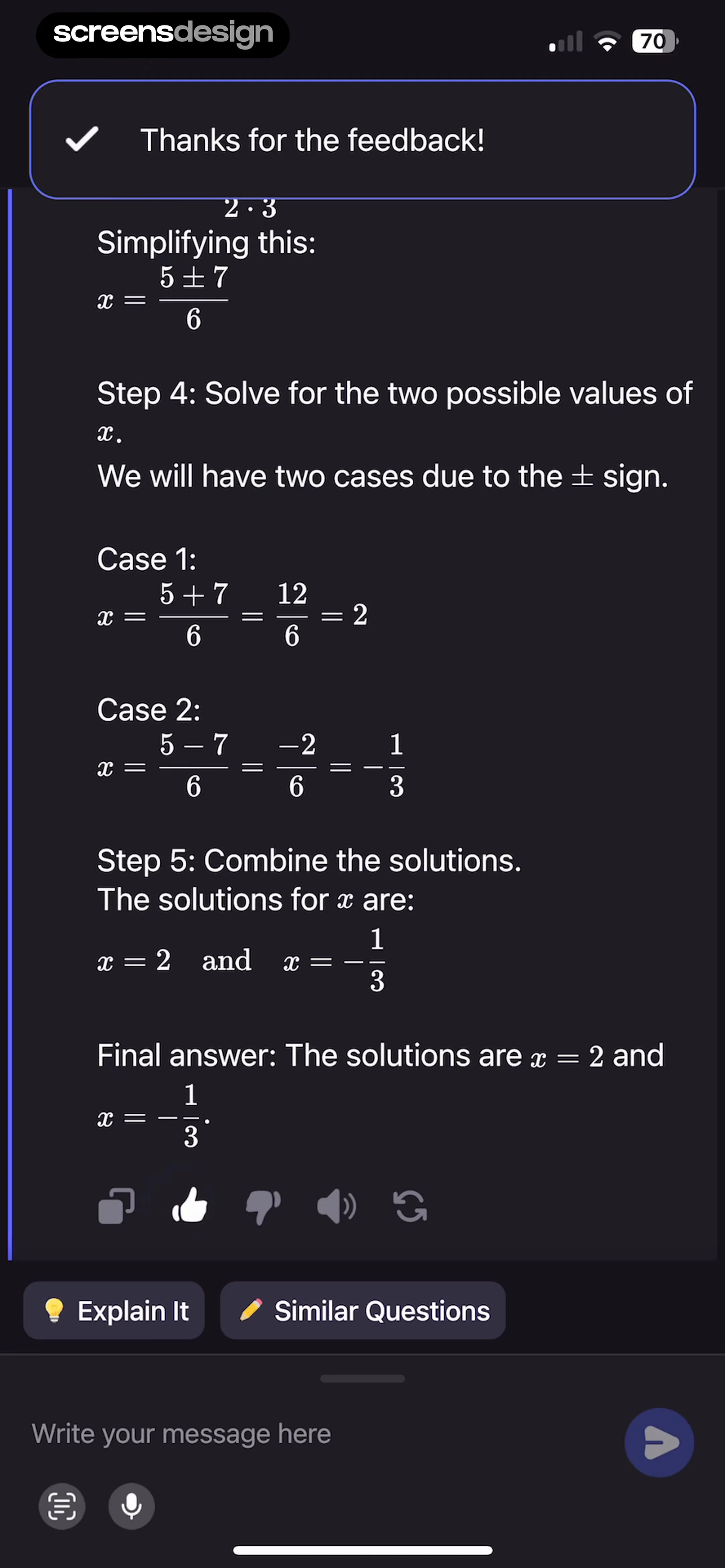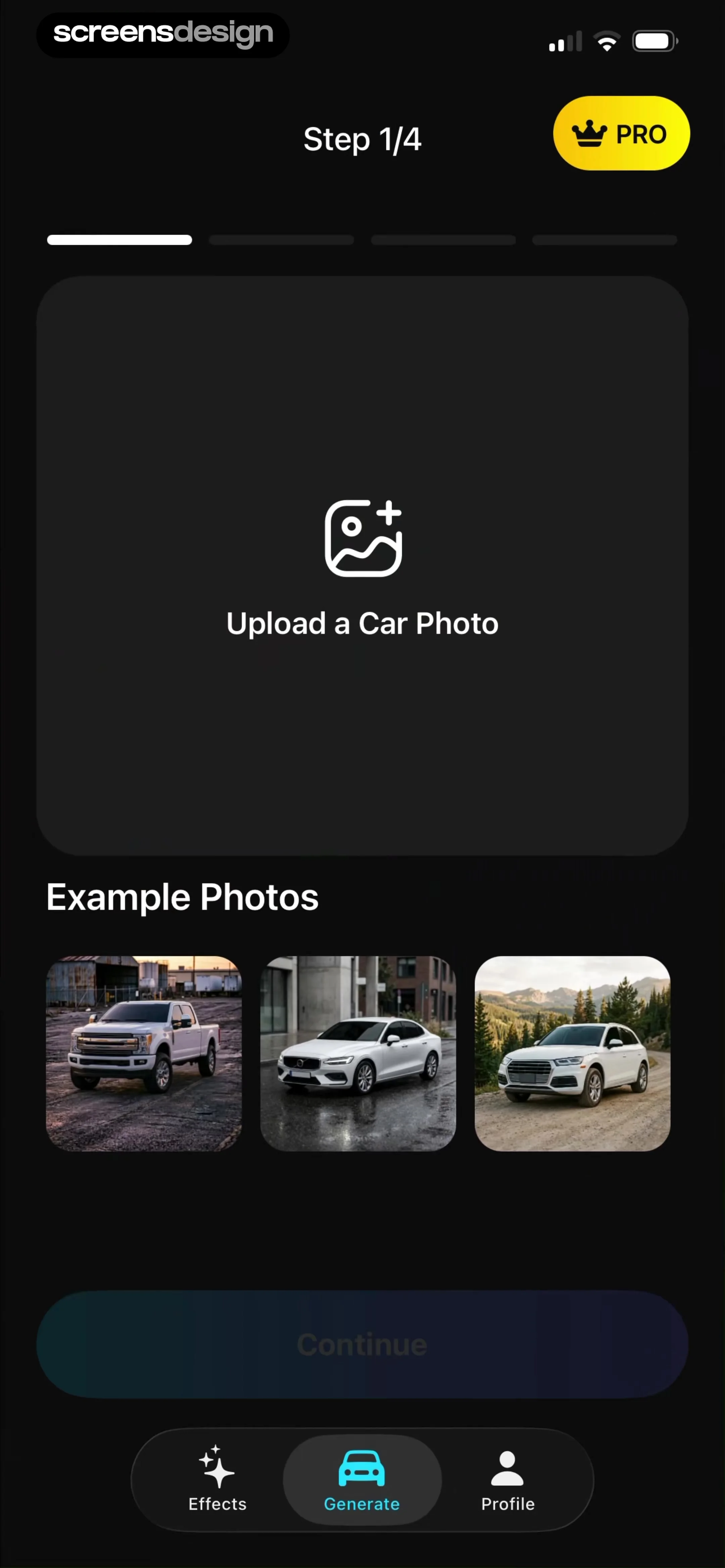
 See the flow
  ChatGPT
To the left of the input field is a plus icon for attachments, and to the right is a send button.
 See the flow
  Yard AI: Backyard Design
At the bottom, a text input field currently contains the user's query 'Plants to add here', accompanied by a plus icon for attachments and a send button.
 See the flow
  Precip - Rain Totals & Gauge
At the bottom, there is a message input field with placeholder text 'Message...', a paperclip attachment icon, and an upward-pointing arrow button for sending messages.
 See the flow
  Fishbox - Smart Fishing App
At the very bottom, there is a text input field labeled 'Start typing...' with an attachment paperclip icon to the left, allowing the user to interact with the AI assistant.
 See the flow
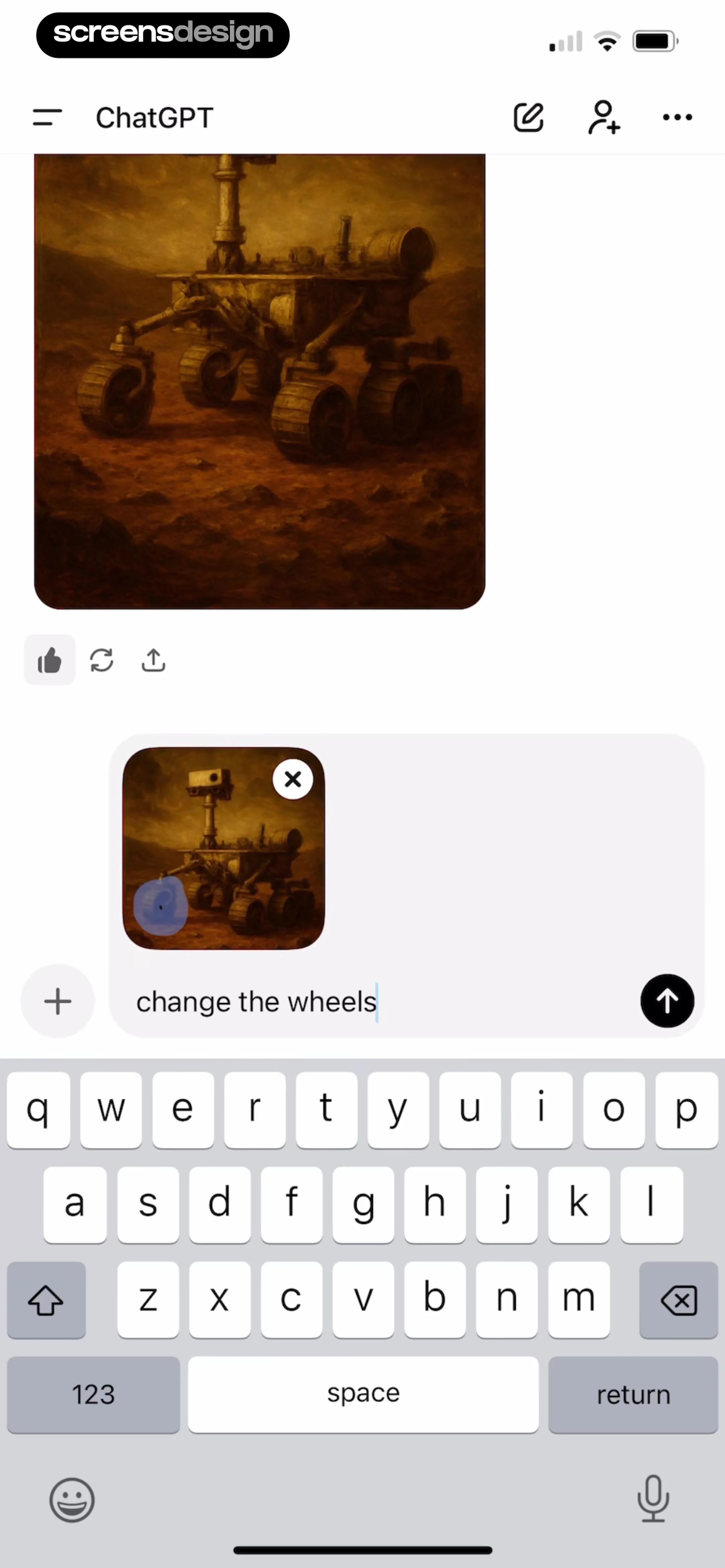
  Claude by Anthropic
Top navigation bar, chat history area with AI response, message input box with image attachment, and system keyboard.
 See the flow
  Scanner App: Genius Scan
Below these fields, there is a list of three attached files: 'log.txt' (68 KB), 'receipt.data' (5 KB), and 'diagnostics.zip' (42 KB), each with a remove icon.
 See the flow Precip - Rain Totals & Gauge
At the very bottom, there is a text input field labeled 'Message...' with an attachment icon and an upward-pointing arrow button for sending.
 See the flow Fishbox - Smart Fishing App
At the bottom of the screen, there is a text input field with an attachment icon, allowing the user to continue the conversation.
 See the flow Yard AI: Backyard Design
At the bottom, there is a text input field with a plus icon for attachments and an upward arrow for sending messages.
 See the flow
  Widgetable: Besties & Couples
Further down, there is an 'Images' section with a dashed-border square button containing a plus icon for uploading attachments, indicating a limit of 0/4 images.
 See the flow
  1.1.1.1: Faster Internet
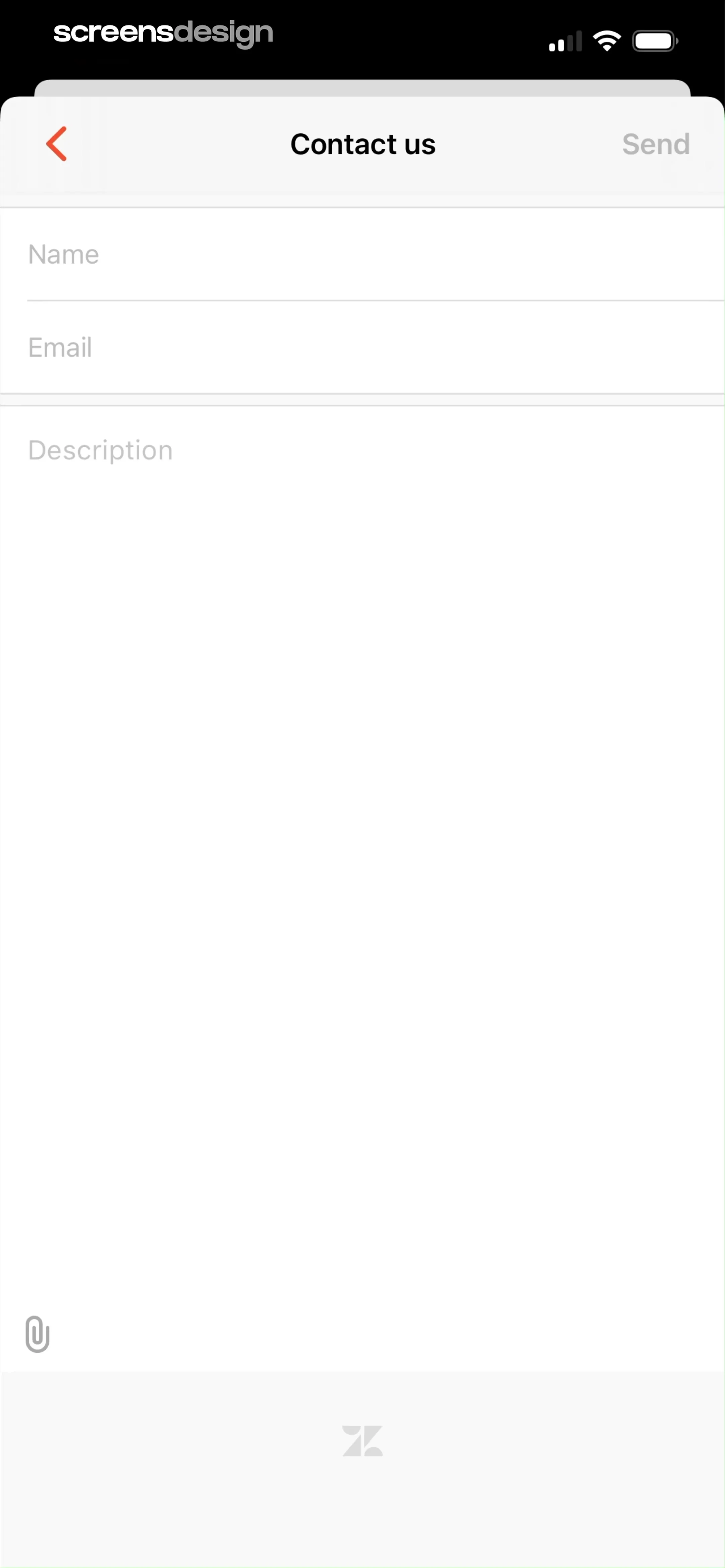
At the bottom left of the text area, there is a paperclip icon for attachments.
 See the flow
  Layout for Instagram・Inpreview
The bottom right corner contains a send button (paper plane icon) and an attachment icon to the left of it.
 See the flow
  Yelp: Food, Services & Reviews
At the bottom, there is a text input field containing the text 'Hi!' with a cursor, accompanied by an image attachment icon on the left and a red send button on the right.
 See the flow Yelp: Food, Services & Reviews
Top navigation bar, large empty message history area with timestamp and system notification, and a bottom message input area with an attachment button.
 See the flow
  Budget app - spending tracker
A text input field for 'Note' is provided with an image attachment icon.
 See the flow Budget app - spending tracker
There is a 'Note' field with an input box containing placeholder text 'Note...' and an image attachment icon.
 See the flow
  Vivino: Drink The Right Wine
At the bottom, a text input field contains the user's typed message 'hi!', flanked by a plus icon on the left for attachments and a send icon on the right.
 See the flow
  HBX | Globally Curated Fashion
At the bottom, there is a text input field labeled 'Choose an option' with attachment and send icons.
 See the flow
  invideo AI: AI Video Generator
At the bottom, there is a text input field for composing new messages, featuring attachment and voice input icons, and a send button.
 See the flow
  Ascend: Bible Game
At the bottom, a fixed input bar allows users to type messages, featuring a plus icon for attachments and a send button on the right.