

 See the flow
  CamScanning: AI Measure & Scan
At the top, a header displays a cloud icon and the text 'Identify The Cloud' with a dropdown arrow.
 See the flow
  Layout for Instagram・Inpreview
At the top, a header displays the account name 'screensdesign_official' with a dropdown arrow, alongside refresh and options icons.
 See the flow
  Deezer: Music Player, Podcast
The main body consists of three input fields: 'Username' (pre-filled with 'screensdesigns'), 'Identity' (a dropdown-style selector currently set to 'Female'), and 'Age' (pre-filled with '31').
 See the flow
  Hypelist: Create & Share Lists
A 'Popularity' dropdown menu and a location-centering icon are positioned above this card.
 See the flow
  DAZN: Stream Live Sports
The interface features a dark-themed layout with a top navigation bar containing a back button, the league logo, a dropdown menu for season selection, and a favorite star icon.
 See the flow
  Premier League - Scores, News
A secondary filter bar provides dropdown-style selectors for 'Competition' (currently set to 'Premier League') and 'Club' (currently set to 'All Clubs').
 See the flow
  SunSafe: UV Index & Tanning
At the top, a location selector shows 'New York' with a dropdown arrow.
 See the flow
  Plane Finder ⁃ Flight Tracker
The terminal selector is currently open as a dropdown menu overlay, listing options like 'All Terminals', '1', '4', '5', '7', and '8'.
 See the flow
  HBX | Globally Curated Fashion
Below this, a '0 Results Found' message is displayed, followed by a horizontal scrollable list of active filter chips (Black, Blue, Brown, Nike, Shoes) and a 'Recommended' dropdown menu.
 See the flow
  Vivino: Drink The Right Wine
Above the keyboard, there are two pill-shaped buttons for 'Add flavors' and 'Mention someone', each with a dropdown arrow.
 See the flow
  Calorie Counter by Numify
At the top, a navigation bar features a back button and a dropdown menu labeled 'Snacks'.
 See the flow
  VSCO: Photo & Video Editor
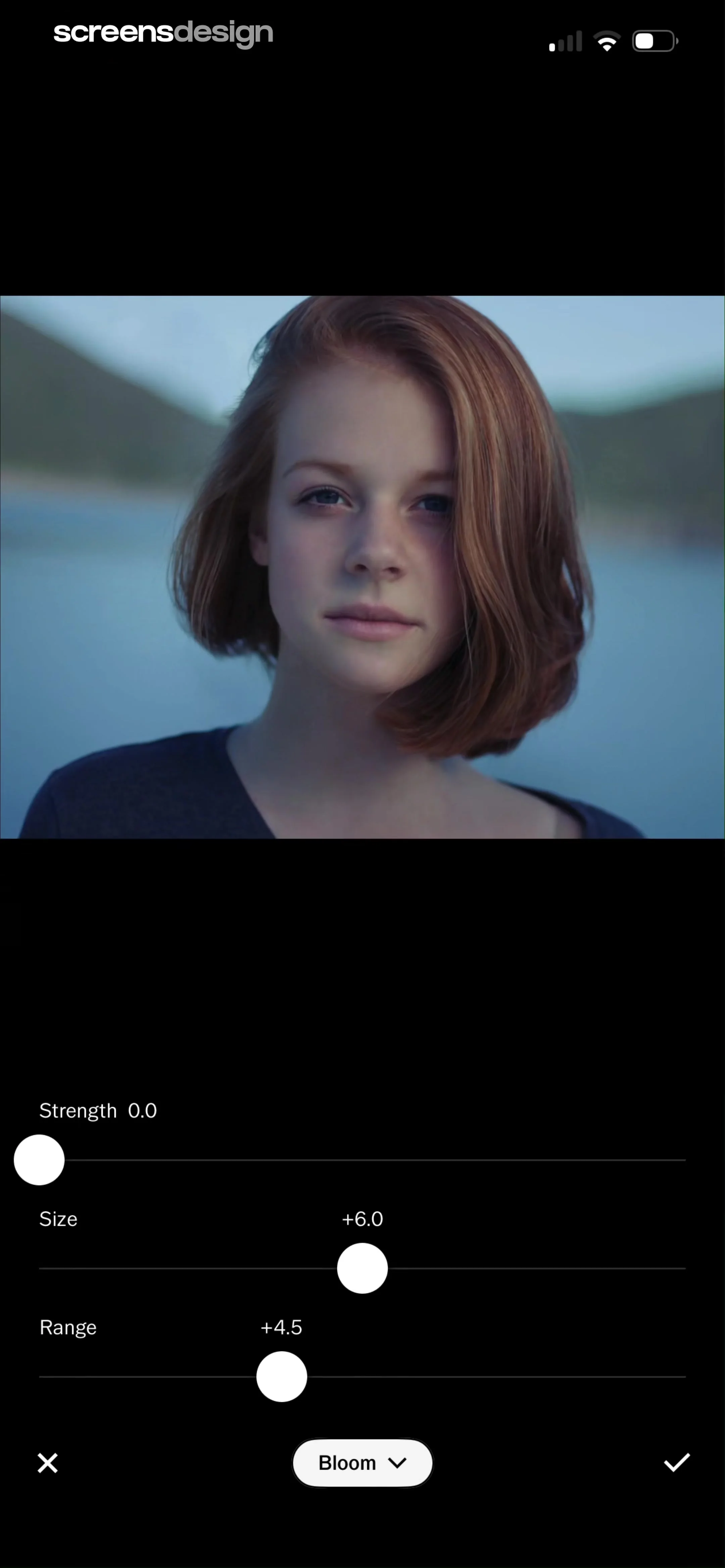
At the bottom of the screen, there is a central menu button labeled 'Bloom' with a dropdown arrow, flanked by a cancel (X) button on the left and a checkmark (confirm) button on the right.
 See the flow
  ZARA
ZARAThe repair form uses a state dropdown with Florida shown as the current value.
 See the flow
  Tiny Scanner - PDF Scanner App
Header with title and skip button, followed by a form card containing text inputs and a dropdown list, ending with a large bottom action button.
 See the flow
  Filmit AI: AI Cinematic Video
A 'Select Model' dropdown menu allows choosing between AI models, currently set to 'Nano banana2'.
 See the flow
  SnoreLab : Record Your Snoring
The top section features a navigation bar with a 'Snore Score' dropdown, a chart icon, and a calendar icon.
 See the flow
  Nerd AI - Math Problem Solver
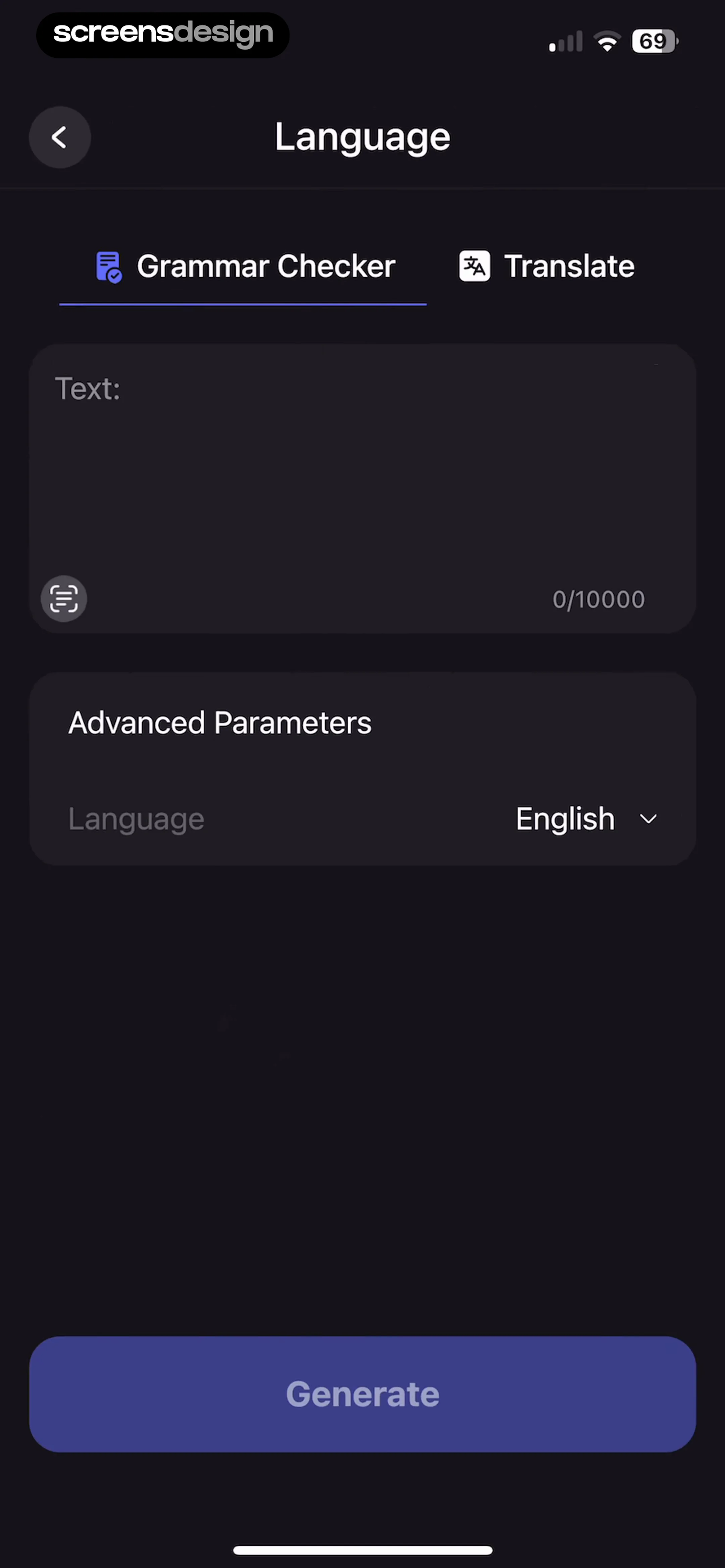
Below this, an 'Advanced Parameters' section includes a dropdown menu for selecting the language, currently set to 'English'.
 See the flow
  Rooms
RoomsA 'Filter by category' dropdown menu is positioned at the top right of the list.
 See the flow
  Planner 5D: AI Home Design
The main body of the screen features two input fields: 'Document' with the current value 'materials' and 'Folder name' with the current value 'Materials' and a dropdown arrow icon.
 See the flow
  Precip - Rain Totals & Gauge
A dropdown menu for 'Theme' is currently open, showing 'Light', 'Dark', and 'System' options, with 'System' selected.


