

 See the flow
  Litres: Audio
A floating menu is currently open, showing sorting options 'Popular' and 'New releases'.
 See the flow
  Budget app - spending tracker
A dropdown menu is currently open, offering sorting options: 'Recent to Past', 'Past to Recent', 'Price High to Low', and 'Price Low to High'.
 See the flow
  Fishbox - Smart Fishing App
This screen is a 'Sort and filters' modal overlay for a fishing knot library.
 See the flow
  Klook: Travel & Activities
A 'Sort by' dropdown menu is currently active, presented as a bottom sheet overlay.
 See the flow
  IDAGIO Stream Classical Music
A 'Sort by date' dropdown and a 'Filter' button are present.
 See the flow
  WebNovel - Read Novels & Manga
This screen displays a list of children's books within a reading application, overlaid with a 'Sort By' bottom sheet modal.
 See the flow
  Heyyyy: Stories that text back
Below this, a filter toggle allows users to sort by 'Most Recent' or 'Available First'.
 See the flow
  HBX | Globally Curated Fashion
Below the page title, a dropdown menu is currently open, showing sorting options: 'New Arrivals' (selected), 'Price Low To High', and 'Price High To Low'.
 See the flow
  Redfin: Buy, Sell & Rent Homes
This screen displays a real estate property search results page in the Redfin app, featuring a modal dropdown menu for sorting options.
 See the flow
  Good Food: Recipe Finder
This screen displays a search results page for 'Pasta' in a recipe discovery app, overlaid with a modal bottom sheet for sorting options.
 See the flow
  Yelp: Food, Services & Reviews
This screen displays a Yelp collection detail page with a modal overlay for sorting options.
 See the flow
  Wallcraft – Wallpapers, live
A 'POPULAR' dropdown menu is active, triggering a modal overlay at the bottom of the screen titled 'SORT WALLPAPERS BY', which offers 'New' and 'Popular' sorting options and a 'Close' button.
 See the flow
  SnoreLab : Record Your Snoring
The top navigation bar includes a back button, the title 'Pinned Recordings', a sort icon, a filter icon, and a kebab menu.
 See the flow
  VSCO: Photo & Video Editor
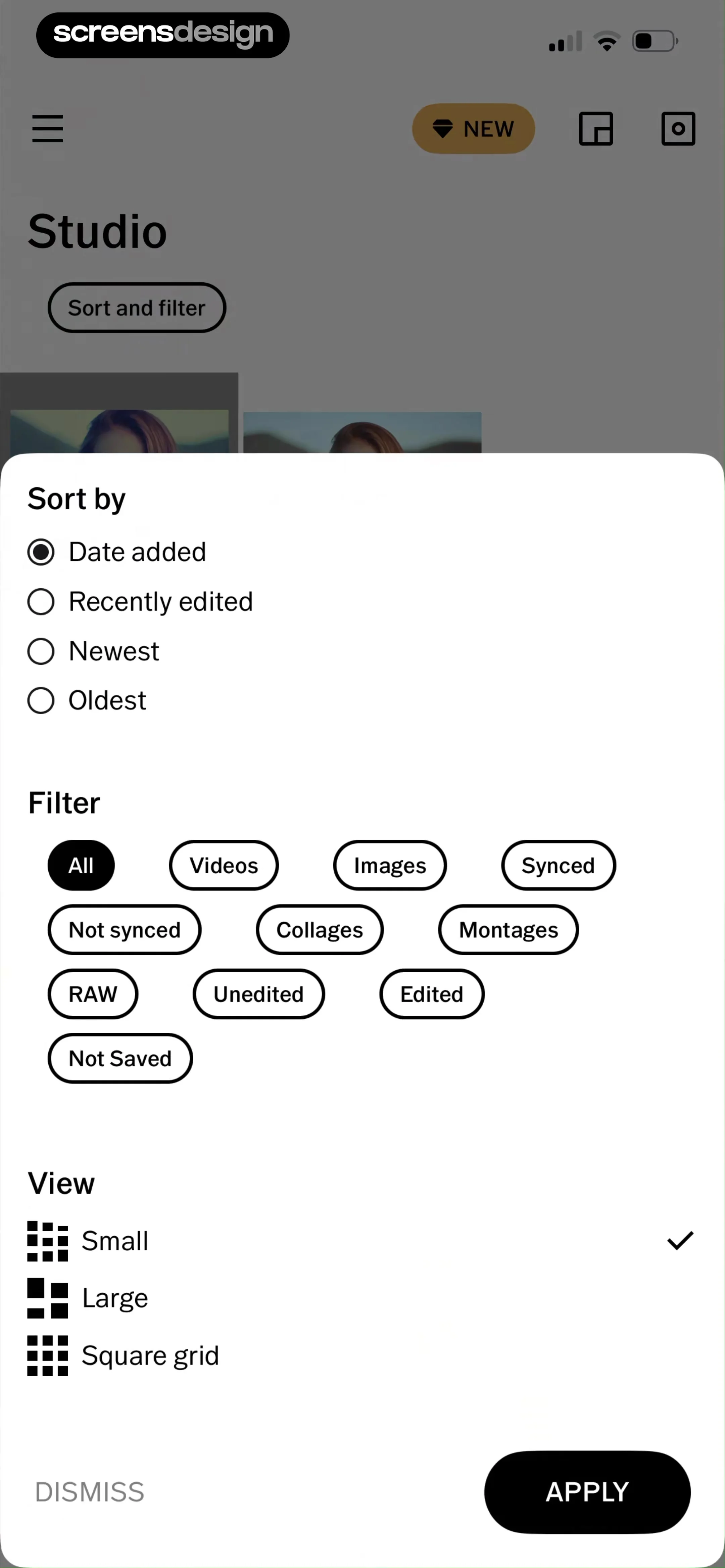
A modal overlay centered on the screen containing three distinct sections: Sort by, Filter, and View, with action buttons at the bottom.
 See the flow
  Gaia GPS: Mobile Trail Maps
A modal sheet with a top navigation bar followed by two distinct sections containing list items and controls.
 See the flow
  Noxogy Sleep Tracker
This screen displays a sleep recording summary interface with an active modal overlay for sorting options.
 See the flow
  calimoto Motorcycle Navigation
This screen displays a modal overlay titled 'Sort by...' on top of a 'Planned' rides list in the calimoto motorcycle navigation app.
 See the flow
  The Wall Street Journal. News
Top navigation tabs, watchlist header with sort/add controls, list content area with overlay modal, promotional card at bottom, and bottom navigation bar.
 See the flow
  AI Song Generator: Mozart
Below this, a dropdown menu is open, showing sorting options: 'Recents', 'Oldest First', and 'Name (A-Z)'.
 See the flow
  Hypelist: Create & Share Lists
In the center-right, a small pop-up menu displays sorting options: 'Popularity' with a star icon and 'Distance' with a location pin icon.


