 See the flow
  SnoreLab : Record Your Snoring
Below, a card displays an existing reminder set for 1:00 AM, active on all days of the week, with a toggle switch.
 See the flow
  Zutobi: Permit & Driving Prep
This screen displays a modal overlay within the Zutobi driving test preparation app, prompting the user to set study reminders.
 See the flow
  Bible Chat: Daily Devotional
Top close button, centered icon, title, description, time input field, and bottom primary action button.
 See the flow Bible Chat: Daily Devotional
Top close button, central icon, text header, time input field, day-of-week selector, and bottom primary action button.
 See the flow
  Plant Identifier, Care: Planty
A modal sheet with a header, a central icon, a settings form with date and frequency options, and a bottom action button.
 See the flow
  Widgetable: Besties & Couples
This screen shows a modal overlay for setting a reminder time within the Widgetable app, specifically for a virtual pet named 'Kitty'.
 See the flow
  Yelp: Food, Services & Reviews
This screen displays a modal overlay on top of a restaurant business page in the Yelp app, specifically for setting a waitlist reminder.
 See the flow
  Sky Tonight - Stargazing Guide
The modal, titled 'Reminder Error', informs the user that 'Reminders can only be set for a future time' and provides a single 'OK' button to dismiss it.
 See the flow
  Layout for Instagram・Inpreview
Top navigation bar, central image preview, vertical list of input fields, and a bottom full-width action button.
 See the flow
  Budget app - spending tracker
This is a modal screen for setting a reminder in a personal finance app.
 See the flow
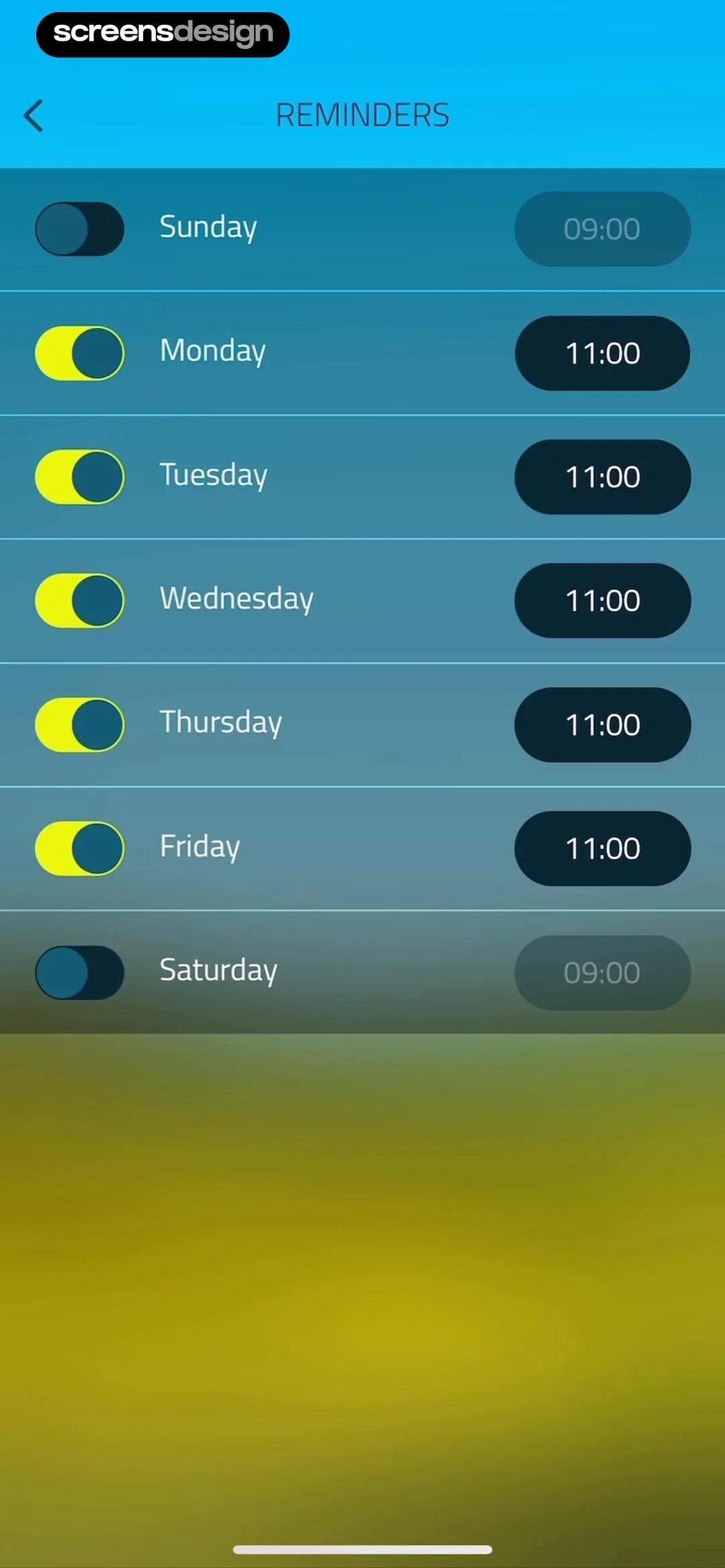
  10K Runner, Couch to 10K Run
This screen is a 'Reminders' settings page for a fitness app, featuring a list of the seven days of the week.
 See the flow
  DAZN: Stream Live Sports
Categories include 'All alerts', 'Event reminders', 'Lineups', 'Kick off', 'Half time', 'Full time', 'Goals', 'Red cards', 'Penalties', and 'Live Updates'.
 See the flow
  Flight Tracker +
Header at top, followed by a grouped list of features, general settings, and unit settings, with a bottom navigation bar.
 See the flow
  SunSafe: UV Index & Tanning
At the top, a navigation bar includes a back button labeled 'Settings' and a centered title 'Reminders'.
 See the flow
  EveryDollar: Budget Management
The third card, 'Transactions Reminder', includes subtext explaining that it triggers a reminder every Tuesday at 9:00 AM for transaction tracking.
 See the flow Plant Identifier, Care: Planty
The screen is a modal overlay with a header, a central icon, a settings section with a date picker, a toggle, two selection cards, and a bottom action button.
 See the flow
  Too Good To Go: Save Good Food
Below these, there is a 'Daily reminder' section that allows users to select specific days of the week for reminders to save food.
 See the flow
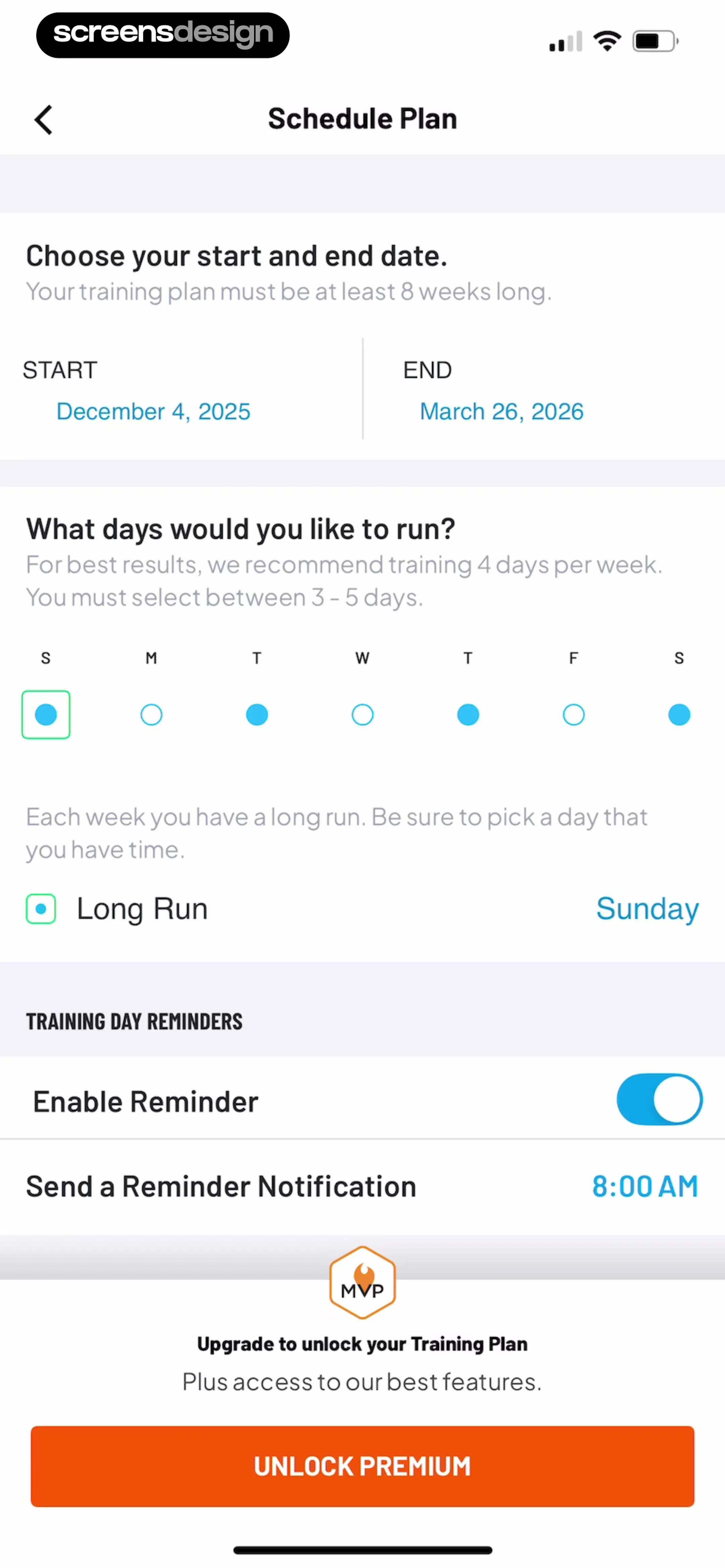
  Map My Run GPS Running Tracker
The middle section includes a 'Training Day Reminders' area with a toggle to enable reminders and a time selector for notifications.
 See the flow
  Redfin: Buy, Sell & Rent Homes
Below this, a section header labeled 'TOURS' introduces a single toggle-controlled setting: 'Scheduled tour reminders'.
 See the flow
  Noxogy Sleep Tracker
This screen is a settings page for configuring a daily reminder in a sleep tracking application.


