

 See the flow
  Heyyyy: Stories that text back
Top navigation bar followed by segmented tabs, then grouped settings sections (Account, Appearance, Preferences, Help & Support), ending with a bottom destructive action button.
 See the flow
  calimoto Motorcycle Navigation
A modal window centered over an account settings page containing profile information and account details.
 See the flow
  Redfin: Buy, Sell & Rent Homes
The 'ACCOUNT' section contains links for 'Personal Information', 'Change Password', 'Delete Account', 'Feed Settings', and 'Directions'.
 See the flow
  Plant Identifier, Care: Planty
Top back button and title, central illustration, warning text block, primary action button, and bottom navigation bar.
 See the flow
  Transit • Subway & Bus Times
A modal overlay centered on the screen, appearing on top of a settings-style background with sections for Favourites and Preferences.
 See the flow
  Too Good To Go: Save Good Food
This is a 'Manage account' settings screen in the Too Good To Go app.
 See the flow
  DAZN: Stream Live Sports
This is an 'Account settings' screen within the DAZN app, featuring a dark-themed interface.
 See the flow
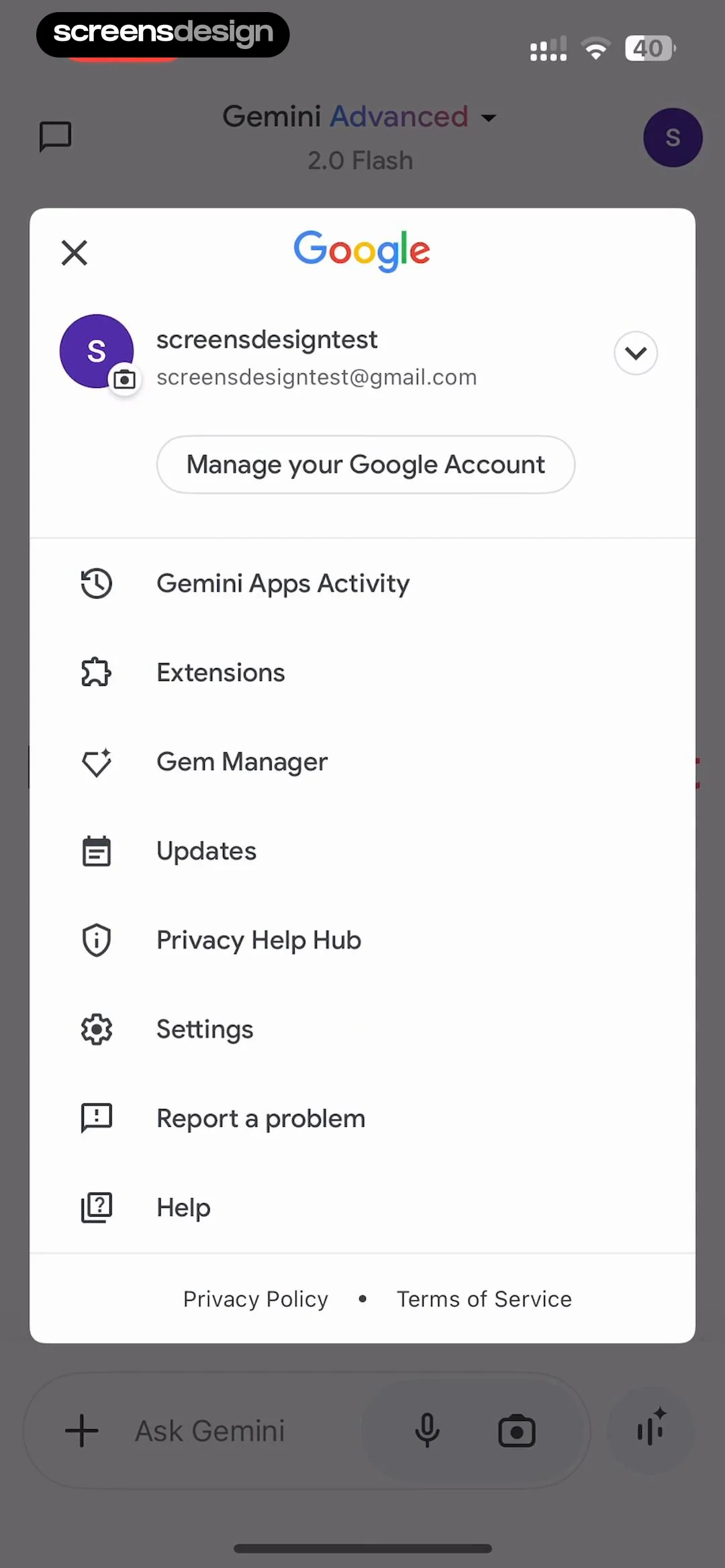
  Google Gemini
Below this is a 'Manage your Google Account' button.
 See the flow
  invideo AI: AI Video Generator
Header with title, user profile card, two grouped lists of settings, and two bottom action buttons.
 See the flow
  Wallcraft – Wallpapers, live
The 'Account' section contains two options: 'Log Out' and a destructive action 'Delete Account' highlighted in red text.
 See the flow
  SmartNews: Now in Spanish
The screen consists of a header title, followed by two main content sections detailing data deletion policies, a final note, and two stacked action buttons at the bottom.
 See the flow
  Klook: Travel & Activities
The layout is a vertical list organized into three distinct sections: 'Account settings', 'Preferences', and 'Others'.
 See the flow
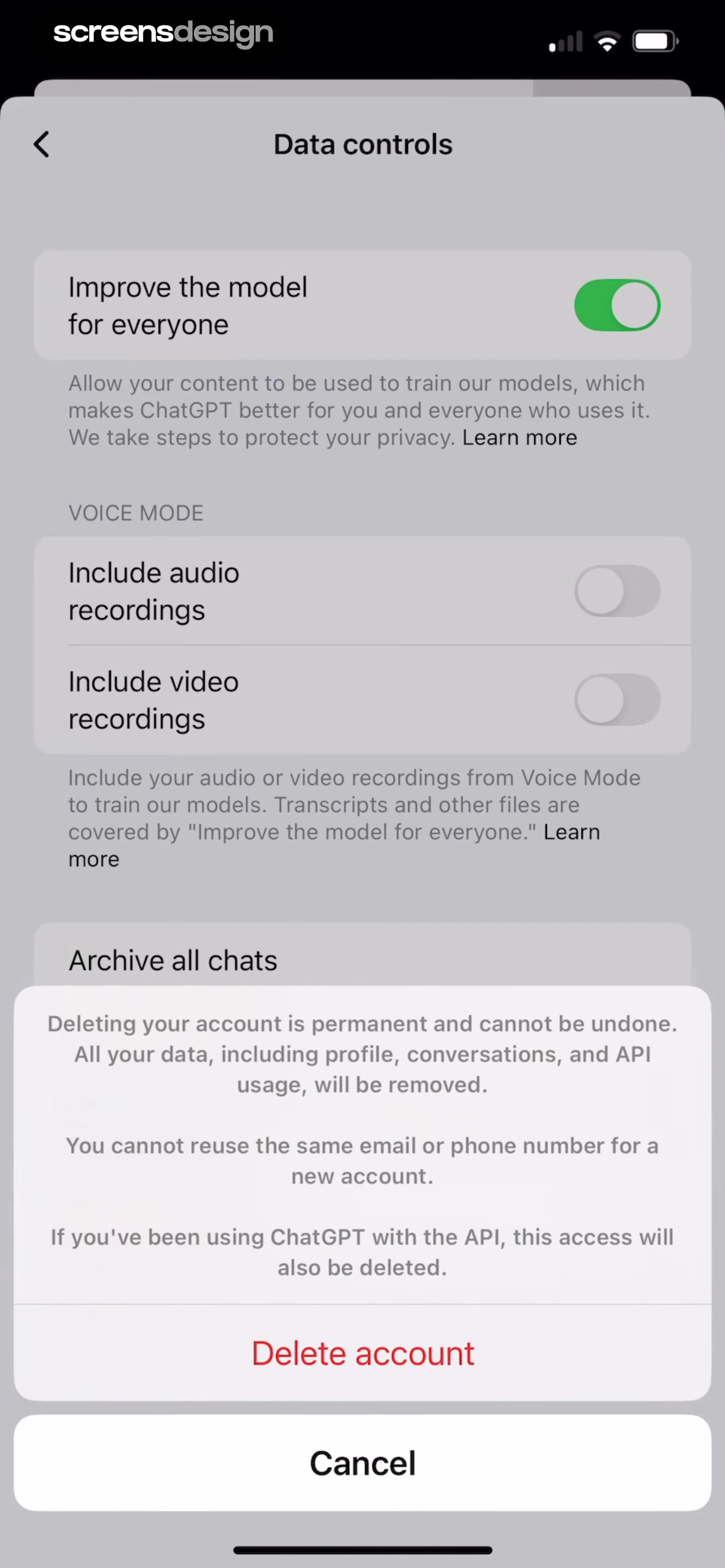
  ChatGPT
Top navigation bar with title, followed by a list of data control settings, with a centered modal overlay for account deletion confirmation.
 See the flow
  The Guardian - US & World News
This screen displays a 'Manage account' settings page for The Guardian app, overlaid with a confirmation modal.
 See the flow
  HelloBot - Astrology & Tarot
The 'Account' section displays a user ID number '67118554' with a 'Copy user id' button, followed by an 'Account settings' row.
 See the flow
  Quinn - Audio Stories
The main body contains sections for 'Your Account' (with options for account settings, profile, and sharing) and 'Info' (with 'About' and 'Roses' links).
 See the flow
  The Wall Street Journal. News
This is a 'Manage My Account' settings screen within The Wall Street Journal app.
 See the flow
  Precip - Rain Totals & Gauge
A prominent modal overlay is visible at the bottom, containing a 'Delete account' button in red text and a 'Cancel' button, with a disabled 'Delete your entire account?' header.
 See the flow
  Particle: Personalized News
A vertical list of settings options grouped by headers, with a modal close button at the top and social/legal links at the bottom.
 See the flow
  Zutobi: Permit & Driving Prep
This screen is a 'Manage Account' settings page within the Zutobi app.


