screensdesign

Mobile file and media import flow examples

AI Summary - Meeting Notes: Importing a YouTube Video

Open recorded flow
  1. Step 1 · 4:25

    AI Summary - Meeting Notes: A modal overlay centered on a dashboard screen containing a header, navigation tabs, and a list of notes.See the flow
    AI Summary - Meeting Notes

    A modal overlay centered on a dashboard screen containing a header, navigation tabs, and a list of notes.

  2. Step 2 · 4:27

    AI Summary - Meeting Notes: Top navigation with cancel button, followed by a title, a text input field, and a language selection card.See the flow
    AI Summary - Meeting Notes

    Top navigation with cancel button, followed by a title, a text input field, and a language selection card.

  3. Step 3 · 4:29

    AI Summary - Meeting Notes: Top navigation bar with Cancel, header title, input field, language selection card, and a centered system permission modal.See the flow
    AI Summary - Meeting Notes

    Top navigation bar with Cancel, header title, input field, language selection card, and a centered system permission modal.

  4. Step 4 · 4:31

    AI Summary - Meeting Notes: Top navigation with cancel button, followed by a title, a text input field, a language selection card, and a bottom primary action button.See the flow
    AI Summary - Meeting Notes

    Top navigation with cancel button, followed by a title, a text input field, a language selection card, and a bottom primary action button.

  5. Step 5 · 4:34

    AI Summary - Meeting Notes: The screen is organized vertically with a header, input field, language selection card, a central progress modal, and a bottom action button.See the flow
    AI Summary - Meeting Notes

    The screen is organized vertically with a header, input field, language selection card, a central progress modal, and a bottom action button.

  6. Step 6 · 4:52

    AI Summary - Meeting Notes: Top navigation bar, title and timestamp, embedded video player, segmented tabs, and a central progress card with status steps.See the flow
    AI Summary - Meeting Notes

    Top navigation bar, title and timestamp, embedded video player, segmented tabs, and a central progress card with status steps.

PDF Scanner AI: Scan Documents: Importing and Processing a Document

Open recorded flow
  1. Step 1 · 0:45

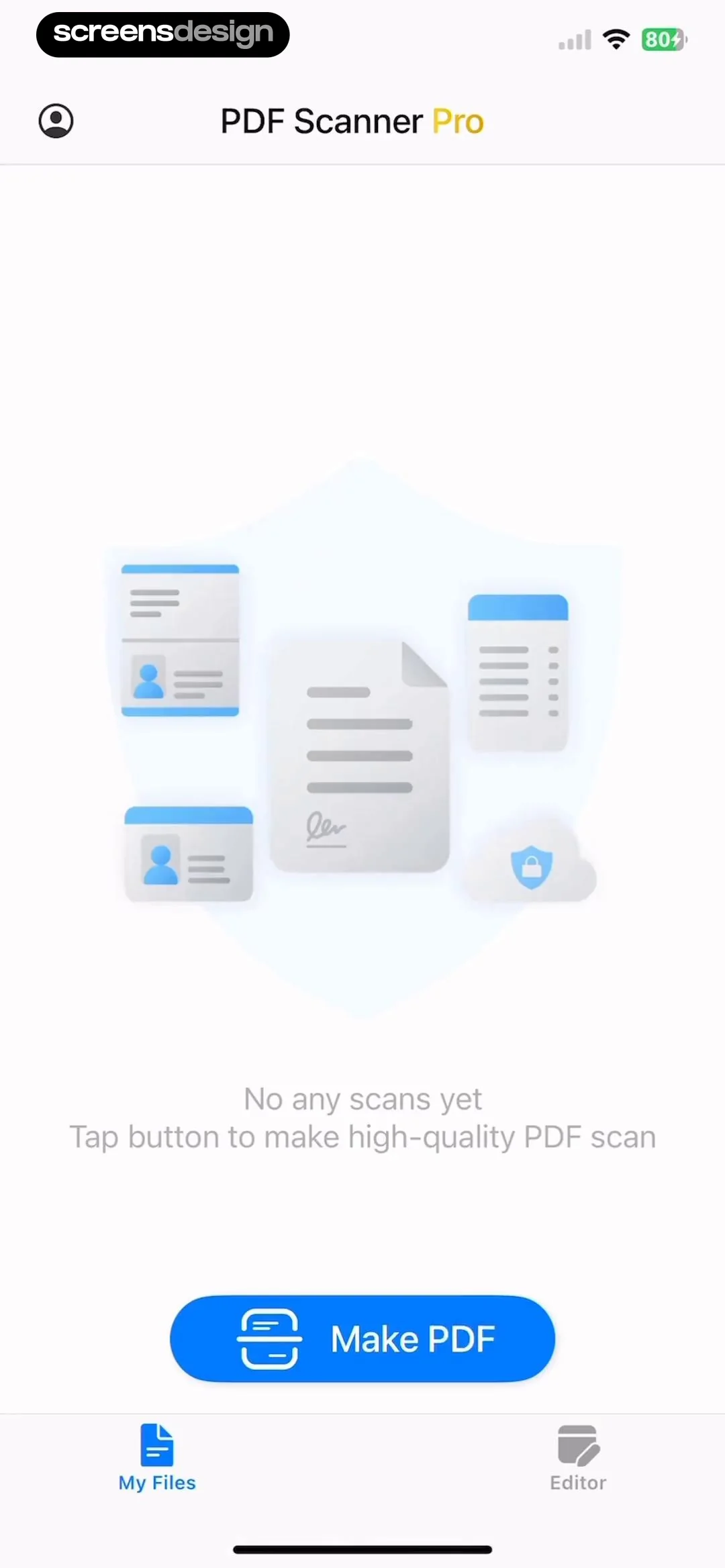
    PDF Scanner AI: Scan Documents: Top navigation bar, central illustration with instructional text, primary action button at the bottom, and a bottom navigation bar.See the flow
    PDF Scanner AI: Scan Documents

    Top navigation bar, central illustration with instructional text, primary action button at the bottom, and a bottom navigation bar.

  2. Step 2 · 0:46

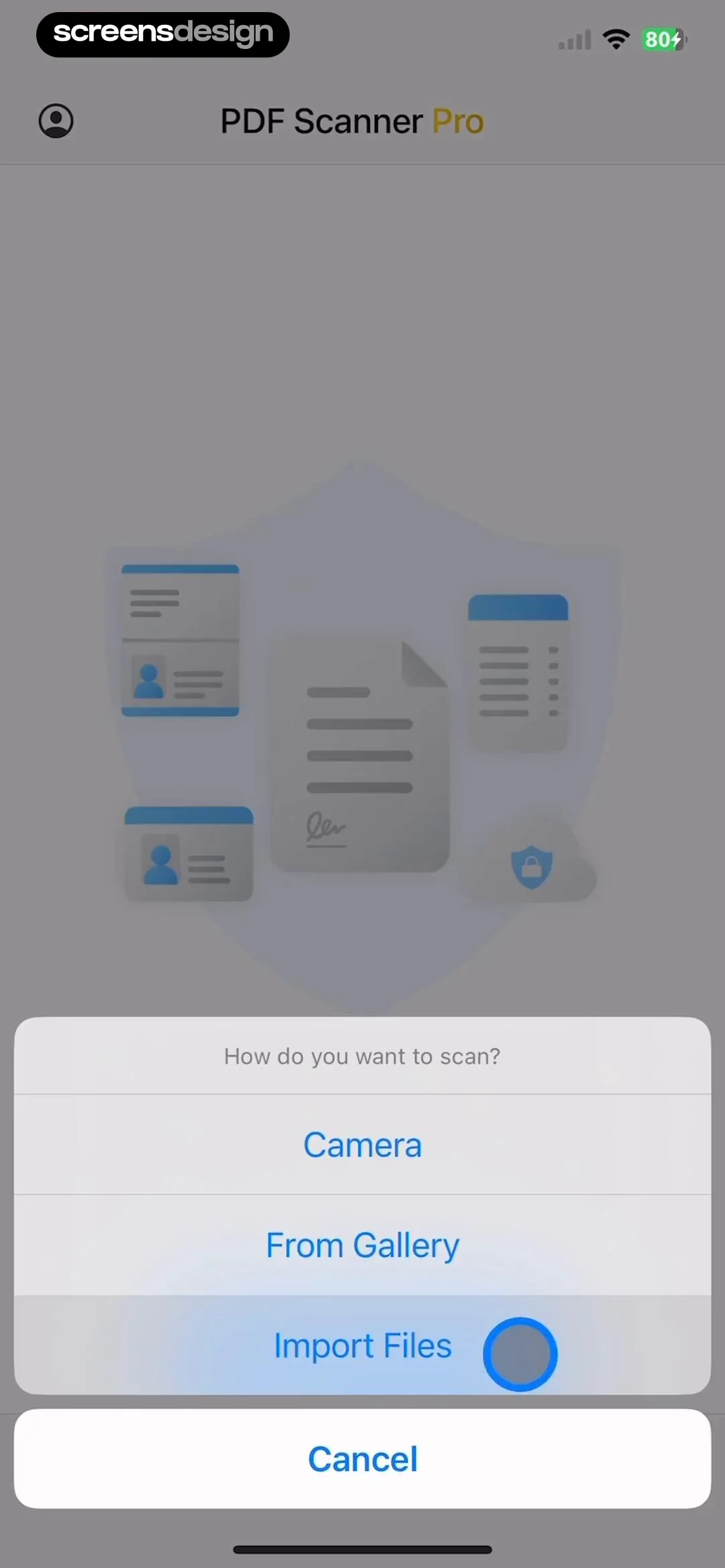
    PDF Scanner AI: Scan Documents: Top navigation bar, central illustration, bottom-aligned modal action sheet with list of options.See the flow
    PDF Scanner AI: Scan Documents

    Top navigation bar, central illustration, bottom-aligned modal action sheet with list of options.

  3. Step 3 · 0:53

    PDF Scanner AI: Scan Documents: Top navigation bar, search bar, grid of document thumbnails, bottom action bar.See the flow
    PDF Scanner AI: Scan Documents

    Top navigation bar, search bar, grid of document thumbnails, bottom action bar.

  4. Step 4 · 1:02

    PDF Scanner AI: Scan Documents: The screen is vertically centered with a title at the top, a three-step progress indicator in the middle, and a graphic element at the bottom.See the flow
    PDF Scanner AI: Scan Documents

    The screen is vertically centered with a title at the top, a three-step progress indicator in the middle, and a graphic element at the bottom.

Layout for Instagram・Inpreview: Add Media

Open recorded flow
  1. Step 1 · 1:42

    Layout for Instagram・Inpreview: A central system permission modal is centered over a grid-based feed planning interface.See the flow
    Layout for Instagram・Inpreview

    A central system permission modal is centered over a grid-based feed planning interface.

  2. Step 2 · 1:47

    Layout for Instagram・Inpreview: Header with profile info, followed by a 'New' button, a tab navigation bar, and a 3x4 grid of content previews.See the flow
    Layout for Instagram・Inpreview

    Header with profile info, followed by a 'New' button, a tab navigation bar, and a 3x4 grid of content previews.

  3. Step 3 · 1:53

    Layout for Instagram・Inpreview: Top navigation bar followed by a multi-column image grid, with a bottom modal sheet overlay.See the flow
    Layout for Instagram・Inpreview

    Top navigation bar followed by a multi-column image grid, with a bottom modal sheet overlay.

  4. Step 4 · 2:02

    Layout for Instagram・Inpreview: Top navigation bar followed by a multi-column grid of media thumbnails, with a bottom selection summary modal.See the flow
    Layout for Instagram・Inpreview

    Top navigation bar followed by a multi-column grid of media thumbnails, with a bottom selection summary modal.

Wallcraft – Wallpapers, live: Upload Media

Open recorded flow
  1. Step 1 · 5:06

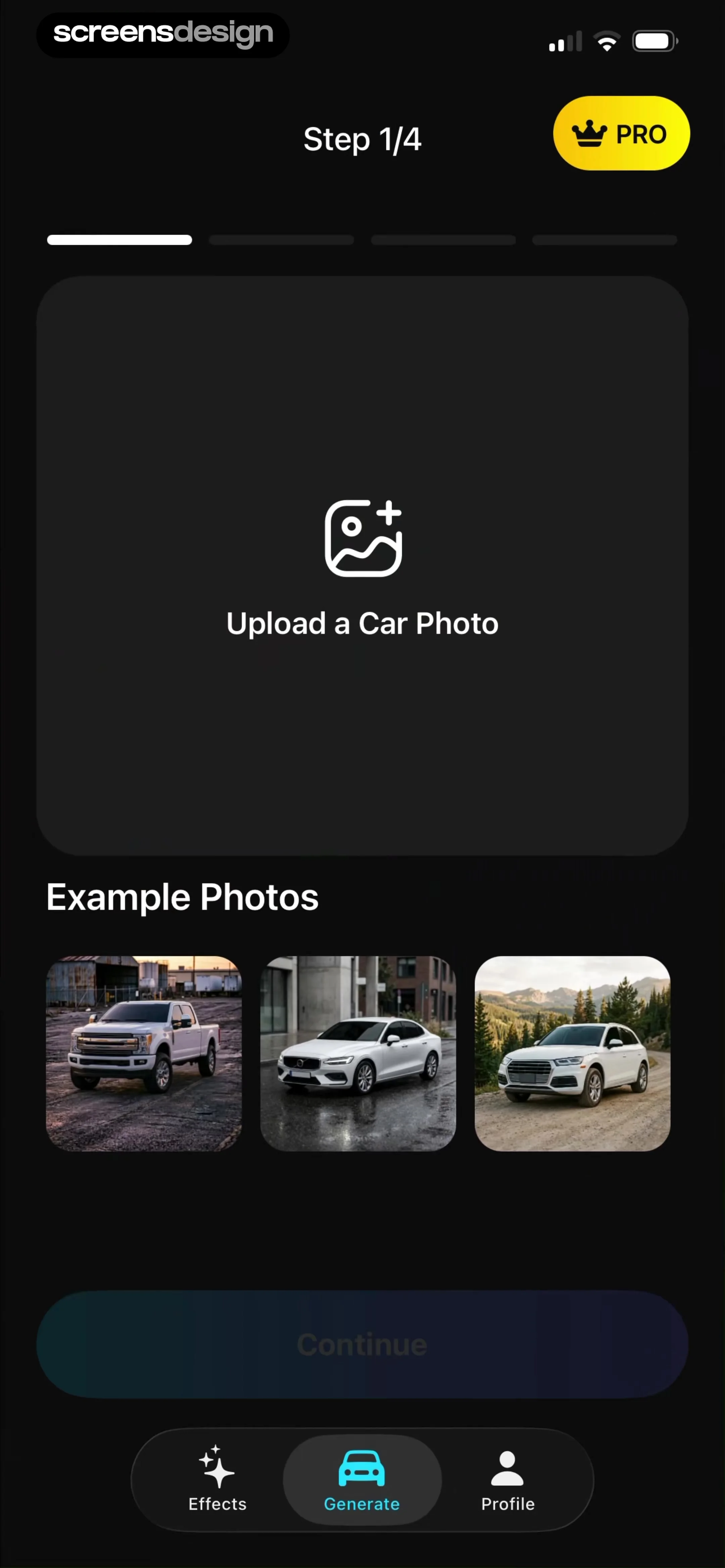
    Wallcraft – Wallpapers, live: Top navigation bar, central image upload area, tag input field, terms checkbox, and a bottom primary action button.See the flow
    Wallcraft – Wallpapers, live

    Top navigation bar, central image upload area, tag input field, terms checkbox, and a bottom primary action button.

  2. Step 2 · 5:10

    Wallcraft – Wallpapers, live: Top navigation bar with cancel and tab switcher, followed by a search bar, a privacy information banner, a grid of photo thumbnails, and a bottom toolbar.See the flow
    Wallcraft – Wallpapers, live

    Top navigation bar with cancel and tab switcher, followed by a search bar, a privacy information banner, a grid of photo thumbnails, and a bottom toolbar.

  3. Step 3 · 5:19

    Wallcraft – Wallpapers, live: Full-screen image background with a centered grid overlay and top-aligned navigation controls.See the flow
    Wallcraft – Wallpapers, live

    Full-screen image background with a centered grid overlay and top-aligned navigation controls.

  4. Step 4 · 5:35

    Wallcraft – Wallpapers, live: Top navigation bar, central image preview, tag input field, terms checkbox, and bottom primary action button.See the flow
    Wallcraft – Wallpapers, live

    Top navigation bar, central image preview, tag input field, terms checkbox, and bottom primary action button.

  5. Step 5 · 5:44

    Wallcraft – Wallpapers, live: Top navigation bar, central image preview, tag input field, terms checkbox, and bottom confirmation button.See the flow
    Wallcraft – Wallpapers, live

    Top navigation bar, central image preview, tag input field, terms checkbox, and bottom confirmation button.

Found an example you like?See the whole story.