
 See the flow Duolingo
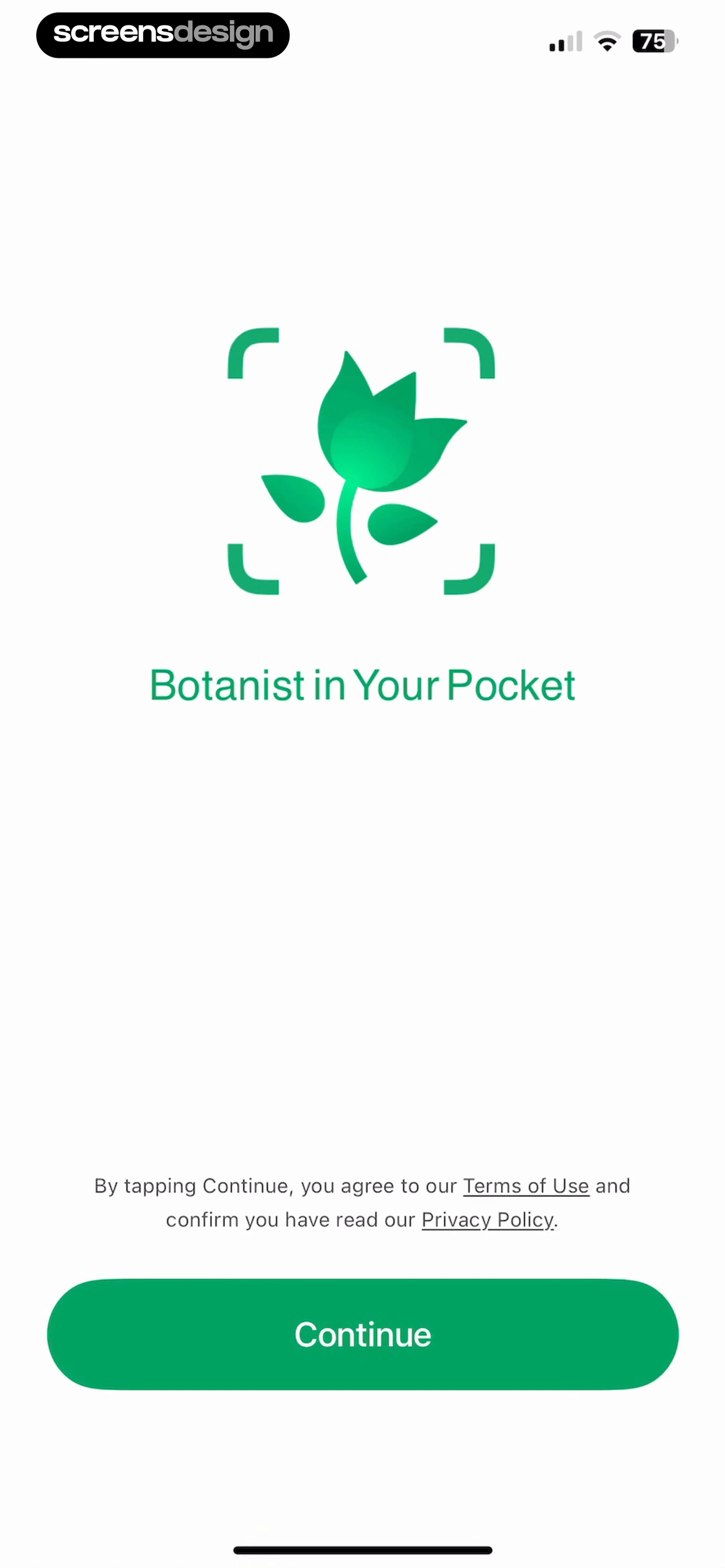
The opening splash uses the owl and a full green background.
 See the flow Duolingo
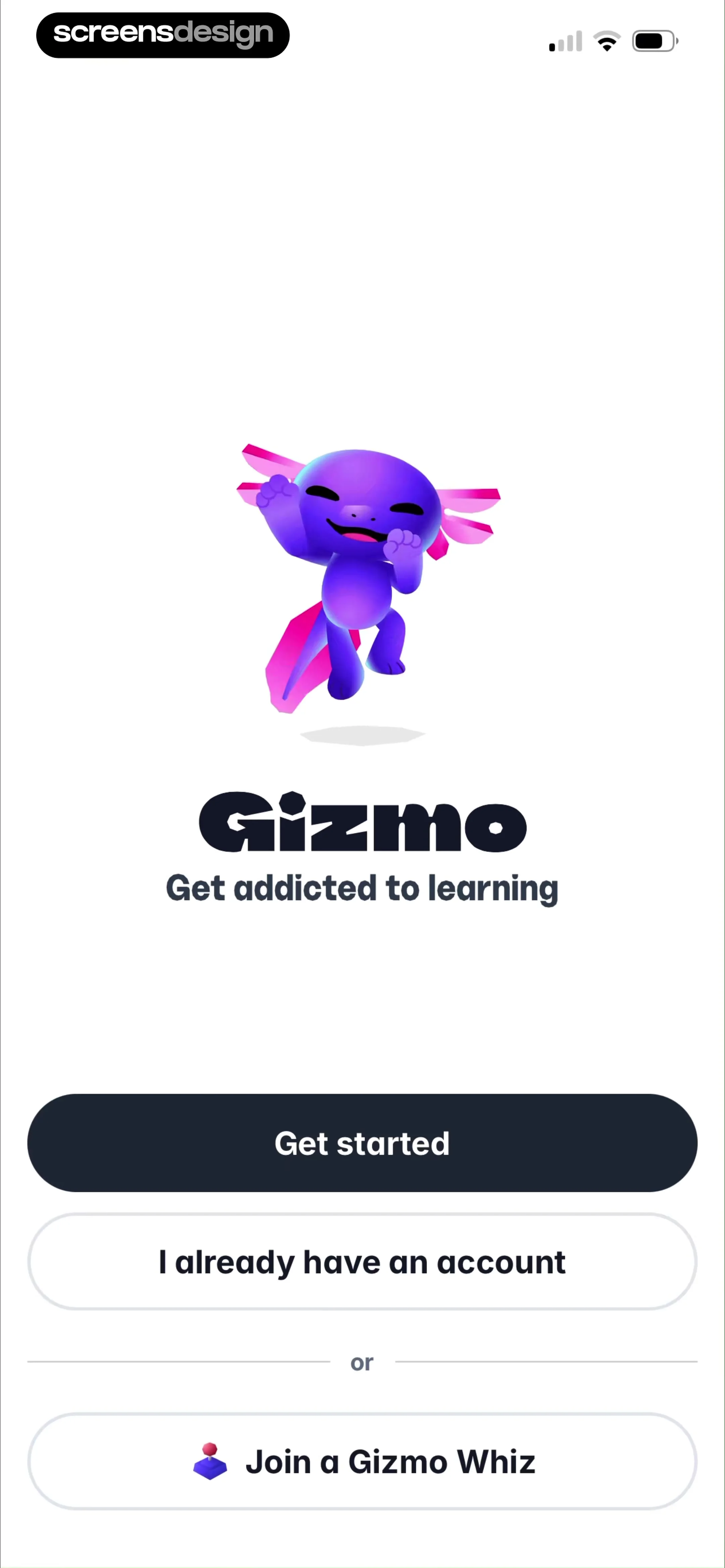
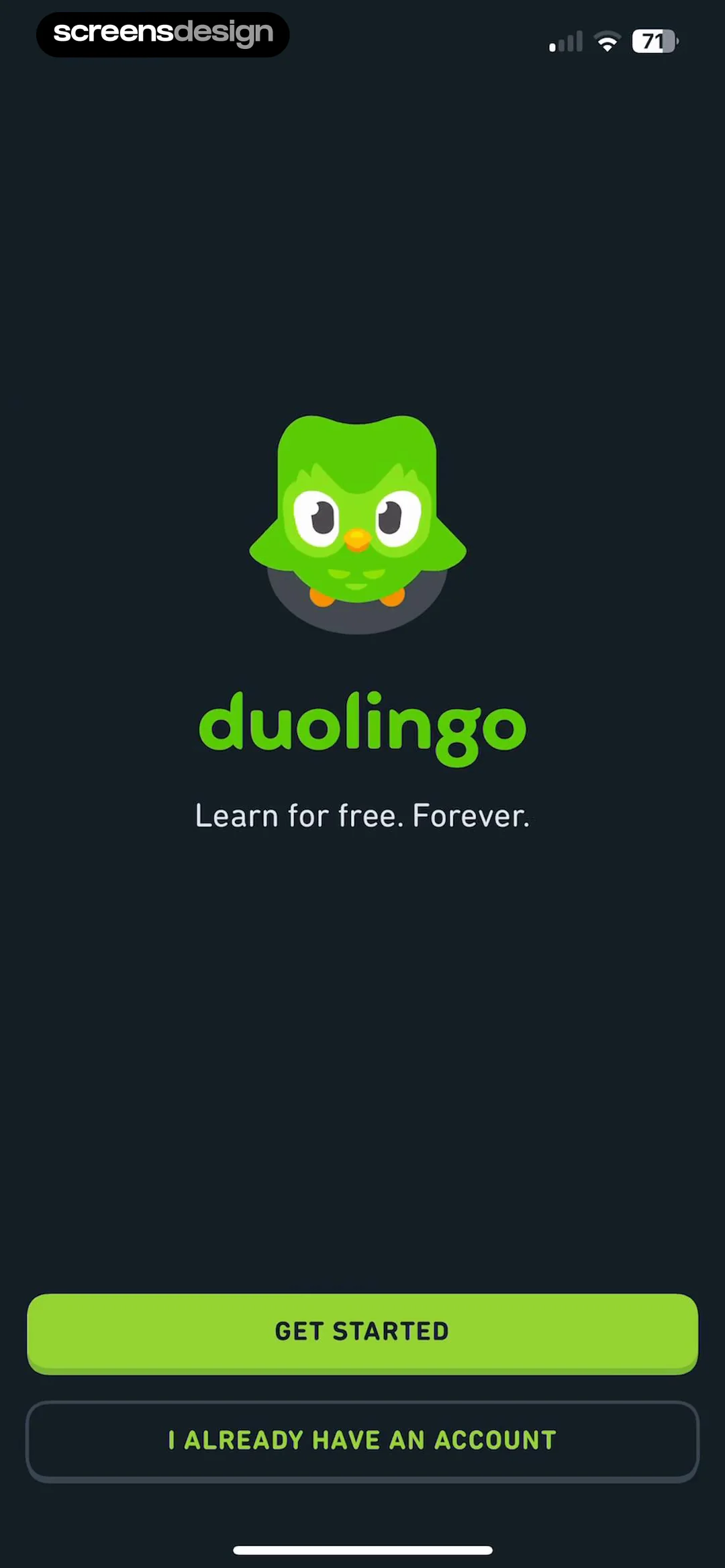
Getting started is the primary action; returning users have a separate account option.
 See the flow Duolingo
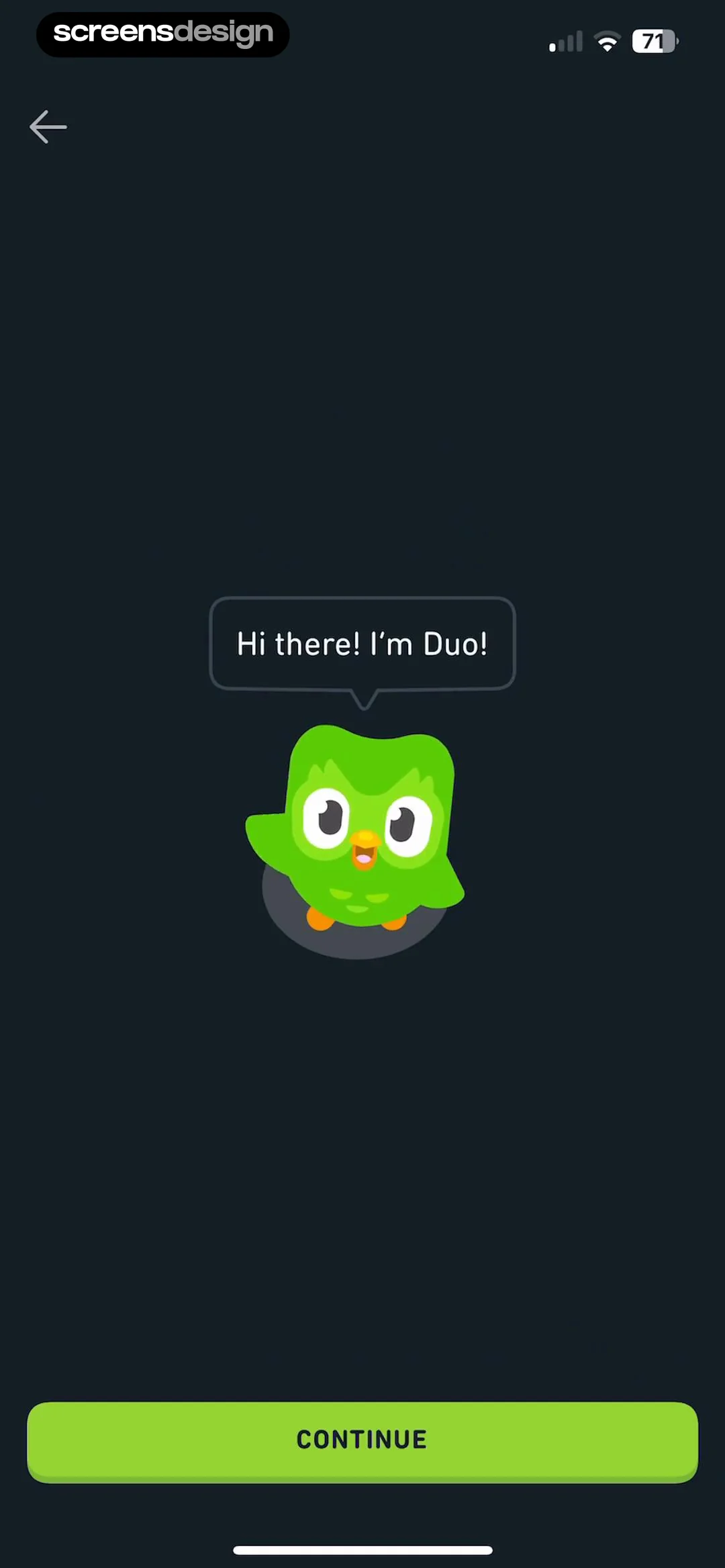
A speech bubble introduces Duo before the first question.
 See the flow Duolingo
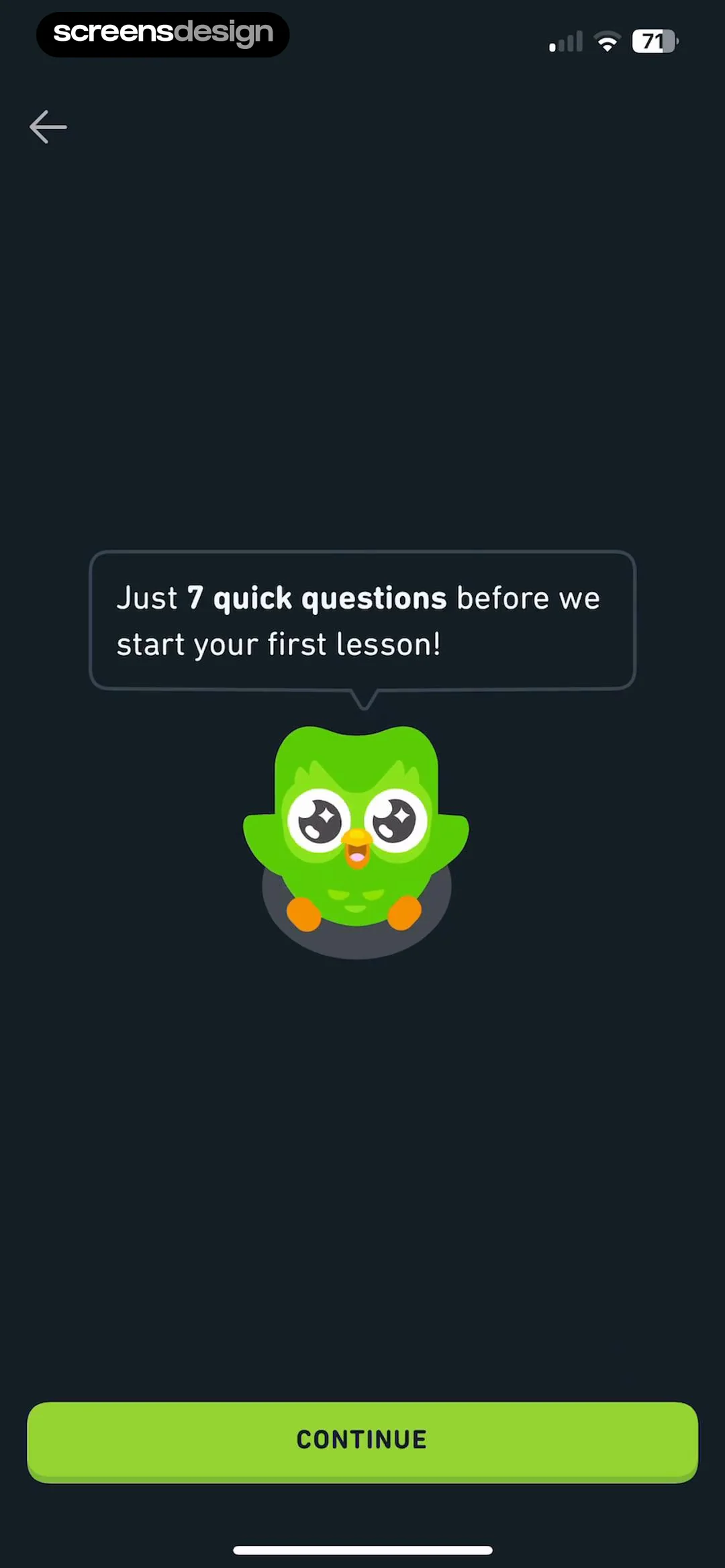
The introduction sets an expectation for the questions ahead.
 See the flow Duolingo
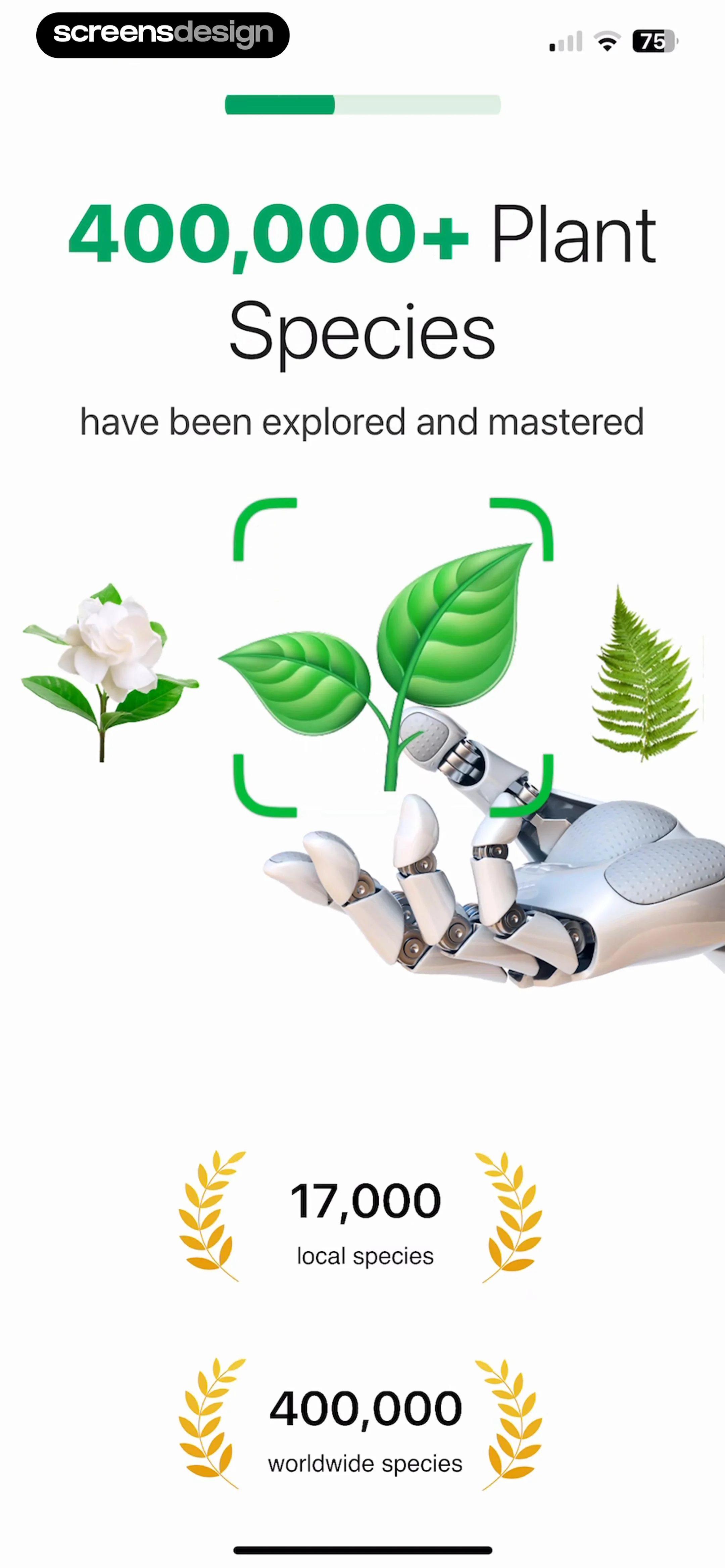
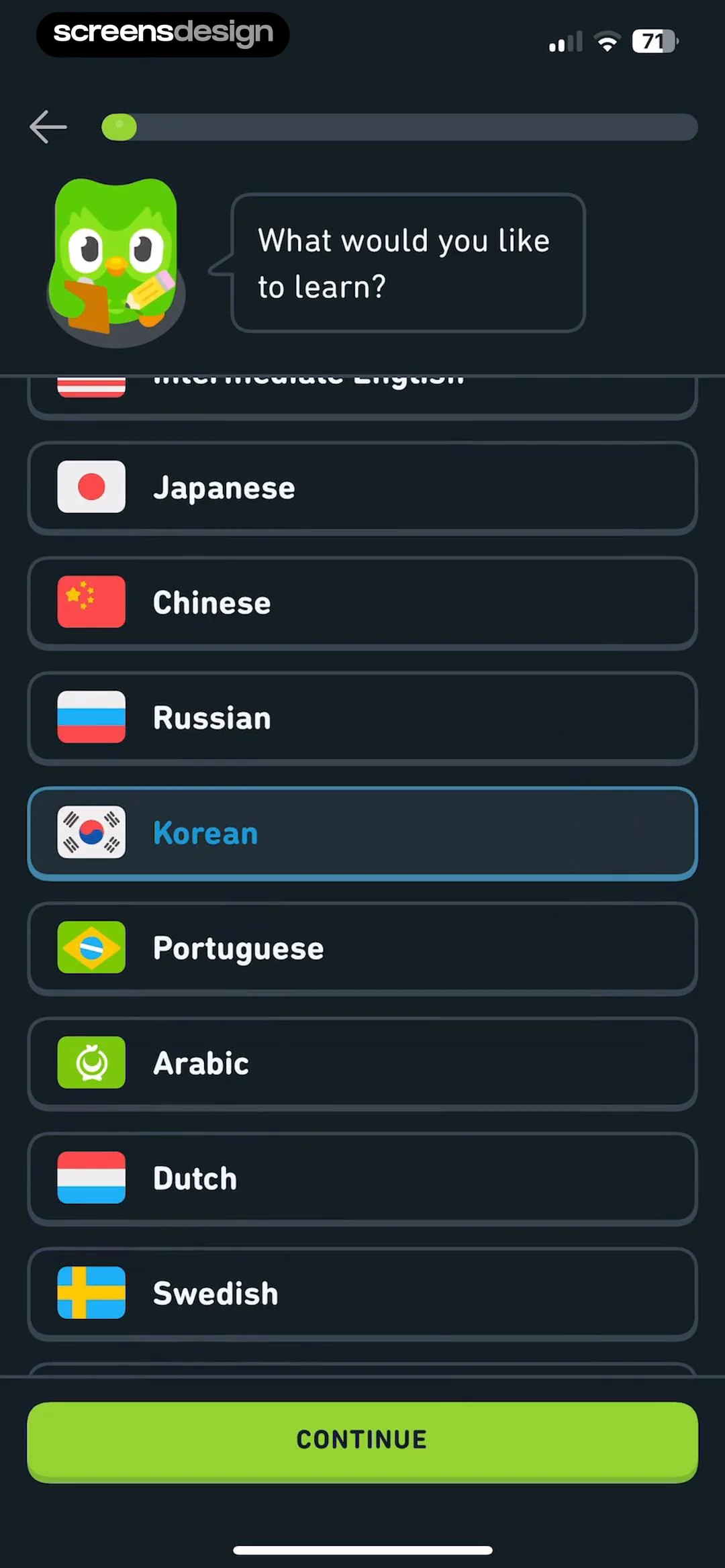
Language choices use flags and a clear selected state under the progress bar.
 See the flow Duolingo
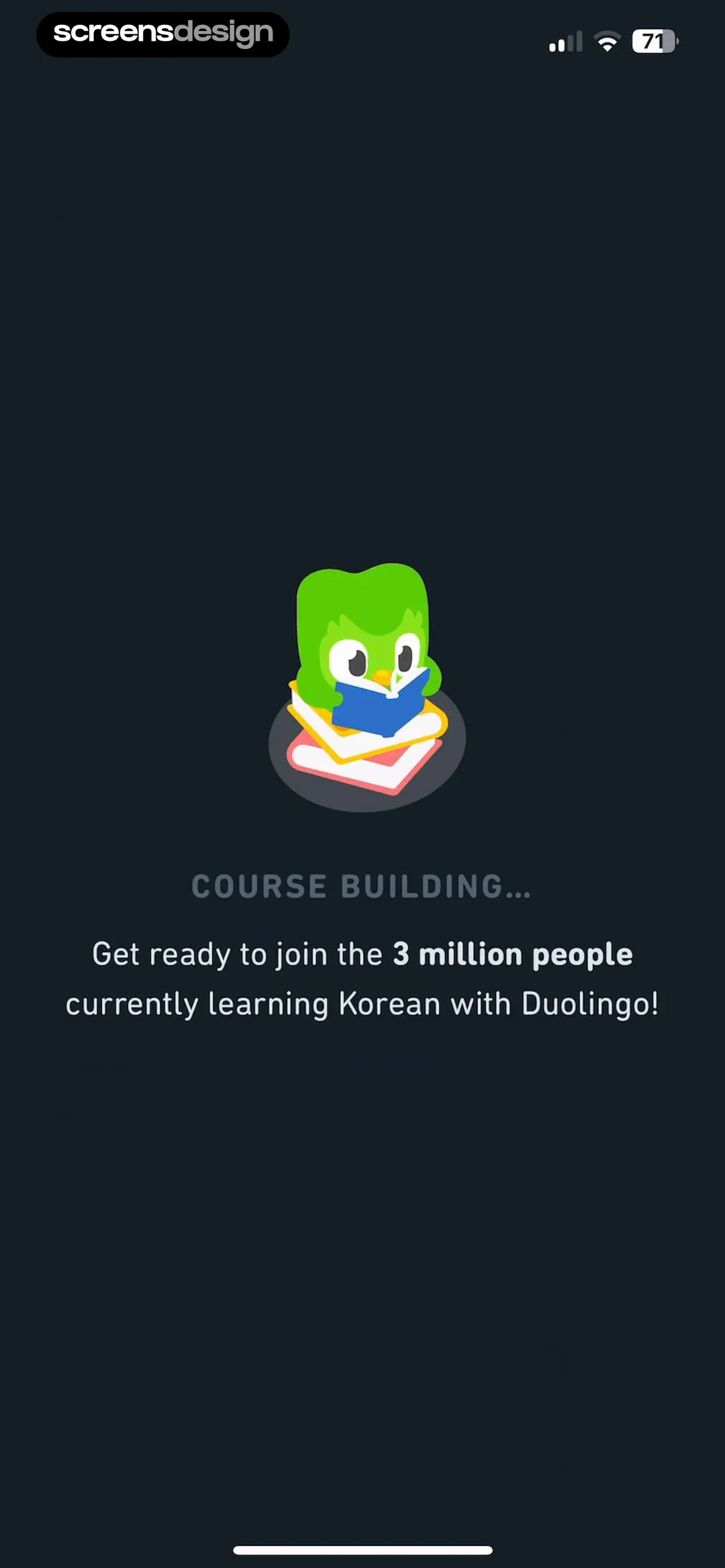
A course-building interlude connects the selected language to the next step.
 See the flow Duolingo
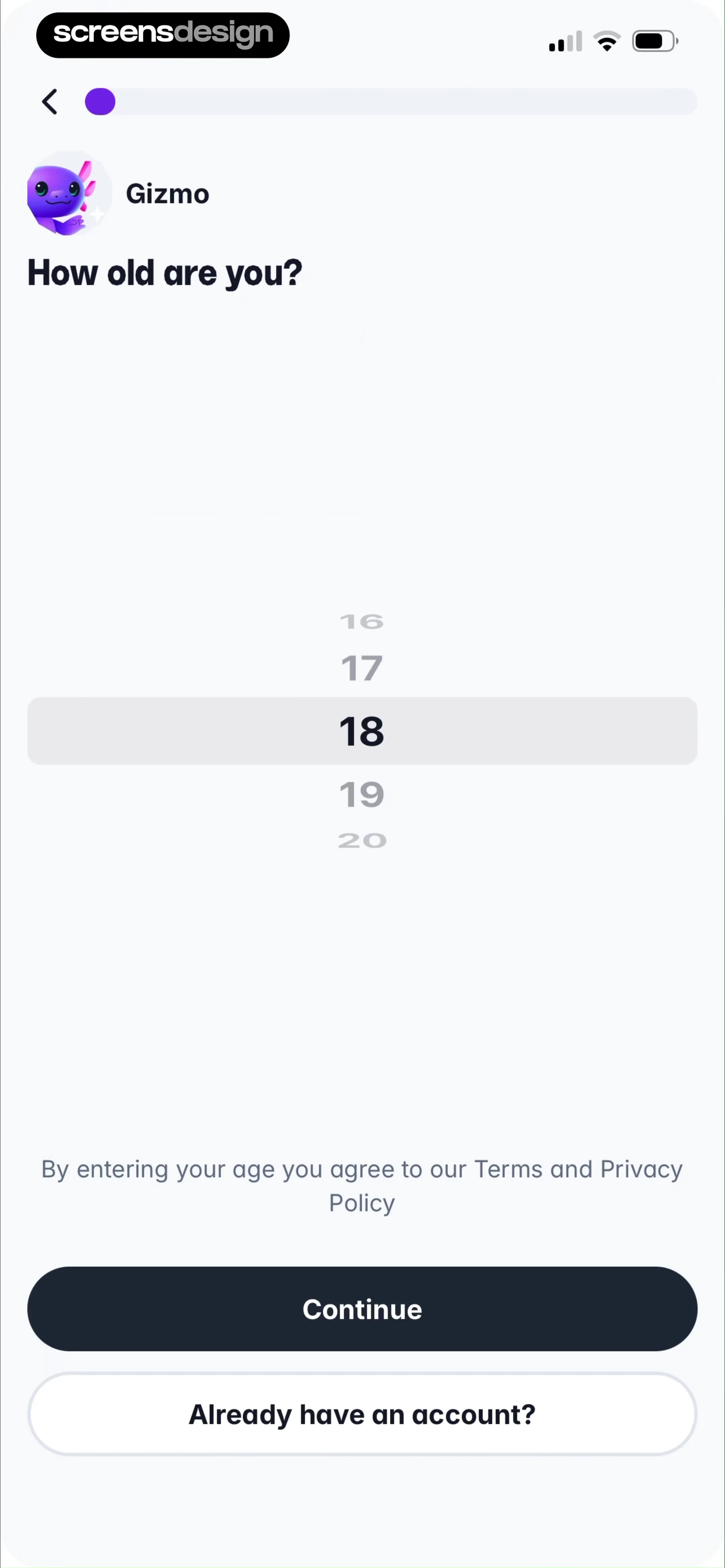
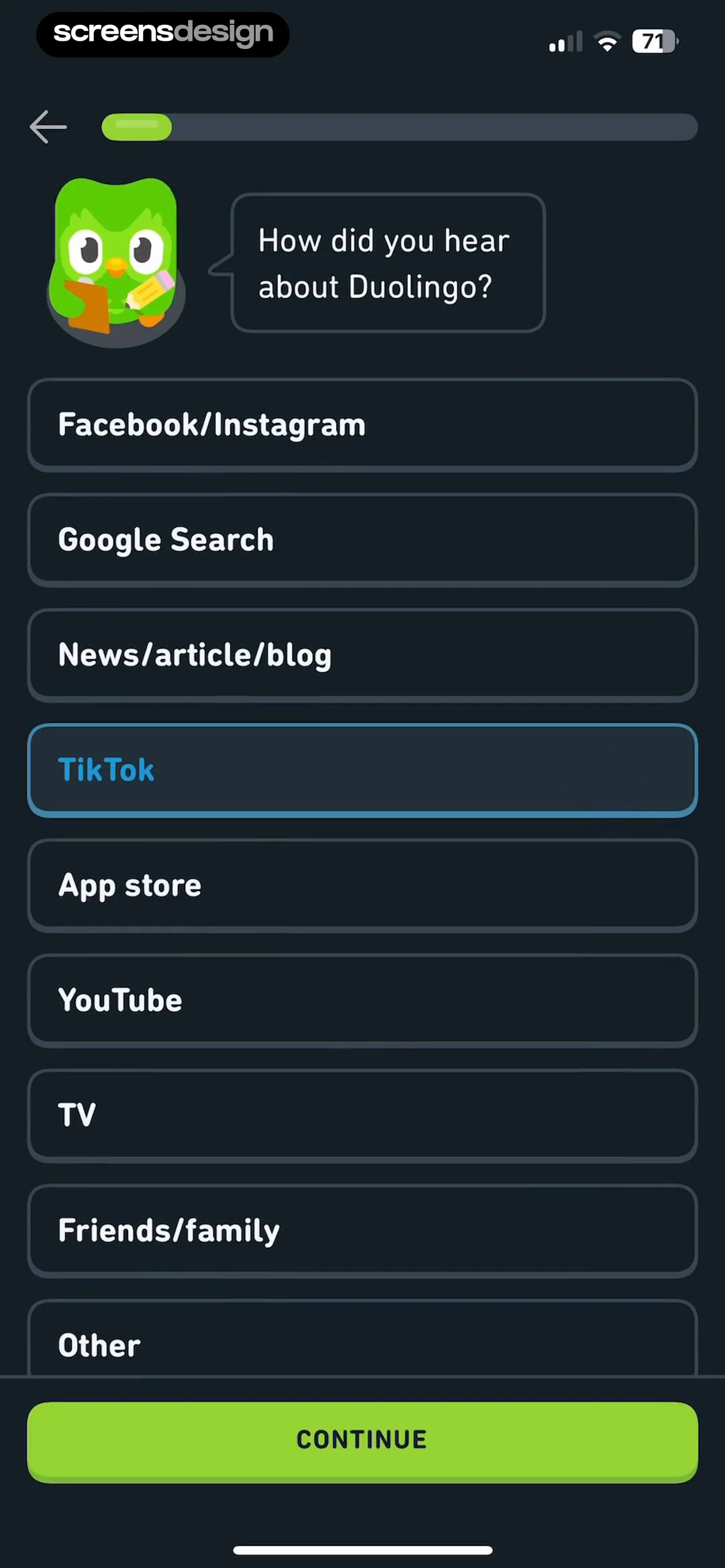
The referral question uses a vertical list of selectable answer cards.
 See the flow Duolingo
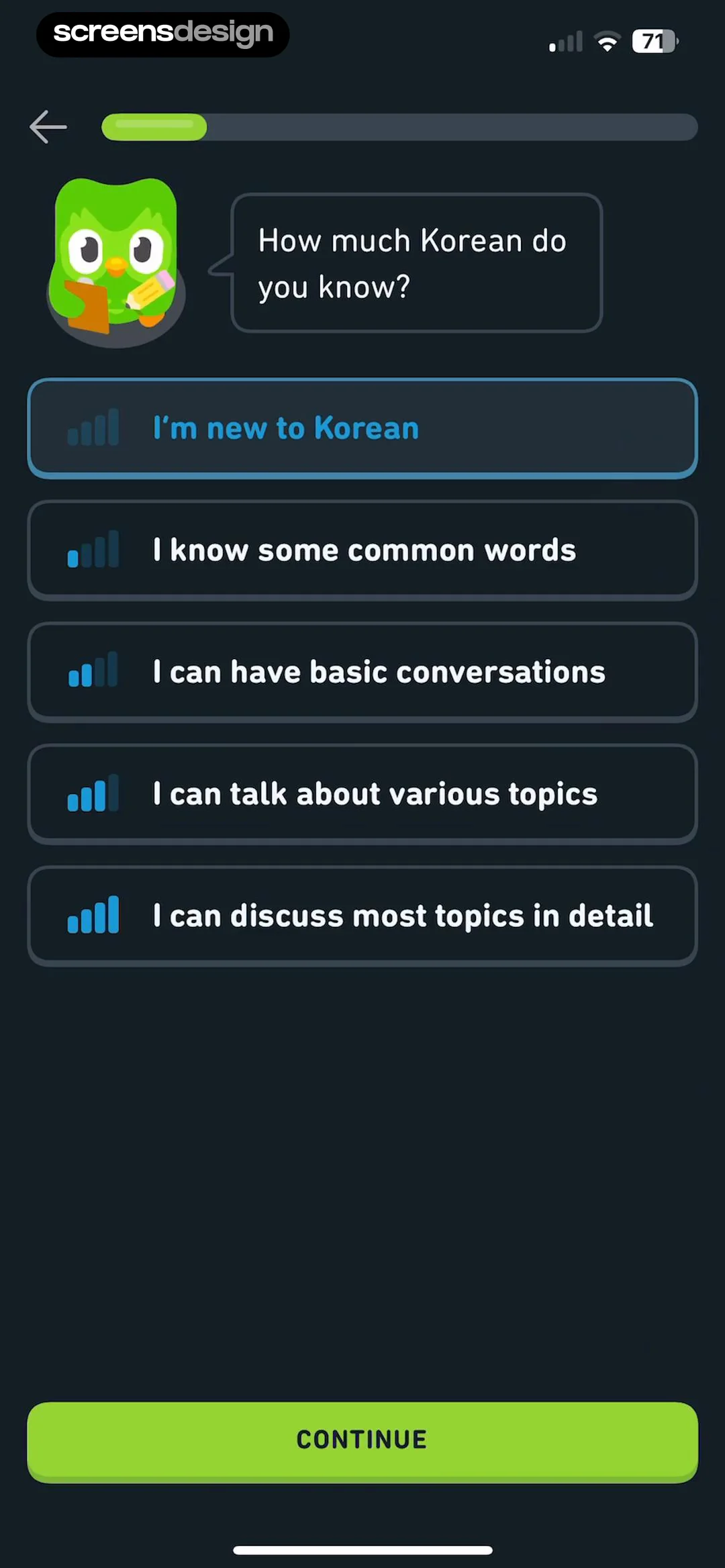
Proficiency options describe ability in everyday language.