

 See the flow Cal AI
The opening splash introduces the Cal AI wordmark.
 See the flow Cal AI
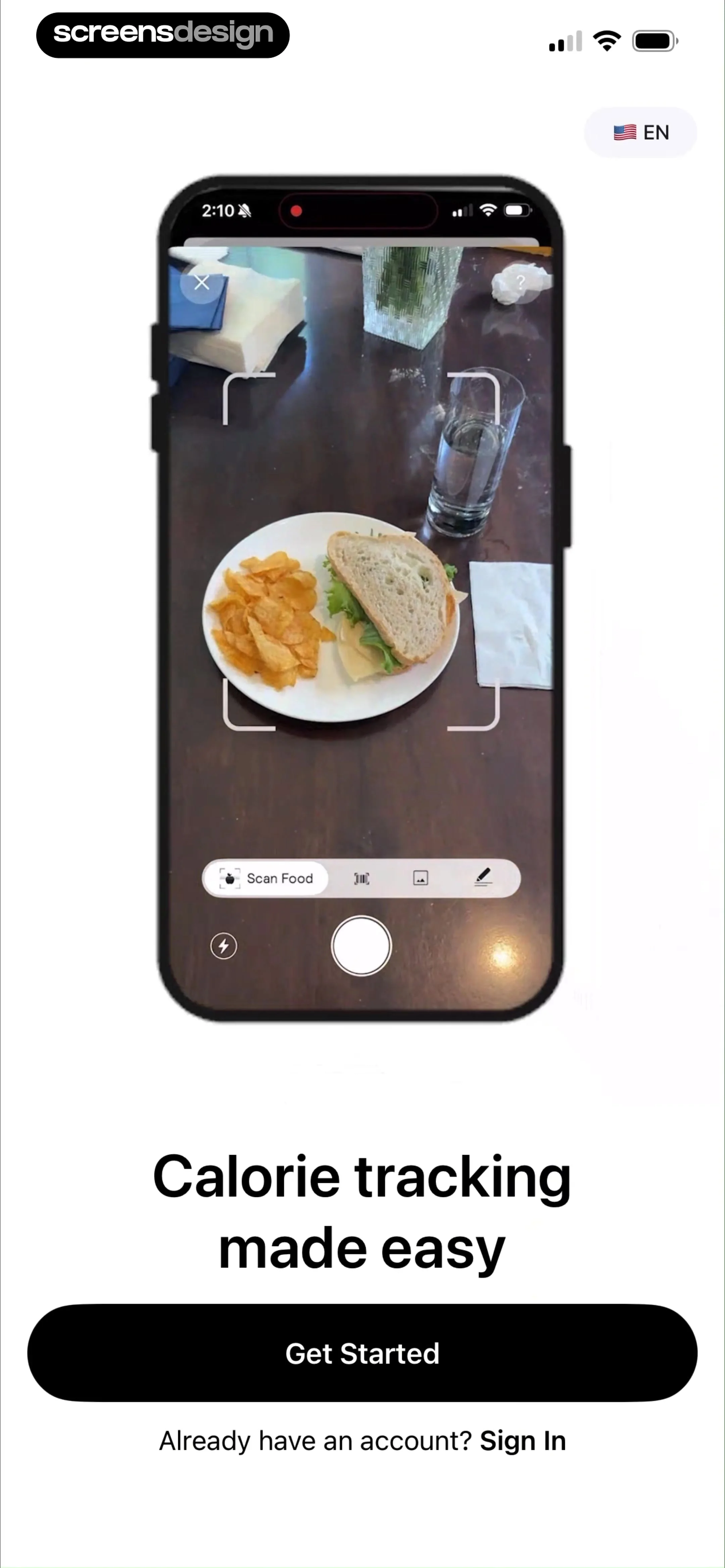
A food-scanning preview introduces the product before the Get Started button.
 See the flow Cal AI
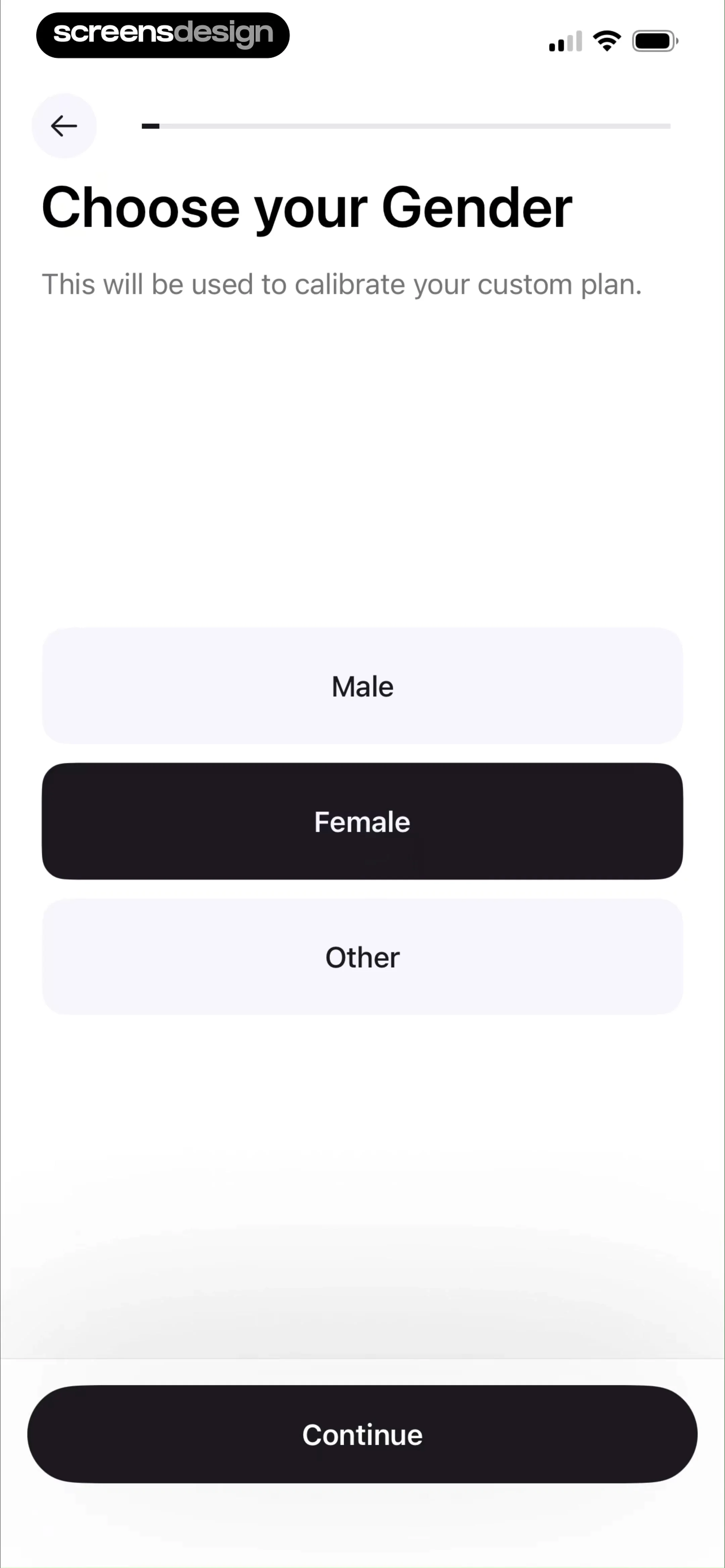
Large answer rows and a bottom Continue button structure the first question.
 See the flow Cal AI
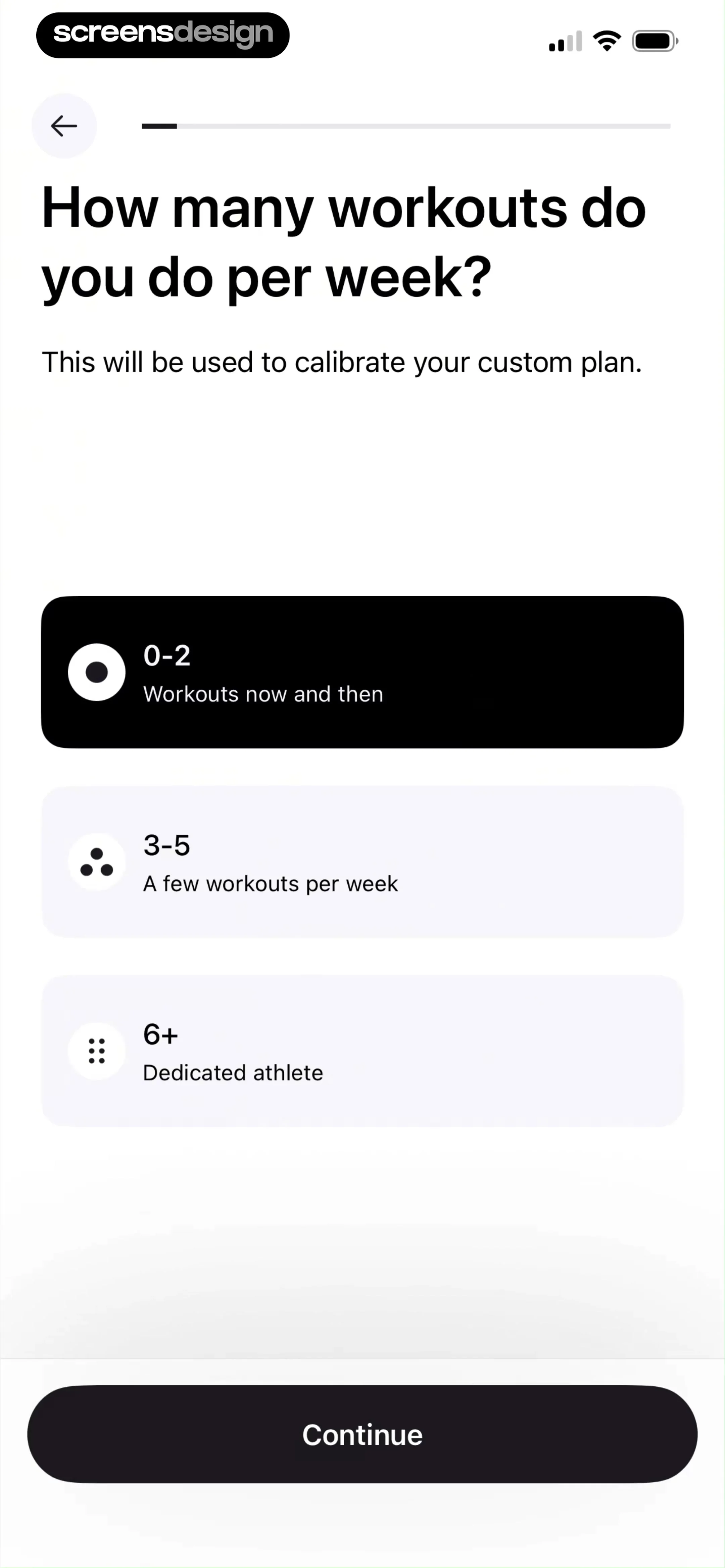
Frequency ranges include short descriptions and a strong selected state.
 See the flow Cal AI
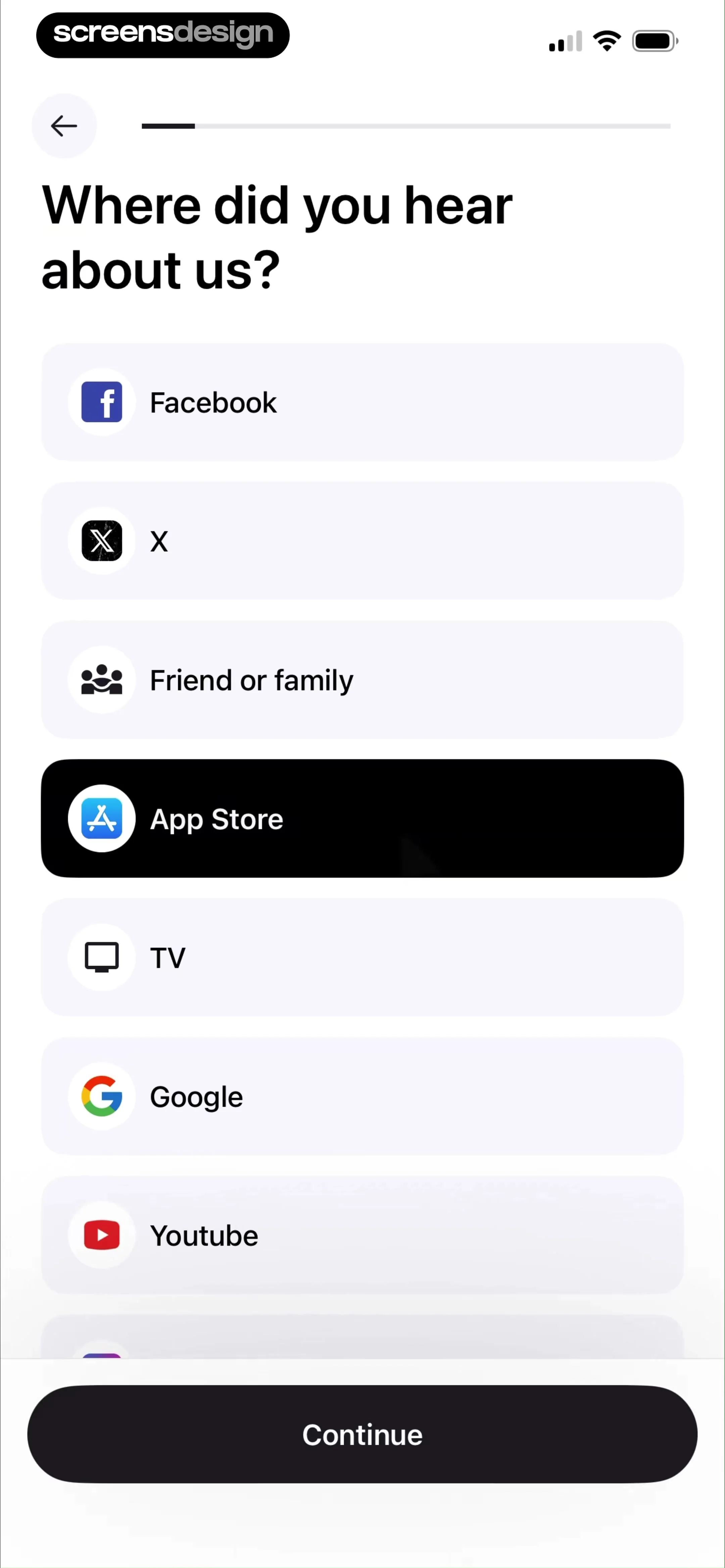
Referral options pair recognizable icons with text labels.
 See the flow Cal AI
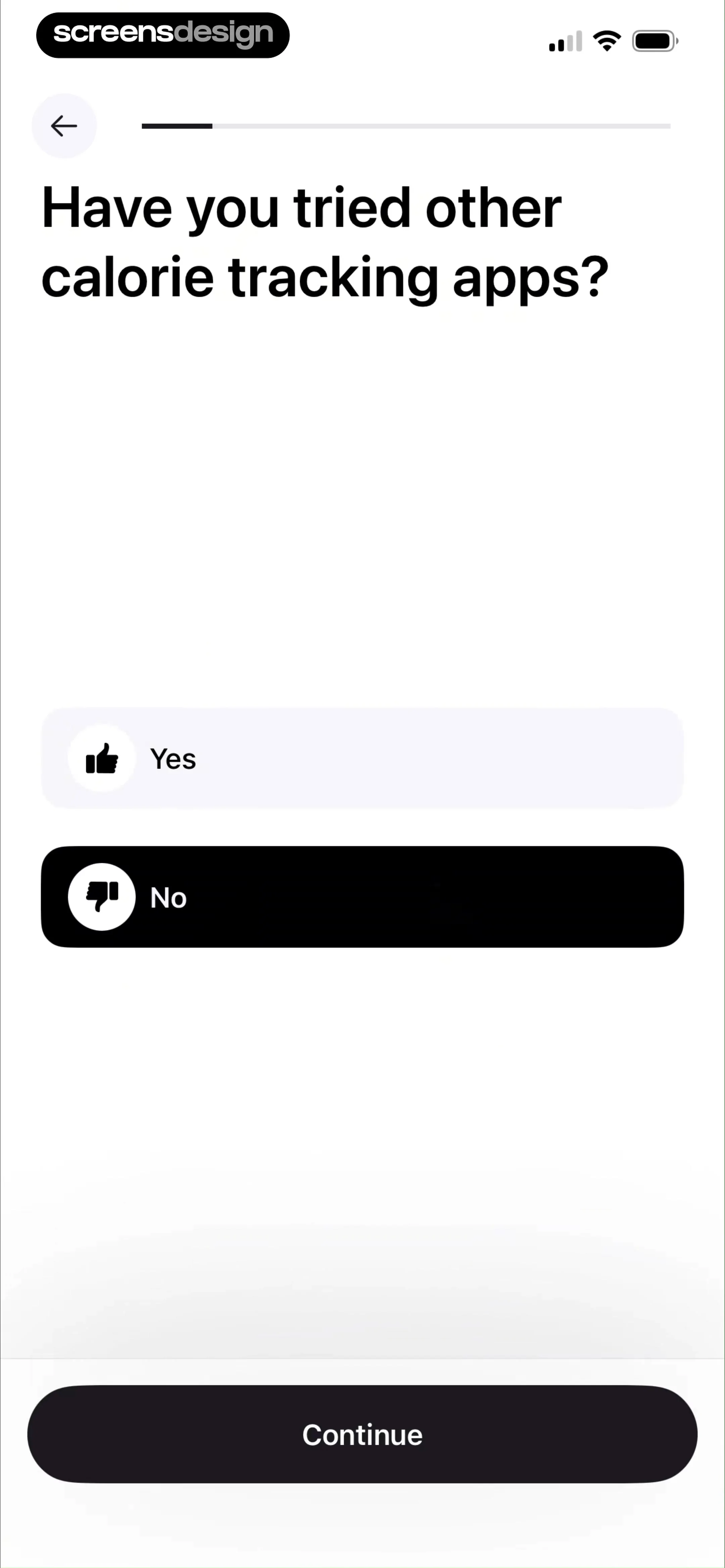
The questionnaire asks about previous experience with a binary choice.
 See the flow Cal AI
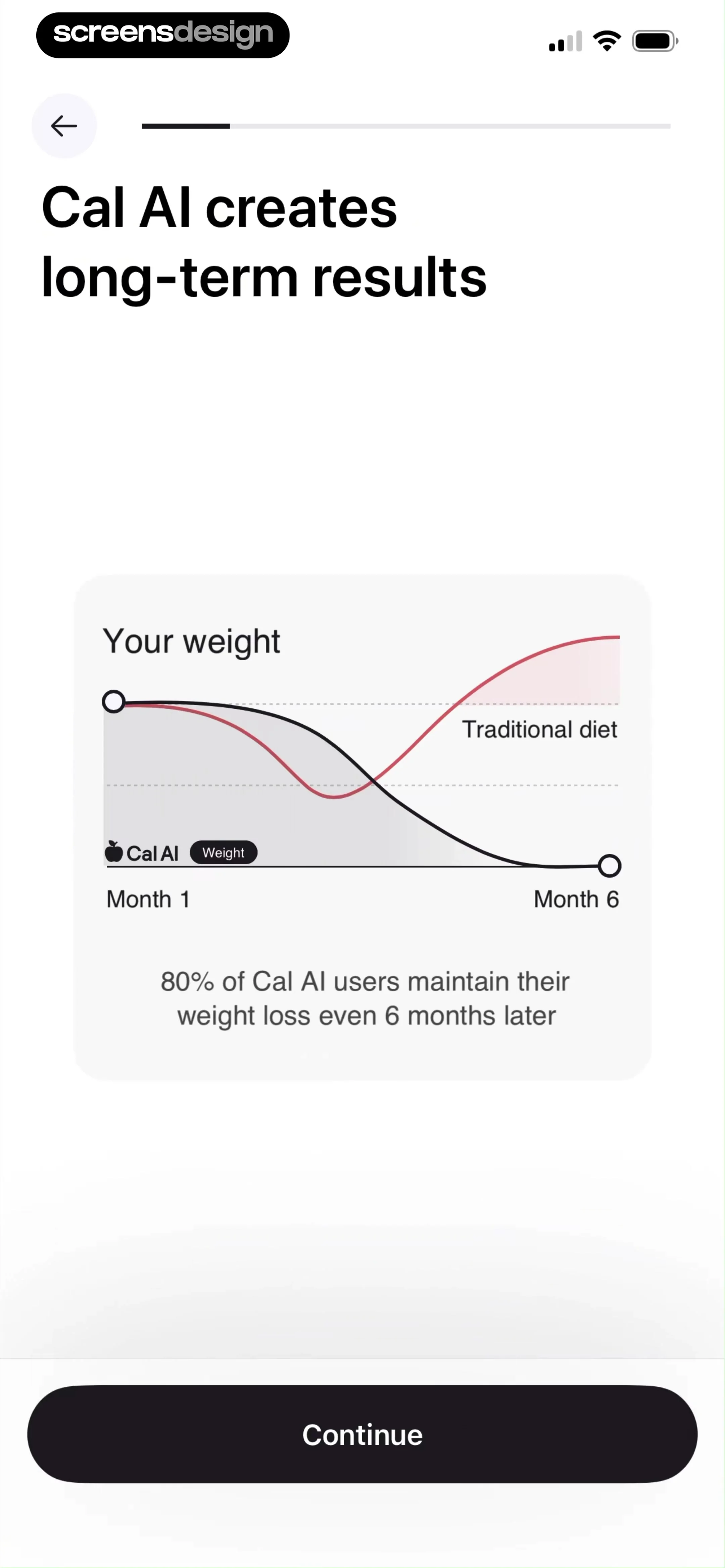
A weight-trend illustration interrupts the questions with the app’s results claim.
 See the flow Cal AI
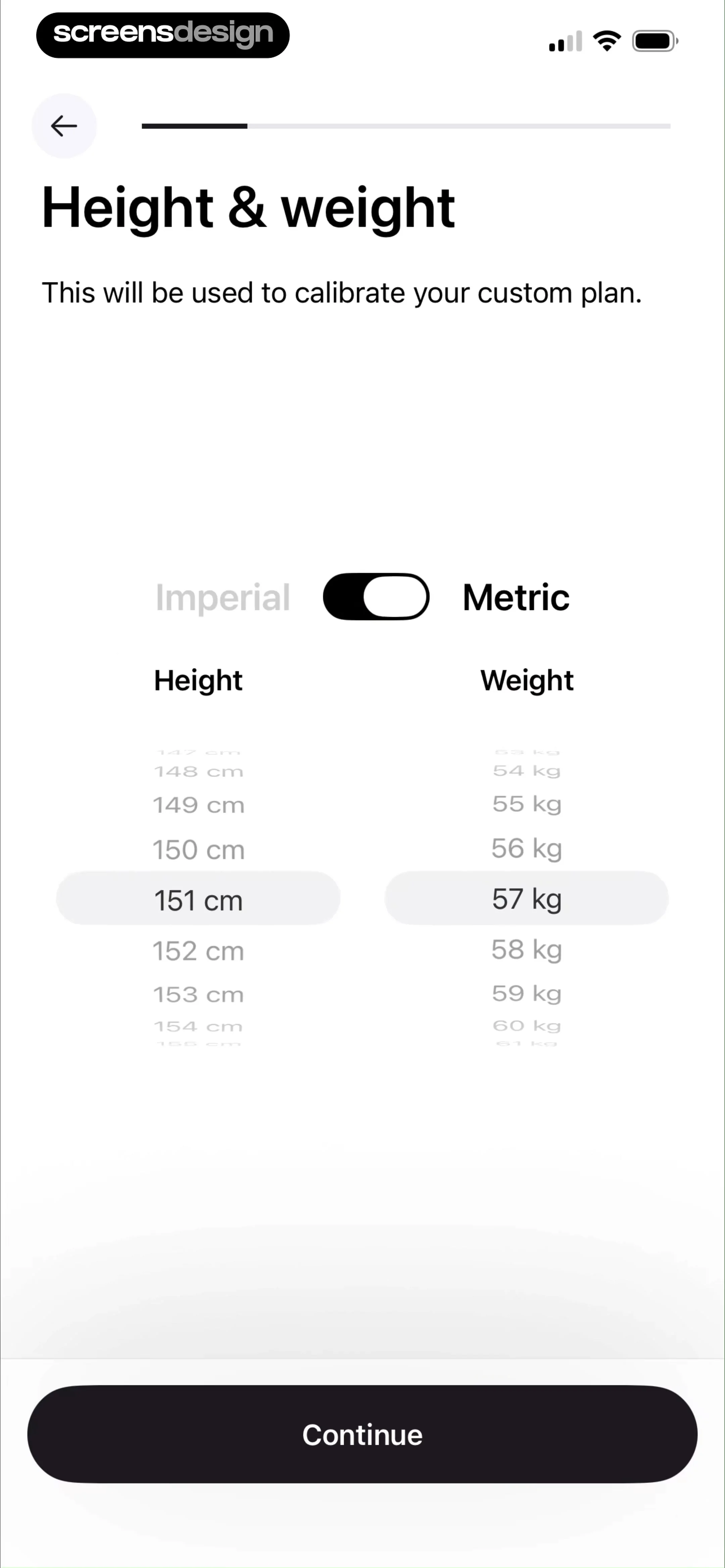
An Imperial–Metric toggle sits above separate height and weight pickers.