Useless - Screen Time Control

- revenue, 4.5 rating

Welcome Screen & Video Intro
0:00 / 9:32

Onboarding flow, Paywall & Inside the App

Watch the full screen-by-screen UX video of Useless - Screen Time Control with onboarding, paywall, and every core flow.

Onboarding welcome screen with the UseLess logo, tagline, and a Let's Start button at the bottom.
Useless app onboarding screen featuring a full-screen video background, top progress bar, branding, and a skip button at the bottom.
Onboarding name entry screen with a progress bar, a text input field containing the name Julia, an orange Continue button, and an active keyboard.
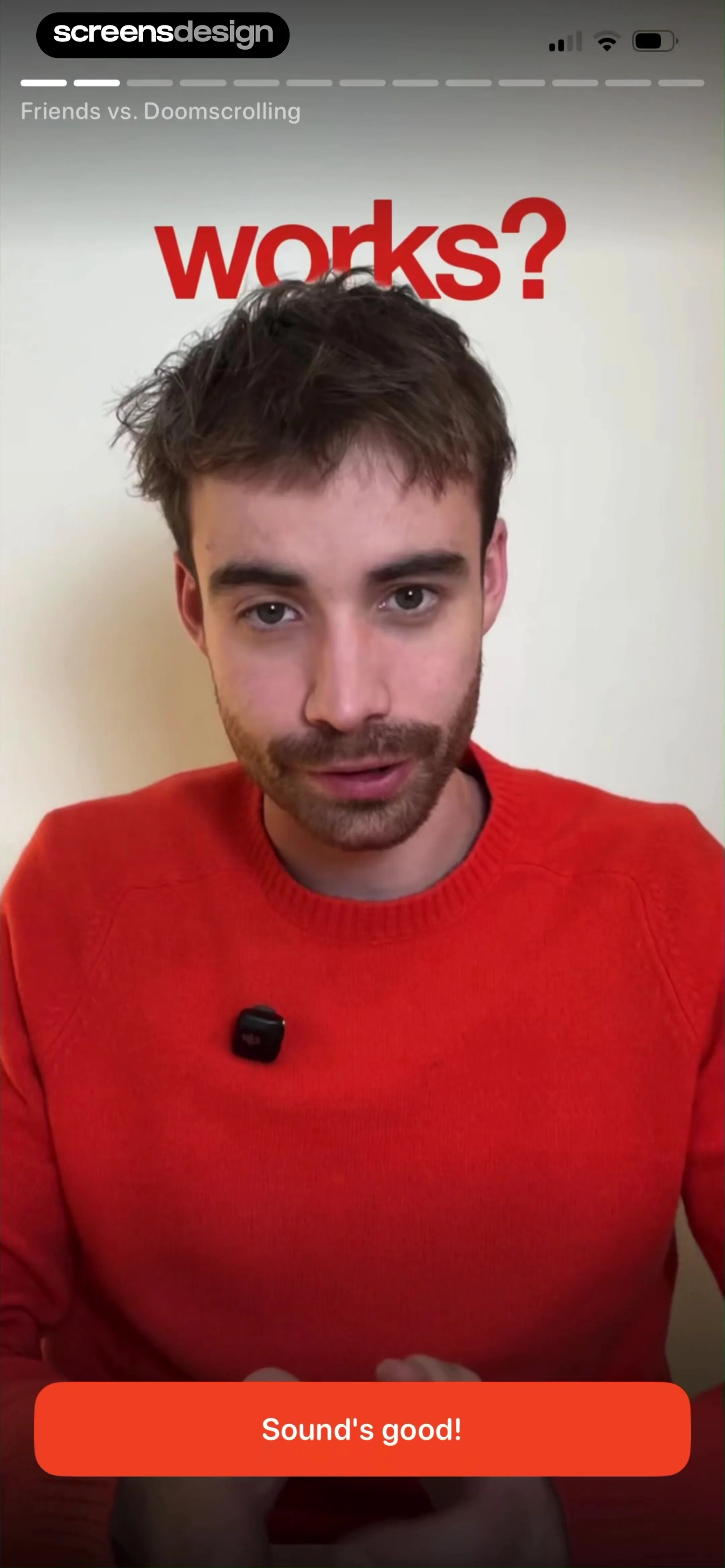
Useless app onboarding screen featuring central video content explaining app functionality, top progress bar, and a Sound's good! button at the bottom.
Useless app onboarding screen titled How It Works, featuring a video demonstration and a Yes, reduce my screentime button at the bottom.
Onboarding questionnaire screen asking How old are you with a vertical list of age options and a Skip button.
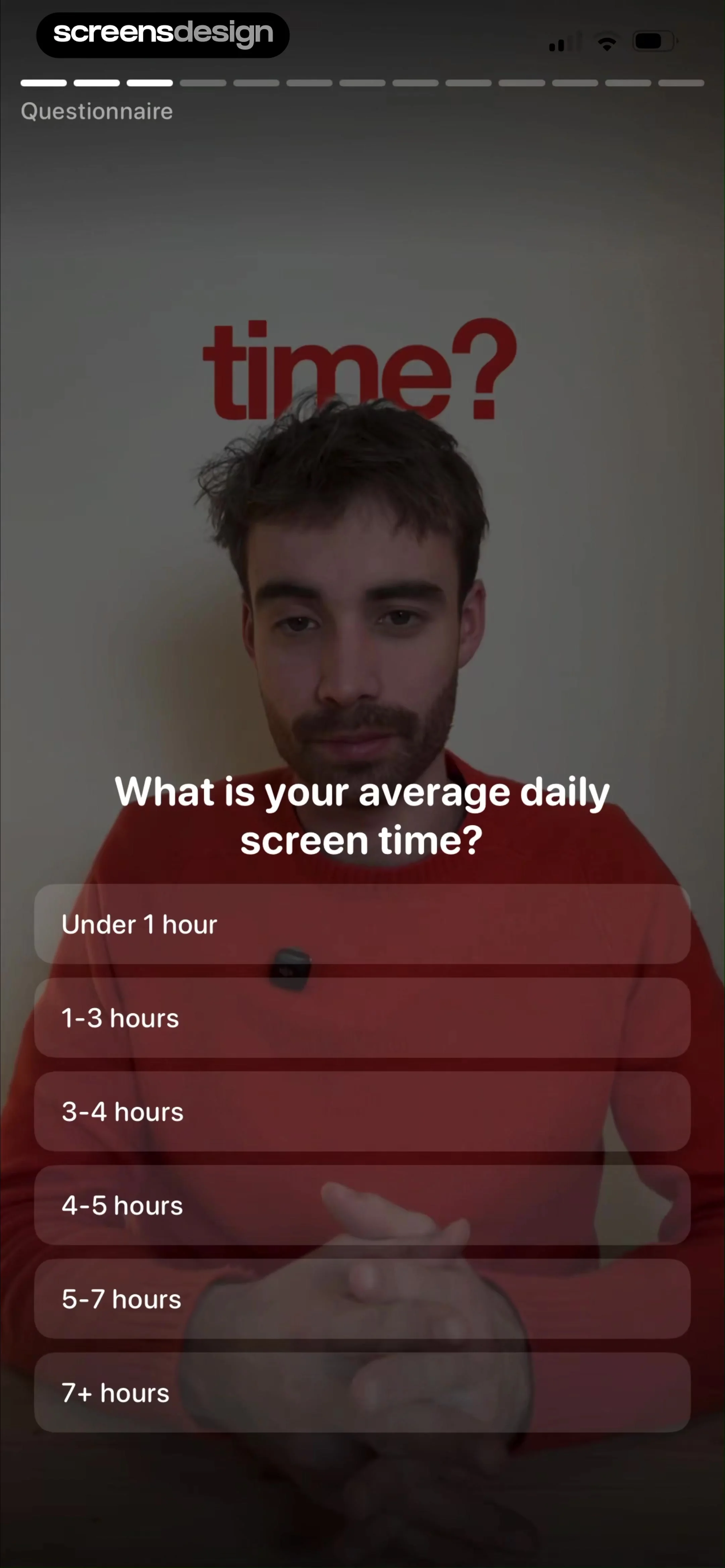
Onboarding questionnaire screen asking about average daily screen time, featuring a vertical list of time range options over a video background.
Loading screen for screen time analysis, featuring a top progress bar, central circular progress ring at 100%, and the text Analyzing your screen time.
Useless app onboarding screen featuring a central video, a top progress bar labeled Life impact, and an orange Yes I'm ready! button at the bottom.Unlock Pro
Onboarding screen for setting a daily screen time goal, featuring a time picker card and a Continue button.Unlock Pro
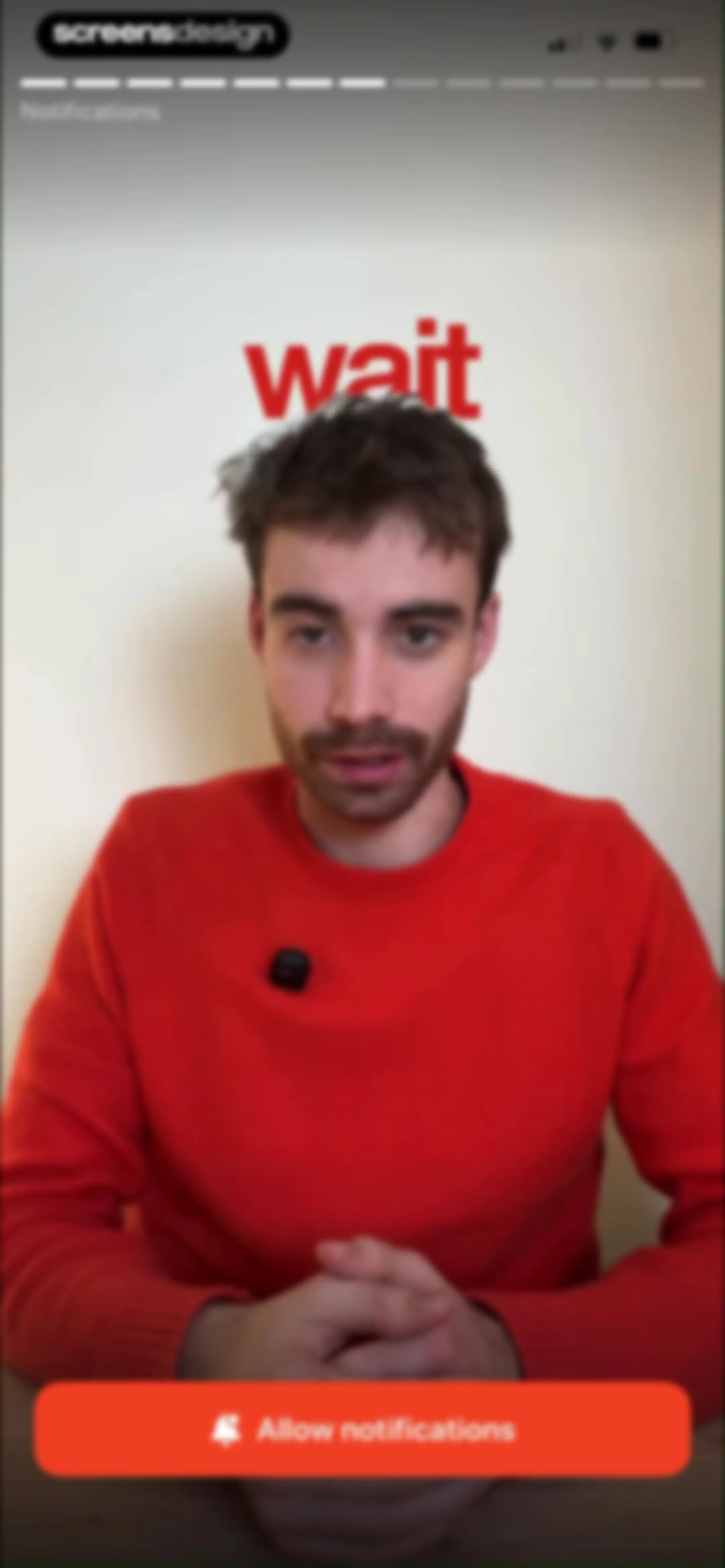
Permission onboarding screen featuring a central video, a top progress bar, and a bottom Allow notifications button.Unlock Pro
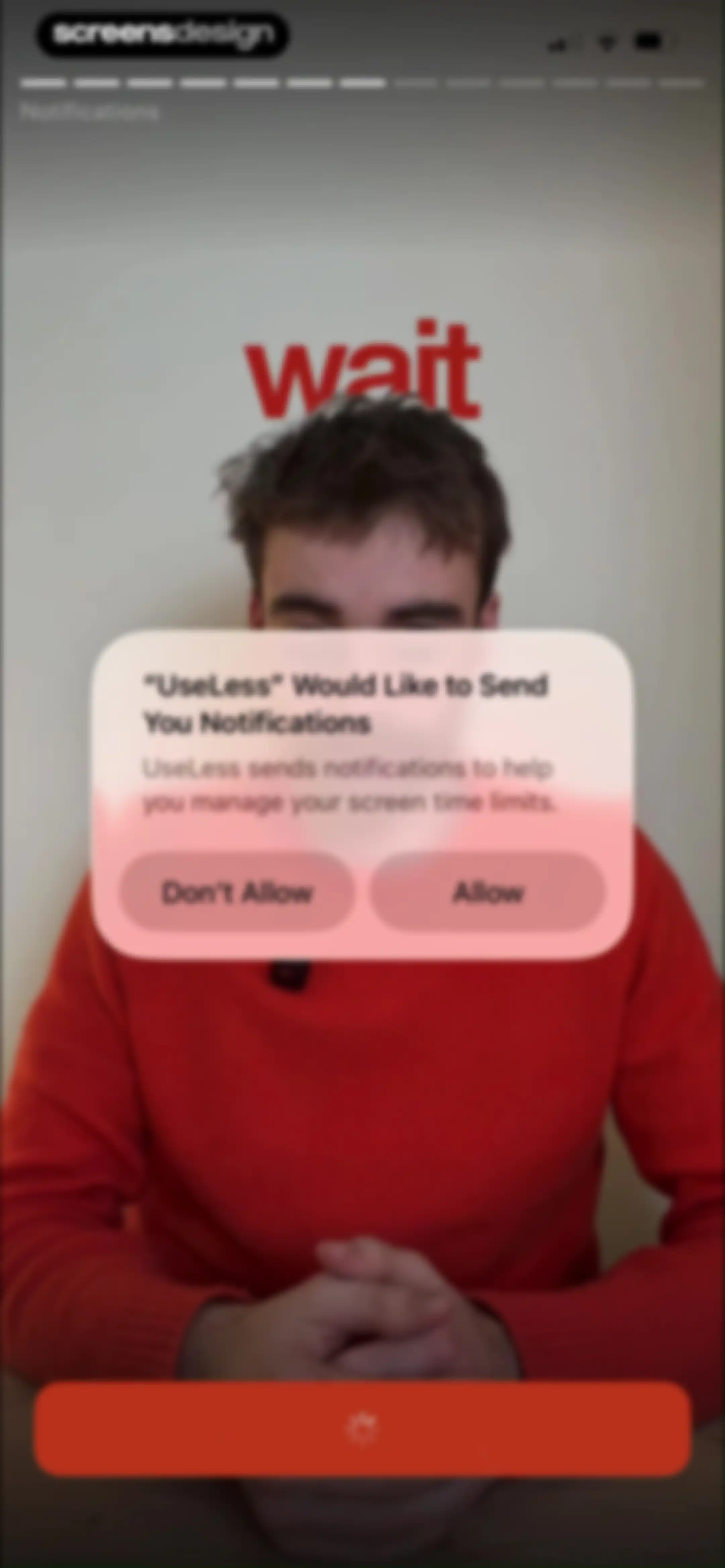
Permission prompt requesting notification access to help manage screen time limits, featuring Allow and Don't Allow buttons.Unlock Pro
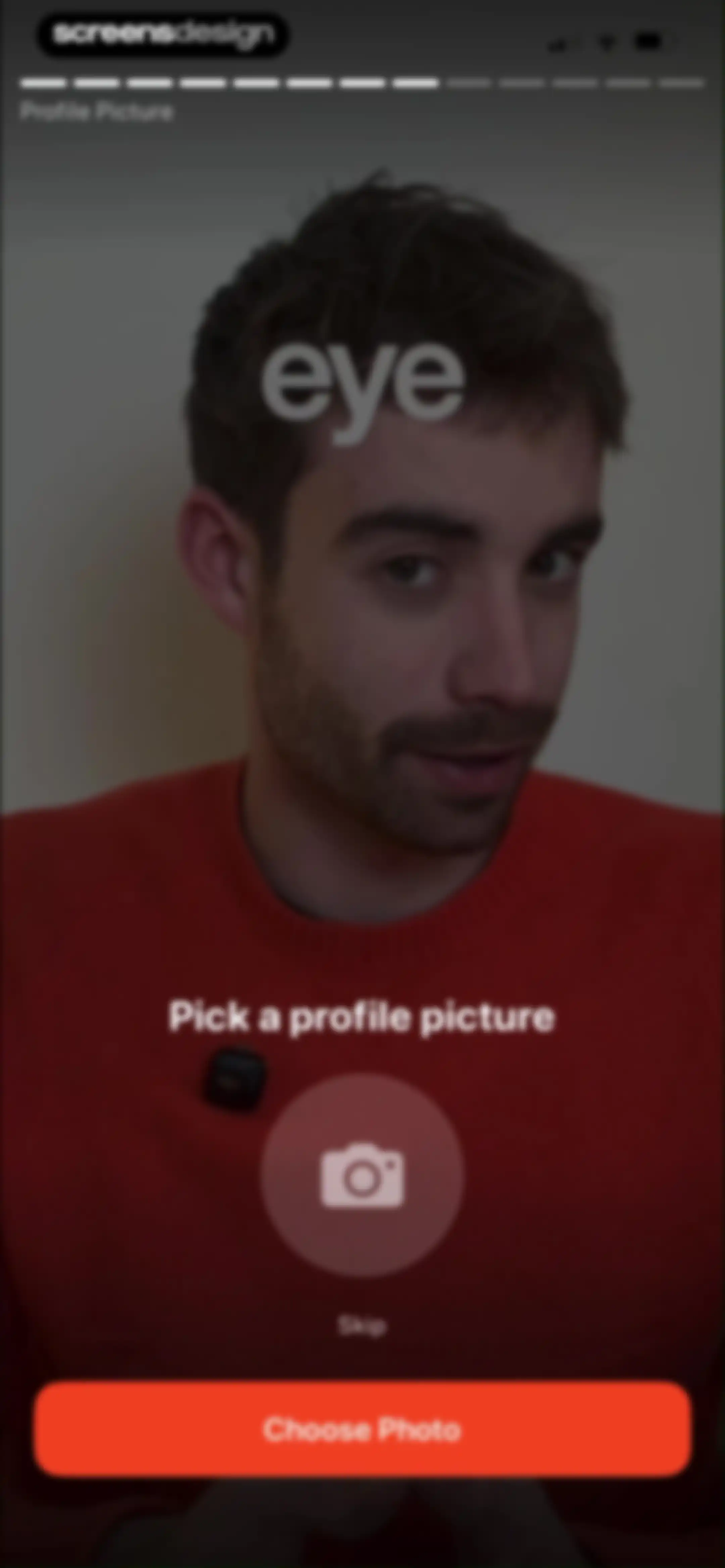
Onboarding profile picture setup screen with a central camera icon, Skip link, and a Choose Photo button.Unlock Pro
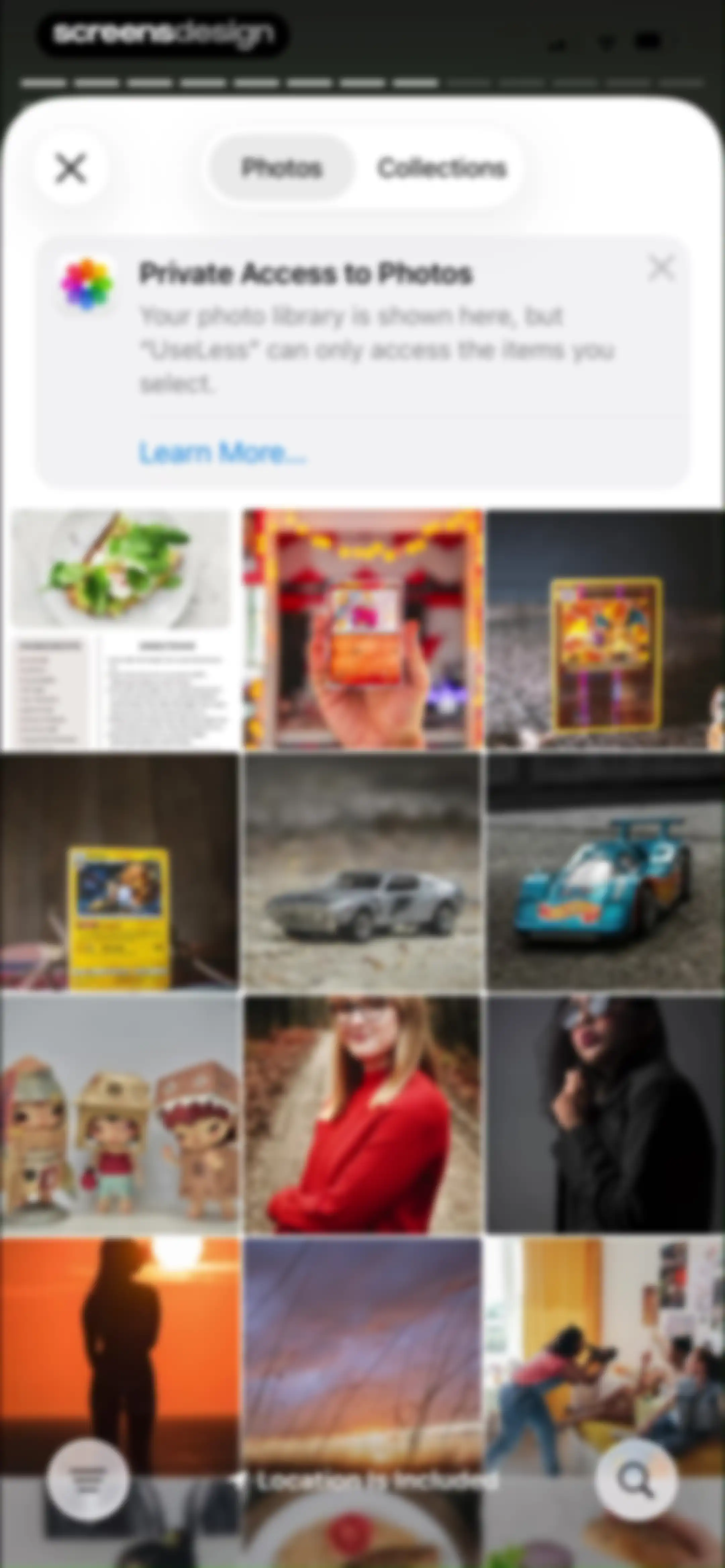
Permission modal requesting photo access with a privacy notice and a photo grid in the background.Unlock Pro
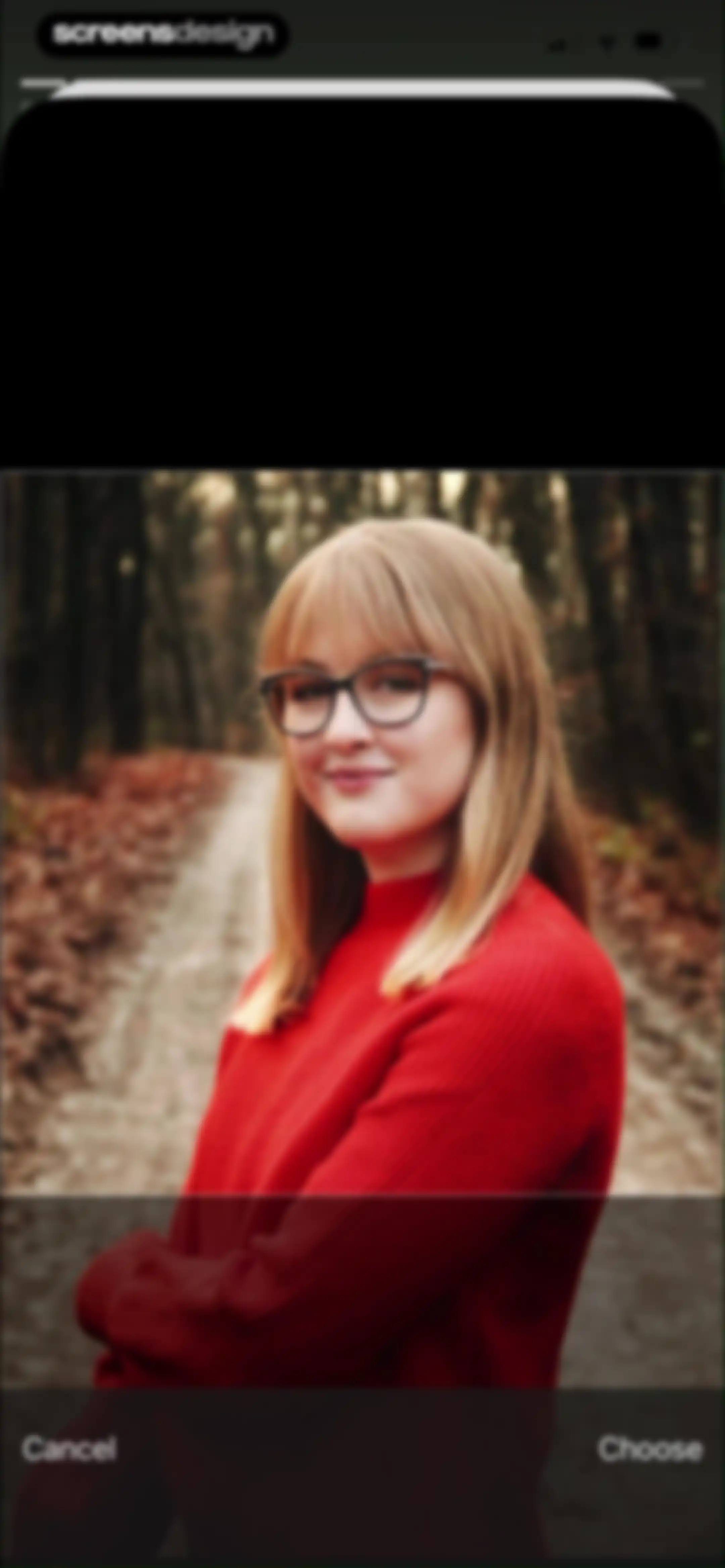
Photo selection screen displaying a portrait preview with a bottom action bar containing Cancel and Choose buttons.Unlock Pro
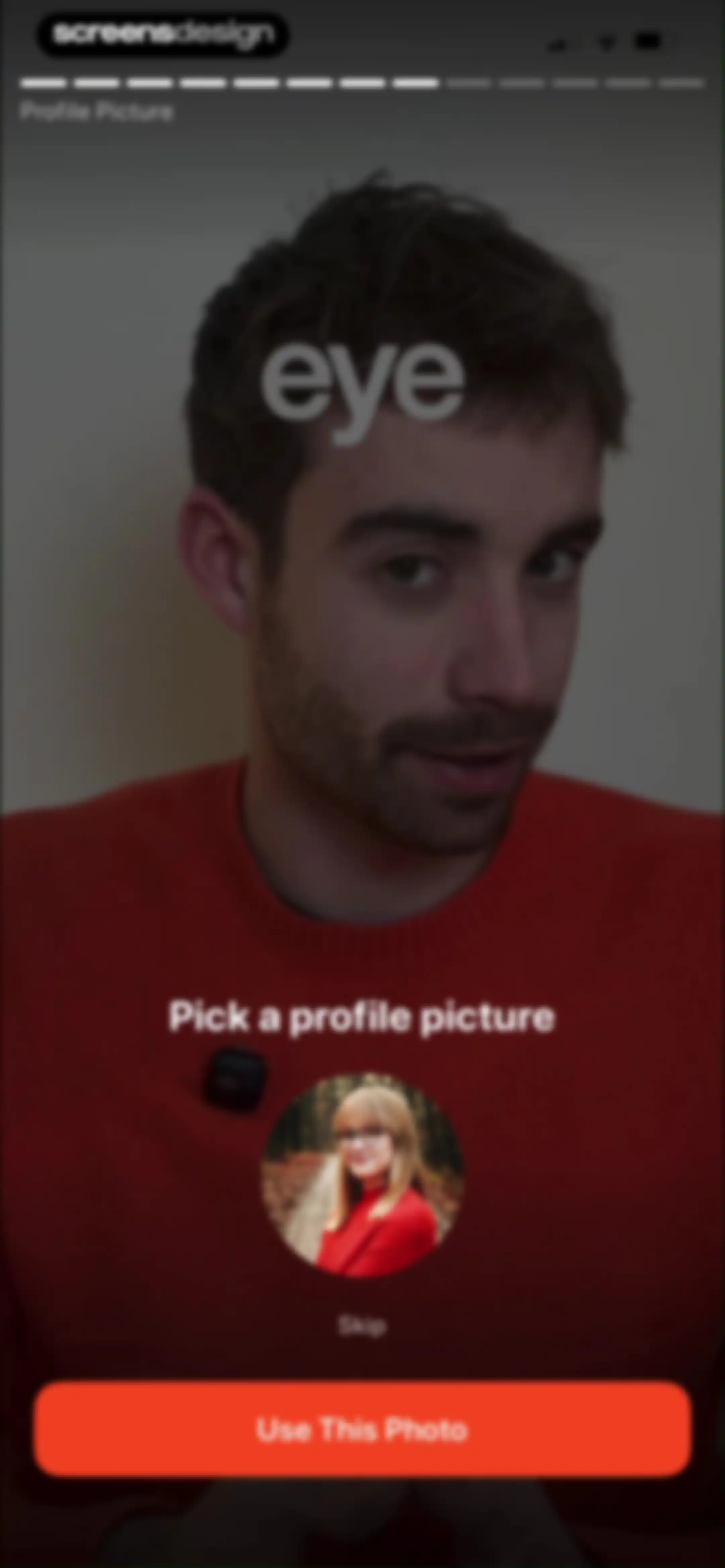
Onboarding screen for picking a profile picture, featuring a circular photo preview, a skip link, and a Use This Photo button.Unlock Pro
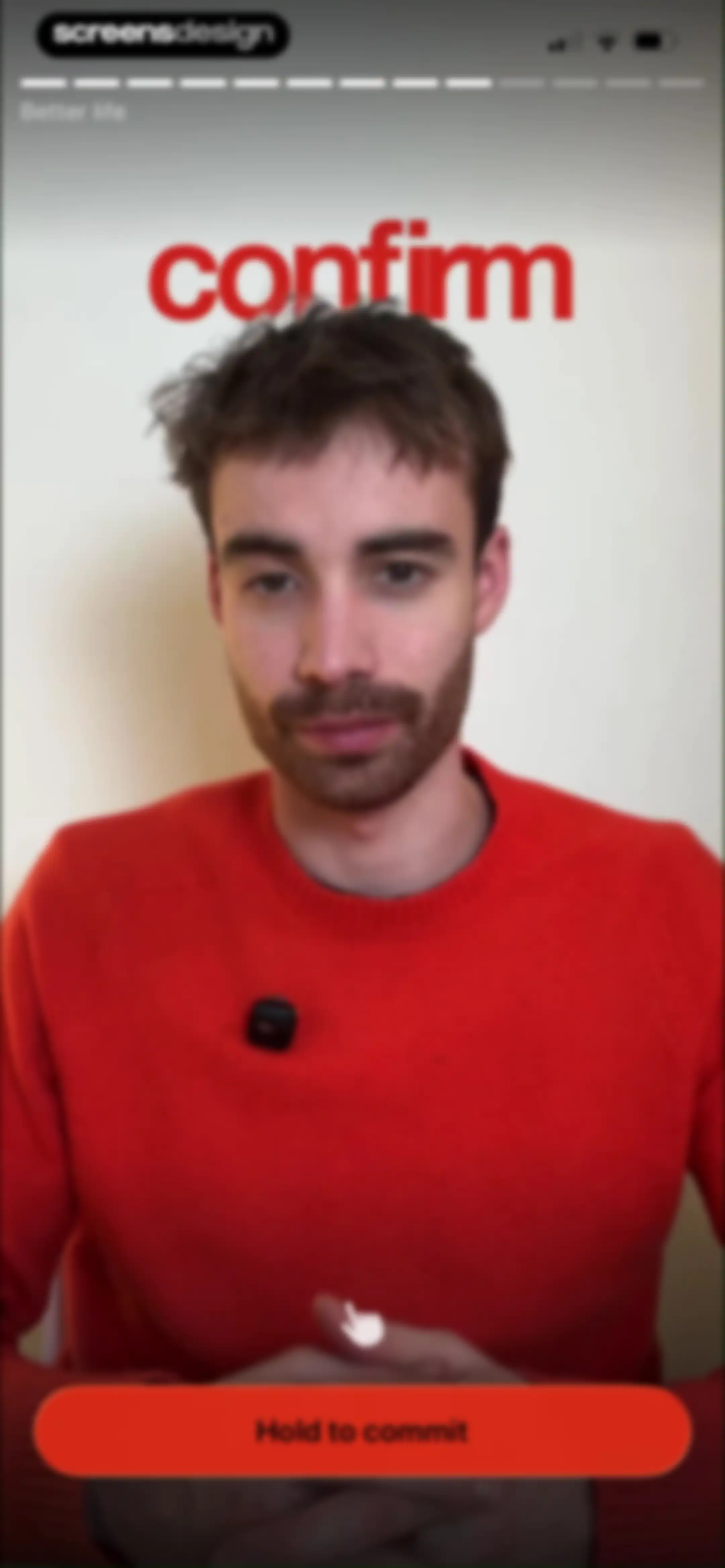
Onboarding video screen displaying a man in a red sweater, featuring a top progress bar and a red Hold to commit button.Unlock Pro
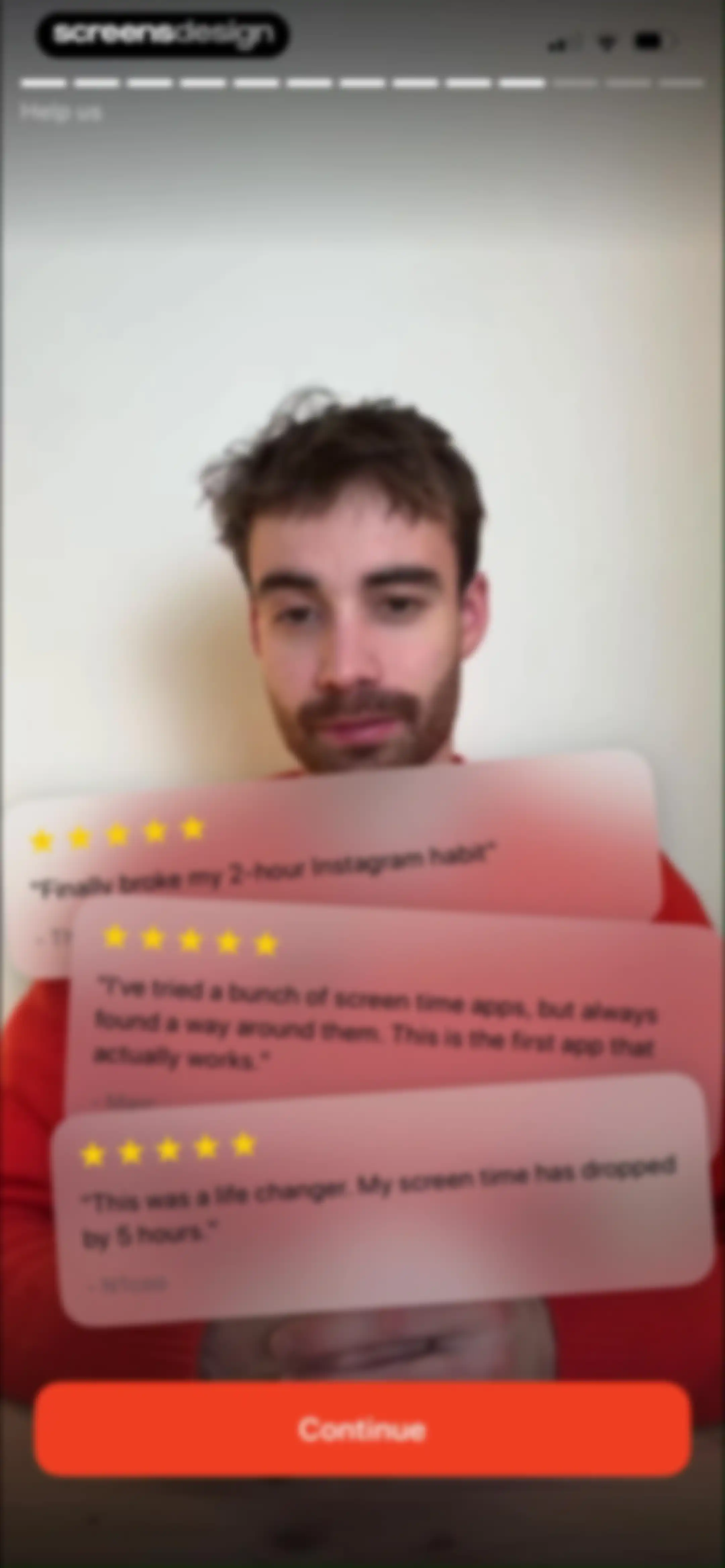
Onboarding screen displaying stacked testimonial cards with user reviews, a top progress bar, and a red Continue button.Unlock Pro
App rating modal overlay asking users to rate UseLess with stars, displayed over a referral code screen with a skip button.Unlock Pro
Onboarding screen with a feedback modal overlay, a referral code input field, and a skip button at the bottom.Unlock Pro
Onboarding screen prompting for a referral code, with an input field, a redeem button, and a skip option.Unlock Pro
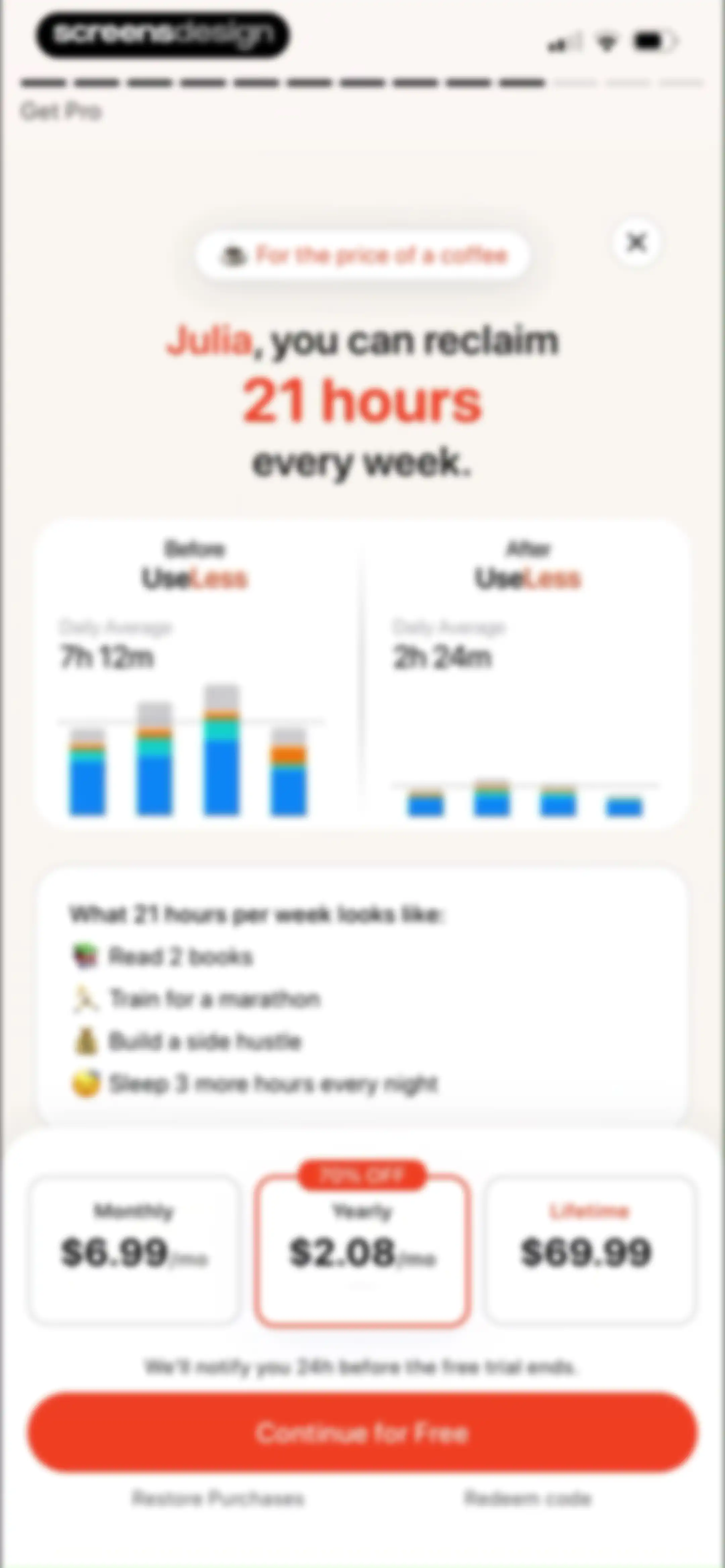
Paywall screen comparing monthly, yearly, and lifetime subscription plans with a before and after screen time chart and a Continue for Free button.Unlock Pro
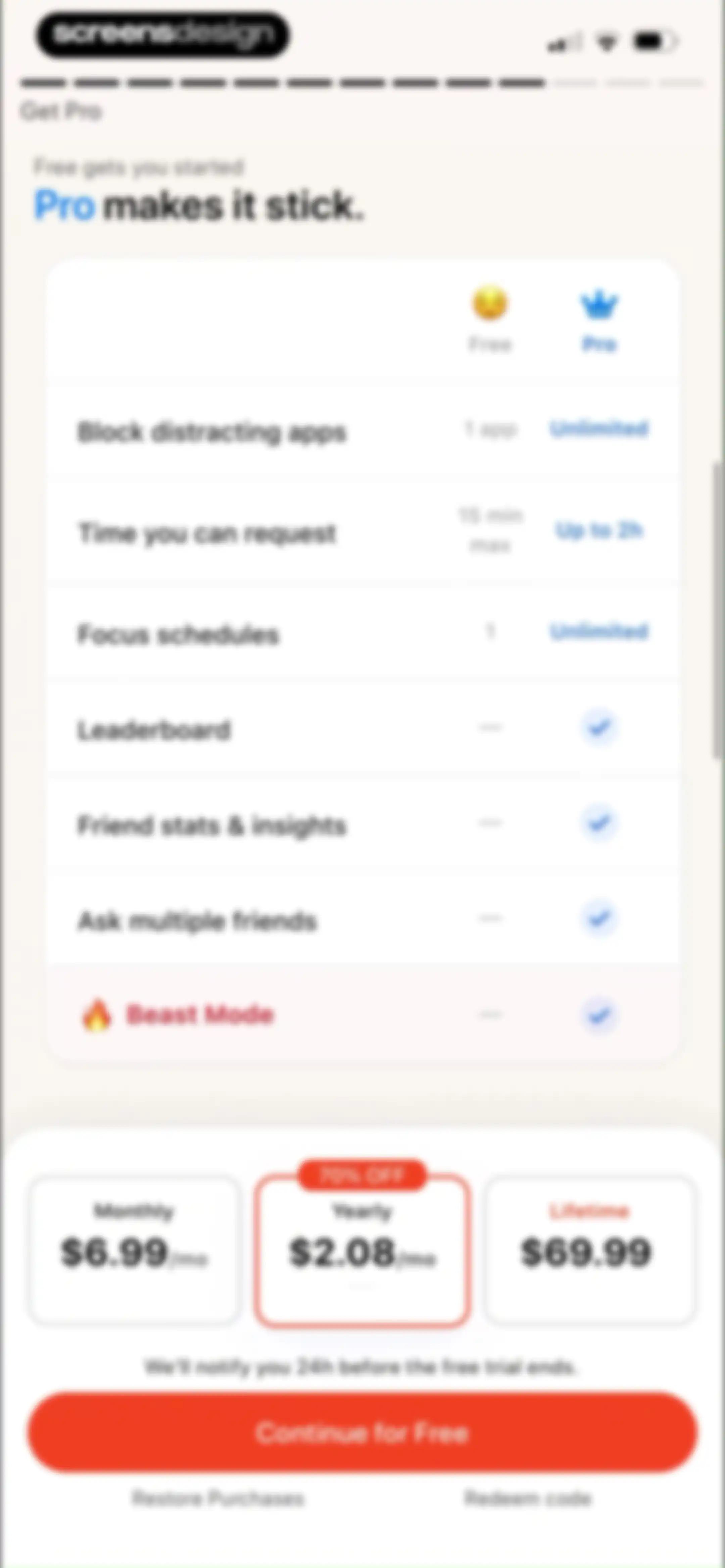
Paywall subscription screen comparing free and pro plans, featuring monthly, yearly, and lifetime options with the yearly plan selected and a continue button.Unlock Pro
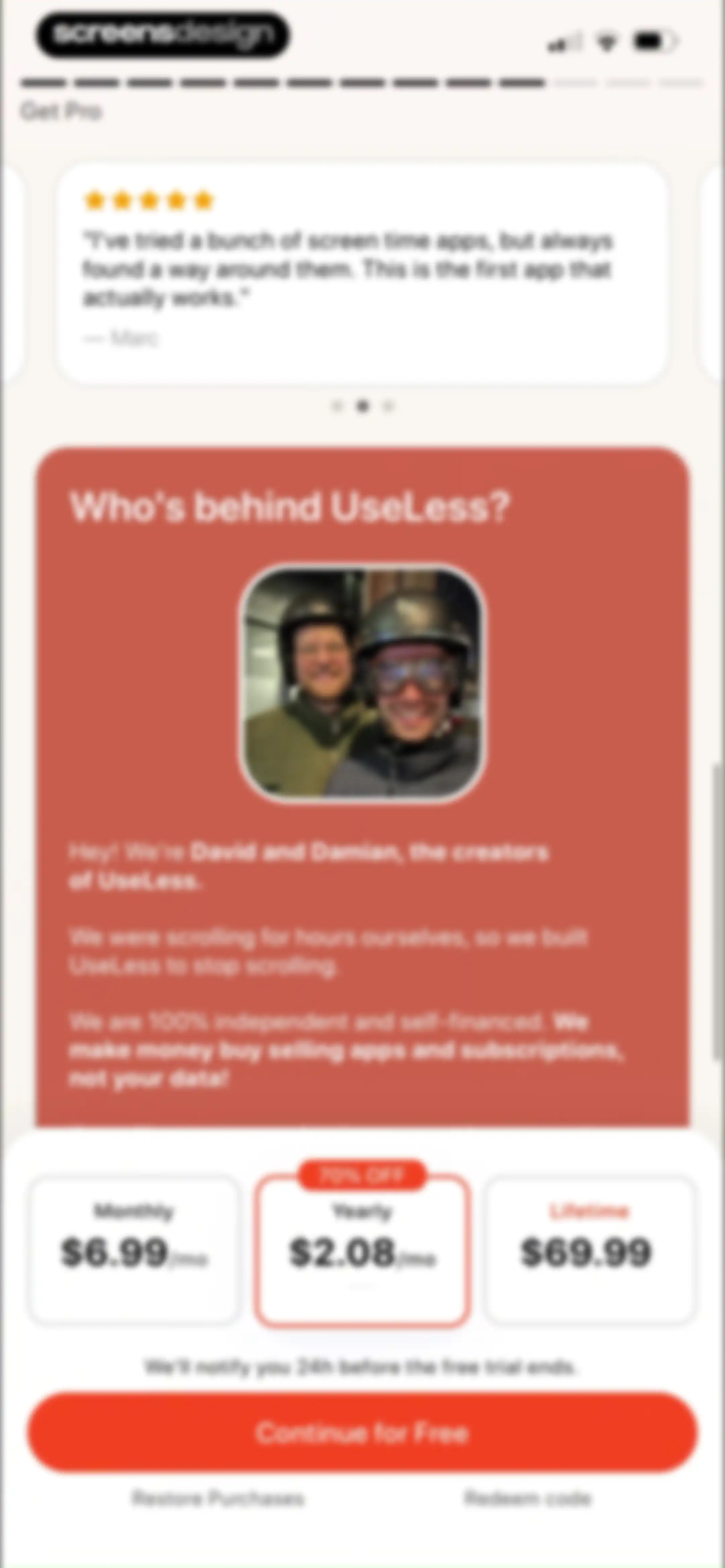
Paywall screen comparing monthly, yearly, and lifetime subscription plans for the Useless app, featuring founder bios, a testimonial, and a Continue for Free button.Unlock Pro
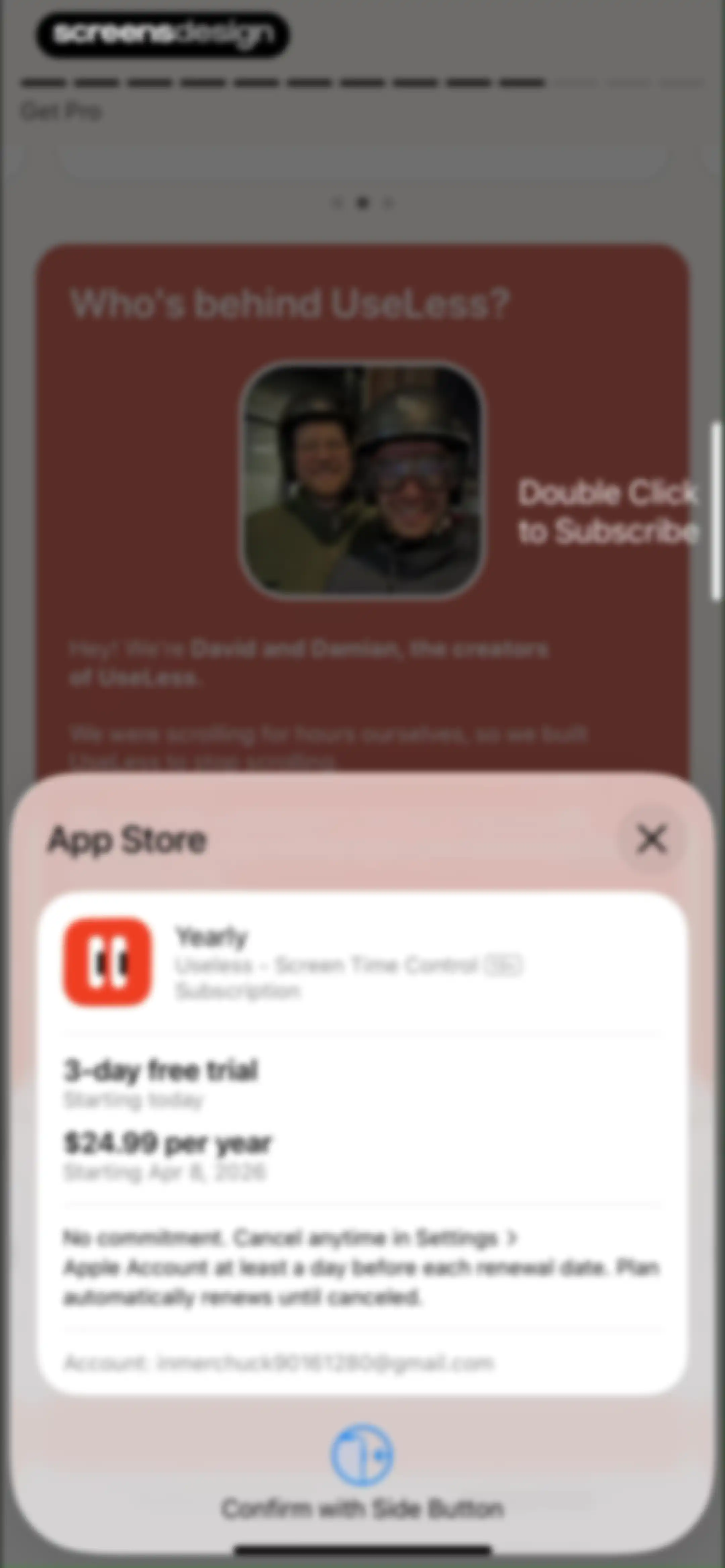
App Store subscription modal for Useless - Screen Time Control showing a yearly plan with a 3-day free trial and side button confirmation.Unlock Pro
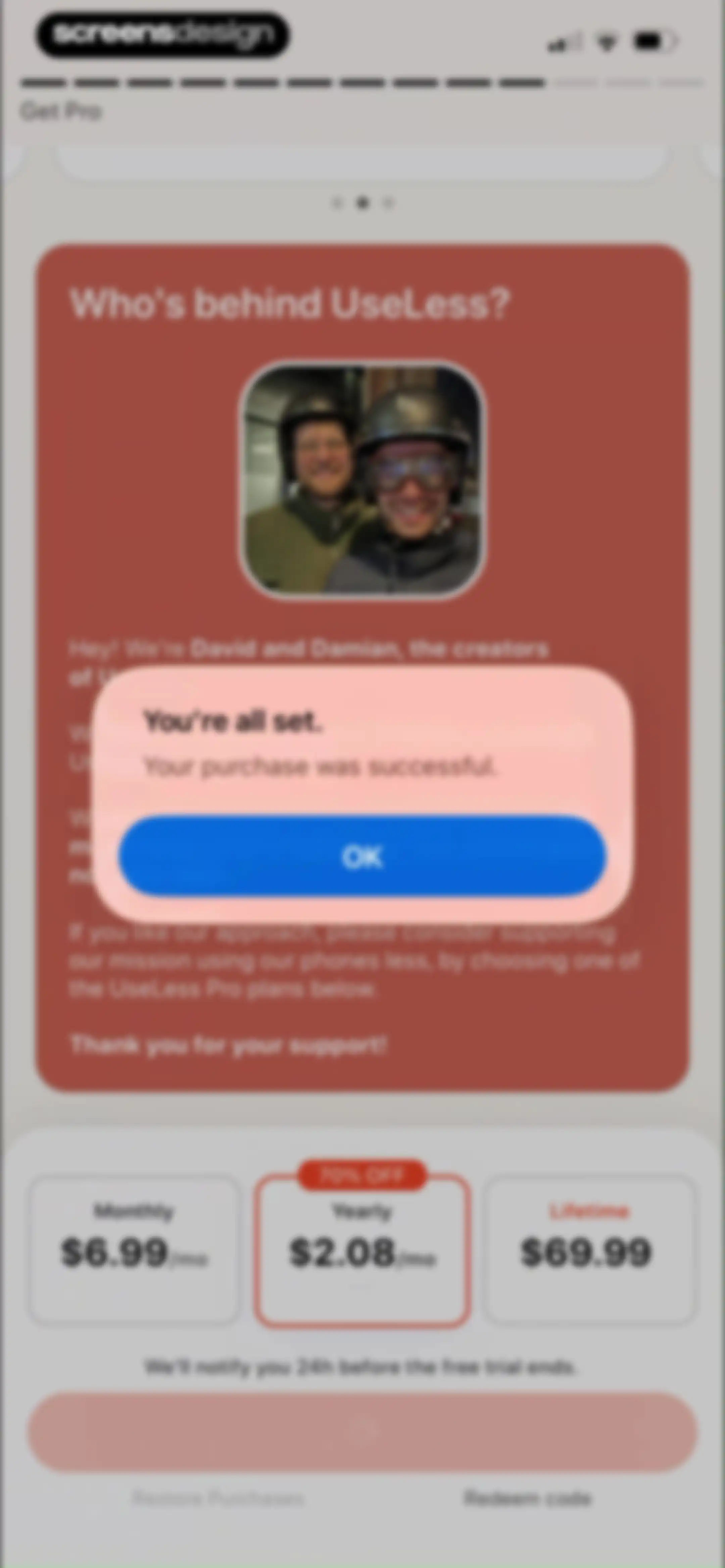
UseLess subscription paywall displaying a creator bio and three pricing plans with a success confirmation modal overlaid.Unlock Pro
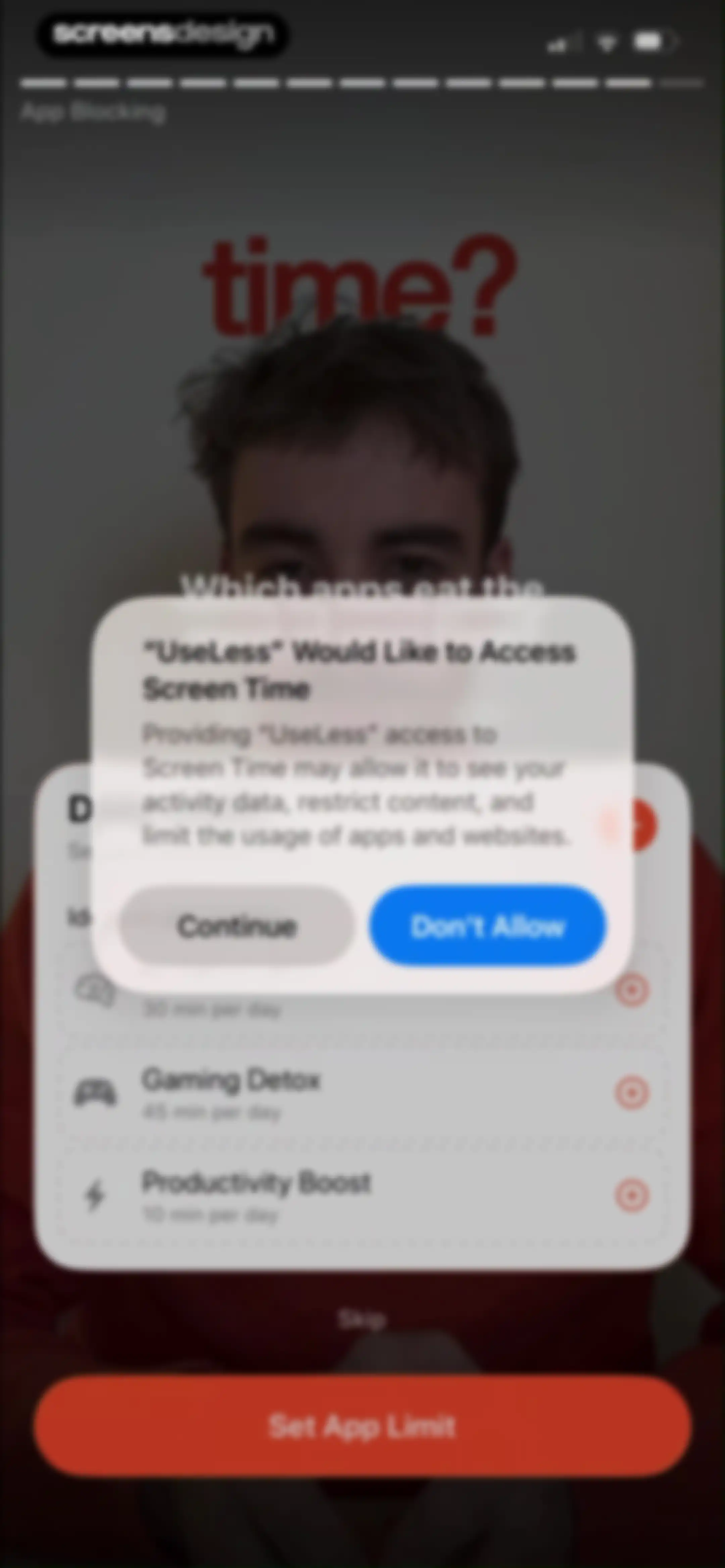
Permissions onboarding screen with a system dialog requesting access to Screen Time, featuring Continue and Don't Allow buttons.Unlock Pro
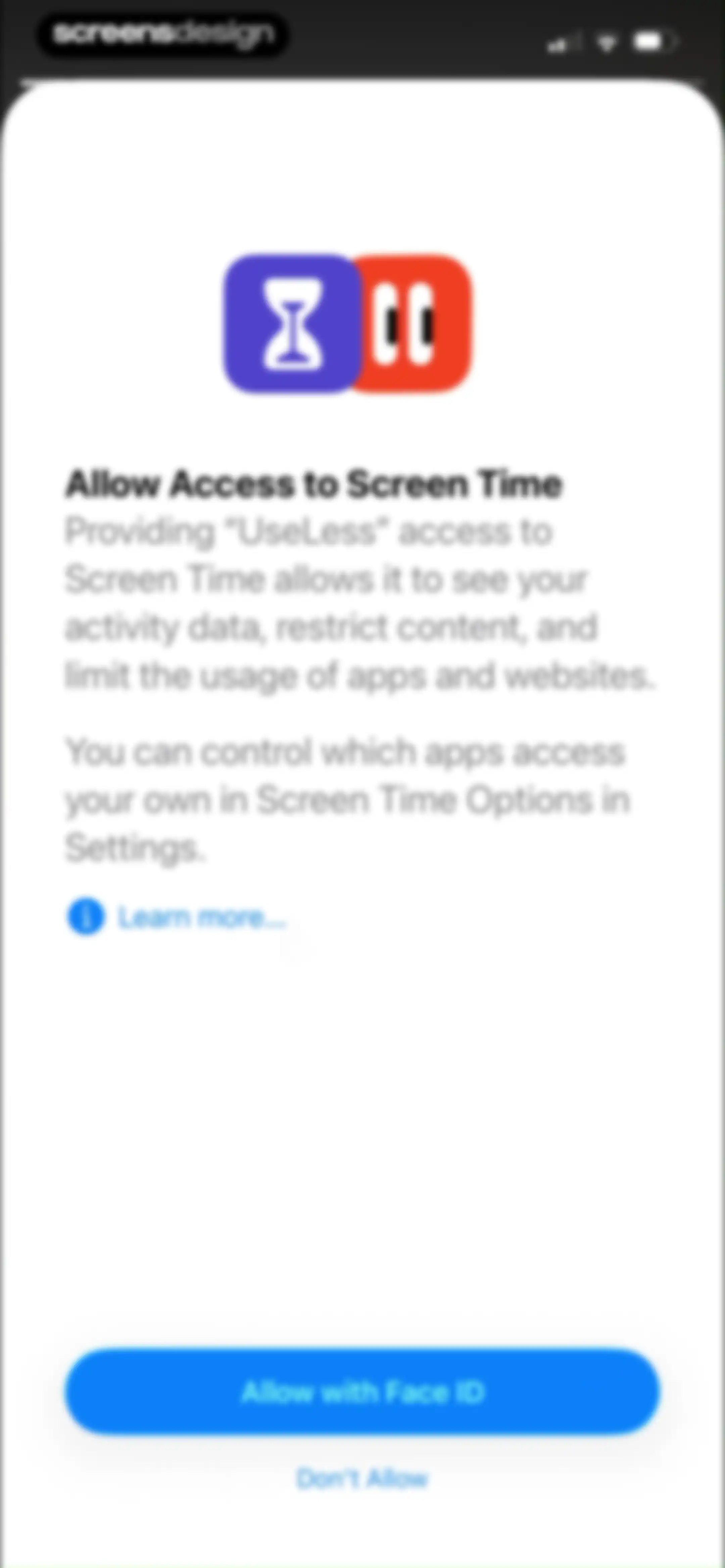
Permission request screen for UseLess asking to access Screen Time, with an Allow with Face ID button and Don't Allow option.Unlock Pro
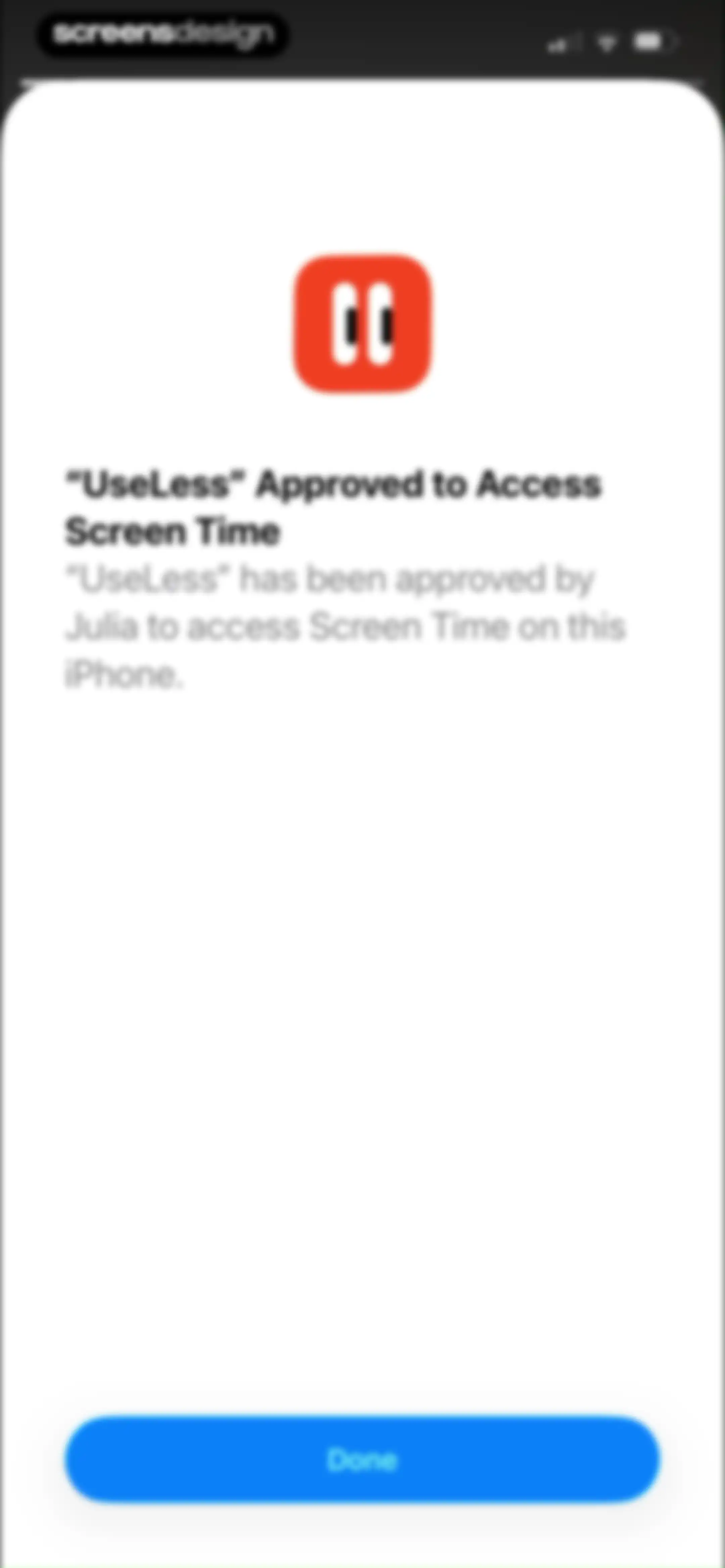
Permission confirmation modal in the UseLess app stating that access to Screen Time has been approved by Julia, with a Done button.Unlock Pro
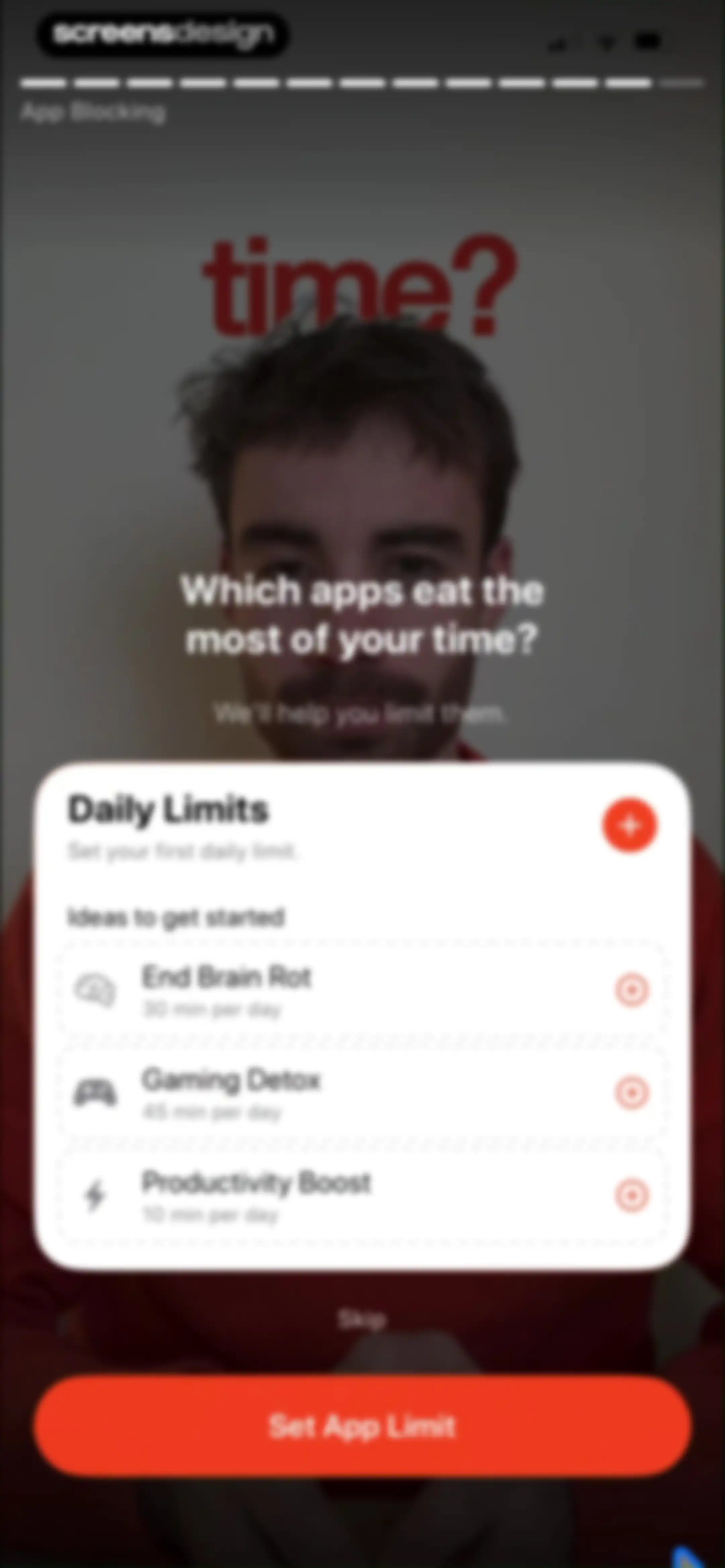
Onboarding screen for daily limits with a list of preset suggestions and a Set App Limit button.Unlock Pro
App selection modal listing categories and apps with Genshin Impact selected, featuring Done and Cancel buttons.Unlock Pro
App blocking limit form with a centered duration picker wheel, day-of-the-week toggles, and a Set App Limit button.Unlock Pro
Onboarding app limit configuration modal with fields for Genshin Impact, ninety minutes daily duration, and selected days of the week.Unlock Pro
Useless app onboarding screen asking which apps consume time, featuring a Daily Limits card for Genshin Impact, Skip link, and Continue button.Unlock Pro
Onboarding screen for setting focus schedules, displaying pre-configured template options, a progress bar, Skip link, and Continue button.Unlock Pro
App and category selection form displaying a list of categories and a search bar, with Genshin Impact selected and a Done button.Unlock Pro
Focus schedule creation modal overlay listing categories like Work and Study, with an orange Create Schedule button.Unlock Pro
Focus time schedule form with a time picker, day of week toggles, and a Create Schedule button.Unlock Pro
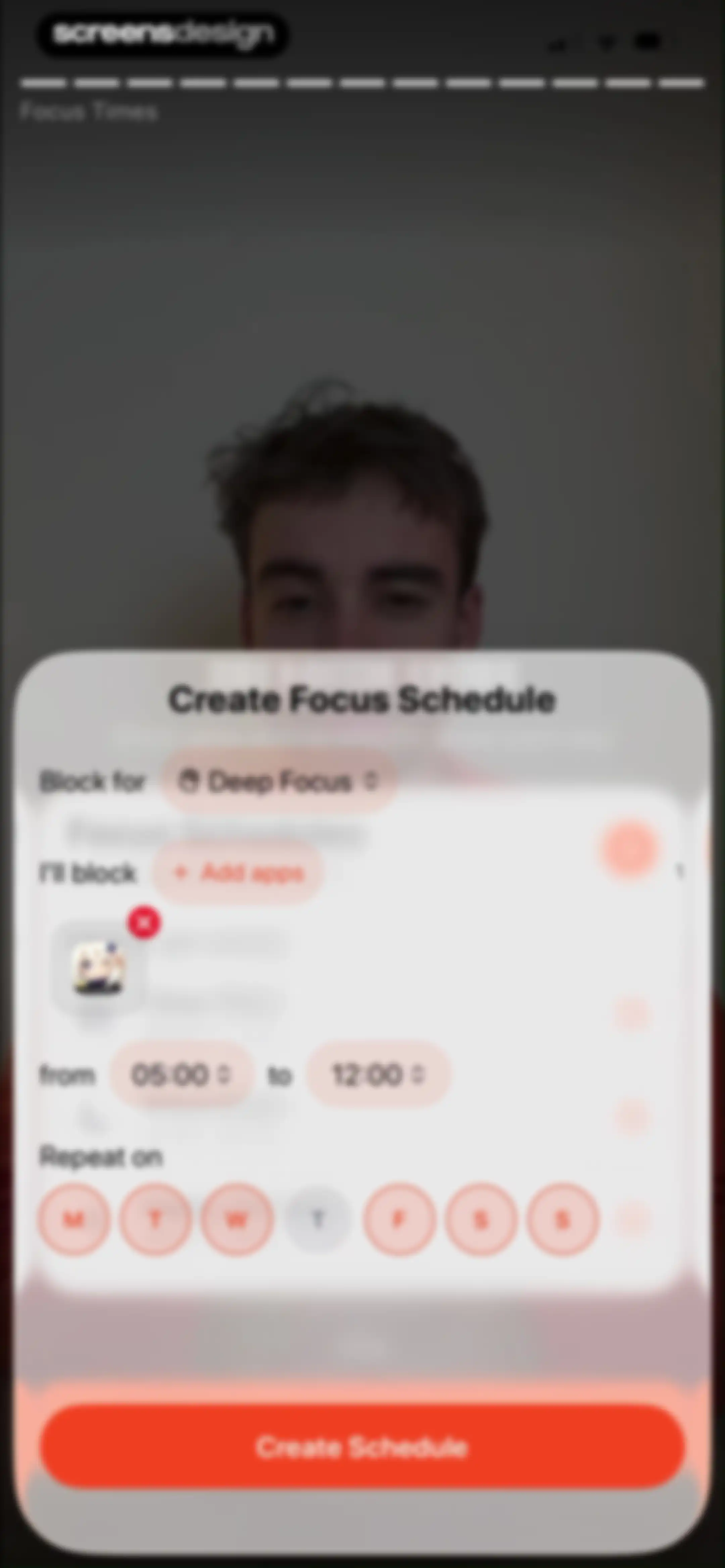
Focus schedule creation modal with time pickers, day selectors, and a Create Schedule button.Unlock Pro
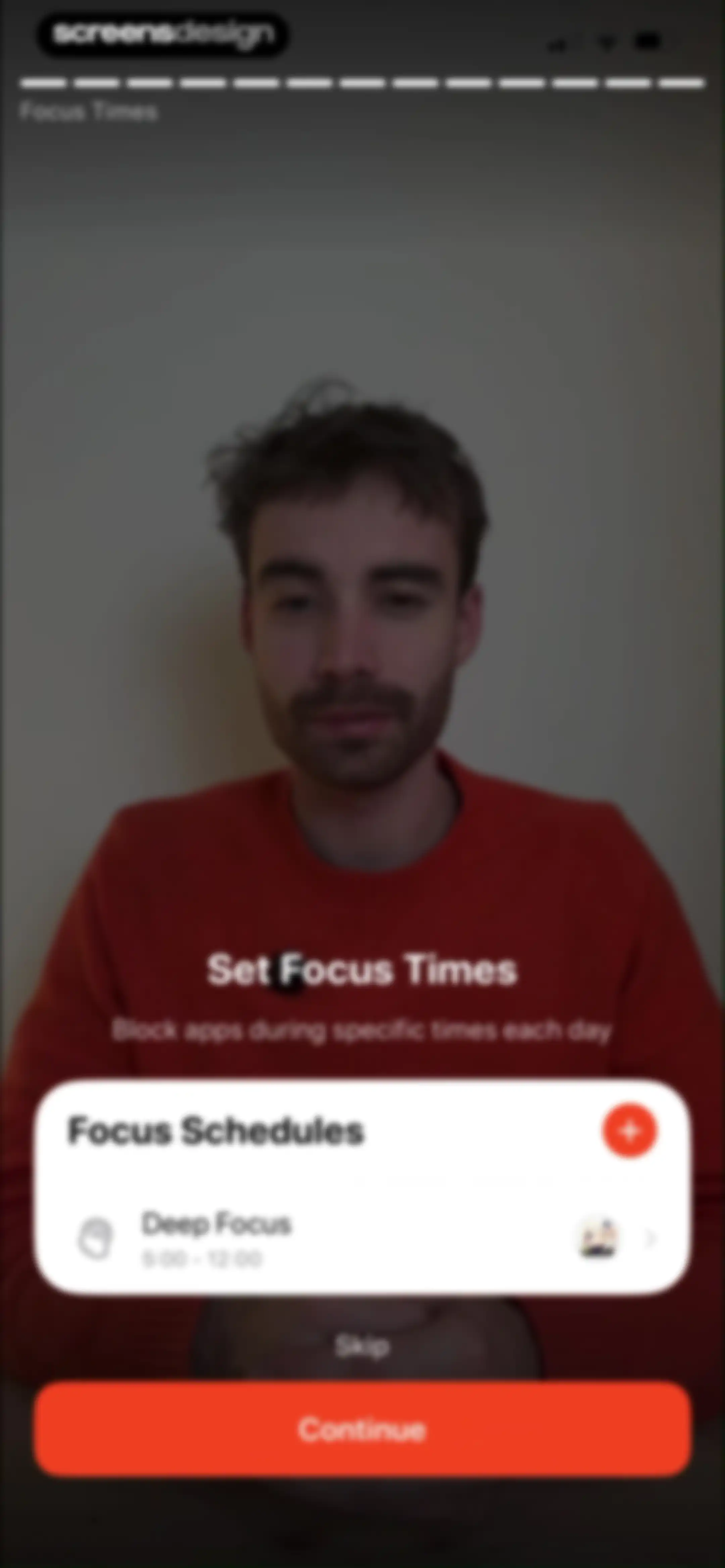
Focus times onboarding screen displaying a Deep Focus schedule card, a Skip link, and a Continue button.Unlock Pro
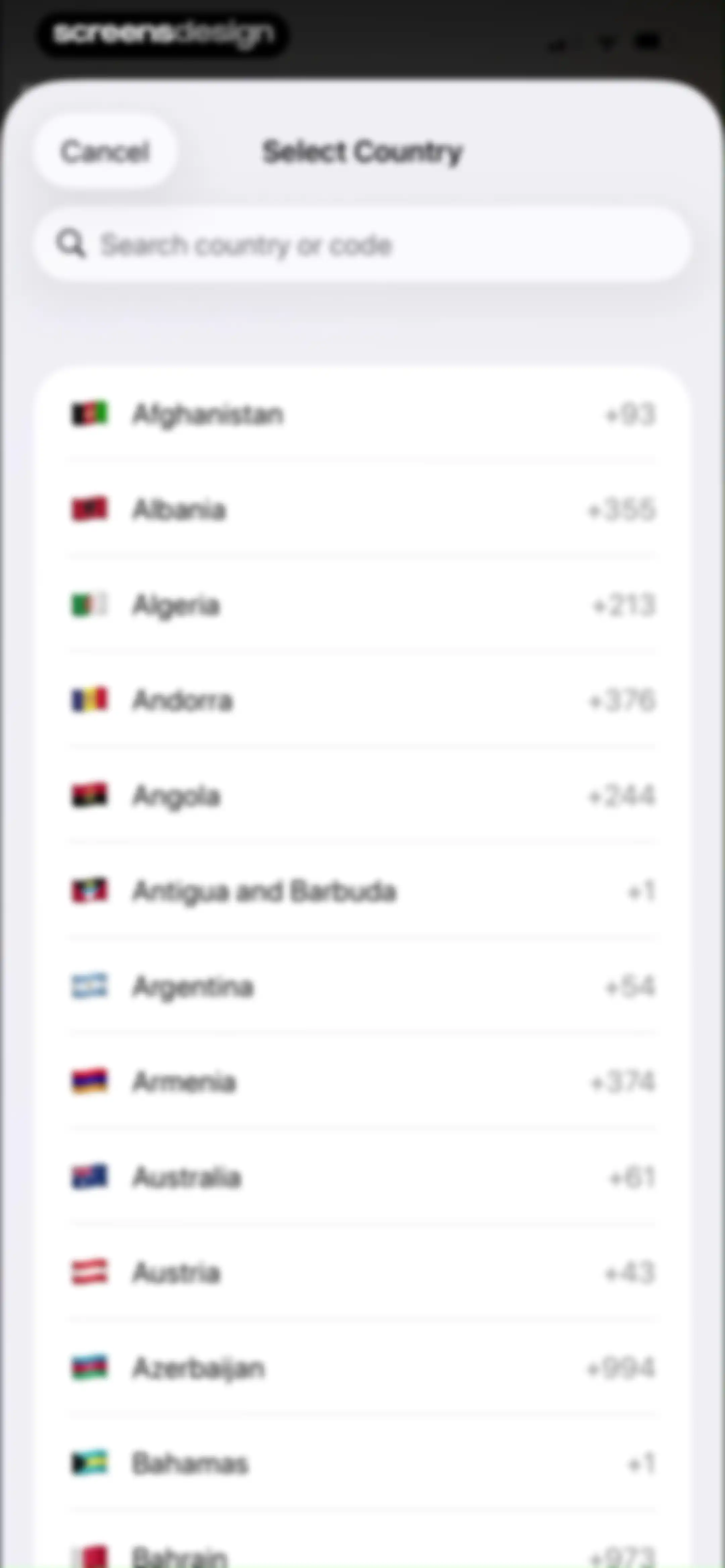
Country selection modal with a search bar and a scrollable list of countries and international dialing codes.Unlock Pro
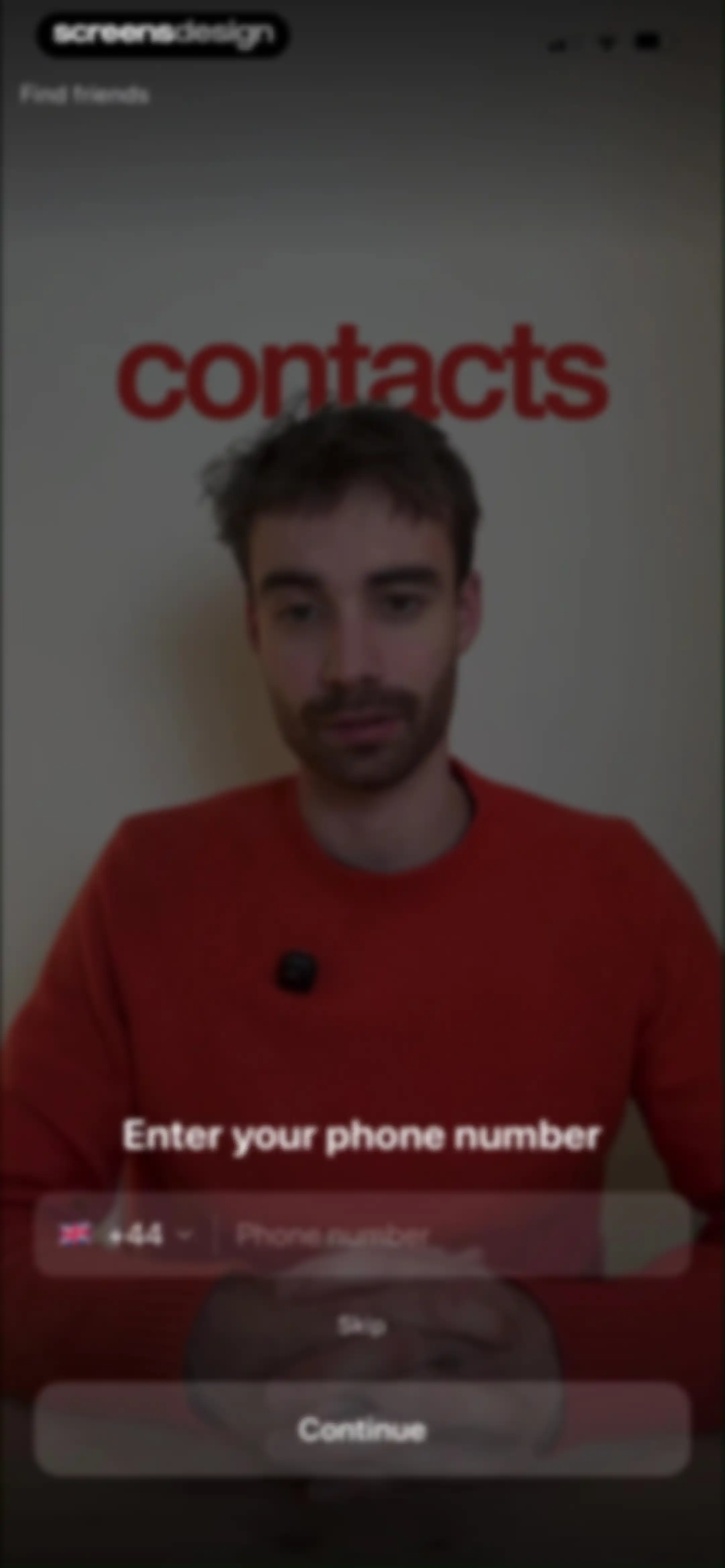
Onboarding screen prompting for a phone number to find friends, featuring a portrait background, country code selector, and Continue button.Unlock Pro
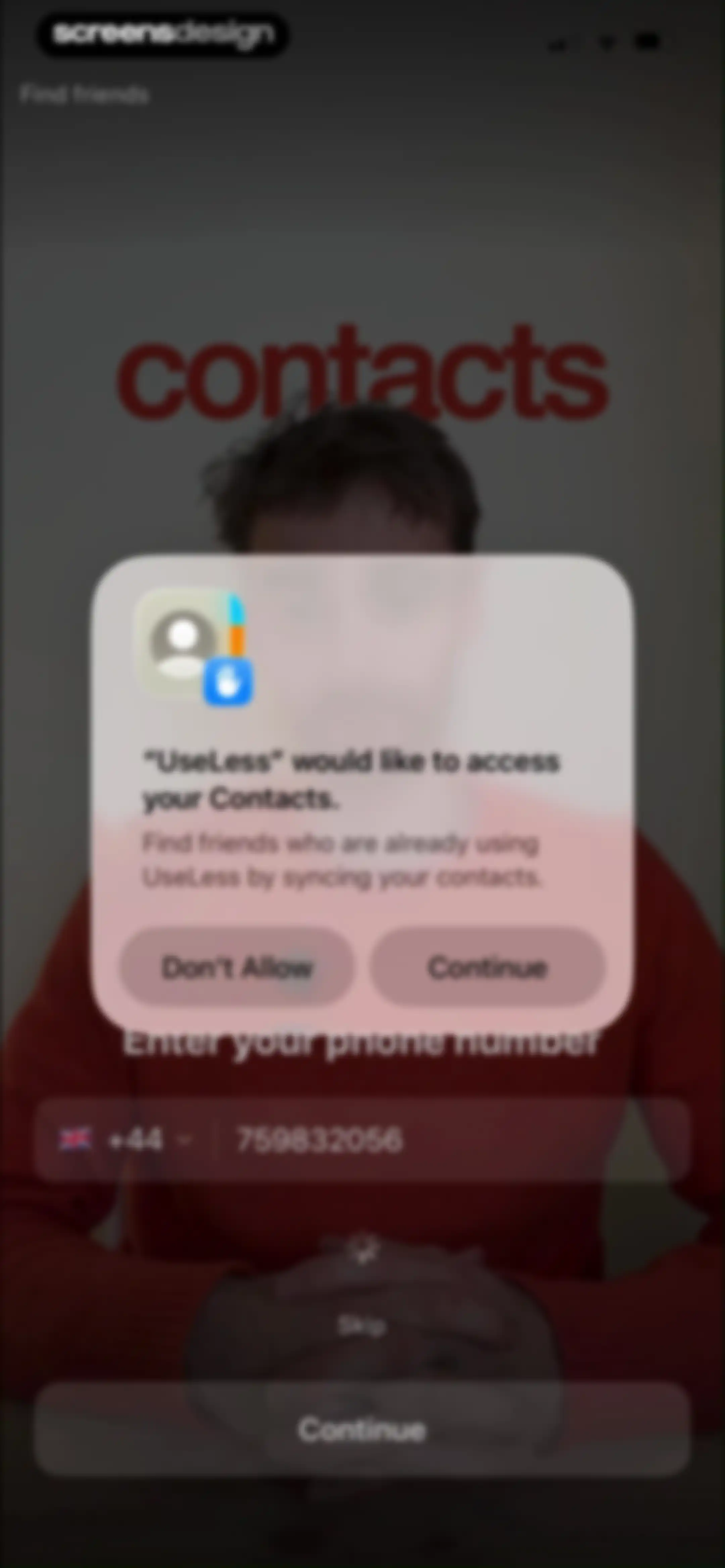
Permission request modal asking to access contacts to find friends, overlaid on a phone number entry form with Continue and Don't Allow buttons.Unlock Pro
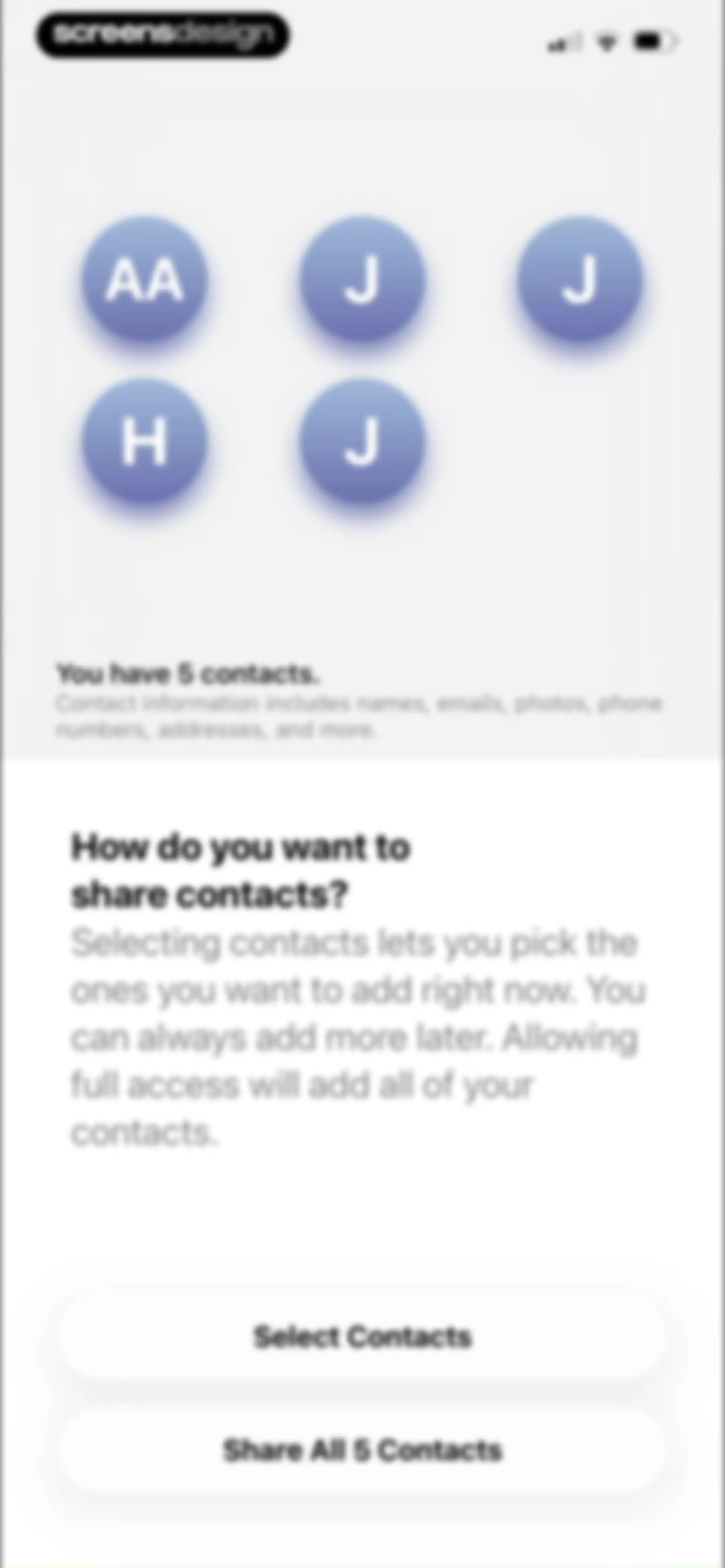
Contact permission prompt asking how to share contacts, with buttons to select specific contacts or share all five.Unlock Pro
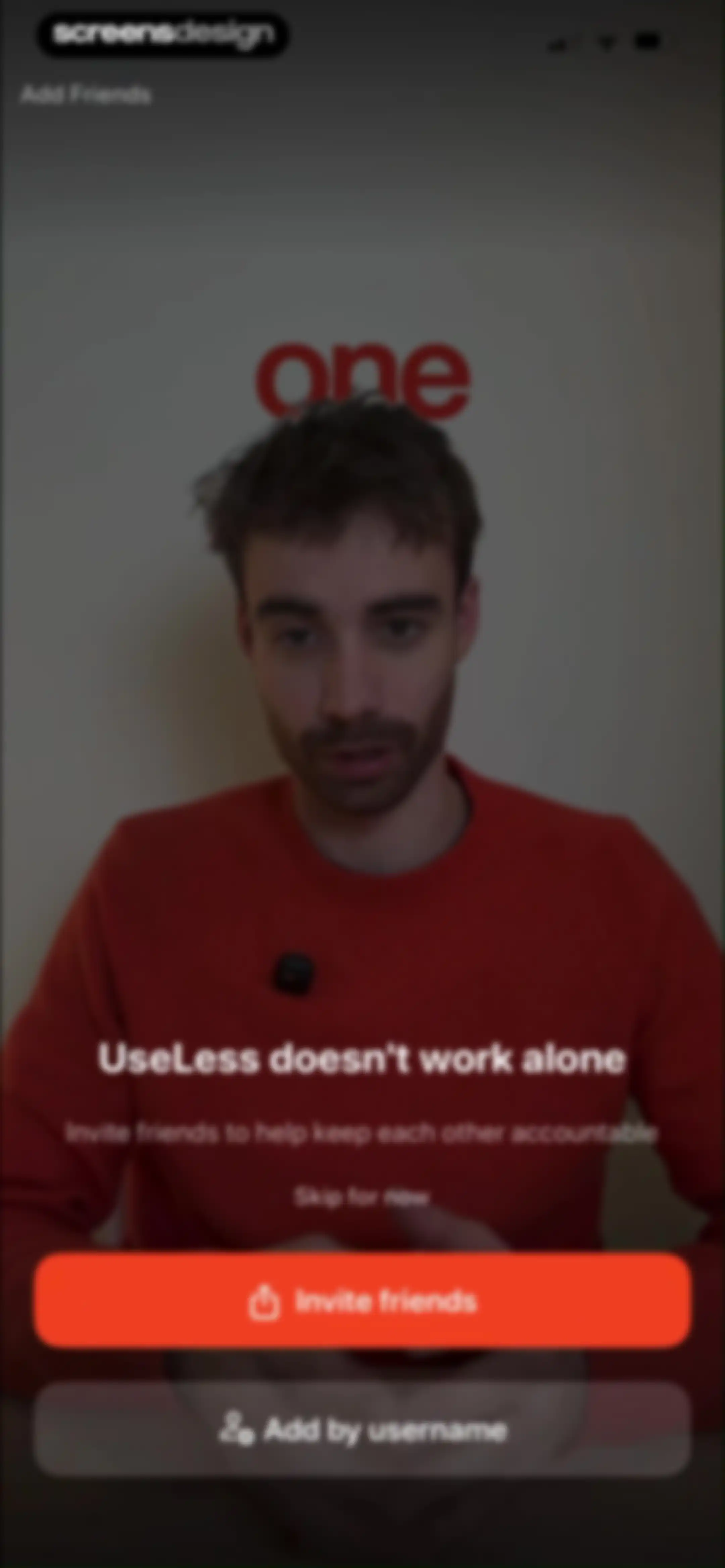
Onboarding screen inviting users to add friends for accountability, featuring a video background, an orange Invite friends button, and a skip link.Unlock Pro
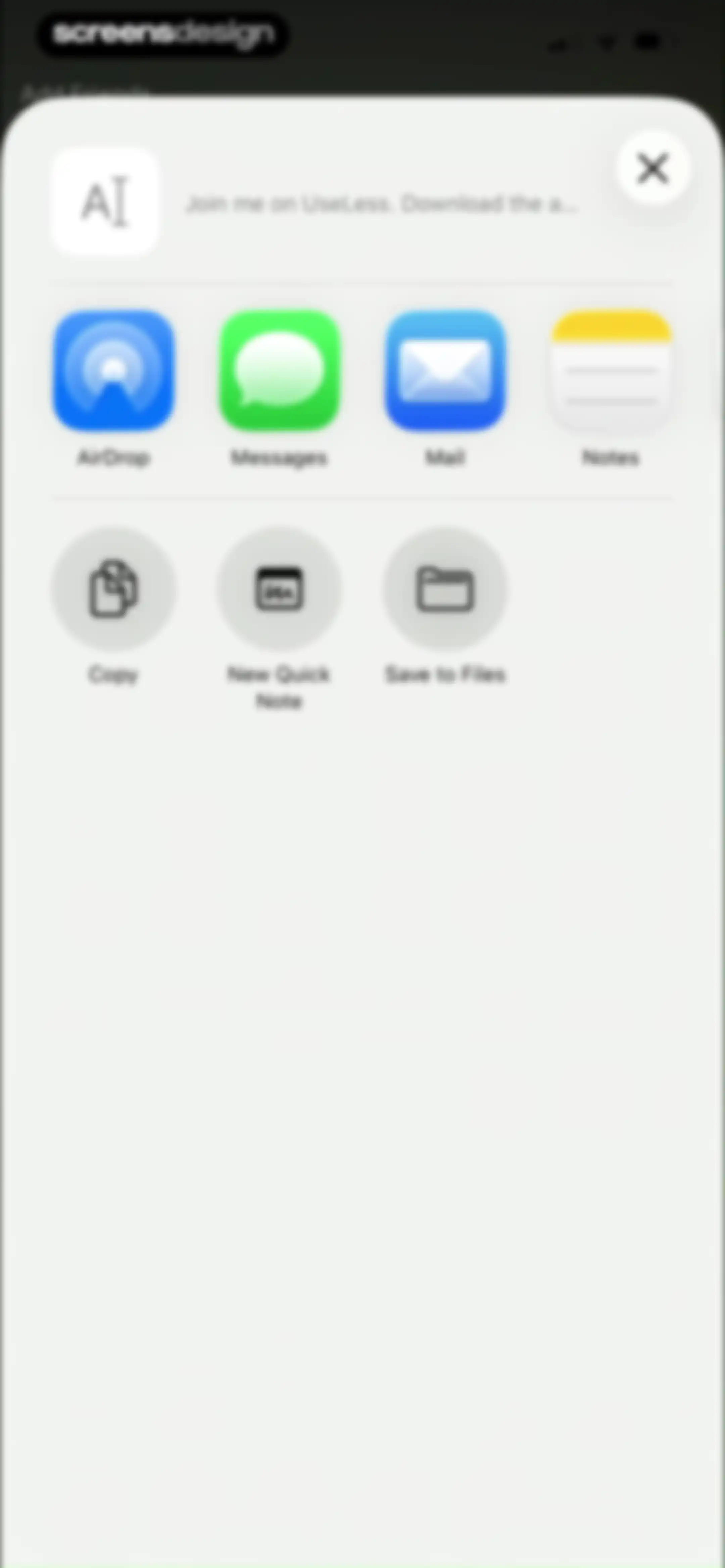
Share sheet modal overlay displaying app sharing options and system actions with a close button.Unlock Pro
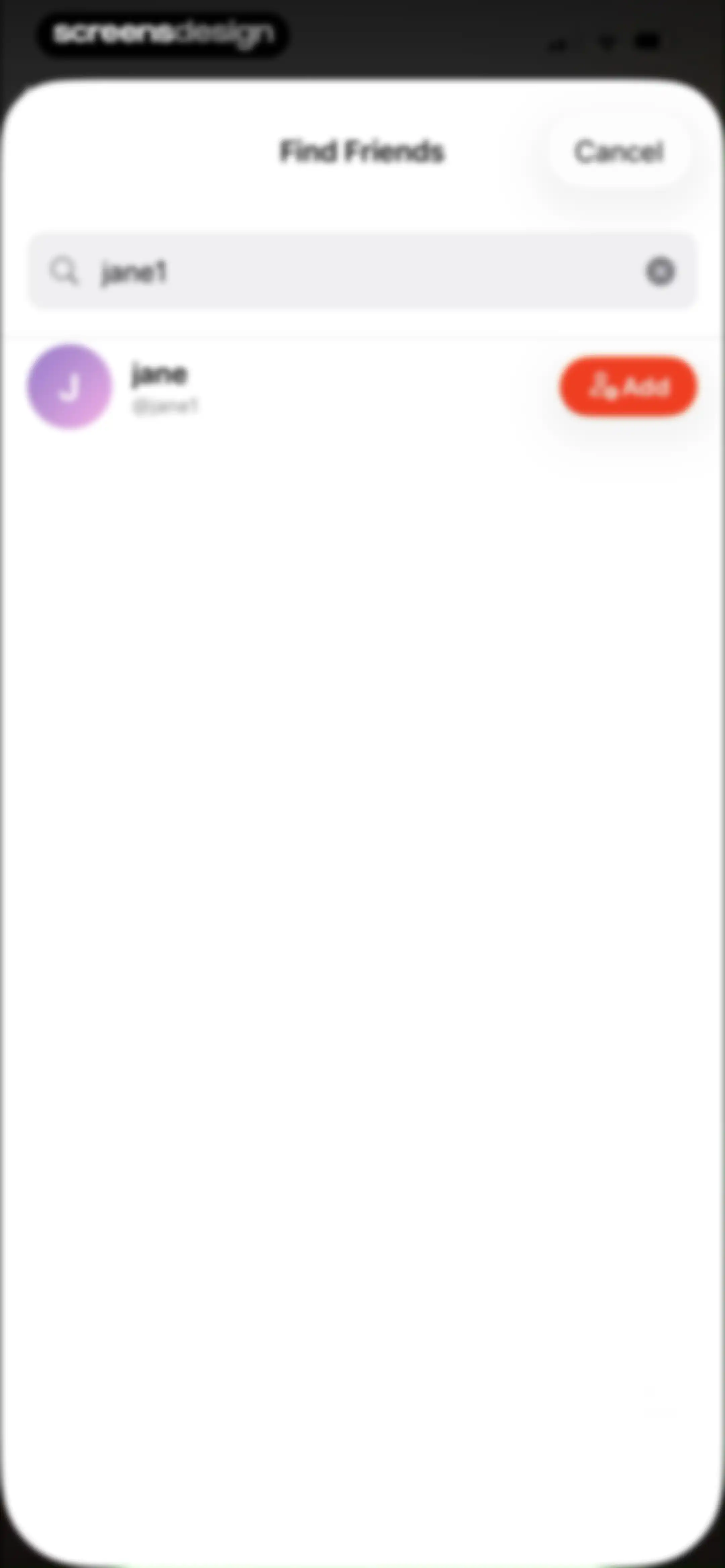
Friend search modal displaying a user profile result for jane1 with an Add button and a Cancel option.Unlock Pro
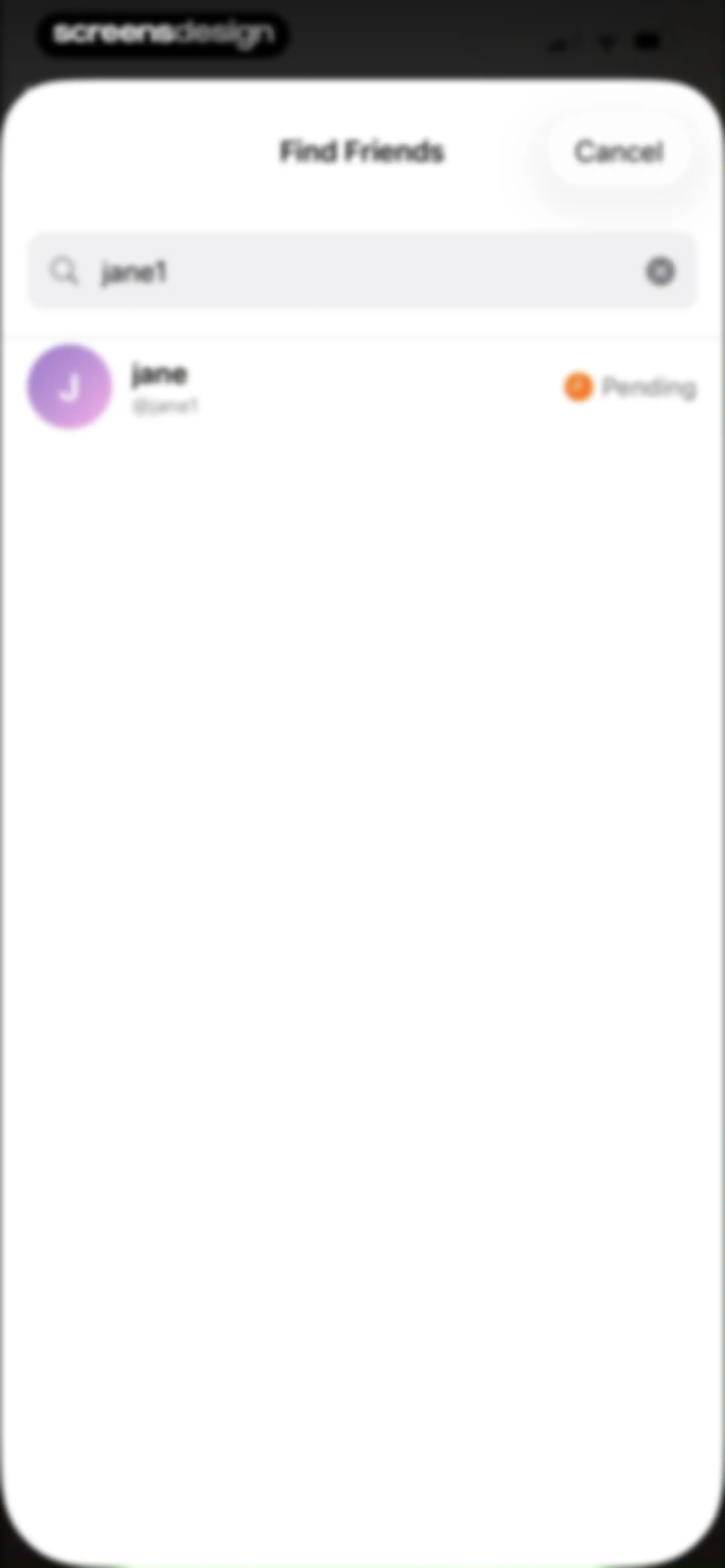
Friend search modal displaying one user result with a pending status indicator and a cancel button.Unlock Pro
Username selection screen featuring suggestion chips with one selected, an availability indicator, and a Continue button.Unlock Pro
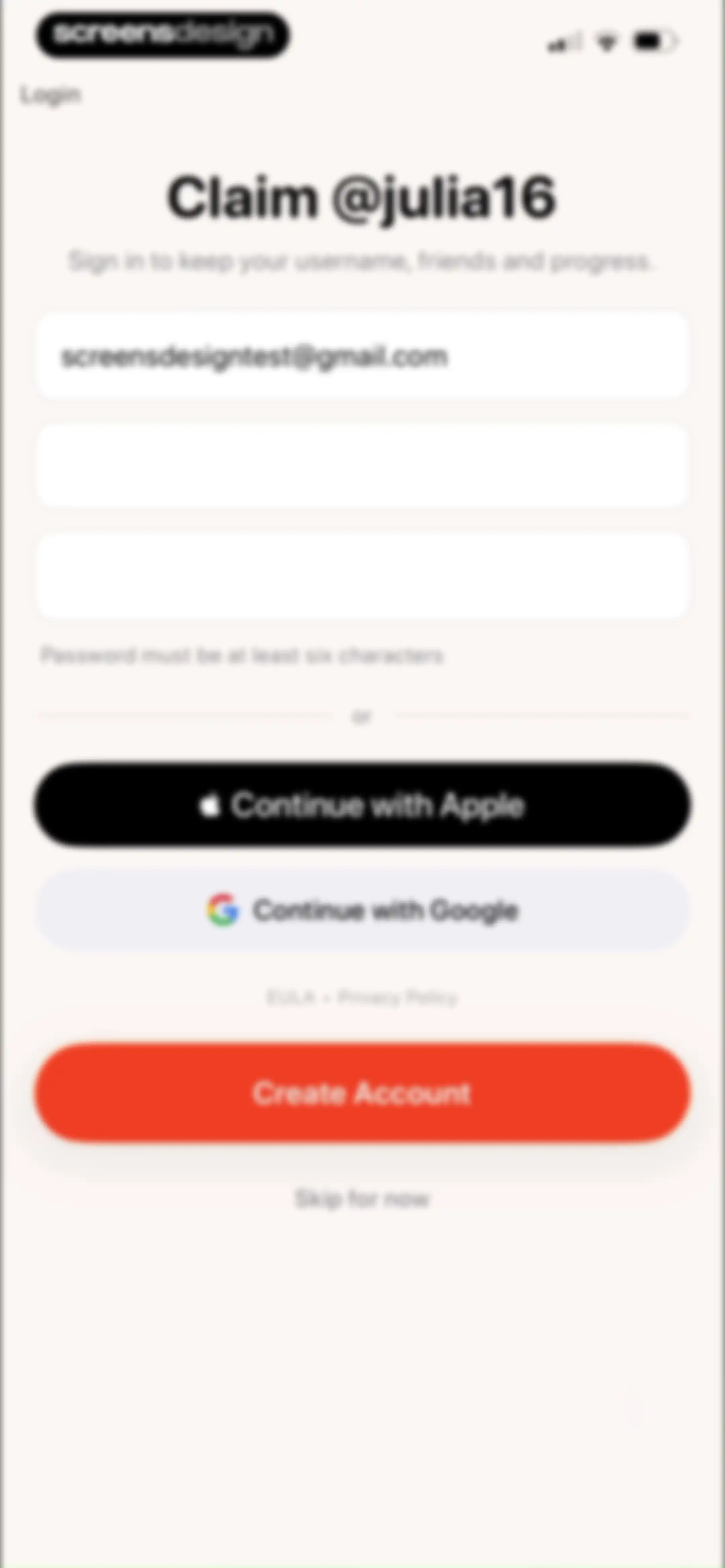
Account creation form featuring a pre-filled email field, social login options, and a Create Account button.Unlock Pro
UseLess app home dashboard showing an empty feed state with a devil emoji card and an Invite more friends button.Unlock Pro
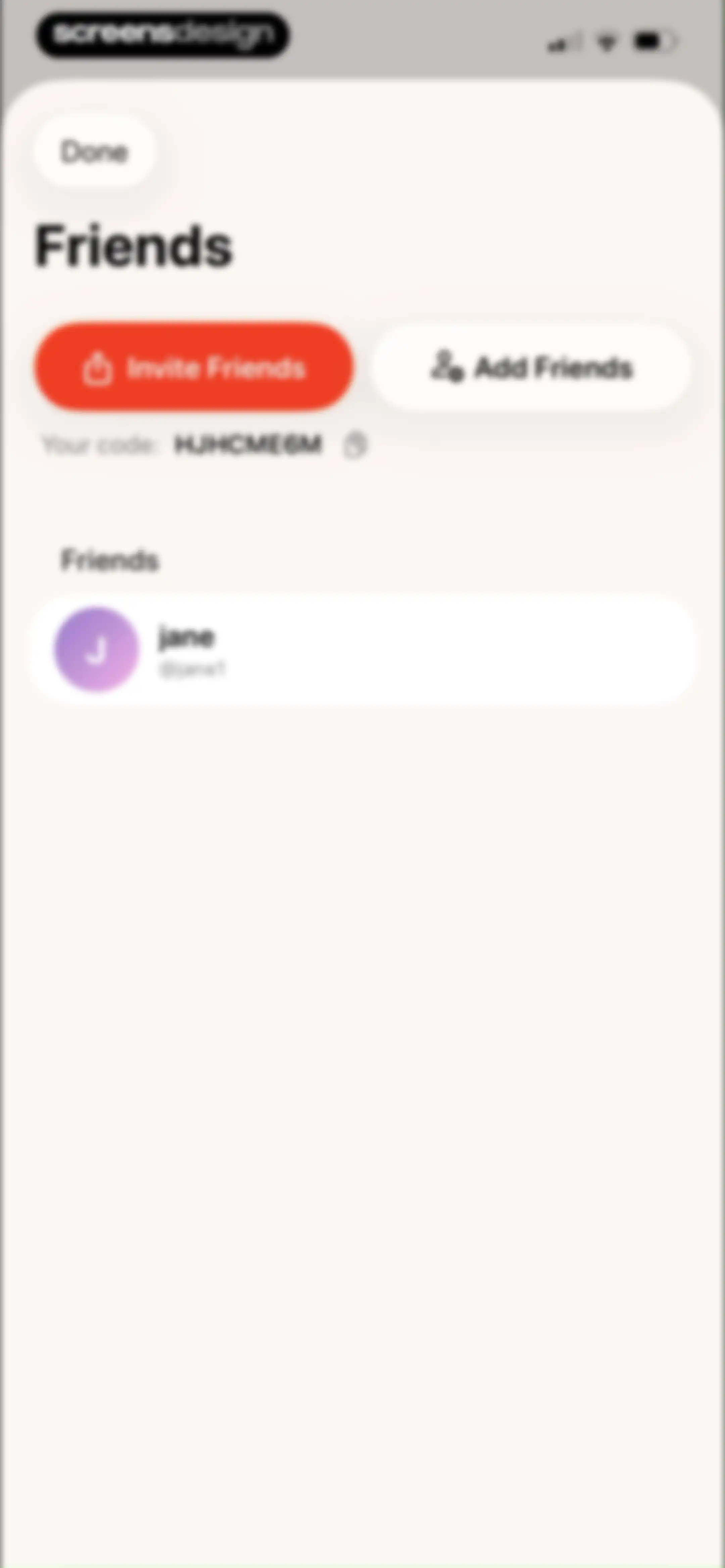
Friends management screen displaying invite and add friend buttons, a personal referral code, and a list containing user jane with handle @jane1.Unlock Pro
Friend Details modal in the Useless app displaying usage statistics, streak counter, and weekly metrics for jane with a Done button.Unlock Pro
Screen time dashboard displaying remaining time of 1 hour 55 minutes, a daily goal of 2 hours, an Edit Limits button, and app usage details.Unlock Pro
Screen time dashboard showing daily usage stats, a goal of two hours, and an empty state message with an edit limits button.Unlock Pro
Screen time dashboard displaying usage statistics, an open date selection dropdown menu, and an Edit Limits button.Unlock Pro
Screen time dashboard displaying zero minutes used against a two-hour goal, an edit limits button, and an empty notifications card.Unlock Pro
Limits dashboard displaying a Beast Mode card with an Activate button, daily limits and focus schedules lists, and the Screen Time tab selected in the bottom navigation.Unlock Pro
Schedule creation form with a time picker, day toggles, a time overlap warning error, and a Create Schedule button.Unlock Pro
App selection modal listing categories and individual apps with a search bar and a Done confirmation button.Unlock Pro
Focus schedule creation form with time pickers, day toggles, and a Create Schedule button.Unlock Pro
Focus schedule editor modal with time and day selectors, an app blocking list, and an Update Schedule button.Unlock Pro
Confirmation modal for quitting a schedule with warnings about leaderboard standing, plus options to confirm, use an SOS unlock, or cancel.Unlock Pro
Confirmation modal warning that deleting the schedule stops blocking one app during a specific daily time range.Unlock Pro
Camera permission request modal in UseLess asking for access to take photos for screen time requests, with Don't Allow and Allow buttons.Unlock Pro
Camera interface for sending a photo as evidence, with a cancel button, central text prompt, and bottom controls.Unlock Pro
Camera capture confirmation screen showing a solid red image preview with Retake and Send buttons.Unlock Pro
Success confirmation screen displaying 'Schedule Deleted' with a checkmark icon and a Done button.Unlock Pro
Modal confirmation for Beast Mode listing strict constraints like request limits and a button to activate.Unlock Pro
Limits dashboard with an active Beast Mode status card, Daily Limits section showing Genshin Impact, and Focus Schedules.Unlock Pro
Camera screen titled Escape Beast Mode with a central viewfinder, a cancel button, and bottom camera controls.Unlock Pro
Form for escaping Beast Mode with a text input field containing Let me out! and a Send Request button.Unlock Pro
Limits dashboard displaying a pending Beast Mode status card, daily app usage limits, focus schedules, and bottom navigation.Unlock Pro
Home screen showing an empty notifications state with a share sheet overlay at the top and a bottom navigation bar.Unlock Pro
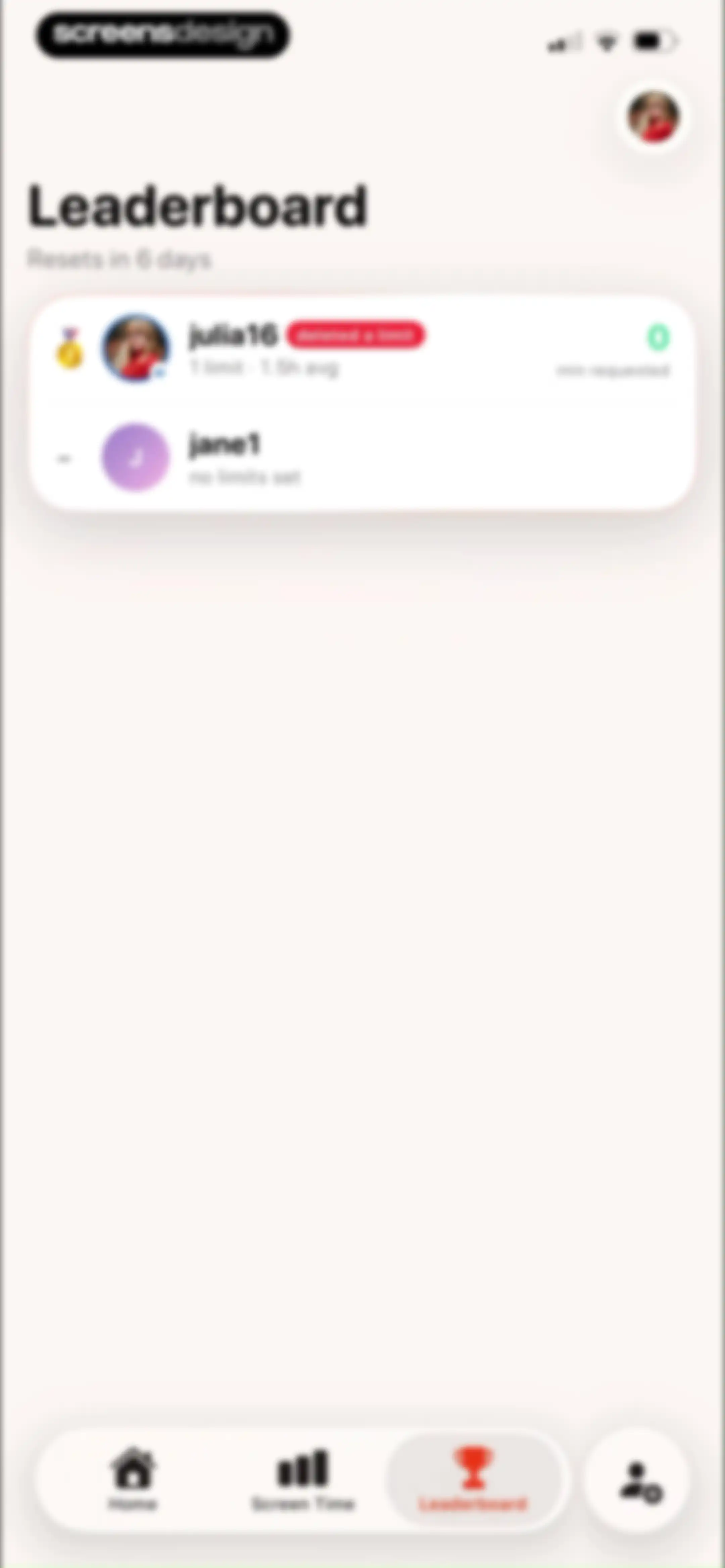
Leaderboard dashboard listing user rankings and screen time statistics, with the Leaderboard tab selected in the bottom navigation bar.Unlock Pro
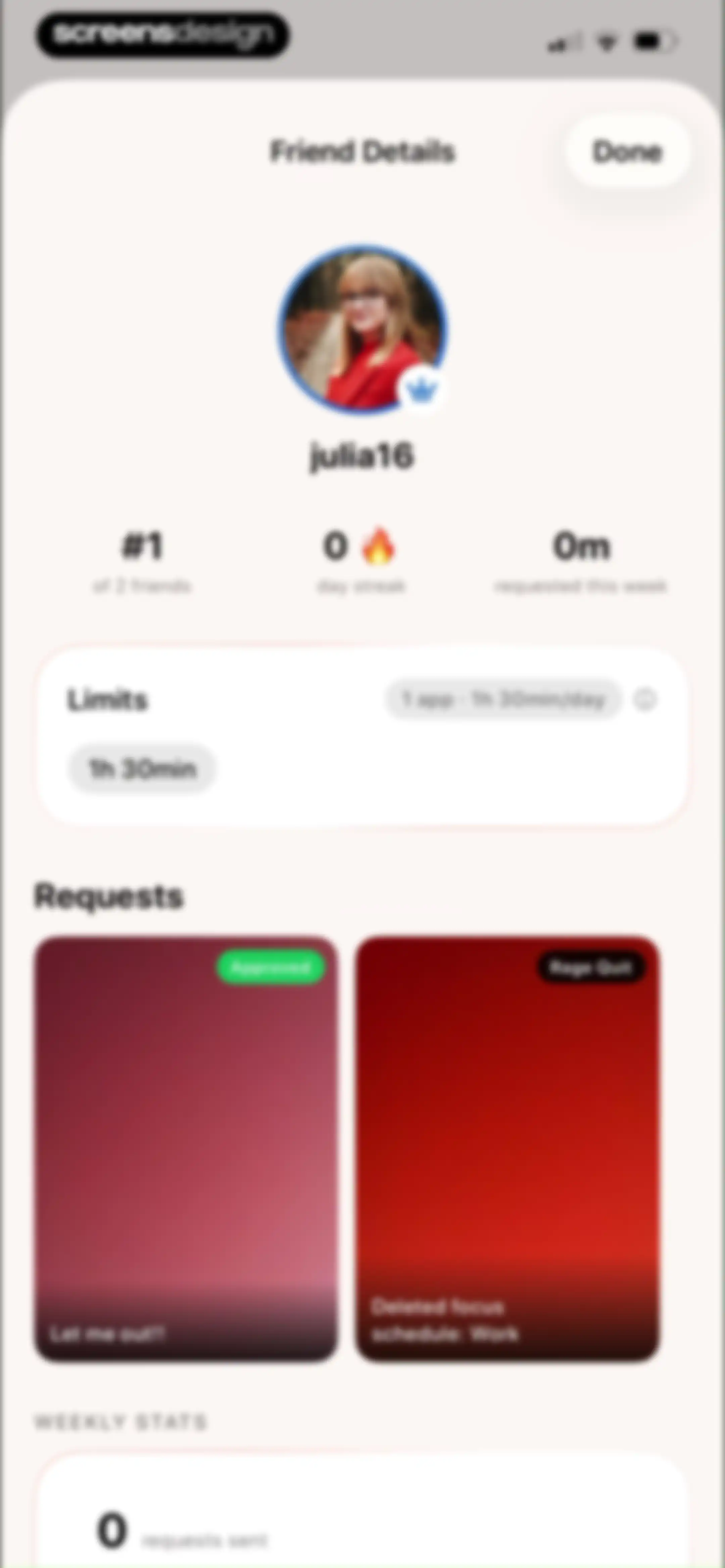
Friend details profile for julia16 showing usage stats, limits card, requests feed, and weekly stats with a Done button.Unlock Pro
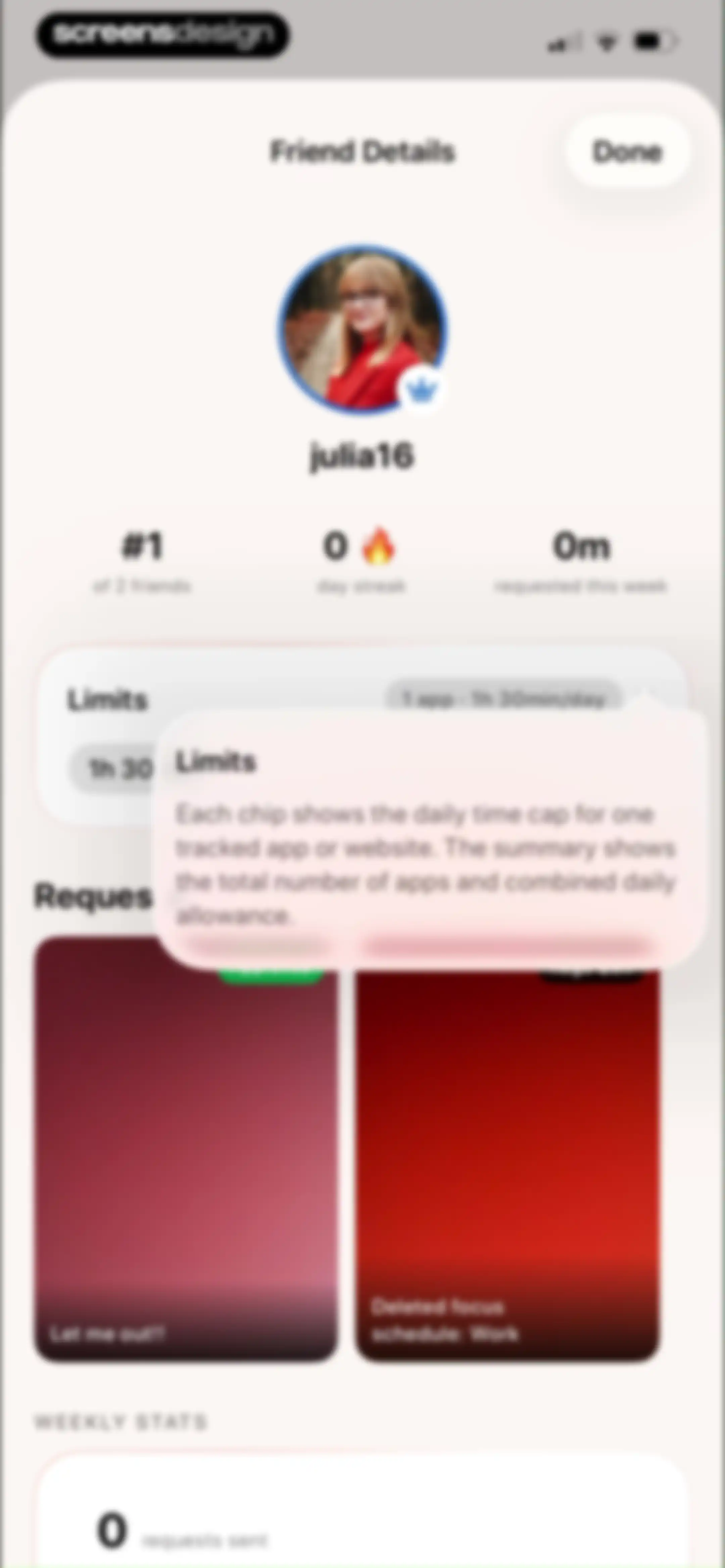
Friend profile screen showing usage metrics, app limits, request history, and weekly stats with an active limits tooltip.Unlock Pro
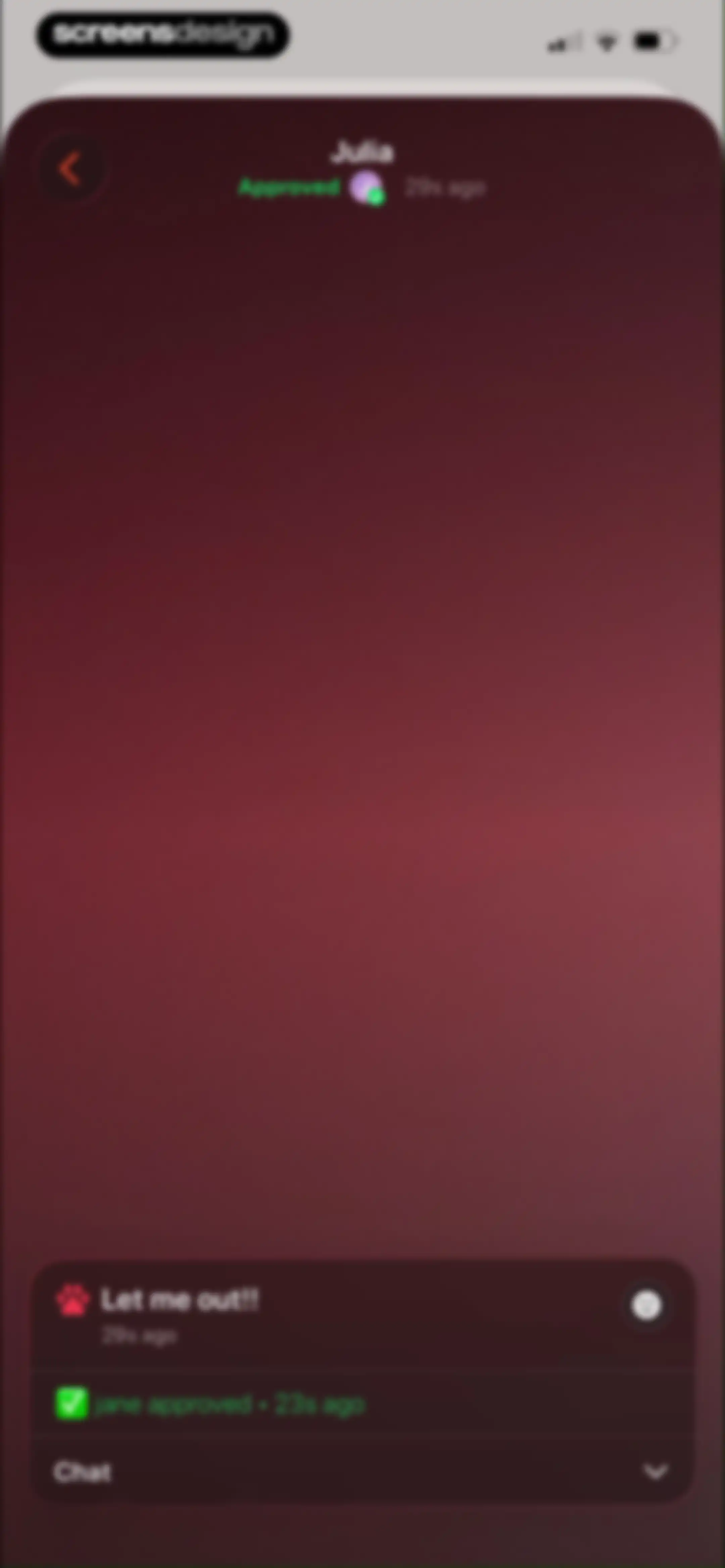
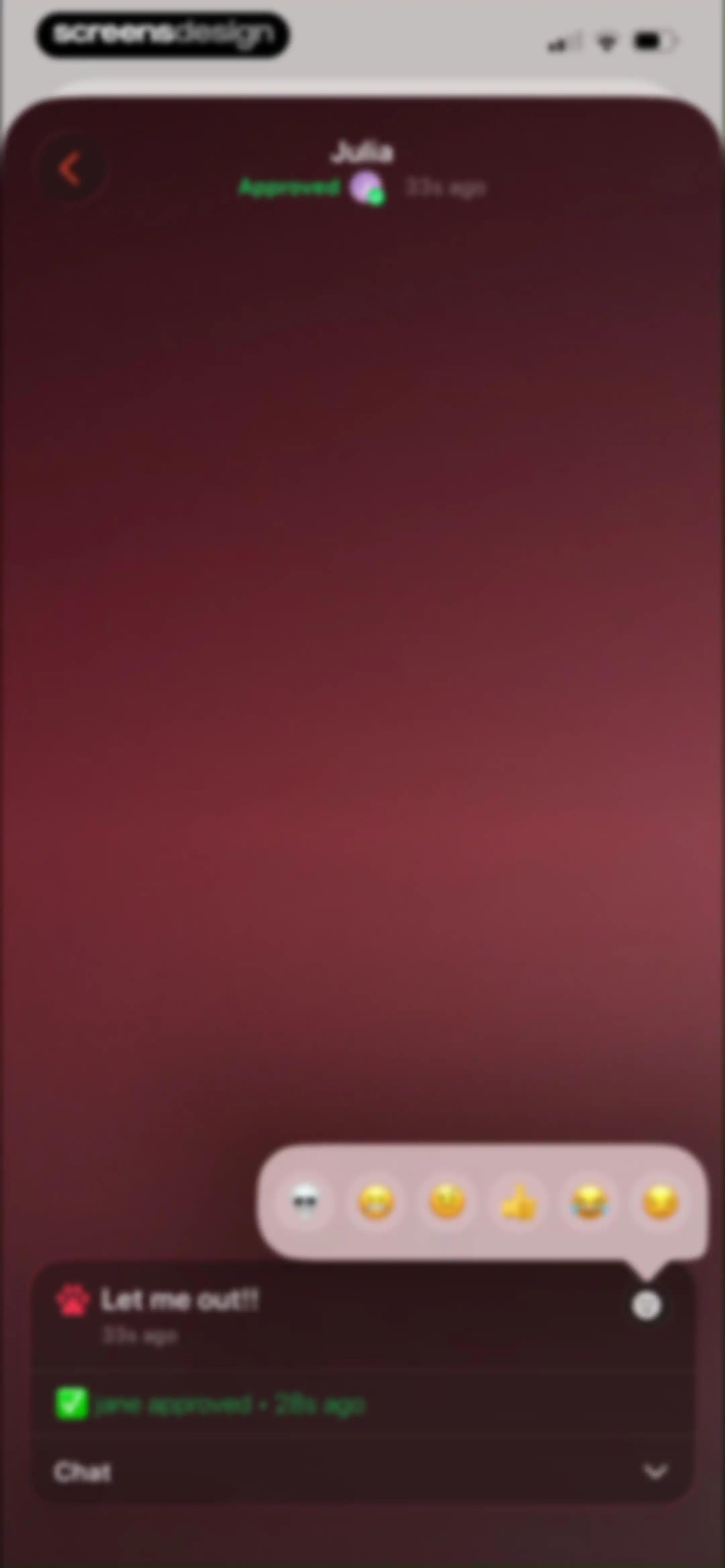
Chat screen displaying an approved request status for Julia, with an interactive bottom card showing user messages and a collapsible chat interface.Unlock Pro
Chat screen displaying an approved screen time request message with a floating reaction menu and a bottom chat drawer.Unlock Pro
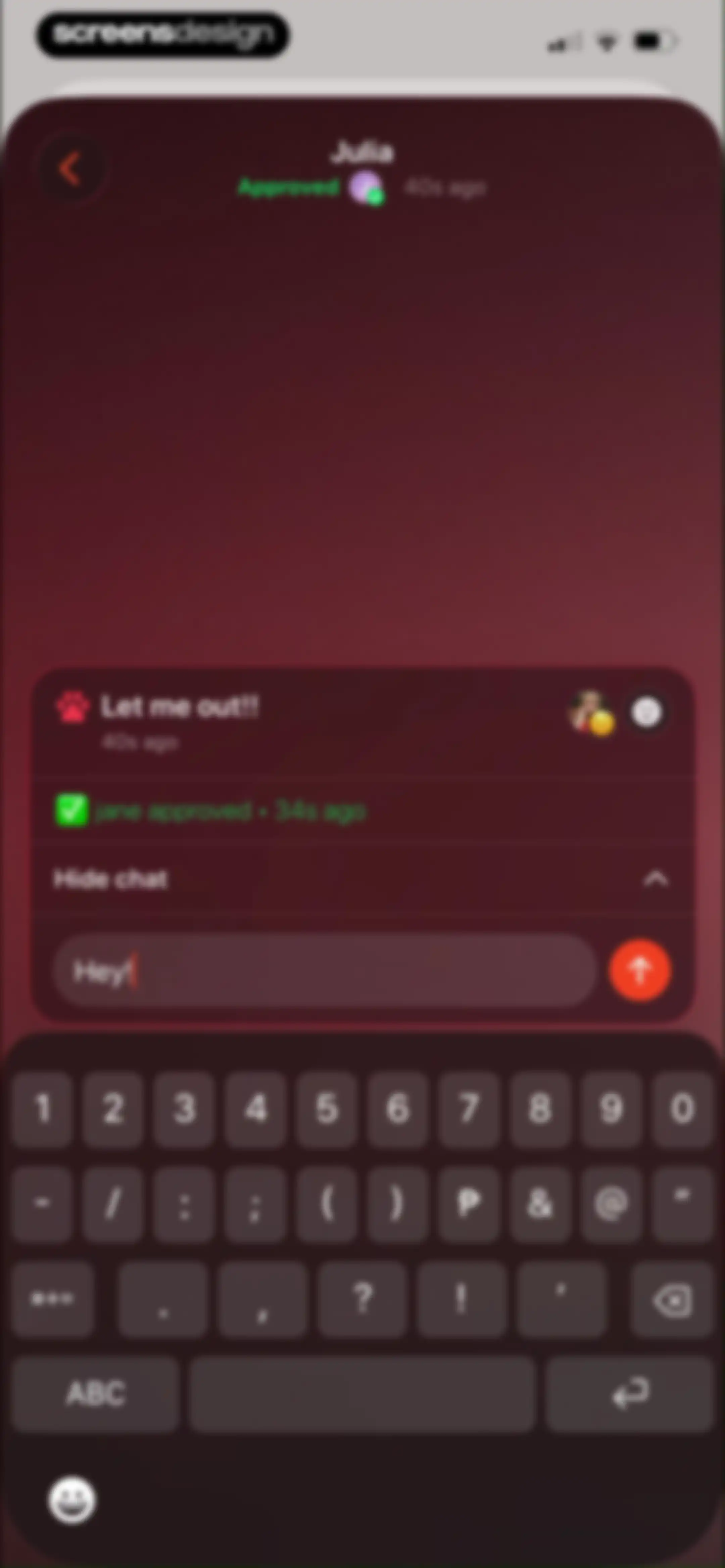
Chat screen showing a message reading Let me out!! with a dark theme, text input field, and keyboard.Unlock Pro
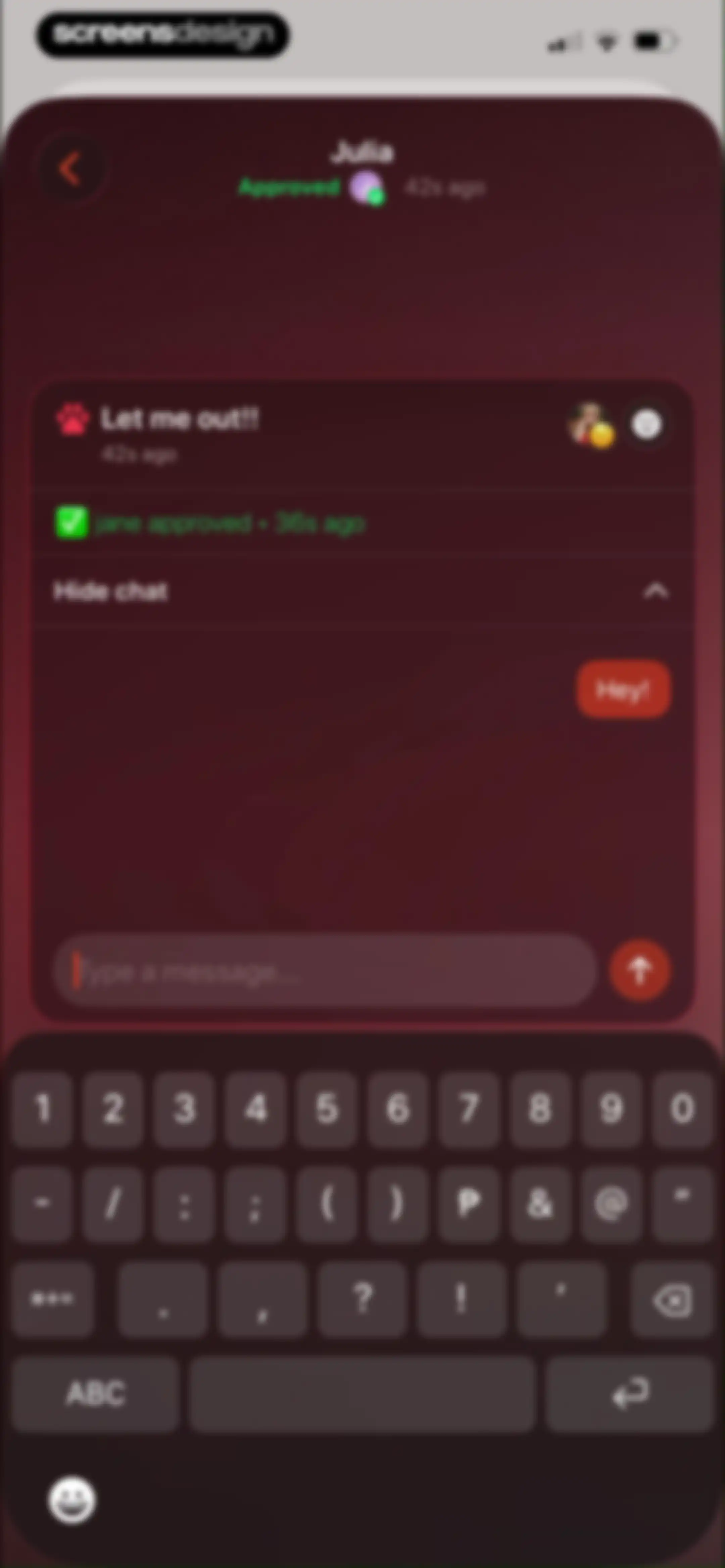
Chat screen with a dark theme displaying an approved app unlock request, message history, and a text input field above the keyboard.Unlock Pro
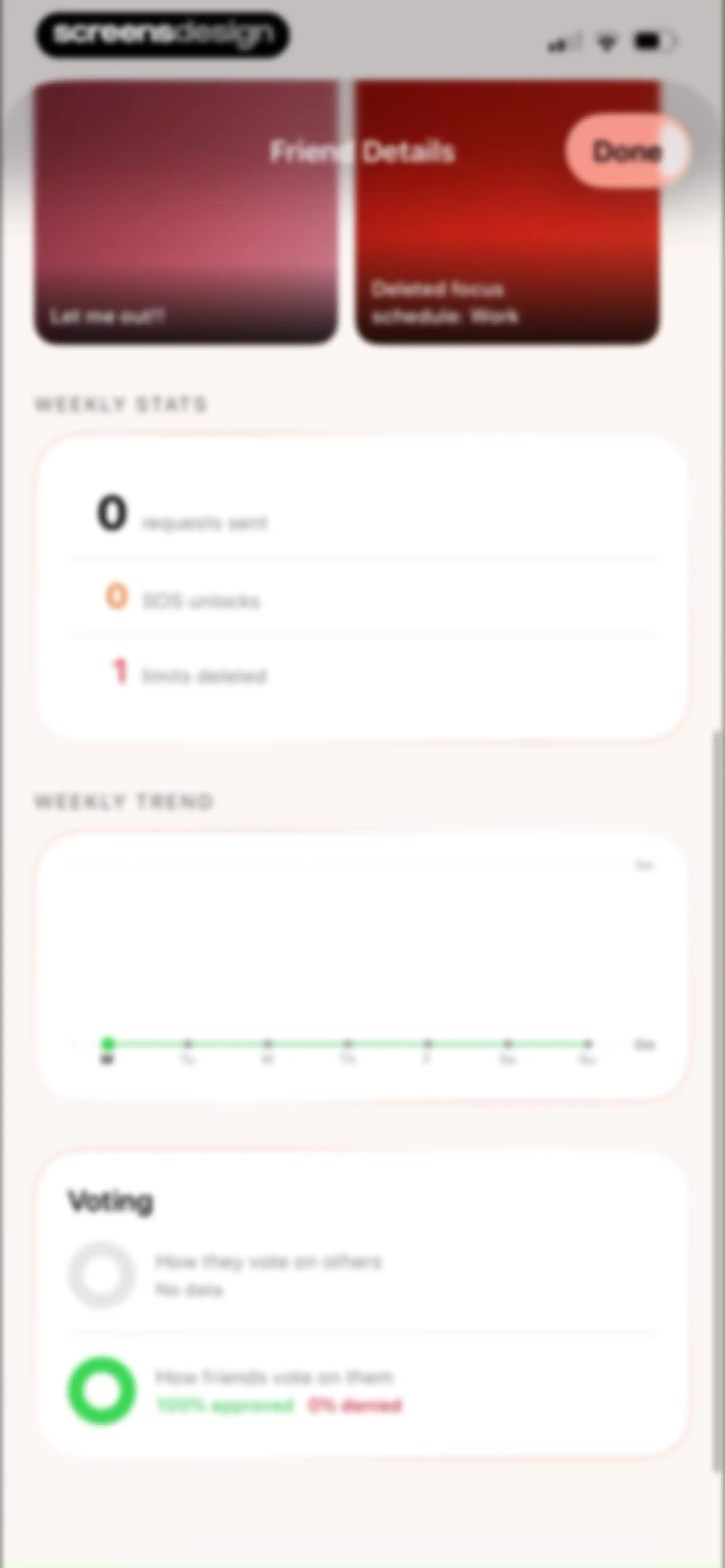
Friend details modal displaying weekly stats, a trend chart, and voting metrics with a Done button.Unlock Pro
Friends management screen displaying invite buttons, a referral code, and a connected user list including jane with handle @jane1.Unlock Pro
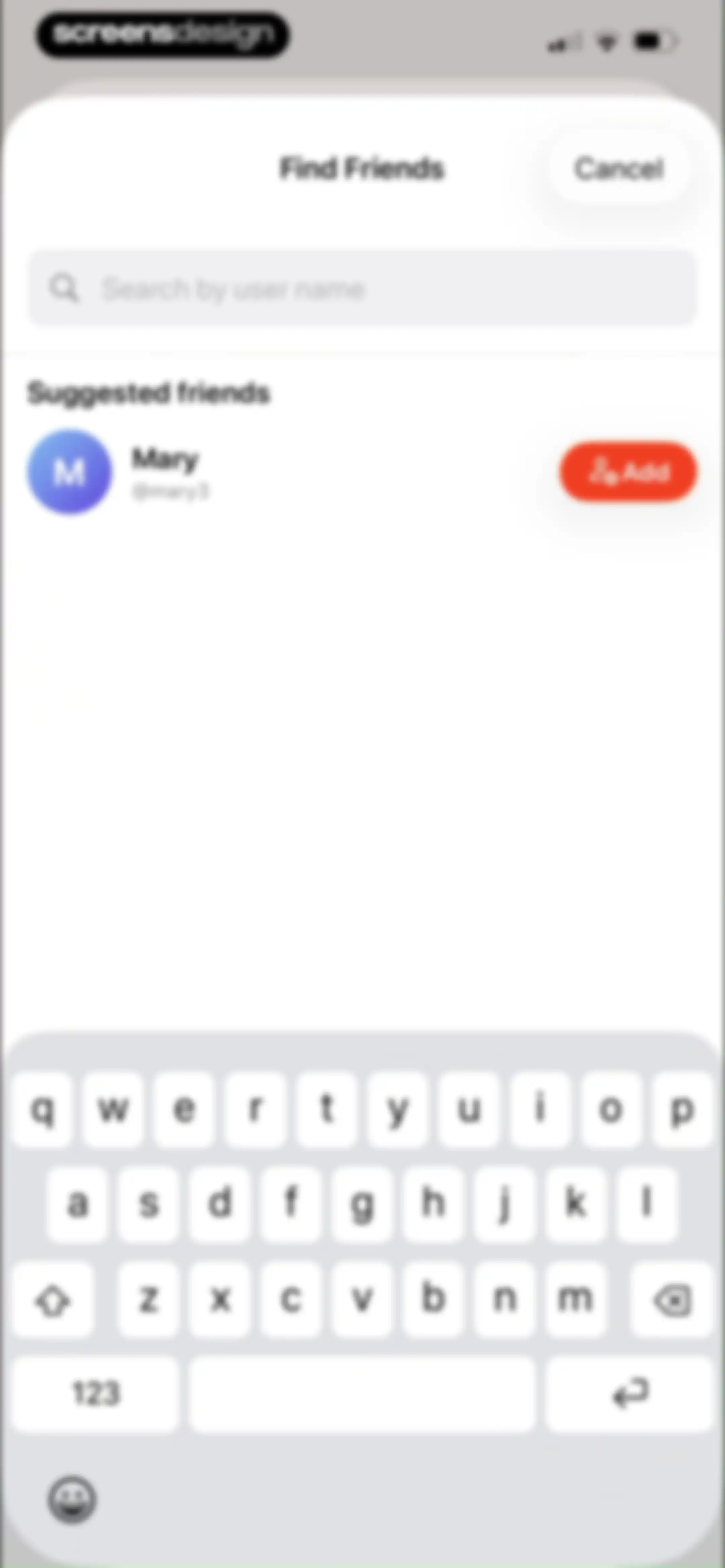
Friend search screen with an active search input, a suggested user list including Mary, and an Add button.Unlock Pro
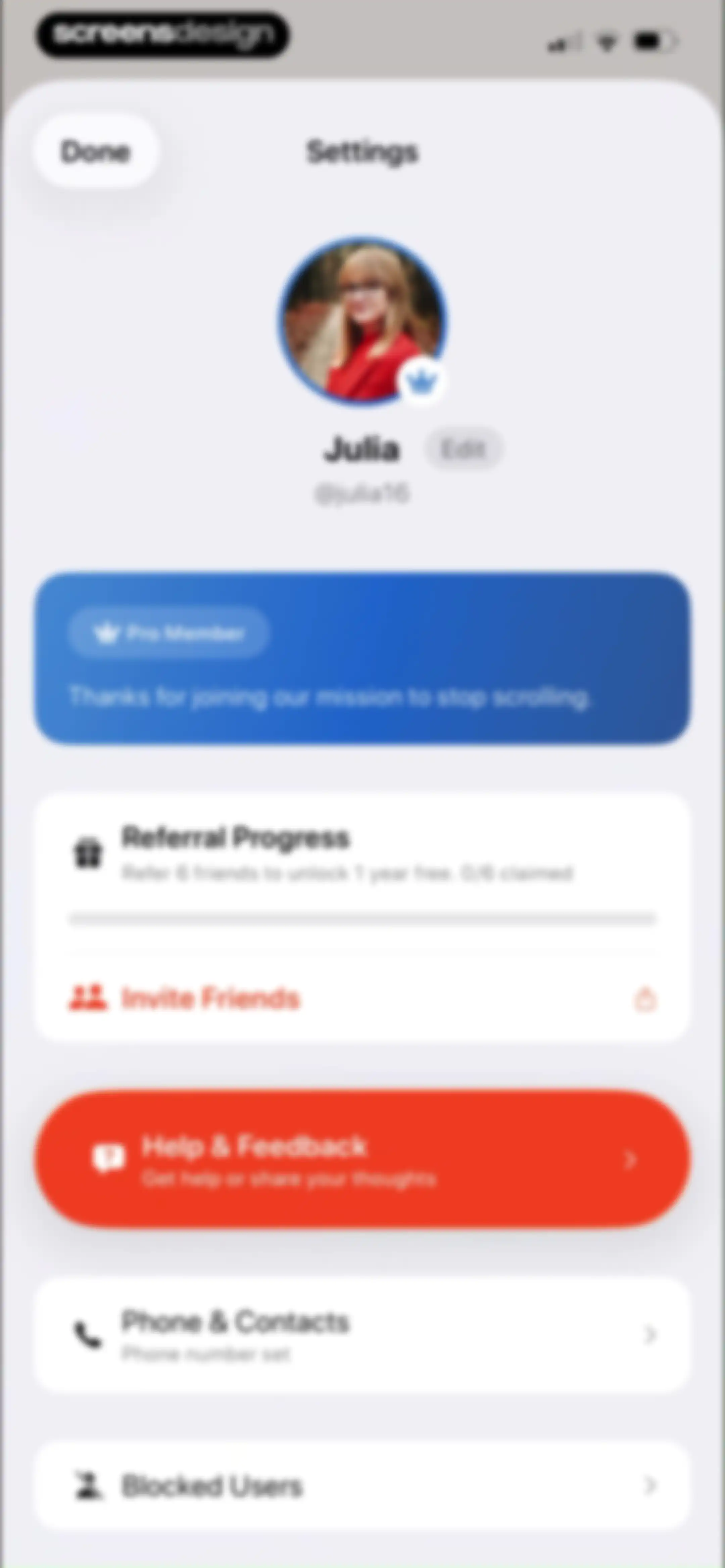
Settings screen with a user profile, Pro membership status, referral progress card, and a list of options including help and blocked users.Unlock Pro
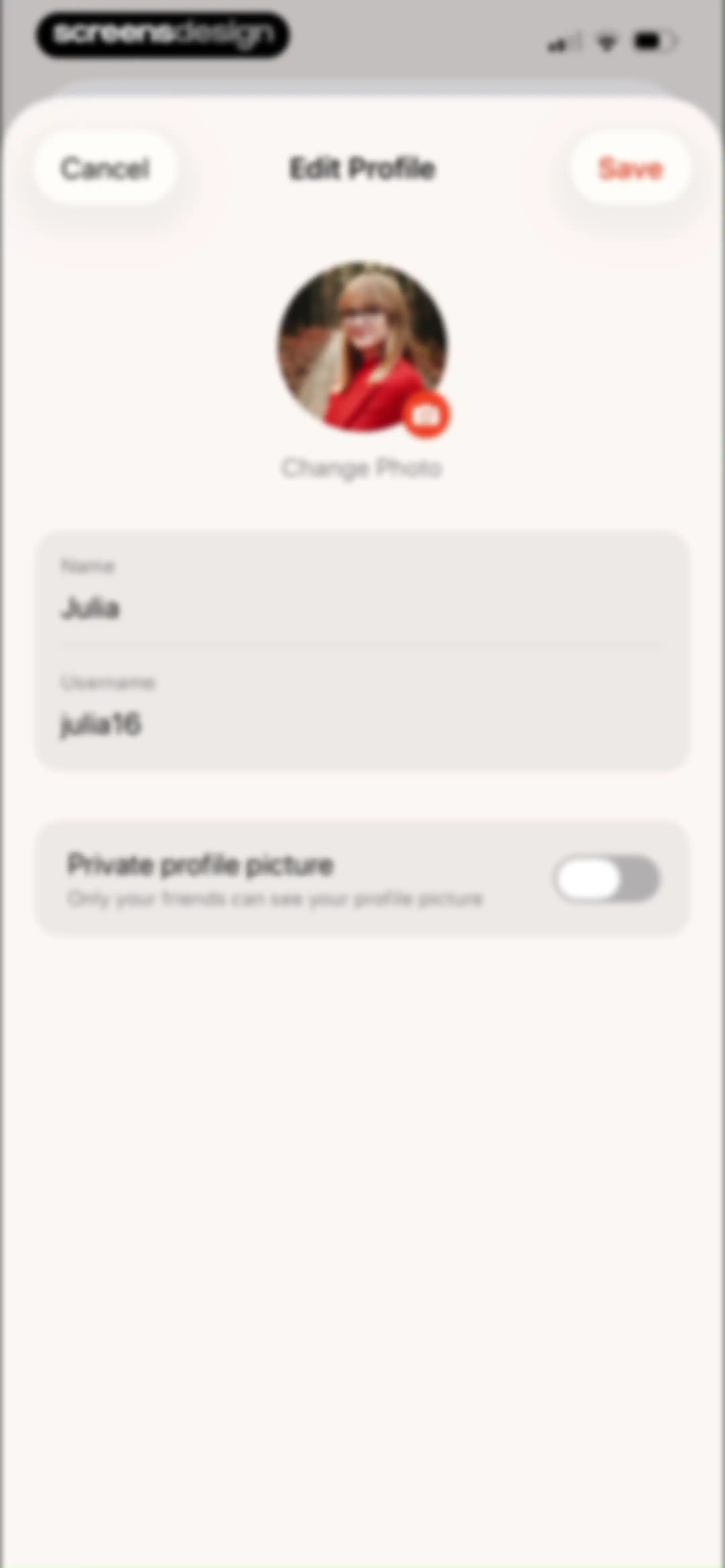
Edit profile screen with input fields for name and username, a profile photo changer, and a private profile picture toggle.Unlock Pro
Settings screen displaying a user profile, Pro Member status, referral progress card, and a list of support and community links.Unlock Pro
Roadmap screen displaying a list of feature requests under the Planned tab, with a Suggest button and upvote controls on each card.Unlock Pro
Suggest a Feature form modal with empty title and description fields, the Feature Request category selected, and a disabled Submit Feature button.Unlock Pro
Chat screen for submitting a feature suggestion to the CEO, featuring a profile header, feedback card, and bottom text input field.Unlock Pro
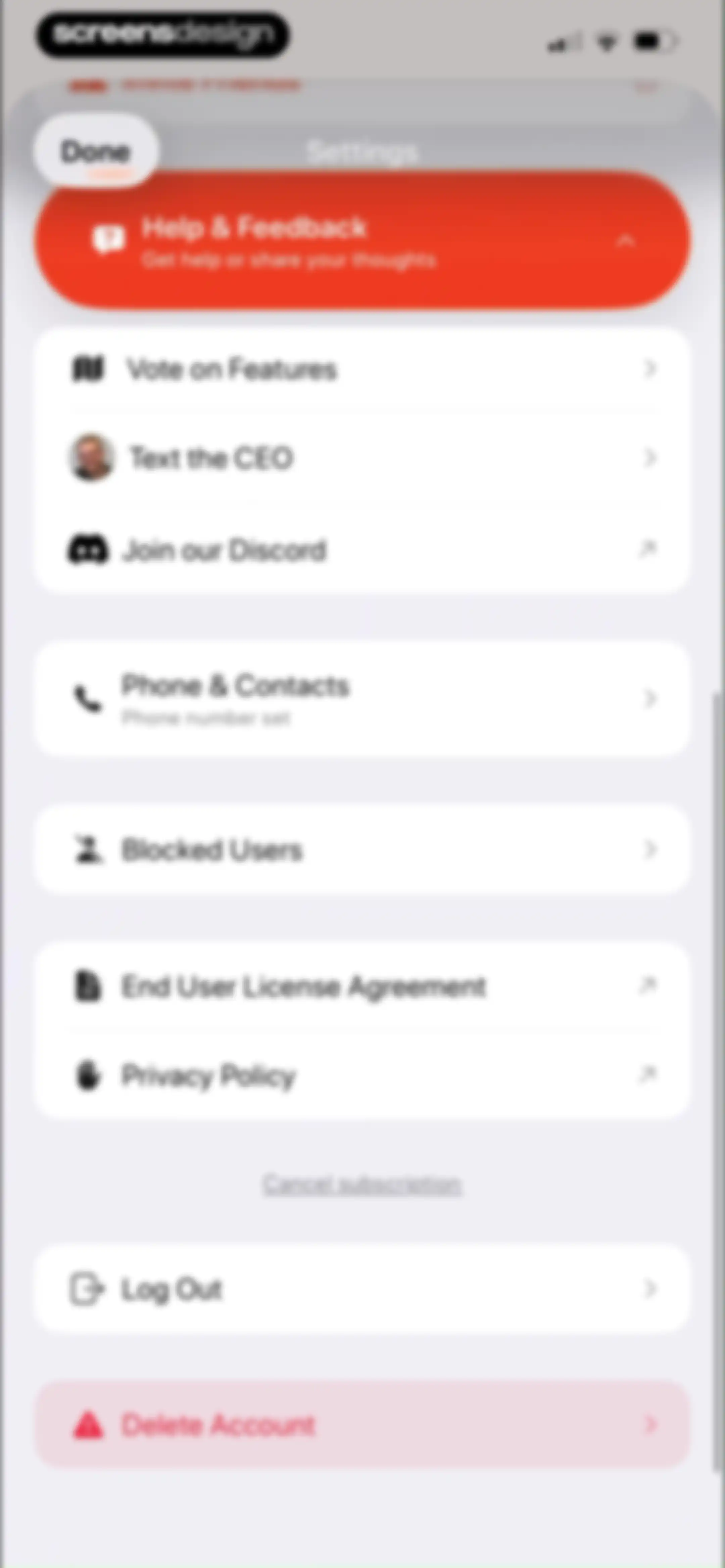
Settings screen with grouped navigation lists, support cards, legal links, and account management options including log out and delete account.Unlock Pro
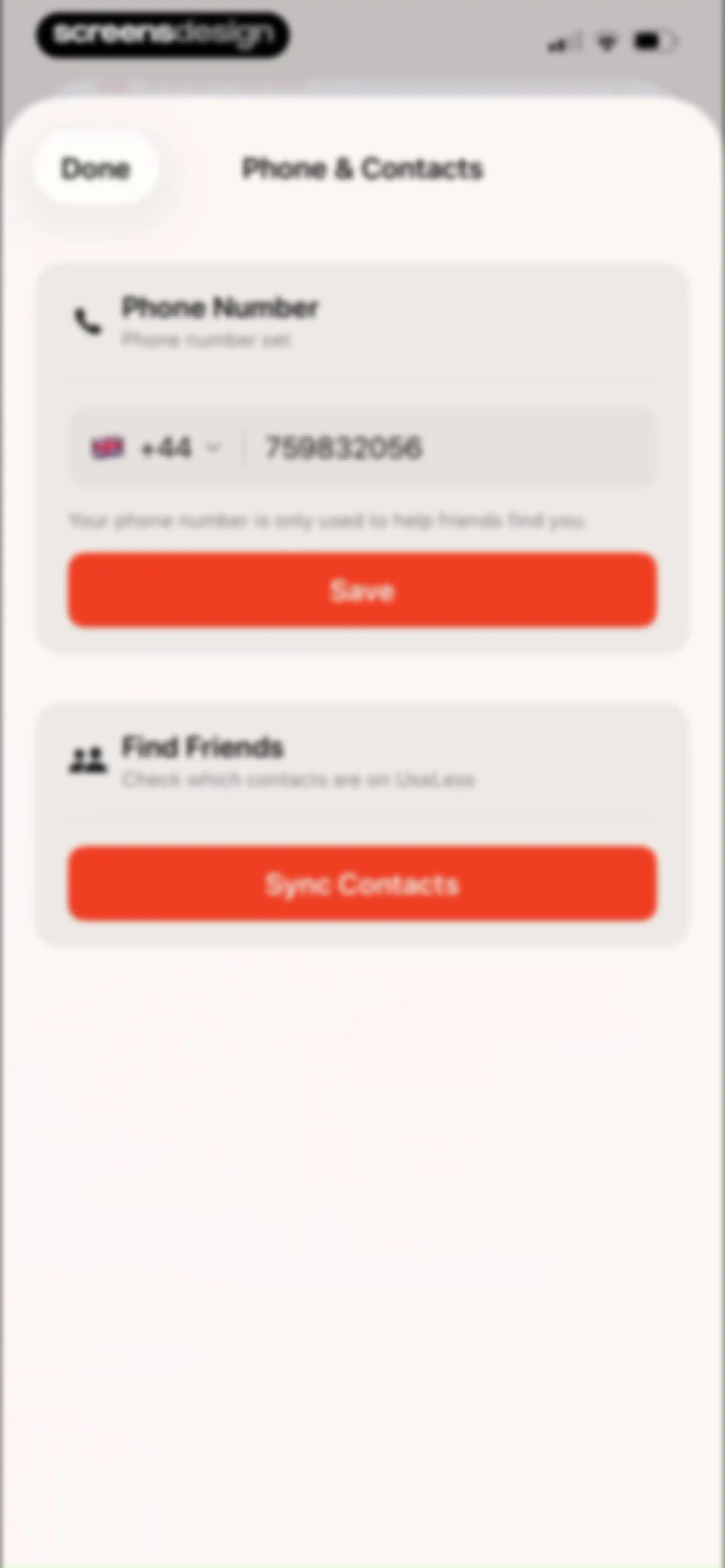
Phone and contacts settings screen for the Useless app, with a phone number input field, Save button, and a Sync Contacts button to find friends.Unlock Pro
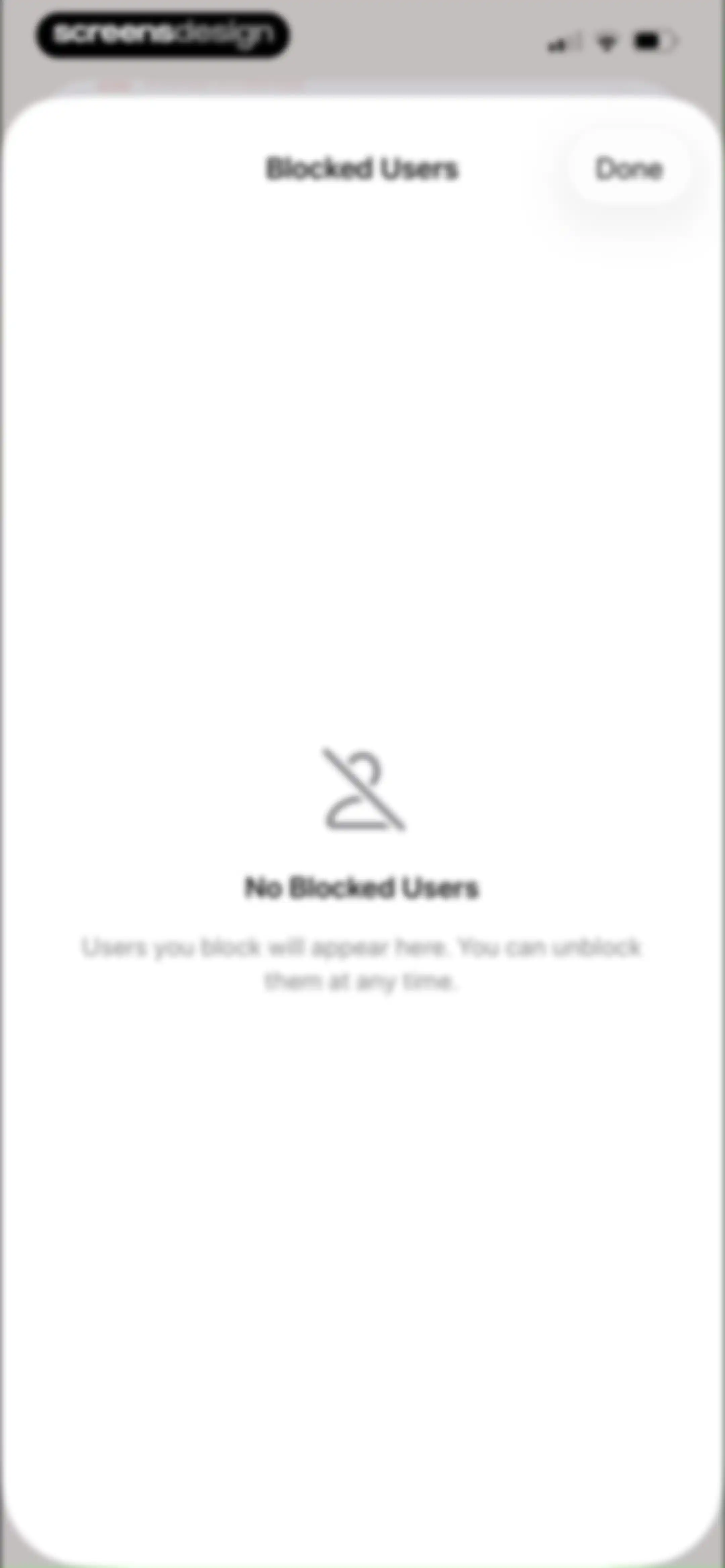
Blocked Users empty state modal showing a centered icon, explanatory text, and a Done button to close the screen.Unlock Pro

About Useless - Screen Time Control

A social accountability tool that lets friends control your screen time limits by voting on requests to unlock apps.

Explore Useless - Screen Time Control across ScreensDesign

Apps similar to Useless - Screen Time Control

Unlock all similar apps

See every comparable app, revenue, installs, and flows.

Unlock Pro
  • Pushscroll: Exercise To Scroll

    4.7
    Mario Ortiz ManeroRevenue$13kInstalls20k
  • minimalist phone ® Block Apps

    4.6
    Focus ExpertsRevenue$50kInstalls70k
  • Brainrot: Screen Time Control

    4.5
    Yonatan SmolyarRevenue$55kInstalls150k
  • AppBlock: Block Apps & Website

    4.6
    MobileSoft s.r.o.Revenue$100kInstalls35k
  • Freedom: Screen Time Control

    4.4
    Eighty Percent SolutionsRevenue$100kInstalls13k
  • Opal: Screen Time Control

    4.7
    Opal OSRevenue$500kInstalls200k
  • Blockin -Screen Time for Focus

    4.6
    Noova Inc.Revenue$15kInstalls15k
  • one sec | screen time + focus

    4.8
    riedel.wtf apps S.L.Revenue$80kInstalls45k
  • Reset - Reset Your Life

    3.5
    Alex Slater
  • Dumb Phone (dp)

    4.6
    Michael TigasRevenue$10kInstalls<5k
  • Forest: Focus for Productivity

    4.8
    SEEKRTECH CO., LTD.Revenue$50kInstalls150k
  • (Not Boring) Habits

    4.8
    Not Boring Software LLCRevenue$<5kInstalls5k
  • Blank Spaces Launcher

    4.6
    Ecstasis LLCRevenue$200kInstalls35k
  • Ever Accountable - Full Safety

    4.1
    Ever AccountableRevenue$40kInstalls<5k
  • OffScreen: Screen Time Control

    4.4
    MD StudioRevenue$<5kInstalls15k
  • Focus Tree: Timer & Flashcards

    4.7
    Focus LabsRevenue$<5kInstalls10k
  • Shamelesss

    4.4
    Martino KlapezRevenue$9kInstalls5k
  • BibleScroll: Christian Focus

    4.8
    Screen Detox IncRevenue$100kInstalls85k
  • Lapse - Disposable Camera

    4.8
    LapseRevenue$<5kInstalls<5k
  • QUITTR - Break Free Now

    4.7
    Quittr, LLCRevenue$50kInstalls<5k
  • TimeBloc - Daily Planner

    4.3
    Reflective Technologies ApSRevenue$<5kInstalls<5k
  • Lock In - Reset Your Life

    4.7
    Omega Labs, LLCRevenue$85kInstalls45k
  • Flow - Wake Up

    4.2
    Flow Alarm, Inc.
  • CURE: Quit Porn Addiction

    4.8
    Cranberry AppsRevenue$<5kInstalls<5k
  • Critique AI: Habit Tracker

    4.7
    With BytesRevenue$10kInstalls45k
  • Powerful Cleaner-Clean Storage

    4.6
    WEBEYE MOBILE HK LIMITEDRevenue$250kInstalls15k
  • Quitzilla: Quit Tracker

    4.8
    Andrii HulaRevenue$<5kInstalls<5k
  • DAWG - Discipline & Motivation

    4.8
    DWG Labs LLCRevenue$250kInstalls50k
  • Migiri: Quit Adult Content

    4.5
    Digital Literacy SLRevenue$8kInstalls<5k
  • Cleanup App - Phone Cleaner

    4.4
    DevMeAppRevenue$550kInstalls15k
  • prayer lock: christian focus

    4.9
    Mauricio BaronRevenue$75kInstalls80k
  • I Am Sober

    4.9
    I Am Sober LLCRevenue$200kInstalls250k
  • GenK: Daily Learning & Quiz

    4.6
    NOERDENRevenue$150kInstalls150k
  • Focus Friend, by Hank Green

    4.8
    B-Tech Consulting Group LLCRevenue$150kInstalls15k
  • (Not Boring) Timer

    4.8
    Not Boring Software LLCRevenue$<5kInstalls<5k
  • Focused Work - Pomodoro Timer

    4.7
    Michael TigasRevenue$<5kInstalls<5k
  • Unrot: Earn your Screen Time

    4.7
    Unrot OÜRevenue$40kInstalls35k
  • Clean Manager: Storage Cleaner

    4.2
    Quiet GamesRevenue$250kInstalls100k
  • Phone Storage Cleaner: Free up

    4.5
    Must Have AppsRevenue$150kInstalls15k
  • Brainbuddy: Quit PMO

    4.7
    AppStudio Australia Pty LtdRevenue$45kInstalls<5k
  • Habit Tracker

    4.8
    Davetech Co., Ltd.Revenue$150kInstalls250k
  • Focus - Deep Work Timer

    4.4
    Meaningful Things GmbH & Co. KGRevenue$<5kInstalls<5k
  • Flow: Focus & Pomodoro Timer

    4.8
    Yugen GmbHRevenue$<5kInstalls<5k
  • Mighty Cleaner: Smart Clean Up

    4.6
    TJNewIdeasLifesRevenue$450kInstalls200k
  • Wayk: Alarm Clock to Wake Up

    4.7
    Dialed Labs Inc.Revenue$75kInstalls150k
  • Productive - Habit Tracker

    4.6
    Easy Tiger Apps, LLC.Revenue$20kInstalls<5k
  • Wakeout! Break the Sit Habit

    4.5
    Wakeout, LLC.Revenue$<5kInstalls<5k