Tiimo: To-Do List Planner

$250k revenue, 4.6 rating

App walkthrough
0:00 / 15:33

Onboarding flow, Paywall & Inside the App

Watch the full screen-by-screen UX video of Tiimo: To-Do List Planner with onboarding, paywall, and every core flow.
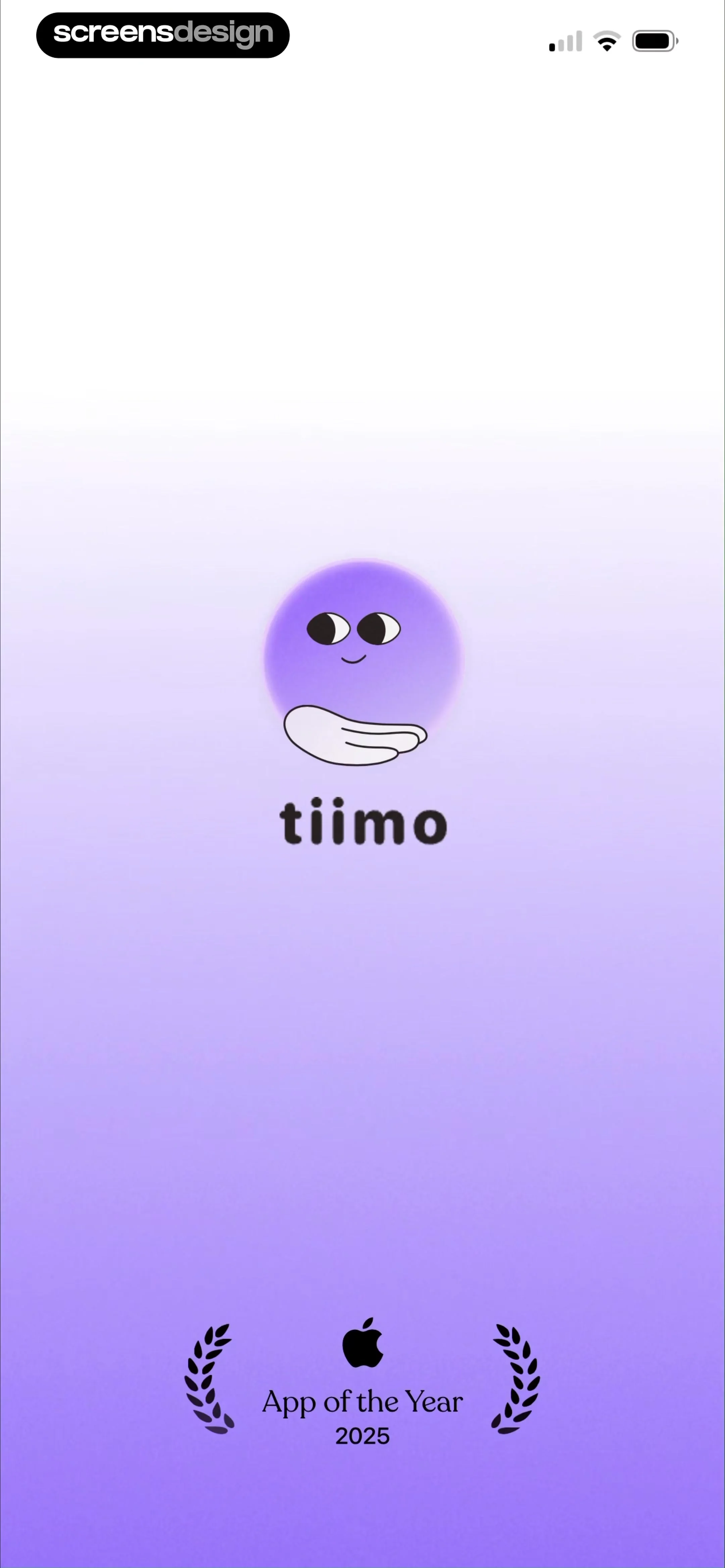
Tiimo app splash screen featuring the brand logo, character illustration, and an App of the Year 2025 award badge.
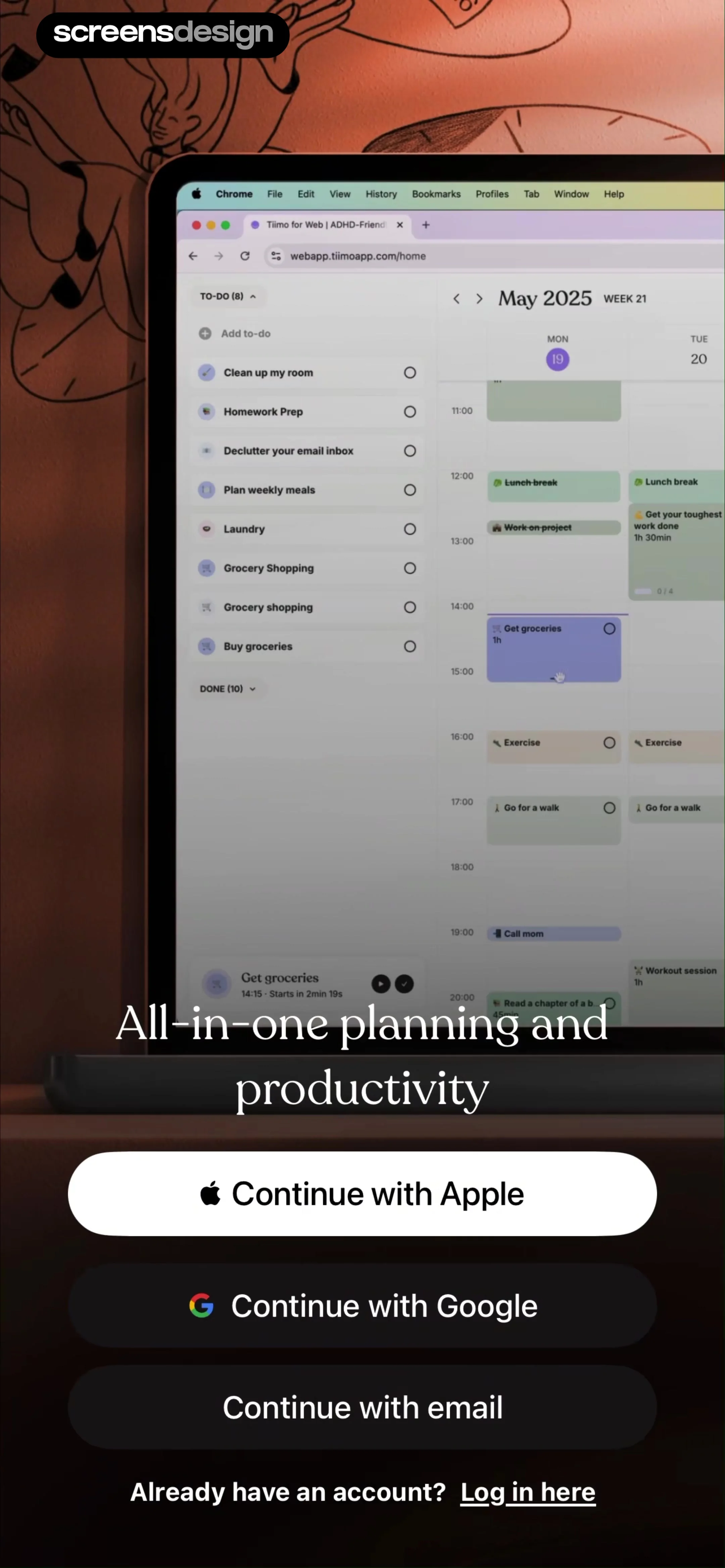
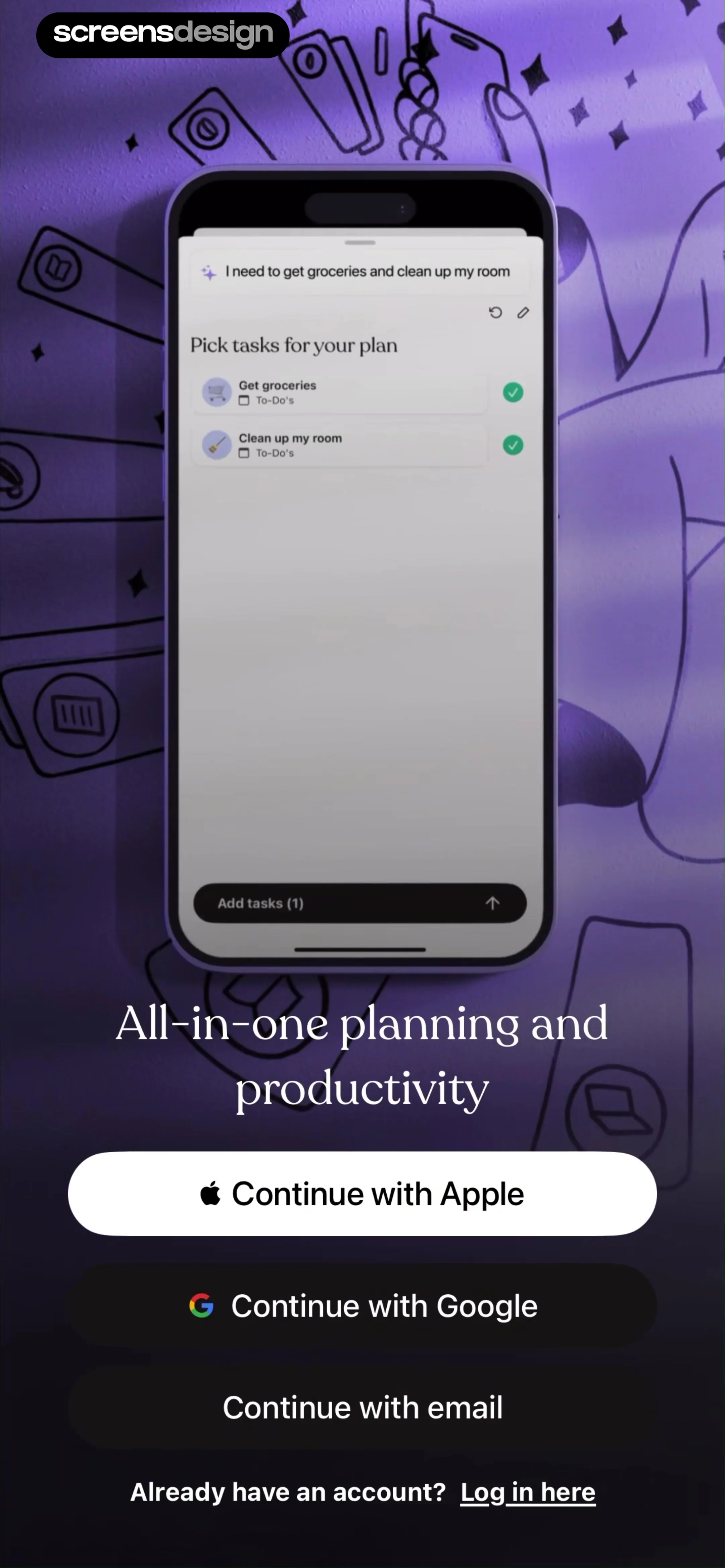
Onboarding signup screen with a central task planner mockup, a value proposition headline, and three social sign-up buttons.
Onboarding signup screen for Tiimo featuring a web planner mockup, value proposition text, and three sign-up buttons.
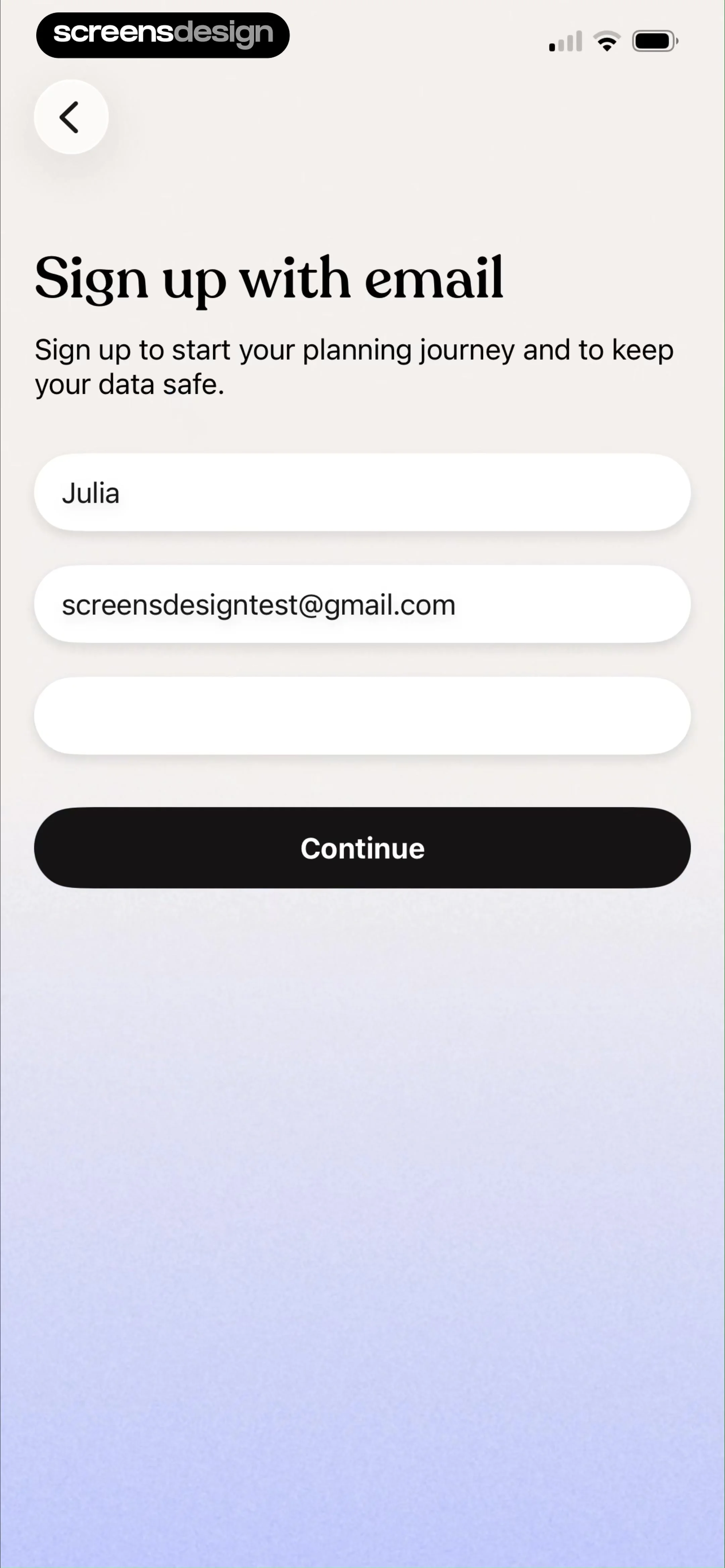
Sign-up form with input fields for name, email, and password, pre-filled with user details and a Continue button.
Tiimo notification permission screen with two selection cards, the opt-in option selected, and a Continue button.
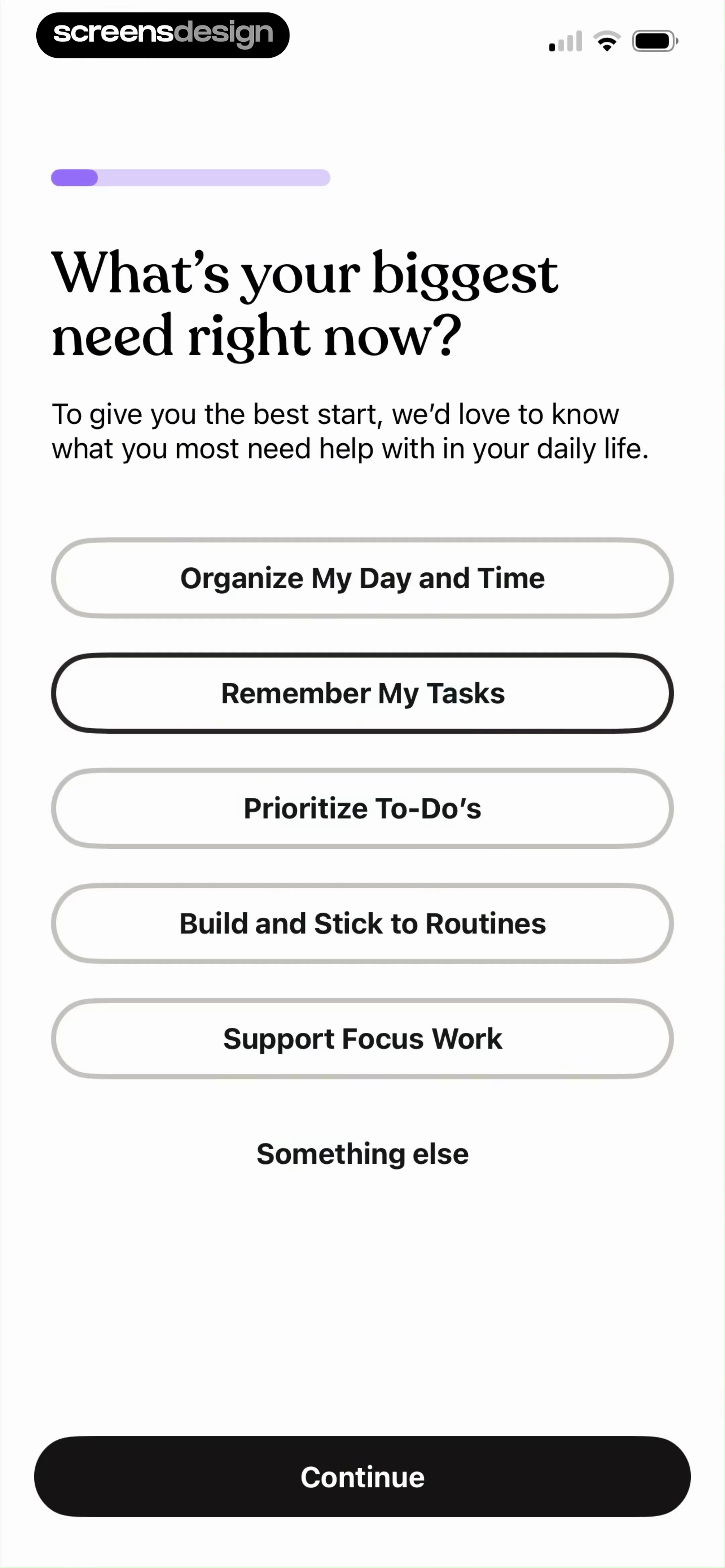
Onboarding survey screen asking for the user's biggest need, with a list of productivity options and a Continue button.
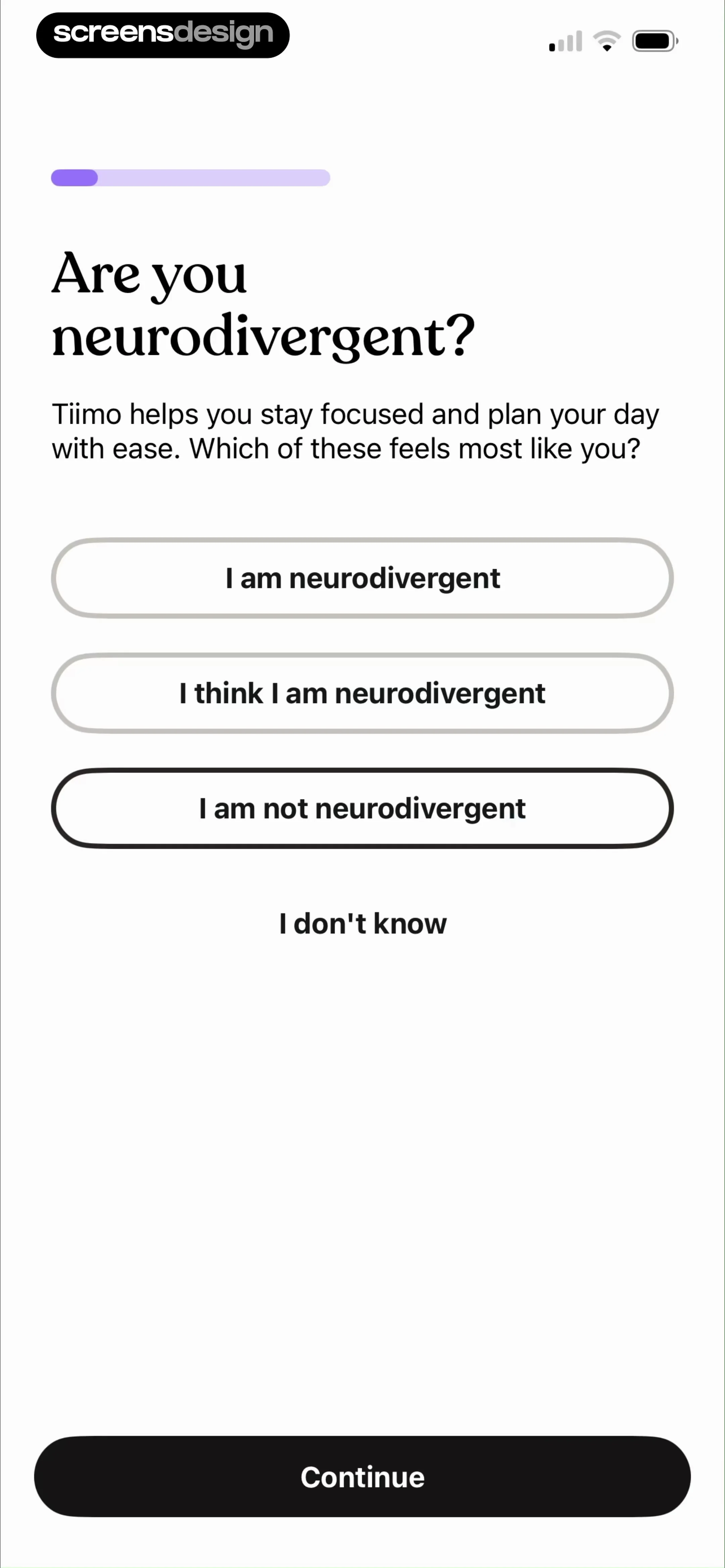
Tiimo onboarding screen asking if the user is neurodivergent, featuring a list of selection options and a Continue button.
Tiimo onboarding screen with an illustration of whimsical figures and text stating you are part of over 500,000 users.
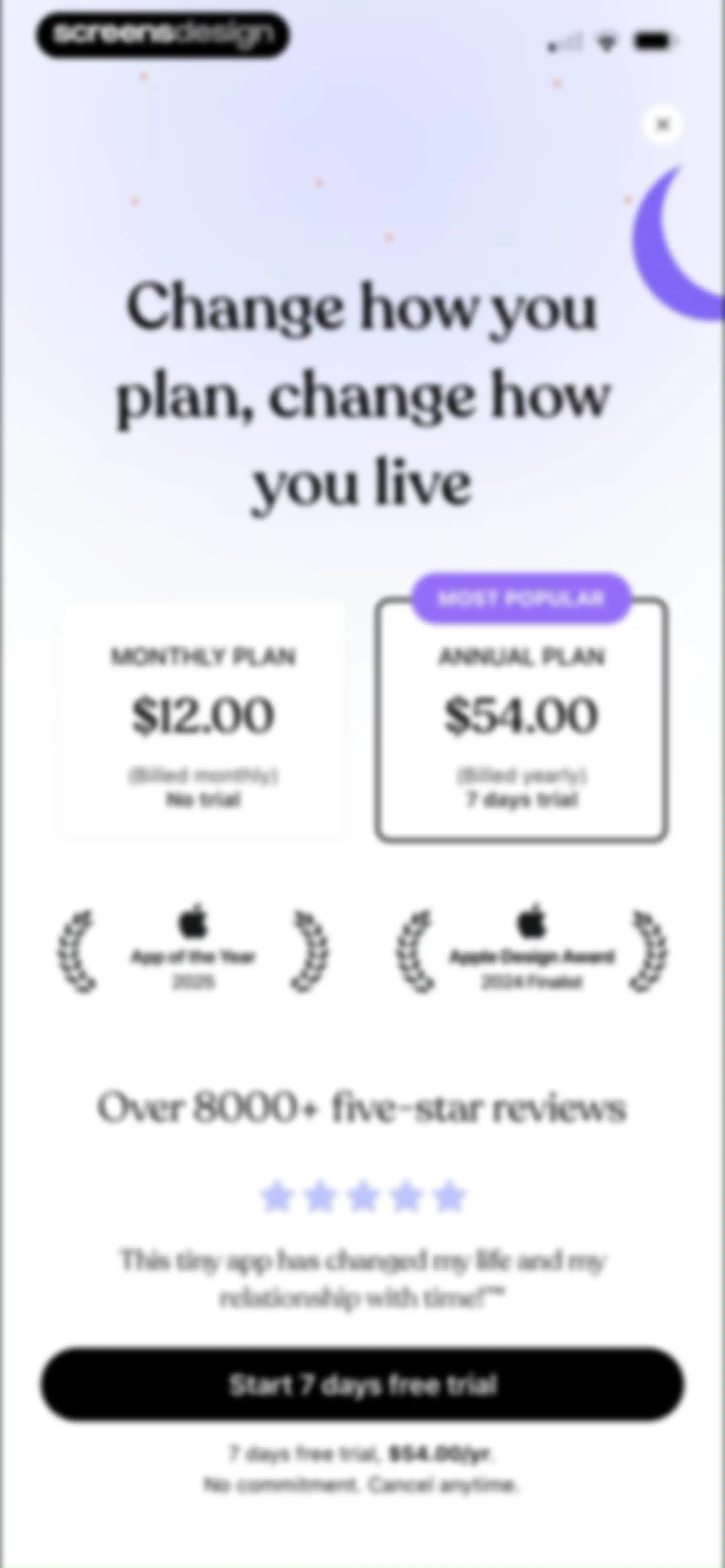
Subscription paywall comparing monthly and annual plans, featuring award badges, user reviews, and a start free trial button.Unlock Pro
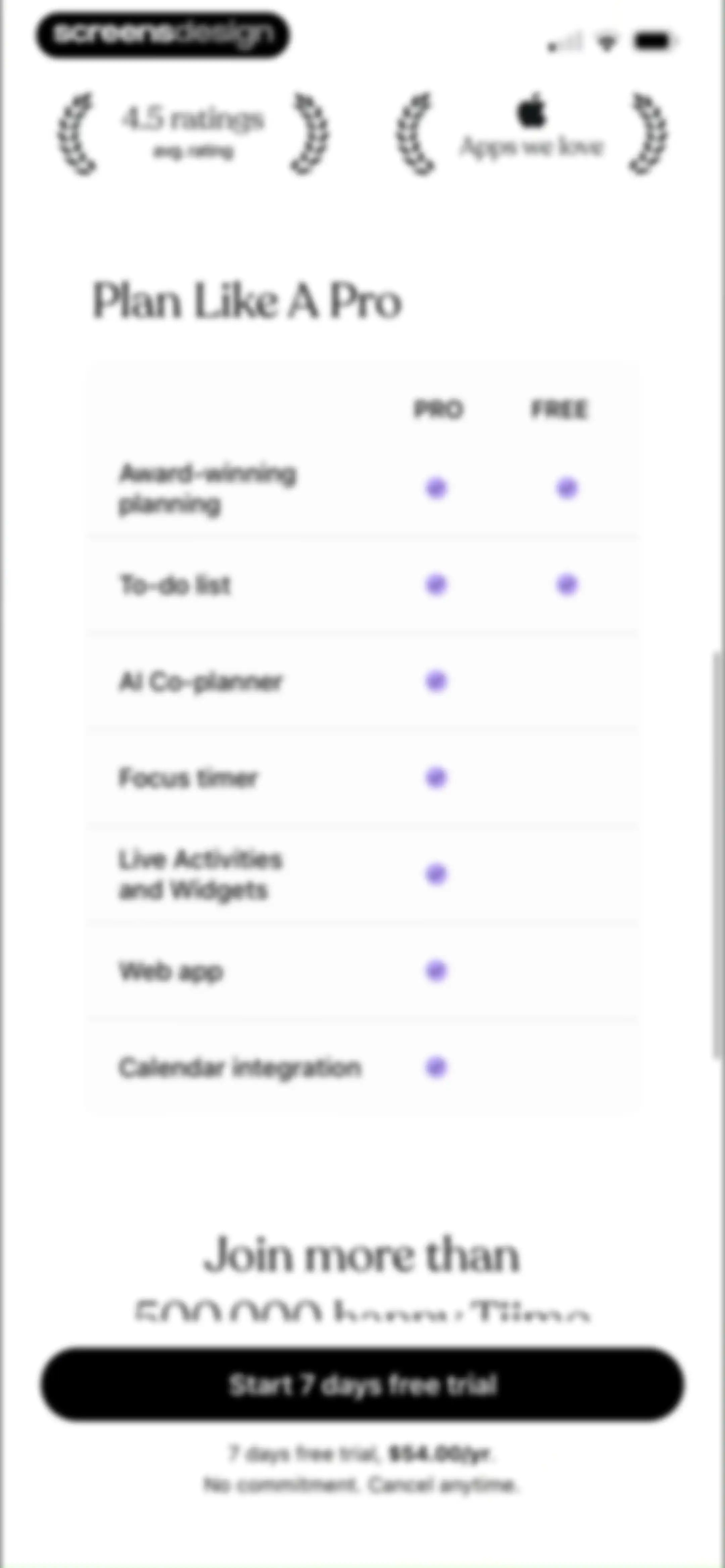
Tiimo subscription paywall comparing free and pro features, with a 7-day free trial button and annual pricing details.Unlock Pro
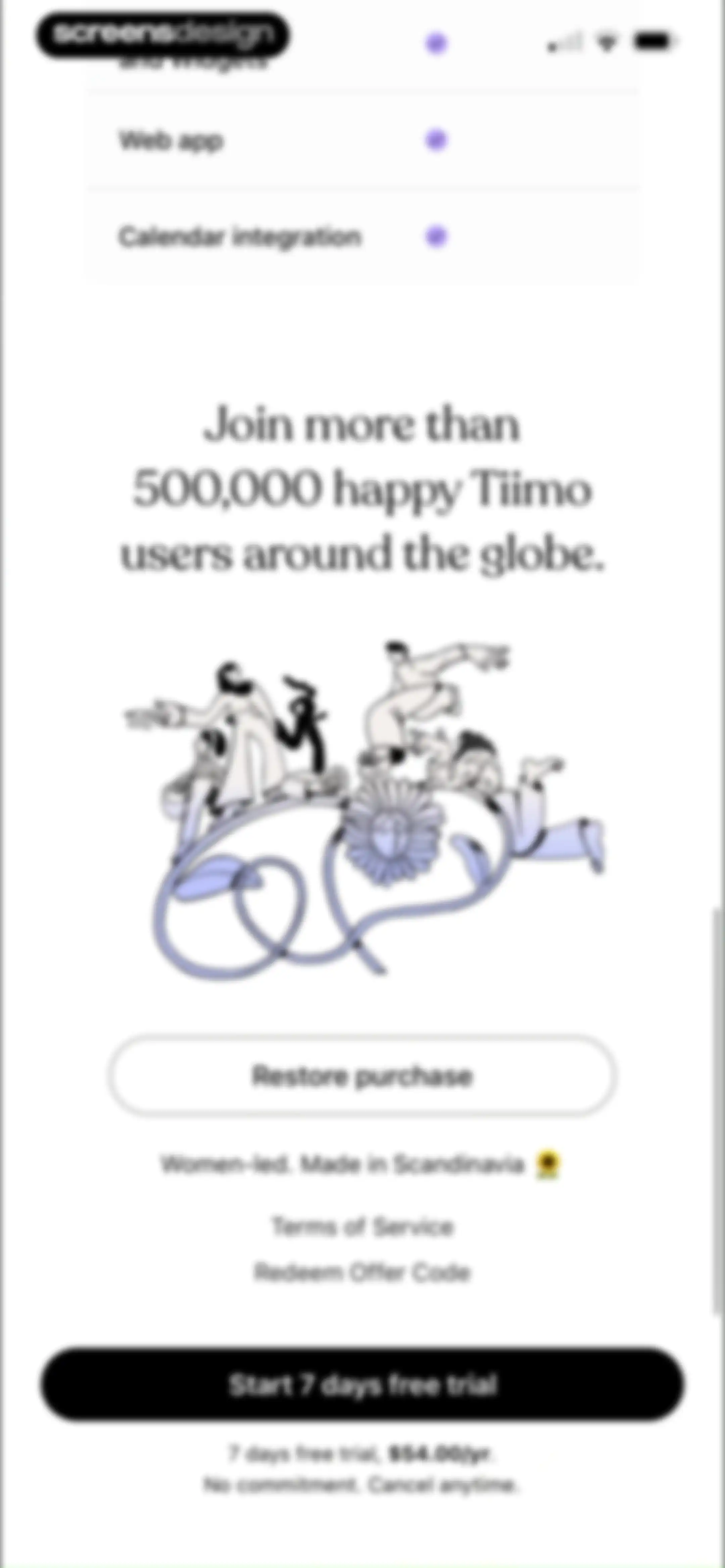
Tiimo subscription paywall offering a seven-day free trial, annual pricing details, feature list, and a primary start trial button.Unlock Pro
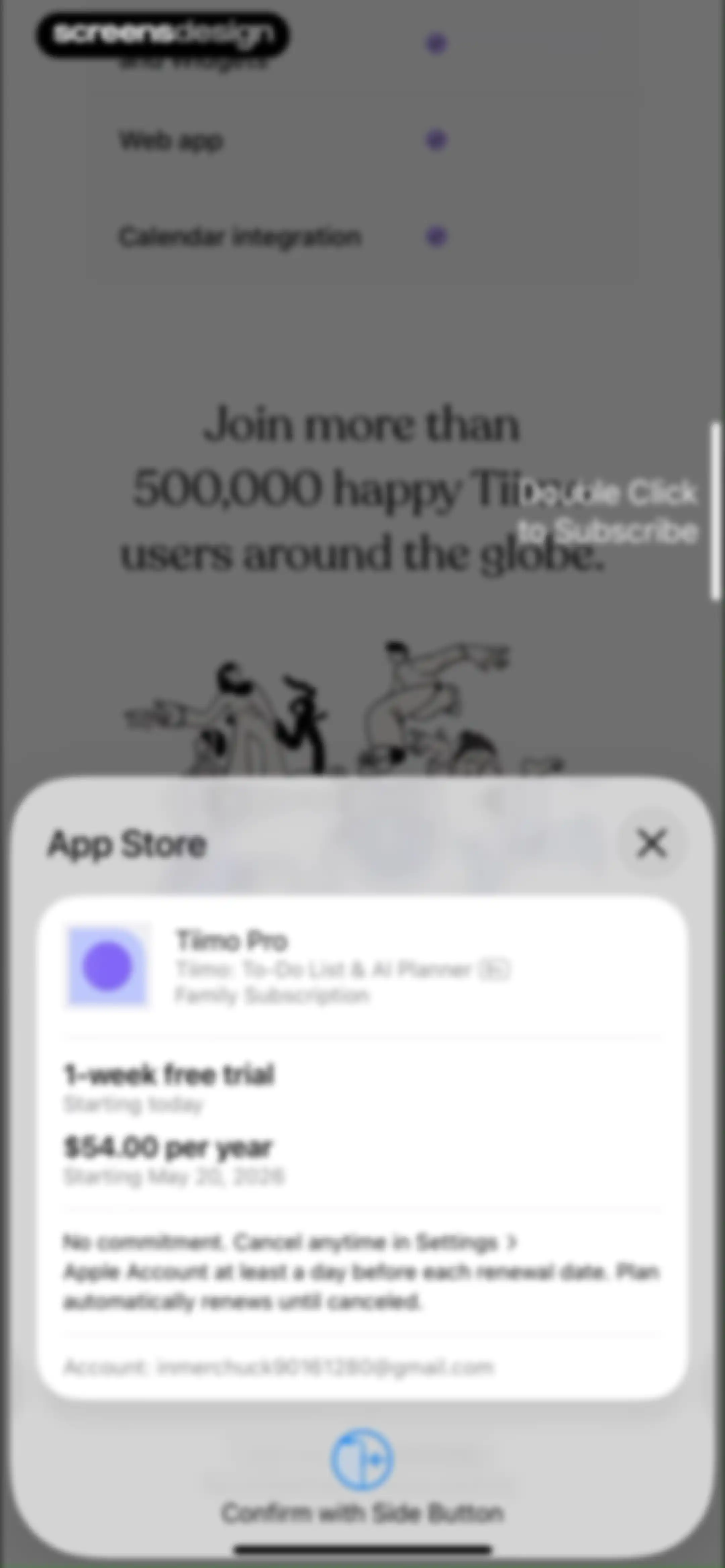
Subscription checkout modal for the Tiimo Pro family plan showing pricing details, a one-week free trial, and a confirm with side button action.Unlock Pro
Tiimo subscription purchase confirmation modal with a success message and an OK button over a feature list background.Unlock Pro
Tiimo app onboarding screen prompting users to enable notifications, featuring a mockup lock screen preview and an Enable Notifications button.Unlock Pro
Notification permission onboarding screen for the Tiimo app, featuring an overlaid system prompt and an Enable Notifications button.Unlock Pro
Tiimo onboarding screen encouraging calendar import, featuring a daily schedule mockup and an Import calendar button.Unlock Pro
Permission request screen for the Tiimo app asking for full calendar access, with Allow Full Access and Don't Allow buttons.Unlock Pro
Onboarding screen for selecting calendars to import, featuring categorized options with icons and a Next button at the bottom.Unlock Pro
Tiimo onboarding screen featuring a minimalist illustration of a meditating person above the question, Are you ready to unlock your planning potential?Unlock Pro
Onboarding screen for adding morning routines, featuring a grid of habit selection chips and a continue button.Unlock Pro
Onboarding screen displaying a grid of selectable daytime routine chips with an afternoon label and a bottom continue button.Unlock Pro
Onboarding screen displaying a grid of selectable evening habit chips with icons and a continue button at the bottom.Unlock Pro
Tiimo onboarding screen with a rating prompt, user testimonial card, and Continue button.Unlock Pro
Rating prompt modal asking Enjoying Tiimo? with five interactive stars and a Continue button.Unlock Pro
Feedback prompt modal with a character illustration, rating stars, and a Continue button.Unlock Pro
Tiimo onboarding screen with an interactive task list, showing a completed morning shower and a prompt to tap brush teeth.Unlock Pro
Tiimo onboarding screen featuring a morning task list tutorial, confetti animation, and a Continue button.Unlock Pro
Tiimo onboarding screen with a progress bar, headline about starting a first streak, and a Start my streak button.Unlock Pro
Onboarding milestone screen celebrating momentum with an Ignition graphic, a top progress bar, and a Keep going button.Unlock Pro
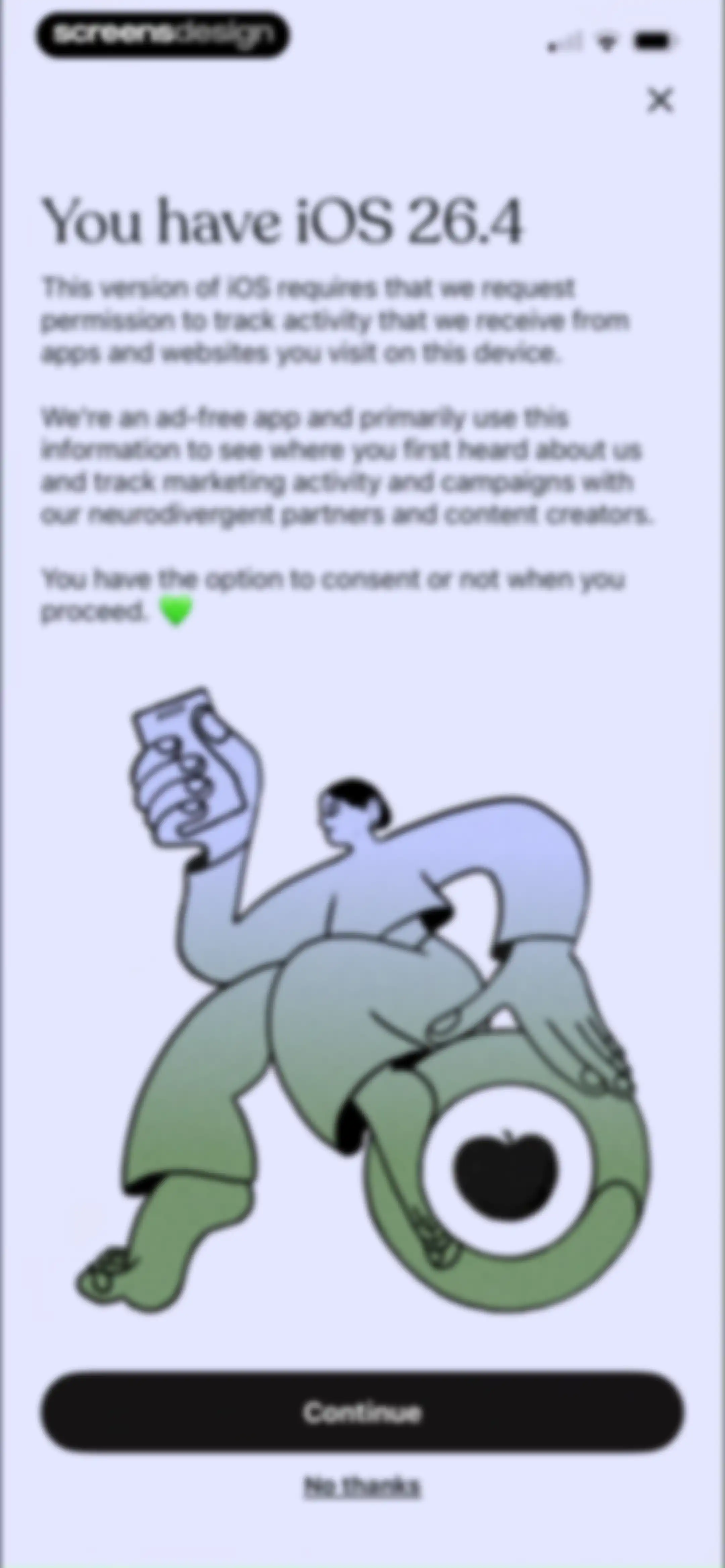
Permissions onboarding screen for the Tiimo app explaining iOS tracking requirements, featuring a central illustration and Continue and No thanks buttons.Unlock Pro
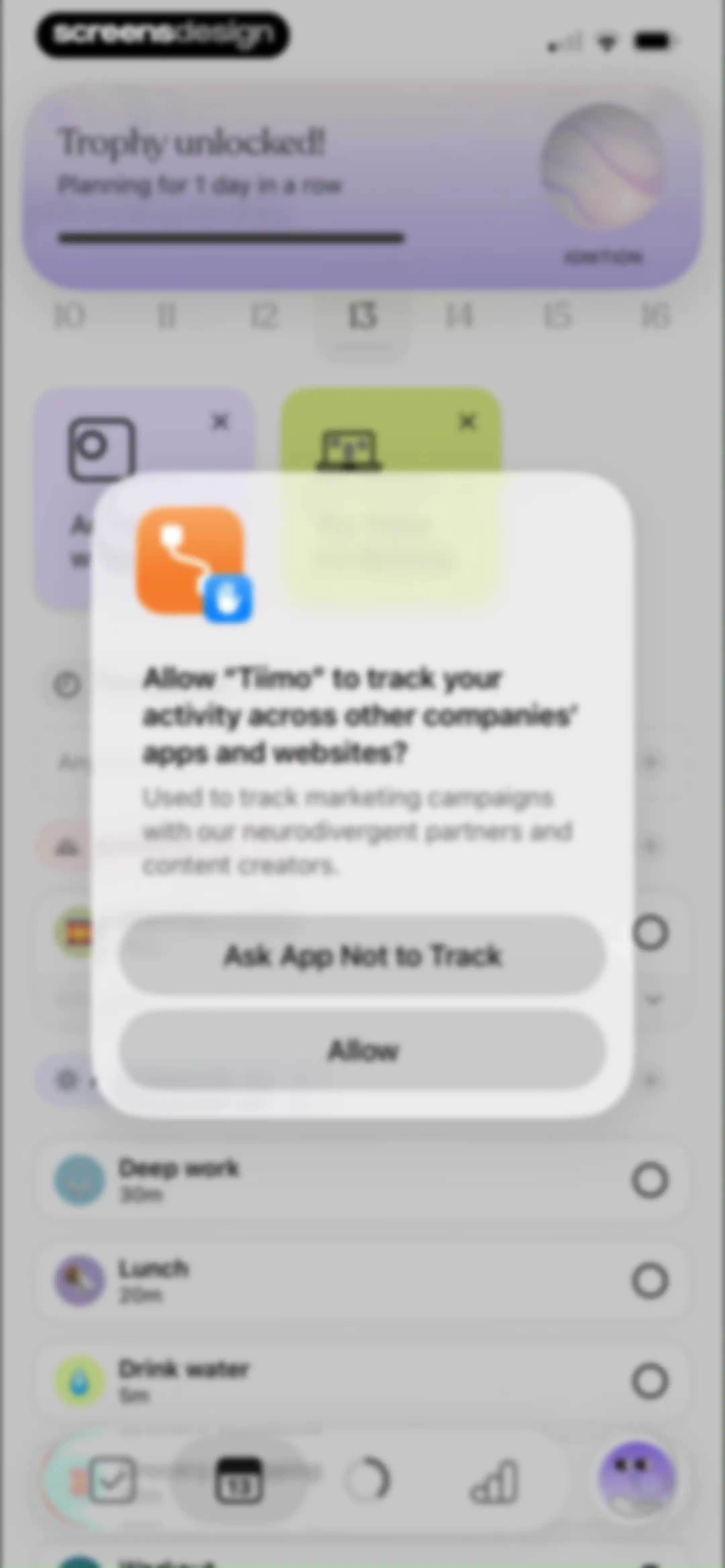
System permission modal requesting activity tracking across other apps, overlaid on a task management dashboard with Allow and Ask App Not to Track buttons.Unlock Pro
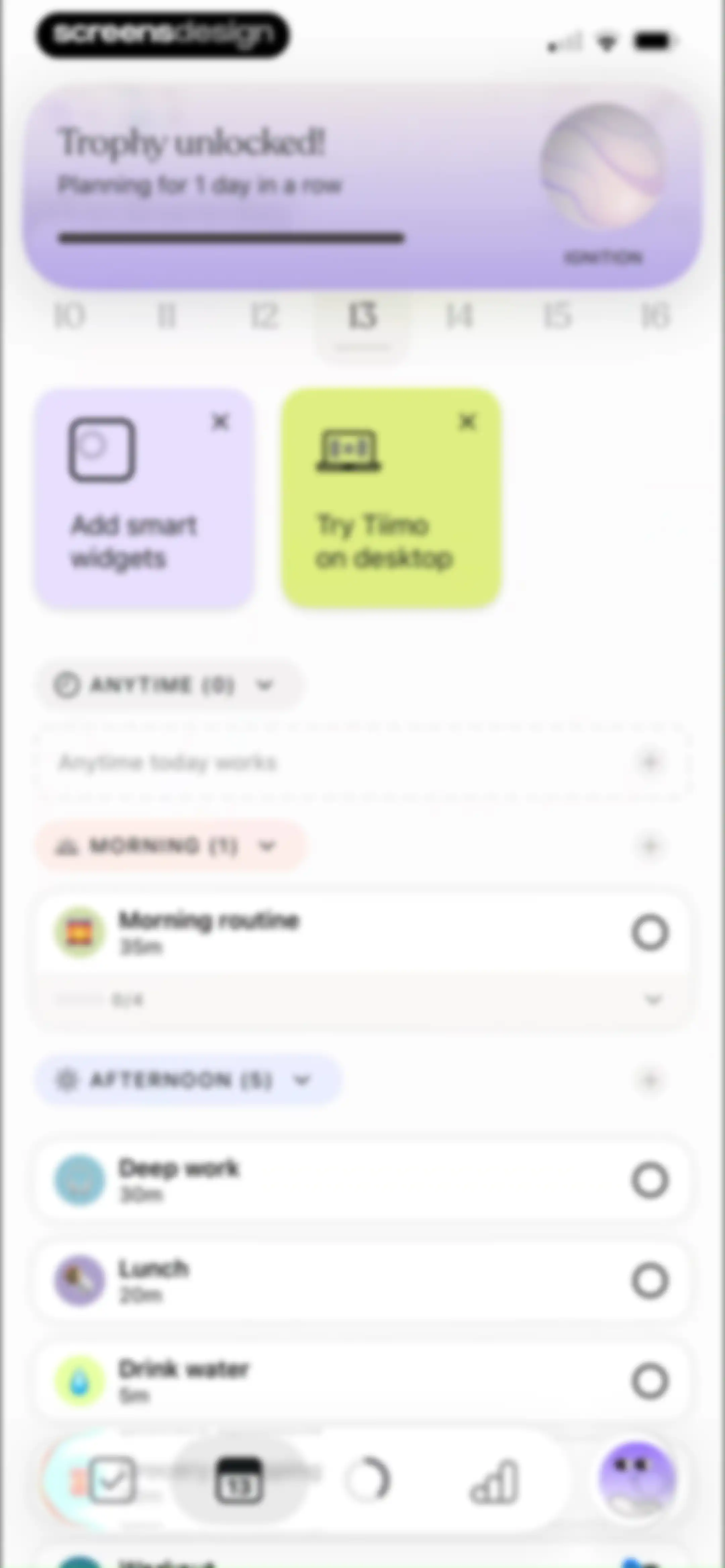
Task management dashboard with a trophy notification for a planning streak, a horizontal date strip, and categorized daily tasks.Unlock Pro
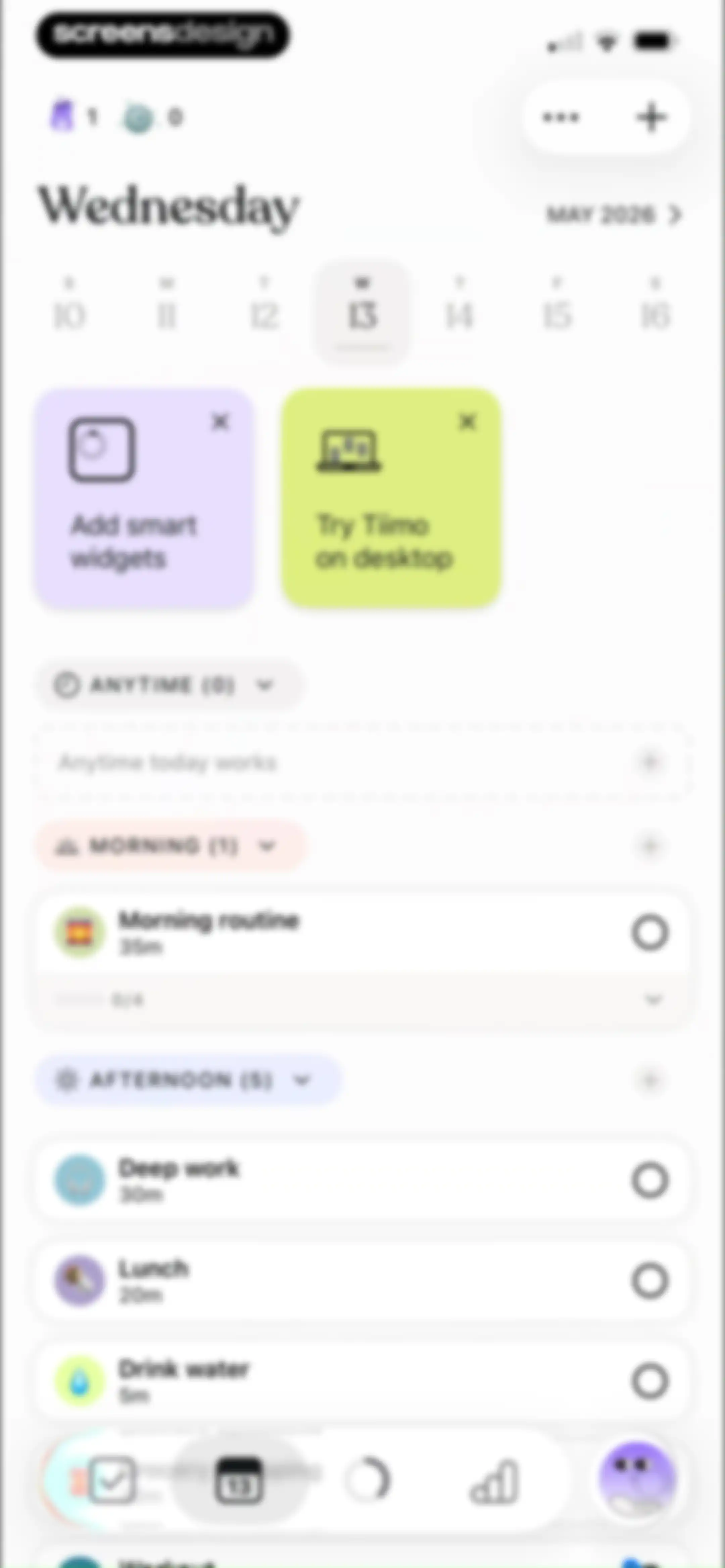
Tiimo daily planner dashboard with feature promotion cards and a categorized task list including Morning and Afternoon sections.Unlock Pro
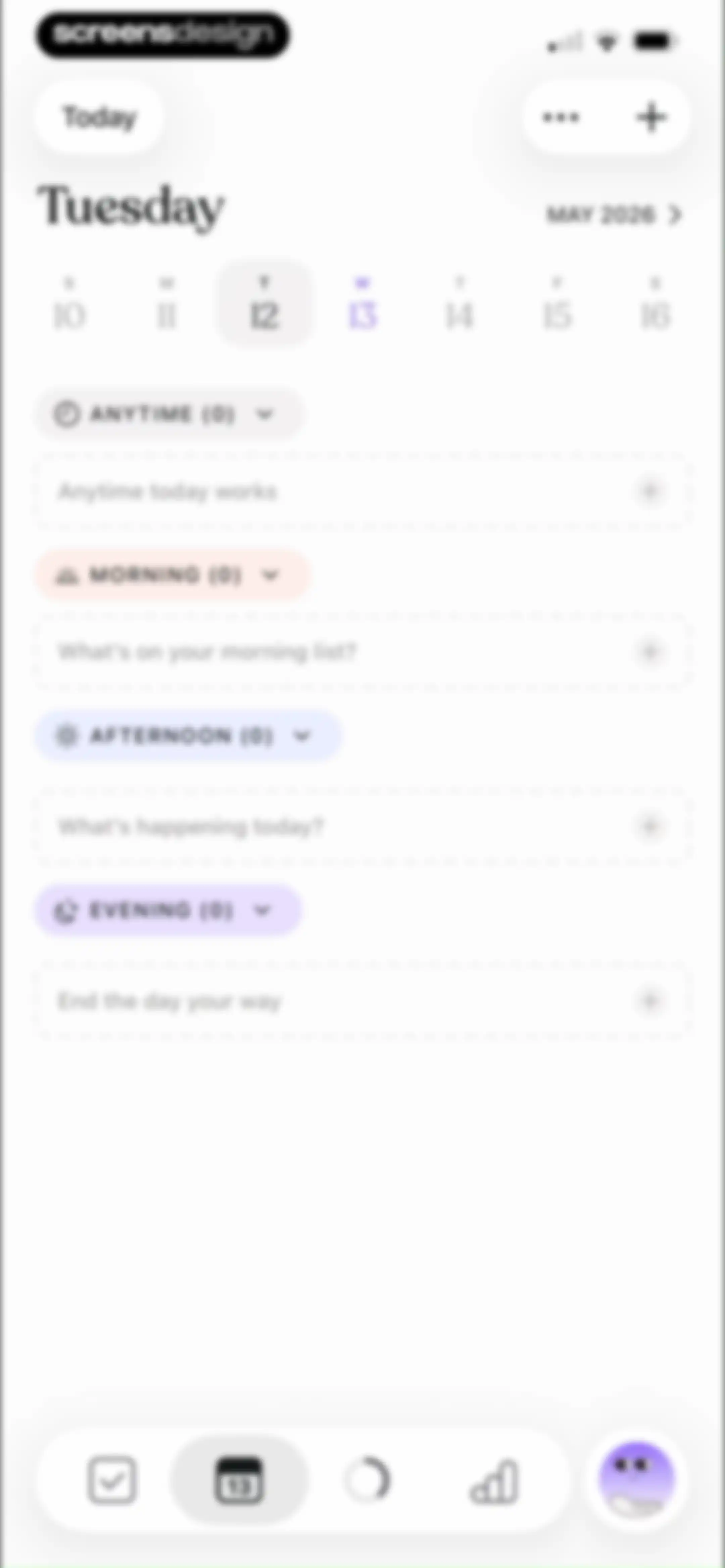
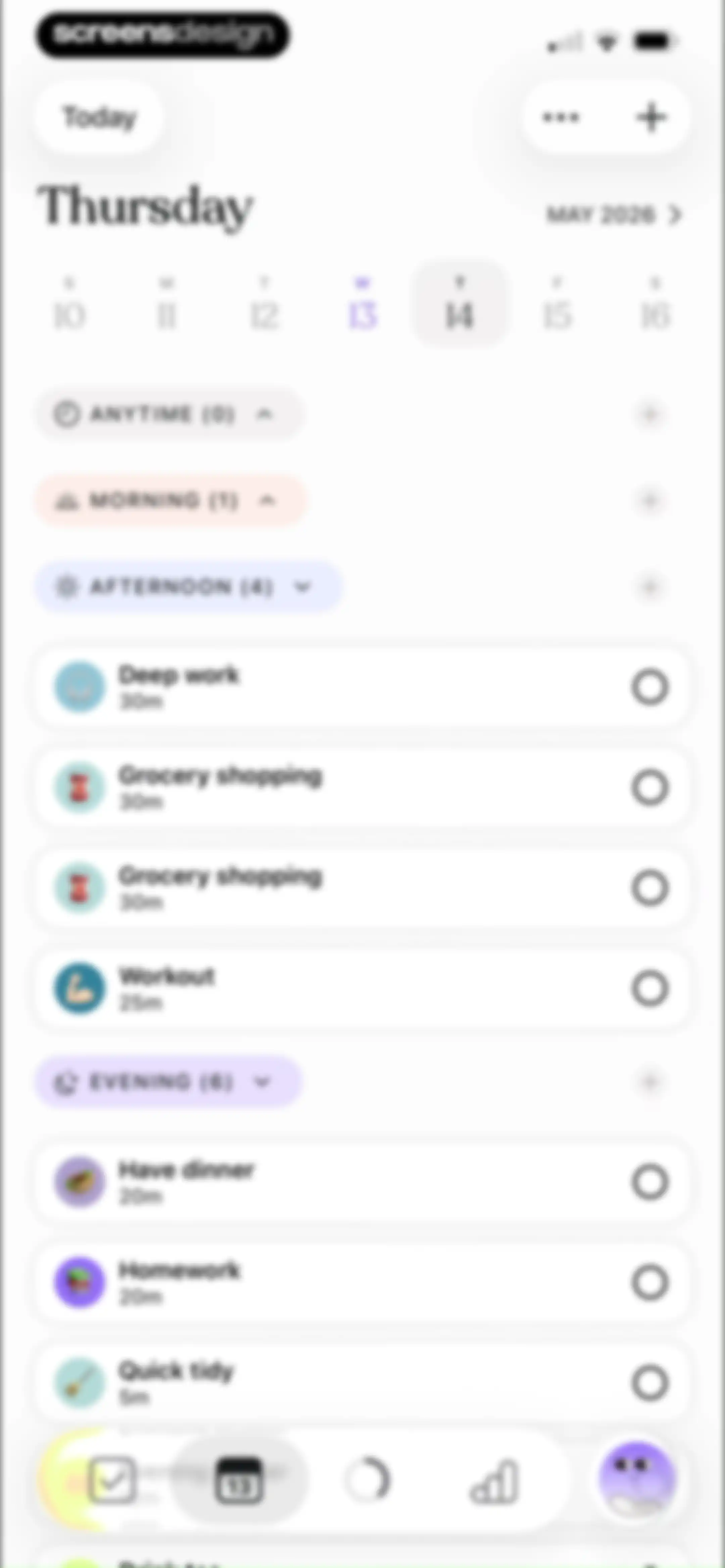
Task planning dashboard with collapsible time-of-day categories for Anytime, Morning, Afternoon, and Evening, plus a top date picker and bottom navigation bar.Unlock Pro
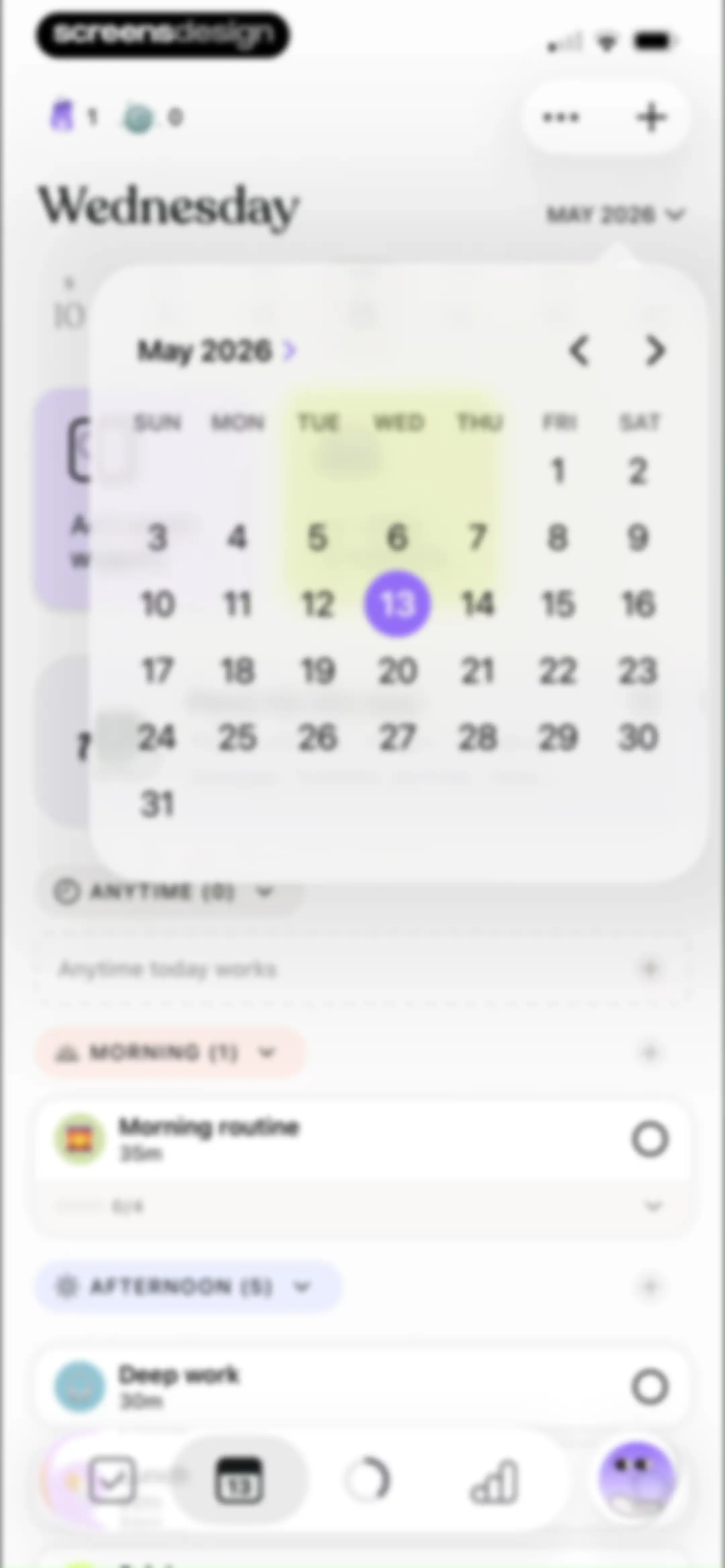
Daily task planner home screen with a centered calendar modal overlay and a time-blocked list of tasks including Morning routine and Deep work.Unlock Pro
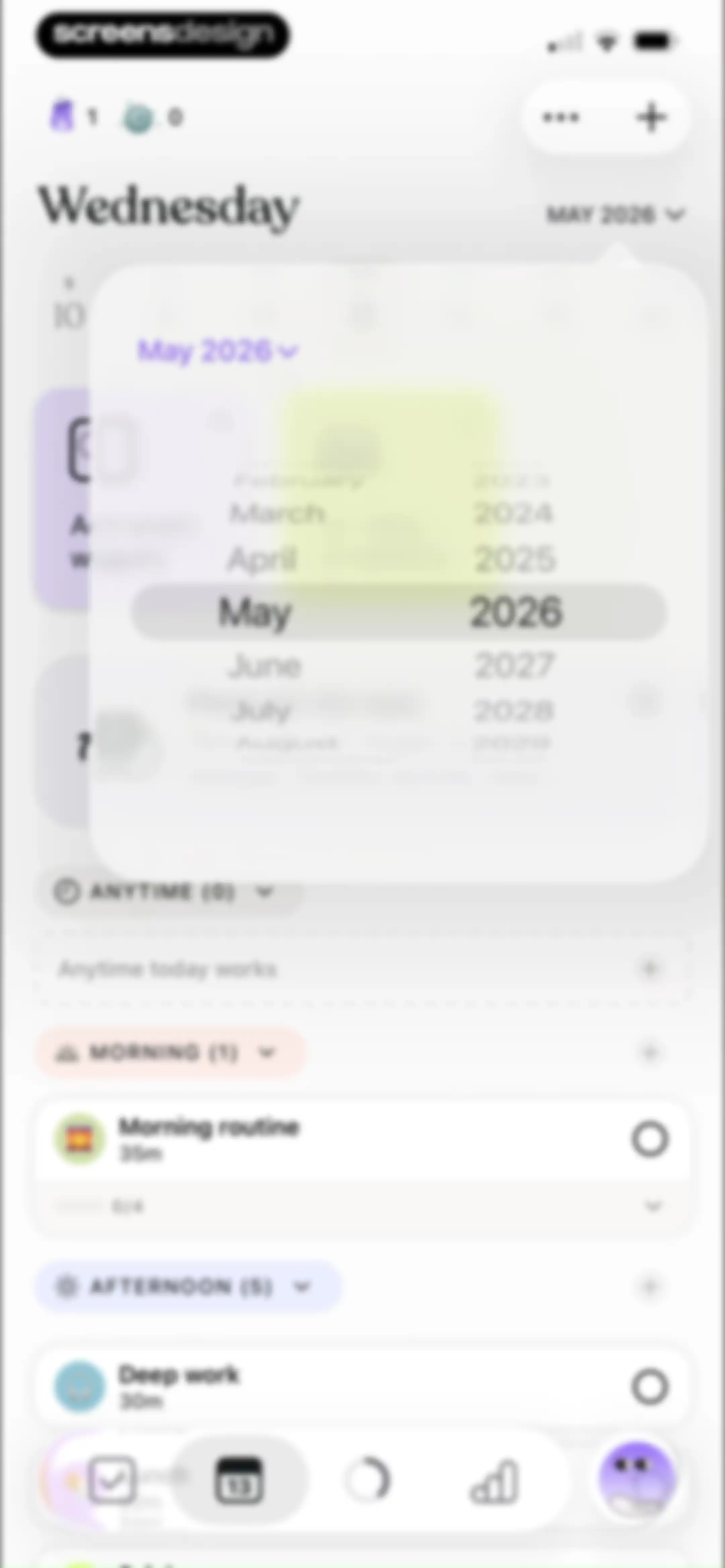
Task planner home screen with an active date picker modal overlay over categorized task sections and a bottom navigation bar.Unlock Pro
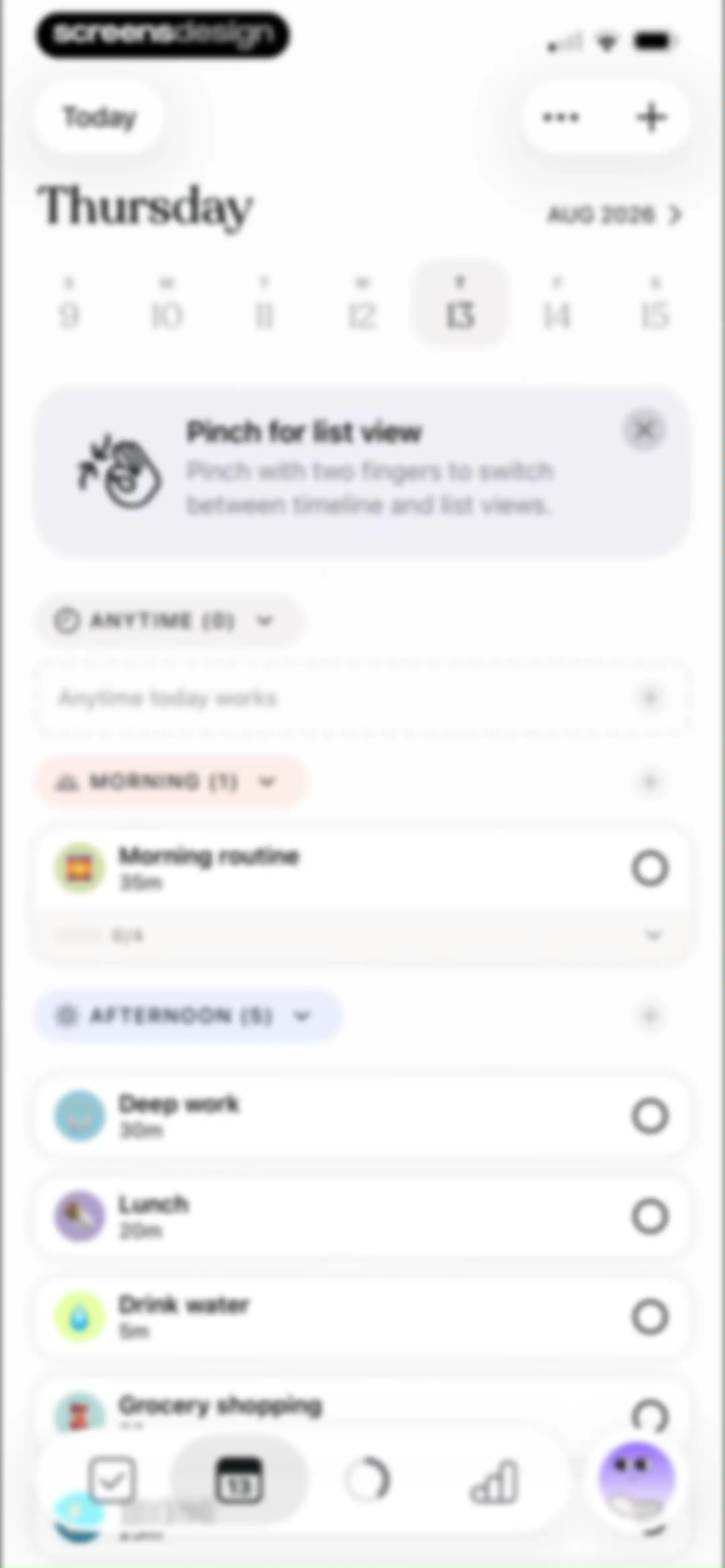
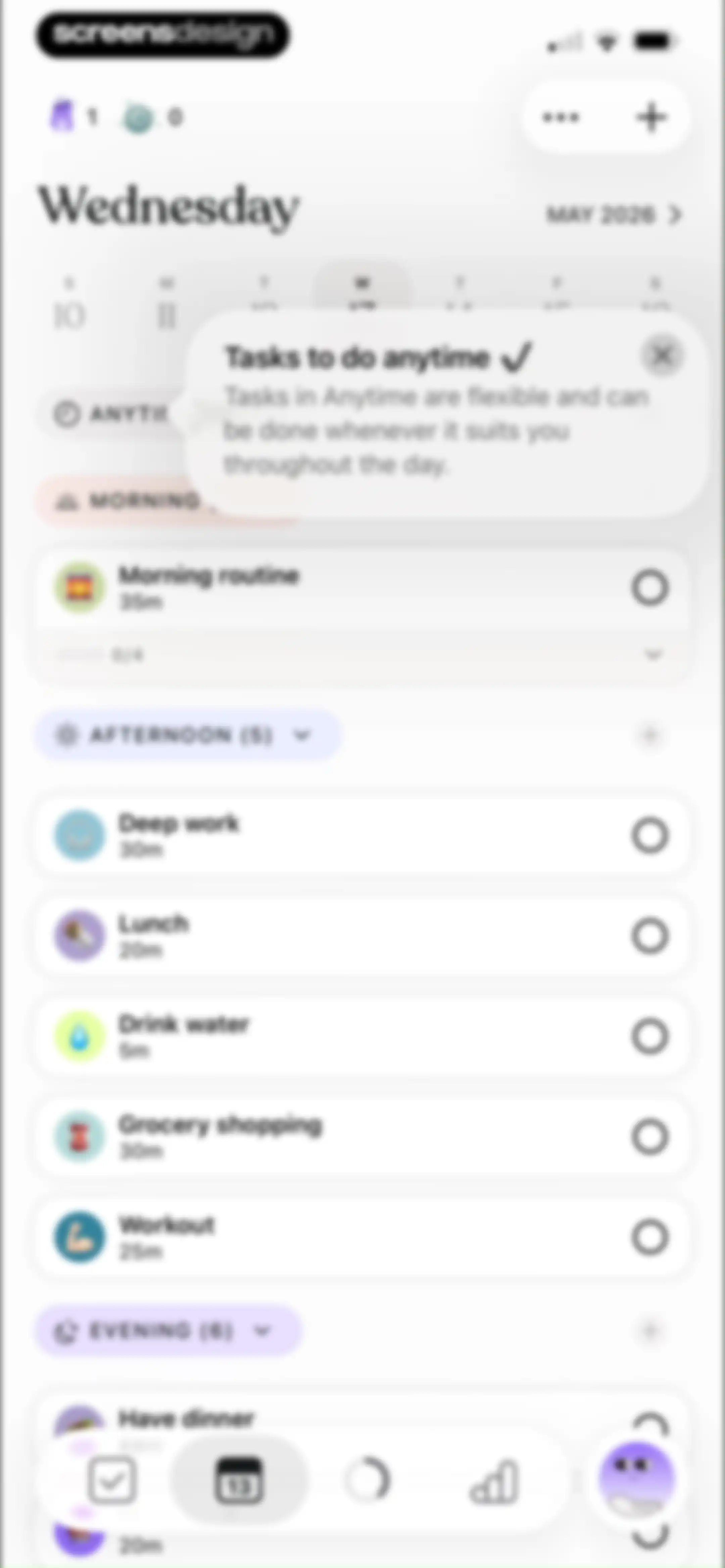
Daily task planner home screen with a date header, an instructional card, and categorized task groups including morning and afternoon sections.Unlock Pro
Tiimo onboarding screen with instructions to add a home screen widget, featuring a central product mockup and a Done button.Unlock Pro
Modal promoting the Tiimo desktop app with a laptop mockup displaying the web interface and a Done button.Unlock Pro
Task dashboard with a date header, horizontal calendar strip, and a vertical list of task cards with time durations and icons.Unlock Pro
Daily task planner dashboard displaying collapsible time-of-day sections with task cards and duration estimates for Wednesday, May 2026.Unlock Pro
Home screen showing a daily task planner with time-of-day sections, a date header, a calendar strip, and a bottom navigation bar.Unlock Pro
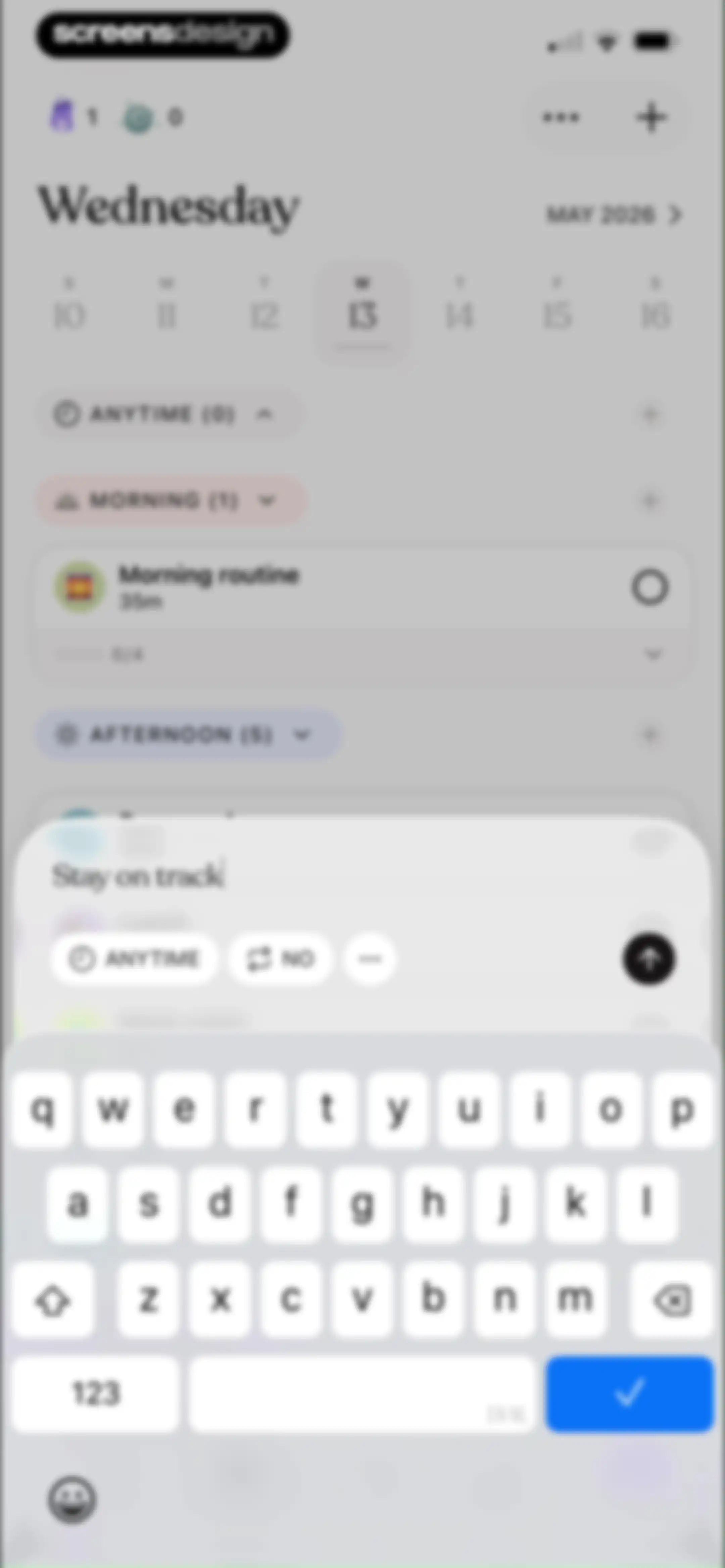
Task creation editor in Tiimo with a modal overlay for adding a new task over the daily schedule and an active keyboard.Unlock Pro
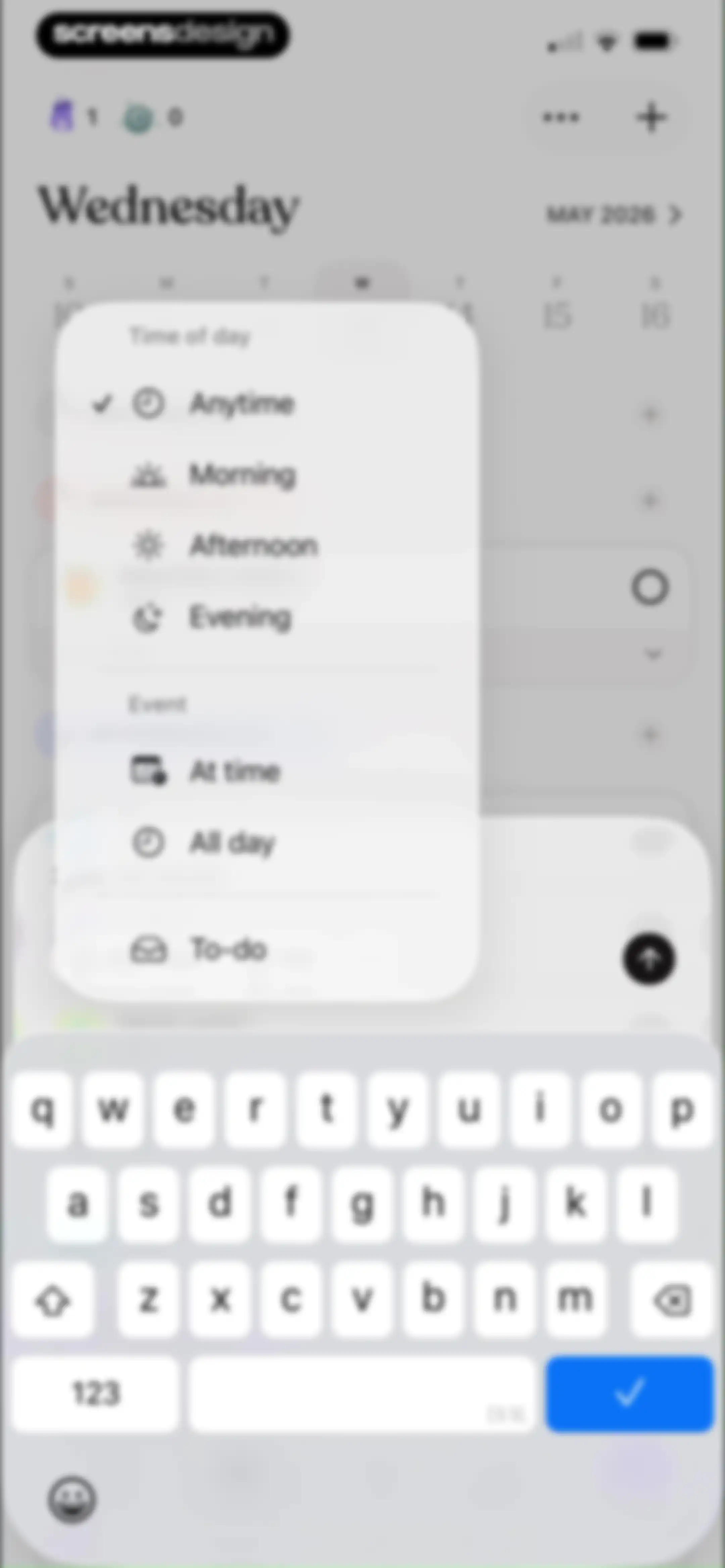
Task creation form with a centered options modal displaying time and event categories, overlaid on a weekly calendar view.Unlock Pro
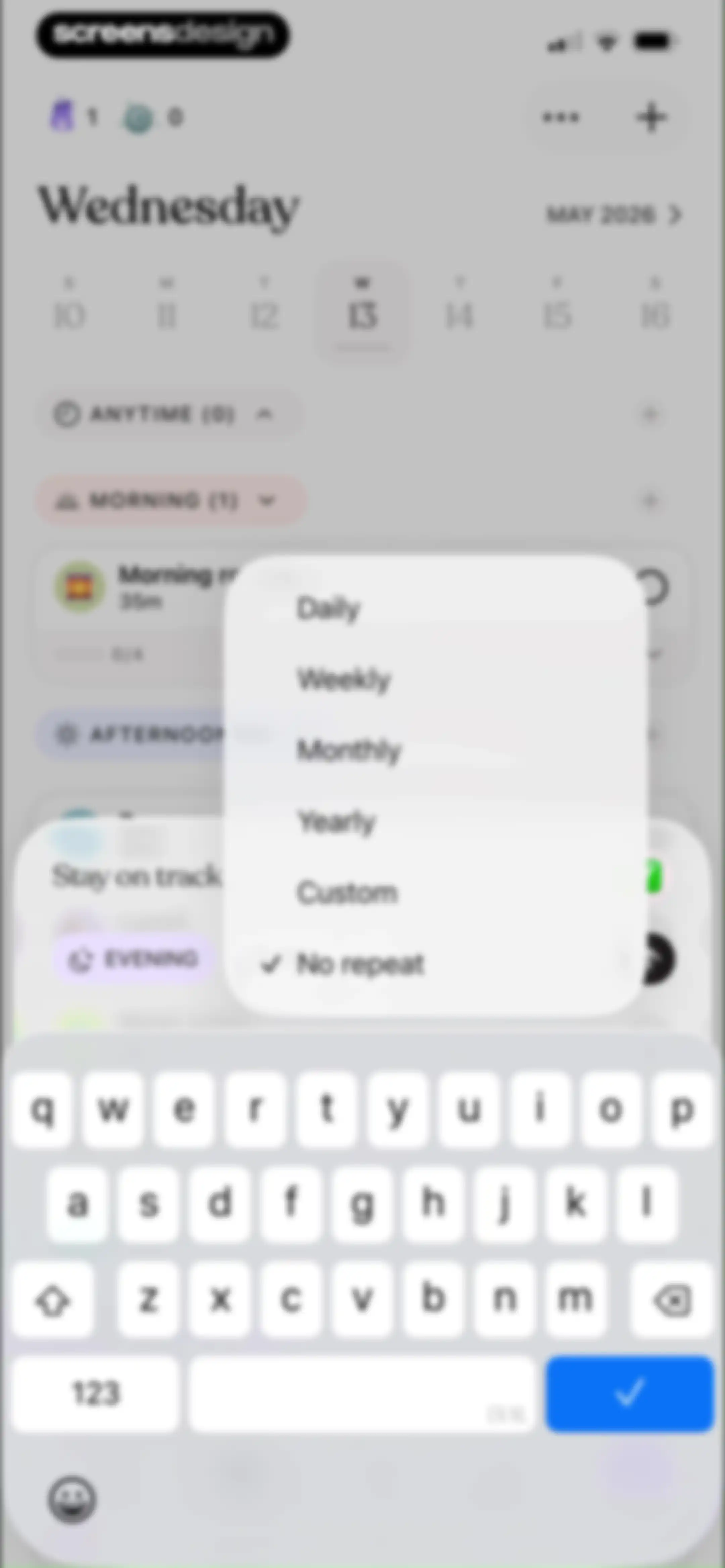
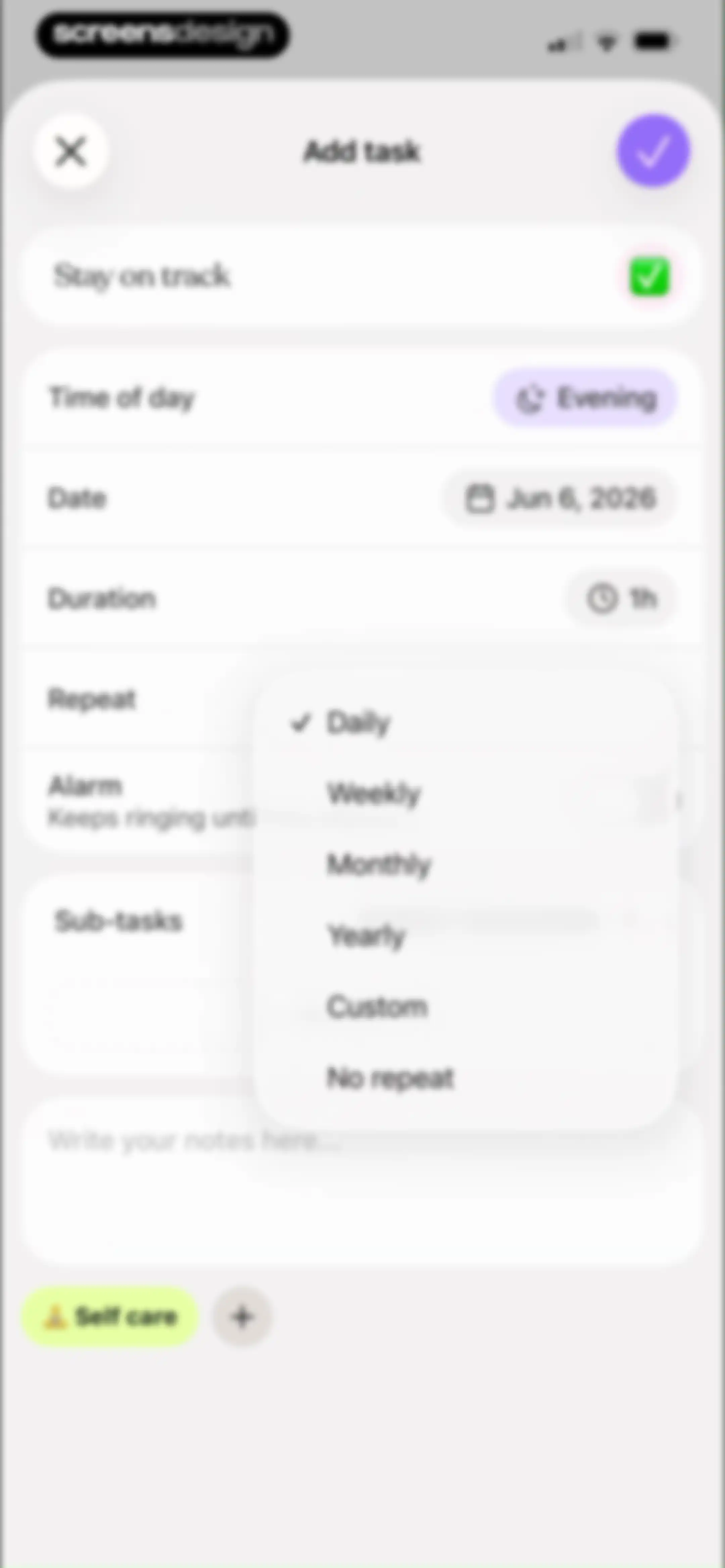
Task editor screen displaying a repeat frequency modal overlay with options for daily, weekly, and monthly recurrence over a daily schedule.Unlock Pro
Task creation form with configuration options for time, date, duration, and sub-tasks, featuring an AI suggest breakdown button and a save icon.Unlock Pro
Task creation form with configuration fields for time and date, featuring an active date picker overlay and a save button.Unlock Pro
Task creation form with fields for time, date, notes, and category selection, featuring a calendar overlay and save button.Unlock Pro
Task creation form with fields for duration, repeat settings, sub-tasks, and a self care category tag, featuring close and confirm buttons.Unlock Pro
Task creation form with fields for title, date, duration, and repeat options, featuring a save button and a category selector.Unlock Pro
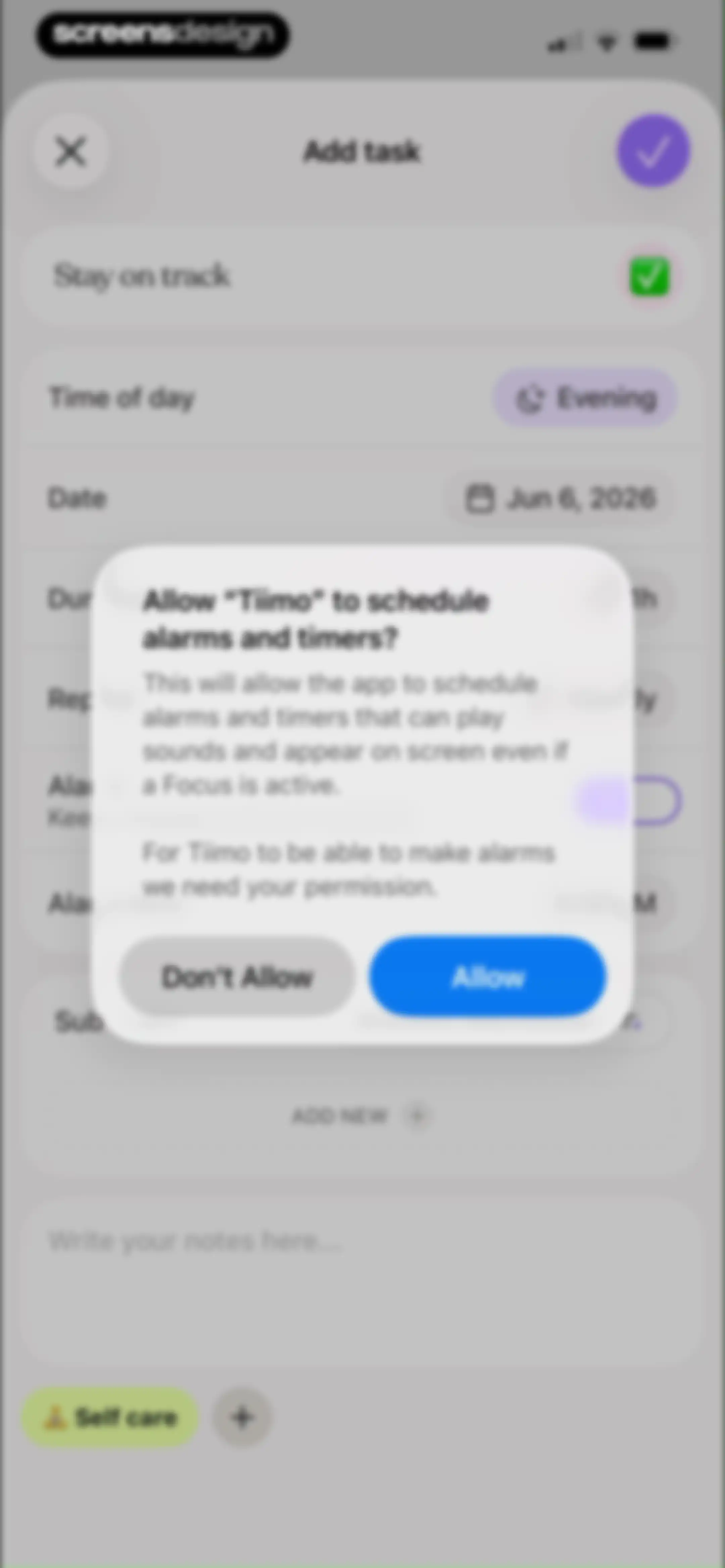
Permission request modal overlaying a task creation form in the Tiimo app, with Allow and Don't Allow buttons.Unlock Pro
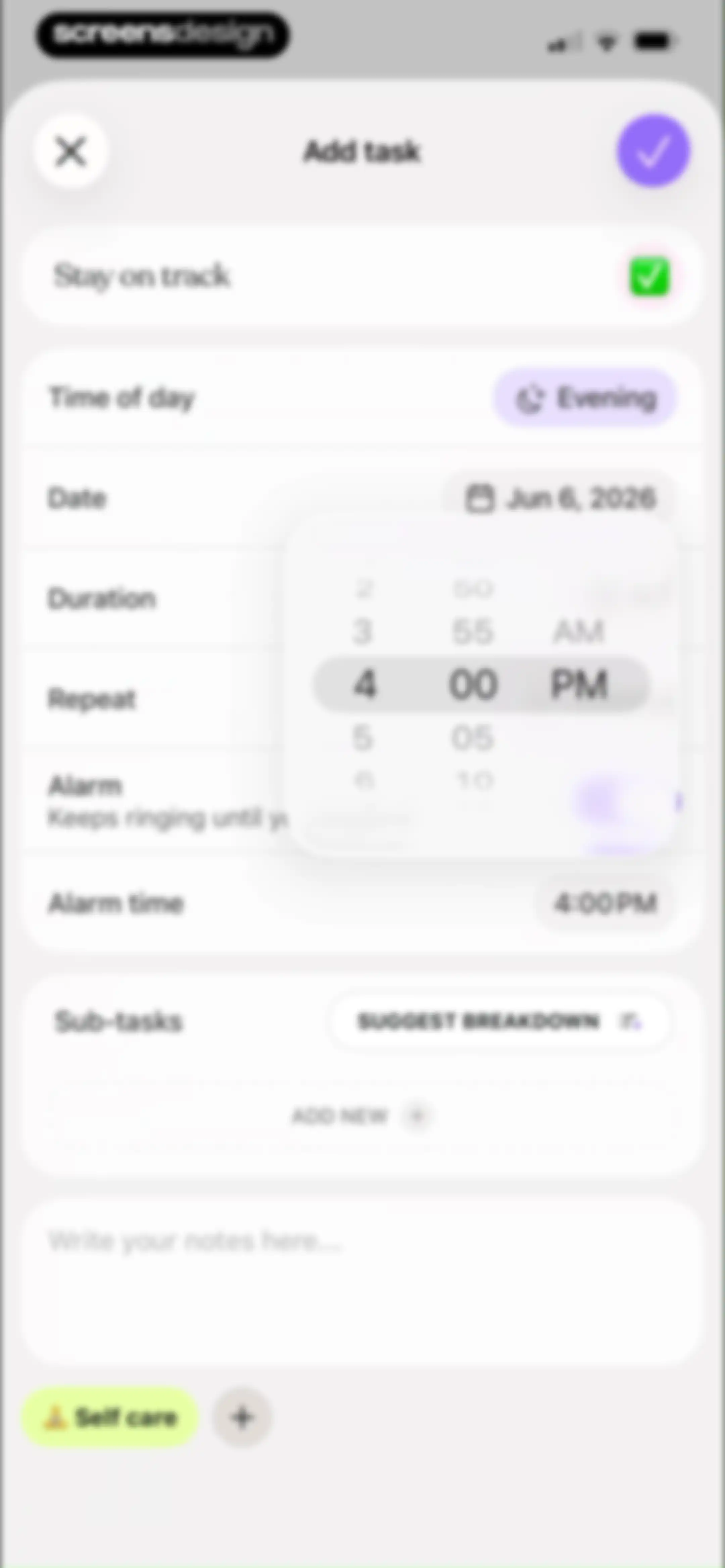
Task creation form with settings for time, date, alarm, and sub-tasks, displaying an active time picker and a save button.Unlock Pro
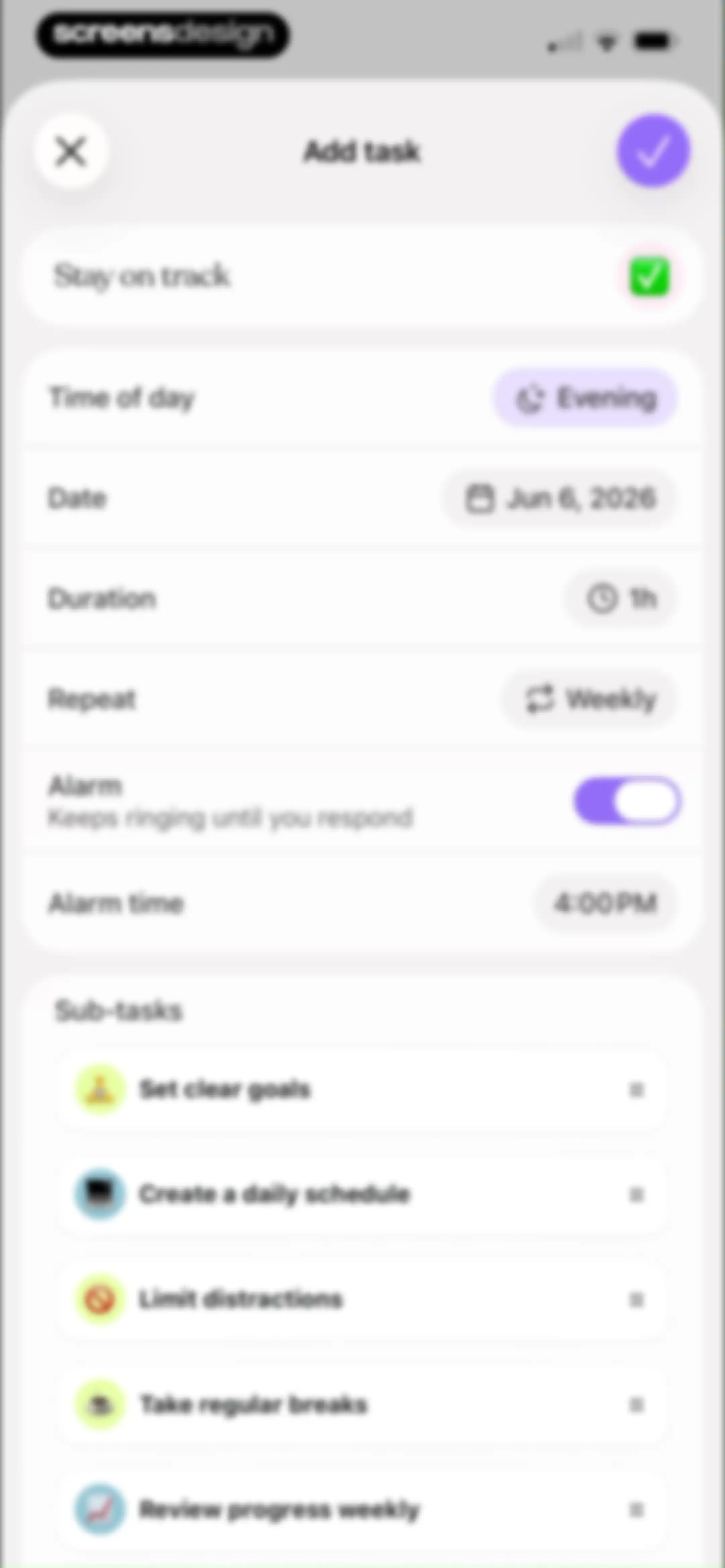
Task creation form in the Tiimo app displaying configuration fields like evening time, weekly repeat, and a sub-tasks list.Unlock Pro
Task tagging modal overlay displaying a grid of tag chips, an AI suggestion button, and a Done button.Unlock Pro
Daily task planner home screen showing a date header, a calendar strip, and collapsible time-of-day sections with an expanded evening section.Unlock Pro
Daily planner dashboard with a review card and collapsible time-based task sections for morning and afternoon.Unlock Pro
Task management screen listing remaining tasks with checkboxes, featuring a prompt to move 12 tasks to tomorrow and primary action buttons.Unlock Pro
Task rescheduling modal displaying a list of selected tasks, a May 2026 calendar with a selected date, and a confirmation button.Unlock Pro
Empty state screen in the Tiimo app displaying a crescent moon graphic and the heading Review done with a message that everything is handled.Unlock Pro
Daily task management home screen for Tiimo showing a calendar strip for May 13 and an expanded afternoon section with five tasks.Unlock Pro
Task management dashboard showing a daily schedule with an open action modal offering options to copy, reschedule, edit, or delete a task.Unlock Pro
Task dashboard with an expanded afternoon schedule and a bottom modal displaying Move to To-do options.Unlock Pro
Task management dashboard showing priority sections and a to-do list with a Drink water task card.Unlock Pro
Task rescheduling modal overlay on a daily planner dashboard, featuring options to update this only, update all future, and update all.Unlock Pro
Focus dashboard showing a circular timer set to 24:59 with an instructional tooltip and timer controls.Unlock Pro
Active workout timer dashboard showing a 24:55 countdown, a bicep icon, pause and extend controls, and a bottom navigation bar.Unlock Pro
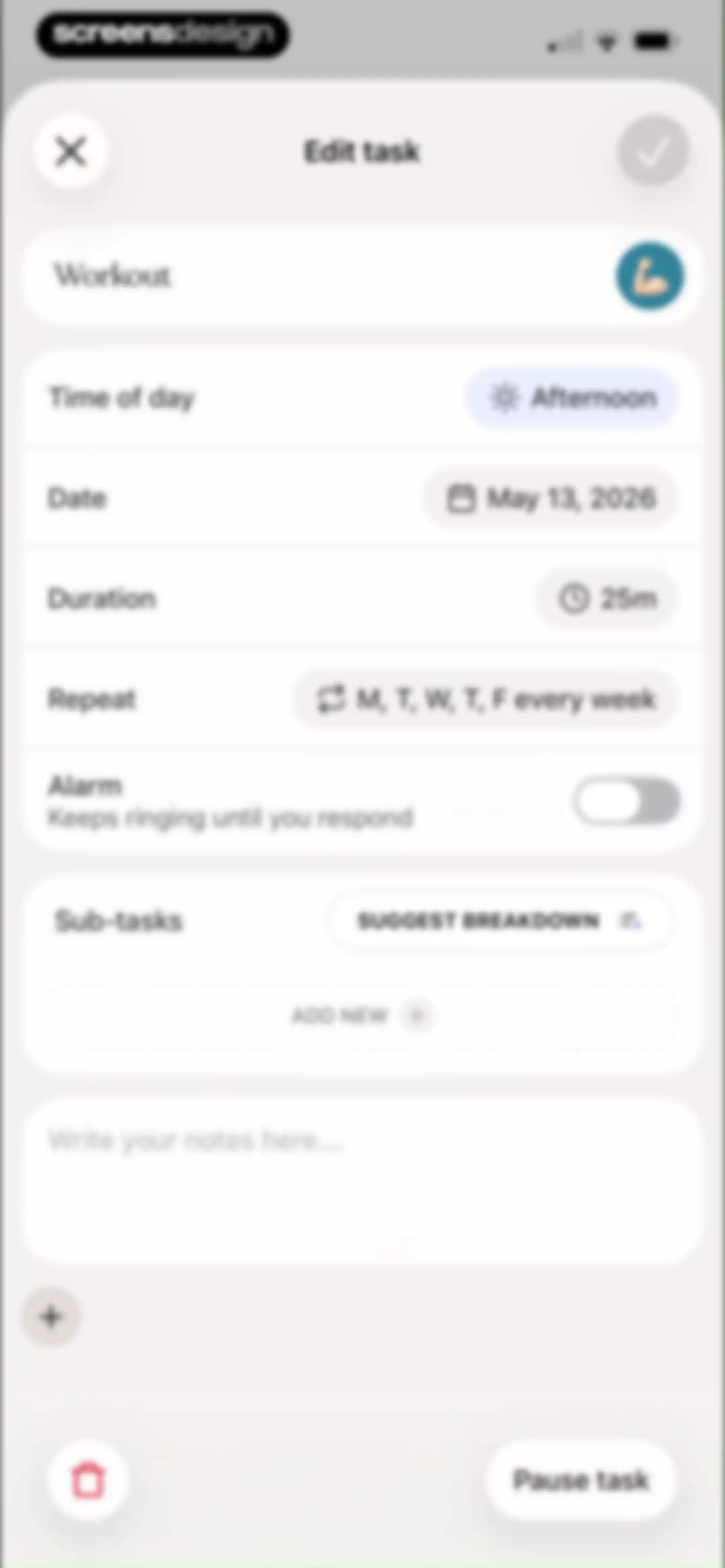
Task editor screen displaying workout details, schedule settings, sub-task options, and a save button.Unlock Pro
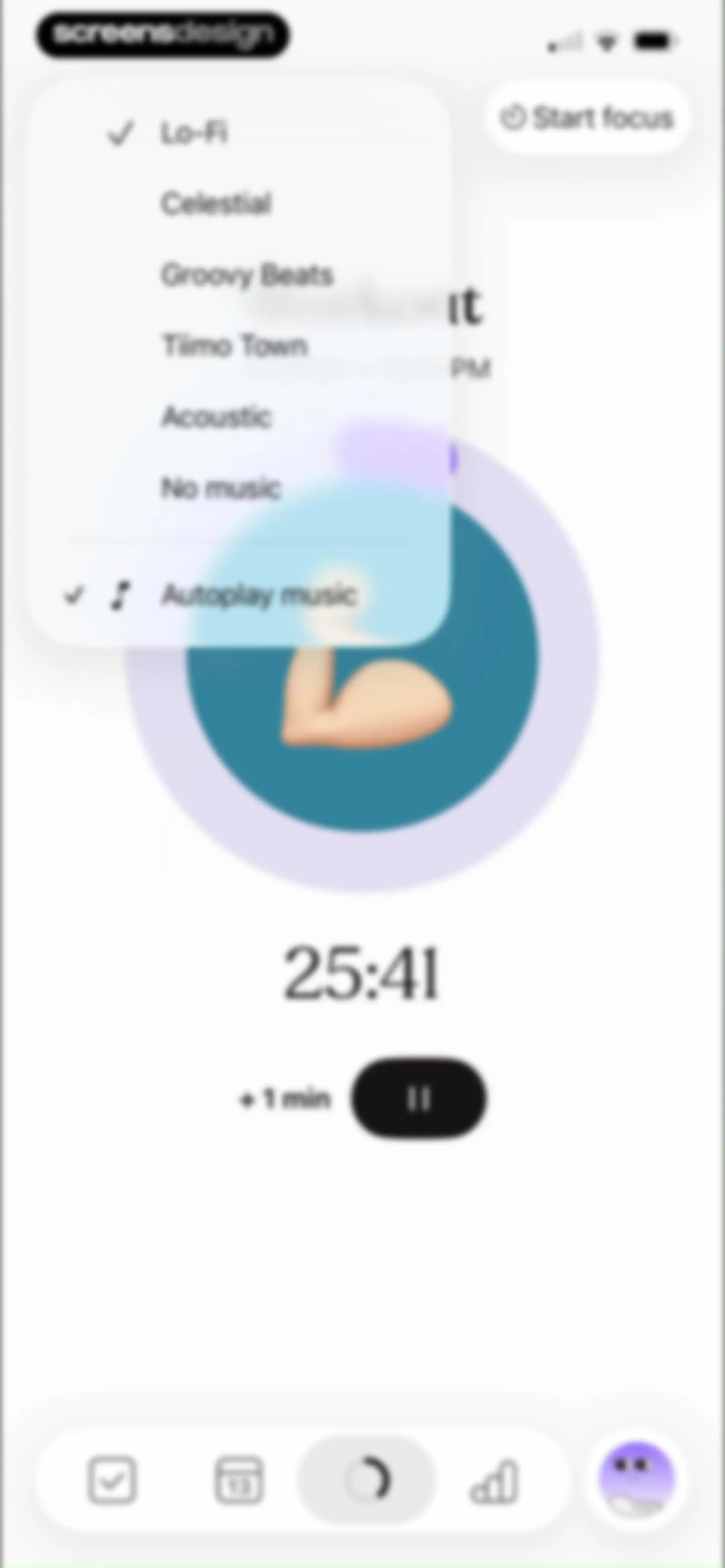
Tiimo focus timer dashboard featuring an active workout session, a 25:41 timer display, and an open music selection menu with Lo-Fi selected.Unlock Pro
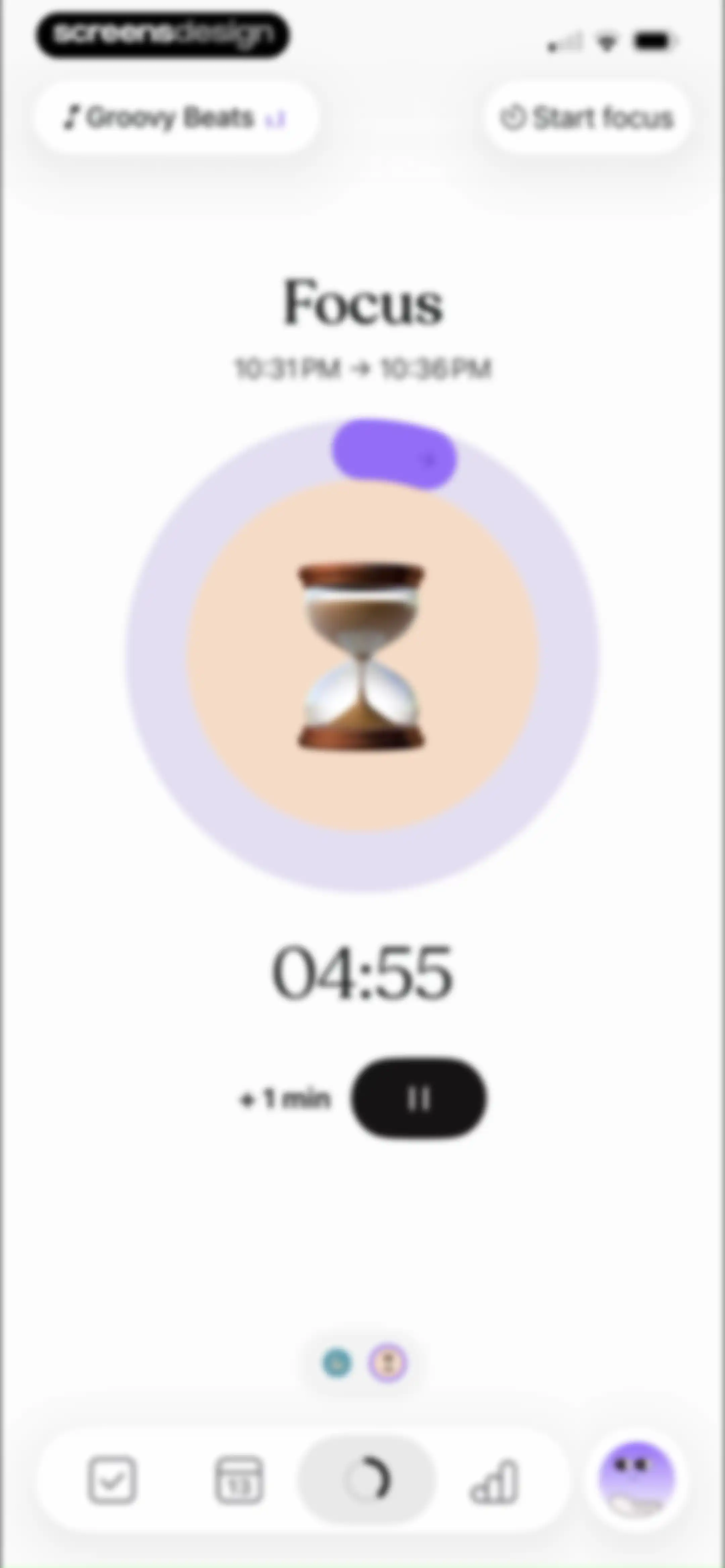
Focus timer dashboard showing a countdown of 04:55 with a pause button, plus 1 minute option, and bottom navigation.Unlock Pro
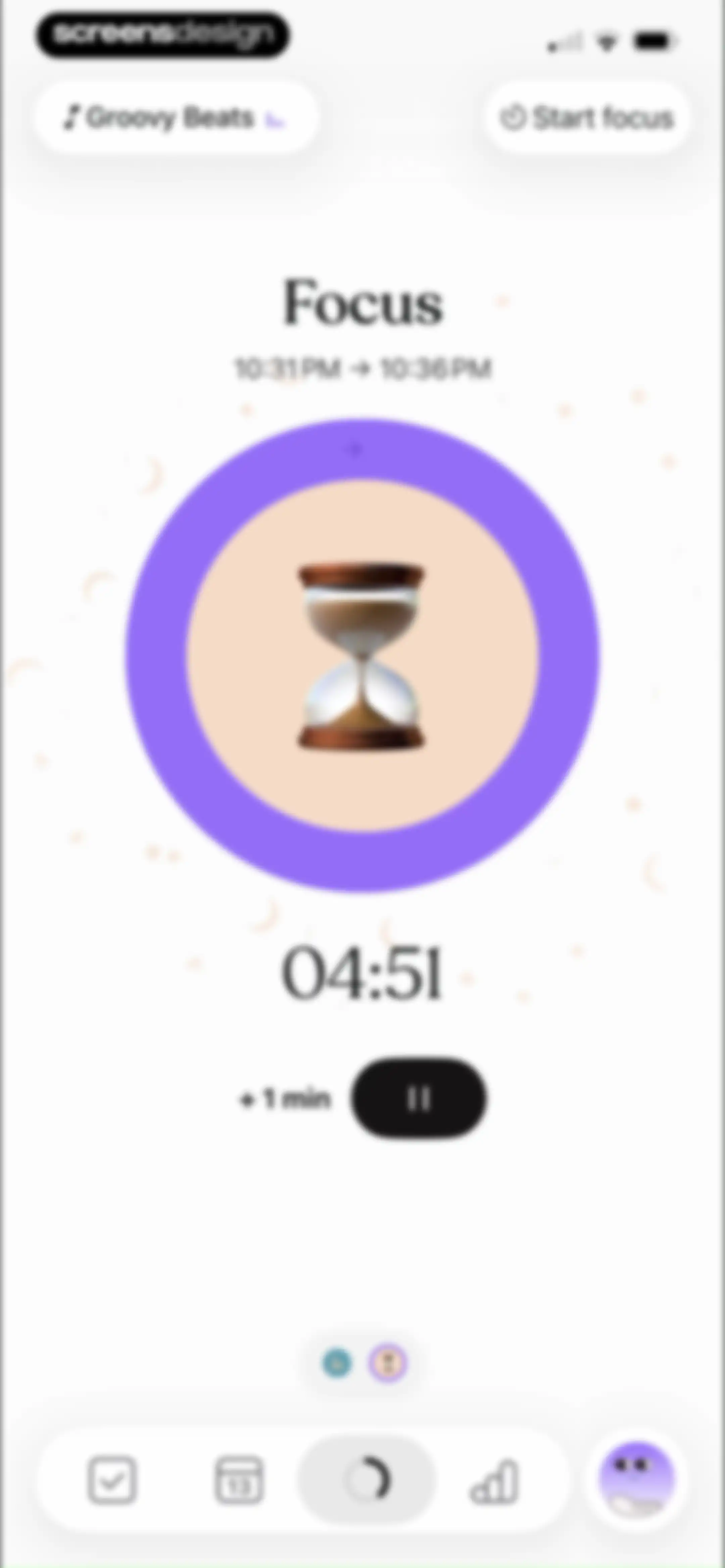
Focus dashboard showing an active 04:51 countdown timer with a central progress indicator, music controls, and a bottom navigation bar.Unlock Pro
Workout timer dashboard with a central progress circle displaying 25:18, an achievement notification at the top, and a bottom navigation bar.Unlock Pro
Dashboard with an active workout timer showing twenty-five minutes remaining, an extend button, and top navigation for focus and audio.Unlock Pro
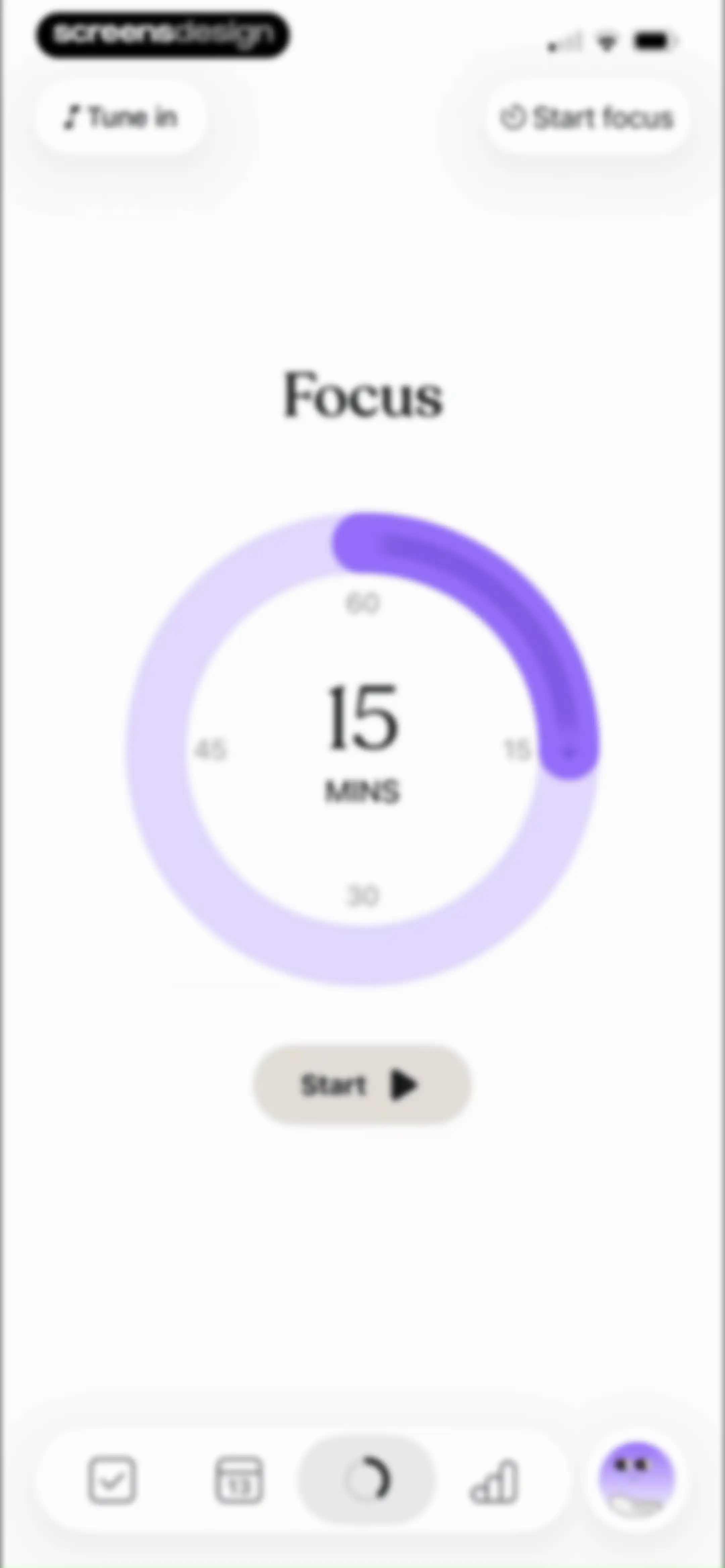
Focus timer dashboard with a central circular dial set to 15 minutes, a Start button, and top navigation for audio and focus options.Unlock Pro
Task management dashboard showing a delete confirmation dialog for the task Lunch with options to delete all, future, or this only.Unlock Pro
Task dashboard with collapsible time-of-day sections displaying a daily schedule, duration indicators, and a persistent bottom navigation bar.Unlock Pro
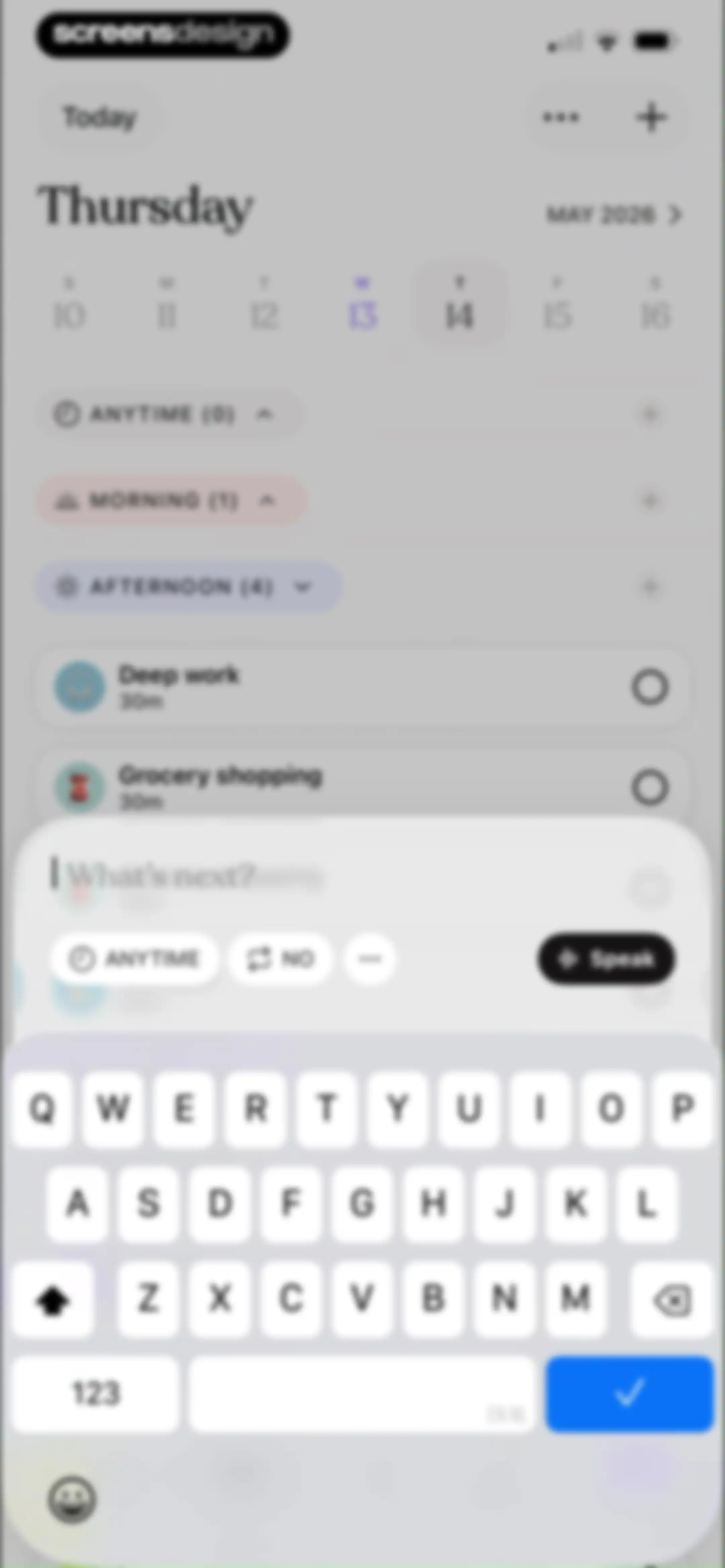
Task planner home screen featuring a calendar strip, task categories, and an active task entry modal with a keyboard.Unlock Pro
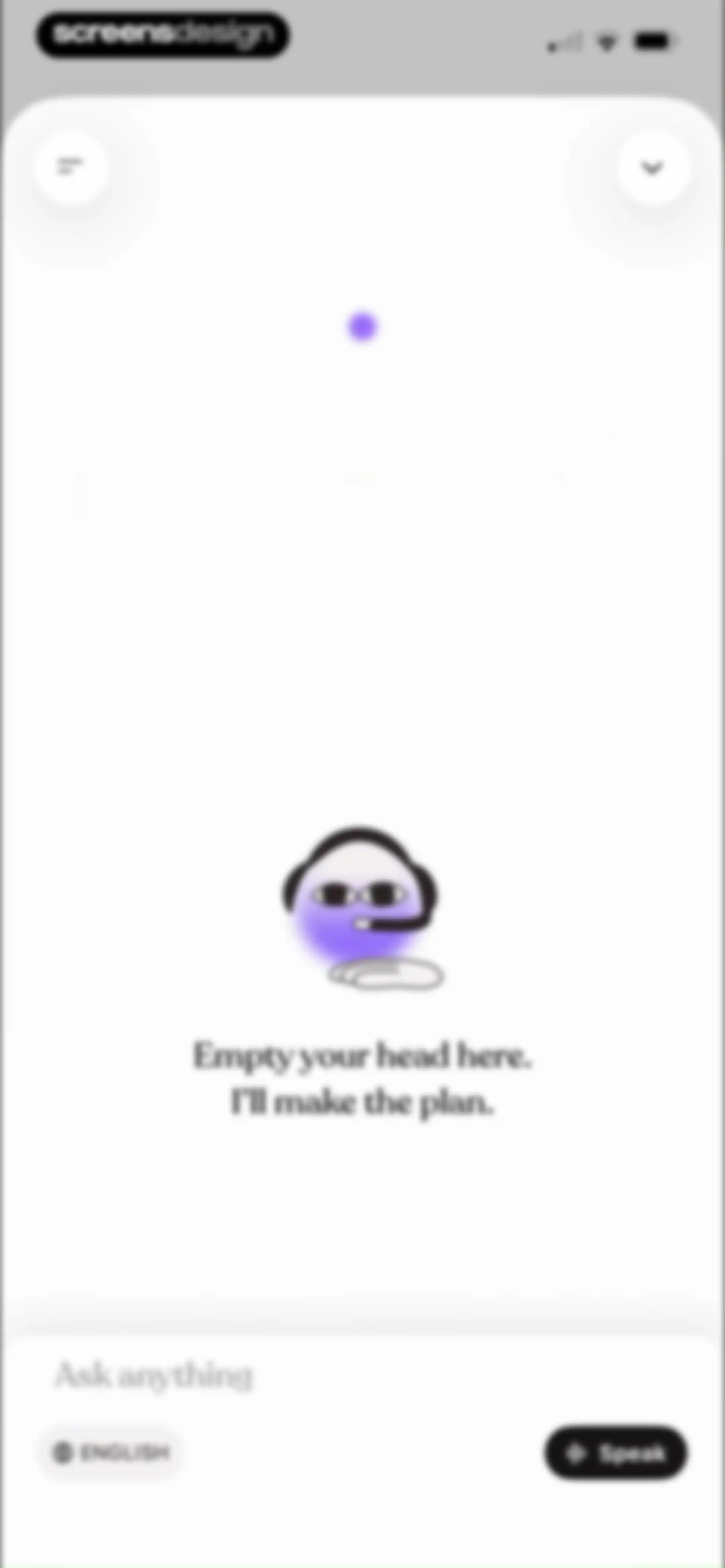
AI assistant chat interface with a central character illustration, an Ask anything text field, and Speak and English buttons below.Unlock Pro
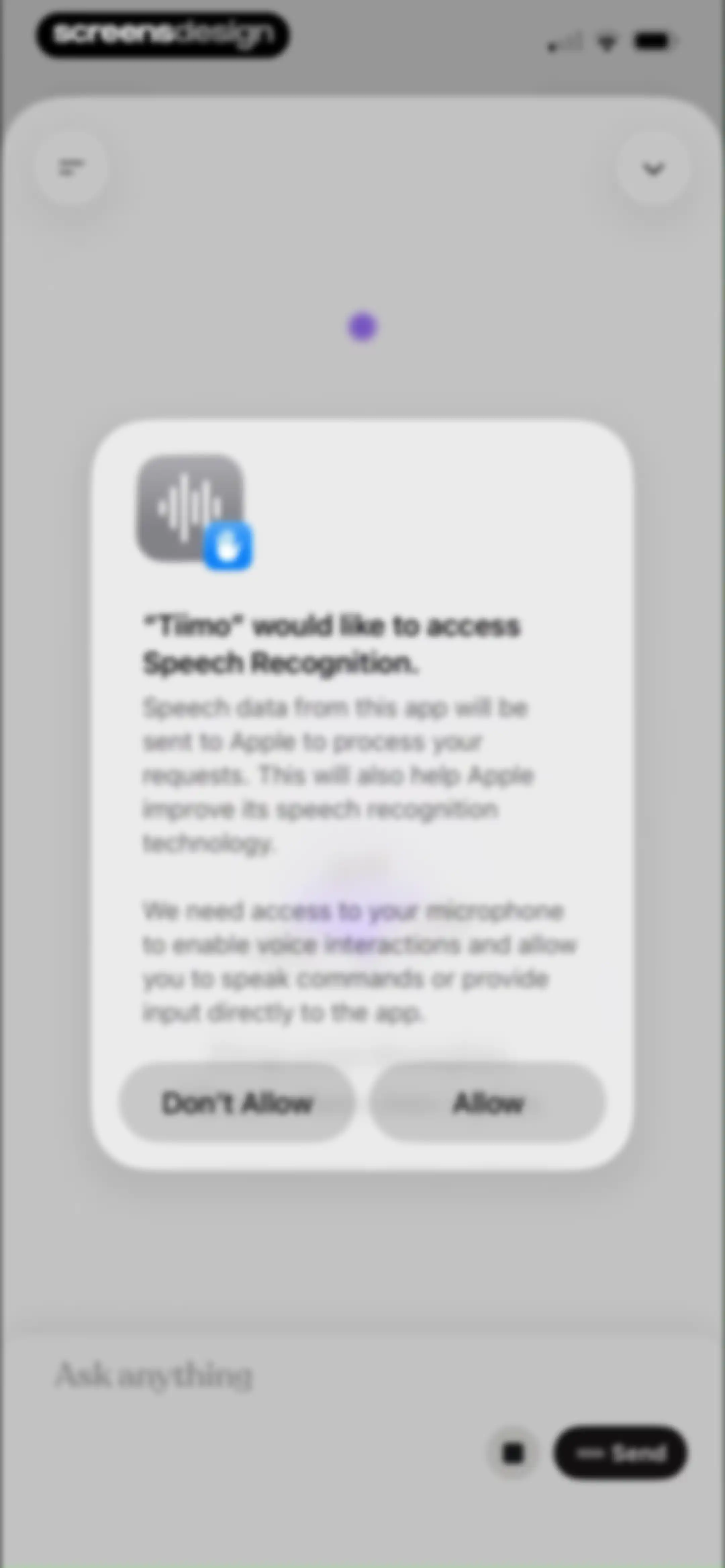
Permission modal for the Tiimo app requesting access to speech recognition, with Allow and Don't Allow buttons.Unlock Pro
Permission modal for the Tiimo app requesting microphone access, with Allow and Don't Allow buttons over a blurred chat interface.Unlock Pro
Chat screen with a central productivity illustration, a prompt to input thoughts, and a draft message in the bottom text field.Unlock Pro
Chat interface showing a task preview card for organizing a desk, with a Create tasks button and a voice input option.Unlock Pro
Chat screen displaying an AI task creation assistant with a task summary card and a Create tasks button.Unlock Pro
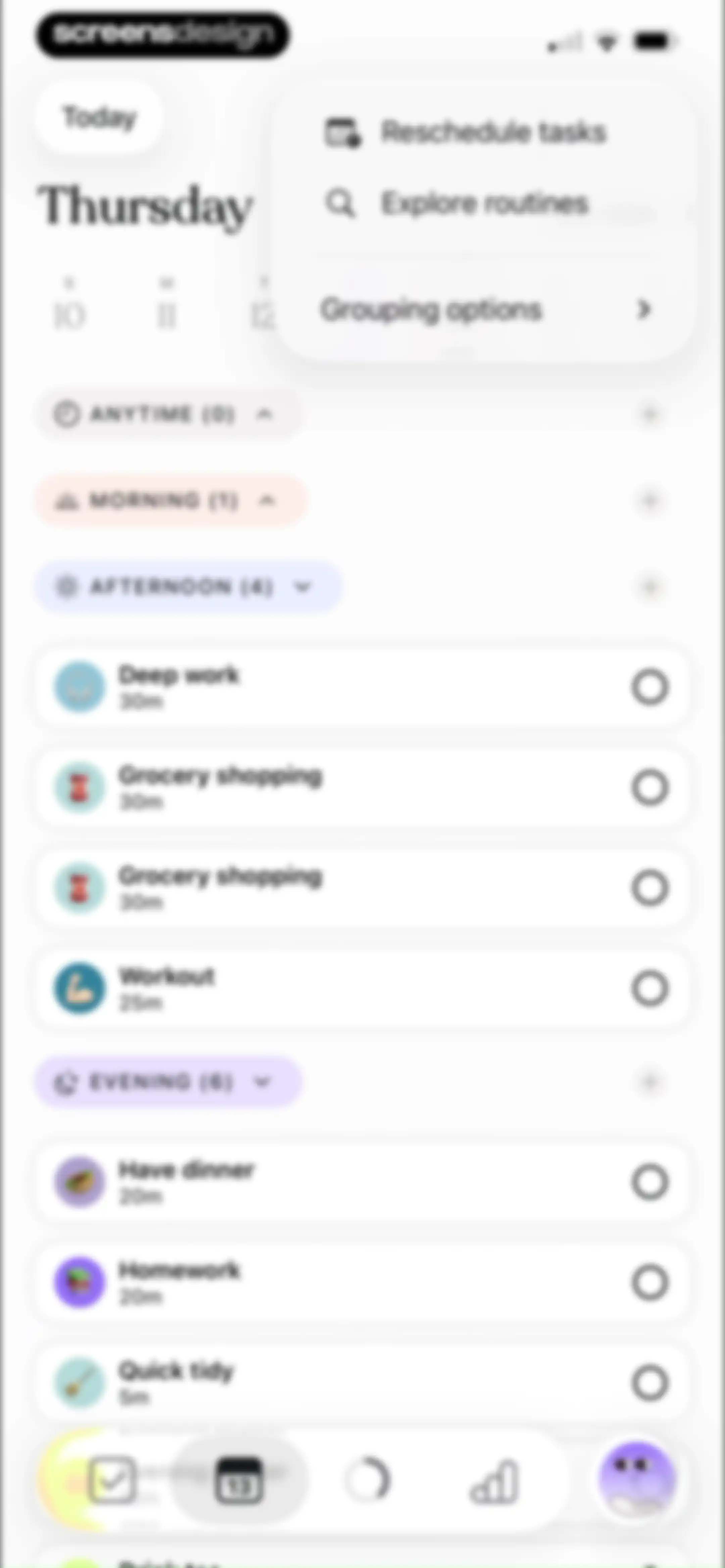
Task management dashboard for the Tiimo app displaying daily tasks organized by time-of-day categories with an open floating menu.Unlock Pro
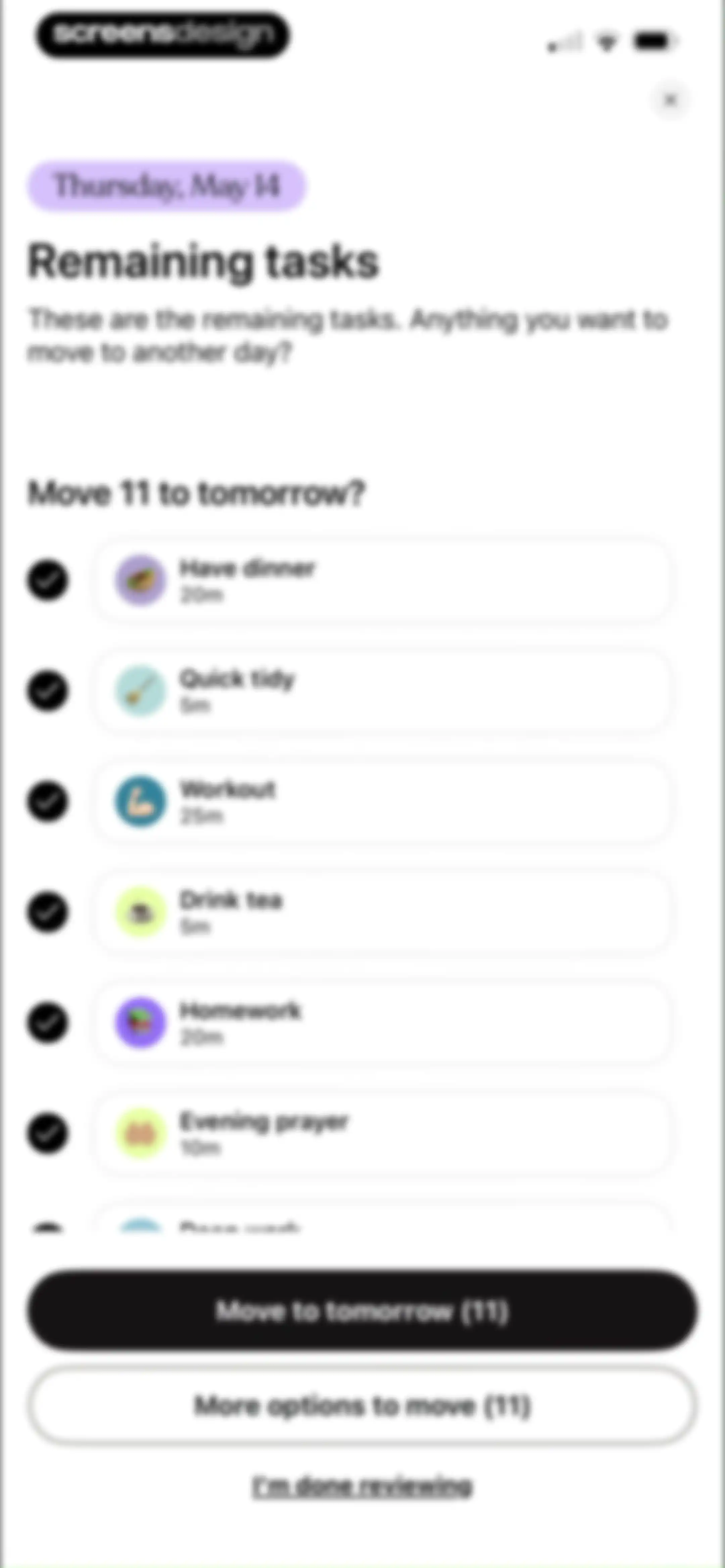
Task management review screen listing remaining tasks with checkboxes, a prompt to move them to tomorrow, and bottom action buttons.Unlock Pro
Empty state screen for the Tiimo app displaying a crescent moon icon and the text Review done, Everything is handled for today.Unlock Pro
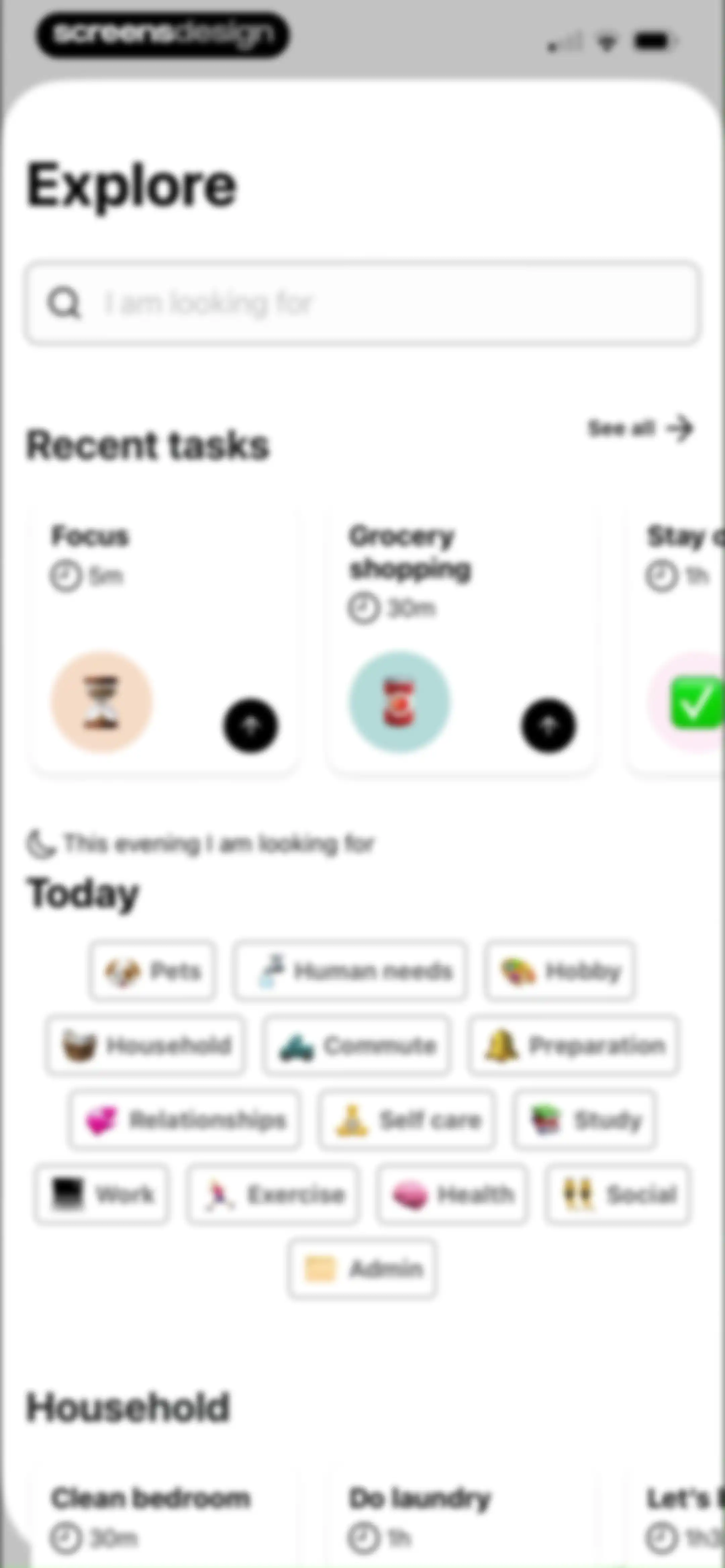
Task exploration screen with a search bar, recent tasks carousel, category selection grid, and a list of household tasks.Unlock Pro
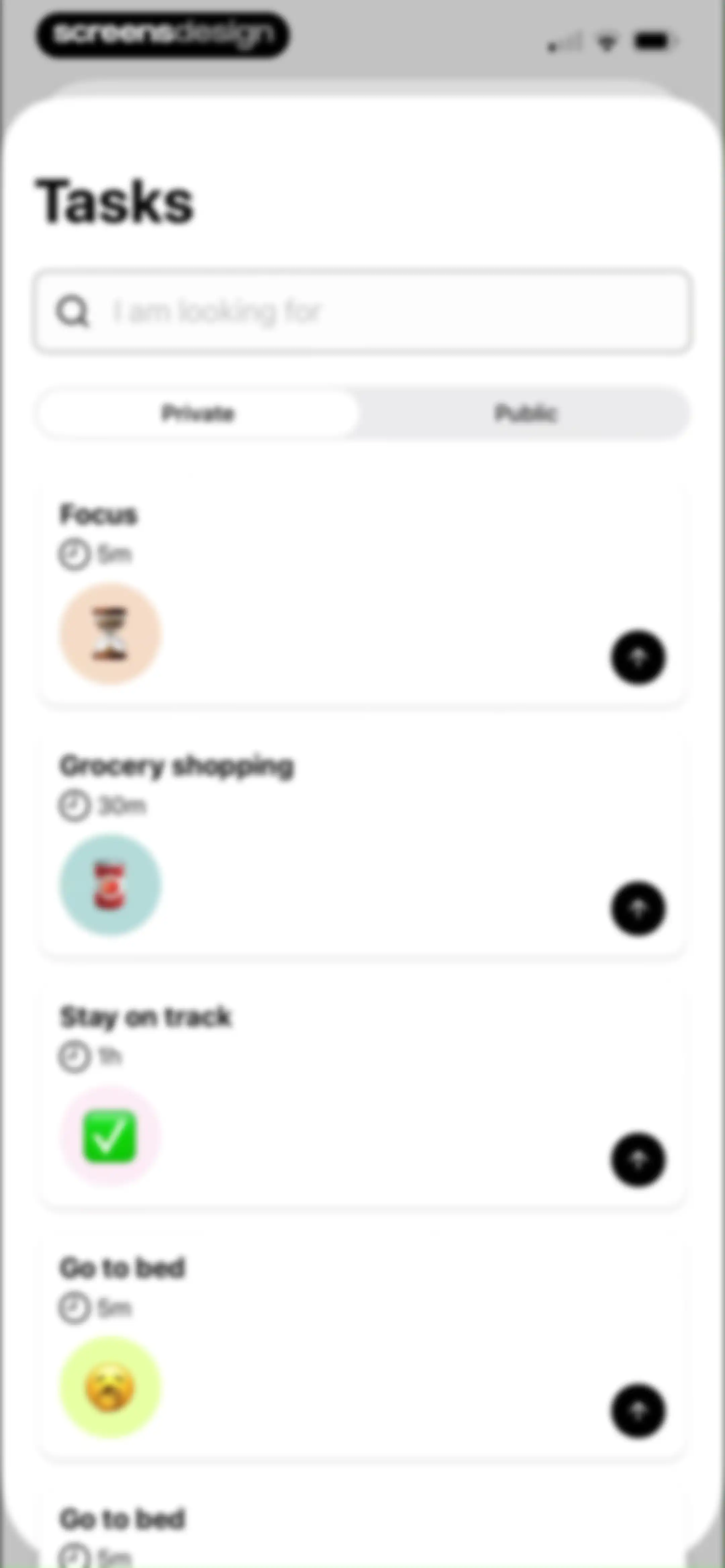
Task list feed with a search bar, Private and Public view tabs, and a vertical list of task cards.Unlock Pro
Task creation form with schedule settings, sub-task options, and a save button.Unlock Pro
Explore screen with a search bar and a vertical list of task cards for discovering pre-made routines.Unlock Pro
Wellbeing onboarding modal in Tiimo featuring a mood illustration, Apple Health integration notice, and a How do you feel today button.Unlock Pro
Health access permission request screen for Tiimo with toggles for reading and writing State of Mind data, plus Allow and Don't Allow buttons.Unlock Pro
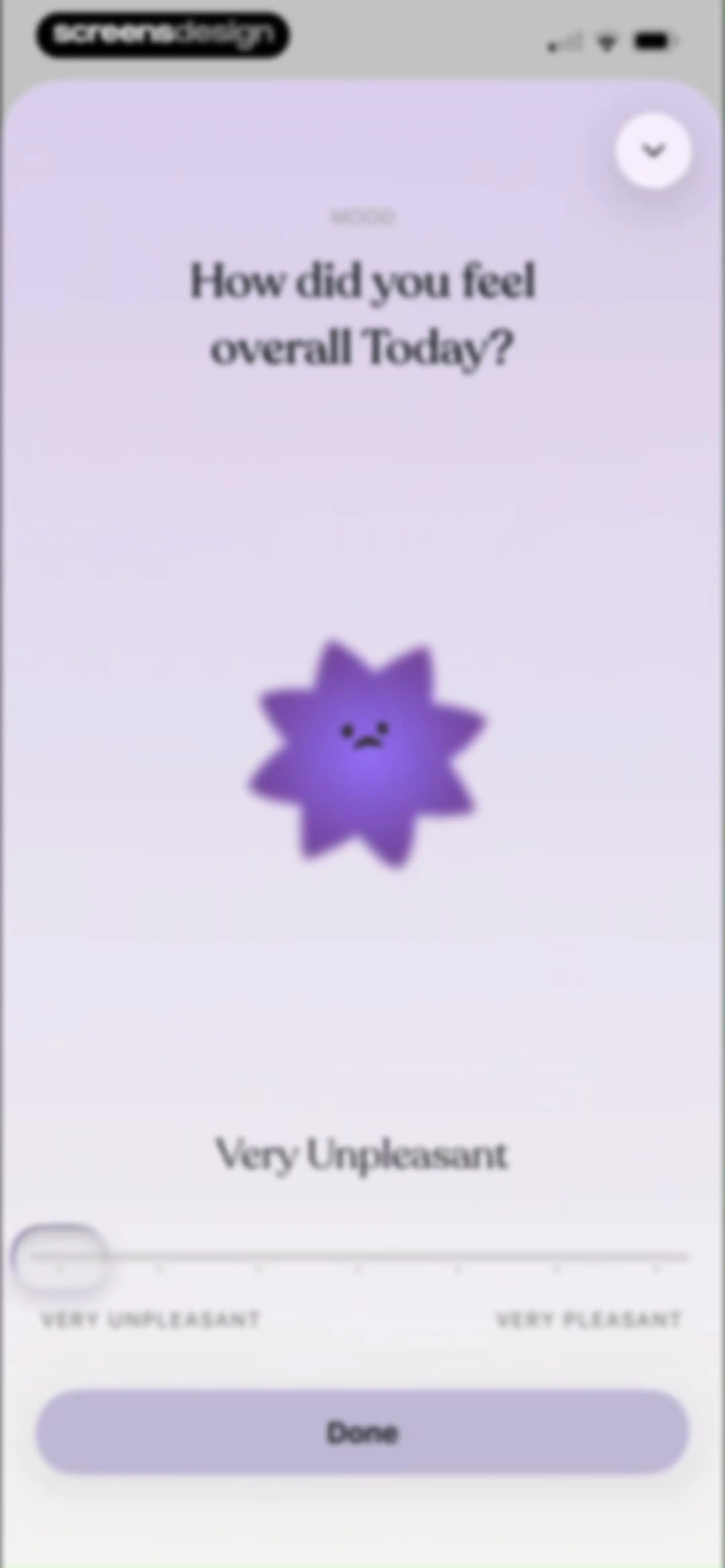
Mood tracking form in the Tiimo app asking how the user felt today, with a sad character illustration, mood slider, and Done button.Unlock Pro
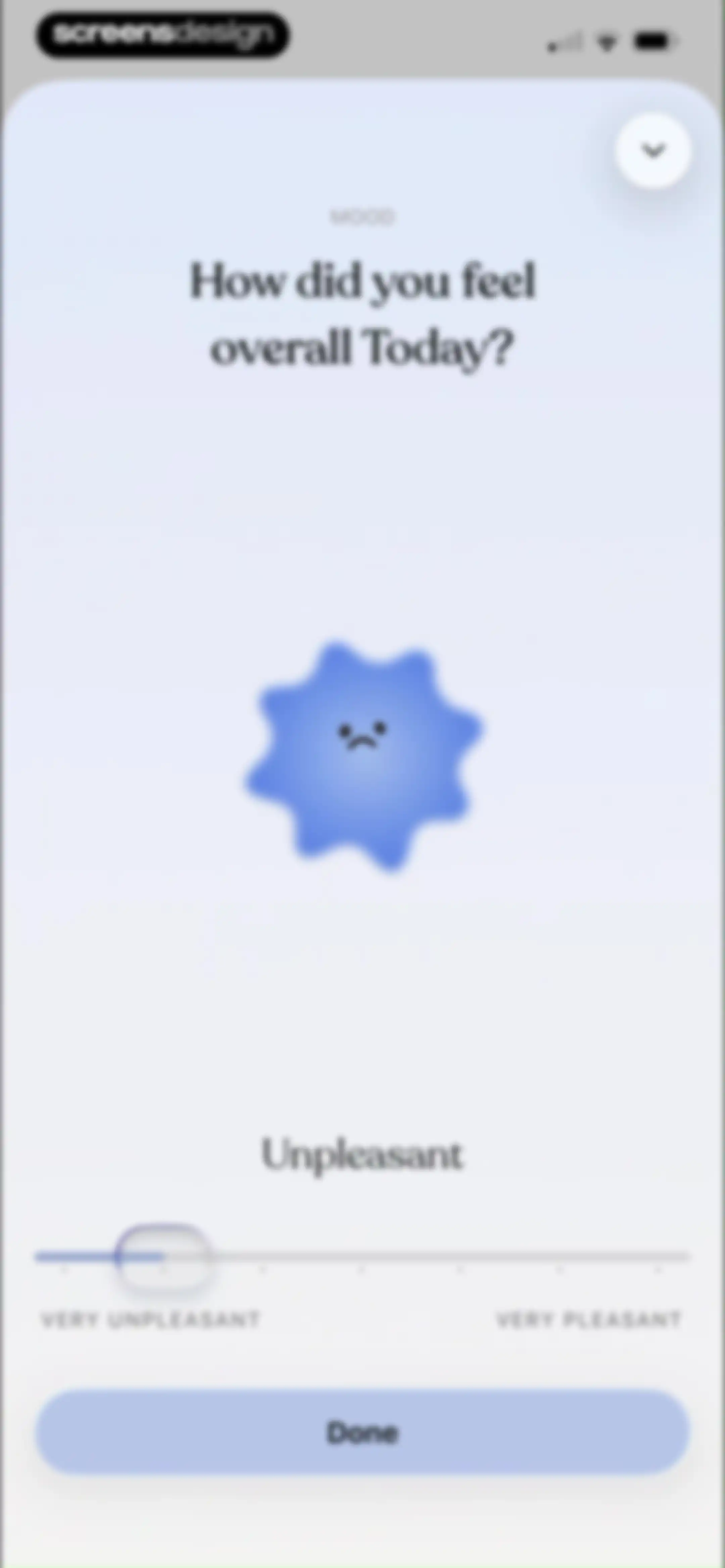
Mood-tracking modal asking how the user felt overall today, featuring a central character illustration, a slider set to unpleasant, and a Done button.Unlock Pro
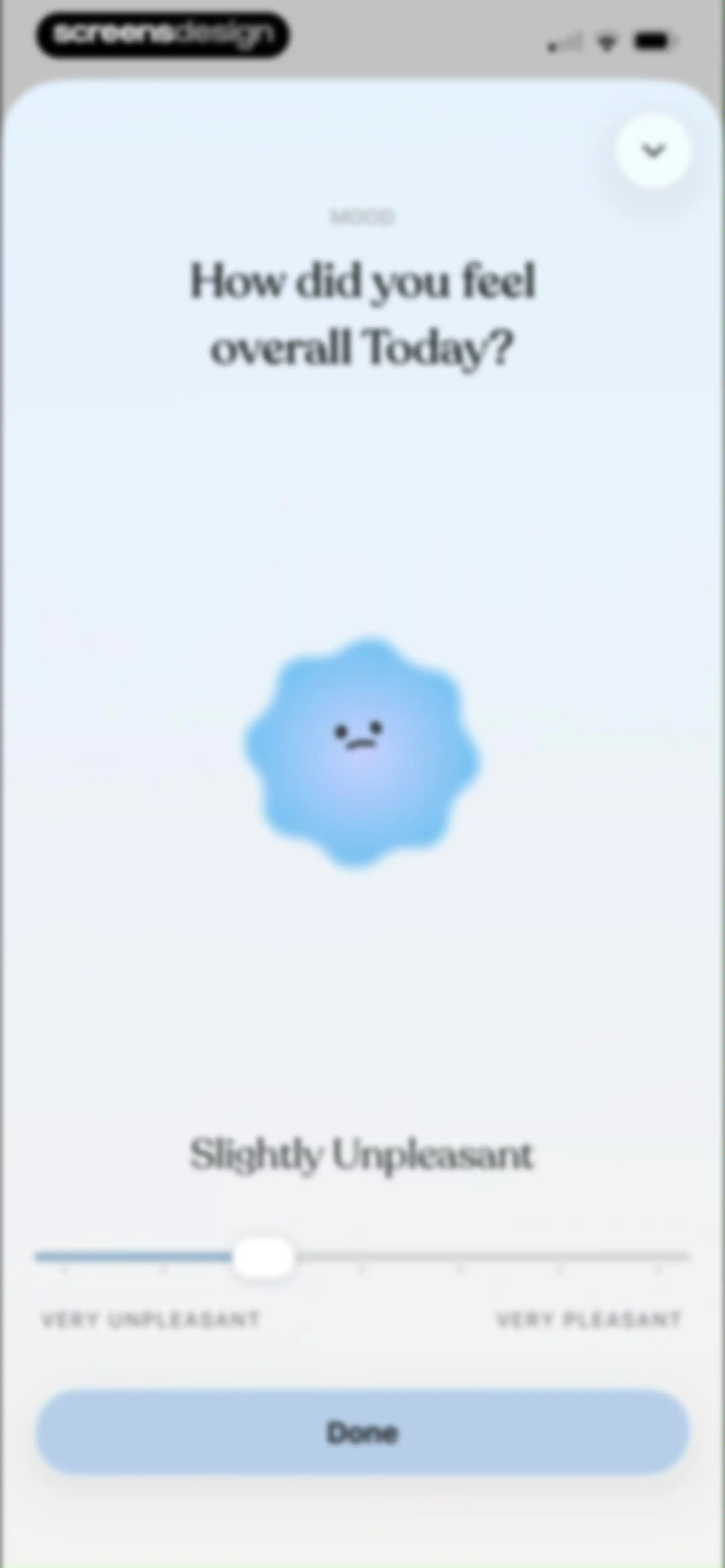
Tiimo daily mood tracking screen with a central mood character, a slider set to Slightly Unpleasant, and a Done button.Unlock Pro
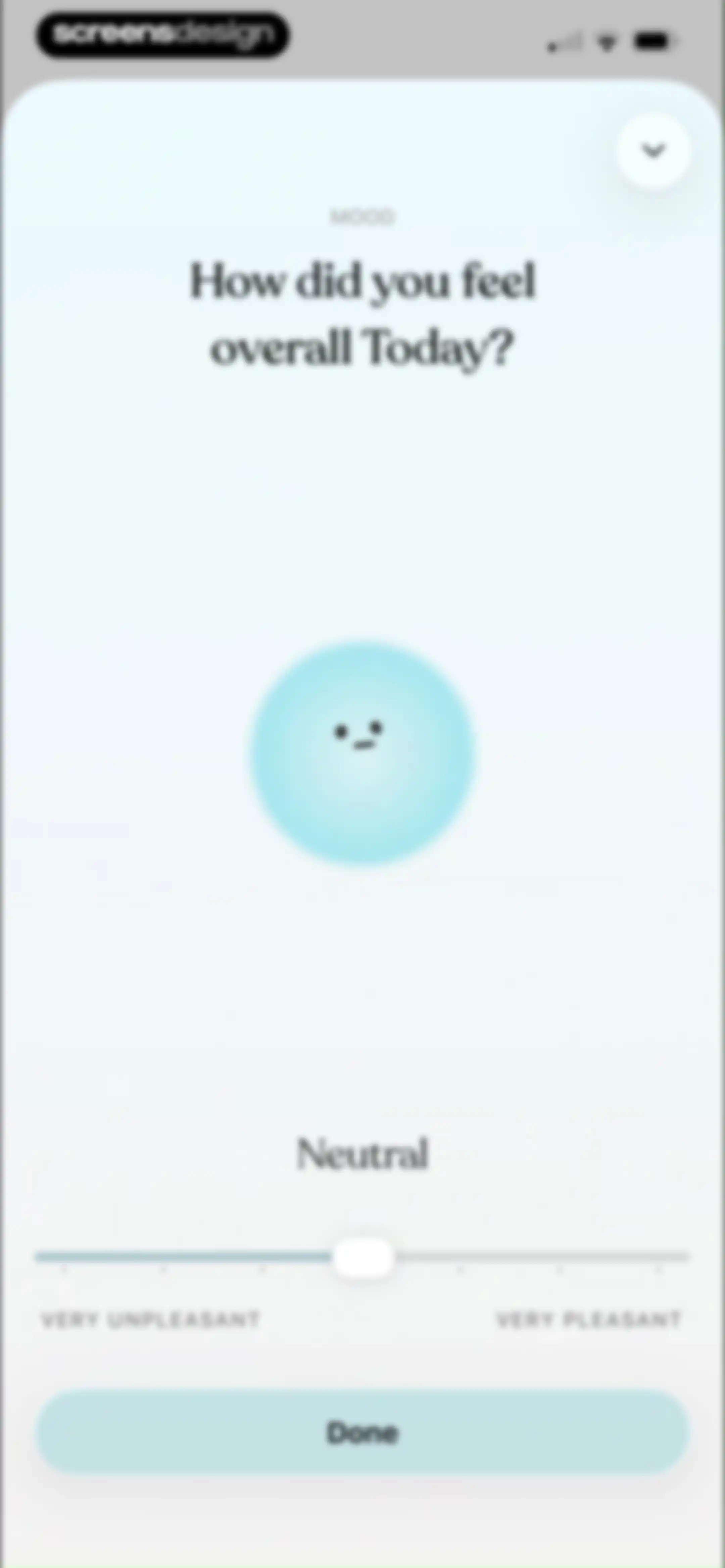
Mood-tracking modal asking how the user felt overall today, with a neutral facial expression indicator, a slider ranging from very unpleasant to very pleasant, and a Done button.Unlock Pro
Mood-tracking form asking how the user felt today, featuring a central mood illustration, a slider set to Slightly Pleasant, and a Done button.Unlock Pro
Mood tracking modal featuring a central yellow star character, a mood slider set to pleasant, and a Done button.Unlock Pro
Daily mood check-in screen featuring an emotional intensity slider with the Very Pleasant option selected and a Done button.Unlock Pro
Task management home screen displaying a daily planner with task sections and an open modal menu offering reschedule, routine, mood, and grouping options.Unlock Pro
Daily planner dashboard displaying a calendar strip, task sections, and a focus task card for Wednesday, May 13.Unlock Pro
Daily planner home screen displaying a Wednesday date header, task sections for Anytime and Planned, and an active Focus task card.Unlock Pro
Dashboard screen showing a personalized greeting, progress cards, a mood tracker, and a premium features carousel above a bottom navigation bar.Unlock Pro
Task management dashboard with priority sections and a to-do list displaying Organize my desk and Drink water tasks.Unlock Pro
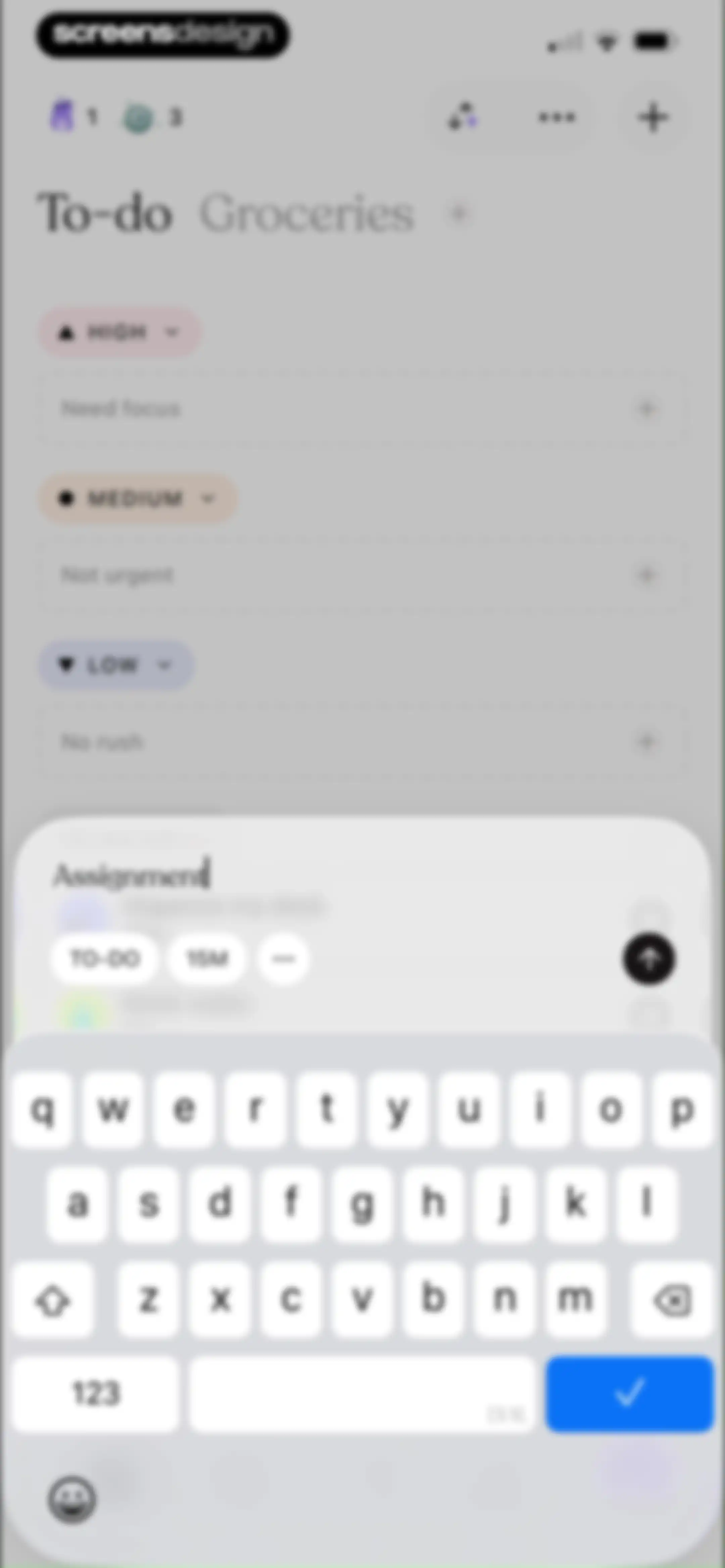
Task management editor screen for the Tiimo app showing a Groceries to-do list with priority sections and an active task entry modal.Unlock Pro
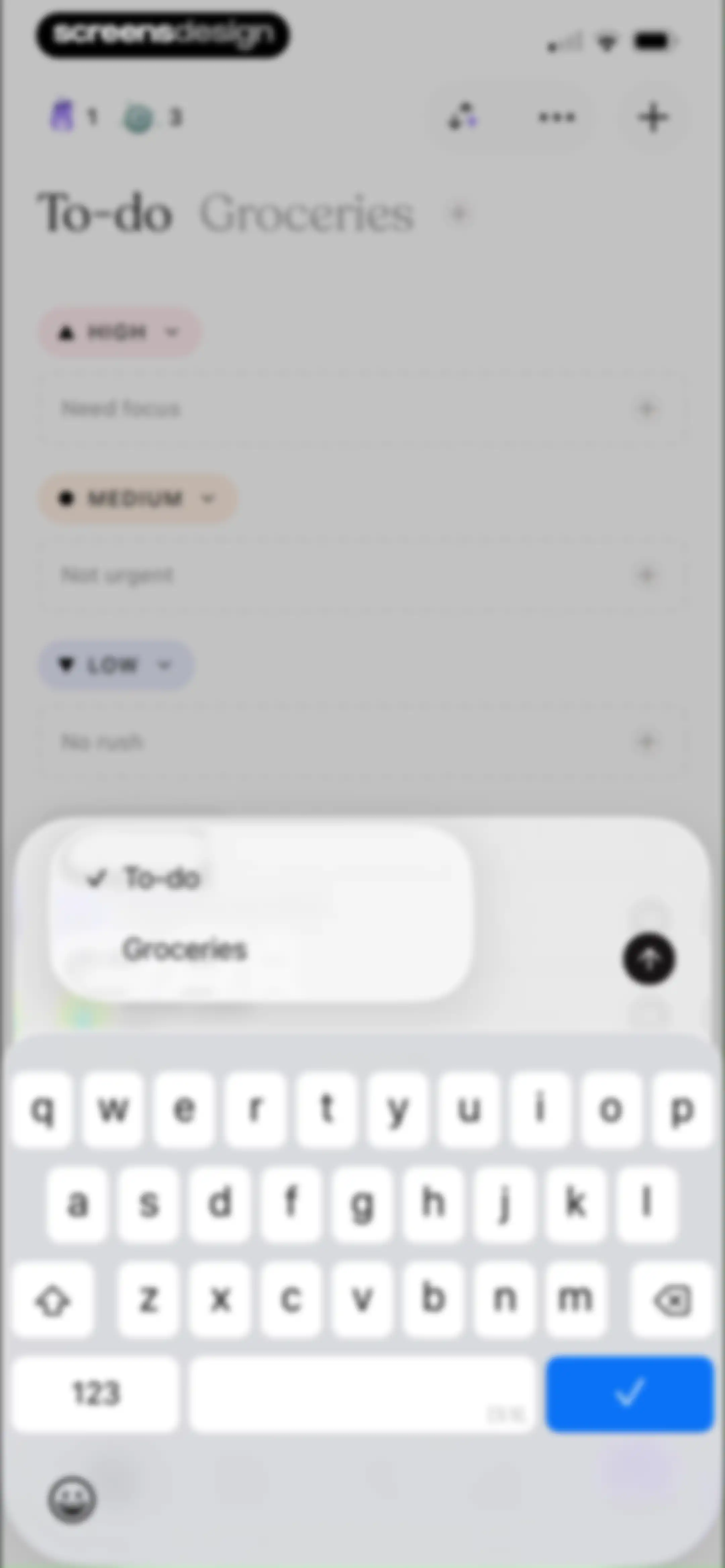
Task editor for the Groceries list with priority sections and an active bottom keyboard overlay.Unlock Pro
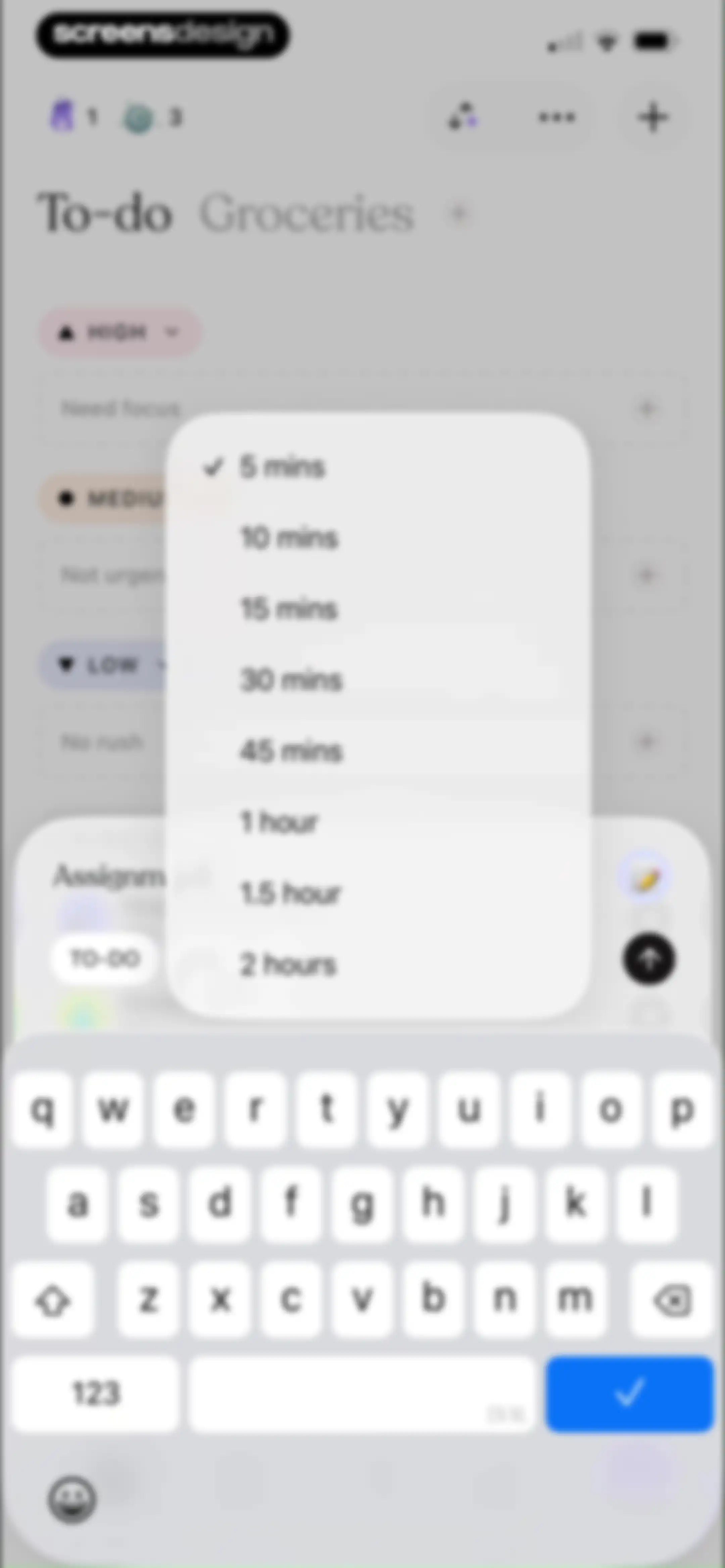
Task editor screen displaying a duration selection modal overlay with five minutes selected over a Groceries list and a bottom keyboard.Unlock Pro
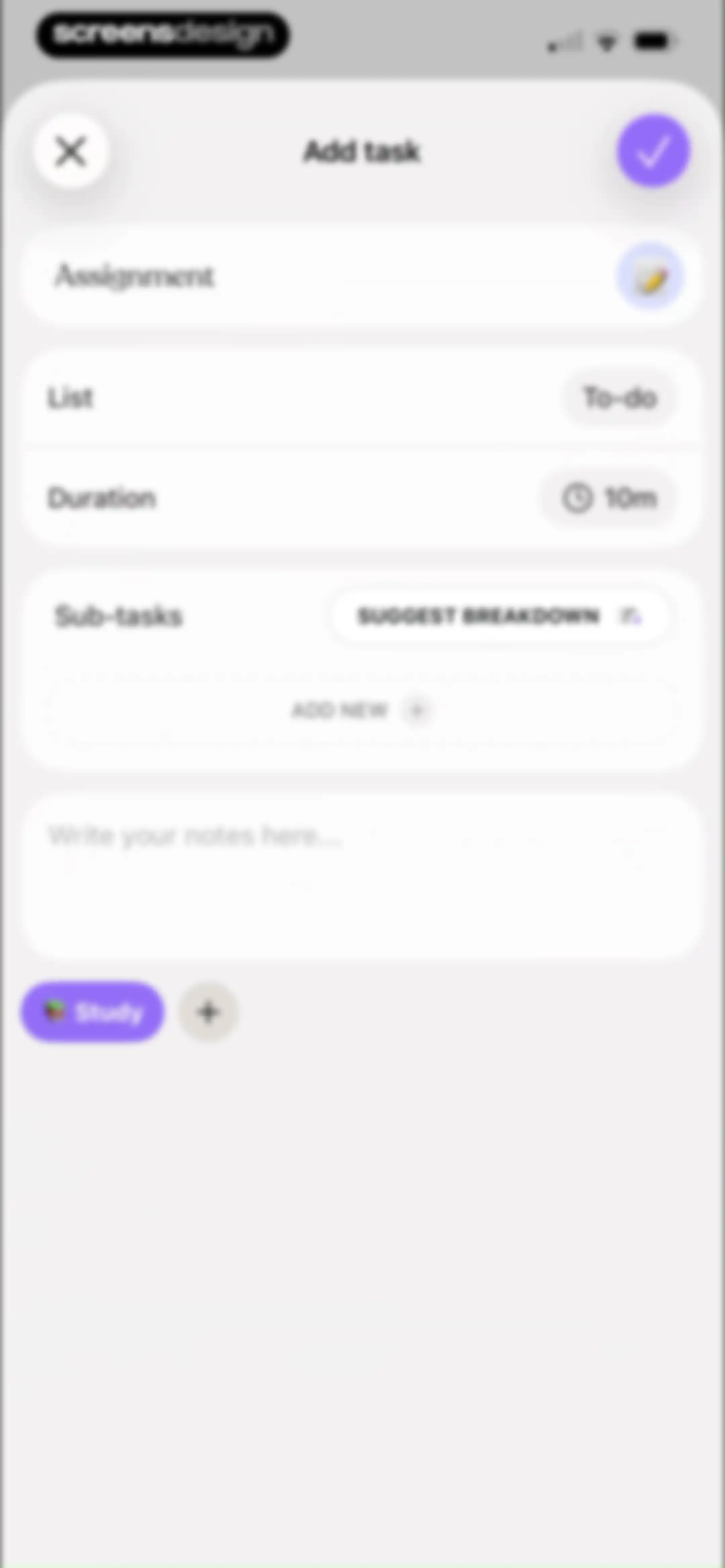
Task creation form with input fields for title, duration, sub-tasks, notes, and a study tag, featuring close and save actions.Unlock Pro
Task list dashboard titled Groceries with collapsible TO-DO and DONE sections, an input field to add items, and a bottom navigation bar.Unlock Pro
Task editor modal with an input field containing Eggs, category and duration buttons, and an active keyboard.Unlock Pro
Task list dashboard titled Groceries with a collapsible to-do section containing a Milk task and a done section with a completed Eggs task.Unlock Pro
Task management home screen displaying a grocery list and a modal menu with options to create, edit, group, and sort lists.Unlock Pro
Form modal for naming a new list with Dairy entered in the title field, a description field, and Cancel and Save buttons.Unlock Pro
Task management dashboard with an open modal menu displaying grouping options, including No grouping, Priority, and Eisenhower matrix.Unlock Pro
Task management dashboard with an open modal menu displaying sorting options including manual order, alphabetical, and duration.Unlock Pro
Task management dashboard with an open modal menu displaying list management and view options over a categorized task list.Unlock Pro
Edit lists settings screen displaying reorderable categories including To-do, Groceries, and Dairy within a card container.Unlock Pro
Settings screen for editing task lists, displaying items with drag handles and a red Delete button.Unlock Pro
Settings screen with an Edit lists interface and a confirmation modal asking to delete a list with Cancel and Delete buttons.Unlock Pro
Daily planner dashboard showing a Wednesday schedule with collapsible task sections and a time-remaining indicator.Unlock Pro
Focus timer dashboard featuring a central circular timer set to fifteen minutes with a start button and top header options.Unlock Pro
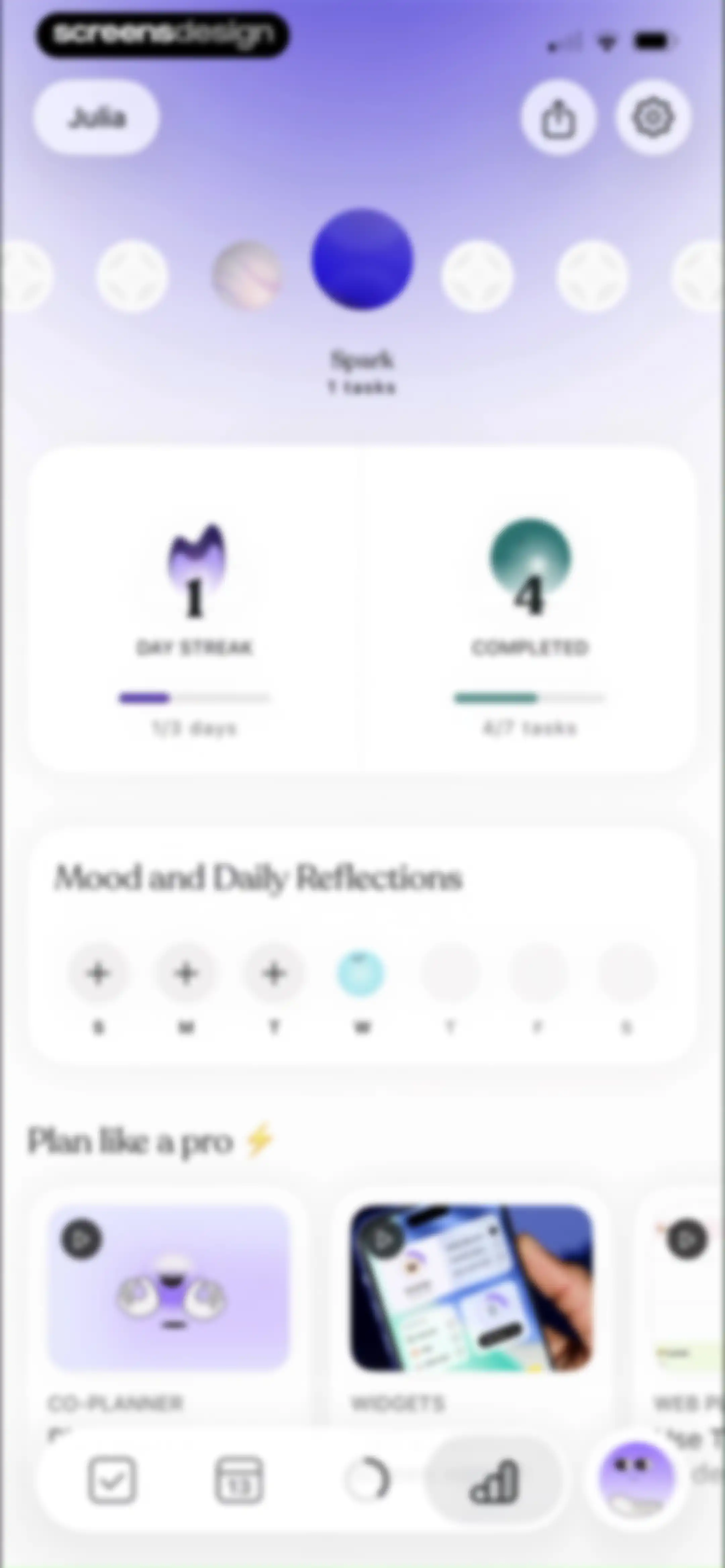
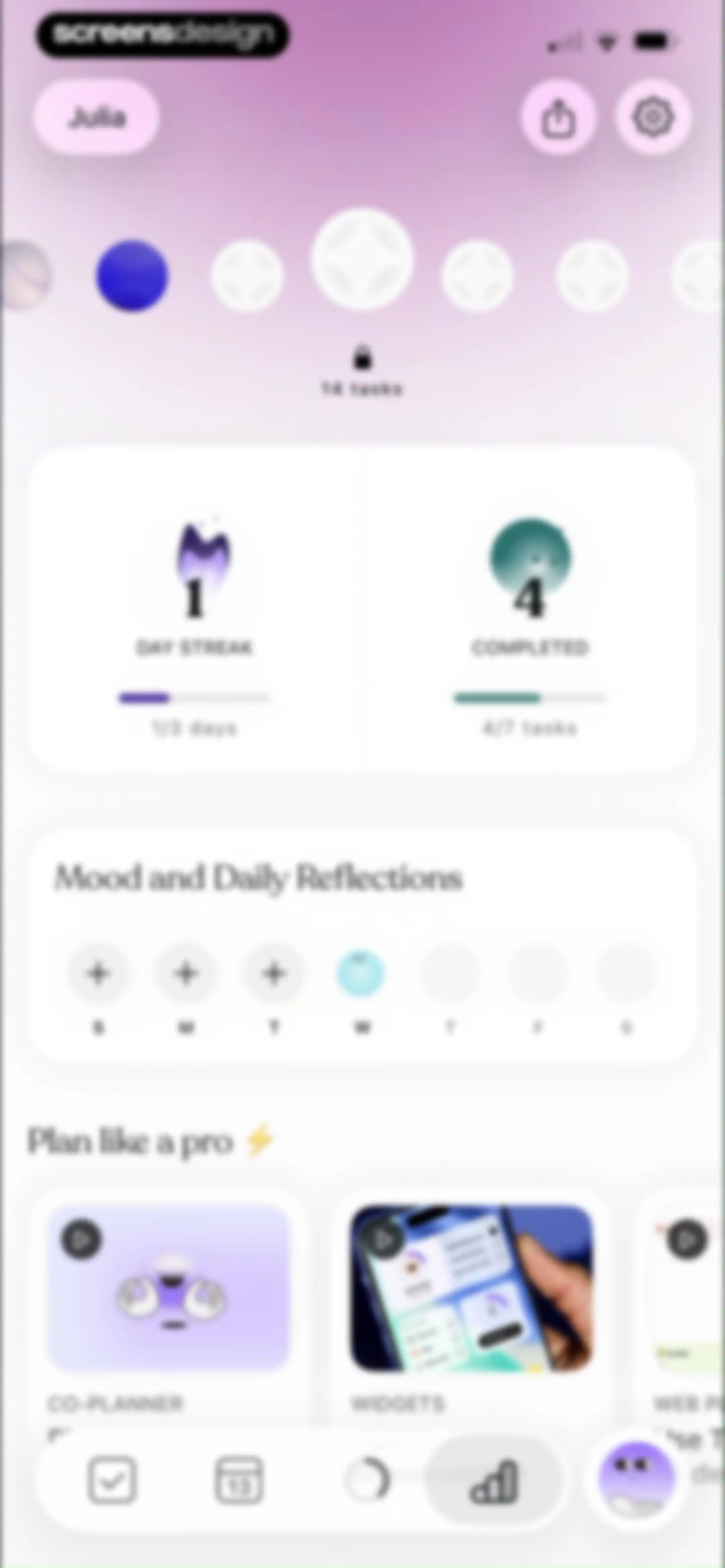
Dashboard screen showing a day streak of one, completed tasks, mood reflections, and feature cards for planning tools.Unlock Pro
Dashboard displaying productivity metrics, day streak progress, a mood reflection section, and a feature carousel with a bottom navigation bar.Unlock Pro
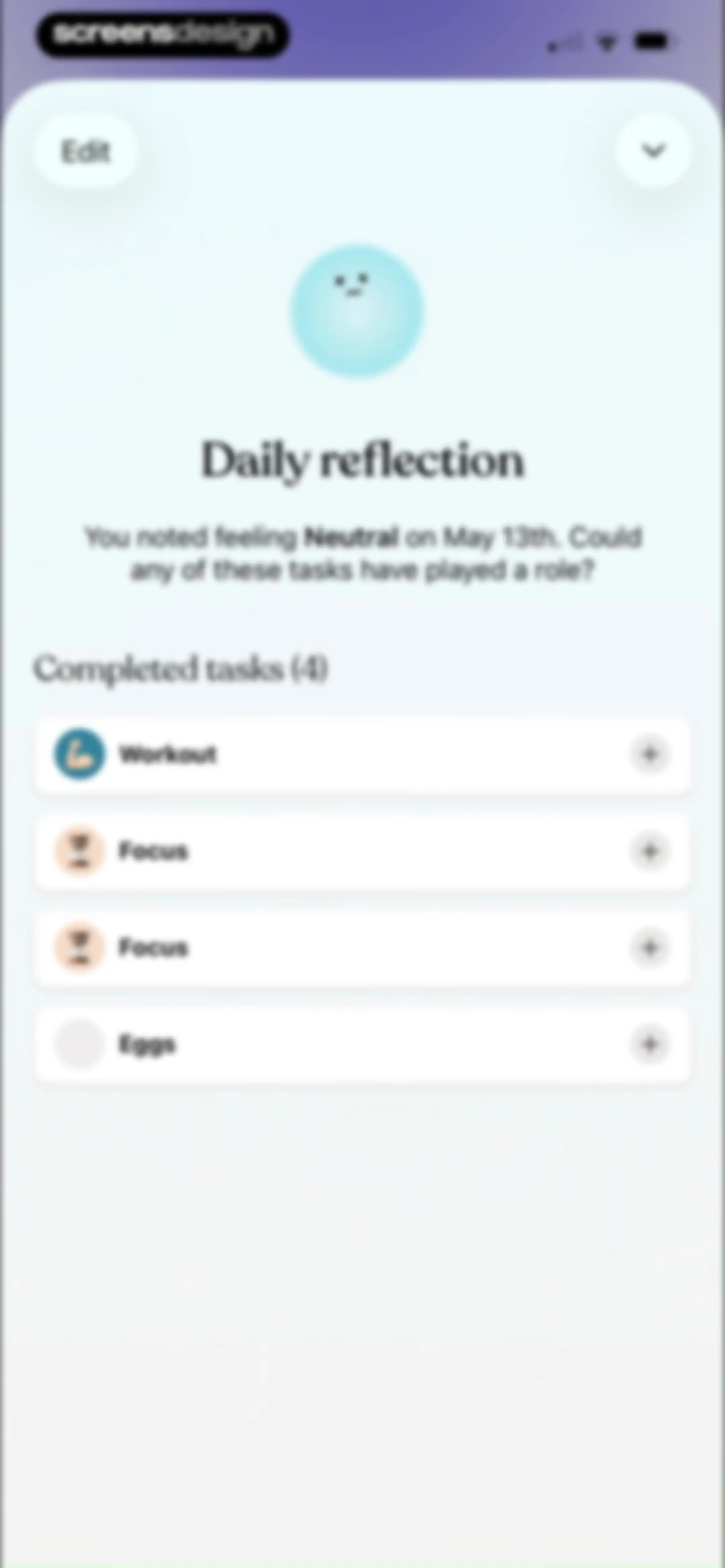
Daily reflection screen asking if tasks contributed to a neutral mood on May 13th, with a list of completed task cards.Unlock Pro
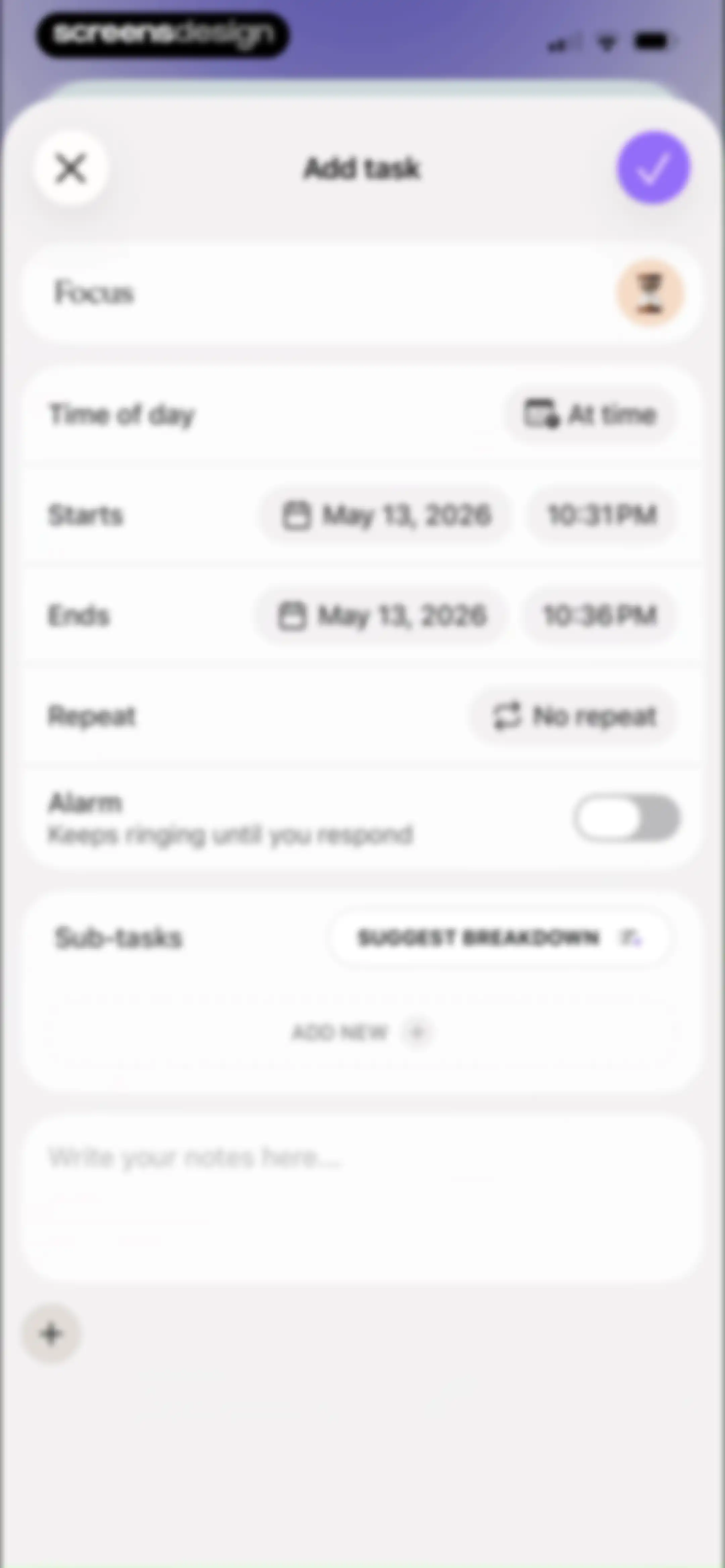
Task creation form with fields for timing, sub-tasks, an AI breakdown button, and a save checkmark in the top corner.Unlock Pro
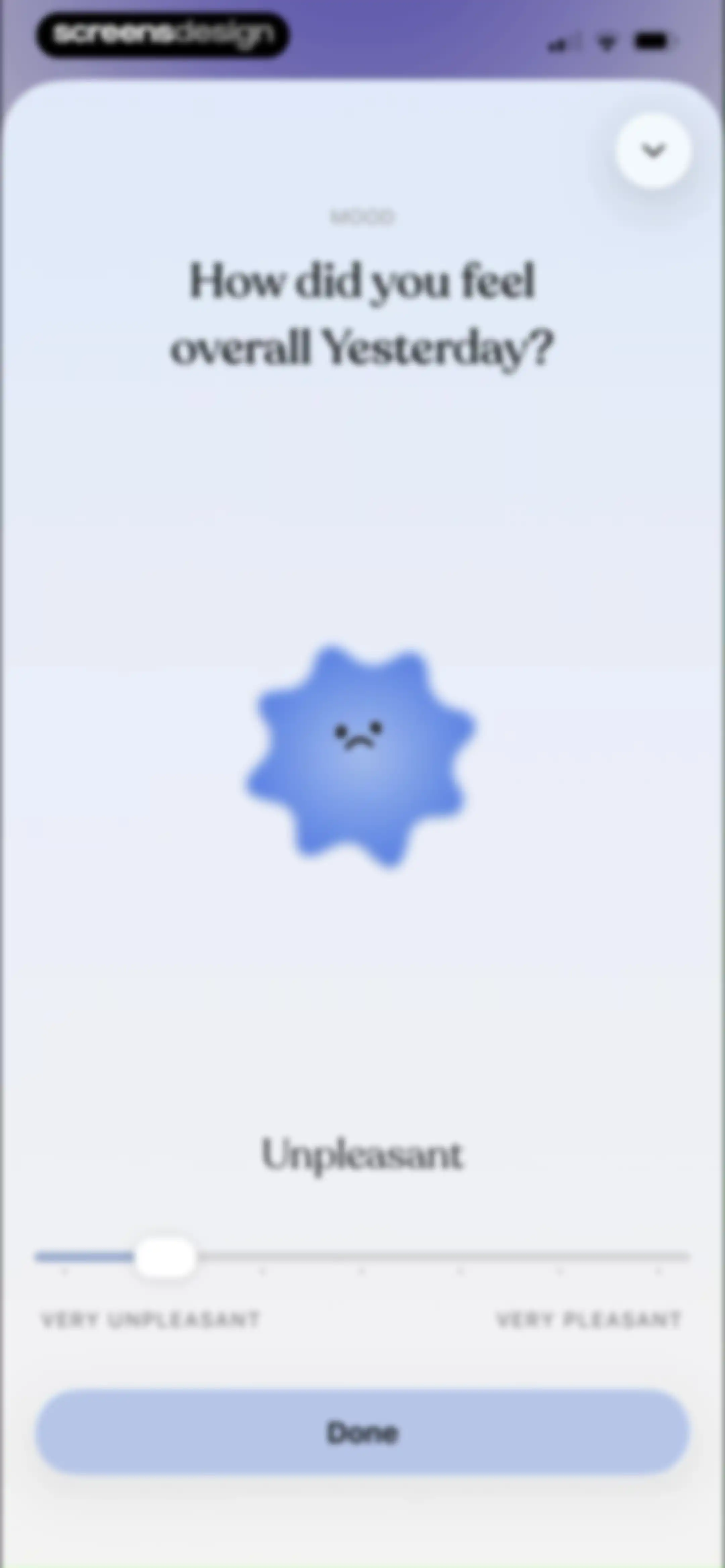
Mood-tracking form asking how you felt overall yesterday, featuring a mood character, slider, and a Done button.Unlock Pro
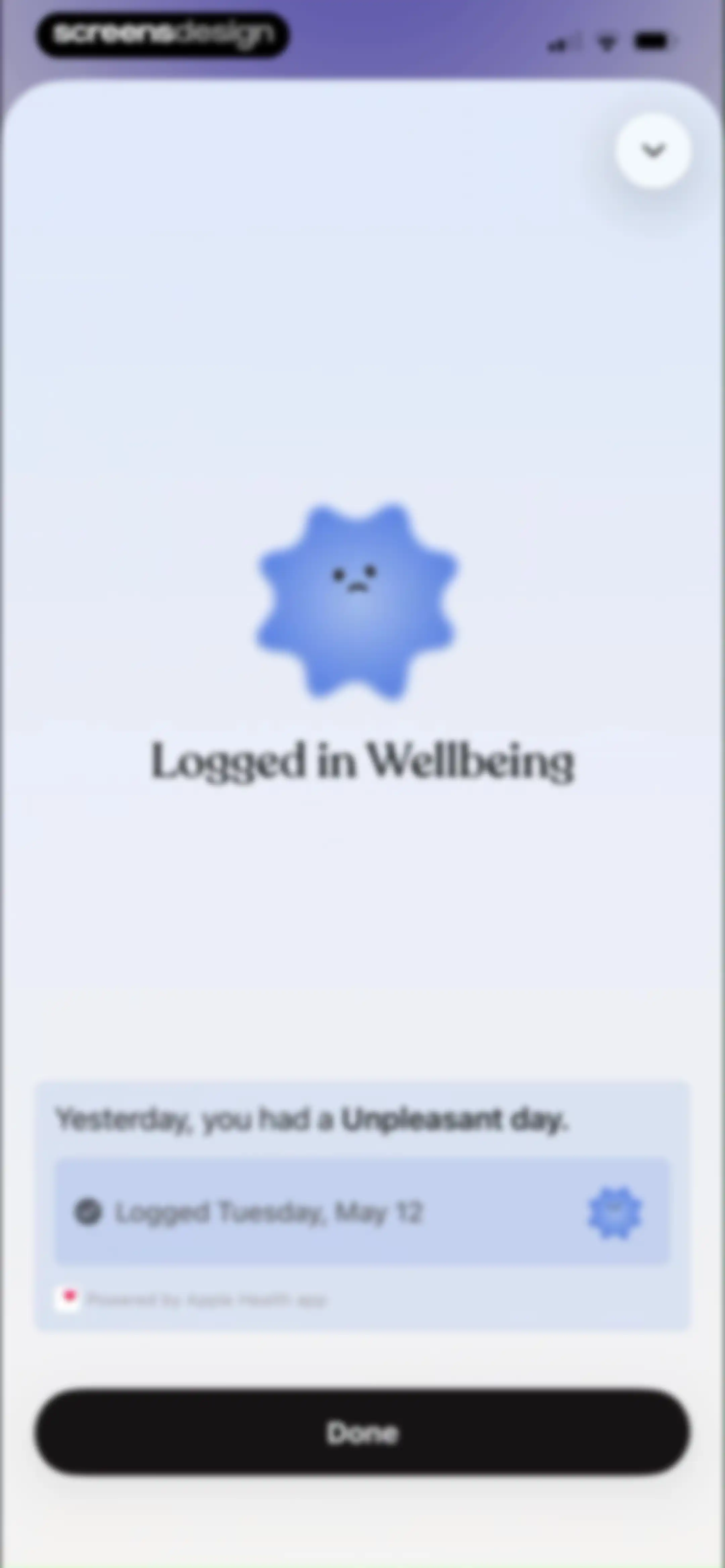
Confirmation screen in the Tiimo app showing a summary card for an unpleasant wellbeing log and a Done button.Unlock Pro
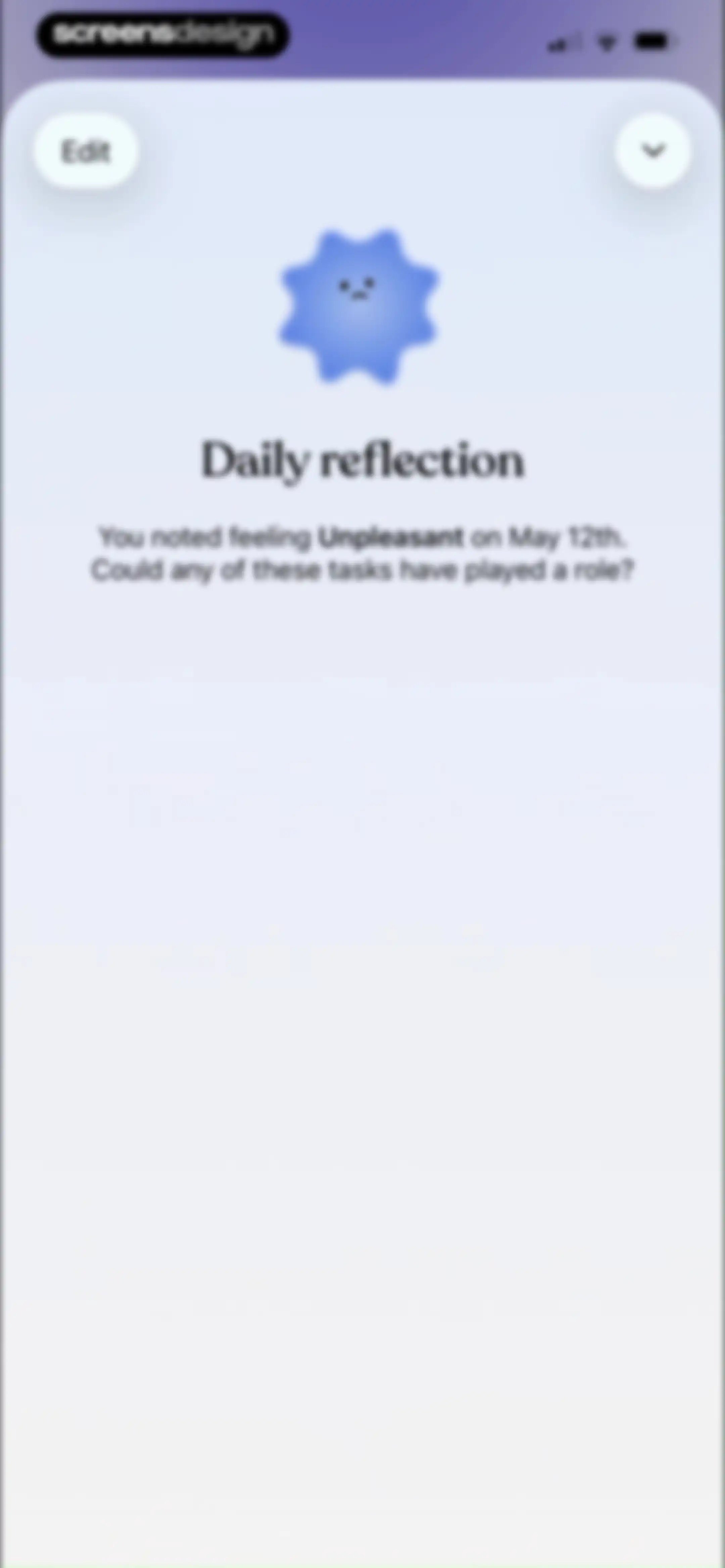
Daily reflection screen displaying an unpleasant mood icon for May 12th with an edit button and close icon.Unlock Pro
Tiimo app dashboard with a profile header, feature carousel, knowledge card, and a utility link list for settings and support.Unlock Pro
Tiimo app onboarding modal introducing the Plan with AI feature with a centered product mockup and a Done button.Unlock Pro
Content feed in Tiimo displaying educational articles on productivity and planning, with a featured card about prioritizing tasks for ADHD.Unlock Pro
Tiimo app settings screen displaying a knowledge card, support and feedback links, subscription details, and technical info.Unlock Pro
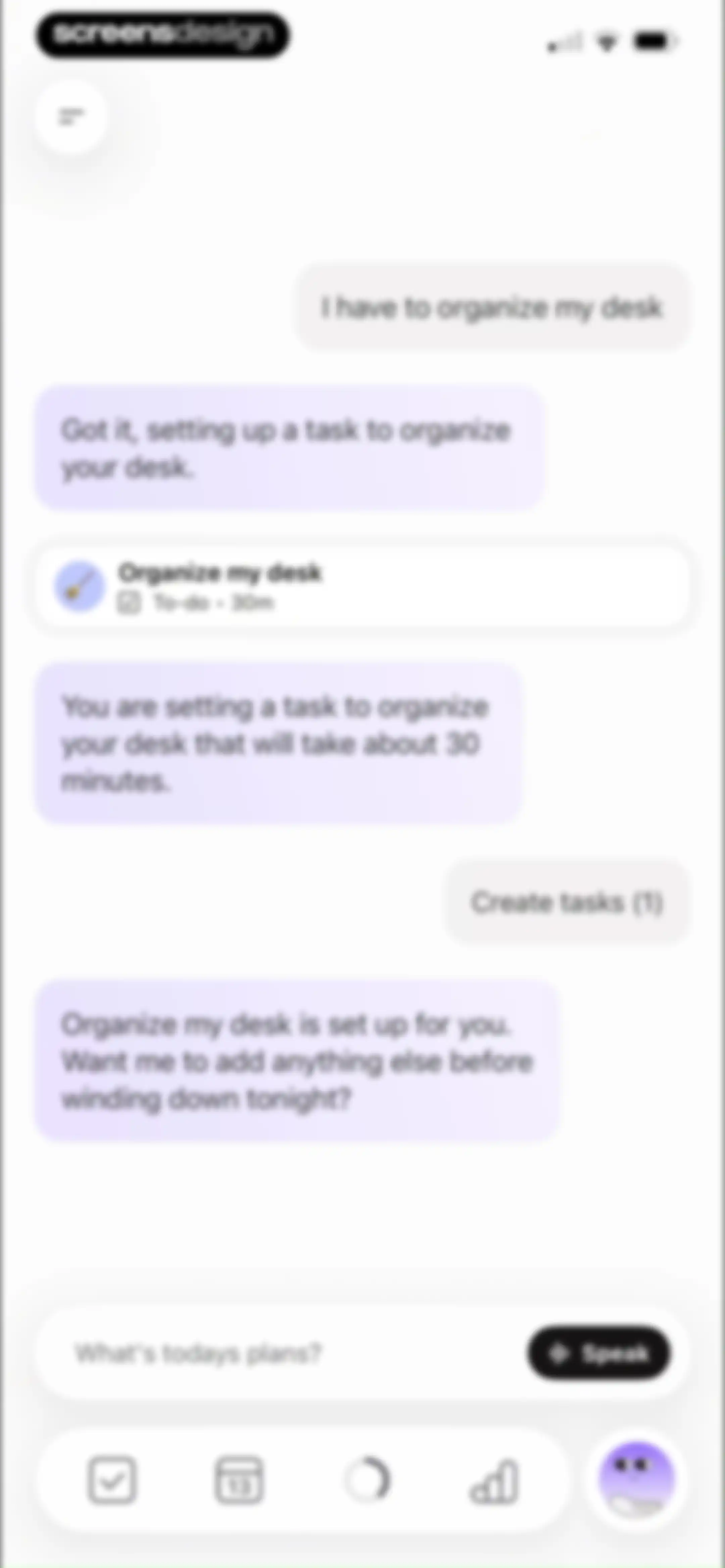
Chat interface with an AI task planning assistant displaying a conversation about organizing a desk and a task creation card.Unlock Pro
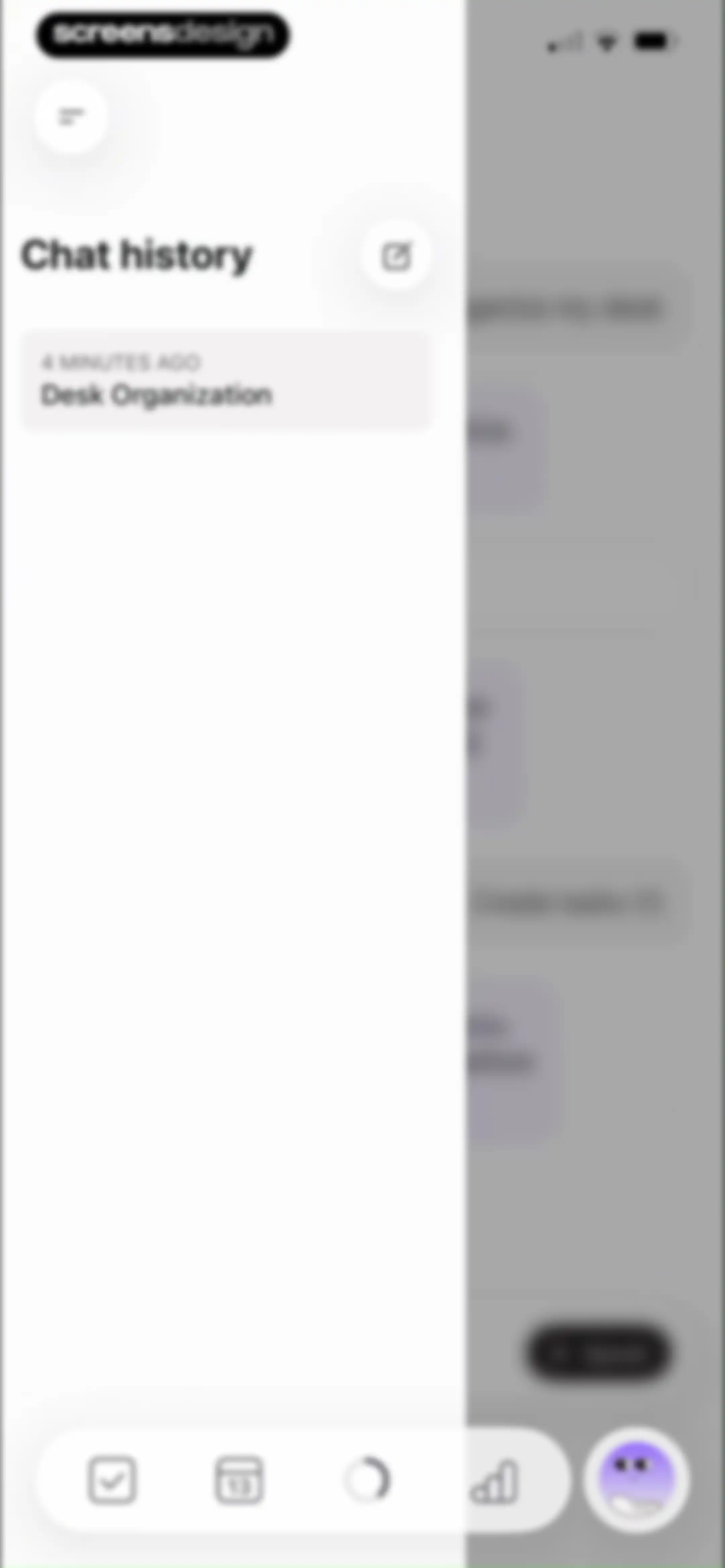
Chat history side drawer displaying a list of previous conversations and a new chat button over a minimalist planning interface.Unlock Pro
Chat screen with a central purple character illustration, a prompt to brain dump tasks, and a Speak button for voice input.Unlock Pro
Dashboard with progress cards, a mood tracker, and an onboarding modal asking what we should call you.Unlock Pro
Share sheet modal displaying app sharing options, action icons, and a list of system actions for the Tiimo app link.Unlock Pro
Permission request modal in the Tiimo app asking for photo access, with Allow and Don't Allow buttons over the dashboard.Unlock Pro
Settings screen with grouped list sections for app preferences, profile management, and account options, including a back button and bottom navigation bar.Unlock Pro
Settings screen for notification preferences with toggle switches and time options for tasks and daily reminders.Unlock Pro
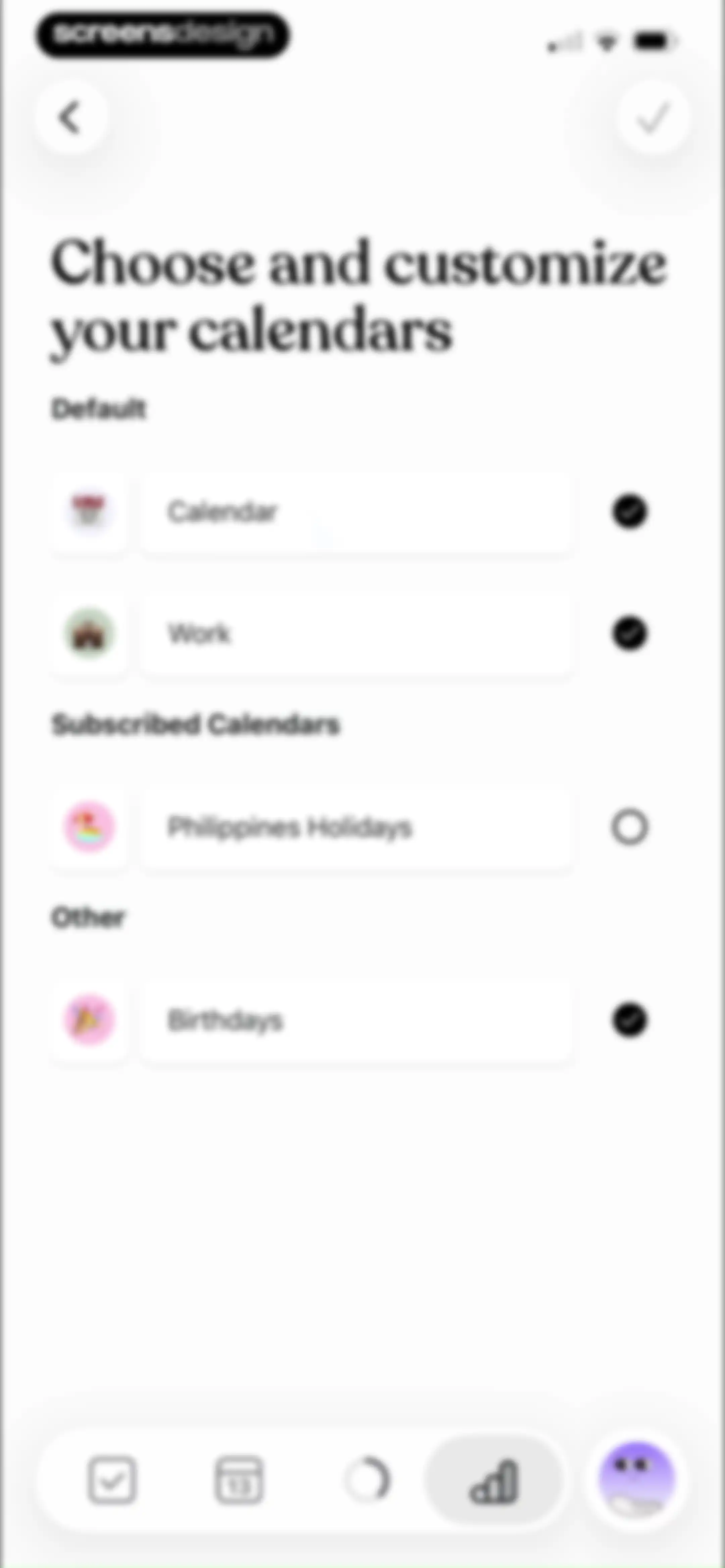
Calendar selection settings screen with categorized lists and a confirm button to choose calendars.Unlock Pro
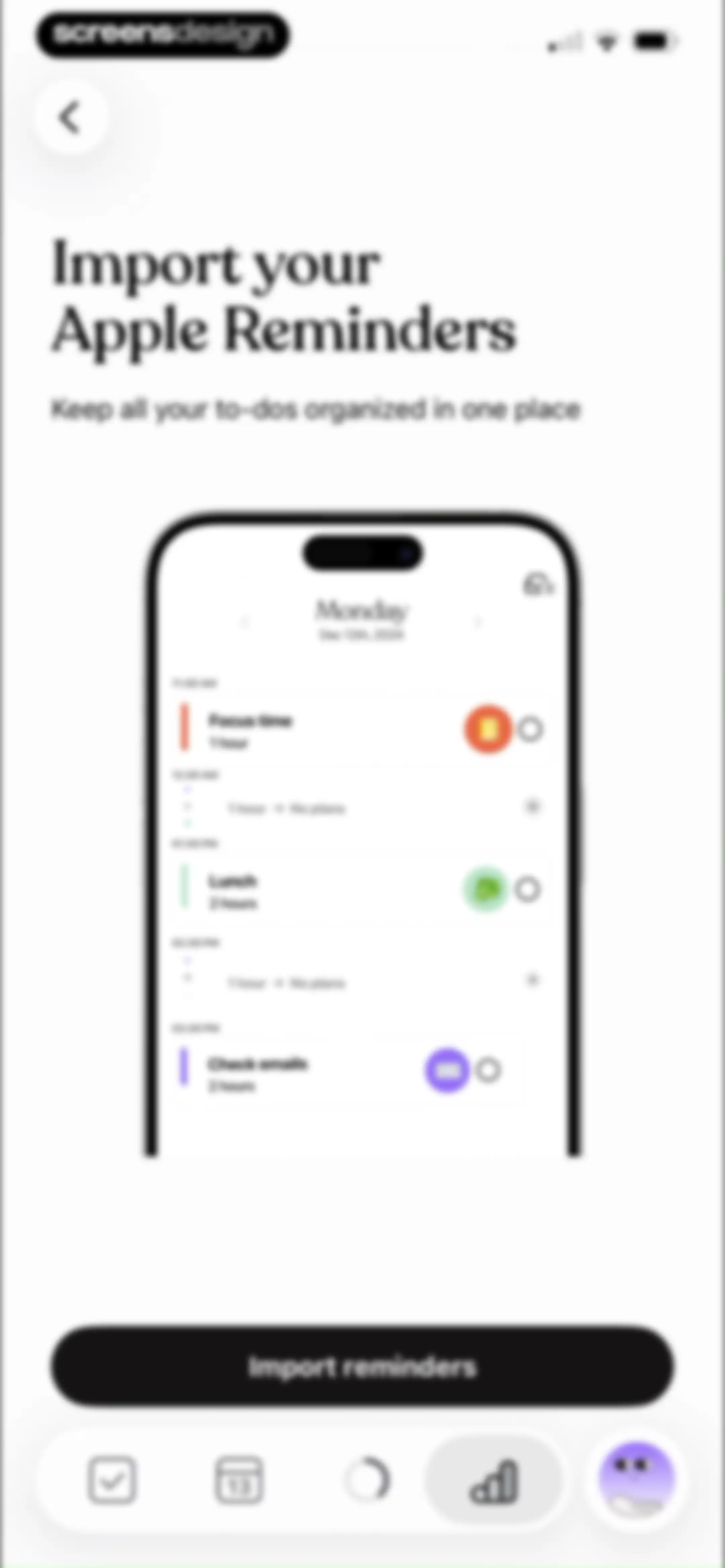
Onboarding screen prompting the user to import Apple Reminders, featuring a daily schedule mockup and an Import reminders button.Unlock Pro
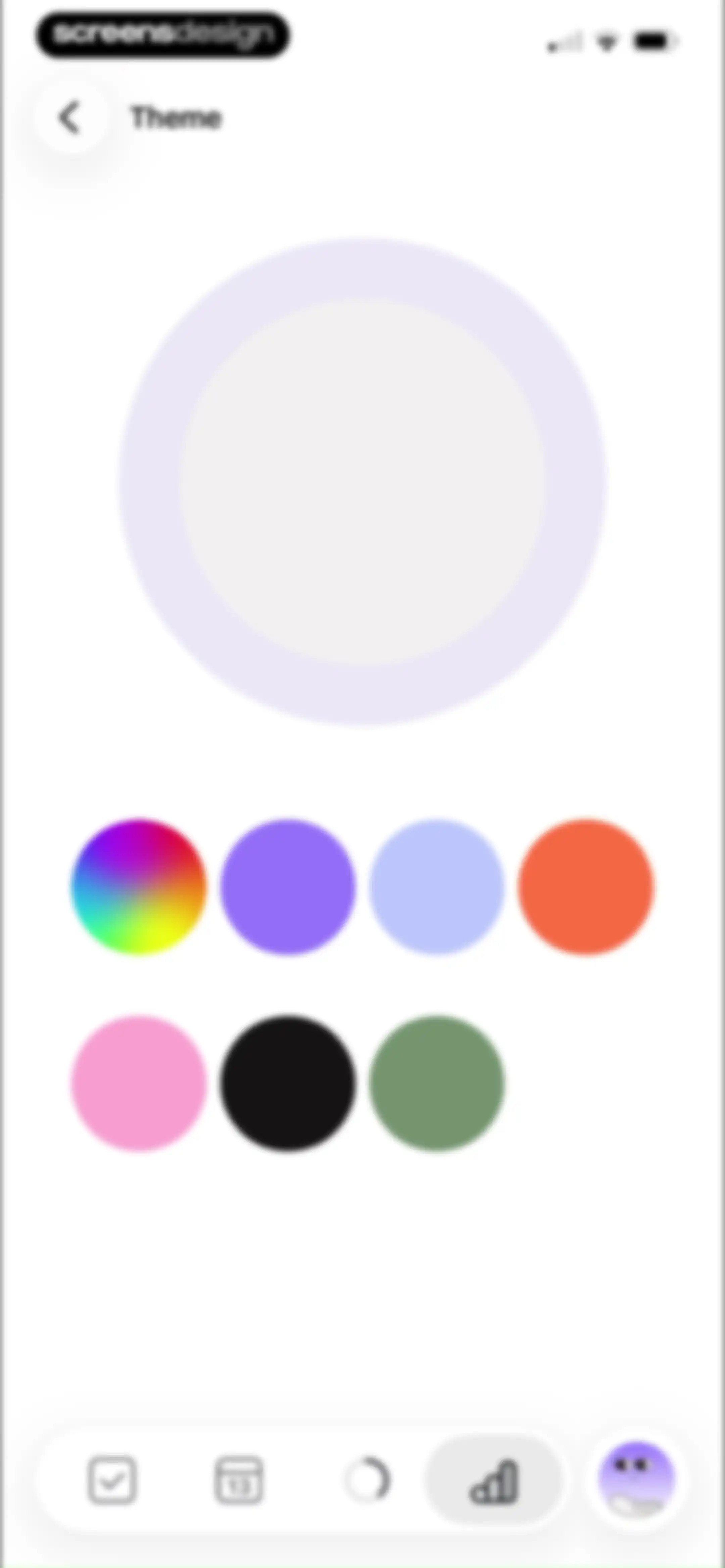
Theme settings screen with a central color preview circle and a grid of color selection swatches.Unlock Pro
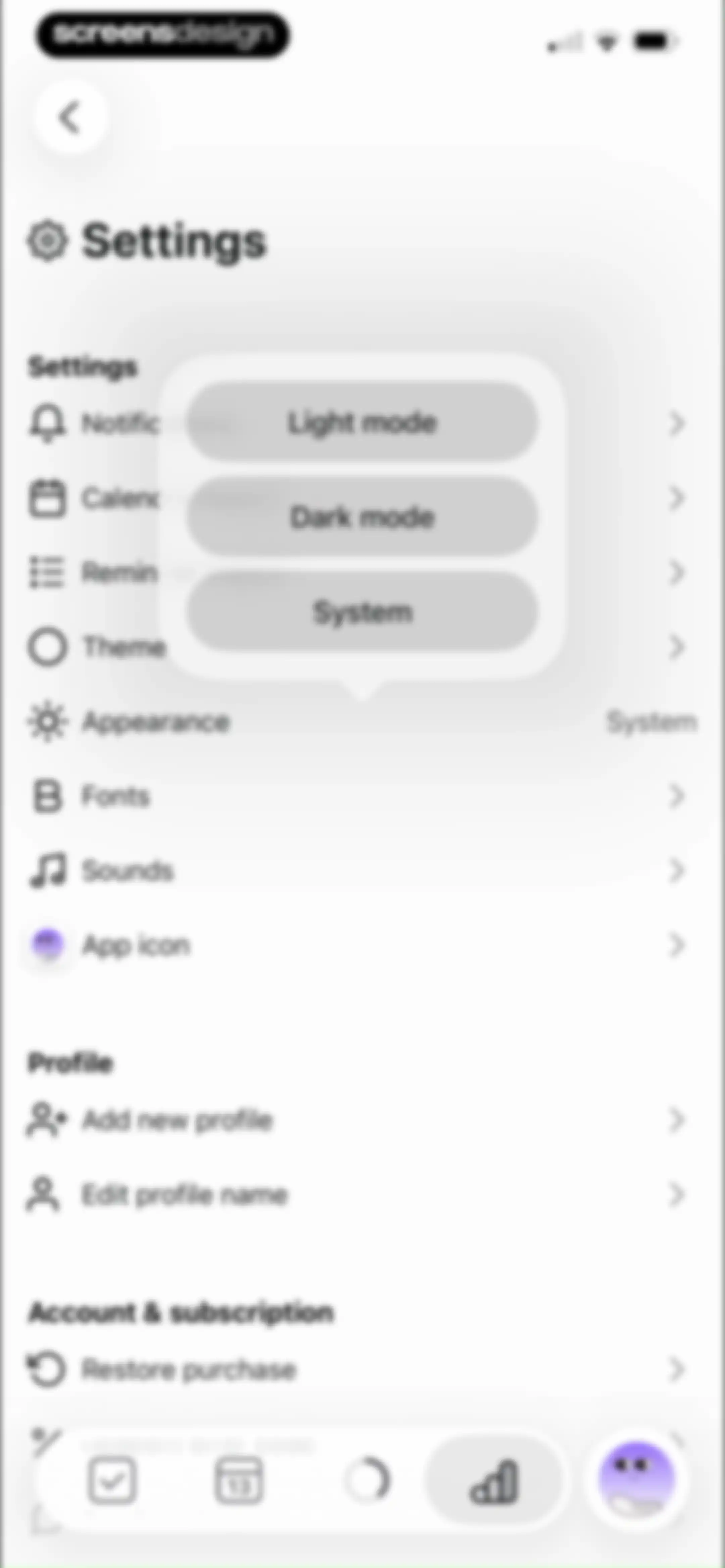
Settings screen featuring a theme selection modal with light, dark, and system options over a grouped list of preferences.Unlock Pro
Settings screen with a dark theme listing preferences for notifications, theme, profiles, and account options, along with a bottom navigation bar.Unlock Pro
Tiimo font settings screen displaying Default and OpenDyslexic cards with the Default option selected and a restart notice.Unlock Pro
Sound settings screen listing toggle switches for in-app audio preferences and focus mode music.Unlock Pro
App icon settings screen displaying a grid of selectable icon variations with a highlighted current selection.Unlock Pro
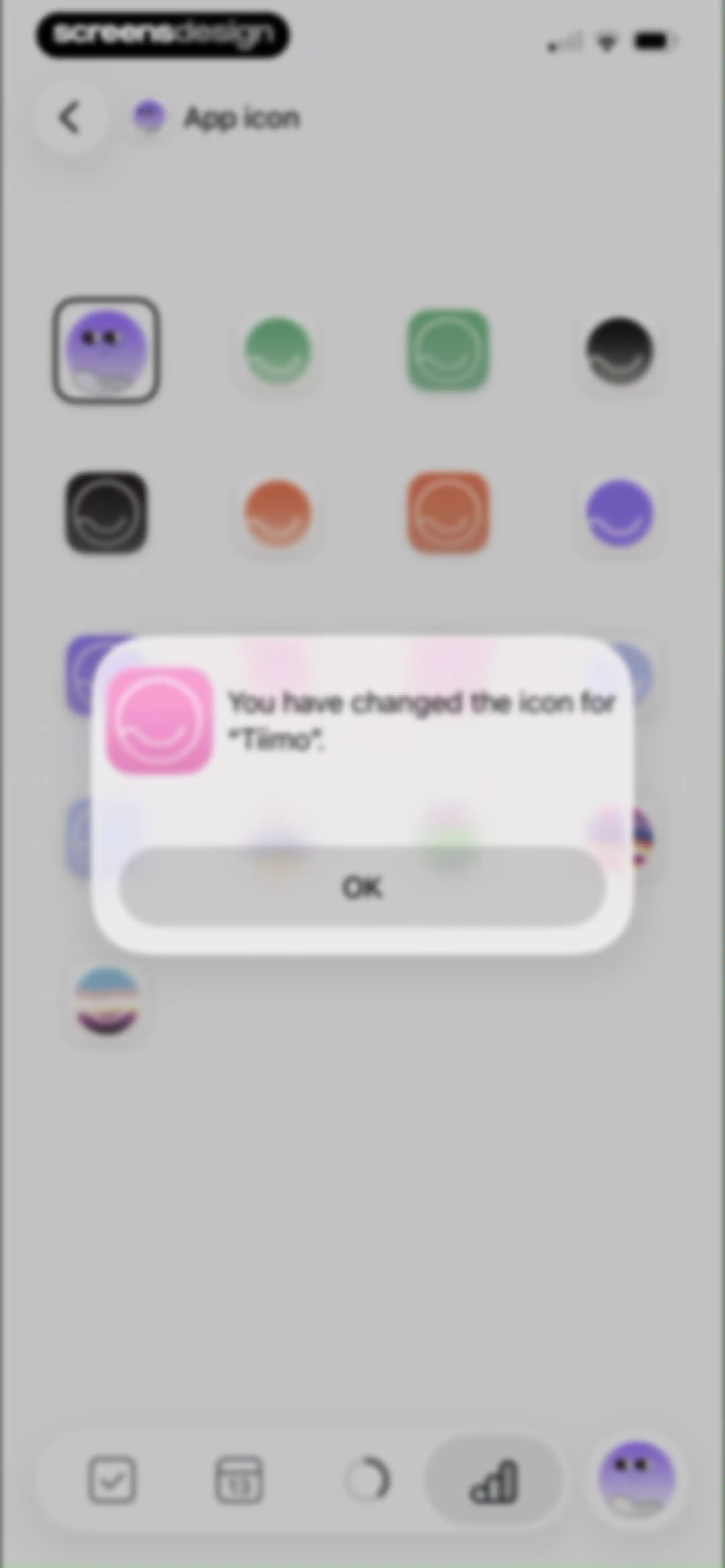
Tiimo app settings screen with a confirmation modal stating You have changed the icon for Tiimo and an OK button.Unlock Pro
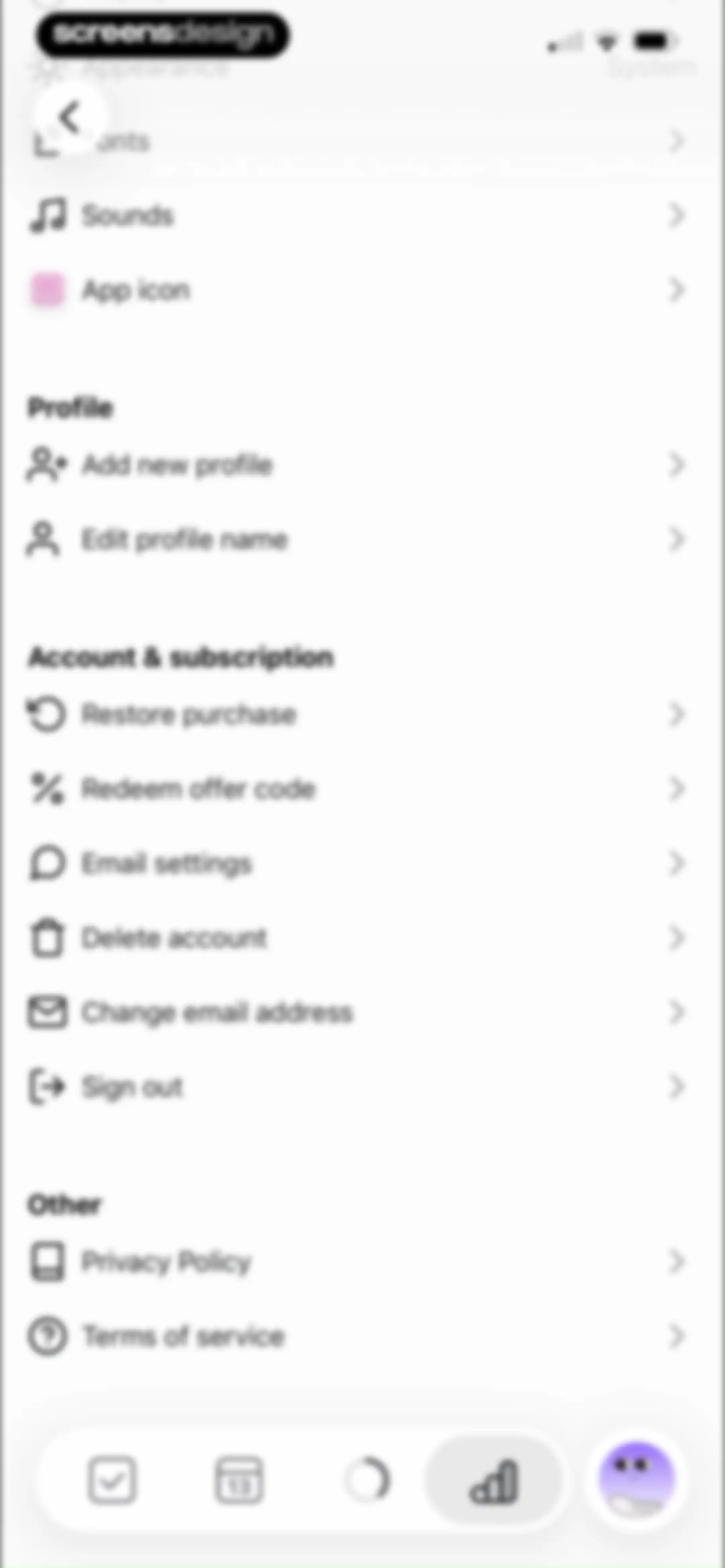
Settings screen with a vertical list of configuration options, profile management, and account actions grouped under headers.Unlock Pro
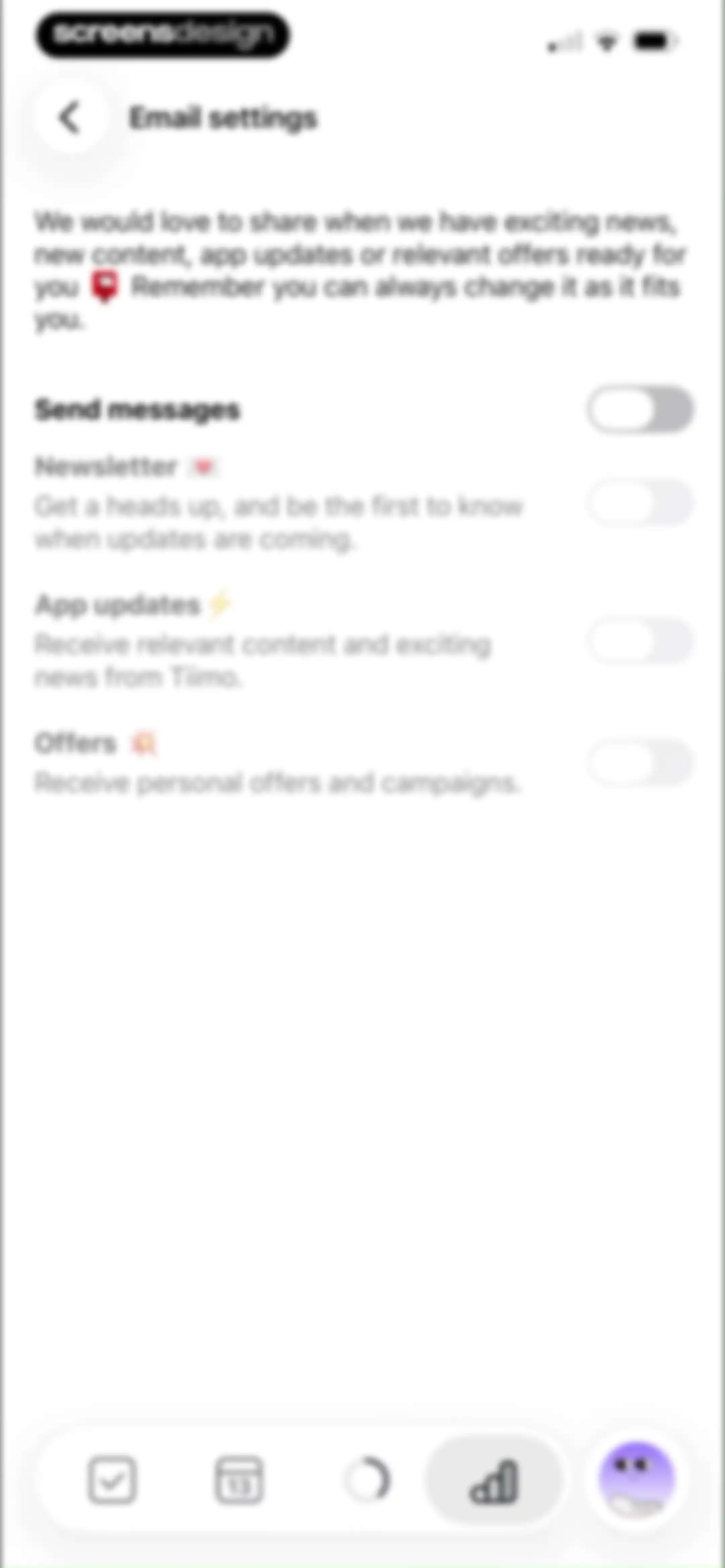
Tiimo email settings screen featuring toggle switches for newsletters, app updates, and offers with a bottom navigation bar.Unlock Pro
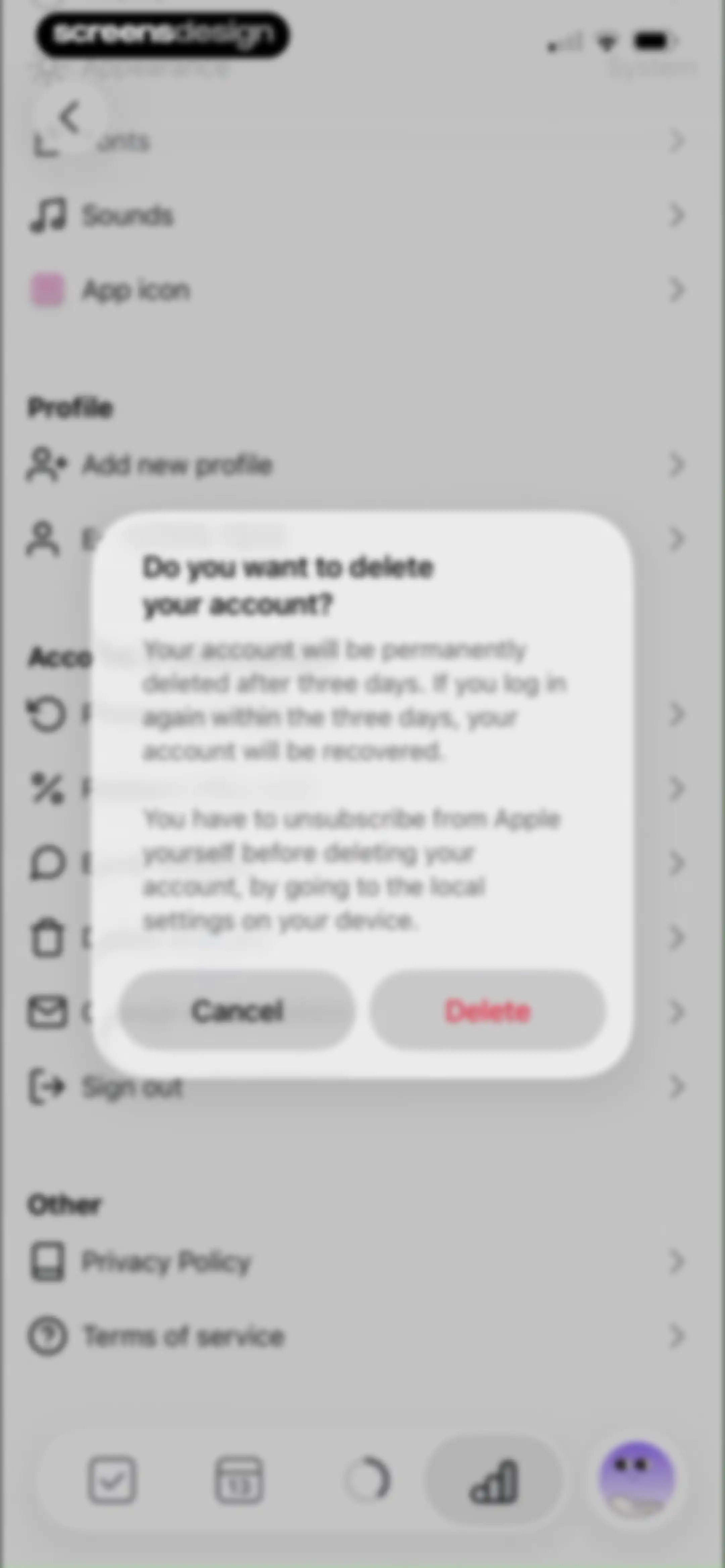
Settings screen with a modal dialog asking to confirm account deletion and warning that the account will be permanently deleted after three days.Unlock Pro
Settings screen with grouped options and a bottom modal overlay displaying a pre-filled email address field for changing account details.Unlock Pro

About Tiimo: To-Do List Planner

A visual AI-powered planner designed to support executive function, neurodivergent needs, and daily routine management through color-coded task scheduling.

Explore Tiimo: To-Do List Planner across ScreensDesign

Apps similar to Tiimo: To-Do List Planner

Unlock all similar apps

See every comparable app, revenue, installs, and flows.

Unlock Pro
  • Todoist: To Do List & Calendar

    4.8
    Doist Inc.Revenue$300kInstalls50k
  • Numo: ADHD Brain Dump

    4.4
    Mindist, Inc.Revenue$<5kInstalls<5k
  • TimeBloc - Daily Planner

    4.3
    Reflective Technologies ApSRevenue$<5kInstalls<5k
  • TickTick:To-Do List & Calendar

    4.9
    Appest LimitedRevenue$450kInstalls200k
  • Any.do: To do list & Planner

    4.6
    Any.DORevenue$30kInstalls<5k
  • Clarify: Focus & Task Manager

    4.3
    FabulousRevenue$<5kInstalls<5k
  • Focus - Deep Work Timer

    4.4
    Meaningful Things GmbH & Co. KGRevenue$<5kInstalls<5k
  • Amie - Todos, calendar

    3.4
    Amie GmbHRevenue$<5kInstalls<5k
  • Inflow - Manage Your ADHD

    4.4
    Get Inflow Ltd.Revenue$15kInstalls<5k
  • My Timetable: Class Schedule

    4.6
    Kodeon, Inc.Revenue$<5kInstalls15k
  • To Do List MinimaList & Widget

    4.8
    Davetech Co., Ltd.Revenue$5kInstalls95k
  • Plan Joy:To-Do List & Reminder

    4.7
    Chongqing Caochen Technology Co., Ltd.Revenue$<5kInstalls<5k
  • Focused Work - Pomodoro Timer

    4.7
    Michael TigasRevenue$<5kInstalls<5k
  • Weekly Planner - Diary, Notes

    4.7
    Digital Legal TechRevenue$40kInstalls40k
  • Focus To-Do: Focus Timer&Tasks

    4.8
    Shenzhen Tomato Software Technology Co., Ltd.Revenue$8kInstalls25k
  • Planner & Journal - Zinnia

    4.6
    Pixite Inc.Revenue$200kInstalls45k
  • Impulse - Brain Training

    4.7
    GMRD Apps LimitedRevenue$1MInstalls200k
  • Chillio: Life Planner

    4.6
    COREMOVE LIMITEDRevenue$85kInstalls5k
  • Routine Planner, Habit Tracker

    4.7
    Routinery Corp.Revenue$35kInstalls<5k
  • Trello: Daily Task Tracker

    4.3
    Trello, Inc.Revenue$<5kInstalls150k
  • TeddyCare: Daily Routine Plan

    4.9
    Kappa Yazılım Anonim ŞirketiRevenue$<5kInstalls<5k
  • (Not Boring) Timer

    4.8
    Not Boring Software LLCRevenue$<5kInstalls<5k
  • Timepage: Calendar Planner

    4.6
    BonoboRevenue$25kInstalls<5k
  • FocusFlight - Deepfocus Timer

    4.9
    Cement Planet LTDRevenue$45kInstalls100k
  • Tangerine: Self-care & Goals

    4.7
    Bitdreams OURevenue$<5kInstalls<5k
  • Flow: Focus & Pomodoro Timer

    4.8
    Yugen GmbHRevenue$<5kInstalls<5k
  • Todo List & Reminder - Todoery

    4.6
    BetterApp Tech Co., LimitedRevenue$20kInstalls35k
  • Mealime Meal Plans & Recipes

    4.8
    Mealime Meal Plans IncRevenue$55kInstalls30k
  • Freedom: Screen Time Control

    4.4
    Eighty Percent SolutionsRevenue$100kInstalls13k
  • LOOMY: Story Font & Templates

    4.6
    Anton HavrylenkoRevenue$65kInstalls25k
  • Motion: Tasks & AI Scheduling

    4.1
    NexusBird, IncRevenue$25kInstalls<5k
  • Productive - Habit Tracker

    4.6
    Easy Tiger Apps, LLC.Revenue$20kInstalls<5k
  • Focus Keeper - Pomodoro Timer

    4.8
    PIXO IncorporationRevenue$<5kInstalls<5k
  • Timella: Study & Work Timer

    0.0
    Jordan Andrade Carlota
  • Planoly: Social Media Planner

    4.7
    Planogram, IncRevenue$35kInstalls<5k
  • Fantastical Calendar

    4.2
    Flexibits Inc.Revenue$150kInstalls<5k
  • Insight Timer: Meditate, Sleep

    4.9
    Insight Network IncRevenue$1.3MInstalls90k
  • Mindflow AI: Overcome ADHD

    4.8
    Mindflow AI Inc.Revenue$<5kInstalls<5k
  • Memorado (GEIST): Brain & Mind

    4.7
    Kodeon, Inc.Revenue$10kInstalls<5k
  • minimalist phone ® Block Apps

    4.6
    Focus ExpertsRevenue$50kInstalls70k
  • Countdown

    4.8
    Find Appiness LLCRevenue$15kInstalls300k
  • Brainrot: Screen Time Control

    4.5
    Yonatan SmolyarRevenue$55kInstalls150k
  • Calendars: Schedule Planner

    4.7
    Readdle Technologies LimitedRevenue$250kInstalls150k
  • Reset - Reset Your Life

    3.5
    Alex Slater
  • Smart Timetable: Study Planner

    4.6
    Denis KravcovRevenue$<5kInstalls40k
  • TIDE: Sleep, Focus, Meditation

    4.8
    Moreless, Inc.Revenue$55kInstalls50k
  • Forest: Focus for Productivity

    4.8
    SEEKRTECH CO., LTD.Revenue$50kInstalls150k