Routine Planner, Habit Tracker

$35k revenue, 4.7 rating

Loading Screen
0:00 / 13:17

Onboarding flow, Paywall & Inside the App

Watch the full screen-by-screen UX video of Routine Planner, Habit Tracker with onboarding, paywall, and every core flow.
App update screen for Routinery featuring a centered loading spinner, progress bar, and the text Routinery is getting an update.
Loading transition screen with a centered circular animation, a progress bar, and the text Here we go!.
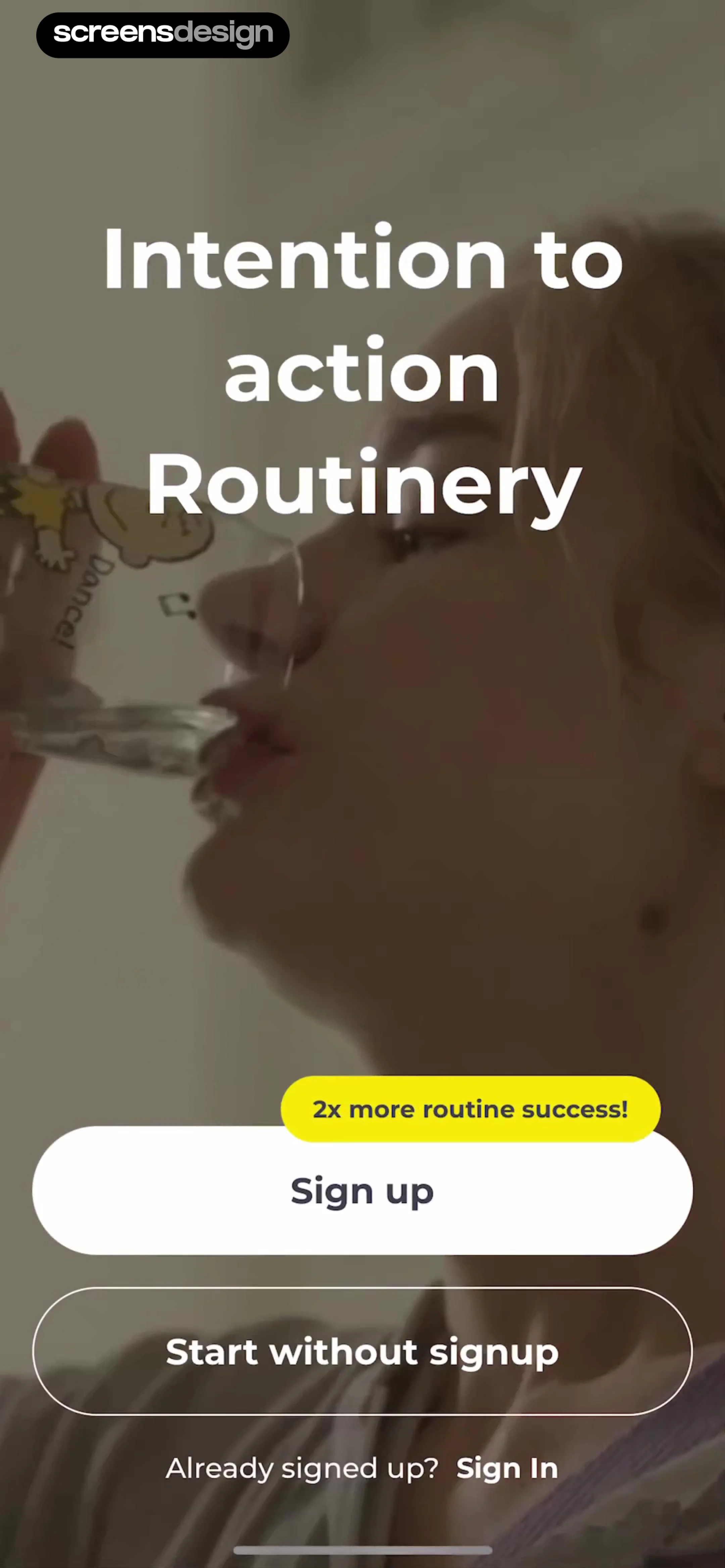
Routinery onboarding screen featuring a value proposition badge, Sign up and Start without signup buttons, and a Sign In link.
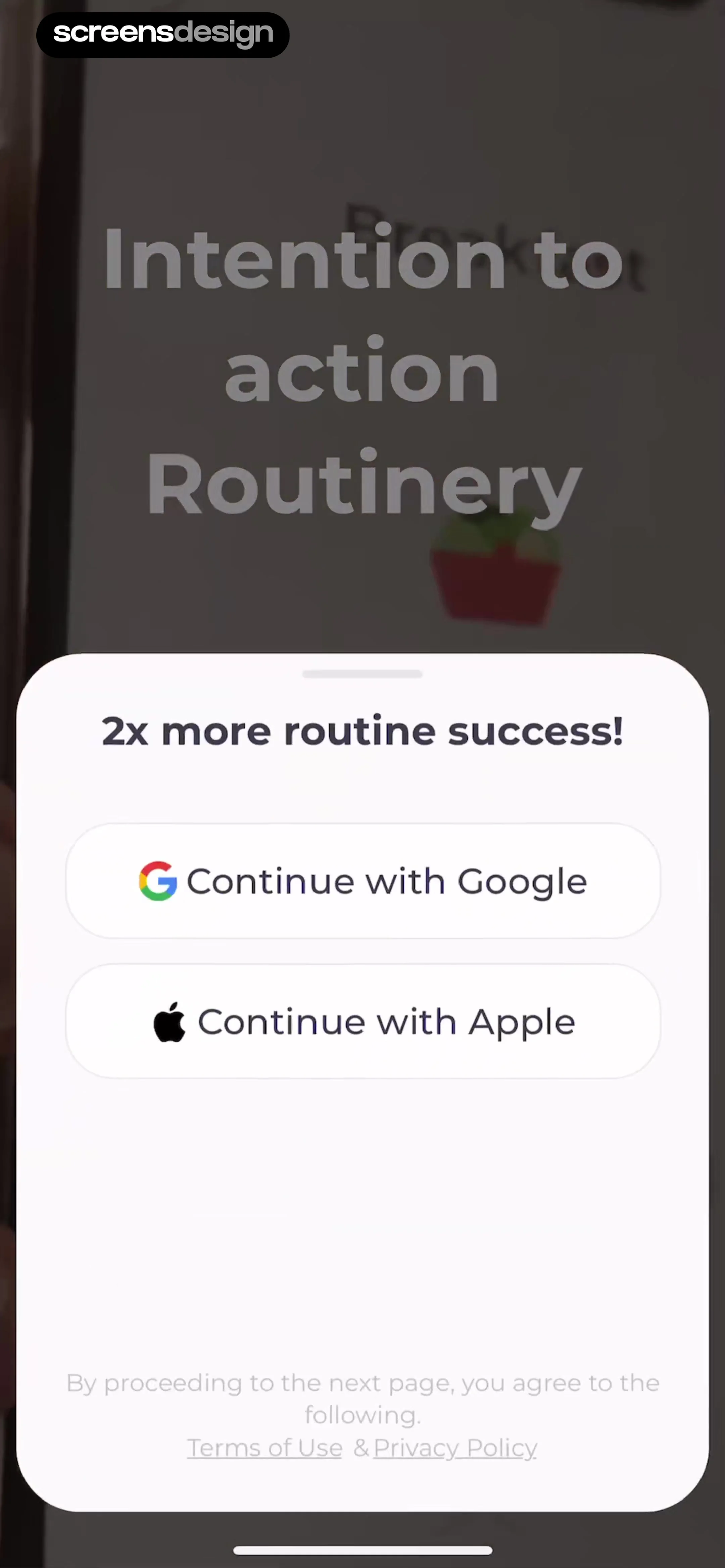
Onboarding signup modal for Routinery featuring Google and Apple login buttons and legal links.
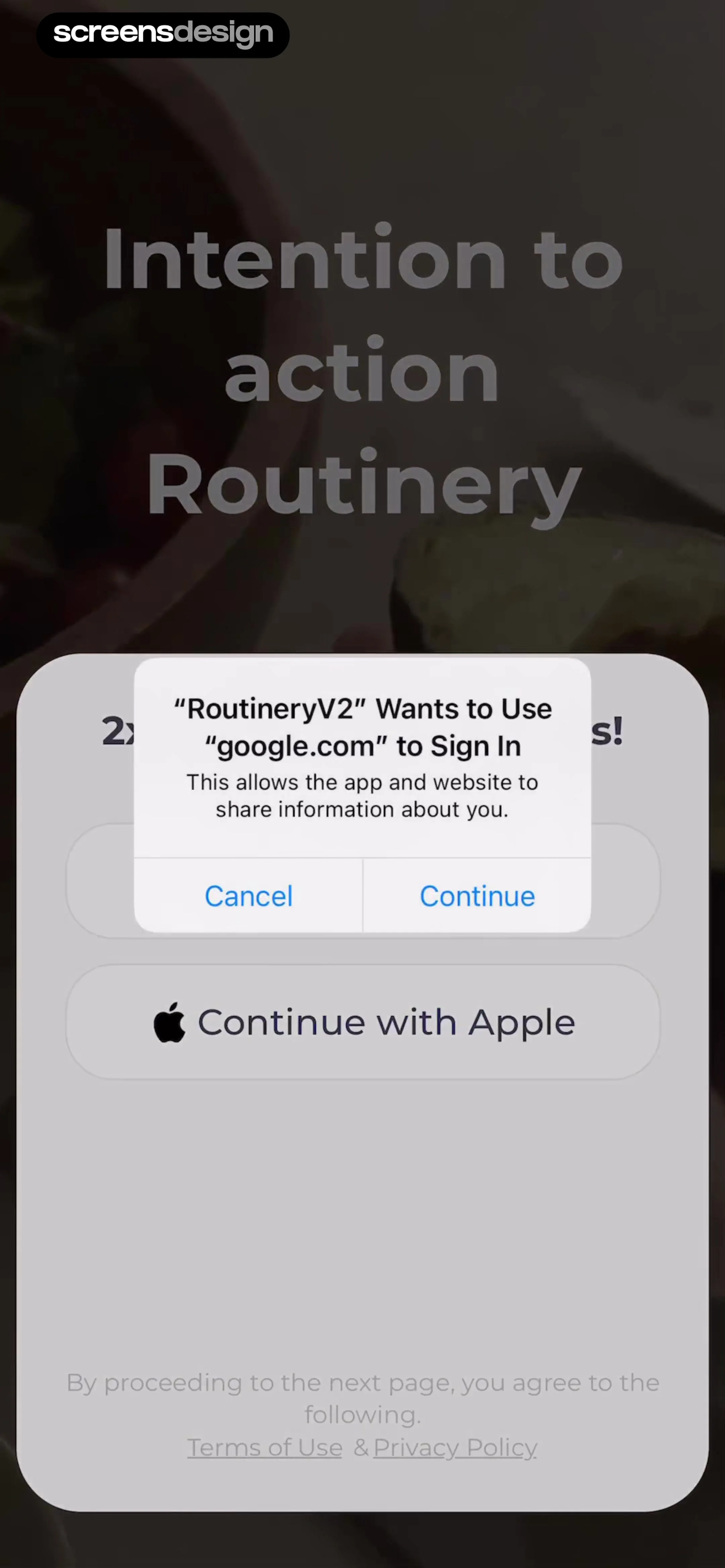
Sign-in permissions screen featuring a system authentication modal for Google, a Continue with Apple button, and legal links at the bottom.
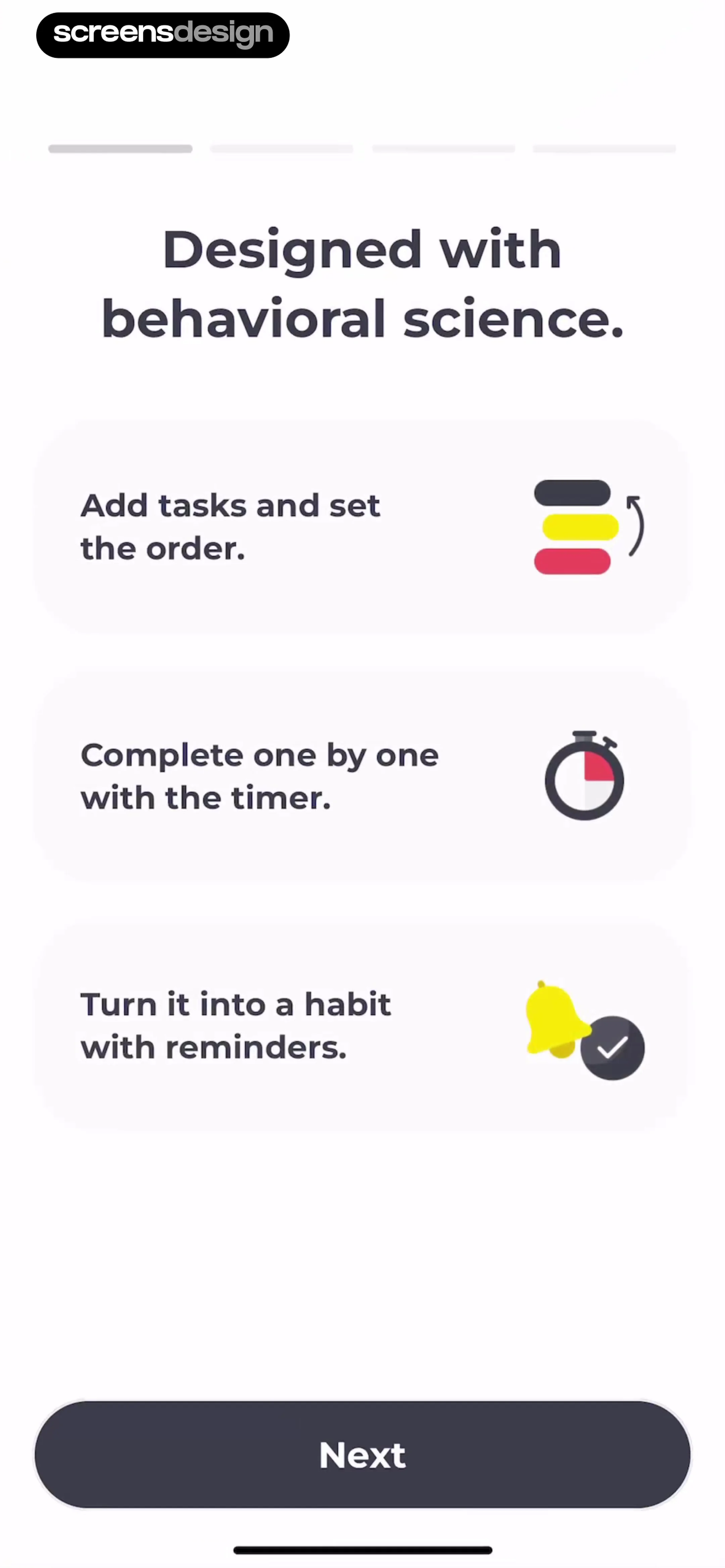
Onboarding screen outlining three core app features with a top progress bar and a Next button.
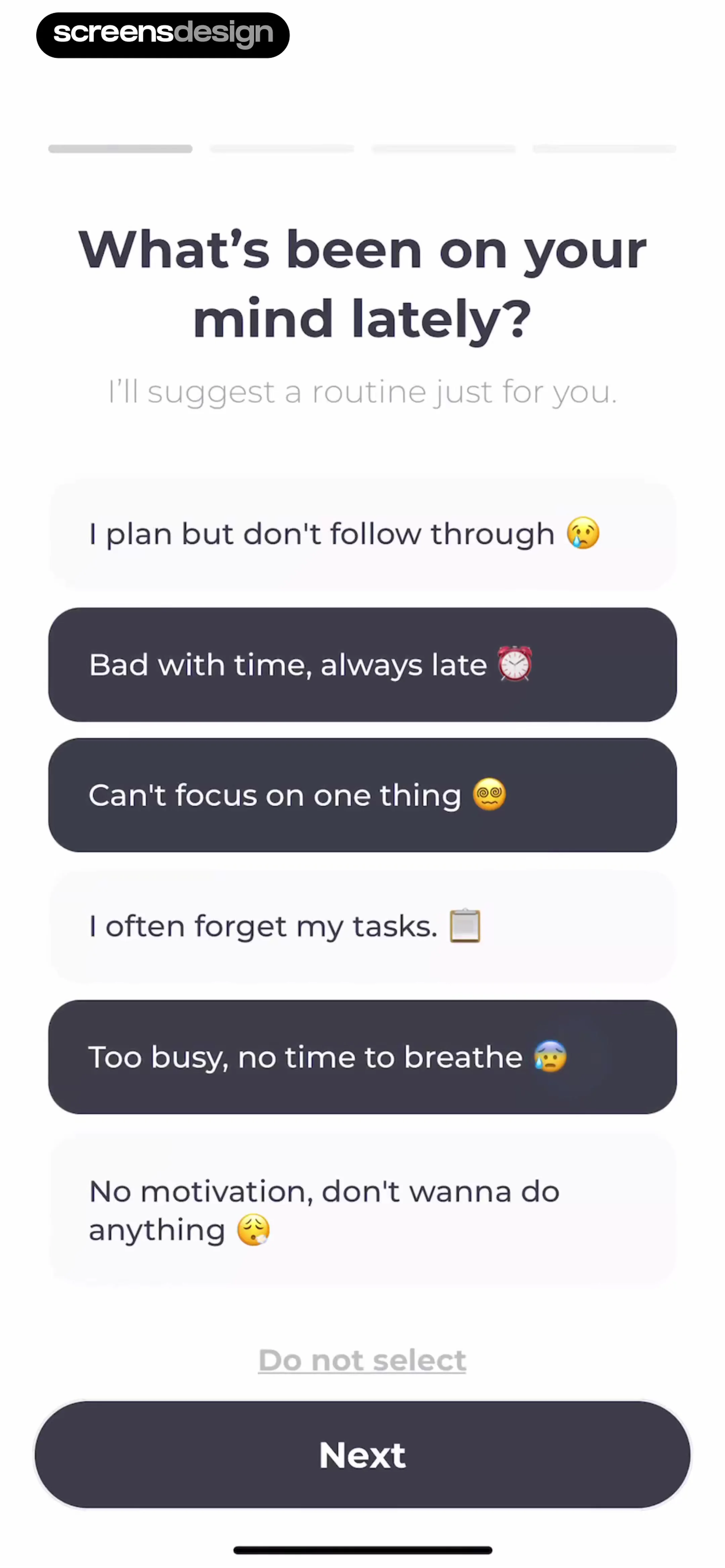
Onboarding preference screen asking about productivity challenges with six selectable options, a skip link, and a Next button.
Onboarding screen displaying a progress indicator, the heading 'Great. Let's find it!', and a central search illustration with a yellow magnifying glass.
Onboarding demographic form with an open age range selection modal showing the 25 ~ 29 option selected.Unlock Pro
Onboarding profile setup screen featuring a bottom modal for gender selection with Female highlighted, alongside pre-filled name and age fields.Unlock Pro
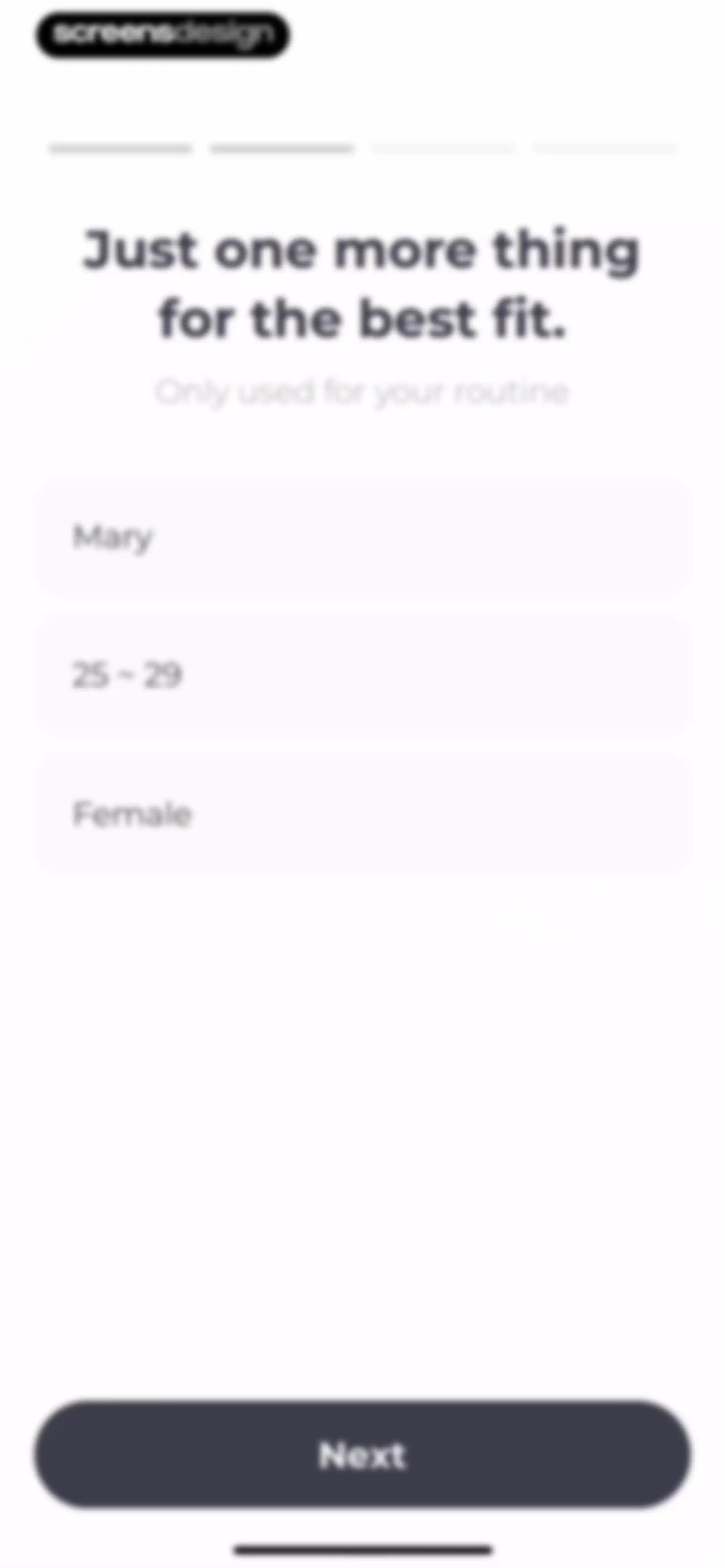
Onboarding profile setup form with filled fields for name, age, and gender, a progress bar, and a Next button.Unlock Pro
Onboarding loading screen with a top progress bar, a thumbs-up illustration, and the text Got it. Getting it ready.Unlock Pro
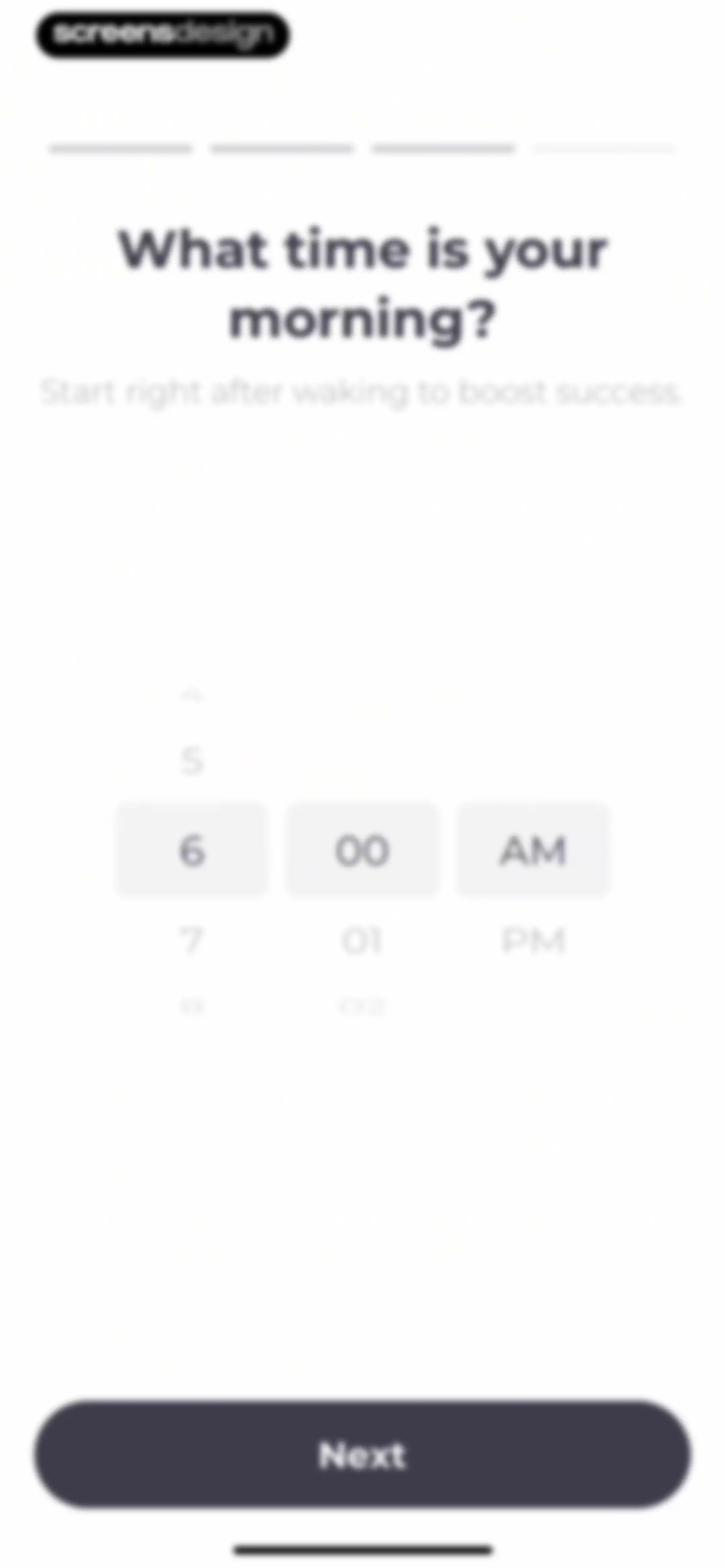
Onboarding time selection screen with a morning start time set to 6:00 AM in a scrolling picker and a Next button.Unlock Pro
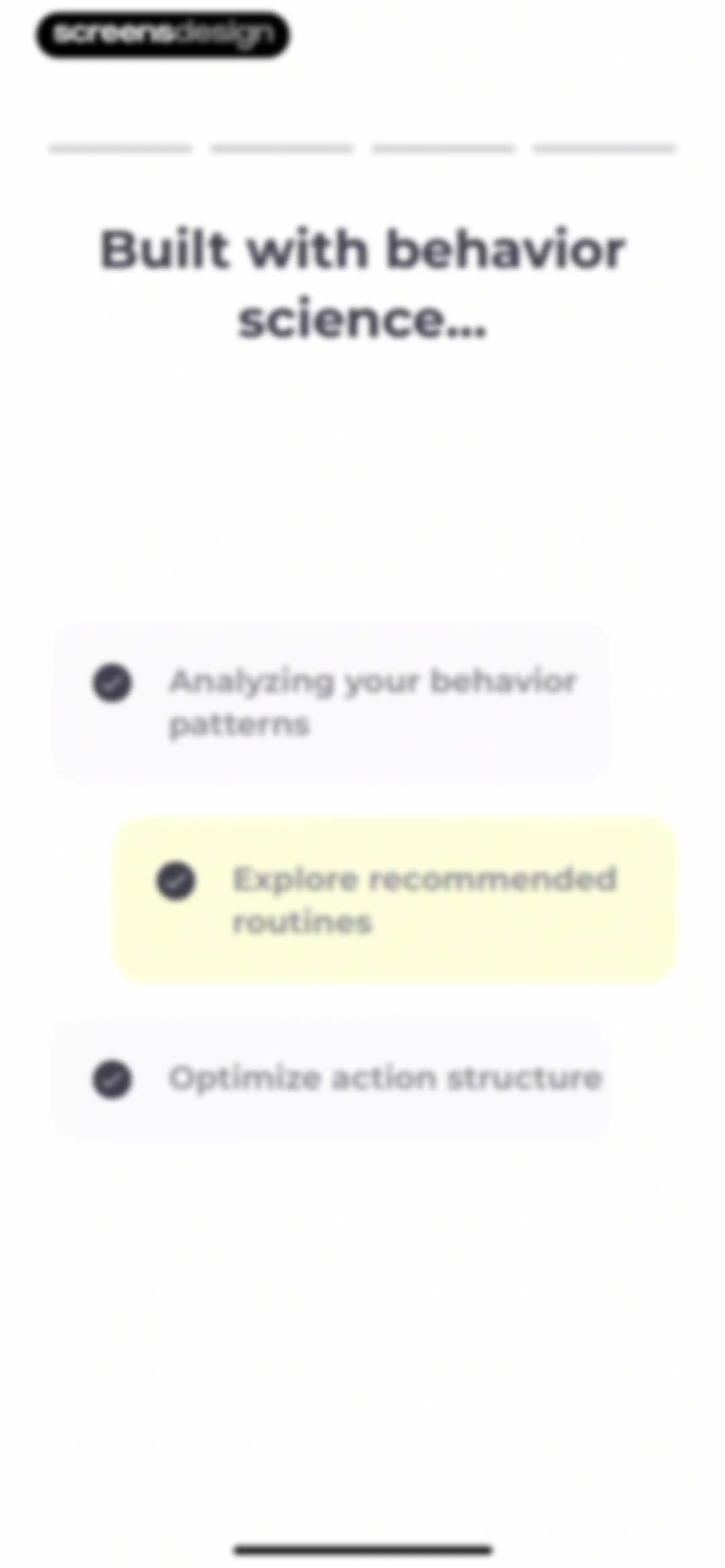
Onboarding screen with a top progress bar, heading, and three feature cards detailing behavior analysis, recommended routines, and action structure.Unlock Pro
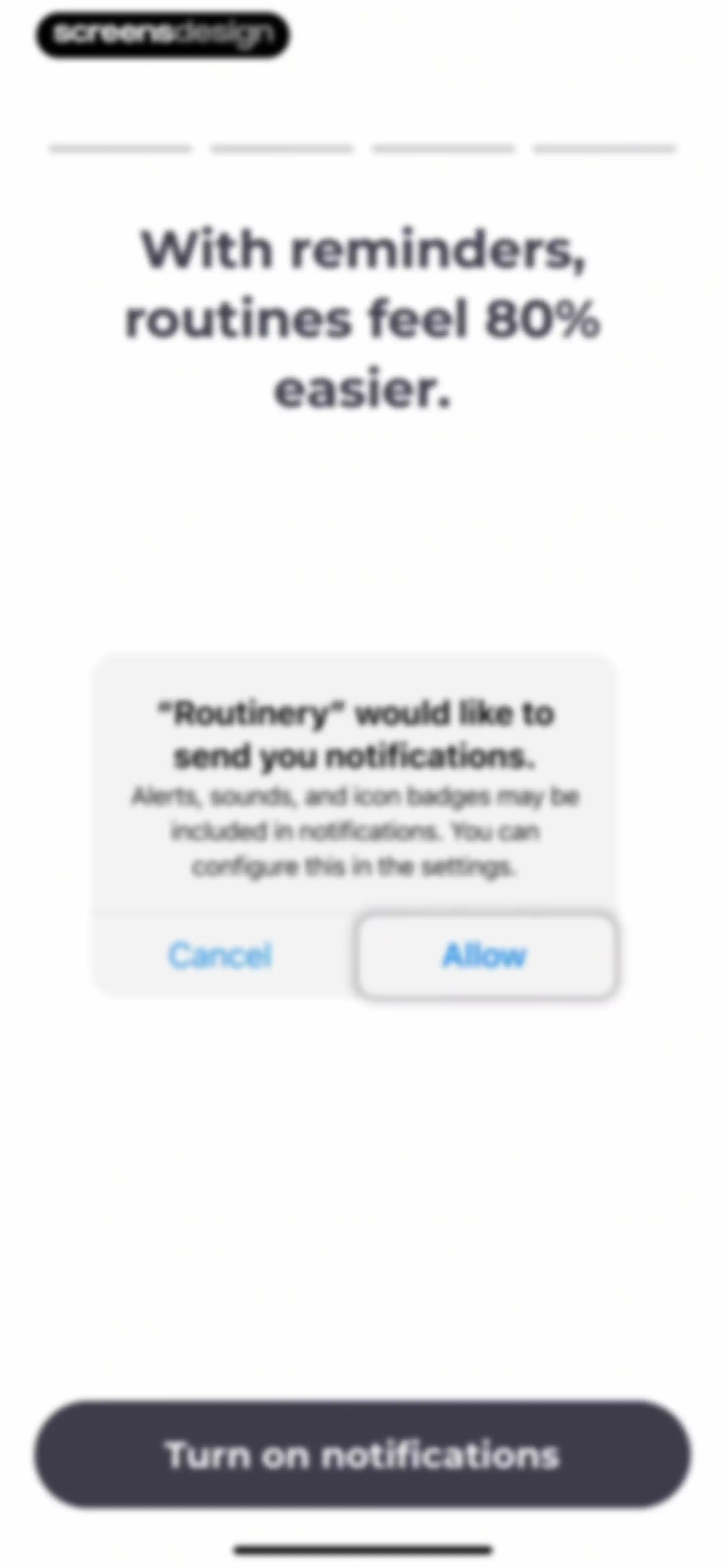
Permission onboarding screen for Routinery requesting notification access, featuring a top progress bar, headline text, and a Turn on notifications button.Unlock Pro
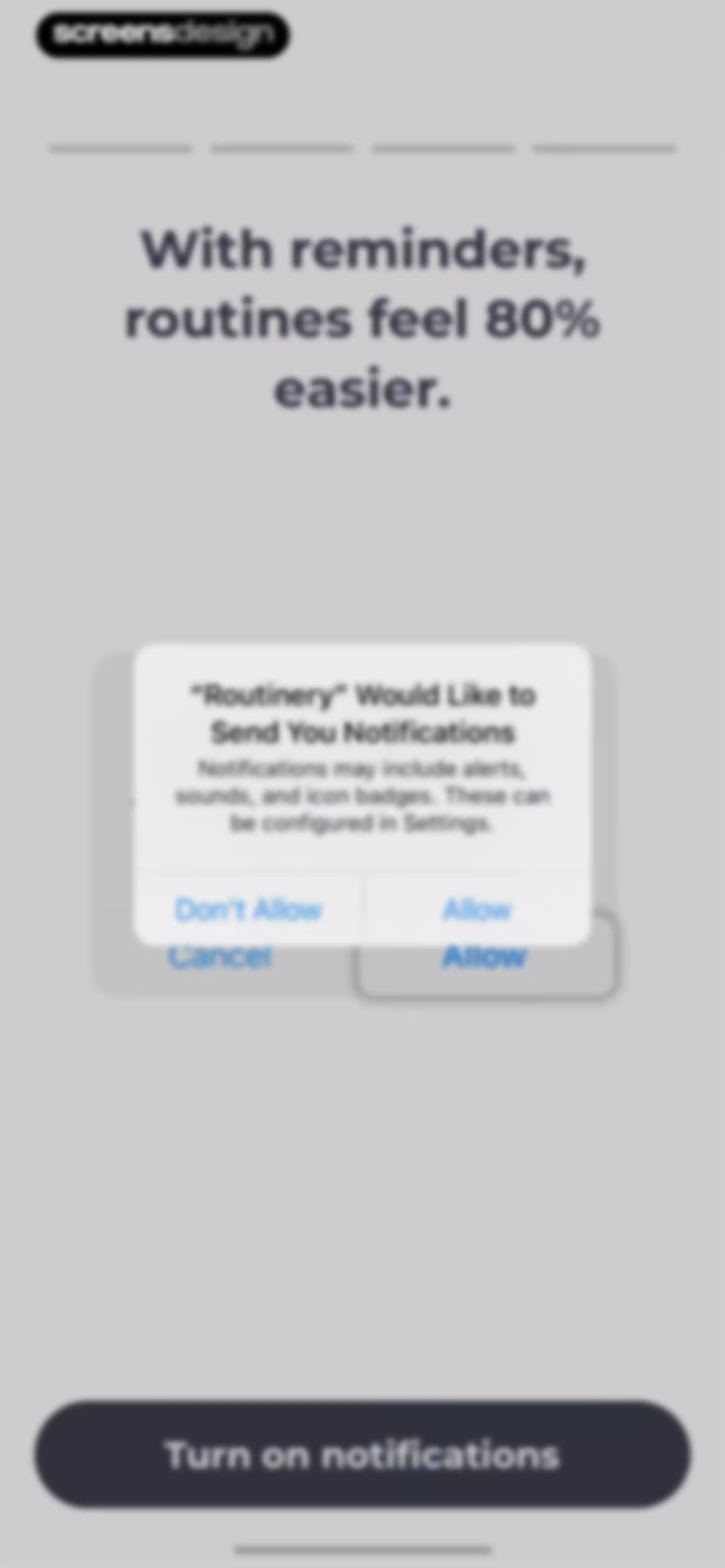
Permission onboarding screen for the Routinery app featuring a notification request modal and a Turn on notifications button.Unlock Pro
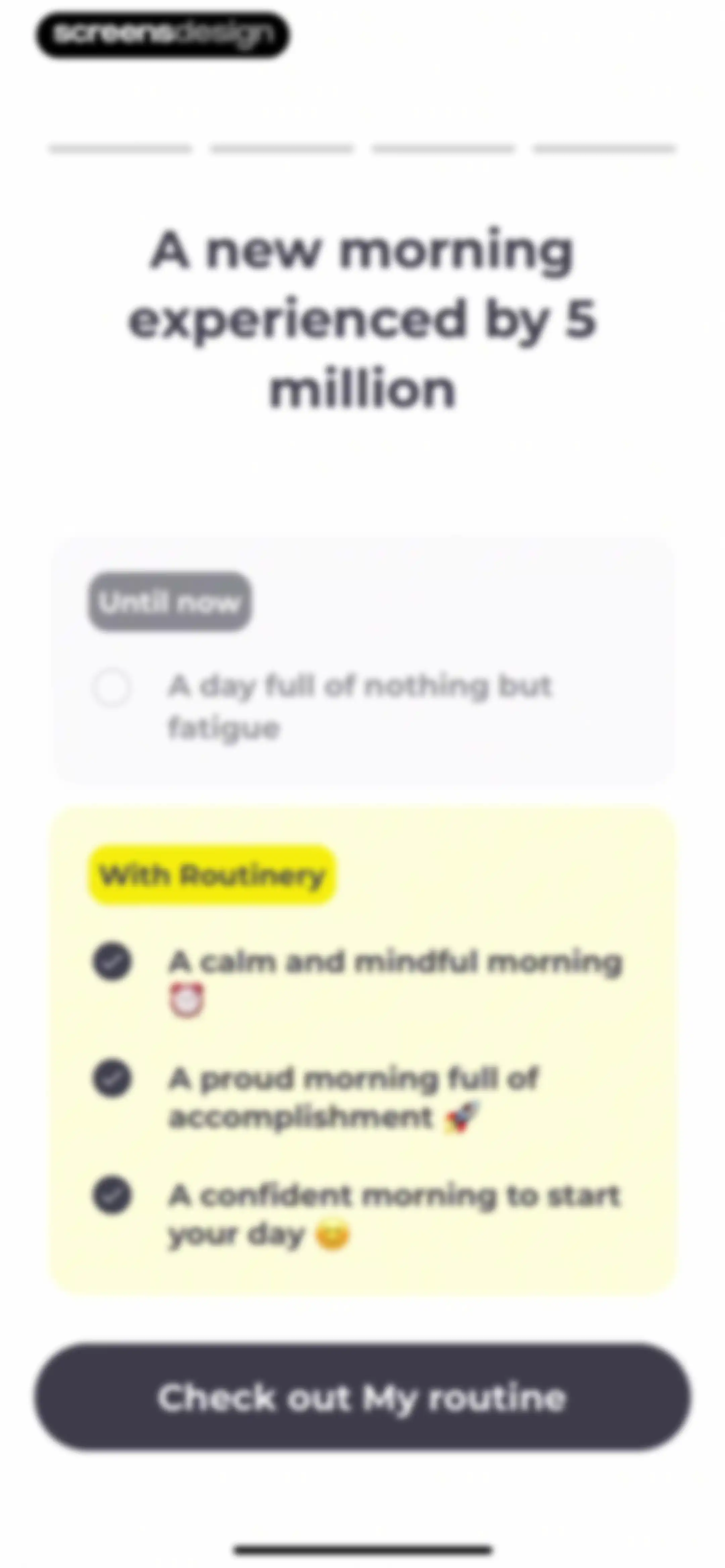
Routinery onboarding comparison screen contrasting fatigue with mindful morning benefits, featuring a progress bar and a Check out My routine button.Unlock Pro
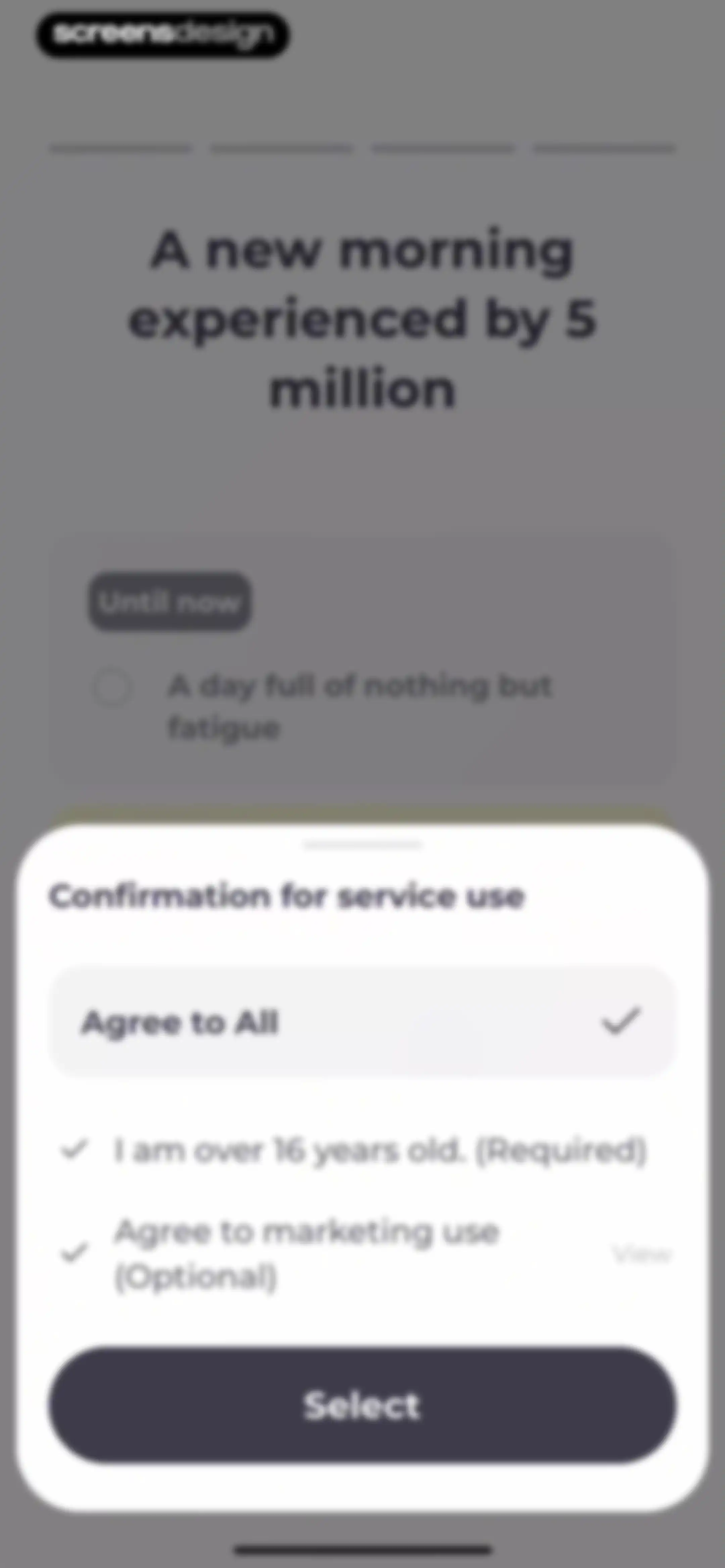
Permissions onboarding modal with a service use confirmation title, consent options including age and marketing agreements, and a Select button.Unlock Pro
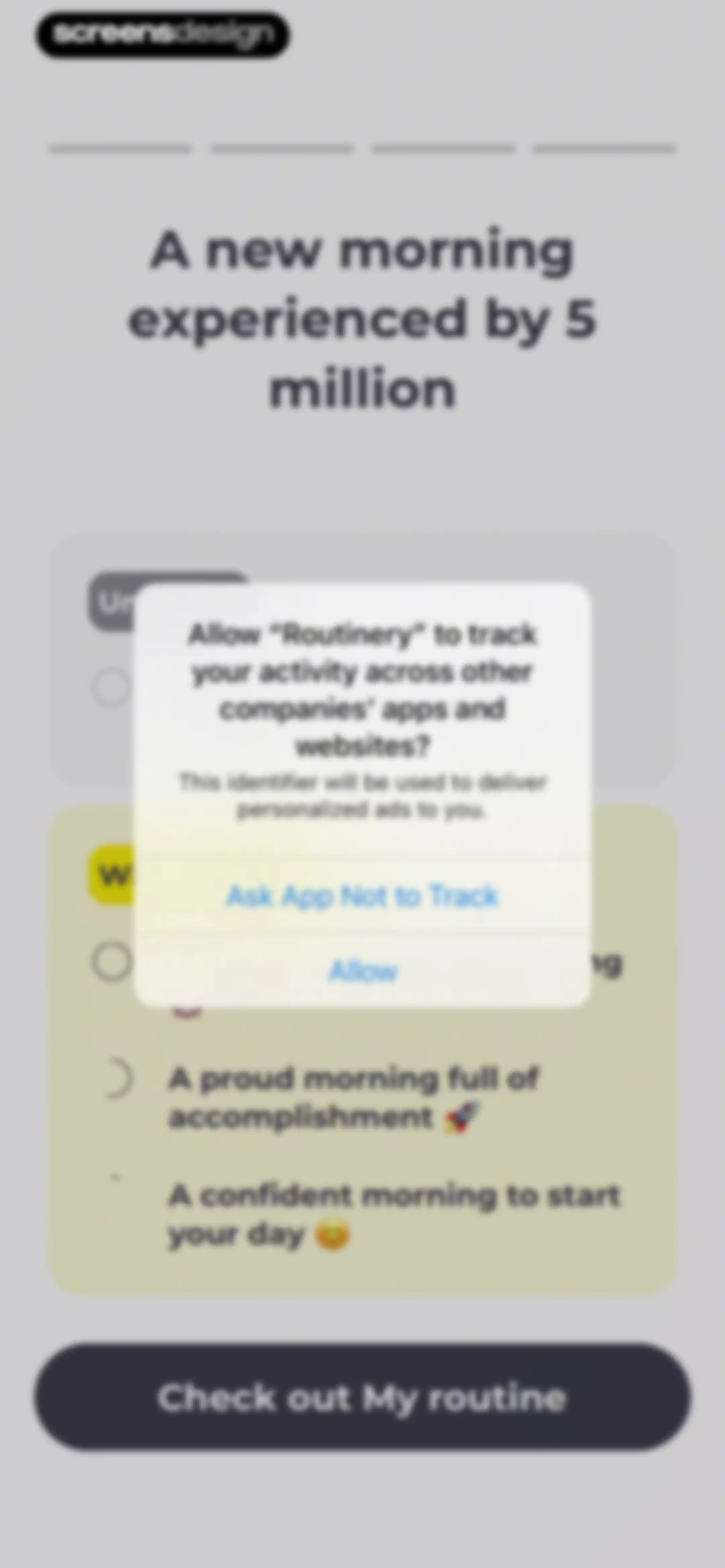
App tracking permission modal for the Routinery app overlaid on an onboarding screen, with Allow and Ask App Not to Track options.Unlock Pro
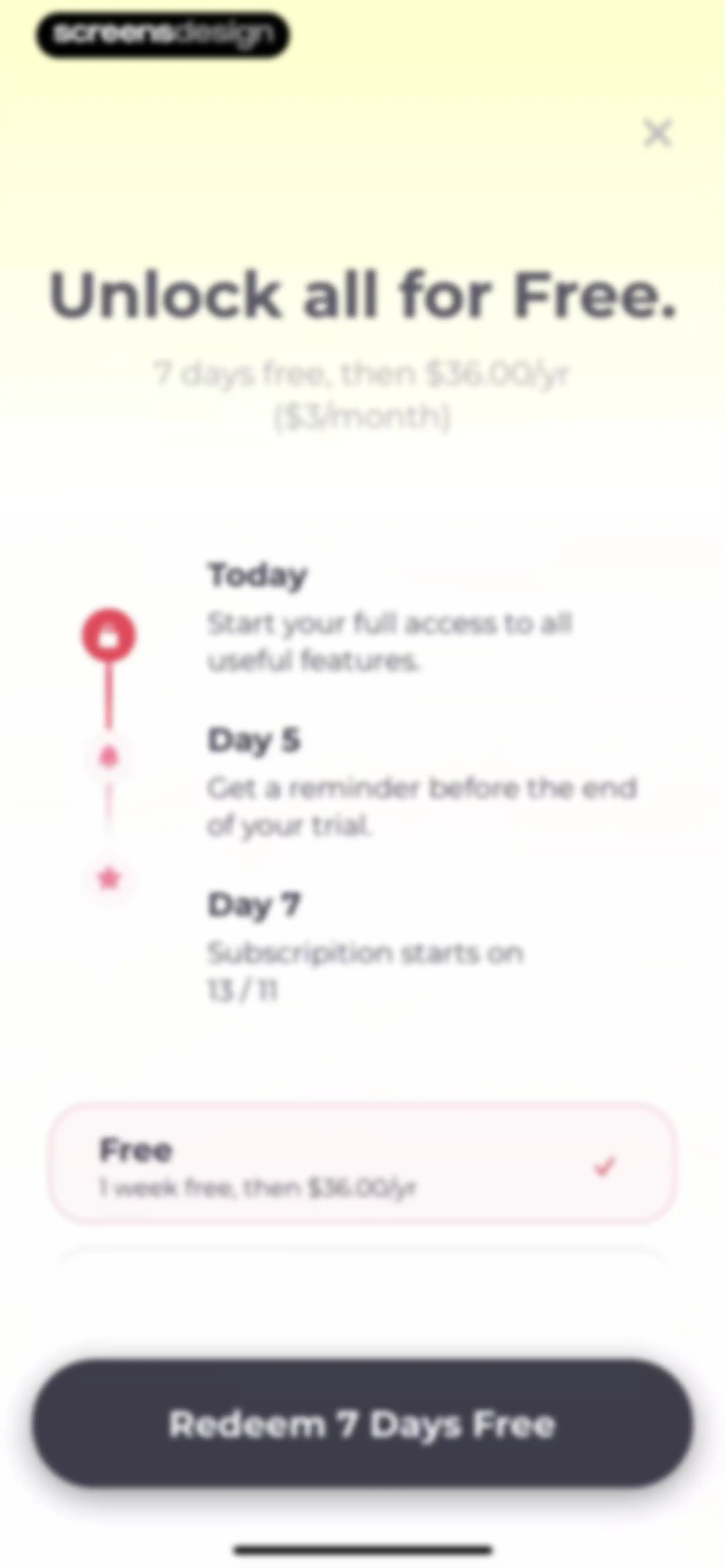
Paywall screen featuring a trial timeline, a selected plan card, and a Redeem 7 Days Free button.Unlock Pro
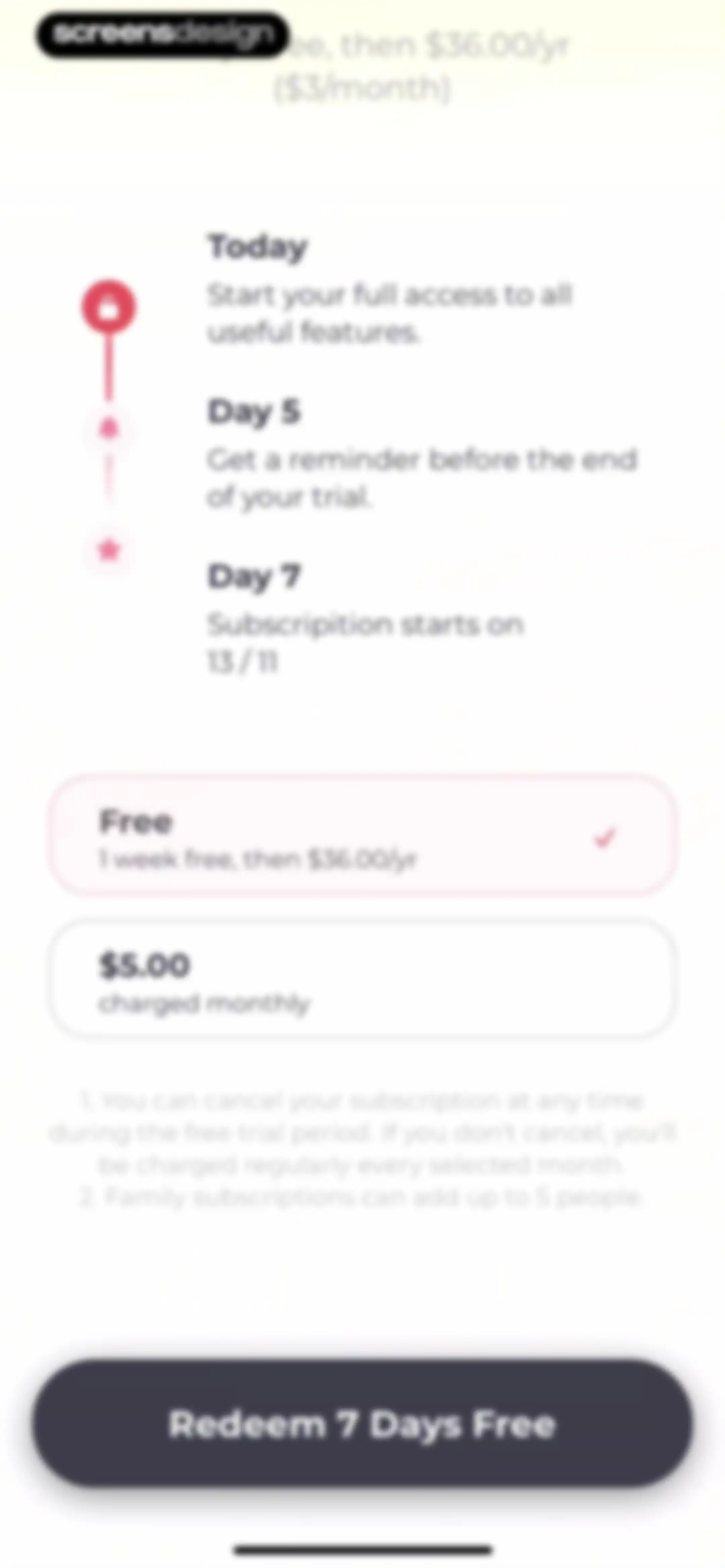
Paywall screen comparing a free trial annual plan and a monthly plan, with a timeline graphic and Redeem 7 Days Free button.Unlock Pro
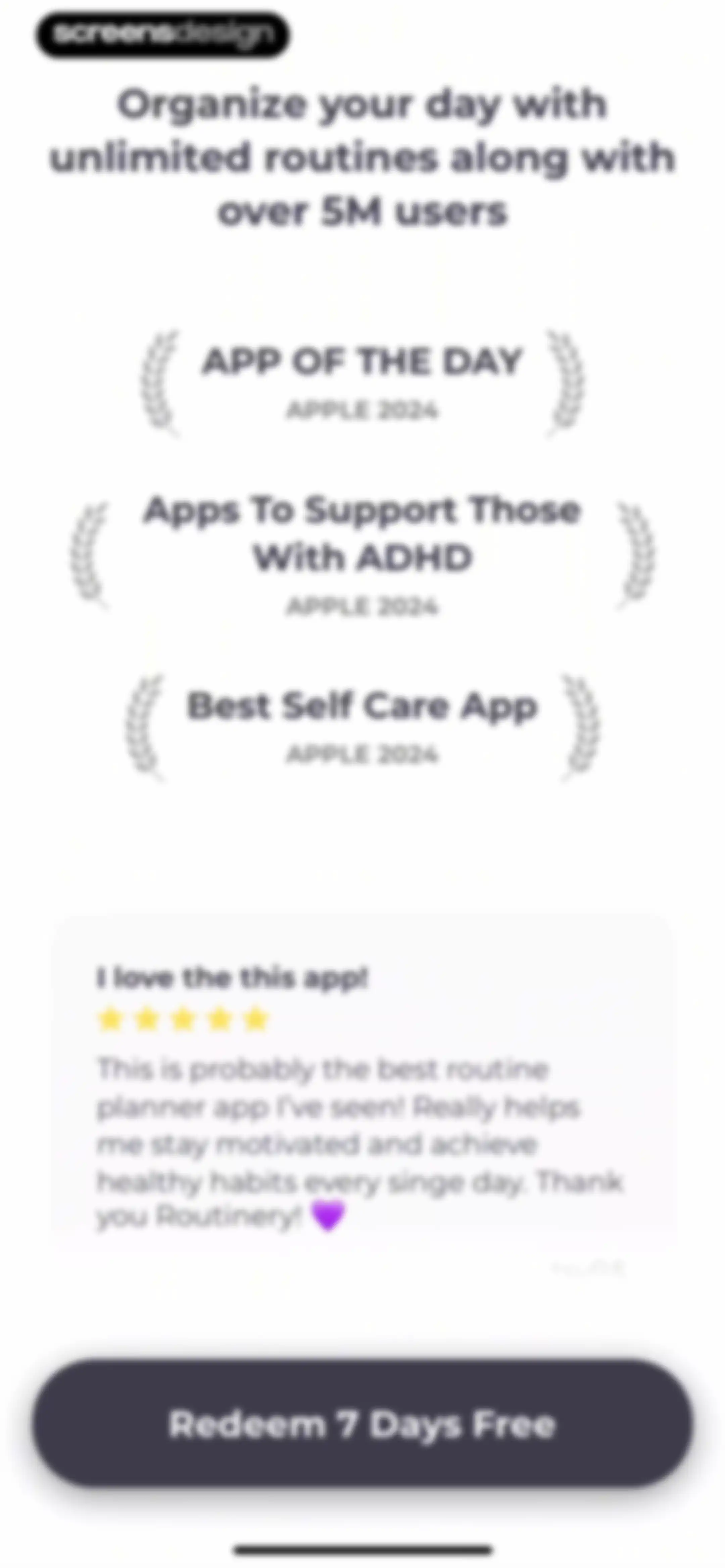
Paywall screen for Routinery featuring award badges, a user testimonial card, and a Redeem 7 Days Free button.Unlock Pro
Subscription checkout screen for Routinery Premium displaying annual plan details, a one-week free trial, and a system confirmation prompt.Unlock Pro
Subscription success confirmation modal overlaid on a paywall screen with testimonials and a Redeem 7 Days Free button.Unlock Pro
Subscription success modal in Routinery with a personalized confirmation message and an Okay button.Unlock Pro
Subscription confirmation screen displaying a welcome message, user testimonials in multiple languages, and an Explore Premium button.Unlock Pro
Onboarding screen highlighting unlimited routines with three example cards and a Next button.Unlock Pro
Onboarding screen featuring an icon grid and Next button, introducing habit customization with over 800 available icons.Unlock Pro
Onboarding screen introducing premium widgets with a grid of preview cards and a Next button.Unlock Pro
Onboarding screen displaying a habit streak calendar grid with a pagination indicator on the final step and a Get Started button.Unlock Pro
Home screen displaying Mary's morning routine card, a top toggle between Routine and Checklist, and a bottom navigation bar.Unlock Pro
Routine editor for Mary’s morning routine with a central add button and a suggested tasks list below.Unlock Pro
Routine editor with a bottom modal sheet open for entering a new task and a keyboard displayed.Unlock Pro
Task editor modal with category tabs and a scrollable list of exercise suggestions, featuring the Exercise tab selected.Unlock Pro
Routine planner dashboard for Mary's morning routine displaying a task list, a For you section, and a bottom floating action bar.Unlock Pro
Dashboard displaying a list of suggested tasks for a morning routine with a refresh button and a play routine control.Unlock Pro
Routine editor displaying a list of scheduled task cards with durations, an auto-next toggle, a Done button, and a floating add button.Unlock Pro
Editor modal with a text input field prefilled with Marys morning routine, Cancel and Done buttons, over a routine task list.Unlock Pro
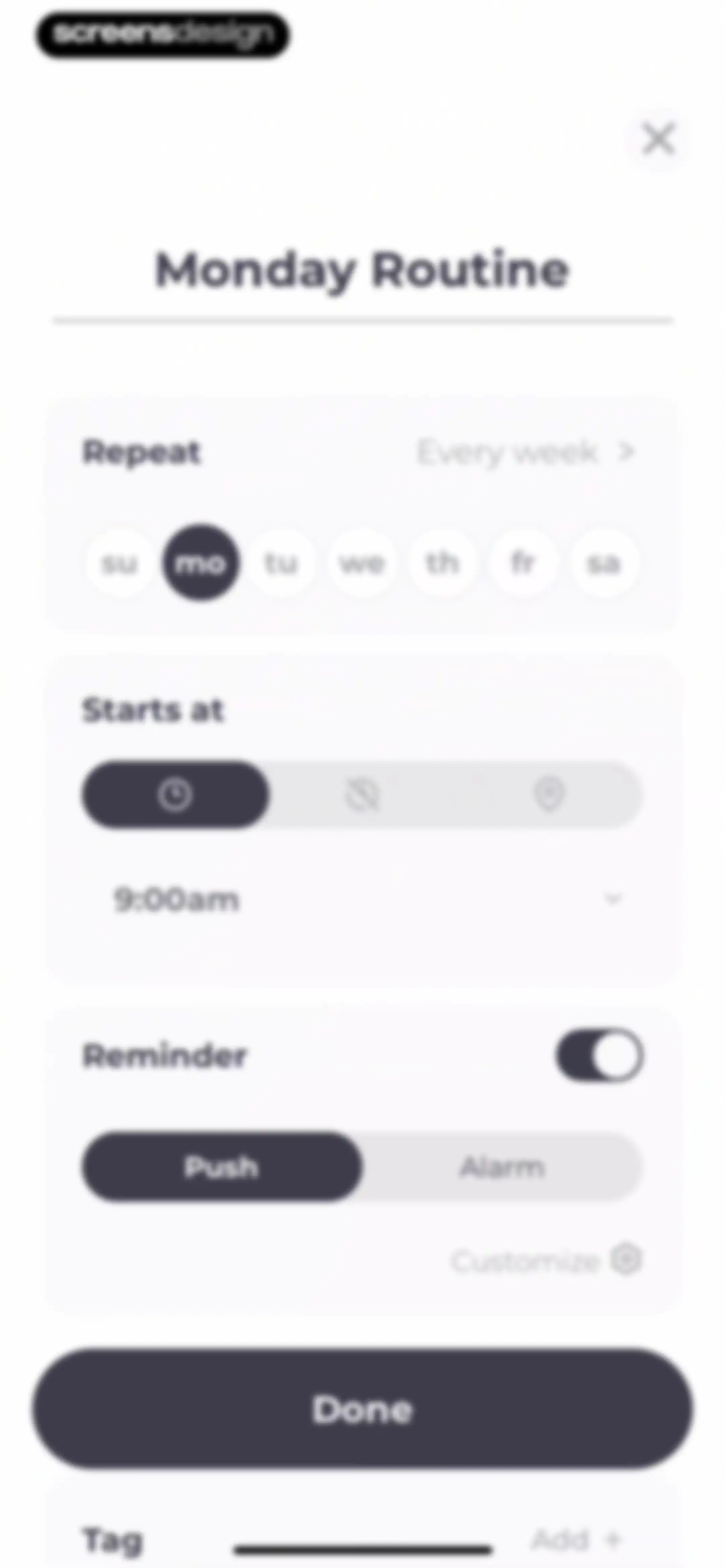
Routine configuration modal with settings for repeat days, start time, reminders, and a Done button.Unlock Pro
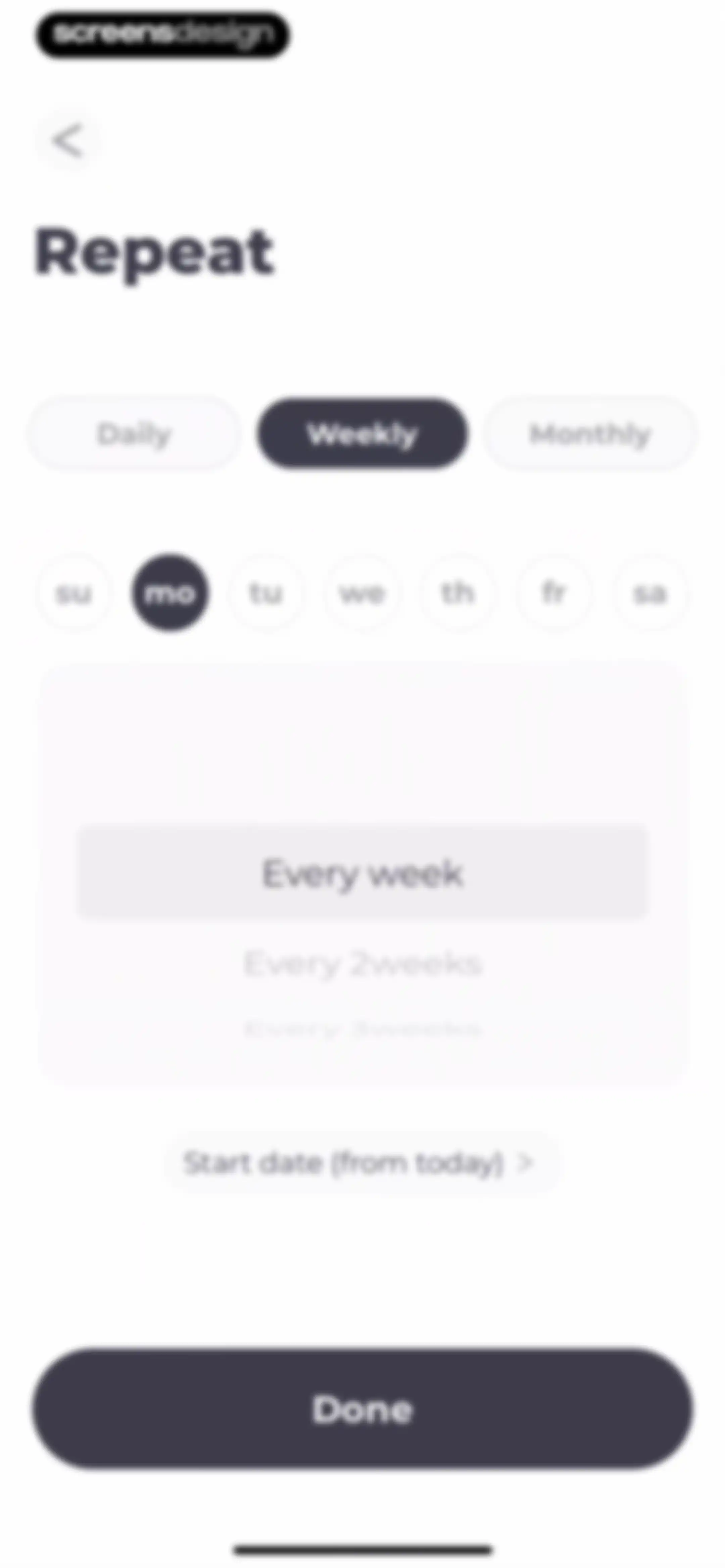
Repeat configuration form with the weekly frequency tab selected, Monday highlighted in the day selector, and a Done confirmation button.Unlock Pro
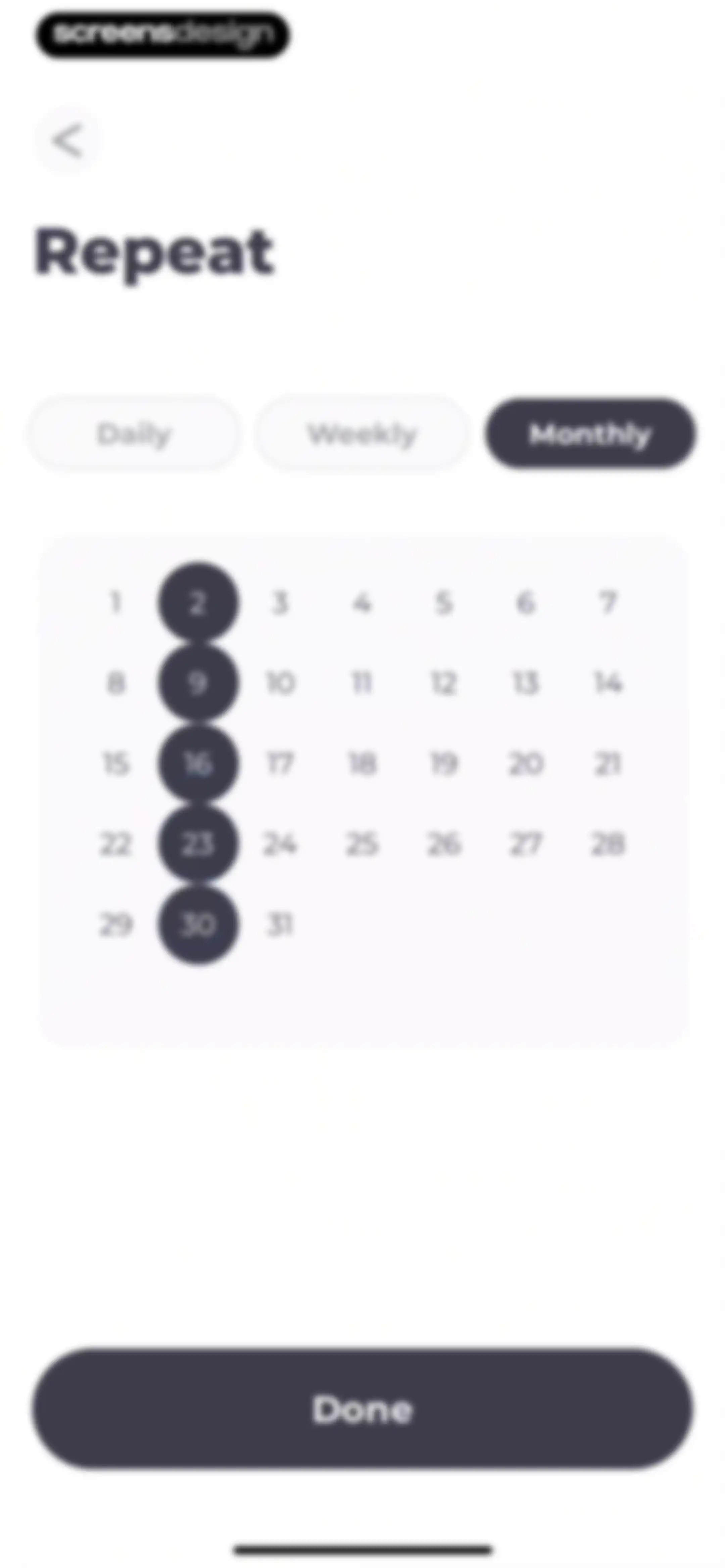
Repeat configuration form with frequency tabs, a calendar grid showing selected dates, and a Done confirmation button.Unlock Pro
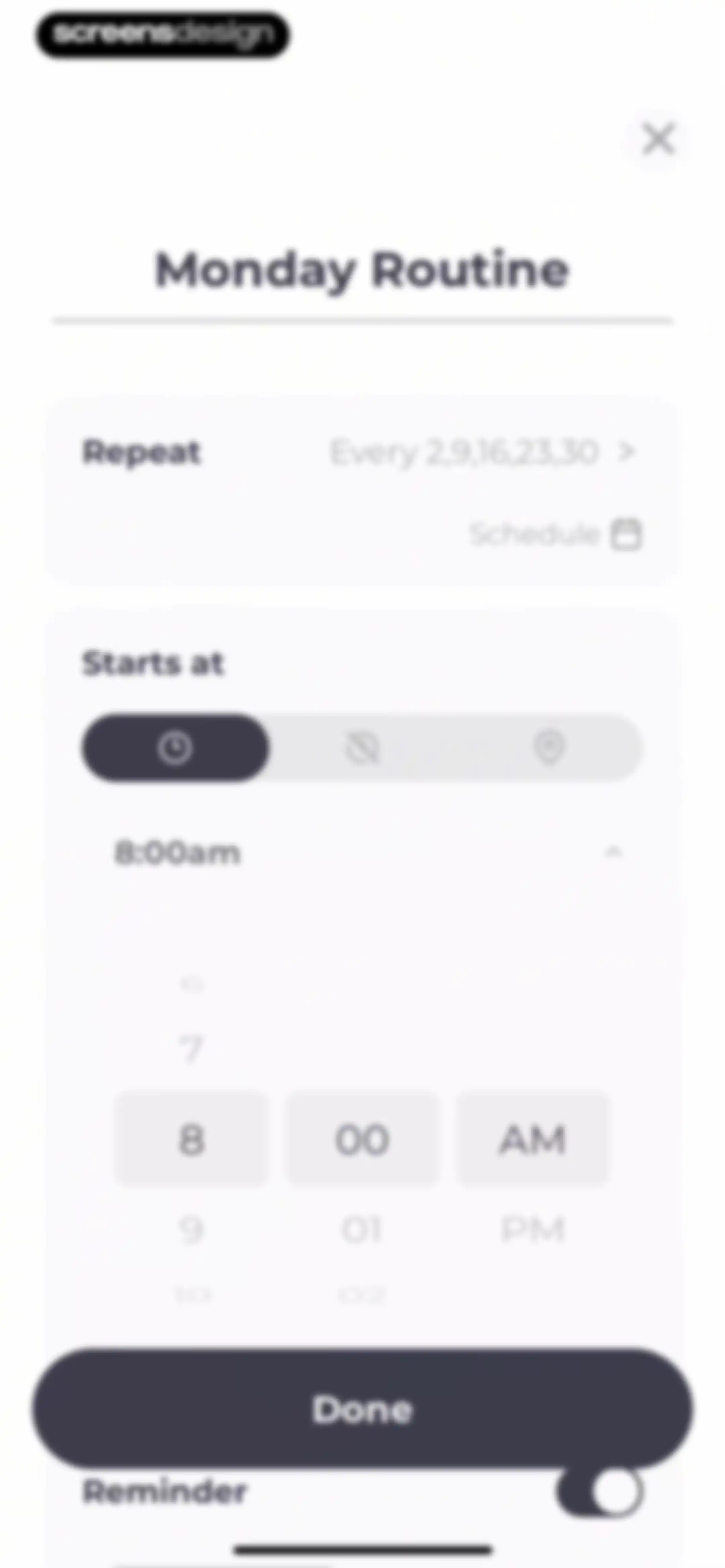
Routine configuration modal showing repeat settings, a time picker set to 8:00 AM, a reminder toggle, and a Done button.Unlock Pro
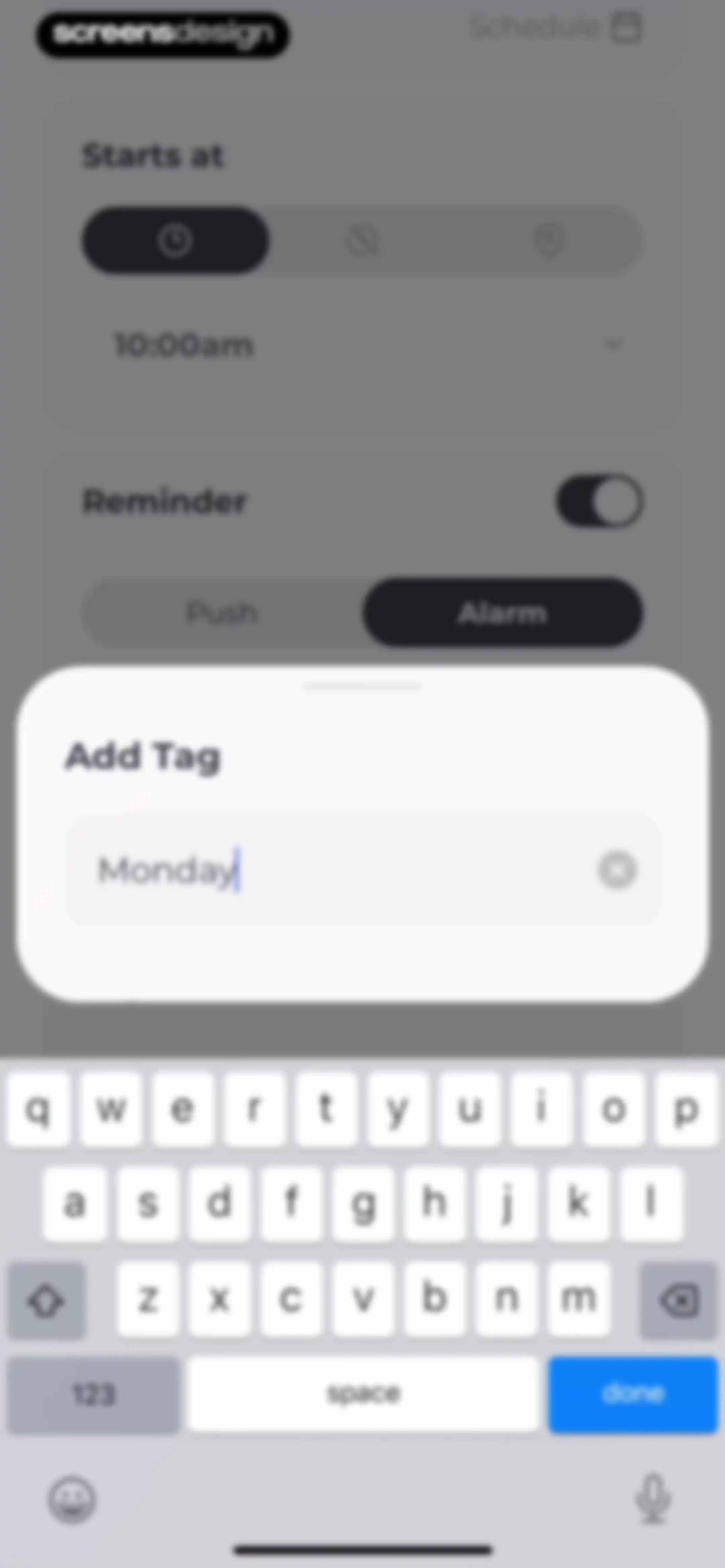
Task tag input form with a modal overlay containing the text Monday, a clear icon, and the system keyboard.Unlock Pro
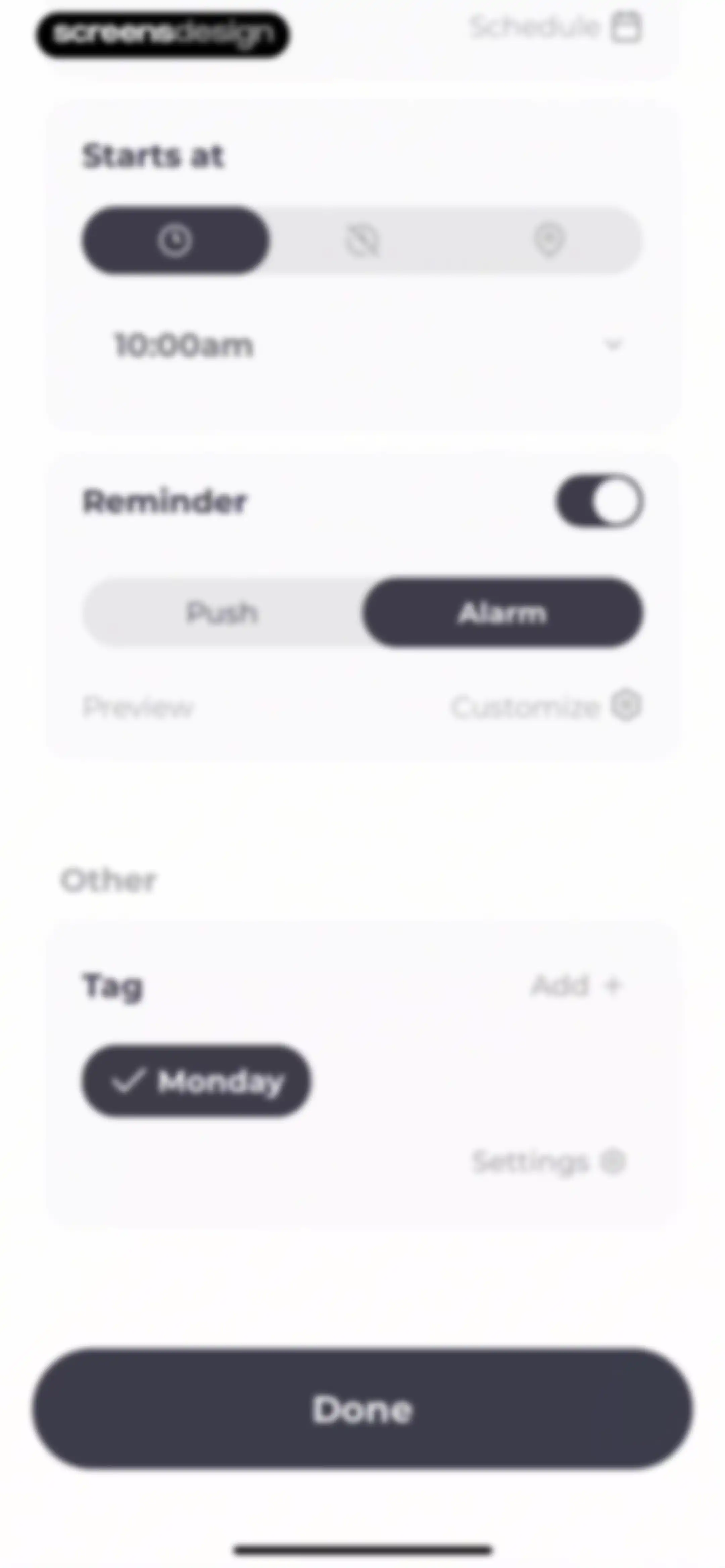
Schedule and reminder configuration form with time settings, alarm options, and a Done button.Unlock Pro
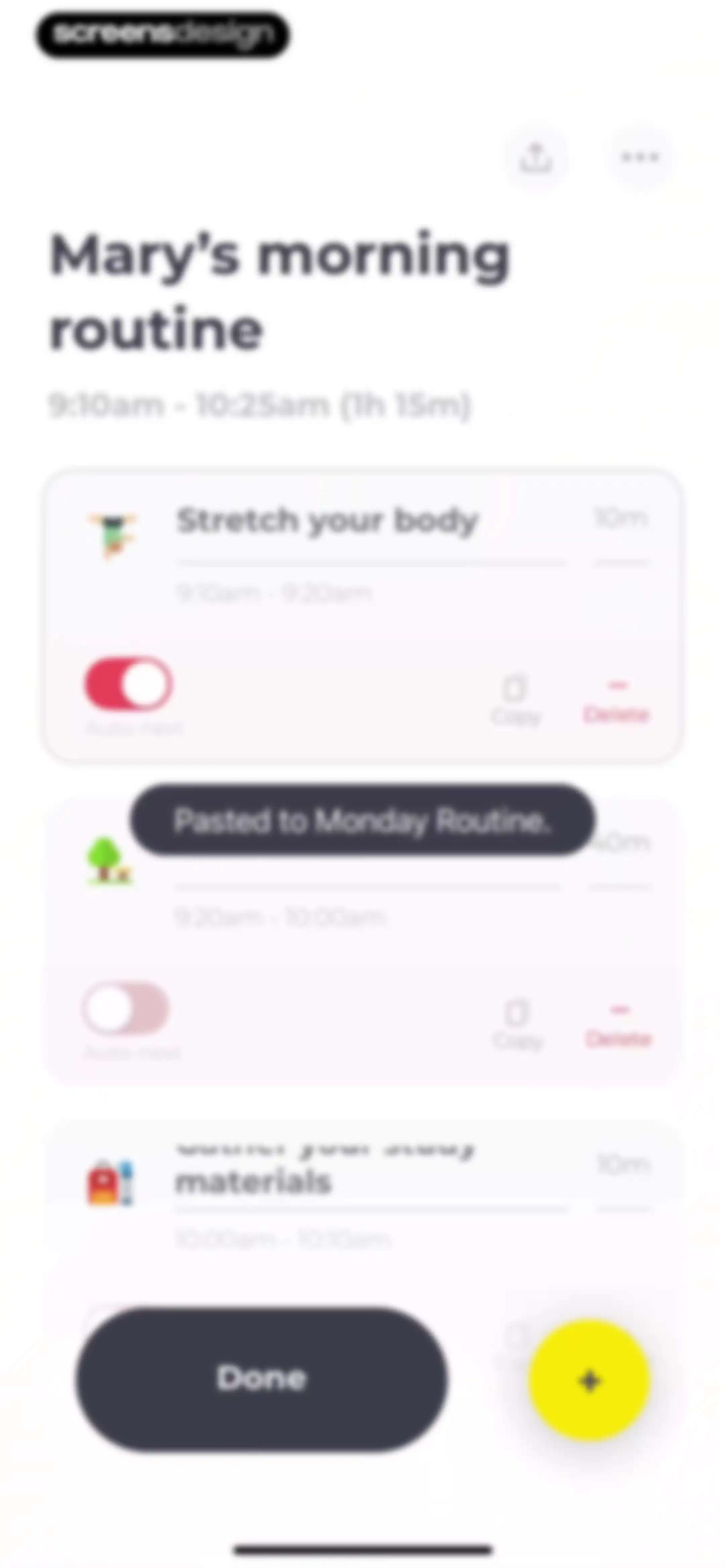
Routine editor screen displaying a list of scheduled tasks with copy and delete buttons, a toast notification, and a Done button.Unlock Pro
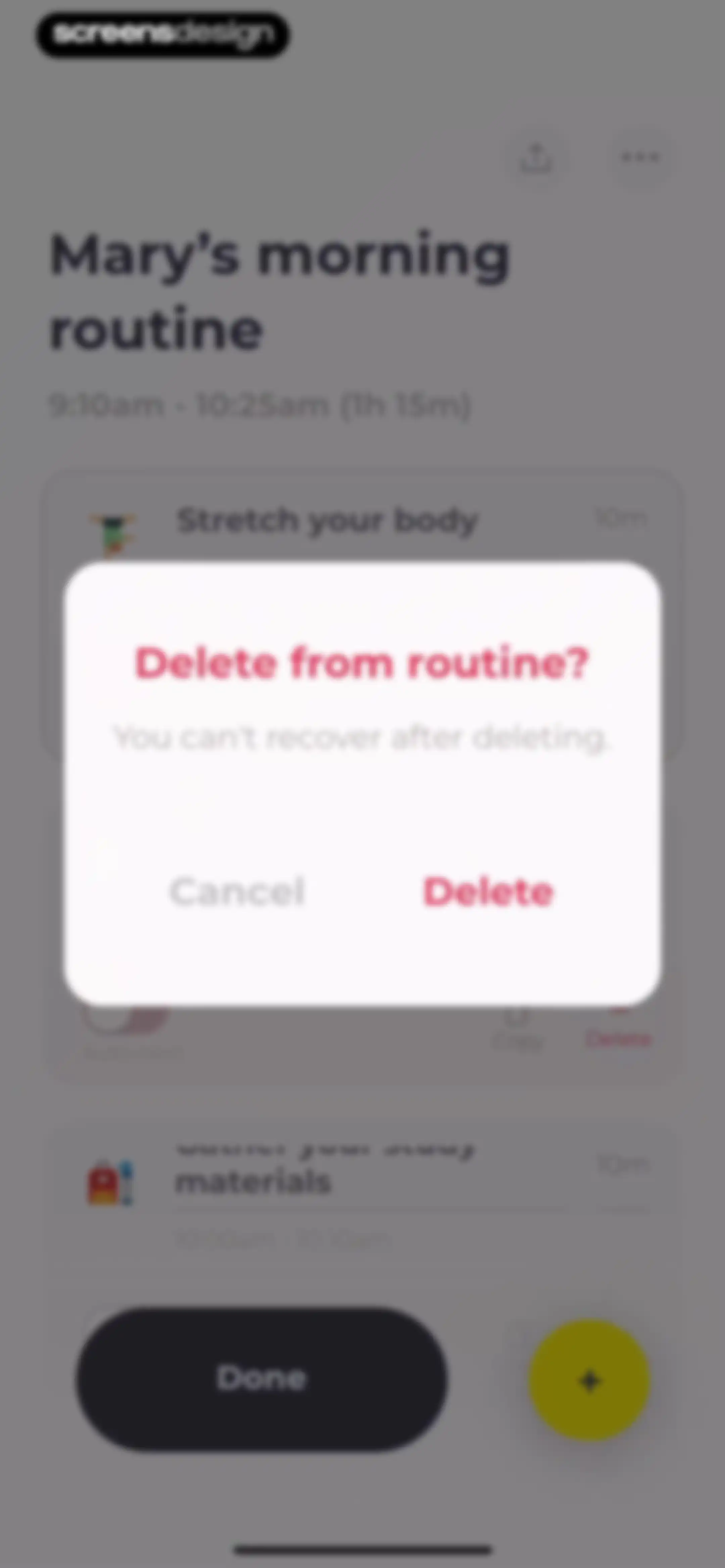
Task deletion confirmation modal overlaid on a routine management screen, featuring Cancel and Delete buttons.Unlock Pro
Onboarding screen for Mary's morning routine with an Inhale instruction, a Skip link, and a Cancel button.Unlock Pro
Onboarding screen titled Mary's morning routine, featuring a central circular graphic, Exhale action, and Skip and Cancel buttons.Unlock Pro
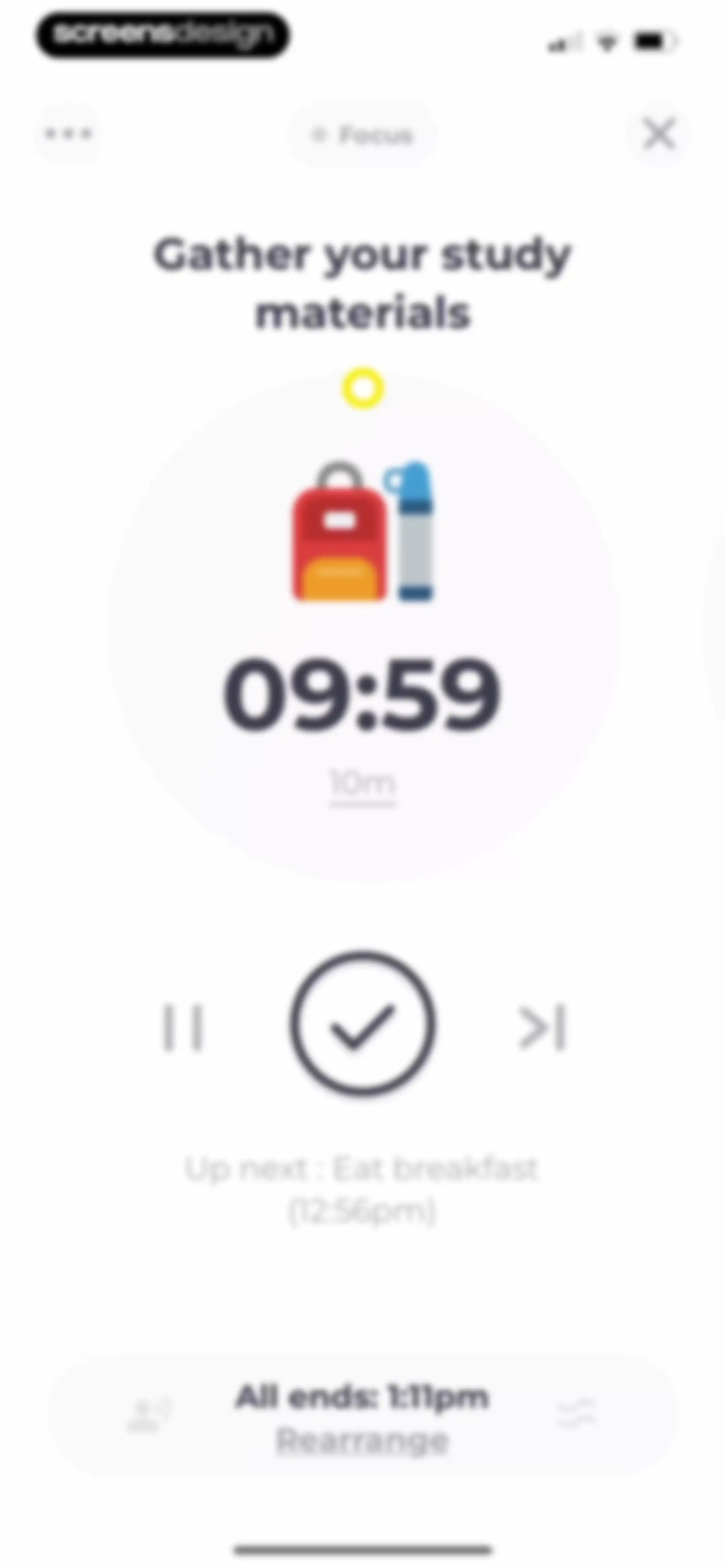
Focus session screen displaying an active timer at 09:59 for gathering study materials, playback controls, and the upcoming task.Unlock Pro
Focus timer screen showing a paused countdown for the study task, with a Resume button and a Rearrange option below.Unlock Pro
Focus timer screen displaying a countdown and a time adjustment modal with increment and reset controls.Unlock Pro
Focus timer screen showing a 15-minute countdown for the Eat breakfast task with playback controls and a white noise promotion modal.Unlock Pro
Task context editor with a white modal card for habit notes and a bottom card for white noise settings, featuring an Add button.Unlock Pro
Form for adding a note to the Eat breakfast habit, containing a text field with the note love it, a character counter, an Auto Open toggle, and Cancel and Done buttons.Unlock Pro
Task timer screen displaying an active countdown for Eat breakfast, with stacked configuration cards for context and white noise below.Unlock Pro
Task management modal asking Should we skip? with options to rearrange order, move task to end, or skip.Unlock Pro
Task completion confirmation screen with a central checkmark icon surrounded by a ring of green dots on a white background.Unlock Pro
Success confirmation screen displaying the centered text Awesome on a blank background.Unlock Pro
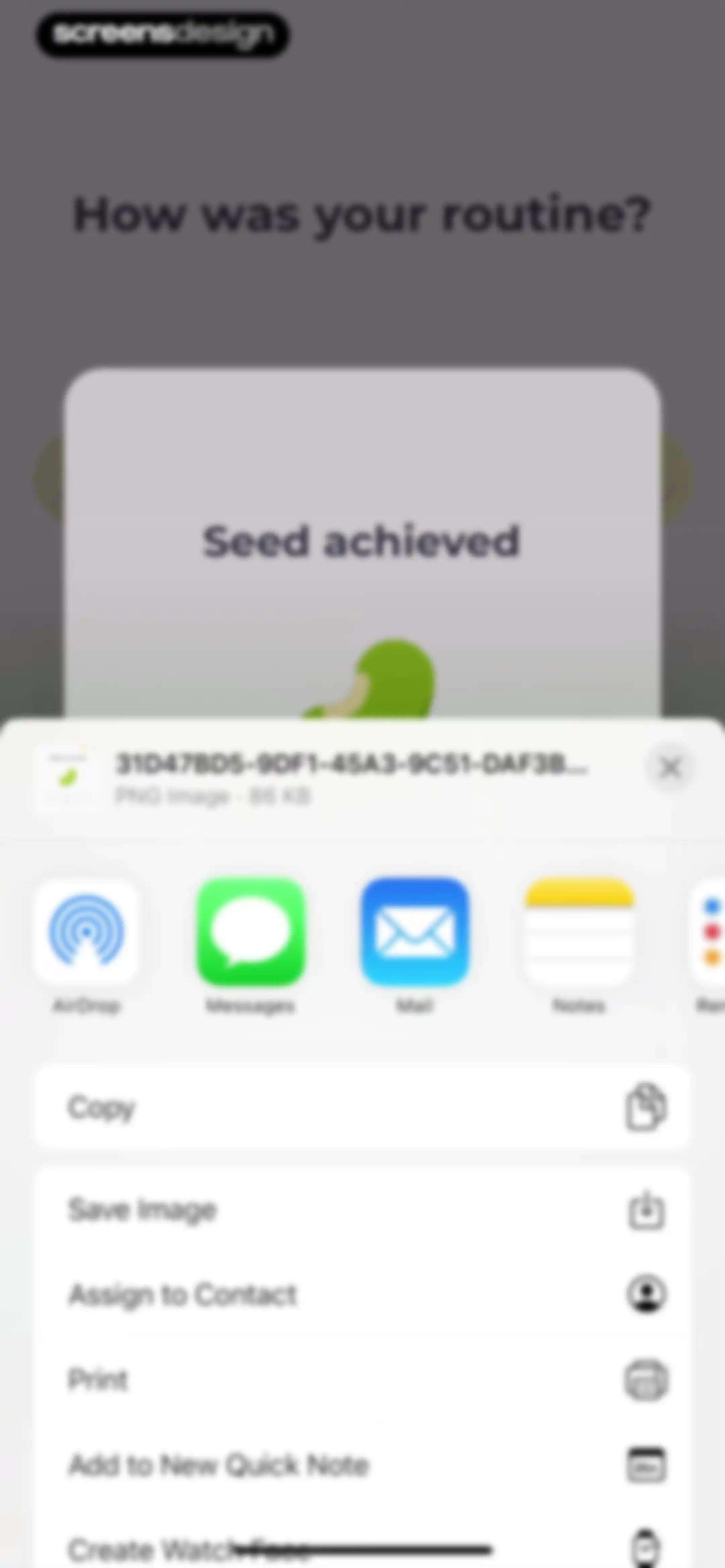
Routine completion modal with a Seed achieved heading, a central seed illustration, and a Done button.Unlock Pro
iOS share sheet displaying a file preview for a seed achieved image, an app sharing carousel, and a vertical list of actions.Unlock Pro
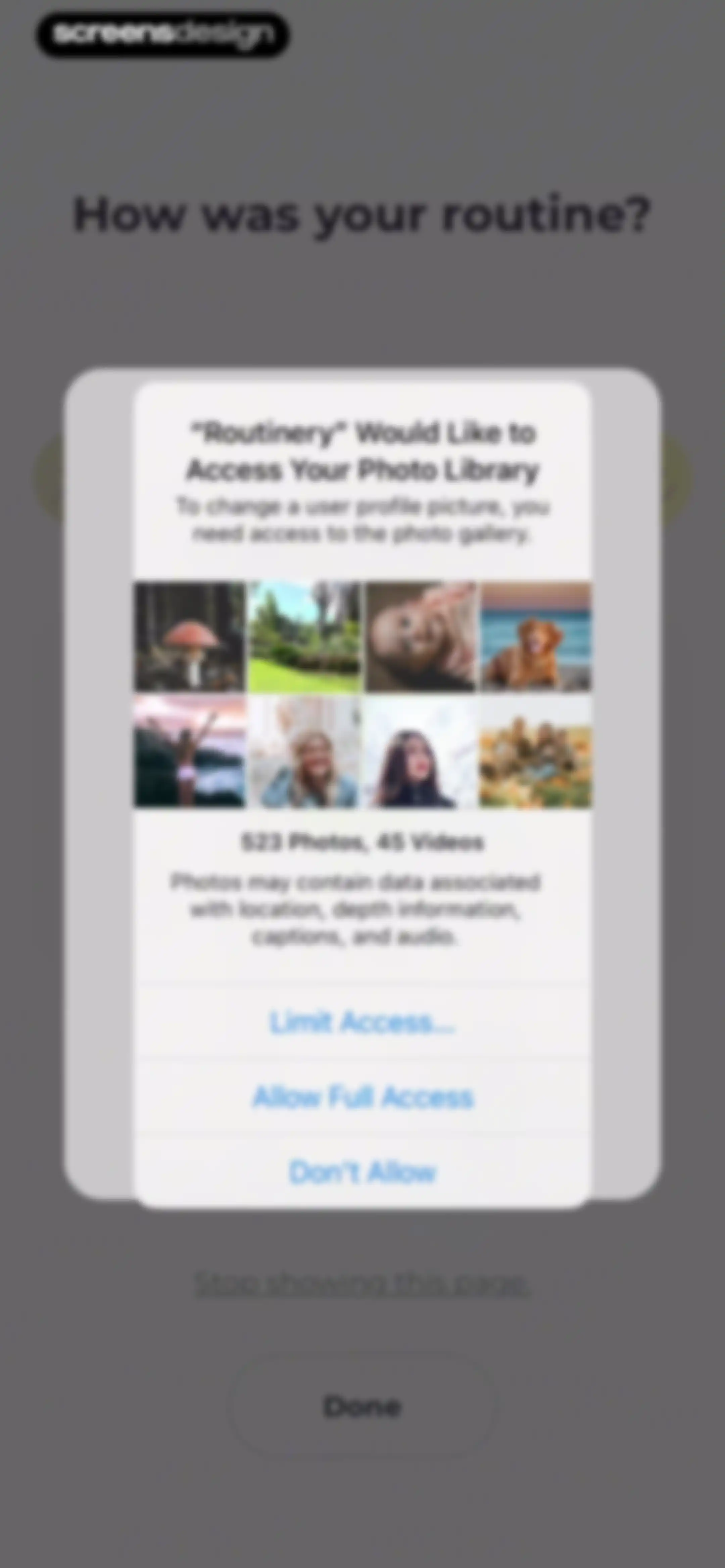
Permission request modal for Routinery asking to access the photo library, with options to allow full access, limit access, or deny.Unlock Pro
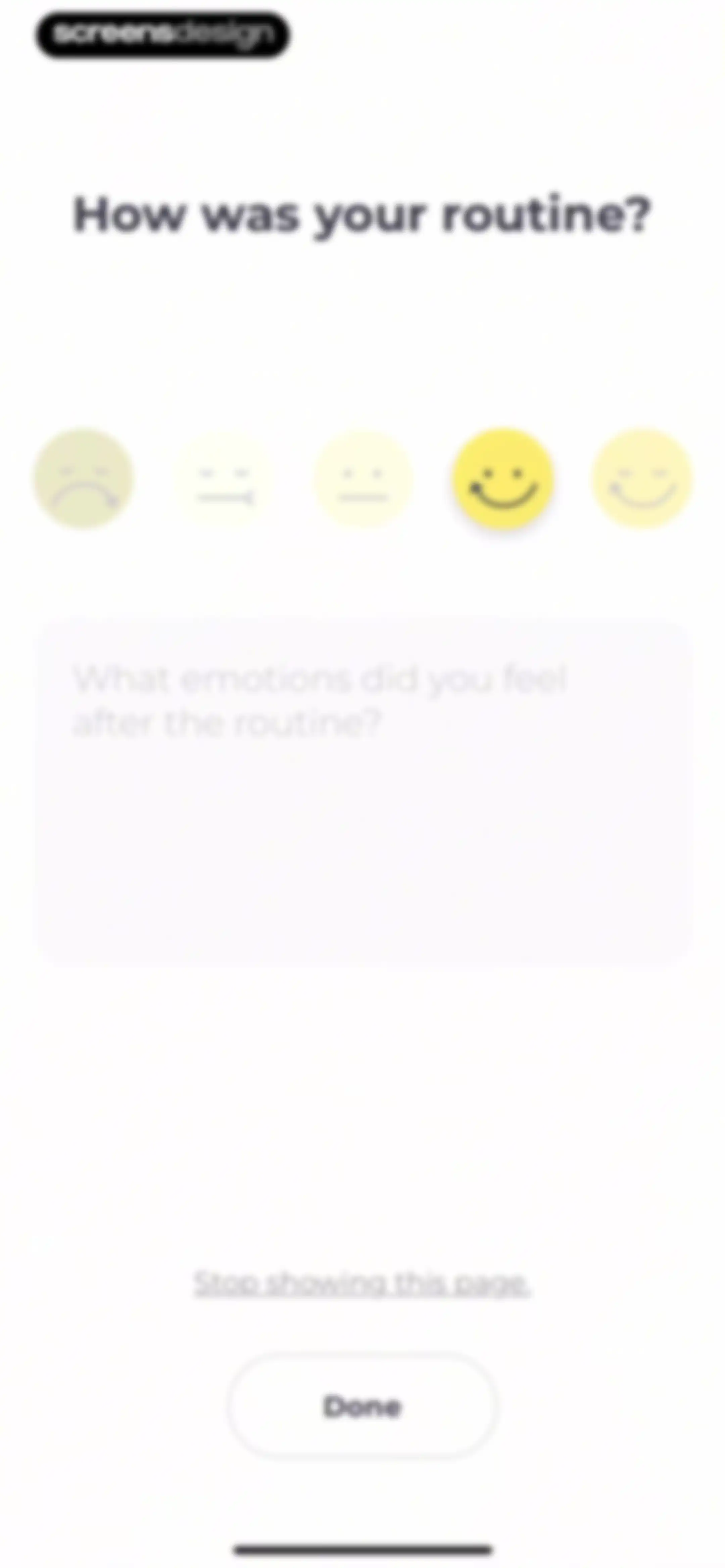
Post-routine feedback form with emoji selectors, a smiling face selected in yellow, a text input area, and a Done button.Unlock Pro
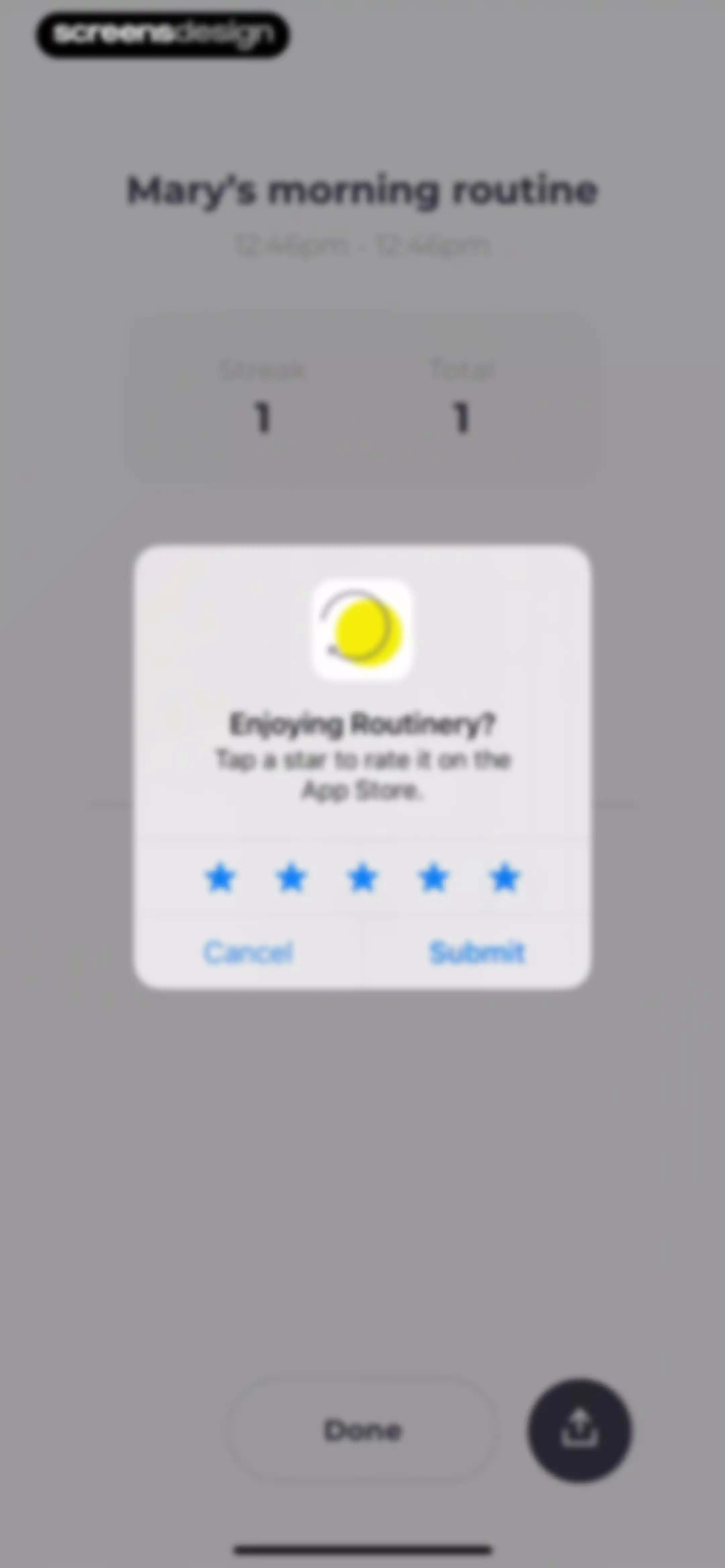
Routinery app rating prompt displayed as a central modal over a routine summary page, featuring star ratings, Cancel, and Submit buttons.Unlock Pro
Feedback modal overlaying a routine completion summary, featuring a five-star rating prompt, Write a Review button, and OK button.Unlock Pro
Routine completion dashboard displaying a stats card, a list of completed tasks with durations, and a Done button.Unlock Pro
Analytics screen for a habit tracking routine displaying current streak statistics, timing averages, and a monthly calendar summary.Unlock Pro
Streak restoration modal with streak statistics, a calendar date selector, a watch ad option, and a restore streak button.Unlock Pro
Modal overlay to restore a habit streak, featuring current streak statistics, a calendar date picker with date 6 selected, and a Restore streak button.Unlock Pro
Achievement modal for a sprouting seed habit milestone, featuring a central illustration, Close button, and Share button.Unlock Pro
Summary modal overlay featuring a habit completion calendar, a legend, and an Okay button.Unlock Pro
Routine history dashboard featuring a monthly calendar for November 2025 and activity statistics cards for the stretch routine.Unlock Pro
Calendar date selection modal displaying November 2025 with a highlighted weekly date range and a bottom action button.Unlock Pro
Task configuration form for a routine titled Stretch your body, featuring duration settings, input cards for context and notes, and a Done button.Unlock Pro
Analytics screen displaying routine streak statistics, averages, and a monthly calendar summary with the Analysis tab selected.Unlock Pro
Analytics screen displaying routine performance metrics, a Streak Saver count, and a November 2025 calendar view.Unlock Pro
Settings screen titled Tab edit with a list of two routine toggles and a Done button at the bottom.Unlock Pro
Note editor screen displaying a routine entry with a yellow smiley face and timestamp under the active Note and Routine tabs.Unlock Pro
Routine note-taking editor displaying a vertical list of tasks with Add buttons and reflection prompts.Unlock Pro
Habit entry form titled Stretch your body with an Exercise text input field, Cancel, and Done buttons.Unlock Pro
Routine dashboard displaying a horizontal calendar strip and a vertical list of scheduled routine cards with play buttons.Unlock Pro
Filter configuration modal with Activated tab selected, Monday tag selected, and Cancel and Apply buttons.Unlock Pro
Productivity app empty state screen displaying a greeting, filter bar, date strip, and a message stating no routine matches the filter.Unlock Pro
Filter settings modal with Today selected, a Monday tag, a Show Completed toggle, and Cancel and Apply buttons.Unlock Pro
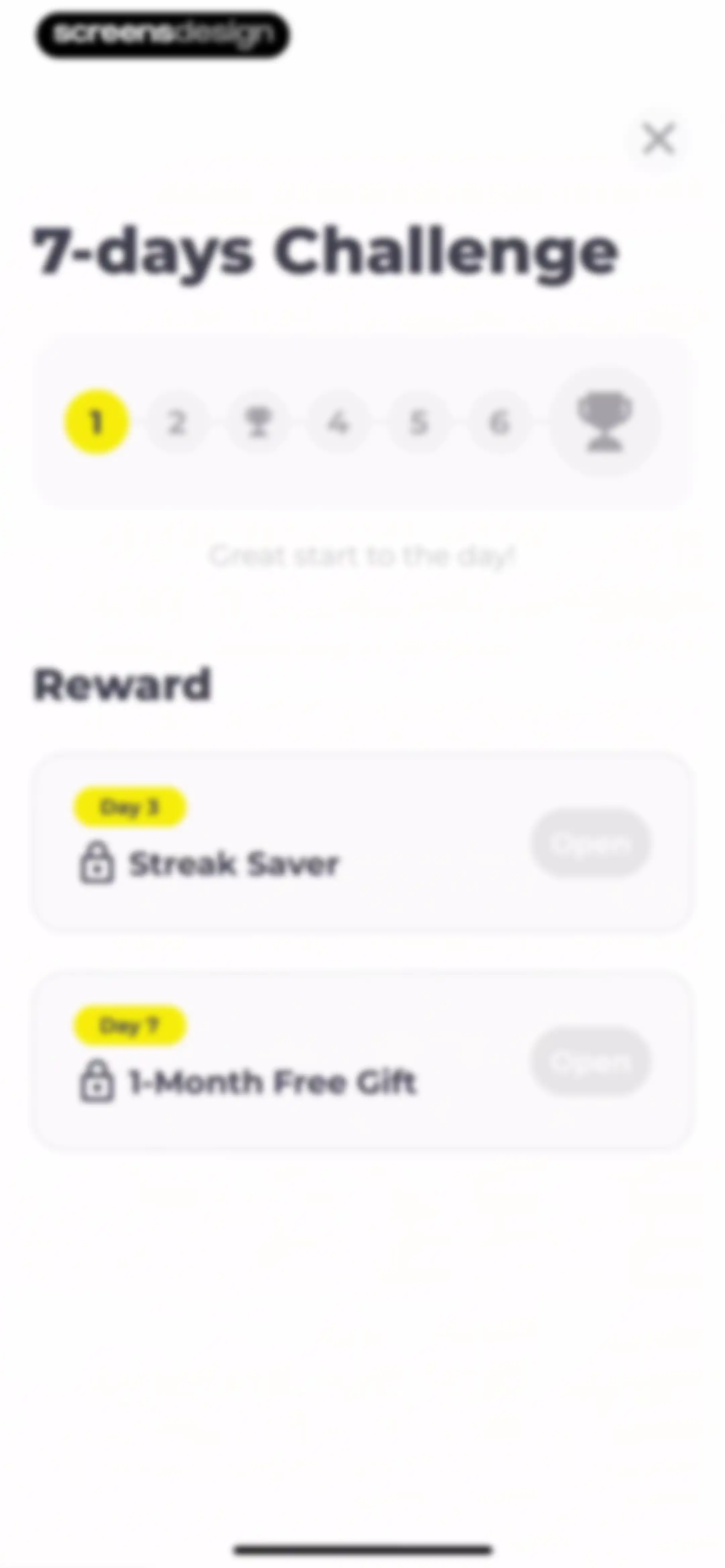
Challenge progress screen displaying a progress tracker and two locked reward cards with disabled Open buttons.Unlock Pro
Mindfulness routine screen with a centered breathing circle, an Inhale prompt, and Skip and Cancel options.Unlock Pro
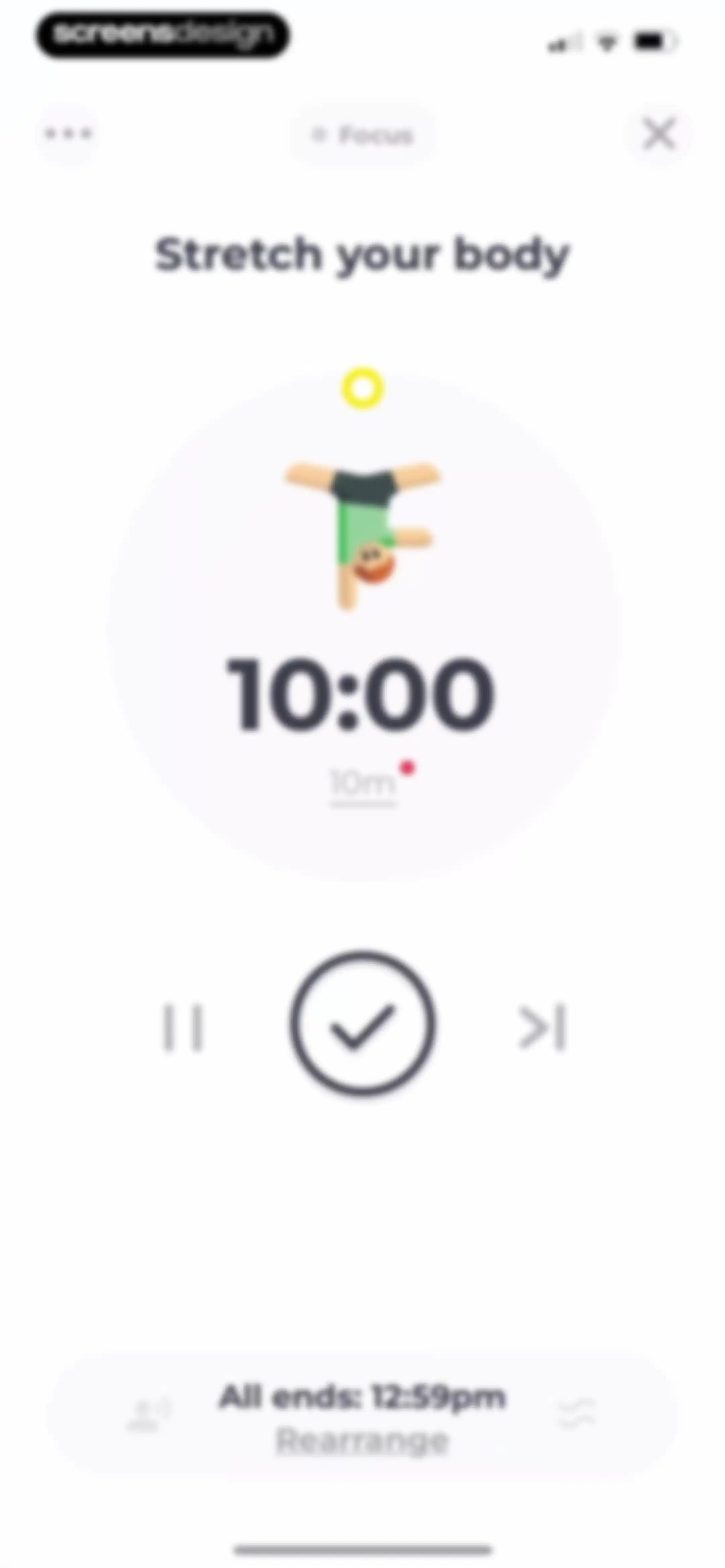
Timer screen showing a ten-minute countdown for stretching with playback controls and a completion button.Unlock Pro
Task management modal asking whether to skip the current routine task, with options to rearrange order or move to the end.Unlock Pro
Task completion screen featuring a centered check mark button surrounded by floating green dots on a plain white background.Unlock Pro
Success message screen displaying centered text that reads Achieved a 1-day streak on a plain background.Unlock Pro
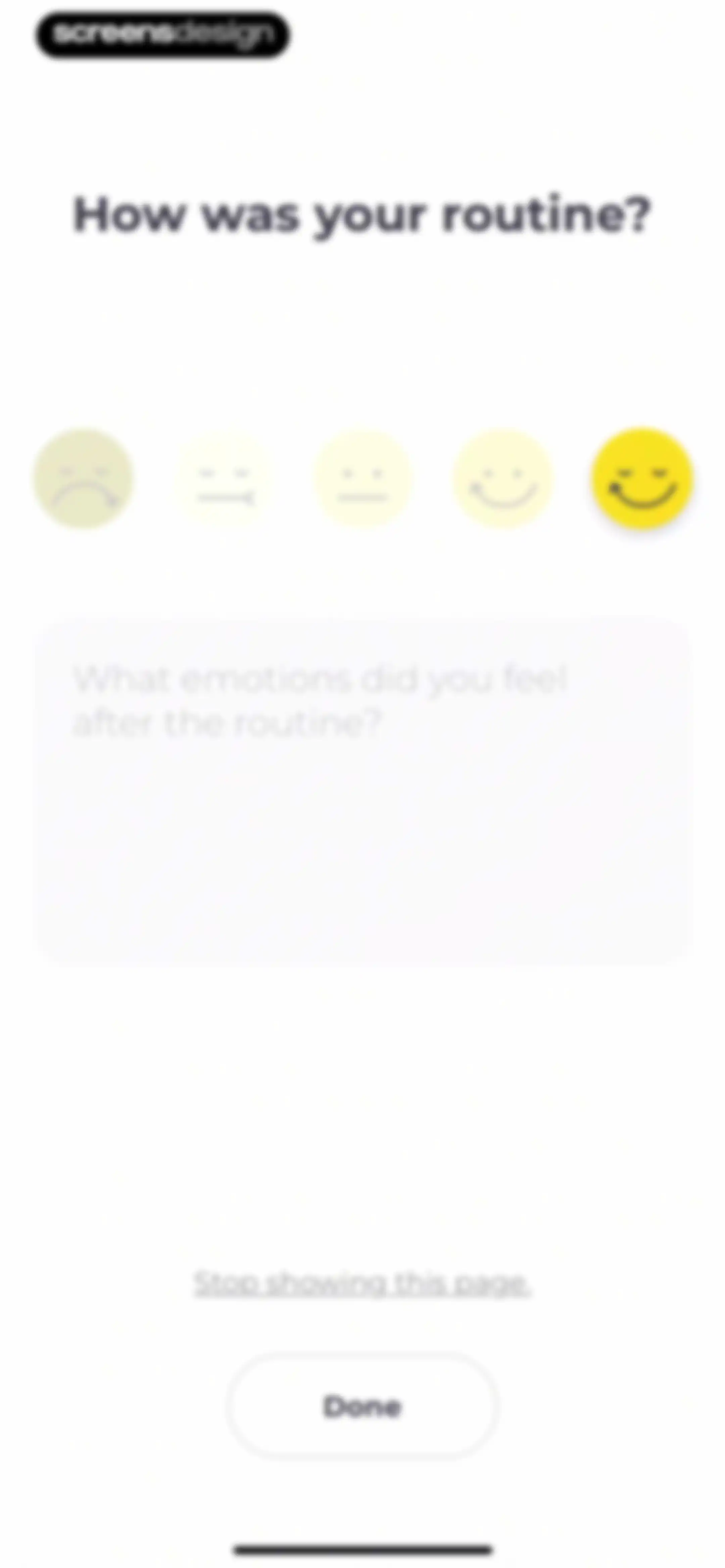
Post-routine feedback form asking about emotions, with a selected happy emoji, an empty text input area, and a Done button.Unlock Pro
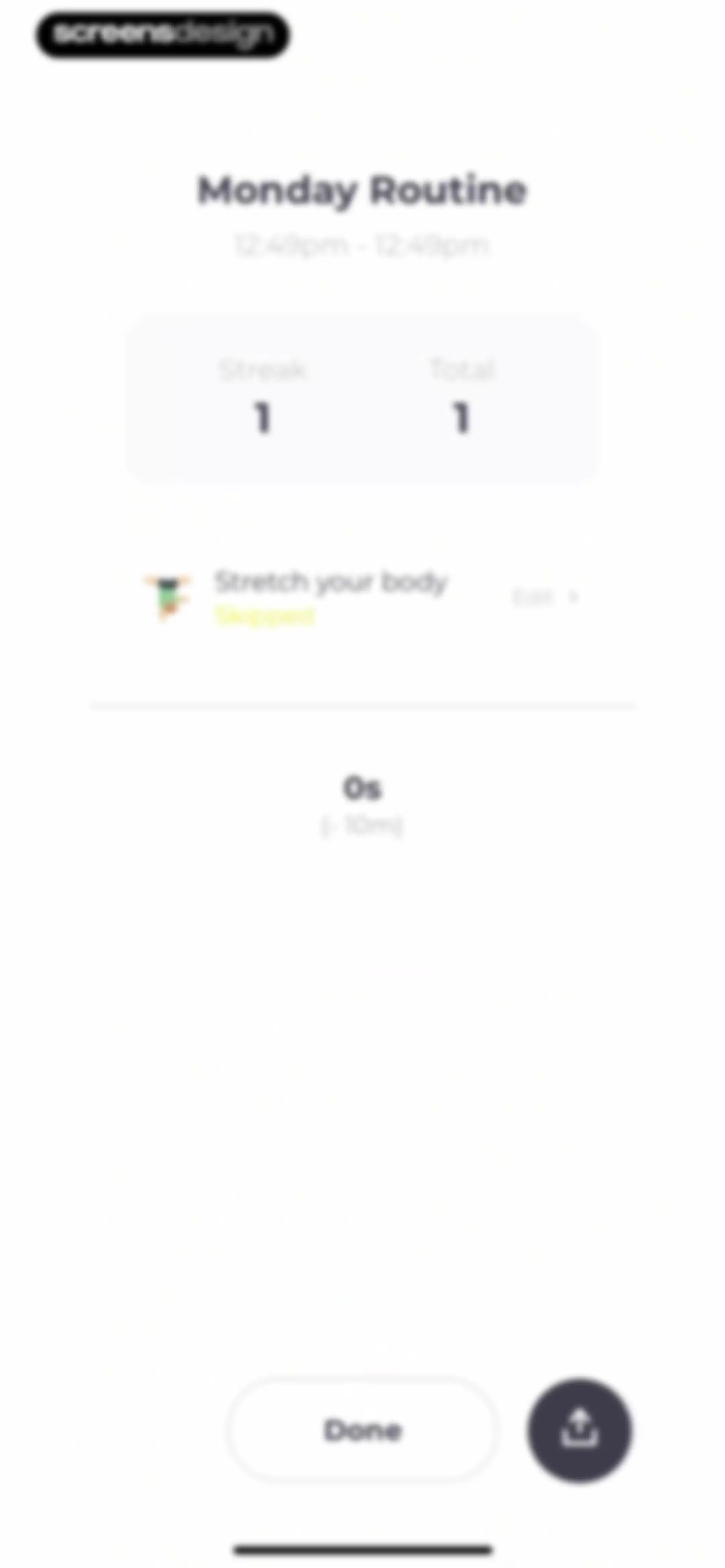
Routine summary dashboard displaying Monday Routine metrics, a skipped task row, a zero-second timer, and a Done button.Unlock Pro
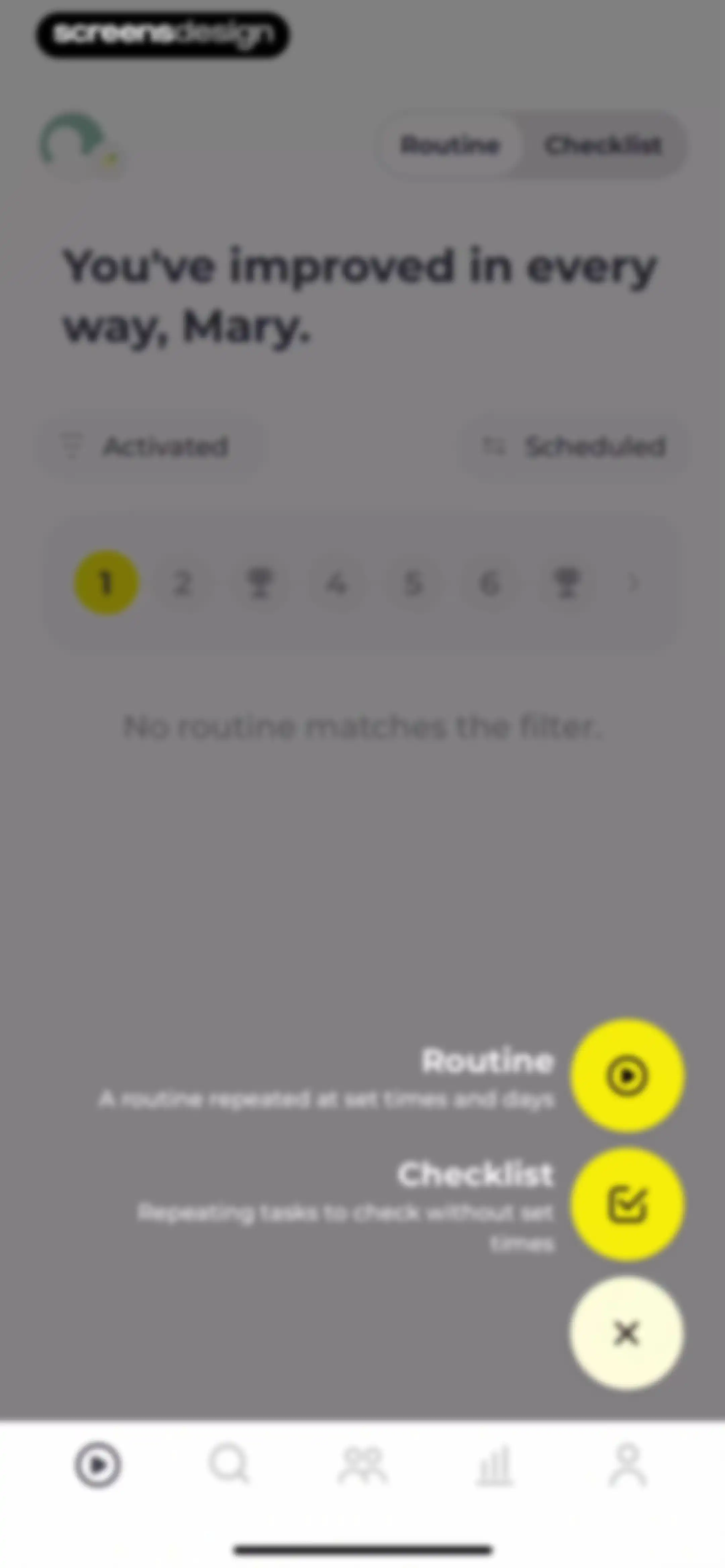
Home dashboard for a routine tracker displaying an empty state message, a progress tracker, and an expanded floating action menu.Unlock Pro
Routine configuration form with repeat schedule, start time, reminder settings, and a Done button.Unlock Pro
Routine empty state screen with a central add button and a list of suggested tasks below.Unlock Pro
Routine dashboard displaying active tasks with durations, a next task placeholder, suggested activities, and a bottom action bar with a play button.Unlock Pro
Share routine modal with a routine preview card and a Share button.Unlock Pro
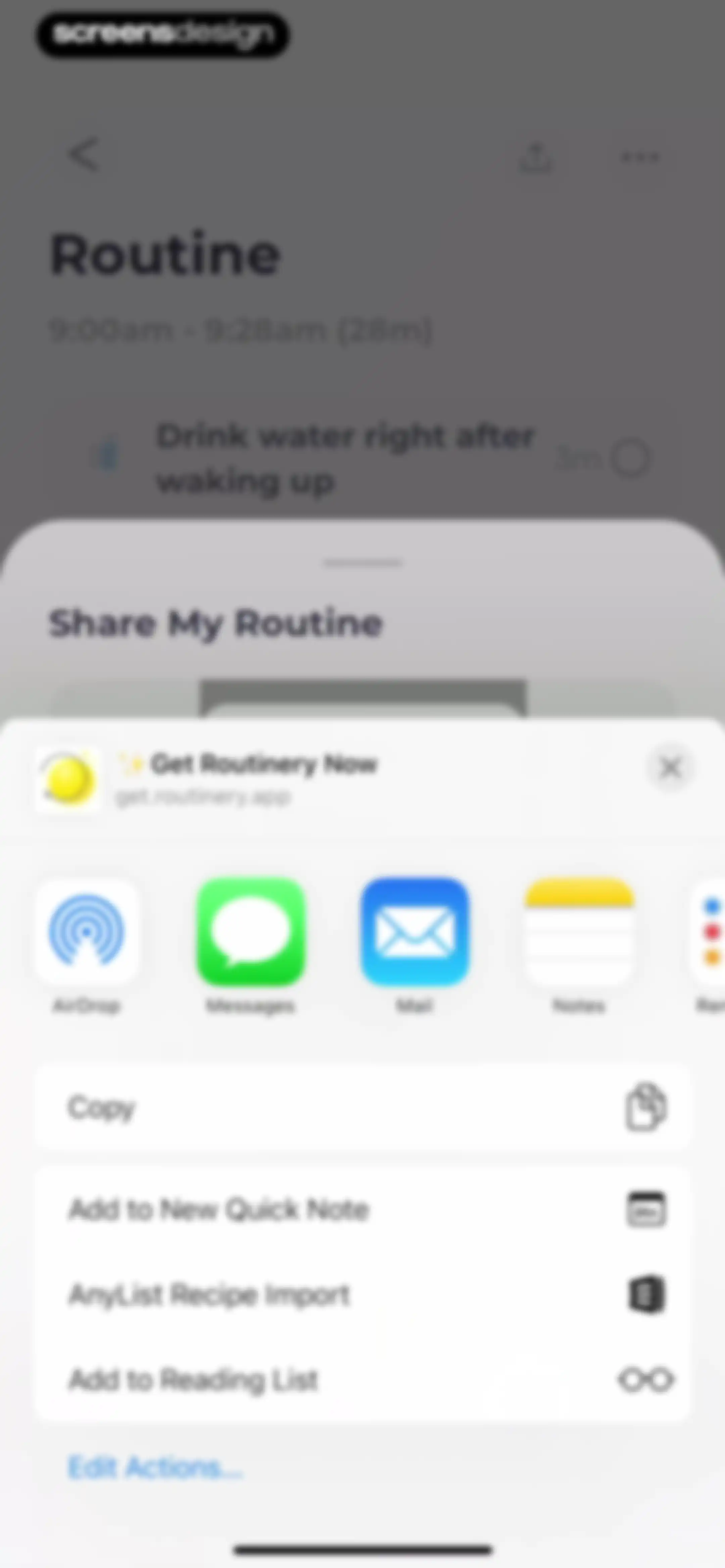
iOS share sheet overlaying a Routinery app routine view with options to share via apps and list actions.Unlock Pro
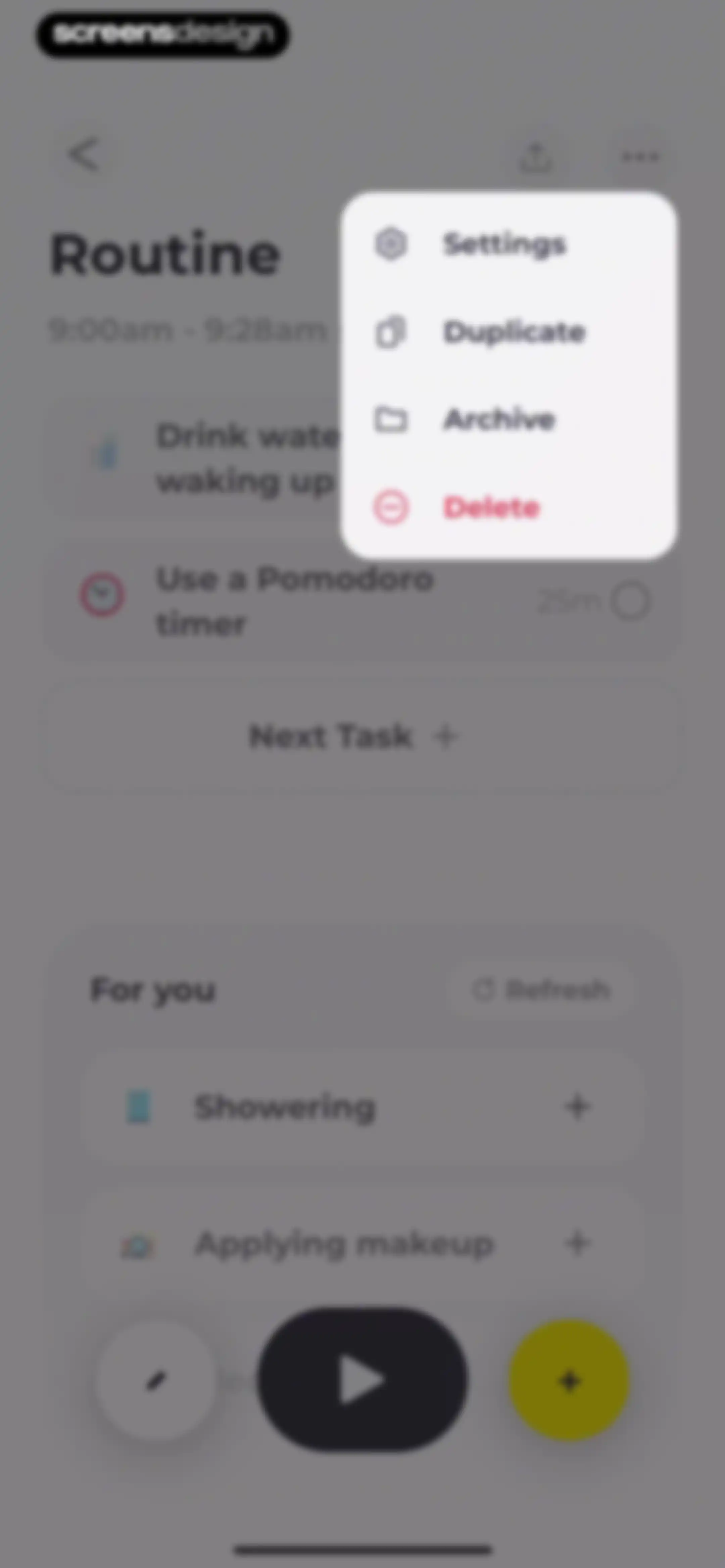
Routine dashboard displaying timed tasks, a 'For you' suggestion section, and an open modal menu with options to duplicate, archive, or delete.Unlock Pro
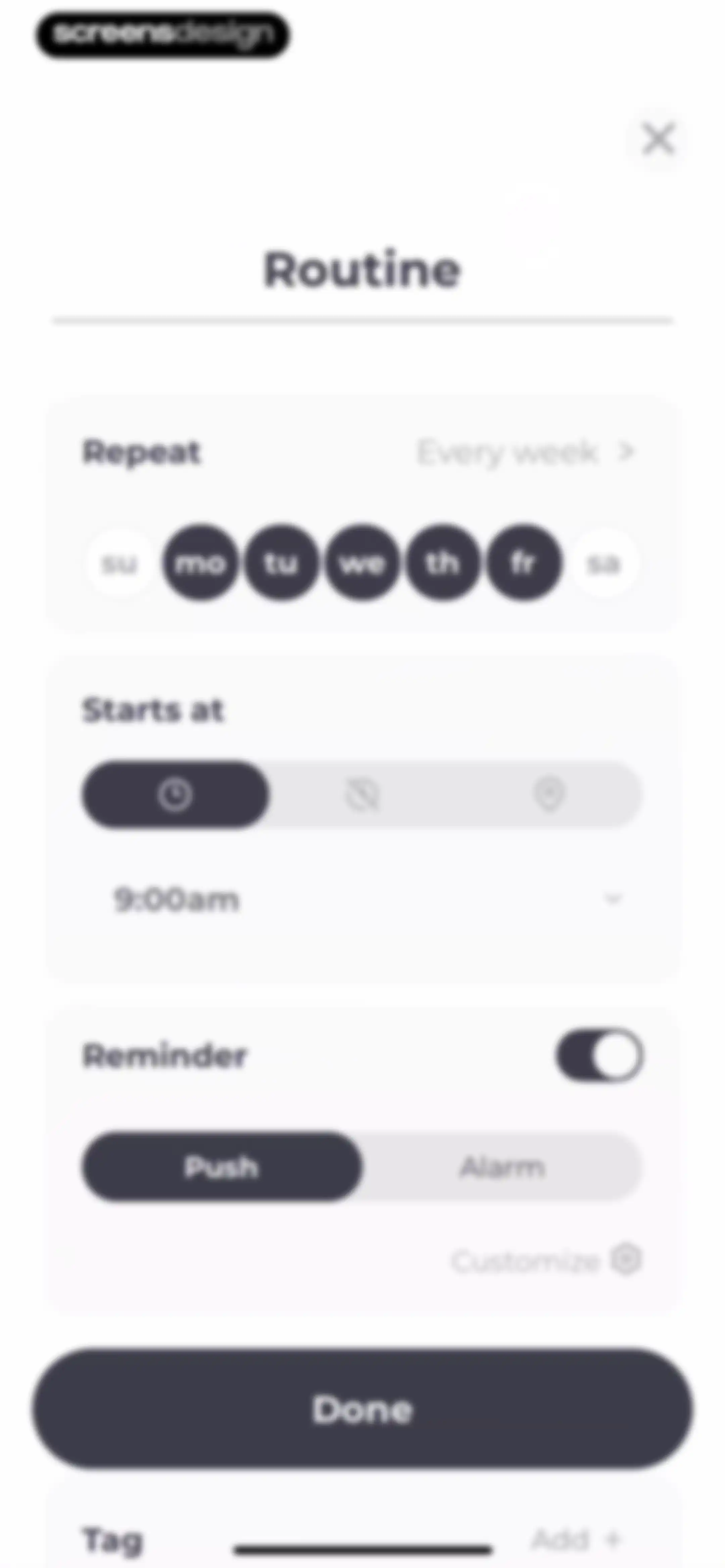
Routine configuration modal with repeat, start time, reminder, and tag settings, featuring a Done button.Unlock Pro
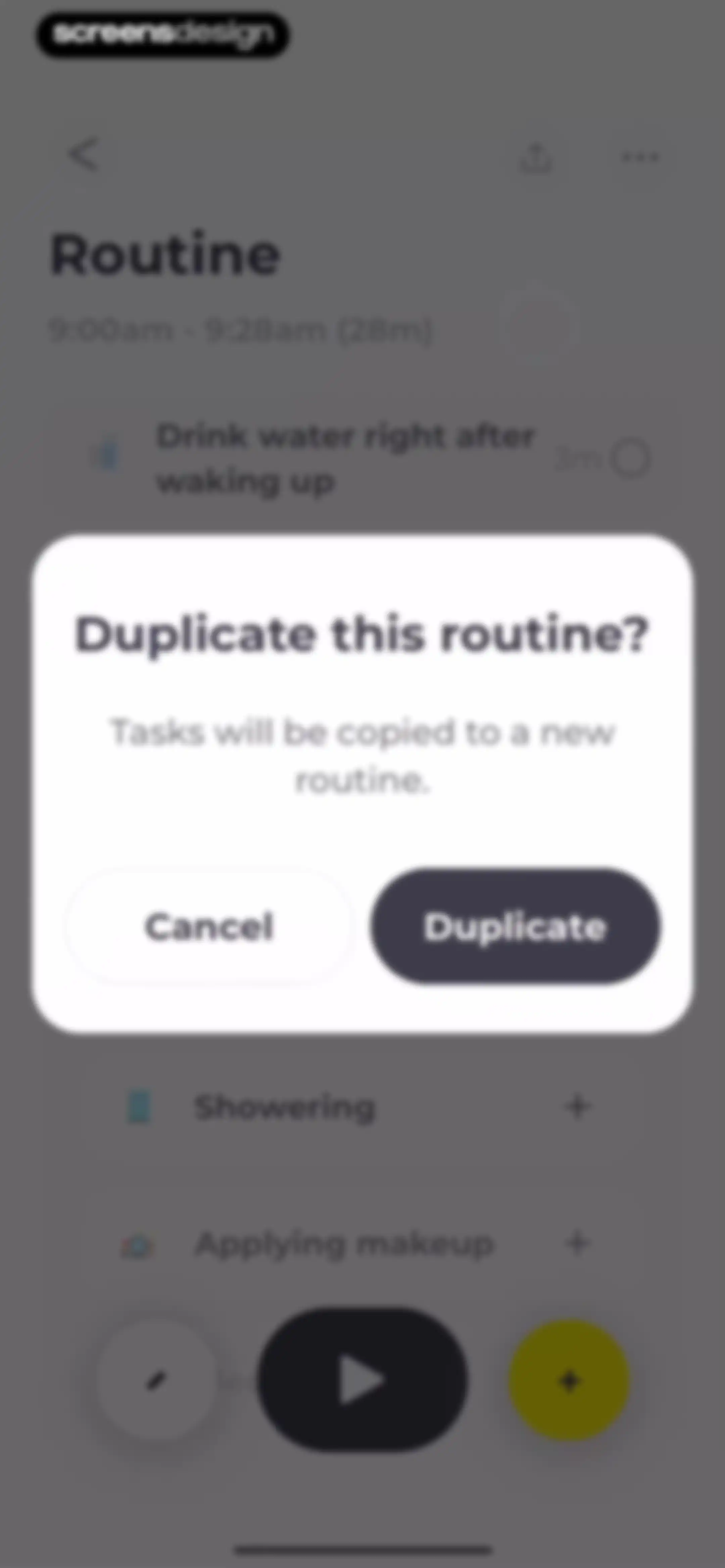
Routine detail page with a duplicate confirmation modal overlaid, featuring Cancel and Duplicate buttons.Unlock Pro
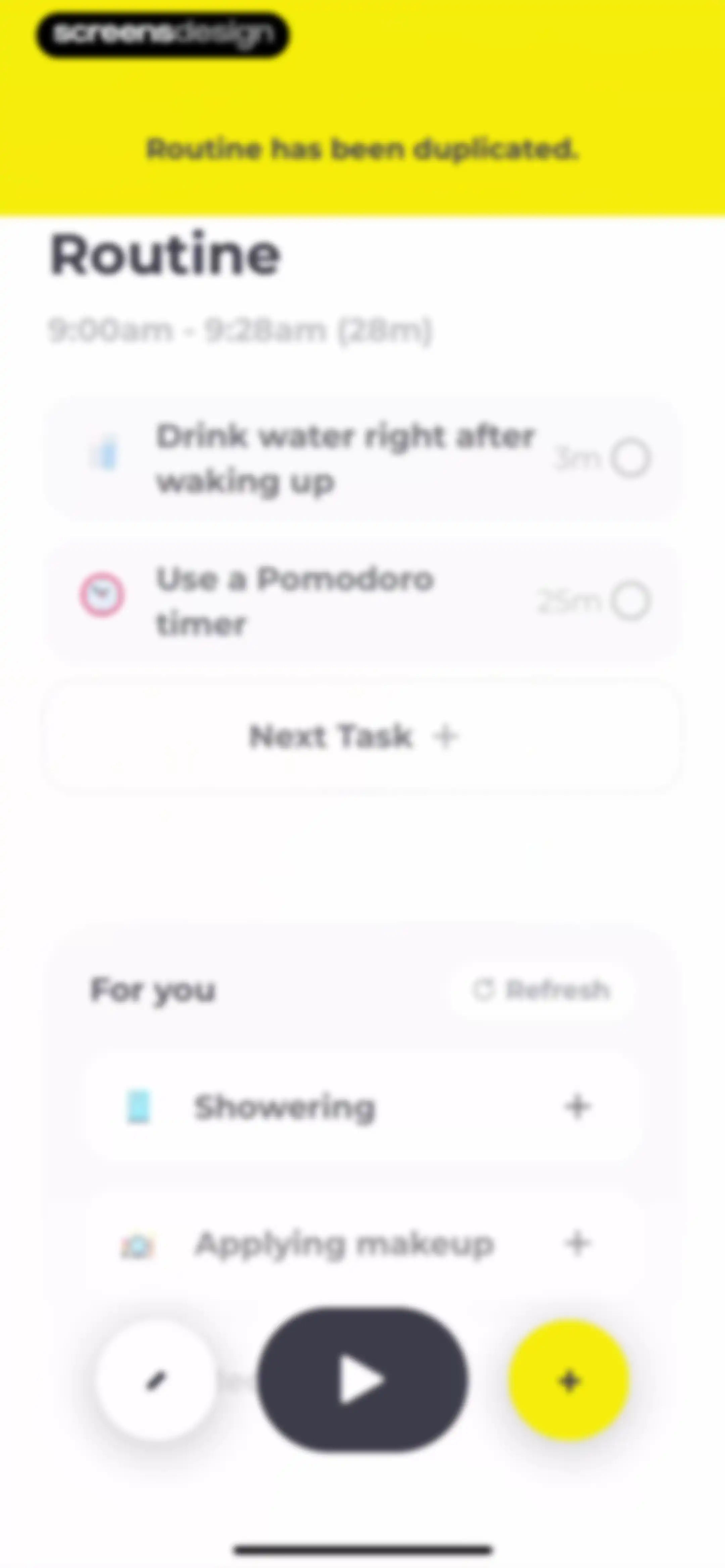
Routine dashboard displaying a duplicated task list with a duplication confirmation banner, suggested tasks, and a bottom floating action bar.Unlock Pro
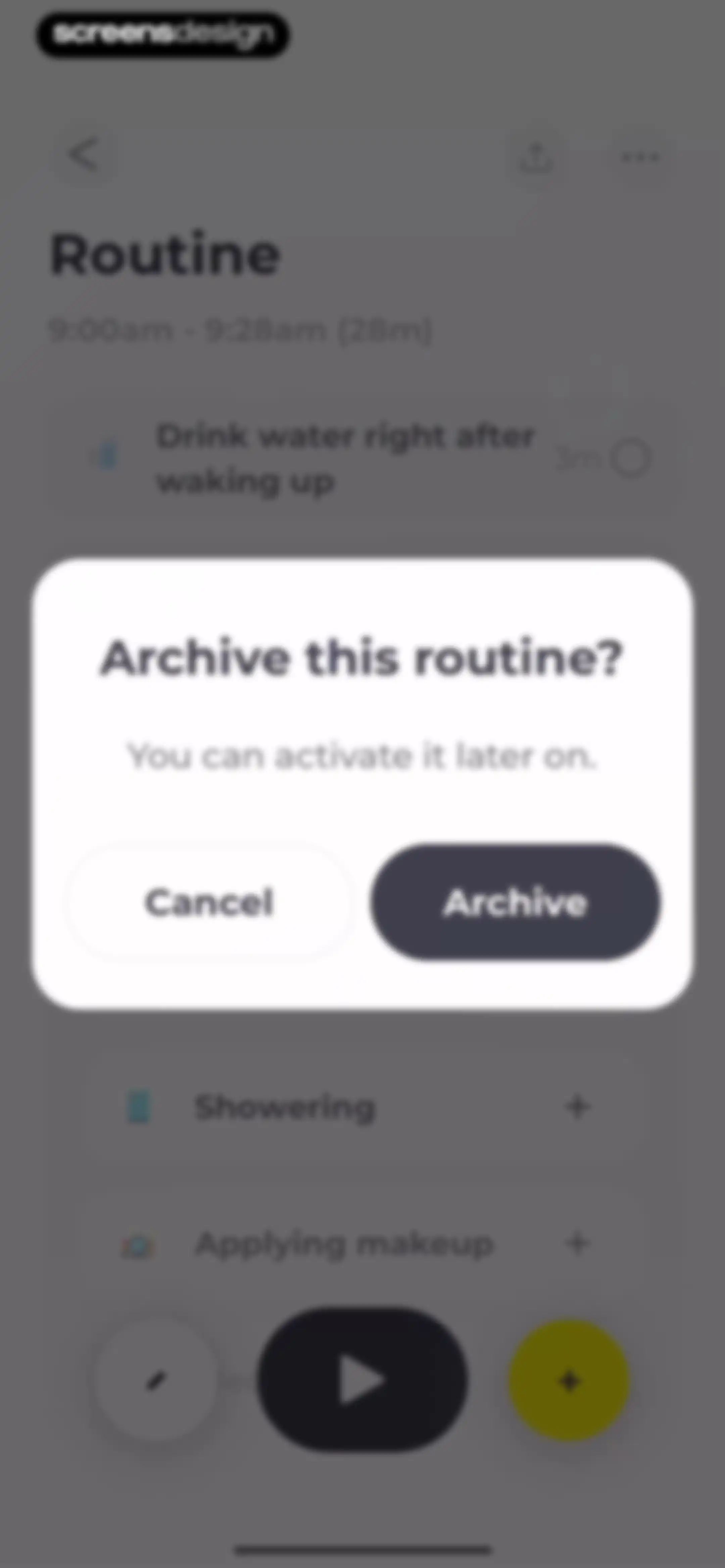
Routine management screen with a confirmation modal asking to archive the routine, featuring Cancel and Archive buttons.Unlock Pro
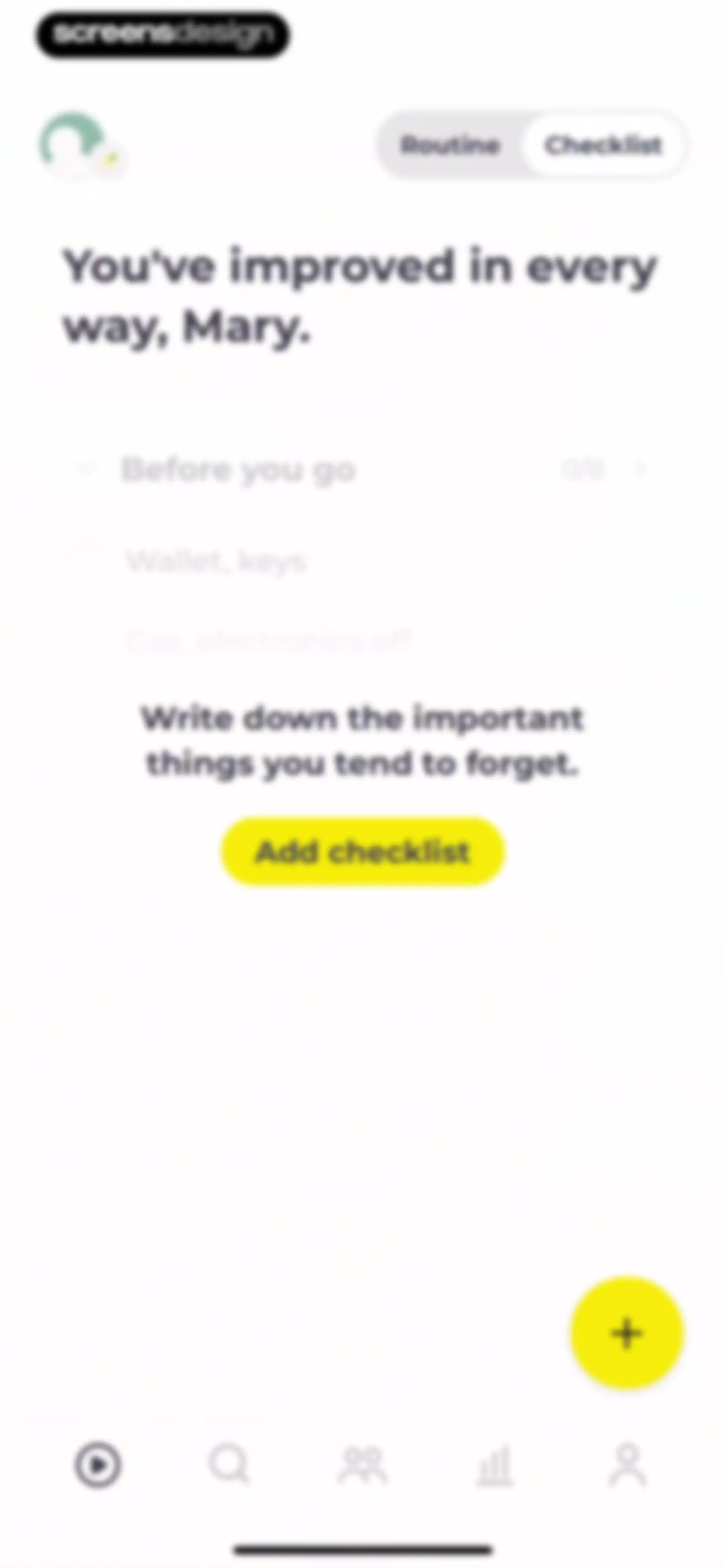
Dashboard with the Checklist tab selected, displaying a progress indicator, an encouraging greeting, and an Add checklist button.Unlock Pro
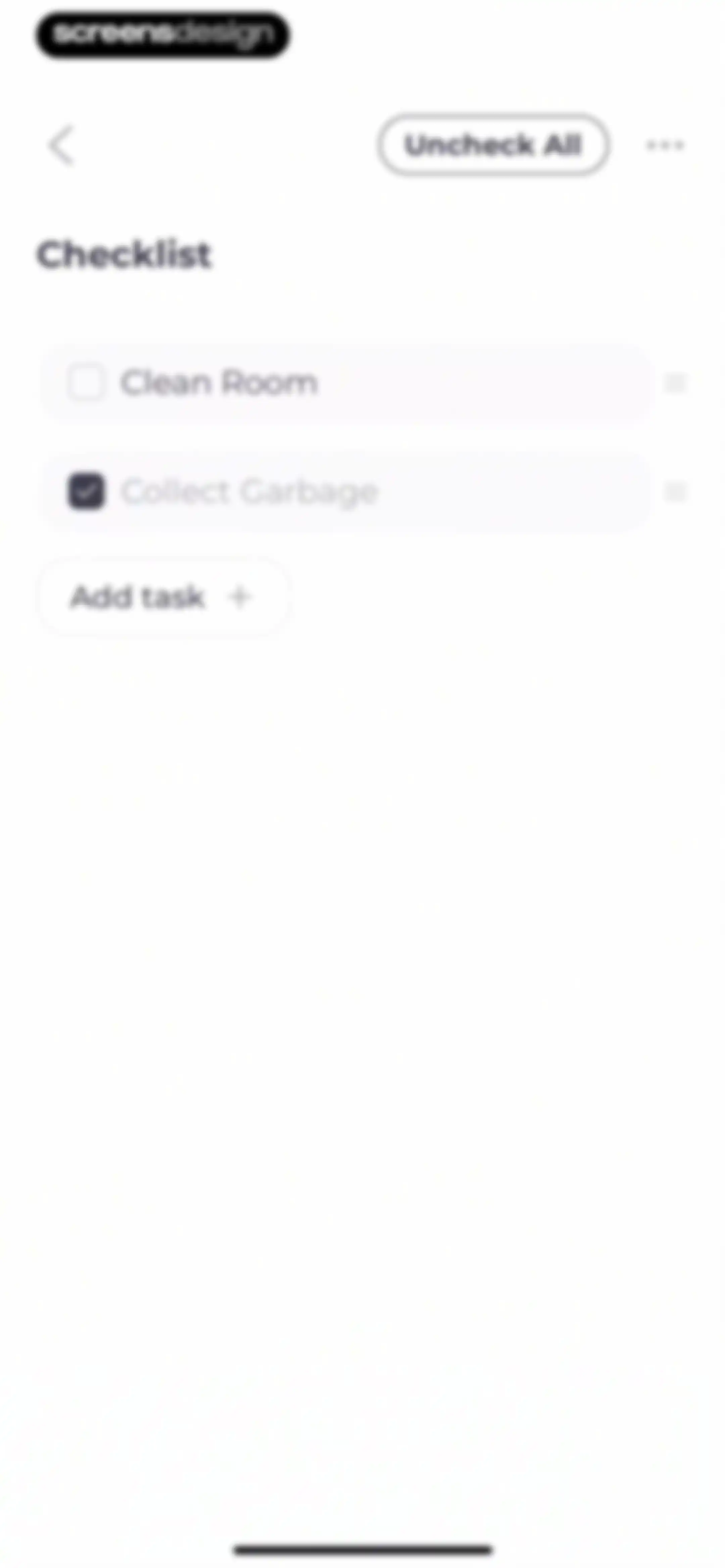
Checklist screen displaying a list of tasks with completion checkboxes, an Uncheck All button, and an Add task button.Unlock Pro
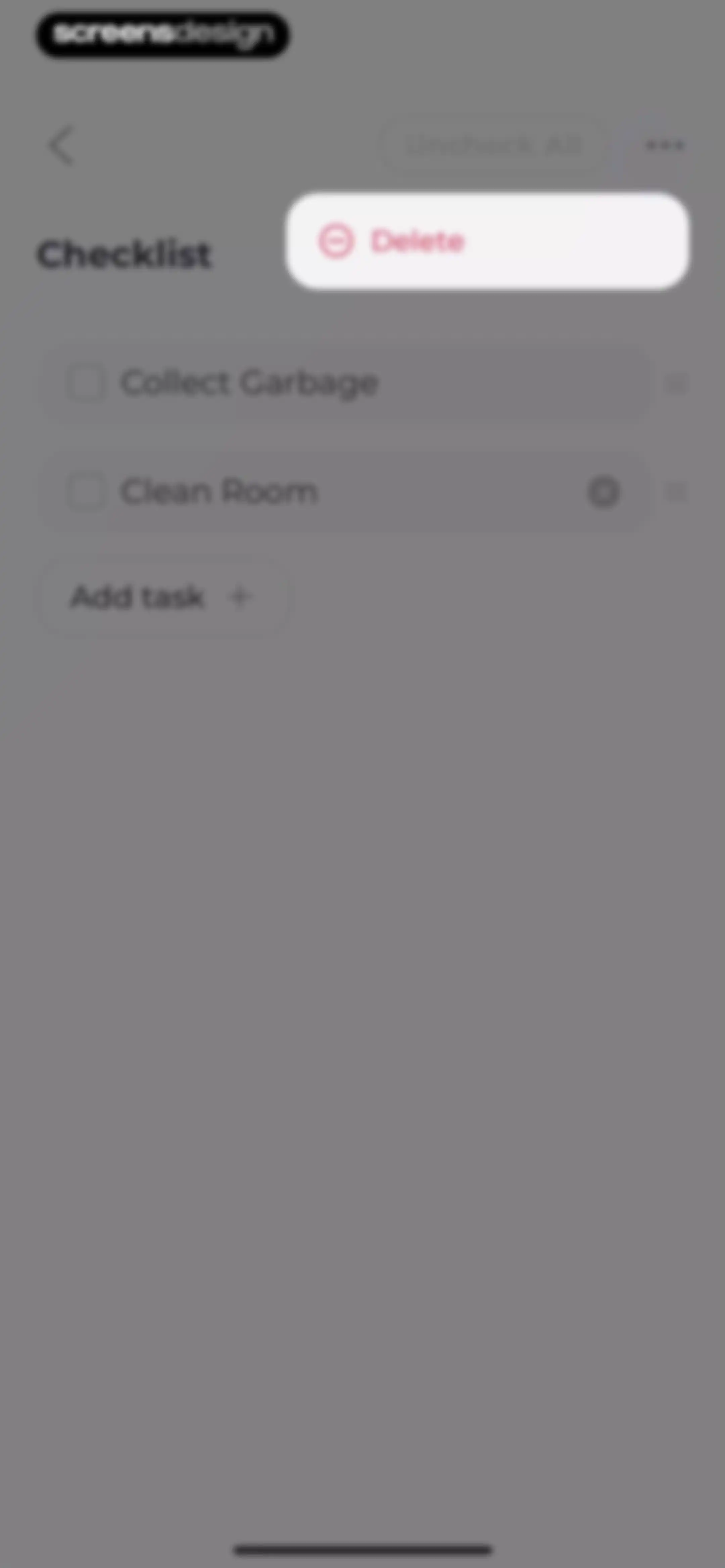
Checklist editor listing tasks like Collect Garbage and Clean Room, with an Uncheck All button and a Delete action.Unlock Pro
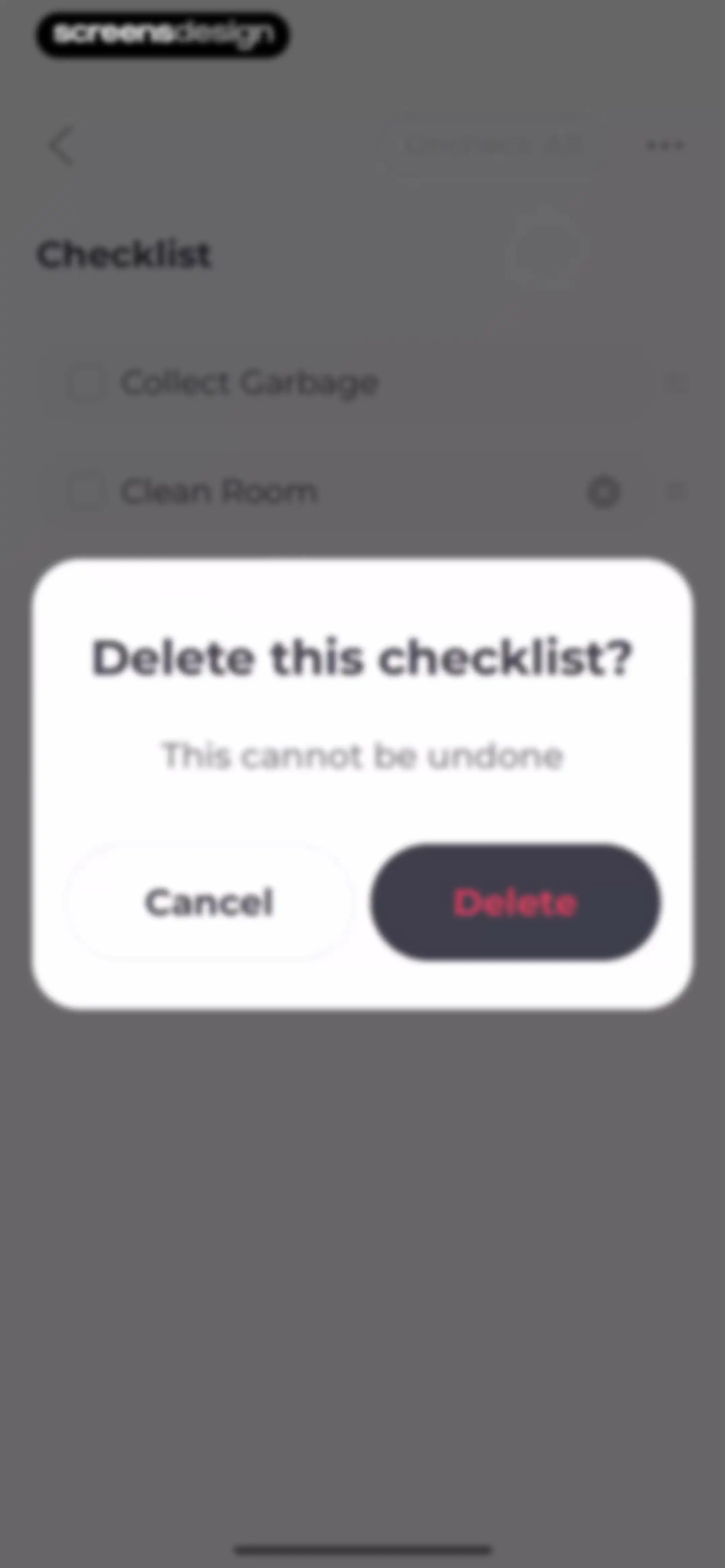
Checklist deletion confirmation modal with a warning message and Cancel and Delete buttons overlaid on a task list.Unlock Pro
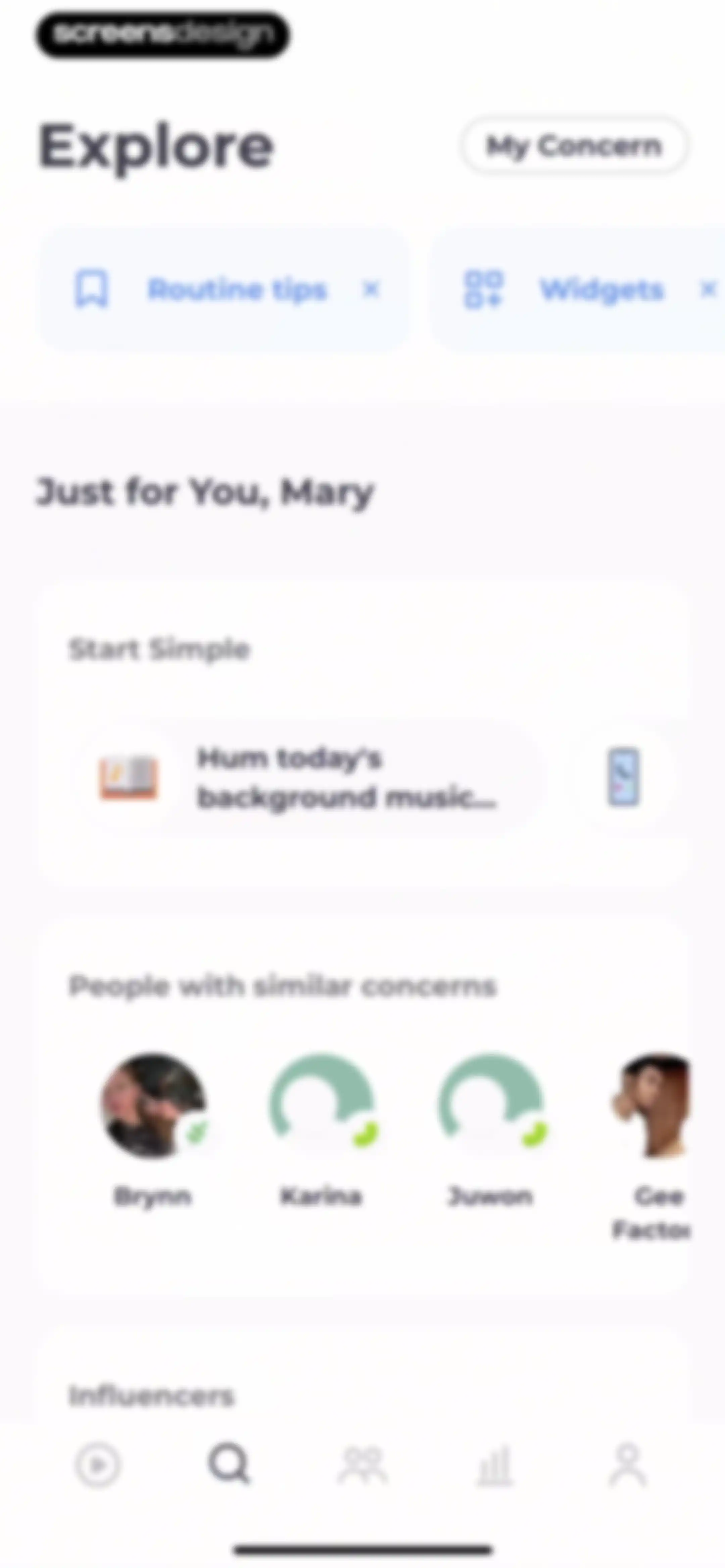
Explore dashboard with personalized routine tips, a Start Simple task card, and a community list of people with similar concerns.Unlock Pro
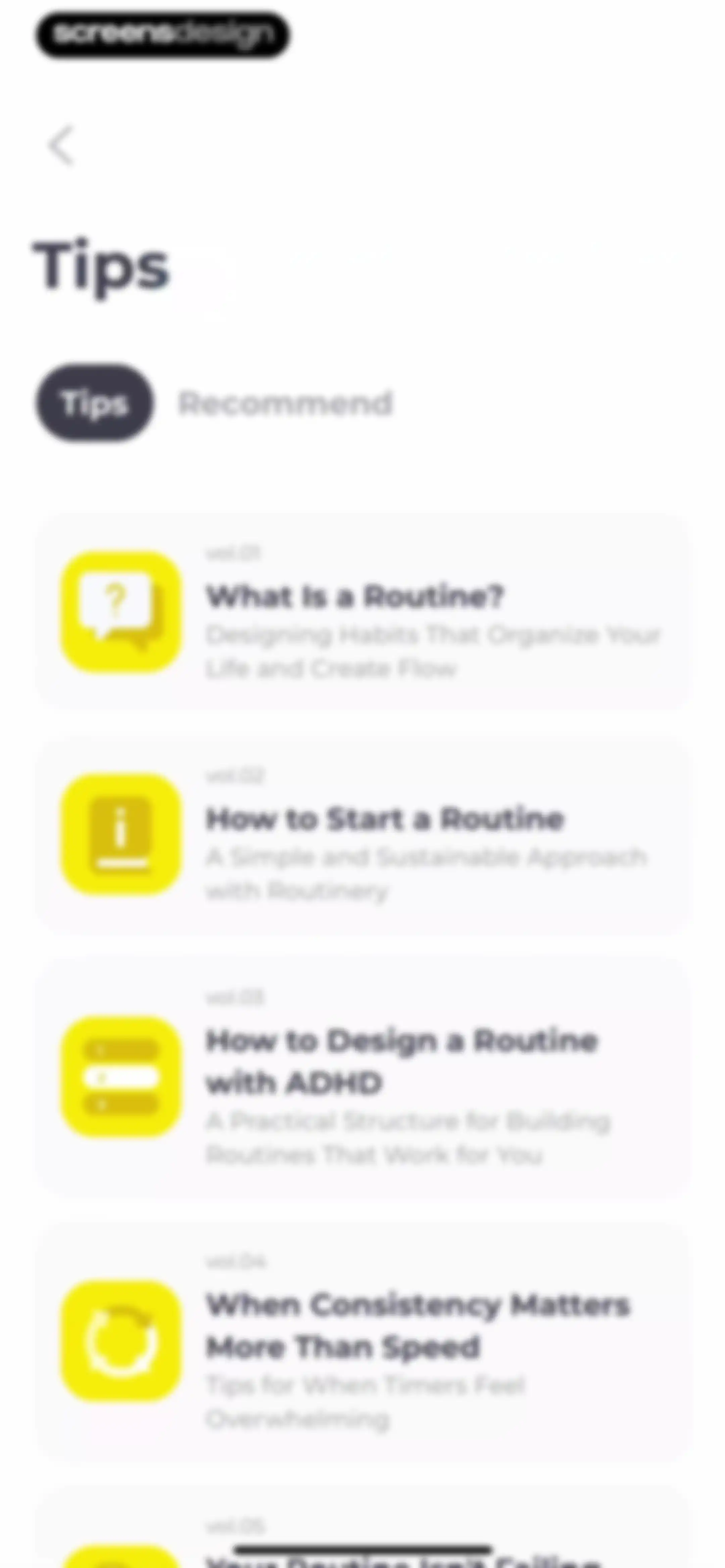
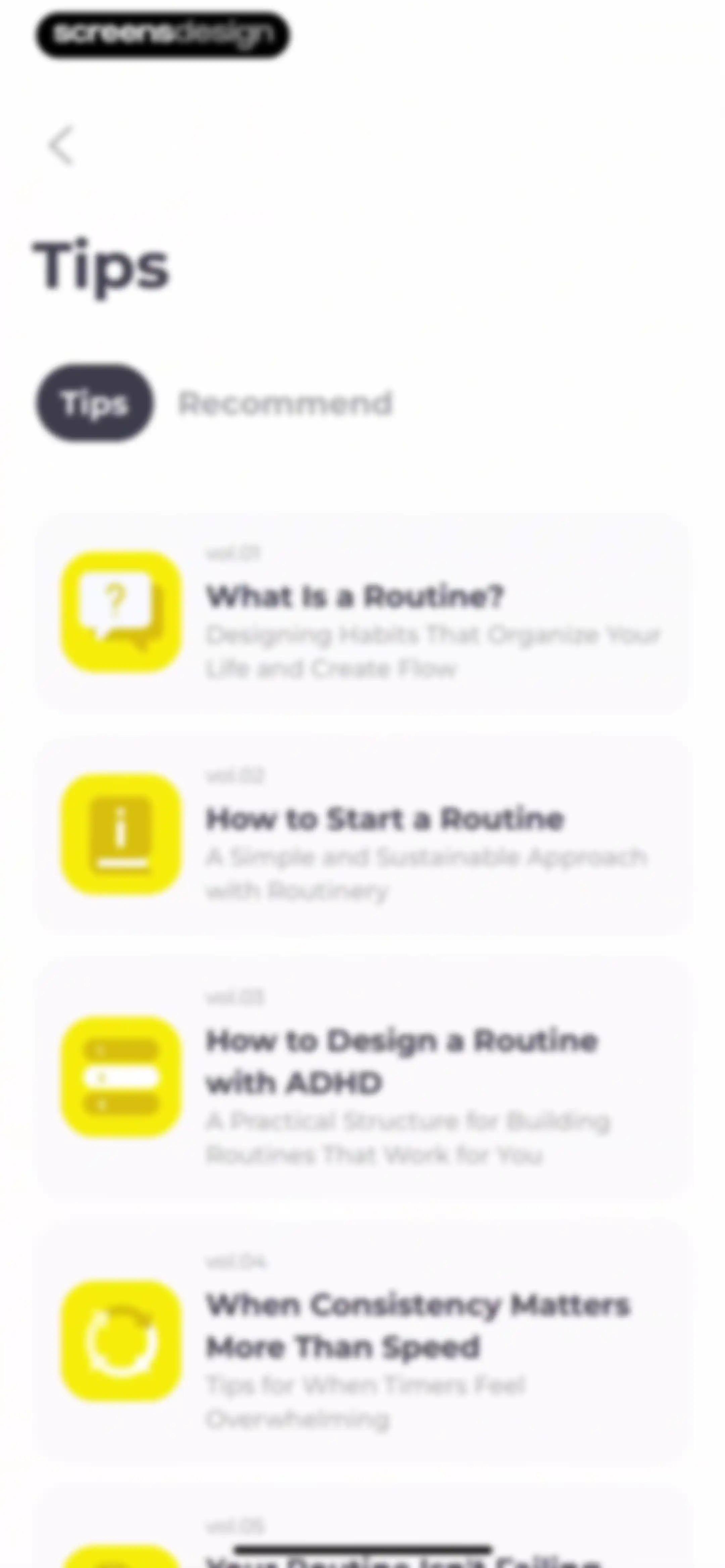
Content feed displaying educational habit and routine guides with the Tips tab selected and a list of article cards.Unlock Pro
Routinery educational onboarding screen defining what a routine is with text and a top question mark illustration.Unlock Pro
Content feed displaying productivity and habit-building resource cards with the Recommend tab selected.Unlock Pro
Widget selection screen displaying a grid of routine preview cards and a Widget Tutorial button.Unlock Pro
Routine sharing screen with an info box explaining link timers, followed by a vertical list of routine cards and Copy buttons.Unlock Pro
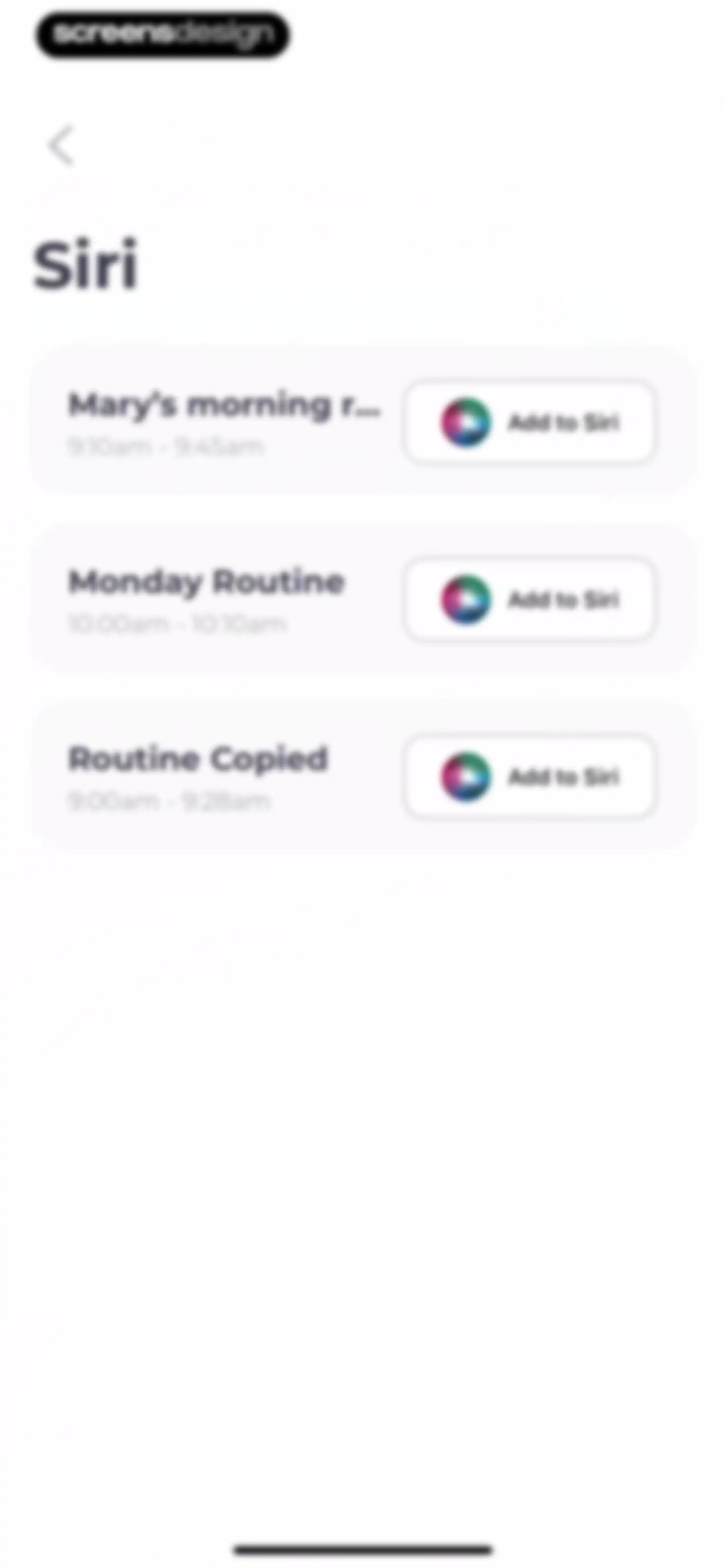
Siri integration settings listing three routines, each featuring a time range and an Add to Siri button.Unlock Pro
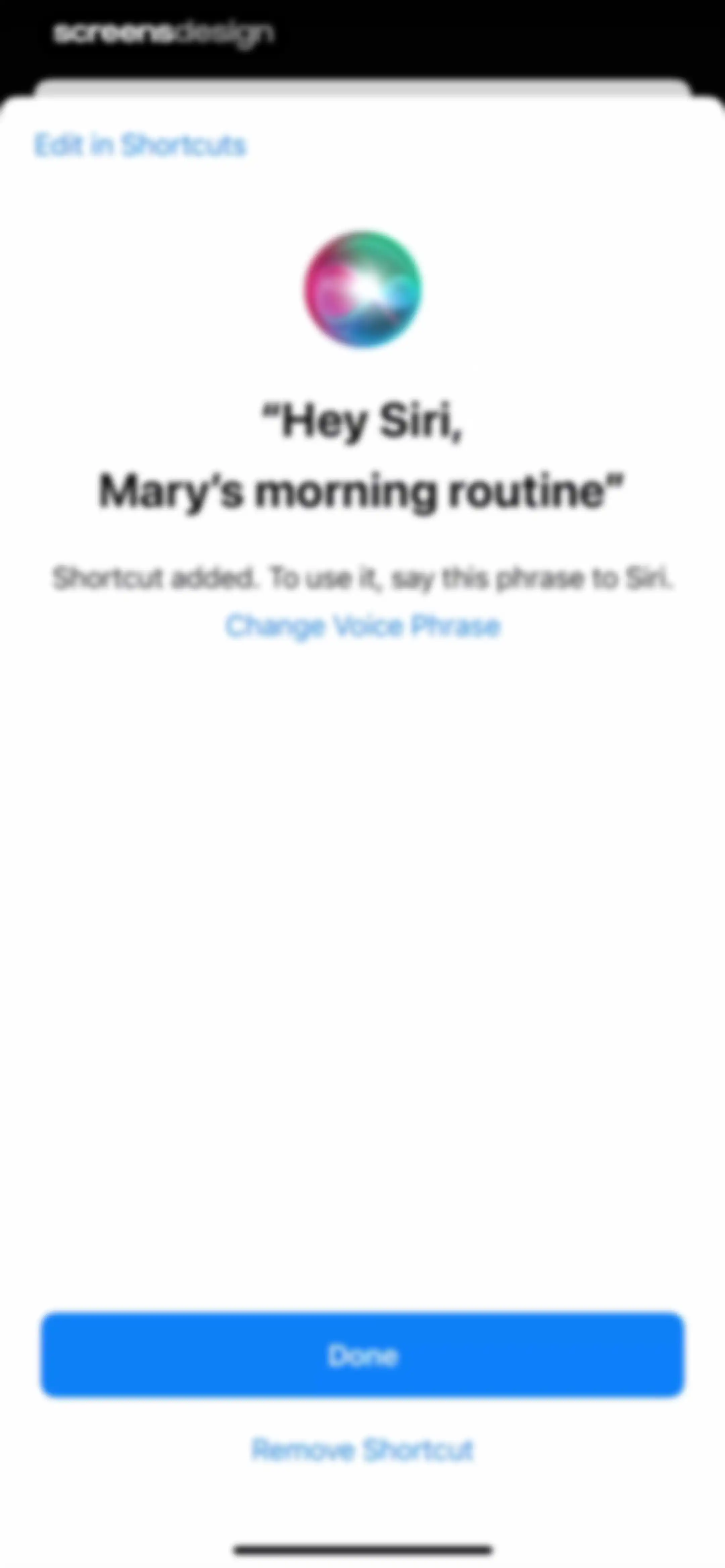
Siri shortcut confirmation modal displaying the added voice phrase, a Done button, and options to edit or remove the shortcut.Unlock Pro
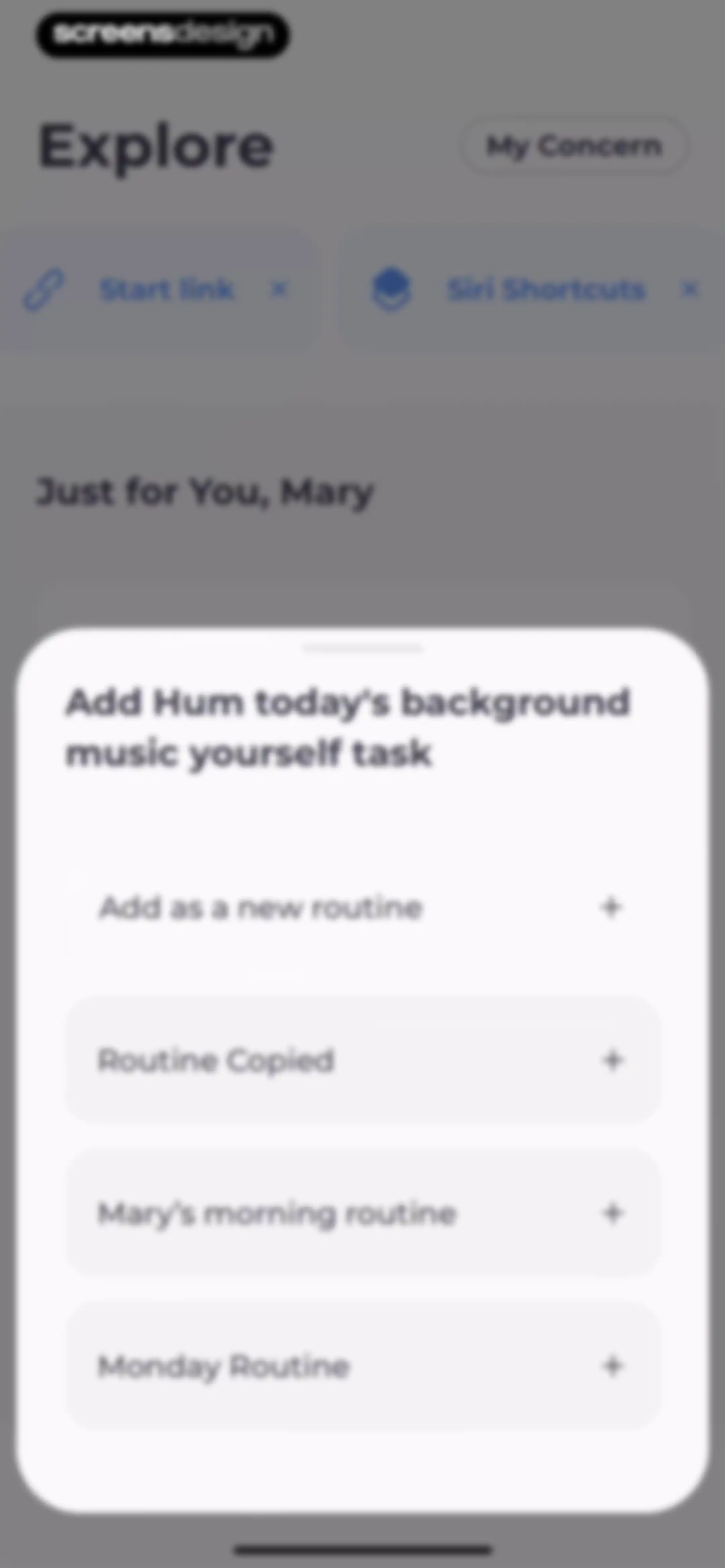
Task assignment modal displaying a list of routine options with an Add as a new routine button.Unlock Pro
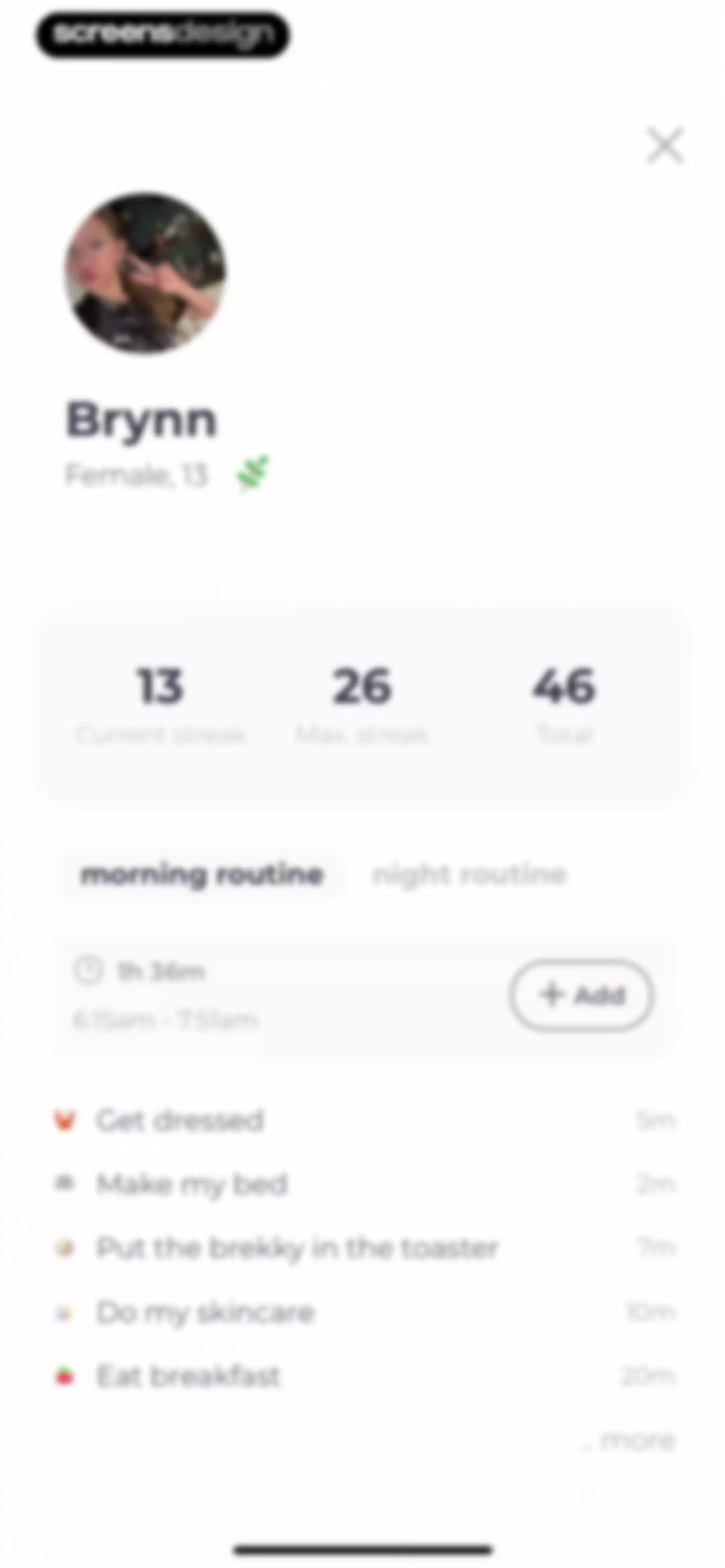
User profile and routine dashboard displaying streak statistics, a selected morning routine with a duration summary, and a list of daily tasks.Unlock Pro
Task selection modal for a morning routine with a list of tasks and an Add All button.Unlock Pro
Routine configuration modal with settings for repeat frequency, start time, reminders, and a Done button.Unlock Pro
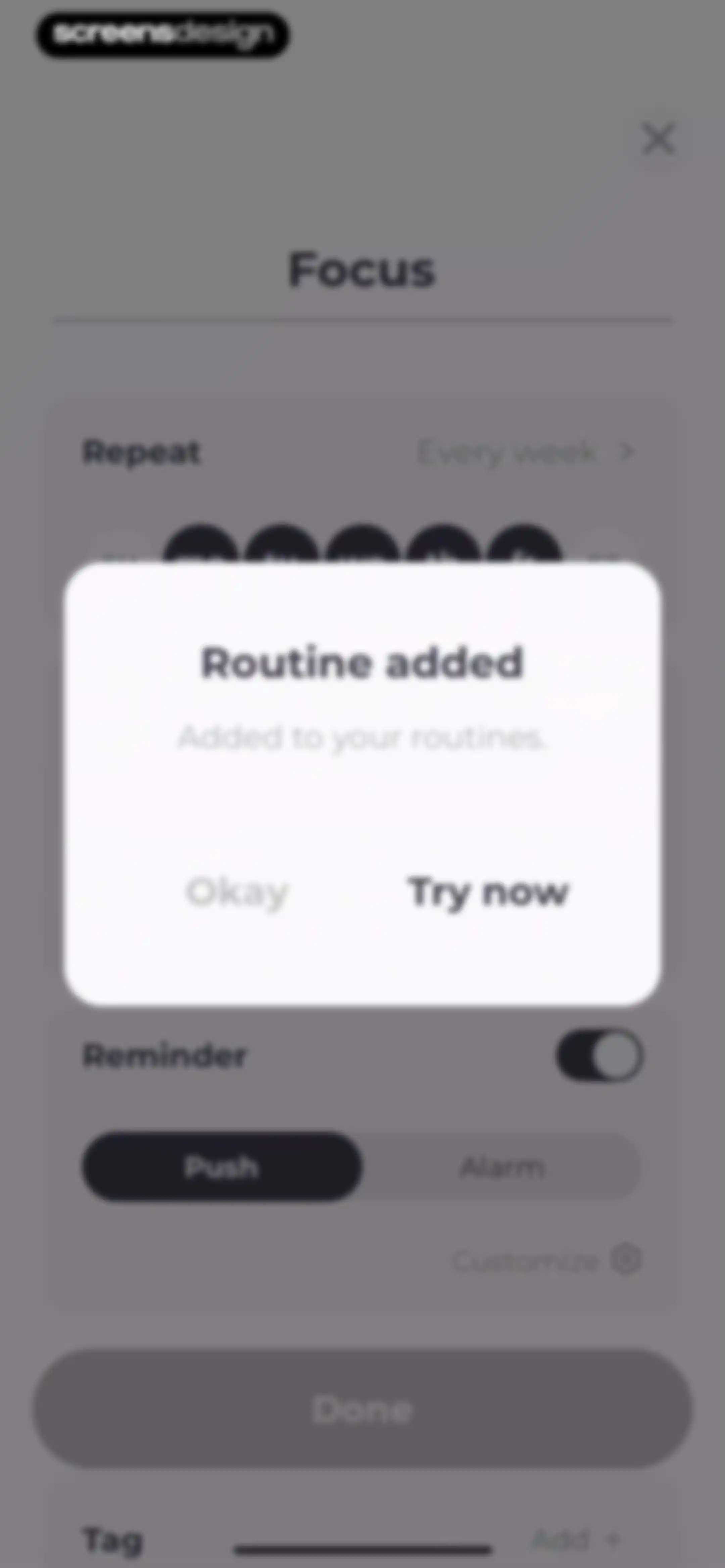
Routine added confirmation modal over a user profile and task list, with a Try now button and an Okay button.Unlock Pro
Social habit tracking dashboard with a morning routine list, recommendation carousel, and top Social tab selected.Unlock Pro
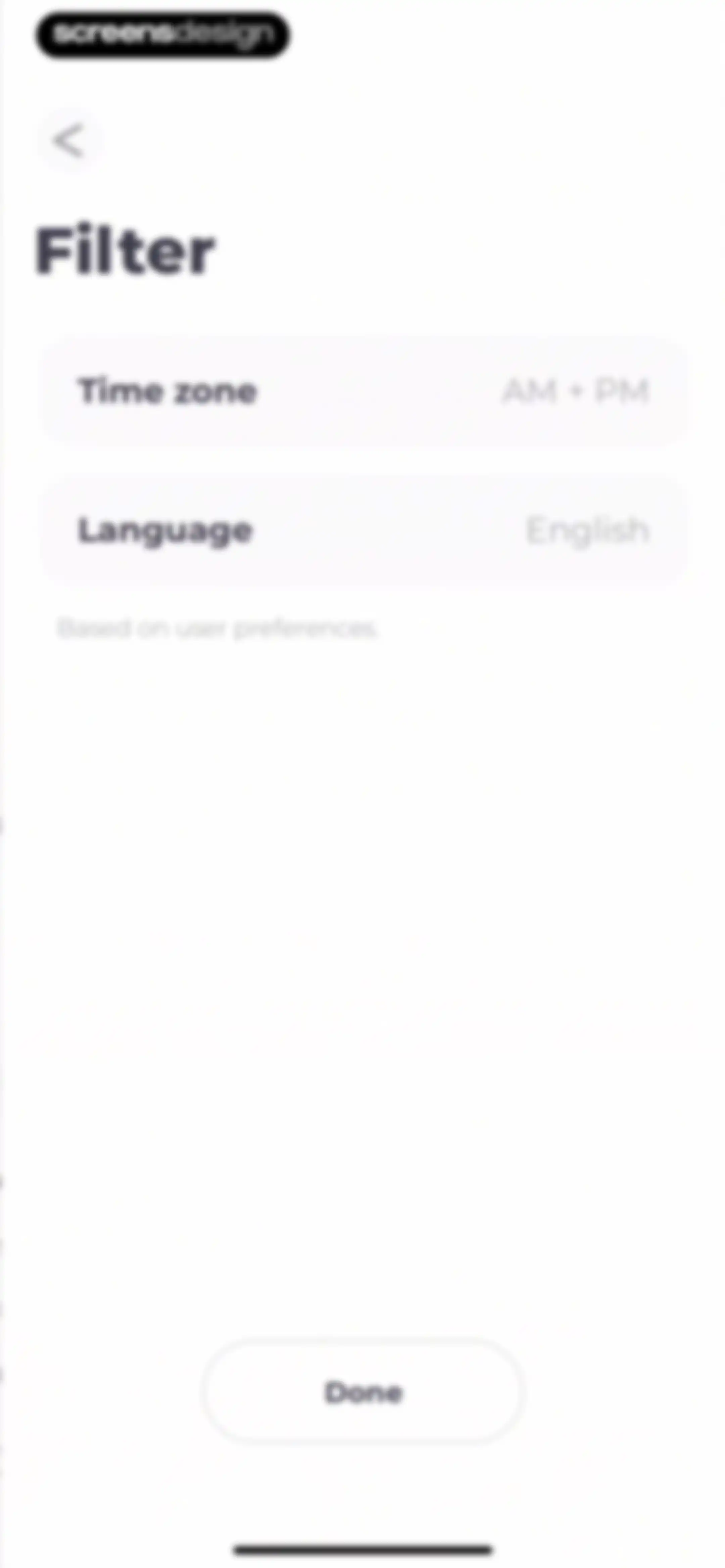
Filter settings screen featuring time zone and language options with a Done button at the bottom.Unlock Pro
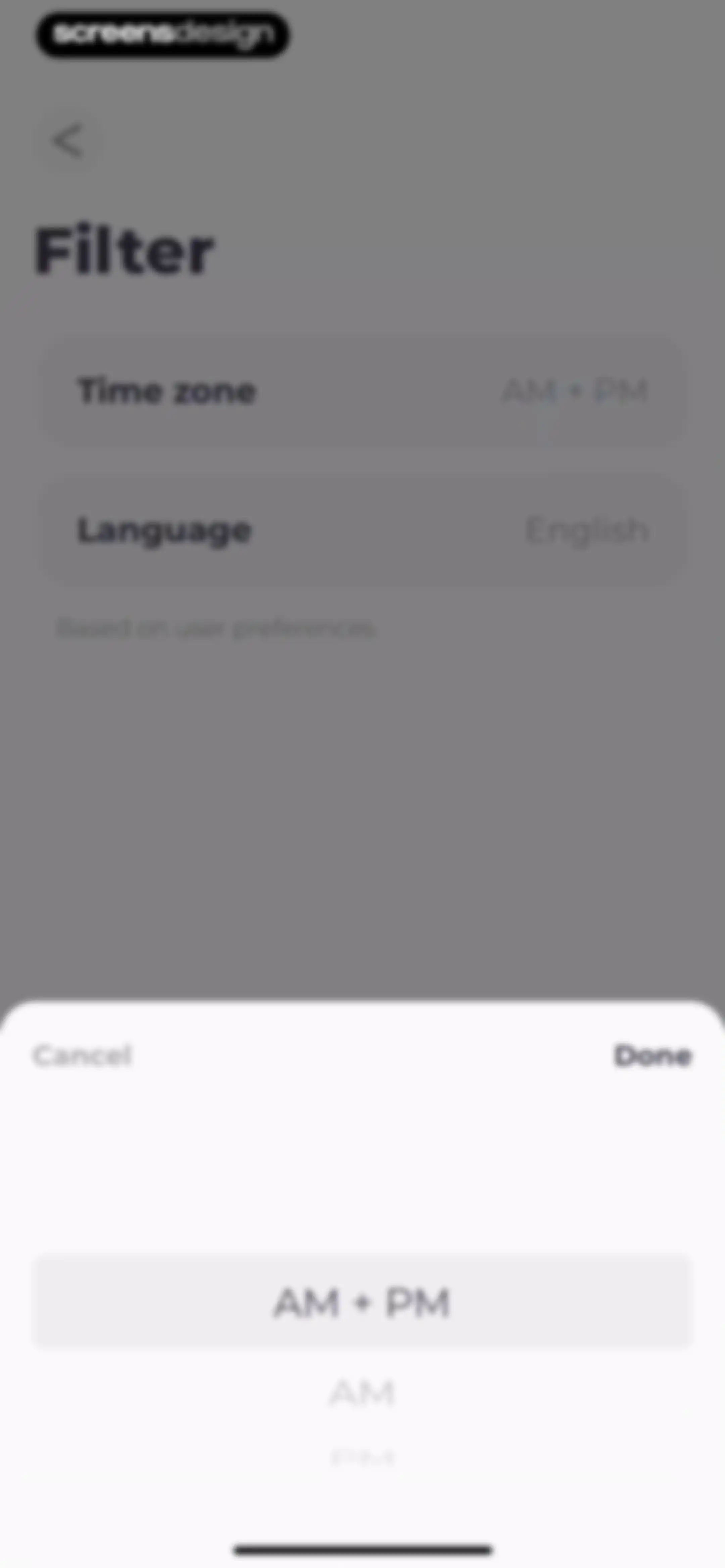
Filter settings screen displaying time zone and language options with a bottom sheet time format picker and a Done button.Unlock Pro
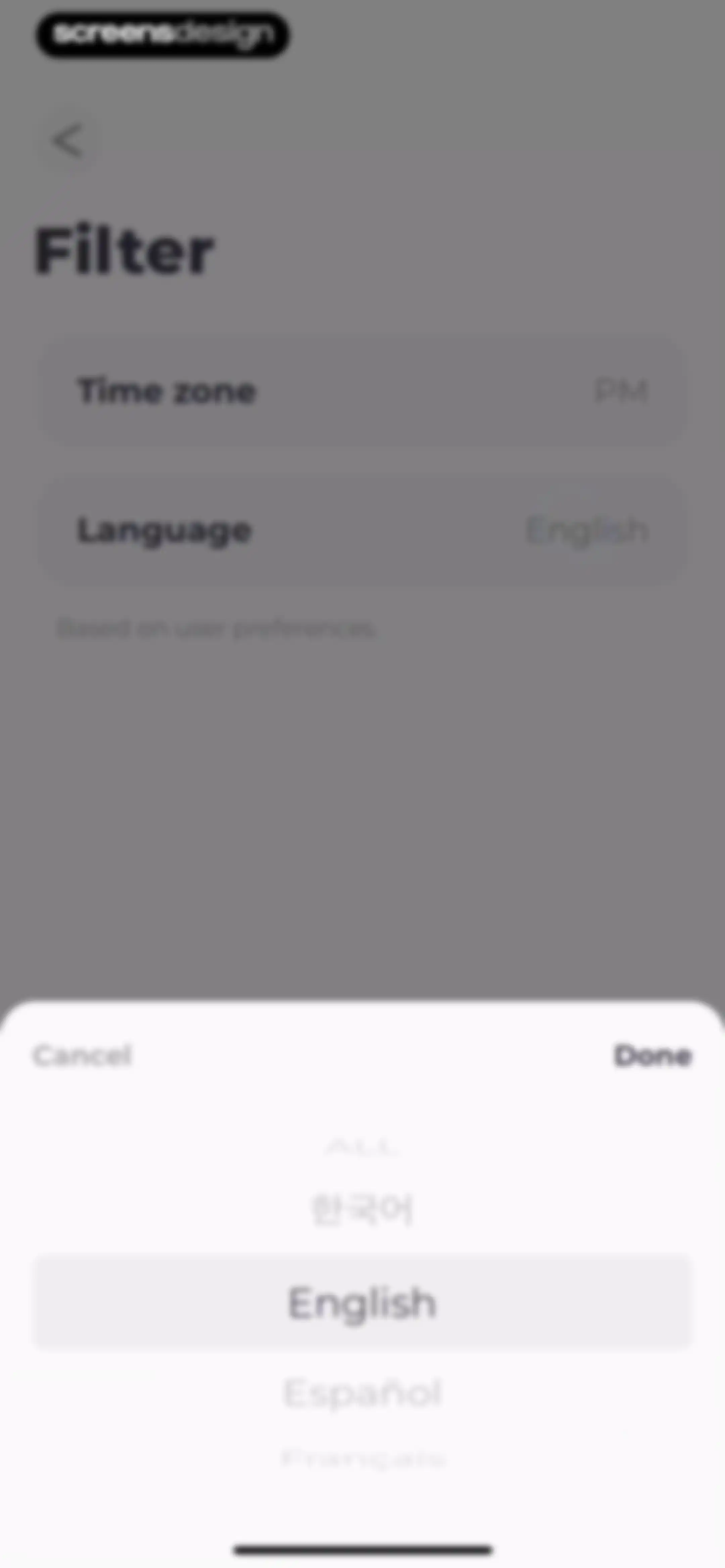
Language selection modal over a filter settings page, showing a list of languages with English selected and Done and Cancel buttons.Unlock Pro
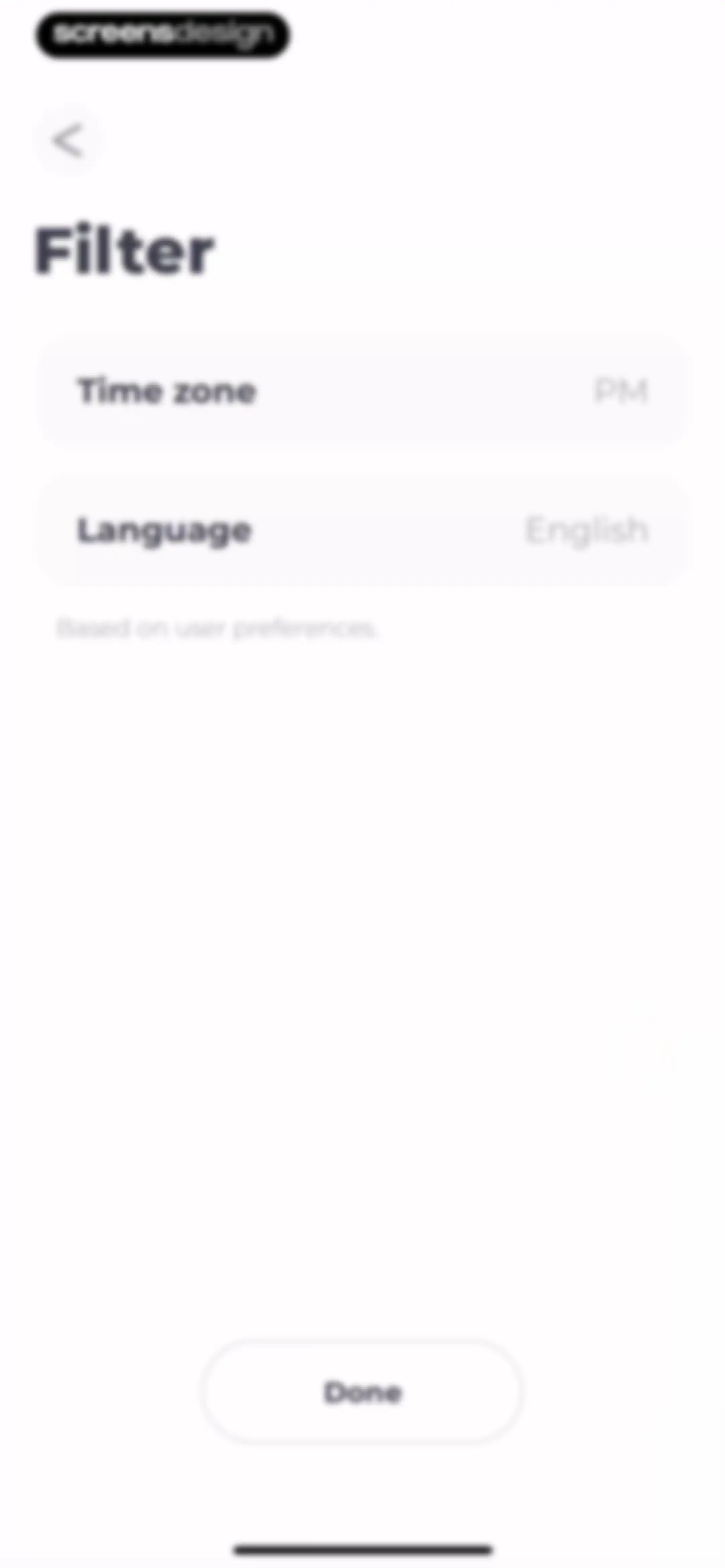
Filter settings screen with time zone and language options, a user preferences caption, and a Done button.Unlock Pro
Visibility settings screen featuring a modal overlay with a prompt to add an intro to a public routine, along with Later and Add buttons.Unlock Pro
Introduction form with a text input field containing 'Hi', Cancel and Done buttons, and an active keyboard.Unlock Pro
Task selection modal displaying a list of focus activities with durations and an Add All button over a dashboard.Unlock Pro
Habit configuration modal with repeat, start time, and reminder cards, featuring a Done button.Unlock Pro
Routine creation confirmation modal with an Added to your routines message and a Try now button.Unlock Pro
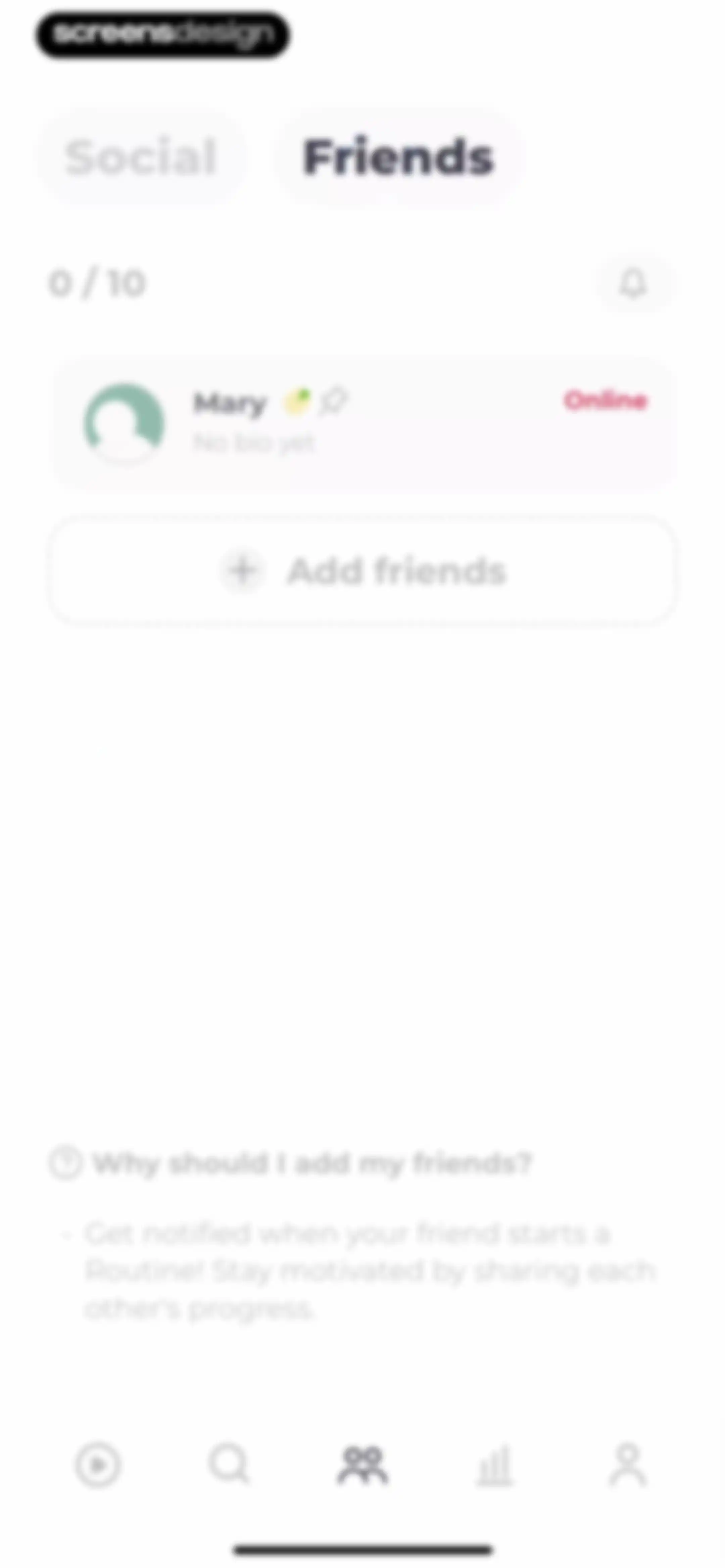
Social friends management home screen displaying a user count of zero out of ten, a user card for Mary, an Add friends call to action, and an informational footer.Unlock Pro
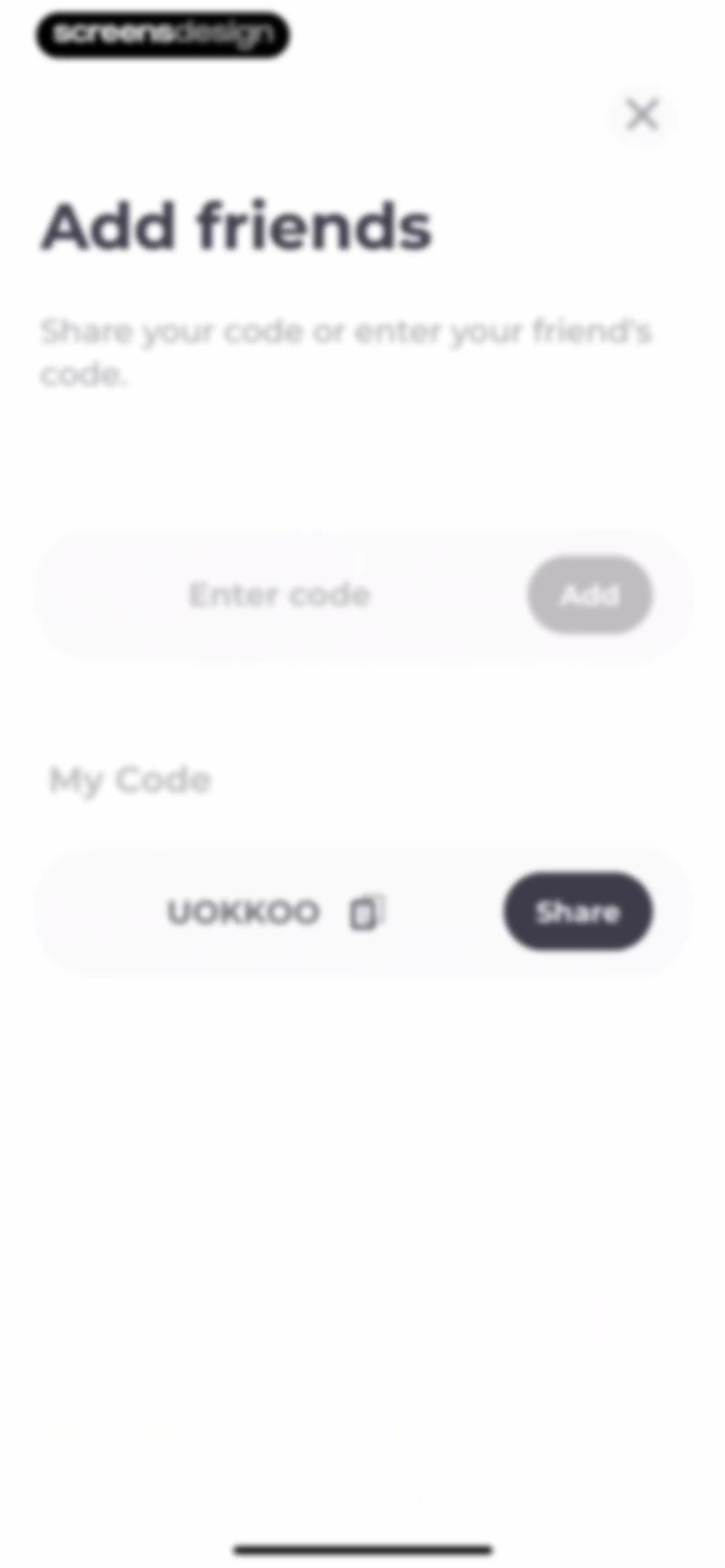
Add friends modal with an input field to enter a code, an Add button, and a section displaying the user's referral code with a share option.Unlock Pro
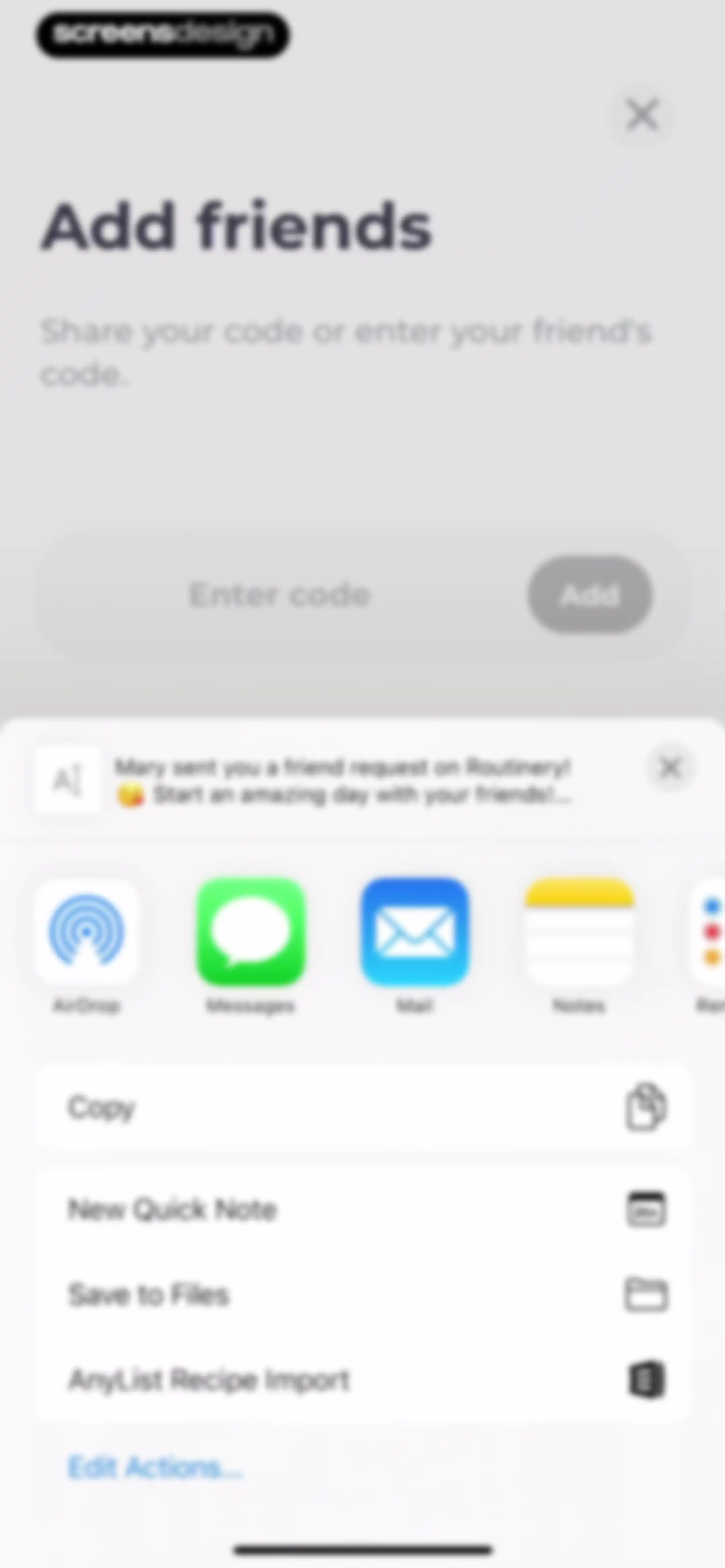
Friend addition screen displaying a code input field and an open system share sheet modal.Unlock Pro
Notification settings modal with toggles for friends and personal routine alerts, featuring an Apply button.Unlock Pro
Explore screen featuring an influencer carousel, a popular routines grid with categories like Morning and Productivity, and a bottom navigation bar.Unlock Pro
Content feed for the Routinery blog displaying a search bar, hero section, and category tabs with The Famous Routine selected.Unlock Pro
Explore screen featuring a grid of popular routine categories including morning, evening, productivity, and health, with a bottom navigation bar.Unlock Pro
Popular routines feed displaying filter tabs and a vertical list of routine cards with duration and task counts.Unlock Pro
Baby care habit selection screen with a vertical list of routine options, a deselect all link, and an Add to my routine button.Unlock Pro
Task selection modal titled Add 6 tasks with a list of routines including morning routine and an option to add as a new routine.Unlock Pro
Baby care task selection form with a list of routine cards, a task added notification toast, and an Add to my routine button.Unlock Pro
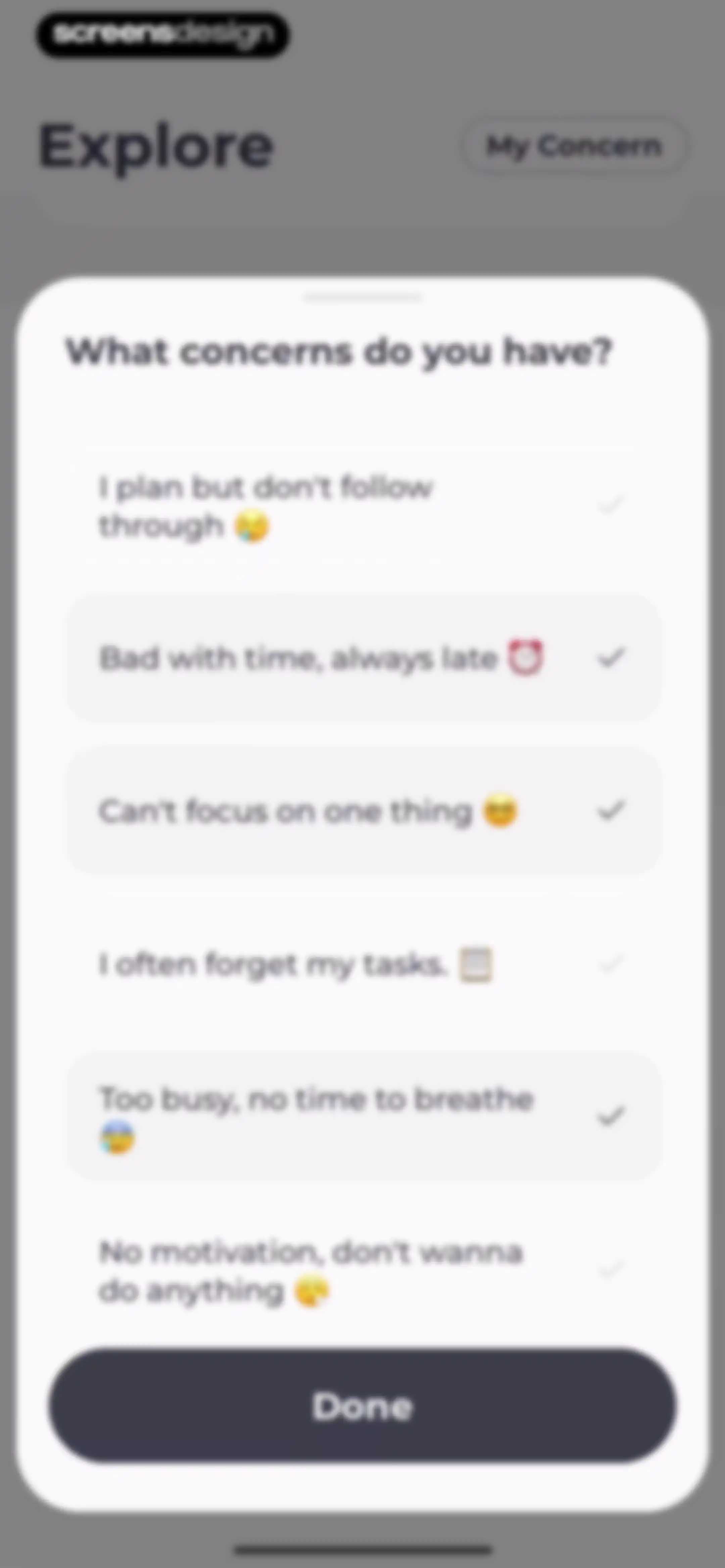
Onboarding concern selection screen listing productivity challenges with several options checked and a Done button at the bottom.Unlock Pro
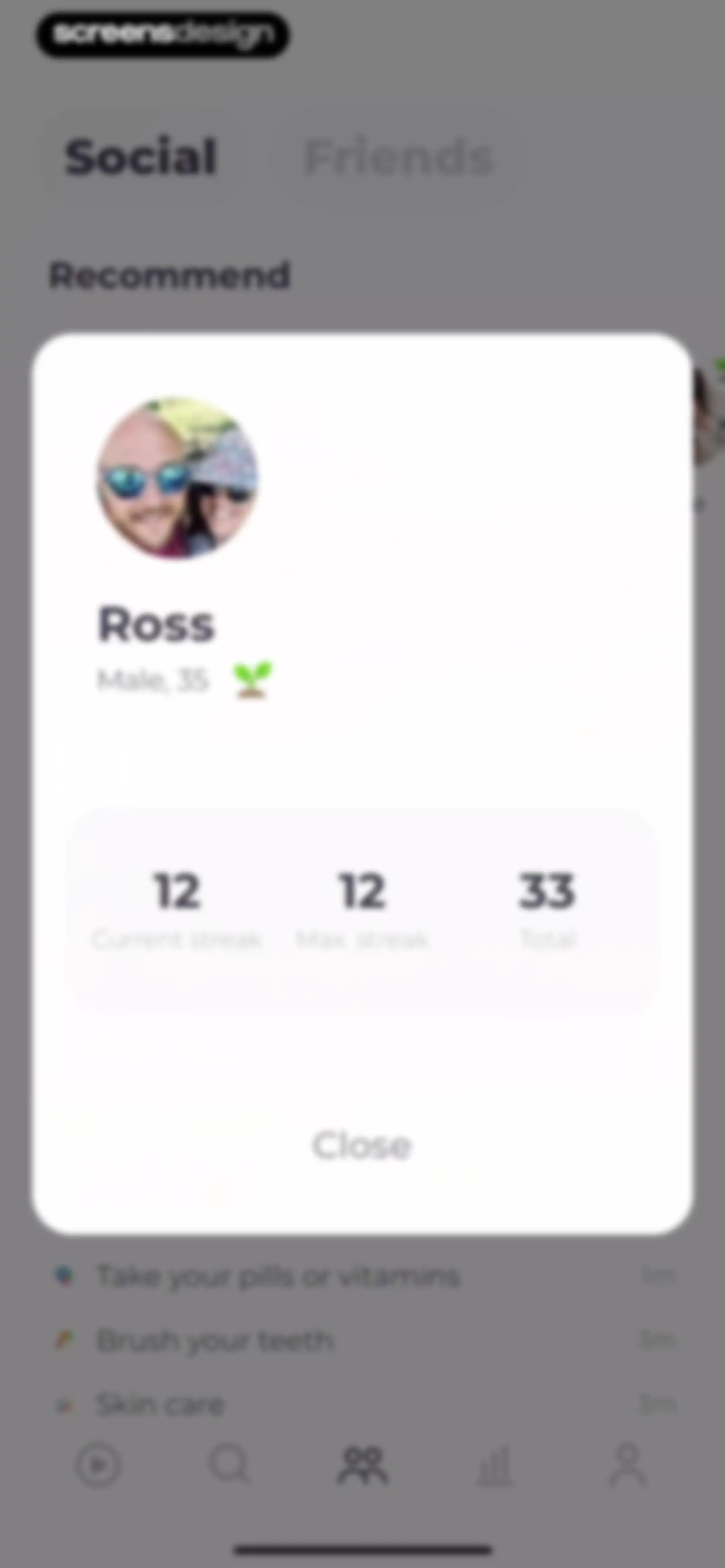
Social habit tracking modal displaying user profile details and streak statistics for Ross over a habit list background.Unlock Pro
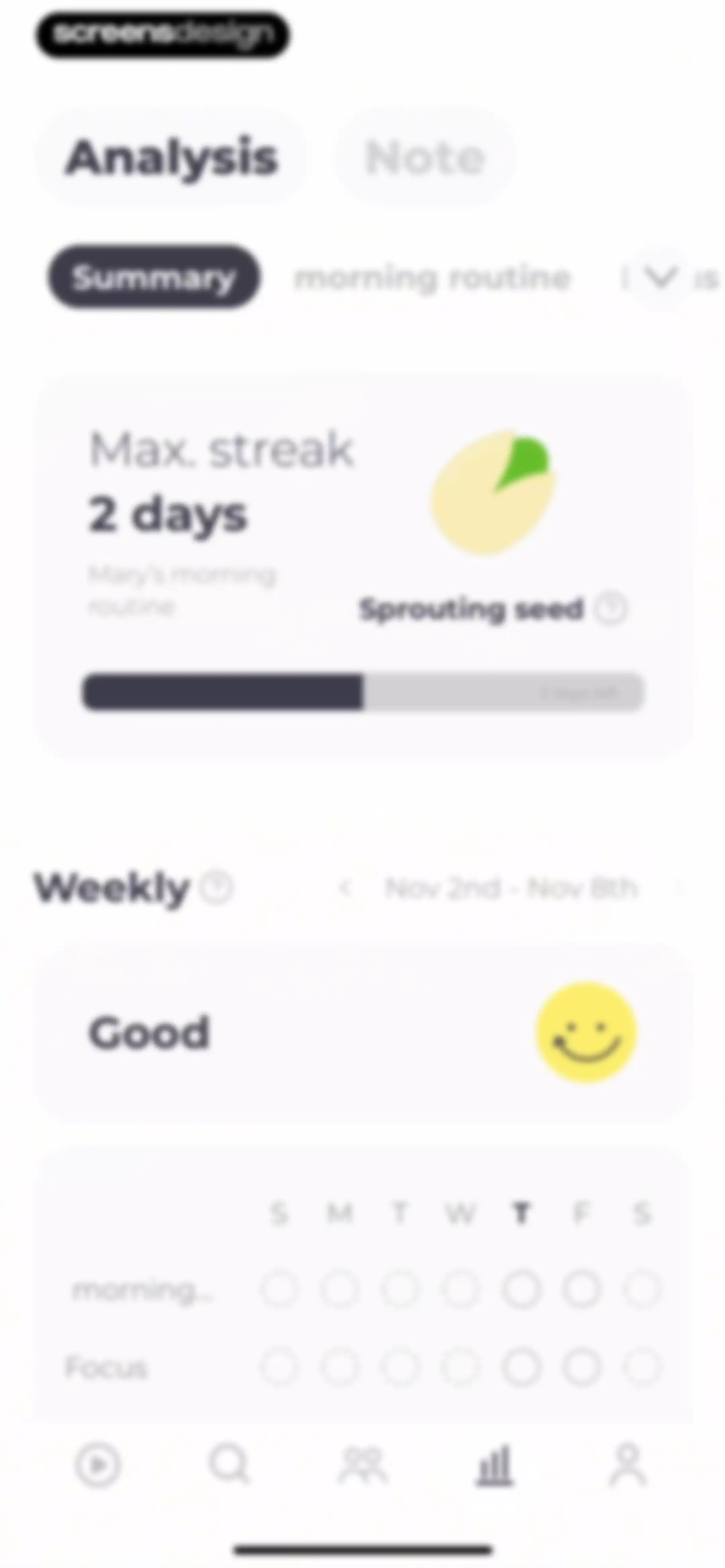
Analytics dashboard displaying habit tracking statistics, a two-day max streak card, a weekly performance summary, and a calendar grid.Unlock Pro
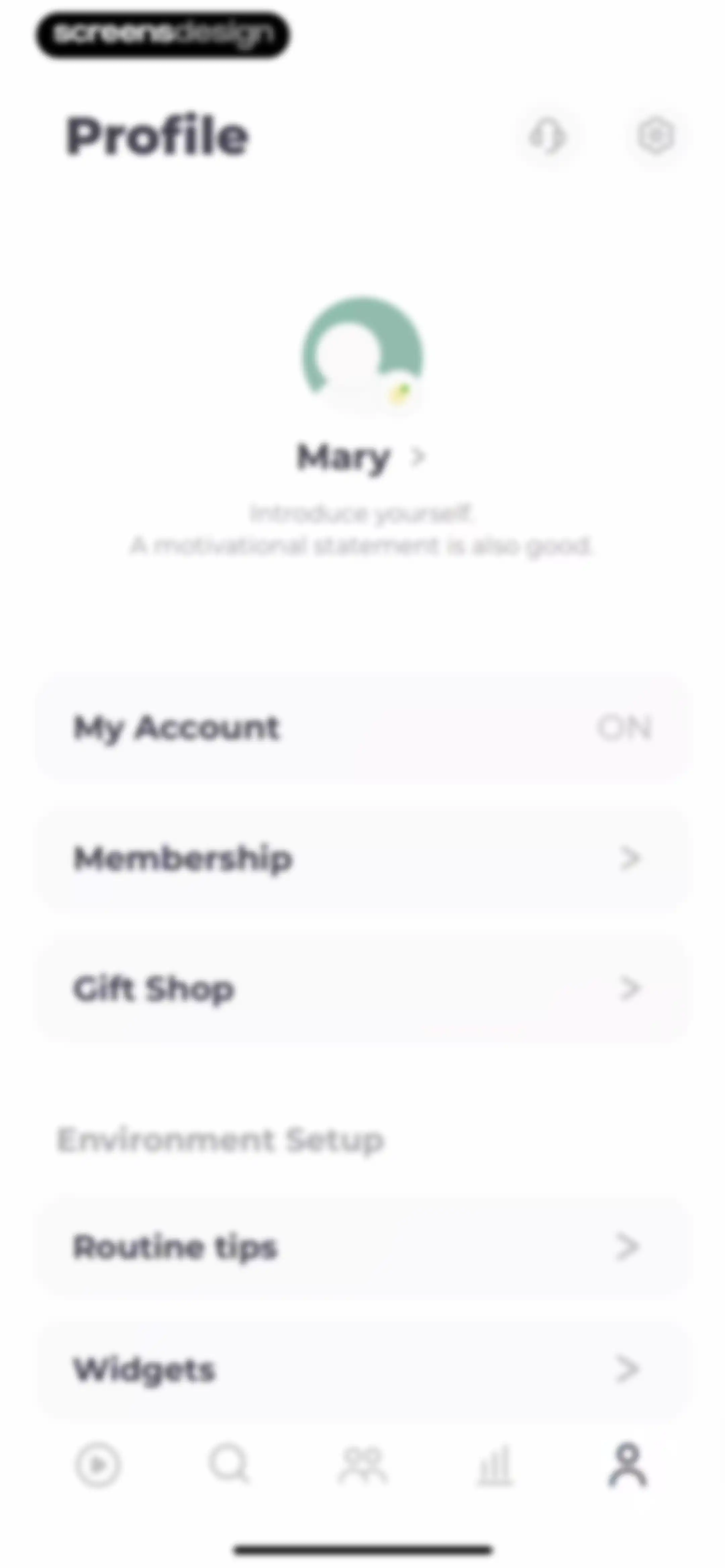
User profile screen displaying Mary's account details, grouped settings lists for membership and environment setup, and a bottom navigation bar.Unlock Pro
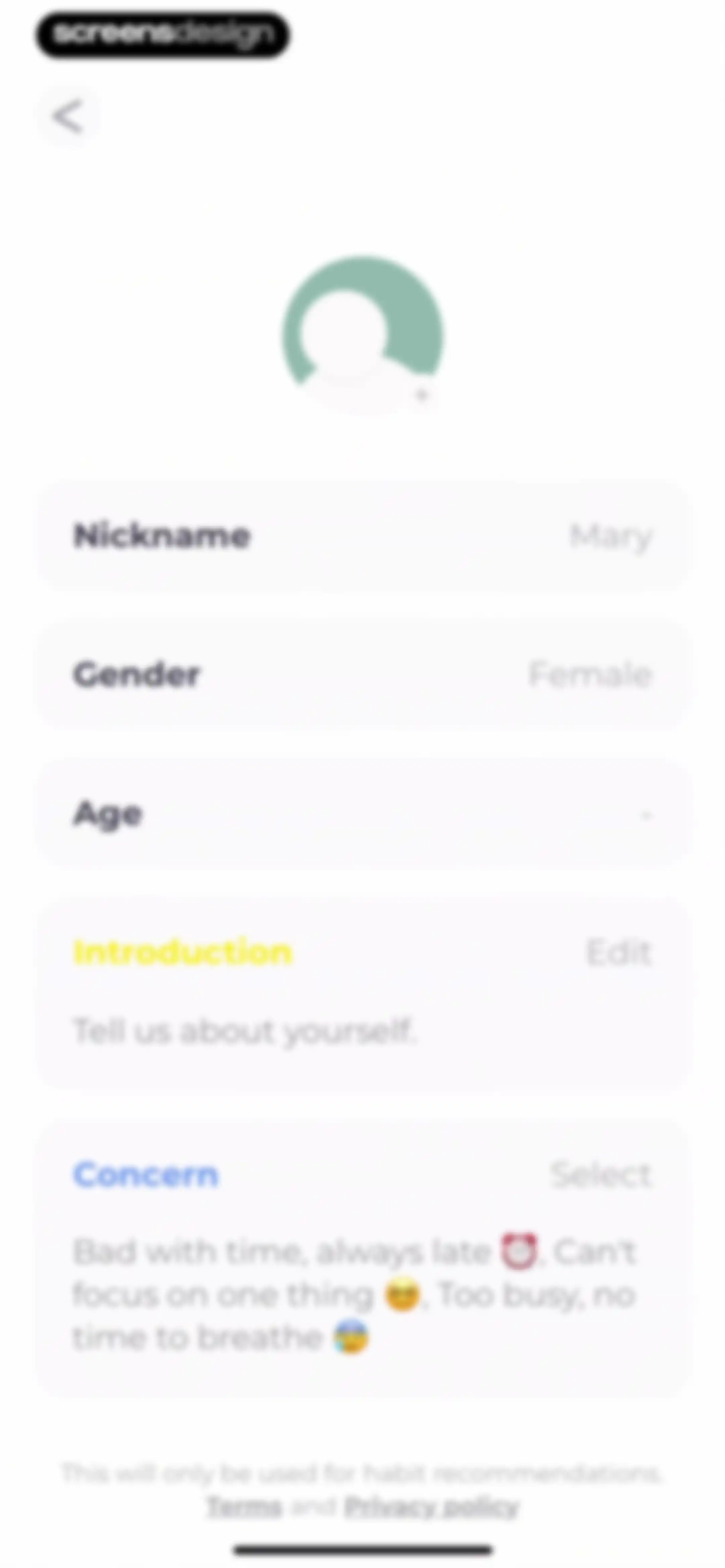
Profile setup screen with input fields for nickname, gender, age, and a concern selection section.Unlock Pro
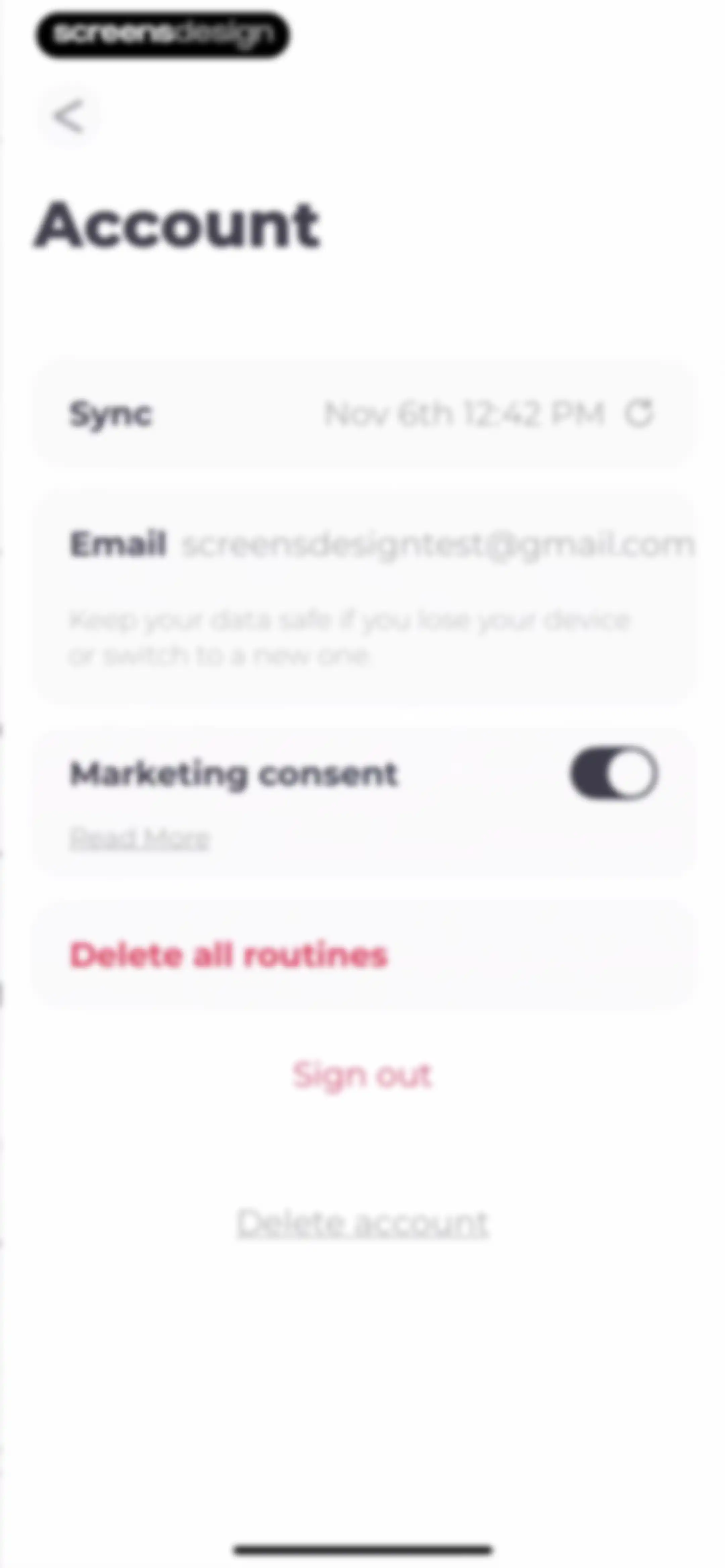
Account settings screen displaying email information, a sync status card, a marketing consent toggle, and danger zone action buttons.Unlock Pro
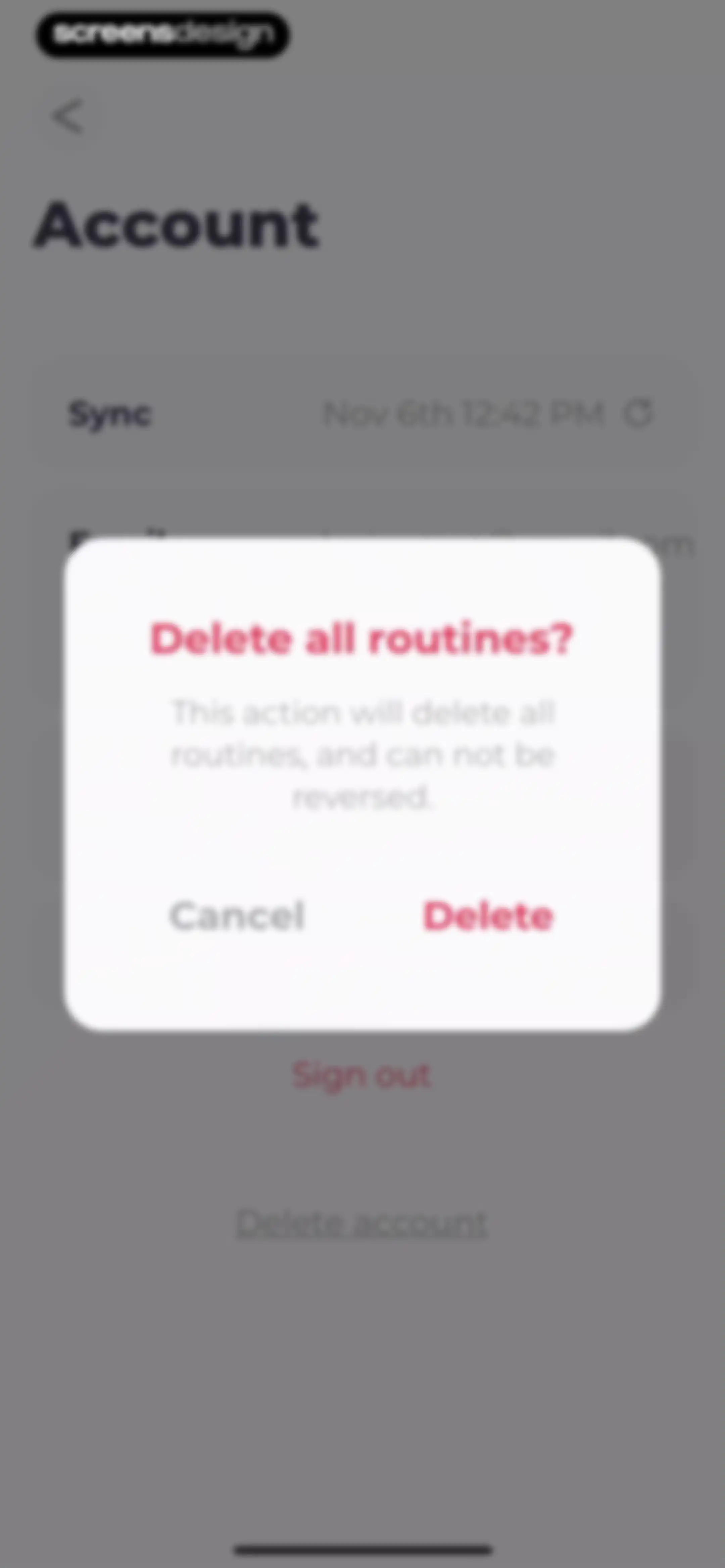
Account settings screen featuring a confirmation modal to delete all routines, with Cancel and Delete buttons.Unlock Pro
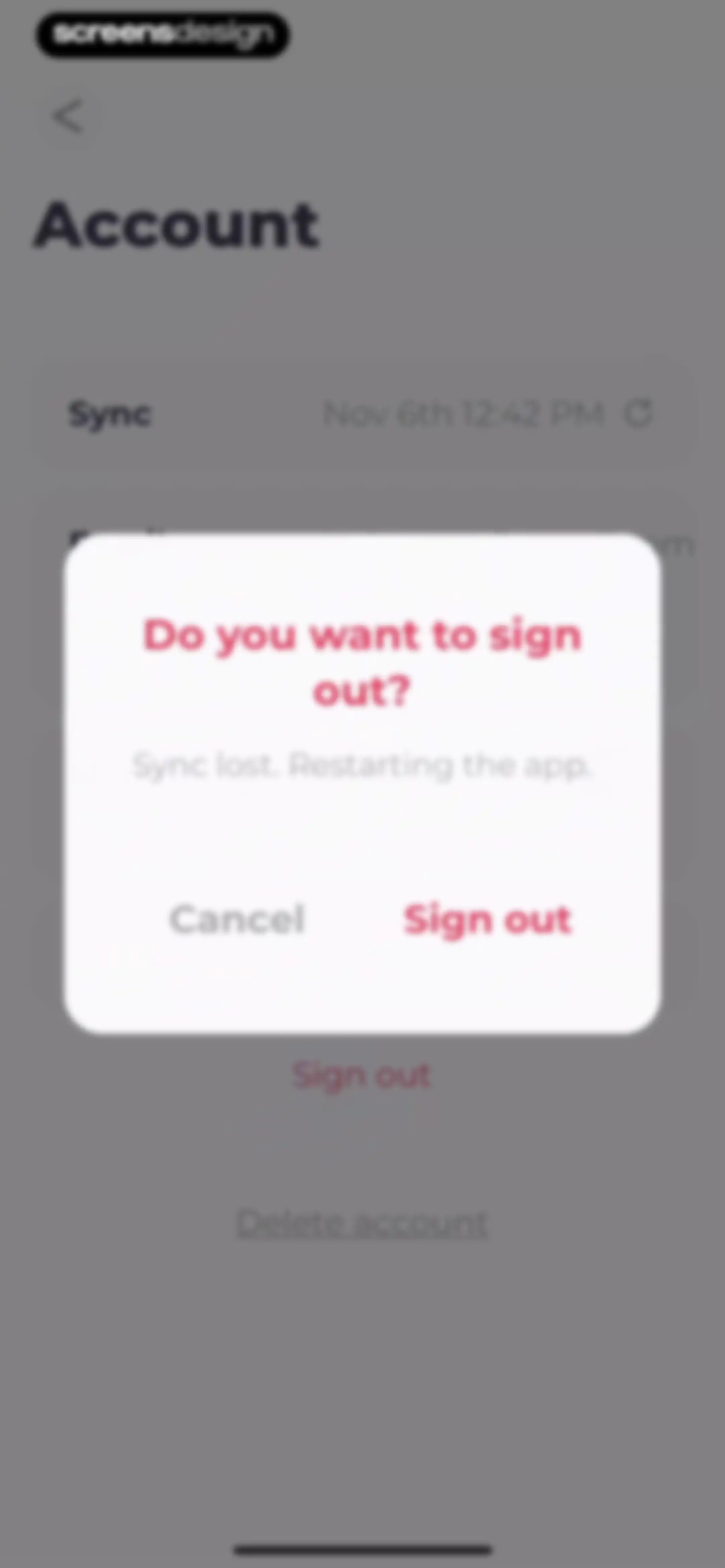
Account settings screen featuring a centered confirmation modal with Cancel and Sign out buttons.Unlock Pro
Account settings screen featuring a confirmation modal to permanently delete all stored account and device information with Cancel and Delete buttons.Unlock Pro
Membership settings screen displaying subscription details, a renewal date, and options to cancel or change the plan.Unlock Pro
Subscription paywall displaying three gift plan options with discount percentages and buy buttons.Unlock Pro
Gift Shop screen showing an empty state message and a disabled Register my Gift Code button.Unlock Pro
Content feed displaying a vertical list of tip cards about routines and habit building with the Tips tab selected.Unlock Pro
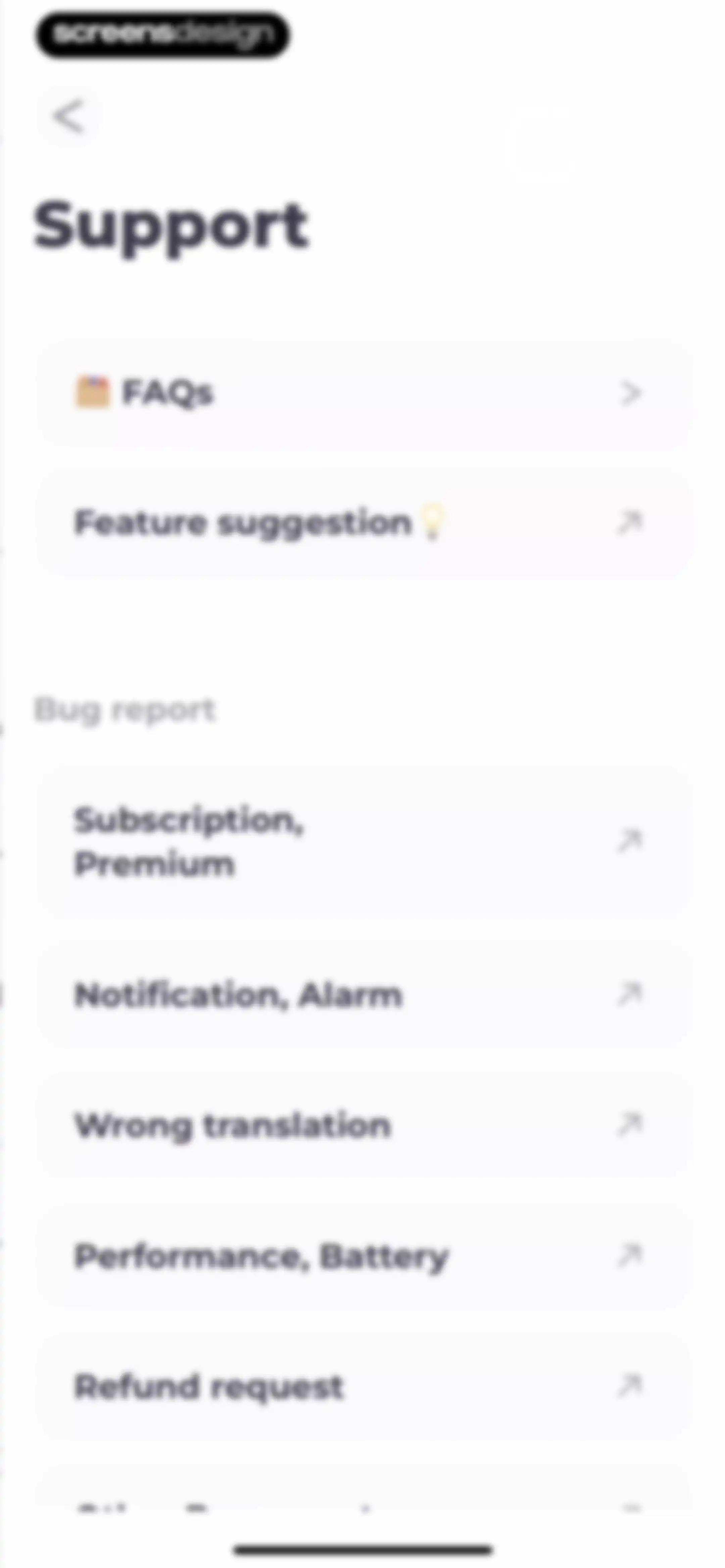
Support settings screen displaying FAQs, feature suggestions, and bug report options including subscription and refund requests.Unlock Pro
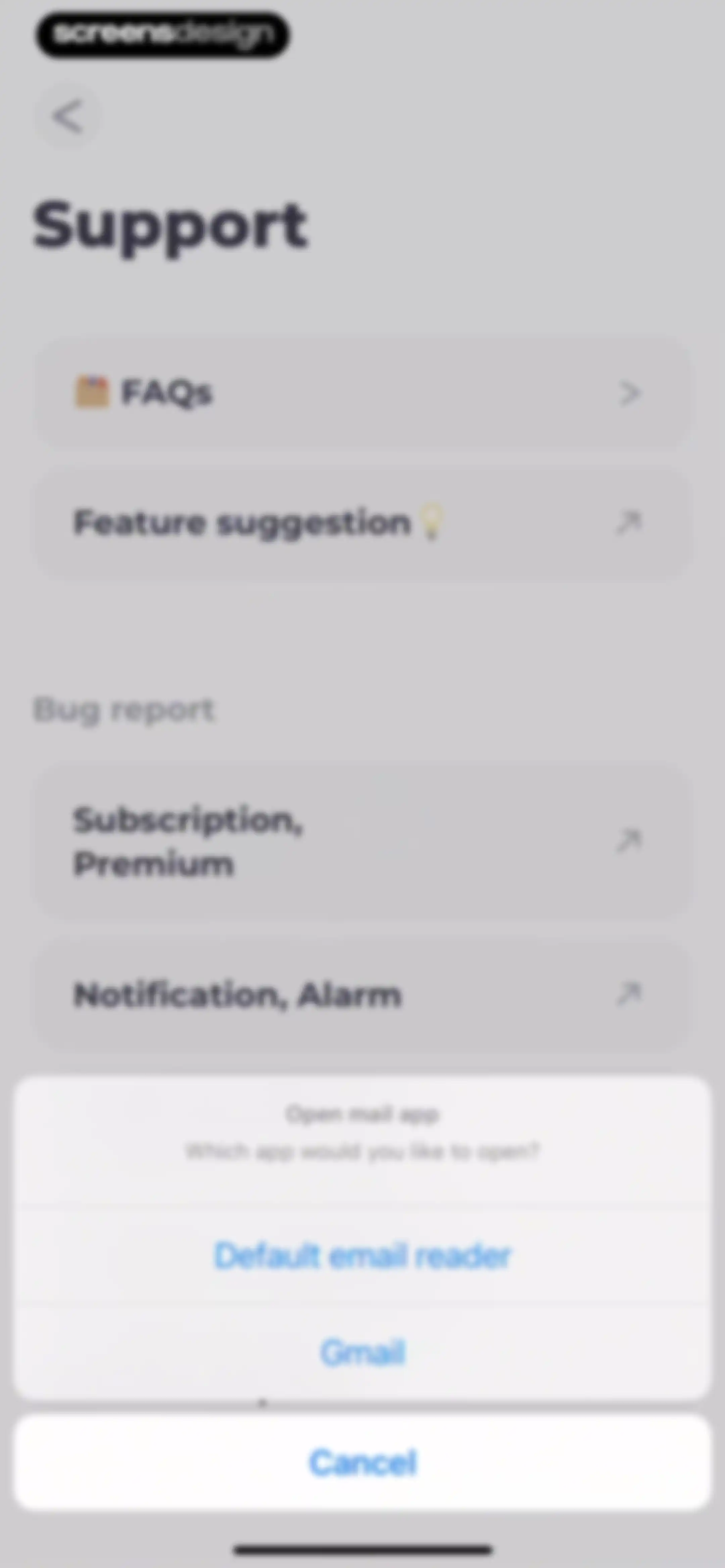
Support settings screen with a vertical list of categories and a bottom modal overlay asking which email app to open.Unlock Pro
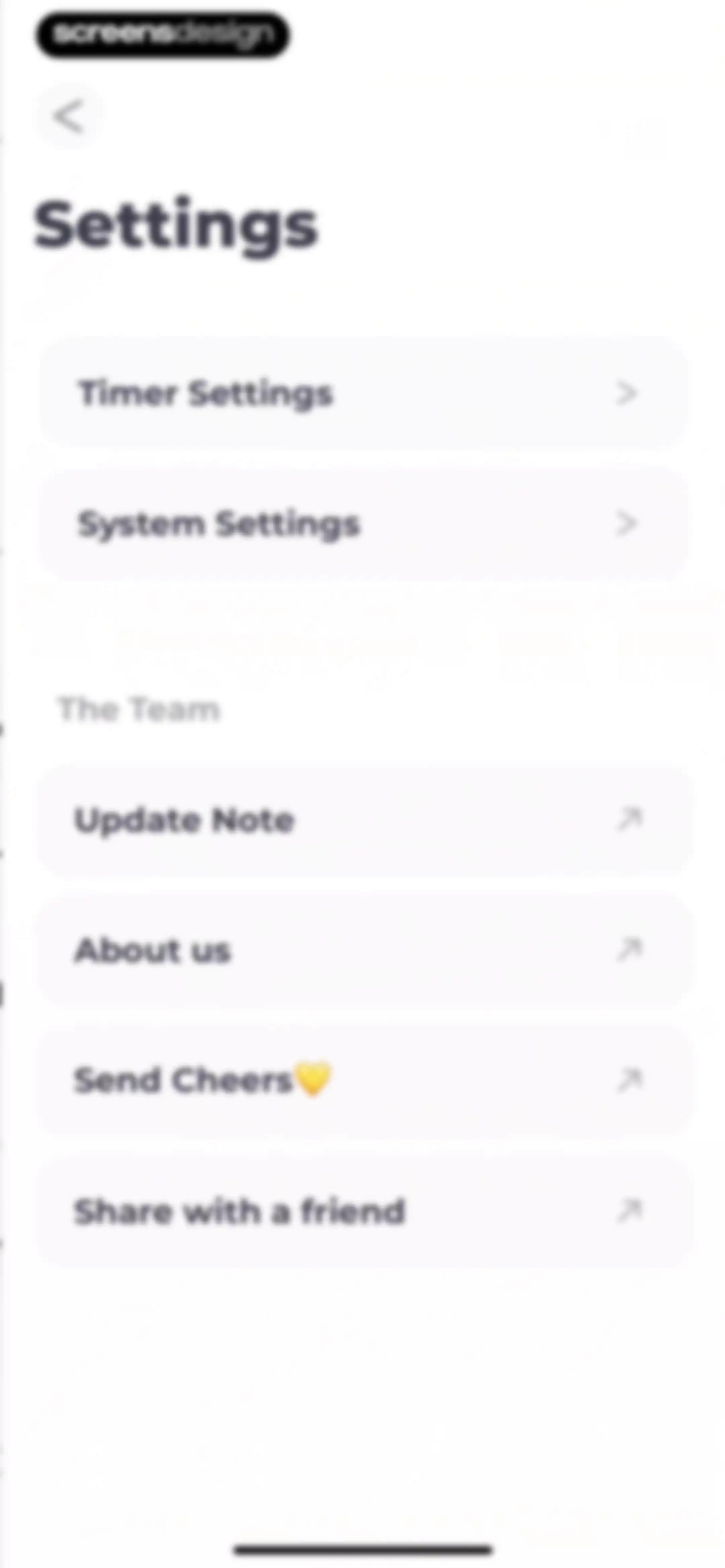
Settings screen featuring configuration cards for timer and system settings, alongside team information and external link options.Unlock Pro
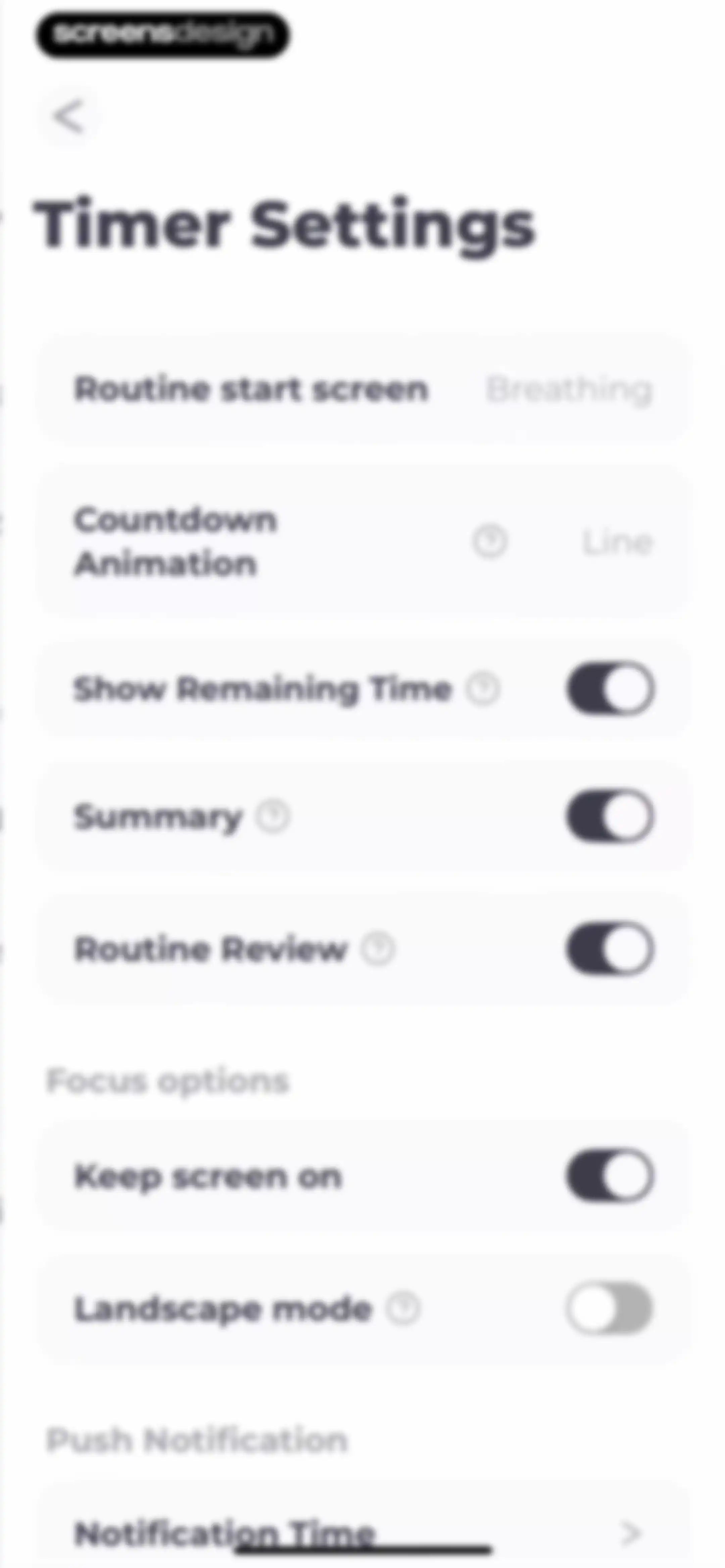
Timer settings menu with grouped options, toggle switches, and a notification time selection row.Unlock Pro
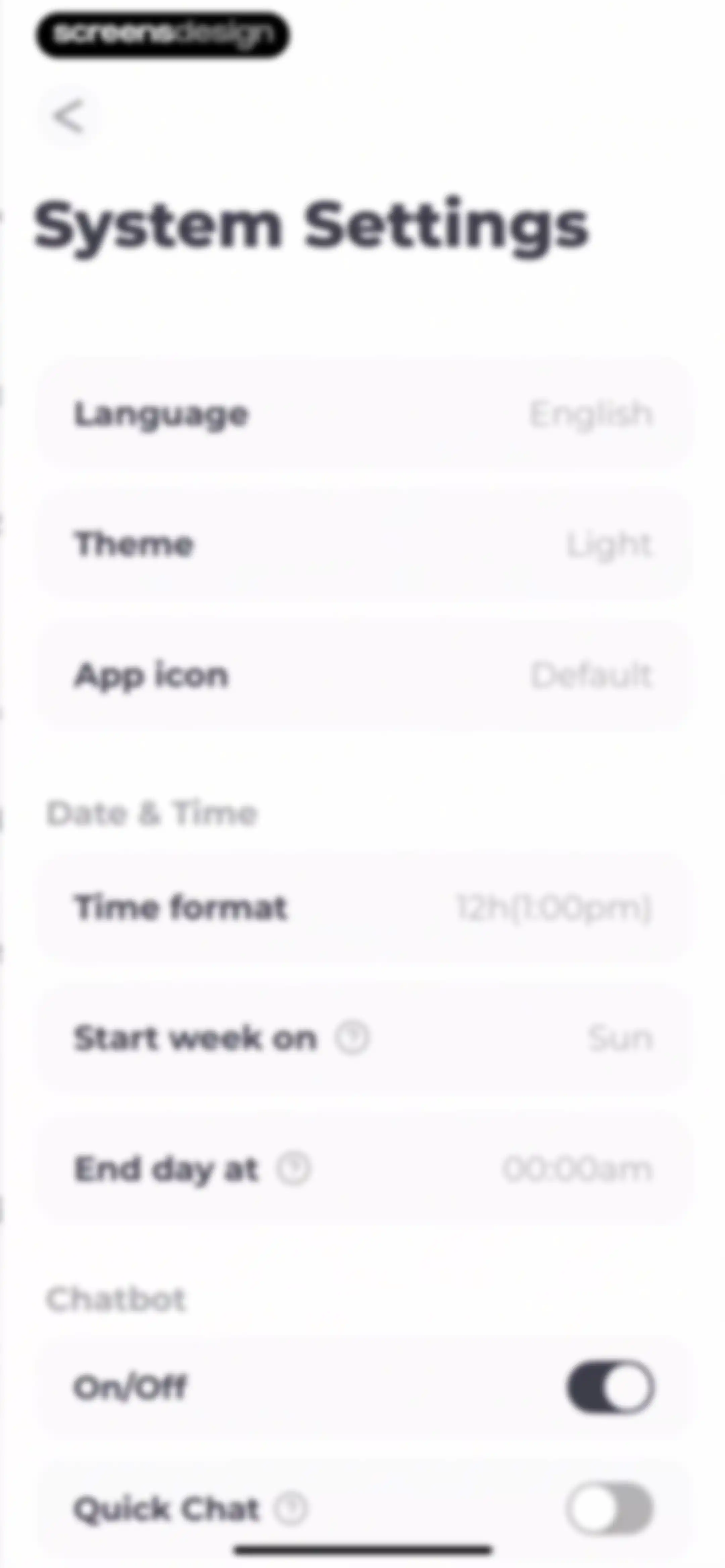
System settings menu with grouped sections for general preferences, date and time options, and chatbot controls.Unlock Pro
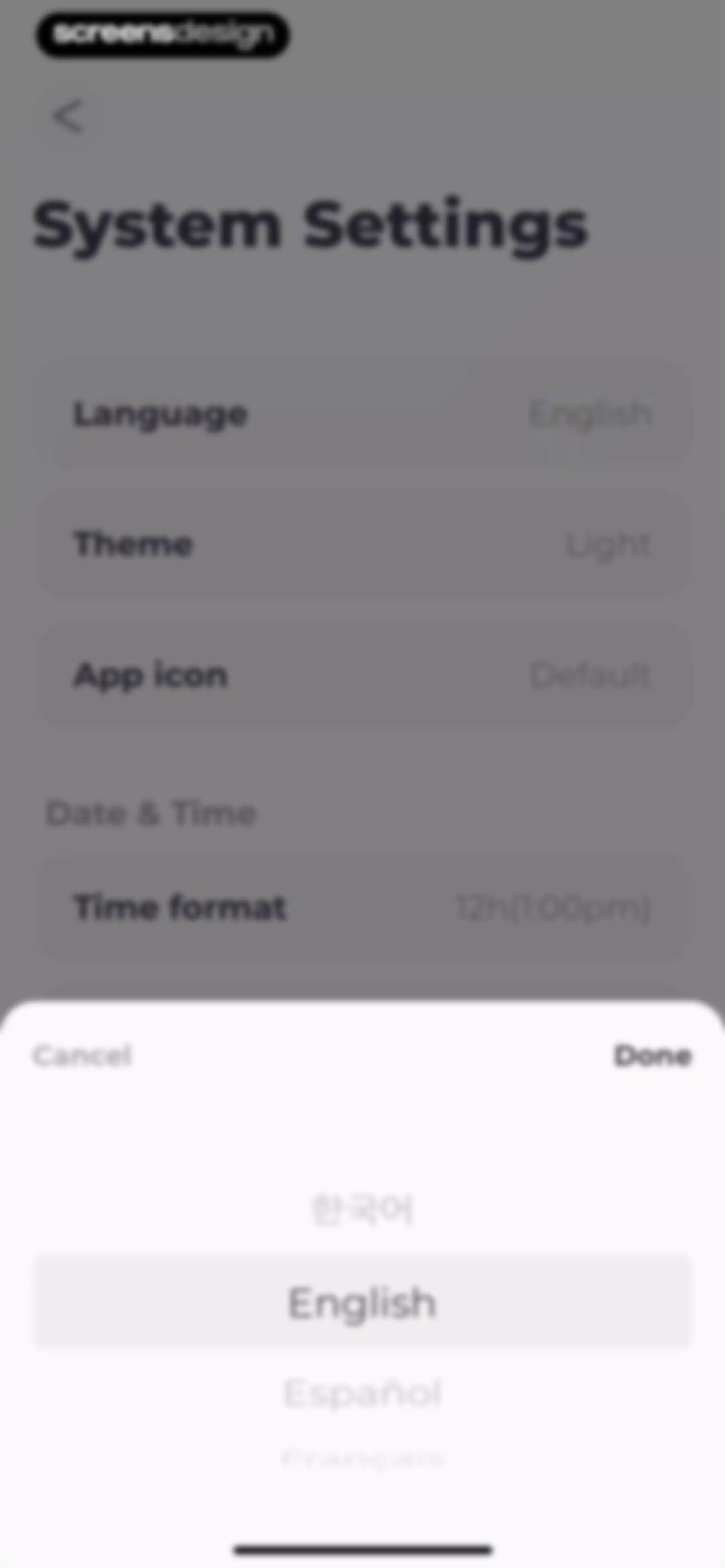
System settings menu with an open language selection modal displaying a list of languages and a Done button.Unlock Pro
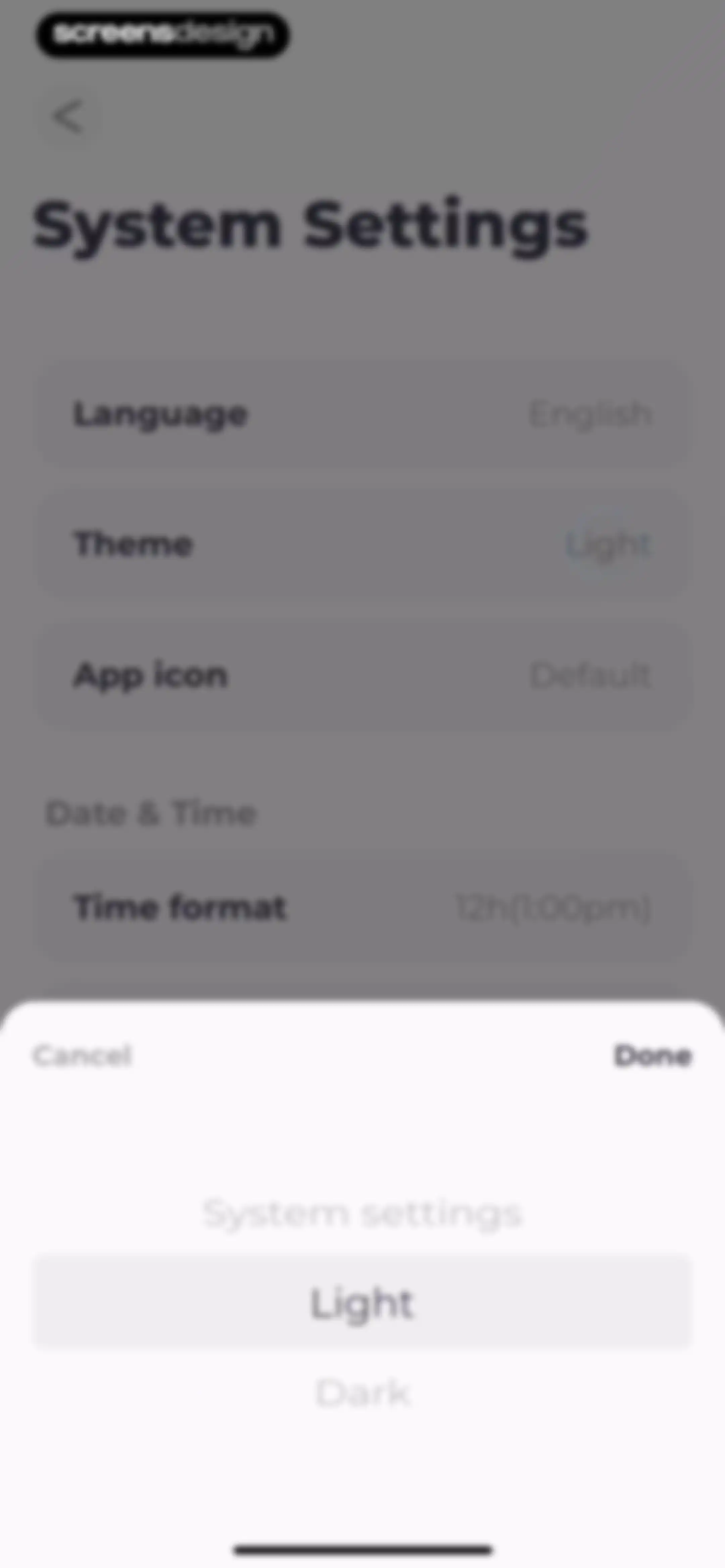
System settings menu with a theme selection modal open, displaying light and dark options with light selected and a Done button.Unlock Pro
System settings screen displaying grouped preference lists for language, date and time, and chatbot options in dark mode.Unlock Pro
App icons settings screen displaying a vertical list of theme cards with the Default option selected.Unlock Pro
App icons settings screen with a list of selectable themes and a confirmation modal overlaying the content.Unlock Pro
System settings screen displaying a time format picker modal at the bottom with 12h and 24h options and a Done button.Unlock Pro
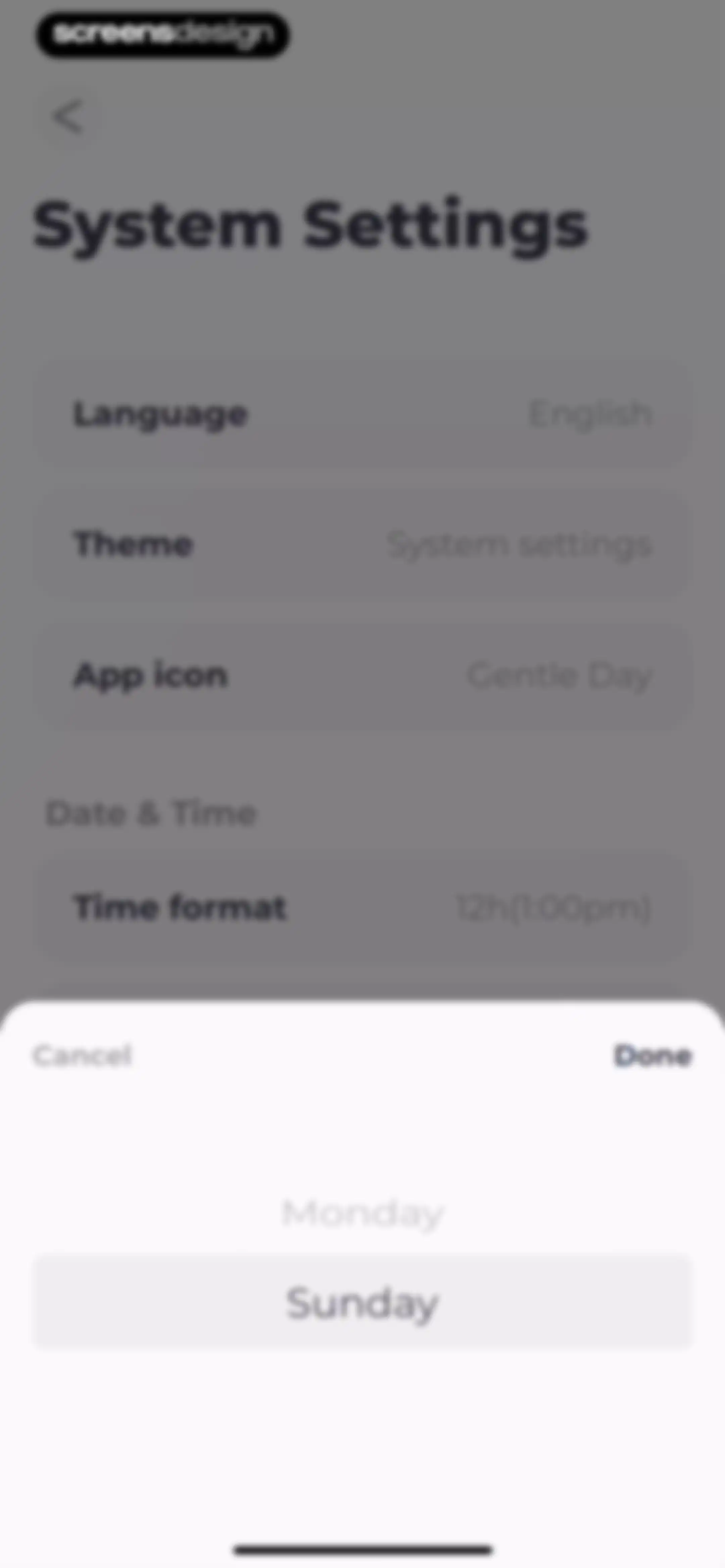
System settings menu with a bottom modal picker for selecting a day of the week, featuring Cancel and Done buttons.Unlock Pro

About Routine Planner, Habit Tracker

A habit tracker and routine planner that uses voice-guided timers to help users complete daily tasks and build consistency.

Explore Routine Planner, Habit Tracker across ScreensDesign

Apps similar to Routine Planner, Habit Tracker

Unlock all similar apps

See every comparable app, revenue, installs, and flows.

Unlock Pro
  • Habit Tracker

    4.8
    Davetech Co., Ltd.Revenue$150kInstalls250k
  • HelloHabit - Habit Tracker

    4.9
    RightLife, Inc.Revenue$30kInstalls20k
  • Mindway: Daily Routine Planner

    4.6
    Codespace Dijital Hizmetler Anonim ŞirketiRevenue$<5kInstalls<5k
  • Alarmy - Loud alarm clock

    4.8
    Delight Room Co., Ltd.Revenue$600kInstalls550k
  • TeddyCare: Daily Routine Plan

    4.9
    Kappa Yazılım Anonim ŞirketiRevenue$<5kInstalls<5k
  • Structured: Daily Planner Todo

    4.8
    unorderly GmbHRevenue$300kInstalls350k
  • Me+ Lifestyle Routine

    4.8
    Enerjoy Pte. Ltd.Revenue$150kInstalls50k
  • Bento: The Do Less Timer

    4.1
    Keep Productive LtdRevenue$<5kInstalls<5k
  • Reset - Reset Your Life

    3.5
    Alex Slater
  • HabitMinder • Habit Tracker

    4.6
    Reflective Technologies ApSRevenue$<5kInstalls20k
  • Dear Me: Daily Routine Tracker

    4.9
    Ornitorenk Dijital Hizmetler Anonim SirketiRevenue$<5kInstalls10k
  • Lock In - Reset Your Life

    4.7
    Omega Labs, LLCRevenue$85kInstalls45k
  • Grit: Daily Habit Tracker

    4.8
    Stepan KurennykhRevenue$55kInstalls100k
  • Happy Baby - Sleep & Tracker

    4.7
    Aumio GmbHRevenue$30kInstalls<5k
  • Today Habit tracker

    4.7
    Neybox Digital Ltd.
  • Simple Habit Sleep, Meditation

    4.8
    INGENIO, LLCRevenue$<5kInstalls<5k
  • Lyfta: Gym Workout Tracker Log

    4.8
    Lindberg Development ASRevenue$250kInstalls250k
  • Do Habits: Get It Done

    4.0
    Reflective Technologies ApSRevenue$<5kInstalls<5k
  • Habitica: Gamified Taskmanager

    4.3
    HabitRPG, IncRevenue$15kInstalls40k
  • Wakeout! Break the Sit Habit

    4.5
    Wakeout, LLC.Revenue$<5kInstalls<5k
  • (Not Boring) Habits

    4.8
    Not Boring Software LLCRevenue$<5kInstalls5k
  • Planfit AI Gym Workout Planner

    4.8
    Planfit Inc.Revenue$250kInstalls35k
  • OtterLife: AI Health Tracker

    4.5
    If TechRevenue$150kInstalls150k
  • TimeBloc - Daily Planner

    4.3
    Reflective Technologies ApSRevenue$<5kInstalls<5k
  • Hevy - Workout Tracker Gym Log

    4.9
    Hevy Studios S.L.Revenue$1MInstalls450k
  • Clarify: Focus & Task Manager

    4.3
    FabulousRevenue$<5kInstalls<5k
  • Tally: The Anything Tracker

    4.4
    Reflective Technologies ApSRevenue$<5kInstalls<5k
  • 75Me: 75 Day Reset Challenge

    4.8
    75Me LLCRevenue$90kInstalls60k
  • Critique AI: Habit Tracker

    4.7
    With BytesRevenue$10kInstalls45k
  • Haptic: Daily Habit Tracker

    4.3
    Alexey Sekachov
  • Tangerine: Self-care & Goals

    4.7
    Bitdreams OURevenue$<5kInstalls<5k
  • BetterMe Well-Being Coach

    4.7
    BetterMe LimitedRevenue$1MInstalls250k
  • ParrotPal: Calorie Tracker

    4.7
    Scott FlearRevenue$15kInstalls<5k
  • Tiimo: To-Do List Planner

    4.6
    tiimoRevenue$250kInstalls65k
  • Easlo Experiments

    4.6
    Easlo Pte. Ltd.Revenue$<5kInstalls<5k
  • My Timetable: Class Schedule

    4.6
    Kodeon, Inc.Revenue$<5kInstalls15k
  • Mindflow AI: Overcome ADHD

    4.8
    Mindflow AI Inc.Revenue$<5kInstalls<5k
  • Inflow - Manage Your ADHD

    4.4
    Get Inflow Ltd.Revenue$15kInstalls<5k
  • Alux: Build Wealth Faster

    4.7
    Alux.comRevenue$<5kInstalls<5k
  • Focused Work - Pomodoro Timer

    4.7
    Michael TigasRevenue$<5kInstalls<5k
  • SuppCo: Supplement Scanner

    4.8
    Supple Stack IncRevenue$150kInstalls50k
  • Chillio: Life Planner

    4.6
    COREMOVE LIMITEDRevenue$85kInstalls5k
  • Countdown

    4.8
    Find Appiness LLCRevenue$15kInstalls300k
  • Bookly: Book Tracker

    4.6
    TwoDoor GamesRevenue$70kInstalls15k
  • Plan Joy:To-Do List & Reminder

    4.7
    Chongqing Caochen Technology Co., Ltd.Revenue$<5kInstalls<5k
  • Epsy: Seizure Log for Epilepsy

    4.7
    Livanova
  • Sleep Cycle - Tracker & Sounds

    4.7
    Sleep Cycle ABRevenue$650kInstalls50k