Opal: Screen Time Control

$500k revenue, 4.7 rating

App walkthrough
0:00 / 13:31

Onboarding flow, Paywall & Inside the App

Watch the full screen-by-screen UX video of Opal: Screen Time Control with onboarding, paywall, and every core flow.
Loading screen with a centered spinner on a solid black background.
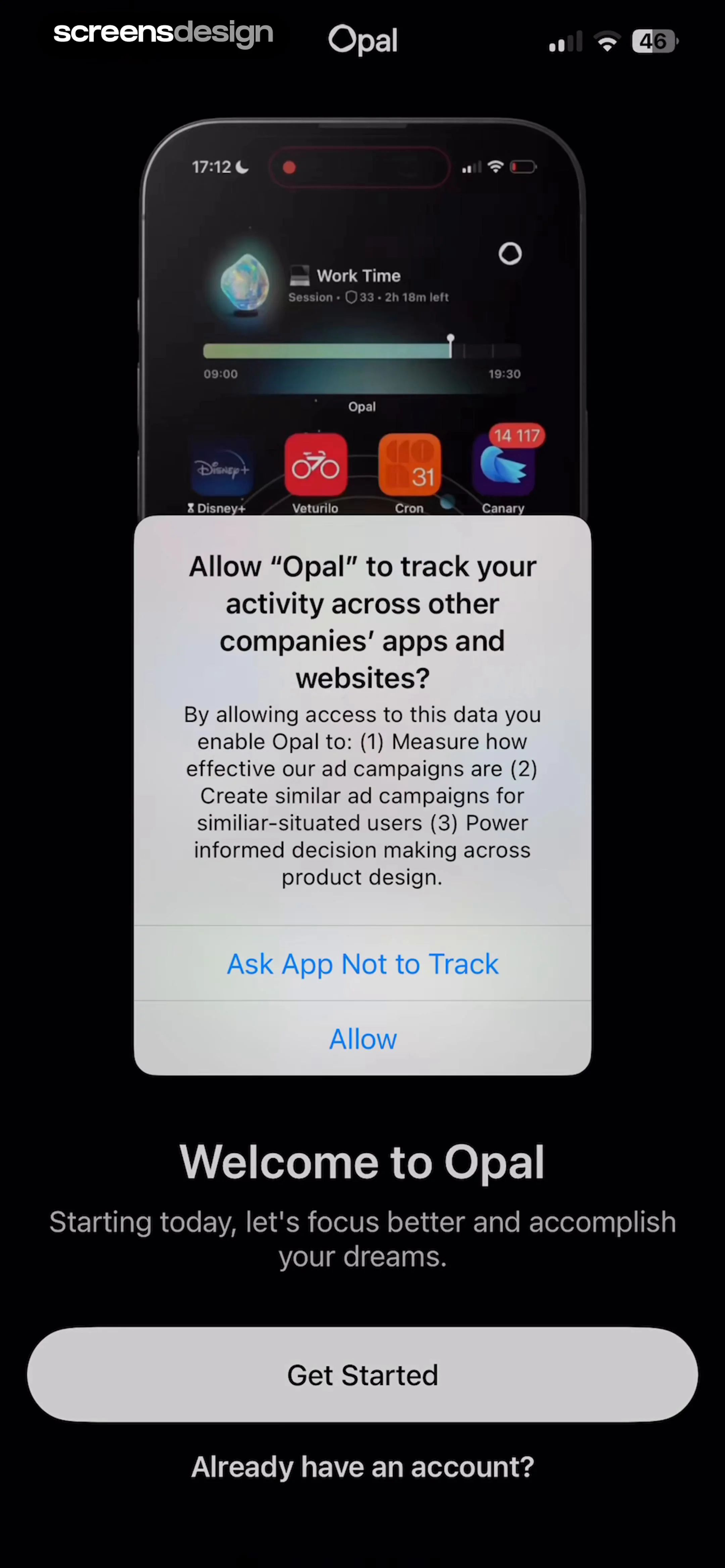
System permission modal requesting tracking access overlaid on a dark-themed Opal onboarding screen with Get Started and Allow buttons.
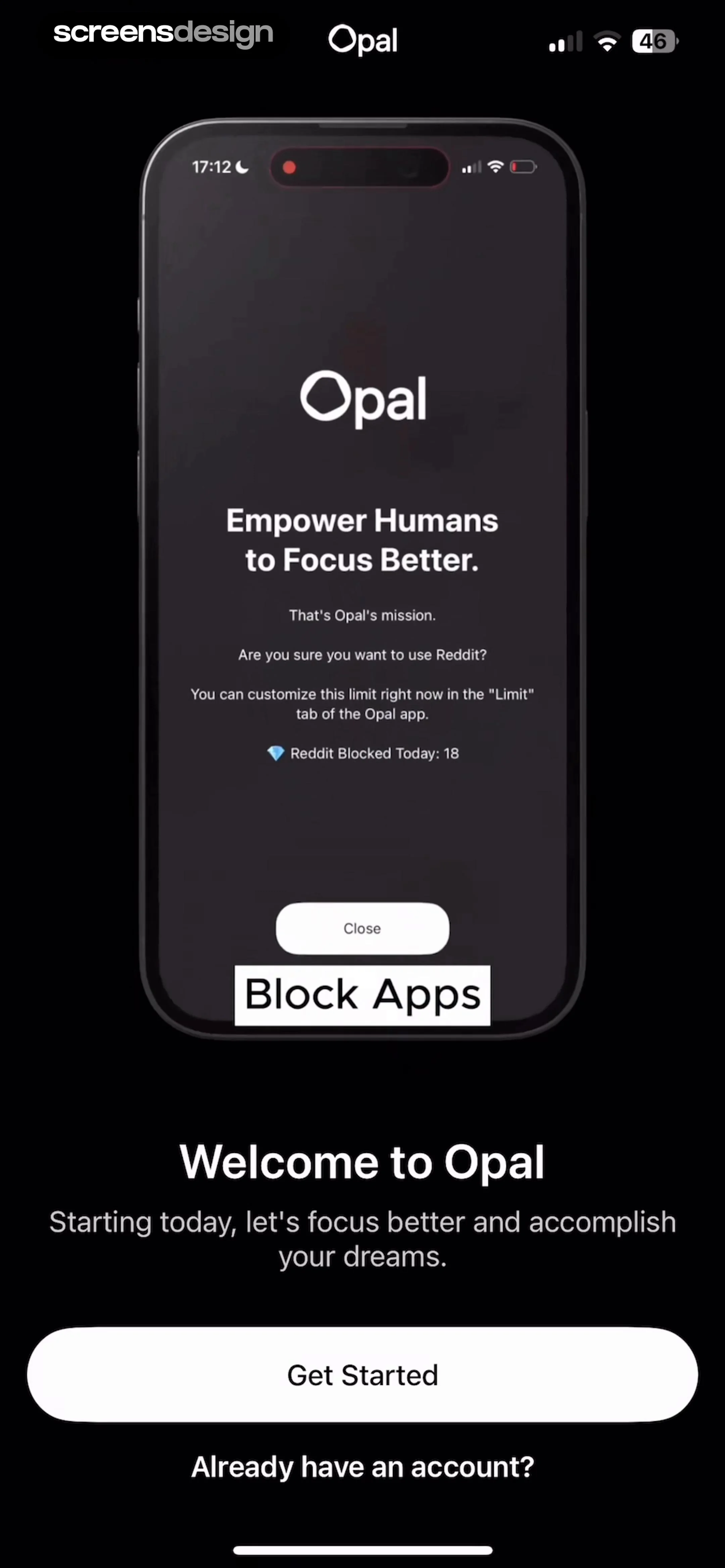
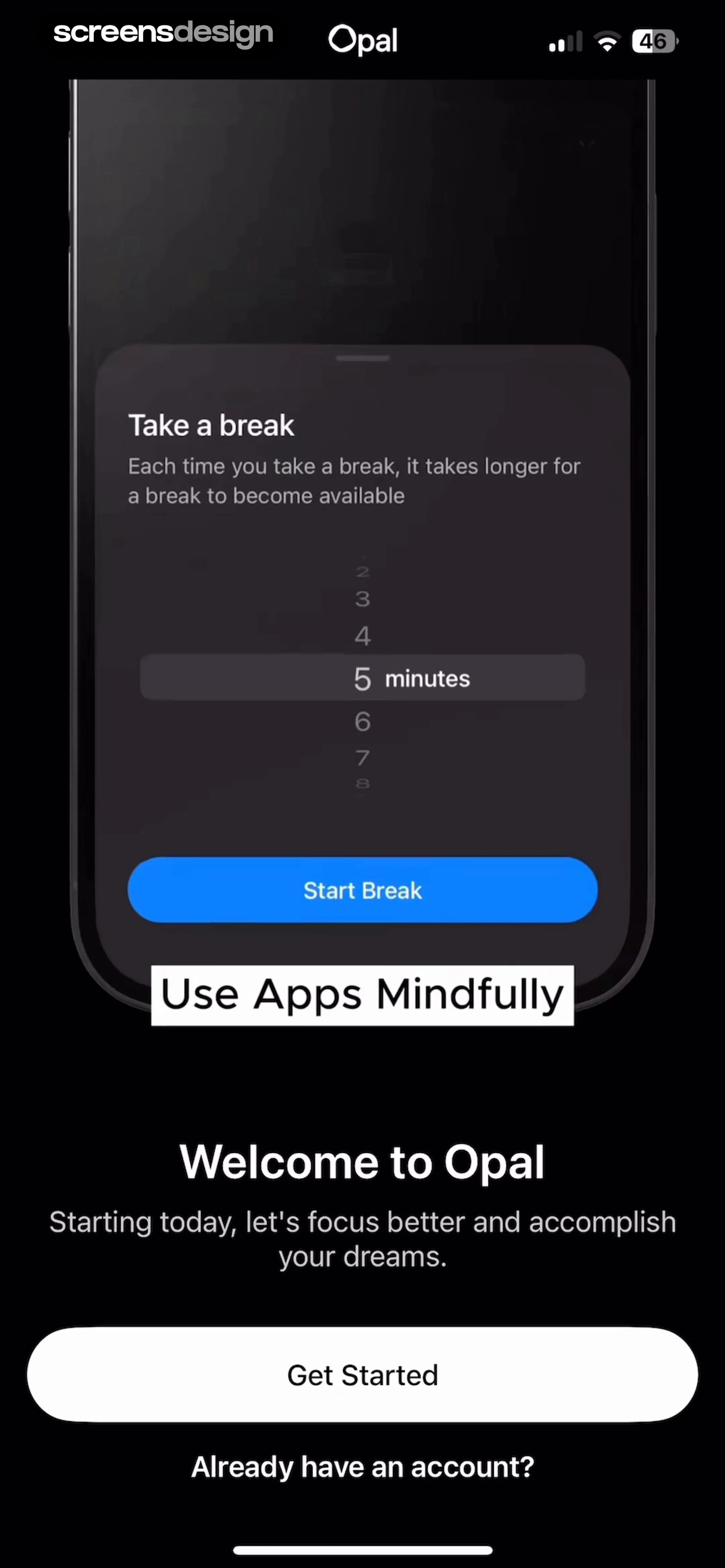
Opal onboarding screen featuring a welcome message, product mockup showing an app-blocking notification, Get Started button, and sign-in link.
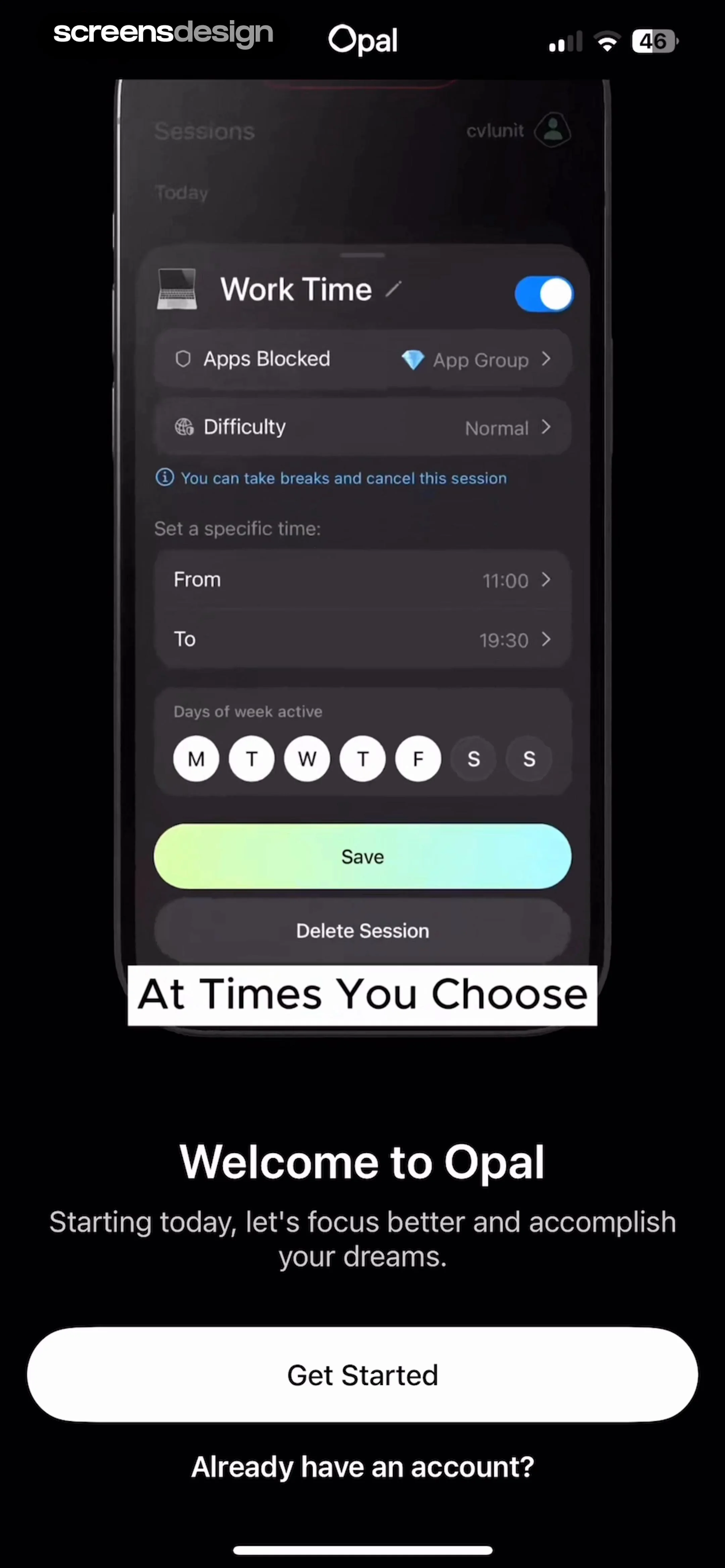
Opal onboarding screen featuring a session configuration product mockup, a Get Started button, and an account login link in dark mode.
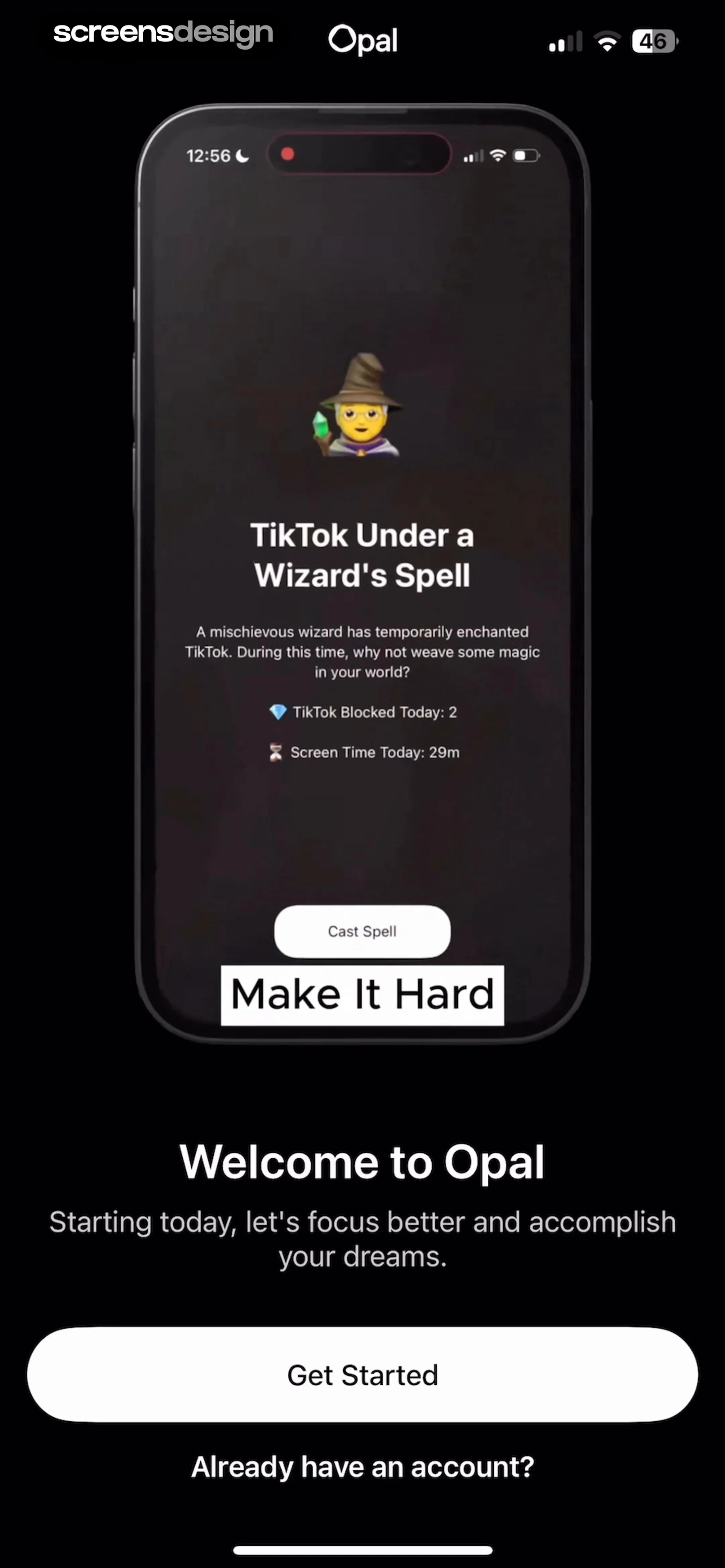
Opal onboarding screen featuring a central product mockup of an app blocking feature, a welcome message, and a Get Started button.
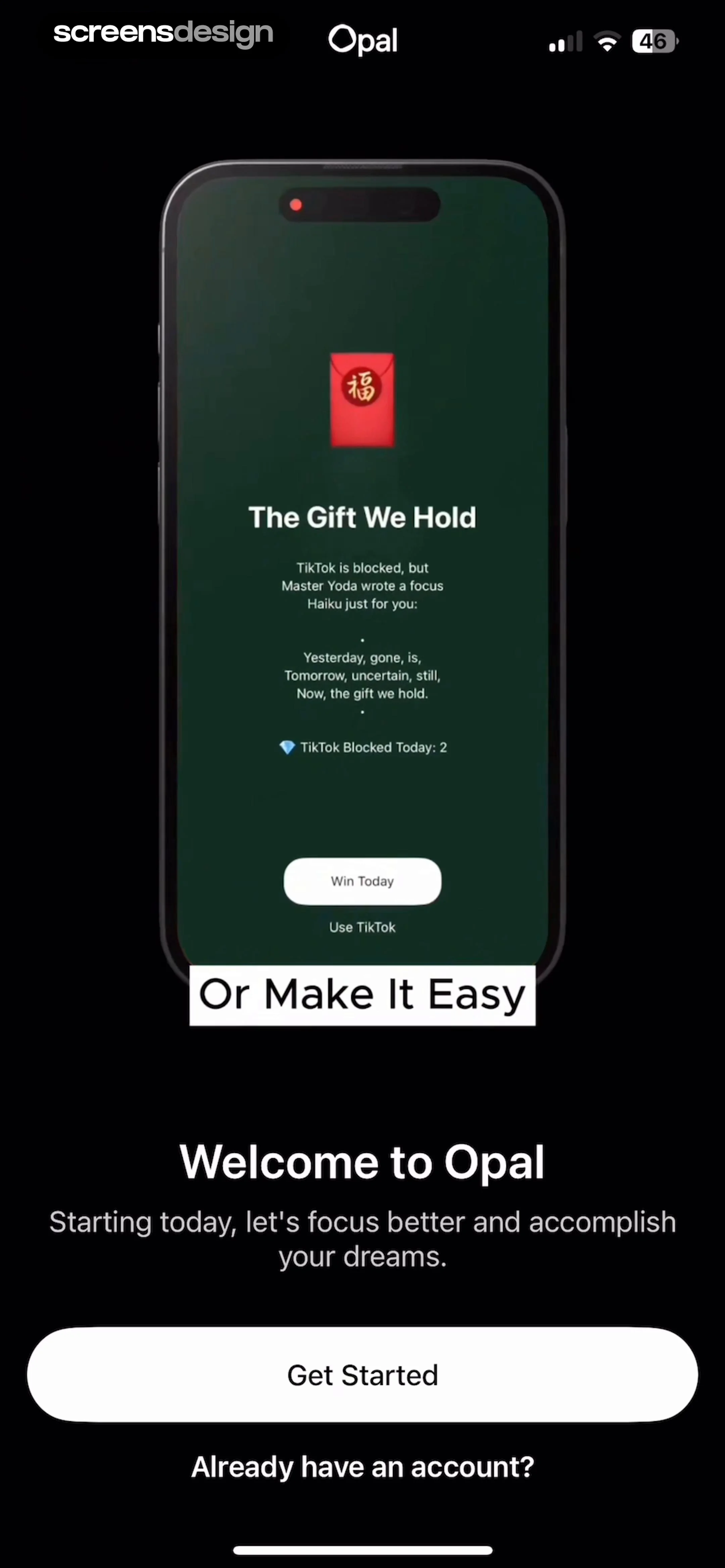
Opal onboarding welcome screen with a product mockup, a Get Started button, and an account login link.
Opal onboarding welcome screen with a product mockup, a Get Started button, and a sign-in link.
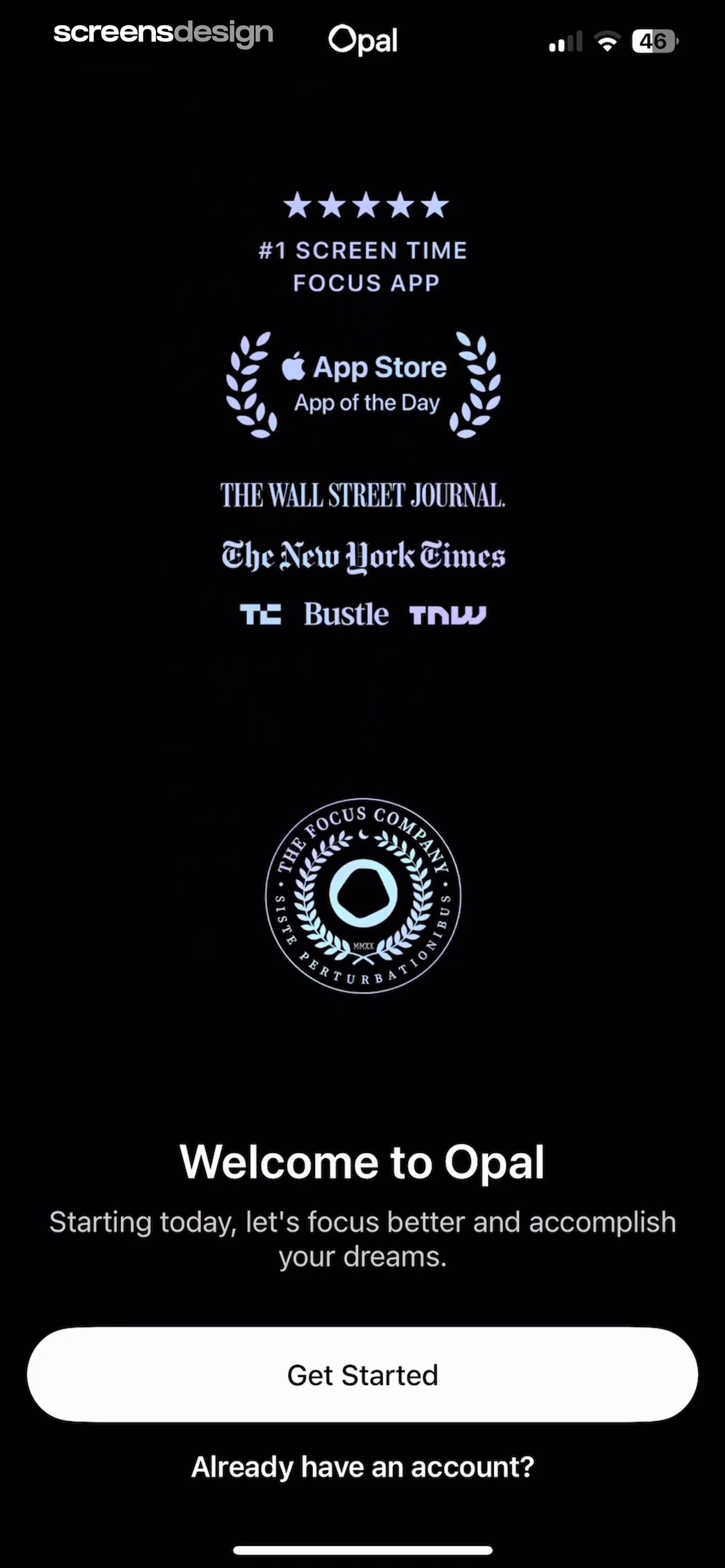
Opal onboarding welcome screen displaying media press logos, a brand logo, and a Get Started button.
Onboarding questionnaire asking for daily average screen time, with the 5-7 hours option selected and a Continue button.Unlock Pro
Onboarding screen asking what habit to change with a selectable list of digital habits and a Continue button.Unlock Pro
Opal app onboarding screen asking for age, with the 25 - 34 option selected and a Continue button.Unlock Pro
Onboarding screen asking for the user's occupation, with the Remote Worker option selected and a Continue button.Unlock Pro
Opal app loading screen displaying the text Calculating above a horizontal gradient progress bar on a black background.Unlock Pro
Loading screen for the Opal app with a progress bar and the text Preparing report on a black background.Unlock Pro
Opal onboarding screen with a top progress bar, centered text reading Some not-so-good news, and some great news., and a Continue button.Unlock Pro
Onboarding screen displaying screen time usage statistics with a progress bar at the top and a Continue button at the bottom.Unlock Pro
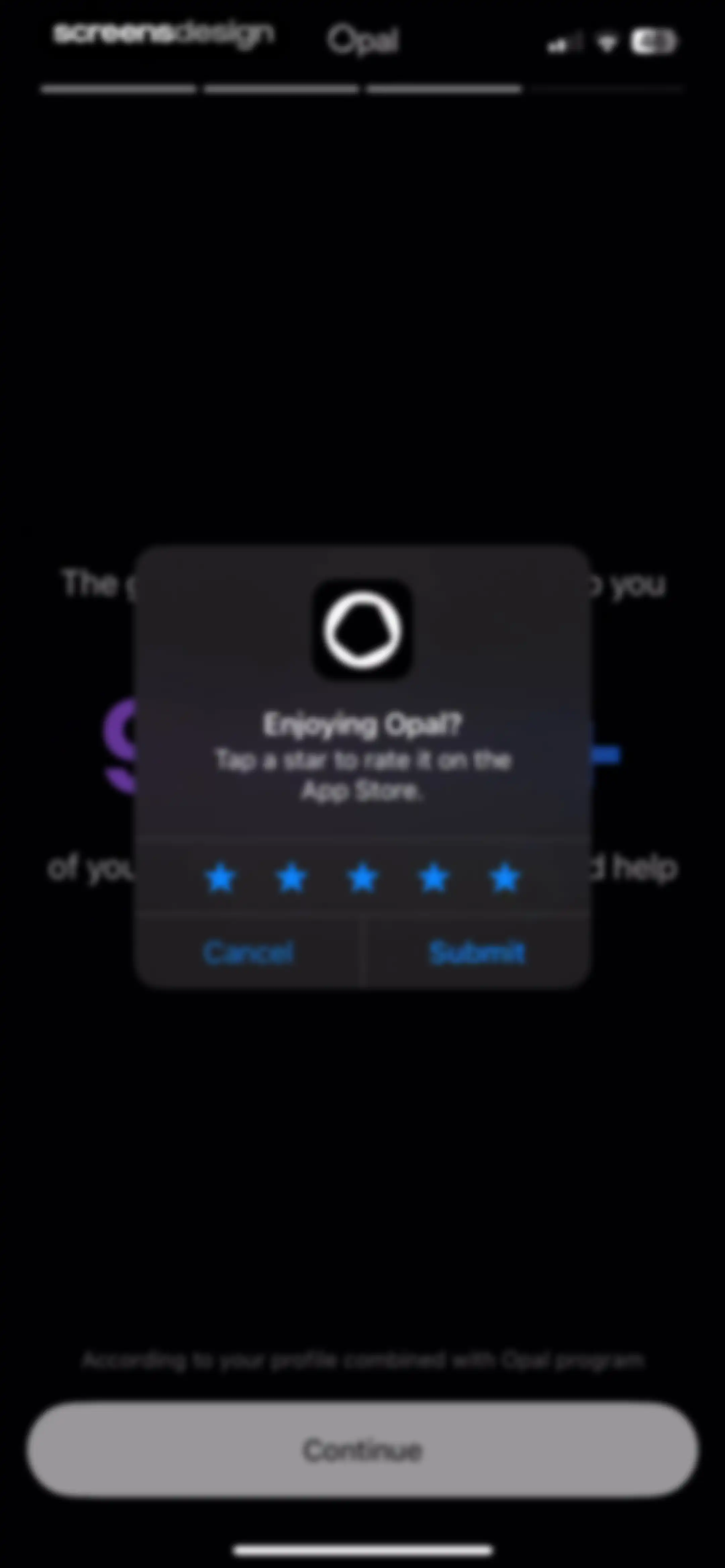
Opal app rating prompt modal featuring five star icons for rating, with Cancel and Submit buttons against a dark background.Unlock Pro
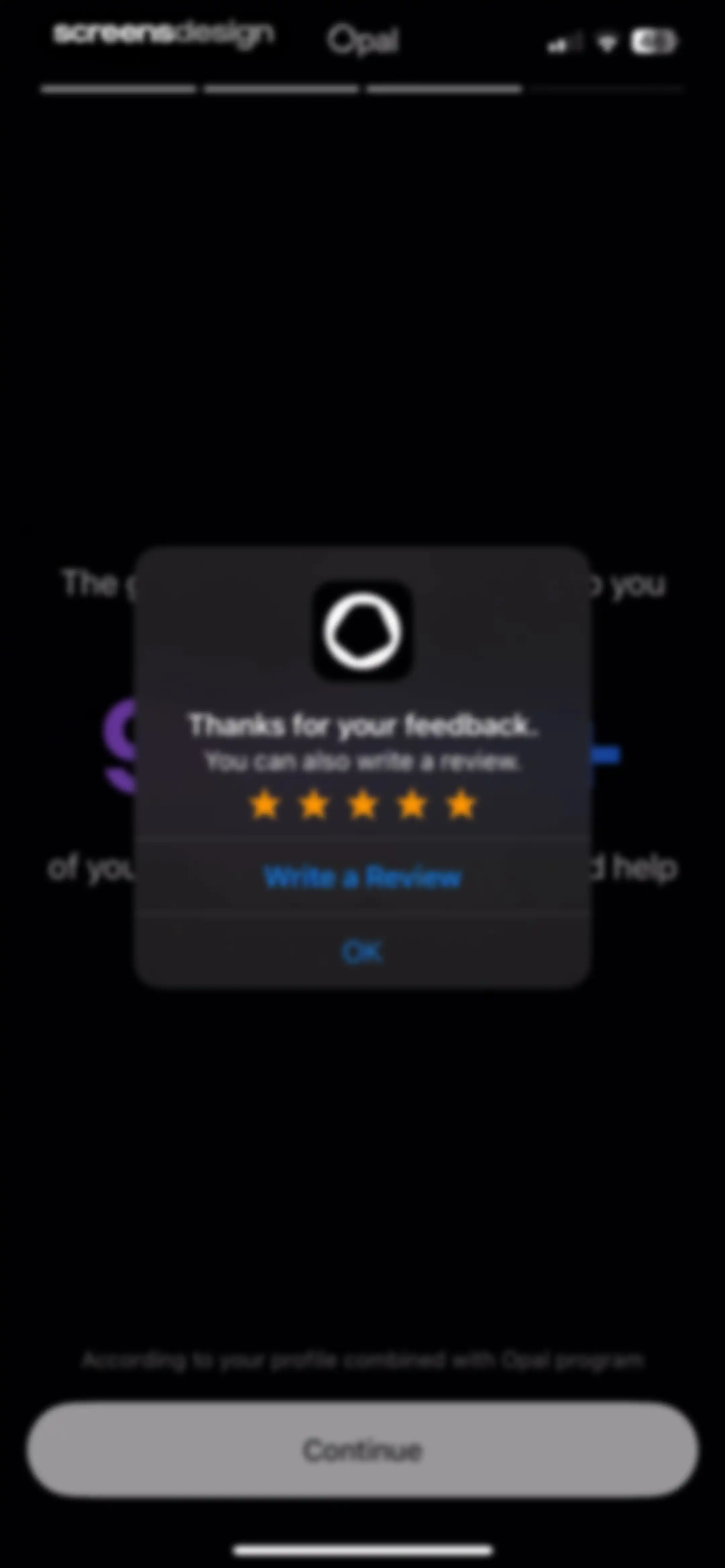
Feedback modal thanking the user with a five-star rating, a Write a Review button, and a Continue button.Unlock Pro
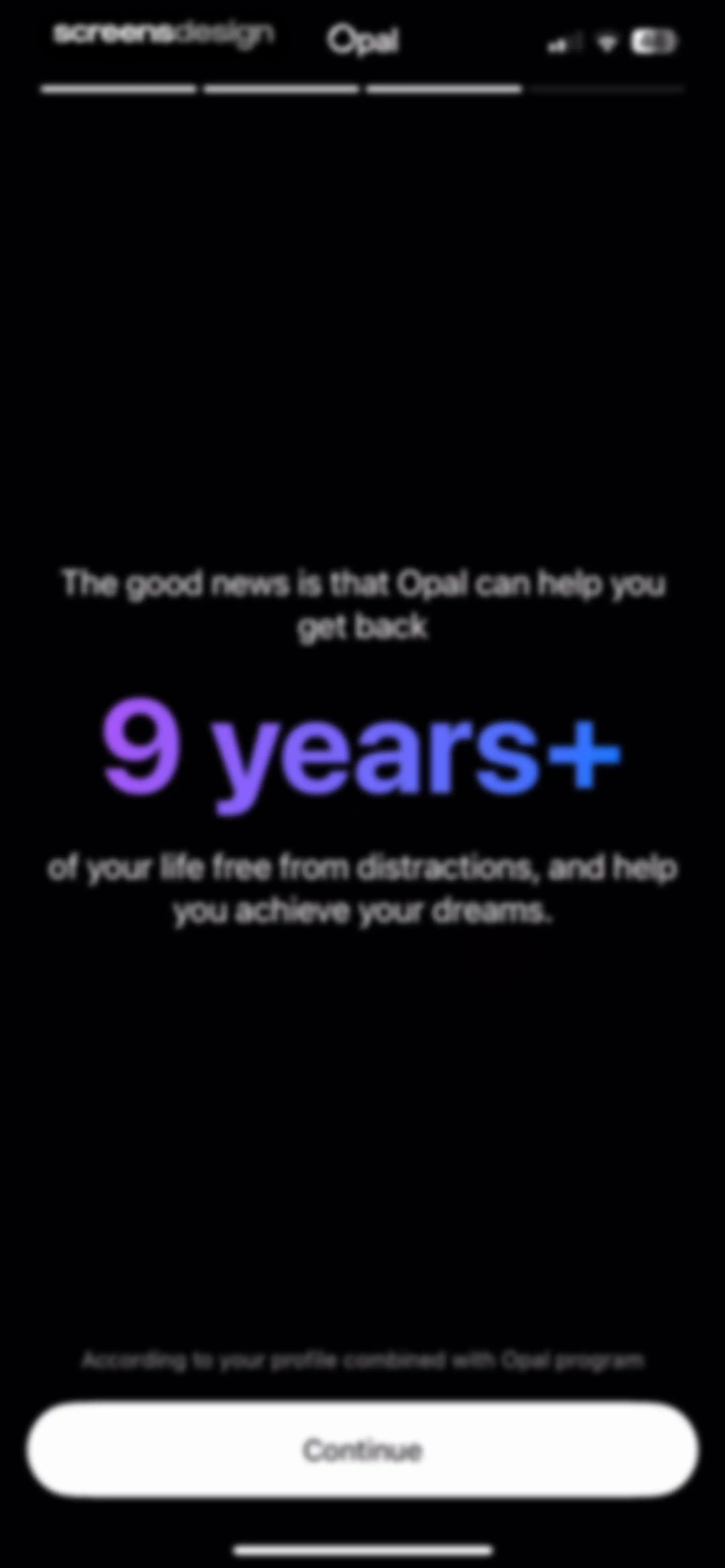
Opal app onboarding screen displaying a motivational statistic of 9 years+ reclaimed, with a progress bar and a Continue button.Unlock Pro
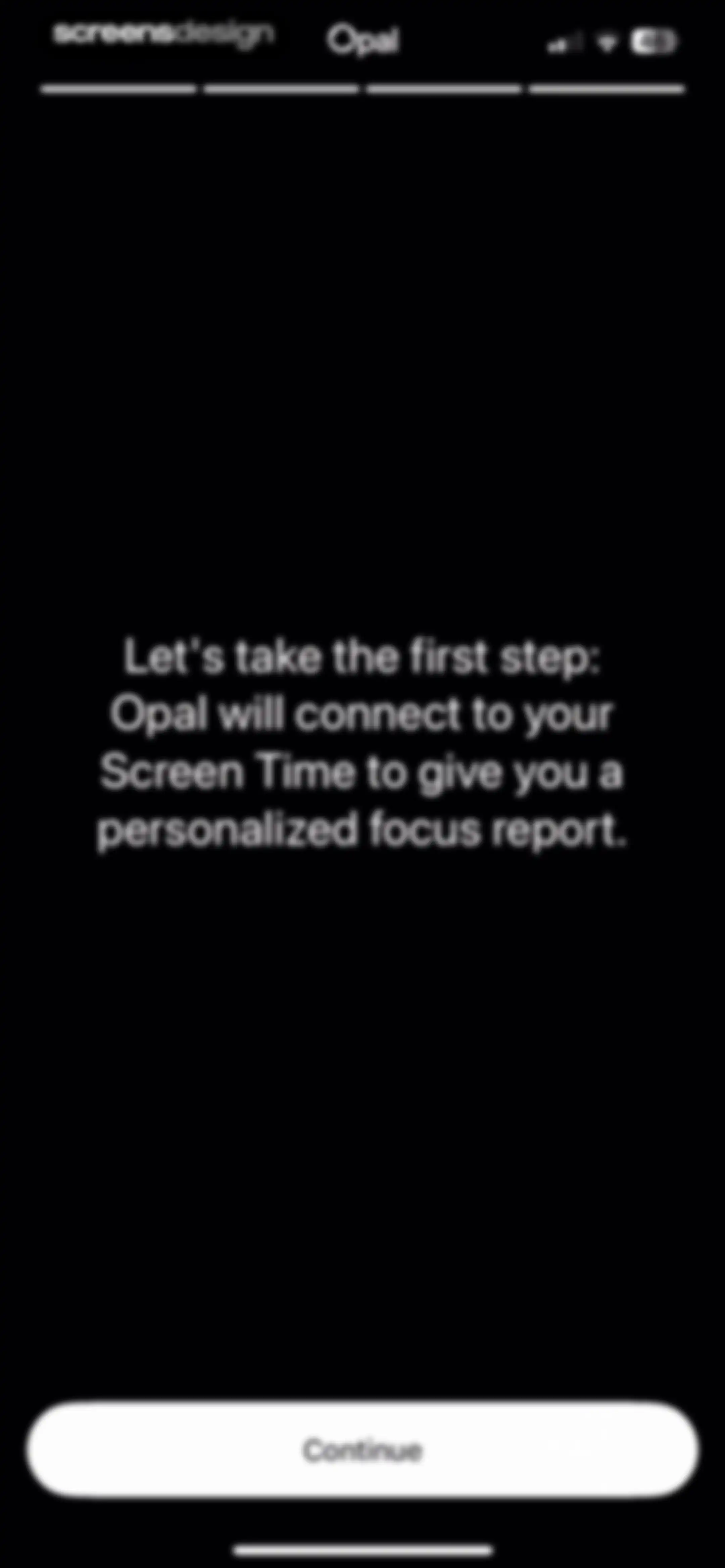
Opal app onboarding screen explaining the Screen Time connection, with a top progress bar and a Continue button.Unlock Pro
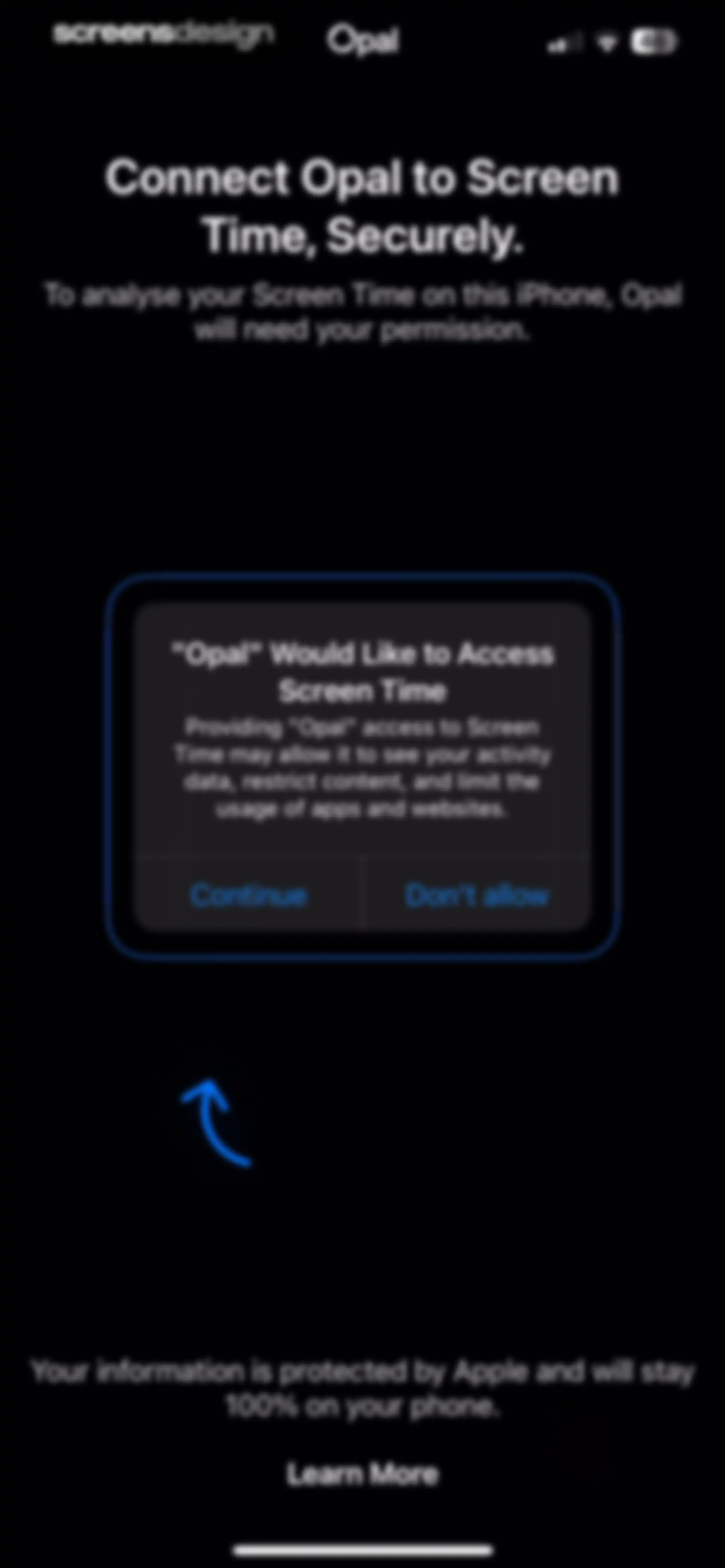
System permission modal requesting Screen Time access with a Continue button and privacy note.Unlock Pro
Loading screen from the Opal app with a black background, centering a spinner and the text Connecting to Screen Time.Unlock Pro
System permission request modal asking to allow Opal access to Screen Time, with Continue and Don't Allow buttons.Unlock Pro
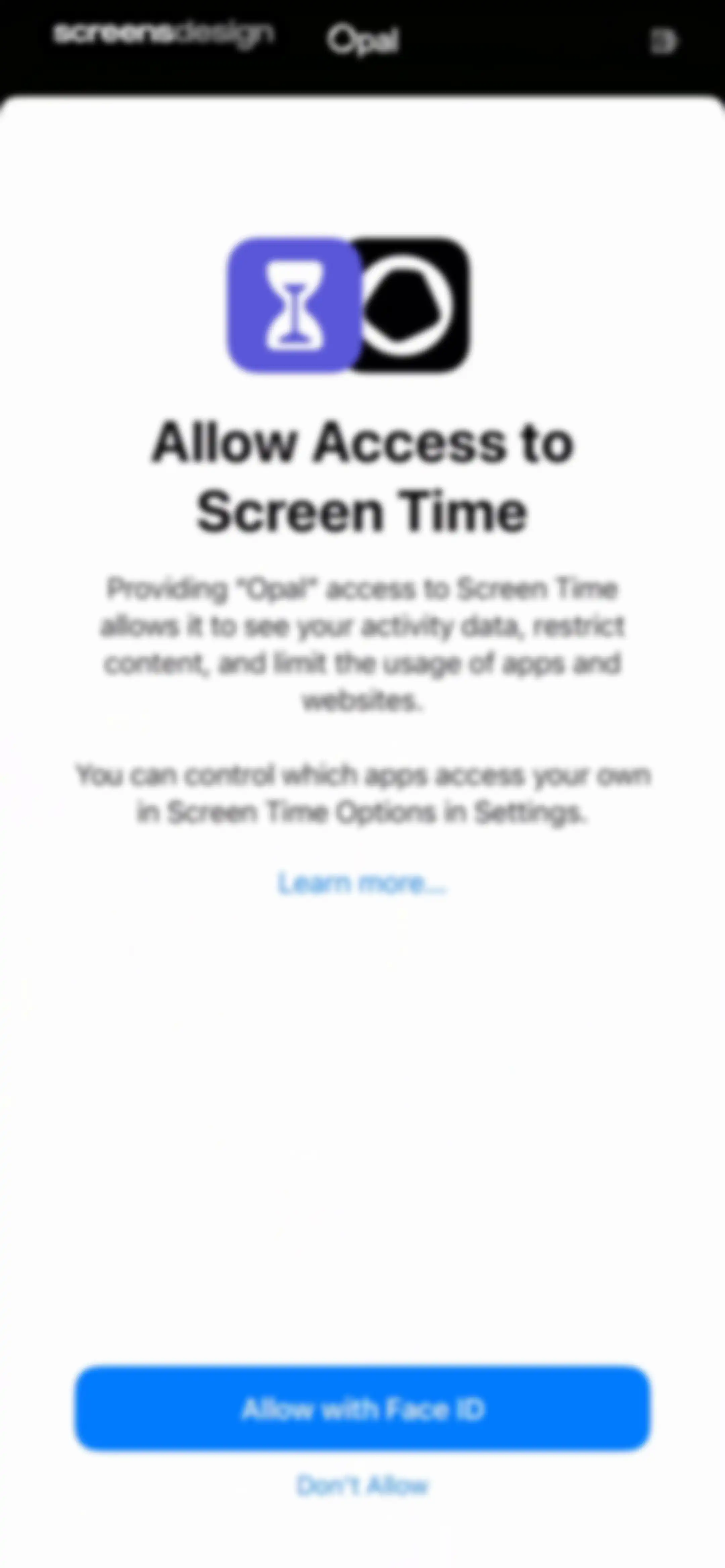
Opal permissions screen requesting Screen Time access with an Allow with Face ID button and a Don't Allow link.Unlock Pro
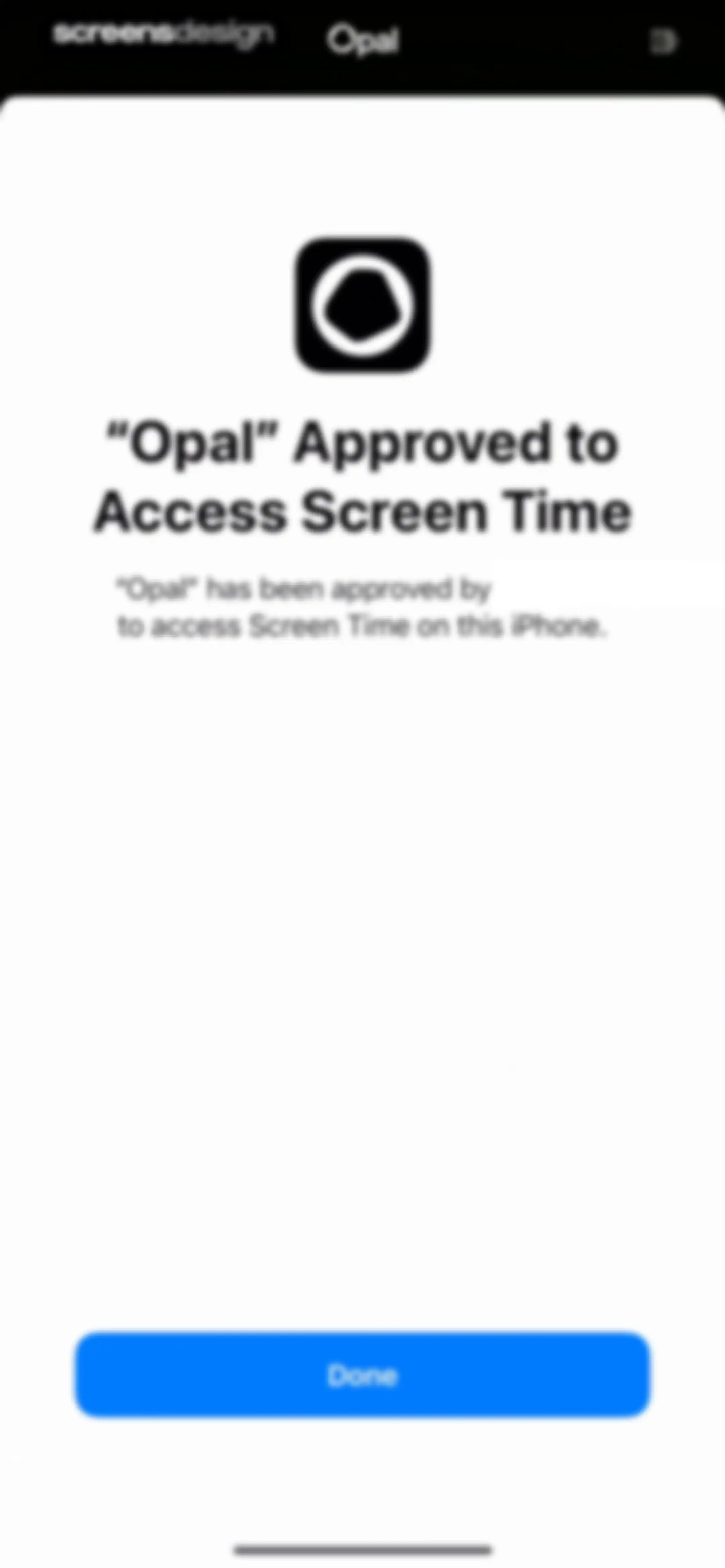
Permission confirmation screen for the Opal app stating that Screen Time access has been approved, with a Done button.Unlock Pro
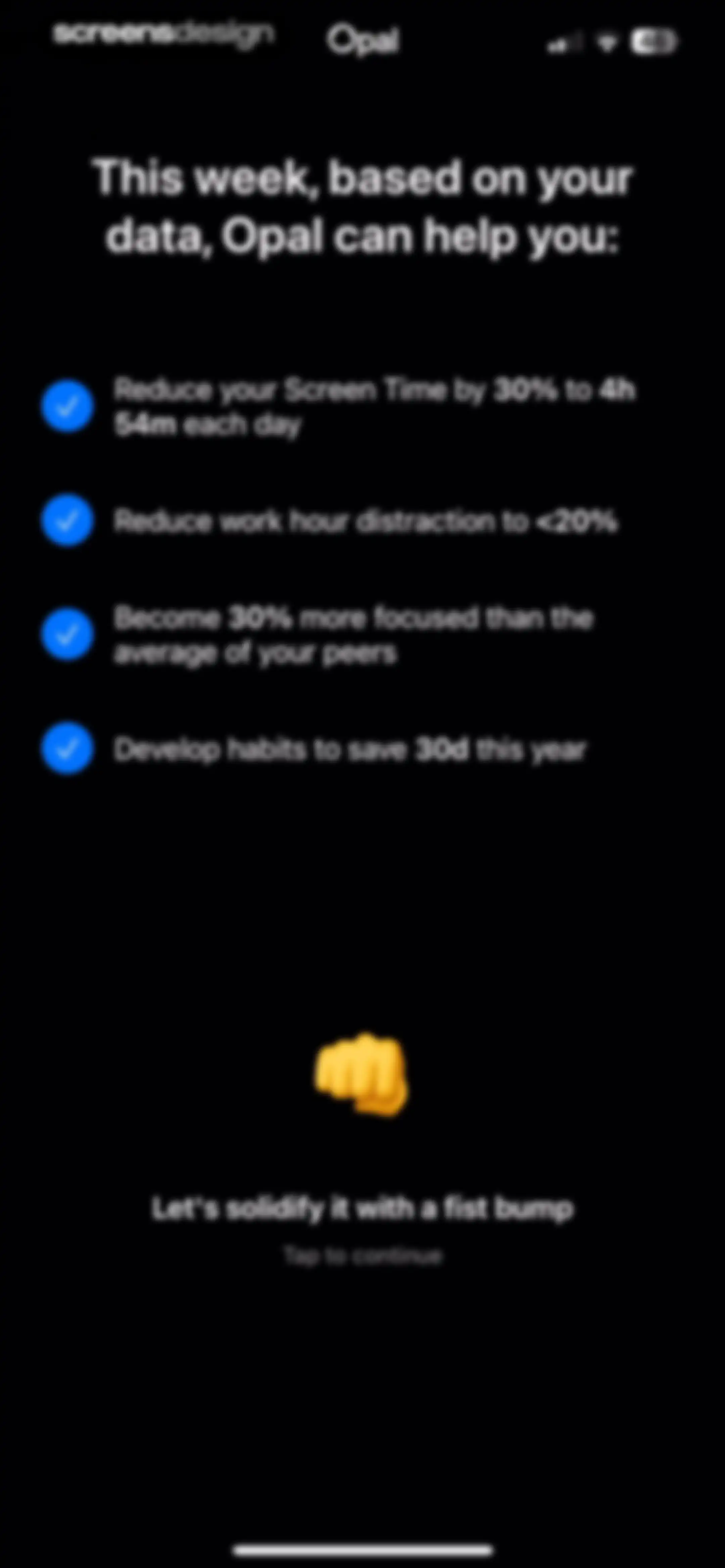
Opal onboarding screen showing personalized productivity goals with checkmarks, a fist-bump emoji, and a continue button.Unlock Pro
Opal splash screen featuring a central yellow fist icon surrounded by scattered decorative emojis against a dark background.Unlock Pro
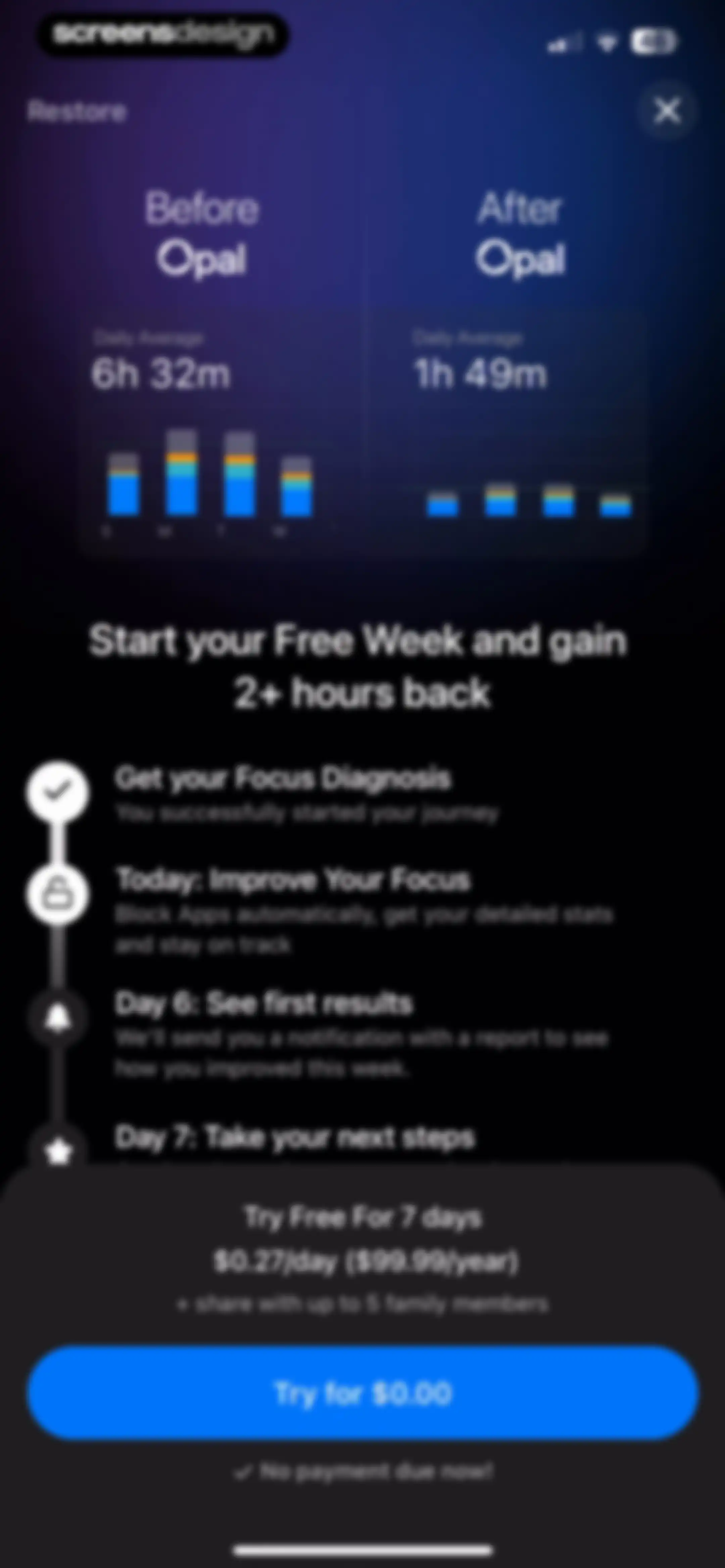
Paywall screen featuring a before-and-after productivity comparison chart, progress timeline, and a free trial subscription offer with a Try for $0.00 button.Unlock Pro
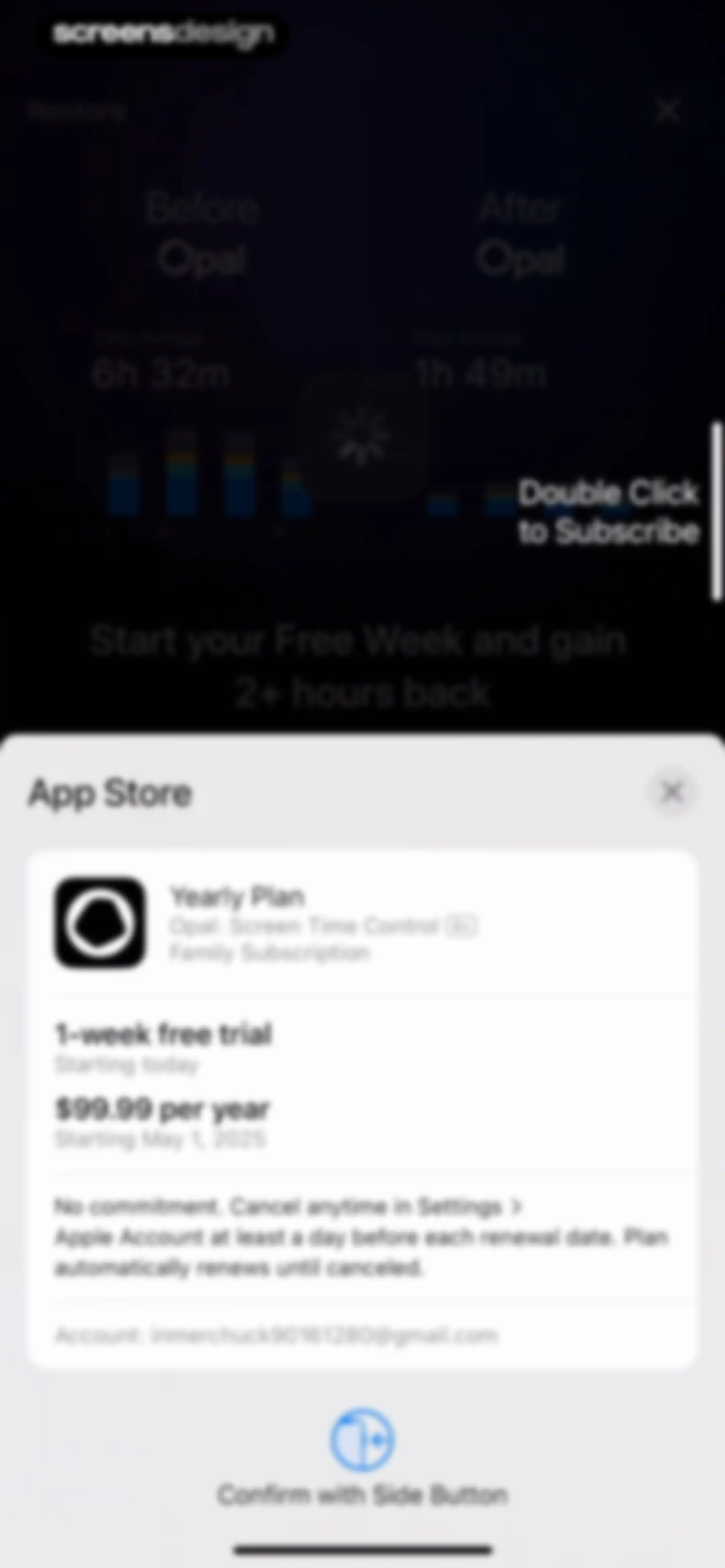
iOS App Store subscription confirmation modal for the yearly plan with a one-week free trial and a prompt to confirm with the side button.Unlock Pro
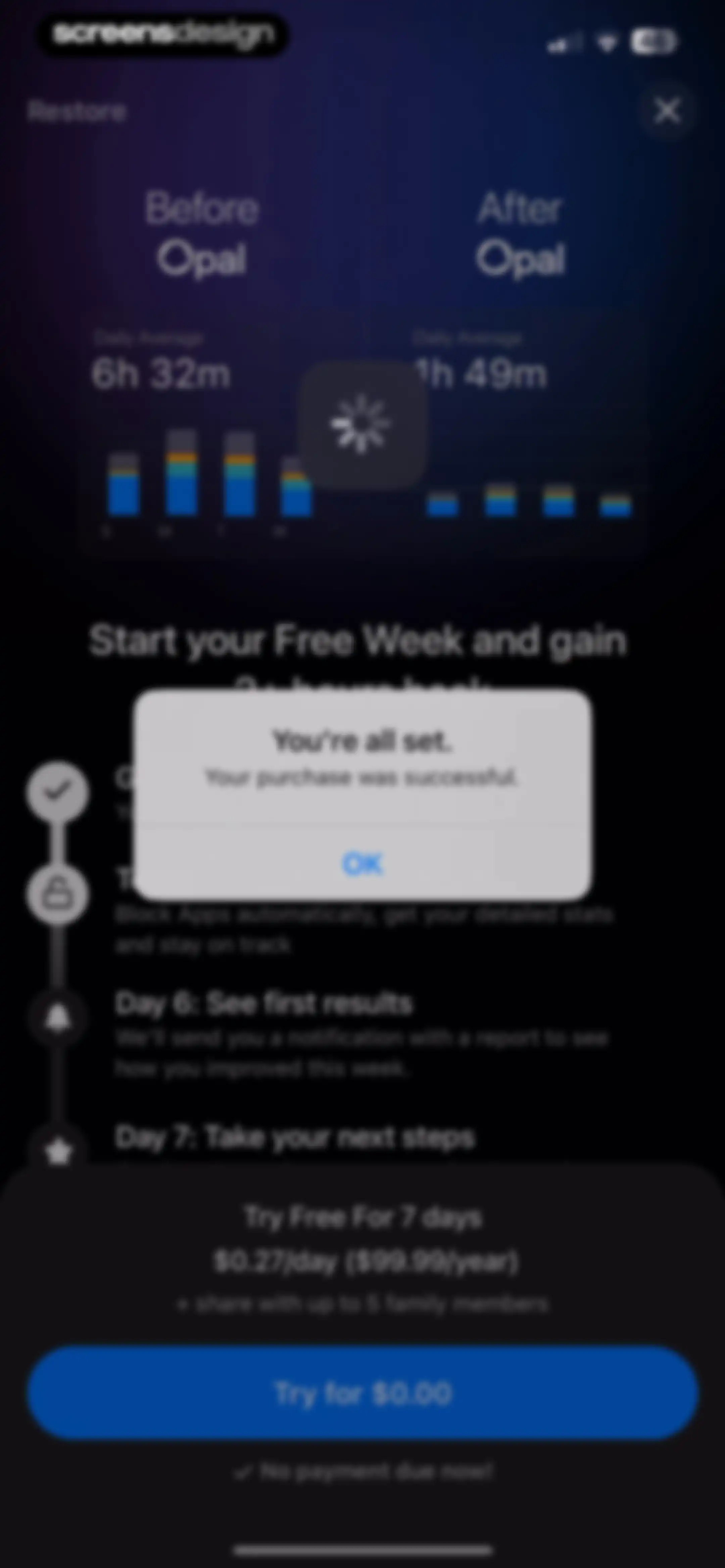
Paywall screen with a purchase success confirmation modal stating You're all set, over a screen time comparison chart and a free trial button.Unlock Pro
Opal onboarding screen displaying a centered motivational message about unlocking gemstones along your focus journey on a black background.Unlock Pro
Opal app splash screen displaying a full-screen abstract background animation with purple and magenta tones.Unlock Pro
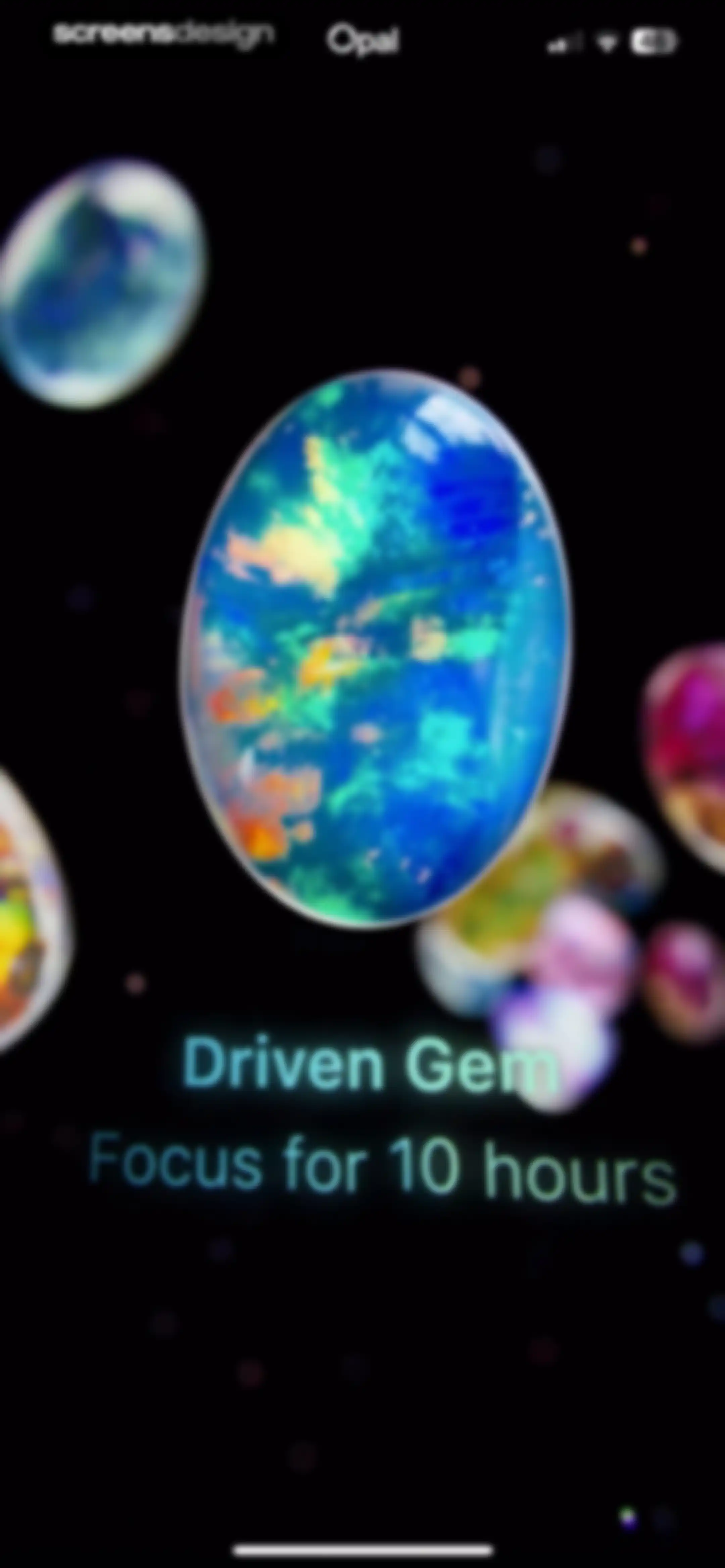
Achievement screen displaying a multicolored Driven Gem illustration with the text Focus for 10 hours against a black background.Unlock Pro
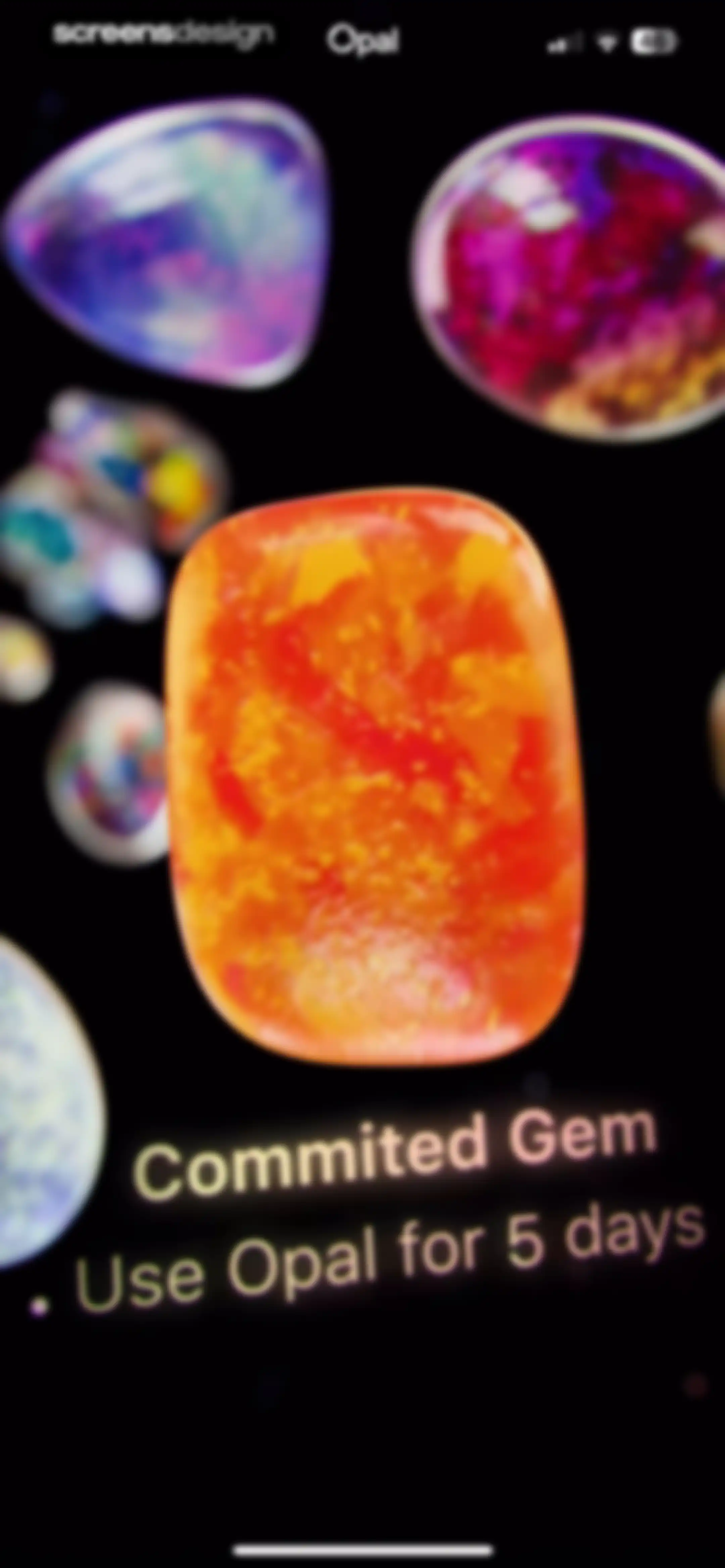
Achievement milestone screen displaying an iridescent orange gem and the text Commited Gem with Use Opal for 5 days.Unlock Pro
Gamification achievement screen featuring a First Gem milestone and a tap to reveal your gem button.Unlock Pro
Achievement screen in the Opal app with centered text reading Gem Unlocked and First Gem above a 3D iridescent gemstone graphic.Unlock Pro
Opal app onboarding completion screen featuring a glowing gemstone illustration and a Save button.Unlock Pro
Opal app onboarding screen displaying a centered motivational message about building focus habits on a black background.Unlock Pro
Opal app loading screen featuring a centered white indicator and bottom instruction to swipe up and continue.Unlock Pro
Opal app splash screen featuring a centered glowing flame icon and an etymology quote about the word focus on a dark background.Unlock Pro
Opal app streak dashboard displaying a one-day focus streak with a central flame graphic, weekly calendar row, and etymological definition.Unlock Pro
Opal account creation screen in dark mode with an email field, a Create account button, and alternative sign-up options.Unlock Pro
Opal onboarding screen asking for a unique gem name, featuring a pre-filled username input field and a Continue button.Unlock Pro
Opal app onboarding screen featuring a social screen time leaderboard, an avatar cluster, and an Add Friends button.Unlock Pro
Permission request modal asking to access contacts, overlaying a contact list with a Continue button.Unlock Pro
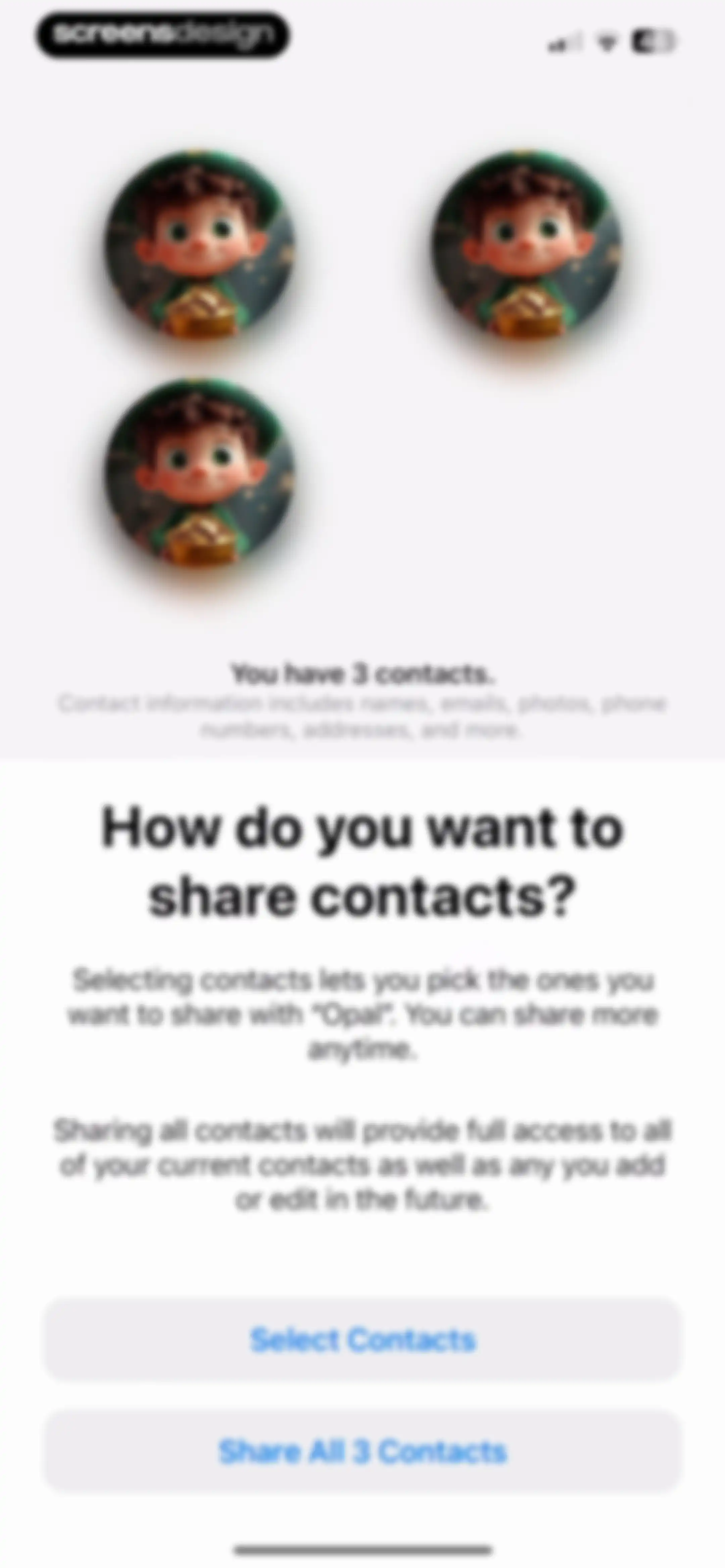
Permission request screen for the Opal app asking how to share three contacts, with buttons to select specific contacts or share all.Unlock Pro
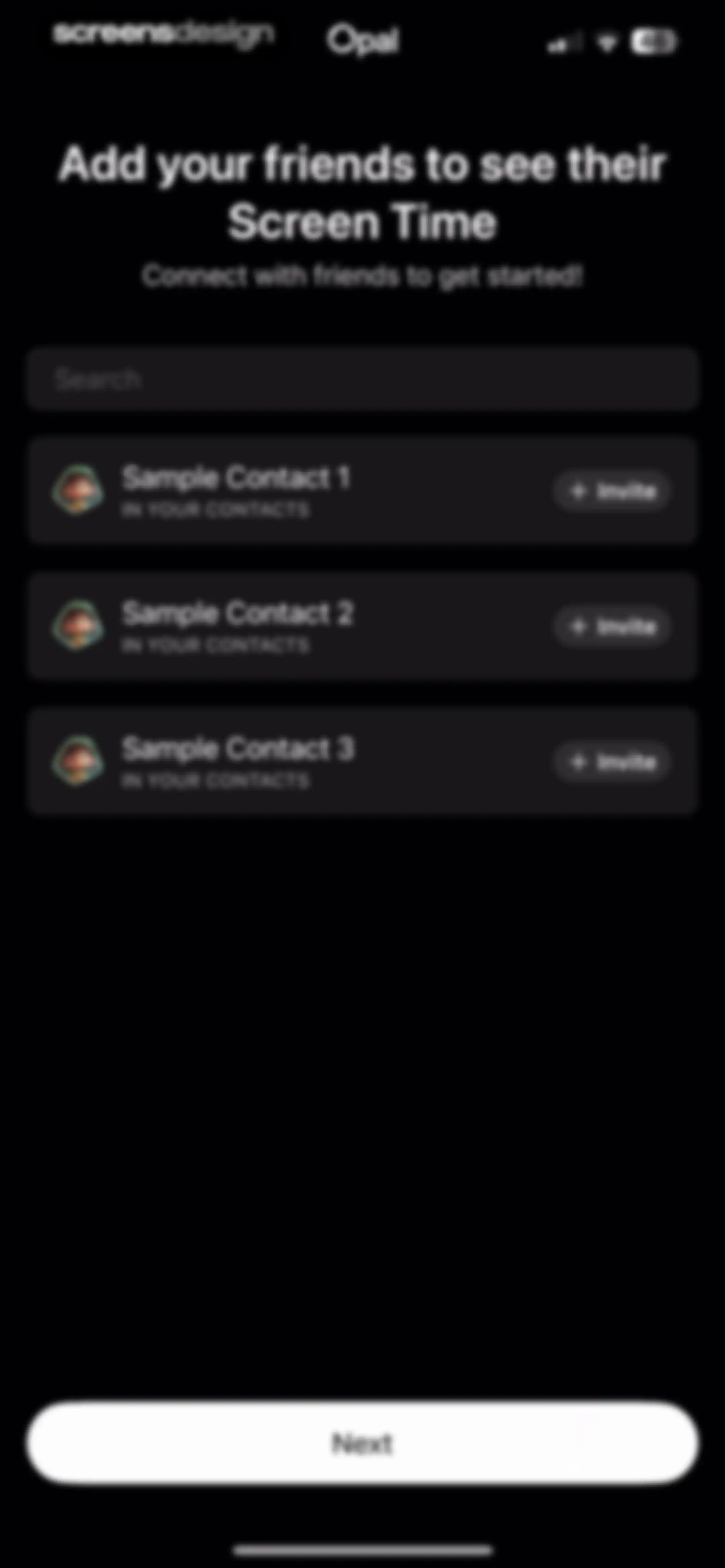
Social onboarding screen prompting users to invite friends from a contact list with a search bar and a Next button.Unlock Pro
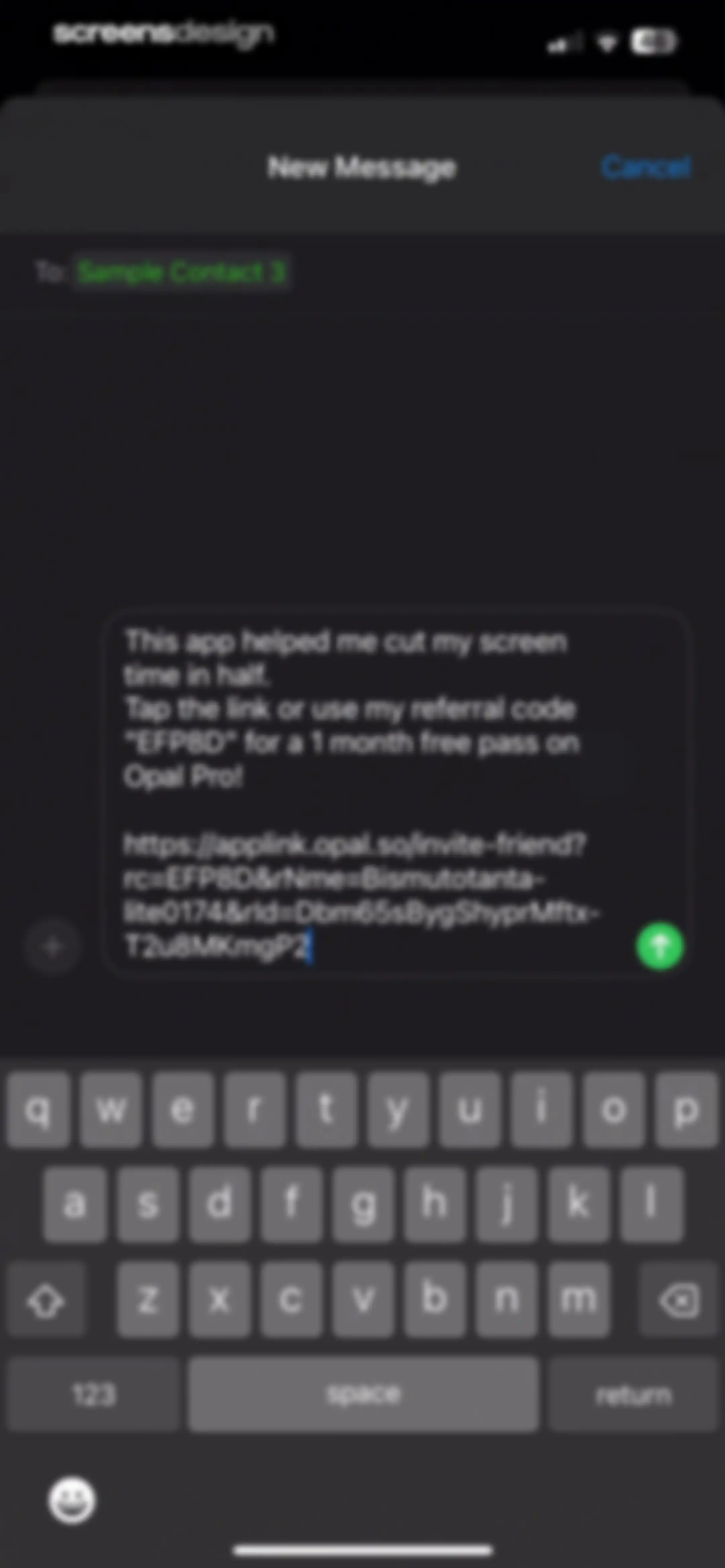
Message composition screen pre-filled with an Opal app referral invitation and a recipient field.Unlock Pro
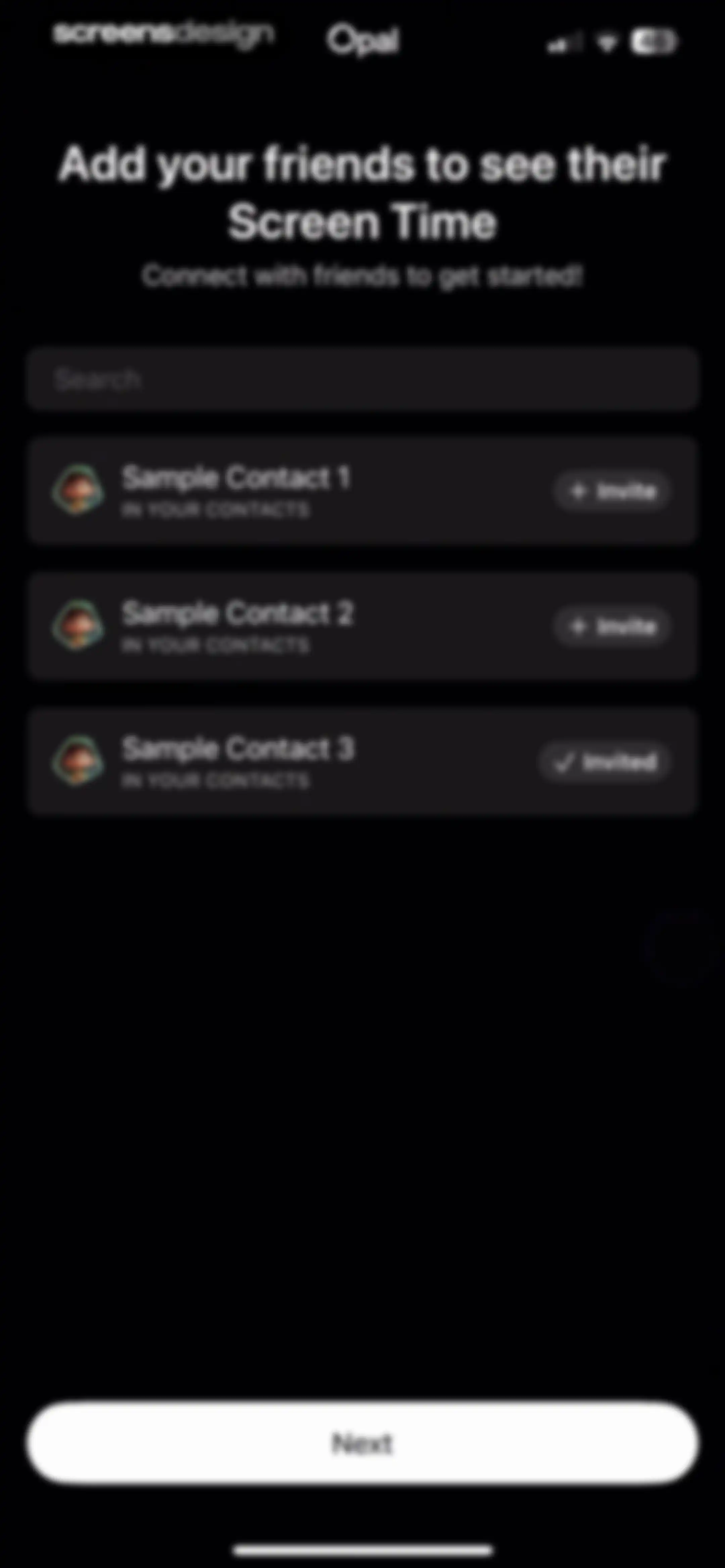
Social onboarding screen prompting users to invite friends from their contacts, featuring a search bar, contact list with invite buttons, and a Next button.Unlock Pro
Opal app onboarding screen with a centered welcome message about focus and a Continue button at the bottom.Unlock Pro
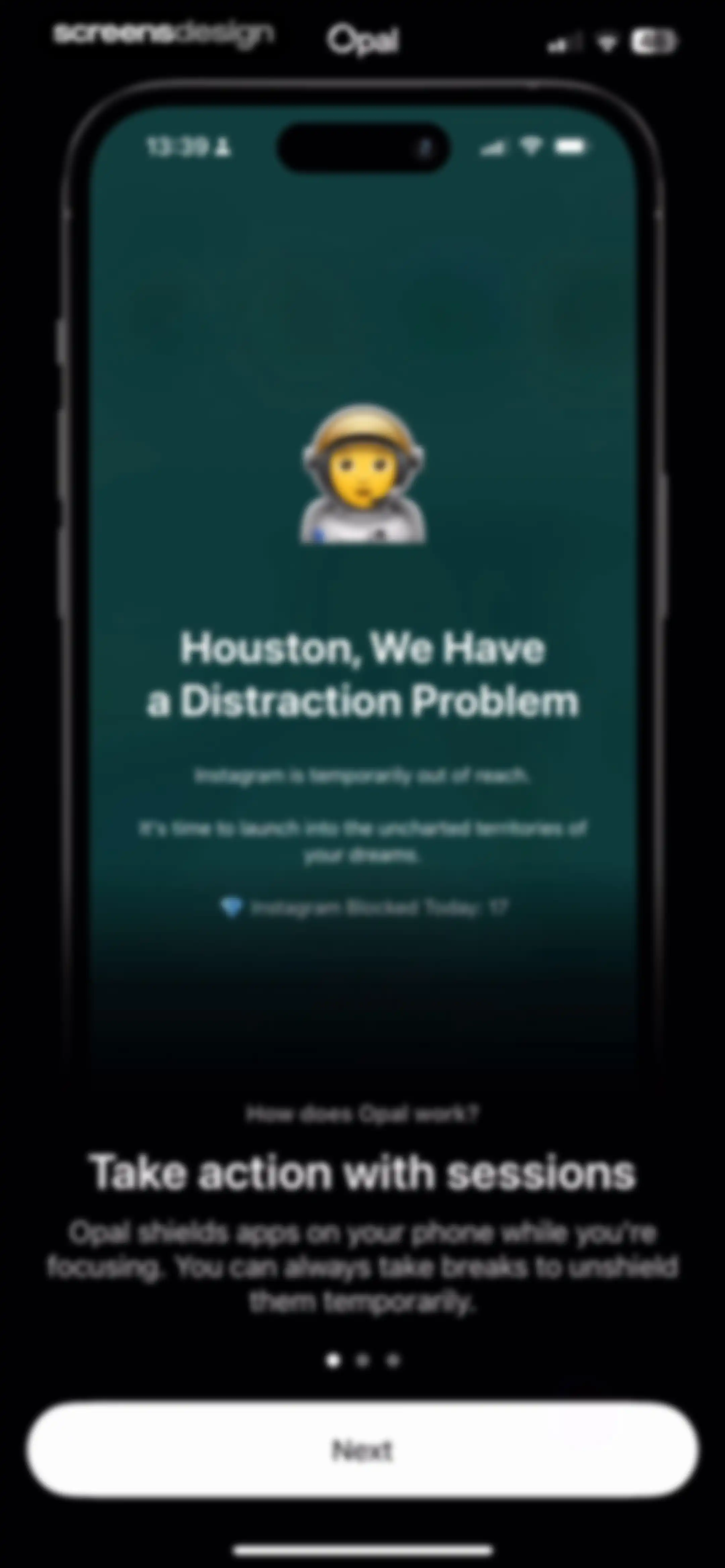
Onboarding screen explaining how the app works with educational text, a pagination indicator, and a Next button.Unlock Pro
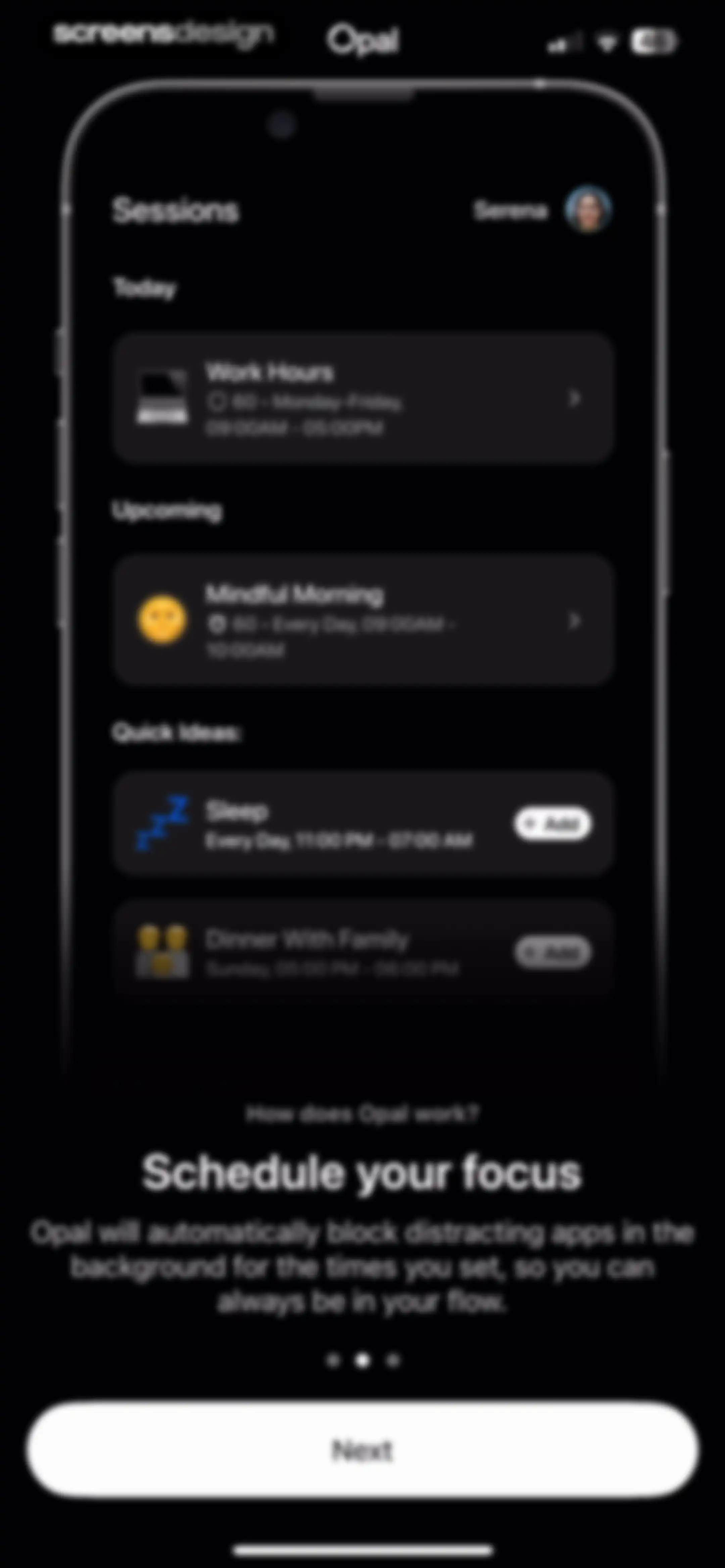
Opal onboarding screen explaining how focus schedules work, with a session list mock and a Next button.Unlock Pro
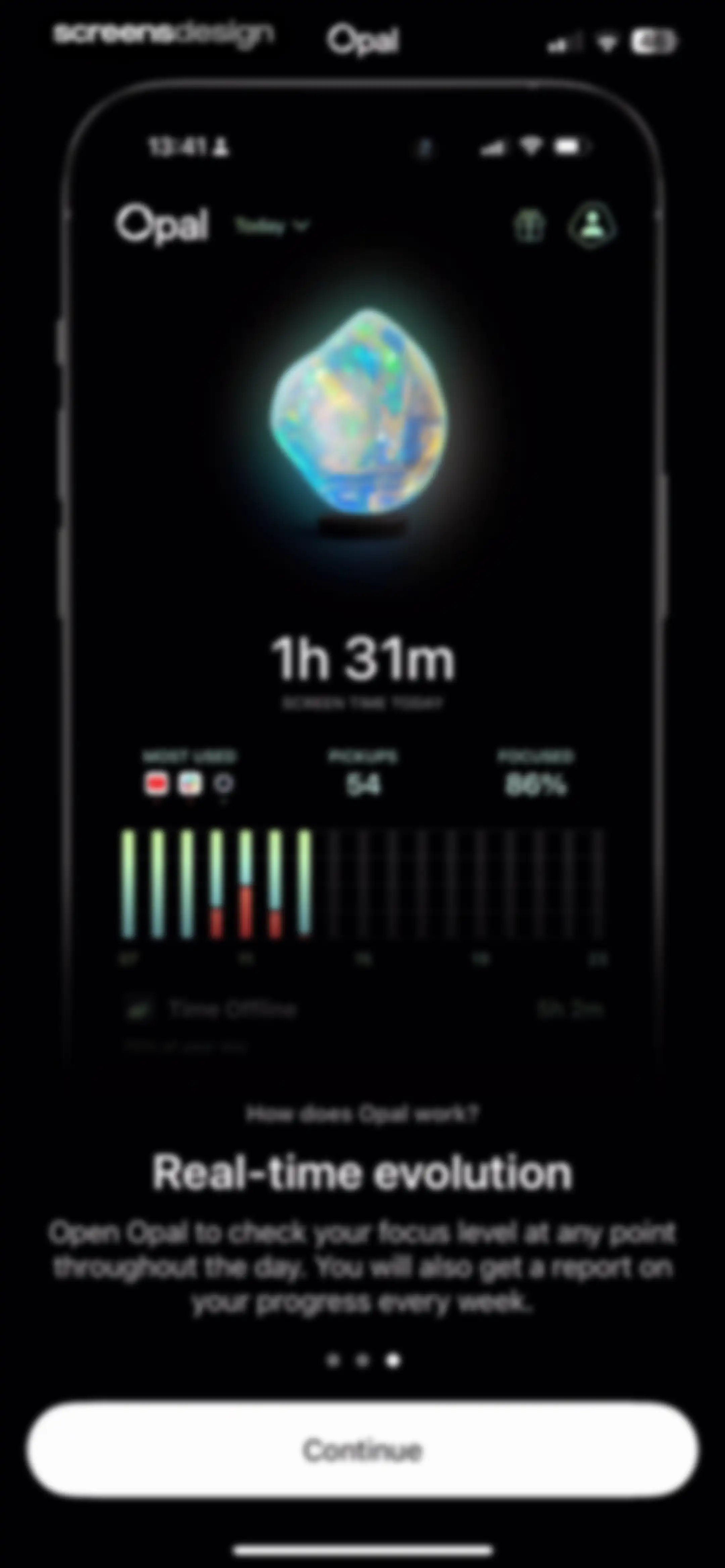
Opal app onboarding screen showcasing a screen time dashboard and real-time focus tracking with a Continue button.Unlock Pro
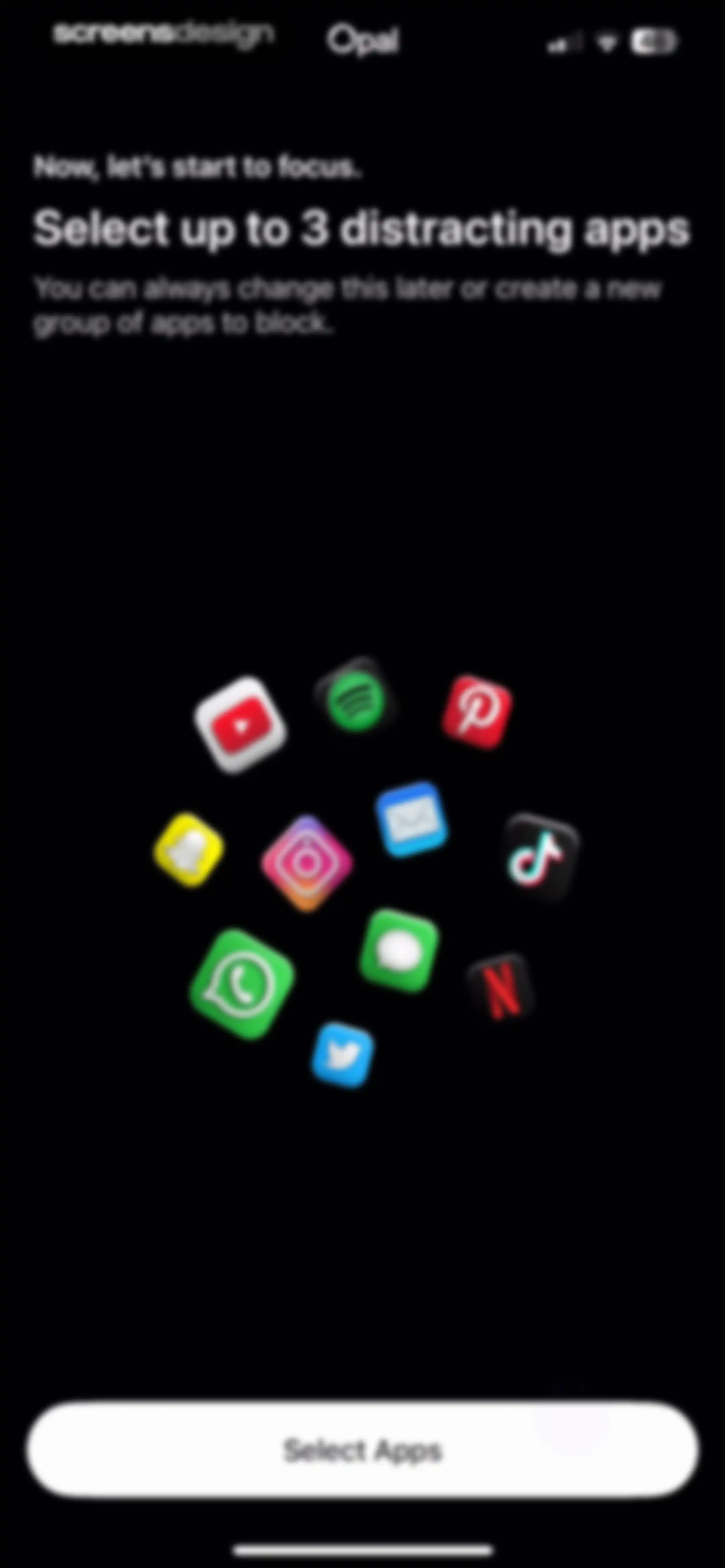
Opal onboarding screen prompting the user to select up to 3 distracting apps, featuring a central cluster of app icons and a Select Apps button.Unlock Pro
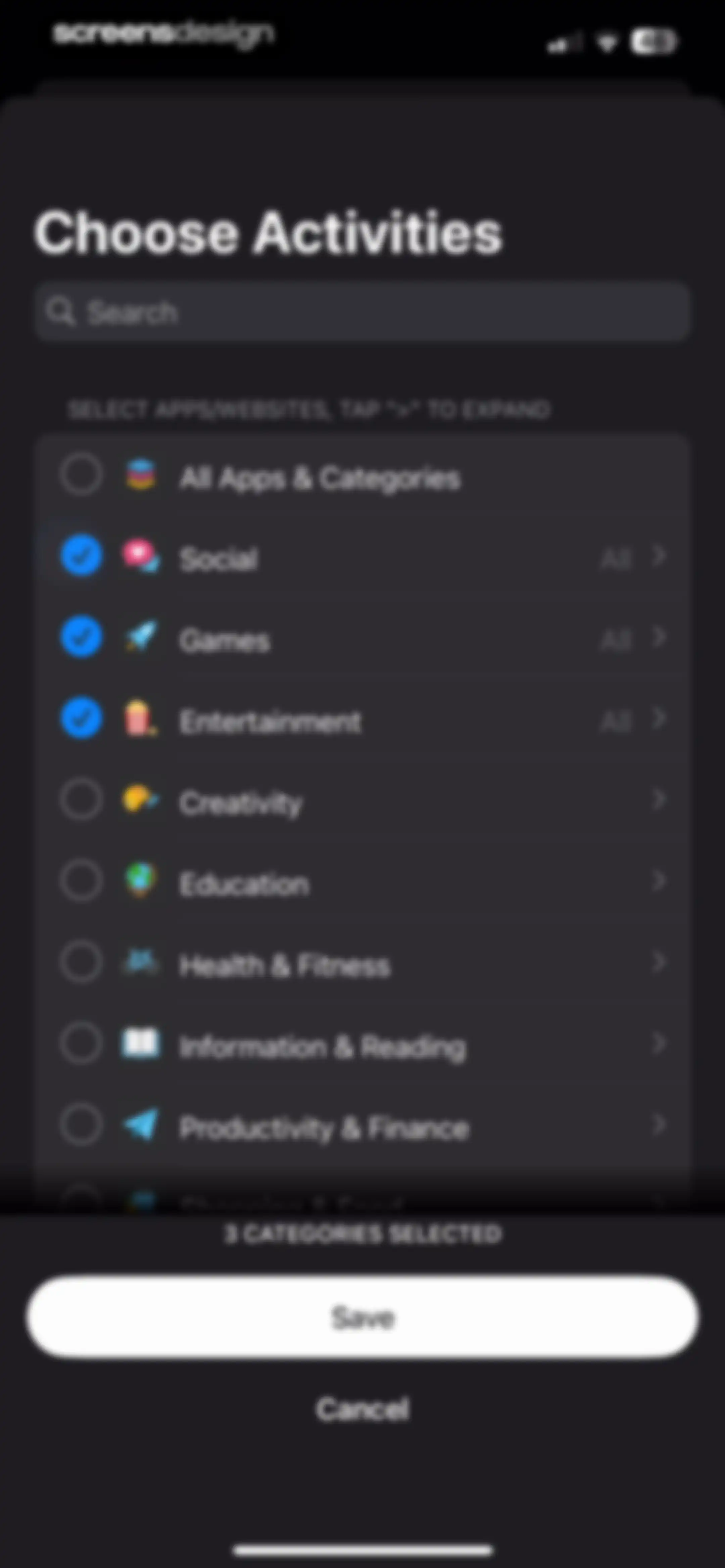
Activity selection form featuring a search bar, a list of app categories with three selected items, and Save and Cancel buttons.Unlock Pro
Opal app notification permission request screen with a system modal and a visual arrow pointing to the Allow button.Unlock Pro
Opal app notification permission request screen displaying a system modal with Don't Allow and Allow buttons over a dark onboarding background.Unlock Pro
Onboarding screen asking how the user heard about the app, with TikTok selected in the channel list and a Continue button.Unlock Pro
Splash screen for Opal: Screen Time Control featuring a minimalist white logo with a laurel wreath and text on a solid black background.Unlock Pro
Blocks dashboard for Opal showing active Work Time, upcoming Weekend Zen, and quick action buttons for scheduling sessions and setting app limits.Unlock Pro
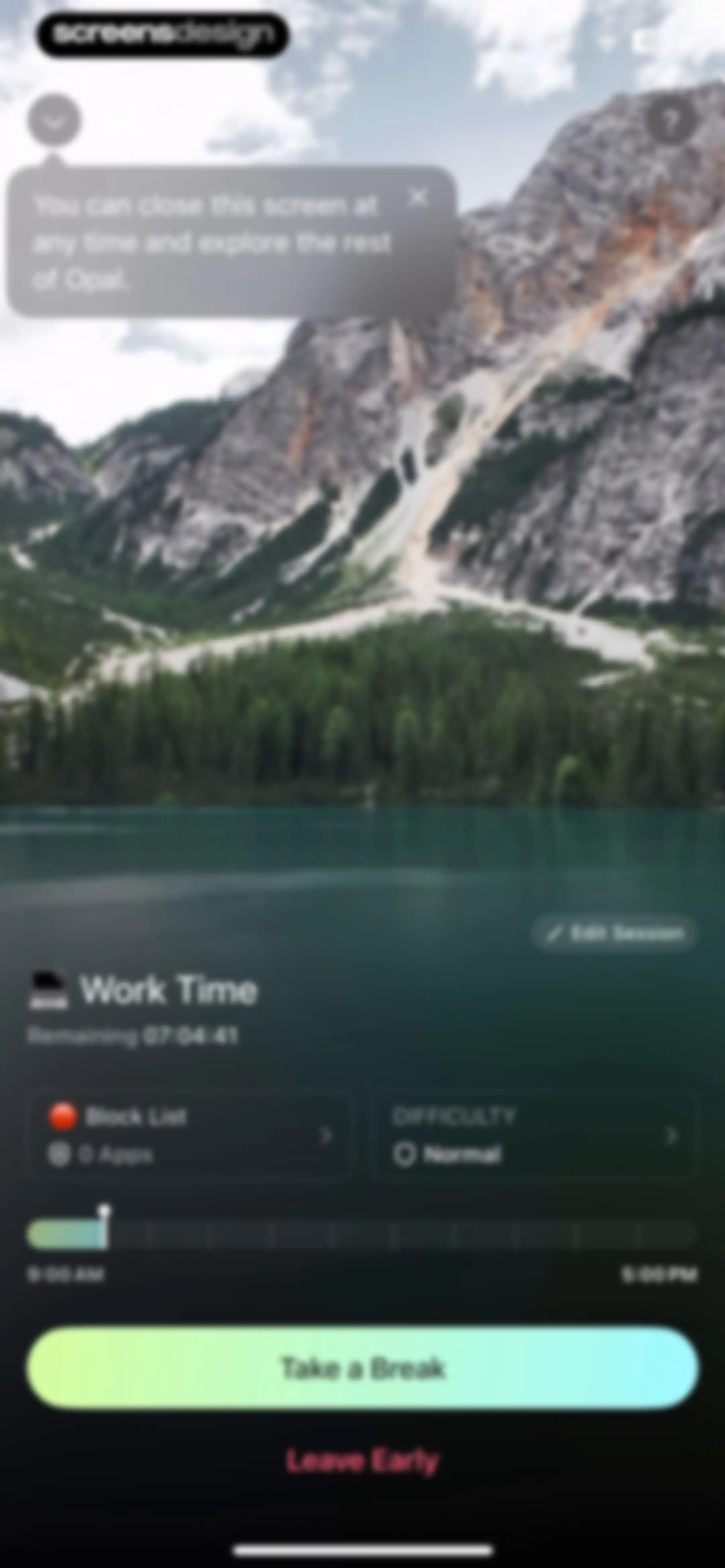
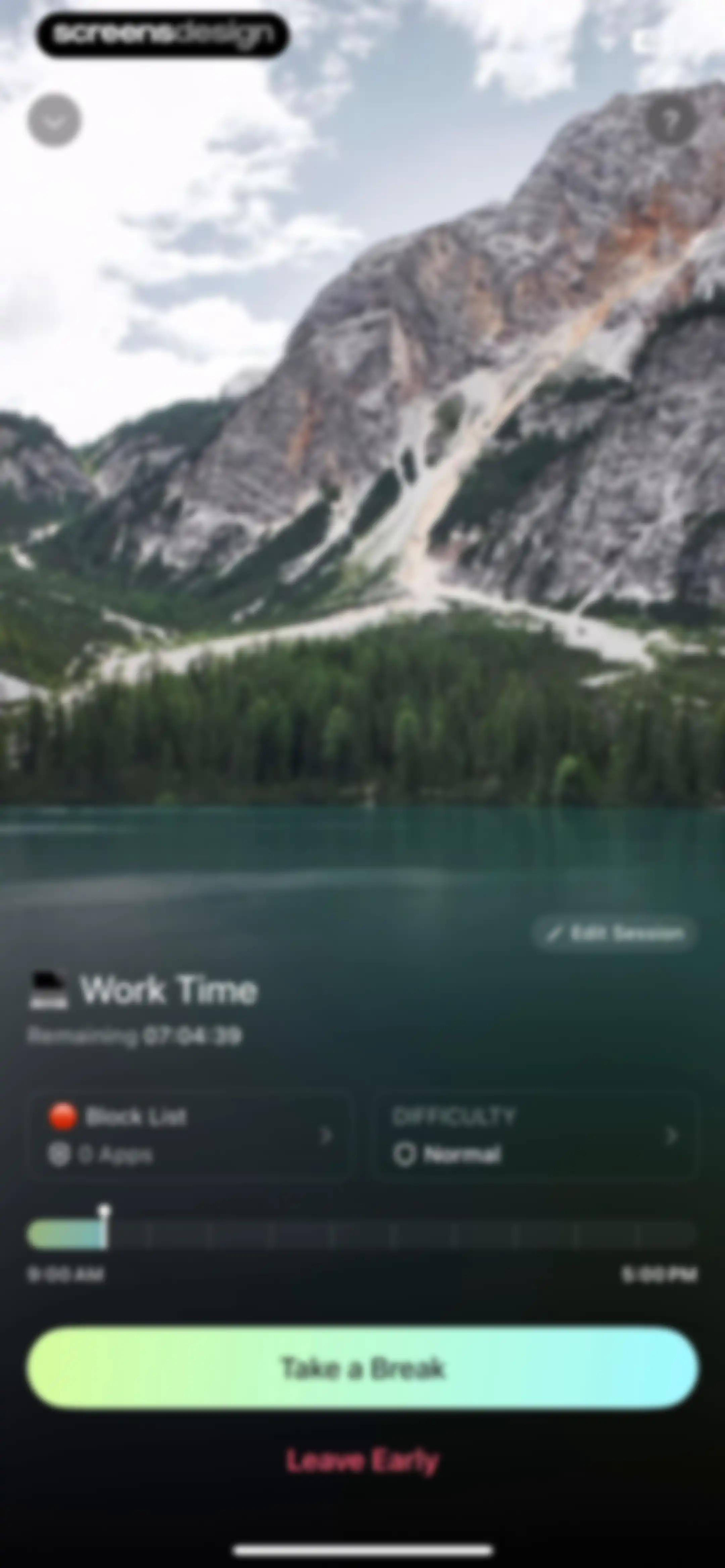
Active focus session dashboard with a remaining time countdown, block list and difficulty details, and a Take a Break button.Unlock Pro
Focus session dashboard displaying a timeline from 9:00 AM to 5:00 PM, control cards for block list and normal difficulty, and Take a Break and Leave Early action buttons.Unlock Pro
Active work session dashboard with remaining time, configuration cards, and bottom action buttons to take a break or leave early.Unlock Pro
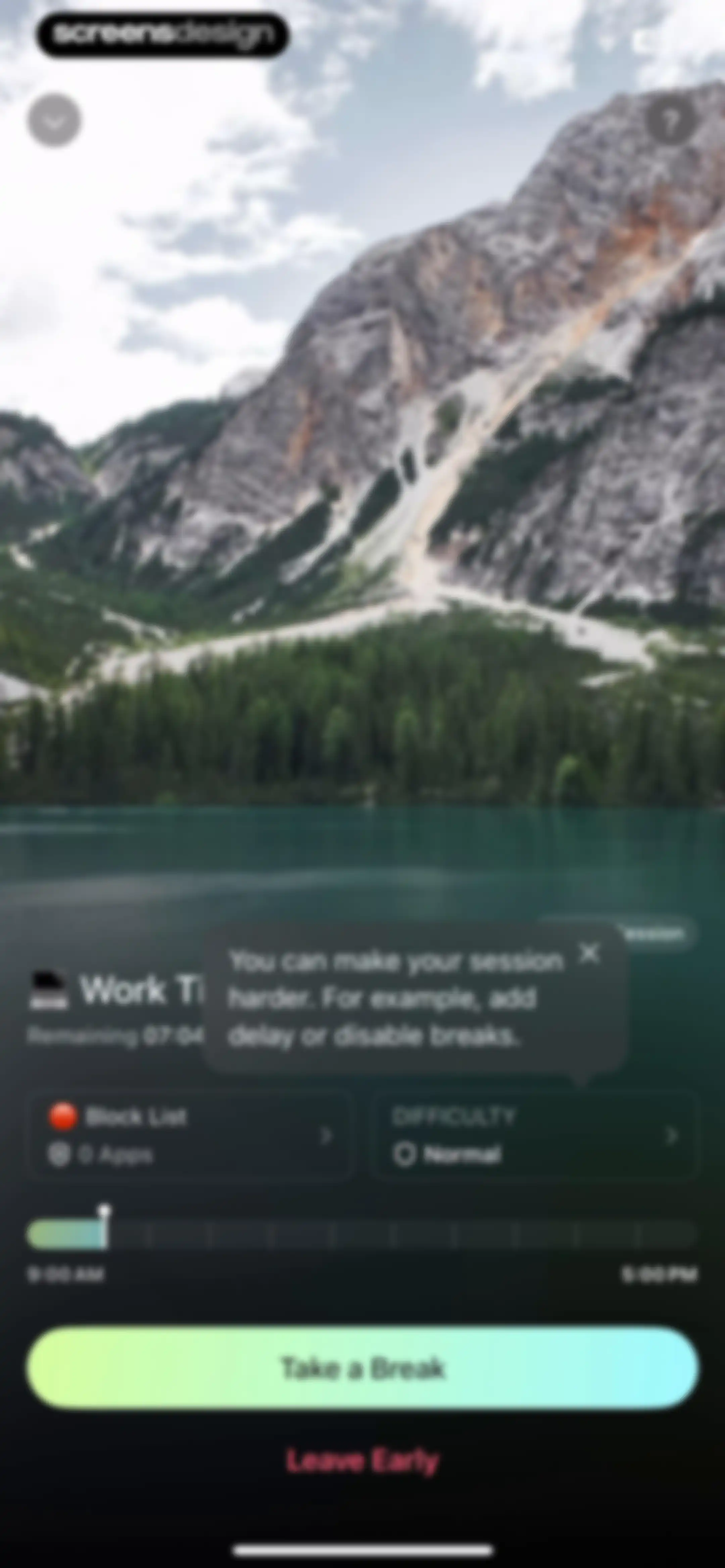
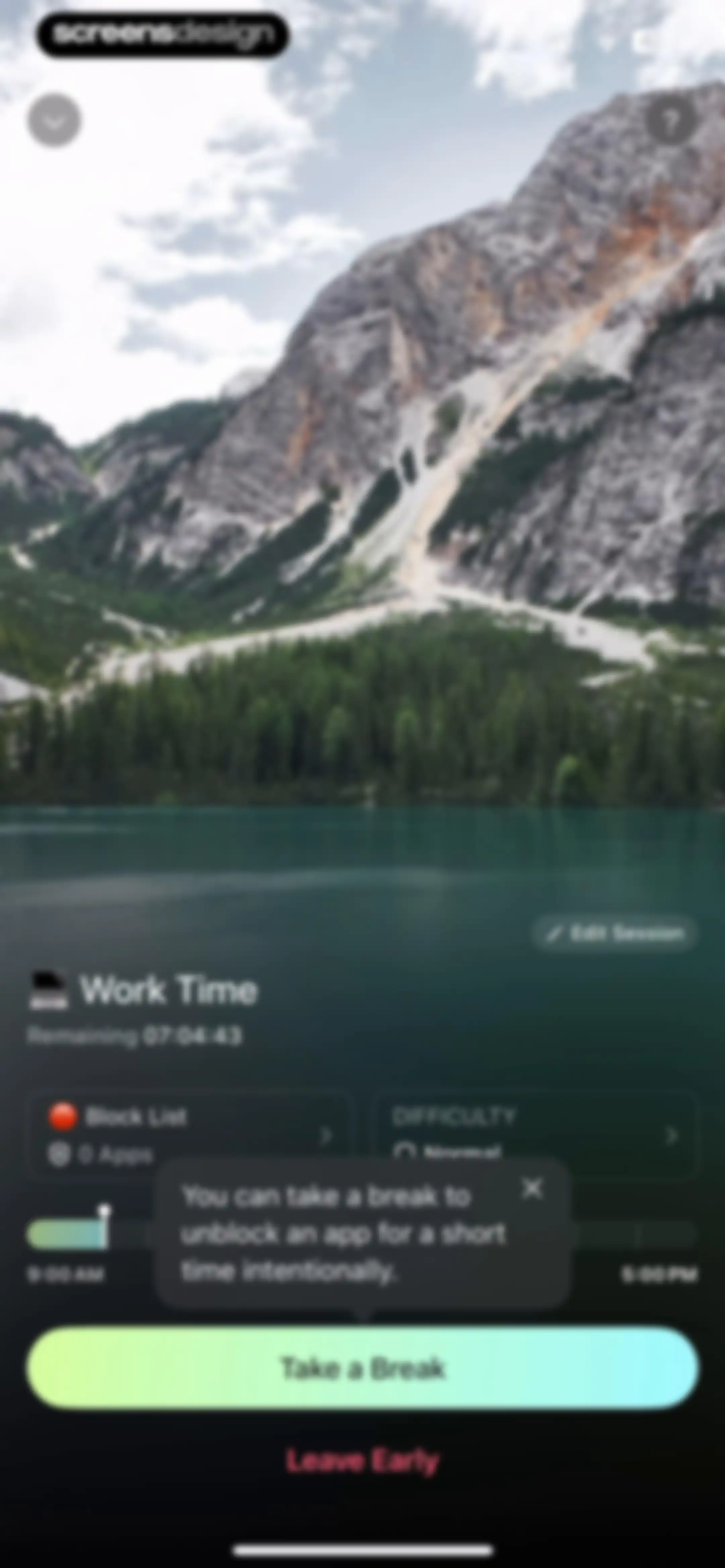
Focus session dashboard displaying a countdown timer, detail cards, and a modal explaining how to take a break, with Take a Break and Leave Early buttons.Unlock Pro
Opal app focus session dashboard showing a remaining work time countdown, settings cards, timeline slider, and a Take a Break button.Unlock Pro
Opal app focus session dashboard displaying a remaining time countdown, block list, normal difficulty setting, and a Take a Break button.Unlock Pro
Break duration selection screen featuring a vertical time picker set to 1 minute and a light-green Select button.Unlock Pro
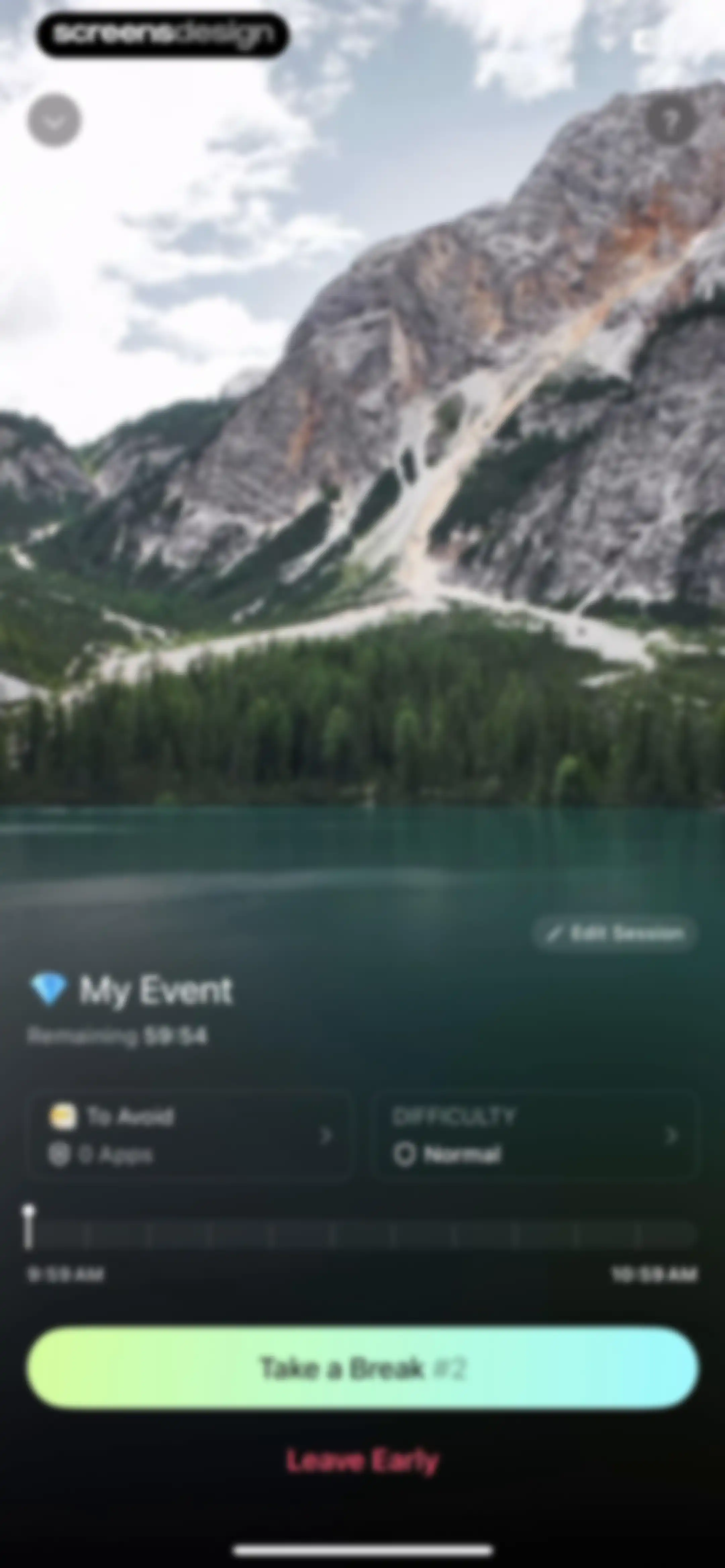
Break timer screen with a mountain lake background, a progress slider, and an End Break button.Unlock Pro
Blocks dashboard showing active Work Time session with countdown, upcoming Weekend Zen schedule, and quick actions for new blocks.Unlock Pro
Focus session overlay from the Opal app with a countdown timer, motivational text, and a forced delay button.Unlock Pro
Focus session interruption screen in the Opal app with a countdown timer, central illustration, and a Wait for 3s button.Unlock Pro
Opal focus session screen displaying a remaining work time countdown, a central mute button, and a primary action button to wait.Unlock Pro
Focus session dashboard showing a remaining work time countdown, block list, normal difficulty setting, and action buttons to take a break or leave early.Unlock Pro
Block List settings screen with selected categories, an adult blocking toggle, and Save and Delete buttons.Unlock Pro
Form modal in Opal for naming a block list with a text input field, system keyboard, and category list background.Unlock Pro
Activity selection screen with a scrollable list of app categories, three categories selected, a summary indicator, and Save and Cancel buttons.Unlock Pro
Block List settings screen with categories, apps list, adult blocking toggle, and a saved confirmation modal.Unlock Pro
Category selection form showing three categories selected with a search bar and a Save button.Unlock Pro
Error modal stating a screen crash occurred while opening the Other category, with Reload and Dismiss buttons.Unlock Pro
Opal app selection form listing apps, websites, and categories to block, with a summary of selected items and Save and Cancel buttons.Unlock Pro
Settings screen displaying a block list of website URLs, an Adult Blocking toggle with a warning note, and Save and Delete buttons.Unlock Pro
App blocking management dashboard displaying a block list with categories, an app list showing eleven selected apps, and a Create New button.Unlock Pro
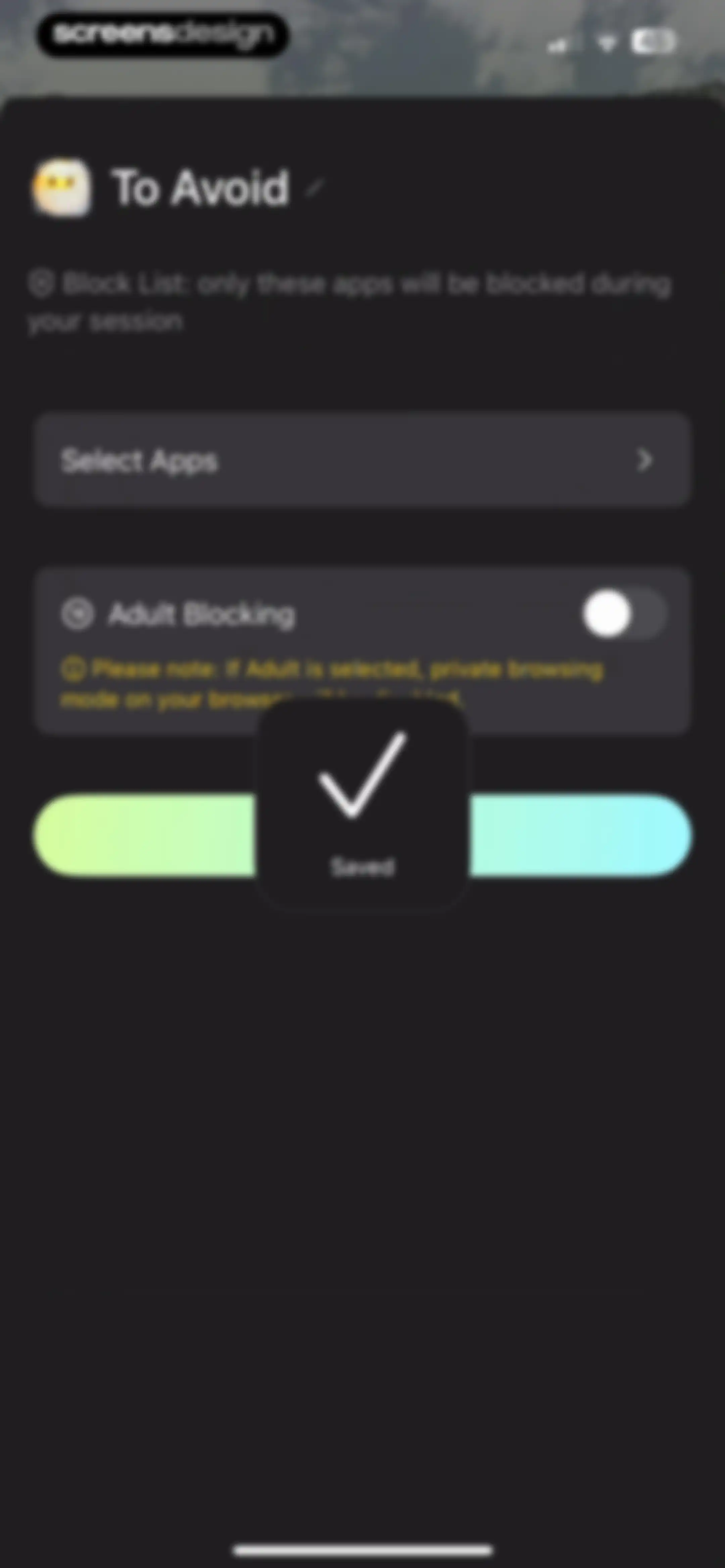
Opal app settings screen displaying block list configuration options, an adult blocking toggle with a warning note, and a centered Saved confirmation modal.Unlock Pro
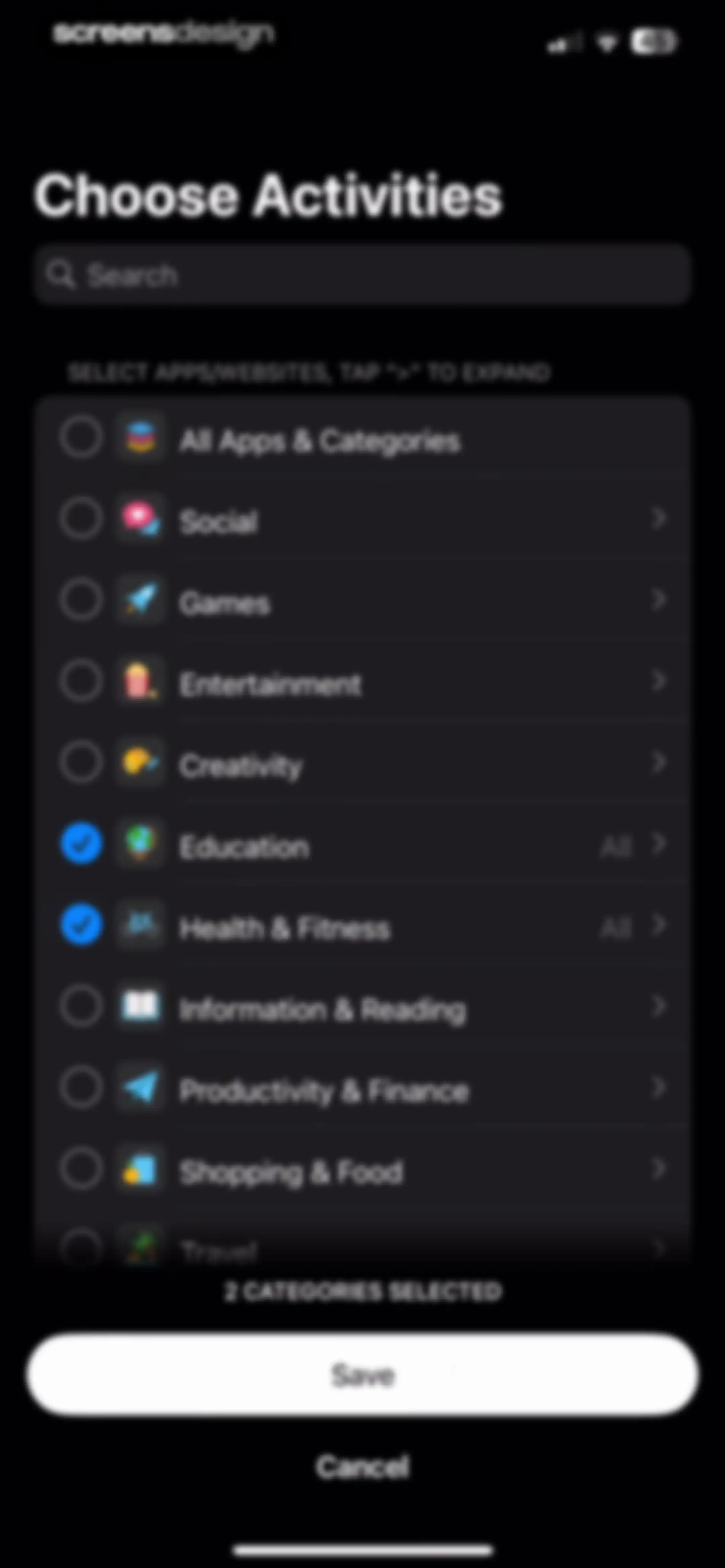
Activity selection form with a list of app categories, showing two categories selected and a Save button.Unlock Pro
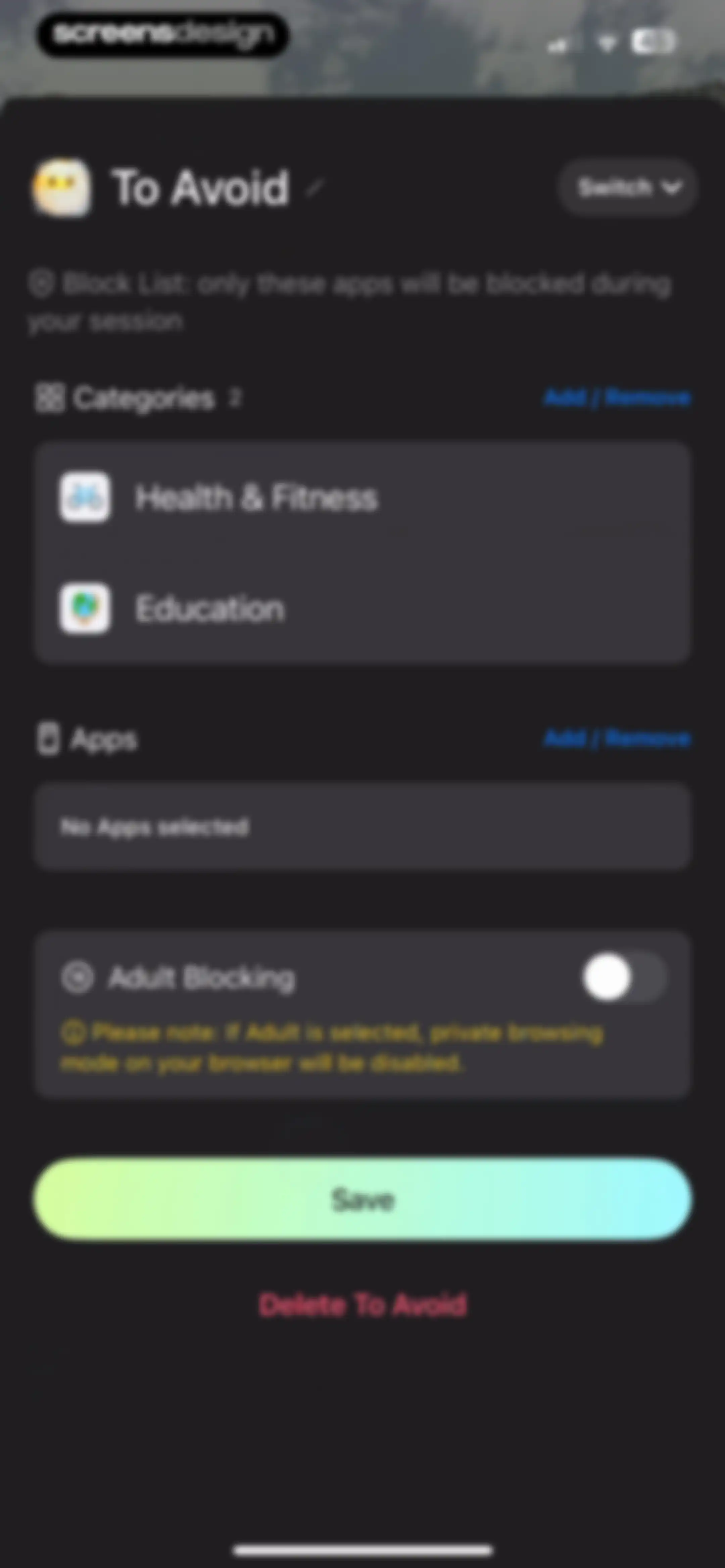
Block list configuration screen with category and app selection lists, an adult blocking toggle, and Save and Delete buttons.Unlock Pro
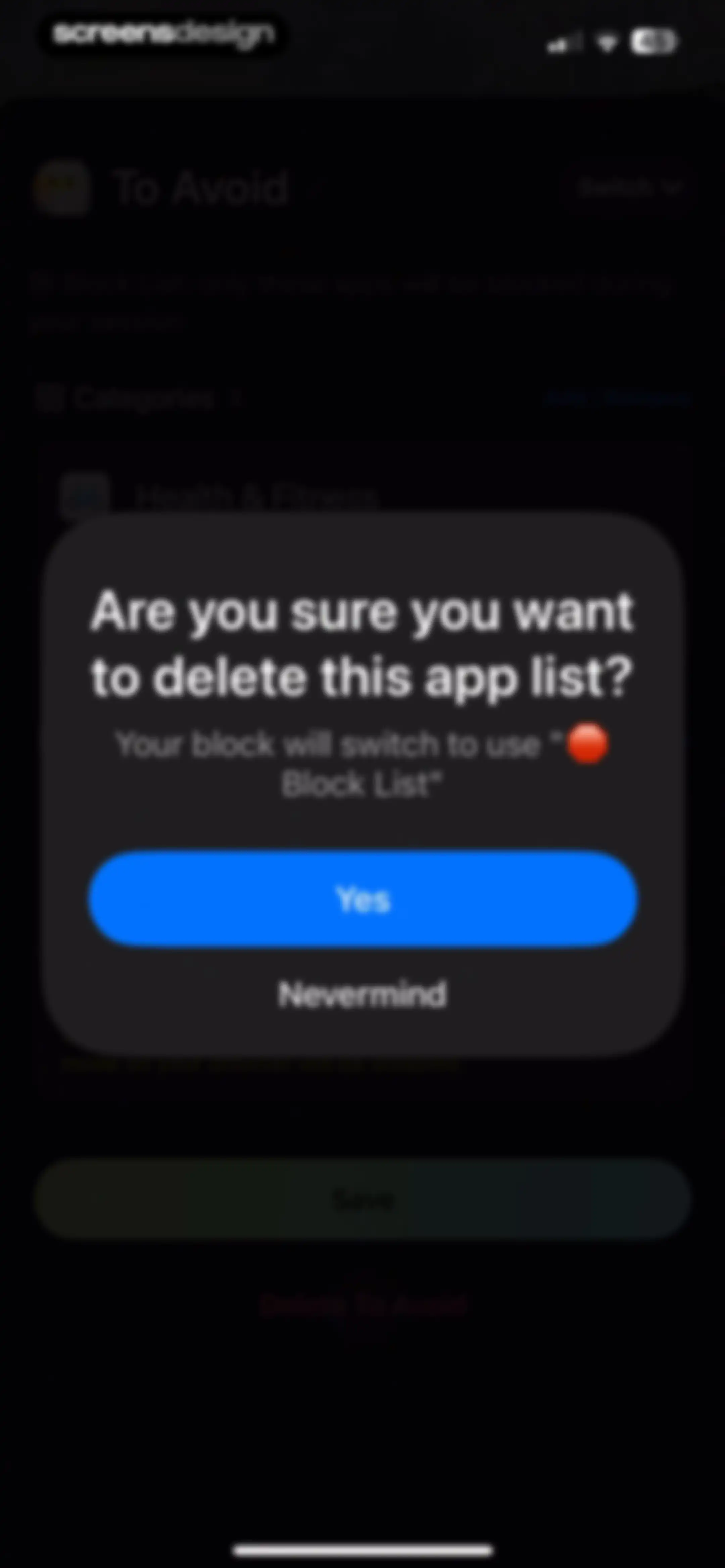
Confirmation modal asking to delete an app block list, with Yes and Nevermind buttons over a dark configuration screen.Unlock Pro
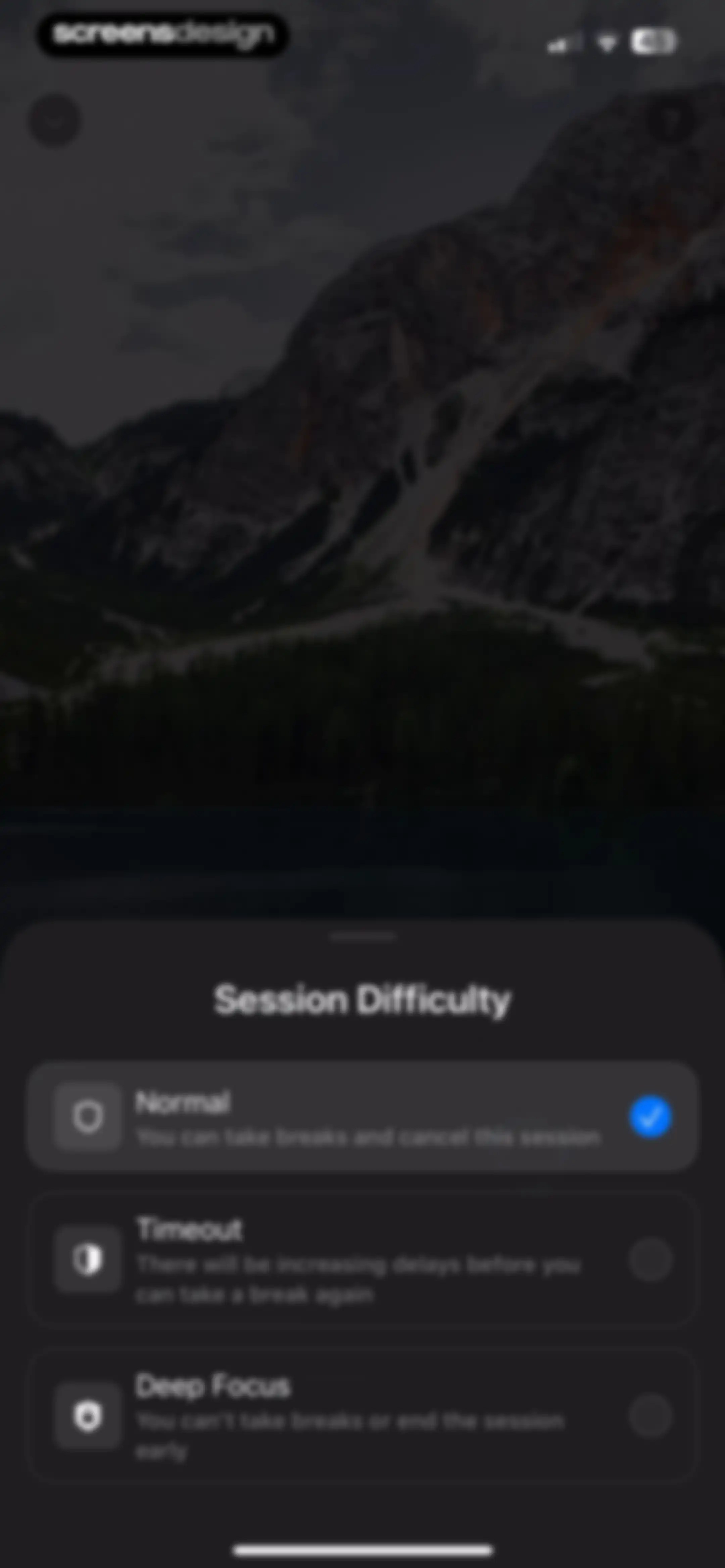
Session difficulty selection modal with Normal, Timeout, and Deep Focus options, featuring the Normal option selected with a checkmark.Unlock Pro
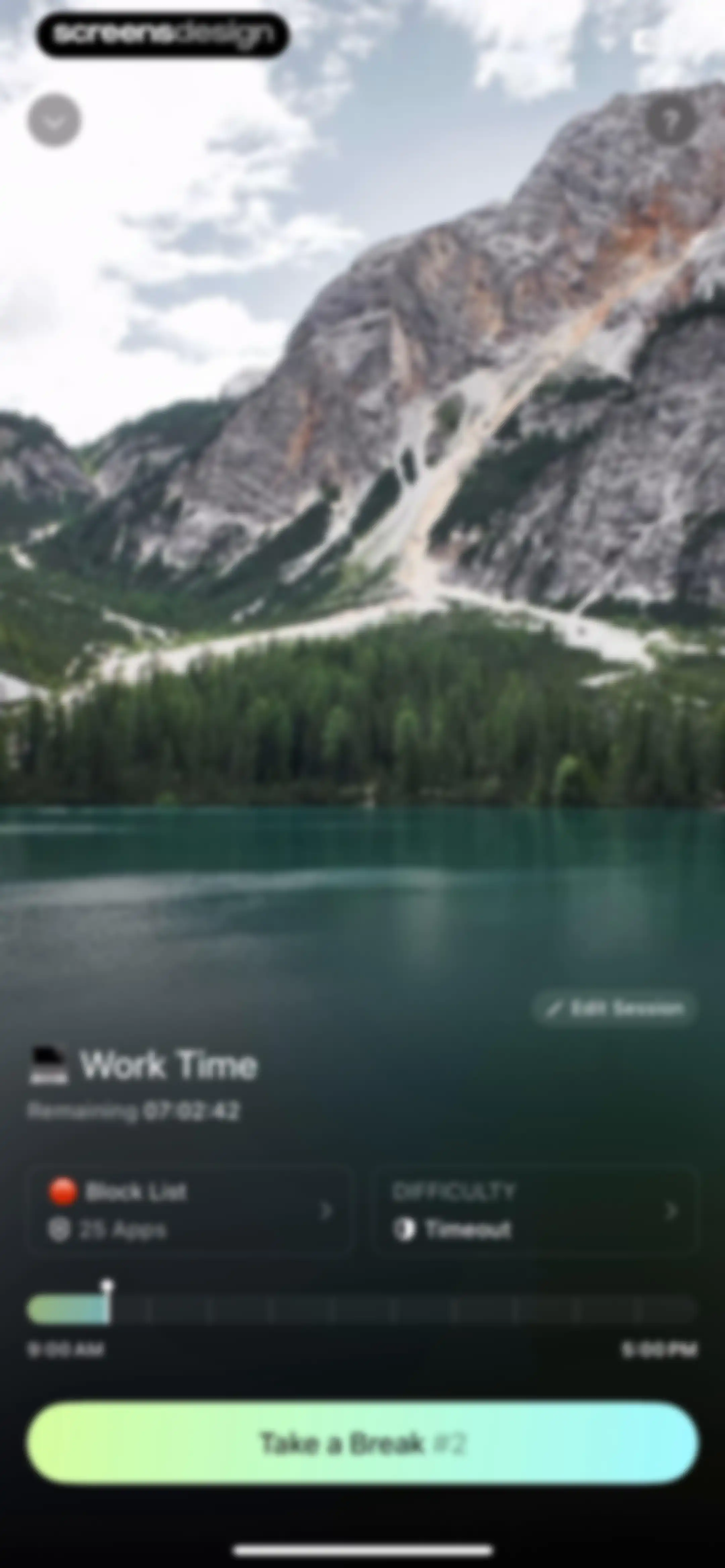
Active work session dashboard showing a remaining countdown timer of seven hours, side-by-side setting cards, and a Take a Break button.Unlock Pro
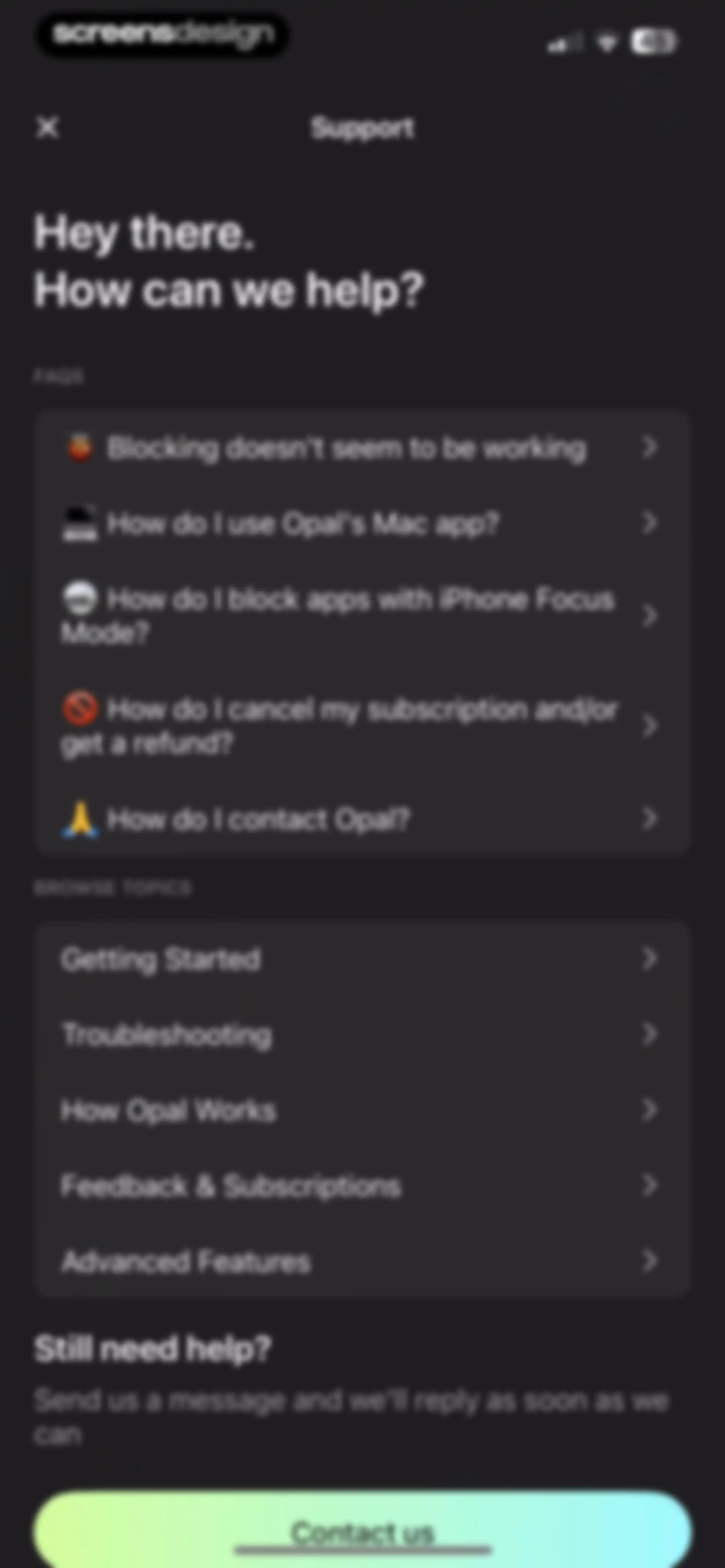
Support screen with frequently asked questions, browse topics lists, and a Contact us button.Unlock Pro
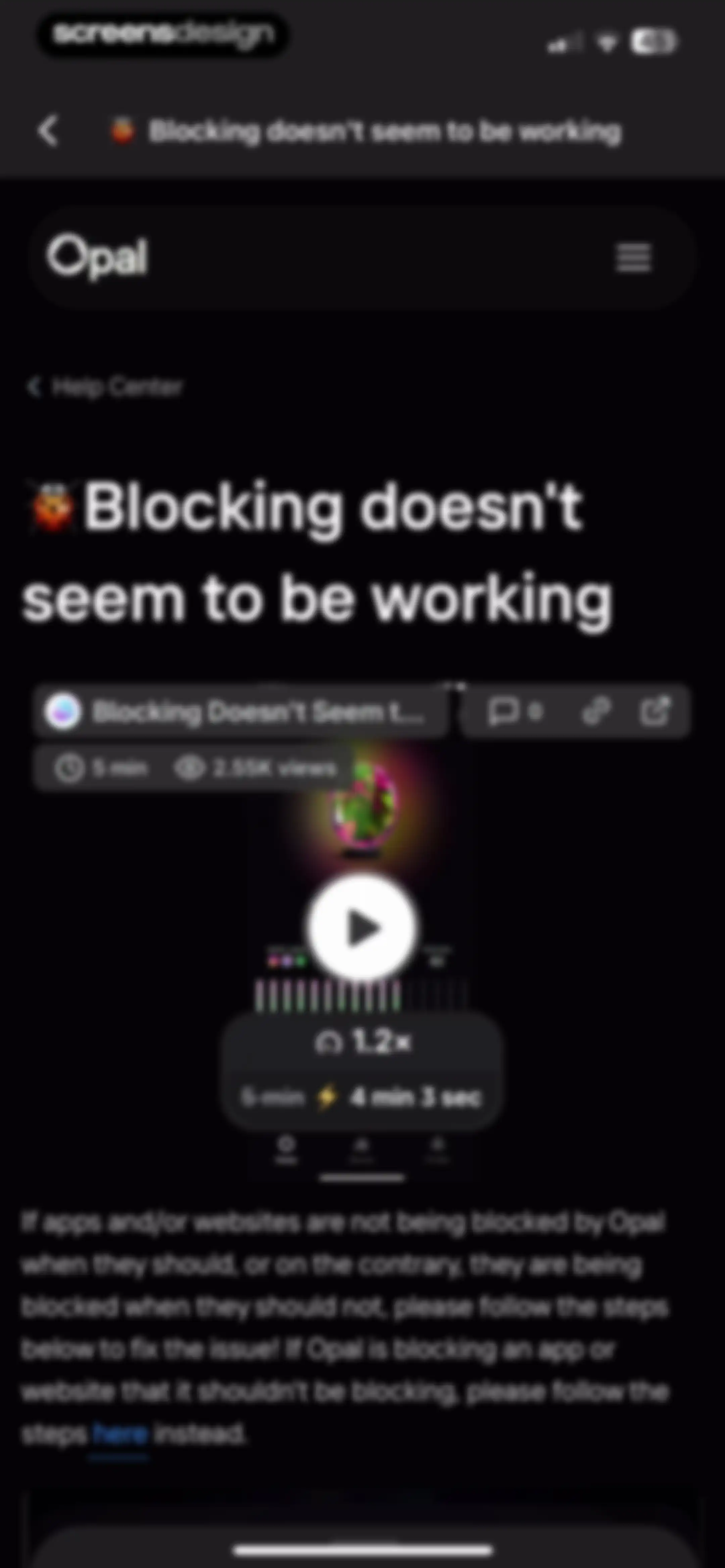
Help center article titled Blocking doesn't seem to be working, featuring an embedded troubleshooting video and instructional text.Unlock Pro
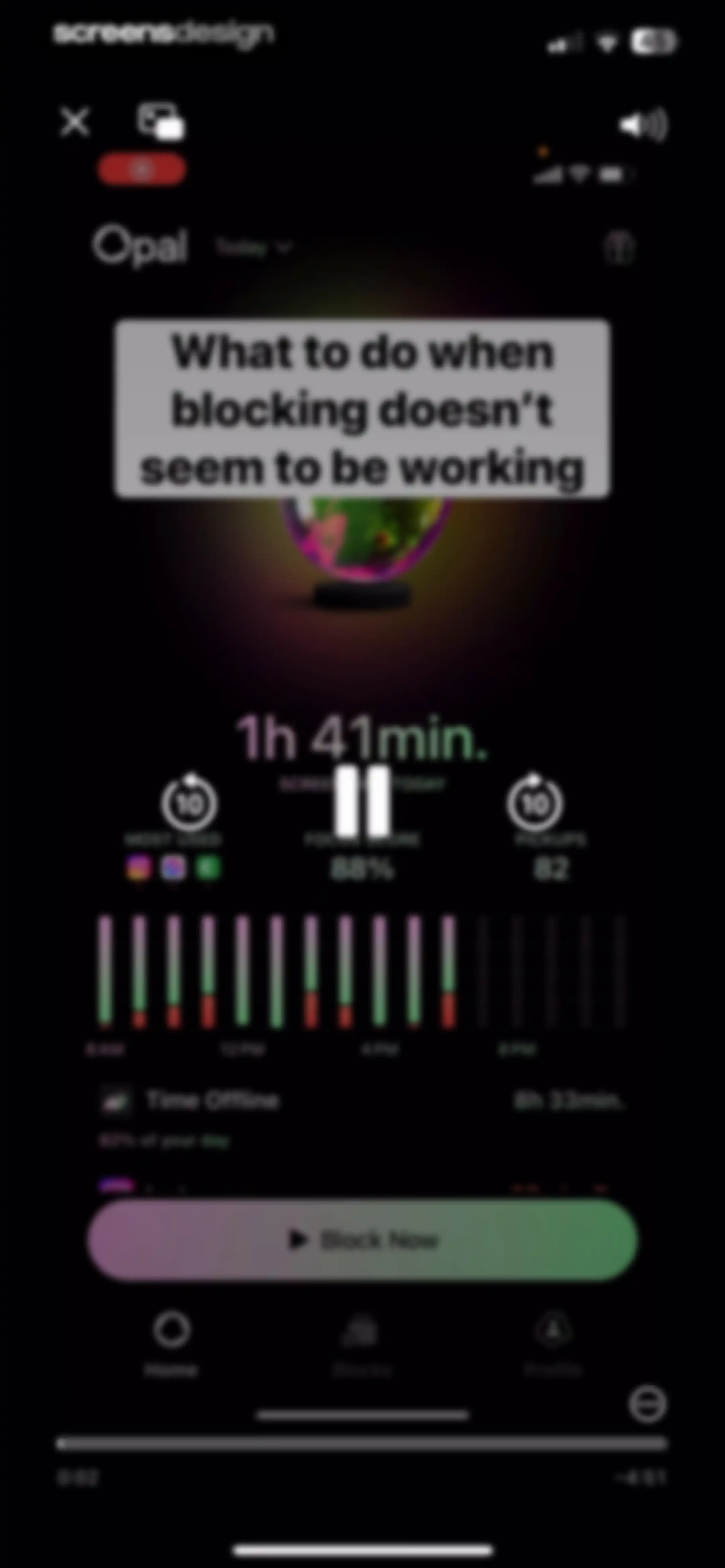
Opal app dashboard displaying a tutorial video, screen time metrics, an activity chart, and a Block Now action button.Unlock Pro
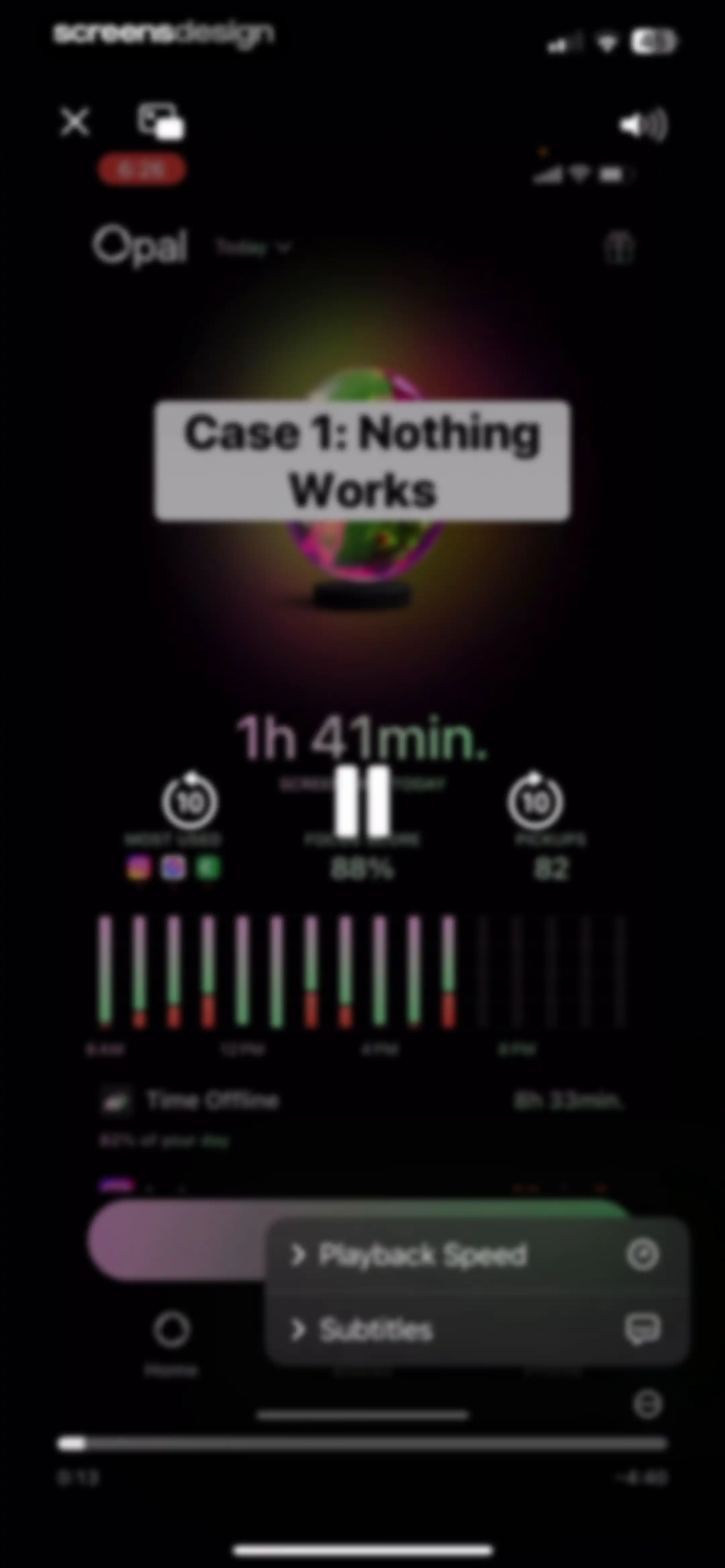
Dashboard screen showing an analytics overview with a focus score and screen time usage below a video player titled Case 1: Nothing Works.Unlock Pro
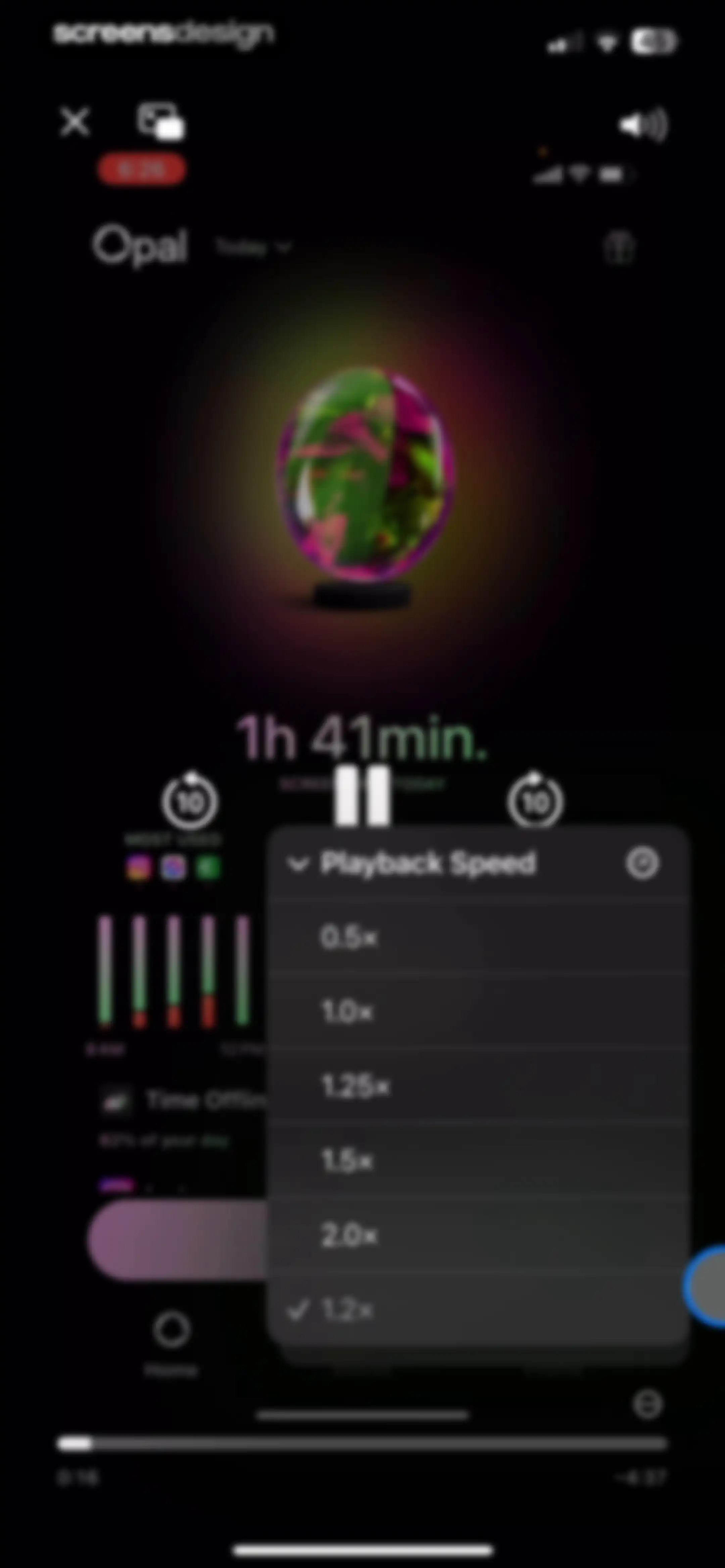
Video player overlay displaying a playback speed menu with options from 0.5x to 2.0x over a screen time dashboard.Unlock Pro
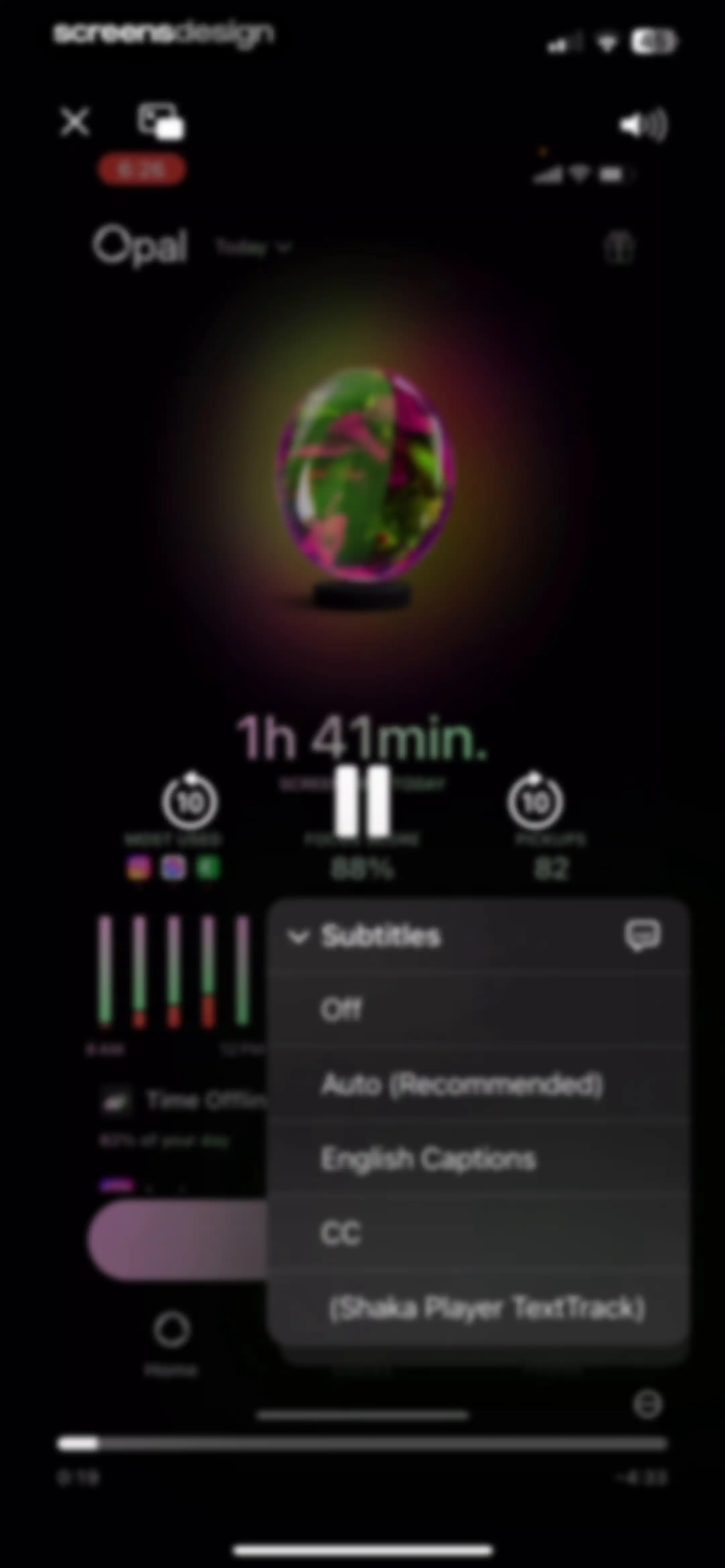
Video player overlay on a productivity dashboard with a centered subtitle selection menu and bottom navigation.Unlock Pro
Help center article in the Opal app titled Blocking doesn't seem to be working, featuring a video player and troubleshooting text.Unlock Pro
Opal app intervention modal prompting the user to take a 15-minute break from app blocking, with a Take 15m Break button and a Leave Early option.Unlock Pro
Opal blocks dashboard displaying upcoming focus sessions, quick action buttons for scheduling and limits, and a prominent Block Now button.Unlock Pro
Settings screen for block screens with categorized card lists and toggle switches for curated and AI personality options.Unlock Pro
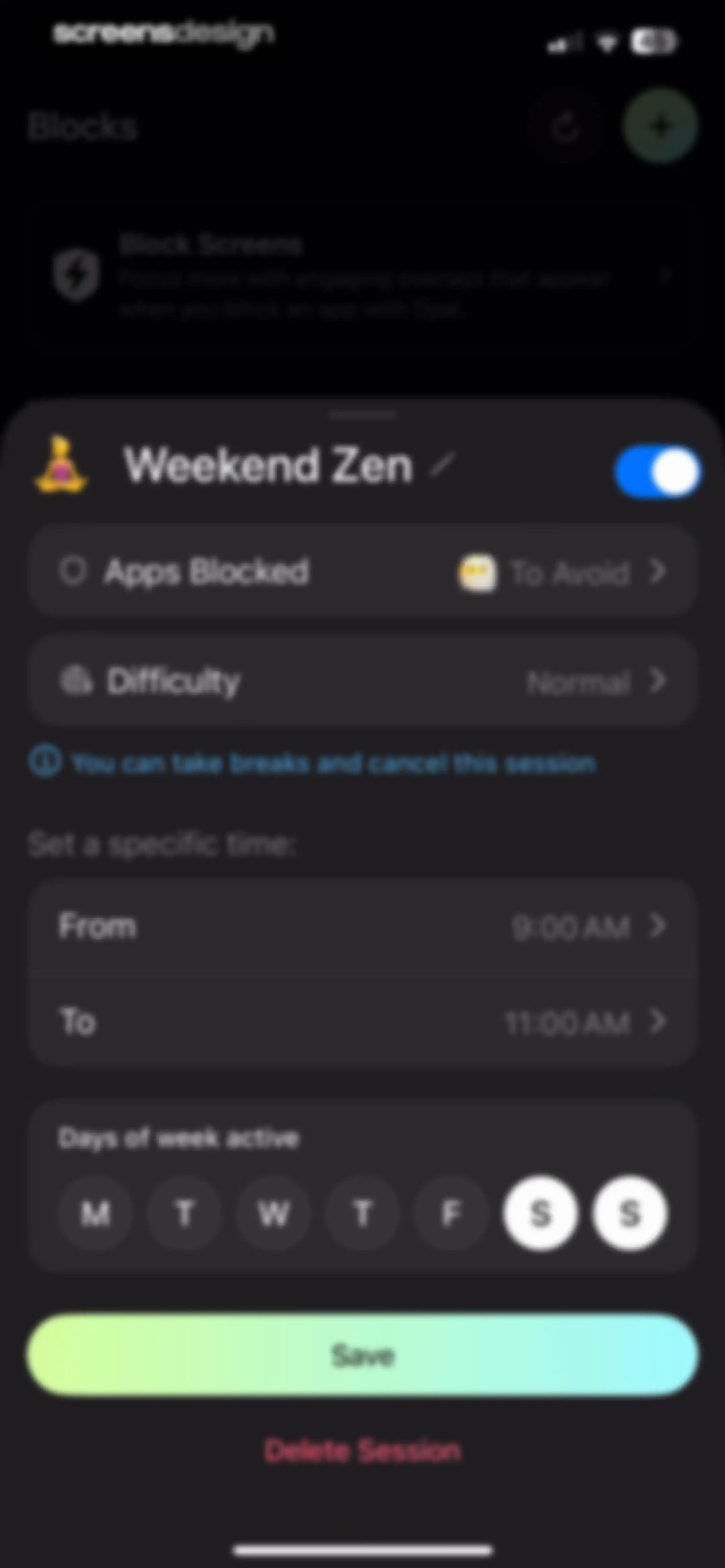
Session configuration editor for Weekend Zen with time pickers, active day selectors, and a Save button.Unlock Pro
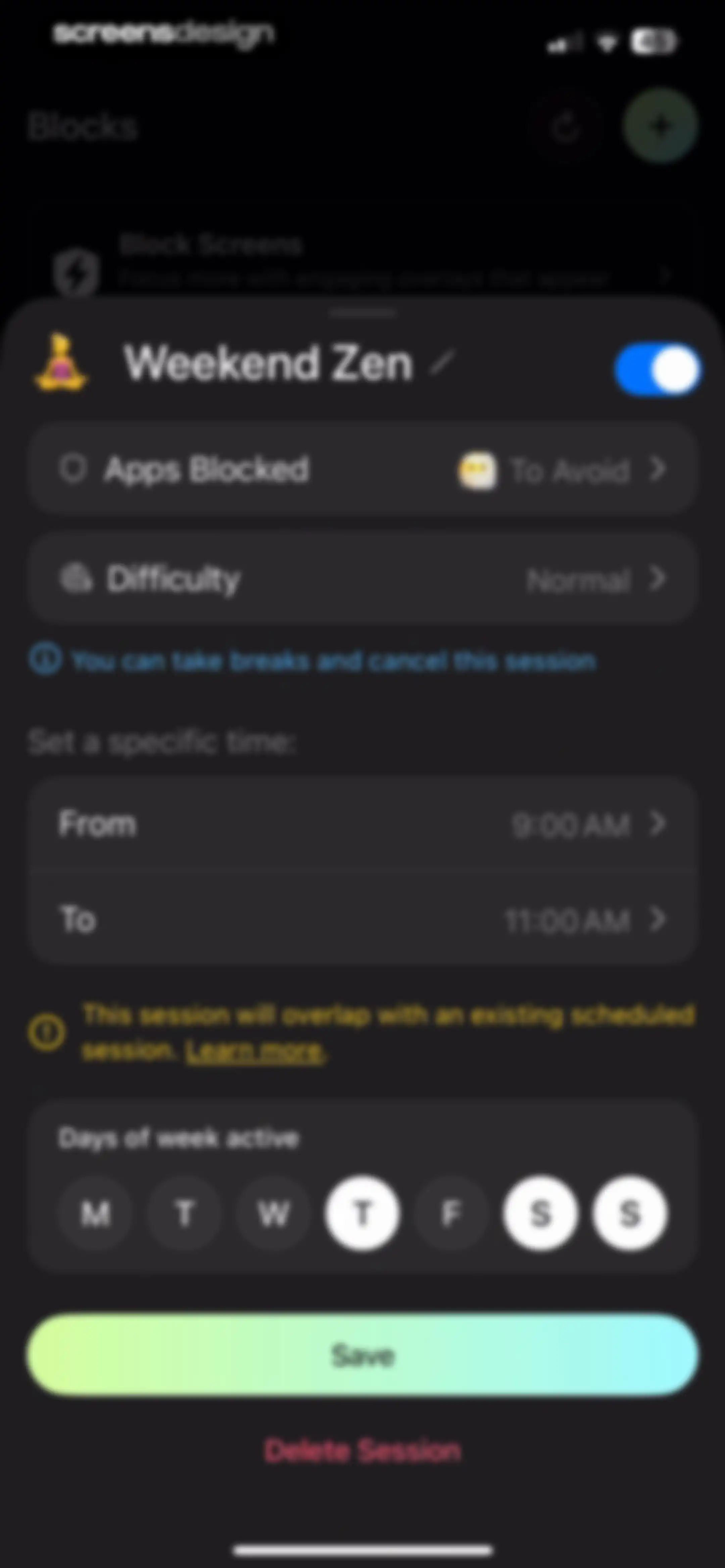
Focus session editor with a schedule overlap warning, configuration options for Weekend Zen, and Save and Delete Session buttons.Unlock Pro
Time picker modal overlay with a scrolling wheel and a Done button to set a start time for an event.Unlock Pro
Time picker modal overlaying a block settings screen, with a 12:00 PM time selection and a gradient Done button.Unlock Pro
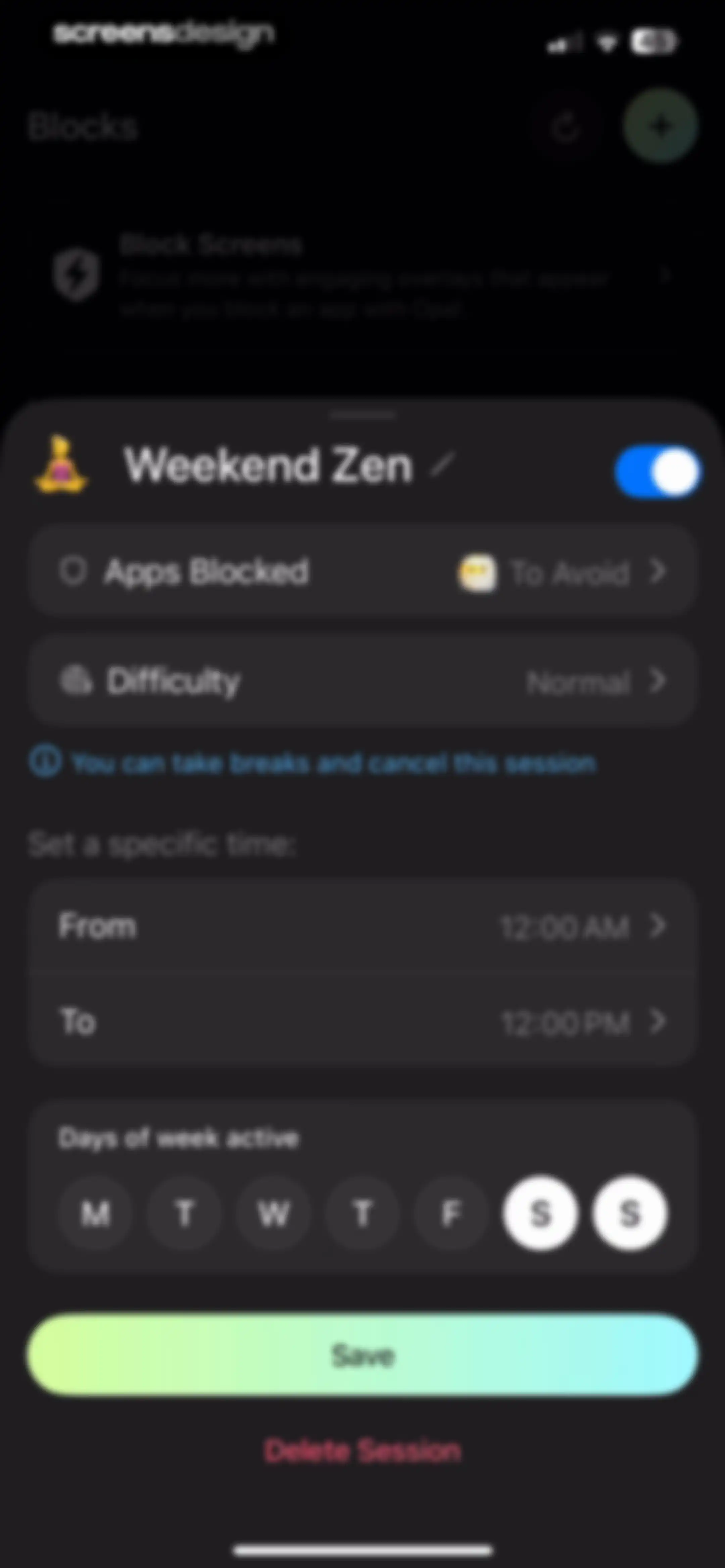
Modal session configuration screen for Weekend Zen with settings for blocked apps, time range, and active days, featuring a Save button.Unlock Pro
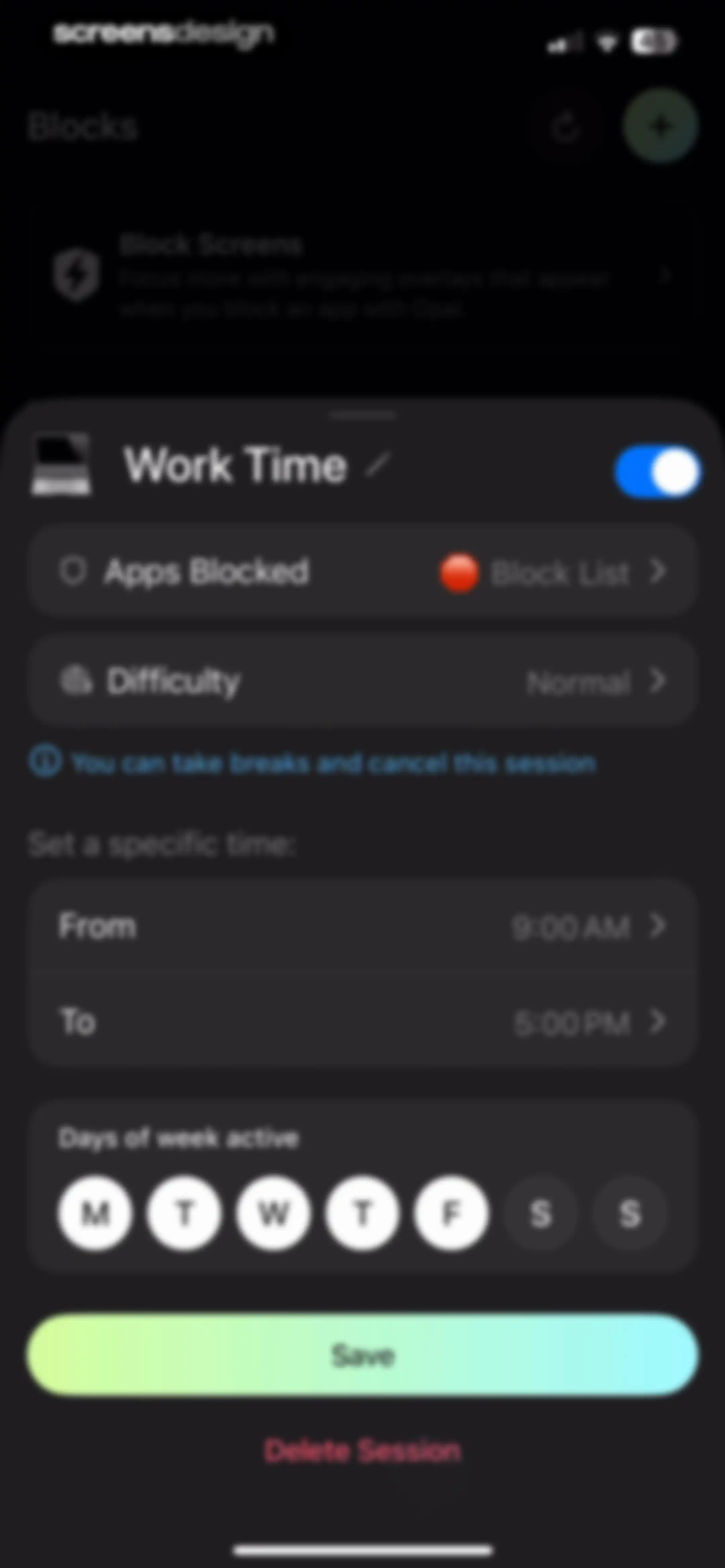
Focus session configuration modal for Work Time with time pickers, active days, and a Save button.Unlock Pro
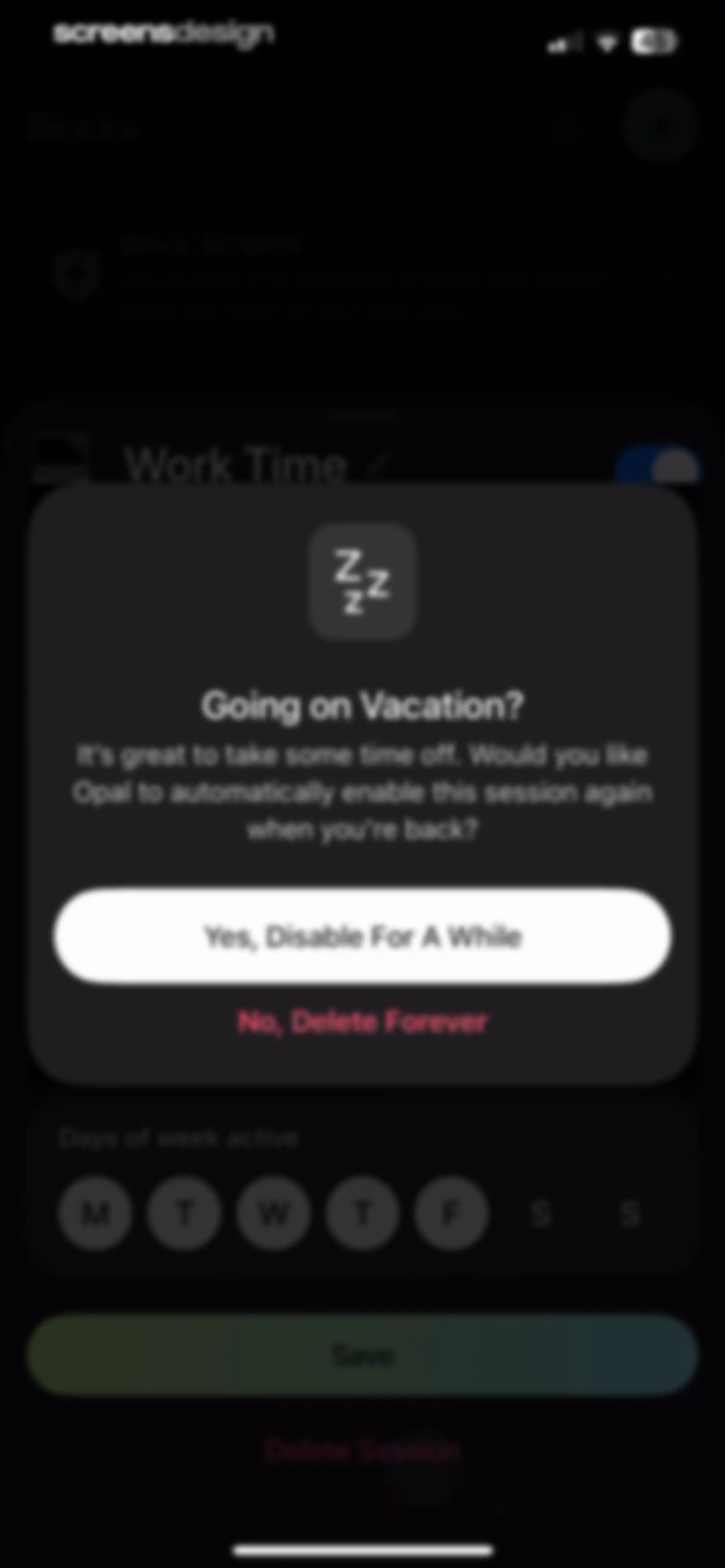
Vacation prompt modal in the Opal app asking whether to temporarily disable or permanently delete a focus session.Unlock Pro
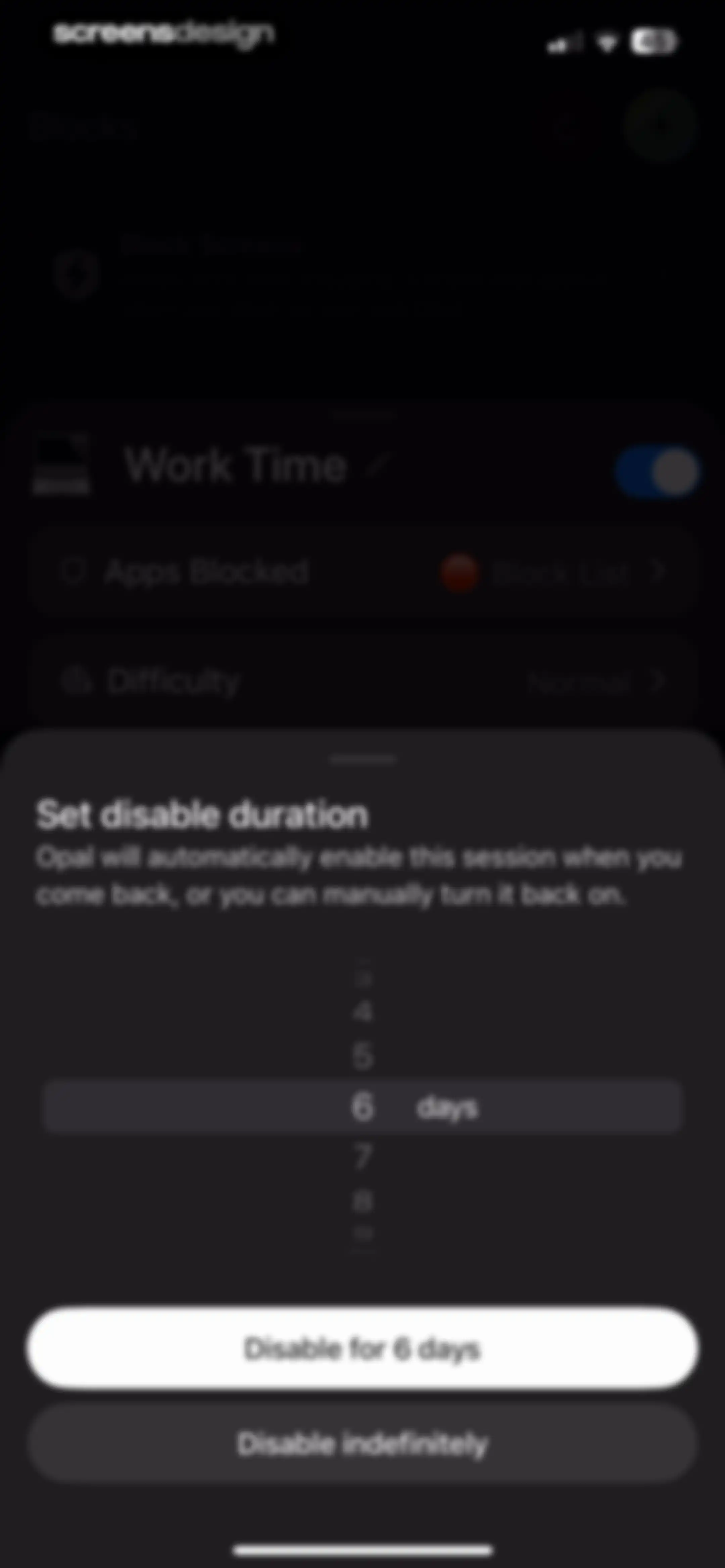
Duration selection modal overlay on a dark background dashboard, featuring a 6 days duration picker and action buttons to disable the session.Unlock Pro
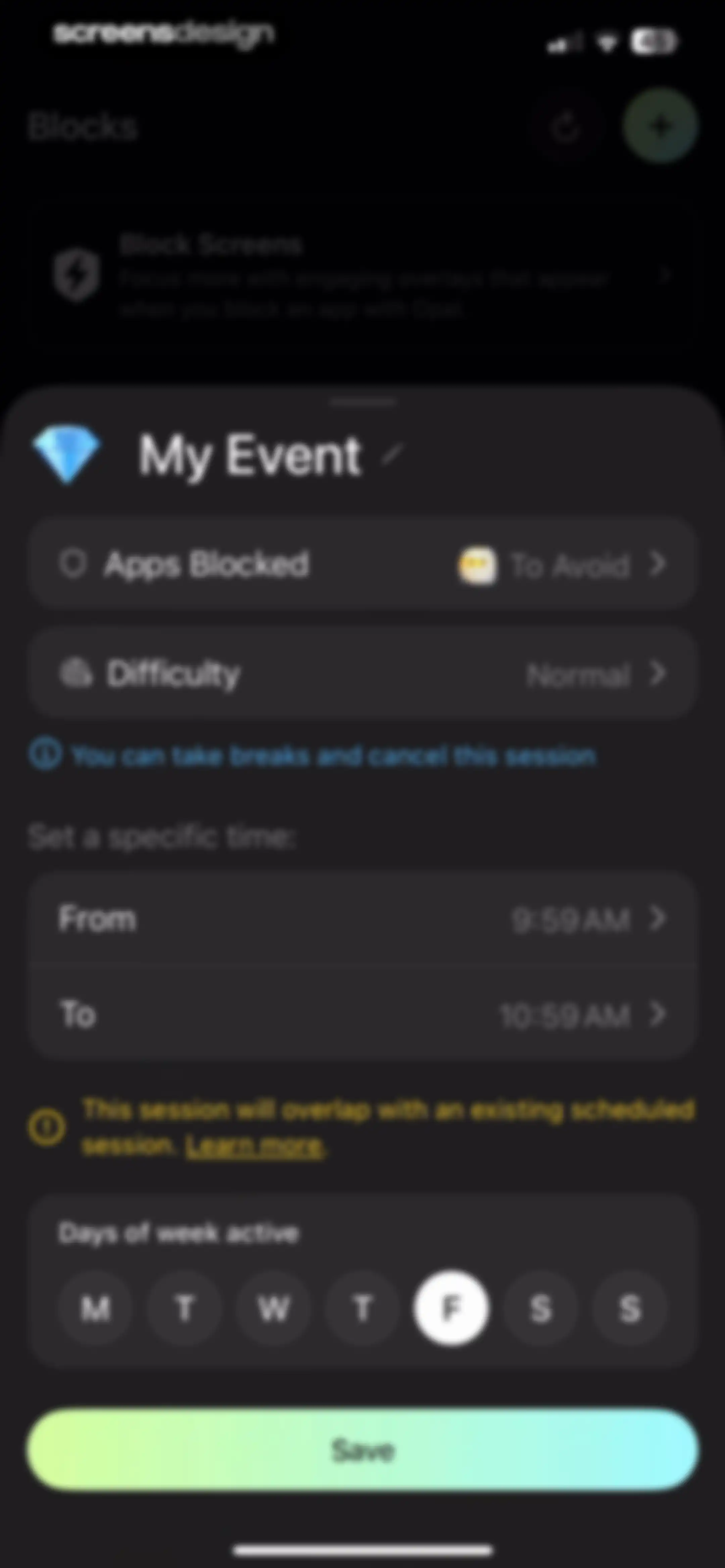
Opal focus session configuration editor with event settings, a session overlap warning, and a Save button.Unlock Pro
Active focus session dashboard in the Opal app showing remaining time, session settings, and a Take a Break button.Unlock Pro
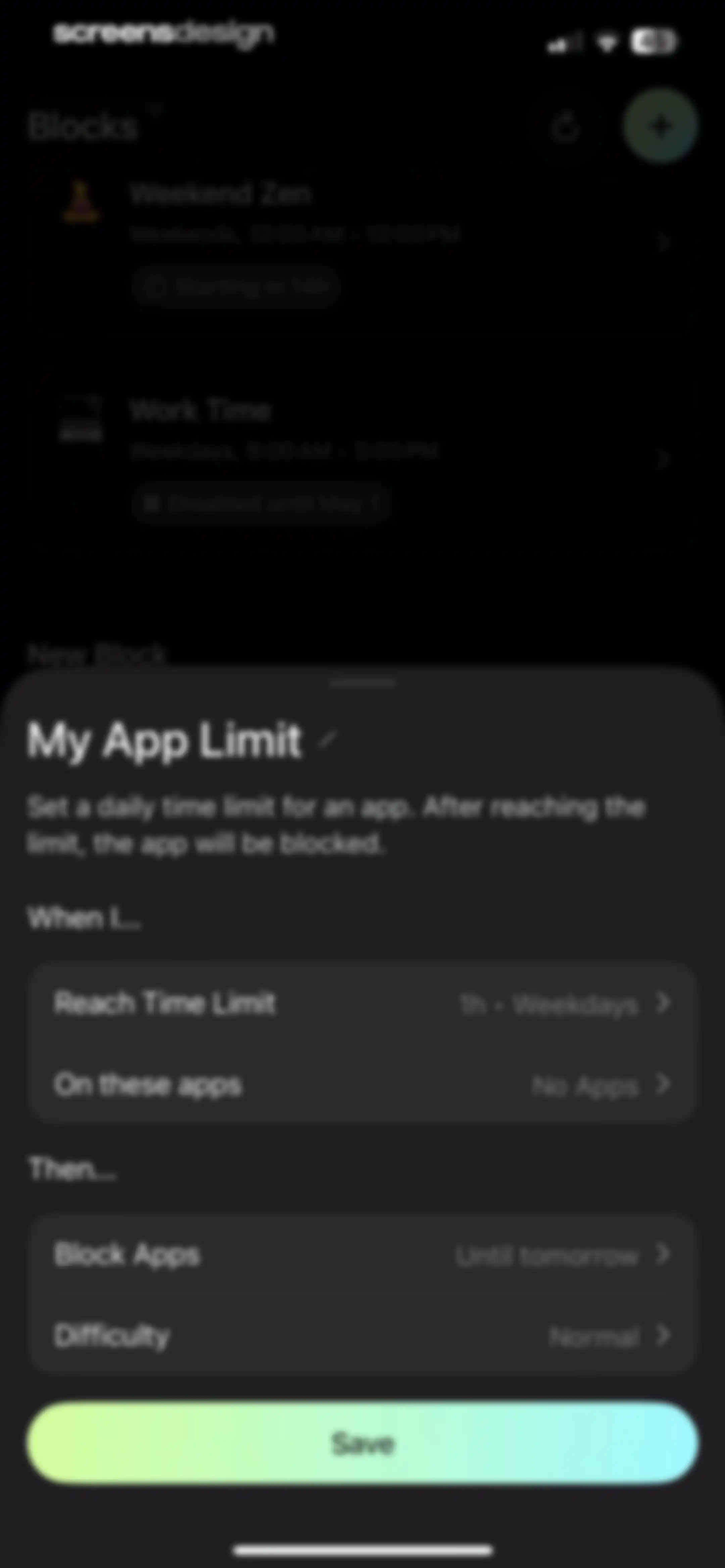
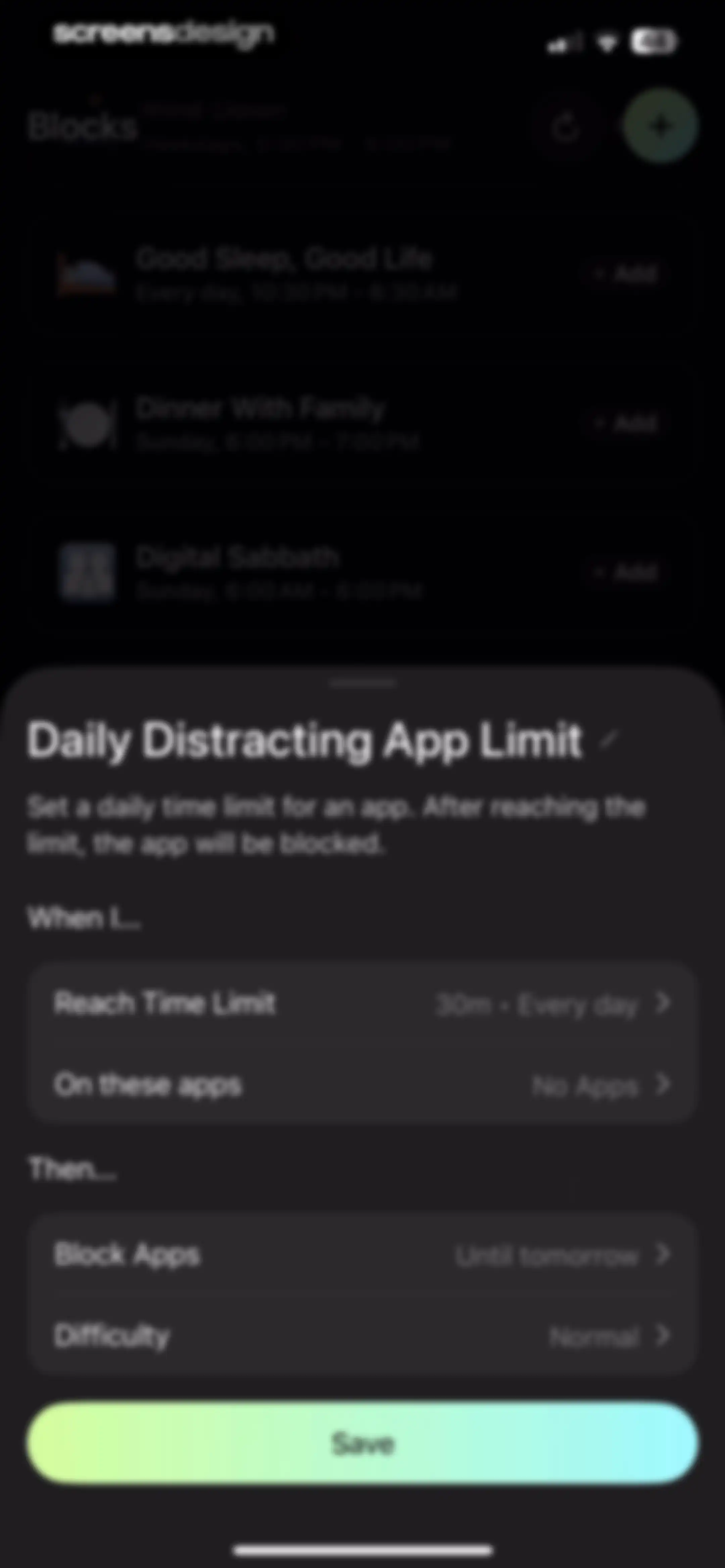
App blocking rule configuration modal with settings for time limits, target apps, blocking duration, and a Save button.Unlock Pro
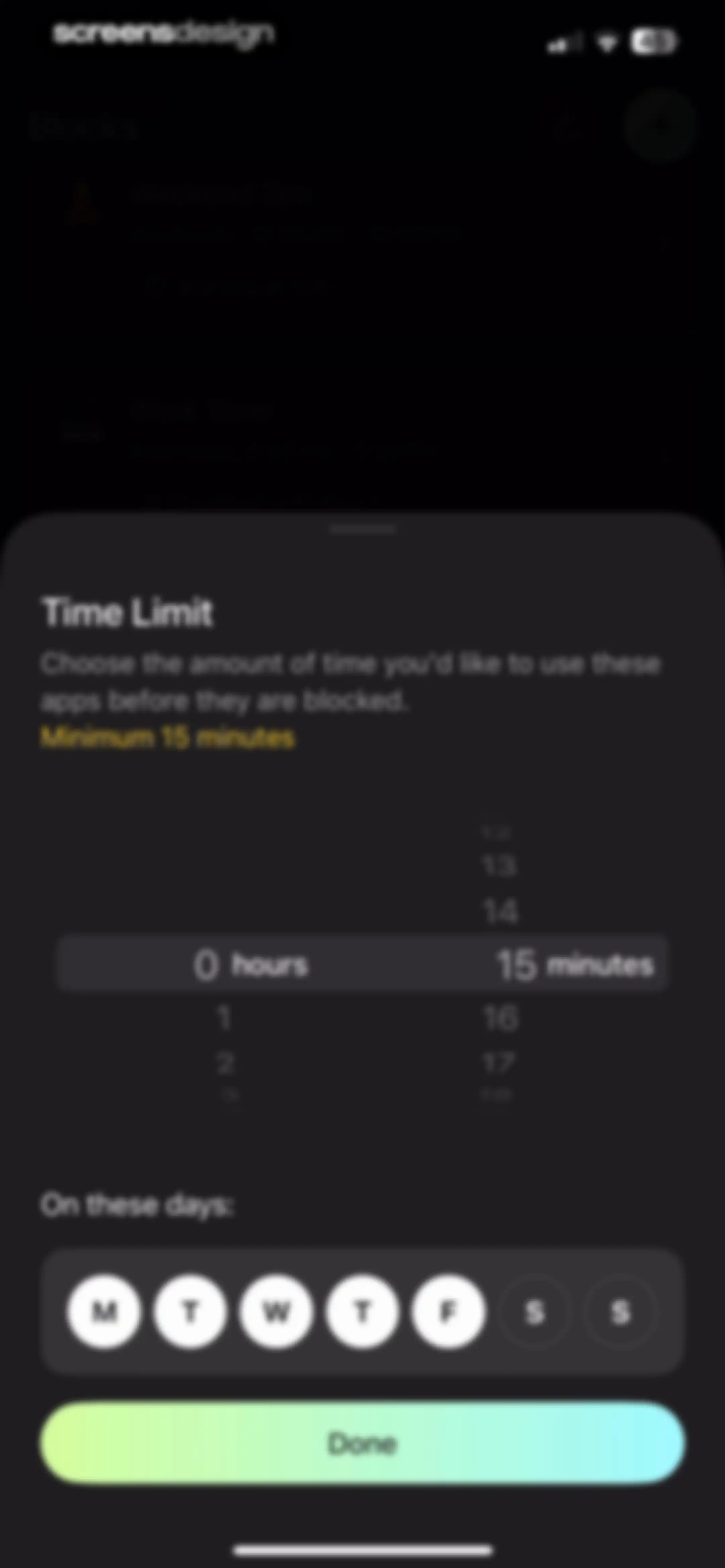
Form modal for setting a time limit and selecting days of the week, with a time picker and a Done button.Unlock Pro
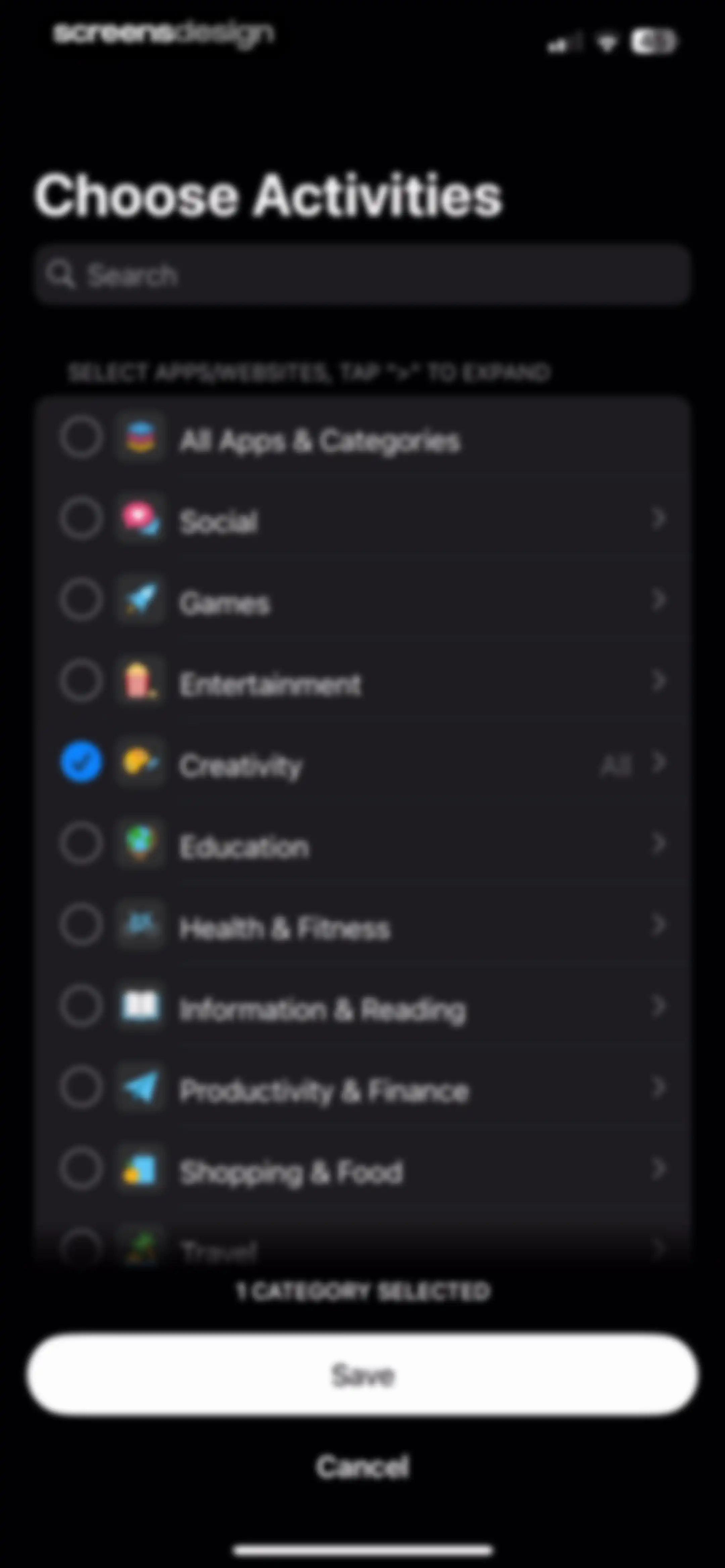
Activity selection screen with a dark theme listing app categories, with one category selected and a Save button at the bottom.Unlock Pro
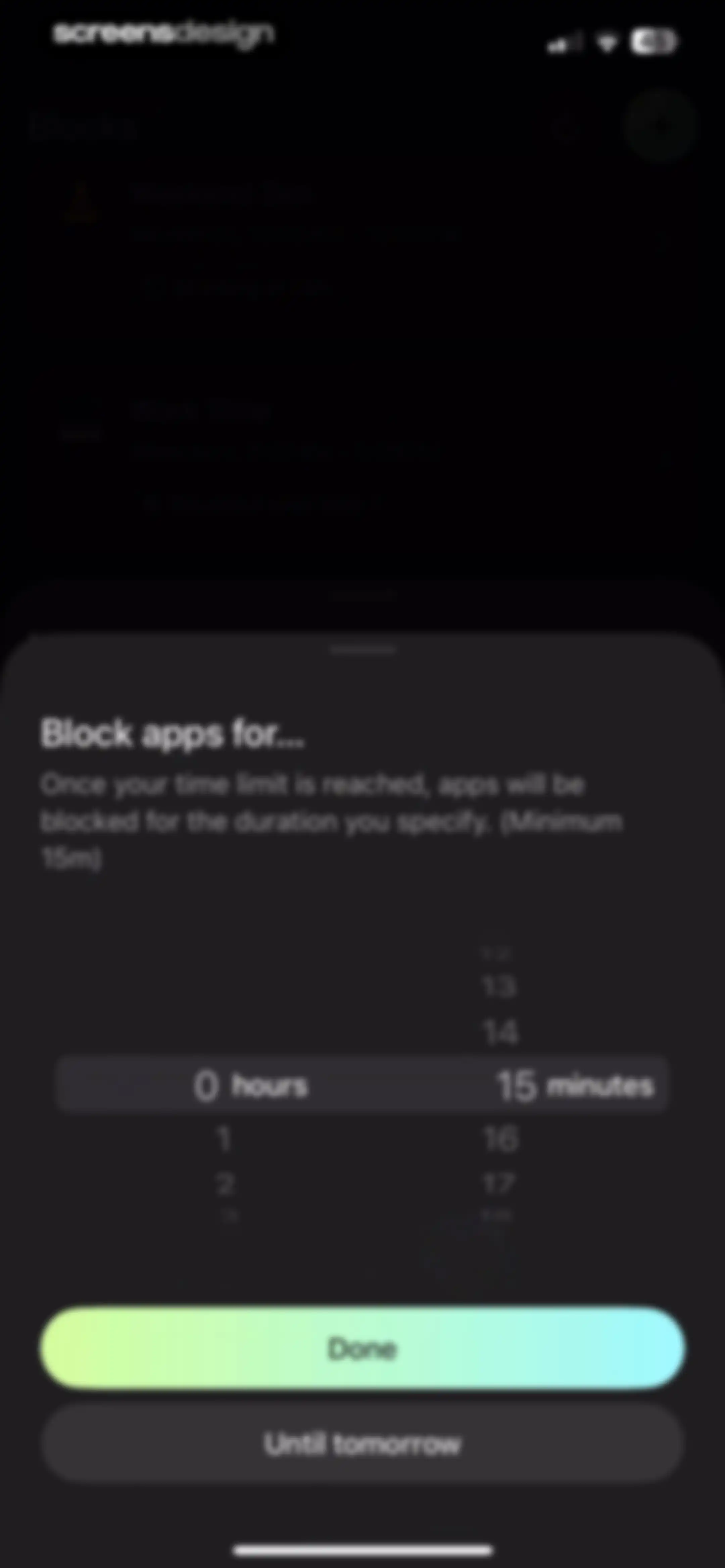
Opal app blocking duration modal featuring a time picker set to 15 minutes, a gradient Done button, and Until tomorrow option.Unlock Pro
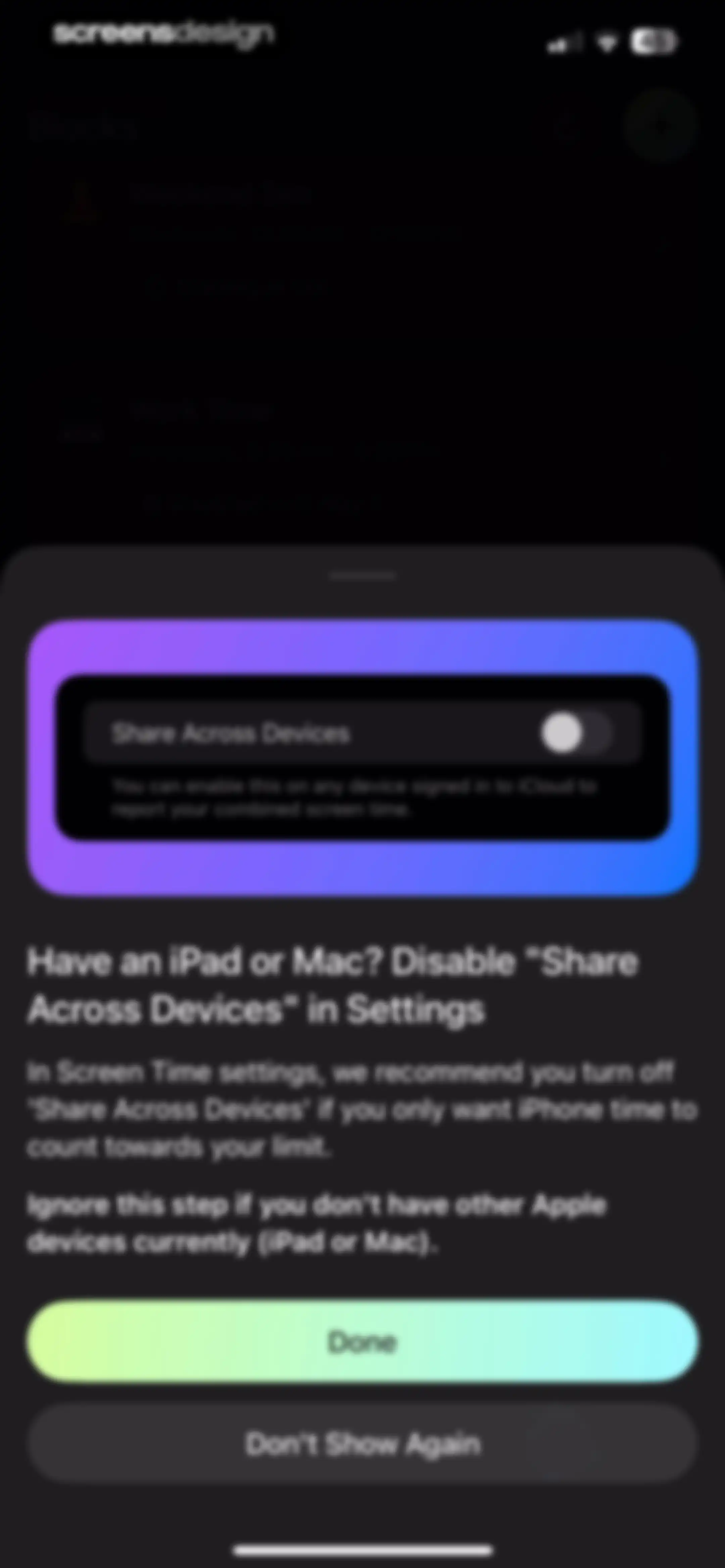
Opal app onboarding modal providing instructions to disable Share Across Devices in screen time settings, with Done and Don't Show Again buttons.Unlock Pro
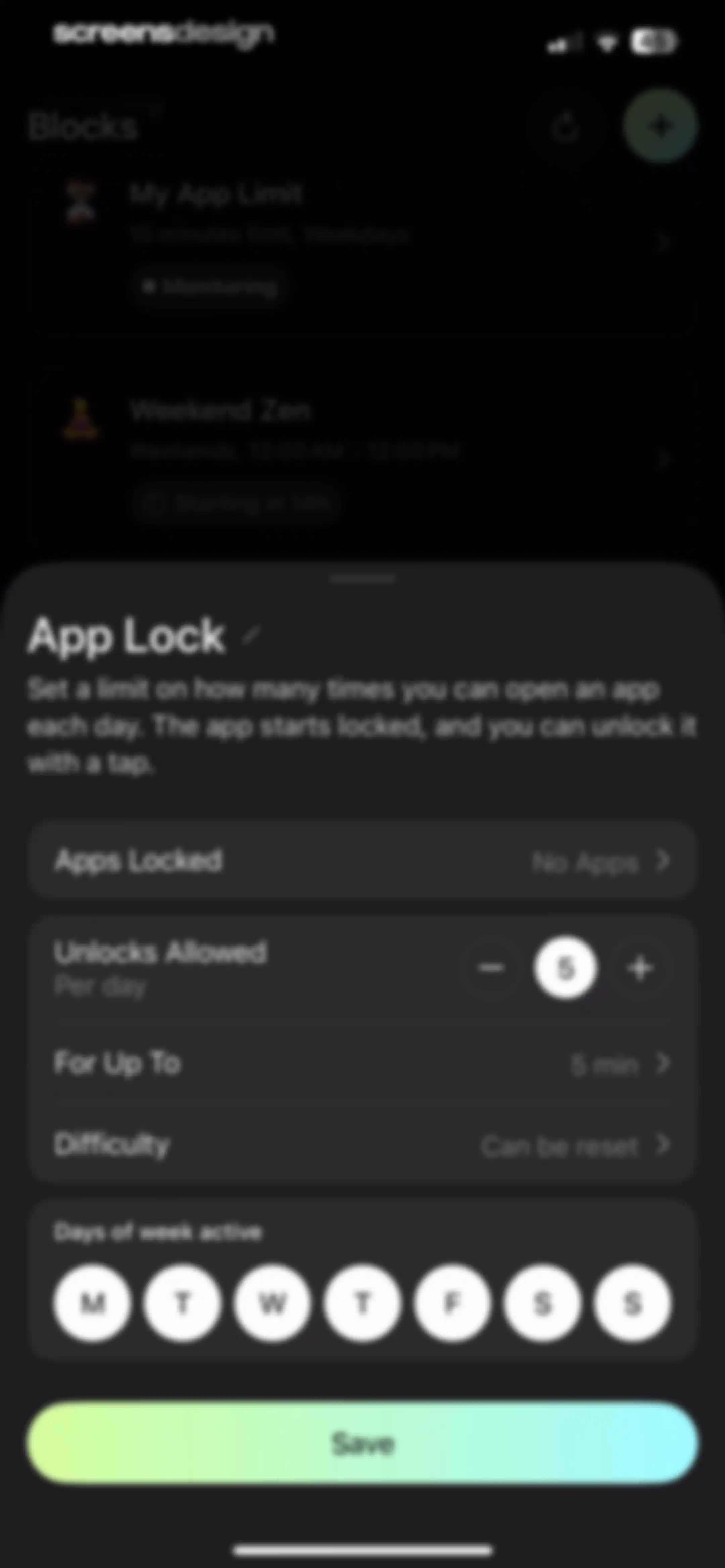
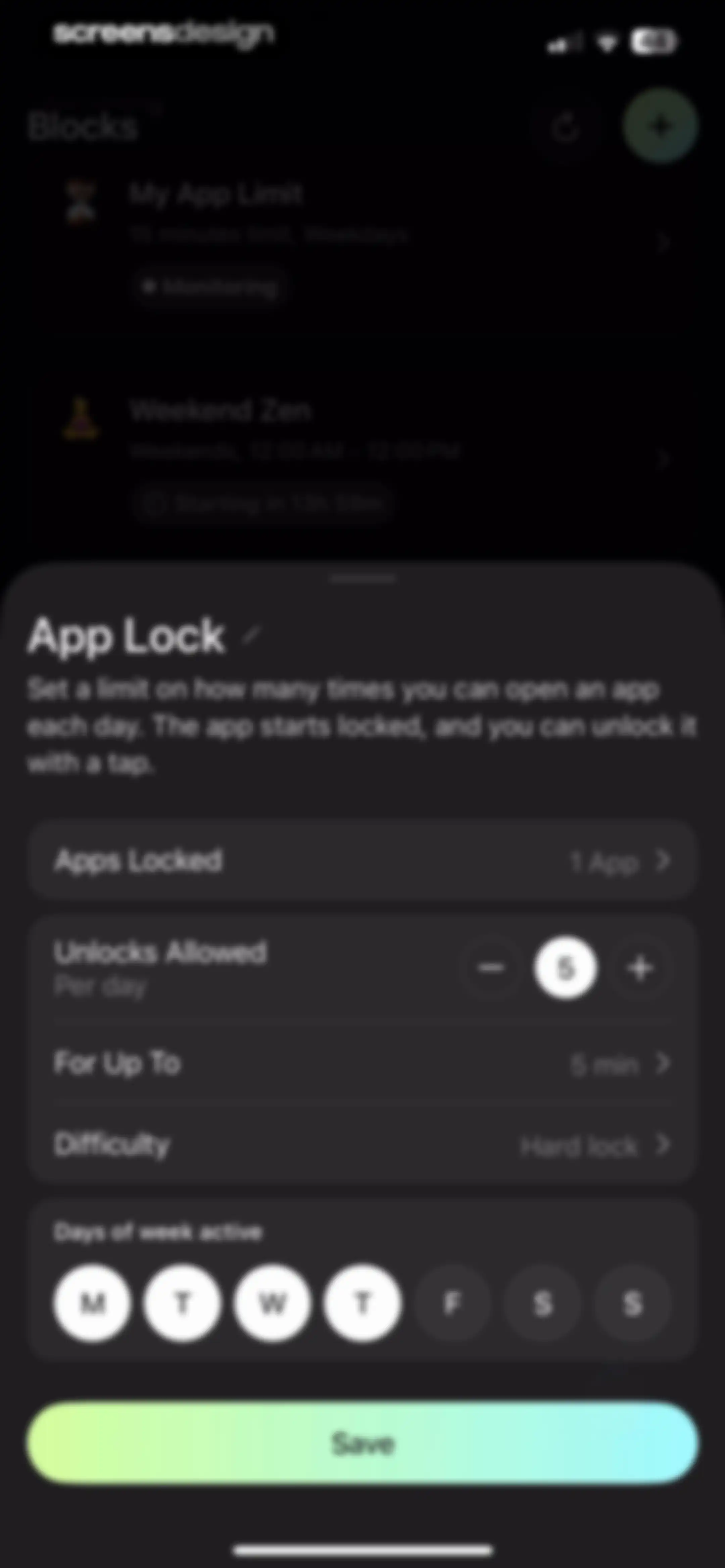
App Lock configuration form in Opal with settings for locked apps, unlock limits, duration, and a Save button.Unlock Pro
Error modal in the Opal app with an apology message, a Reload button, and a Dismiss button over a dark background.Unlock Pro
App selection screen titled Choose Activities with a search bar, a list showing Facebook selected, and Save and Cancel buttons in the footer.Unlock Pro
Opal app modal overlay for setting an unlock duration, with a vertical picker showing 5 minutes selected and a Done button.Unlock Pro
Difficulty selection modal for app lock settings with the Can Be Reset option selected.Unlock Pro
App lock configuration modal with daily limit settings, day-of-week selectors, and a Save button.Unlock Pro
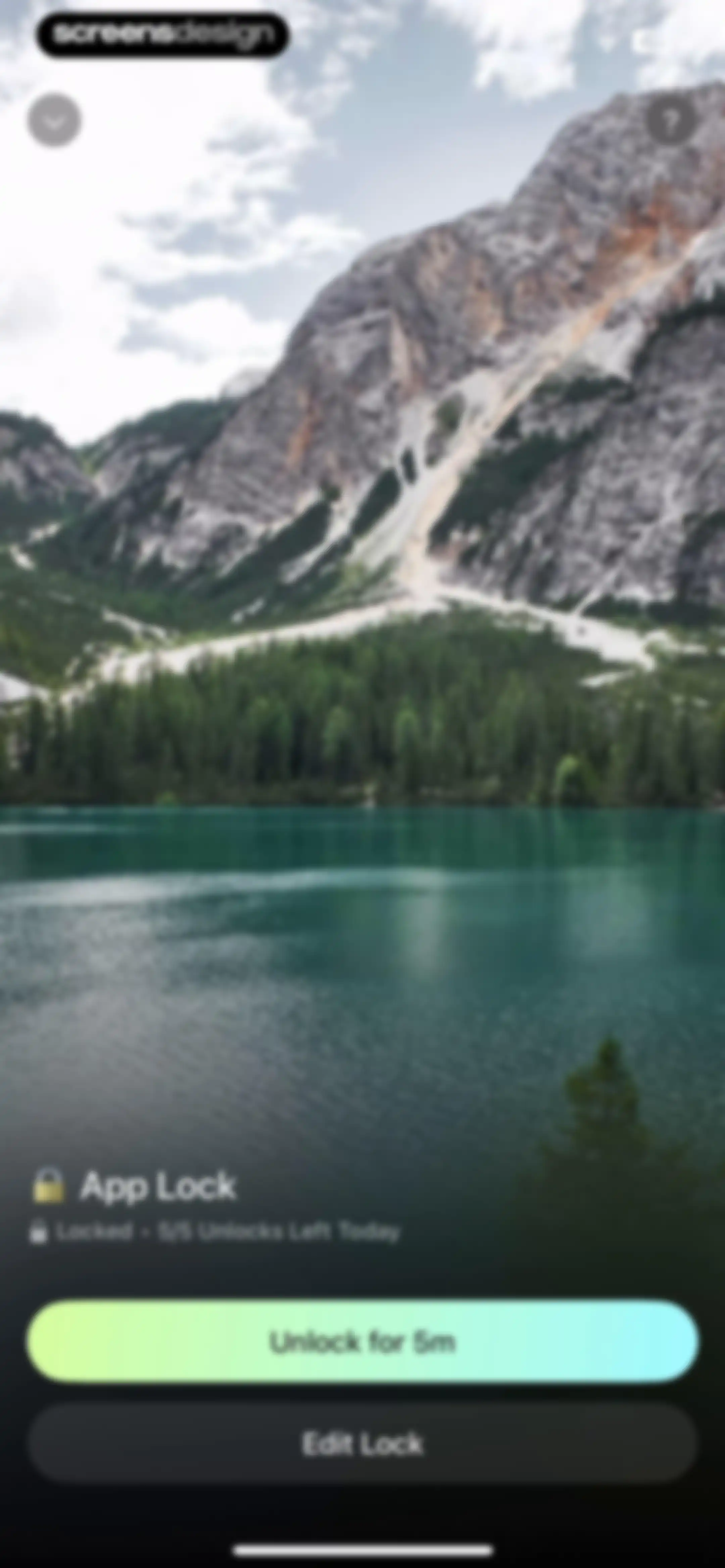
Opal app lock screen over a mountain lake photo showing a locked status with five remaining unlocks and an Unlock for 5m button.Unlock Pro
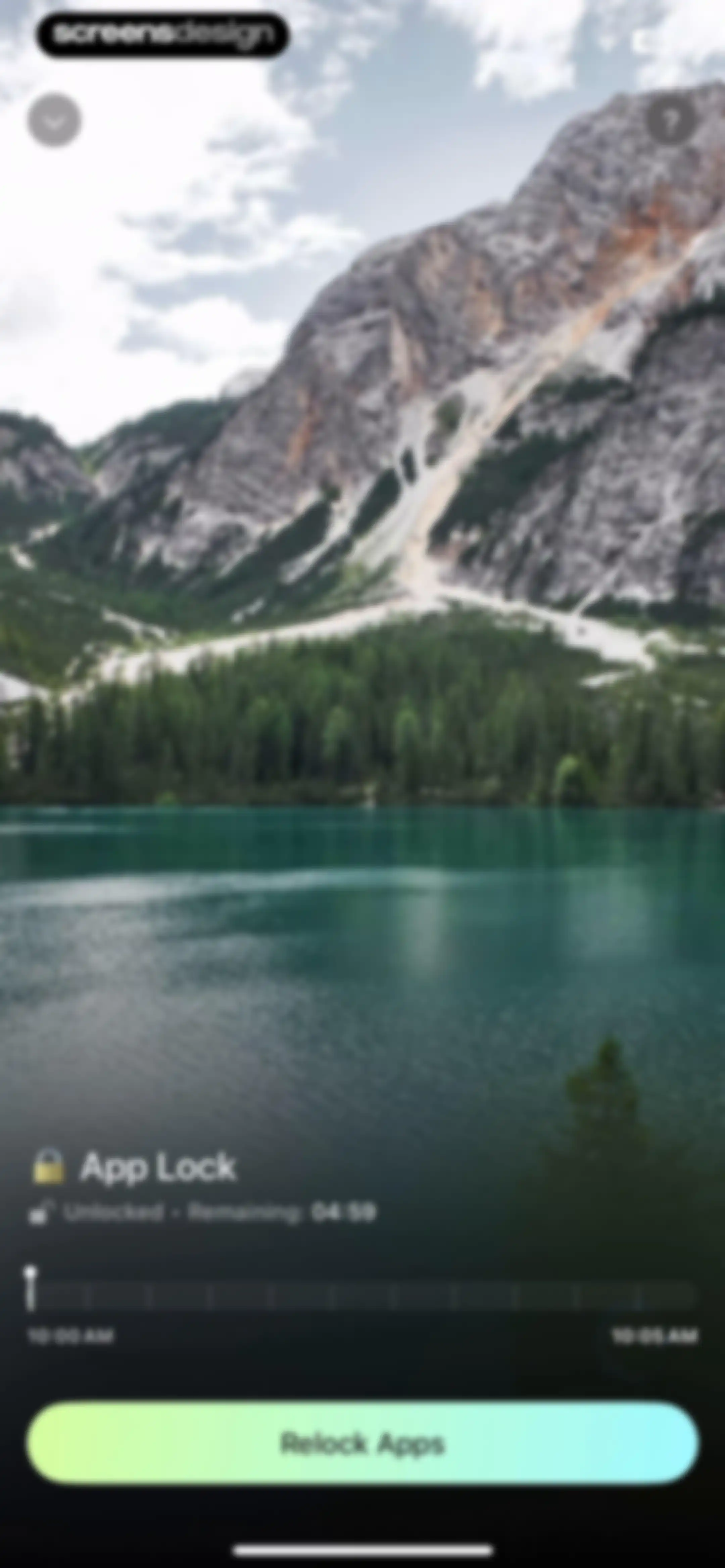
App lock screen displaying an unlocked status with a countdown timer, a timeline slider, and a Relock Apps button.Unlock Pro
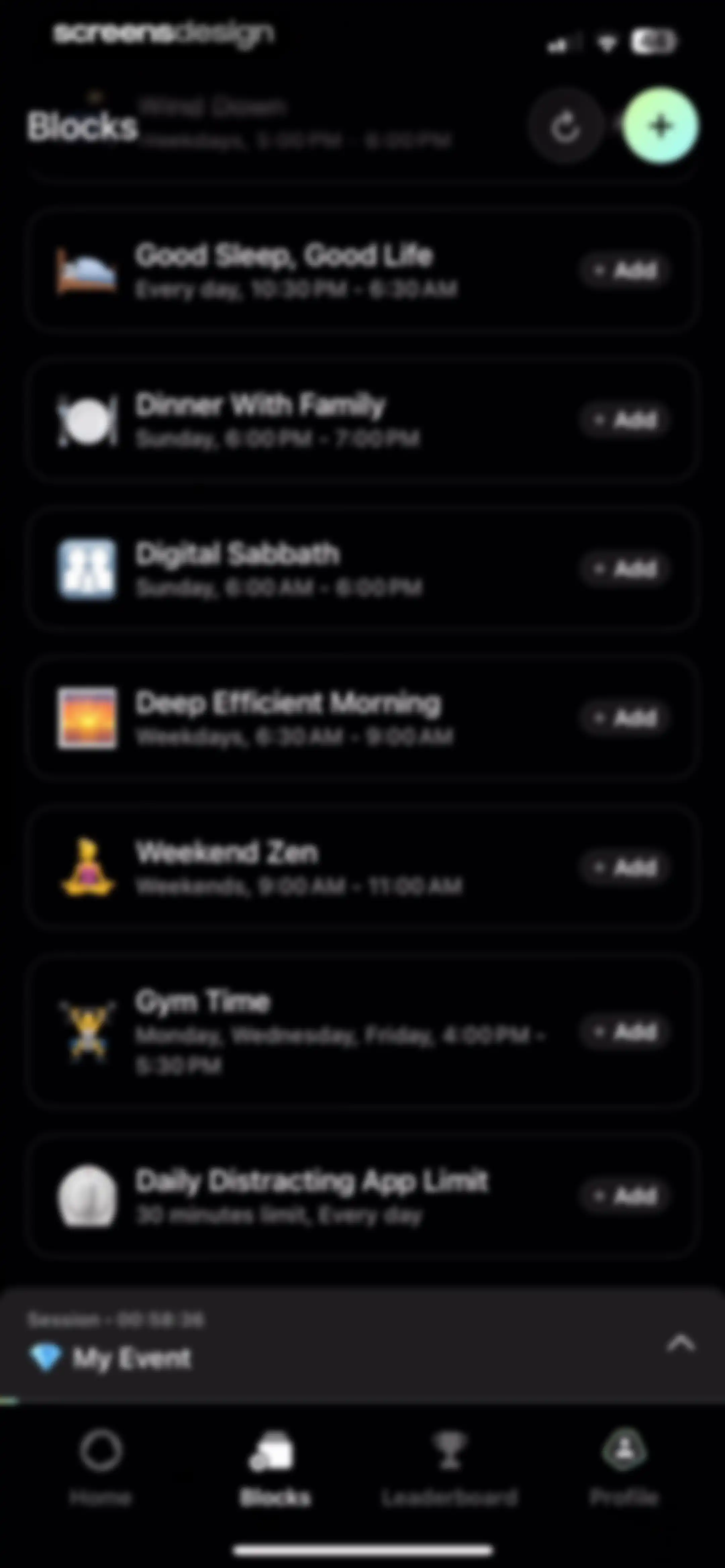
Blocks dashboard listing schedule templates like sleep and gym time, with an active session timer and bottom navigation.Unlock Pro
App limit configuration form with time limit and blocking behavior sections, featuring a Save button.Unlock Pro
App blocking configuration screen displaying a modal alert with an error message requiring app selection and an OK button.Unlock Pro
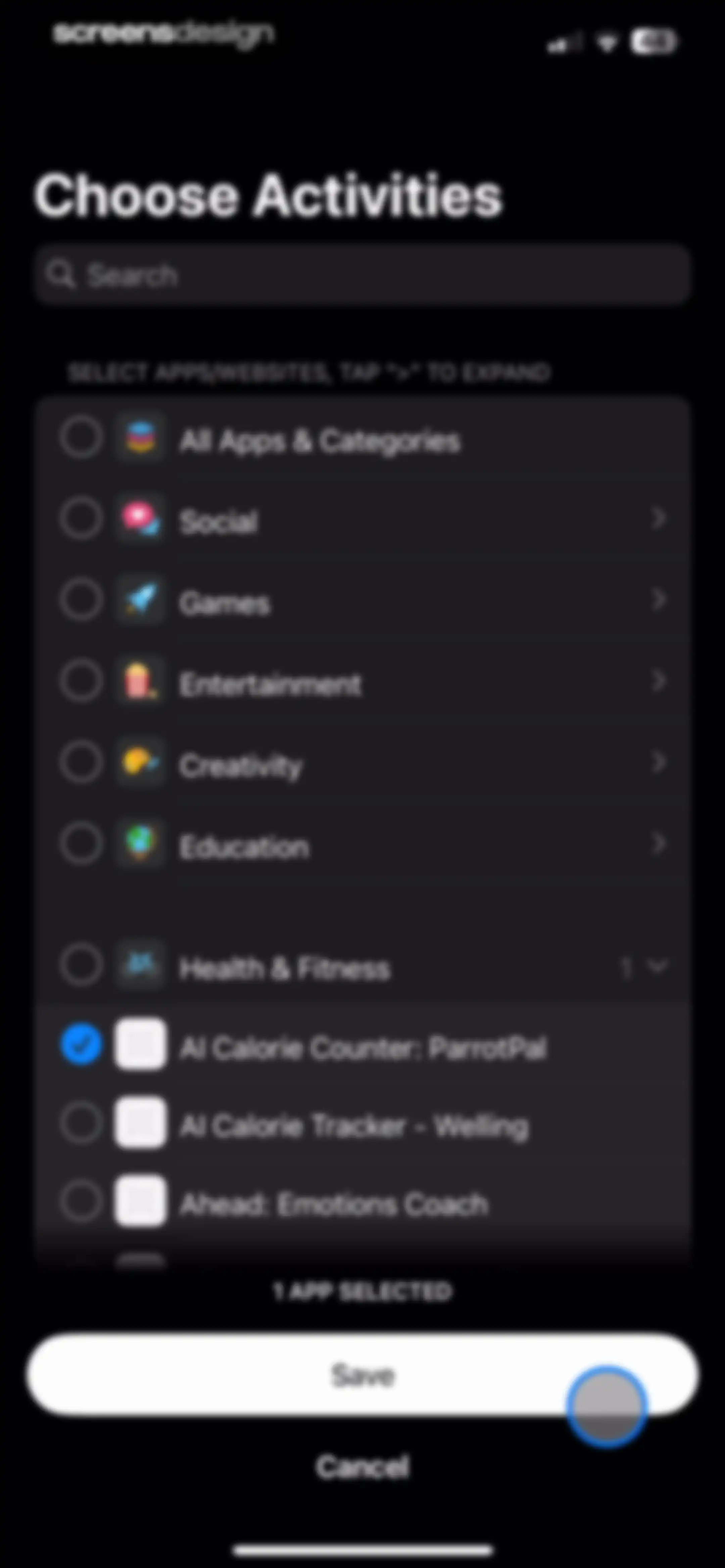
App selection form with a dark theme, showing one selected app in the Health and Fitness category, a status indicator, and Save and Cancel buttons.Unlock Pro
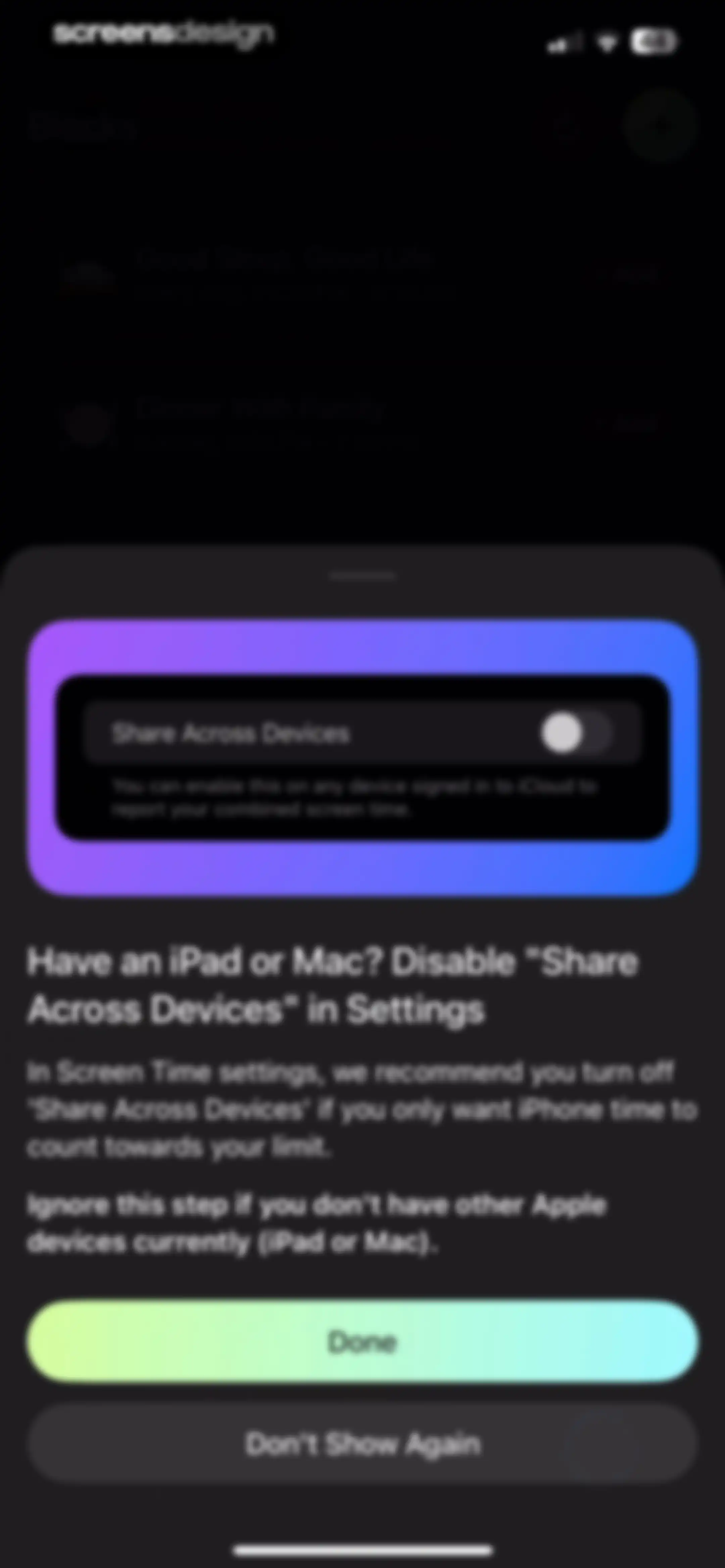
Opal app onboarding instructional modal with a Share Across Devices toggle, a Done button, and a Don't Show Again button.Unlock Pro
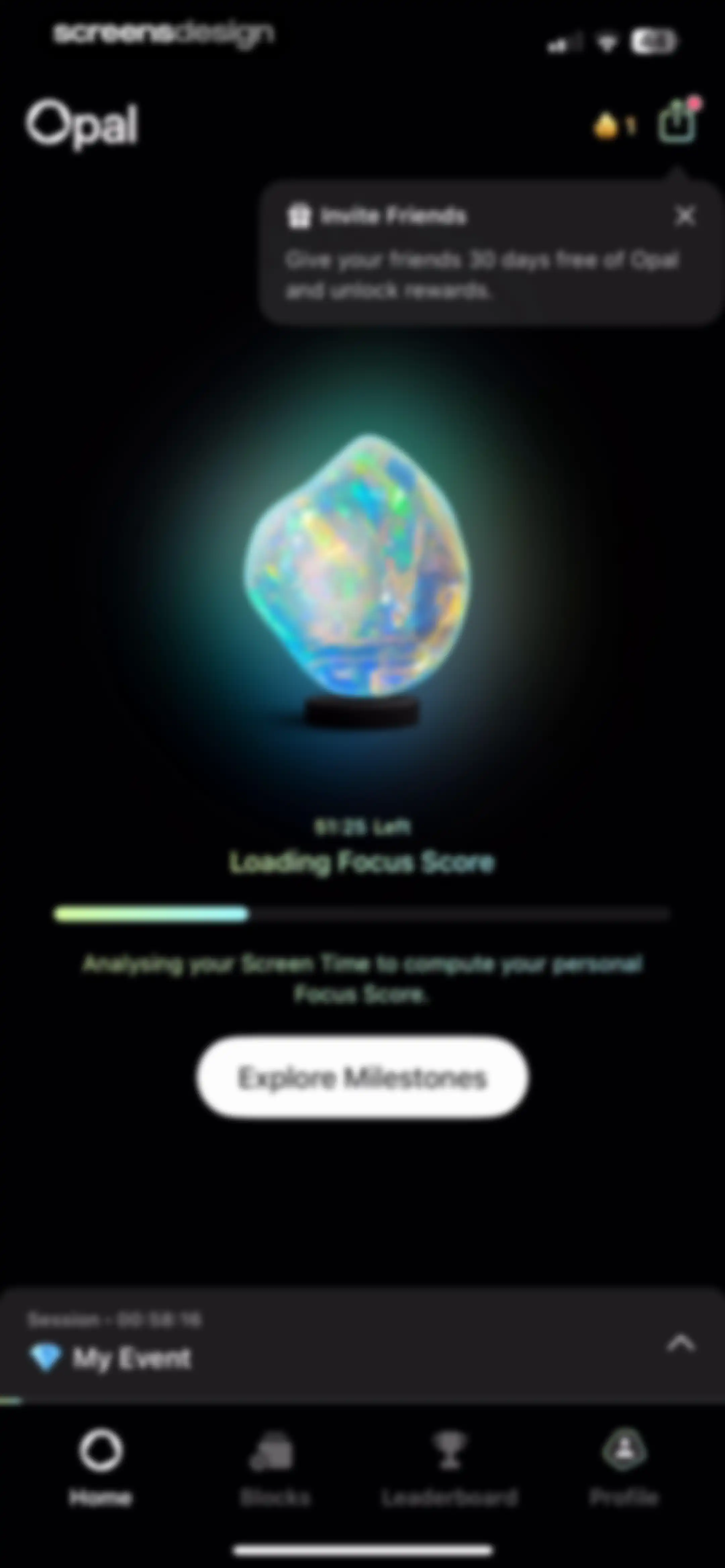
Opal dashboard showing focus score analysis with a loading progress bar, referral banner, and an Explore Milestones button.Unlock Pro
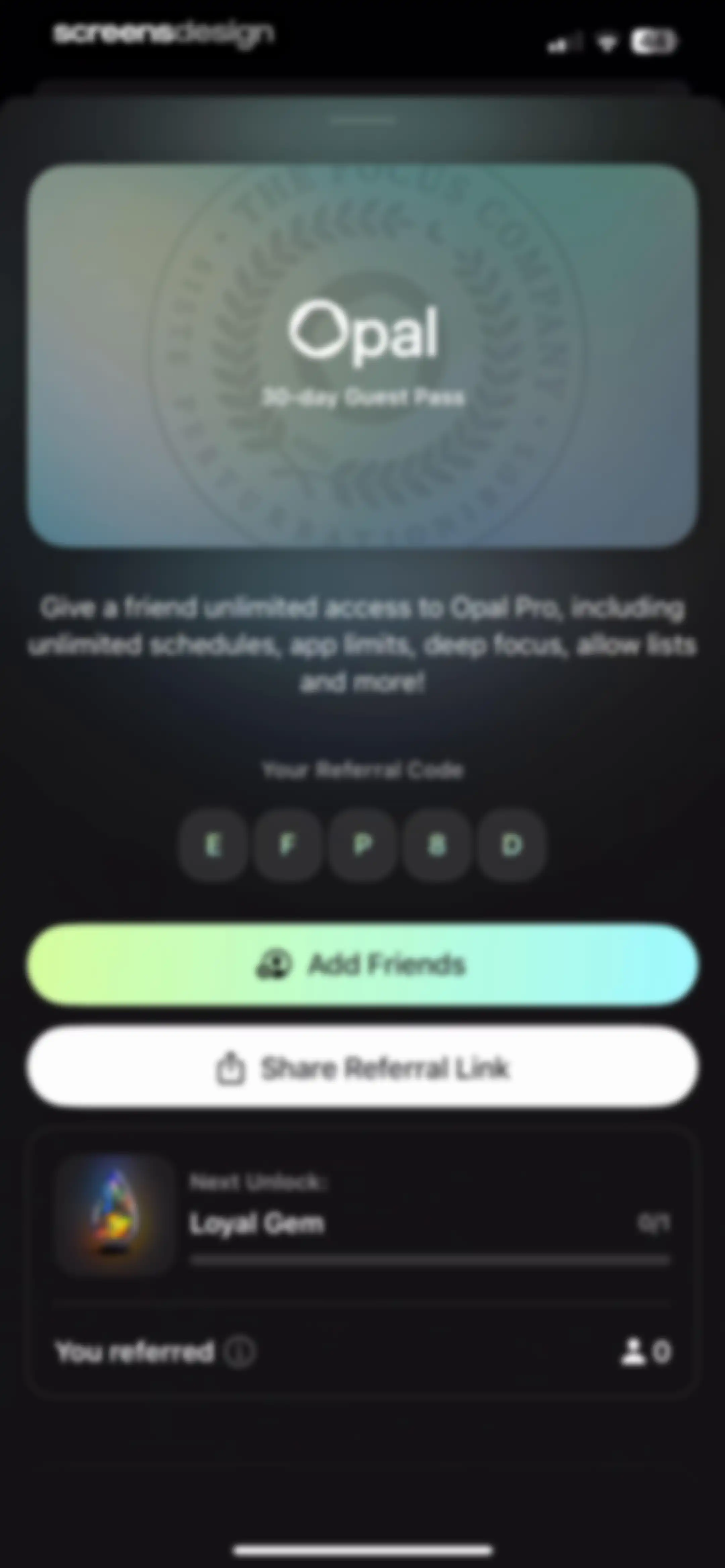
Referral screen displaying a 30-day guest pass offer, referral code, Add Friends and Share Referral Link buttons, and reward progress.Unlock Pro
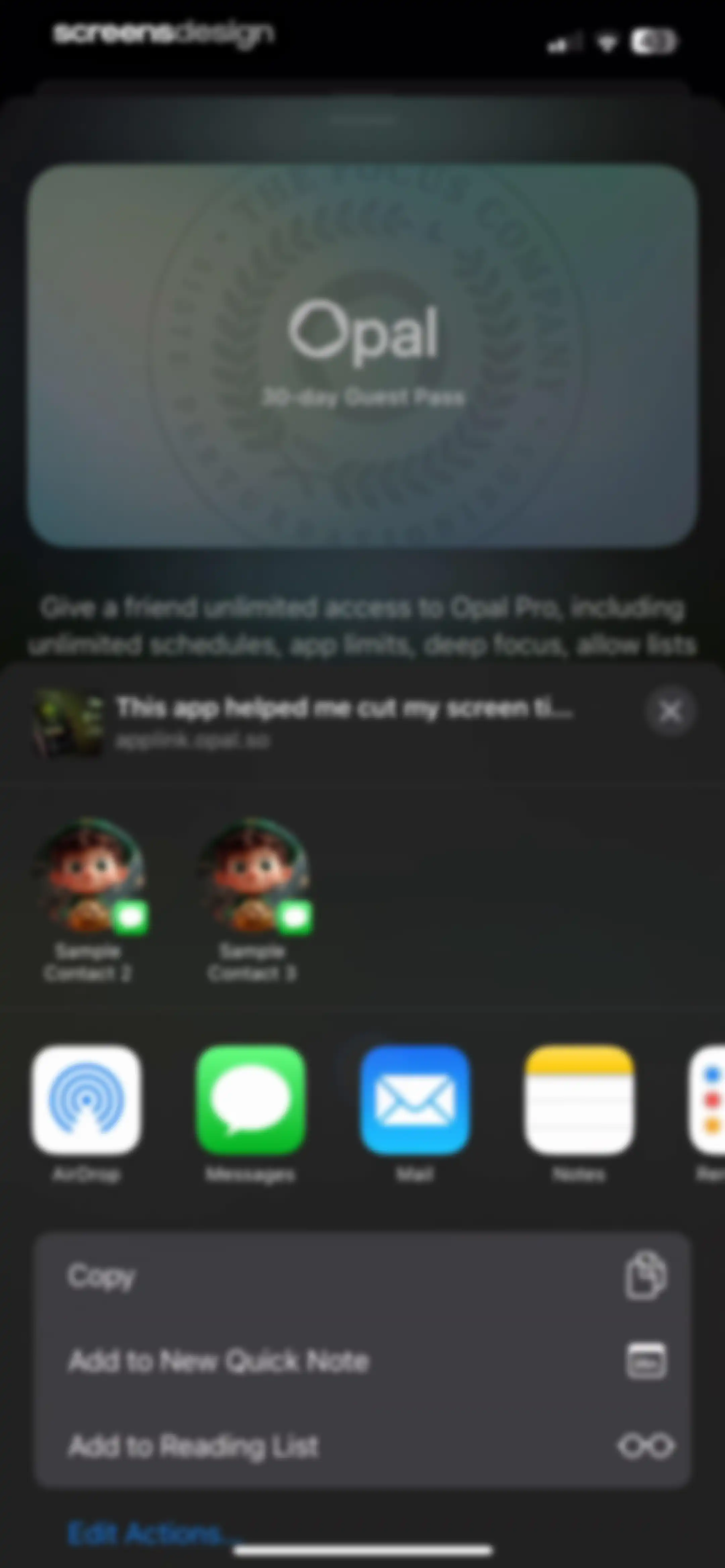
Opal app share sheet displaying a 30-day guest pass promotion card, link preview, sharing contacts, and system actions.Unlock Pro
Opal referral dashboard displaying a 30-day guest pass, unique referral code EFP8D, add friends and share link buttons, and a progress tracker.Unlock Pro
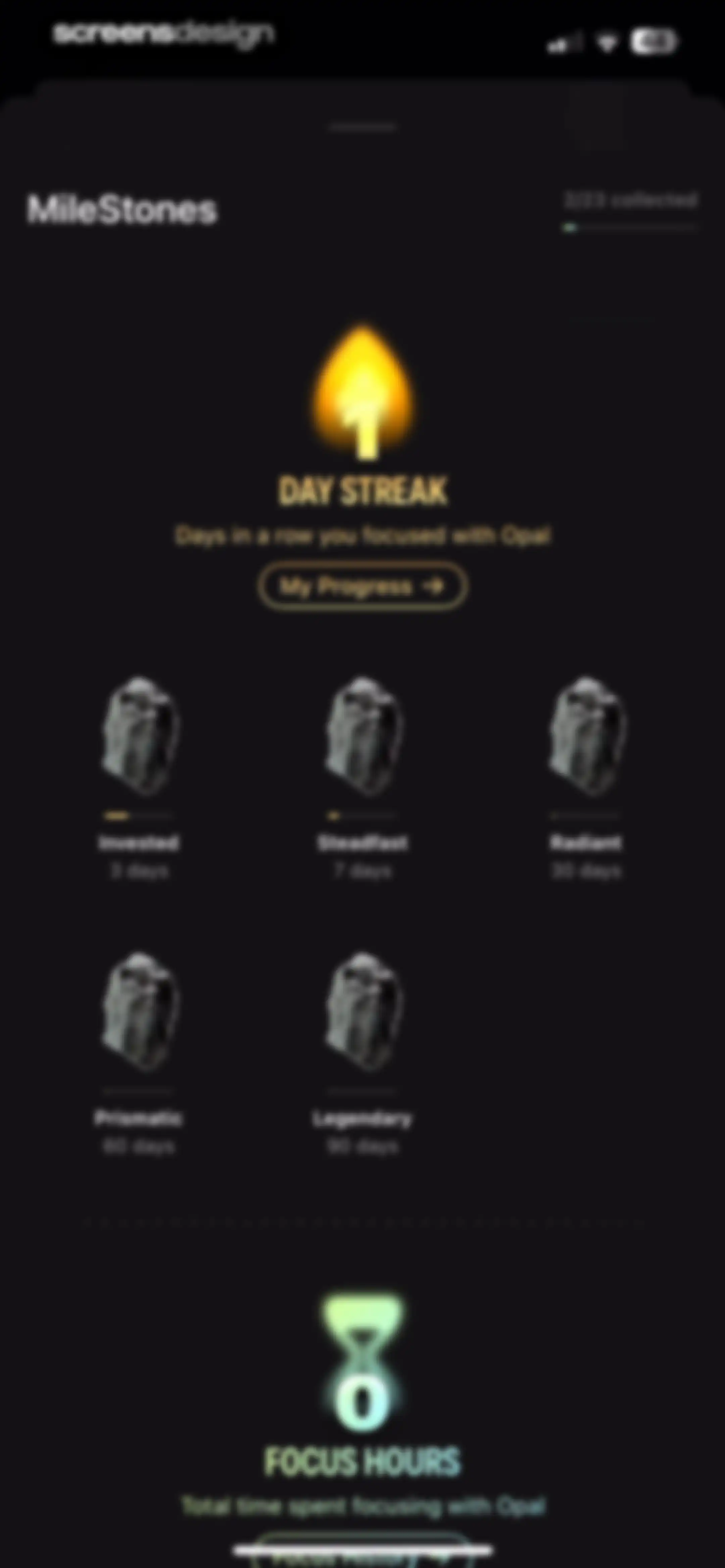
Opal milestones dashboard displaying a one-day focus streak, milestone grid, total focus hours summary, and progress tracking buttons.Unlock Pro
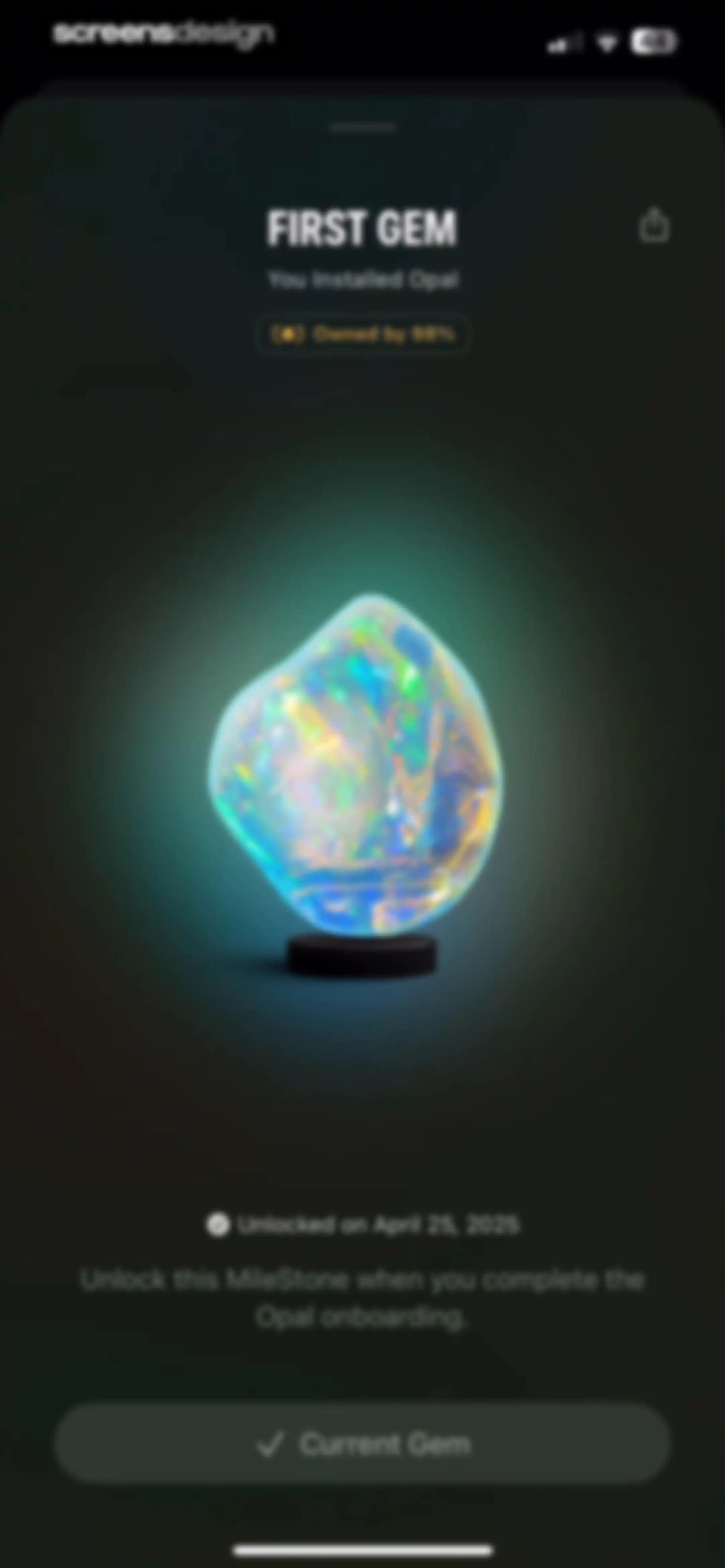
Opal app achievement screen displaying the First Gem milestone with an iridescent gemstone illustration, unlock date, and a Current Gem button.Unlock Pro
Share sheet overlay on a dark background showing contact suggestions, app sharing options, and action buttons for a First Gem achievement.Unlock Pro
System permission modal requesting photo library access with Allow Full Access, Limit Access, and Don't Allow buttons over a milestone screen.Unlock Pro
Blocks dashboard listing scheduled focus sessions with an active session timer and bottom navigation.Unlock Pro
Leaderboard dashboard in the Opal app with a friend list, Find Friends button, and active focus session timer.Unlock Pro
Social invitation screen with a search bar, a list of contact cards featuring invite buttons, and a bottom Done button.Unlock Pro
Message composer containing a rich link preview card for the Opal app with a referral code and a system keyboard.Unlock Pro
User profile screen displaying focus statistics, streak and focus hour cards, achievement icons, and a weekly time-range selector with the Profile tab selected.Unlock Pro
Photo picker grid displaying the First Gem milestone card alongside user photo thumbnails and a search bar.Unlock Pro
Opal app milestones dashboard with a 1 day streak hero, progress bar, milestone achievement grid, and focus hours summary.Unlock Pro
Profile dashboard displaying productivity metrics, day streak and focus hours cards, time-range tabs, and a persistent active session sheet.Unlock Pro
Profile screen displaying screen time stats with a central referral card and a Share Referral Link button.Unlock Pro
Dashboard displaying a promotional keynote card, a friends screen time section with an add friends button, community statistics, and a session timer.Unlock Pro
Subscription status screen for Opal Pro showing membership details, renewal date, and a list of active premium features.Unlock Pro
User profile settings screen displaying a Pro status card at the top, followed by account and social settings lists with a dark theme.Unlock Pro
Dark-themed photo picker with a top navigation bar, search bar, and a grid of photo thumbnails including a First Gem milestone graphic.Unlock Pro
Opal app modal form for renaming a Gem, with an input field containing Bismutotantalite0174 and a Continue button.Unlock Pro
Email verification modal over the Opal app account settings page, with buttons to send a verification email or edit the address.Unlock Pro
Password confirmation form in the Opal app with an email field, password input, and Sign in button.Unlock Pro
Opal onboarding phone number entry screen with a country code selector, an empty input field, and a Next button.Unlock Pro
Onboarding screen asking for occupation with a list of options, Remote Worker selected, and a Continue button.Unlock Pro
Social empty state screen in the Opal app with Memoji avatars, a My Friends heading, and an Add Friends button.Unlock Pro
Referral code entry modal in the Opal app with a text input field and a disabled Continue button.Unlock Pro
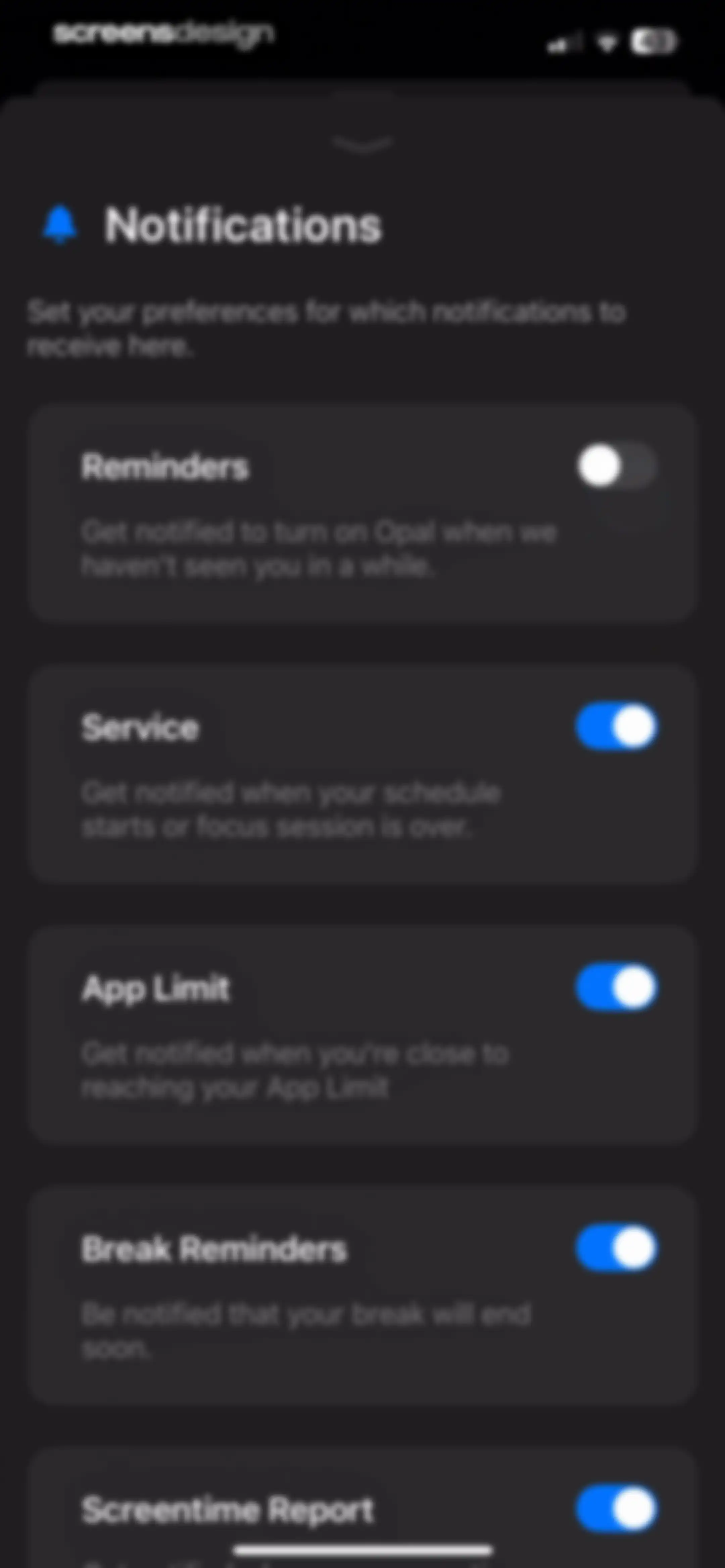
Notification settings screen with a vertical list of toggle cards for reminders, service, app limits, and screentime reports in the Opal app.Unlock Pro
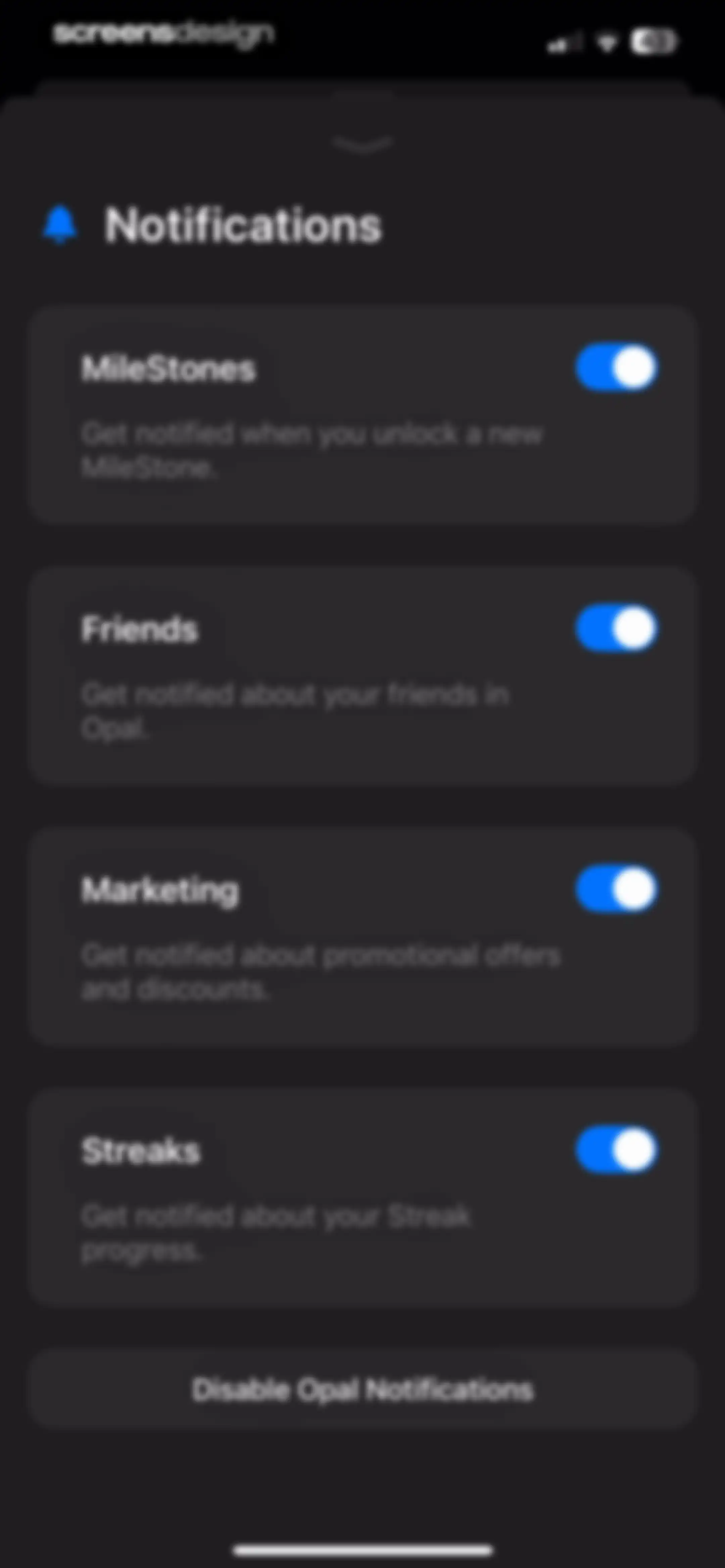
Notification settings modal in dark mode with a list of four enabled toggle cards and a bottom disable button.Unlock Pro
Permission request modal for Opal asking to access the camera to scan QR codes, with Don't Allow and Allow buttons.Unlock Pro
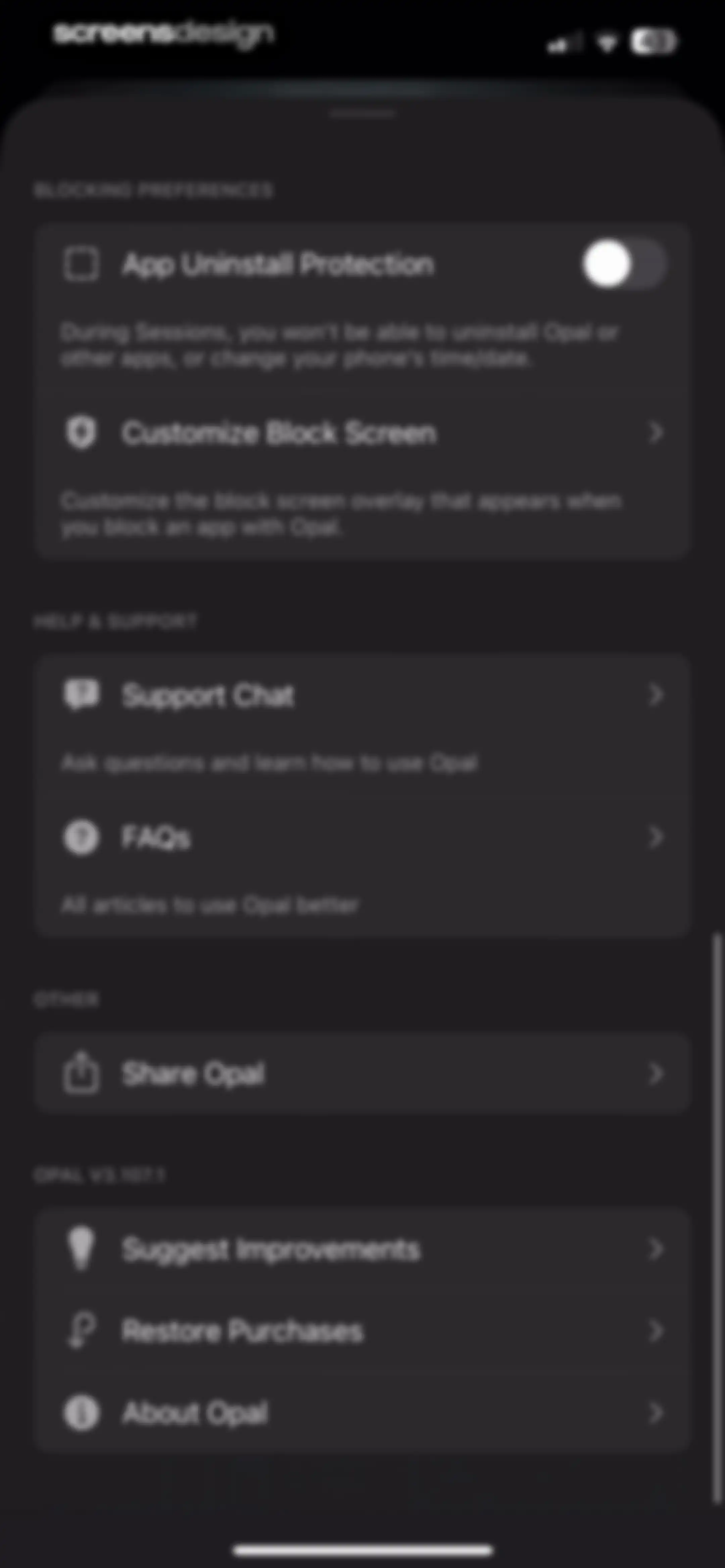
Opal settings menu with grouped sections for blocking preferences, help, and support, featuring options like App Uninstall Protection and Support Chat.Unlock Pro
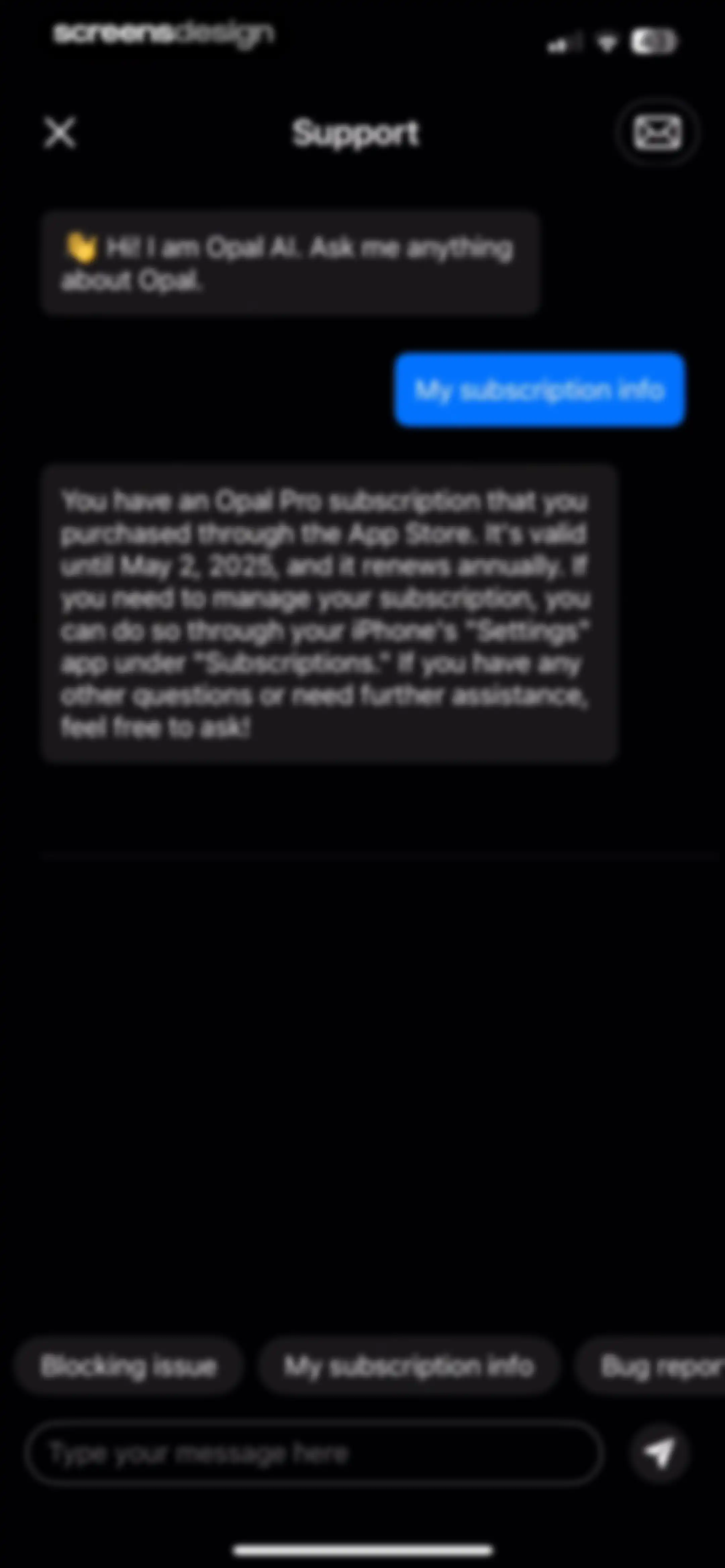
Support chat screen in the Opal app displaying subscription details from Opal AI, quick-reply chips, and a text input field.Unlock Pro
Support options modal with options to report a bug, suggest an improvement, or ask a question, and a cancel button.Unlock Pro
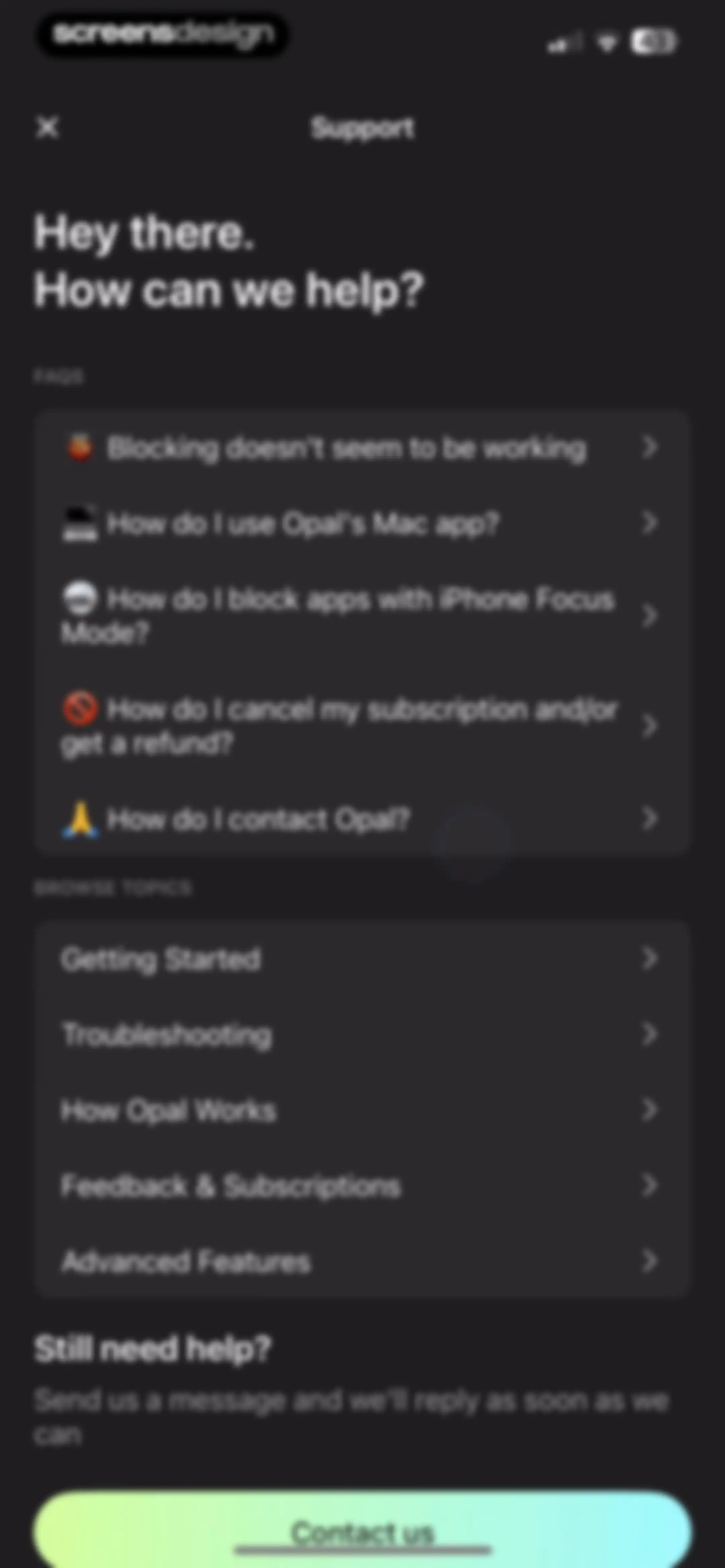
Support screen for the Opal app featuring a list of FAQs, topic categories, and a Contact us button at the bottom.Unlock Pro
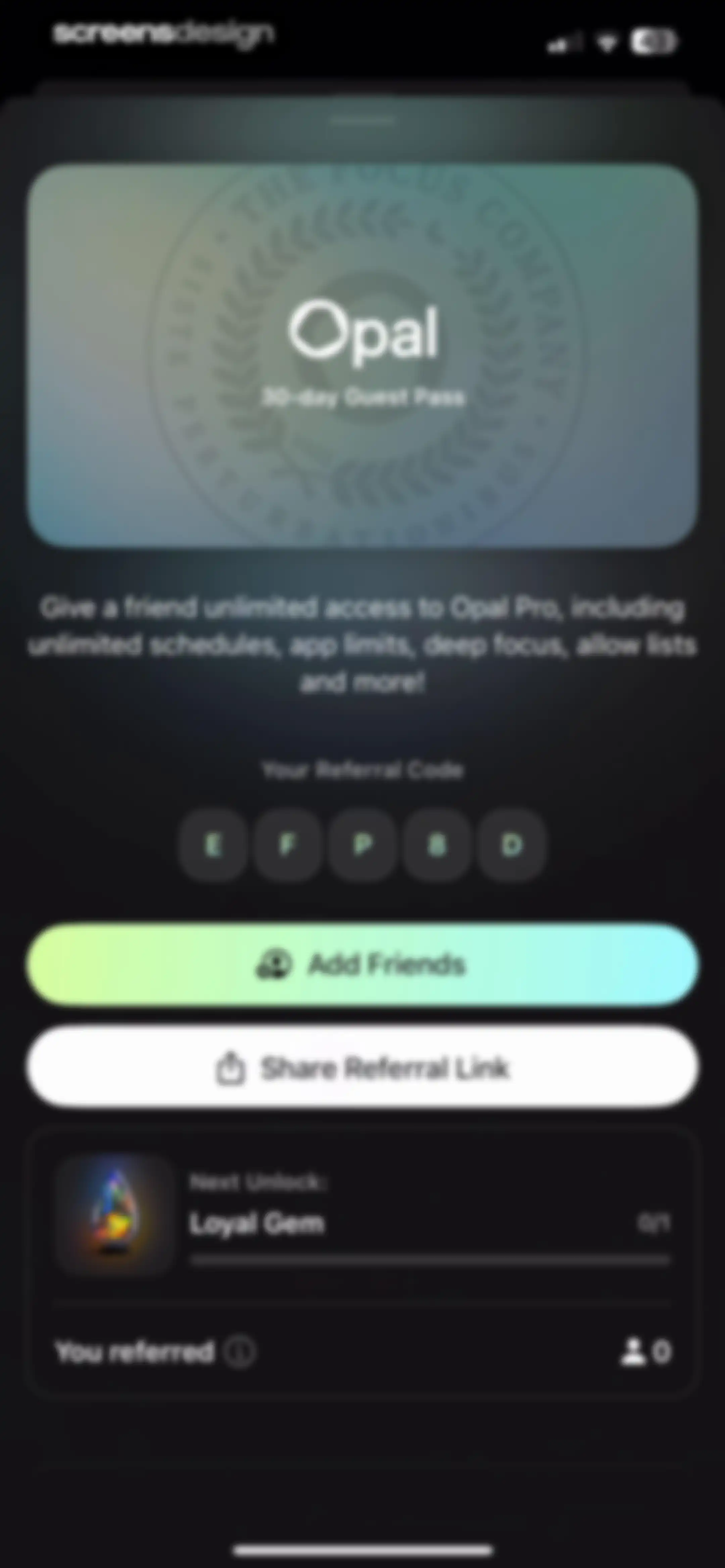
Opal guest pass referral screen displaying a unique code, Add Friends and Share Referral Link buttons, and a progress tracker showing 0 of 1 referrals.Unlock Pro
Opal app share sheet displaying a 30-day Guest Pass promotional card, link preview, contact suggestions, and sharing options.Unlock Pro
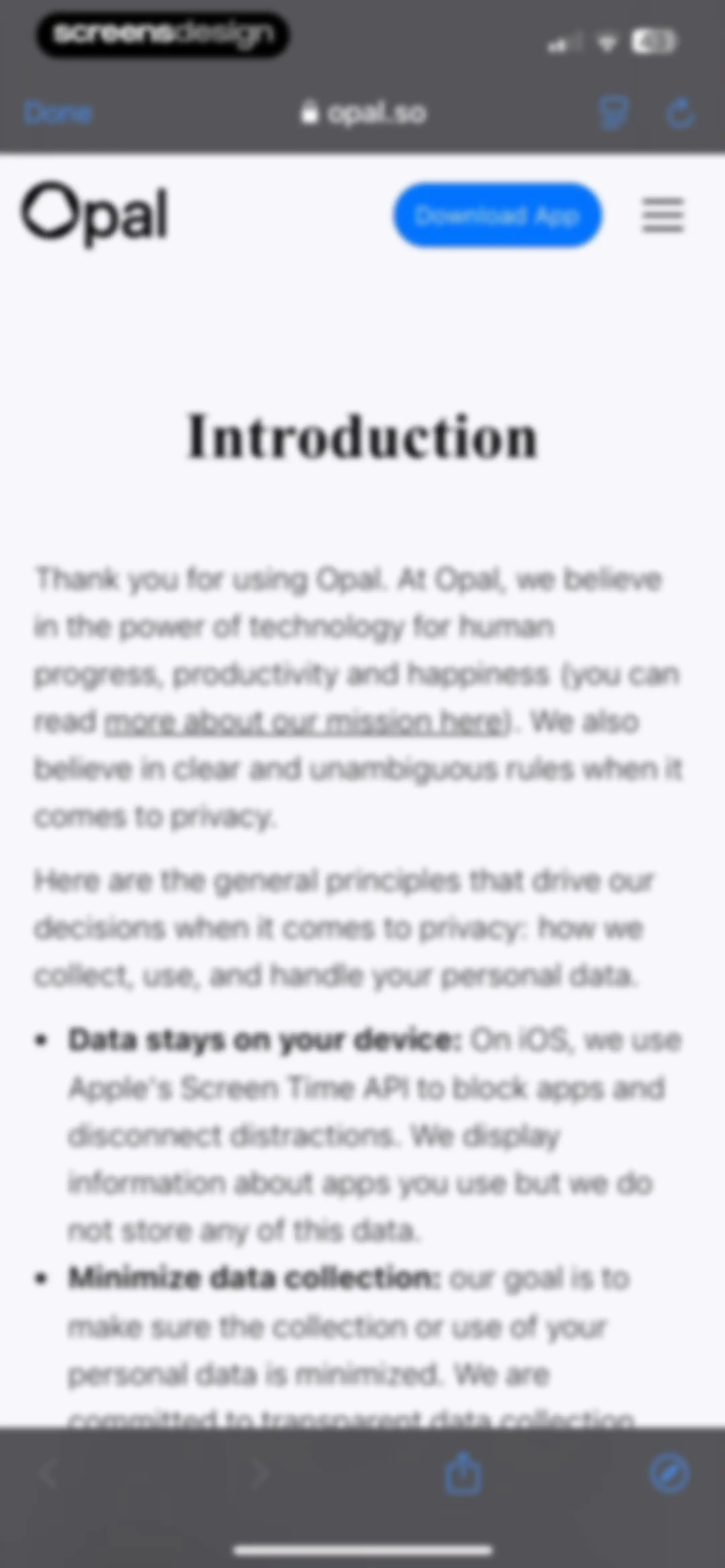
Privacy policy web page displaying the introduction to Opal data principles, featuring a Download App button and a Done control.Unlock Pro

About Opal: Screen Time Control

A productivity tool that uses Apple's Screen Time API to block distracting apps and websites, helping users improve focus.

Explore Opal: Screen Time Control across ScreensDesign

Apps similar to Opal: Screen Time Control

Unlock all similar apps

See every comparable app, revenue, installs, and flows.

Unlock Pro
  • BePresent: Screen Time Control

    4.8
    Screen Detox IncRevenue$400kInstalls250k
  • Freedom: Screen Time Control

    4.4
    Eighty Percent SolutionsRevenue$100kInstalls13k
  • Friend Controls: Screen Time

    4.7
    Ryan Moazzami
  • ClearSpace: Reduce Screen Time

    4.7
    clearspaceRevenue$7kInstalls<5k
  • Blockin -Screen Time for Focus

    4.6
    Noova Inc.Revenue$15kInstalls15k
  • Forest: Focus for Productivity

    4.8
    SEEKRTECH CO., LTD.Revenue$50kInstalls150k
  • Useless - Screen Time Control

    4.5
    DaDaMa Ug (haftungsbeschränkt)
  • TimeBloc - Daily Planner

    4.3
    Reflective Technologies ApSRevenue$<5kInstalls<5k
  • Focus - Deep Work Timer

    4.4
    Meaningful Things GmbH & Co. KGRevenue$<5kInstalls<5k
  • Focused Work - Pomodoro Timer

    4.7
    Michael TigasRevenue$<5kInstalls<5k
  • Pushscroll: Exercise To Scroll

    4.7
    Mario Ortiz ManeroRevenue$13kInstalls20k
  • OffScreen: Screen Time Control

    4.4
    MD StudioRevenue$<5kInstalls15k
  • Focus Tree: Timer & Flashcards

    4.7
    Focus LabsRevenue$<5kInstalls10k
  • prayer lock: christian focus

    4.9
    Mauricio BaronRevenue$75kInstalls80k
  • Flow: Focus & Pomodoro Timer

    4.8
    Yugen GmbHRevenue$<5kInstalls<5k
  • Bento: The Do Less Timer

    4.1
    Keep Productive LtdRevenue$<5kInstalls<5k
  • FocusFlight - Deepfocus Timer

    4.9
    Cement Planet LTDRevenue$45kInstalls100k
  • Lock In - Reset Your Life

    4.7
    Omega Labs, LLCRevenue$85kInstalls45k
  • one sec | screen time + focus

    4.8
    riedel.wtf apps S.L.Revenue$80kInstalls45k
  • Grow: Health & Fitness

    4.7
    Learn For Fun LimitedRevenue$150kInstalls200k
  • Focus Keeper - Pomodoro Timer

    4.8
    PIXO IncorporationRevenue$<5kInstalls<5k
  • Insight Timer: Meditate, Sleep

    4.9
    Insight Network IncRevenue$1.3MInstalls90k
  • GenK: Daily Learning & Quiz

    4.6
    NOERDENRevenue$150kInstalls150k
  • QUITTR - Break Free Now

    4.7
    Quittr, LLCRevenue$50kInstalls<5k
  • Clarify: Focus & Task Manager

    4.3
    FabulousRevenue$<5kInstalls<5k
  • Water Tracker by WaterMinder®

    4.7
    Funn Media, LLCRevenue$35kInstalls90k
  • Water tracker Waterllama

    4.9
    Llama Luna AppsRevenue$85kInstalls90k
  • Migiri: Quit Adult Content

    4.5
    Digital Literacy SLRevenue$8kInstalls<5k
  • BibleScroll: Christian Focus

    4.8
    Screen Detox IncRevenue$100kInstalls85k
  • Simple Habit Sleep, Meditation

    4.8
    INGENIO, LLCRevenue$<5kInstalls<5k
  • Bible Mode: Reduce Screen Time

    4.9
    Friday Labs LLCRevenue$15kInstalls<5k
  • Unrot: Earn your Screen Time

    4.7
    Unrot OÜRevenue$40kInstalls35k
  • Reset - Reset Your Life

    3.5
    Alex Slater
  • CURE: Quit Porn Addiction

    4.8
    Cranberry AppsRevenue$<5kInstalls<5k
  • Productive - Habit Tracker

    4.6
    Easy Tiger Apps, LLC.Revenue$20kInstalls<5k
  • Blank Spaces Launcher

    4.6
    Ecstasis LLCRevenue$200kInstalls35k
  • Focus To-Do: Focus Timer&Tasks

    4.8
    Shenzhen Tomato Software Technology Co., Ltd.Revenue$8kInstalls25k
  • Aqimo: Salah Focus

    4.8
    Chris PenaRevenue$<5kInstalls<5k
  • Aura: Meditation & Sleep, CBT

    4.7
    Aura Health Inc.Revenue$35kInstalls<5k
  • Subscription Manager: Orbit

    4.7
    Flooben LtdRevenue$12kInstalls<5k
  • Timella: Study & Work Timer

    0.0
    Jordan Andrade Carlota
  • Focus Friend, by Hank Green

    4.8
    B-Tech Consulting Group LLCRevenue$150kInstalls15k
  • The Almanac

    4.6
    VoodooRevenue$25kInstalls100k
  • Inflow - Manage Your ADHD

    4.4
    Get Inflow Ltd.Revenue$15kInstalls<5k
  • (Not Boring) Vibes

    4.8
    Not Boring Software LLCRevenue$<5kInstalls<5k
  • Brainbuddy: Quit PMO

    4.7
    AppStudio Australia Pty LtdRevenue$45kInstalls<5k
  • Zero: Fasting & Food Tracker

    4.8
    Zero Longevity Science, Inc.Revenue$150kInstalls<5k