MyFitnessPal: Calorie Counter

$12M revenue, 4.7 rating

App walkthrough
0:00 / 18:55

Onboarding flow, Paywall & Inside the App

Watch the full screen-by-screen UX video of MyFitnessPal: Calorie Counter with onboarding, paywall, and every core flow.

MyFitnessPal splash screen displaying the centered white logo on a vibrant blue background with a loading indicator at the bottom.
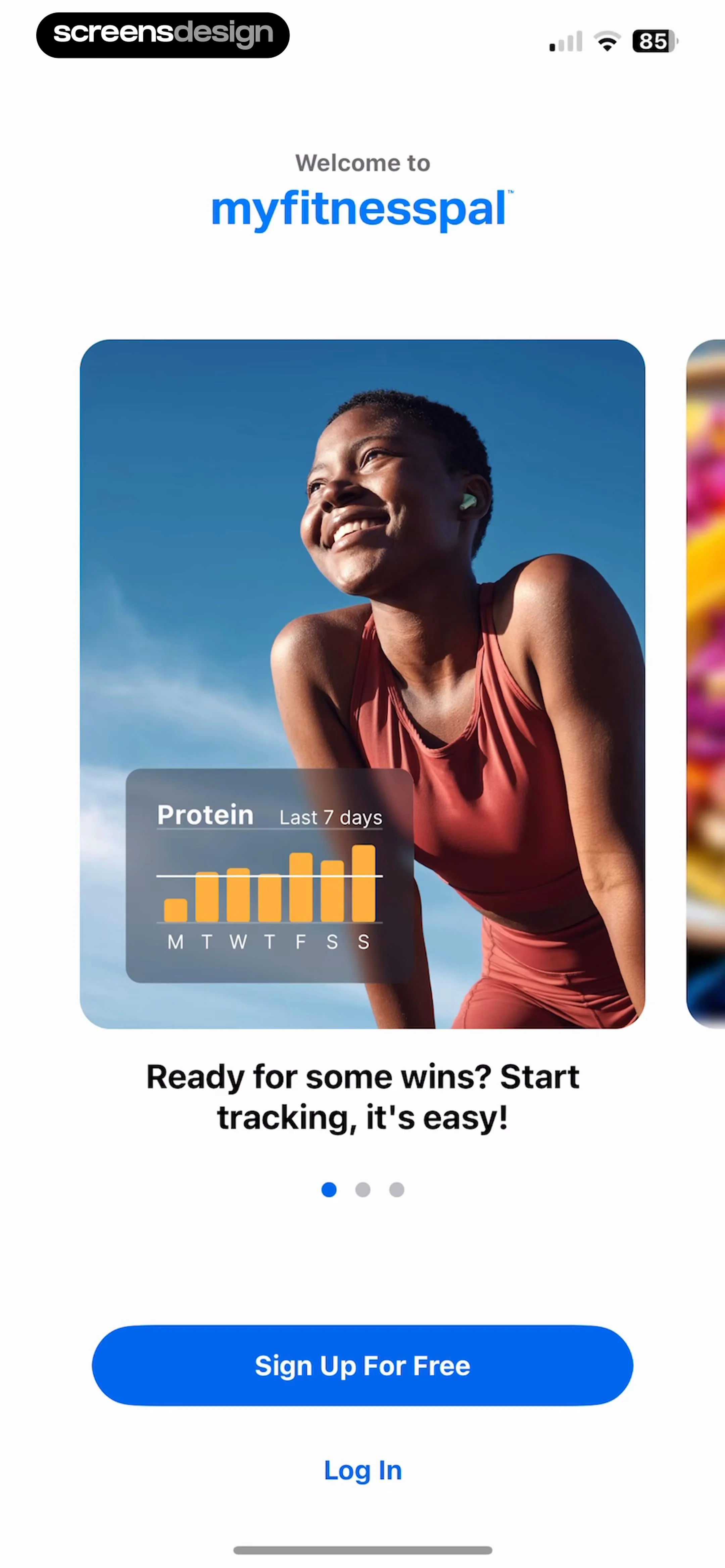
MyFitnessPal onboarding welcome screen featuring a protein tracking chart and buttons to sign up or log in.
MyFitnessPal onboarding screen displaying a calorie tracking dashboard mockup with a Sign Up For Free button and Log In link.
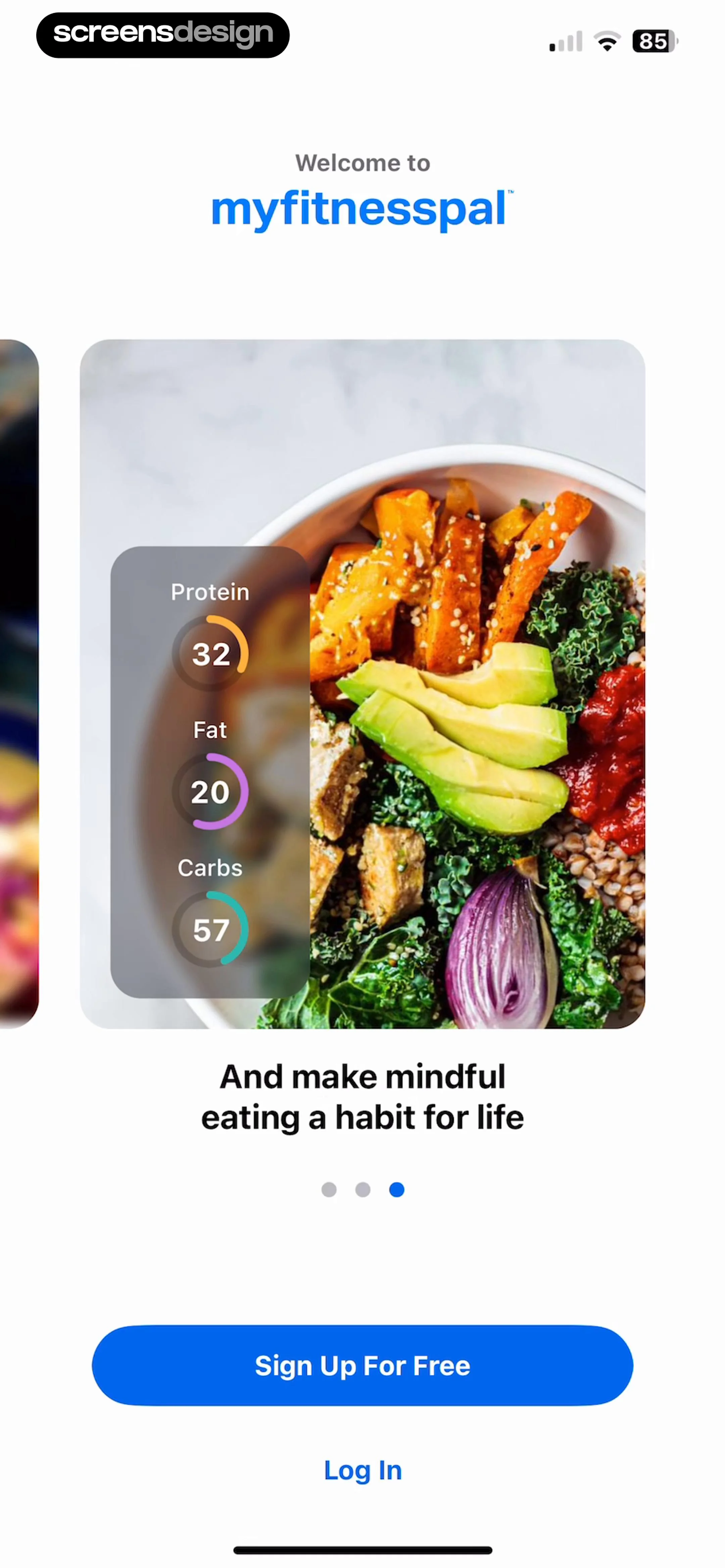
MyFitnessPal onboarding screen with a healthy meal photo and macro tracking overlay, featuring Sign Up For Free and Log In buttons.
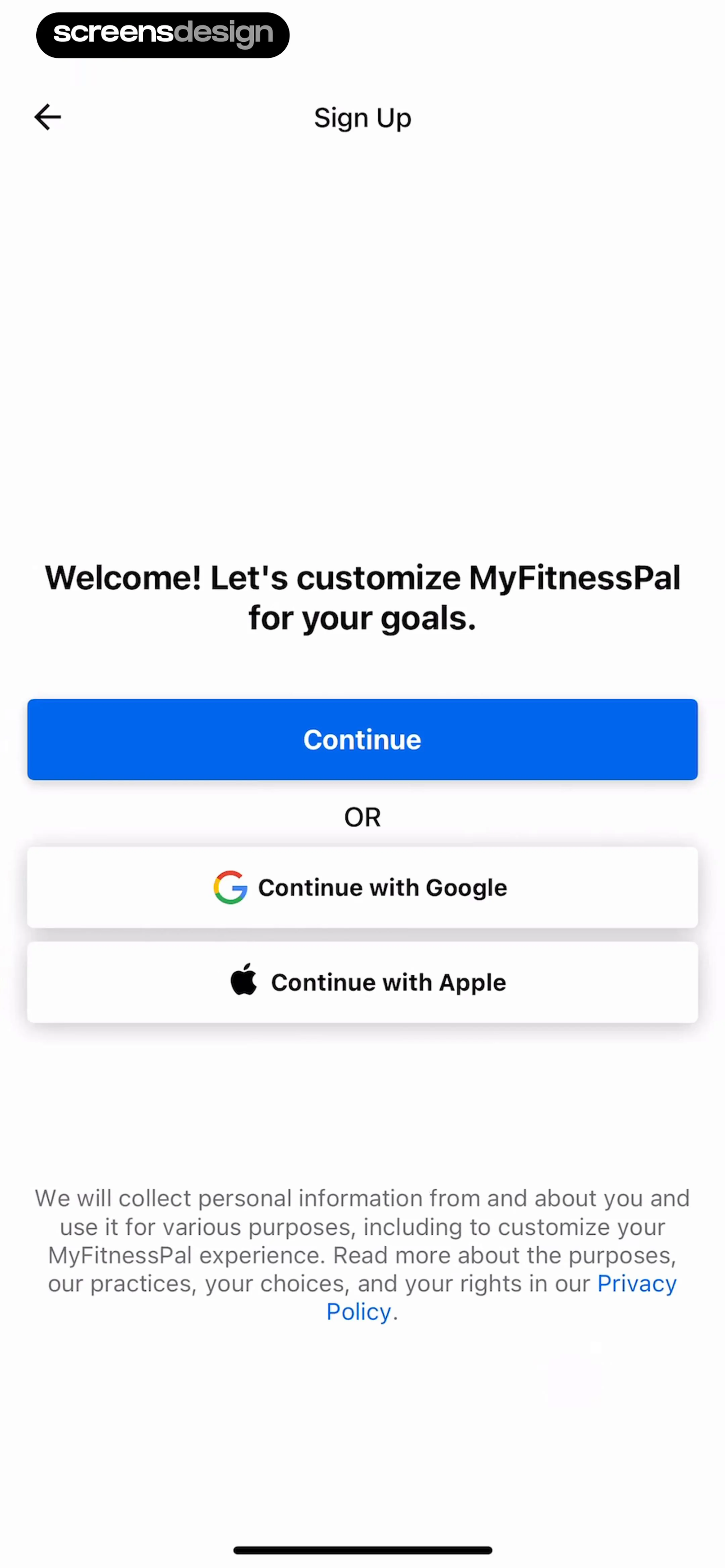
Sign up screen featuring a welcome message, a primary continue button, social login options, and a privacy policy disclaimer.
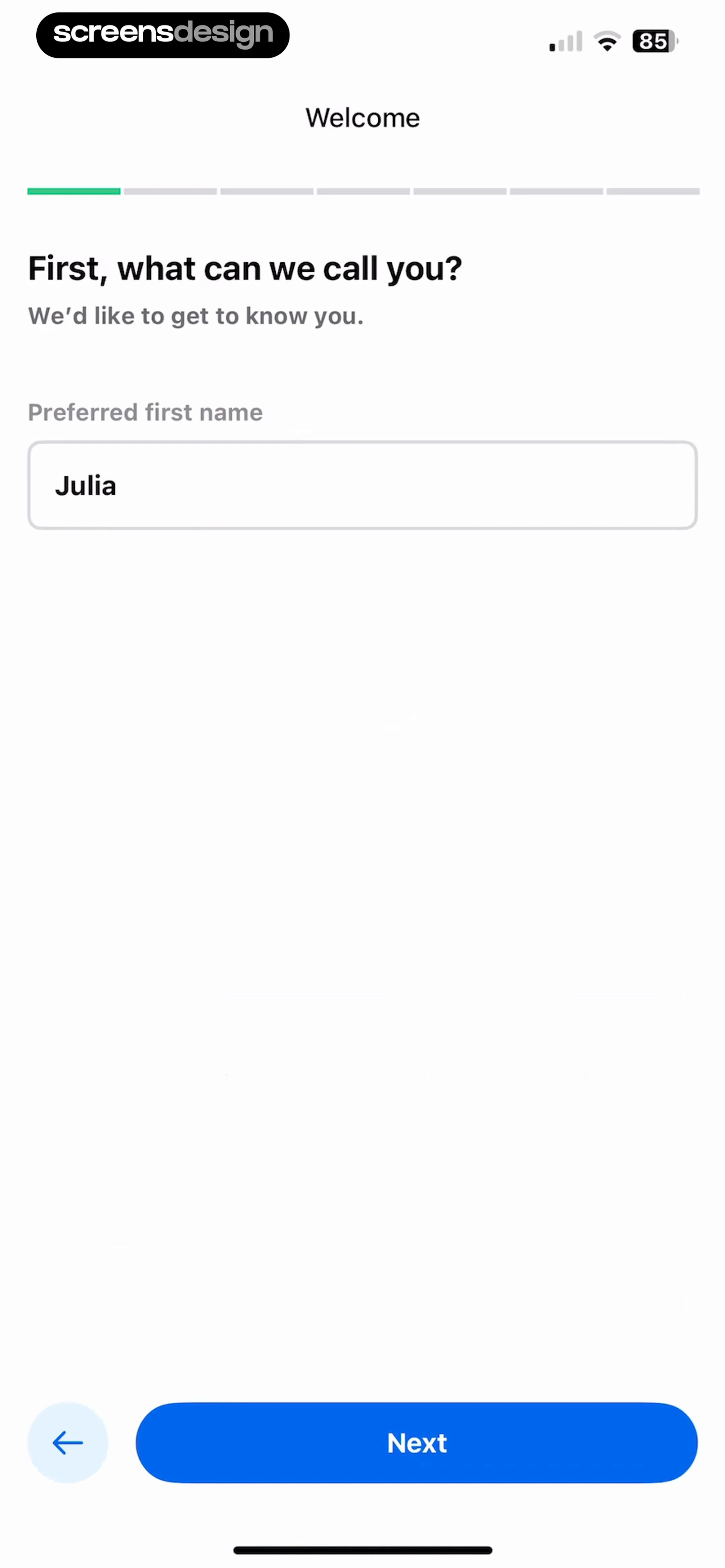
Onboarding name entry screen with the preferred first name Julia entered and a Next button.
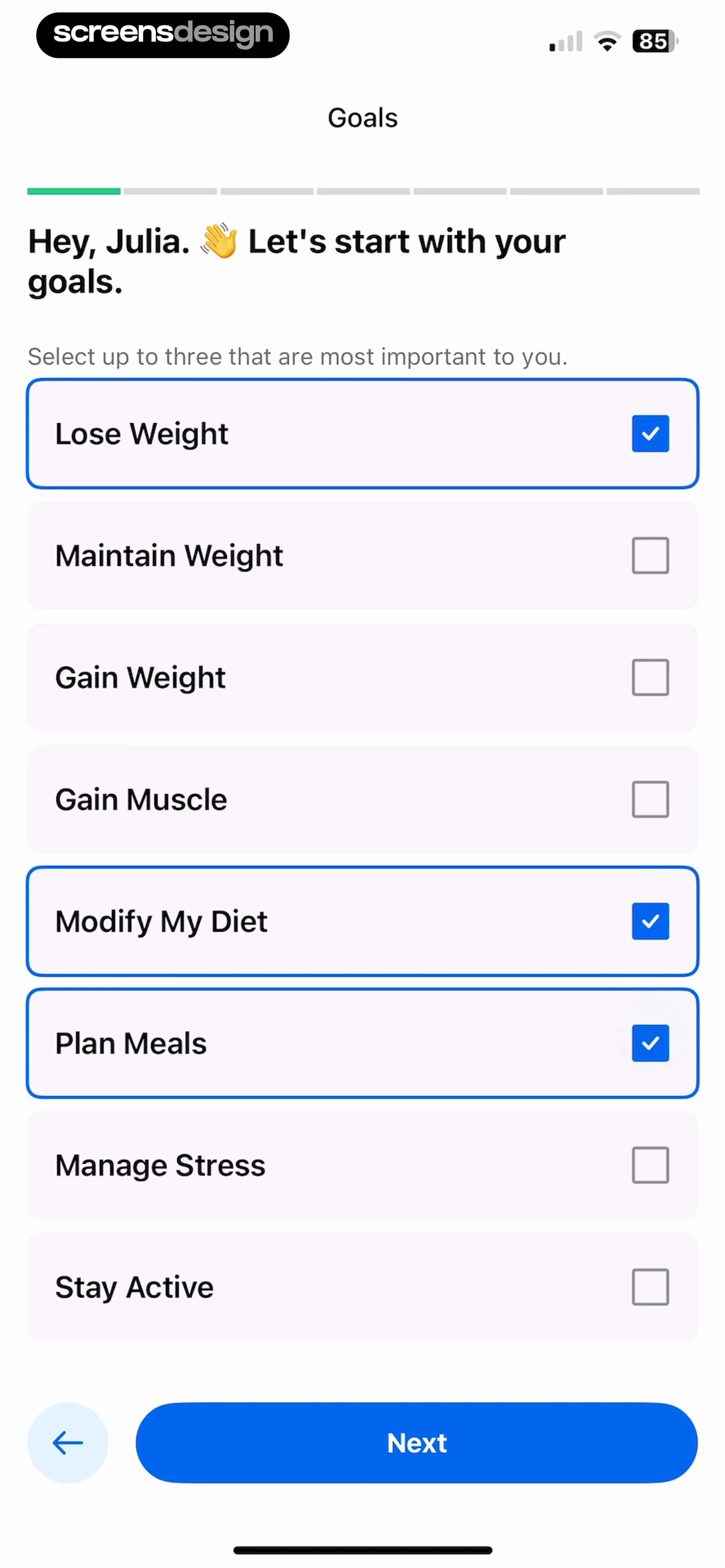
Onboarding goal selection screen with Lose Weight, Modify My Diet, and Plan Meals selected, alongside a Next button.
Fitness app onboarding screen featuring a motivational weight loss graph, progress bar, and a Next button.
Fitness app onboarding screen asking users to select barriers to weight loss, with three options selected and a Next button.Unlock Pro
MyFitnessPal onboarding screen addressing the user by name with a personalized message and a Next button at the bottom.Unlock Pro
Onboarding habit selection screen with recommended and additional health goals, showing several selected pill-shaped buttons and a Next button.Unlock Pro
Onboarding screen featuring an illustration of a person climbing a hill, encouraging text about small habits, and a Next button.Unlock Pro
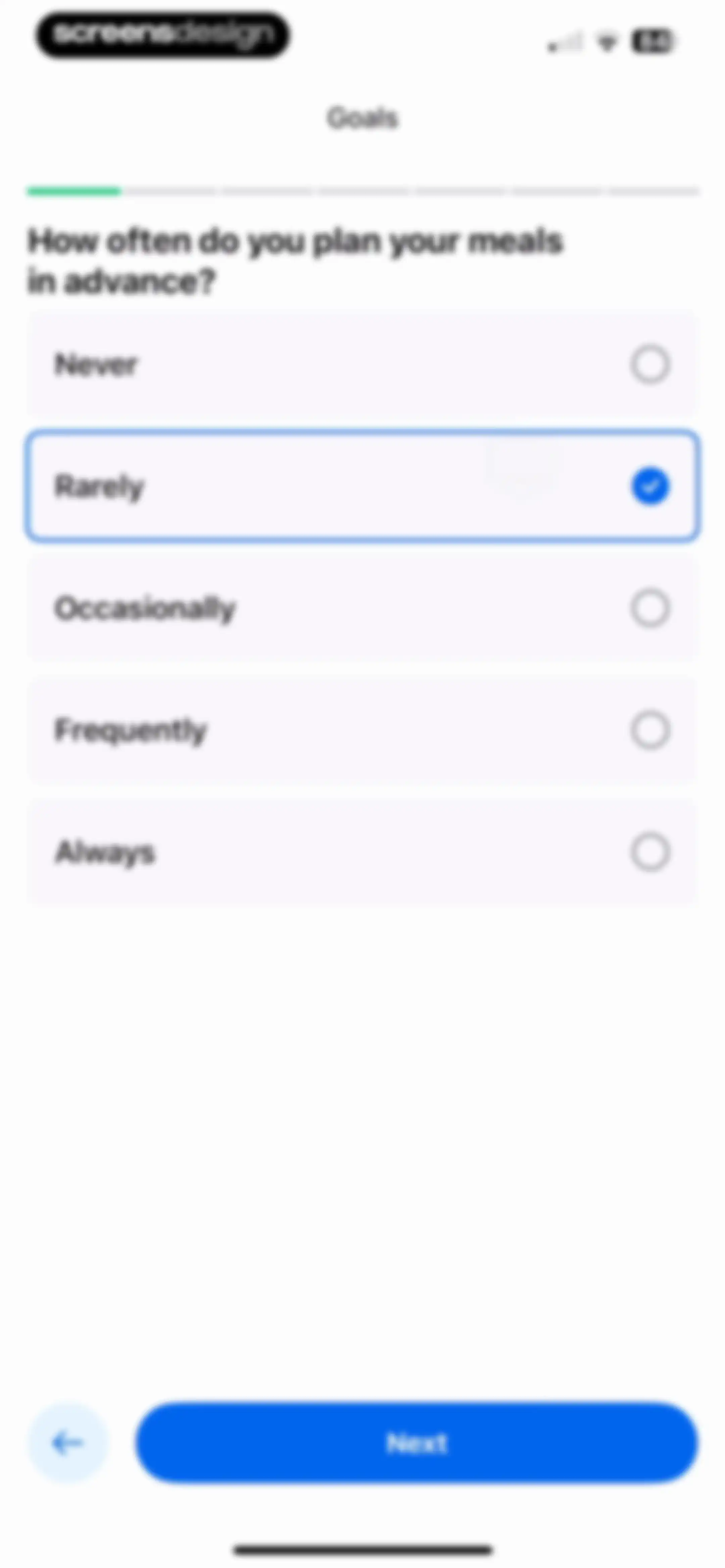
Onboarding screen asking how often the user plans meals in advance, with the Rarely option selected and a Next button.Unlock Pro
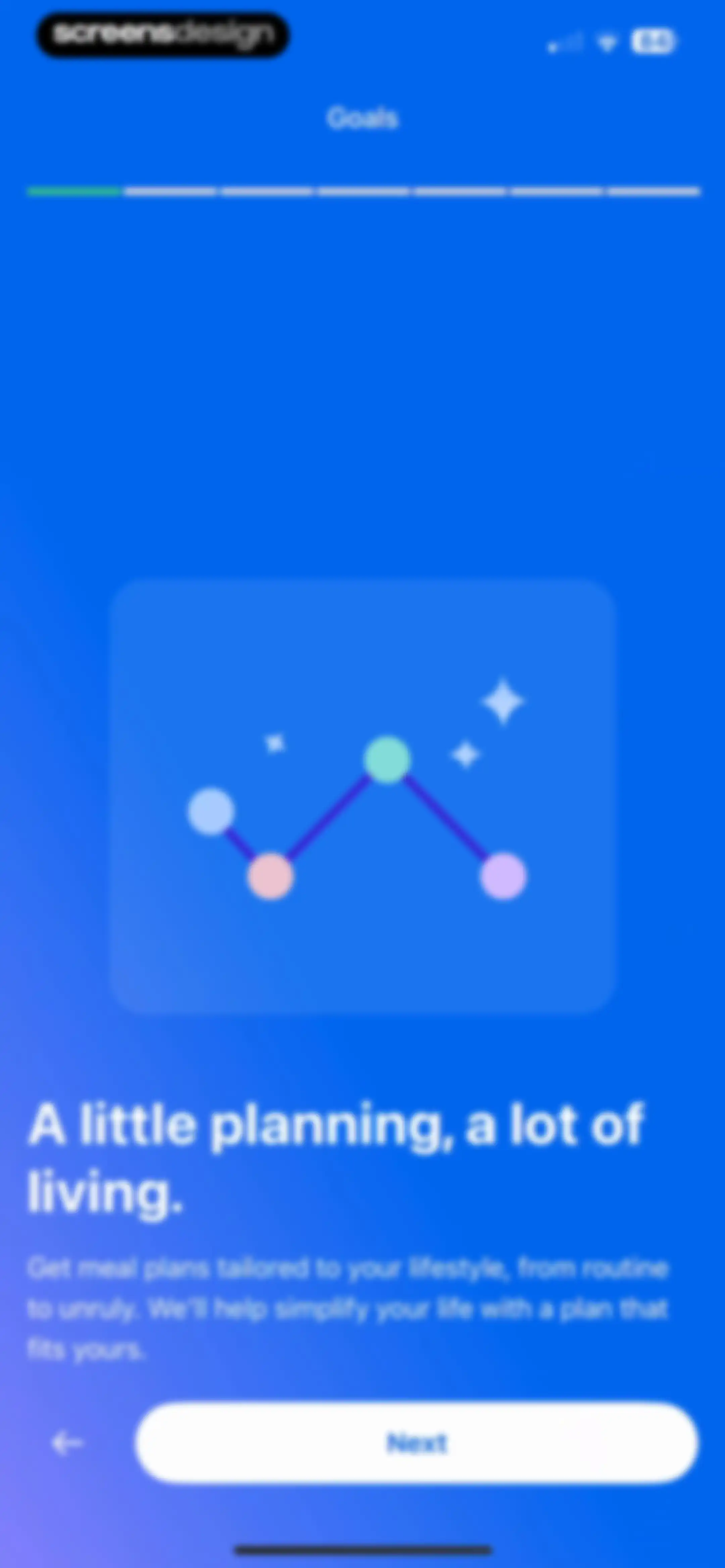
Onboarding screen introducing meal planning goals with a central illustration card, headline text, progress bar, and a Next button.Unlock Pro
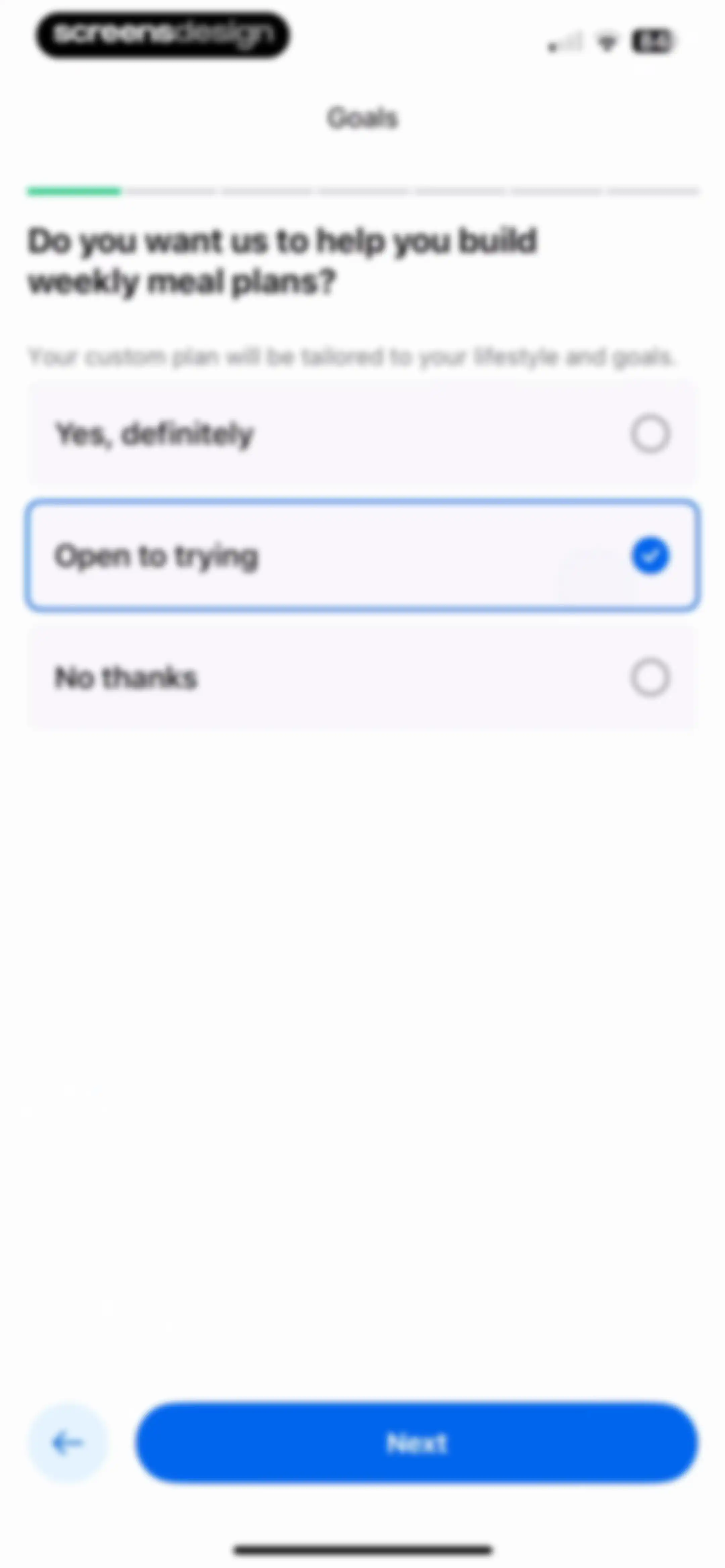
Onboarding screen asking about weekly meal plan preferences, with the Open to trying option selected and a Next button.Unlock Pro
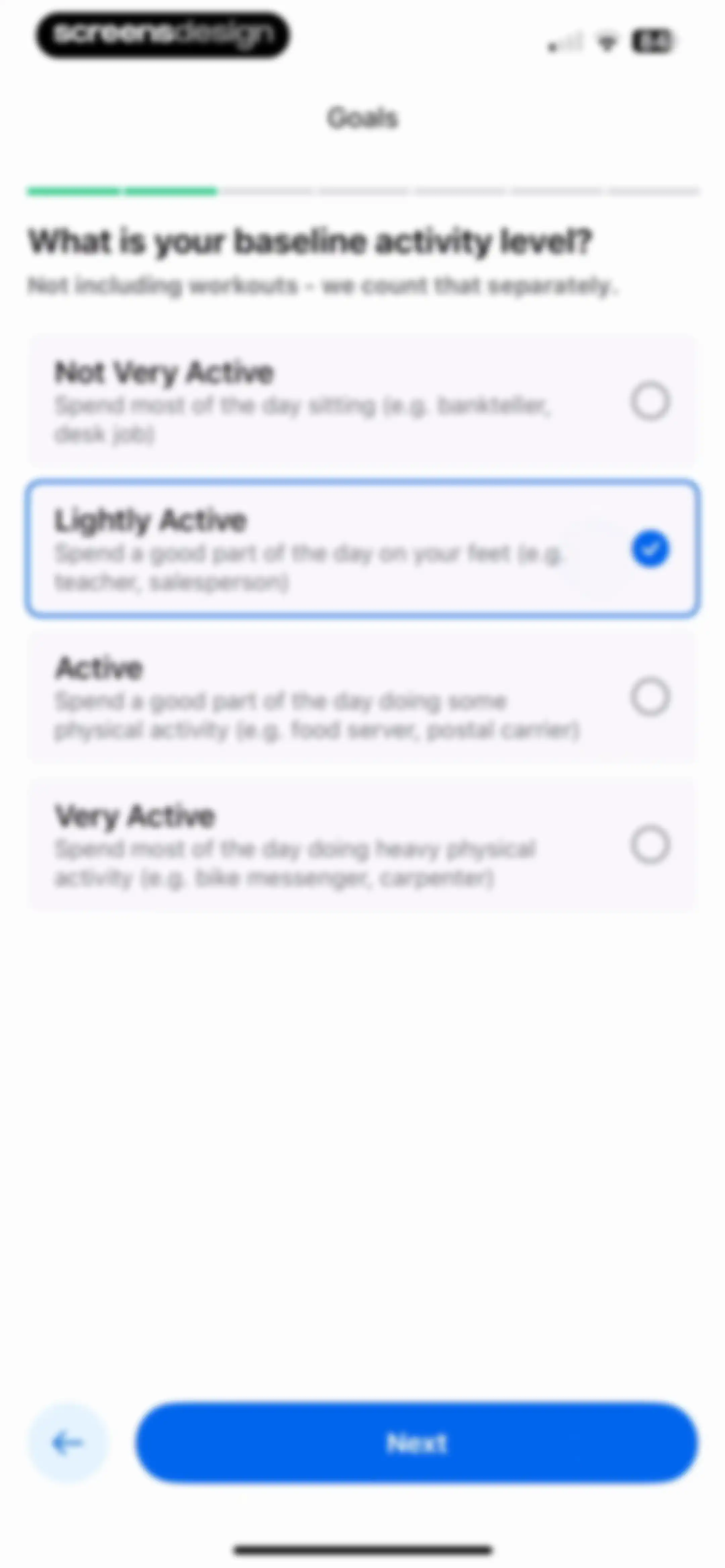
Onboarding screen asking for baseline activity level, with the Lightly Active option selected and a Next button.Unlock Pro
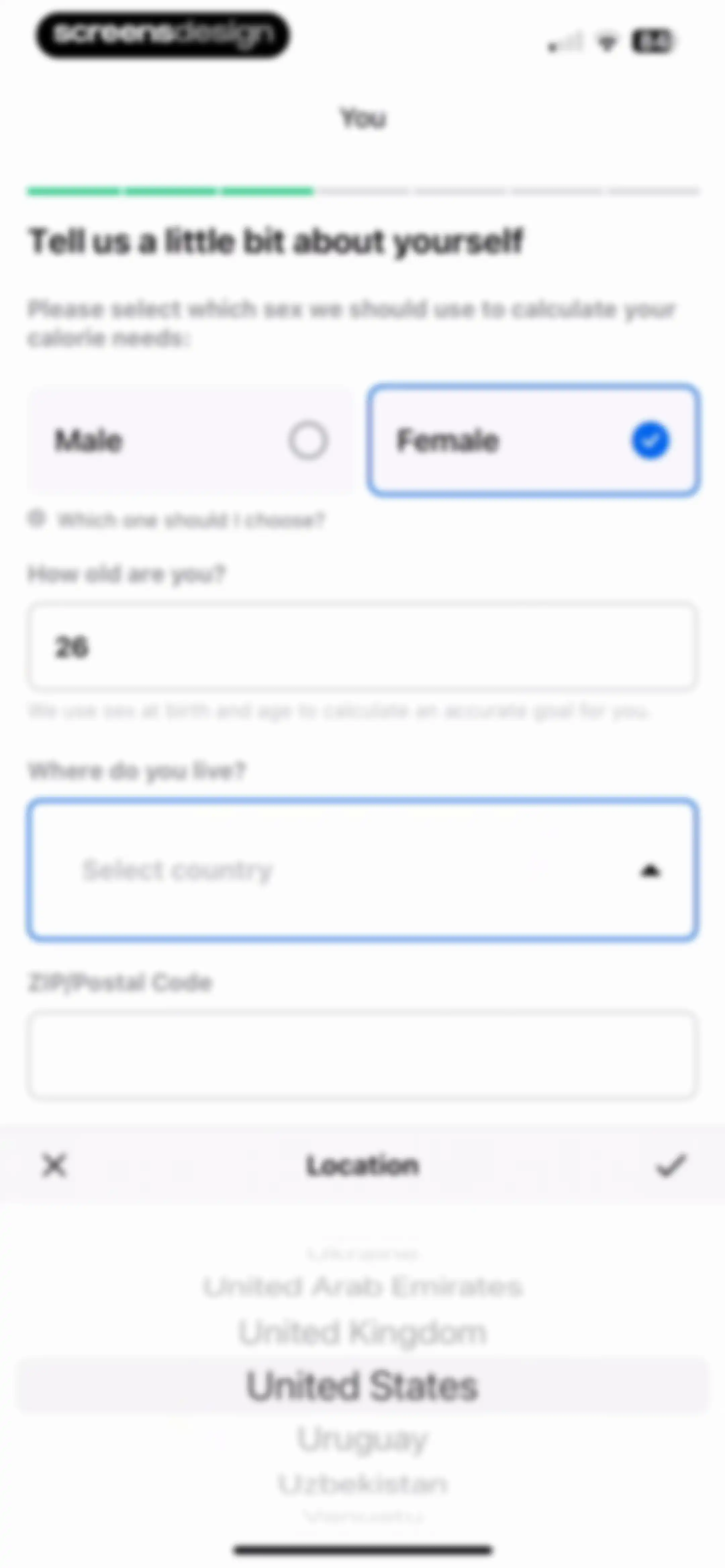
Demographic onboarding form with age and sex inputs, accompanied by an open country selection modal at the bottom.Unlock Pro
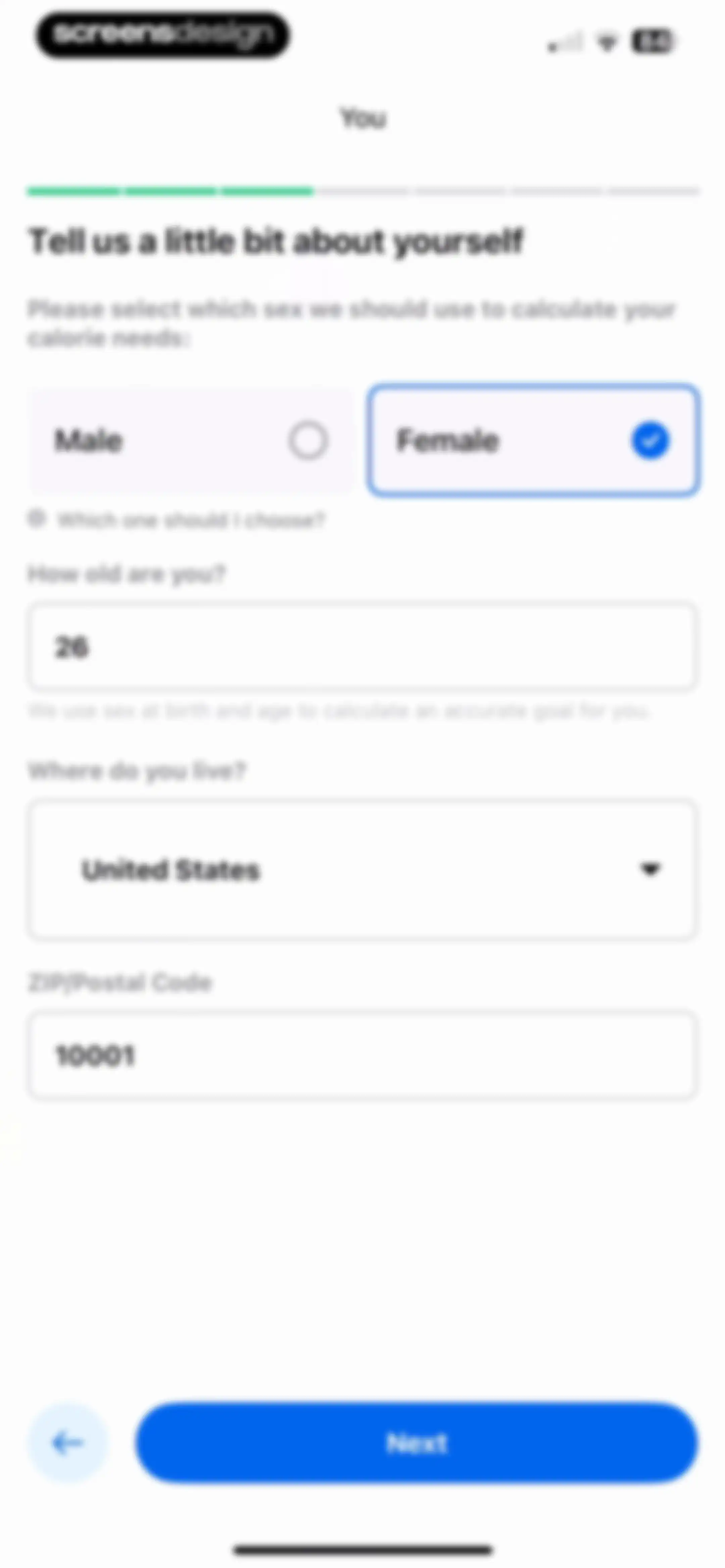
Demographic onboarding form with sex selection cards, age, location inputs, and a Next button.Unlock Pro
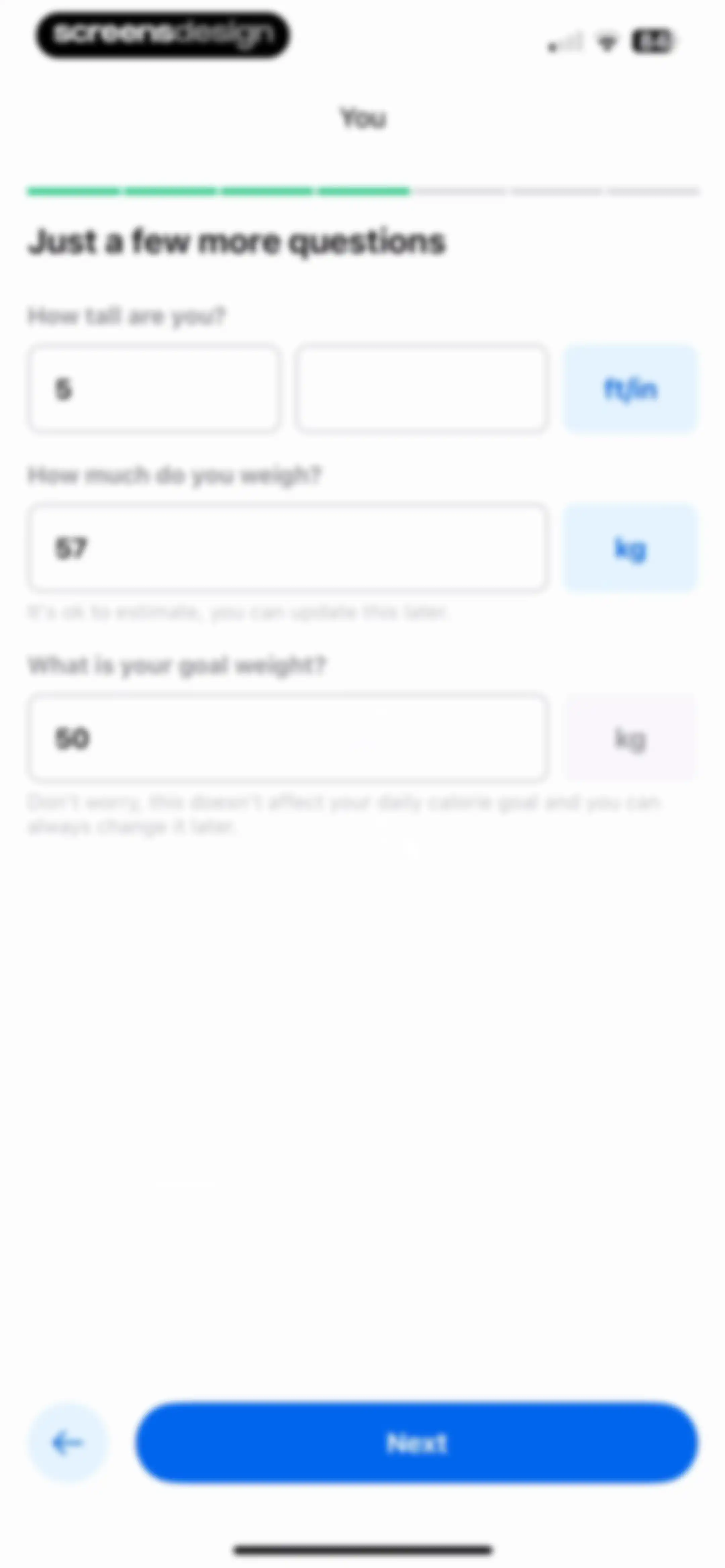
Onboarding screen collecting physical metrics with input fields for height, current weight, and goal weight, accompanied by a progress bar and Next button.Unlock Pro
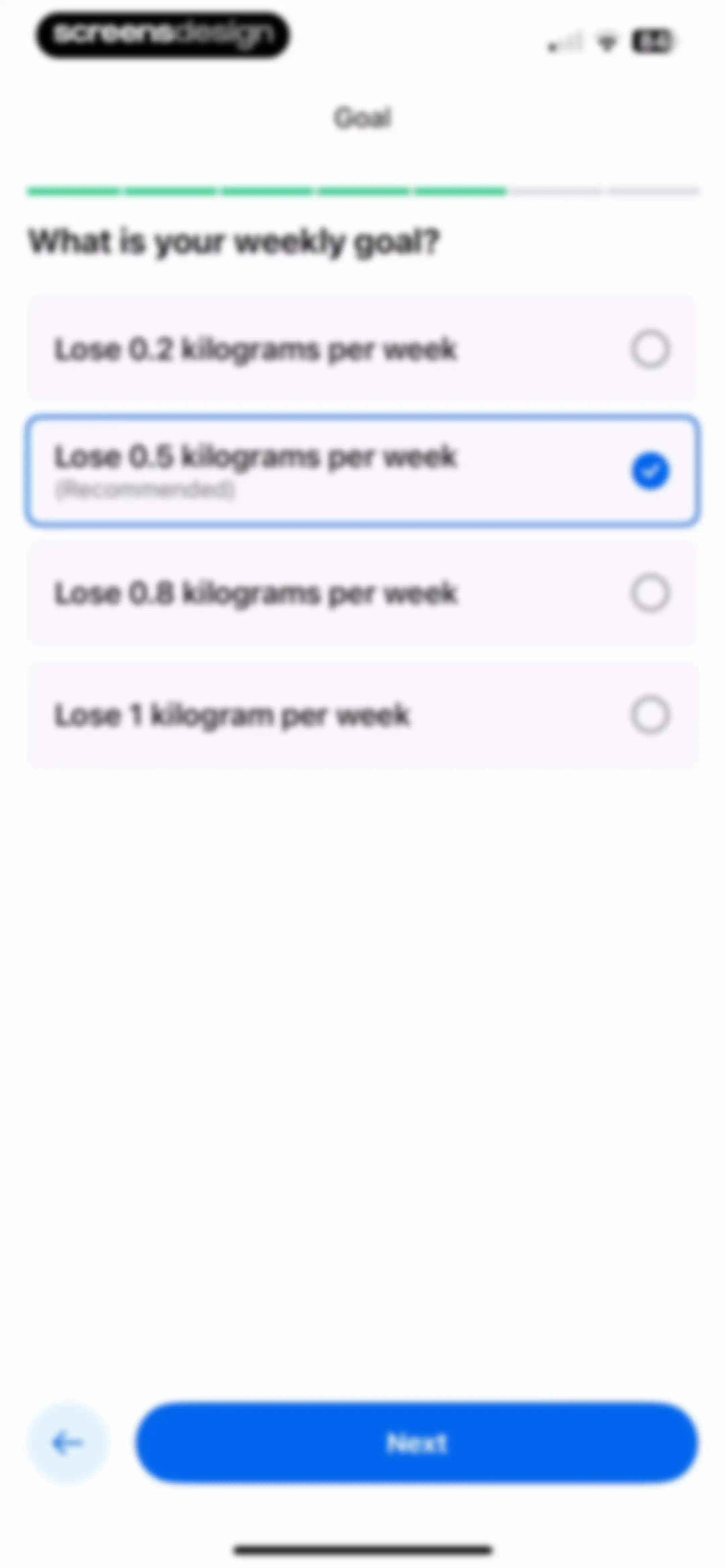
Onboarding goal selection screen listing weekly weight loss rates, with the recommended 0.5 kilograms per week option selected and a Next button.Unlock Pro
MyFitnessPal account creation screen displaying email and password input fields, a checked terms agreement, and a Next button.Unlock Pro
Onboarding survey asking how the user heard about the app, with App store selected and a Next button.Unlock Pro
Onboarding screen displaying a personalized calorie goal and selected tracking preferences, with a Next button.Unlock Pro
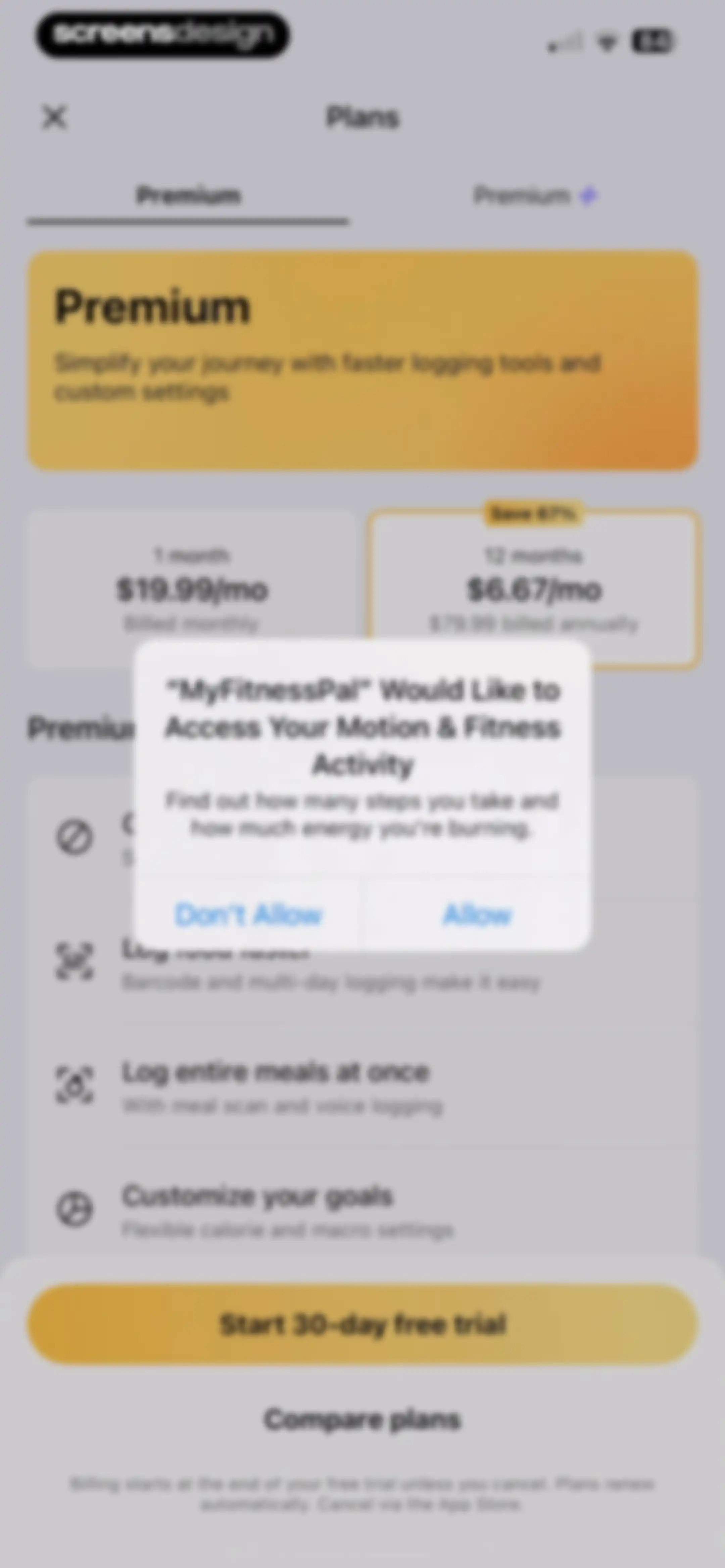
Subscription paywall offering a 30-day free trial with monthly and annual pricing options, a feature list, and a system notification prompt.Unlock Pro
MyFitnessPal subscription paywall with monthly and annual pricing plans, a feature list, a free trial button, and a system permission modal for motion activity tracking.Unlock Pro
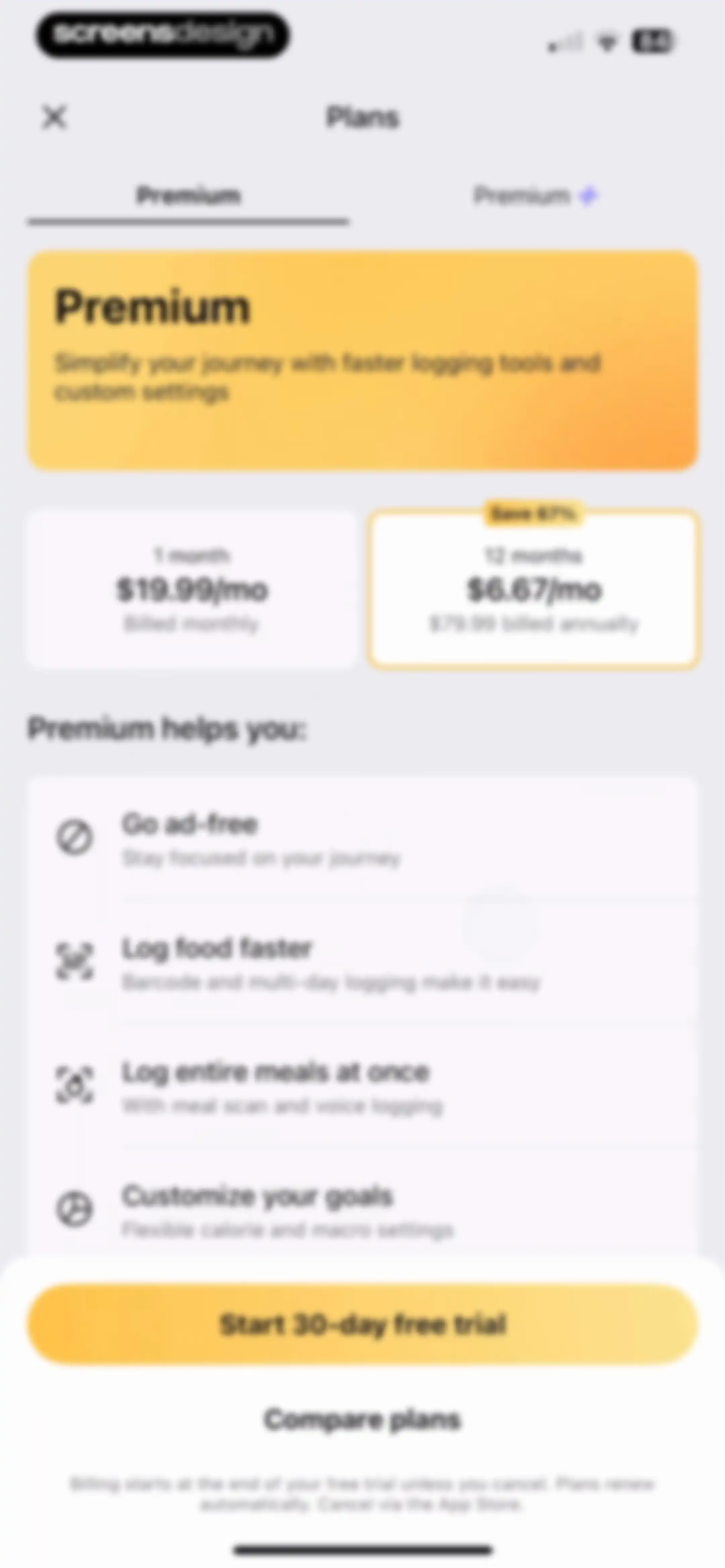
Paywall screen comparing monthly and annual subscription plans with a feature list and a start 30-day free trial button.Unlock Pro
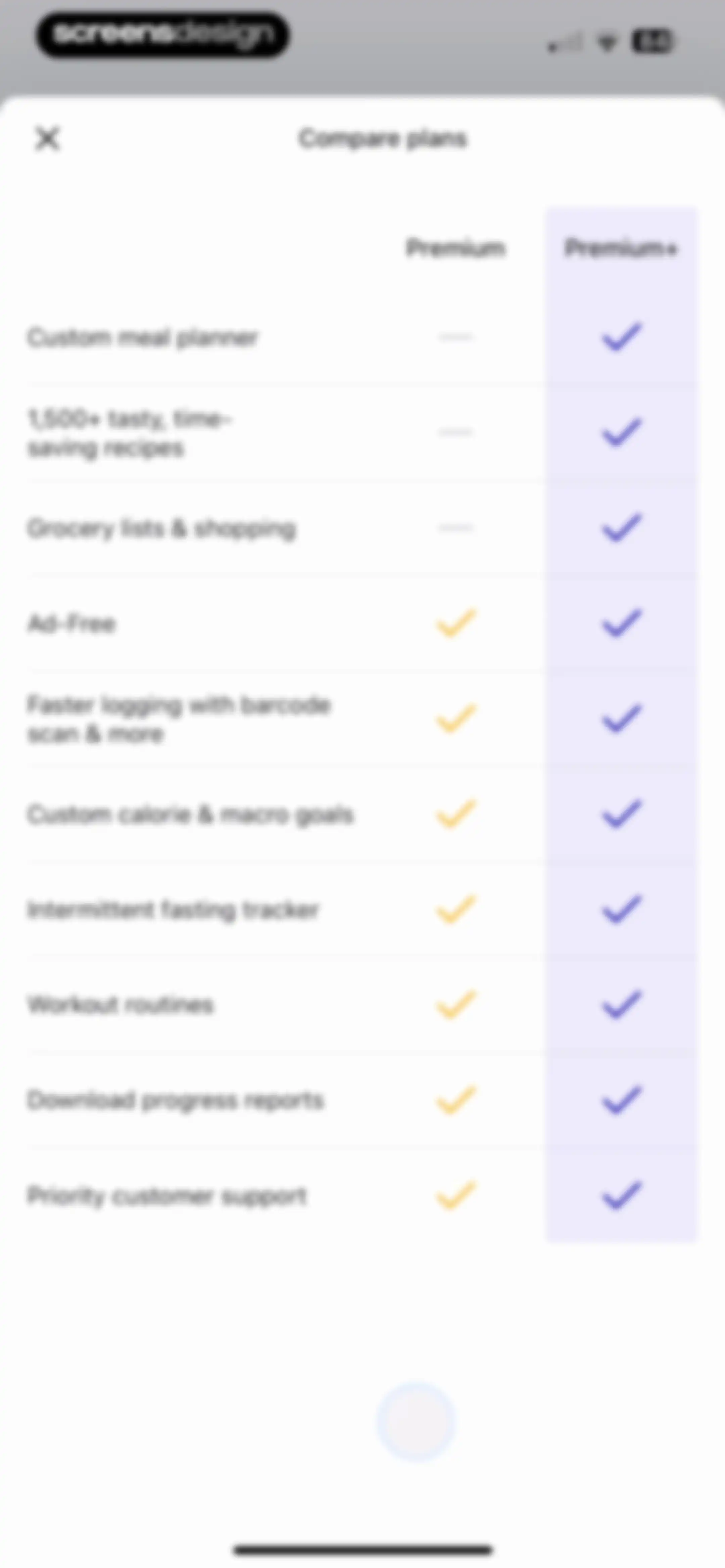
Paywall plan comparison screen featuring a feature matrix for Premium and Premium+ tiers with a close button.Unlock Pro
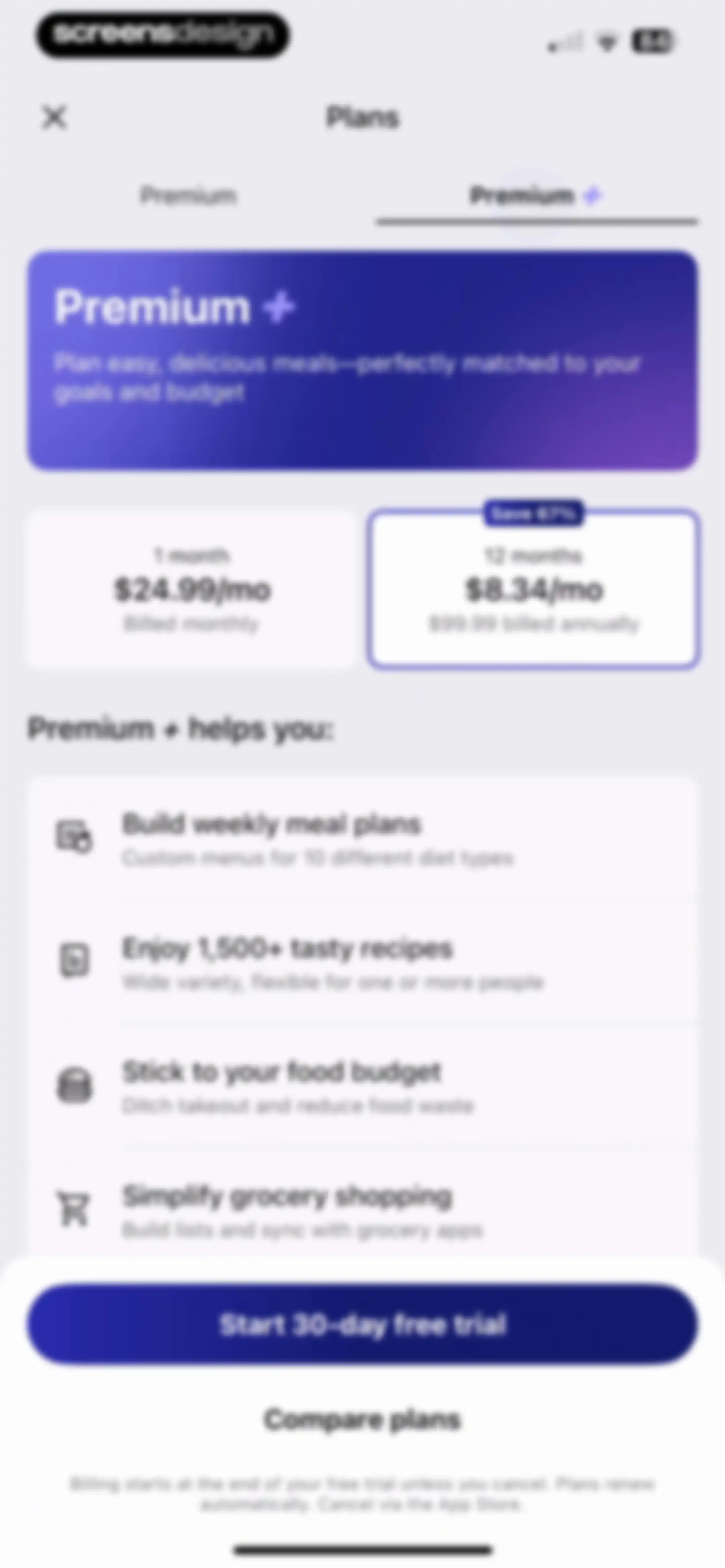
Paywall screen comparing monthly and annual subscription plans, featuring a feature list and a start free trial button.Unlock Pro
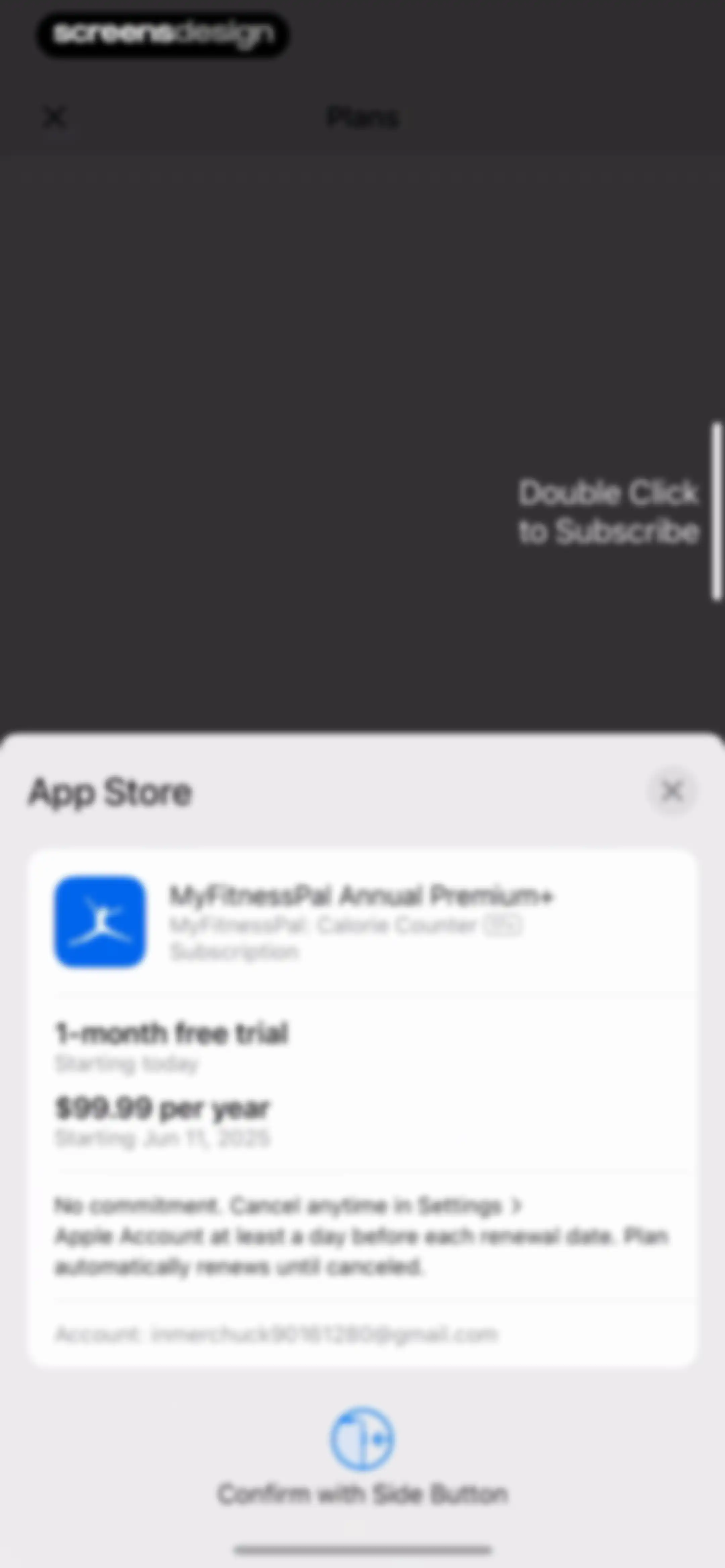
App Store subscription checkout modal for MyFitnessPal Annual Premium+, showing a one-month free trial and a price of $99.99 per year with a side button confirmation instruction.Unlock Pro
Purchase success modal with the message you are all set and an OK button.Unlock Pro
Welcome screen for the Premium + tier on a dark gradient background, featuring a close button in the top left and a Start meal planning button at the bottom.Unlock Pro
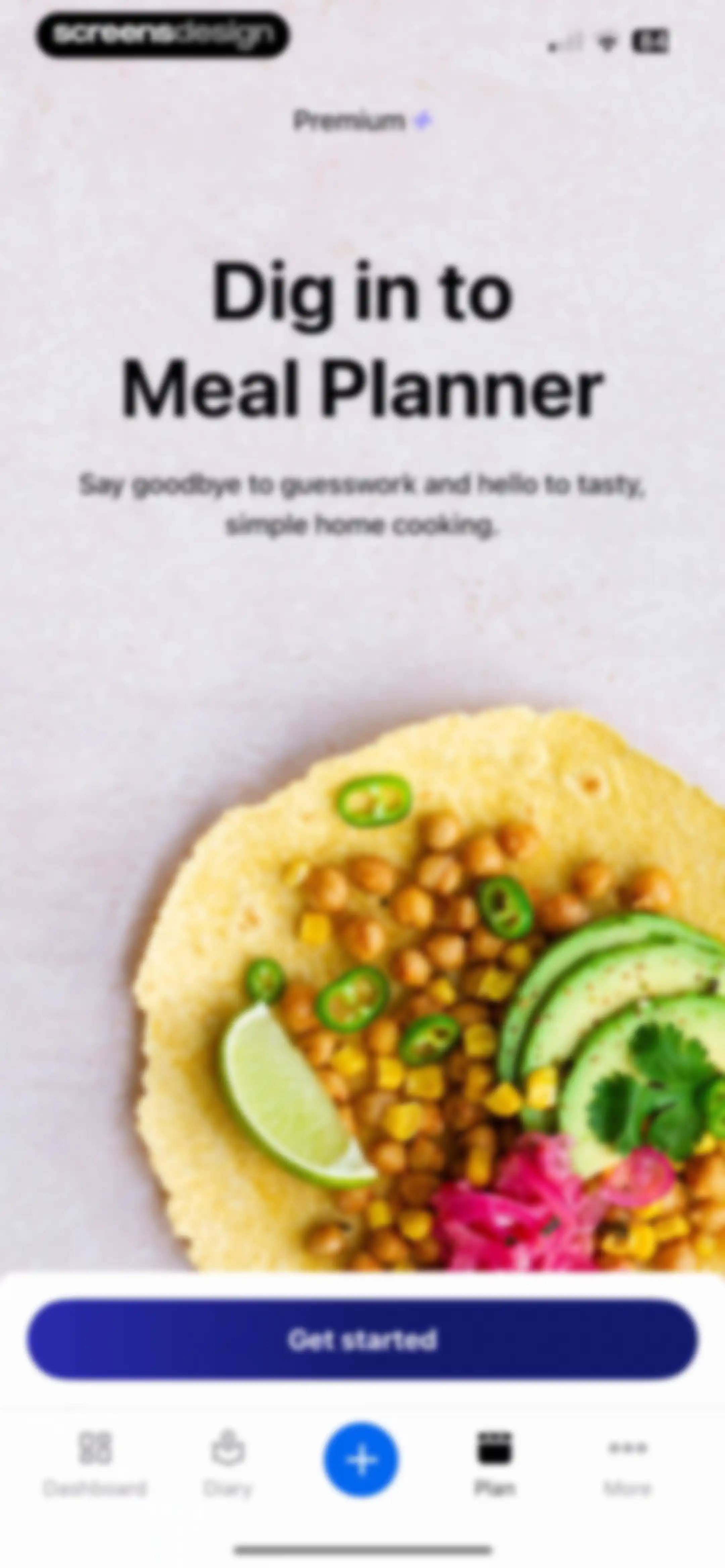
Paywall screen promoting the meal planner feature with a central food photo, Premium badge, and a Get started button.Unlock Pro
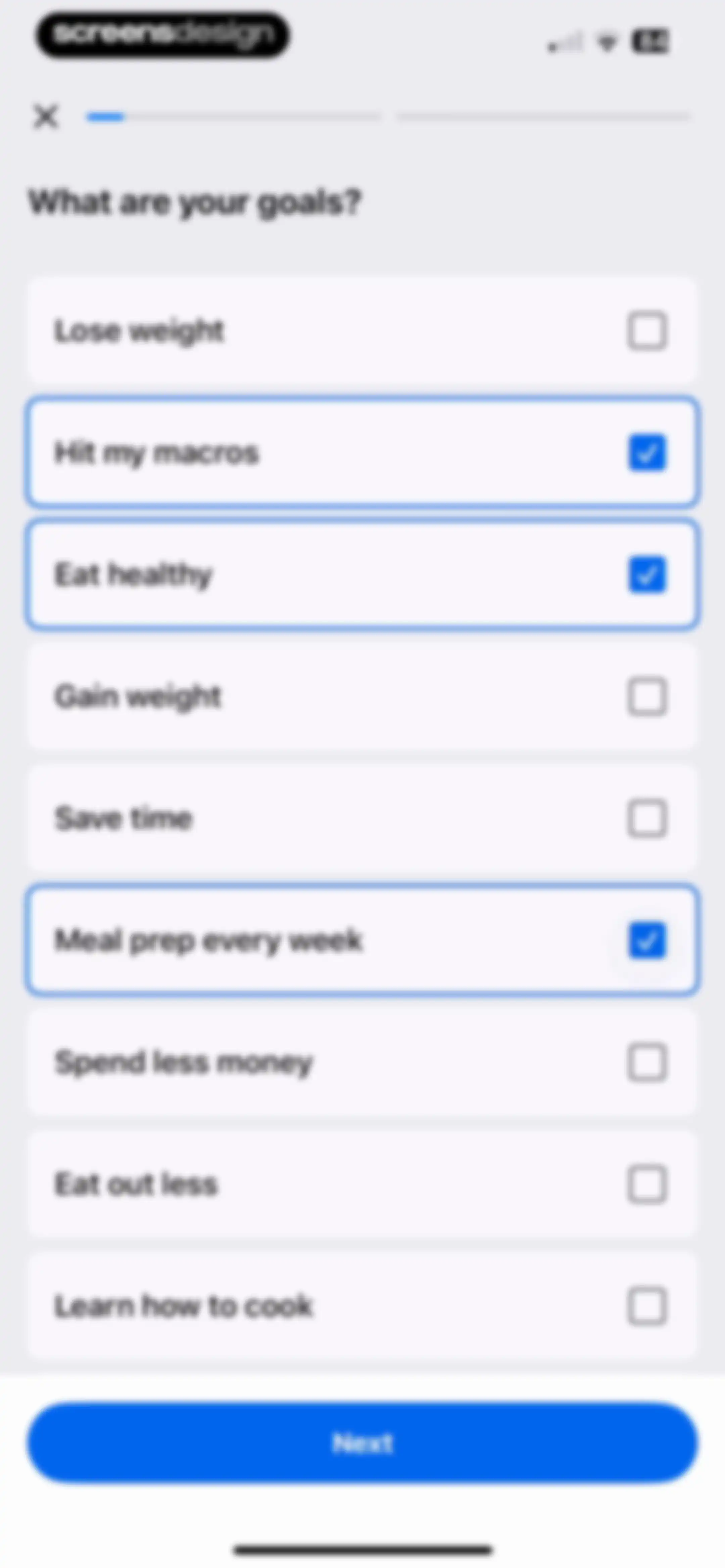
Onboarding goal selection screen with a vertical list of health goals, with several options selected and a Next button.Unlock Pro
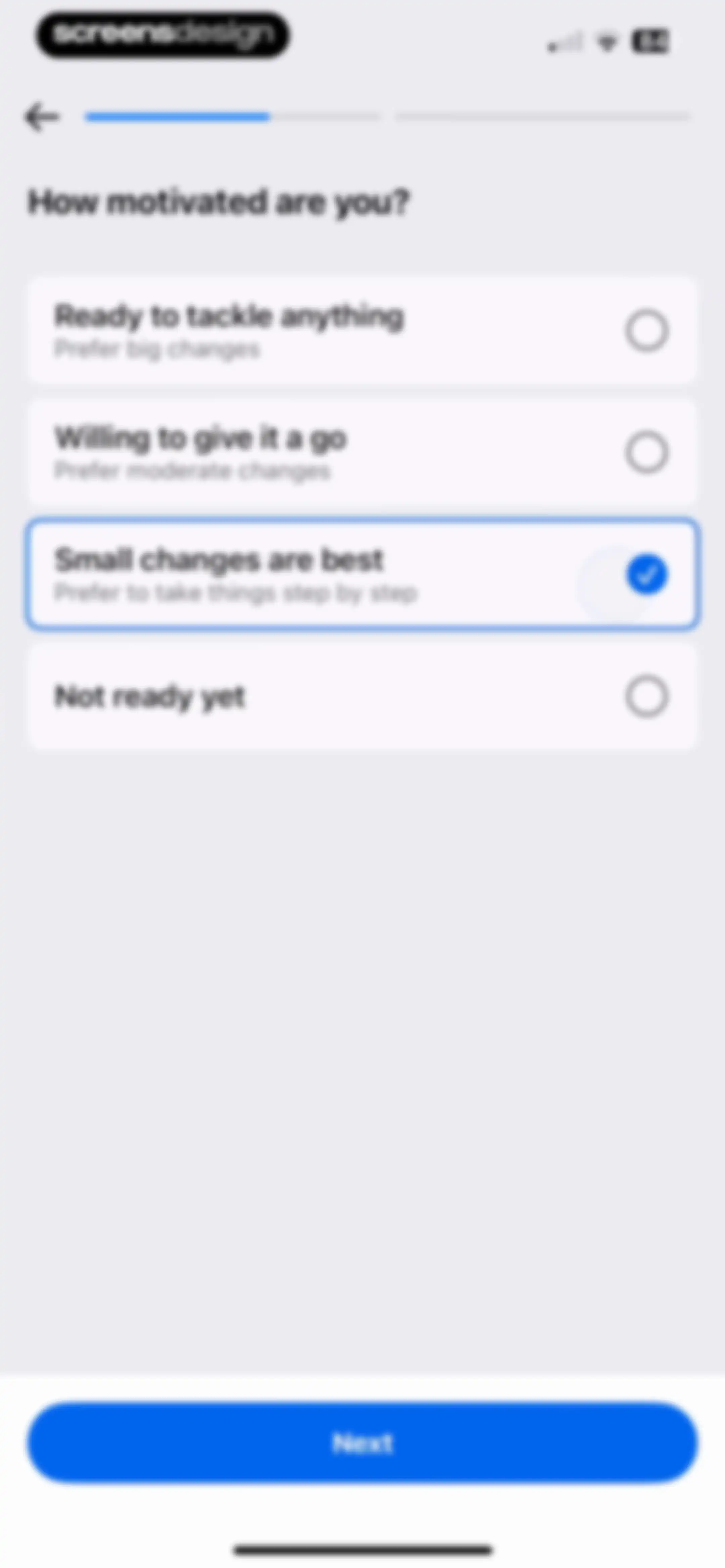
Onboarding motivation screen asking how motivated the user is, with the small changes option selected and a next button.Unlock Pro
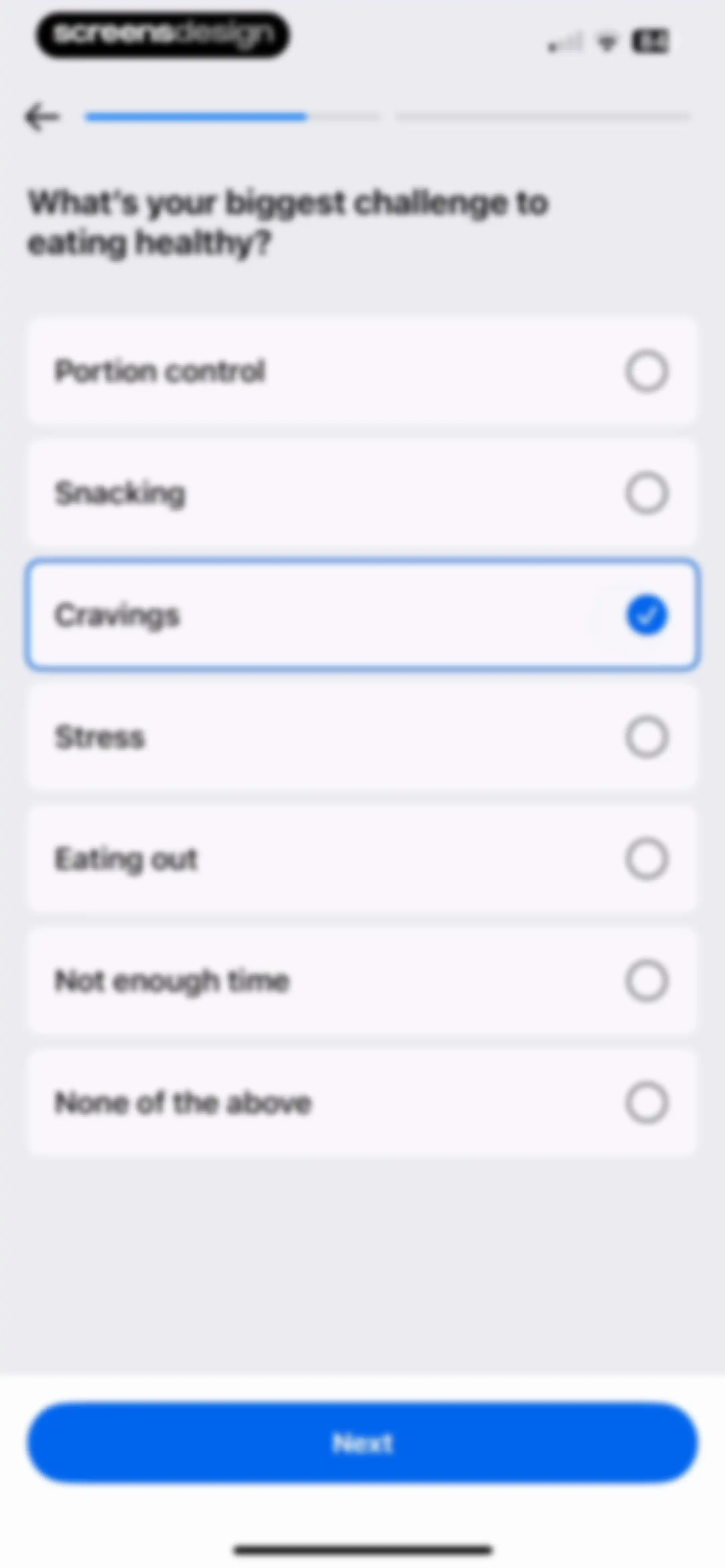
Onboarding question about healthy eating challenges with the Cravings option selected and a Next button.Unlock Pro
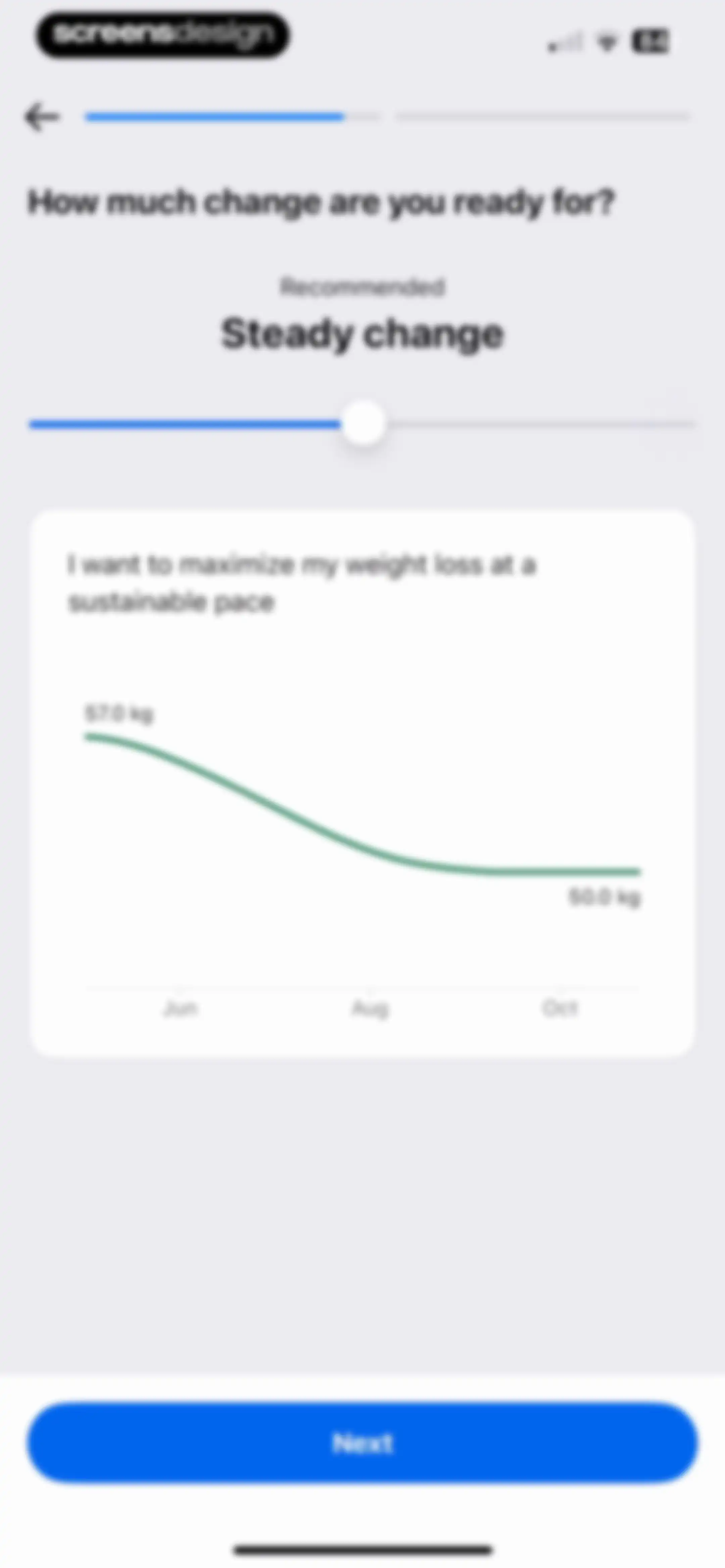
Onboarding screen asking how much change the user is ready for, featuring a weight loss trajectory graph and a Next button.Unlock Pro
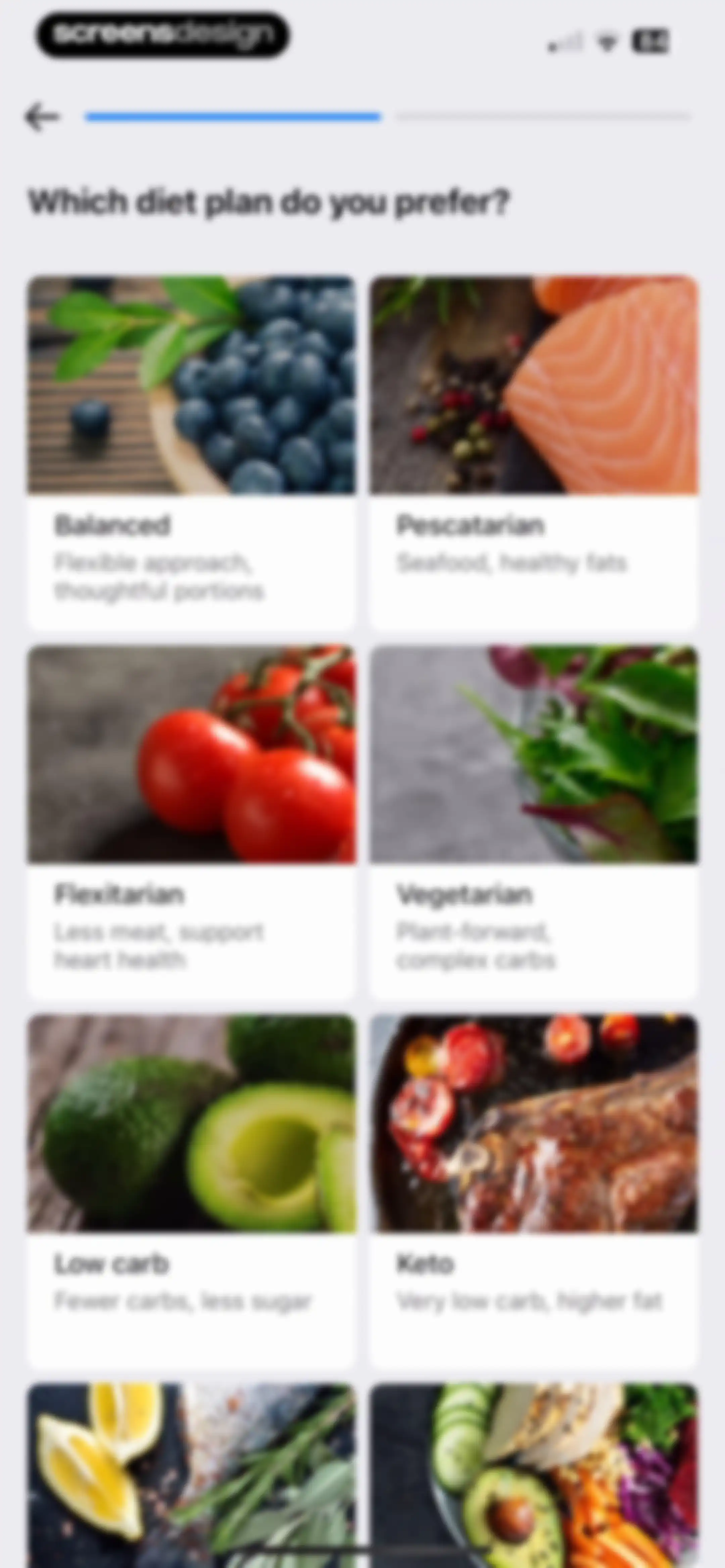
Onboarding screen asking users to select a preferred diet plan from a two-column grid of options including balanced, pescatarian, and keto.Unlock Pro
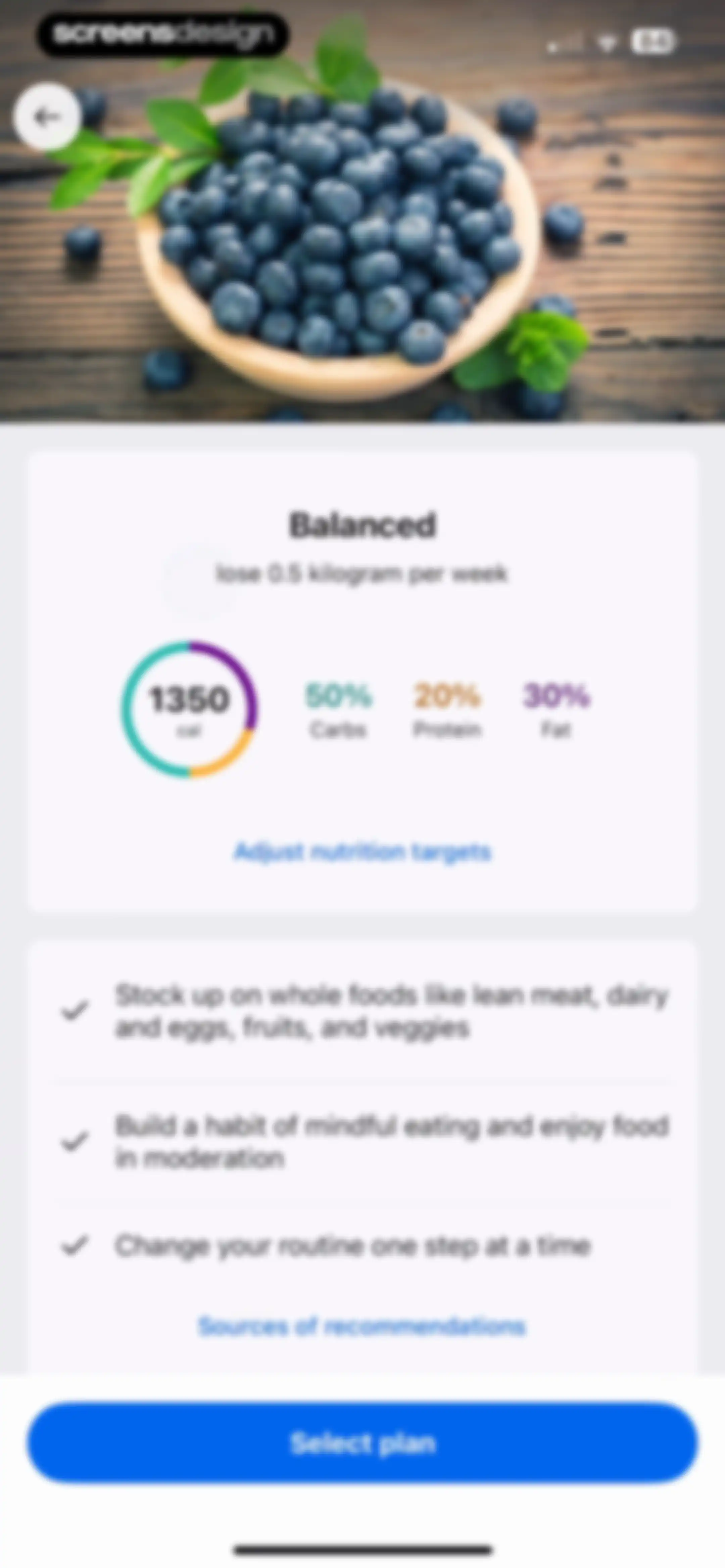
Onboarding screen displaying a balanced nutrition plan with calorie and macro targets, a list of health tips, and a Select plan button.Unlock Pro
Meal planning frequency onboarding screen asking how many meals to plan, with All meals every day selected and a Next button.Unlock Pro
Onboarding screen asking which macronutrient is most important, with All equally selected and a Next button.Unlock Pro
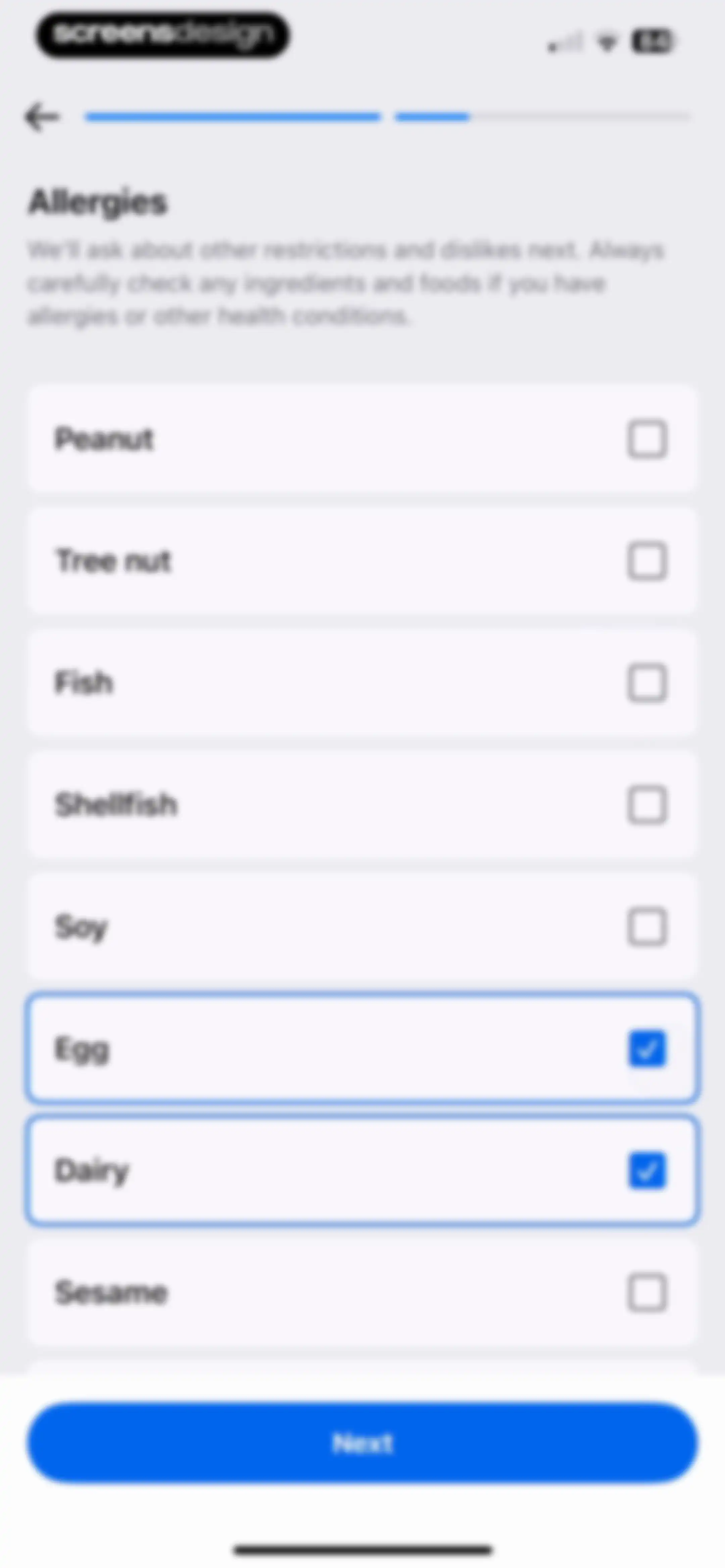
Allergy onboarding selection screen listing common food items with Egg and Dairy selected, and a Next button.Unlock Pro
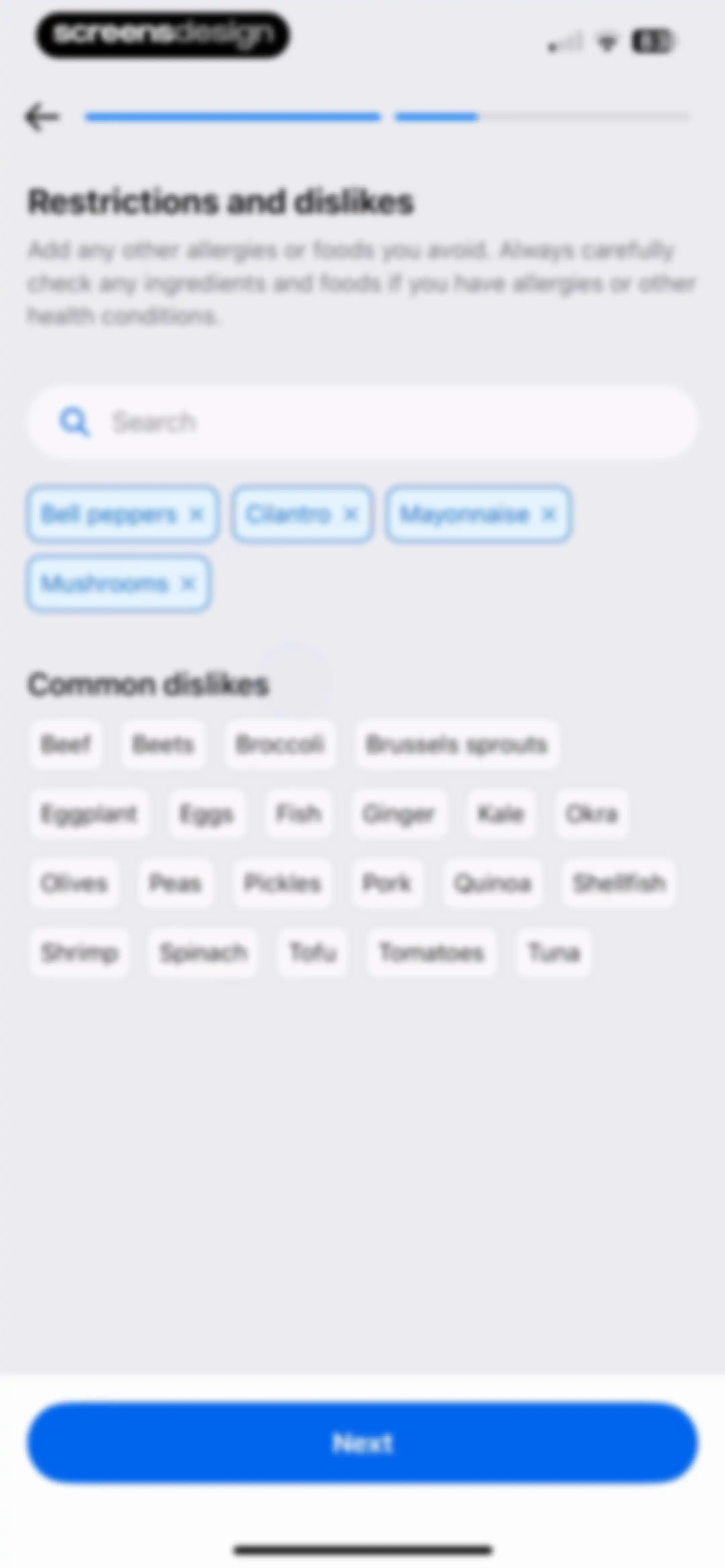
Dietary restrictions and dislikes onboarding form with a search input, selected tags, common dislikes options, and a Next button.Unlock Pro
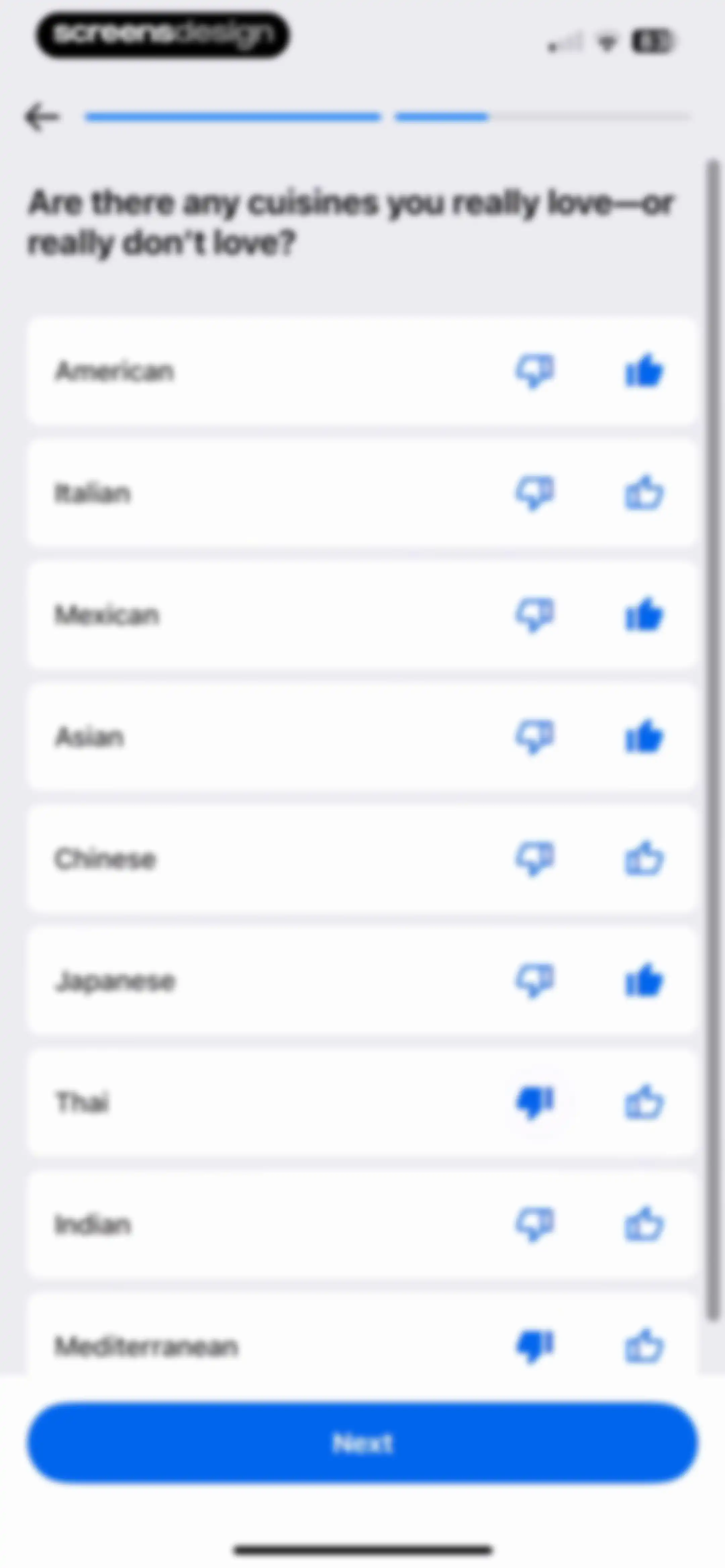
Onboarding cuisine preference screen featuring a list of cuisines with like and dislike options and a Next button.Unlock Pro
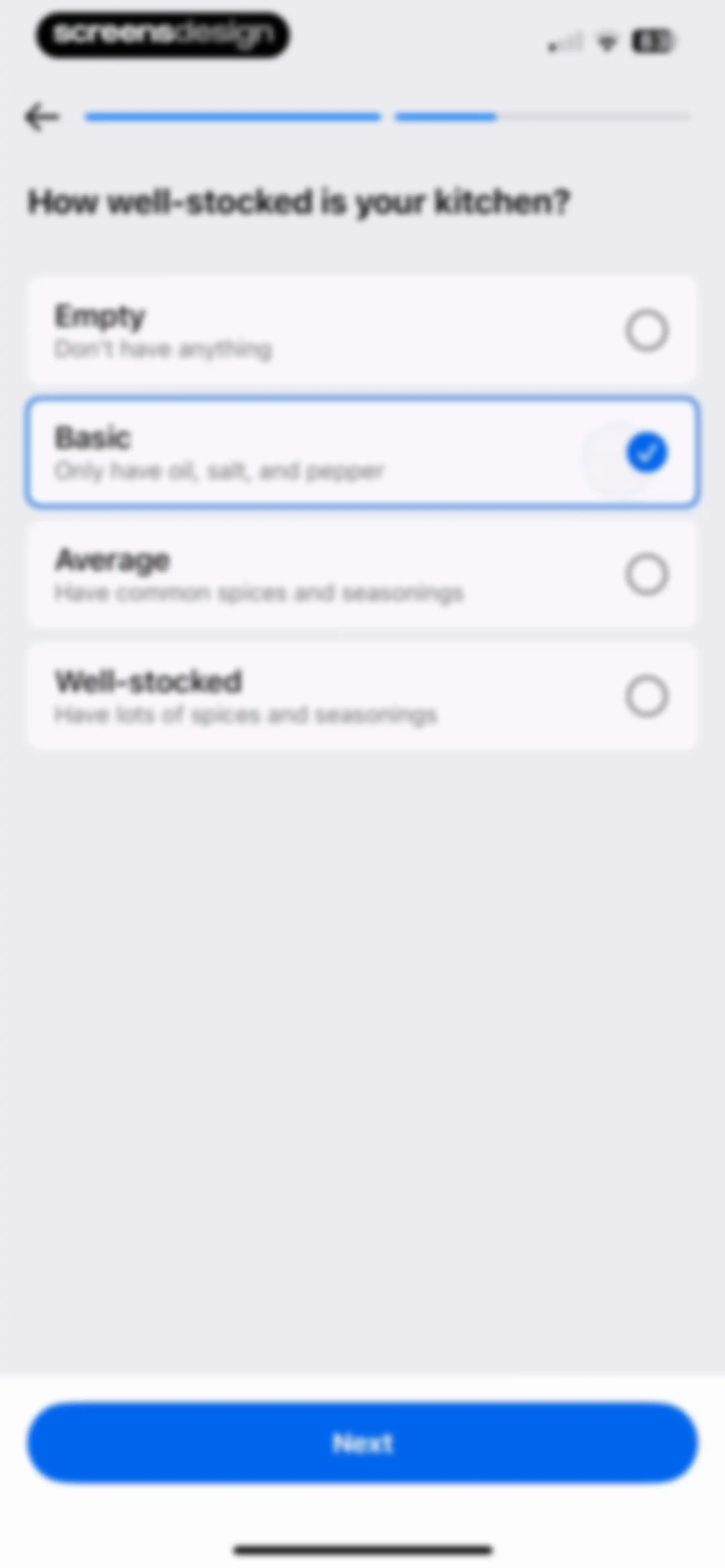
Onboarding screen asking how well-stocked your kitchen is, with the Basic option selected and a Next button.Unlock Pro
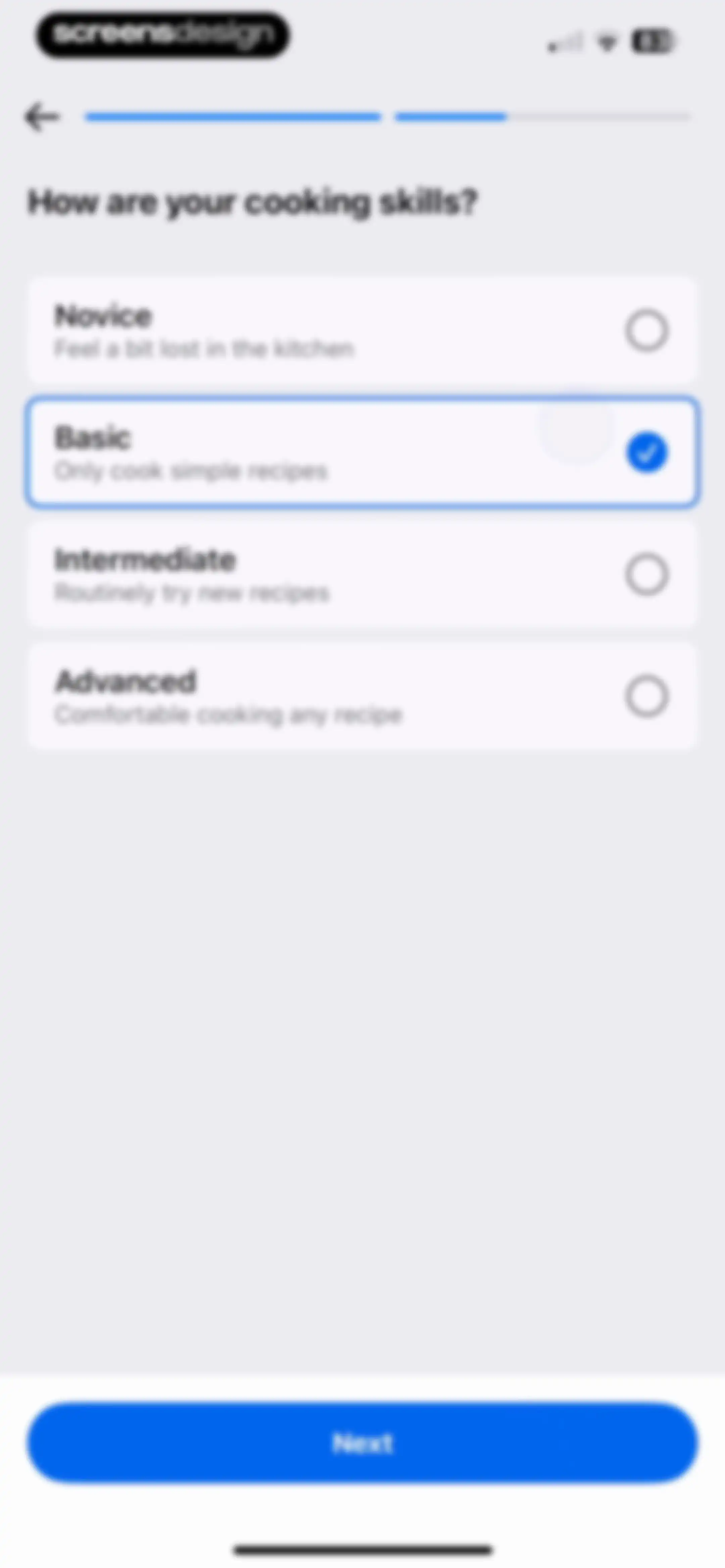
Onboarding screen asking about cooking skills with the Basic option selected and a Next button.Unlock Pro
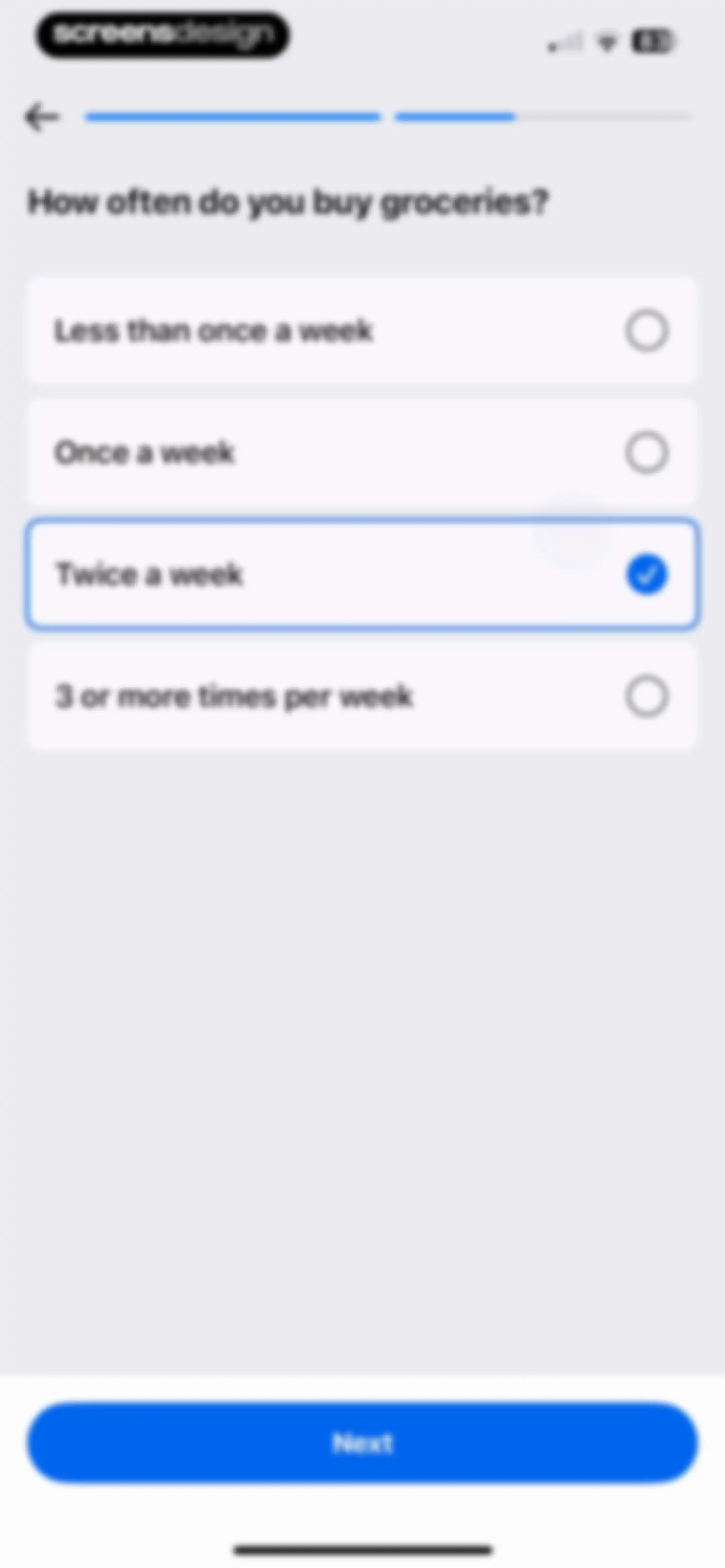
Onboarding question asking about grocery shopping frequency with the twice a week option selected and a next button.Unlock Pro
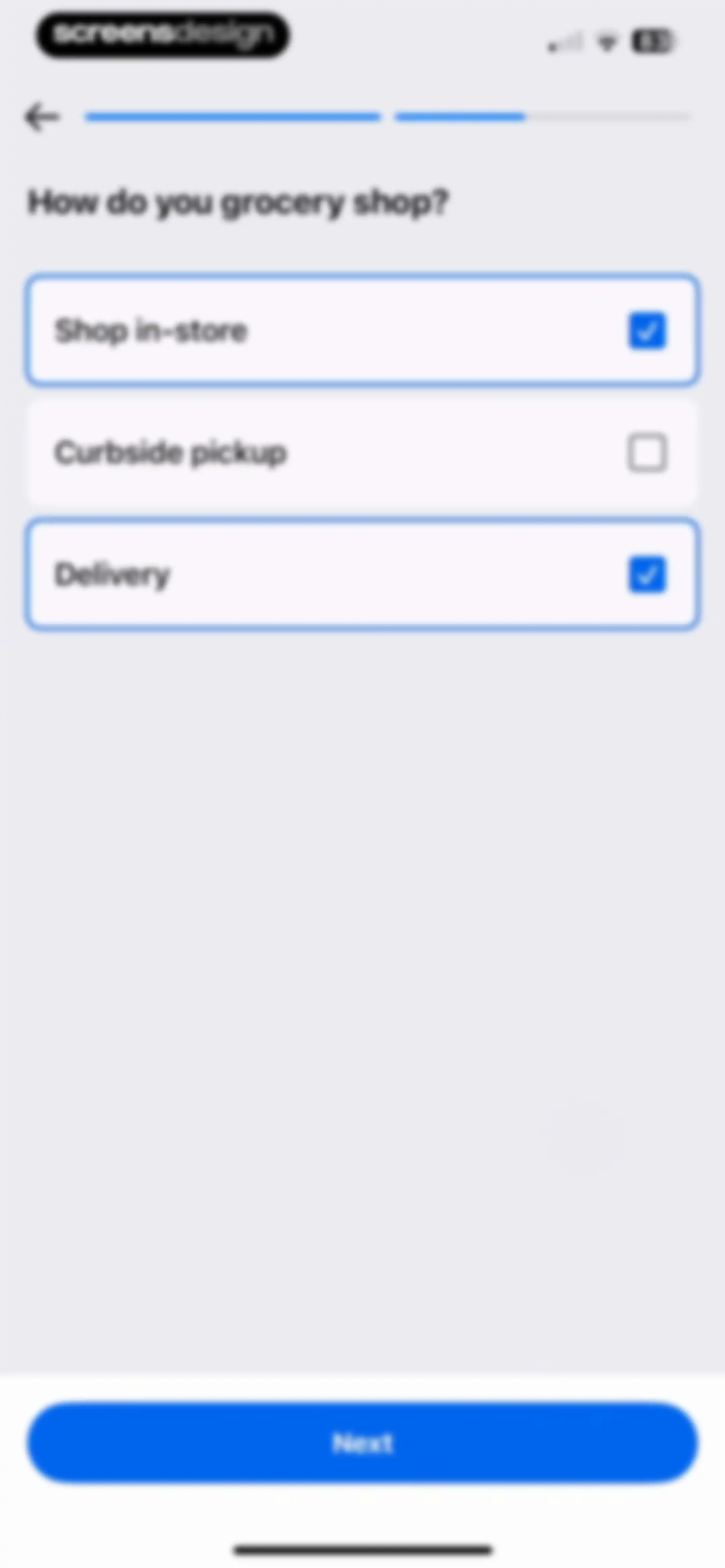
Onboarding screen asking how the user grocery shops, with Shop in-store and Delivery cards selected and a Next button.Unlock Pro
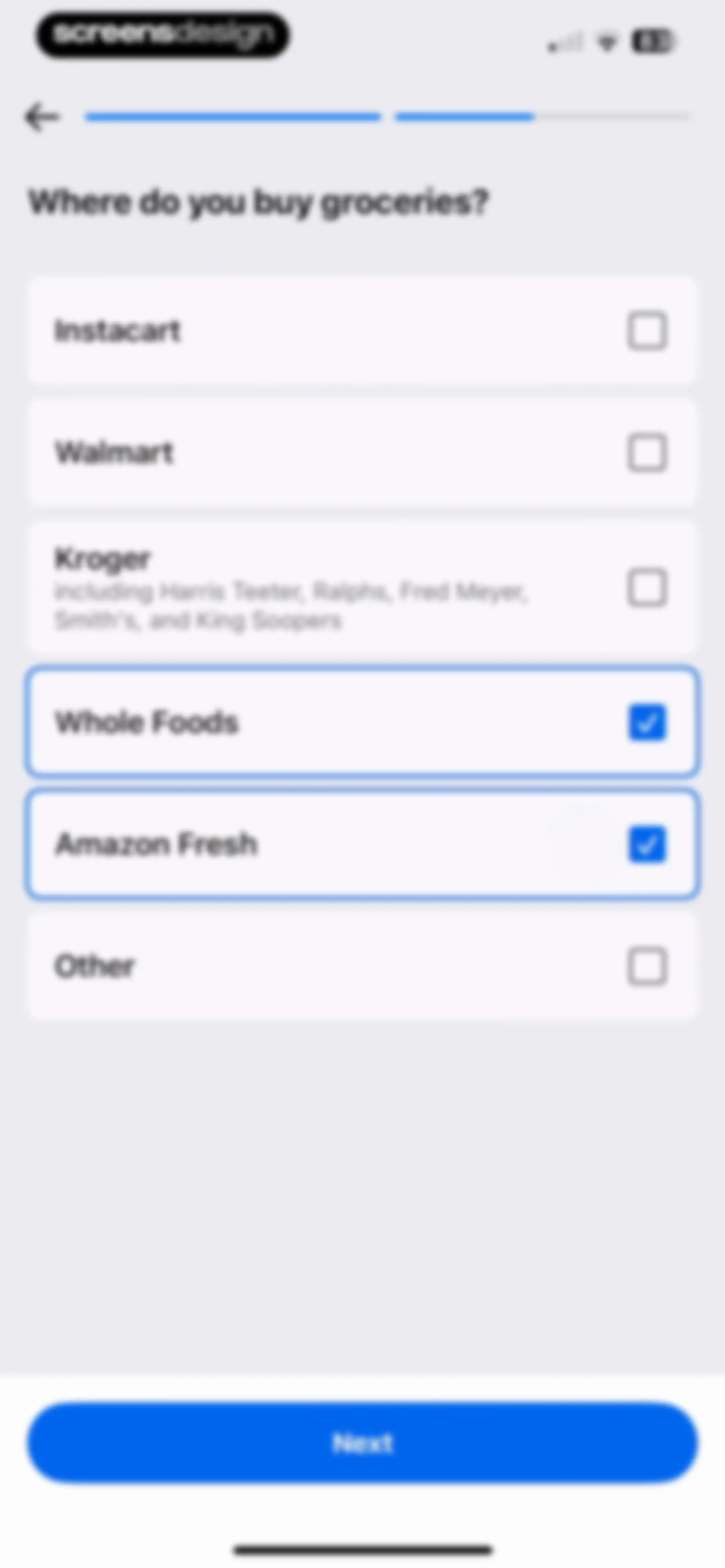
Onboarding grocery store selection screen with Whole Foods and Amazon Fresh selected and a Next button.Unlock Pro
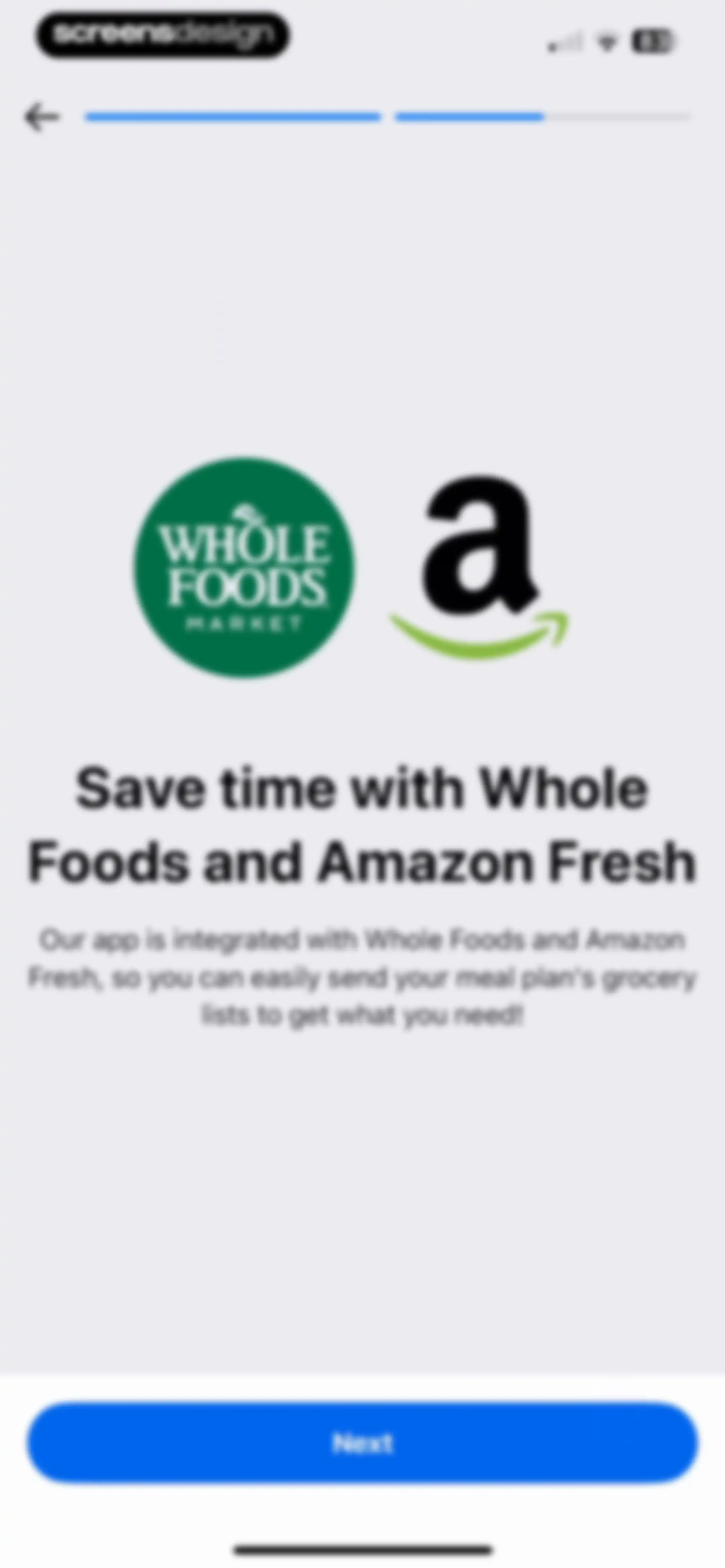
MyFitnessPal onboarding screen introducing Whole Foods and Amazon Fresh grocery integration with a top progress bar and Next button.Unlock Pro
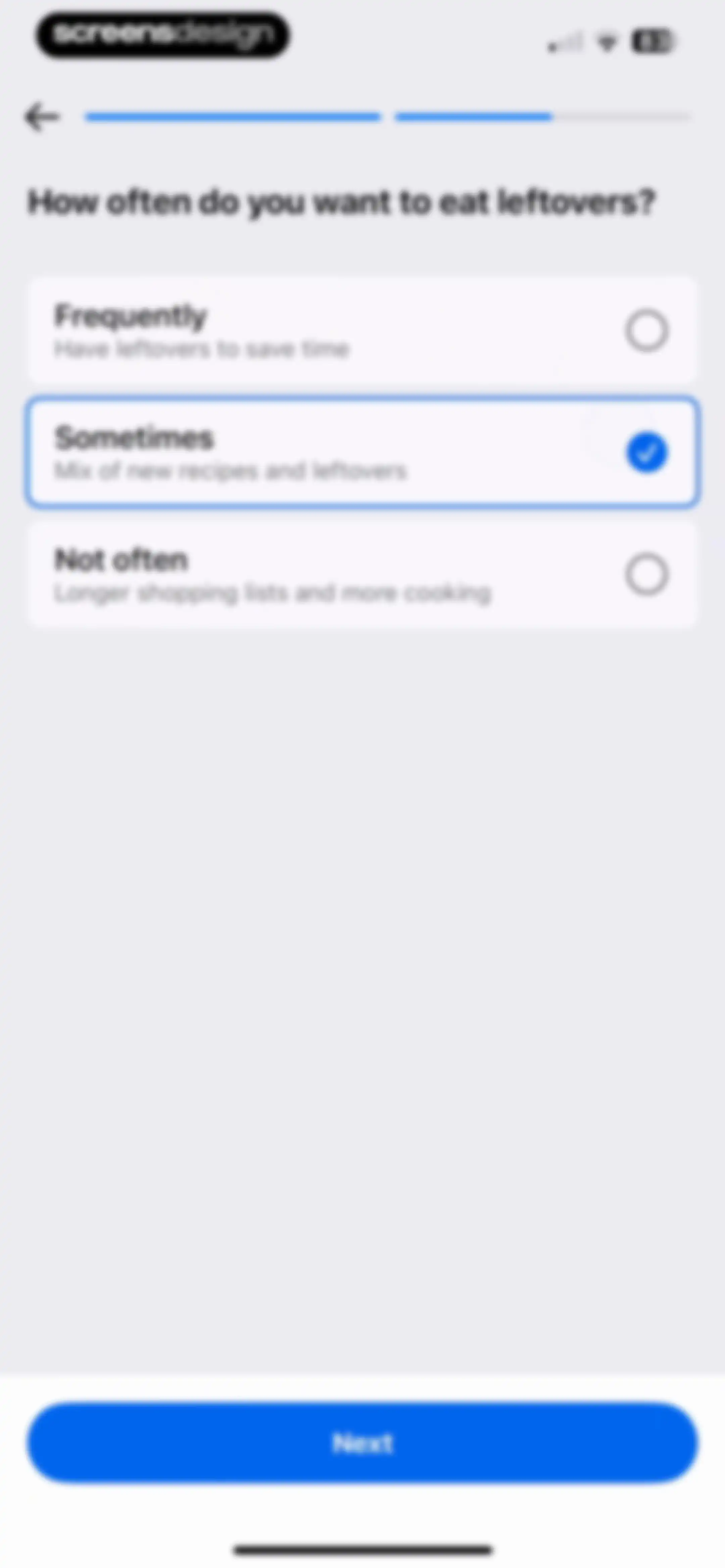
Onboarding screen asking how often to eat leftovers, with the Sometimes card selected and a Next button.Unlock Pro
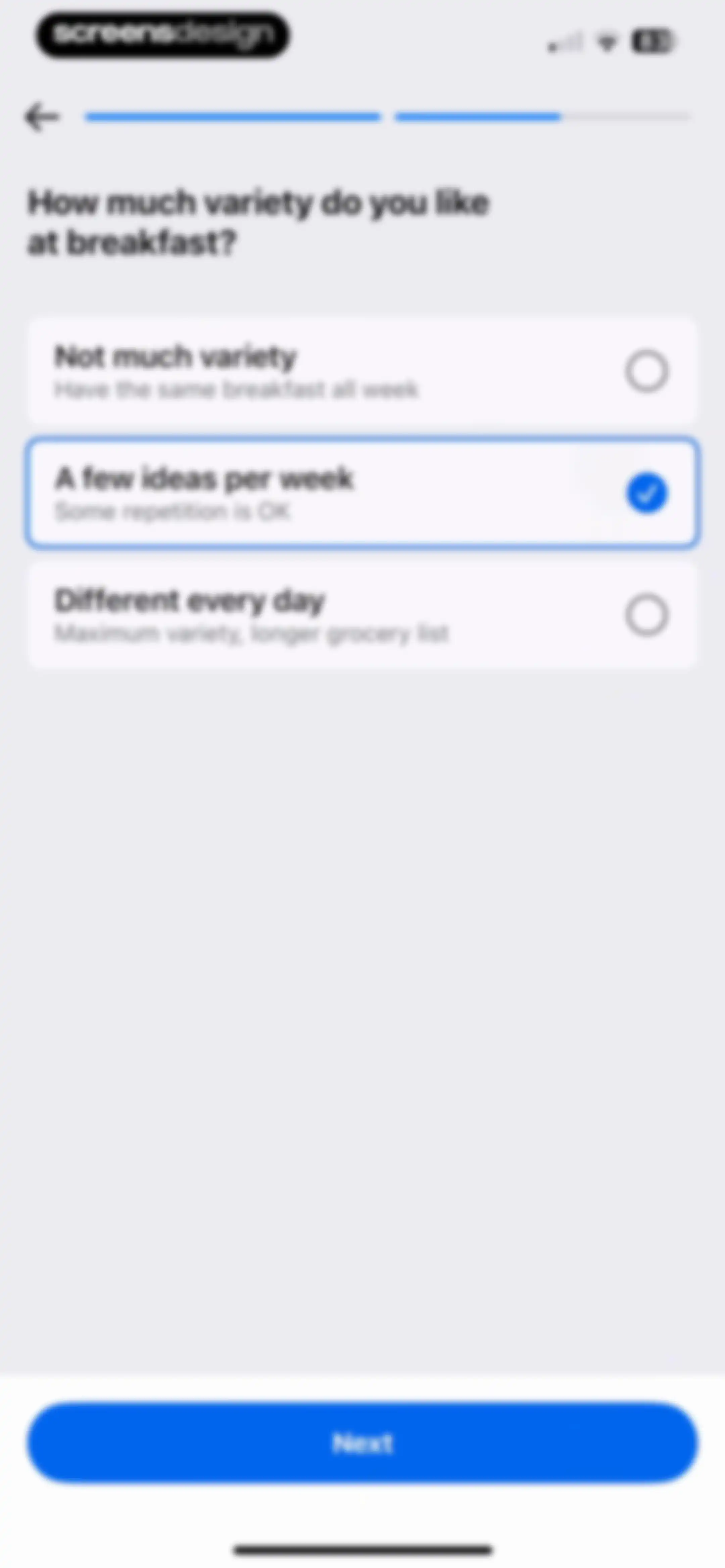
Nutrition app onboarding screen asking about breakfast variety, with the middle option selected and a Next button.Unlock Pro
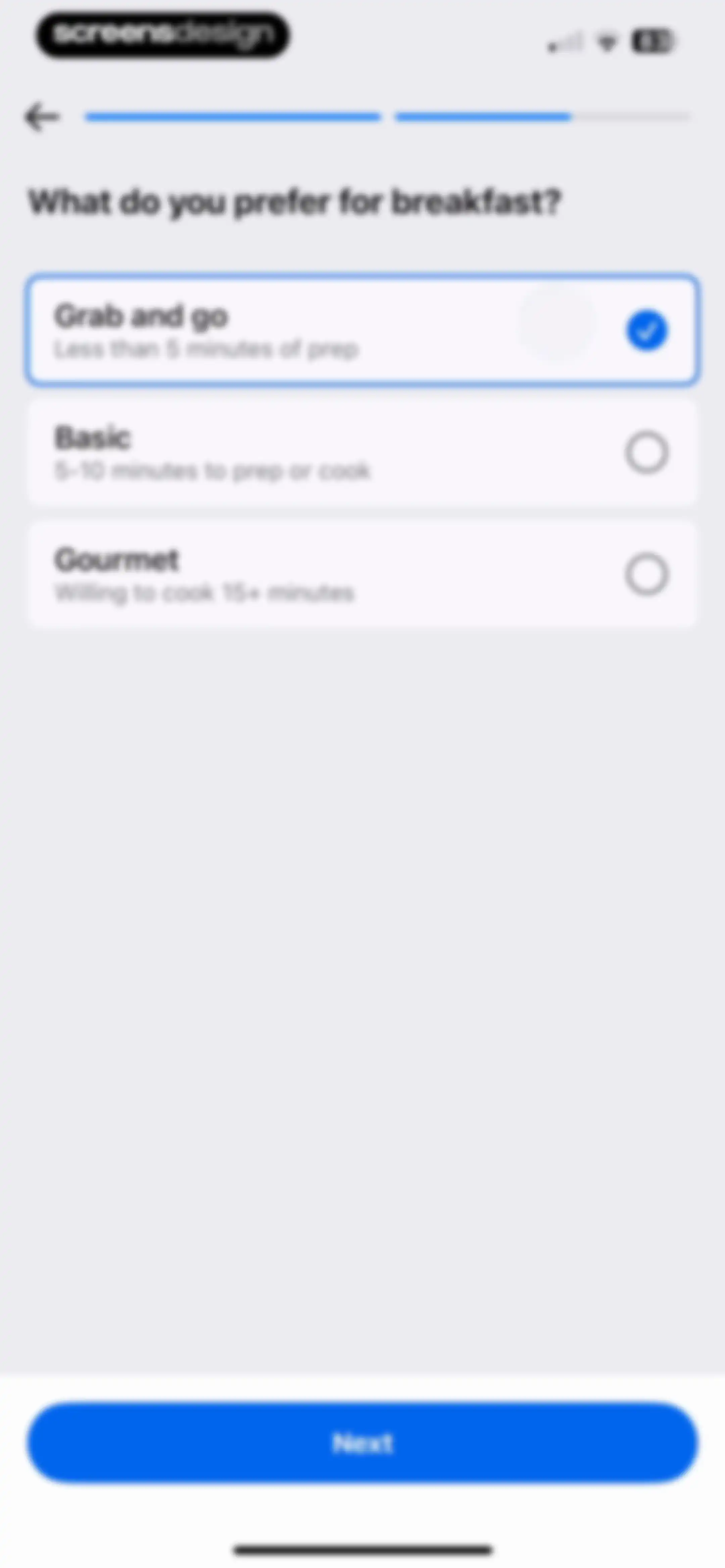
Onboarding screen asking breakfast preferences with three selectable cards, the Grab and go option selected, and a Next button.Unlock Pro
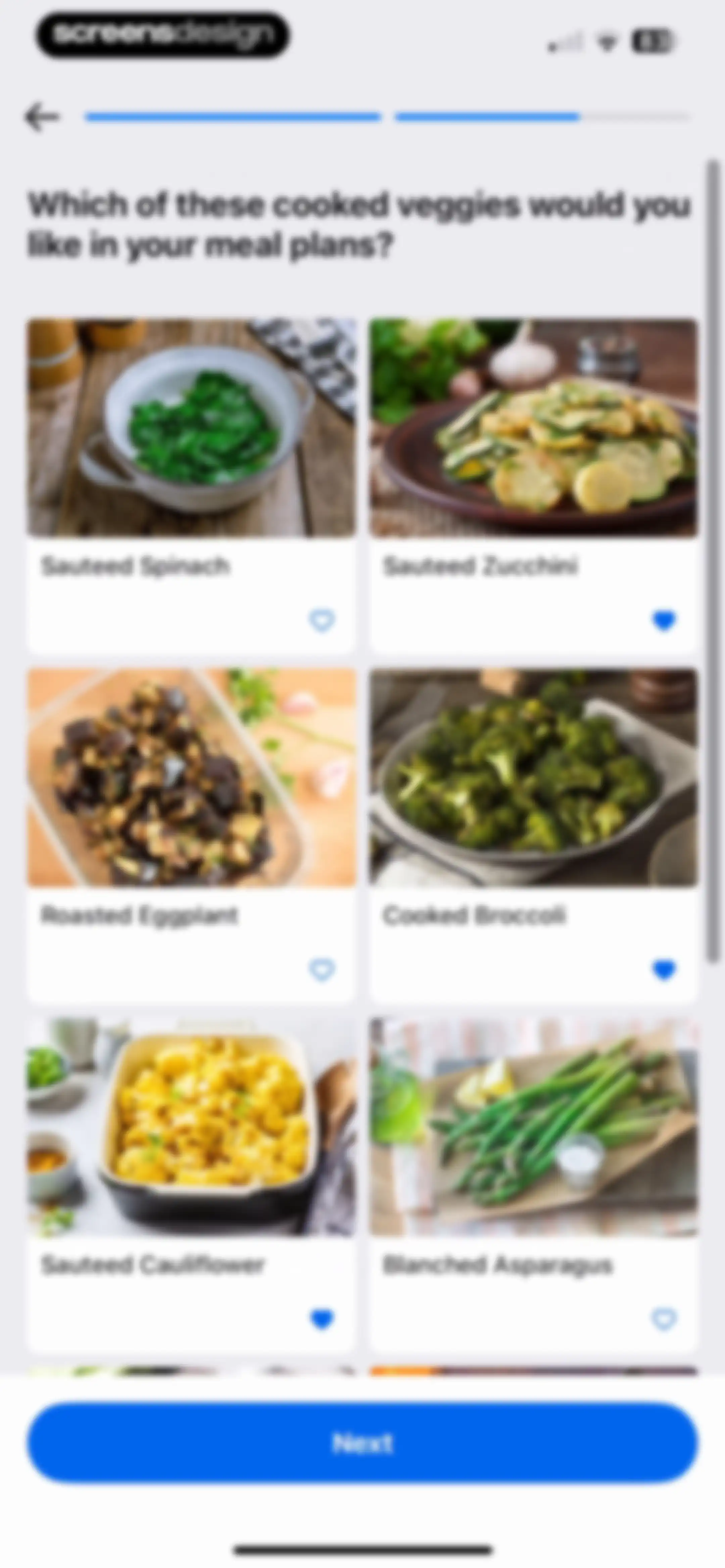
Onboarding screen asking users to select preferred cooked vegetables, featuring a grid of six food cards and a Next button.Unlock Pro
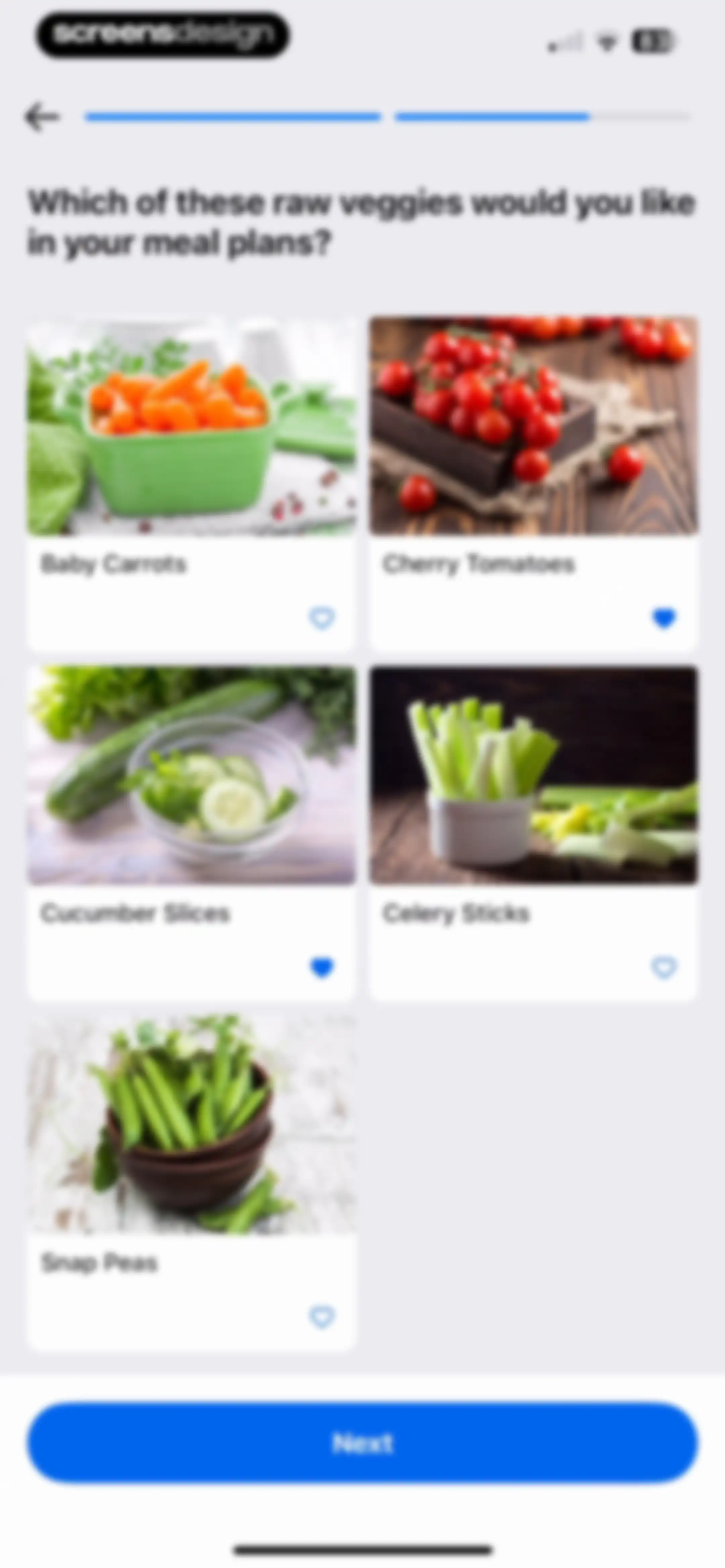
Onboarding vegetable selection screen featuring a grid of raw vegetable cards and a Next button.Unlock Pro
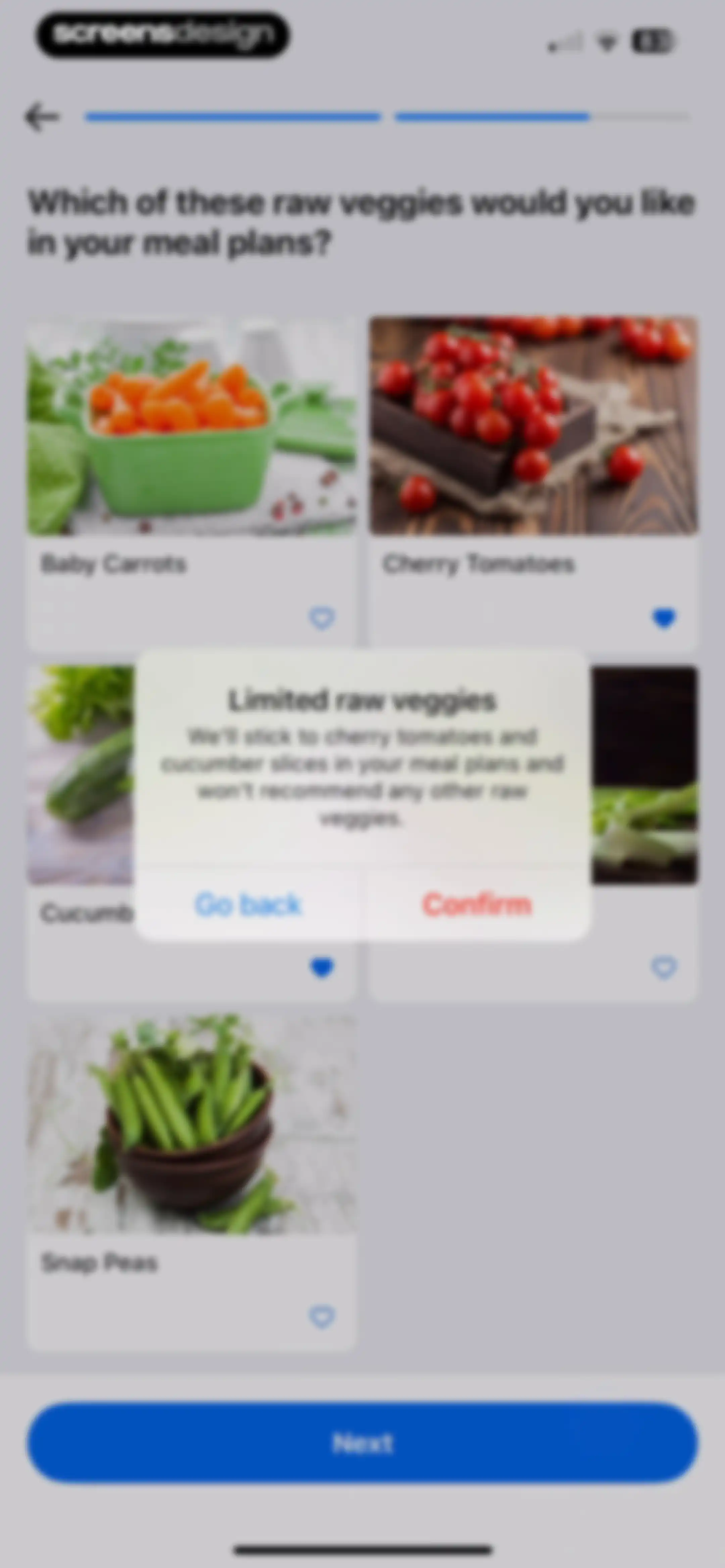
Onboarding screen asking the user to select preferred raw vegetables, featuring a grid of vegetable cards and a confirmation modal with Go back and Confirm buttons.Unlock Pro
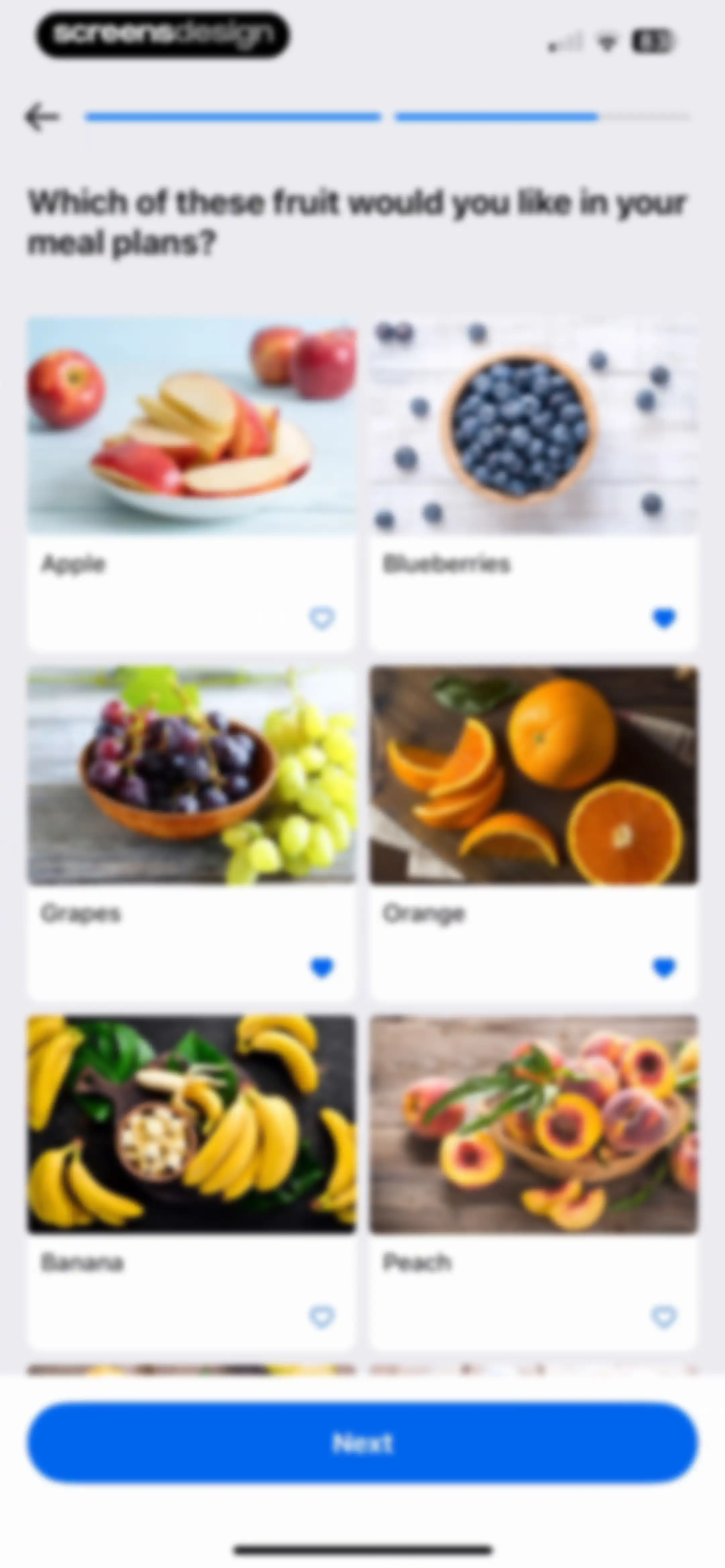
Onboarding fruit selection screen featuring a grid of six fruit options and a Next button.Unlock Pro
Onboarding screen asking users to rate recipe preferences with a Spaghetti Bolognese card, like and dislike buttons, and a Next button.Unlock Pro
Meal planning onboarding screen asking how many people each meal should feed, featuring three interactive meal cards and a Next button.Unlock Pro
Onboarding screen asking users to rate the importance of factors like recipe variety and weight loss using sliders, with a Next button.Unlock Pro
Loading screen featuring an illustration of a shopping basket with food and the text Calculating traits below it.Unlock Pro
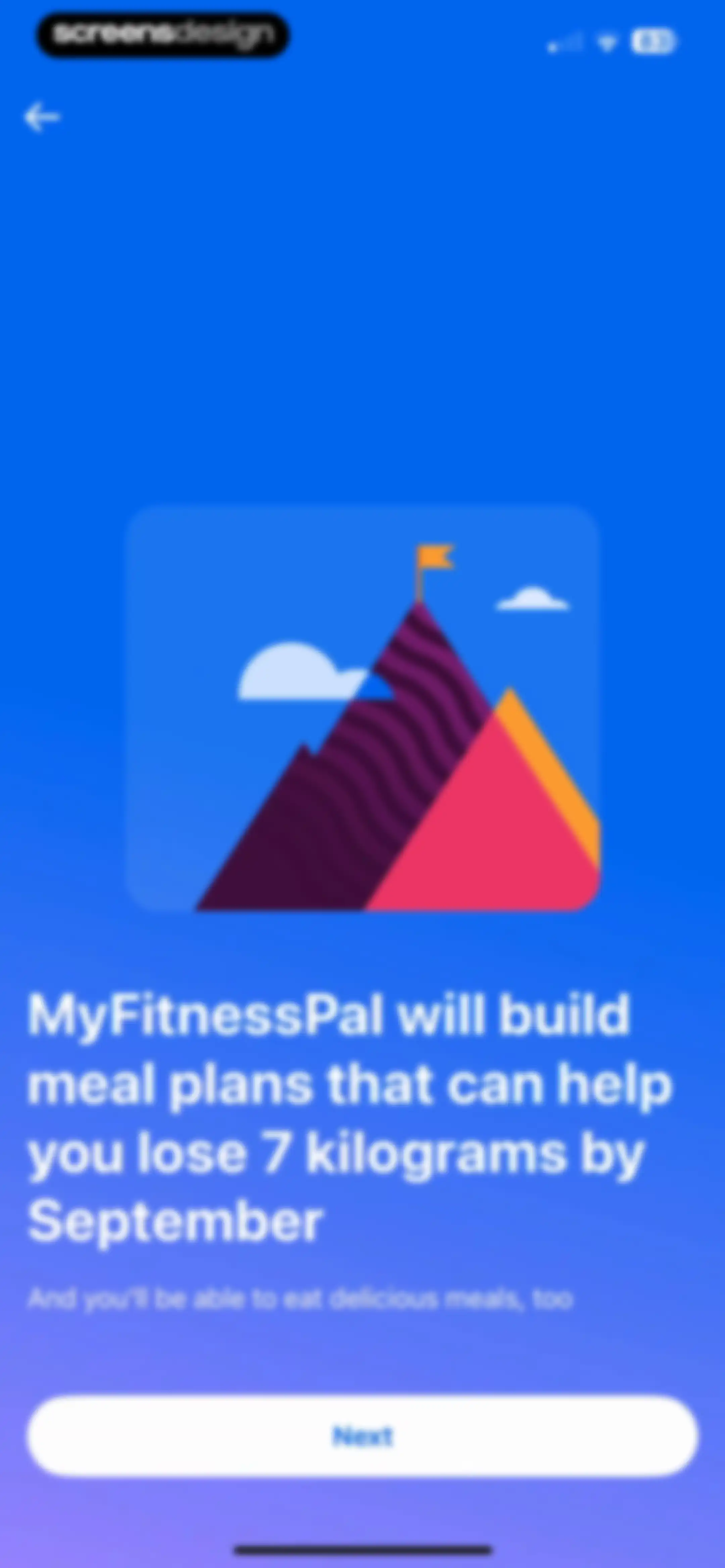
MyFitnessPal onboarding screen showing a weight loss goal illustration, personalized plan text, and a Next button.Unlock Pro
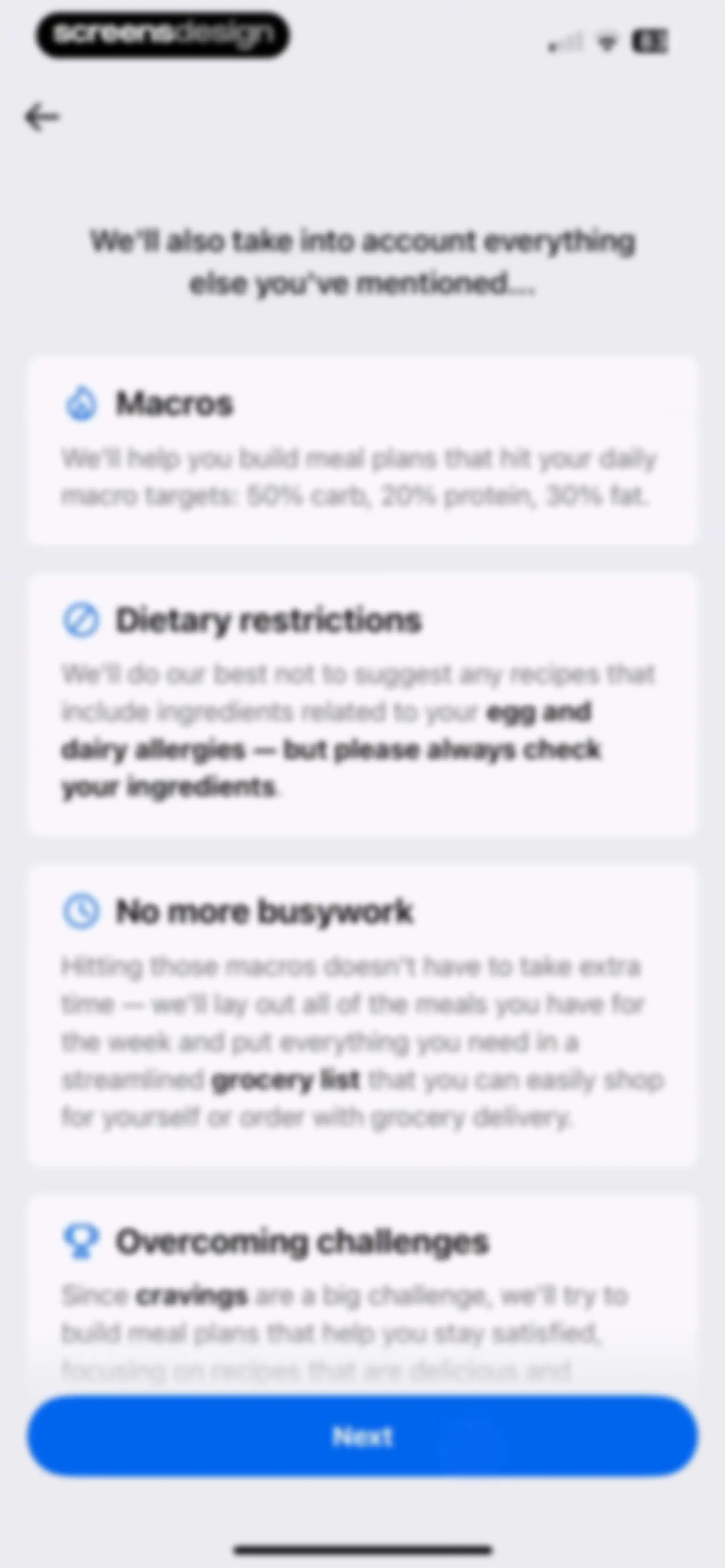
Onboarding feature overview screen with four cards detailing macros, dietary restrictions, meal planning, and cravings, and a Next button.Unlock Pro
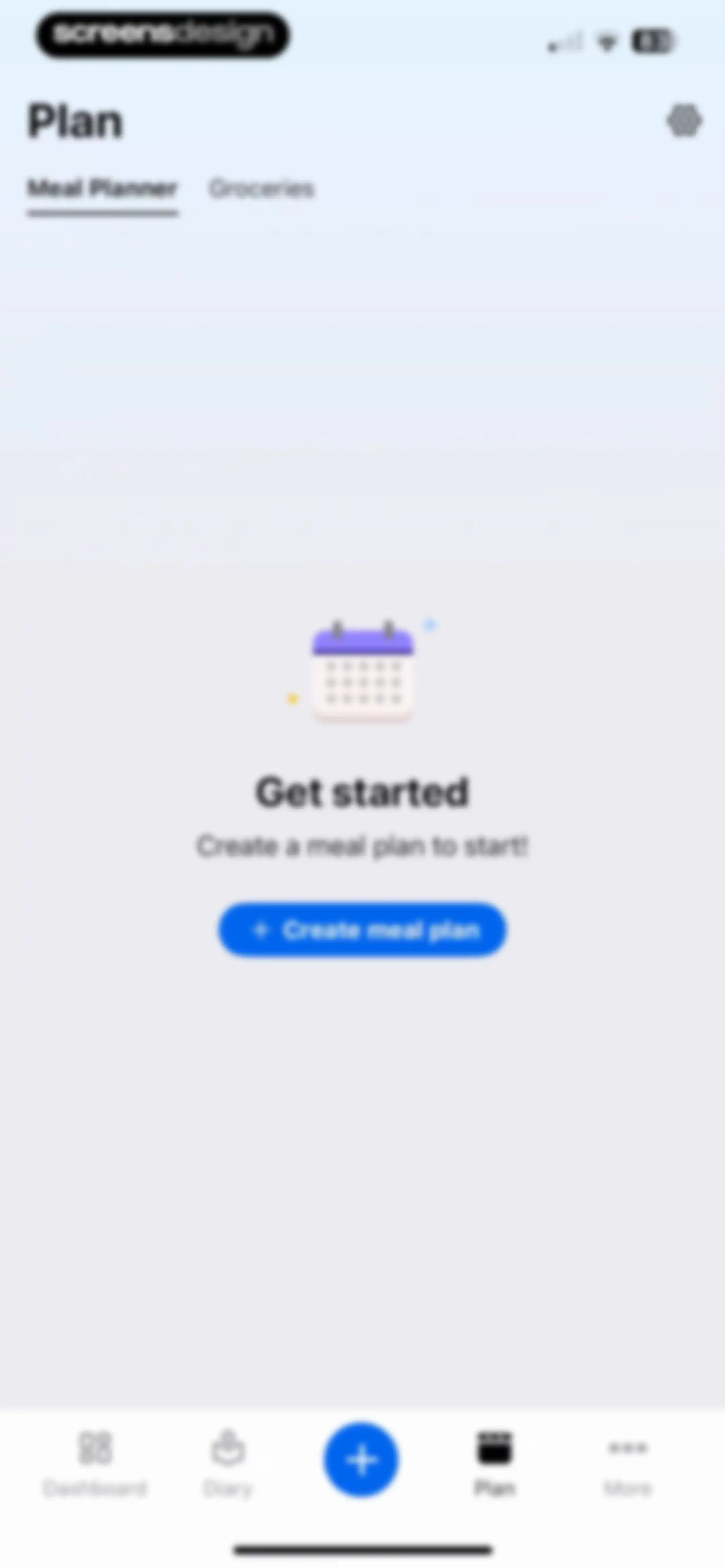
Meal planner empty state screen featuring an illustration, a prompt to create a meal plan, and a Create meal plan button.Unlock Pro
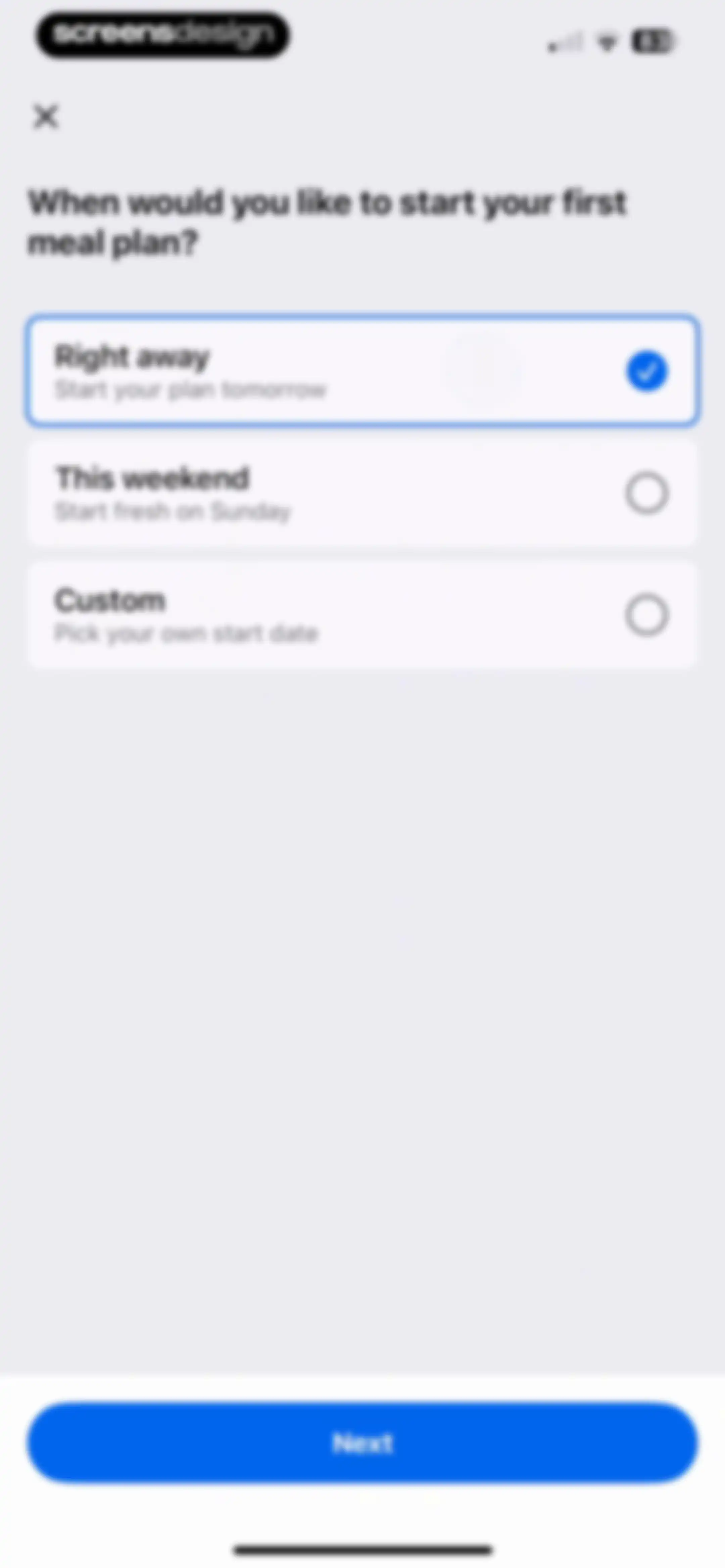
Meal plan start date selection screen with three options, the Right away card selected, and a Next button.Unlock Pro
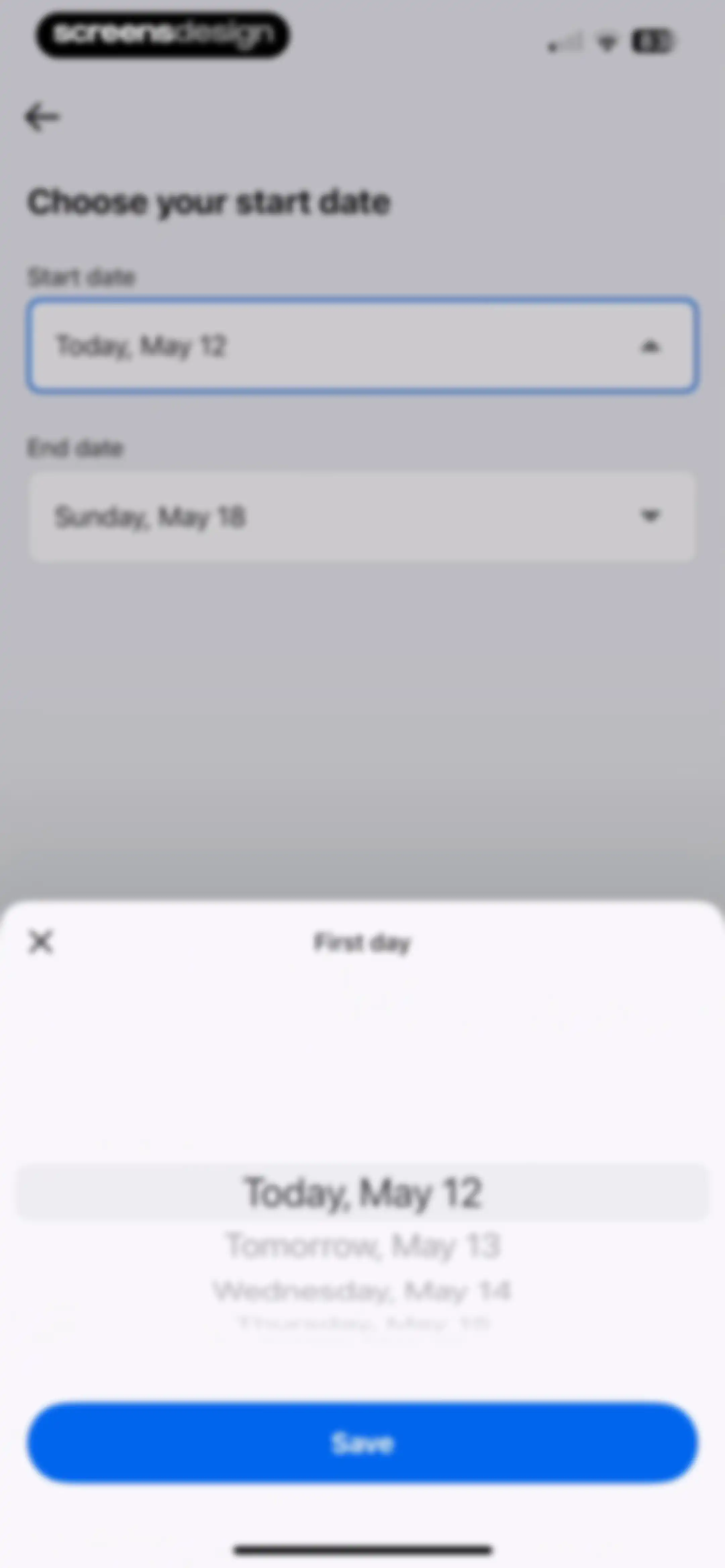
Date selection form with a bottom sheet modal displaying a date picker and a Save button.Unlock Pro
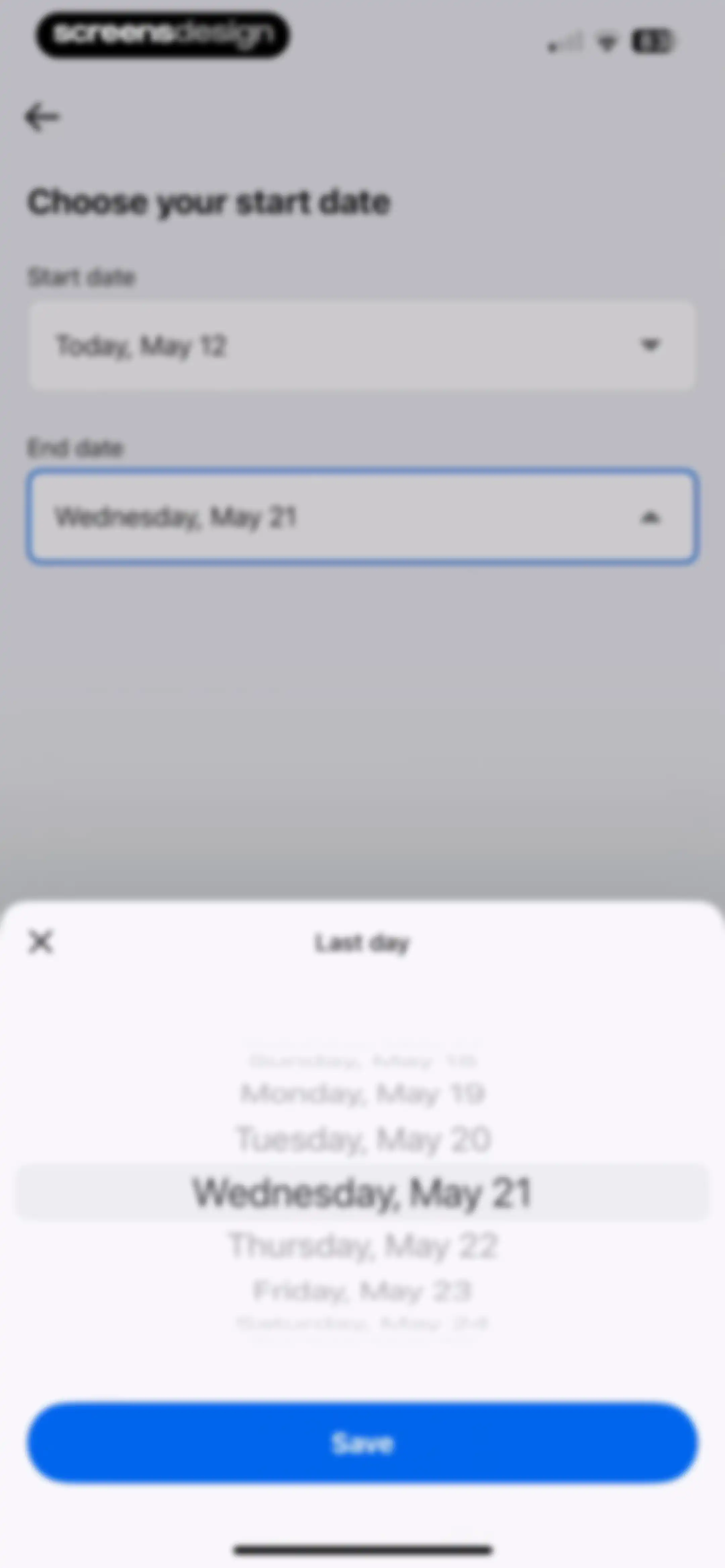
Date range form showing start and end date fields with an active date picker modal and a Save button.Unlock Pro
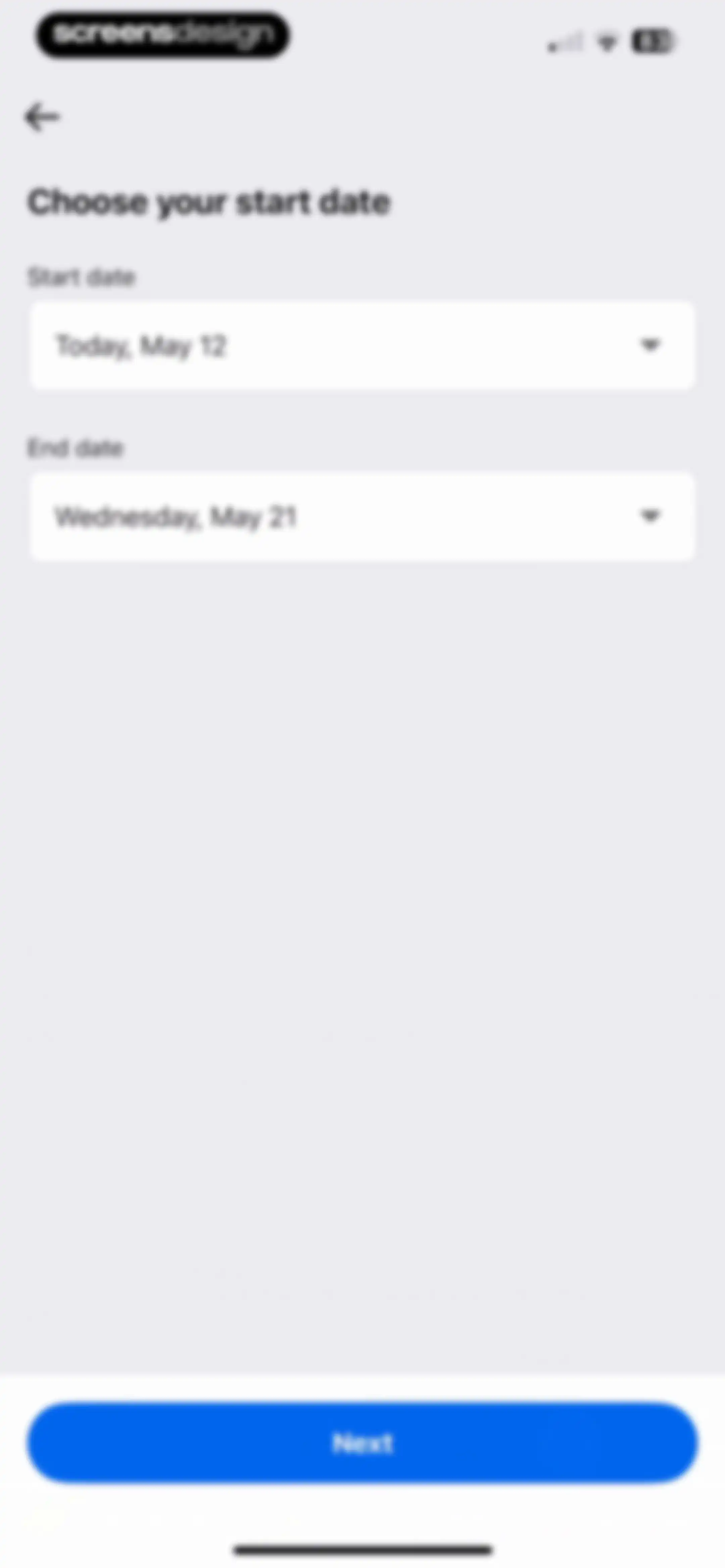
Date selection form with filled start and end date fields and a Next button.Unlock Pro
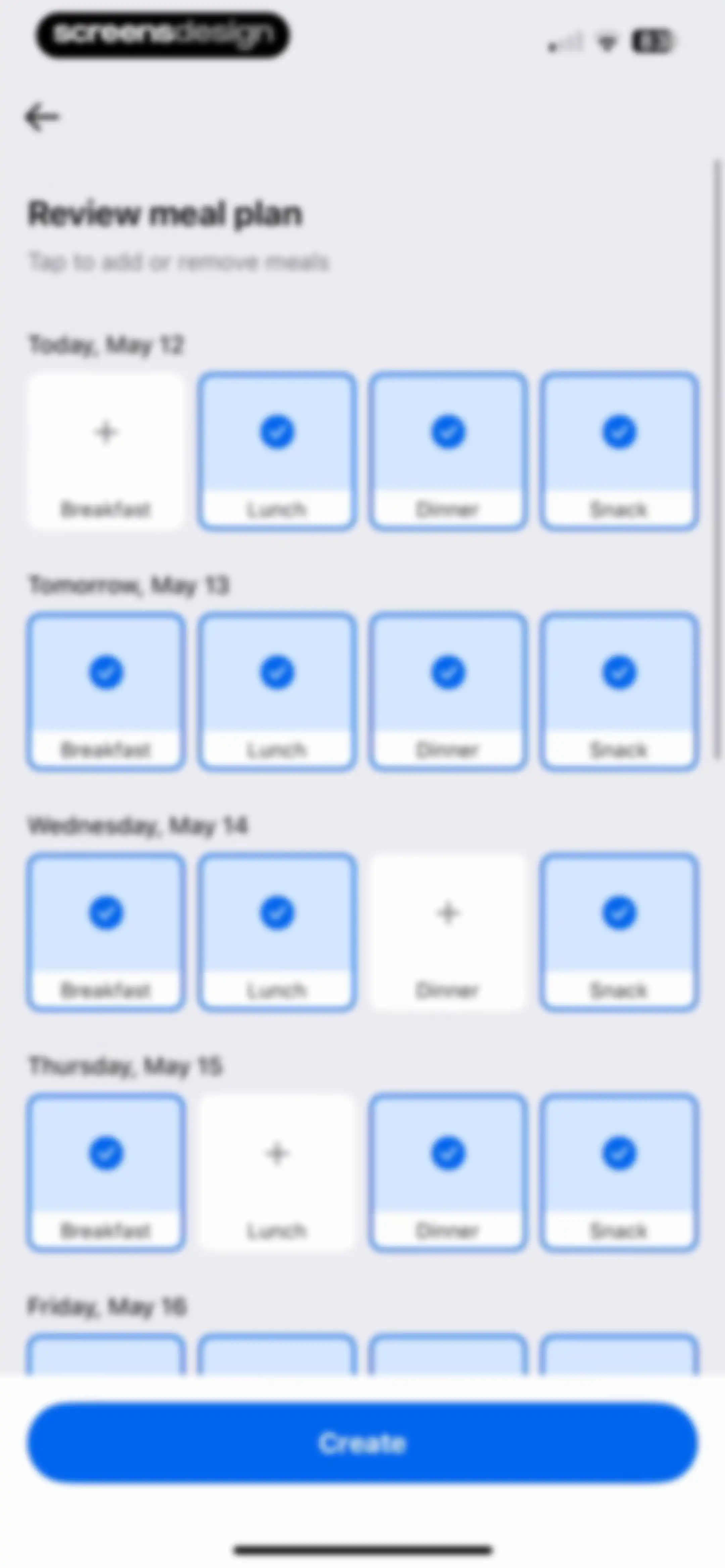
Meal plan review form with date sections, a grid of meal cards for breakfast, lunch, dinner, and snacks, and a Create button.Unlock Pro
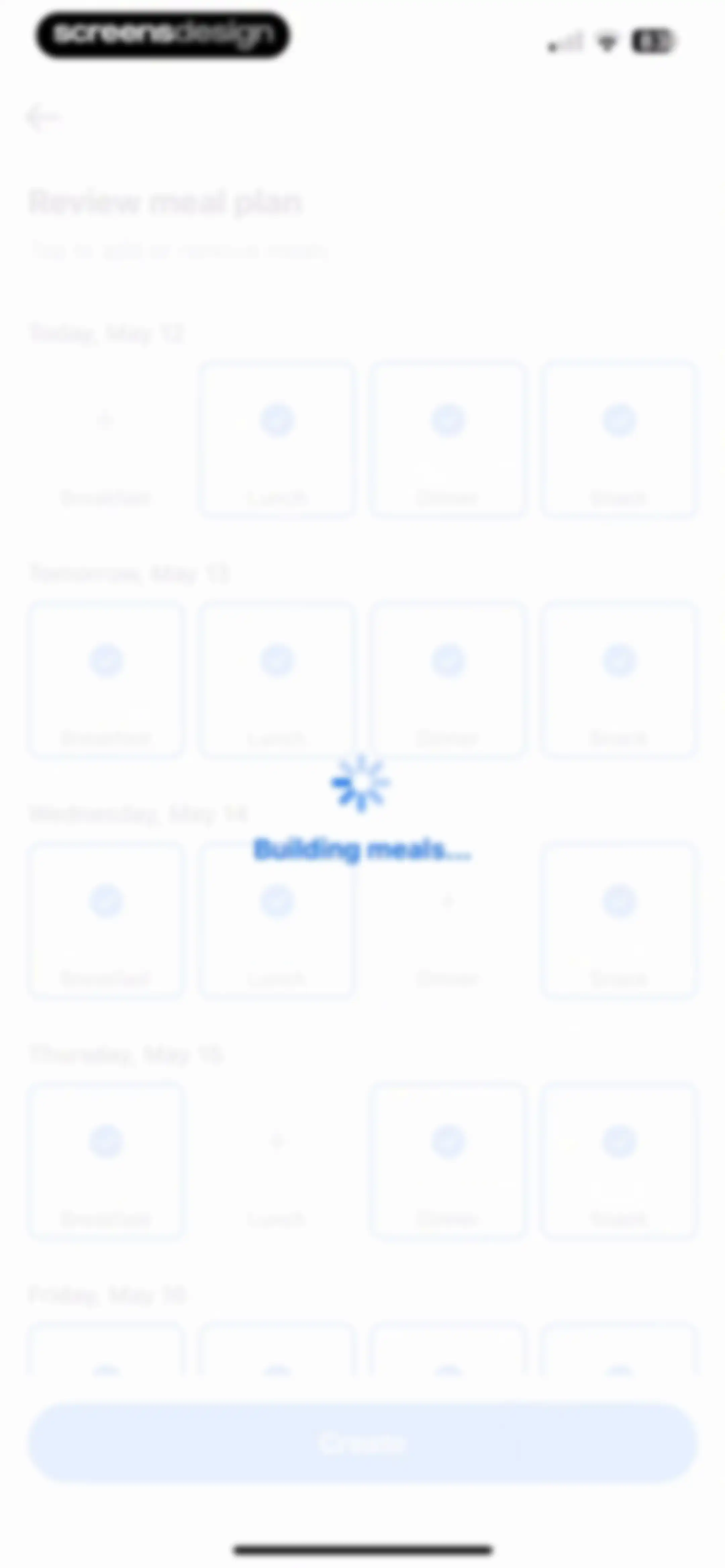
Review meal plan screen with a loading overlay stating Building meals, a list of daily meal cards, and a disabled Create button.Unlock Pro
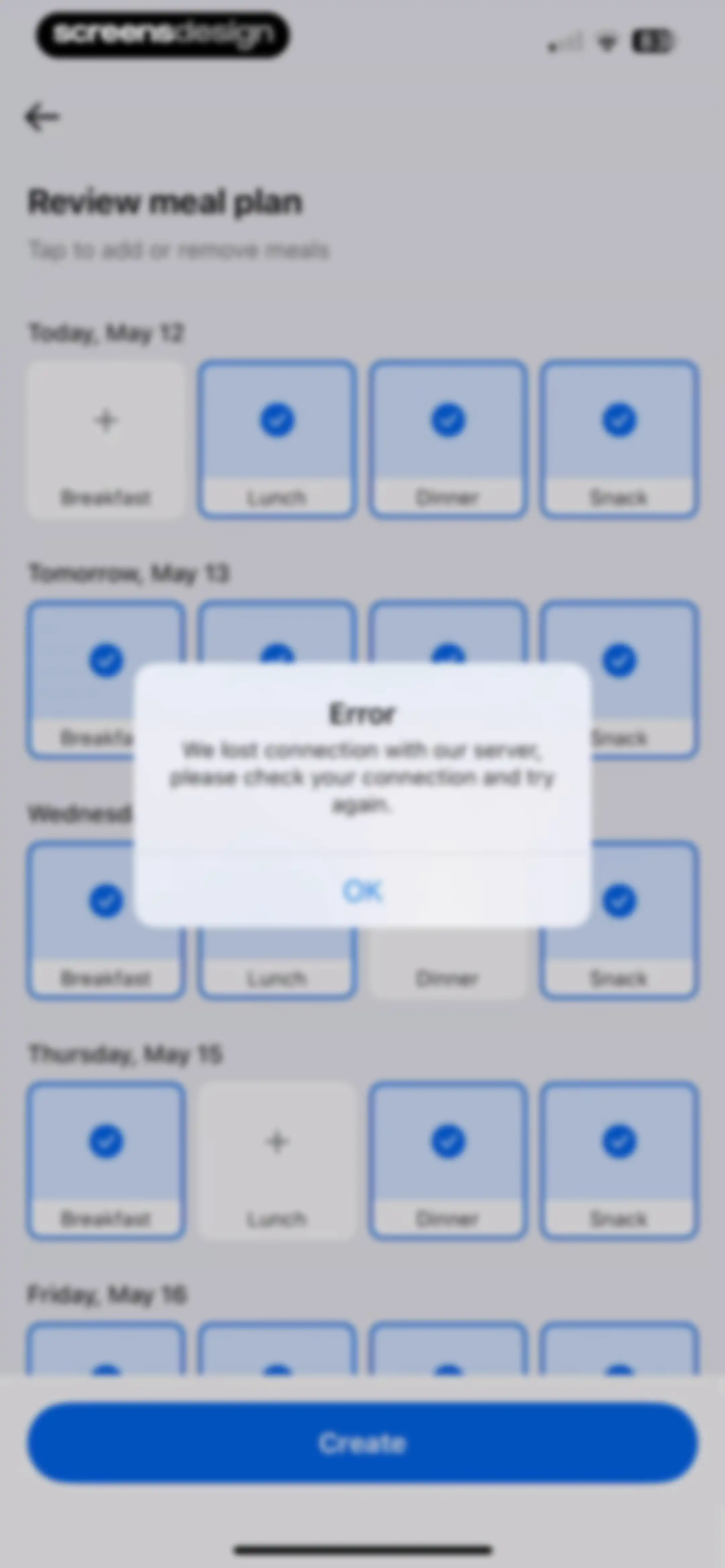
Meal plan review screen with a network connection error modal and an OK button overlaid in the center.Unlock Pro
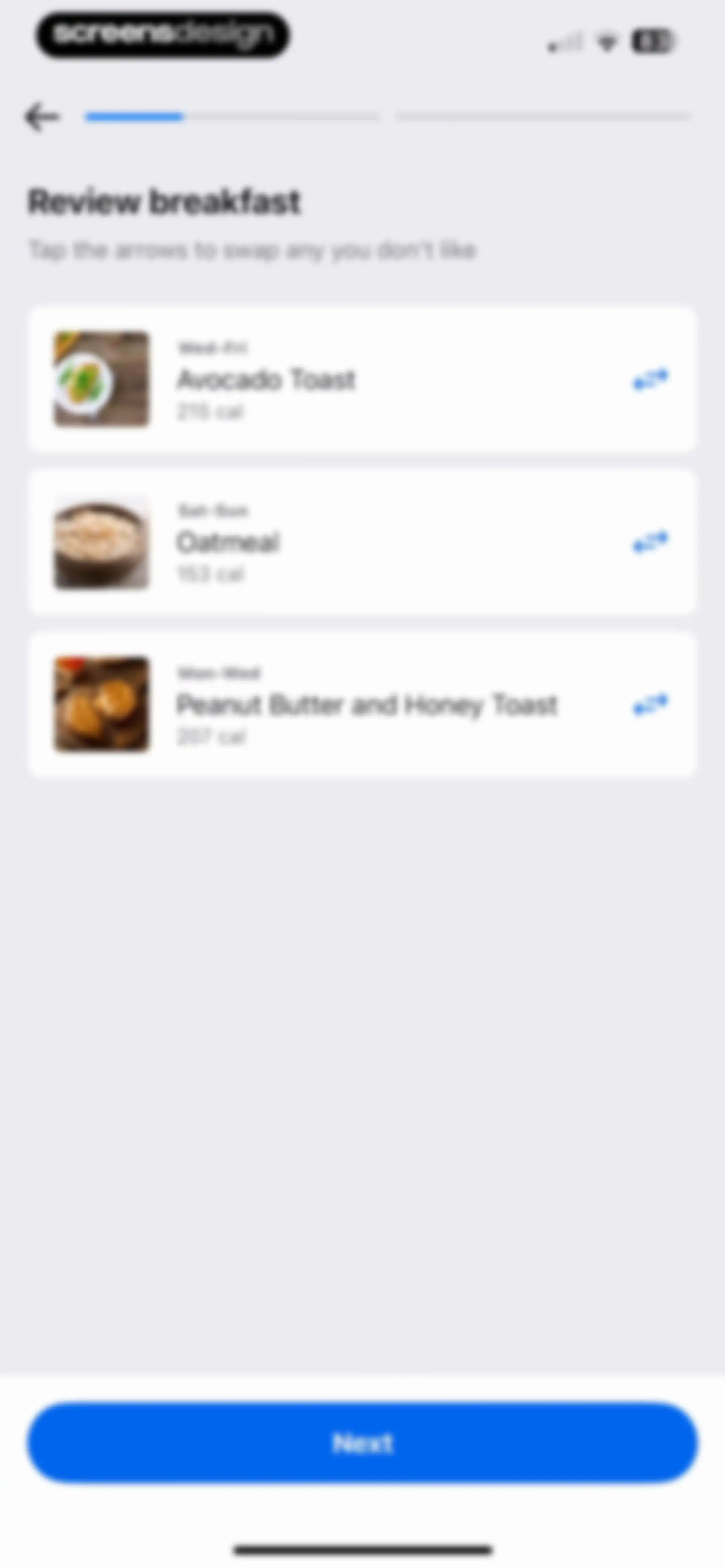
Meal plan review screen listing breakfast options with calorie counts and swap icons, and a Next button.Unlock Pro
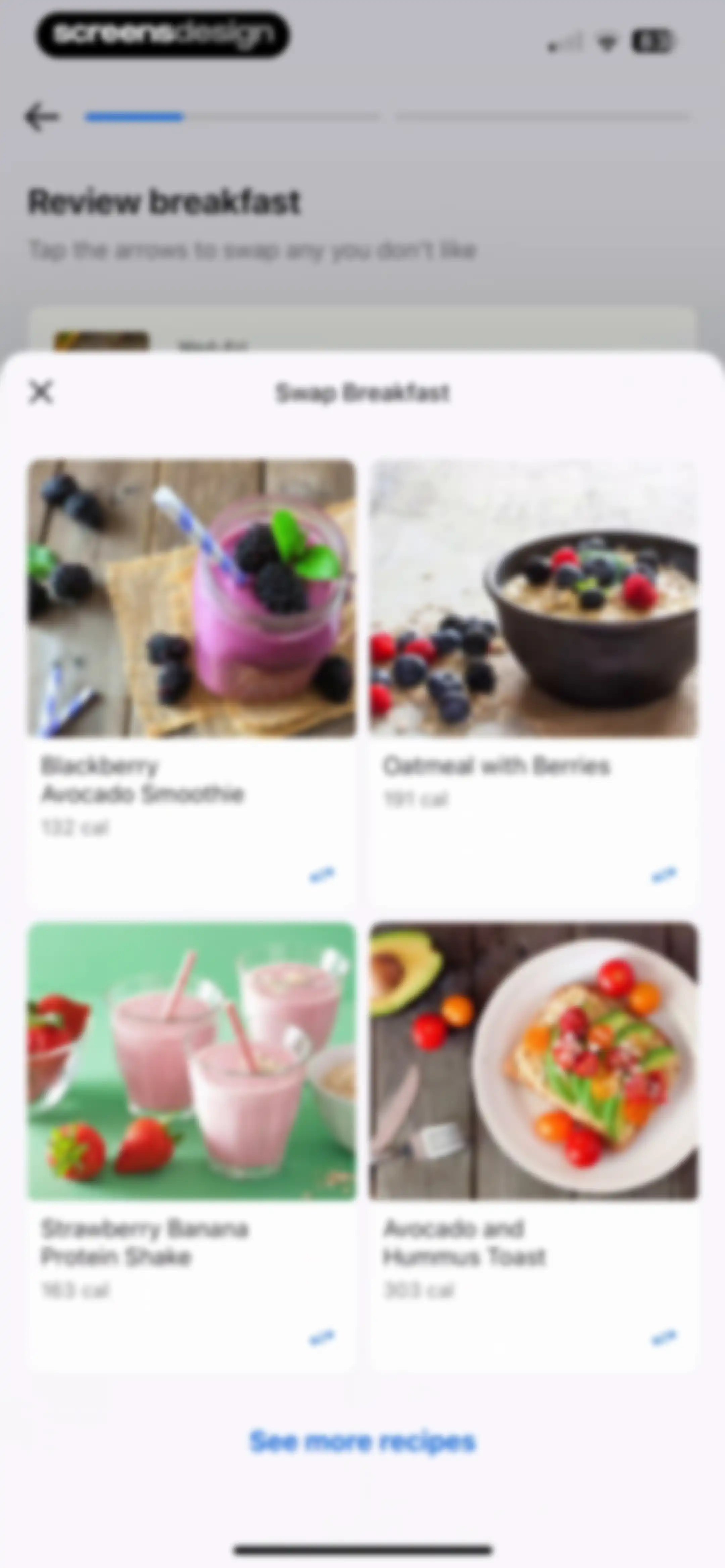
Breakfast recipe selection modal with a grid of four meal options, calorie counts, and a See more recipes button.Unlock Pro
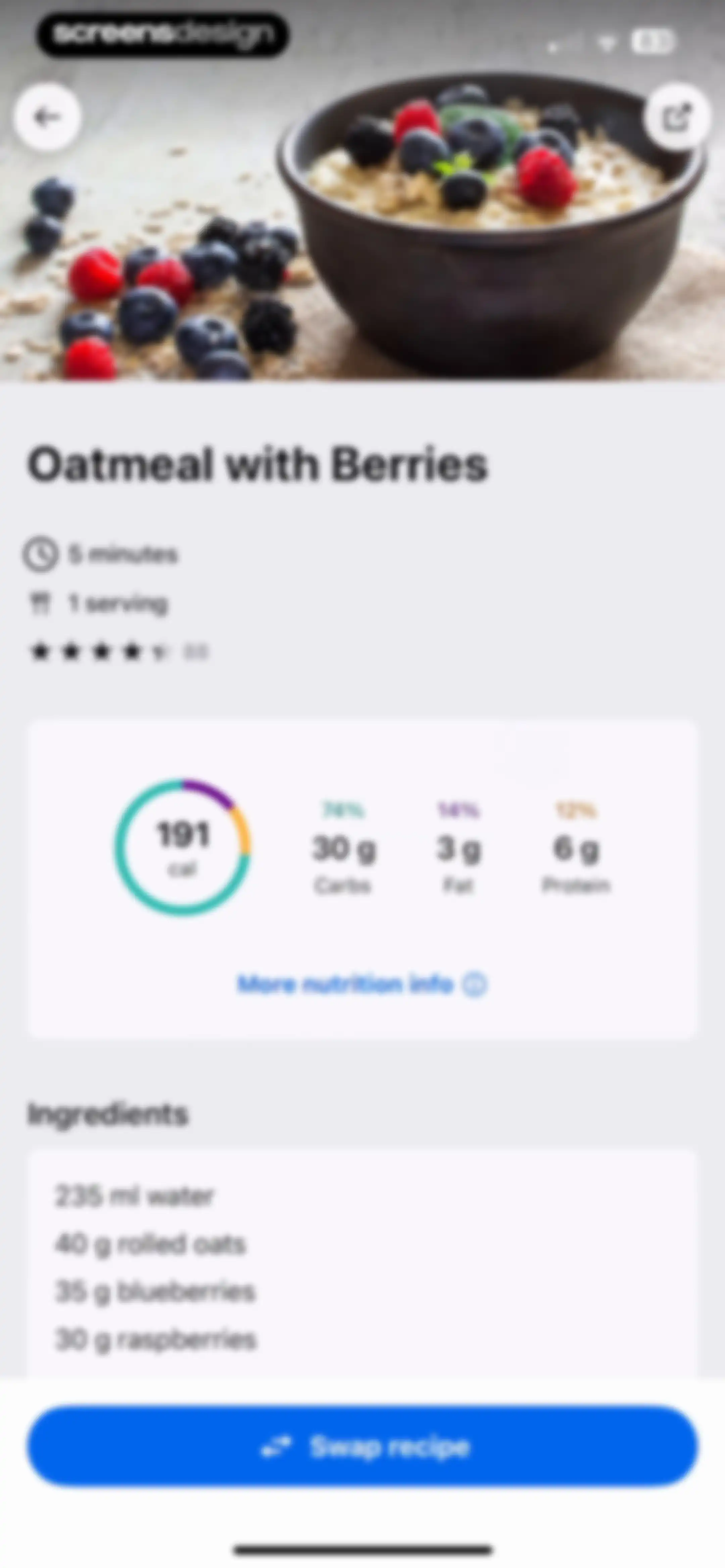
Recipe detail screen for Oatmeal with Berries showing nutritional summary, ingredients list, and a Swap recipe button.Unlock Pro
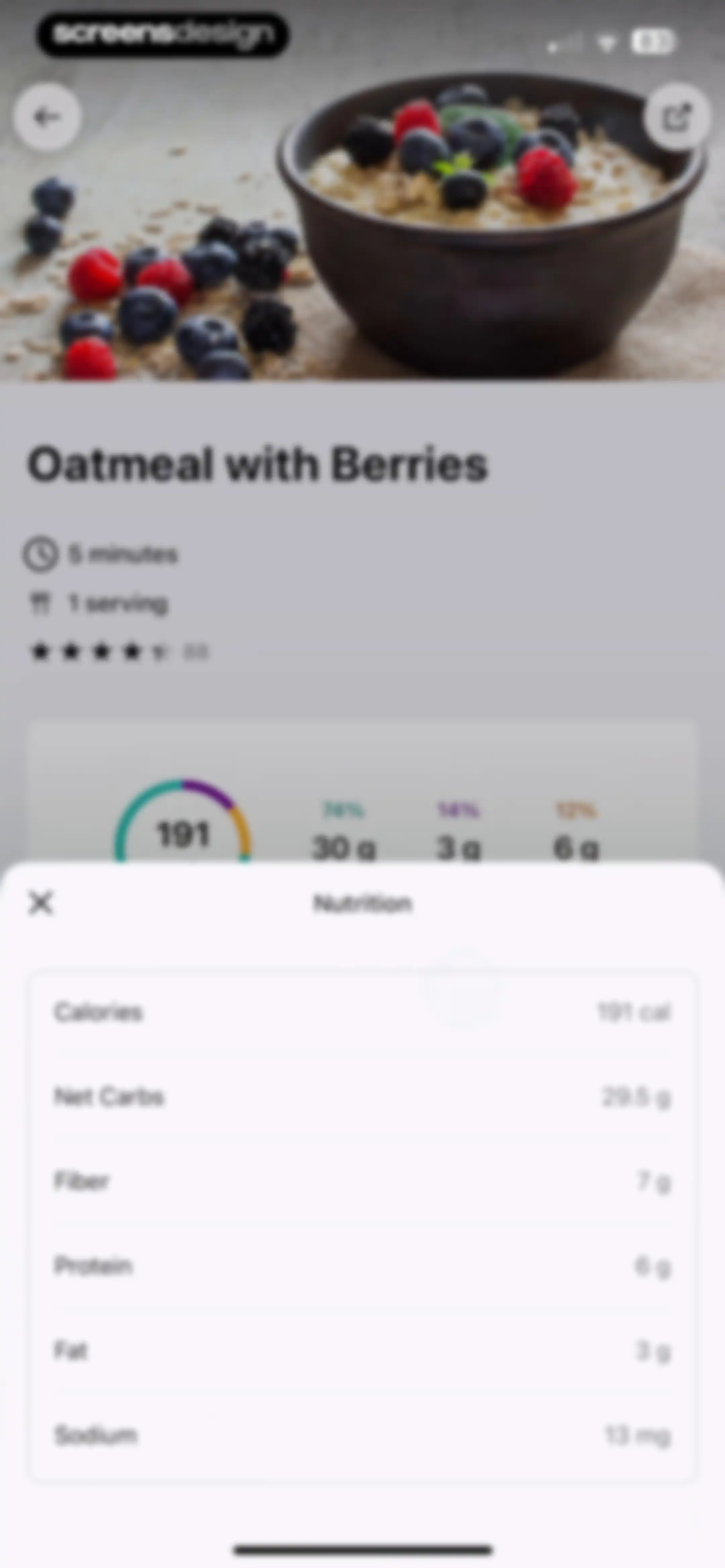
Recipe detail screen for oatmeal with berries featuring an overlay modal displaying detailed nutrition facts including calories and macros.Unlock Pro
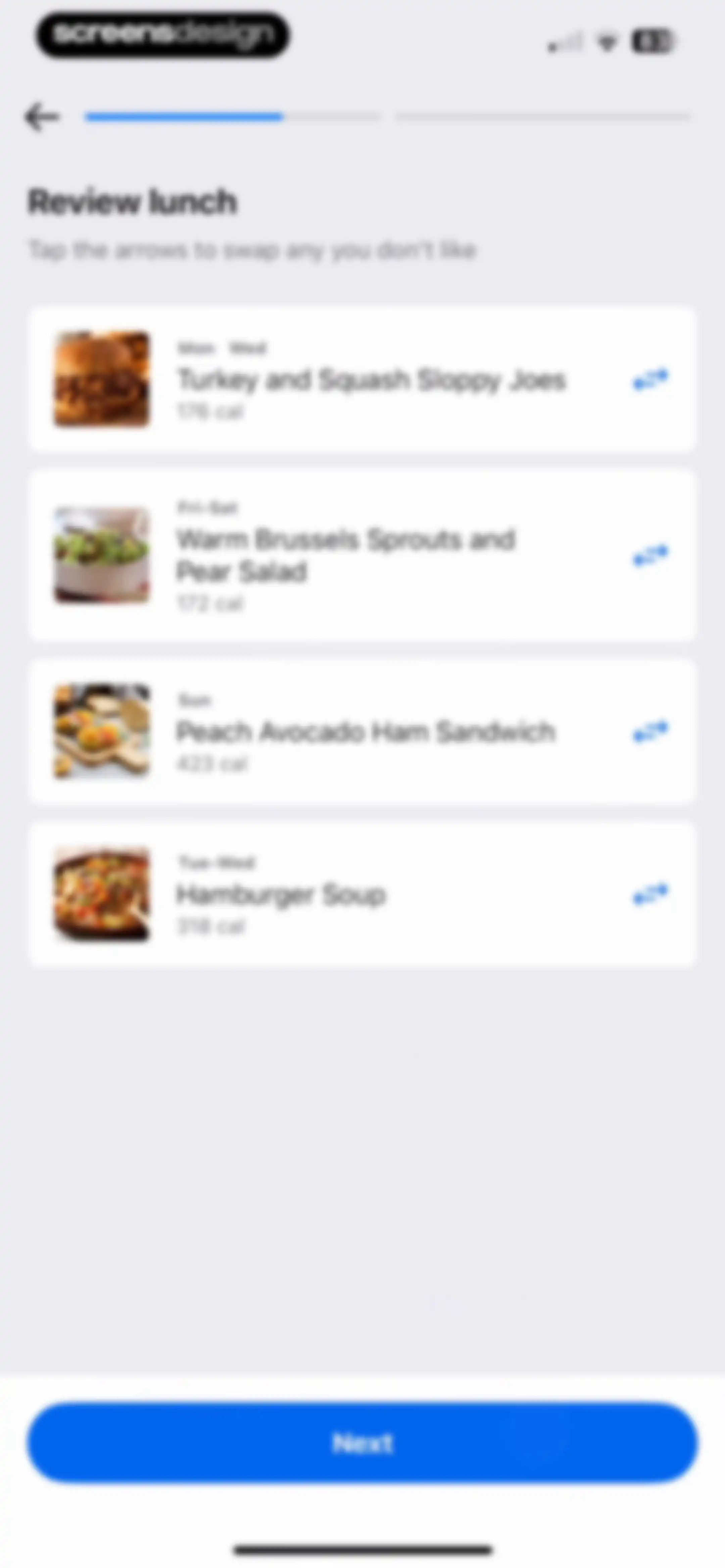
Meal review form listing four lunch cards with calorie counts and a Next button.Unlock Pro
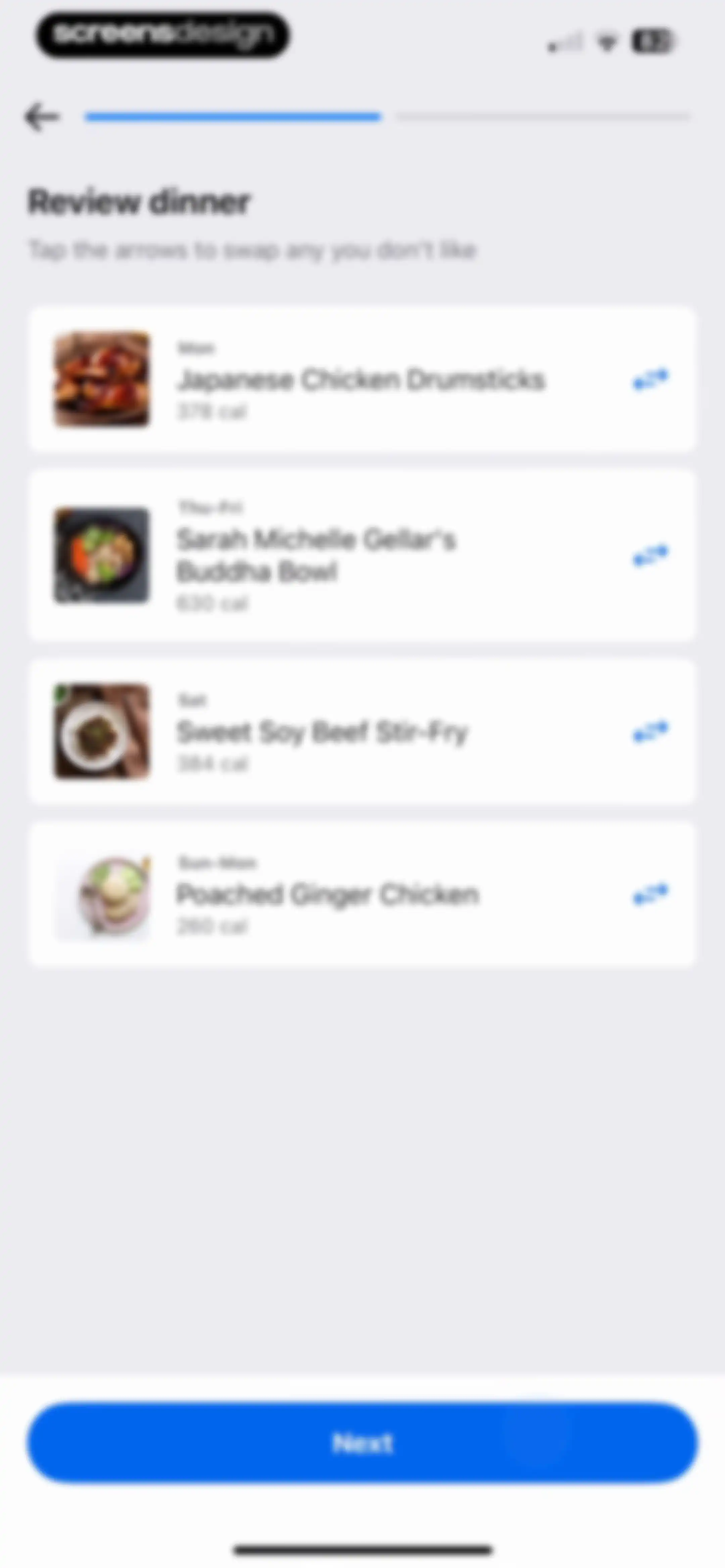
Meal plan review form listing four dinner options with calorie counts and swap icons, and a Next button.Unlock Pro
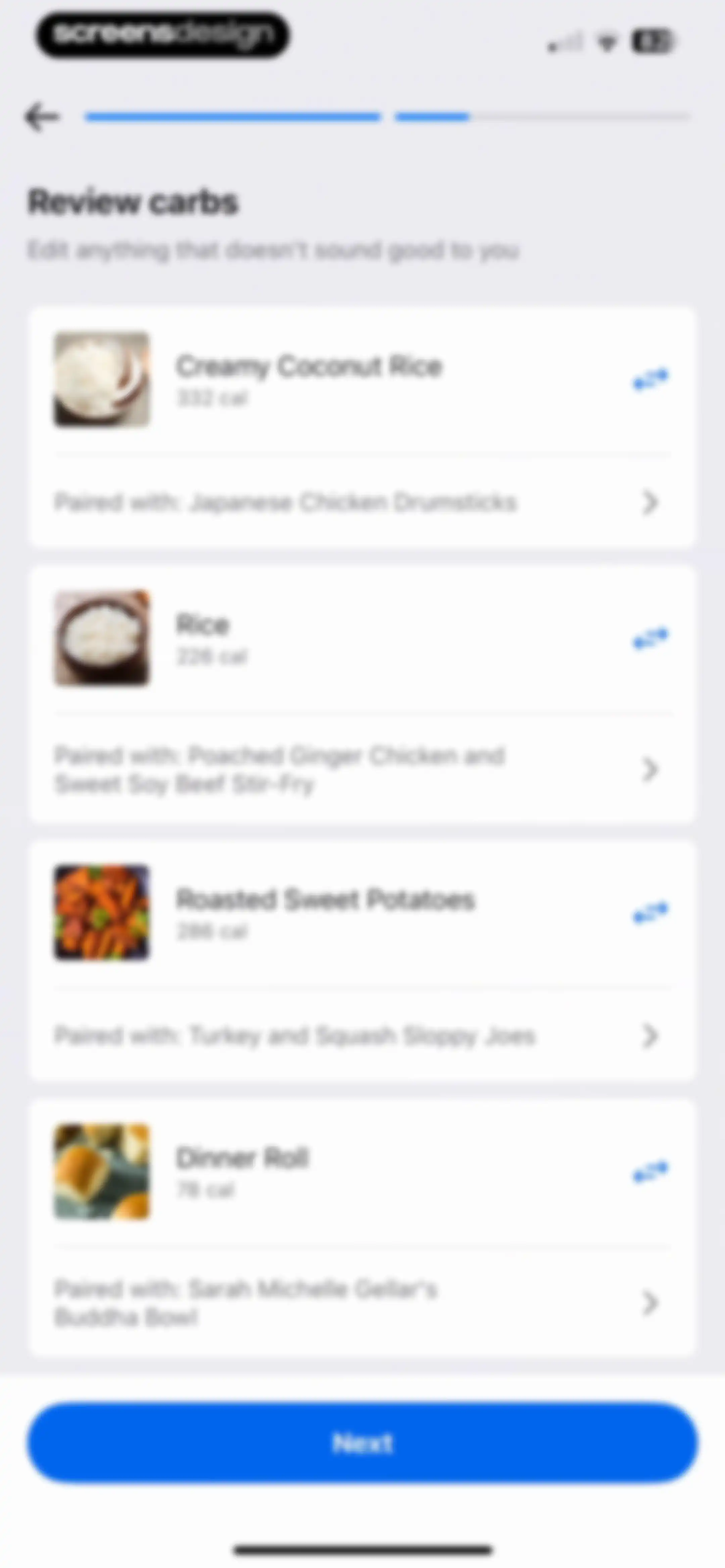
Carbohydrate review form listing food items with calorie counts and meal pairings, featuring a Next button.Unlock Pro
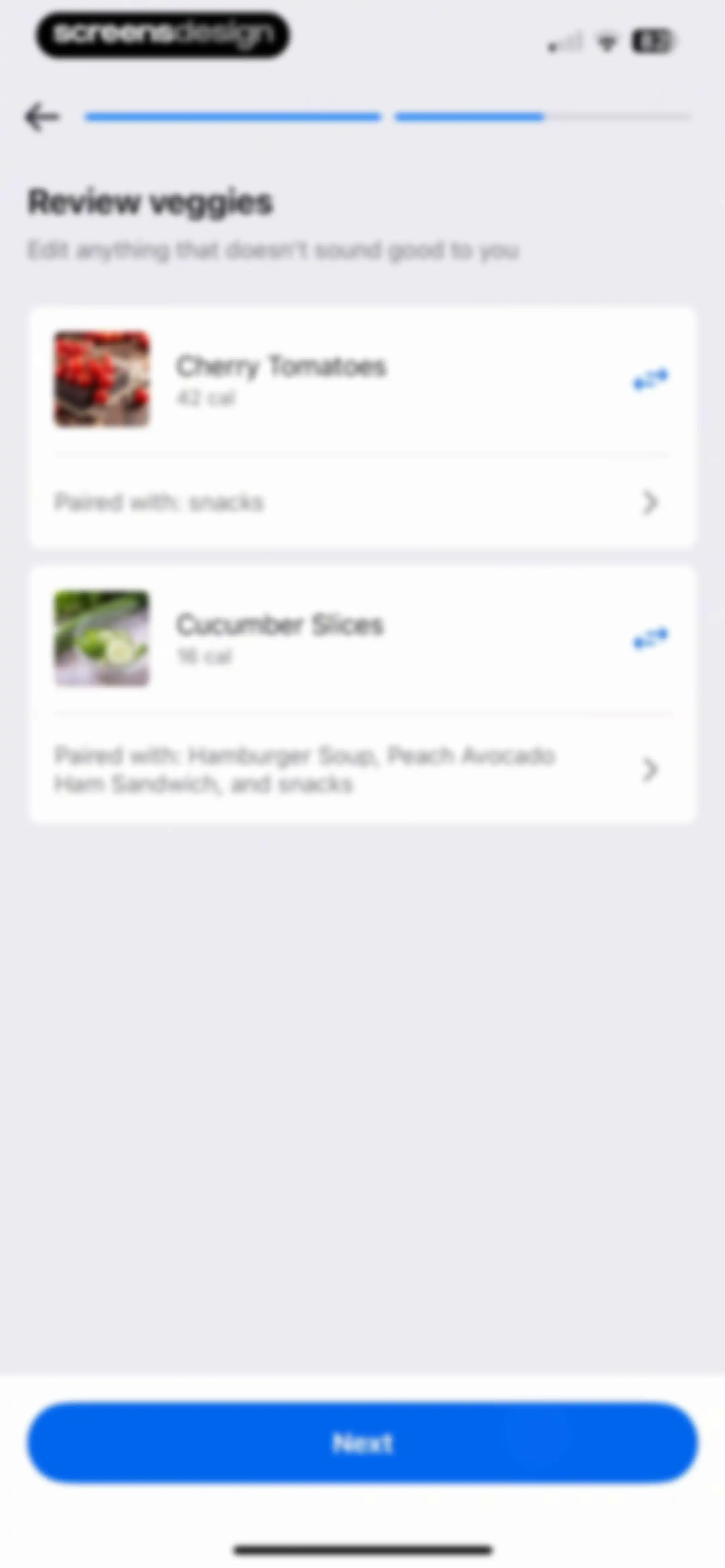
Nutrition app review screen listing vegetable items with calorie counts and a Next button.Unlock Pro
Food review form displaying an orange with 62 calories, an adjust pairing option, and a Next button.Unlock Pro
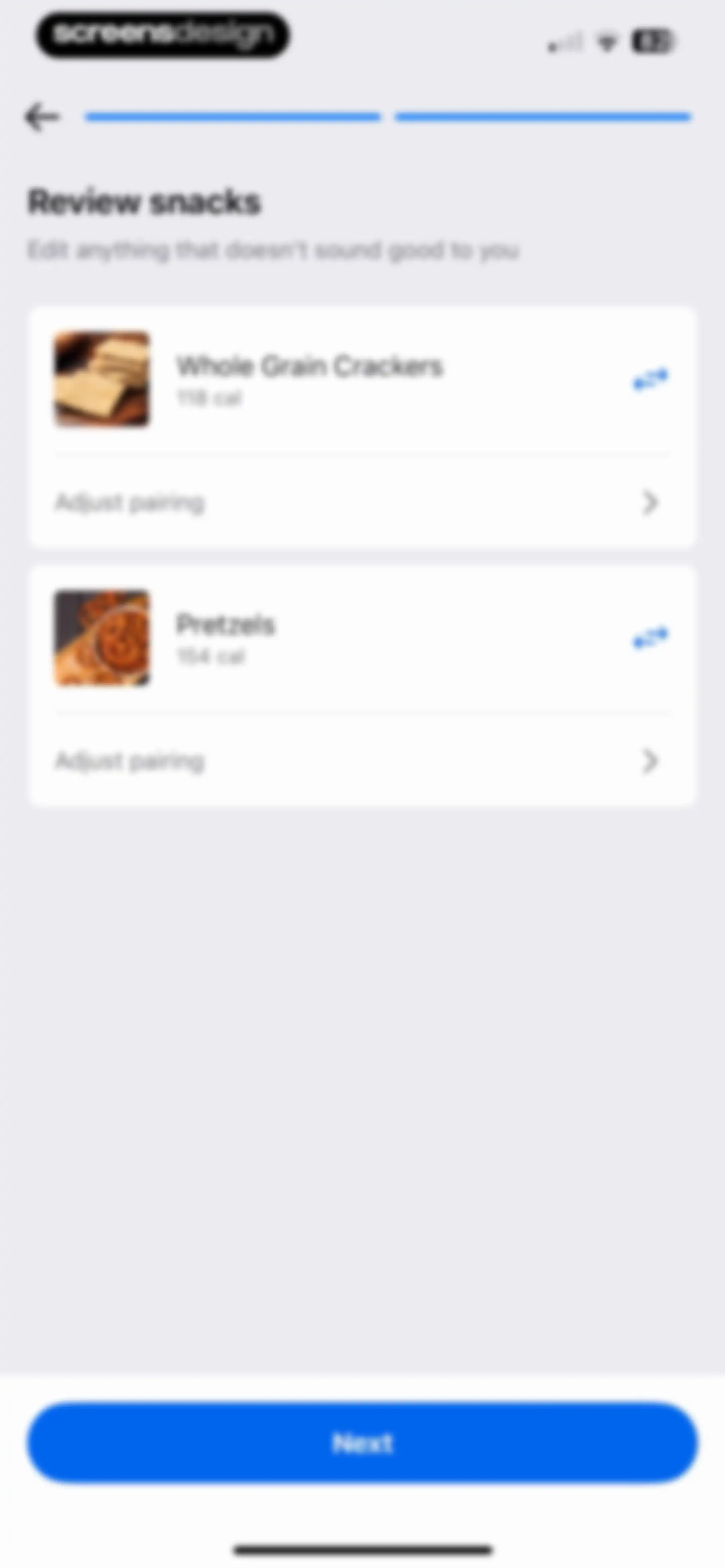
Snack review screen listing Whole Grain Crackers and Pretzels with calorie counts, adjustment options, and a Next button.Unlock Pro
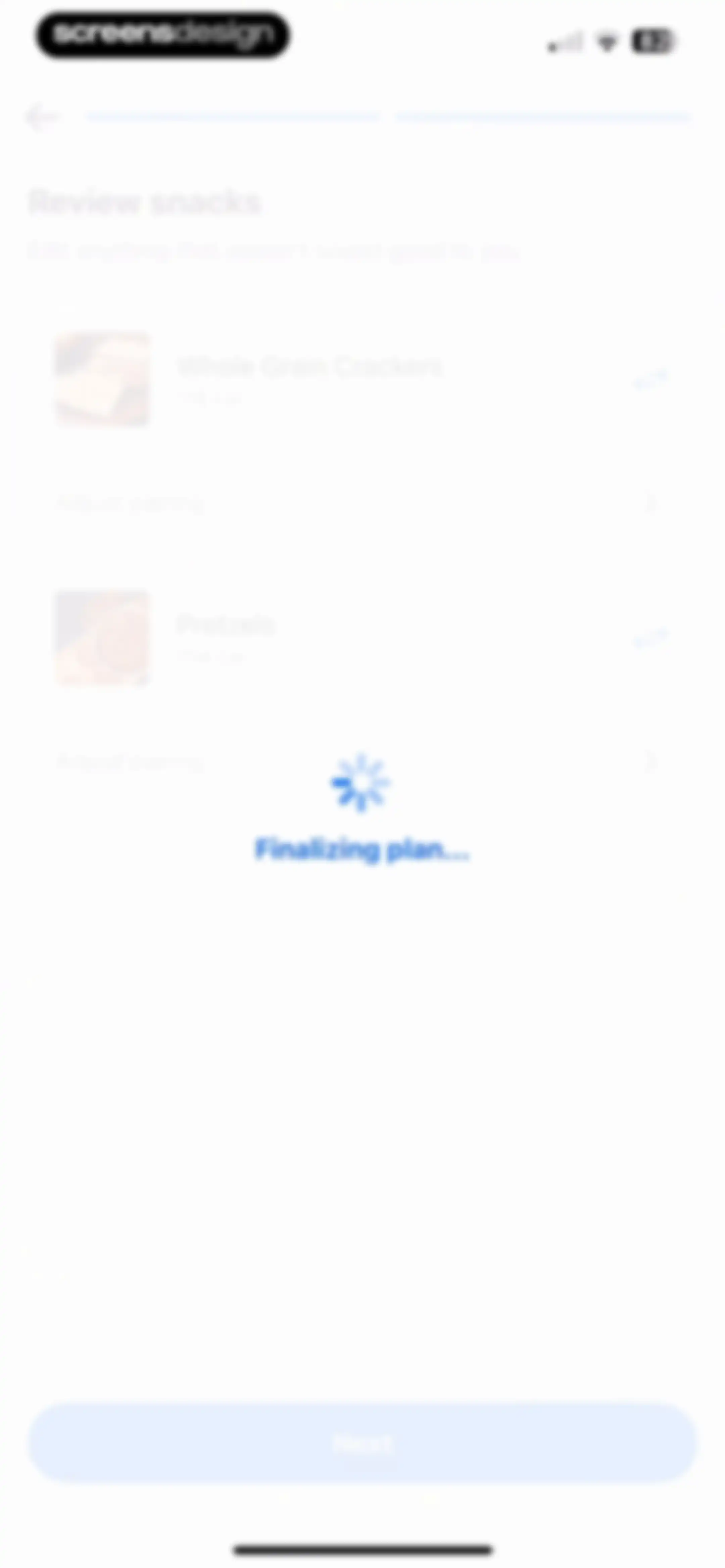
Snack review screen with a list of food items and a centered loading overlay displaying Finalizing plan...Unlock Pro
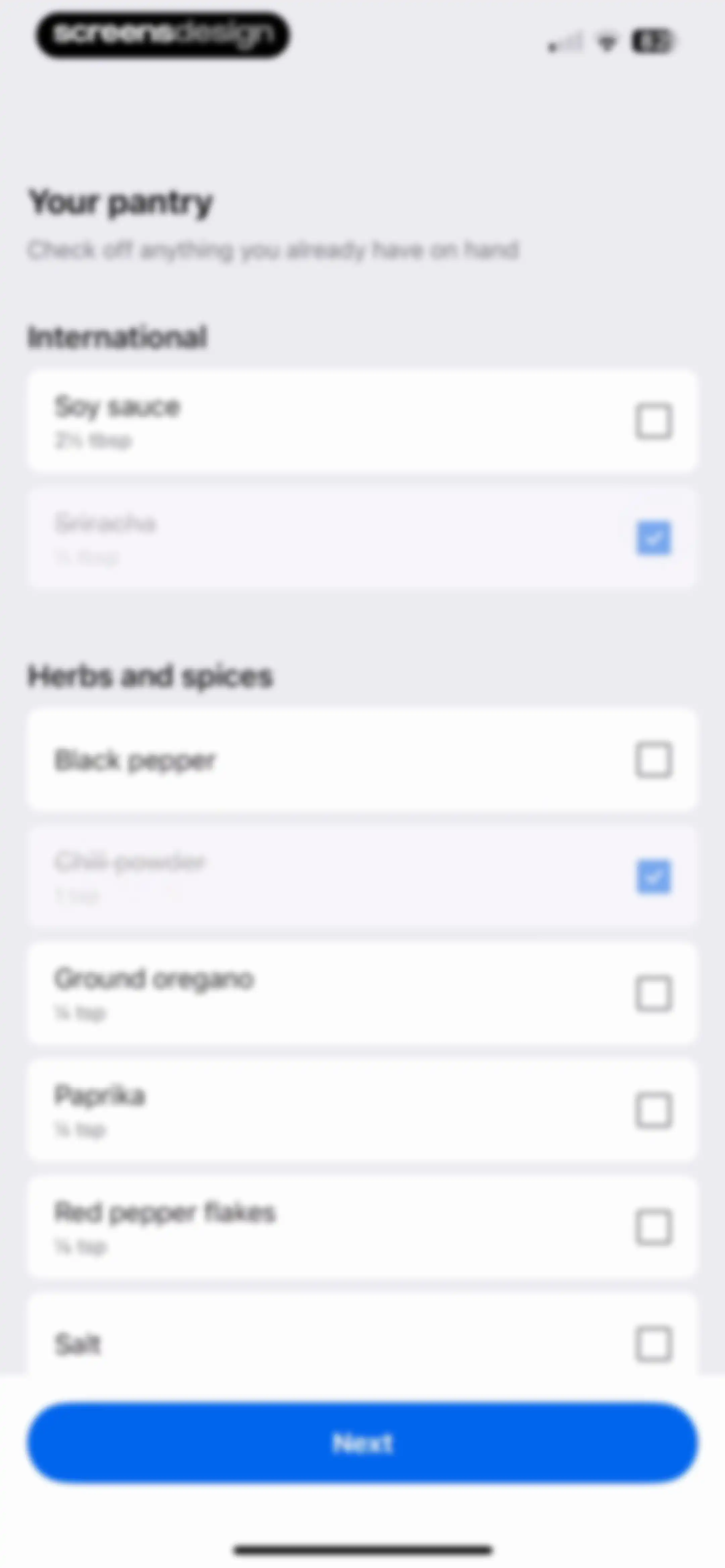
Onboarding pantry checklist screen prompting users to select items already on hand, featuring categorized ingredient lists and a Next button.Unlock Pro
Integration screen prompting the user to order groceries through Whole Foods with a primary action button and skip link.Unlock Pro
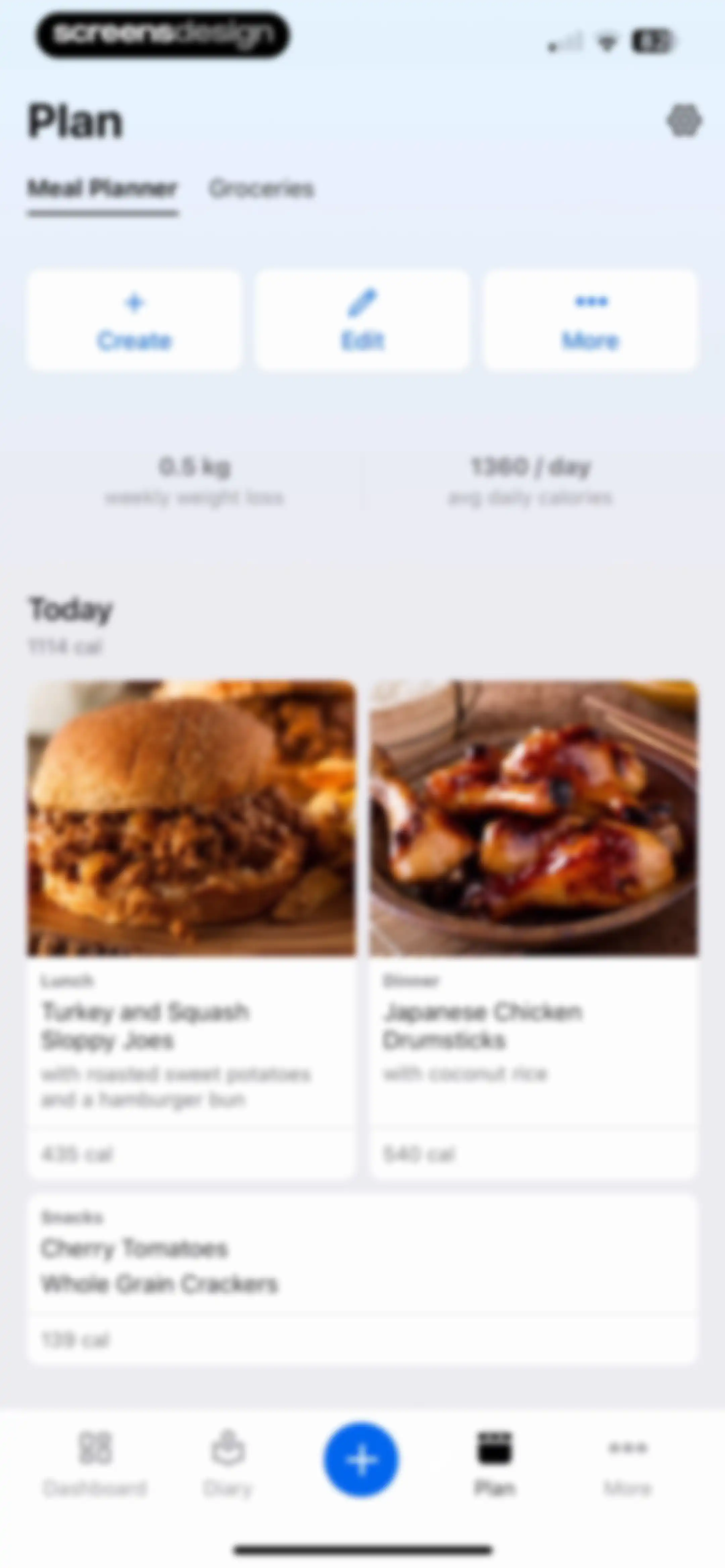
Meal planner dashboard displaying weekly stats, calorie summary, and daily meal cards for lunch, dinner, and snacks.Unlock Pro
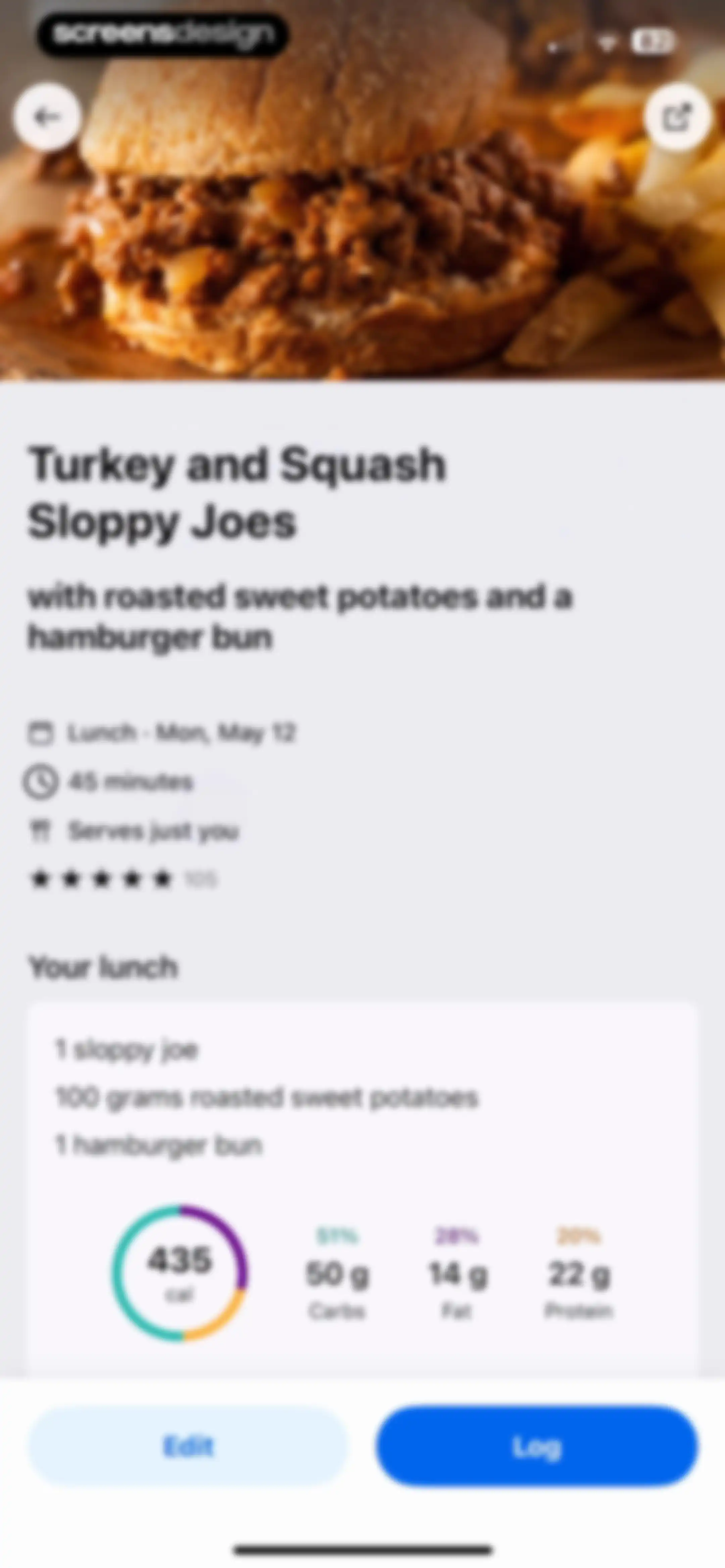
Recipe details screen for Turkey and Squash Sloppy Joes with a nutritional summary card, Edit button, and Log button.Unlock Pro
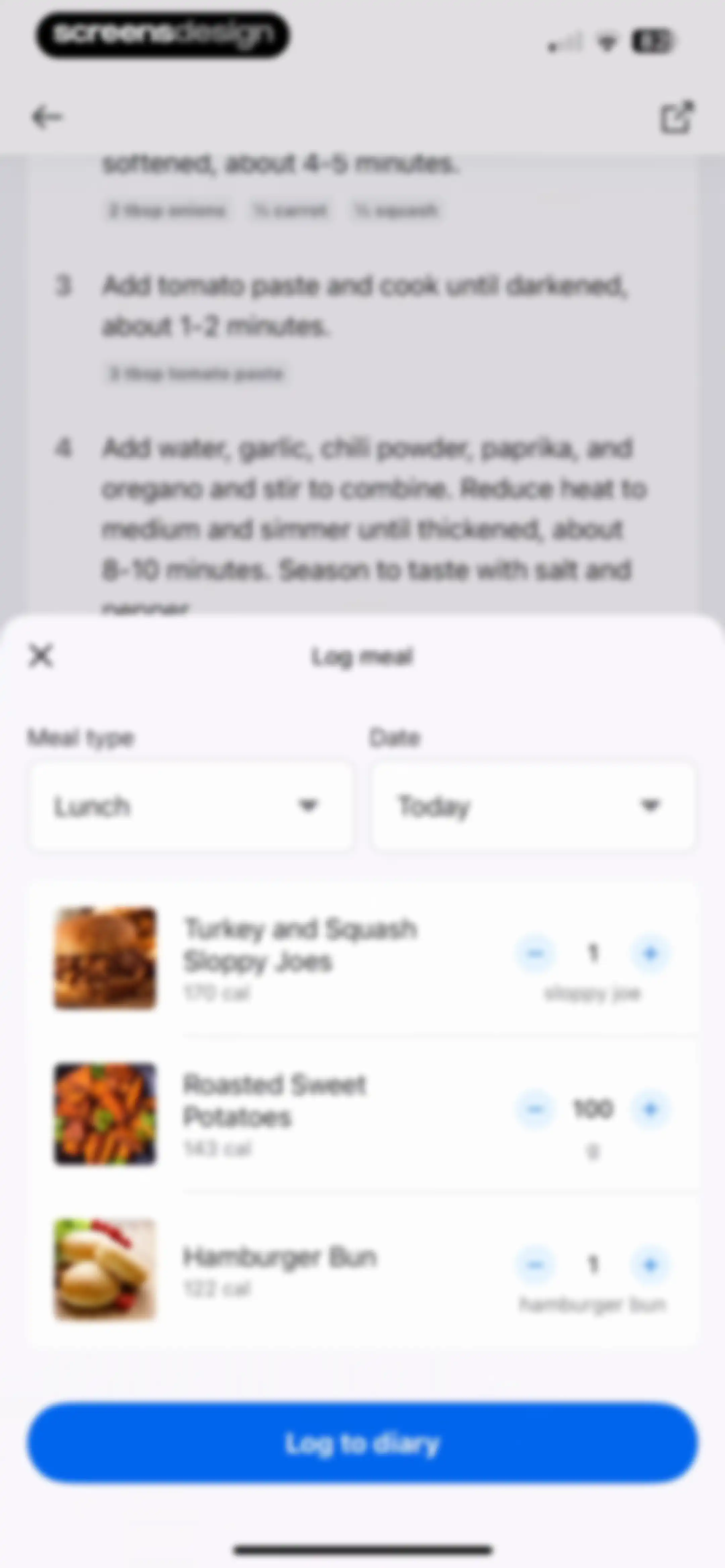
Meal logging form showing a list of food items with quantity controls and a Log to diary button.Unlock Pro
Recipe instruction list with a bottom modal overlay displaying a meal rating prompt and Done button.Unlock Pro
Recipe instruction screen displaying numbered cooking steps with ingredient tags, a Meal logged snackbar notification, and Edit and Log buttons.Unlock Pro
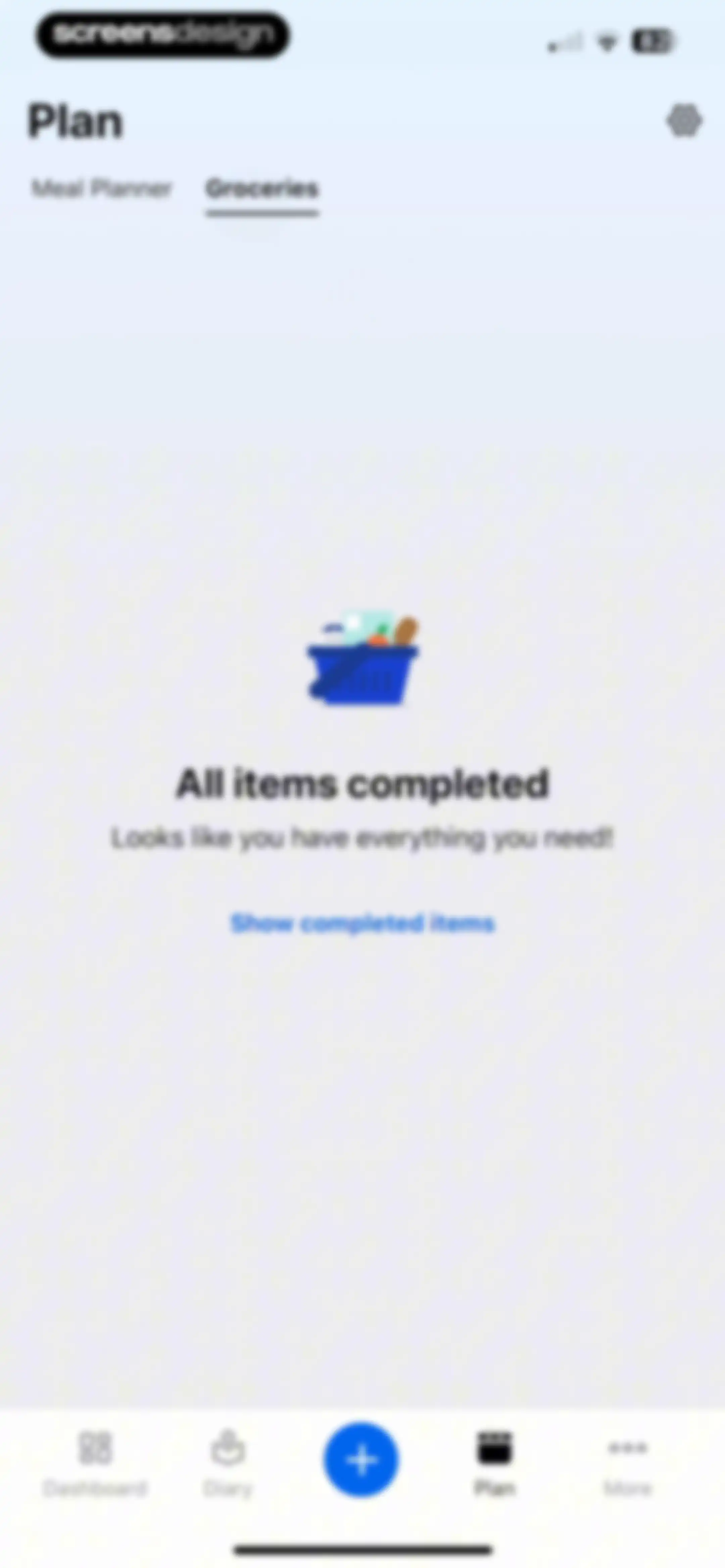
Empty groceries list screen showing an illustration with the message All items completed and a show completed items button.Unlock Pro
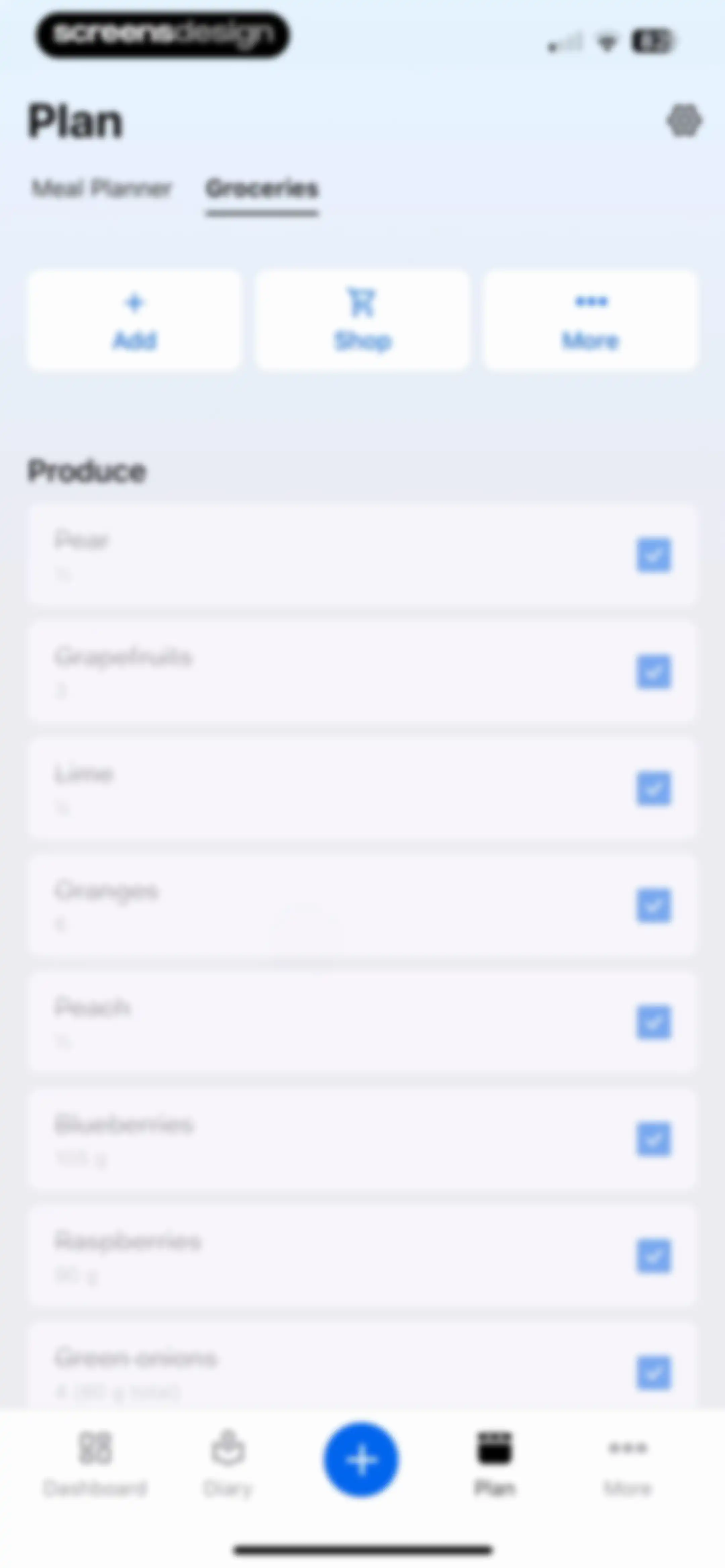
Grocery list dashboard displaying a categorized produce list with checkboxes and action buttons for managing meal plan items.Unlock Pro
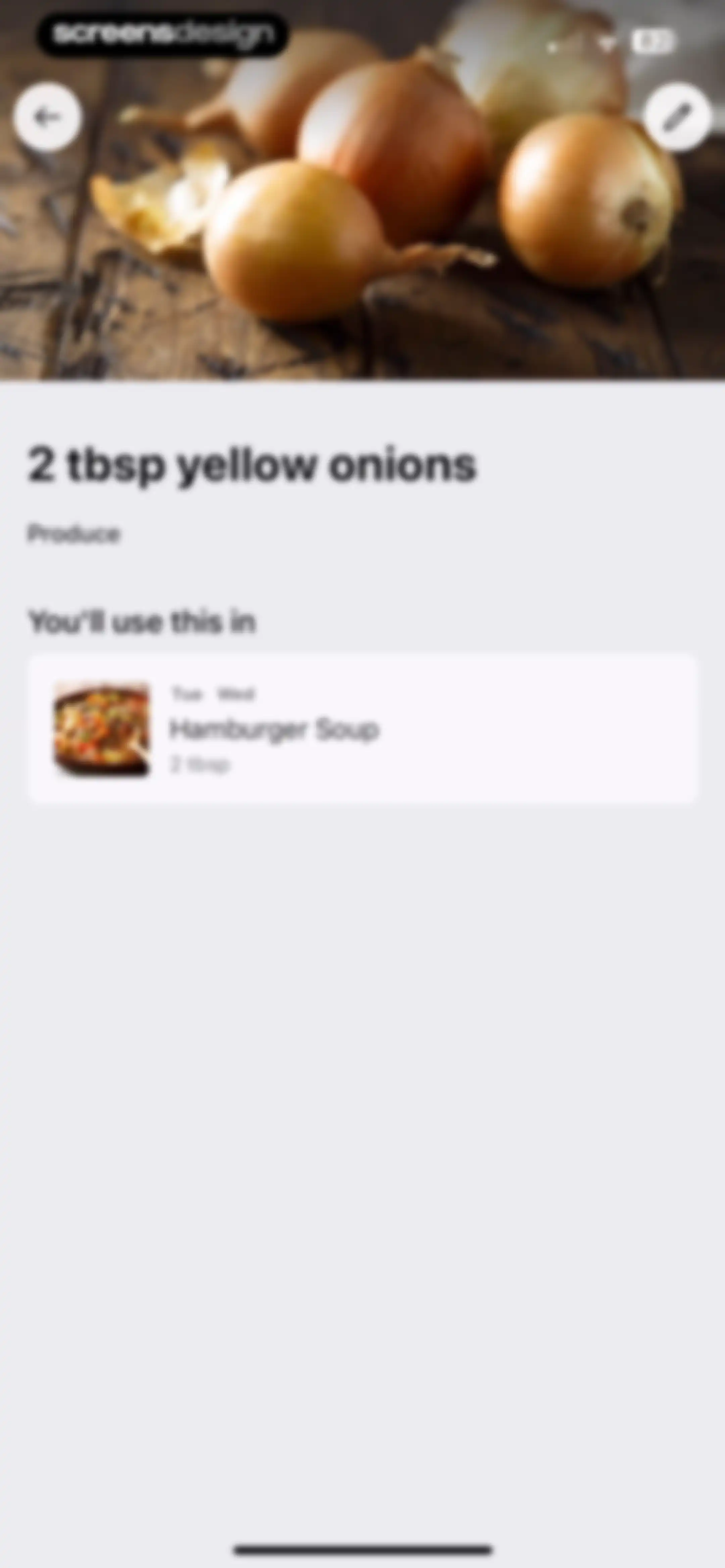
Ingredient detail screen for yellow onions displaying a photo, category, and a recipe usage card for Hamburger Soup.Unlock Pro
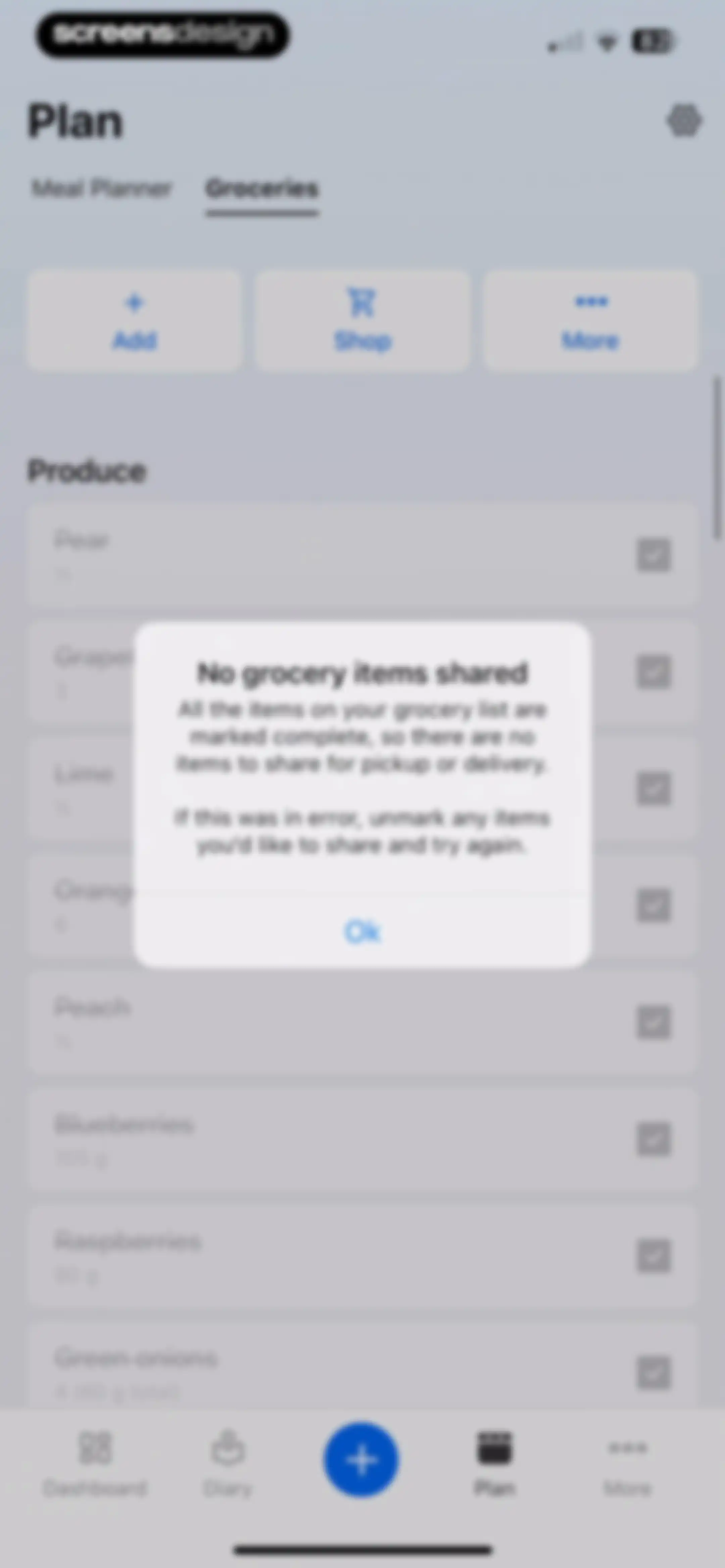
Grocery list screen with a modal alert stating no items are shared because all list items are marked complete, with an Ok button.Unlock Pro
Grocery list dashboard displaying produce items with checkboxes and action buttons for adding and shopping, with the Groceries tab selected.Unlock Pro
Health and fitness dashboard displaying a calorie summary card, habit suggestion carousel, and health metric cards for steps, exercise, and weight.Unlock Pro
MyFitnessPal onboarding modal featuring a celebration message, progress graphic, and Next and Skip buttons.Unlock Pro
Onboarding checklist screen displaying a three-item task list, progress indicator, and a Next button.Unlock Pro
Onboarding screen with a top illustration, heading about staying focused on goals, a Let's Go button, and a skip link.Unlock Pro
Nutrition dashboard displaying a circular calorie chart, summary metrics, and a list of foods highest in calories with a View More link.Unlock Pro
Analytics screen showing foods highest in calories for today, featuring a date selector and a list of food items with their calorie counts.Unlock Pro
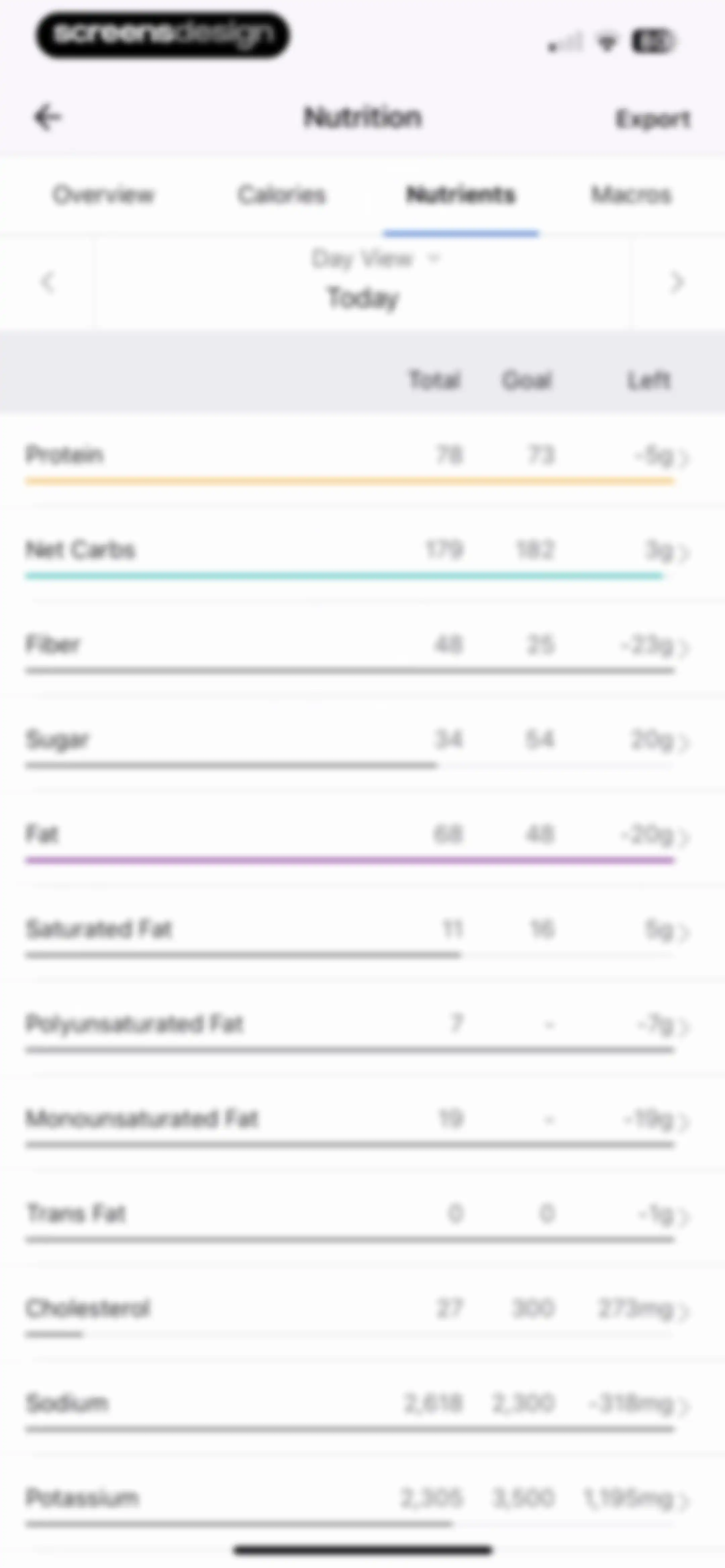
Nutrition dashboard displaying a detailed list of daily nutrient intake values and goals, with the Nutrients tab selected and an Export button.Unlock Pro
Nutrition dashboard showing the Macros tab with a daily macronutrient breakdown chart and categorized food lists.Unlock Pro
Nutrition dashboard overview showing a progress arc, log summary cards, a Log a food button, and an upcoming feature announcement.Unlock Pro
Food search and logging screen for lunch with a search bar, quick action buttons, and a history list of recent items.Unlock Pro
Food logging editor screen displaying a search bar, quick action buttons, and a history list of recent food items with add buttons.Unlock Pro
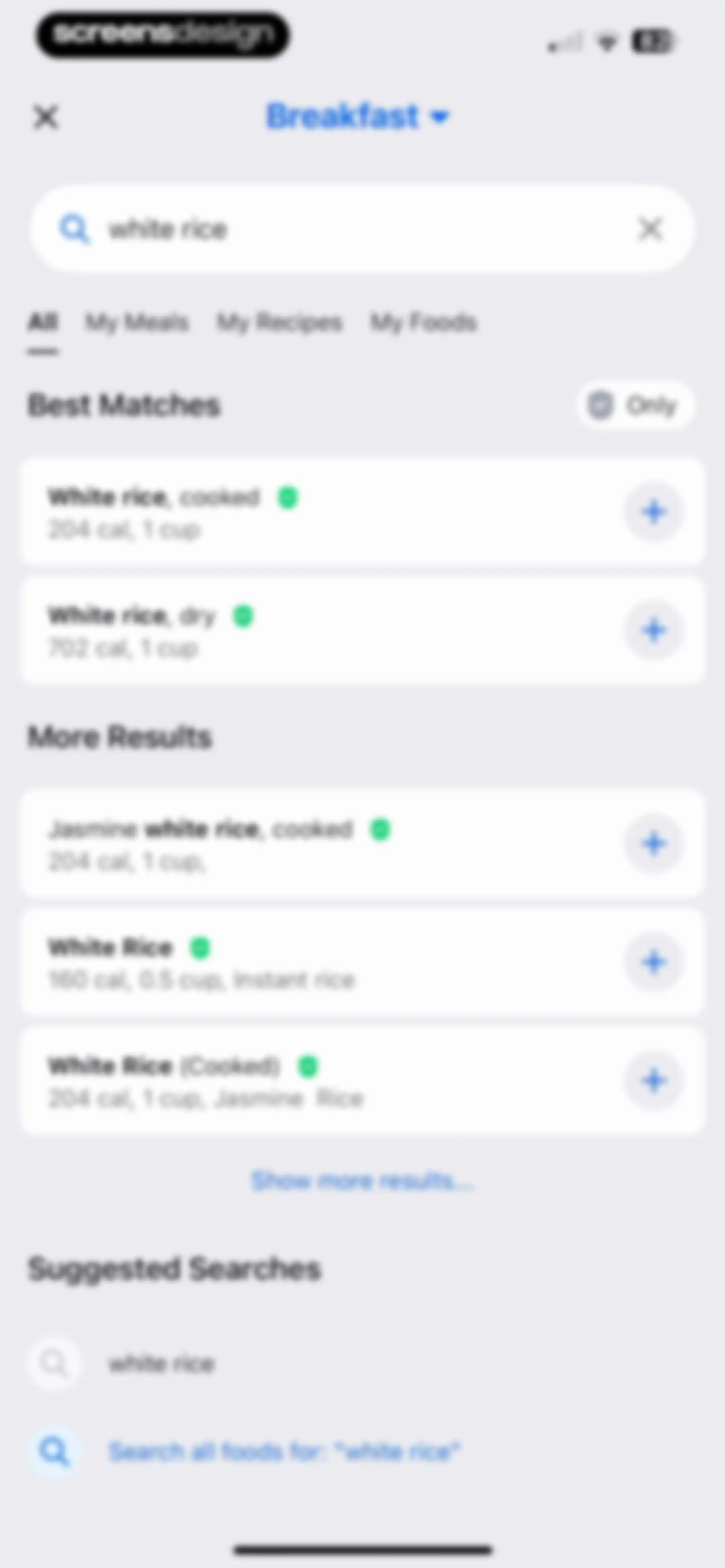
Food search results for white rice under breakfast, with calorie information and add buttons for each item.Unlock Pro
Meal search screen for breakfast with the My Meals tab selected, showing an empty state illustration and search input for white rice.Unlock Pro
Empty state search screen for breakfast recipes showing no results for white rice, with an option to add custom recipes.Unlock Pro
Food search interface with the query white rice, My Foods tab selected, and an empty state suggesting custom food creation.Unlock Pro
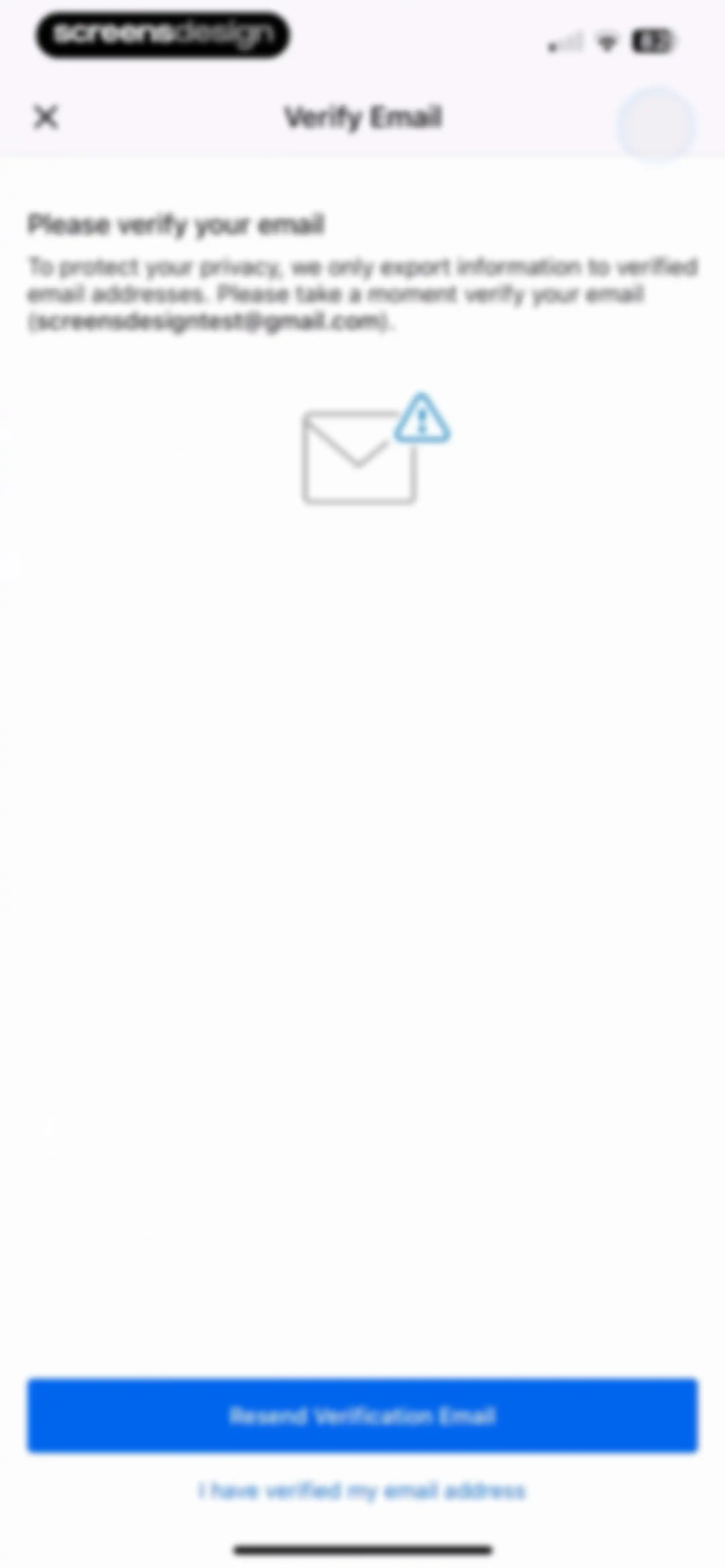
Email verification modal in the MyFitnessPal app requesting address verification for data export, with a resend button and verification status link.Unlock Pro
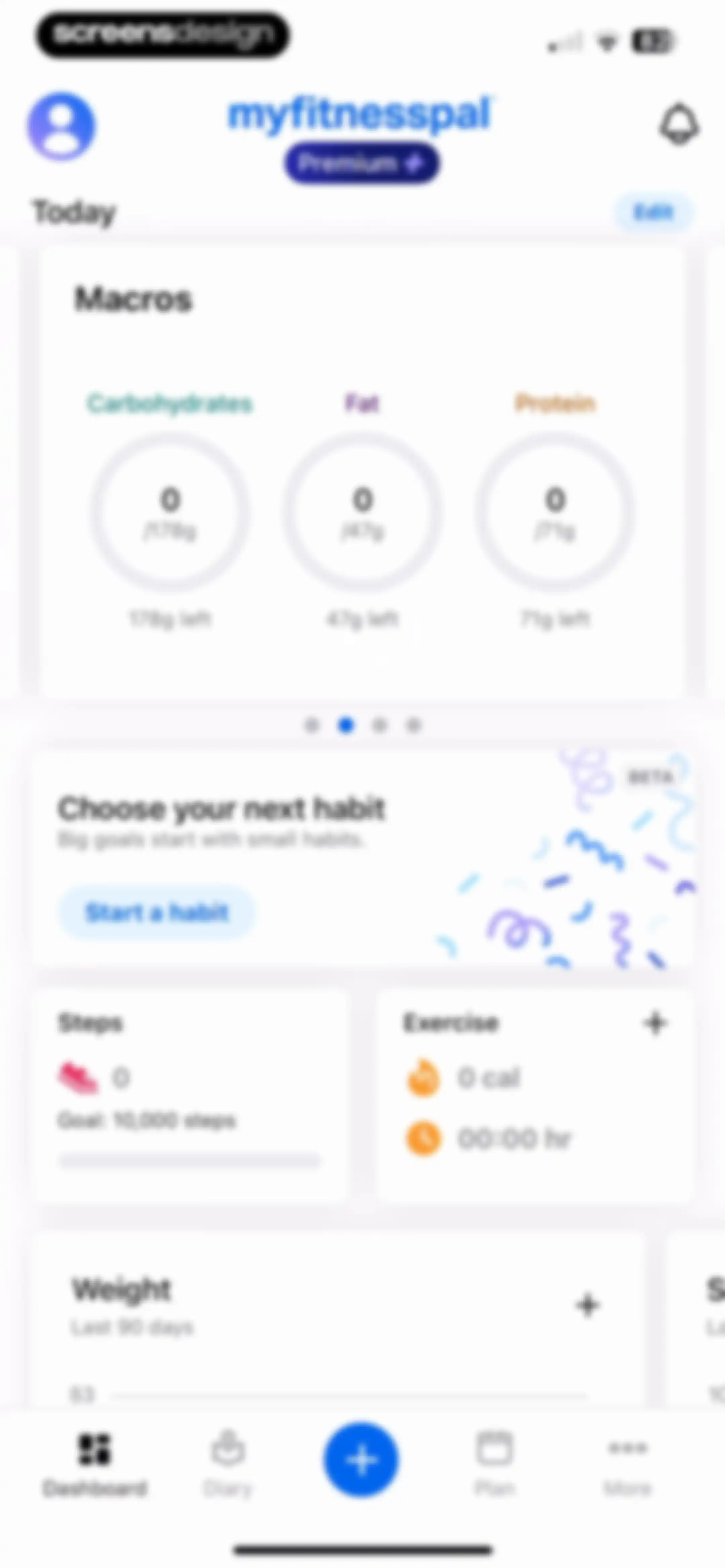
Health tracking dashboard displaying macro progress rings, a habit promotion card, and metric cards for steps, exercise, and weight with a bottom navigation bar.Unlock Pro
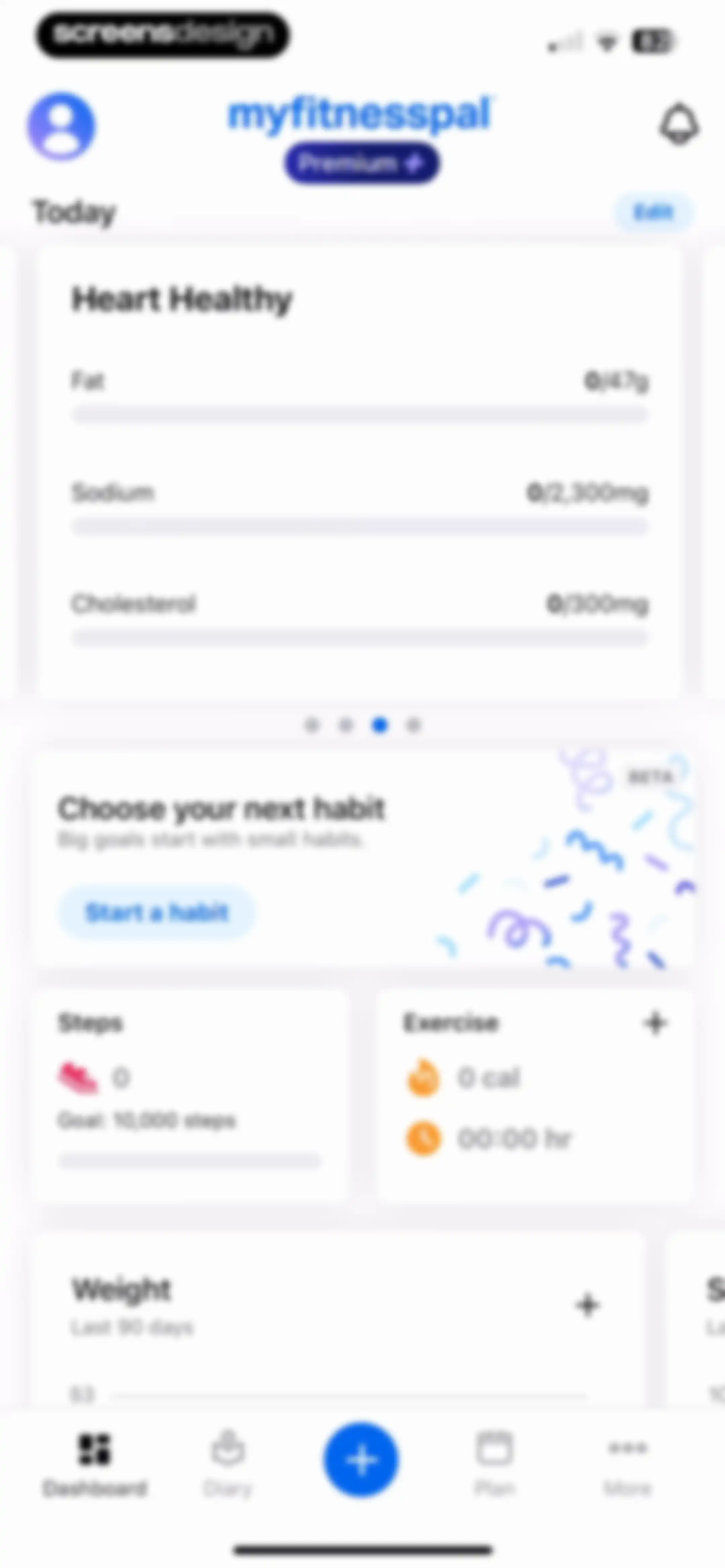
MyFitnessPal dashboard displaying health metrics, a habit tracking card, and activity cards for steps, exercise, and weight.Unlock Pro
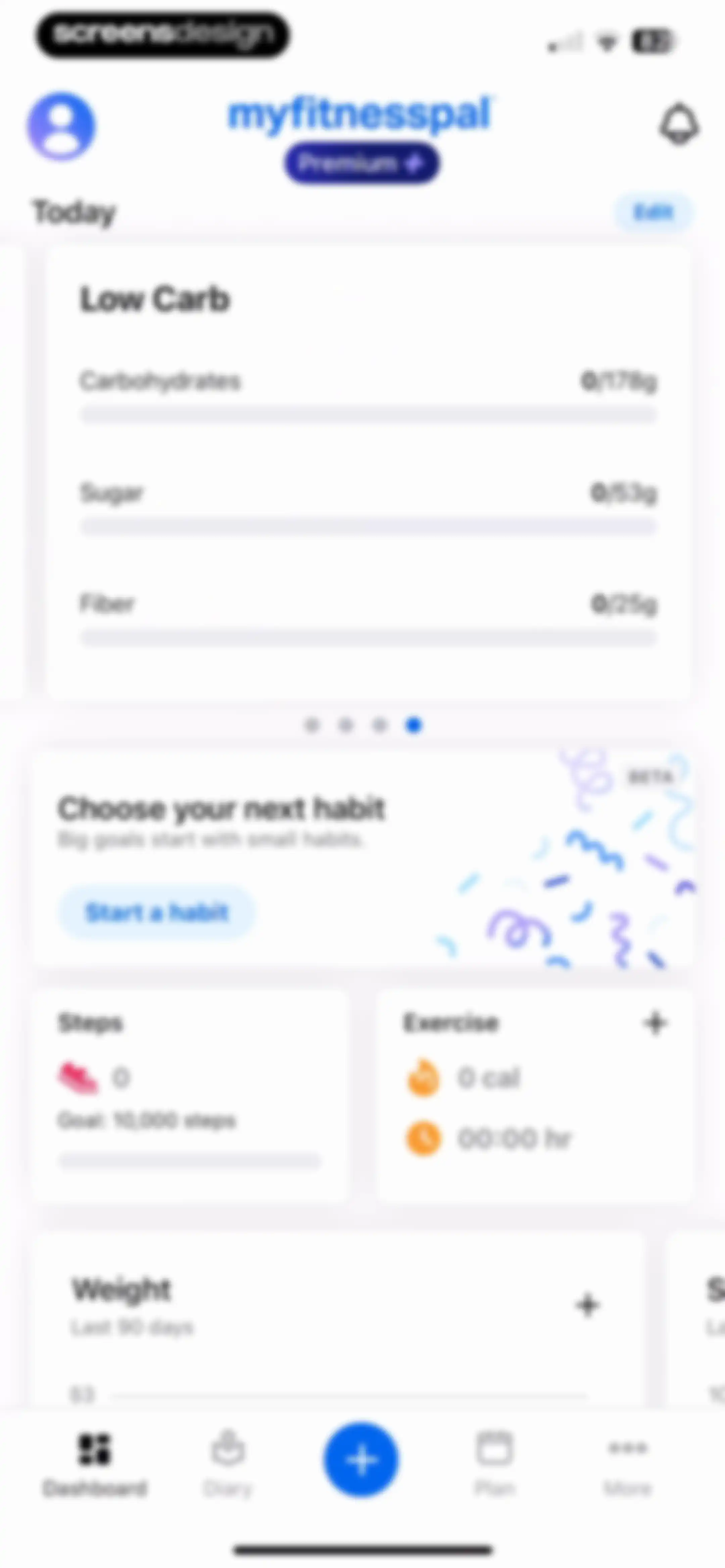
Health app dashboard showing nutritional tracking, a habit promotion card, activity and step counts, a weight progress chart, and a bottom navigation bar.Unlock Pro
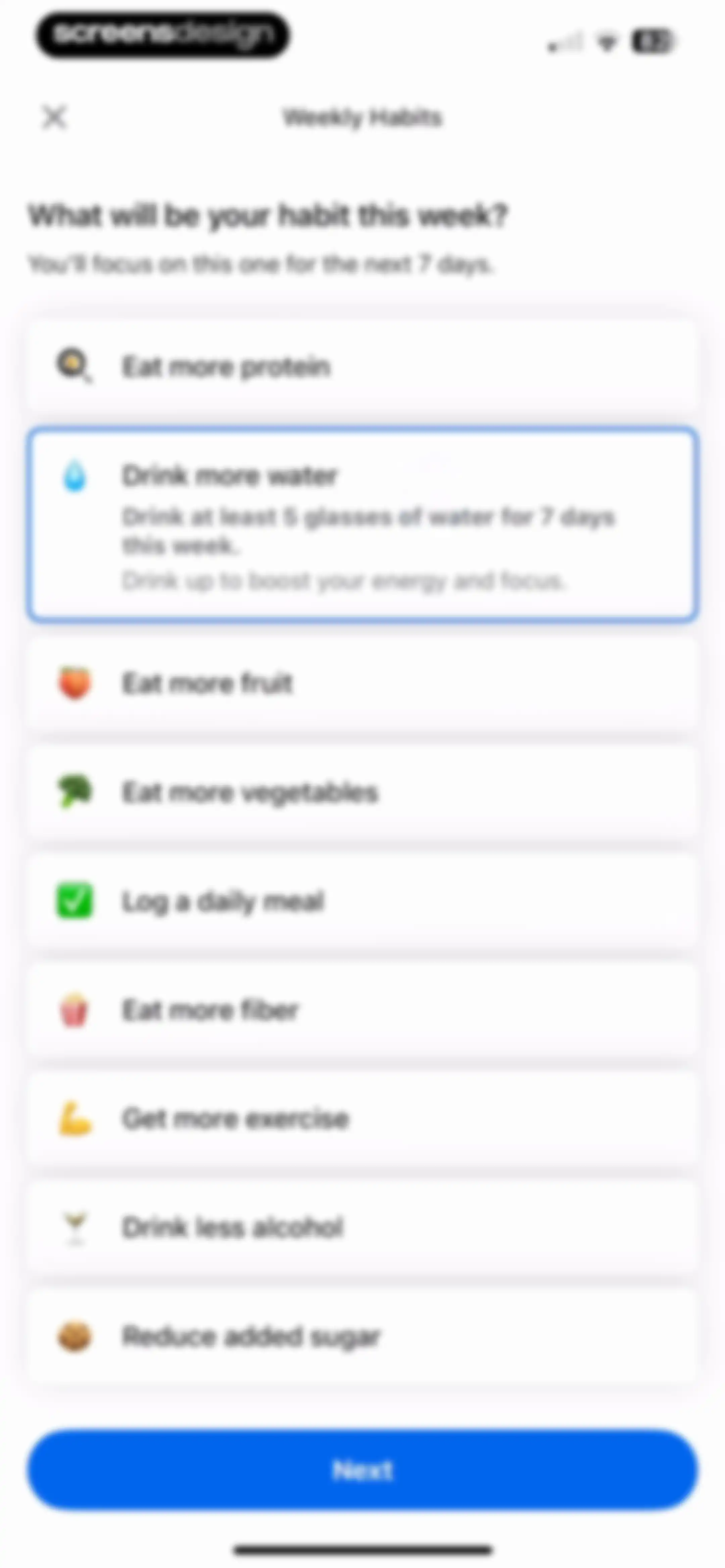
Weekly habits onboarding screen with a list of health goals, the drink more water option selected, and a Next button.Unlock Pro
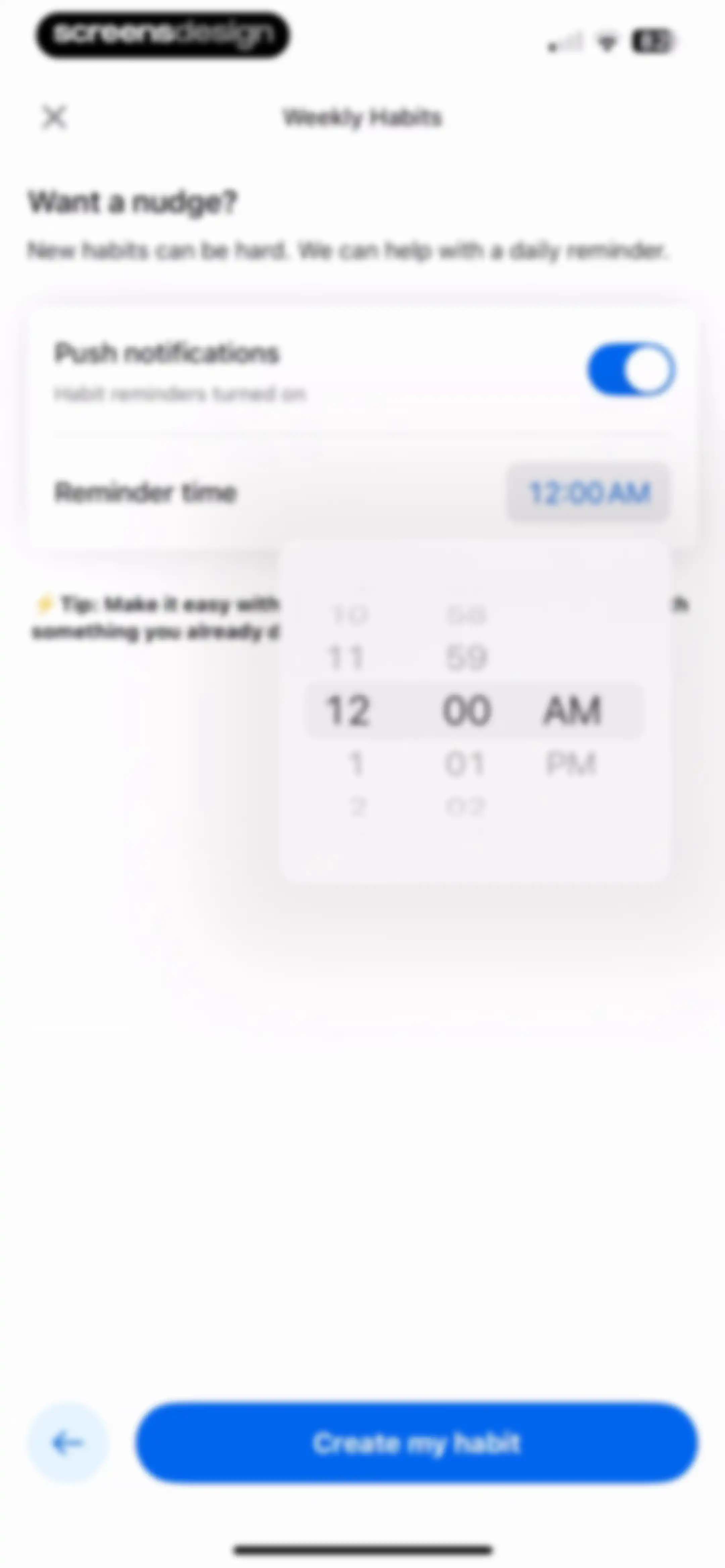
Habit reminder setup screen with a push notification toggle, a time picker modal, and a Create my habit button.Unlock Pro
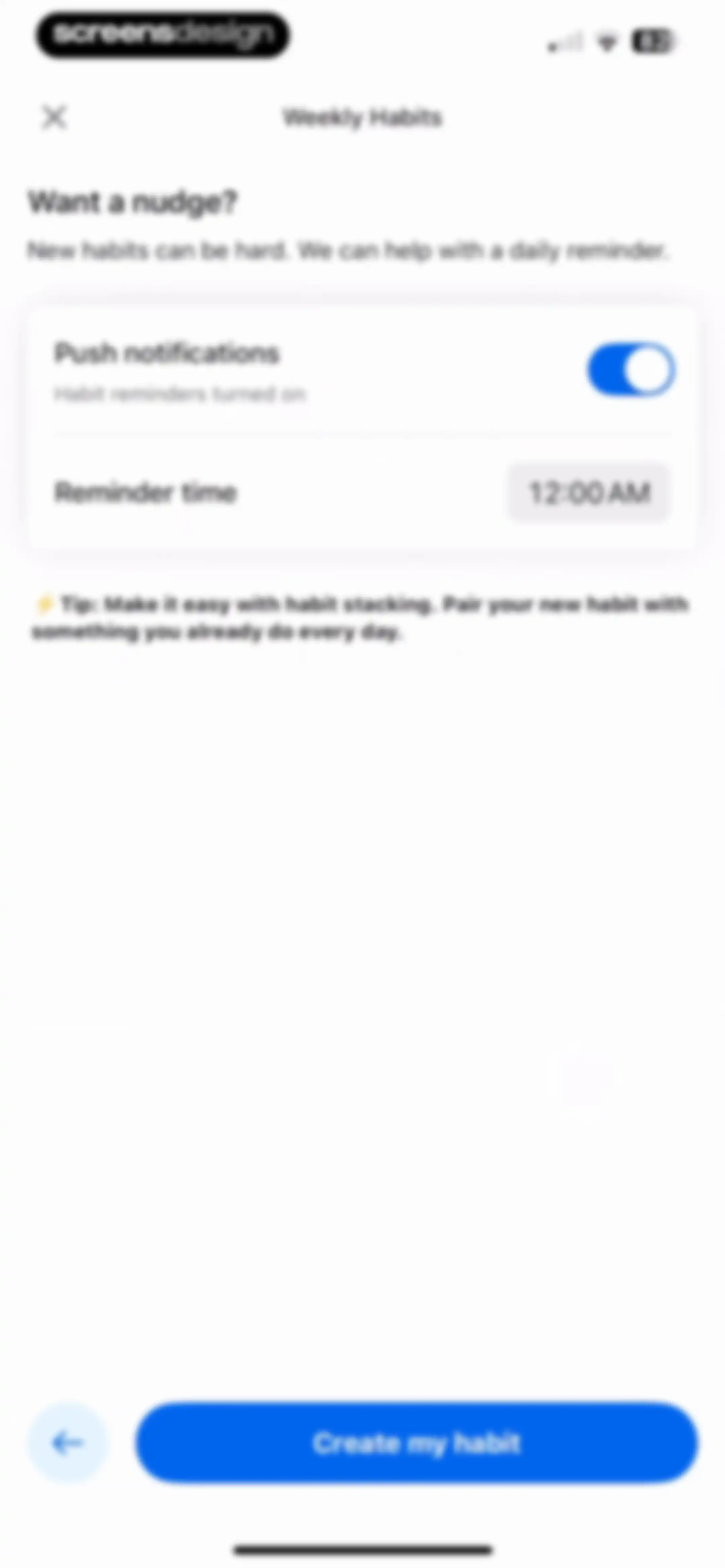
Weekly Habits reminder setup form with an active push notifications toggle, a reminder time set to 12:00 AM, and a Create my habit button.Unlock Pro
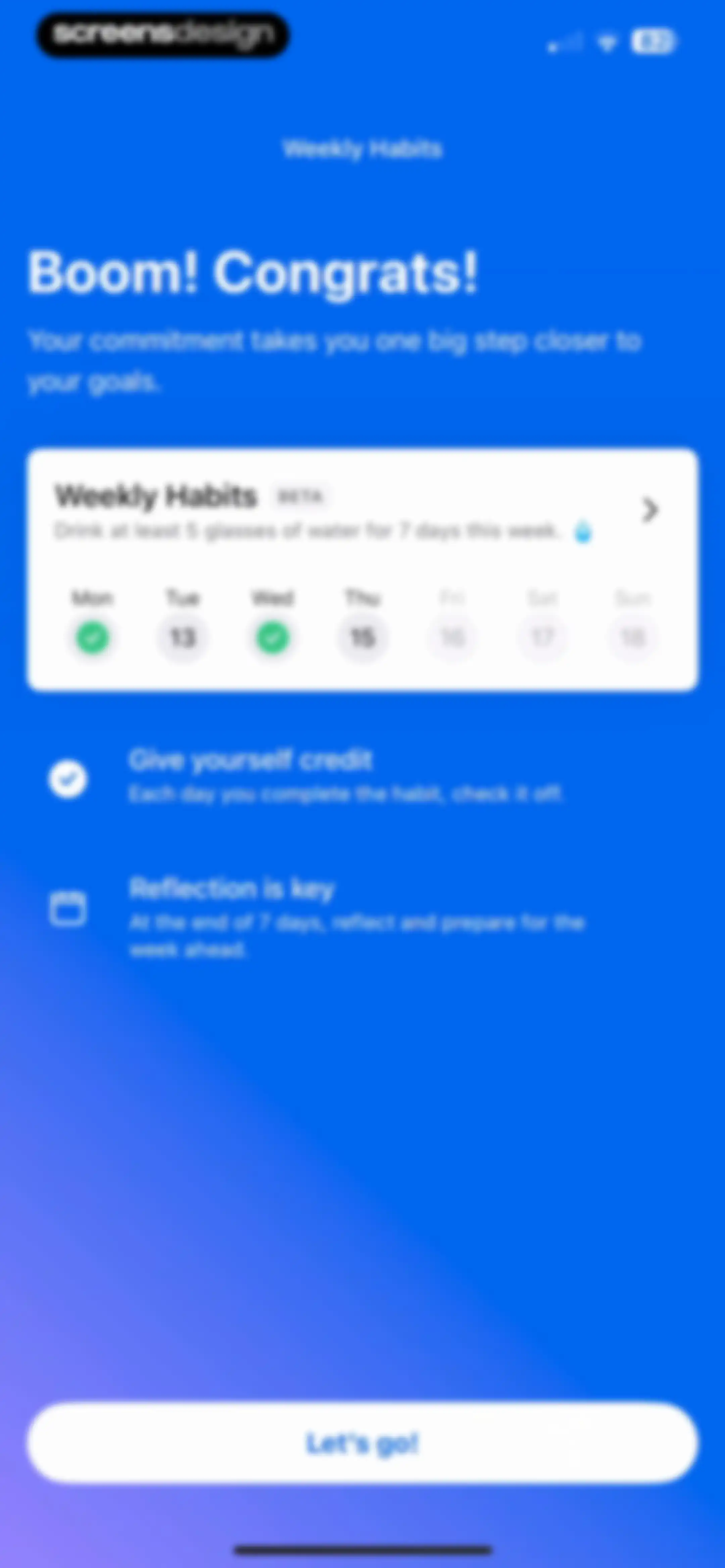
Onboarding screen introducing weekly habits with a beta feature card, instructions, and a Let's go button.Unlock Pro
Habit settings screen for managing a water drinking goal, featuring notification toggles, a reminder time picker, and a leave habit button.Unlock Pro
Fitness progress dashboard for steps over one month, displaying an empty state with no data available and zero summary statistics.Unlock Pro
Progress dashboard displaying no data available and a bottom modal overlay open to select a measurement.Unlock Pro
Measurement entry form with a Waist input field set to 29, a numeric keypad, and a save button.Unlock Pro
Food diary dashboard displaying a calorie summary, a modal overlay for a food logging streak, meal sections with listed items, and an Intermittent Fasting Tracker promotional card.Unlock Pro
Food logging form displaying details for Hamburger Bun with serving size, nutritional summary, and a confirm button.Unlock Pro
Food logging editor displaying editable serving details for a hamburger bun, nutritional summary cards, calendar date selector, and a save button.Unlock Pro
Food logging form for a hamburger bun with fields for serving size, meal, time, and a macro summary showing 244 calories.Unlock Pro
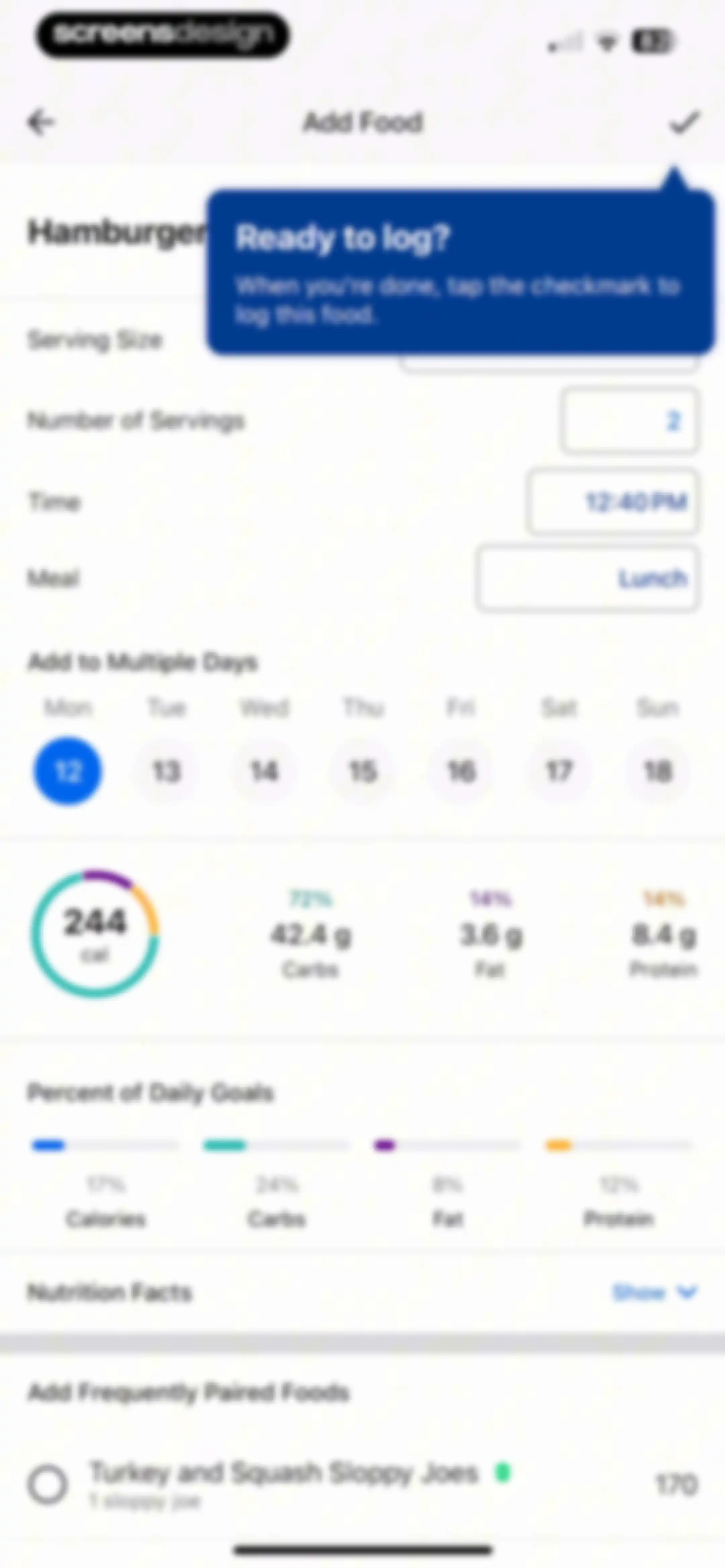
Food logging form for a hamburger with input fields, a calendar strip, macro summaries, daily goal progress bars, and paired food options.Unlock Pro
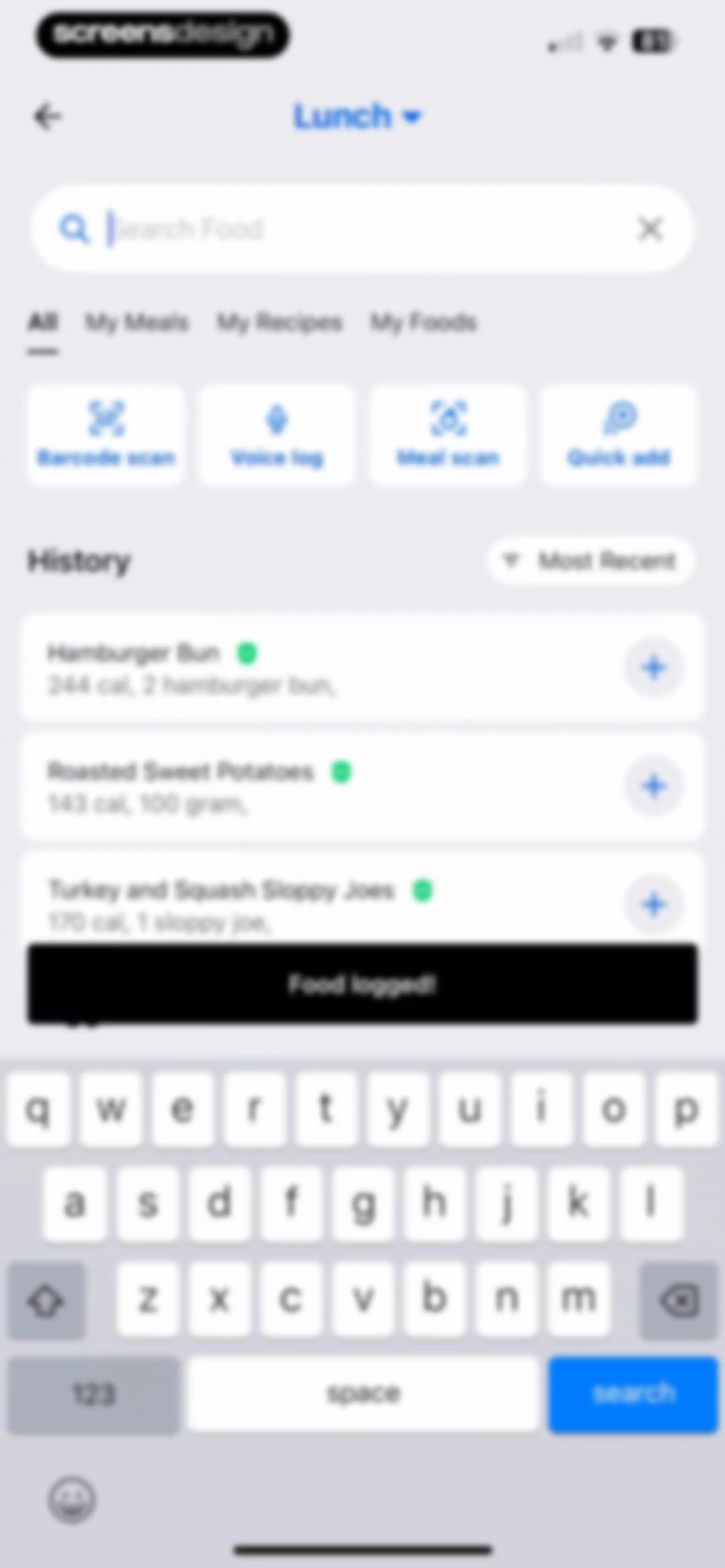
Food search and logging screen with a search bar, quick action buttons, a history list of recent items, and a food logged confirmation.Unlock Pro
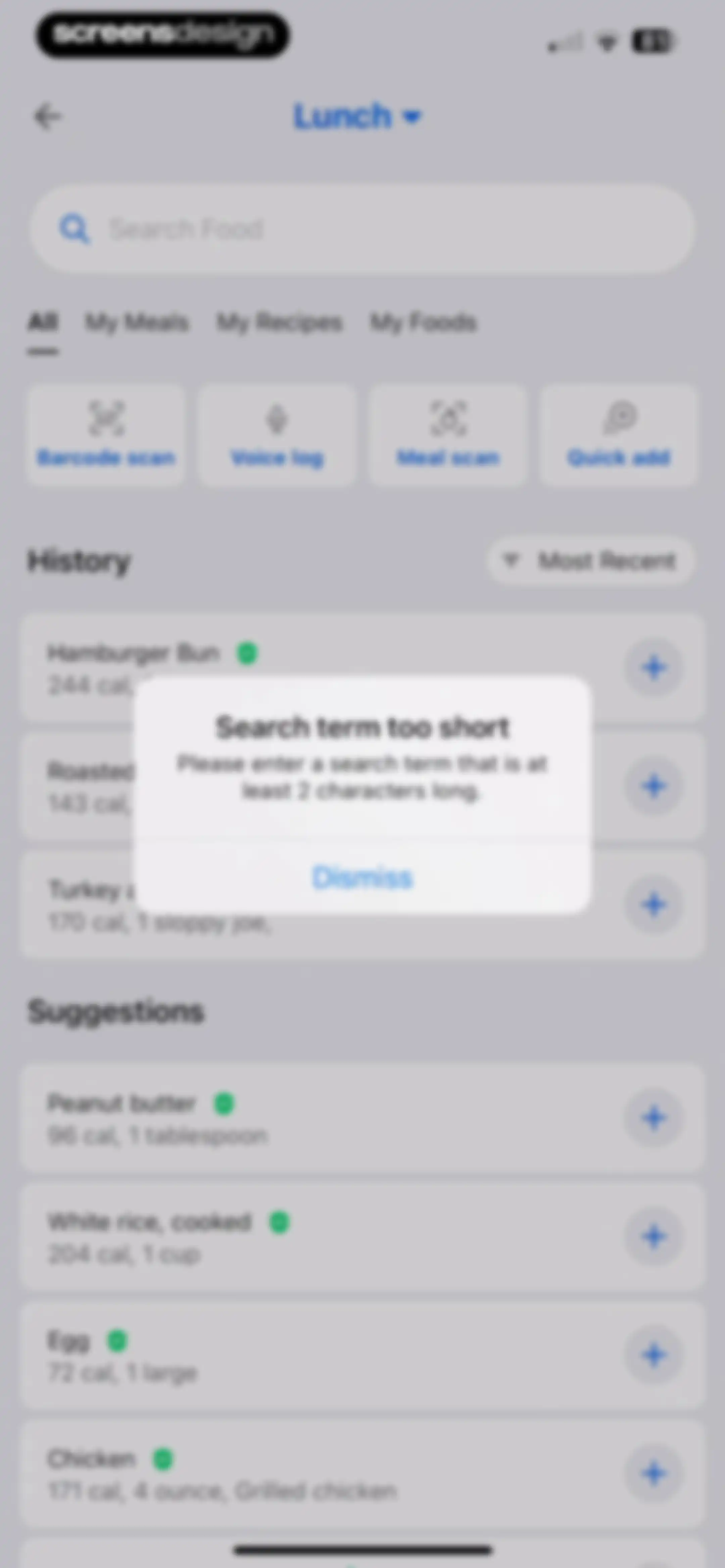
Food search screen with a validation error modal stating the search term is too short and a dismiss button.Unlock Pro
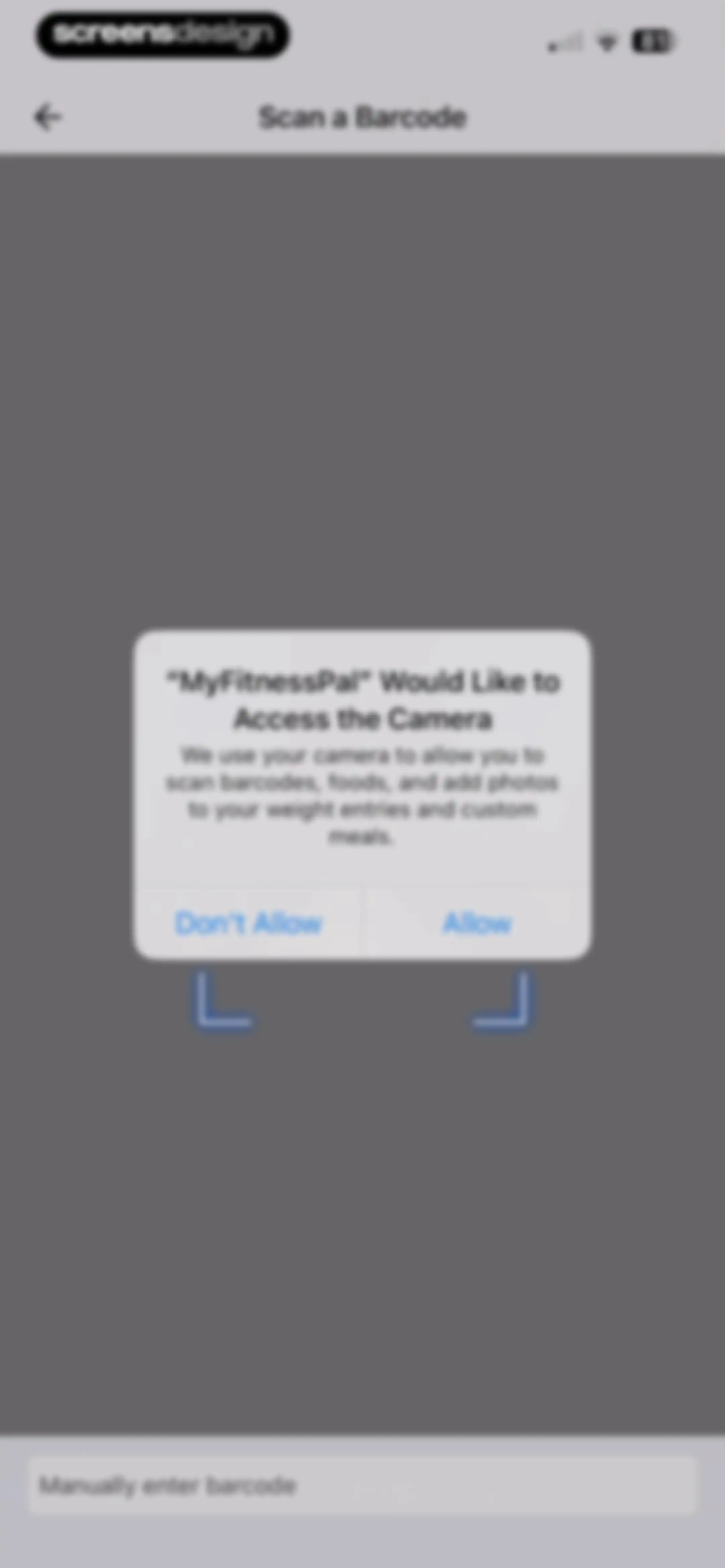
Camera permission request screen for MyFitnessPal with a modal asking to access the camera and an option to manually enter a barcode.Unlock Pro
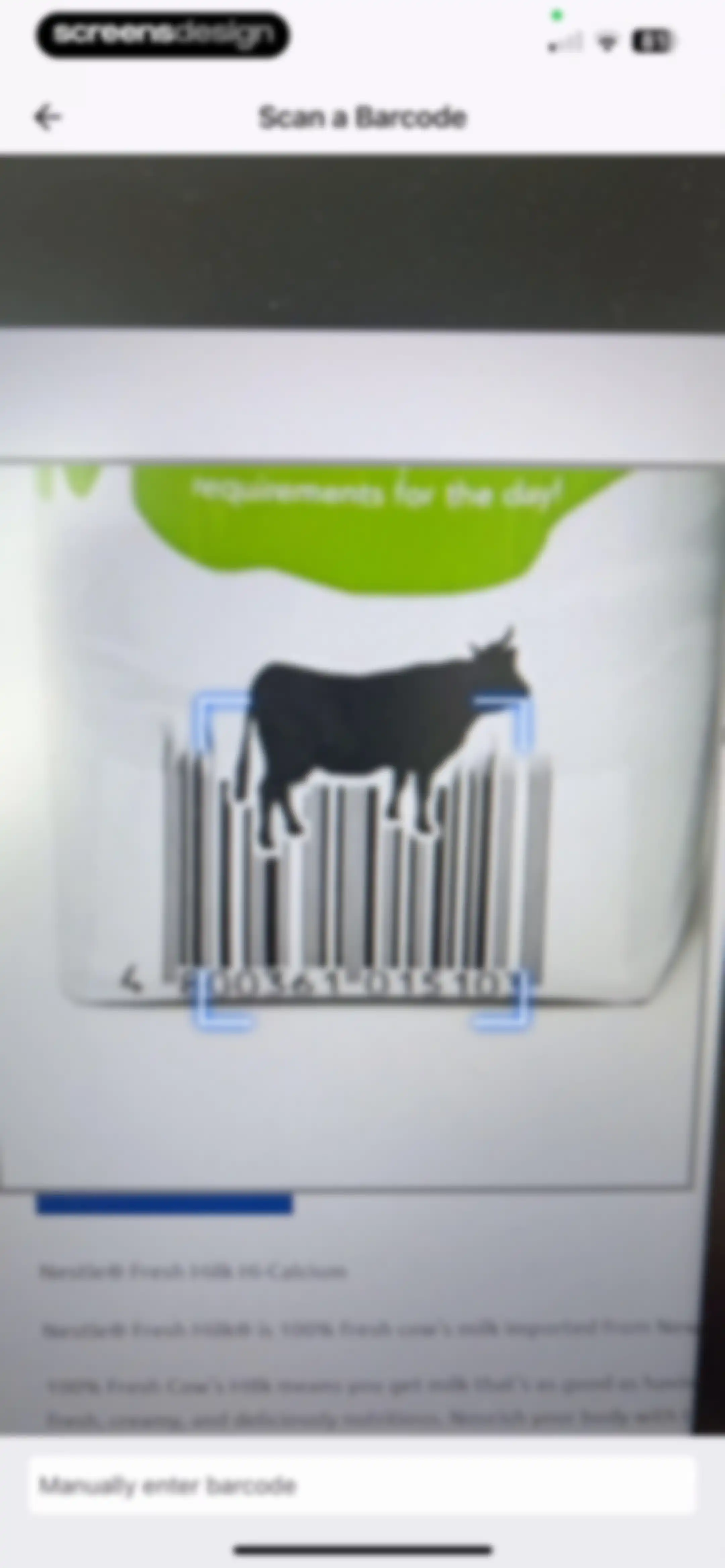
Barcode scanner interface featuring a camera viewfinder with a scanning overlay, product information for Nestle Fresh Milk Hi-Calcium, and a manual entry button.Unlock Pro
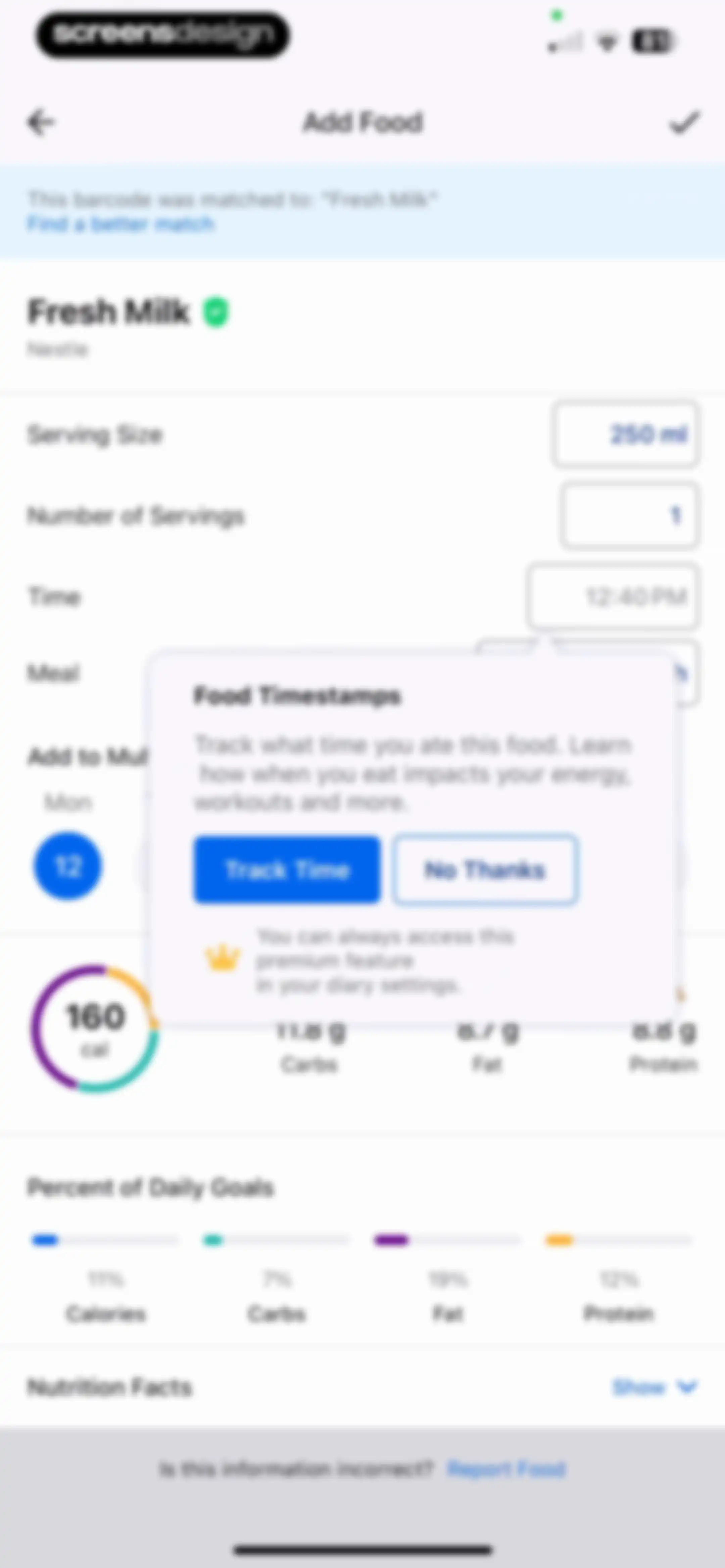
Food entry form for Fresh Milk with a nutritional summary and a central modal prompting to track food timestamps.Unlock Pro
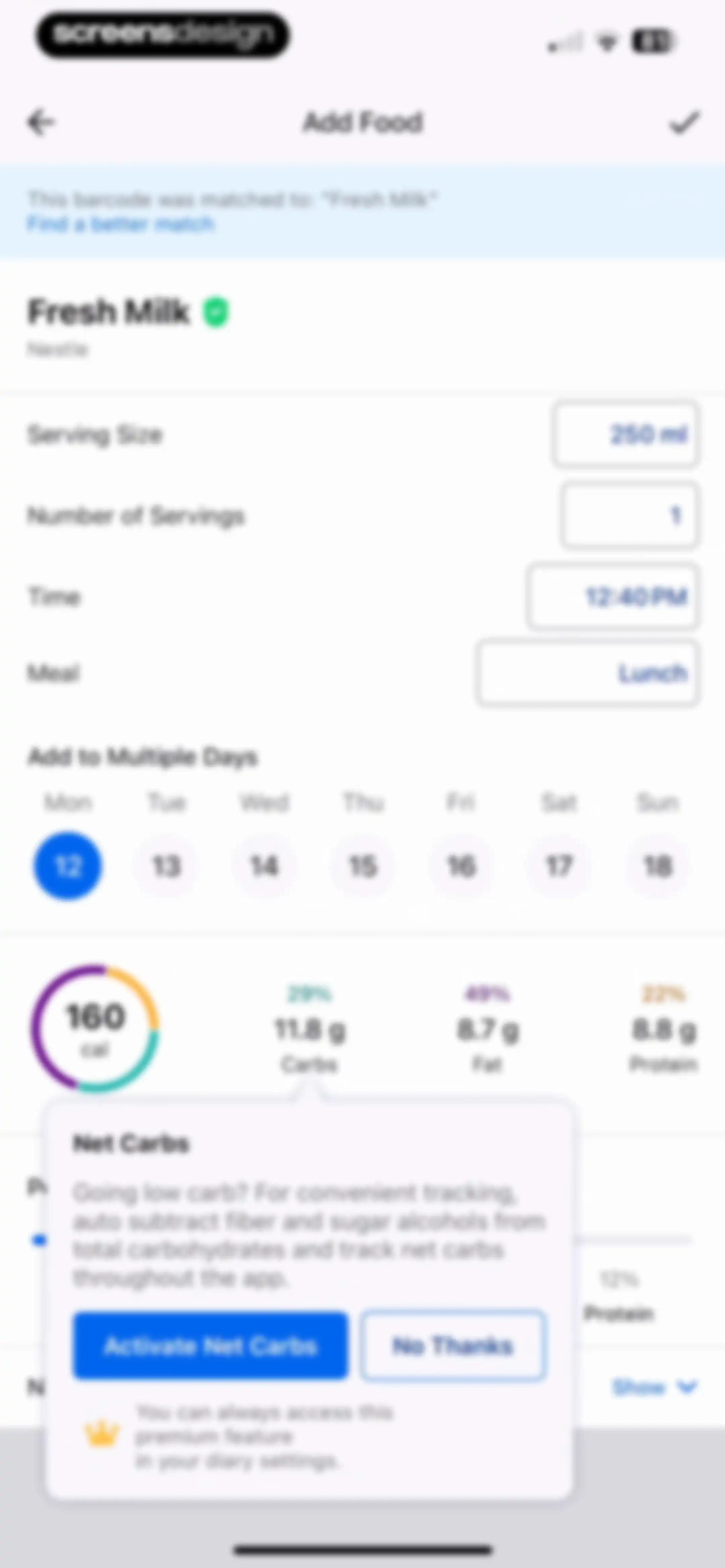
Food logging form with nutritional summary and a premium feature modal promoting Net Carbs activation.Unlock Pro
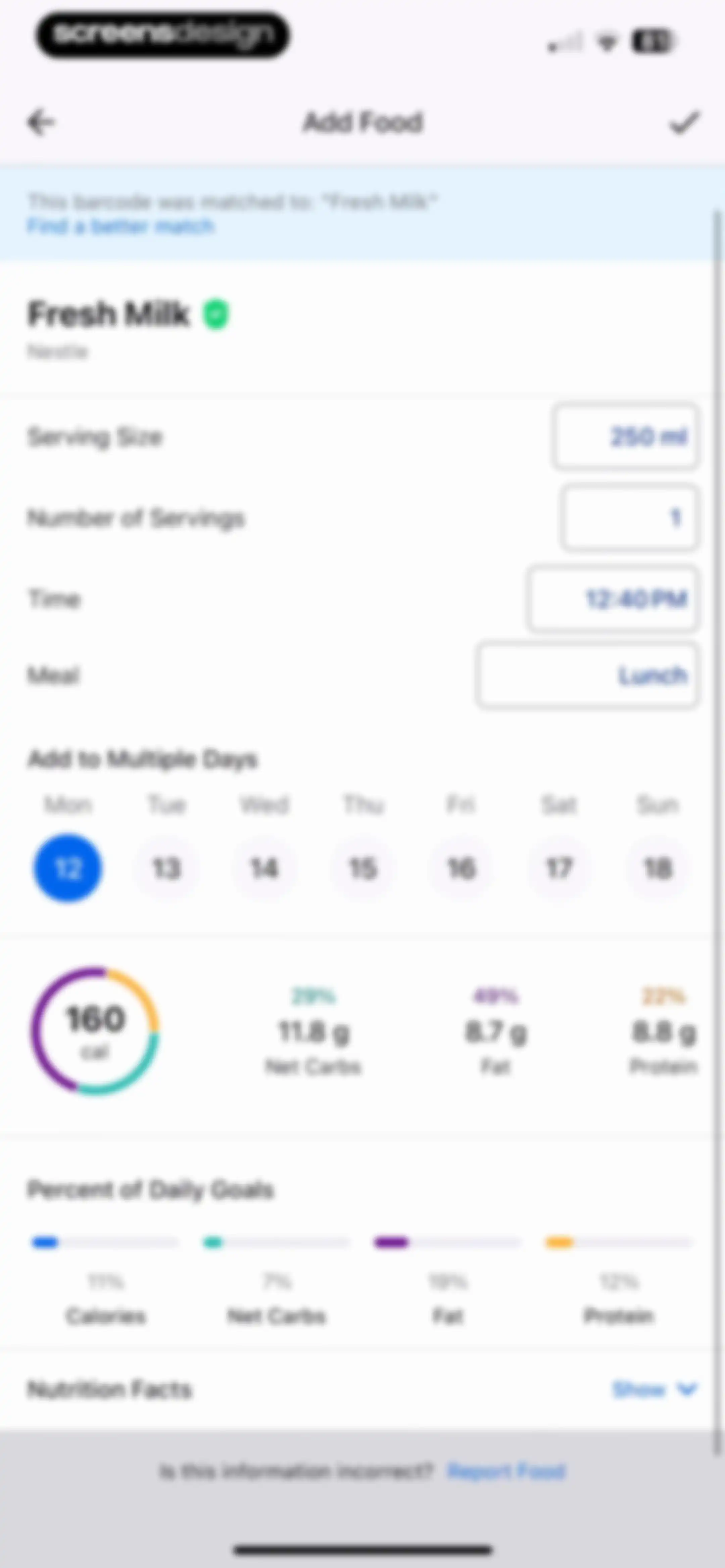
Food logging form for Fresh Milk with editable serving details, nutritional summary cards, daily goal progress, and a save action.Unlock Pro
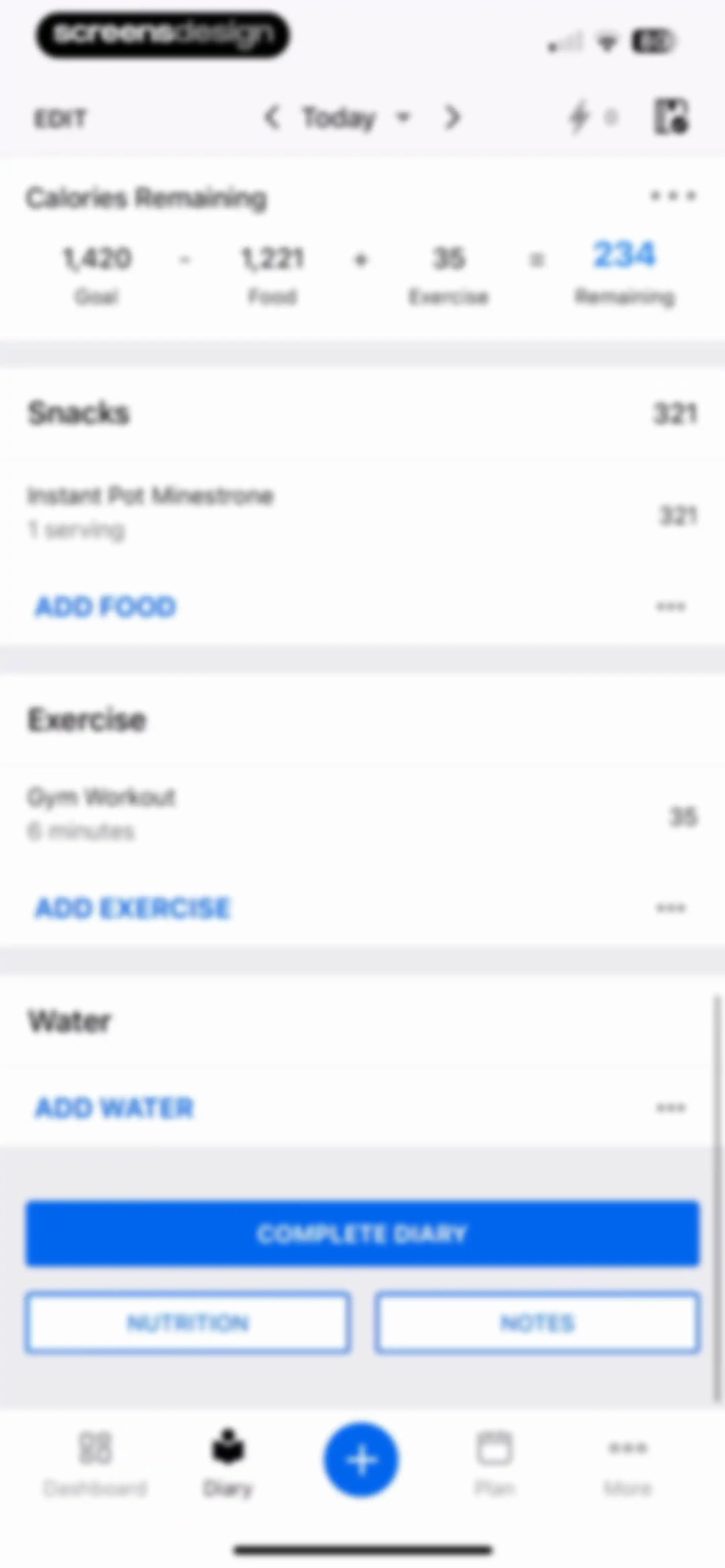
Fitness app diary dashboard displaying a calorie summary card with 1,420 remaining, meal logging sections, and a Complete Diary button.Unlock Pro
Calorie tracking dashboard showing a daily summary and meal list with a modal asking Done tracking for Today and Complete Diary and Cancel buttons.Unlock Pro
Informational alert modal warning about low daily calorie intake, with health guidance and recommendations.Unlock Pro
Health and fitness dashboard displaying nutrition tracking, weekly habits, steps, exercise stats, and a weight card with a bottom navigation bar.Unlock Pro
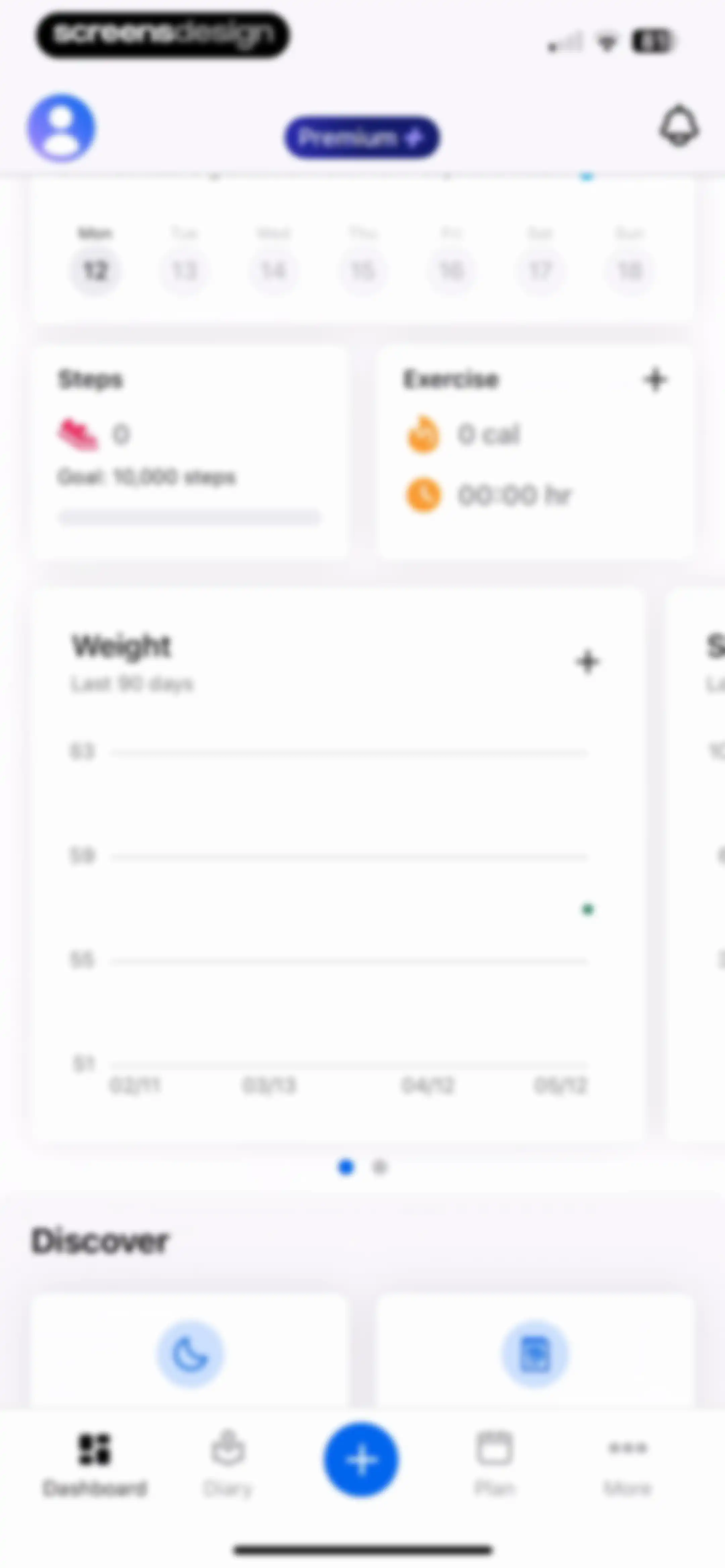
Fitness app dashboard displaying a calendar strip, metric cards for steps and exercise, a weight progress chart, and a Discover section.Unlock Pro
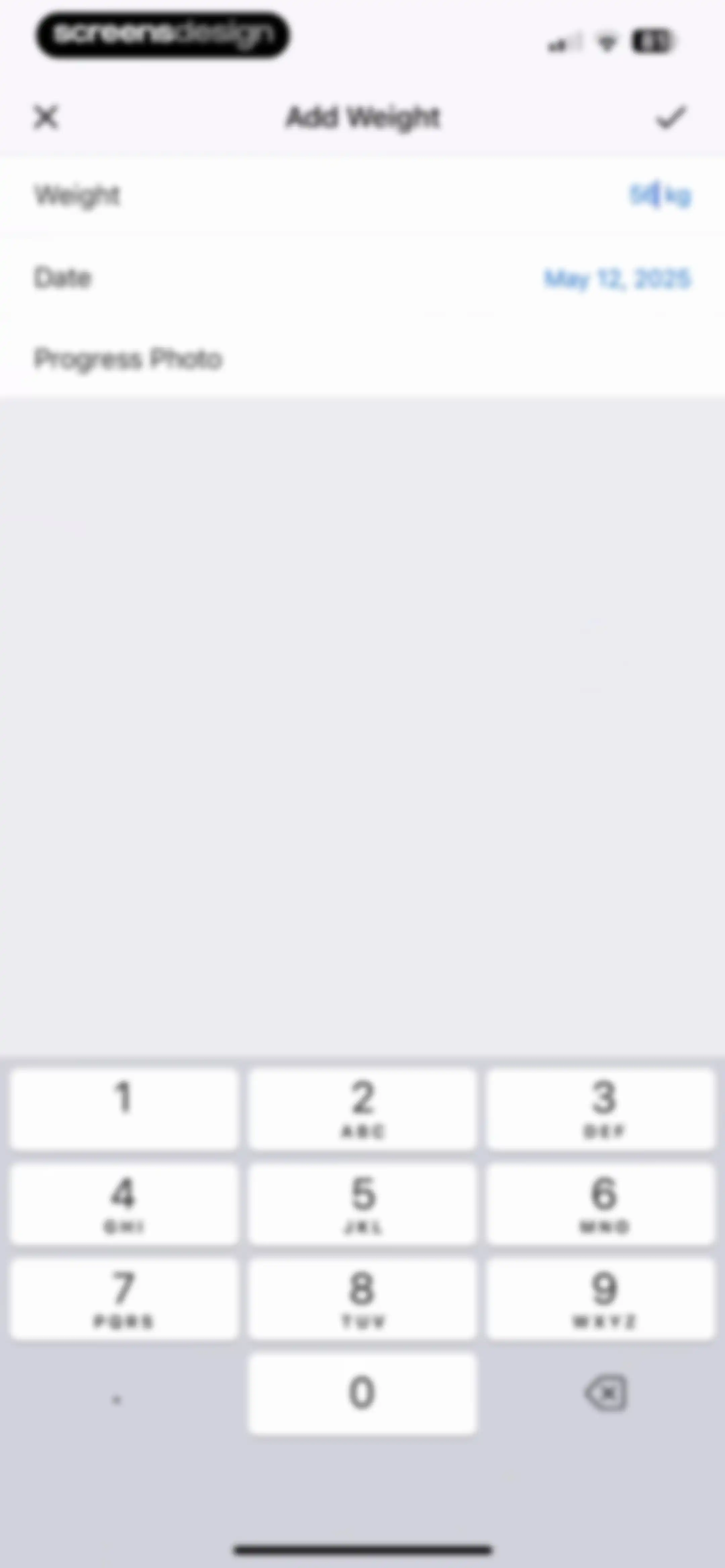
Add Weight form with fields for weight set to 56 kg and date, a progress photo option, and a numeric keypad.Unlock Pro
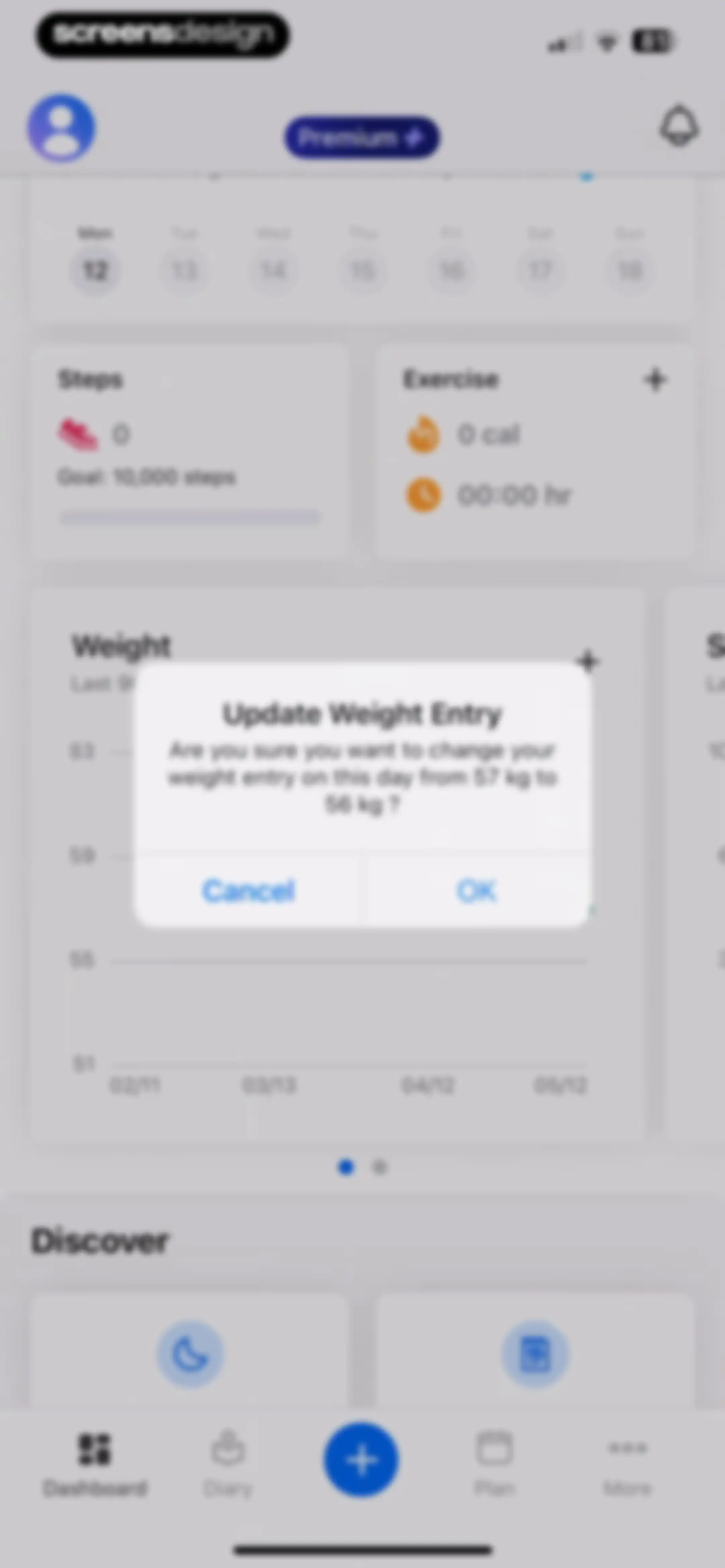
Fitness dashboard with a weight tracking update modal asking to confirm a change from 57 kg to 56 kg, with Cancel and OK buttons.Unlock Pro
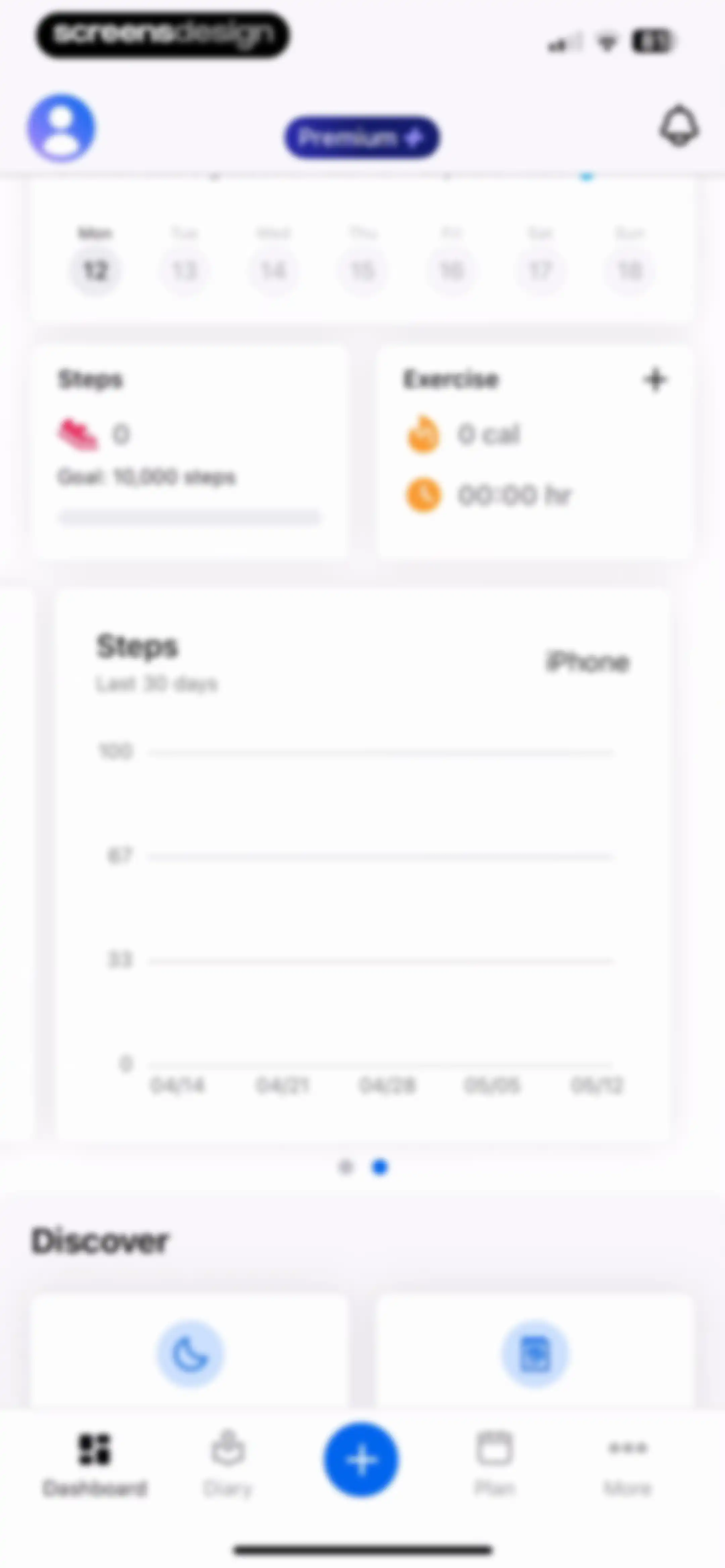
Fitness app dashboard displaying a calendar strip, step and exercise summary cards, a 30-day step chart, and a bottom navigation bar.Unlock Pro
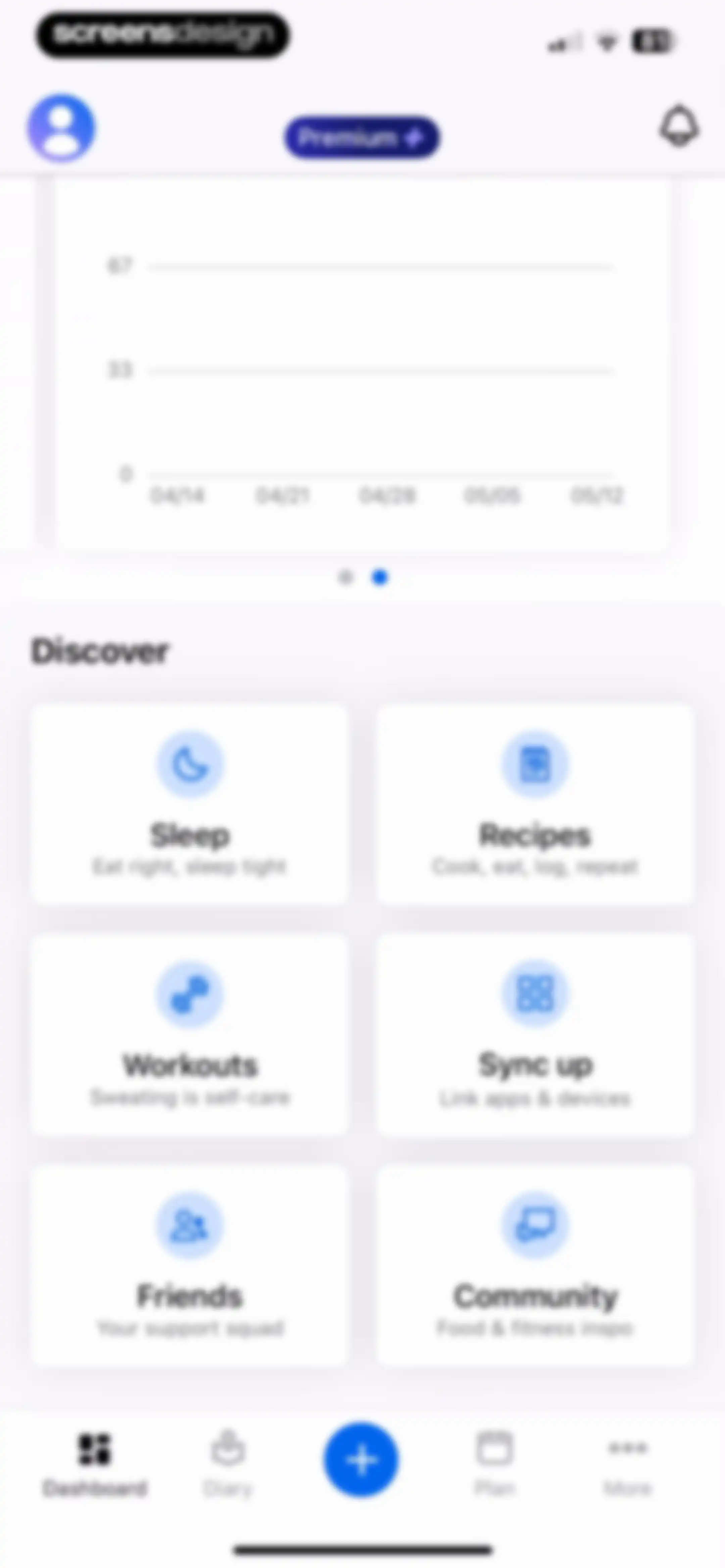
Dashboard with a progress chart carousel and a Discover section featuring cards for sleep, recipes, workouts, syncing, friends, and community.Unlock Pro
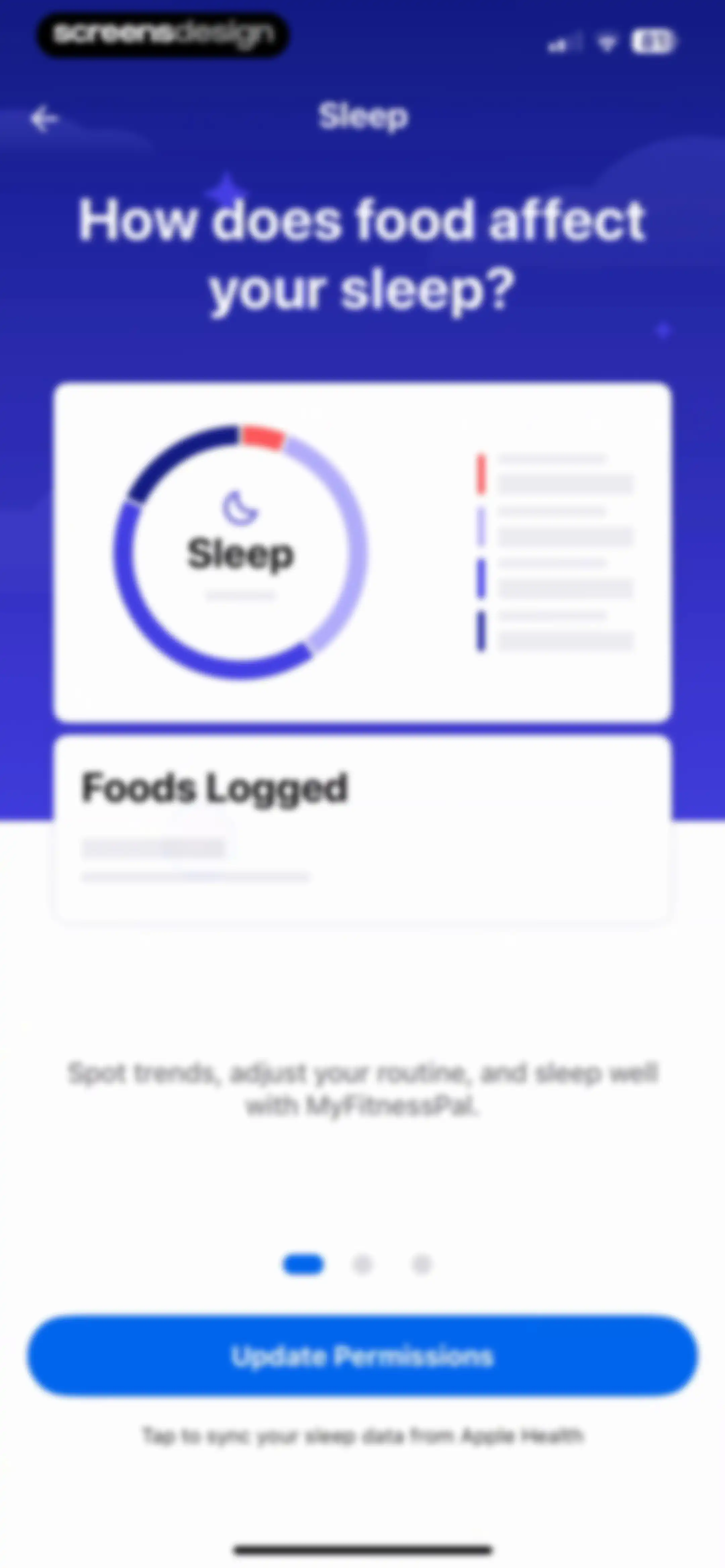
MyFitnessPal sleep data permission onboarding screen featuring an educational illustration card, descriptive text, pagination dots, and an Update Permissions button.Unlock Pro
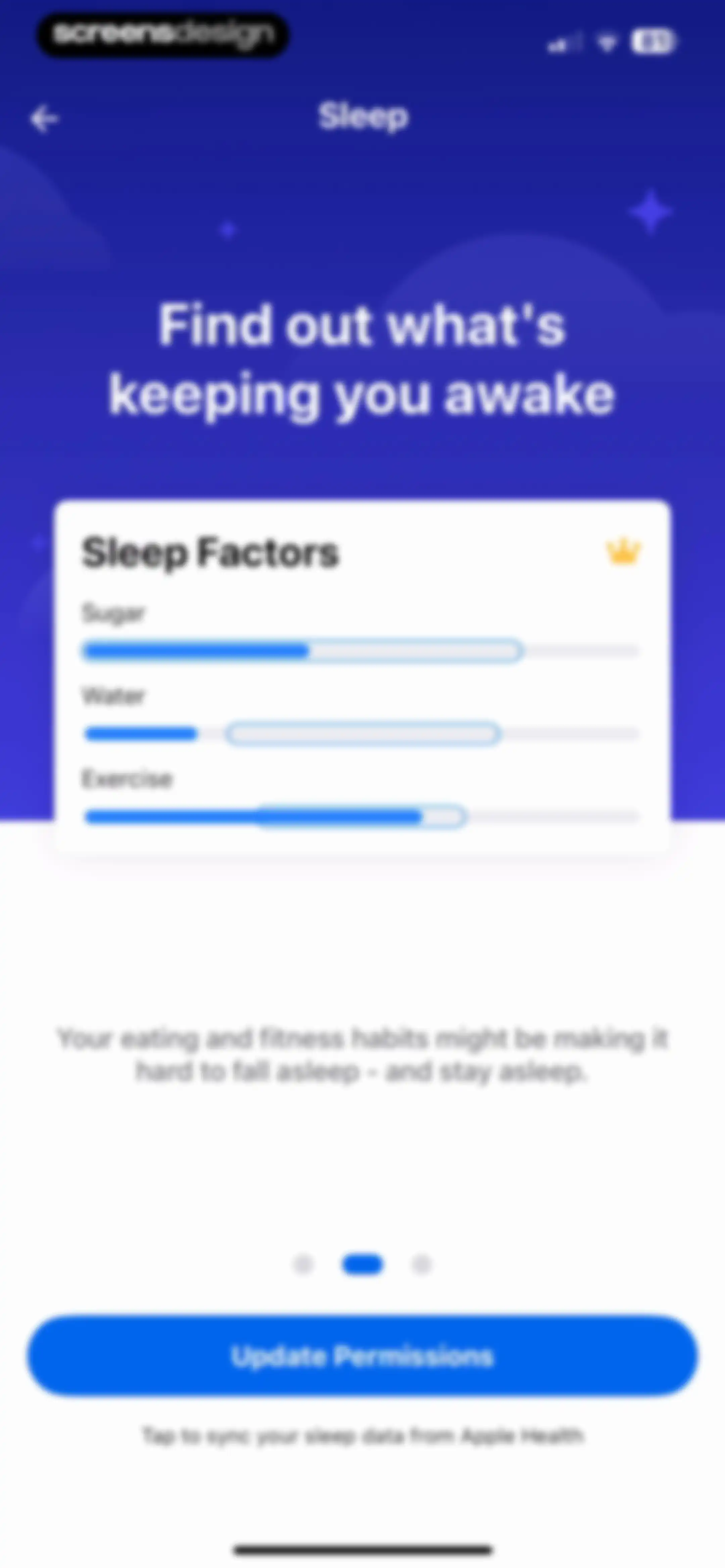
Sleep onboarding screen detailing sleep factors, with an Update Permissions button to sync data from Apple Health.Unlock Pro
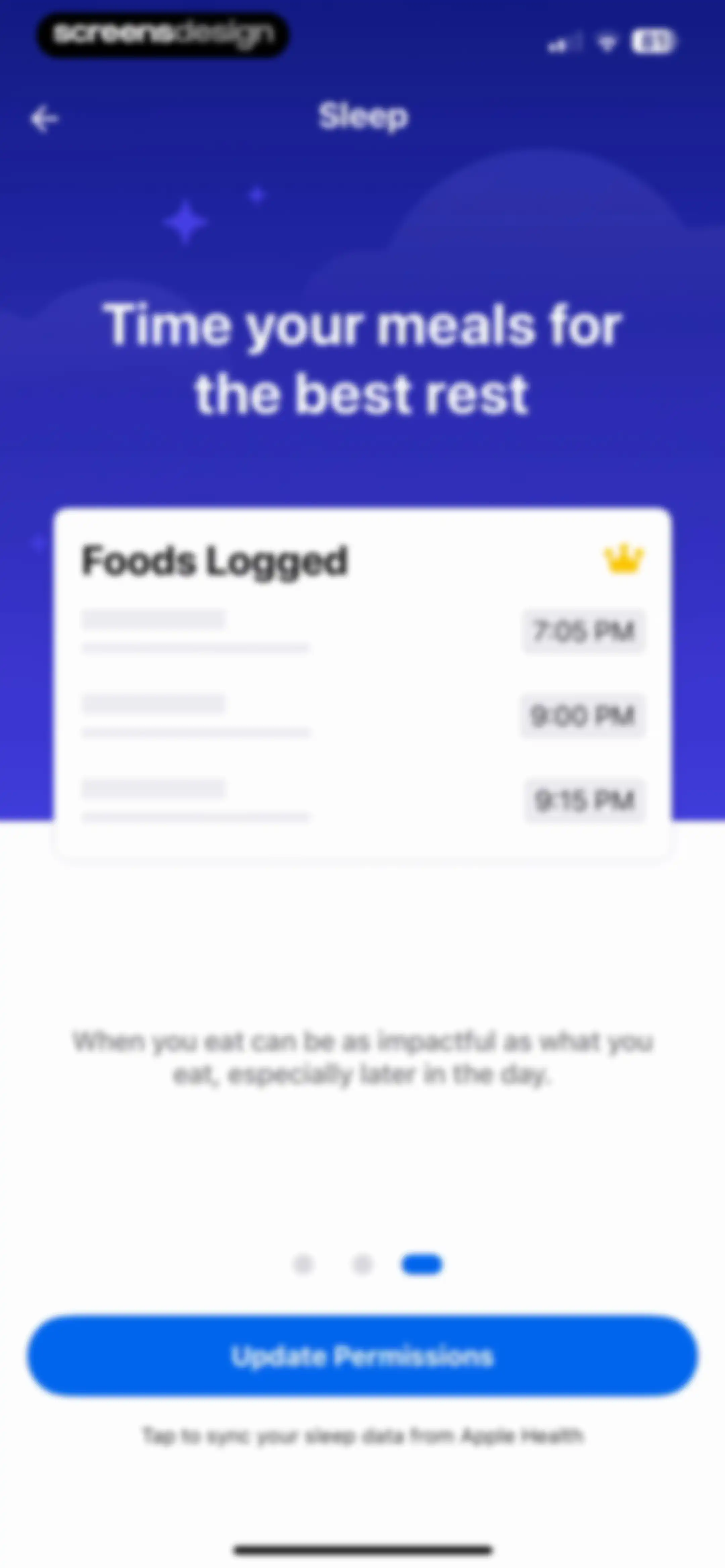
Onboarding screen for meal timing and sleep, featuring a Foods Logged card with a crown icon and an Update Permissions button.Unlock Pro
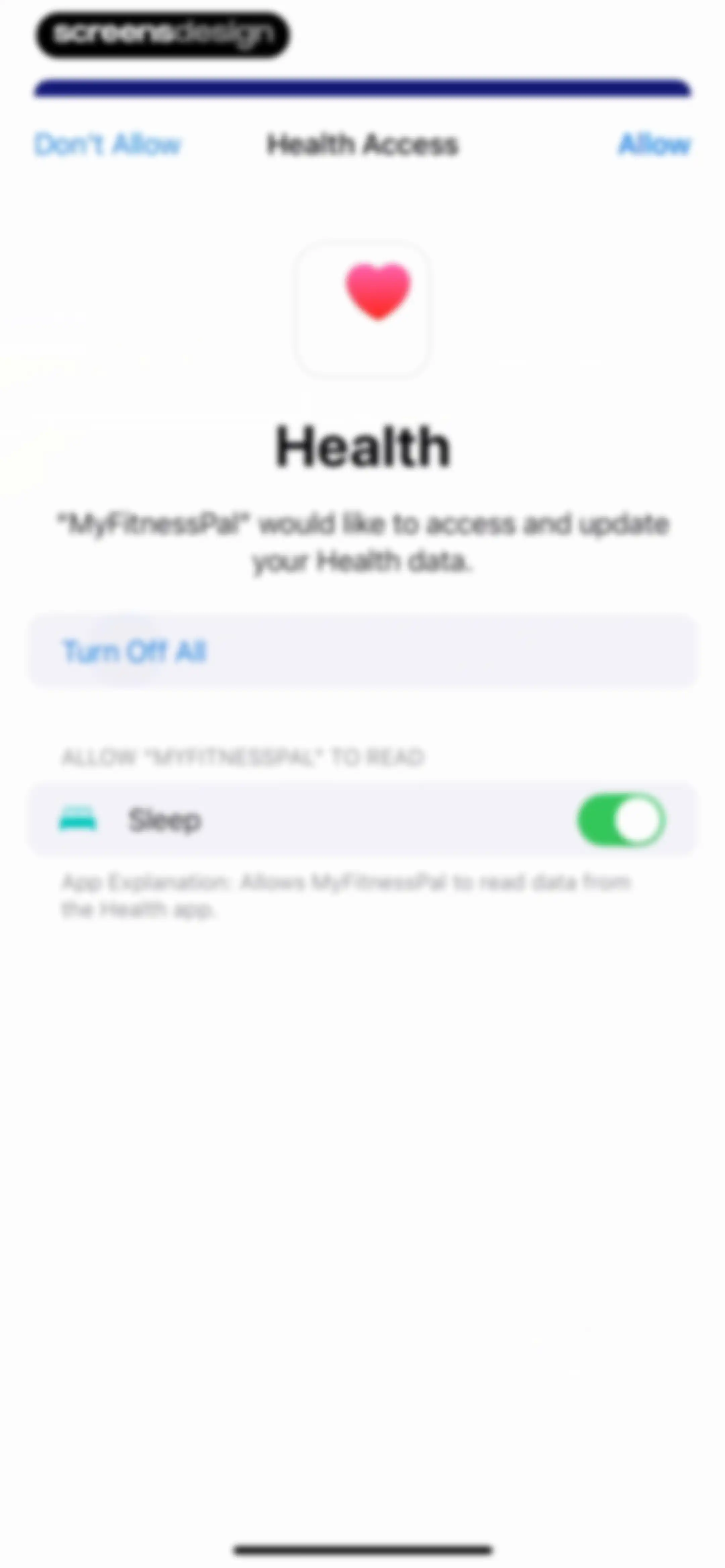
Health permission request screen for MyFitnessPal showing options to allow or deny access to health data with a toggle for sleep.Unlock Pro
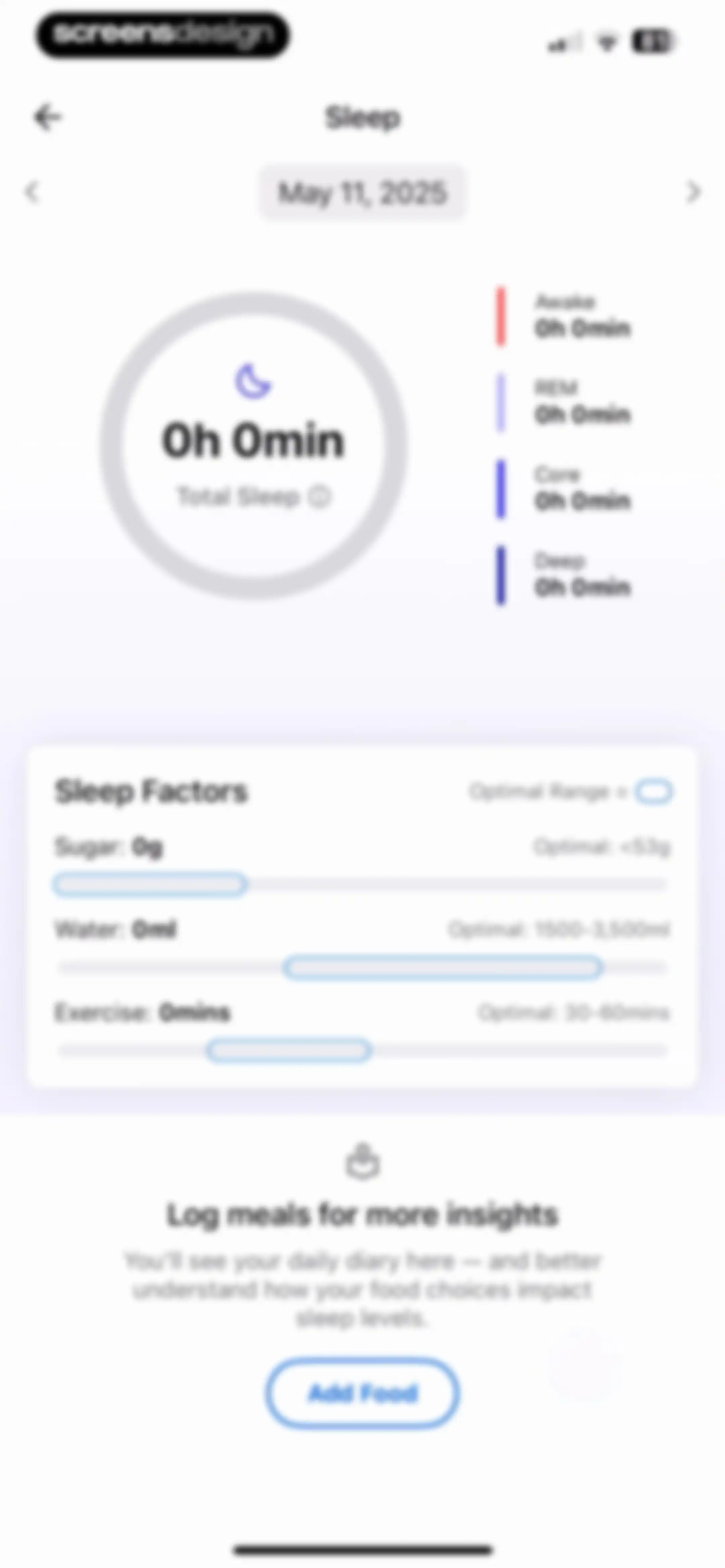
Sleep tracking dashboard showing a zero-duration sleep summary, sleep factors card, and an Add Food button for meal logging.Unlock Pro
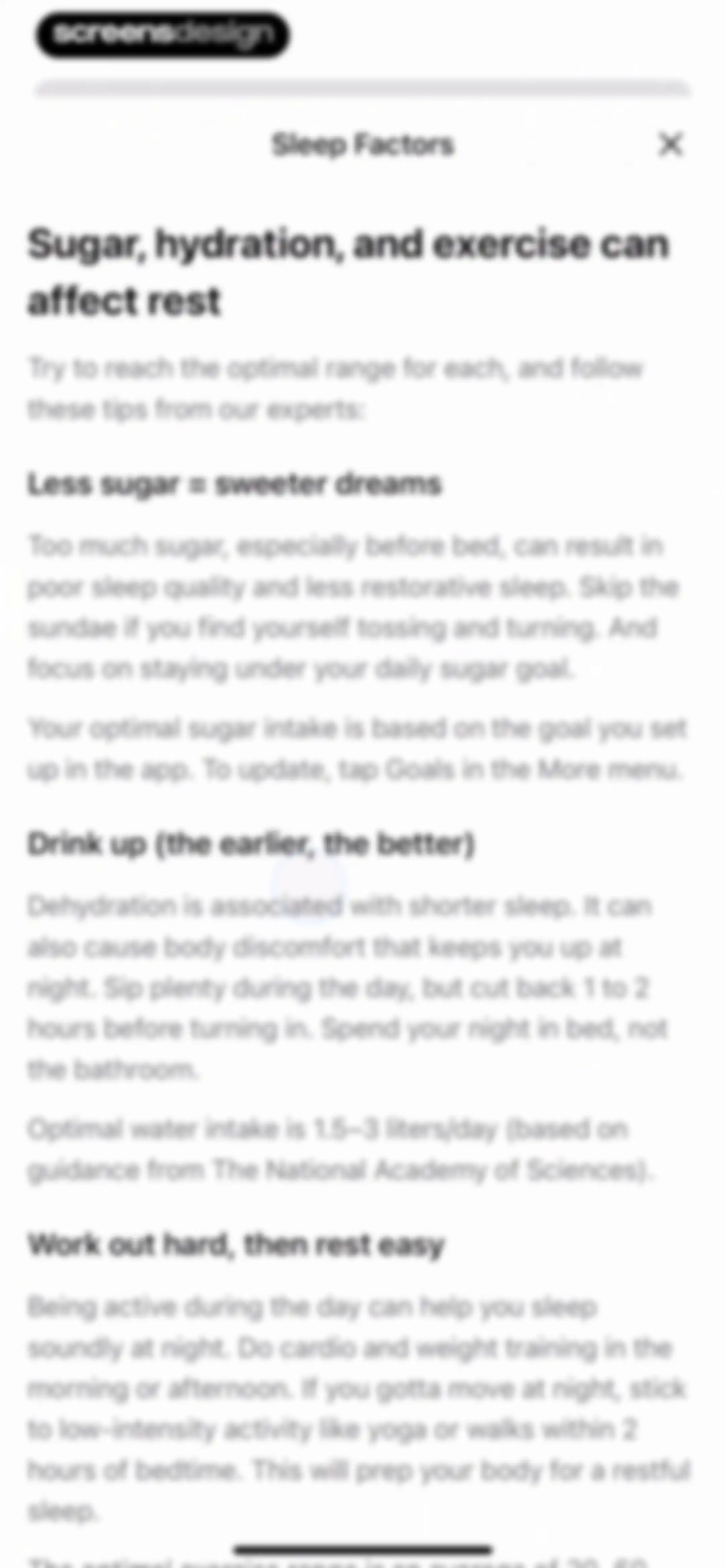
Modal window titled Sleep Factors in the MyFitnessPal app, presenting expert advice on how sugar, hydration, and exercise impact sleep.Unlock Pro
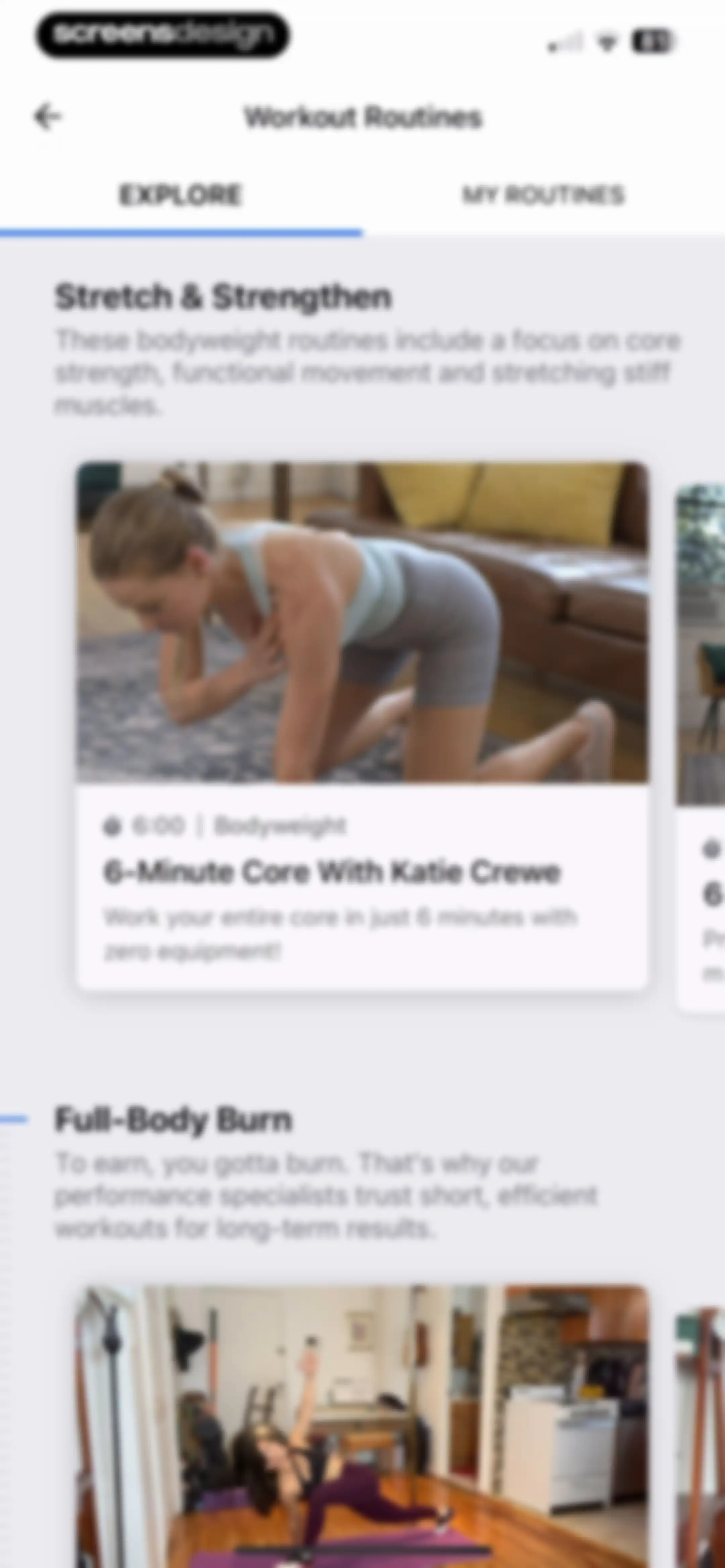
Workout routines explore feed featuring the Stretch and Strengthen section with the 6-Minute Core card and horizontal carousels.Unlock Pro
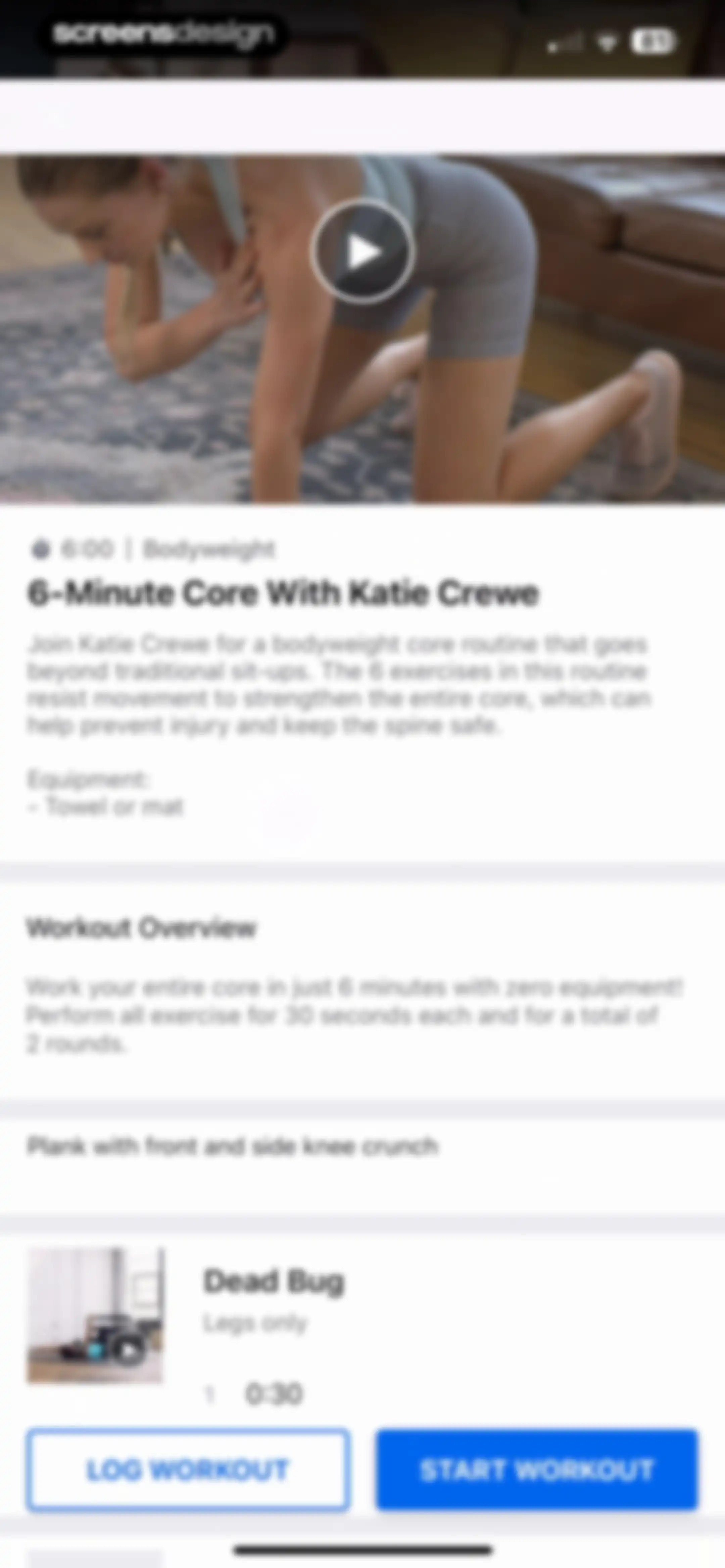
Workout detail screen for a six-minute core routine featuring a video header, exercise list, and Start Workout and Log Workout buttons.Unlock Pro
MyFitnessPal exercise video player showing a center play button, top control icons, and a progress bar at 00:00 out of 09:31.Unlock Pro
MyFitnessPal workout loading screen displaying a progress bar and a tooltip modal highlighting the skip option.Unlock Pro
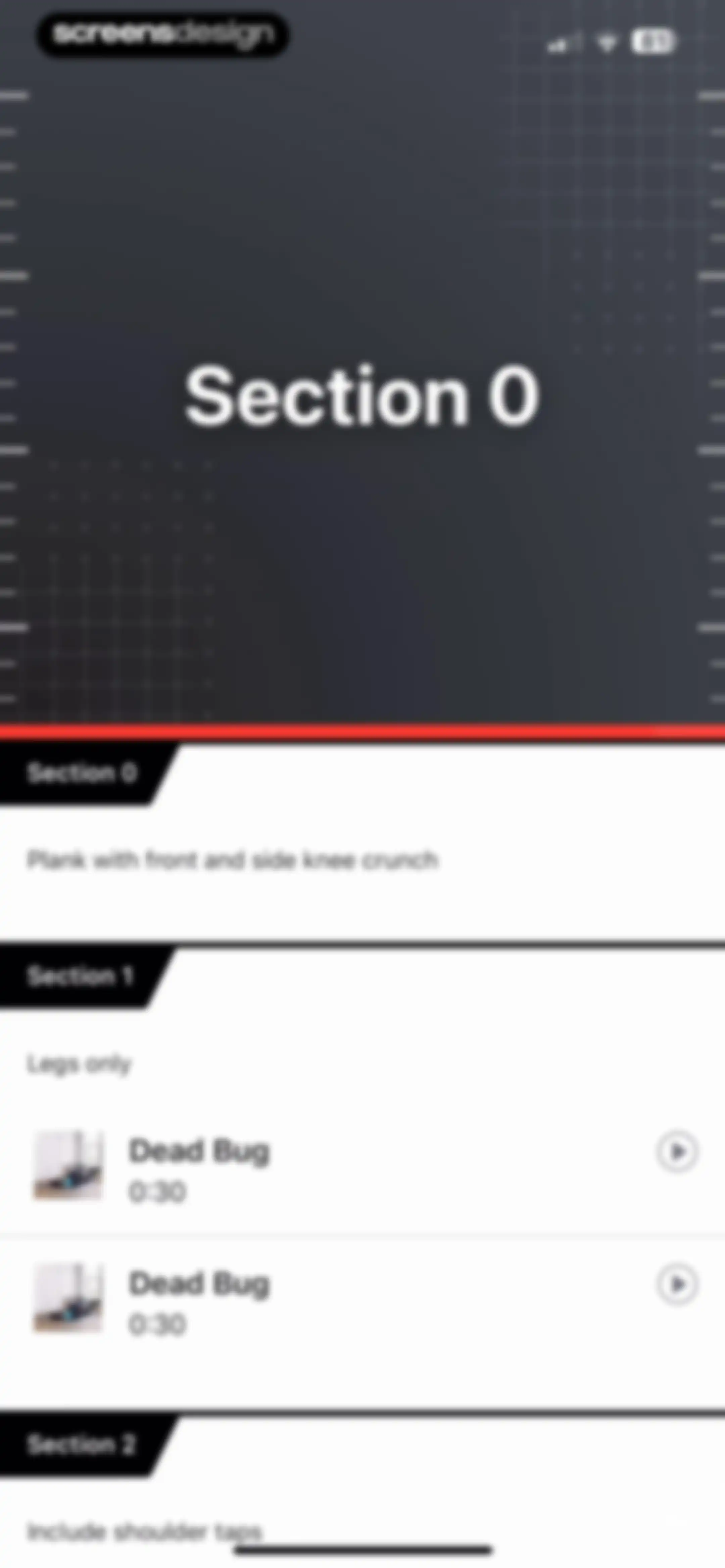
Structured workout routine with numbered sections and exercise details, including a Dead Bug list item with duration and play button.Unlock Pro
Workout routine list displaying organized exercise sections with durations and play buttons for each item.Unlock Pro
Workout rest timer screen displaying a countdown at twenty-eight seconds, activity details, and an End of Workout button.Unlock Pro
Workout session summary with an exit confirmation modal warning about incomplete exercises, featuring Cancel and Exit Workout buttons.Unlock Pro
Workout log form displaying a list of key-value pairs for date, time, volume, duration, and calories burned with a save action.Unlock Pro
Health app dashboard with a chart carousel and a Discover grid featuring cards for sleep, recipes, workouts, sync up, friends, and community.Unlock Pro
Recipe feed with horizontal carousels categorized by themes including Immune Support and Pantry Staples, featuring food cards with calorie counts.Unlock Pro
Content feed displaying a two-column grid of immune support recipe cards with titles and calorie counts.Unlock Pro
Recipe details screen for Instant Pot Minestrone featuring tags, nutrition summary, ingredients list, and a Log to Diary button.Unlock Pro
Food entry form displaying details for Instant Pot Minestrone with input fields for serving size, time, meal selection, macro summary, and an Add Food button.Unlock Pro
Food logging form for Instant Pot Minestrone with nutritional summary, daily goals progress bars, and a save checkmark.Unlock Pro
Recipe details screen with a Meal Logged confirmation modal and a View in Diary button.Unlock Pro
Calorie tracking diary screen showing a daily summary, logged meals including breakfast and lunch, and a bottom navigation bar with the Diary tab selected.Unlock Pro
Diary dashboard displaying a daily calorie summary, food and exercise log sections, and a complete diary button.Unlock Pro
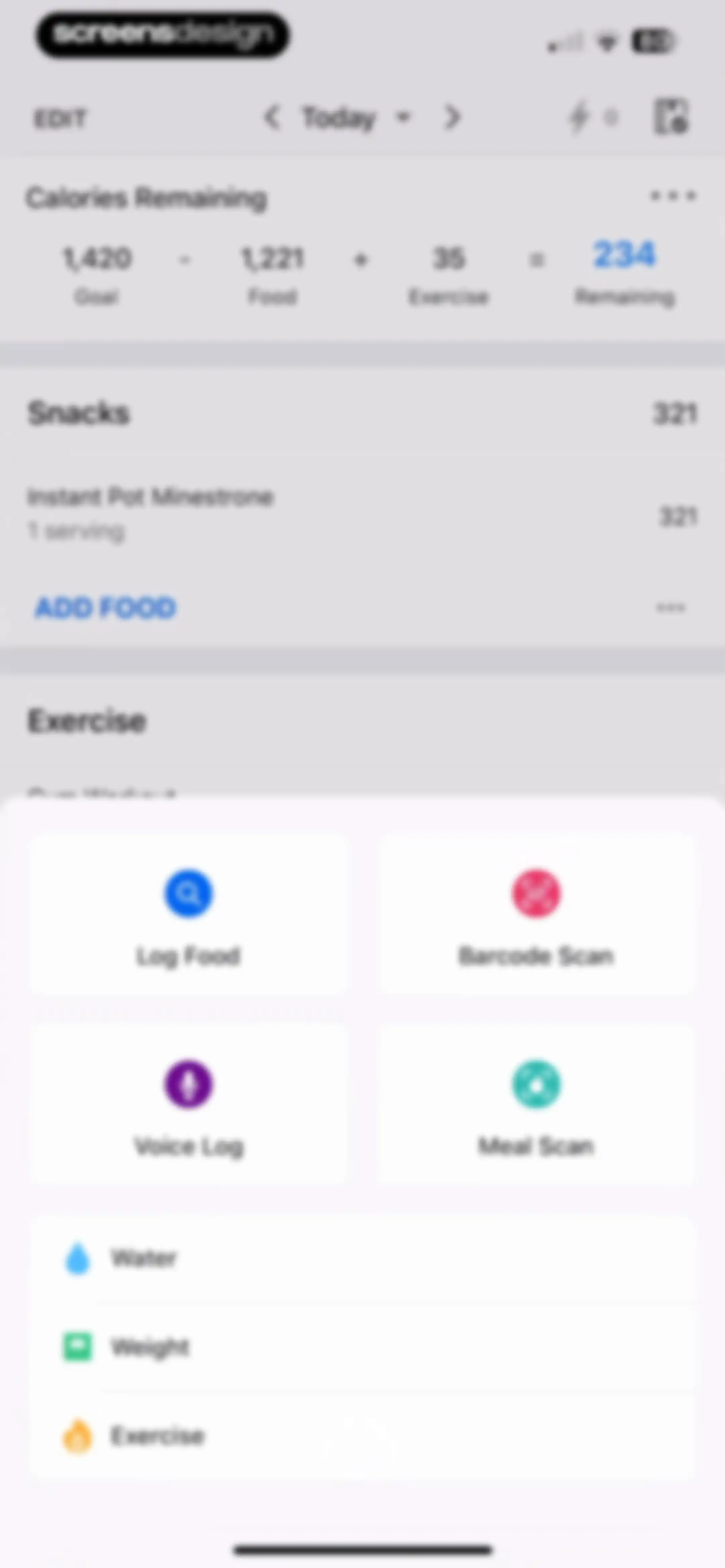
Calorie tracking dashboard with a daily summary and a centered modal overlay displaying action buttons like Log Food and Barcode Scan.Unlock Pro
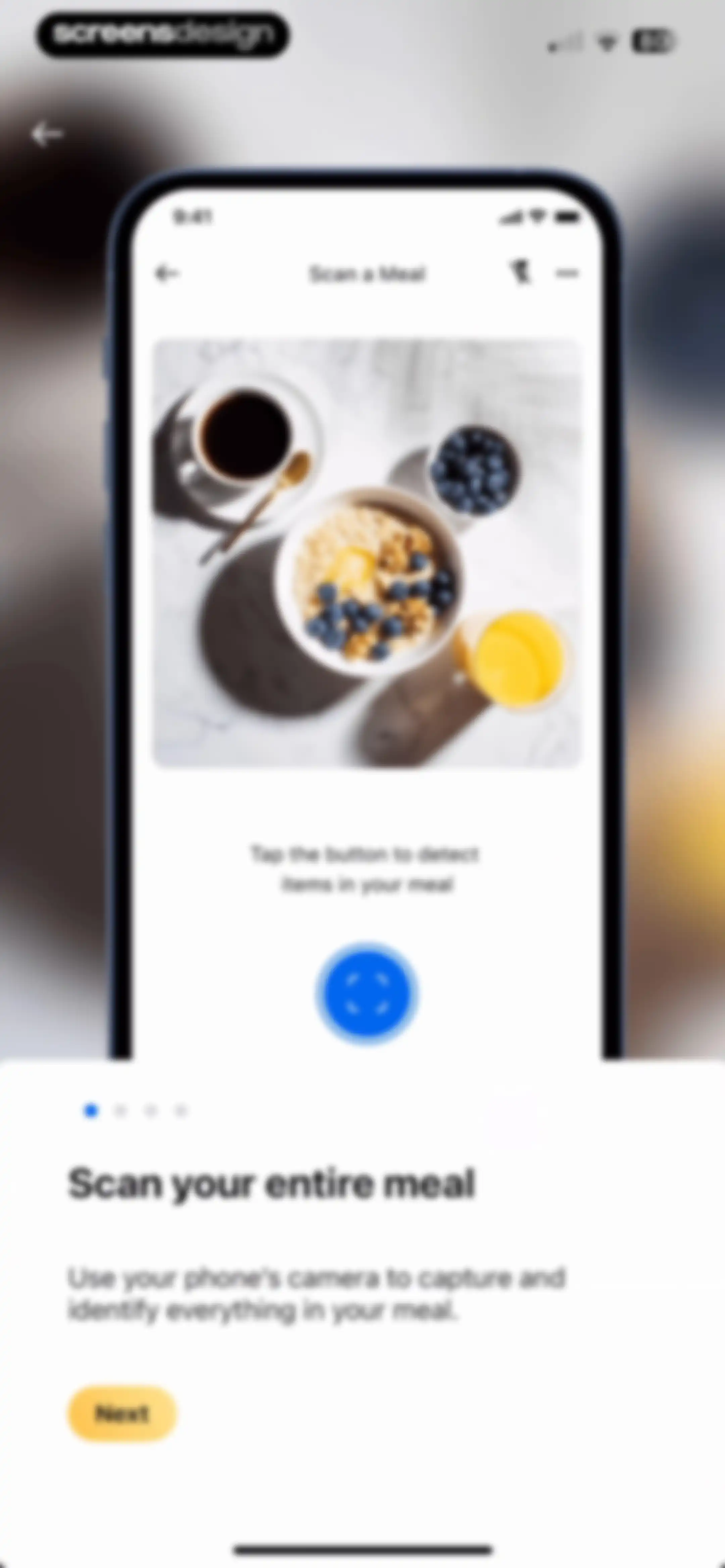
Onboarding screen introducing the meal scanning feature with a phone camera mockup, descriptive text, and a Next button.Unlock Pro
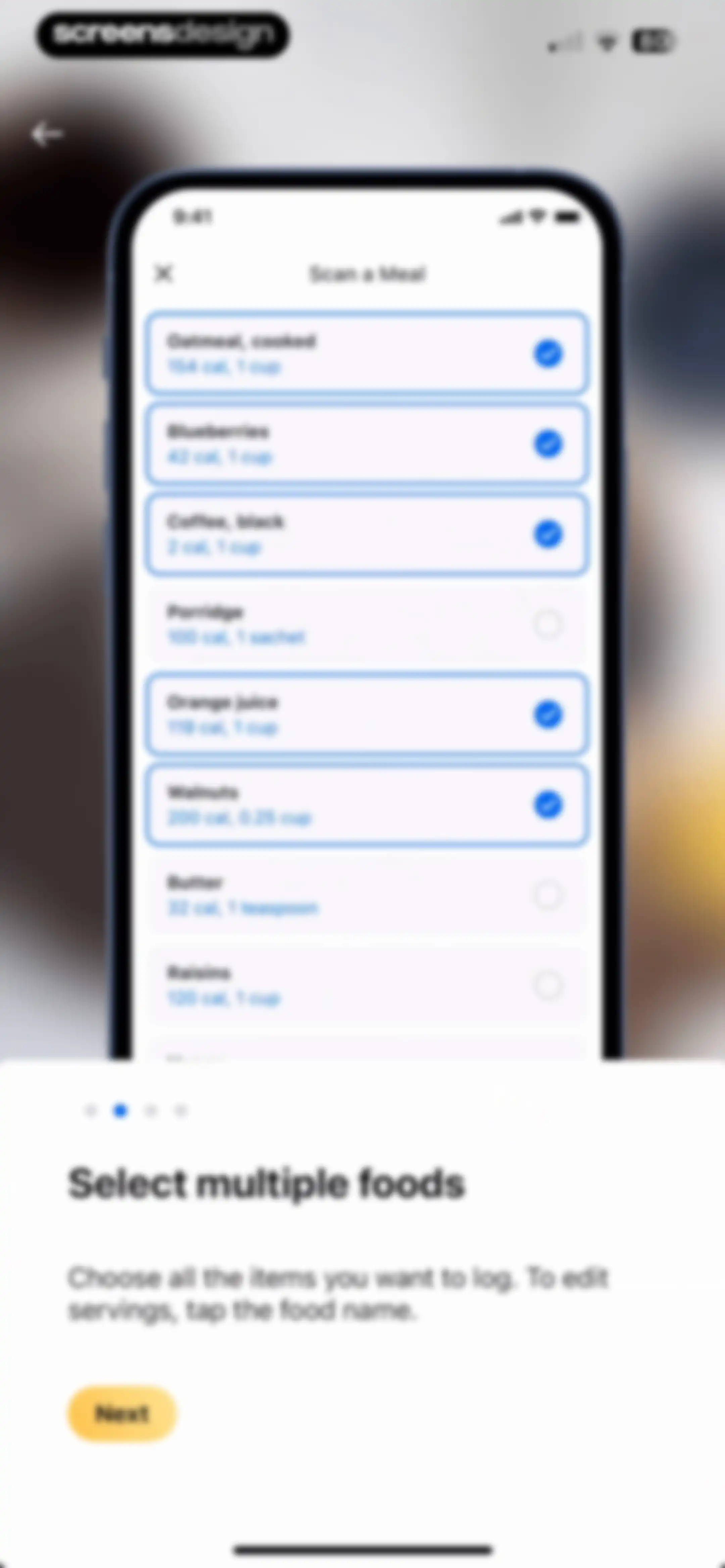
Onboarding screen for a meal scanning feature featuring a scrollable list of food items with checkboxes, instructional text, and a Next button.Unlock Pro
Onboarding screen explaining how to search and add missed food items, with a search interface mock-up, progress dots, and a Next button.Unlock Pro
Meal logging form listing six food items with calorie counts, featuring a Log Meal button and a Start Scanning action.Unlock Pro
Meal scan camera interface featuring a salad photo, instructional text, and a blue scan button at the bottom.Unlock Pro
Food entry form for canned chickpeas displaying serving details, macro summary, daily goal progress, and a confirm checkmark.Unlock Pro
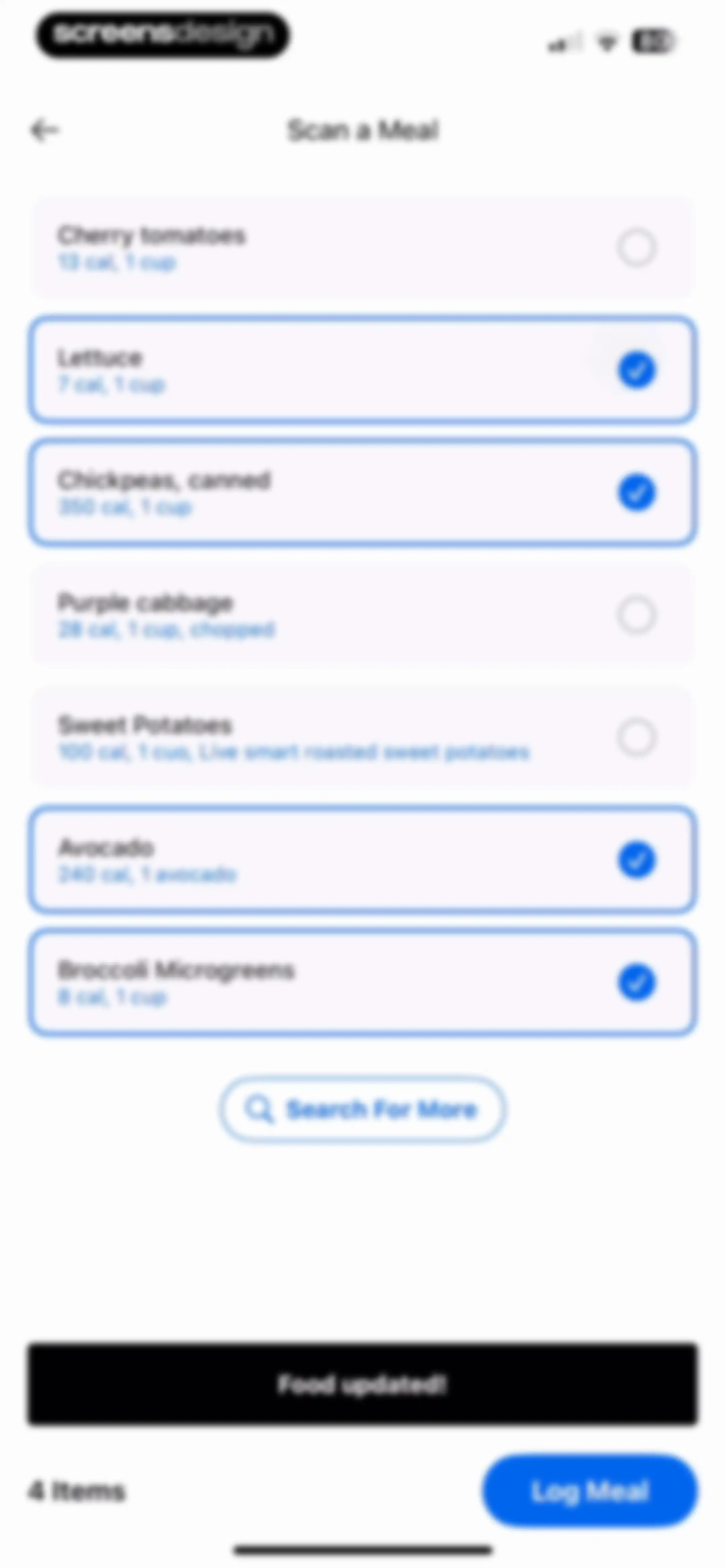
Scan a meal review screen displaying a list of detected food items with four selected items and a Log Meal button.Unlock Pro
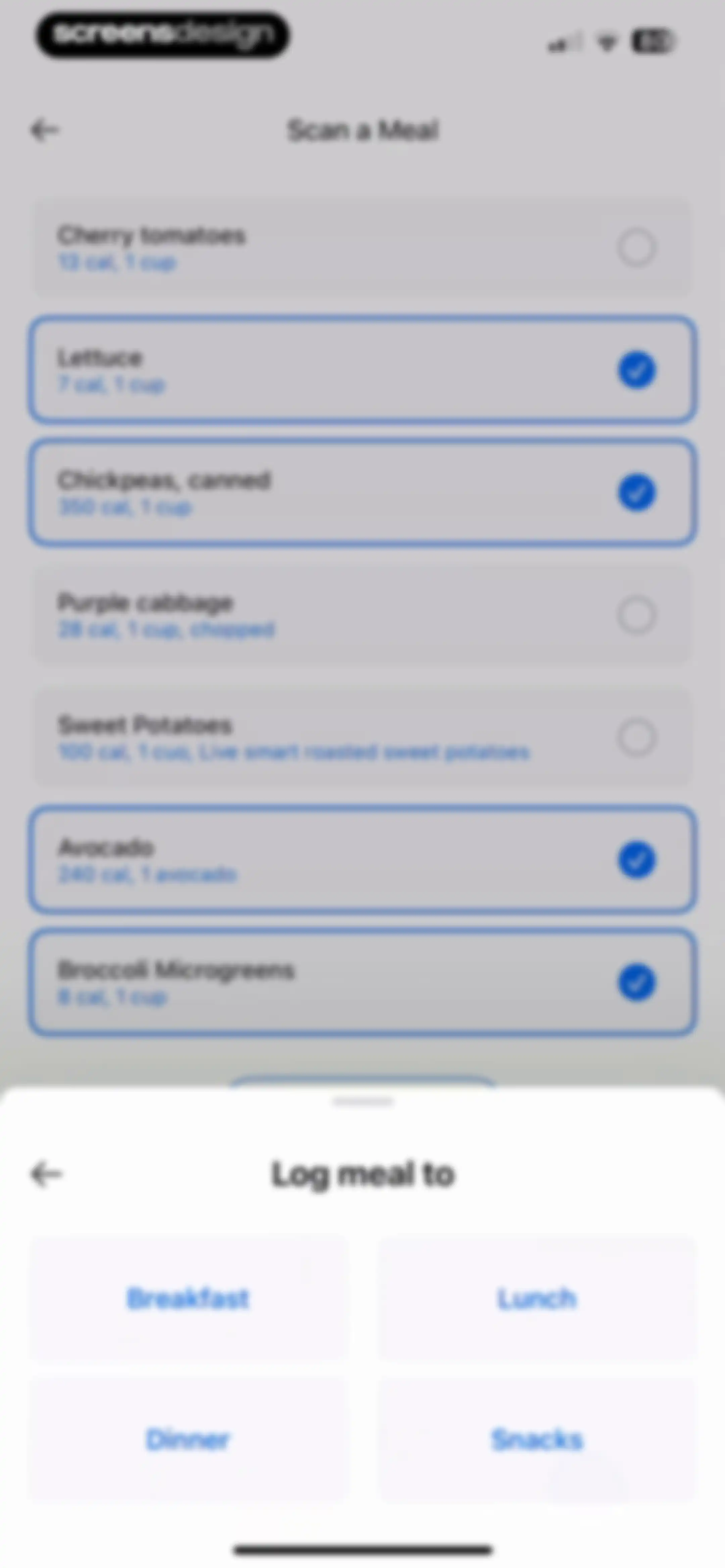
Meal logging screen displaying scanned food items with calorie details and a bottom sheet modal to select Breakfast, Lunch, Dinner, or Snacks.Unlock Pro
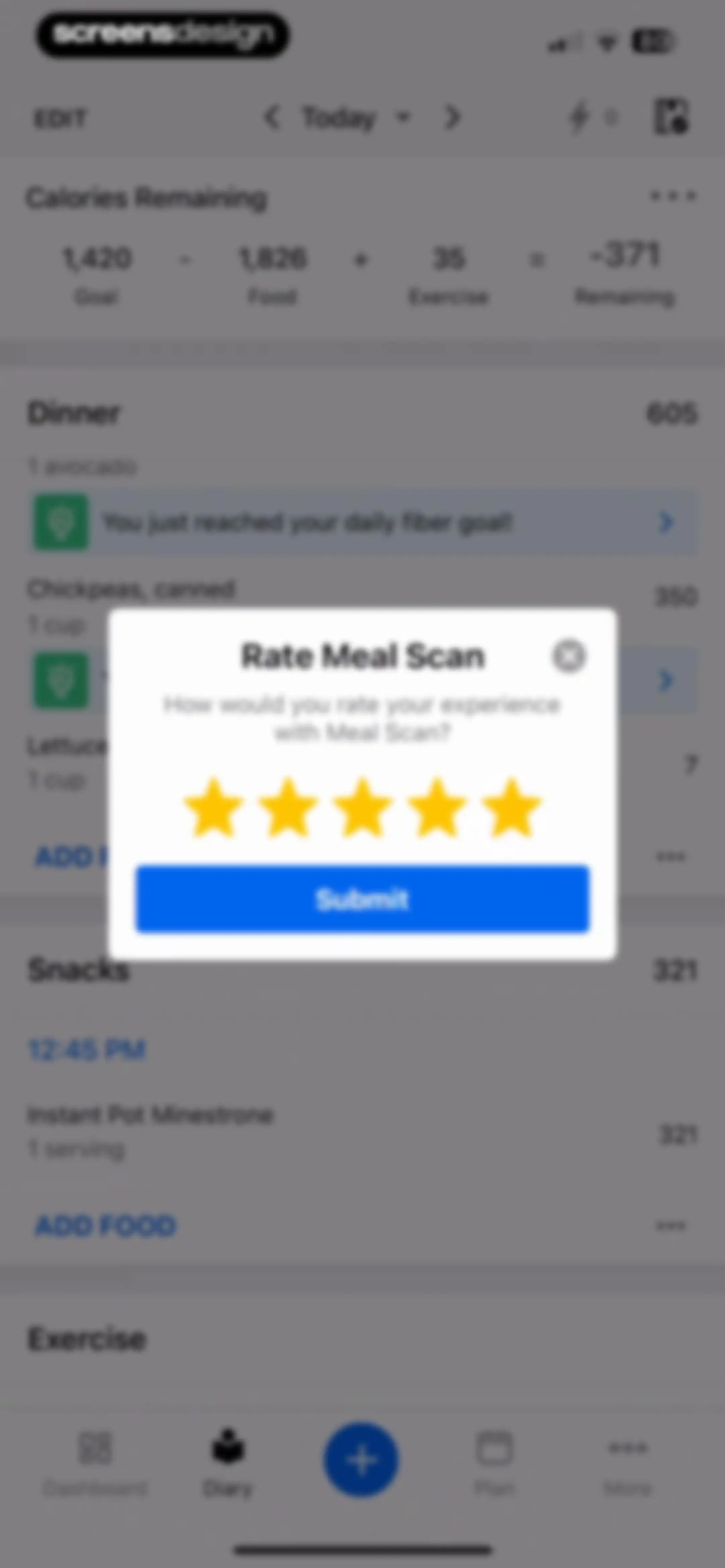
Calorie tracking dashboard displaying a food diary and daily summary, overlaid with a Meal Scan feedback modal featuring a star rating and Submit button.Unlock Pro
Health app diary dashboard with a centered feedback survey modal overlay and a bottom navigation bar.Unlock Pro
Grocery list empty state with an illustration and a link to show completed items.Unlock Pro
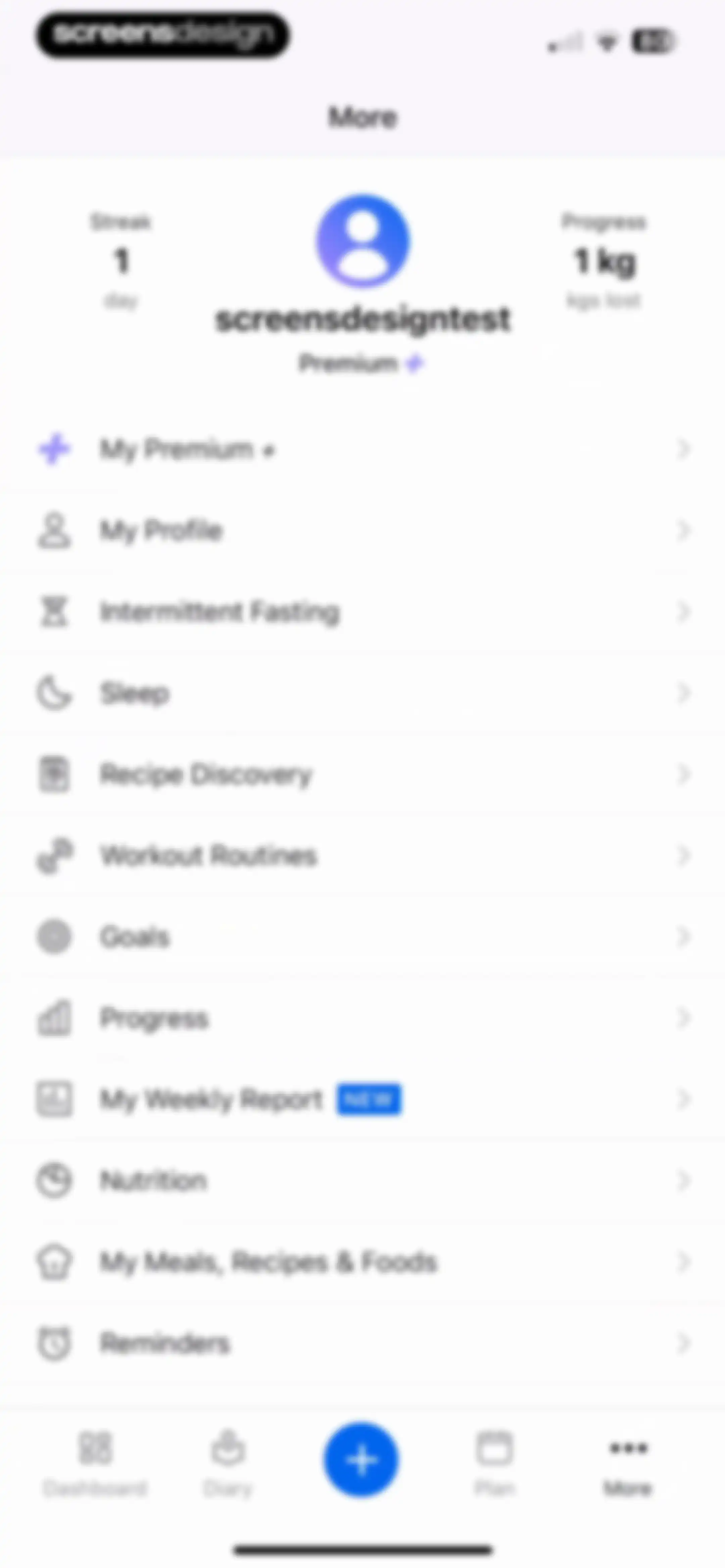
Profile menu screen displaying user stats, a vertical list of feature links, and a bottom navigation bar with the More tab selected.Unlock Pro
Subscription screen comparing plans with the Premium plus tab selected, featuring a benefits list and a hero card.Unlock Pro
Subscription feature list comparing Premium and Premium + plans, highlighting benefits like ad-free use and custom goals.Unlock Pro
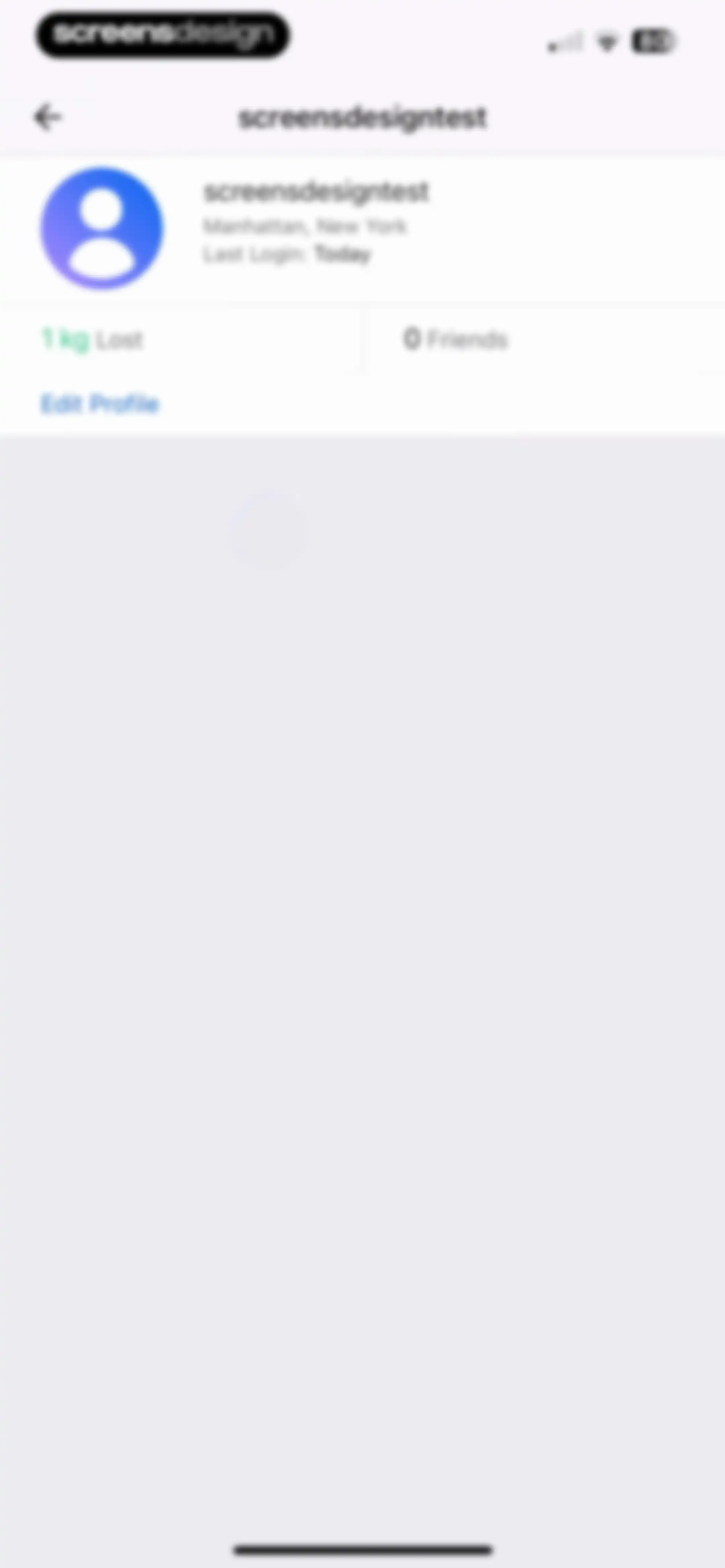
Fitness app profile screen displaying user stats, location, and an Edit Profile button above an empty content area.Unlock Pro
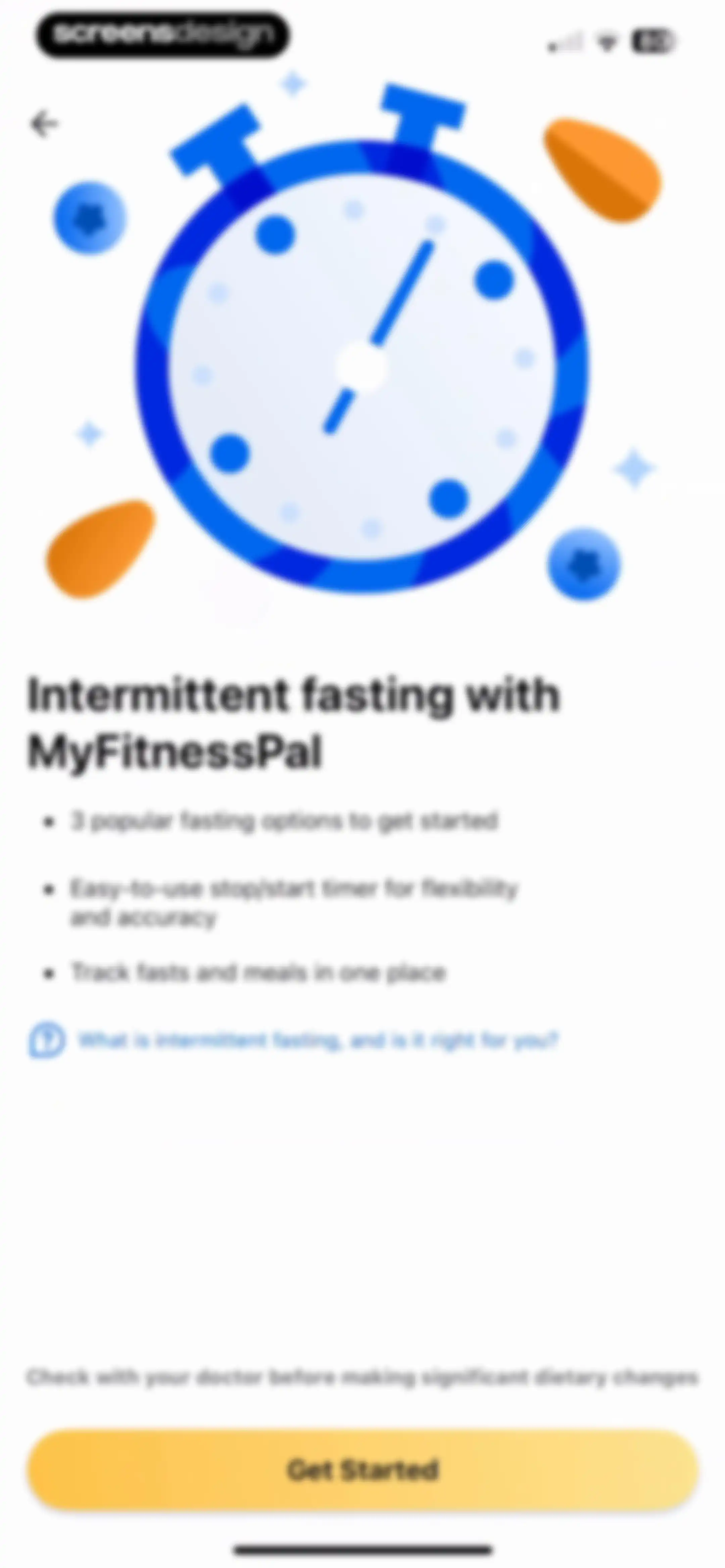
MyFitnessPal intermittent fasting onboarding screen highlighting feature benefits with an illustration, help link, and Get Started button.Unlock Pro
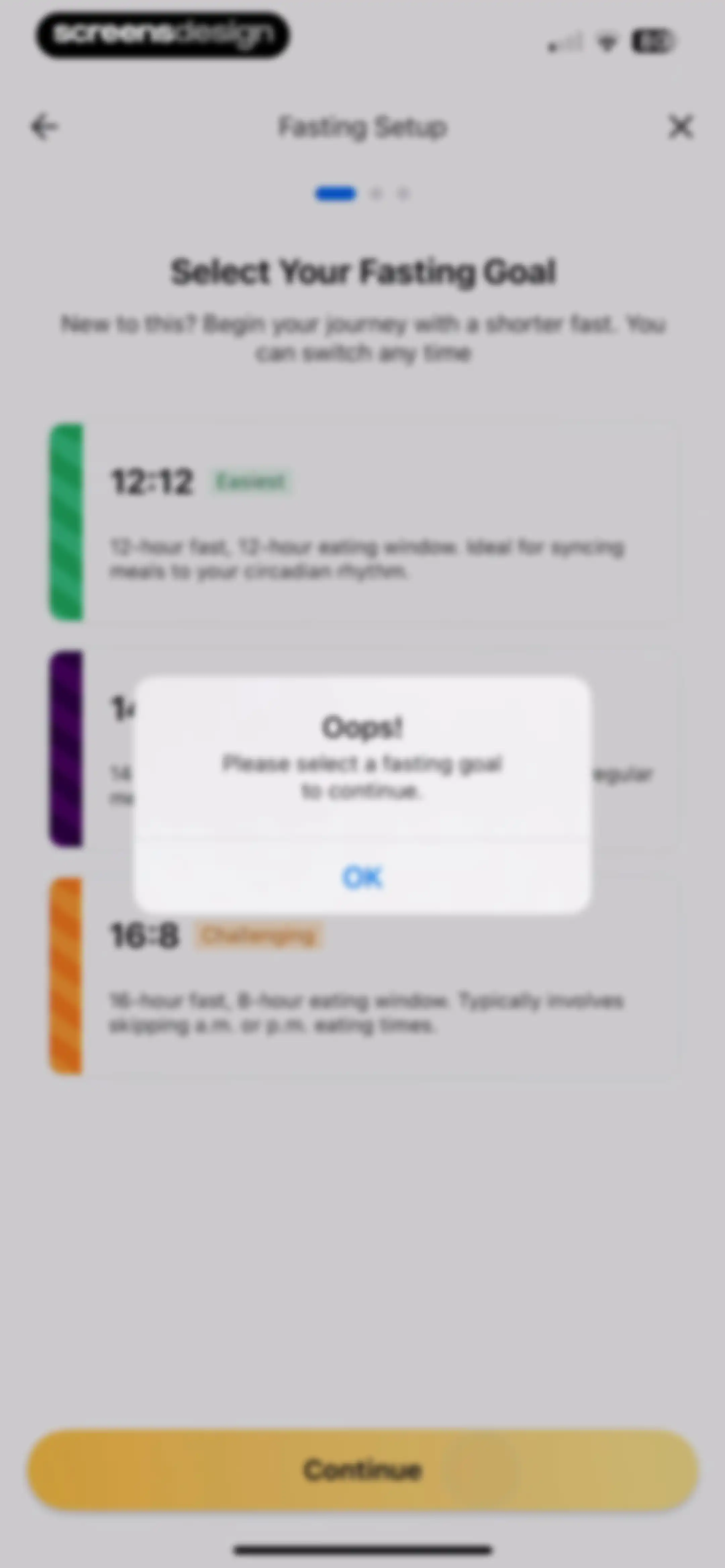
Fasting goal selection screen with an error modal stating please select a fasting goal to continue and an OK button.Unlock Pro
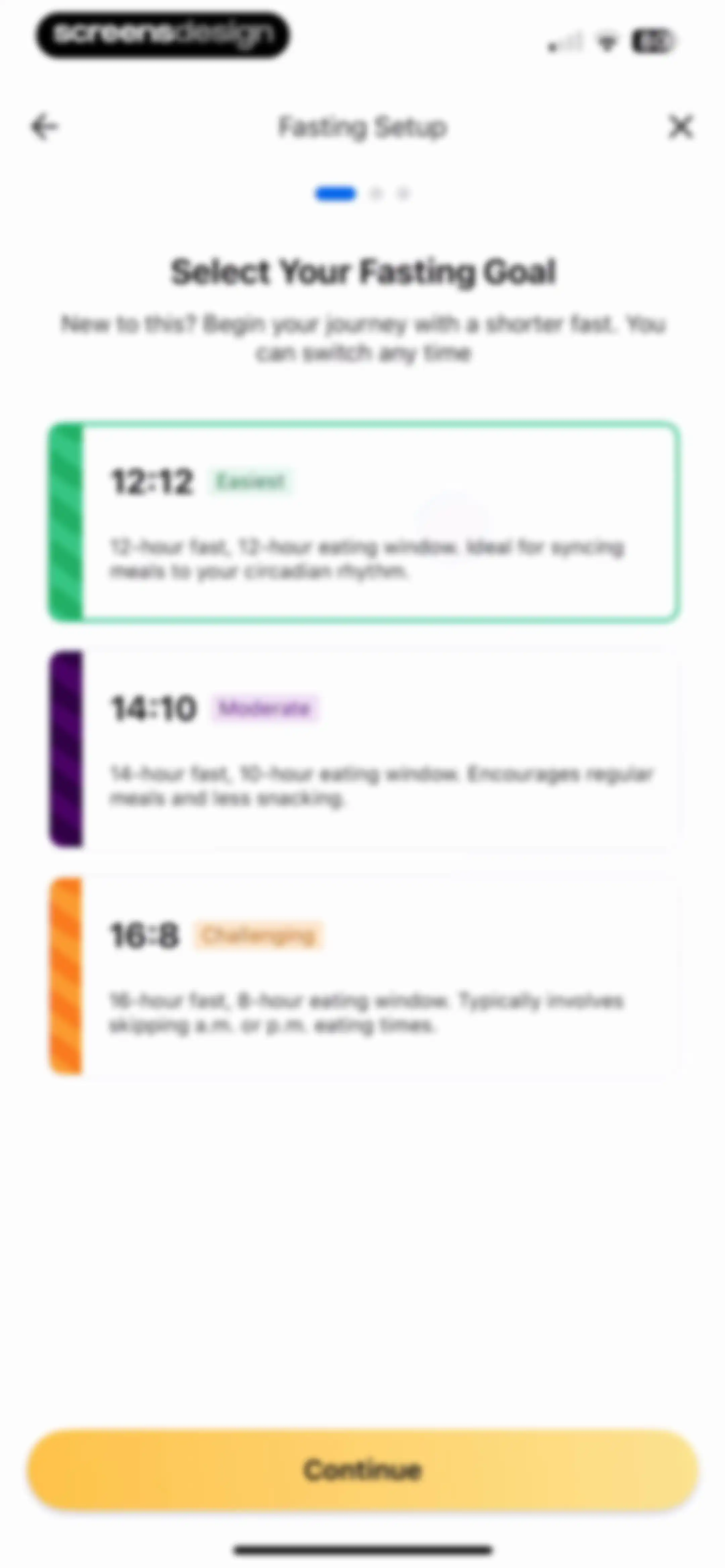
Fas-ting goal se-lection on-boar-ding screen with three plan cards, the 12:12 plan selected, and a Continue button.Unlock Pro
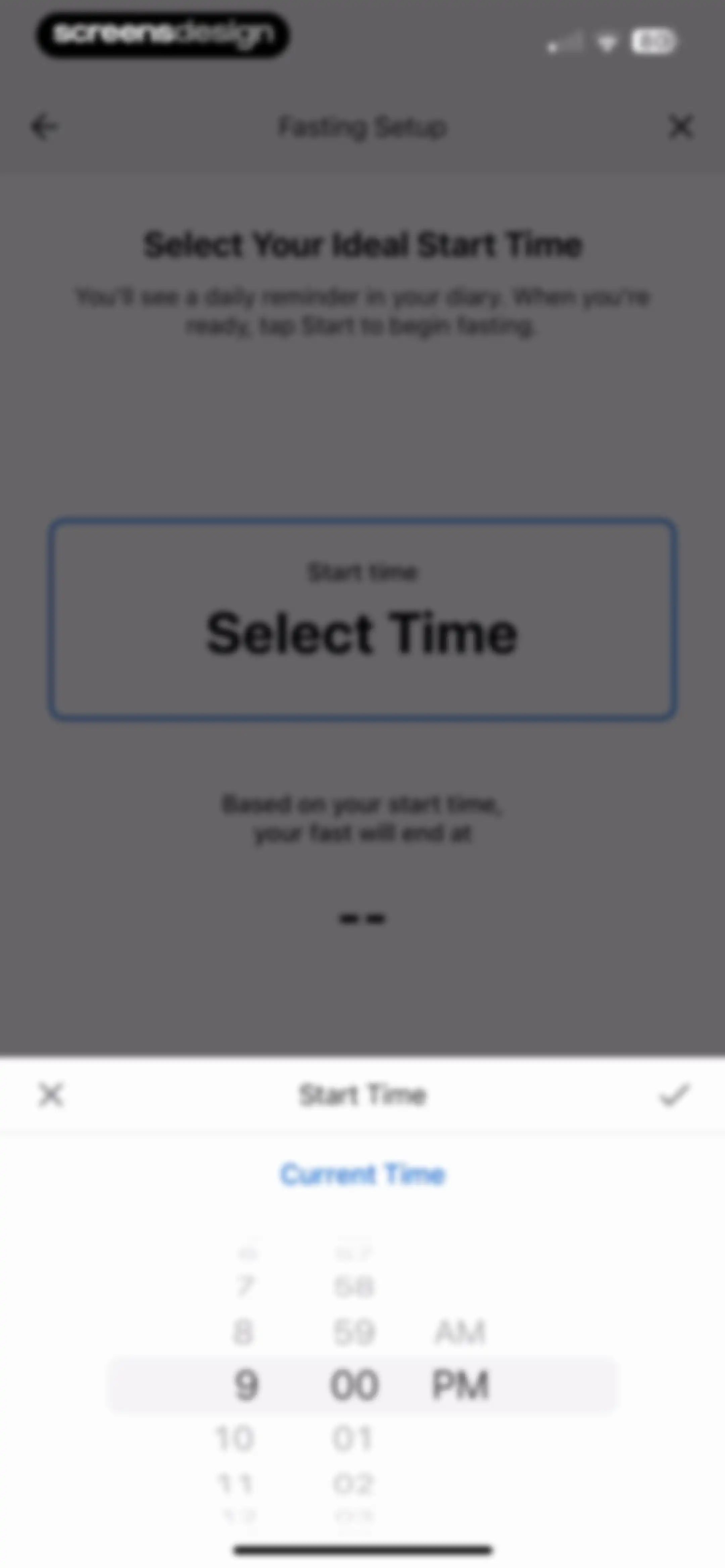
Fasting setup screen with a time picker modal active at the bottom, displaying instructions and a select time button.Unlock Pro
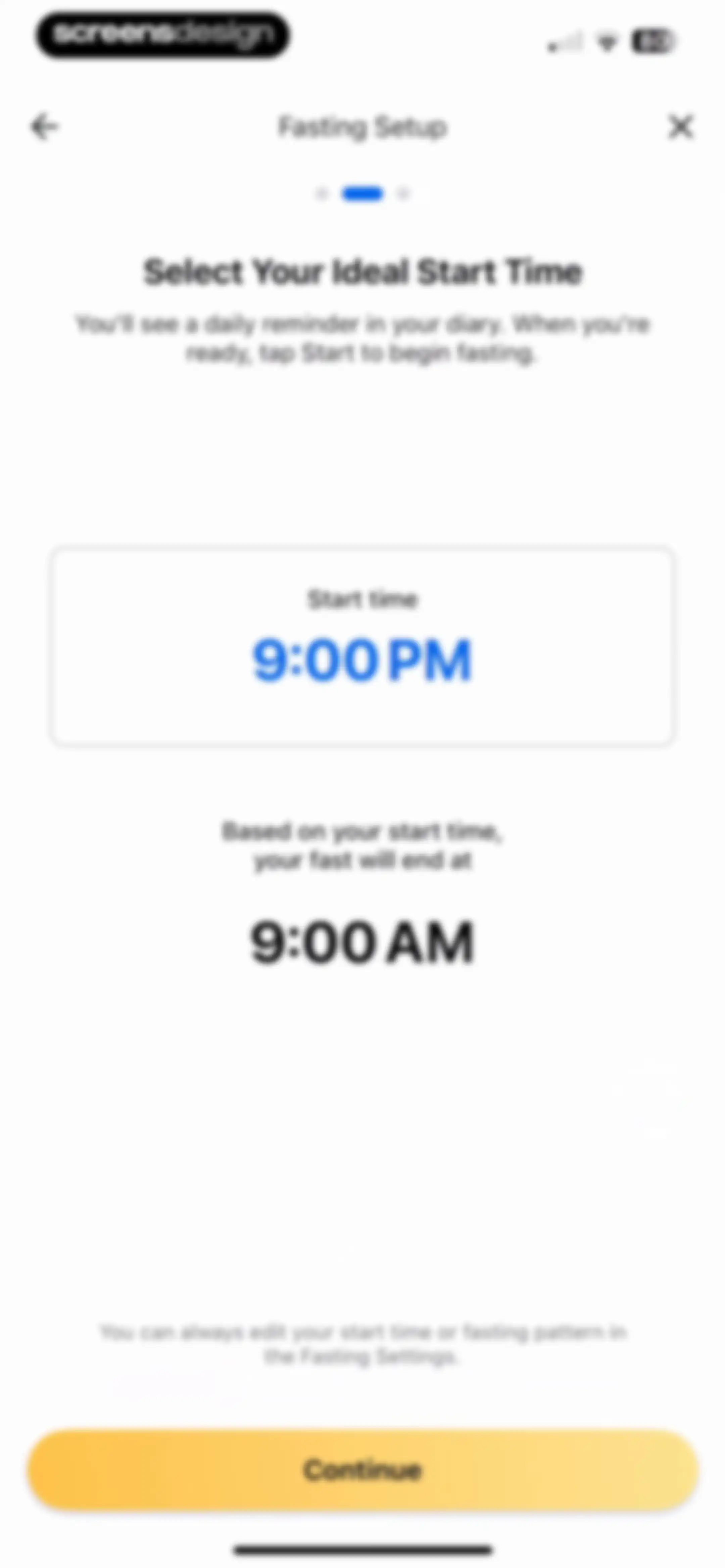
Fasting setup screen displaying a start time of 9:00 PM in a card with a calculated end time and a Continue button.Unlock Pro
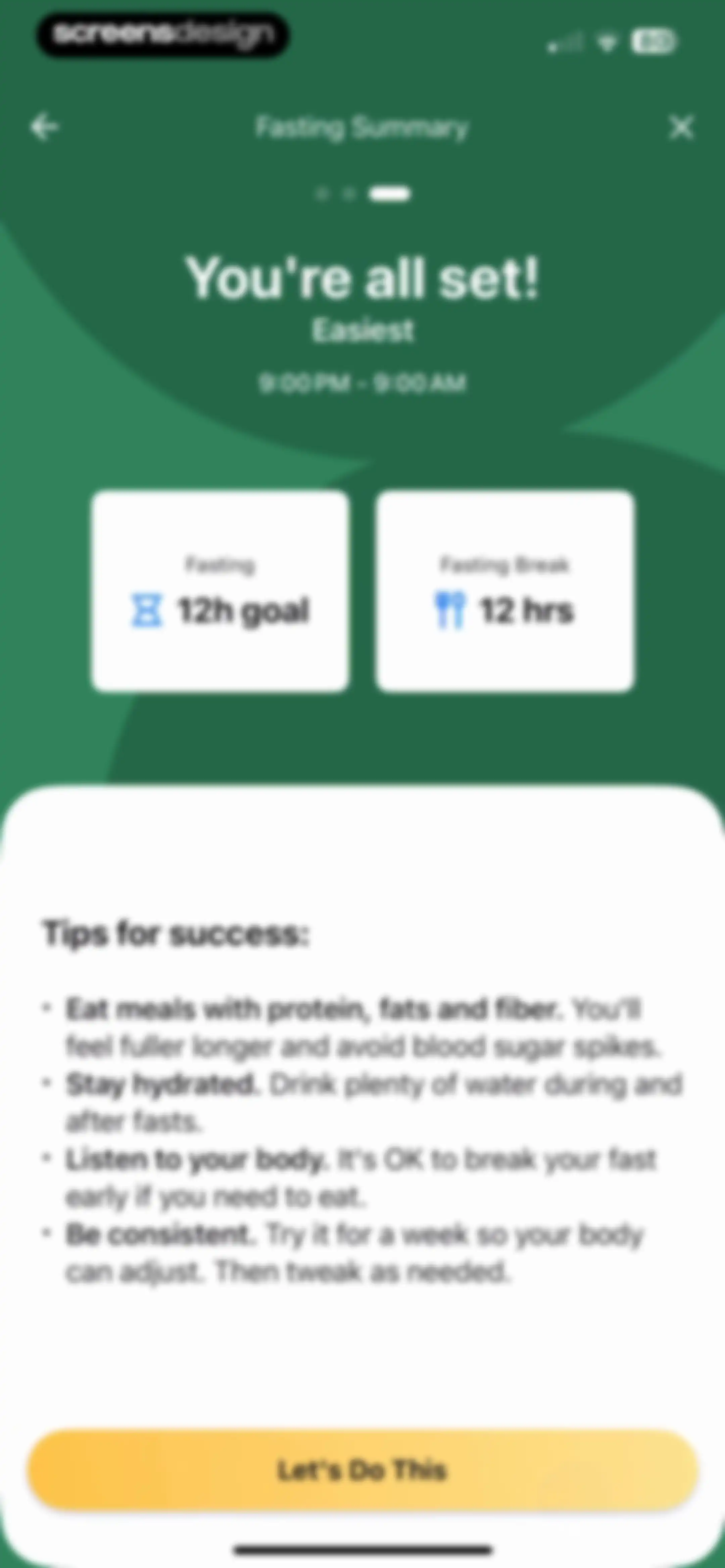
Fasting summary onboarding screen displaying the Easiest 12-hour plan details, success tips, and a Let's Do This confirmation button.Unlock Pro
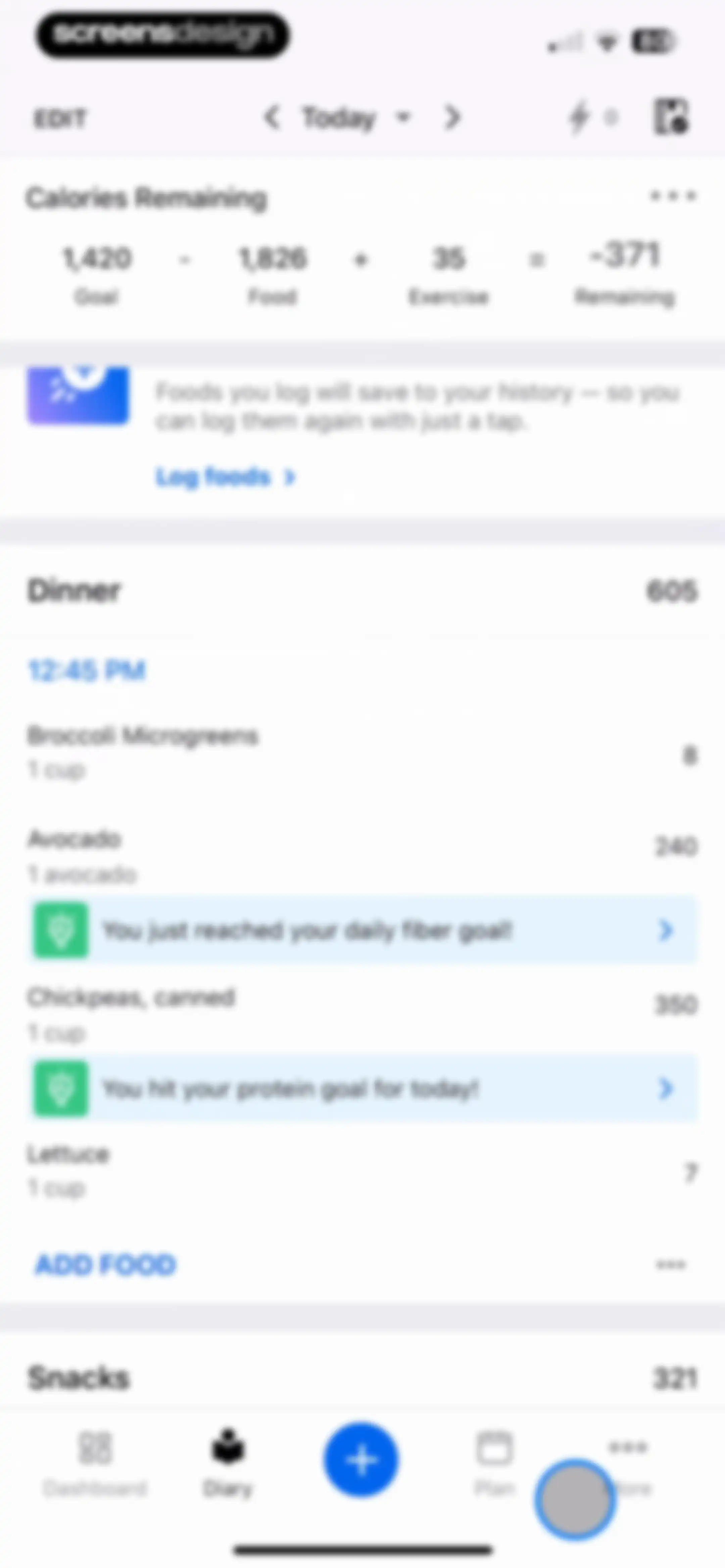
Nutrition diary dashboard displaying calorie summary, logged dinner items, and goal achievement notifications with a bottom navigation bar.Unlock Pro
Settings screen featuring a user profile header with streak and progress details, followed by a vertical menu of app features.Unlock Pro
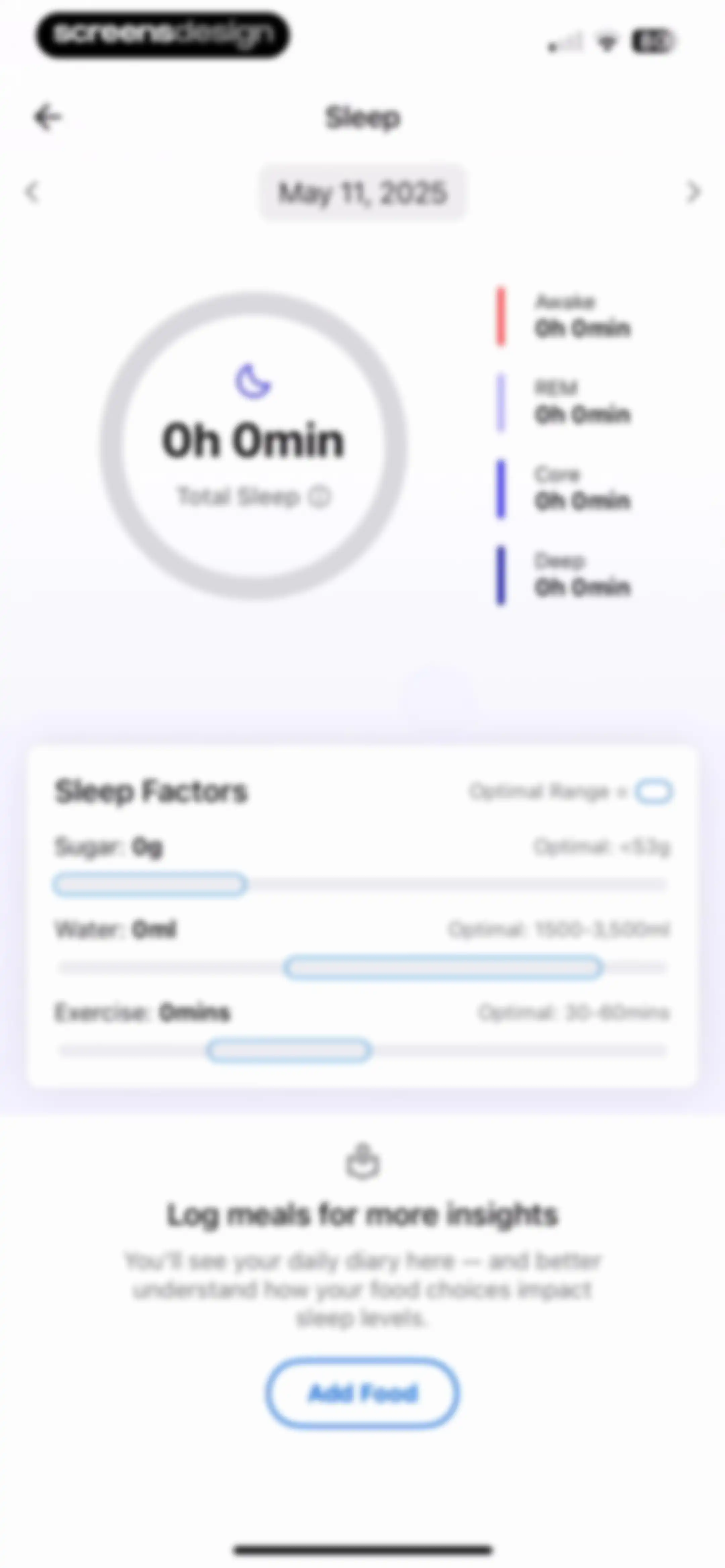
Sleep tracking dashboard for May 11, 2025, displaying zero total sleep, sleep factors metrics, and an Add Food call-to-action button.Unlock Pro
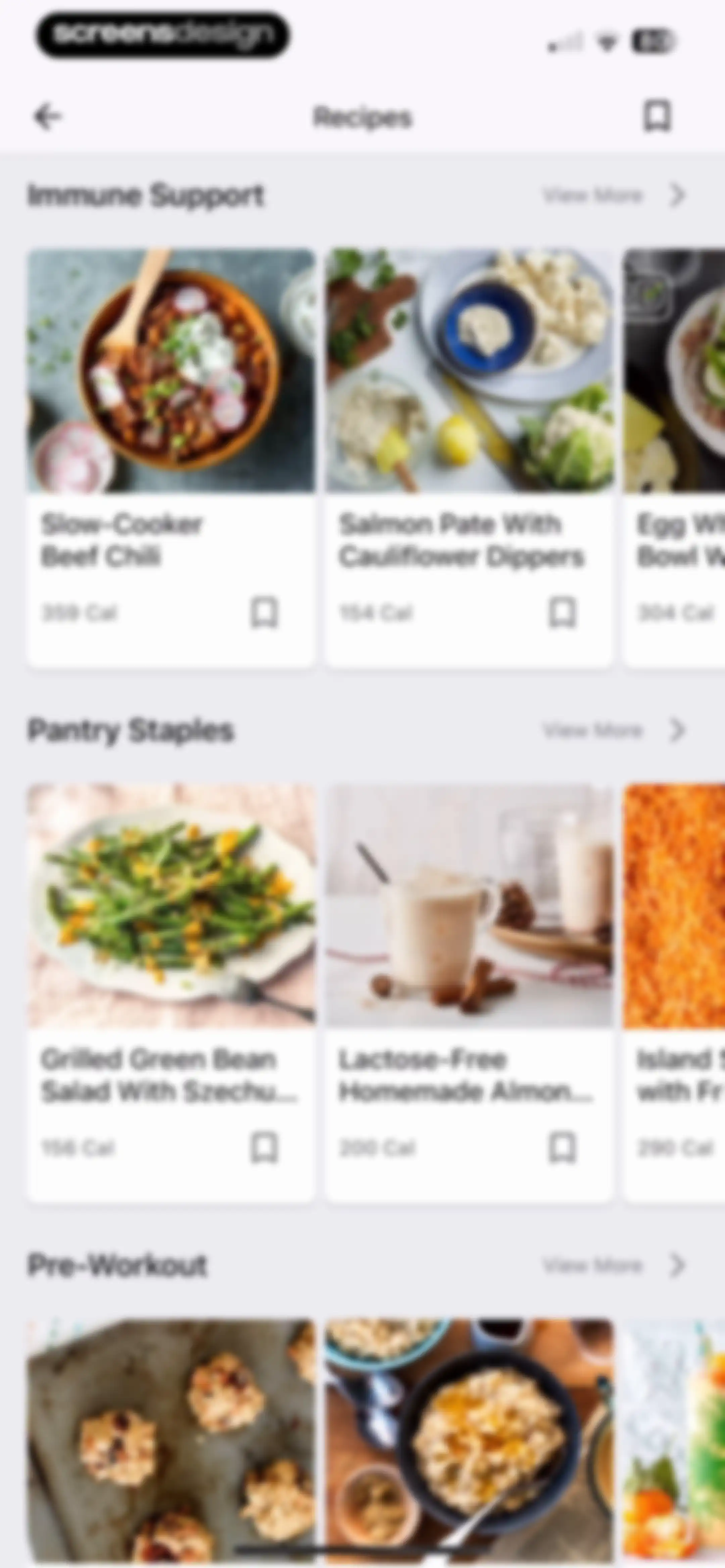
Recipe feed screen organized into horizontal carousels by categories such as Immune Support and Pantry Staples, featuring recipe cards with calorie counts and bookmark icons.Unlock Pro
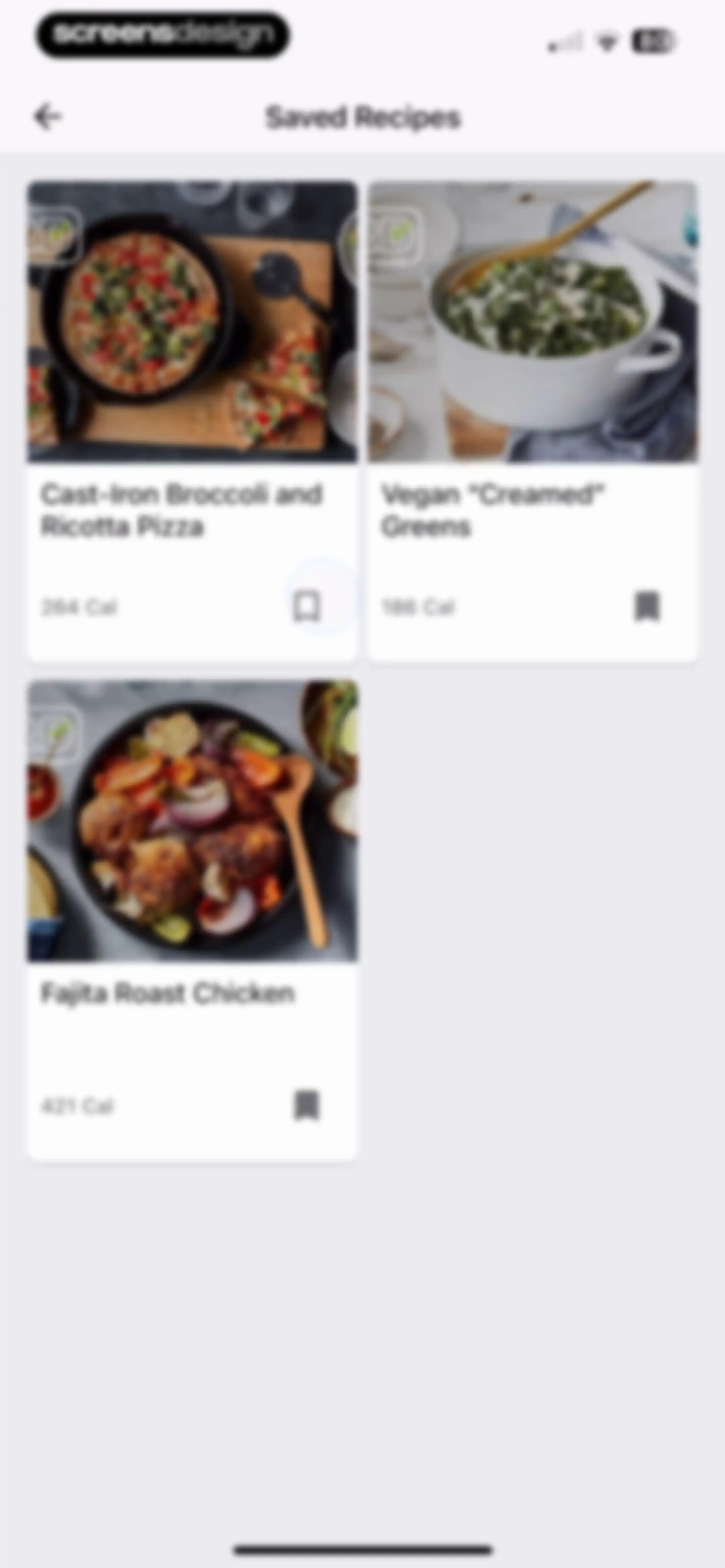
Saved recipes feed displaying a two-column grid of recipe cards with calorie counts and bookmark icons.Unlock Pro
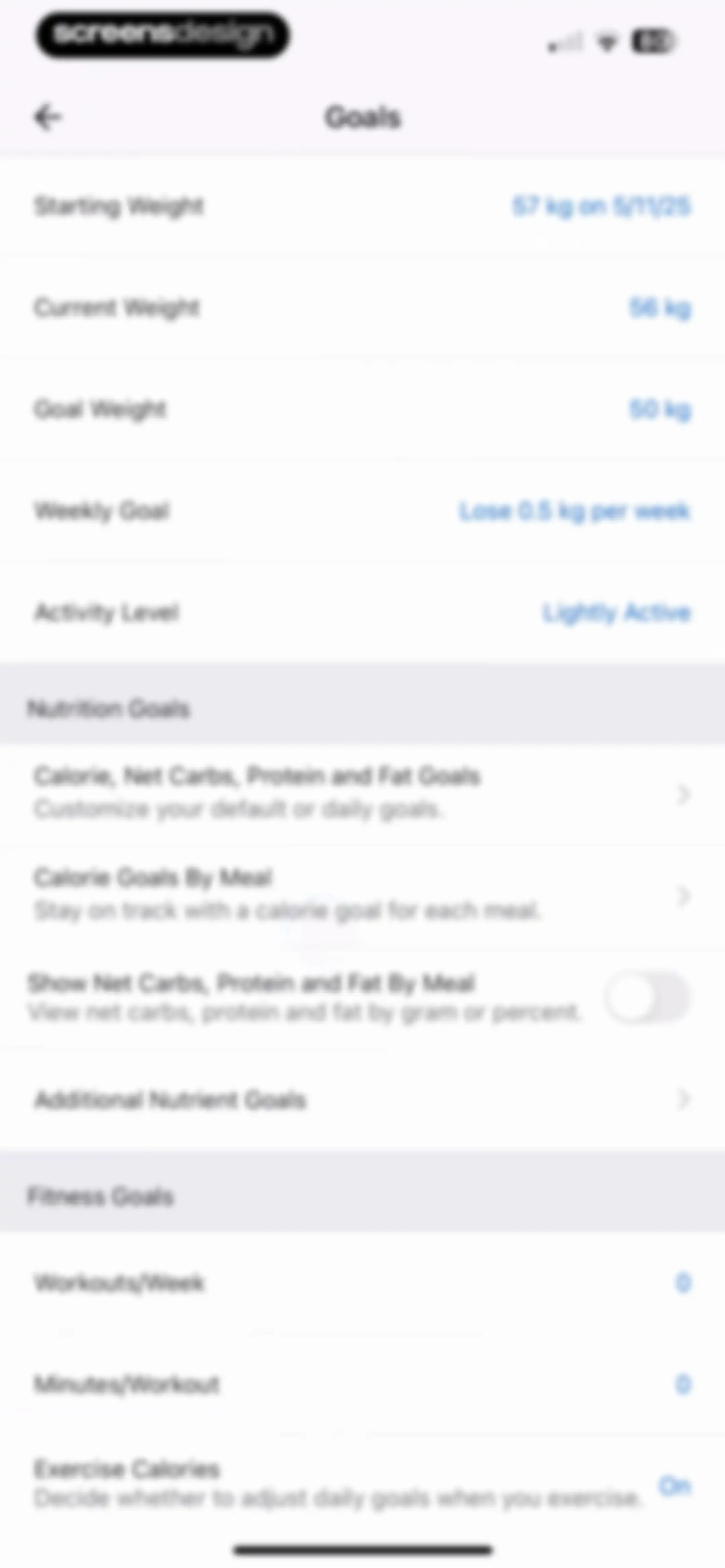
Goals settings screen featuring sections for weight and activity, nutrition goals, and fitness goals with configurable metric fields and toggles.Unlock Pro
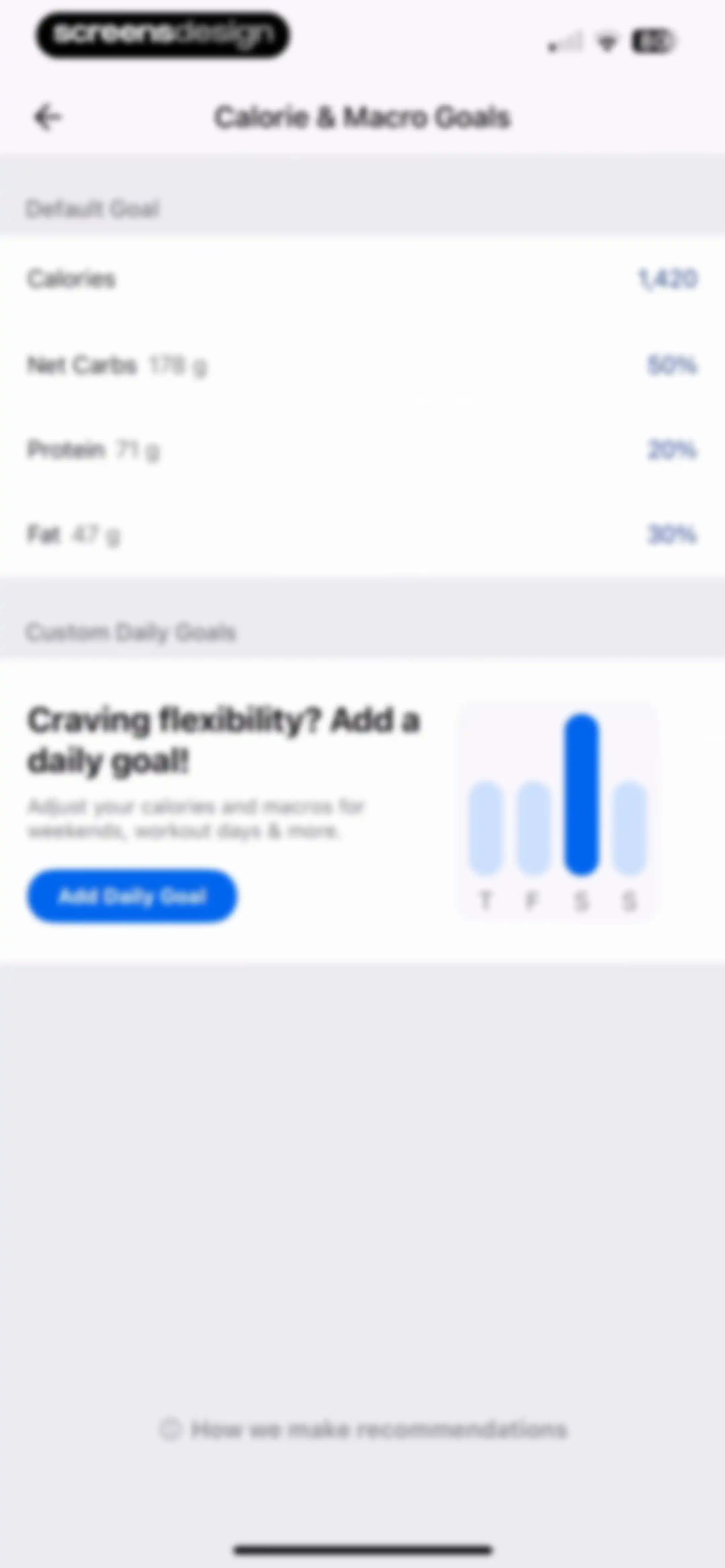
Calorie and macro goals settings screen displaying default nutrition targets and a promotional card to add custom daily goals with an Add Daily Goal button.Unlock Pro
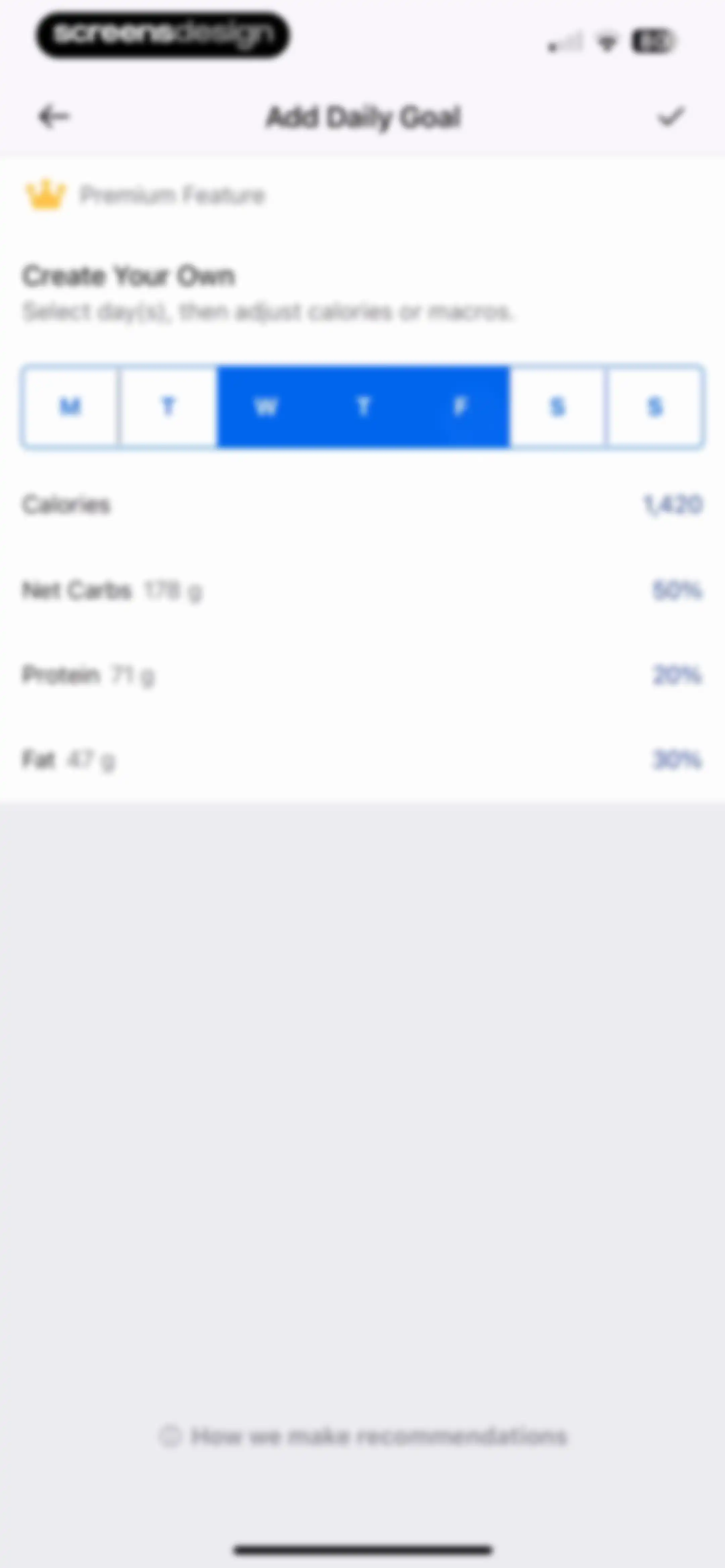
Nutrition goal editor screen displaying a premium feature banner, a day-selection segmented control, and editable calorie and macro metrics.Unlock Pro
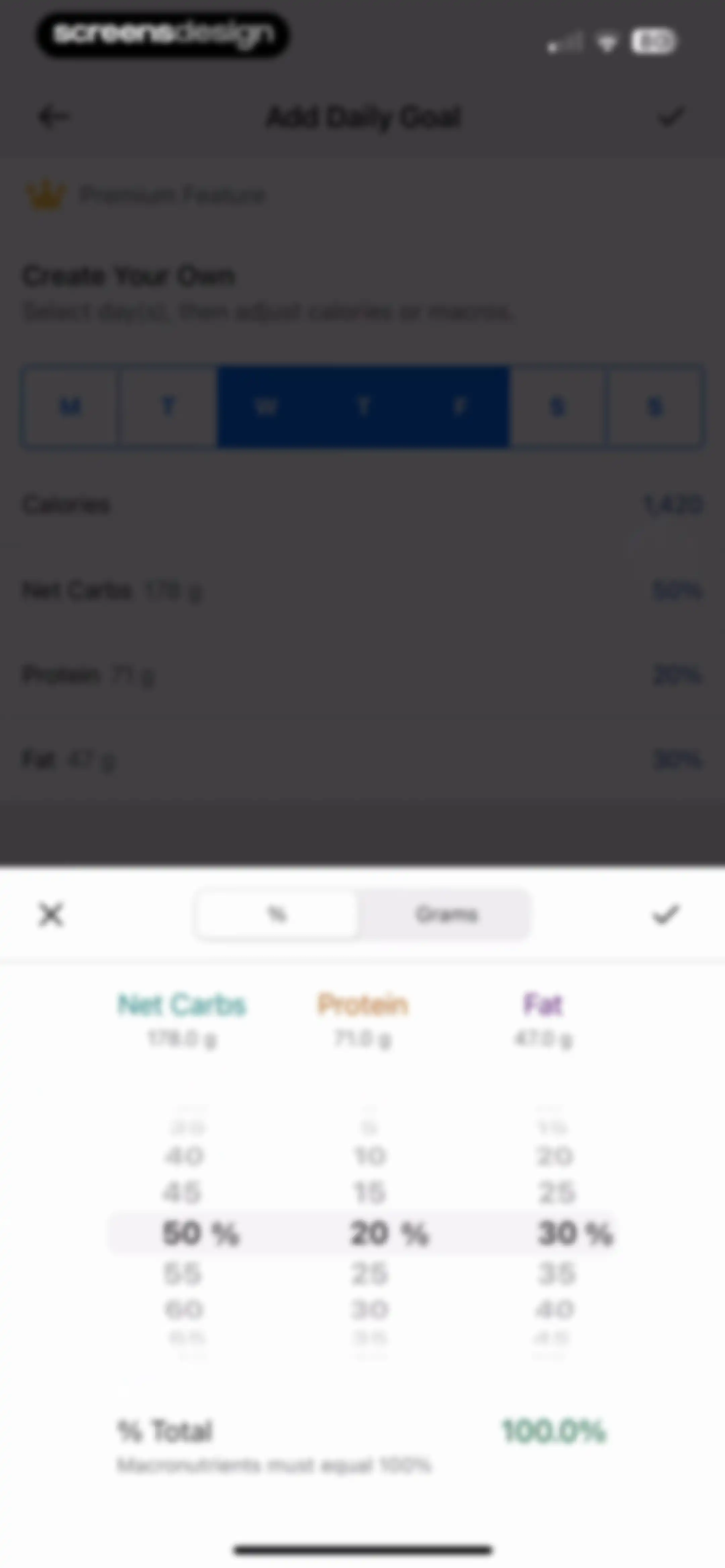
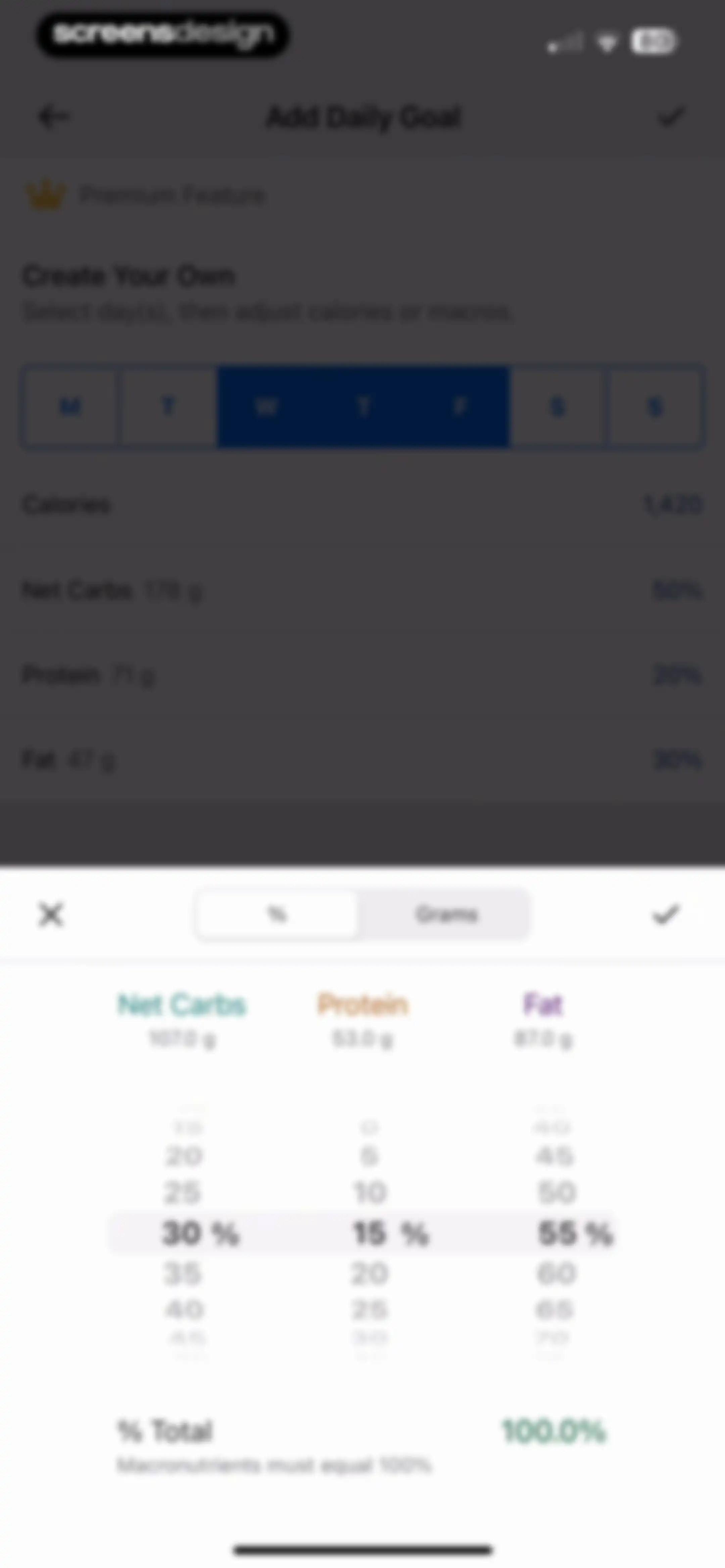
Goal configuration form for setting custom daily calories and macros, with a numerical picker modal displaying macronutrient percentages and a validation error.Unlock Pro
Premium nutrition goal setting form with a day selector, macro summary, and adjustment picker showing a macronutrient validation error.Unlock Pro
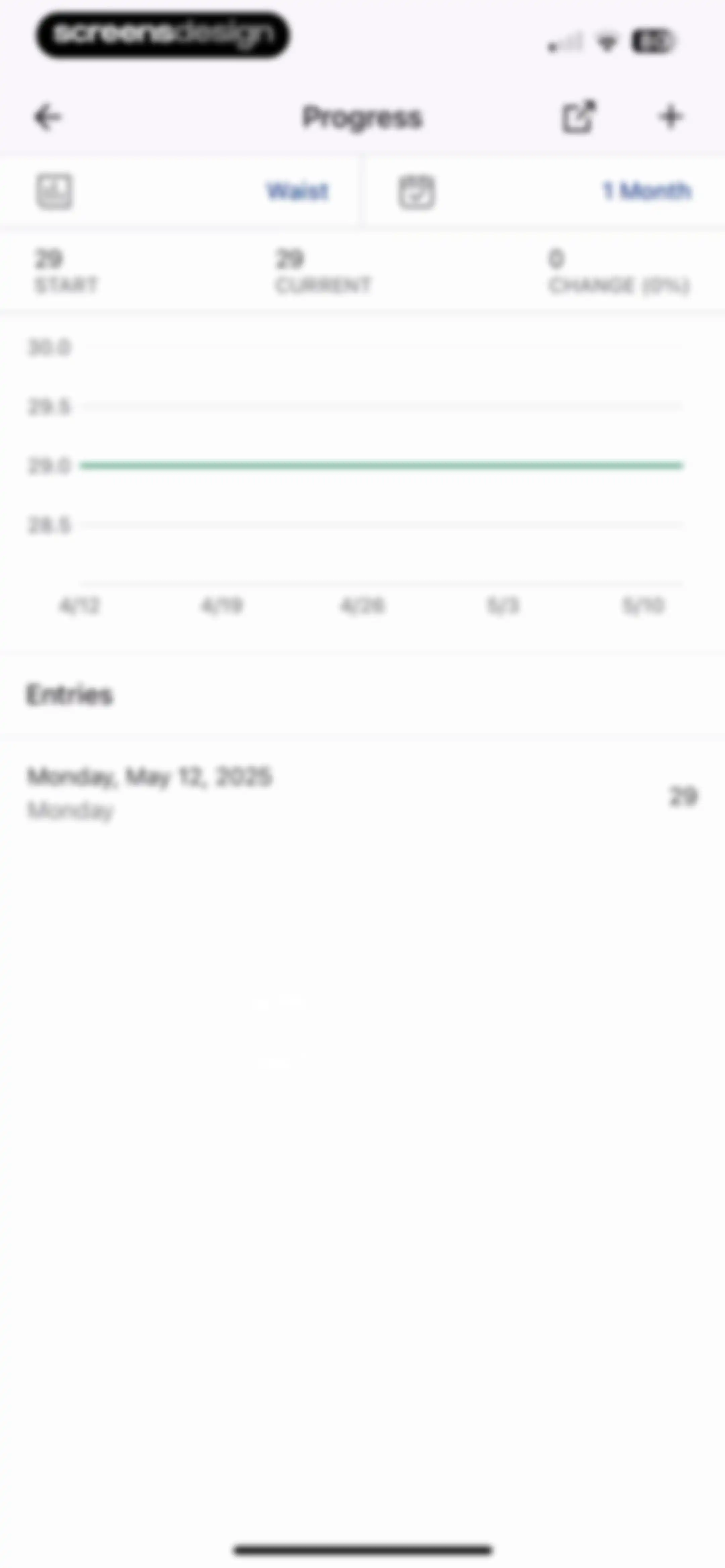
Analytics screen showing a one-month waist measurement progress chart and summary statistics with a list of historical entries below.Unlock Pro
Analytics screen showing waist measurement progress and a date range selection modal with the 1 year option selected.Unlock Pro
Data export screen displaying a premium feature badge, date range selector set to the last 7 days, and an Export My Information button.Unlock Pro
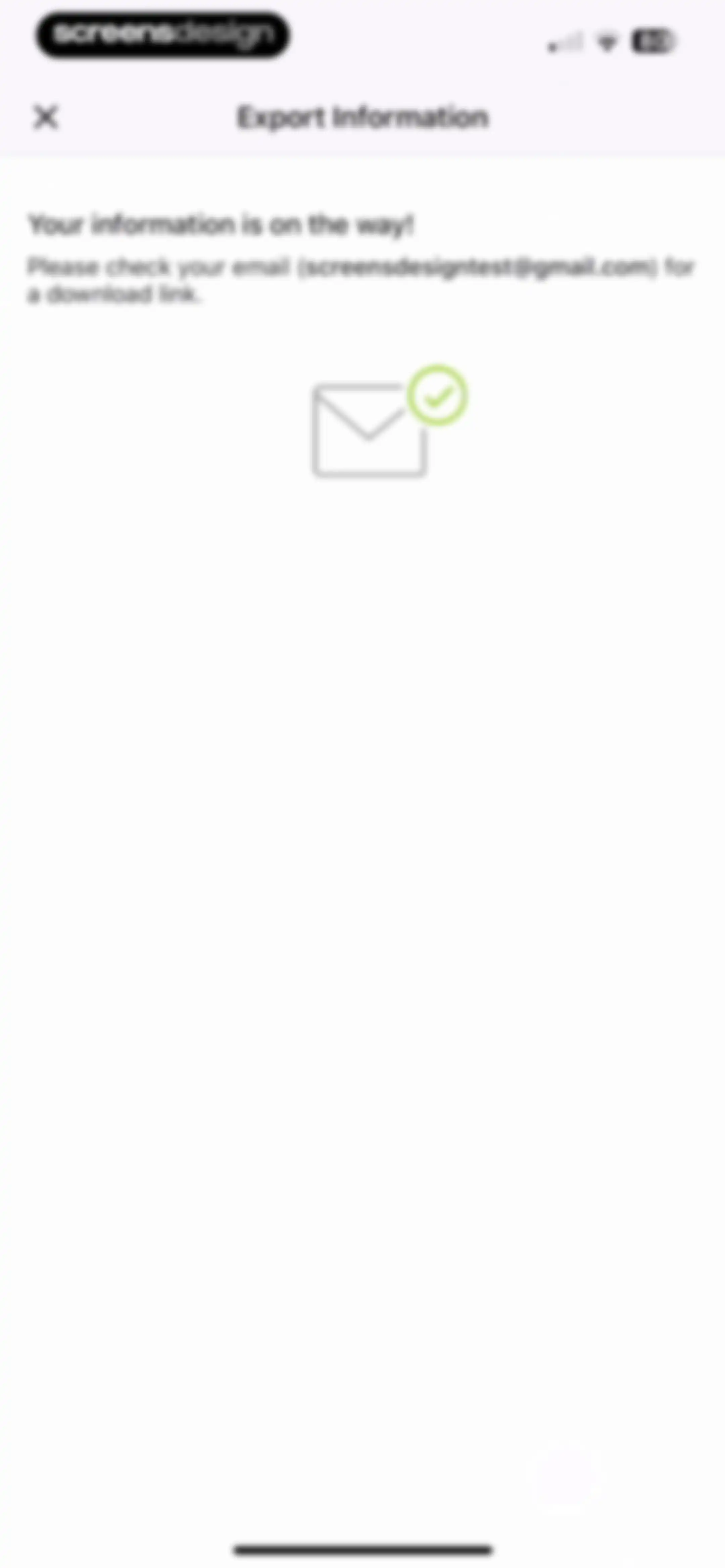
Data export confirmation screen stating your information is on the way and instructing you to check your email.Unlock Pro
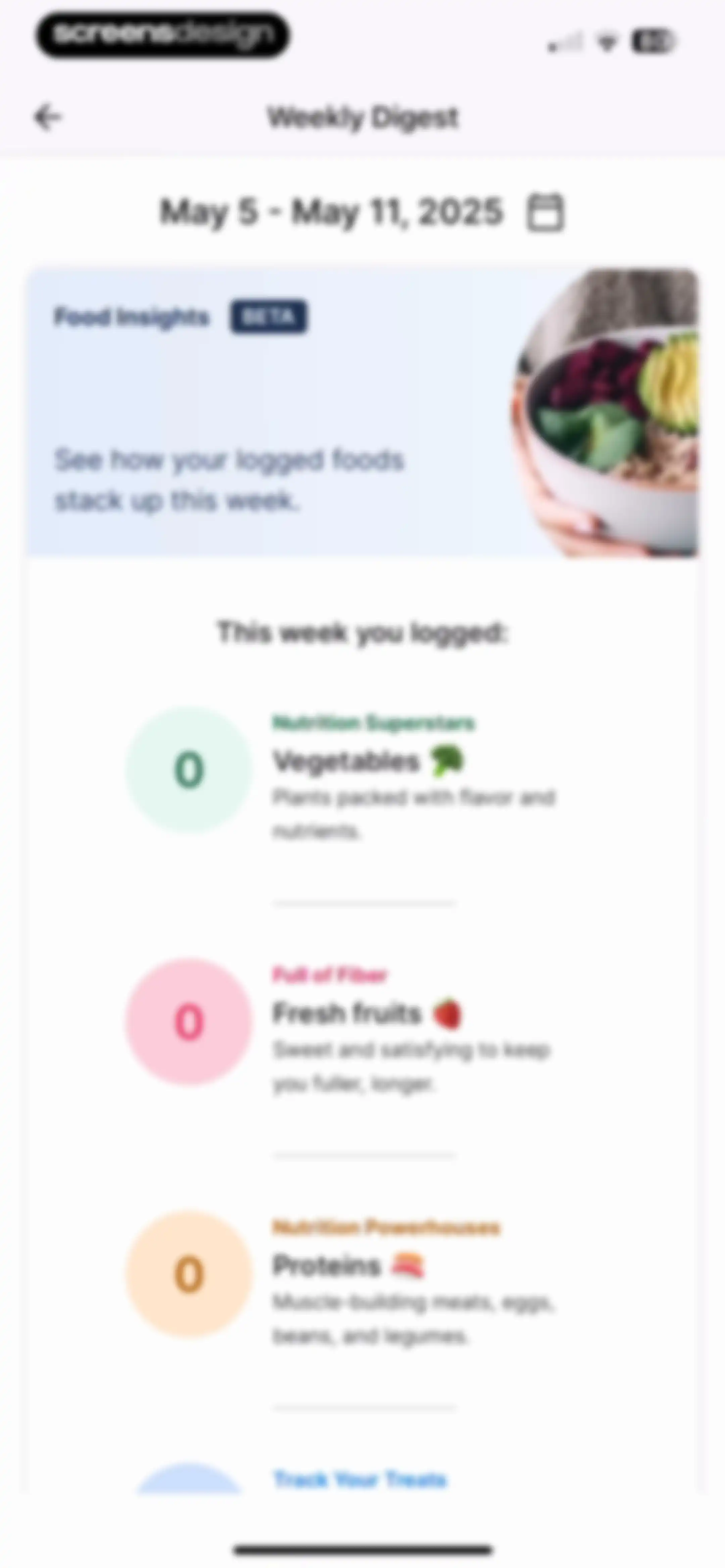
Weekly nutrition digest screen displaying a food insights hero card and category progress items for vegetables, fruits, and proteins.Unlock Pro
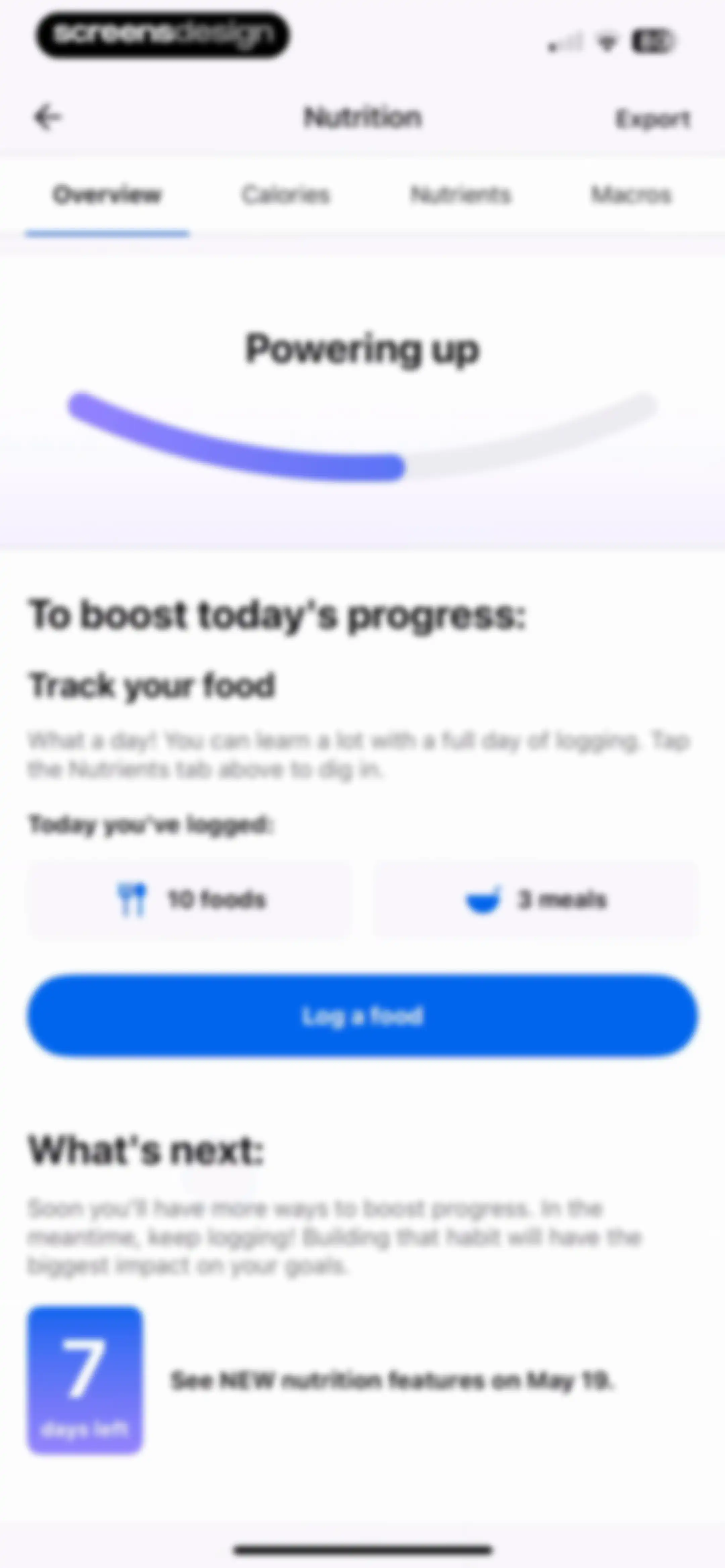
Nutrition dashboard showing daily food and meal logs, an overview tab selected, a progress summary, and a Log a food button.Unlock Pro
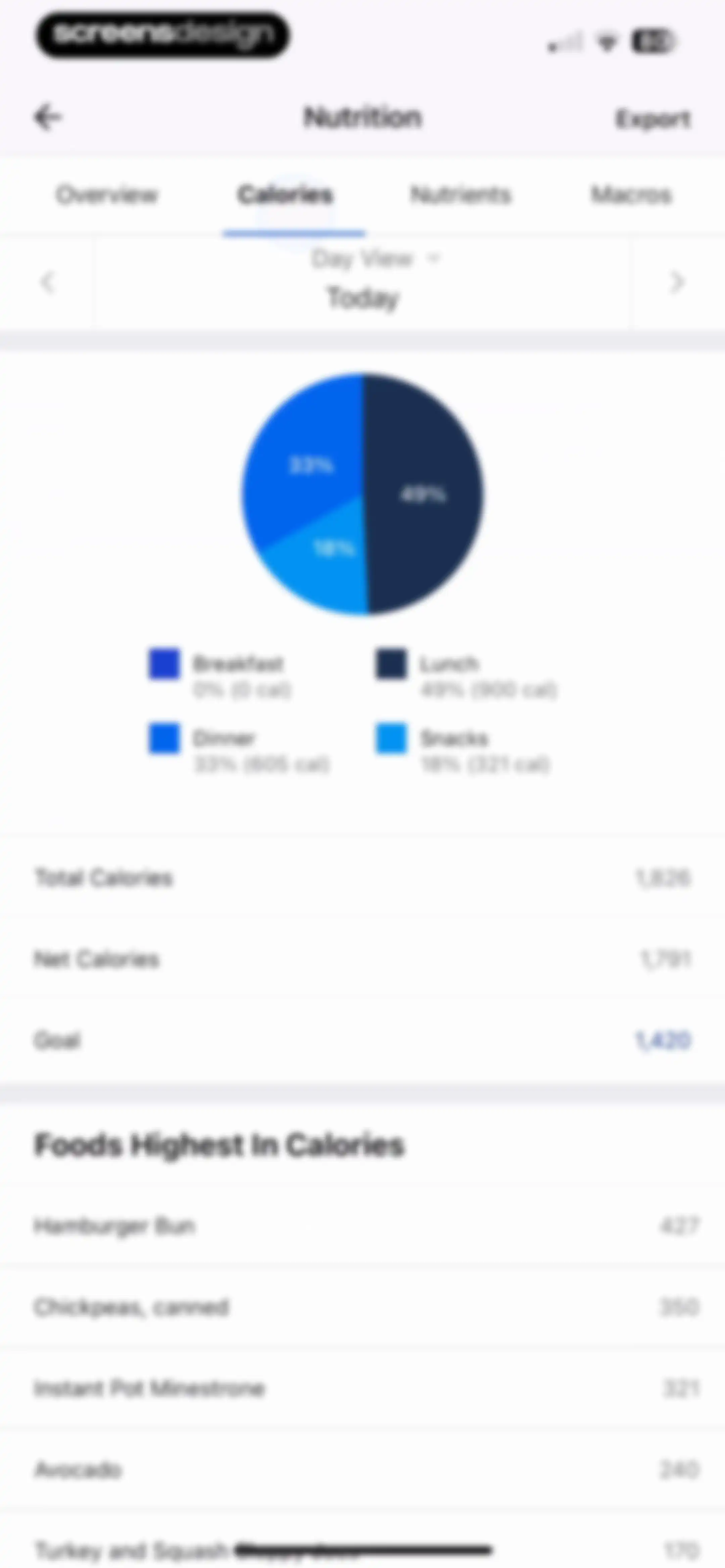
Nutrition analytics screen displaying a daily calorie distribution pie chart, meal breakdown, and a list of foods highest in calories.Unlock Pro
Nutrition dashboard showing a detailed breakdown of daily nutrient intake with the Nutrients tab selected and an Export button.Unlock Pro
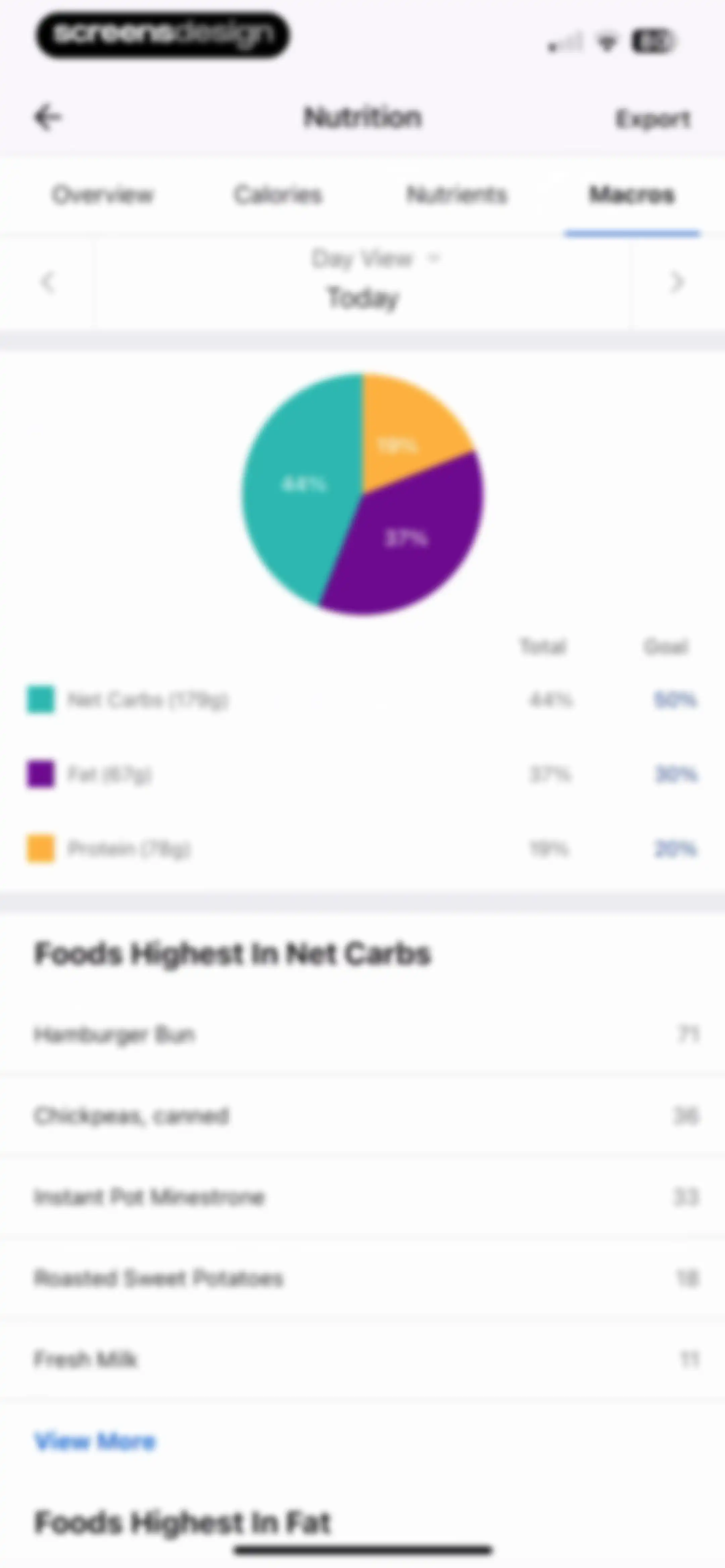
Nutrition dashboard displaying a macronutrient distribution pie chart, macro breakdown list, and a list of foods highest in net carbs.Unlock Pro
Empty recipe management screen with a search bar, selected Recipes tab, instructions to create recipes, and a Create a Recipe button.Unlock Pro
Recipe management screen with a bottom modal overlay offering options to add from the web or enter ingredients manually.Unlock Pro
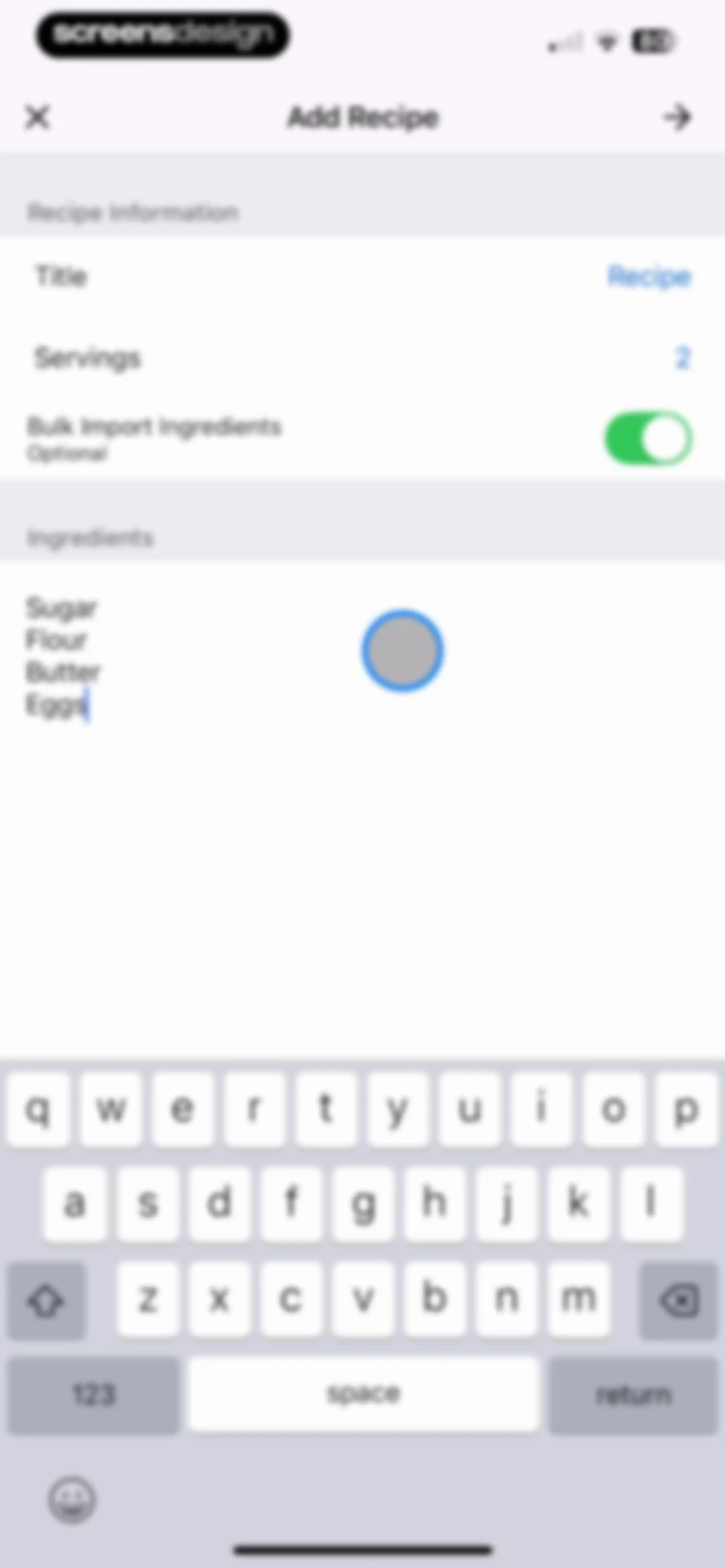
Recipe creation form with title and servings fields, an ingredients list including sugar and flour, and an active system keyboard.Unlock Pro
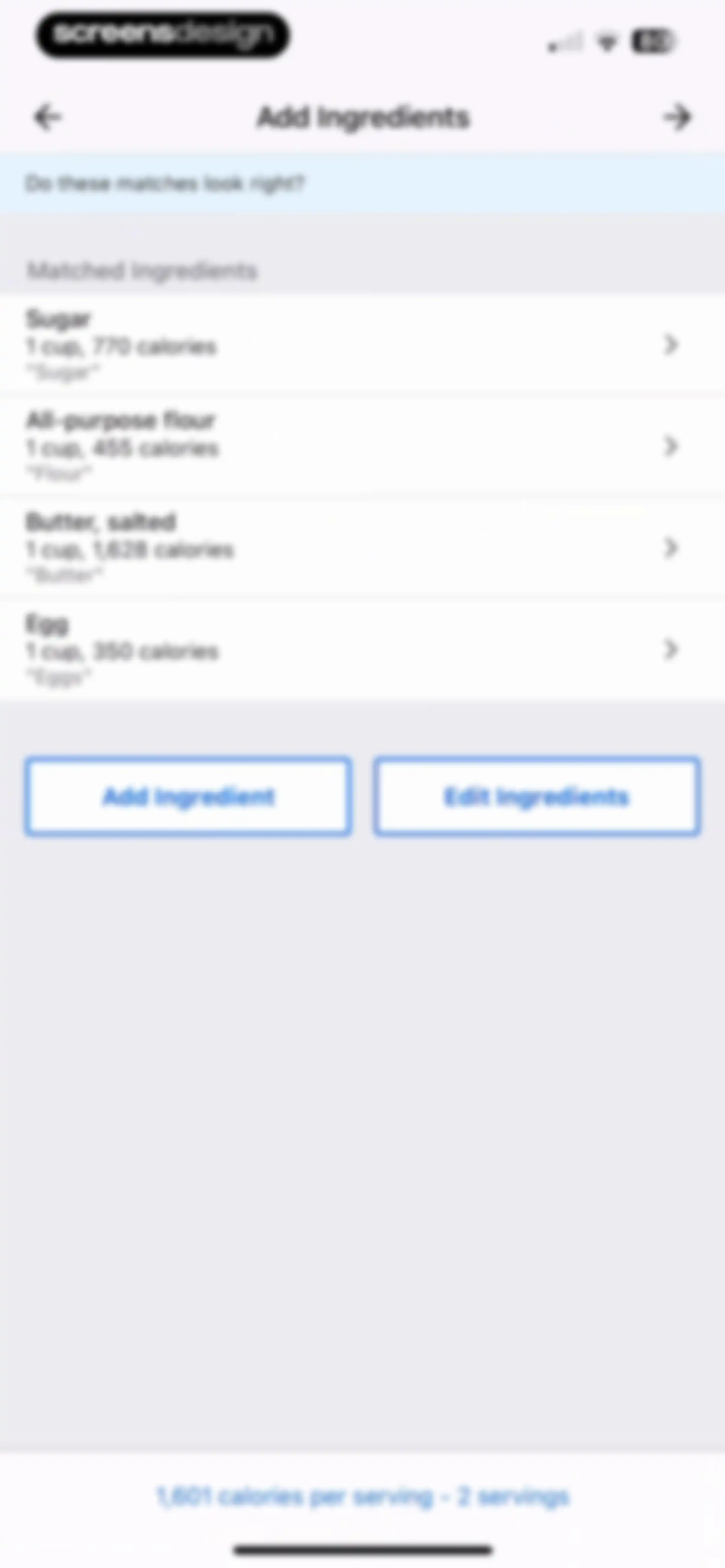
Ingredient confirmation form listing matched food items with calorie counts, side-by-side action buttons, and a bottom summary line.Unlock Pro
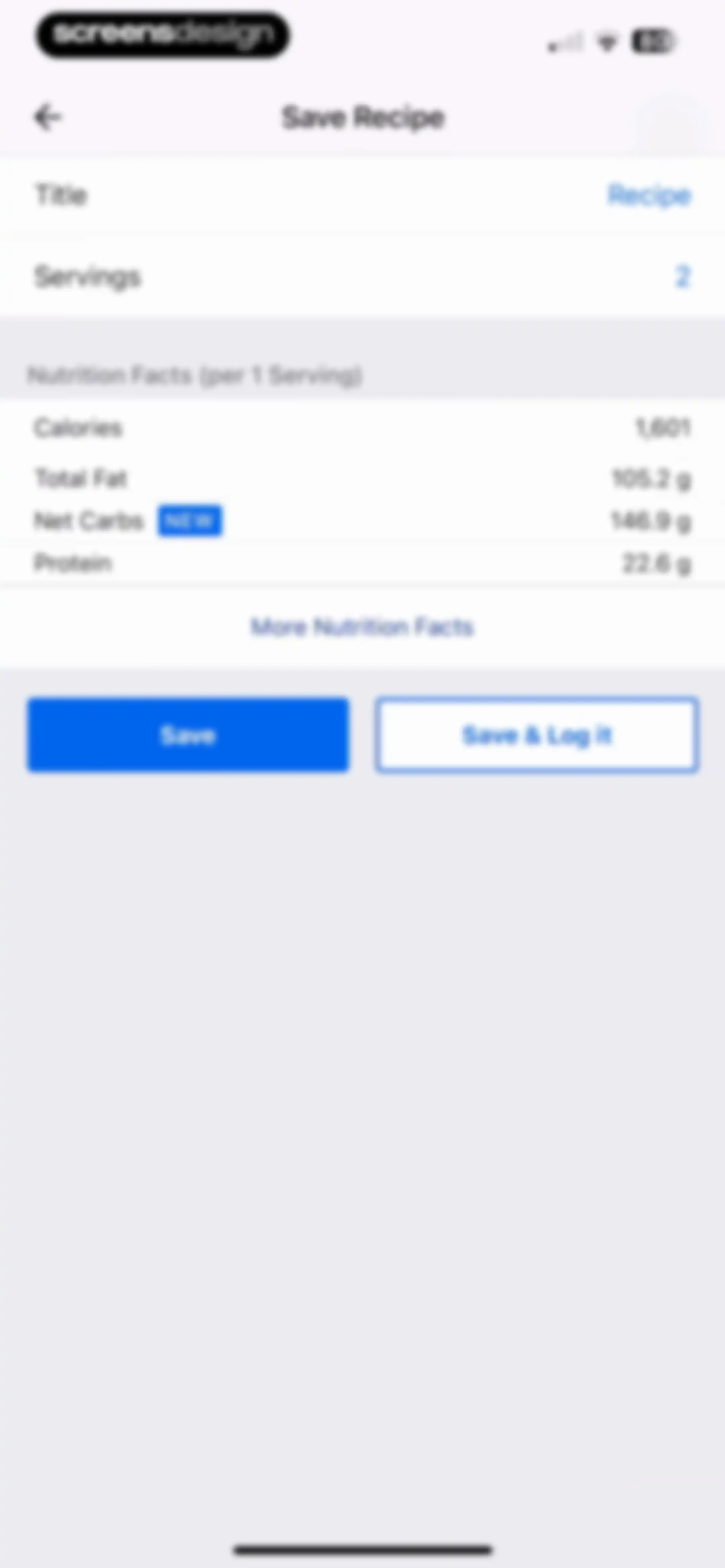
Save recipe form displaying nutrition facts per serving, input fields for title and servings, and Save and Save & Log it action buttons.Unlock Pro
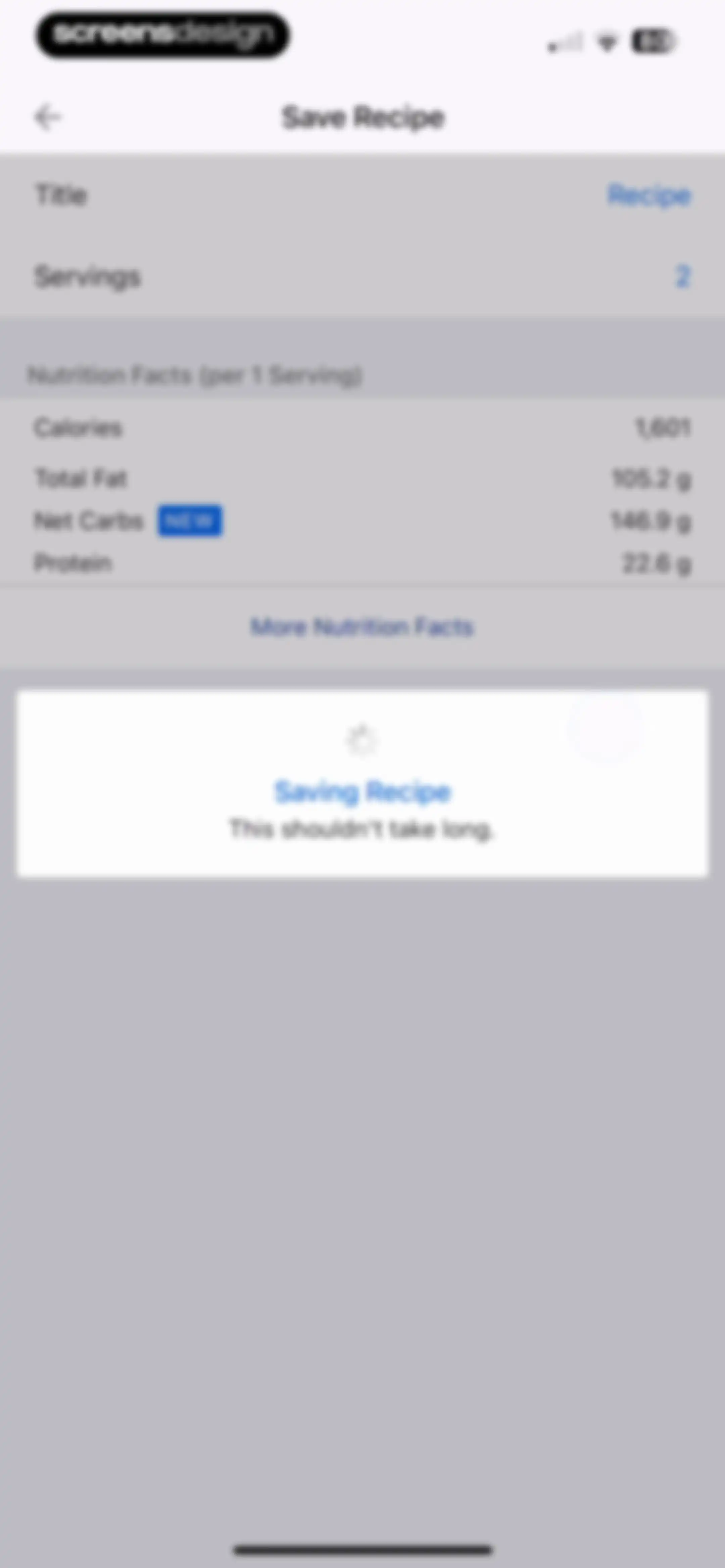
Recipe saving form with a nutrition facts list and a centered modal overlay showing a loading spinner.Unlock Pro
Food logging form for a recipe with serving details, nutritional summary, daily goals progress, and a save button.Unlock Pro
Diary screen featuring a calorie tracking dashboard, meal sections, and a fasting feature onboarding modal with a Next button.Unlock Pro
Health and fitness app dashboard featuring a calorie summary, fasting timer, meal diary with logged food items, and an active fasting tool menu modal.Unlock Pro
Nutrition logging dashboard displaying calorie summary stats, a fasting timer, and a meal diary list with breakfast and lunch entries.Unlock Pro
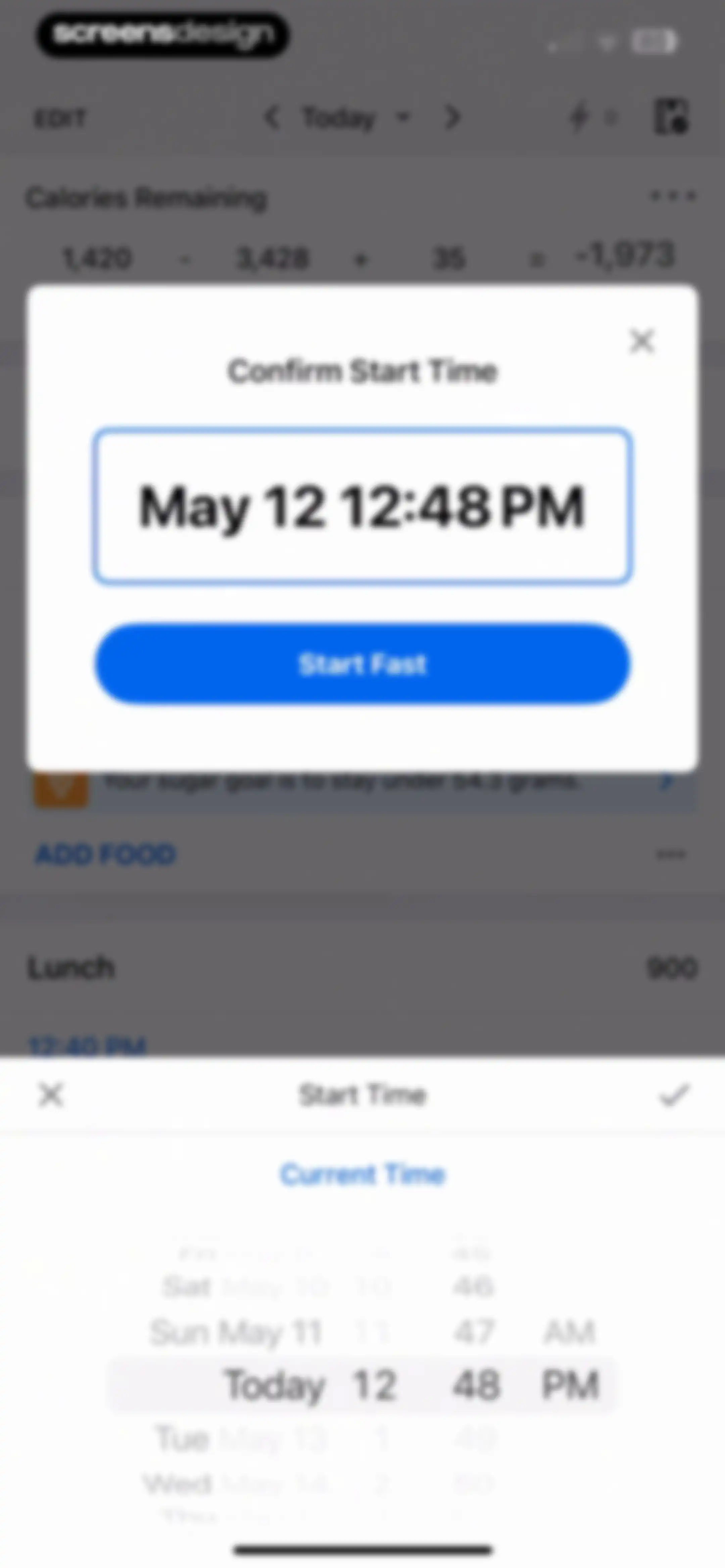
Confirm Start Time modal displaying May 12 12:48 PM, a Start Fast button, and an active date and time picker overlaying a dashboard.Unlock Pro
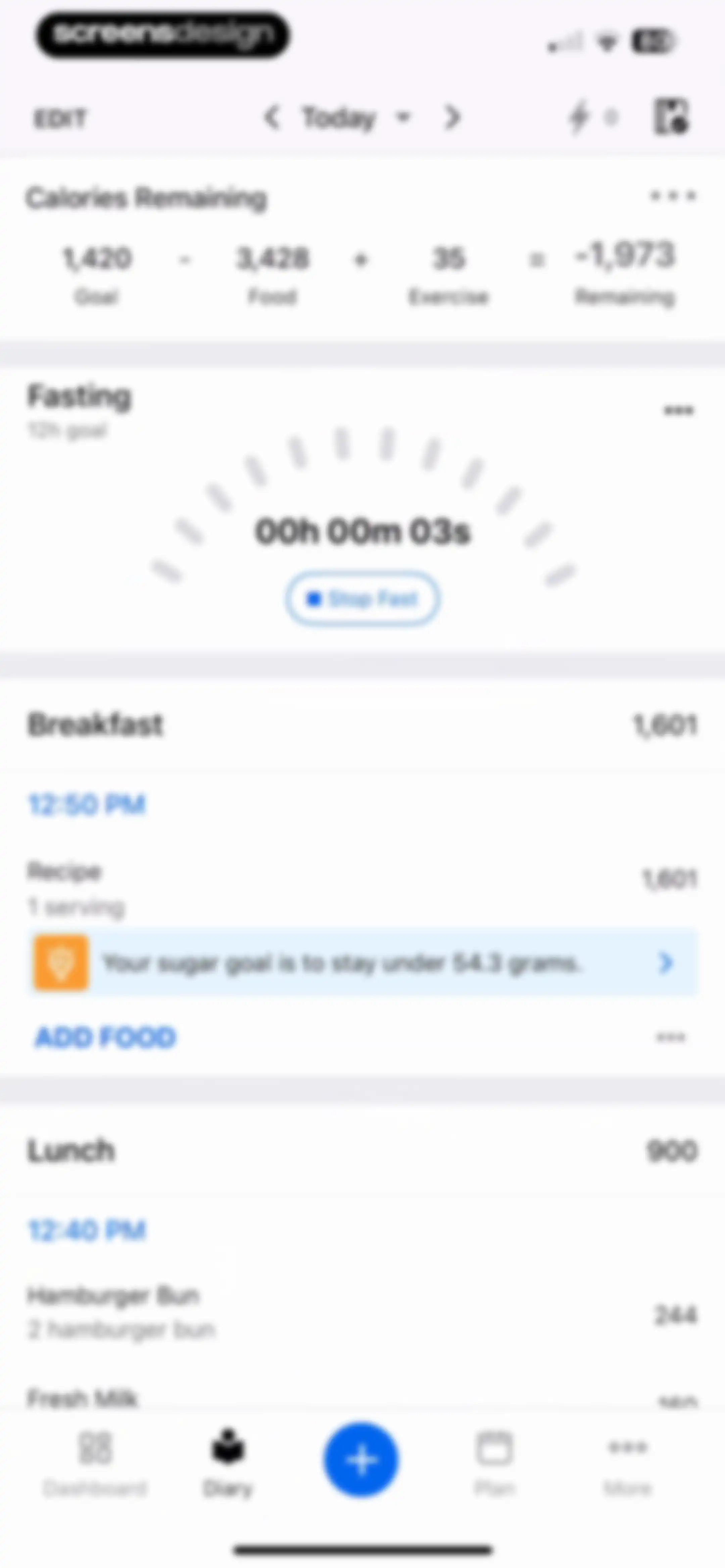
Nutrition app diary screen showing calorie stats, an active fasting timer card, and a meal list with breakfast and lunch entries.Unlock Pro
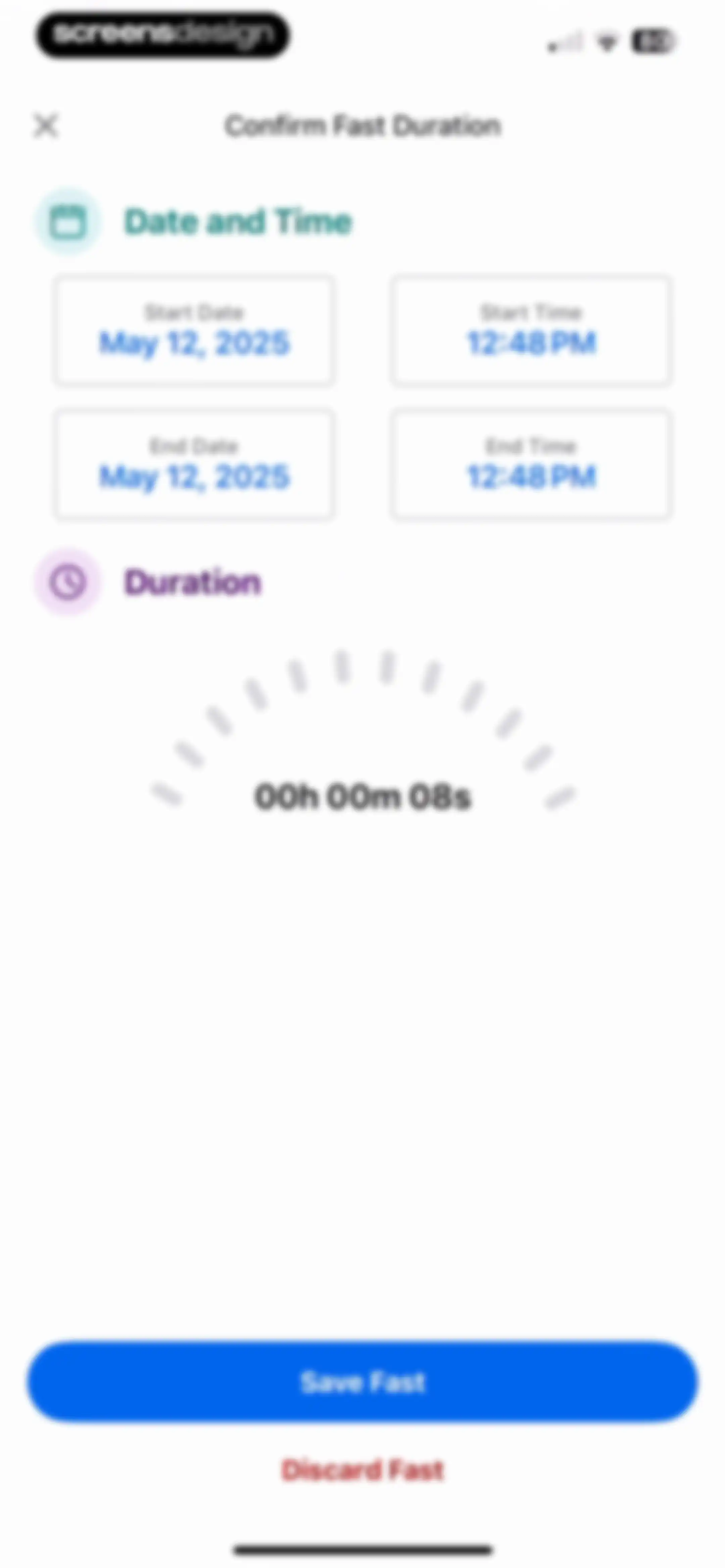
Fast confirmation form displaying date and time inputs, a duration timer set to eight seconds, and Save and Discard buttons.Unlock Pro
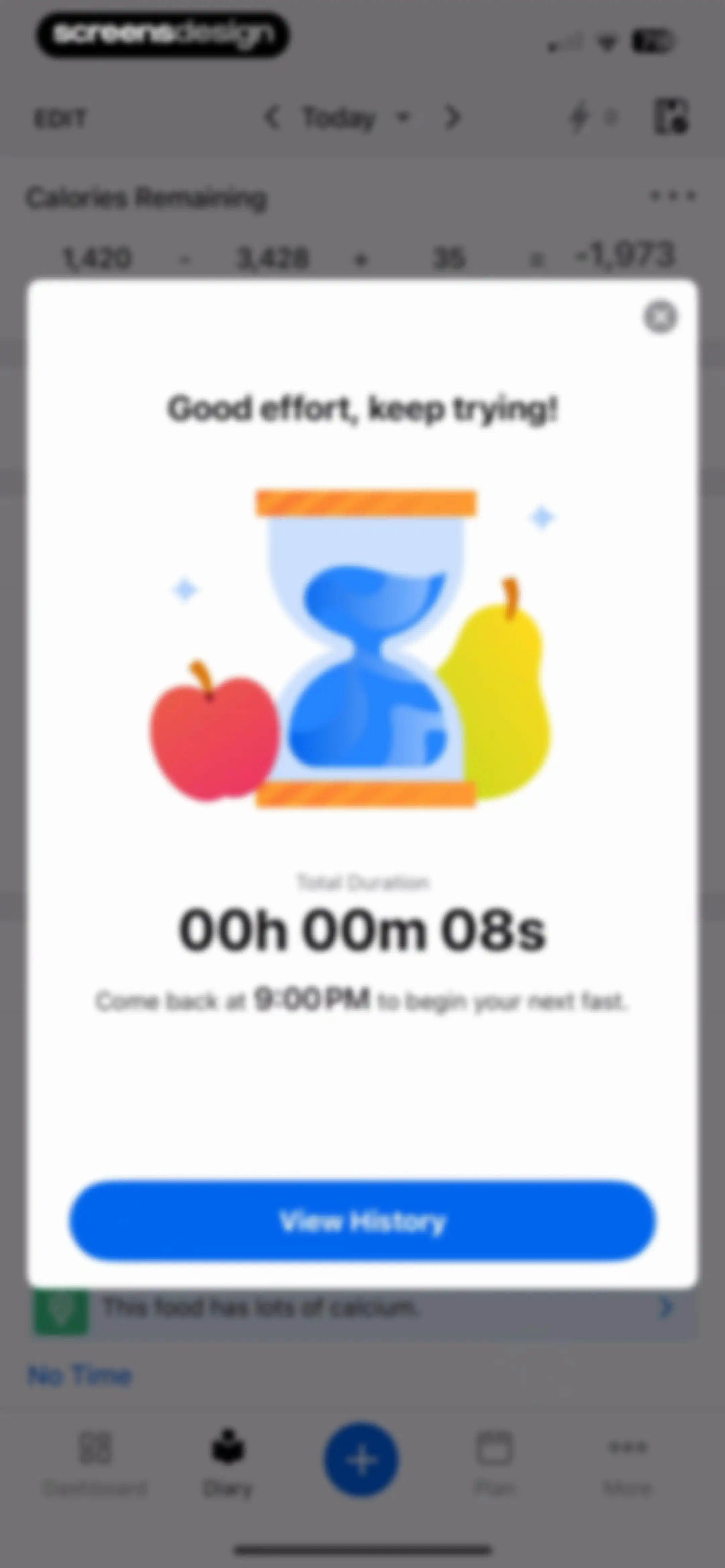
Dashboard screen showing a fasting summary modal with a short duration and a View History button.Unlock Pro
Fasting history dashboard displaying a chart of recent averages and a list of logged fasting entries.Unlock Pro
Settings menu featuring a profile summary at the top and a vertical list of feature links including profile, workouts, and nutrition.Unlock Pro
Reminder settings screen displaying grouped lists for meals and weight tracking with toggle switches and times.Unlock Pro
Apps and devices settings screen with a featured carousel and a list of fitness apps including Health App, Fitbit, and Strava.Unlock Pro
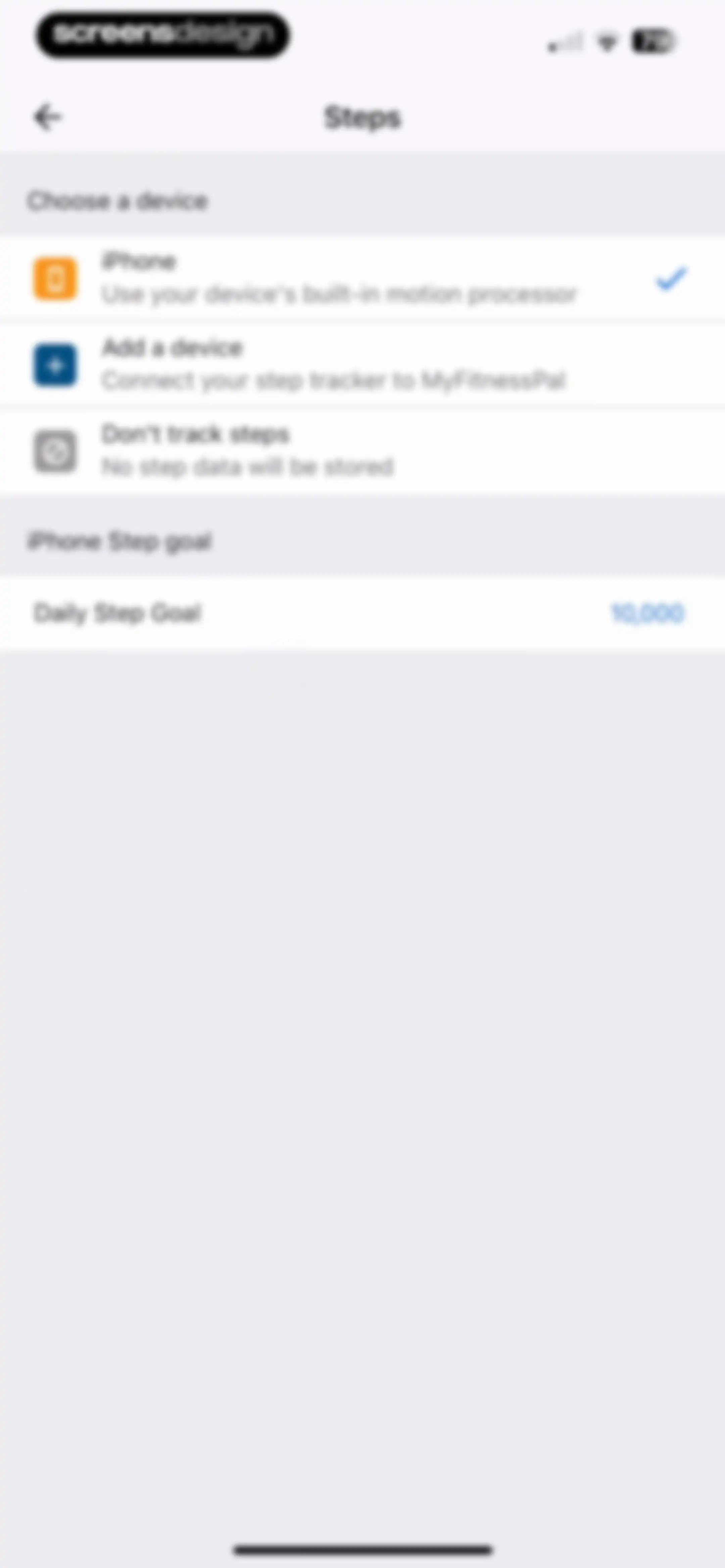
Step tracking settings screen featuring a device selection list with iPhone selected and a daily step goal set to 10,000.Unlock Pro
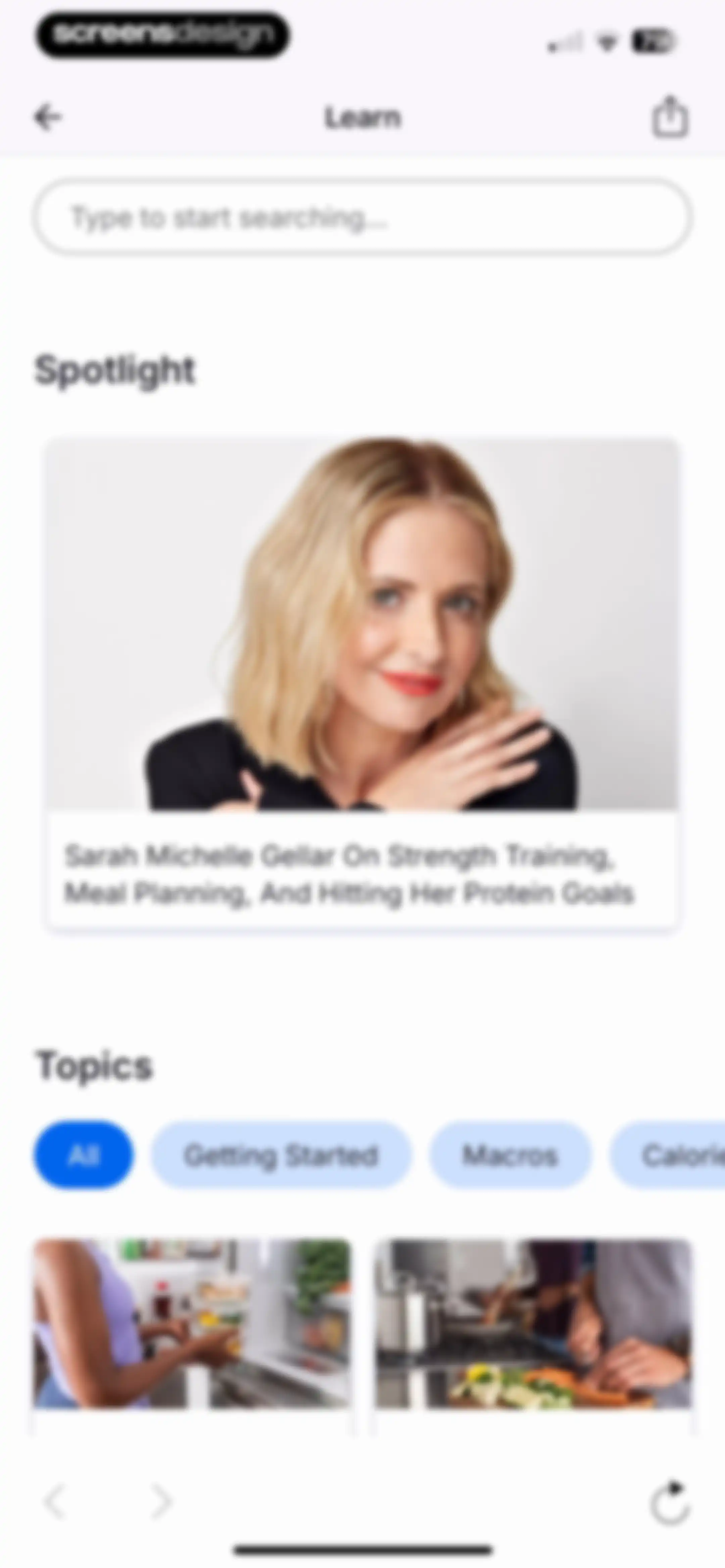
Learn content feed with a search bar, spotlight hero card featuring Sarah Michelle Gellar, topic filter tabs, and a content grid.Unlock Pro
Cookie consent modal overlaying a search and spotlight content page, with OK and Manage Cookies buttons.Unlock Pro
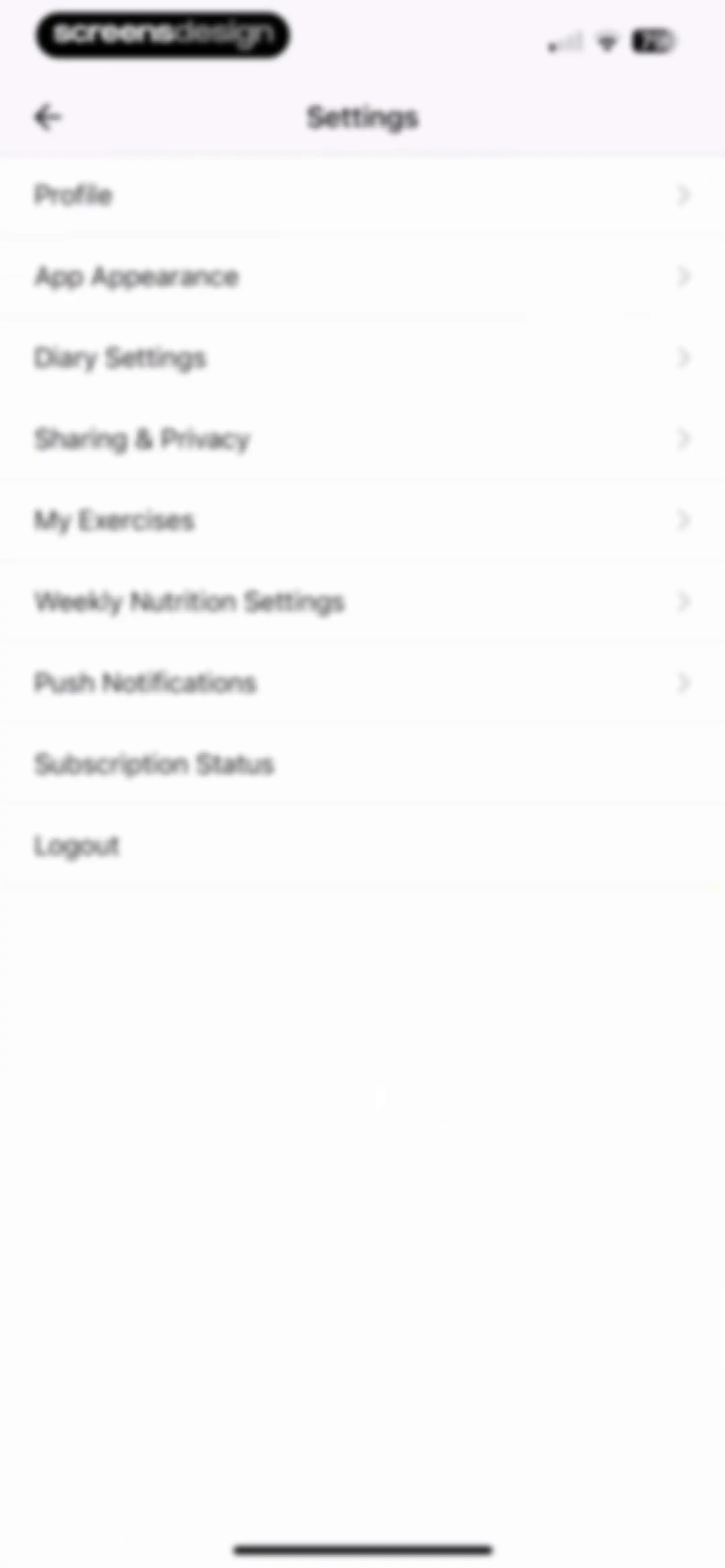
Settings menu featuring a vertical list of configuration options including profile, diary settings, and subscription status.Unlock Pro
Profile settings screen displaying personal details fields and a goals section with a back button in the header.Unlock Pro
App appearance settings screen with a theme selection list showing Dark Theme selected with a checkmark.Unlock Pro
Diary settings screen featuring a list of toggle preferences and navigation links to customize food tracking options.Unlock Pro
Sharing and privacy settings menu with a vertical list of options including diary sharing, email settings, and change password.Unlock Pro
My Exercises empty state screen displaying the message No personal exercises created yet and a back button.Unlock Pro
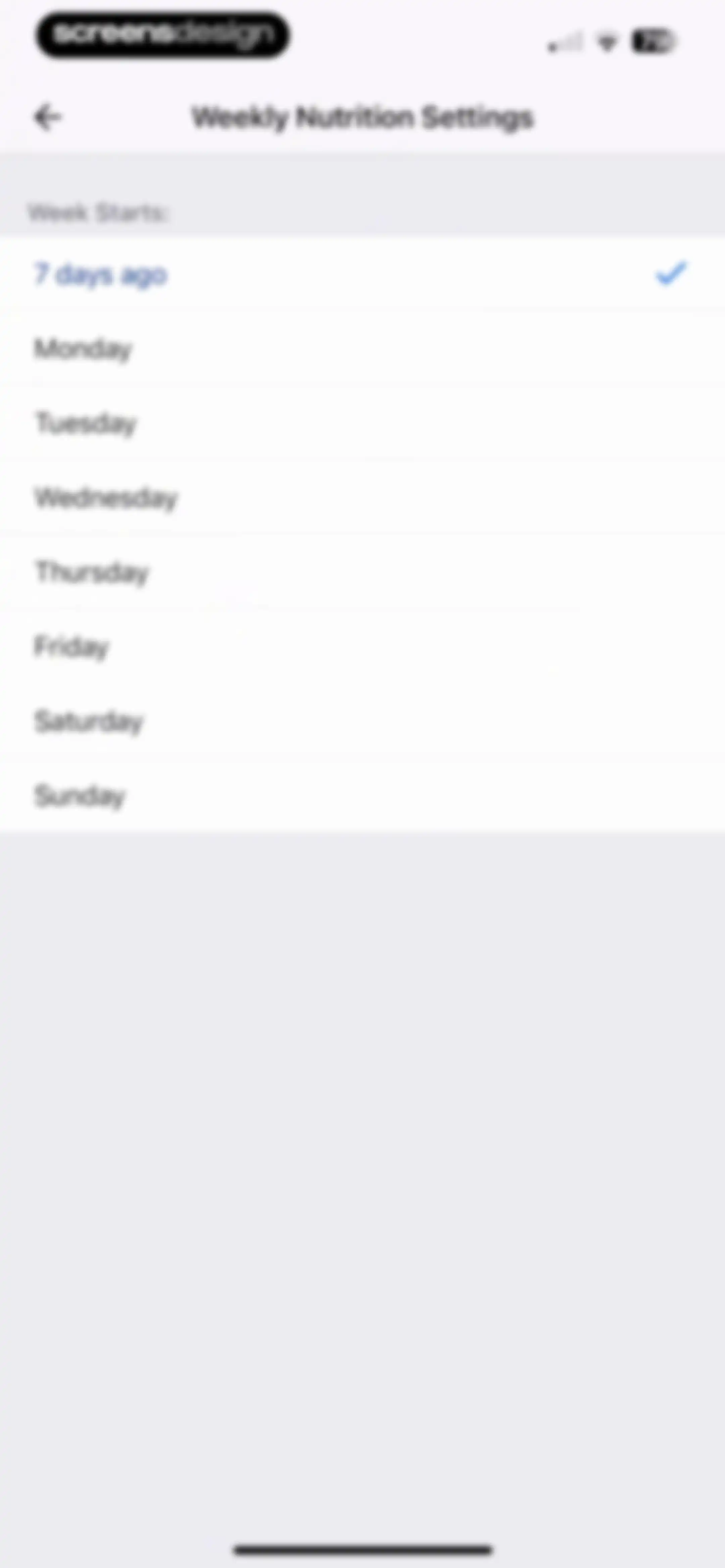
Weekly nutrition settings screen with a list of days to configure when the week starts, showing '7 days ago' selected.Unlock Pro
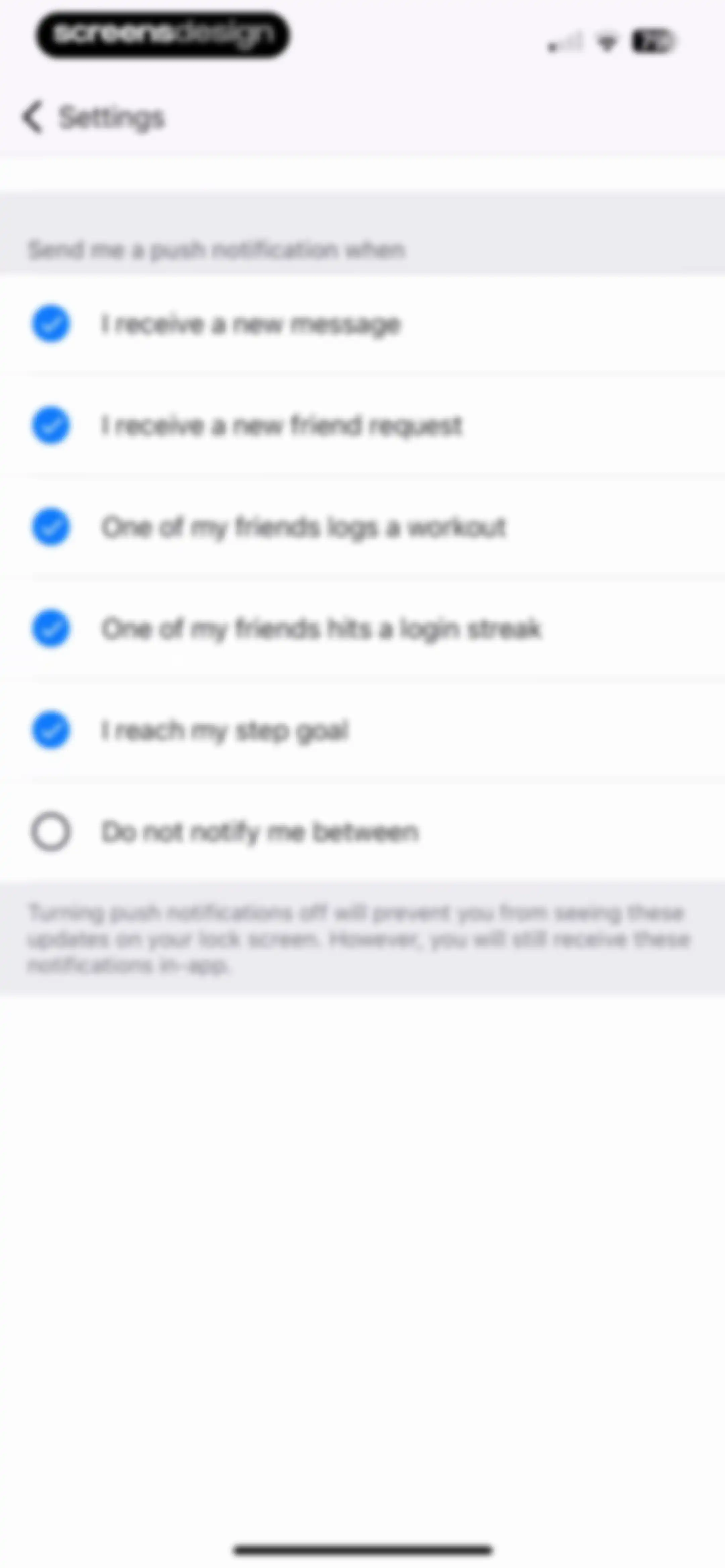
Notification settings screen listing push notification preferences with five options enabled and quiet hours disabled.Unlock Pro
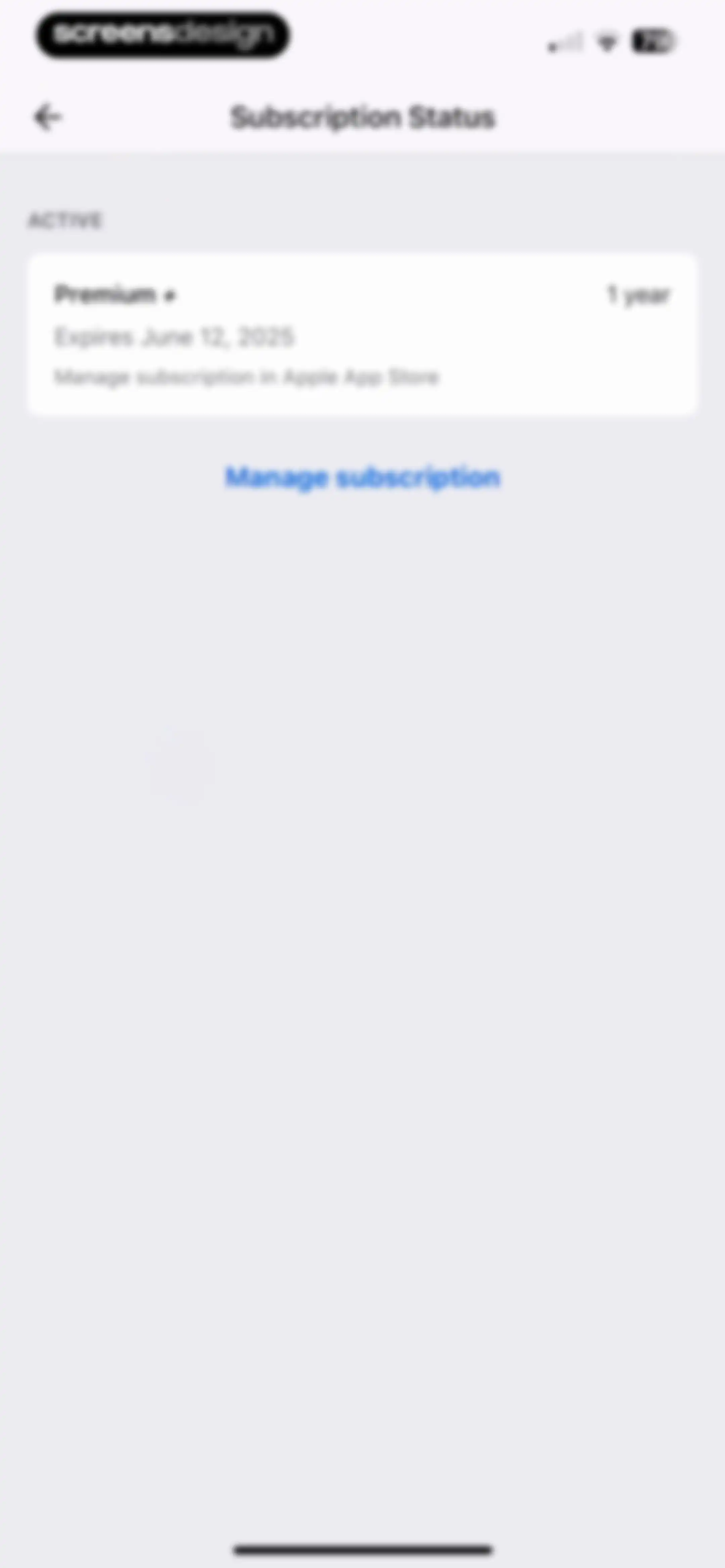
Subscription status settings showing an active Premium plus one year plan expiring June 12, 2025, with a manage subscription link.Unlock Pro

About MyFitnessPal: Calorie Counter

A comprehensive health and fitness platform for tracking nutrition, calories, macros, and workouts with AI-powered personalized coaching insights.

Explore MyFitnessPal: Calorie Counter across ScreensDesign

Apps similar to MyFitnessPal: Calorie Counter
Unlock all similar apps

See every comparable app, revenue, installs, and flows.

Unlock Pro
  • ‎Calorie Counter: Food Tracker

    4.4
    Hashtag inovatsii EOODRevenue$10kInstalls15k
  • My Macros+ | Macro Tracker

    4.7
    My Macros LLCRevenue$30kInstalls<5k
  • AI Calorie Counter: GoodCal

    4.6
    Zappit AIRevenue$<5kInstalls<5k
  • Fddb AI Calorie Counter & Diet

    4.6
    Food Database GmbHRevenue$150kInstalls15k
  • Calorie Counter +

    4.8
    NutraTech LtdRevenue$1.3MInstalls45k
  • Keto diet app-Low carb manager

    4.6
    Zinaida DavydovaRevenue$<5kInstalls<5k
  • MyCal: AI Food Scanner

    4.8
    App Rover
  • Fitia: Calorie Counter & Diet

    4.9
    Nutrition TechnologiesRevenue$400kInstalls250k
  • MacrosFirst - Macro Tracker

    4.9
    MacrosFirst, Inc.Revenue$200kInstalls35k
  • Calo: AI Food Calorie Counter

    4.7
    Next Vision LimitedRevenue$800kInstalls250k
  • AI Calorie Tracker by Eatwise

    4.7
    Vision WizardRevenue$15kInstalls<5k
  • CaloCare: AI Calorie Counter

    4.8
    OSENGORevenue$50kInstalls45k
  • Omo: Healthy Weight Loss App

    4.5
    WELLTECH APPS LIMITEDRevenue$7kInstalls<5k
  • Cronometer: Calorie Counter

    4.8
    Cronometer Software IncRevenue$1.3MInstalls350k
  • 1st Phorm

    4.6
    First PhormRevenue$200kInstalls<5k
  • Calorie Counter by fatsecret

    4.7
    fatsecretRevenue$50kInstalls350k
  • Fooducate: Nutrition Coach

    4.6
    Maple Media Apps, LLCRevenue$<5kInstalls<5k
  • Lose It! – Calorie Counter

    4.8
    FitNowRevenue$1MInstalls150k
  • Calorie Counter by Numify

    4.7
    MunicornRevenue$850kInstalls200k
  • AI Calorie Tracker - Fit AI

    4.6
    HEYOSRevenue$<5kInstalls<5k
  • CalBot: AI Calorie Tracker

    4.7
    StepsApp GmbHRevenue$35kInstalls55k
  • Virtuafood: AI Calorie Tracker

    4.7
    Virtuagym B.V.Revenue$65kInstalls25k
  • Nutrition Tracker: Foodnoms

    4.7
    Algebraic Labs, LLCRevenue$<5kInstalls<5k
  • AI Calorie Tracker:FoodPilot

    4.7
    Hong Kong Radiant LimitedRevenue$250kInstalls250k
  • Keto Diet App - Carb Tracker

    4.7
    FJOR NUTRITION, INC.Revenue$14kInstalls<5k
  • SnapCal: AI Calorie Counter

    4.8
    Scan AppRevenue$150kInstalls60k
  • AI Calorie Counter - Appediet

    4.8
    Appediet Information PTE. LTDRevenue$150kInstalls75k
  • Foodvisor - AI Calorie Counter

    4.6
    FoodvisorRevenue$1.8MInstalls350k
  • RP Diet Coach & Planner

    4.4
    RP Strength, LLCRevenue$50kInstalls<5k
  • ParrotPal: Calorie Tracker

    4.7
    Scott FlearRevenue$15kInstalls<5k
  • Kalguroo: AI Calorie Tracker

    4.6
    KALGUROORevenue$85kInstalls85k
  • Fitself: Fitness and Fasting

    4.9
    FitselfRevenue$<5kInstalls<5k
  • Pacer Pedometer Step Counter

    4.9
    Pacer Health, IncRevenue$250kInstalls150k
  • Unimeal: Fasting and Diet

    4.4
    Amoapps LimitedRevenue$<5kInstalls<5k
  • BetterMe Well-Being Coach

    4.7
    BetterMe LimitedRevenue$1MInstalls250k
  • Fastic Weight Loss & Fasting

    4.8
    HealthVida GmbH & Co. KG.Revenue$100kInstalls25k
  • CalCountAI: Calorie Tracking

    4.6
    Asana Rebel GmbHRevenue$<5kInstalls<5k
  • BodyFast: Intermittent Fasting

    4.7
    BodyFast GmbHRevenue$150kInstalls30k
  • Map My Walk: Walking Tracker

    4.8
    Outside Television IncRevenue$90kInstalls50k
  • MacroFactor - Macro Tracker

    4.8
    Stronger By Science Technologies LLCRevenue$3.3MInstalls100k
  • AI Calorie Counter & Meal Plan

    4.6
    Cacao MobileRevenue$10kInstalls30k
  • Fastie: Calorie & Food Tracker

    4.7
    Vision WizardRevenue$<5kInstalls<5k
  • Diet & Food Tracker: EatWell

    4.8
    MWMRevenue$<5kInstalls<5k
  • CalScan - AI Calorie Tracker

    4.8
    Shanghai Mimi Pig Network Technology Co., LtdRevenue$30kInstalls45k
  • Lean: AI Macro Tracker

    4.7
    HUBXRevenue$<5kInstalls<5k
  • DietAI: Calorie Counter & Diet

    4.8
    WeFit, IncorporatedRevenue$<5kInstalls<5k
  • Eato®: Calorie Tracker

    4.8
    Enerjoy Pte. Ltd.Revenue$85kInstalls<5k