Me+ Lifestyle Routine

$150k revenue, 4.8 rating

App walkthrough
0:00 / 19:35

Onboarding flow, Paywall & Inside the App

Watch the full screen-by-screen UX video of Me+ Lifestyle Routine with onboarding, paywall, and every core flow.

Splash screen for the Me+ Lifestyle Routine app featuring a centered illustration of a smiling purple heart on a light background.
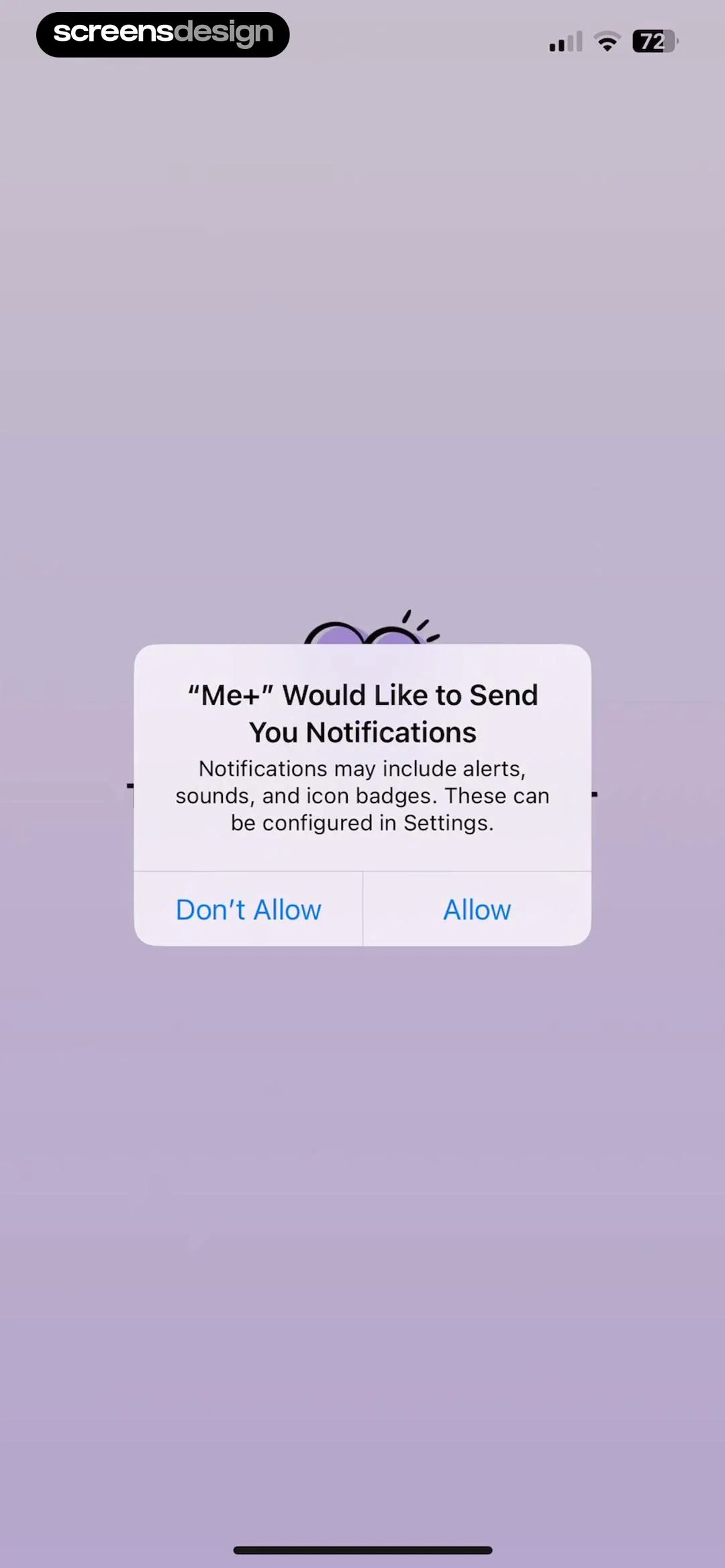
Permission request dialog for the Me+ app asking to send notifications, with Allow and Don't Allow buttons.
Onboarding screen displaying the text More Positive centered over an abstract white shape on a light purple gradient background.
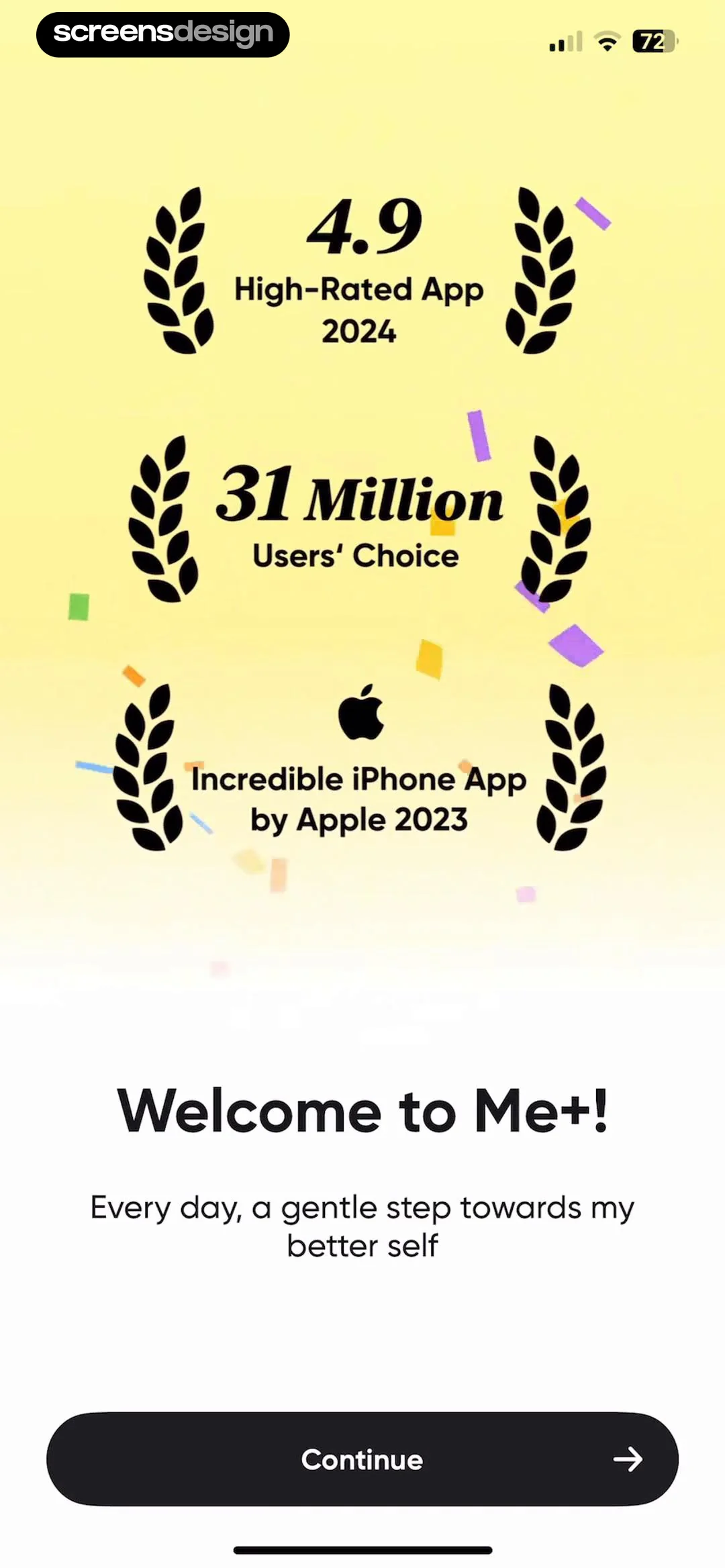
Me+ onboarding screen displaying award badges, a welcome message, and a Continue button.
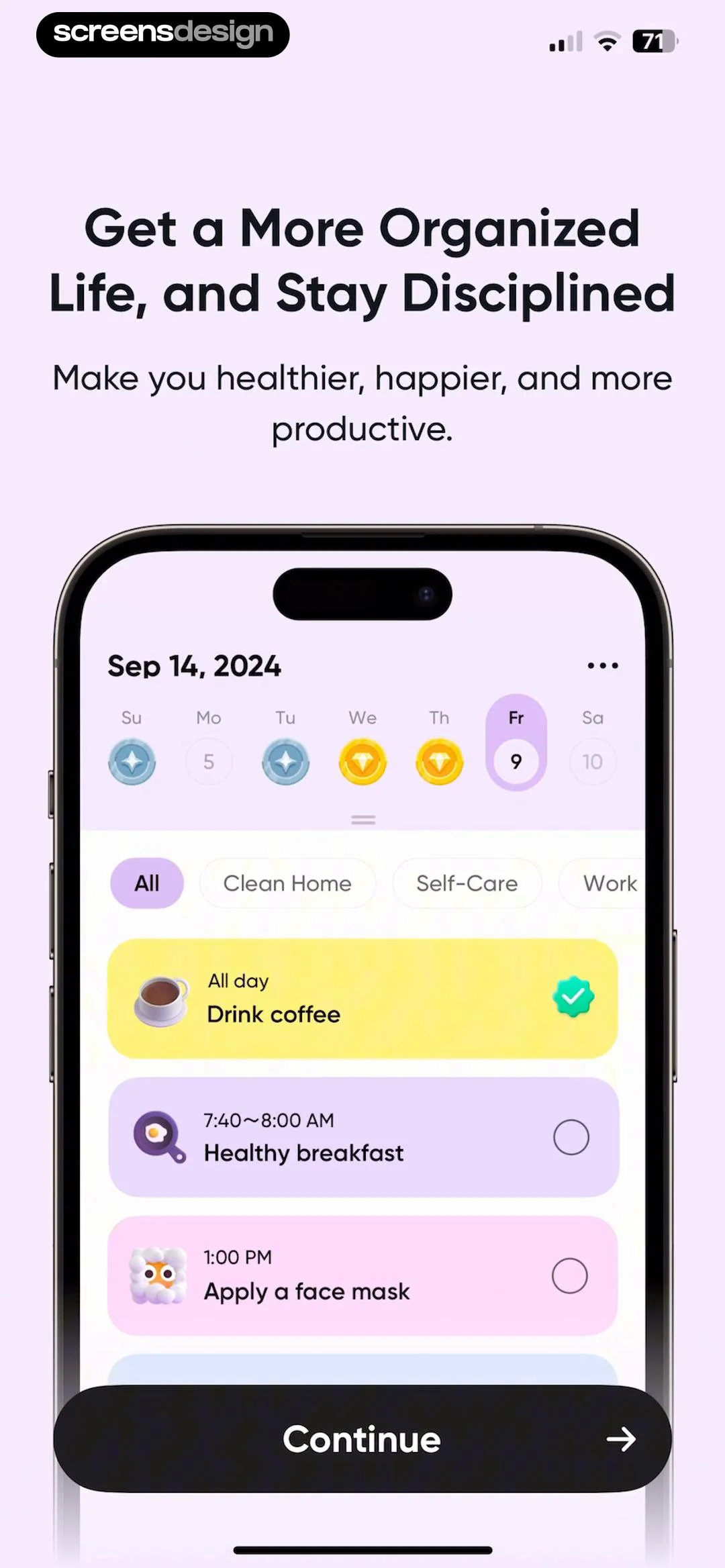
Onboarding screen displaying a habit tracking dashboard mockup with a list of daily activities and a Continue button.
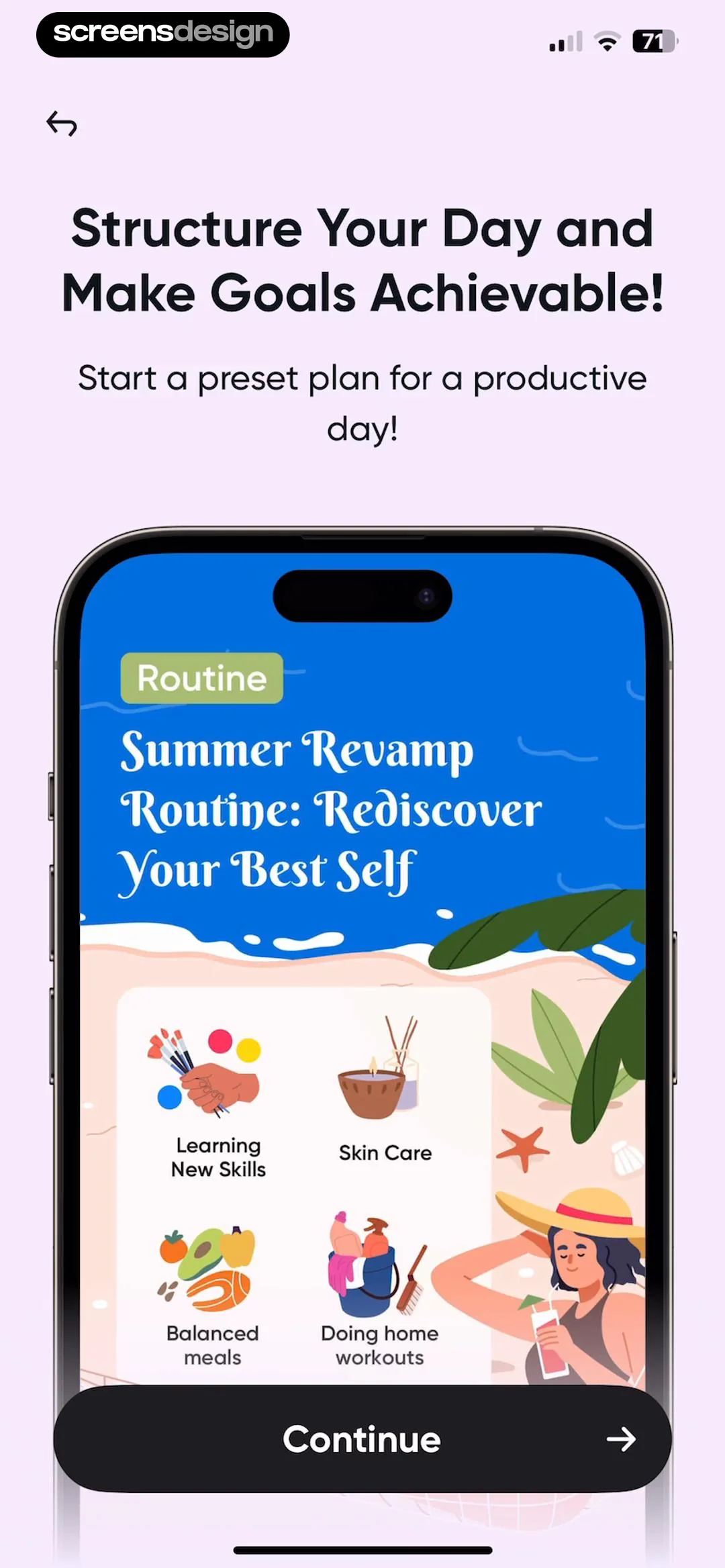
Onboarding screen featuring a preset routine plan and a Continue button.
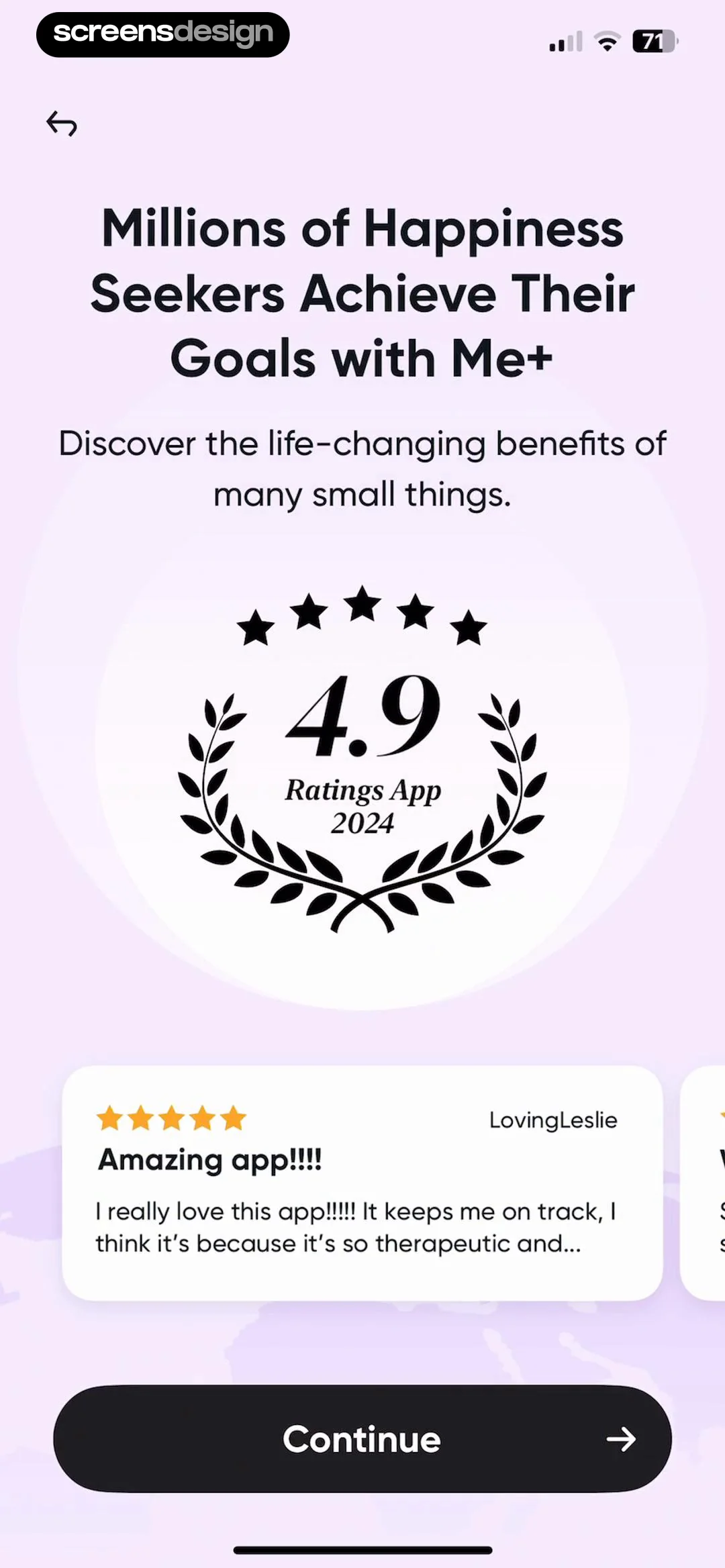
Onboarding social proof screen displaying a 4.9-star rating, a user testimonial card from LovingLeslie, and a Continue button.
Onboarding screen asking about nightly sleep duration with four selectable cards, showing the less than 6 hours option selected.
Onboarding screen asking how long it takes to get out of bed, with the first option, 0-10 minutes, selected.Unlock Pro
Onboarding questionnaire asking about daily energy levels, with three selectable cards and the low energy option selected.Unlock Pro
Onboarding question asking about lifestyle satisfaction, with three selectable cards where the middle option is selected.Unlock Pro
Onboarding screen explaining the behavioral science behind habit building with a brain diagram, success statistics, and a Continue button.Unlock Pro
Onboarding screen asking how to have a better life, with a vertical list of goal cards and More mindfulness selected.Unlock Pro
Onboarding split-screen comparison showing before and after life states, with a Continue button at the bottom.Unlock Pro
Onboarding question screen asking how easy the user is to distract, with the easily distracted option selected in a vertical list.Unlock Pro
Onboarding question about procrastination with three selectable cards, featuring a character illustration and the middle option selected.Unlock Pro
Onboarding questionnaire screen asking about support system strength, featuring a mascot, progress bar, and three selectable options with the Weak option selected.Unlock Pro
Onboarding question about habit motivation with a character illustration and four selectable cards, showing the second option selected.Unlock Pro
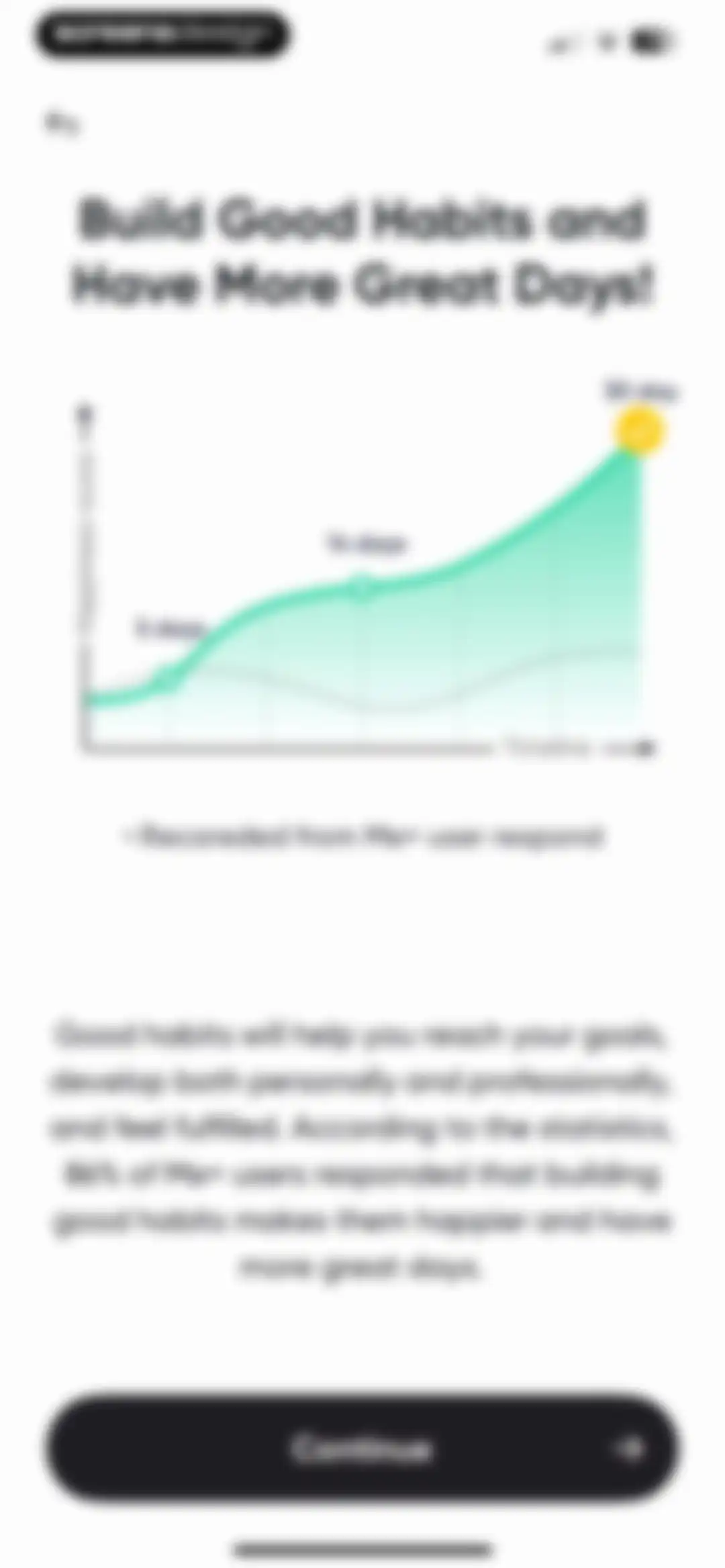
Onboarding screen displaying a happiness score chart over time, user statistics, and a Continue button.Unlock Pro
Onboarding survey screen asking what influenced the user to become organized, with No daily plan selected and a Continue button.Unlock Pro
Onboarding assessment screen asking whether the user relates to an anxiety statement, featuring a central illustration card and binary Yes and No buttons below.Unlock Pro
Onboarding question screen asking if the user feels there is not enough time, with an illustration and Yes and No buttons.Unlock Pro
Onboarding assessment screen asking whether the user relates to a distraction statement, accompanied by an illustration and binary Yes and No buttons.Unlock Pro
Onboarding assessment screen asking a self-reflection question with a central illustration and Yes and No response buttons.Unlock Pro
Me+ habit tracker onboarding screen featuring a central illustration, four benefit icons, social proof text, and a Continue button.Unlock Pro
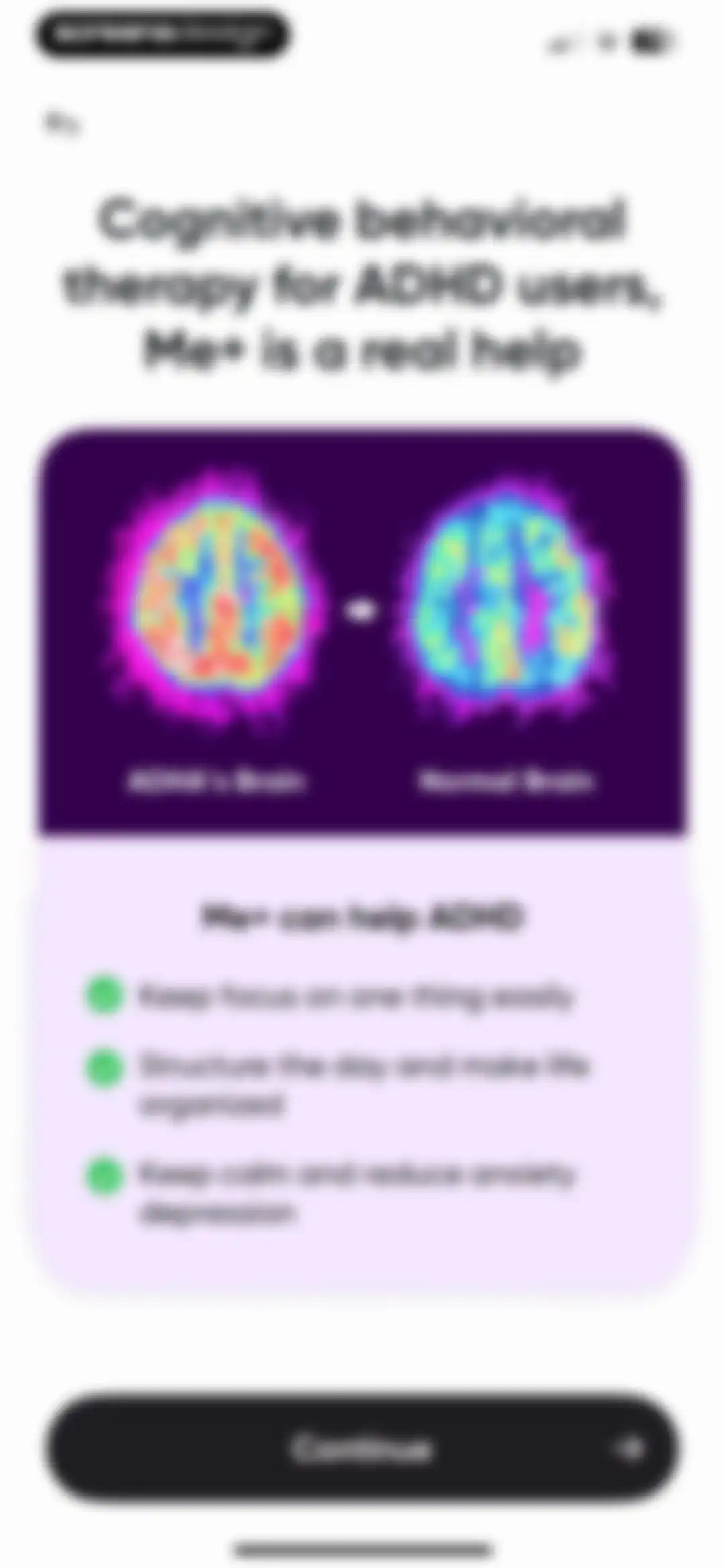
Me+ onboarding screen displaying a brain scan comparison between ADHD and normal brains, a list of benefits, and a Continue button.Unlock Pro
Me+ onboarding loading screen with a heart progress indicator, user testimonial cards, and a bottom illustration of people.Unlock Pro
Onboarding loading screen displaying an 85% progress indicator, central trophy illustration, and a bottom card with app store ratings and social proof.Unlock Pro
Onboarding screen displaying a self-assessment summary with a 2x2 grid of wellness status cards, social proof statistics, and a Continue button.Unlock Pro
Onboarding screen asking whether to organize your day, featuring a lifestyle split-screen illustration, a No button, and a Sure! Let's go! button.Unlock Pro
Onboarding screen asking if you want to build good habits, featuring a central illustration and Sure! Let's go! and No buttons.Unlock Pro
Onboarding screen asking if you want to be the best version of yourself, featuring a split-screen illustration and Sure! Let's go! and No buttons.Unlock Pro
Celebratory onboarding screen with colorful confetti against a white background, featuring the centered message This is a very good start, Well done!Unlock Pro
Onboarding commitment contract screen with a list of affirmations, a signature input area, and a Confirm button.Unlock Pro
Onboarding commitment contract featuring a list of positive affirmations, a signature input field with a stamp, and a Confirm button.Unlock Pro
Paywall screen with scattered confetti graphics at the top and a Start 7-day Free Trial button centered below.Unlock Pro
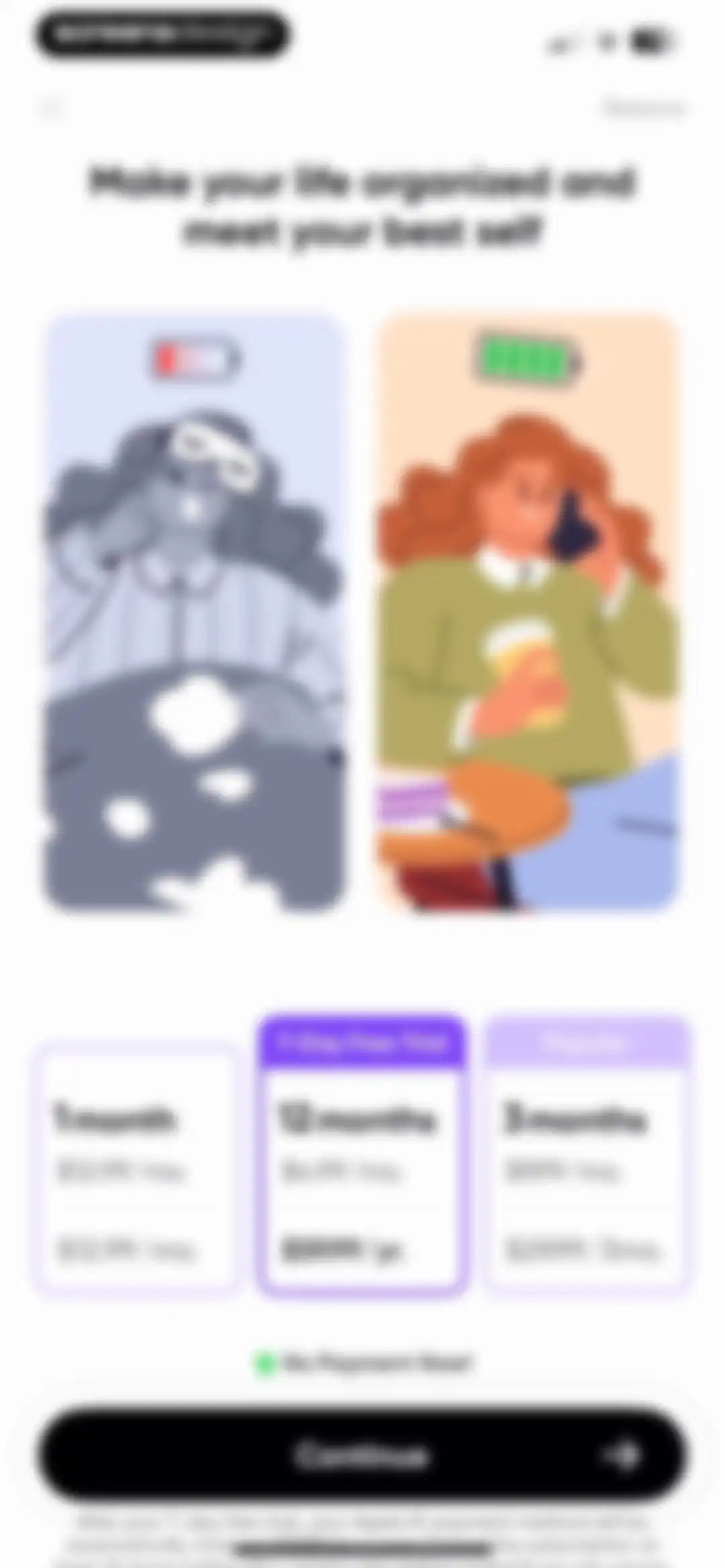
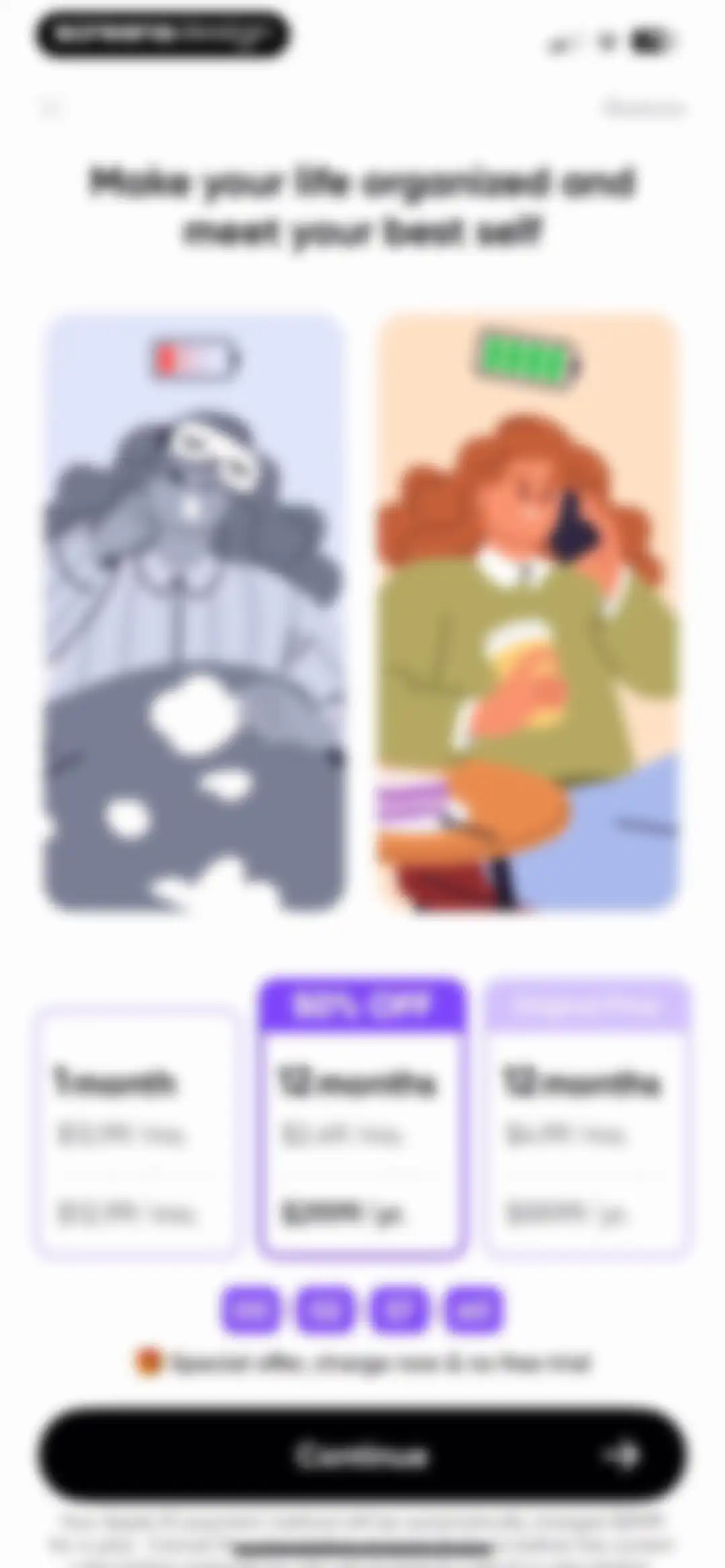
Paywall screen comparing monthly, quarterly, and annual subscription plans with a 7-day free trial, featuring a split-screen lifestyle illustration and Continue button.Unlock Pro
Paywall screen offering a 7-day free trial with three subscription plans, an annual plan selected, and a Continue button.Unlock Pro
Paywall screen comparing monthly and annual subscription plans, with the 12-month plan selected and a Continue button.Unlock Pro
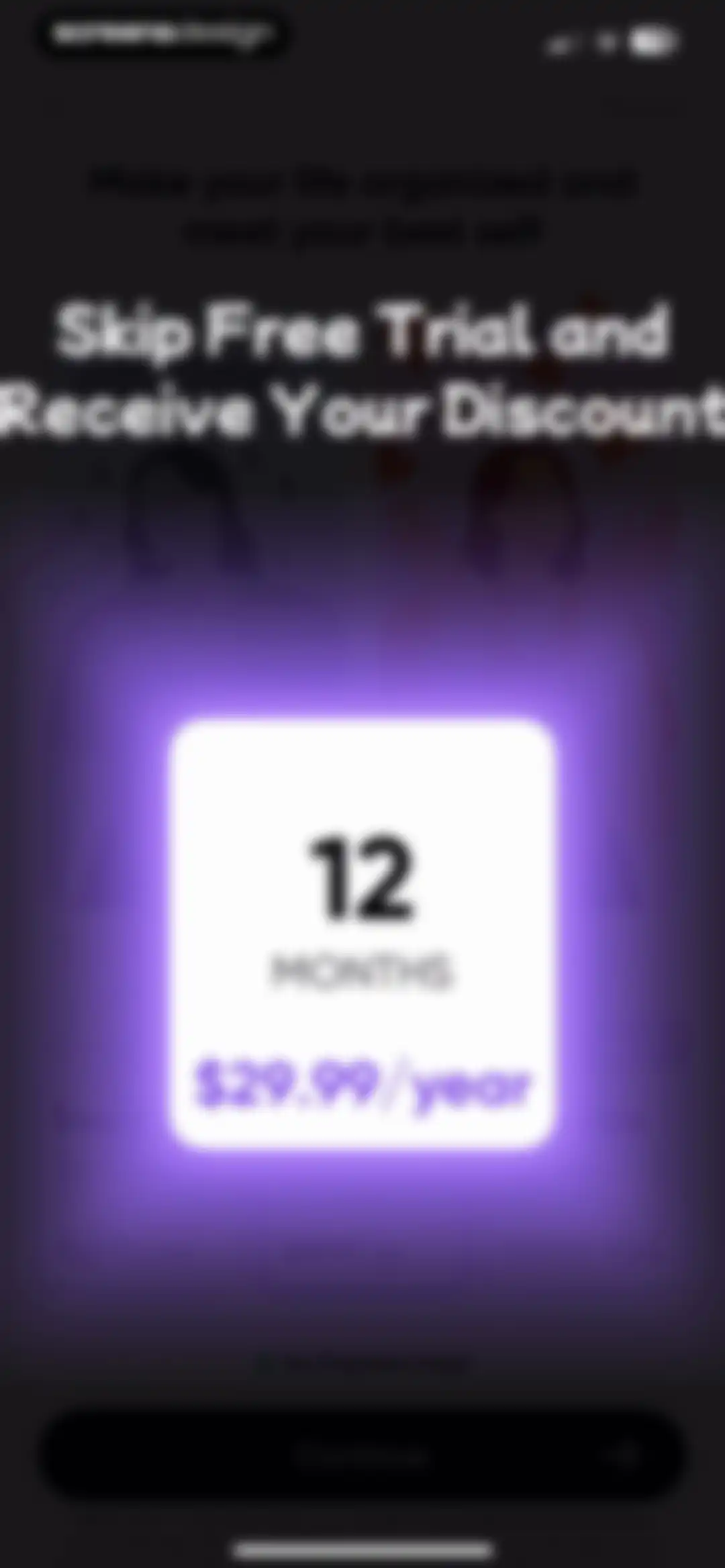
Paywall subscription screen featuring a discounted 12-month plan for $29.99 per year, a 7-day free trial, and a Continue button.Unlock Pro
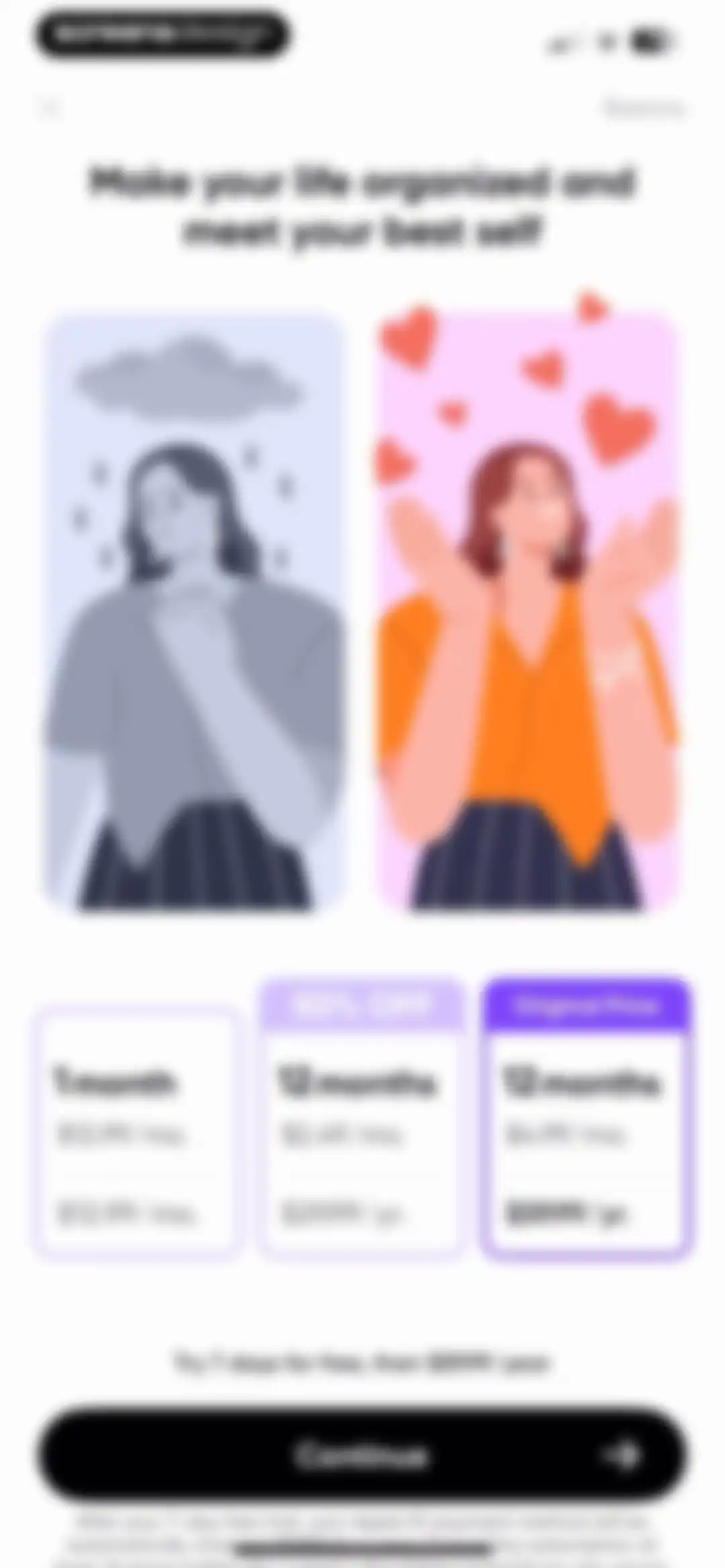
Paywall screen comparing monthly and annual subscription plans, featuring a special offer, central illustration, and a Continue button.Unlock Pro
Loading screen featuring a character illustration holding a heart balloon and text indicating the start of a wonderful journey.Unlock Pro
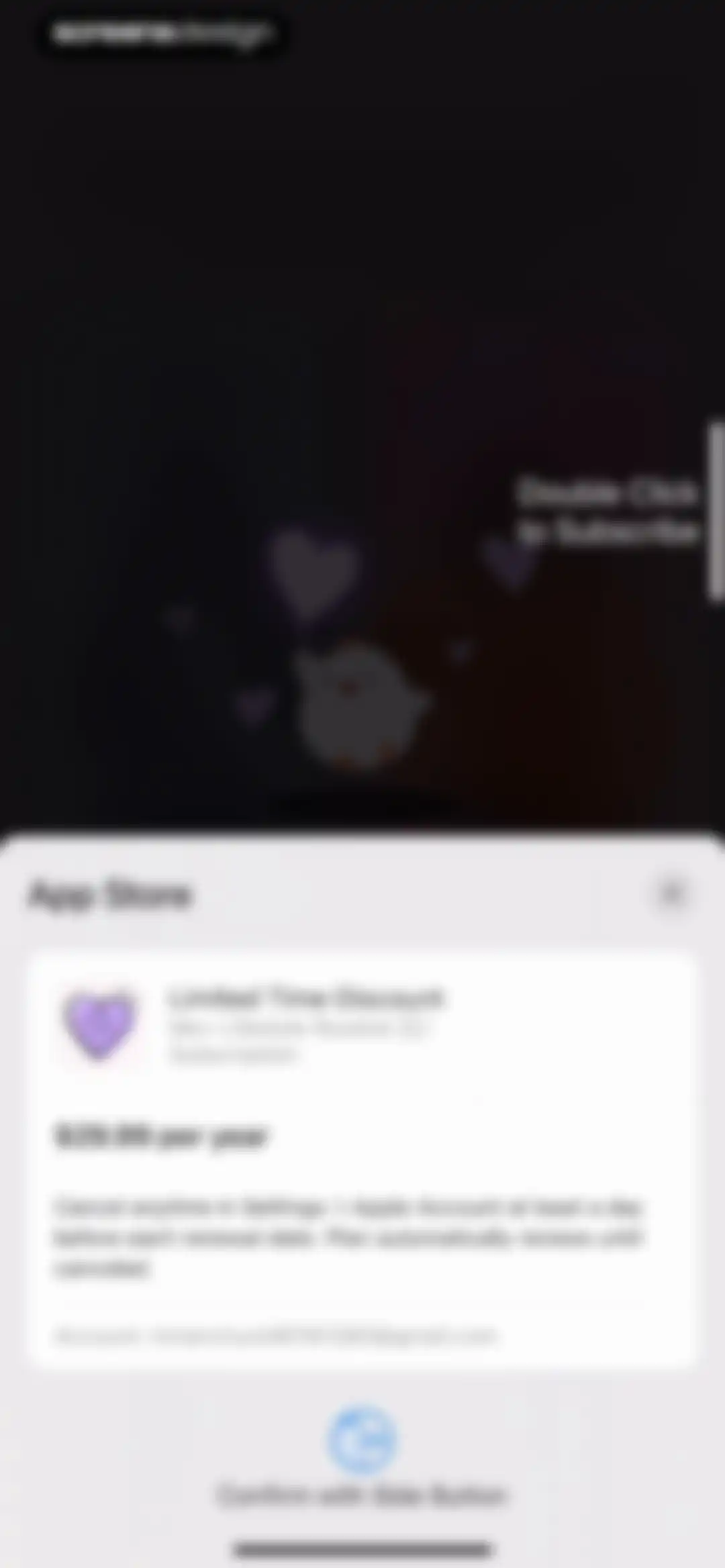
App Store subscription confirmation modal for Me+ Lifestyle Routine at $29.99 per year, with a Confirm with Side Button action.Unlock Pro
Subscription failure modal displaying an error message, an illustration of a character with a heart balloon, and Cancel and Retry buttons.Unlock Pro
Paywall screen offering three subscription plans with a 50% off discount and a Continue button.Unlock Pro
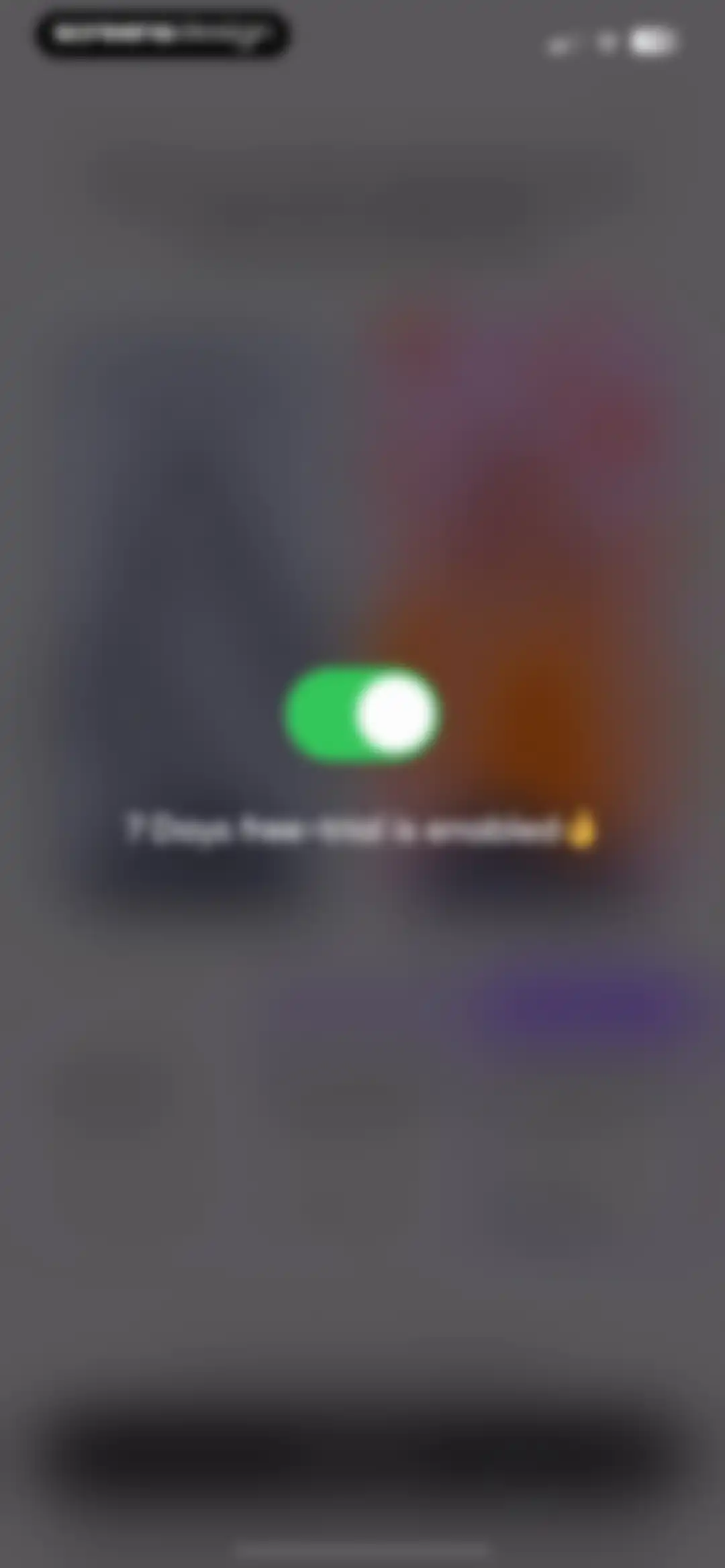
Trial activation confirmation modal showing an active green toggle switch and the text 7 Days free-trial is enabled.Unlock Pro
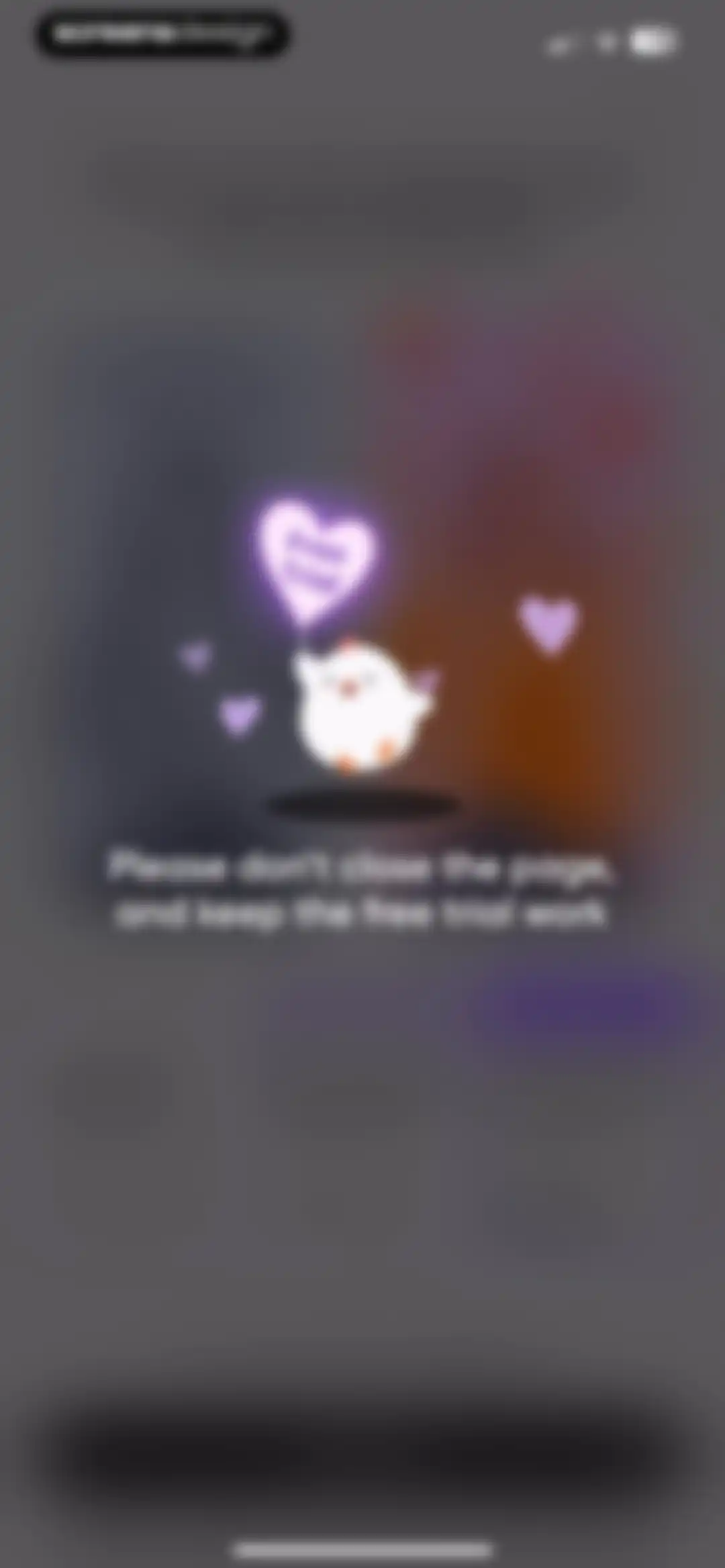
Paywall retention modal featuring a centered character illustration with a heart balloon and a plea to keep the free trial.Unlock Pro
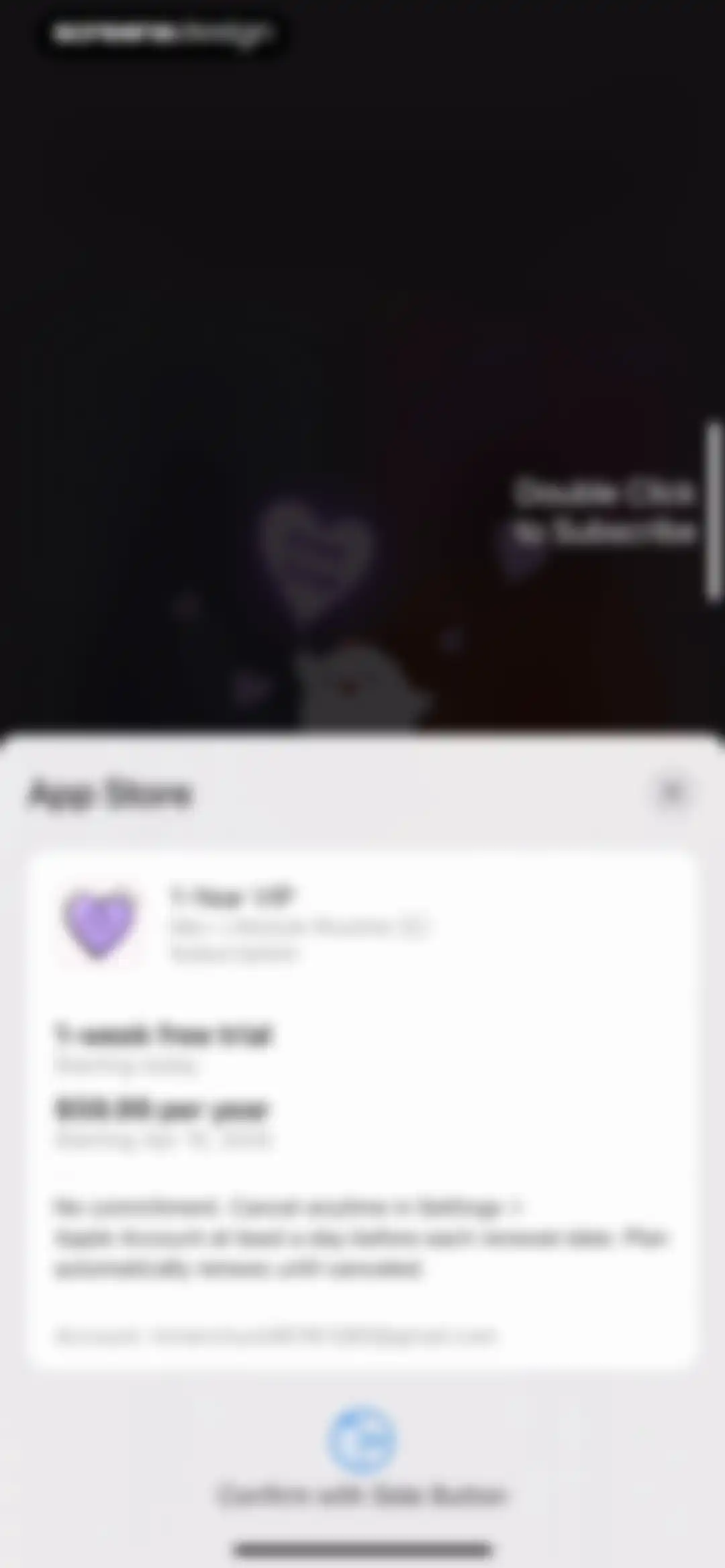
Subscription checkout screen displaying the Me+ Lifestyle Routine 1-Year VIP plan with a free trial and an Apple Account payment confirmation prompt.Unlock Pro
Purchase success modal with the message You're all set, an OK button, and a celebratory free trial illustration.Unlock Pro
Me+ Premium success screen confirming full access to the unlocked library, featuring a character illustration and a Got it! button.Unlock Pro
Onboarding splash screen displaying the Me+ logo in the center against a purple background with a Skip button in the top right corner.Unlock Pro
Onboarding screen featuring a central illustration of a person reading a book with butterflies, the text Becoming a better version of myself, and a Skip button.Unlock Pro
Onboarding screen featuring an illustration of a person holding a clipboard with a daily routine list and an Organize my days heading.Unlock Pro
Onboarding screen featuring a central illustration of a woman and child with a map, a location pin icon, and a skip button.Unlock Pro
Onboarding screen with motivational text, a central location pin icon, a person illustration, and a skip button.Unlock Pro
Onboarding screen introducing a CBT-inspired adventure with a character illustration and a Got It! button.Unlock Pro
Onboarding screen featuring a bird character illustration with a Chapter 01 flag, motivational text, and a Get Started button.Unlock Pro
Permission request screen overlaying the Me+ habit selection list with tracking consent options and an Allow button.Unlock Pro
Onboarding screen featuring a habit selection list with four items checked and a Continue button at the bottom.Unlock Pro
Onboarding hydration reminder screen with a star-shaped photo of a woman drinking water, health advice text, and an I'm Done button.Unlock Pro
Success screen displaying a checkmark badge and congratulatory text encouraging small tasks.Unlock Pro
Onboarding screen titled Chapter 02 about cultivating a water drinking habit, featuring a water glass icon and a Sounds Good button.Unlock Pro
Onboarding confirmation screen showing a successfully added habit task with instructions and a Got It button.Unlock Pro
Permission request screen with a time picker set to 08:30 AM, an Allow Reminders! button, and a Not Now link.Unlock Pro
Onboarding milestone screen with a 21-day progress grid, motivational text, and a Let's do it! button.Unlock Pro
Dashboard with a top calendar strip, a highlighted habit card for drinking water, and a list of daily routine tasks.Unlock Pro
Home screen displaying a daily habit task list with a tutorial overlay showing copy, skip, and delete options.Unlock Pro
Habit streak achievement modal celebrating a one-day streak with a character badge and a continue button, overlaid on a daily routine list.Unlock Pro
Habit tracking dashboard with a calendar header, a list of daily habit cards, a floating action button, and a bottom navigation bar.Unlock Pro
Habit suggestion onboarding screen displaying breakfast options with suggestion cards, a progress indicator, a Continue button, and a system keyboard.Unlock Pro
Calendar date picker showing April 2025 with April 8 selected, alongside quick-select buttons for Today, Tomorrow, and Next Monday.Unlock Pro
Task repeat configuration modal with a list of repetition options, showing Daily selected with a yellow highlight.Unlock Pro
Time-picker form with a toggle switch, segmented control tabs for point time and time period, and a central wheel set to 06:00 AM.Unlock Pro
Reminder settings modal listing time options, with At time of event selected and a Save button.Unlock Pro
Habit creation form with a text input field containing Food, a 4/20 character count, and a Create button.Unlock Pro
Tag selection form listing habits like Morning Routine and Workout, with Food selected and an Add New button.Unlock Pro
Habit creation editor displaying settings for Healthy breakfast with a time of 06:00 AM, food tag, and a Save button.Unlock Pro
Habit tracking dashboard displaying a calendar strip, filter bar, vertical list of habit cards, and a success notification.Unlock Pro
Task detail card for a daily healthy breakfast habit, showing scheduled time, repeat settings, and an Edit Task button.Unlock Pro
Habit tracker dashboard displaying a calendar strip, filter bar, vertical list of habit cards, and a bottom celebratory banner.Unlock Pro
Habit tracking dashboard displaying a calendar strip, filter tabs, and a vertical list of habit cards with an expanded card showing action buttons.Unlock Pro
Task creation form with a bed icon, color picker, and settings for schedule, reminders, and subtasks.Unlock Pro
Habit tracker dashboard featuring a top calendar strip, category filters, a vertical list of routine cards, and a task added successfully notification.Unlock Pro
Habit tracker home screen with a confirmation modal asking whether to delete all schedule repeats or just future ones, including delete and cancel buttons.Unlock Pro
Home screen showing a daily habit tracker with a calendar strip, filter bar, and a vertical list of routine cards.Unlock Pro
Daily habit tracker home screen displaying a calendar strip with Tuesday selected, a completed healthy breakfast task card, and a bottom navigation bar.Unlock Pro
Habit tracker dashboard showing a horizontal calendar date selector, a Food category filter, and a Healthy breakfast habit card with a floating action button.Unlock Pro
Habit tracker home screen with an April calendar, an empty state illustration stating no tasks today, and a floating plus button.Unlock Pro
Monthly calendar dashboard displaying scheduled habits like Brush teeth and Drink water, with a floating action button and bottom navigation.Unlock Pro
Habit tracker home screen displaying a list of daily habits and an open modal menu with routine management options.Unlock Pro
Task management dashboard with a search bar, filter tags, and a vertical list of daily habit cards with icons.Unlock Pro
Task management dashboard with a search bar, horizontal tag filters, and a list of daily habit cards showing copy and delete actions.Unlock Pro
Task management screen with a deletion confirmation modal asking whether to erase all repeats or just future ones, with action buttons.Unlock Pro
Filter screen with categories for tags, repeats, status, and timeframes, displaying pill-shaped selection buttons with the No tag option selected.Unlock Pro
Manage tasks interface with a selected task card, tag filter, and bottom action toolbar including copy, edit tag, and delete options.Unlock Pro
Date selection modal with an April 2025 calendar view and a Copy button to transfer tasks.Unlock Pro
Tag selection screen listing various categories with the Food tag selected and an Add New button.Unlock Pro
Task management screen displaying a deletion confirmation modal for a recurring task, with options to delete future repeats or all instances.Unlock Pro
Routine settings screen listing preferences for sorting, week start day, and completed task movement within a minimal white card.Unlock Pro
Routine settings screen showing sorting, week start, and task completion preferences with a change successful status message.Unlock Pro
Settings screen listing notification preferences including Morning check-in and Streak saver with time indicators and navigation arrows.Unlock Pro
Time-picker onboarding screen with header text, a reminder toggle switch, and a central time-selection wheel set to 06:00 AM.Unlock Pro
Analytics screen displaying weekly habit completion statistics with a playful bird illustration, time range tabs, and a list of tracked habits.Unlock Pro
Habit stats screen displaying monthly completion progress for individual habits with a selected Month tab and a date navigation bar for April 2025.Unlock Pro
Habit stats analytics screen displaying a yearly progress heat map card, motivational text, and a celebratory bird illustration.Unlock Pro
Help Center screen listing tips and tutorials about tasks, timers, and reminders with five interactive topic cards.Unlock Pro
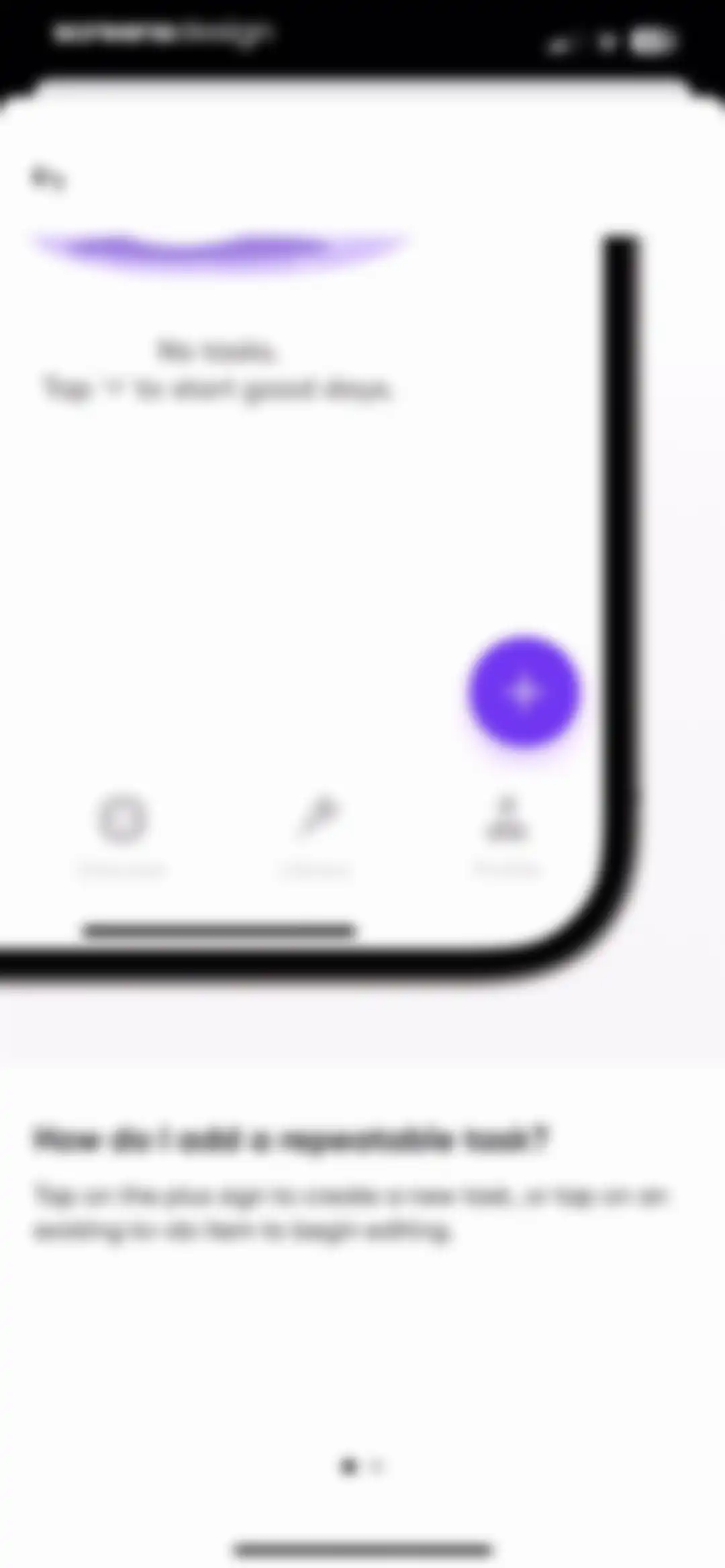
Empty state screen displaying a no tasks message, instructional text on adding repeatable tasks, a floating action button, and a bottom navigation bar.Unlock Pro
Onboarding help screen explaining how to add a repeatable task with a product mockup and instructions.Unlock Pro
Daily routine summary screen displaying a list of habits with completion statuses, a QR code, and bottom download and share buttons.Unlock Pro
Permission modal requesting photo library access with options to limit access, allow full access, or deny.Unlock Pro
Routine summary card showing completed and skipped habits with download and share buttons.Unlock Pro
Habit tracking dashboard for My Routine overlaid by a system share sheet with options like AirDrop, Messages, and Copy.Unlock Pro
Welcome modal offering a welcome video with a Check it out button and a Maybe later link.Unlock Pro
Onboarding video card featuring a morning routine preview with a bird character overlay, a prompt to swipe up, and a Continue button.Unlock Pro
Onboarding screen featuring a morning routine suggestion card with an Add button and a Start watching call to action.Unlock Pro
Onboarding welcome screen with a full-screen video background, text overlay, progress bar at the bottom, and close and audio control icons at the top.Unlock Pro
Home screen featuring a challenge carousel with a Join Now button, four feature icons, and organized content cards with a bottom navigation bar.Unlock Pro
Challenge details screen for the Project 50 challenge with a 50-day grid, catalog list, and an Add to my routine button.Unlock Pro
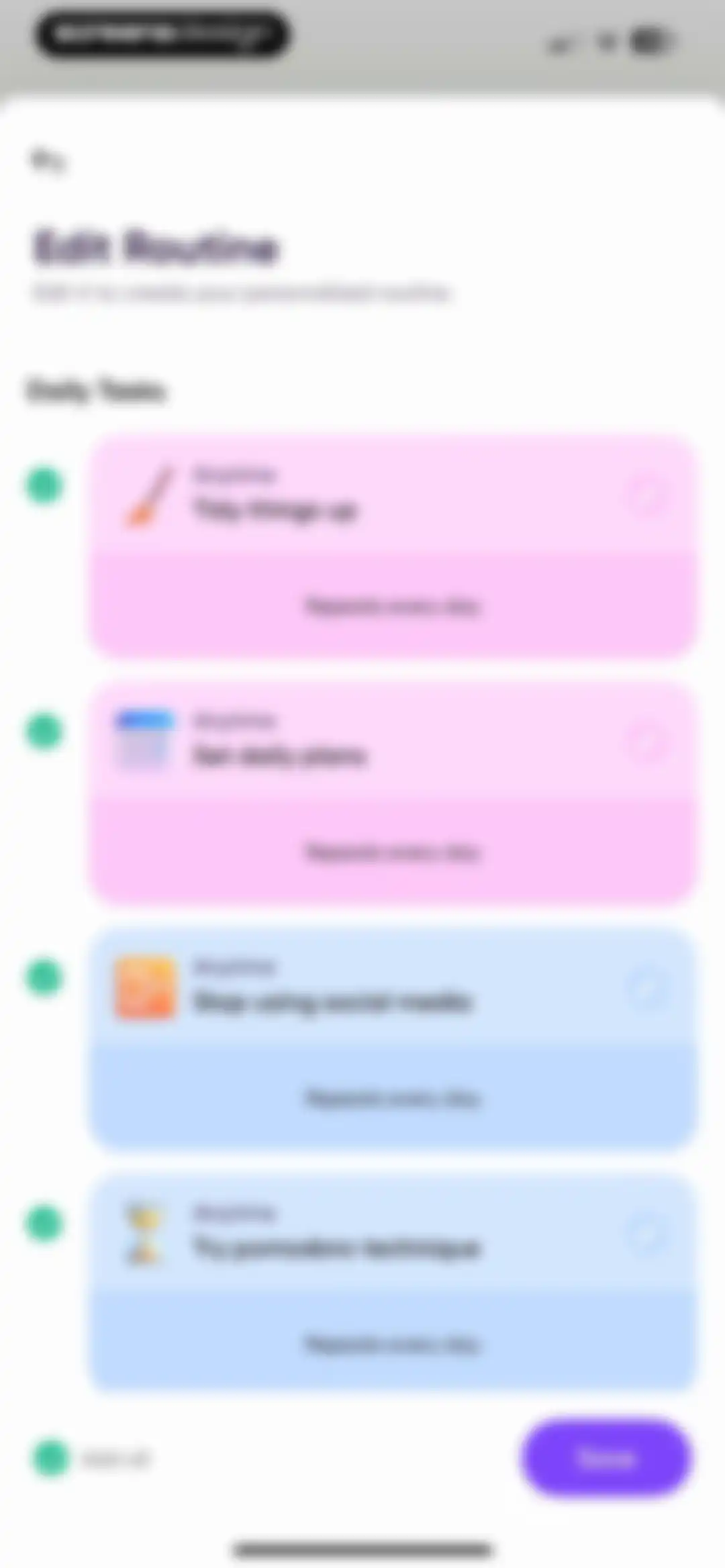
Routine editor displaying a list of four daily task cards with pastel backgrounds and a Save button at the bottom.Unlock Pro
Onboarding screen inviting users to join an exclusive Discord community for habit accountability, featuring a Routine Added status and an Add to my routine button.Unlock Pro
Content screen inviting users to join an exclusive Discord community for habit building, featuring a feedback rating section and an Add to my routine button.Unlock Pro
Challenge progress card with a 50-day grid above a dark share sheet offering options like Instagram, Message, and Download.Unlock Pro
Social sharing modal displaying a 50-day habit challenge progress card, an image saved toast notification, and sharing options at the bottom.Unlock Pro
Mental health test menu displaying a grid of assessment cards including Childhood Trauma Test and Quick ADHD Test.Unlock Pro
Onboarding screen introducing an ADHD self-screening questionnaire with an illustration, a description of contents, and a Get Started button.Unlock Pro
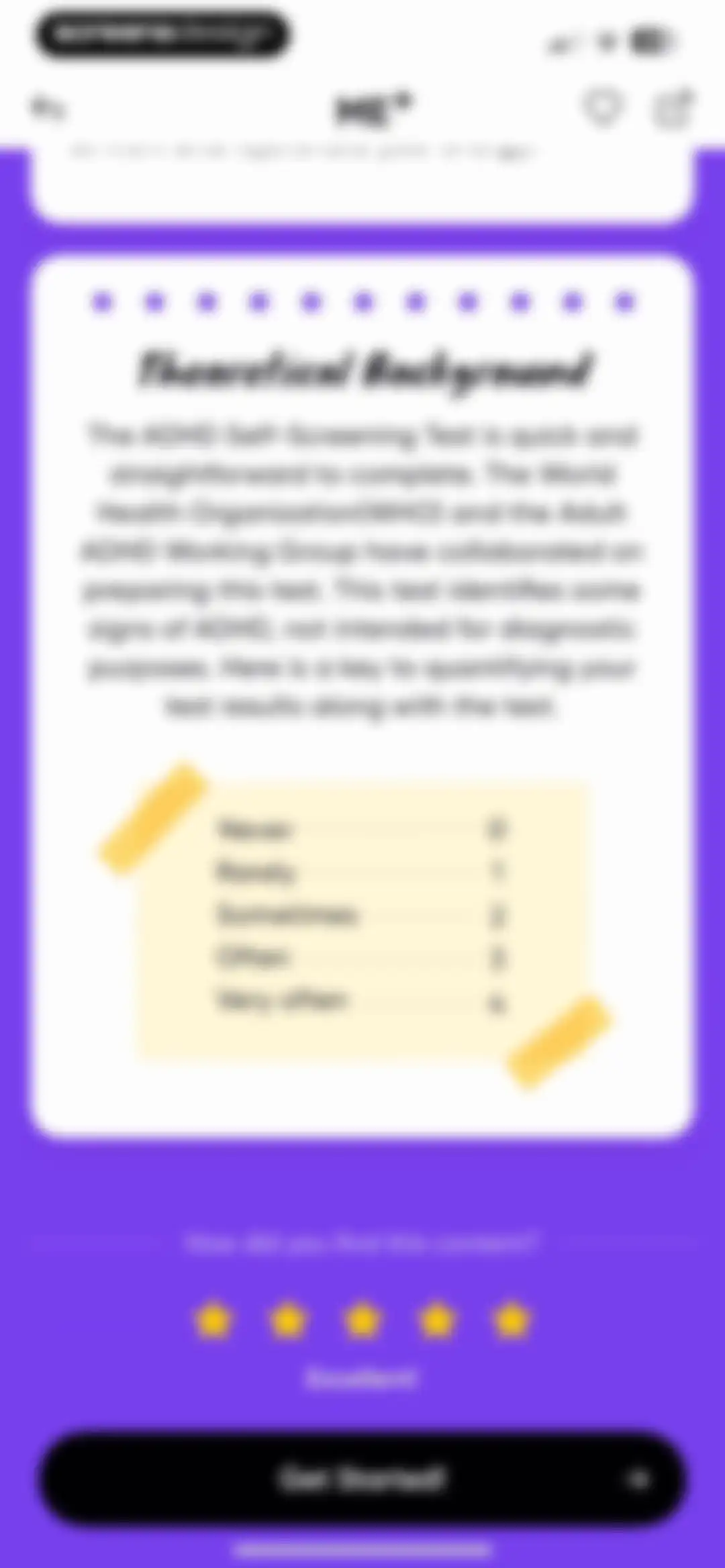
Onboarding screen explaining the theoretical background and scoring key for an ADHD self-screening test, with a Get Started button.Unlock Pro
Onboarding screen from the Me+ Lifestyle Routine app displaying an illustrative scenario card and a Continue button.Unlock Pro
Onboarding questionnaire screen showing a multiple-choice question with five selectable frequency options and a progress indicator at the top.Unlock Pro
Onboarding screen featuring a social situation illustration, header text about Part 2, and a Continue button.Unlock Pro
Onboarding questionnaire final step with a multiple-choice question and a View my report button.Unlock Pro
Loading screen analyzing ADHD assessment results with a complete circular progress indicator and a list of completed analysis tasks.Unlock Pro
Assessment results screen displaying an ADHD likelihood diagnosis, descriptive insights, self-intervention tips, and a Get my plan button.Unlock Pro
Routine editor displaying a vertical list of daily task cards with icons and an Add all toggle, with a Save button at the bottom.Unlock Pro
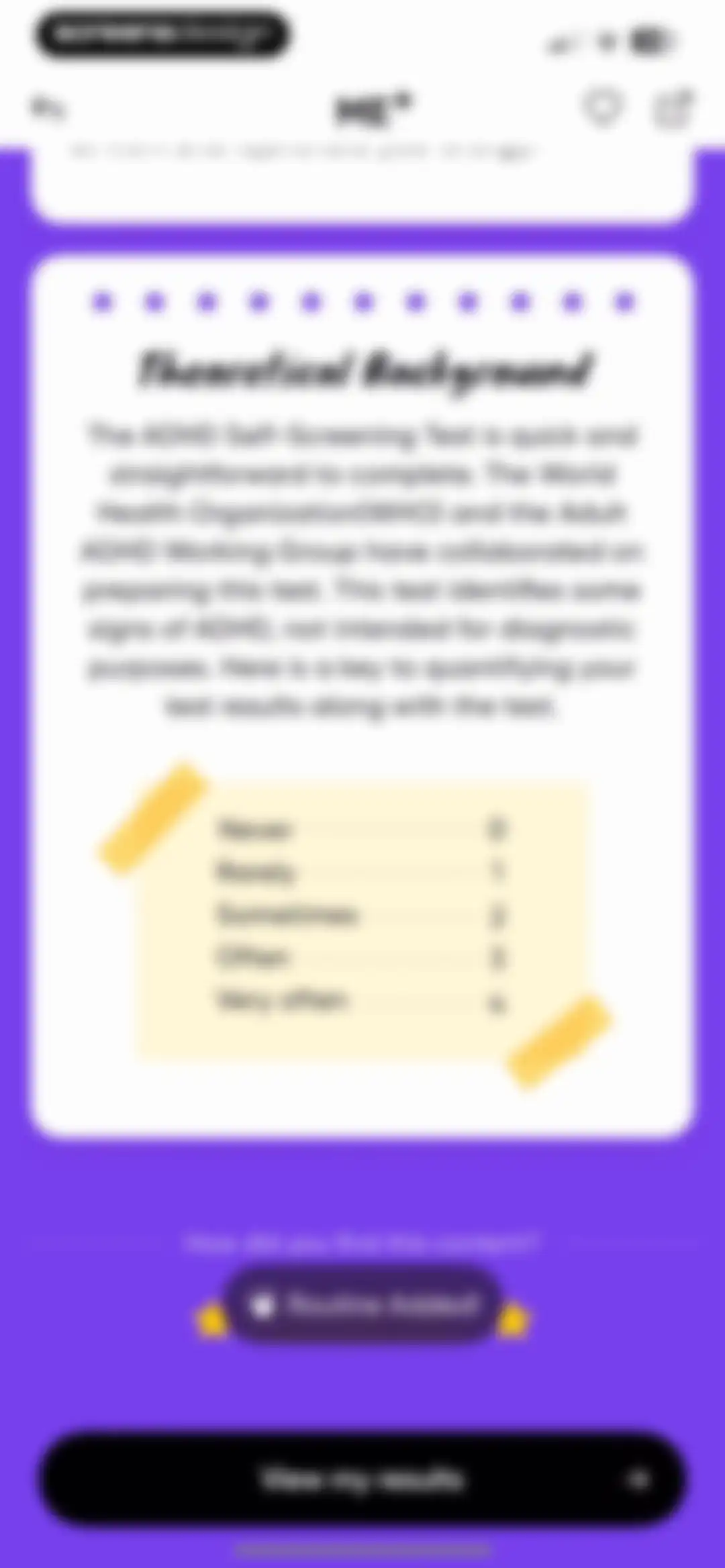
Theoretical background screen for an ADHD self-screening test with a scoring key, a confirmation badge, and a View my results button.Unlock Pro
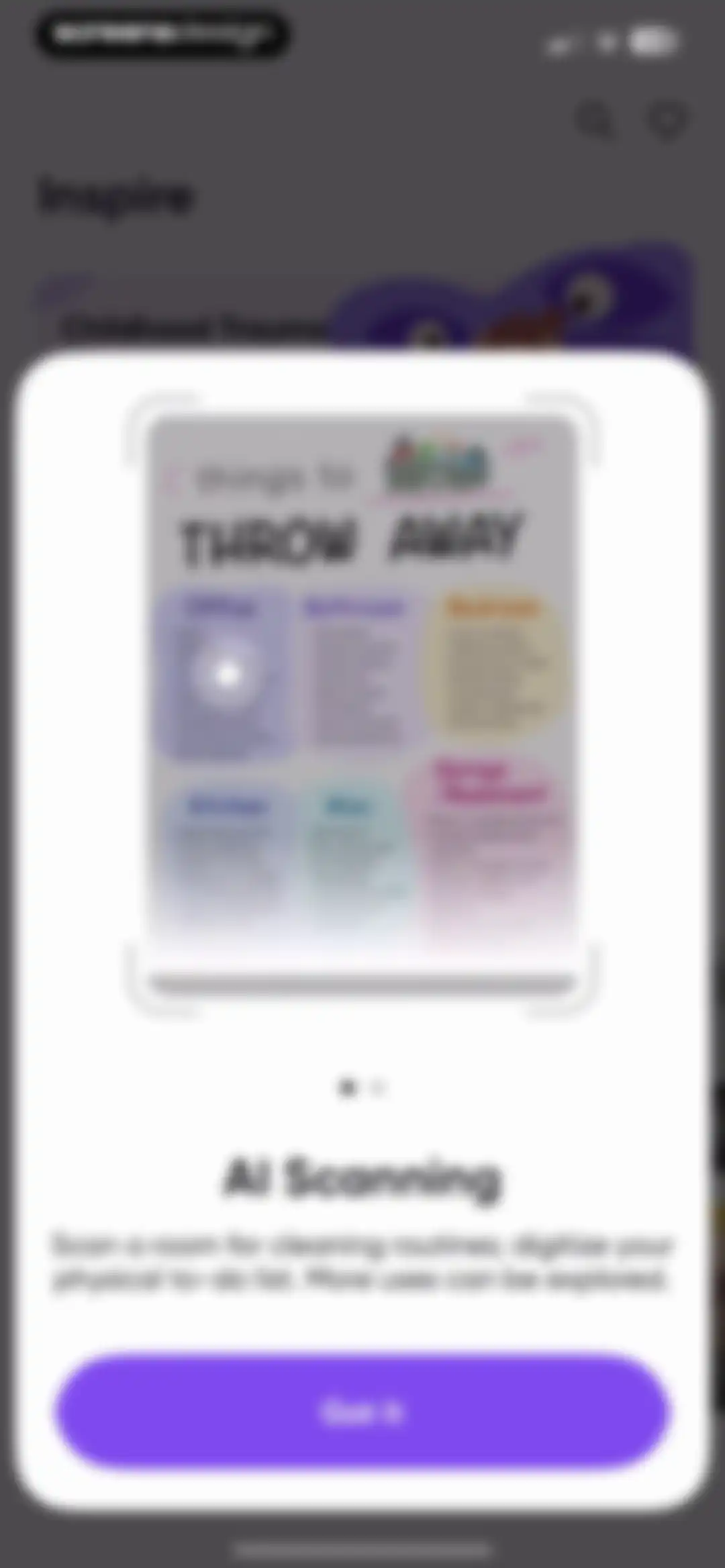
Modal overlay explaining the AI scanning feature with an infographic and a Got it button over a background content page.Unlock Pro
Educational modal introducing the AI Scanning feature, with a product mockup illustration and a Got it dismiss button.Unlock Pro
Permission dialog from the Me+ app requesting camera access, with options to Allow or Don't Allow.Unlock Pro
Camera scanning interface with an instructional overlay for AI daily routine scans, a central shutter button, and top close controls.Unlock Pro
Photo selection grid displaying device images, with one thumbnail selected and an Add button in the top navigation bar.Unlock Pro
Chat interface displaying instructions from an AI assistant to upload pictures for routine planning, alongside an image preview and message input bar.Unlock Pro
Chat interface with an AI assistant showing introductory instructions, a message history with an uploaded image, and a bottom message input bar.Unlock Pro
Chat screen displaying instructions from the AI assistant and a filled user input field with a send button and keyboard.Unlock Pro
Chat screen displaying a conversation with an AI assistant about a cleaning plan, with a message input field at the bottom.Unlock Pro
Token balance screen showing a gradient card with 424,377 of 500,000 tokens remaining, alongside informational sections explaining AI token usage and the Me+ AI assistant.Unlock Pro
Mood selection screen asking how you are feeling, with the Good option selected and an I feel good! confirmation button.Unlock Pro
Mood selection form with a grid of tags, the Appreciated tag selected, and a Here's how I feel button.Unlock Pro
Mood-tracking form with a grid of category cards, the Health card selected, an Add Note field, and a Because of this button.Unlock Pro
Wellness feature selection screen displaying a 2x2 grid of activity cards under a heading about feeling better.Unlock Pro
Habit tracking home screen displaying a calendar strip, category filters, and a vertical list of pastel-colored habit cards with a floating action button.Unlock Pro
Habit tracker dashboard with a top calendar strip, category filters, and a vertical list of pastel habit cards.Unlock Pro
Dashboard displaying a promotional card, self-care tool icons, mood and hydration tracking cards, and a bottom navigation bar with the Tools tab selected.Unlock Pro
Onboarding modal promoting the Me+ home screen widget, featuring a product mockup and an I want that! button.Unlock Pro
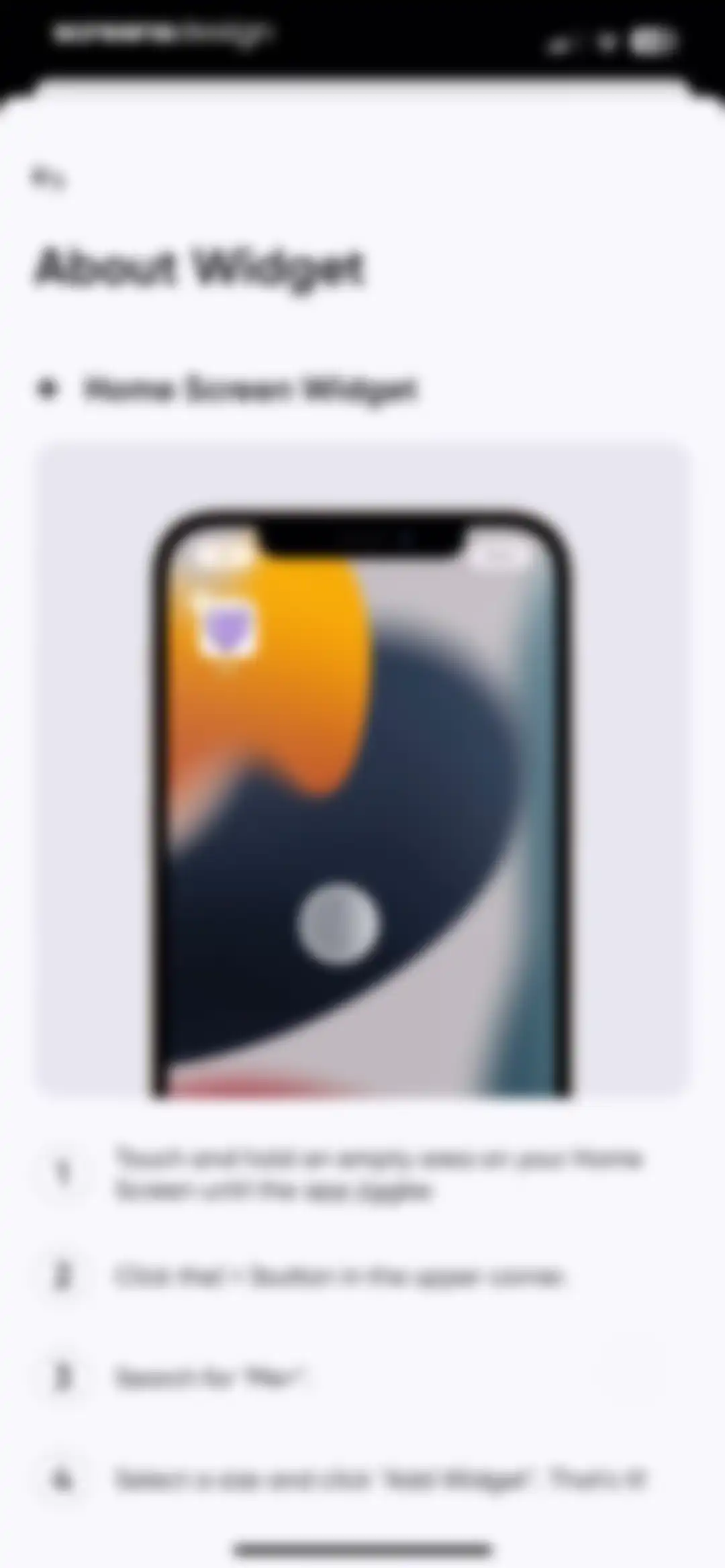
Instructional guide for adding the Me+ home screen widget, featuring a central product mockup and a four-step numbered list.Unlock Pro
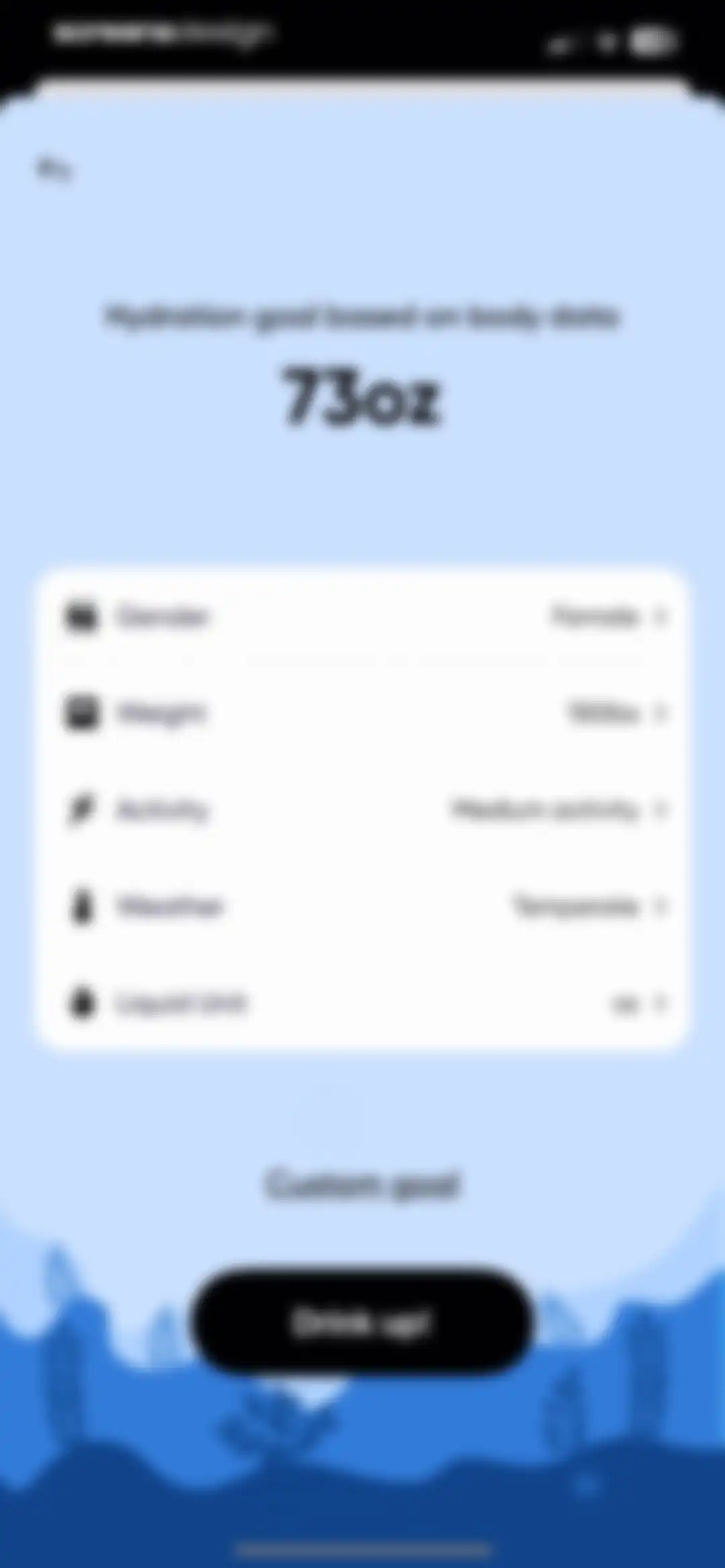
Hydration goal calculation screen showing a goal of 73oz, body data parameters, and a Drink up button.Unlock Pro
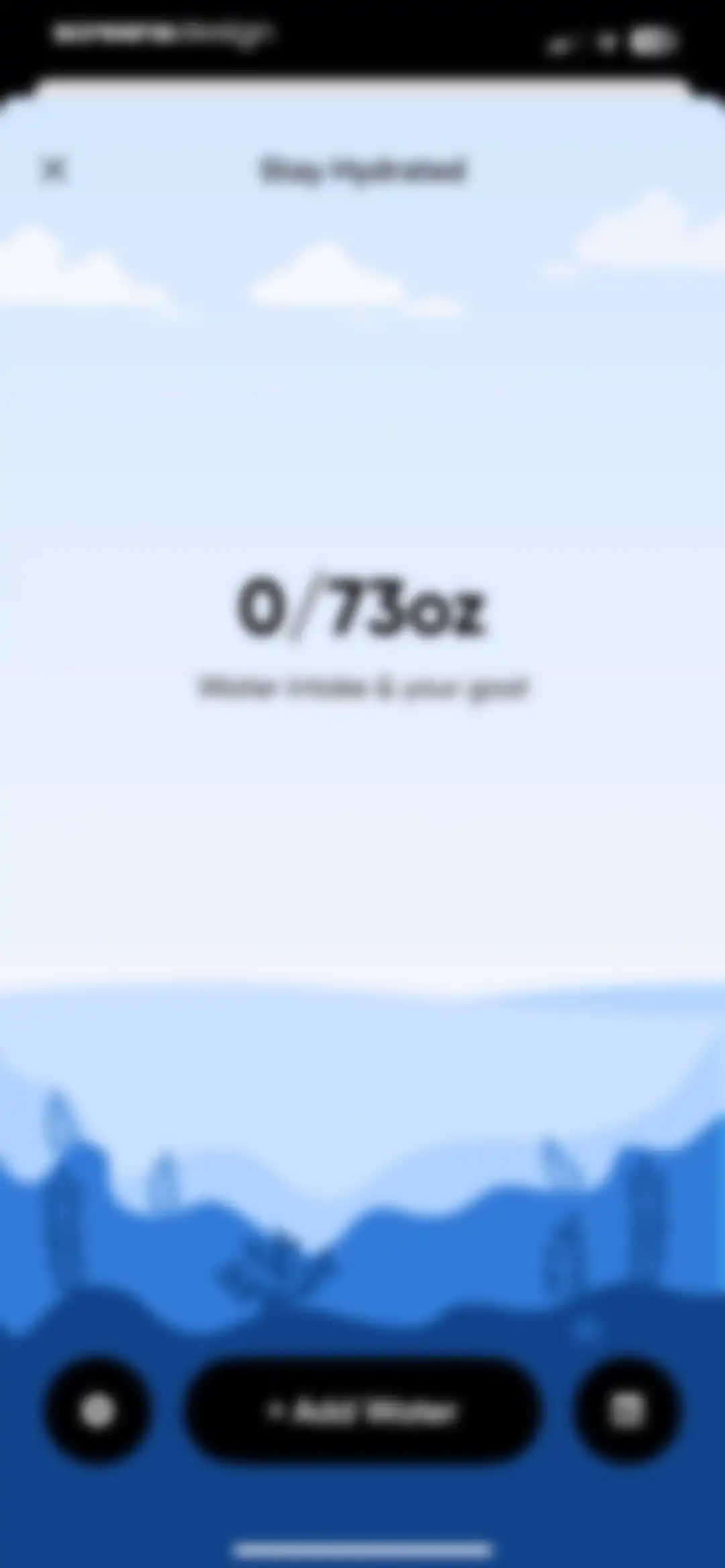
Dashboard for tracking water intake showing a zero out of seventy-three ounces progress display with an Add Water button.Unlock Pro
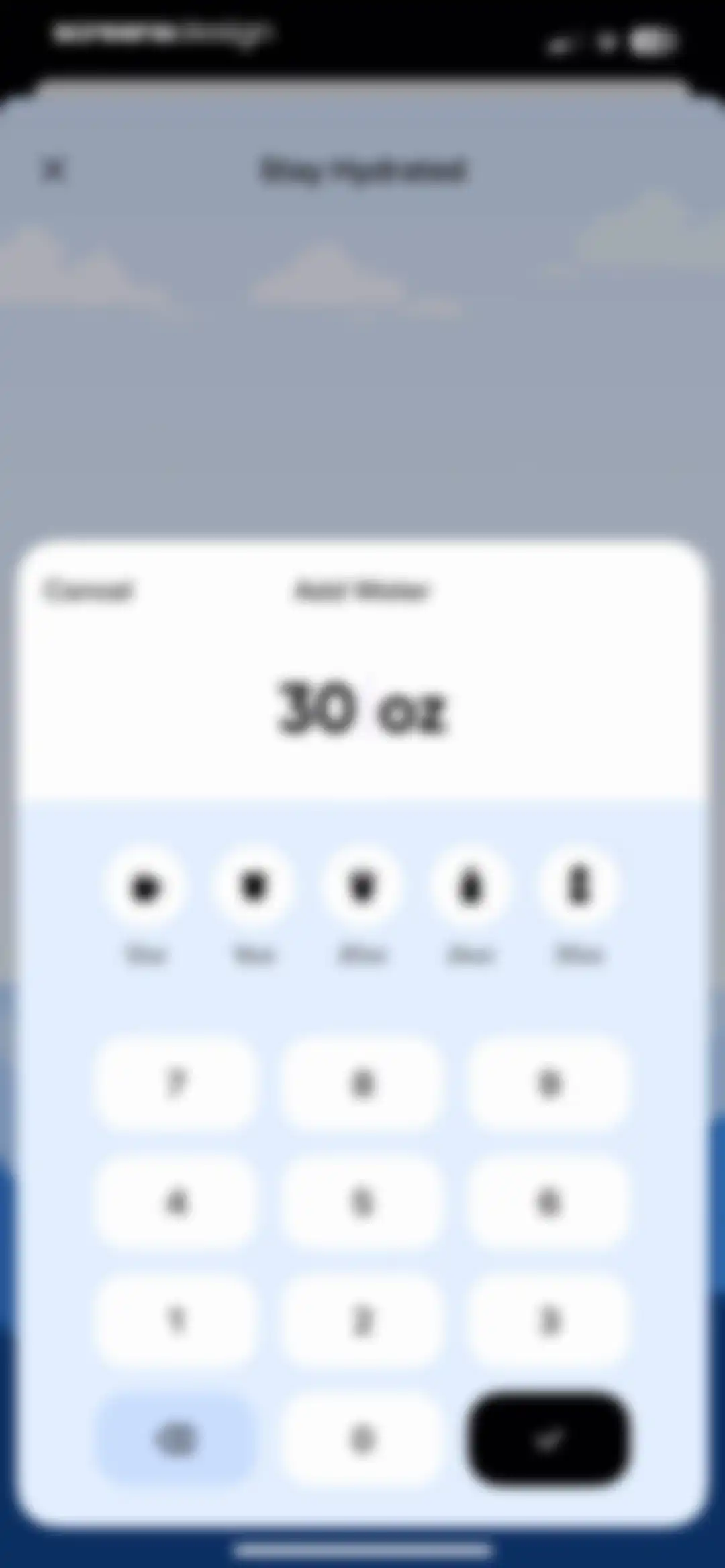
Water intake logging modal with preset volume options, a numeric keypad, and an Add Water title.Unlock Pro
Water intake tracker dashboard showing 30 of 73 ounces logged, a daily routine suggestion card, and an Add Water action button.Unlock Pro
Water tracking screen showing intake progress of thirty out of seventy-three ounces, a success message, and an Add Water button.Unlock Pro
Water intake settings screen displaying a list of preferences including reminders, goal of 73oz, units, and a save button.Unlock Pro
Analytics screen displaying a weekly water intake chart, average daily consumption, and key compliance indicators.Unlock Pro
Water intake logging modal with a 30 oz input display, preset drink size buttons, and a numeric keypad.Unlock Pro
Reflection content feed displaying a featured daily reflection card with an add button, personalized recommendations, and a list of self-improvement topics.Unlock Pro
Content feed displaying a list of reflection and wellness activity cards with a success toast notification.Unlock Pro
Onboarding movement instructions screen with a progress indicator and a floating Next button.Unlock Pro
Onboarding form asking why the user eats when not hungry, with the text input filled with Chocolates and a purple continue button.Unlock Pro
Onboarding screen featuring a motivational message and a progress indicator, with a purple forward arrow button in the bottom right.Unlock Pro
Onboarding educational screen featuring a health tip about exercise and a progress indicator, with a checkmark action button in the bottom right corner.Unlock Pro
Reflection notes detail screen displaying a journal entry about overeating with a timestamp and a related illustration.Unlock Pro
Habit settings screen with daily entries configuration, an add to routine toggle, and a save button.Unlock Pro
Self-care tools hub displaying soundscape and printable routine sections, with the Tools tab selected in the bottom navigation.Unlock Pro
Resource screen displaying a weekly cleaning schedule template with daily tasks, a download button, and a partial view of a second template.Unlock Pro
Audio library feed featuring a featured Ocean Shore Birds card, a list of nature tracks, and a persistent bottom mini-player bar.Unlock Pro
Profile screen in guest mode showing streak metrics, a yearly premium subscription card, and a task stats calendar.Unlock Pro
Sign-up screen for Me+ featuring a bird illustration, social authentication options, and a login link.Unlock Pro
Sign-up form with filled name and email fields showing validation checkmarks, an empty password field, and a Next button.Unlock Pro
Account creation loading screen with filled input fields, green checkmark icons, and a status message stating creating account is 100% complete.Unlock Pro
Profile screen displaying user streak and task metrics, a therapy promotion banner, an April 2025 task stats calendar, and the Stats tab selected in the bottom navigation.Unlock Pro
Habit analytics dashboard displaying a monthly calendar, yearly heatmap, and summary statistics for streaks and perfect days.Unlock Pro
Notes screen displaying a list of habit categories with note counts and a back button in the top left corner.Unlock Pro
Analytics screen displaying habit tracking statistics with a monthly calendar, yearly heatmap, and summary list for a specific habit.Unlock Pro
Habit stats analytics screen displaying April 2025 progress cards for distractions and joy habits with the Month view selected.Unlock Pro
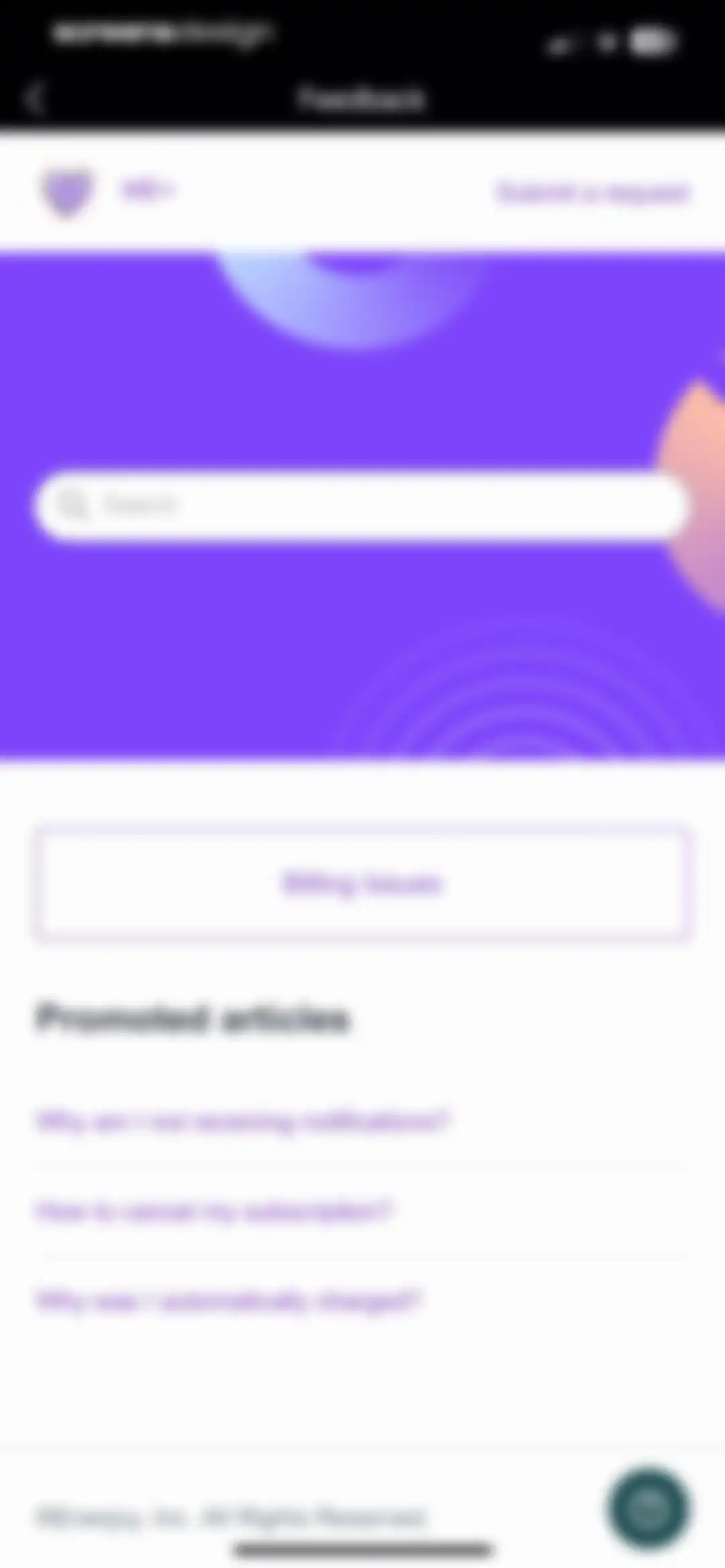
Help center screen displaying a search bar, promoted articles about subscription and billing issues, and a Submit a request link.Unlock Pro
Settings screen with a vertical list of configuration options including account, notifications, language, and help.Unlock Pro
Account settings screen displaying a profile avatar, user name and email details, and options to delete the account or log out.Unlock Pro
Account settings screen displaying profile details, account options, and a bottom action sheet for changing the avatar with photo and album choices.Unlock Pro
Profile picture editing screen with a central circular photo, a back button, and a bottom purple Save button on a dark background.Unlock Pro
Account settings screen featuring a user profile list and a centered confirmation modal for deleting the account permanently.Unlock Pro
Account settings screen with a user profile and an active logout confirmation modal.Unlock Pro
Notifications settings screen featuring a list of four daily reminder options including morning check-in and nightly review.Unlock Pro
App icon selection settings screen for the Me+ app with a centered confirmation modal stating the icon was changed and an OK button.Unlock Pro
App icon customization screen displaying a grid of icon options with a selected holiday-themed icon and a checkmark badge.Unlock Pro
App Store promotional code redemption modal for Me+ Lifestyle Routine with an empty code input field and a disabled redeem button.Unlock Pro
Routine settings screen featuring options to configure sorting, week start day, and completed task behavior.Unlock Pro
Settings screen with a warning modal stating that all data will be permanently deleted, featuring Continue and Cancel buttons.Unlock Pro
Settings screen featuring grouped list sections for resetting routines, accessing help and feedback, and visiting social media links.Unlock Pro
Help Center screen displaying a vertical list of five topic cards with tips and questions about using app features.Unlock Pro
Empty state screen displaying no tasks, an add task prompt, and instructional guidance on how to create a repeatable task.Unlock Pro
Help center screen featuring a search bar, promoted articles about subscription and billing issues, and a submit a request link.Unlock Pro

About Me+ Lifestyle Routine

A comprehensive daily routine planner and habit tracker designed to help users build healthy self-care habits and improve productivity.

Explore Me+ Lifestyle Routine across ScreensDesign

Apps similar to Me+ Lifestyle Routine

Unlock all similar apps

See every comparable app, revenue, installs, and flows.

Unlock Pro
  • Tangerine: Self-care & Goals

    4.7
    Bitdreams OURevenue$<5kInstalls<5k
  • Mindway: Daily Routine Planner

    4.6
    Codespace Dijital Hizmetler Anonim ŞirketiRevenue$<5kInstalls<5k
  • Do Habits: Get It Done

    4.0
    Reflective Technologies ApSRevenue$<5kInstalls<5k
  • Routine Planner, Habit Tracker

    4.7
    Routinery Corp.Revenue$35kInstalls<5k
  • Productive - Habit Tracker

    4.6
    Easy Tiger Apps, LLC.Revenue$20kInstalls<5k
  • Habitify: Habit Tracker

    4.6
    Unstatic Ltd CoRevenue$20kInstalls<5k
  • HelloHabit - Habit Tracker

    4.9
    RightLife, Inc.Revenue$30kInstalls20k
  • Chillio: Life Planner

    4.6
    COREMOVE LIMITEDRevenue$85kInstalls5k
  • Mogged: Glow Up for Men

    4.7
    Metellus Productions LLCRevenue$<5kInstalls9k
  • Daylio Journal - Mood Tracker

    4.8
    Relaxio s.r.o.Revenue$100kInstalls40k
  • Simple Habit Sleep, Meditation

    4.8
    INGENIO, LLCRevenue$<5kInstalls<5k
  • Habit Tracker

    4.8
    Davetech Co., Ltd.Revenue$150kInstalls250k
  • HabitMinder • Habit Tracker

    4.6
    Reflective Technologies ApSRevenue$<5kInstalls20k
  • Gratitude Plus – Journal

    4.9
    Redwheel AppsRevenue$250kInstalls50k
  • Breeze: Self-Discovery Buddy

    4.5
    Basenji AppsRevenue$100kInstalls100k
  • 75Me: 75 Day Reset Challenge

    4.8
    75Me LLCRevenue$90kInstalls60k
  • Structured: Daily Planner Todo

    4.8
    unorderly GmbHRevenue$300kInstalls350k
  • I am - Daily Affirmations

    4.8
    Monkey TapsRevenue$750kInstalls150k
  • Reset - Reset Your Life

    3.5
    Alex Slater
  • Habitica: Gamified Taskmanager

    4.3
    HabitRPG, IncRevenue$15kInstalls40k
  • Finch: Self-Care Pet

    4.9
    Finch Care Public Benefit CorporationRevenue$1MInstalls250k
  • Today Habit tracker

    4.7
    Neybox Digital Ltd.
  • BetterMe Well-Being Coach

    4.7
    BetterMe LimitedRevenue$1MInstalls250k
  • Critique AI: Habit Tracker

    4.7
    With BytesRevenue$10kInstalls45k
  • stoic. journal & mental health

    4.8
    Stoic app inc.Revenue$15kInstalls7k
  • GrowMe: Lazy Reading

    4.7
    Enerjoy Pte. Ltd.Revenue$65kInstalls45k
  • My Timetable: Class Schedule

    4.6
    Kodeon, Inc.Revenue$<5kInstalls15k
  • Grit: Daily Habit Tracker

    4.8
    Stepan KurennykhRevenue$55kInstalls100k
  • Alux: Build Wealth Faster

    4.7
    Alux.comRevenue$<5kInstalls<5k
  • Easlo Experiments

    4.6
    Easlo Pte. Ltd.Revenue$<5kInstalls<5k
  • Peptalk: Daily Motivation

    4.9
    Dark Knight Inc.Revenue$150kInstalls13k
  • Planner Pro - Daily Planner

    4.5
    Beesoft AppsRevenue$10kInstalls<5k
  • Headspace: Sleep & Meditation

    4.8
    Headspace Inc.Revenue$2MInstalls85k
  • DailyCare - Heart Rate Monitor

    4.3
    Metaveos, Inc.Revenue$<5kInstalls<5k
  • (Not Boring) Habits

    4.8
    Not Boring Software LLCRevenue$<5kInstalls5k
  • Aura: Meditation & Sleep, CBT

    4.7
    Aura Health Inc.Revenue$35kInstalls<5k
  • ParrotPal: Calorie Tracker

    4.7
    Scott FlearRevenue$15kInstalls<5k
  • Haptic: Daily Habit Tracker

    4.3
    Alexey Sekachov
  • Gratitude: Self-Care Journal

    4.9
    Hapjoy Technologies Private LimitedRevenue$15kInstalls<5k
  • My Macros+ | Macro Tracker

    4.7
    My Macros LLCRevenue$30kInstalls<5k
  • Liven: AI Life Coach

    4.4
    Chesmint limitedRevenue$350kInstalls35k
  • Planner & Journal - Zinnia

    4.6
    Pixite Inc.Revenue$200kInstalls45k
  • JustStretch | Flex & Mobility

    4.7
    SkyPeak LimitedRevenue$25kInstalls<5k
  • Miracle Morning Routine

    4.9
    Hal ElrodRevenue$11kInstalls<5k
  • Motivation - Daily quotes

    4.8
    Monkey TapsRevenue$450kInstalls150k
  • Lock In - Reset Your Life

    4.7
    Omega Labs, LLCRevenue$85kInstalls45k
  • Reflectly - Journal & AI Diary

    4.6
    Reflective Technologies ApSRevenue$<5kInstalls<5k