MacrosFirst - Macro Tracker

$200k revenue, 4.9 rating

App walkthrough
0:00 / 14:25

Onboarding flow, Paywall & Inside the App

Watch the full screen-by-screen UX video of MacrosFirst - Macro Tracker with onboarding, paywall, and every core flow.

MacrosFirst splash screen featuring a centered white logo on a vibrant blue gradient background.
MacrosFirst onboarding screen displaying a tracking permission request modal with Allow and Ask App Not to Track buttons.
MacrosFirst onboarding screen with a product mockup of the food logging interface, a Get Started button, and a Sign In link.
Onboarding social proof screen featuring user testimonial cards, trust statistics, and a Continue button.
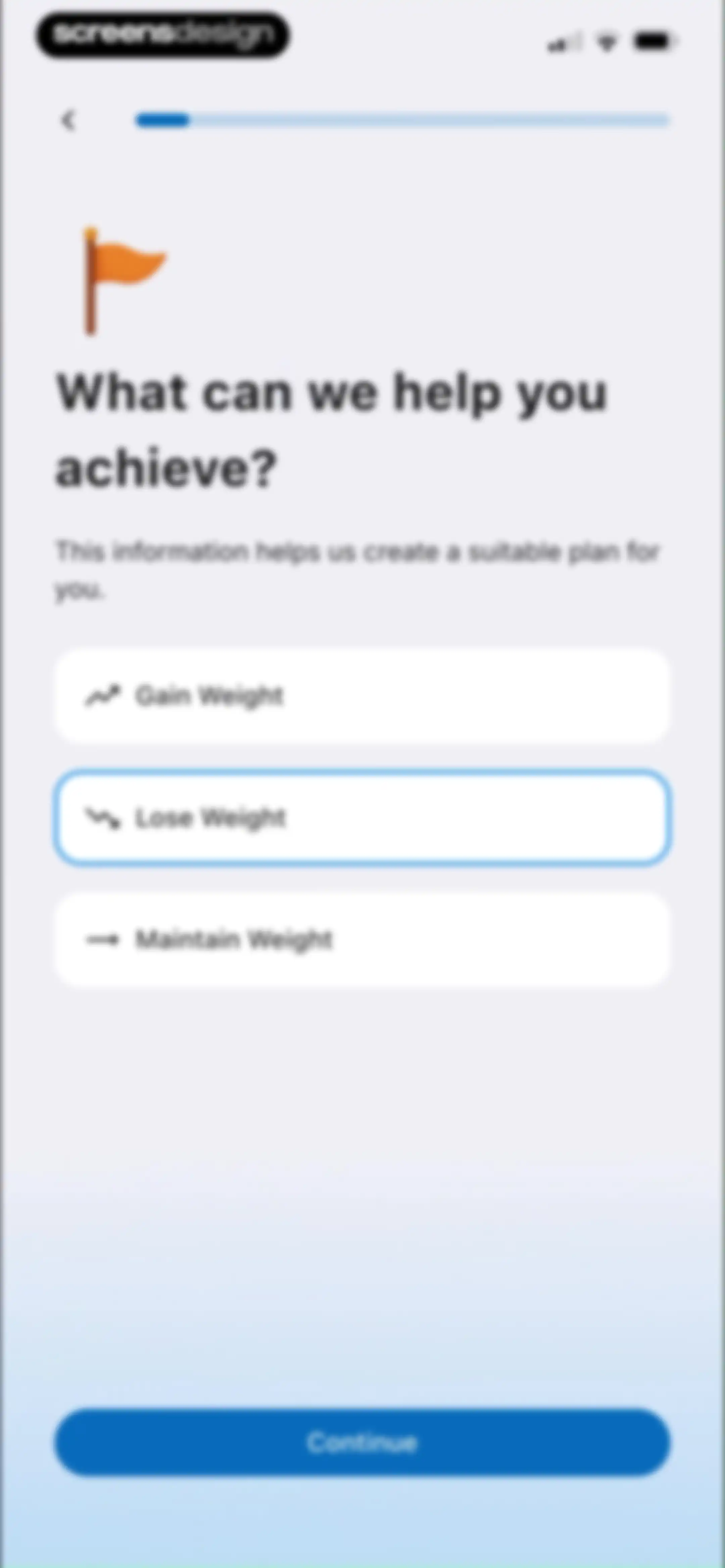
Onboarding goal selection screen with options to gain, lose, or maintain weight, with Lose Weight selected and a Continue button.
MacrosFirst onboarding screen featuring a goal illustration, text about nutrition tracking, and a Continue button.
MacrosFirst onboarding screen listing app features with three vertical cards and a Continue button.
Onboarding referral source selection screen asking how the user heard about the app, with App Store selected and a Continue button.
MacrosFirst onboarding name entry screen with a pre-filled name input field and a Continue button.Unlock Pro
Onboarding screen greeting the user by name with a handshake illustration, explaining the weight loss plan setup, and featuring a Continue button.Unlock Pro
MacrosFirst data sync onboarding screen explaining Apple Health integration with a central sync visualization and a Continue button.Unlock Pro
Permission prompt for MacrosFirst to access and update Apple Health data, featuring a list of toggles for specific health categories and Allow and Don't Allow buttons.Unlock Pro
Onboarding weight entry screen with a unit toggle set to kilograms, a weight input field showing 57 kg, and a Continue button.Unlock Pro
Fitness app onboarding screen asking for target weight with unit toggles, an input field set to 50 kg, and a Continue button.Unlock Pro
Onboarding screen showing a weight loss goal of losing 7 kg, a bathroom scale illustration, and a Continue button.Unlock Pro
MacrosFirst onboarding questionnaire asking if the user has tried other calorie tracking apps, with Yes and No selection cards and a Continue button.Unlock Pro
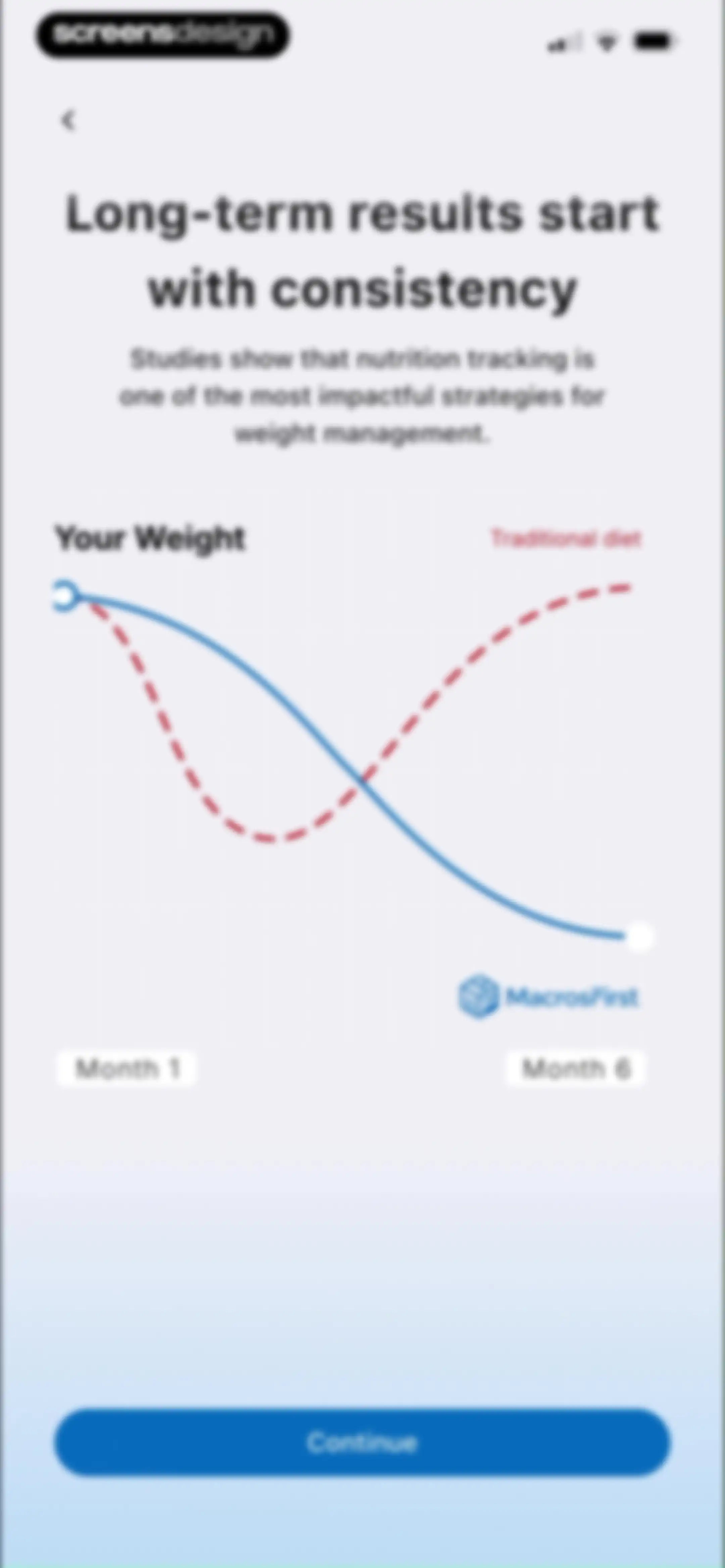
Onboarding screen comparing weight trends with a line chart, featuring a value proposition header and a Continue button.Unlock Pro
Onboarding screen asking for sex with Male and Female selection cards, the Female option selected, and a Continue button.Unlock Pro
Onboarding age input screen with a birthday cake illustration, the value 27 entered in the field, and a Continue button.Unlock Pro
Onboarding height input screen with a unit toggle set to centimeters, a height value of 151 centimeters entered, and a Continue button.Unlock Pro
Onboarding screen asking how fast to lose weight with a slider set to a recommended rate of 0.5 kg per week, a projected goal date, and a Continue button.Unlock Pro
Onboarding screen asking for activity level with four selectable cards, the moderately active option selected, and a Continue button.Unlock Pro
Onboarding screen asking if the user lifts weights, with the Yes card selected and a Continue button.Unlock Pro
Loading screen in the MacrosFirst app featuring a central illustration of a frying pan with ingredients and the text Cooking up your plan.Unlock Pro
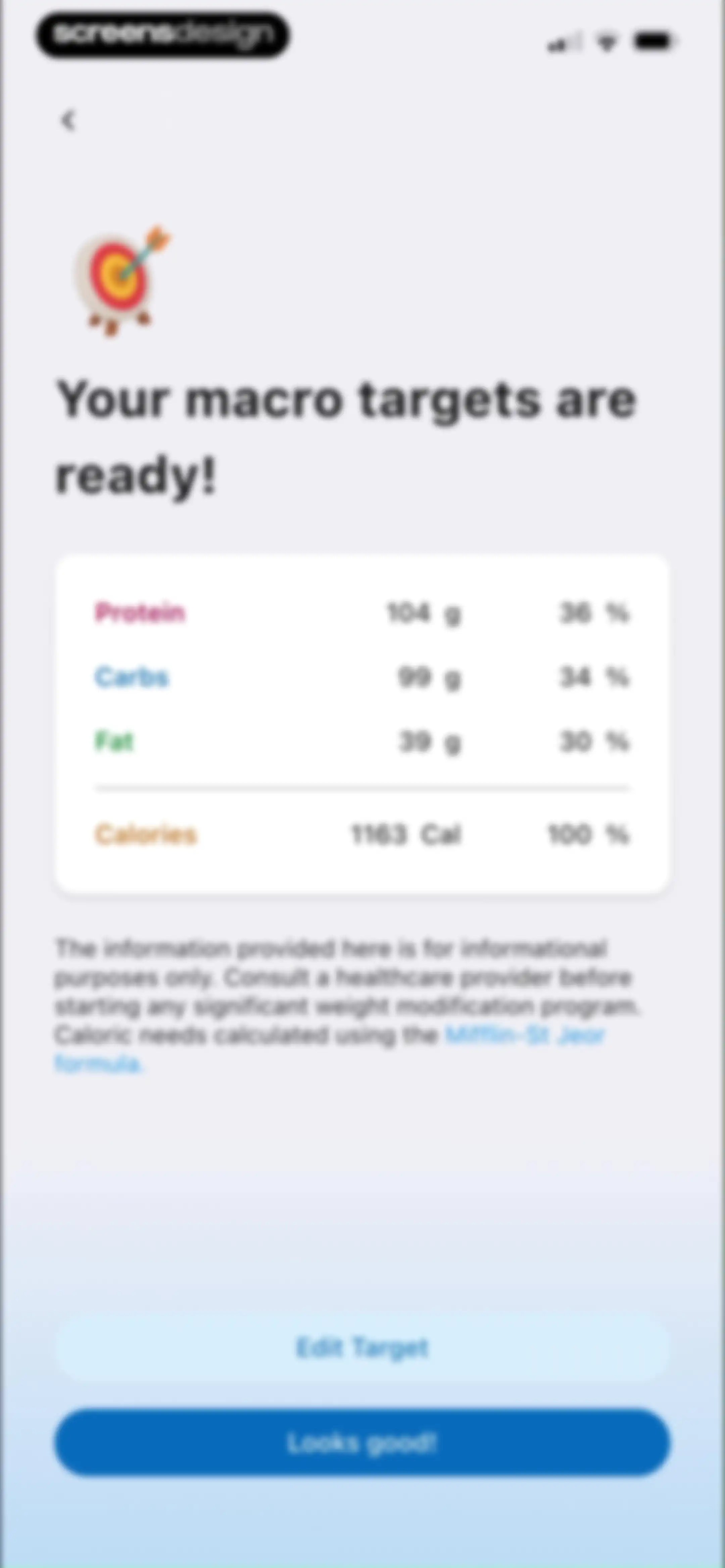
MacrosFirst onboarding screen displaying a macro target summary card with protein, carb, fat, and calorie goals, plus Edit Target and Looks good! buttons.Unlock Pro
Fitness app onboarding celebration screen featuring a 3D trophy illustration, congratulatory headline, and a Continue button.Unlock Pro
App rating prompt modal overlay asking users to rate MacrosFirst on the App Store with star icons, Submit, and Cancel buttons.Unlock Pro
Feedback prompt screen with a centered review modal and a Continue button over a background of user testimonials.Unlock Pro
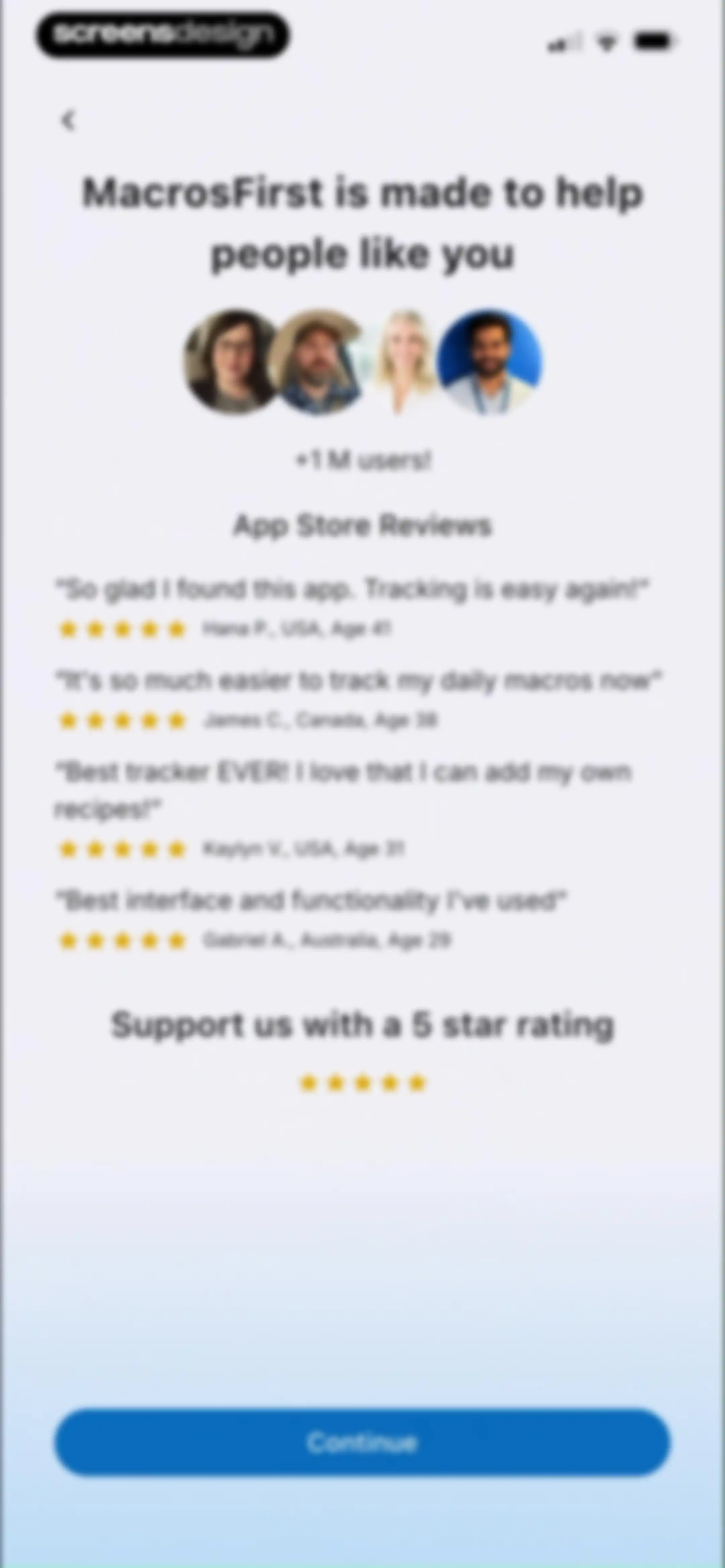
MacrosFirst onboarding screen displaying user testimonials and App Store reviews with a five-star rating prompt and a Continue button.Unlock Pro
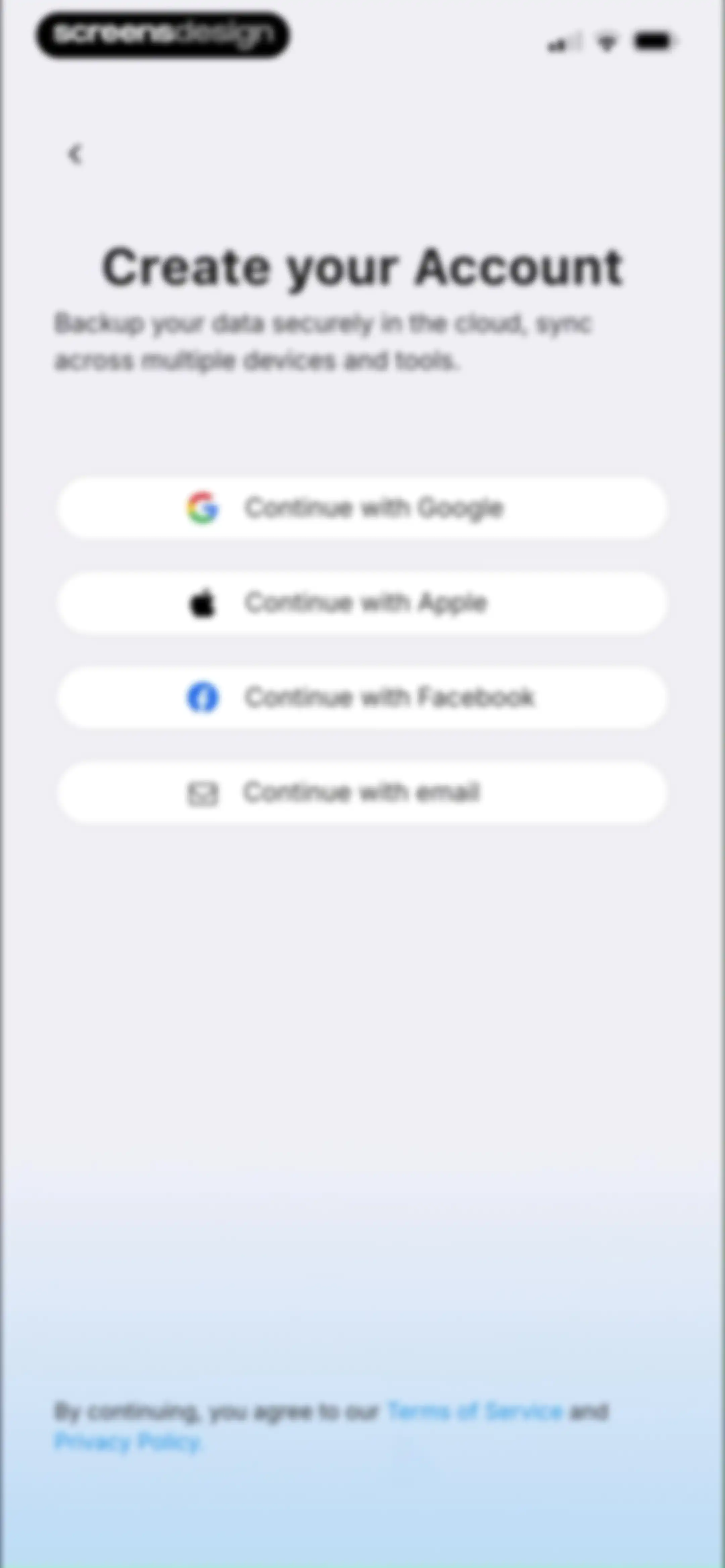
Account creation screen featuring options to continue with Google, Apple, Facebook, or email, along with cloud backup details.Unlock Pro
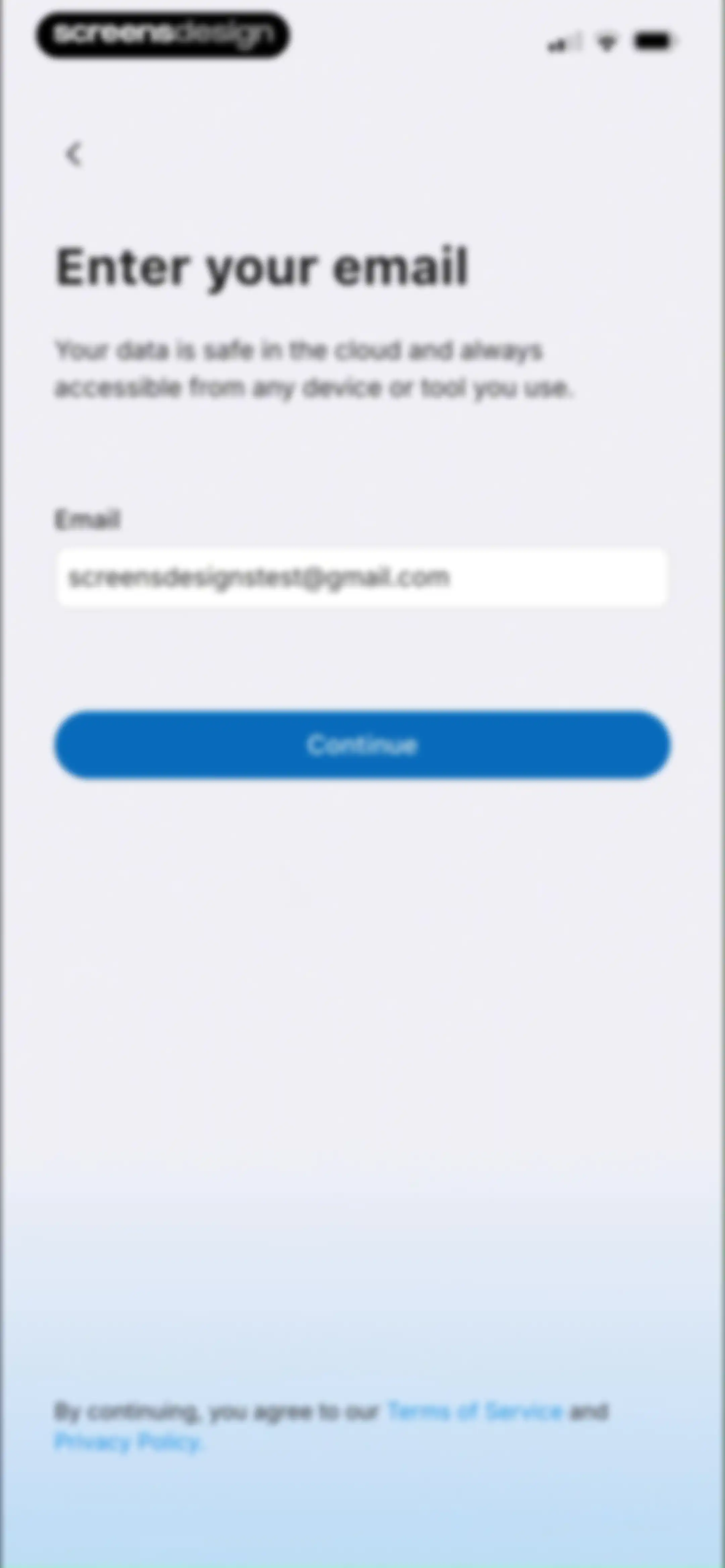
Email sign-up form with a filled email address field and a Continue button.Unlock Pro
Authentication loading screen with an envelope illustration and the text Requesting login link...Unlock Pro
Email verification screen confirming a magic link was sent to screensdesignstest@gmail.com, with an Open Mail button.Unlock Pro
App splash screen with a white MacrosFirst logo centered on a blue gradient background.Unlock Pro
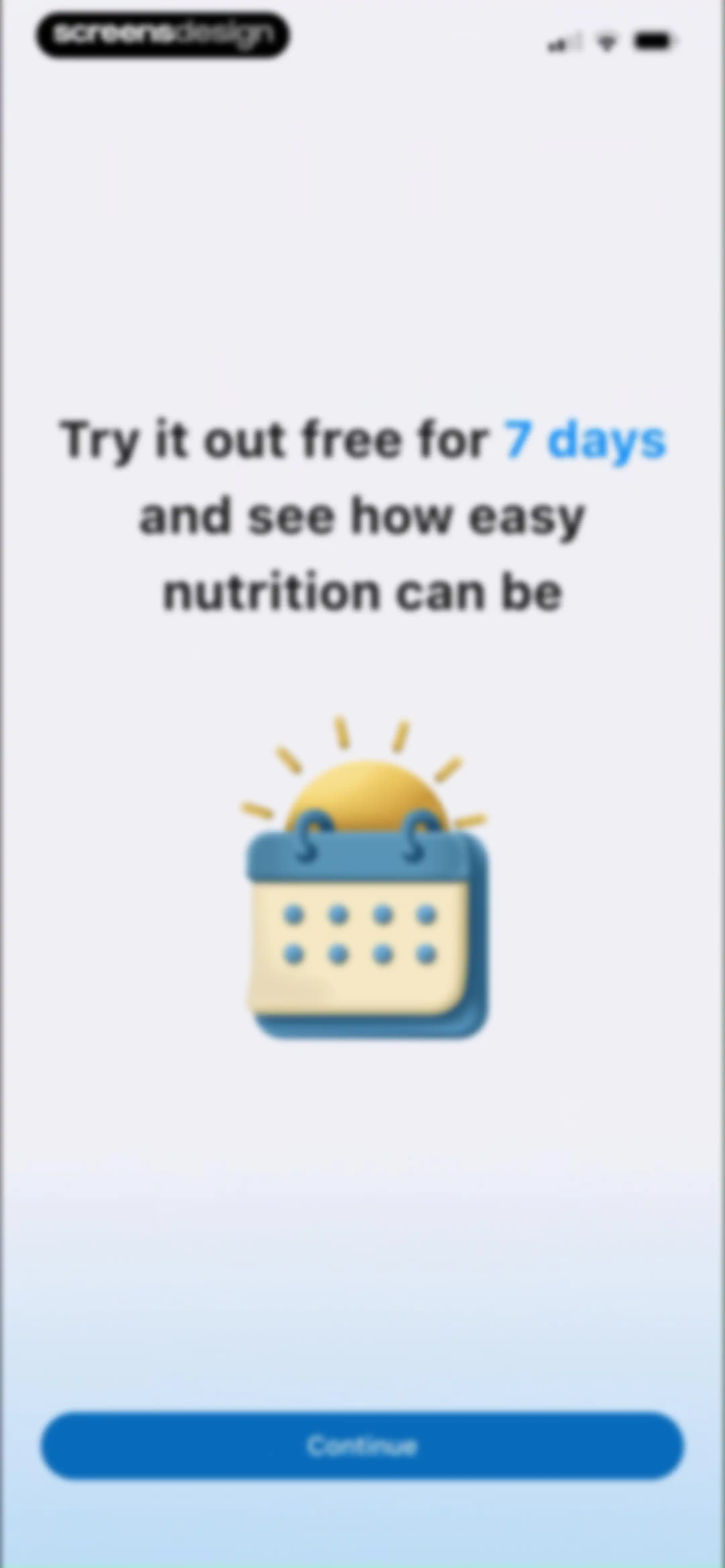
Paywall screen offering a 7-day free nutrition trial, featuring a 3D calendar illustration and a Continue button.Unlock Pro
Trial reminder configuration screen asking when to remind before the trial ends, with the two days before option selected and a Continue button.Unlock Pro
Permission request screen for MacrosFirst app asking to send notifications, featuring a central system alert and a Continue button.Unlock Pro
Paywall screen offering a 7-day free trial for MacrosFirst, featuring user testimonials, social proof, and a Try For $0.00 button.Unlock Pro
Paywall screen comparing annual and monthly plans with the annual plan selected and a Start your FREE week button.Unlock Pro
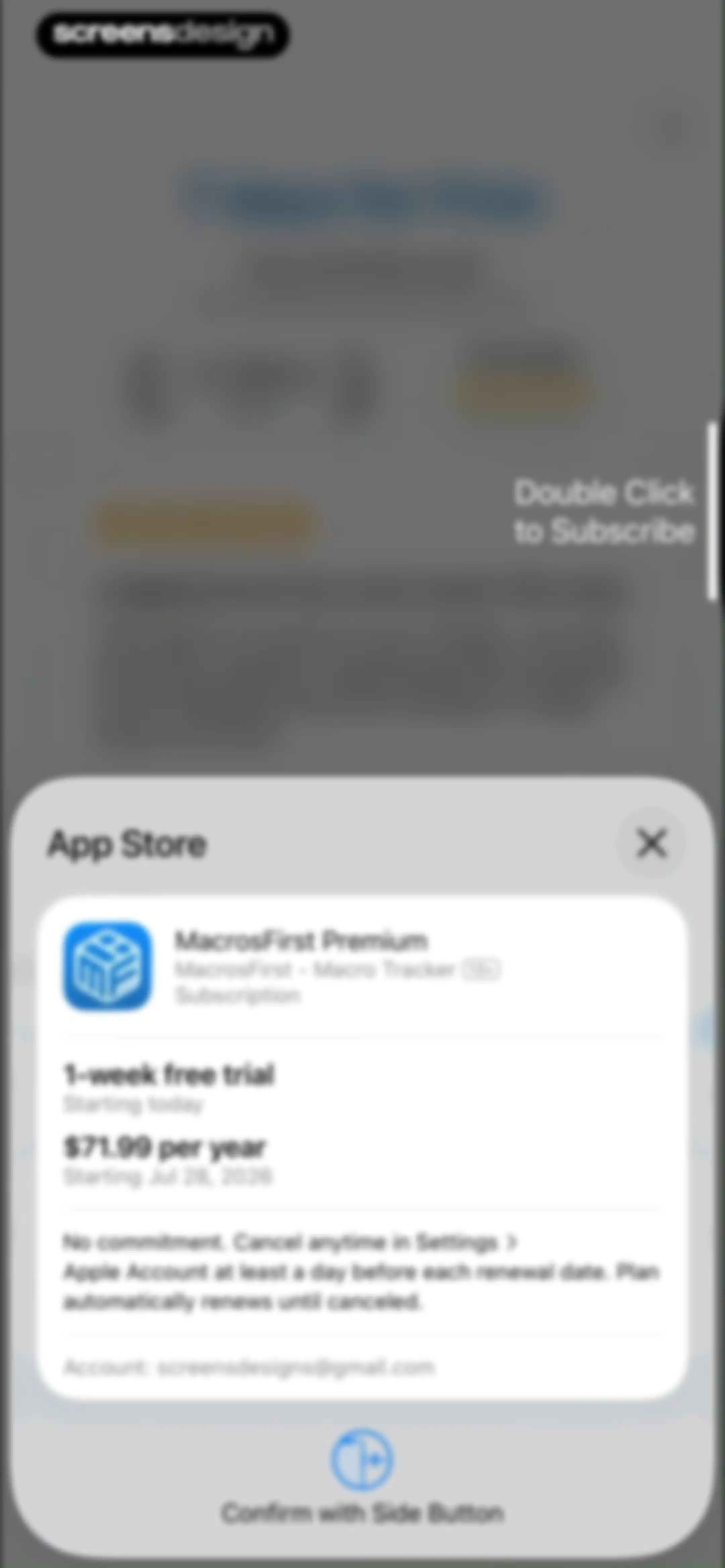
App Store subscription confirmation modal for MacrosFirst Premium showing a one-week free trial followed by an annual plan, with account details and a side button confirmation prompt.Unlock Pro
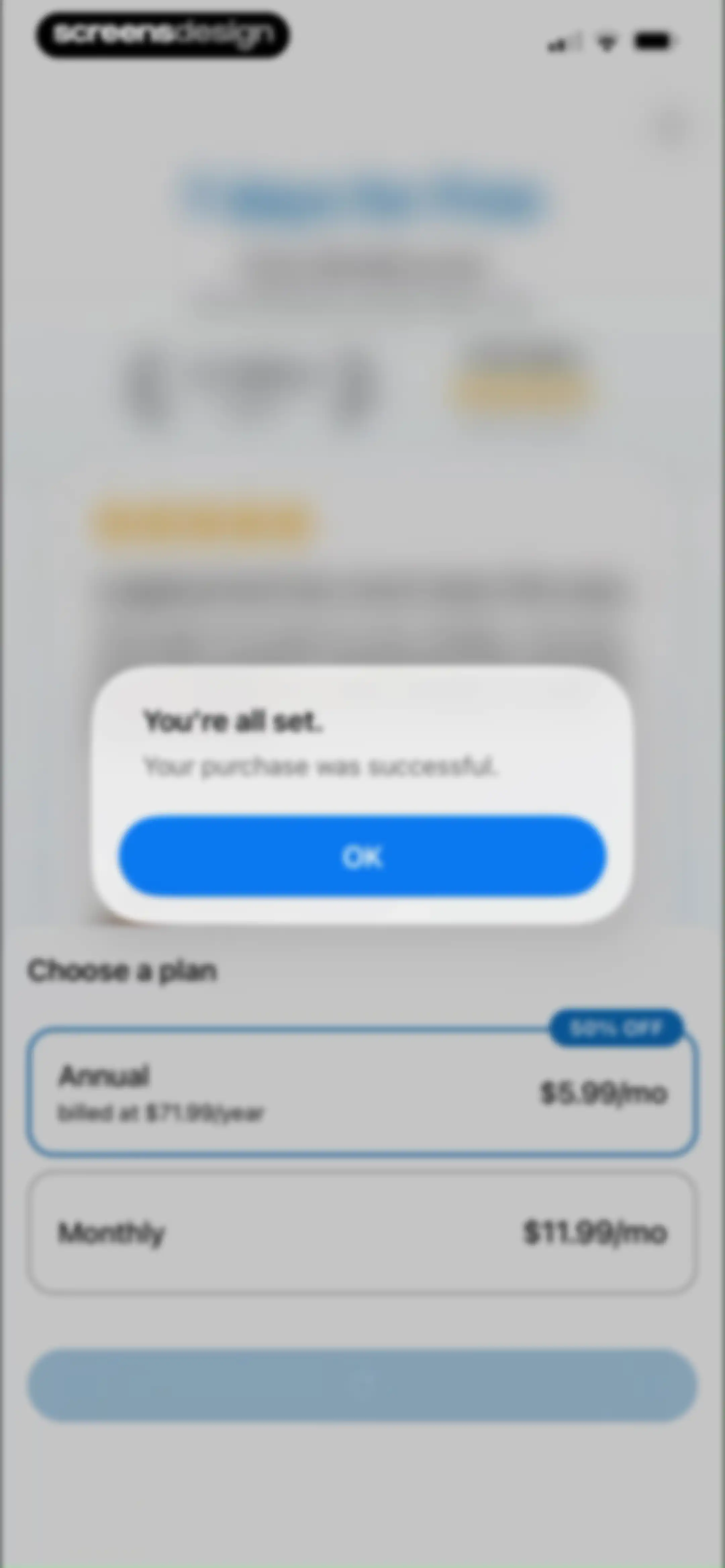
Purchase success confirmation modal overlaid on a subscription paywall with annual and monthly plan options and an OK button.Unlock Pro
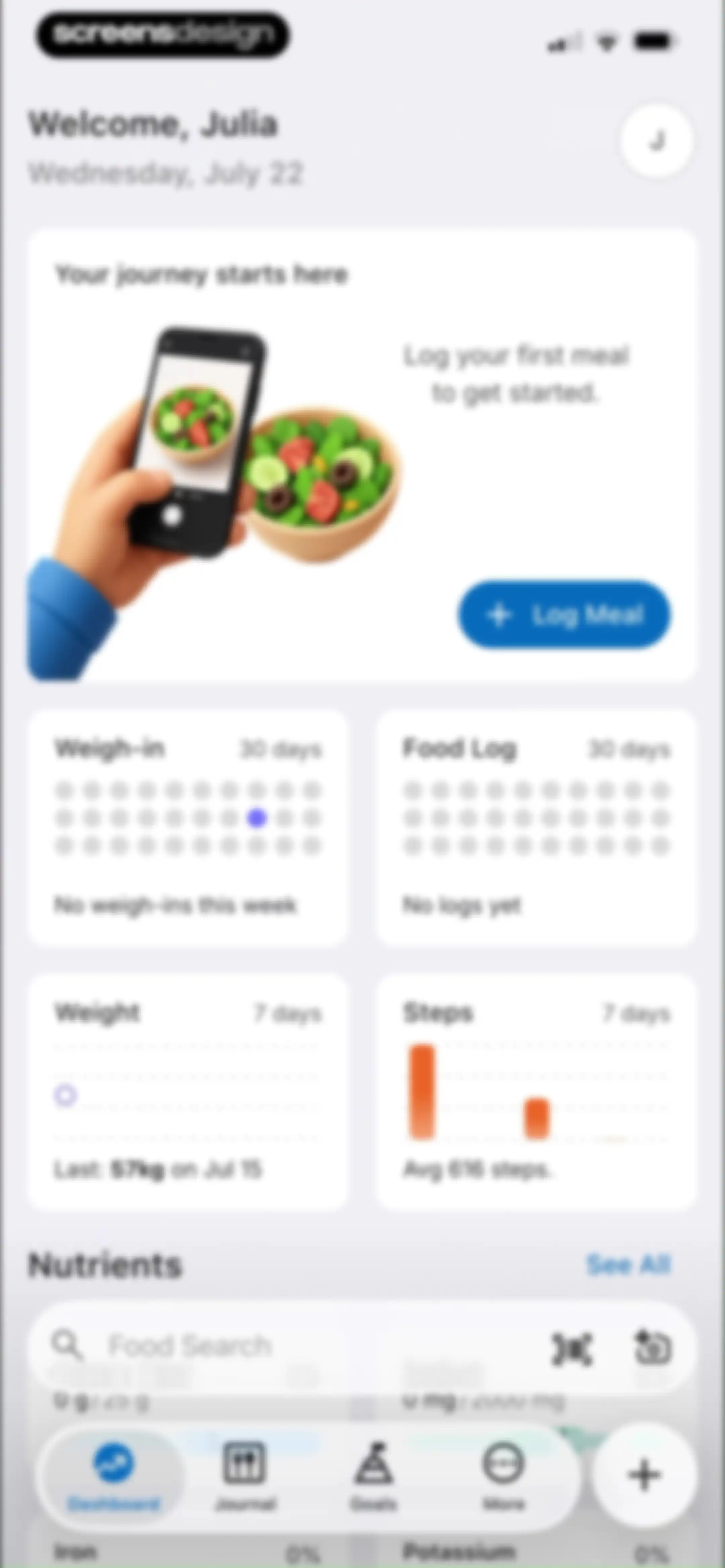
Dashboard onboarding screen welcoming Julia with an initial meal logging hero card, metric summary grid, and a bottom navigation bar.Unlock Pro
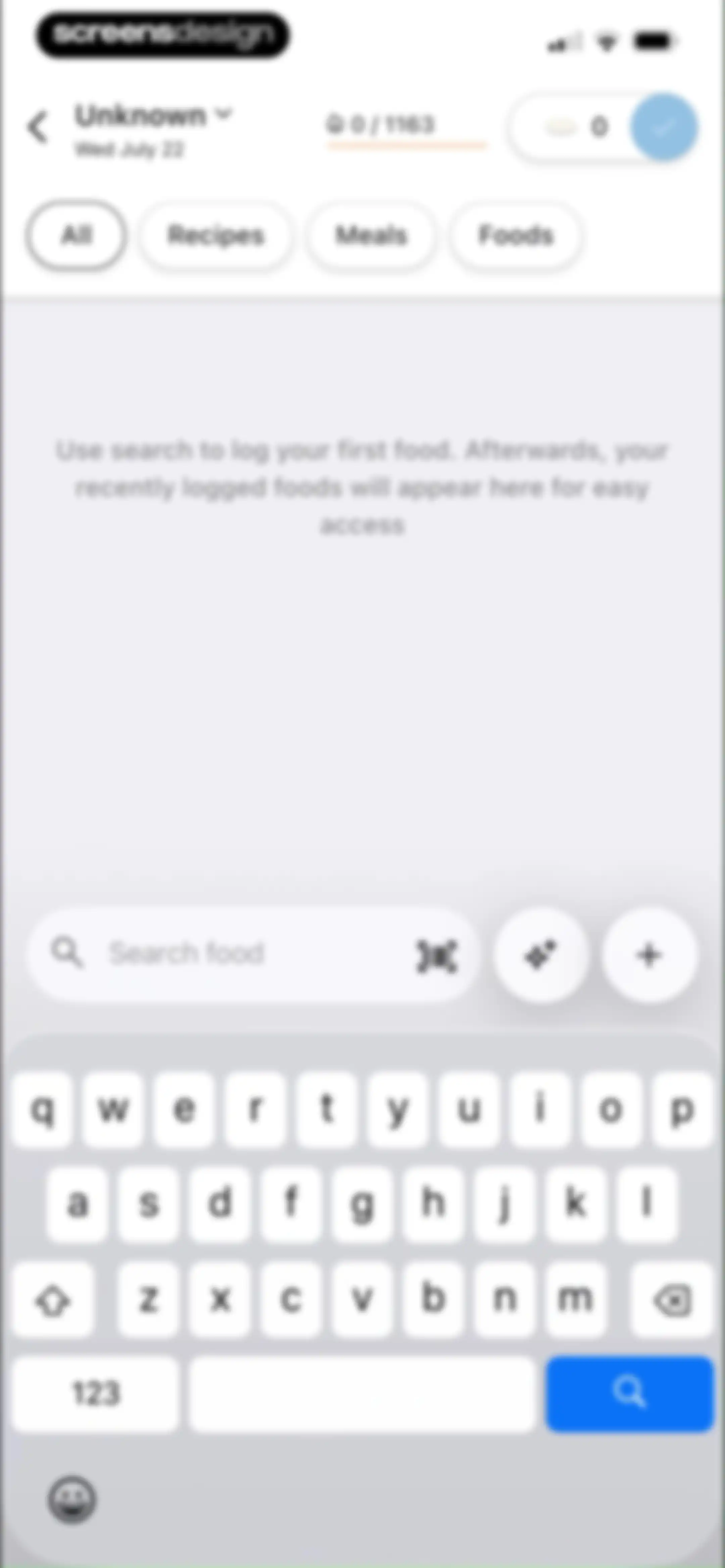
Empty food log screen with filter tabs, a search bar, and a prompt to log your first food.Unlock Pro
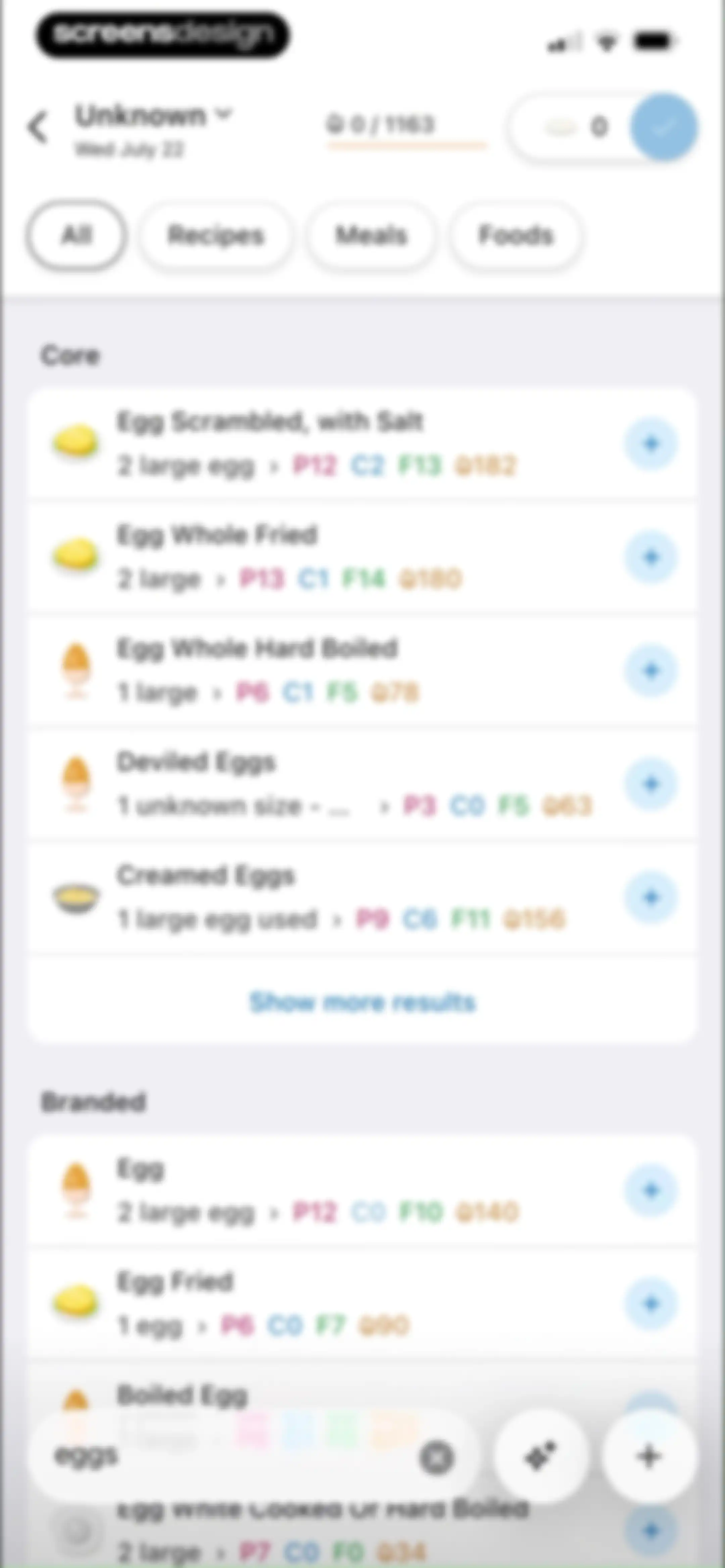
Food search results screen displaying core and branded food items matching eggs, with filter tabs and add buttons.Unlock Pro
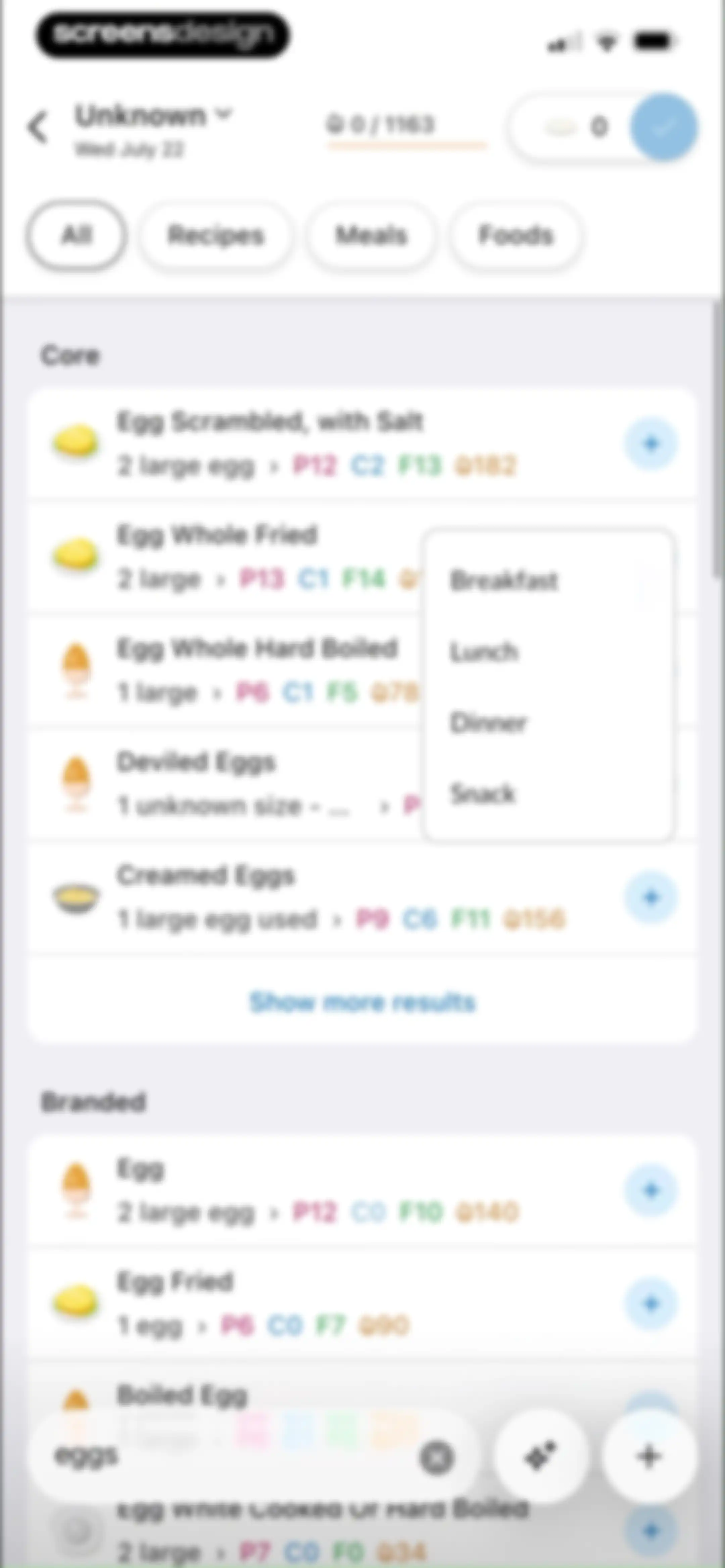
Food search results for eggs with a meal selection modal displaying Breakfast, Lunch, Dinner, and Snack options.Unlock Pro
Permission request screen in MacrosFirst asking to access the camera for barcode scanning, with Allow and Don't Allow buttons.Unlock Pro
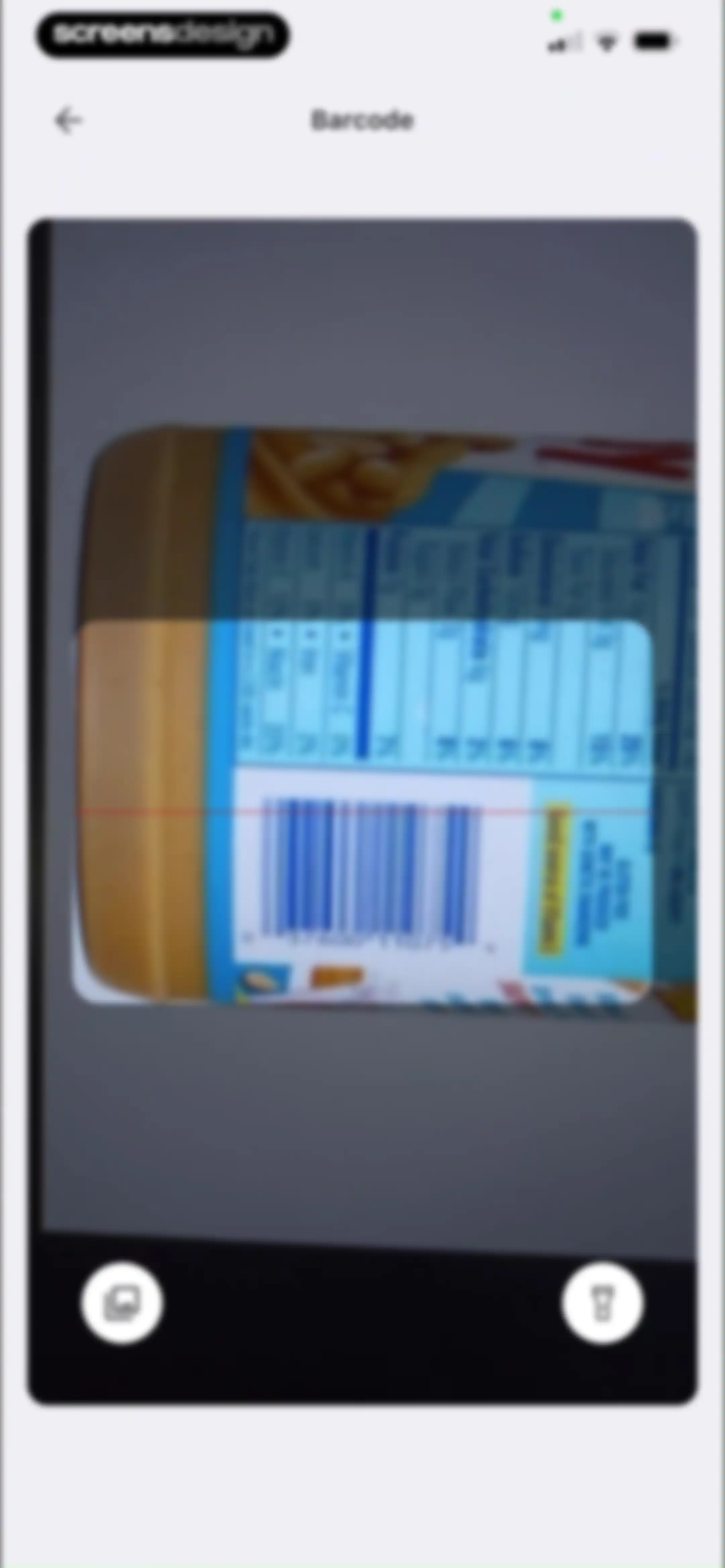
Barcode scanner interface with a camera viewfinder, scanning overlay, and controls for the flashlight and photo gallery.Unlock Pro
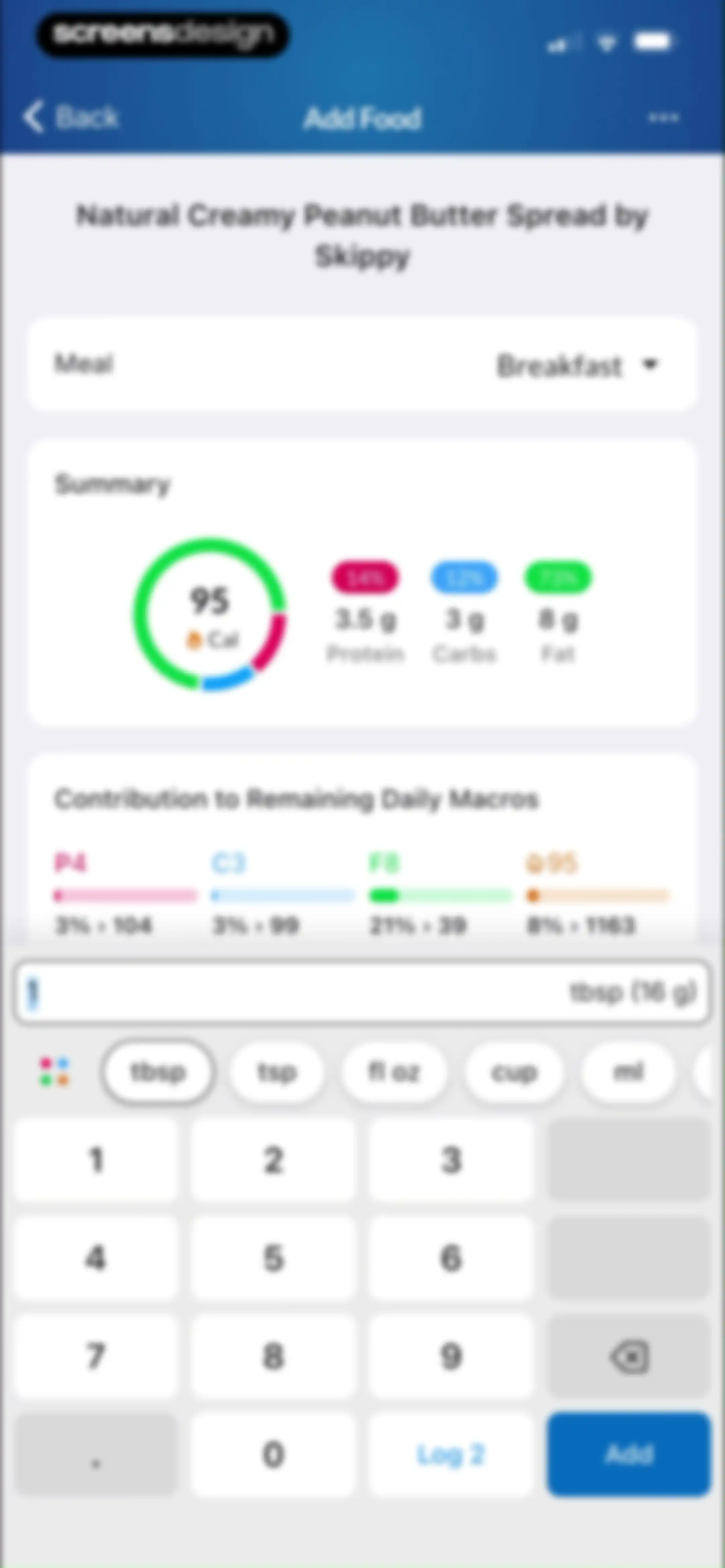
Food logging interface for adding Skippy peanut butter to breakfast, displaying a macro summary card and a numeric keypad with an Add button.Unlock Pro
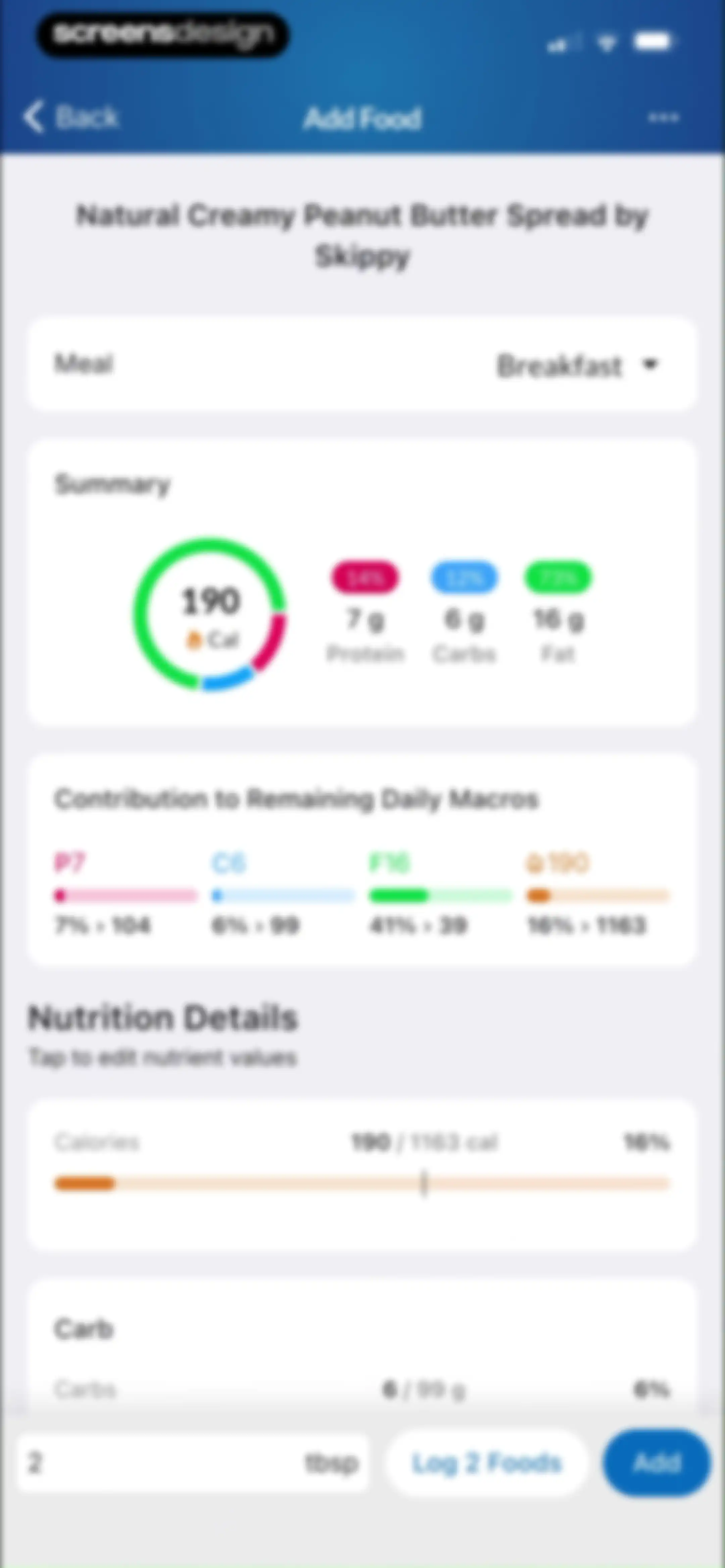
Add food form for Skippy peanut butter displaying macro summary, nutrition details, and a Log 2 Foods button.Unlock Pro
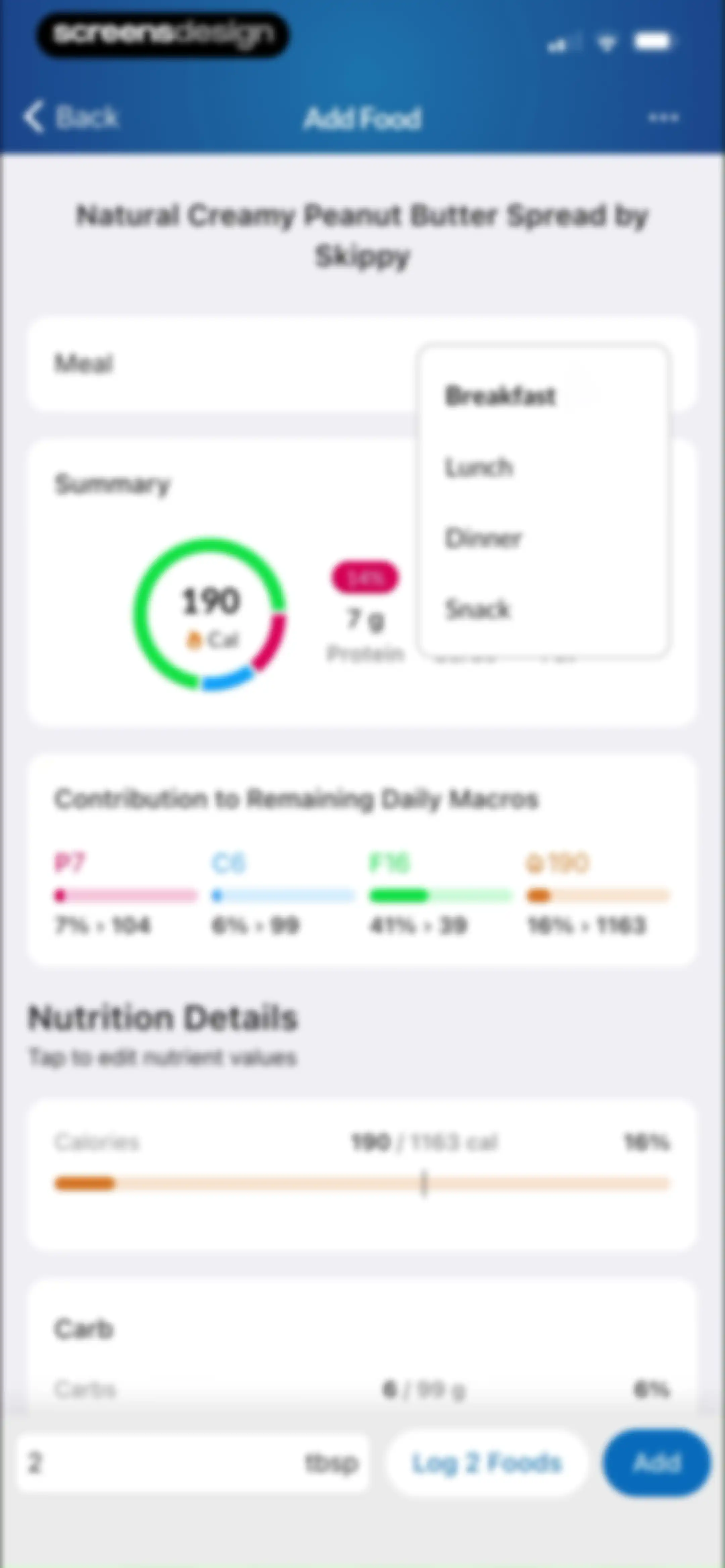
Food logging form for Skippy Natural Creamy Peanut Butter Spread with a meal selector, macro contribution summary, and an Add button.Unlock Pro
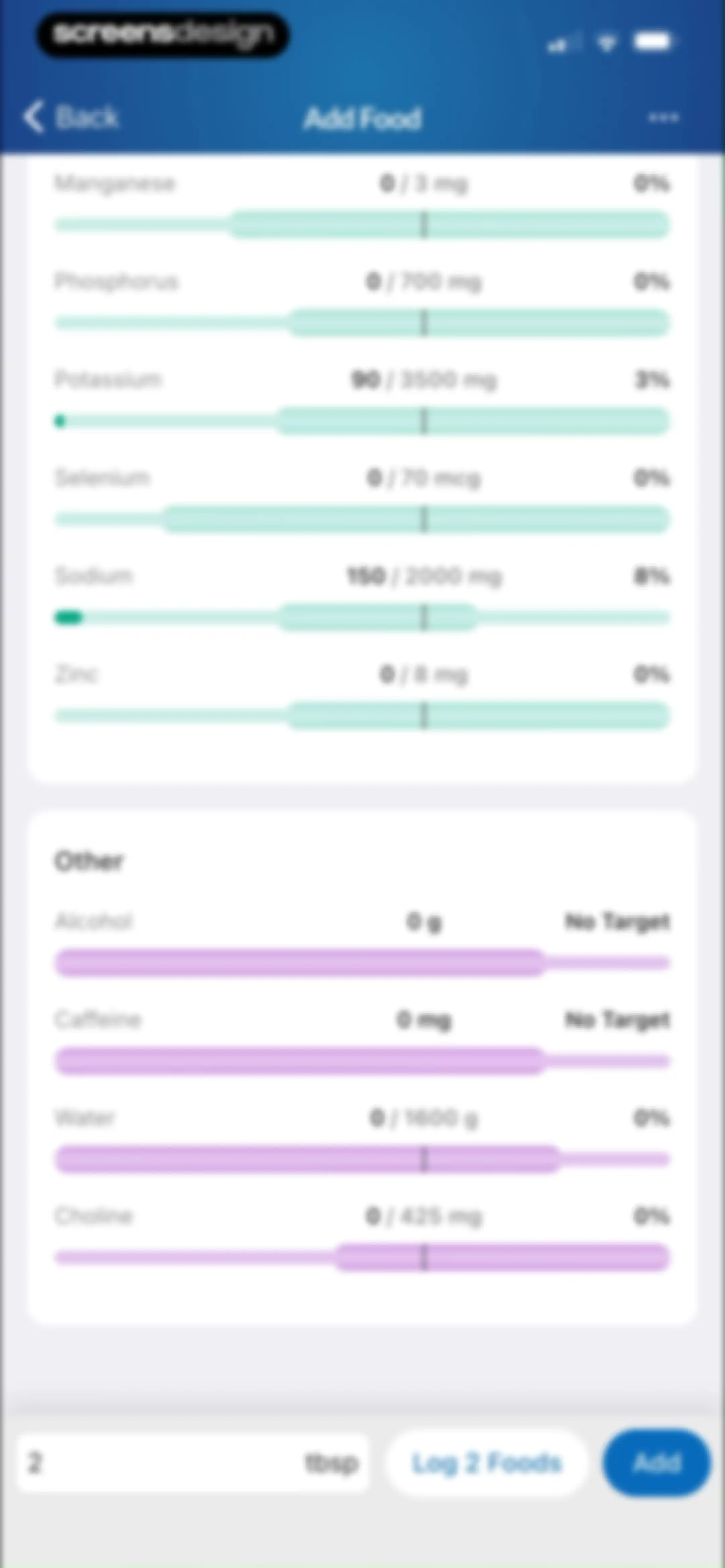
Nutrition logging screen showing micronutrient progress bars and a bottom input bar with a quantity of 2 tbsp and an Add button.Unlock Pro
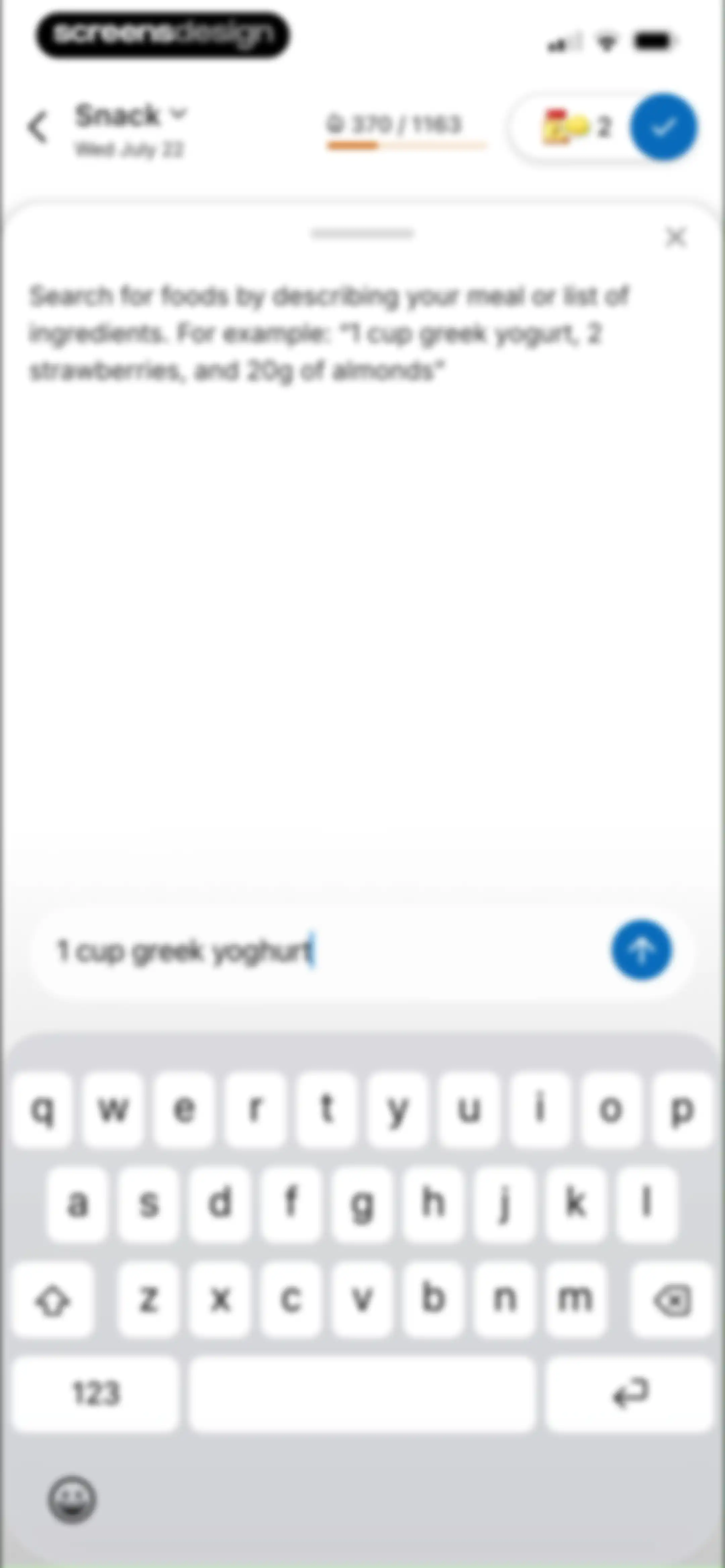
Food search modal with a natural language input field containing a yogurt query, instructional text, and a system keyboard.Unlock Pro
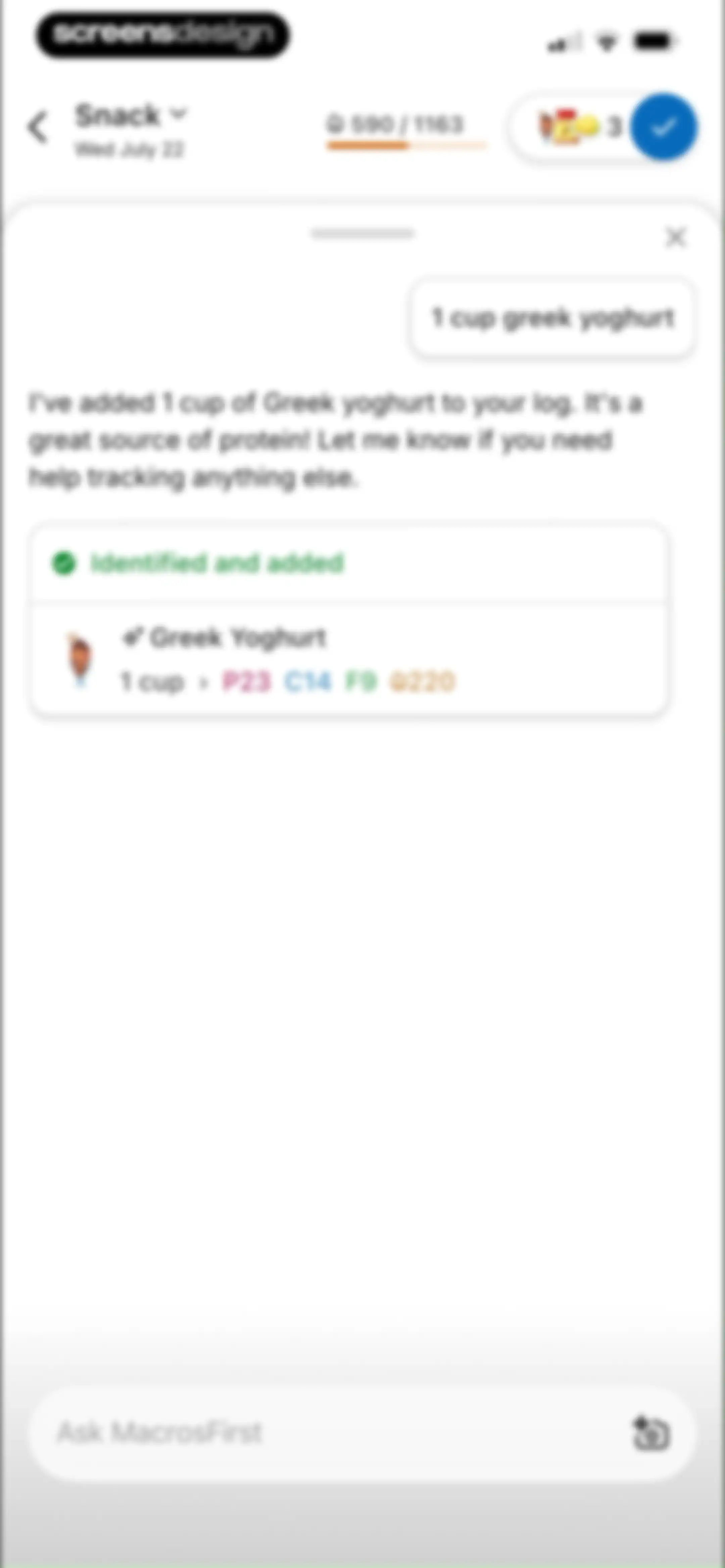
Chat screen confirming the addition of Greek yoghurt to the nutrition log with a bottom input field.Unlock Pro
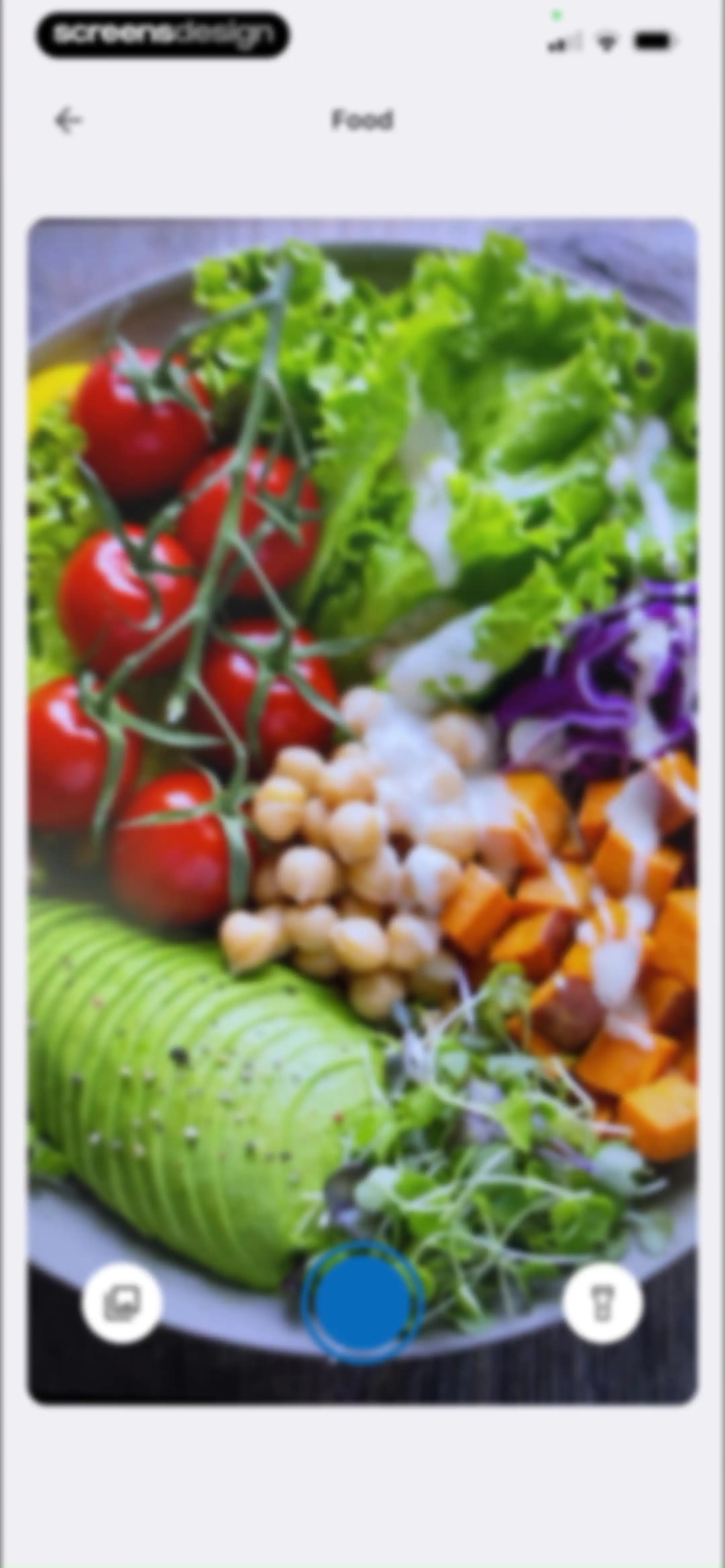
Food logging camera interface featuring a live viewfinder showing a salad, a bottom shutter button, and gallery and flashlight controls.Unlock Pro
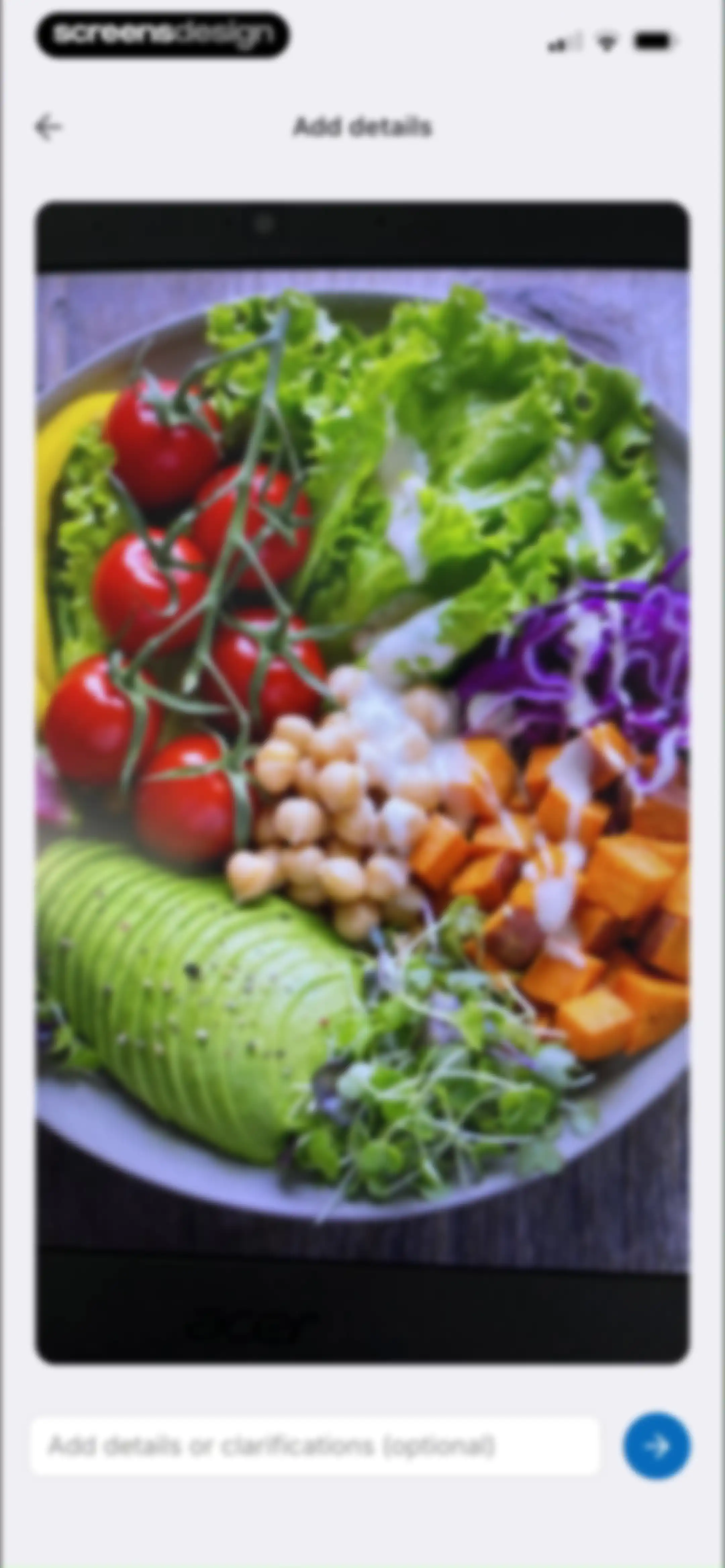
Food logging form featuring a salad bowl preview, an optional text input field, and a submit button.Unlock Pro
Chat screen displaying an AI-identified Buddha bowl meal entry with a nutritional summary card and a bottom input field.Unlock Pro
Chat screen confirming an AI-identified Buddha bowl meal with a nutritional summary card, an expandable ingredient list, and a bottom input field.Unlock Pro
Food logging empty state with a bottom sheet modal displaying creation options including Create Food and Quick Track.Unlock Pro
Custom alcoholic beverage creation form with input fields for name, brand, serving size, and nutritional values, along with a summary card.Unlock Pro
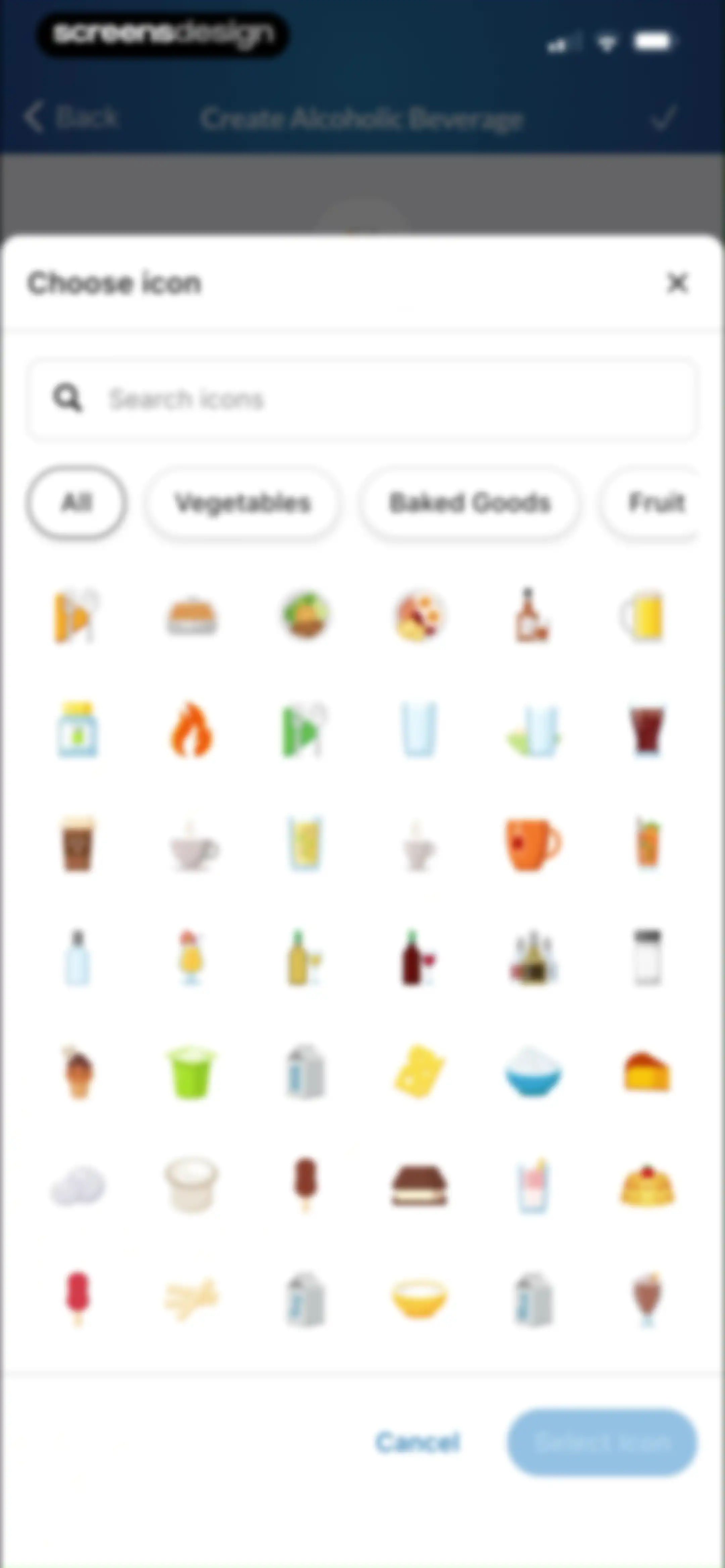
Icon selection modal for creating a custom alcoholic beverage, featuring a search bar, category chips, an icon grid, and Cancel and Select Icon buttons.Unlock Pro
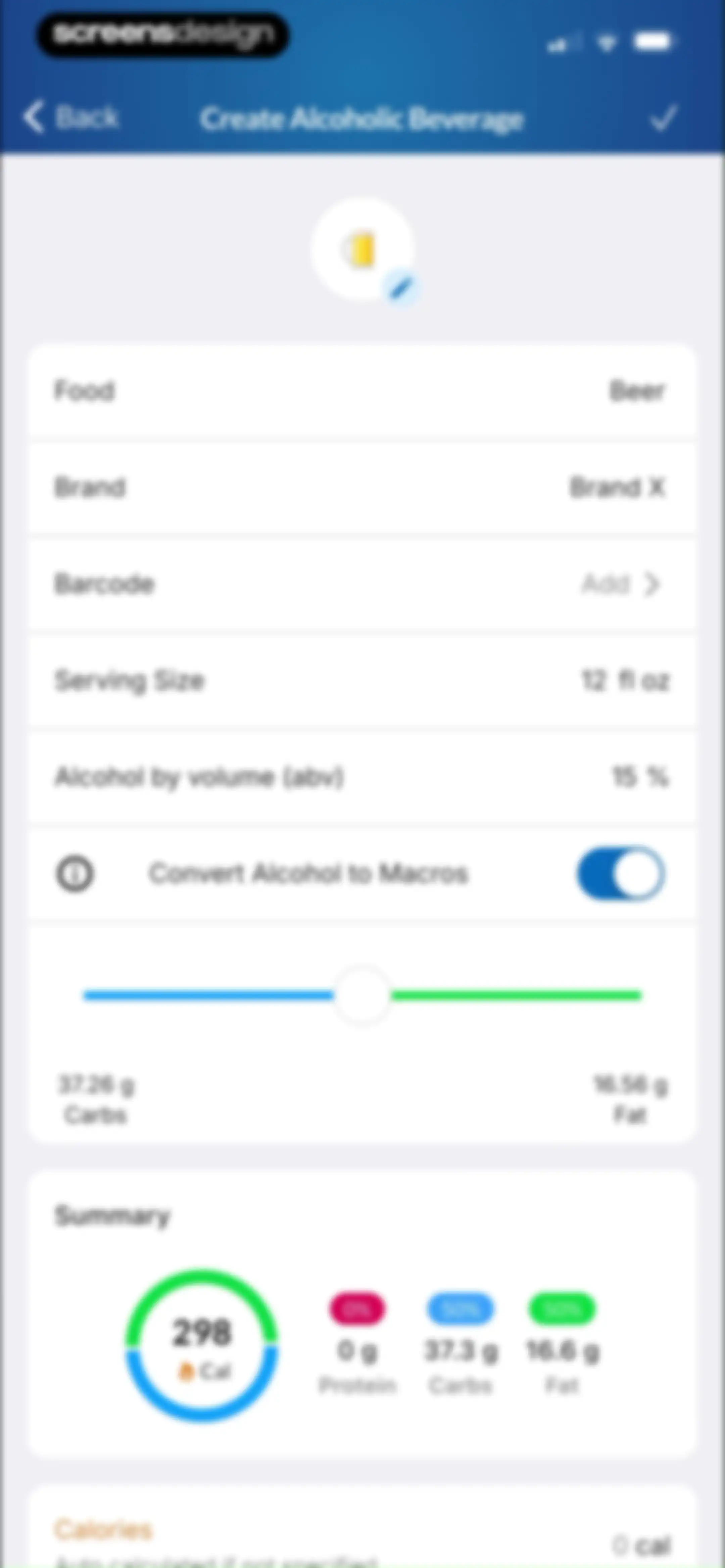
Custom alcoholic beverage creation form with input fields for serving size and alcohol by volume, macro sliders, and a summary card.Unlock Pro
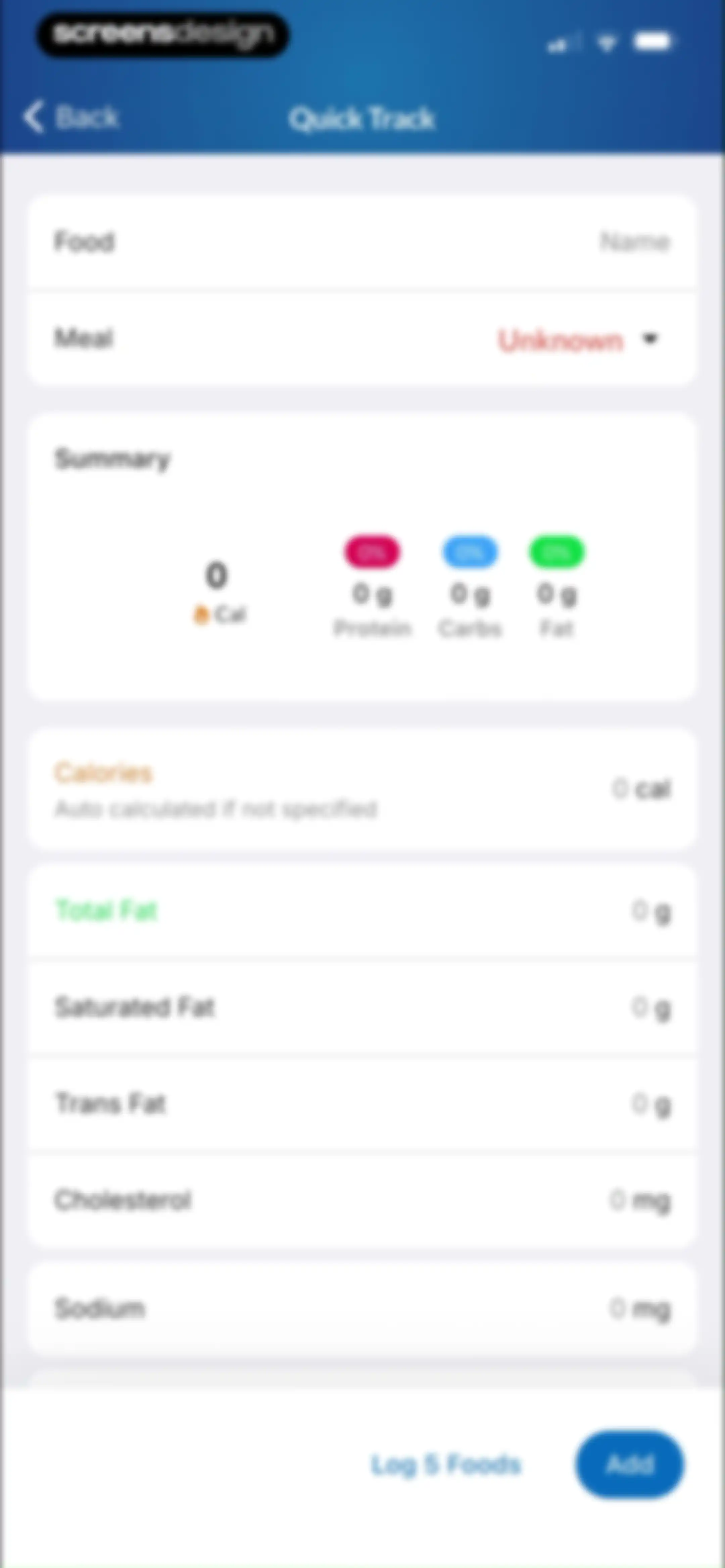
Quick Track nutrition logging form with empty input fields for food name, meal type, and nutritional details, featuring a summary card and an Add button.Unlock Pro
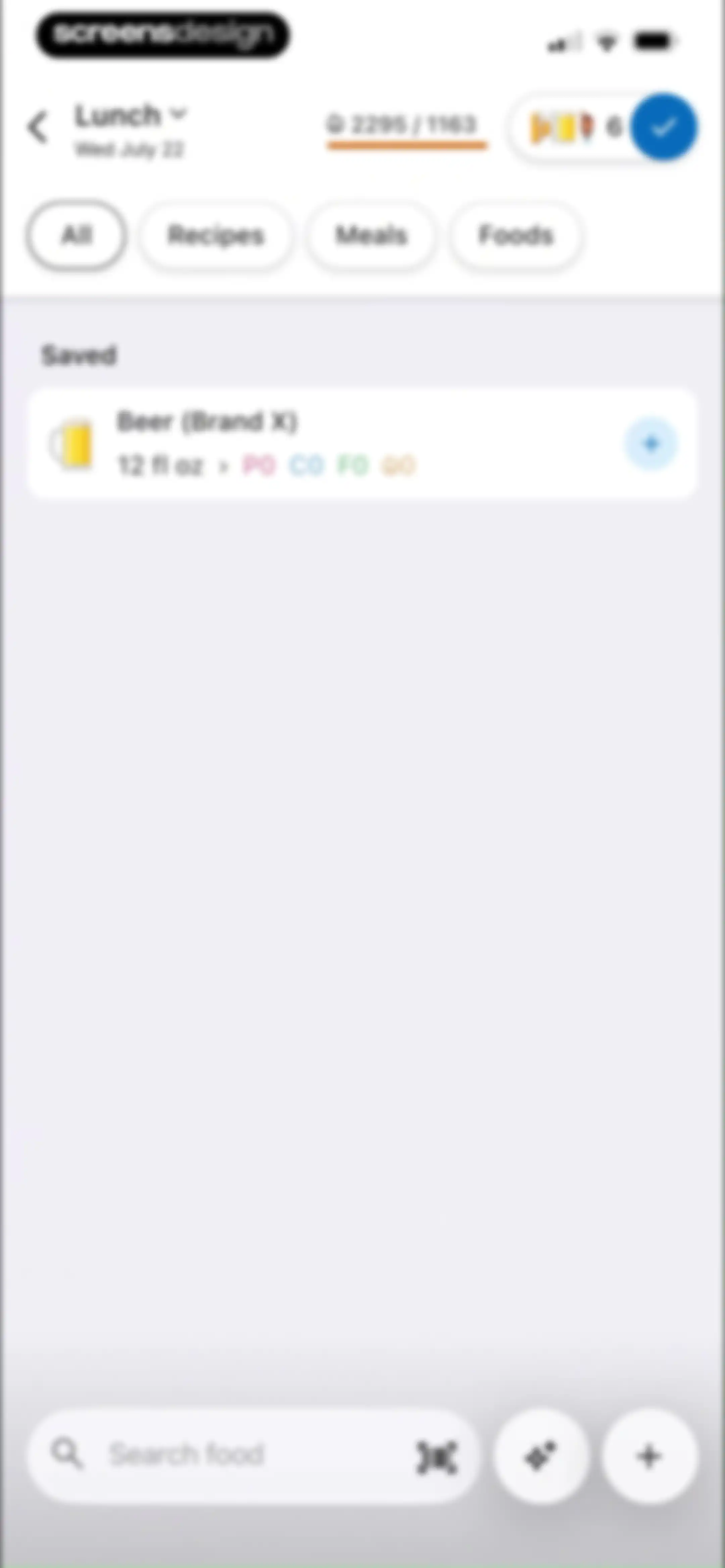
Food search screen displaying the Lunch meal log with a saved item list, filter tabs, and a bottom search bar.Unlock Pro
Empty recipe list with a Create Recipe button under the selected Recipes filter tab, lunch header information, and a bottom search bar.Unlock Pro
Recipe creation form with input fields for name, servings, weight, an empty ingredients list with an orange icon, and a preparation instructions field.Unlock Pro
Chat screen displaying an imported recipe confirmation modal with a macro summary card and an ingredient list.Unlock Pro
New Recipe editor with filter tabs, a list showing Beer (Brand X) with nutritional info, and a bottom search bar.Unlock Pro
Recipe editor containing input fields for metadata, a macro summary, and an ingredient list with a Save button.Unlock Pro
Recipe editor screen displaying metadata for Seafood Chowder, serving size, and a list of ingredients with a Save button.Unlock Pro
Recipe editor screen displaying a text input field populated with preparation instructions for seafood chowder, featuring a Save button.Unlock Pro
Add Recipe screen displaying nutritional summary, macro contributions, and calorie breakdown for Seafood Chowder with an Add button.Unlock Pro
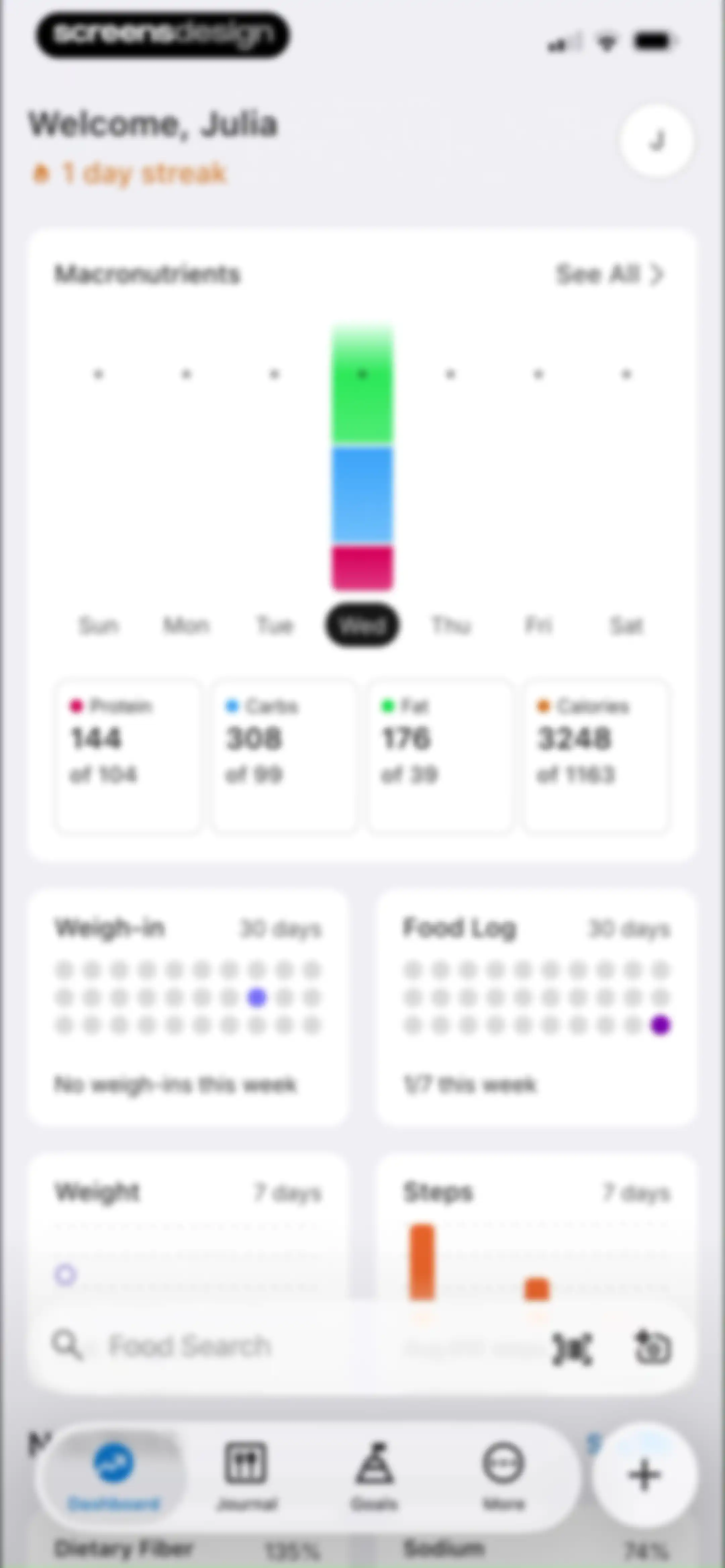
Nutrition dashboard showing a macronutrient summary card, weekly progress tracking cards, a bottom search bar, and a selected dashboard tab.Unlock Pro
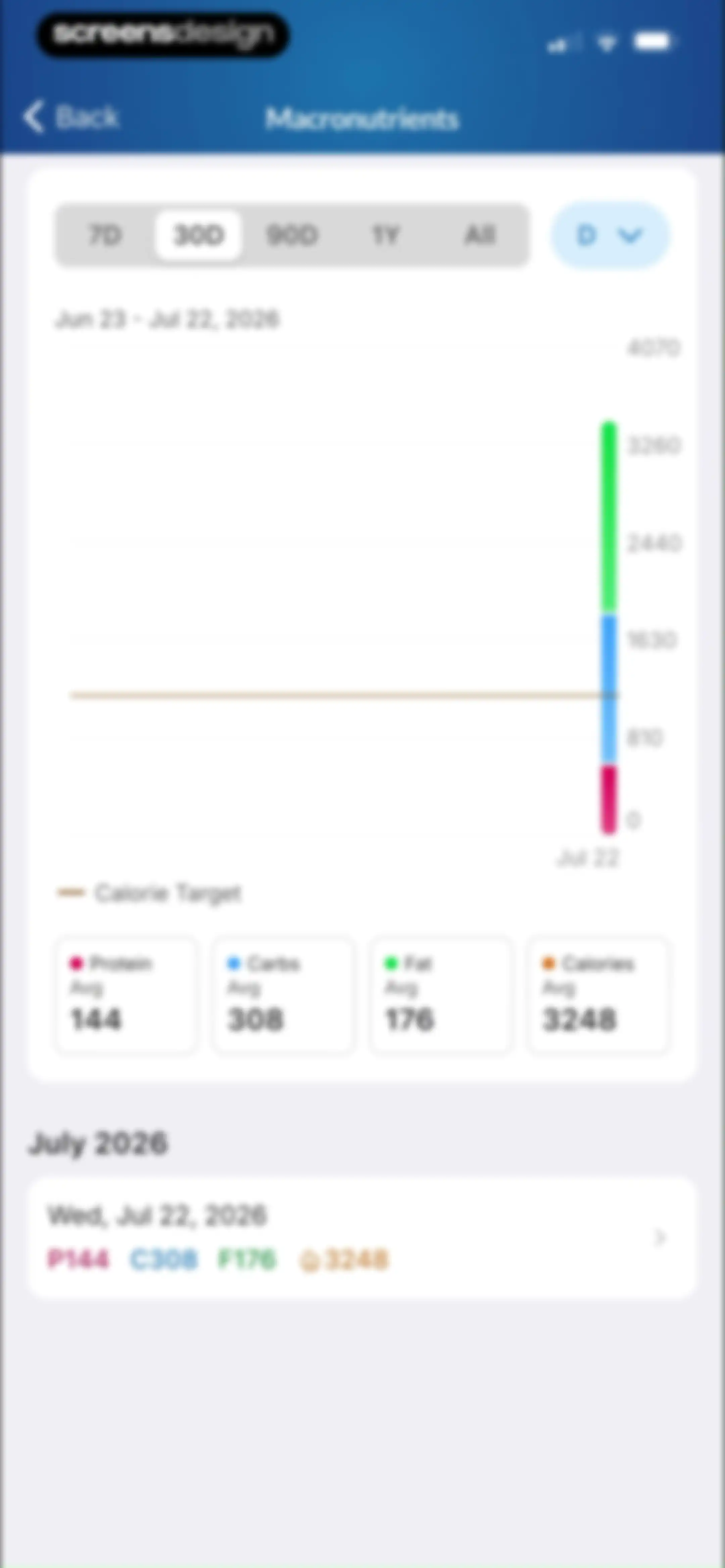
Analytics screen displaying macronutrient distribution charts, average summary cards, and daily logs with the 30-day time range selected.Unlock Pro
MacrosFirst macronutrient analytics screen displaying a line chart, summary cards, and a bottom sheet overlay with grouping options.Unlock Pro
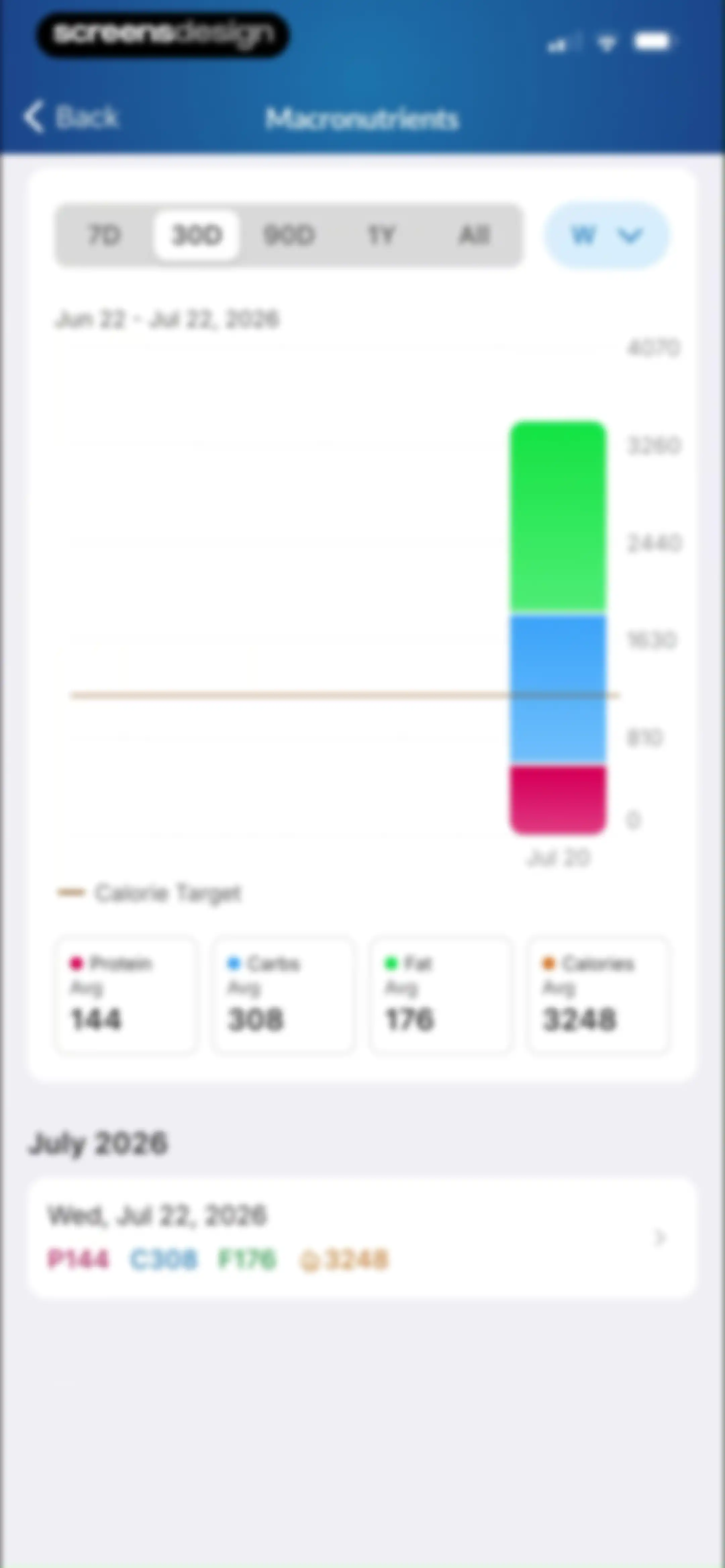
Macronutrient analytics screen featuring a vertical bar chart, four summary cards, and a list of daily logs with the 30D time range selected.Unlock Pro
Weigh-in calendar view showing a monthly grid for July 2026, a legend for tracked data, and a yearly overview grid.Unlock Pro
Food logging dashboard displaying summary statistics, a monthly calendar view for July 2026, and a yearly heatmap overview.Unlock Pro
Health dashboard displaying summary cards for weight and steps, followed by a list of nutrient progress cards and a bottom navigation bar.Unlock Pro
Weight dashboard displaying a line chart with a selected 7D filter and a list of weight trend metrics below.Unlock Pro
Weight entry modal with a calendar grid, quick date selection, and a weight input set to 56 kg with a Save button.Unlock Pro
Weight tracking dashboard displaying a trend chart, trend metrics, an informational projection card, and a bottom input modal with a save button.Unlock Pro
Weight tracking dashboard displaying a line chart, trends list, projection info card, and historical data table.Unlock Pro
Analytics screen displaying a step count bar chart and daily logs with the 30-day time range selected.Unlock Pro
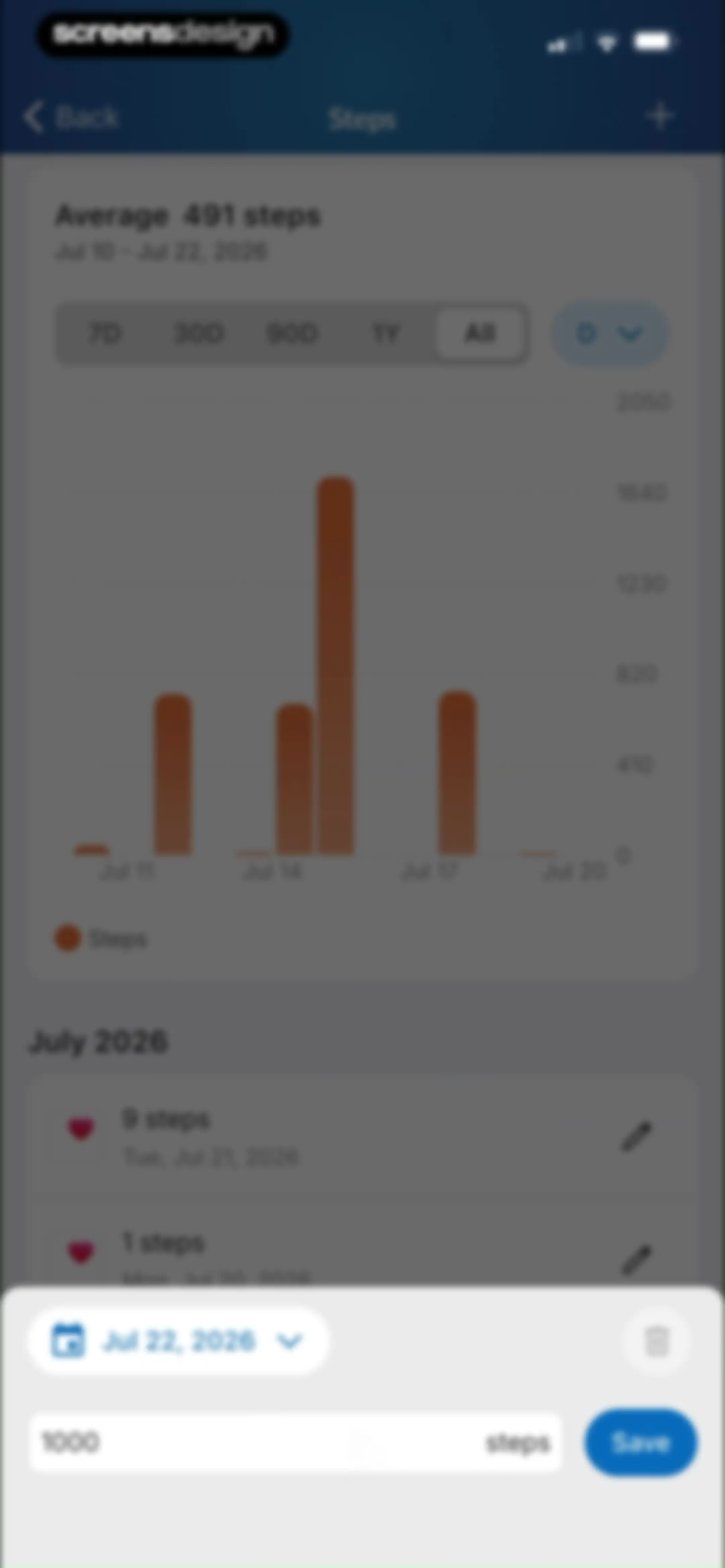
Step-tracking dashboard showing a step chart, daily logs, and a bottom input modal with a Save button.Unlock Pro
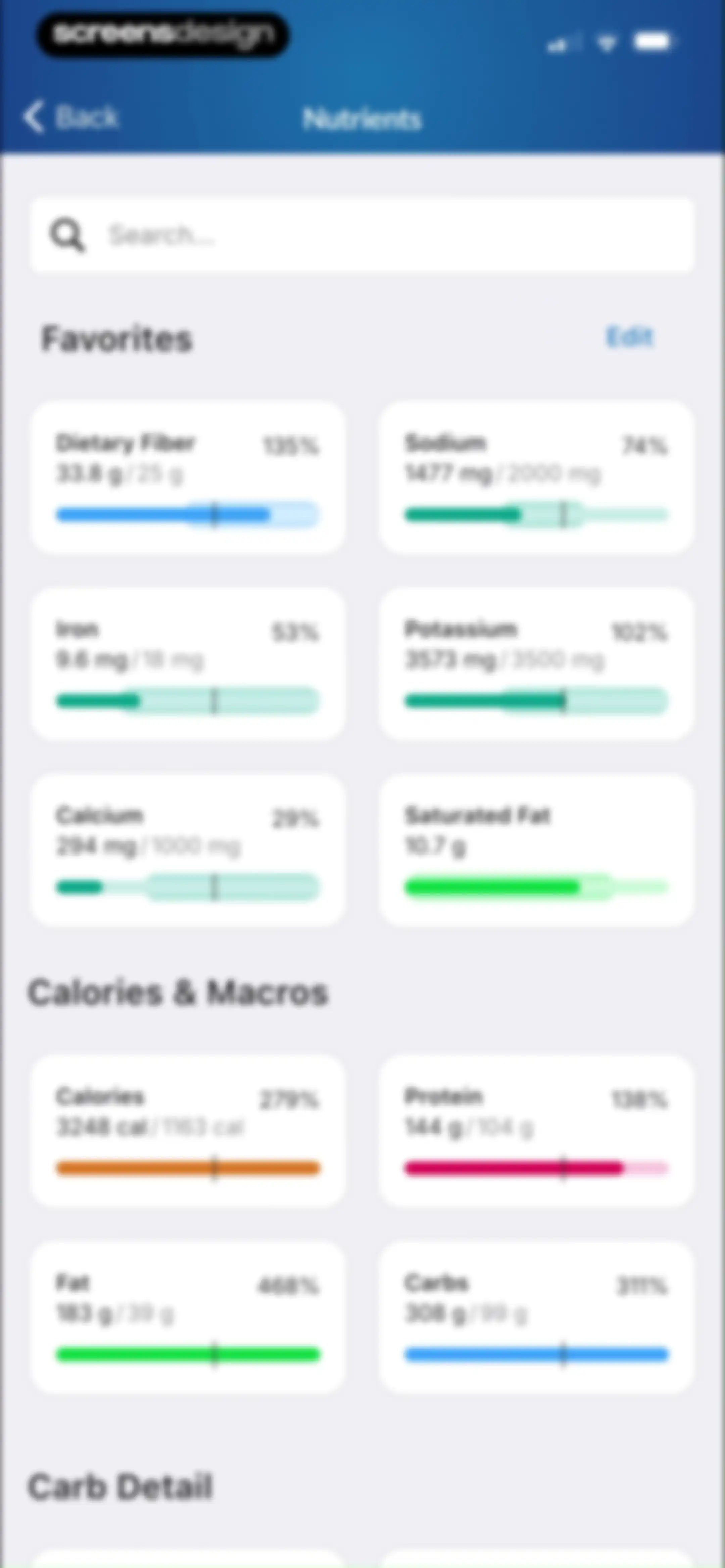
Nutrients dashboard displaying search, favorites, and calories and macros sections with progress bars and percentage indicators.Unlock Pro
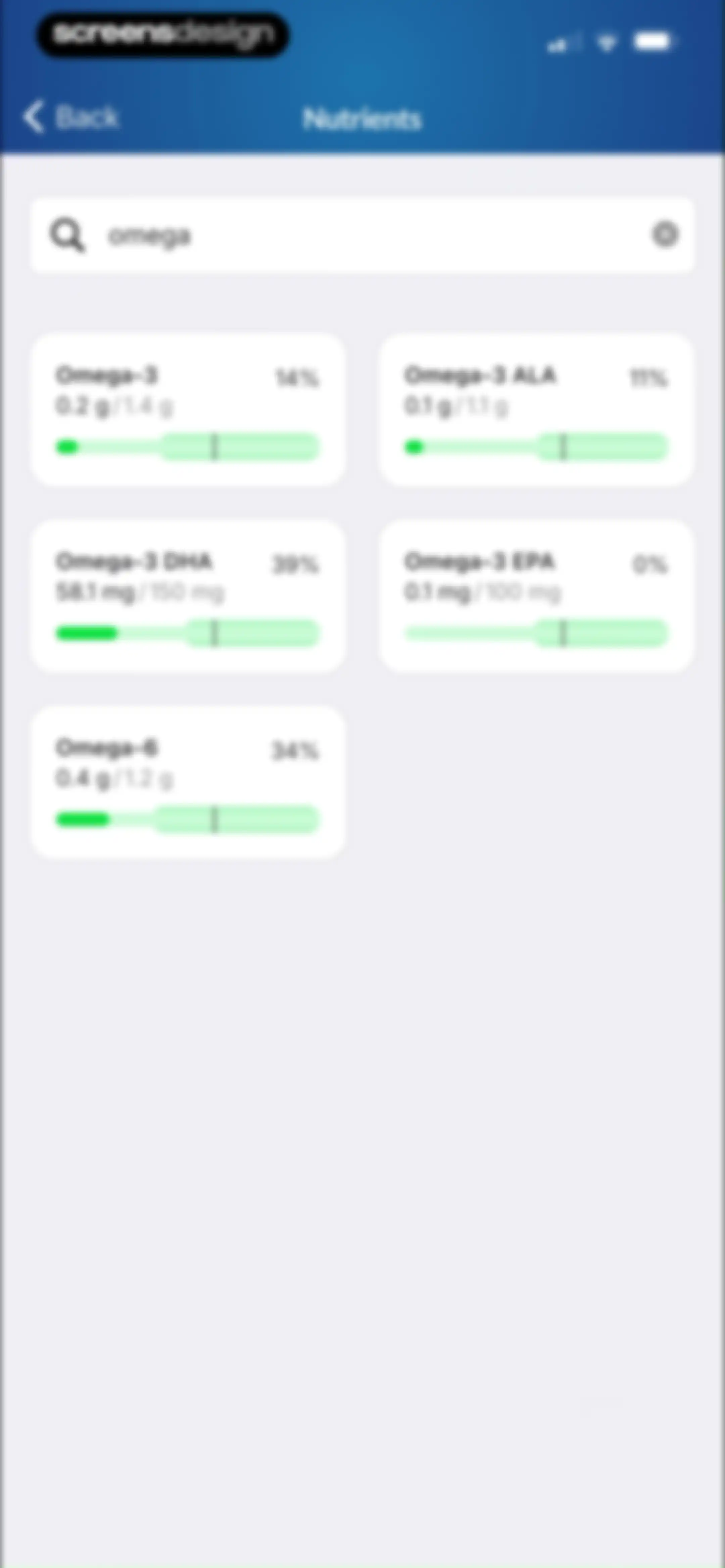
Nutrient search screen displaying a query for omega with a grid of progress cards for various Omega-3 and Omega-6 fatty acids.Unlock Pro
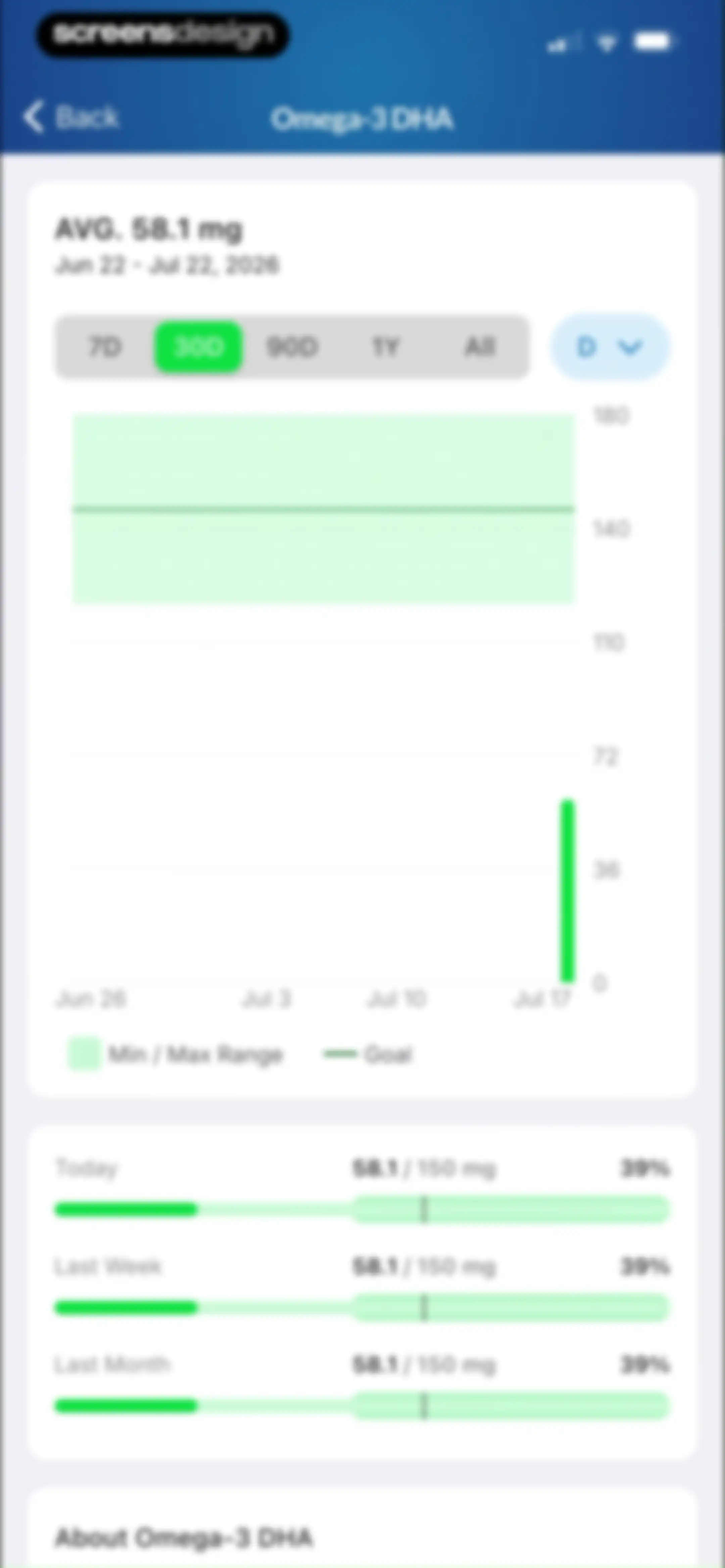
Analytics screen showing Omega-3 DHA intake trends with a line chart, average summary, and progress bars for time-based comparisons.Unlock Pro
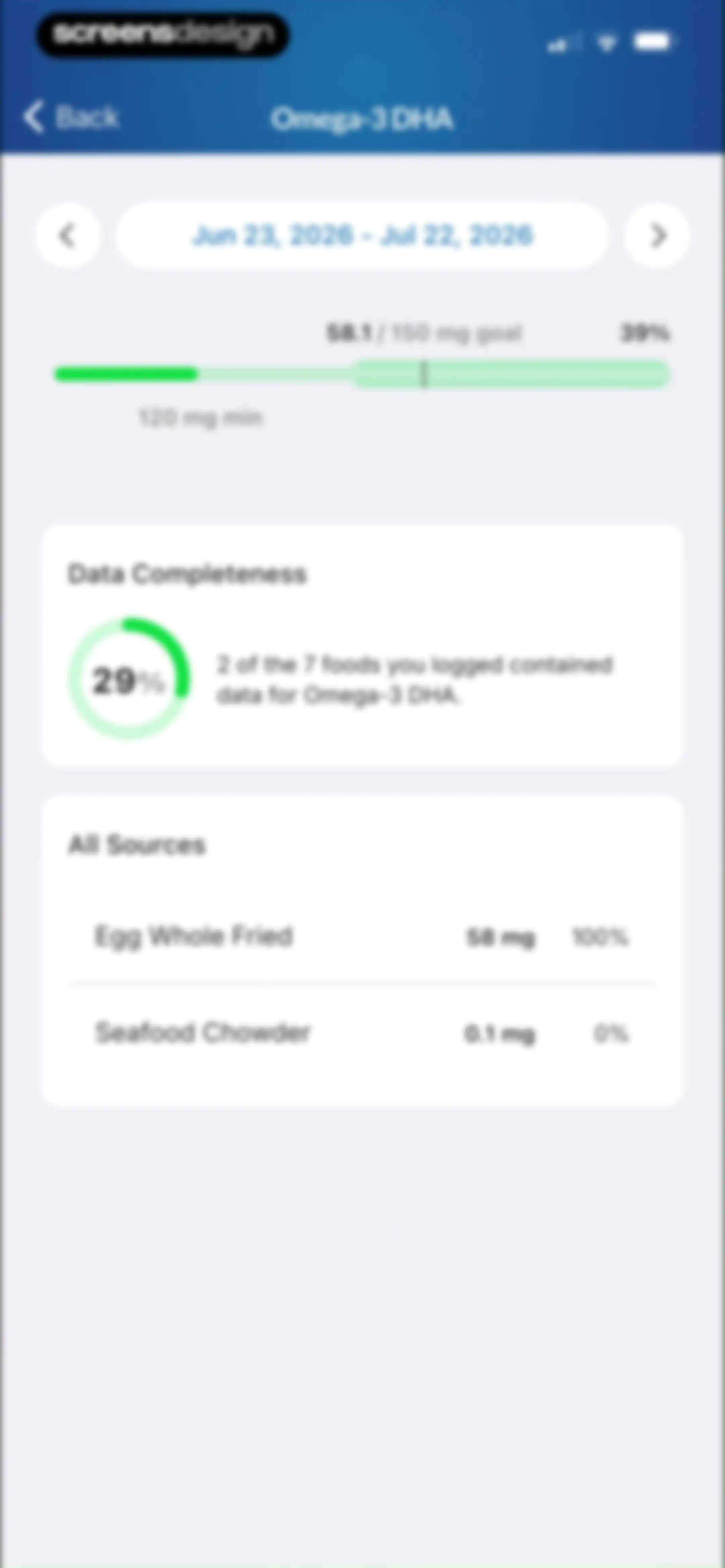
Analytics screen showing Omega-3 DHA intake progress, a data completeness card, and a list of food sources with contribution amounts.Unlock Pro
Nutrition analytics screen for Omega-3 DHA showing a zero percent progress bar and an empty state message for the selected date range.Unlock Pro
Time range selection list for Omega-3 DHA data with Today selected and a back button.Unlock Pro
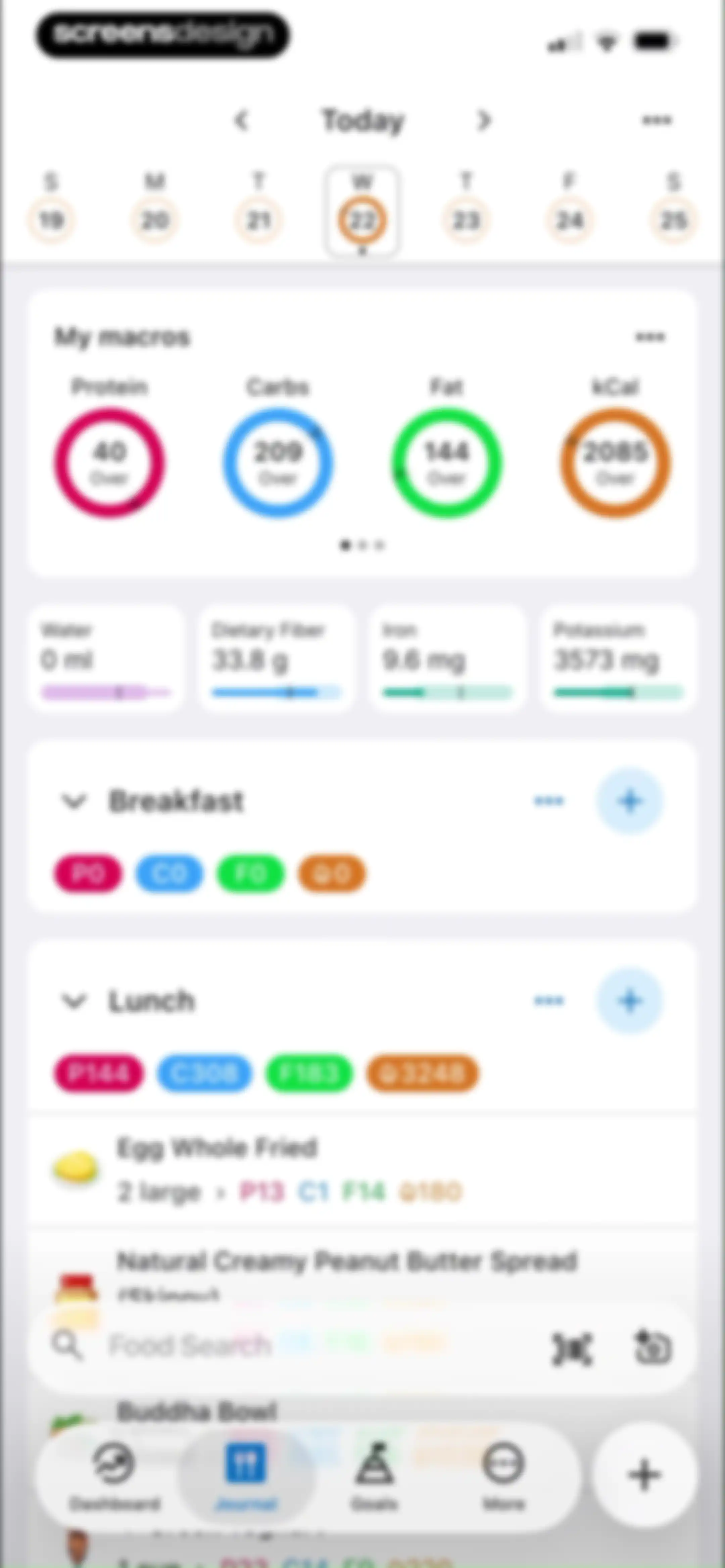
Nutrition tracking dashboard showing a daily macro summary, micronutrient cards, meal logs with food items, and a bottom search bar.Unlock Pro
MacrosFirst dashboard displaying a macro summary card, micronutrient metrics, and logged meal sections with a bottom navigation bar.Unlock Pro
Nutrition tracking dashboard with a macro summary card, micronutrient grid, and a bottom modal sheet featuring food search and logging options.Unlock Pro
MacrosFirst nutrition dashboard showing a daily overview with macro and micronutrient cards, plus a numeric input overlay for logging data with a Log button.Unlock Pro
Water intake analytics dashboard featuring an area chart, time-range tabs with 30D selected, and progress bars for recent periods.Unlock Pro
Water intake dashboard displaying a progress bar, a data completeness summary card, and a list of contributing food sources.Unlock Pro
Analytics screen displaying dietary fiber intake trends with a line chart, average summary of 33.8g, and progress bars comparing daily and weekly goals.Unlock Pro
Analytics screen showing potassium intake trends with a large chart, time range selectors, and progress bars comparing daily and weekly averages to a goal.Unlock Pro
Nutrition tracking dashboard with a bottom sheet listing meal management options such as sharing, editing, and deleting the meal.Unlock Pro
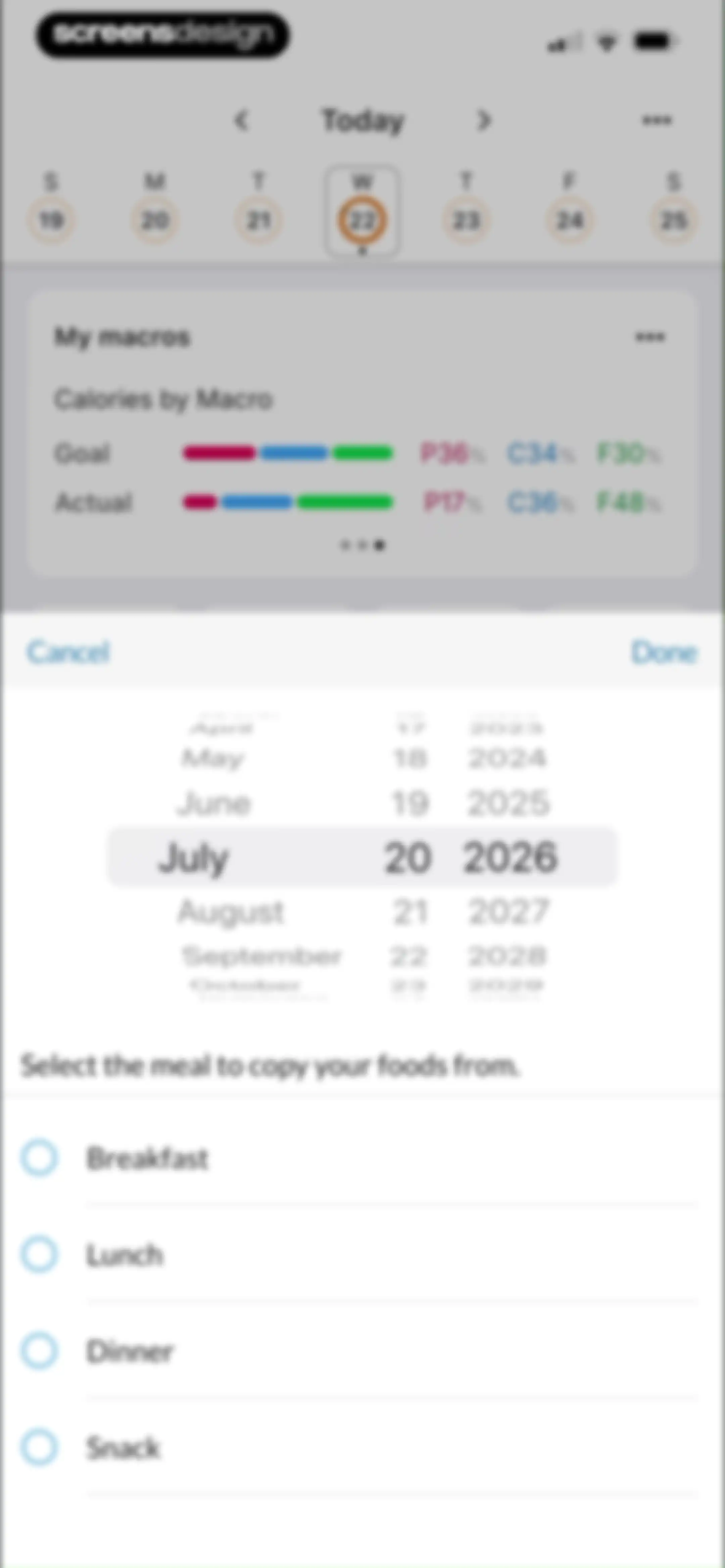
Meal copying modal with a macro summary card, date picker set to July 20, 2026, and a list of selectable meal options.Unlock Pro
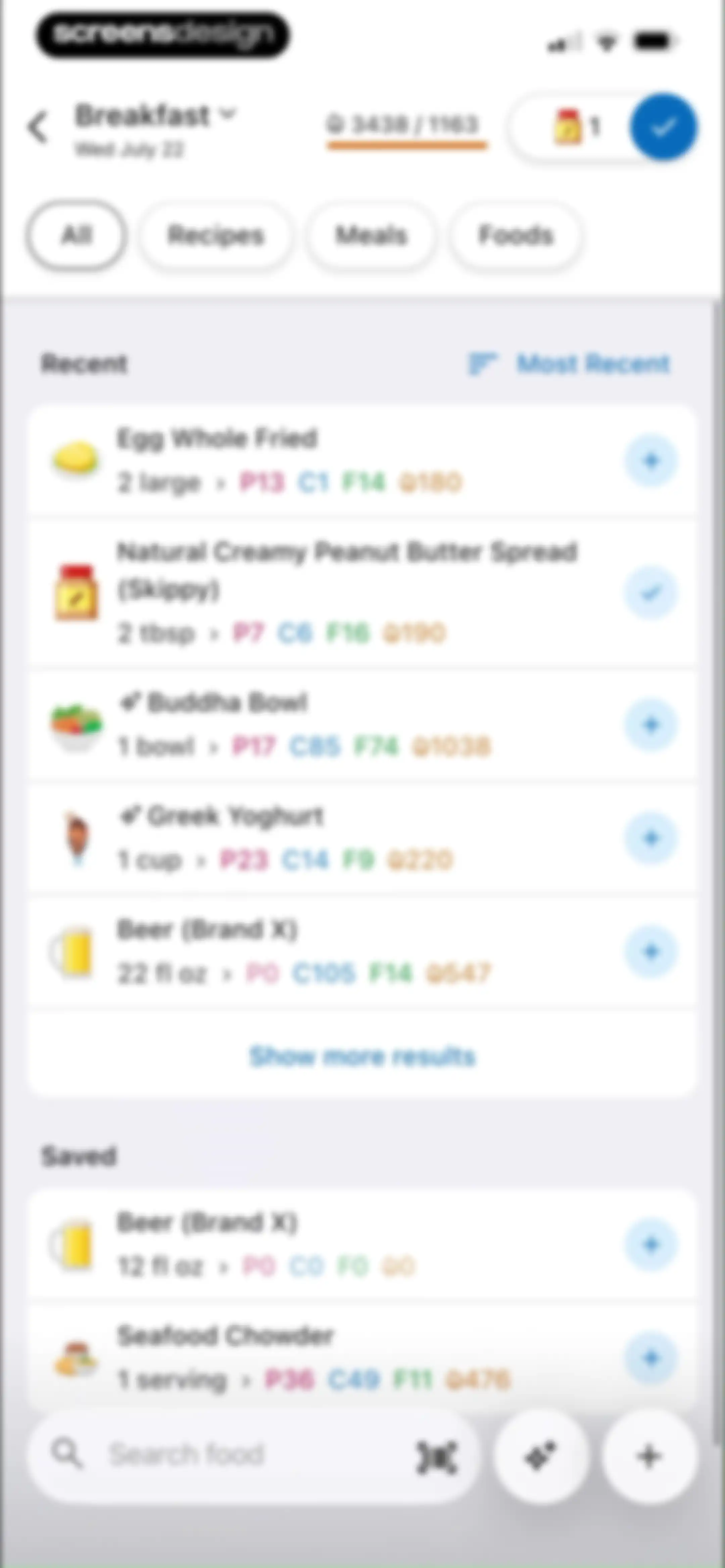
Food search and logging screen displaying recent and saved food items with categorized filter tabs, calorie info, and a bottom search bar.Unlock Pro
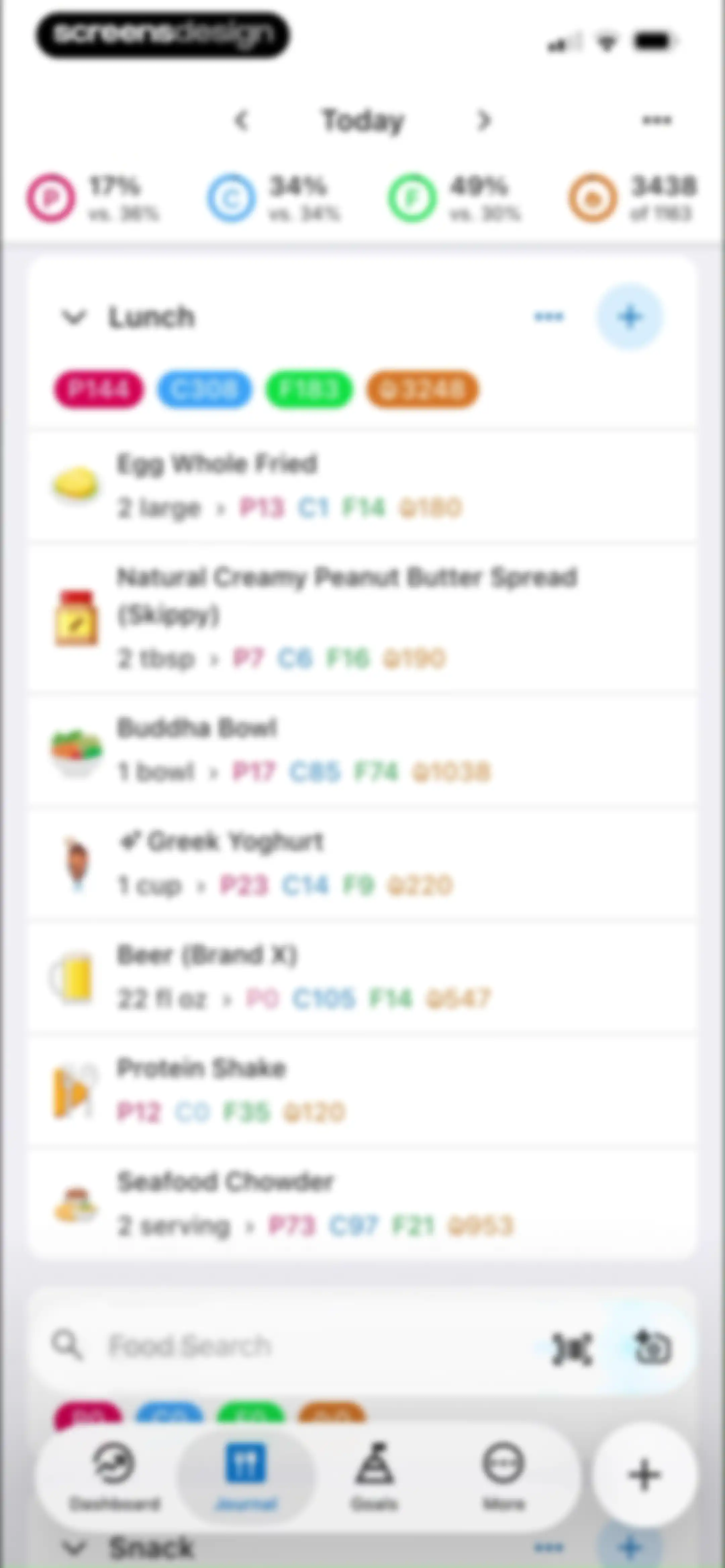
Nutrition tracking dashboard with a top summary bar, a list of logged lunch items, a search bar, and a bottom navigation bar.Unlock Pro
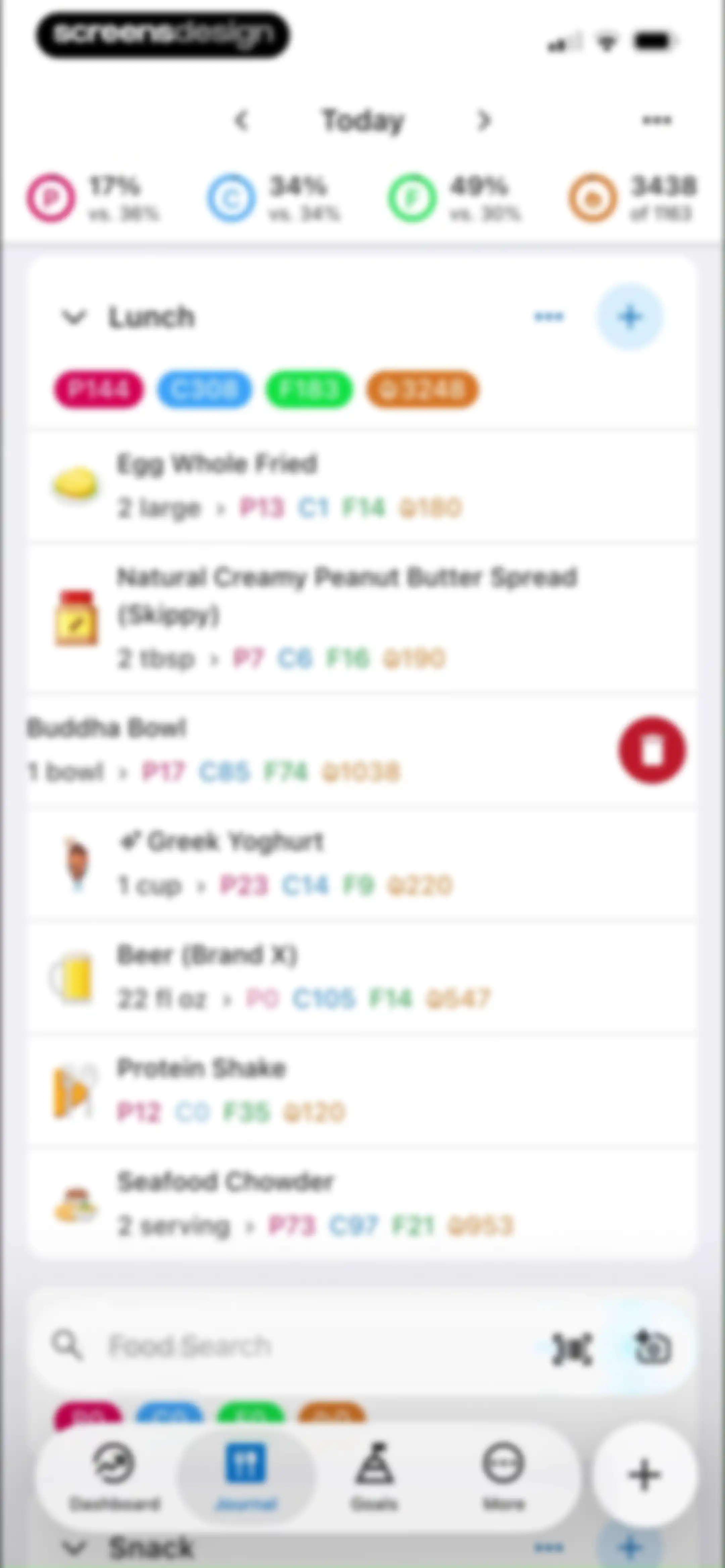
Nutrition journal screen displaying a list of lunch food items with macro summaries, a bottom search bar, and the Journal tab selected.Unlock Pro
Meal selection modal overlay with a date picker set to July 24 2026, the Breakfast option selected, and Cancel and Done buttons.Unlock Pro
Nutrition tracking dashboard displaying a daily journal for Friday, July 24, with micronutrient summaries, meal sections, and a food search bar.Unlock Pro
Meal creation editor with an empty foods list, name input field, and an Add Food button.Unlock Pro
Bottom-sheet action menu over a nutrition dashboard with options like Create New Meal, Nutrition Report, and Delete Today's Foods.Unlock Pro
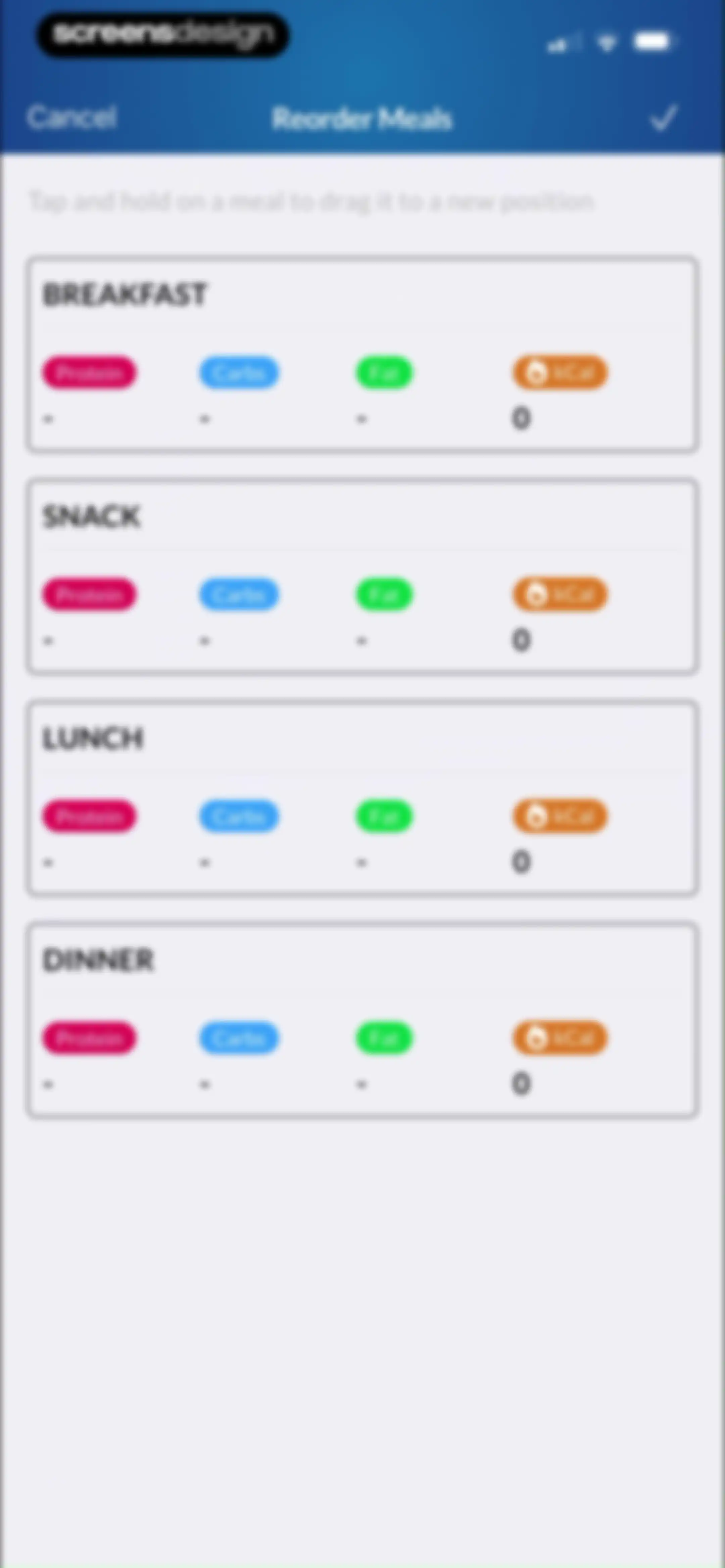
Meal reordering screen with instructional text and four draggable cards for Breakfast, Snack, Lunch, and Dinner.Unlock Pro
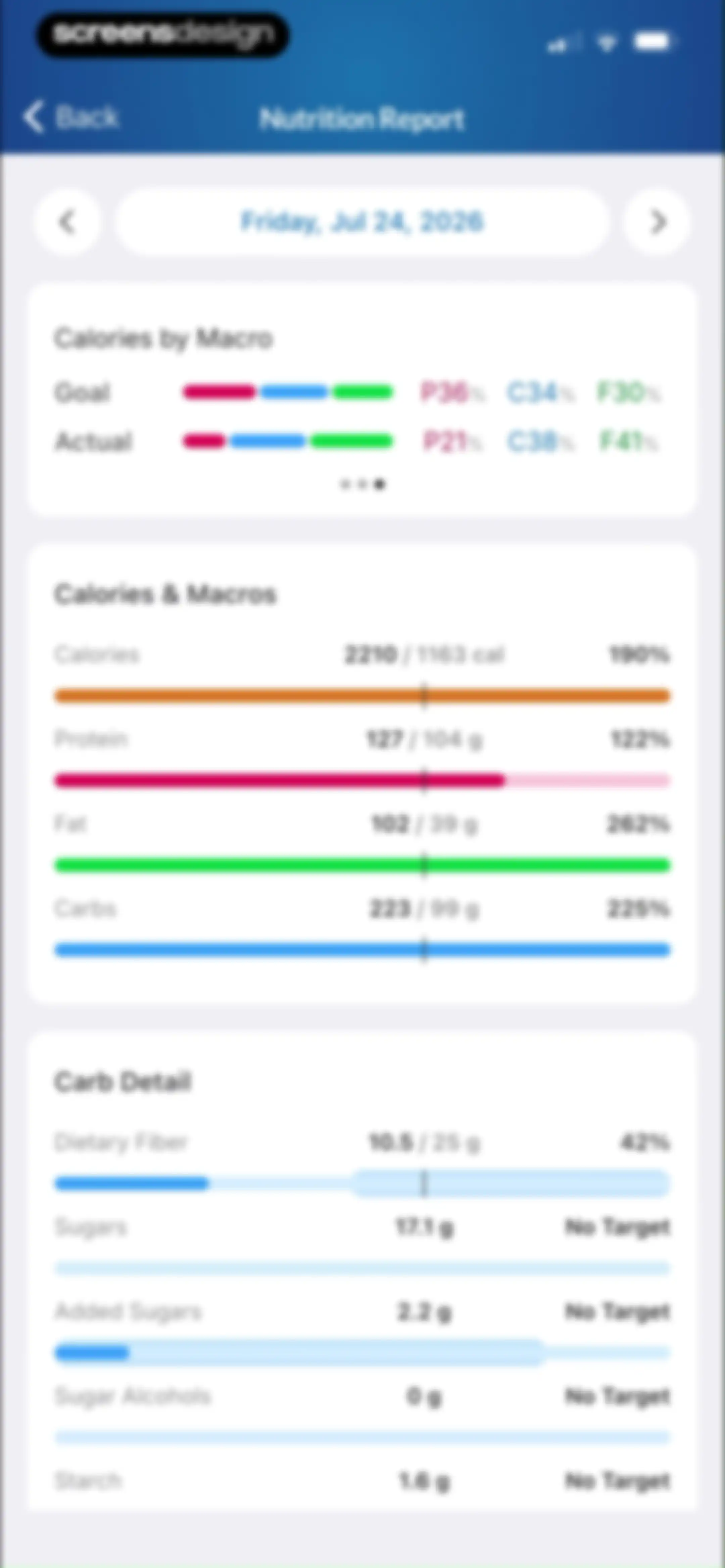
Nutrition report analytics screen displaying daily calorie and macro intake goals, actual progress bars, and carbohydrate details for July 24, 2026.Unlock Pro
Export history form with start and end date selection fields and an Export History button.Unlock Pro
Date selection form for exporting history, showing start date set to Jul 16, 2026, an end date prompt, and a bottom date picker.Unlock Pro
Nutrition tracking dashboard displaying a macro summary card, micronutrient trackers, and a meal list with logged food items.Unlock Pro
Nutrition dashboard with a bottom action modal sheet displaying meal management and logging options.Unlock Pro
Nutrition tracking dashboard with a confirmation modal asking whether to delete all food entries for the day, featuring Delete and Cancel buttons.Unlock Pro
Goals screen displaying a weekly calendar selector and daily macro targets including protein, carbs, fat, and calories.Unlock Pro
Fitness app onboarding screen asking for user goals, with the Lose Weight card selected and a Continue button.Unlock Pro
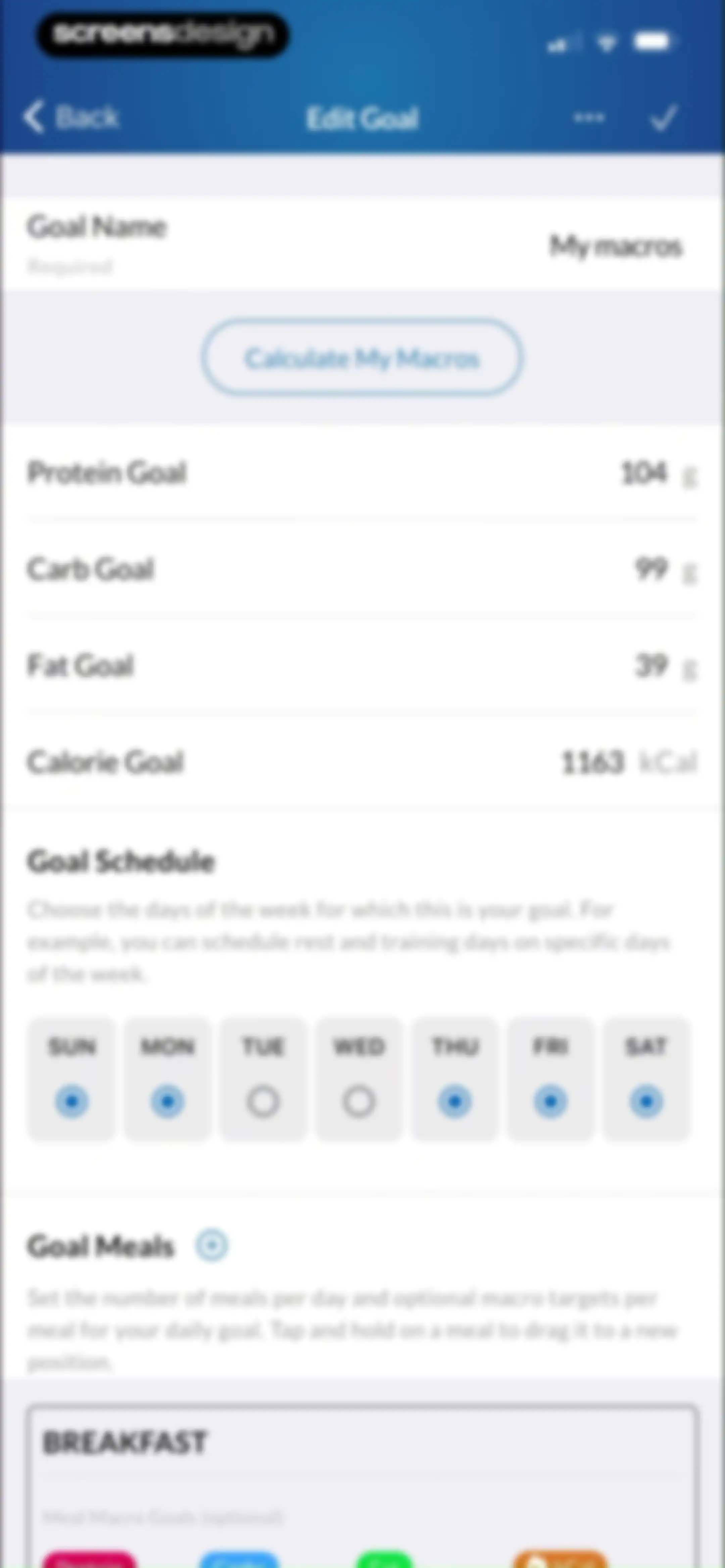
Edit Goal form with input fields for macro and calorie targets, a day-of-the-week schedule selector, and a save action.Unlock Pro
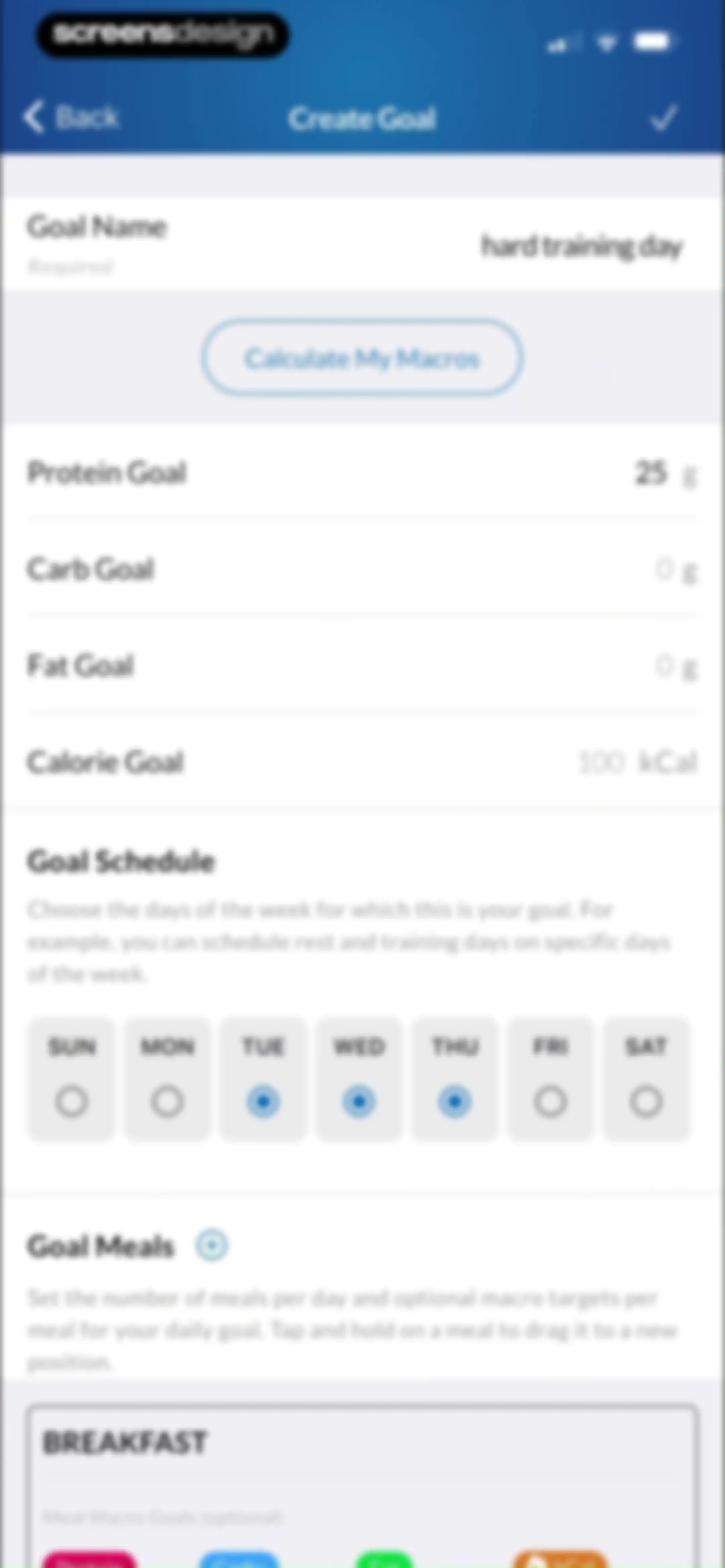
Goal creation form with input fields for macro targets, a weekly schedule selector with Tuesday through Thursday selected, and a save button.Unlock Pro
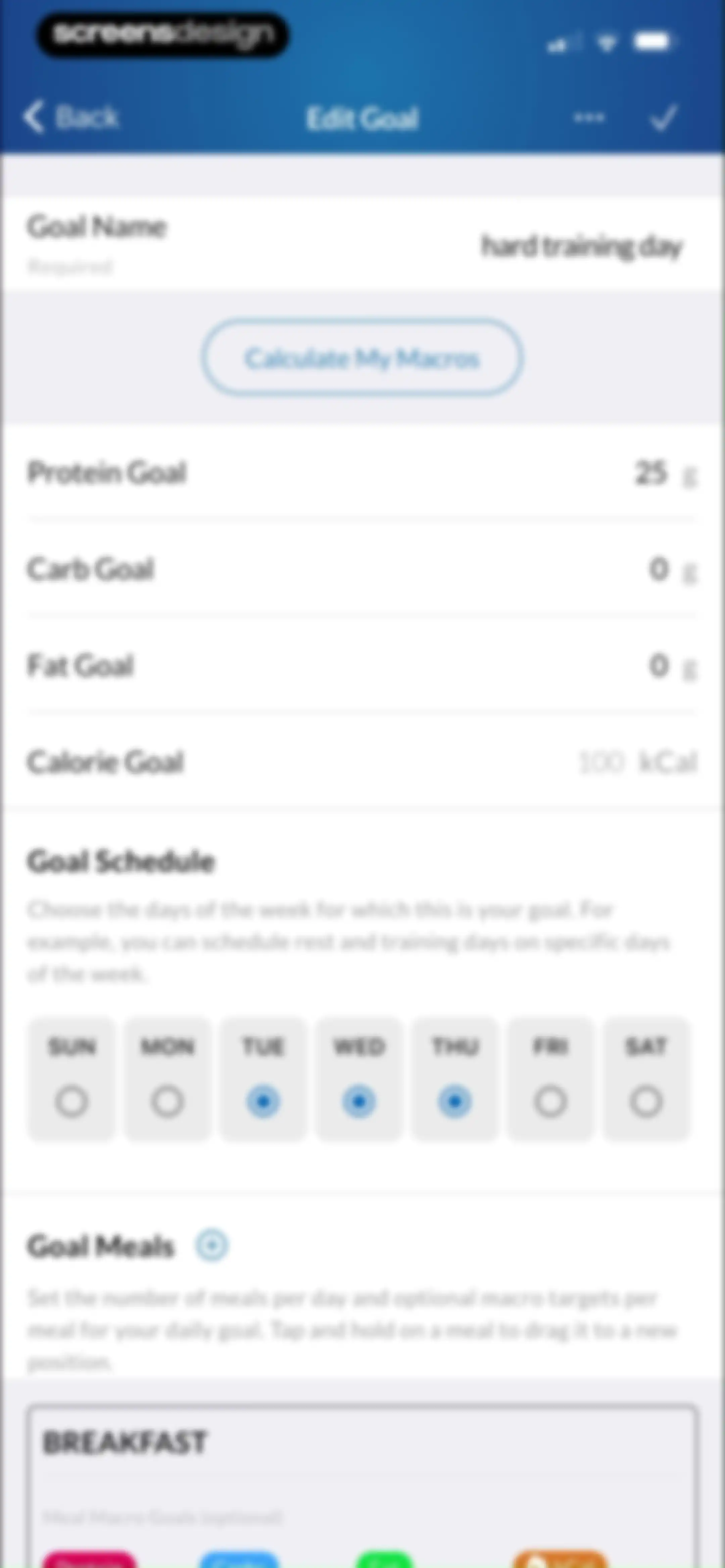
Edit Goal form with input fields for macros and calories, a weekly schedule selector, and a save action.Unlock Pro
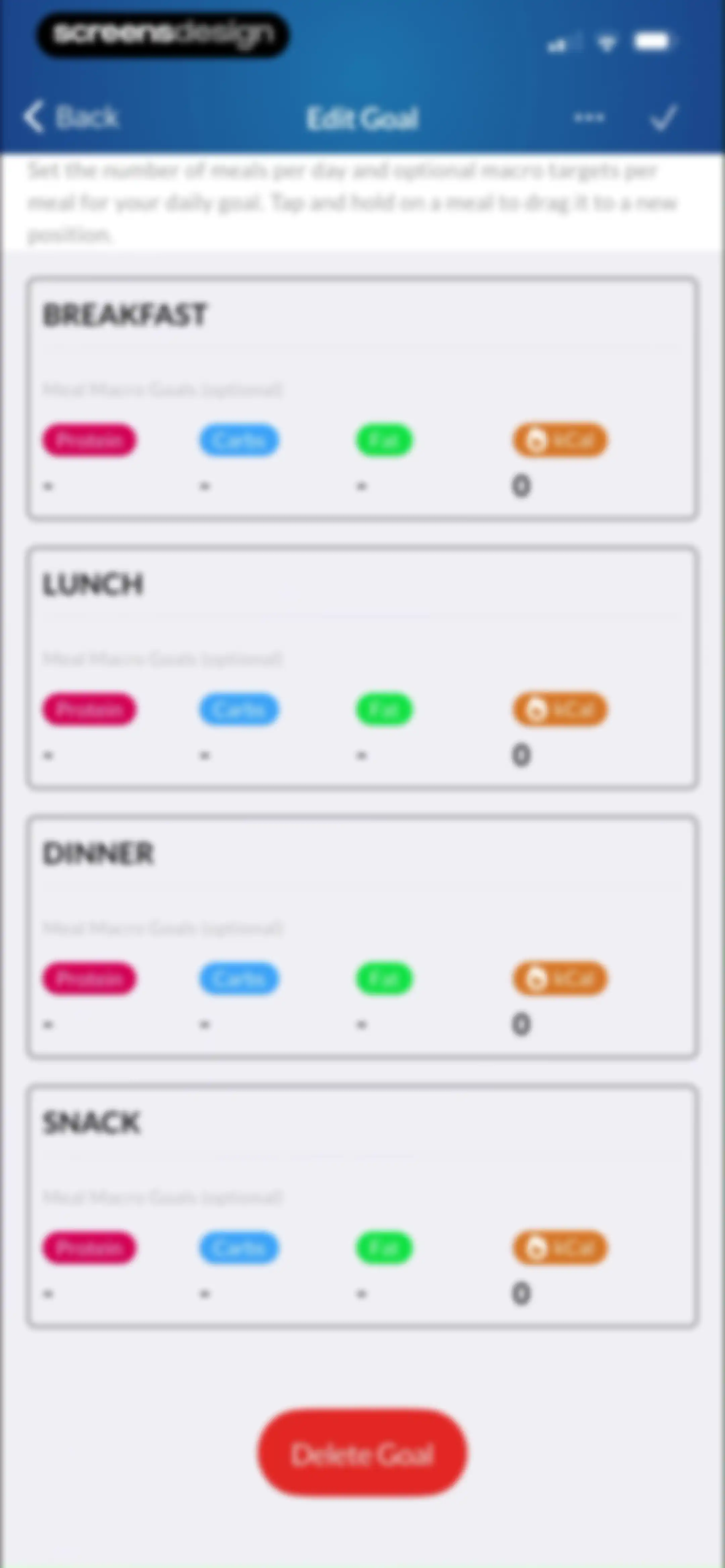
Goal editing form with a list of four meal cards for breakfast, lunch, dinner, and snack, optional macro target fields, and a delete button.Unlock Pro
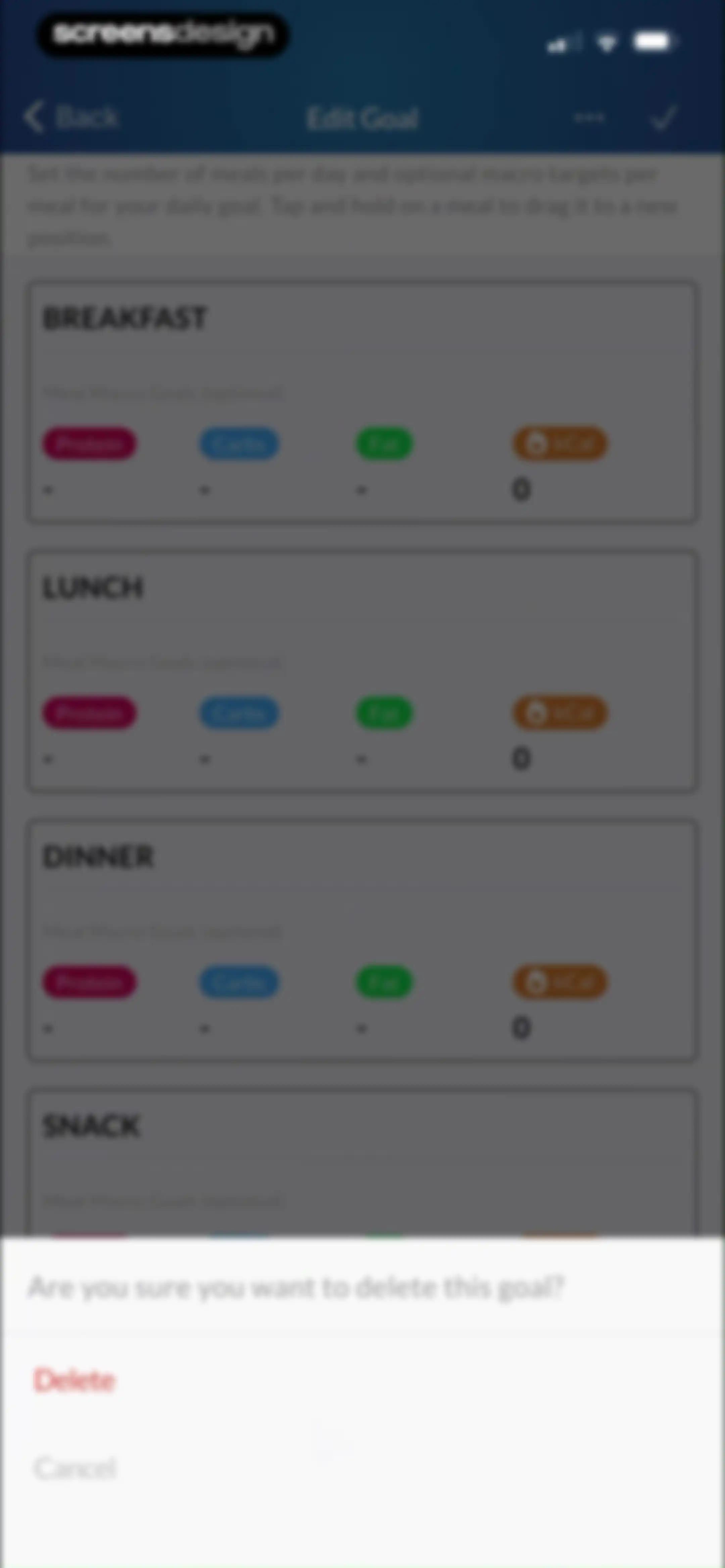
Goal editing screen with a delete confirmation modal overlaid at the bottom, featuring a delete button and cancel button.Unlock Pro
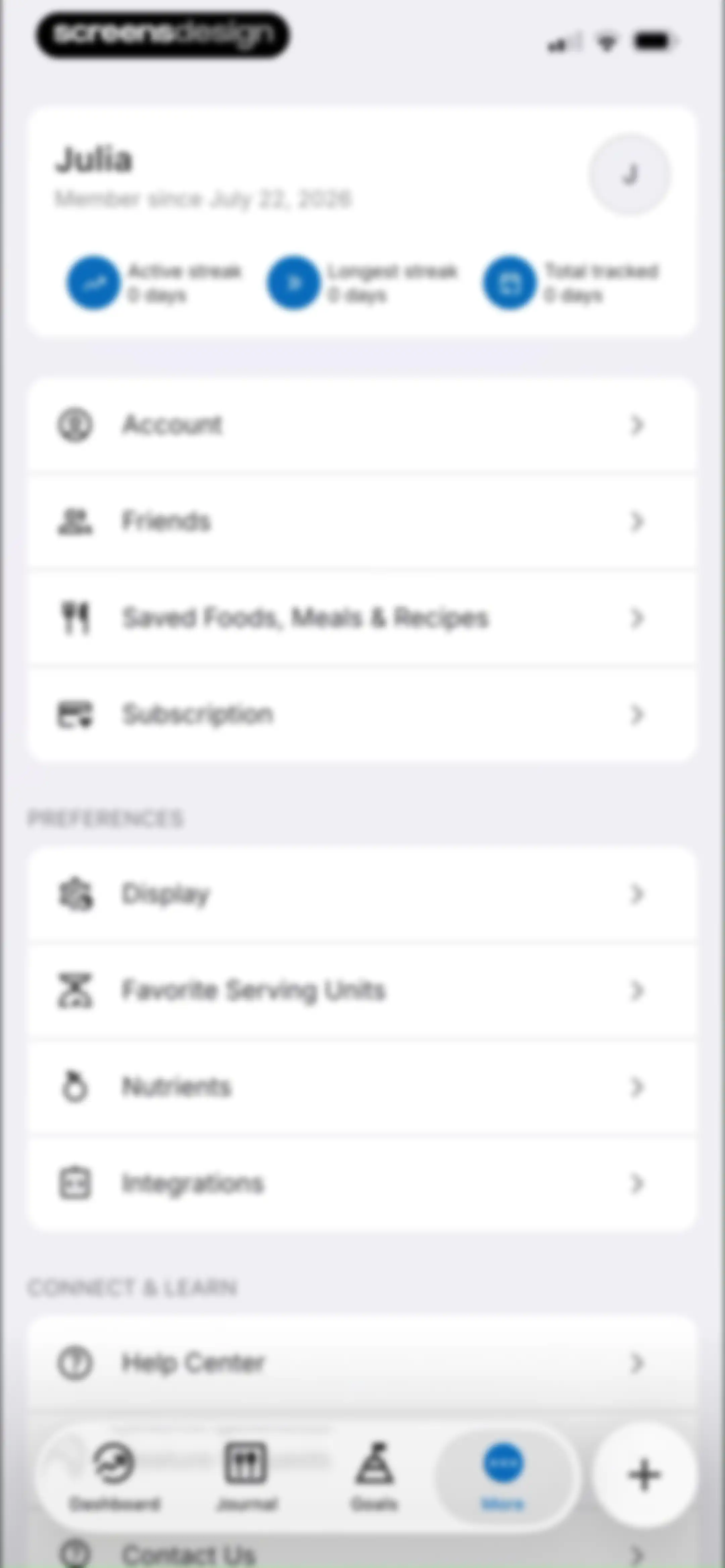
Profile and settings screen displaying a user card for Julia with tracking stats, grouped menu sections, and a bottom navigation bar.Unlock Pro
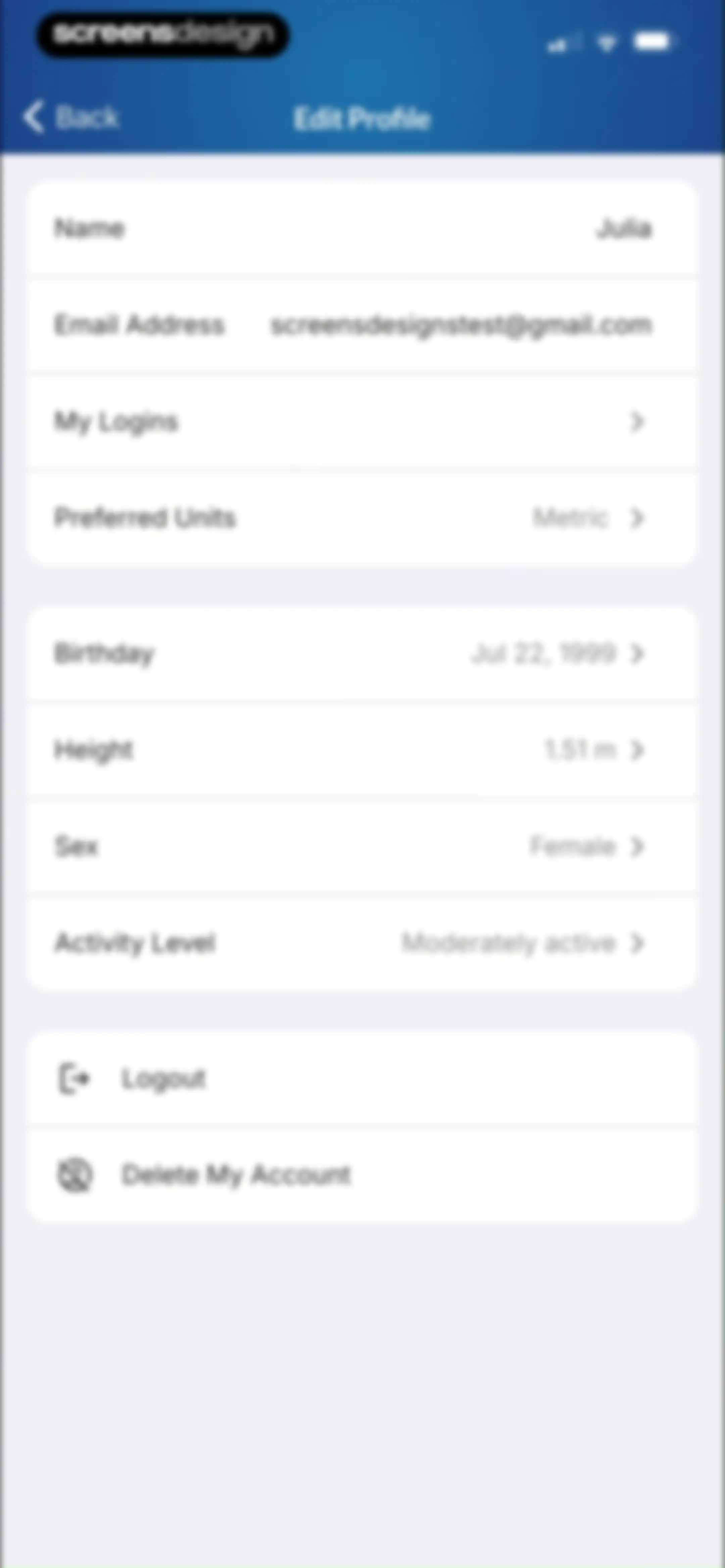
Profile settings screen displaying user information, health metrics, and account management options across three grouped cards.Unlock Pro
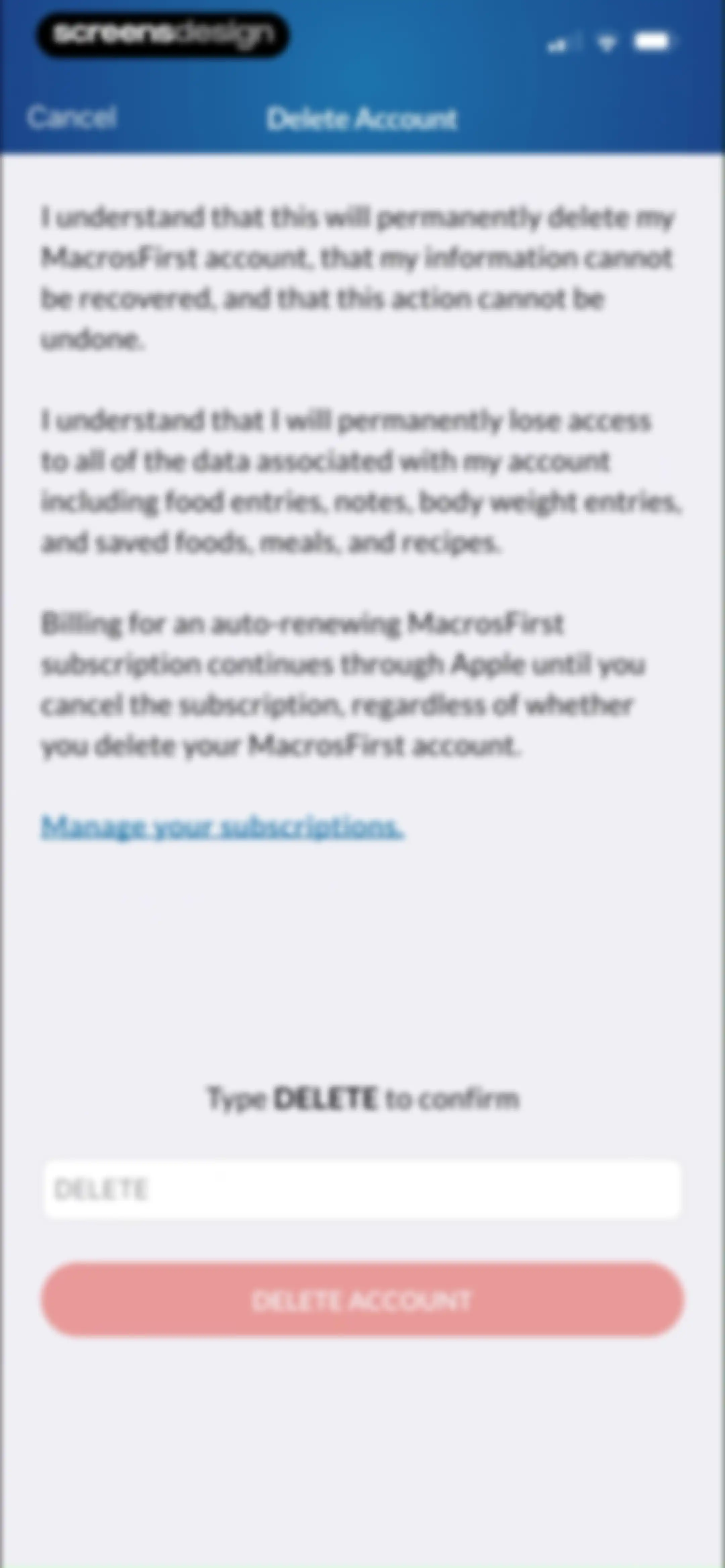
Delete Account confirmation screen in the MacrosFirst app featuring warning text, a subscription management link, a confirmation text input field, and a Delete Account button.Unlock Pro
Social friends screen featuring a search bar, follow requests section, and tabs for following and followers.Unlock Pro
Invite a Friend form with an email address field, pre-filled name field, and a Send Invitation button.Unlock Pro
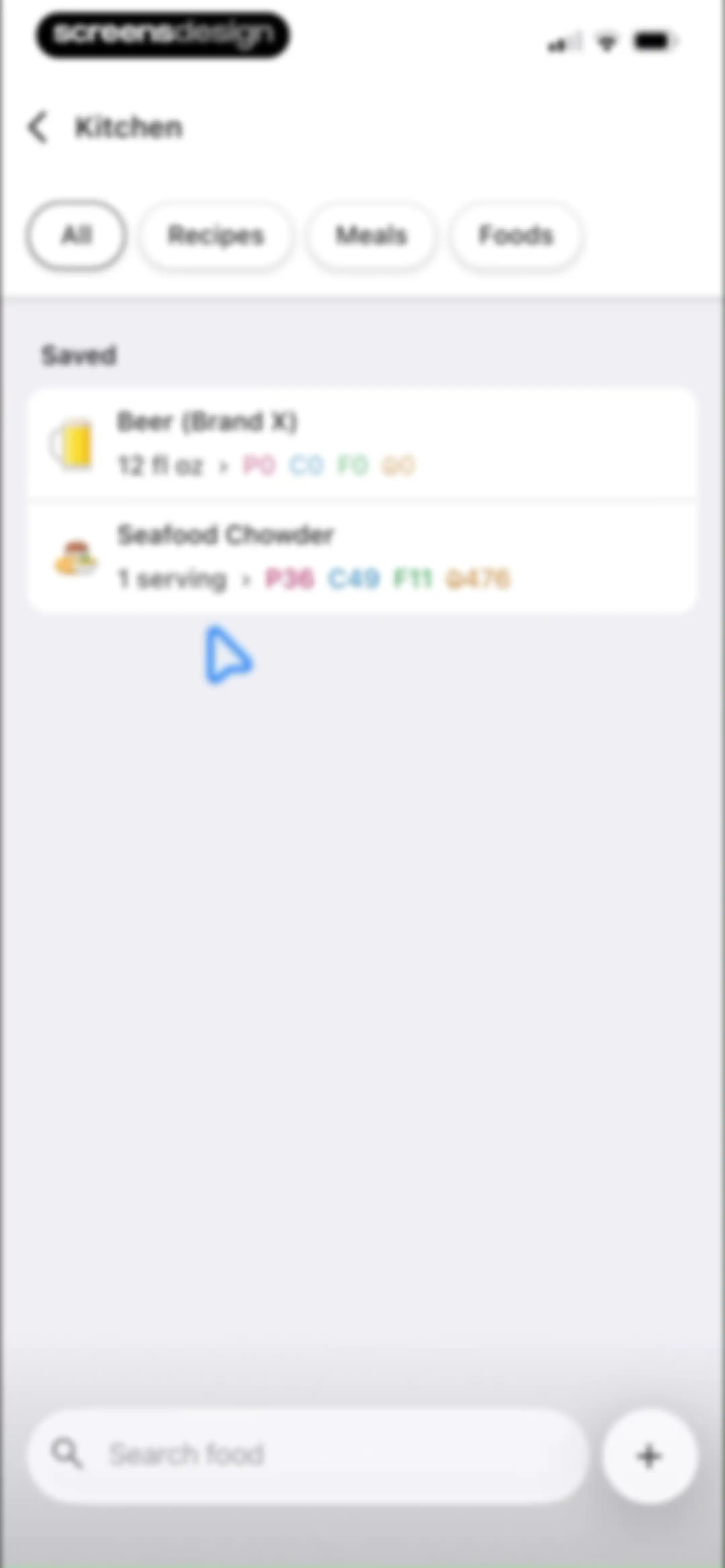
Kitchen saved items list displaying food items with macro breakdowns, filter tabs, and a bottom search bar.Unlock Pro
Settings screen for MacrosFirst Premium showing subscription status, management actions, and account details.Unlock Pro
Display settings screen with options for home screen selection, theme, food layout, and calorie reporting preferences.Unlock Pro
Display settings screen in the MacrosFirst app with options for home screen selection, dark theme, food layout, and calorie reporting.Unlock Pro
Food Layout settings screen with a preview section, regular text size selected, and display preference toggle switches.Unlock Pro
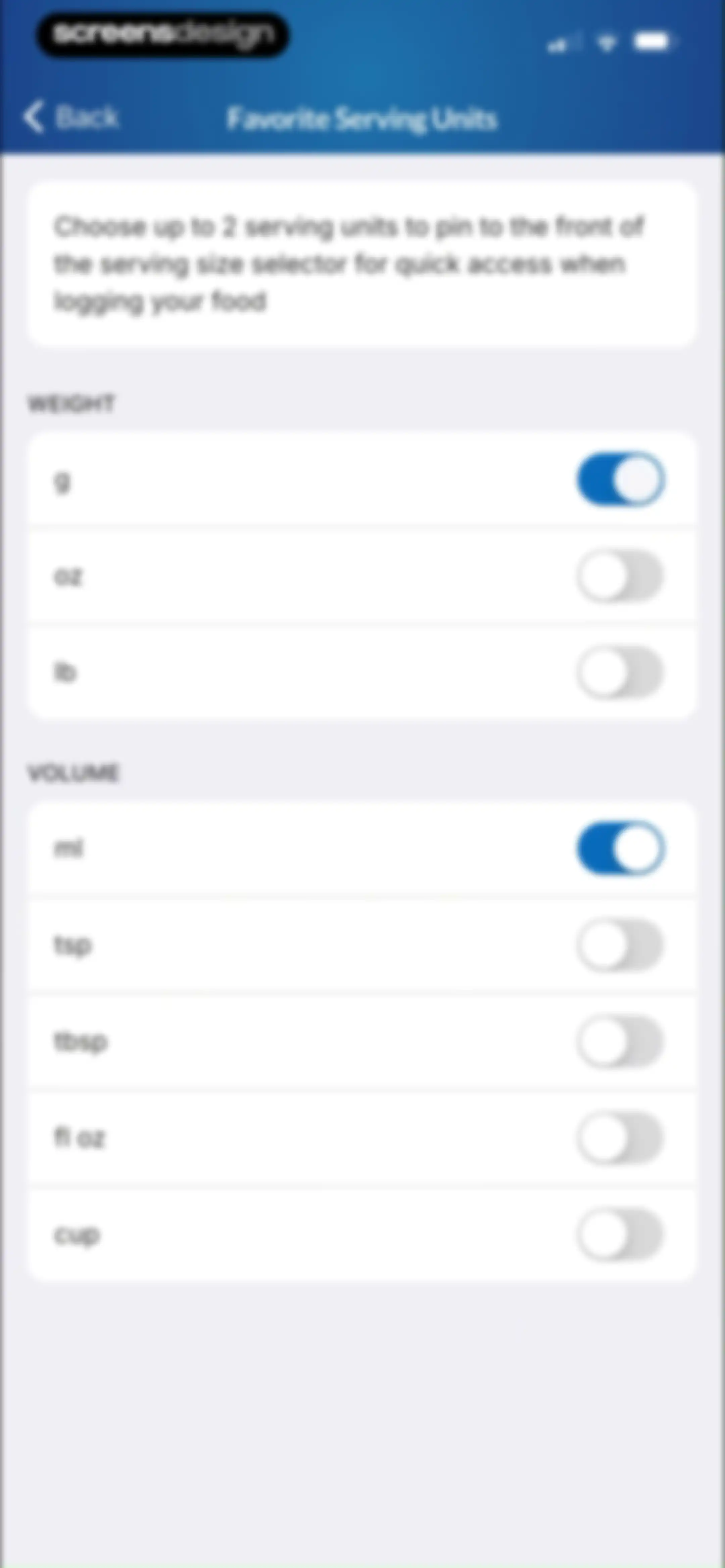
Settings screen for choosing favorite weight and volume serving units with toggle switches for grams and milliliters selected.Unlock Pro
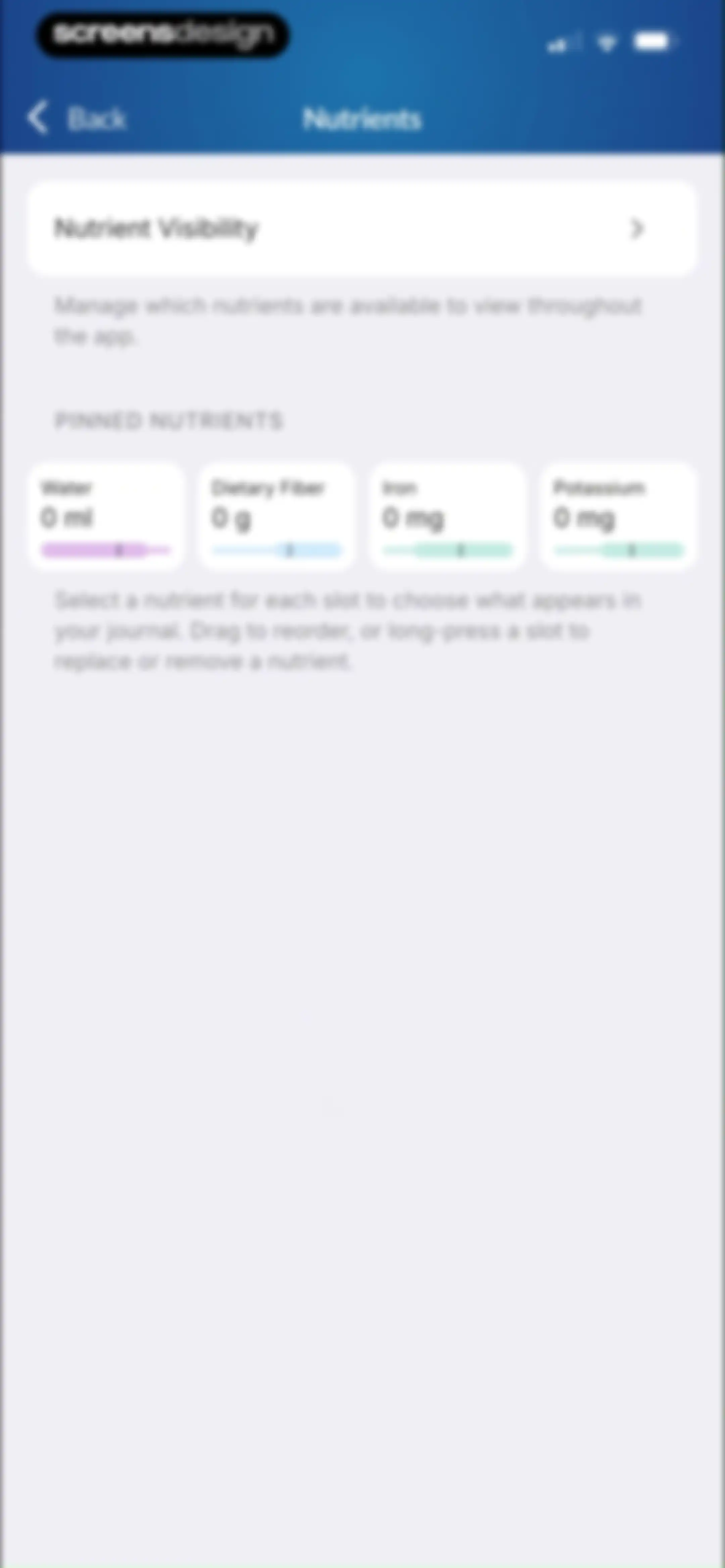
Nutrient settings screen featuring a visibility card and four pinned nutrient cards for water, fiber, iron, and potassium.Unlock Pro
Integrations settings screen showing the Apple Health card with a Connected status and a green checkmark.Unlock Pro
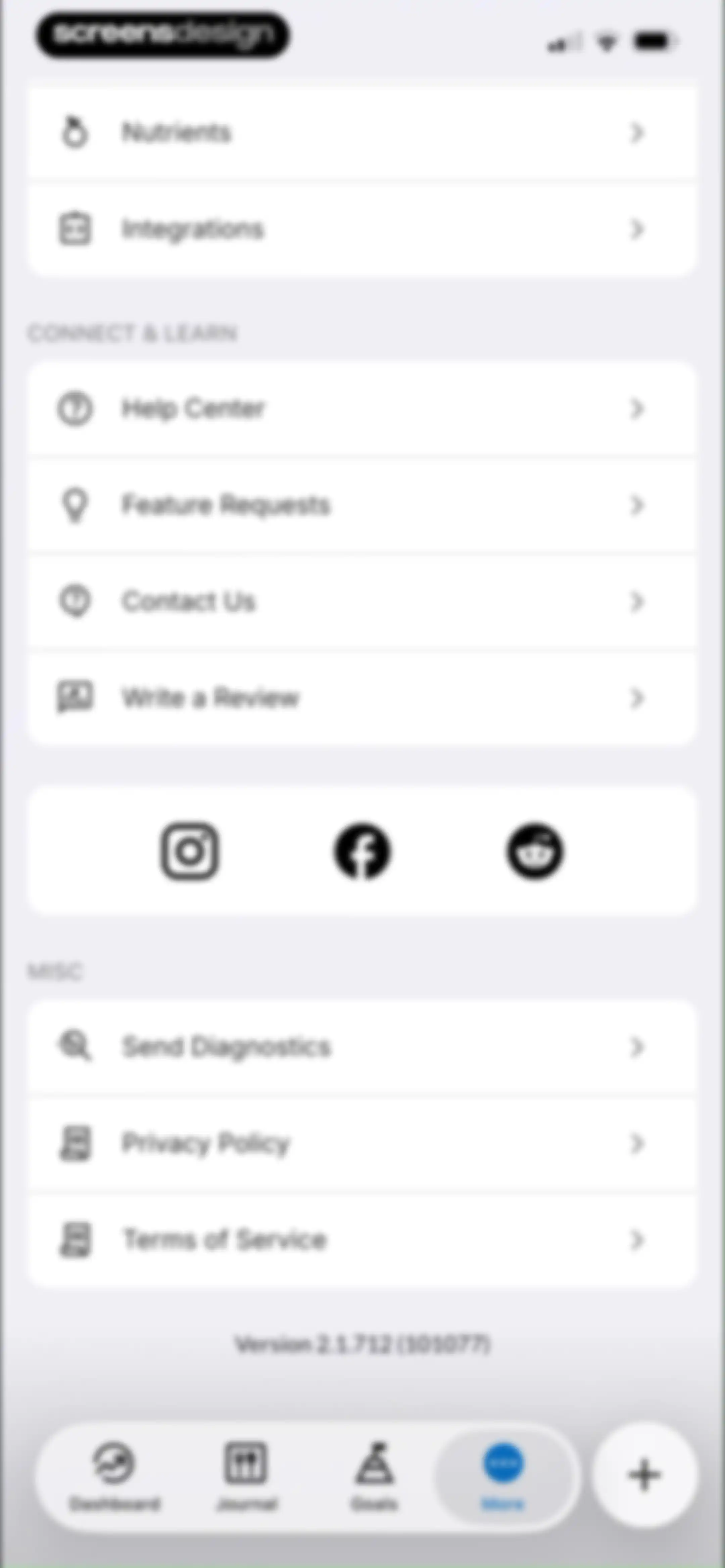
Settings screen with grouped lists for nutrients, support links, legal information, and a bottom navigation bar with the More tab selected.Unlock Pro

About MacrosFirst - Macro Tracker

A comprehensive macro tracker and calorie counter that helps users plan meals, log nutrition, and achieve specific fitness goals.

Explore MacrosFirst - Macro Tracker across ScreensDesign

Apps similar to MacrosFirst - Macro Tracker

Unlock all similar apps

See every comparable app, revenue, installs, and flows.

Unlock Pro
  • Nutrition Tracker: Foodnoms

    4.7
    Algebraic Labs, LLCRevenue$<5kInstalls<5k
  • Calorie Counter PRO MyNetDiary

    4.8
    MyNetDiary Inc.Revenue$60kInstalls<5k
  • Calorie Counter - MyNetDiary

    4.8
    MyNetDiary Inc.Revenue$1.3MInstalls50k
  • AI Calorie Counter: GoodCal

    4.6
    Zappit AIRevenue$<5kInstalls<5k
  • Calo: AI Food Calorie Counter

    4.7
    Next Vision LimitedRevenue$800kInstalls250k
  • MacroFactor - Macro Tracker

    4.8
    Stronger By Science Technologies LLCRevenue$3.3MInstalls100k
  • Calorie Counter +

    4.8
    NutraTech LtdRevenue$1.3MInstalls45k
  • Keto Diet App - Carb Tracker

    4.7
    FJOR NUTRITION, INC.Revenue$14kInstalls<5k
  • Cal Scanner AI Calorie Tracker

    4.7
    Arcane Miracle LimitedRevenue$<5kInstalls10k
  • Carb Manager: Keto & Macro Log

    4.8
    Wombat Apps LLCRevenue$150kInstalls14k
  • Lean: AI Macro Tracker

    4.7
    HUBXRevenue$<5kInstalls<5k
  • AI Calorie Tracker by Eatwise

    4.7
    Vision WizardRevenue$15kInstalls<5k
  • MyFitnessPal: Calorie Counter

    4.7
    MyFitnessPal, Inc.Revenue$12MInstalls550k
  • Calorie Counter: Kalee

    4.6
    HARAKAT ALTIQNIAH COMPANYRevenue$150kInstalls80k
  • Virtuafood: AI Calorie Tracker

    4.7
    Virtuagym B.V.Revenue$65kInstalls25k
  • Calorie Counter by Numify

    4.7
    MunicornRevenue$850kInstalls200k
  • Fddb AI Calorie Counter & Diet

    4.6
    Food Database GmbHRevenue$150kInstalls15k
  • Diet & Food Tracker: EatWell

    4.8
    MWMRevenue$<5kInstalls<5k
  • AI Calorie Counter - Appediet

    4.8
    Appediet Information PTE. LTDRevenue$150kInstalls75k
  • Cronometer: Calorie Counter

    4.8
    Cronometer Software IncRevenue$1.3MInstalls350k
  • AI Calorie Tracker:FoodPilot

    4.7
    Hong Kong Radiant LimitedRevenue$250kInstalls250k
  • CALANO — Calorie Tracker

    4.7
    CAYDEN JAMESRevenue$<5kInstalls<5k
  • CalCountAI: Calorie Tracking

    4.6
    Asana Rebel GmbHRevenue$<5kInstalls<5k
  • AI Calorie Tracker - Fit AI

    4.6
    HEYOSRevenue$<5kInstalls<5k
  • ‎Calorie Counter: Food Tracker

    4.4
    Hashtag inovatsii EOODRevenue$10kInstalls15k
  • AI Calorie Counter & Meal Plan

    4.6
    Cacao MobileRevenue$10kInstalls30k
  • FitHub - AI Calorie Tracker

    4.8
    Slash Workman, Inc.Revenue$<5kInstalls35k
  • Kalguroo: AI Calorie Tracker

    4.6
    KALGUROORevenue$85kInstalls85k
  • Calorie Counter by fatsecret

    4.7
    fatsecretRevenue$50kInstalls350k
  • Carbs & Cals: Diet & Diabetes

    3.6
    Chello PublishingRevenue$85kInstalls<5k
  • Micron – Calories & Nutrients

    4.8
    Micron SASRevenue$55kInstalls15k
  • CaloCare: AI Calorie Counter

    4.8
    OSENGORevenue$50kInstalls45k
  • Fastie: Calorie & Food Tracker

    4.7
    Vision WizardRevenue$<5kInstalls<5k
  • Unimeal: Fasting and Diet

    4.4
    Amoapps LimitedRevenue$<5kInstalls<5k
  • Eat This Much - Meal Planner

    4.7
    Eat This Much Inc.Revenue$30kInstalls7k
  • CalScan - AI Calorie Tracker

    4.8
    Shanghai Mimi Pig Network Technology Co., LtdRevenue$30kInstalls45k
  • Fooducate: Nutrition Coach

    4.6
    Maple Media Apps, LLCRevenue$<5kInstalls<5k
  • SnapCal: AI Calorie Counter

    4.8
    Scan AppRevenue$150kInstalls60k
  • NubCal: AI Calorie Counter

    4.7
    Central Content Co.,Ltd.Revenue$<5kInstalls10k
  • Fitia: Calorie Counter & Diet

    4.9
    Nutrition TechnologiesRevenue$400kInstalls250k
  • CalBot: AI Calorie Tracker

    4.7
    StepsApp GmbHRevenue$35kInstalls55k
  • Kalo - AI Calorie Tracking

    4.8
    Kalo Health LimitedRevenue$10kInstalls<5k
  • DietAI: Calorie Counter & Diet

    4.8
    WeFit, IncorporatedRevenue$<5kInstalls<5k
  • Fastic Weight Loss & Fasting

    4.8
    HealthVida GmbH & Co. KG.Revenue$100kInstalls25k
  • MenuFit - Healthy Eating Out

    4.8
    Kosco Digital LLCRevenue$850kInstalls350k
  • CalZen AI Food Calorie Counter

    4.8
    42appsRevenue$15kInstalls35k
  • 1st Phorm

    4.6
    First PhormRevenue$200kInstalls<5k