Lift: AI Video & Photo Editor

$150k revenue, 4.7 rating

App Tracking Transparency Prompt
0:00 / 17:30

Onboarding flow, Paywall & Inside the App

Watch the full screen-by-screen UX video of Lift: AI Video & Photo Editor with onboarding, paywall, and every core flow.
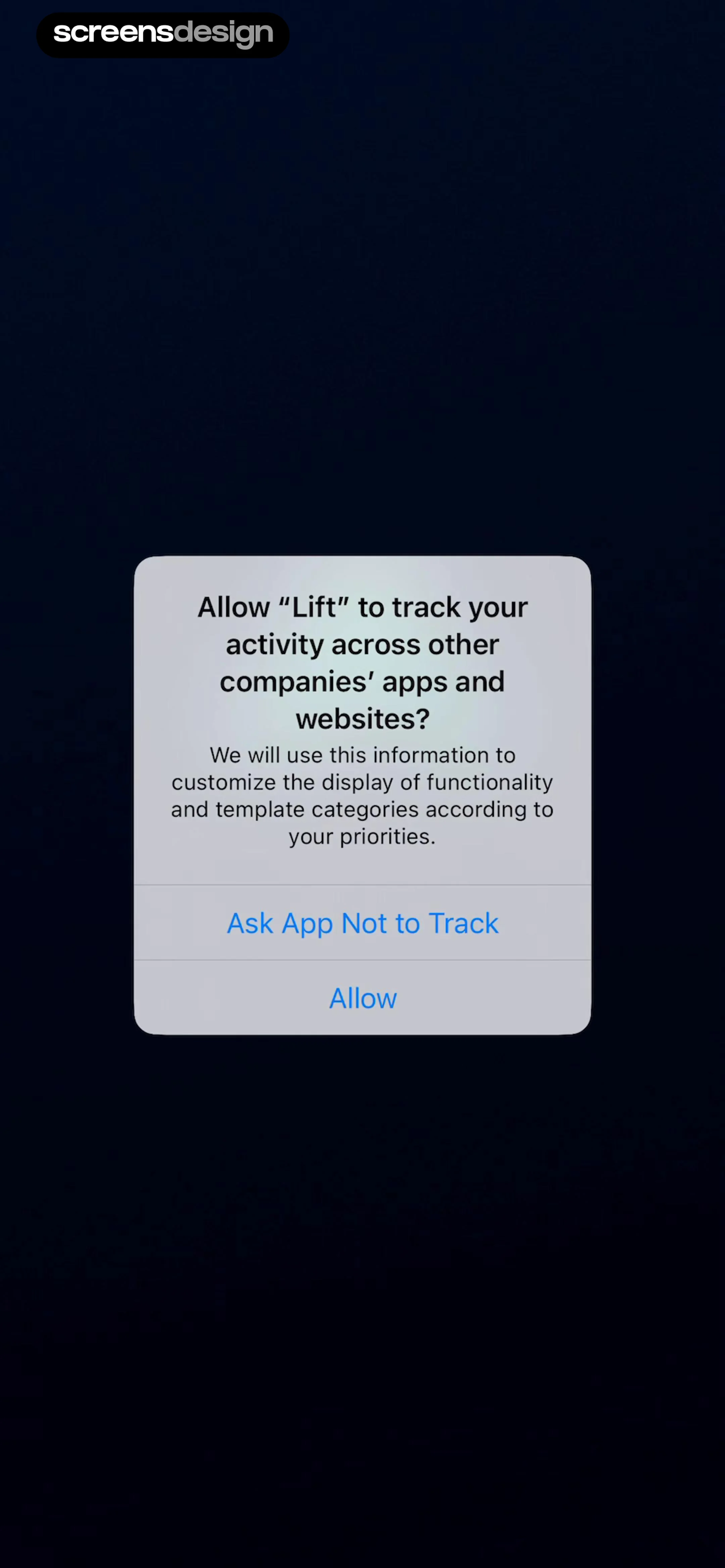
Permissions modal from the Lift app asking to track activity across other apps, featuring Allow and Ask App Not to Track buttons.
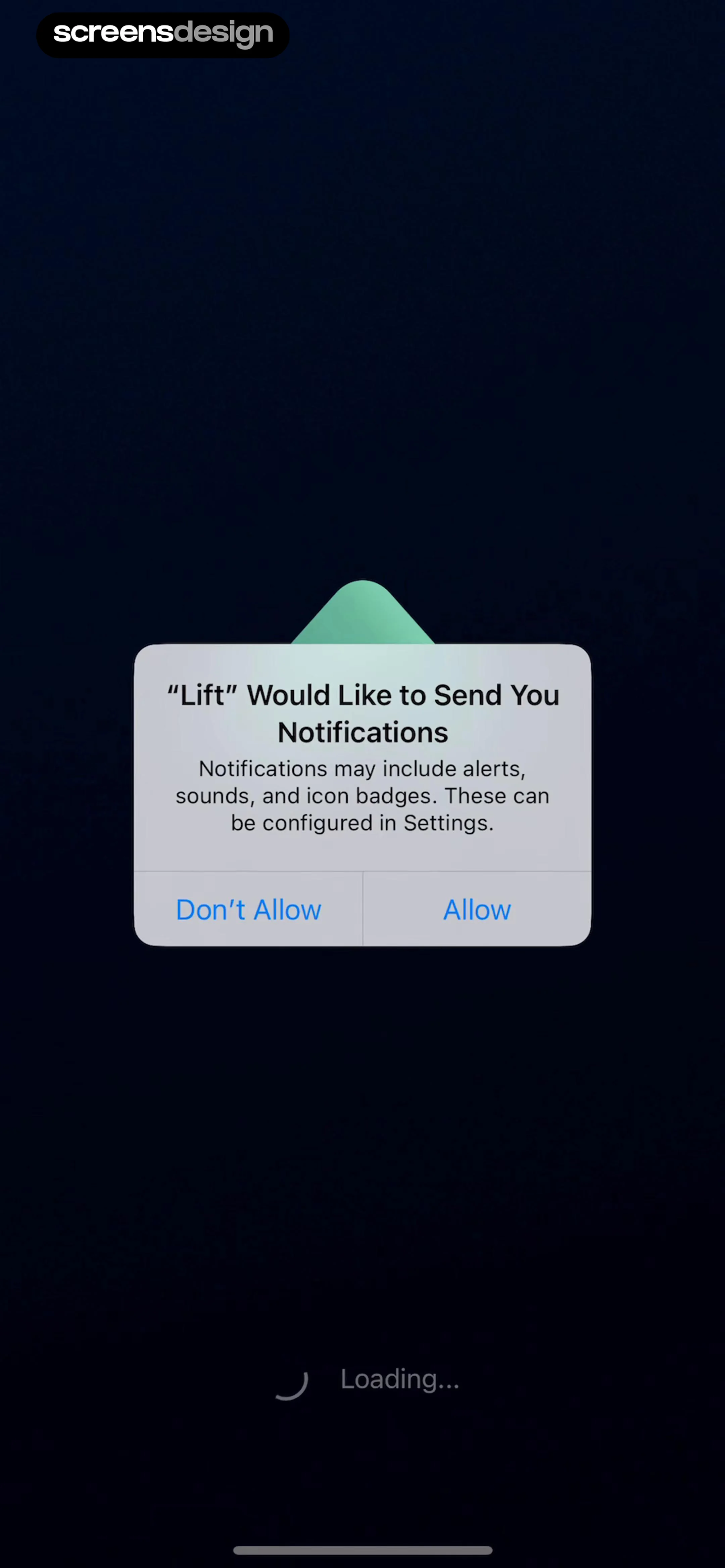
Permission request modal asking if Lift would like to send you notifications, with Allow and Don't Allow buttons.
Splash screen for the Lift app featuring a centered chevron logo and loading text against a dark blue background.
Onboarding screen featuring a 4.8 App Store rating and buttons for new users and existing account logins.
Paywall screen detailing a three-day free trial timeline, pricing information, cancellation instructions, and a Start my free trial now button.
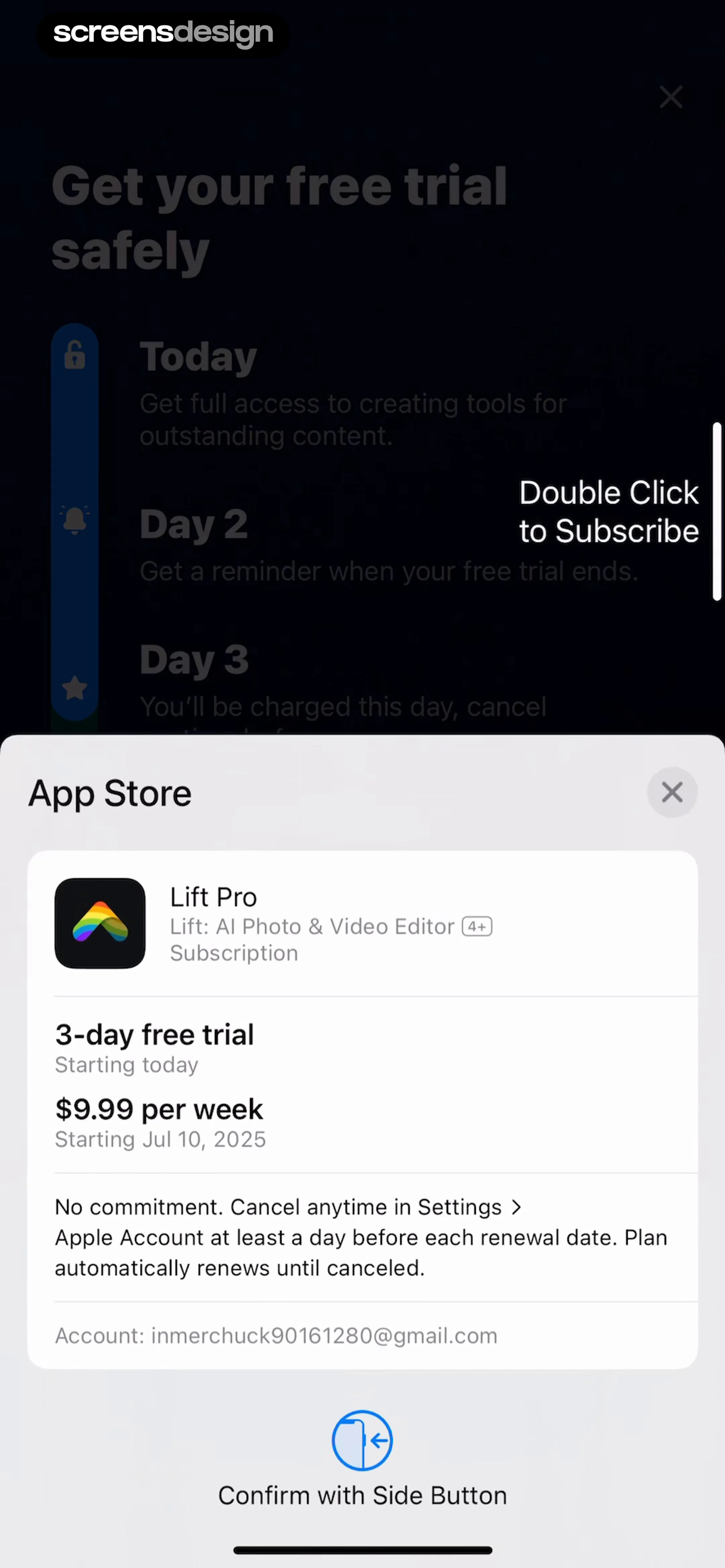
App Store subscription modal for Lift Pro showing a three-day free trial, weekly pricing, and a side button confirmation prompt.
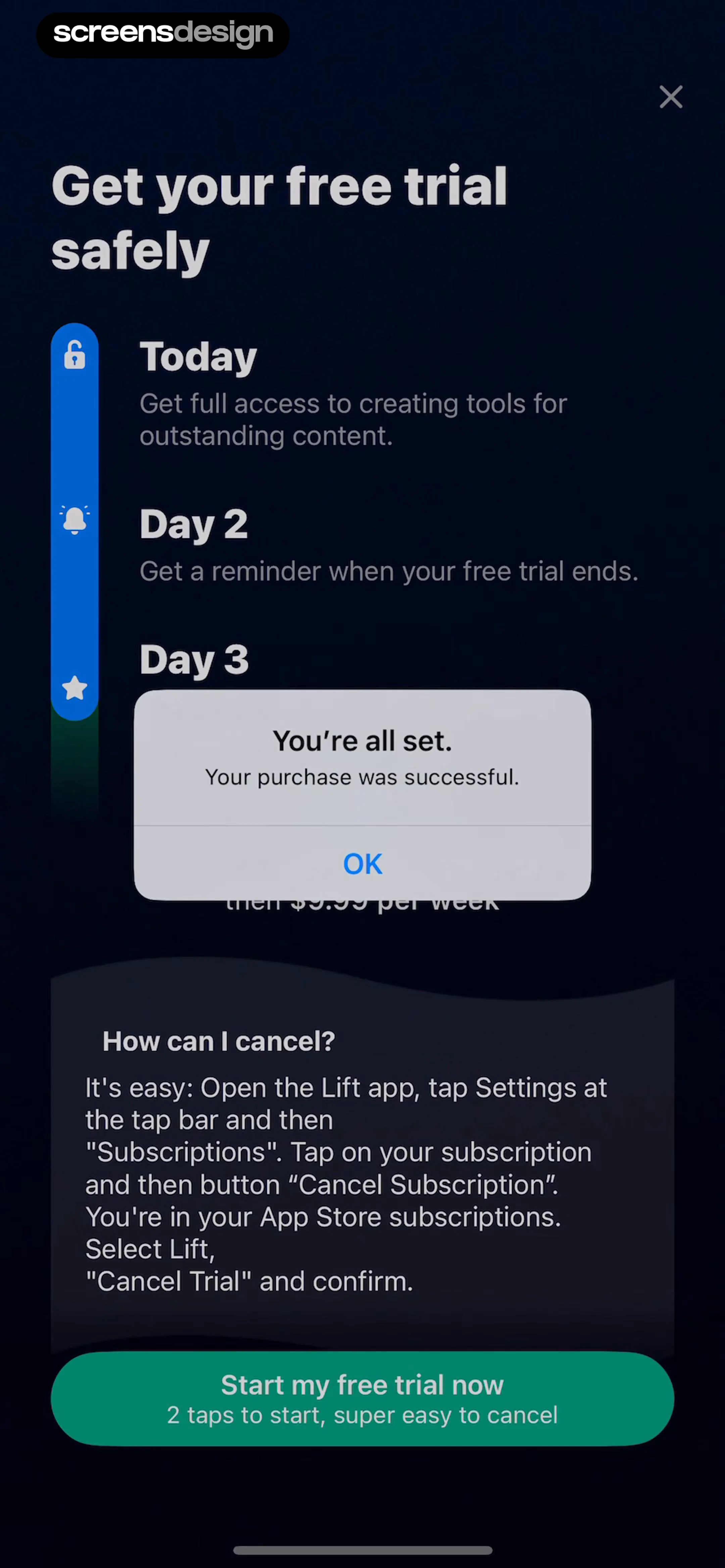
Subscription paywall with a success purchase confirmation modal, trial timeline, and a Start my free trial now button.
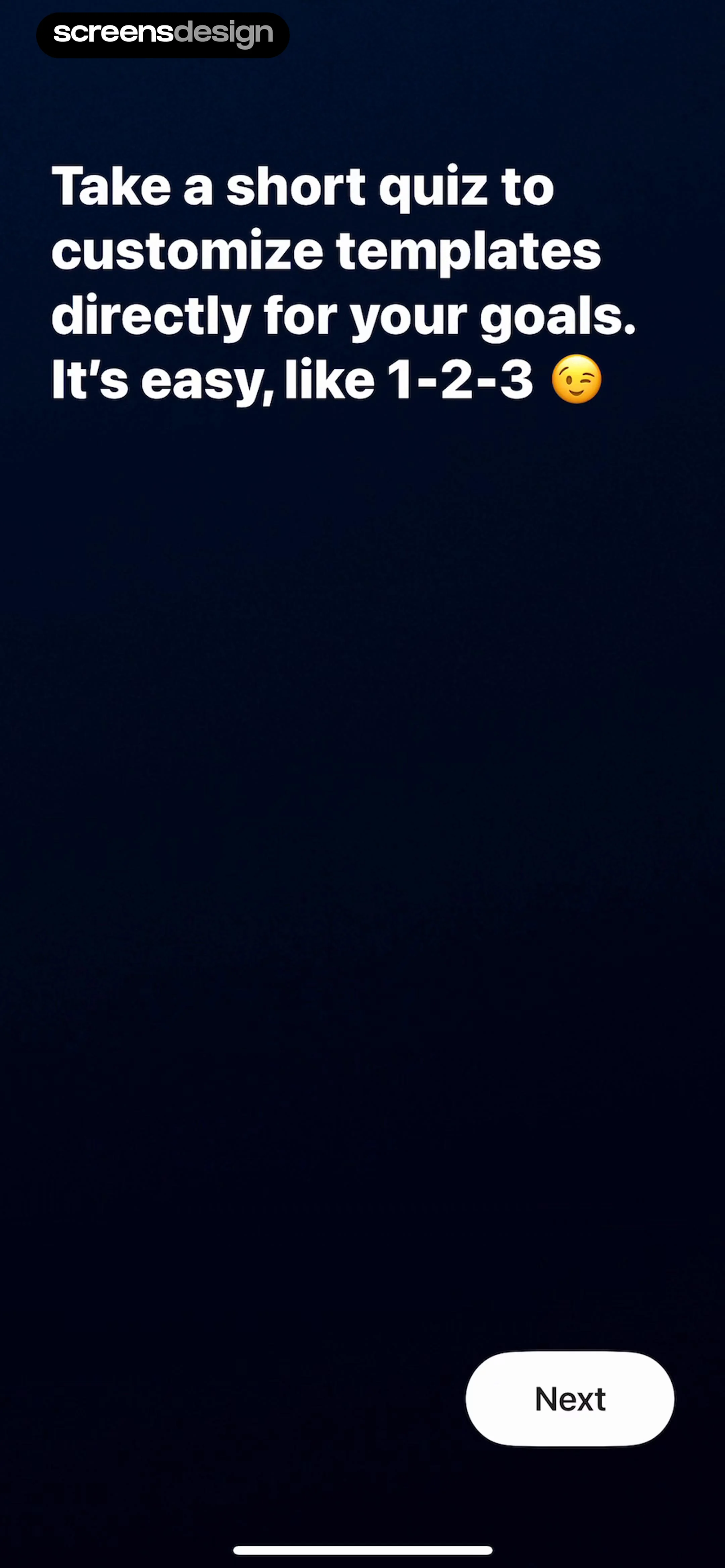
Lift app onboarding screen inviting the user to take a short quiz with a Next button in the bottom right.
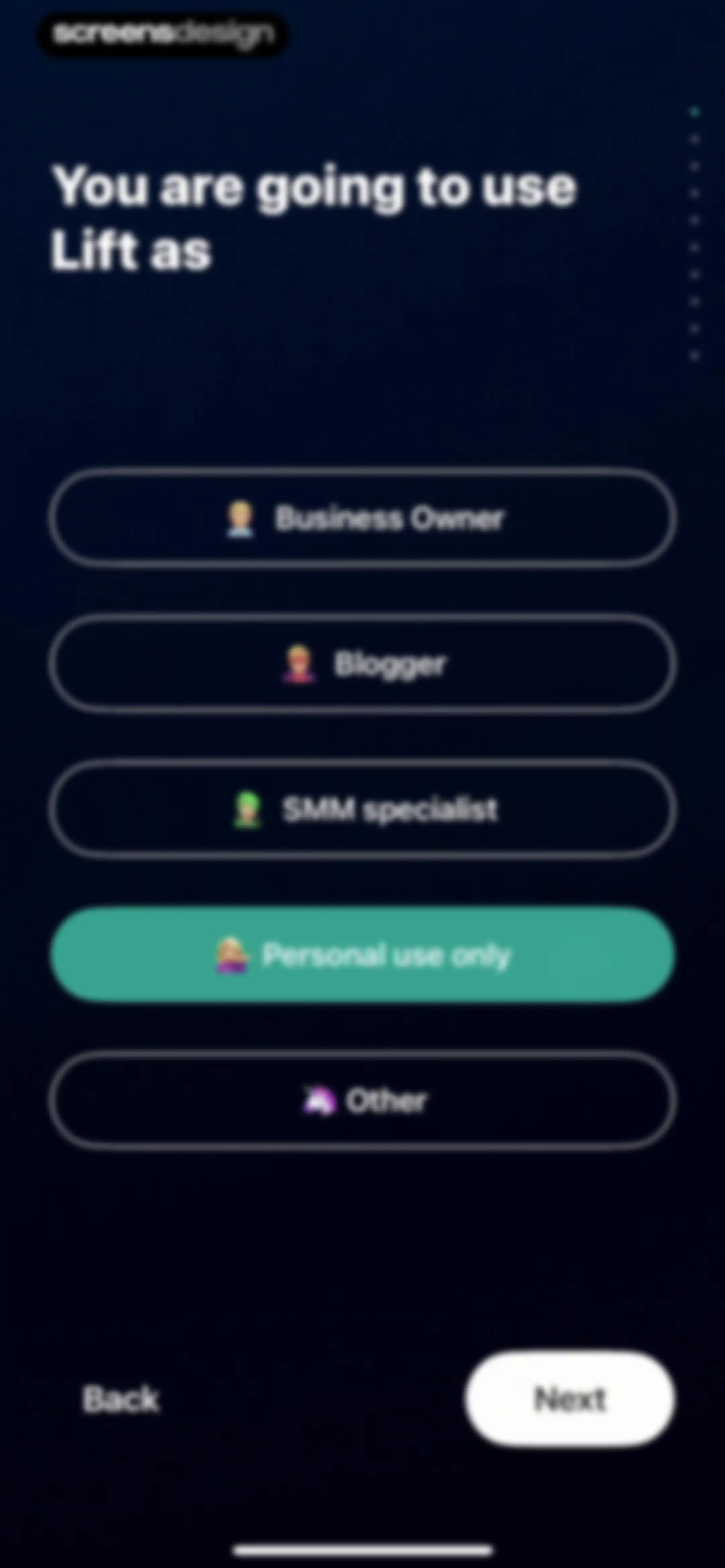
Onboarding screen asking how the user will use the Lift app, with the Personal use only option selected and a Next button.Unlock Pro
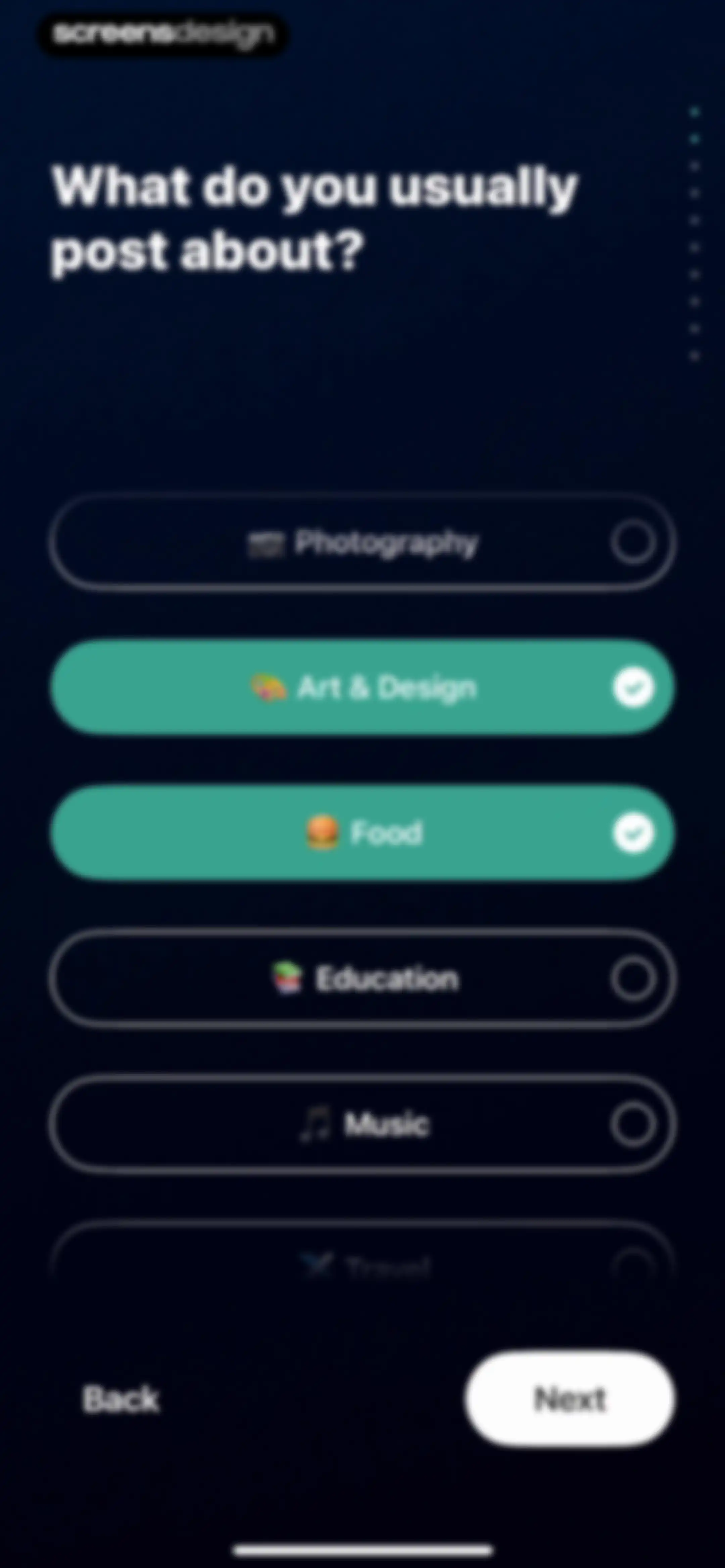
Onboarding interest selection screen asking what the user posts about, with Art and Design and Food selected and a Next button.Unlock Pro
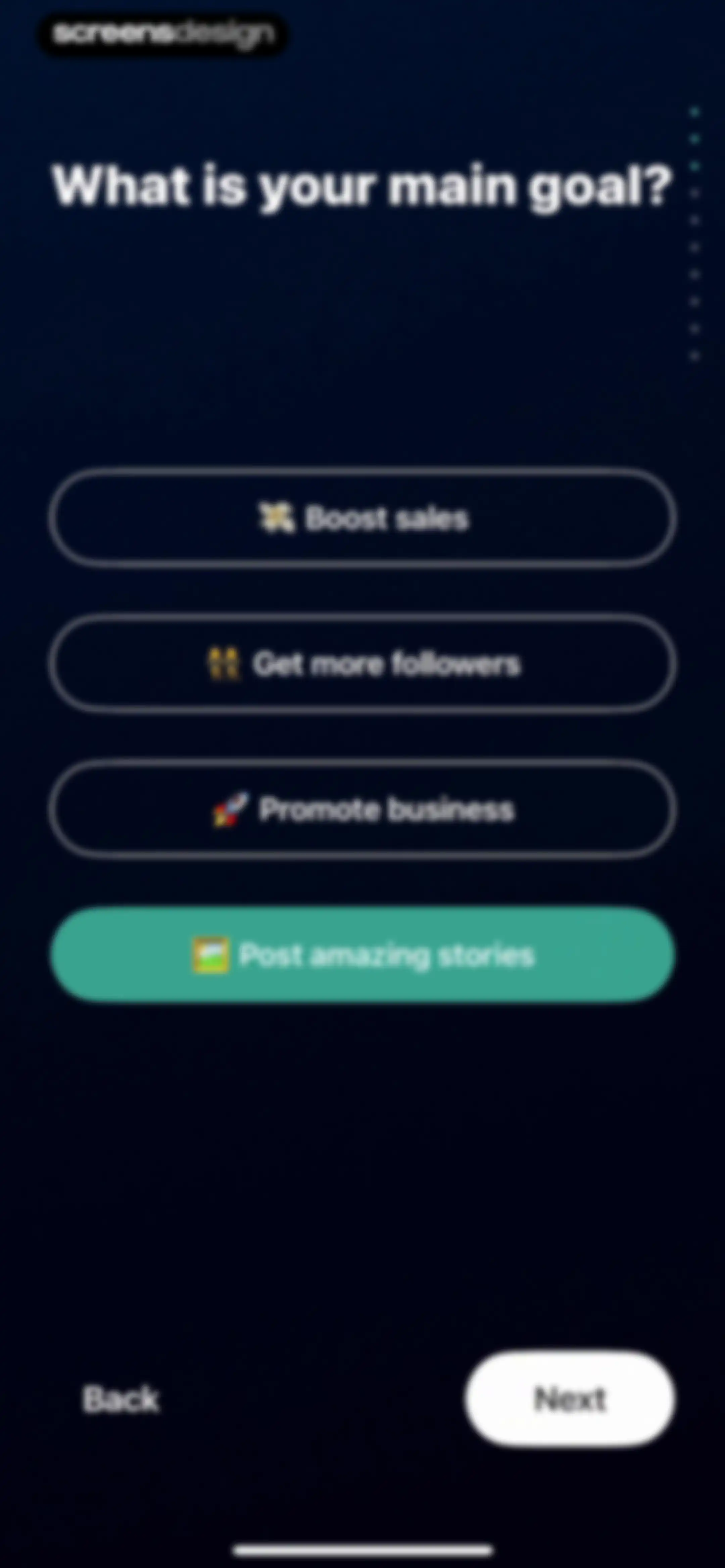
Onboarding screen asking for the main goal with four selectable options and a Next button.Unlock Pro
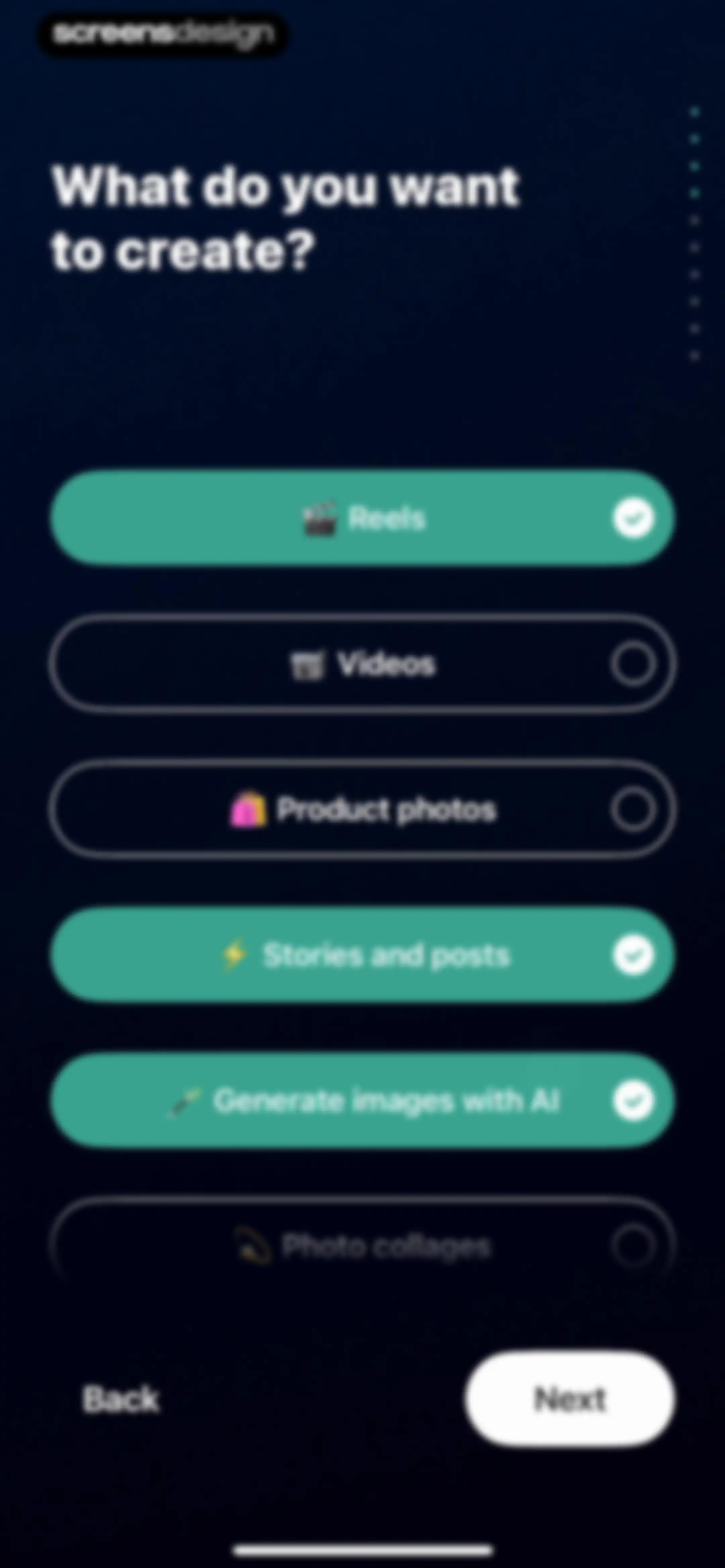
Onboarding screen asking what to create with a vertical list of content type buttons and a Next button.Unlock Pro
Onboarding screen for selecting tools of interest, with background removal, object removal, and image generator selected, and a Next button.Unlock Pro
Onboarding screen asking what content users add, with selectable options including photos, text, and music, and a Next button.Unlock Pro
Onboarding screen asking what type of content you usually post, with the Static option selected and a Next button.Unlock Pro
Onboarding platform selection screen asking where you usually post your content, with Instagram, TikTok, and Snapchat selected and a Next button.Unlock Pro
Onboarding screen asking users to choose a template style, with two cards and a Next button.Unlock Pro
Onboarding template selection screen asking which templates you like the most, with two side-by-side photo cards, the minimalist card selected, and a Next button.Unlock Pro
Loading screen displaying the text Customizing... with the Posts tab active and a floating button in the bottom right corner.Unlock Pro
Customization progress screen showing a completed templates item with a checkmark and an active continue button.Unlock Pro
Onboarding customization loading screen showing completed templates and AI tools items with checkmarks, and a proceed button in the bottom right.Unlock Pro
Onboarding completion screen with a list of finished setup steps marked by green checkmarks and a forward-navigation button at the bottom right.Unlock Pro
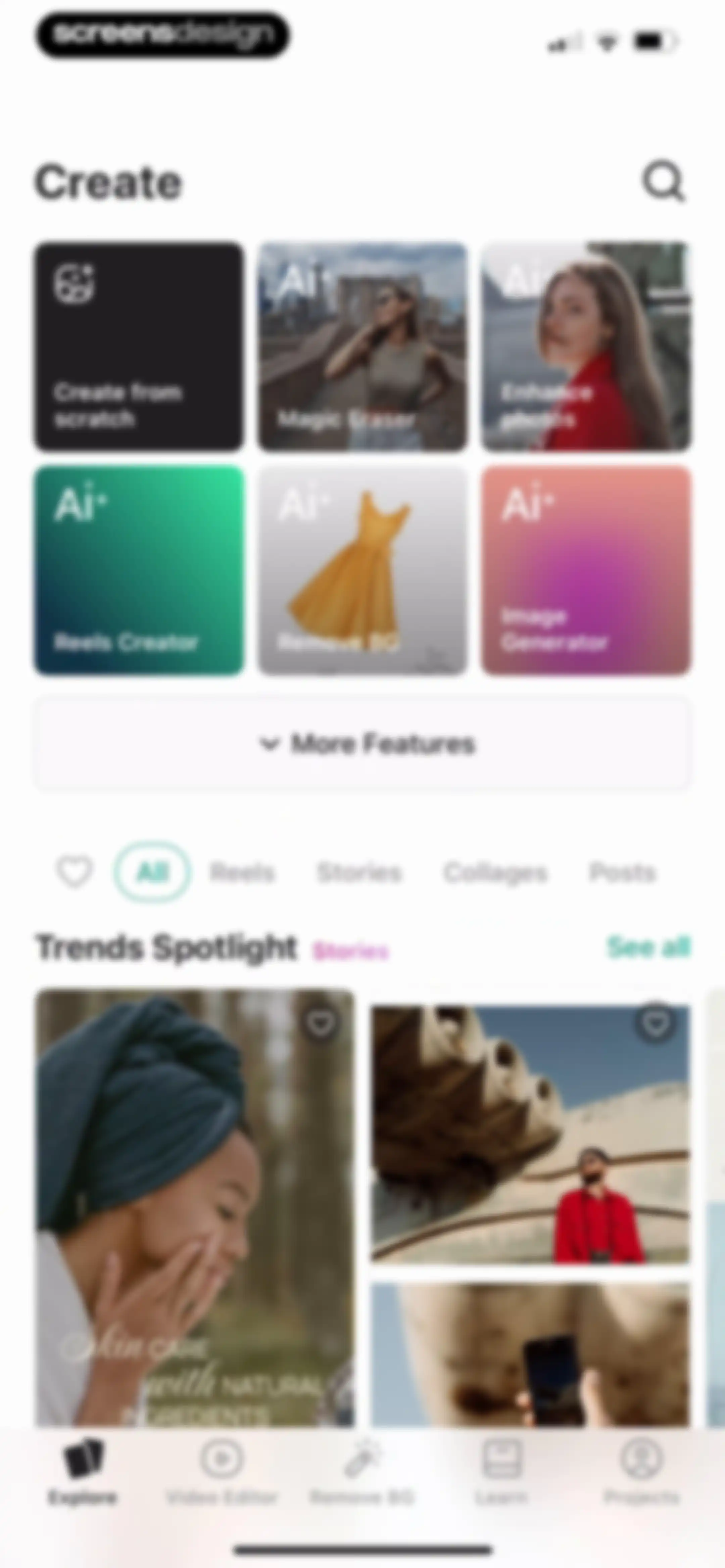
Home screen featuring a grid of AI editing tools, filter tabs, a trends spotlight feed, and a bottom navigation bar.Unlock Pro
Content creation format selection menu with a two-column grid of cards for Story, Post, Reel, Video, Square, and Landscape options.Unlock Pro
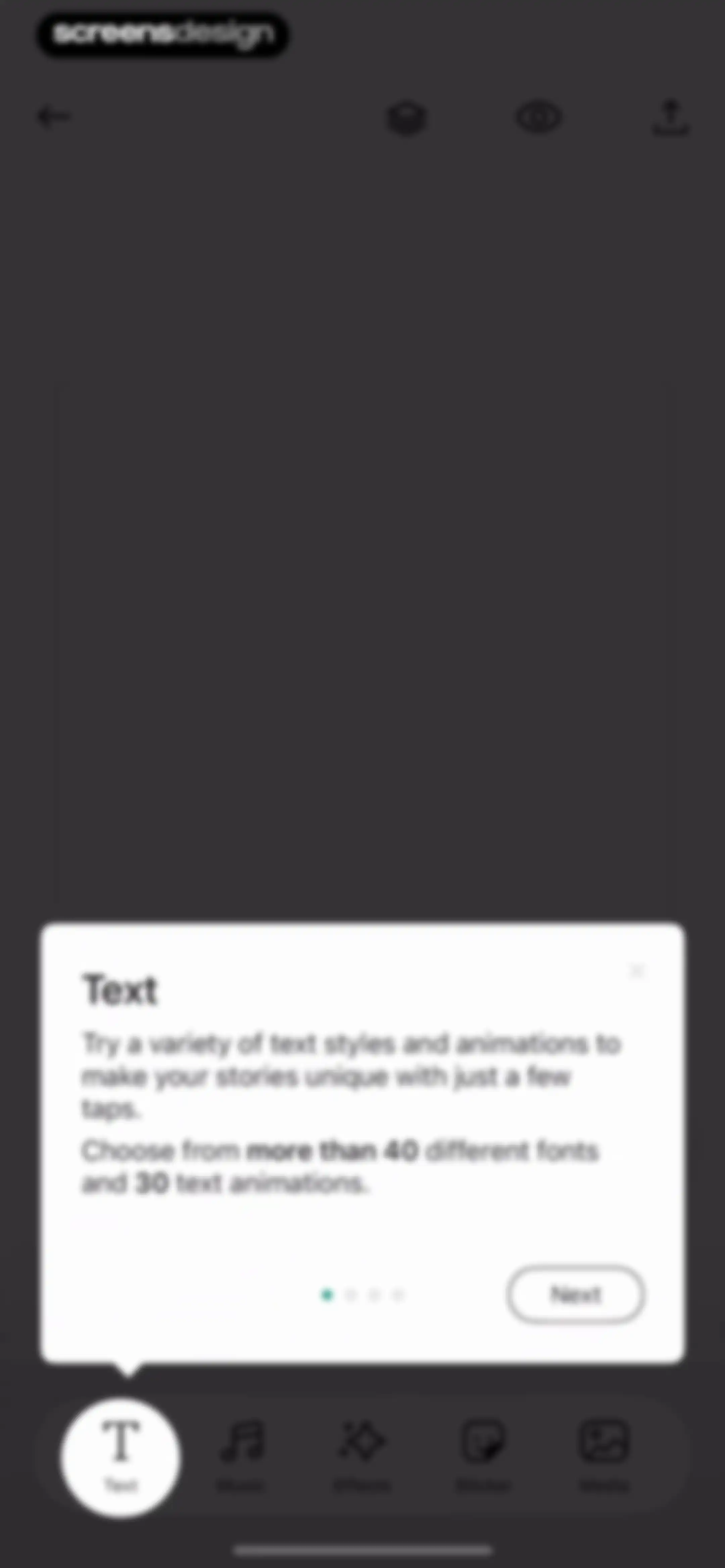
Editor onboarding modal explaining text styles and animations, with a Next button and a bottom navigation bar featuring the Text tool selected.Unlock Pro
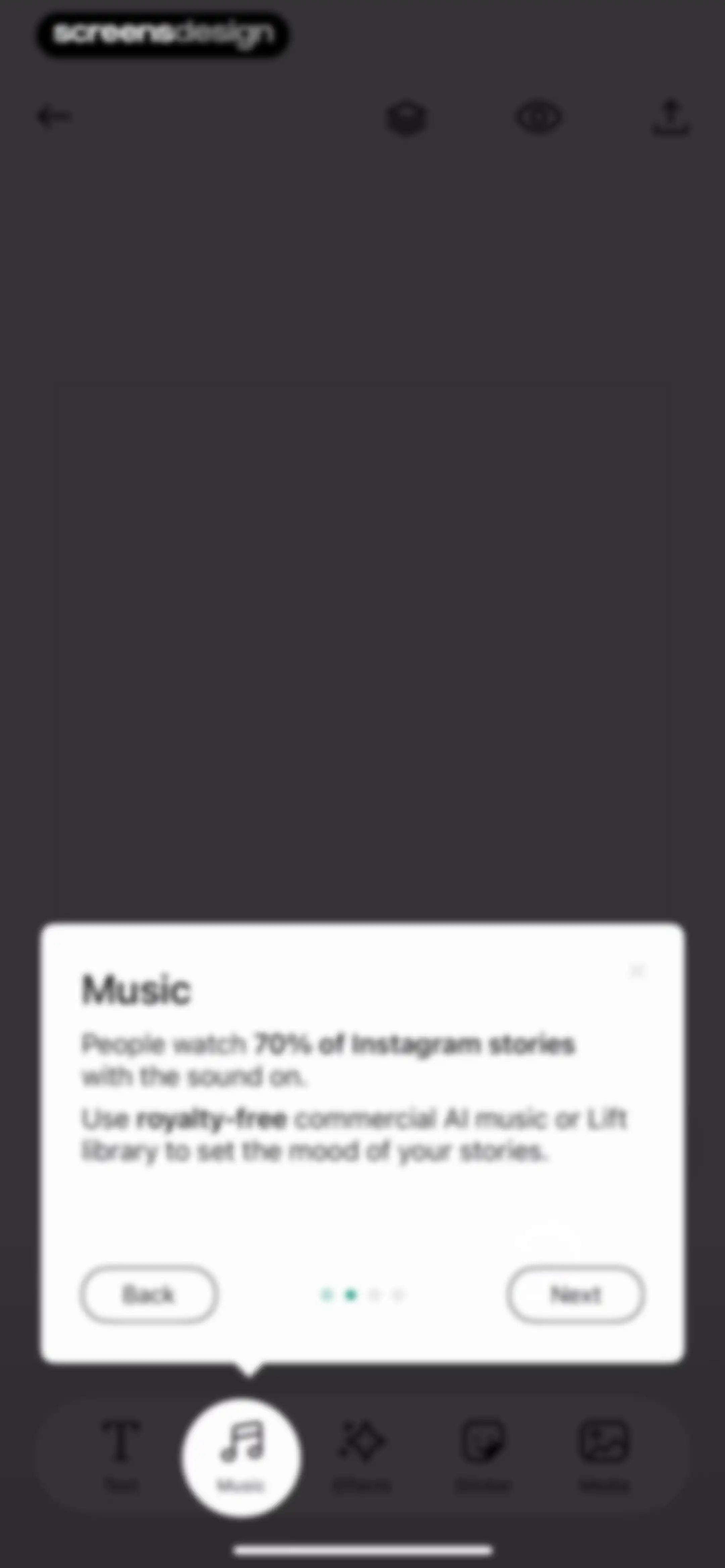
Music feature onboarding modal with a tutorial tip and Next and Back buttons, displayed over a dark editing interface with the Music tab selected.Unlock Pro
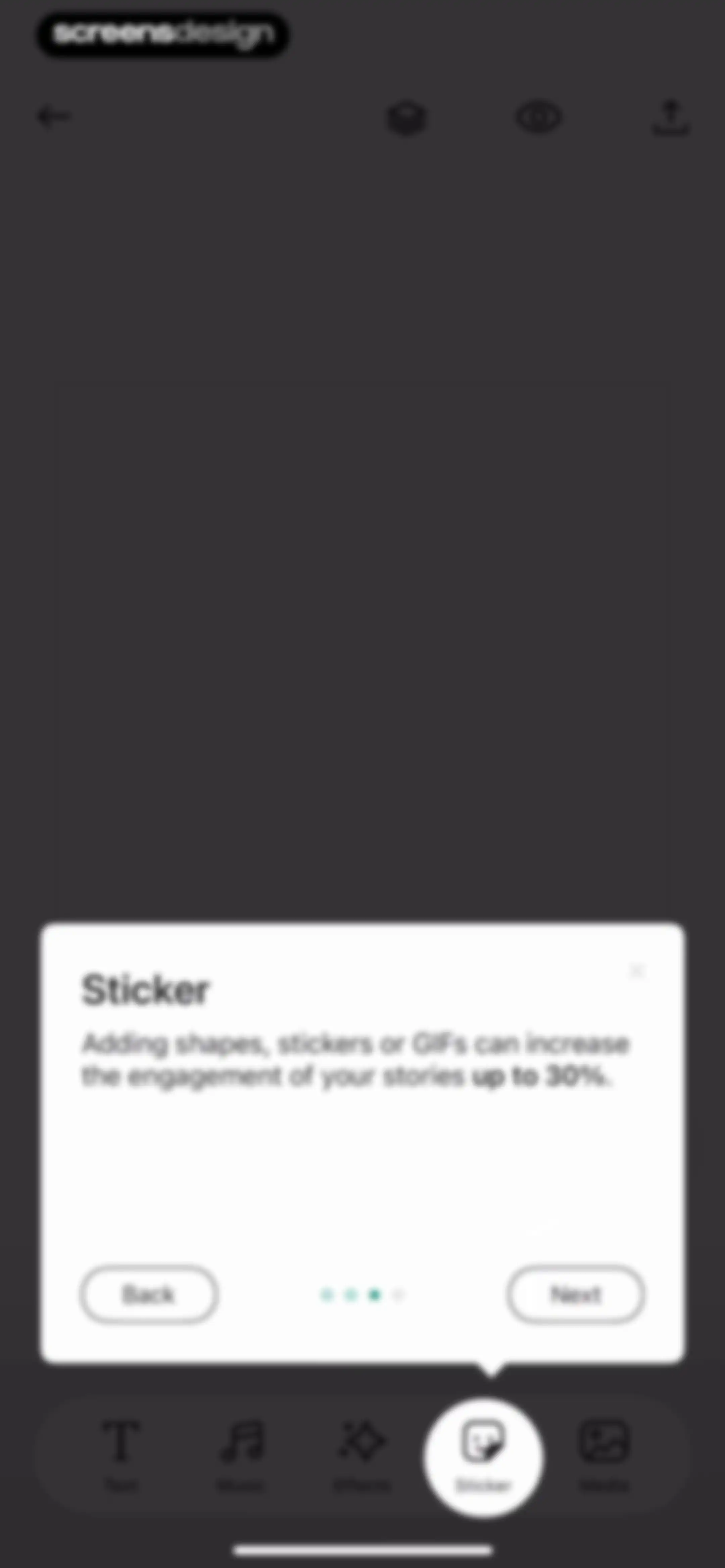
Educational tutorial modal explaining sticker features, with Back and Next buttons and a bottom editing toolbar.Unlock Pro
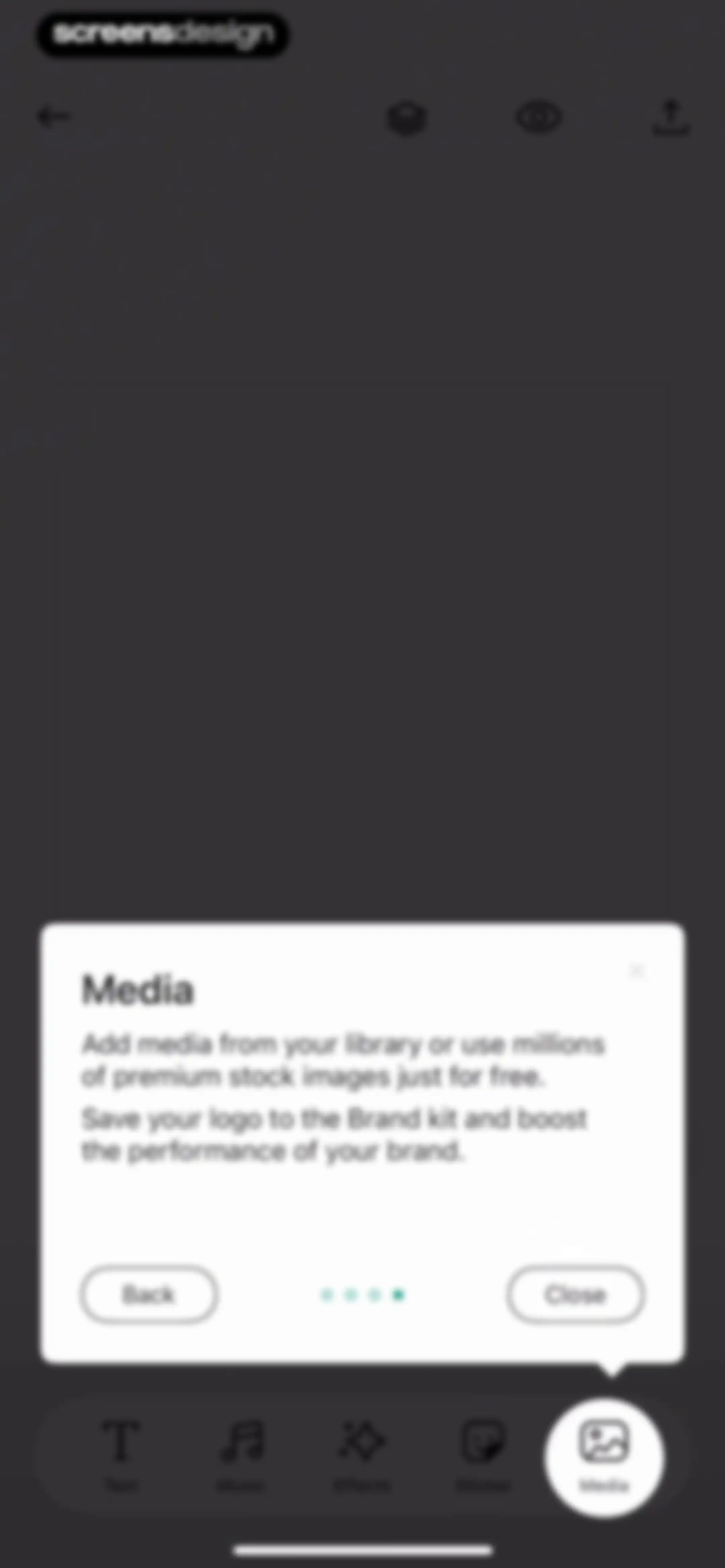
Editor interface showing a modal overlay with instructions for adding media from your library or stock images, featuring Back and Close buttons.Unlock Pro
Editor screen featuring a central empty canvas and a bottom toolbar with text, music, effects, sticker, and media options.Unlock Pro
Aspect ratio selection screen with the Post option selected and a central canvas area.Unlock Pro
Permission modal requesting photo library access with options to limit access, allow full access, or deny.Unlock Pro
Editor screen featuring a large canvas with an orange color swatch selected from the color grid and a bottom navigation bar.Unlock Pro
Editor screen for customizing a canvas with the Gradient tab selected and a color swatch grid displayed below.Unlock Pro
Editor screen displaying a central canvas with a sky background, a Pattern tab selected, and a horizontal pattern thumbnail list.Unlock Pro
Editor screen featuring a large central image preview, tab options with Media selected, and a bottom scrollable media list.Unlock Pro
Image editing screen displaying a photo of salad bowls in the center, a top navigation bar, and a bottom toolbar with tool options.Unlock Pro
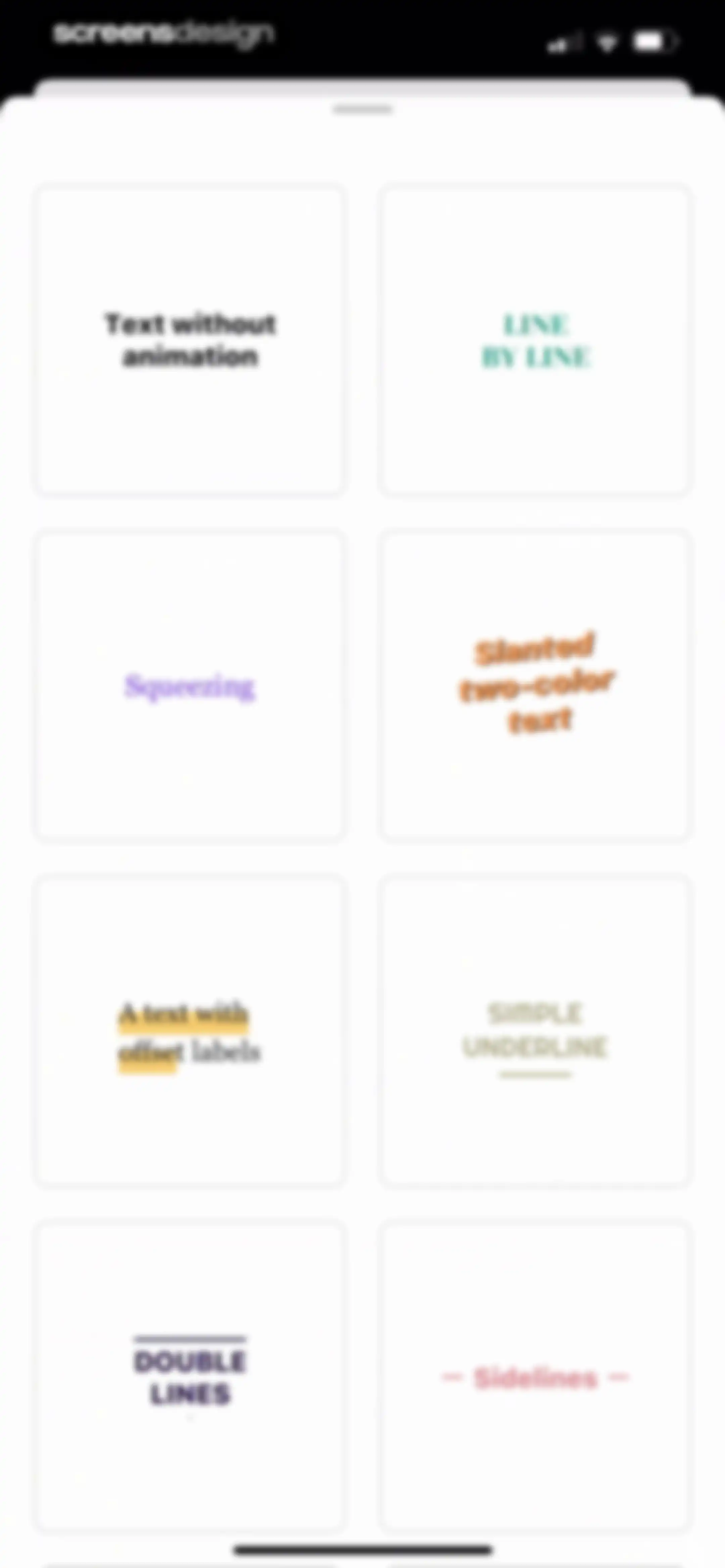
Text style selection screen displaying a two-column grid of eight rectangular cards with different text effect previews.Unlock Pro
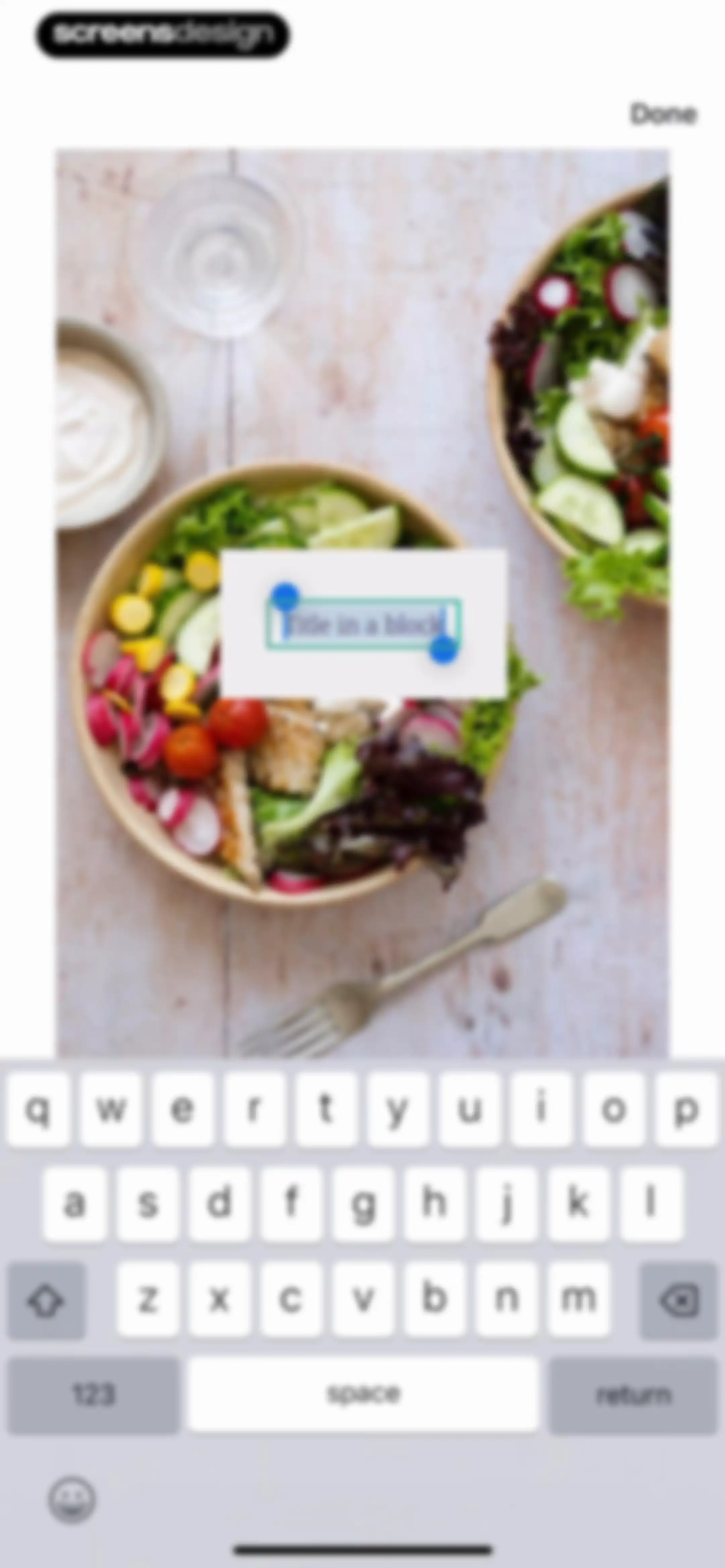
Text overlay editor with a salad photo background, active text input box, and a Done button.Unlock Pro
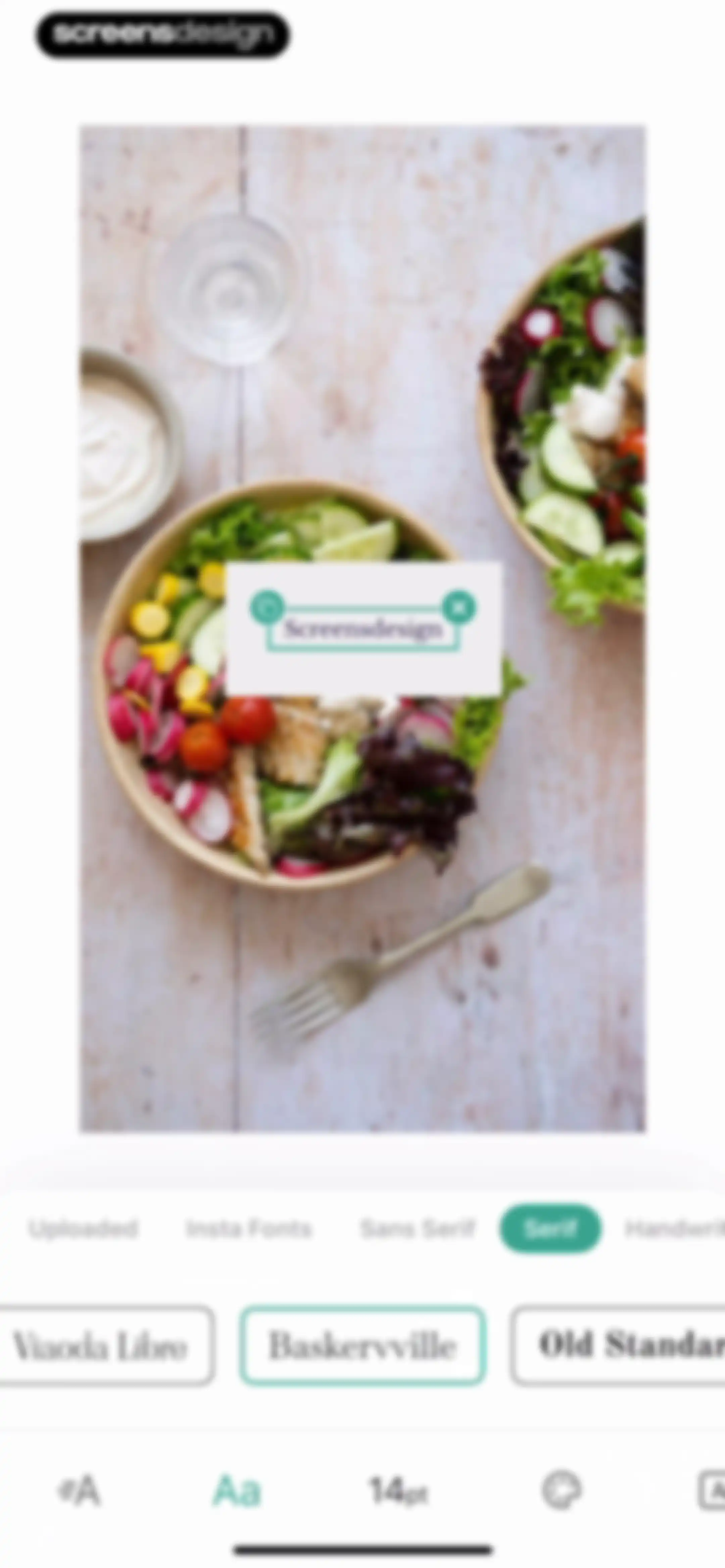
Text-editing interface displaying an image preview with a selected text overlay, font category and style selection menus, and a bottom toolbar.Unlock Pro
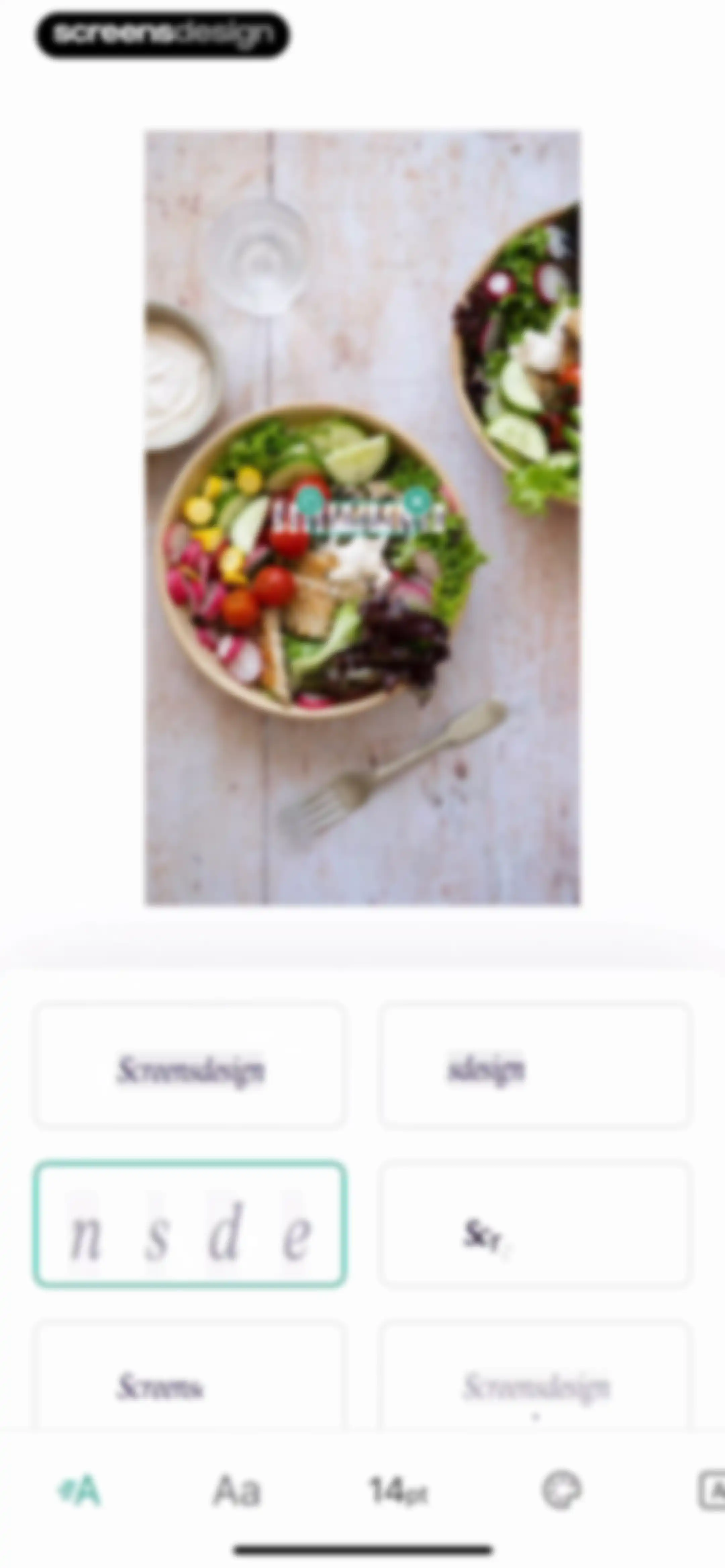
Text editor screen displaying an image preview with a text overlay and a grid of font style cards, with one card selected and a bottom editing toolbar.Unlock Pro
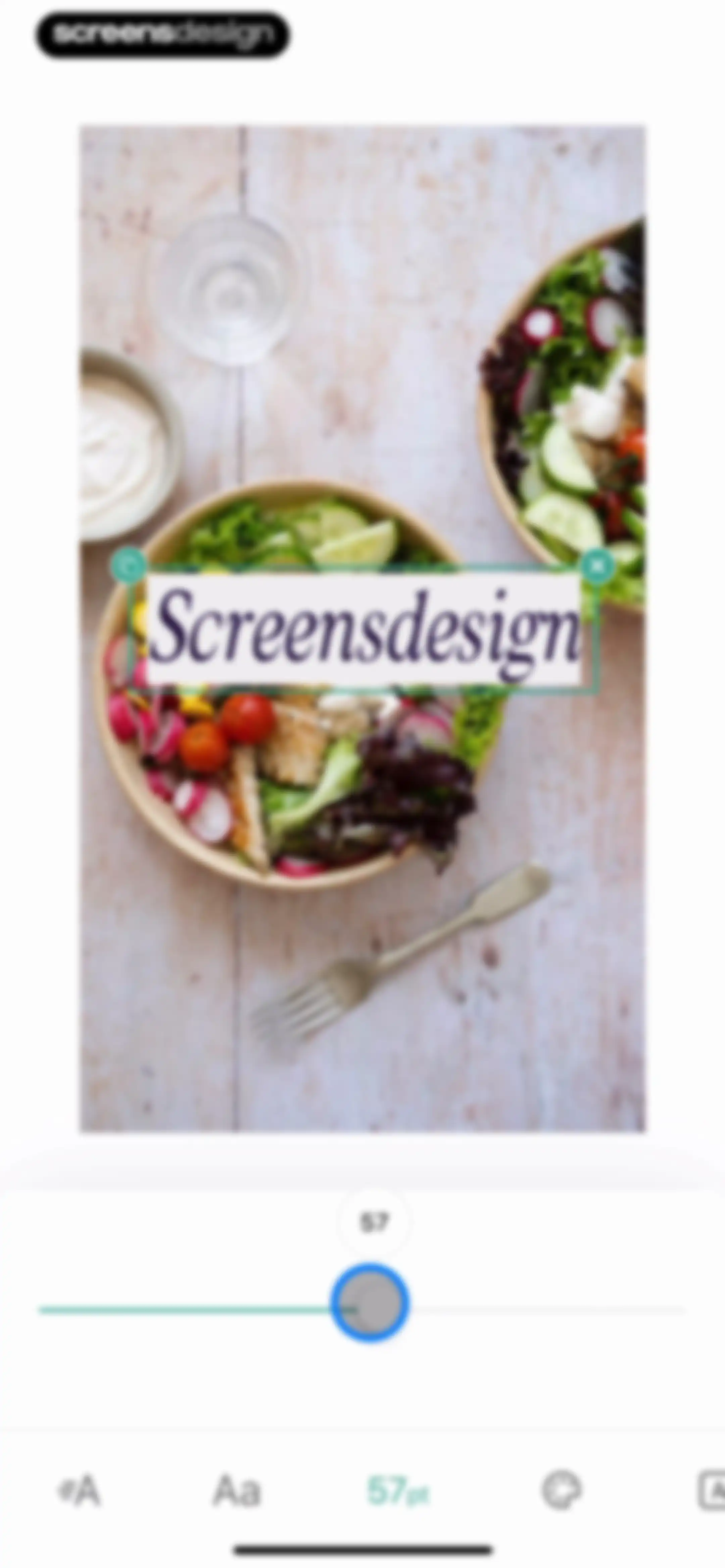
Text editing screen showing a photo of a salad bowl with a text overlay, a size adjustment slider, and a bottom toolbar.Unlock Pro
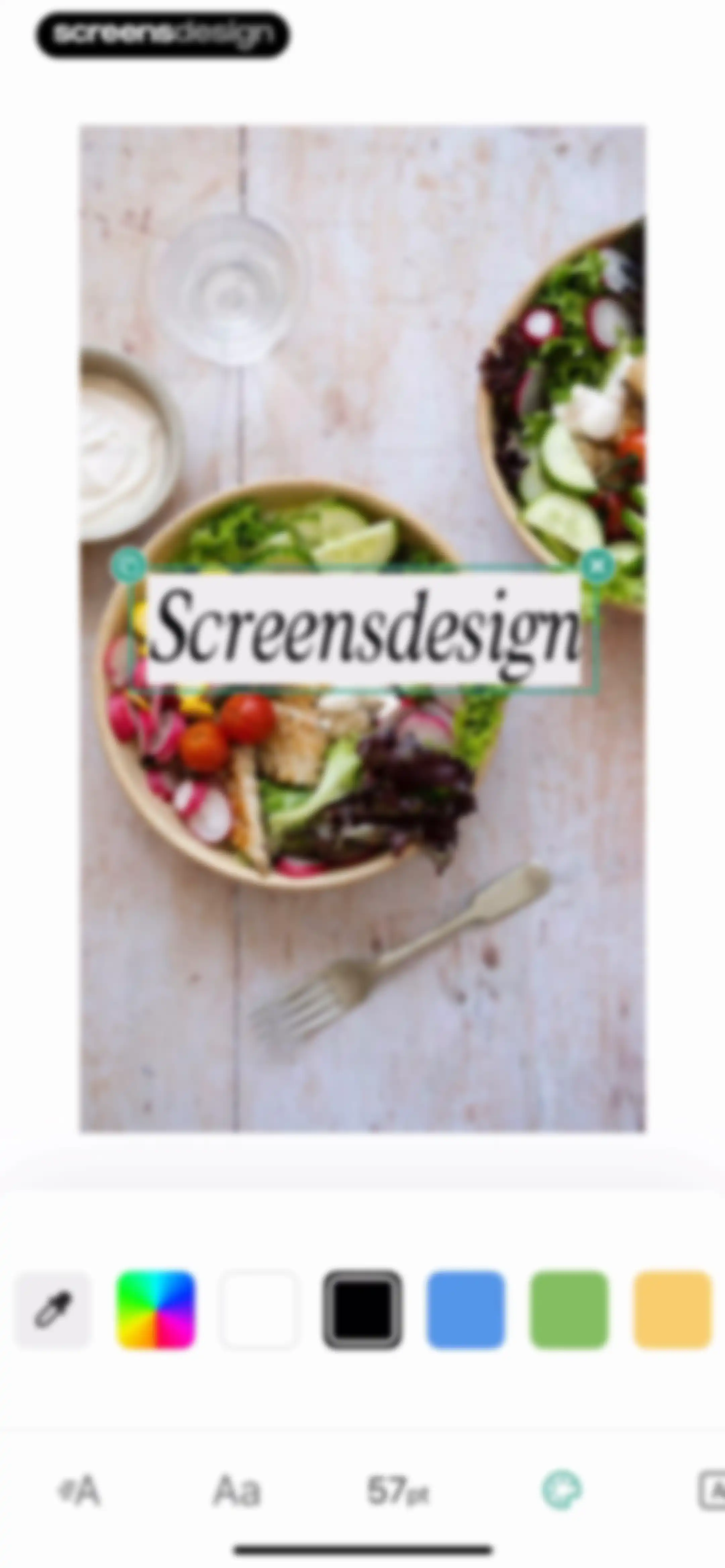
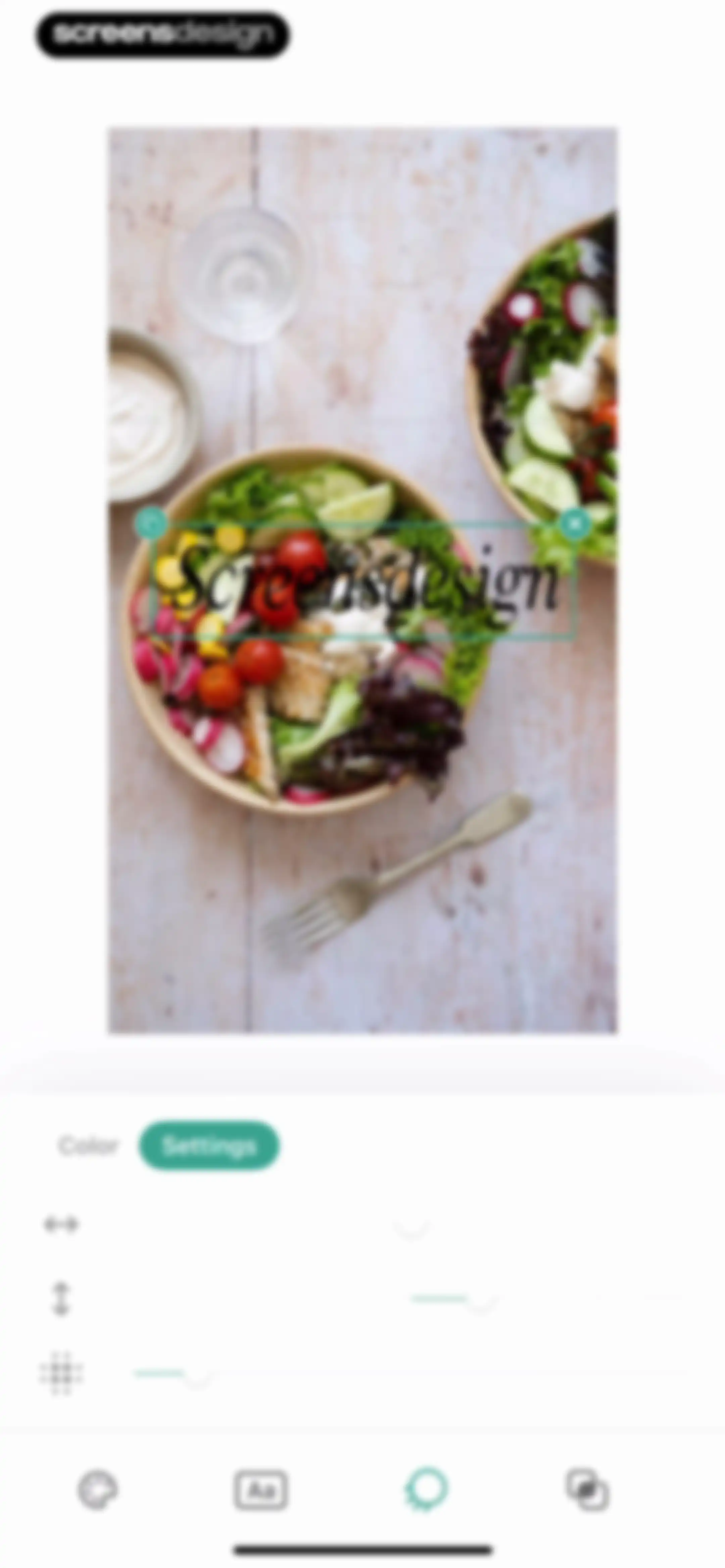
Photo editor screen displaying a text overlay of Screensdesign on a salad bowl image, with a bottom color selection and text formatting toolbar.Unlock Pro
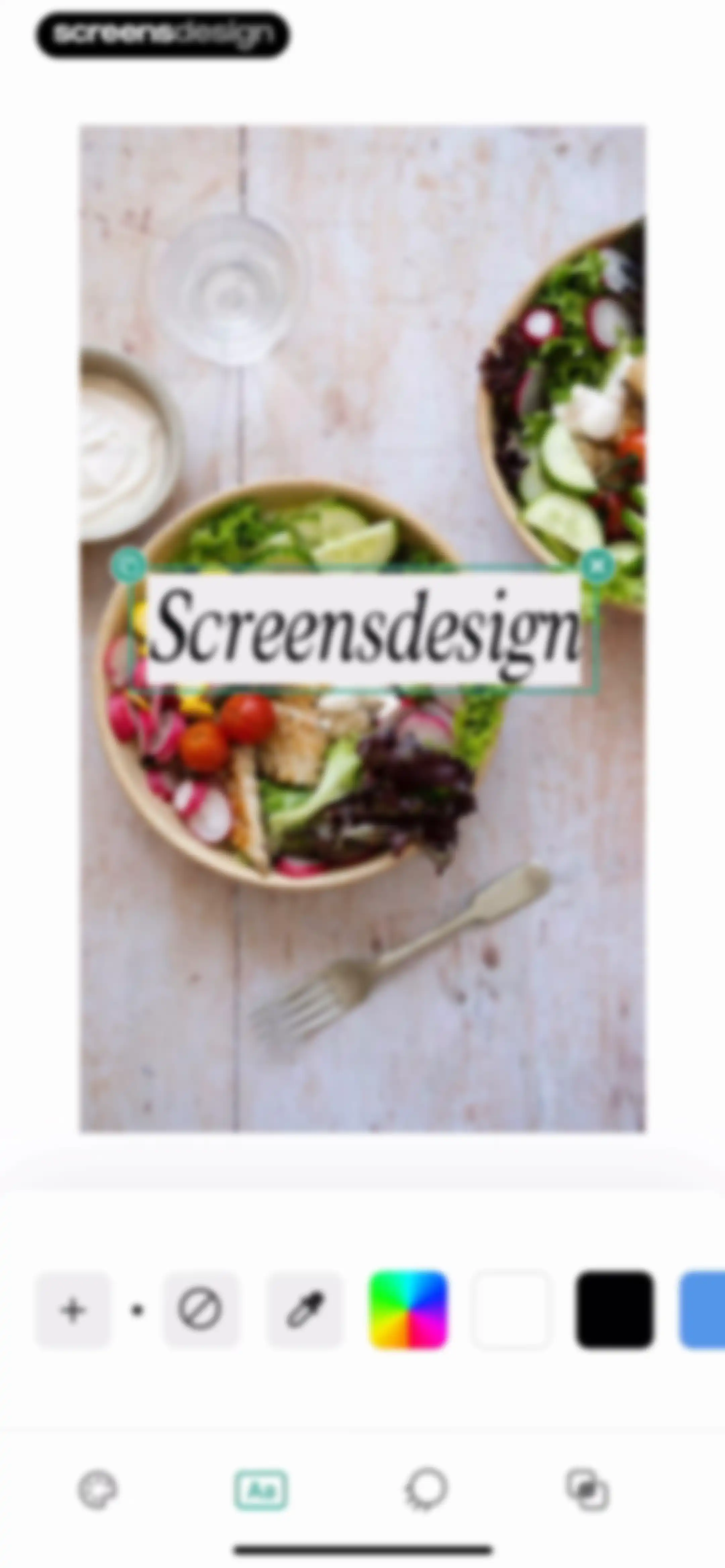
Editor screen showing a photo with a selected text overlay inside a bounding box and a secondary toolbar at the bottom.Unlock Pro
Photo editor color editing screen with a food image canvas, a selected text overlay, and color selection controls.Unlock Pro
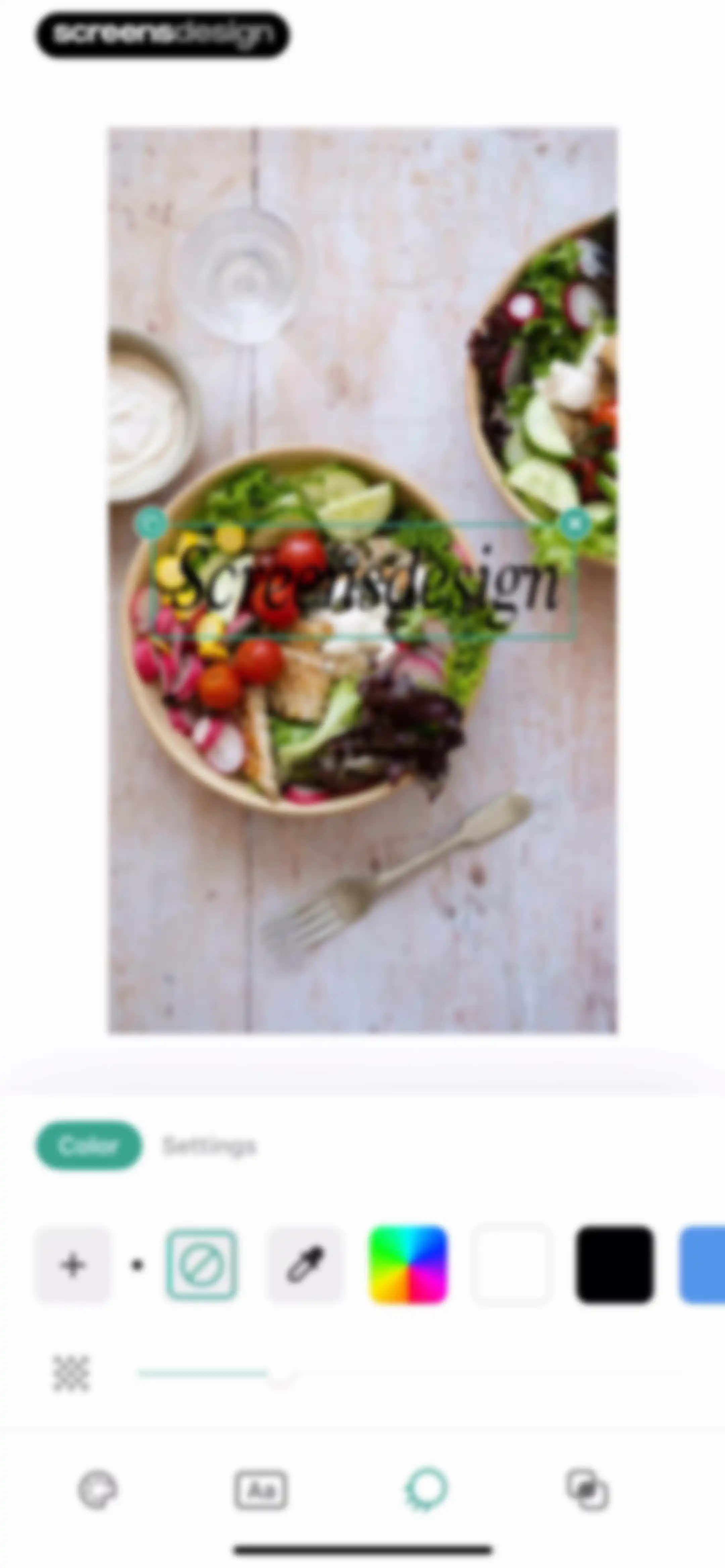
Photo editor text overlay screen displaying the text Screensdesign on a food photo with active adjustment sliders and bottom navigation.Unlock Pro
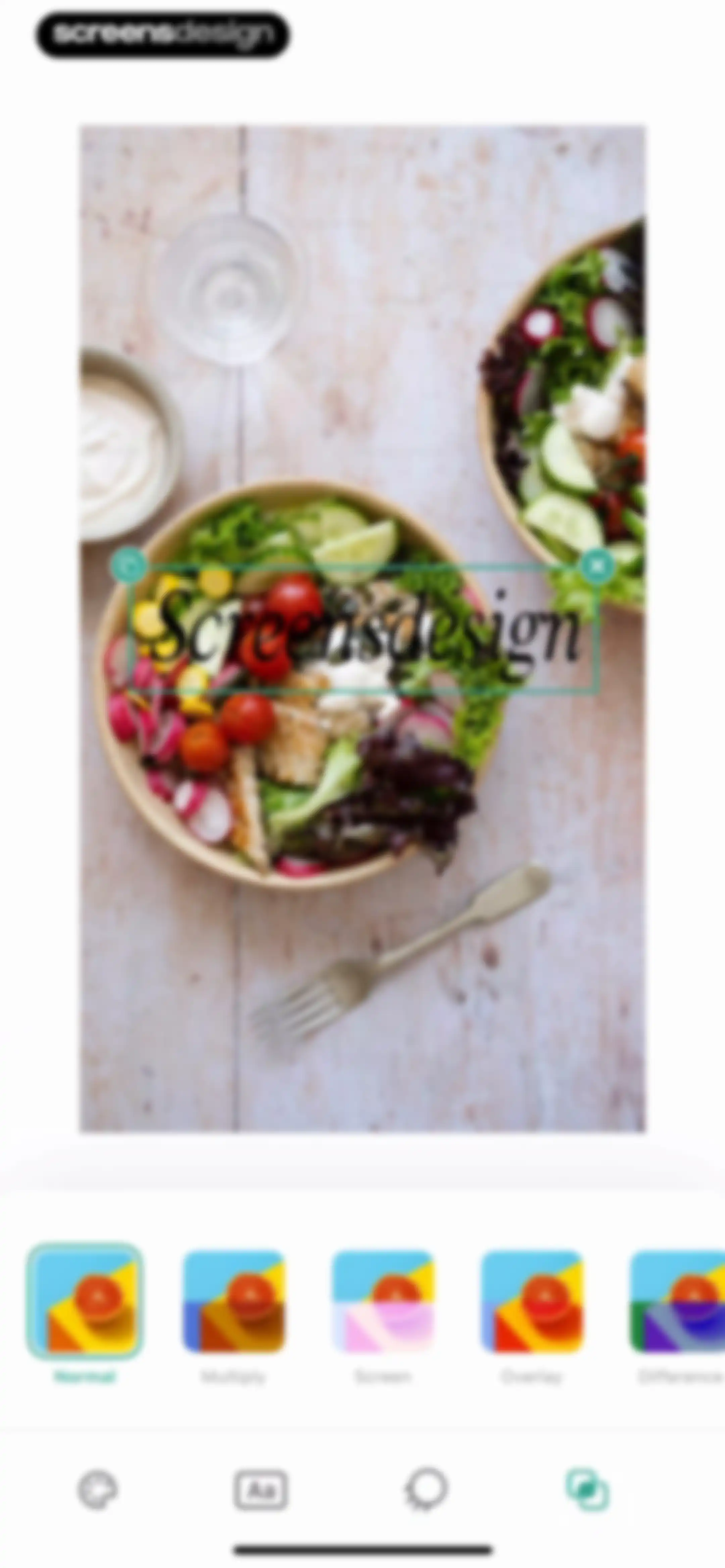
Photo editor screen displaying a food image with a text overlay and a horizontal blending mode selection carousel with Normal selected.Unlock Pro
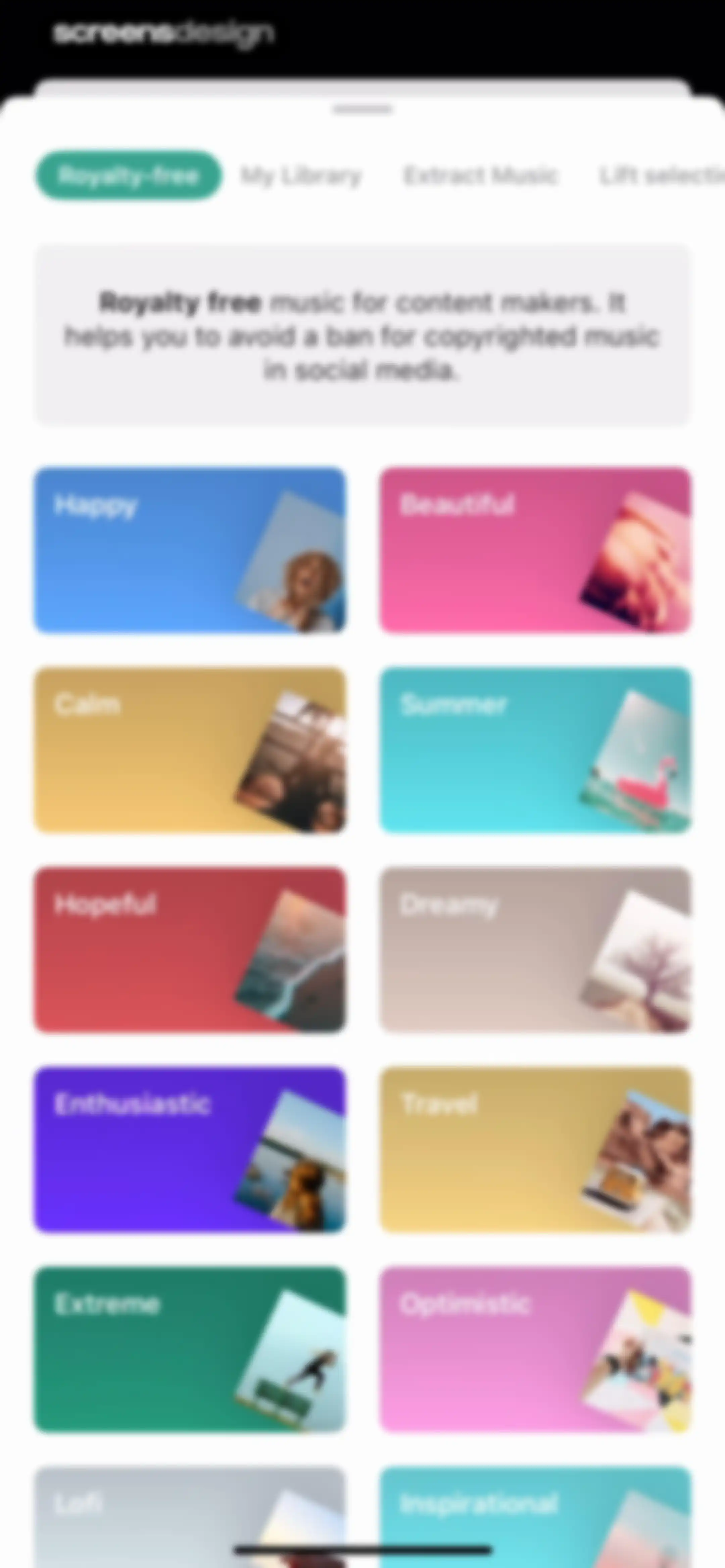
Royalty-free music screen displaying an informational header and a grid of mood-based music category cards.Unlock Pro
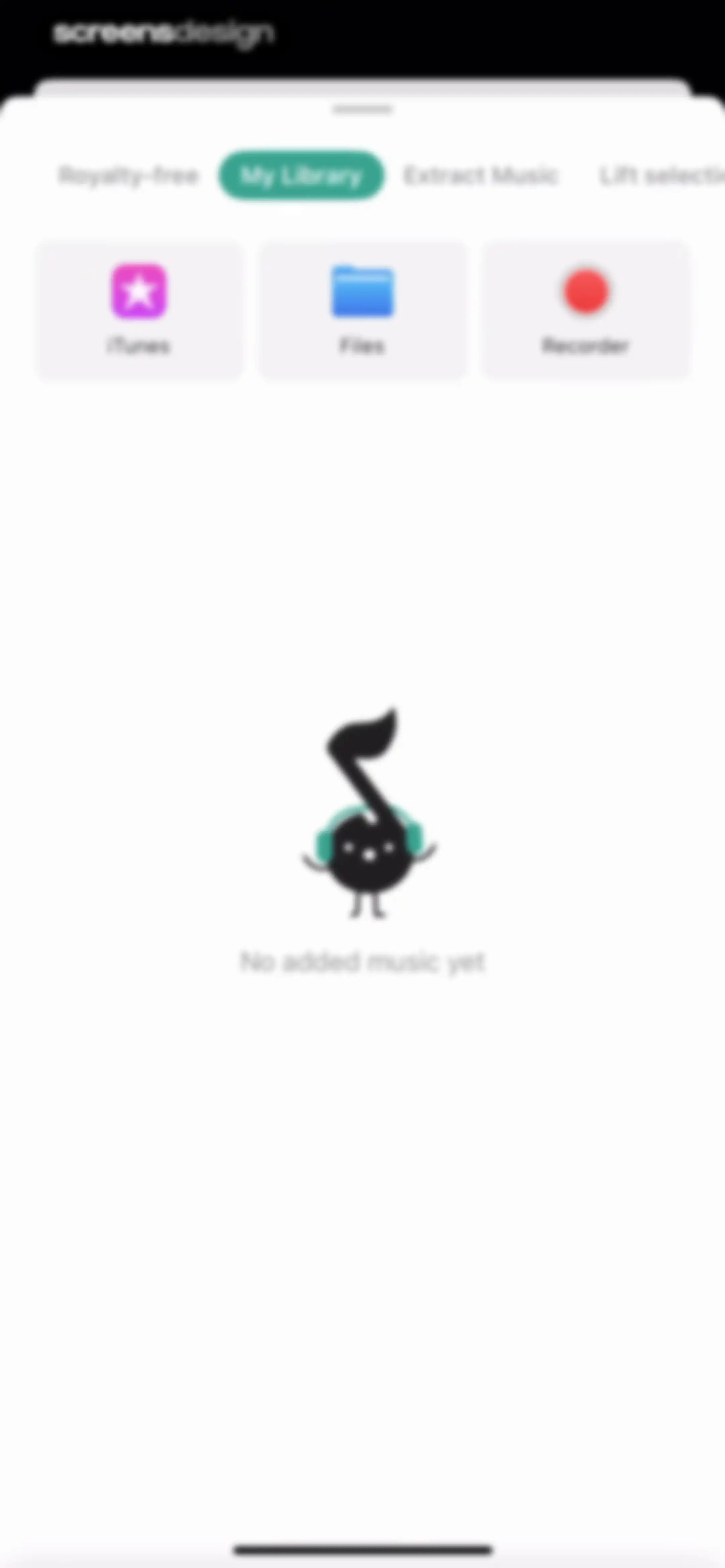
Music import modal with the My Library tab selected, featuring import buttons for iTunes, Files, and Recorder, and an empty state illustration.Unlock Pro
Extract music modal screen featuring side-by-side action cards for video URL and gallery import, with an instructional illustration and Let's Go! button.Unlock Pro
Music selection modal sheet featuring a top tab bar, a section header for Dreamy, a vertical list of music tracks with artist names, and a Lift selection button.Unlock Pro
Music selection screen displaying a scrollable track list, top navigation tabs, a persistent audio player bar, and an ADD button.Unlock Pro
Photo editor screen showing an image preview with a selected Sky effect and a bottom carousel of other effect presets.Unlock Pro
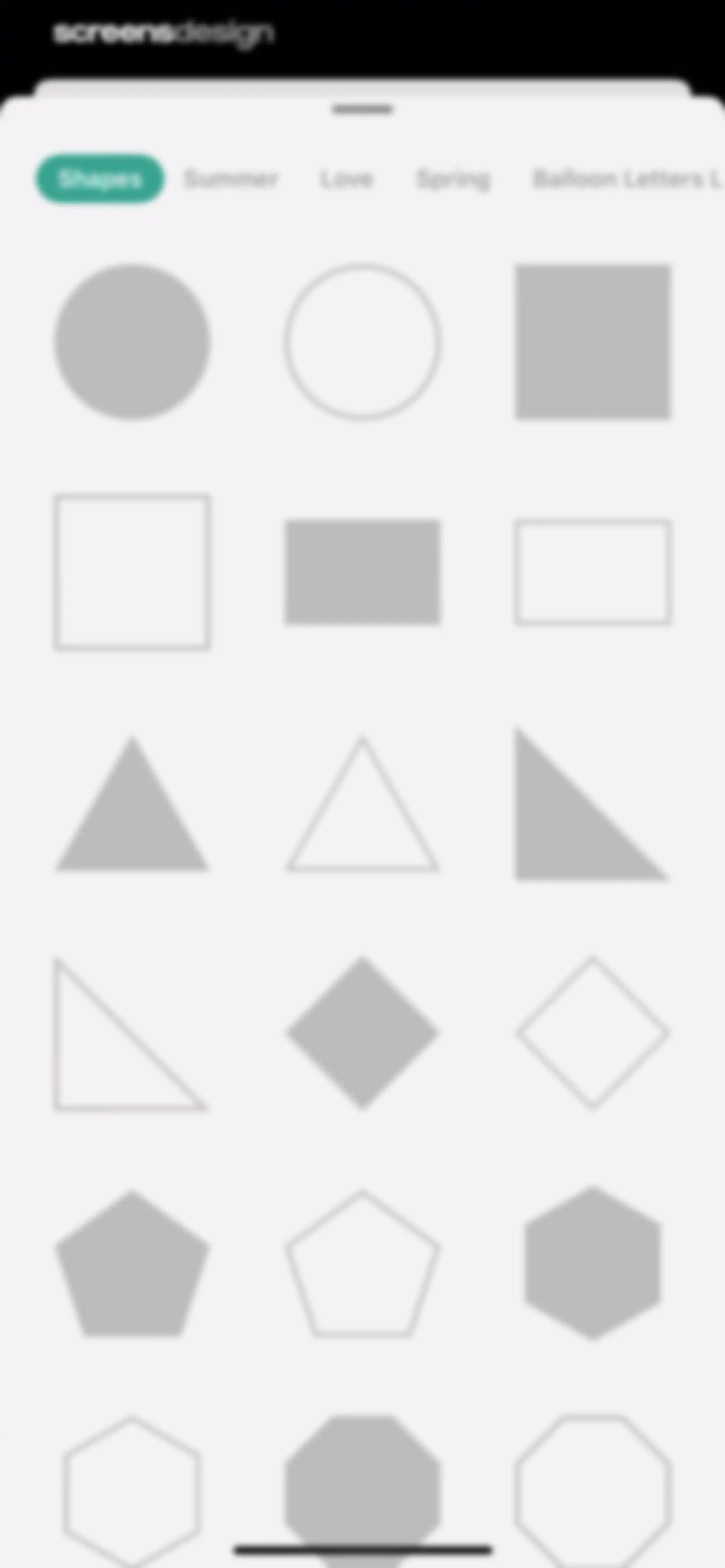
Modal window displaying a grid of geometric shapes with a horizontal tab navigation for categories including Shapes, Summer, and Love.Unlock Pro
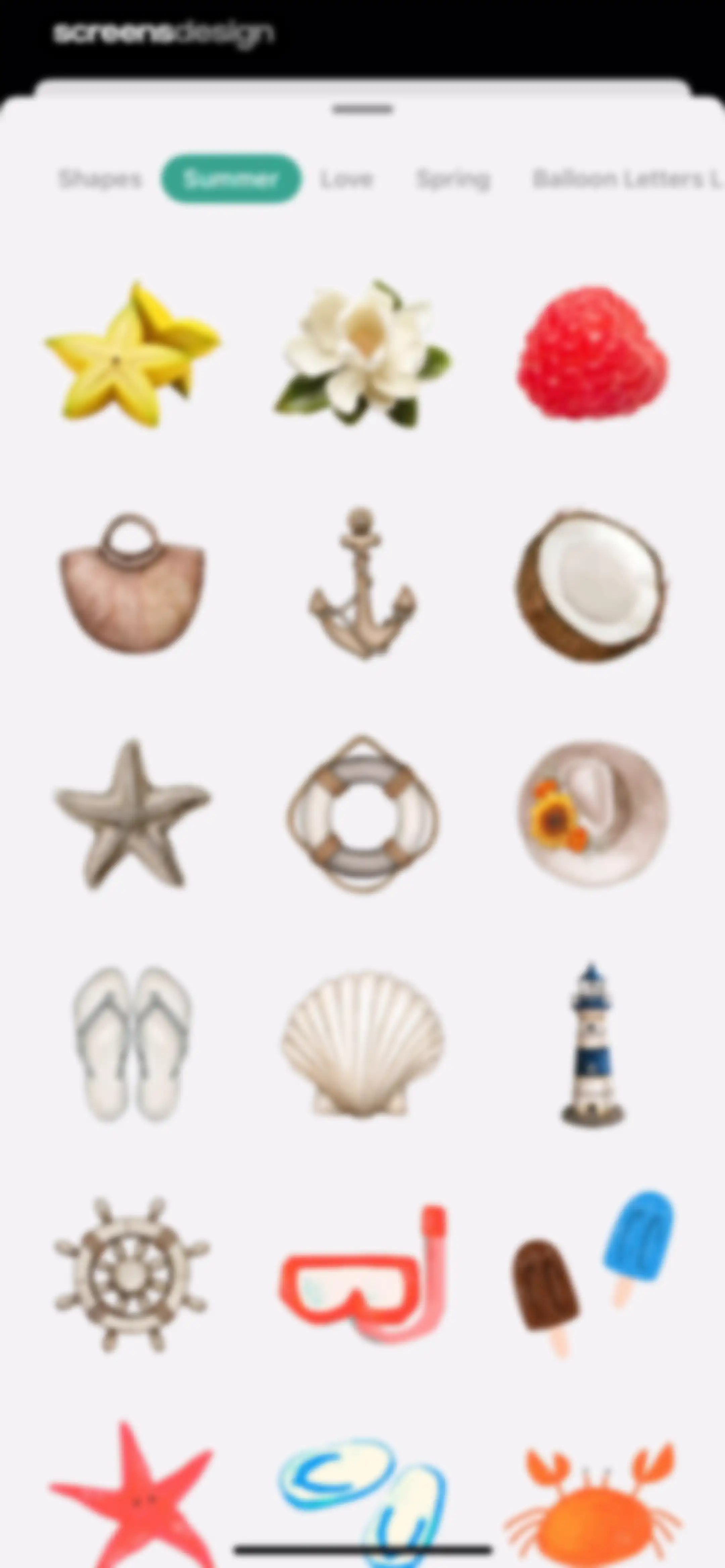
Sticker selection modal with category tabs at the top, showing the Summer tab selected and a grid of summer-themed illustrations below.Unlock Pro
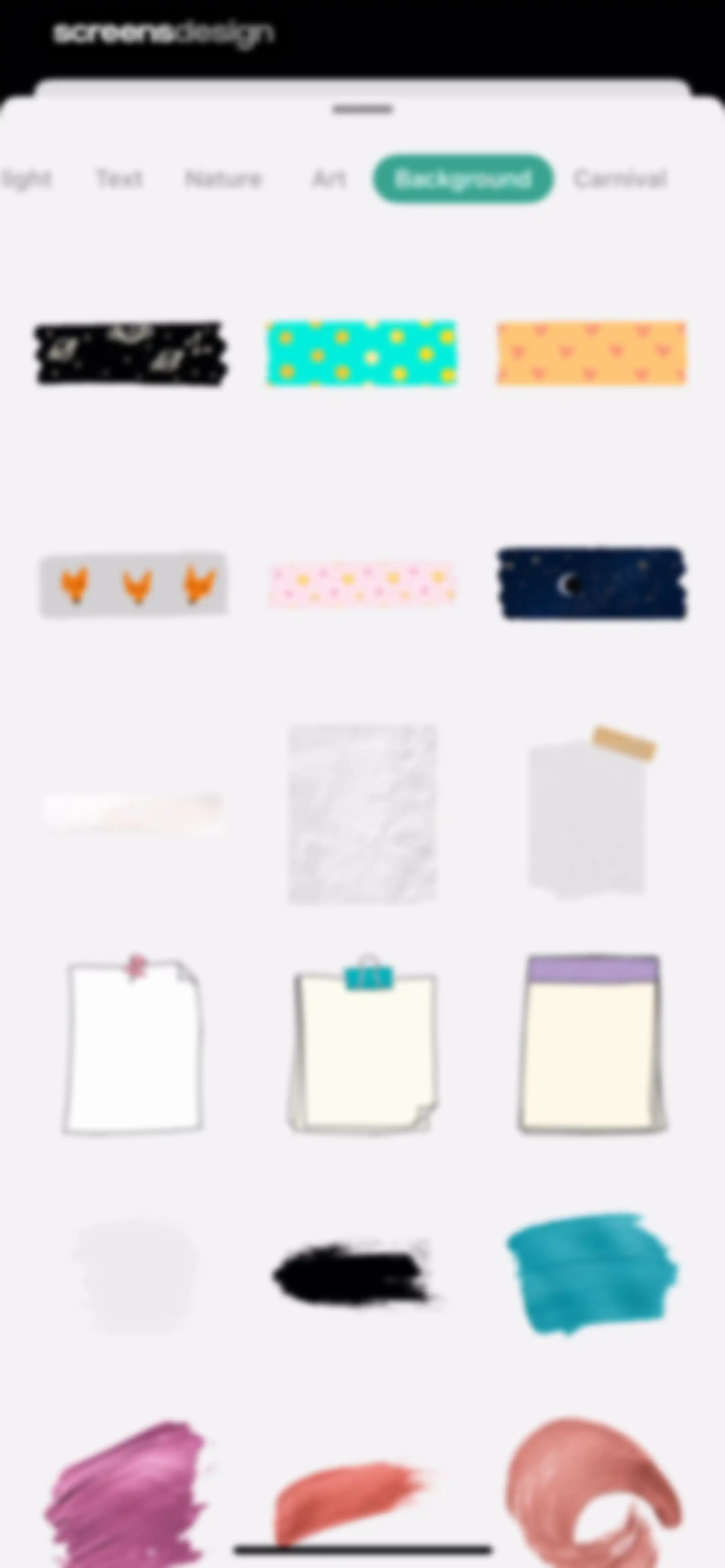
Editor modal sheet displaying a grid of selectable design assets with the Background tab selected.Unlock Pro
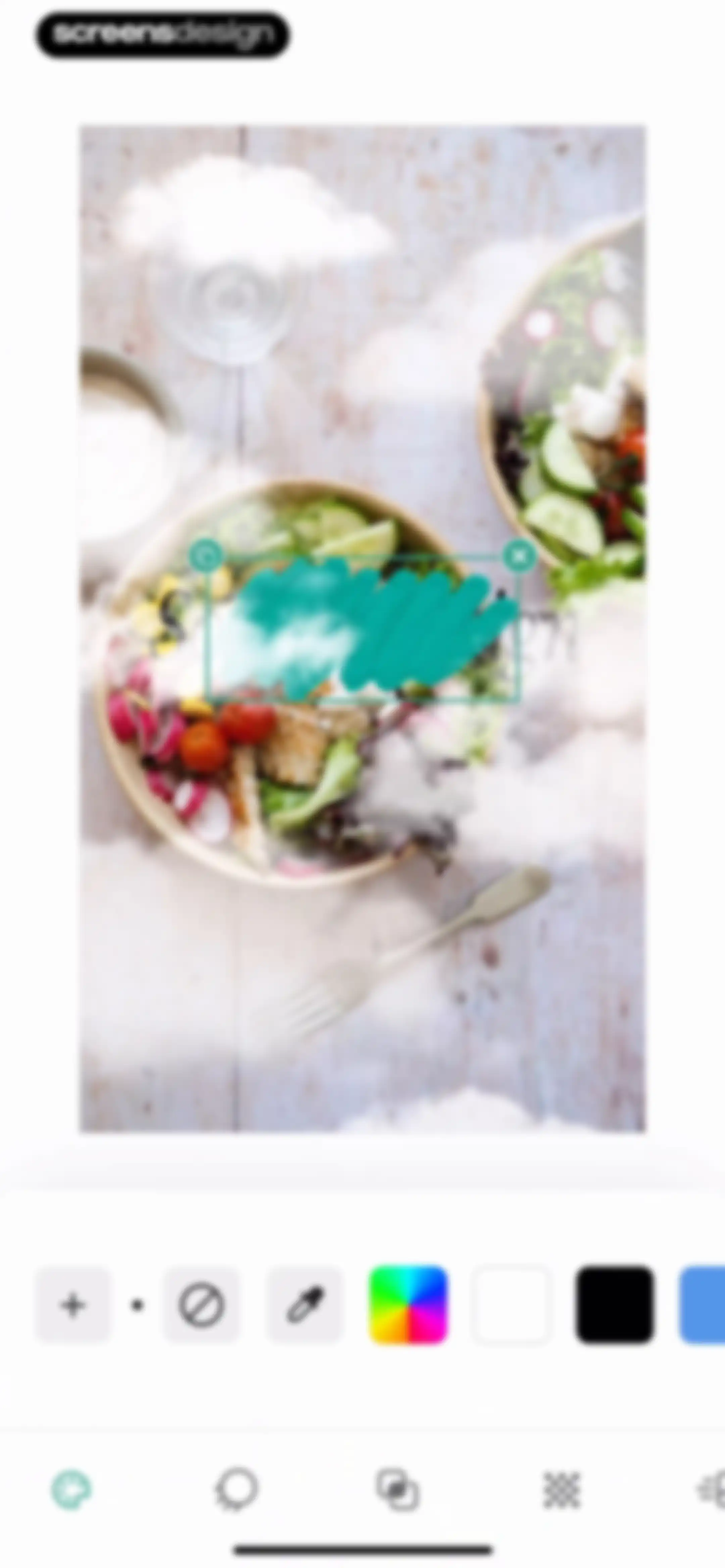
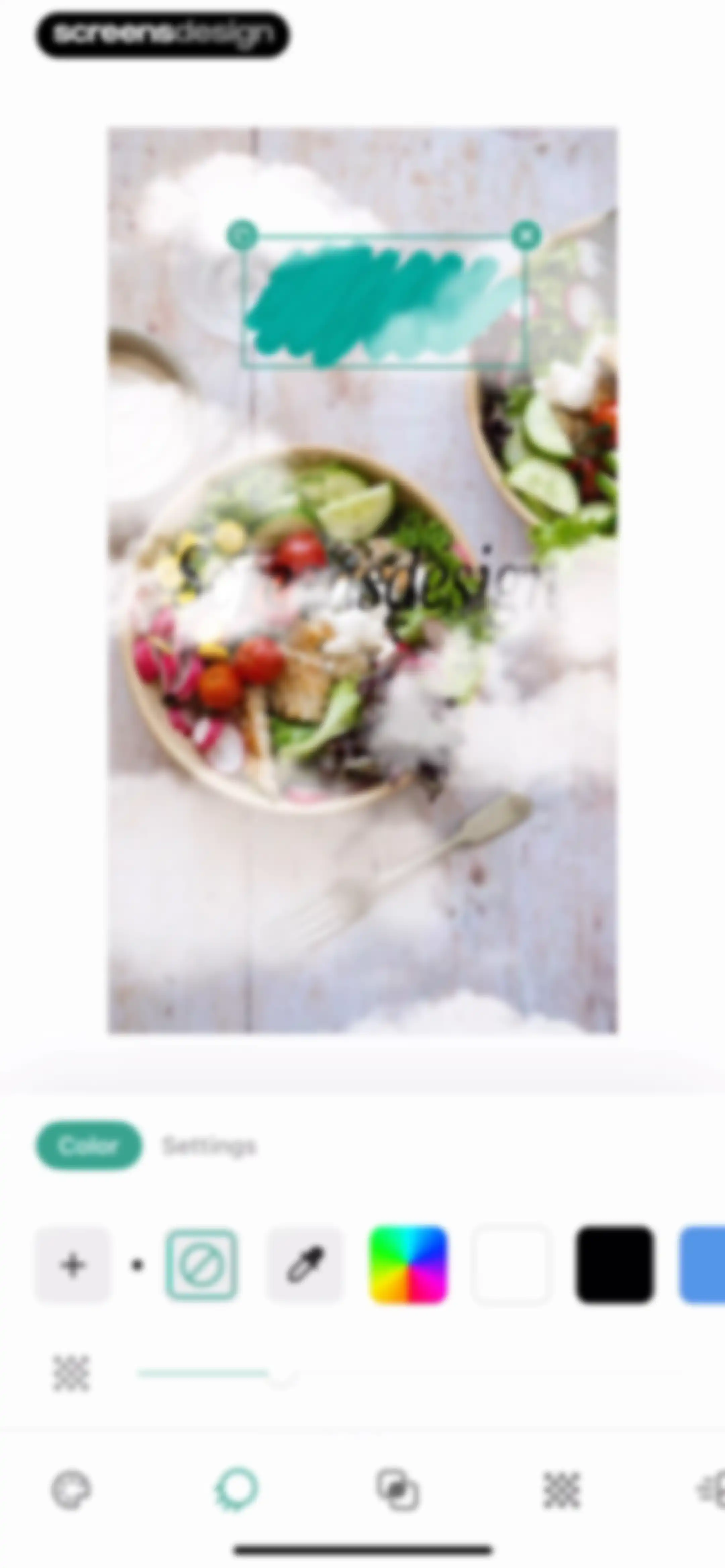
Lift photo editor interface displaying a salad bowl image with a teal brush stroke overlay and a color selection toolbar.Unlock Pro
Image editing screen displaying color tools and an active color tab with preset swatches below a selected graphic element.Unlock Pro
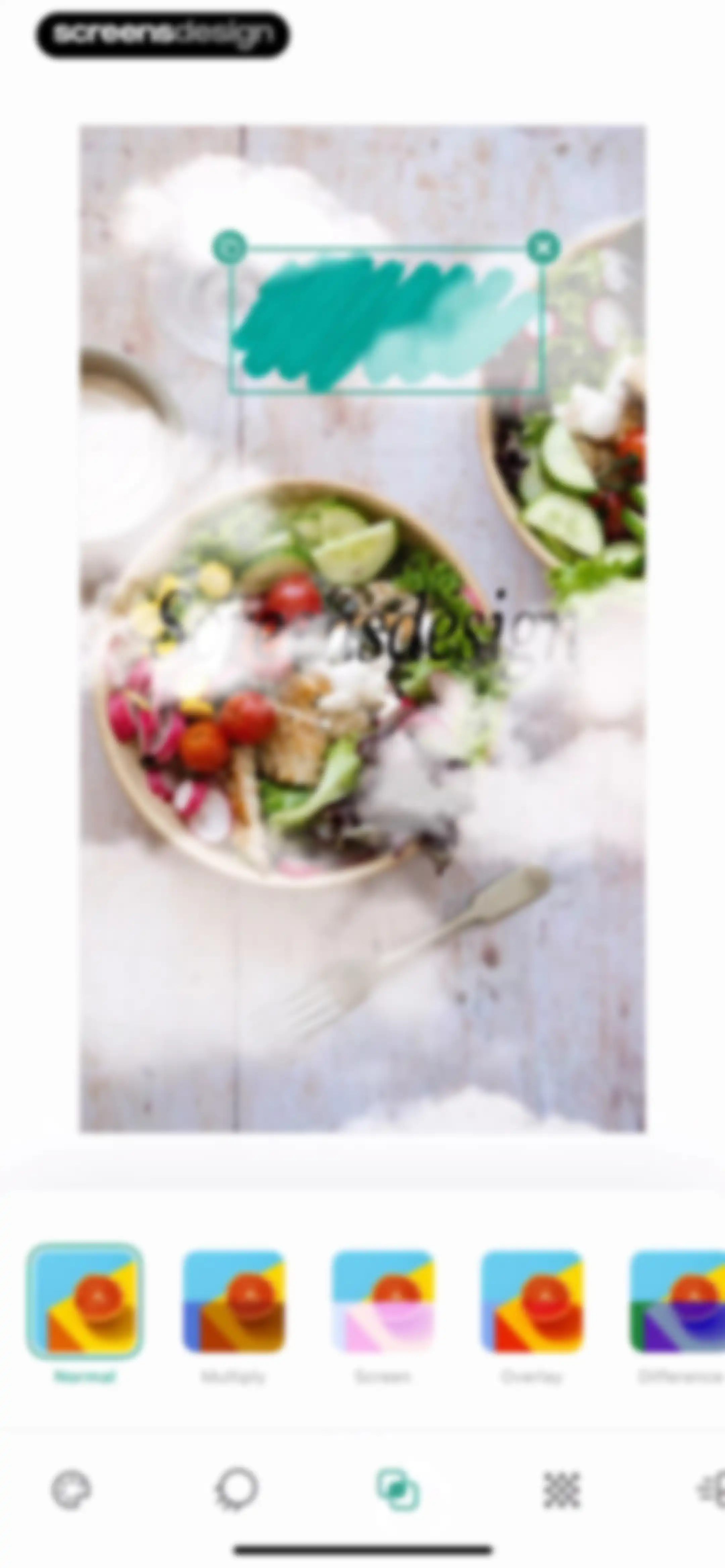
Photo editor screen showing an image with a selected layer bounding box and a blending mode carousel with Normal selected.Unlock Pro
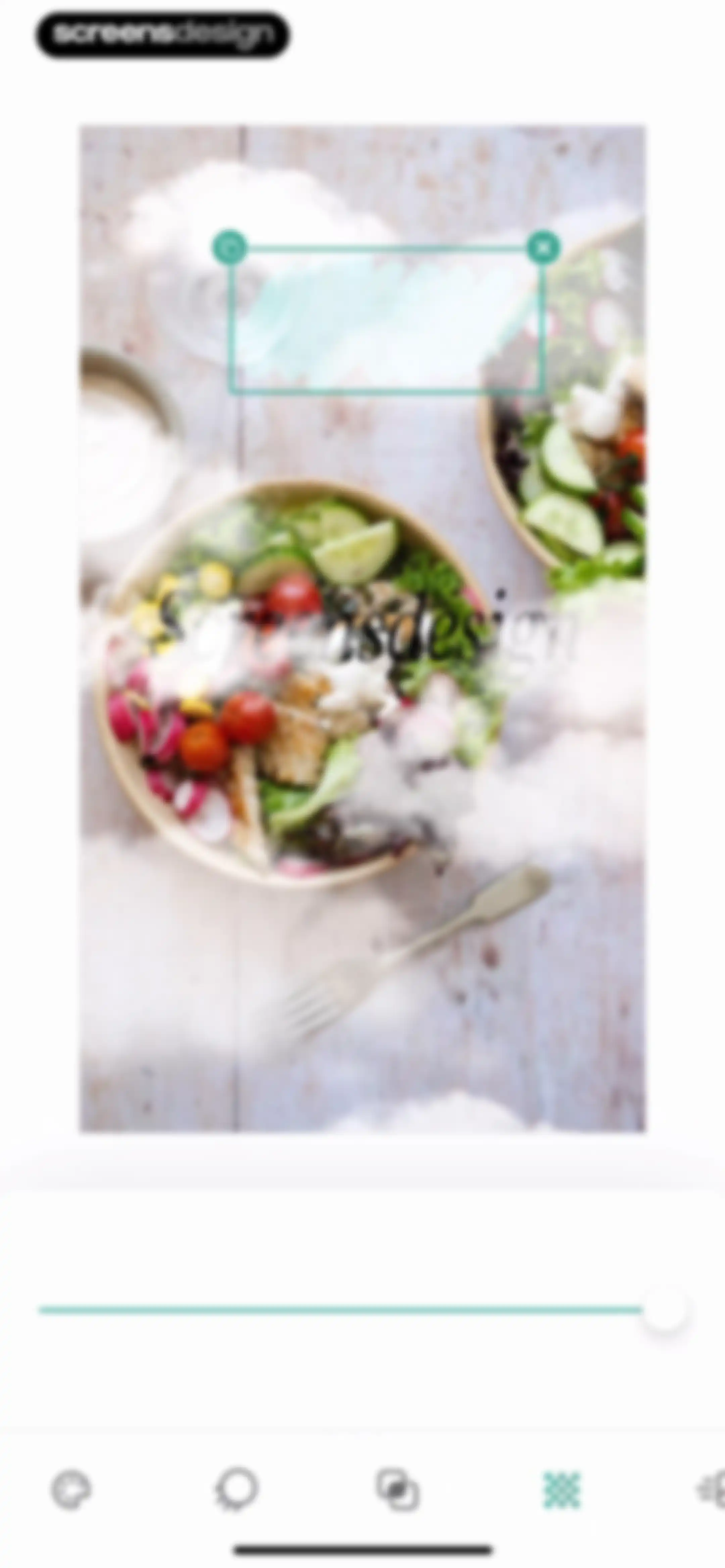
Photo editor screen showing a salad bowl image with a text overlay, an effect intensity slider, and bottom editing tools.Unlock Pro
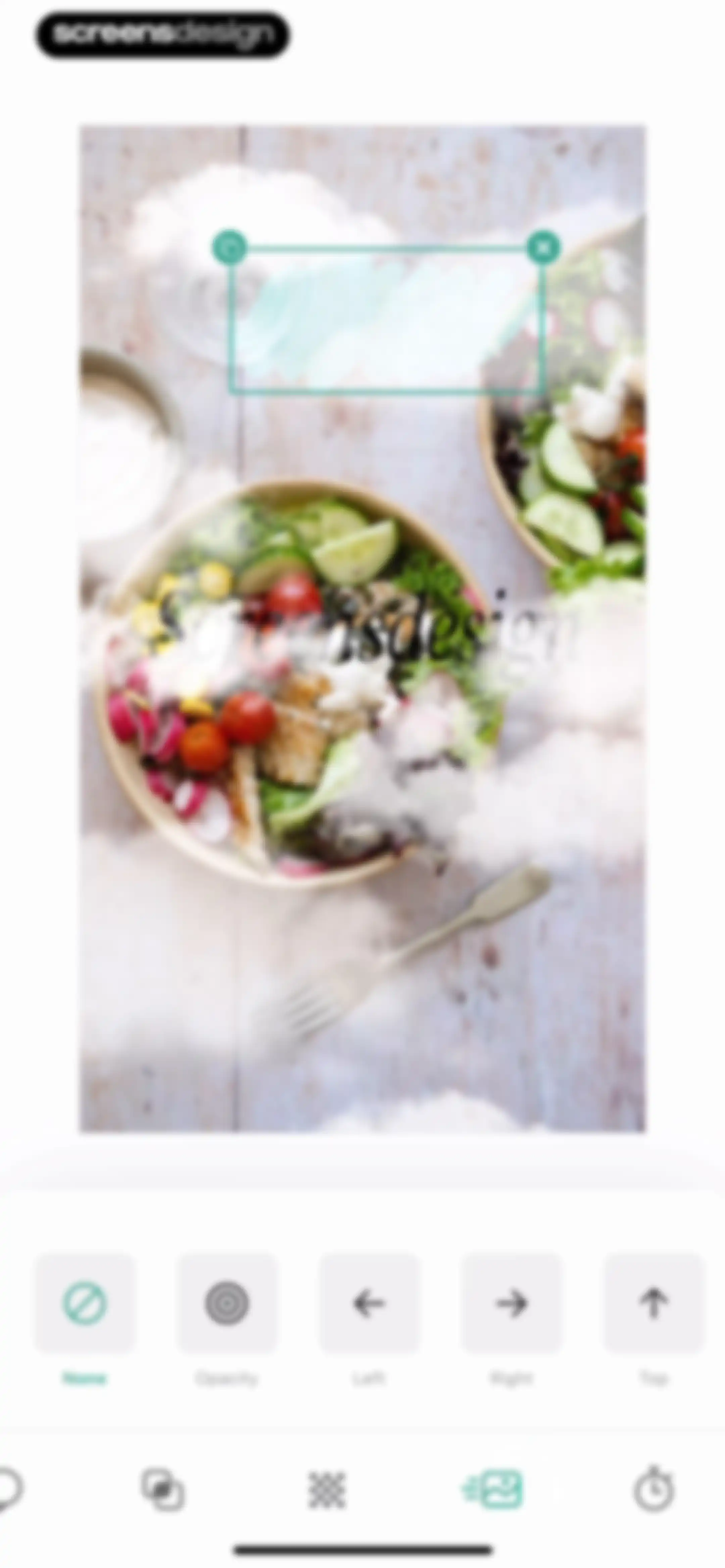
Photo editor screen showing an image canvas with a selected text box and a horizontal effect menu featuring options like None, Opacity, Left, Right, and Top.Unlock Pro
Video editor interface displaying a top preview of a salad bowl, a timeline with a total duration of 7.5s, and a bottom navigation bar with five icons.Unlock Pro
Video editor interface featuring a top preview with a salad bowl, a middle timeline track totaling 7.5 seconds, and a bottom navigation bar.Unlock Pro
Media picker screen displaying a multi-column grid of image thumbnails with a top tab navigation bar and a Recents filter dropdown.Unlock Pro
Photo editor screen showing a food image with a selection box, a Remove background button, and a bottom editing toolbar.Unlock Pro
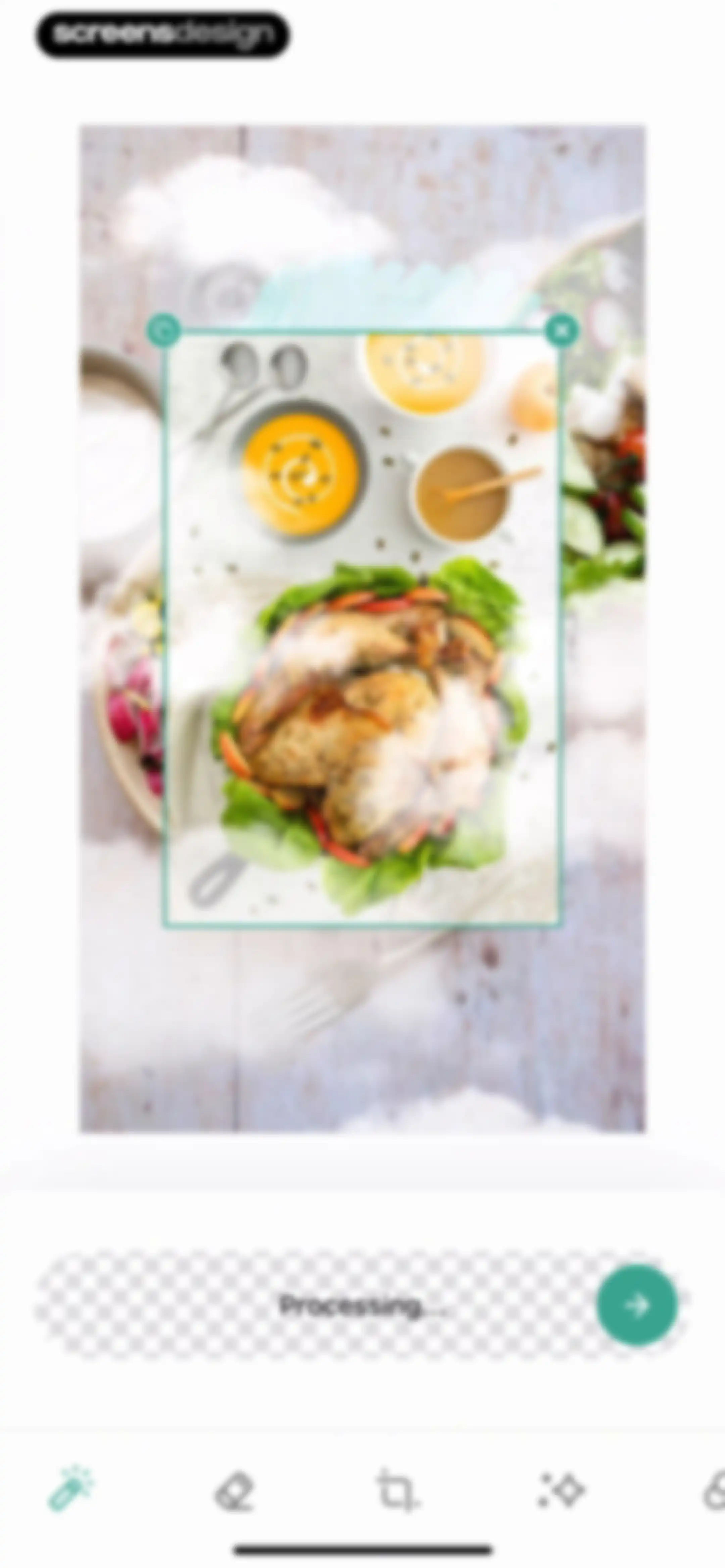
Editor screen displaying a photo with a selection box, a processing status bar, and a bottom toolbar for AI editing tools.Unlock Pro
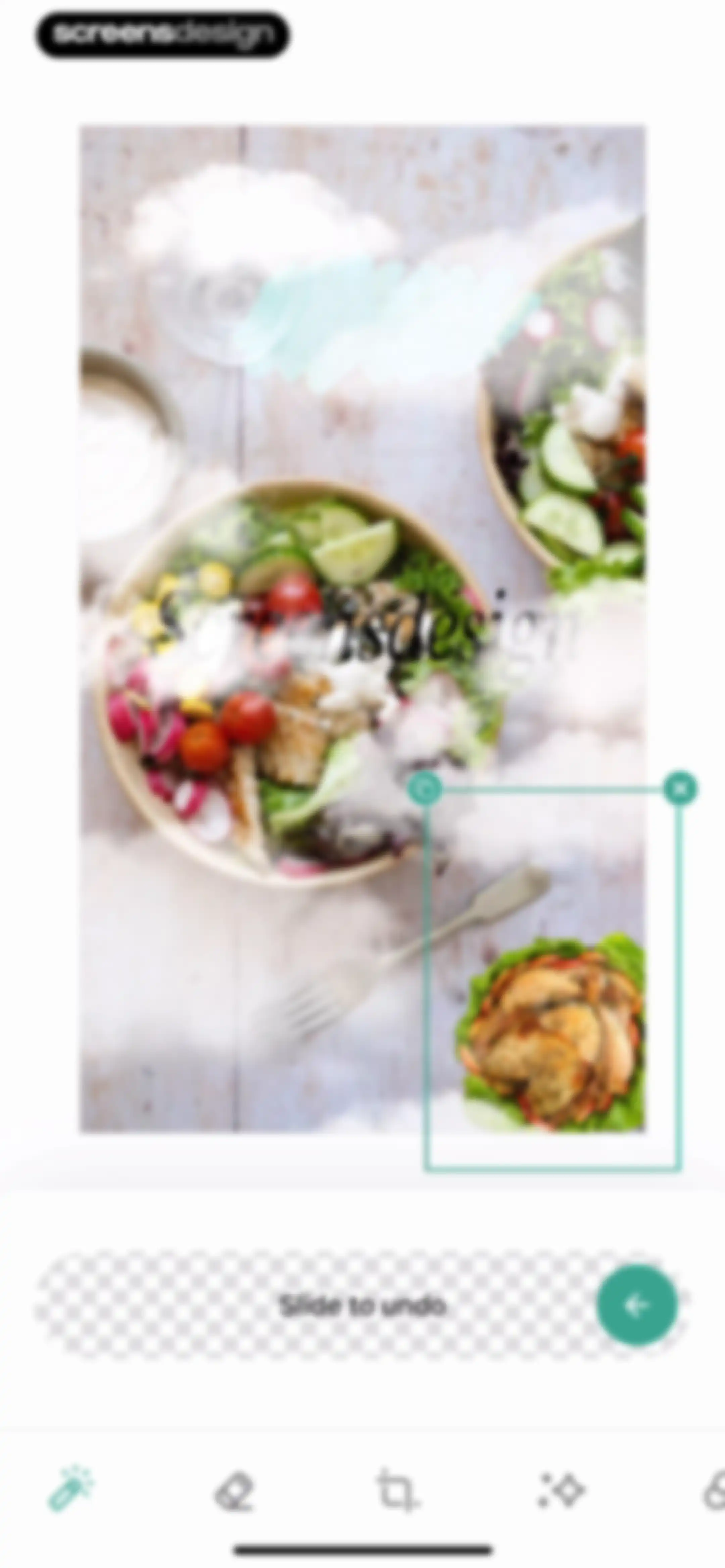
Photo editor screen displaying a food image on the canvas, a slide to undo instruction bar, and a bottom editing toolbar.Unlock Pro
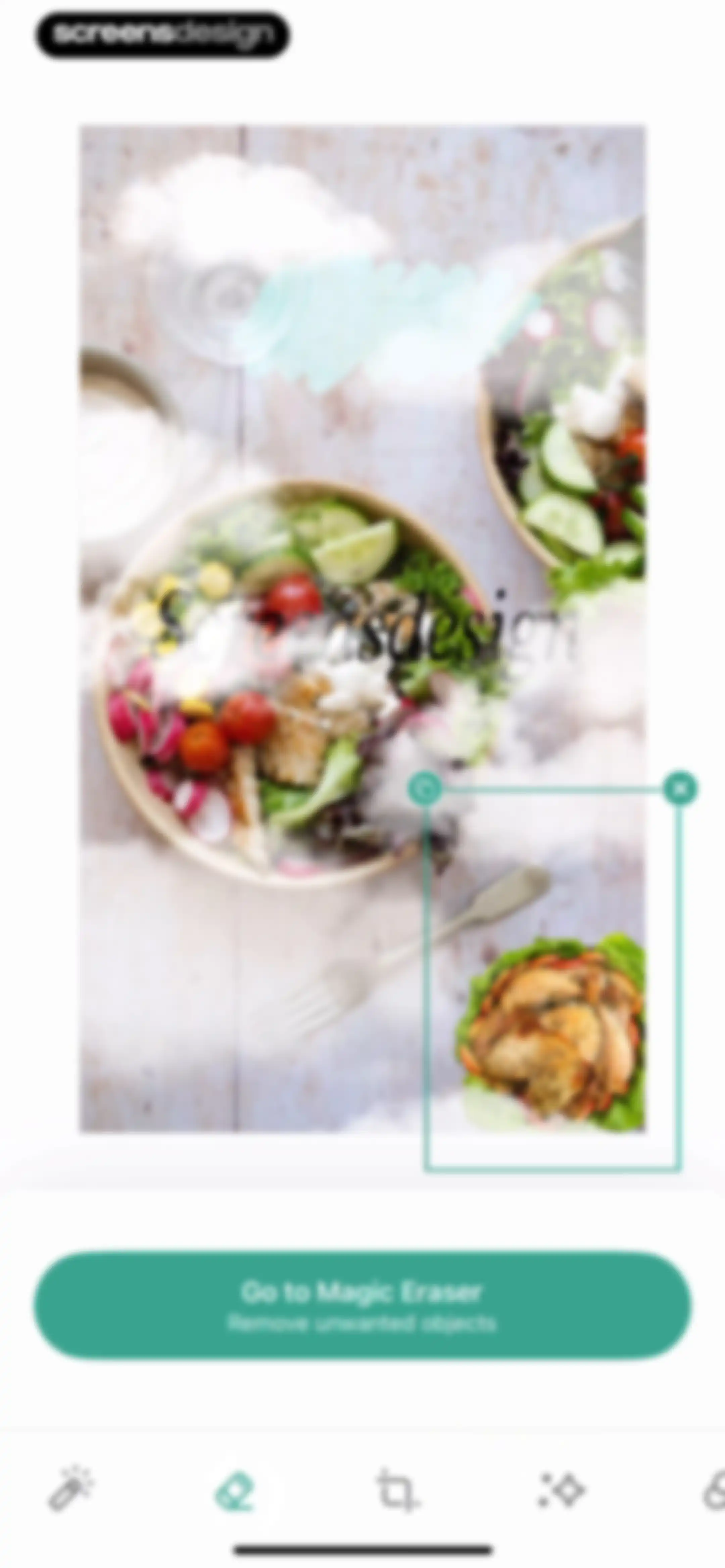
Photo editor canvas displaying a salad bowl and roasted chicken with a Go to Magic Eraser button and a bottom toolbar.Unlock Pro
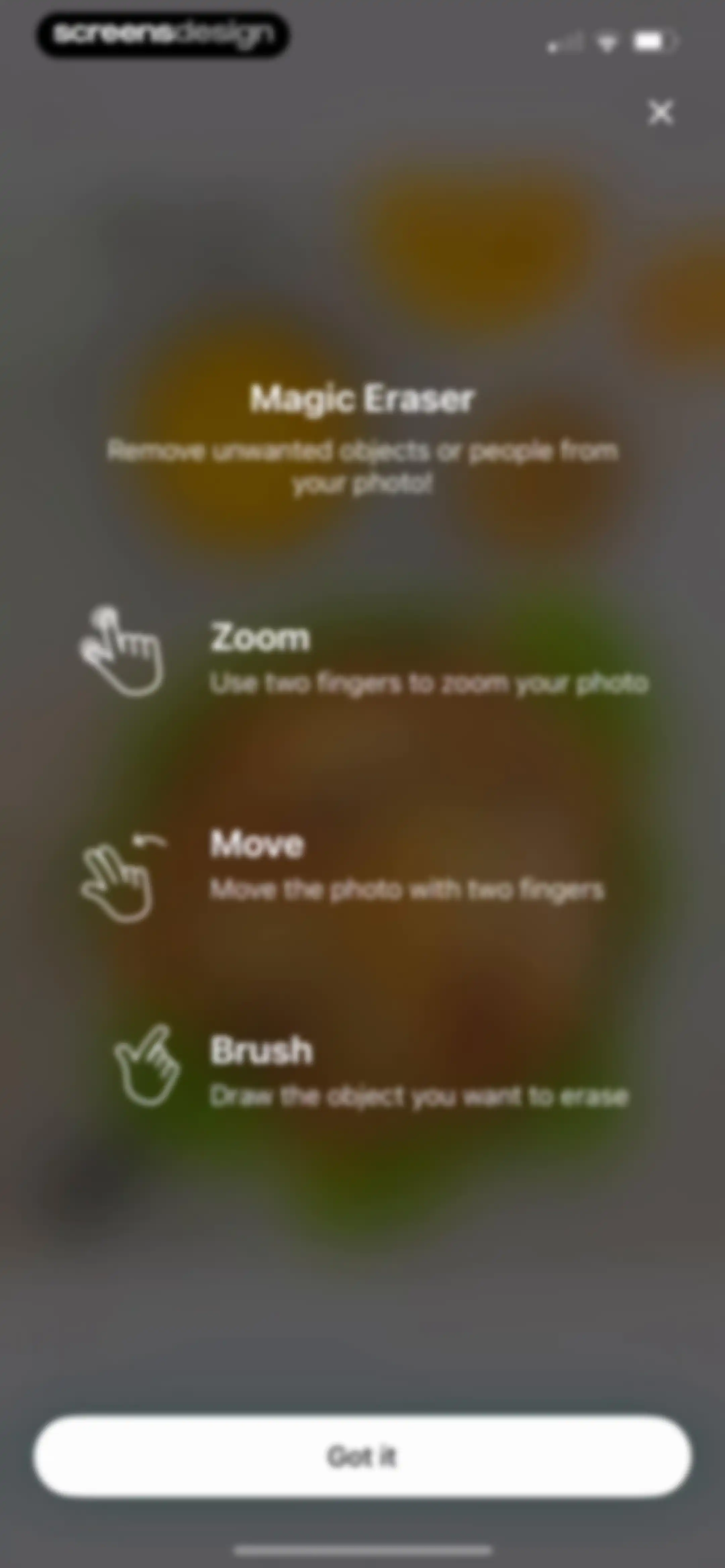
Instructional overlay for the Magic Eraser tool explaining photo editing gestures with a Got it button.Unlock Pro
Photo editor screen showing a food image with a brush tool and an Erase button.Unlock Pro
Editor screen featuring a photo of roasted chicken on a canvas with a shape selection menu and the crop tool selected in the bottom navigation bar.Unlock Pro
Photo editor screen showing an image preview with a salad and a chicken overlay, a filter carousel with the None option selected, and a bottom editing tool bar.Unlock Pro
Photo editor filter screen displaying a salad preview, a filter selection carousel with Original selected, and an Apply to all button.Unlock Pro
Photo editor screen showing a food composition with an adjustment slider and Cancel and Done buttons at the bottom.Unlock Pro
Photo editor adjustment screen displaying a food preview with an Apply to all button and a row of editing tools including exposure and contrast.Unlock Pro
Photo editor screen showing an image of a salad bowl with a selection box, adjustment slider, and Cancel and Done buttons.Unlock Pro
Photo editor color tab showing a selected overlay image, a color control panel with an eyedropper tool, and bottom navigation.Unlock Pro
Photo editor canvas displaying an image overlay with a bounding box, color selection tools in the middle, and Cancel and Done buttons at the top.Unlock Pro
Editor interface showing a vertical list of image and text layer controls overlaid on a background photo.Unlock Pro
Photo editor displaying a food photograph of salad bowls on a wooden surface with a close button and share icons.Unlock Pro
Export options screen displaying a salad bowl photo preview with stacked buttons for exporting with animation or as static.Unlock Pro
Feedback modal overlay asking how was your experience with Story maker, featuring Bad, Neutral, and Awesome rating buttons.Unlock Pro
Social sharing screen with a food collage preview, a thank-you message at the top, and a row of download and social media buttons at the bottom.Unlock Pro
Story export confirmation screen with a green success banner, central image preview, and four circular social sharing buttons at the bottom.Unlock Pro
Share sheet displaying a video preview, app sharing options, and a vertical list of actions with a Done button.Unlock Pro
Projects dashboard with a filter tab bar and a feedback request modal featuring a five-star rating system and a Submit response button.Unlock Pro
Projects dashboard with a login prompt, category filter tabs with All selected, and a project grid displaying a food design card.Unlock Pro
Home screen featuring a grid of editing feature cards, filter tabs, and a trends spotlight feed with a bottom navigation bar.Unlock Pro
Home dashboard for the Lift app with card-based sections for templates, AI tools, and other editing features.Unlock Pro
Inspirational feed displaying a prompt card to create your own image, category filter tabs with All selected, and a masonry grid of AI-generated photos.Unlock Pro
Inspirational feed displaying a prompt input card, category filter tabs with Food selected, and a masonry grid of AI-generated food images.Unlock Pro
AI image generation configuration screen with a prompt input field, size selection showing Story as selected, and a Generate button.Unlock Pro
AI image generation output screen displaying a photo of chicken wings in a carousel with a Save image button.Unlock Pro
AI image result screen displaying a photograph of chicken wings with a Save image button and a Generate more link.Unlock Pro
Image save confirmation screen displaying a chicken wings photo carousel, a green success banner, and Save image and Generate more actions.Unlock Pro
Feedback modal overlaying an image preview, asking how was your experience with three emoji rating buttons labeled Bad, Neutral, and Awesome.Unlock Pro
Post-generation result screen displaying AI-generated food photography in a carousel, with a Save image button and a Generate more link.Unlock Pro
Confirmation modal overlaying an image result, with a warning that unsaved results will be lost, and Cancel and Close buttons.Unlock Pro
Home screen of the Lift app featuring top feature cards, filter tabs, and scrollable video content sections with a bottom navigation bar.Unlock Pro
Hot Reels content feed displaying a two-column grid of video template cards with clip counts, durations, and music tracks.Unlock Pro
Video template preview screen showing a central preview card with duration, audio details, and a Use Template button.Unlock Pro
Video template feed with horizontal filter tabs, family and business sections, and a bottom navigation bar with Explore selected.Unlock Pro
Content feed displaying horizontal category filter tabs with Stories selected, vertical template sections including Classic and Sport cards, and a bottom navigation bar.Unlock Pro
Content feed featuring a two-column grid of video templates with filter tabs at the top and a bottom navigation bar.Unlock Pro
Onboarding screen featuring a media selection grid with selected video thumbnails, descriptive text about easy editing tools, and a Next button.Unlock Pro
Video editor filter selection screen with a video preview at the top, the Aden filter selected in the middle carousel, and a Next button.Unlock Pro
Music selection screen featuring a list of tracks, the Lift Music tab selected, a persistent player bar, and a Next button.Unlock Pro
Onboarding screen highlighting video format options with a grid of aspect ratio buttons and a Get Started button.Unlock Pro
Media selection screen displaying a grid of photos and videos, a selection tray indicating zero of fifty media chosen, and a disabled next button.Unlock Pro
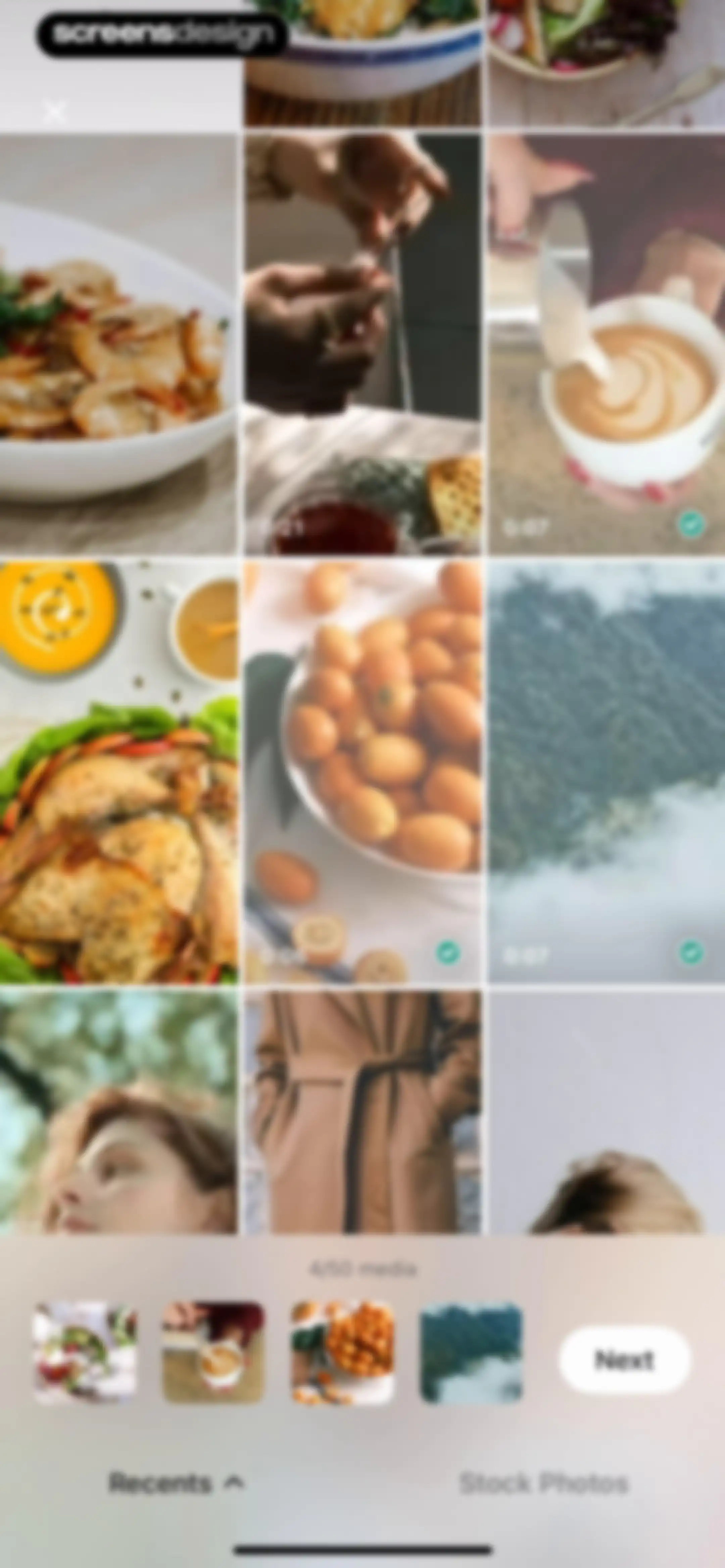
Media selection screen displaying a grid of photos, a selection carousel showing four of fifty items selected, and a Next button.Unlock Pro
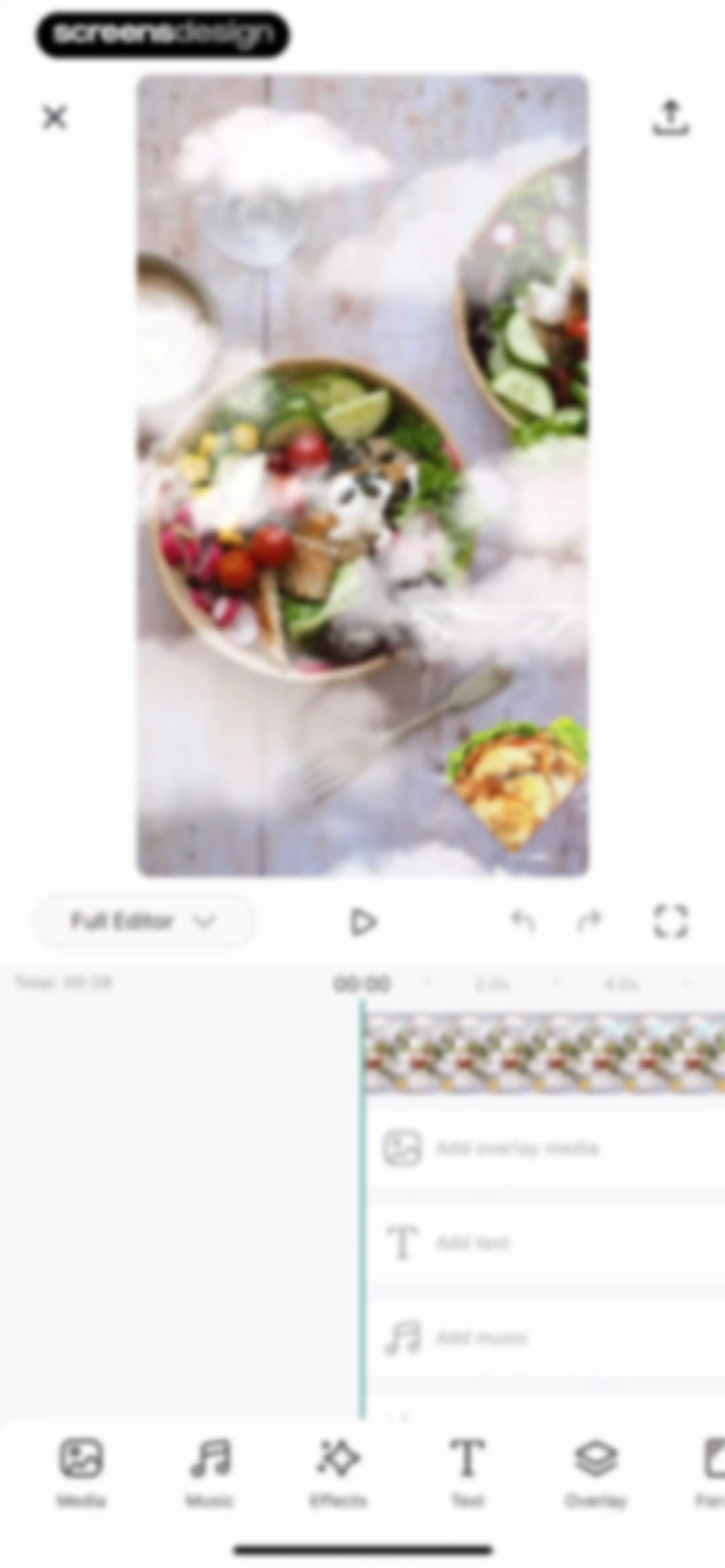
Video editor screen featuring a top preview area, a timeline with layer options, and bottom editing tools.Unlock Pro
Video editor interface featuring a top preview area, a timeline with editing tools, and playback controls with a play button.Unlock Pro
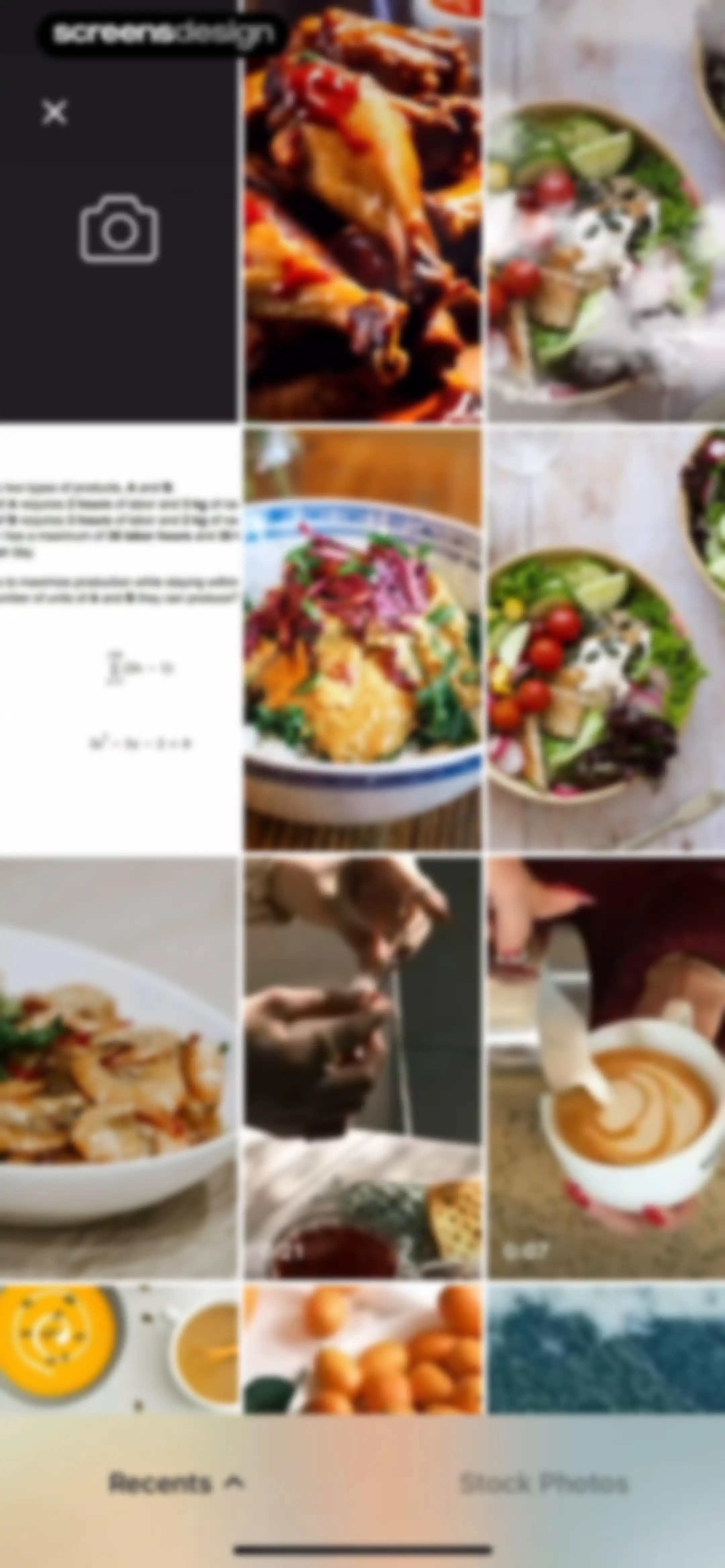
Media picker grid displaying recent photos and videos with a camera button and a bottom tab navigation bar.Unlock Pro
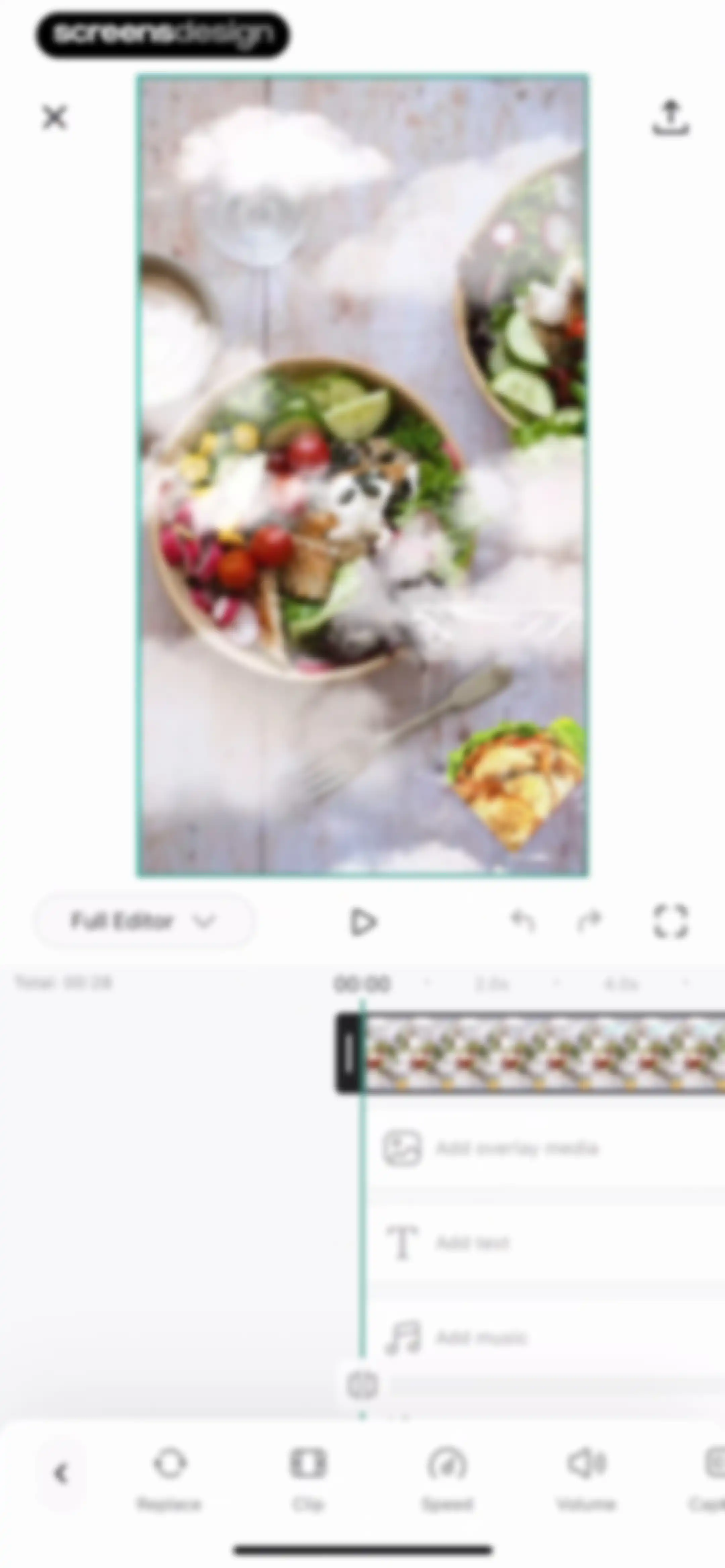
Video editor interface displaying a central preview, a timeline with a playhead at zero, and a bottom navigation bar with editing tools.Unlock Pro
Video editing screen with a central preview of a crocheting video, a timeline scrubber, and speed adjustment tools selected in the bottom navigation.Unlock Pro
Video editor interface displaying a captions error modal with the captions tool selected in the bottom navigation bar.Unlock Pro
Video editor screen displaying a filter selection carousel with the Dark 1 filter selected, a timeline scrubber, and an Apply to all button.Unlock Pro
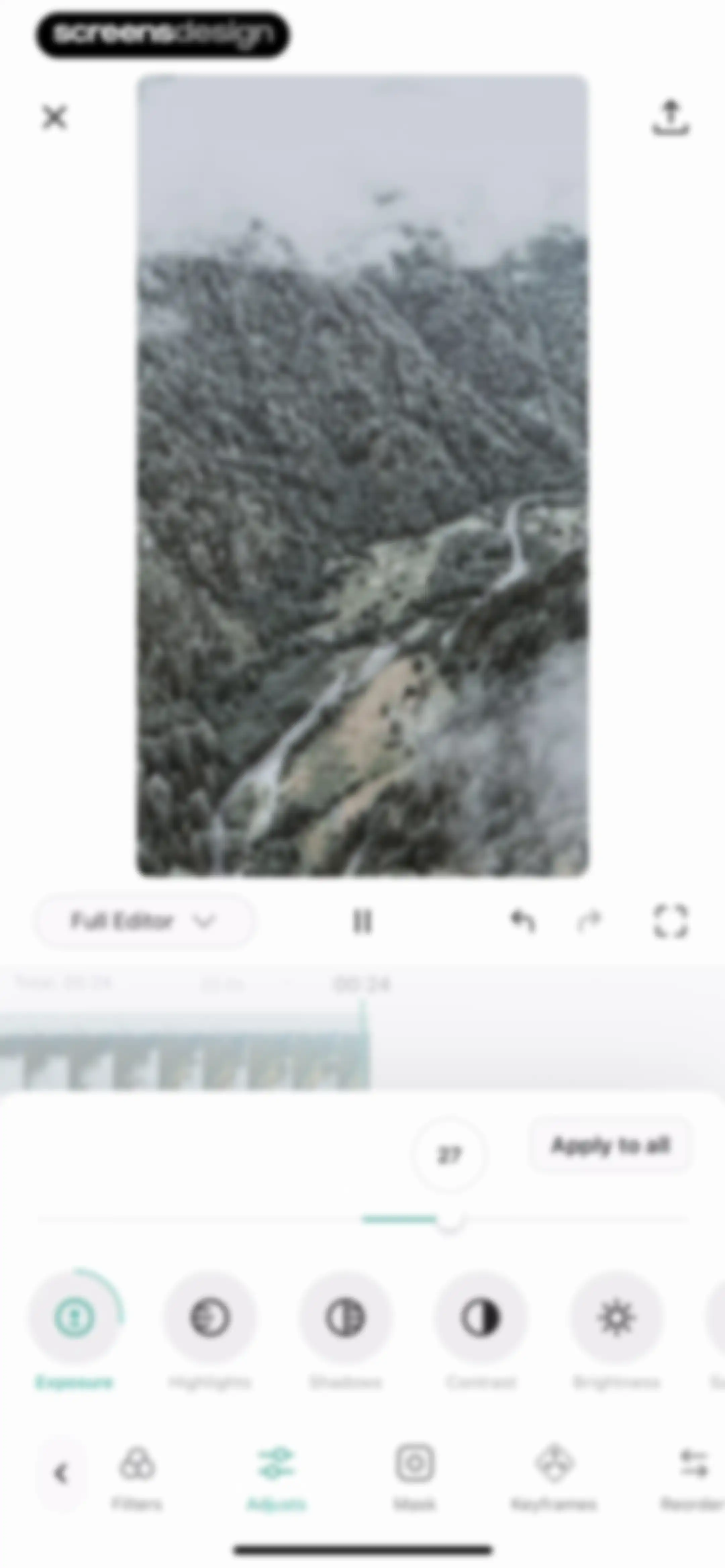
Video editor interface displaying a mountain landscape preview, timeline, adjustment slider, and an active Exposure tool with an Apply to all button.Unlock Pro
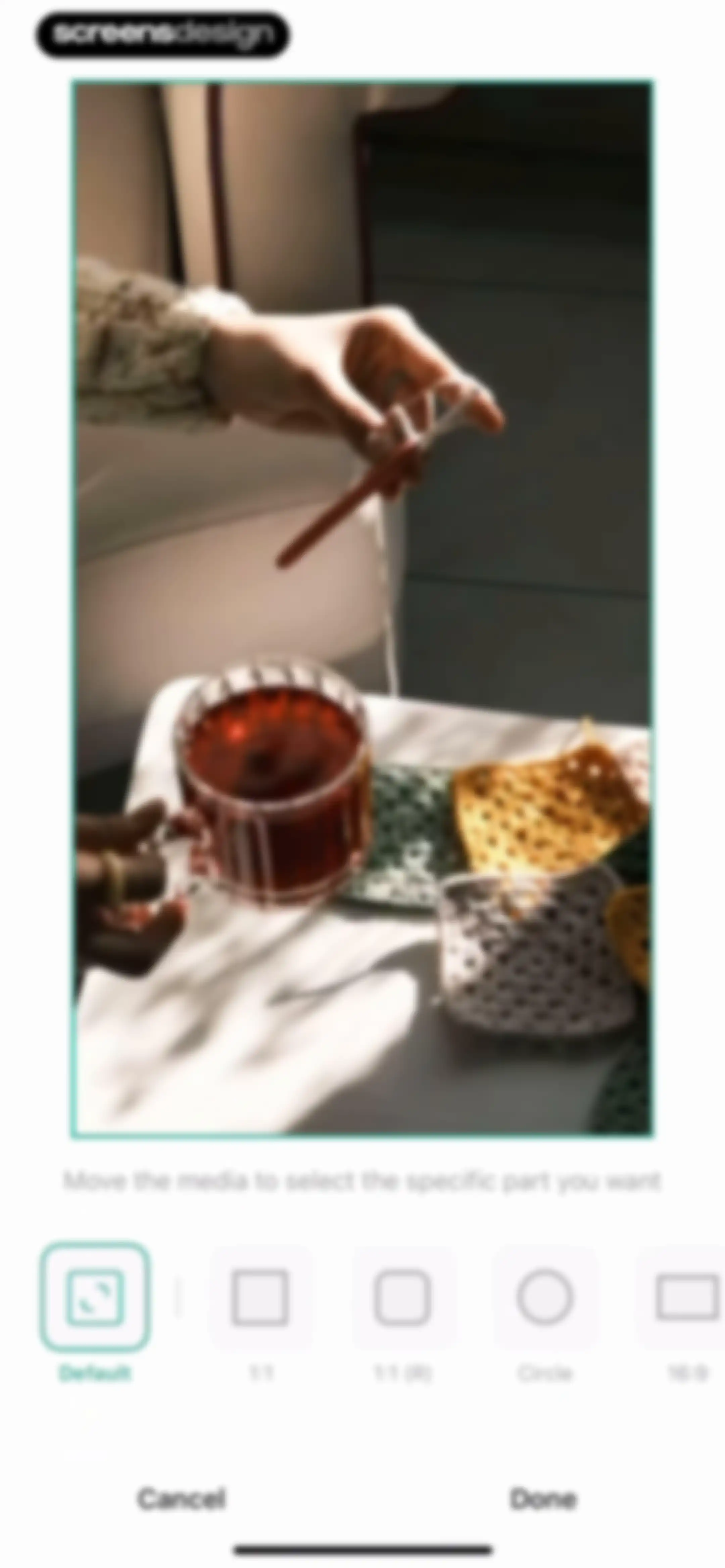
Media cropping screen displaying a photo preview, instructional text, a horizontal row of aspect ratio options with Default selected, and Cancel and Done buttons.Unlock Pro
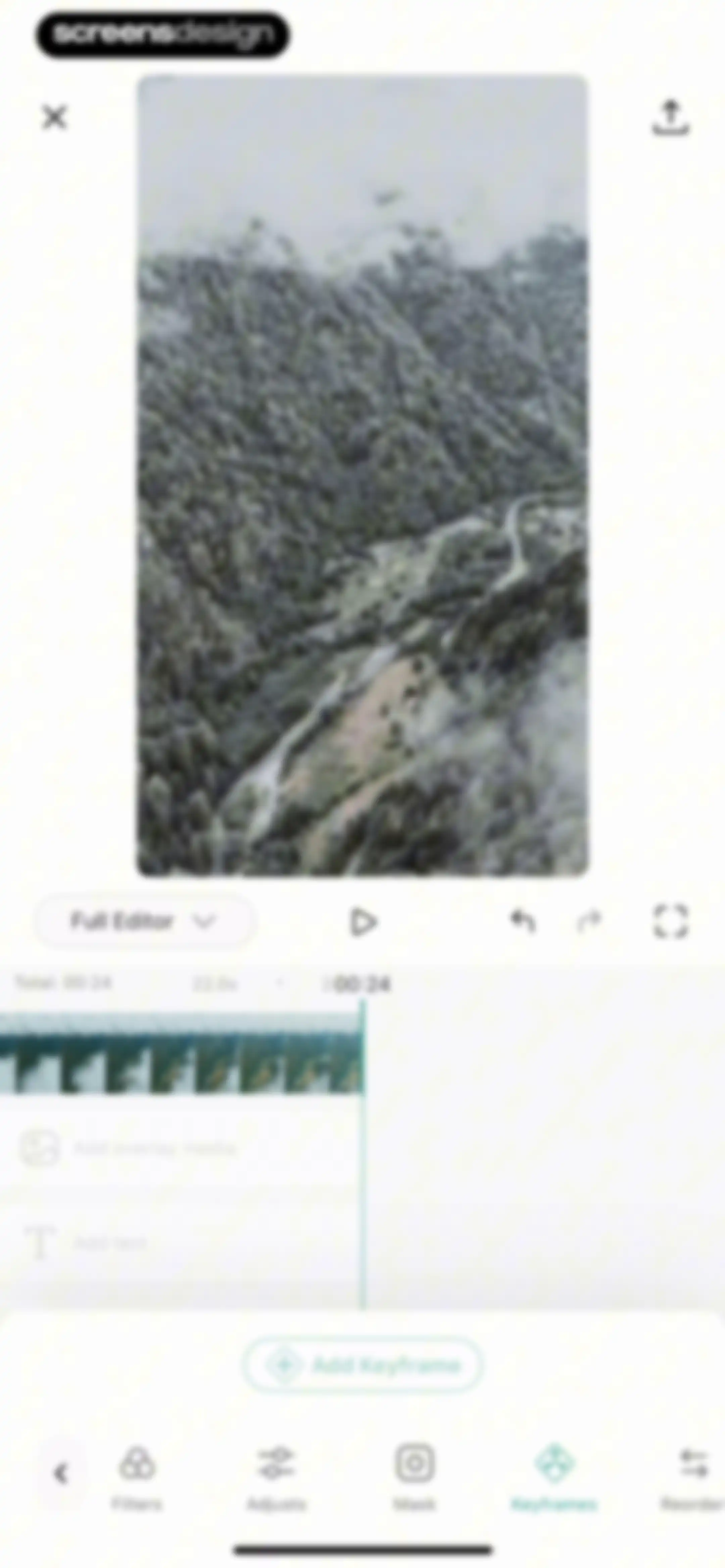
Video editor interface displaying a central forest landscape preview, a timeline at 24 seconds, editing tools, and an Add Keyframe button.Unlock Pro
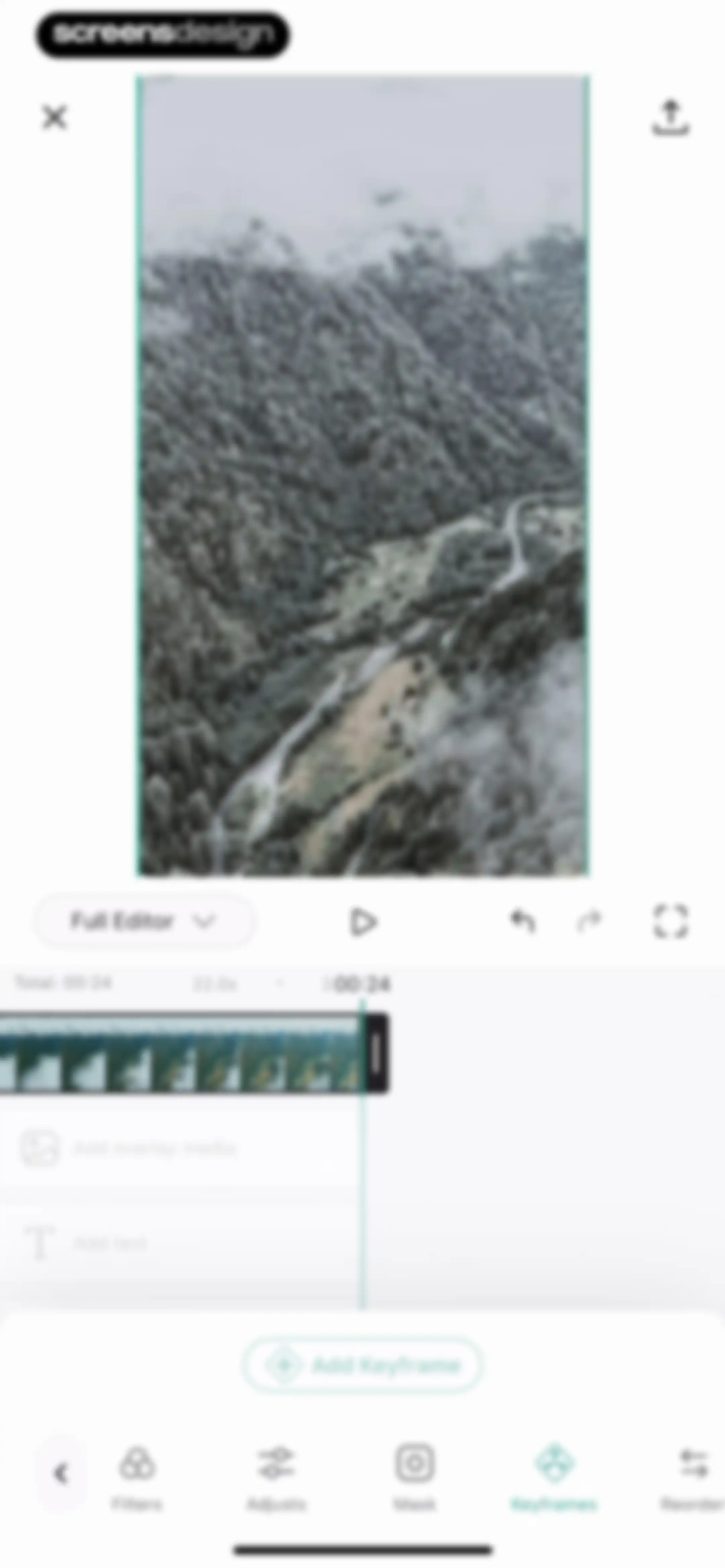
Video editor interface featuring a central preview, timeline with filmstrip, and an Add Keyframe button above a bottom tool navigation bar.Unlock Pro
Media editor screen displaying a mountain landscape preview, control bar, thumbnail carousel, and Cancel and Done action buttons.Unlock Pro
Video editing interface with a preview area, timeline tracks, and a bottom navigation bar featuring media, music, and text options.Unlock Pro
Royalty-free music selection screen displaying top navigation tabs and a two-column grid of mood category cards like Happy and Calm.Unlock Pro
Music selection modal with mood category cards, a persistent player bar, and an Add button.Unlock Pro
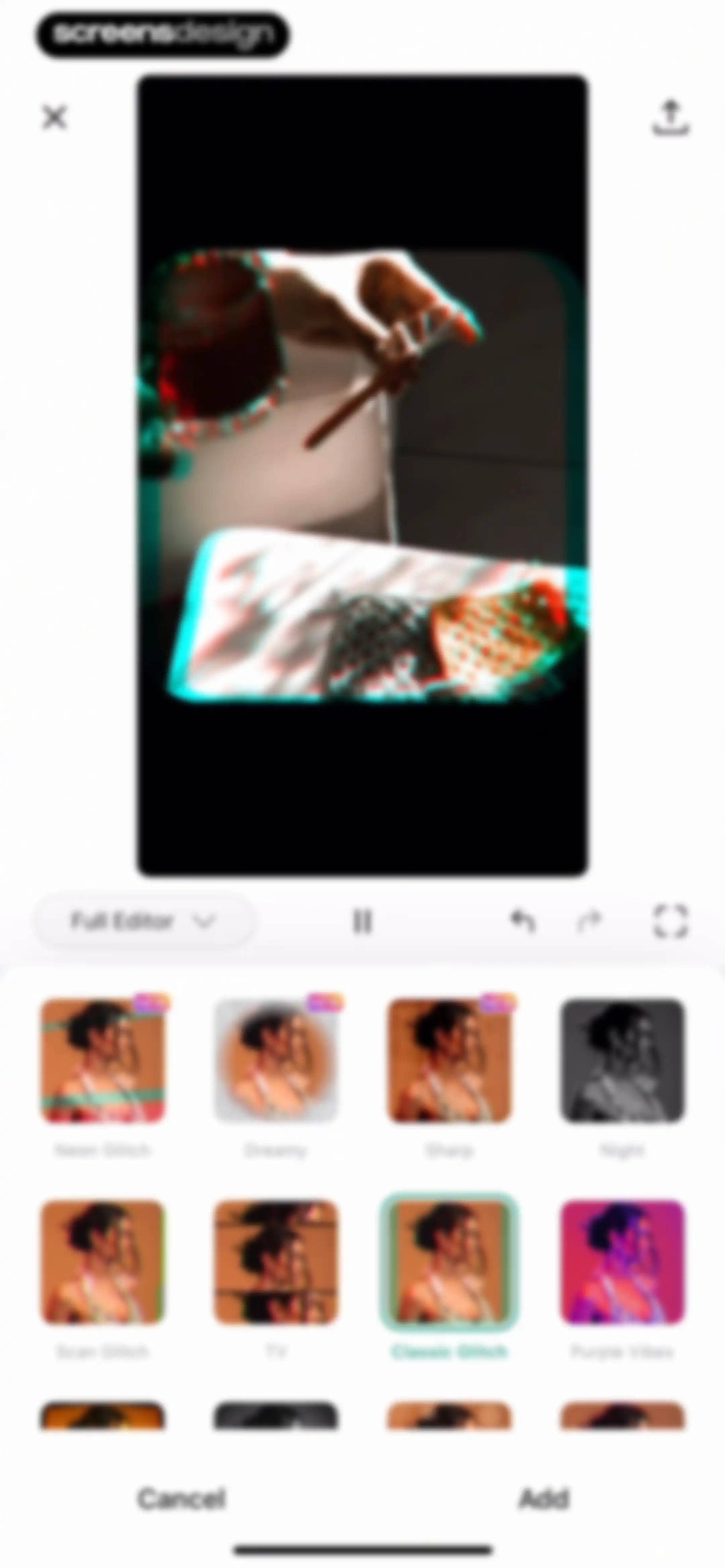
Video editor filter selection screen displaying a grid of filter presets with the Classic Glitch effect selected and an Add button.Unlock Pro
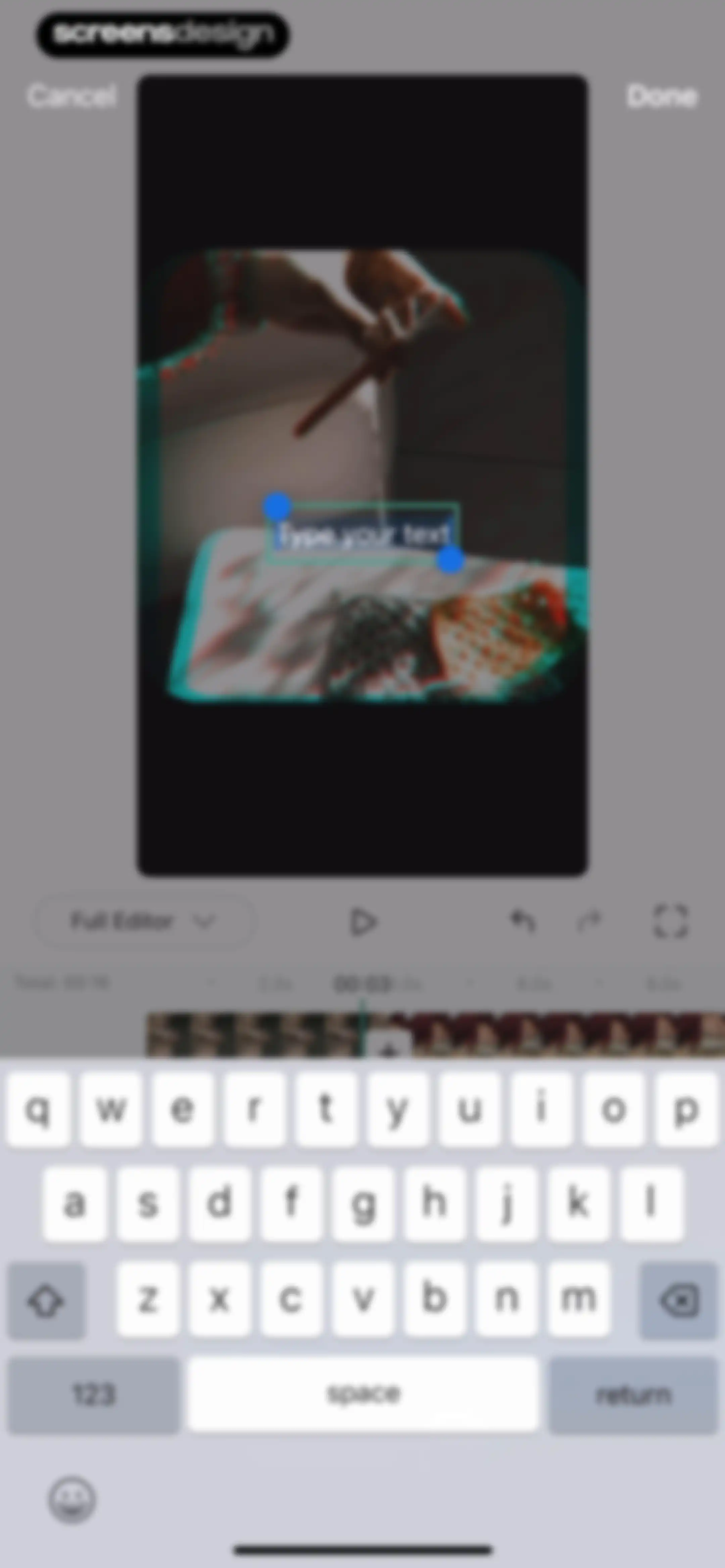
Video editor interface featuring a central preview area, timeline editor, and a text input field with the system keyboard open.Unlock Pro
Media selection screen displaying a grid of photos and videos with a Recents tab and a camera shortcut.Unlock Pro
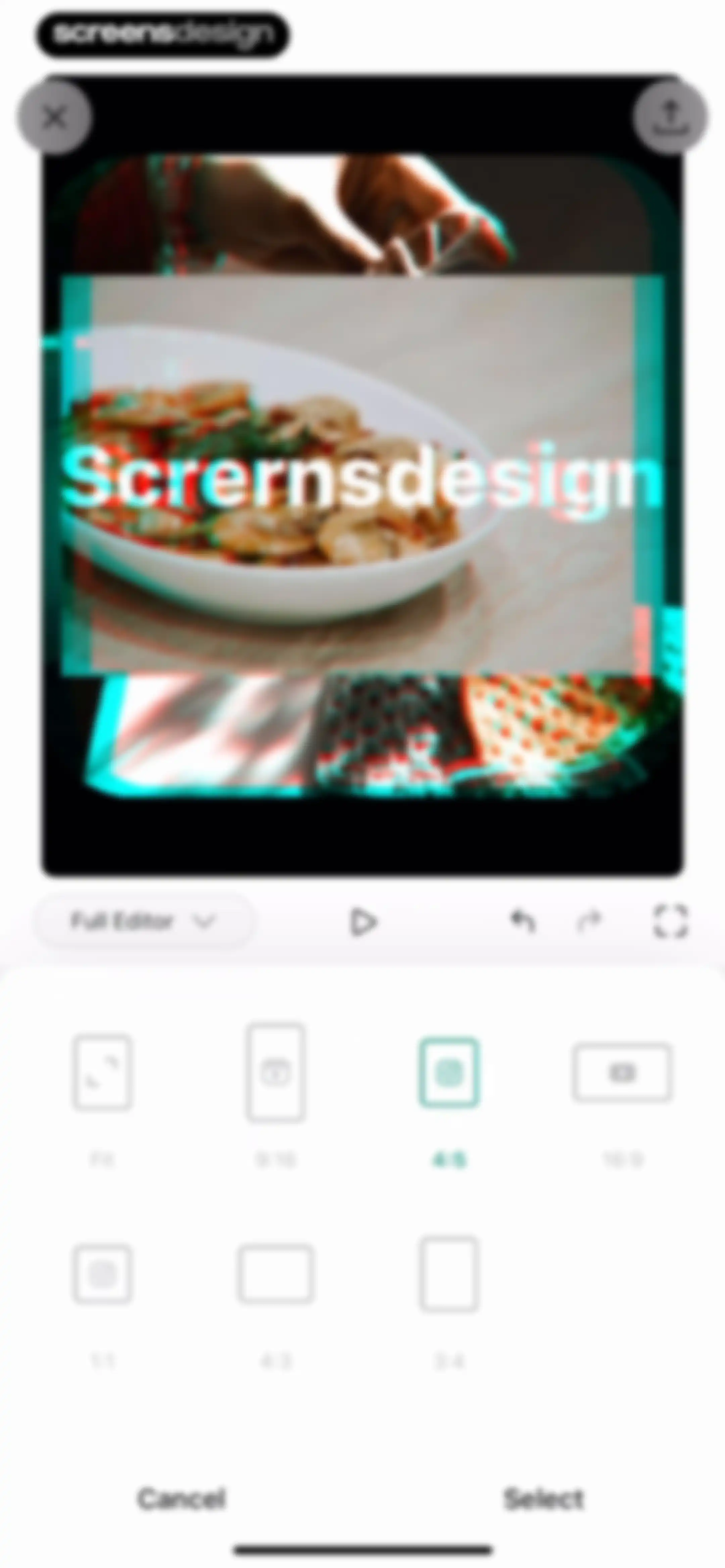
Aspect ratio selection screen in a photo and video editor, showing a food dish preview and a grid of frame options with the 4:5 ratio selected.Unlock Pro
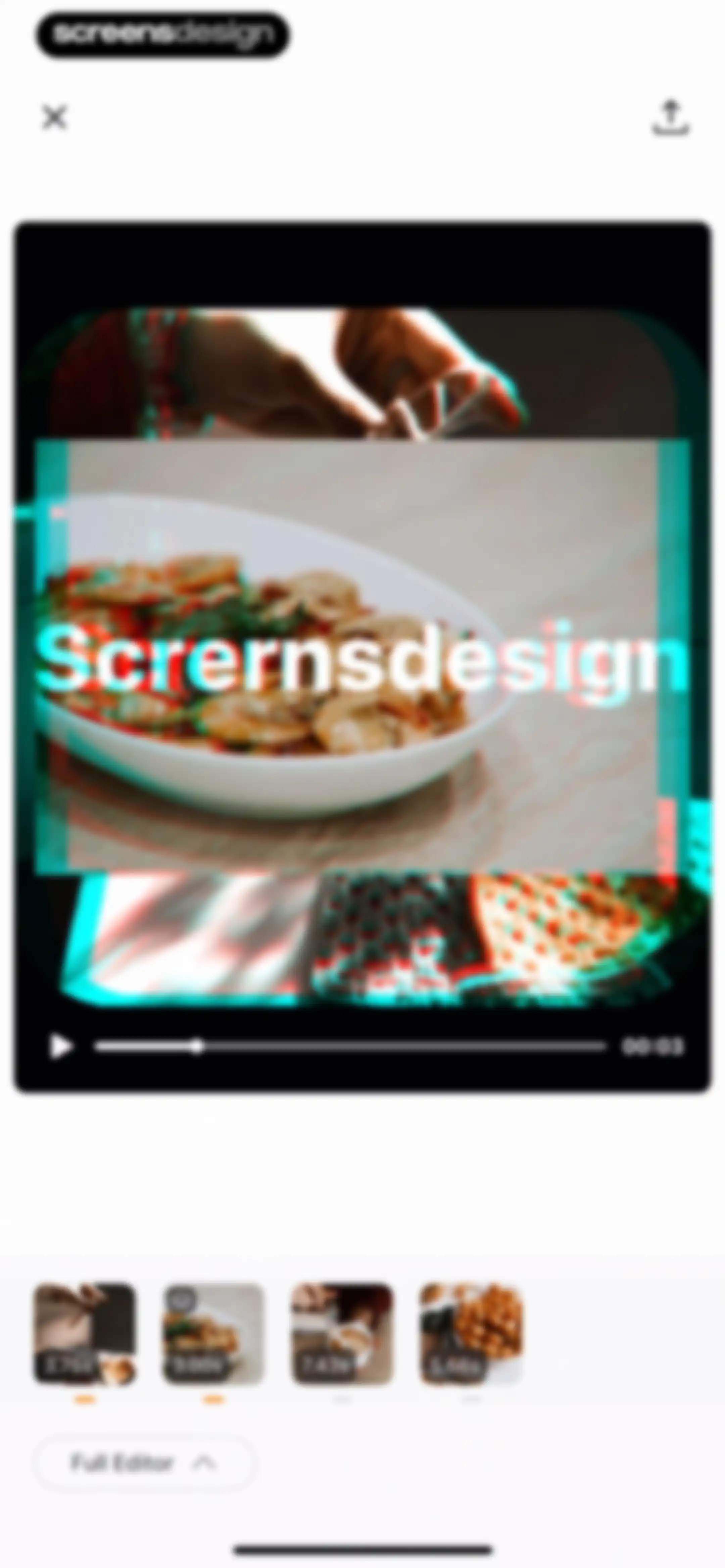
Video editing screen with a central preview area, a bottom timeline strip showing multiple clips, and a Full Editor button.Unlock Pro
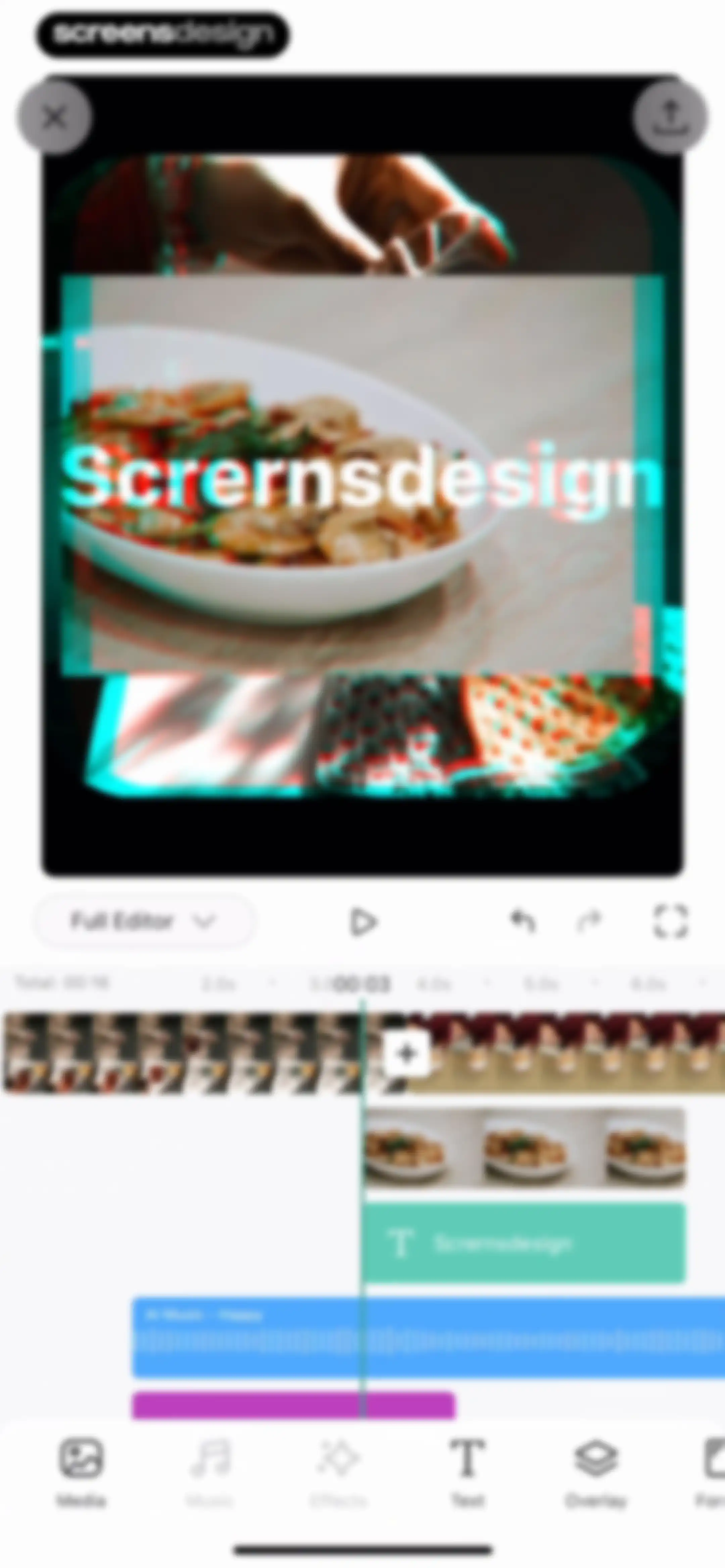
Video editor interface featuring a top preview area, a multitrack timeline editor, and a bottom navigation bar with editing tools.Unlock Pro
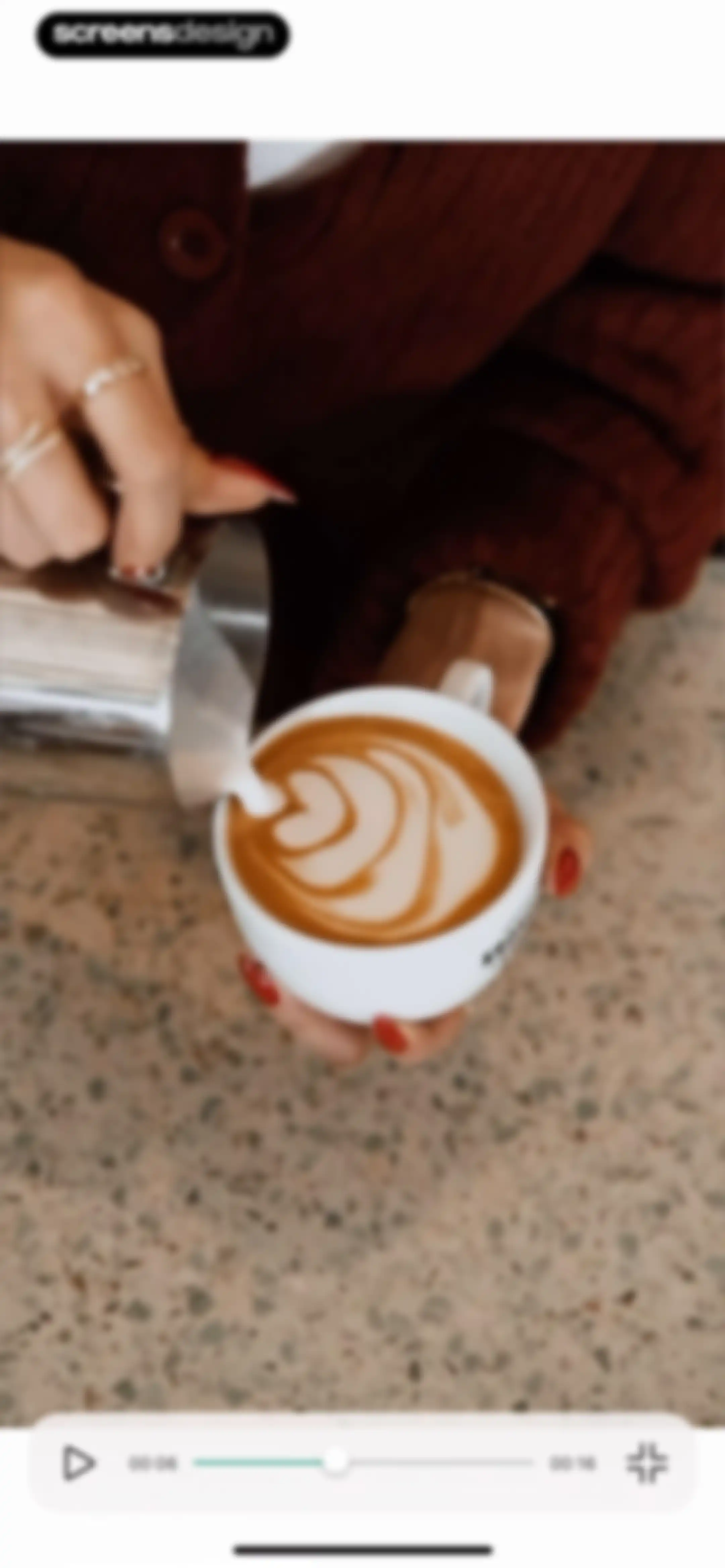
Video playback interface showing a latte art video with a bottom control bar, progress slider at 00:06, and play button.Unlock Pro
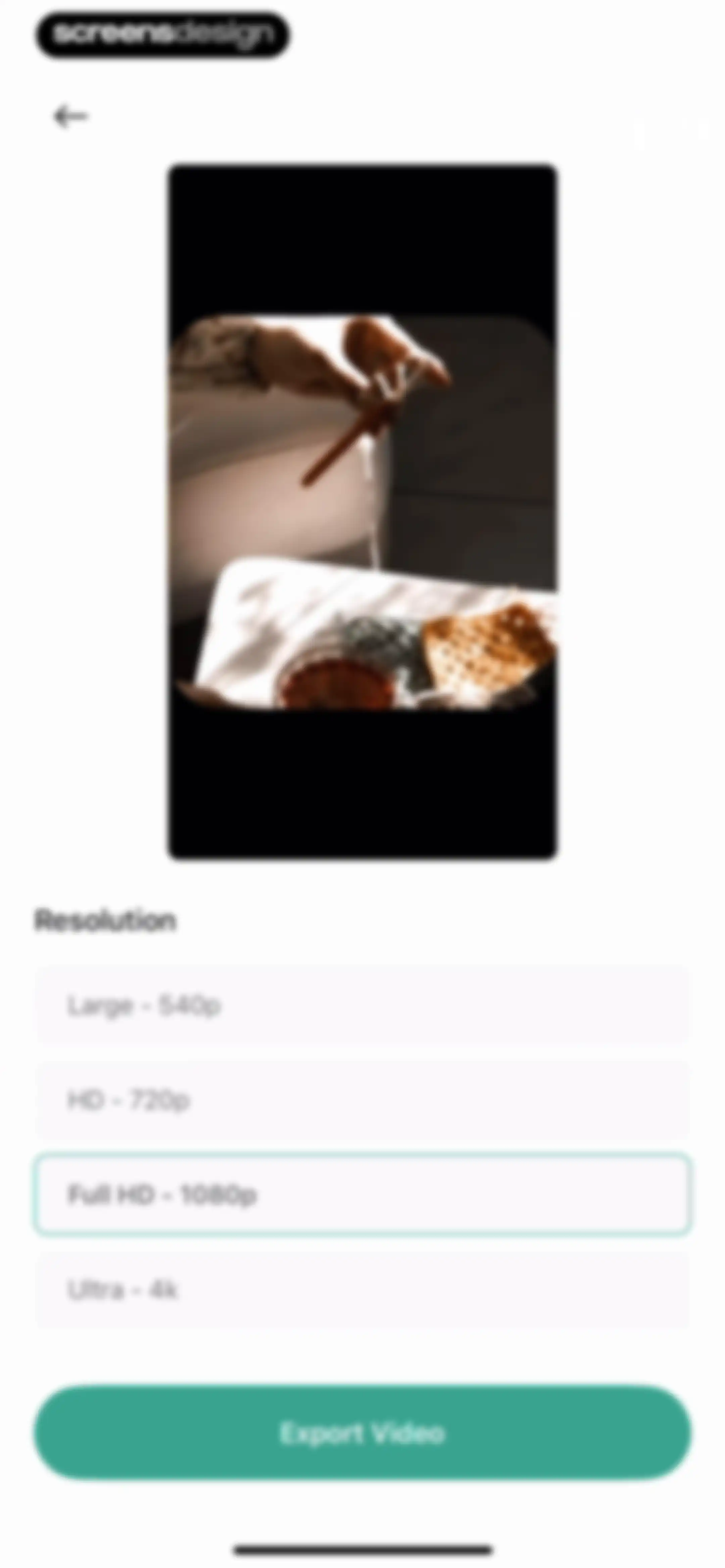
Video export settings screen listing resolution options with Full HD selected and an Export Video button.Unlock Pro
Export progress screen in Lift showing a central video preview of a person crocheting, a loading spinner, and the instruction not to close the app.Unlock Pro
Feedback modal asking how was your experience with Video Editor, featuring Bad, Neutral, and Awesome emoji rating buttons.Unlock Pro
Success screen with a crochet project preview, a header saying Thanks for loving us!, and bottom sharing buttons for download, Instagram, TikTok, and more.Unlock Pro
Share sheet displaying a video preview, app sharing carousel, and a vertical list of actions including Save Video and Save to Files.Unlock Pro
Feedback survey modal inviting users to answer questions, featuring a Let's go! button and a close icon.Unlock Pro
Onboarding skill level selection screen with the Newbie option selected and a Next button.Unlock Pro
NPS survey screen asking how likely the user is to recommend the app, with seven out of ten stars selected and a Next button.Unlock Pro
Feedback modal asking if Lift functionality covers editing needs, with the option Some, but not all selected and a Next button.Unlock Pro
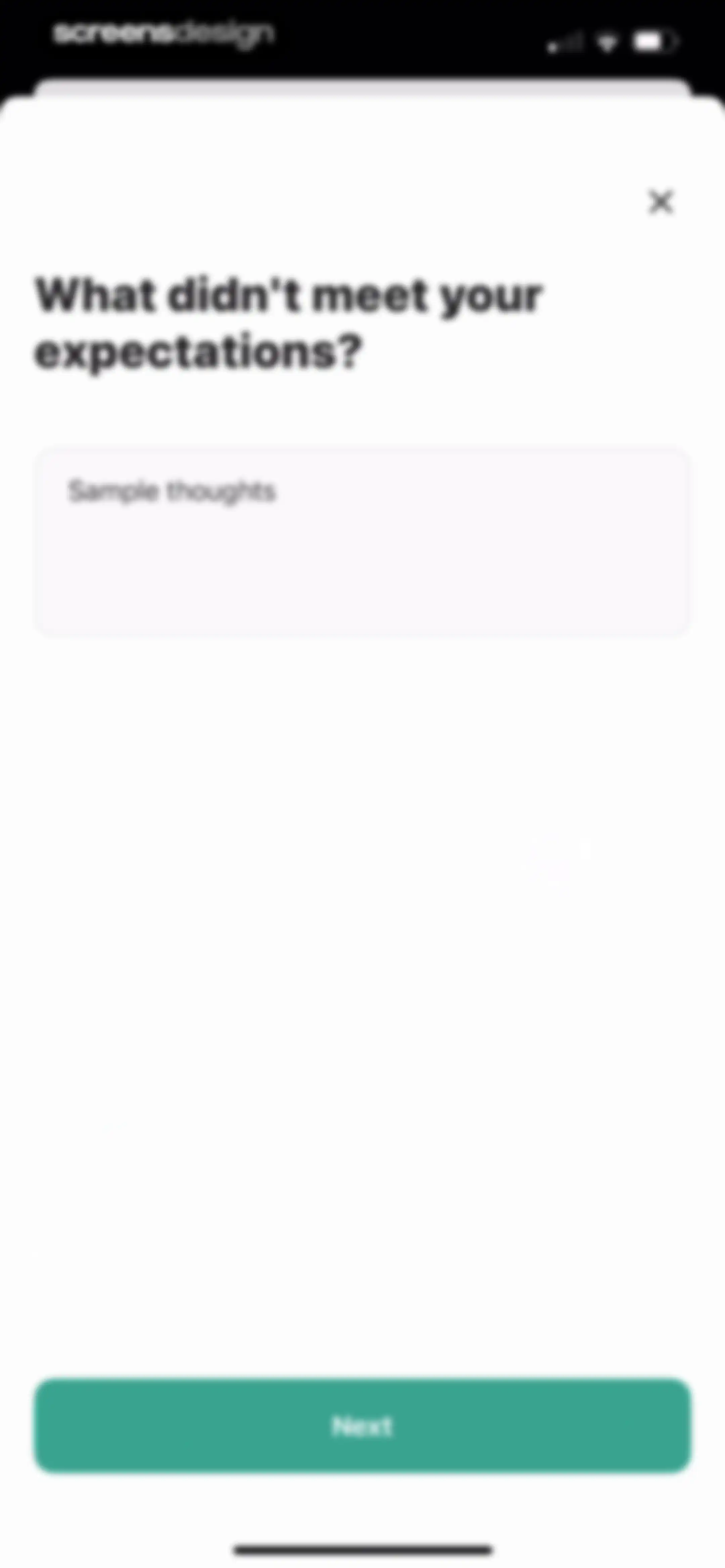
Feedback form asking what didn't meet your expectations, featuring a text input area with placeholder thoughts and a Next button.Unlock Pro
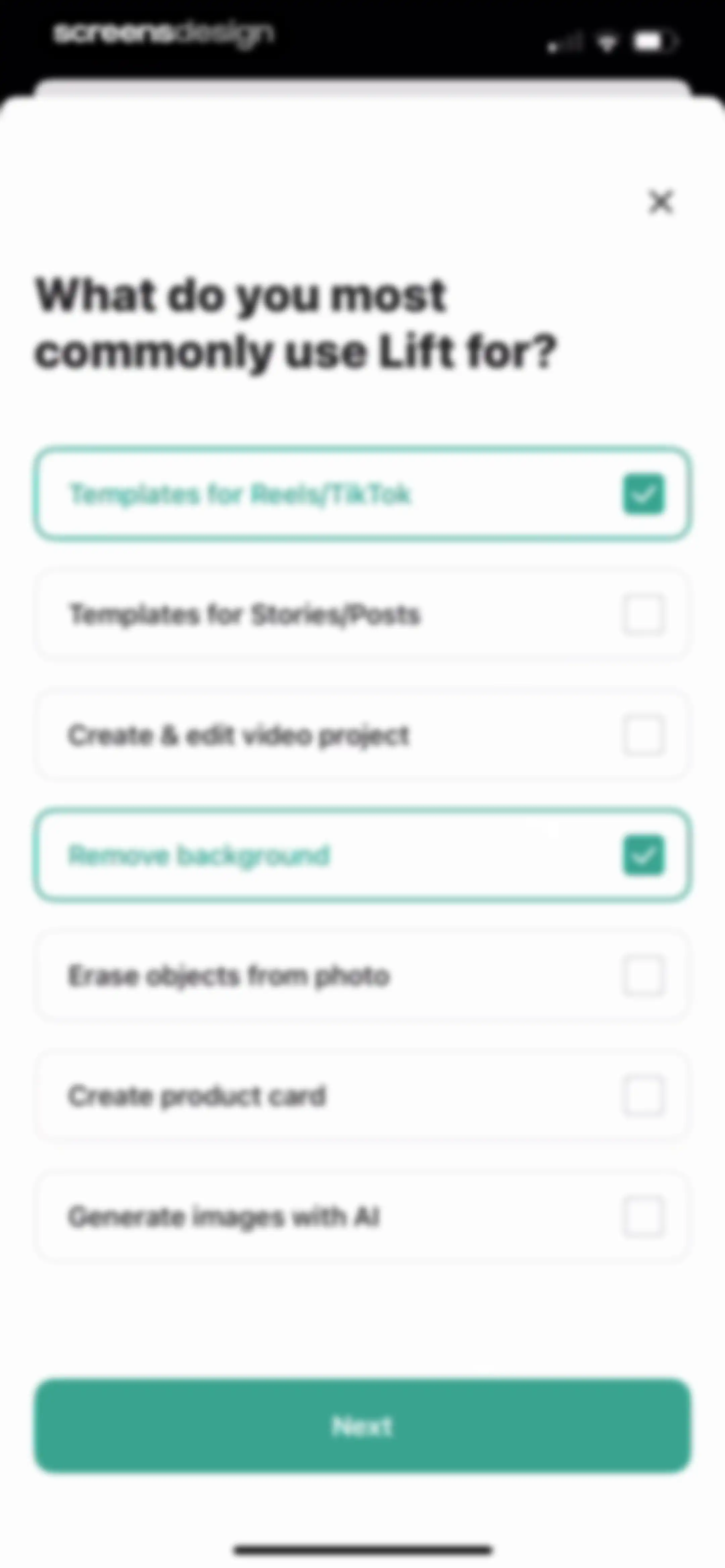
Onboarding preference screen asking what you use the app for, with two selected use cases and a Next button.Unlock Pro
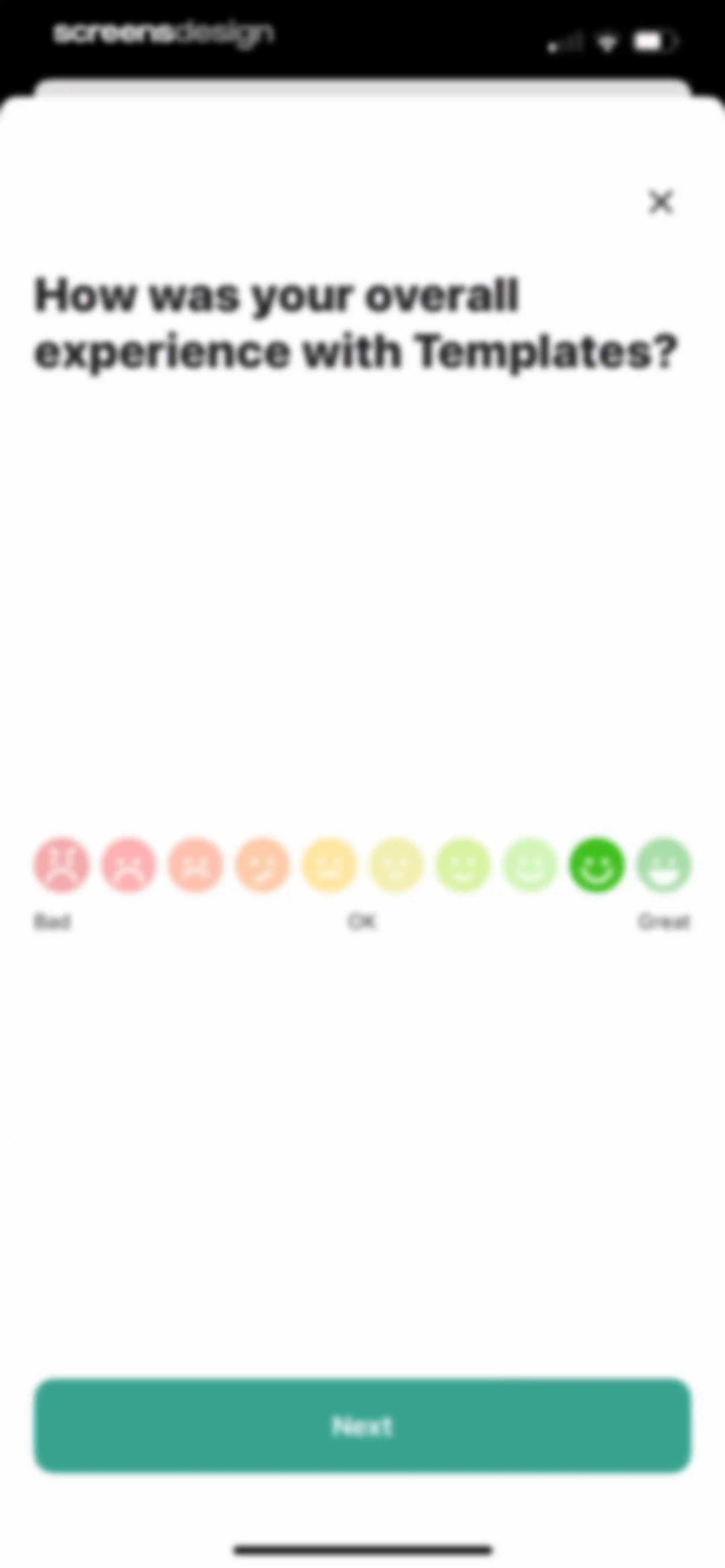
Feedback modal in the Lift app asking about the experience with Templates, featuring a ten-emoji rating scale and a Next button.Unlock Pro
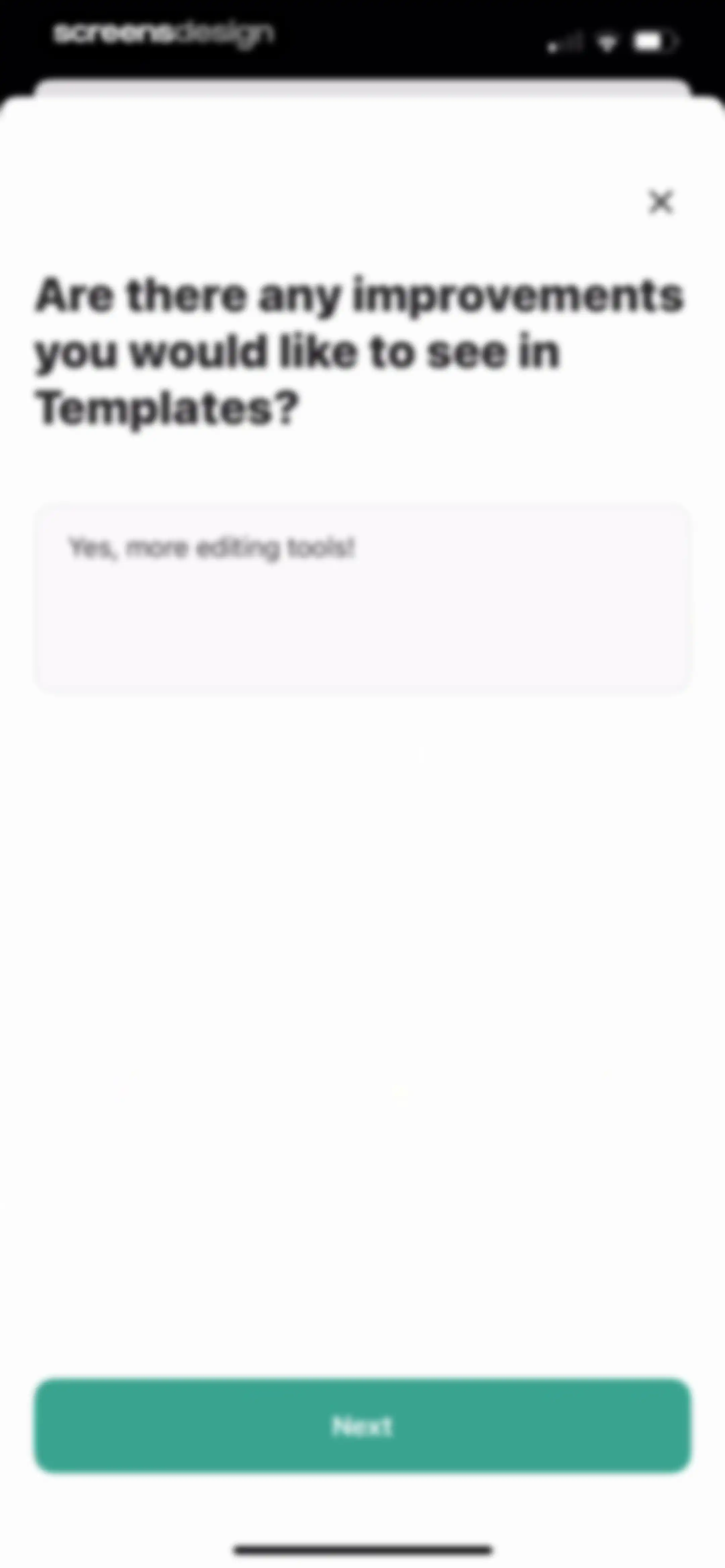
Feedback form asking for template improvements, with user input and a Next button.Unlock Pro
Feedback modal asking about the overall experience with Remove background, featuring a ten-emoji rating scale and a Next button.Unlock Pro
Feedback modal asking for improvements to the Remove background feature, with a text input area and a Next button.Unlock Pro
Feedback form in the Lift app asking what motivates continued use, with a filled text input and a Next button.Unlock Pro
Feedback form asking for app improvement suggestions, with a text input field containing none and a green Next button.Unlock Pro
Feedback confirmation screen displaying a thank you message, heart-eyes emoji, and a teal Finish button.Unlock Pro
Video Editor home screen featuring a Create new project button, a single project card, and a bottom navigation bar with the Video Editor tab selected.Unlock Pro
Feedback prompt modal in the Lift app, featuring a survey request and a Let's go button.Unlock Pro
Video editor interface displaying a preview window, a timeline with an audio track, and editing tools at the bottom.Unlock Pro
Modal promoting the Remove BG Feed feature with a gold jewelry photo, Start from photo button, and Check out the Feed link.Unlock Pro
Lift feature discovery modal introducing background removal with a photo carousel, descriptive text, and a Start from photo button.Unlock Pro
Media selection screen displaying a grid of photo thumbnails with a close button and a Recents album selector.Unlock Pro
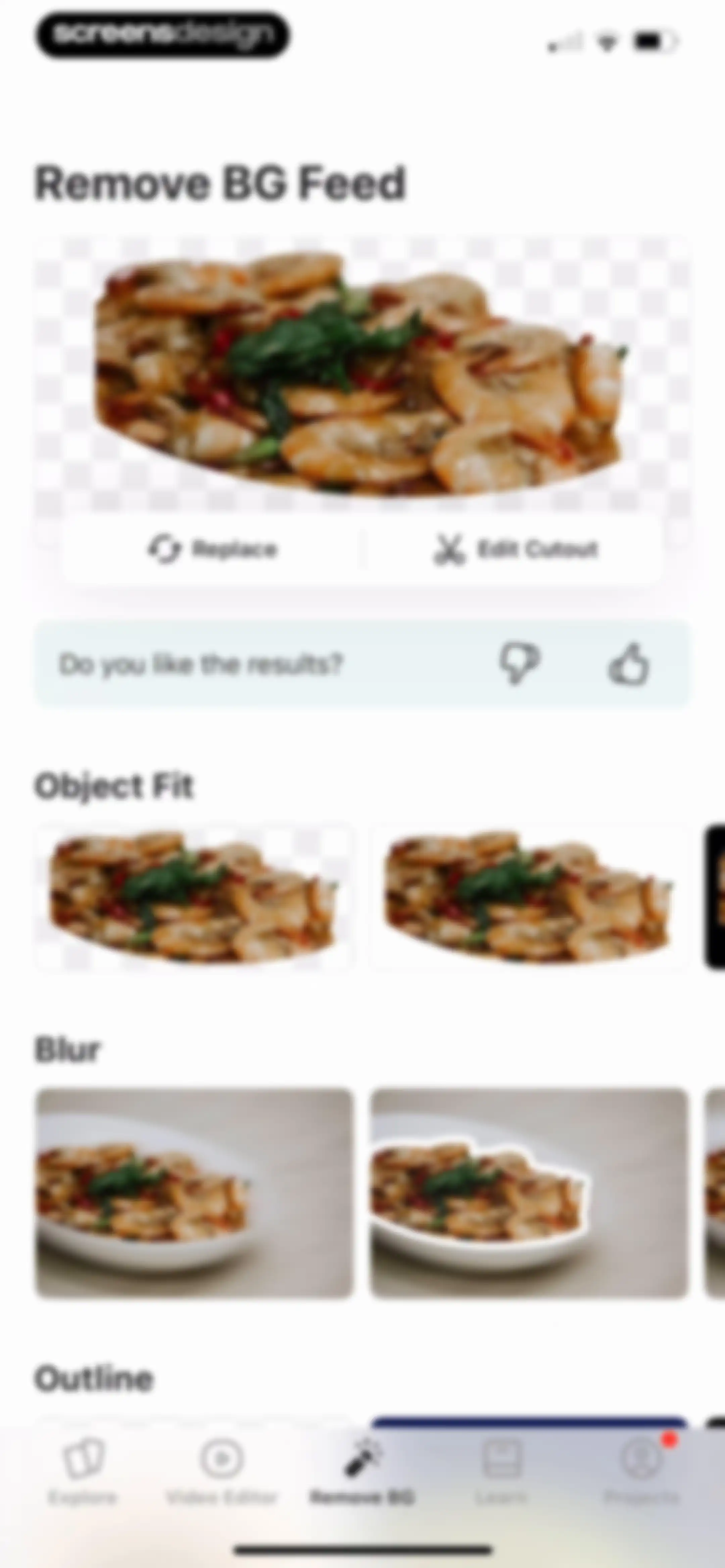
Editor screen displaying background removal results with a hero image card, feedback prompt, and horizontal effect carousels.Unlock Pro
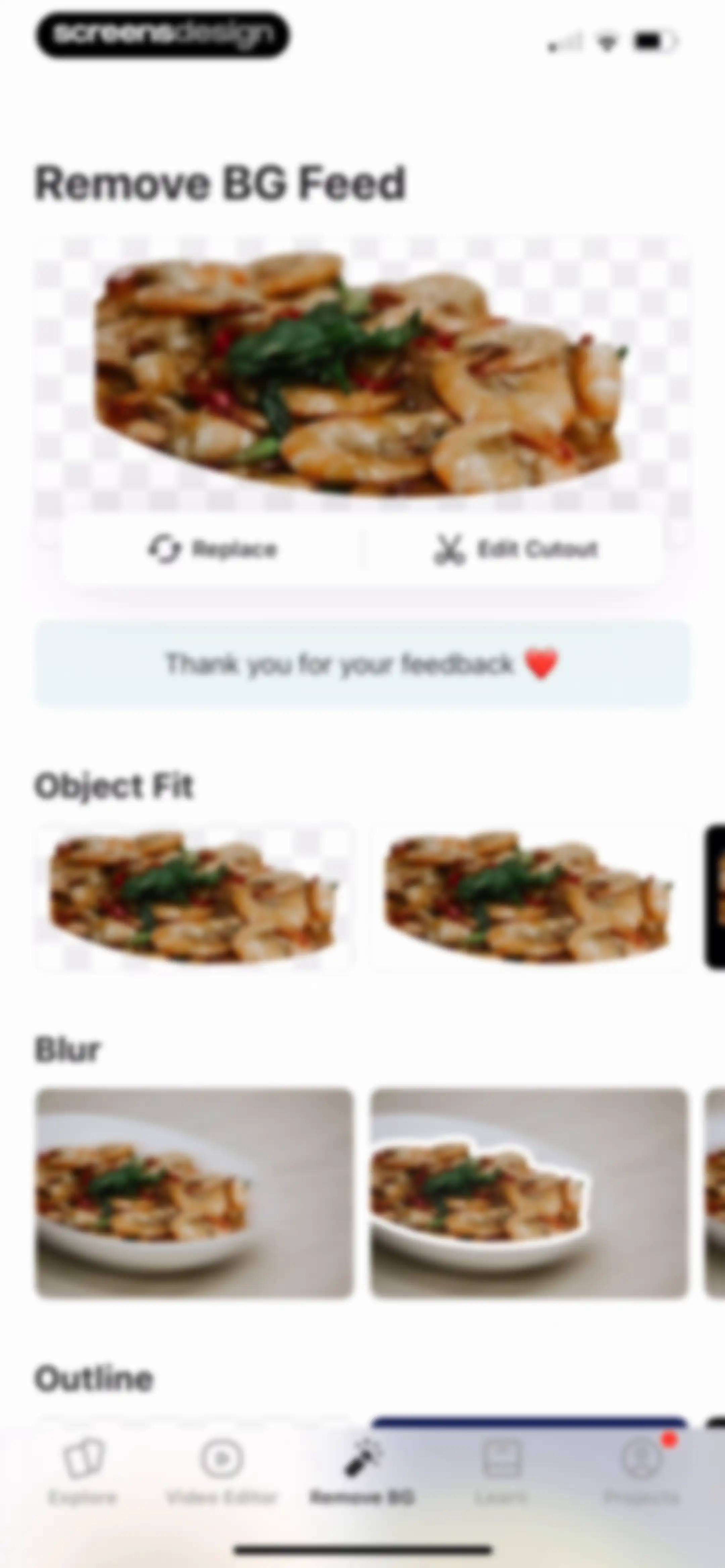
Background removal feed displaying a processed image card, feedback banner, and categorized horizontal carousels of image variations with a bottom navigation bar.Unlock Pro
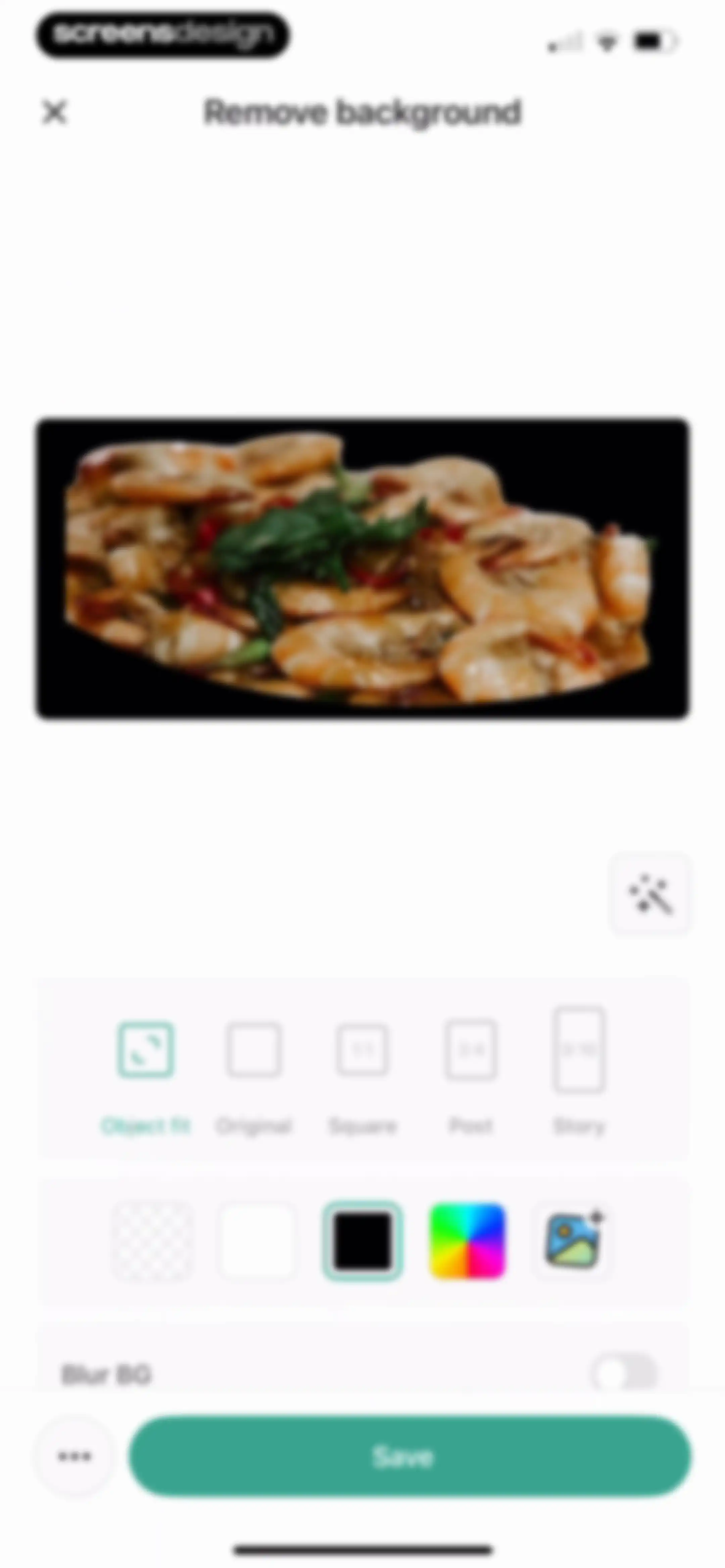
Photo editor showing a shrimp dish preview with aspect ratio controls, background style options, and a Save button.Unlock Pro
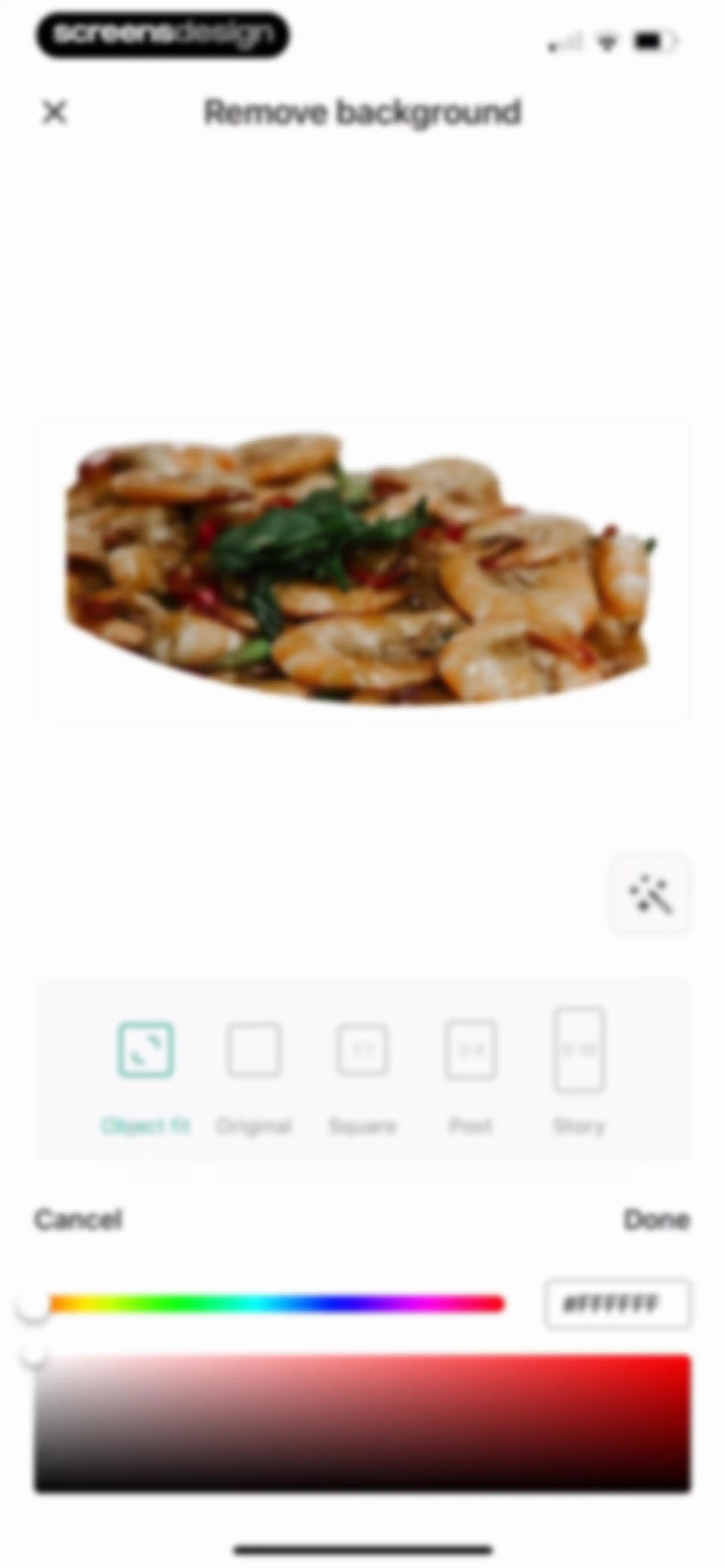
Background removal editor displaying an isolated shrimp dish preview, an AI tool button, aspect ratio options, and a color picker.Unlock Pro
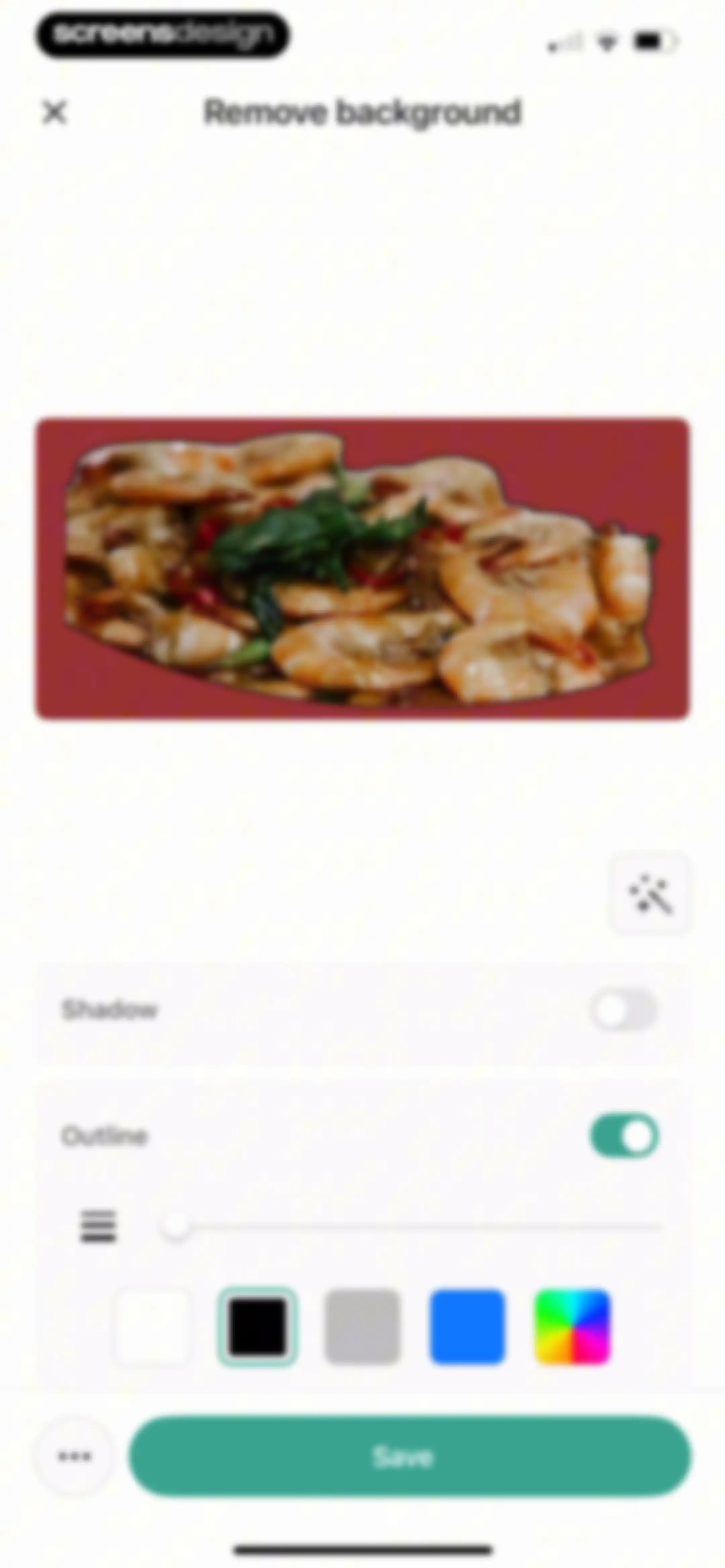
Photo editor background removal screen displaying a shrimp dish preview, an active outline toggle with thickness slider and color swatches, and a Save button.Unlock Pro
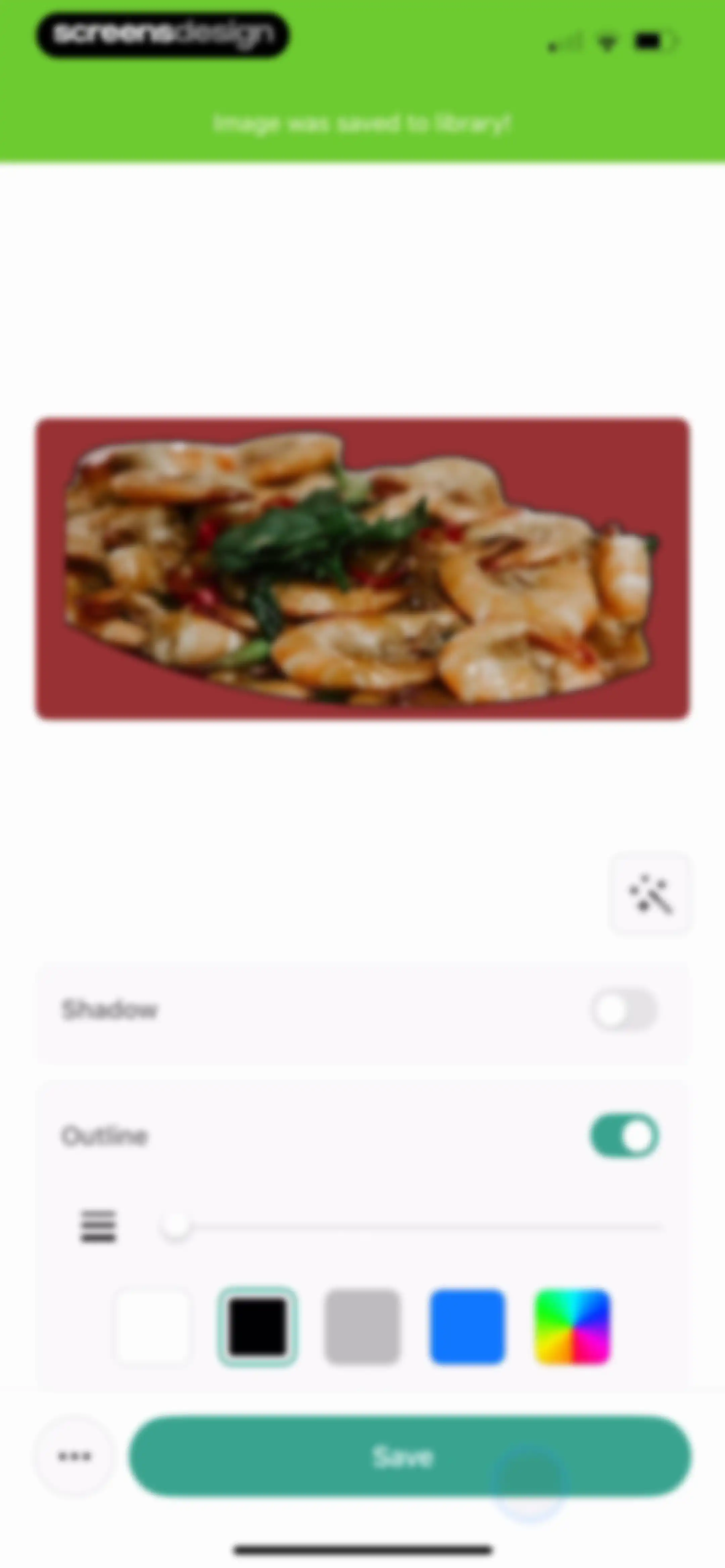
Image editor with a saved confirmation toast, a cutout of a shrimp dish, and outline settings with a Save button.Unlock Pro
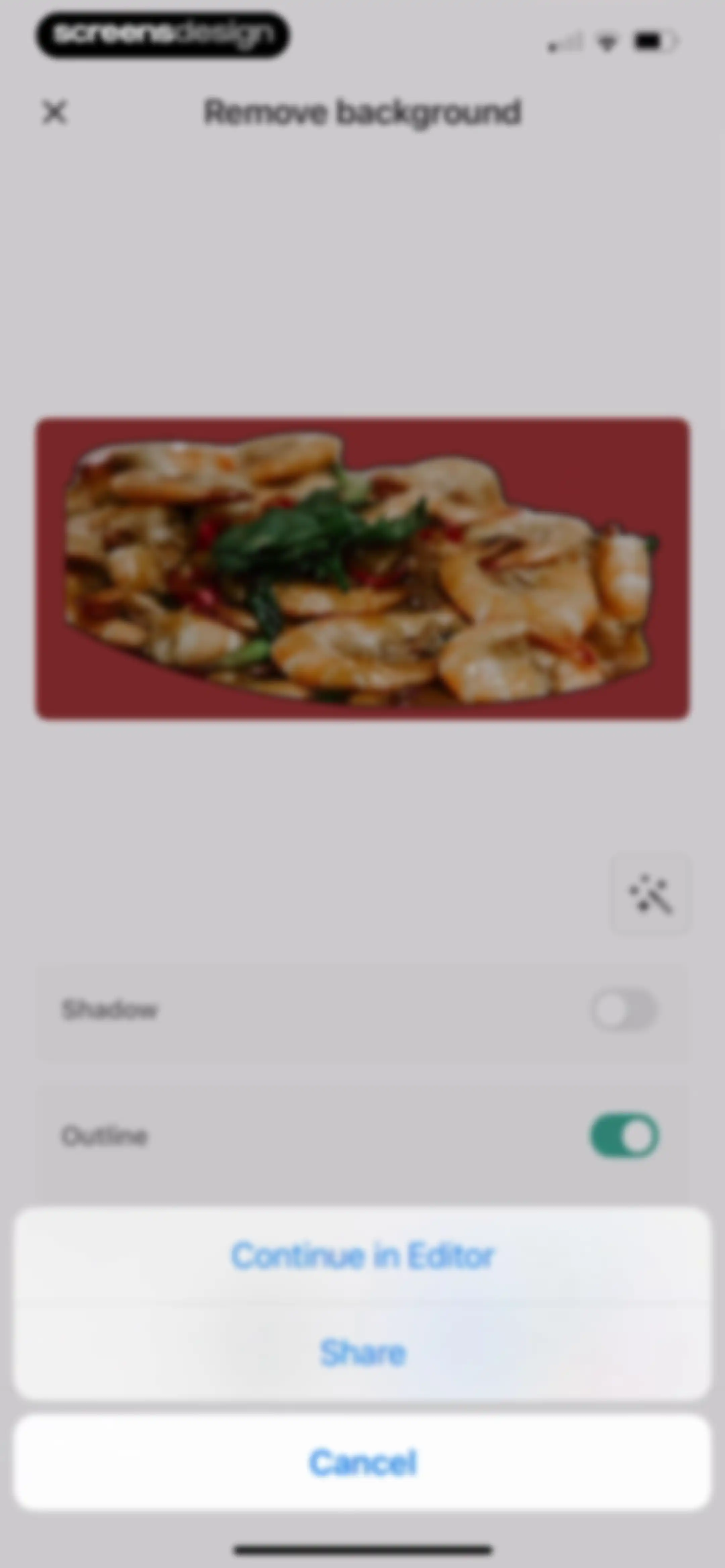
Background removal editor displaying a preview of a shrimp dish with an outline enabled and a Continue in Editor button.Unlock Pro
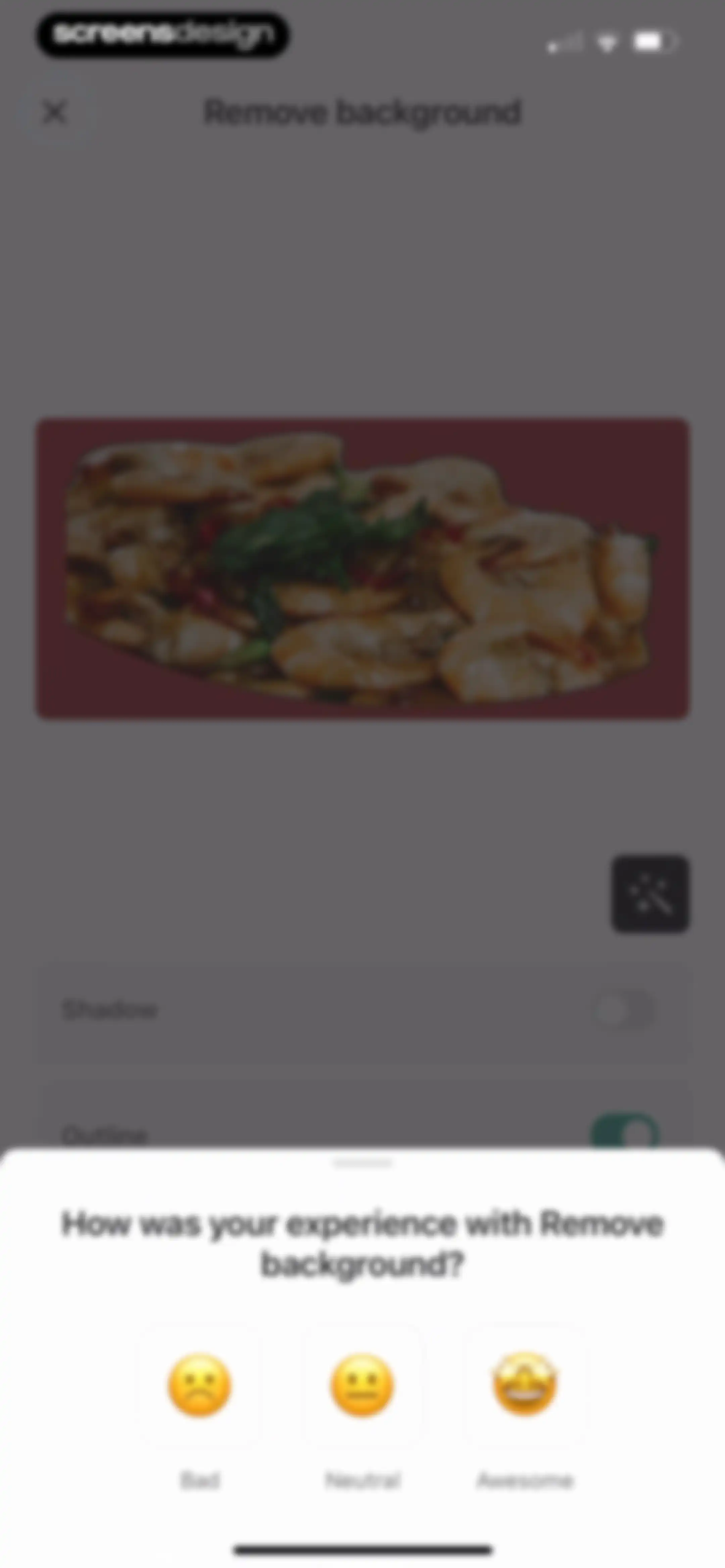
Feedback modal overlaying an editor screen with a prompt about the remove background feature and three rating buttons.Unlock Pro
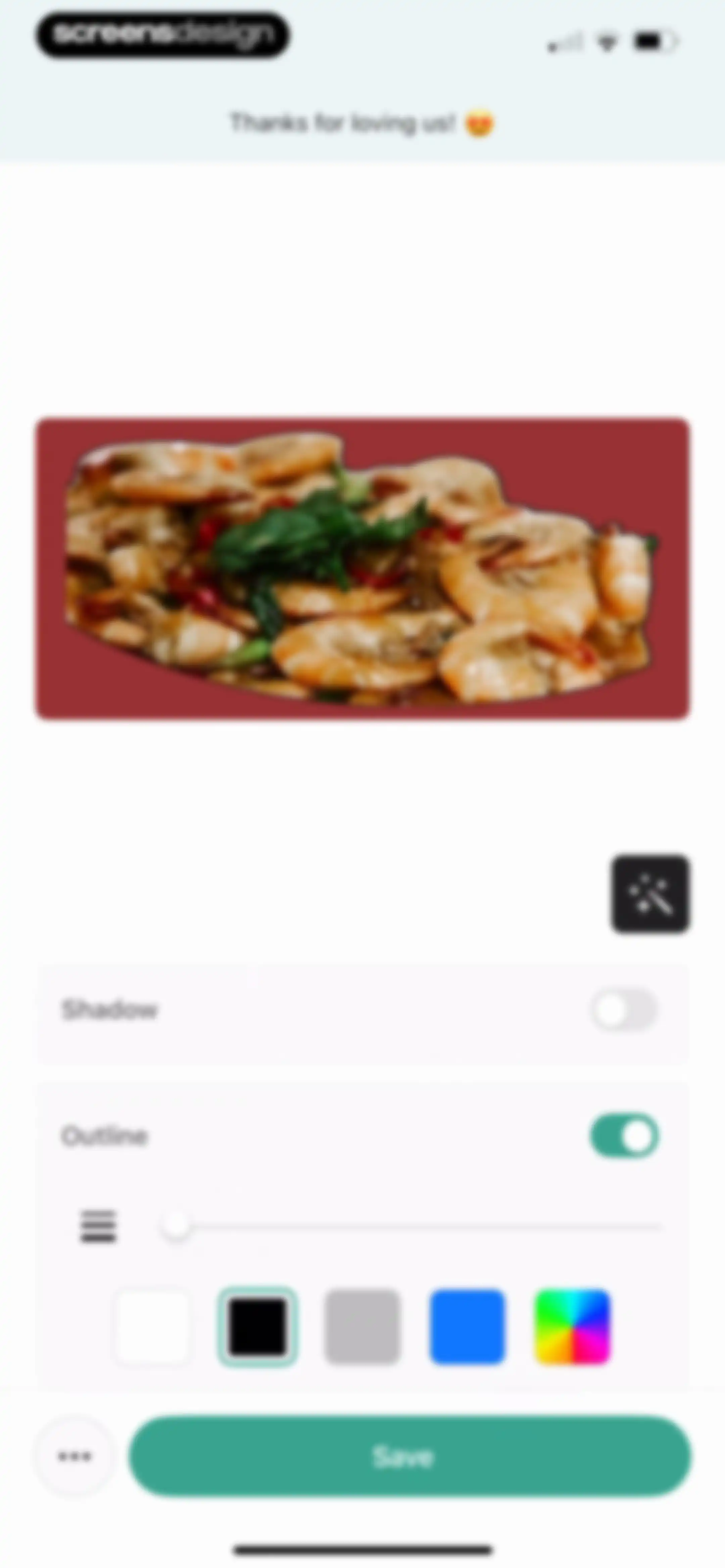
Photo editor screen showing an active outline effect and thickness slider for a shrimp dish cutout, with a Save button.Unlock Pro
Learn content feed displaying a promotional banner, filter tabs, service icons, and educational guide cards with the Learn tab selected.Unlock Pro
Onboarding screen featuring a 3D rocket illustration, expert guidance text about social media, and a Let's Start button.Unlock Pro
Onboarding screen explaining the service workflow with a vertical step list, user testimonials, and a Continue button.Unlock Pro
Onboarding screen asking which social media platform needs expert help, with Instagram selected and a Next button.Unlock Pro
Business onboarding screen prompting for a social media link, containing a filled input field and a Done button.Unlock Pro
Onboarding goal selection screen in dark mode with the Make money option selected and a Next button.Unlock Pro
Onboarding screen asking about social media challenges, with Content ideas selected and a Next button.Unlock Pro
Onboarding screen prompting users to write about their target audience with an input box, collapsible examples, a Next button, and a Skip link.Unlock Pro
Onboarding analysis screen with a forty percent progress indicator, a checklist of completed and pending steps, and a bottom social proof card.Unlock Pro
Email input form containing a filled email address and a Done button on the keyboard to submit.Unlock Pro
Paywall screen offering a discounted 30-day content plan for $99.99 with a 3D calendar illustration and a Continue button.Unlock Pro
Paywall offer for a 30-day content plan featuring a 50 percent discount, a countdown timer, and a Continue button, overlaid with an exit confirmation modal.Unlock Pro
Onboarding screen introducing a personal social media growth checklist with a 3D rocket illustration and a Let's Start button.Unlock Pro
Creator's Toolkit tutorial hub featuring a two-column grid of four cards with video guides for app features.Unlock Pro
Video tutorial screen for the Lift app featuring a video player, feedback buttons, and a carousel of additional tutorial cards below.Unlock Pro
Home learning screen featuring an AI Assistant banner and a grid of service cards including content plan and growth checklist.Unlock Pro
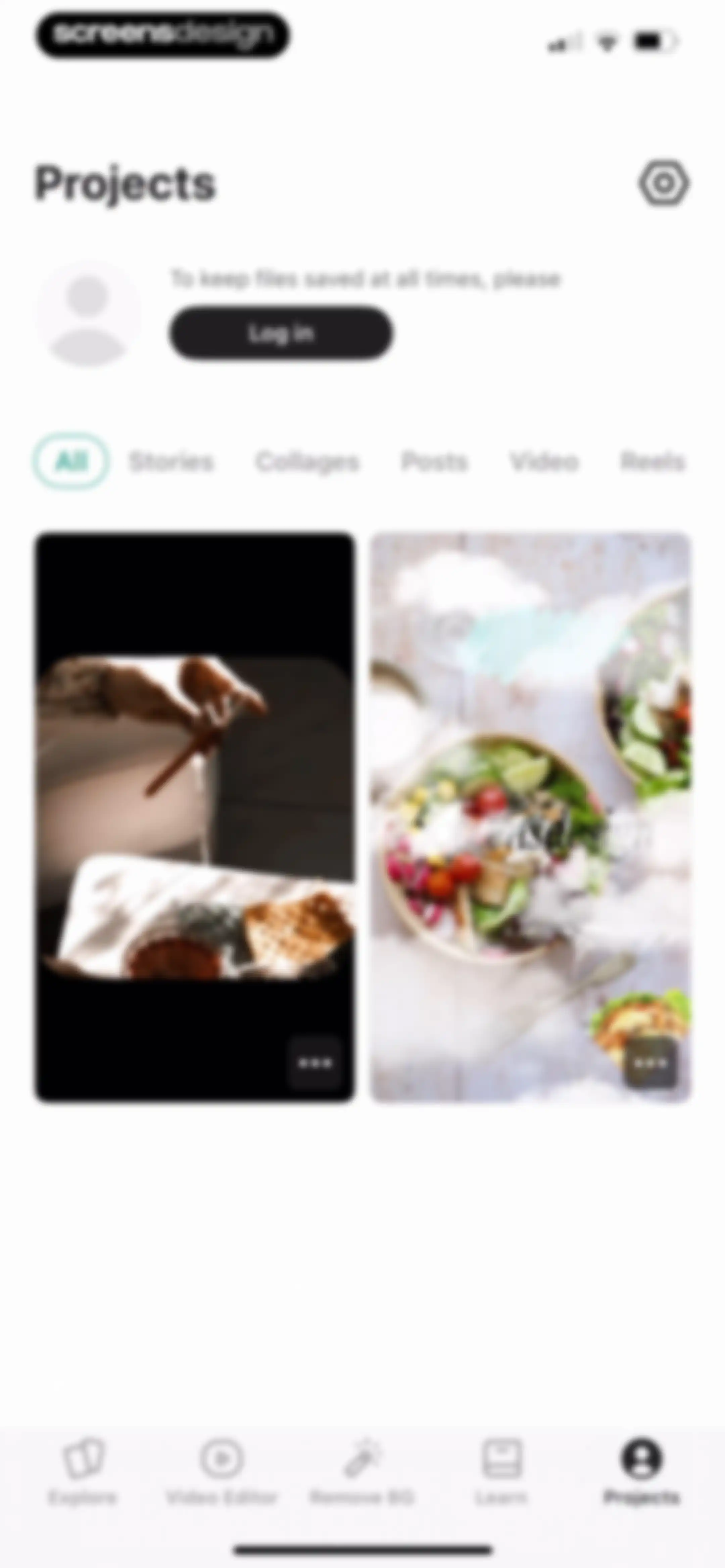
Projects dashboard with a login prompt, filter tabs, a two-column grid of saved creative projects, and a bottom navigation bar.Unlock Pro
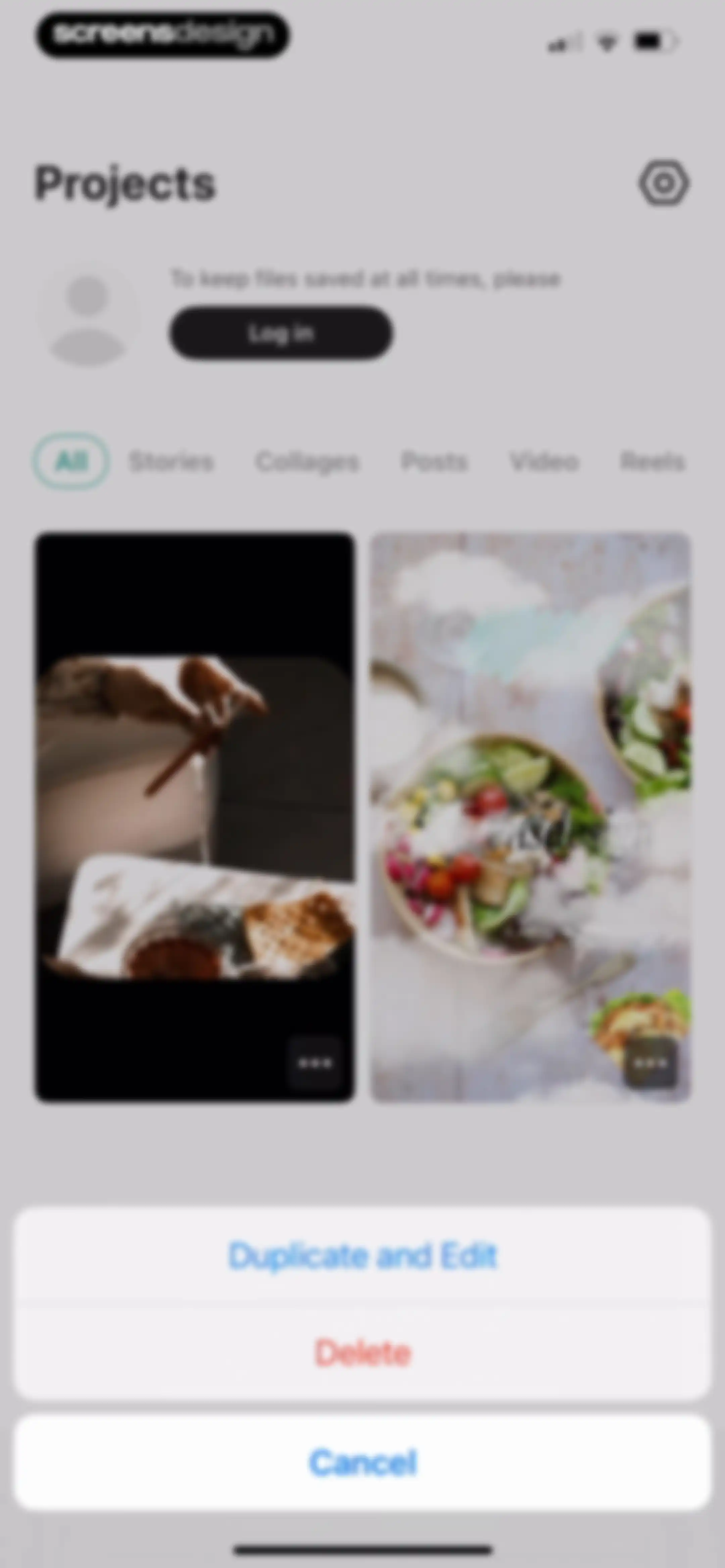
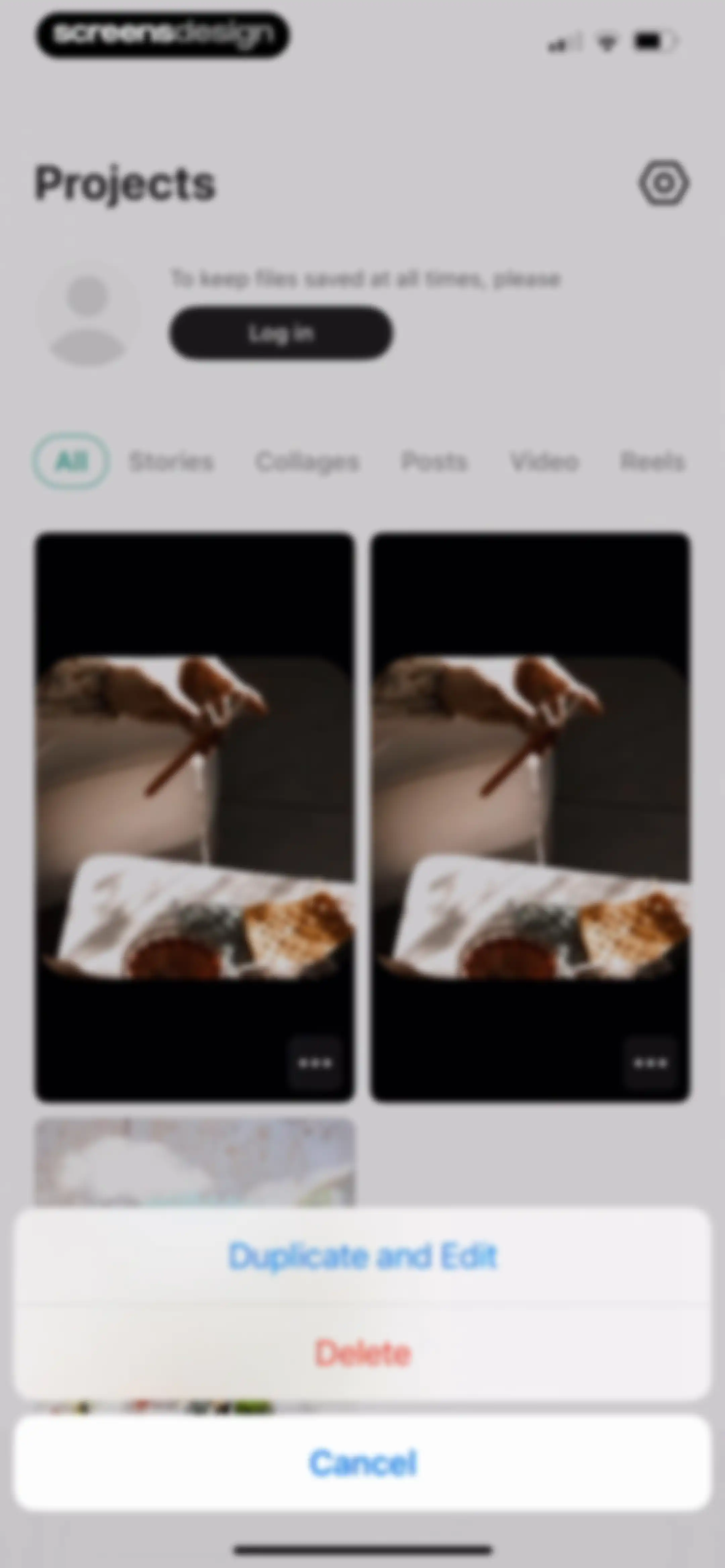
Projects dashboard displaying a login prompt, category filter tabs, a grid of project thumbnails, and a bottom action modal with Duplicate and Edit and Delete options.Unlock Pro
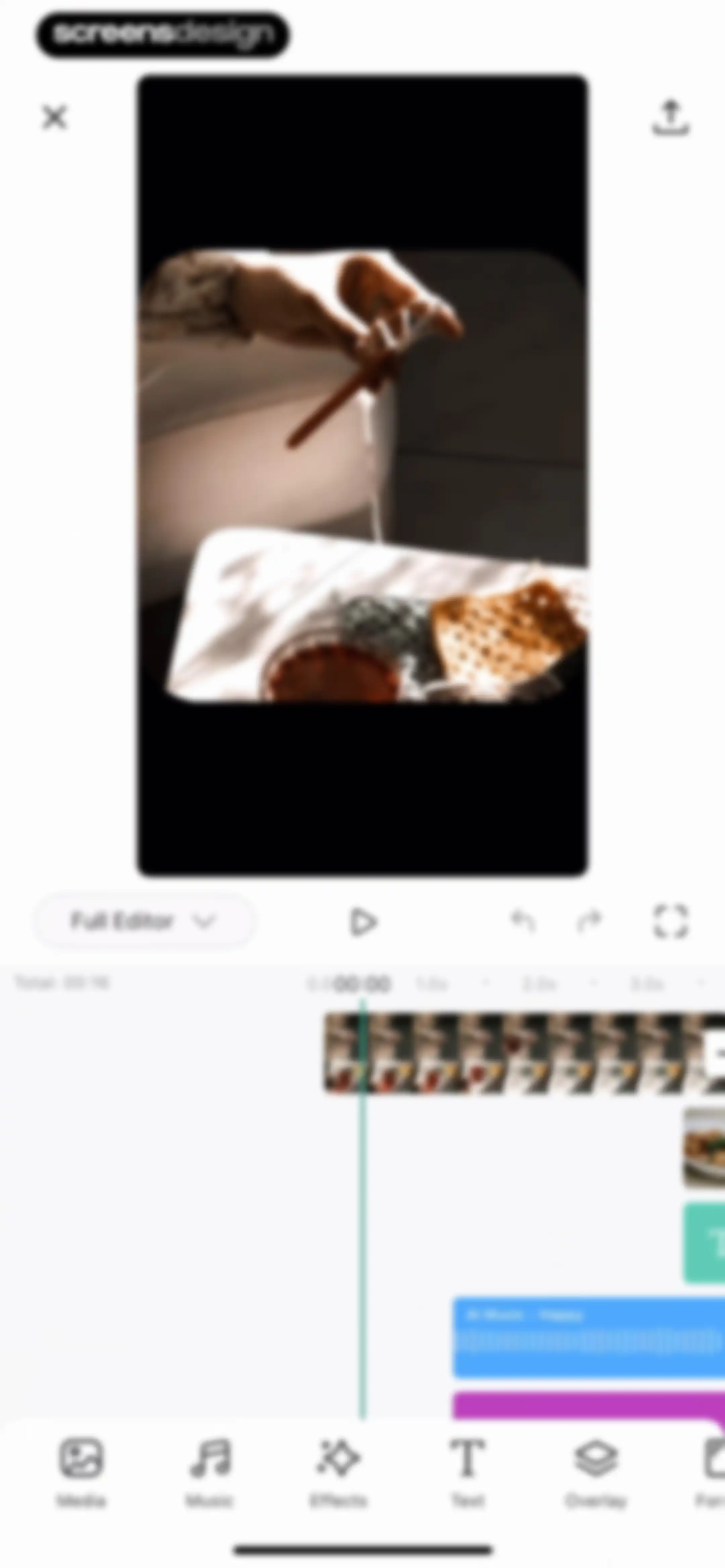
Video editor interface featuring a top preview window, a middle timeline with an audio track, and bottom editing tools.Unlock Pro
Projects dashboard featuring a grid of project cards, horizontal filter tabs, and an open bottom action sheet with duplicate and delete options.Unlock Pro
Projects dashboard with a login prompt, filter tabs with Stories selected, and a single food design project card.Unlock Pro
Projects empty state screen displaying a login prompt, template filter tabs with Collages selected, and a grid of template options.Unlock Pro
Projects home screen with a login prompt, filter tabs with video selected, and a project card displaying a video thumbnail.Unlock Pro
Sign-in onboarding screen with four branded authentication buttons for Apple, Google, Facebook, and email, plus a close button and legal footer.Unlock Pro
Sign in form with an email address entered in the input field and a Continue with email button.Unlock Pro
Email verification screen with instructions to check your email, a resend link, and an Open email app button.Unlock Pro
Settings screen with grouped list sections for subscription, appearance, inspiration, and support options.Unlock Pro
Subscription settings screen showing active Lift: Story Maker status, cancellation options, and a troubleshooting card with support links.Unlock Pro
Color theme settings screen for the Lift app with three selectable cards for Light, Dark, and System, and the System option currently selected.Unlock Pro
Color theme settings screen with Light, Dark, and System selection cards, featuring the Dark theme selected with a teal border.Unlock Pro
Settings screen organized into Inspiration, Support, and Legal sections, with version 1.92 displayed at the bottom.Unlock Pro
Settings menu with a Device ID copied toast notification, grouped under Inspiration, Support, and Legal headers.Unlock Pro

About Lift: AI Video & Photo Editor

An all-in-one AI-powered photo and video editor offering professional retouching, template-based social media content creation, and generative design tools.

Explore Lift: AI Video & Photo Editor across ScreensDesign

Apps similar to Lift: AI Video & Photo Editor
Unlock all similar apps

See every comparable app, revenue, installs, and flows.

Unlock Pro
  • Reels Maker for Instagram BEAT

    4.8
    Onelight Apps CY LtdRevenue$350kInstalls85k
  • Crsel: Carousel, Collage Maker

    4.8
    Georgy RomelashviliRevenue$250kInstalls350k
  • Unfold: Reels & Story Maker

    4.9
    Squarespace, Inc.Revenue$350kInstalls20k
  • GRIDS Post maker for Instagram

    4.6
    WONDERRevenue$150kInstalls45k
  • Templify・Video & Reel Maker

    4.8
    Templify Media, Inc.Revenue$250kInstalls25k
  • Muse: Reels Video Editor

    4.7
    BigrowthRevenue$950kInstalls450k
  • Canva AI Photo & Video Editor

    4.9
    CanvaRevenue$34MInstalls5.3M
  • Leto: Font for Instagram Story

    4.8
    Leto.Fonts FZCORevenue$60kInstalls60k
  • Bazaart AI Photo Editor Design

    4.8
    Bazaart Ltd.Revenue$500kInstalls75k
  • Reels & Story Maker: Storybeat

    4.7
    Social Stories S.L.Revenue$20kInstalls<5k
  • Promeo - AI Marketing Studio

    4.8
    CyberLinkRevenue$<5kInstalls<5k
  • Picsart AI Photo Editor, Video

    4.7
    PicsArt, Inc.Revenue$6MInstalls1.8M
  • Temply: AI Video & Reels Maker

    4.8
    Popixels Ltd.Revenue$100kInstalls<5k
  • AI Photo Editor - BgMaster™

    4.6
    COOL SUMMER LIMITEDRevenue$300kInstalls100k
  • PhotoGrid: Video Collage Maker

    4.9
    JUPITER PALACE PTE. LTD.Revenue$600kInstalls150k
  • Photo Collage Maker: InCollage

    4.8
    SHANTANU PTE. LTD.Revenue$15kInstalls95k
  • Layout Photo Collage - Mixgram

    4.7
    Lyam AppsRevenue$250kInstalls85k
  • Poster Maker + Flyer Creator

    4.7
    Vidthug Pte LtdRevenue$20kInstalls<5k
  • SCRL: Photo Collage Maker

    4.8
    Appostrophe ABRevenue$2.8MInstalls1.8M
  • Carousel Post Collage SwipeMix

    4.8
    Onelight Apps CY LtdRevenue$20kInstalls15k
  • Collageable: Photo Pic Collage

    4.8
    IRONTECH LIMITEDRevenue$350kInstalls100k
  • Reels Templates & Maker

    4.8
    Prosecco & Pixels Pte. Ltd.Revenue$5kInstalls<5k
  • Collage Maker - LiveCollage

    4.8
    VIDEO EDITOR PTE. LTD.Revenue$250kInstalls250k
  • Reelsapp: reel & video editor

    4.8
    Rustam AchilovRevenue$35kInstalls15k
  • 500 Stories: Reels Story Maker

    4.7
    StoryPath Apps LtdRevenue$30kInstalls35k
  • Photo Editоr

    4.7
    VIDEO EDITOR PTE. LTD.Revenue$55kInstalls9k
  • Poster & Flyer Maker by Pinso

    4.6
    Pinso, Inc.Revenue$<5kInstalls<5k
  • InShot - Video Editor

    4.8
    SHANTANU PTE. LTD.Revenue$1MInstalls1.3M
  • MOLDIV Photo Editor, Collage

    4.7
    JellyBus Inc.Revenue$10kInstalls5k
  • Mojo: AI Video & Reels Editor

    4.9
    Archery Inc.Revenue$300kInstalls30k
  • Videoleap: AI Video Editor

    4.6
    Lightricks Ltd.Revenue$950kInstalls55k
  • Adobe Express: Create Anything

    4.8
    Adobe Inc.Revenue$350kInstalls350k
  • Layout for Instagram: Collage

    4.8
    Shamble, Inc.Revenue$40kInstalls70k
  • Clay – Story Templates Frames

    4.7
    Plexagon s.r.l.Revenue$45kInstalls25k
  • Repost+ for Instagram .

    4.8
    Livintis W.L.L.Revenue$550kInstalls5k
  • PREVIEW: Planner for Instagram

    4.7
    Preview App Pty LtdRevenue$50kInstalls<5k
  • Ripl: Social Media Marketing

    4.8
    Ripl, Inc.Revenue$45kInstalls<5k
  • Video Up! Video Editor & Maker

    4.6
    Video editor & maker appRevenue$750kInstalls50k
  • Boosted Ad Maker by Lightricks

    4.8
    Lightricks Ltd.Revenue$5kInstalls<5k
  • intoLive - Live Wallpapers

    4.6
    ImgBase, Inc.Revenue$25kInstalls250k
  • AI Photo&Video Editor-AiryCrop

    4.7
    RHINOX MOBILE INC. PTE. LTD.Revenue$7kInstalls<5k
  • Creatic: Graphic Design Editor

    4.6
    DELIX SOFTWARE SH.P.KRevenue$60kInstalls25k
  • Collage Maker - Photo Editоr

    4.6
    VIDEO EDITOR PTE. LTD.Revenue$25kInstalls<5k
  • Vids AI - Reels Video Editor

    4.8
    Viral Vision Ltd.Revenue$750kInstalls550k
  • VLLO- Video Editor, Vlog Edits

    4.8
    vimosoftRevenue$350kInstalls50k
  • PicPlayPost: Video Editor

    4.8
    Mixcord Inc.Revenue$85kInstalls<5k
  • PicMonkey Photo + Video Design

    4.8
    PicMonkeyRevenue$25kInstalls<5k