LazyFit: Workout For Beginners

$1M revenue, 4.7 rating

Splash Screen
0:00 / 14:46

Onboarding flow, Paywall & Inside the App

Watch the full screen-by-screen UX video of LazyFit: Workout For Beginners with onboarding, paywall, and every core flow.
LazyFit splash screen featuring a centered app logo with a vibrant pink-to-red gradient on a plain white background.
LazyFit onboarding welcome screen featuring the centered app logo, a legal disclaimer, and a Continue button.
Permission request screen asking if LazyFit can track activity across apps and websites, with options to allow or ask the app not to track.
Permission prompt from LazyFit asking to send notifications, with Don't Allow and Allow buttons.
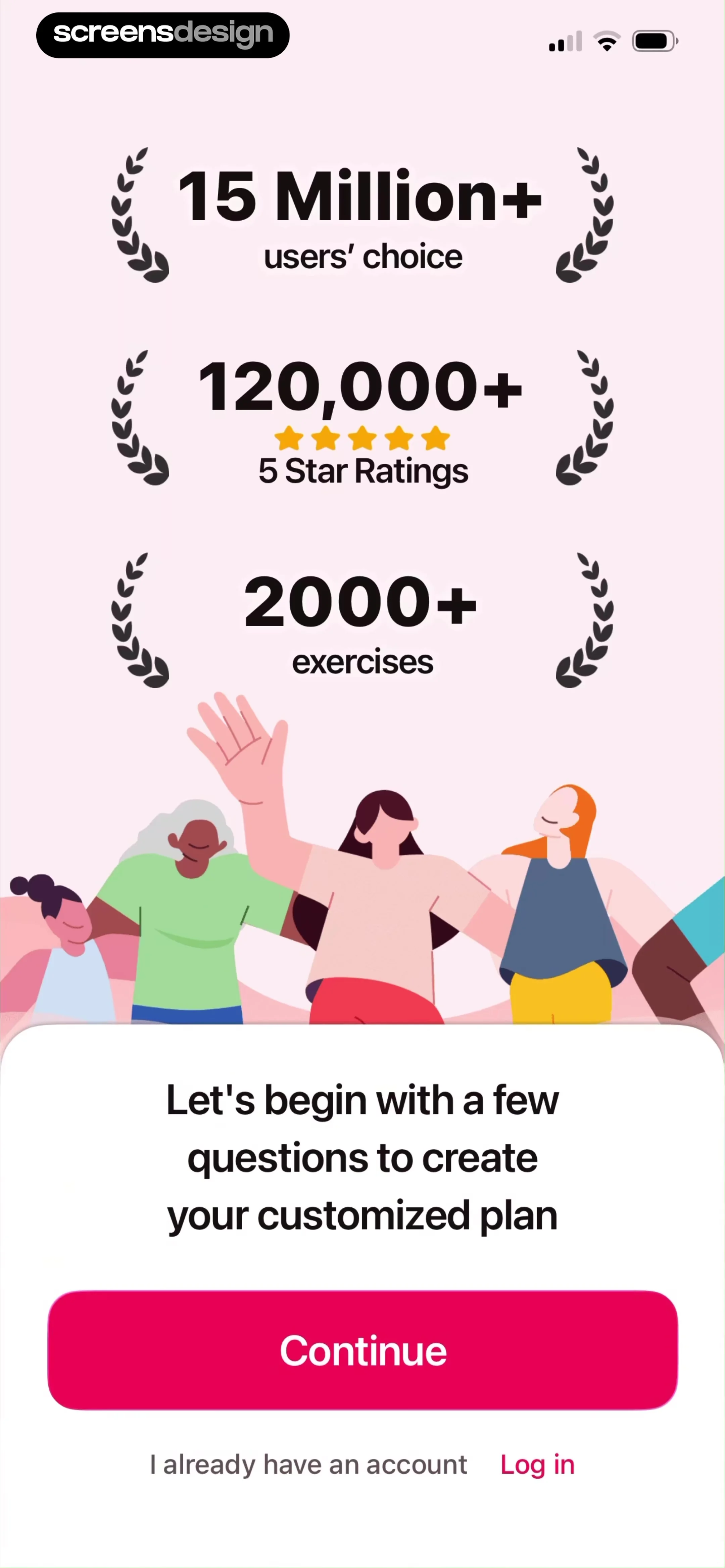
Fitness app onboarding screen featuring social proof statistics, an illustration, and a prompt to begin a customized plan with a Continue button.
Fitness app onboarding screen featuring the text Part 1 Know Your Goal and a central illustration of a woman and cat jumping.
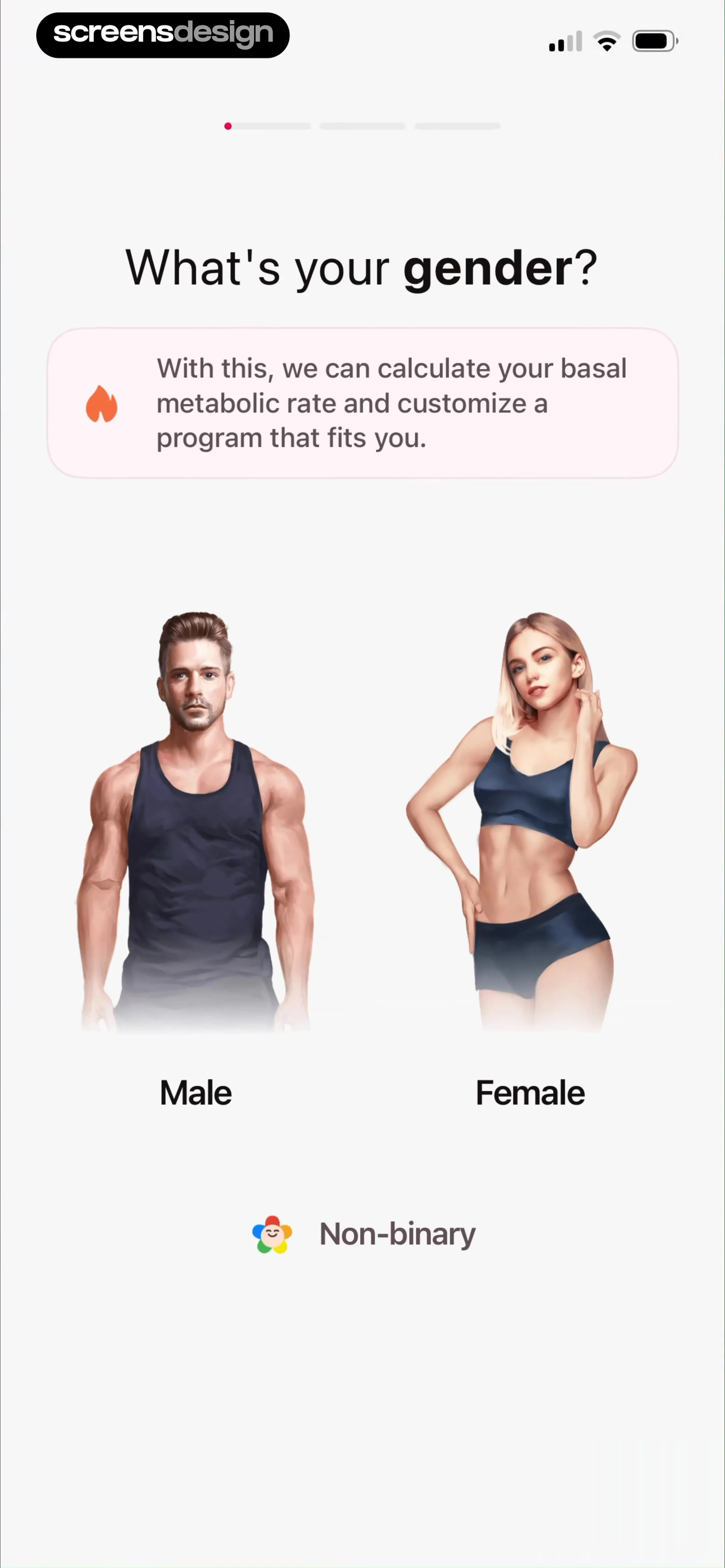
Fitness app onboarding screen asking for gender selection, featuring an informational card and large selectable cards for Male, Female, and Non-binary.
Onboarding screen asking what motivates you most, featuring a progress indicator and four selectable motivation cards.
Fitness goal onboarding screen asking What's your main goal? with three vertical selection cards for Lose weight, Build muscle, and Keep fit.Unlock Pro
Onboarding goal selection screen with a vertical list of options, showing Maintain mobility and Improve sleep quality selected with a Next button.Unlock Pro
Fitness app onboarding screen asking users how fast they want to achieve their goal, with four timeline selection cards.Unlock Pro
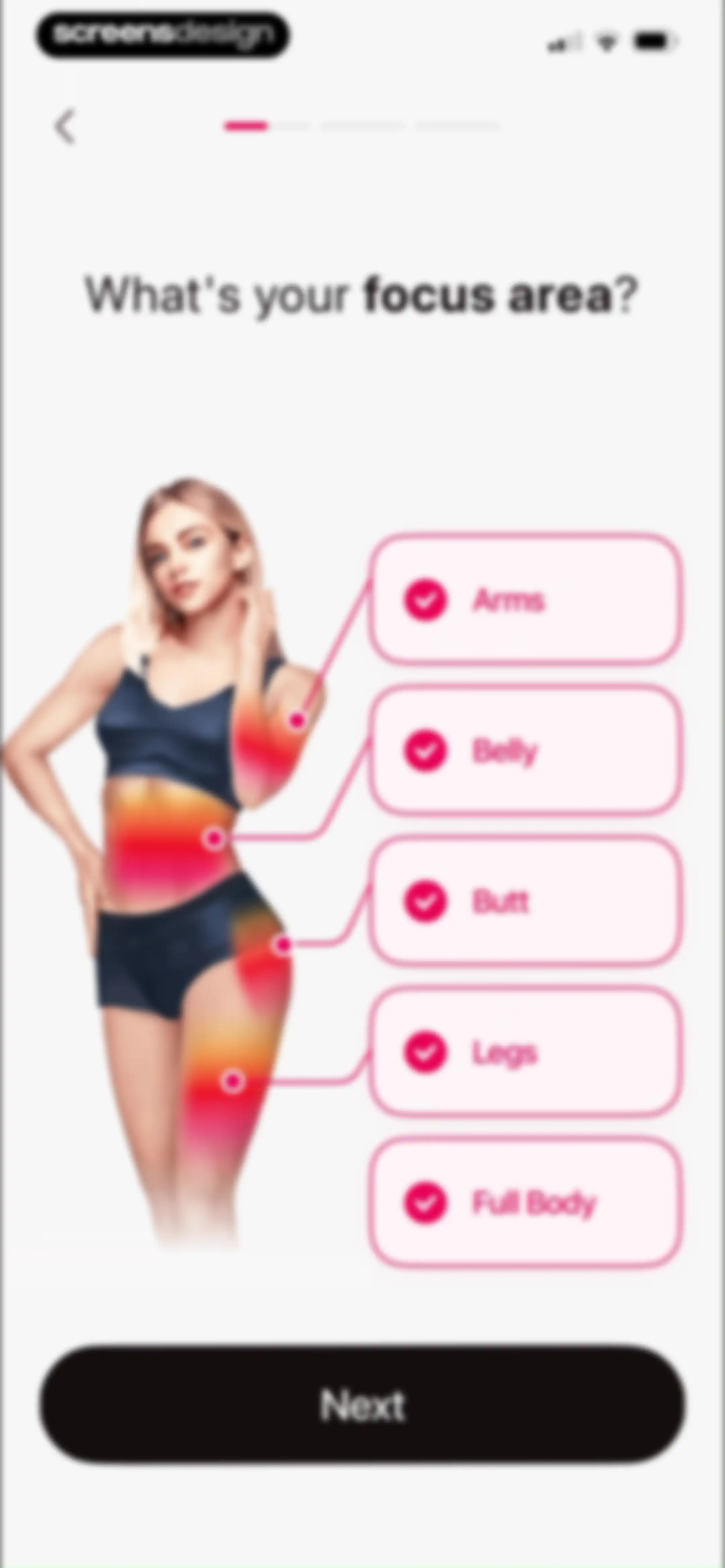
Fitness app onboarding screen asking for focus area, displaying a body illustration, a selected list of body parts, and a Next button.Unlock Pro
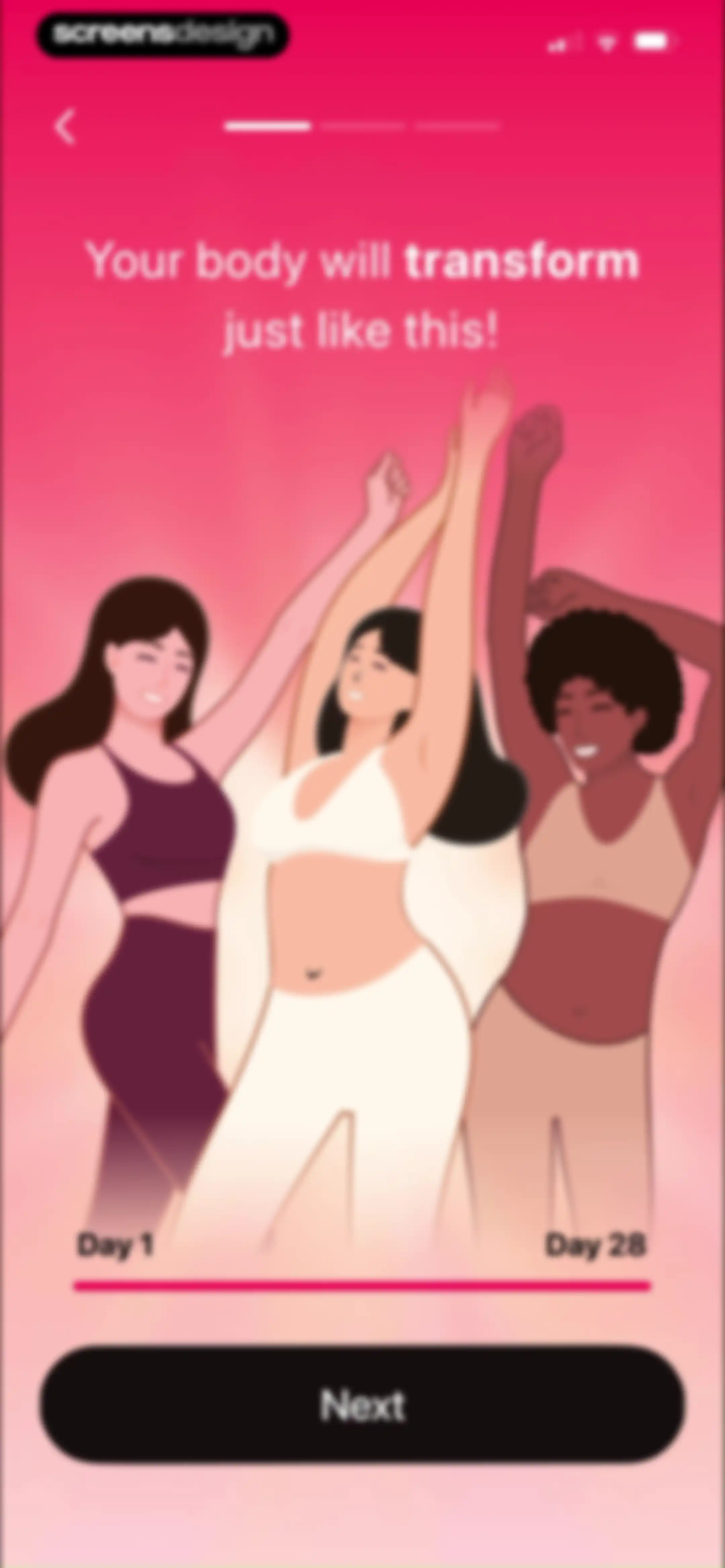
Fitness app onboarding screen featuring a transformation illustration, a Day 1 to Day 28 timeline slider, and a Next button.Unlock Pro
LazyFit onboarding screen featuring Part 2 text and a central minimalist illustration of a person doing a yoga pose with a small orange dog.Unlock Pro
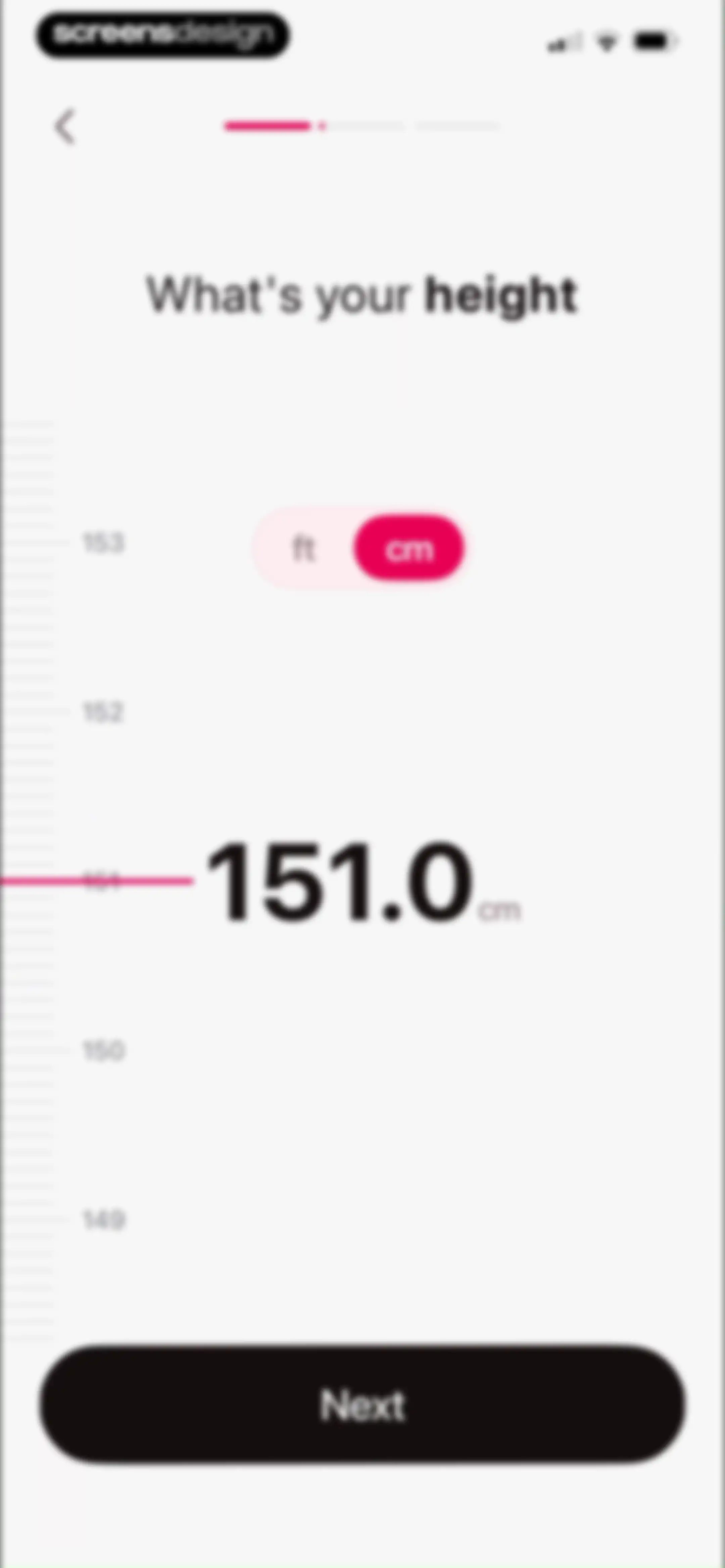
Onboarding screen asking for height with a vertical scrolling ruler, a centimeter unit toggle selected in pink, and a Next button.Unlock Pro
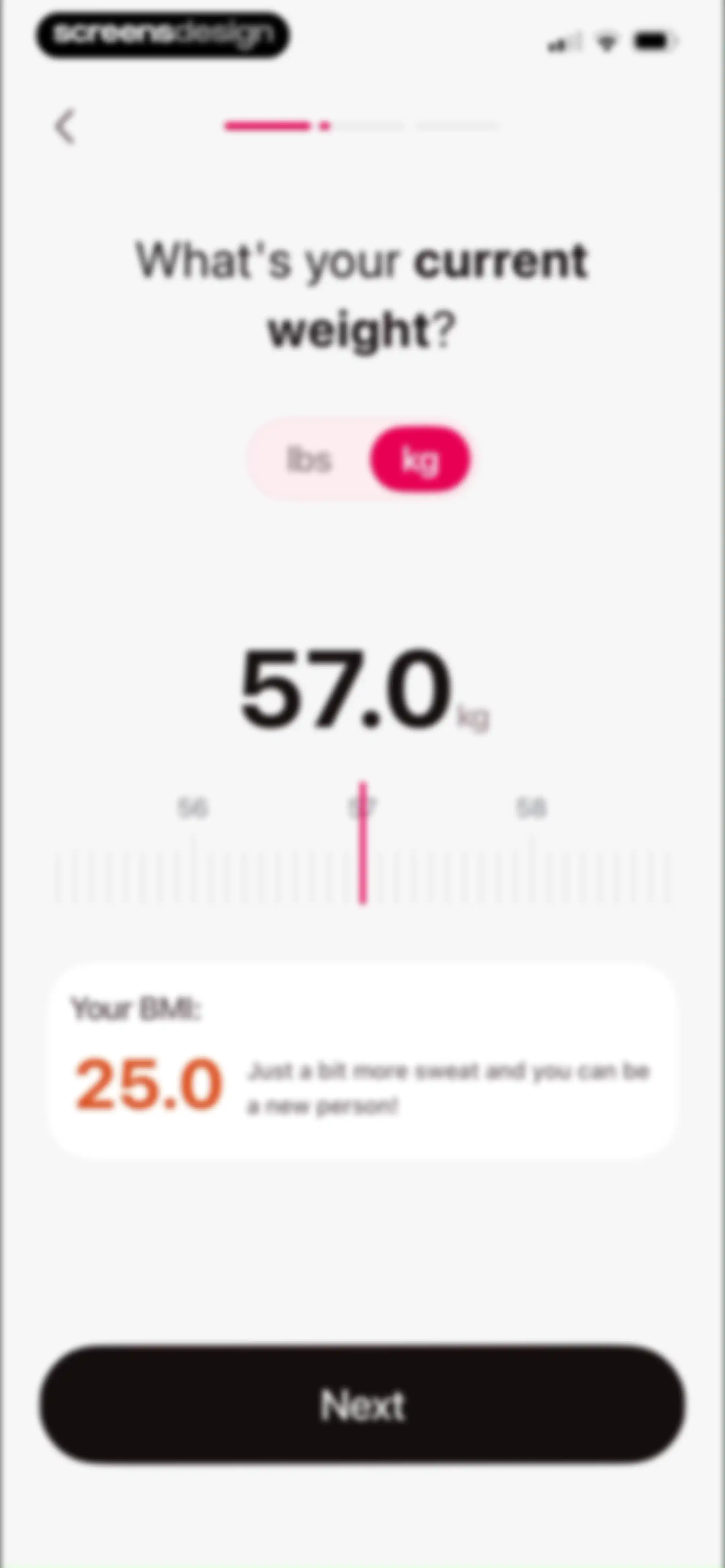
Fitness onboarding weight entry screen with a kg unit toggle, interactive weight slider showing 57.0, a BMI result card, and a Next button.Unlock Pro
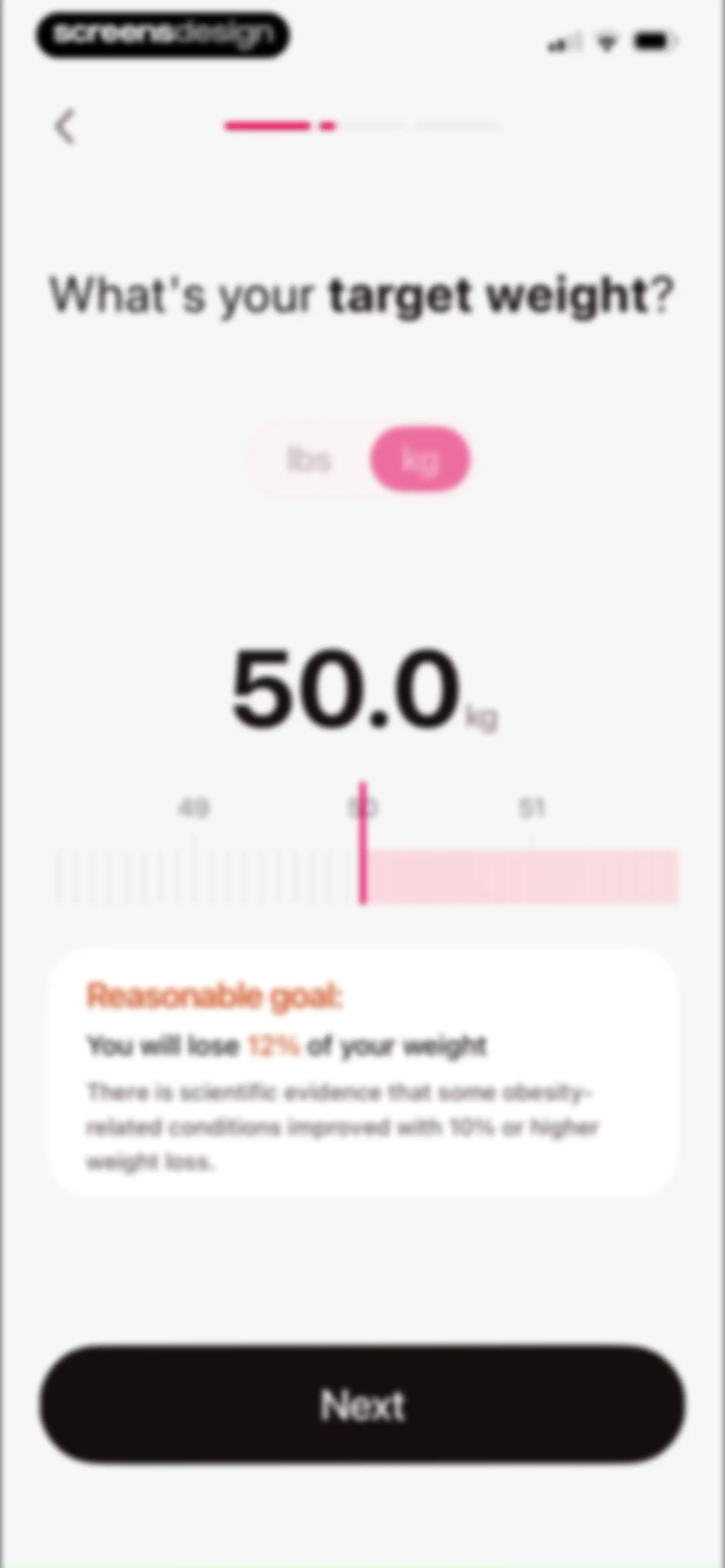
Fitness app onboarding screen asking for target weight with a kg unit toggle, interactive ruler, and a Next button.Unlock Pro
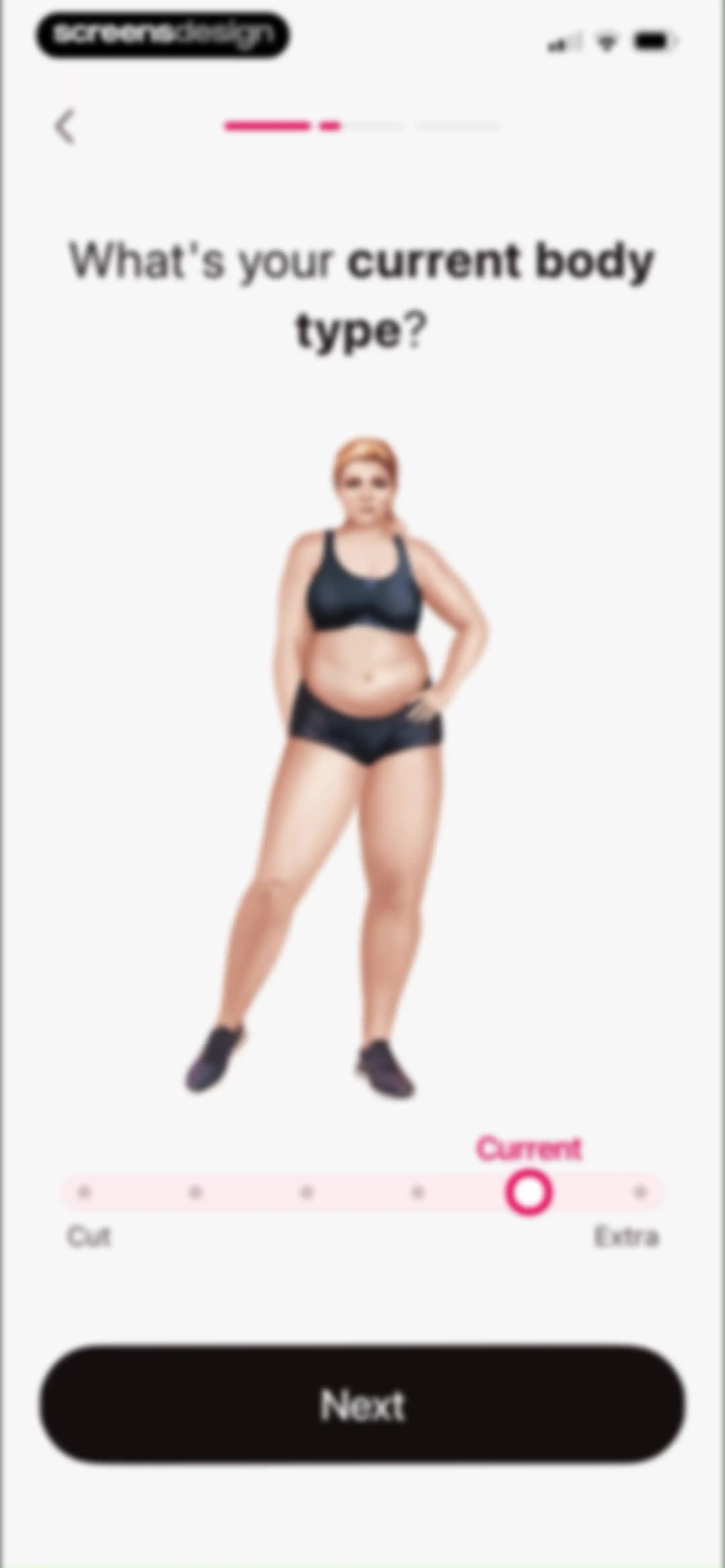
Fitness app onboarding screen asking for current body type, featuring an illustration, a slider with a Current label, and a Next button.Unlock Pro
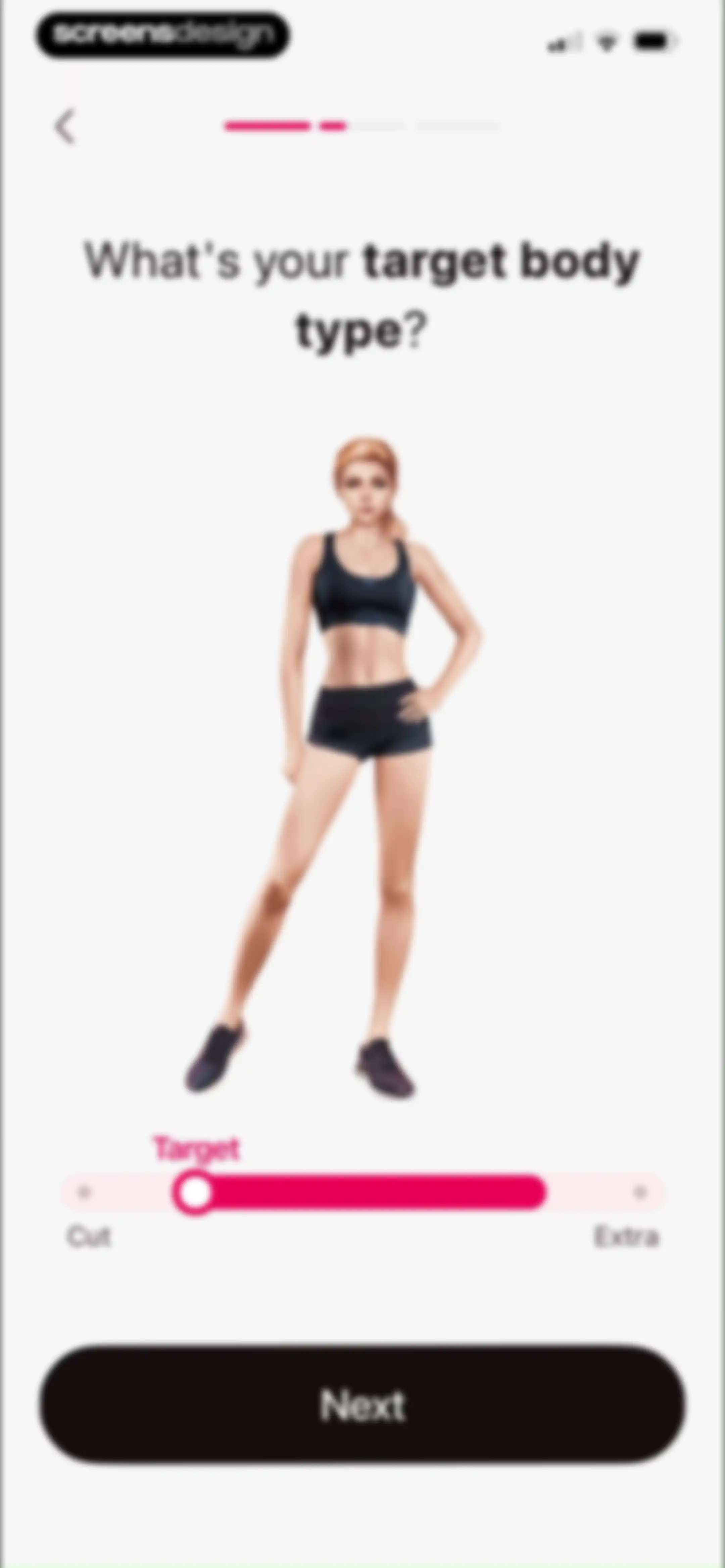
Fitness app onboarding screen asking for target body type with a central illustration, a slider control, and a Next button.Unlock Pro
Onboarding screen asking how weight typically changes, featuring a progress bar and three selectable option cards.Unlock Pro
Fitness app onboarding screen featuring a weight loss prediction graph, encouraging text, and a Next button.Unlock Pro
Fitness app onboarding screen asking for age, displaying the value 26 in the input area with an informational card and a Next button.Unlock Pro
Fitness app onboarding questionnaire asking how workouts should feel, with a progress indicator and three stacked intensity selection cards.Unlock Pro
Fitness app onboarding screen asking for preferred workout duration, with a progress bar and four selection cards ranging from 3 to 30 minutes.Unlock Pro
Fitness app injury selection onboarding screen with the knee option selected and a Next button at the bottom.Unlock Pro
Onboarding workout selection screen featuring a vertical list of cards with Chair Yoga highlighted as the recommended option.Unlock Pro
Fitness onboarding screen displaying a weight projection graph with a predicted goal of 50 kg by June 29 and a Next button.Unlock Pro
Fitness app onboarding screen featuring the heading Physical Fitness Evaluation and a central illustration of a woman running with her pets.Unlock Pro
Fitness app onboarding screen asking about daily activity level, with a progress bar, explanatory card, and selectable Sedentary and Active cards.Unlock Pro
Fitness onboarding questionnaire asking how often the user exercises, with four selection cards and a top progress indicator.Unlock Pro
Fitness onboarding screen with a central graphic, a fitness level slider set to Beginner, and a Next button.Unlock Pro
Fitness app onboarding screen featuring a user testimonial card with a photo and five-star rating, and a Next button.Unlock Pro
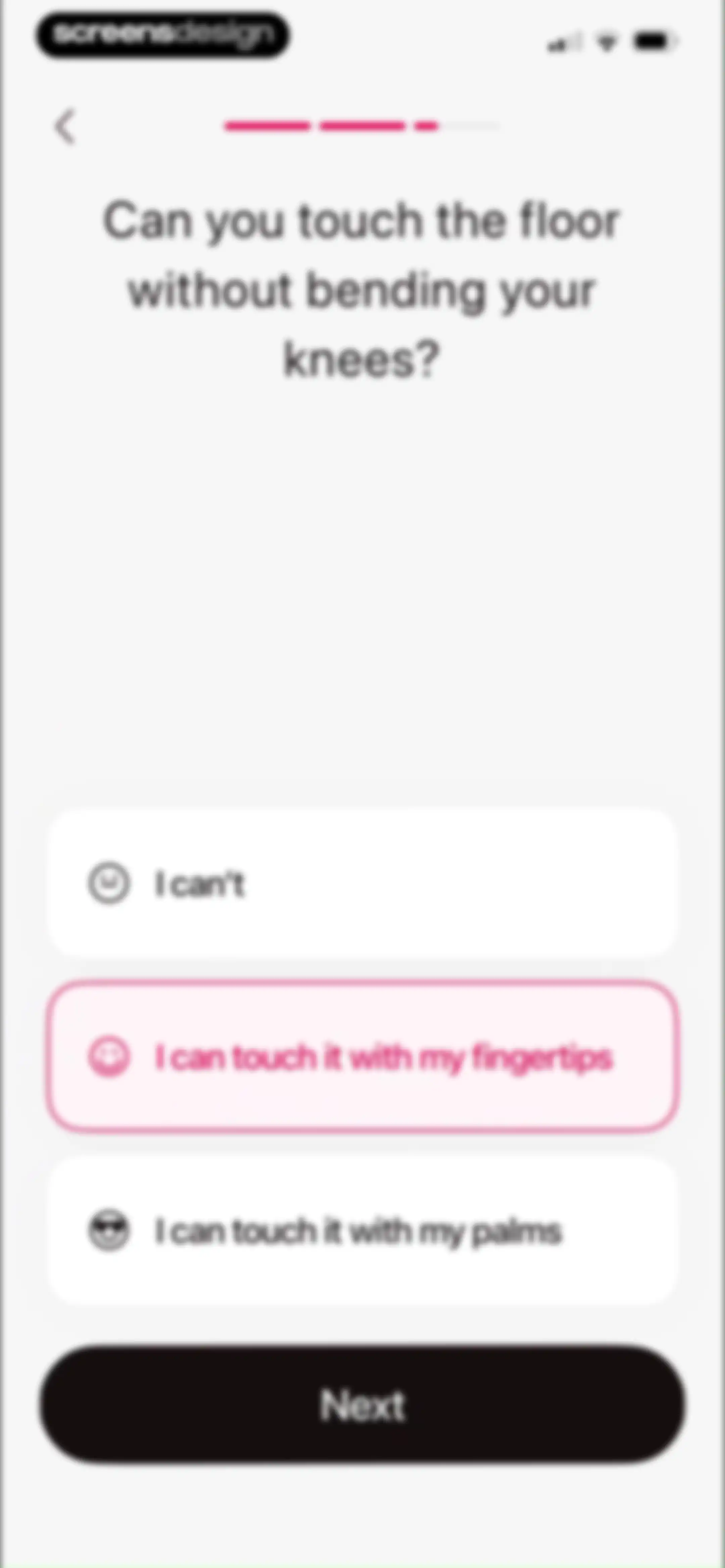
Fitness app onboarding screen asking about flexibility with three option cards, the fingertips option selected, and a Next button.Unlock Pro
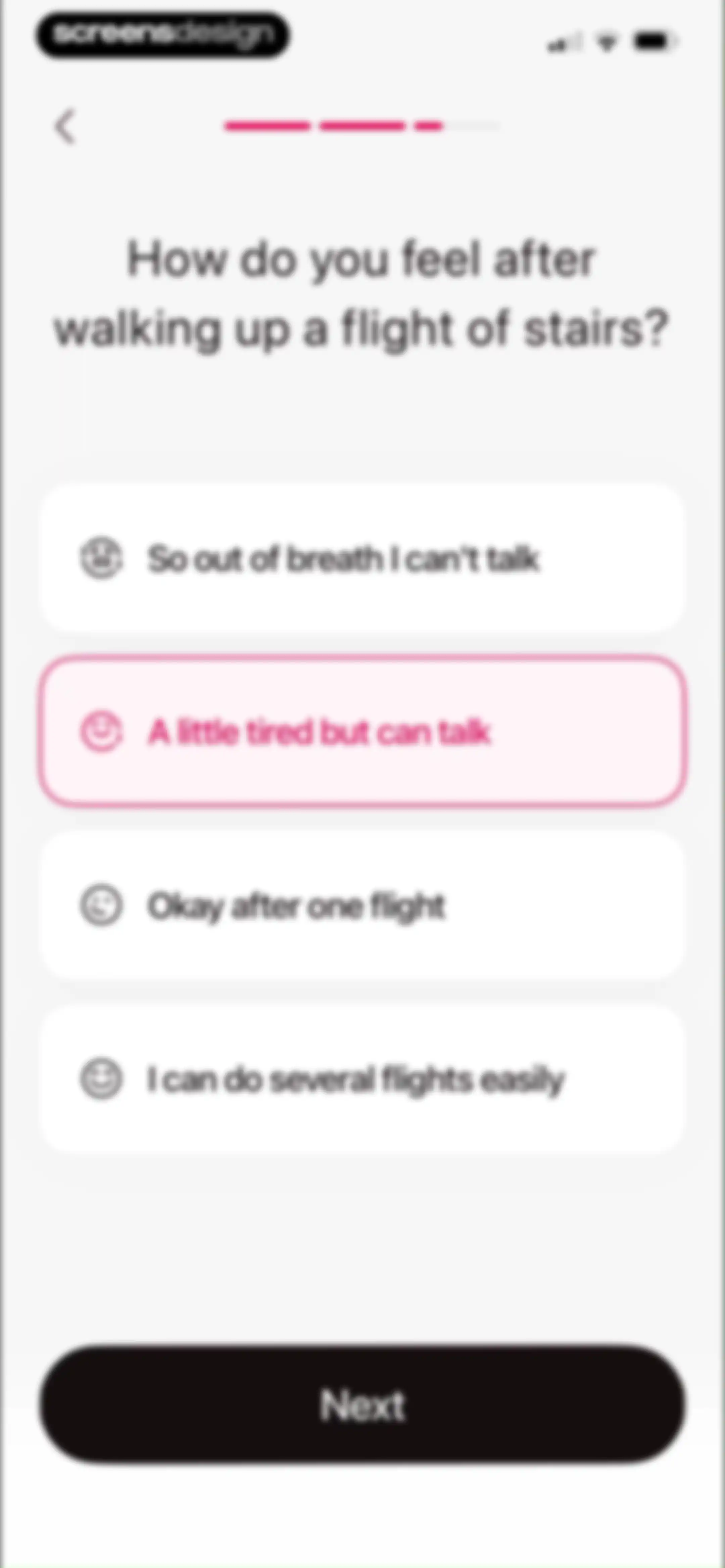
Fitness app onboarding questionnaire asking about stamina after stairs, with four selectable cards and a Next button.Unlock Pro
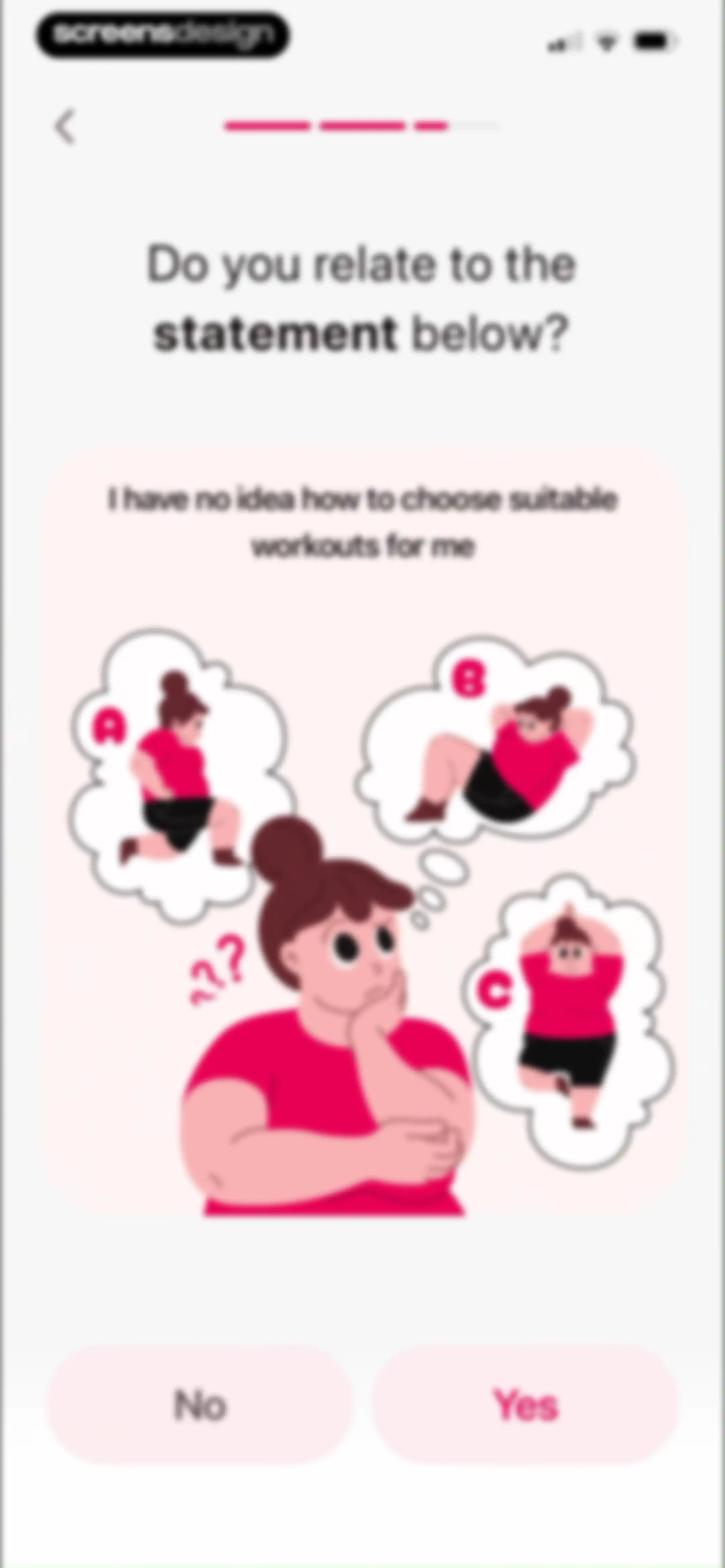
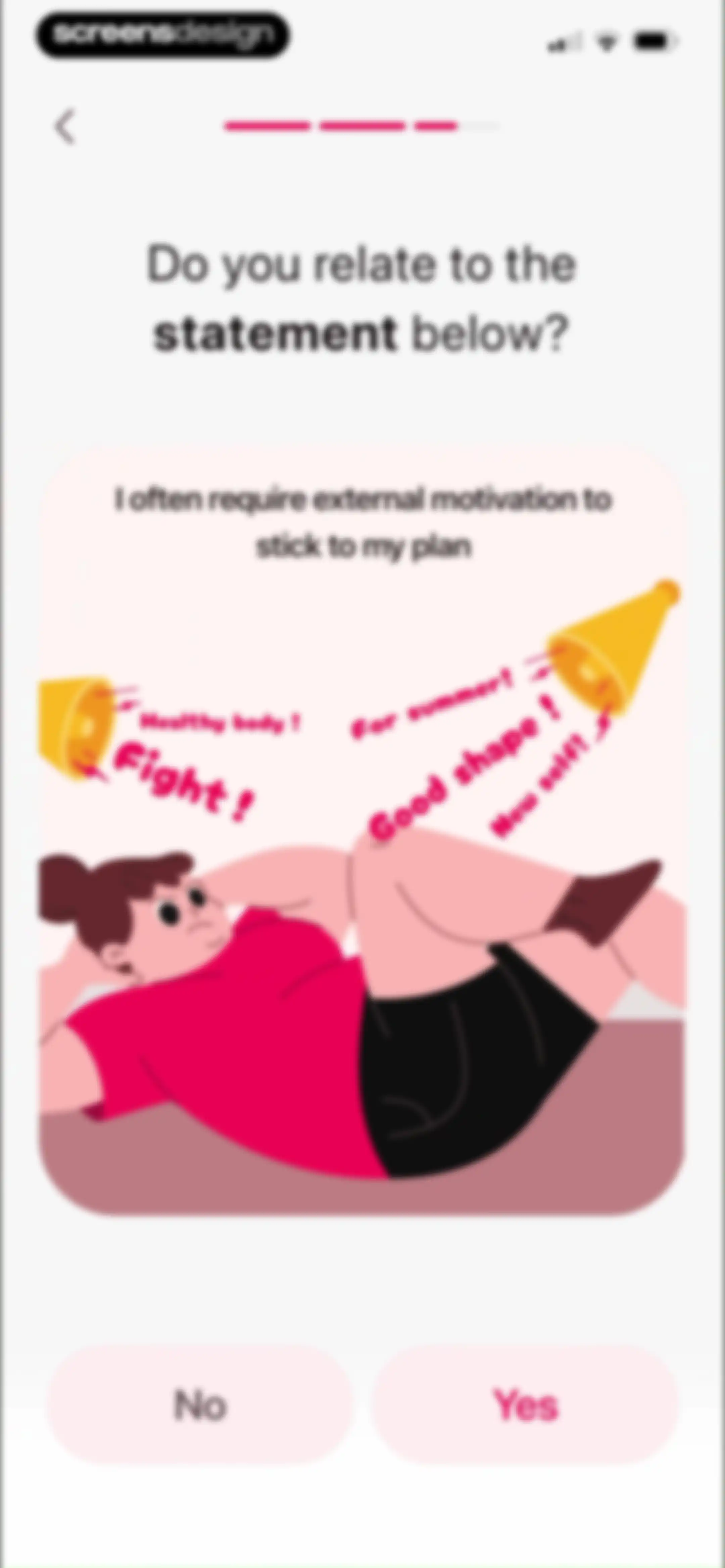
Fitness app onboarding screen asking if the user relates to a workout choice statement, featuring an illustration and Yes and No buttons.Unlock Pro
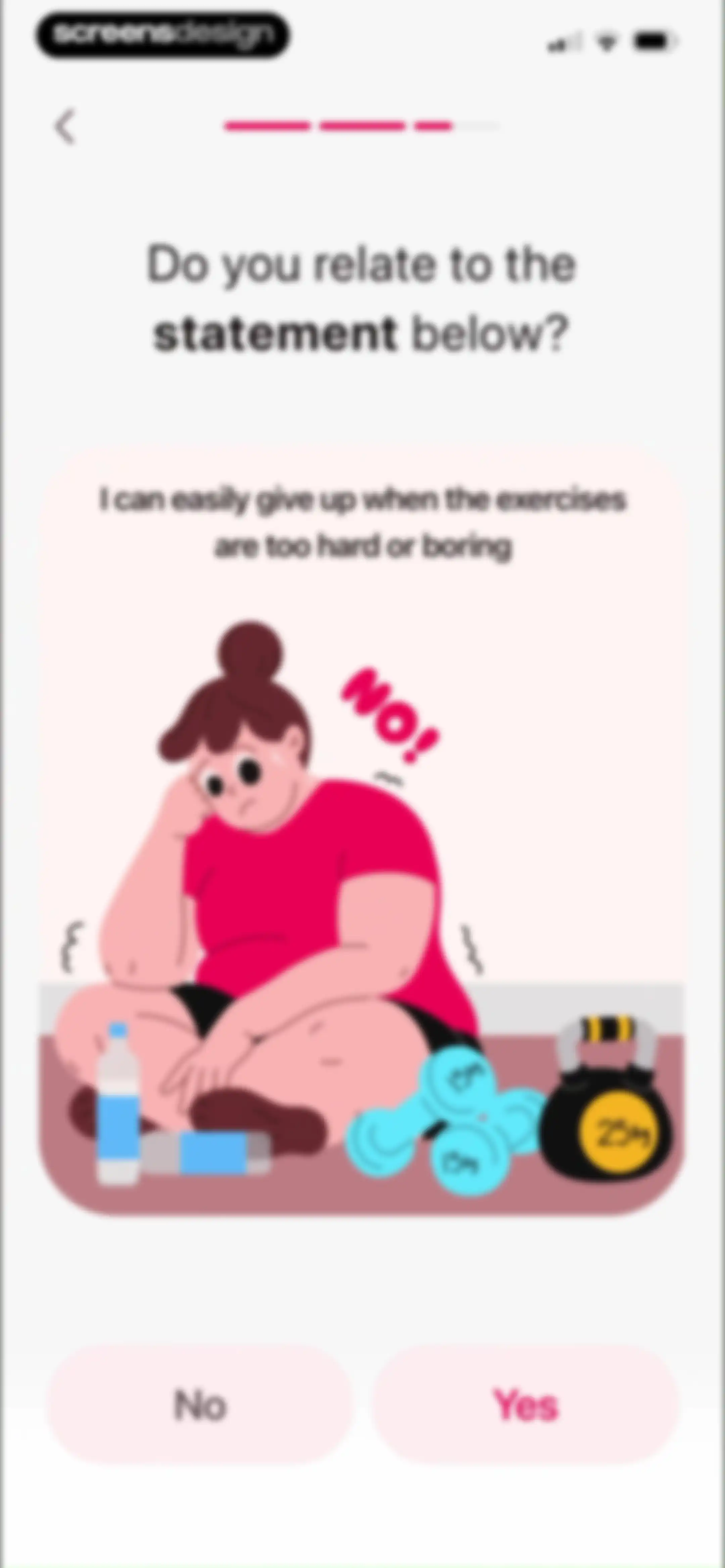
Fitness app onboarding question asking if the user relates to a specific statement, accompanied by an illustration and No and Yes buttons.Unlock Pro
Fitness app onboarding screen asking a motivation question, featuring a central illustration card and No and Yes selection buttons at the bottom.Unlock Pro
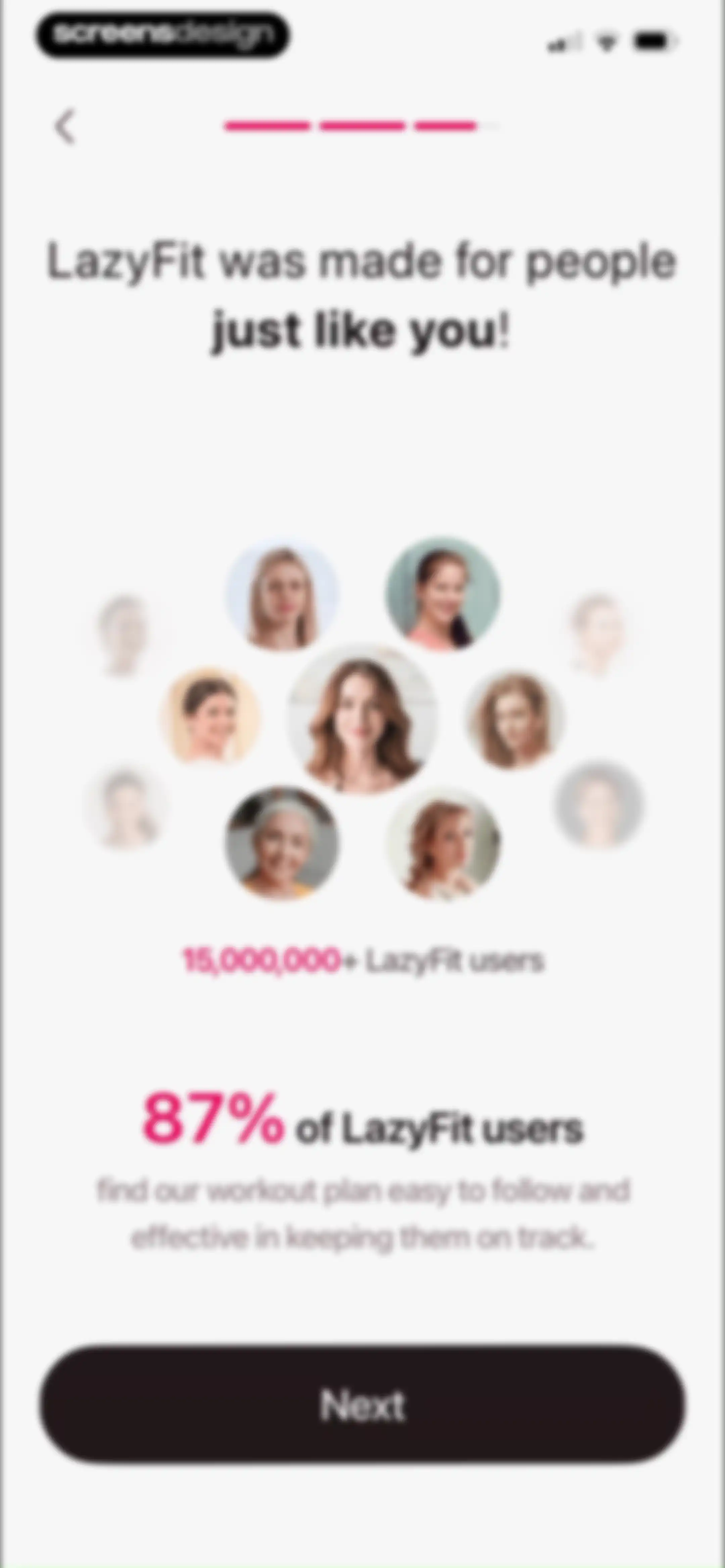
LazyFit onboarding screen displaying user statistics, a portrait collage, and a Next button.Unlock Pro
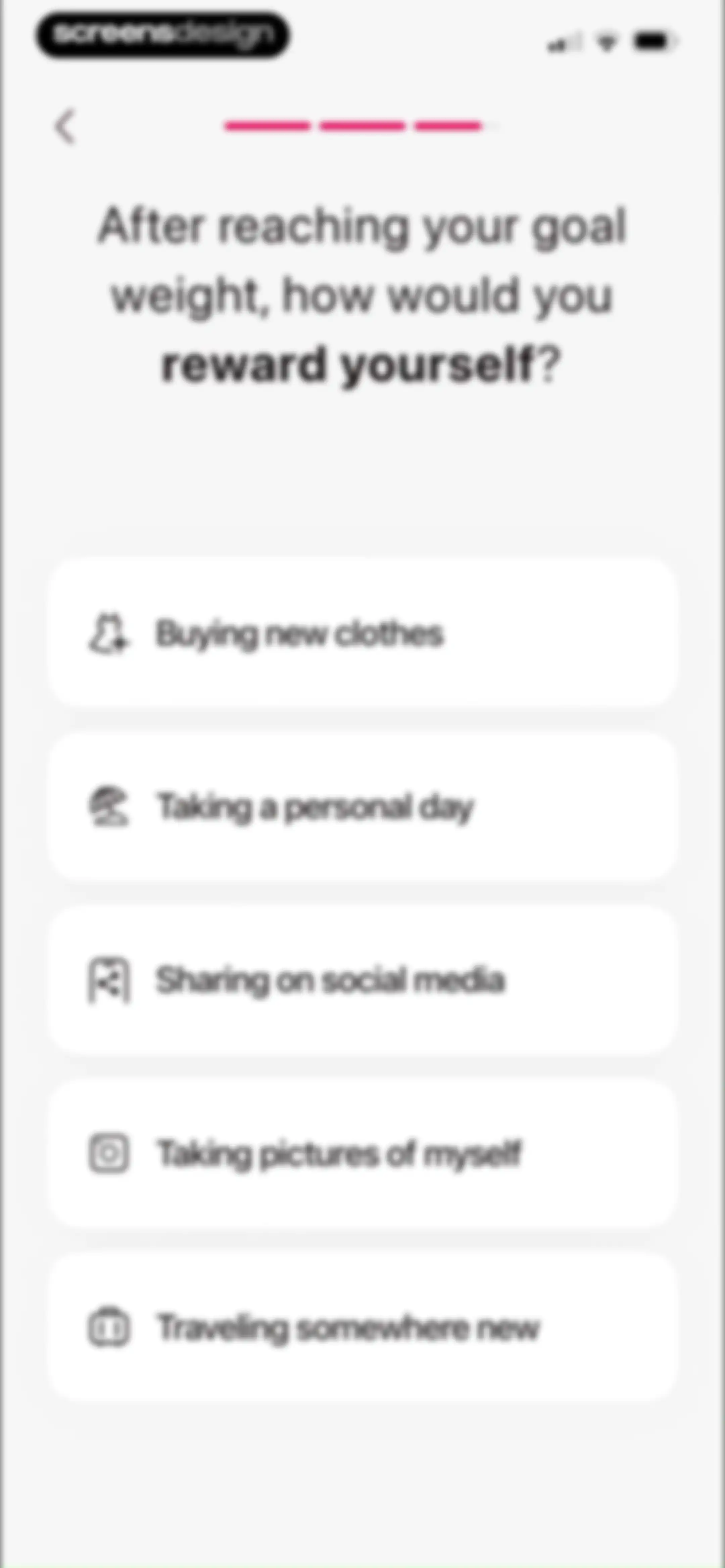
Onboarding screen asking how you would reward yourself after reaching your goal weight, with a list of five selectable options.Unlock Pro
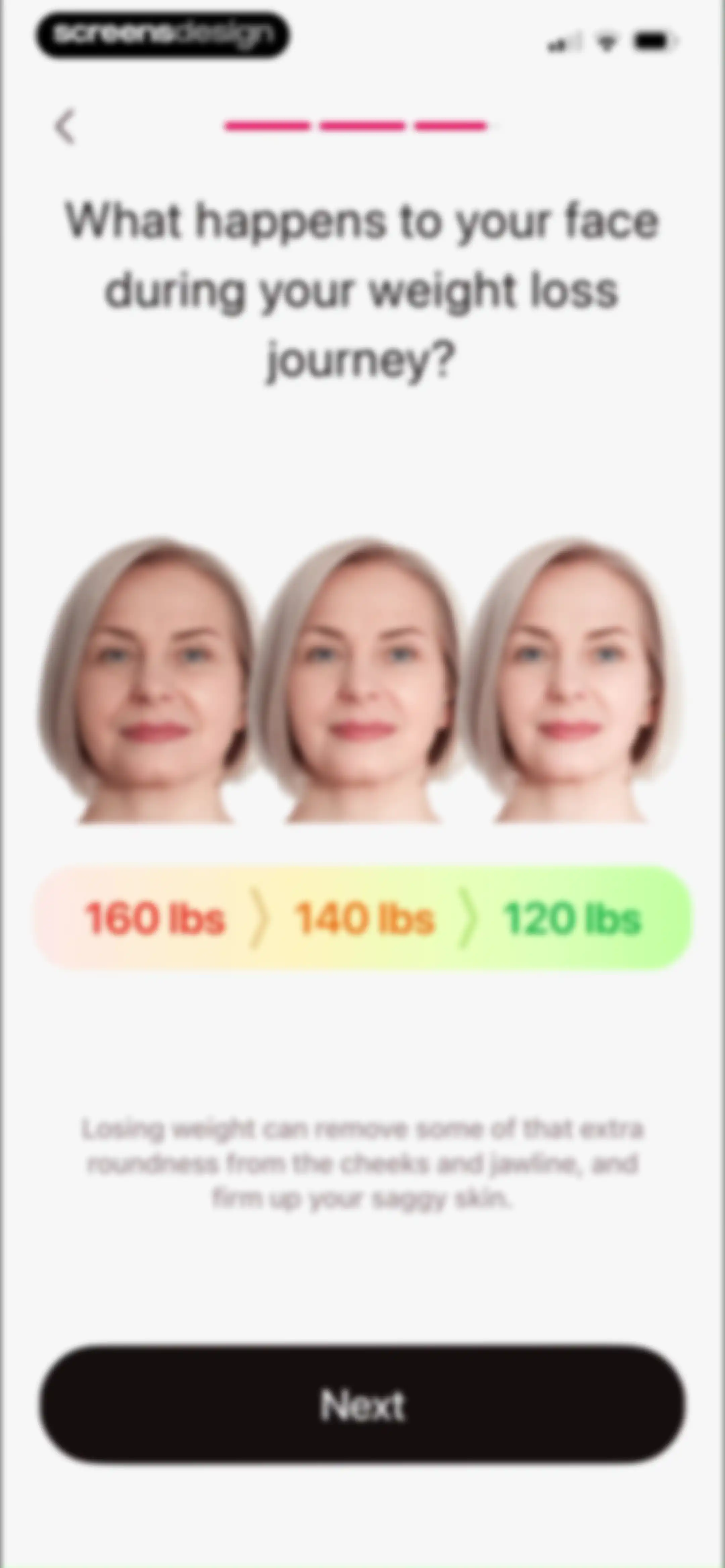
Onboarding educational screen explaining facial changes during weight loss, featuring progress photos at different weights and a Next button.Unlock Pro
Fitness app onboarding question screen asking if you want to be more energetic, with Yes and No buttons.Unlock Pro
Fitness onboarding screen asking if you want to get an attractive body, with Yes and No buttons over a background photo.Unlock Pro
Onboarding question screen featuring a photo background, asking whether you want to say goodbye to chronic diseases with Yes and No buttons.Unlock Pro
Onboarding confirmation screen with a checkmark icon against a confetti background and text stating that a personalized plan is being created.Unlock Pro
Onboarding loading screen showing zero percent progress, the status message creating your personal plan, and social proof with user avatars.Unlock Pro
LazyFit onboarding loading screen showing a 99 percent progress ring, social proof for over fifteen million users, and a gold trophy graphic.Unlock Pro
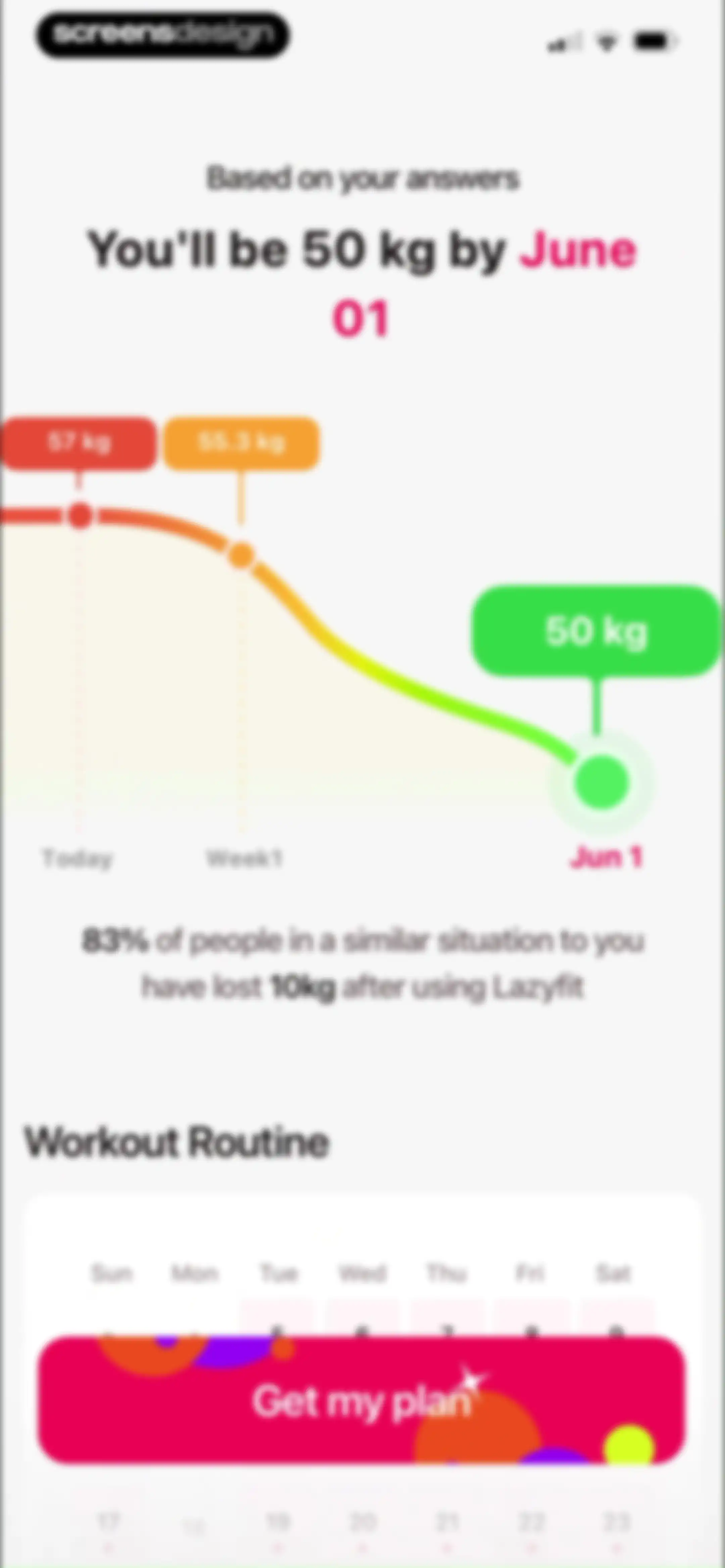
Fitness app onboarding weight loss projection screen with a line chart, social proof, workout calendar, and Get my plan button.Unlock Pro
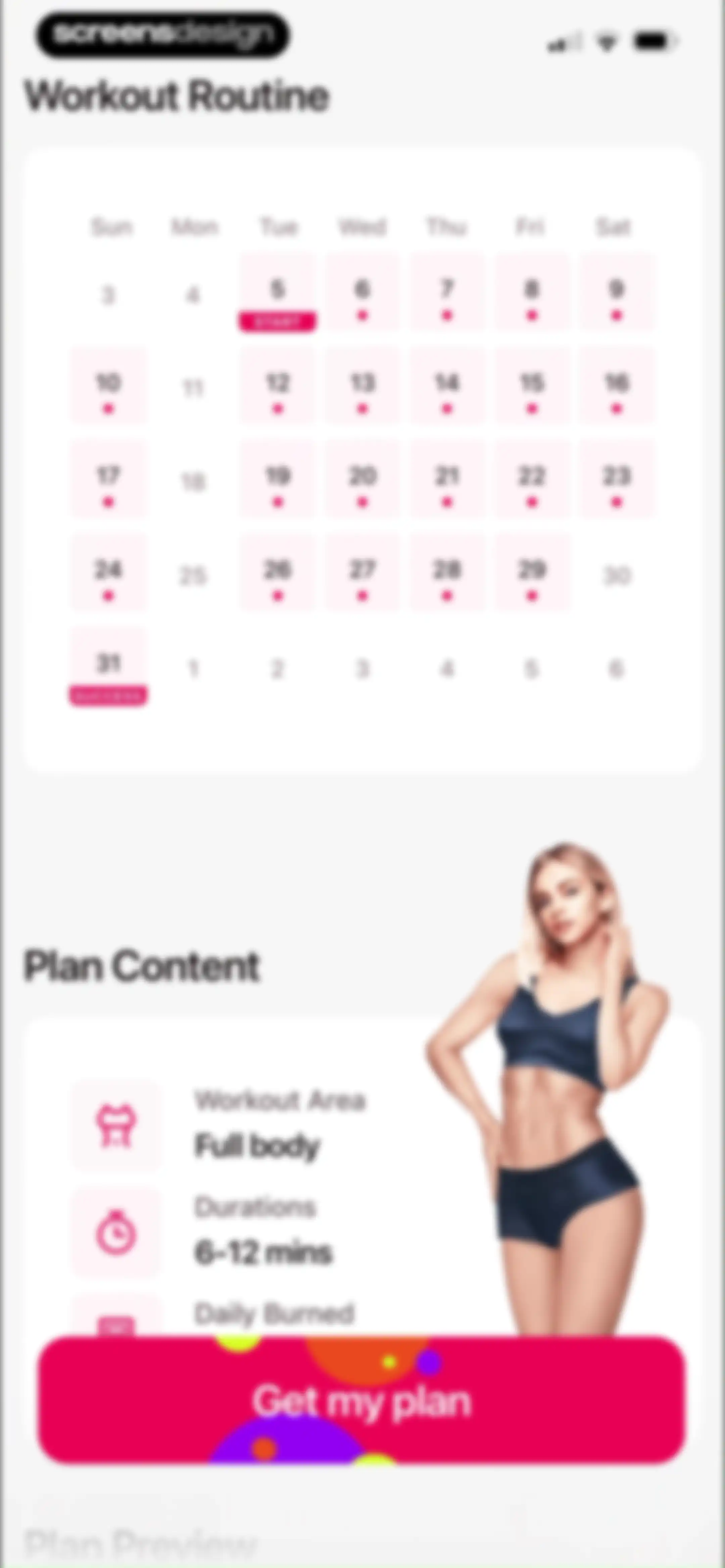
Fitness app subscription screen displaying a workout calendar preview, plan details card, and a Get my plan button.Unlock Pro
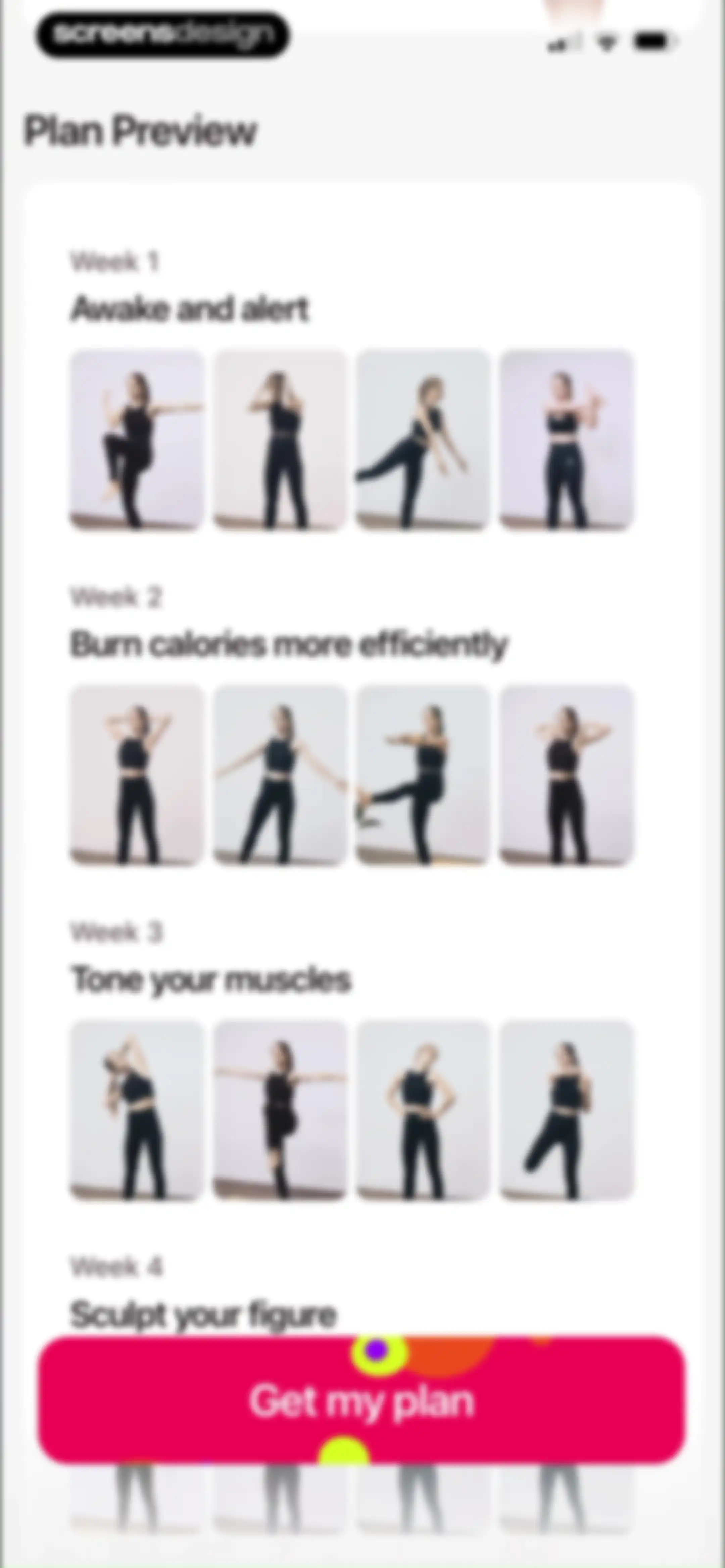
Fitness paywall screen showing a four-week workout plan preview with exercise thumbnails and a Get my plan button.Unlock Pro
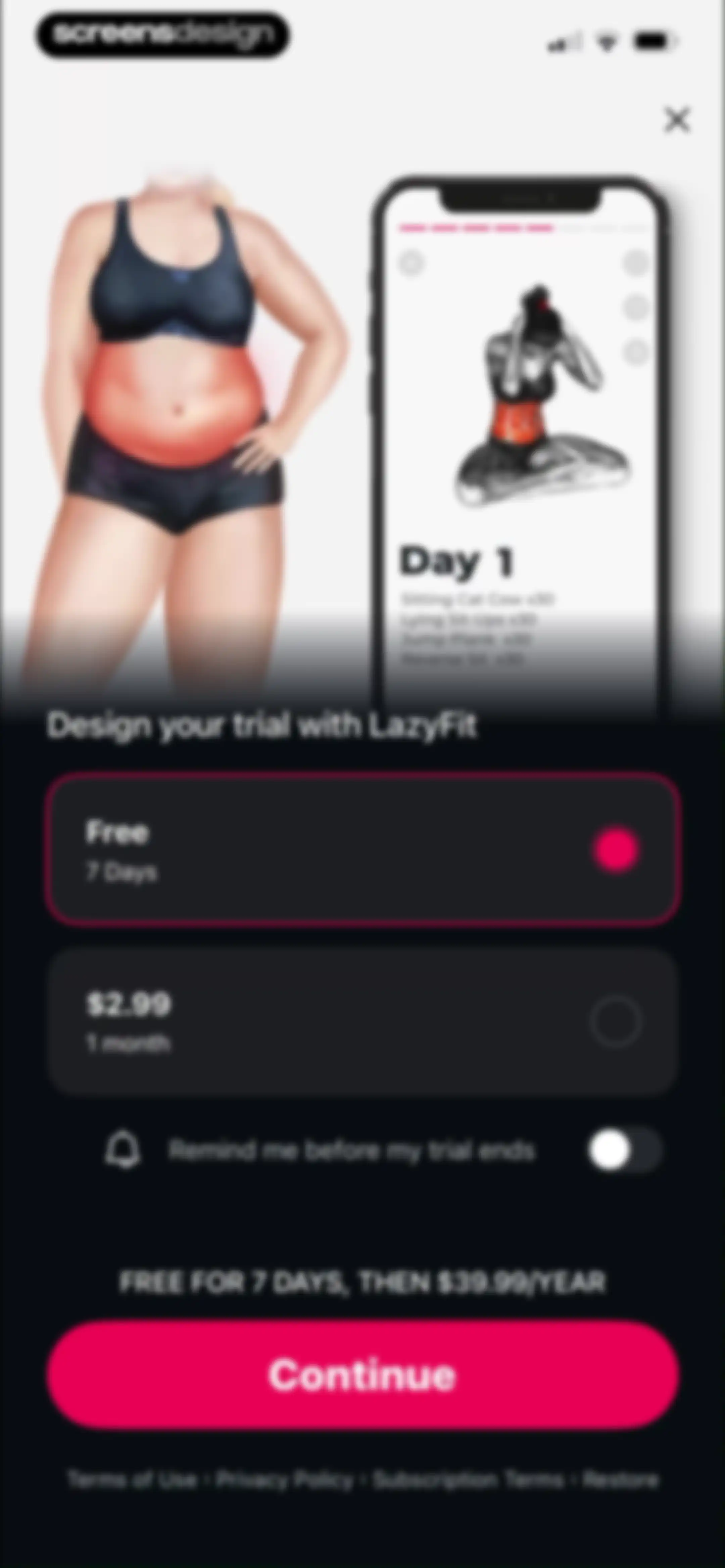
Paywall screen for LazyFit comparing a free seven-day trial and a monthly plan, with the trial selected, a reminder toggle, and a Continue button.Unlock Pro
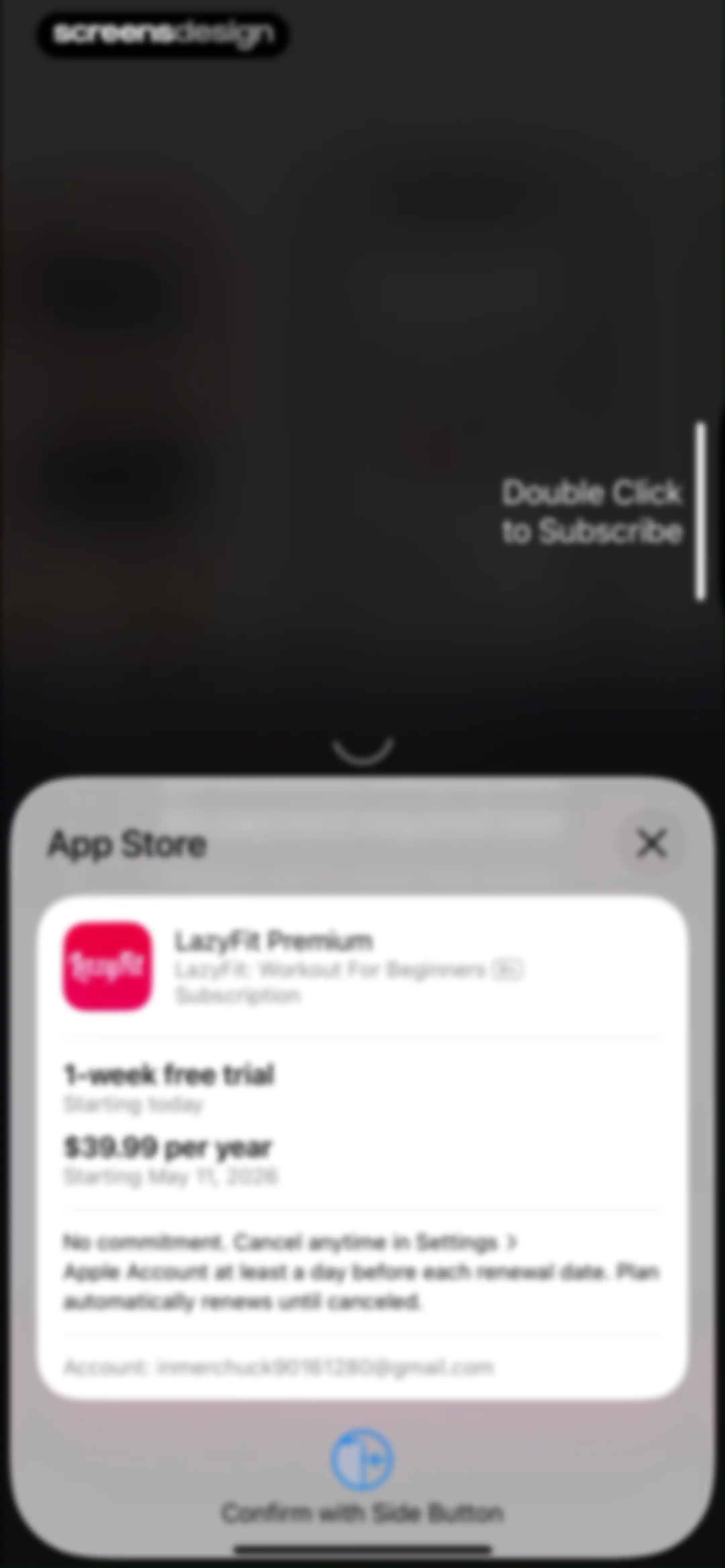
App Store checkout modal for LazyFit Premium showing a one-week free trial and annual pricing, with a prompt to confirm using the side button.Unlock Pro
Purchase success modal displaying a confirmation message and an OK button over a blurred background.Unlock Pro
Fitness app onboarding screen featuring the text To Kickstart Your Best Plan, a photo of a woman stretching, and a Continue button.Unlock Pro
LazyFit onboarding screen displaying the header Reach Your Goals With LazyFit above a vertical stack of three image cards.Unlock Pro
Fitness app onboarding screen featuring the headline Workout Anywhere and Anytime with a 2x2 grid of four workout style images and a close button.Unlock Pro
Fitness onboarding overlay featuring a collage of exercise thumbnails, text highlighting over 1000 exercises, and a close button.Unlock Pro
Fitness app onboarding screen featuring a minimalist white background, centered welcome text, and a close button in the top left corner.Unlock Pro
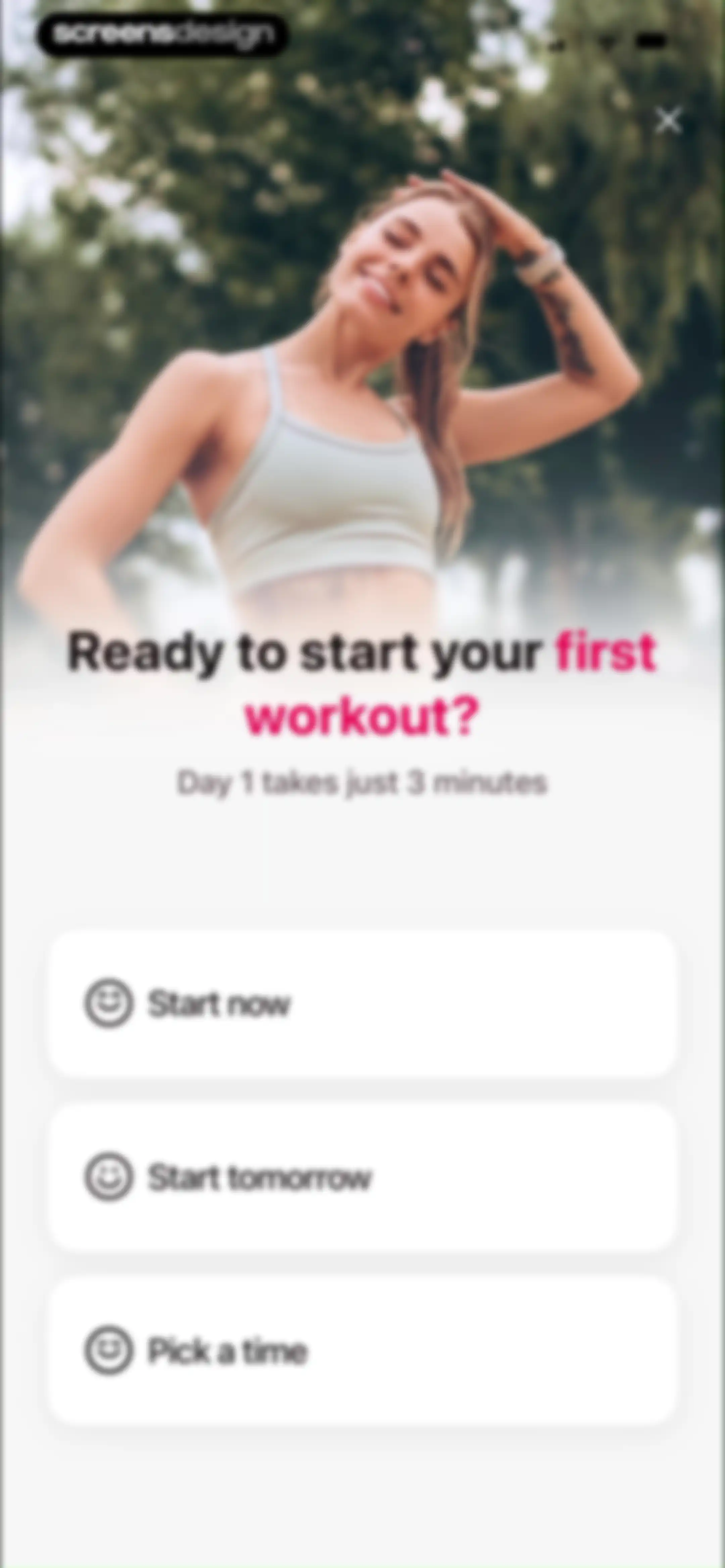
Fitness onboarding screen with a hero image, a prompt to start the first workout, and three scheduling cards for start time options.Unlock Pro
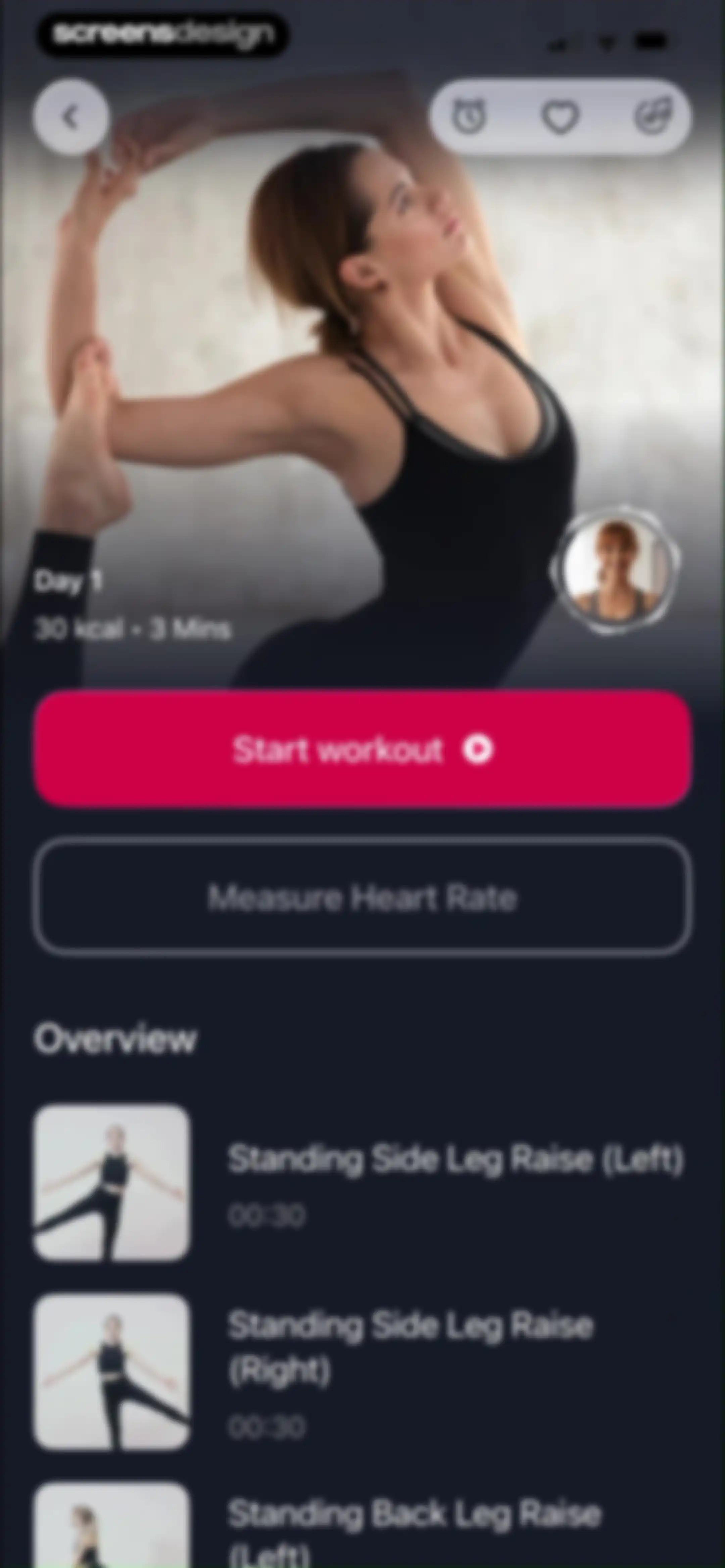
Workout detail screen for Day 1 with a Start workout button, a Measure Heart Rate button, and an exercise list.Unlock Pro
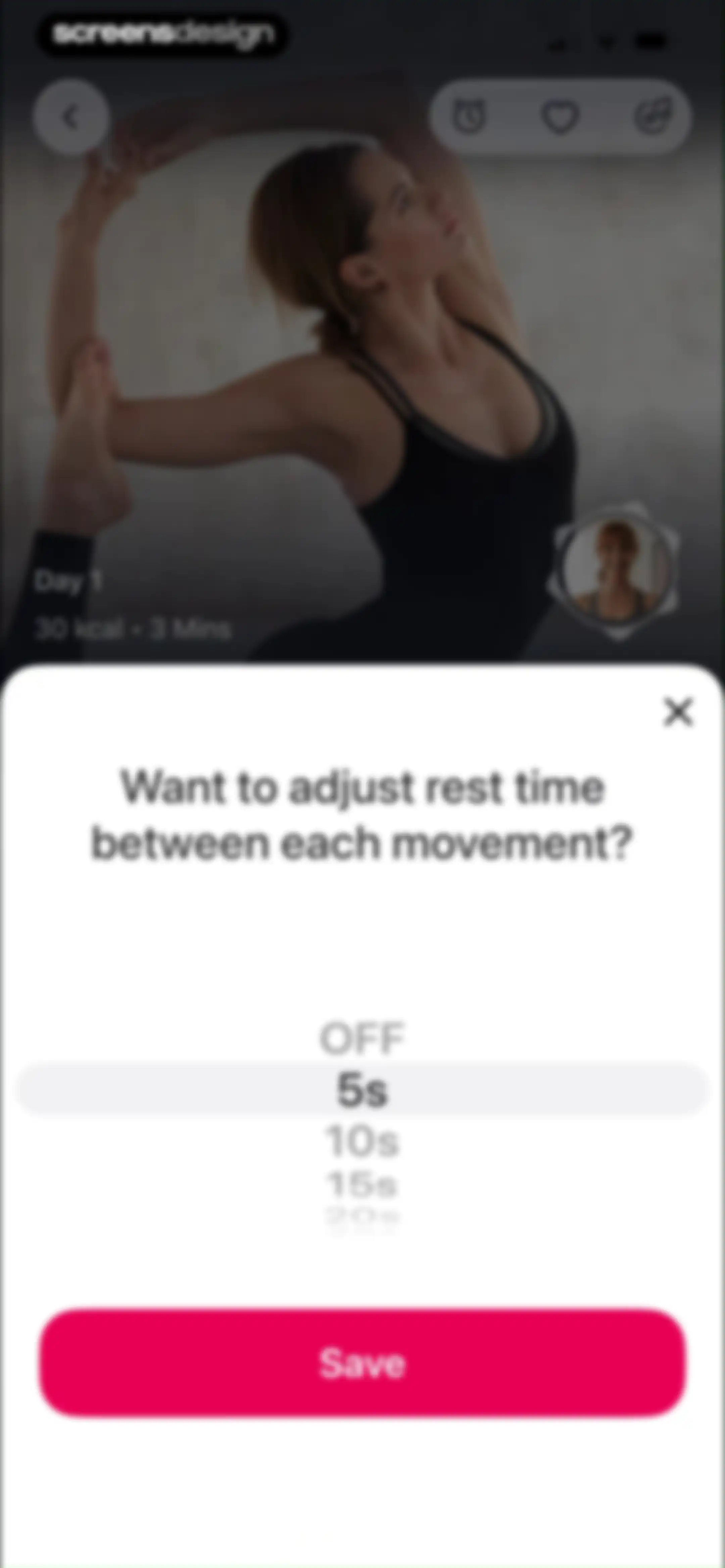
Rest time adjustment modal overlay with a vertical scroll picker set to 5 seconds and a Save button.Unlock Pro
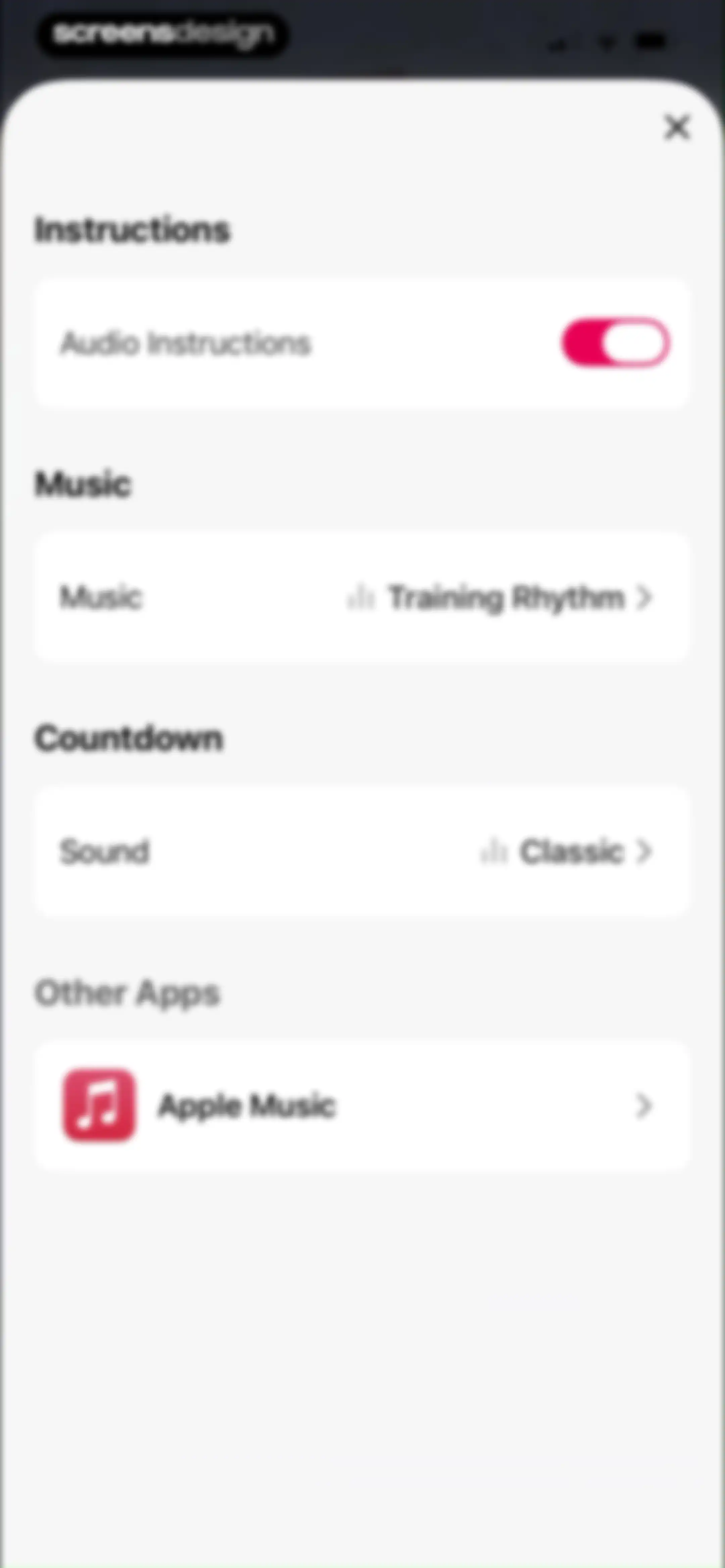
Fitness app settings modal featuring sections for instructions, music, countdown, and other apps with a close button at the top.Unlock Pro
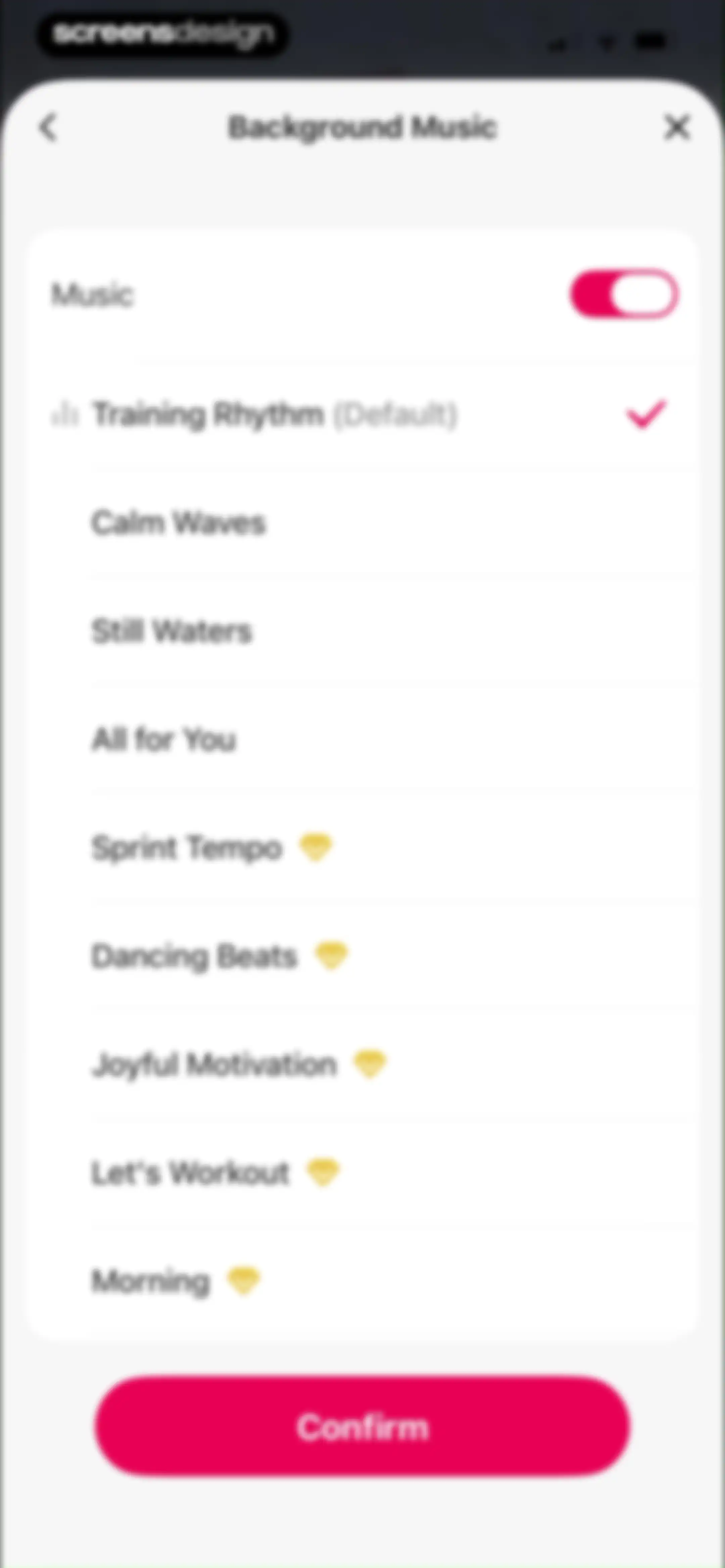
Background music settings menu displaying a list of tracks with Training Rhythm selected and a Confirm button.Unlock Pro
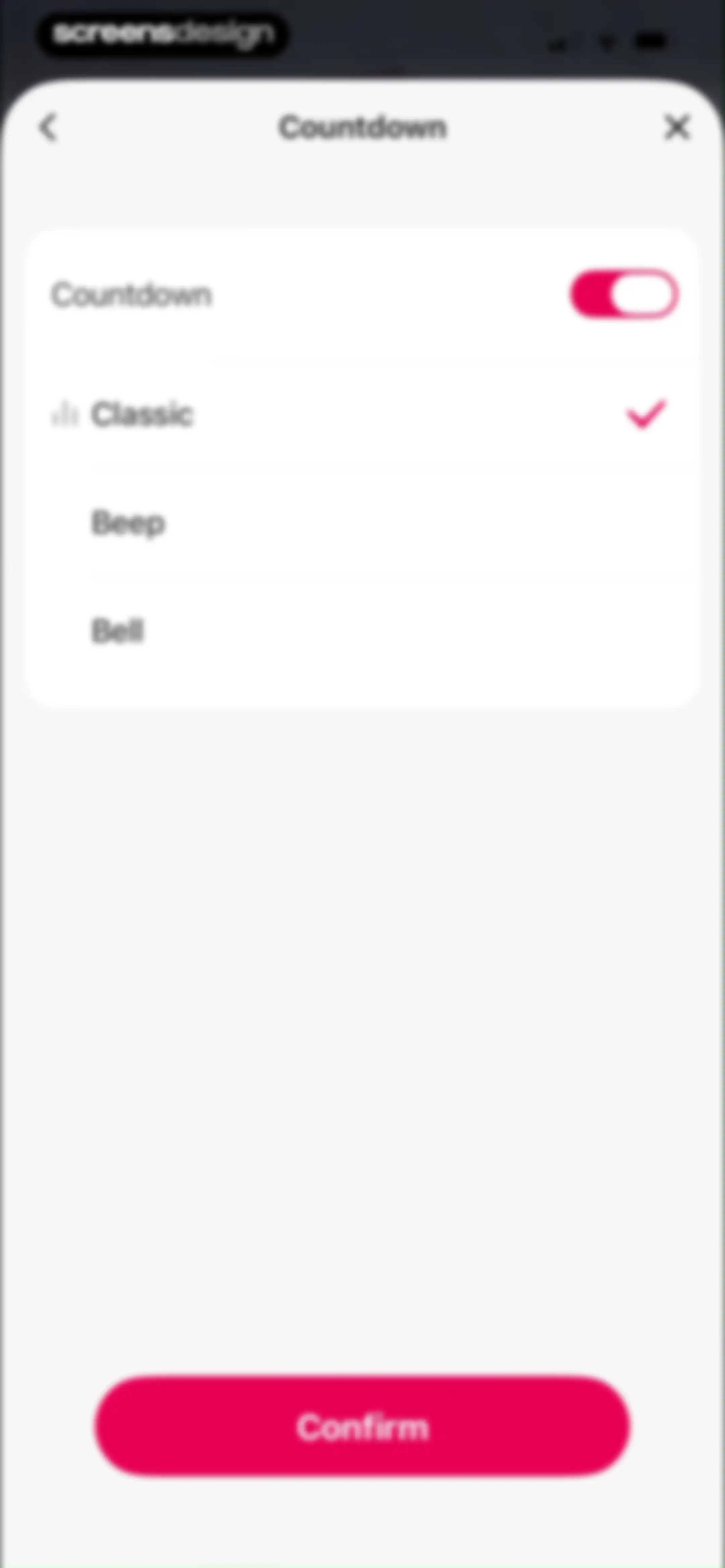
Countdown settings modal with the classic sound option selected and a pink Confirm button at the bottom.Unlock Pro
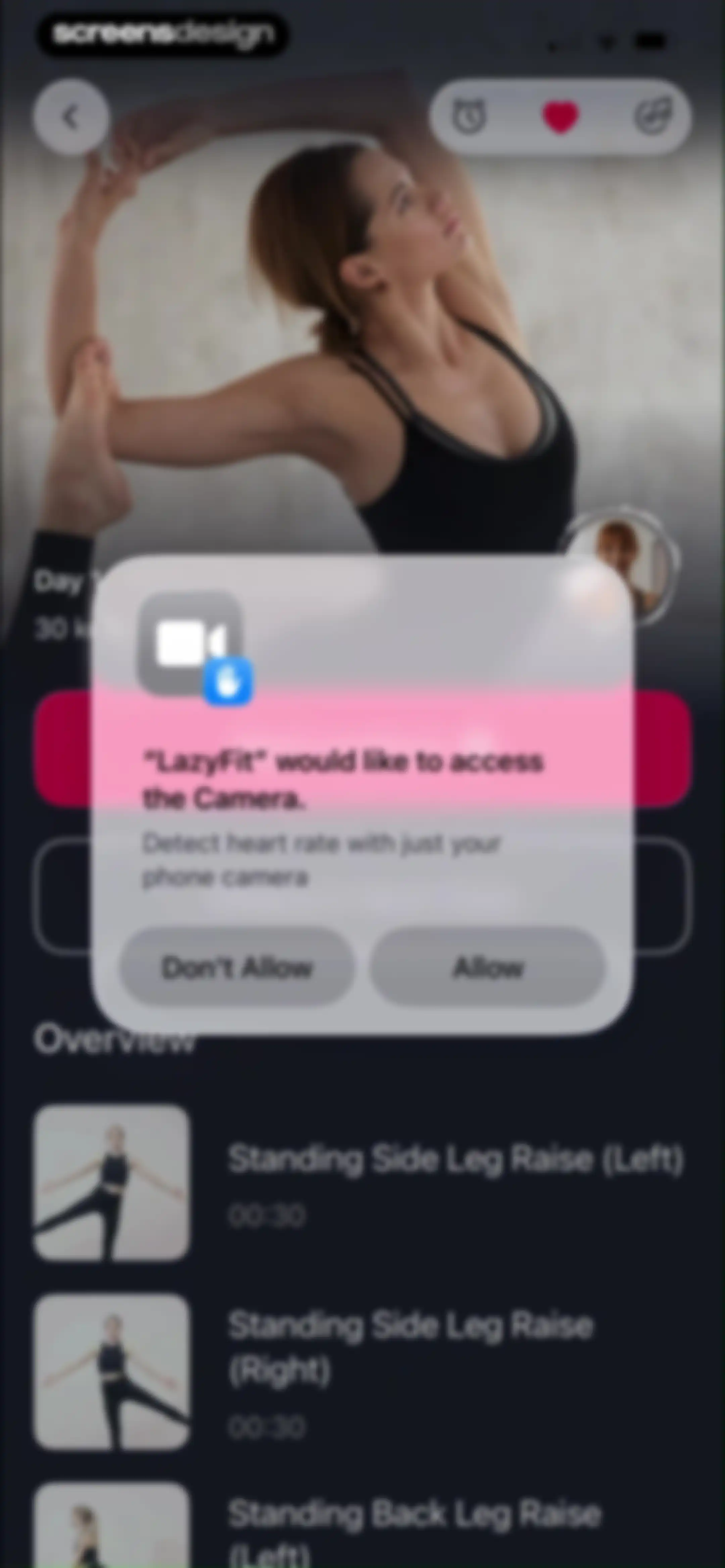
LazyFit workout detail page with a system permission modal requesting camera access to detect heart rate, featuring Allow and Don't Allow buttons.Unlock Pro
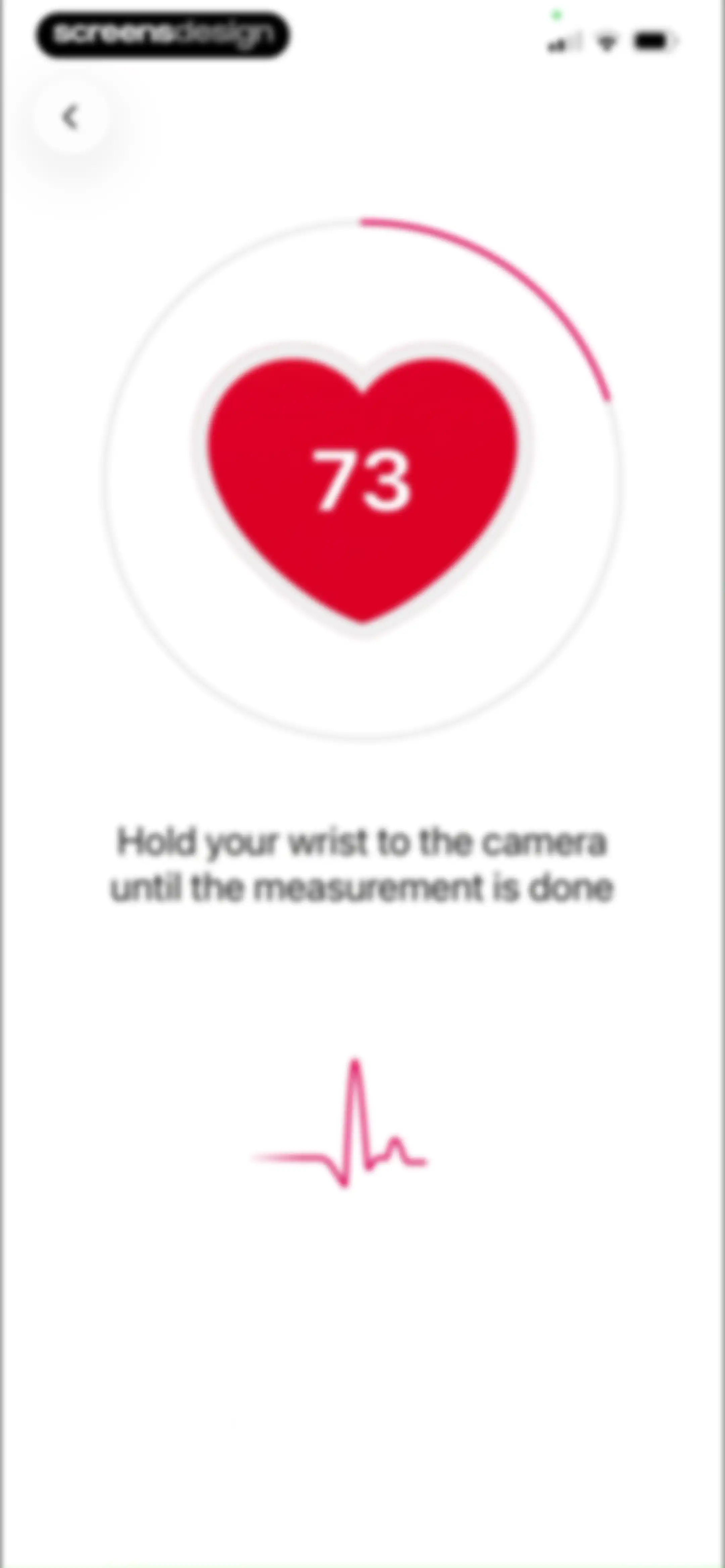
Heart rate measurement screen displaying a circular progress indicator with a value of 73, instructional text, and a bottom pulse graphic.Unlock Pro
LazyFit heart rate measurement screen displaying a resting rate of 77 with an EKG graphic and a Start button.Unlock Pro
Fitness workout start screen featuring a centered circular GO button with a progress ring against a magenta background.Unlock Pro
Workout preparation screen showing a countdown timer of eighteen seconds, the next exercise preview, and skip and guidance buttons.Unlock Pro
Workout video player showing a timer, the exercise title Standing Side Leg Raise (Left), and playback controls.Unlock Pro
Settings modal for audio and music preferences with sections for instructions, music, countdown, and Apple Music integration.Unlock Pro
Workout video player displaying an exercise demonstration, a countdown timer at 00:26, and playback overlay controls.Unlock Pro
Workout preparation screen displaying a countdown timer, exercise demonstration video, and a Skip button.Unlock Pro
Workout preparation countdown screen displaying a fourteen-second timer, exercise video demonstration, and Guidance and Skip buttons.Unlock Pro
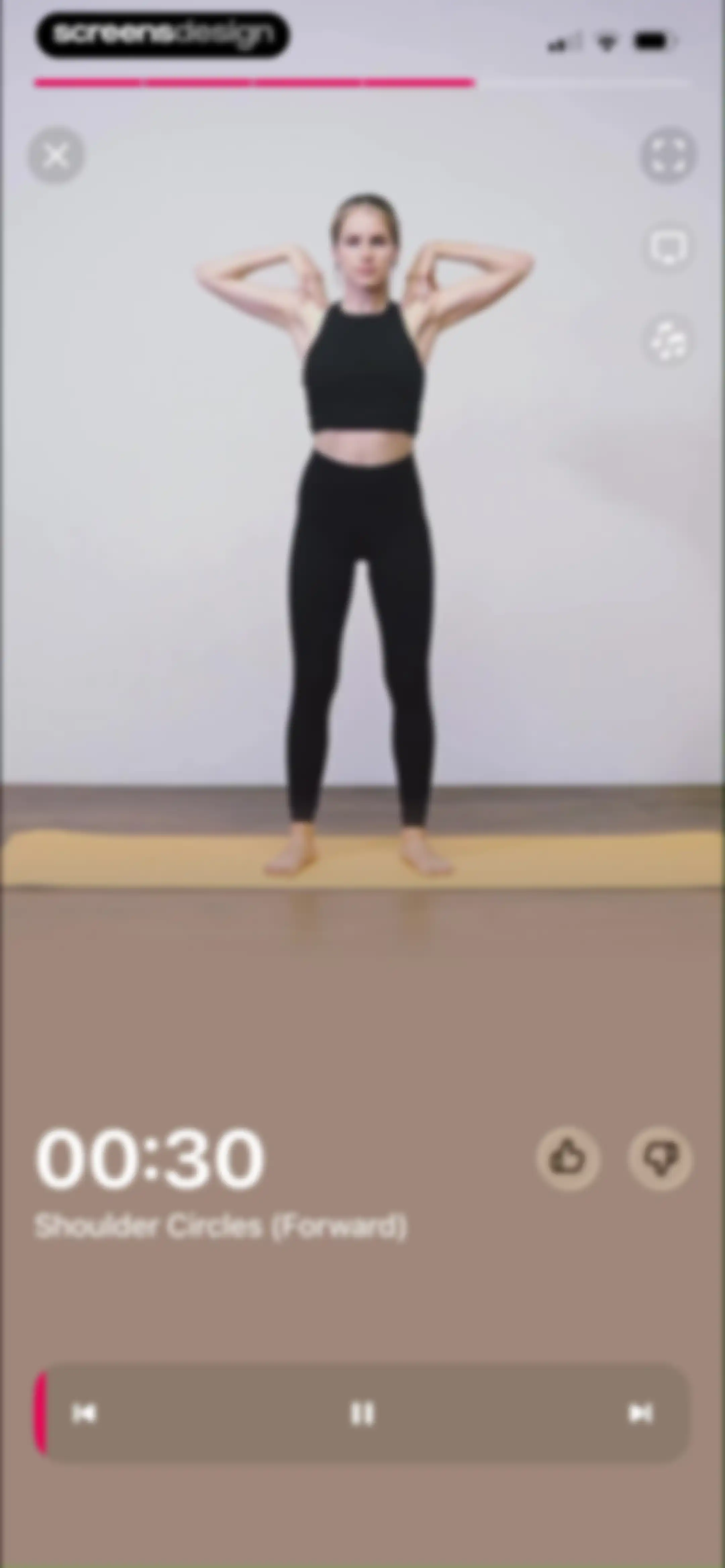
Workout video player screen showing an exercise demonstration with a 30-second timer and playback controls.Unlock Pro
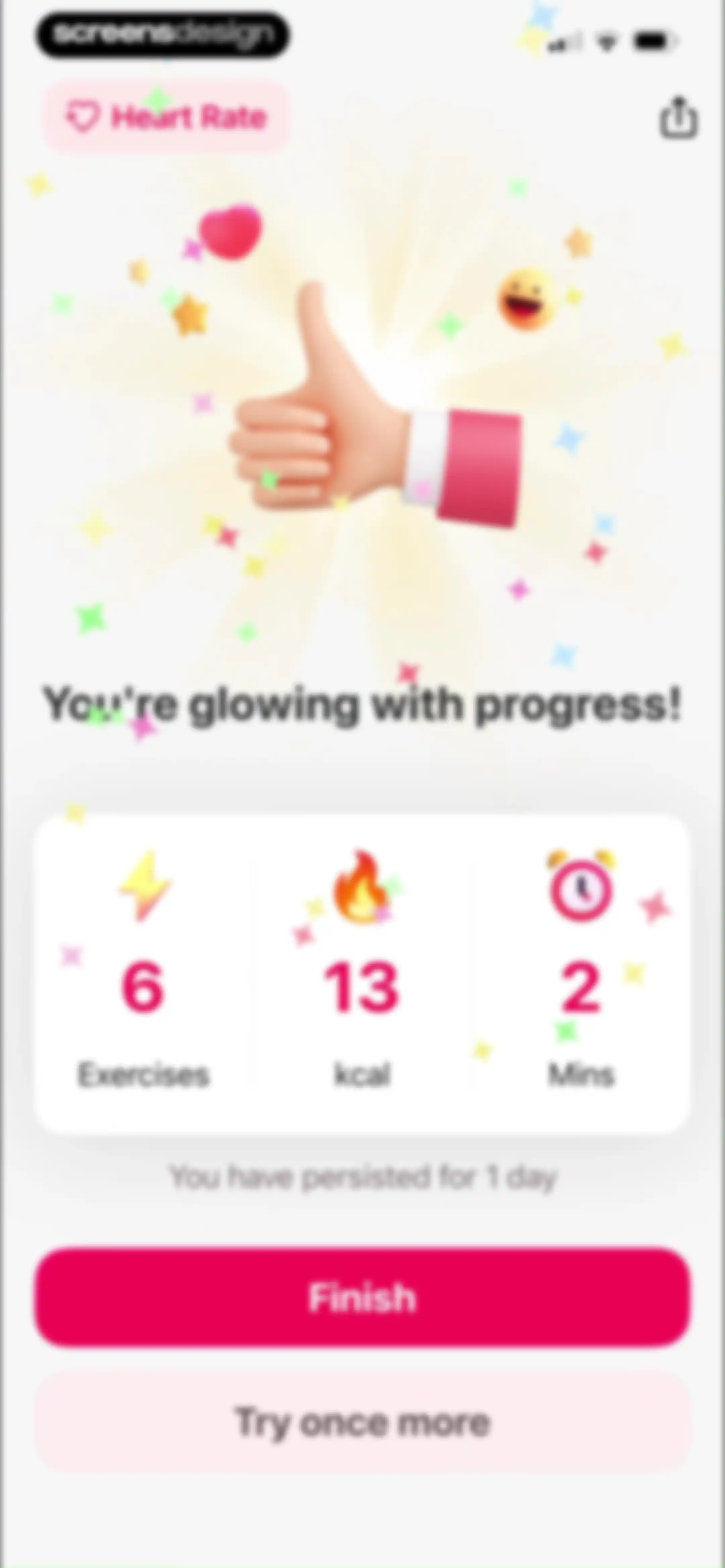
Fitness app post-workout summary screen displaying a stats card with exercises, calories, and duration, alongside Finish and Try once more buttons.Unlock Pro
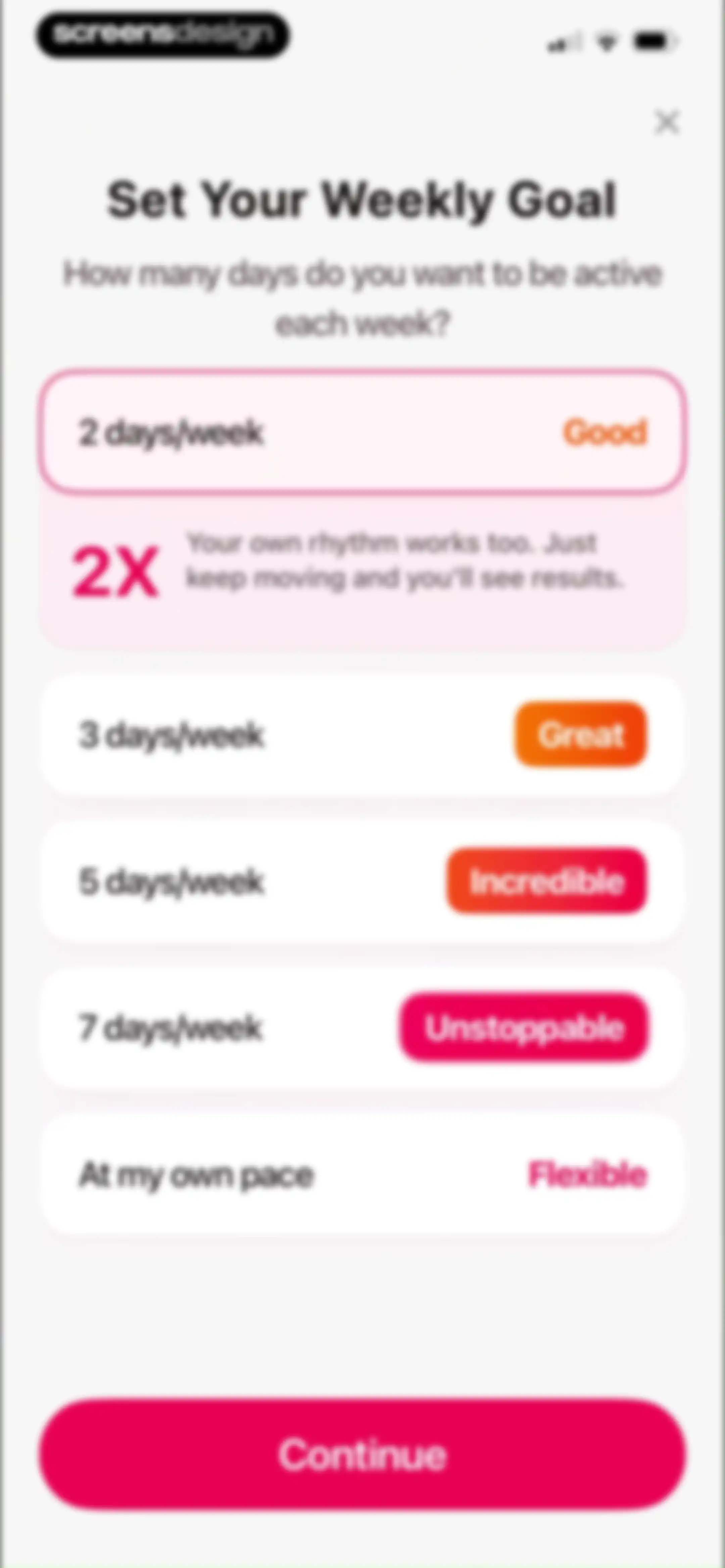
Fitness app onboarding screen featuring a vertical list of weekly activity goal cards, with the 2 days per week option selected and a continue button.Unlock Pro
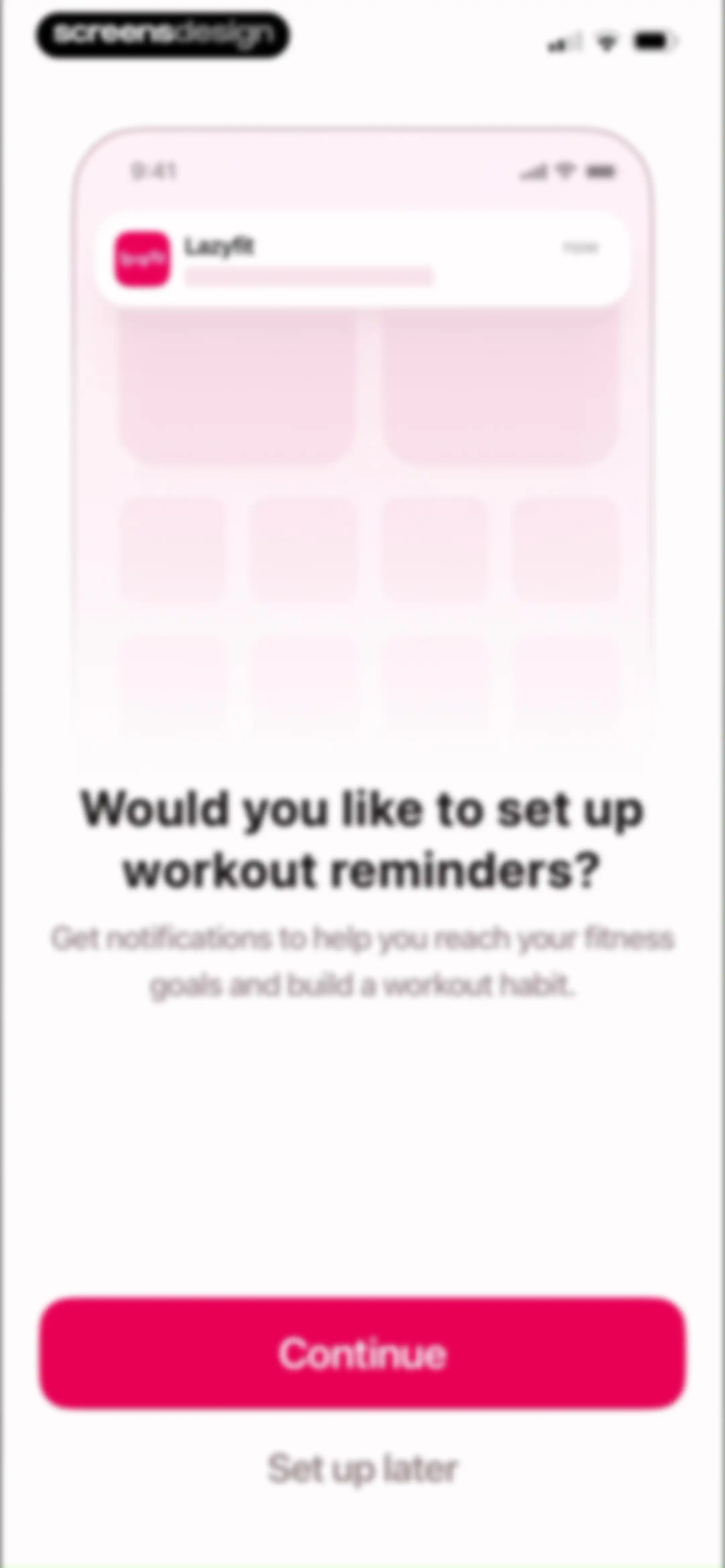
Lazyfit onboarding screen prompting users to enable workout reminders, featuring a notification illustration, Continue button, and Set up later link.Unlock Pro
Workout reminder setup form with a day selector, central time picker, and a Save button.Unlock Pro
Onboarding screen prompting profile creation to track progress and sync devices, featuring an illustration and Create Profile and Not Today buttons.Unlock Pro
LazyFit signup form with a pre-filled email address, empty password field, and Sign Up and Log in buttons.Unlock Pro
Success confirmation screen with a centered checkmark icon and the text Successfully Created below decorative top confetti.Unlock Pro
Achievement reward screen congratulating the user with a badge graphic, calorie progress card, and a Get Badge button.Unlock Pro
Achievement notification screen celebrating a new fitness badge with a calorie progress card and a Get Badge button.Unlock Pro
Fitness dashboard displaying a calorie burn counter, weekly goal progress, and a mood selection section with options for feelings like tired and refreshed.Unlock Pro
Fitness dashboard showing a Mat Pilates Weight Loss program card with a day selector, a Restart Workout button, and bottom navigation.Unlock Pro
Mat Pilates workout timeline with a completed Day 1 and an active Day 2 card featuring a Get Started button.Unlock Pro
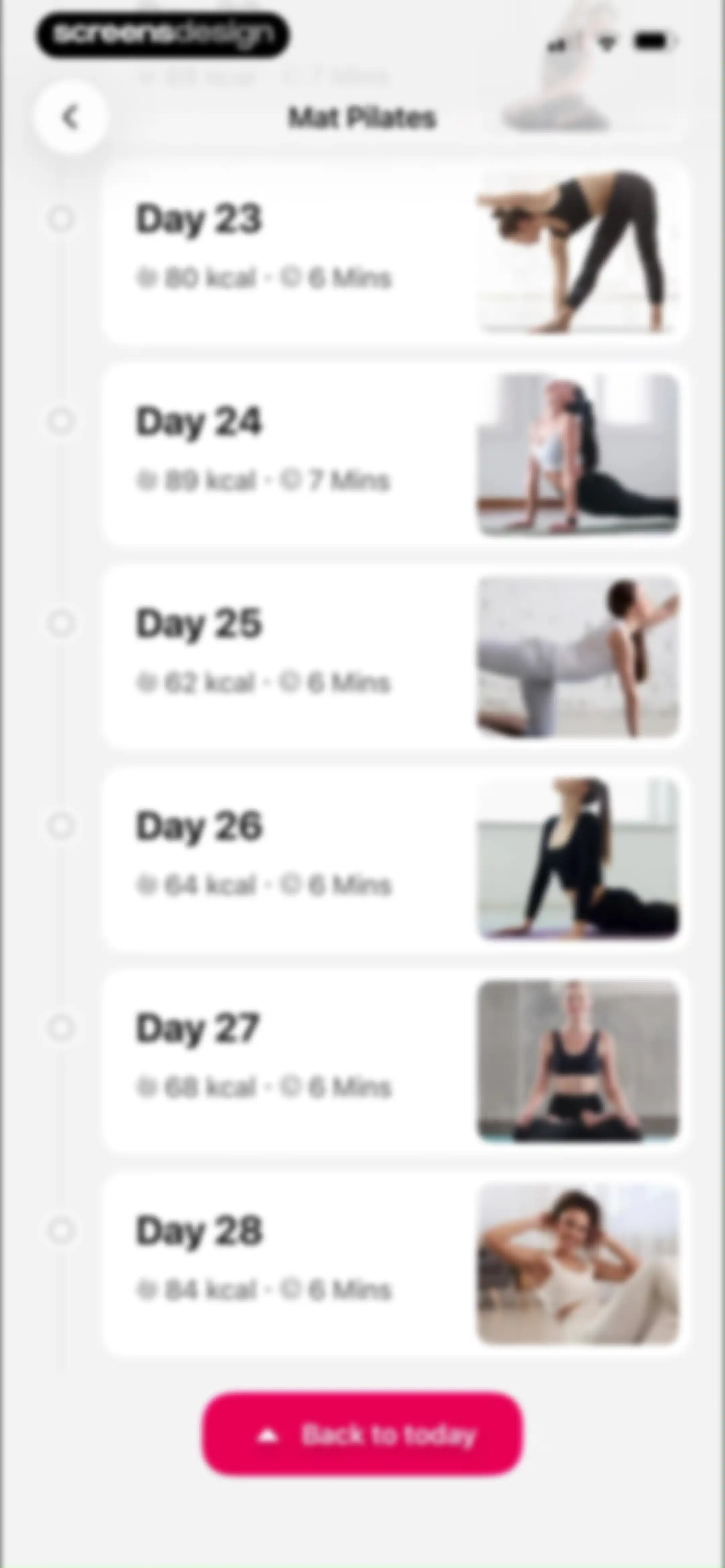
Mat Pilates workout plan timeline showing daily session cards with calories, duration, and a Back to today button.Unlock Pro
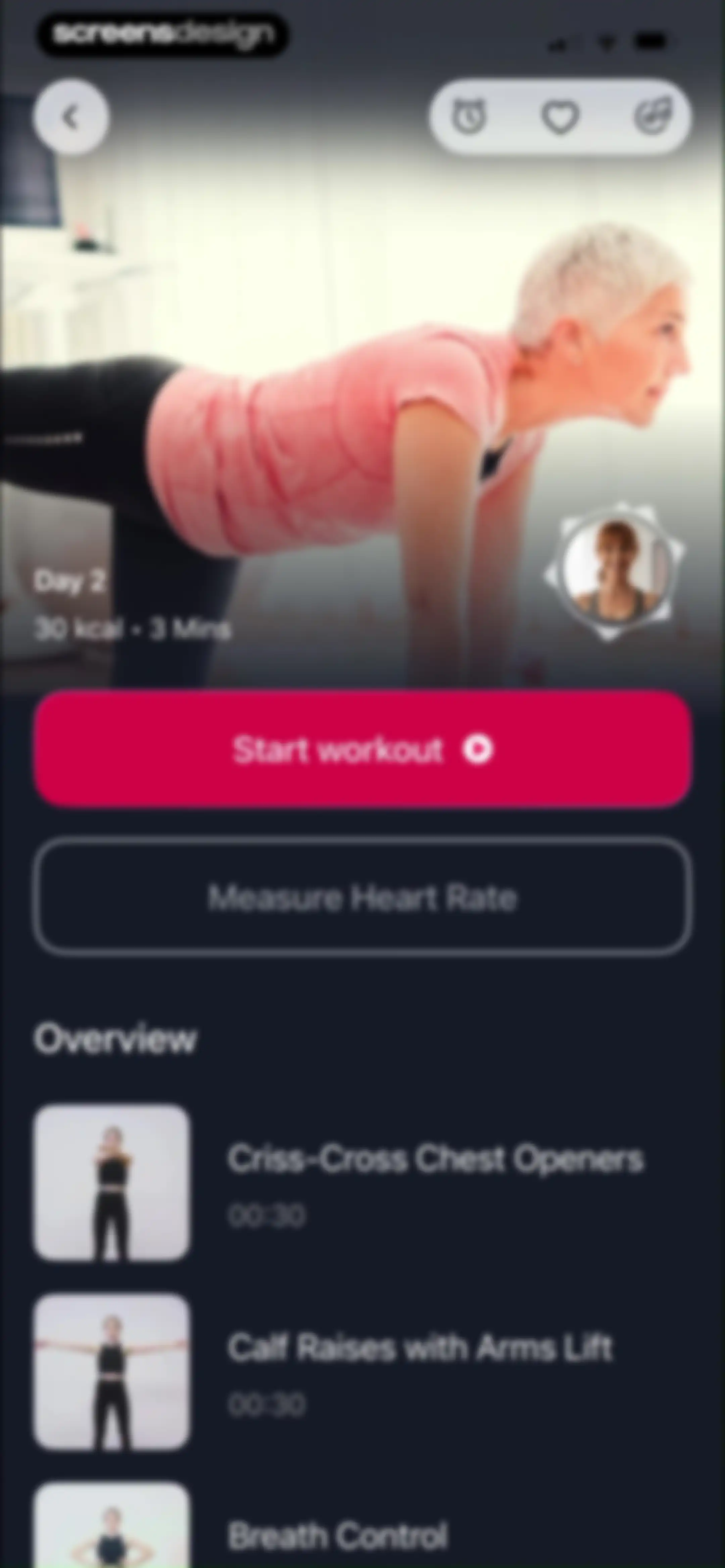
Fitness dashboard for Day 2 displaying workout stats, a Start workout button, and a scrollable list of exercise steps.Unlock Pro
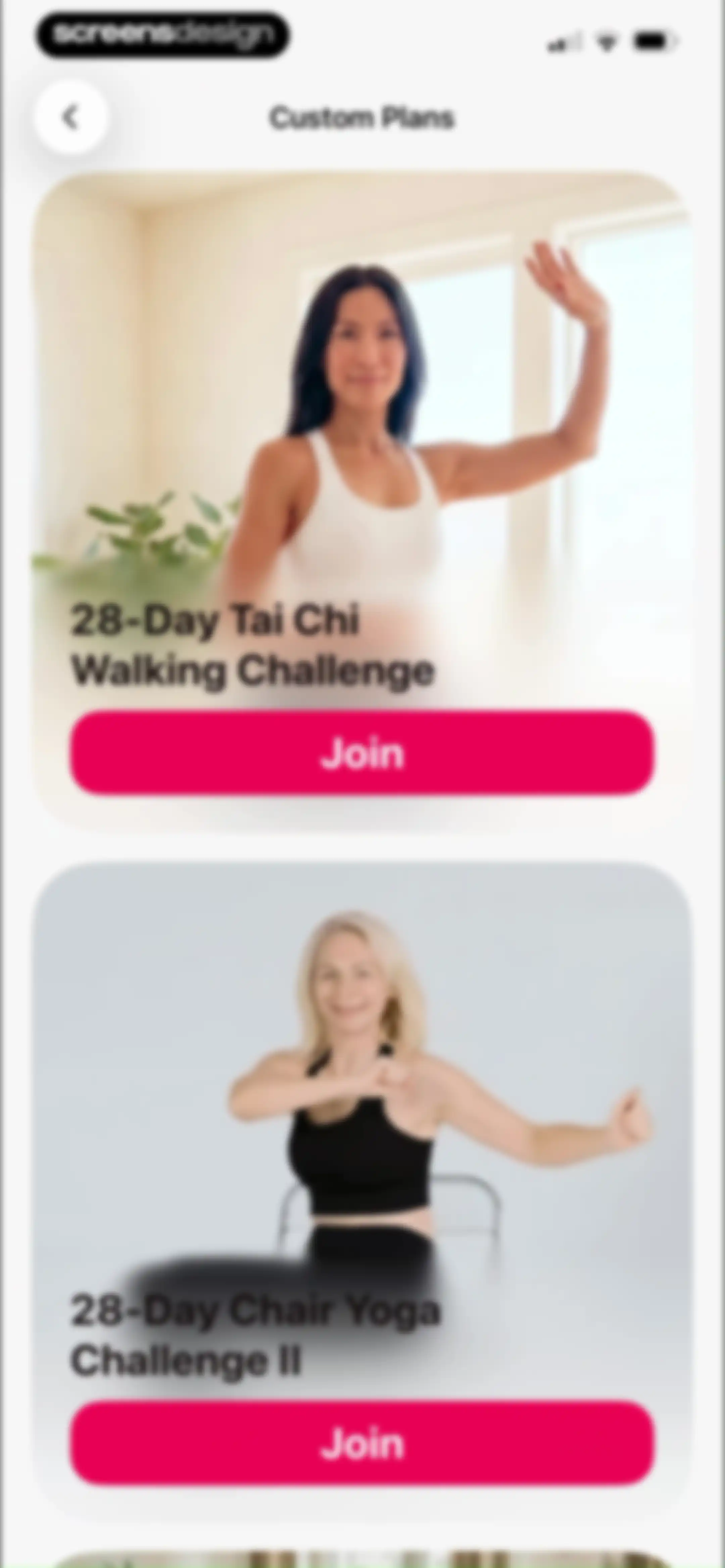
Custom Plans screen featuring a vertical feed of fitness challenge cards with Join buttons, including Tai Chi Walking and Chair Yoga challenges.Unlock Pro
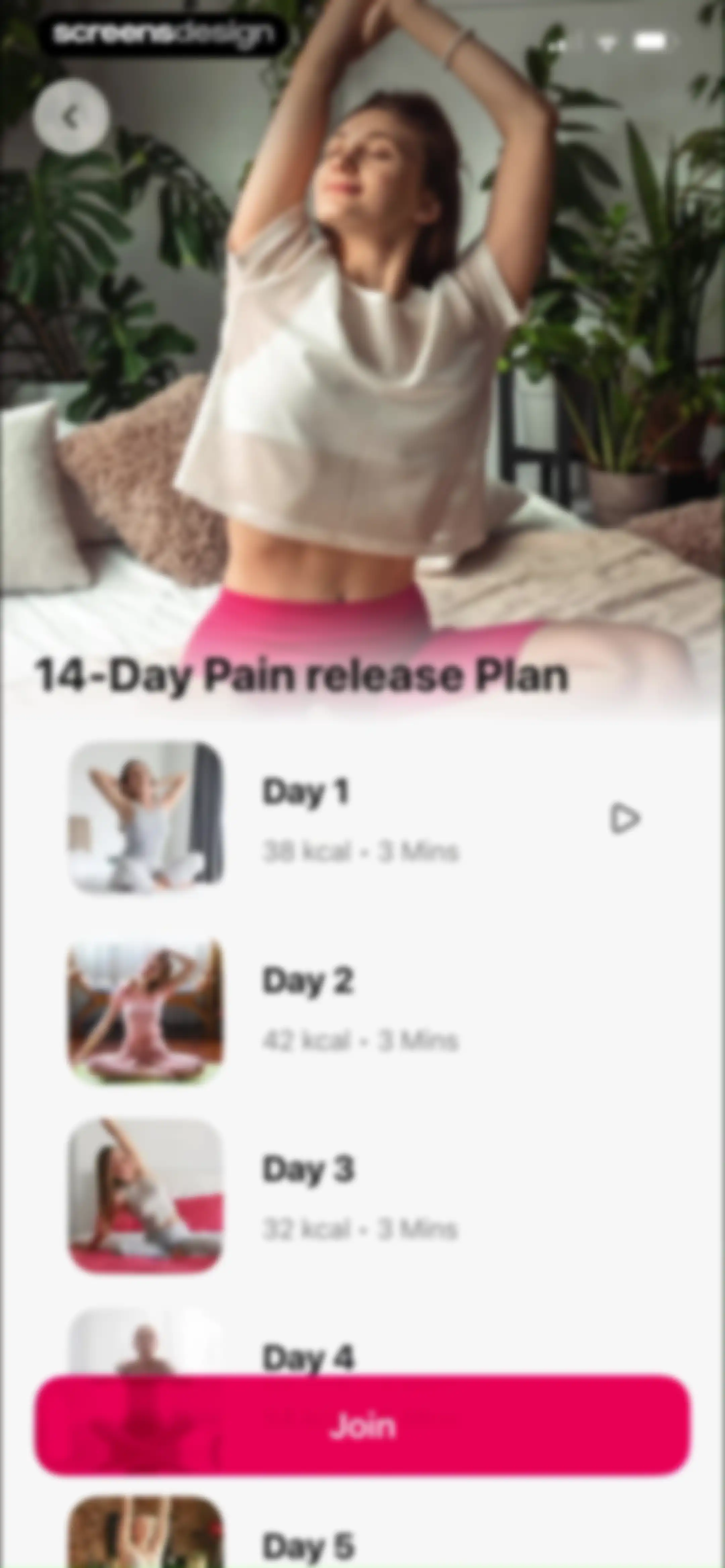
Fitness program overview for the 14-Day Pain release Plan featuring a vertical list of daily workout cards and a sticky Join button.Unlock Pro
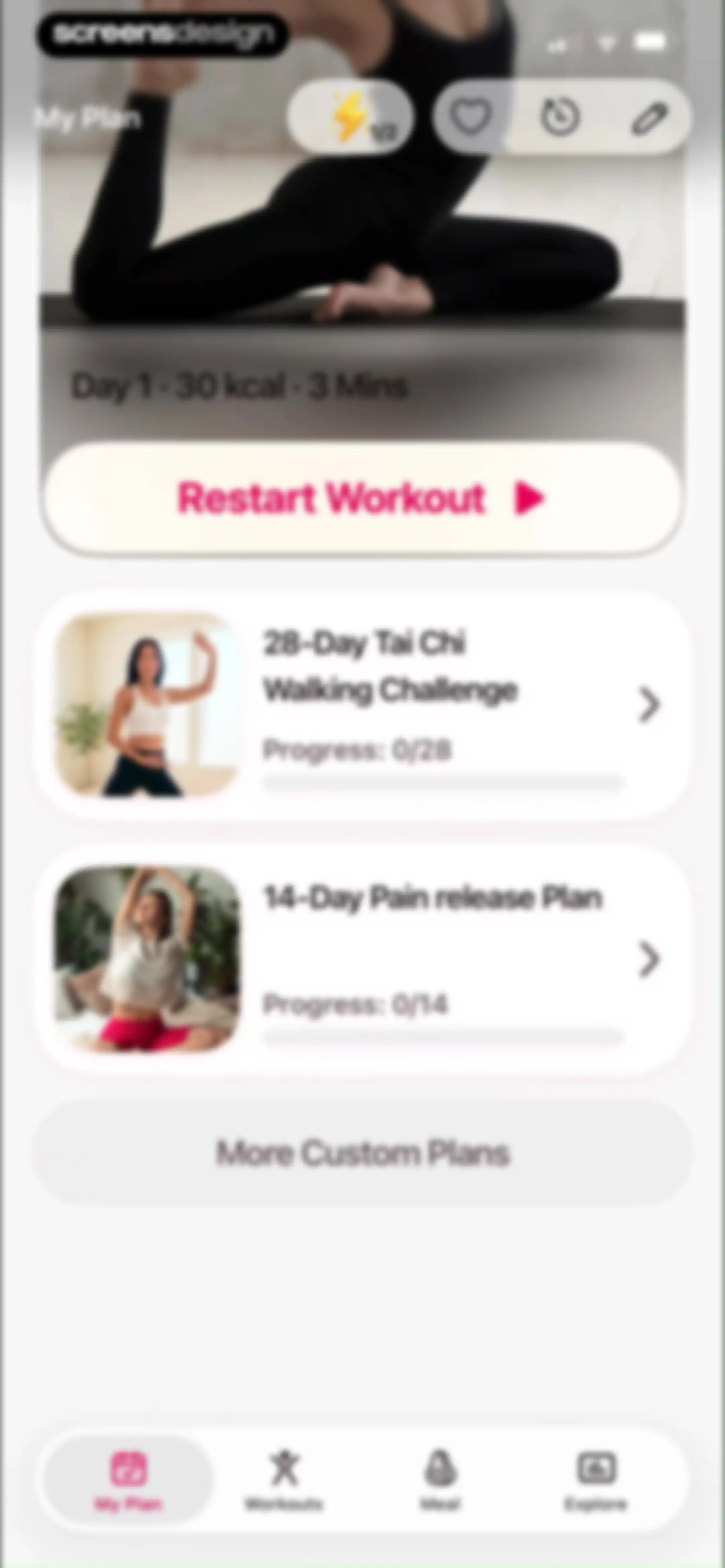
Fitness dashboard featuring a hero workout card with a Restart Workout button, a list of plan cards with progress indicators, and a bottom navigation bar.Unlock Pro
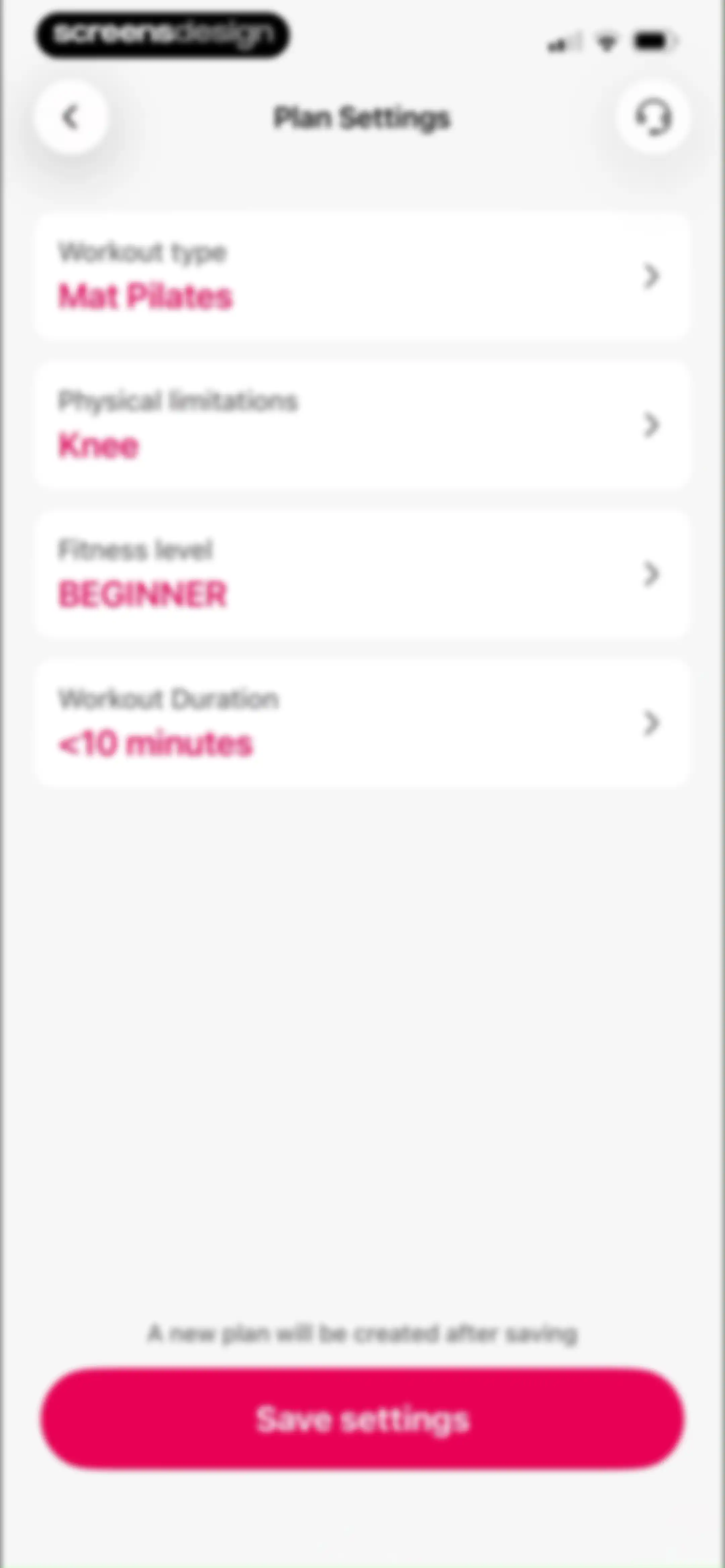
Plan settings screen displaying options for workout type, limitations, fitness level, and duration with a Save settings button.Unlock Pro
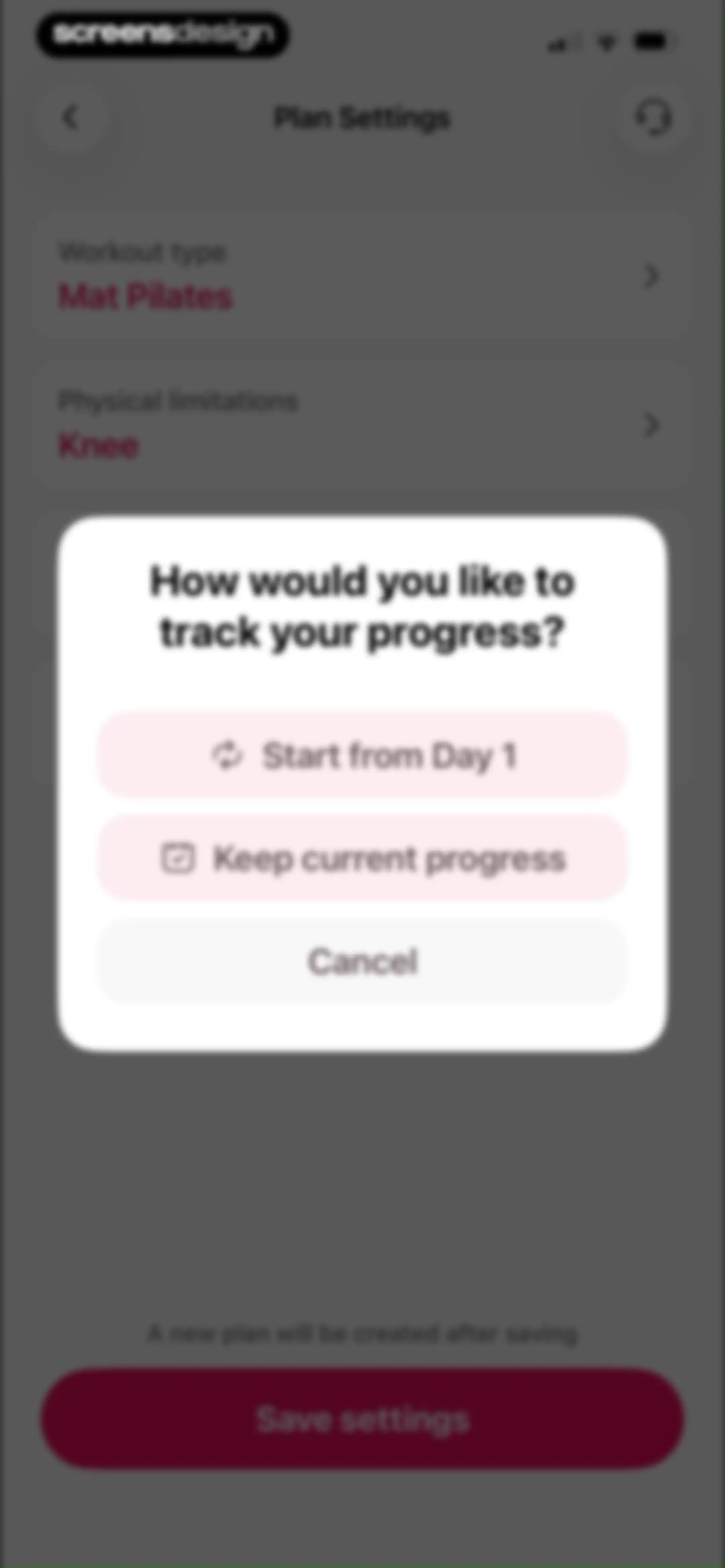
Plan settings screen with a progress tracking modal dialog asking how to track progress, featuring options to start from day one or keep current progress.Unlock Pro
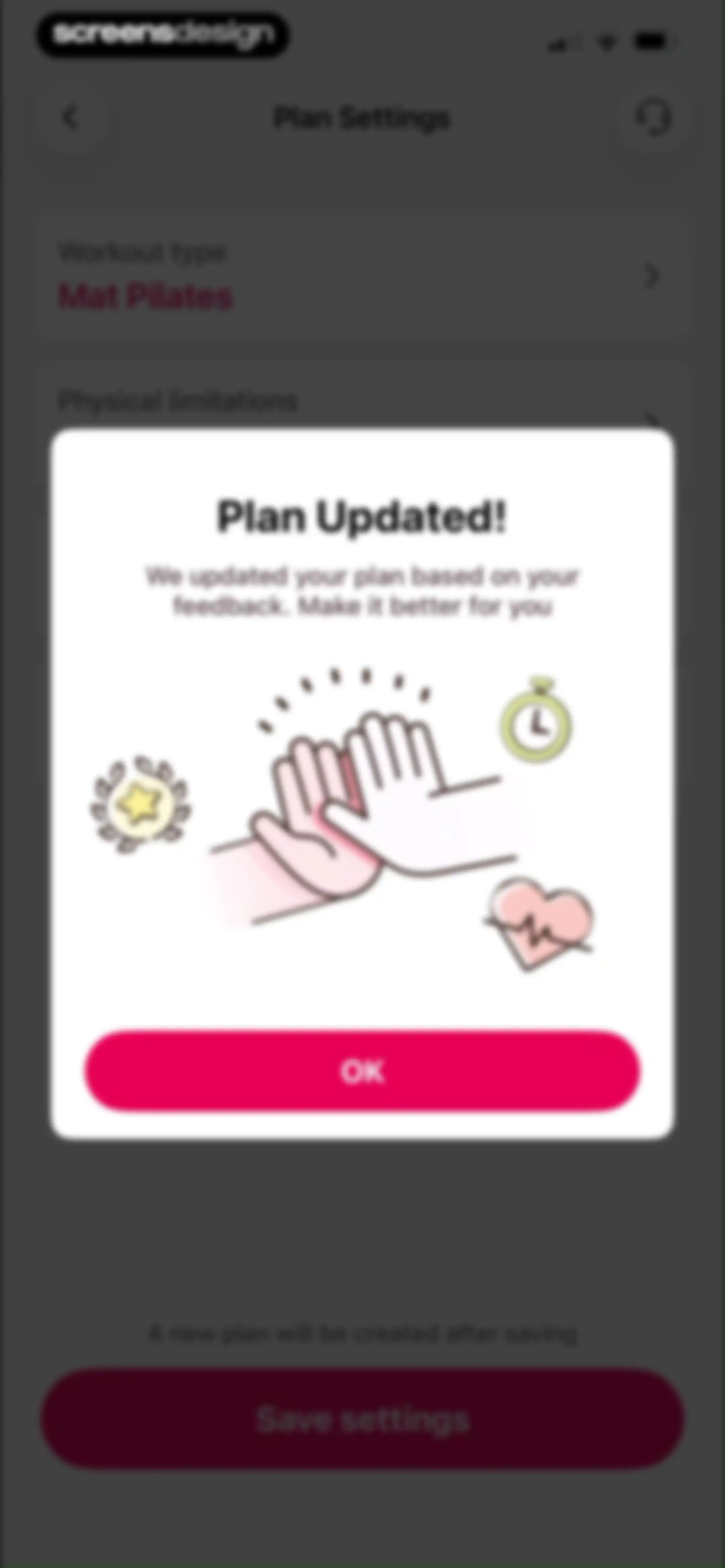
Plan settings screen with a confirmation modal overlay stating Plan Updated and featuring an OK button.Unlock Pro
Achievement modal celebrating the First Day fitness milestone, featuring a badge earned on May 05, 2026, and a Got It button.Unlock Pro
Home screen showing a workout plan dashboard with a modal overlay prompting the user to rate the app with stars, alongside Submit and Cancel buttons.Unlock Pro
Fitness app dashboard displaying a workout plan with a feedback review modal overlay and an OK button.Unlock Pro
Workout history dashboard displaying a single Mat Pilates session card for May 05, 2026, with duration and calorie details.Unlock Pro
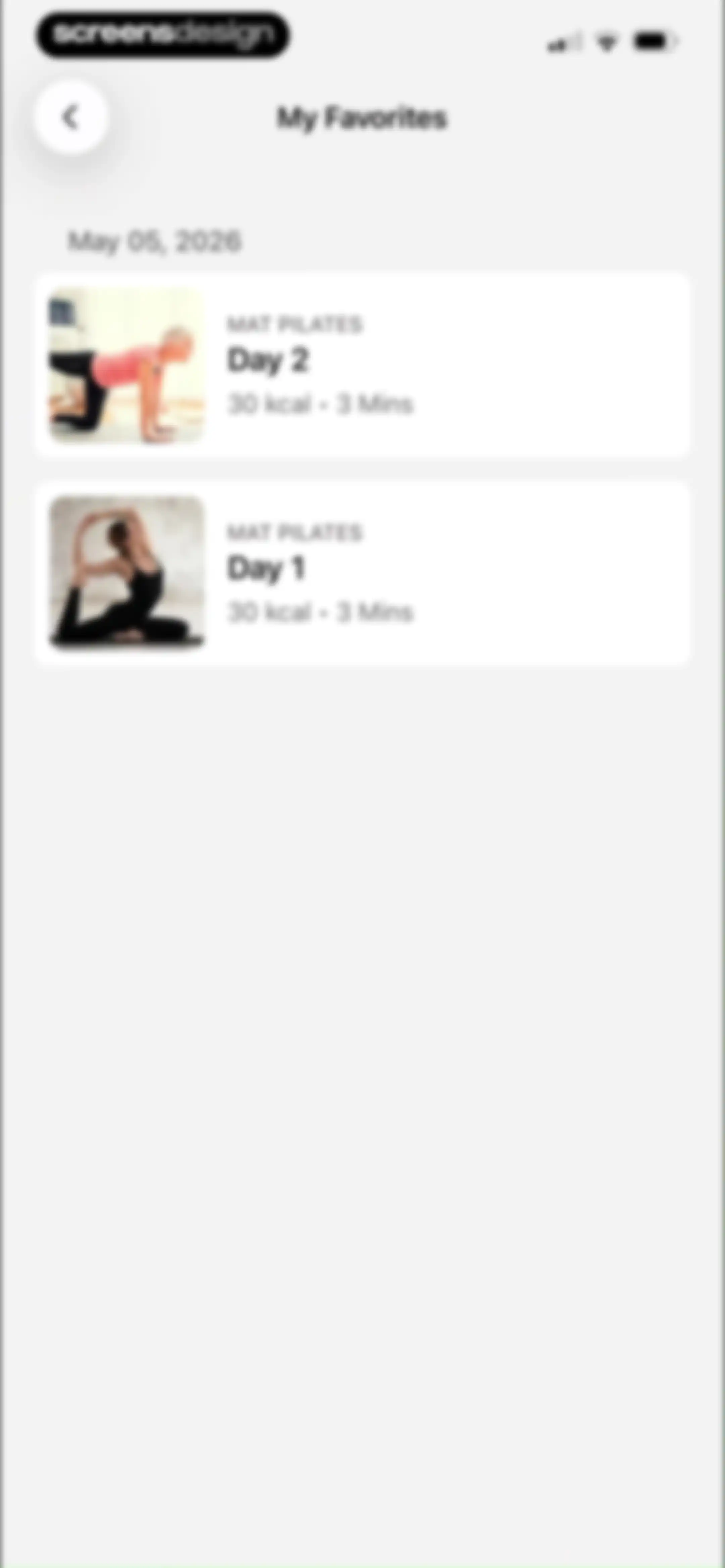
Favorites content feed displaying a vertical list of Mat Pilates workout cards with duration and calorie details under a May 05, 2026 date header.Unlock Pro
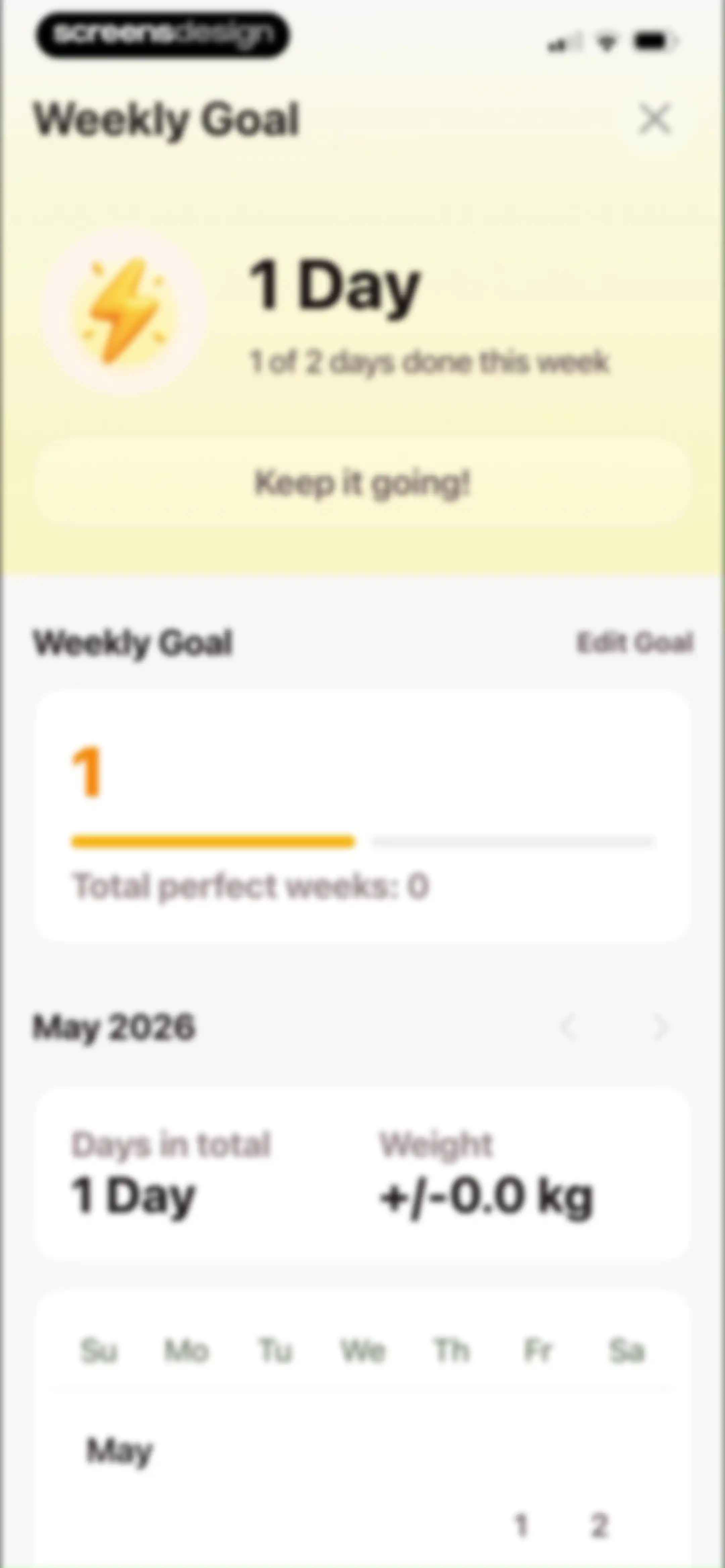
Fitness dashboard showing a weekly goal card with one of two days completed, progress summary, and a May 2026 calendar view.Unlock Pro
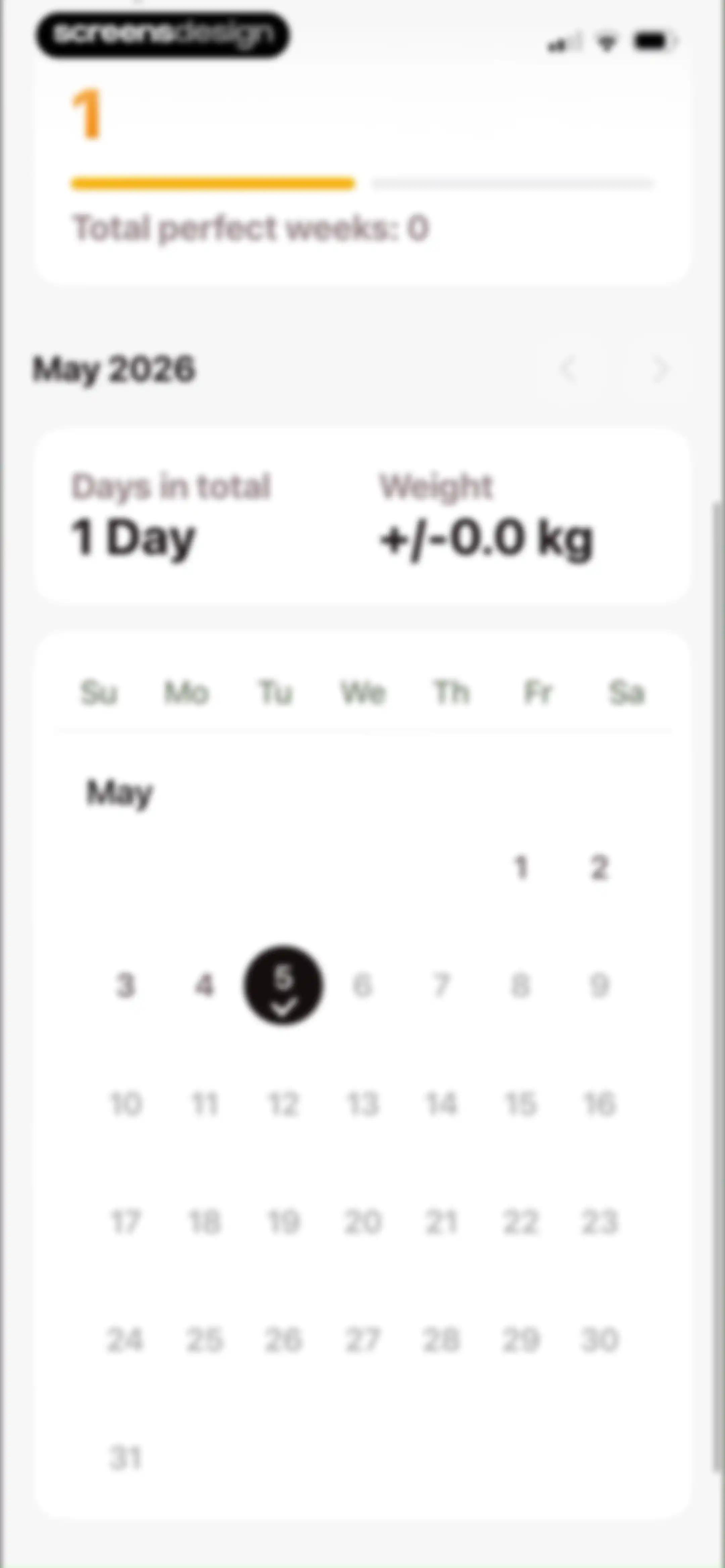
Fitness progress dashboard displaying a stats card and a May 2026 calendar grid with a completed workout on the fifth.Unlock Pro
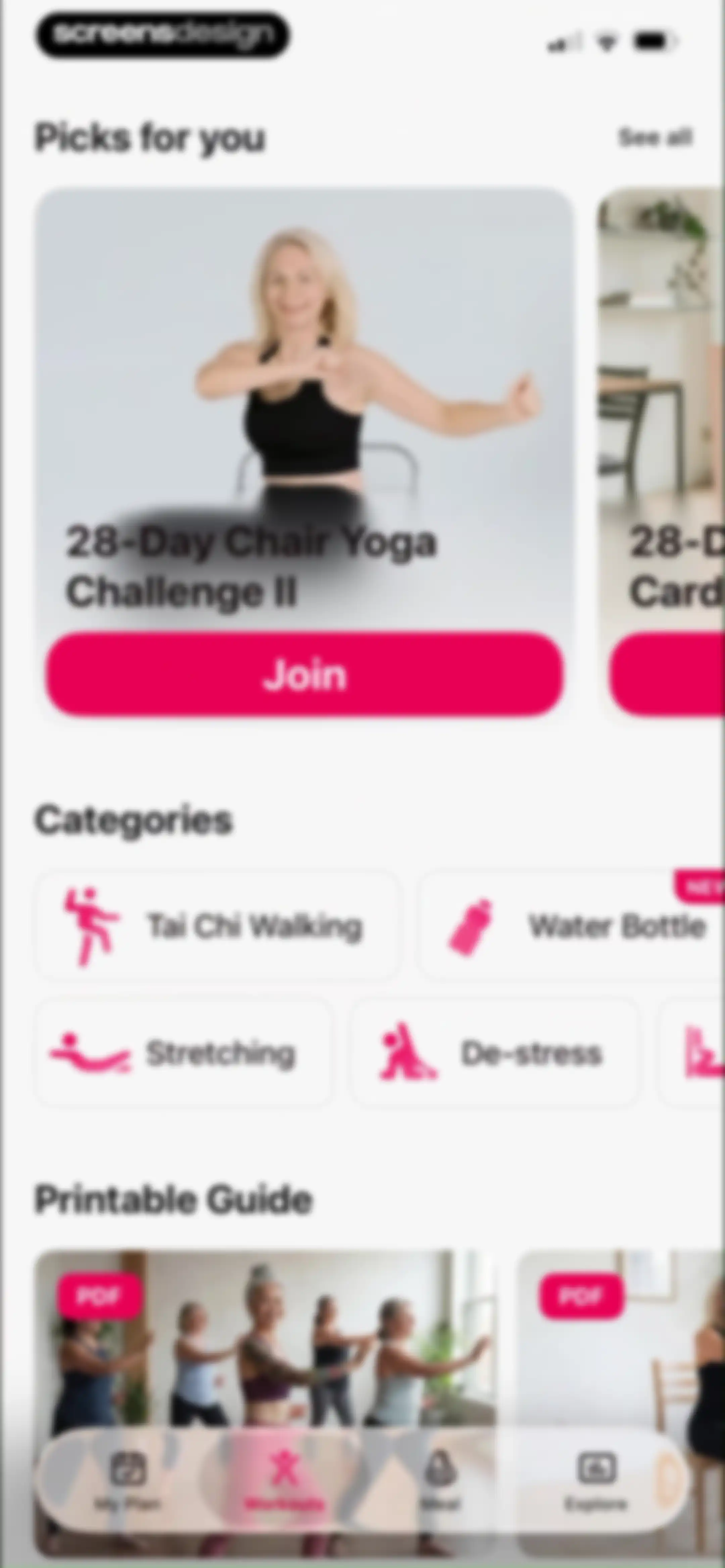
Home screen featuring personalized fitness picks, workout categories, and a printable PDF guide, with the Workouts tab selected in the bottom navigation.Unlock Pro
Workout challenge feed displaying recommended picks like the 28-Day Chair Yoga Challenge II with a Join button.Unlock Pro
Workout list screen displaying Kegel exercise cards with duration, calorie details, and favorite icons.Unlock Pro
Fitness home screen featuring printable guides, Tai Chi walking, and chair aerobics sections with the Workouts tab selected in the bottom navigation bar.Unlock Pro
Printable guide screen for LazyFit displaying Tai Chi walking benefits, hero imagery, and instructions to save the guide to your phone.Unlock Pro
Home screen featuring horizontal carousels of low-impact workout categories, a Suggest a Program button, and a bottom navigation bar.Unlock Pro
Program suggestion form in LazyFit with pre-filled text and email fields and a Send button.Unlock Pro
Fitness app home screen displaying a workout dashboard with yoga categories, a central feedback confirmation modal, and a Suggest a Program button.Unlock Pro
Paywall screen promoting a personalized meal plan with a timeline graphic, value proposition headline, and Get Personalized Meal Plan button.Unlock Pro
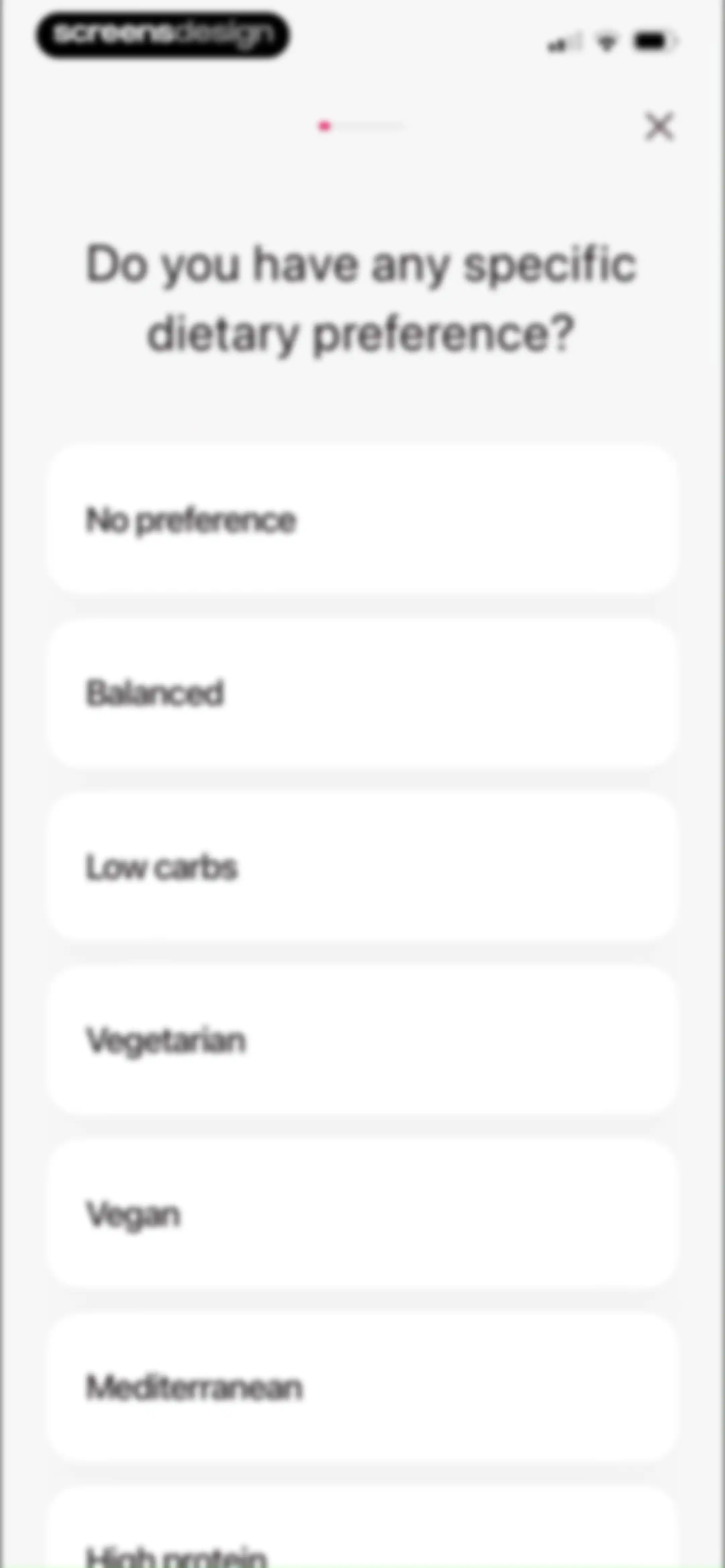
LazyFit onboarding screen asking about dietary preferences with a top progress bar and a vertical list of selectable diet cards.Unlock Pro
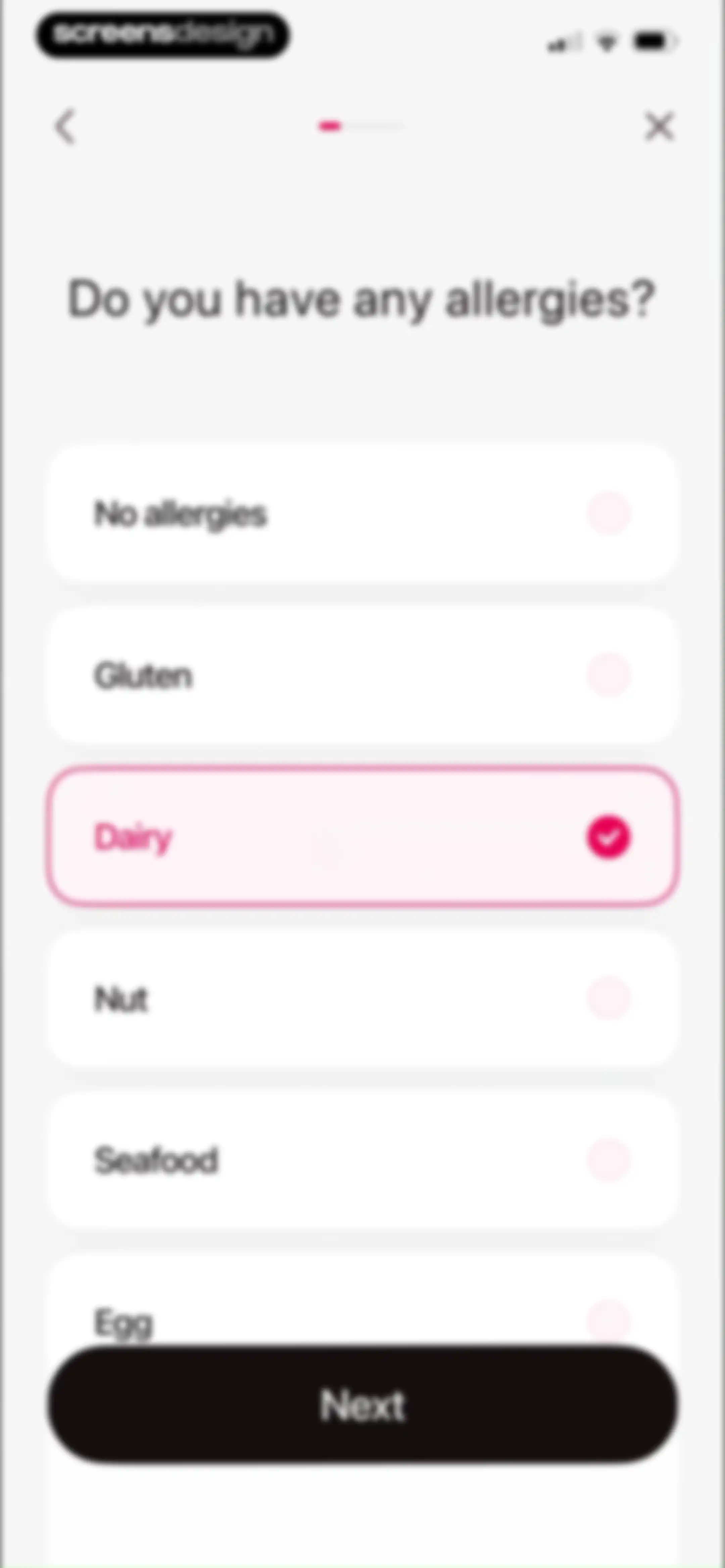
Onboarding screen asking about food allergies, with the Dairy option selected and a Next button.Unlock Pro
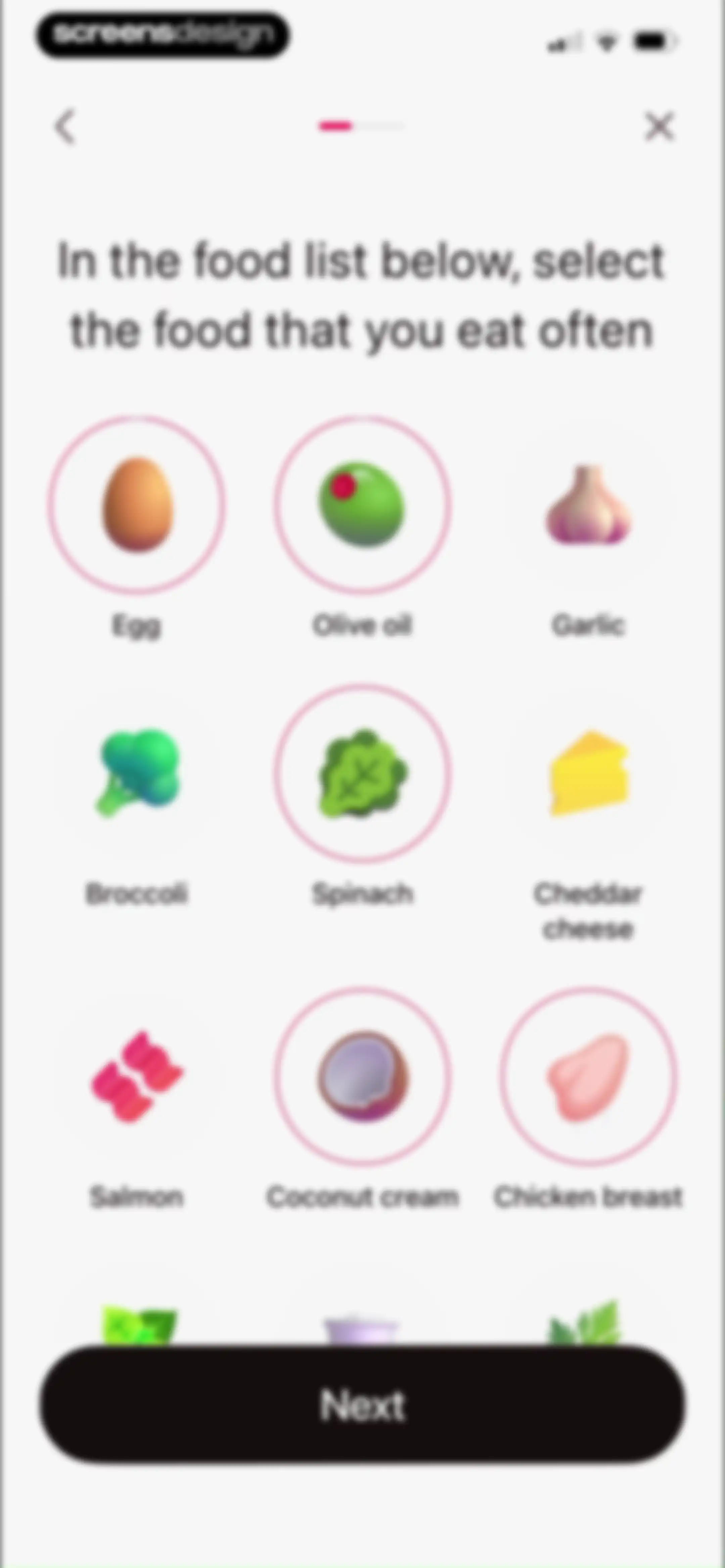
Onboarding screen displaying a 3x3 grid of selectable food icons with several items selected and a Next button.Unlock Pro
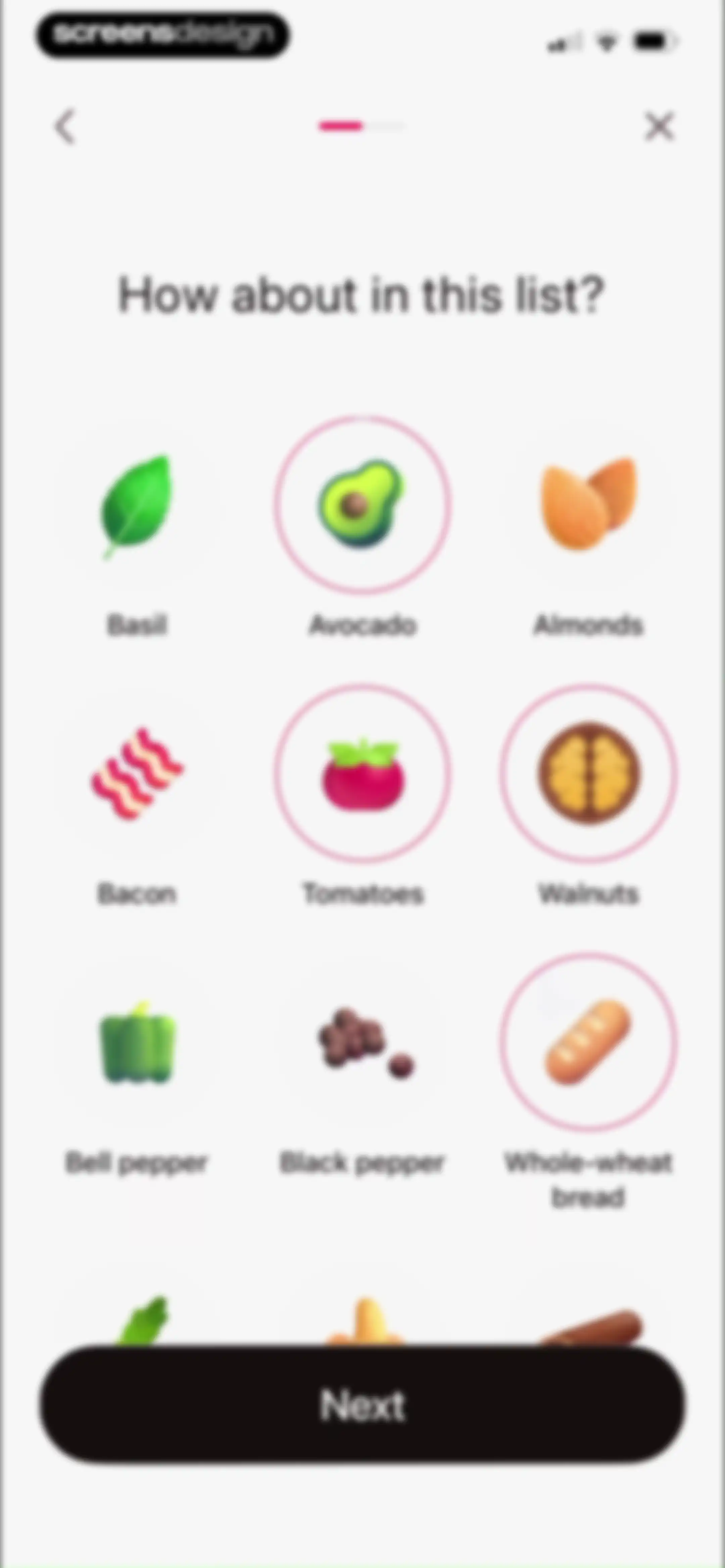
Onboarding food preference screen with a 3x3 grid of items, avocado and whole-wheat bread selected, and a Next button.Unlock Pro
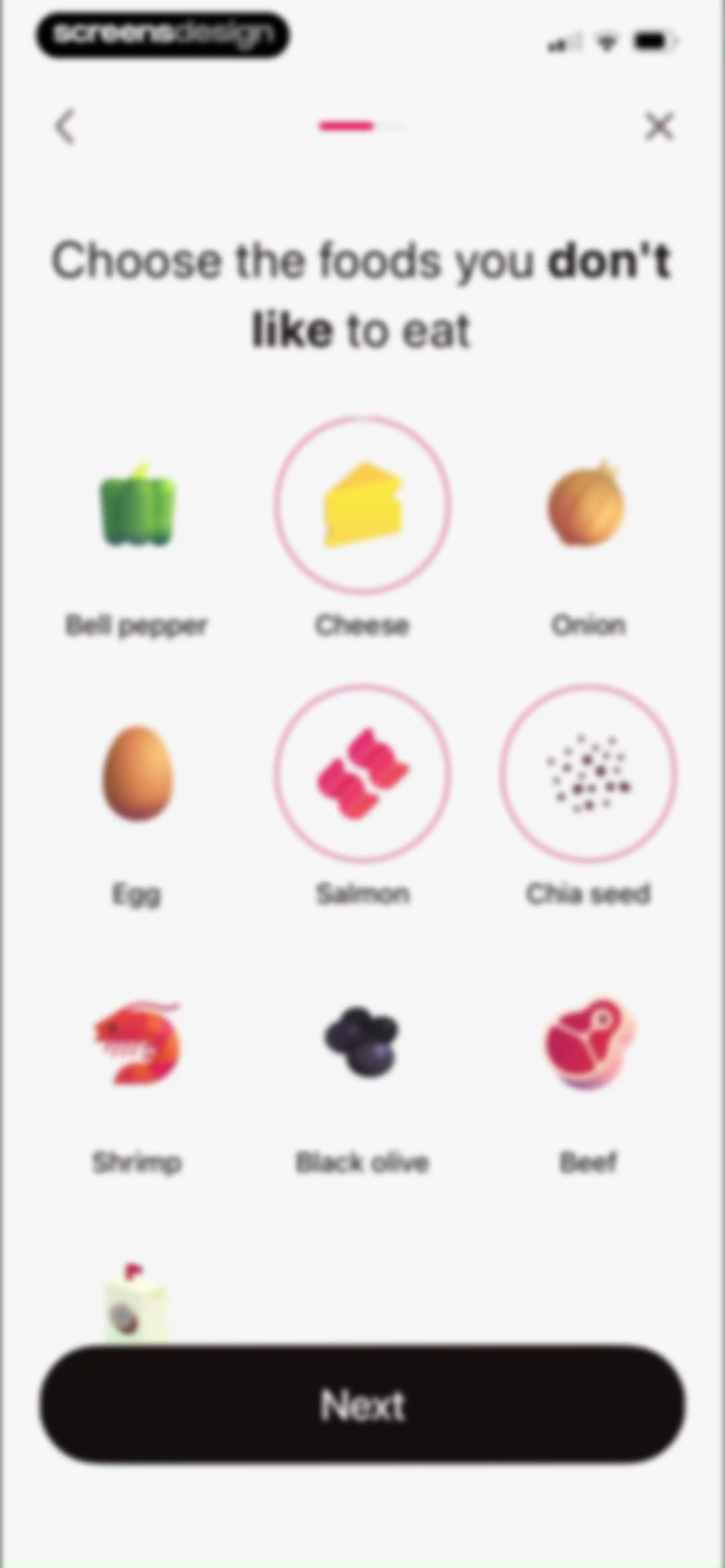
Onboarding screen displaying a grid of selectable food icons with a heading to choose disliked foods and a Next button.Unlock Pro
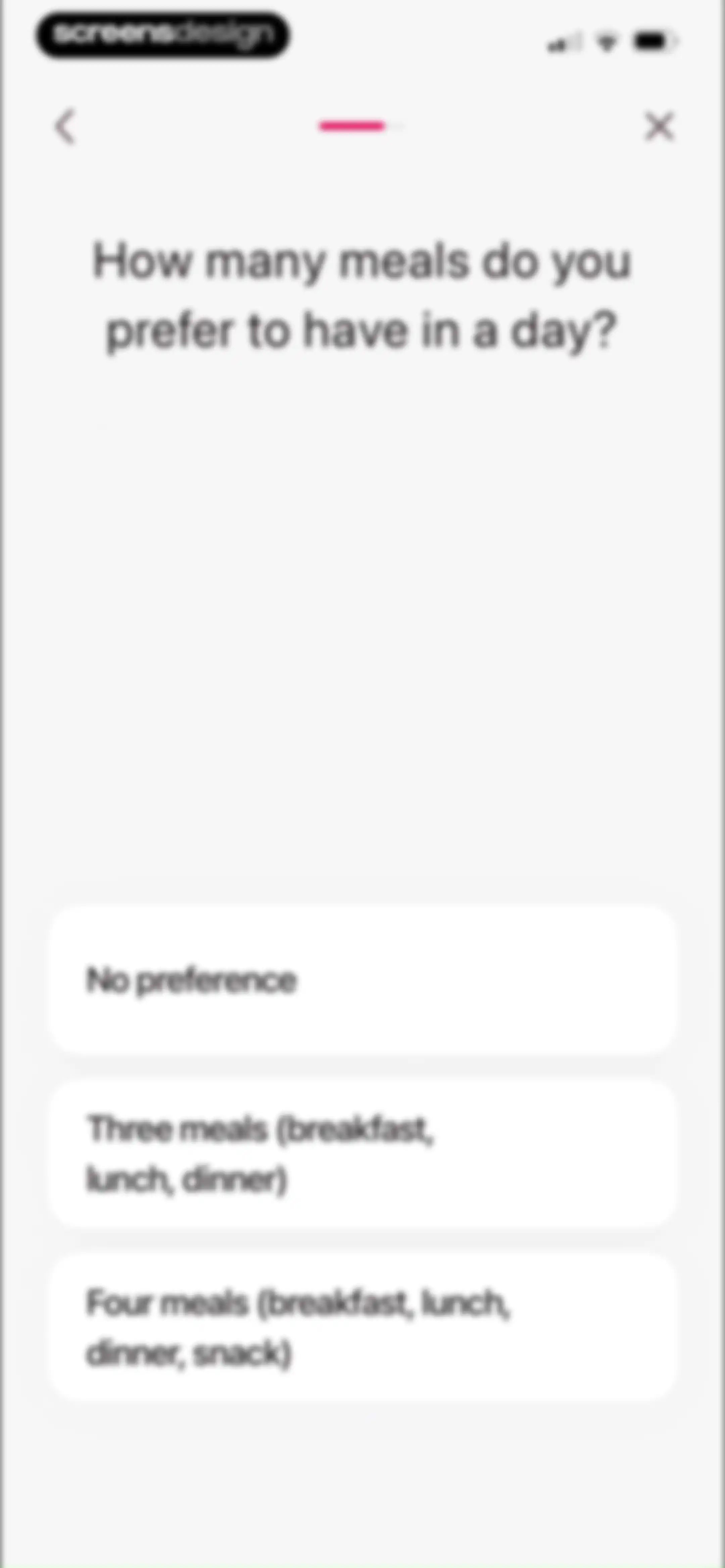
Onboarding screen asking for preferred daily meal frequency, with three selectable options stacked vertically and a progress indicator at the top.Unlock Pro
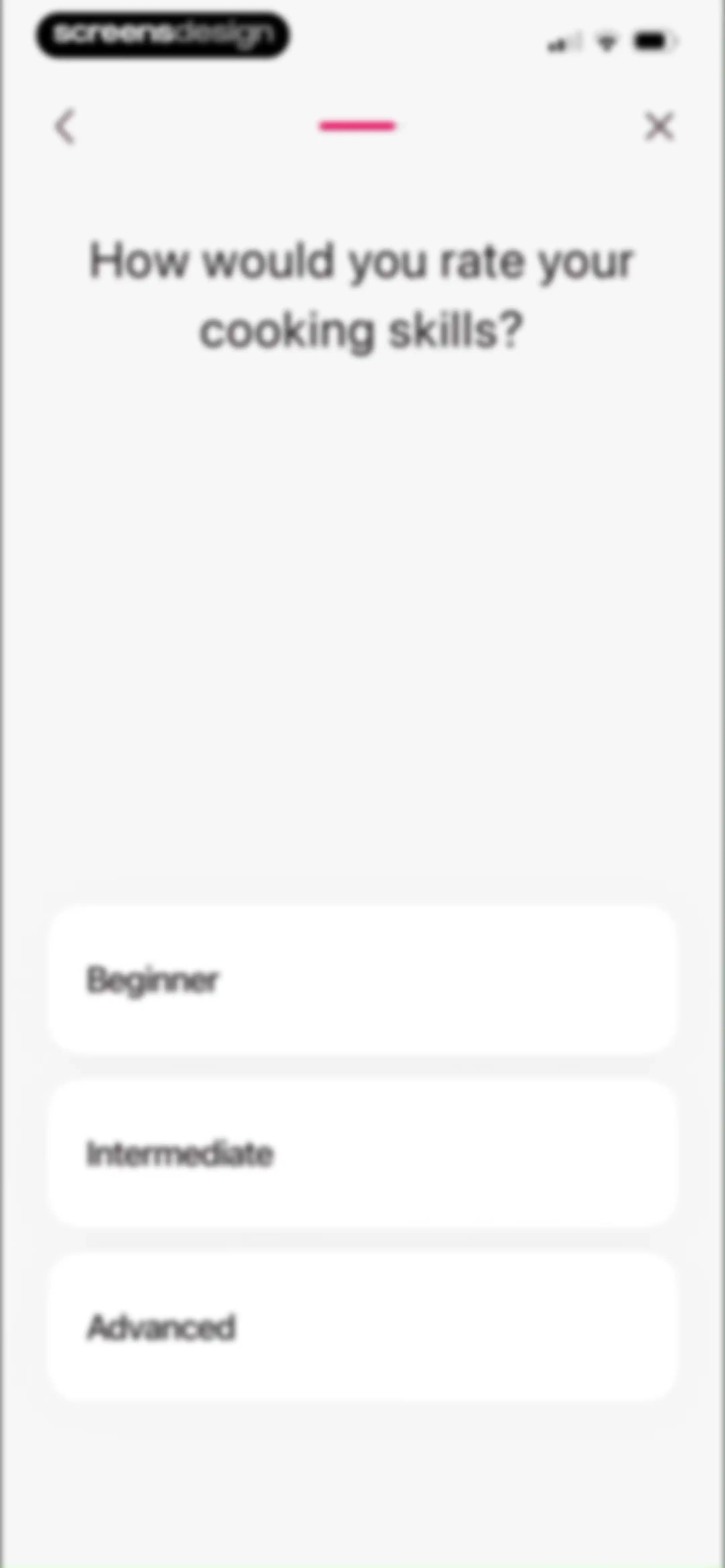
Onboarding survey asking the user to rate their cooking skills with stacked selection cards for Beginner, Intermediate, and Advanced options.Unlock Pro
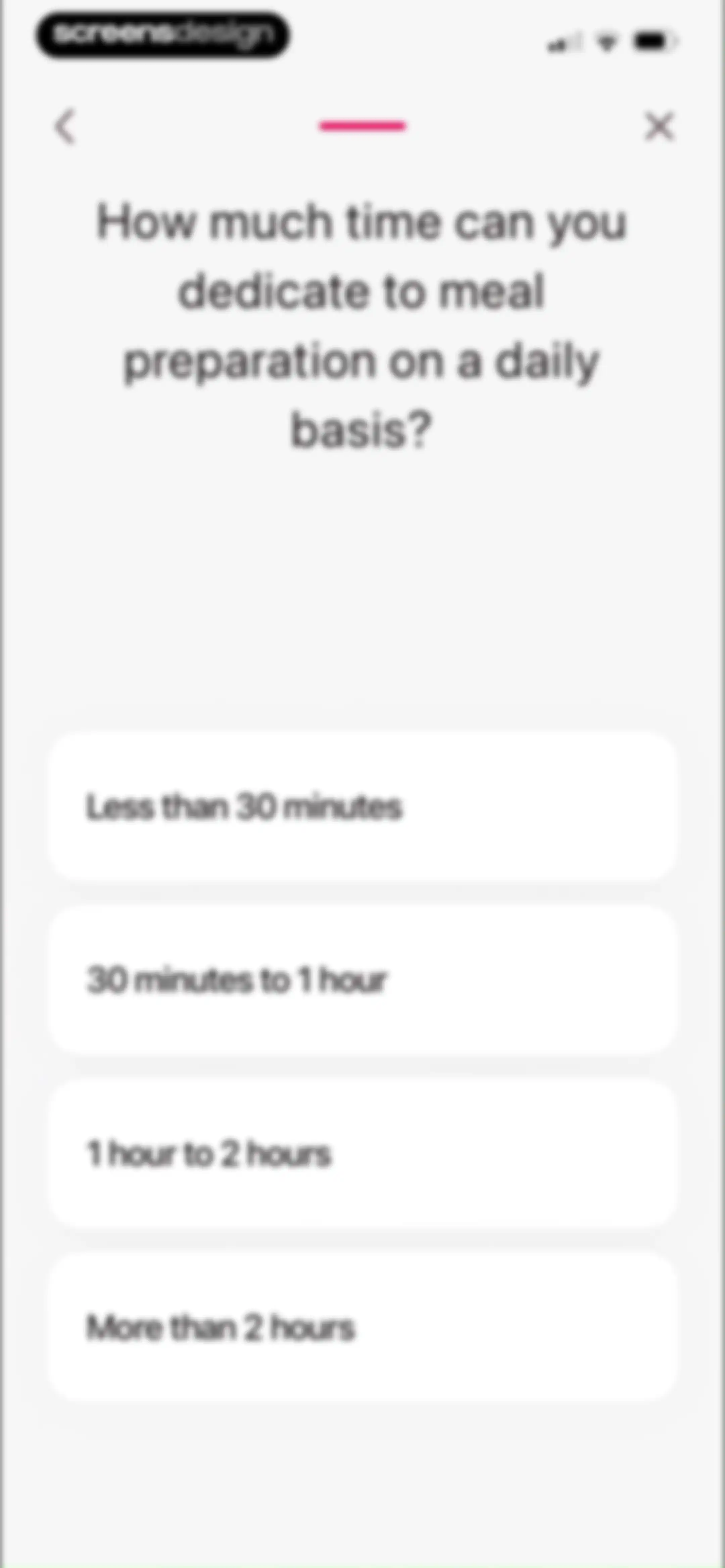
Onboarding questionnaire screen asking about daily meal preparation time, with a progress indicator and four vertical selection options.Unlock Pro
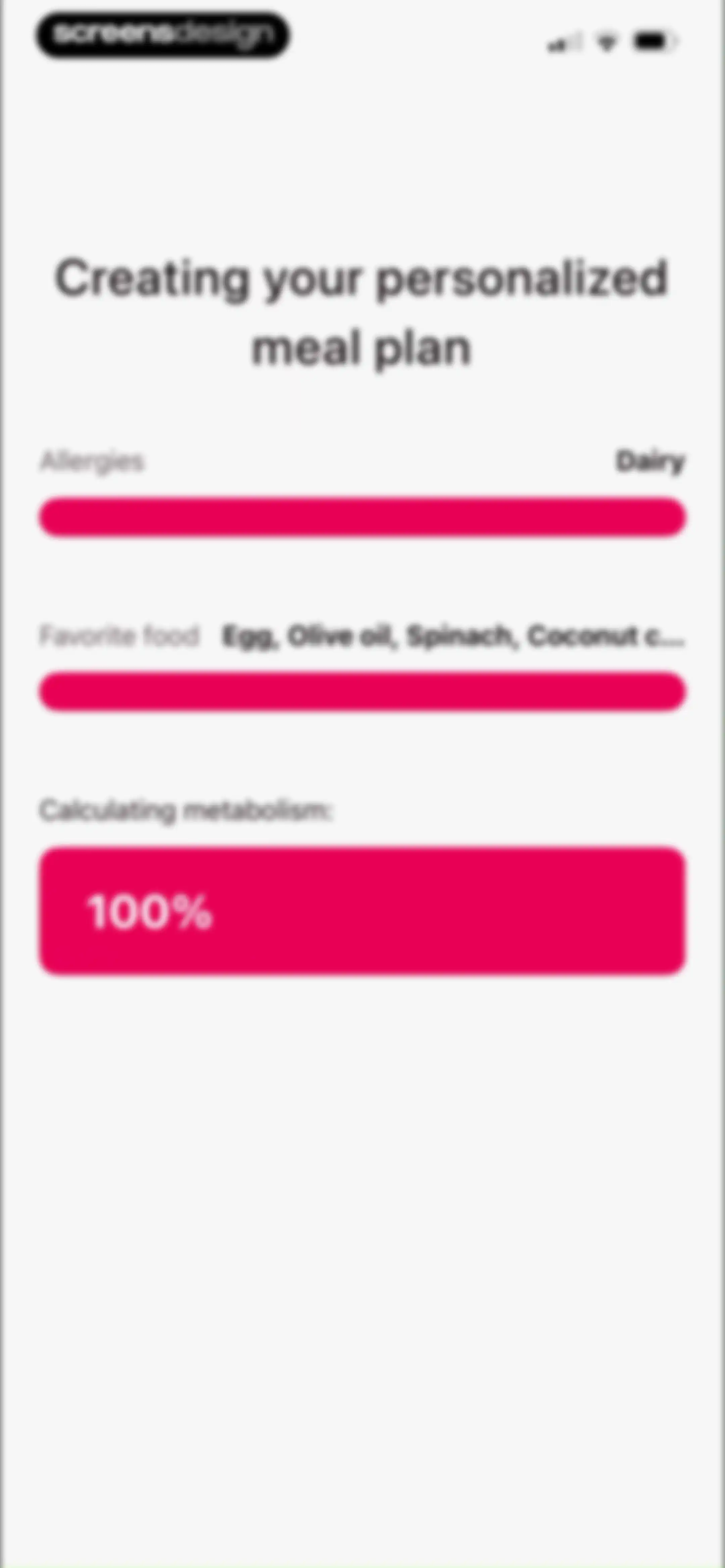
Personalized meal plan loading screen with a title, summary rows for allergies and favorite foods, and a 100% metabolism calculation progress block.Unlock Pro
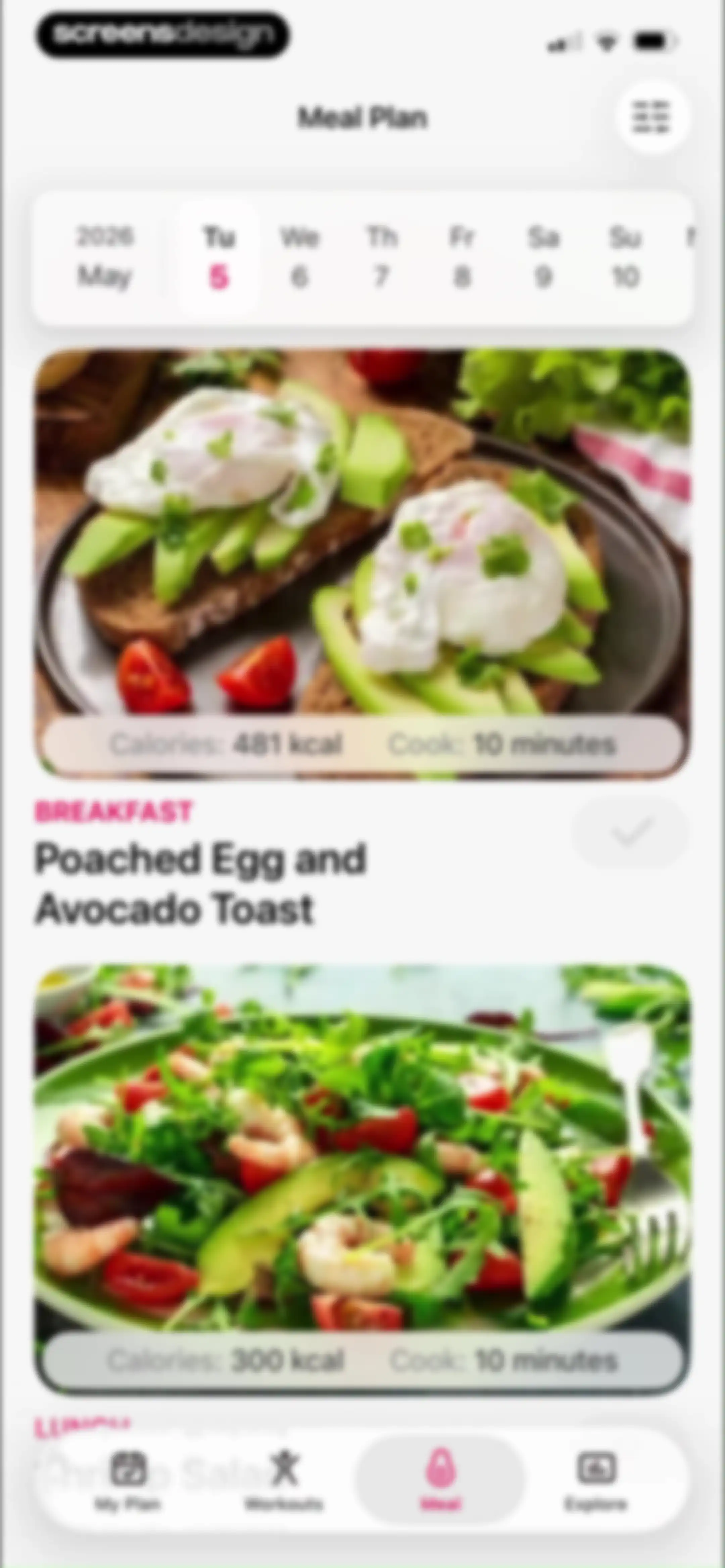
Meal plan dashboard displaying a horizontal calendar strip with May 5 selected and a vertical feed of meal cards.Unlock Pro
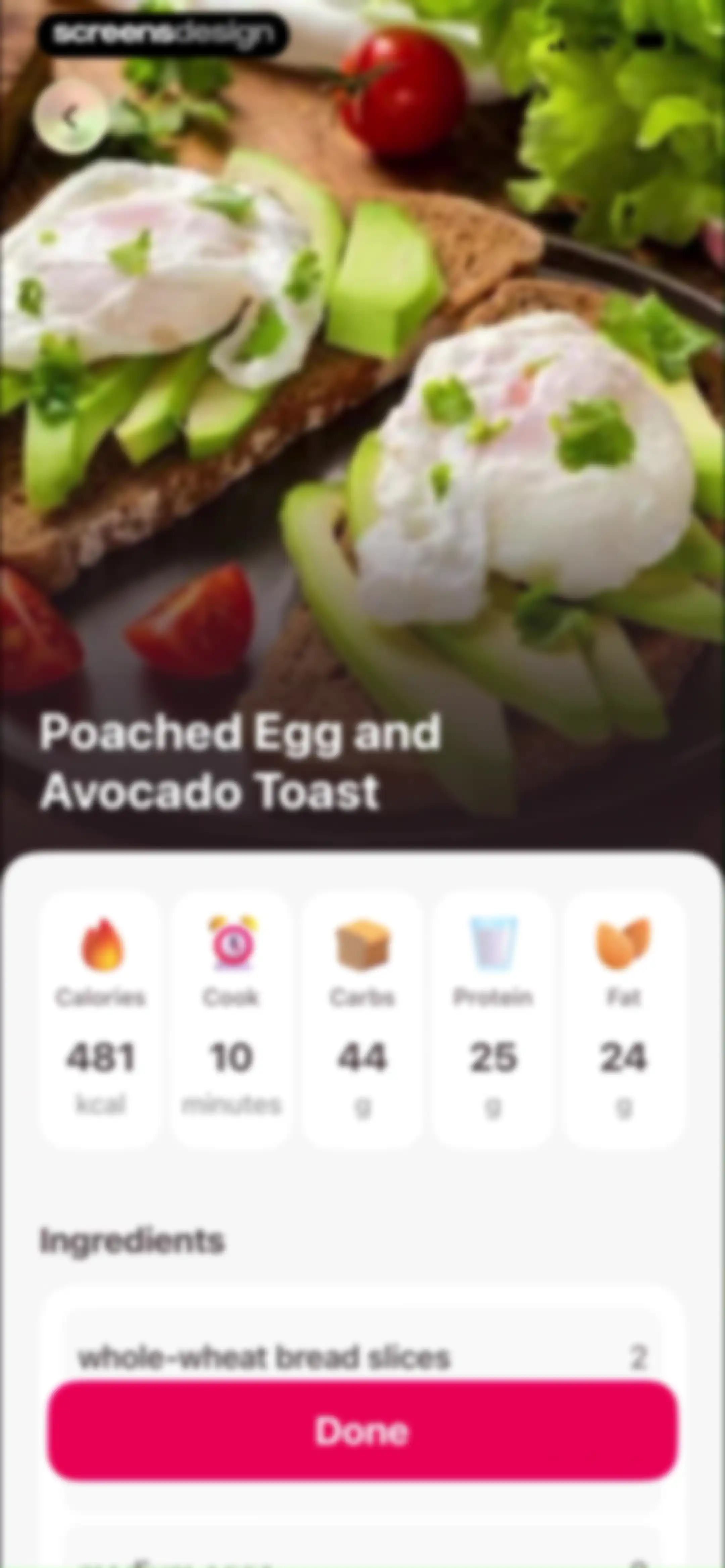
Recipe detail screen for Poached Egg and Avocado Toast displaying nutritional data, an ingredients list, and a bottom Done button.Unlock Pro
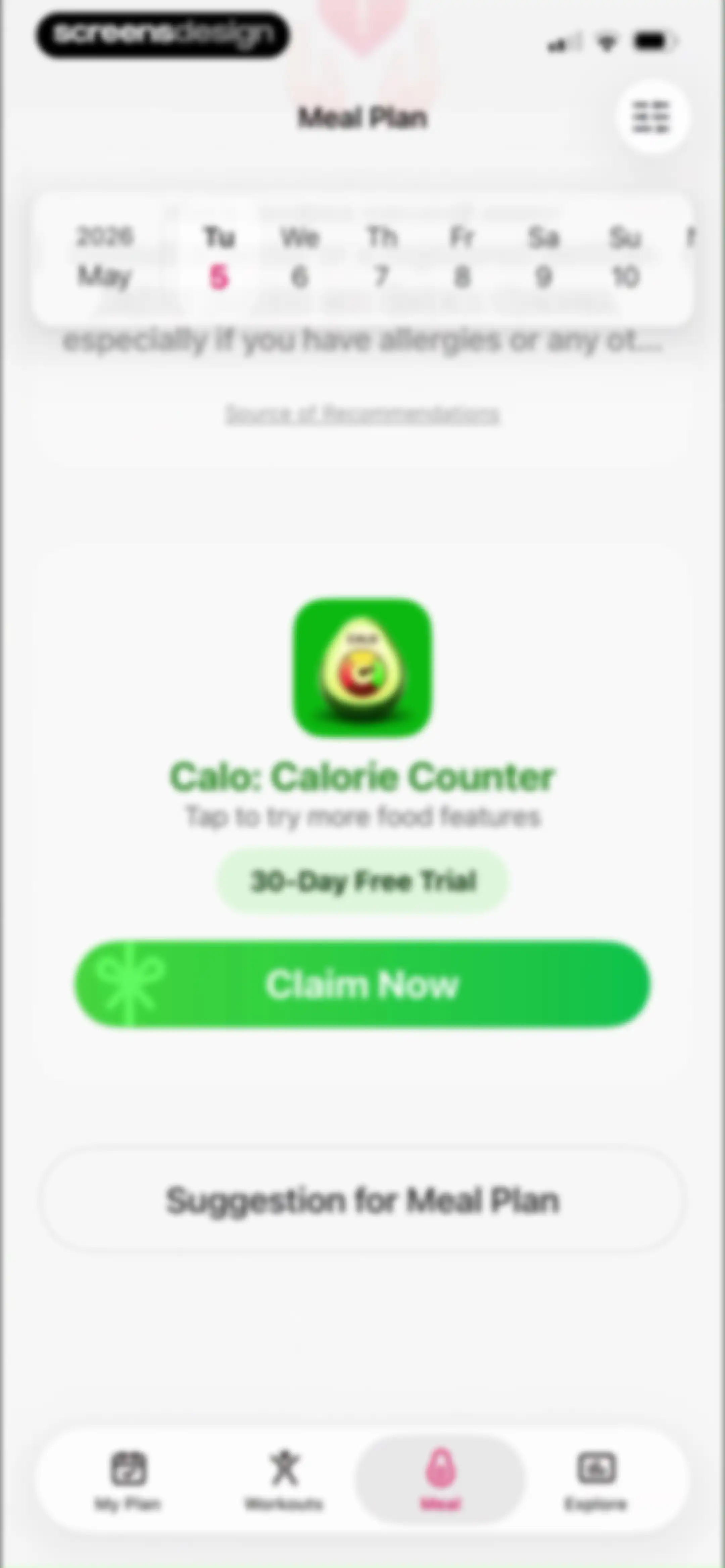
Meal plan dashboard featuring a calendar strip, a promotional card for a 30-day free trial of Calo with a Claim Now button, and a bottom navigation bar.Unlock Pro
Feedback form modal for a meal plan suggestion, featuring a text area, email input field, and a Send button.Unlock Pro
Meal plan settings screen listing dietary restrictions, allergies, and food preferences with a Save settings button.Unlock Pro
Fitness app dashboard displaying a calorie tracker with a flame icon, a weekly goal card, and a mood selection grid.Unlock Pro
Fitness progress dashboard displaying a weekly goal summary with one of two days completed, a monthly stats card, and a May 2026 calendar view.Unlock Pro
Fitness dashboard featuring a weekly goal progress section, a central modal displaying positive reinforcement, and a bottom navigation bar.Unlock Pro
Fitness dashboard showing a weekly calendar, a completed Mat Pilates workout card, and a button to log activities.Unlock Pro
Activity selection modal with an AI Smart Log option and an alphabetical list of exercises starting with American Football.Unlock Pro
Workout logging modal with date and duration fields set for Mixed Cardio, featuring a pink Log button.Unlock Pro
Fitness dashboard showing a weekly progress summary, calendar view, activity list with Mat Pilates and Mixed Cardio, and a Log activities button.Unlock Pro
Workout activity form for Mixed Cardio with a duration input set to thirty minutes, a Save button, and Delete this activity option.Unlock Pro
Fitness dashboard showing a weekly calories burned bar chart and a weight tracking section with a Log Weight button and current weight of 57 kg.Unlock Pro
Apple Health sync permission modal in the LazyFit app, with an explanation of synced data and a Continue button.Unlock Pro
Permission request screen for the LazyFit app to access and update health data, featuring a list of toggles and Allow buttons.Unlock Pro
Health and fitness dashboard featuring a weight progress chart, Log Weight button, and a grid of achievement streak badges.Unlock Pro
Weight tracking modal form with a weight input set to 56 kg, a date selector, and a pink Log button.Unlock Pro
Dashboard showing a weight progress chart, a Log Weight button, and a streak badges grid with a bottom navigation bar.Unlock Pro
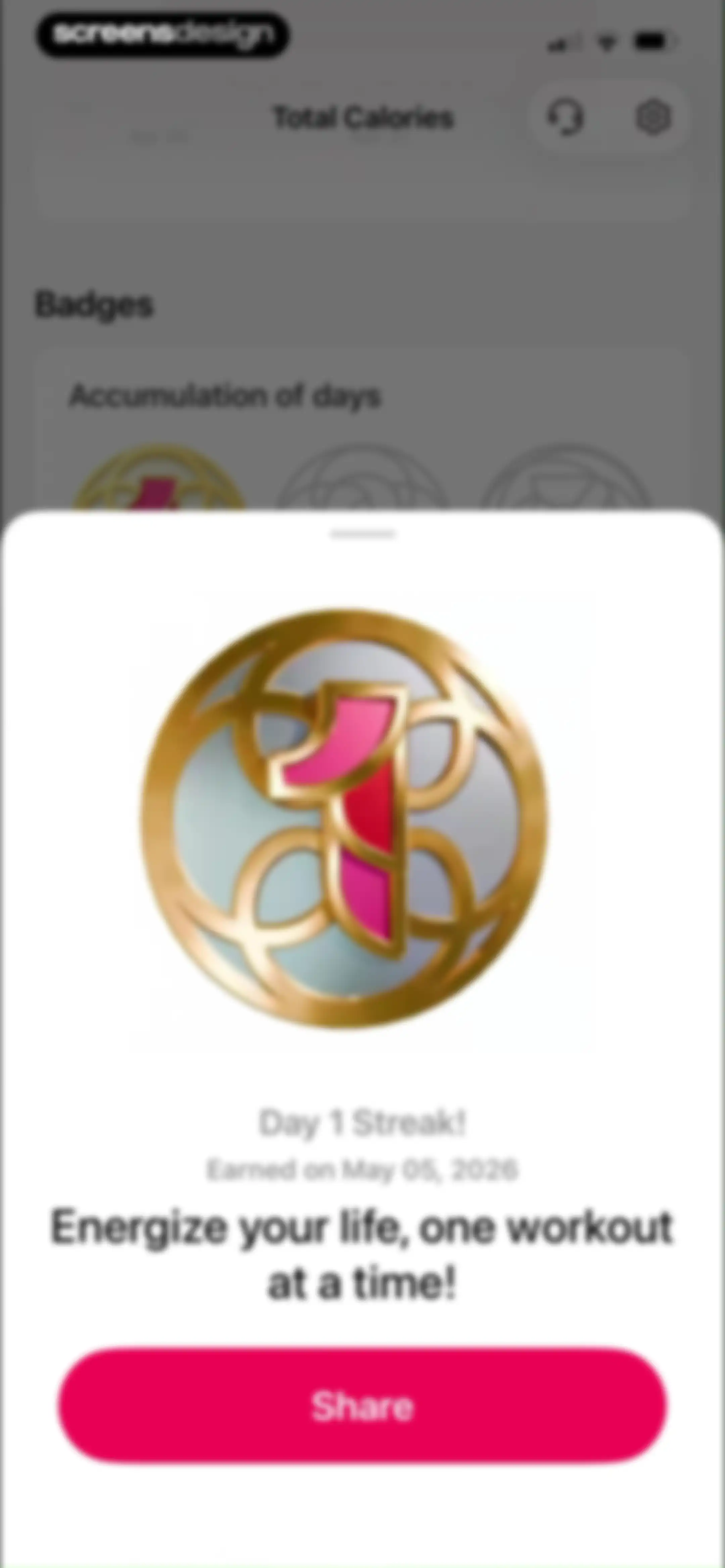
Achievement modal celebrating a Day 1 Streak badge with earned date, motivational text, and a Share button.Unlock Pro
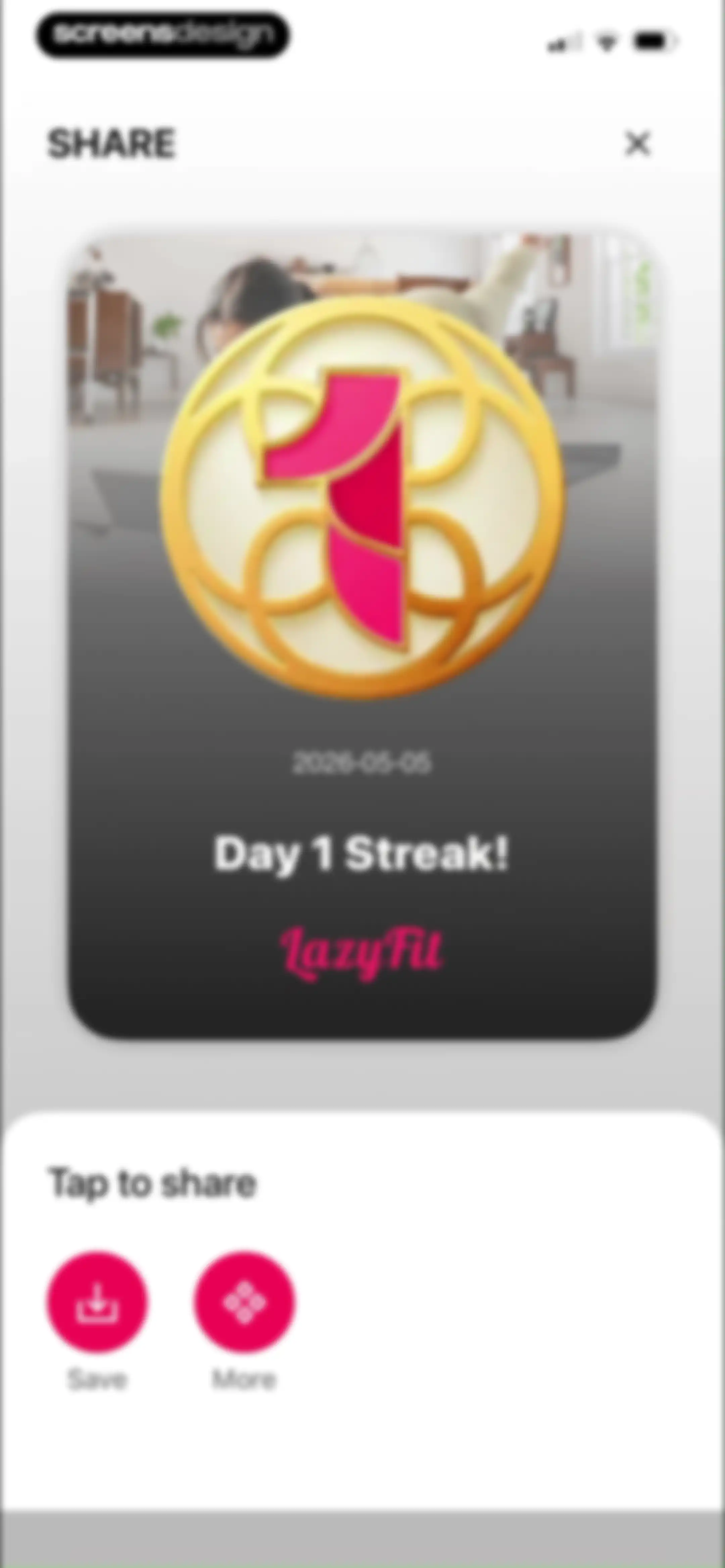
Social sharing modal displaying a Day 1 Streak achievement card with Save and More action buttons.Unlock Pro
Permission request modal for LazyFit asking for photo library access, featuring a photo grid preview and three action buttons.Unlock Pro
Fitness streak achievement sharing screen displaying a Day 1 Streak badge with a system share sheet overlay.Unlock Pro
Fitness app achievement popup showing a fourteen-day milestone notification with a stylized planet icon and a pink Got It button.Unlock Pro
Customer service chat screen for the LazyFit app with a conversation history, a Contact Us button, and a message input field.Unlock Pro
Customer service chat screen in the LazyFit app featuring a support conversation and a bottom modal asking if the answer solved the problem, with Yes and No buttons.Unlock Pro
Settings screen with grouped list sections for membership, general preferences, and account details.Unlock Pro
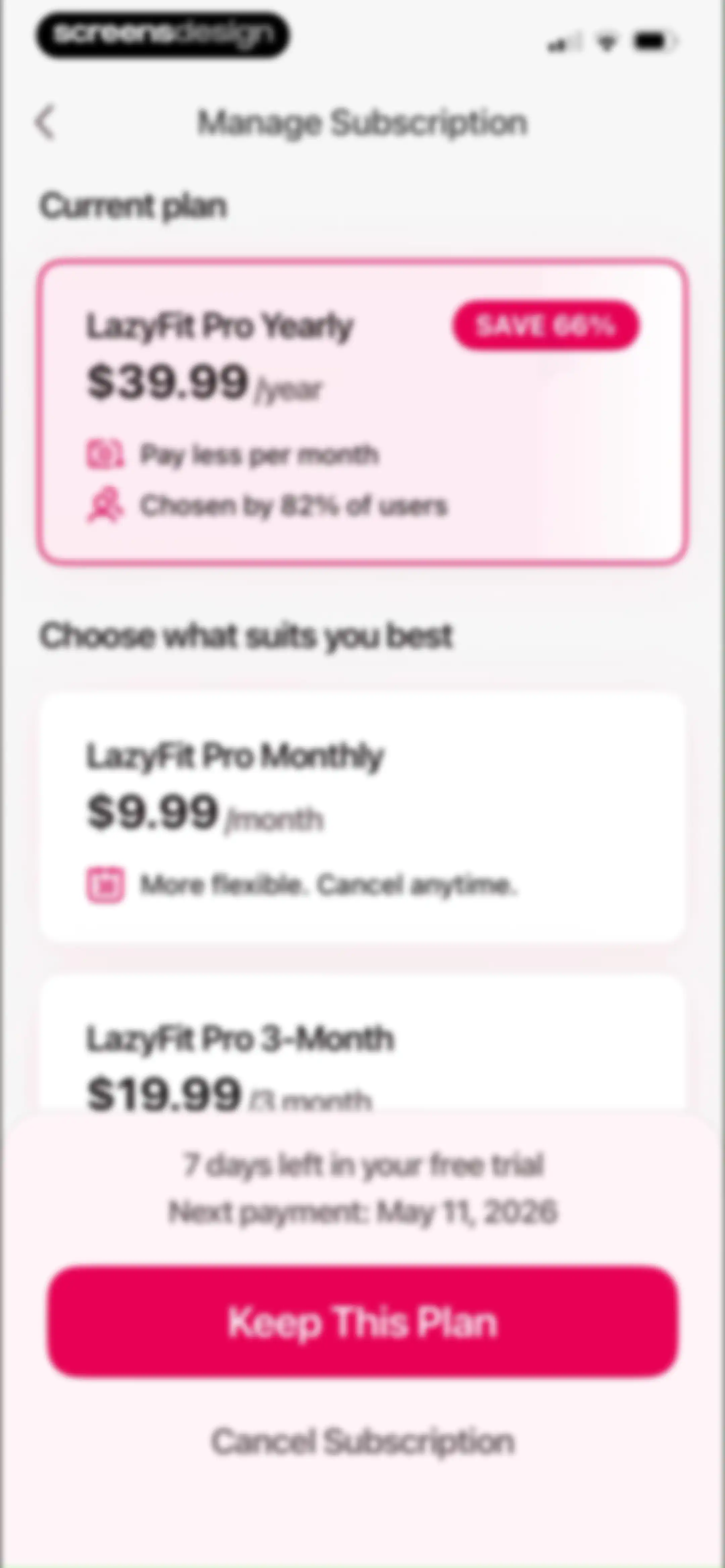
Subscription management screen for LazyFit displaying the current yearly plan with trial status and options to keep or cancel.Unlock Pro
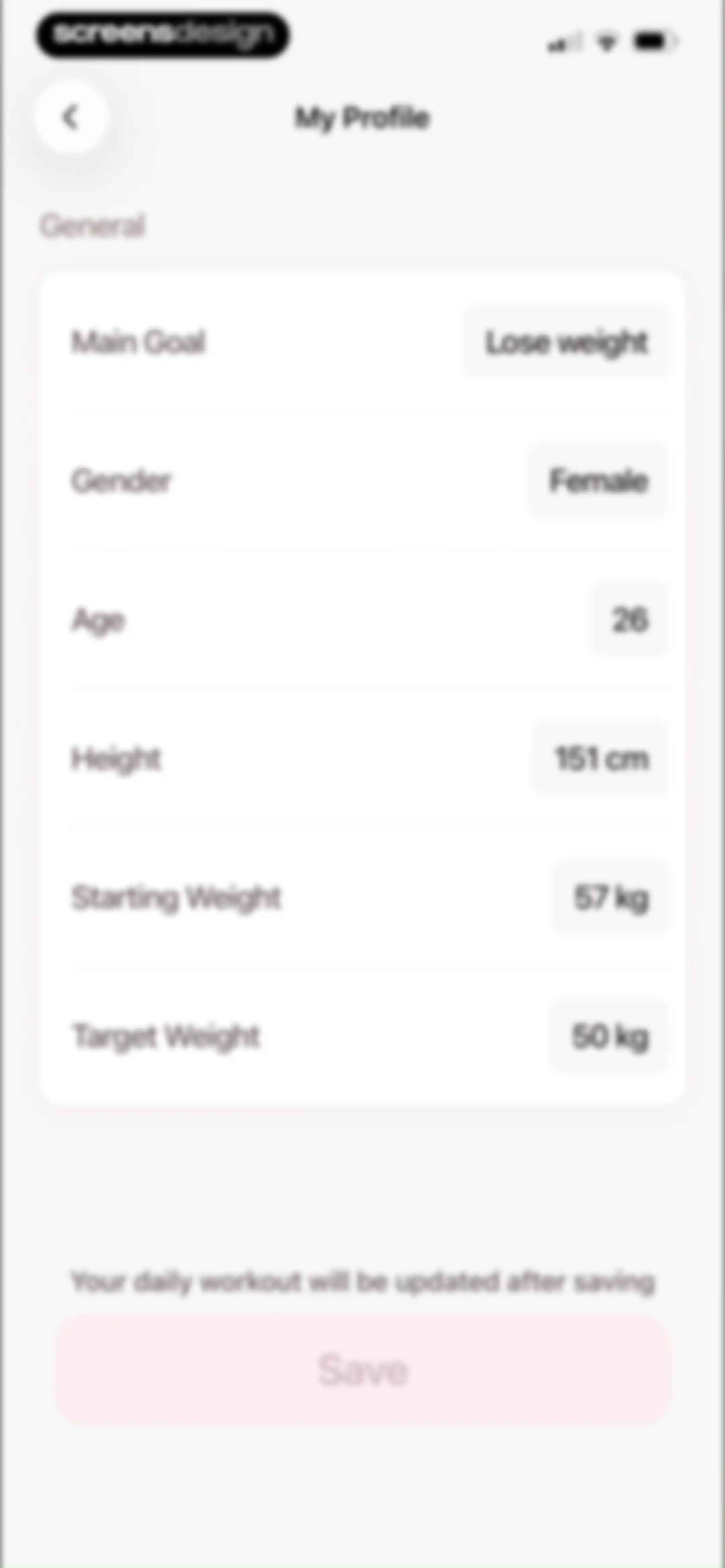
Profile settings form displaying personal fitness metrics including goal, age, height, and weight, with a Save button.Unlock Pro
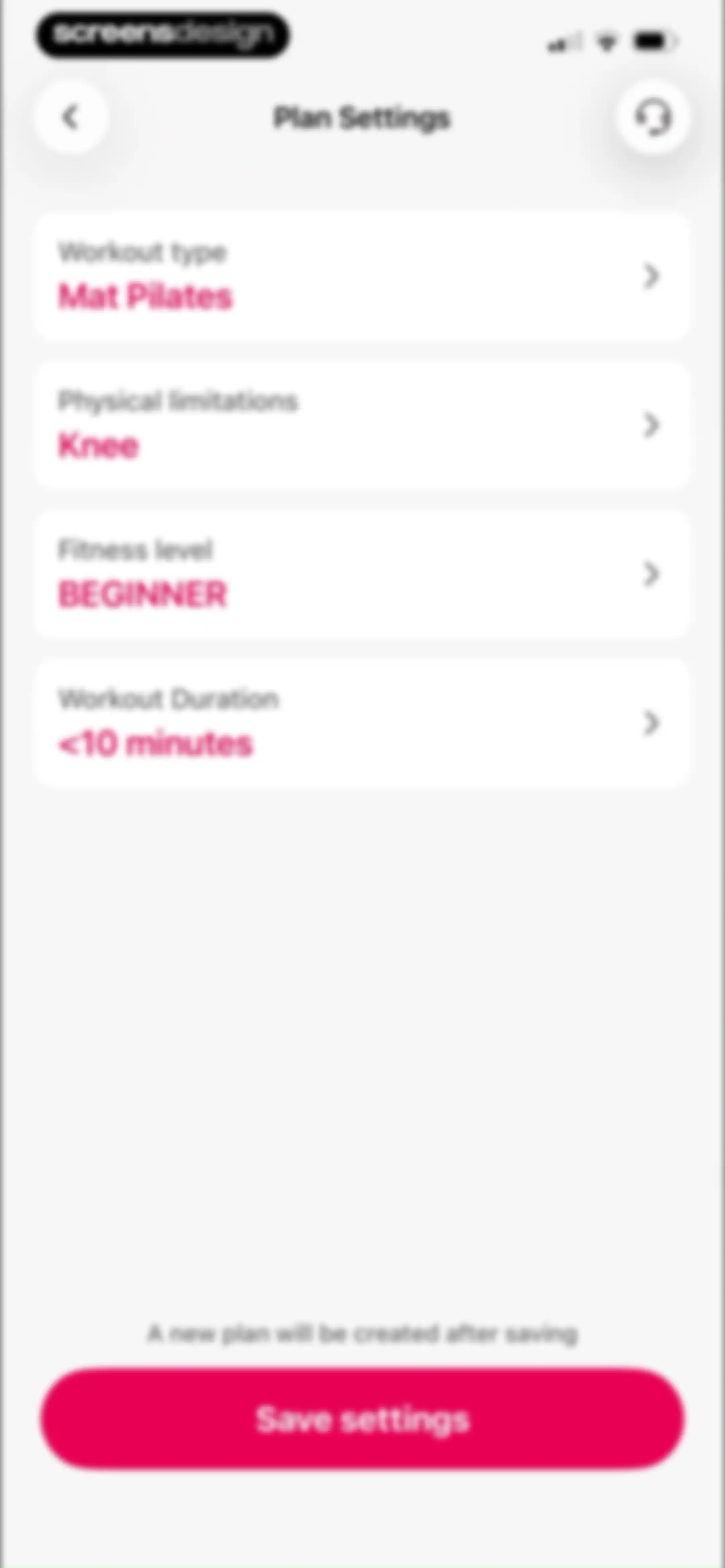
Fitness plan settings screen displaying four customizable preferences and a Save settings button.Unlock Pro
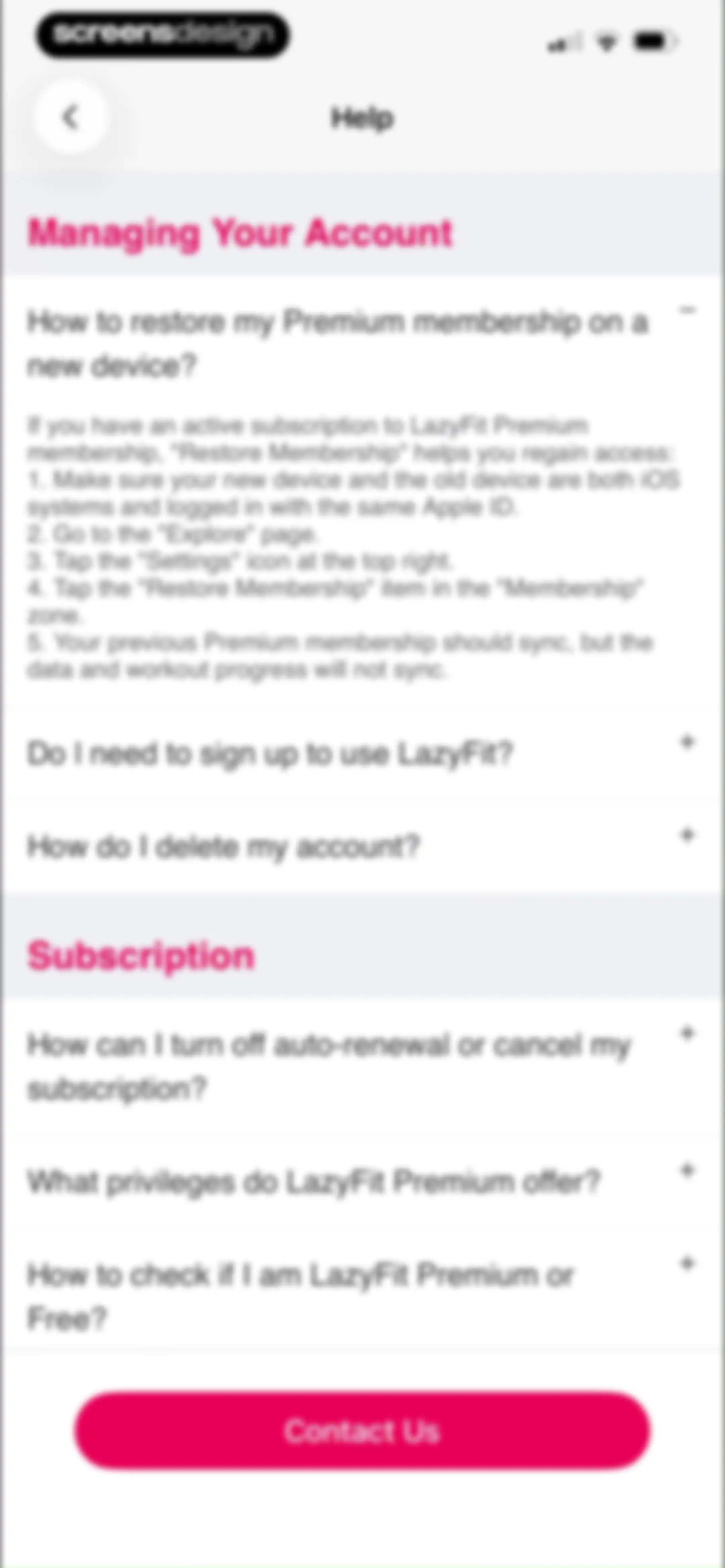
Help screen for the LazyFit app with expandable FAQ items, featuring an expanded question about restoring a Premium membership and a Contact Us button.Unlock Pro
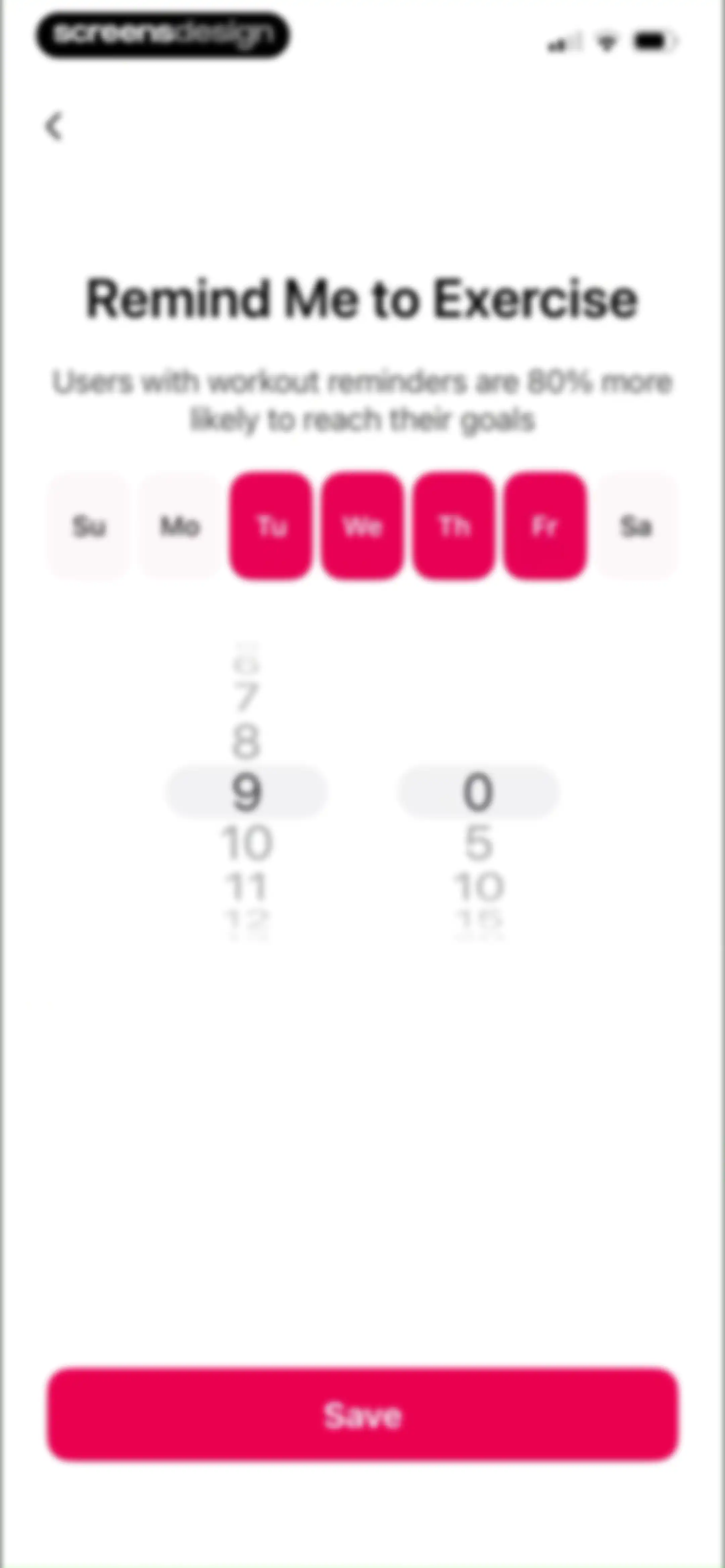
Reminder configuration screen with day and time pickers, featuring selected days from Tuesday to Friday and a Save button.Unlock Pro
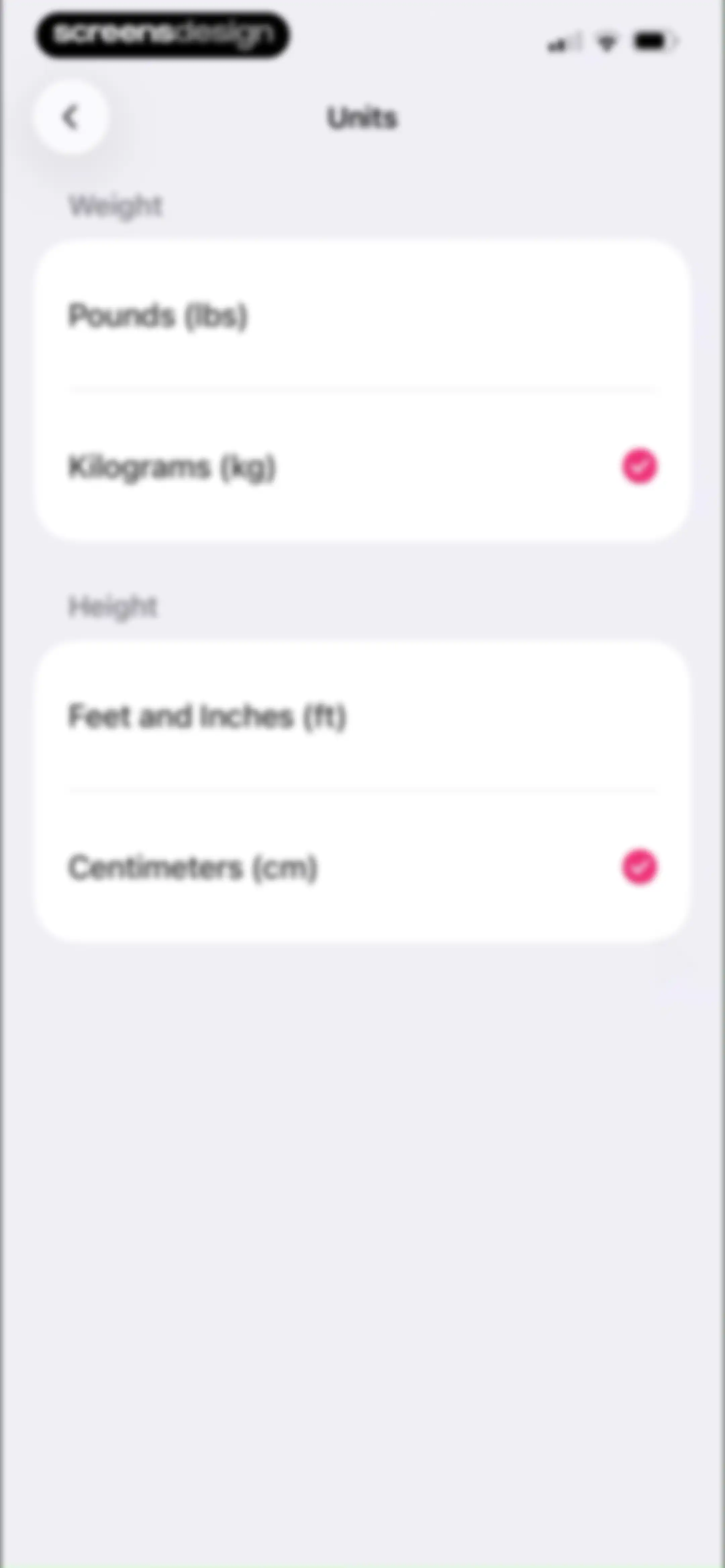
Units settings screen with kilograms and centimeters selected for weight and height.Unlock Pro
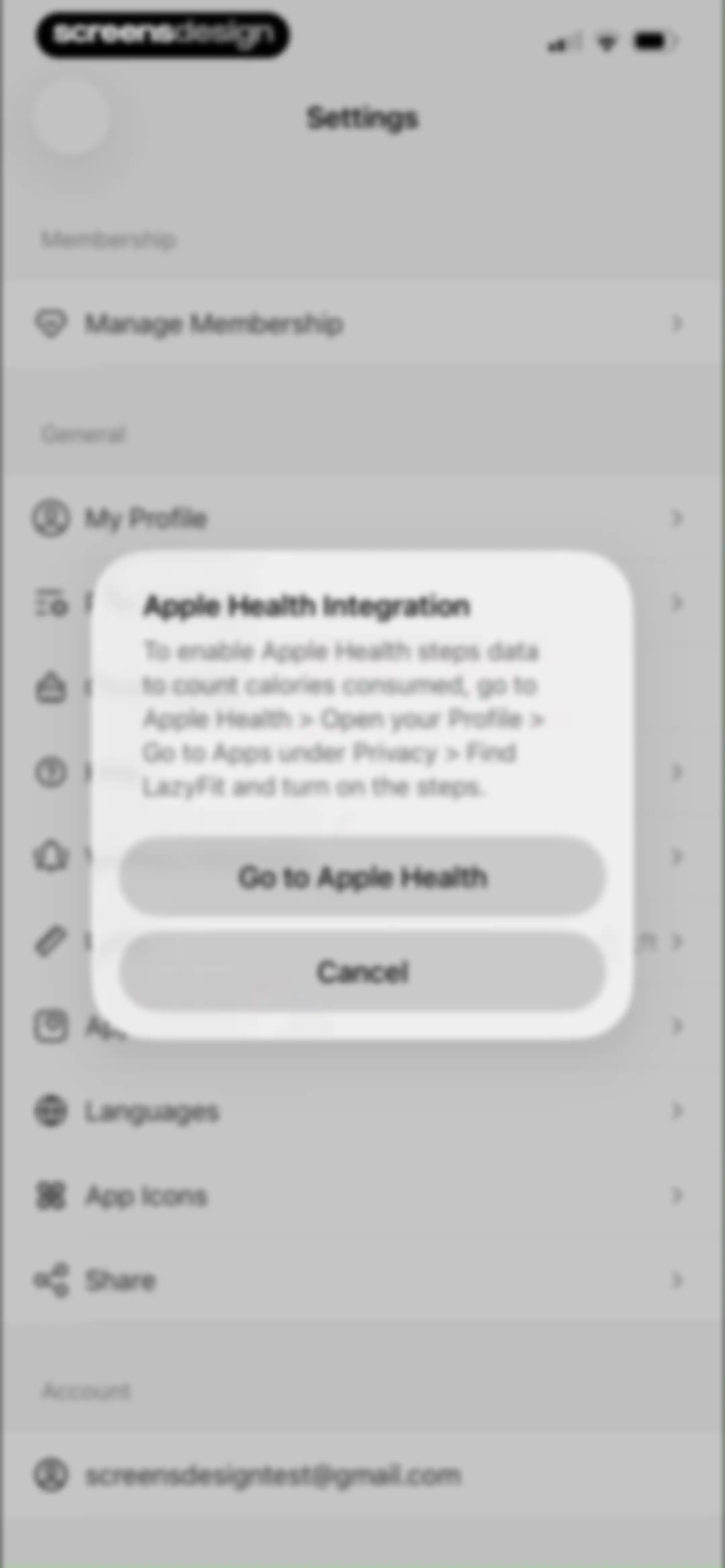
Settings menu with a modal dialog explaining how to enable Apple Health integration, featuring a Go to Apple Health button.Unlock Pro
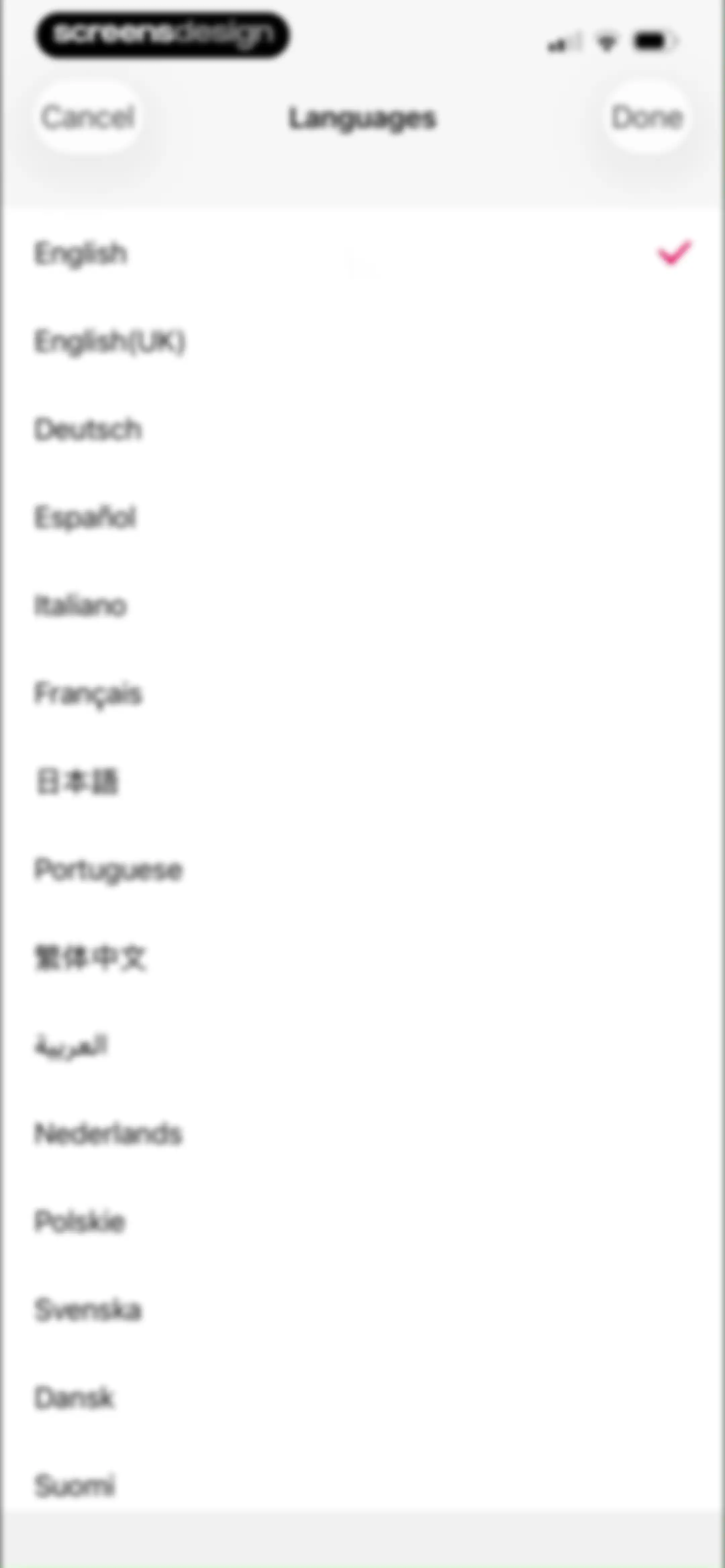
Language selection settings screen displaying a list of languages with English selected by a checkmark and Cancel and Done buttons.Unlock Pro
App icon settings screen listing three selectable icon options, with the first option selected and marked with a checkmark.Unlock Pro
App icon settings screen with a confirmation modal stating the LazyFit icon was changed, featuring an OK button.Unlock Pro
Settings screen with a centered share modal displaying Message and More buttons over a list of account options.Unlock Pro
Settings screen with a grouped options list and an overlapping system share sheet overlay at the bottom.Unlock Pro

About LazyFit: Workout For Beginners

A low-impact fitness app offering chair yoga, Pilates, and Tai Chi routines designed for beginners, seniors, and women.

Explore LazyFit: Workout For Beginners across ScreensDesign

Apps similar to LazyFit: Workout For Beginners

Unlock all similar apps

See every comparable app, revenue, installs, and flows.

Unlock Pro
  • JustFit: Lazy Workout & Fit

    4.8
    Enerjoy Pte. Ltd.Revenue$350kInstalls150k
  • FitMe - Lazy Workout at Home

    4.8
    EXTRAMILE LIMITEDRevenue$55kInstalls5k
  • Planfit AI Gym Workout Planner

    4.8
    Planfit Inc.Revenue$250kInstalls35k
  • Gymax: Muscle Workout Planner

    4.6
    Core AIRevenue$25kInstalls5k
  • Home Workout - No Equipments

    4.9
    Leap HealthRevenue$450kInstalls300k
  • Fitify: Home Workout, AI Coach

    4.9
    FitifyRevenue$150kInstalls55k
  • Fiit: Workouts & Fitness Plans

    4.8
    Fiit LimitedRevenue$15kInstalls<5k
  • Yoga for Beginners, Pilates+

    4.8
    Leap HealthRevenue$10kInstalls<5k
  • Organic Fit: Workout for Women

    4.5
    OrganicAppsRevenue$10kInstalls<5k
  • Daily Workouts - Home Fitness

    4.7
    Daily Workout Apps, LLCRevenue$<5kInstalls<5k
  • SmartGym: Gym & Home Workouts

    4.7
    Mateus AbrasRevenue$50kInstalls12k
  • Chair Yoga for Seniors at Home

    4.8
    Fast Builder LimitedRevenue$8kInstalls<5k
  • Home Fitness for Weight Loss

    4.6
    MONTIBUS LTDRevenue$8kInstalls<5k
  • Light: Chair Yoga Plan

    4.7
    Enerjoy Pte. Ltd.Revenue$11kInstalls<5k
  • MadFit: Home Fitness Workouts

    4.7
    Maddie Lymburner Wholesome Influence Inc.Revenue$30kInstalls<5k
  • 8fit Workouts & Meal Planner

    4.7
    Urbanite Inc.Revenue$<5kInstalls<5k
  • Daily Yoga: Fitness & Wellness

    4.7
    PhoeniXcel LimitedRevenue$150kInstalls<5k
  • Sworkit Fitness & Wellness App

    4.7
    NexerciseRevenue$14kInstalls<5k
  • Befit: Gym Workout Tracker

    4.8
    3Apps SolutionsRevenue$250kInstalls50k
  • Zing AI: Home & Gym Workouts

    4.8
    Zing Coach Inc.Revenue$70kInstalls<5k
  • Home Fitness Coach: FitCoach

    4.7
    WELLTECH APPS LIMITEDRevenue$50kInstalls<5k
  • Fitself: Fitness and Fasting

    4.9
    FitselfRevenue$<5kInstalls<5k
  • Aaptiv: #1 Audio Fitness App

    4.7
    AAPTIV INC.Revenue$12kInstalls<5k
  • Lose Weight at Home in 30 Days

    4.8
    ABISHKKING LIMITED.Revenue$25kInstalls85k
  • Peloton: Fitness & Workouts

    4.9
    Peloton Interactive, Inc.Revenue$3.3MInstalls30k
  • Seven: 7 Minute Workout

    4.8
    PerigeeRevenue$50kInstalls40k
  • Home Workouts & Fitness | Luvu

    4.8
    LuvuRevenue$<5kInstalls<5k
  • Freeletics: Workouts & Fitness

    4.6
    Freeletics GmbHRevenue$450kInstalls35k
  • MadMuscles: Workouts & Diet

    4.4
    Amoapps LimitedRevenue$200kInstalls13k
  • Wall Pilates: Fit Weight Loss

    4.3
    Wire SaladRevenue$<5kInstalls<5k
  • Tai Chi Walking : GentleFit

    4.7
    TROPIC INNOVATION PRIVATE LIMITEDRevenue$10kInstalls<5k
  • MyFitCoach - Workout Planner

    4.6
    MyFitCoach GmbHRevenue$200kInstalls25k
  • JEFIT Workout Plan Gym Tracker

    4.8
    Jefit Inc.Revenue$50kInstalls6k
  • Buddyfit: Exercise at Home

    4.8
    Buddyfit SRLRevenue$50kInstalls<5k
  • Workout for Women: Fit at Home

    4.8
    Leap HealthRevenue$45kInstalls150k
  • HARNA: Workout & Fitness

    4.5
    Amoapps LimitedRevenue$20kInstalls<5k
  • Results Wellness Lifestyle

    5.0
    Results Wellness Lifestyle LimitedRevenue$25kInstalls<5k
  • Fitbod: Gym & Fitness Planner

    4.8
    Fitbod Inc.Revenue$750kInstalls150k
  • Muscle Monster Workout Planner

    4.7
    TechPioneers LimitedRevenue$400kInstalls90k
  • Lose Weight for Women at Home

    4.8
    Leap HealthRevenue$5kInstalls40k
  • ProFit: Workout Planner

    4.6
    VGFIT LLCRevenue$8kInstalls13k
  • Hybrid Calisthenics

    4.8
    Hybrid Calisthenics LLCRevenue$60kInstalls10k
  • Gravl: AI Personal Trainer

    4.9
    GAINS AIRevenue$350kInstalls25k
  • 30 Day Fitness - Home Workout

    4.3
    Bending Spoons Apps ApSRevenue$15kInstalls<5k
  • Pilates at Home, Wall Pilates

    4.7
    PrutviRevenue$40kInstalls25k
  • Lasta: Healthy Weight Loss

    4.7
    Lasta Inc.Revenue$35kInstalls75k
  • Jillian Michaels | Fitness App

    4.7
    EM DigitalRevenue$20kInstalls<5k