Flow - Wake Up

- revenue, 4.2 rating

App walkthrough
0:00 / 11:18

Onboarding flow, Paywall & Inside the App

Watch the full screen-by-screen UX video of Flow - Wake Up with onboarding, paywall, and every core flow.

Splash screen for the Flow - Wake Up app featuring a centered white logo on a solid black background.
Flow alarm clock app onboarding welcome screen featuring a smartphone mockup, motivational morning text, a Get Started button, and a sign-in link.
Onboarding preference screen asking if the user purchased a dock, with the No card selected and a Continue button.
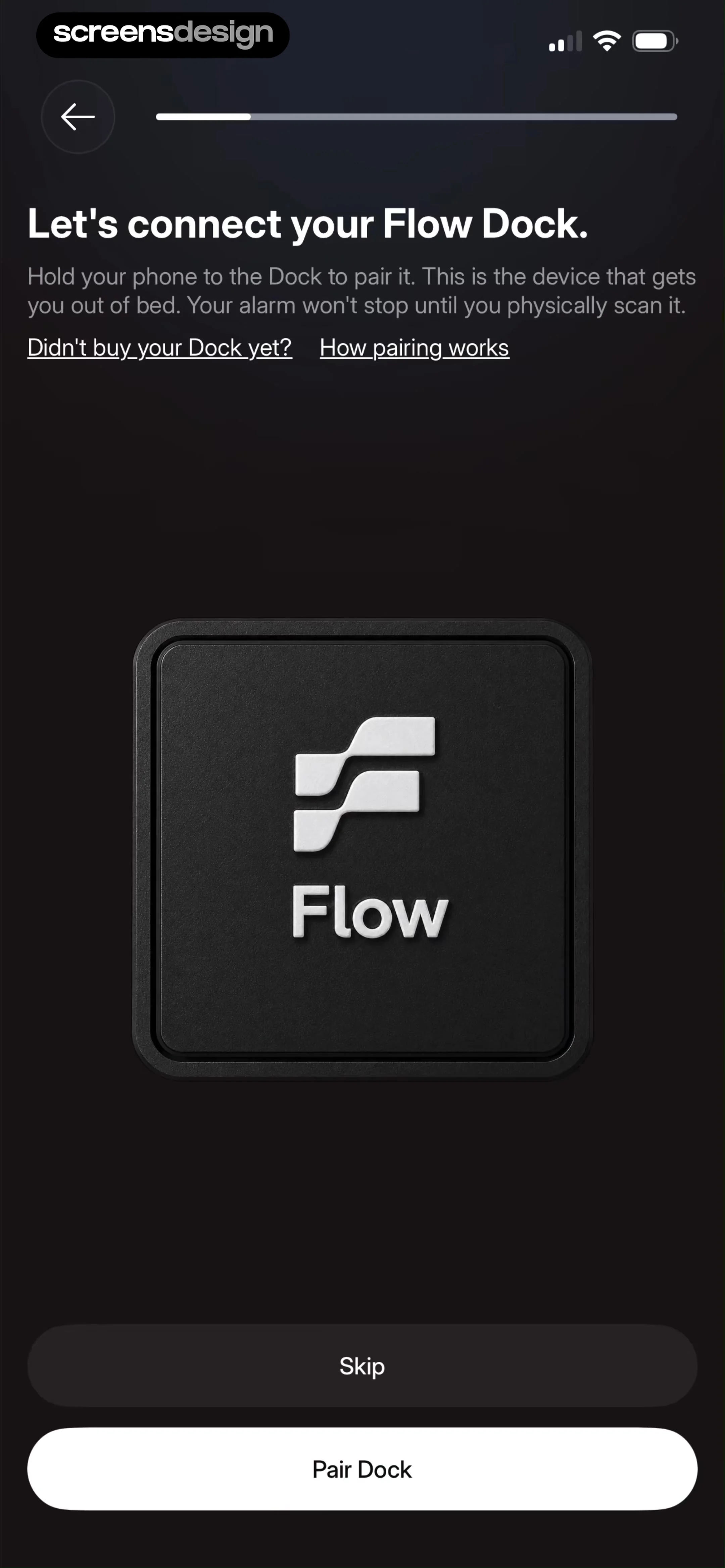
Onboarding screen for connecting the Flow Dock with instructions to hold the phone to the device, featuring a Pair Dock button and a skip option.
Onboarding screen asking how the user identifies, with three gender selection cards, the Female option selected, and a Continue button.
Onboarding birthday selection screen with a scrollable date picker set to September 2, 1999, and a Continue button.
Onboarding questionnaire asking about main struggles, with one option selected and a Continue button.
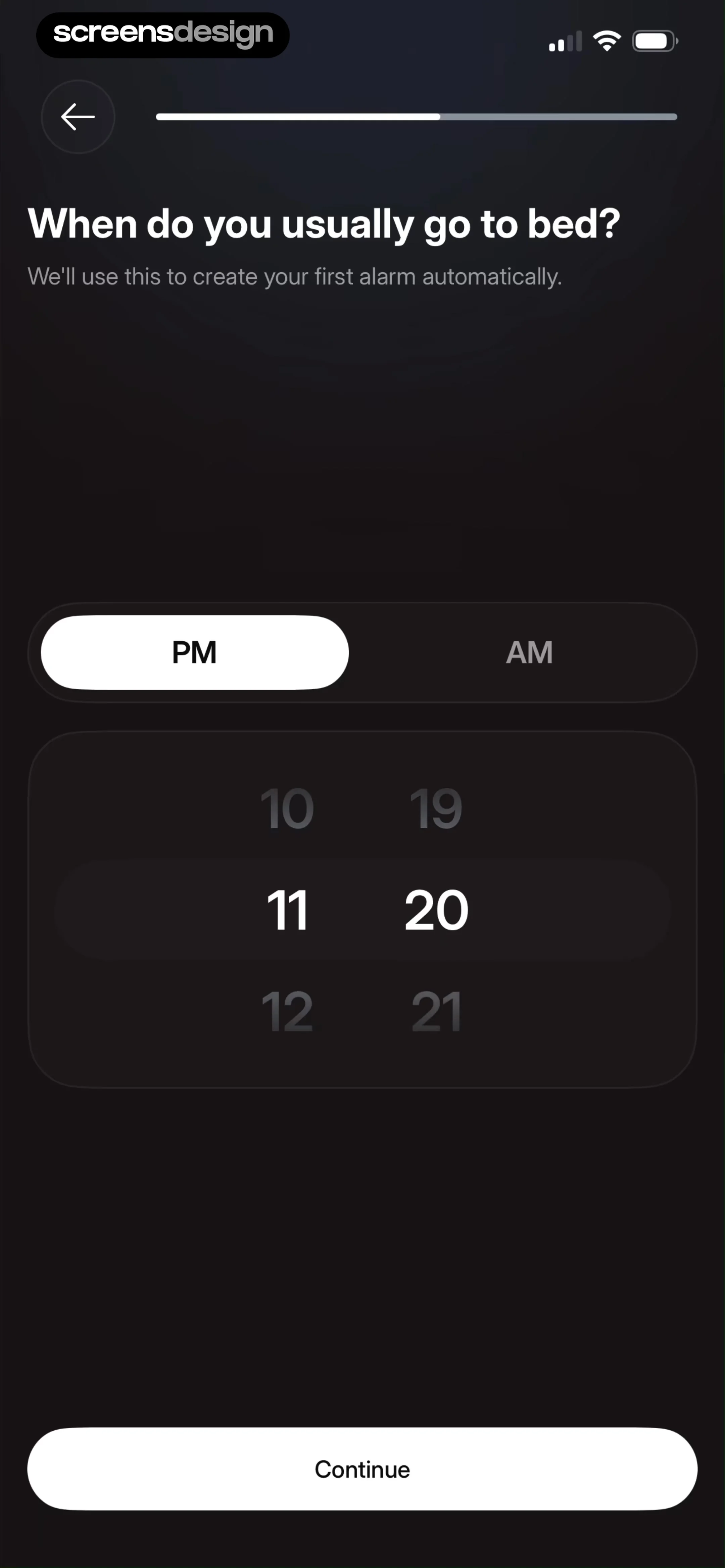
Flow alarm clock onboarding screen asking for typical bedtime with a PM and AM toggle, central time picker set to 11:20, and a Continue button.
Onboarding screen asking how long apps should be blocked after turning off an alarm, featuring a time picker set to 10 minutes and a Continue button.Unlock Pro
Permissions onboarding screen with a dark theme, displaying the heading Block the Dopamine Traps, an Enable Blocking button, and a Skip button.Unlock Pro
Permissions onboarding screen requesting Screen Time access with a system modal overlay and Enable Blocking and Skip buttons at the bottom.Unlock Pro
Permission request screen for Flow Alarm to access Screen Time, featuring an Allow with Face ID button and a Don't Allow link.Unlock Pro
Permission confirmation screen for Flow Alarm stating Screen Time access has been approved, with a Done button.Unlock Pro
Notification permission request screen in a dark theme, with a headline about staying on track before bed and Allow Notifications and Skip buttons.Unlock Pro
Permission request screen for Flow Alarm asking to send notifications for sleep reminders, featuring an allow button and a skip option.Unlock Pro
Permission request screen in the Flow app asking to set alarms, featuring a progress indicator and an Allow Alarms button.Unlock Pro
Permission onboarding screen for the Flow alarm app with a system modal requesting alarm and timer access, and an Allow Alarms button.Unlock Pro
Flow alarm clock onboarding screen prompting users to sync their calendar with a Sync Calendar button and Skip option.Unlock Pro
Permission request screen asking for full calendar access with options to allow full access, don't allow, skip, or sync calendar.Unlock Pro
Calendar selection settings screen with a list of selectable calendar sources in a bottom modal sheet and a confirm button.Unlock Pro
Flow onboarding screen for connecting calendar accounts, featuring Apple Calendar and Google Calendar cards alongside Continue and Skip buttons.Unlock Pro
Onboarding calendar integration screen with a sign-in permission modal overlay and a Continue button.Unlock Pro
Onboarding screen for connecting calendar accounts with Apple Calendar and Google Calendar cards, a Skip option, and a Continue button.Unlock Pro
Flow Alarm rating prompt modal asking users to tap a star to rate the app on the App Store, with Submit and Cancel buttons.Unlock Pro
Feedback modal thanking the user with a five-star rating scale, Write a Review and OK buttons, and a bottom Continue button.Unlock Pro
App rating prompt screen featuring branding, five orange stars, and a Continue button on a dark background.Unlock Pro
Flow app loading screen showing 32% complete progress and preparing sleep mode with a central progress ring.Unlock Pro
Onboarding completion screen with a checkmark, motivational headline, sunrise illustration, and a Let's Go button.Unlock Pro
Flow alarm clock app sign-in screen featuring centered branding, descriptive welcome text, and Continue with Apple and Continue with Google buttons.Unlock Pro
Sign-in screen for Flow alarm clock app featuring a Google authentication modal, an Apple sign-in button, and a dark minimal theme.Unlock Pro
Flow+ plan activation form with an empty code input field, a disabled Activate button, and an I don't have my code option.Unlock Pro
Onboarding screen prompting for an optional referral code, with an input field, a Submit button, and a prominent Skip button at the bottom.Unlock Pro
Paywall promotion for Flow+ with a product mockup of the app's home screen and a Next button.Unlock Pro
Trial reminder configuration screen featuring a notification preview, three reminder timing options with the two-day option selected, and a start free week button.Unlock Pro
Subscription paywall comparing yearly and monthly plans with four feature benefits, a three-day free trial offer, and a primary action button.Unlock Pro
Subscription confirmation modal for Flow - Wake Up showing a three-day free trial and an annual price of thirty-nine dollars and ninety-nine cents.Unlock Pro
Paywall screen with a centered success modal stating your purchase was successful and an OK button.Unlock Pro
Home screen of a dark-themed alarm clock app displaying no upcoming alarms, a sleep tracking button, and a create alarm action.Unlock Pro
Permission request modal asking for microphone access in the Flow Alarm app, with Allow and Don't Allow buttons.Unlock Pro
Flow active sleep tracking screen displaying a running timer, a background tracking warning, and an End Sleep button.Unlock Pro
Confirmation modal in the Flow app asking to end sleep tracking, with Cancel and red End Sleep buttons over a running timer.Unlock Pro
Alarm creation form with a time picker set to 7:20, day selectors, settings list, and a Save button.Unlock Pro
Mission selection screen with a featured hardware pairing card at the top and a vertical list of alarm tasks below.Unlock Pro
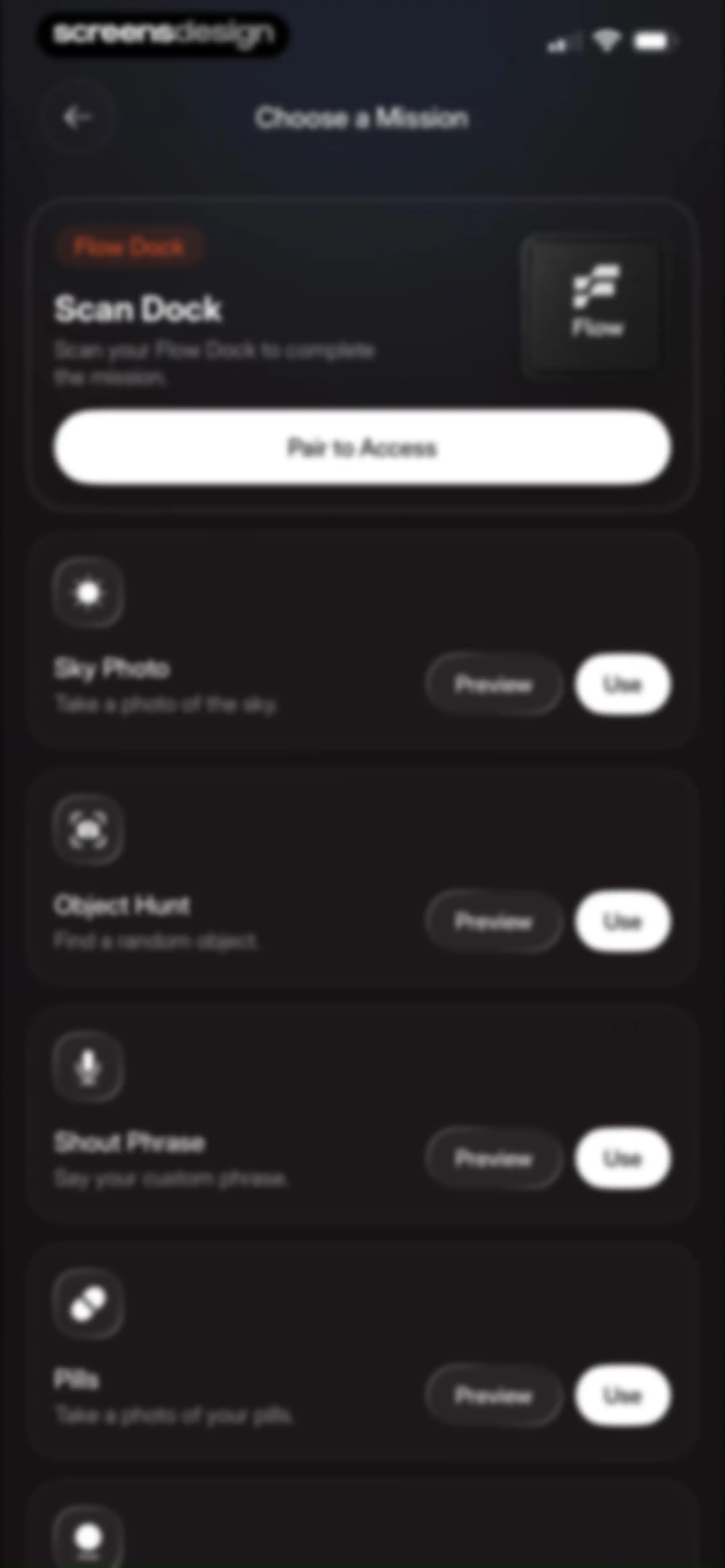
Mission selection screen listing alarm-dismissal tasks like Scan Dock, Sky Photo, and Pills with Preview and Use buttons.Unlock Pro
System permission modal requesting camera access for Flow Alarm with Don't Allow and Allow buttons.Unlock Pro
Flow alarm dismissal screen with a central instruction to point at the sky, a shutter button, and a flashlight toggle.Unlock Pro
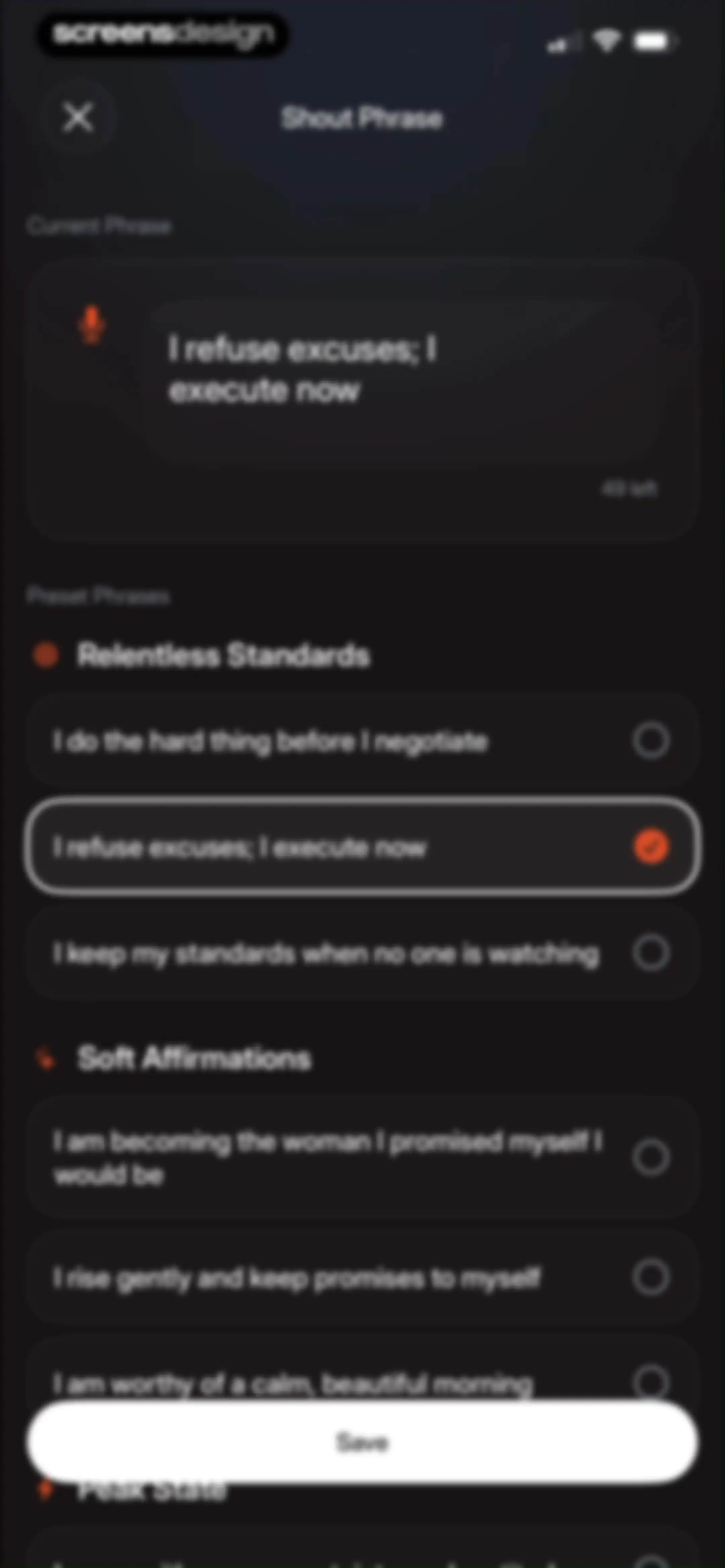
Settings screen for selecting a motivational shout phrase, with the current phrase entered and a Save button.Unlock Pro
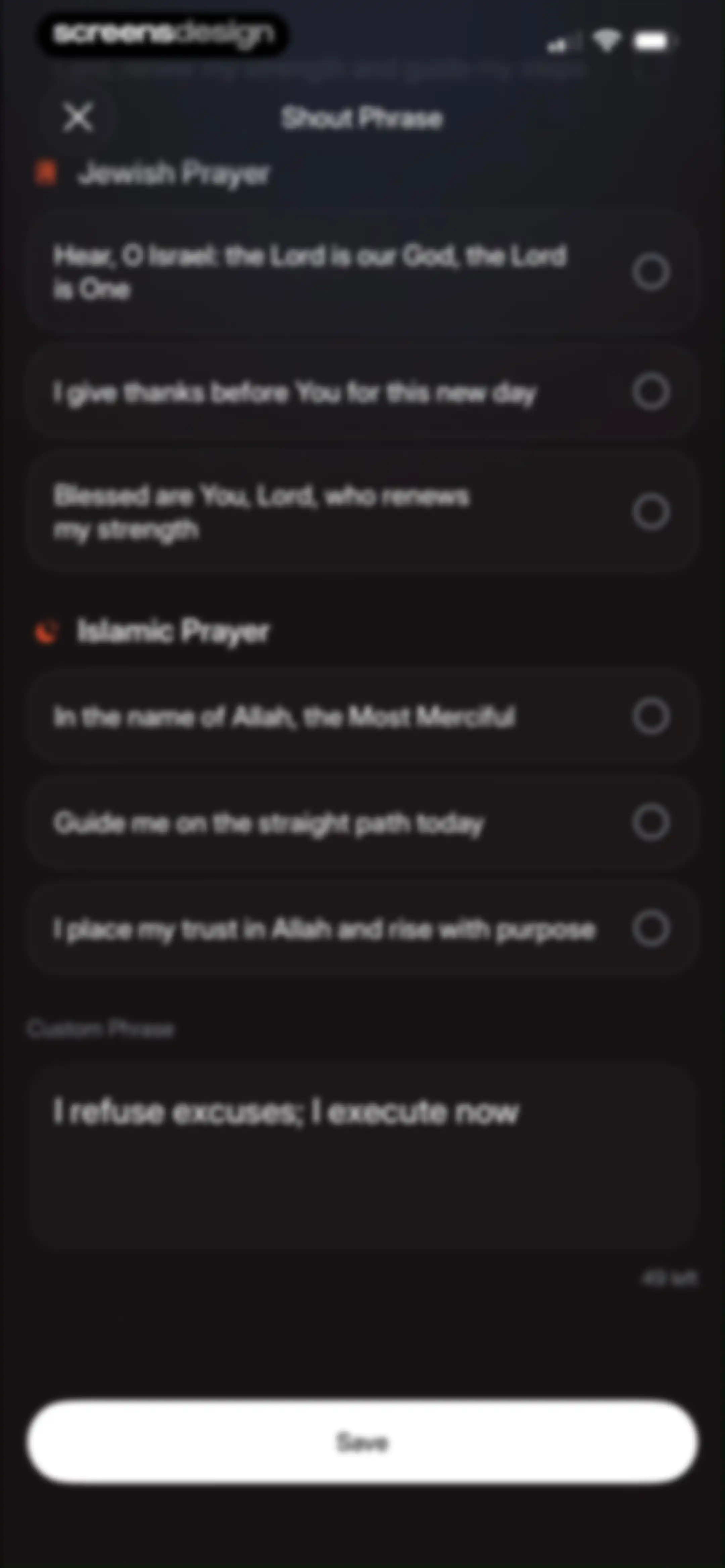
Form for selecting a shout phrase with Jewish and Islamic prayer lists, a custom text input field, and a Save button.Unlock Pro
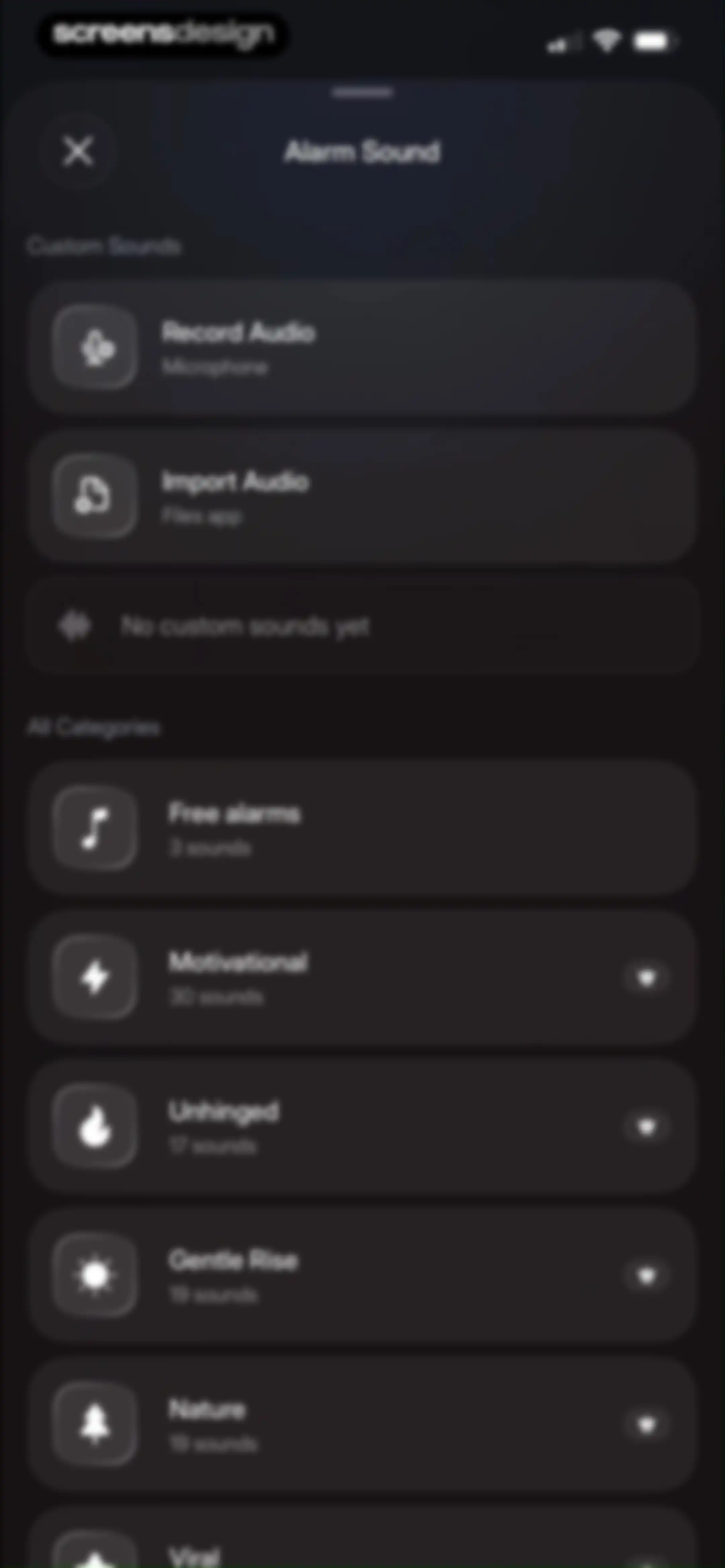
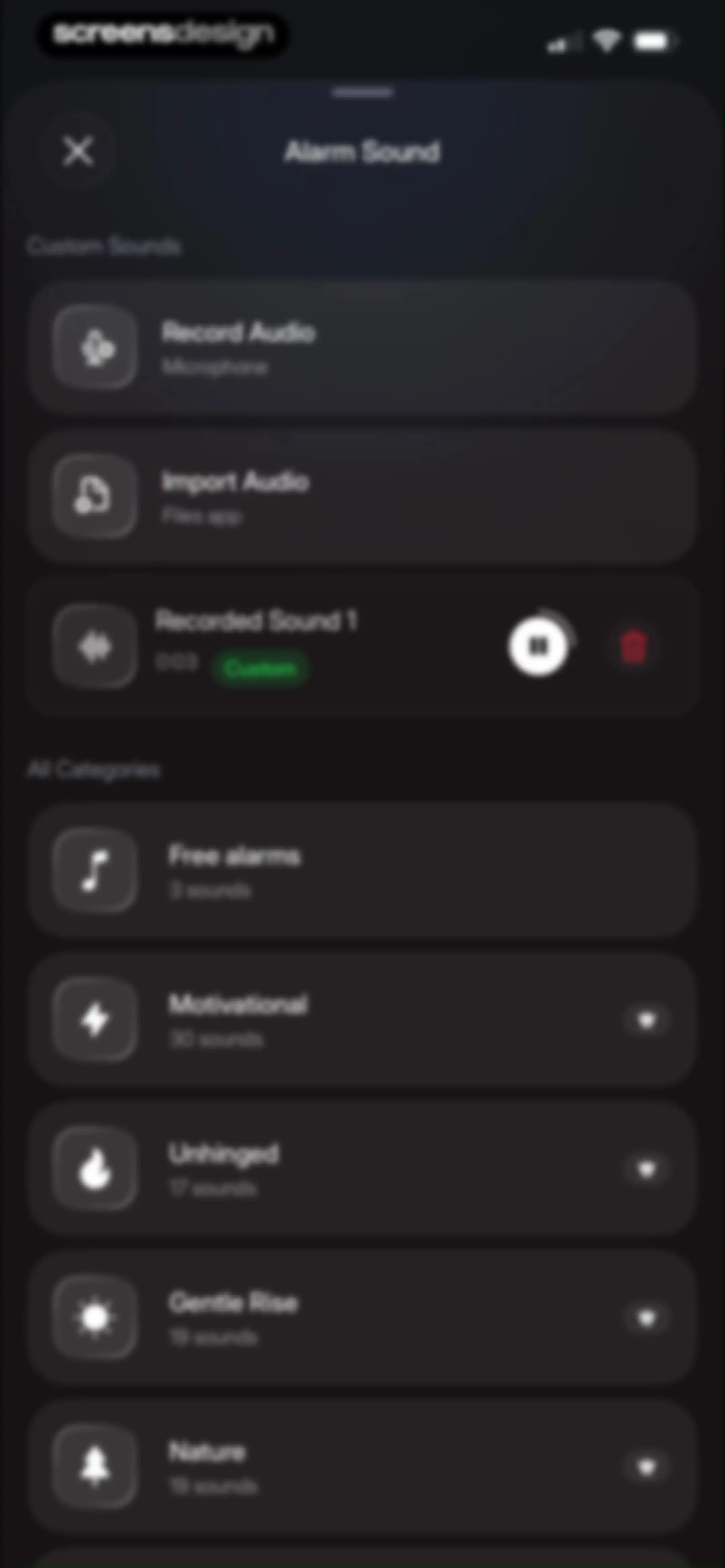
Alarm sound selection modal featuring a custom sounds section and a scrollable list of categorized sound options.Unlock Pro
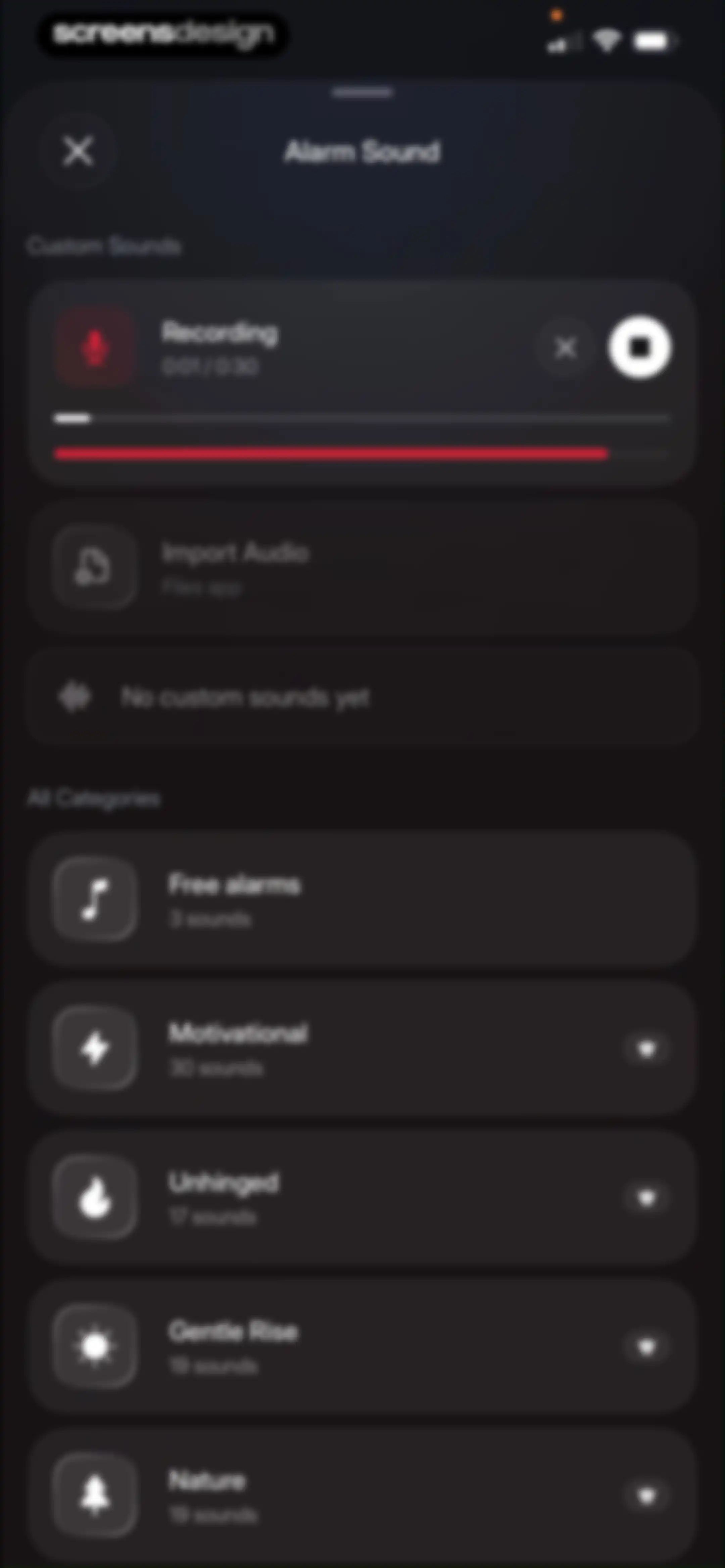
Alarm sound selection modal with an active recording interface, import options, and a categorized list of sound categories including free and premium options.Unlock Pro
Alarm sound settings modal featuring custom audio recording options and a scrollable list of categorized sound collections.Unlock Pro
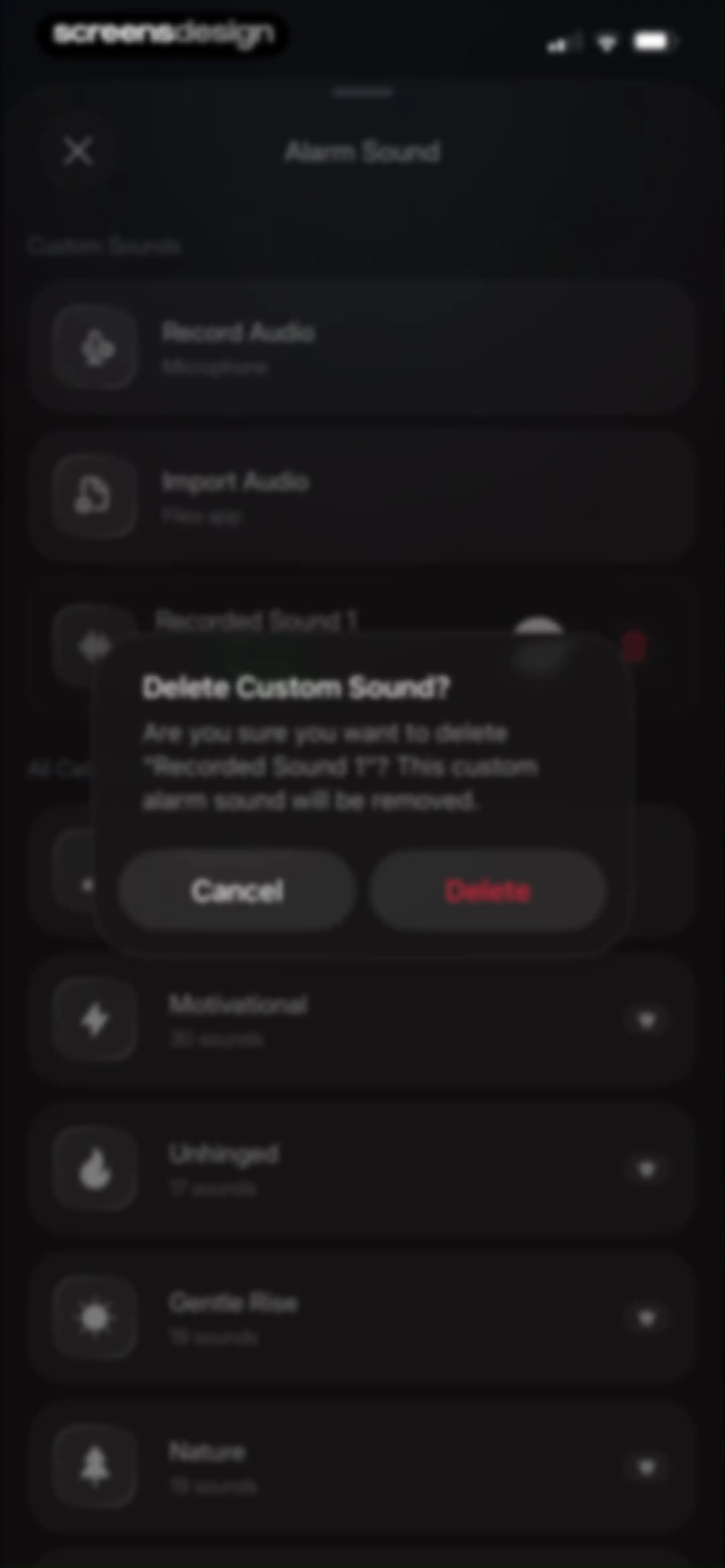
Settings screen with a confirmation modal asking to delete Recorded Sound 1, featuring Cancel and Delete buttons.Unlock Pro
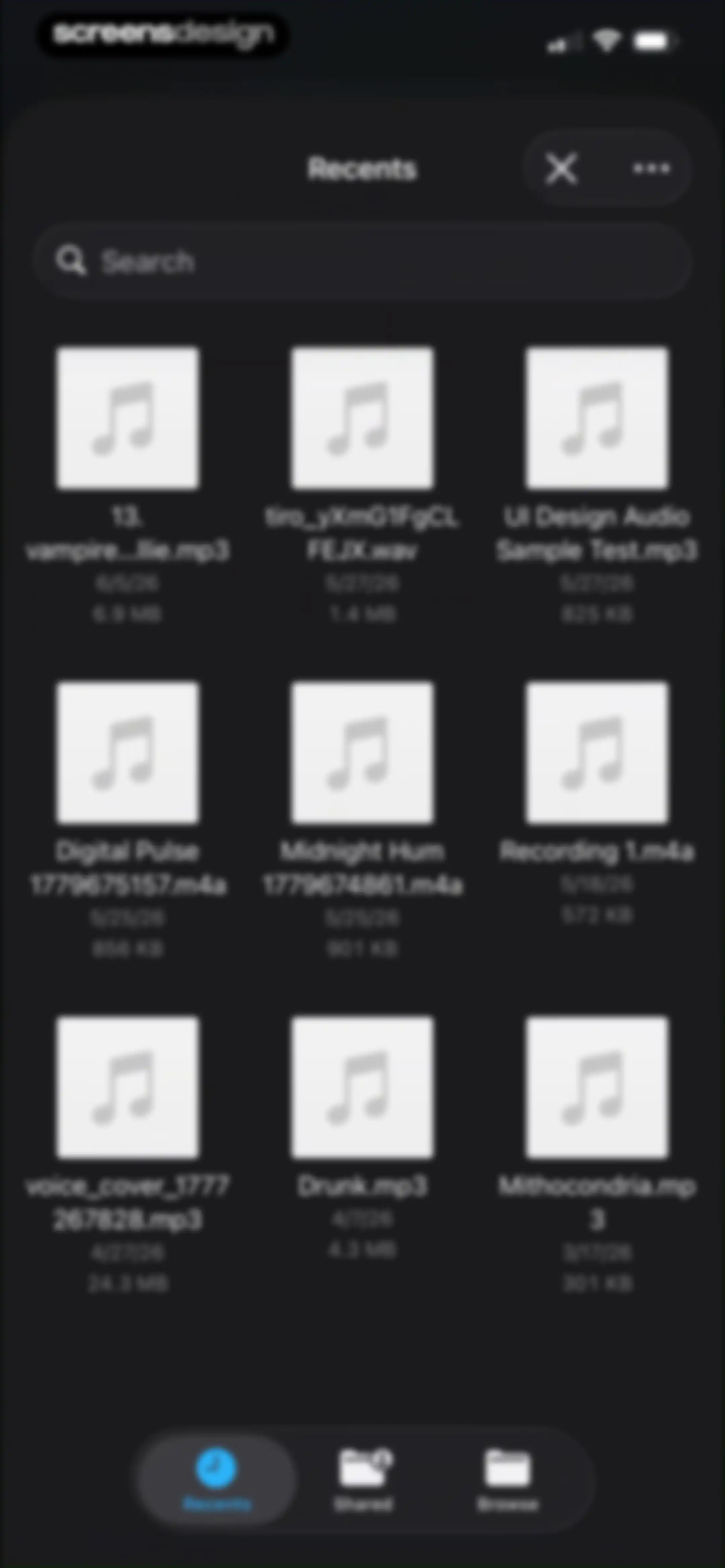
Recent files view with a search bar and a grid of audio files, including the Recents tab selected in the bottom navigation.Unlock Pro
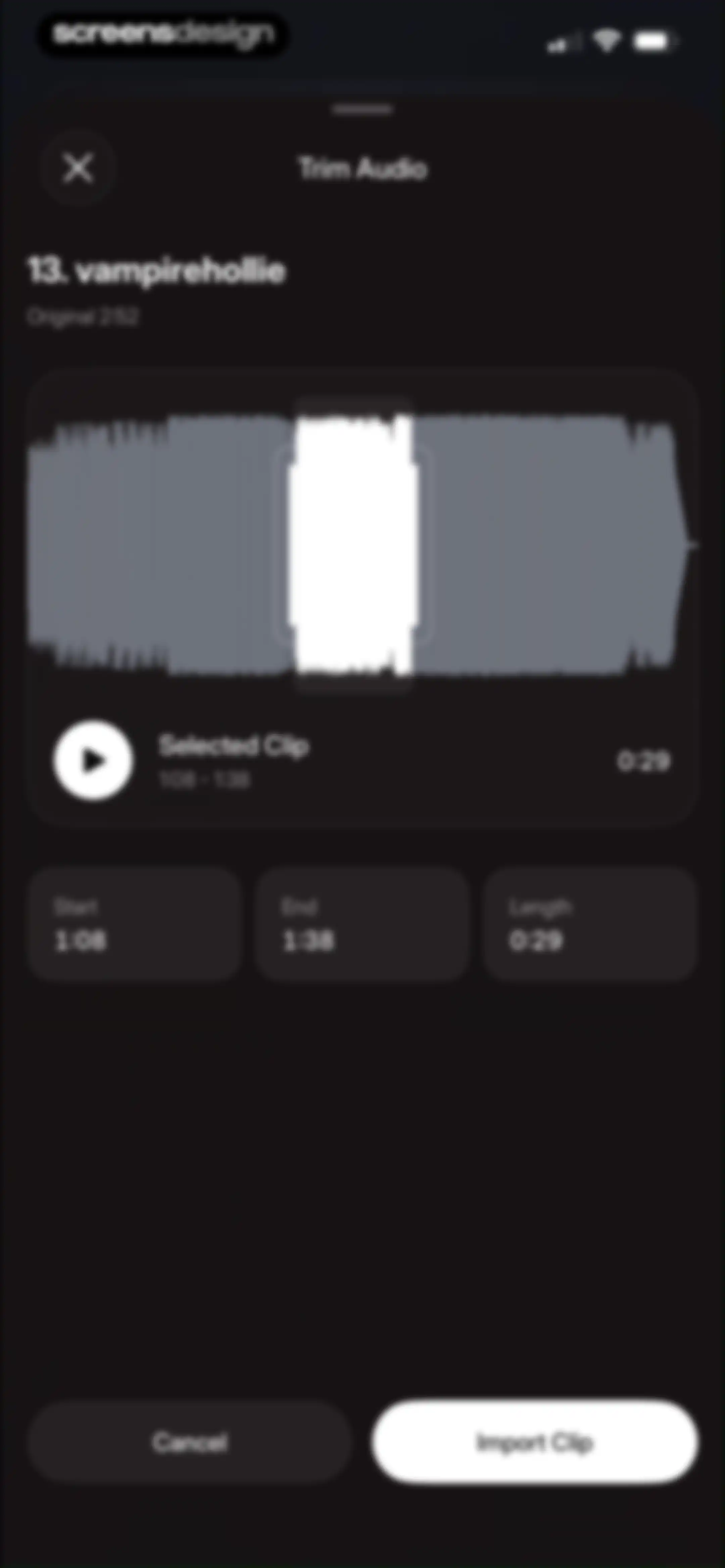
Audio trimming editor with a central waveform visualization, duration data cards, and an Import Clip button.Unlock Pro
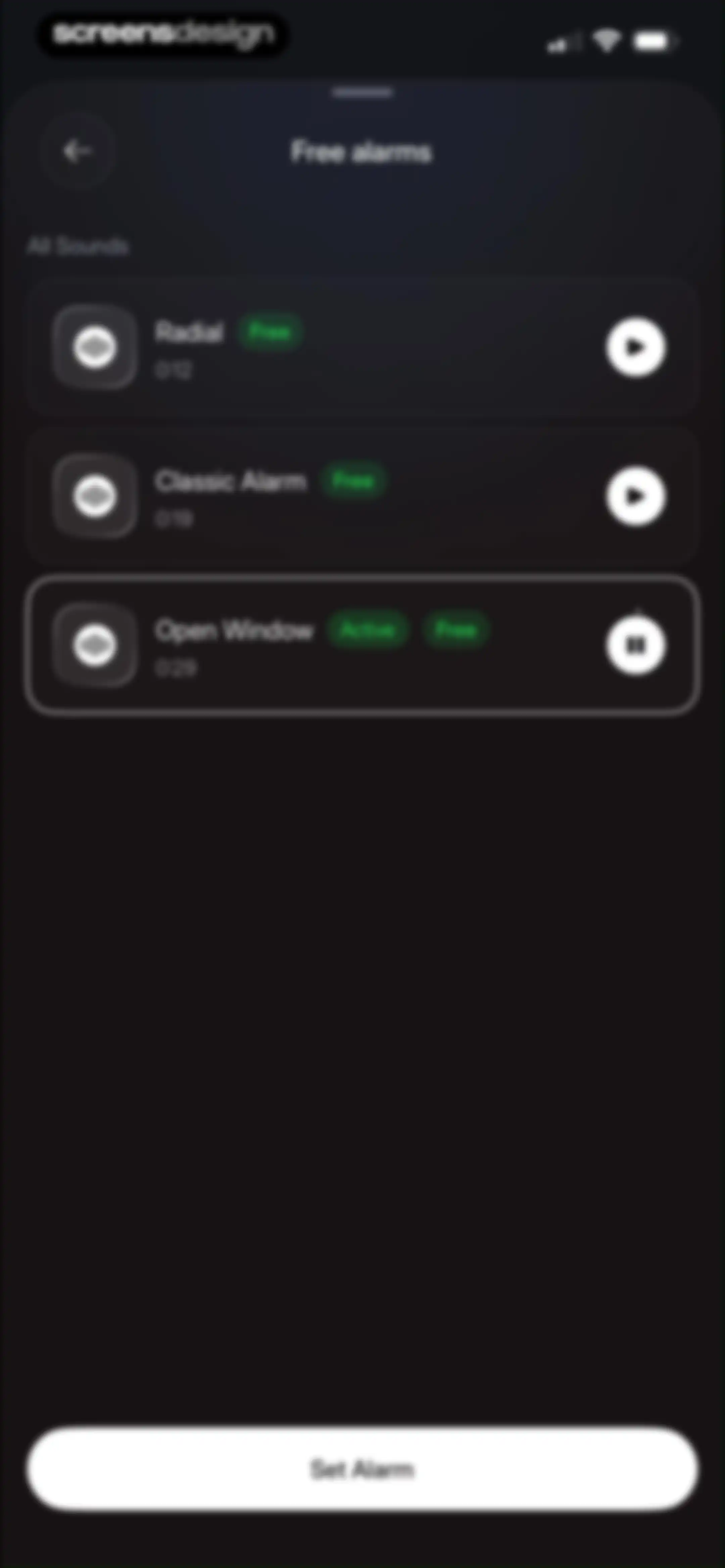
Alarm sound selection list with the Open Window sound active and a Set Alarm button.Unlock Pro
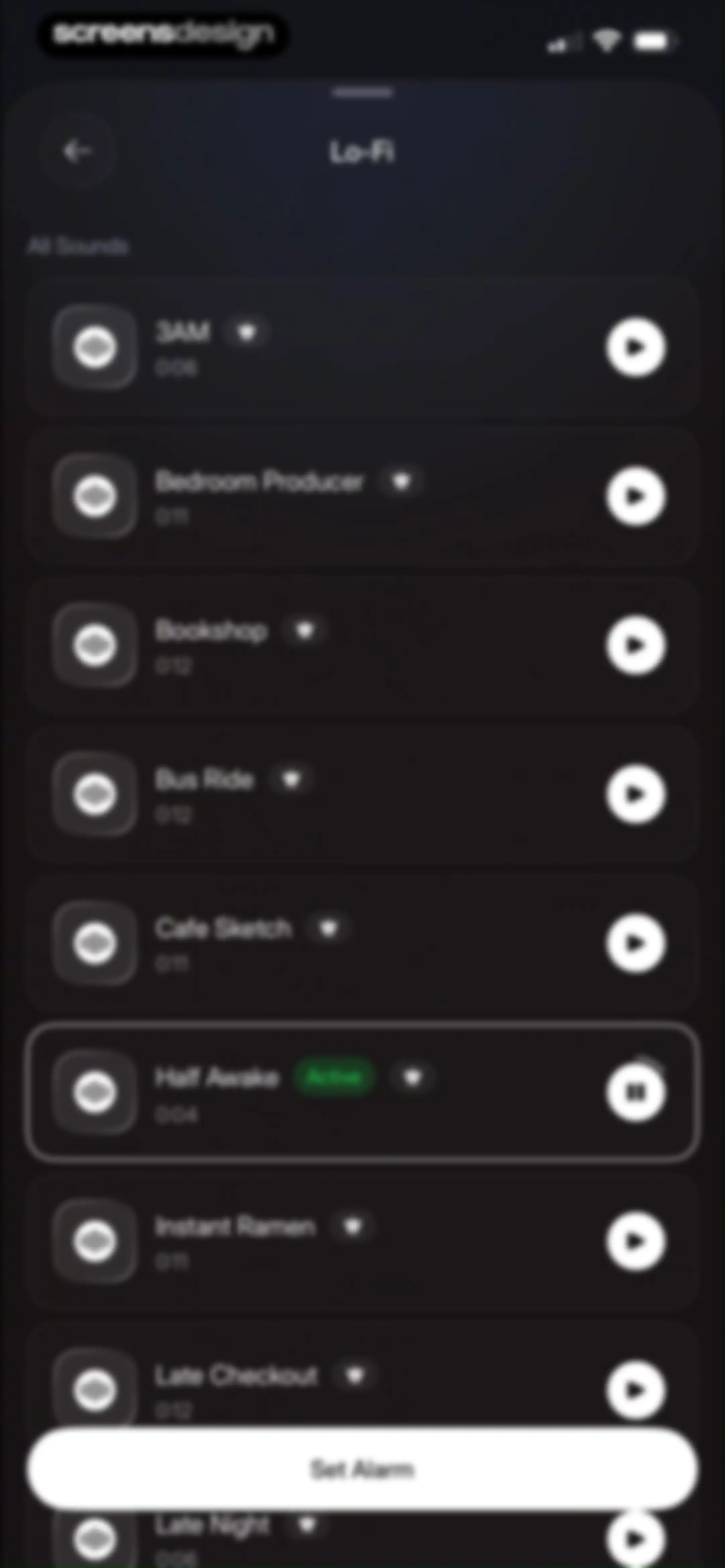
Alarm sound selection screen with a list of Lo-Fi tracks in a dark theme, featuring the active Half Awake track and a Set Alarm button.Unlock Pro
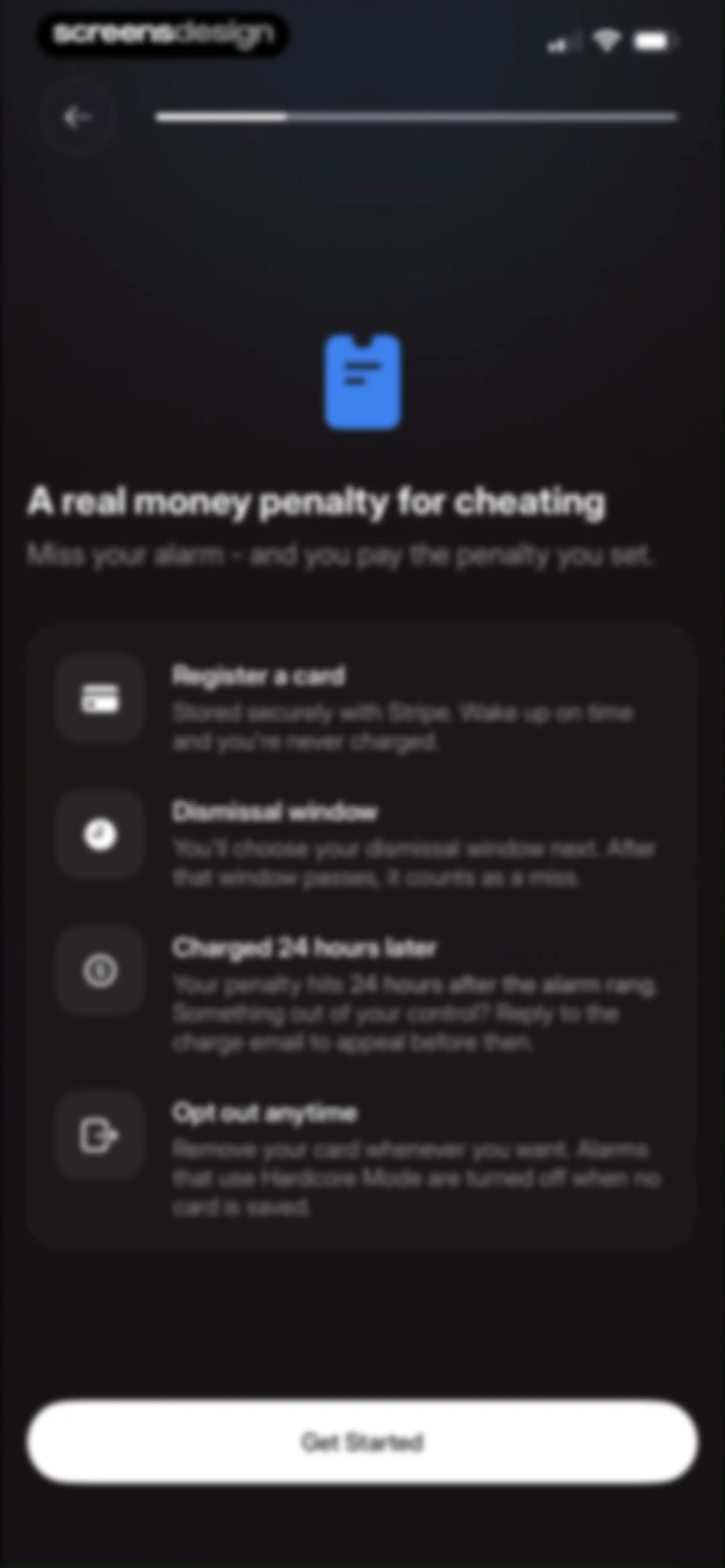
Onboarding screen explaining a real money penalty for missing alarms, featuring four informational cards and a Get Started button.Unlock Pro
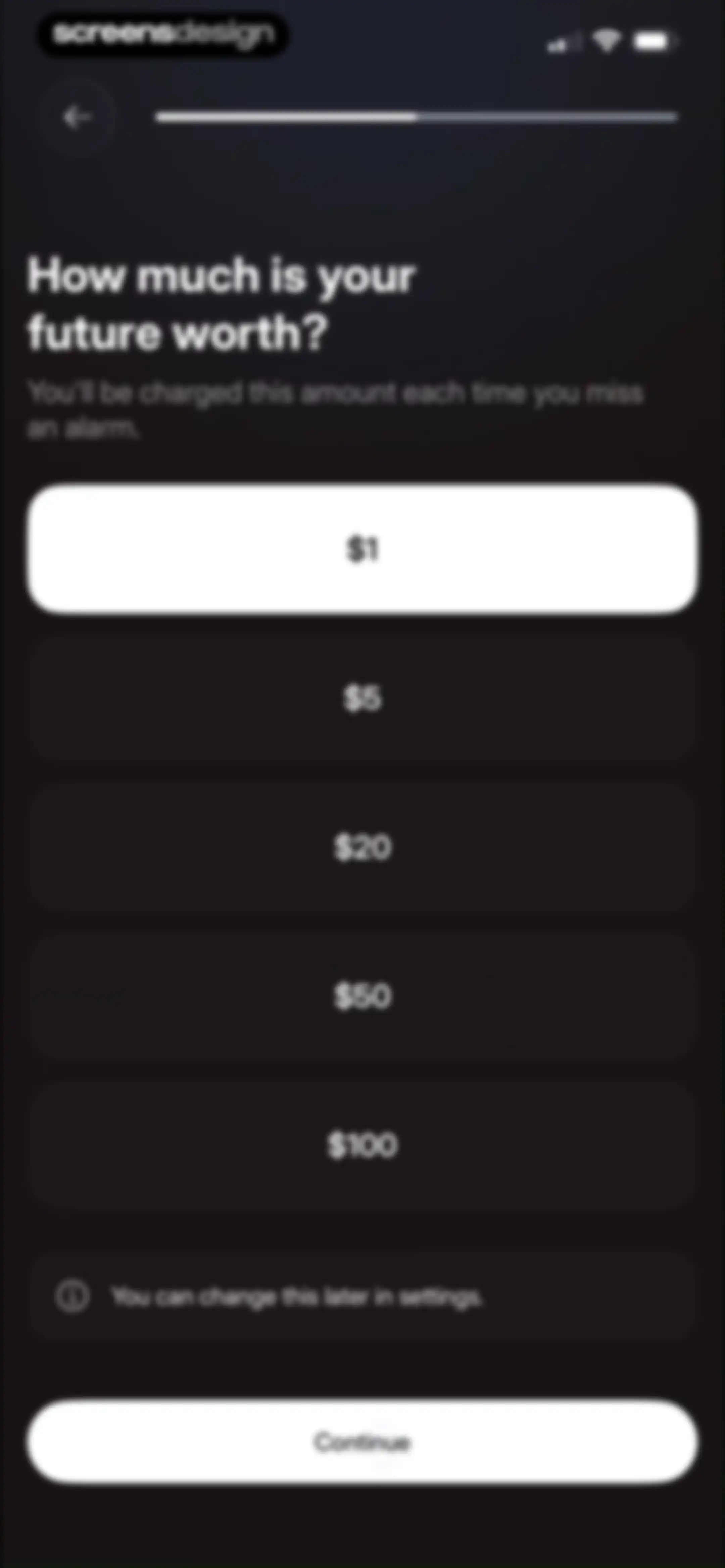
Onboarding pricing screen with selectable penalty amount cards for missed alarms, the one-dollar option selected, and a Continue button.Unlock Pro
Onboarding screen asking how long to dismiss an alarm, with selectable duration options and a continue button.Unlock Pro
Checkout screen for adding a credit card to enable Hardcore Mode, featuring trust badges, terms, and an Add card securely button.Unlock Pro
Checkout modal in Flow with trust signals, a credit card input form, and a Set up button.Unlock Pro
Create alarm form with day selectors, name input, configuration settings, preferences toggles, and a bottom save button.Unlock Pro
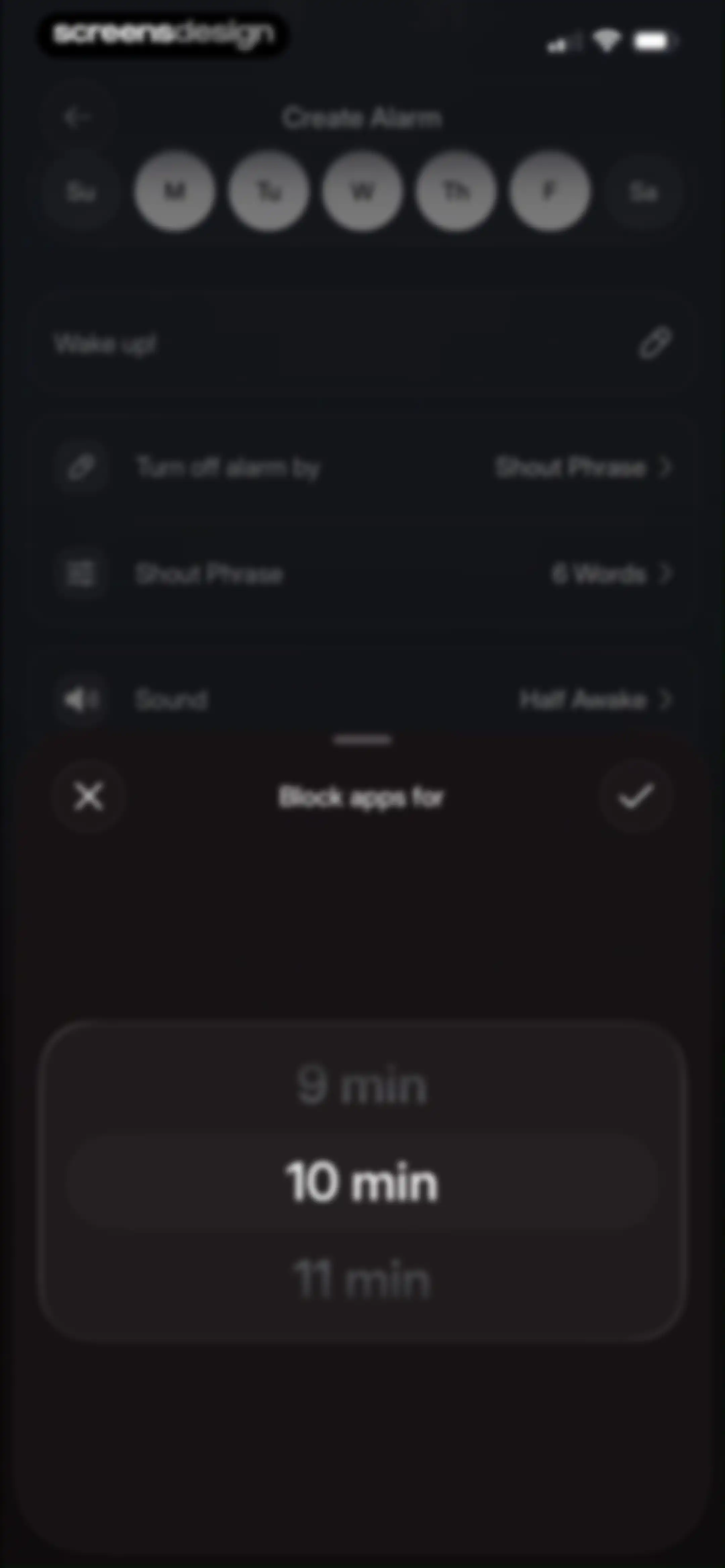
Alarm creation form with a block apps duration modal open over alarm settings and a day selector row.Unlock Pro
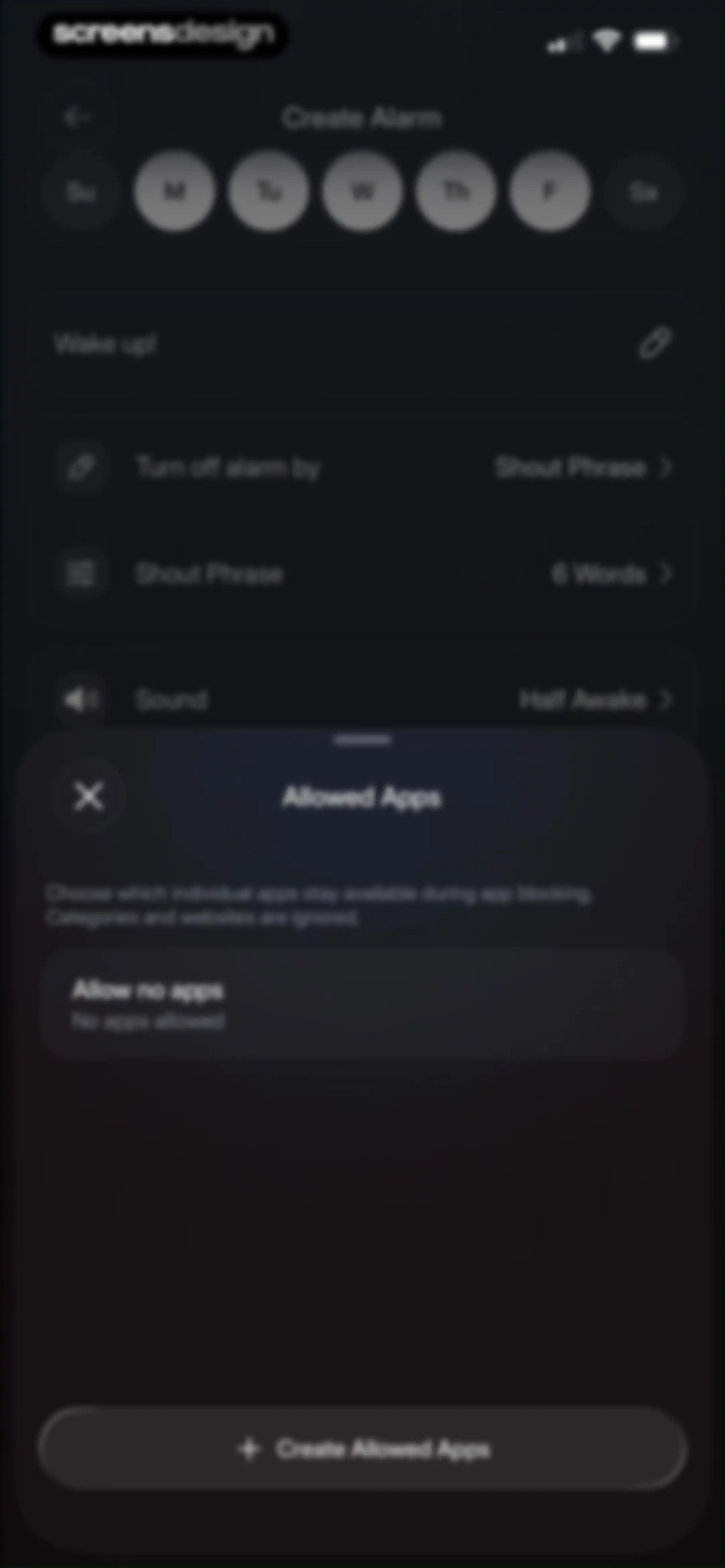
Alarm configuration settings screen with a modal overlay for choosing allowed apps during app blocking.Unlock Pro
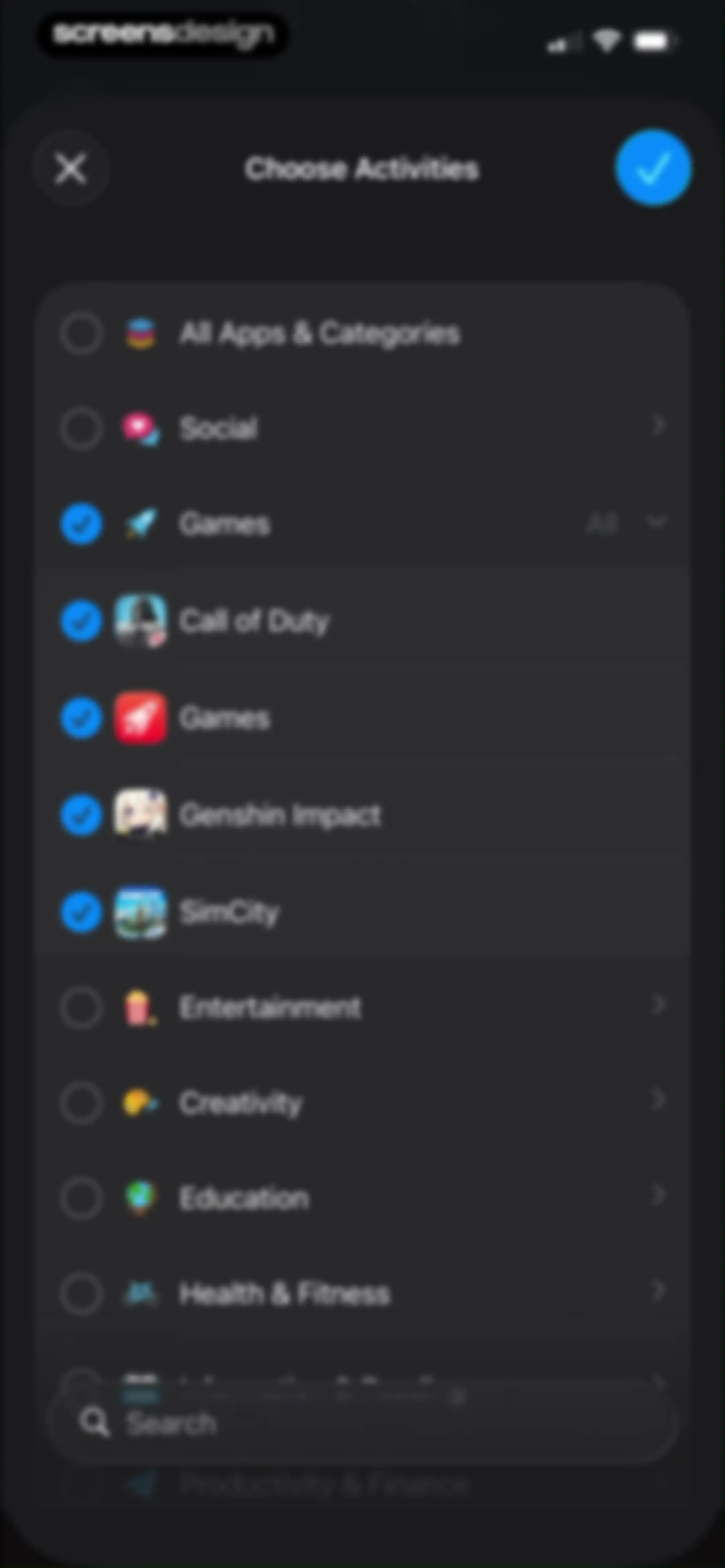
Activity selection modal in dark theme with a list of app categories, checkboxes, and a bottom search bar.Unlock Pro
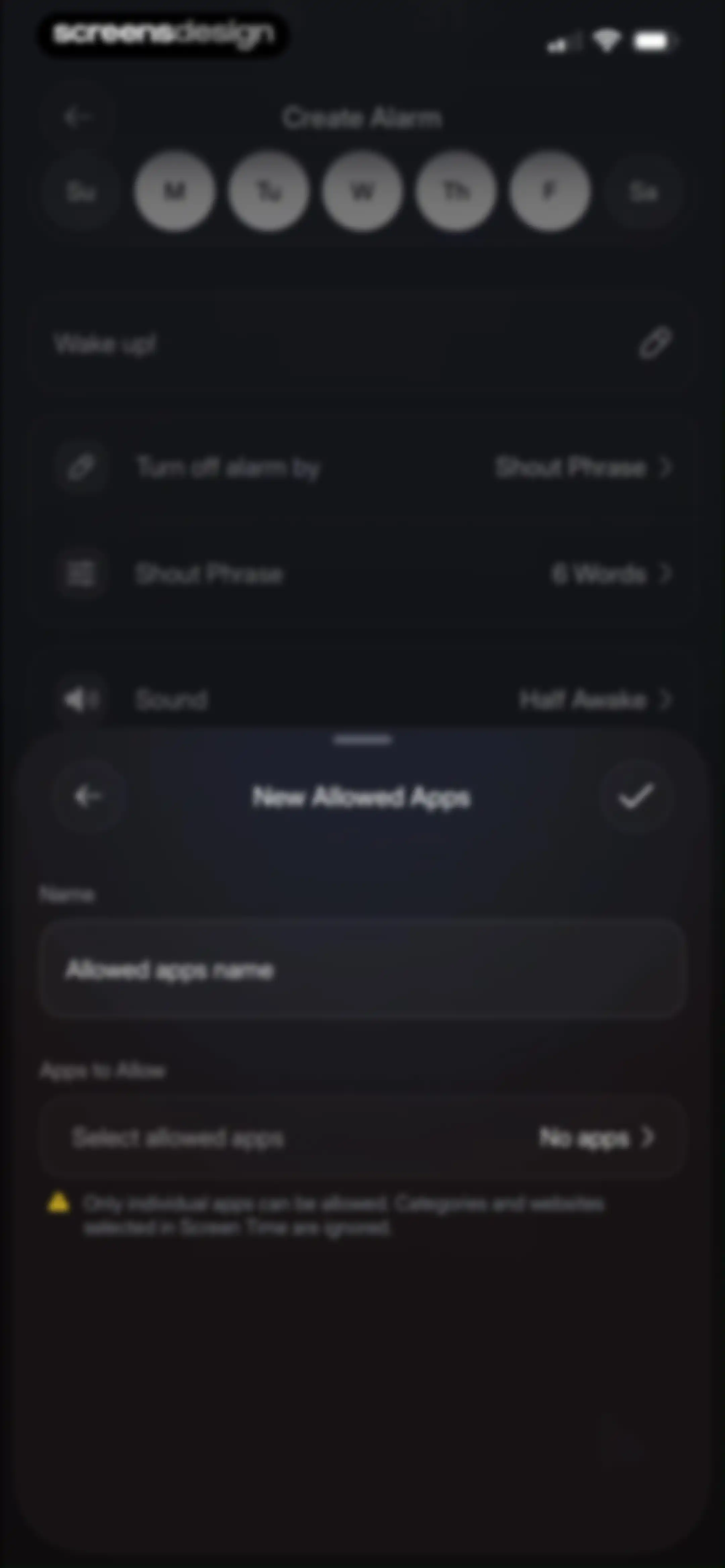
Allowed apps configuration modal featuring a name input field and a select allowed apps button over alarm settings.Unlock Pro
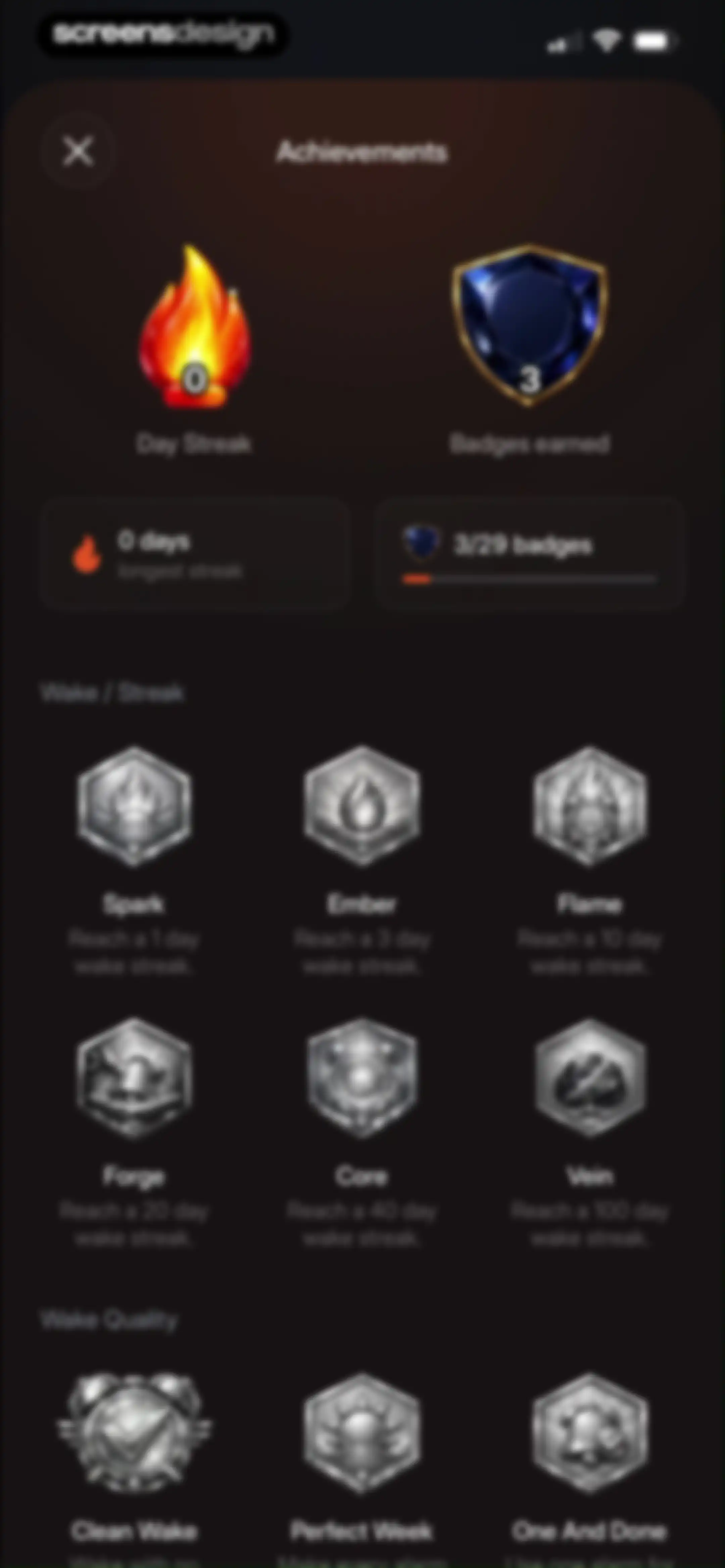
Achievements dashboard for Flow displaying summary cards with a zero-day streak, badge progress, and a grid of locked and earned badges.Unlock Pro
Mission selection screen with a dark theme displaying a vertical list of alarm tasks including Scan Dock, Sky Photo, and Object Hunt.Unlock Pro
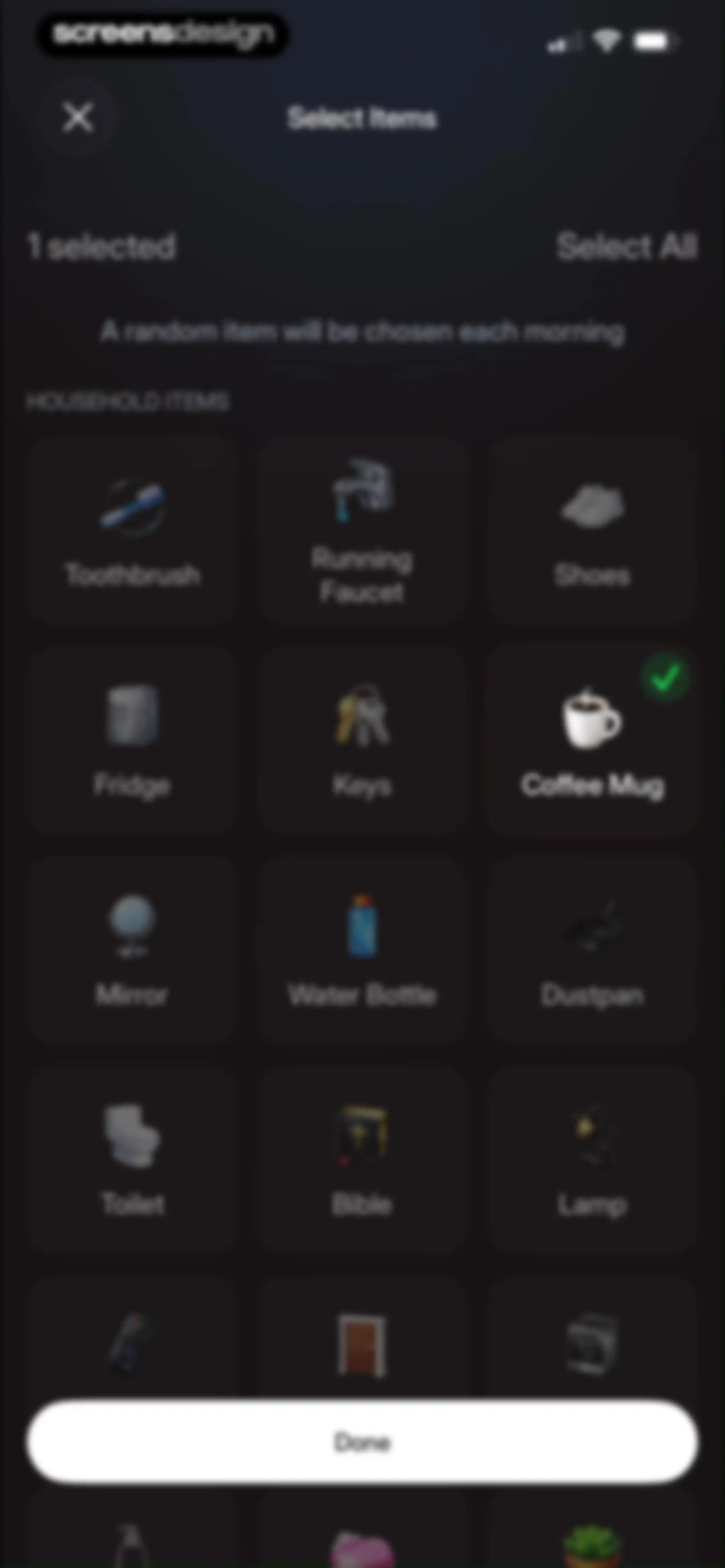
Item selection screen displaying a dark grid of household objects with one item selected and a Done button at the bottom.Unlock Pro
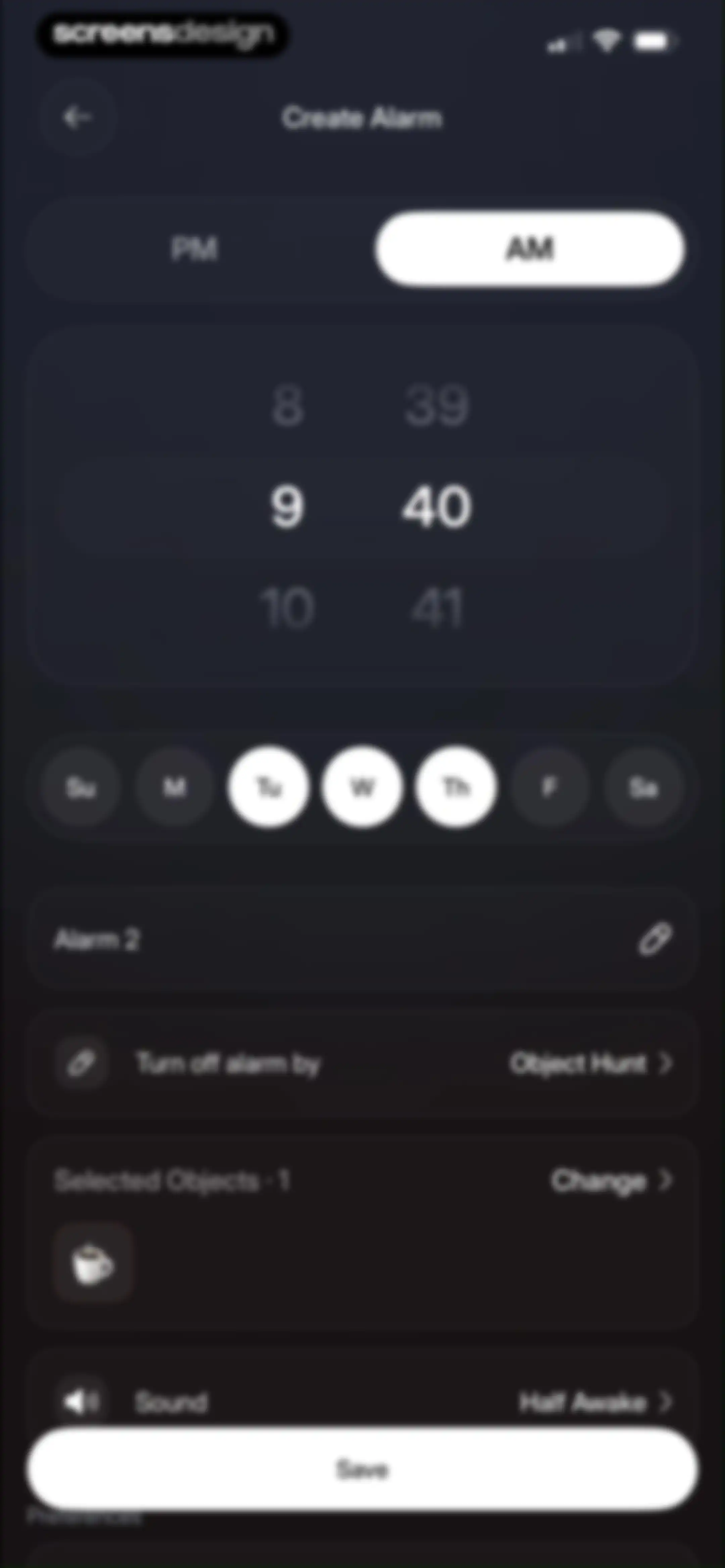
Alarm creation form with time picker, day selector, object hunt deactivation settings, and a Save button in dark mode.Unlock Pro
Home screen of a dark-themed alarm app featuring a countdown timer, a sleep tracking button, and a list of upcoming alarms.Unlock Pro
Analytics dashboard showing empty sleep stages and sleep duration cards with a Start Sleep Tracking button.Unlock Pro
Active sleep tracking dashboard with a timer at 00:00:01, a waveform graphic, and an End Sleep button.Unlock Pro
Sleep tracking screen for the Flow app with a timer showing 00:00:03 and an End Sleep confirmation modal overlay.Unlock Pro
Analytics screen for sleep tracking showing an empty data state and an open date picker modal at the bottom.Unlock Pro
Analytics screen with an empty state and a Start Sleep Tracking button on the dark mode dashboard.Unlock Pro
Recorded Sounds dashboard with a dark theme displaying a single audio card for Noise with playback and sharing controls.Unlock Pro
Audio recording list with an active filter menu showing selected sleep categories and a noise entry from last night.Unlock Pro
Share sheet for an audio recording titled Noise with file details and options including AirDrop, Messages, and Use as Ringtone.Unlock Pro
Flow app camera interface with a focus frame on a coffee mug and an object selection carousel, showing the status text choosing object.Unlock Pro
Camera viewfinder screen in the Flow alarm clock app instructing the user to find and scan a coffee mug.Unlock Pro
Flow - Wake Up app confirmation screen displaying Good morning text and a centered orange checkmark button against a dark gradient background.Unlock Pro
Home screen featuring a digital clock, a weather widget with a Set Location option, and a Start Your Day button on a dark background.Unlock Pro
Achievement screen celebrating a one-day wake streak with an earned spark badge and a Claim button.Unlock Pro
Reward screen for a 1 day wake streak with a flame badge and a Claim button.Unlock Pro
Achievement screen displaying a Clean Wake reward badge with an alarm clock icon, a tap-to-reveal instruction, and a Claim button.Unlock Pro
Achievement reward screen for Clean Wake in the Flow alarm clock app, featuring a checkmark alarm icon and a Claim button.Unlock Pro
Streak achievement screen displaying a one-day streak badge, weekly calendar view, and a Continue button.Unlock Pro
Recorded sounds list showing a single noise recording from last night with playback and share options.Unlock Pro
App blocking feature setup screen featuring a Flow Dock product mockup with buy and pair buttons.Unlock Pro
Flow Alarm checkout screen with express payment options and contact and delivery address entry forms.Unlock Pro
Checkout screen featuring a credit card payment form, order total of ₱3,100.00, and a Pay now button.Unlock Pro
Onboarding modal prompting users to pair their Flow Dock with an iPhone, featuring a Pair Dock button and troubleshooting links.Unlock Pro
NFC scanning modal for Flow Alarm with instructions to hold an iPhone near a tag and a Cancel button.Unlock Pro
Settings screen for the Flow alarm clock app featuring a user profile card, subscription details, and grouped configuration options for alarm systems and extras.Unlock Pro
Account settings screen in dark mode displaying login details and a red Delete Account action button.Unlock Pro
Account settings screen featuring a deletion confirmation modal with a Schedule Deletion button and a Cancel button.Unlock Pro
Account settings screen in dark mode displaying sign-in details, user email, and a red Delete Account option.Unlock Pro
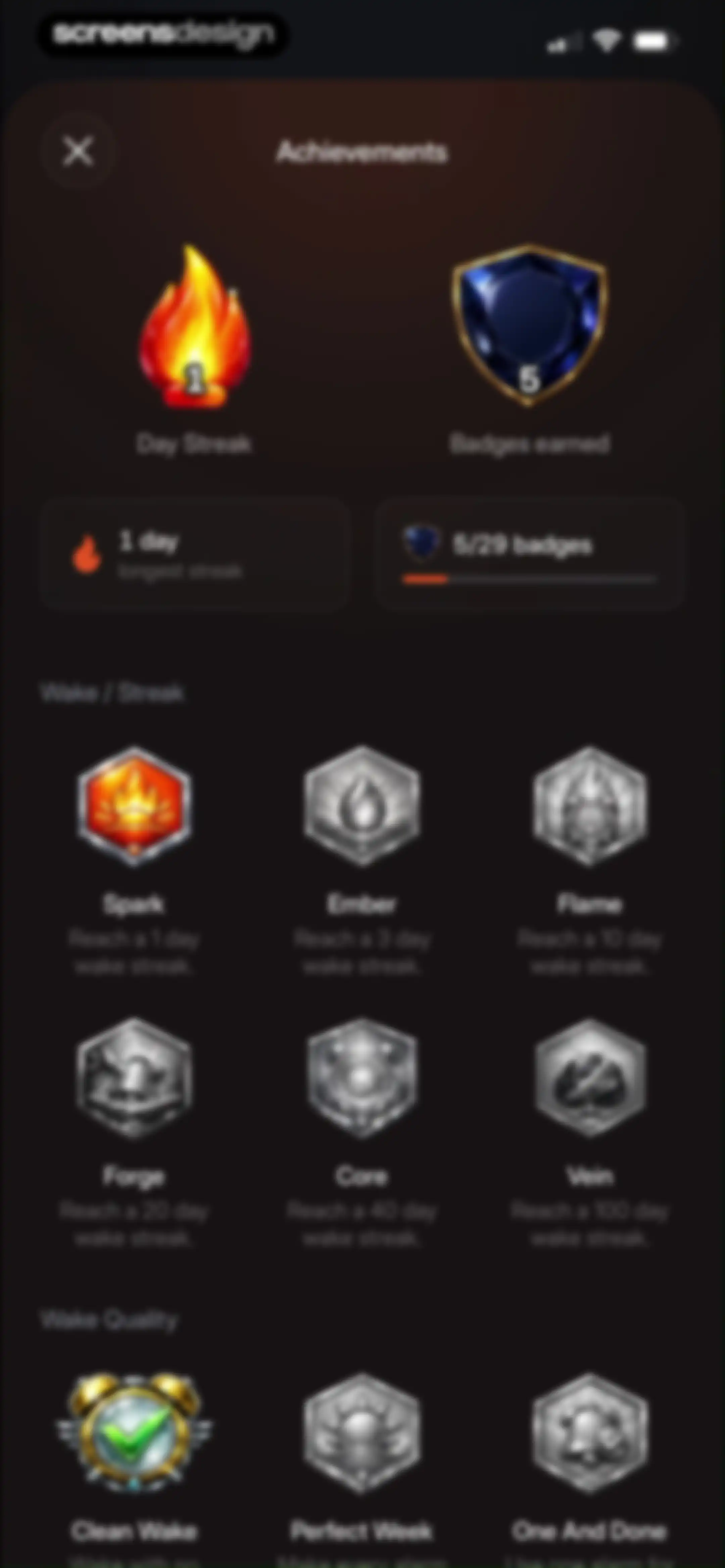
Achievements dashboard displaying day streak and badge progress cards above categorized grids of locked and unlocked achievement badges.Unlock Pro
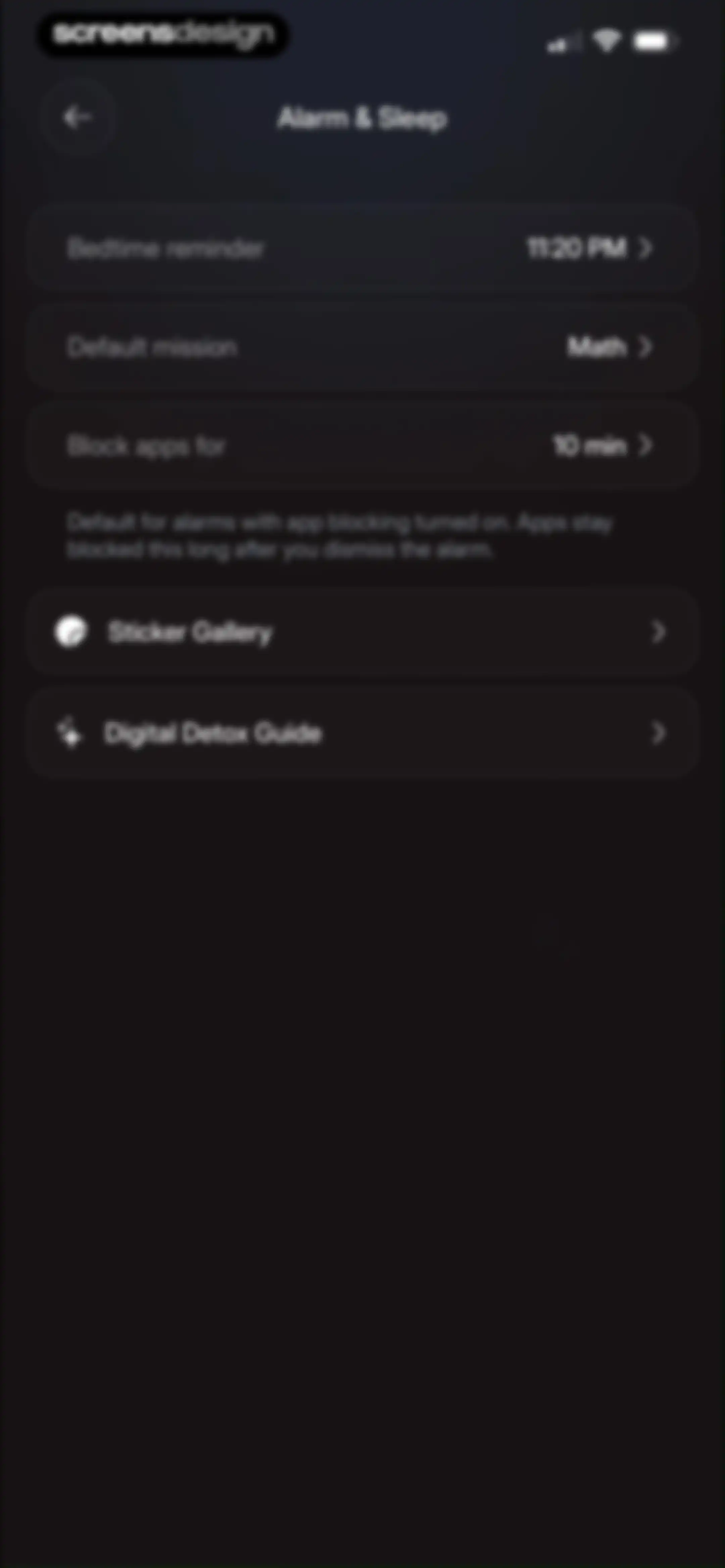
Alarm and sleep settings menu with options for bedtime reminders, math dismissal missions, and app blocking durations on a dark background.Unlock Pro
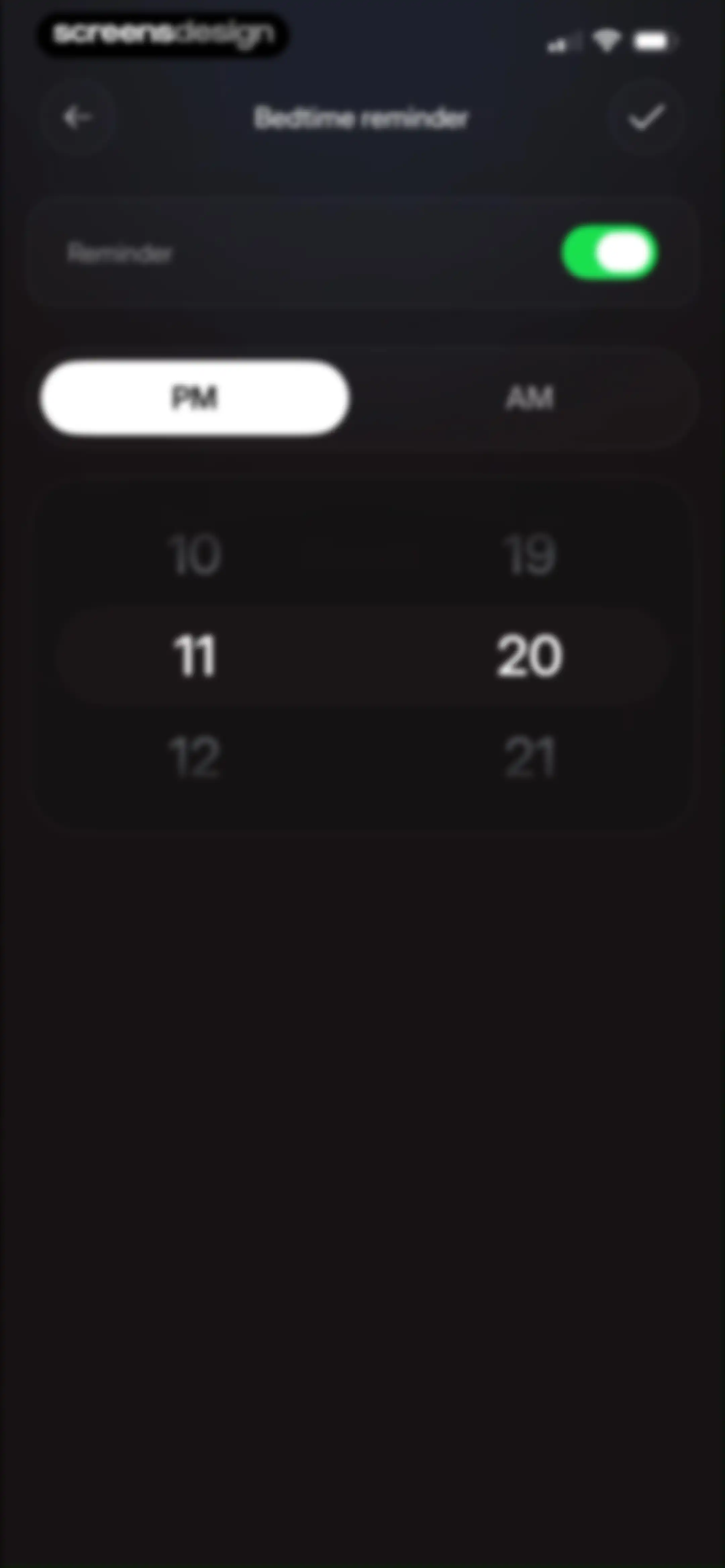
Bedtime reminder settings screen in dark mode with an enabled reminder toggle, PM selected, a central time picker wheel, and a save button.Unlock Pro
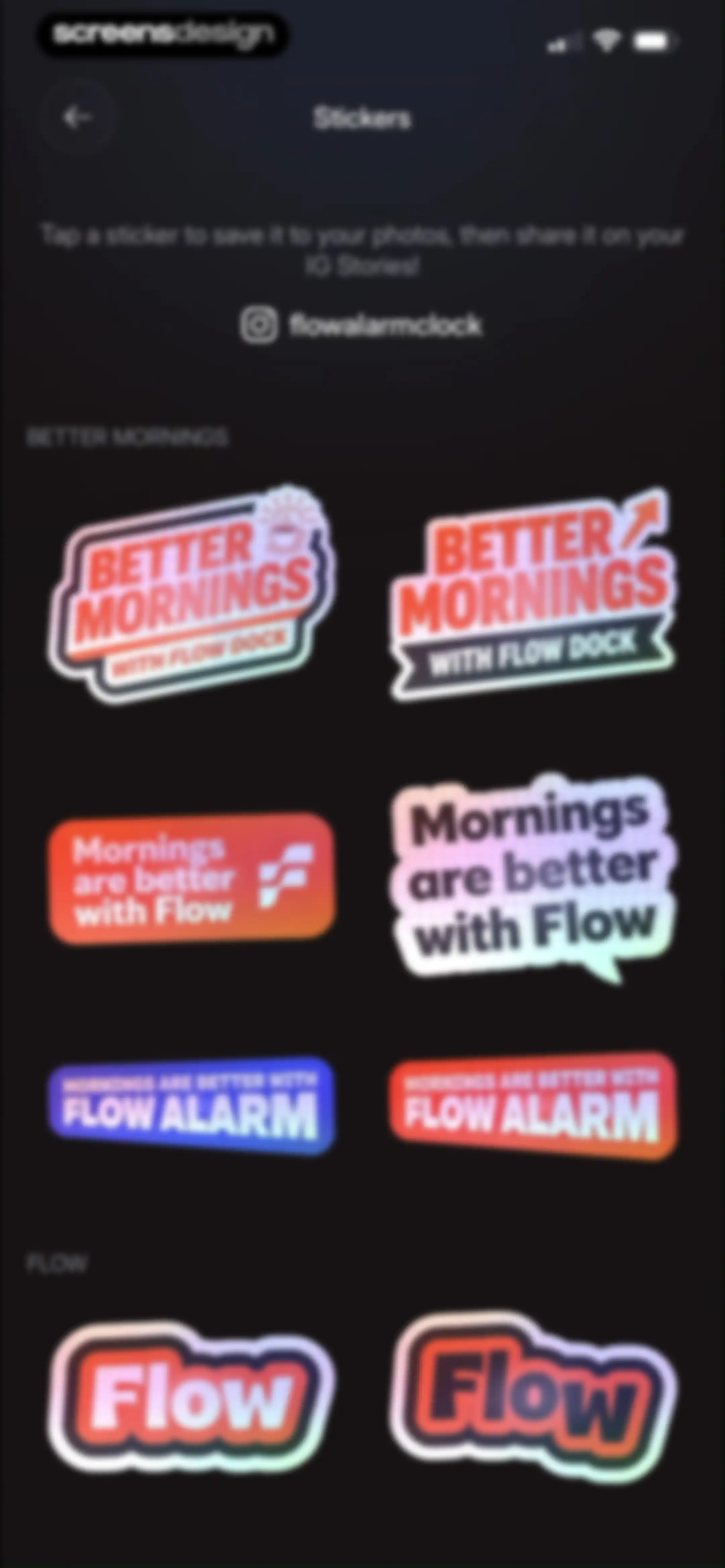
Sticker gallery for Flow alarm clock app with a grid of branded social media assets to save and share.Unlock Pro
System permission modal requesting photo library access, displayed over a sticker gallery in the Flow app with Don't Allow and Allow buttons.Unlock Pro
Flow alarm clock onboarding screen showing step one of eight with a sun illustration and a Create an alarm button.Unlock Pro
Mission selection screen with a dark background, featuring a hardware pairing card and a vertical list of task cards like Sky Photo and Object Hunt.Unlock Pro
Onboarding screen 2 of 8 for the Flow alarm app, displaying setup instructions for the dock, phone, and sleep supplements with a product photo.Unlock Pro
Onboarding screen 3 of 8 with a moody photo of an analog clock, a headline about calibrating your alarm system, and a dark theme.Unlock Pro
Onboarding carousel slide with a moody photo, the title Stop gaslighting yourself., and progress indicator 4 of 8.Unlock Pro
Flow - Wake Up onboarding screen featuring an educational carousel card with a photo, the headline about trading have to for choose to, and a 5 of 8 page counter.Unlock Pro
Onboarding screen displaying a smartphone mockup notification and the headline Close the open loops, with pagination dots at the bottom.Unlock Pro
Educational onboarding slide 7 of 8 from Flow - Wake Up about cutting caffeine at noon, featuring a photo of a coffee mug and a dark editorial theme.Unlock Pro
Onboarding screen for a wellness app presenting the final feature tour slide with a headline, a free value badge, and a Create an alarm button.Unlock Pro
Flow - Wake Up settings screen for Hardcore Mode configuration, showing stake options, a grace period, and an Add card securely button.Unlock Pro
Flow alarm settings screen with an explanatory card and an enabled toggle for preventing app deletion.Unlock Pro
Settings screen with account cards, alarm configuration options, and a dark theme.Unlock Pro
Settings screen with a centered modal overlay instructing users to pair their Flow Dock device, featuring a Pair Dock button and help links.Unlock Pro
Connections settings screen displaying options for Calendar, Location, and Apple Health integrations in a dark theme.Unlock Pro
Support and legal settings screen displaying a vertical list of options including contact support, FAQs, privacy policy, and terms of use.Unlock Pro
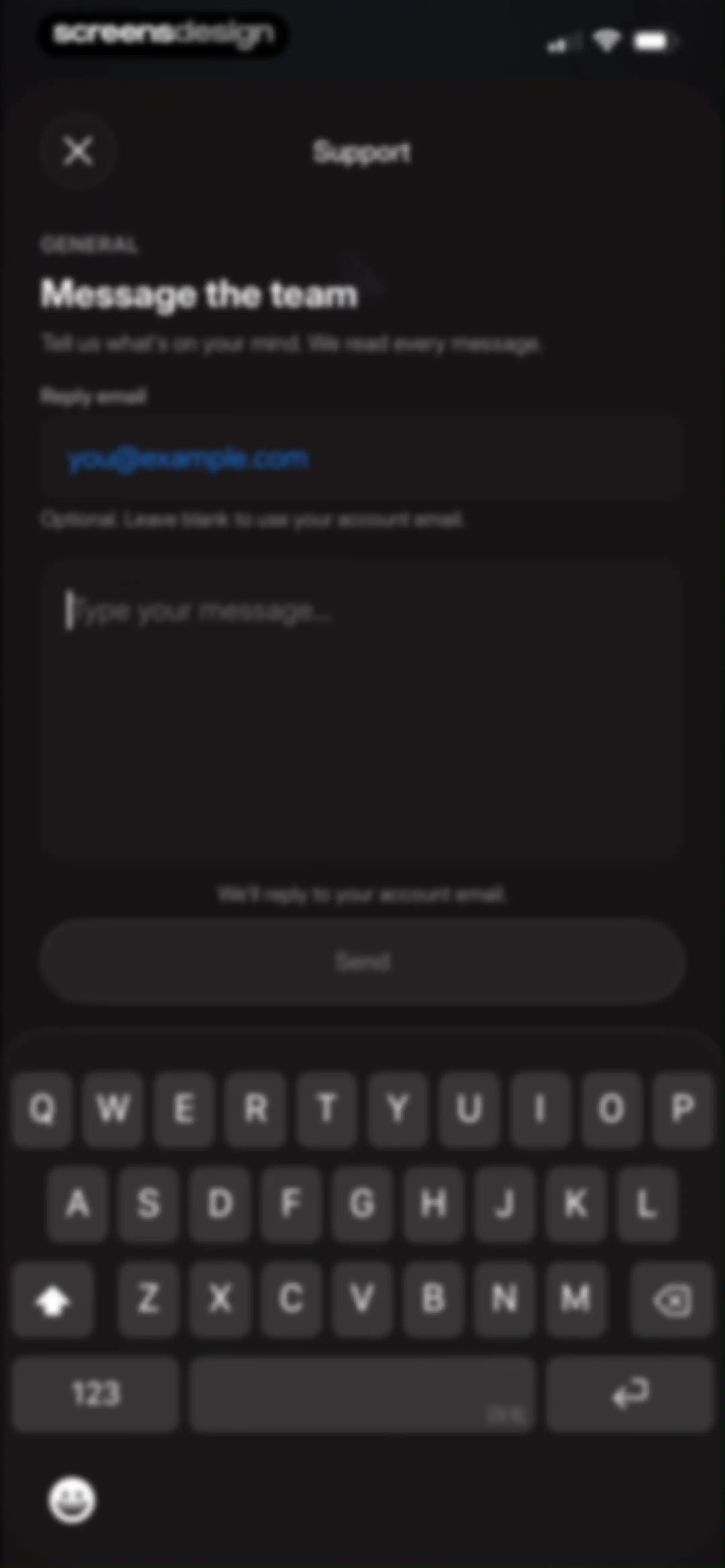
Support message form with input fields for a reply email and message, a disabled Send button, and an active system keyboard.Unlock Pro
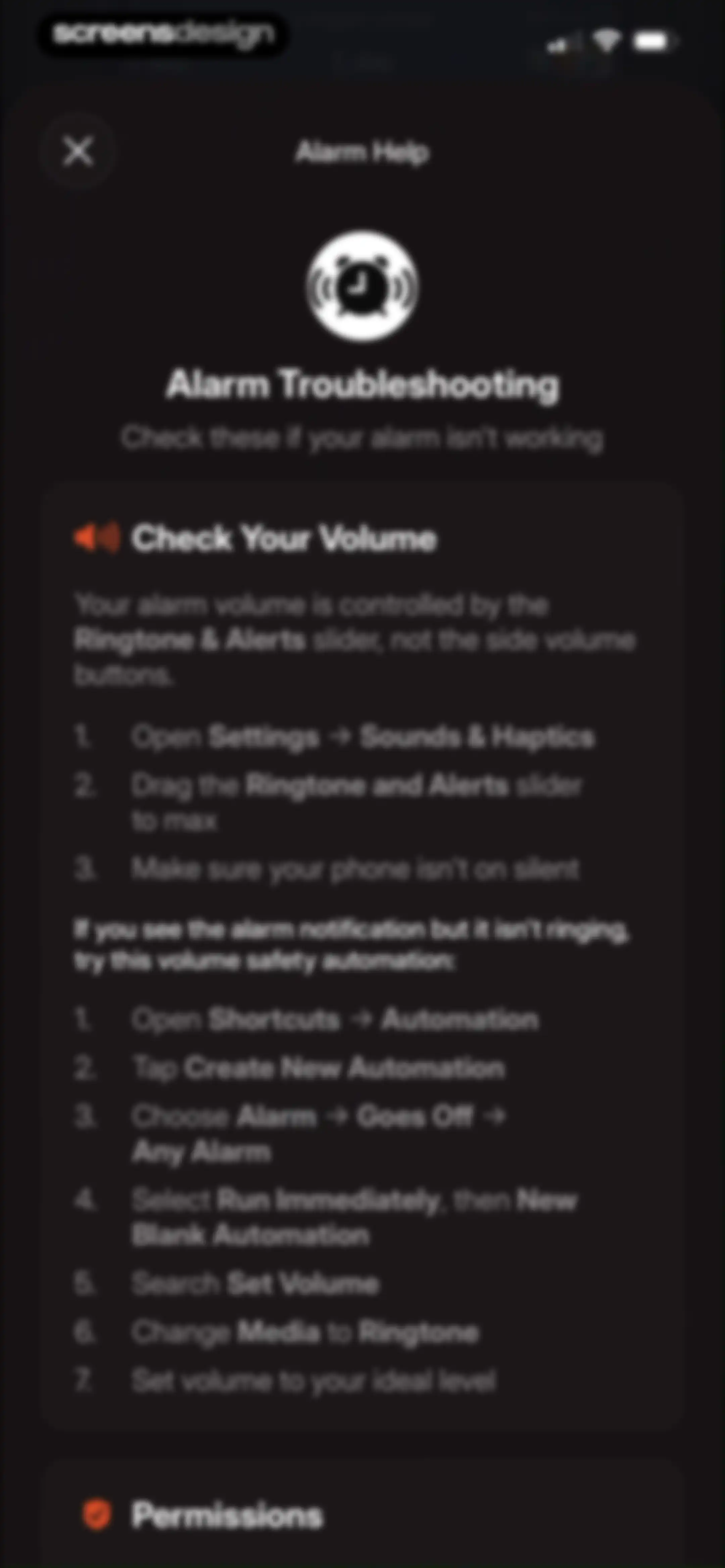
Alarm troubleshooting help screen providing step-by-step instructions for fixing volume settings and creating a custom automation.Unlock Pro
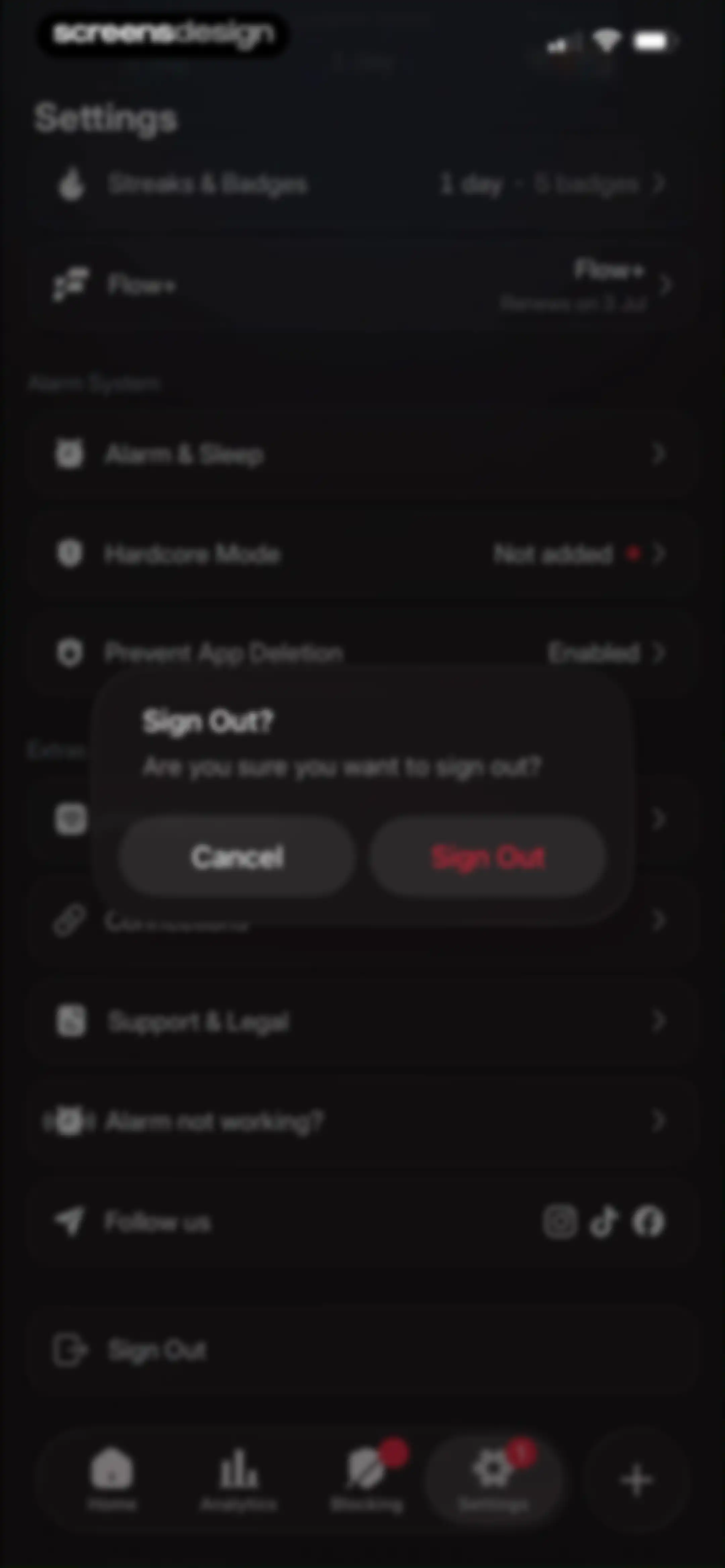
Settings screen with a dark theme, displaying a sign-out confirmation modal in the center and a bottom navigation bar.Unlock Pro

About Flow - Wake Up

An alarm clock app that requires physical interaction with a dedicated dock to force users out of bed.

Explore Flow - Wake Up across ScreensDesign

Apps similar to Flow - Wake Up

Unlock all similar apps

See every comparable app, revenue, installs, and flows.

Unlock Pro
  • Sleep Monitor: Sleep Tracker

    4.6
    AIO Software Technology Co., LtdRevenue$80kInstalls20k
  • Sleep Cycle - Tracker & Sounds

    4.7
    Sleep Cycle ABRevenue$650kInstalls50k
  • SleepWatch - Top Sleep Tracker

    4.7
    Bodymatter, Inc.Revenue$150kInstalls25k
  • Alarmy - Loud alarm clock

    4.8
    Delight Room Co., Ltd.Revenue$600kInstalls550k
  • Smart Alarm Clock - Waking Up

    4.0
    Appenvision LtdRevenue$5kInstalls35k
  • Mintal Tracker:Sleep Recorder

    4.6
    HICLUB, INC.Revenue$<5kInstalls<5k
  • ShutEye®: Sleep Tracker, Sound

    4.8
    Enerjoy Pte. Ltd.Revenue$350kInstalls80k
  • Noxogy : Sleep Tracker Sounds

    4.5
    Apirox, s.r.o.Revenue$55kInstalls20k
  • RISE: Sleep Tracker

    4.7
    Rise Science IncRevenue$400kInstalls150k
  • Rain Rain Sleep Sounds

    4.8
    Tim GostonyRevenue$90kInstalls8k
  • Sleep Well: Snore & Sleep Talk

    4.7
    AppCentury AppsRevenue$<5kInstalls<5k
  • Sleep Tracker & Sound by Remly

    4.8
    Vision WizardRevenue$250kInstalls75k
  • BetterSleep: Relax and Sleep

    4.7
    Ipnos Software Inc.Revenue$500kInstalls80k
  • Slumber-Calm Stories for Sleep

    4.7
    Indian Summer Media, LLCRevenue$40kInstalls<5k
  • SnoreLab : Record Your Snoring

    4.7
    Reviva Softworks LtdRevenue$400kInstalls80k
  • White Noise Deep Sleep Sounds

    4.8
    KitefasterRevenue$150kInstalls50k
  • Flow: Focus & Pomodoro Timer

    4.8
    Yugen GmbHRevenue$<5kInstalls<5k
  • TIDE: Sleep, Focus, Meditation

    4.8
    Moreless, Inc.Revenue$55kInstalls50k
  • Grit: Daily Habit Tracker

    4.8
    Stepan KurennykhRevenue$55kInstalls100k
  • Interval Timer □ HIIT Timer

    4.8
    Float Tech, LLCRevenue$55kInstalls30k
  • Green Noise Calm Sleep Sounds

    4.8
    EaseHere LimitedRevenue$<5kInstalls<5k
  • Simple Habit Sleep, Meditation

    4.8
    INGENIO, LLCRevenue$<5kInstalls<5k
  • Napper: Baby Sleep Tracker

    4.9
    Napper ABRevenue$750kInstalls95k
  • Innertune: Daily Affirmations

    4.8
    Innertune Media Inc.Revenue$11kInstalls<5k
  • Happy Baby - Sleep & Tracker

    4.7
    Aumio GmbHRevenue$30kInstalls<5k
  • Habitify: Habit Tracker

    4.6
    Unstatic Ltd CoRevenue$20kInstalls<5k
  • HelloHabit - Habit Tracker

    4.9
    RightLife, Inc.Revenue$30kInstalls20k
  • Calm Sleep - Rest & Relax

    4.7
    Calm.comRevenue$<5kInstalls<5k
  • (Not Boring) Vibes

    4.8
    Not Boring Software LLCRevenue$<5kInstalls<5k
  • Gentler Streak Workout Tracker

    4.7
    Gentler Stories LLCRevenue$30kInstalls<5k
  • PulseFlow-Heart Rate Monitor

    4.4
    Happy Note Tech Ltd.Revenue$35kInstalls30k
  • (Not Boring) Timer

    4.8
    Not Boring Software LLCRevenue$<5kInstalls<5k
  • Wispr Flow: AI Voice Keyboard

    4.8
    Wispr AI, Inc.Revenue$500kInstalls150k
  • Sleepiest Meditation for Sleep

    4.6
    Happiest LTDRevenue$100kInstalls50k
  • Brain.fm: Focus & Sleep Music

    4.5
    Brain.fmRevenue$200kInstalls15k
  • Ease - Body & Mental Health

    4.6
    SparksfulRevenue$150kInstalls15k
  • Bedtime Fan: White Noise Baby

    4.8
    Indian Summer Media, LLCRevenue$50kInstalls20k
  • Friend Controls: Screen Time

    4.7
    Ryan Moazzami
  • [untitled]

    4.9
    sin titulo, incRevenue$200kInstalls60k
  • Wakeout! Break the Sit Habit

    4.5
    Wakeout, LLC.Revenue$<5kInstalls<5k
  • Routine Planner, Habit Tracker

    4.7
    Routinery Corp.Revenue$35kInstalls<5k
  • Arise: Level Up In Real Life

    4.8
    STEALTHCOMPANY, LLCRevenue$90kInstalls40k
  • Useless - Screen Time Control

    4.5
    DaDaMa Ug (haftungsbeschränkt)
  • (Not Boring) Habits

    4.8
    Not Boring Software LLCRevenue$<5kInstalls5k
  • Reset - Reset Your Life

    3.5
    Alex Slater
  • Habit Tracker

    4.8
    Davetech Co., Ltd.Revenue$150kInstalls250k
  • Tally: The Anything Tracker

    4.4
    Reflective Technologies ApSRevenue$<5kInstalls<5k