Craft: Notes, Documents, AI

$25k revenue, 4.8 rating

App walkthrough
0:00 / 25:14

Onboarding flow, Paywall & Inside the App

Watch the full screen-by-screen UX video of Craft: Notes, Documents, AI with onboarding, paywall, and every core flow.

Craft app onboarding screen featuring user testimonials and a bottom Get Started button.
Email sign-up screen with a pre-filled email address, a Continue button, and multiple social login options.
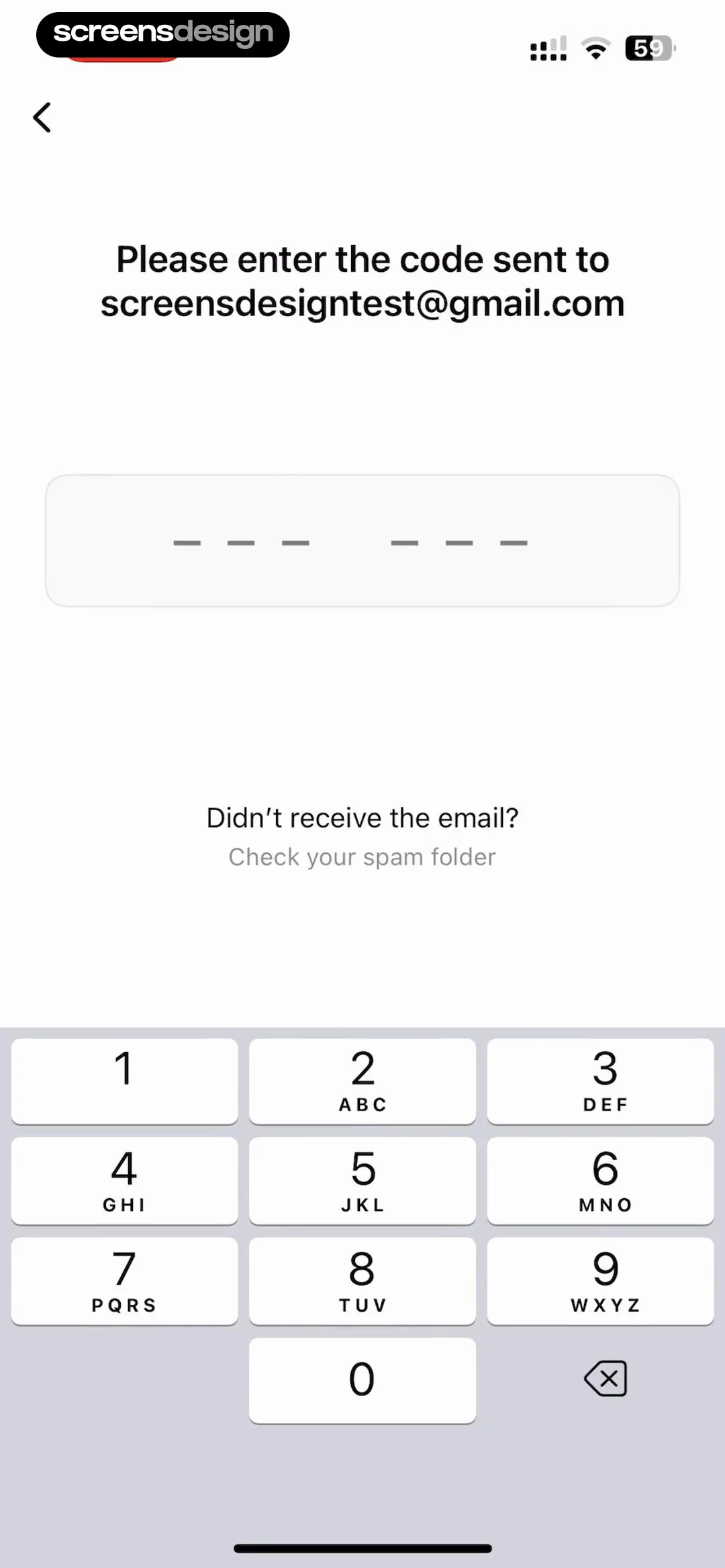
Email verification form prompting the user to enter a code sent to screensdesigntest@gmail.com, with a numeric keypad at the bottom.
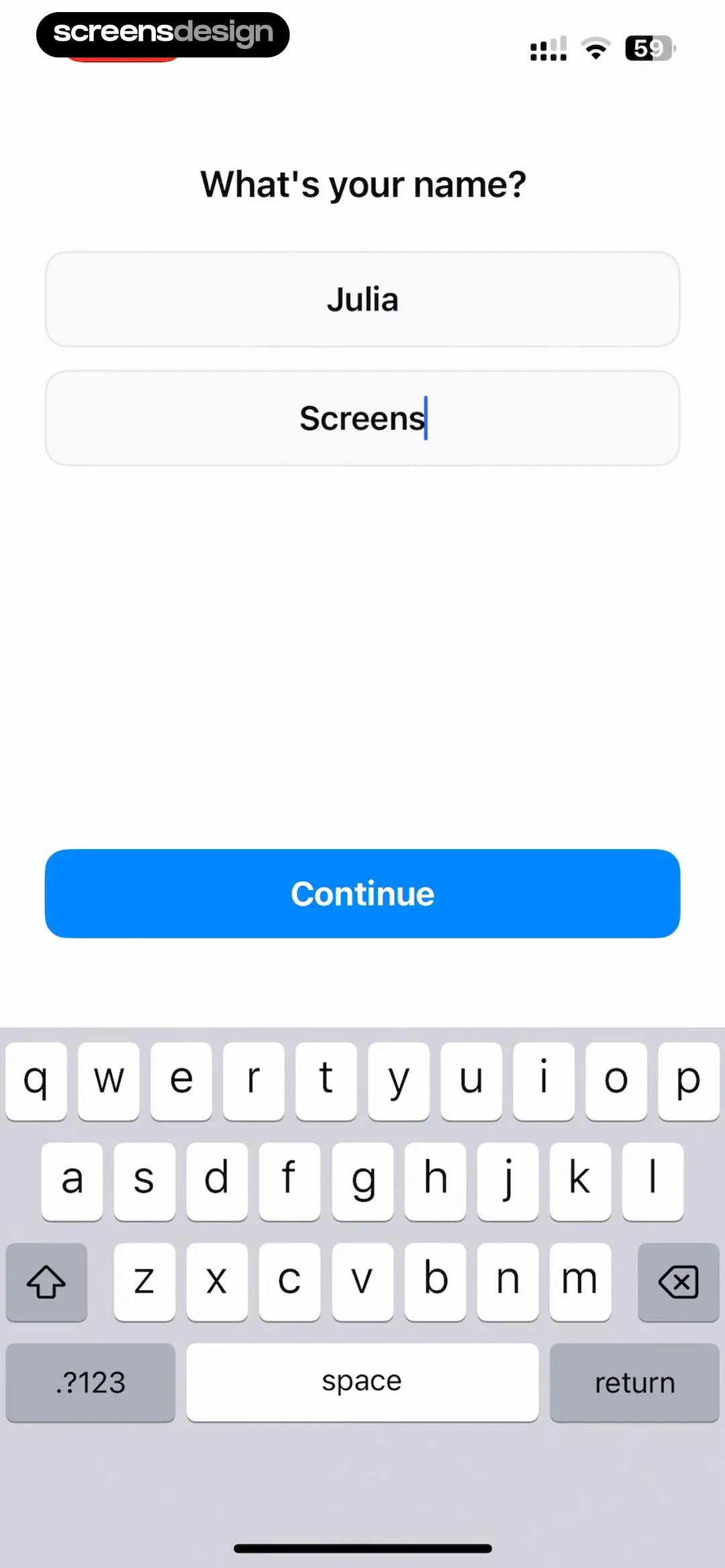
Onboarding name input screen asking What's your name with the first and last name fields filled and a Continue button.
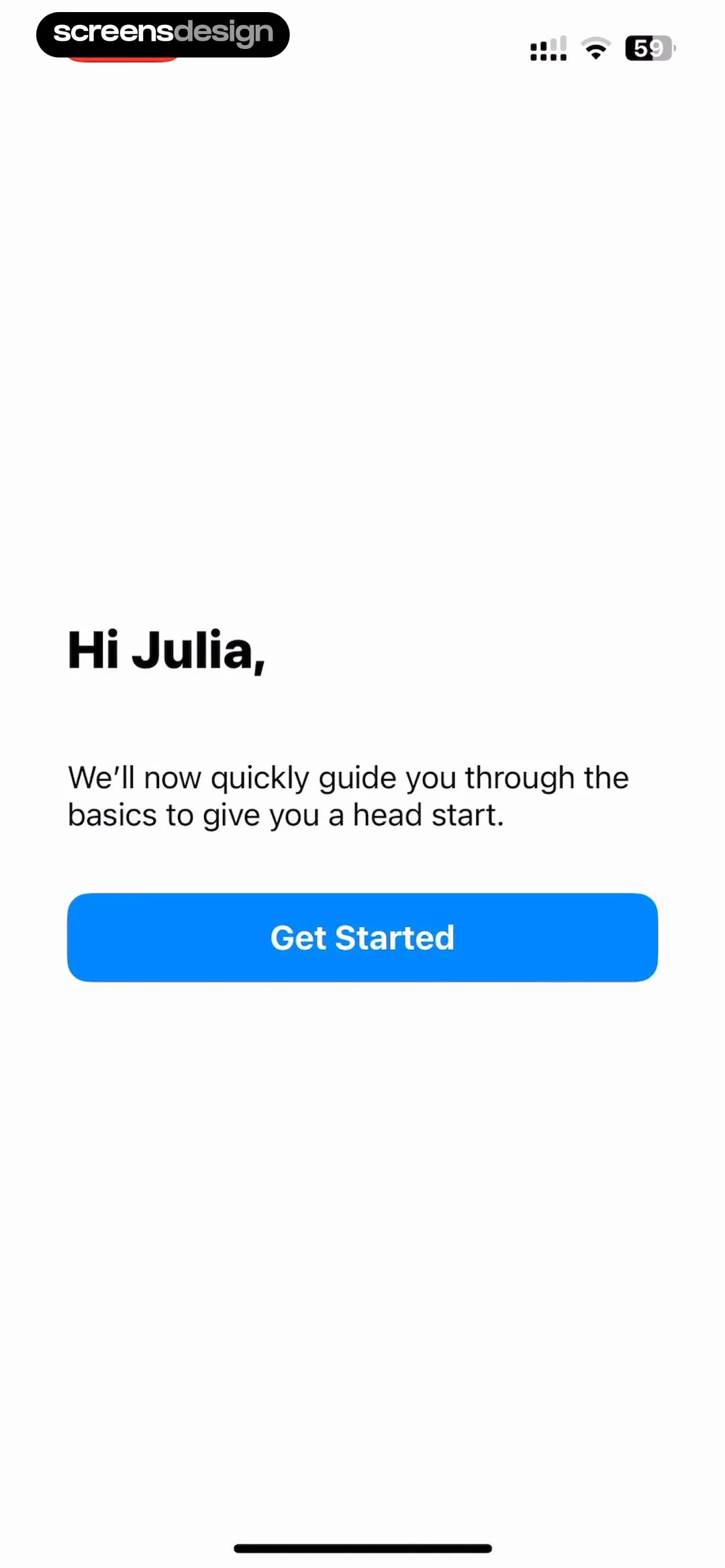
Onboarding welcome screen addressing Julia with a brief introductory message and a Get Started button.
Craft app onboarding screen featuring a drag-and-drop tutorial card, instructional text, a Skip link, and an inactive Next button.
Text editor interface displaying a content preview and a bottom-anchored formatting panel with body text styling selected and a Done button.
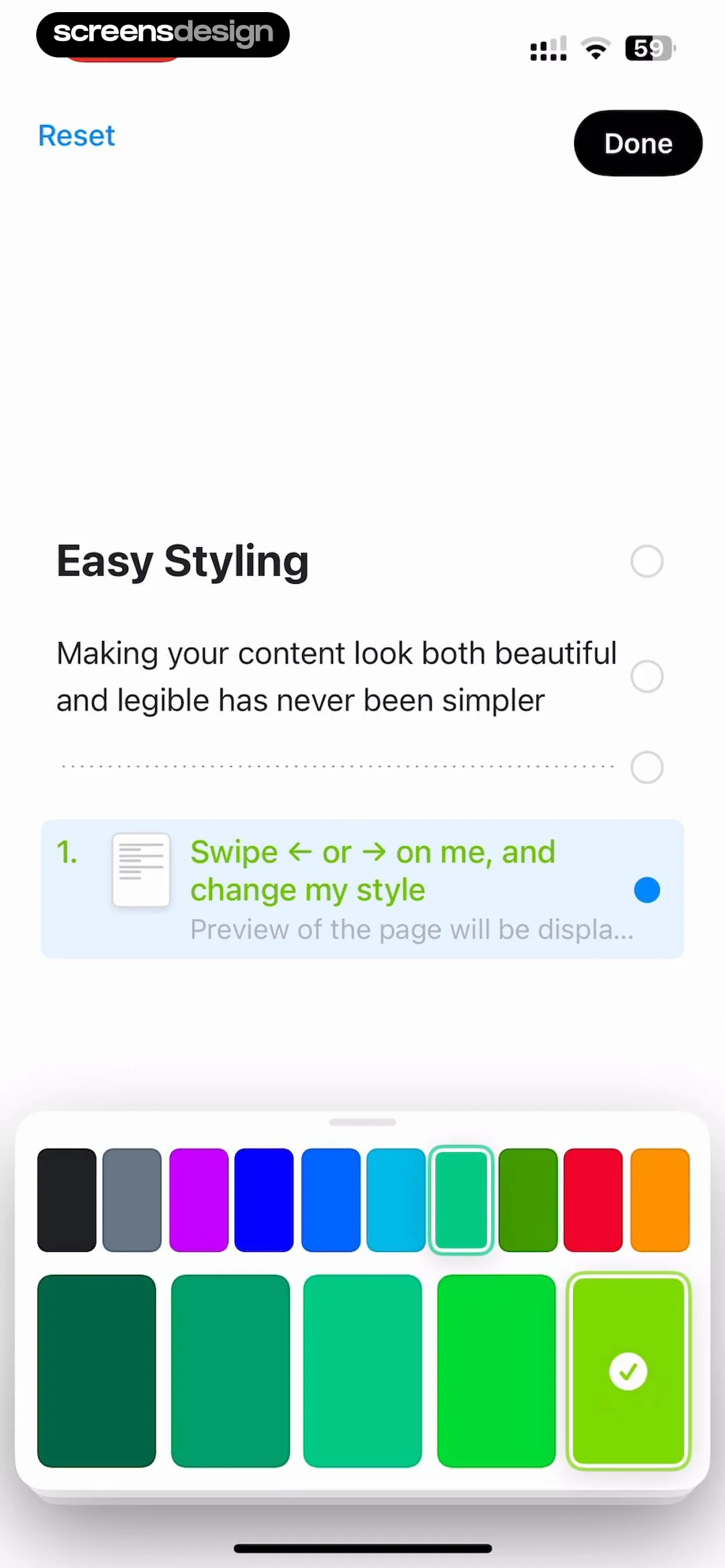
Styling tutorial screen with an instructional card and a bottom color palette grid featuring a selected green swatch with a checkmark and Reset and Done buttons.
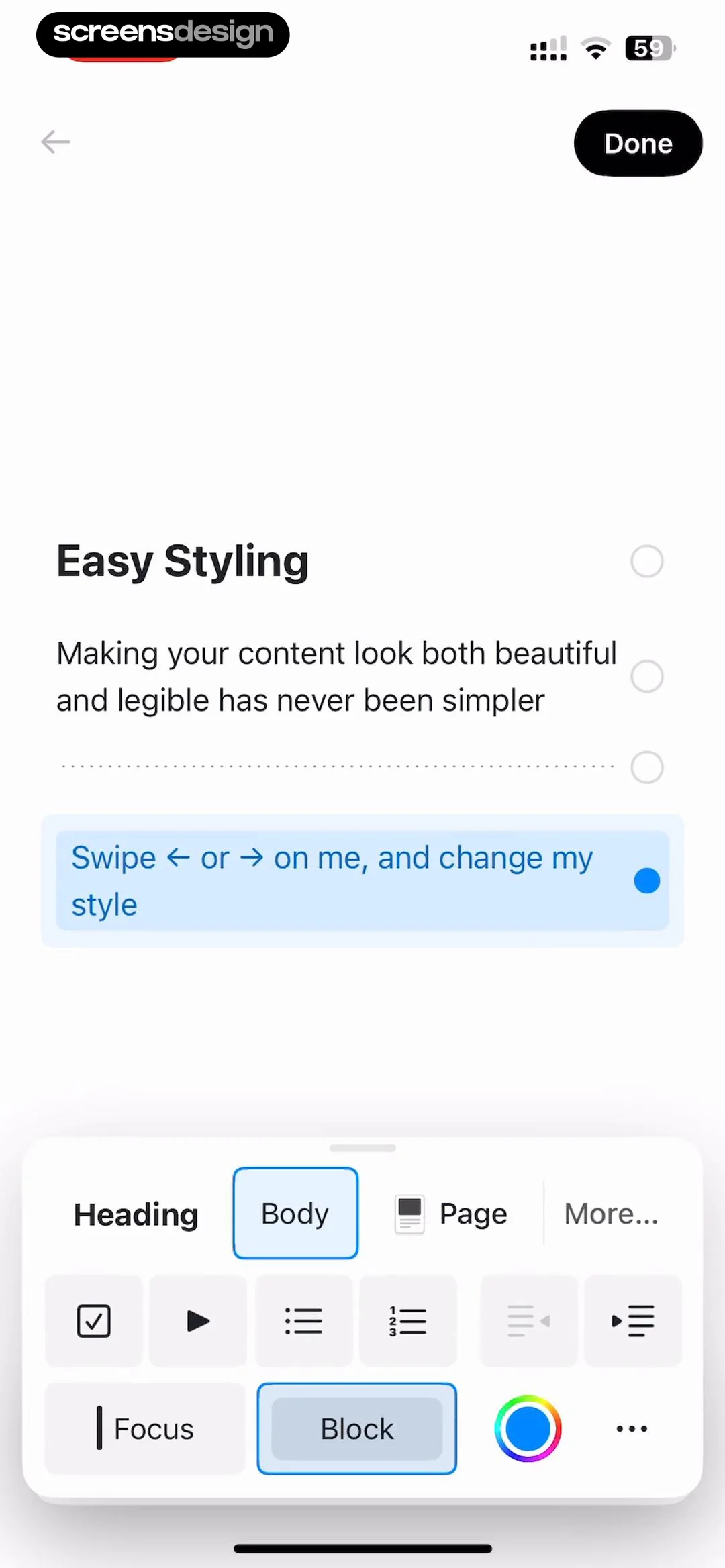
Onboarding screen featuring an instructional styling tutorial card and a bottom formatting toolbar with font and text style options.Unlock Pro
Onboarding completion screen with a final message and an Explore Craft button at the bottom.Unlock Pro
Home screen featuring a document grid with Craft Handbook and Getting Started cards, tabs for Recents and Shared with Me, and a bottom navigation bar.Unlock Pro
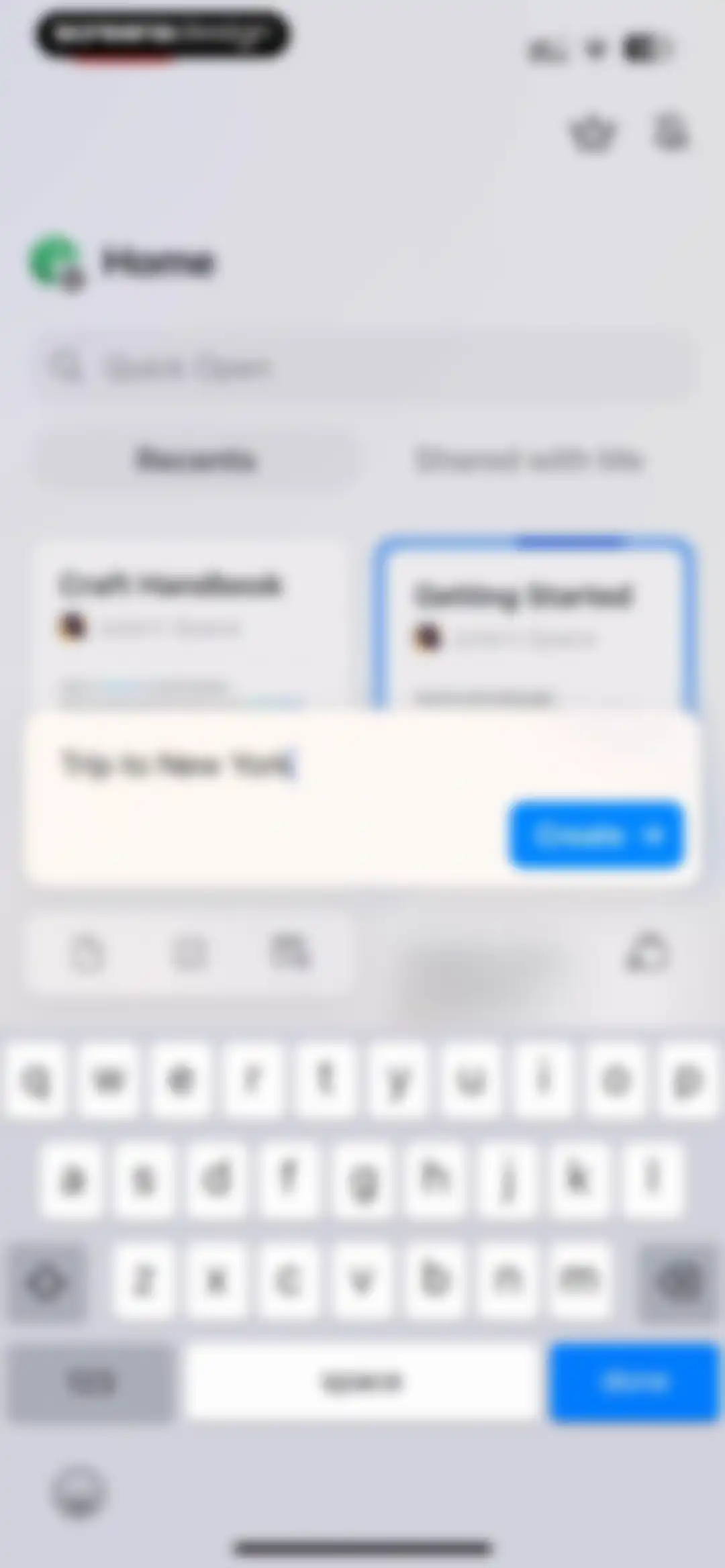
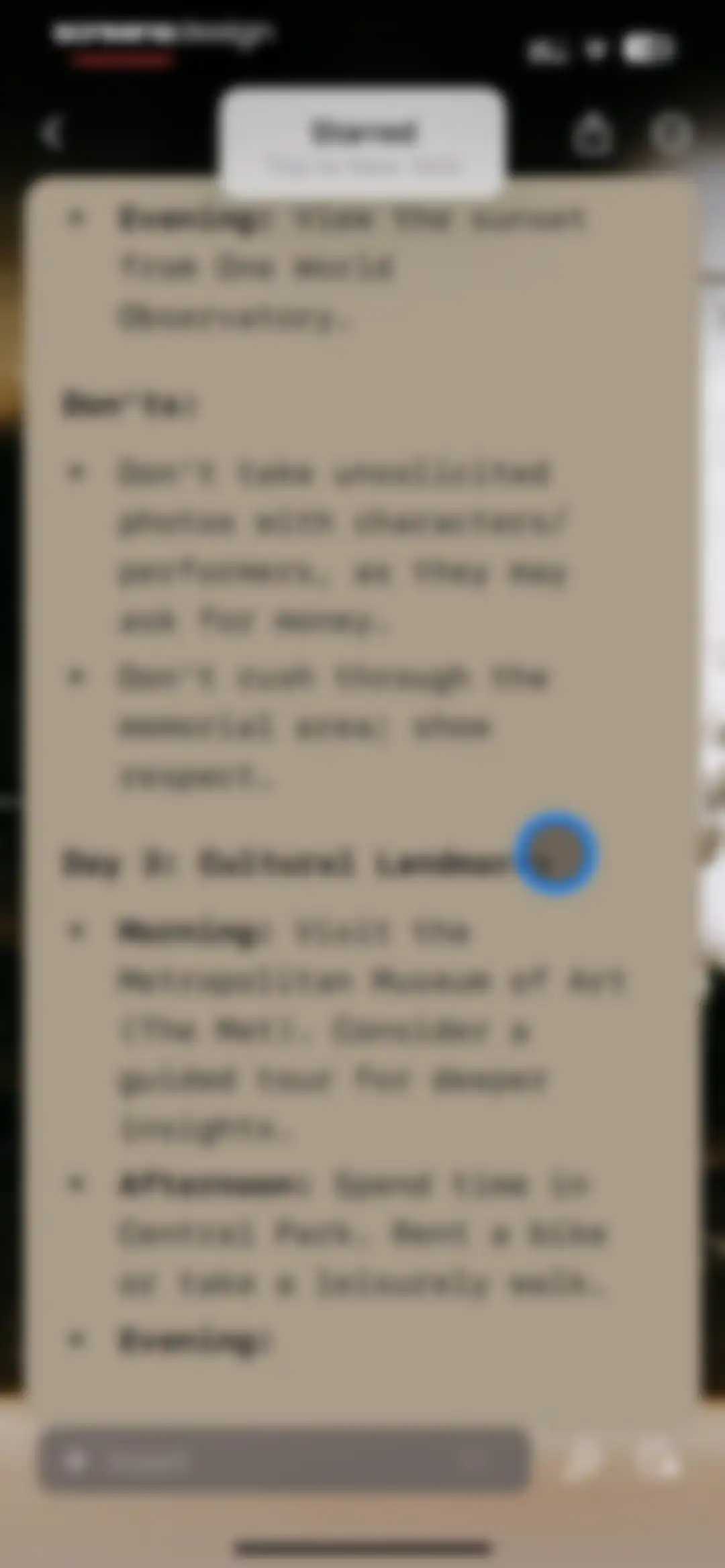
Home dashboard with a centered modal for creating a new document titled Trip to New York and an active keyboard.Unlock Pro
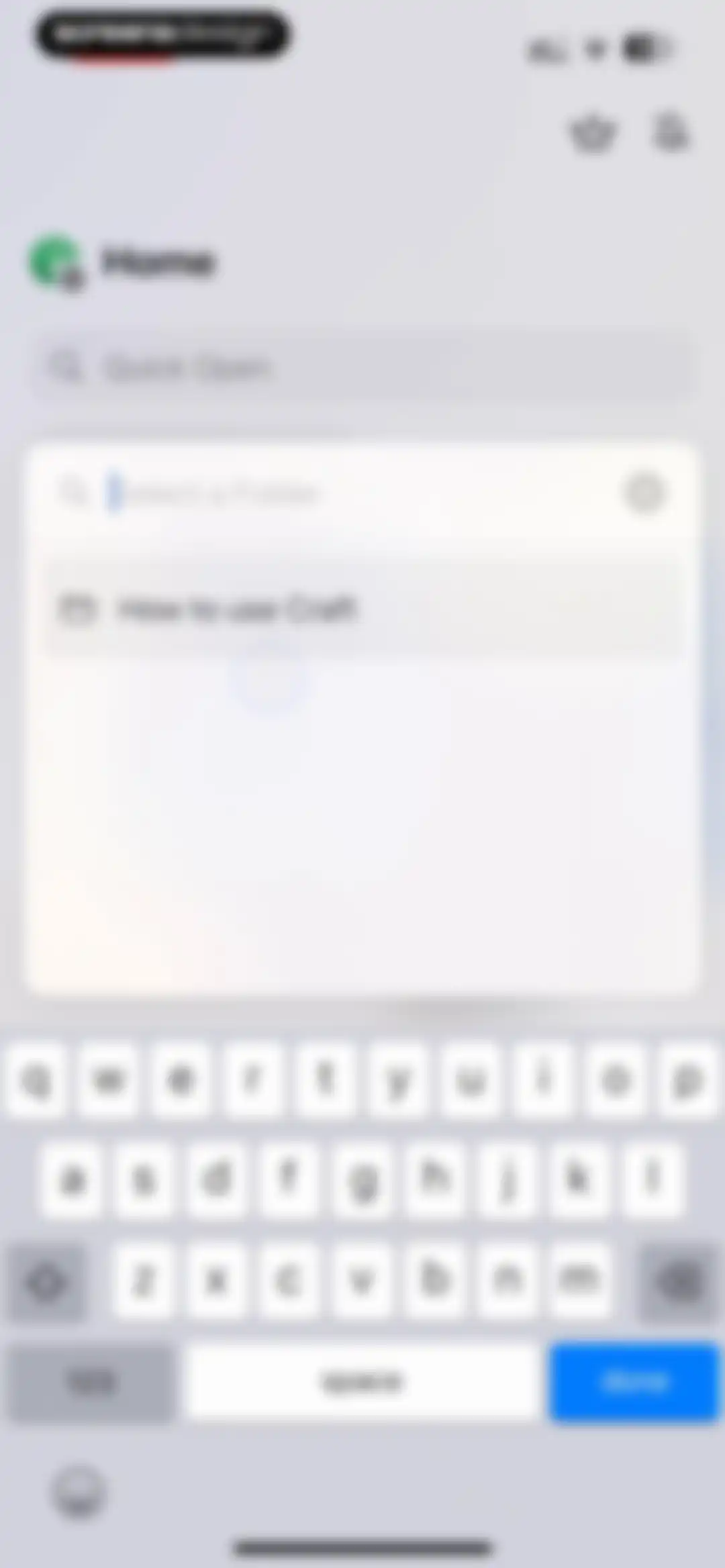
Folder selection modal in the Craft app with an active search field and the folder How to use Craft displayed above the keyboard.Unlock Pro
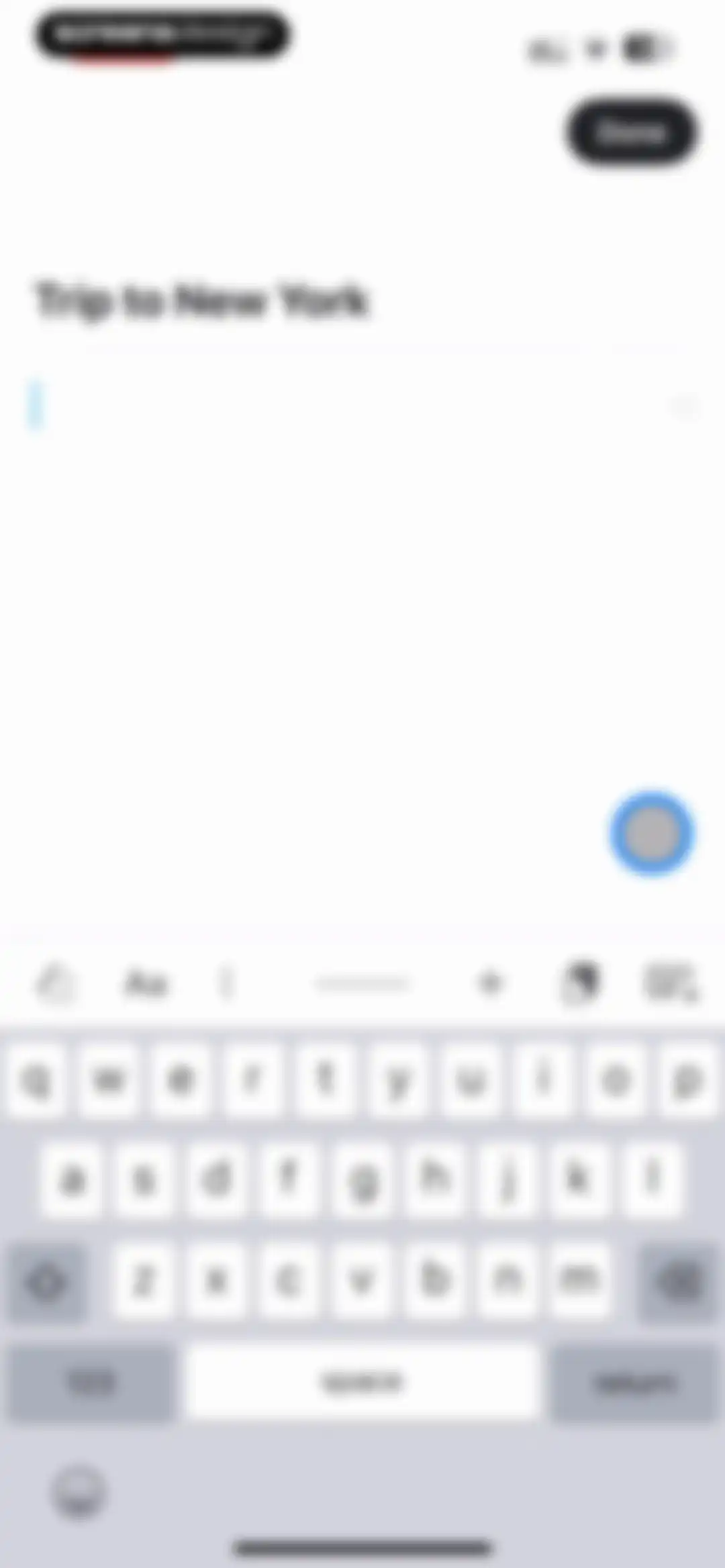
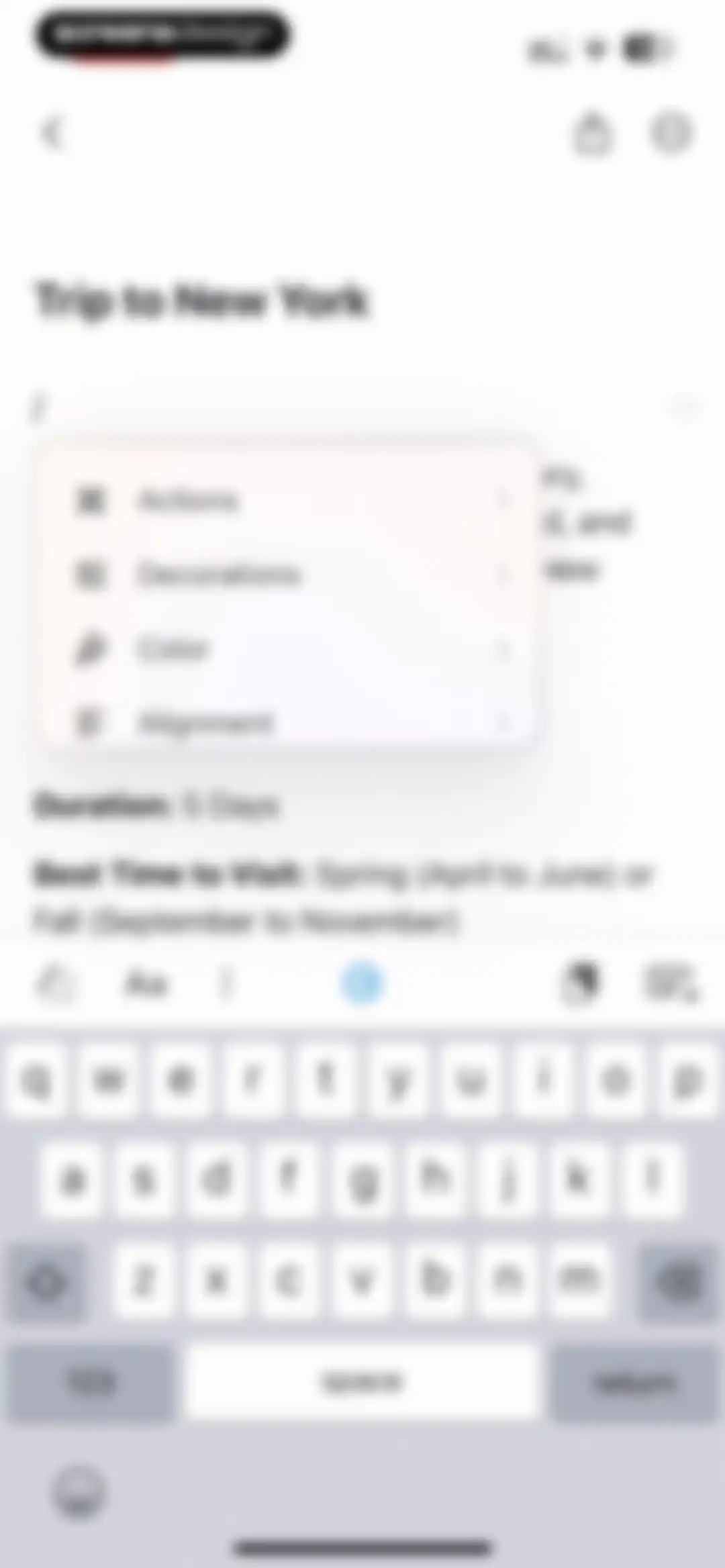
Note editor screen titled Trip to New York, with an active keyboard and a custom formatting toolbar above it.Unlock Pro
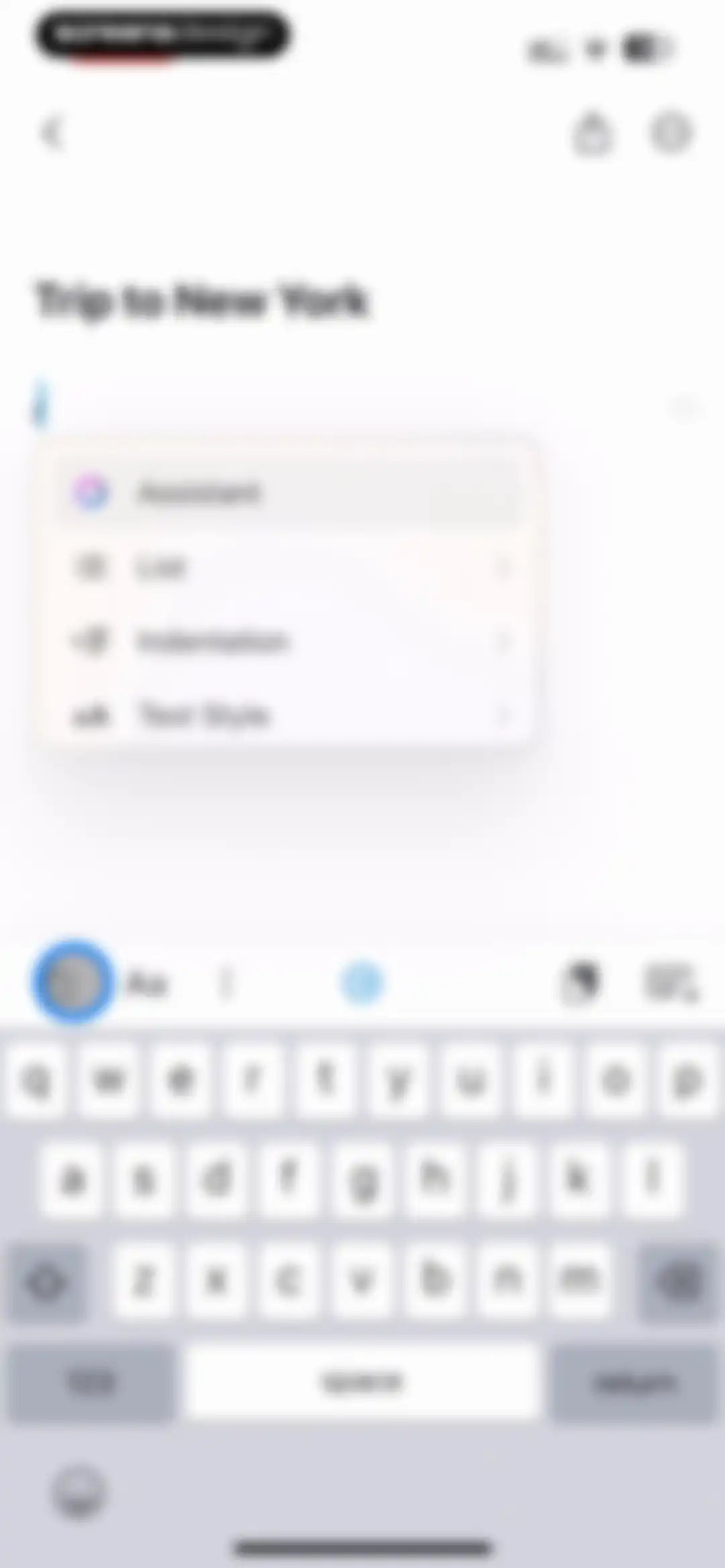
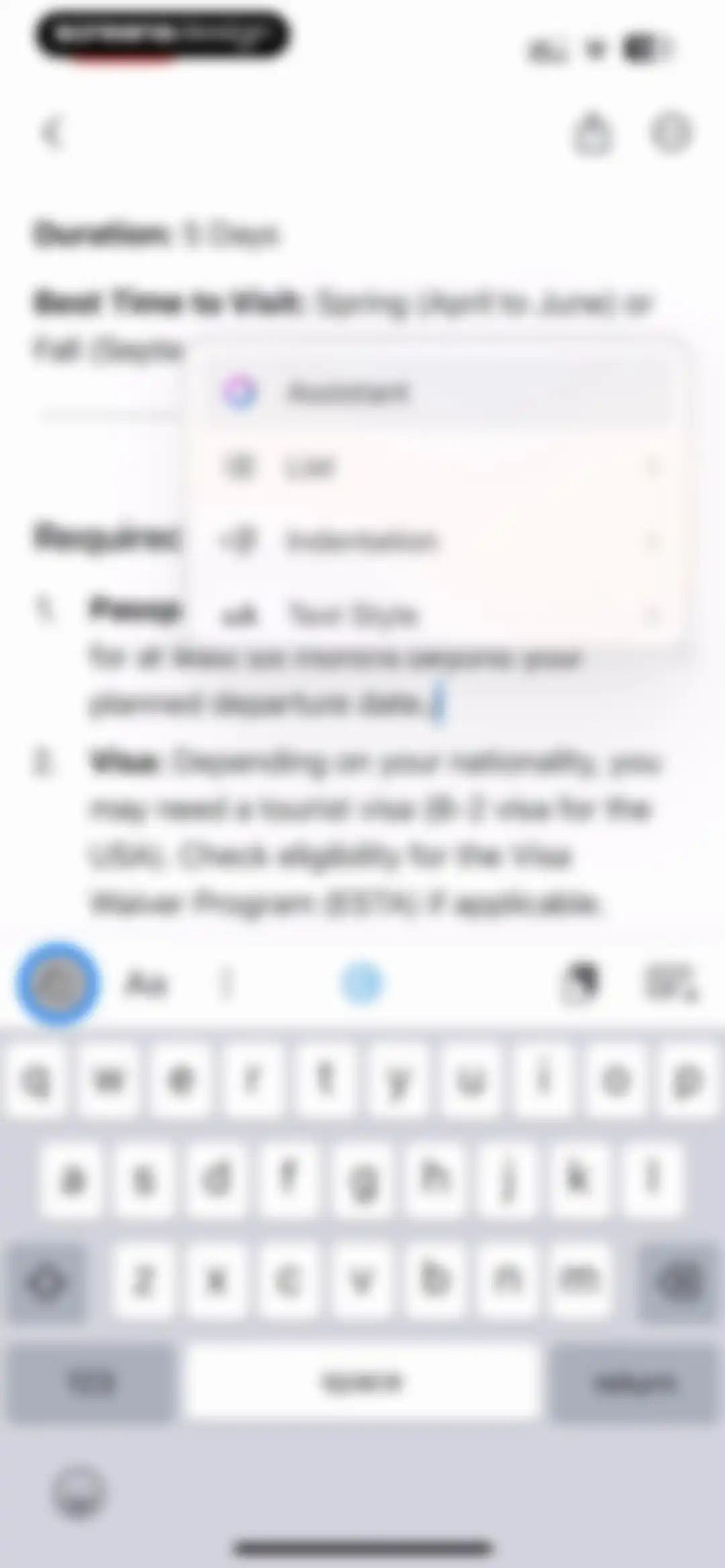
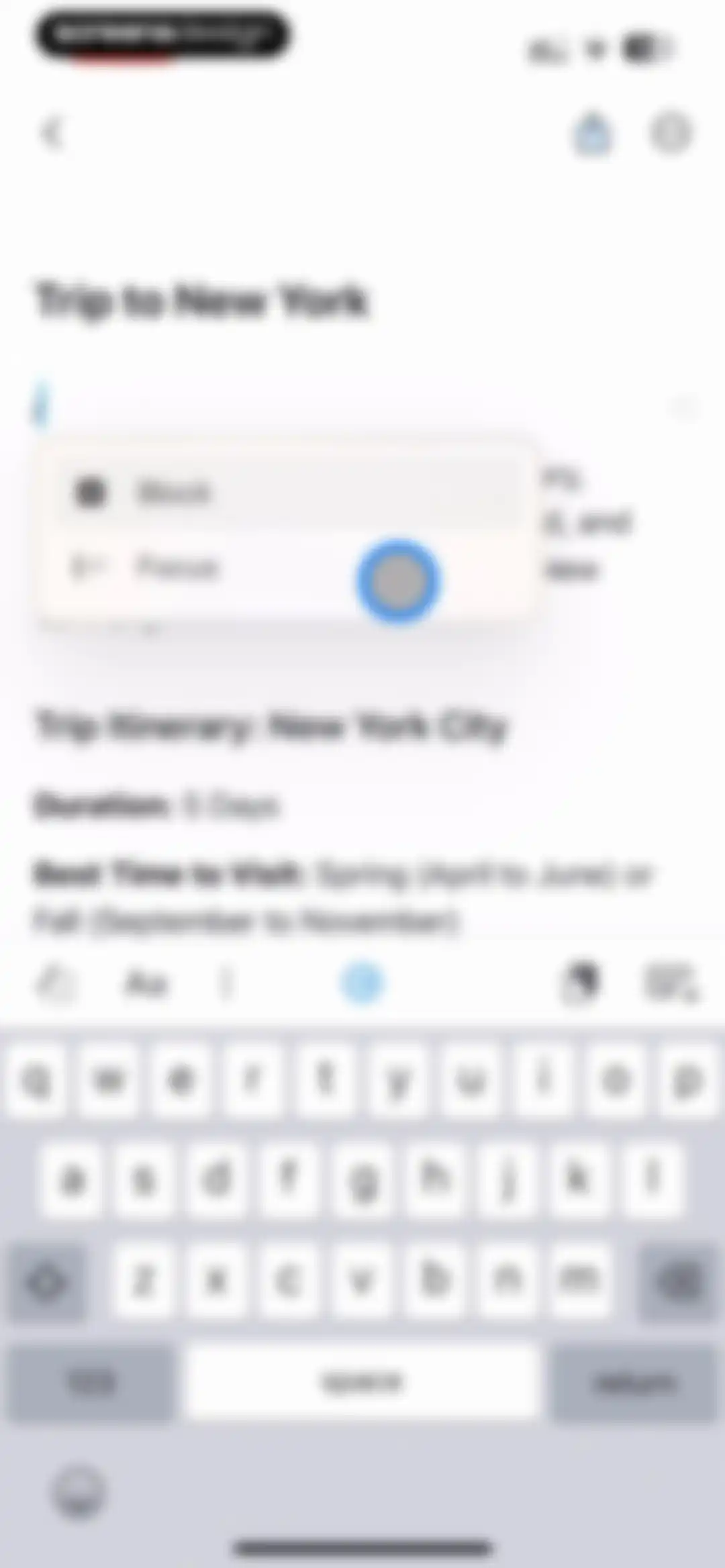
Note editor screen for Trip to New York in the Craft app with a floating formatting menu and an active system keyboard.Unlock Pro
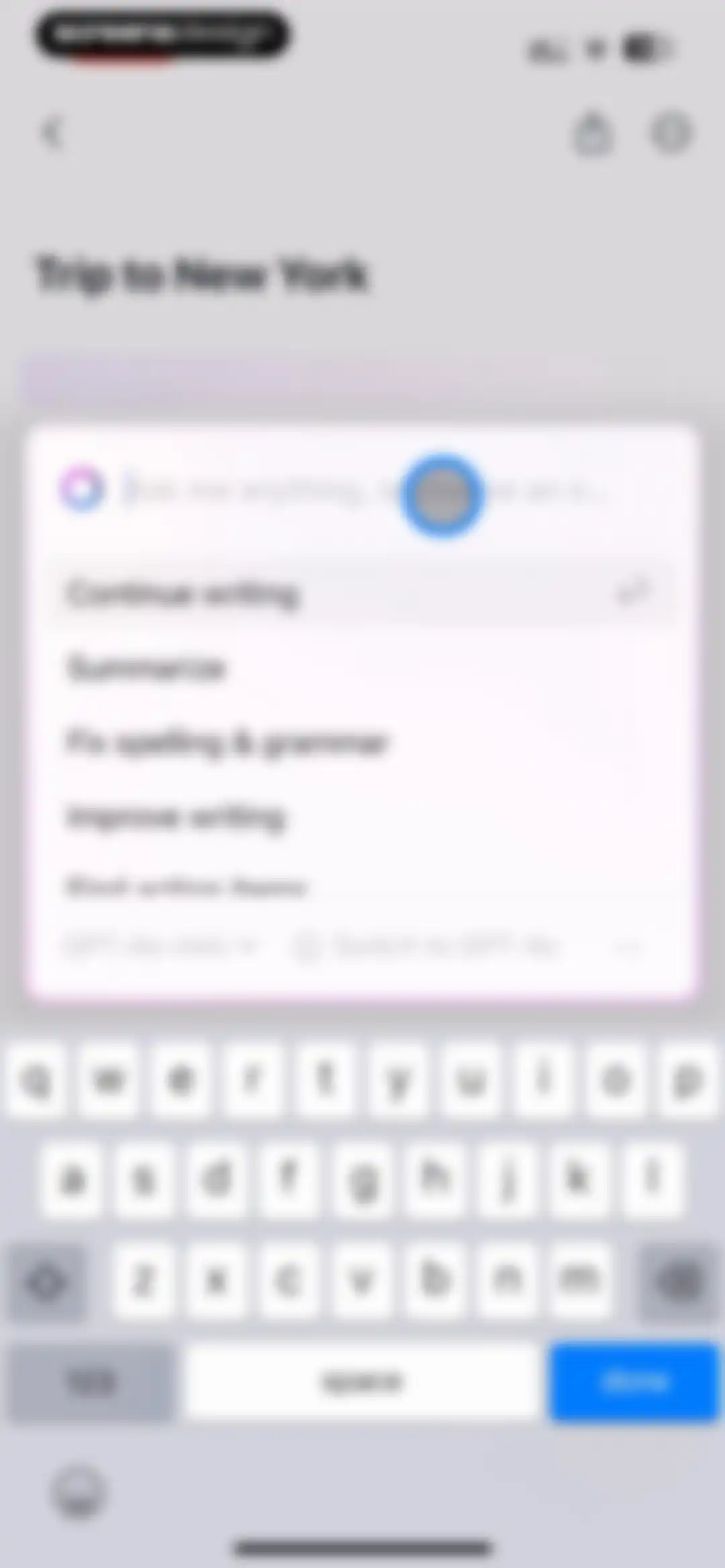
Editor screen featuring an AI assistant modal with a text input field, writing action suggestions, and the GPT-4o-mini model selected.Unlock Pro
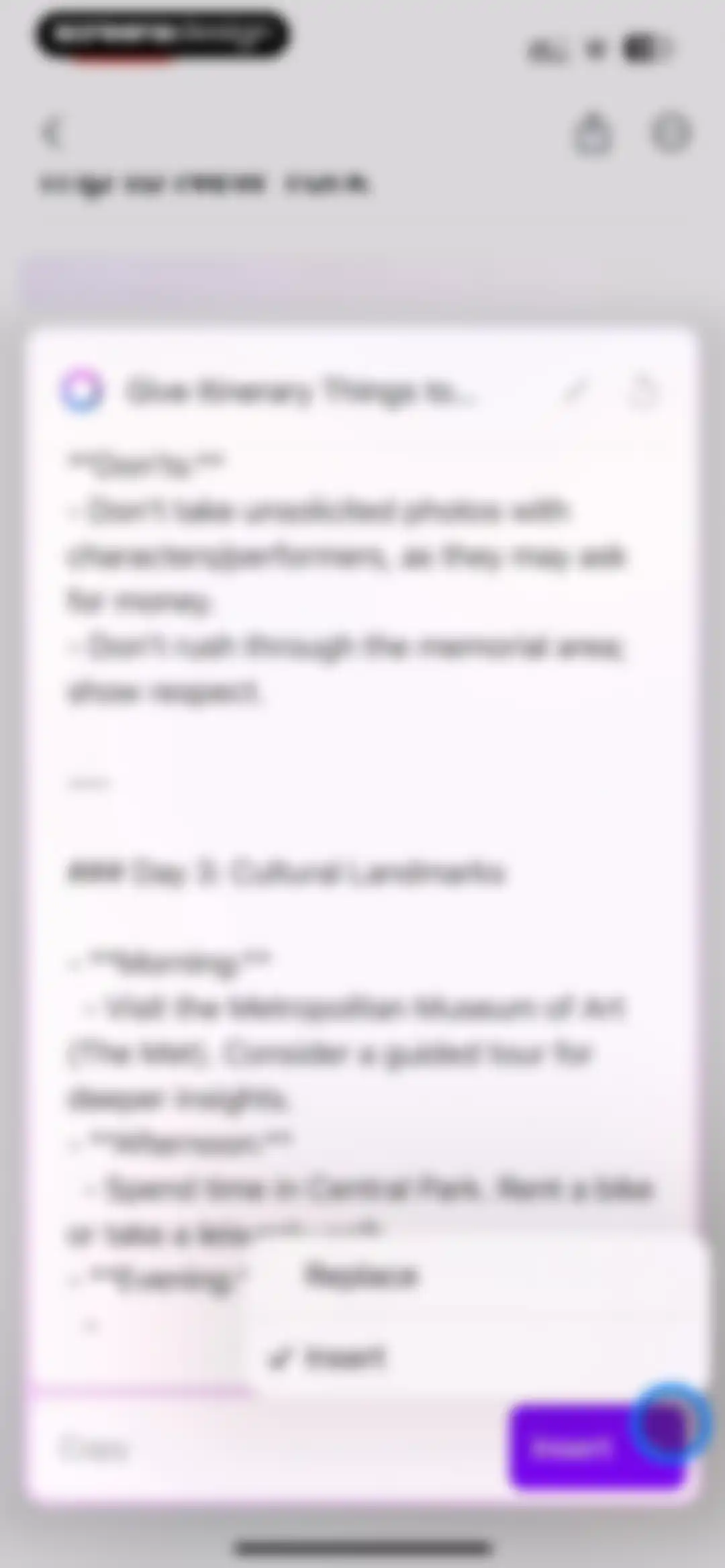
Document editor displaying a travel itinerary for a trip to New York with a floating AI action menu containing Replace and Insert options.Unlock Pro
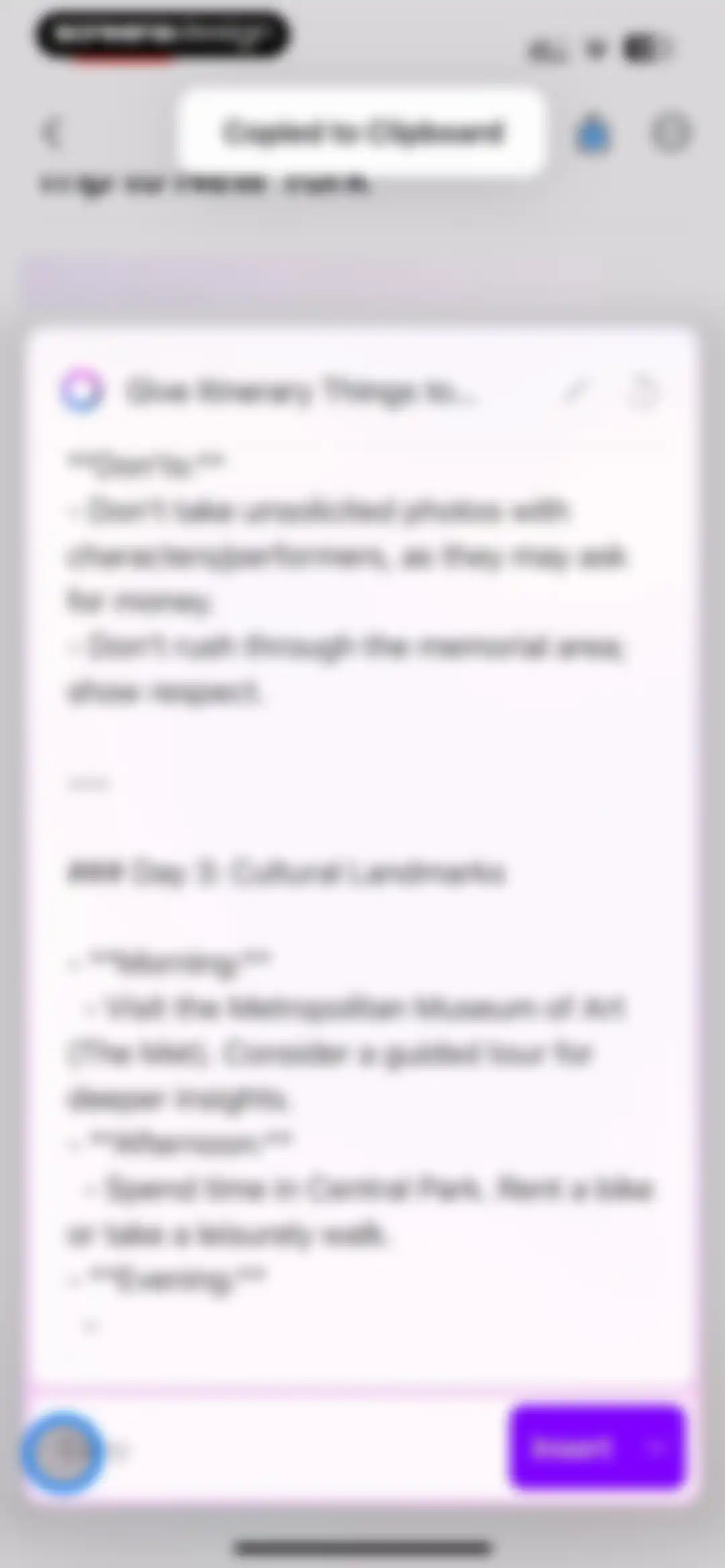
Editor screen displaying an AI-generated travel itinerary modal with Copy and Insert buttons and a copied-to-clipboard confirmation toast.Unlock Pro
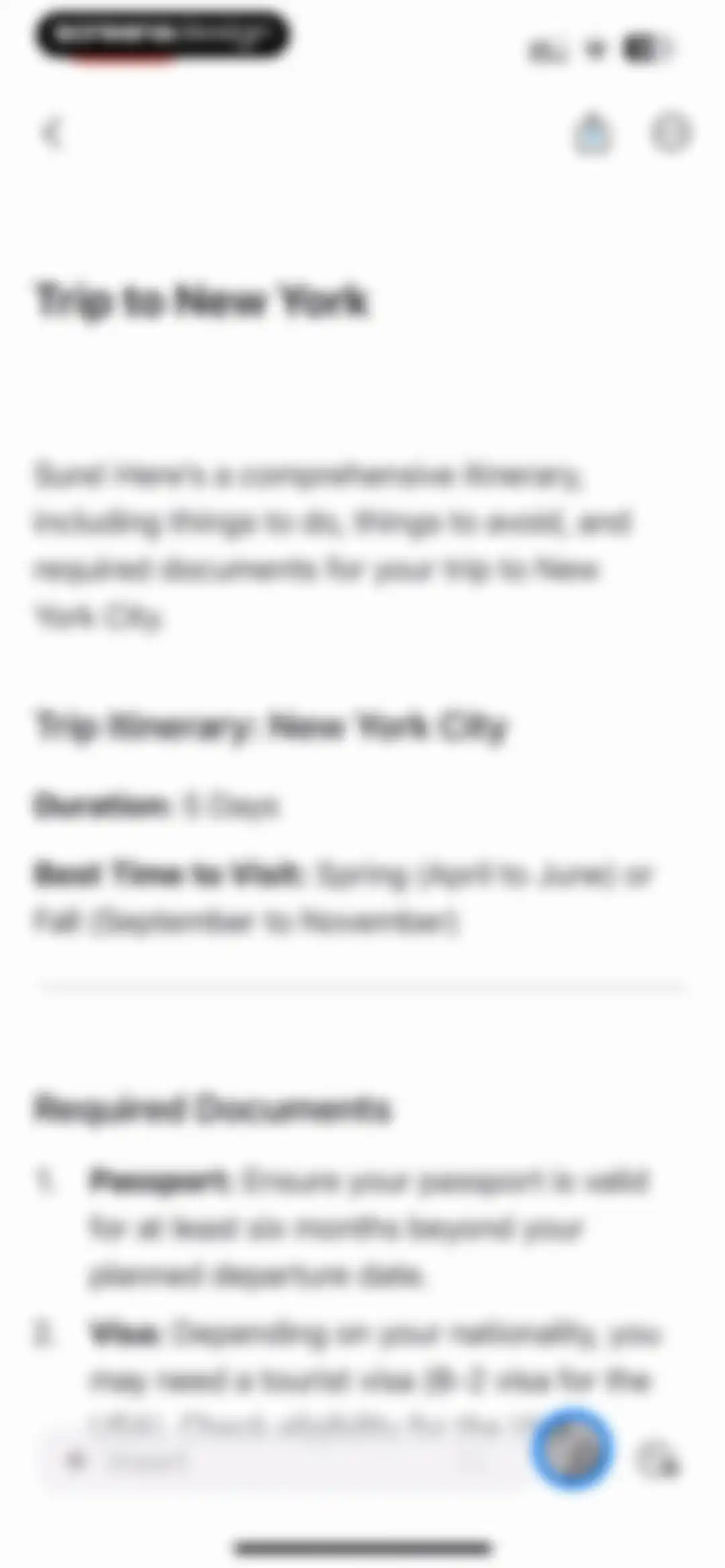
Document editor displaying an AI-generated travel itinerary for New York City with a bottom floating toolbar containing an Insert button.Unlock Pro
Text editor screen displaying travel planning notes, a floating context menu with formatting options, and a bottom toolbar above the keyboard.Unlock Pro
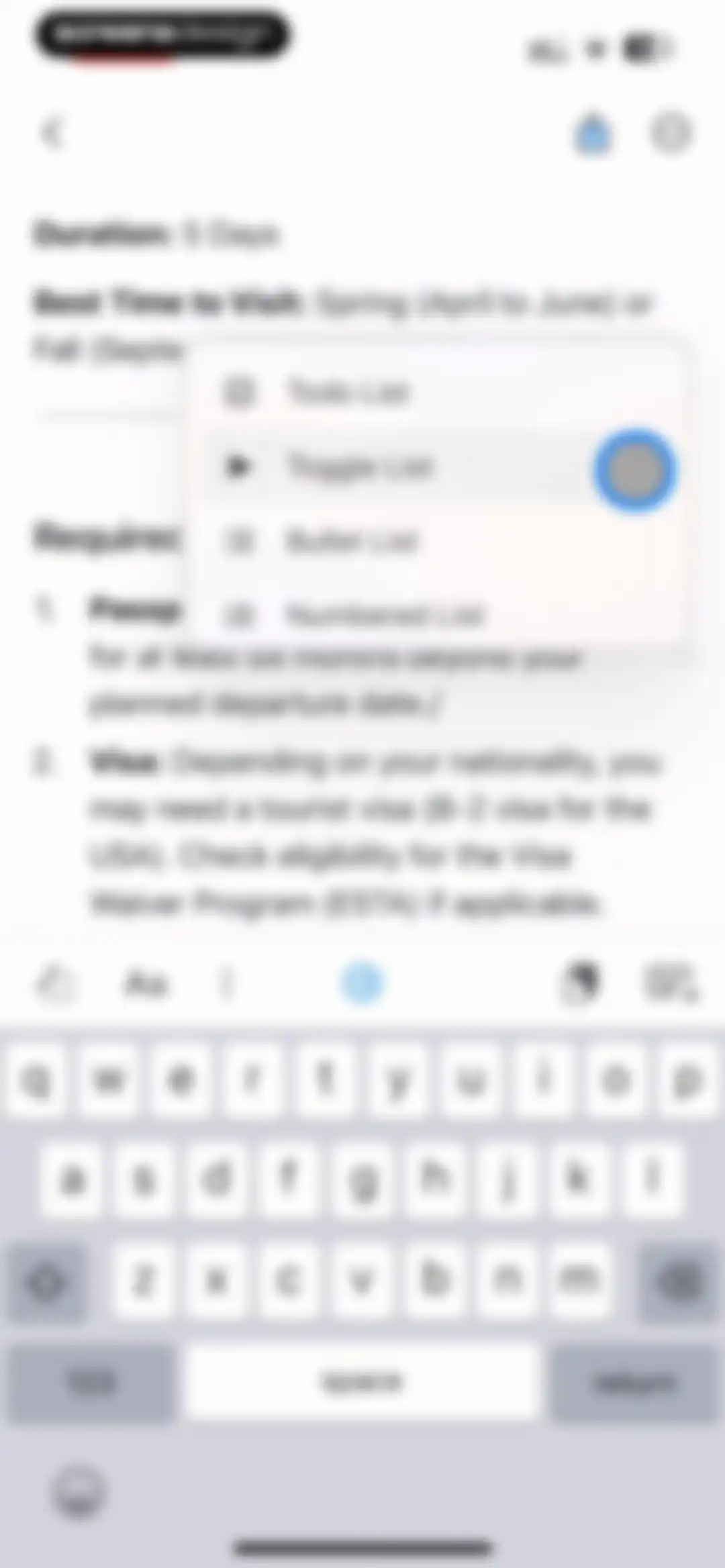
Document editor screen showing travel notes with a floating formatting menu where Toggle List is selected.Unlock Pro
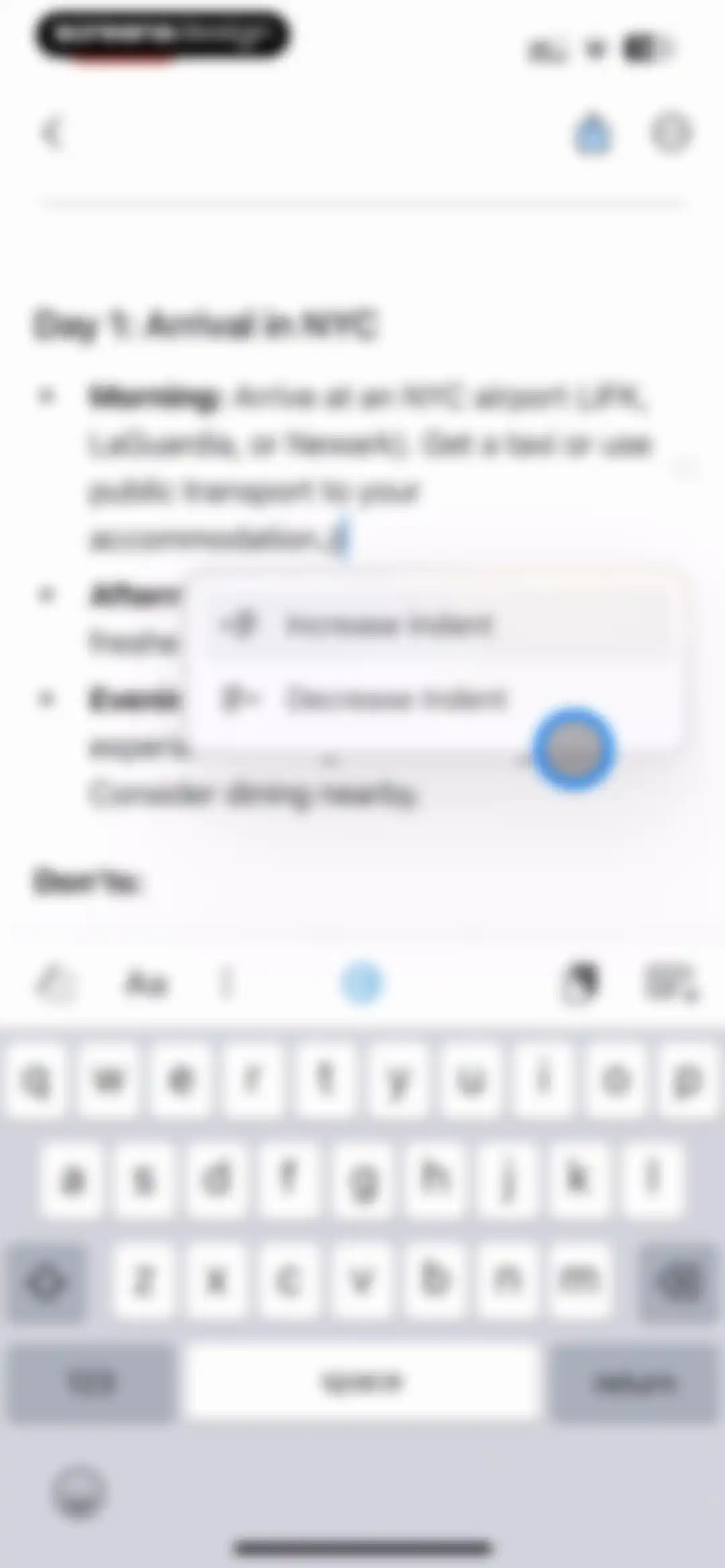
Document editor displaying travel notes with an active floating menu for text indentation and a keyboard with formatting tools.Unlock Pro
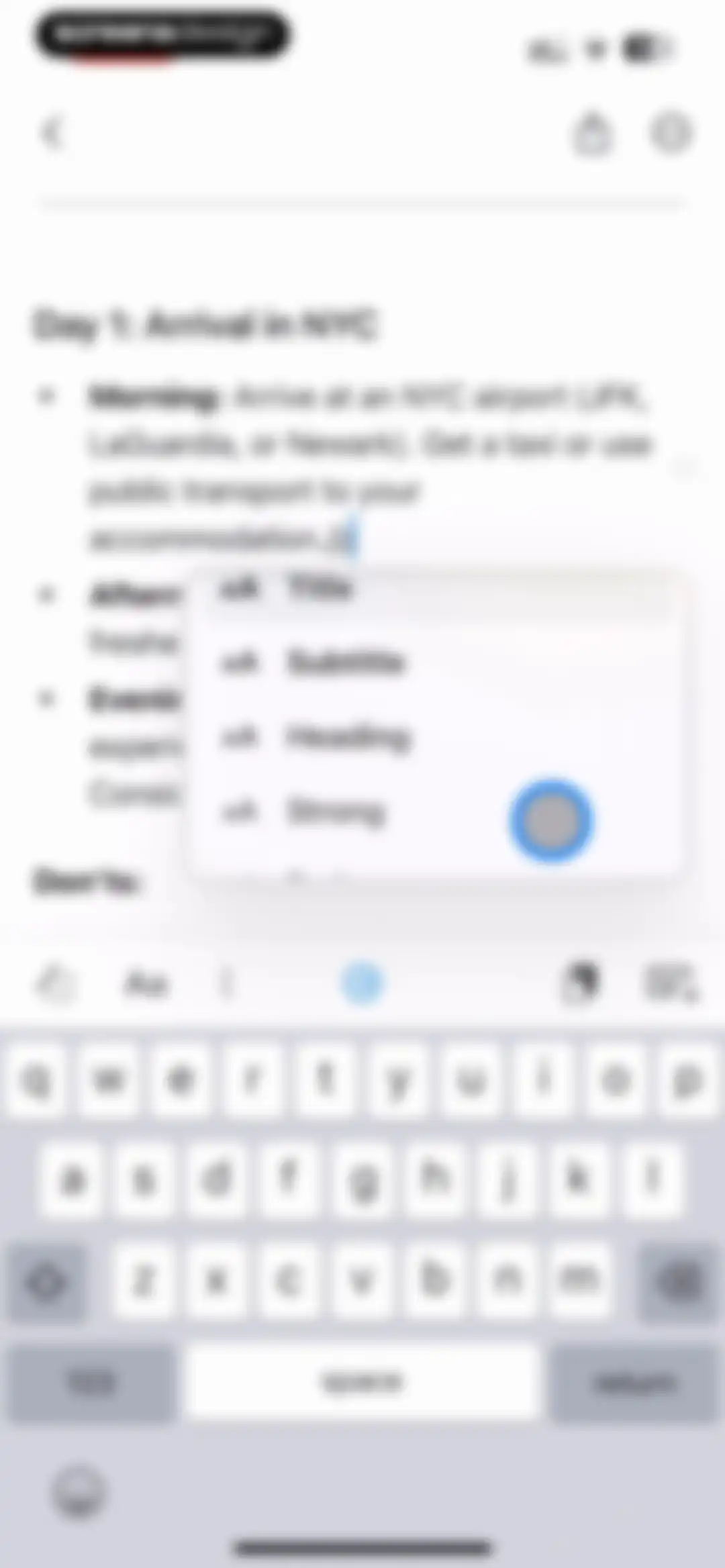
Document editor displaying a floating text formatting menu with options for title, subtitle, heading, and strong, alongside a bottom toolbar and open keyboard.Unlock Pro
Text editor screen displaying a document titled Trip to New York, with a floating context menu and a custom formatting toolbar above the keyboard.Unlock Pro
Document editor screen showing a note titled Trip to New York, with a floating formatting menu and system keyboard.Unlock Pro
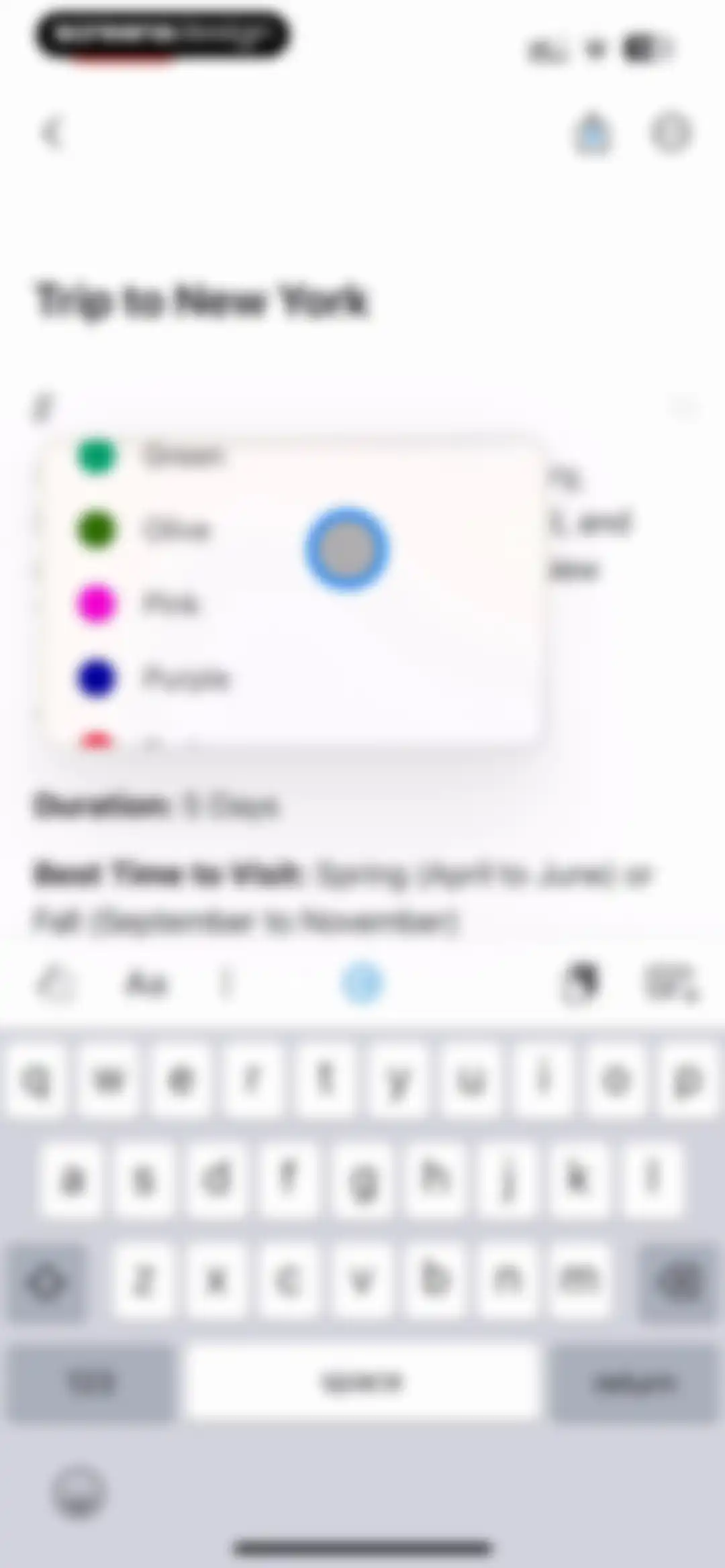
Document editor displaying a trip planning note with a floating color selection menu and formatting toolbar above the keyboard.Unlock Pro
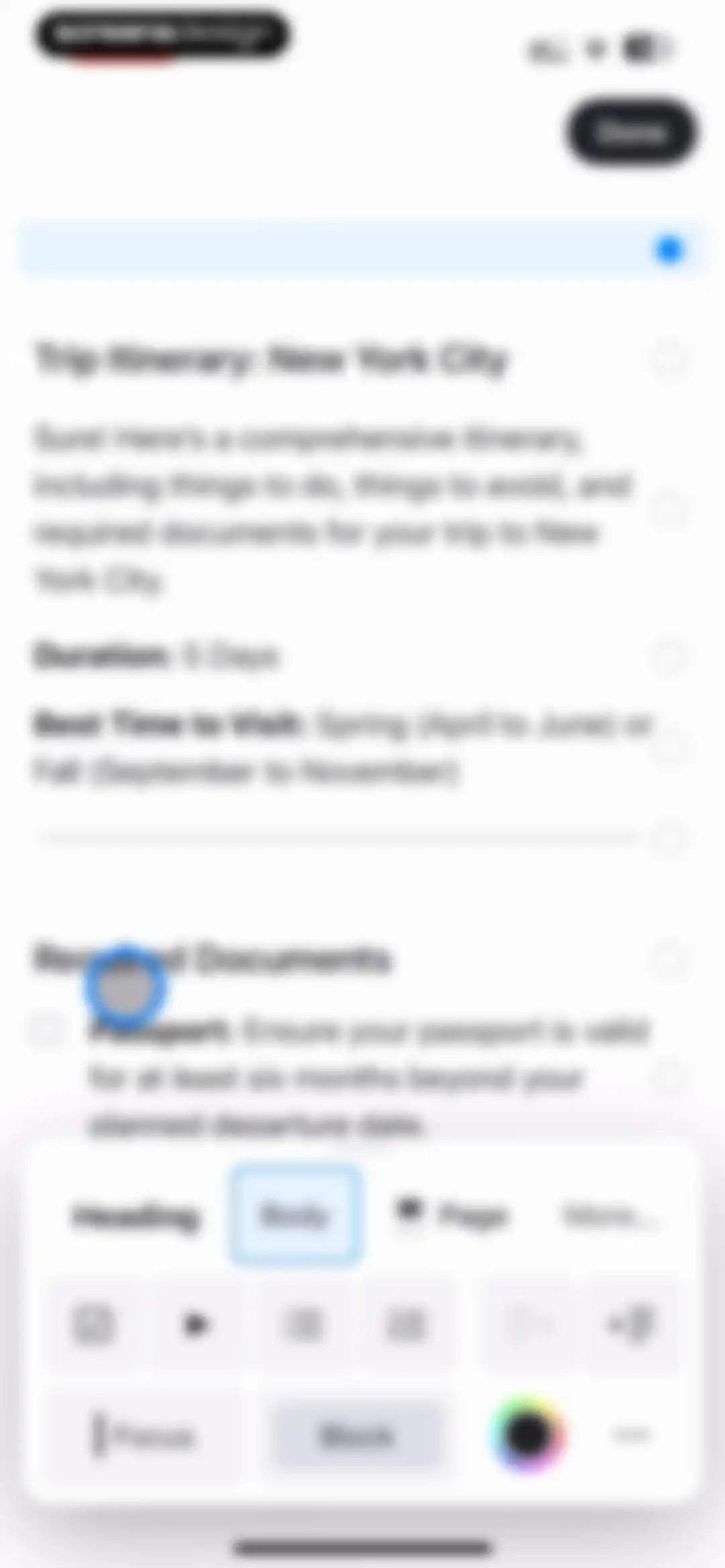
Document editor displaying a New York City trip itinerary with a floating formatting toolbar at the bottom and a Done button.Unlock Pro
Document editor displaying a travel itinerary for New York, with a top Done button and a bottom toolbar including style, content, and assistant options.Unlock Pro
Text editor screen with an empty page title field, a keyboard toolbar containing formatting and addition tools, and a Done button.Unlock Pro
Document editor displaying an Actions modal overlay with a list of management options including Copy, Cut, Duplicate, and Share & Export.Unlock Pro
Document editor displaying a trip itinerary note with an actions modal open for copying and converting formats.Unlock Pro
Document editor displaying a New York trip itinerary with a top success notification and a bottom action toolbar.Unlock Pro
Editor screen with an AI assistant modal overlay displaying writing options and a custom input field above the keyboard.Unlock Pro
Editor modal displaying AI-generated travel itinerary text with Copy and Insert action buttons.Unlock Pro
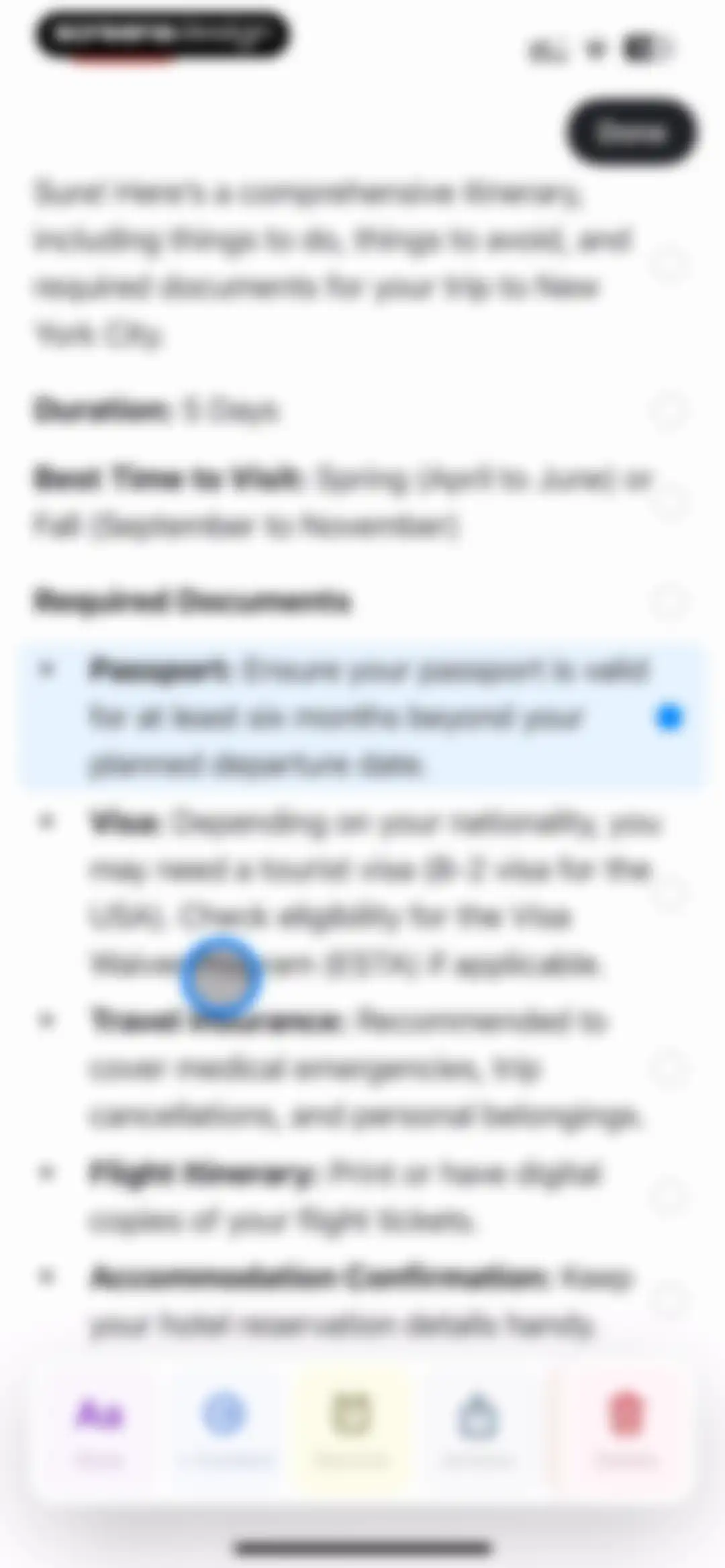
Document editor displaying a travel itinerary for New York City, with selection handles on text blocks and a bottom floating toolbar for editing actions.Unlock Pro
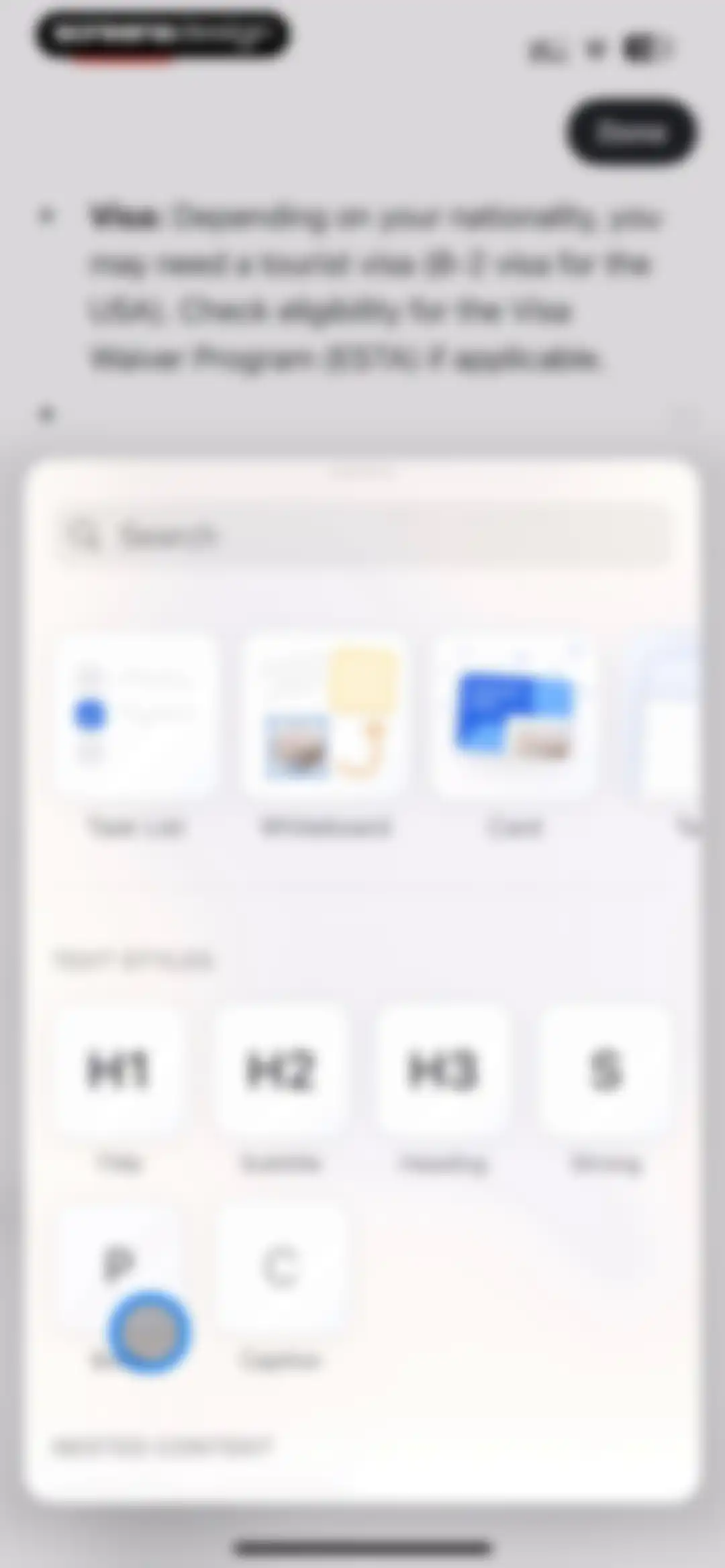
Editor formatting modal with a search bar, content block carousel, and a grid of text style options including a selected Body style.Unlock Pro
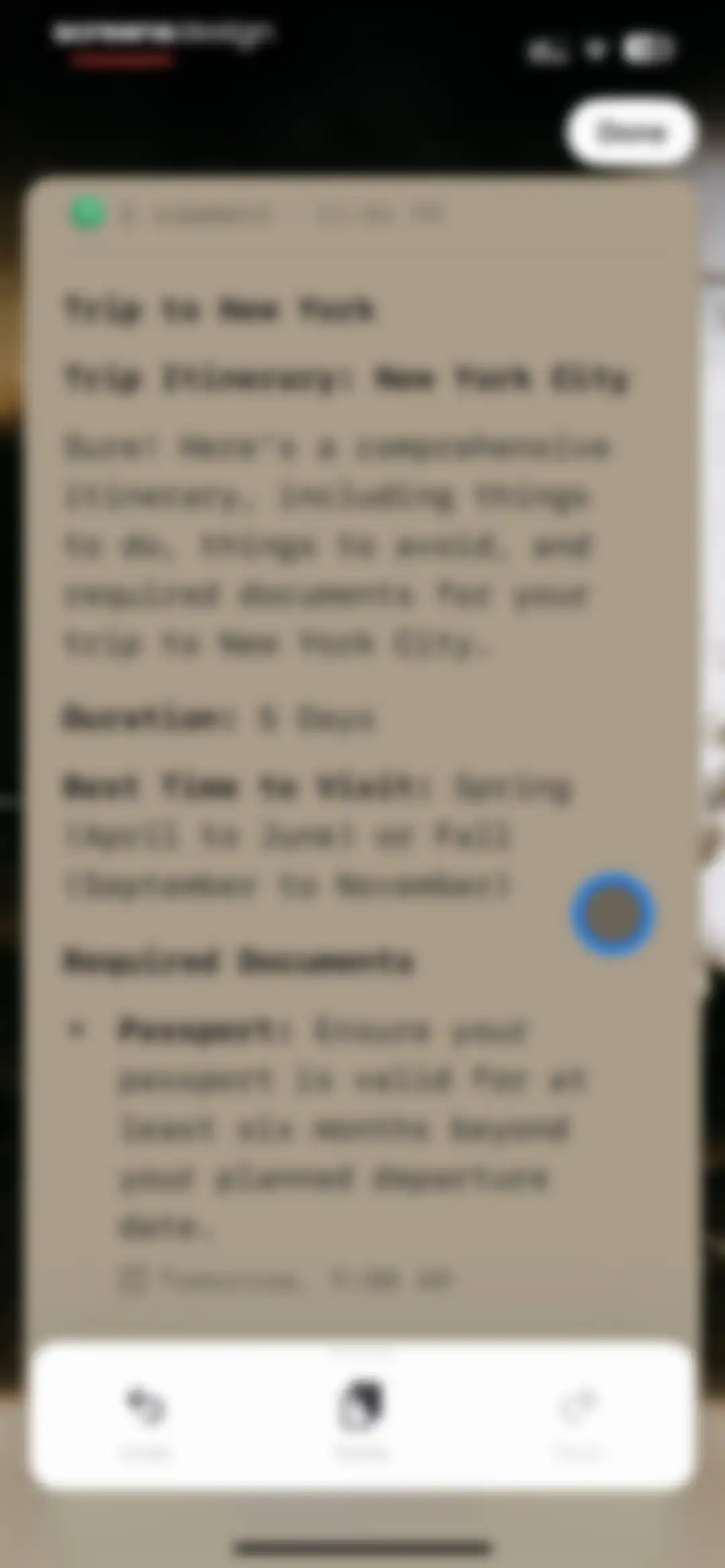
Chat screen displaying an AI-generated travel itinerary for New York City, with a top Done button and a bottom action toolbar.Unlock Pro
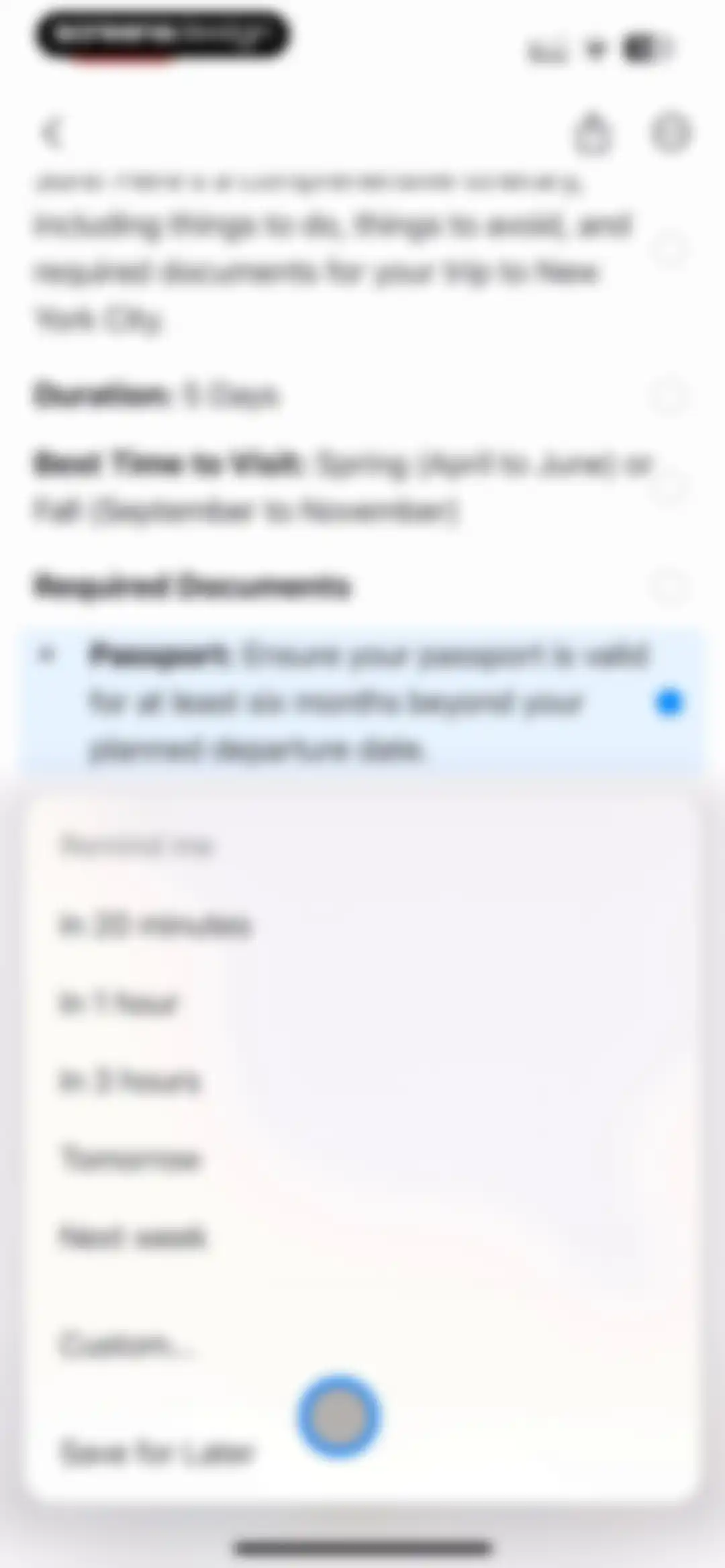
Document editor displaying a travel itinerary with a reminder modal overlay offering time options and a Save for Later button.Unlock Pro
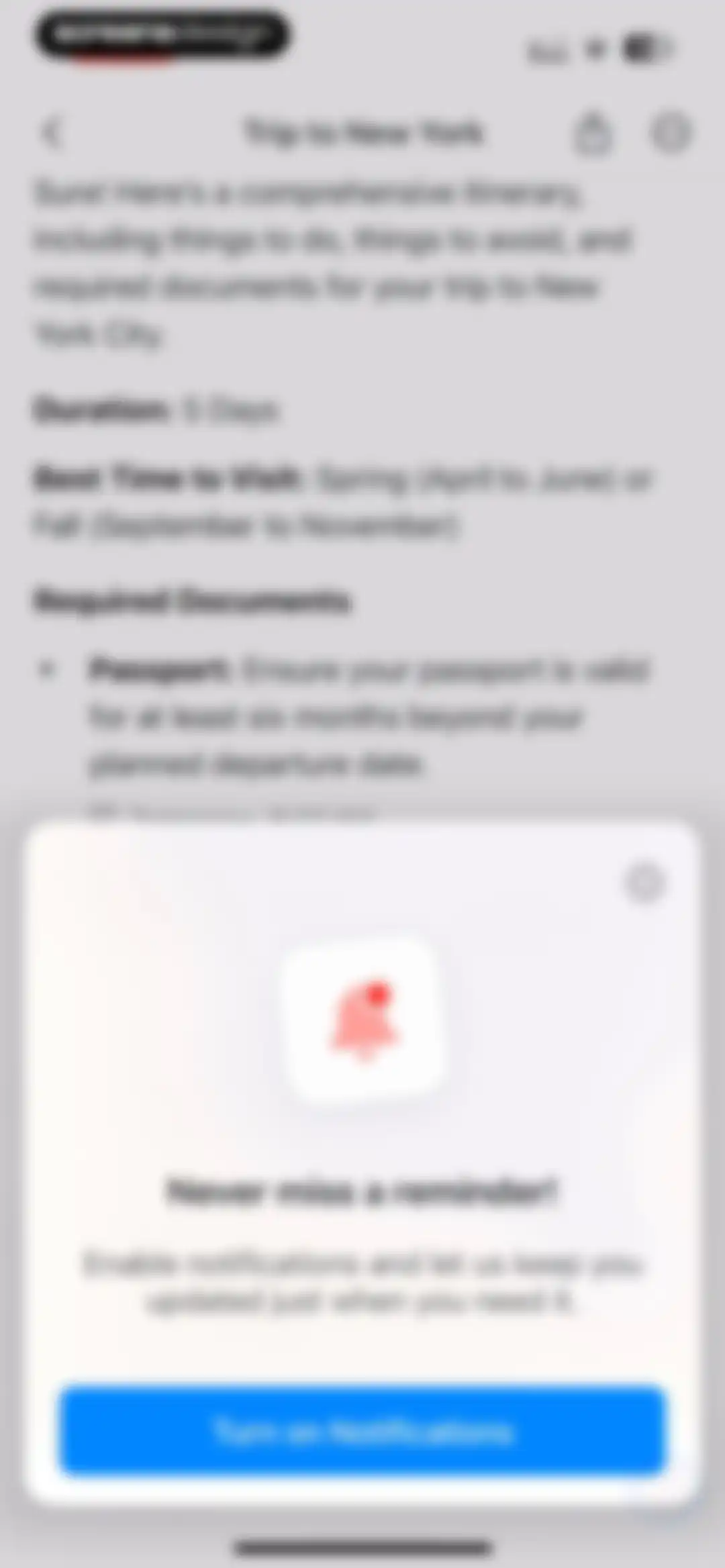
Notification permission prompt overlaying a travel itinerary document, featuring a bell icon and a Turn on Notifications button.Unlock Pro
Permission request modal asking to send notifications, displayed over a travel itinerary document with Don't Allow and Allow buttons.Unlock Pro
Editor modal displaying a search bar, content carousel, and a grid of text style options with H2 selected and a Done button.Unlock Pro
Drawing editor featuring a dot grid canvas with a top navigation bar and a floating bottom toolbar for drawing and editing tools.Unlock Pro
Drawing editor screen with a grid canvas, top navigation including a Done button, and a bottom floating toolbar.Unlock Pro
Drawing editor interface with a grid canvas, a floating shape selection menu, a bottom toolbar, and a Done button at the top.Unlock Pro
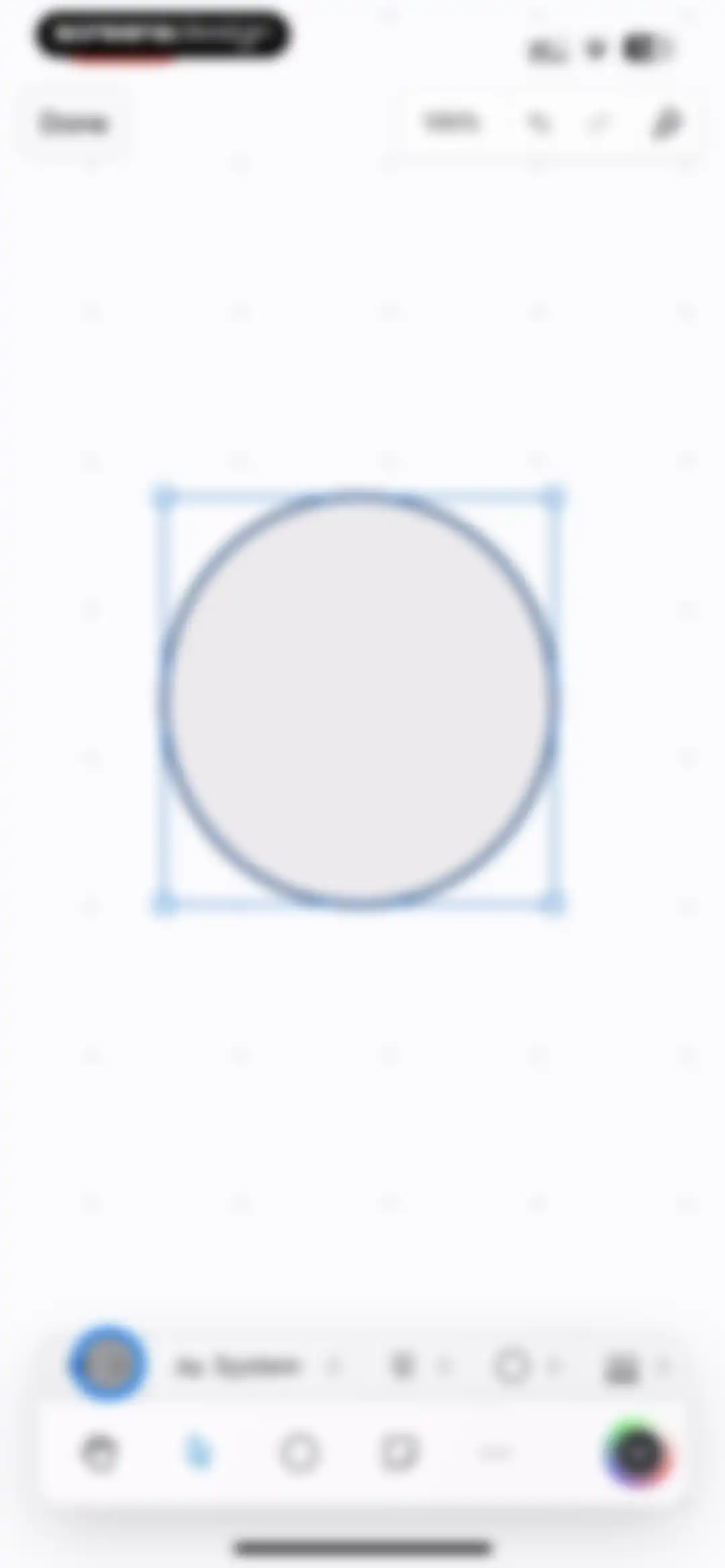
Canvas editor displaying a selected circle shape with corner handles, top navigation controls, and a two-tiered floating toolbar at the bottom.Unlock Pro
Drawing editor interface with a selected circle object on a canvas, a top Done button, and a bottom floating toolbar with font options.Unlock Pro
Drawing editor screen displaying a selected circle object on a canvas, a top toolbar with a Done button, and a bottom floating toolbar.Unlock Pro
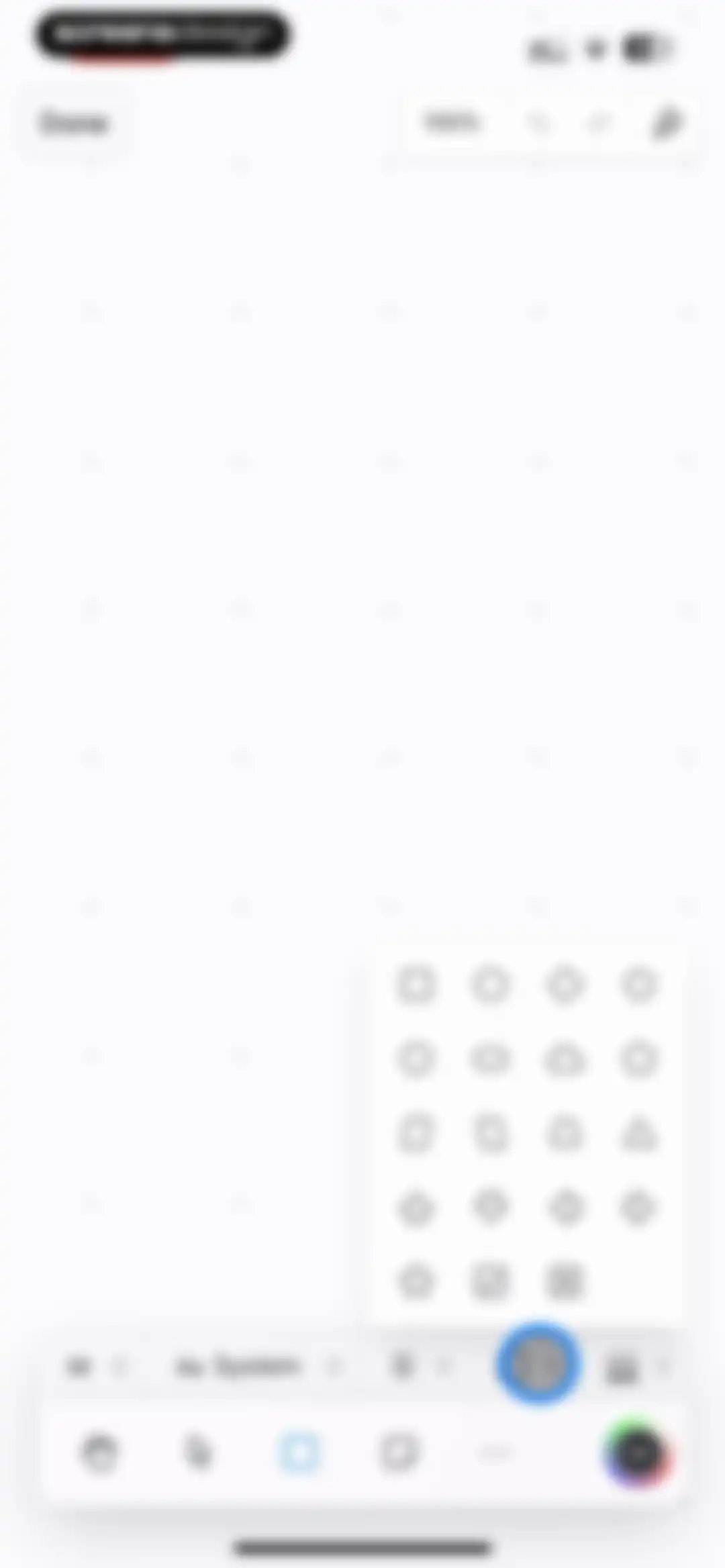
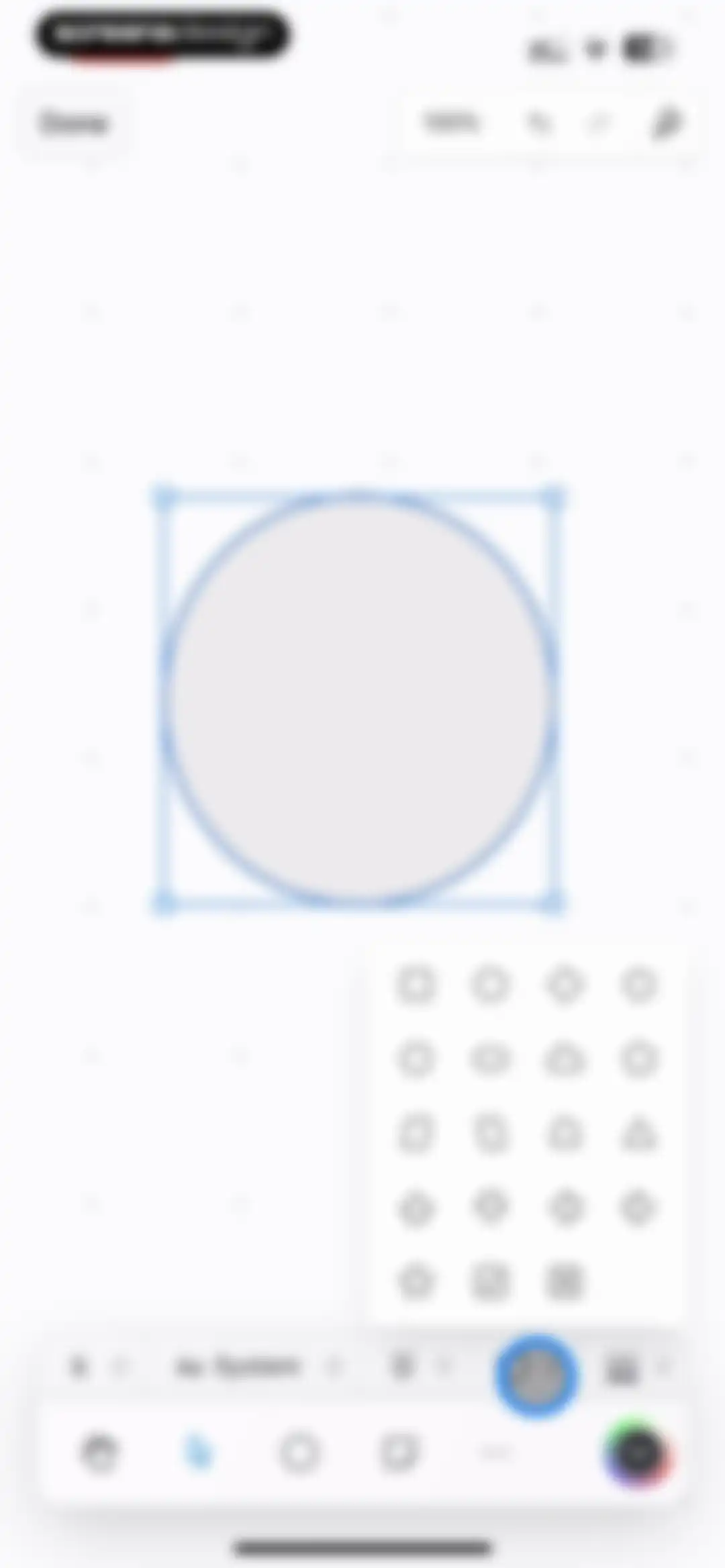
Drawing editor interface with a selected circle on the canvas, a shape selection modal, and a bottom tool dock.Unlock Pro
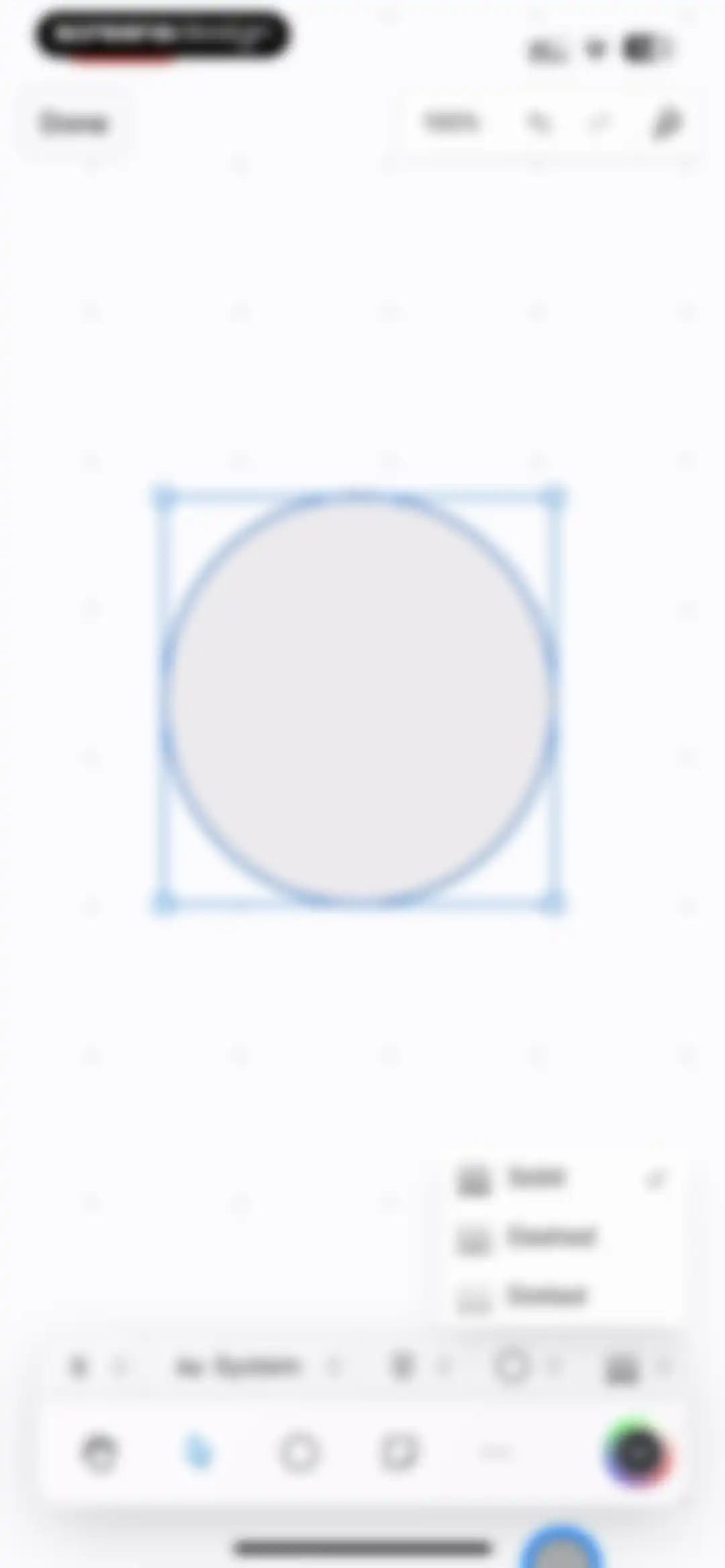
Drawing editor displaying a selected circle on a canvas with a line style pop-up menu showing Solid, Dashed, and Dotted options.Unlock Pro
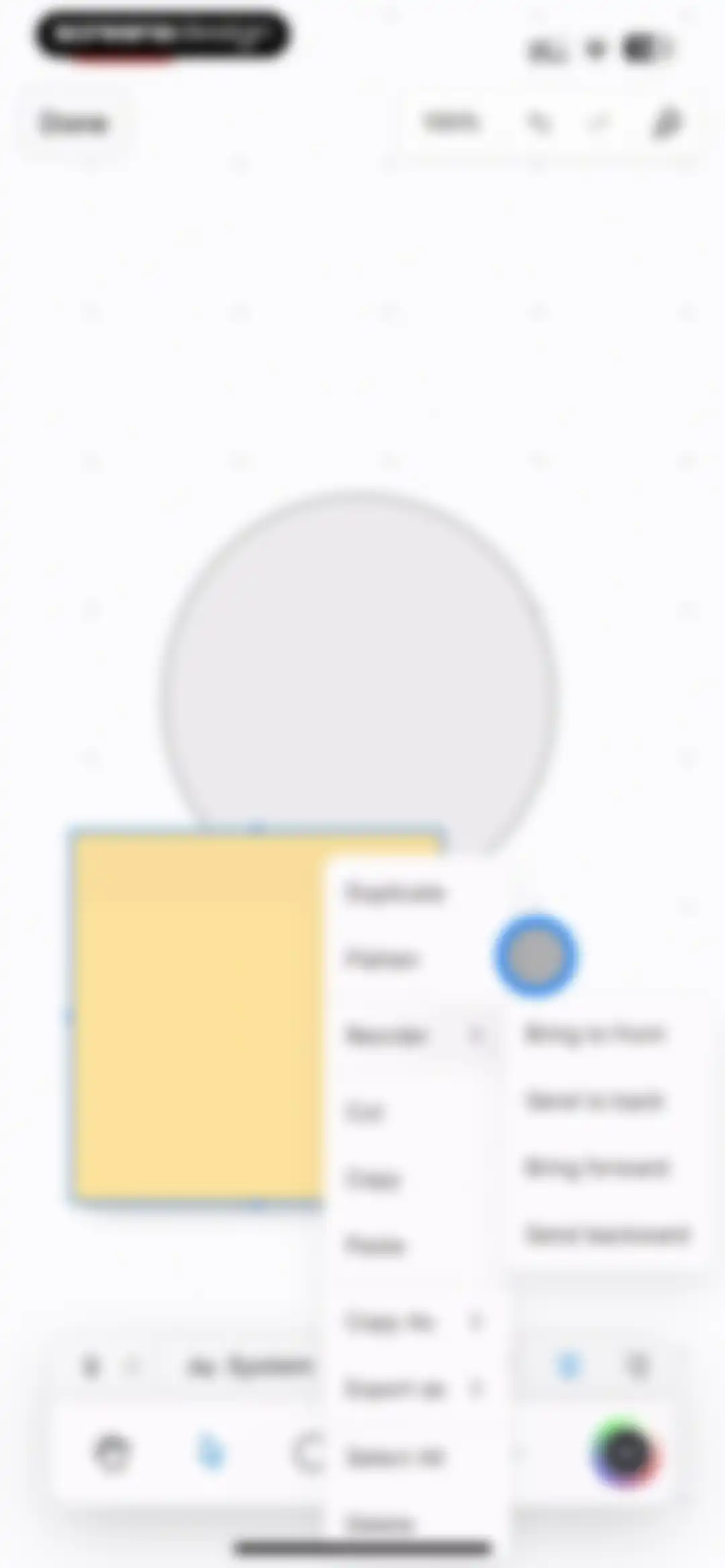
Canvas editor displaying a context menu with options like Duplicate, Reorder, and Delete over a yellow square and dotted circle.Unlock Pro
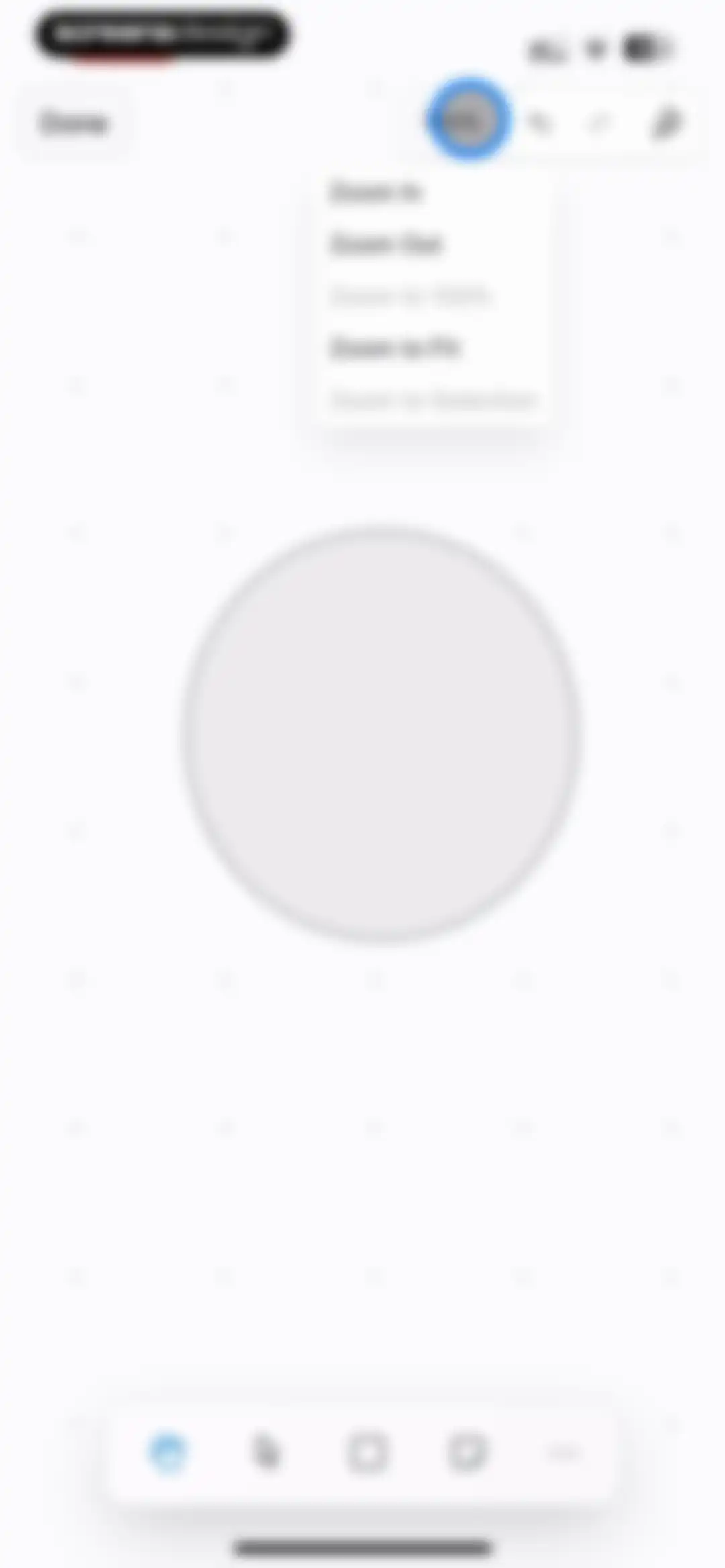
Editor screen showing a dotted grid canvas with a central circle, an open zoom menu at the top right, and a bottom floating toolbar.Unlock Pro
Whiteboard editor with a dot grid canvas, top navigation controls, and an open floating menu displaying various annotation and drawing tools.Unlock Pro
Drawing editor screen displaying a dotted shape on a dot grid canvas, with a bottom toolbar and a Done button.Unlock Pro
Note editor canvas displaying the text Trip to NYC inside a hand-drawn circle on a grid background with a system keyboard.Unlock Pro
Note editor on a grid canvas with a central floating menu for adding photos or files and a bottom drawing toolbar.Unlock Pro
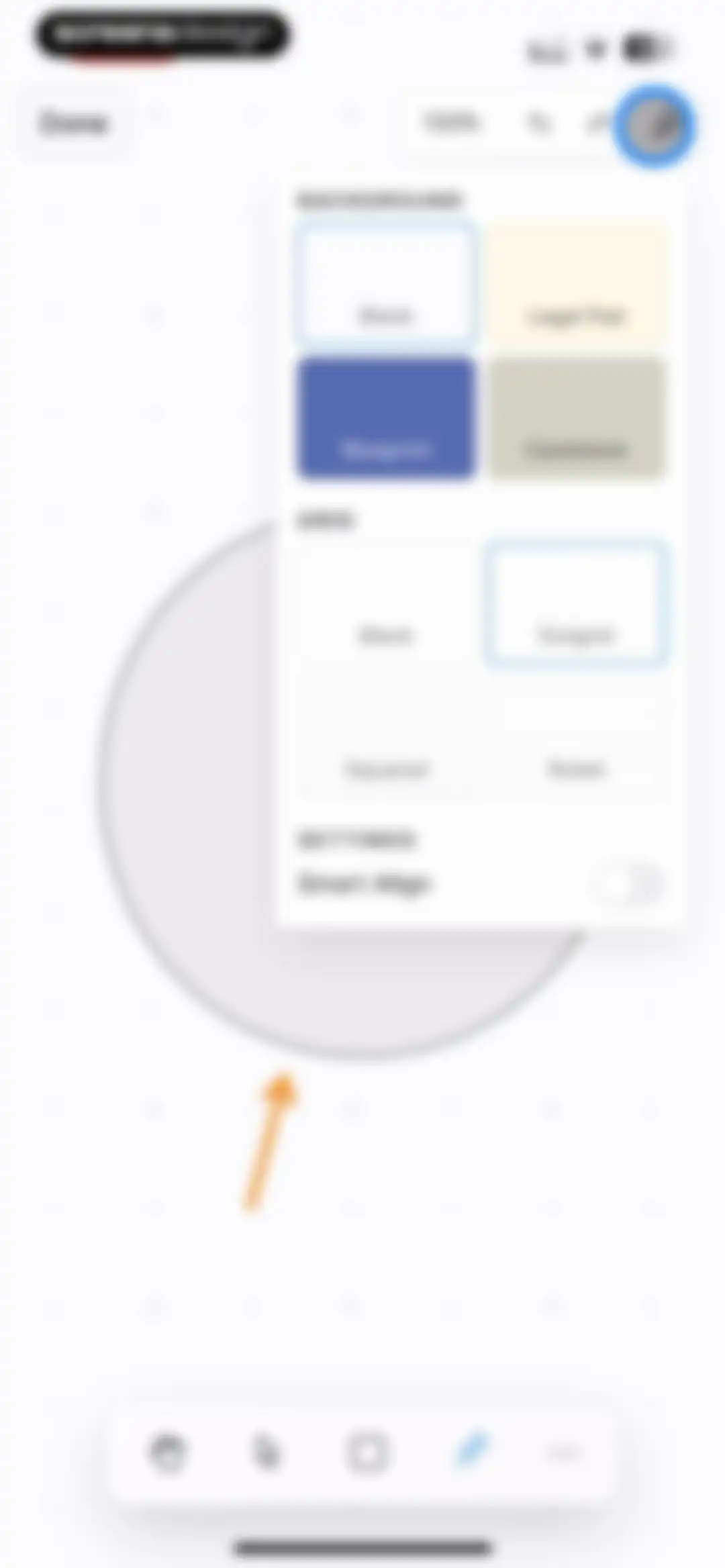
Canvas configuration menu overlaying a digital whiteboard with a dotted circle object, bottom drawing toolbar, and a Done button.Unlock Pro
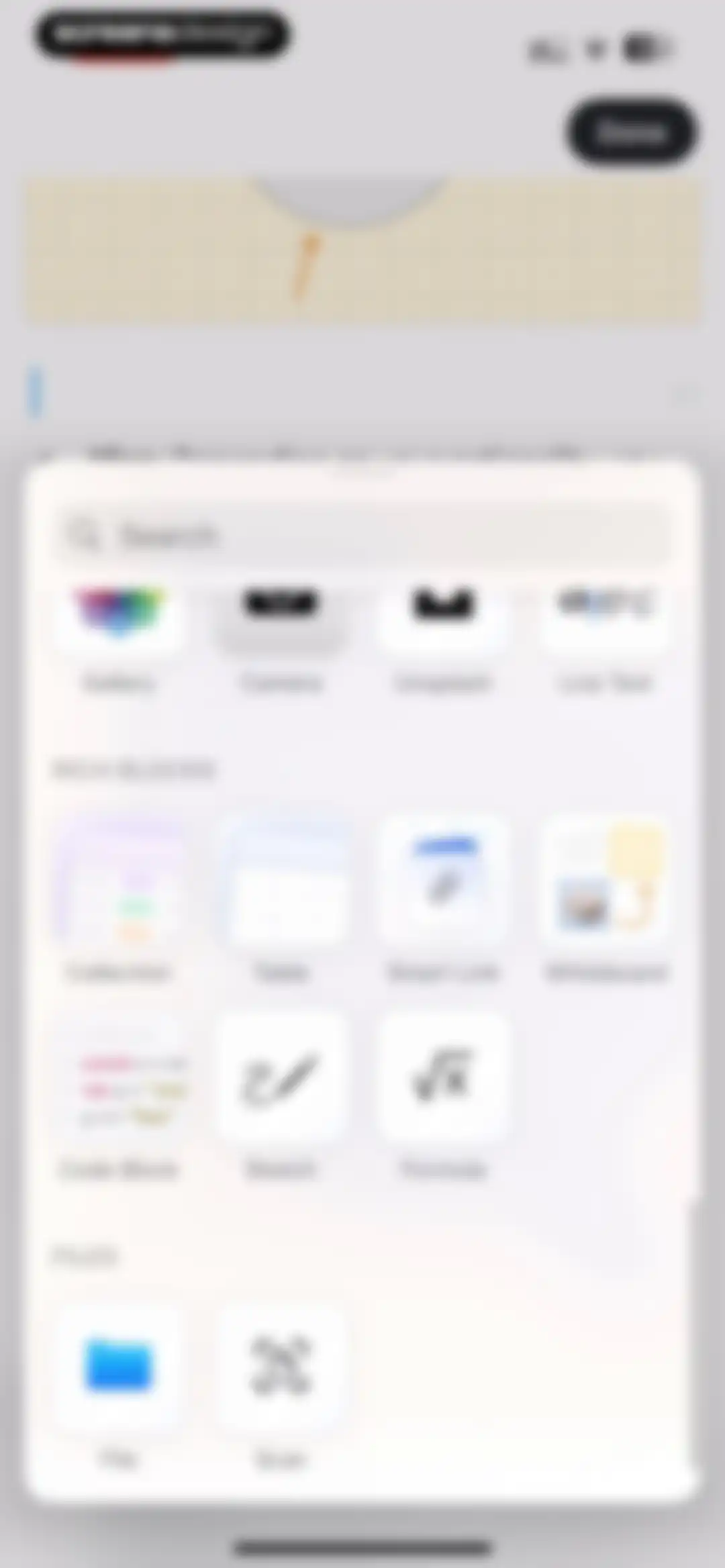
Editor insert menu modal with a search bar and a categorized grid of content options including Gallery, Table, and File.Unlock Pro
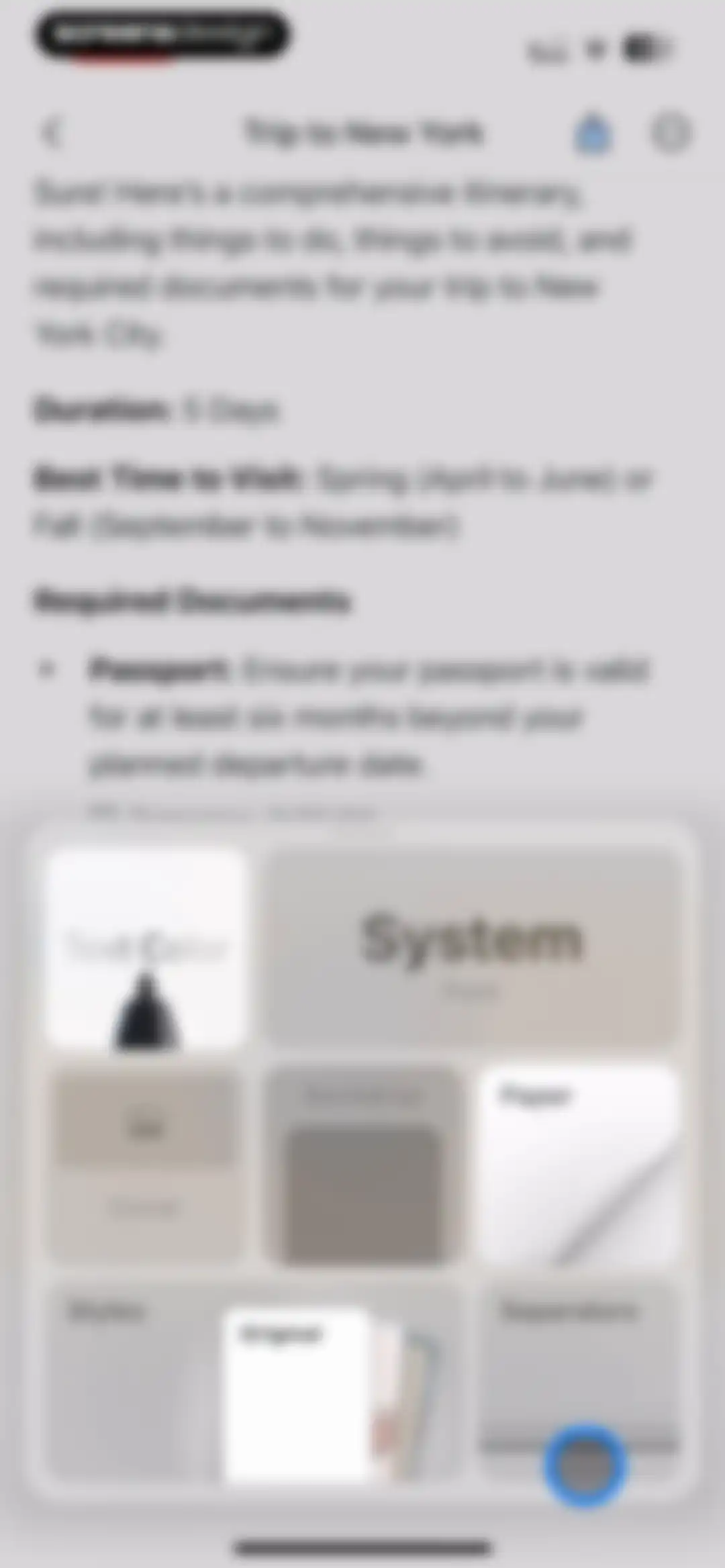
Document editor displaying a New York trip itinerary with a bottom modal overlay for styling options.Unlock Pro
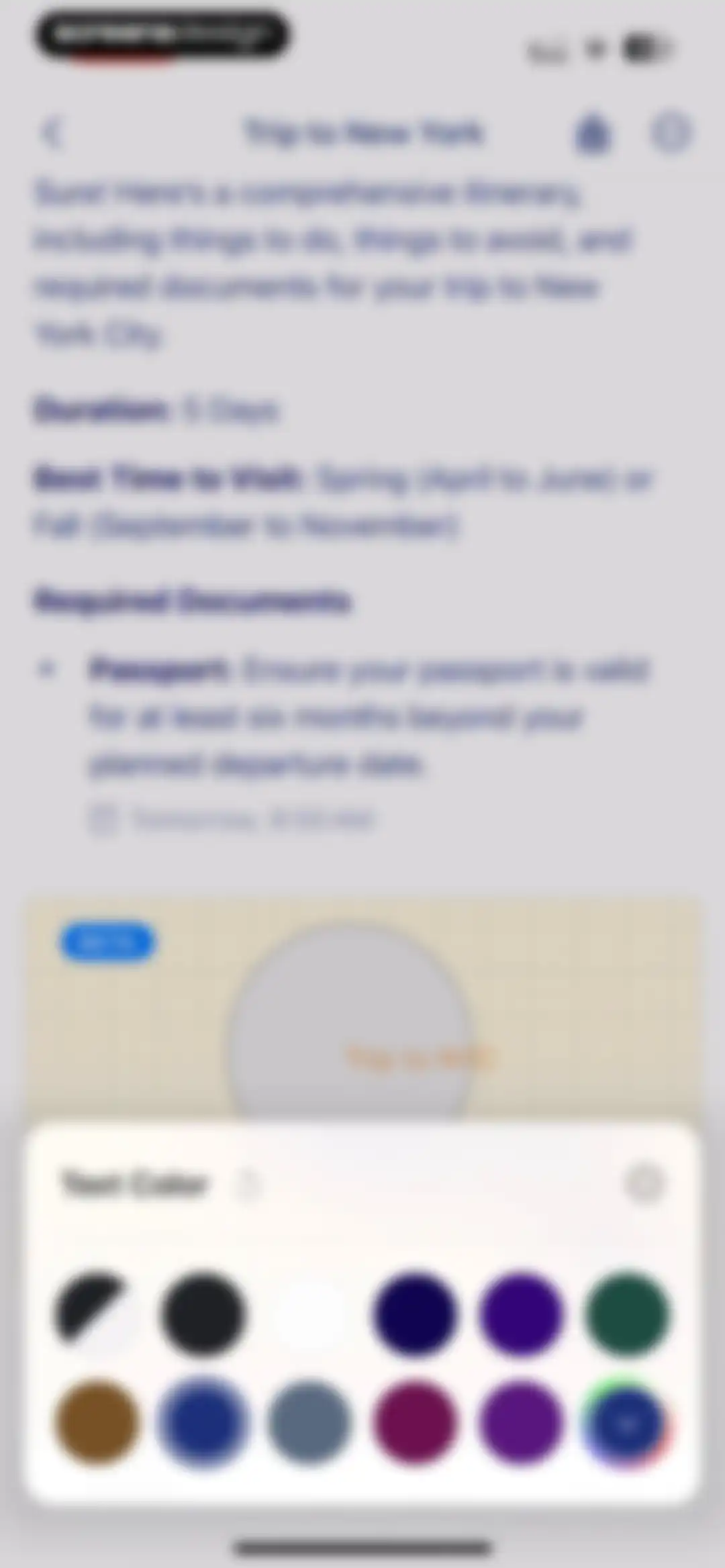
Document editor displaying a travel itinerary note with an open text color selection modal at the bottom.Unlock Pro
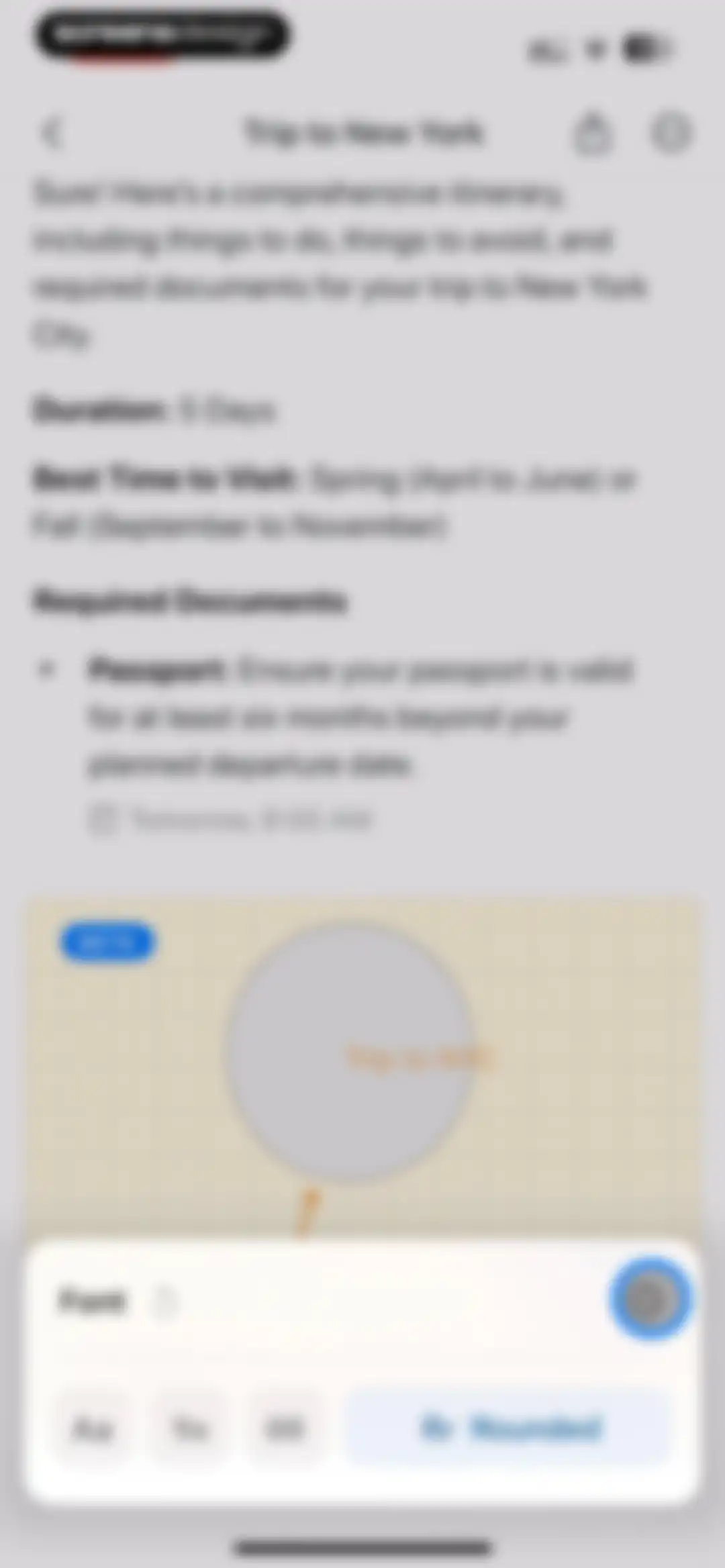
Editor screen displaying a travel itinerary document and an open font customization modal at the bottom with the Rr Rounded font selected.Unlock Pro
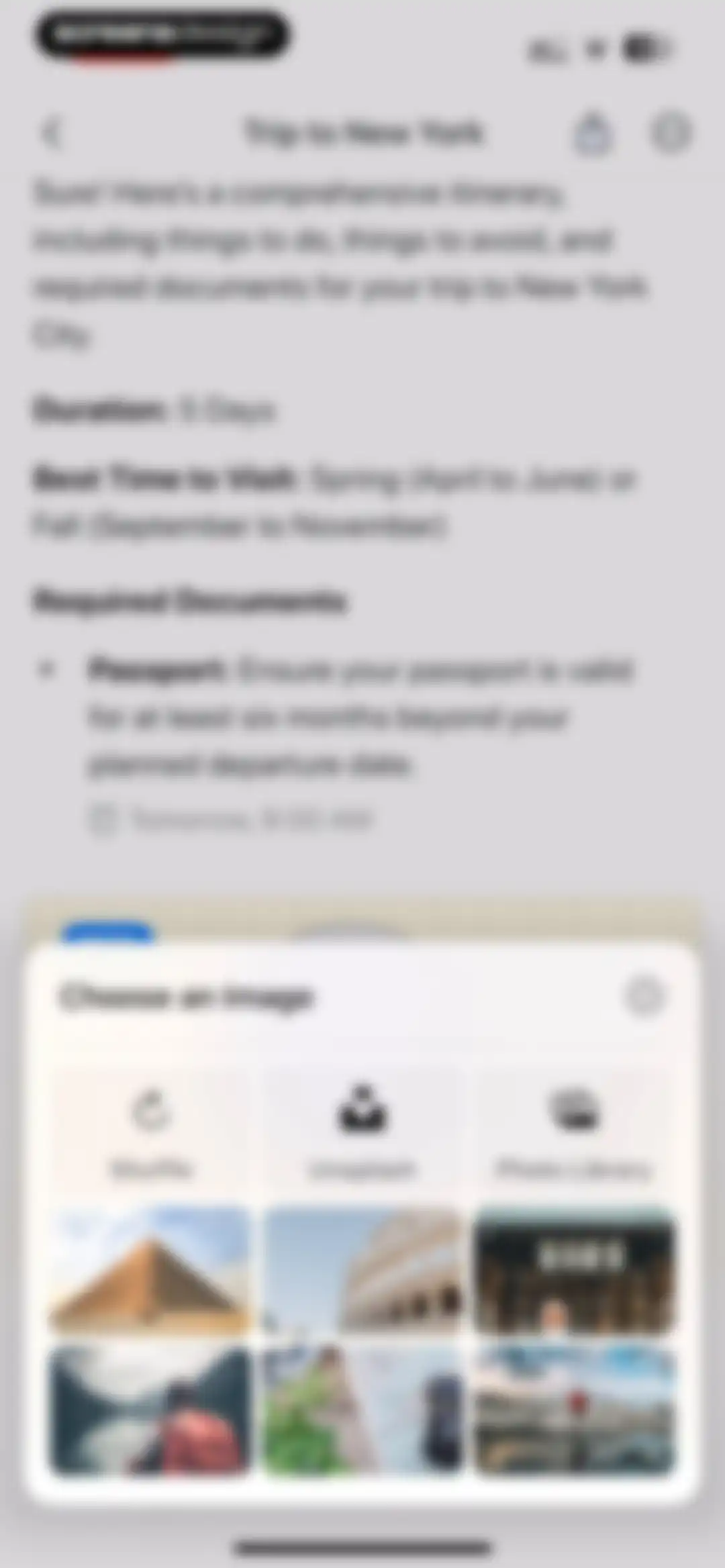
Document editor displaying a travel itinerary note with a bottom modal overlay for choosing an image.Unlock Pro
Document editor displaying a travel itinerary note with a bottom backdrop customization modal open.Unlock Pro
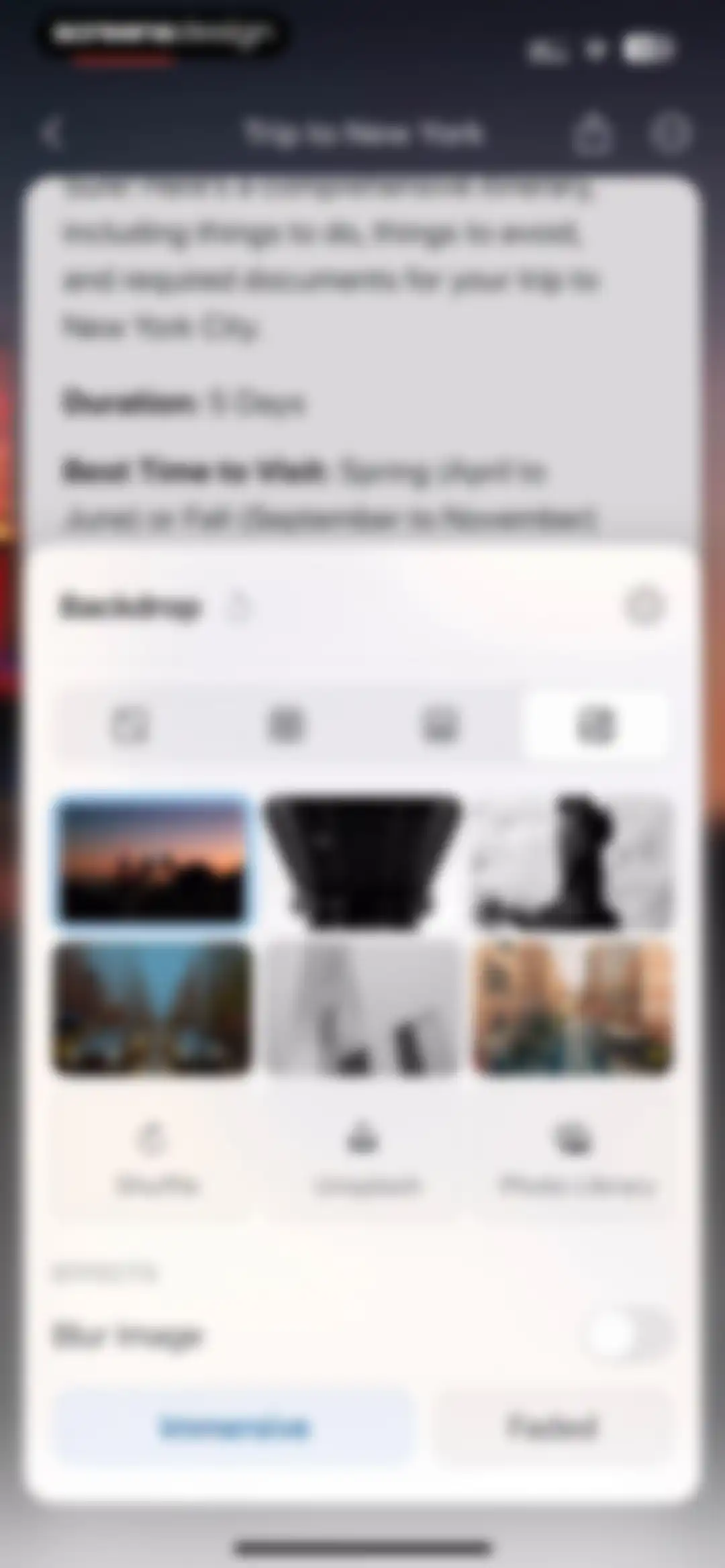
Document customization modal for backdrop settings with an image grid, Unsplash and Photo Library options, and effect controls.Unlock Pro
Document editor displaying a Trip to New York itinerary with an open Document Color selection modal overlay.Unlock Pro
Style Gallery modal displaying user and preset document style cards, with Custom Style selected and a Save button.Unlock Pro
Document editor with a separator style modal overlay where the doodle option is selected.Unlock Pro
Pattern selection modal for a note-taking app displaying a list of decorative tape options with Christmas Glow selected, plus upload and gallery buttons.Unlock Pro
Travel itinerary editor showing New York City trip details, a grid-based canvas area, and a bottom toolbar with editing controls.Unlock Pro
Feature announcement modal introducing real-time document collaboration, with an illustration, description, and Get Started button.Unlock Pro
Document sharing modal with the Share tab selected, containing an email input field, access settings, and a Copy Link button.Unlock Pro
Publish modal for a document with the Publish tab selected, a document preview card, and a Create Link button.Unlock Pro
Document export modal with the Export as tab selected and a vertical list of file format options over a document editor background.Unlock Pro
Transfer menu modal showing a vertical list of productivity apps to export page contents, with the Transfer option selected.Unlock Pro
Document editor displaying an AI-generated travel itinerary for New York with a beta feature card and a bottom insert toolbar.Unlock Pro
Document editor with a spell checking prompt modal dialog displayed over notes about a trip to New York.Unlock Pro
Spelling settings modal showing language options, with English (United States) selected and a close button.Unlock Pro
Search results modal displaying four documents matching the query New York, with a keyboard and toolbar.Unlock Pro
Document editor displaying a New York trip itinerary with an active search modal showing three of four results and navigation controls.Unlock Pro
Document editor screen displaying an open modal menu with various formatting and management options over a note titled Trip to New York.Unlock Pro
Document metadata modal displaying creation time, author, and location details over a trip planning note.Unlock Pro
Task management modal for a document showing a selected tasks view with an empty state message and navigation tabs.Unlock Pro
Attachments modal in Craft displaying a Trip to New York document, with the paperclip tab selected and a beta attachments card.Unlock Pro
Comments modal over a document showing an empty state with no comments yet and an Add Comment button.Unlock Pro
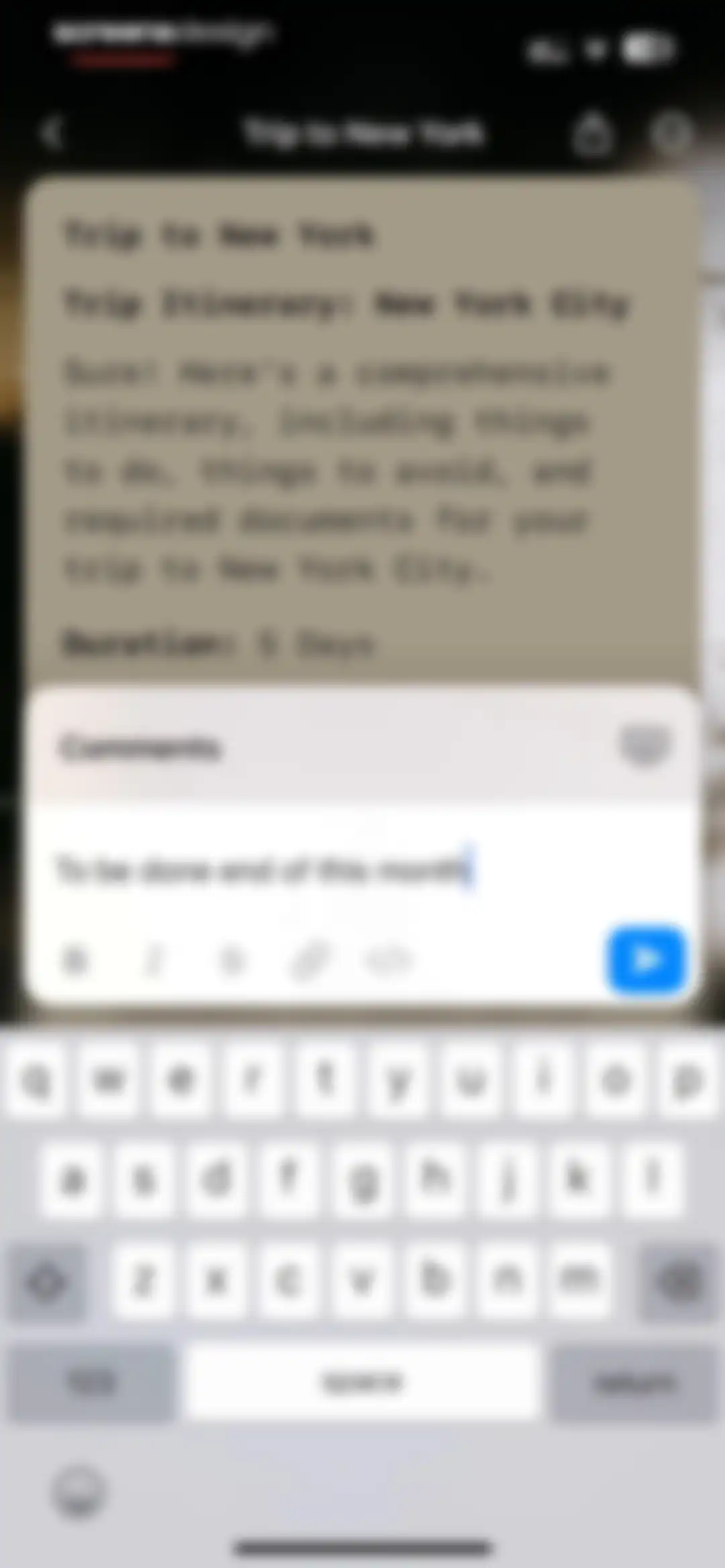
Document editor with a centered comments modal overlay displaying entered text, a formatting toolbar, and a system keyboard.Unlock Pro
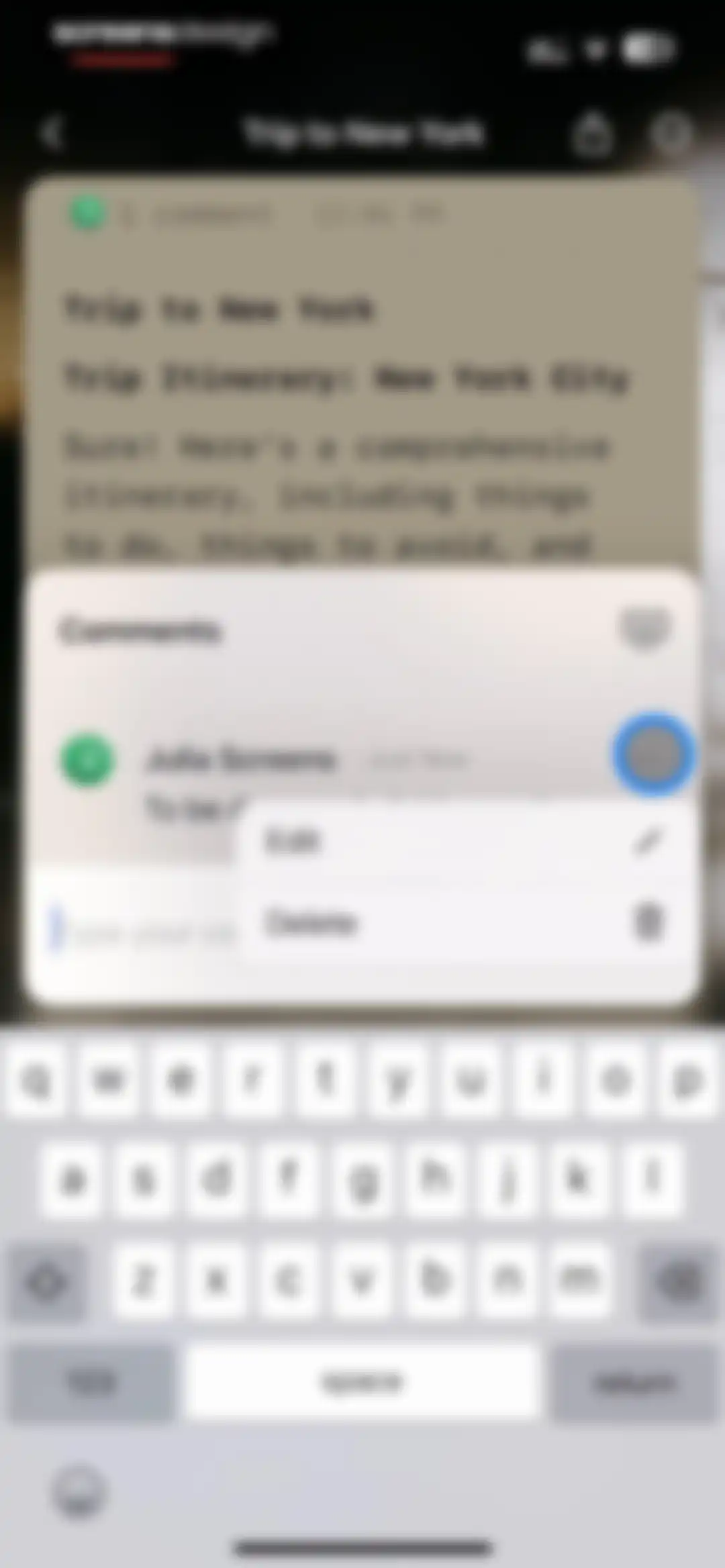
Chat screen displaying a comment thread modal over a document, with an active input field and a context menu for editing or deleting comments.Unlock Pro
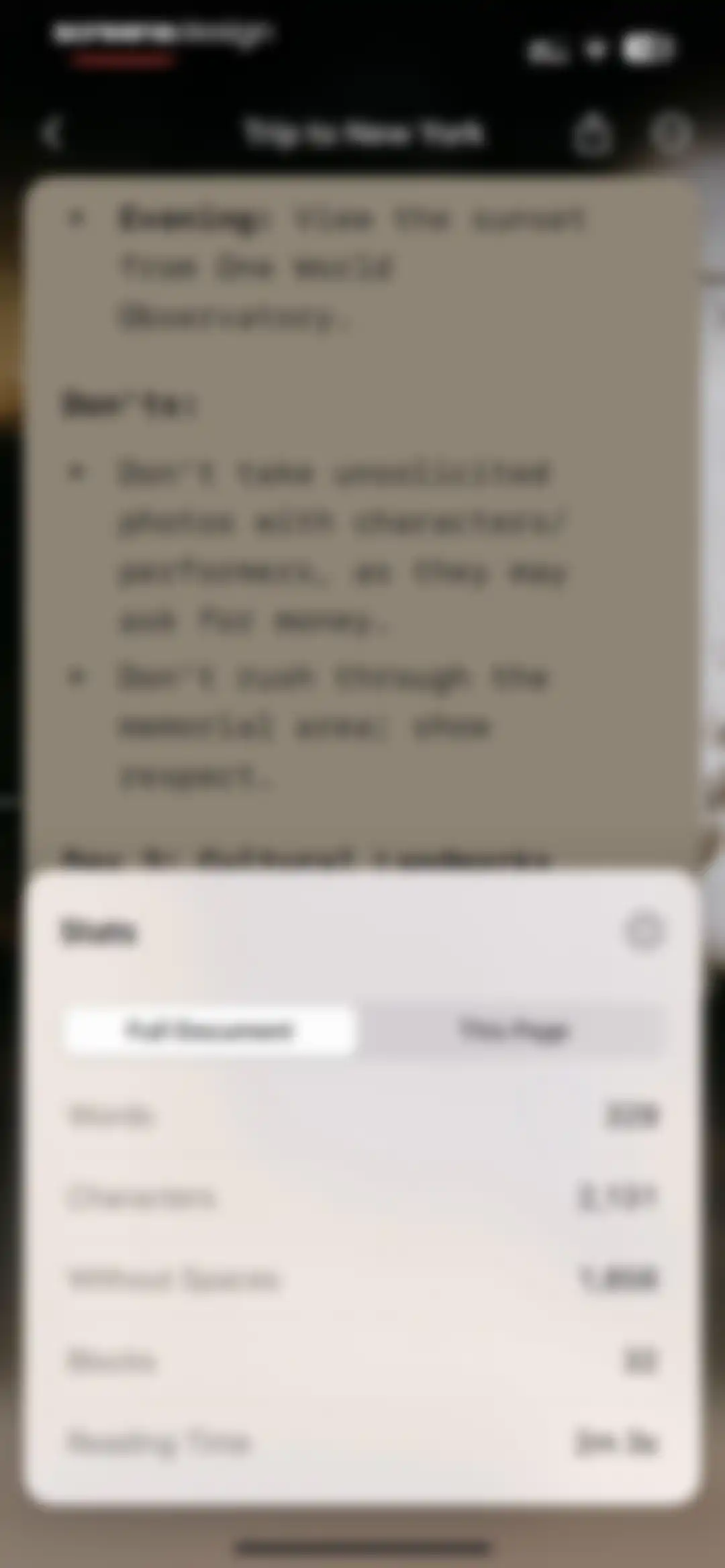
Document statistics modal displaying word count, characters, and reading time over a note titled Trip to New York.Unlock Pro
Document editor displaying a travel itinerary for a trip to New York, with a backups modal at the bottom indicating no saved versions yet.Unlock Pro
Document editor displaying a travel itinerary note titled Trip to New York with a bulleted list and bottom floating toolbar.Unlock Pro
Editor modal displaying a travel itinerary for New York City, a top-right Done button, and a bottom floating toolbar with Undo, Paste, and Redo actions.Unlock Pro
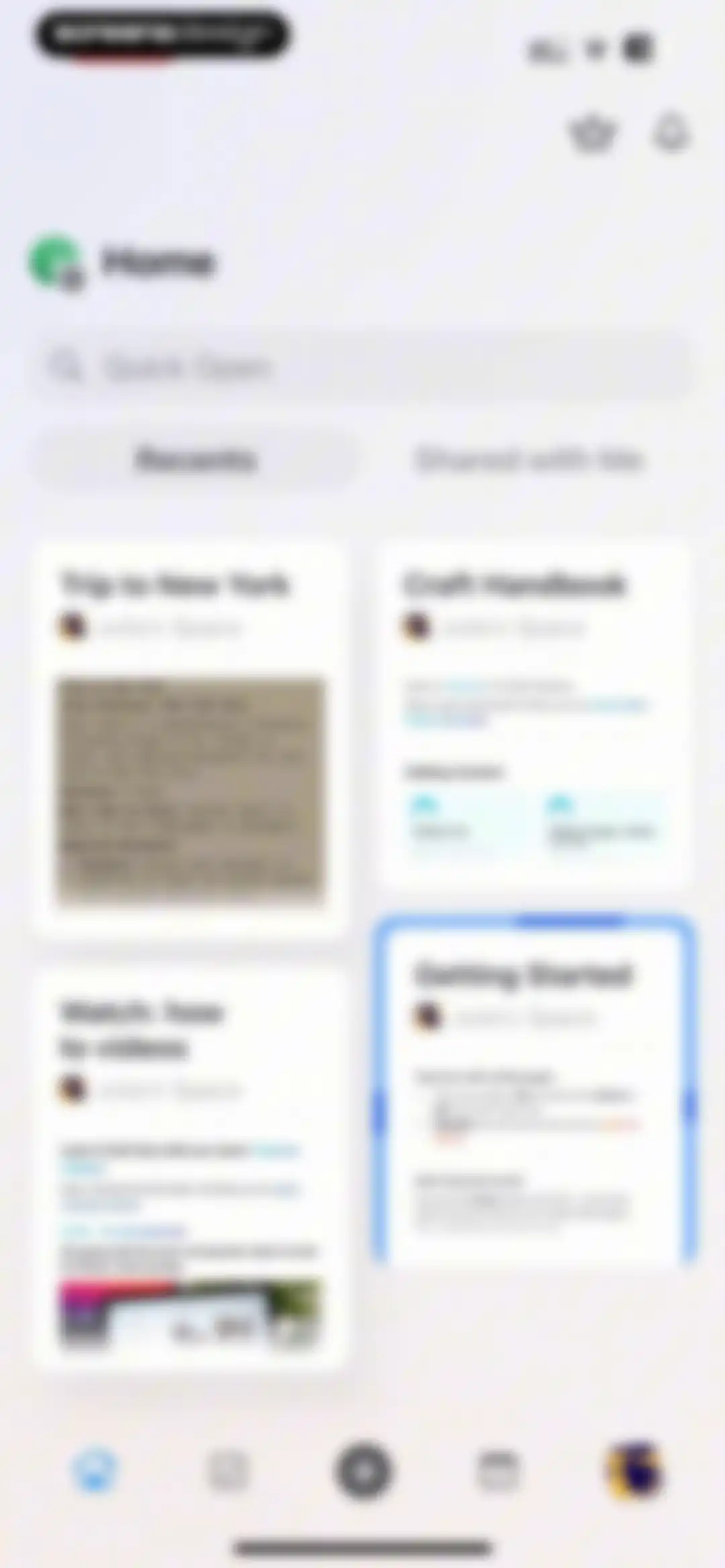
Home screen of the Craft app displaying a search bar, Recents and Shared tabs, and a grid of document cards including Trip to New York.Unlock Pro
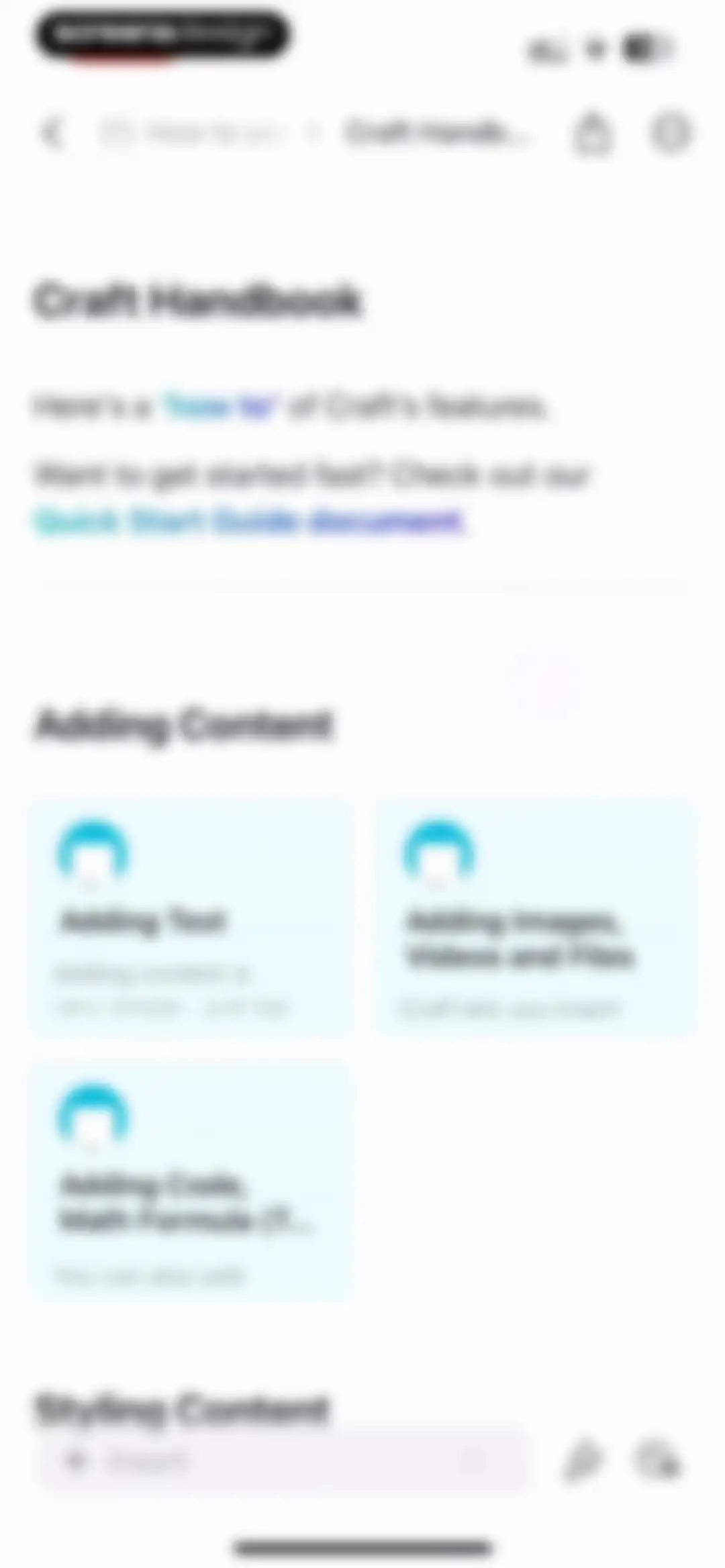
Document editor screen displaying the Craft Handbook feature guide with introductory cards and a bottom toolbar.Unlock Pro
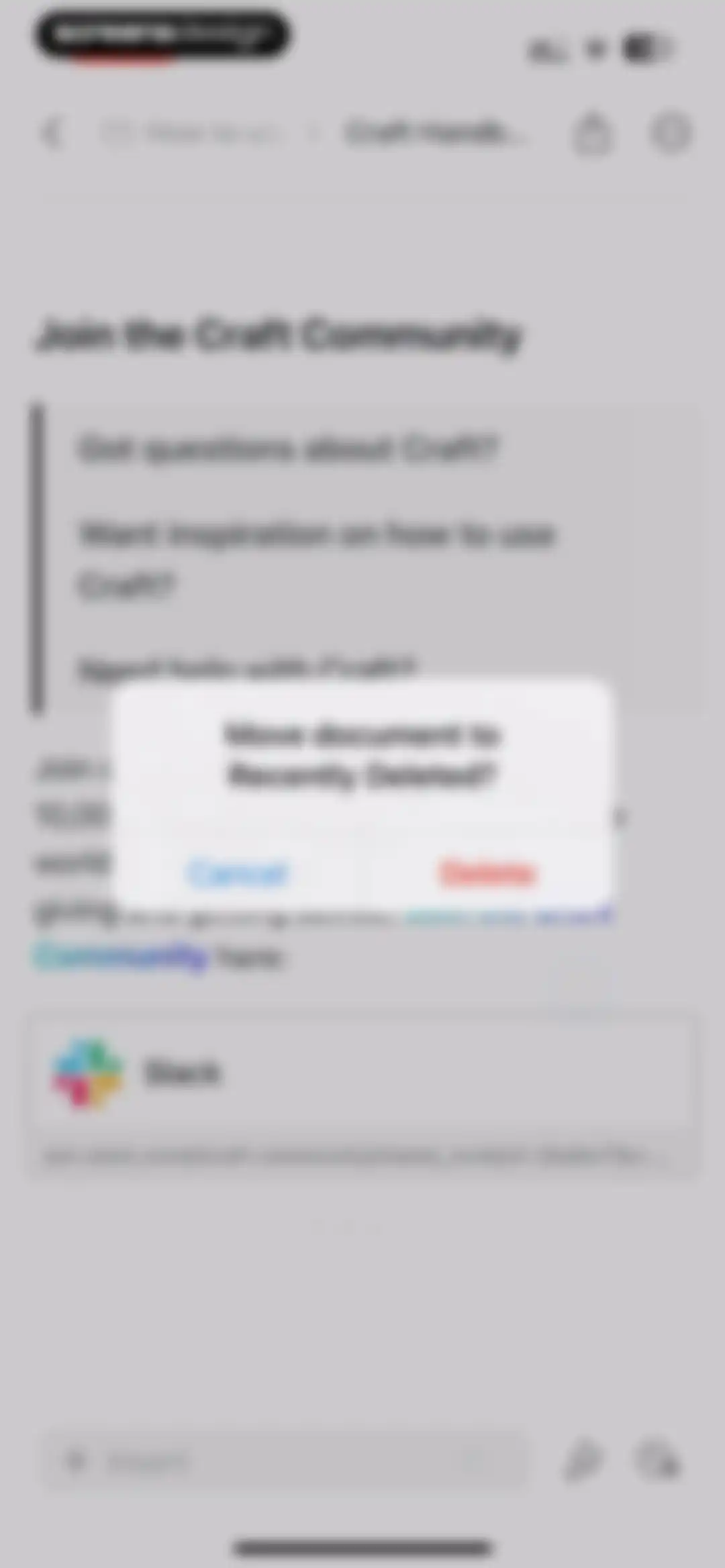
Document editor with a confirmation modal to move the document to Recently Deleted, featuring Cancel and Delete buttons.Unlock Pro
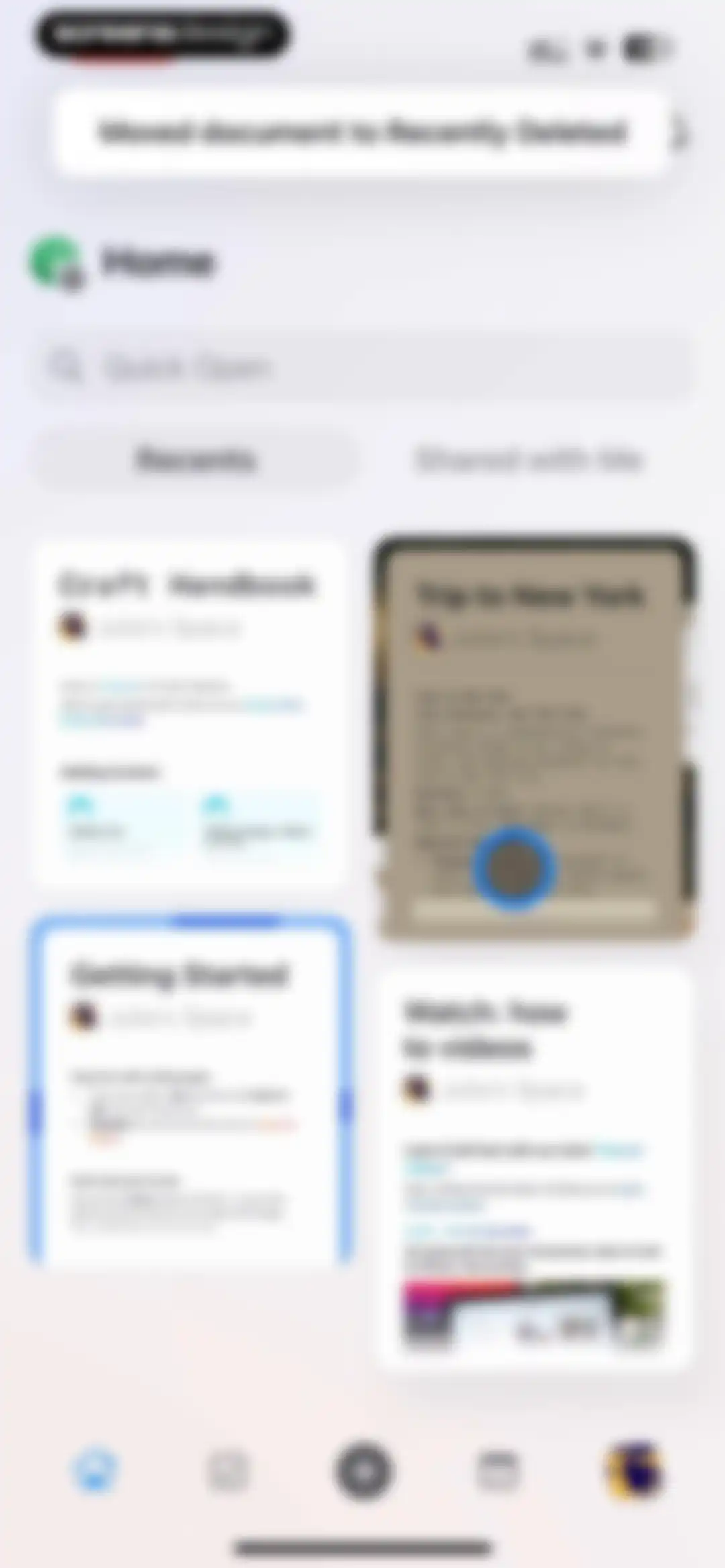
Home screen displaying a grid of recent document cards with a search bar and bottom navigation.Unlock Pro
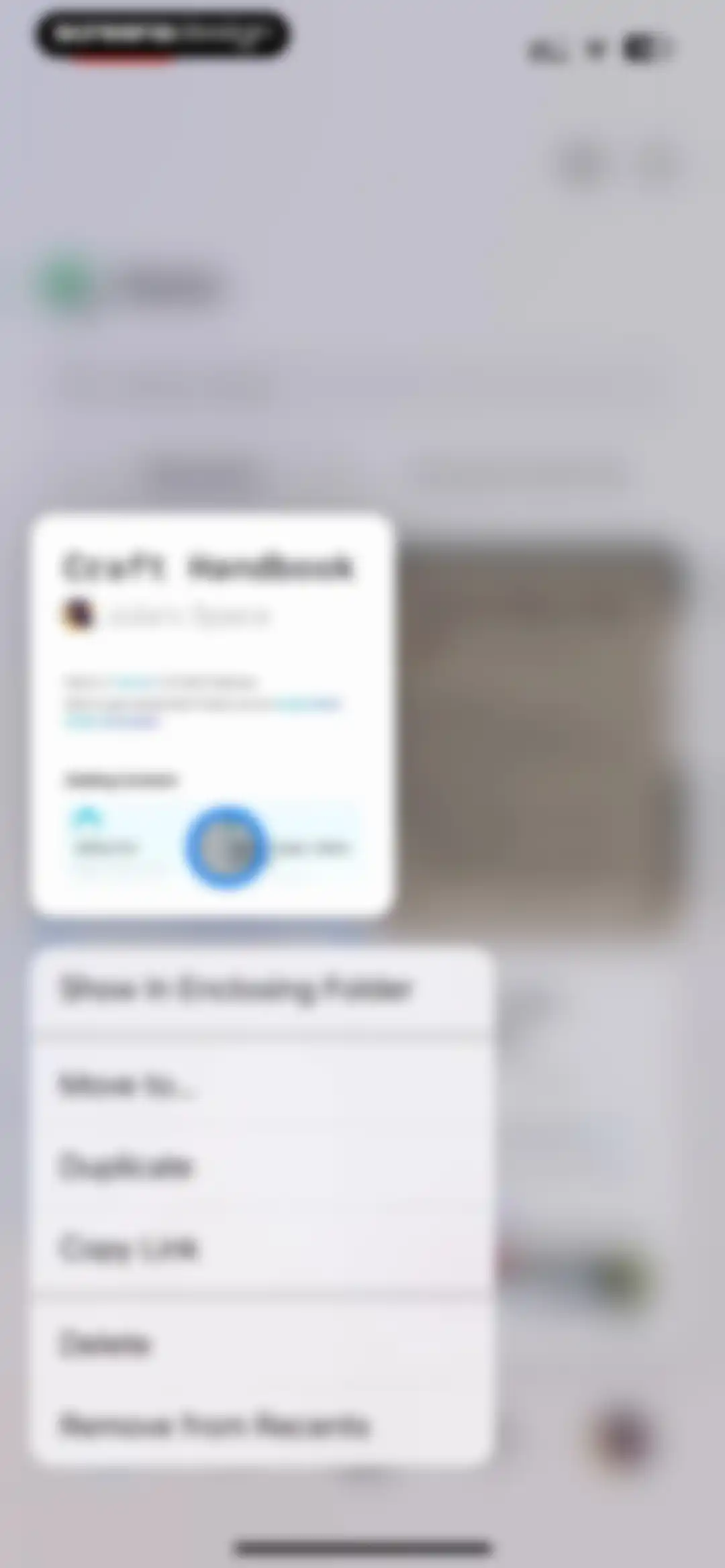
Document management action menu with options like Show In Enclosing Folder, Duplicate, and Delete, displayed above a Craft Handbook card.Unlock Pro
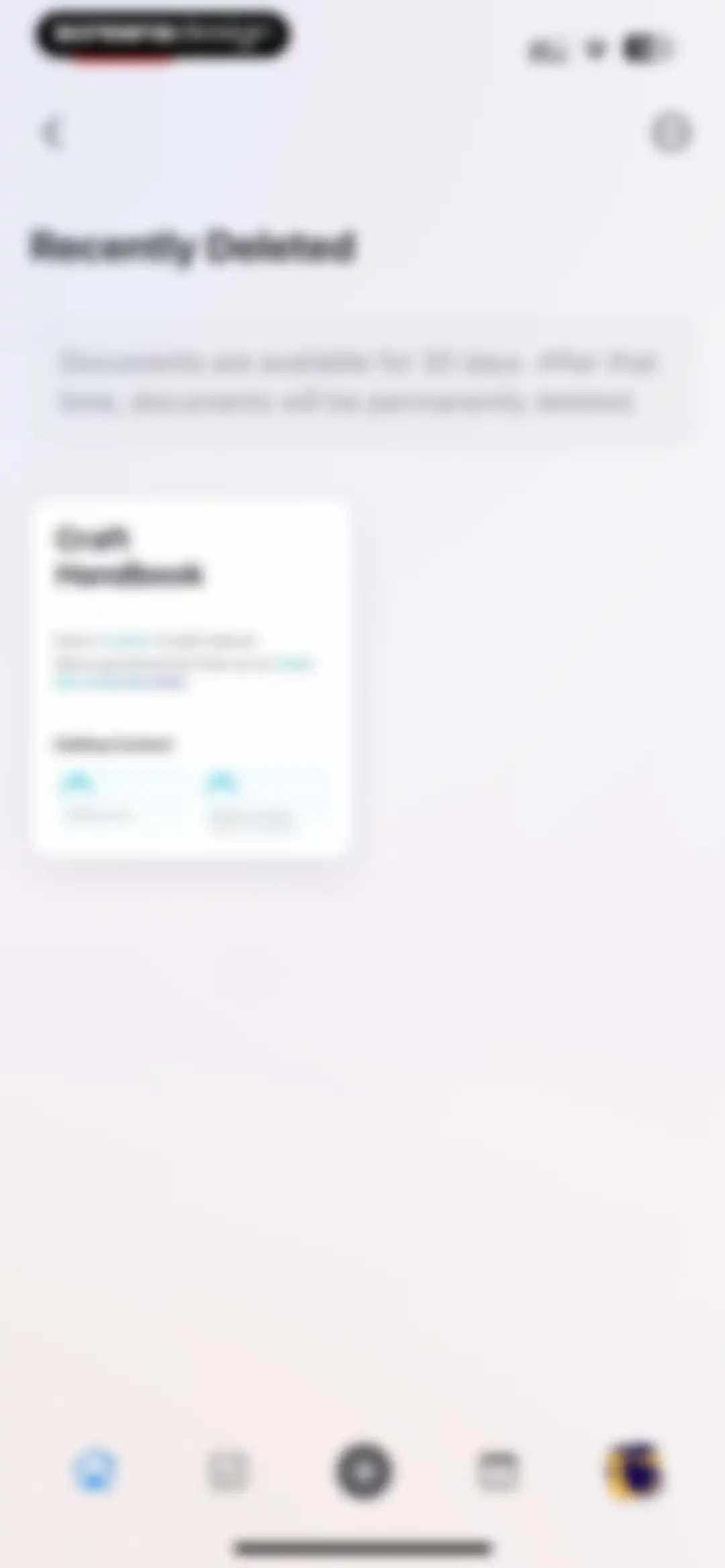
Recently Deleted screen showing an informational banner about 30-day retention and a Craft Handbook document card.Unlock Pro
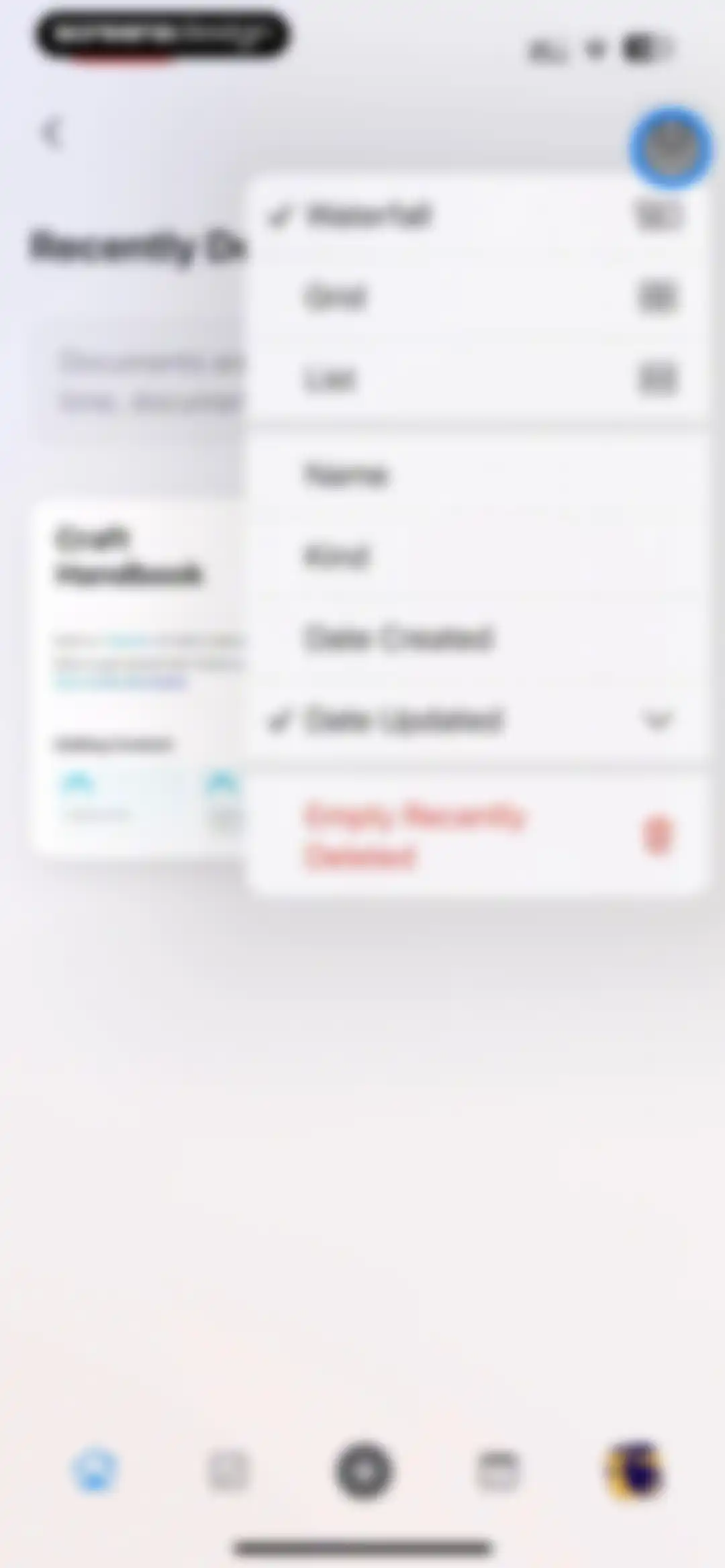
Modal menu over a document list with view and sort options, showing the Waterfall view and Date Updated selected, and an Empty Recently Deleted button.Unlock Pro
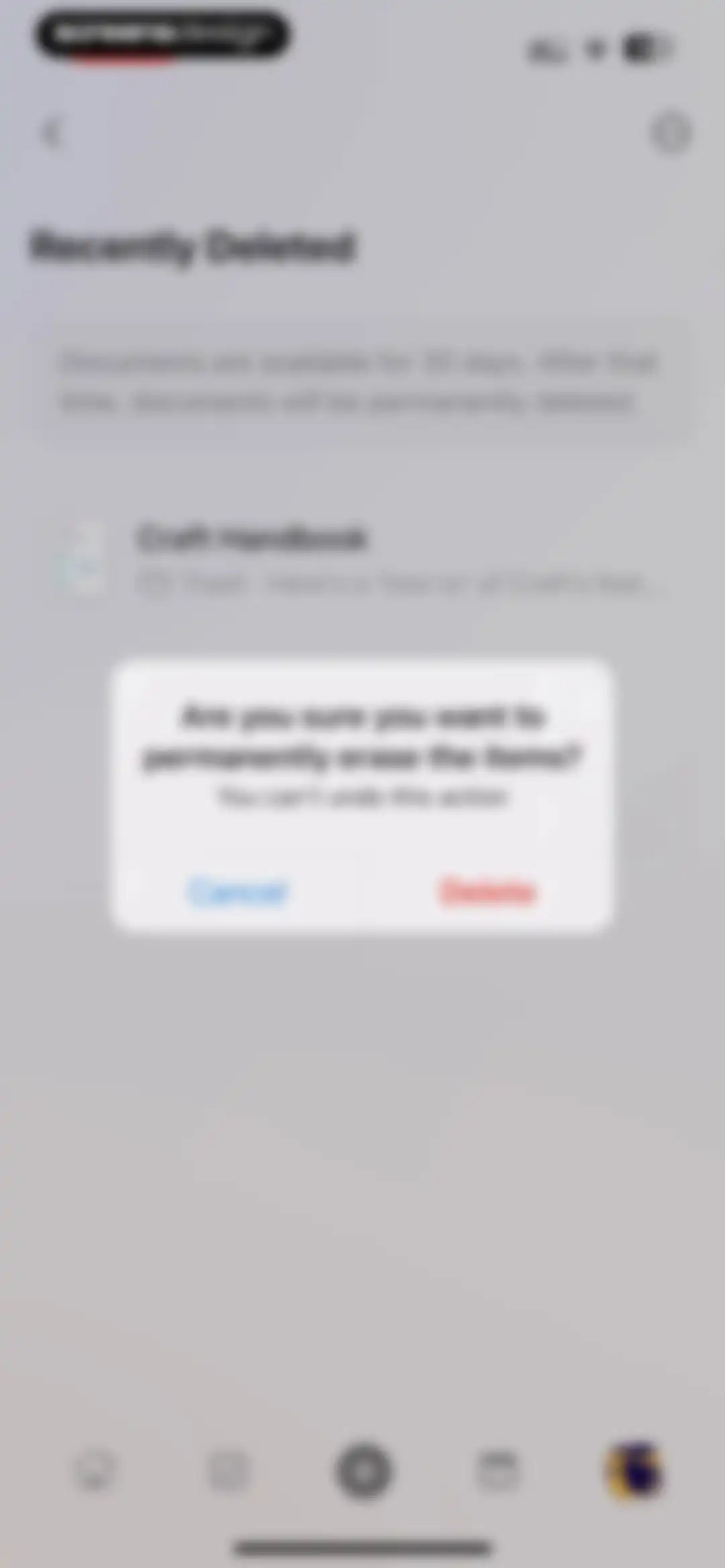
Recently deleted documents list with a confirmation modal asking if you want to permanently erase the items and a red Delete button.Unlock Pro
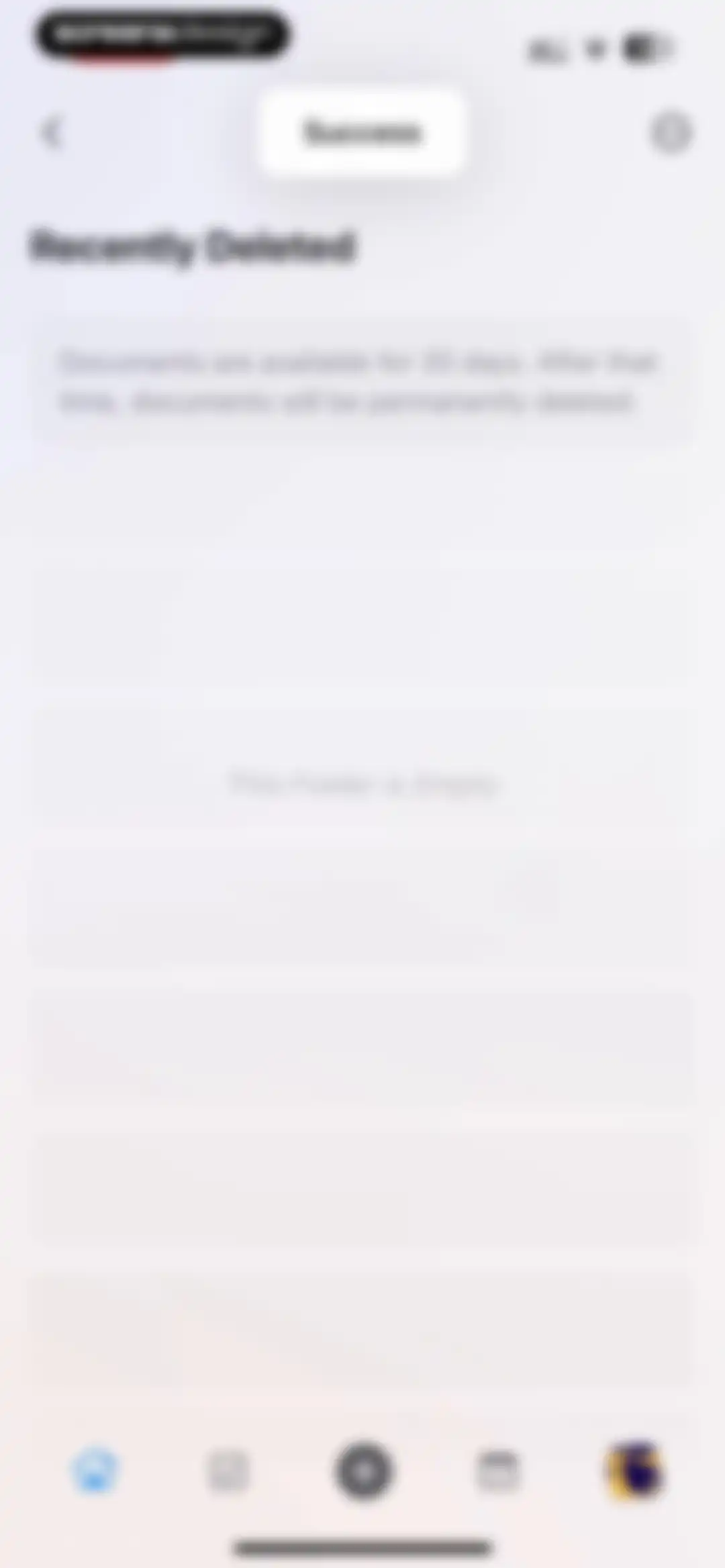
Recently deleted empty state screen with a success toast notification and an informational text block about document retention.Unlock Pro
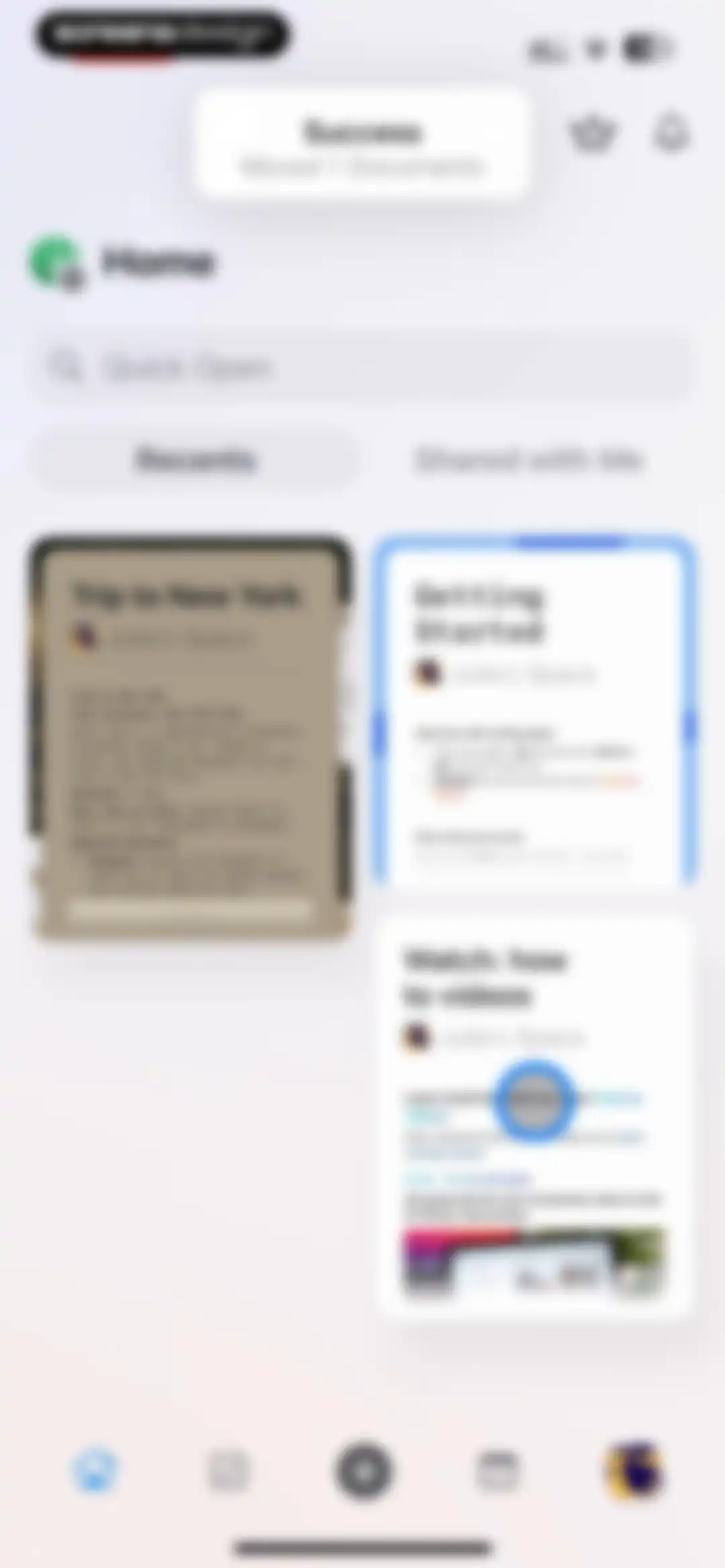
Home screen showing recent document cards in a grid, a search bar, and a success notification at the top.Unlock Pro
Home screen with a card-based document feed, search bar, and a toast notification confirming a link was copied.Unlock Pro
Home screen showing an empty state for the Shared with Me tab and a Quick Open search bar.Unlock Pro
Search modal displaying categorized results for documents and blocks with an active system keyboard.Unlock Pro
Document editor displaying a travel itinerary for New York with a bottom floating toolbar and an Insert button.Unlock Pro
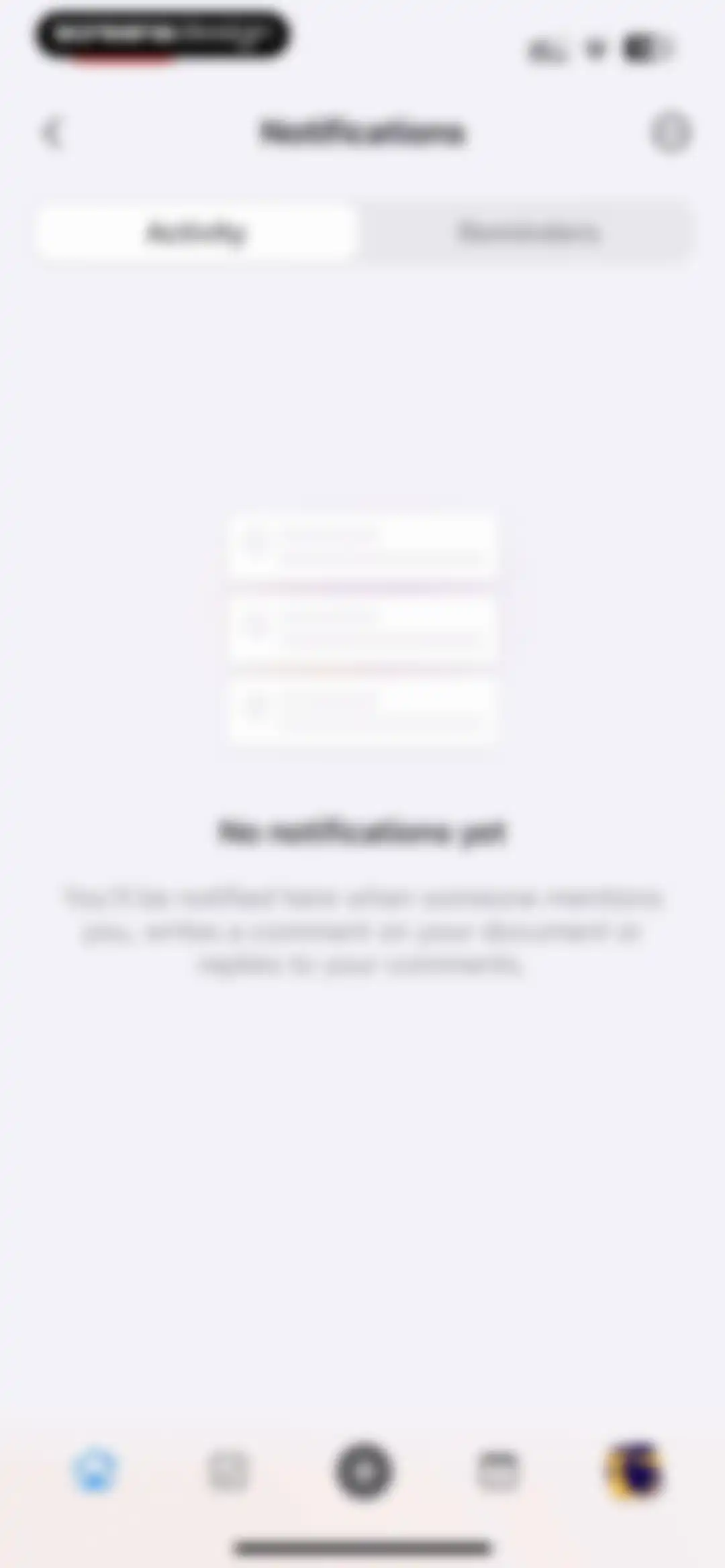
Notifications screen displaying an empty activity tab with a central illustration and the message no notifications yet.Unlock Pro
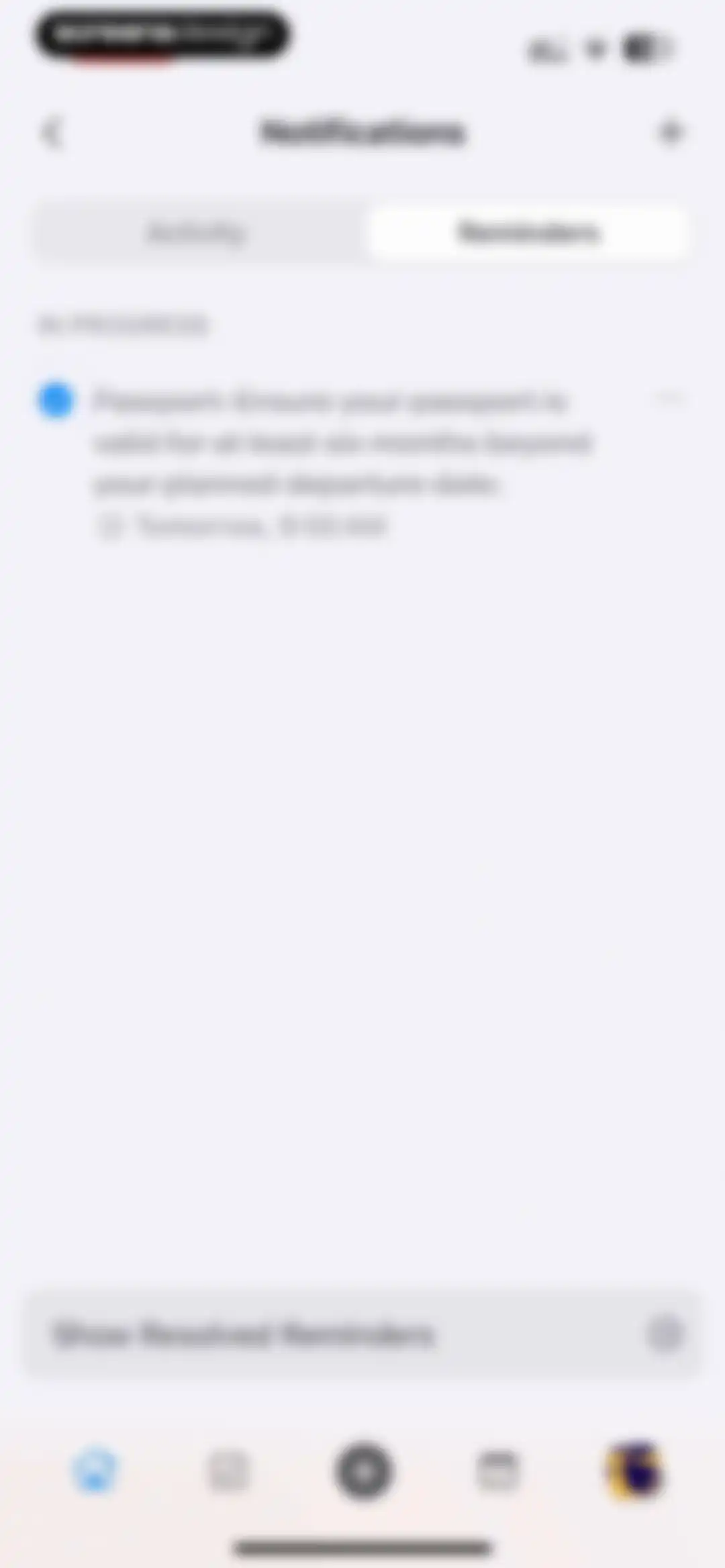
Reminders dashboard showing an in-progress passport task card with a due date and a button to view resolved reminders.Unlock Pro
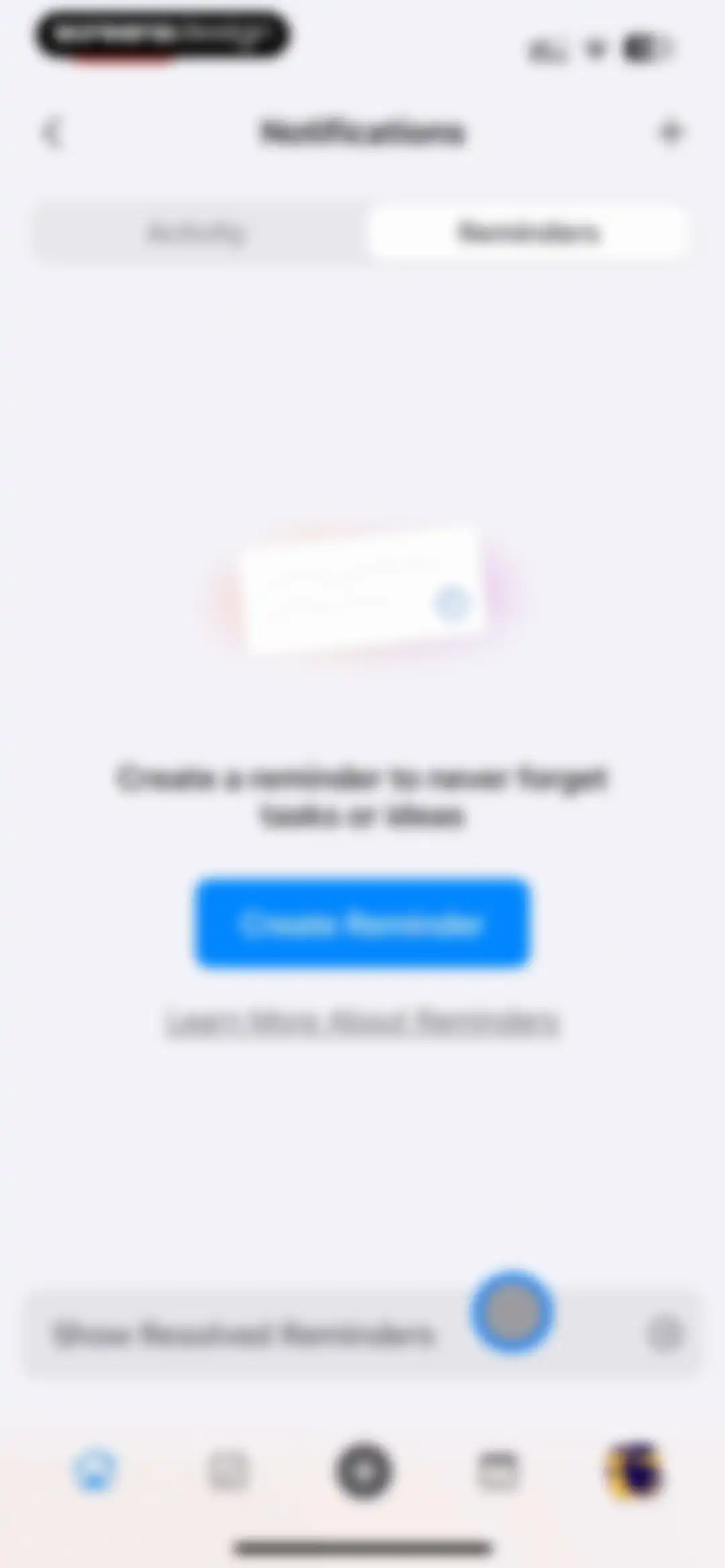
Empty state screen for reminders with a central illustration, a Create Reminder button, and the Reminders tab selected.Unlock Pro
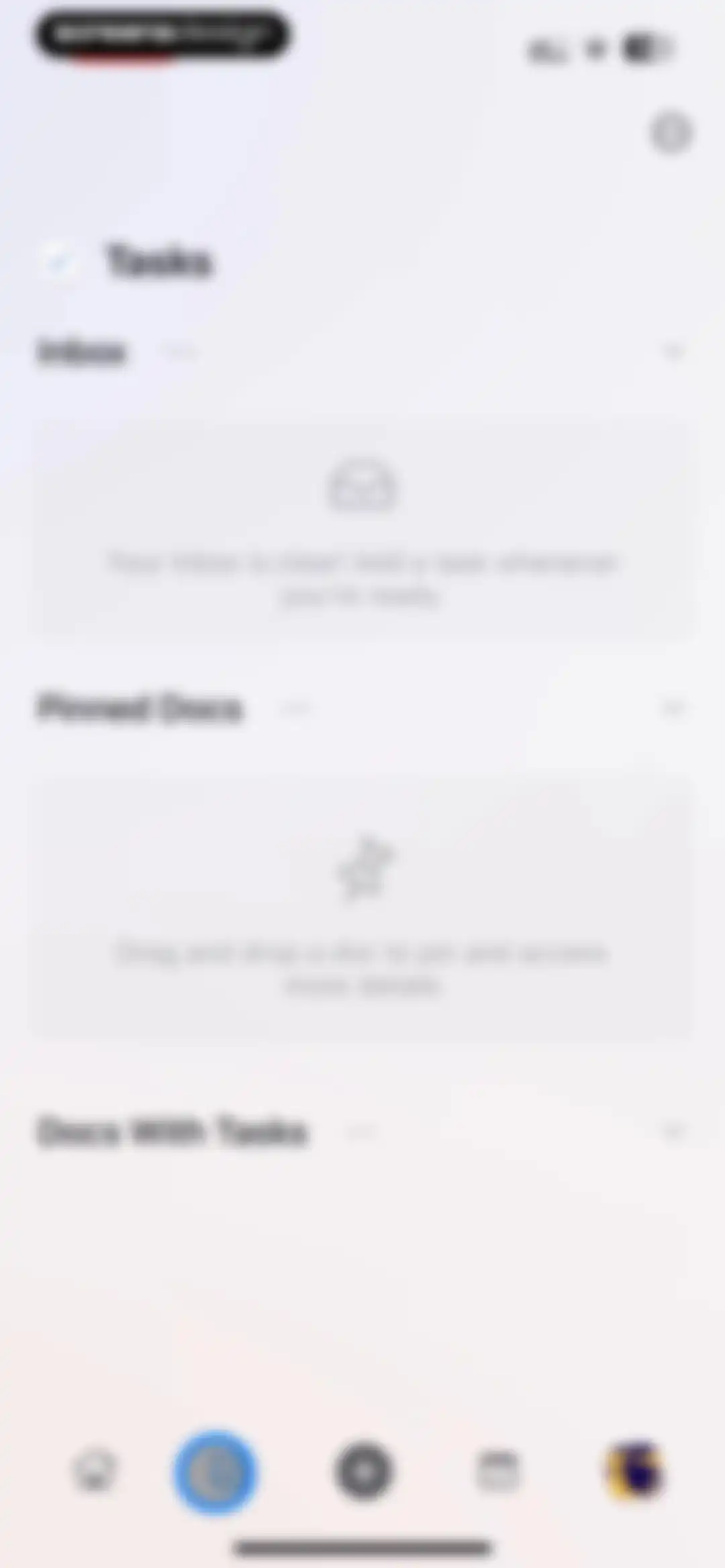
Dashboard with collapsible sections for tasks and pinned documents showing empty states, with a tasks tab selected in the bottom navigation bar.Unlock Pro
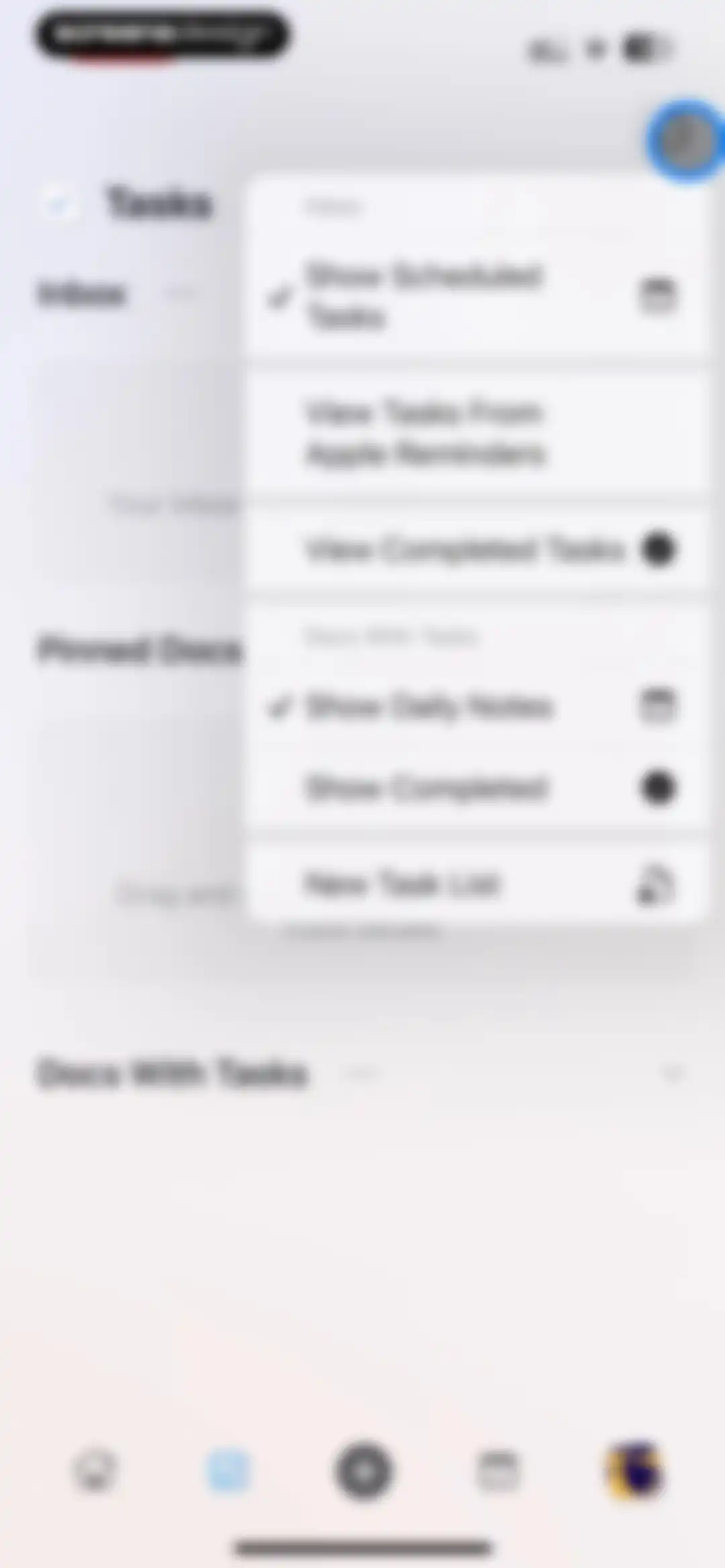
Task management dashboard with a centered pop-up menu offering options to show scheduled tasks, view reminders, and create new lists.Unlock Pro
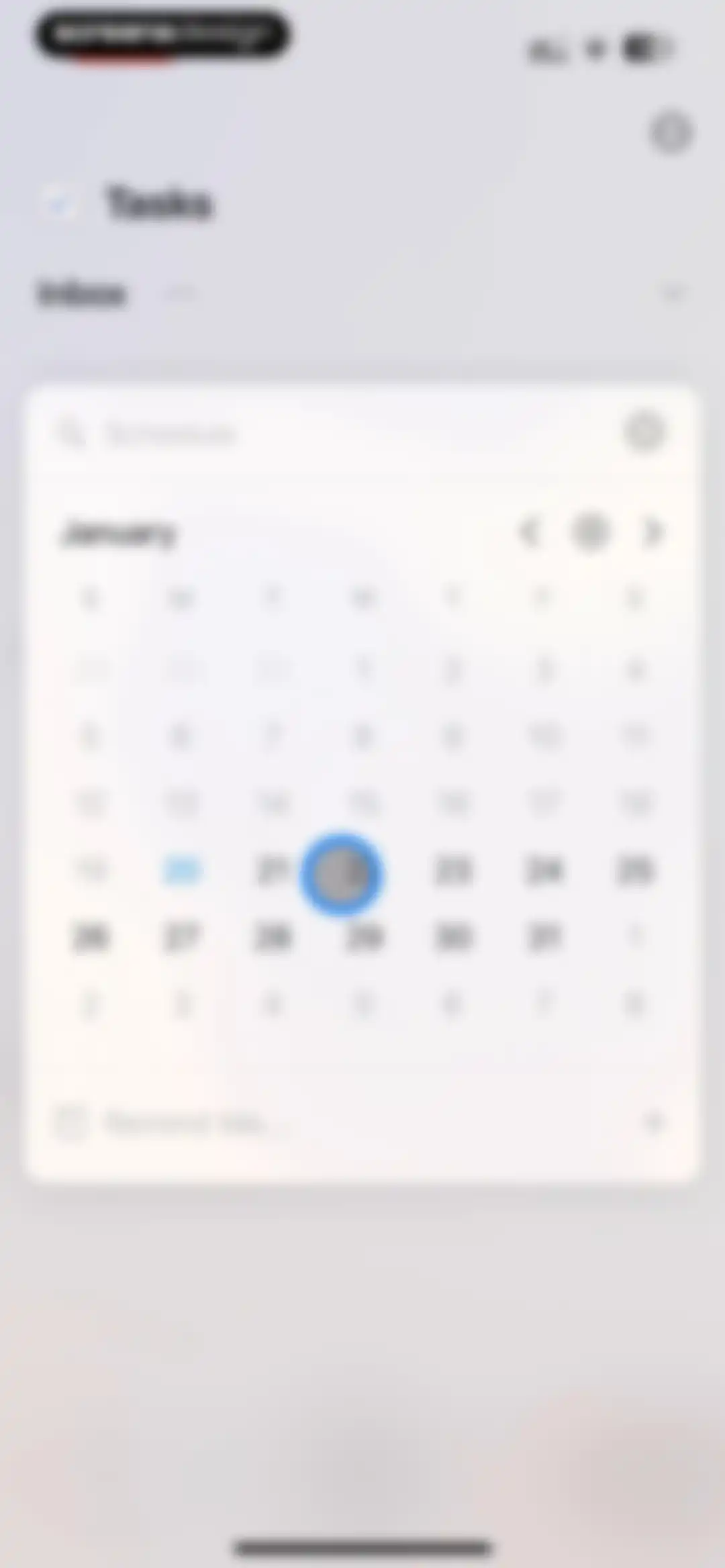
Calendar modal for scheduling a task reminder, featuring a January calendar grid with the 22nd selected and a Remind Me input field.Unlock Pro
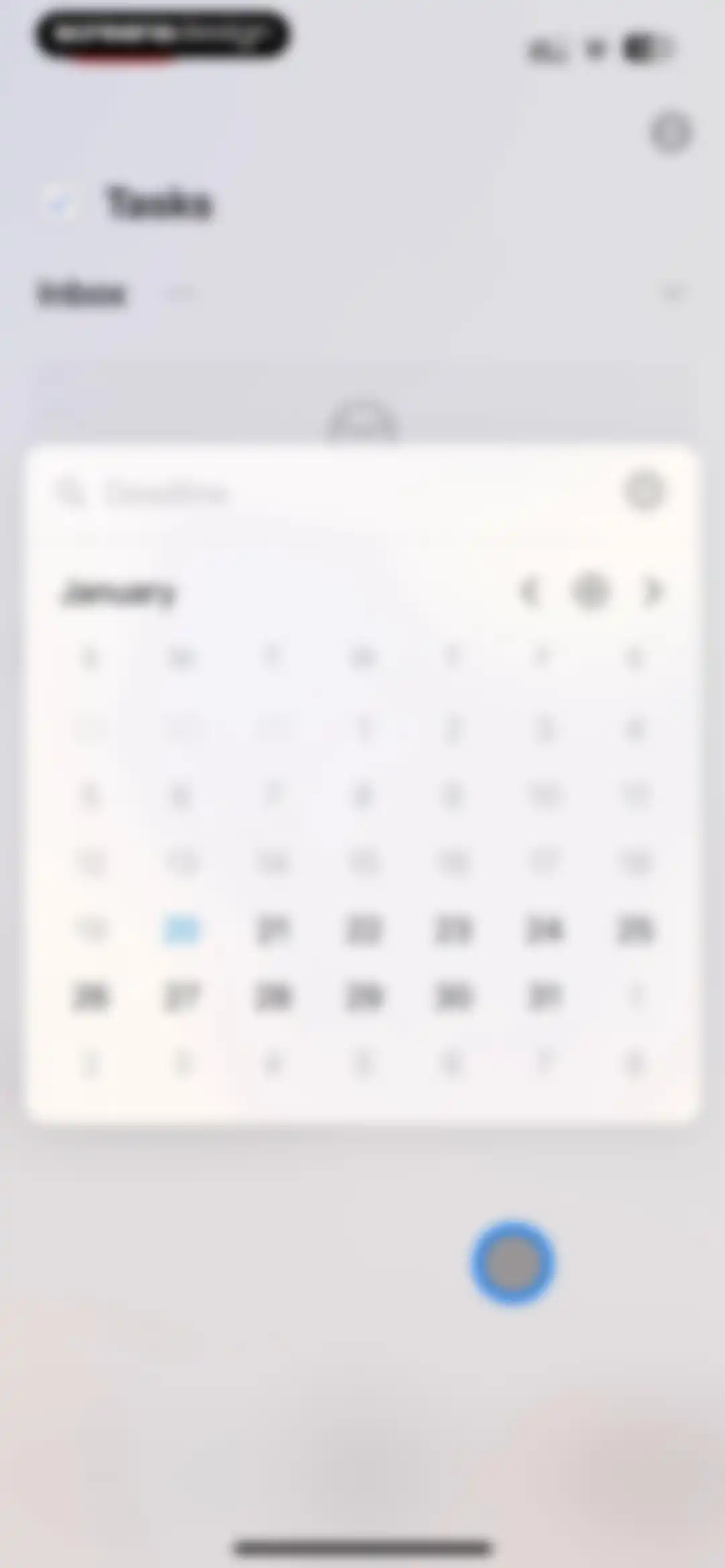
Task deadline selection modal with a January calendar grid and a search bar for setting dates.Unlock Pro
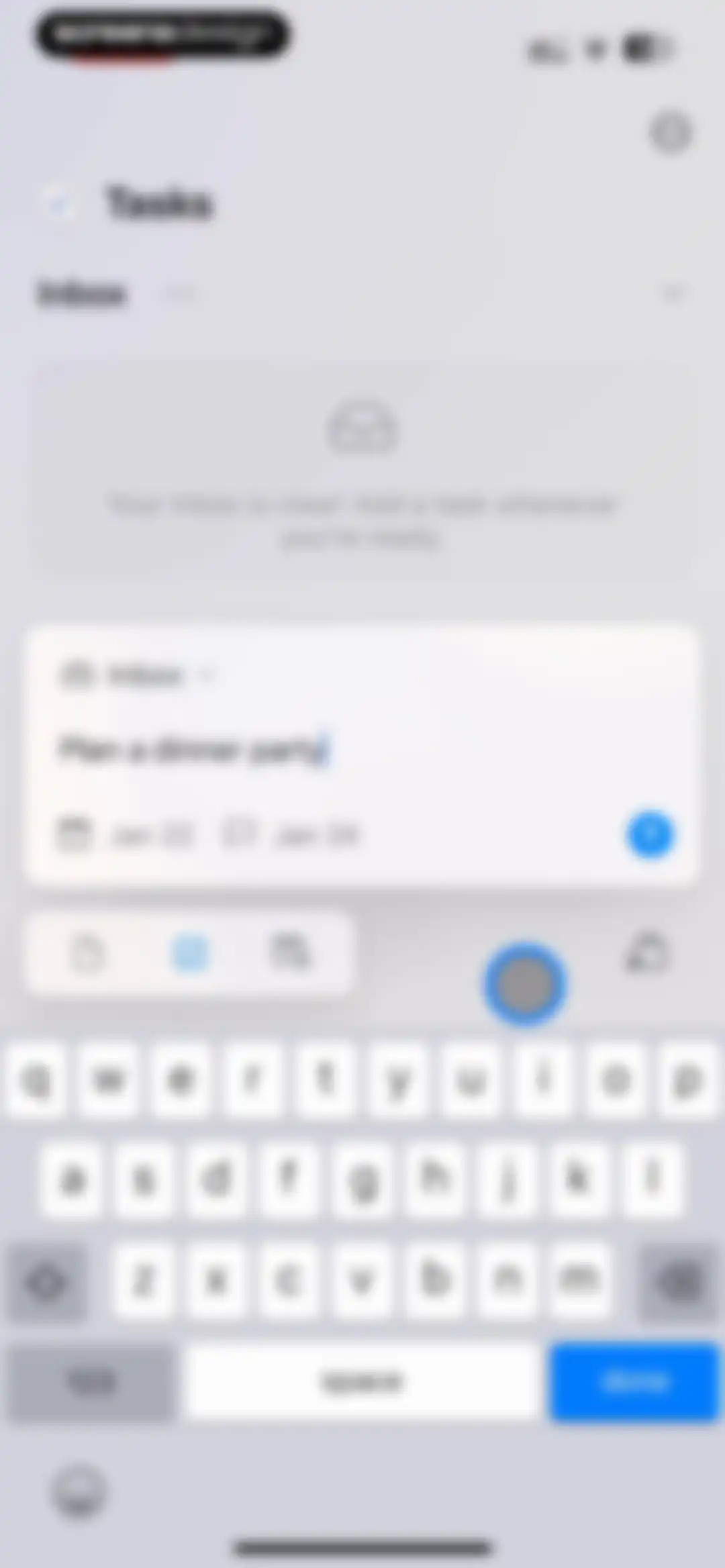
Task creation editor with an active input card for a dinner party task, empty inbox message, and a keyboard overlay.Unlock Pro
Task management dashboard showing a task created notification, collapsible task lists, an empty pinned docs section, and a bottom navigation bar.Unlock Pro
Task and document editor featuring a central text input modal for creating notes alongside a task list and keyboard.Unlock Pro
Task management dashboard with collapsible sections for tasks and pinned documents, a top notification, and a bottom navigation bar.Unlock Pro
Productivity dashboard with a calendar header, filter toggles, and a vertical timeline list of date-grouped notes and tasks.Unlock Pro
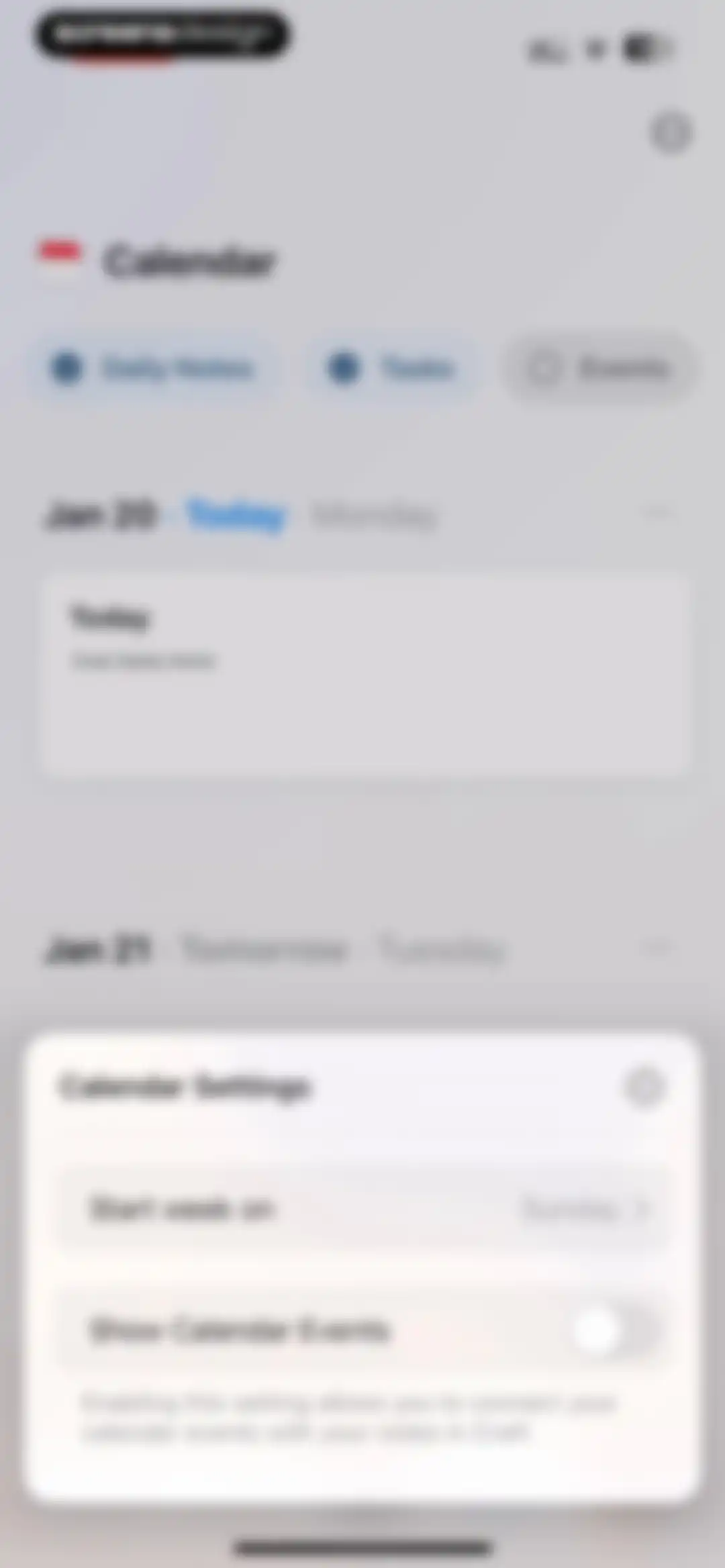
Calendar settings modal overlay with a start week day selector and a toggle to show calendar events.Unlock Pro
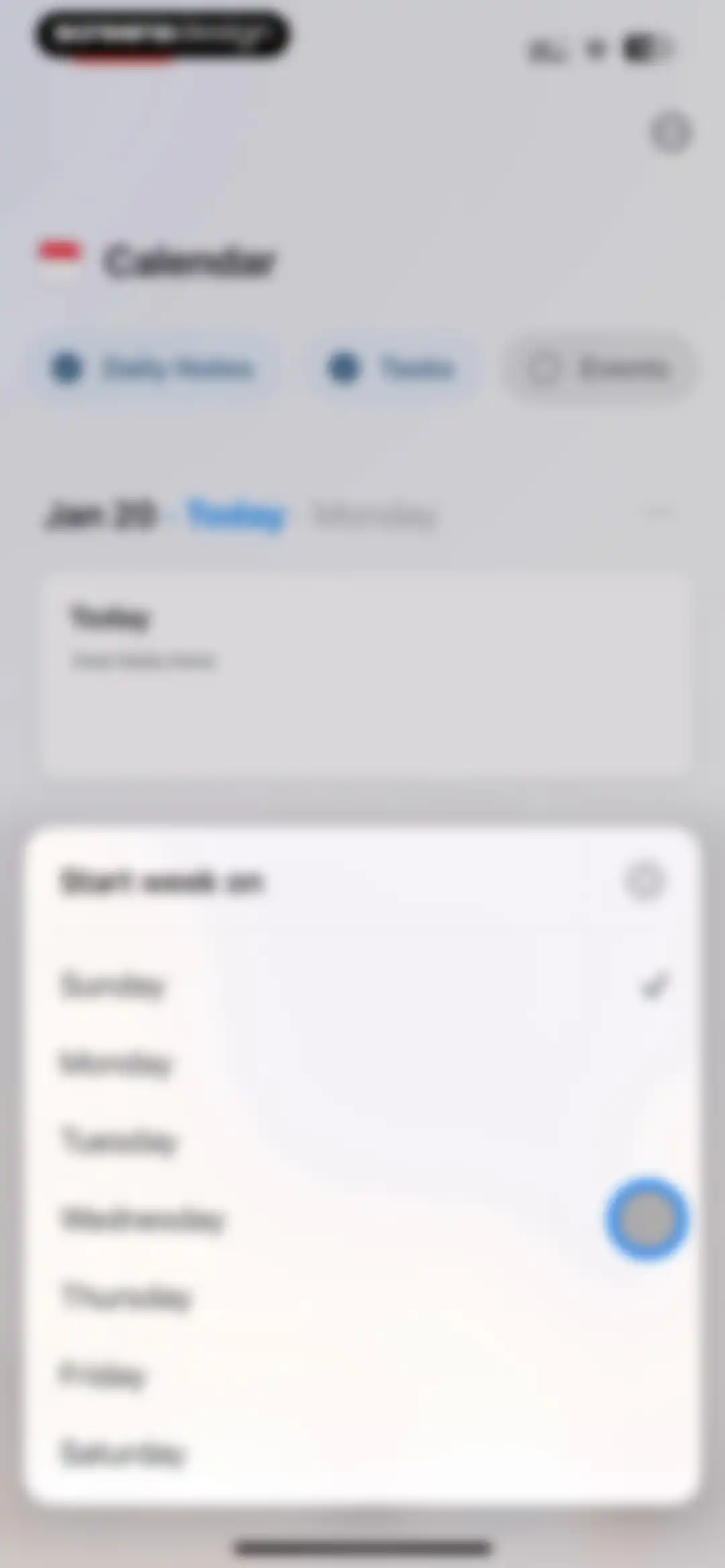
Calendar settings modal overlaying the main view, with Sunday selected as the start day of the week and a list of days.Unlock Pro
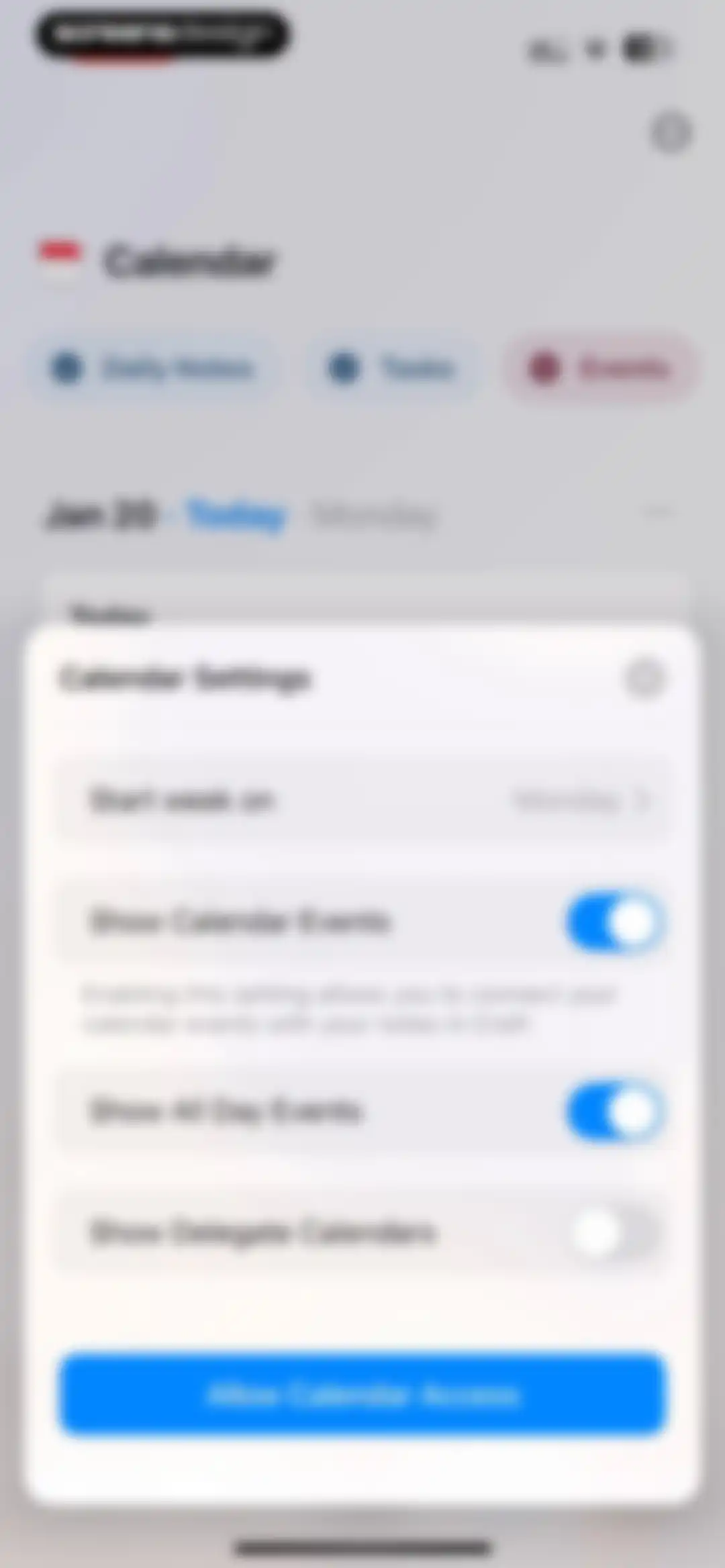
Calendar settings modal overlaying a calendar view, featuring configuration toggles and an Allow Calendar Access button.Unlock Pro
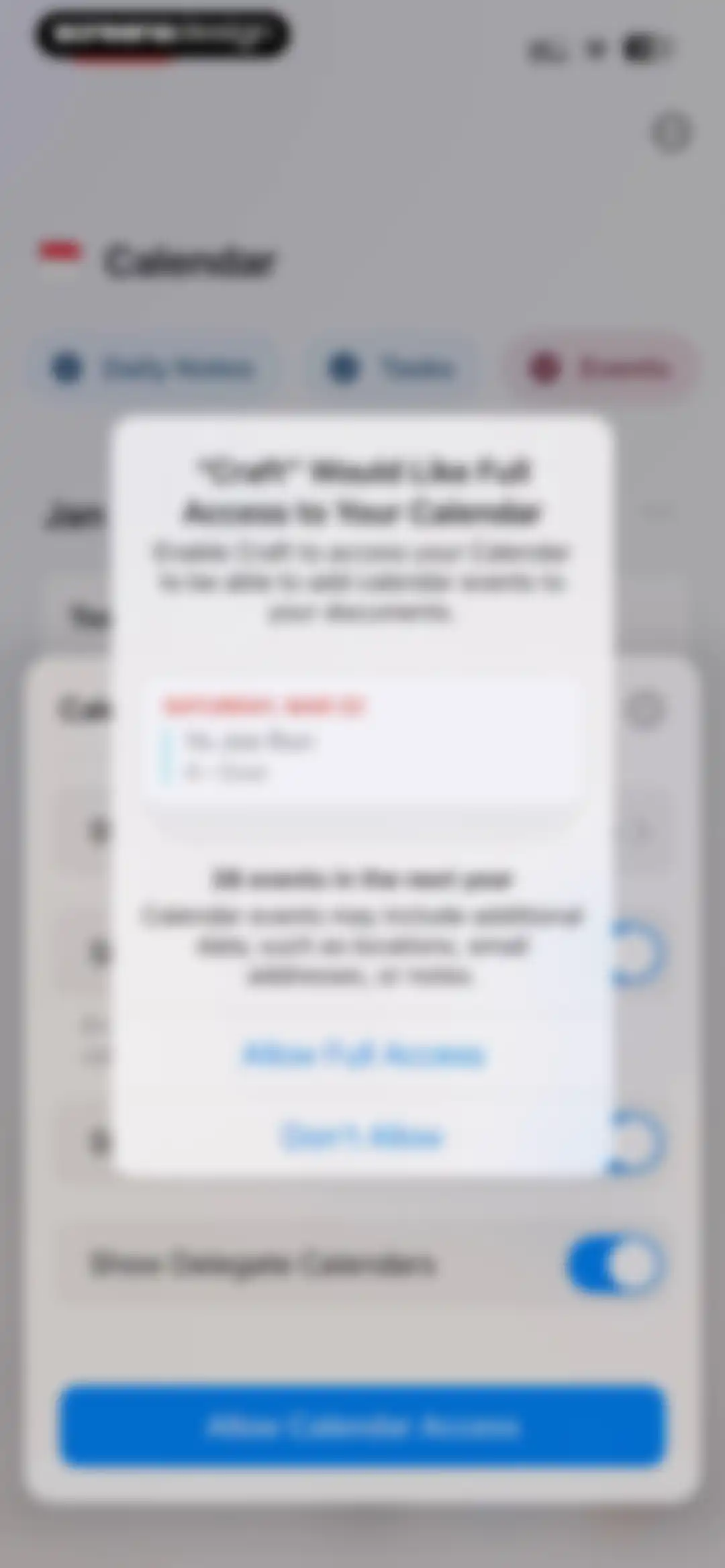
Permission request modal asking for full calendar access with Allow Full Access and Don't Allow buttons over a settings background.Unlock Pro
Calendar dashboard displaying upcoming dates in a vertical list with the Events filter selected.Unlock Pro
Home screen featuring a list of dates and tasks with an open modal menu displaying options to create tasks, daily notes, and jump to a day.Unlock Pro
Calendar dashboard with a vertical list of dated entries and a large calendar modal overlaying the bottom.Unlock Pro
Note editor screen for Jan 20 displaying a task list with a Morning run item, text content about the Great Gatsby theme, and an Insert button.Unlock Pro
Note editor screen titled Morning run with metadata for today and a bottom toolbar for inserting content and AI assistance.Unlock Pro
Task editor screen with a list titled Today including Client Meeting and Morning Run, an active keyboard, and a top right Done button.Unlock Pro
Document editor screen displaying a context menu with options like Page Style, Spelling, AI Assistant, and a red Delete button.Unlock Pro
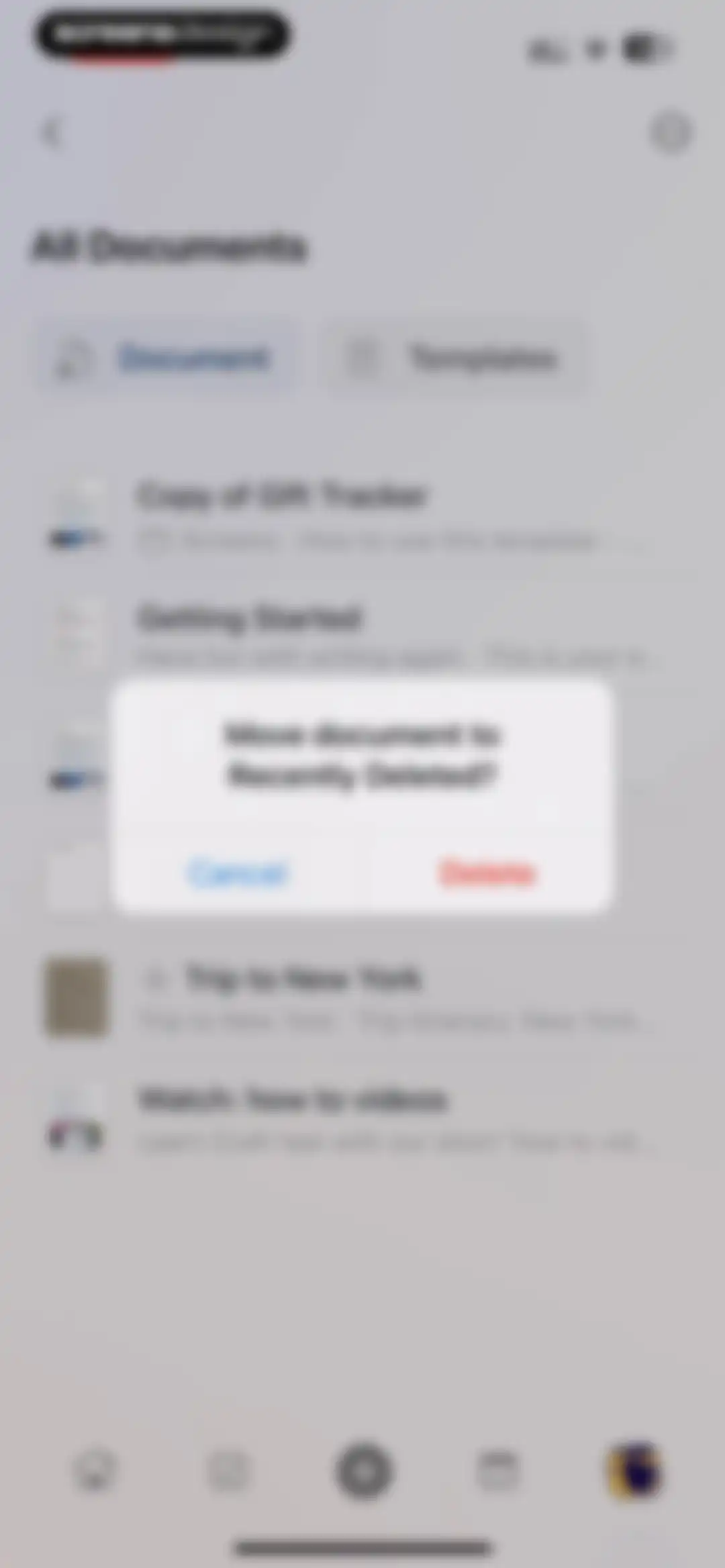
Document deletion confirmation modal asking to move the document to Recently Deleted, with Cancel and Delete buttons.Unlock Pro
Home screen showing Julia's Space workspace navigation, search bar, list of document links, folders, and a bottom navigation bar.Unlock Pro
Document list screen displaying document cards like Getting Started and Trip to New York, with top action buttons and a bottom navigation bar.Unlock Pro
Templates gallery with a search bar and horizontal scrolling sections containing template cards for journals and lists.Unlock Pro
Template preview modal displaying a Gift Tracker description, preview image, and a Use Template button.Unlock Pro
Craft app feature announcement modal for Craft 3 overlaying a document template, with an Explore Craft button.Unlock Pro
Gift Tracker template preview with instructional text on using cards and a bottom floating toolbar with an Insert button.Unlock Pro
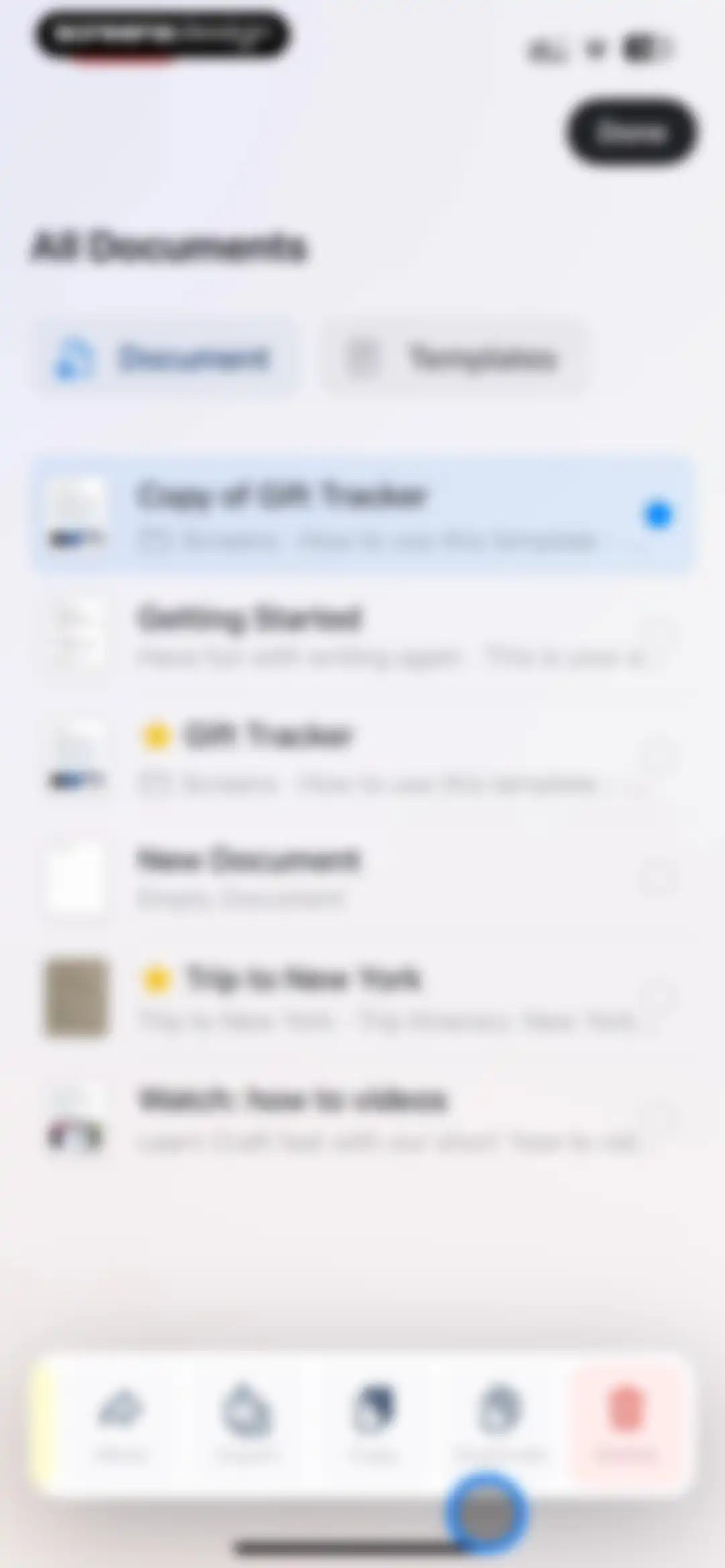
Document management screen listing user files with the Gift Tracker item selected and a bottom toolbar for file actions.Unlock Pro
Home document list showing action buttons for creating new documents and templates alongside a vertical list of document cards and a bottom navigation bar.Unlock Pro
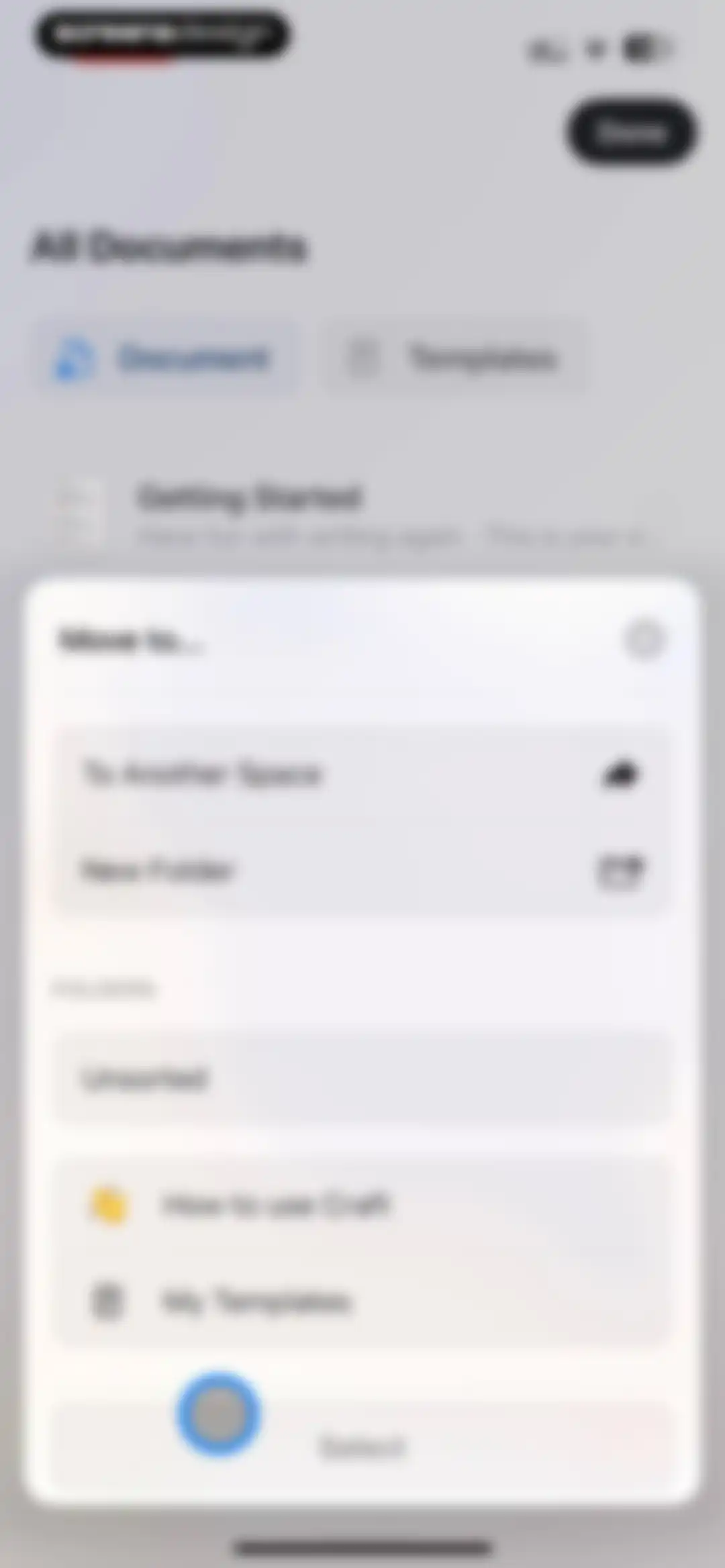
Move to modal overlay in the Craft app displaying options to move a document to another space, create a new folder, or select from existing folders with a Select button.Unlock Pro
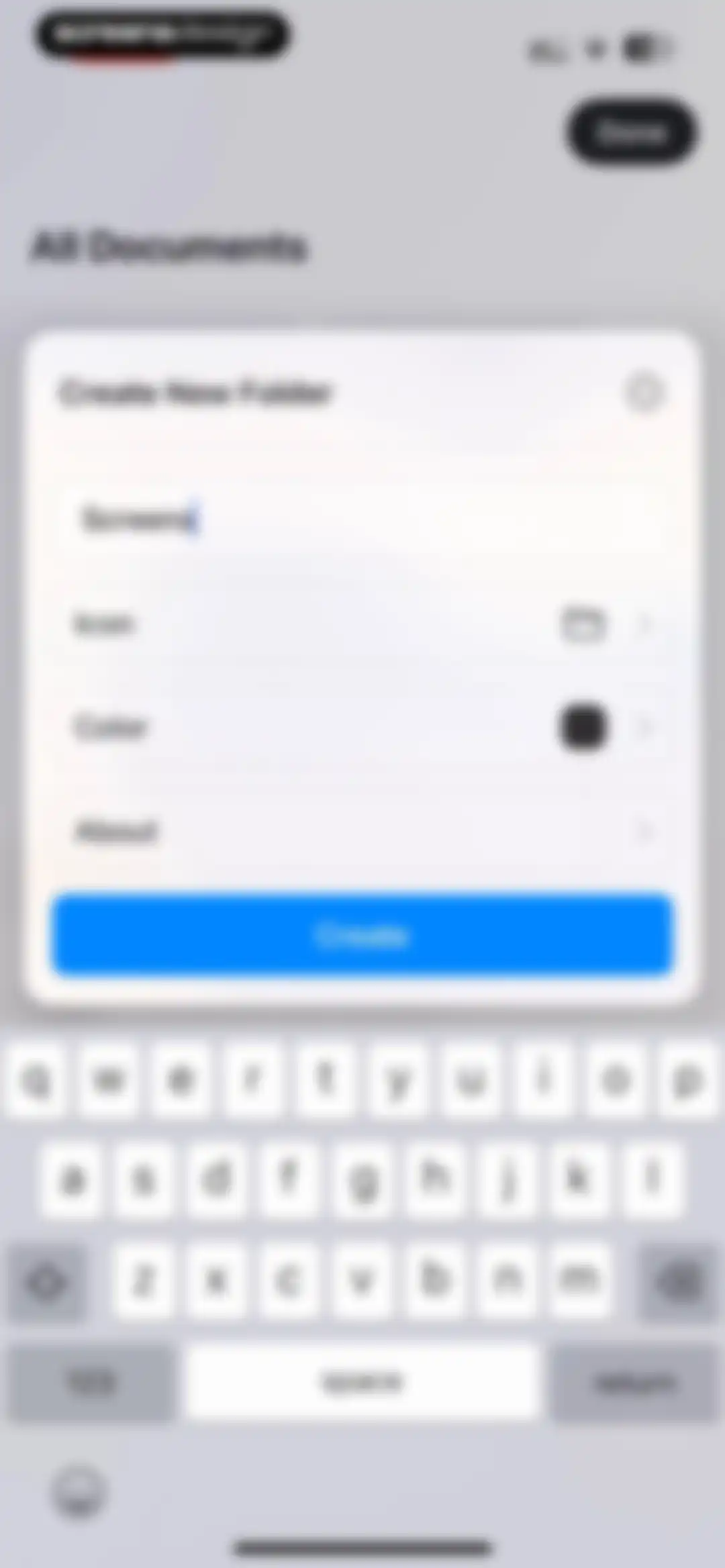
Folder creation form modal with an input field containing the text Screens, customization settings, and a Create button.Unlock Pro
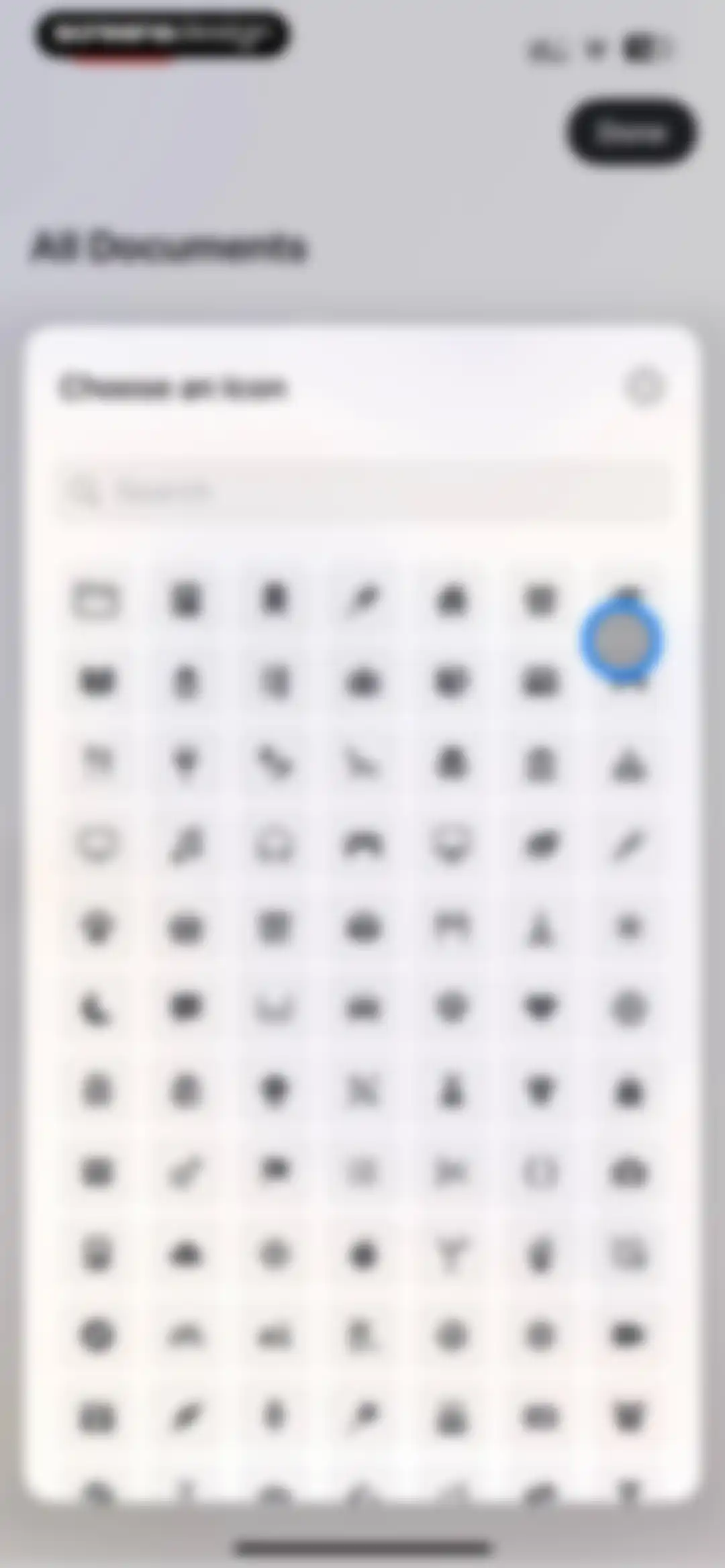
Icon selection modal with a search bar and a grid of icons, highlighting a graduation cap with a Done button.Unlock Pro
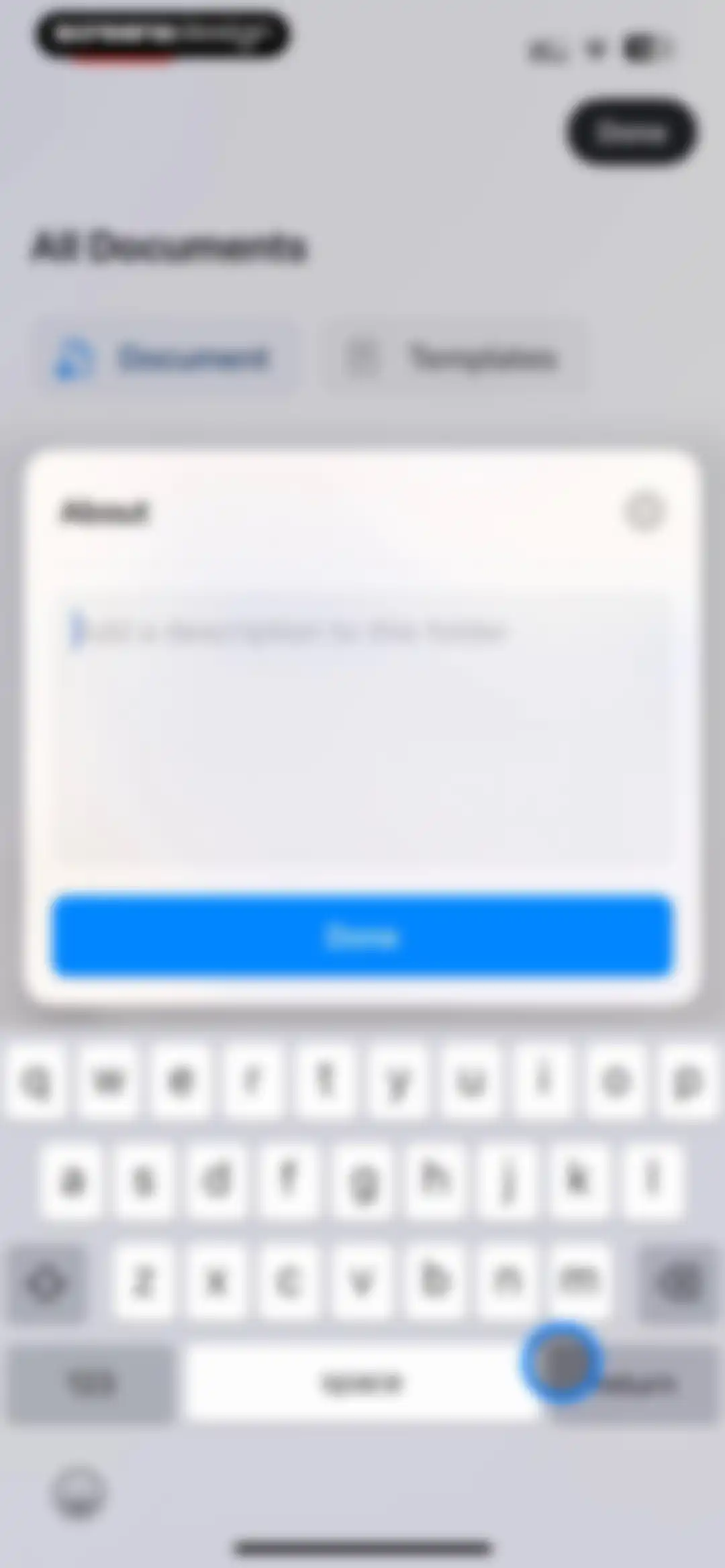
Folder description modal dialog with a text input field, a save button, and the system keyboard visible.Unlock Pro
Home screen displaying a list of documents with a Gift Tracker item, action buttons for creating documents and folders, and a bottom navigation bar.Unlock Pro
Document management dashboard showing a list of documents with a selected Gift Tracker card and an open export options modal.Unlock Pro
Document list screen with an export progress modal overlay and a bottom action toolbar for managing selected files.Unlock Pro
Document list view with an open iOS share sheet modal displaying export options and app shortcuts.Unlock Pro
Document management dashboard in the Craft app showing a selected document card and a bottom action bar for batch operations.Unlock Pro
Home screen document list with a confirmation modal overlay asking to move a document to recently deleted, featuring Cancel and Delete buttons.Unlock Pro
Home screen displaying a list of documents and notes with toggle tabs at the top and a bottom navigation bar.Unlock Pro
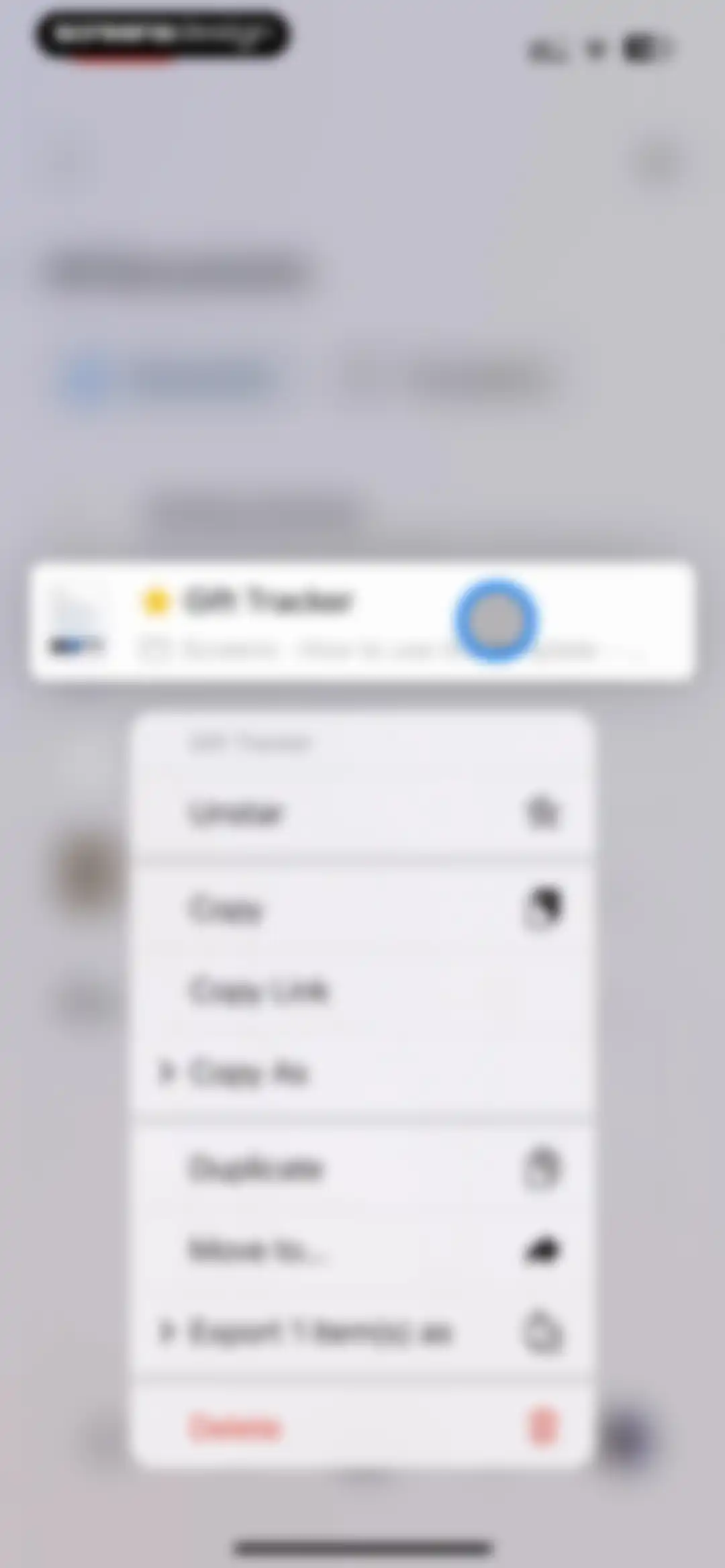
Context menu for a document titled Gift Tracker, displaying a list of management actions including Unstar, Copy, and a red Delete option.Unlock Pro
Document context menu displaying file management options including Unstar, Copy, and an expanded Copy As list with format choices.Unlock Pro
Context menu for a document titled Gift Tracker, displaying file management actions and expanded export format options.Unlock Pro
Starred documents screen listing a Trip to New York document below an informational card.Unlock Pro
Empty template folder screen displaying action buttons for creating documents, folders, and templates, with an instructional message in the center.Unlock Pro
Analytics screen with an empty overview card prompting document sharing and a How Sharing Works button, alongside empty folder content placeholders.Unlock Pro
Empty state screen displaying a message that the folder is empty, with action buttons to create a document, folder, or template.Unlock Pro
Craft onboarding screen titled How to use Craft, featuring action buttons for documents and folders, and a video tutorial card.Unlock Pro
Recently deleted documents list with an informational banner stating items are available for 30 days.Unlock Pro
Context menu with options to restore or delete a document titled Gift Tracker, overlaying a trash folder card.Unlock Pro
Recently deleted documents list with an info box about a thirty-day retention policy and a toast notification confirming an item was moved.Unlock Pro
Recently deleted list screen displaying an open settings menu with layout options, sorting criteria, and an Empty Recently Deleted action.Unlock Pro
Home screen showing a spaces modal overlaying navigation options like All Docs and Starred, with Julia's Space selected and a Create New Team button.Unlock Pro
Subscription paywall modal comparing Starter and Plus plans, with yearly billing selected and pricing details displayed.Unlock Pro
Paywall screen for Craft offering a 14-day free trial of Craft Plus with an annual subscription option and a Continue button.Unlock Pro
Subscription screen for Craft Plus detailing annual pricing and a free trial, with product mockups and a Continue button.Unlock Pro
Craft paywall screen promoting offline document access with an annual subscription plan and a Continue button.Unlock Pro
Subscription screen for Craft Plus promoting a 14-day free trial with annual billing details and a continue button.Unlock Pro
Craft paywall screen promoting AI Assistant features with a 14-day free trial subscription offer and a Continue button.Unlock Pro
Subscription paywall screen listing Craft Plus benefits, annual pricing details, a 14-day free trial offer, and a Continue button.Unlock Pro
iOS subscription confirmation modal for an annual plan with a two-week free trial, prompting the user to confirm with the side button.Unlock Pro
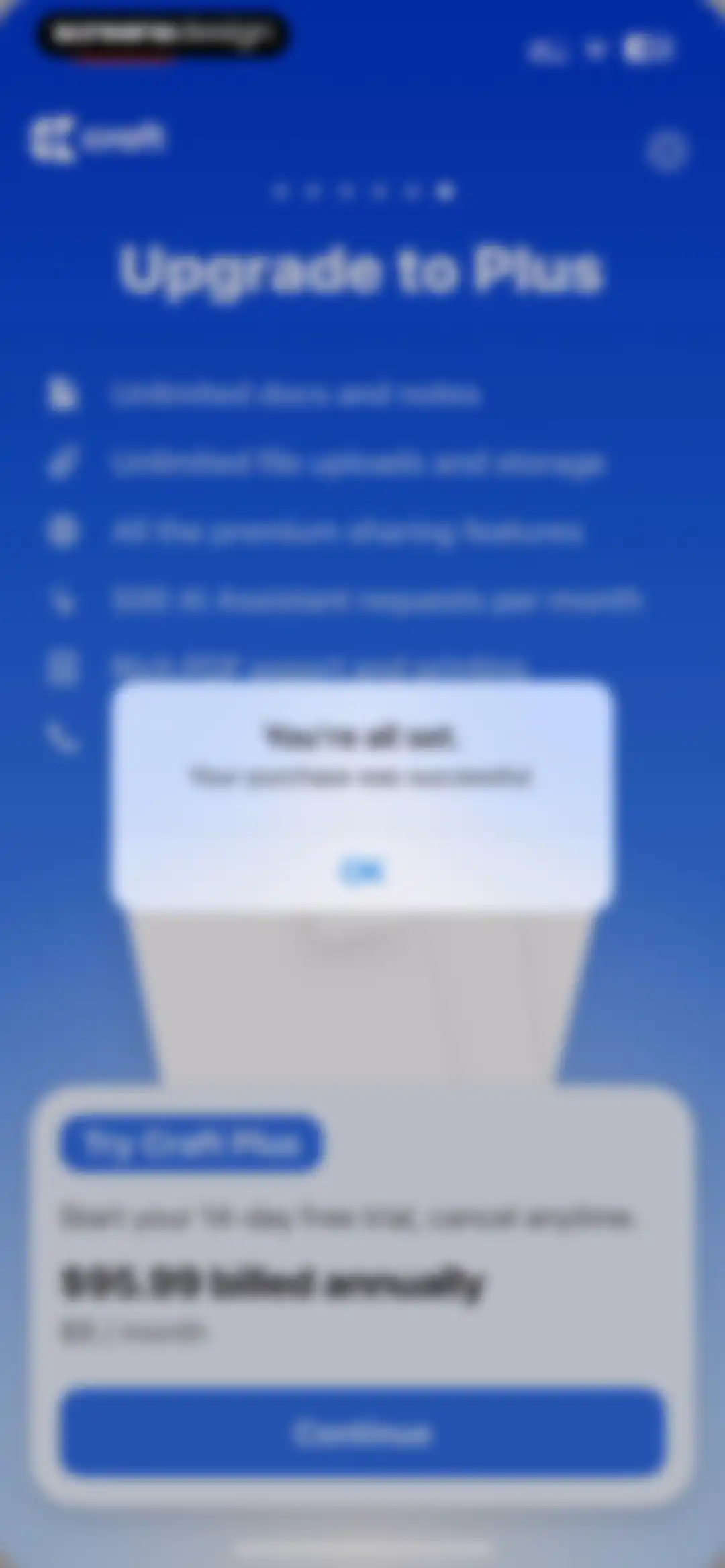
Subscription success confirmation modal overlaid on a Craft Plus paywall listing premium benefits and annual pricing.Unlock Pro
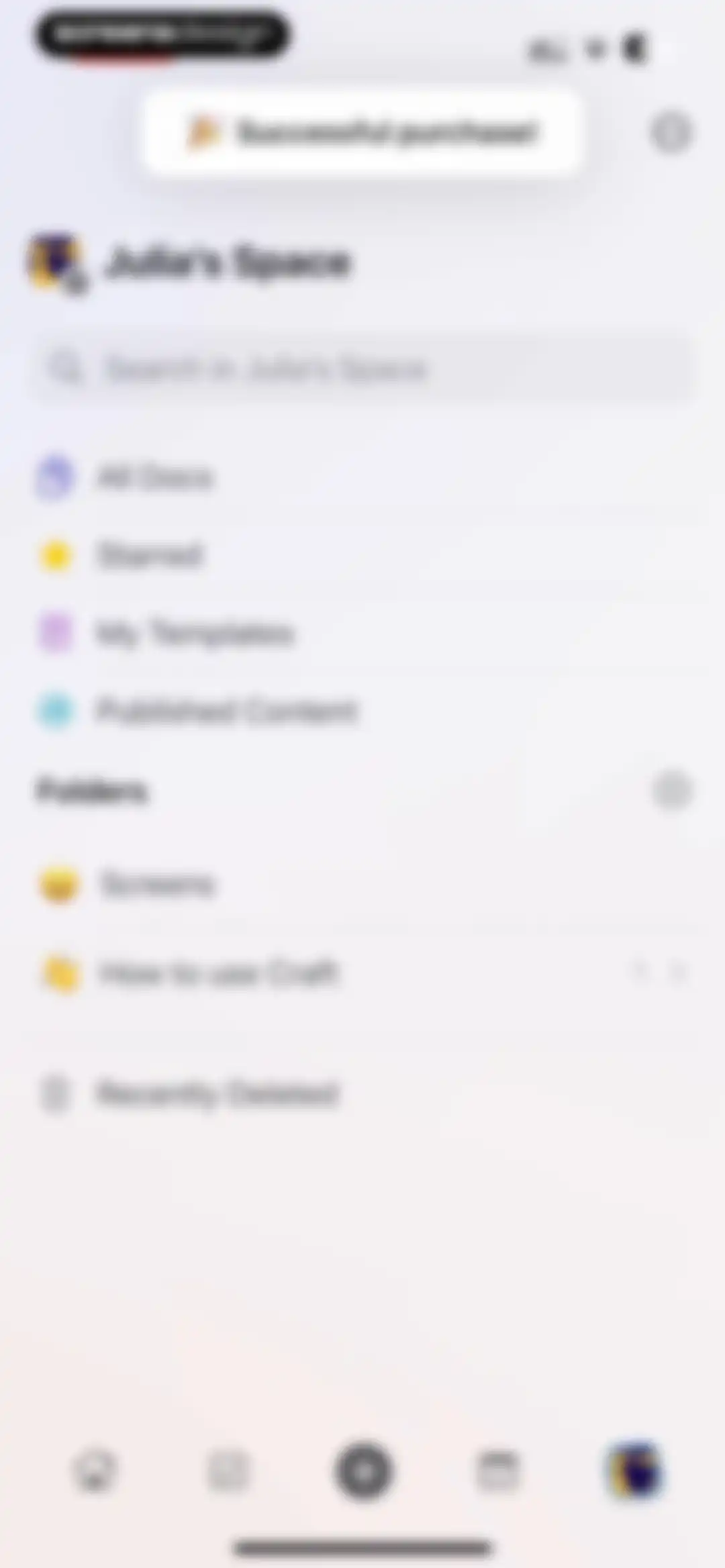
Home workspace screen for Julia's Space with a successful purchase notification, search bar, navigation lists, and folders.Unlock Pro
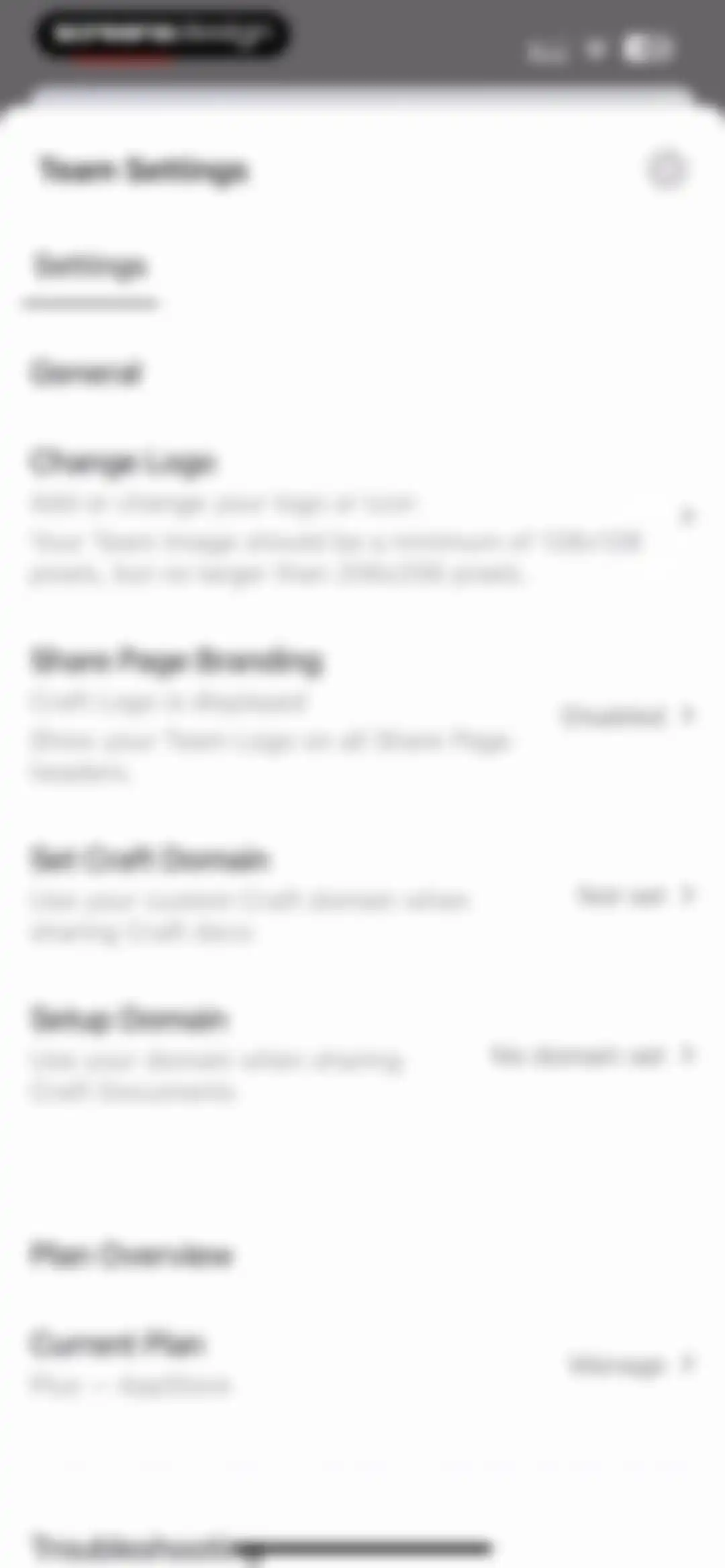
Team Settings modal with a list of configuration options for branding, custom domains, and a Plan Overview section.Unlock Pro
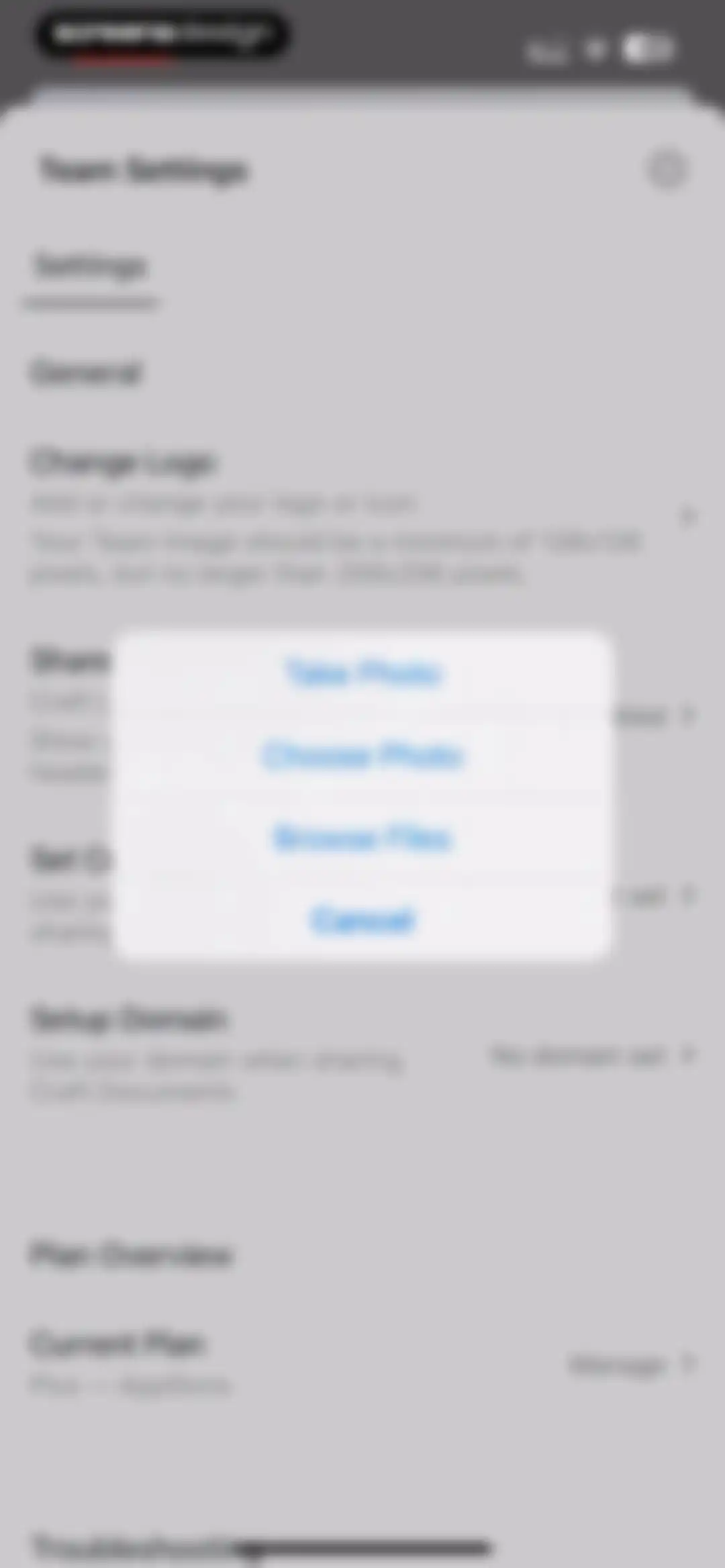
Team settings modal displaying a list of configuration options with an action sheet overlay for choosing an image source.Unlock Pro
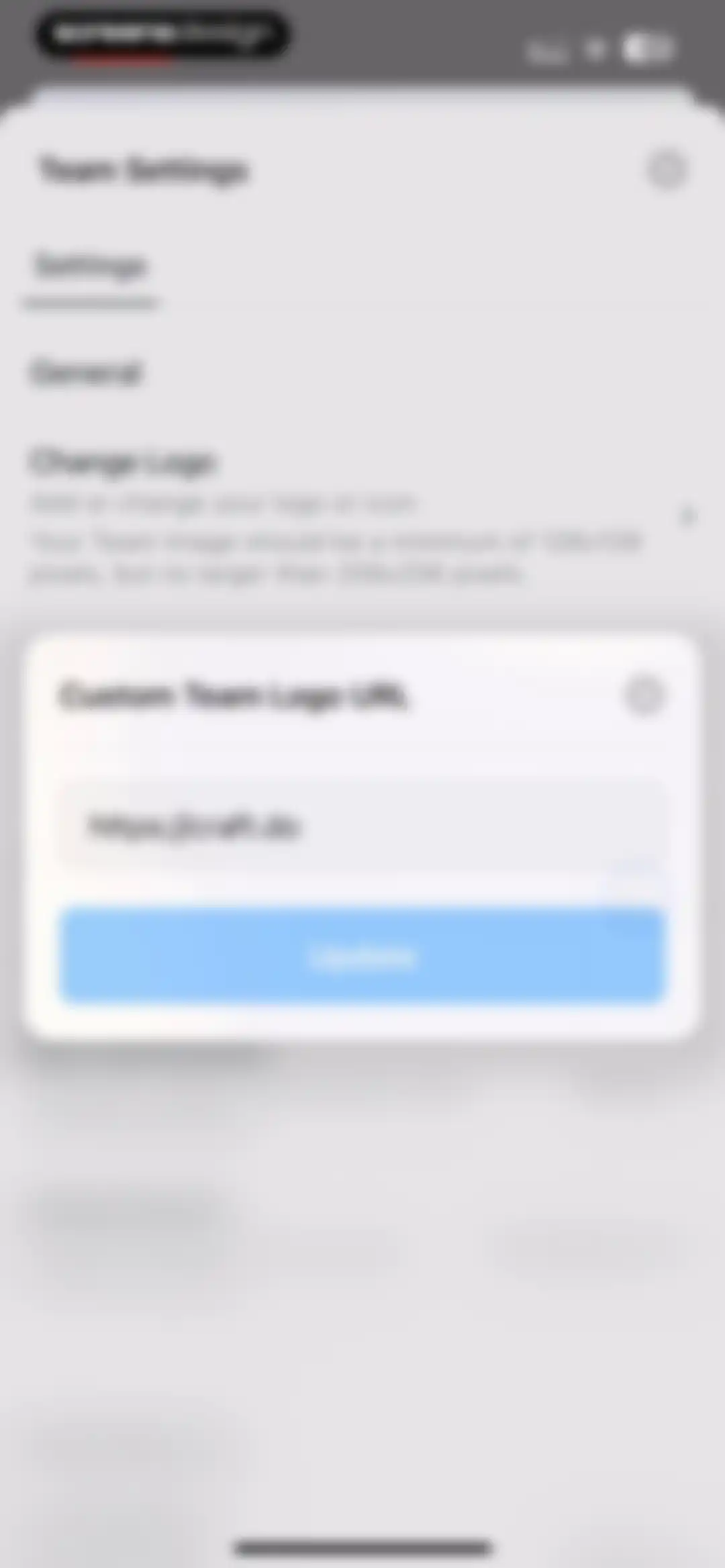
Team settings screen with a custom logo URL modal overlay containing a pre-filled web address and an Update button.Unlock Pro
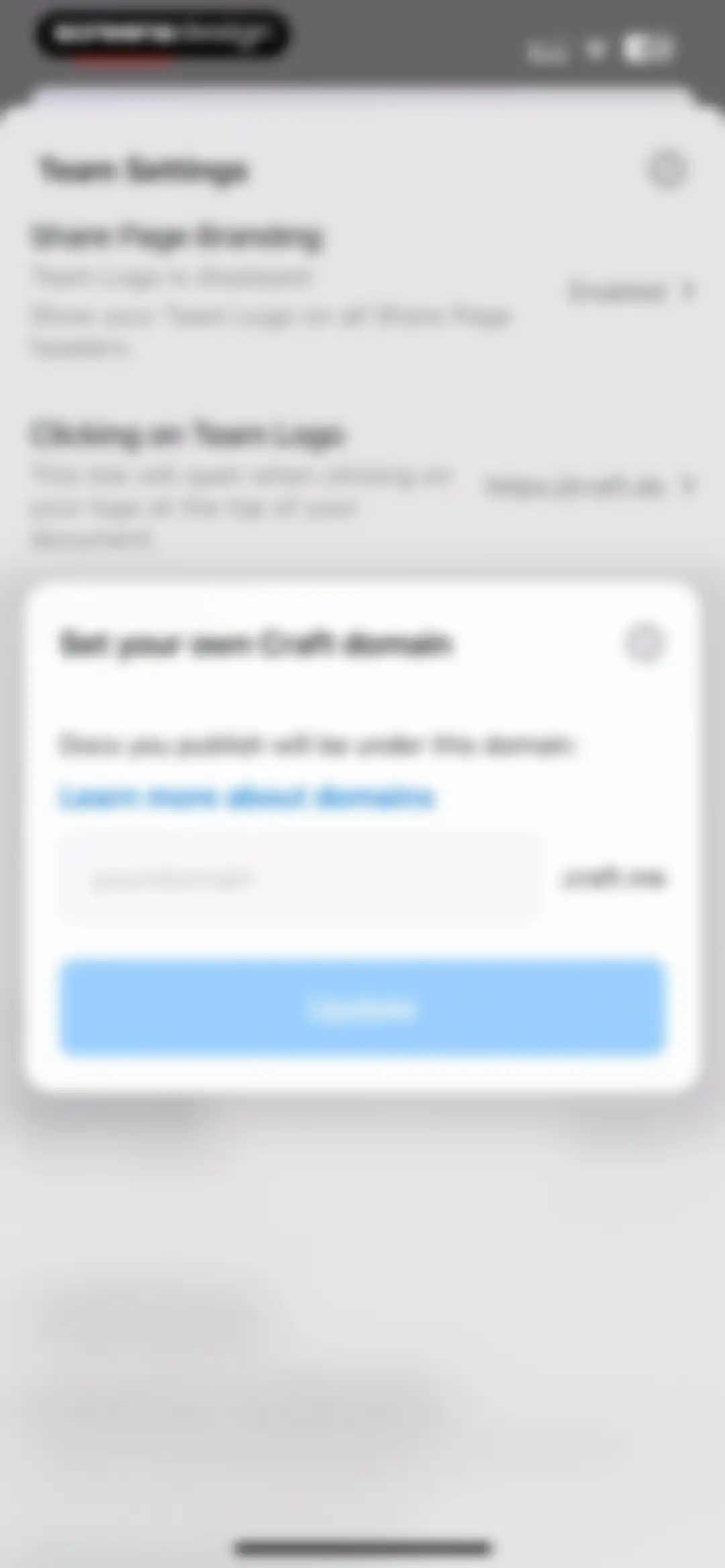
Team settings modal for setting a custom Craft domain with a text input field and an Update button.Unlock Pro
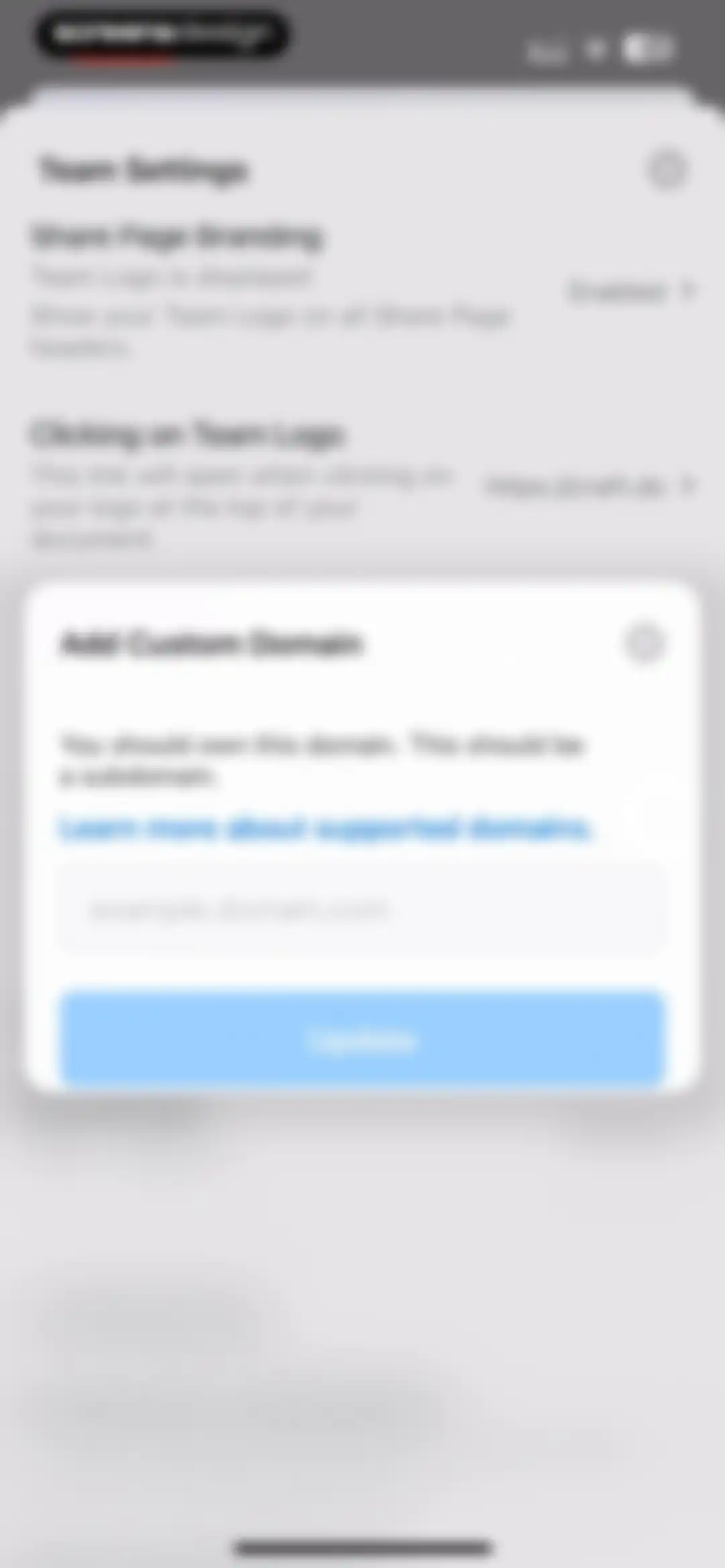
Team settings modal with an Add Custom Domain input field, a support link, and an Update button over a blurred background.Unlock Pro
Paywall modal for the Craft app comparing Plus and Family subscription plans with a yearly billing toggle.Unlock Pro
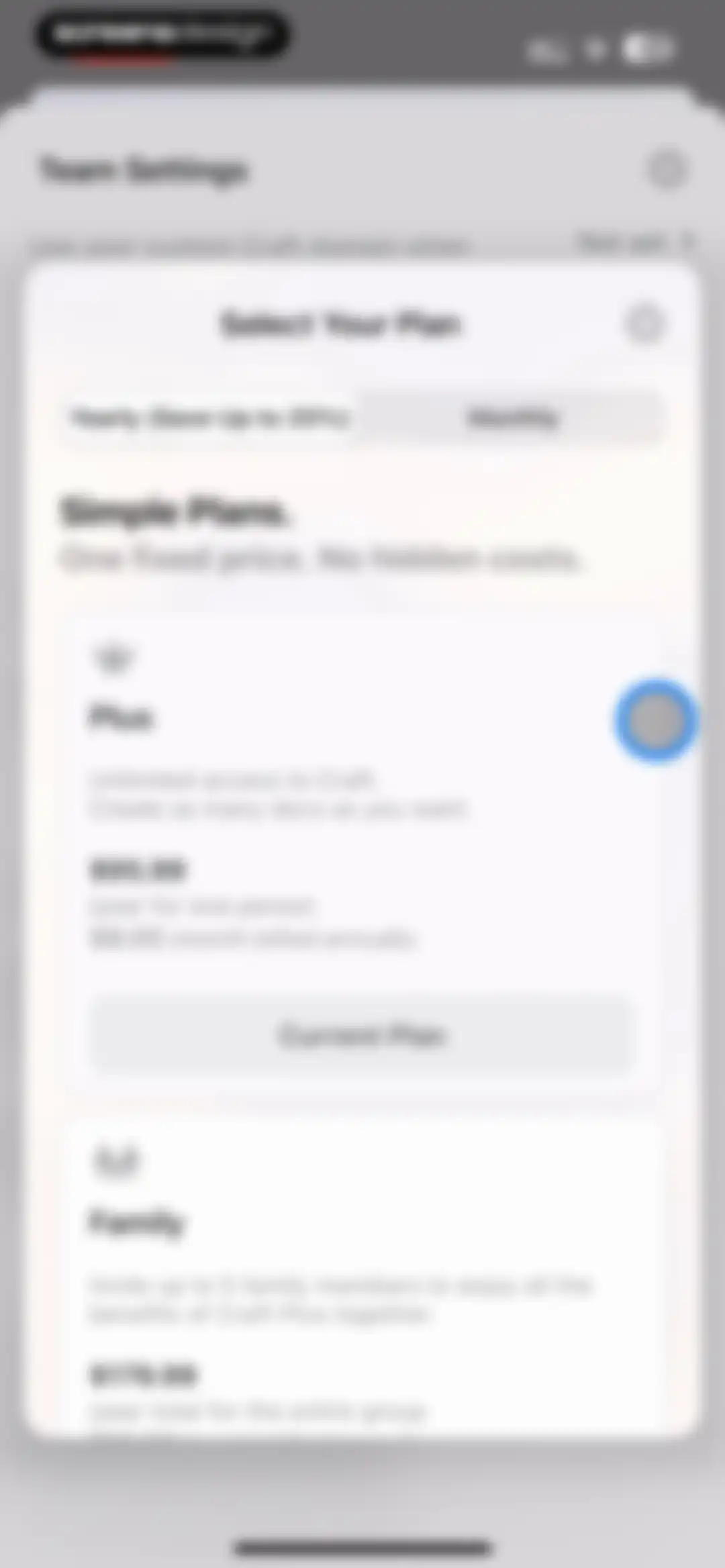
Subscription plan modal displaying Plus and Family pricing options with a billing toggle and current plan indicator.Unlock Pro
Create New Space modal dialog with a name input field and a Continue button, overlaid on a workspace navigation menu.Unlock Pro
Paywall modal presenting subscription plans for Craft with a yearly billing toggle and a selected Family plan.Unlock Pro
Home screen showing a workspace navigation list with an open popover menu displaying quick actions like New Doc and Settings.Unlock Pro
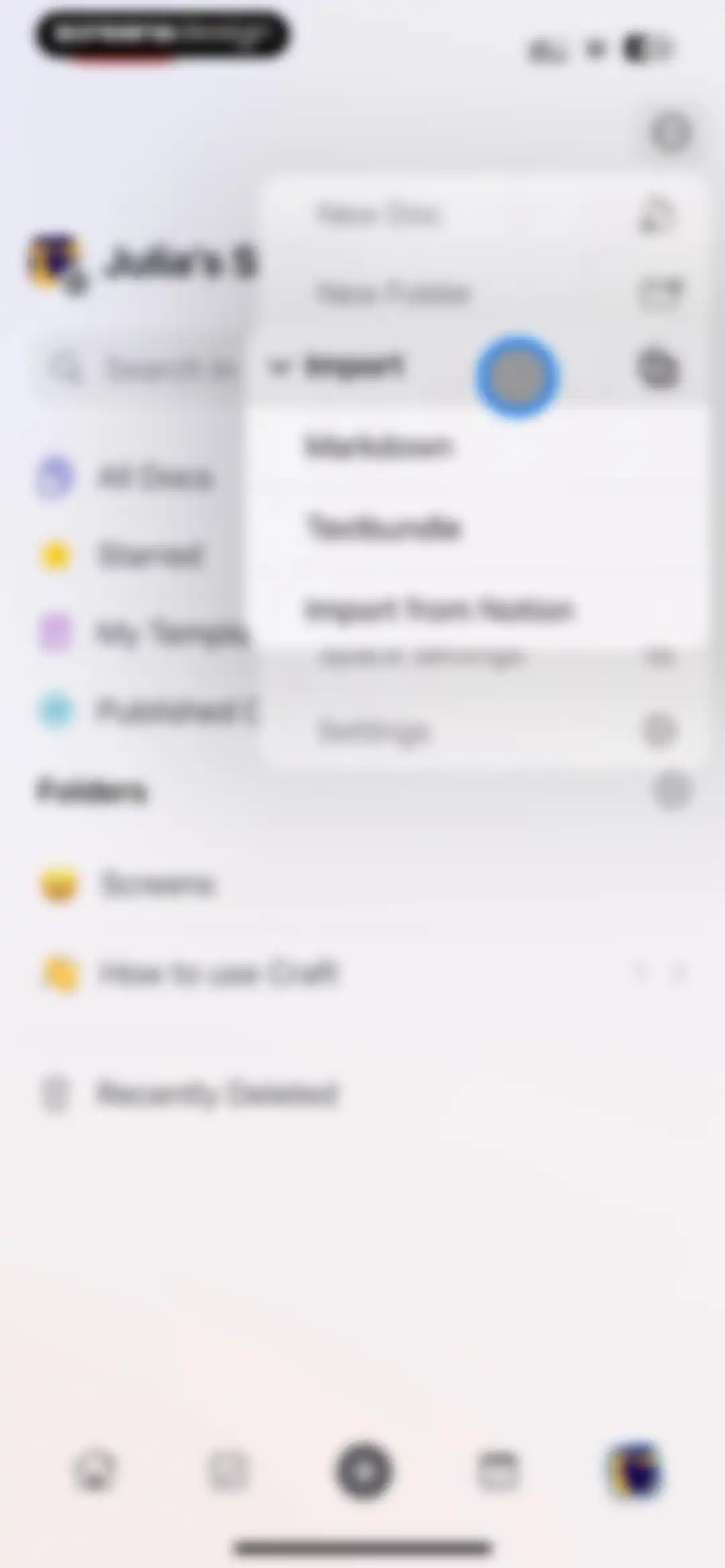
Workspace home screen with a centered modal action menu displaying options to create new documents, folders, and import files.Unlock Pro
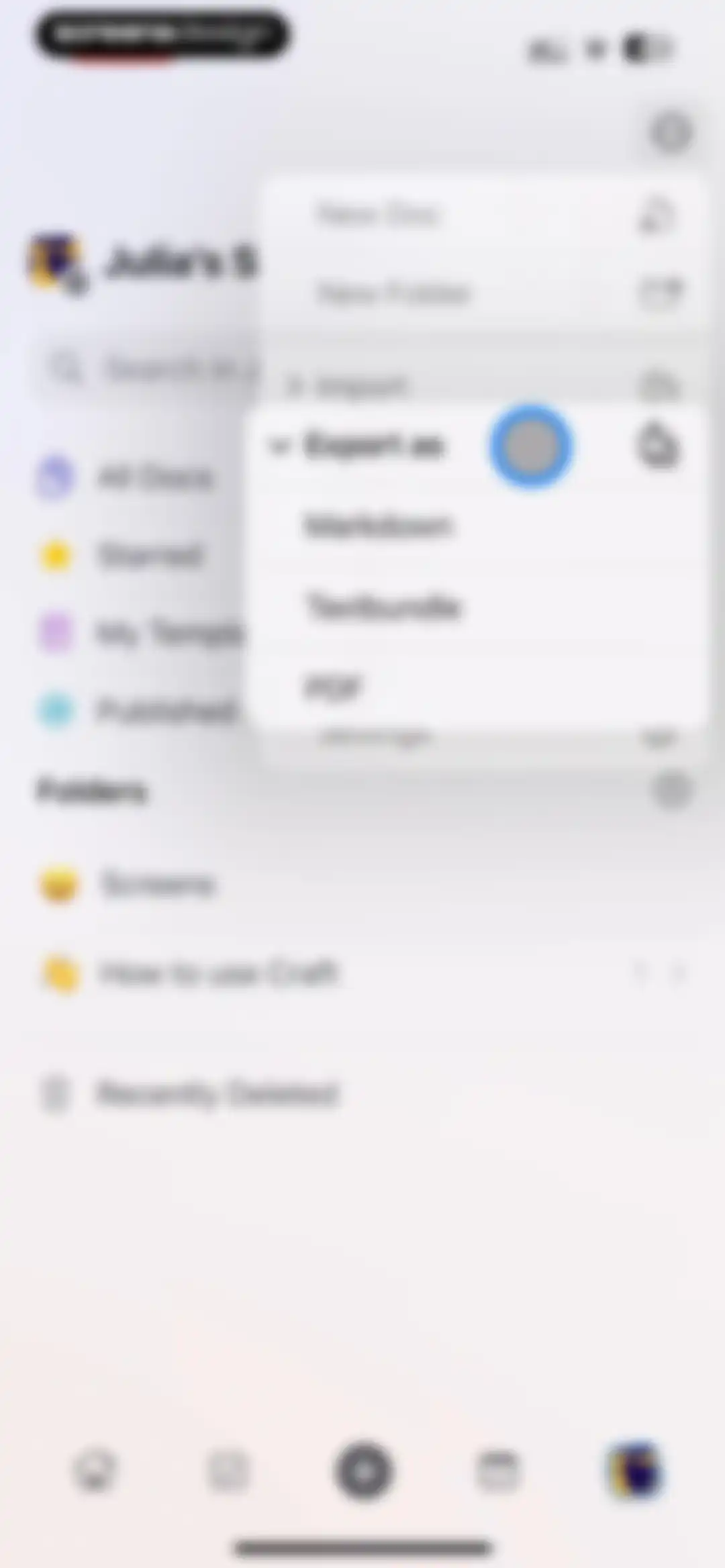
Workspace sidebar with a floating action menu displaying file creation and export options including Markdown, Textbundle, and PDF.Unlock Pro
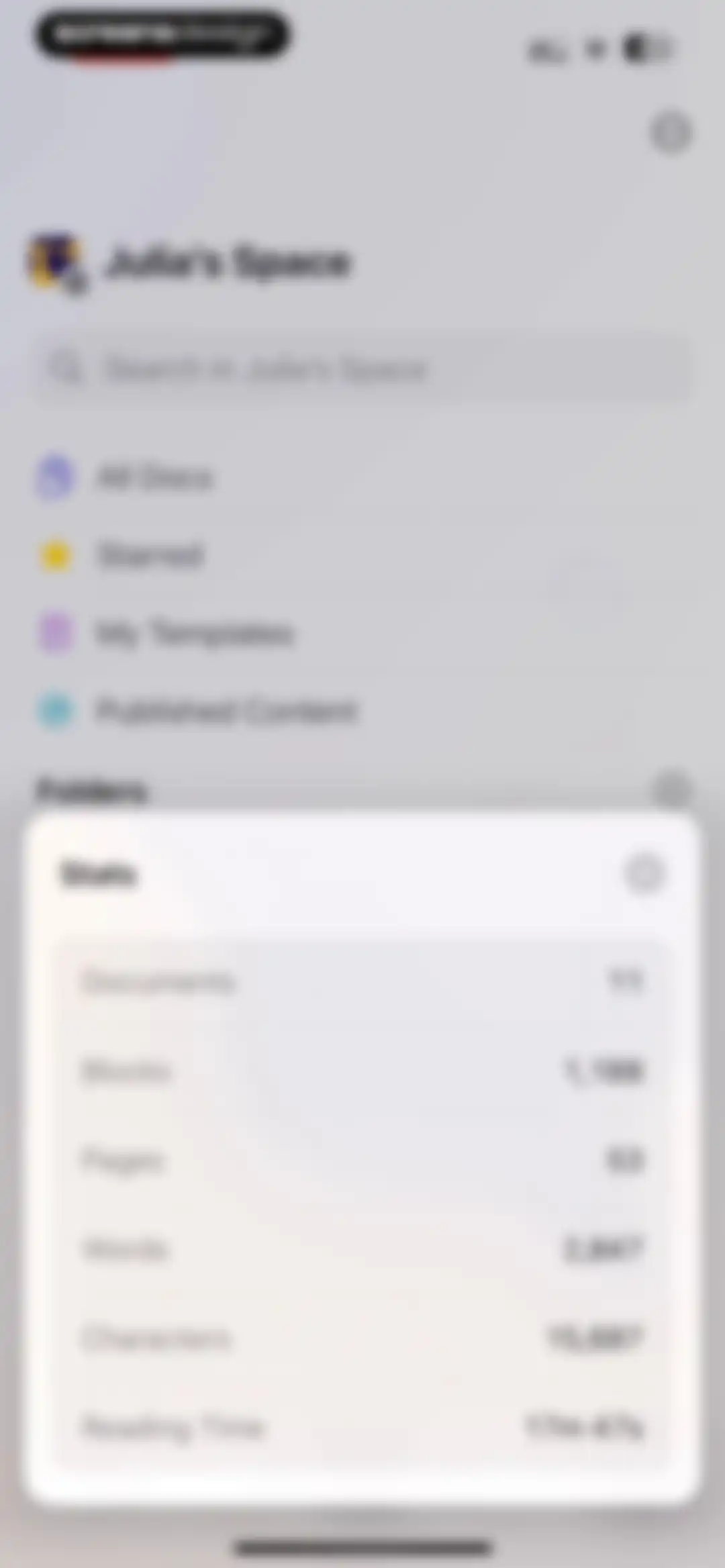
Workspace dashboard showing document navigation and a modal overlay with usage statistics such as document count and reading time.Unlock Pro
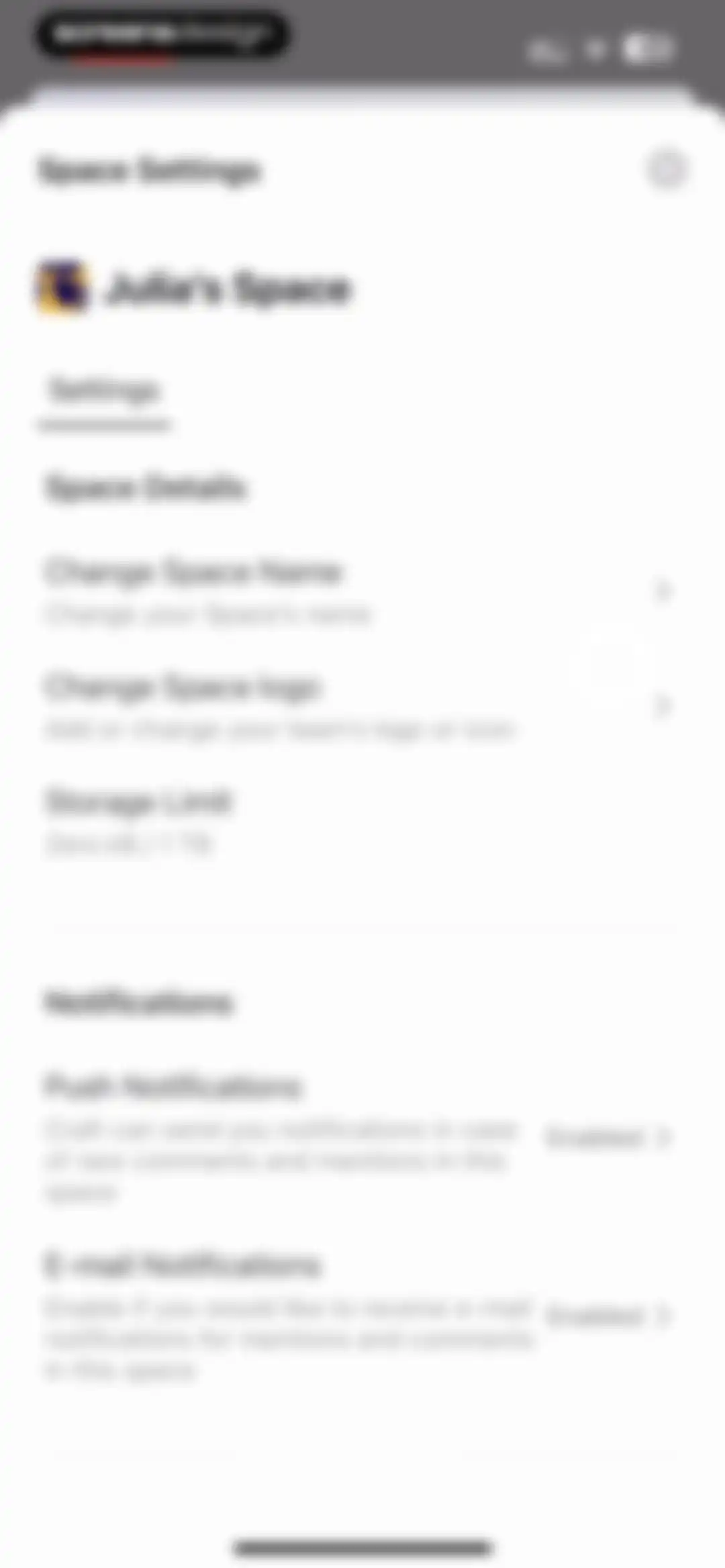
Space settings modal with options to change space name, update logo, view storage limit, and configure push and email notifications.Unlock Pro
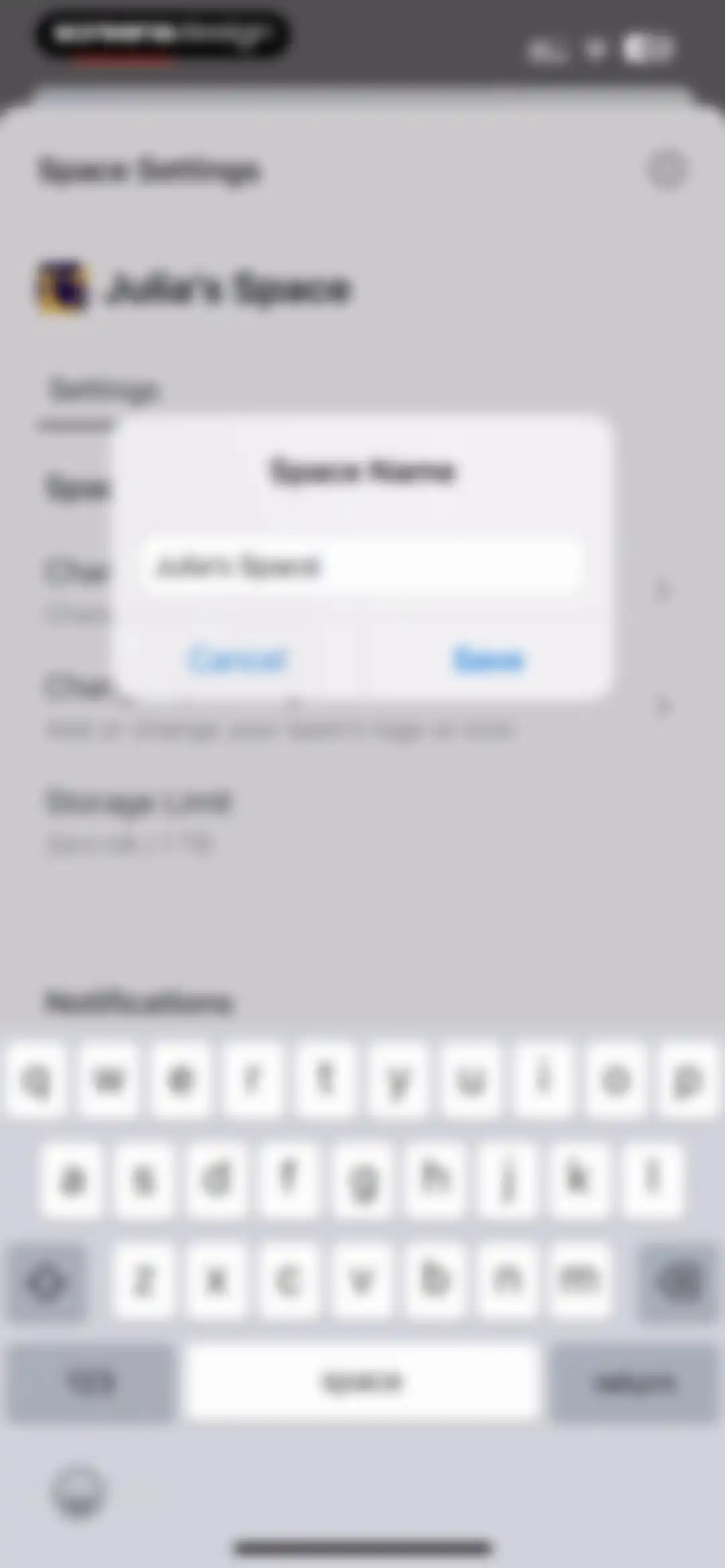
Space settings modal with an active text input field for editing the space name, accompanied by Cancel and Save buttons and the system keyboard.Unlock Pro
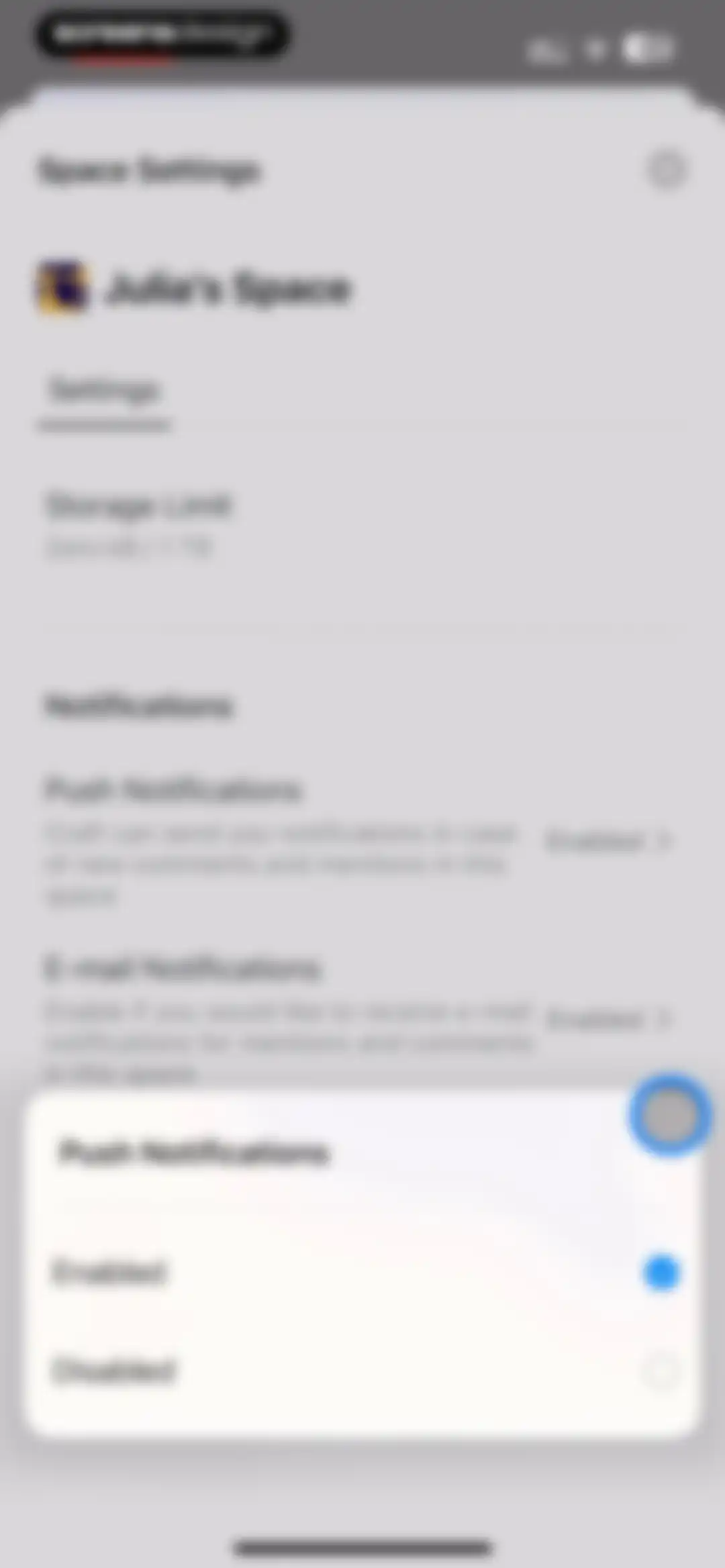
Space settings modal displaying storage limit and notification options, with a bottom overlay showing push notifications enabled.Unlock Pro
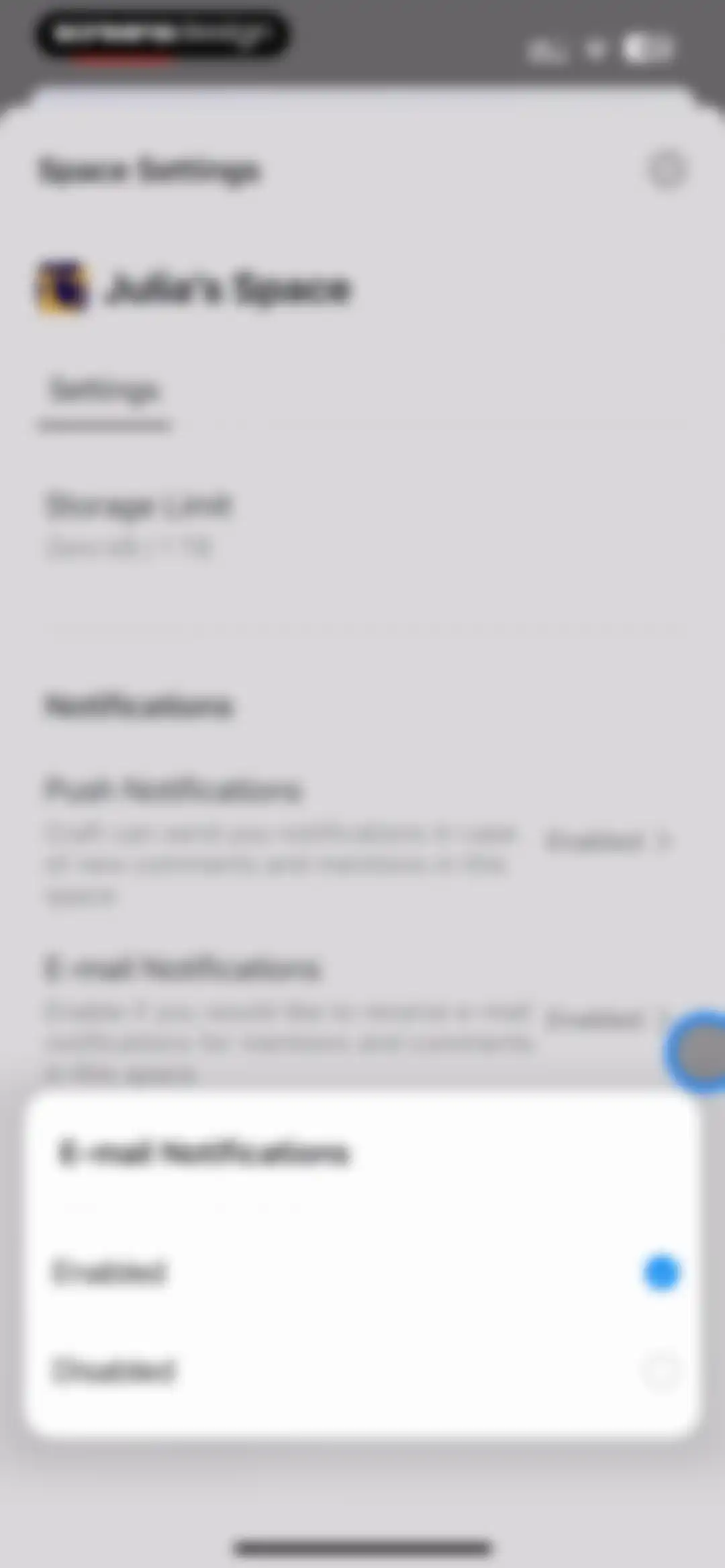
Space settings modal with storage limit and notification preferences, displaying a secondary selection overlay for email notifications with enabled selected.Unlock Pro
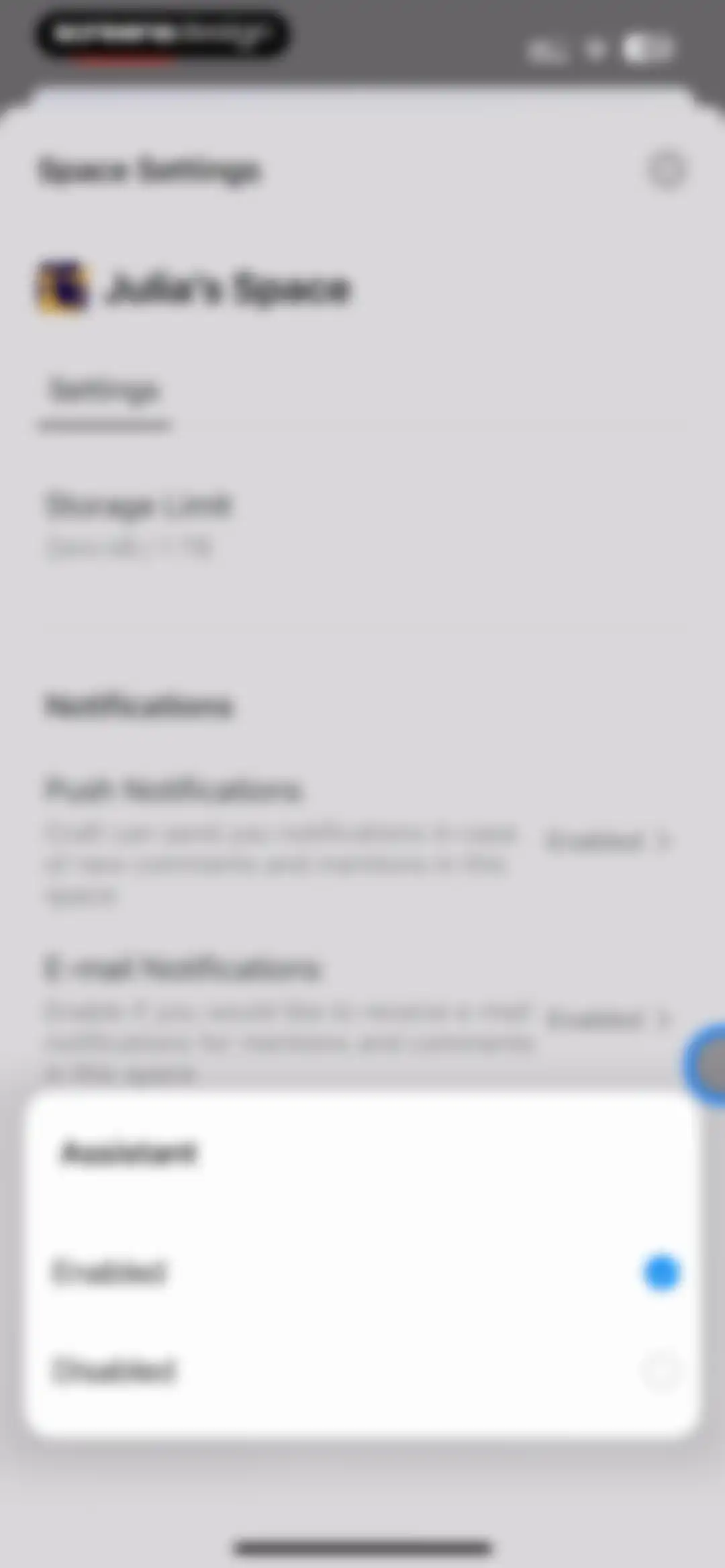
Space settings modal displaying storage and notification options, with an assistant selection sheet at the bottom showing the enabled option selected.Unlock Pro
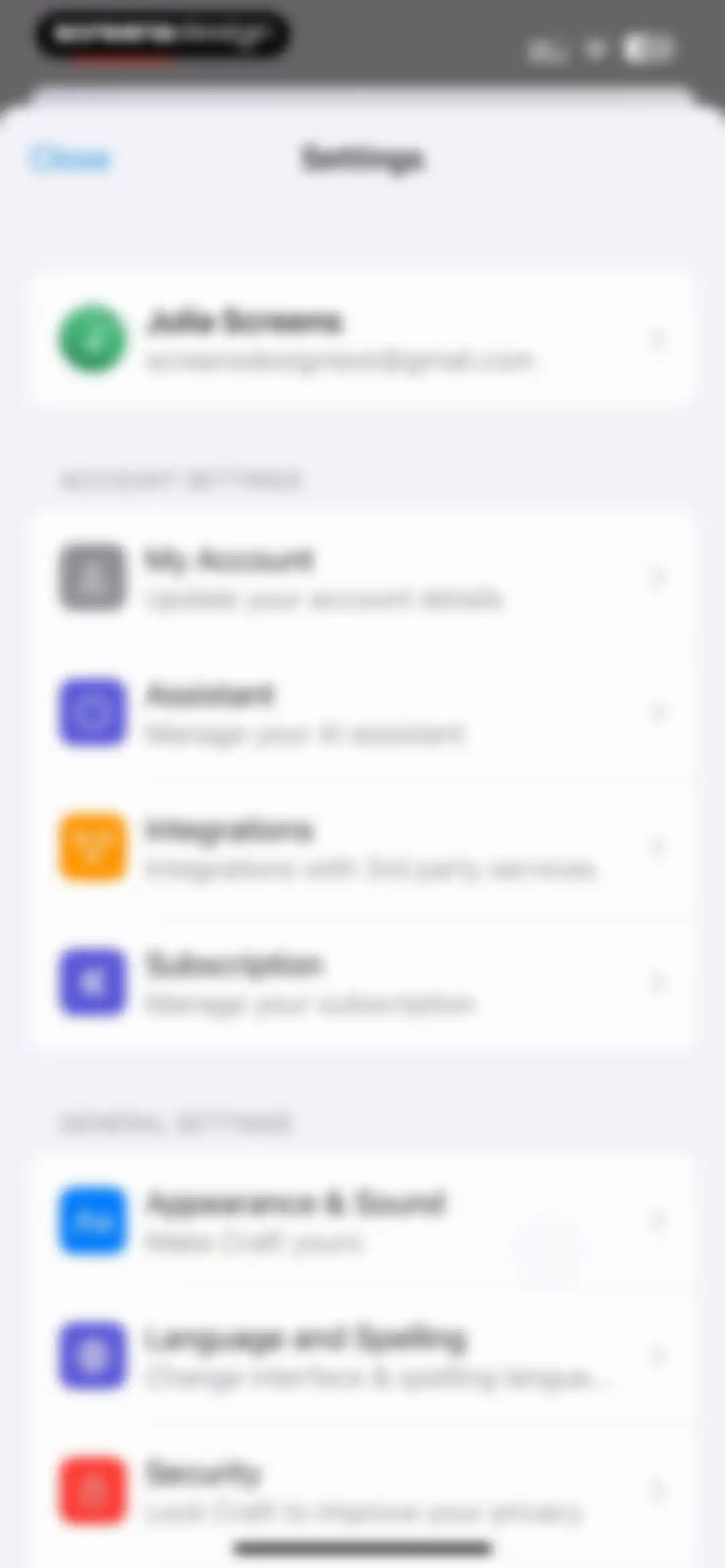
Settings modal sheet displaying a user profile card and grouped lists for account and general settings options.Unlock Pro
Account selection modal displaying Julia Screens as the active account alongside an option to add another account.Unlock Pro
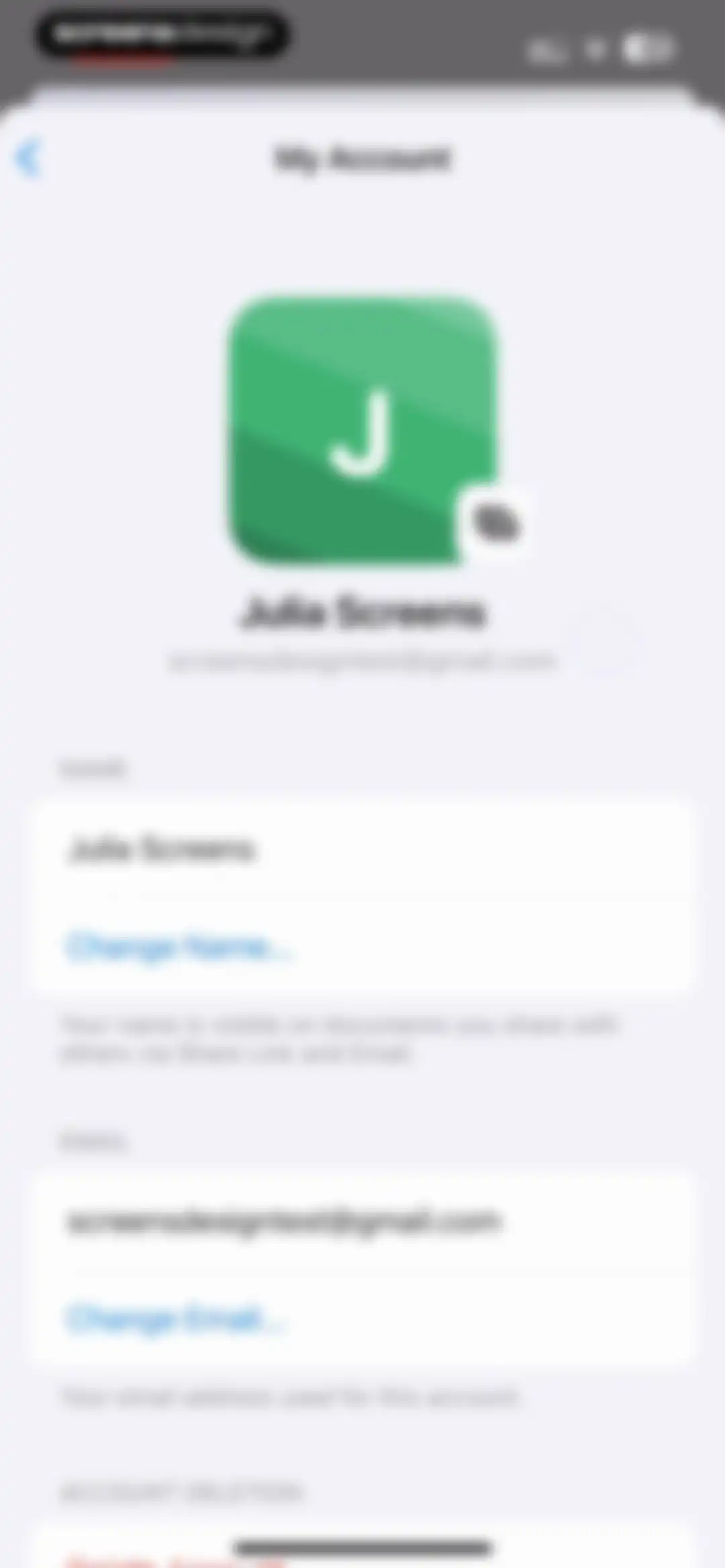
Account settings screen displaying the user's profile avatar, name, email address, and options to change name, change email, or delete the account.Unlock Pro
Assistant settings screen displaying the GPT-4.o-mini model and an Add Prompt button.Unlock Pro
Assistant settings screen with an active AI model dropdown menu showing GPT-4.o-mini selected and a system keyboard.Unlock Pro
Settings integrations screen displaying a list of productivity tools with individual connect buttons and a help link.Unlock Pro
Subscription settings screen displaying the Plus plan details, billing date, and buttons to upgrade or create a team.Unlock Pro
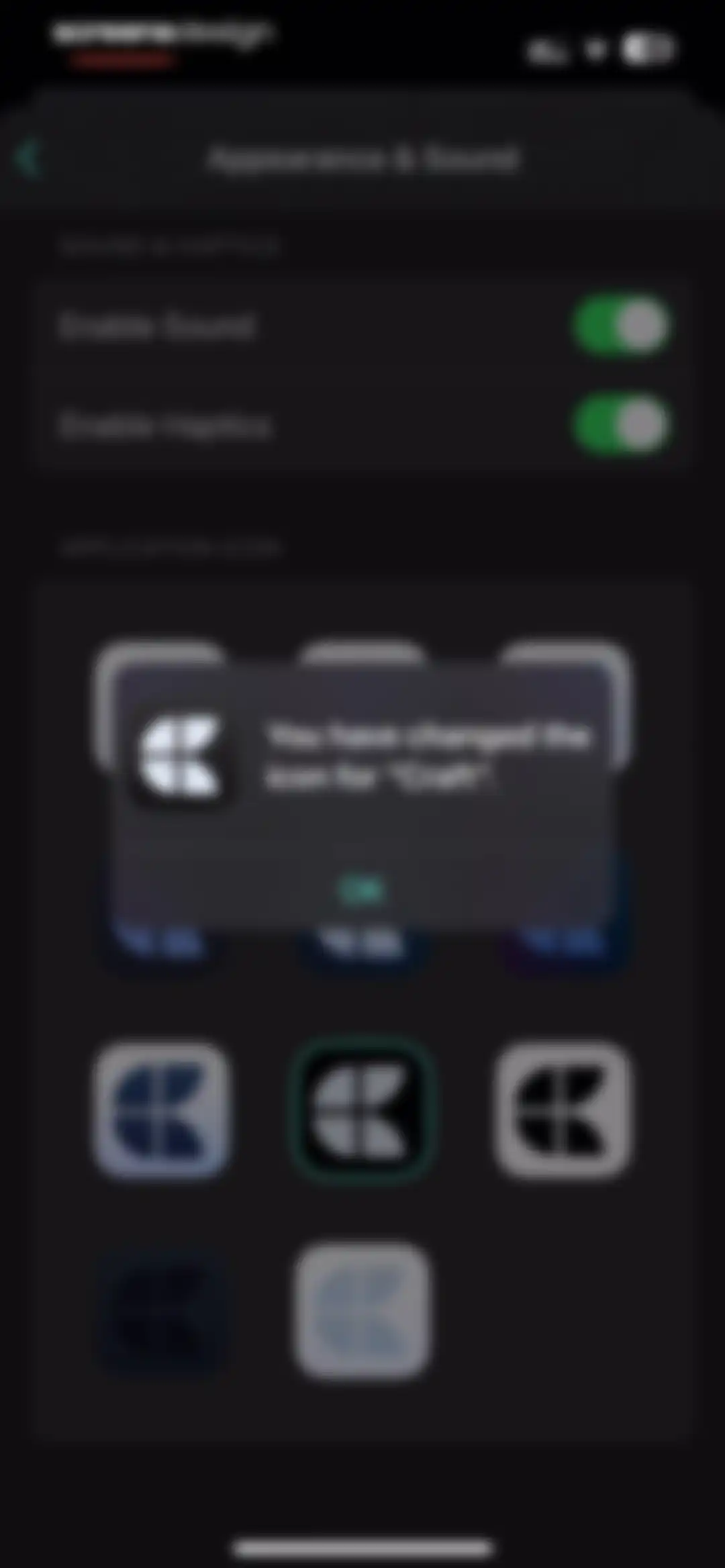
Appearance and sound settings screen with the Dark theme selected, a blue accent color, and active sound and haptics toggles.Unlock Pro
Appearance and sound settings screen with a centered confirmation modal stating that the Craft application icon has been changed.Unlock Pro
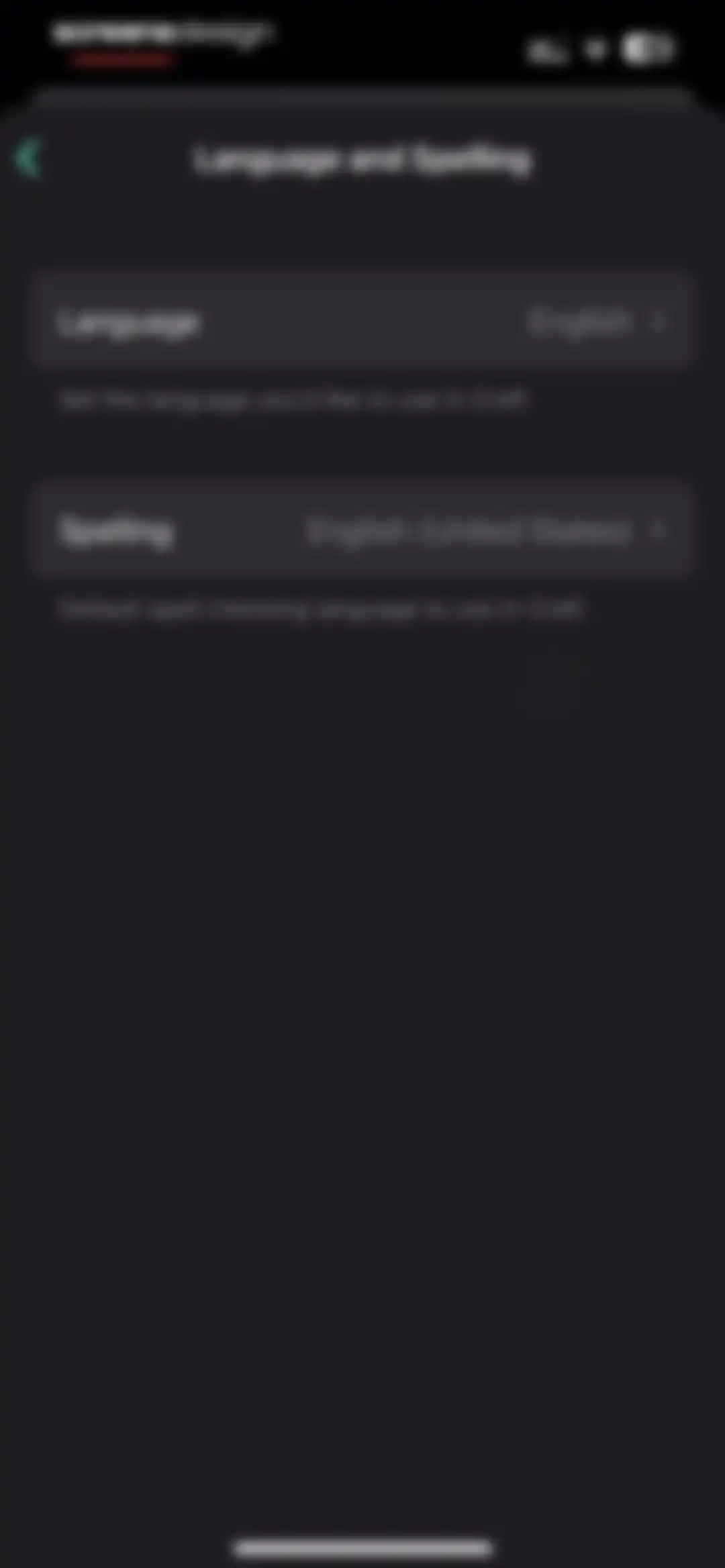
Language and Spelling settings screen in the Craft app displaying cards for language and spell checking preferences with current selections.Unlock Pro
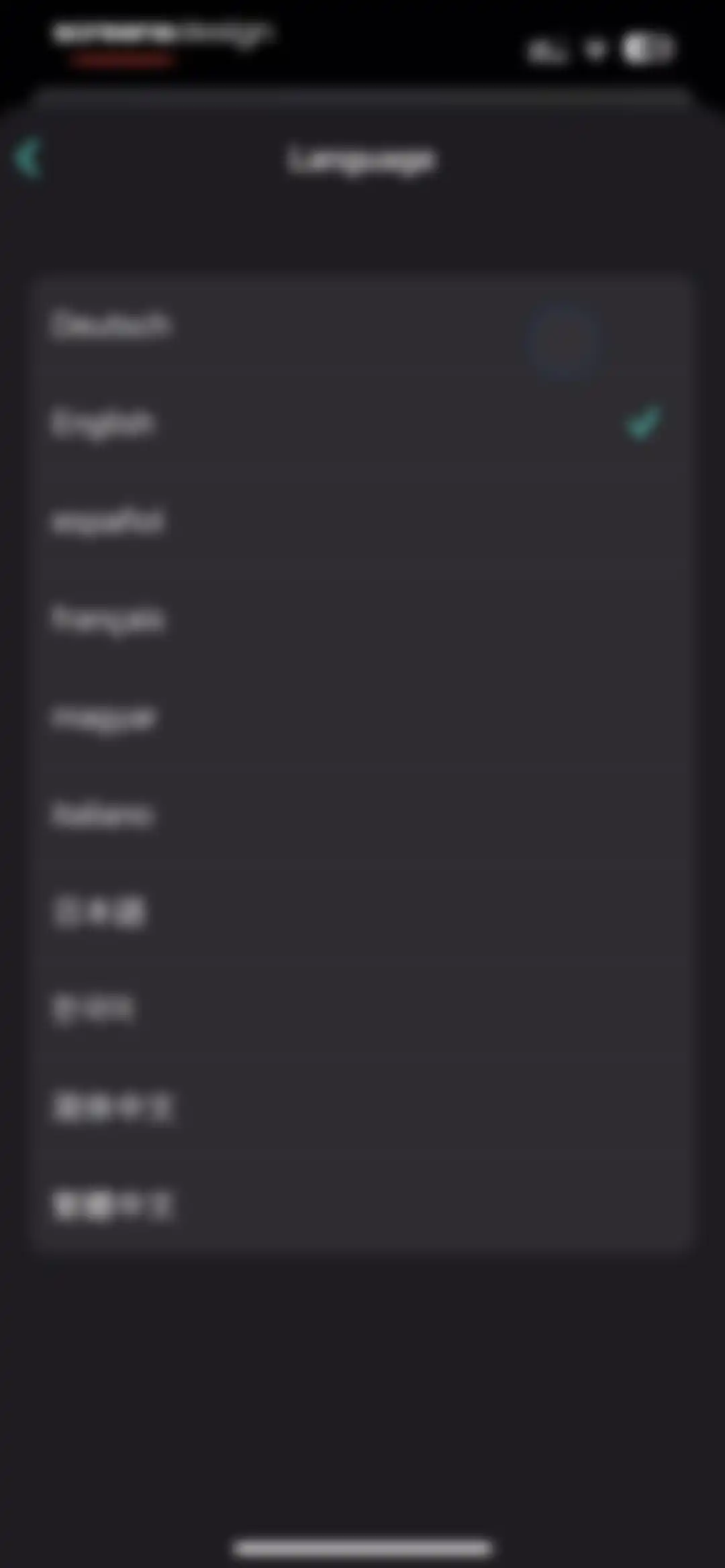
Language settings list featuring multiple language options with English selected and indicated by a green checkmark.Unlock Pro
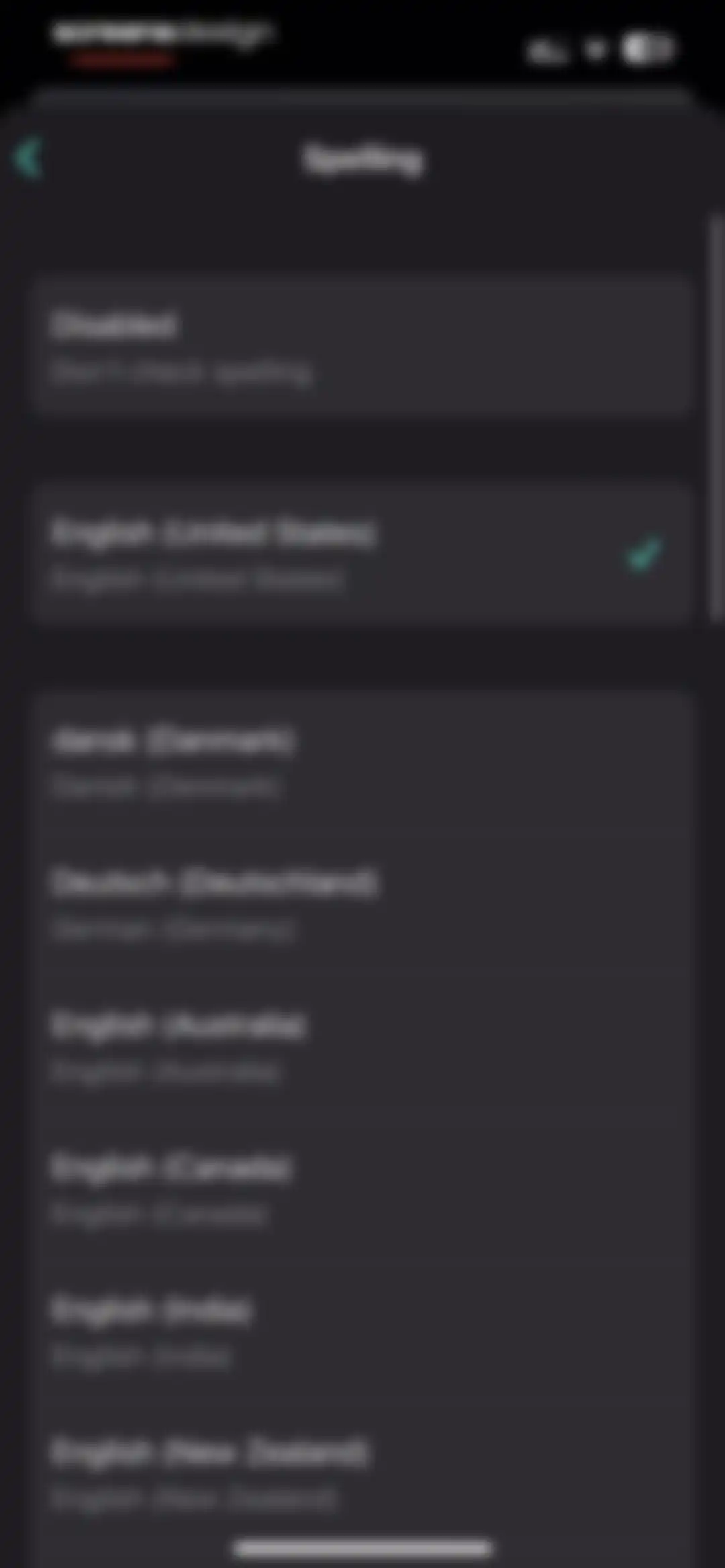
Settings screen for spelling preferences, with English (United States) selected and a green checkmark.Unlock Pro
Security settings screen in the Craft app with a Privacy section containing a toggle to lock the app with Face ID.Unlock Pro
Settings screen for date badges with two options, featuring the Enabled option selected with a checkmark.Unlock Pro
Craft app settings screen for completed task appearance with Strikethrough selected and a checkmark icon.Unlock Pro
Settings screen for choosing how to open web links, with Default Browser selected and a checkmark.Unlock Pro
Settings screen for showing external locations with Enabled and Disabled options, featuring a checkmark on the selected Disabled row.Unlock Pro
Diagnostics settings screen with cloud sync status, troubleshooting options, and a Sync Now button in a dark theme.Unlock Pro
About screen displaying app version, legal links, social media options, and a send feedback button on a dark theme.Unlock Pro

About Craft: Notes, Documents, AI

A powerful productivity workspace for writing, task management, and knowledge organization with integrated AI assistance and cross-platform document syncing.

Explore Craft: Notes, Documents, AI across ScreensDesign

Apps similar to Craft: Notes, Documents, AI

Unlock all similar apps

See every comparable app, revenue, installs, and flows.

Unlock Pro
  • Noteful: Notes & PDF Markup

    4.8
    Noteful Technologies LtdRevenue$85kInstalls150k
  • Paper: Sketch, Draw & Create

    4.6
    WeTransfer BVRevenue$150kInstalls100k
  • CraftNote: Smart AI Note Taker

    4.7
    Joyolabs Dijital Hizmetler Anonim SirketiRevenue$200kInstalls35k
  • MyScript Notes: AI Handwriting

    4.7
    MyScriptRevenue$35kInstalls35k
  • eSign App: Sign PDF Documents

    4.8
    MunicornRevenue$150kInstalls5k
  • Splice - Video Editor & Maker

    4.6
    Bending Spoons Apps ApSRevenue$2.8MInstalls50k
  • Scanner: Scan Documents

    4.7
    DISTRITO SLURevenue$<5kInstalls<5k
  • Evernote: AI Notes & Notebook

    4.4
    Evernote CorporationRevenue$750kInstalls25k
  • PDF Converter - Word to PDF

    4.7
    Minimodev Technologies LTDRevenue$300kInstalls60k
  • Documents to PDF Scanner

    4.7
    Fliyin SLURevenue$<5kInstalls<5k
  • Xmind: AI Mind Map, Brainstorm

    4.8
    Xmind Ltd.Revenue$90kInstalls60k
  • To Do List MinimaList & Widget

    4.8
    Davetech Co., Ltd.Revenue$5kInstalls95k
  • Collect by WeTransfer

    4.4
    WeTransfer BVRevenue$200kInstalls<5k
  • Esti: Aesthetic Photo Editor

    4.6
    Prequel Inc.Revenue$800kInstalls250k
  • Video Maker & Editor: Dizzi AI

    4.7
    IRONTECH LIMITEDRevenue$<5kInstalls<5k
  • PDF App: Convert, Create, Sign

    4.7
    Minimodev Technologies LTDRevenue$<5kInstalls<5k
  • Noteshelf 3: AI Digital Notes

    4.6
    Fluid Touch Pte. Ltd.Revenue$50kInstalls150k
  • CollaNote: Notes & PDF Markup

    4.7
    Zauberberg Lab Company LimitedRevenue$100kInstalls200k
  • Freenotes®: AI Notes Taking

    4.7
    Free Notes (Hangzhou) Ltd.Revenue$500kInstalls850k
  • Text Art: Typography & Word

    4.8
    Appostrophe ABRevenue$60kInstalls<5k
  • Wallcraft – Wallpapers, live

    4.6
    VOLKRAFTRevenue$30kInstalls100k
  • Artful Agenda

    4.7
    Artful, LLCRevenue$45kInstalls20k
  • Vimeo

    4.5
    Vimeo.com, Inc.Revenue$300kInstalls35k
  • PDF Hero - PDF Editor & Reader

    4.6
    Easy Tiger Apps, LLC.Revenue$40kInstalls<5k
  • Logo Maker, Design Creator.

    4.7
    Logo Maker LLCRevenue$20kInstalls10k
  • GammAI: AI Presentation Maker

    4.4
    Denys HodushkoRevenue$20kInstalls5k
  • Planner & Journal - Zinnia

    4.6
    Pixite Inc.Revenue$200kInstalls45k
  • Poster & Flyer Maker by Pinso

    4.6
    Pinso, Inc.Revenue$<5kInstalls<5k
  • Invoice Maker ▸ Estimate App

    4.8
    GetPaid Inc.Revenue$800kInstalls35k
  • PDF & Document Scanner.

    4.7
    CHISQUIBOX SOCIEDAD LIMITADARevenue$20kInstalls40k
  • Substack

    4.9
    Substack, Inc.Revenue$35kInstalls1M
  • iLovePDF - PDF Editor & Scan

    4.8
    iLovePDFRevenue$200kInstalls250k
  • Capture One

    3.5
    Capture One A/SRevenue$100kInstalls<5k
  • Tezza: Aesthetic Photo Editor

    4.7
    Tezza App LLCRevenue$2MInstalls350k
  • Photo Collage Maker Picture

    4.7
    Bud CopmanyRevenue$200kInstalls70k
  • PDF Expert: Editor & Reader

    4.7
    Readdle Technologies LimitedRevenue$1.3MInstalls50k
  • PDF Editor ®

    4.5
    SMM service, s.r.o.Revenue$700kInstalls400k
  • Private Photo Vault - Pic Safe

    4.8
    Legendary Software Labs LLCRevenue$950kInstalls40k
  • Scanner App. JPG, Photo to PDF

    4.8
    MunicornRevenue$550kInstalls50k
  • Magnific - AI Video & Image

    4.7
    Freepik Company S.L.U.Revenue$80kInstalls35k
  • Photo Collage Maker: InCollage

    4.8
    SHANTANU PTE. LTD.Revenue$15kInstalls95k
  • PDF Scanner App: TapScanner

    4.7
    SMART MEDIA INTERNET MARKETING LTDRevenue$450kInstalls100k
  • PDF Converter - PDF Editor・

    4.4
    Techgear IncRevenue$15kInstalls30k
  • Clay – Story Templates Frames

    4.7
    Plexagon s.r.l.Revenue$45kInstalls25k
  • Essayist: Academic Writing App

    4.5
    Essayist Software Inc.Revenue$<5kInstalls<5k
  • pdfFiller: edit PDF documents

    4.4
    airSlate, Inc.Revenue$250kInstalls<5k
  • LooseLoop - Craft Companion

    4.4
    Loose Loop LimitedRevenue$20kInstalls15k