ClickUp: Tasks, Chat, Docs, AI

$<5k revenue, 4.7 rating

App walkthrough
0:00 / 18:03

Onboarding flow, Paywall & Inside the App

Watch the full screen-by-screen UX video of ClickUp: Tasks, Chat, Docs, AI with onboarding, paywall, and every core flow.

Loading screen displaying a centered multi-colored ClickUp logo animation on a blank white background.
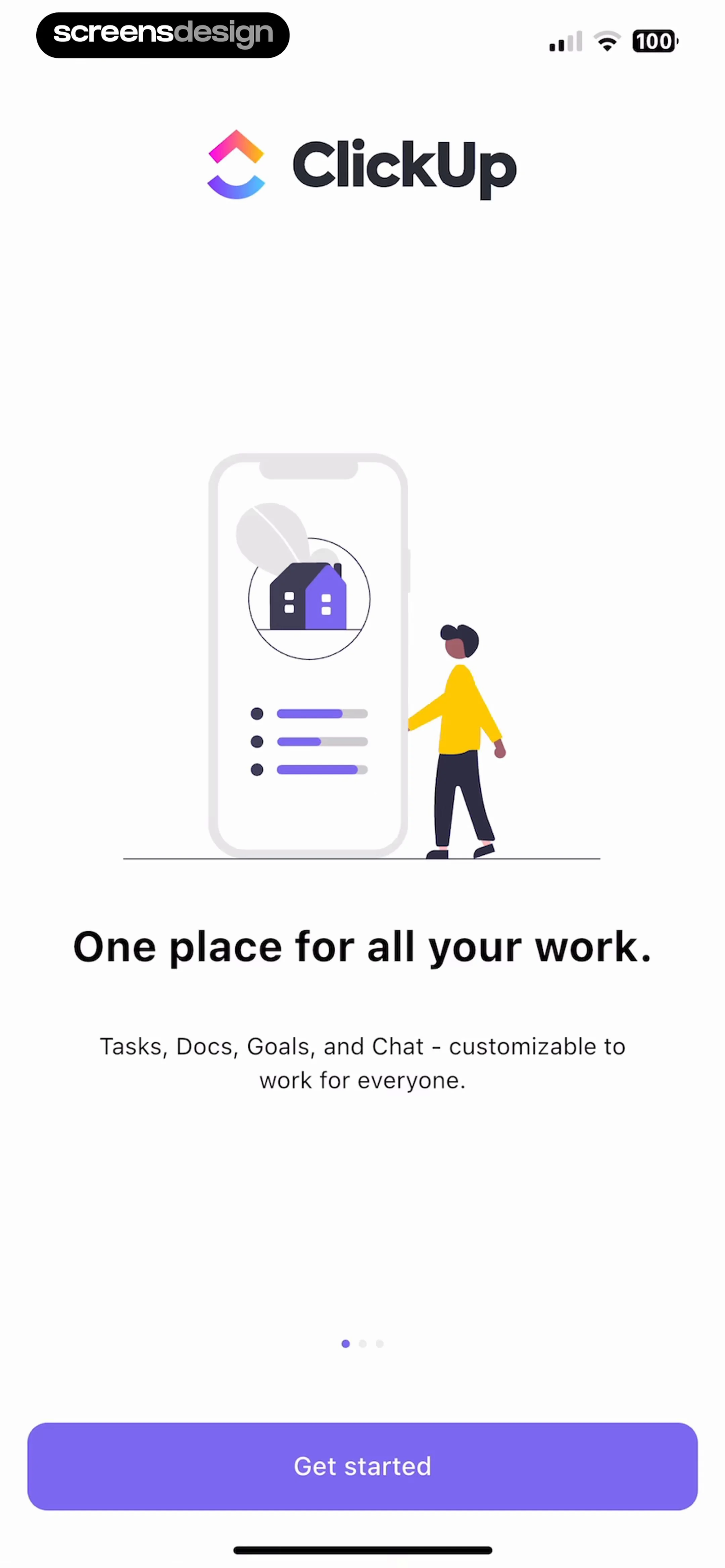
ClickUp onboarding screen with a central productivity illustration, feature description text, pagination dots, and a Get started button.
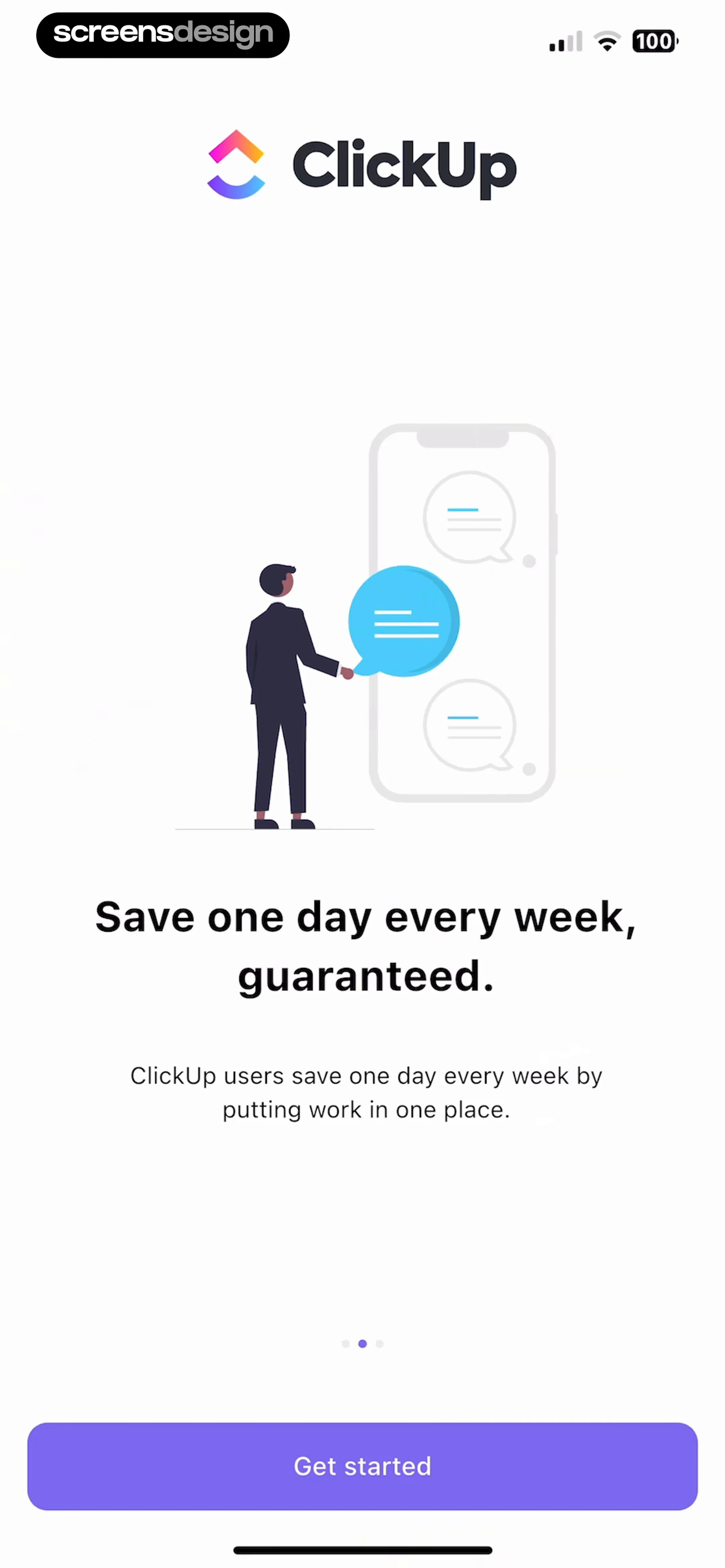
ClickUp onboarding screen with a productivity illustration, value proposition text, pagination dots, and a Get started button.
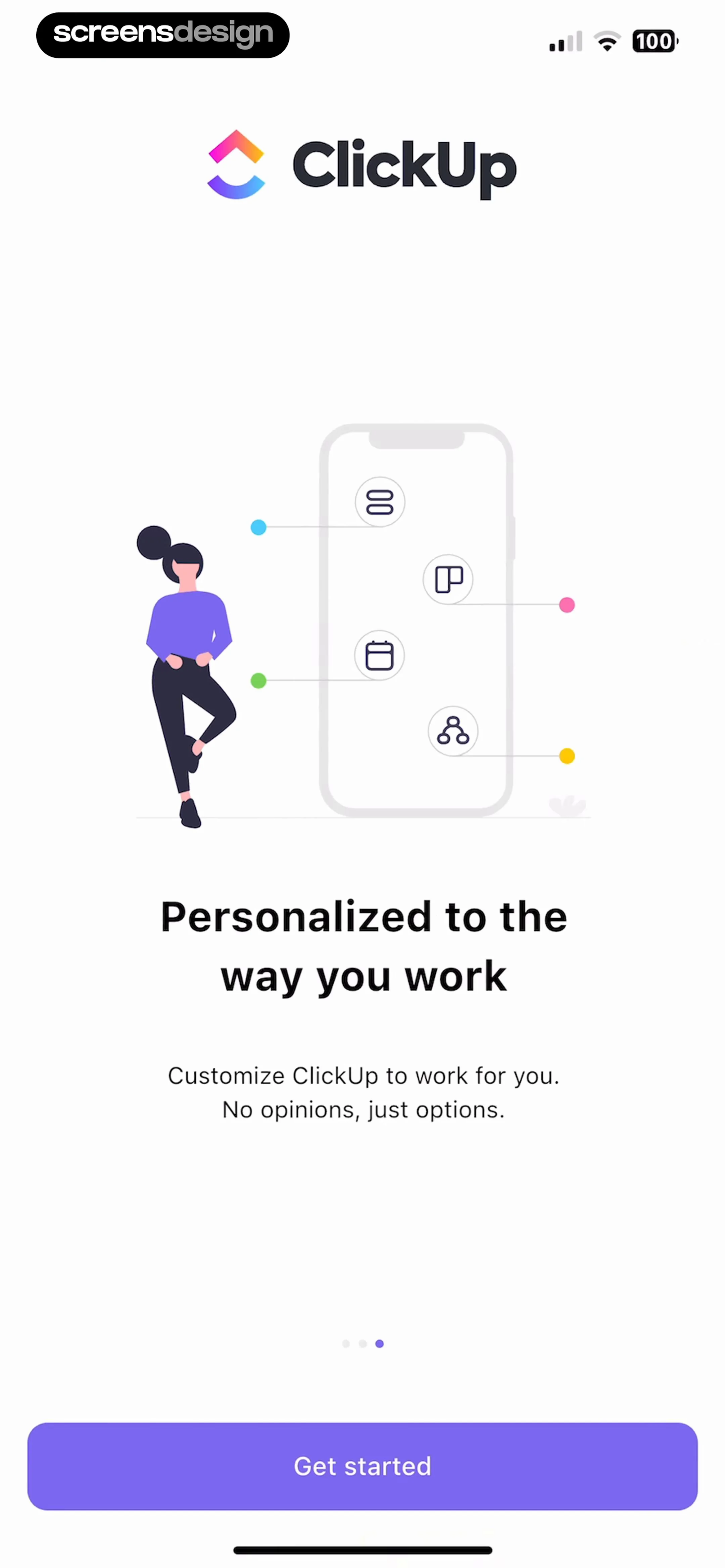
ClickUp onboarding screen featuring a productivity illustration, welcome text, pagination dots, and a Get started button.
Email entry form for account authentication, prefilled with an email address and a Next action button.
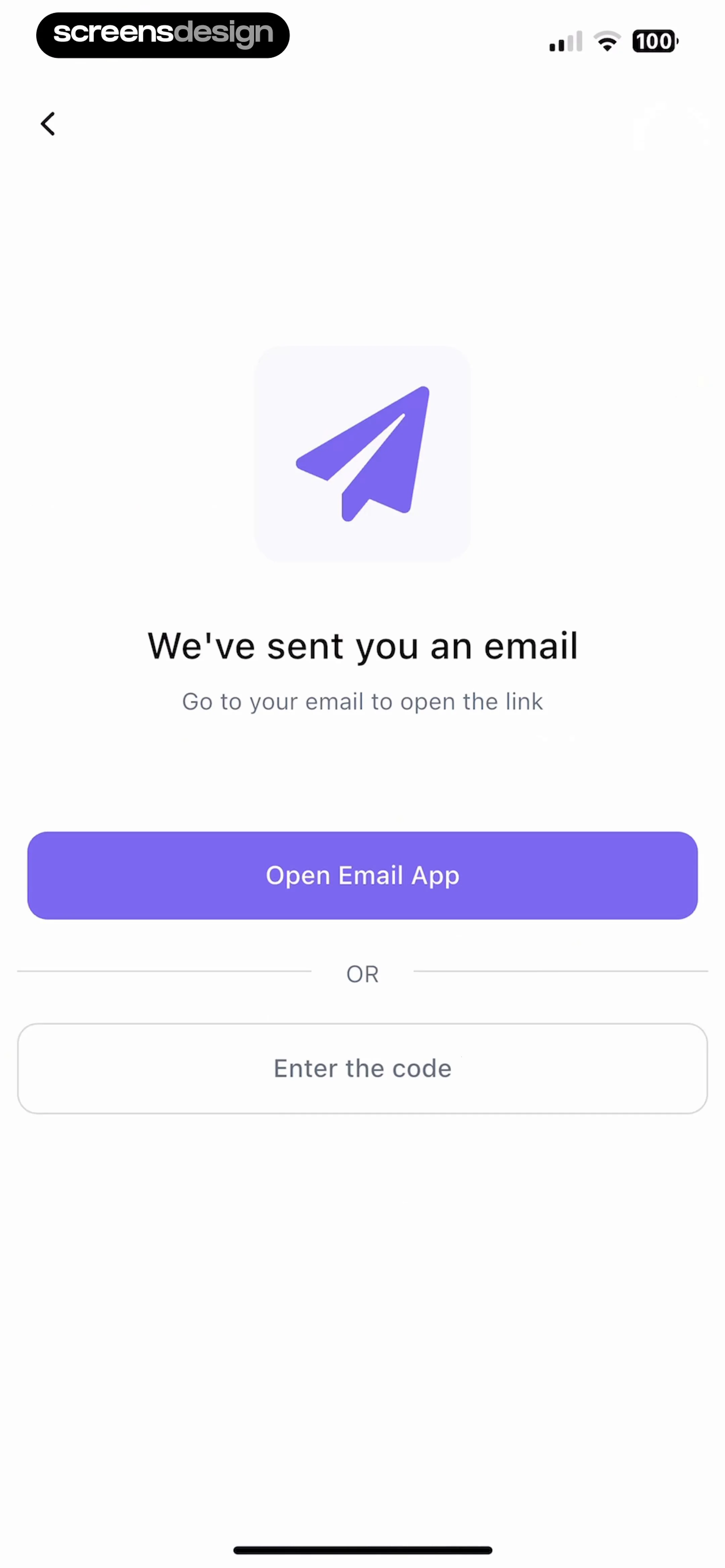
Email verification screen instructing the user to open their email, with an Open Email App button and an alternative Enter the code option.
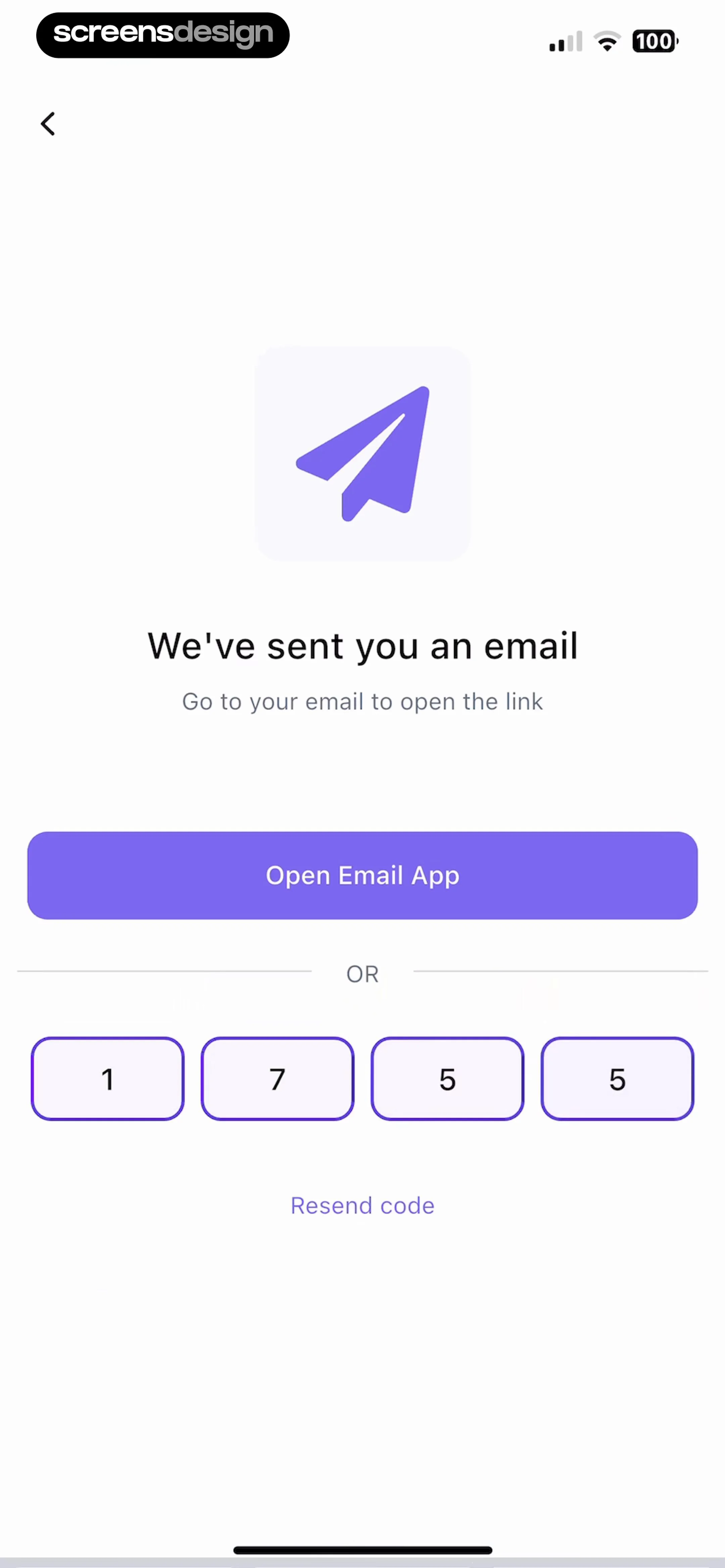
Email verification screen in the ClickUp app showing an Open Email App button, a four-digit code input, and a Resend code link.
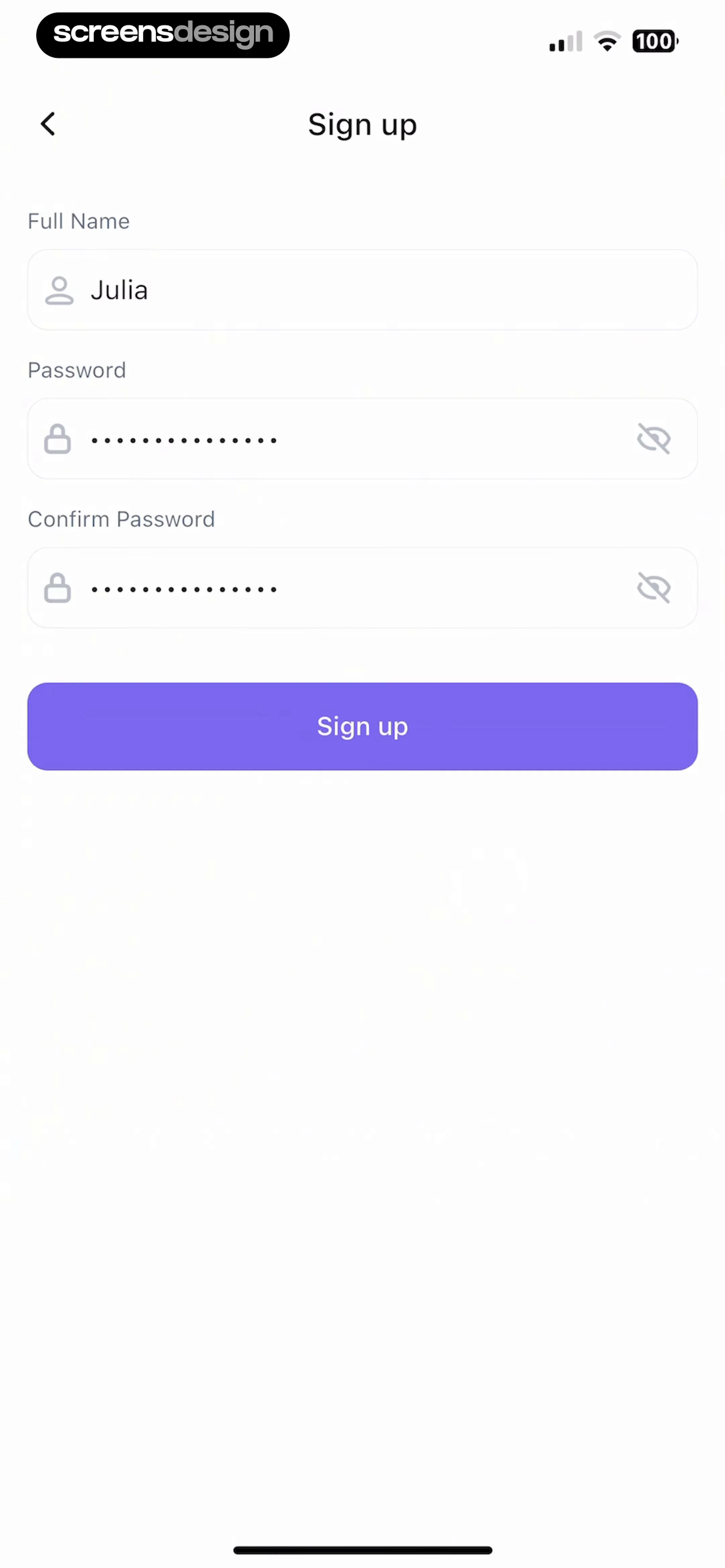
Sign-up form with input fields for full name and passwords, featuring a pre-filled name and a purple Sign up button.
Workspace creation onboarding screen with a filled text input field and a Create Workspace button.Unlock Pro
Permission request screen in ClickUp asking to stay in the loop, featuring a bell icon, Give permissions button, and Skip option.Unlock Pro
Permission request screen asking to enable push notifications with Allow, Don't Allow, and Skip buttons.Unlock Pro
ClickUp onboarding completion screen with a celebratory message and a Play with ClickUp button.Unlock Pro
ClickUp onboarding modal welcoming users to the app with a product mockup, pagination dots, and a Next button.Unlock Pro
ClickUp onboarding modal explaining the hierarchy concept, featuring an illustration, descriptive text, pagination dots, and a Next button.Unlock Pro
Onboarding screen explaining task creation features with an illustration, pagination dots, and a Next button.Unlock Pro
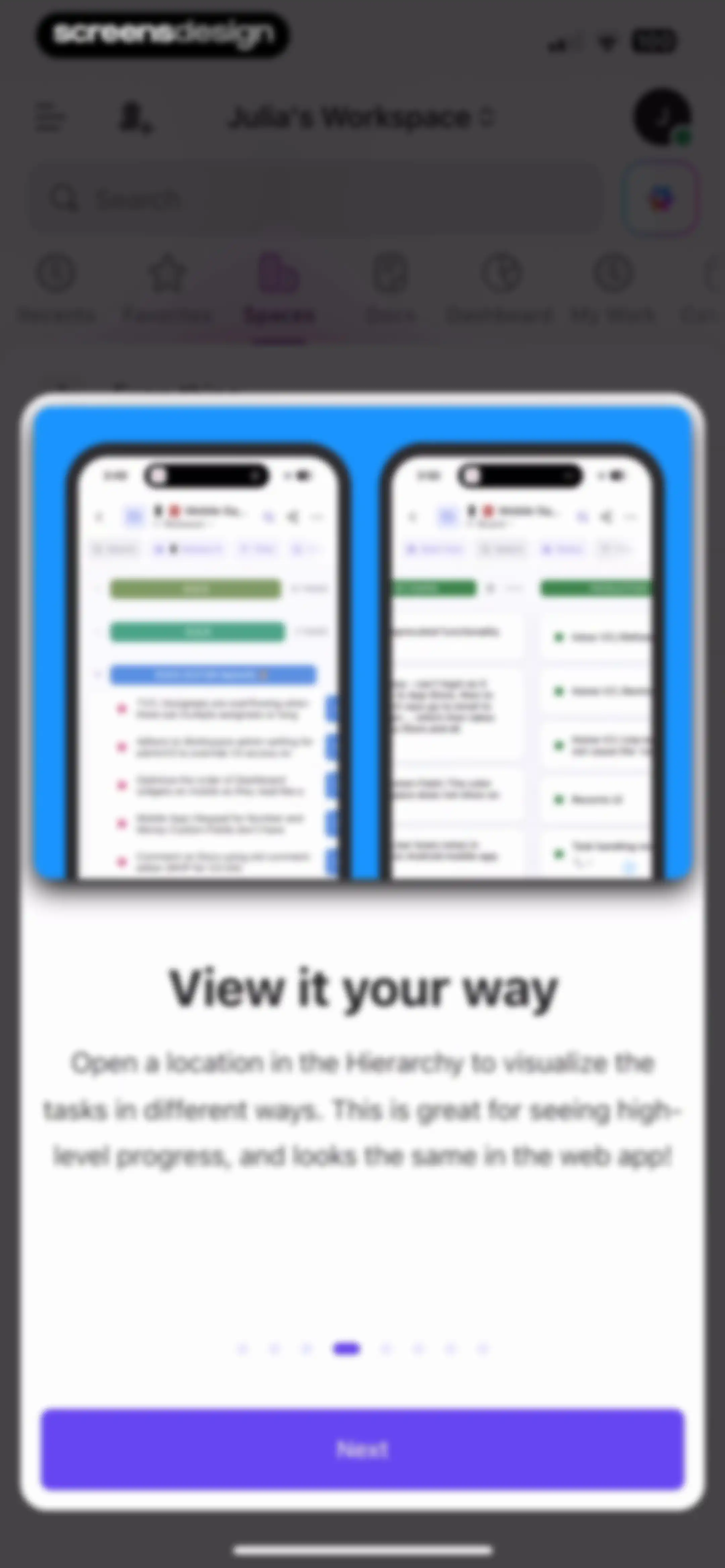
Onboarding feature tour modal explaining task visualization with pagination dots and a Next button.Unlock Pro
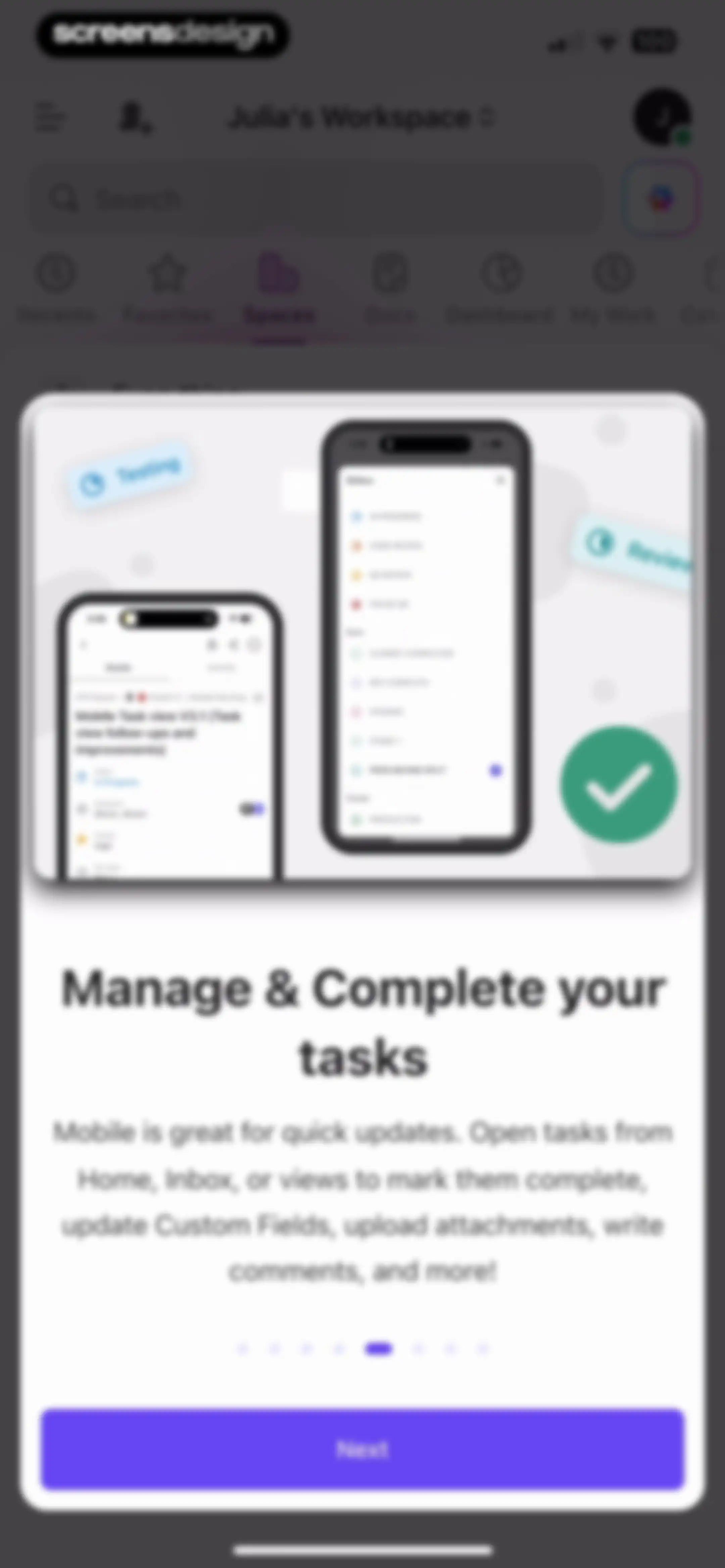
Onboarding modal with an illustration and instructions for managing and completing tasks, featuring pagination dots and a Next button.Unlock Pro
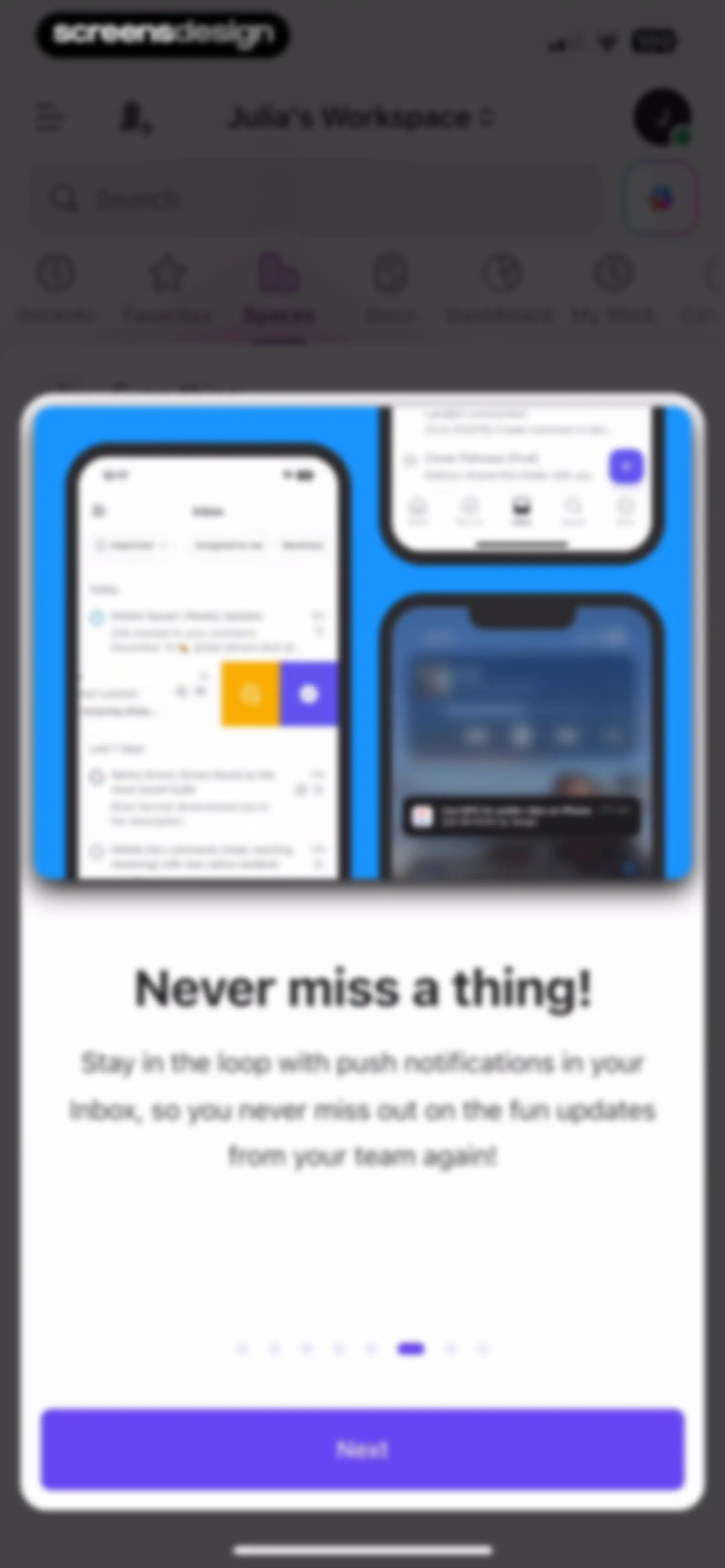
ClickUp onboarding modal highlighting push notifications with an illustration, text, pagination dots, and a Next button.Unlock Pro
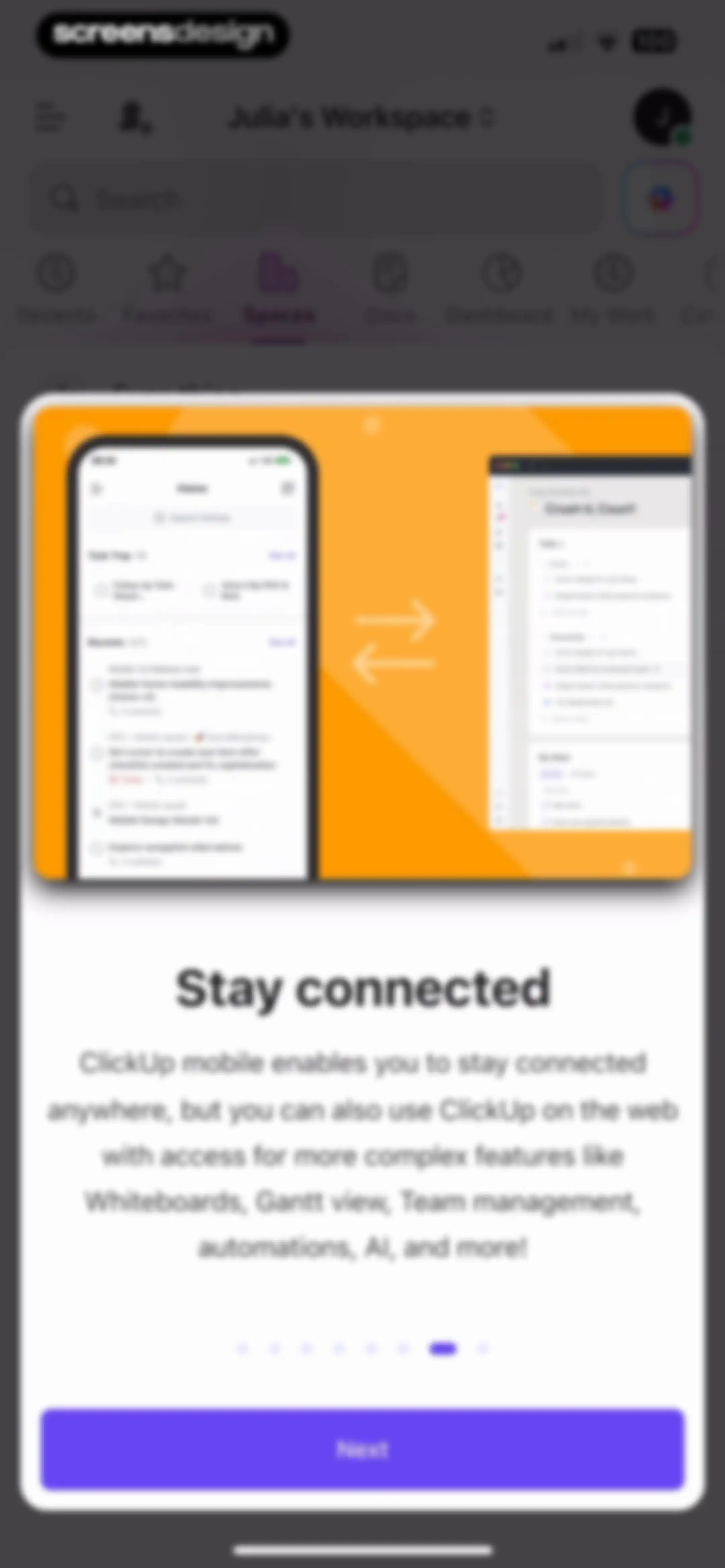
ClickUp onboarding modal explaining mobile and web feature sync, with a Stay connected title, illustration, pagination, and a Next button.Unlock Pro
Help and support onboarding modal with a heart icon, a Learn more button, and a Done button over a dashboard screen.Unlock Pro
Workspace home screen showing a vertical list of spaces with the Spaces tab selected and a search bar at the top.Unlock Pro
Task management dashboard showing a list view organized by projects with status groupings and an add task button.Unlock Pro
Dashboard displaying a project list in a list view with Project 1 and Project 2, a top header, and a bottom task creation button.Unlock Pro
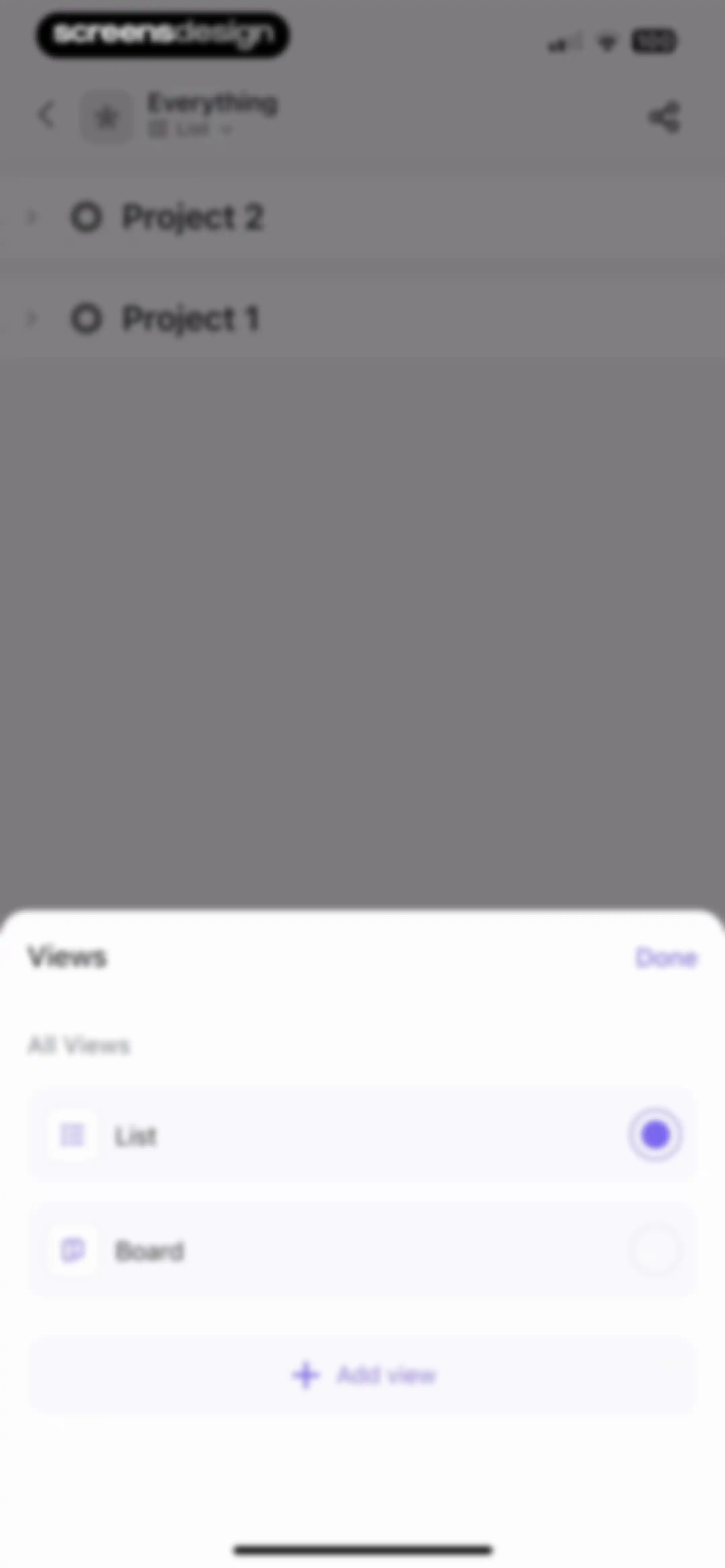
Views selection modal overlaying a project list, with List view selected and a Done button.Unlock Pro
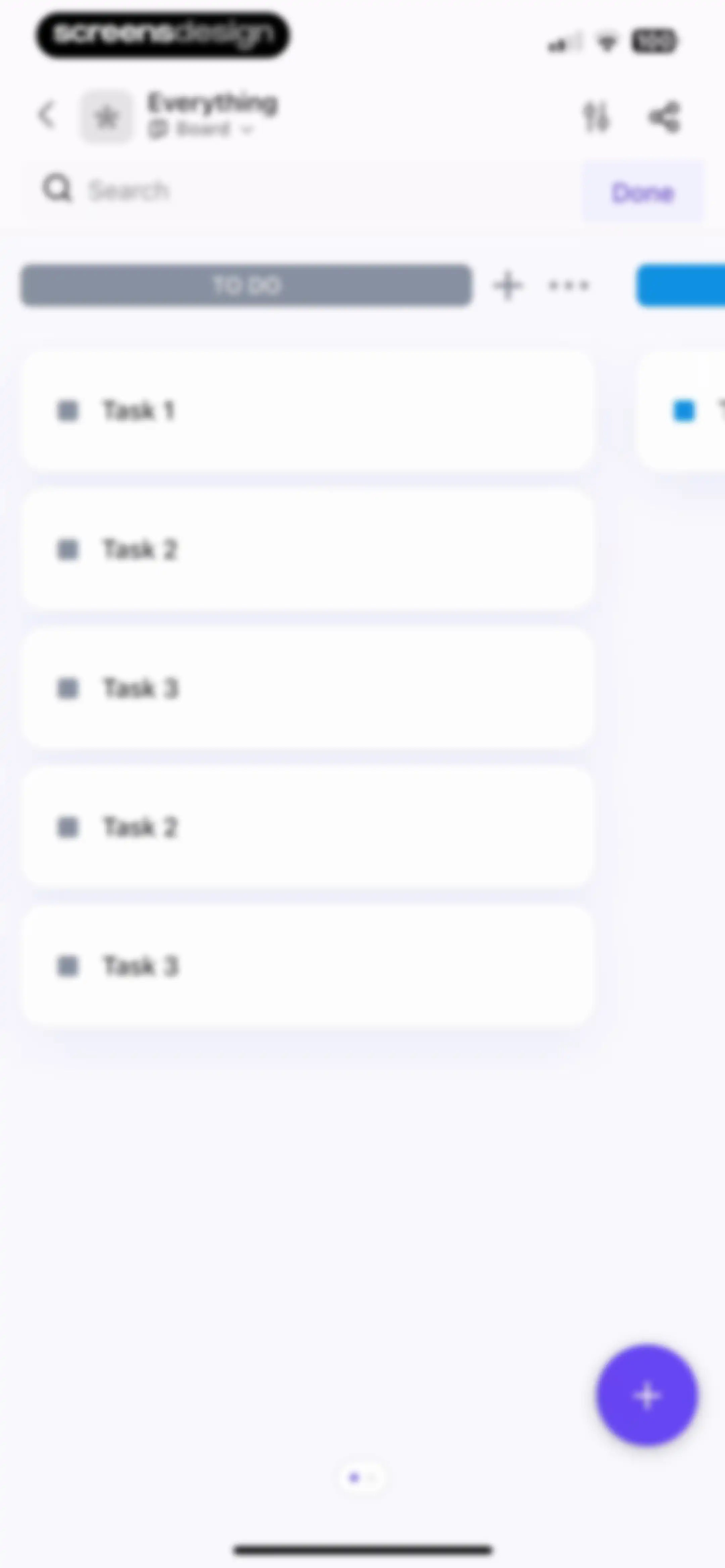
ClickUp kanban board dashboard displaying a To Do column with a vertical list of task cards and a floating action button.Unlock Pro
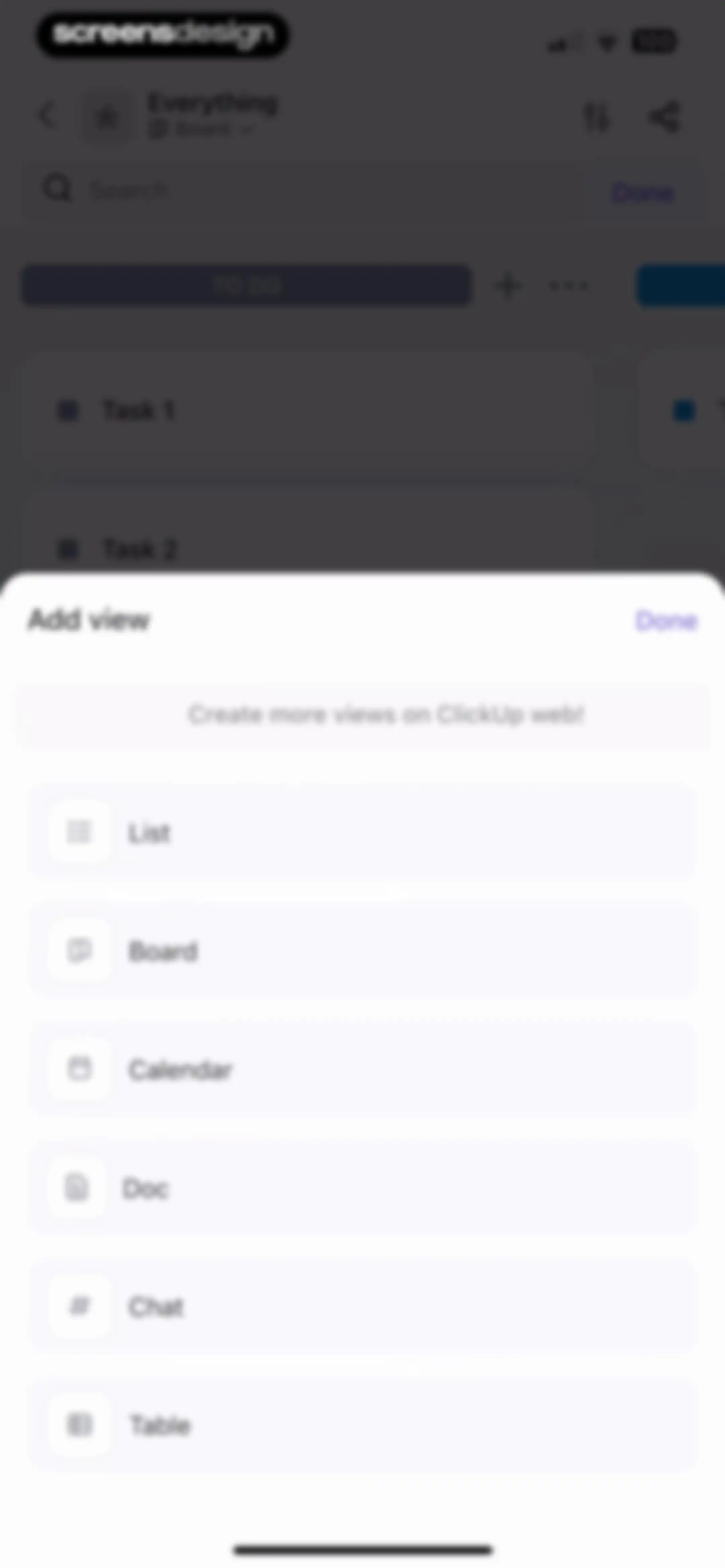
View selection modal overlay on a Kanban board showing options like List, Board, Calendar, Doc, Chat, and Table with a Done button.Unlock Pro
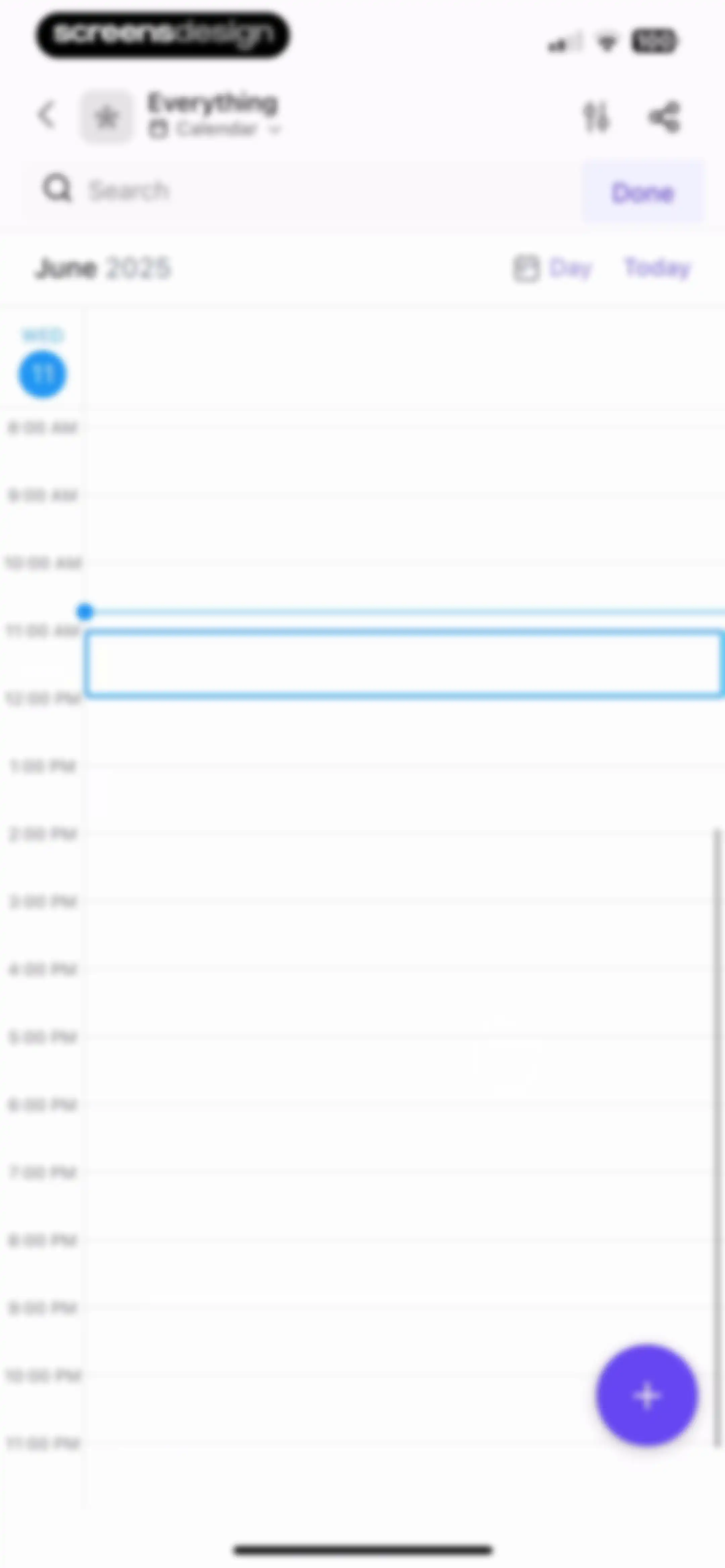
Calendar dashboard showing a daily schedule for June 11, 2025, with a time grid from 8:00 AM to 11:00 PM and a floating action button.Unlock Pro
Calendar day view for June 11, 2025, with a vertical time grid from 8:00 AM to 11:00 PM, filter controls, and a floating action button.Unlock Pro
Task management dashboard listing projects and status groups with add task buttons and a bottom action bar.Unlock Pro
Task dashboard with project groups, status pills, a top view selector, and a bottom create task button.Unlock Pro
Task editor screen displaying details for Task 2 with editable property fields, subtasks, checklists, and the Details tab selected.Unlock Pro
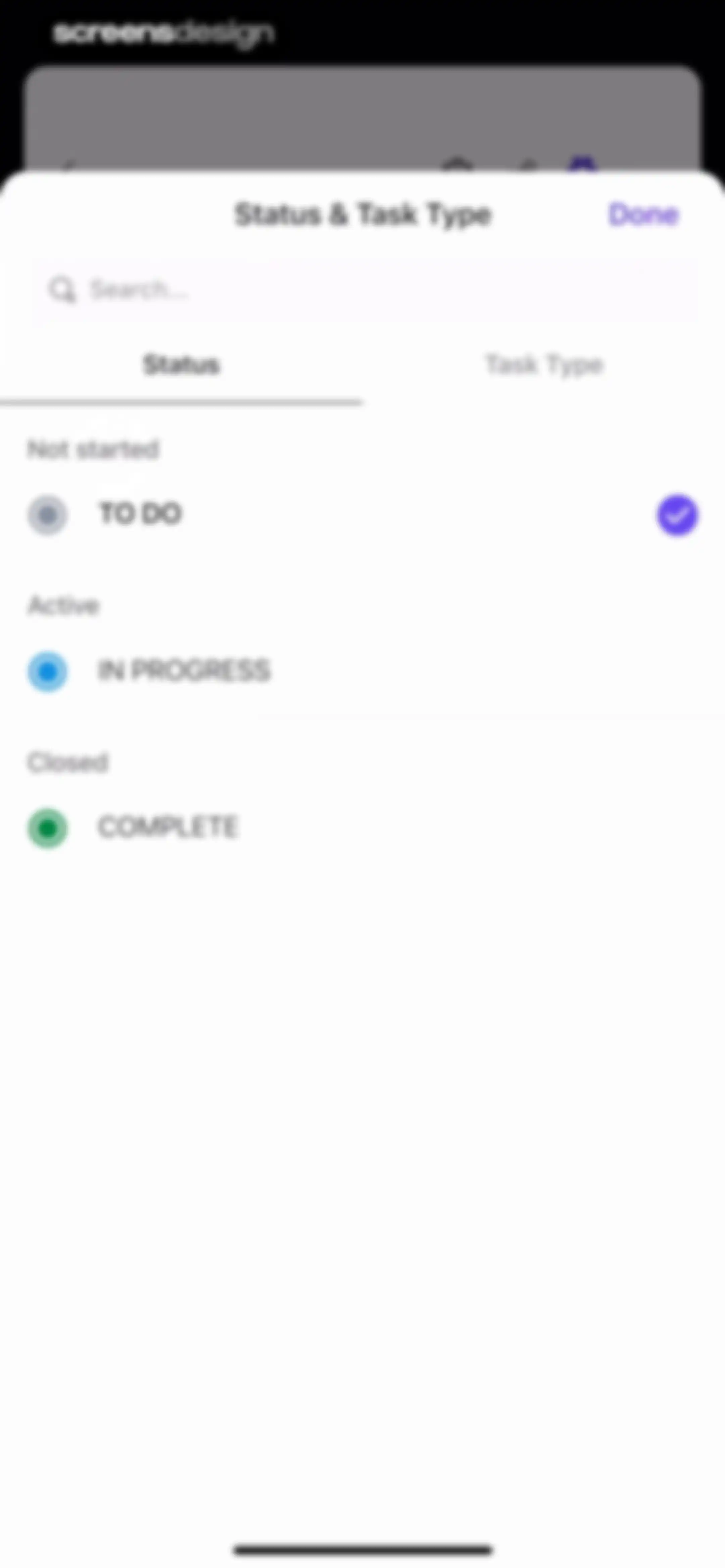
Task status selection modal with the Status tab active, the TO DO option selected with a checkmark, and a Done button.Unlock Pro
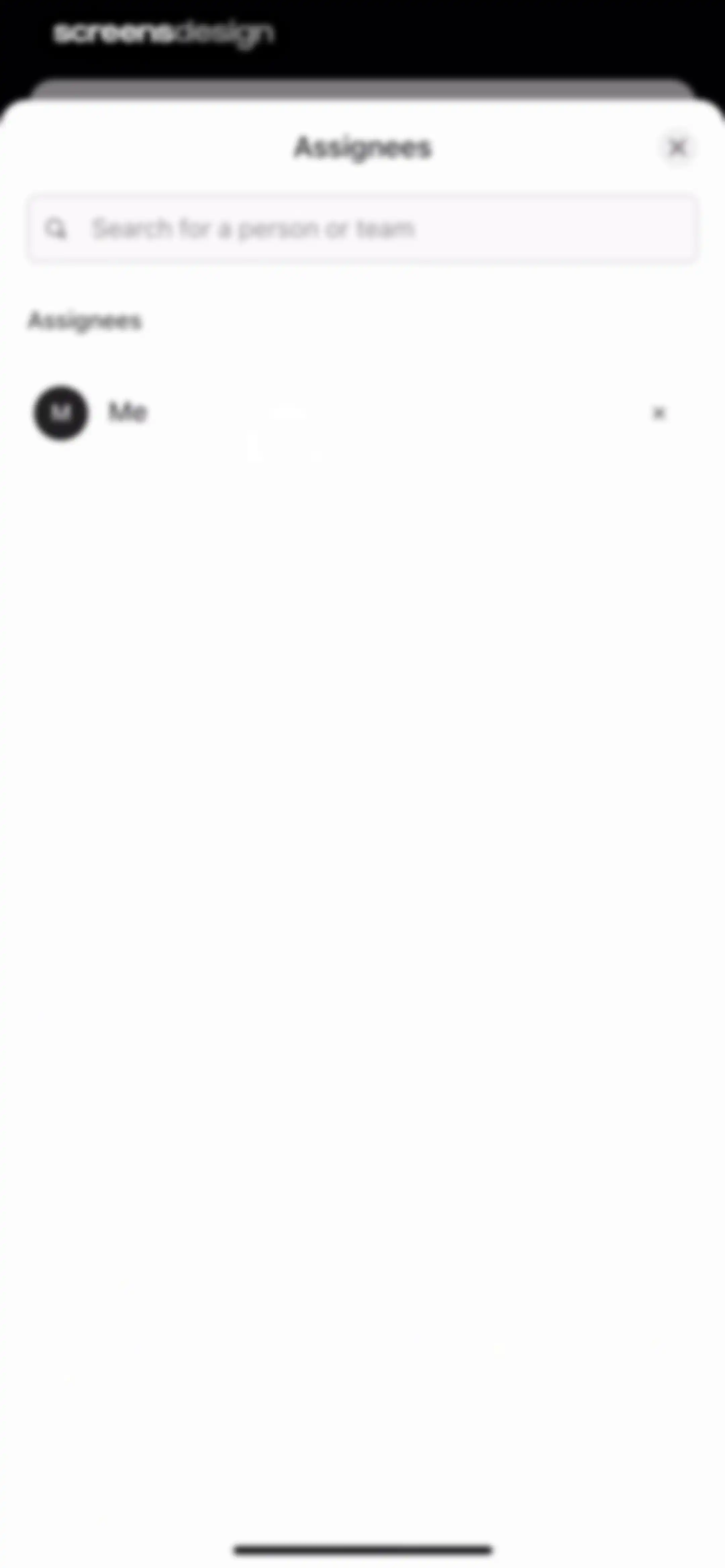
Assignee selection modal with a search field and a list showing the current assignee labeled Me.Unlock Pro
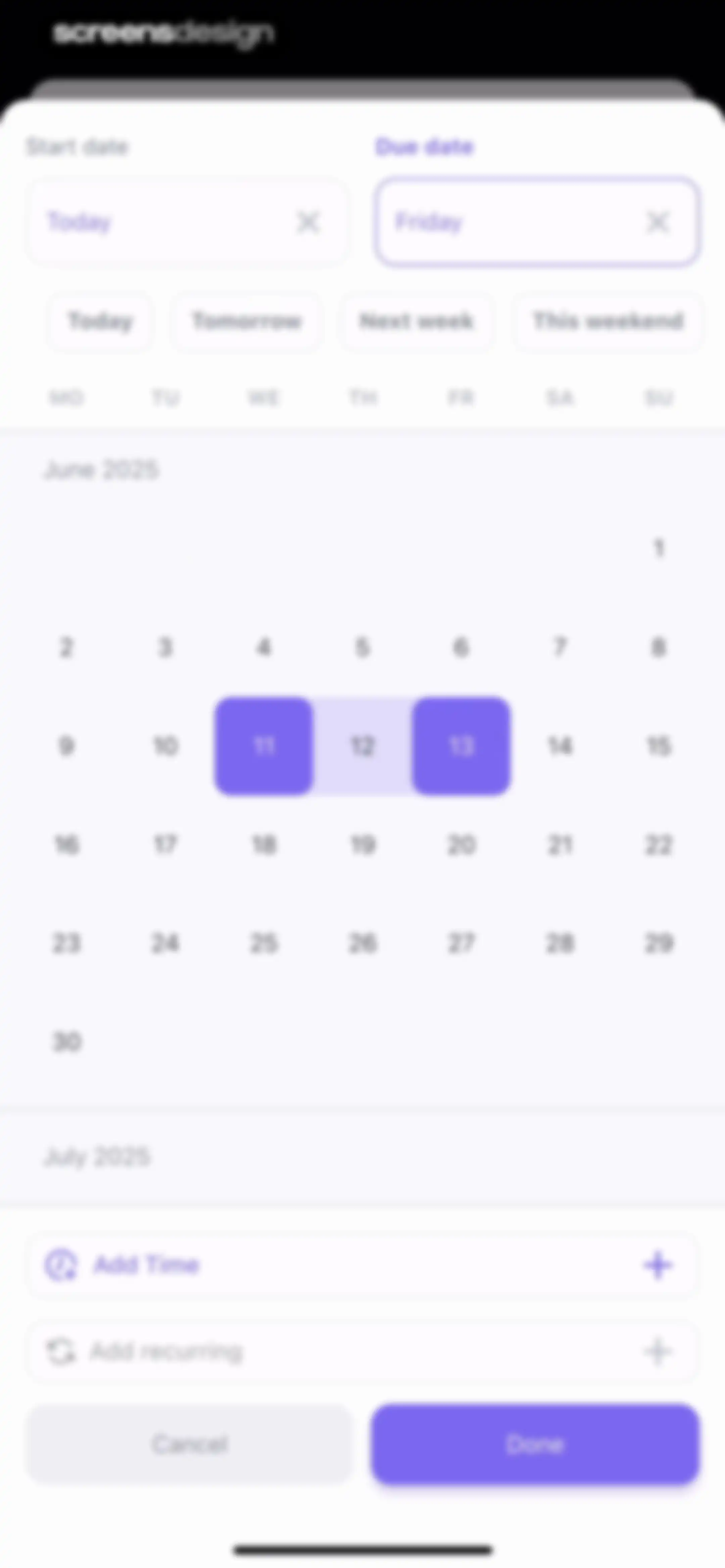
Date and time picker modal with start and due date inputs, quick-select chips, a calendar grid, and a Done button.Unlock Pro
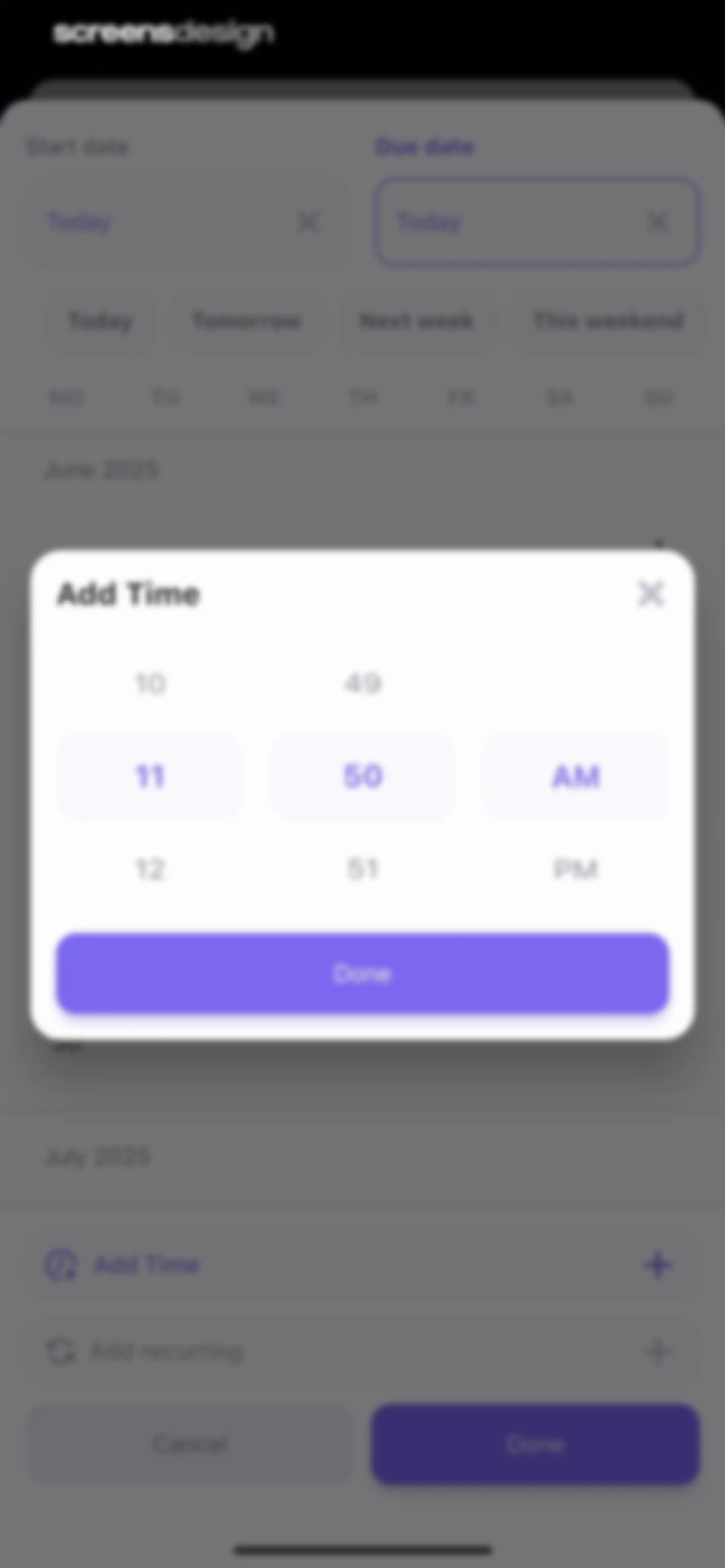
Task scheduling modal overlay featuring a vertical time picker set to 11:50 AM with a purple Done button.Unlock Pro
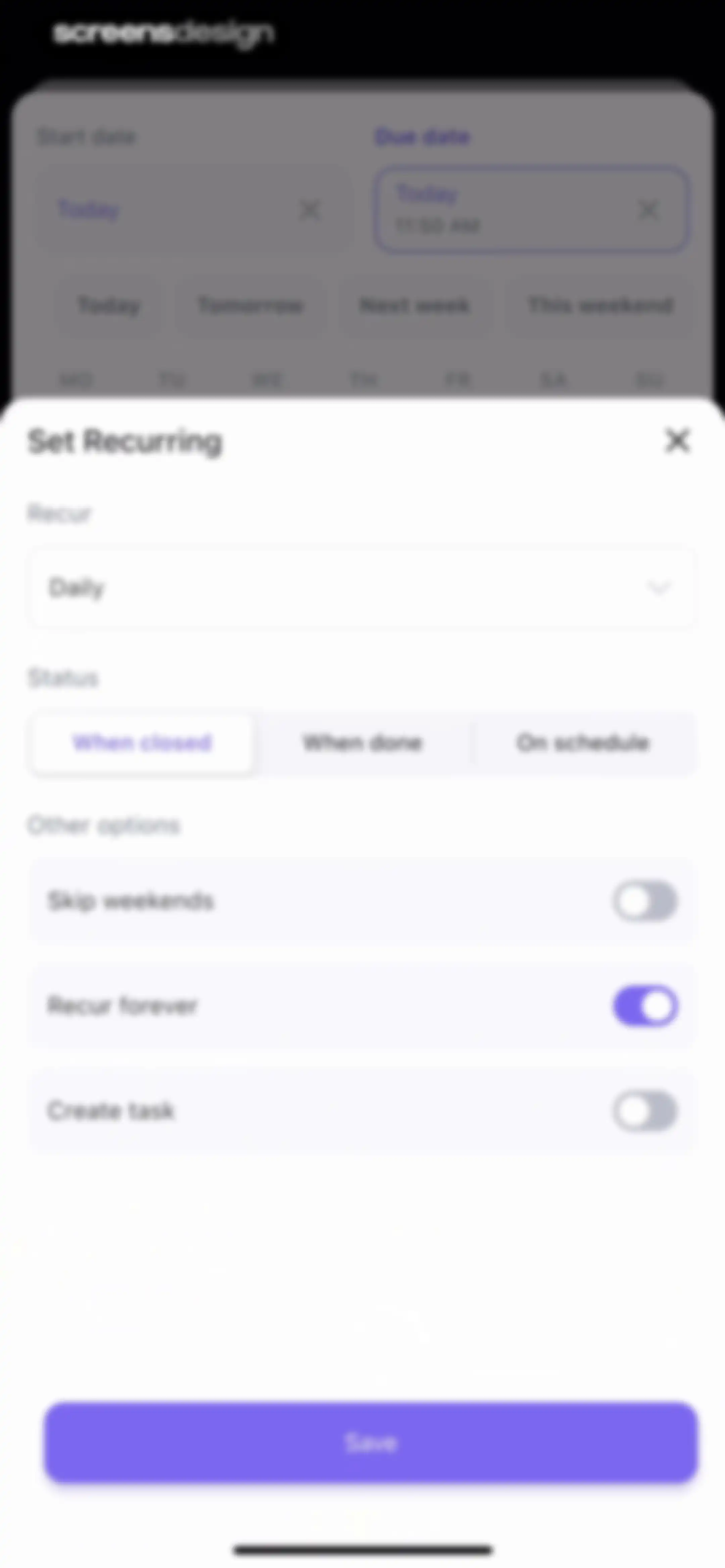
Task recurrence settings form modal displaying frequency options, status triggers, toggle switches, and a save button.Unlock Pro
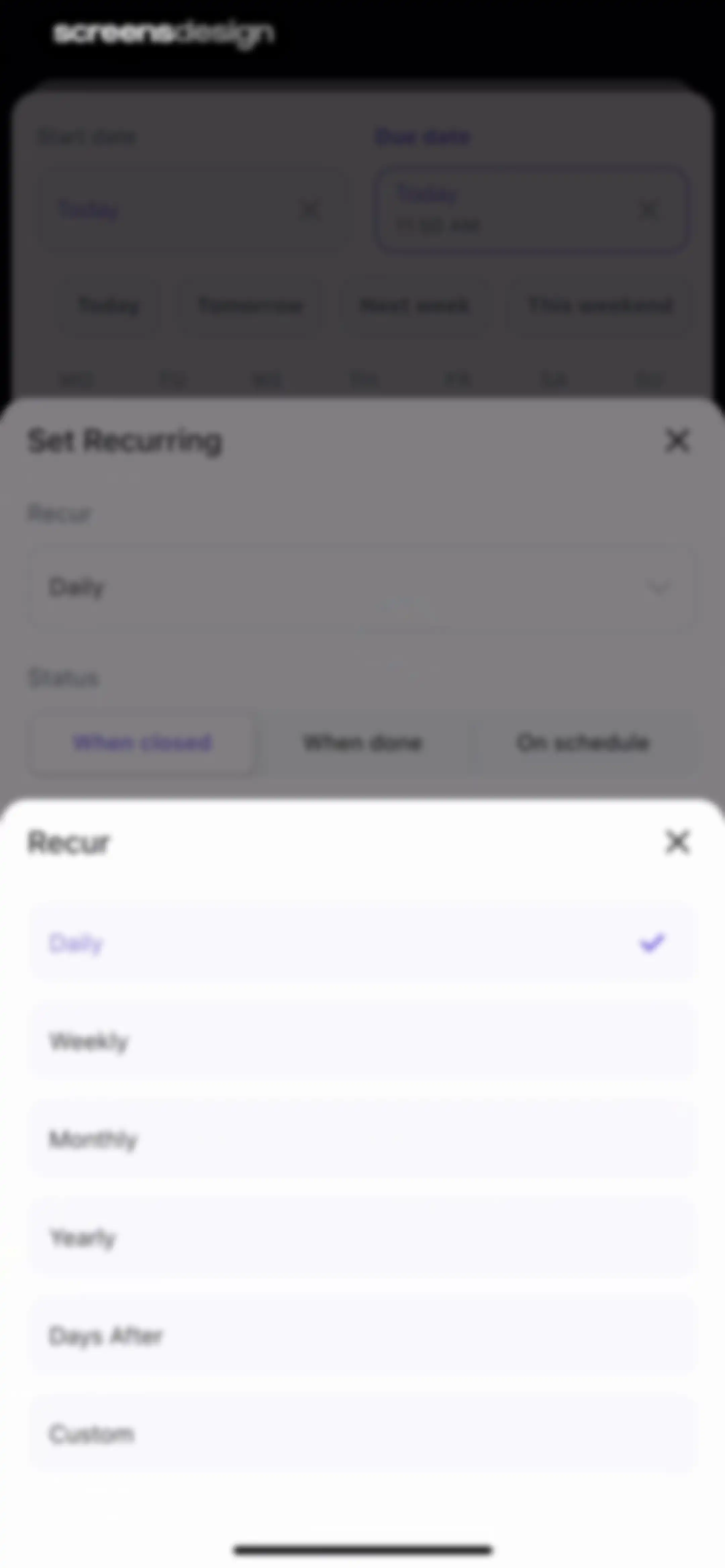
Task recurrence modal with a list of frequency options, showing Daily selected with a checkmark and a close button in the top right.Unlock Pro
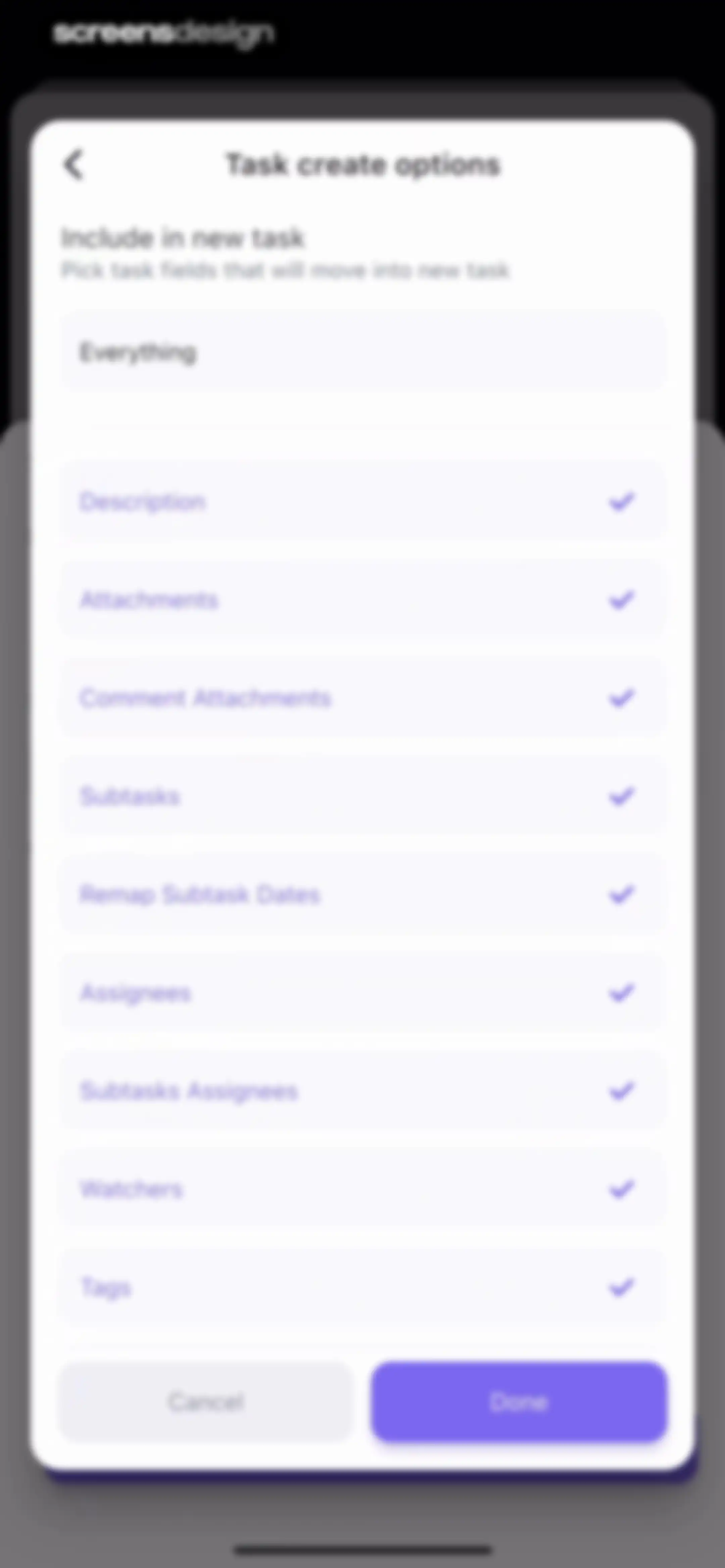
Task create options modal with a list of selectable fields including description and attachments, with an Everything toggle and a Done button.Unlock Pro
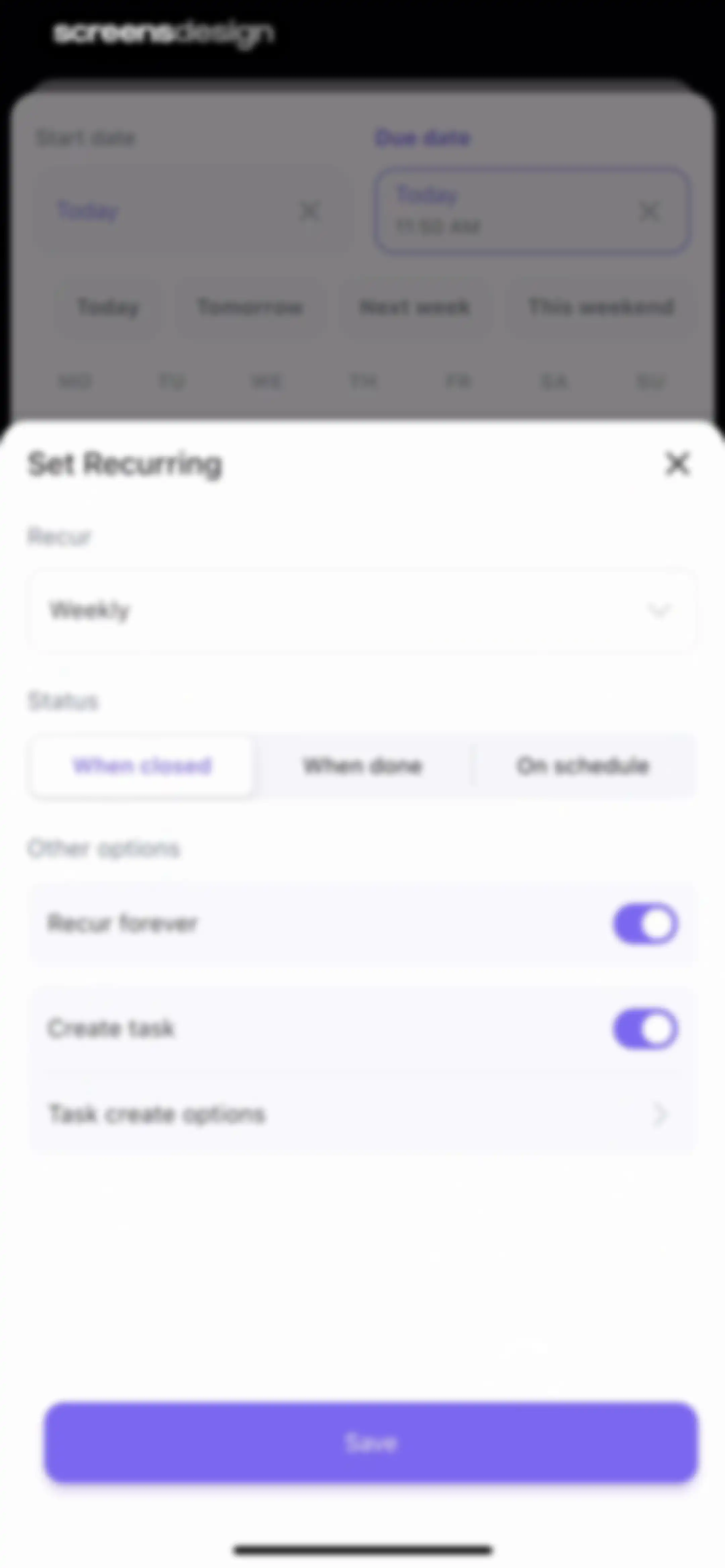
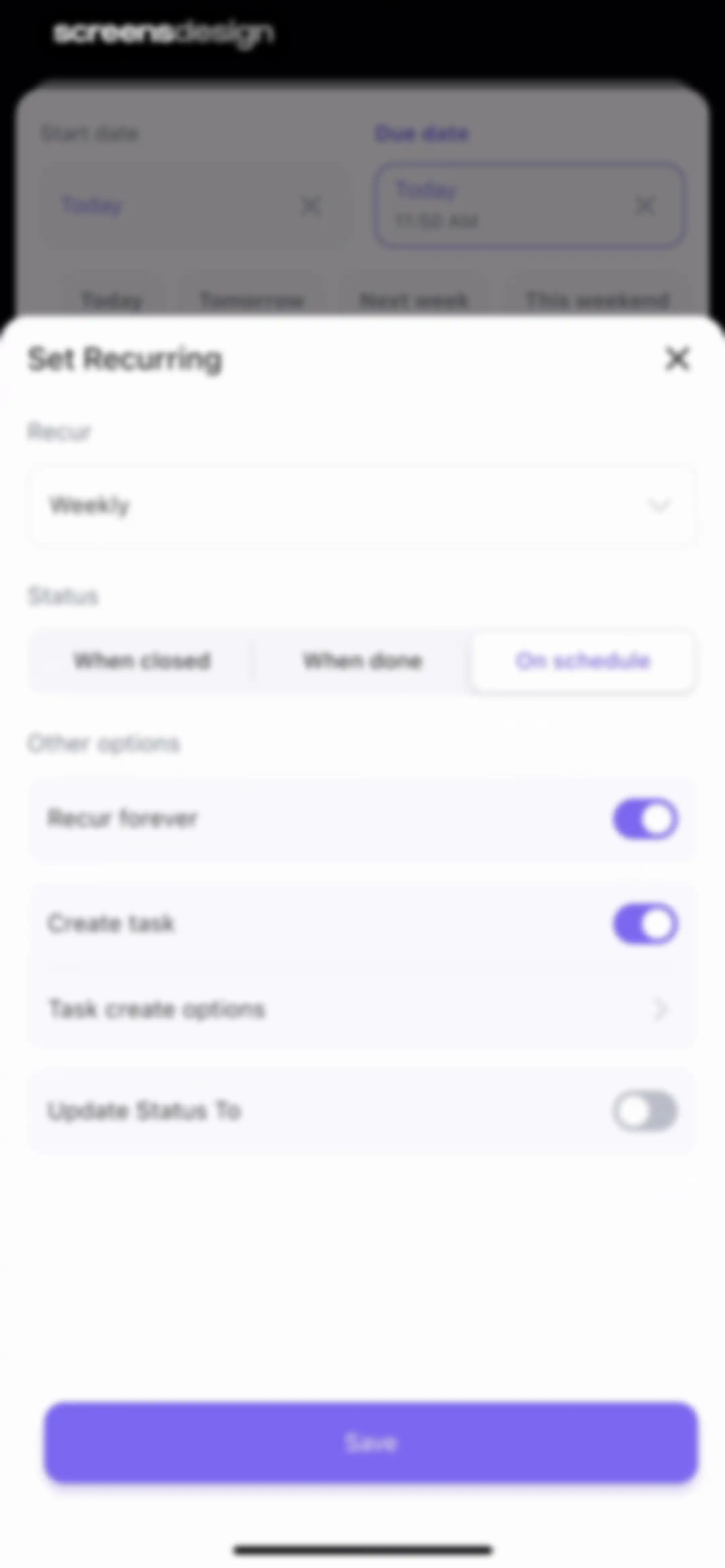
Form modal for setting recurring task options with weekly frequency, status controls, and a Save button.Unlock Pro
Recurring task settings modal with a weekly frequency dropdown, on schedule status trigger, and a purple Save button.Unlock Pro
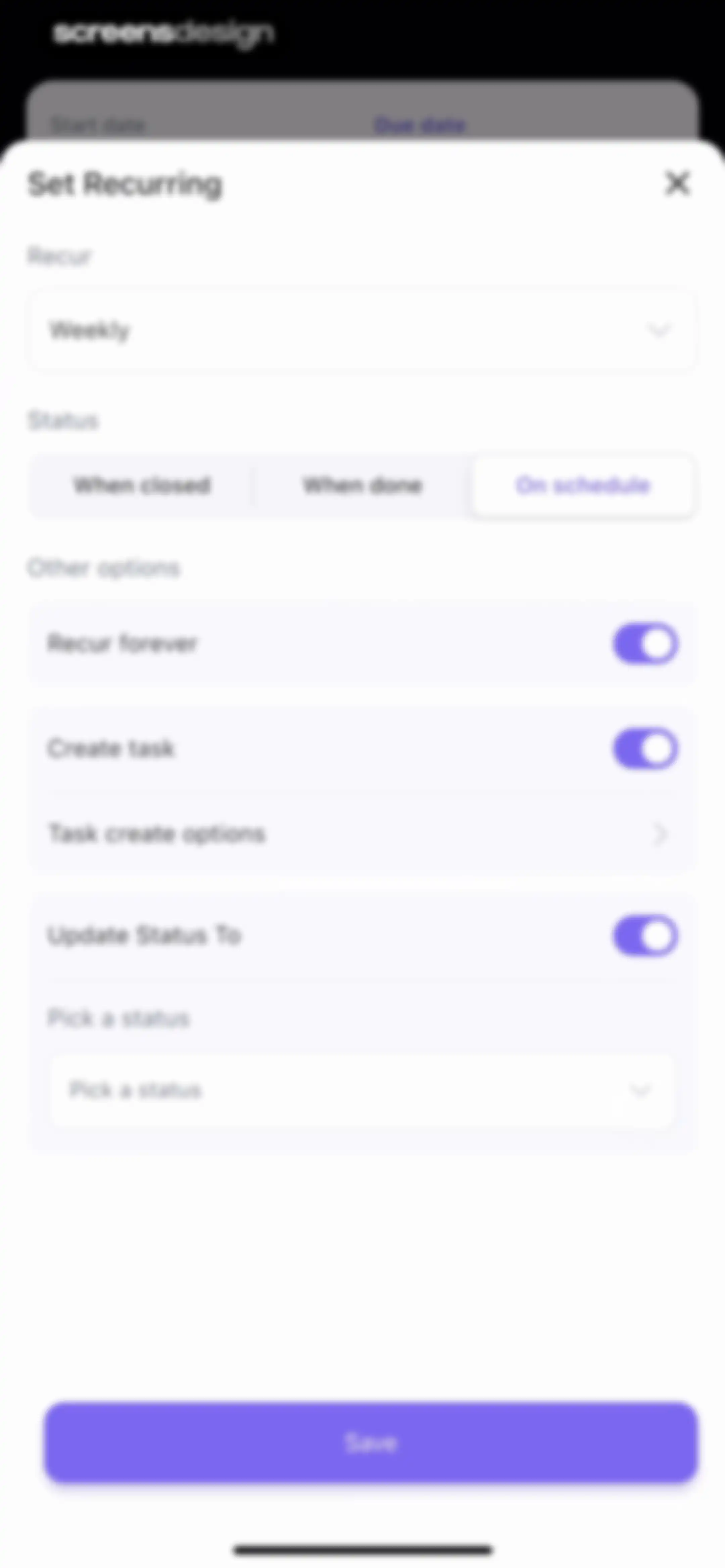
Recurring task configuration modal with frequency, trigger status, and advanced options, featuring a Save button.Unlock Pro
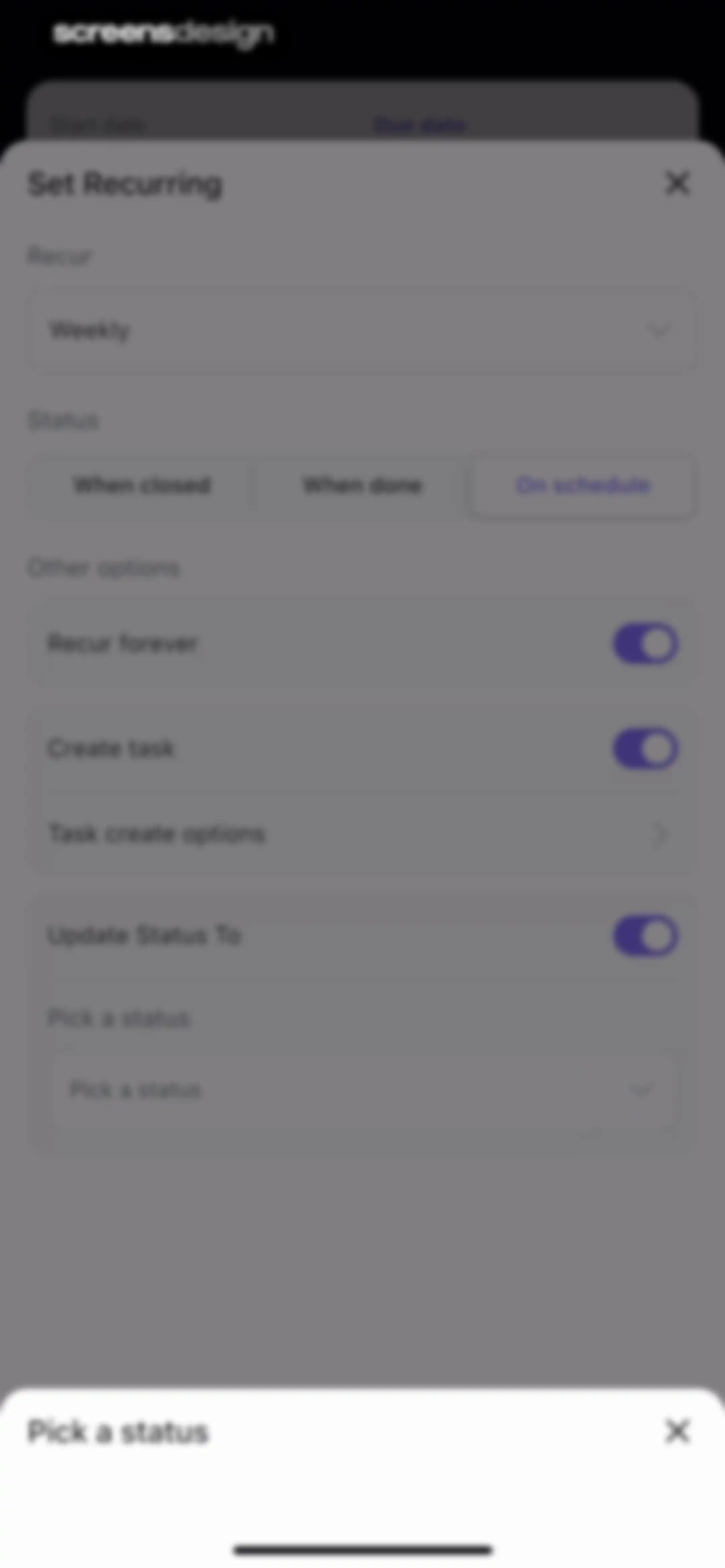
Recurring task configuration form with a frequency dropdown, status trigger options, toggleable settings, and a bottom status selection sheet.Unlock Pro
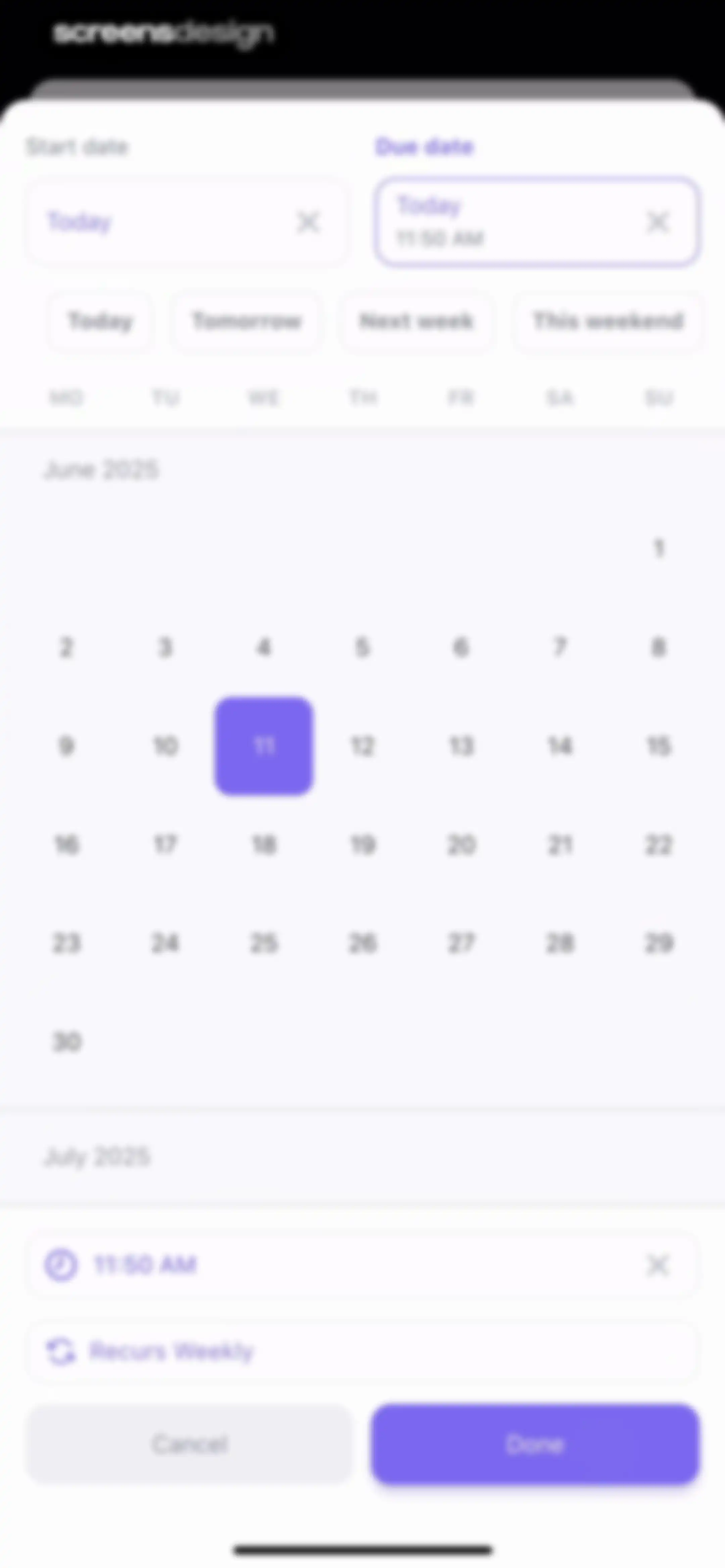
Date and time picker form displaying a calendar view, quick-select buttons, time setting for 11:50 AM, and a Done button.Unlock Pro
Task editor screen displaying details for Task 2 with status in progress, assignees, recurring dates, and expandable sections for subtasks and checklists.Unlock Pro
Task detail screen in ClickUp showing editable fields like status, assignees, and dates, with a floating menu overlaid in the center.Unlock Pro
Task detail screen with properties and a bottom priority selection modal displaying options for Urgent, High, Normal, and Low.Unlock Pro
Task detail editor showing metadata fields for Task 2, including in-progress status, assignee Julia, high priority, and sections for subtasks and checklists.Unlock Pro
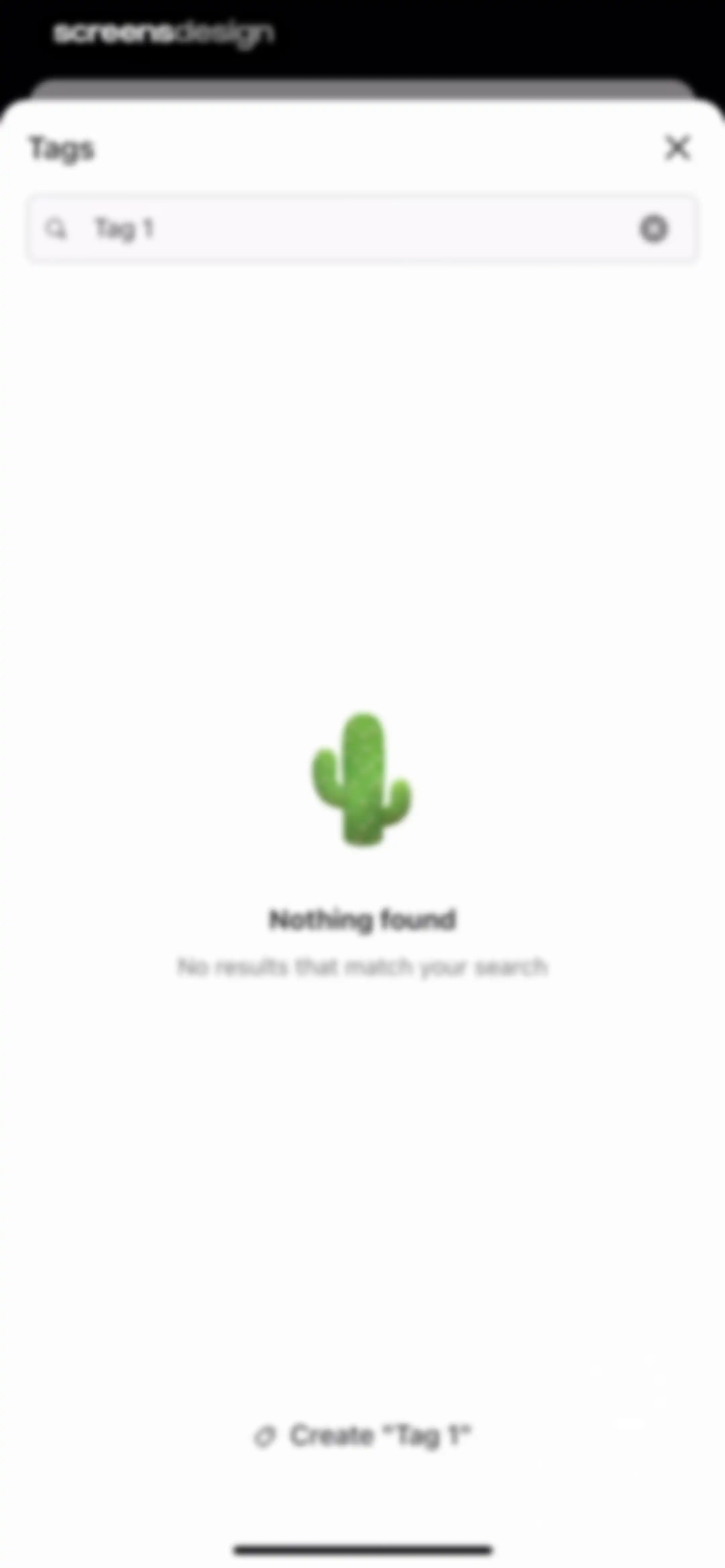
Tag search modal displaying a no results state for Tag 1 and an option to create the new tag.Unlock Pro
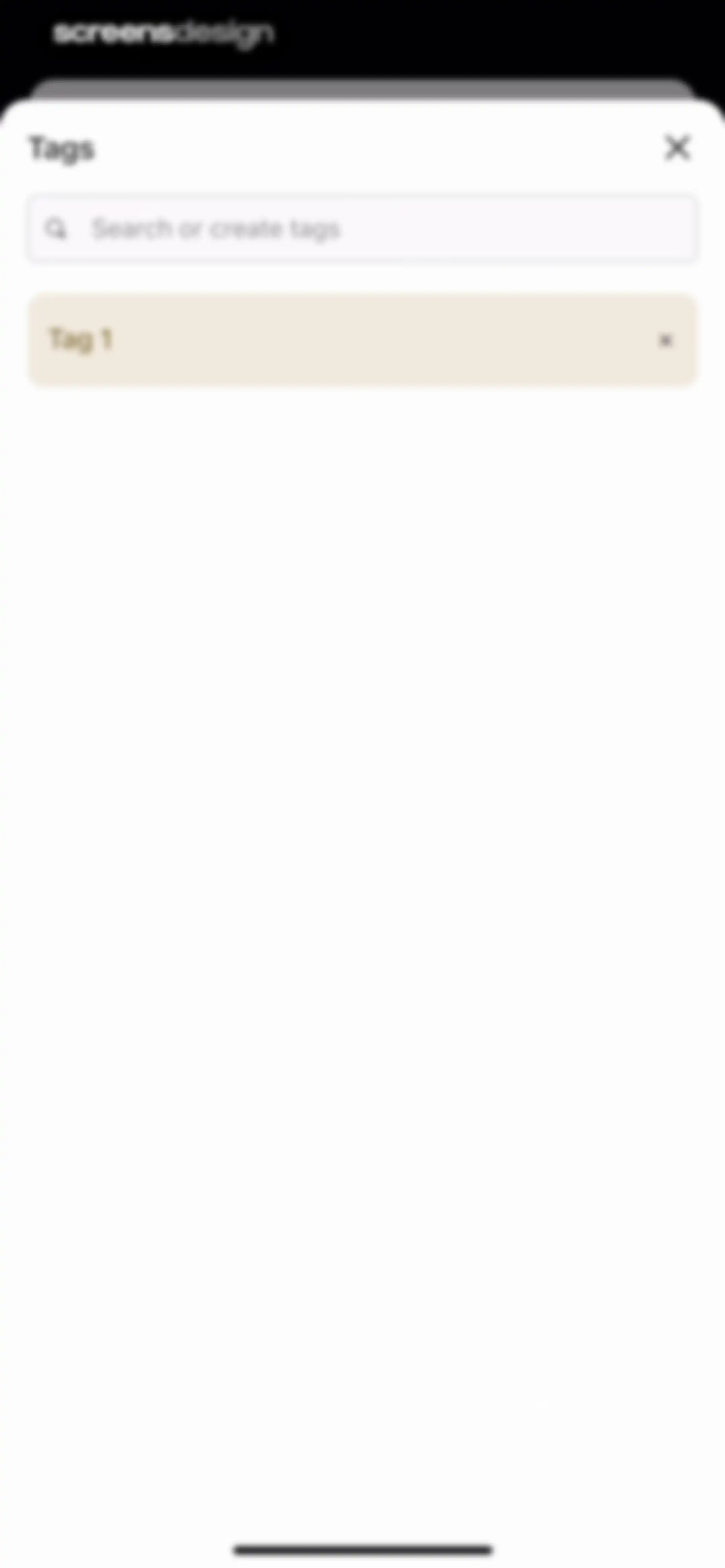
Tag management modal with a search and create input field and a list containing Tag 1.Unlock Pro
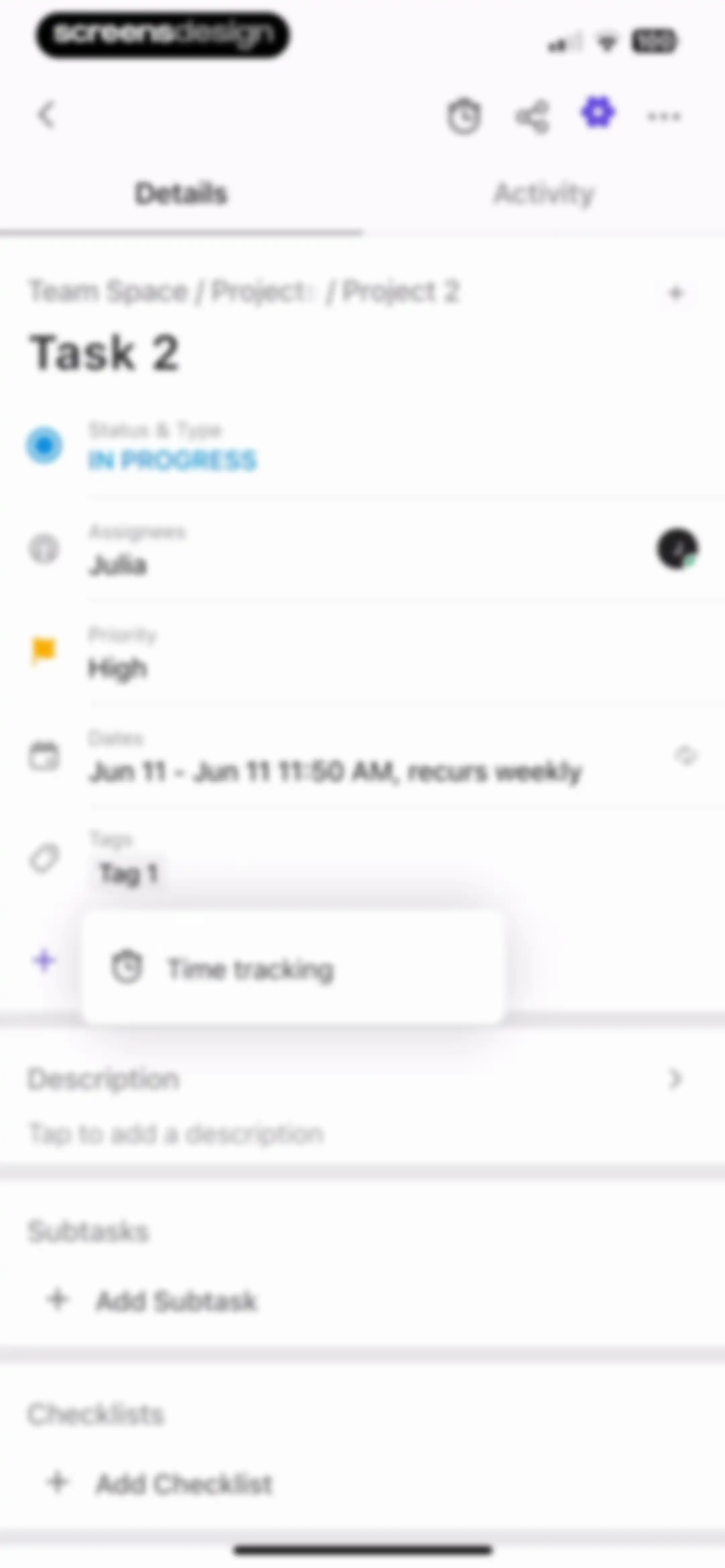
Task editor screen displaying task details including in-progress status, high priority, assignees, description, subtasks, and checklists.Unlock Pro
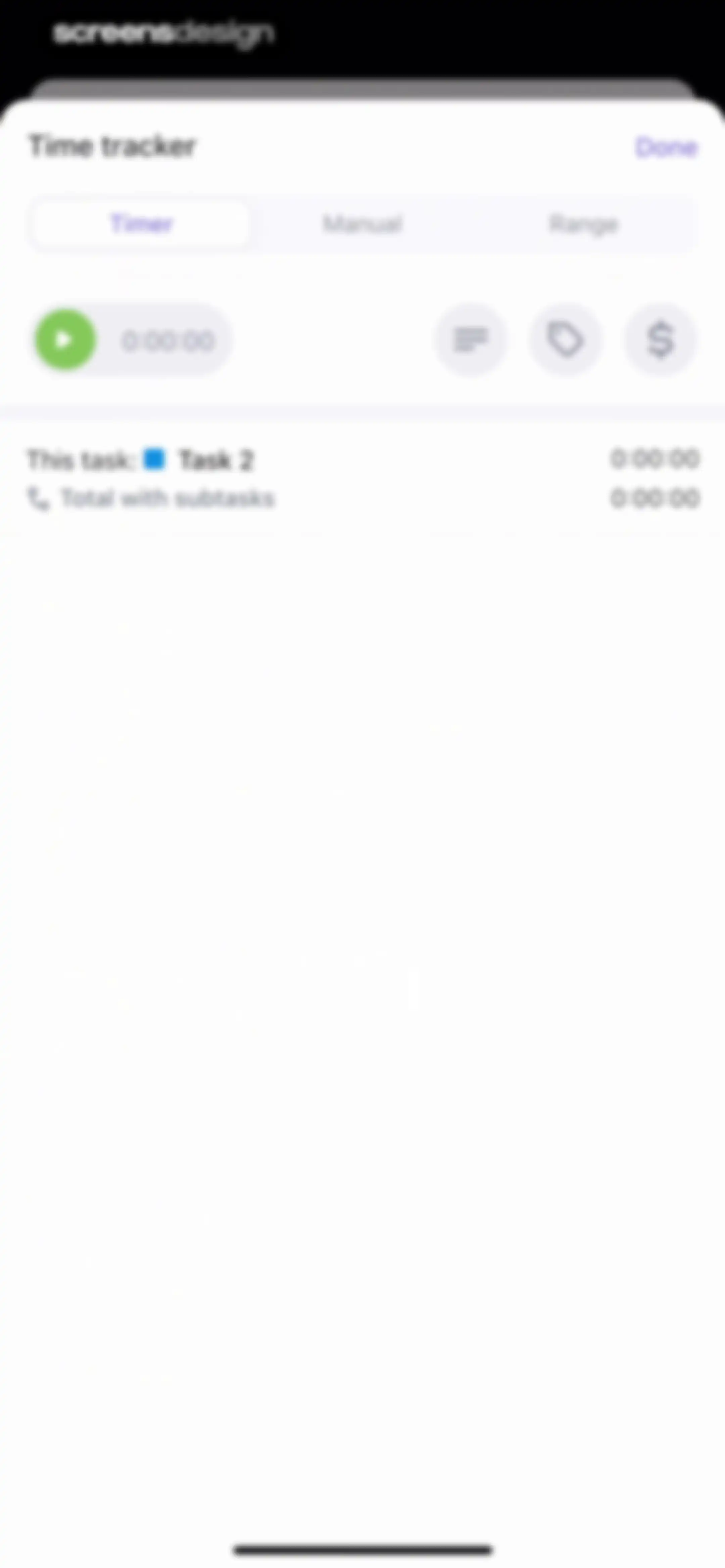
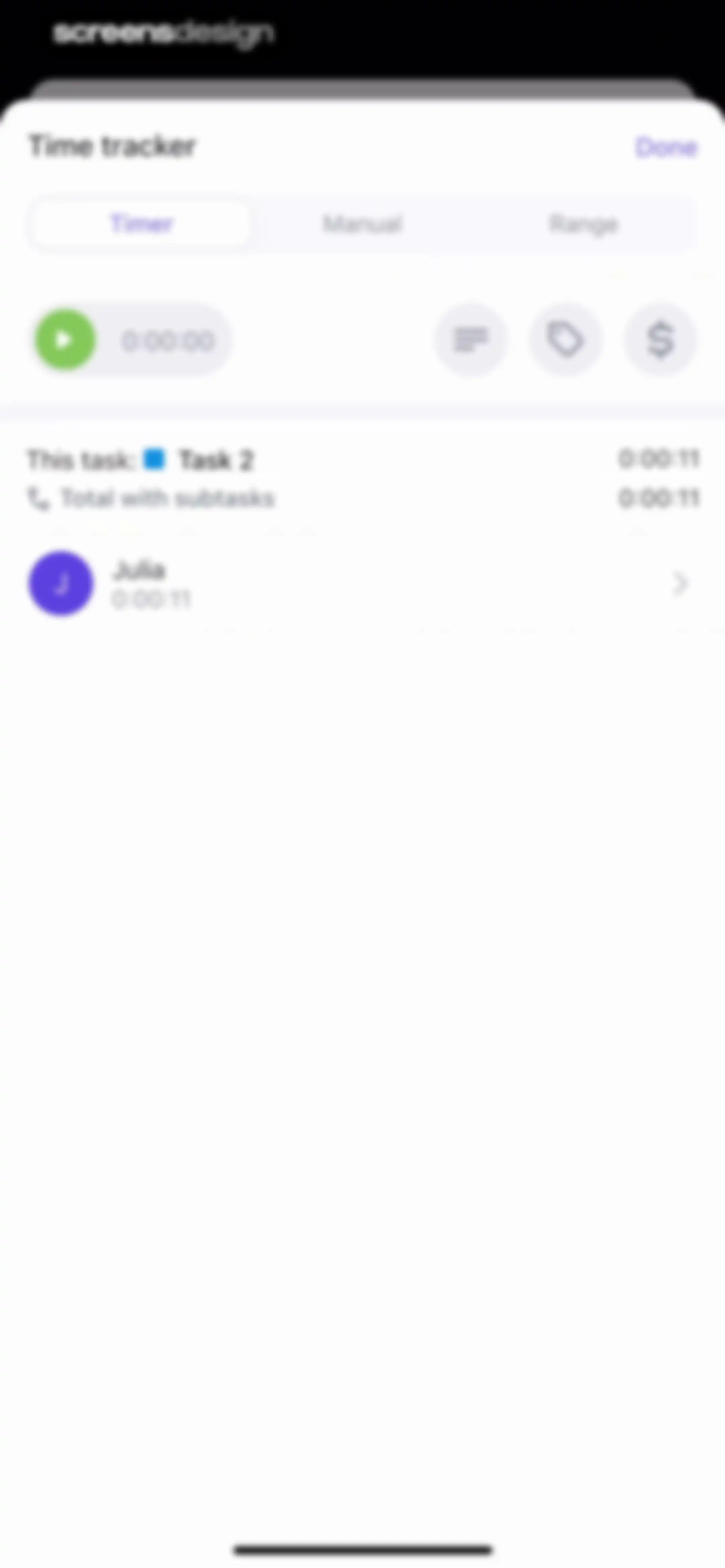
Time tracker modal in ClickUp with the Timer tab selected, a play button, a 0:00:00 display, and Task 2 details.Unlock Pro
Time tracker modal overlay showing an active timer for Task 2, mode selection tabs, and a Done button.Unlock Pro
Time tracker modal showing a running timer for Task 2, a segmented control with Timer selected, and a list entry for Julia.Unlock Pro
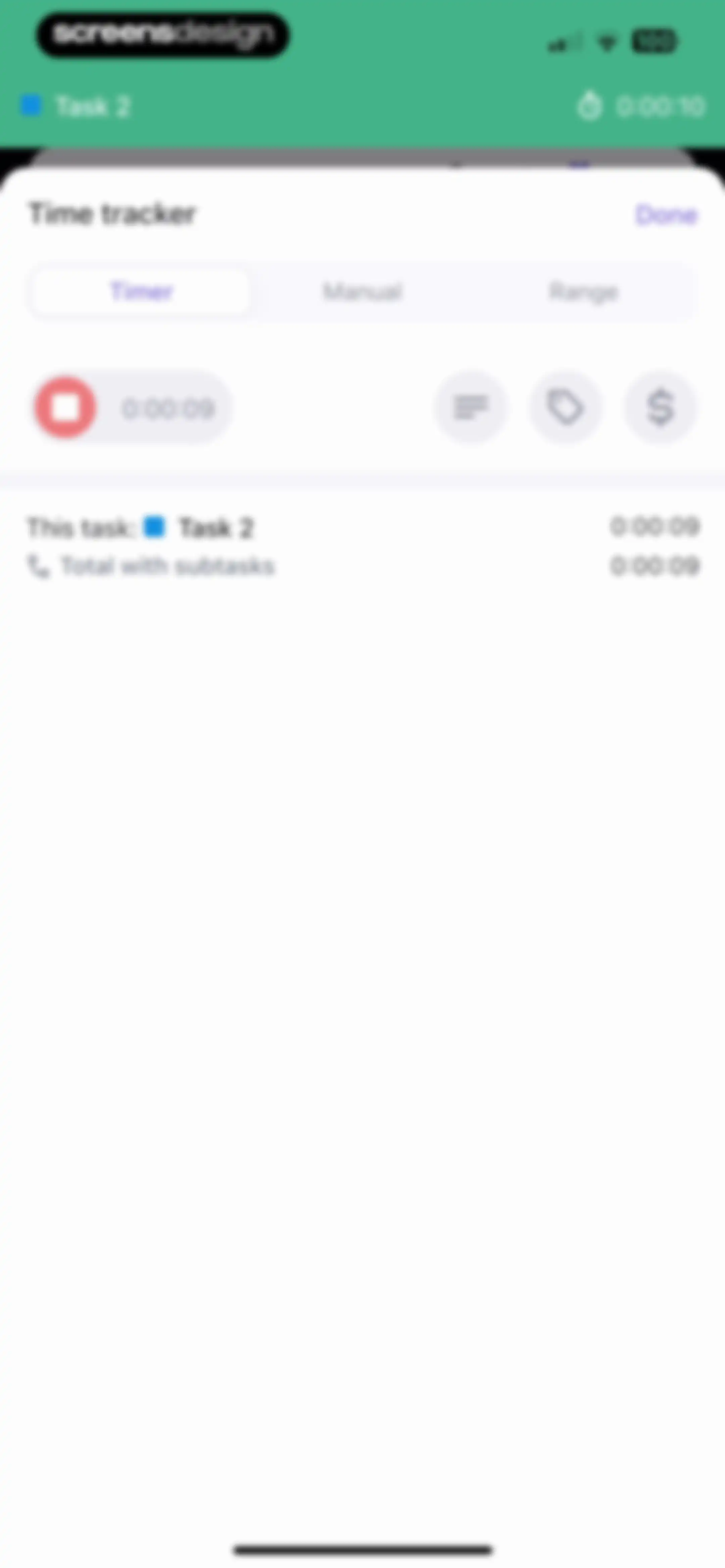
Time tracker modal with the Timer tab selected, a digital timer display, and a task time entry list below.Unlock Pro
Label management modal with a search input for Tag 2 and a Create "tag 2" action button.Unlock Pro
Label selection modal listing tags with a search bar and Done button, showing tag 2 selected with a pink background.Unlock Pro
Time tracker modal showing the timer mode selected, a play button with a zero timer, and a time entry list below.Unlock Pro
Time tracker modal in manual mode with a time entry form, a purple Save button, and a list of existing time logs below.Unlock Pro
Time tracking modal dialog with scroll wheels displaying zero hours and ten minutes, a purple Done button, and a close icon.Unlock Pro
Date picker modal displaying June and July 2025 calendars with dates 10 and 11 selected, quick-select buttons, and a Done button.Unlock Pro
Time tracker modal in manual mode with a time entry form, date selector, save button, and a list of logged entries below.Unlock Pro
Time picker modal overlay with hour, minute, and AM/PM selection wheels and a Done button.Unlock Pro
Time tracker modal with range mode selected, showing time inputs for 10:46 AM to 10:56 AM on June 11, task summary, and a Save button.Unlock Pro
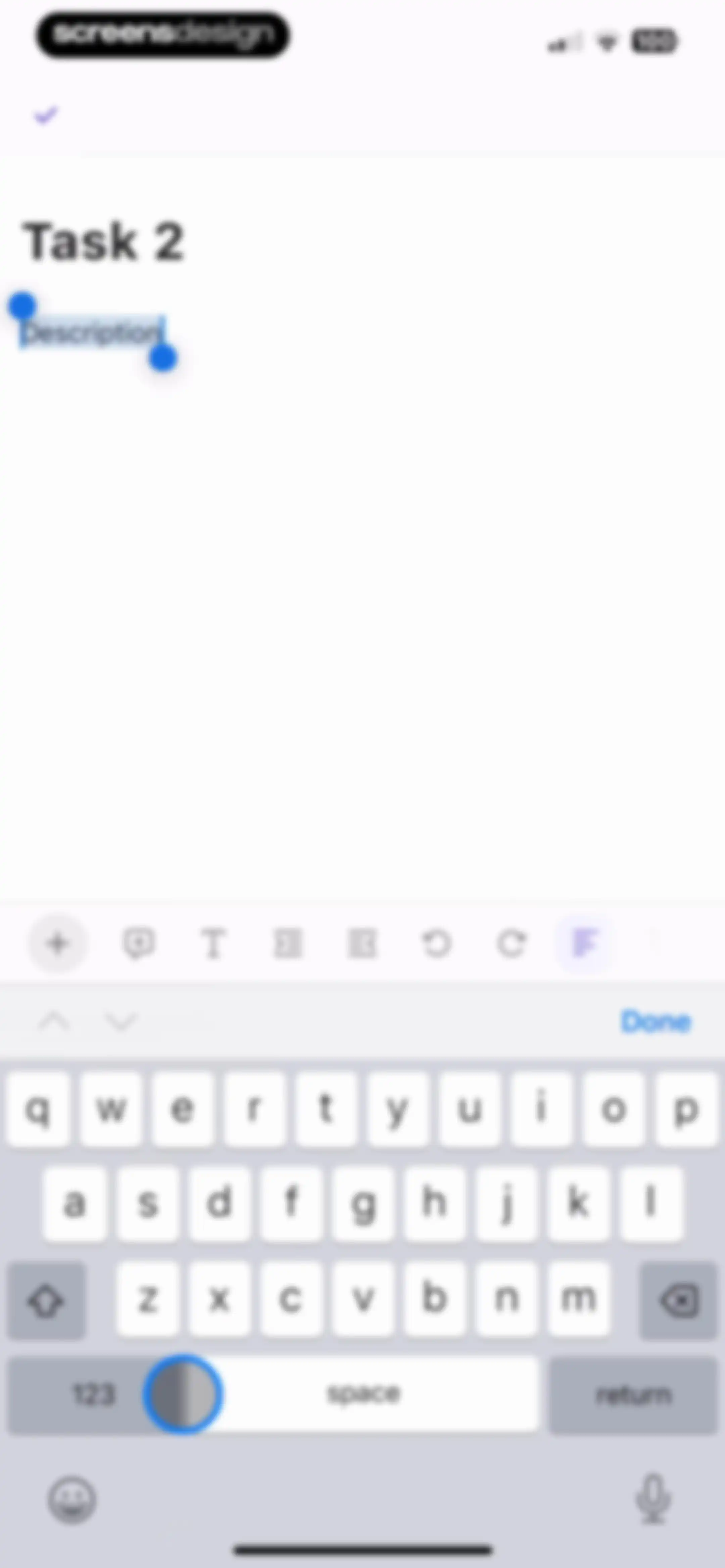
Task editor screen displaying the title Task 2, a description input field with selection handles, and a formatting toolbar above the active keyboard.Unlock Pro
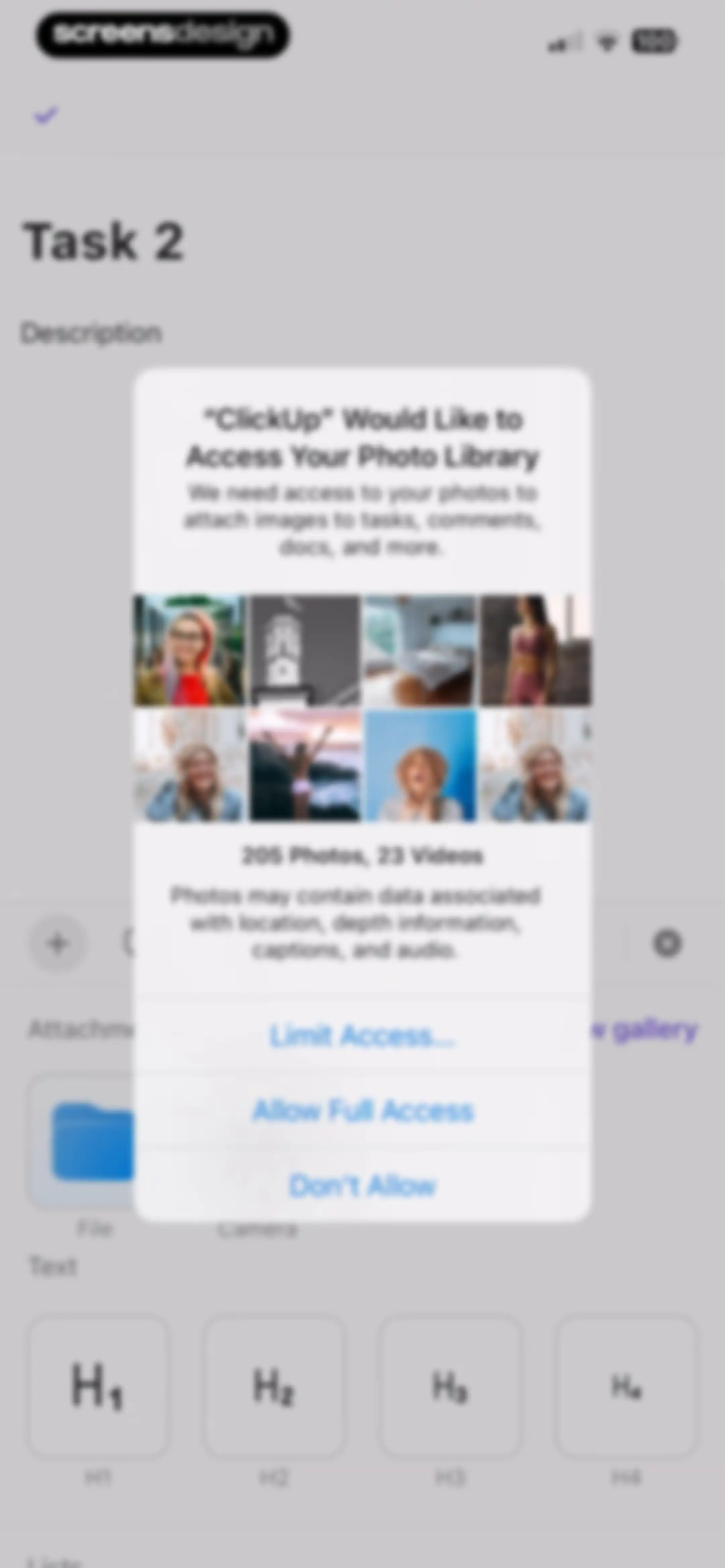
ClickUp permission modal requesting access to your photo library, featuring Allow Full Access, Limit Access, and Don't Allow buttons over a task detail screen.Unlock Pro
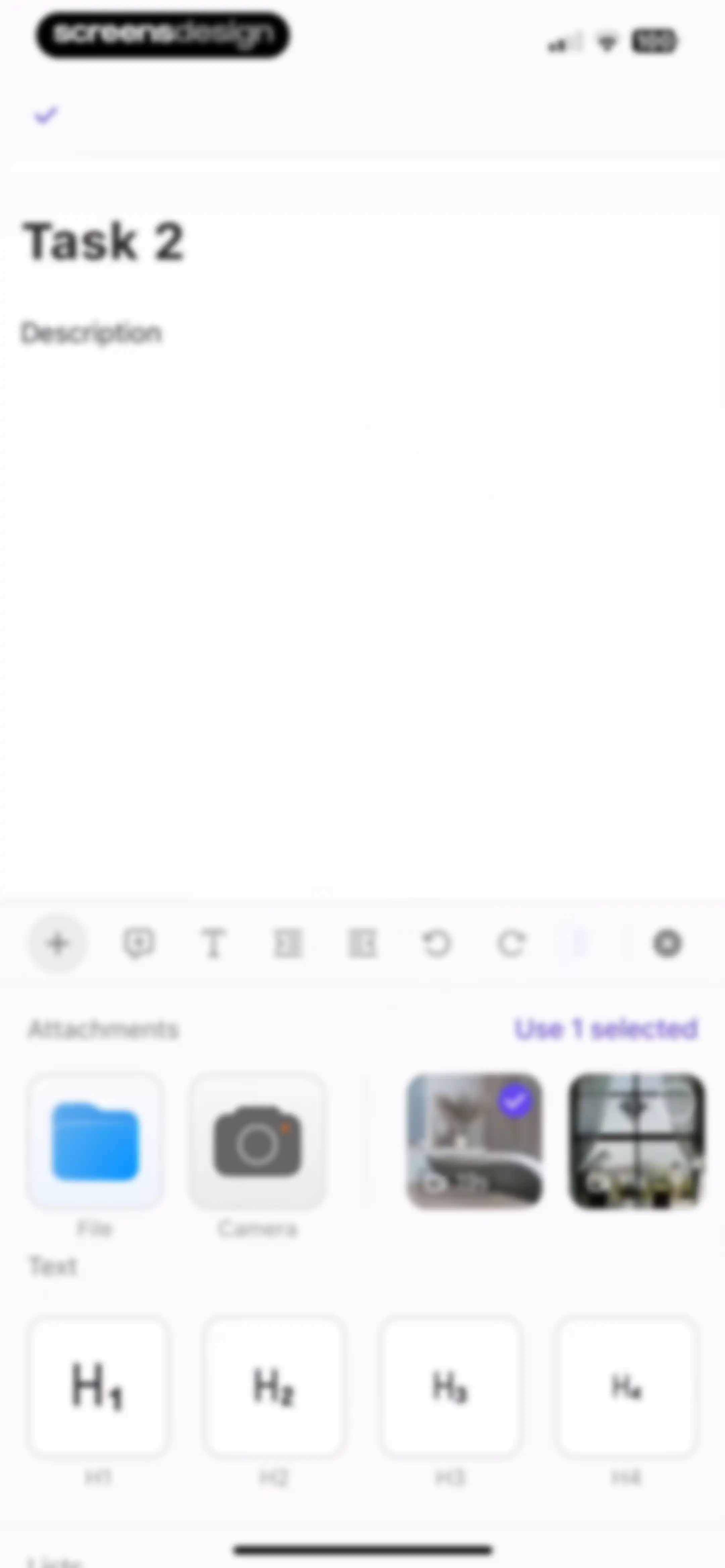
Task editor screen displaying a description area, an attachments grid with one video selected, and a text formatting toolbar.Unlock Pro
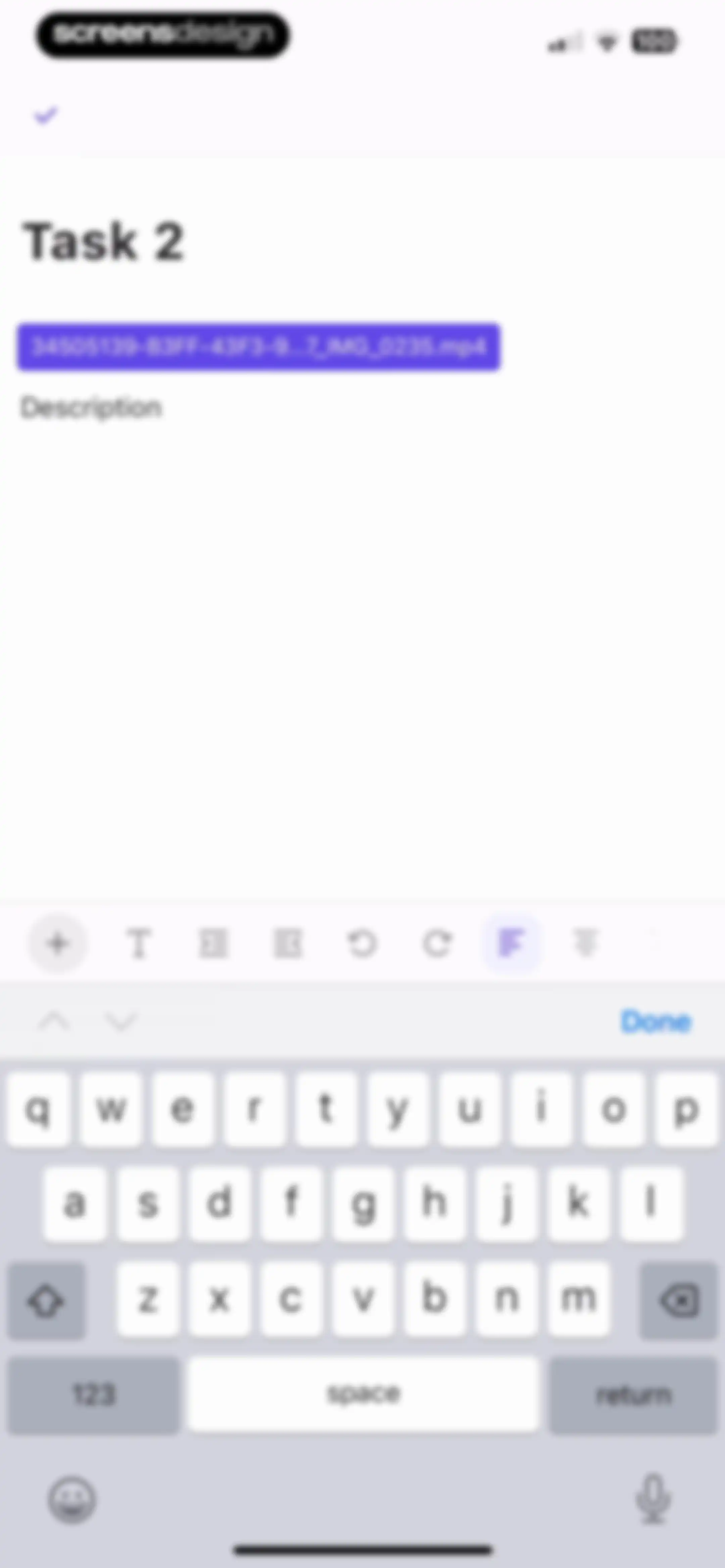
Task description editor displaying a video attachment pill, formatting toolbar, and active system keyboard with a Done button.Unlock Pro
ClickUp task editor showing Task 2 with a video attachment, text description field, formatting toolbar, and a floating text selection menu.Unlock Pro
Comment form modal with an empty Description input field and a back button.Unlock Pro
Task editor screen displaying a video attachment, a text description input field, and a rich text formatting toolbar above the keyboard.Unlock Pro
Task detail screen showing the title Task 2, a video attachment pill, a description link, and a floating action button.Unlock Pro
Task details screen with property sections, subtasks, checklists, and an attachments list with an Upload Attachment button.Unlock Pro
Task creation modal with fields for subtask name, description, assignees, dates, and a Create button.Unlock Pro
Task editor screen displaying property sections including tags, subtasks, checklists, and an uploaded video attachment.Unlock Pro
Task detail editor showing properties, dates, subtasks, and add buttons, with a task created notification at the top.Unlock Pro
Checklist editor screen showing an empty list with a progress indicator of 0/0 and an Add item button.Unlock Pro
Checklist editor screen showing a progress indicator of 0/2, two listed items, an active text input field, and the system keyboard.Unlock Pro
Relationships management screen listing categories like Waiting on and Blocking, each with an add button to link tasks and documents.Unlock Pro
Workspace task search modal with an empty state, filter chips, and the Tasks tab selected.Unlock Pro
Task activity screen displaying a scrollable feed of updates and a bottom input bar with the Activity tab selected.Unlock Pro
Task activity dashboard displaying a chronological history of updates and a bottom input bar to post a new comment.Unlock Pro
Task activity dashboard displaying a chronological history feed with the Activity tab selected and a bottom input field for updates.Unlock Pro
Task activity screen displaying a chronological feed of updates and changes for Task 2 with a Post an update input area at the bottom.Unlock Pro
Time tracker modal showing the Timer mode selected, a zero timer display, task duration details, and a user entry list.Unlock Pro
Share permissions modal displaying access level settings, an invited people list, and a bottom action bar with a Done button.Unlock Pro
Task detail screen with an invite members modal overlay, pre-filled email input, and an Invite button above the keyboard.Unlock Pro
Task activity dashboard displaying an activity feed with a selected Activity tab and a fixed bottom input bar to post updates.Unlock Pro
ClickUp Brain AI chat modal for summarizing Task 2, featuring a prompt input field and close button.Unlock Pro
ClickUp Brain AI chat modal displaying a prompt to summarize Task 2, a text input field with a query, and the system keyboard.Unlock Pro
ClickUp Brain AI chat interface displaying task-related prompts and a bottom text input field with a send button.Unlock Pro
Task options bottom sheet displaying a grid of primary actions like Copy Task ID and a list of secondary actions including Archive and Delete.Unlock Pro
Task options modal with a grid of primary actions like Share link and a vertical list including Move Task and Delete.Unlock Pro
Task layout settings screen displaying a reorderable list of task detail sections and a Done button.Unlock Pro
Task options bottom-sheet modal with a 2x2 grid of action buttons, a vertical list of additional management actions, and a Done button.Unlock Pro
Hierarchical list selection modal with a search bar and Project 1 selected, featuring a Done button at the top.Unlock Pro
Task management dashboard in list view showing projects with collapsible status groups, task items, and a bottom navigation bar with a create task button.Unlock Pro
Manage Columns modal listing available fields with type icons and a Done button.Unlock Pro
Settings modal to manage task columns, featuring Show Fields and Available Fields sections with a Done button.Unlock Pro
Project management dashboard showing a task list for Project 2 with an in-progress status and an add new task button.Unlock Pro
Project task list screen with a bottom modal displaying column options and a Done button.Unlock Pro
Project management list view showing collapsible project groupings with an expanded task table and a bottom utility bar.Unlock Pro
Project management list view with a column options bottom sheet modal displaying settings like sort, move, and hide.Unlock Pro
Column options modal overlaying a task list, featuring settings to sort, reorder, or hide columns with a Done button.Unlock Pro
Column options modal overlaying a task list, displaying sorting and visibility settings with a Done button.Unlock Pro
Dashboard displaying a task list in table format with an add column button, task entries, and bottom navigation.Unlock Pro
Status selection modal with a search field and categorized options including a selected To Do status.Unlock Pro
Task search interface displaying search results in a table list with an active system keyboard at the bottom.Unlock Pro
Task list dashboard displaying a table with task names, custom task IDs, and options to add new tasks or columns.Unlock Pro
Task status selection modal with a search bar and categorized options, showing the To Do status selected with a purple radio button.Unlock Pro
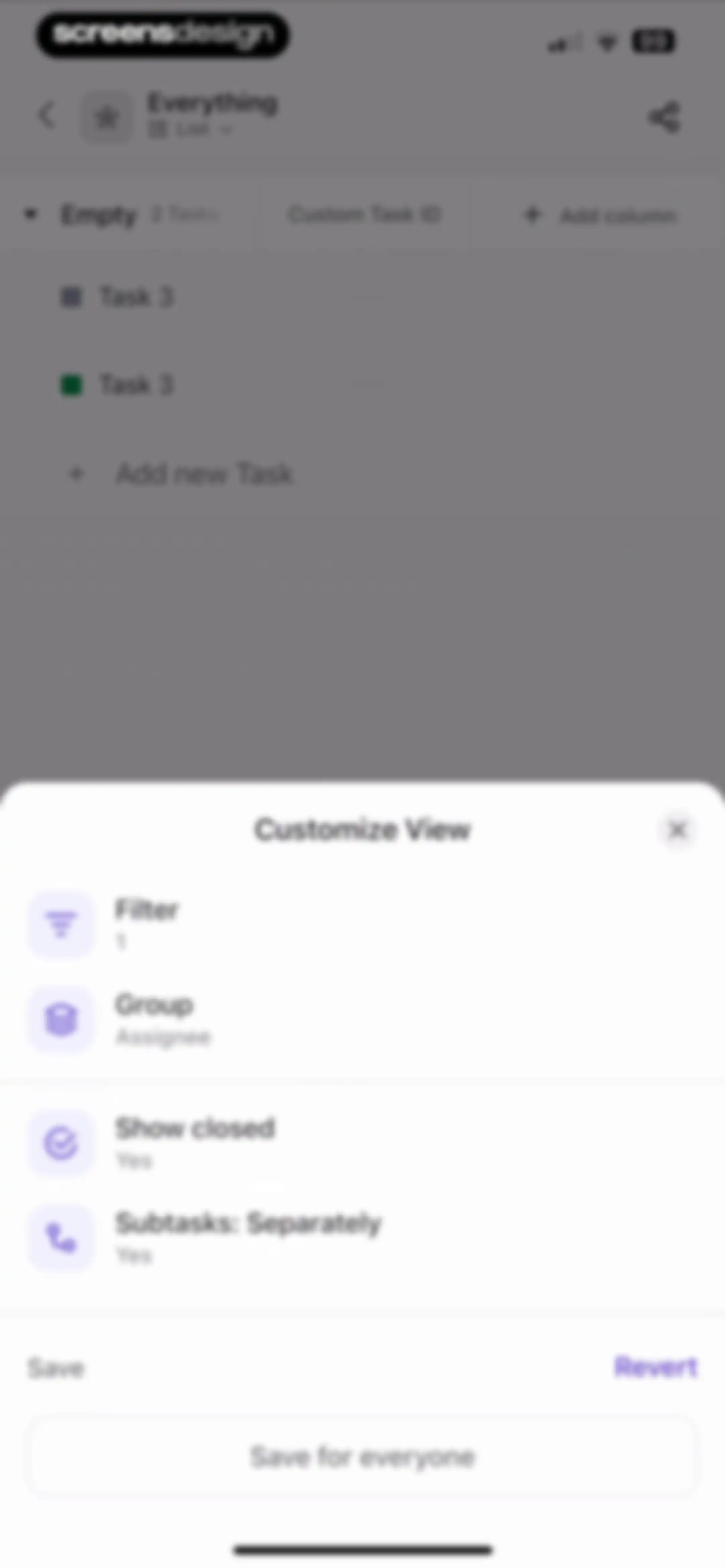
Customize view settings modal overlaid on a task list, featuring filter and group options with Save for everyone and Revert buttons.Unlock Pro
Customize View modal showing an empty filter state with Templates and Add filter buttons over a task list interface.Unlock Pro
Filter selection modal with a search input and a scrollable list of filter options including status and dates, plus a Done button.Unlock Pro
Filter configuration modal for a task list, featuring active filter settings and a Done button.Unlock Pro
Modal overlay for filtering task status with a search input containing Complete and a Done button.Unlock Pro
Group by modal with Status and Assignee options, a Clear button, and Cancel and Done actions in the header.Unlock Pro
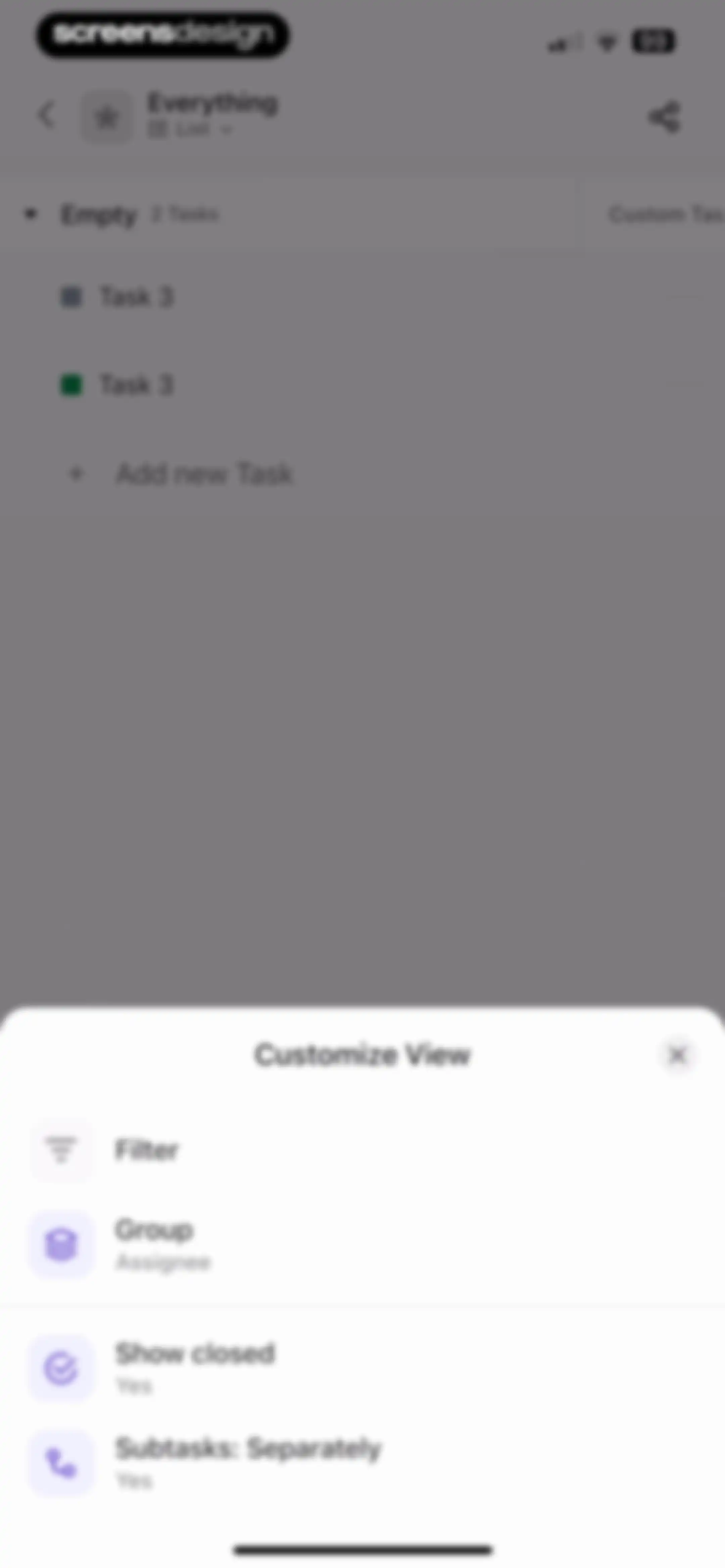
Customize View bottom-sheet modal overlaying a task list, displaying configuration options like filter, group, and a Save for everyone button.Unlock Pro
Task list customization modal with filter, group, and subtask settings overlaying a background task list.Unlock Pro
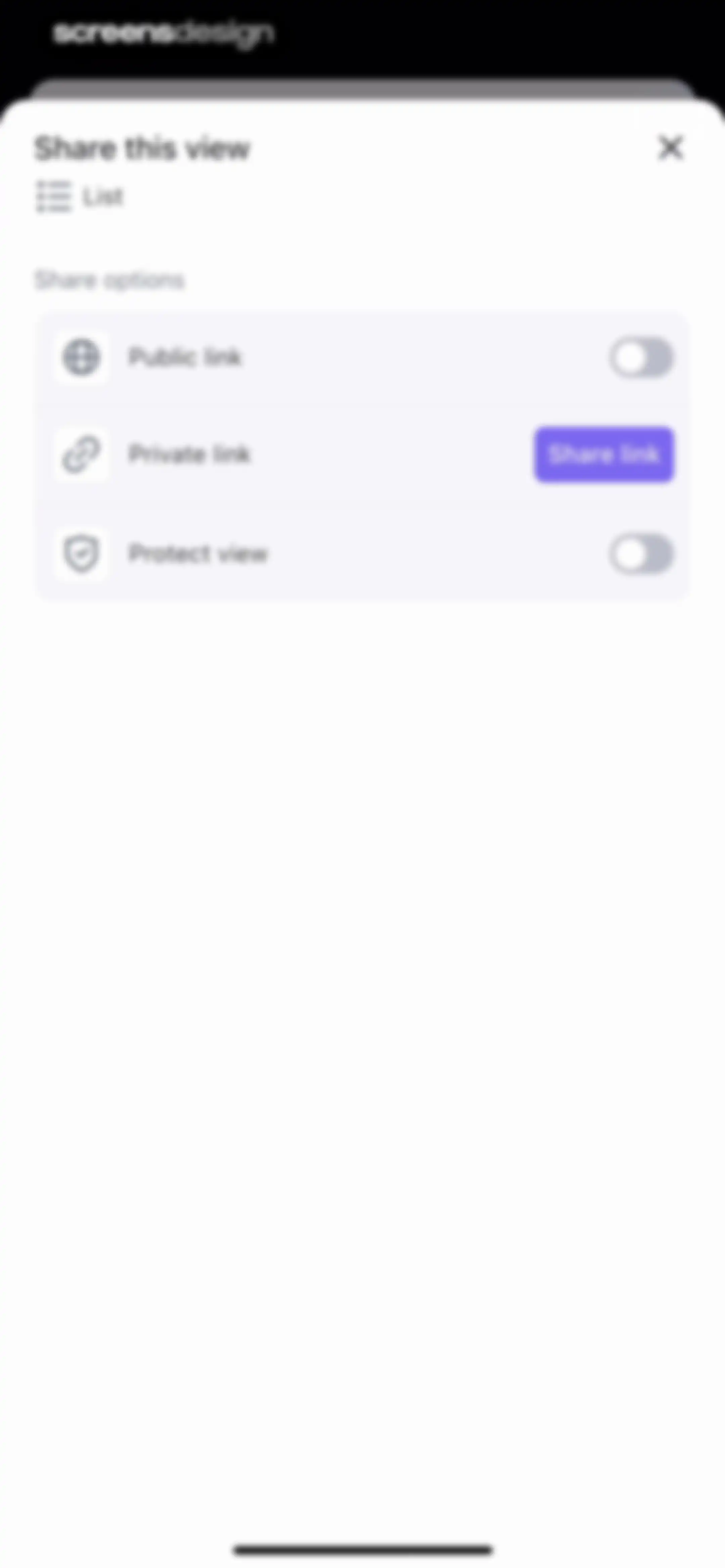
Share options modal titled Share this view, displaying rows for Public link, Private link with a share button, and Protect view.Unlock Pro
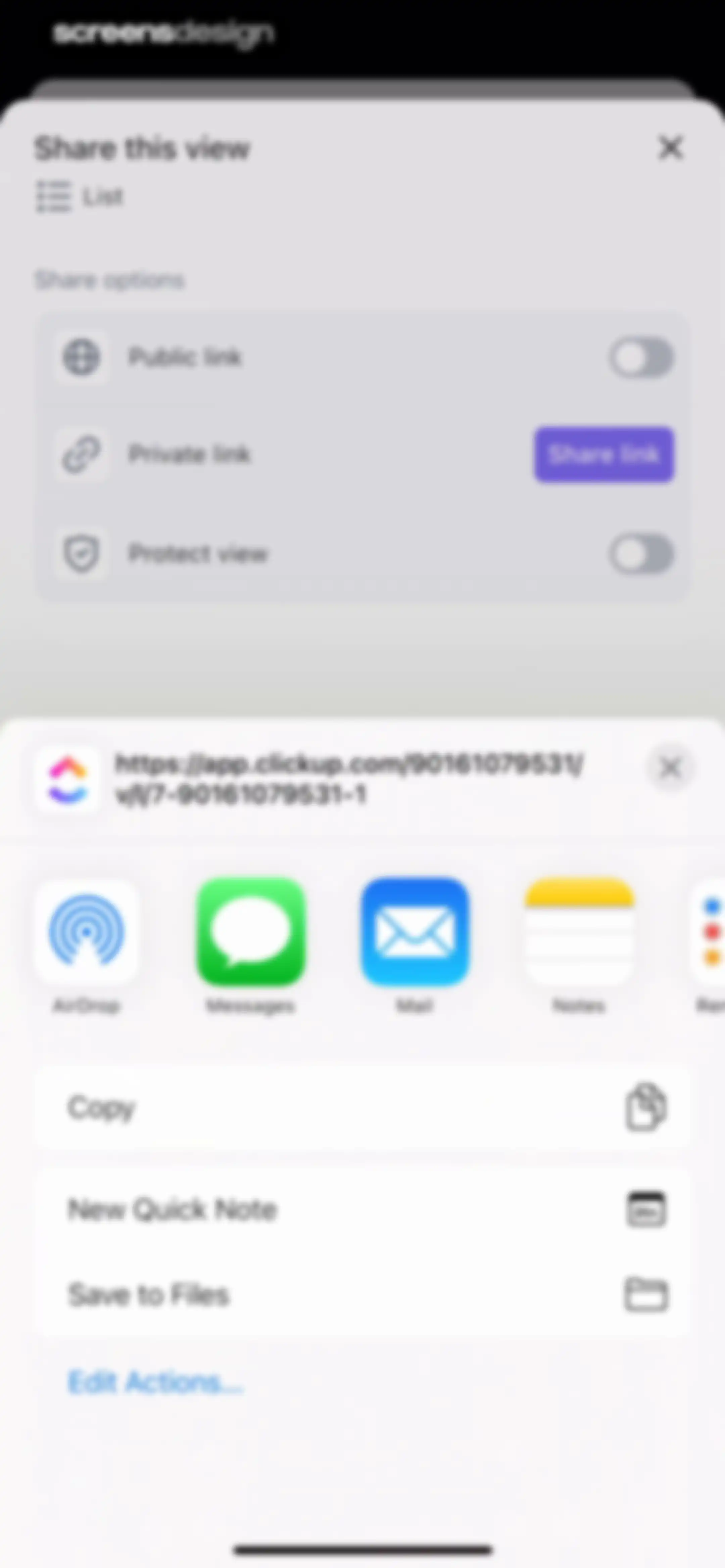
Modal sharing sheet with link permission settings, a URL preview, app share icons, and system action options.Unlock Pro
Home screen displaying the Spaces tab with a list of project spaces, a search bar, and bottom navigation.Unlock Pro
Workspace home screen featuring a search bar, horizontal tab navigation, spaces list, and a bottom quick-action menu with a Task button.Unlock Pro
Time tracker modal with the Timer tab selected, a task selection input, timer controls, and recent time entries below.Unlock Pro
Task selection modal with a search bar, filter chips, and an empty state instructing users to browse workspace tasks.Unlock Pro
Task selection modal with a search bar, filter chips, and a scrollable list of tasks including Task 3 and Task 1.Unlock Pro
Time tracker modal with timer mode selected, active task controls, and a list of recent time entries.Unlock Pro
Empty state notepad screen with zero notes and a prominent New note button.Unlock Pro
Note creation form with a name input field, pre-filled date of June 11, 2025, a large text entry area, and Cancel and Create actions.Unlock Pro
Date-based empty state screen for June 11, 2025, with a floating pencil action button in the bottom right corner.Unlock Pro
Notepad app screen displaying a list with one note from June 11, 2025, and a New note action button.Unlock Pro
Notepad empty state showing a blank content area, archive status text, top utility icons, and a New note action button.Unlock Pro
Workspace interface featuring an Invite members modal with an email input field and an Invite button above the keyboard.Unlock Pro
ClickUp Brain AI chat modal with a workspace selection card and a text input field for queries.Unlock Pro
ClickUp Brain AI chat modal with workspace information, prompt suggestions, and a text input field containing a query.Unlock Pro
ClickUp Brain AI chat interface showing a workspace card, suggestion queries, chat history, and a bottom input field.Unlock Pro
Document creation modal in a workspace app with a text input field, a private toggle, and a Done button.Unlock Pro
Document creation modal with a text input field, private toggle, and Done button, overlaying a workspace spaces list.Unlock Pro
Document viewer showing Document 1 by Julia with a large empty content area and an Edit floating action button in the bottom right.Unlock Pro
Document editor screen displaying Document 1 with metadata, attachments section, text heading styles, and a formatting toolbar.Unlock Pro
Document editor with a media selection modal overlay displaying a selected photo and a Use selected button.Unlock Pro
Document editor screen displaying the title Document 1, author metadata, and an embedded video file attachment block.Unlock Pro
Document management modal with a search input, an add button, and a list containing Document 1.Unlock Pro
Comments screen with Open filter selected, an empty content area, and a fixed bottom input bar for adding new comments.Unlock Pro
Comments screen with Open filter selected, a bottom input field containing text and formatting tools, and a system keyboard.Unlock Pro
Comments screen with filter tabs, a single comment from Julia, and a fixed input bar at the bottom.Unlock Pro
Document sharing screen with a bottom modal offering options to share the current page or the entire document.Unlock Pro
Document sharing modal with a Permissions tab selected, an informational notice about parent doc sharing, and Copy link and Share buttons at the bottom.Unlock Pro
Task creation modal with a title input, due date, notification settings, and a Create button over a workspace dashboard.Unlock Pro
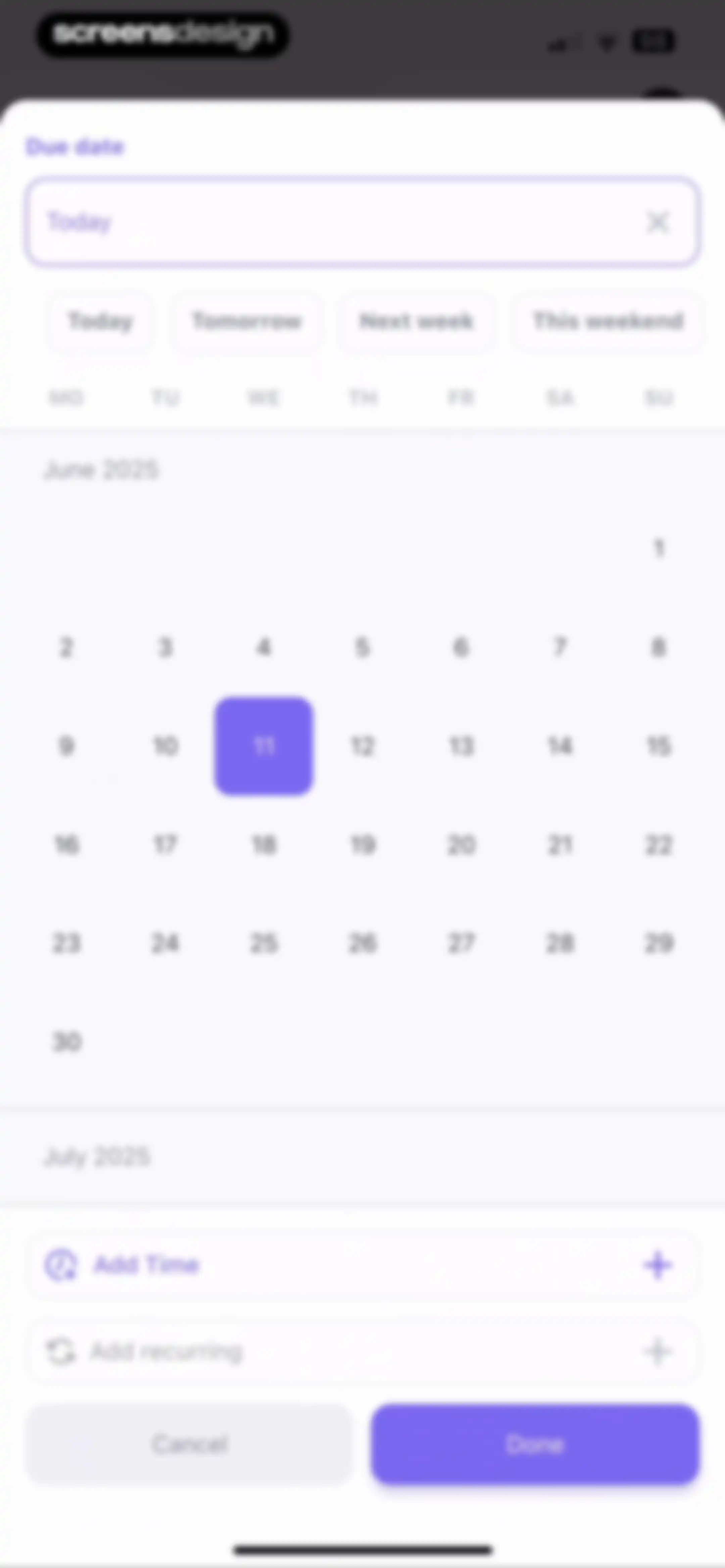
Due date picker modal featuring quick-select buttons, a June 2025 calendar view with a selected date, and options to add time or recurrence.Unlock Pro
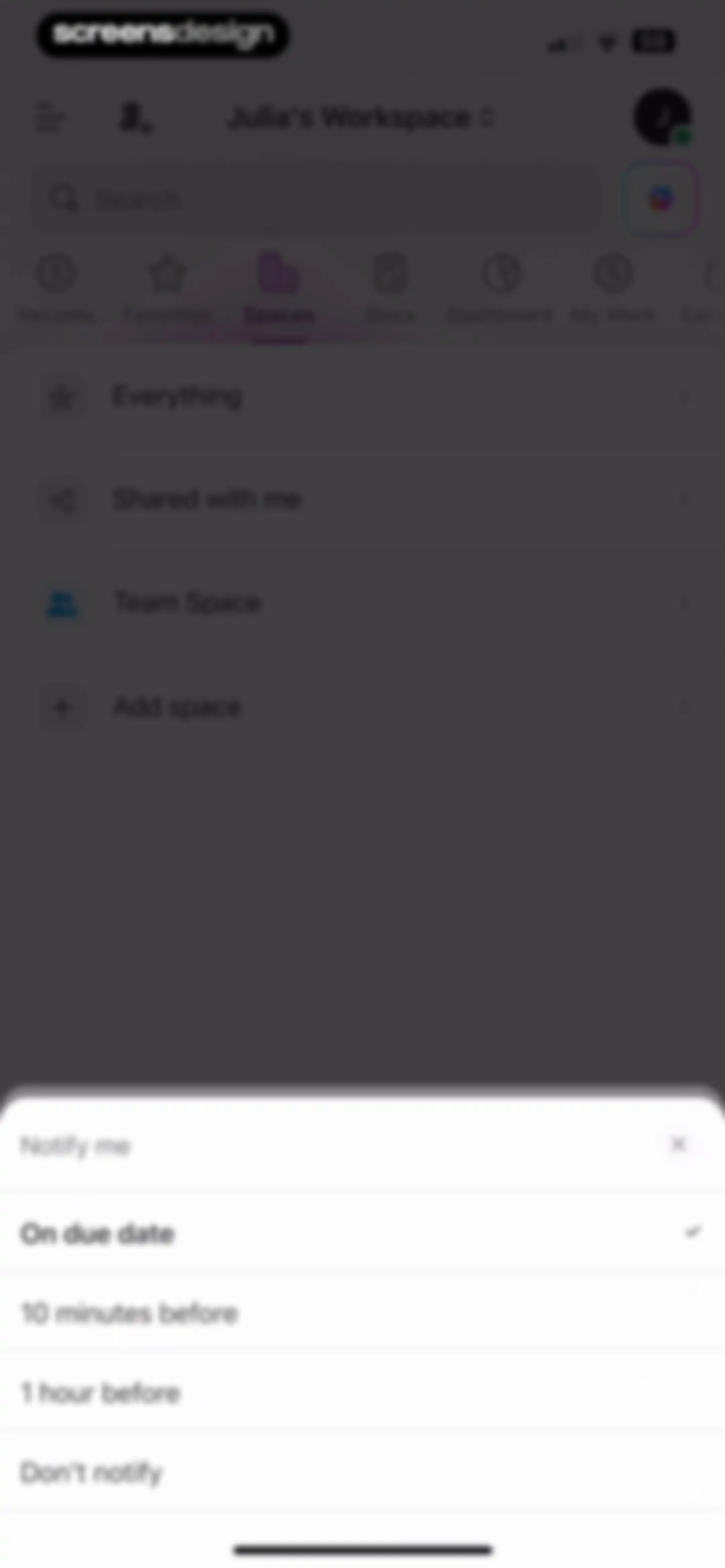
Notification settings modal with a list of timing options, with 'On due date' selected and a checkmark.Unlock Pro
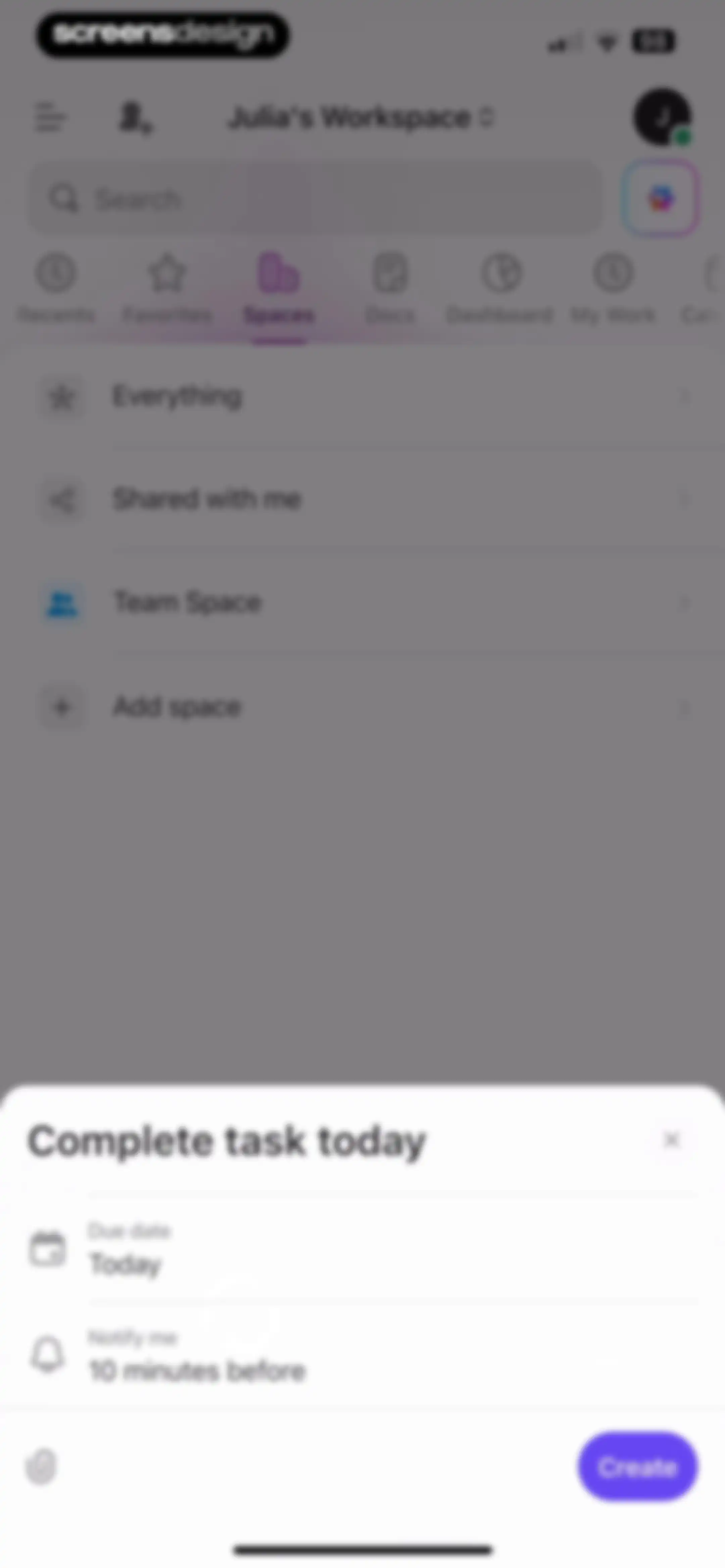
Workspace screen with a task creation modal overlay, featuring a due date set to today, notification settings, and a Create button.Unlock Pro
Spaces tab in a productivity app showing a list of workspaces with an add space option and bottom navigation.Unlock Pro
Spaces navigation screen in ClickUp with a search bar, horizontal tabs, and a vertical list of spaces including Team Space and Add space.Unlock Pro
Hierarchical list selection modal with a search bar, showing Personal List selected with a checkmark and a Done button.Unlock Pro
Task creation modal with fields for task name, assignees, and dates, set in a project workspace with a Create button.Unlock Pro
Status and task type modal with a search bar, active status tab, selectable status list showing To Do selected, and a Done button.Unlock Pro
Home screen showing the Spaces list with a task created confirmation notification and bottom navigation.Unlock Pro
Home screen showing Julia's Workspace with a task list of today's tasks, a search bar, and horizontal tab navigation.Unlock Pro
Home screen displaying Julia's Workspace dashboard with search, tabs for navigation, and a task list showing a task not accessible message.Unlock Pro
Task detail screen with a restricted access warning, Details tab selected, and empty attributes for status, assignees, and subtasks.Unlock Pro
Task detail screen showing the selected Activity tab with an inaccessible task notice and a bottom input bar to post updates.Unlock Pro
Home screen displaying workspace navigation with the Spaces tab selected and a list of project spaces.Unlock Pro
Task dashboard showing a list view of two tasks under an Everything category, with an Add new Task button and bottom action bar.Unlock Pro
Content feed displaying a search bar and a Shared tasks list item with a back button.Unlock Pro
Empty state task list screen showing the Shared with me view with a task creation input and bottom action bar.Unlock Pro
Team Space dashboard featuring a search bar and a vertical list with Personal List and Projects items.Unlock Pro
Team Space home screen displaying a search bar and a vertical list of personal lists, project folders, and documents.Unlock Pro
Create Space form with a space name input, privacy toggle set to Workspace, and a Create button.Unlock Pro
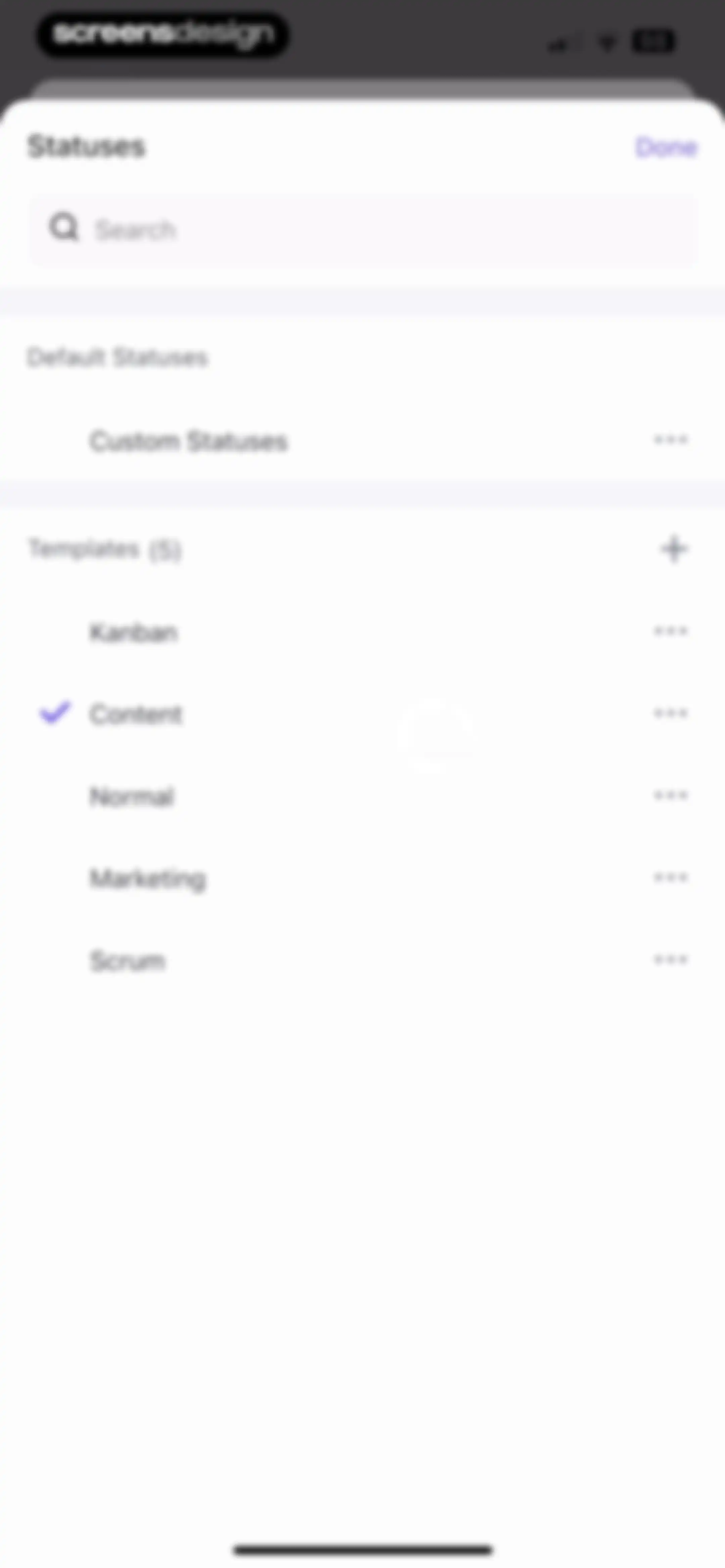
Status selection modal displaying a list of templates with Content selected and a Done button.Unlock Pro
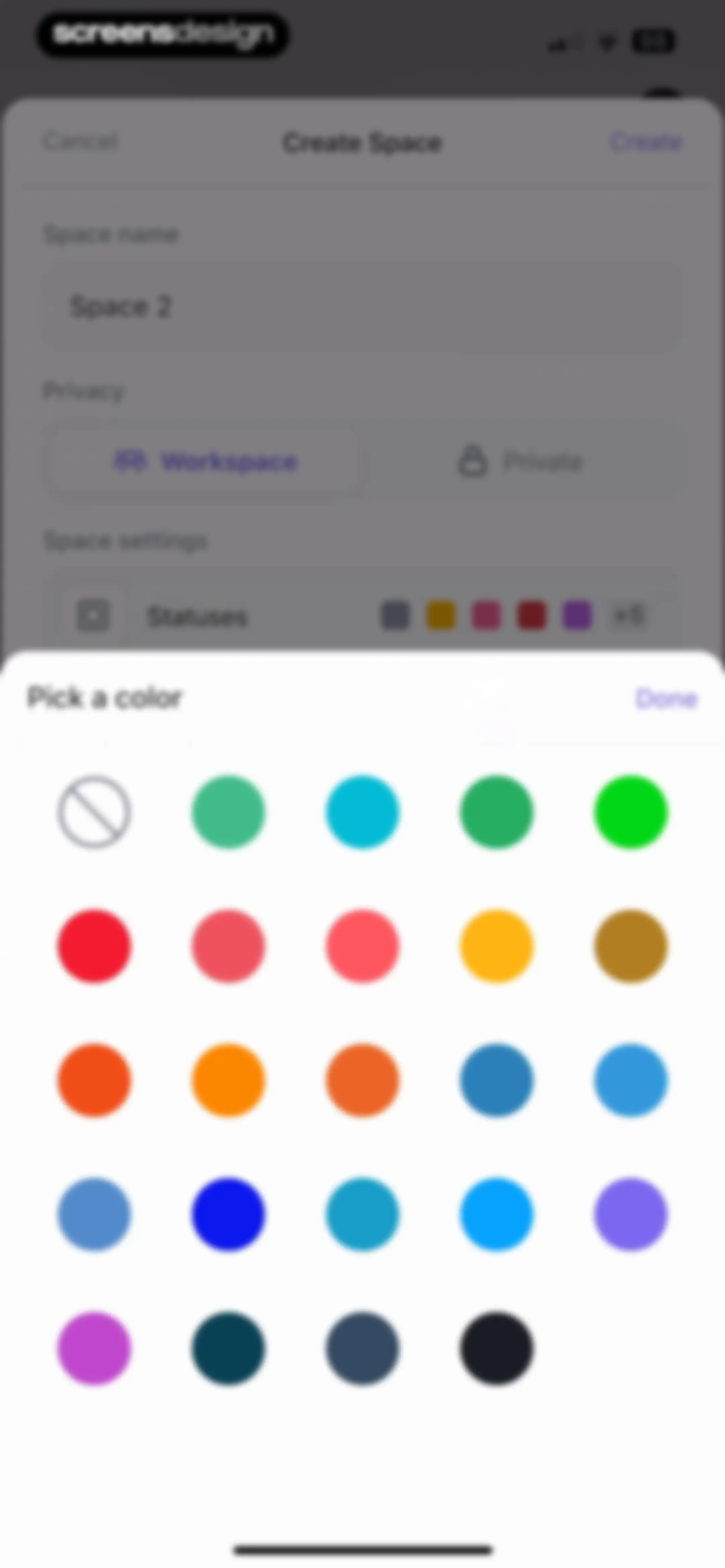
Create Space form modal featuring a color picker overlay with a grid of circular color swatches and a Done button.Unlock Pro
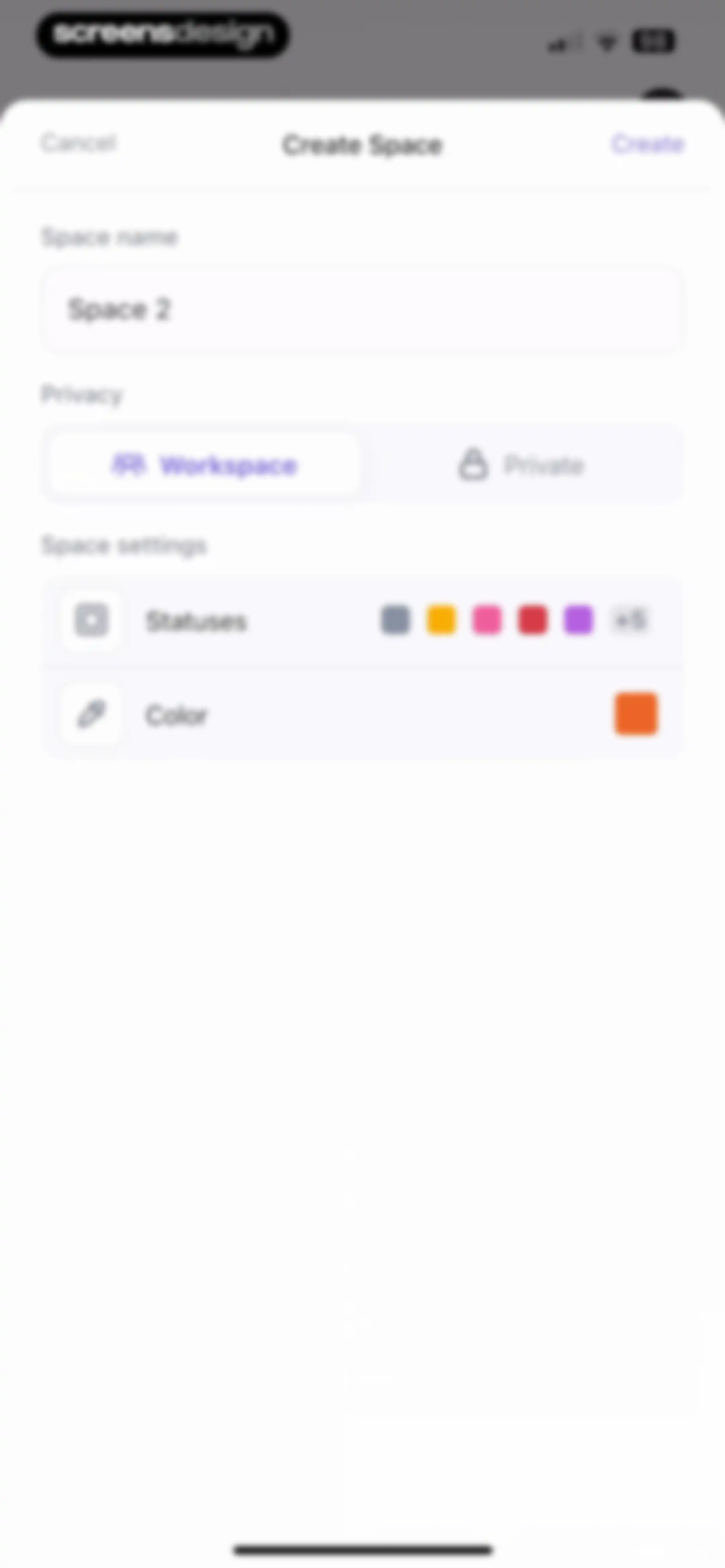
Space creation form modal with a space name input field, privacy options, settings list, and a Create button.Unlock Pro
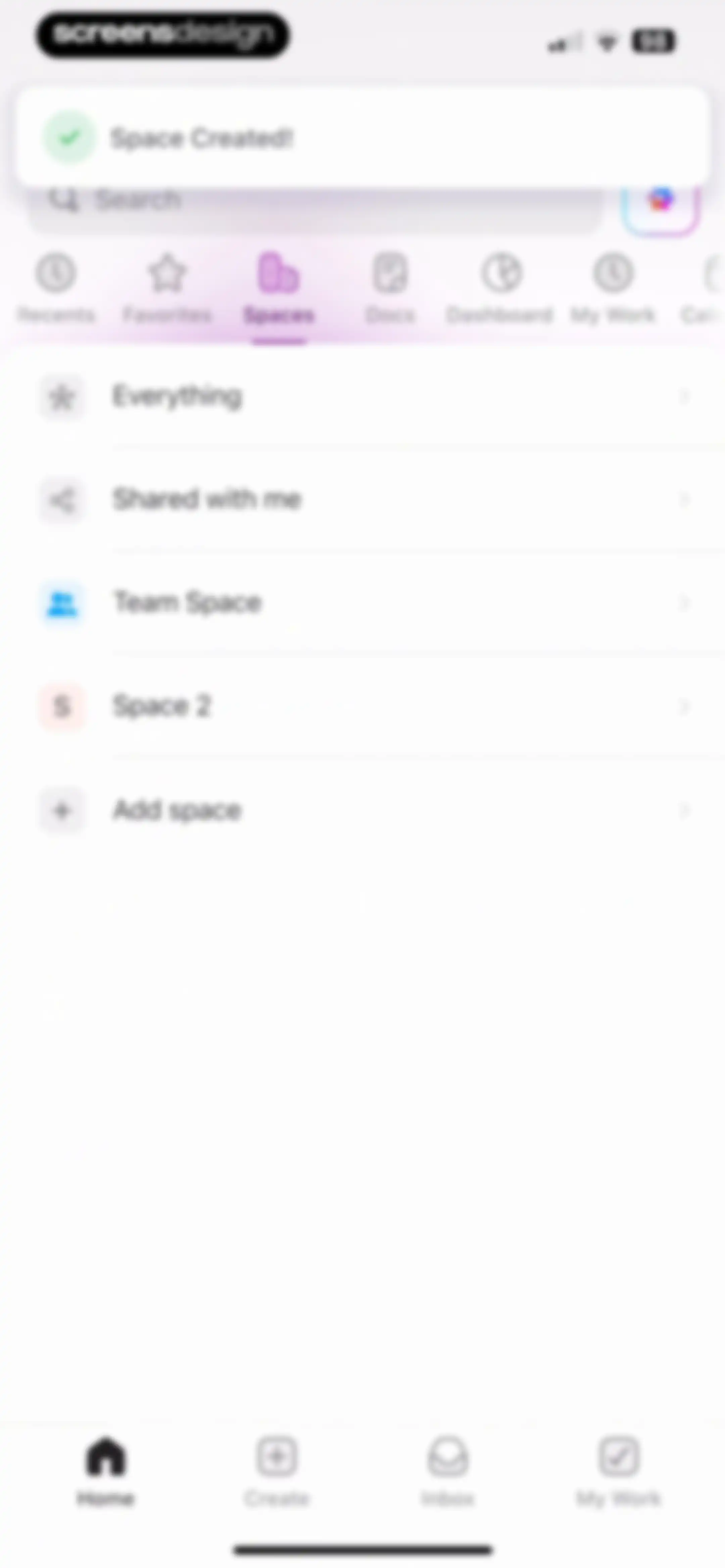
Spaces dashboard with a Space Created success toast, a list of workspace spaces, and an Add space option.Unlock Pro
Workspace dashboard displaying a document list under the selected Docs tab, a search bar, and a bottom navigation bar.Unlock Pro
Dashboard showing the Docs tab with an open sorting menu and a bottom navigation bar.Unlock Pro
Dashboard empty state screen displaying a no dashboards found message, a placeholder graphic, and a selected Dashboard tab.Unlock Pro
Task management home screen displaying Julia's Workspace with a calendar strip, overdue task section, and bottom navigation tabs.Unlock Pro
Task dashboard with an overdue task list, showing one task due today and an add a new task button.Unlock Pro
Task list screen displaying an overdue task and a bottom modal overlay with task details and a Complete button.Unlock Pro
ClickUp overdue tasks screen showing a congratulatory message and a list of today's tasks.Unlock Pro
Dashboard screen showing a calendar view with no tasks or events and an add a new task button.Unlock Pro
Dashboard showing a congratulatory productivity message and a list of marketing tasks with the Calendar tab selected.Unlock Pro
Productivity dashboard displaying a calendar view with task lists and a bottom modal overlay to reorder navigation tabs.Unlock Pro
Dashboard with an empty calendar view, a task card for lead generation strategy, and a bottom sheet with quick action buttons.Unlock Pro
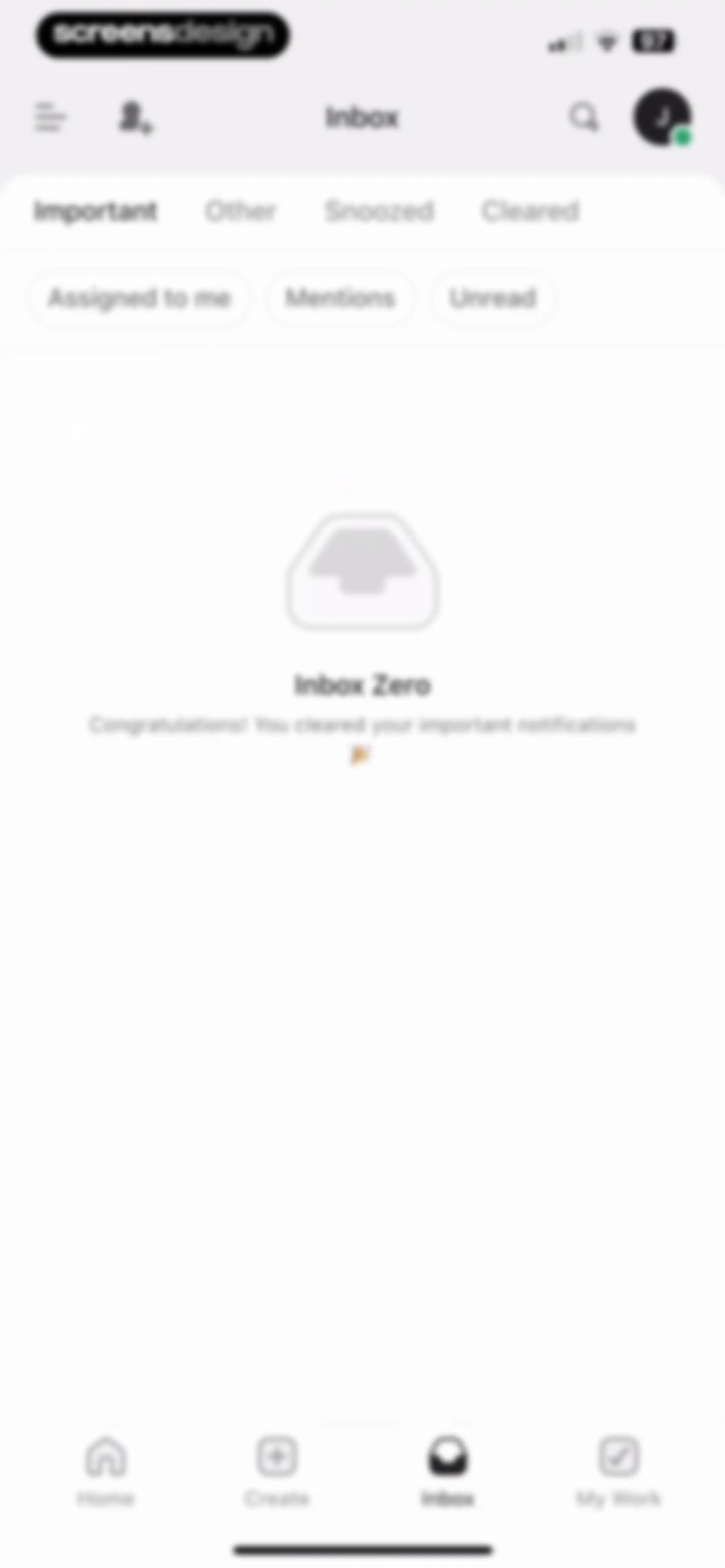
Inbox empty state screen displaying a congratulatory Inbox Zero message with filter chips and a bottom navigation bar.Unlock Pro
Inbox empty state screen displaying a Nothing found message and Clear filter button below category tabs and filter chips.Unlock Pro
Inbox empty state screen displaying nothing found with a Clear filter link, category tabs, and active unread filter chip.Unlock Pro
Inbox empty state screen displaying nothing found with active filters and a clear filter link.Unlock Pro
Inbox empty state screen displaying nothing found with a clear filter link under tabbed and filter navigation.Unlock Pro
Empty inbox screen showing no cleared notifications with filter tabs and a bottom navigation bar.Unlock Pro
Dashboard screen displaying a horizontal calendar strip and daily task sections with an option to add a new task.Unlock Pro
Empty state task list showing no assigned tasks, with a sort by due date control and an illustration of a checkmark.Unlock Pro
Empty state screen for the Dashboards section in ClickUp, displaying a no dashboards found message and instructions to create one on a computer.Unlock Pro
Search screen displaying a filled search query, horizontal filter rows, and a vertical list of task results.Unlock Pro
Task search screen displaying category tabs, filter chips, and a vertical list of matching tasks with project associations.Unlock Pro
Search screen displaying a no results found message and an empty state illustration below horizontal category tabs and a filled search bar.Unlock Pro
Search screen showing no results found for a task query, with category tabs and a cancel button.Unlock Pro
ClickUp search results screen showing no results found with an empty state illustration, search bar, and selected filter options.Unlock Pro
Search screen displaying an empty state with no results found, a top search bar, horizontal tabs with Chats selected, and filter chips.Unlock Pro
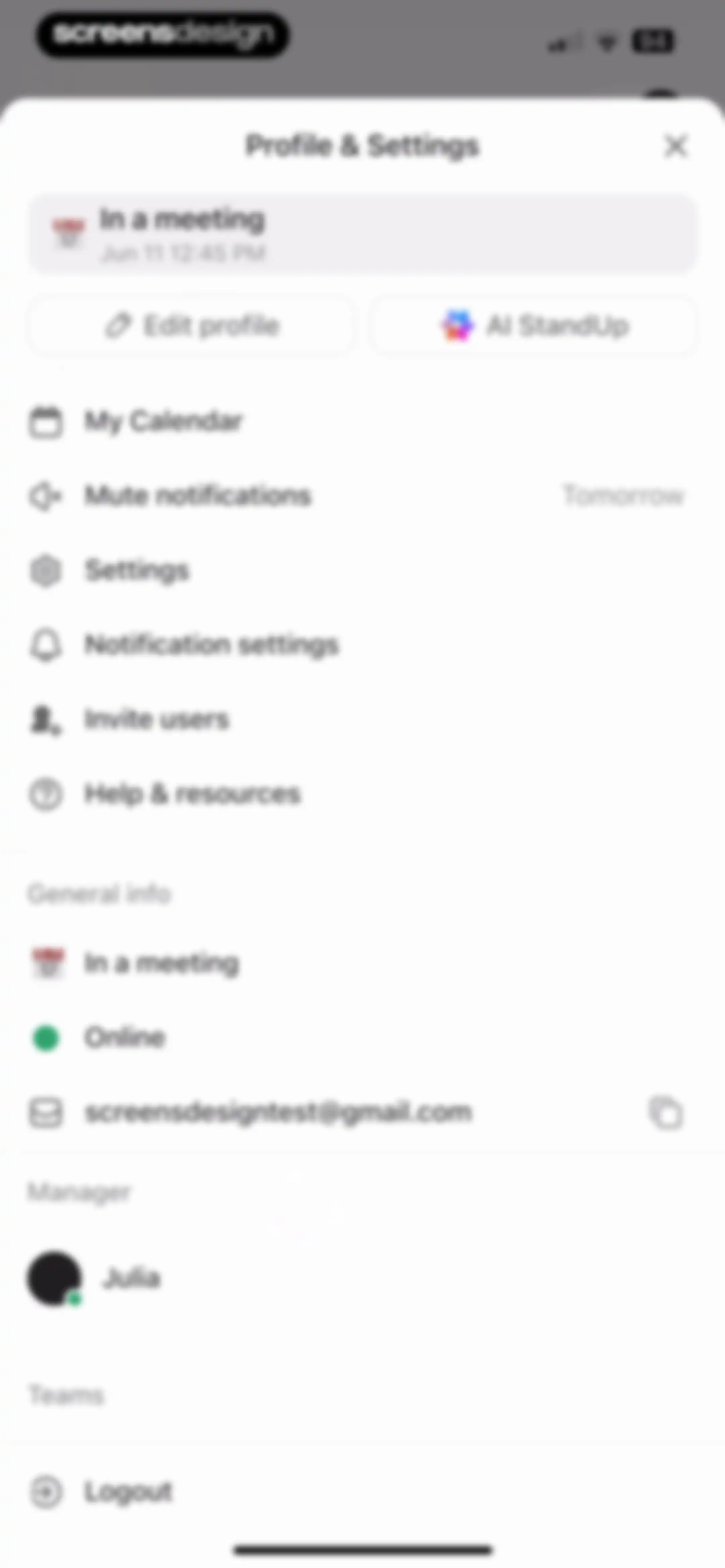
Profile and settings modal displaying user information, action buttons, and a list of navigation options including calendar and settings.Unlock Pro
Status setting form with a text input field and a list of predefined options including meeting, focusing, and sick statuses, with a save button.Unlock Pro
Edit profile modal with a user avatar, input fields for name and job title, and a Done action button.Unlock Pro
Photo picker screen featuring a search bar, tab navigation for photos and collections, and a grid of thumbnail images.Unlock Pro
Profile picture cropping screen from ClickUp with a circular crop overlay and Cancel and Save buttons at the bottom.Unlock Pro
Assignee selection modal with a search bar and a list containing Me and Mary, accompanied by the system keyboard.Unlock Pro
Edit profile modal with avatar management options and form fields for full name and job title, featuring Cancel and Done actions.Unlock Pro
Daily calendar view showing a vertical time grid from 9 AM to 6 PM with the date June 11 2025.Unlock Pro
Weekly calendar view in the ClickUp app displaying a horizontal date strip for June 2025 and a vertical time grid from 9 AM to 5 PM.Unlock Pro
Modal bottom sheet titled Mute notifications featuring a vertical list of time duration options and a close button in the ClickUp app.Unlock Pro
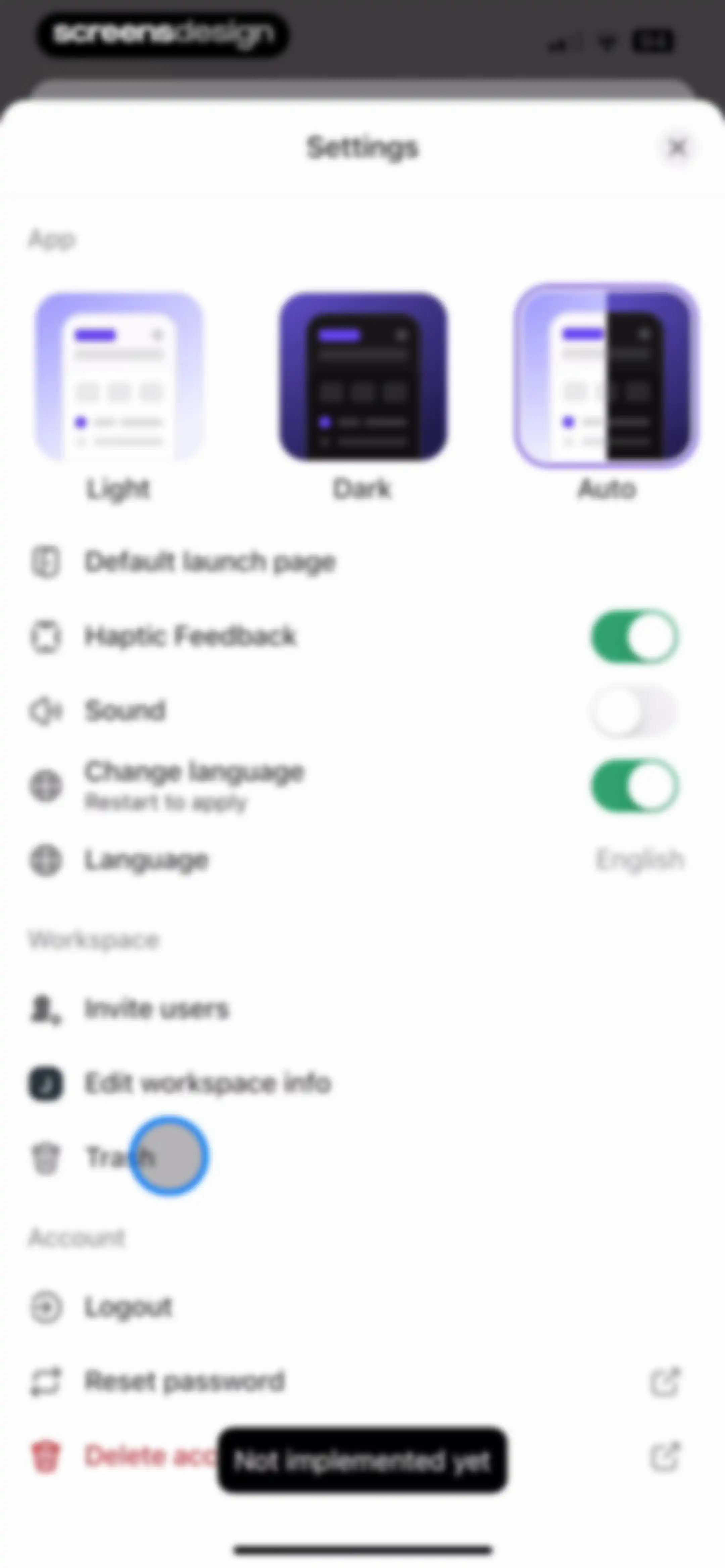
Settings modal with theme selection and grouped list items for App, Workspace, and Account options.Unlock Pro
ClickUp settings screen in dark mode with a theme selector, organized into App, Workspace, and Account sections.Unlock Pro
Settings modal with theme selection cards showing Auto selected, toggle settings, and grouped options for workspace and account management.Unlock Pro
Settings modal for choosing the default launch page, with My Work selected and a close button.Unlock Pro
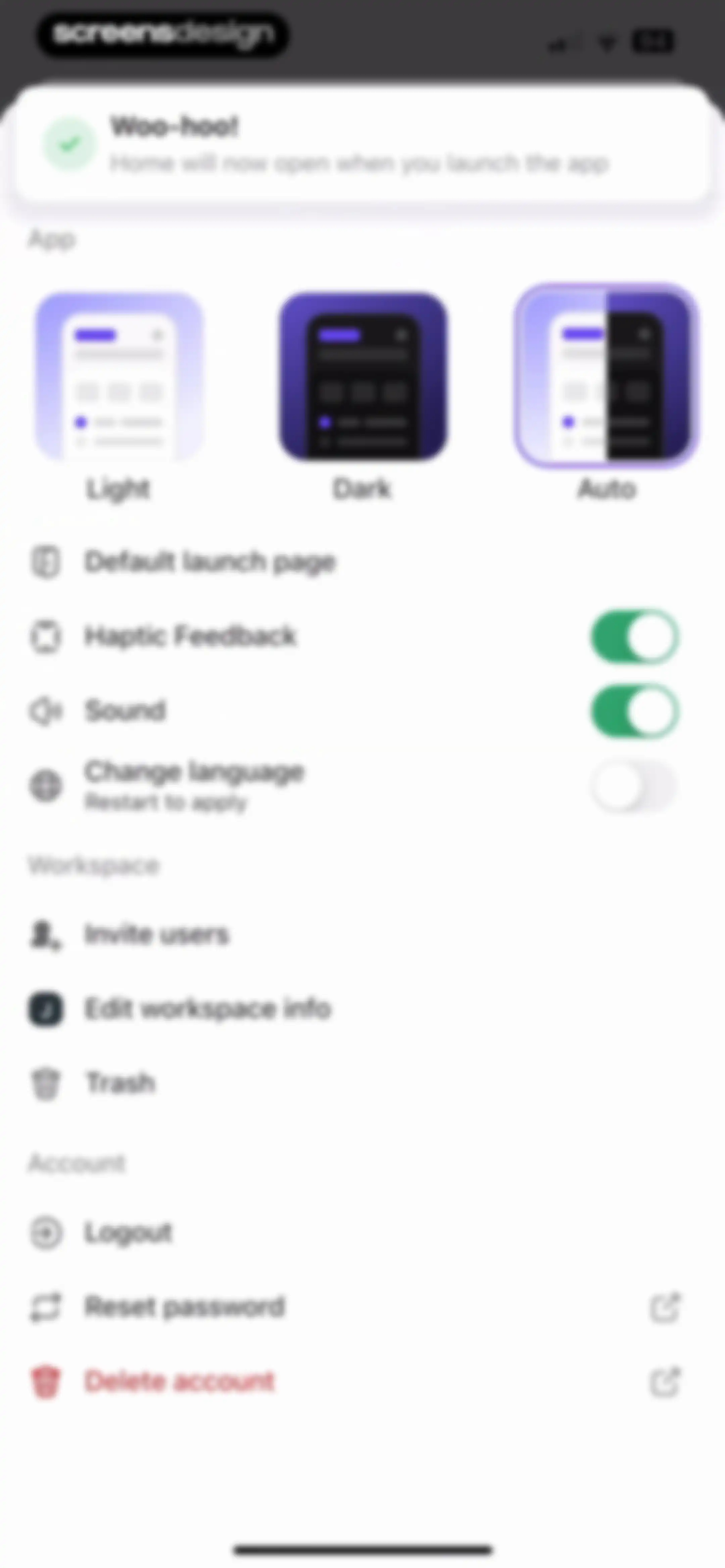
ClickUp settings screen featuring a success toast notification at the top and a vertical list of app, workspace, and account options.Unlock Pro
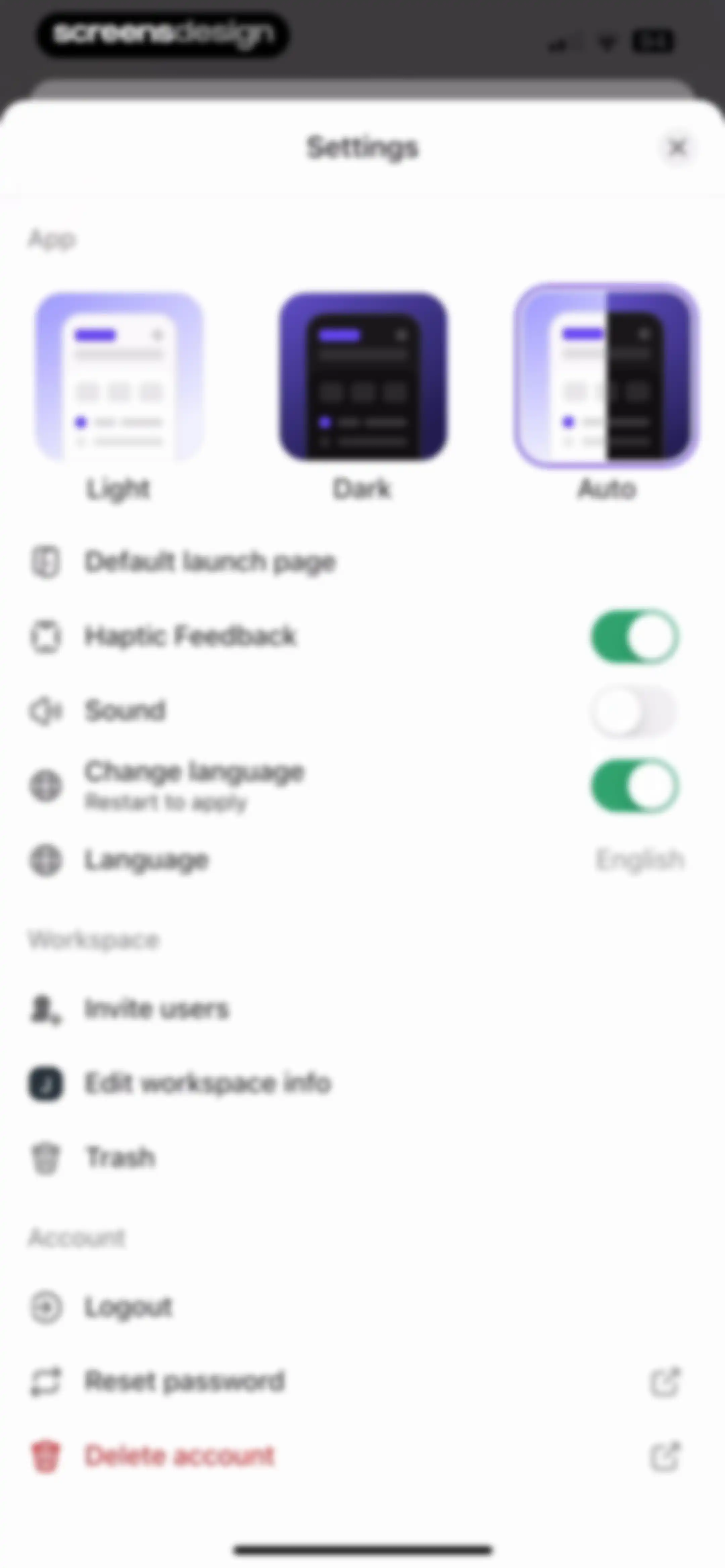
Settings modal with App, Workspace, and Account sections, featuring theme selection, toggles, and account management options.Unlock Pro
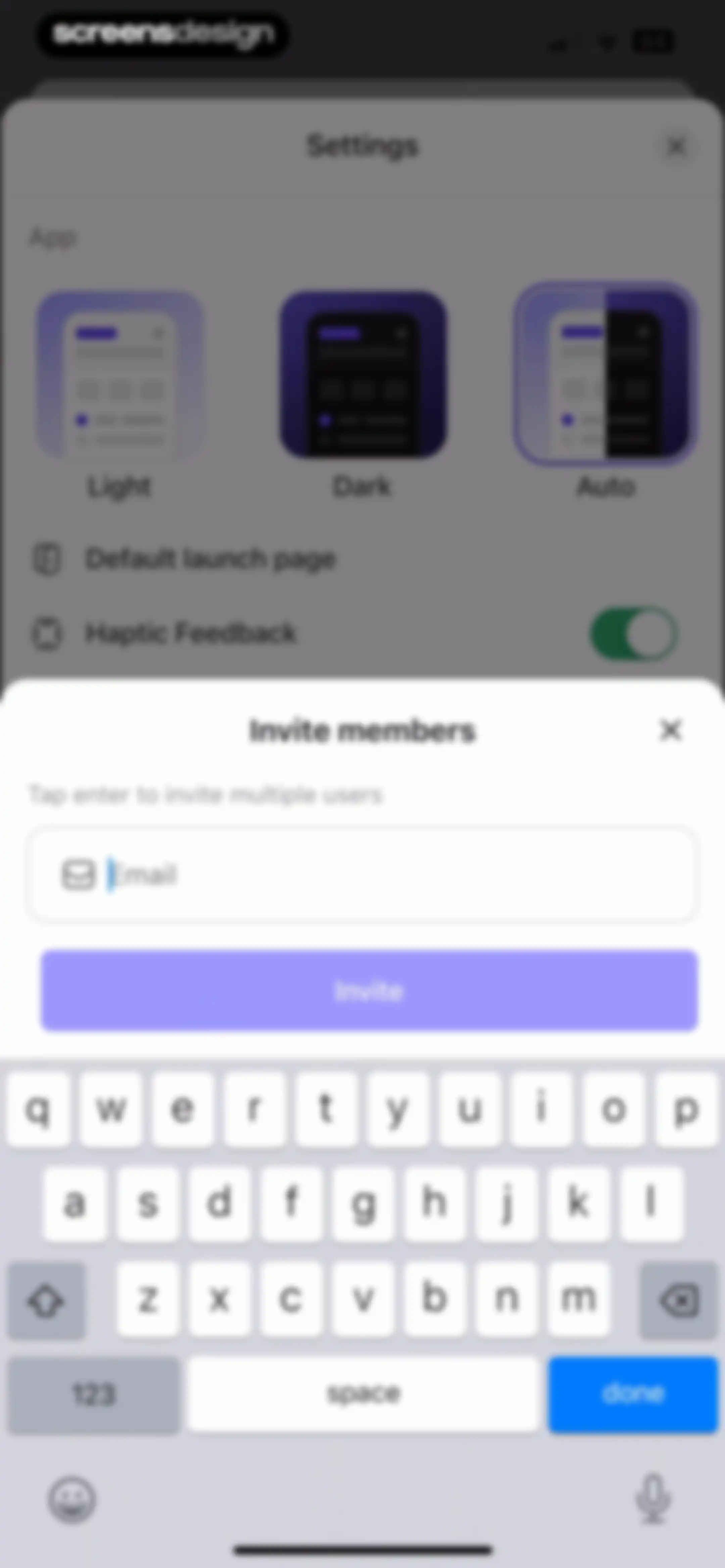
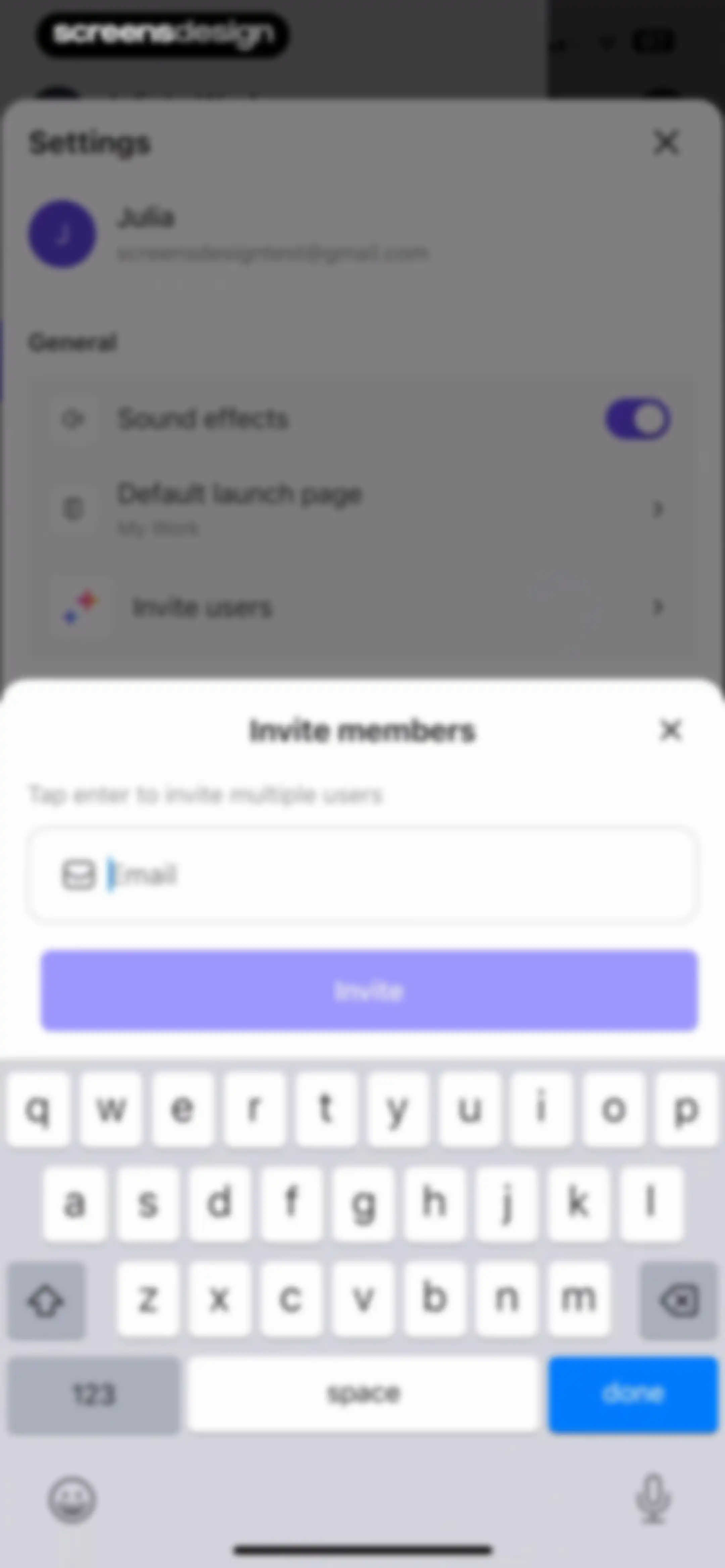
Settings screen with an invite members modal overlay, email input field, and an Invite button.Unlock Pro
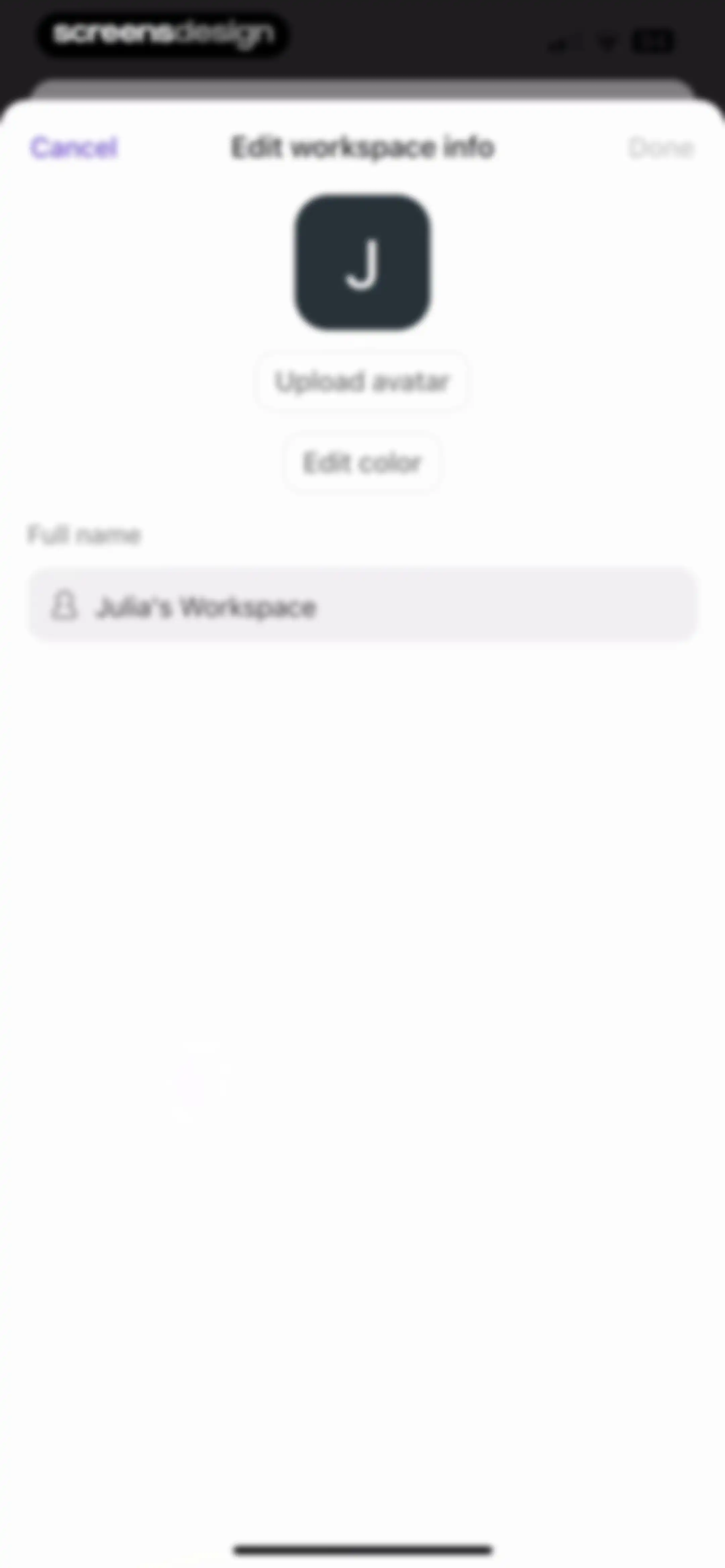
Workspace editing modal with avatar upload options and a text input field containing the workspace name.Unlock Pro
Settings modal with theme selection, grouped list sections for App, Workspace, and Account, and an active close button.Unlock Pro
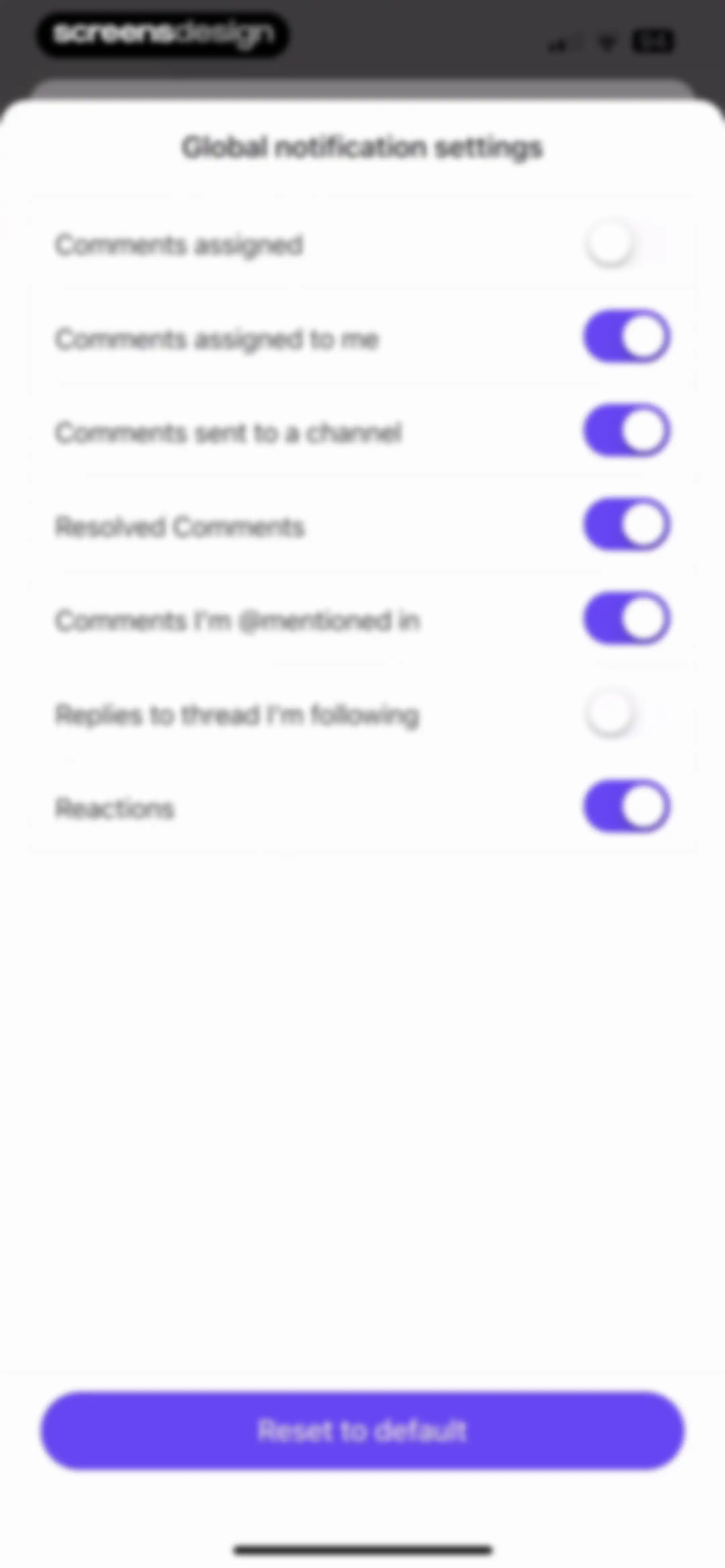
Global notification settings screen with toggle options for comment alerts and a Reset to default button.Unlock Pro
Settings menu displaying profile details, a status indicator, navigation links, and a logout option.Unlock Pro
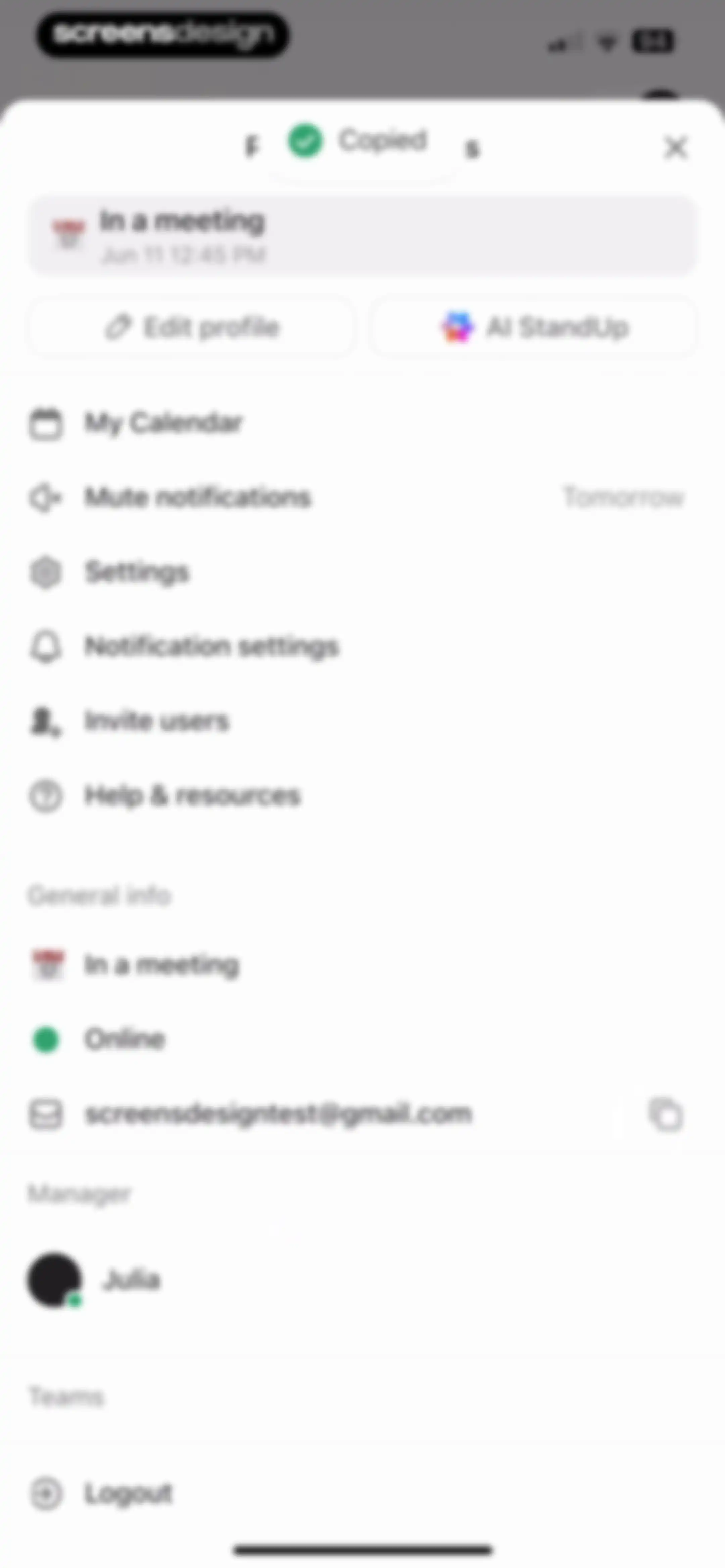
Profile screen with a status header showing In a meeting, action buttons, categorized setting links, and a logout button.Unlock Pro
ClickUp dashboard empty state screen showing an open Workspaces modal with a Create Workspace button and workspace details.Unlock Pro
Workspace empty state with a centered invite members modal overlay and an email input field.Unlock Pro
Slide-out navigation drawer featuring Julia's Workspace, a search bar, and a list of navigation options including Home, Inbox, Spaces, and Dashboards.Unlock Pro
Workspaces modal overlay centered over a navigation drawer, showing Julia's Workspace as selected with a Create Workspace button.Unlock Pro
Inbox empty state screen displaying an Inbox Zero message under the selected Important tab and filter pills.Unlock Pro
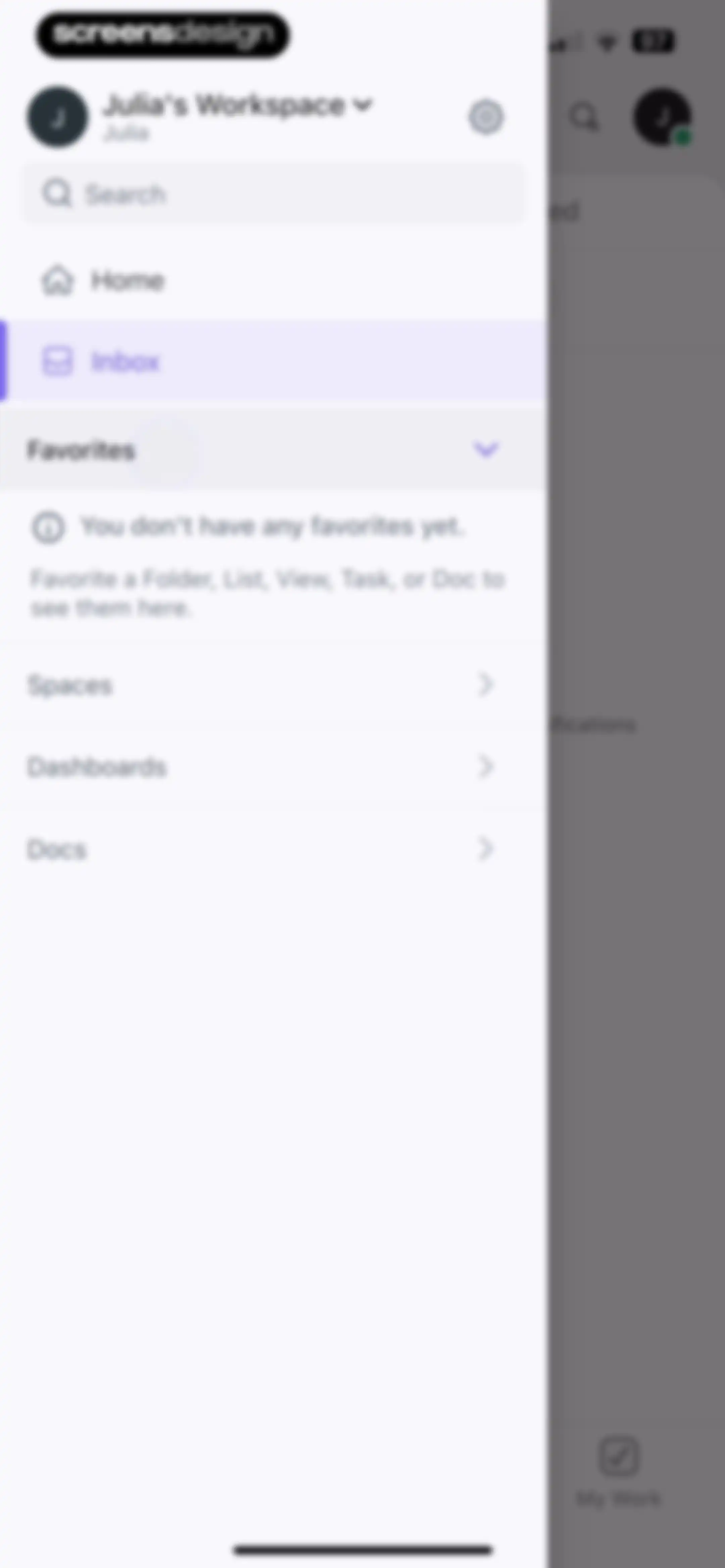
Navigation drawer with Julia's Workspace header, search bar, and an empty Favorites section below the selected Inbox option.Unlock Pro
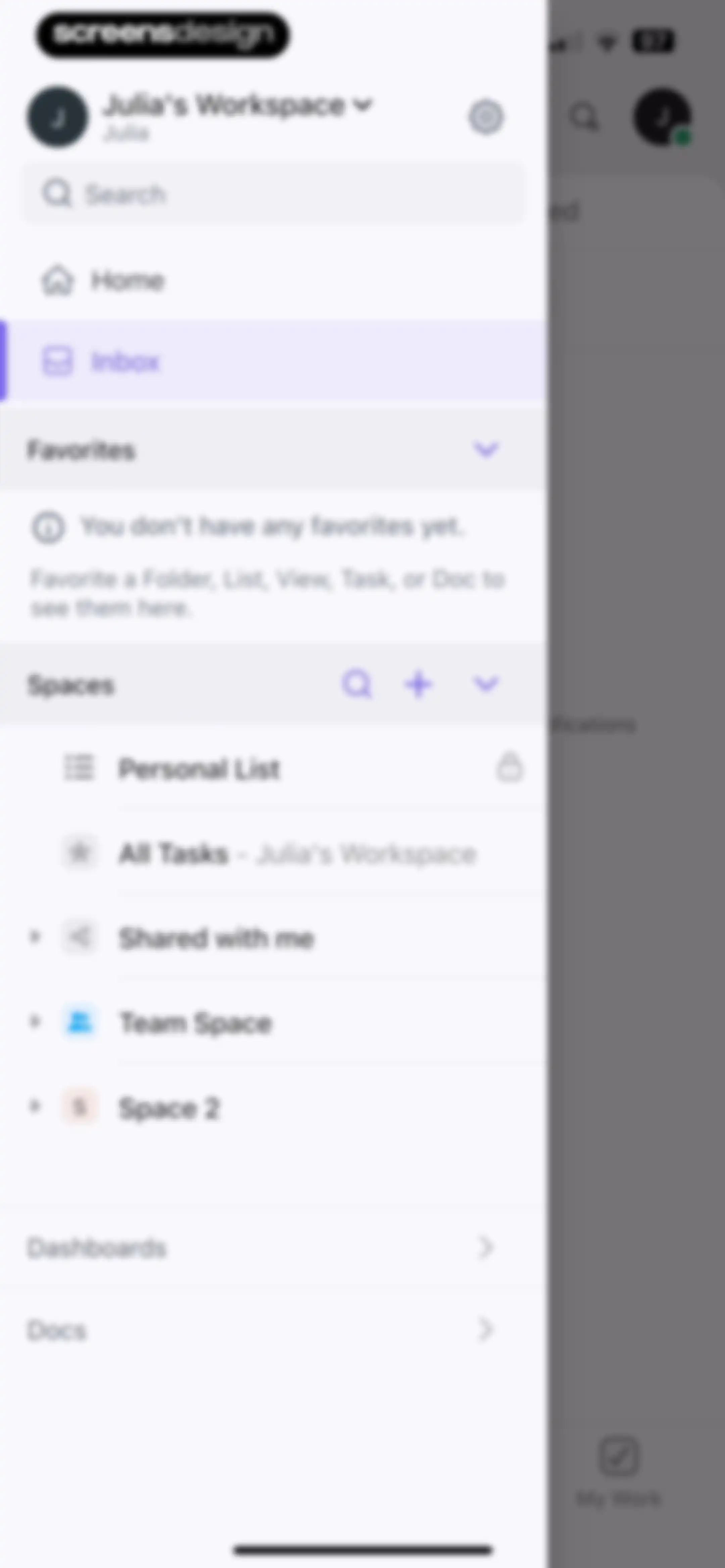
Slide-out navigation drawer displaying workspace links, an empty favorites section, and a spaces list with the Inbox option selected.Unlock Pro
Slide-out navigation drawer with a profile header, search bar, and categorized lists of workspaces, spaces, dashboards, and docs.Unlock Pro
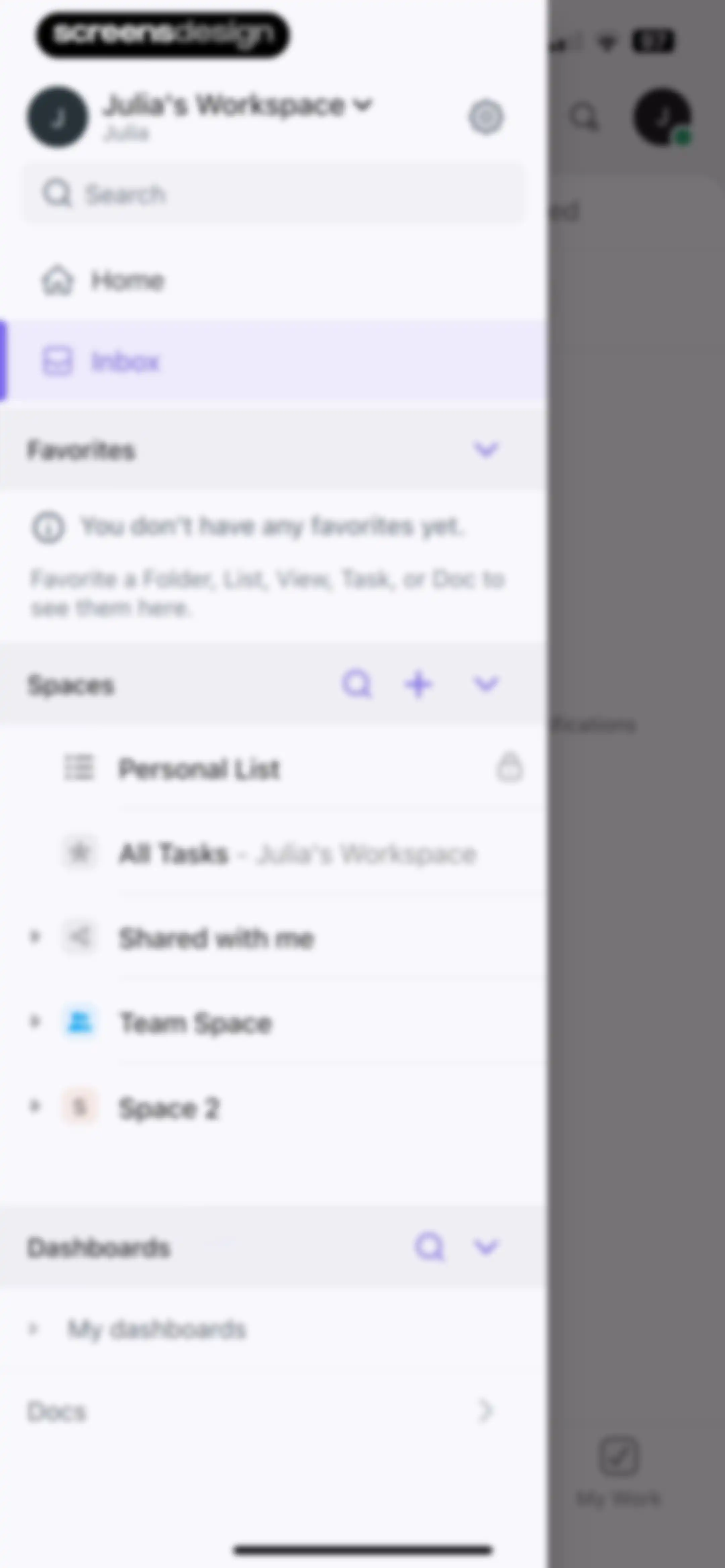
Navigation drawer for a workspace with a search bar, user profile header, and categorized collapsible lists for spaces, favorites, and dashboards.Unlock Pro
Settings modal displaying a user profile header, grouped configuration lists, and a theme selector.Unlock Pro
ClickUp settings modal for choosing a default launch page, with Home selected and a close button in the top right.Unlock Pro
Settings screen grouped by sections with a top notification toast confirming a launch page change and a profile header for Julia.Unlock Pro
Invite members modal overlay with an email input field and an Invite button, displayed over a blurred settings menu.Unlock Pro
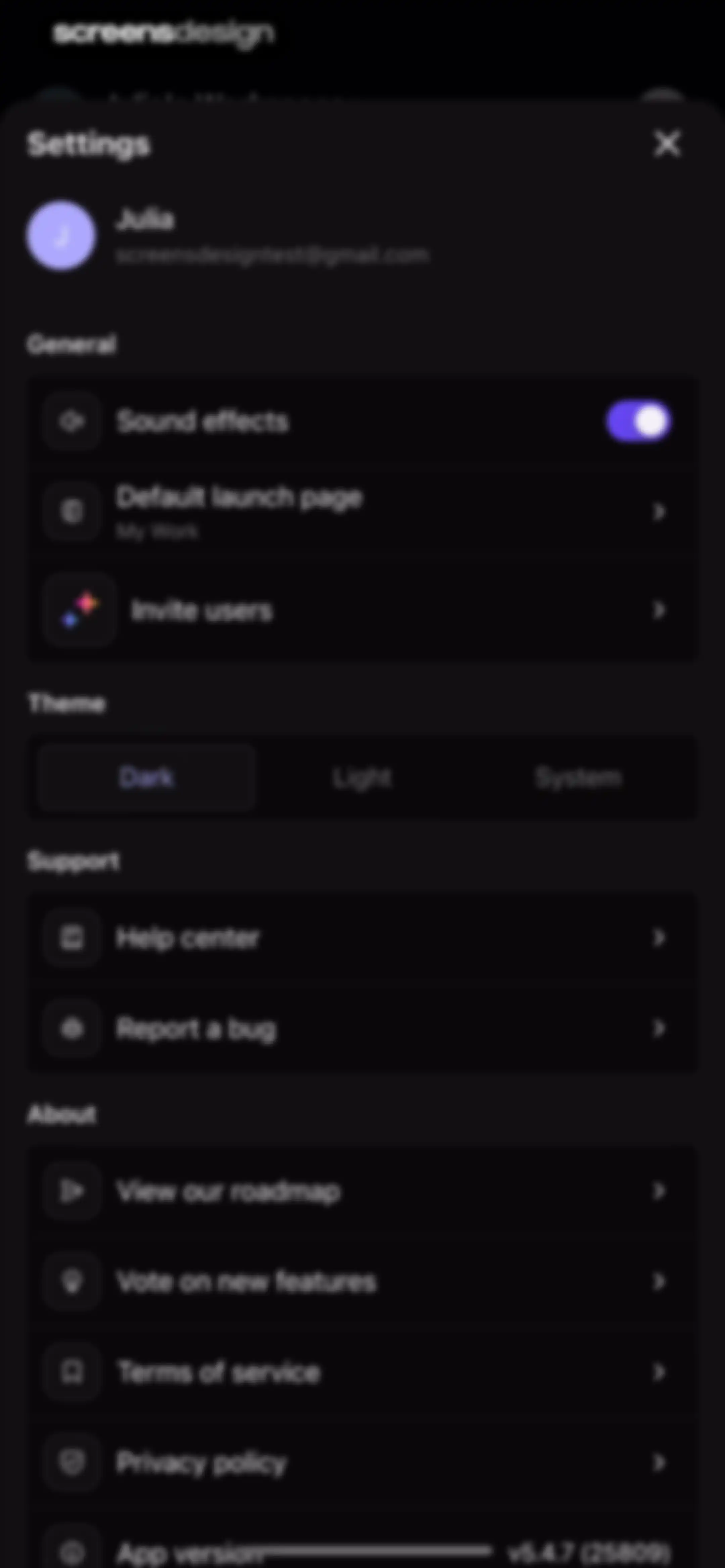
Settings screen with user profile header and grouped options for general preferences, theme selection with dark mode active, support, and about sections.Unlock Pro
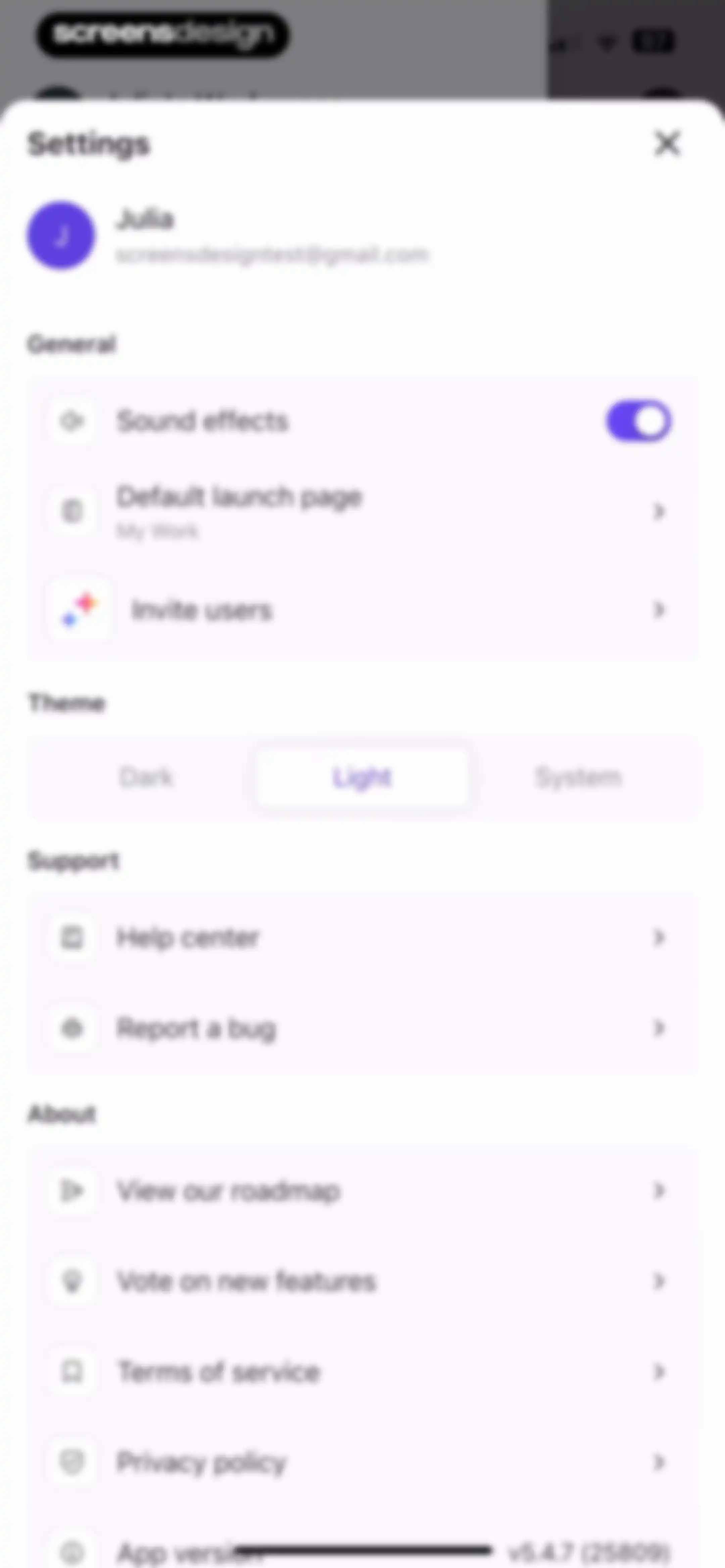
Settings modal with user profile information, general options, theme selection, support links, and about sections for the ClickUp app.Unlock Pro
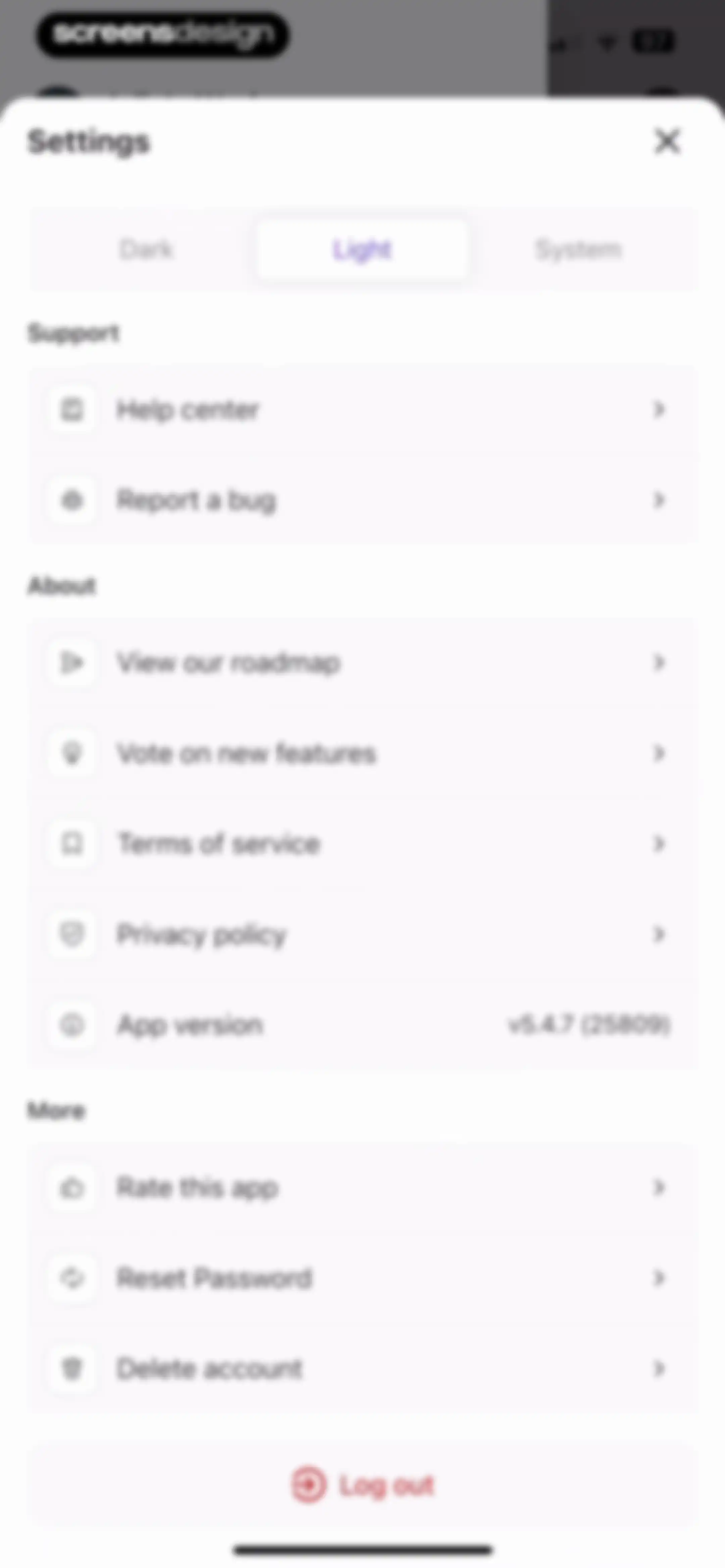
Settings modal featuring a theme switcher with Light selected, grouped list sections for Support, About, and More, and a logout button.Unlock Pro

About ClickUp: Tasks, Chat, Docs, AI

A comprehensive productivity platform integrating project management, team communication, documentation, time tracking, and AI agents into one unified workspace.

Explore ClickUp: Tasks, Chat, Docs, AI across ScreensDesign

Apps similar to ClickUp: Tasks, Chat, Docs, AI
Unlock all similar apps

See every comparable app, revenue, installs, and flows.

Unlock Pro
  • Todoist: To Do List & Calendar

    4.8
    Doist Inc.Revenue$300kInstalls50k
  • Evernote: AI Notes & Notebook

    4.4
    Evernote CorporationRevenue$750kInstalls25k
  • Amie - Todos, calendar

    3.4
    Amie GmbHRevenue$<5kInstalls<5k
  • Linear Mobile

    4.8
    LinearRevenue$<5kInstalls<5k
  • Motion: Tasks & AI Scheduling

    4.1
    NexusBird, IncRevenue$25kInstalls<5k
  • Countdown

    4.8
    Find Appiness LLCRevenue$15kInstalls300k
  • Expensify - Travel & Expense

    4.6
    Expensify, Inc.Revenue$35kInstalls10k
  • Boards.com

    4.8
    Boards.com LtdRevenue$300kInstalls<5k
  • Structured: Daily Planner Todo

    4.8
    unorderly GmbHRevenue$300kInstalls350k
  • Lovable: Build Apps With AI

    4.8
    Lovable Labs IncorporatedRevenue$350kInstalls50k
  • Productive - Habit Tracker

    4.6
    Easy Tiger Apps, LLC.Revenue$20kInstalls<5k
  • Bento: The Do Less Timer

    4.1
    Keep Productive LtdRevenue$<5kInstalls<5k
  • Quo (formerly OpenPhone)

    4.4
    OpenPhone Technologies IncRevenue$200kInstalls15k
  • UNUM — Layout & Feed Preview

    4.5
    UNUM, Inc.Revenue$75kInstalls<5k
  • Flow: Focus & Pomodoro Timer

    4.8
    Yugen GmbHRevenue$<5kInstalls<5k
  • To Do List MinimaList & Widget

    4.8
    Davetech Co., Ltd.Revenue$5kInstalls95k
  • Todo List & Reminder - Todoery

    4.6
    BetterApp Tech Co., LimitedRevenue$20kInstalls35k
  • Calendars: Schedule Planner

    4.7
    Readdle Technologies LimitedRevenue$250kInstalls150k
  • Weekly Planner - Diary, Notes

    4.7
    Digital Legal TechRevenue$40kInstalls40k
  • Focused Work - Pomodoro Timer

    4.7
    Michael TigasRevenue$<5kInstalls<5k
  • AI Chat Assistant – ChatNow

    4.8
    tappzRevenue$550kInstalls150k
  • Chatbot AI Assistant ChatBoost

    4.3
    One Eighty Ltd.Revenue$35kInstalls8k
  • IFTTT - Automate work and home

    4.6
    IFTTTRevenue$50kInstalls<5k
  • [untitled]

    4.9
    sin titulo, incRevenue$200kInstalls60k
  • Planner Pro - Daily Planner

    4.5
    Beesoft AppsRevenue$10kInstalls<5k
  • Artful Agenda

    4.7
    Artful, LLCRevenue$45kInstalls20k
  • HEY Email

    4.6
    Basecamp, LLCRevenue$<5kInstalls<5k
  • Focus To-Do: Focus Timer&Tasks

    4.8
    Shenzhen Tomato Software Technology Co., Ltd.Revenue$8kInstalls25k
  • Product Hunt

    4.8
    Product Hunt Inc.
  • Canva AI Photo & Video Editor

    4.9
    CanvaRevenue$34MInstalls5.3M
  • Tiimo: To-Do List Planner

    4.6
    tiimoRevenue$250kInstalls65k
  • Collect by WeTransfer

    4.4
    WeTransfer BVRevenue$200kInstalls<5k
  • Habitify: Habit Tracker

    4.6
    Unstatic Ltd CoRevenue$20kInstalls<5k
  • Fantastical Calendar

    4.2
    Flexibits Inc.Revenue$150kInstalls<5k
  • Freedom: Screen Time Control

    4.4
    Eighty Percent SolutionsRevenue$100kInstalls13k
  • OmniFocus 4

    4.0
    The Omni GroupRevenue$<5kInstalls<5k
  • Spark Mail: AI Email Assistant

    4.6
    Readdle Technologies LimitedRevenue$200kInstalls<5k
  • Smallpdf: Scanner & PDF Editor

    4.8
    SmallpdfRevenue$25kInstalls6k
  • NinjaChat AI

    4.3
    Helium TechnologiesRevenue$15kInstalls6k
  • AppBlock: Block Apps & Website

    4.6
    MobileSoft s.r.o.Revenue$100kInstalls35k
  • Yik Yak

    3.9
    Yik Yak, Inc.Revenue$<5kInstalls400k
  • Behance – Creative Portfolios

    4.6
    Adobe Inc.Revenue$<5kInstalls50k
  • Journal: Planner, Notes, PDFs

    4.6
    Tuat TranRevenue$45kInstalls90k
  • TimeBloc - Daily Planner

    4.3
    Reflective Technologies ApSRevenue$<5kInstalls<5k
  • Xmind: AI Mind Map, Brainstorm

    4.8
    Xmind Ltd.Revenue$90kInstalls60k
  • ChatGO - ChatBot AI

    4.3
    Wachanga LTDRevenue$150kInstalls100k
  • Gizmo: AI Tutor

    4.8
    Save AllRevenue$150kInstalls200k