BePresent: Screen Time Control

$400k revenue, 4.8 rating

App walkthrough
0:00 / 7:38

Onboarding flow, Paywall & Inside the App

Watch the full screen-by-screen UX video of BePresent: Screen Time Control with onboarding, paywall, and every core flow.
Splash screen for the BePresent app featuring a centered logo with white text on a blue background.
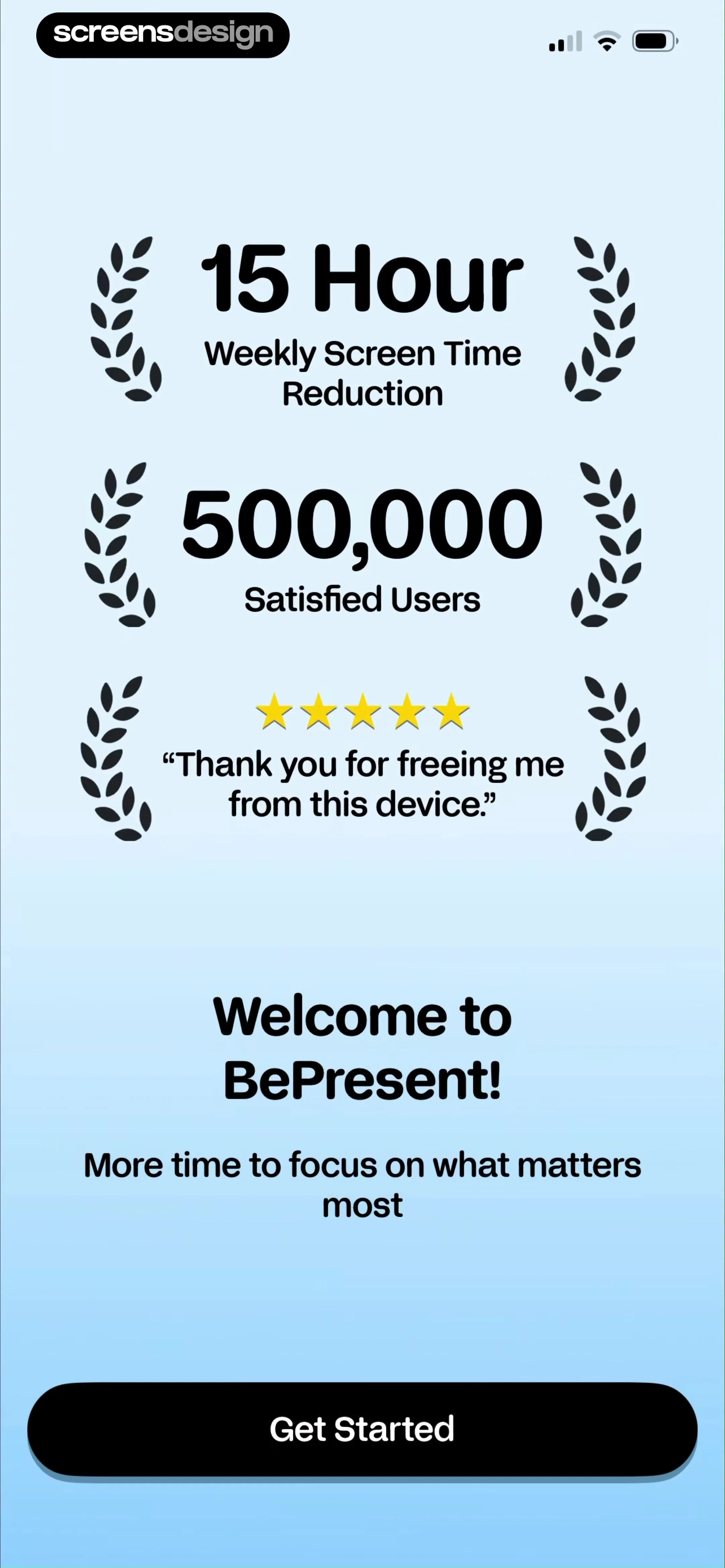
Onboarding screen for BePresent featuring social proof metrics, a welcome message, and a Get Started button.
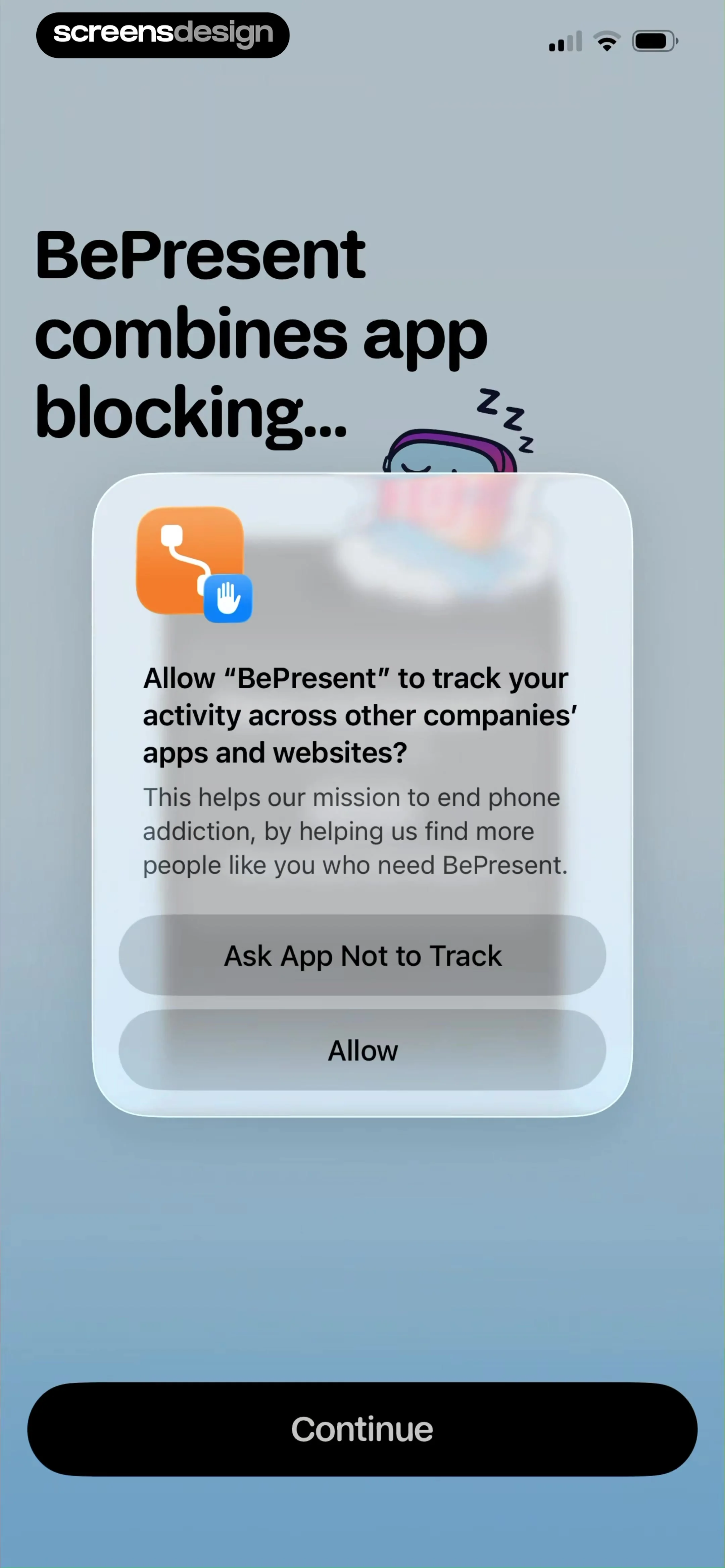
BePresent app tracking permission modal requesting activity tracking across other apps, with allow and deny options.
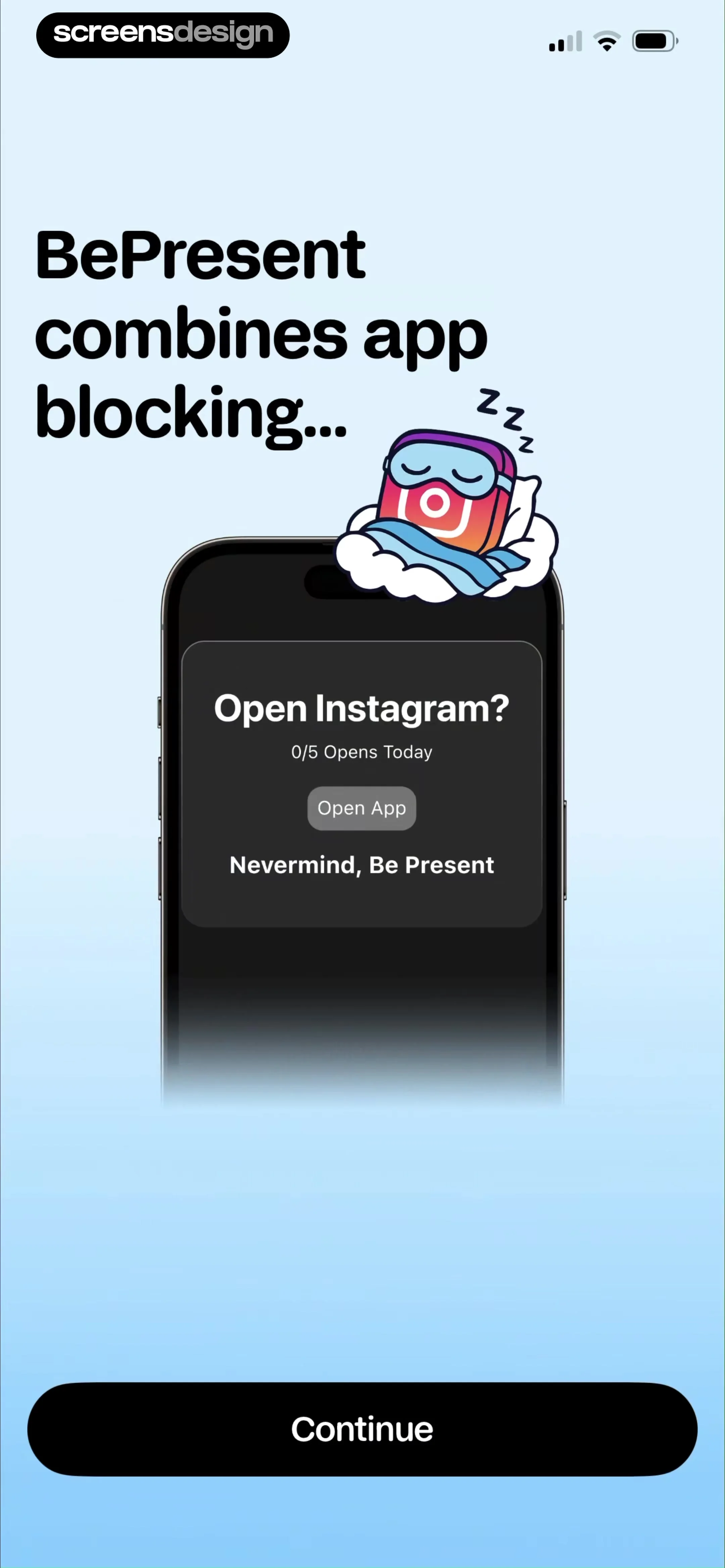
BePresent onboarding screen displaying an app blocking demonstration with an Instagram modal and a Continue button.
Onboarding screen highlighting gamification and psychology features with a central product mockup, floating feature labels, and a Continue button.
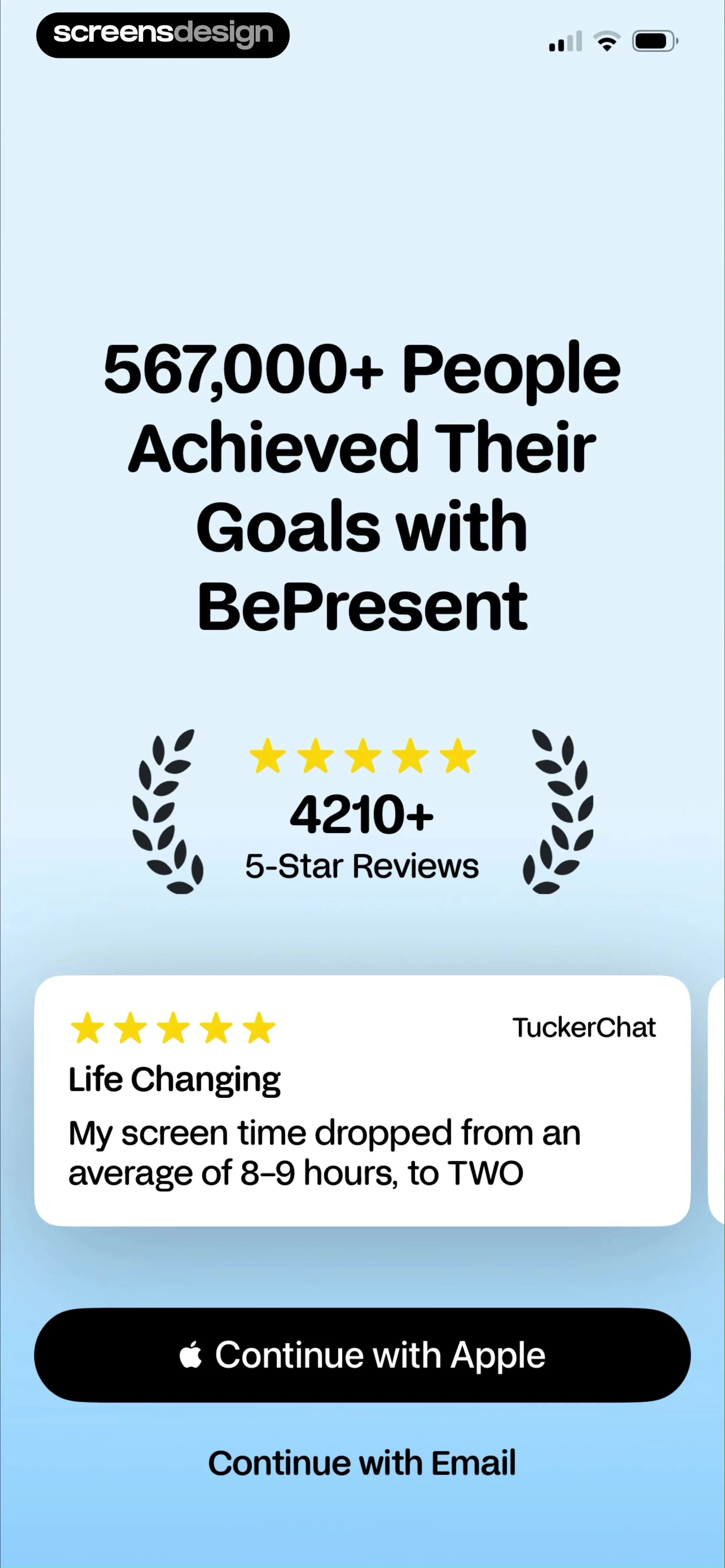
BePresent app sign-up screen featuring user reviews, a testimonial card, and buttons to continue with Apple or email.
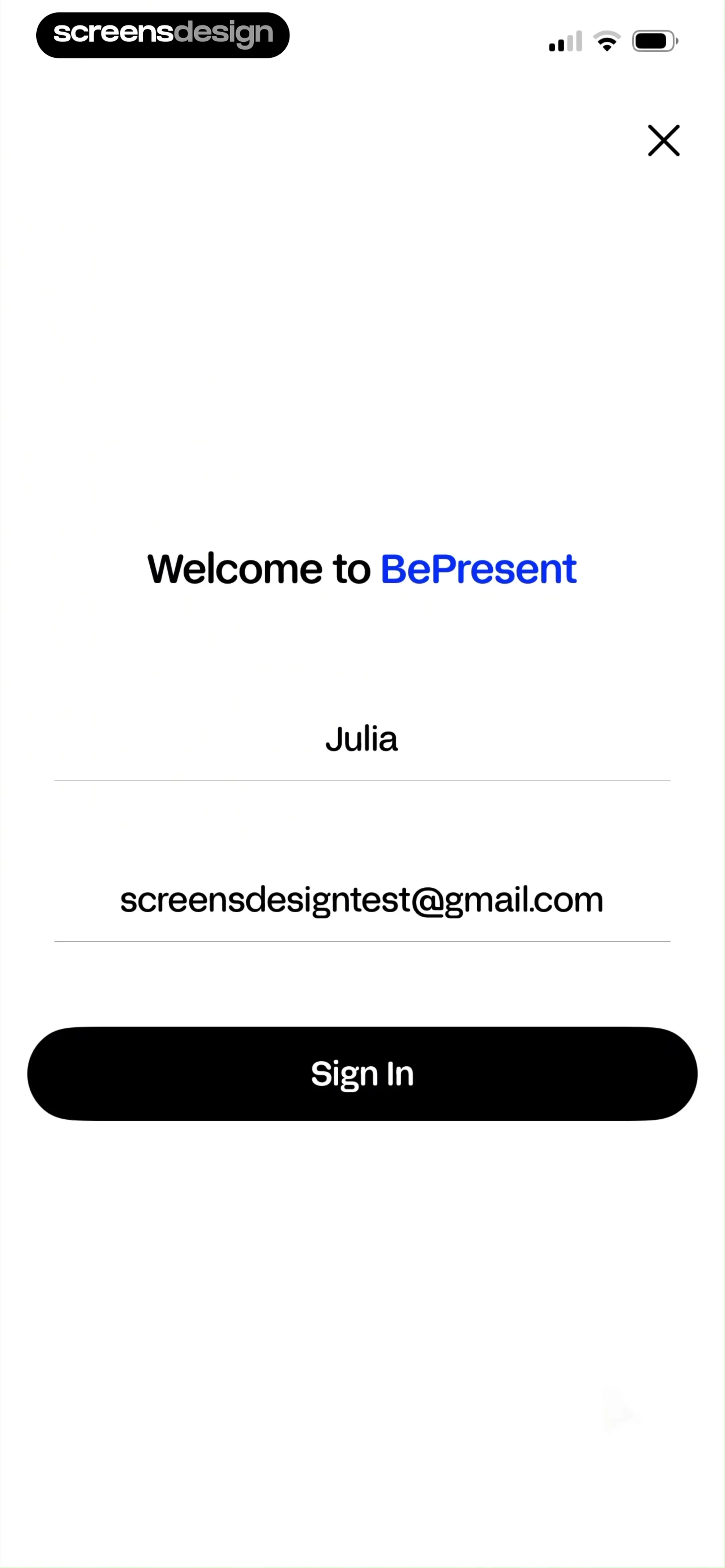
BePresent sign-in form with filled name and email fields and a Sign In button.
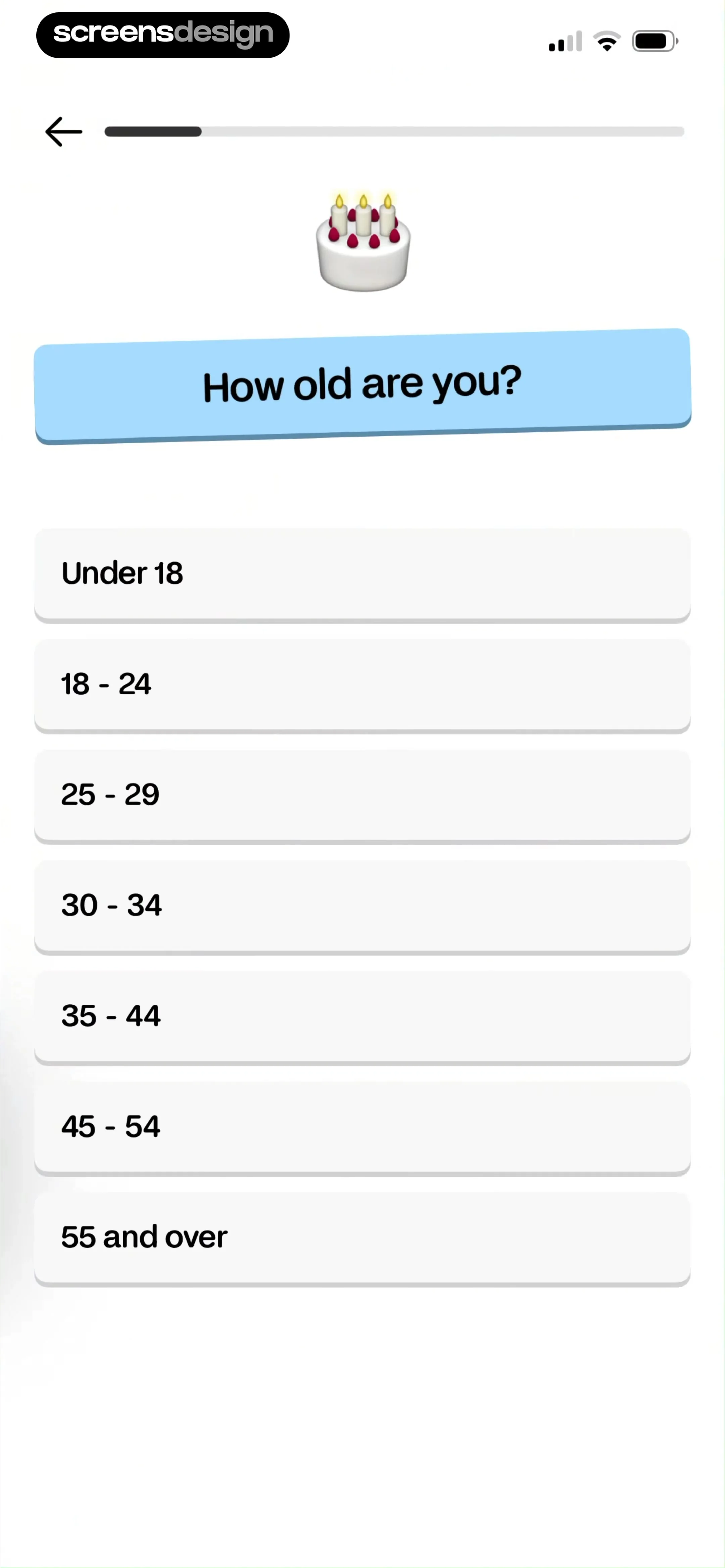
Onboarding screen asking how old you are, with a birthday cake illustration and a vertical list of selectable age range buttons.
Onboarding screen asking about daily average screen time with a list of selectable time range buttons and a progress indicator.Unlock Pro
Loading screen displaying a circular progress indicator at 100% and the text calculating your dataUnlock Pro
Onboarding screen displaying a screen time warning with a highlighted statistic and a Wow button.Unlock Pro
Onboarding screen displaying a value proposition about getting 11.5 years back, with a Get those years back button at the bottom.Unlock Pro
BePresent app rating request screen featuring a founders' photo, a user testimonial with stars, and a Continue button.Unlock Pro
BePresent app onboarding screen featuring a Screen Time connection request, a central rating modal with star icons, and a Continue button.Unlock Pro
Permission onboarding screen for BePresent requesting Screen Time connection, with a feedback modal and a Continue button.Unlock Pro
Permission request screen for BePresent asking to connect to Screen Time, featuring a privacy notice and a Continue button.Unlock Pro
Permission request screen asking to connect BePresent to Screen Time, featuring a system modal with Continue and Don't Allow buttons.Unlock Pro
Permissions onboarding screen displaying a Screen Time access request modal for BePresent with Continue and Don't Allow buttons.Unlock Pro
Permission request screen for the BePresent app to access Screen Time, featuring an Allow with Face ID button and a Don't Allow link.Unlock Pro
BePresent app permission confirmation screen stating that access to Screen Time has been approved, with a Done button.Unlock Pro
Permission request screen for the BePresent app featuring a smartphone mockup displaying a notification overlay, an Enable Notifications button, and a Maybe Later link.Unlock Pro
Permission request screen with a system notification modal over a blurred background, featuring Enable Notifications and Maybe Later buttons.Unlock Pro
BePresent onboarding screen listing three value propositions with checkmarks and a bottom action button labeled LET'S GO!Unlock Pro
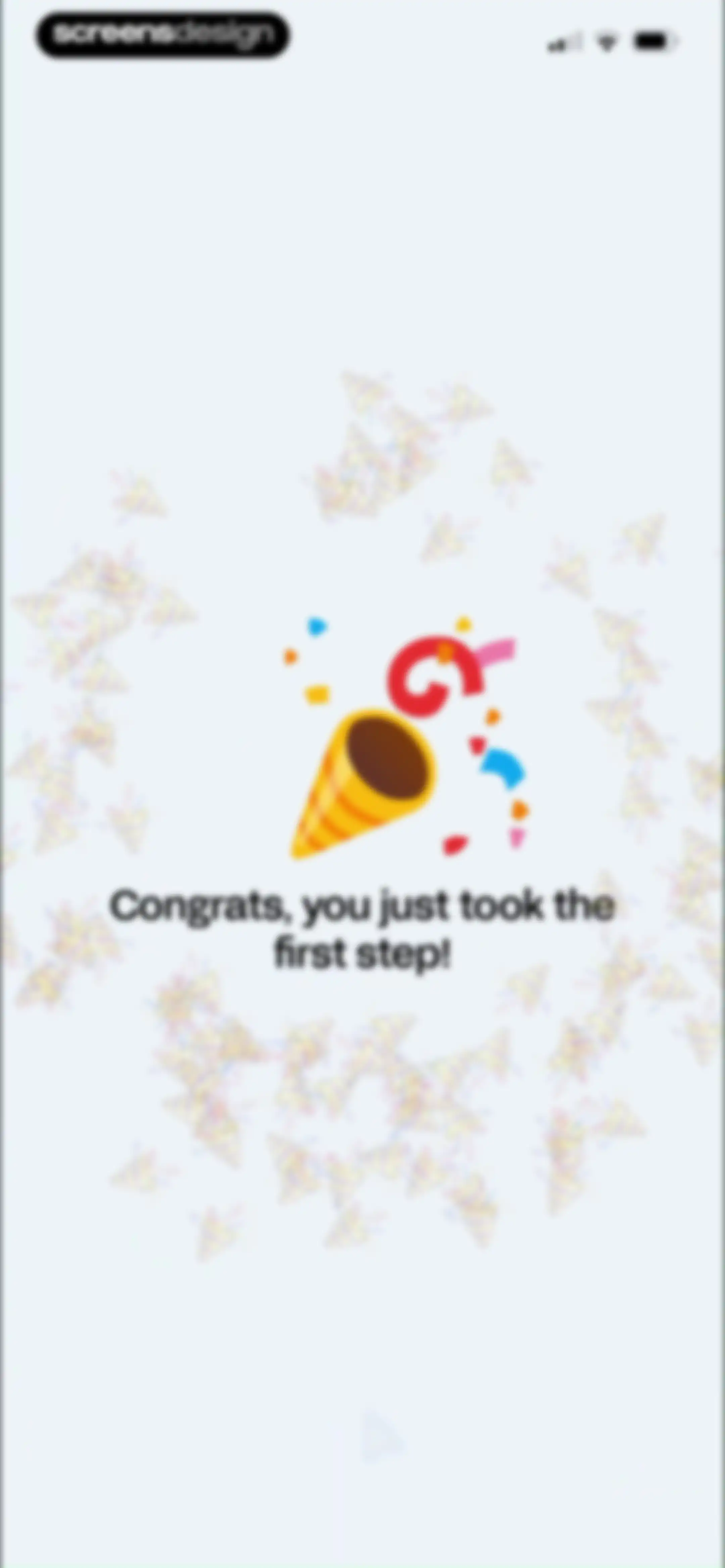
Onboarding success screen for the BePresent app featuring a party popper illustration and a congratulatory message.Unlock Pro
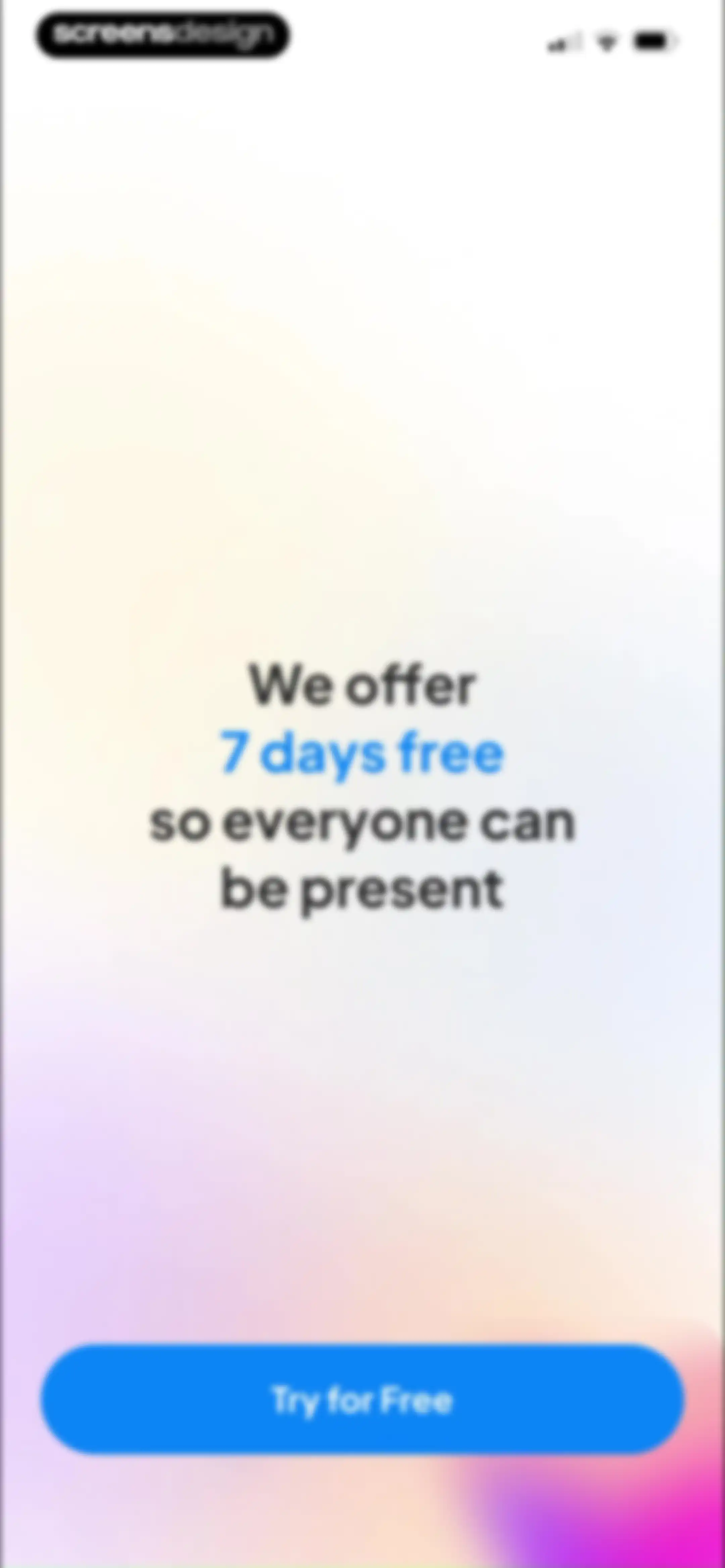
BePresent paywall screen offering a seven-day free trial with centered text and a Try for Free button at the bottom.Unlock Pro
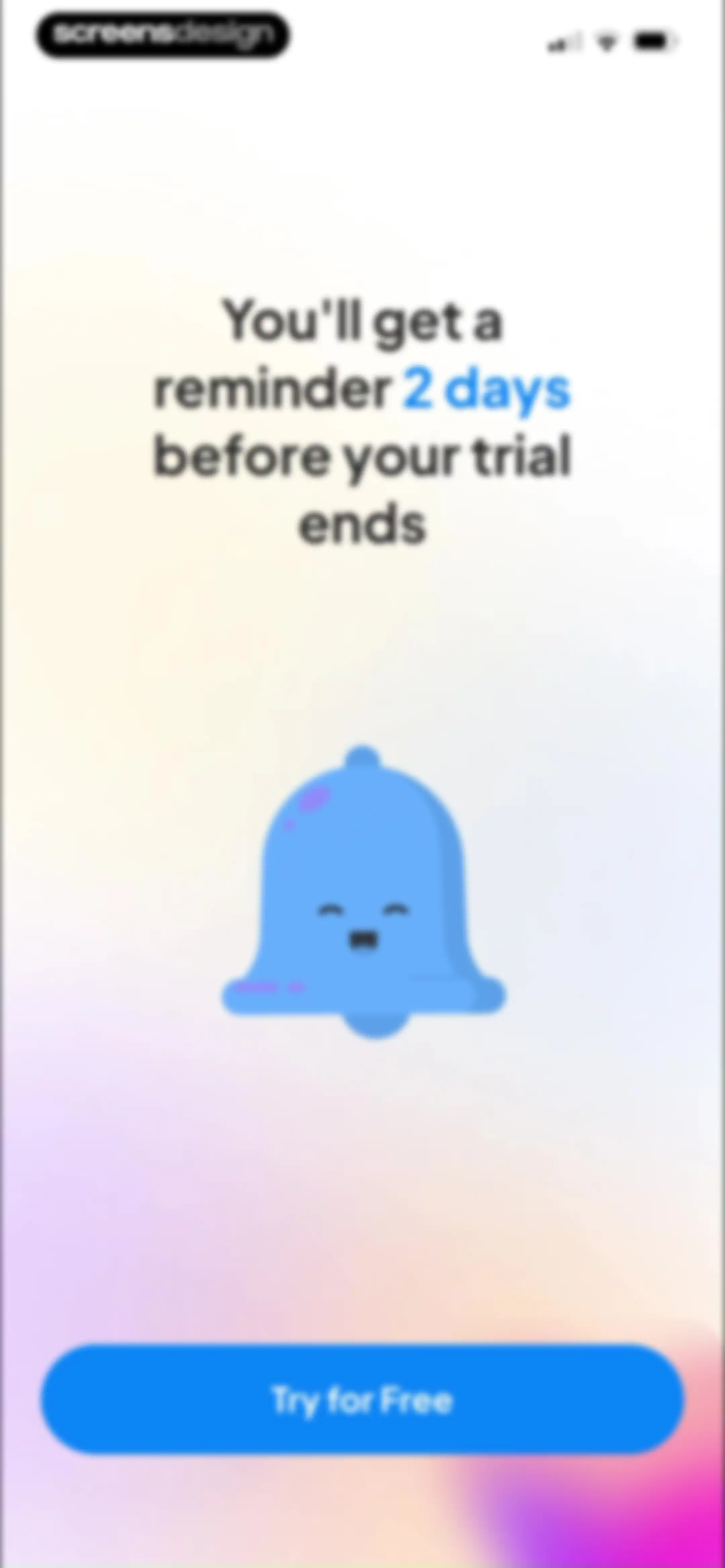
Paywall screen for BePresent featuring a smiling bell illustration and trial terms, with a Try for Free button.Unlock Pro
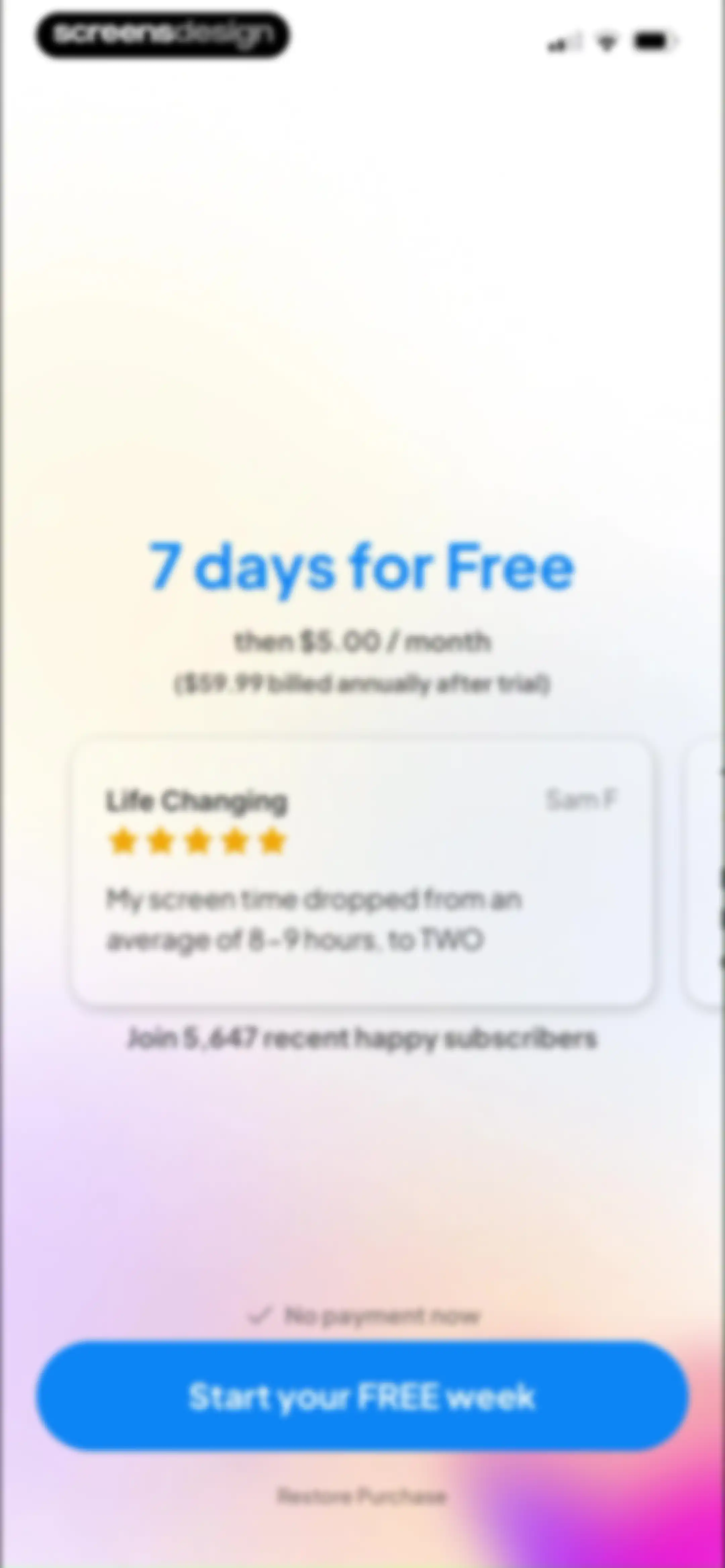
Paywall screen offering a 7-day free trial and monthly or annual subscription plans, featuring a testimonial card and a Start your FREE week button.Unlock Pro
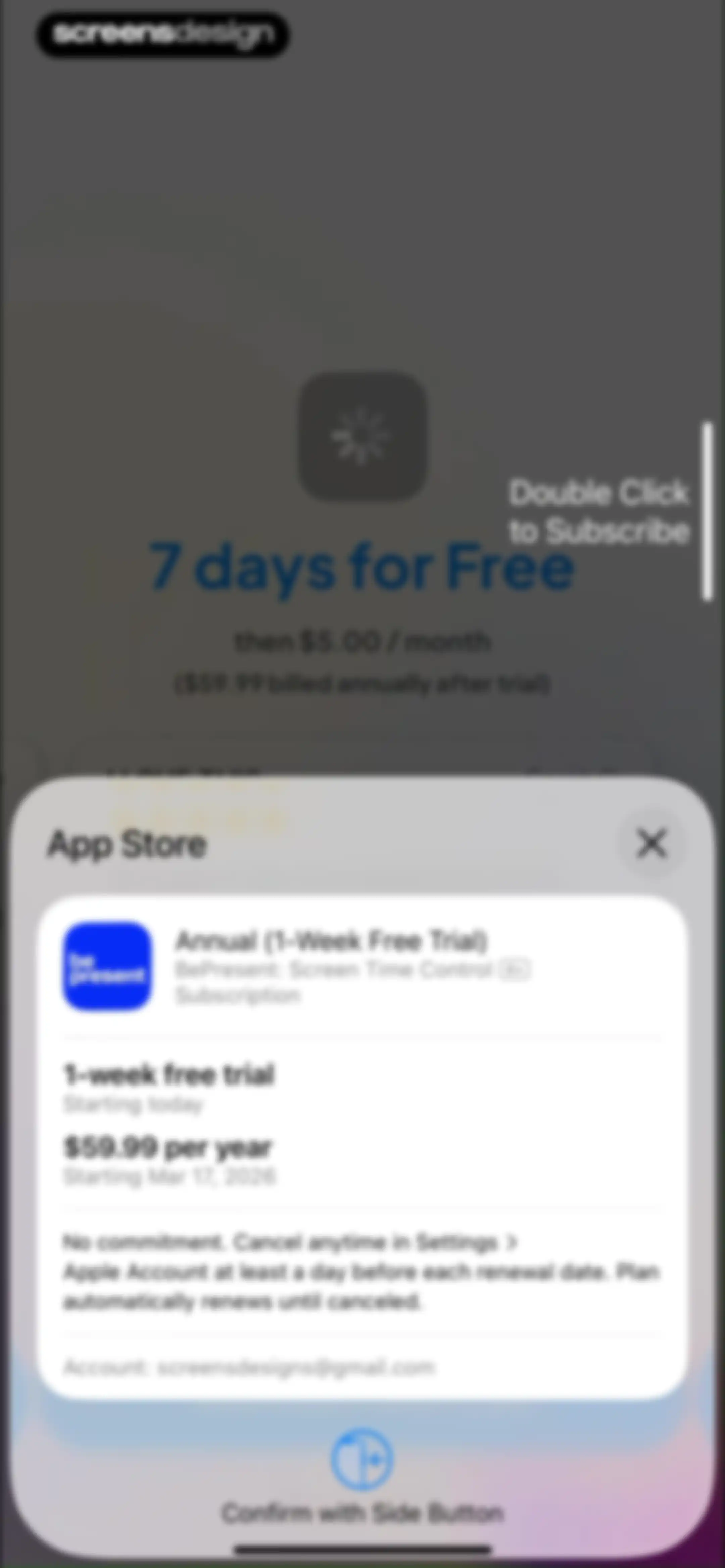
Subscription checkout modal for BePresent displaying annual pricing with a one-week free trial and side button confirmation.Unlock Pro
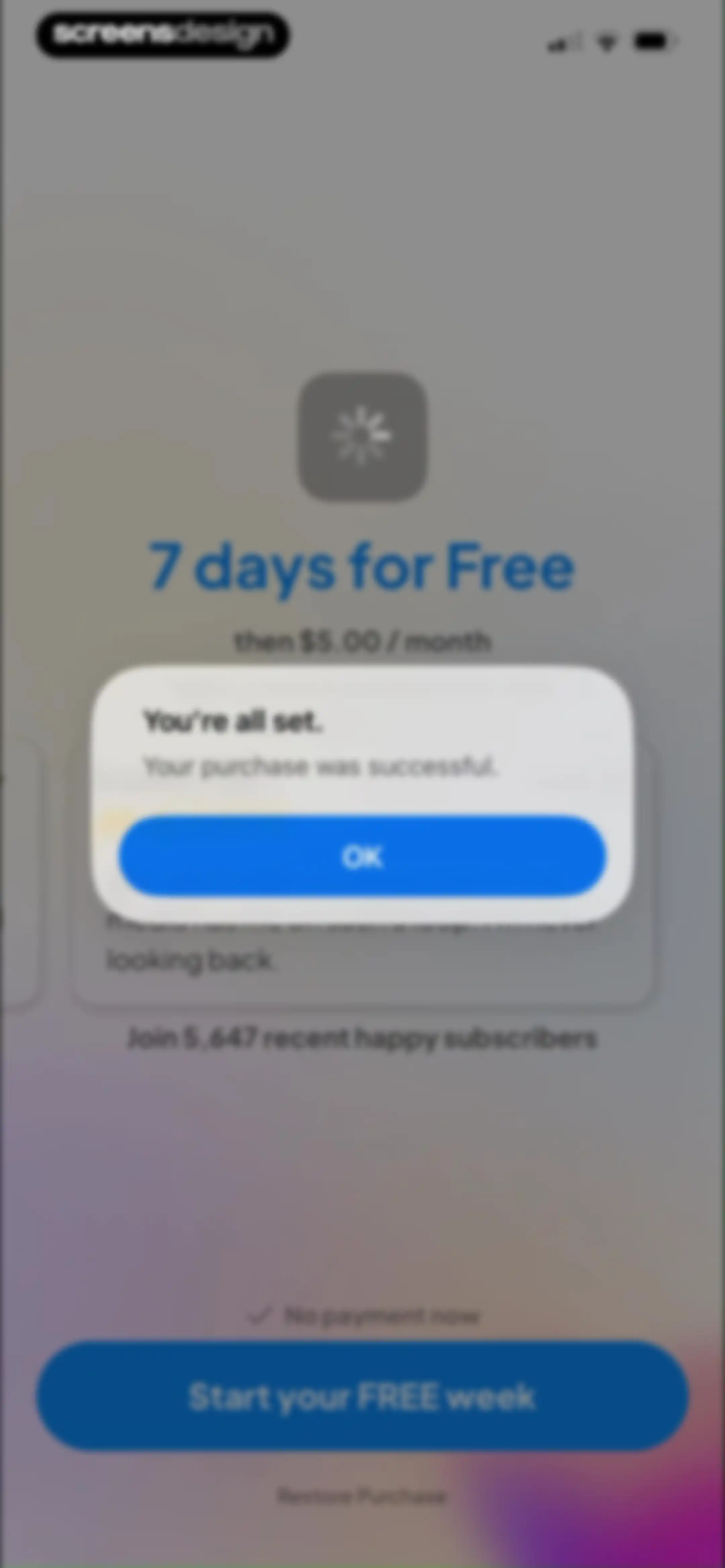
Subscription success modal confirming a purchase over a paywall screen with an OK button.Unlock Pro
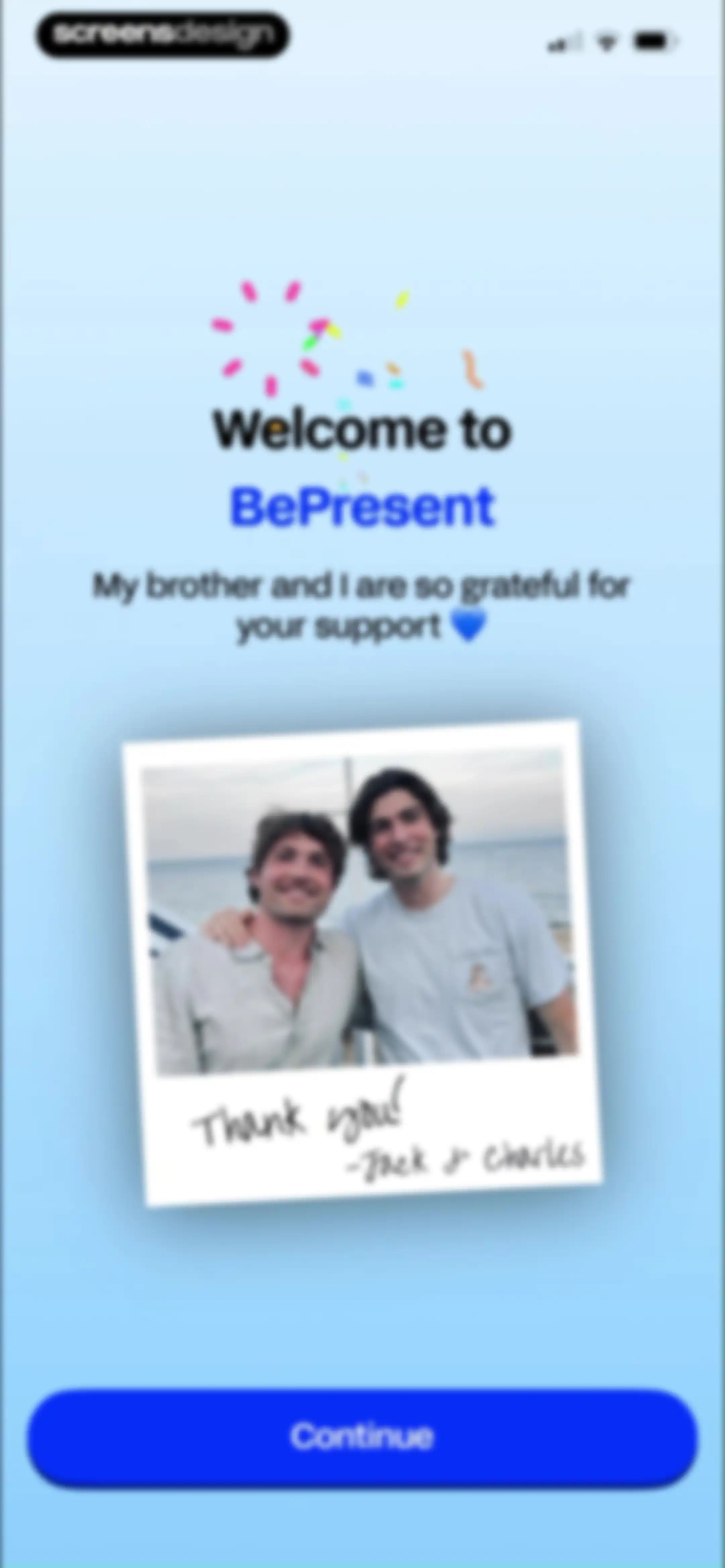
BePresent onboarding welcome screen with a founders' photo, a personal thank-you message from Jack and Charles, and a Continue button.Unlock Pro
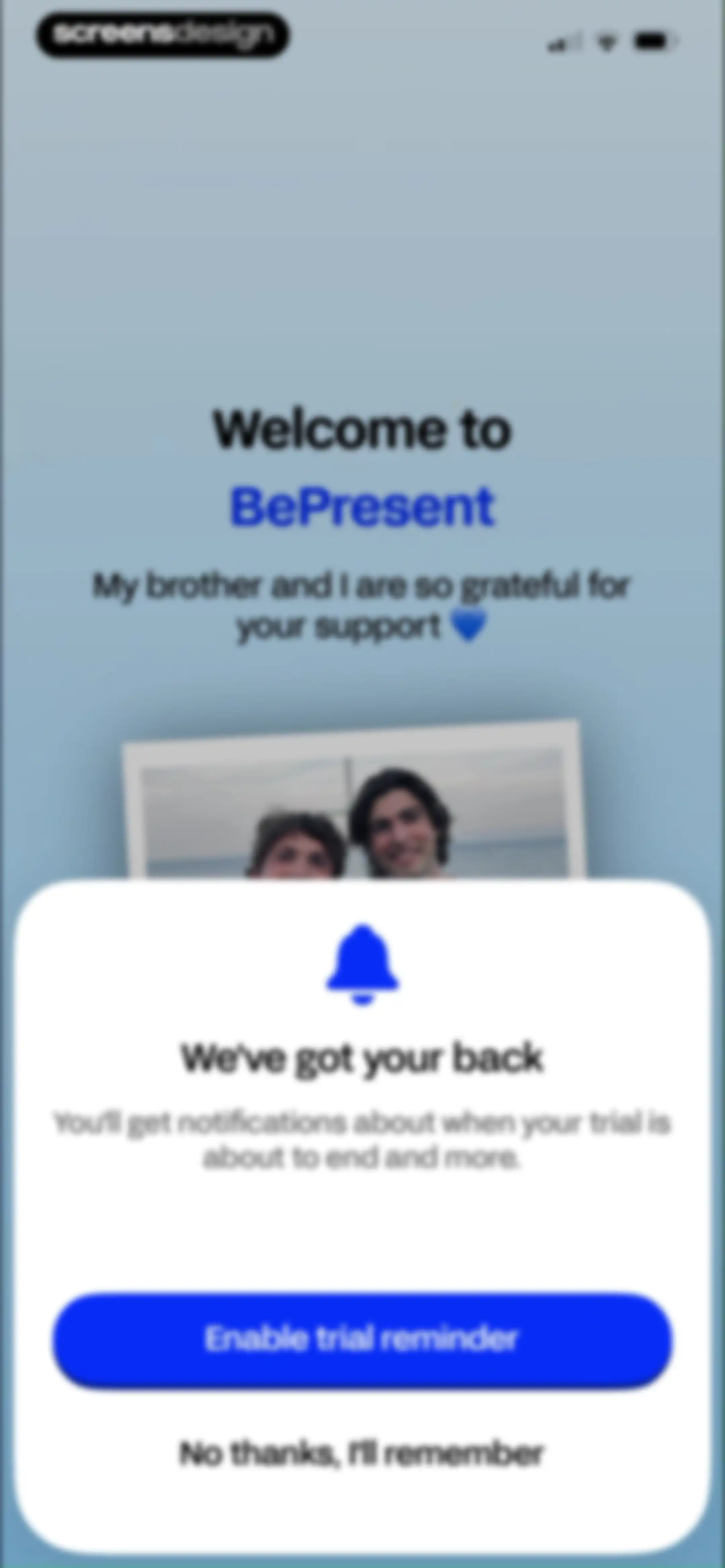
Permissions modal in the BePresent app requesting push notifications for trial reminders, featuring an Enable trial reminder button.Unlock Pro
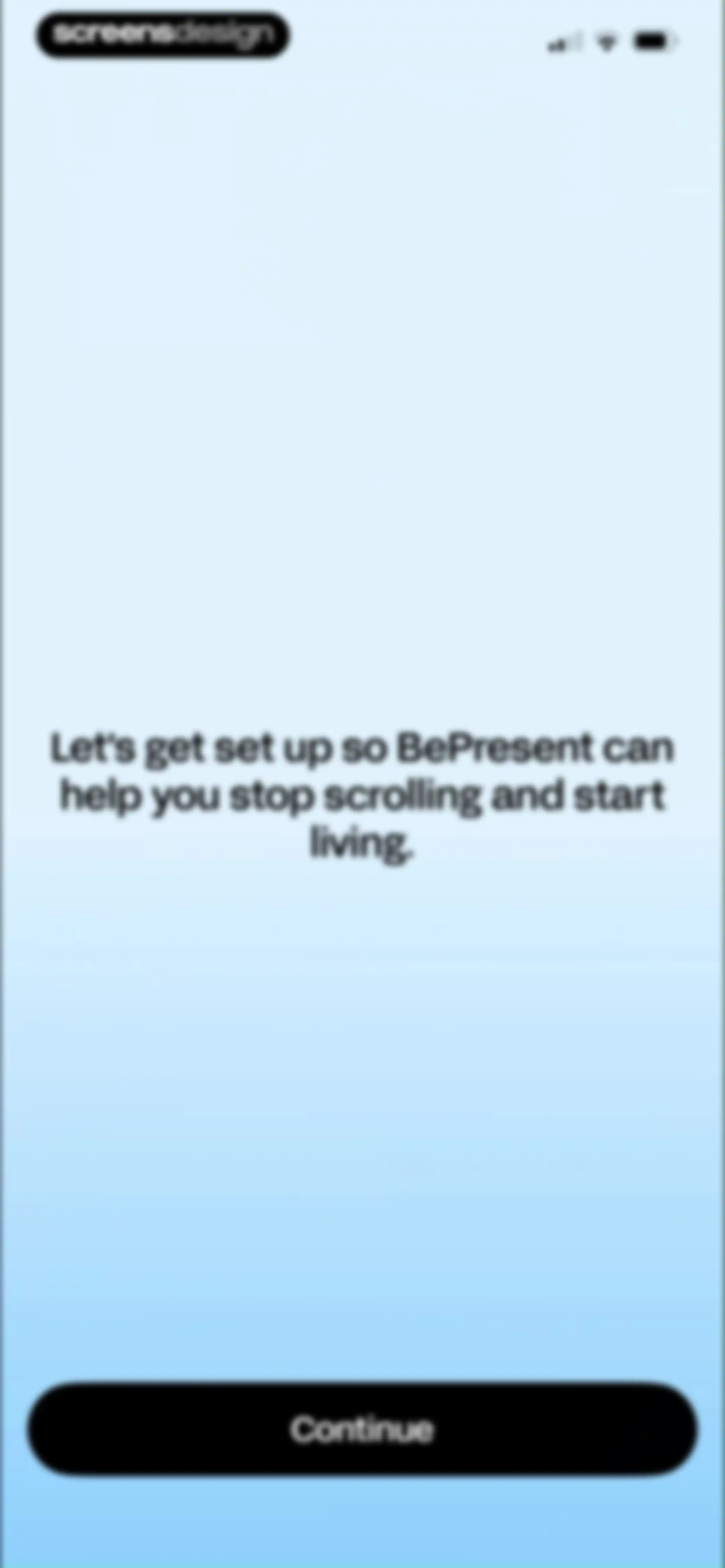
Onboarding screen for the BePresent app featuring a welcome message and a continue button.Unlock Pro
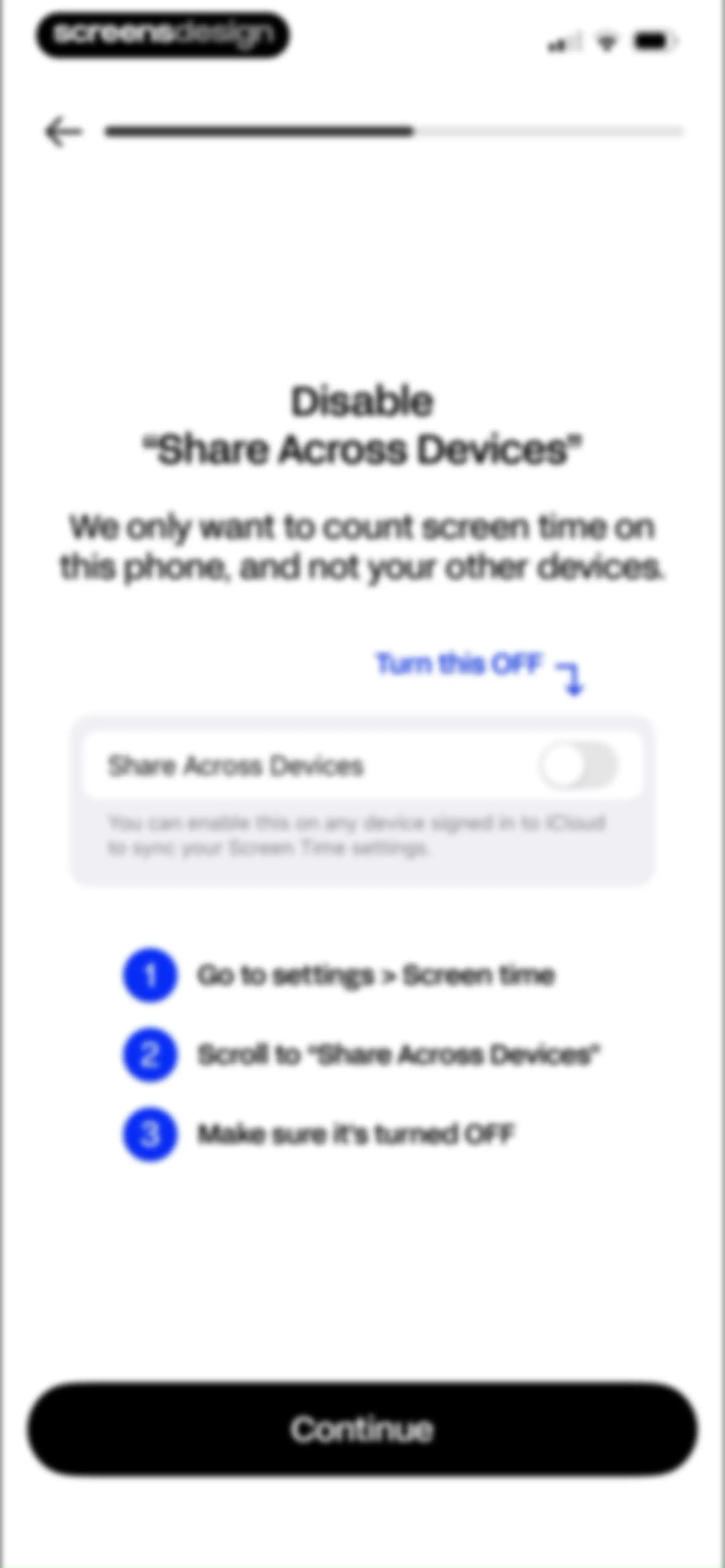
Onboarding instructions detailing how to disable the Share Across Devices setting, featuring a numbered list and a Continue button.Unlock Pro
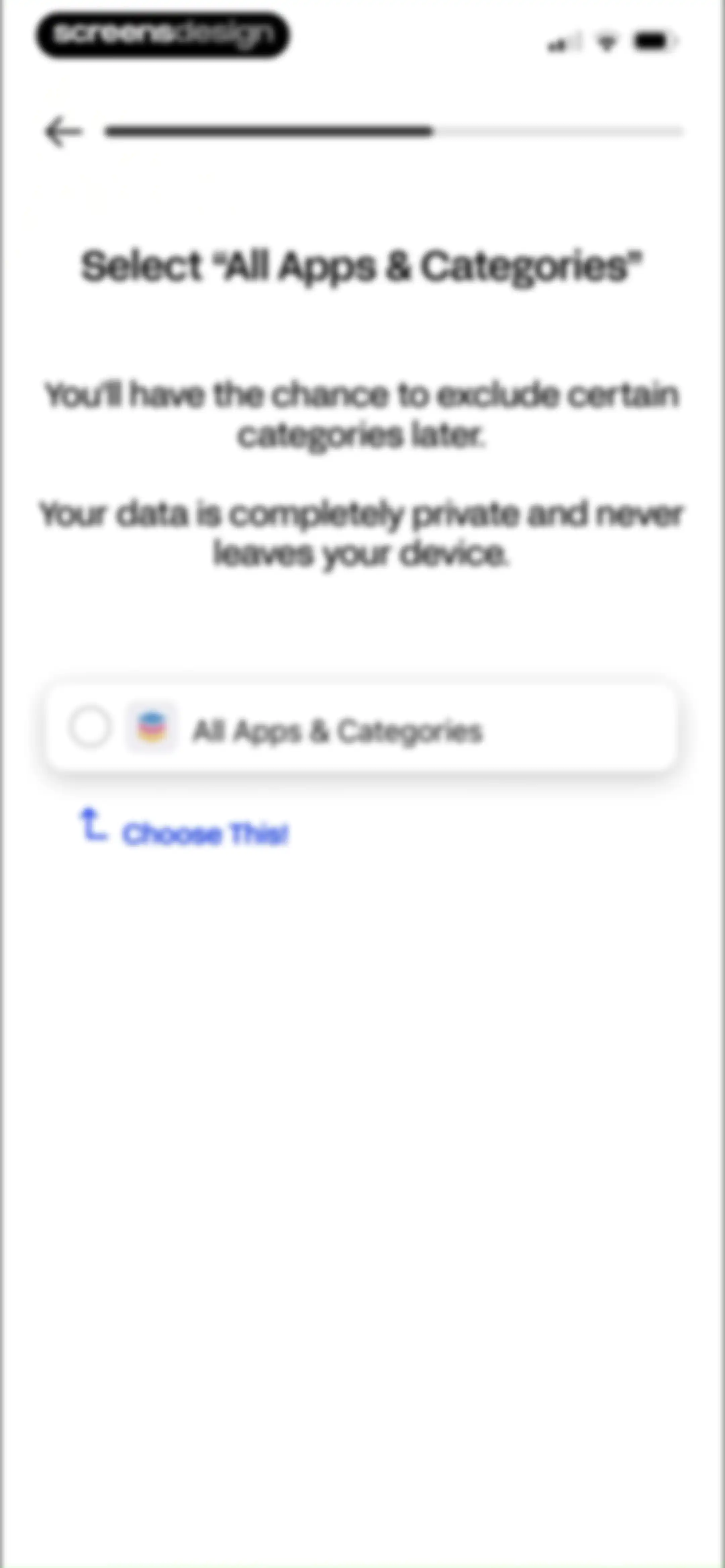
Onboarding screen for BePresent prompting the user to select All Apps & Categories, featuring a privacy notice and a highlighted central selection card.Unlock Pro
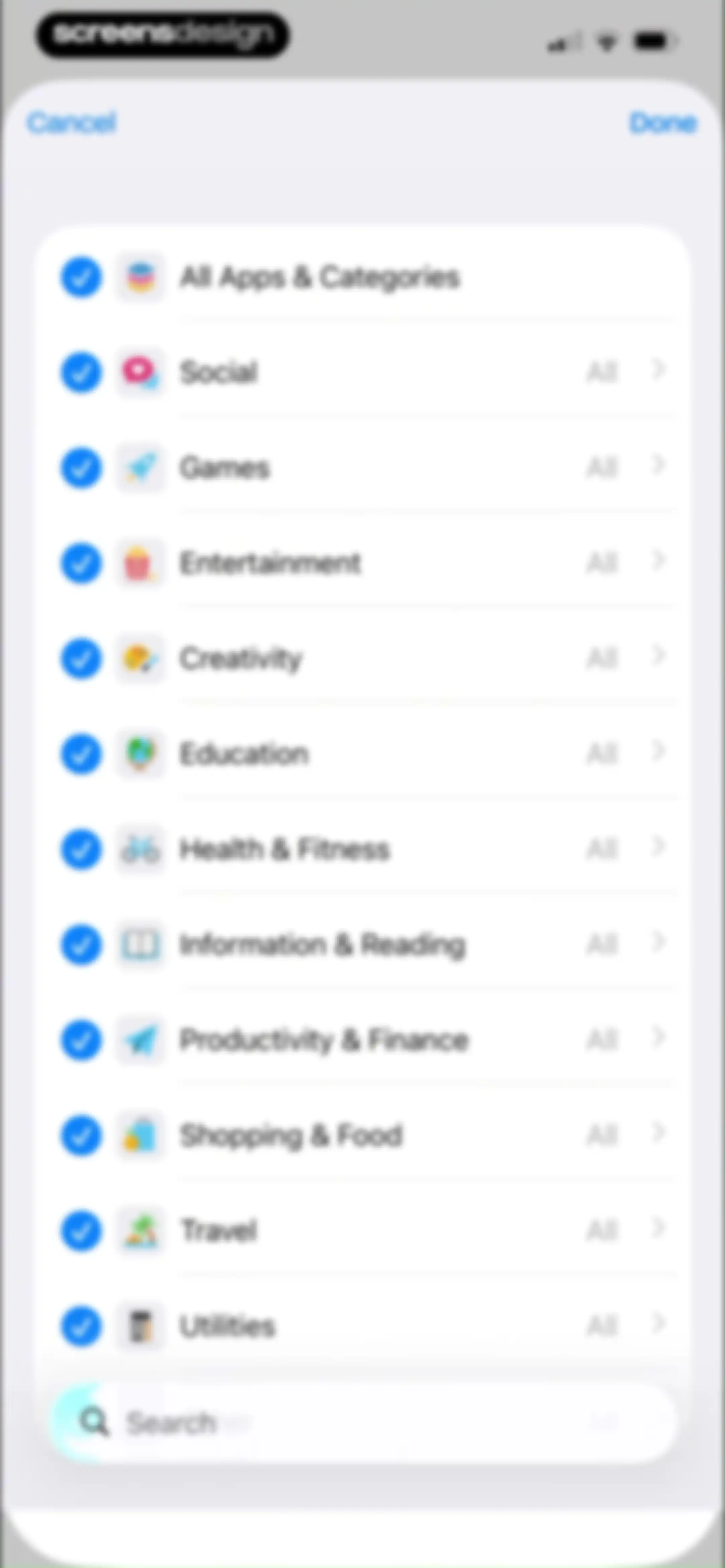
App category selection form listing categories with checkboxes, a search bar at the bottom, and Cancel and Done actions.Unlock Pro
Onboarding survey screen asking how the user heard about BePresent, with a vertical list of acquisition source options.Unlock Pro
Onboarding screen displaying a streak motivation message, metric cards for a seven-day streak and three-hour goal, and a Continue button.Unlock Pro
Onboarding screen to set a daily screen time goal, featuring a time picker set to six hours and a Set Goal button.Unlock Pro
BePresent onboarding screen with instructions to pick a distracting app and a Choose an App button.Unlock Pro
Category selection modal displaying a list of app categories with radio buttons, with the Education category selected and a Done button.Unlock Pro
App intention configuration form with adjustable daily frequency and duration limits for the Journal app and a Set App Intention button.Unlock Pro
App intention setting form with a number picker overlay showing 10 selected and a Set App Intention button at the bottom.Unlock Pro
Time selection modal listing various durations, with the 5 min option selected and a Set App Intention button at the bottom.Unlock Pro
App usage control prompt displaying an Instagram opening limit, a seven-day streak indicator, and a Continue button.Unlock Pro
Onboarding screen prompting the user to pick a peak focus time to block apps, featuring a Continue button.Unlock Pro
Onboarding preference screen asking when to disconnect, featuring three selection cards for morning, bedtime, and work times.Unlock Pro
Session confirmation screen detailing the Morning Ninja schedule with active days, start and end times, and a Continue button.Unlock Pro
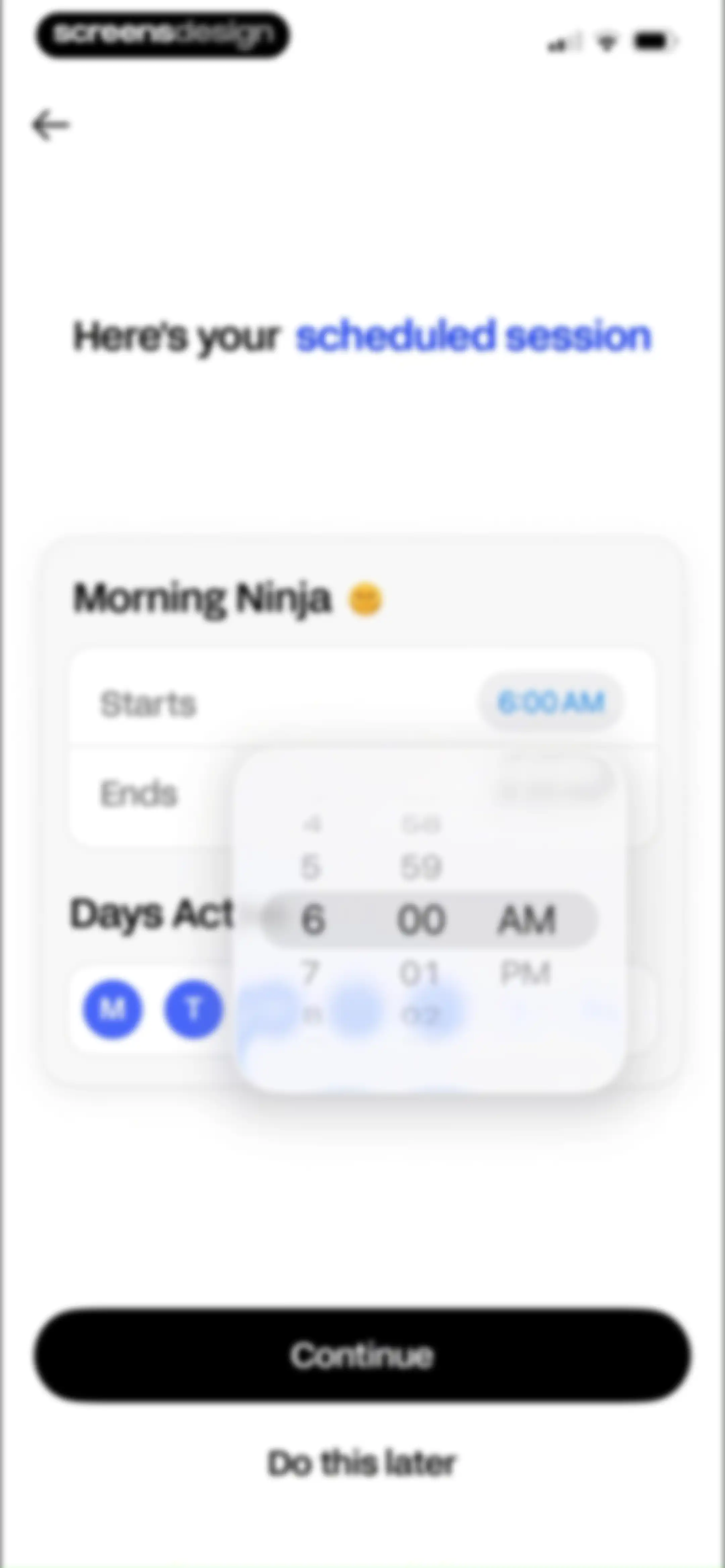
Scheduled session configuration form with a Morning Ninja card, active time picker overlay, active day toggles, and Continue button.Unlock Pro
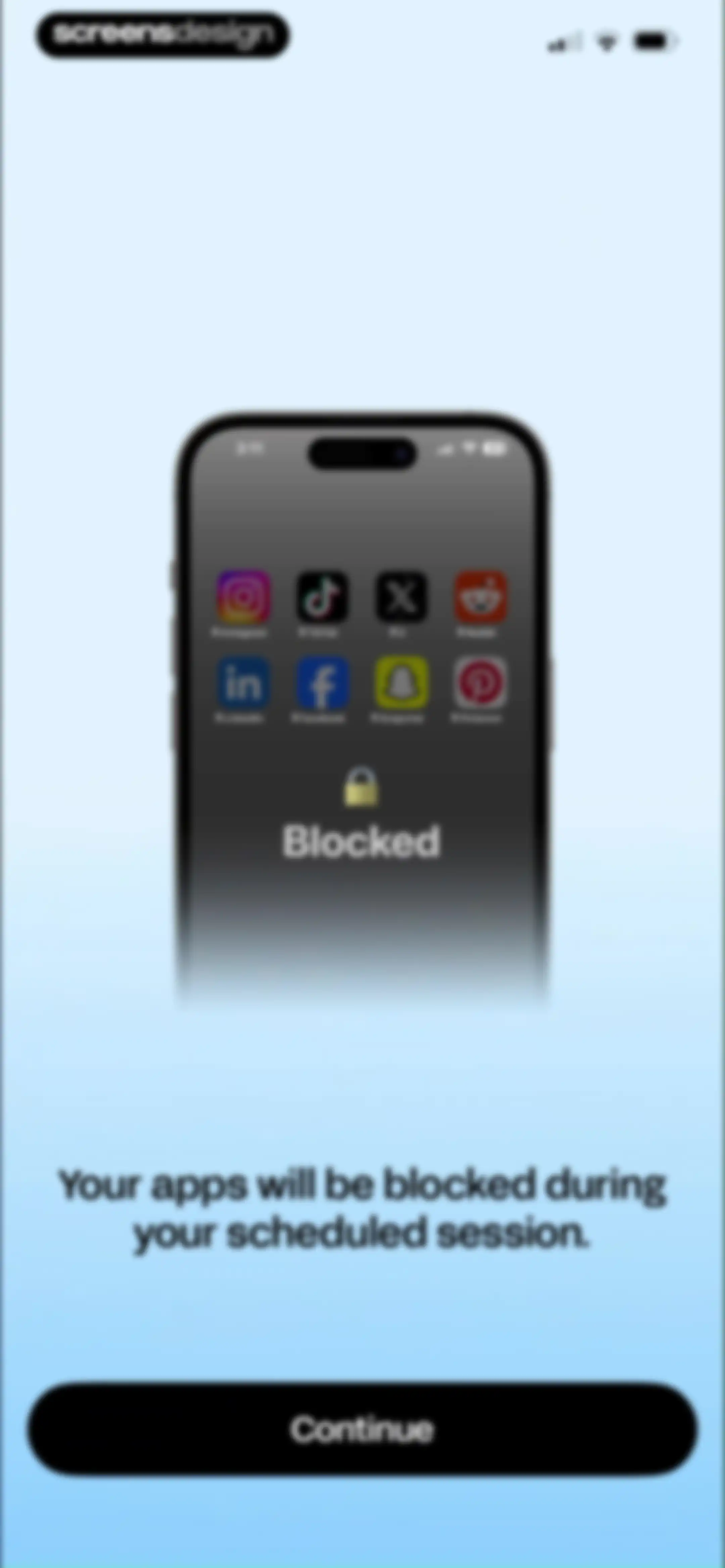
Onboarding screen explaining app blocking features with a phone mockup displaying blocked social media icons and a Continue button.Unlock Pro
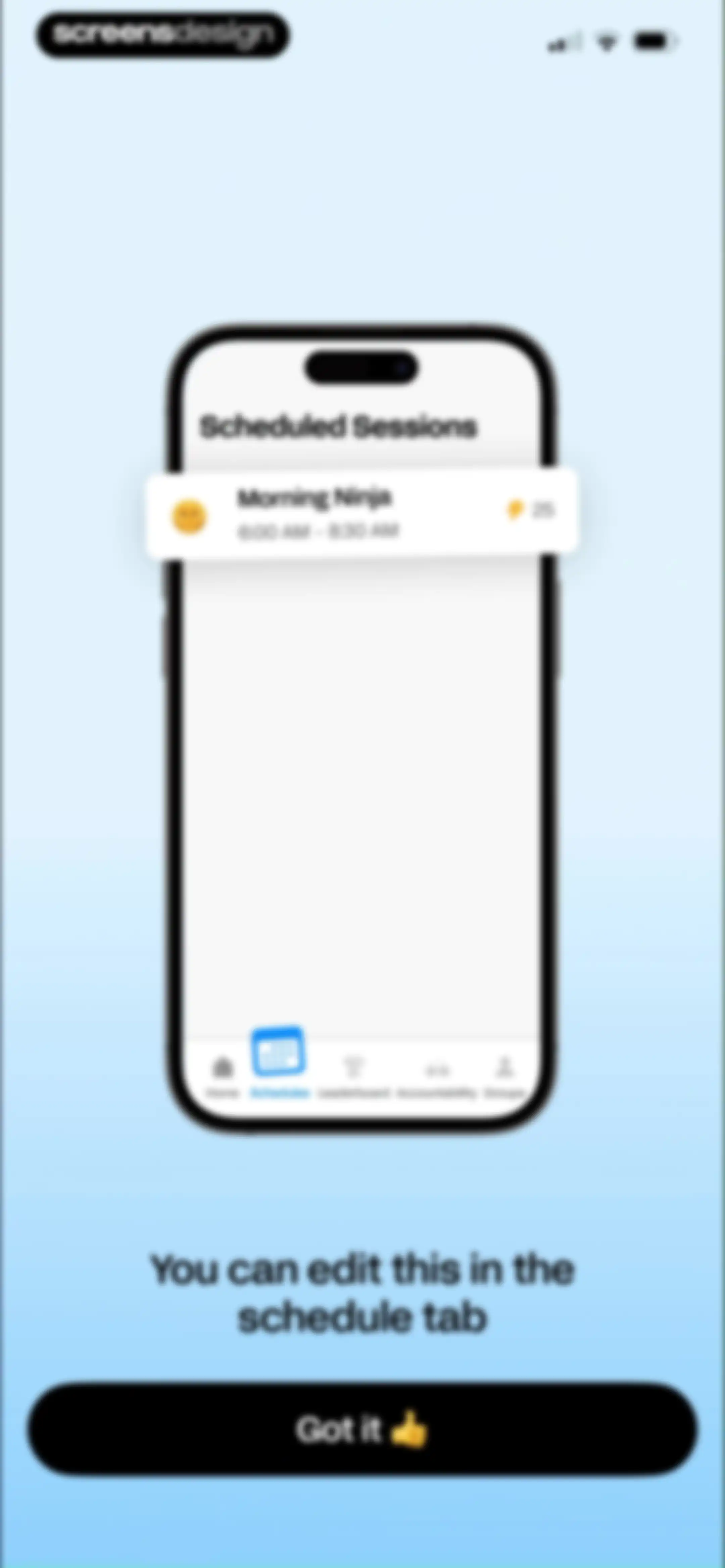
Onboarding instruction screen for scheduled sessions with a phone mockup, instructional text, and a Got it button.Unlock Pro
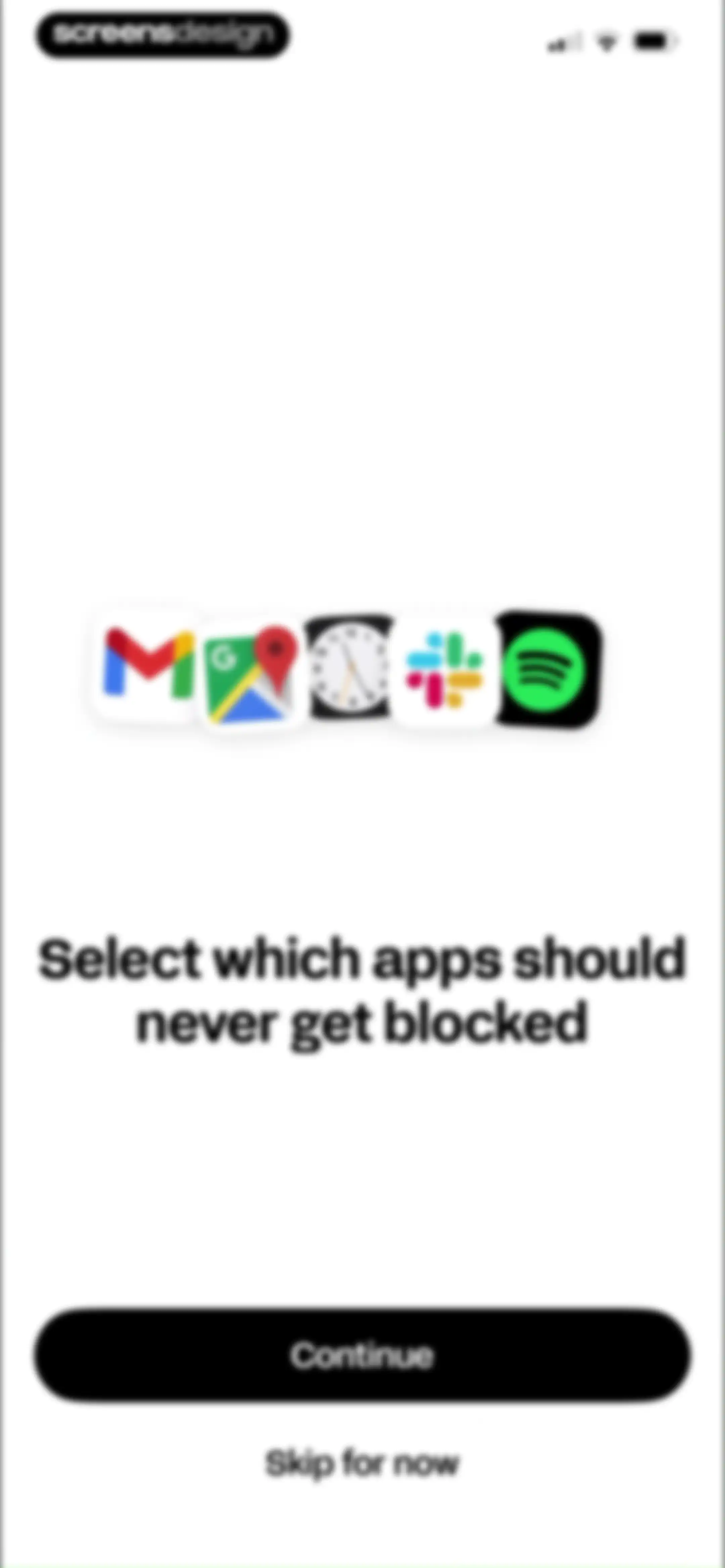
Onboarding screen prompting users to select which apps should never get blocked, with a row of app icons and Continue and Skip for now buttons.Unlock Pro
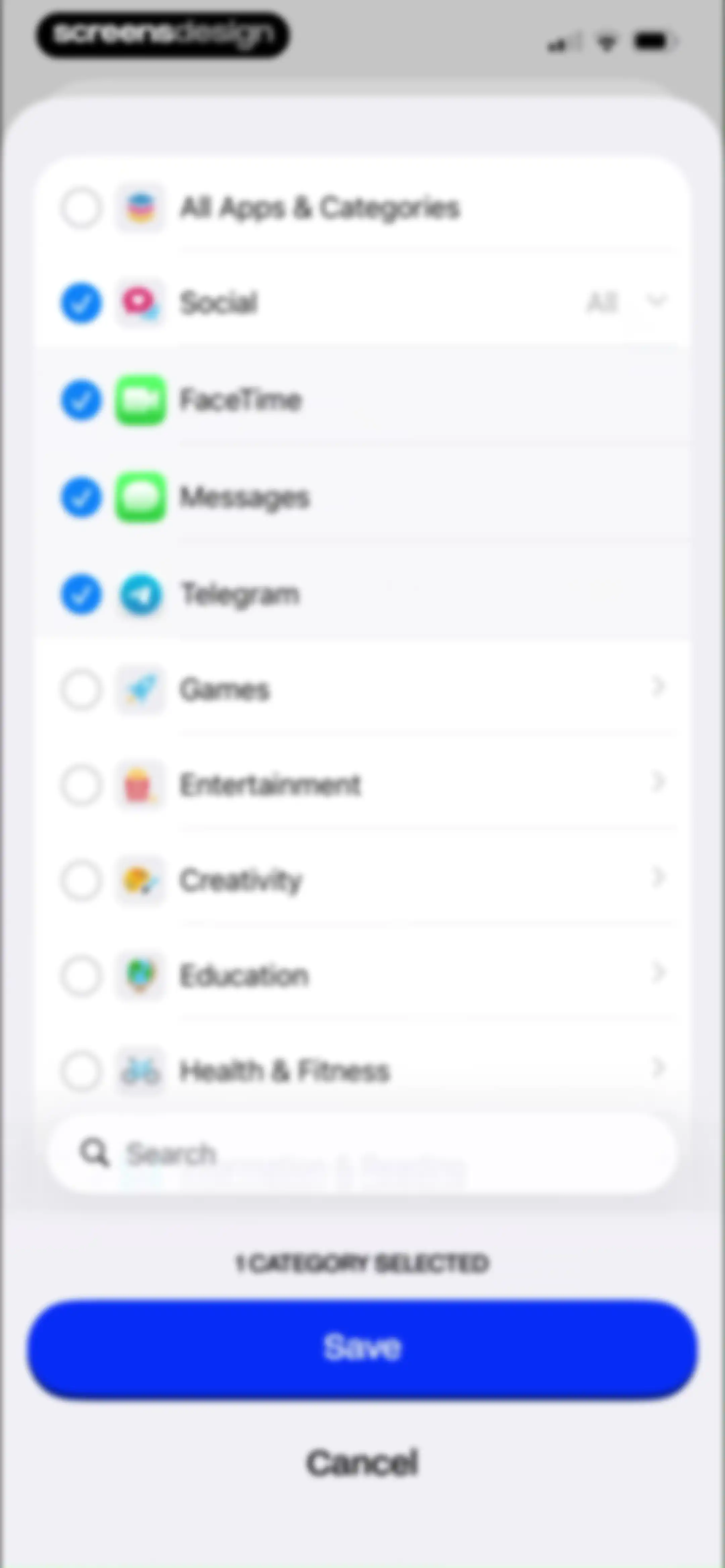
Category and app selection form displaying a list of categories with one category selected and Save and Cancel buttons at the bottom.Unlock Pro
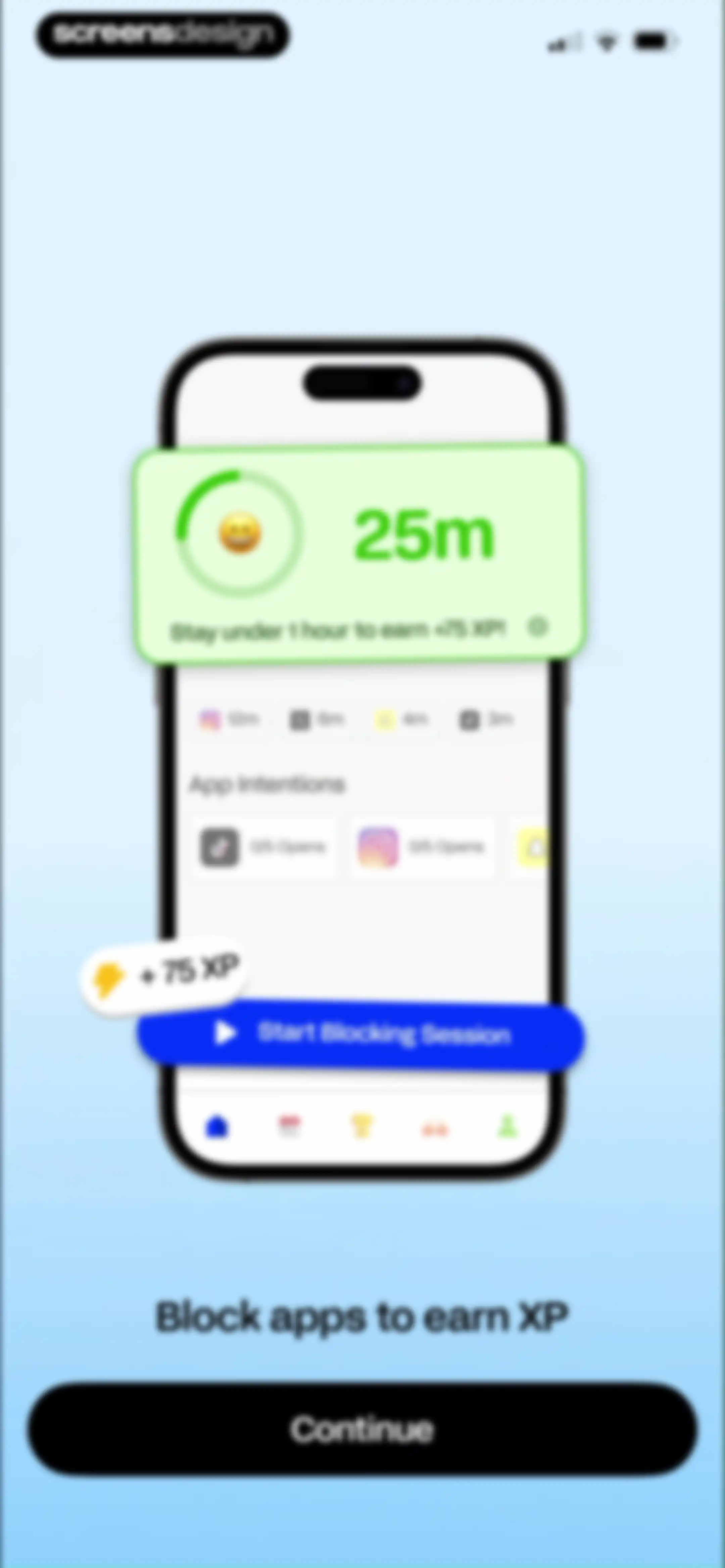
Onboarding screen showing an app blocking dashboard with a progress card, XP reward details, and a Continue button.Unlock Pro
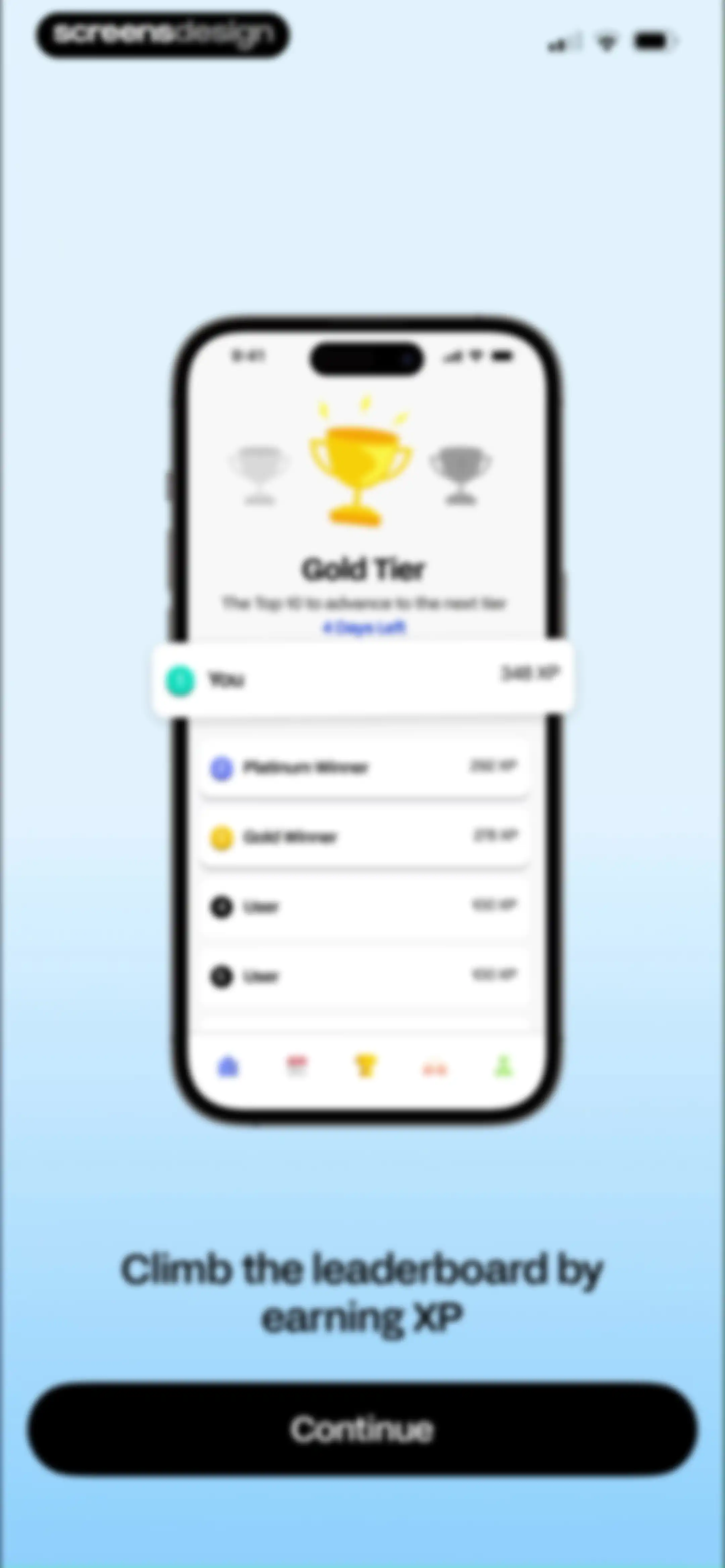
Onboarding screen displaying a gamified leaderboard with user XP rankings inside a smartphone mockup and a Continue button.Unlock Pro
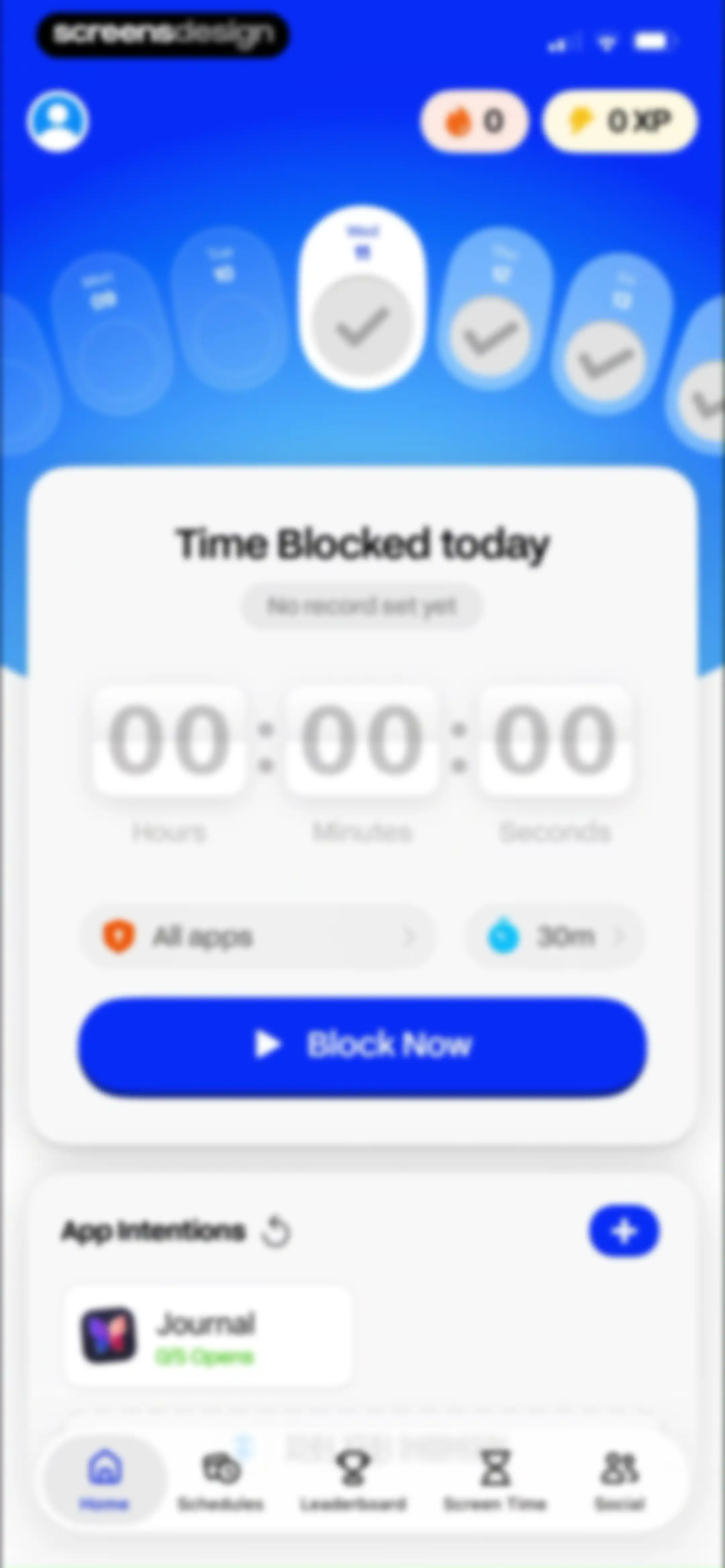
Home screen featuring a focus timer card with a Block Now button, calendar strip, and app intentions list.Unlock Pro
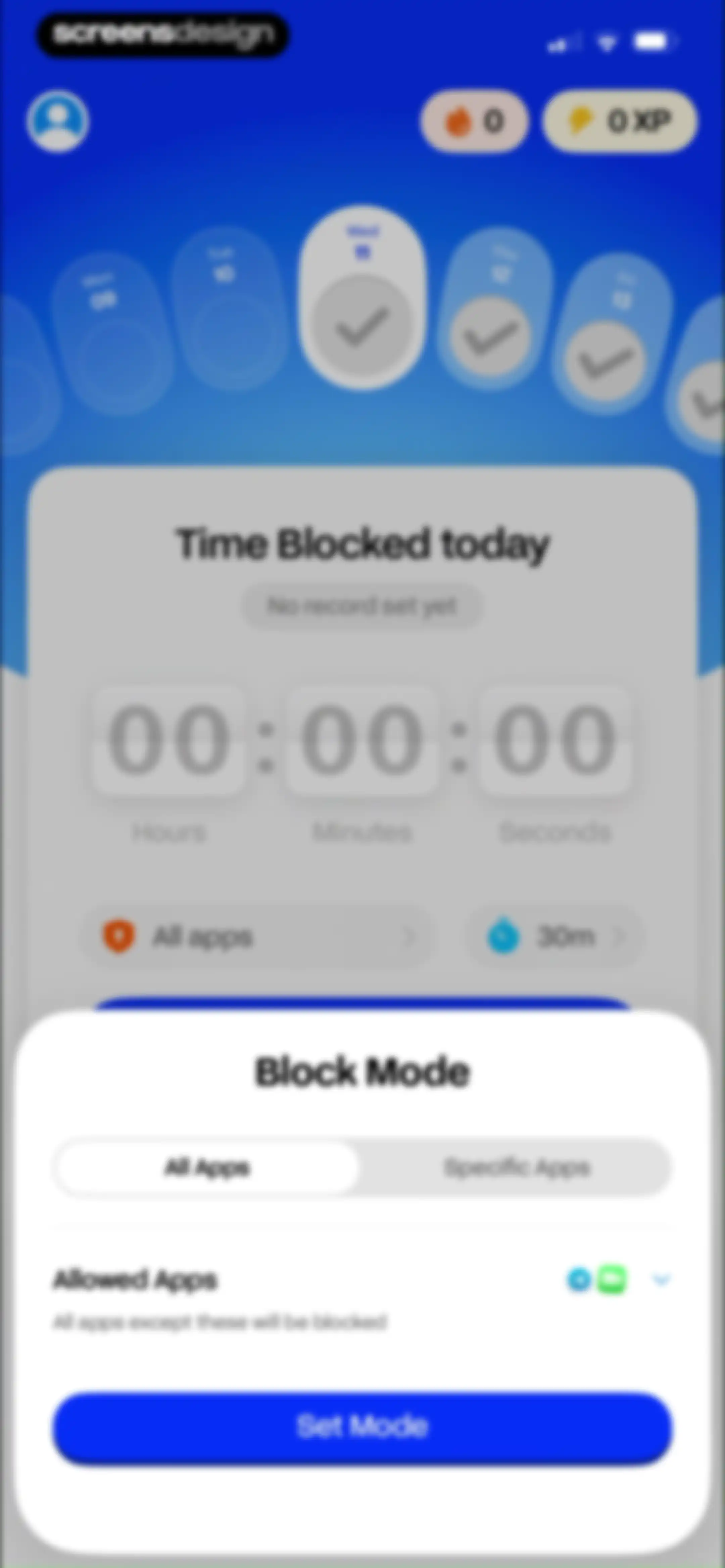
Dashboard with a Block Mode modal overlay displaying an All Apps selection tab, Allowed Apps section, and a Set Mode button.Unlock Pro
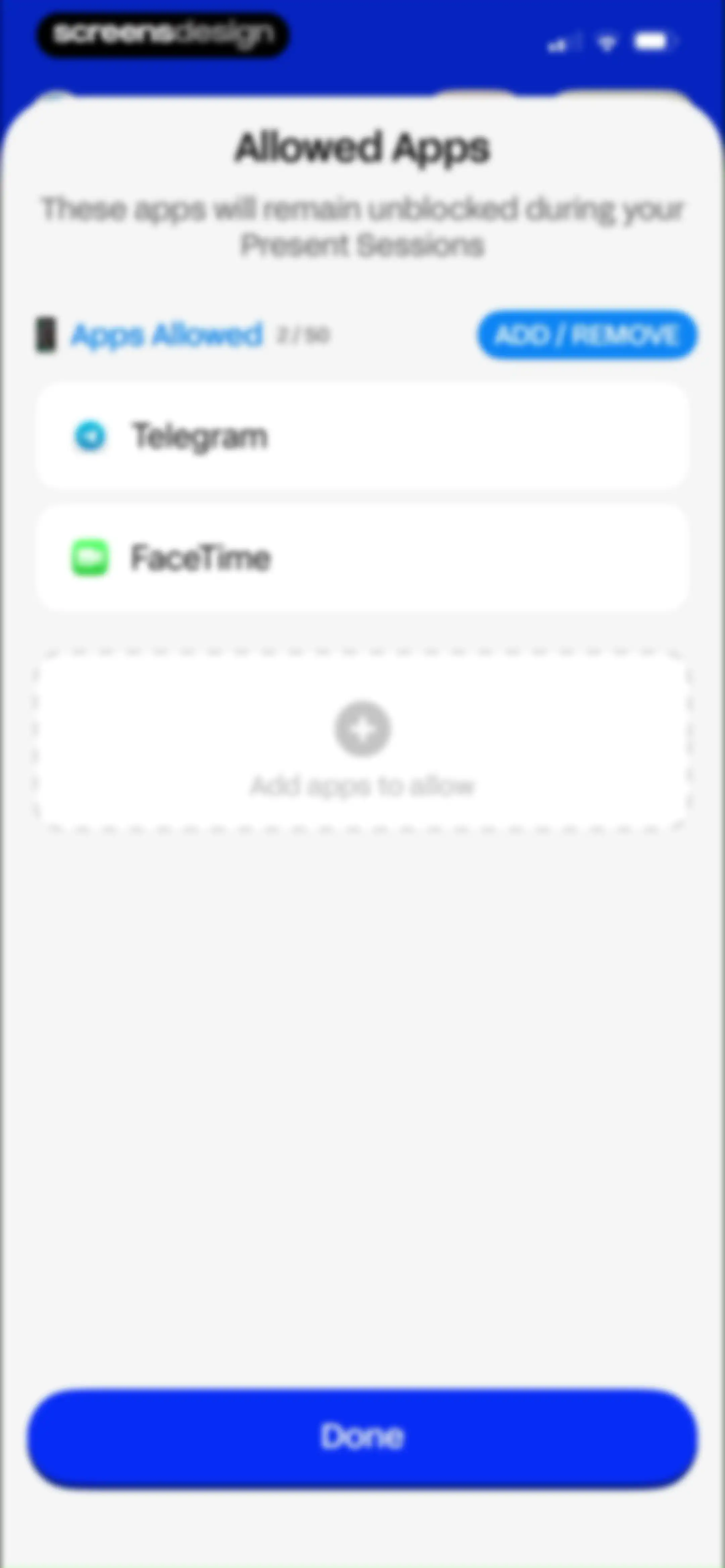
Allowed Apps settings modal in BePresent listing two whitelisted apps with a dashed placeholder to add more and a Done button.Unlock Pro
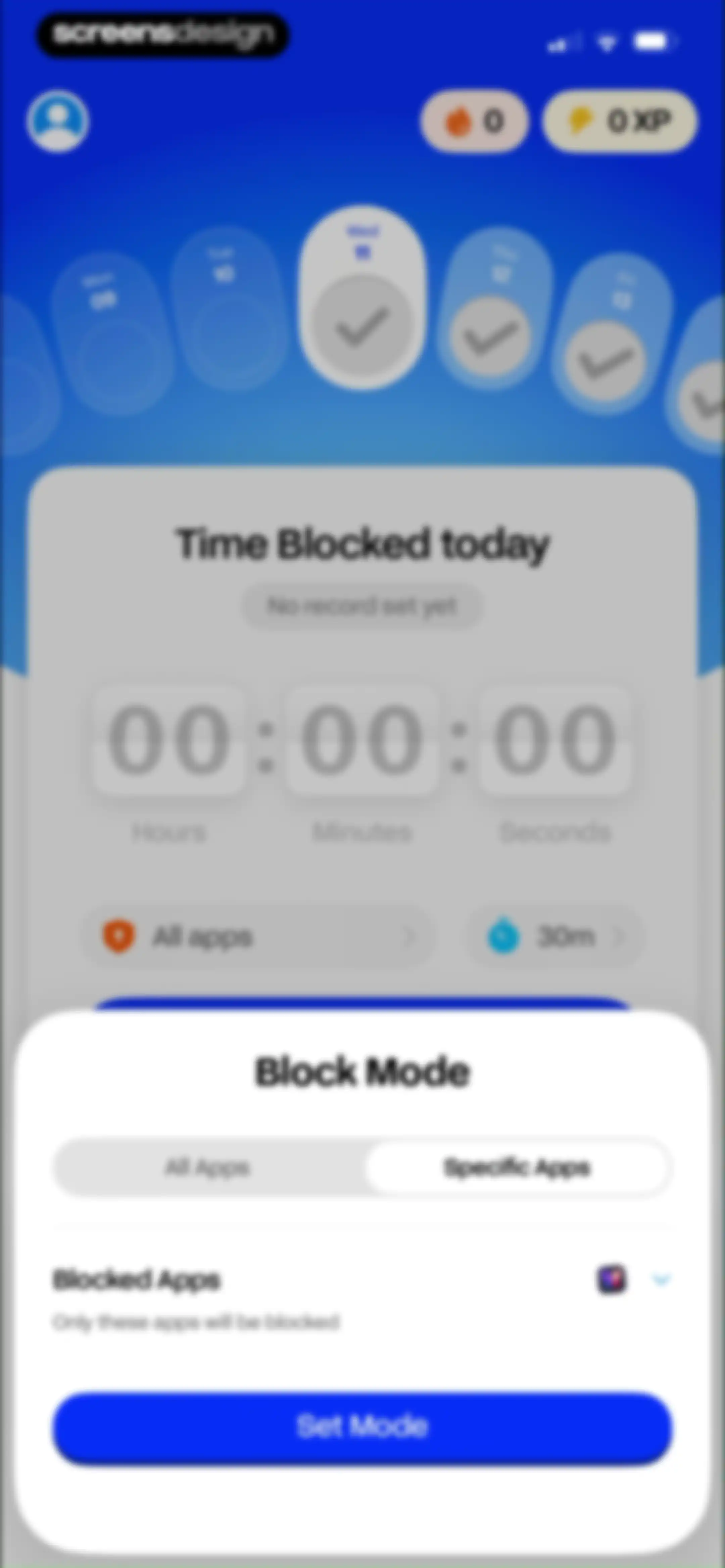
Dashboard with a timer and a Block Mode modal overlay showing options to configure and set app blocking.Unlock Pro
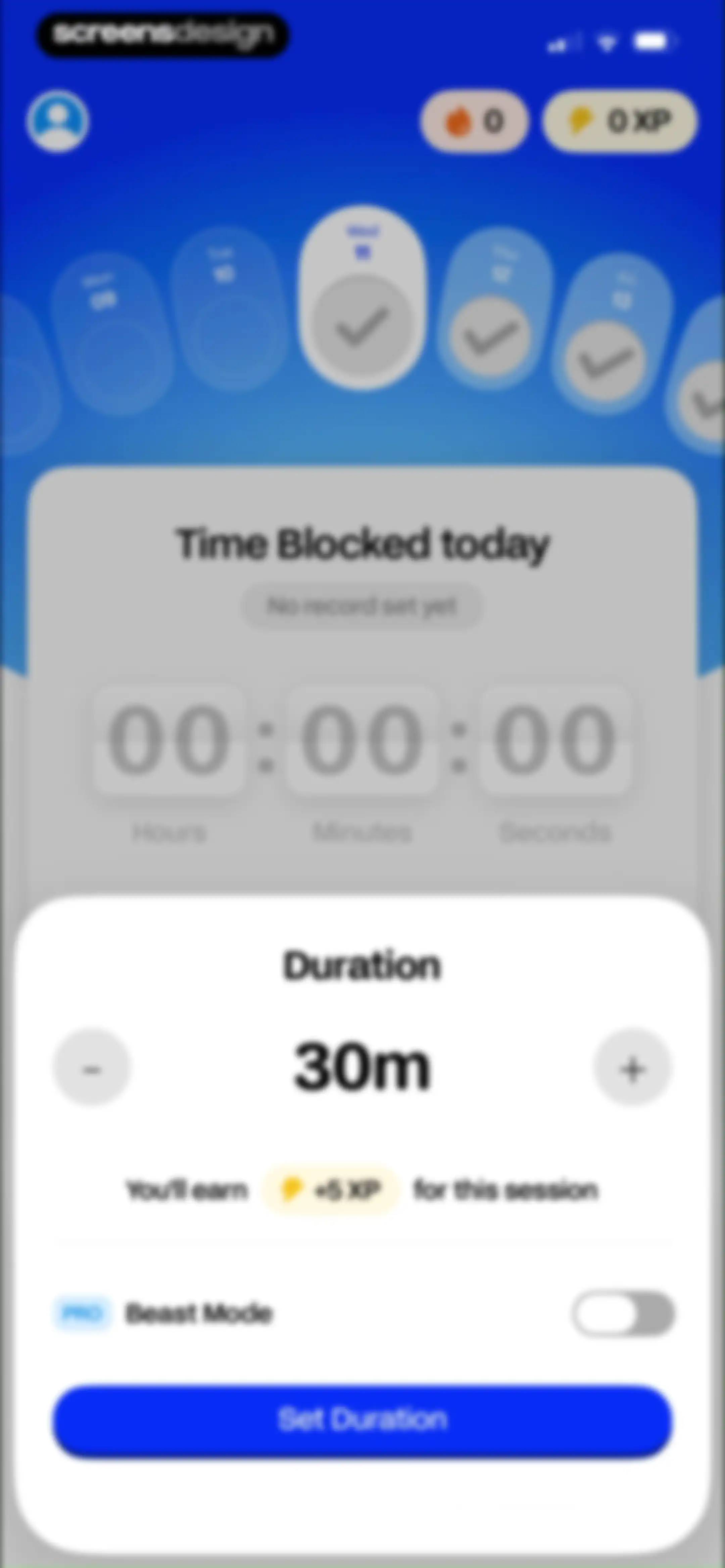
Focus session setup screen with a calendar strip, time blocked summary, duration configuration modal, and a Set Duration button.Unlock Pro
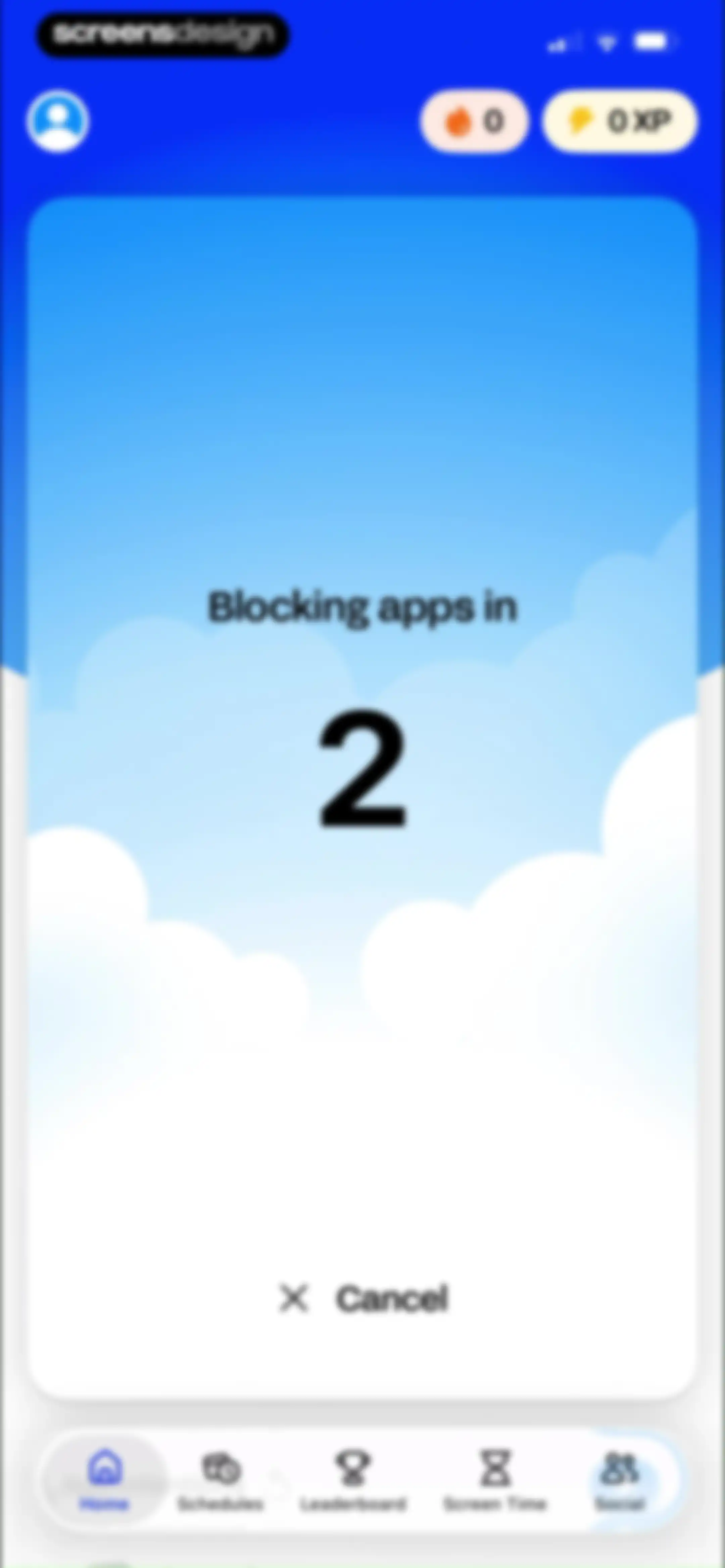
App-blocking countdown screen with a central timer showing two, a cancel button, and a bottom navigation bar.Unlock Pro
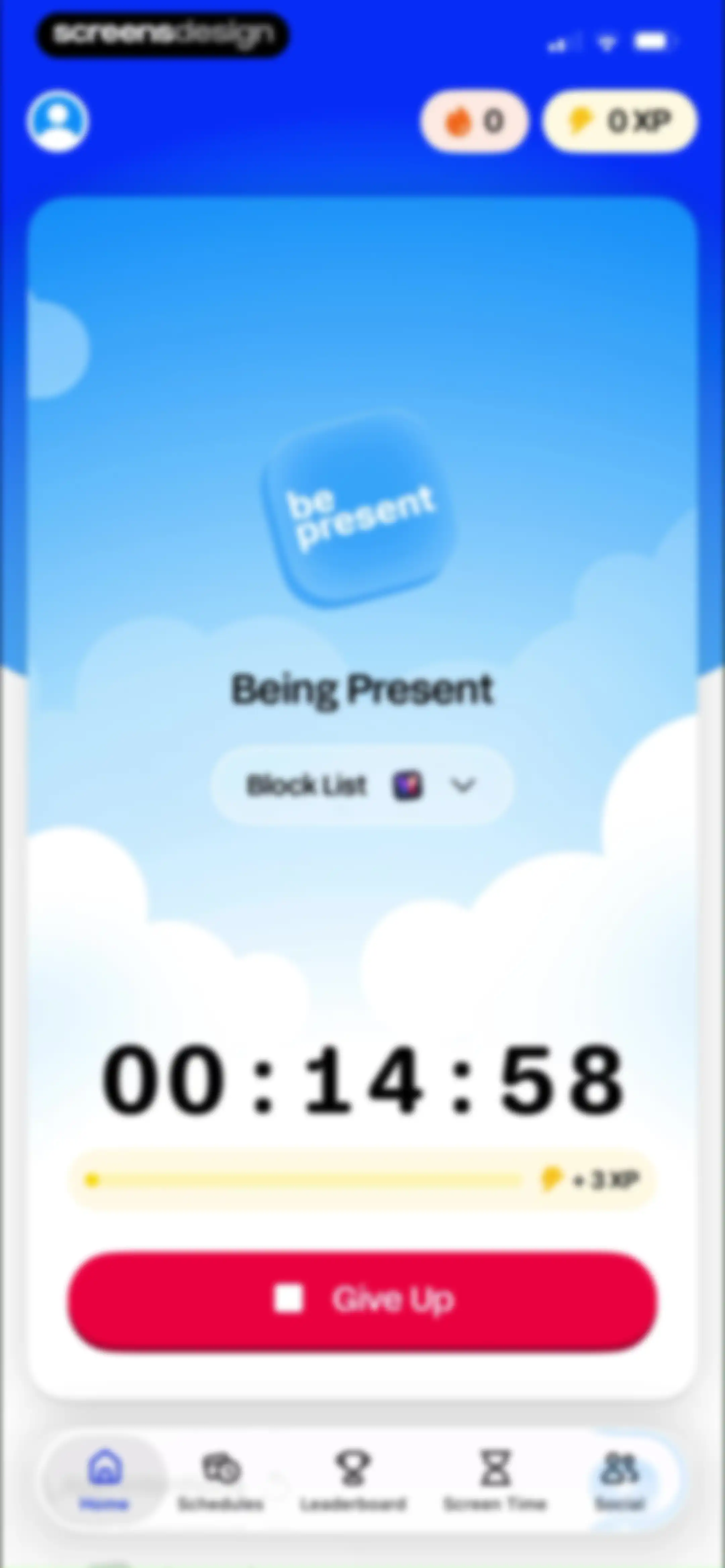
Focus timer screen with a countdown set to fourteen minutes, a block list dropdown, and a red Give Up button.Unlock Pro
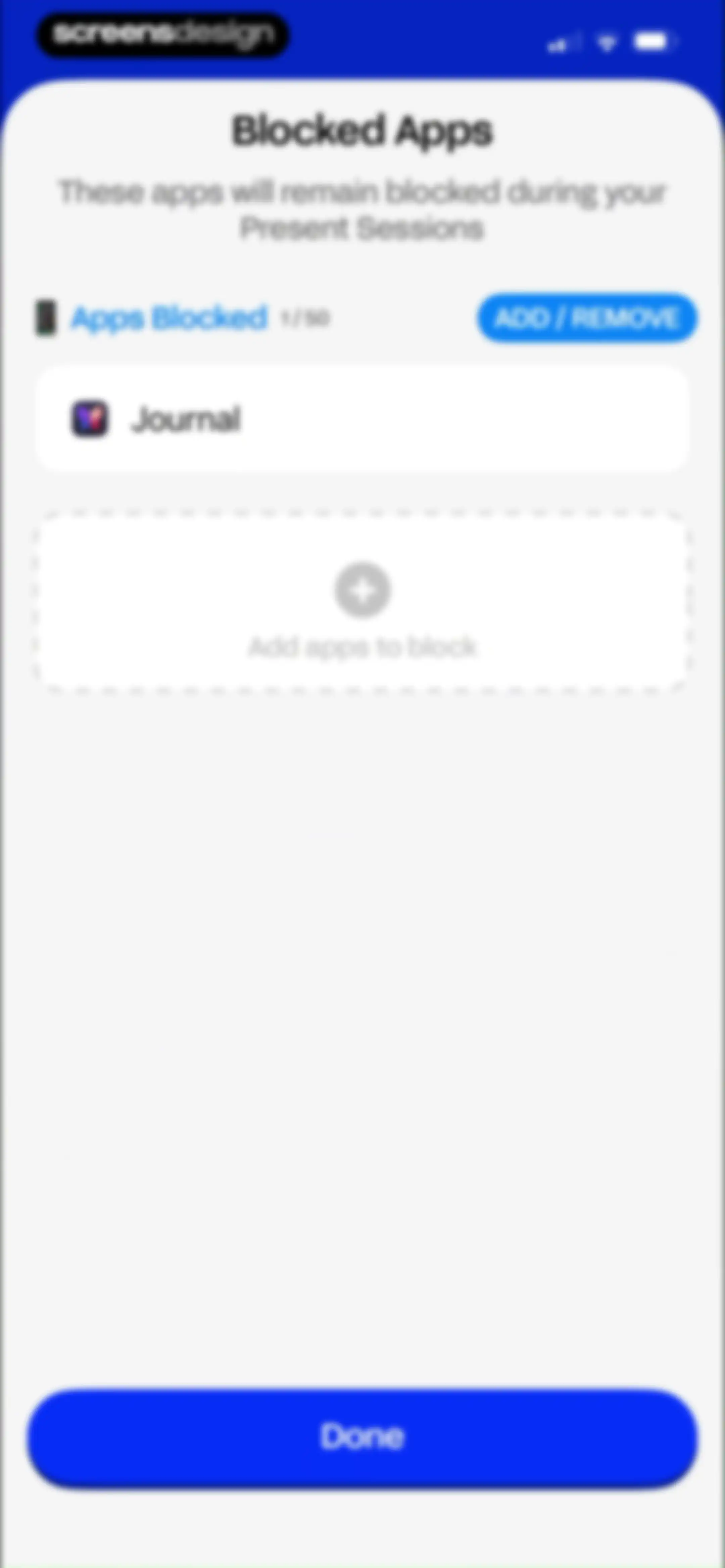
Blocked apps settings modal in BePresent displaying the Journal app in the restriction list and a Done button.Unlock Pro
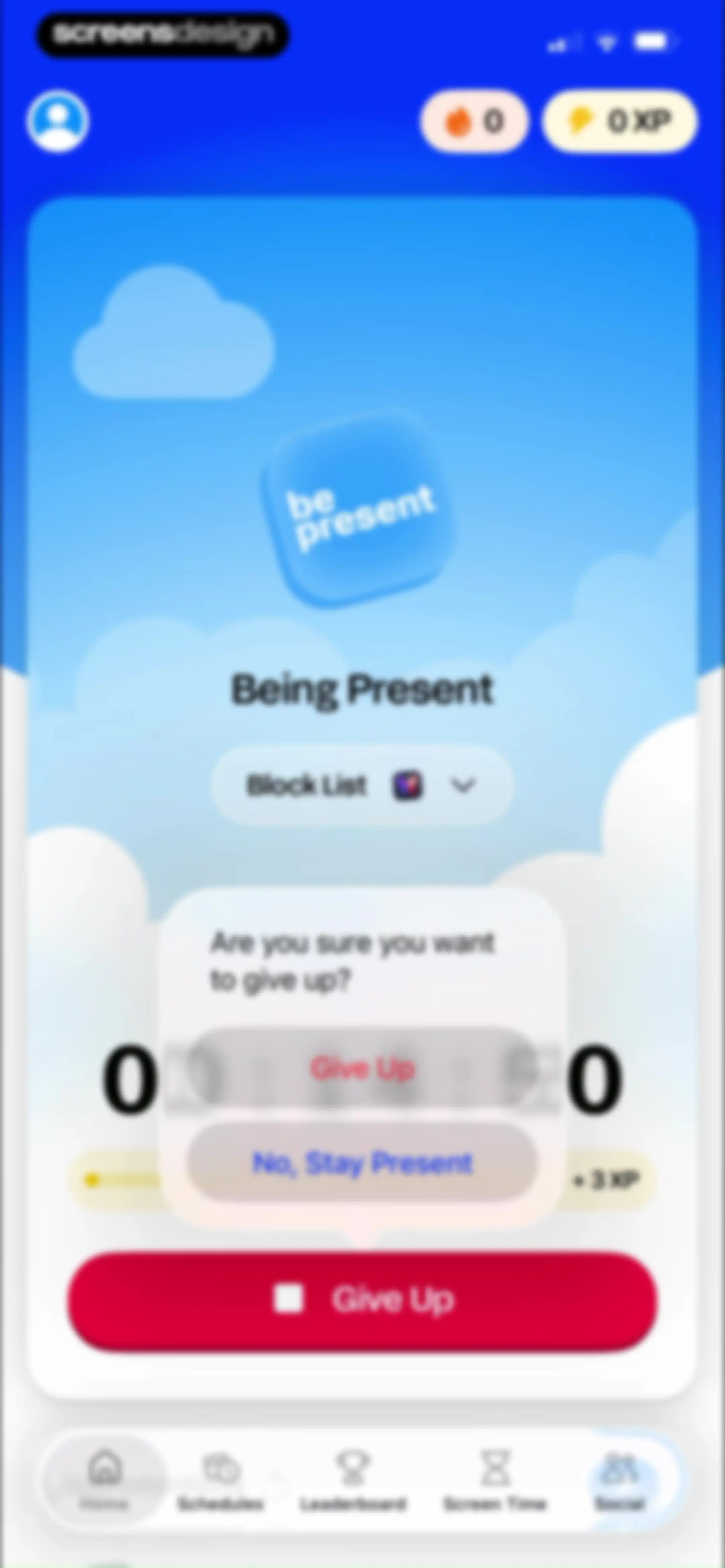
Focus session screen with a modal overlay asking for confirmation to give up, featuring Give Up and No Stay Present buttons.Unlock Pro
Home screen with streak and XP counters, a Block Now button, app intentions card, and daily quest list with the Home tab selected.Unlock Pro
Form modal for setting an app usage limit, featuring frequency and duration steppers, a choose app selector, and a save button.Unlock Pro
App selection modal listing categories and apps with a search bar, Cancel and Done buttons, and the Muslim app selected.Unlock Pro
Empty state screen for the BePresent app featuring a Daily Review message and an OK button.Unlock Pro
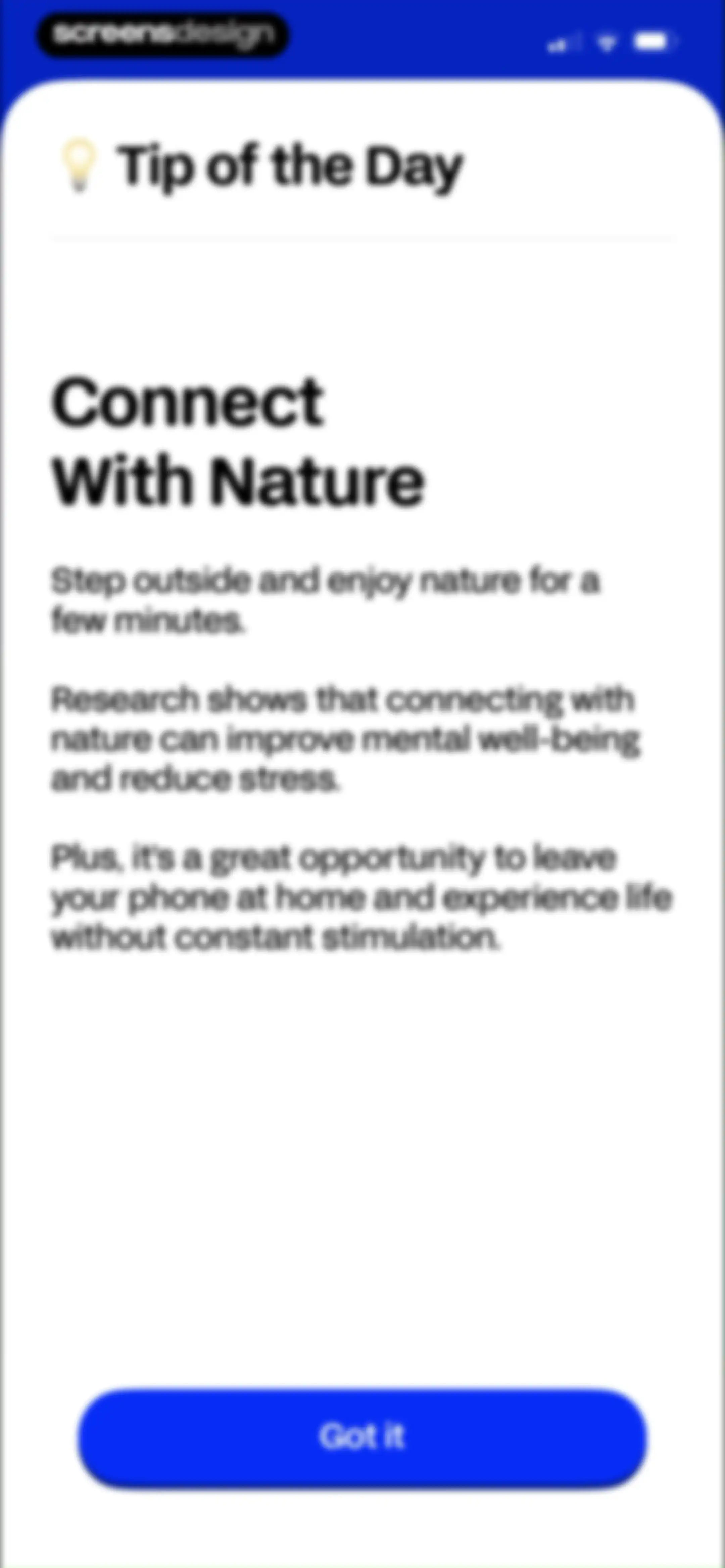
Tip of the Day modal with a lightbulb icon, nature connection advice, and a Got it button.Unlock Pro
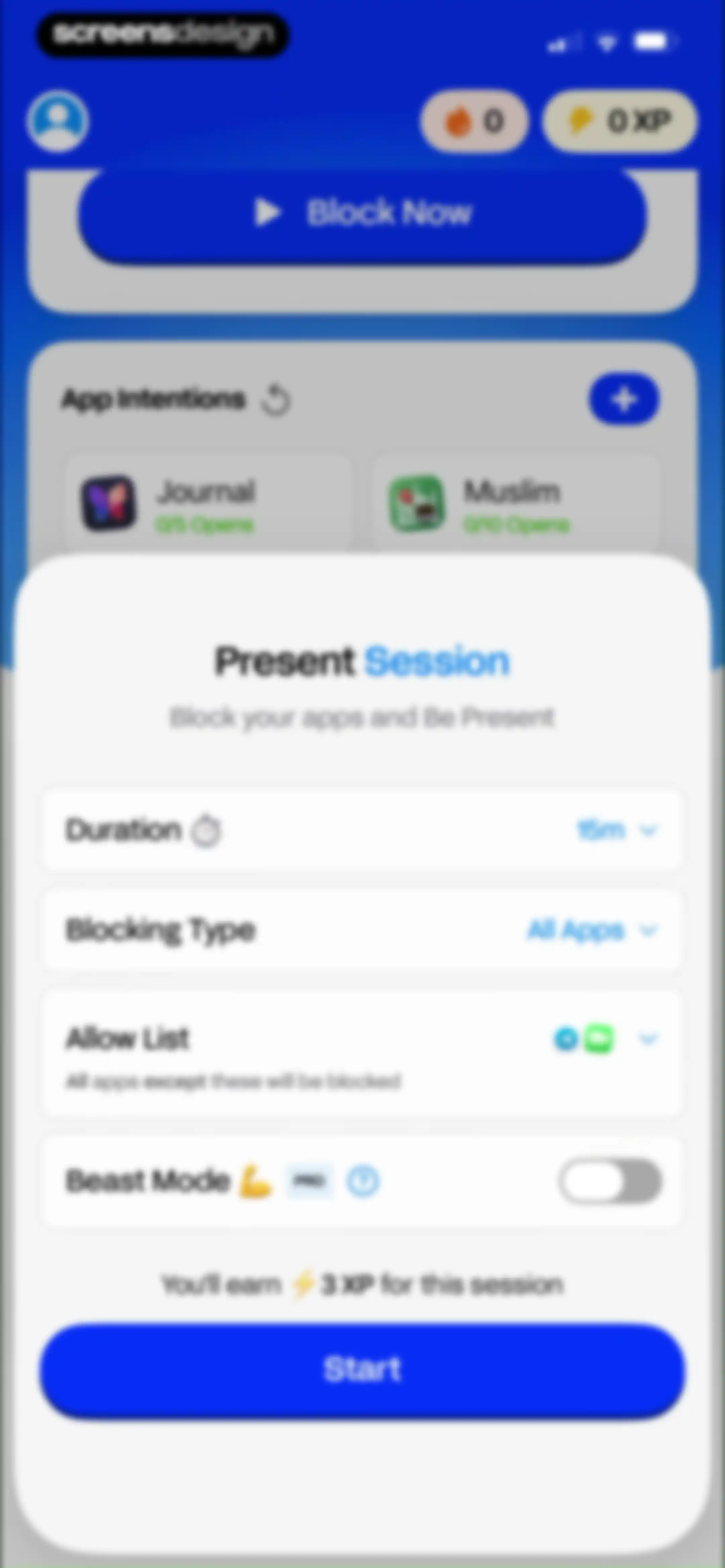
Focus session configuration modal with a 15m duration, All Apps blocking type, and a Start button.Unlock Pro
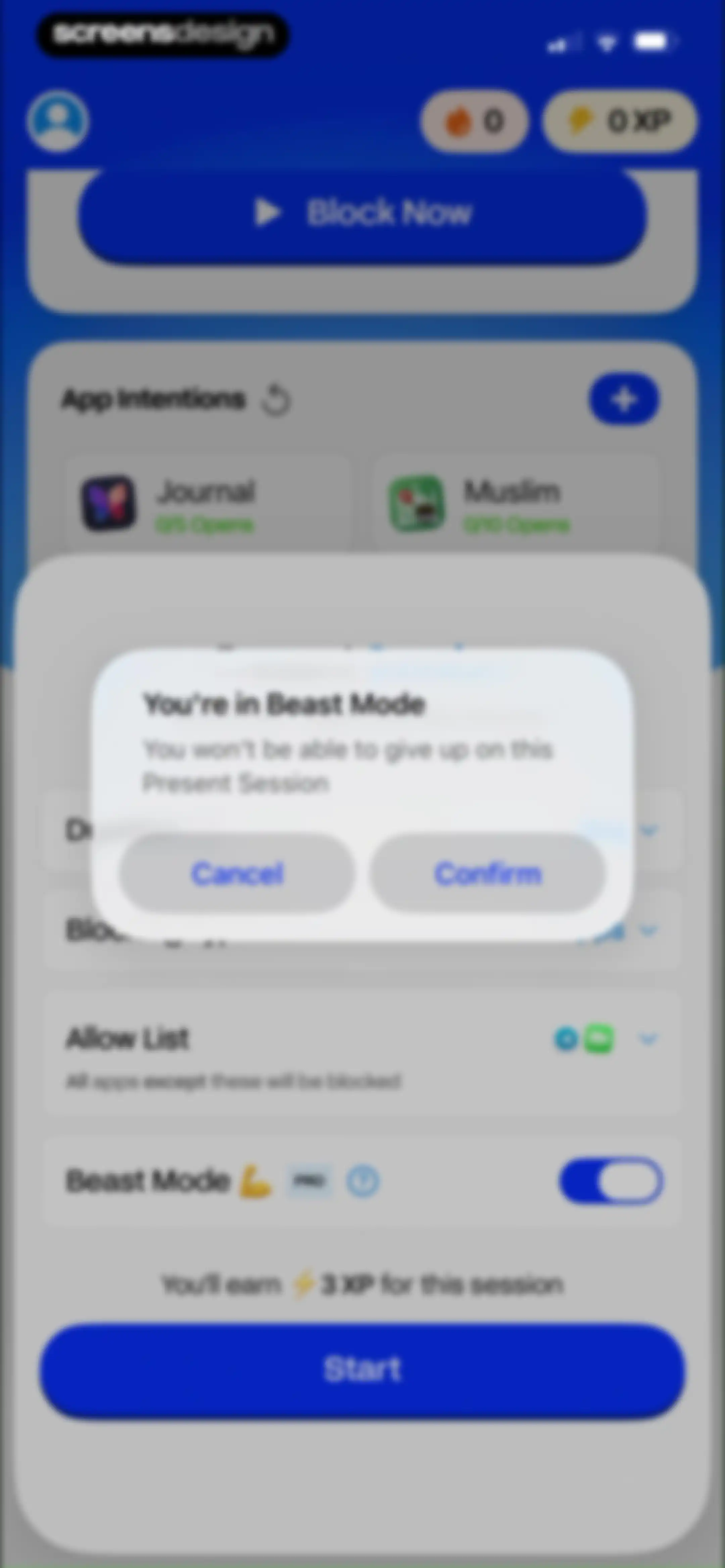
Home screen showing a session configuration interface with a centered confirmation modal for Beast Mode and a Start button.Unlock Pro
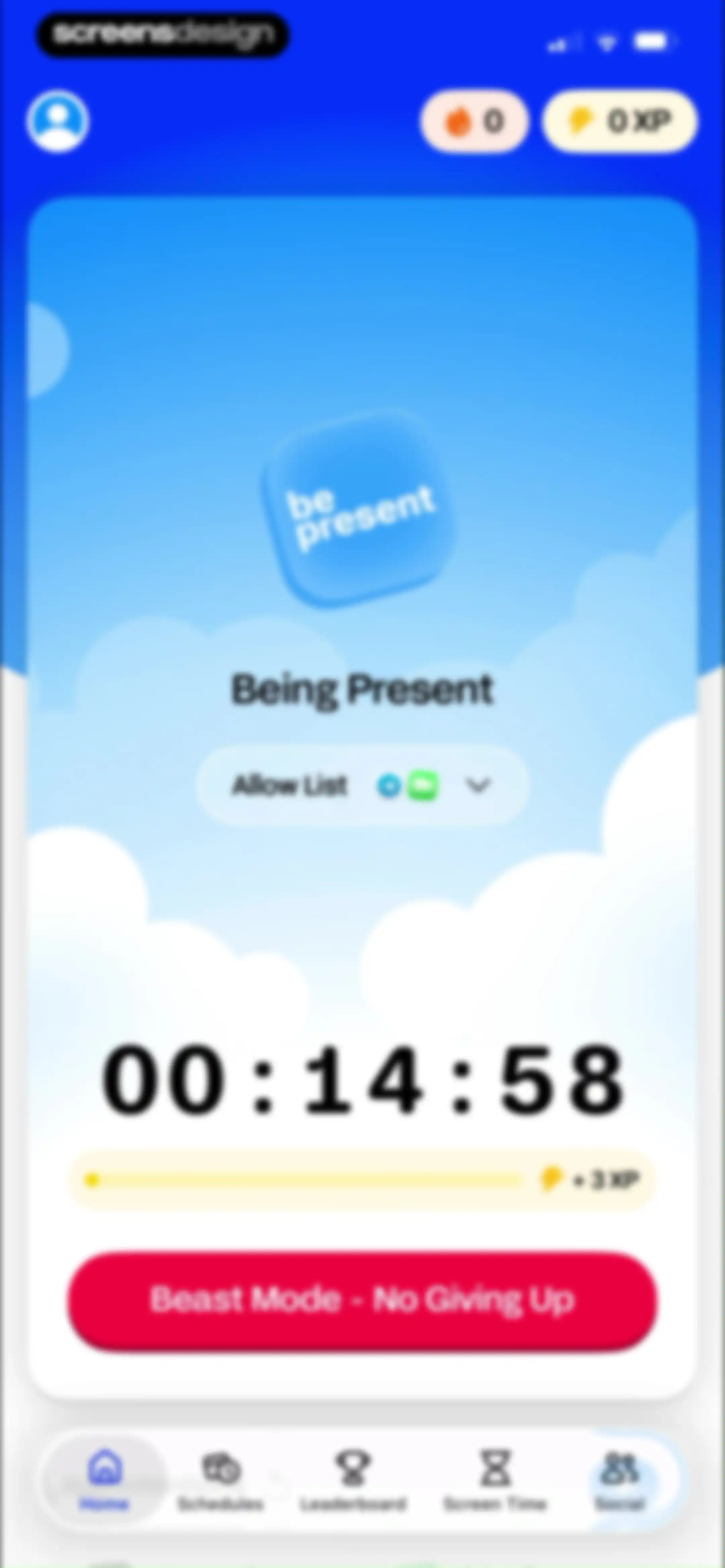
Home screen featuring a focus timer set to 00:14:58, a progress bar showing plus 3 XP, and a Beast Mode primary action button.Unlock Pro
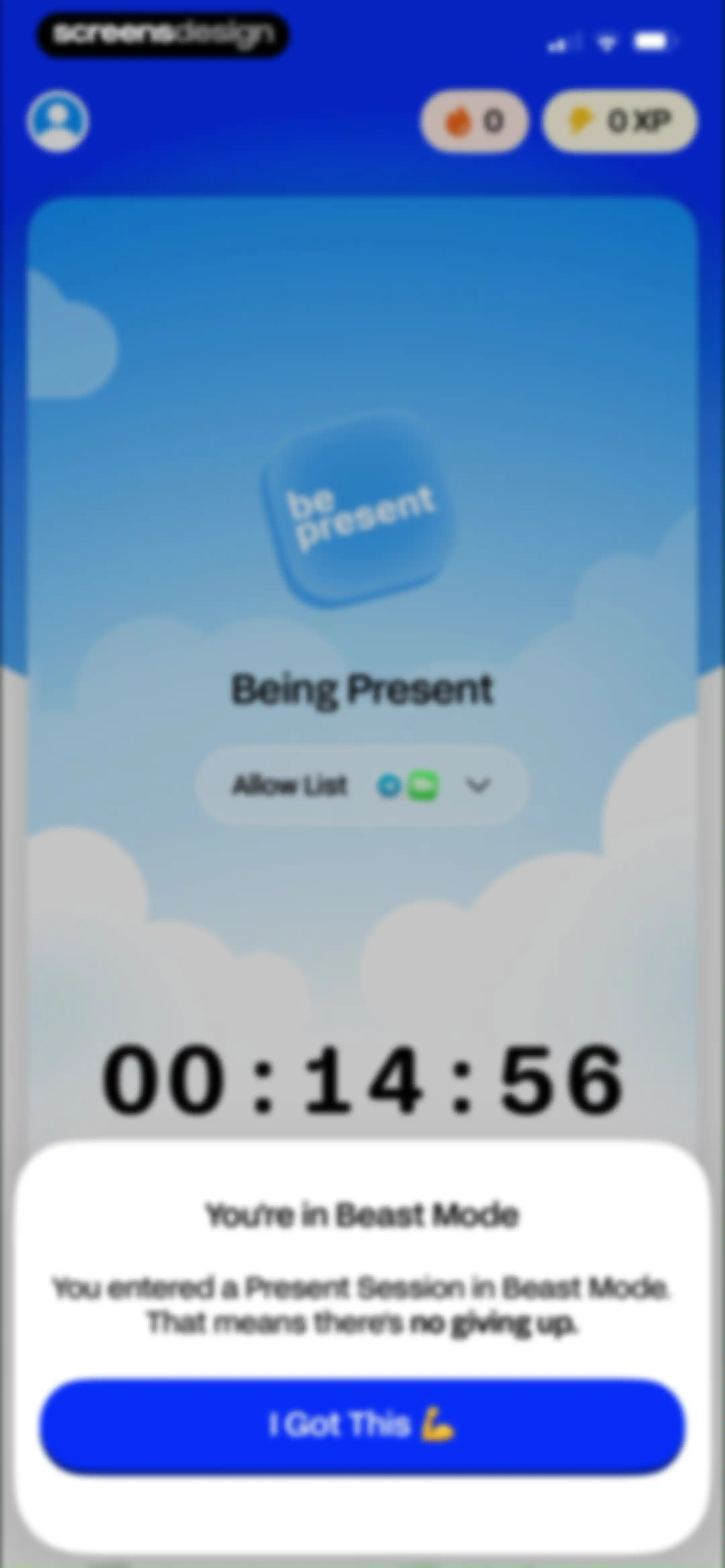
Focus timer screen with a Beast Mode confirmation modal and an I Got This confirmation button.Unlock Pro
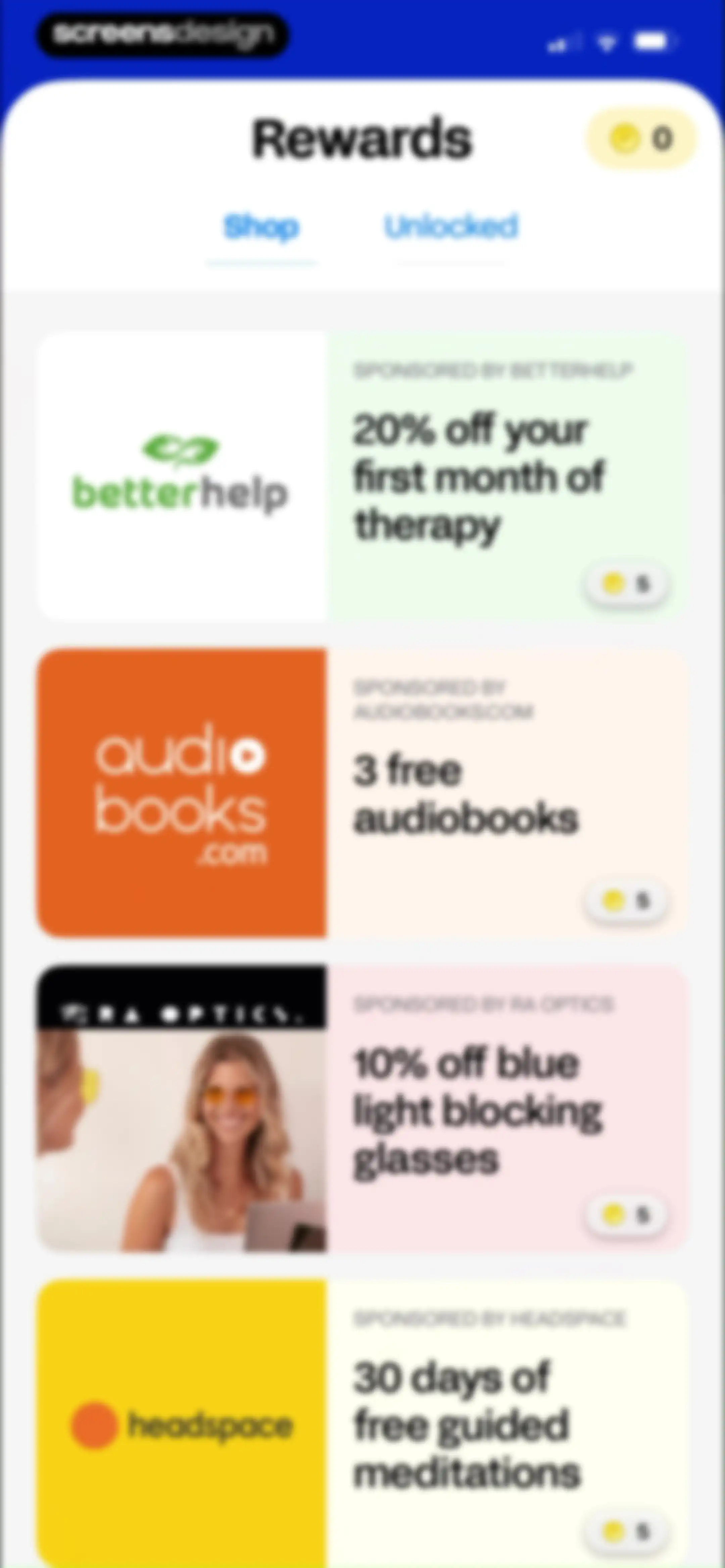
Rewards shop screen displaying a coin balance of zero and a vertical list of four sponsored reward cards with the Shop tab selected.Unlock Pro
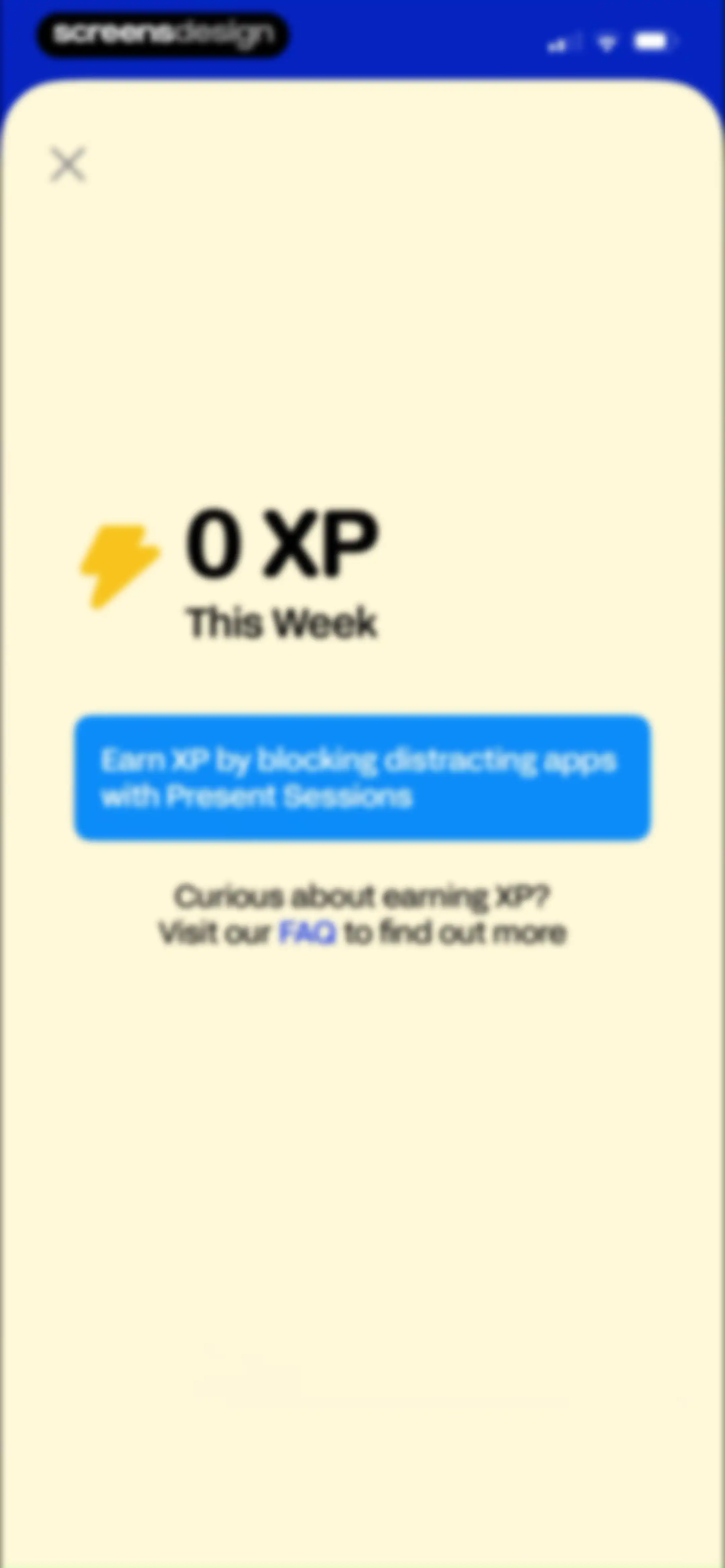
Gamified progress dashboard displaying zero XP and an instructional card explaining how to earn points by blocking distracting apps.Unlock Pro
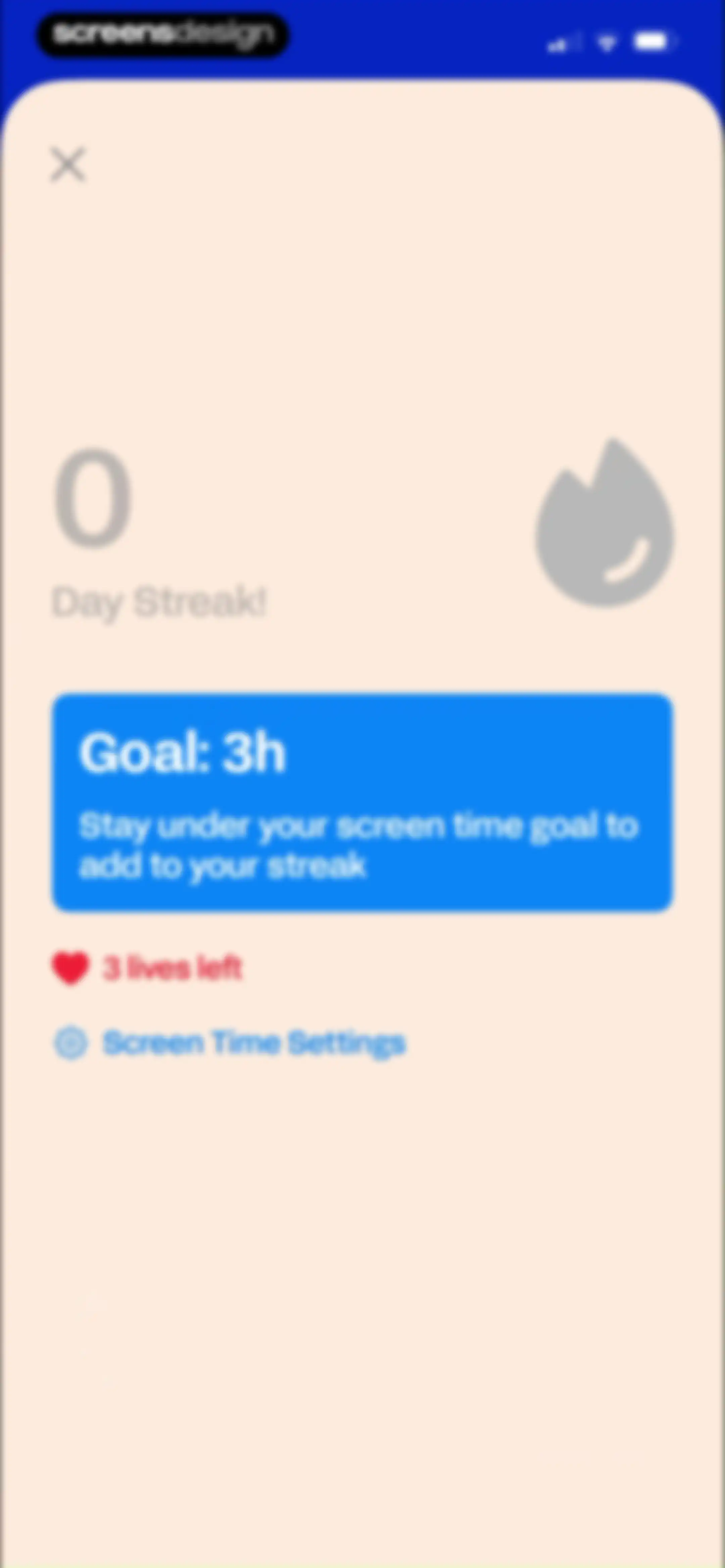
Streak status dashboard for BePresent showing a zero day streak, a three-hour goal card, three remaining lives, and a screen time settings link.Unlock Pro
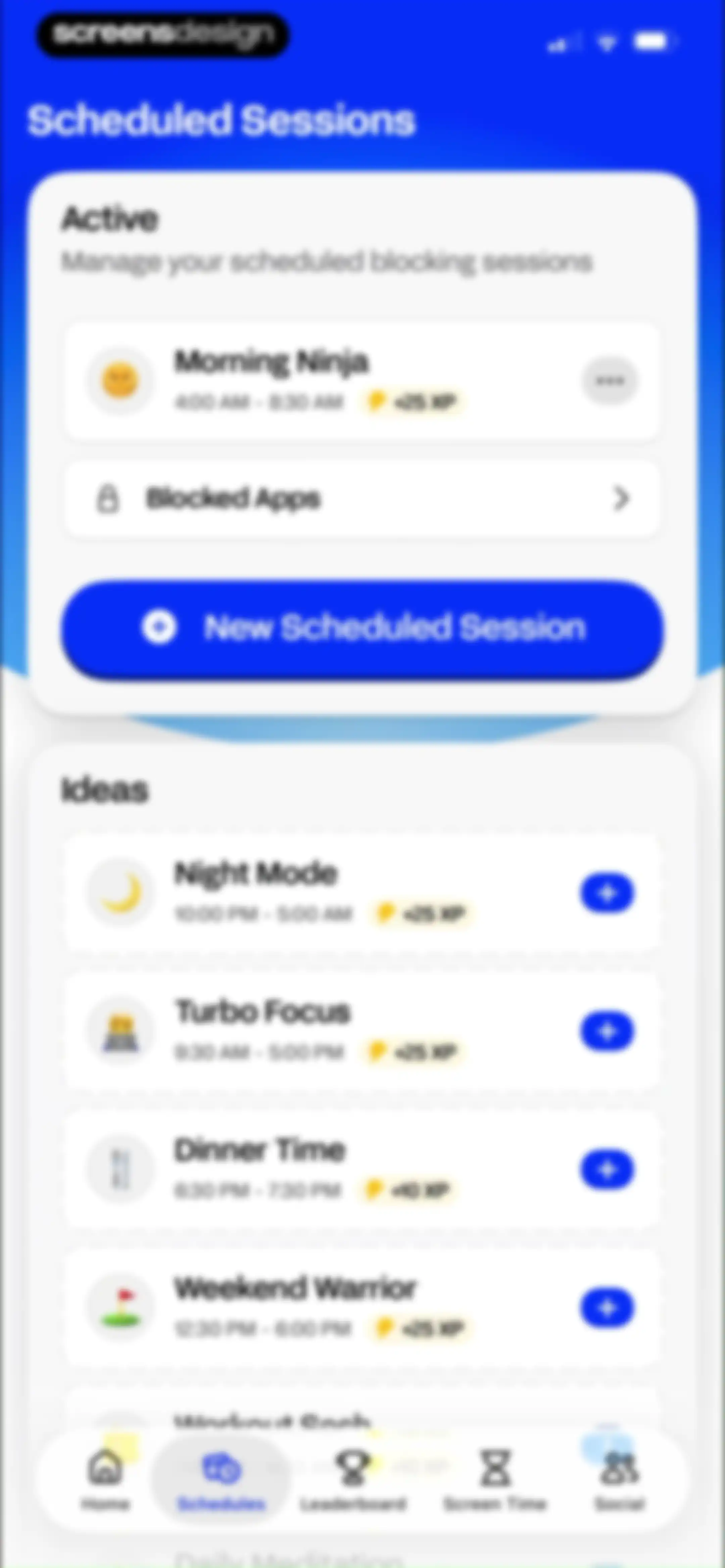
Scheduled sessions dashboard displaying an active Morning Ninja session, a New Scheduled Session button, and an Ideas list of session templates.Unlock Pro
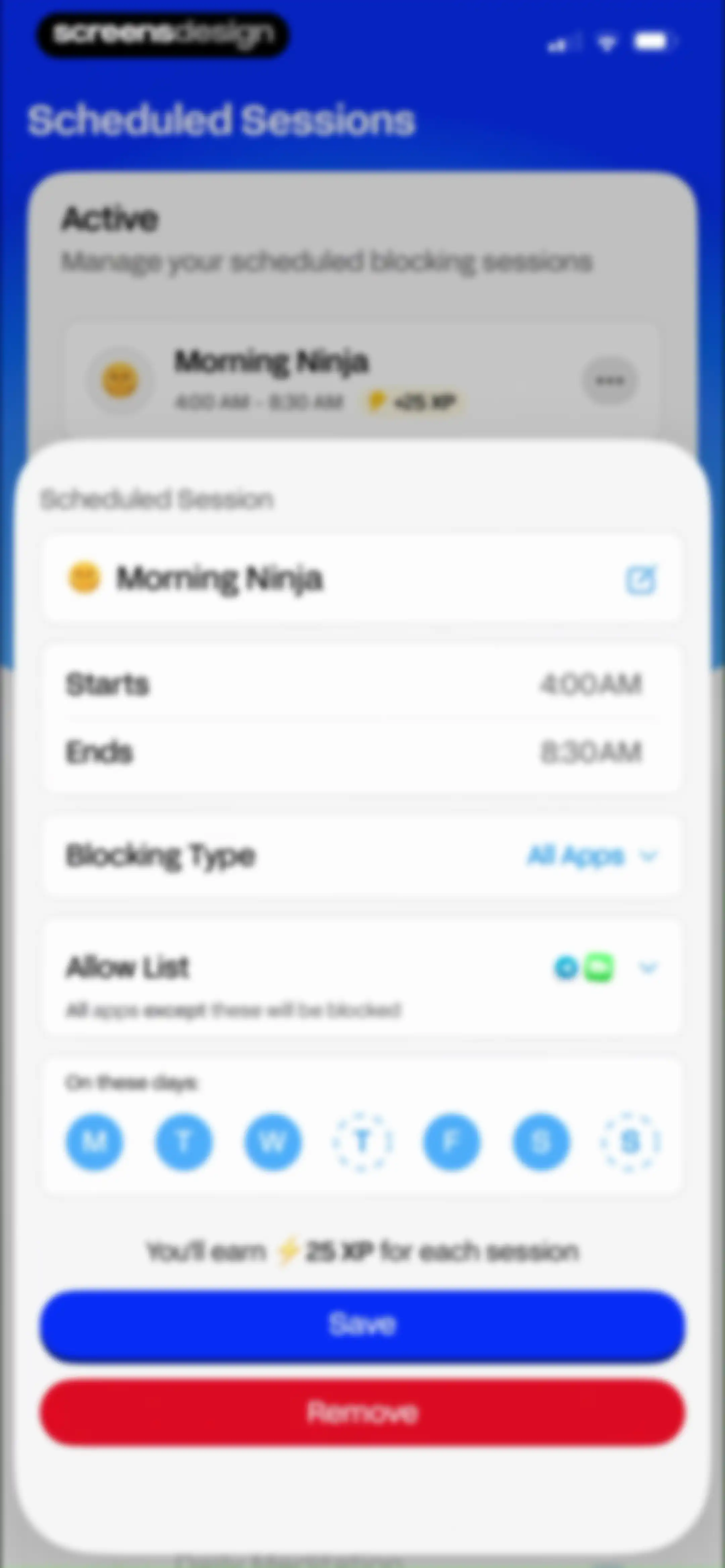
Scheduled session editor modal for a Morning Ninja blocking session, with time settings, day selectors, and Save and Remove buttons.Unlock Pro
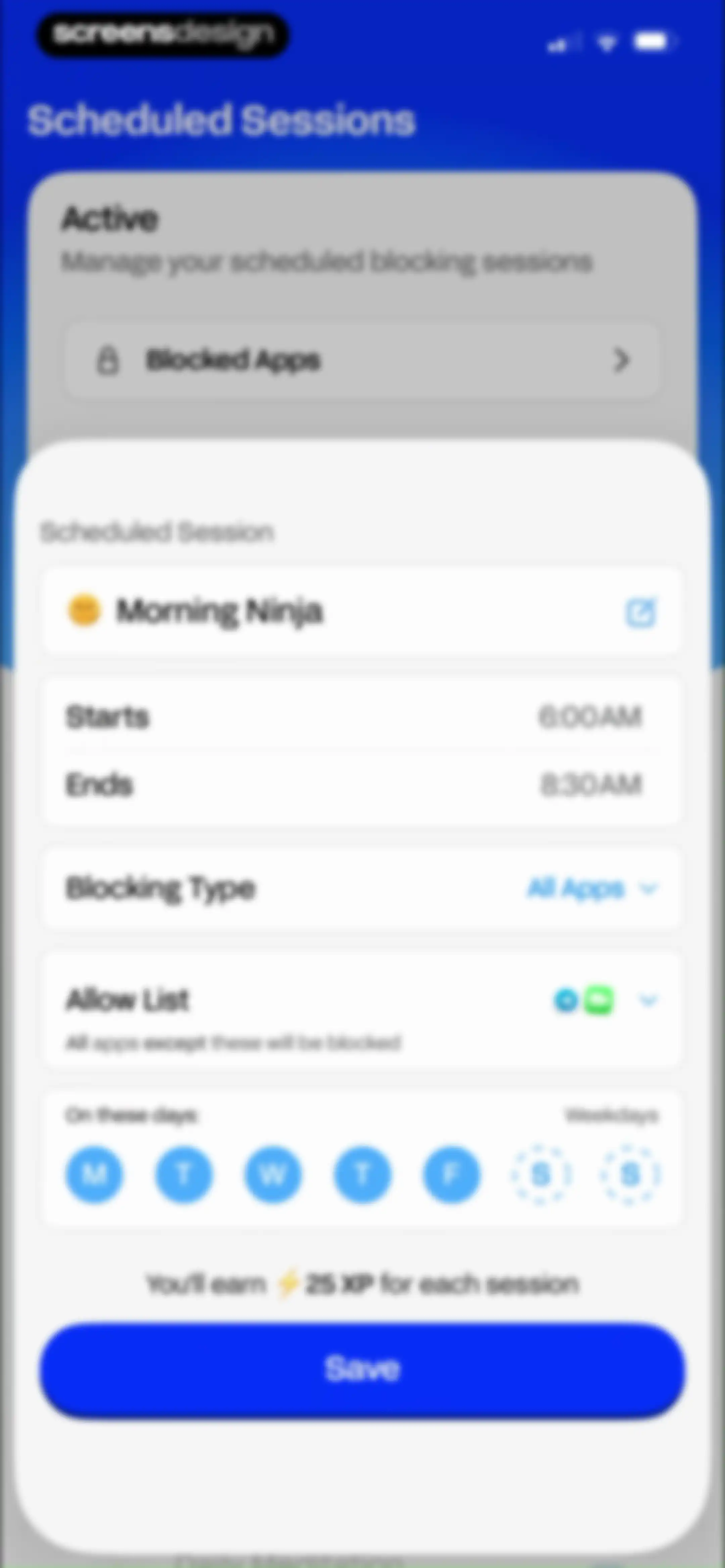
Scheduled sessions editor displaying configuration options for time, blocking type, allow list, weekday selection, and a Save button.Unlock Pro
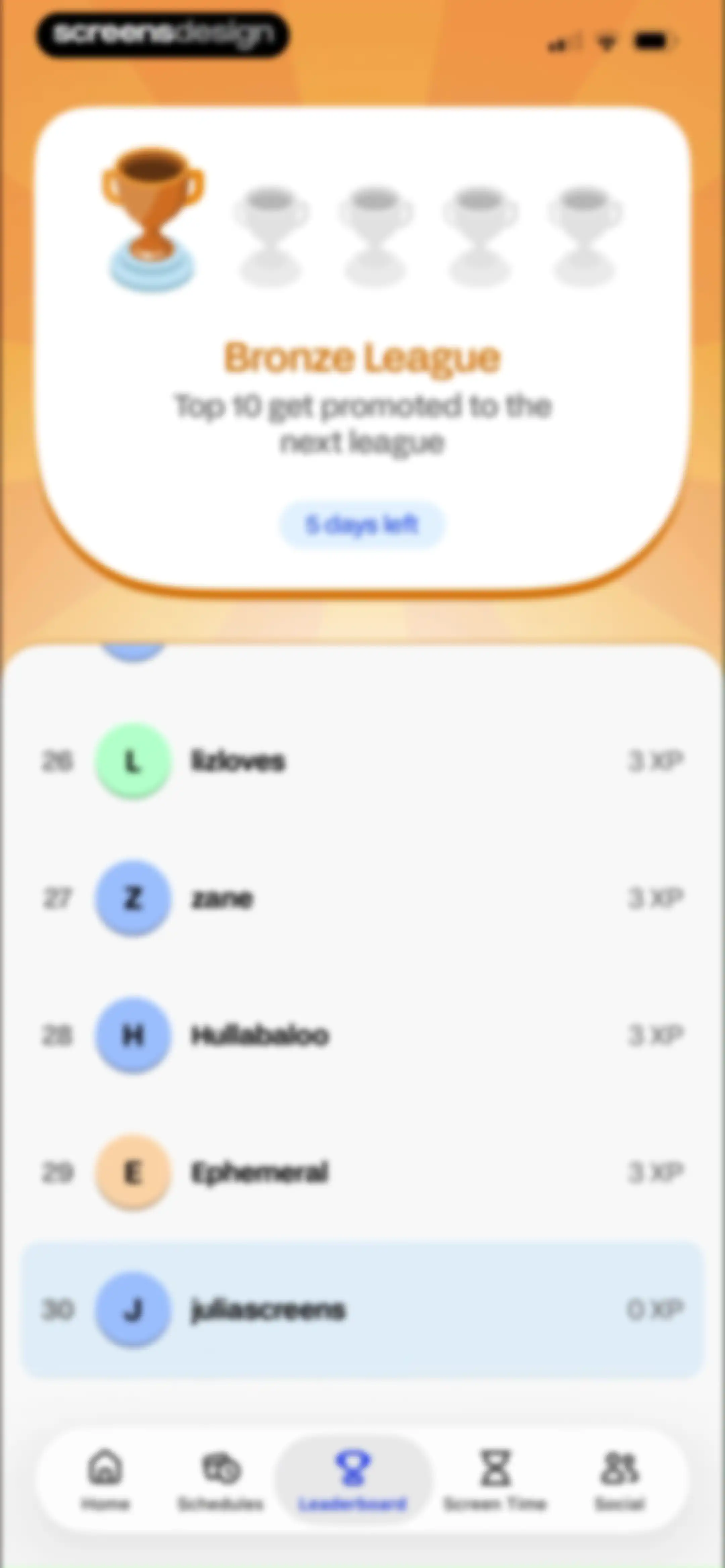
Leaderboard dashboard showing a Bronze League ranking list with user XP scores and the Leaderboard tab selected in the bottom navigation.Unlock Pro
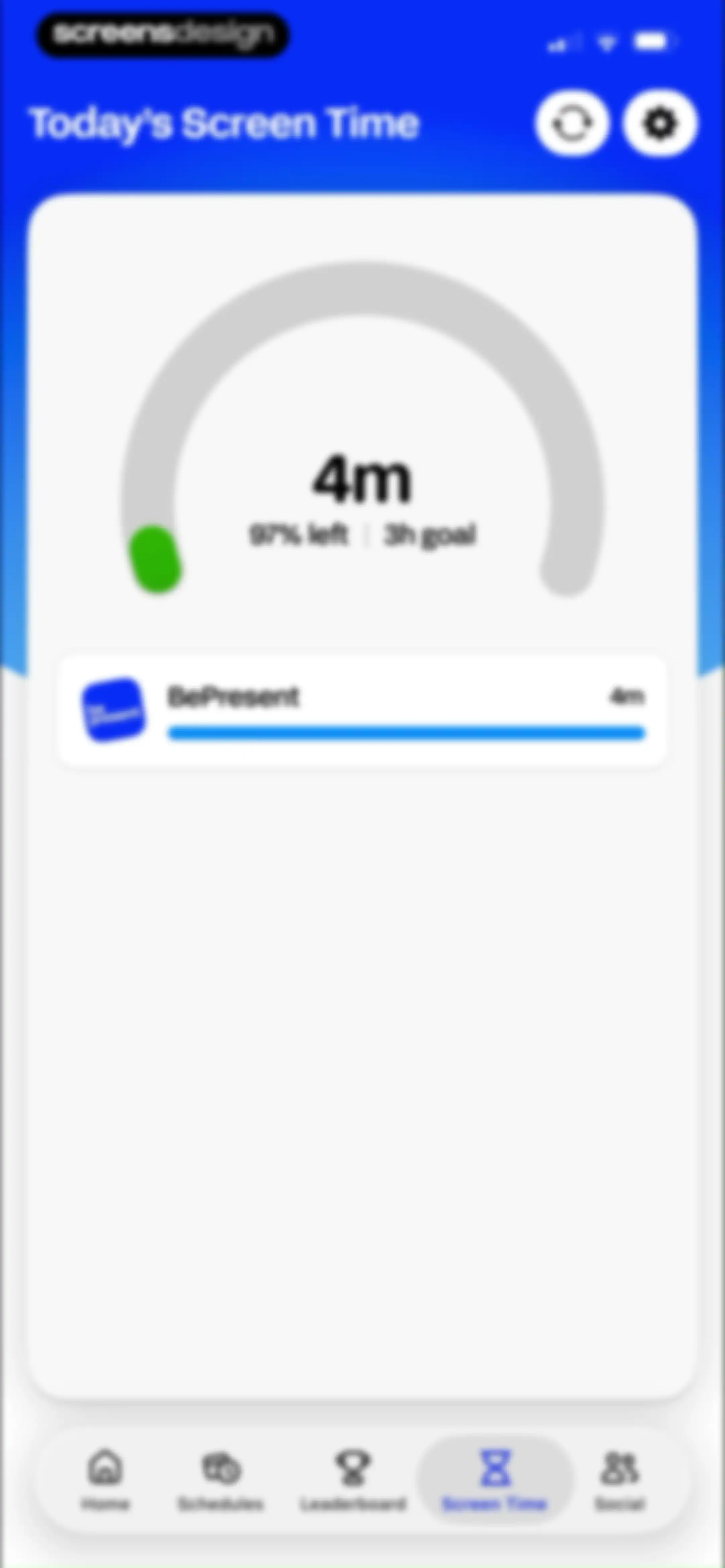
Screen time dashboard showing today's usage of 4 minutes against a 3-hour goal, with a central progress gauge and bottom navigation.Unlock Pro
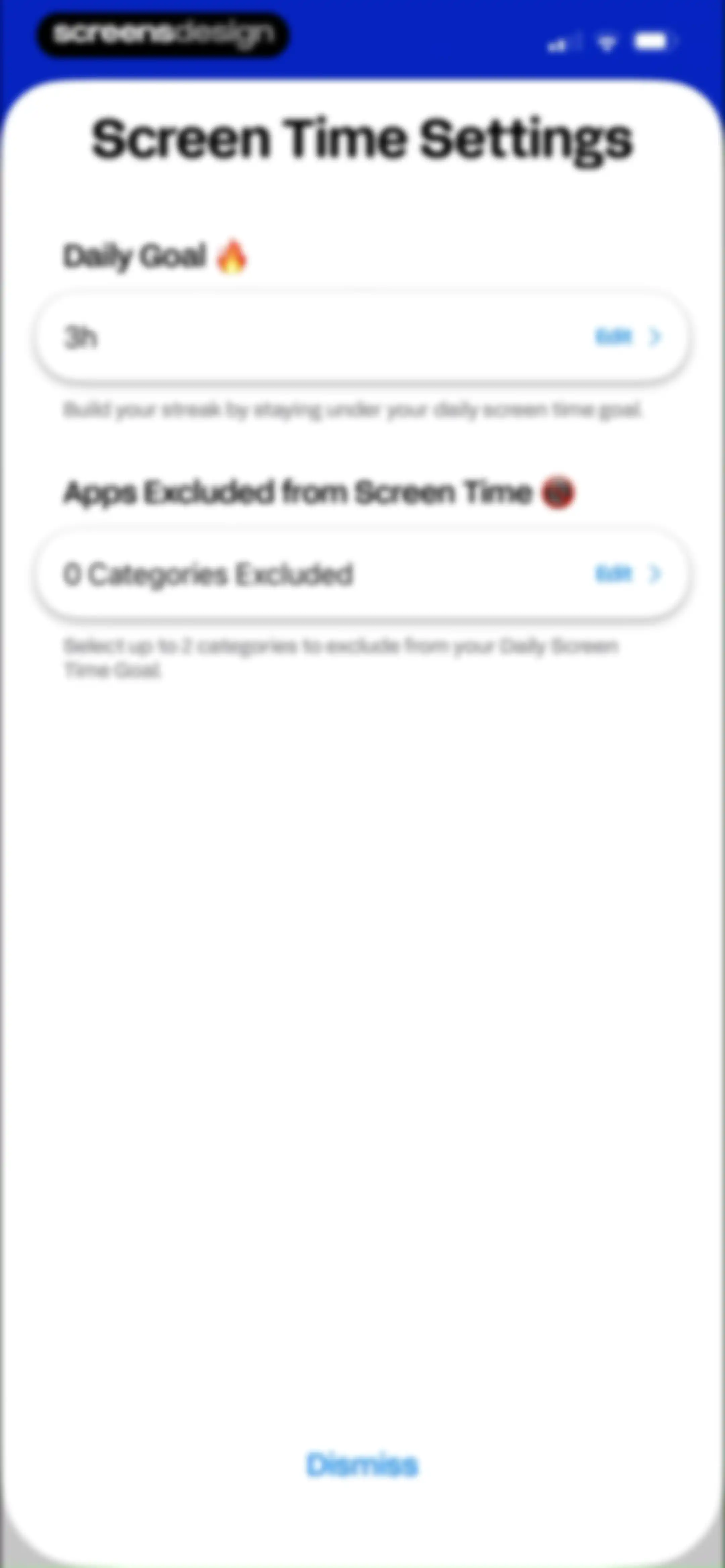
Screen Time Settings modal in the BePresent app displaying cards for Daily Goal and Excluded Apps with a dismiss button.Unlock Pro
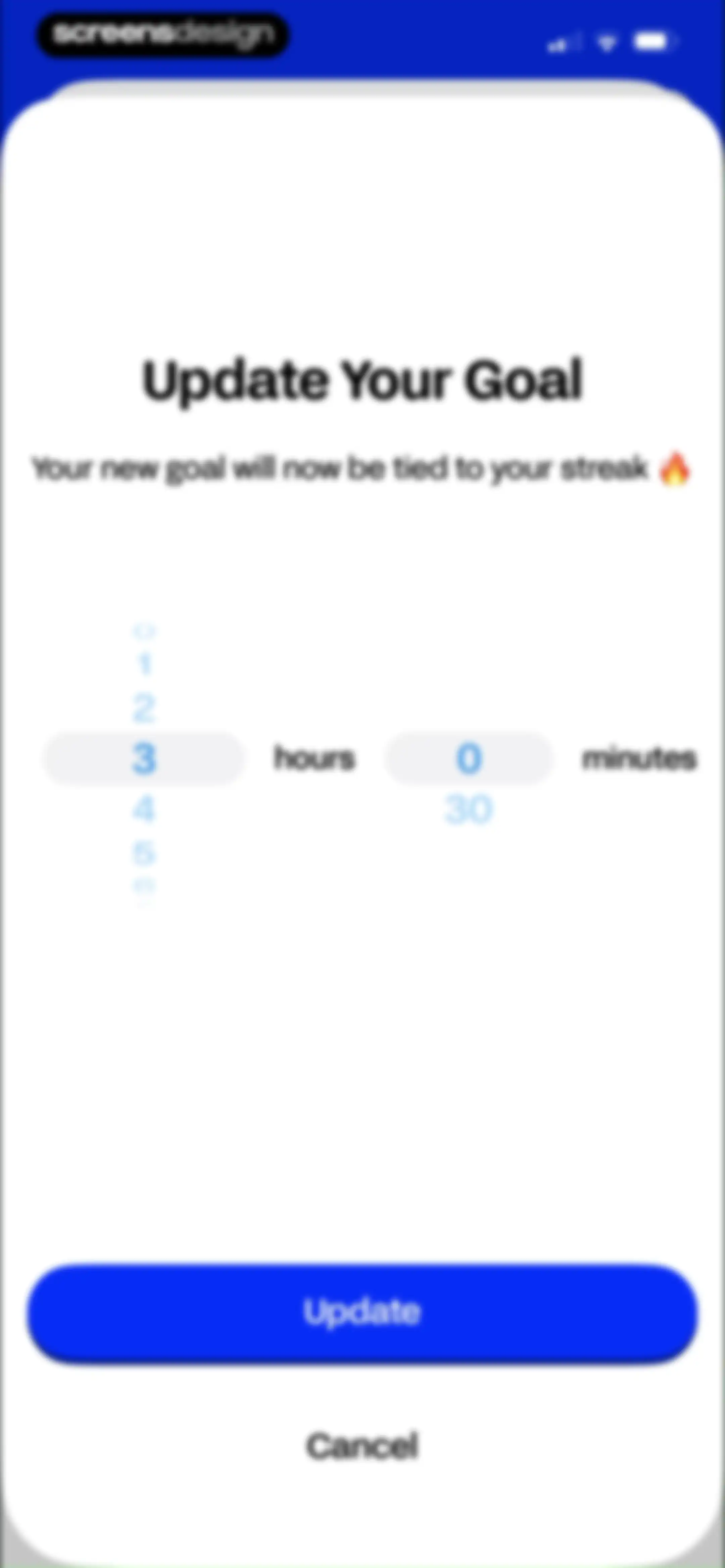
Goal update modal with vertical time pickers for hours and minutes, featuring an Update button and a streak indicator.Unlock Pro
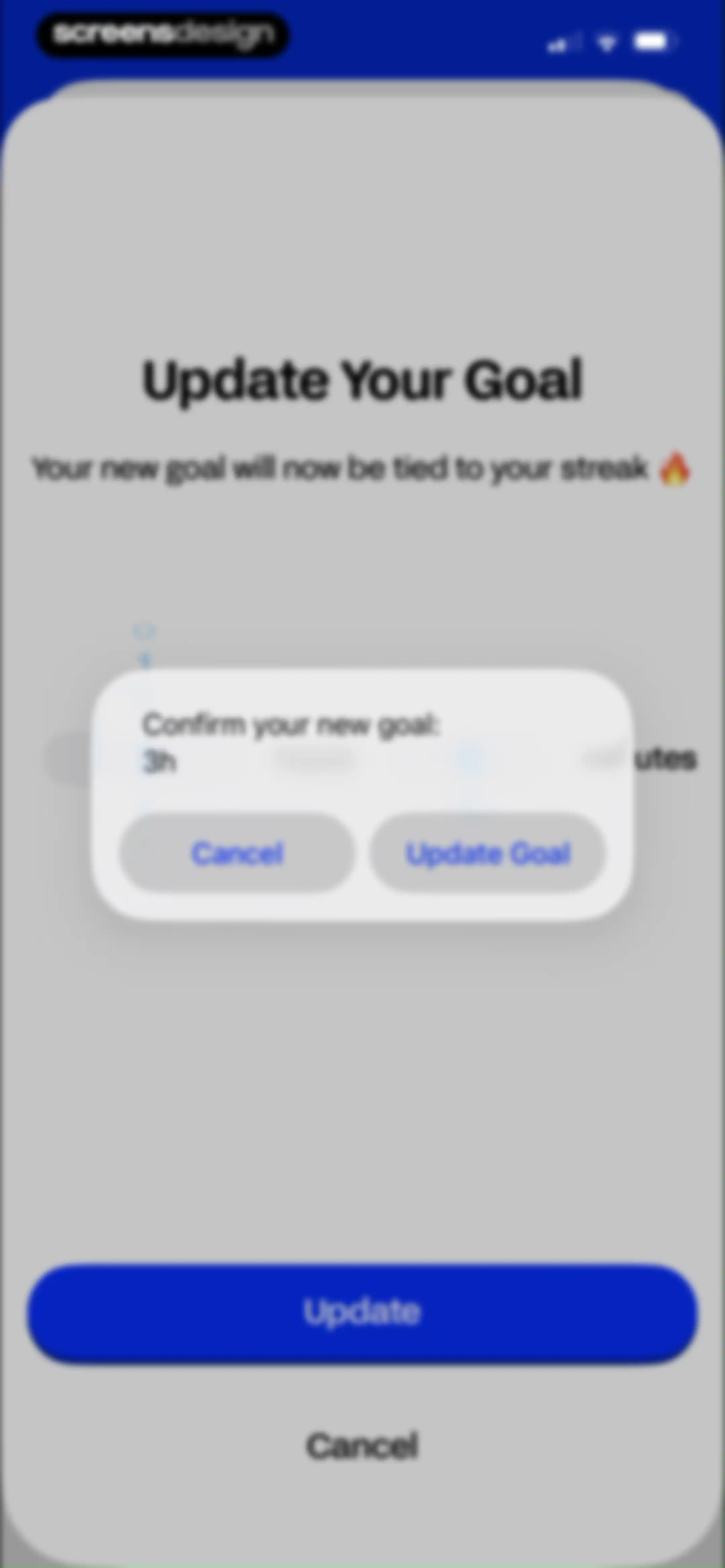
Goal confirmation dialog displaying a new 3h goal linked to a streak, with Cancel and Update Goal buttons.Unlock Pro
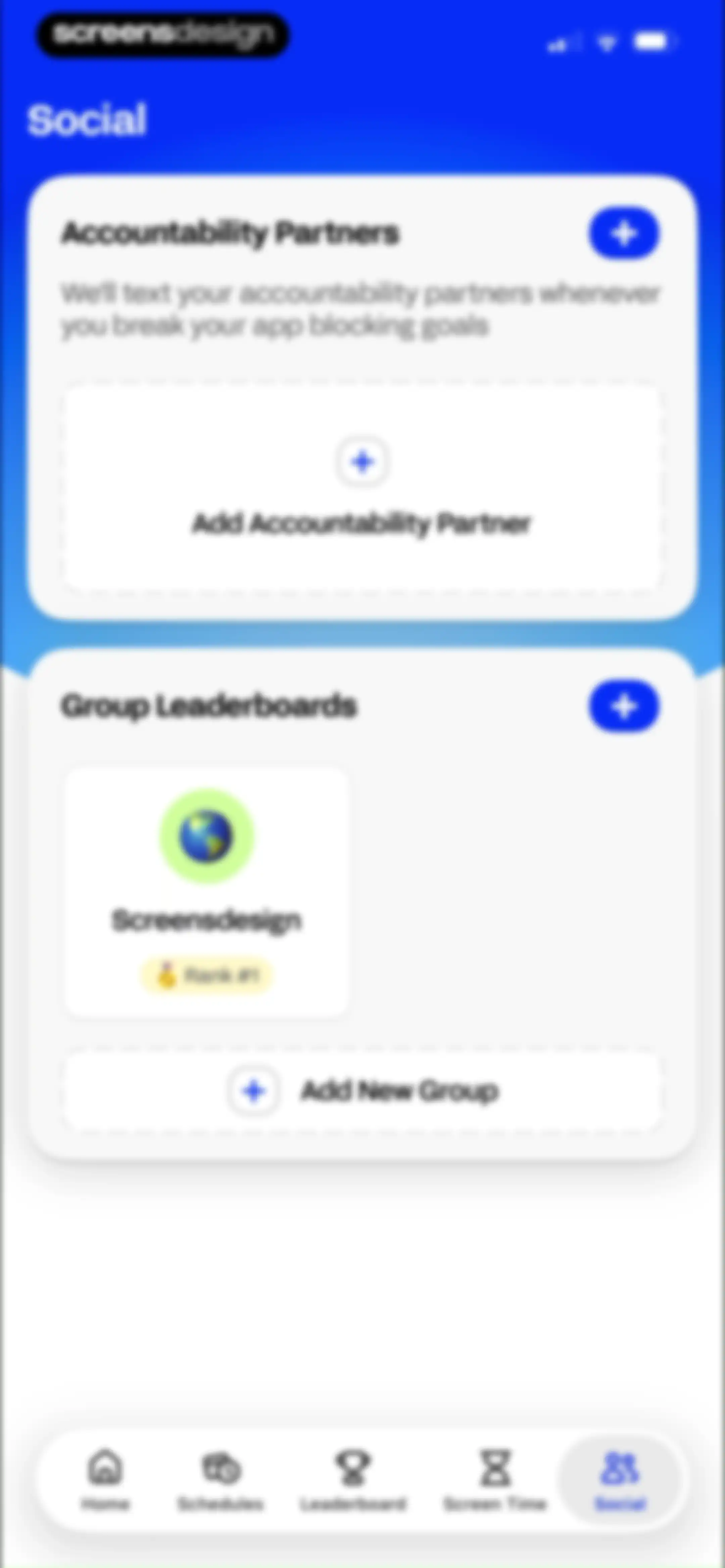
Social screen featuring accountability partners and group leaderboards with cards to add partners or groups and a bottom navigation bar.Unlock Pro
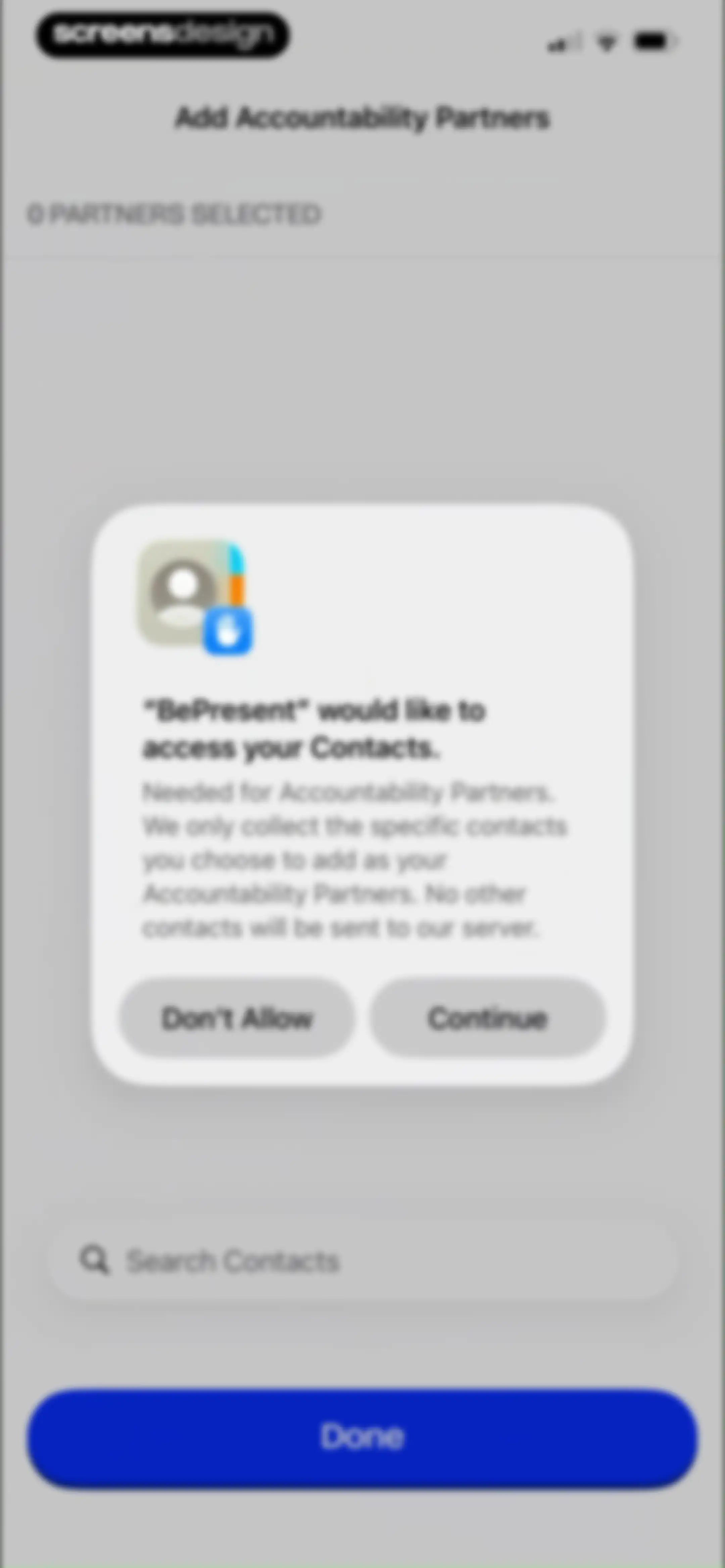
Permission request screen in the BePresent app asking to access contacts for accountability partners, with a Continue button.Unlock Pro
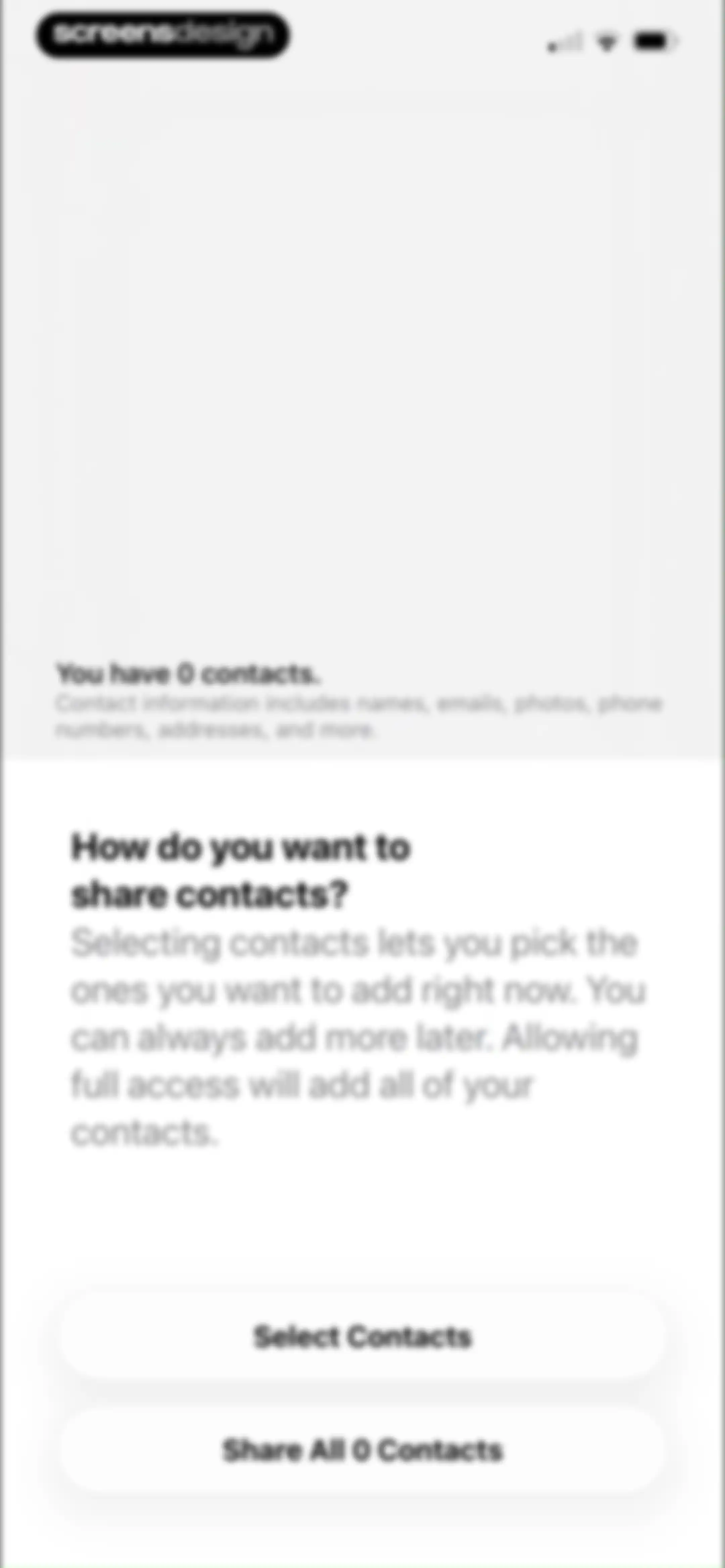
Permission request screen asking how to share contacts, featuring options to select specific contacts or share all.Unlock Pro
Accountability partner selection form displaying a search bar, zero partners selected status, and a Done button.Unlock Pro
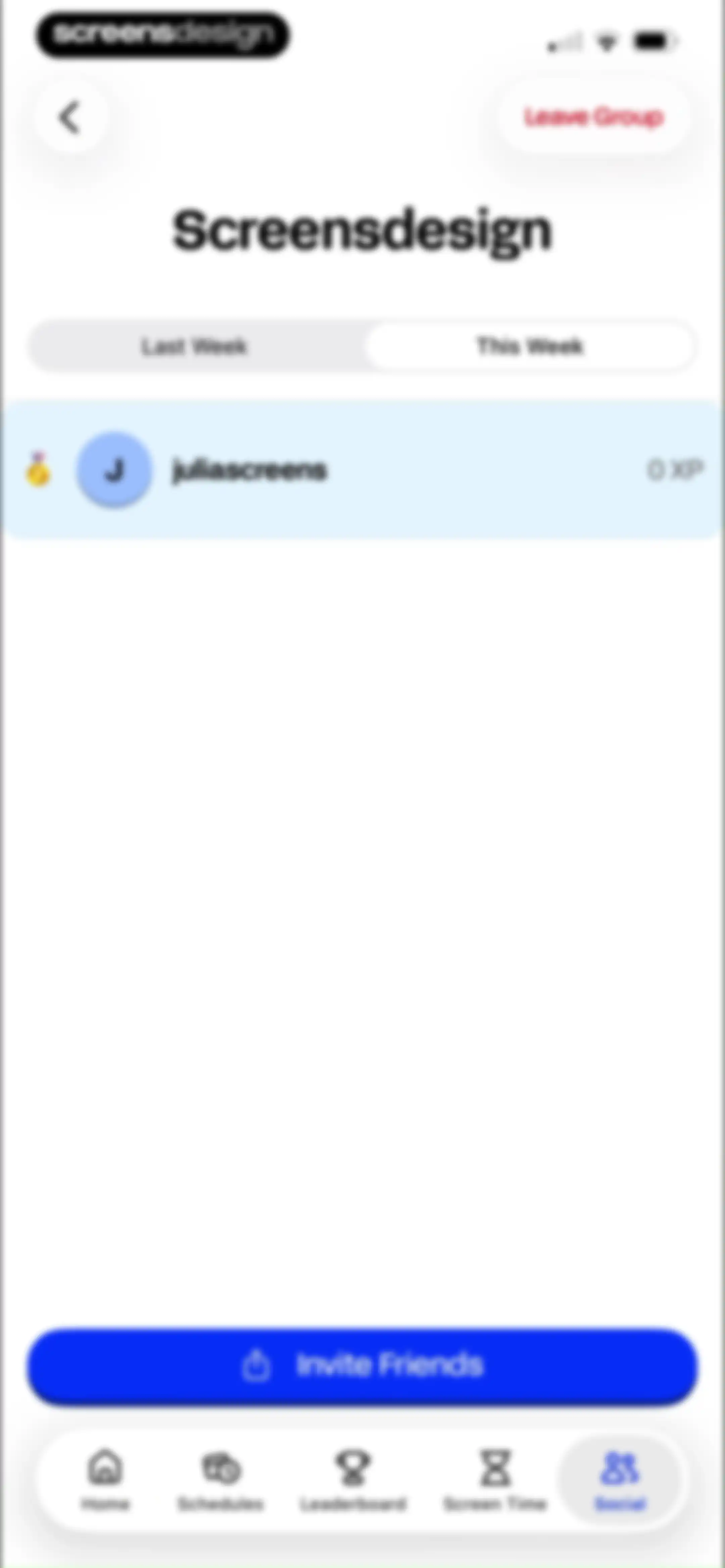
Dashboard showing a group leaderboard with user rankings and an Invite Friends button.Unlock Pro
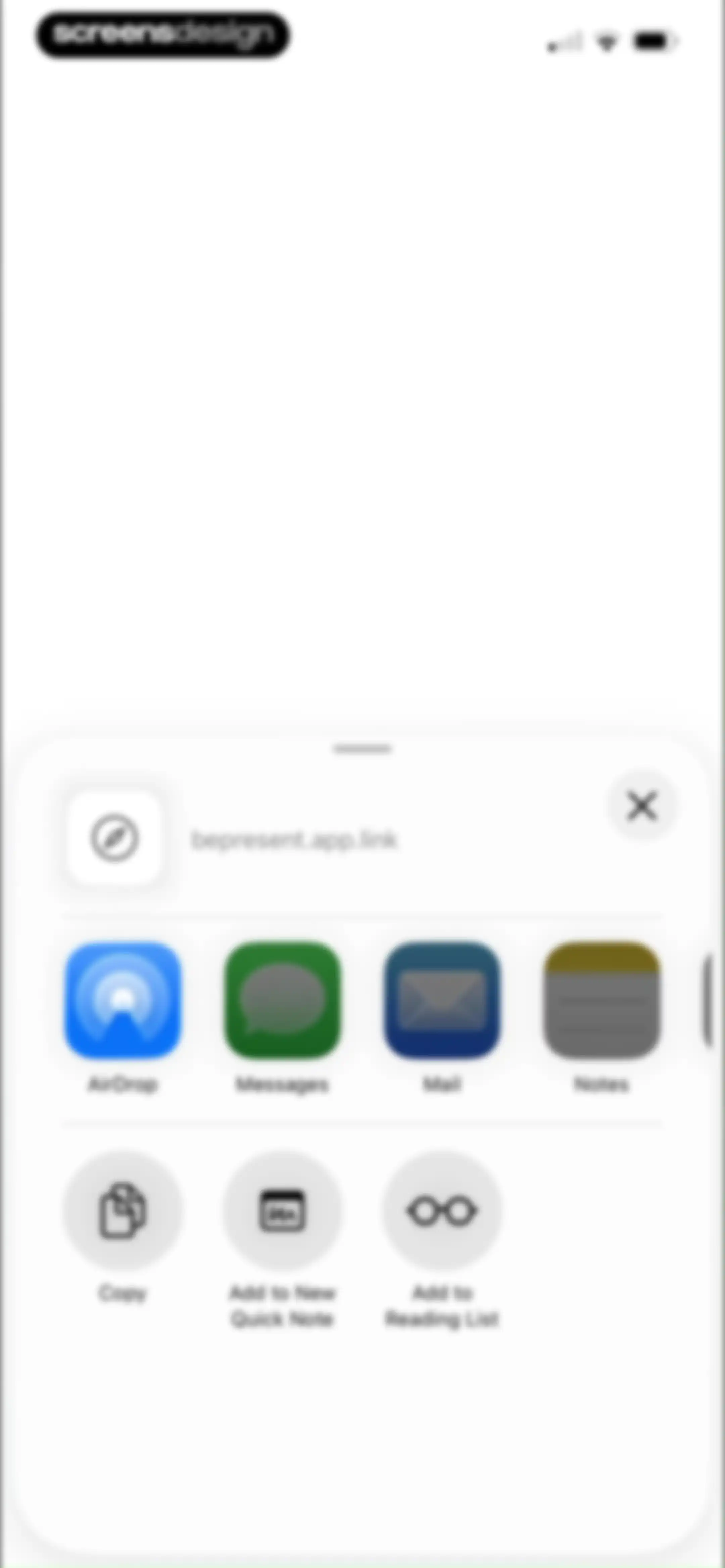
Share sheet displaying the URL bepresent.app.link with app sharing options including AirDrop, Messages, and Mail.Unlock Pro
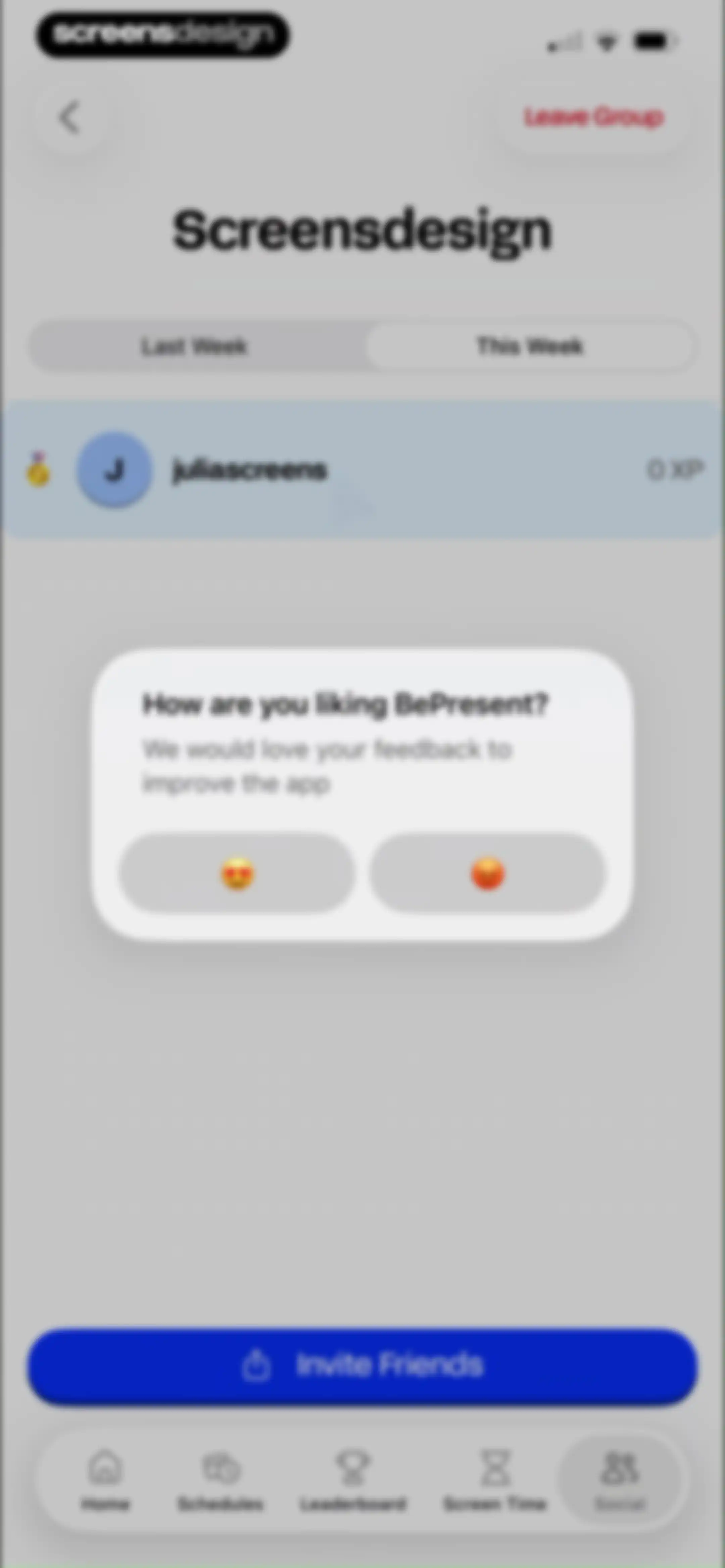
Social group screen with a centered feedback modal asking how you are liking the app, an Invite Friends button, and a bottom navigation bar.Unlock Pro
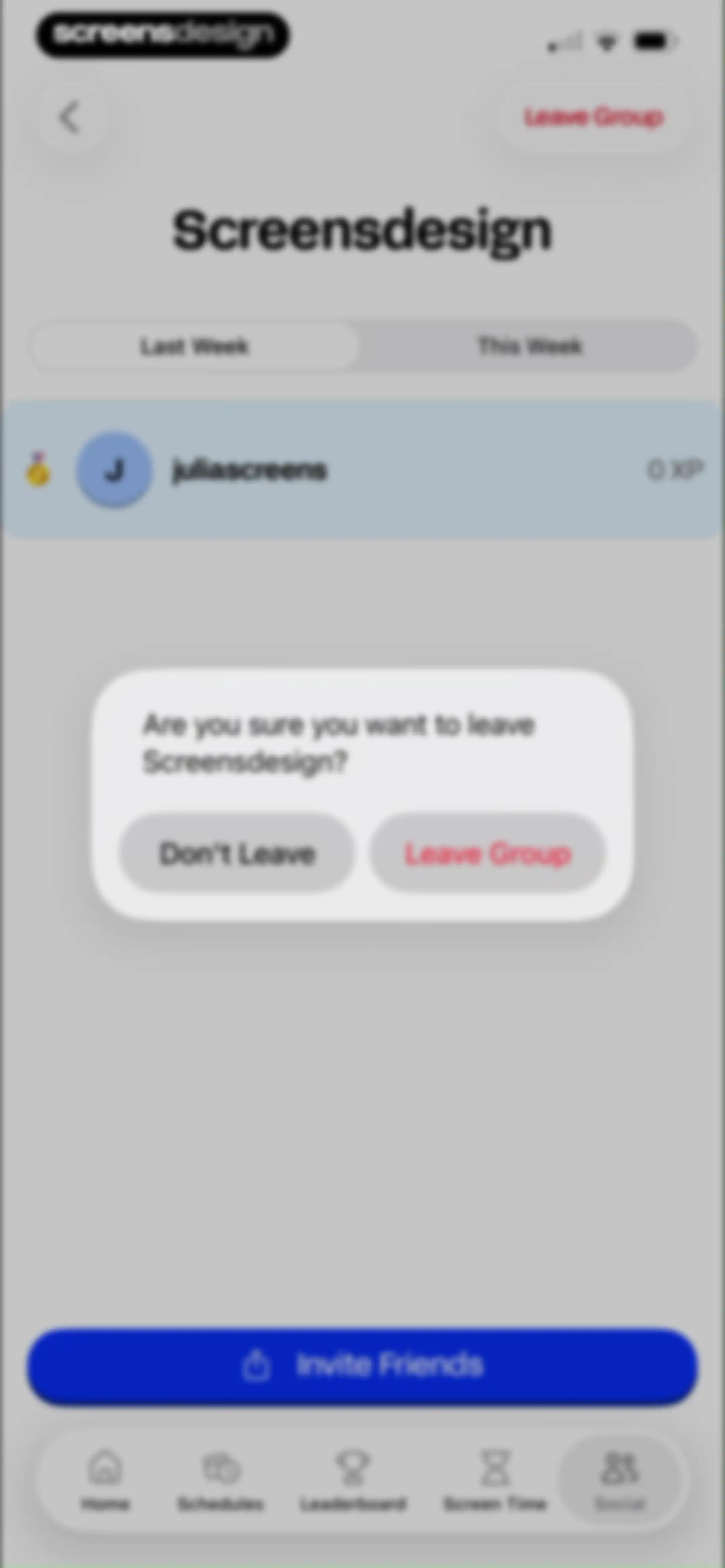
Social group screen with a confirmation modal asking if you want to leave the Screensdesign group, featuring Leave Group and Don't Leave buttons.Unlock Pro
Form modal for creating a new group leaderboard with an emoji selector, filled name input, and a Create Group button.Unlock Pro
Social screen featuring accountability partners and group leaderboards with an option to add partners and groups.Unlock Pro
Profile settings screen displaying a user profile card and grouped lists for support, settings, and account options.Unlock Pro
Screen Time Settings page displaying daily goal and excluded apps cards with a dismiss button.Unlock Pro
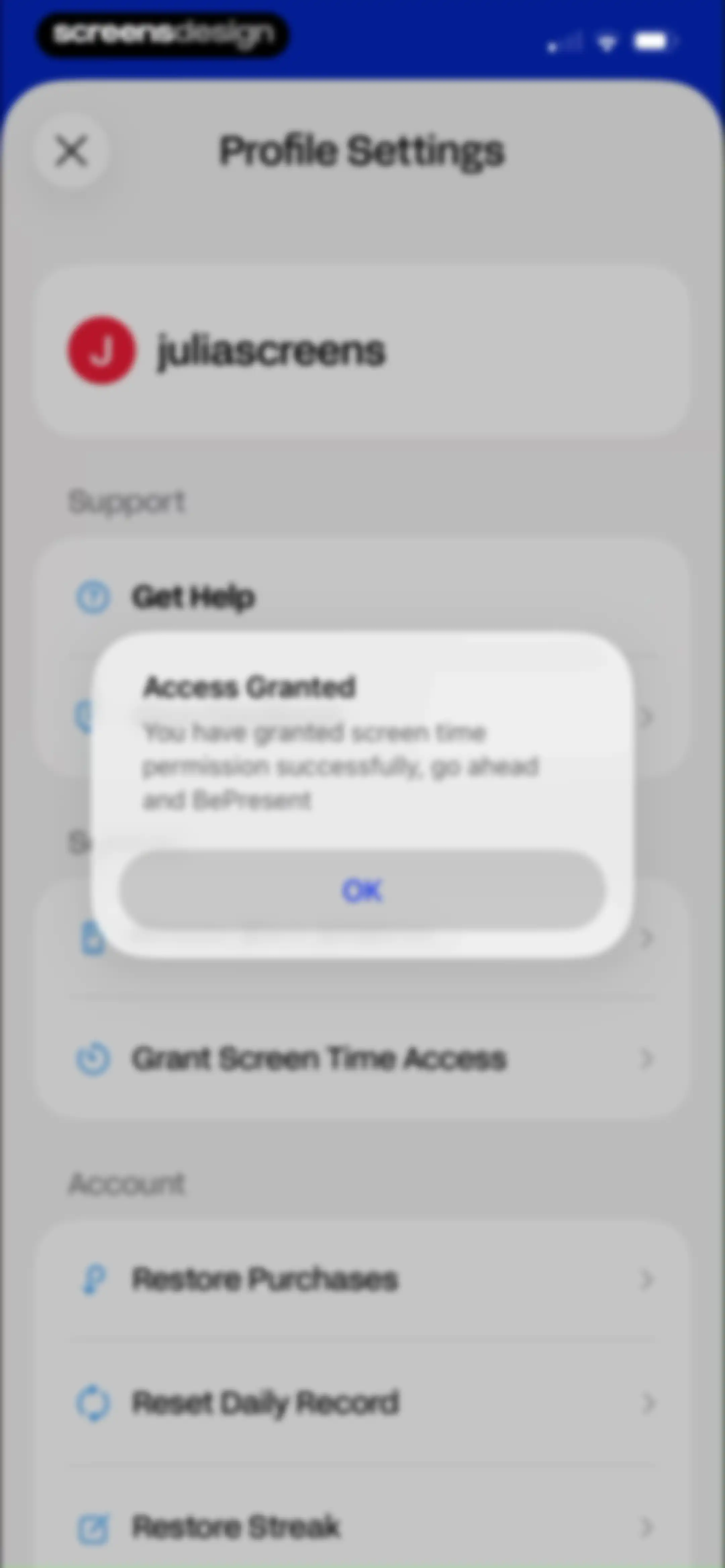
Settings screen with a user profile and list items, featuring a confirmation modal with an Access Granted message and an OK button.Unlock Pro
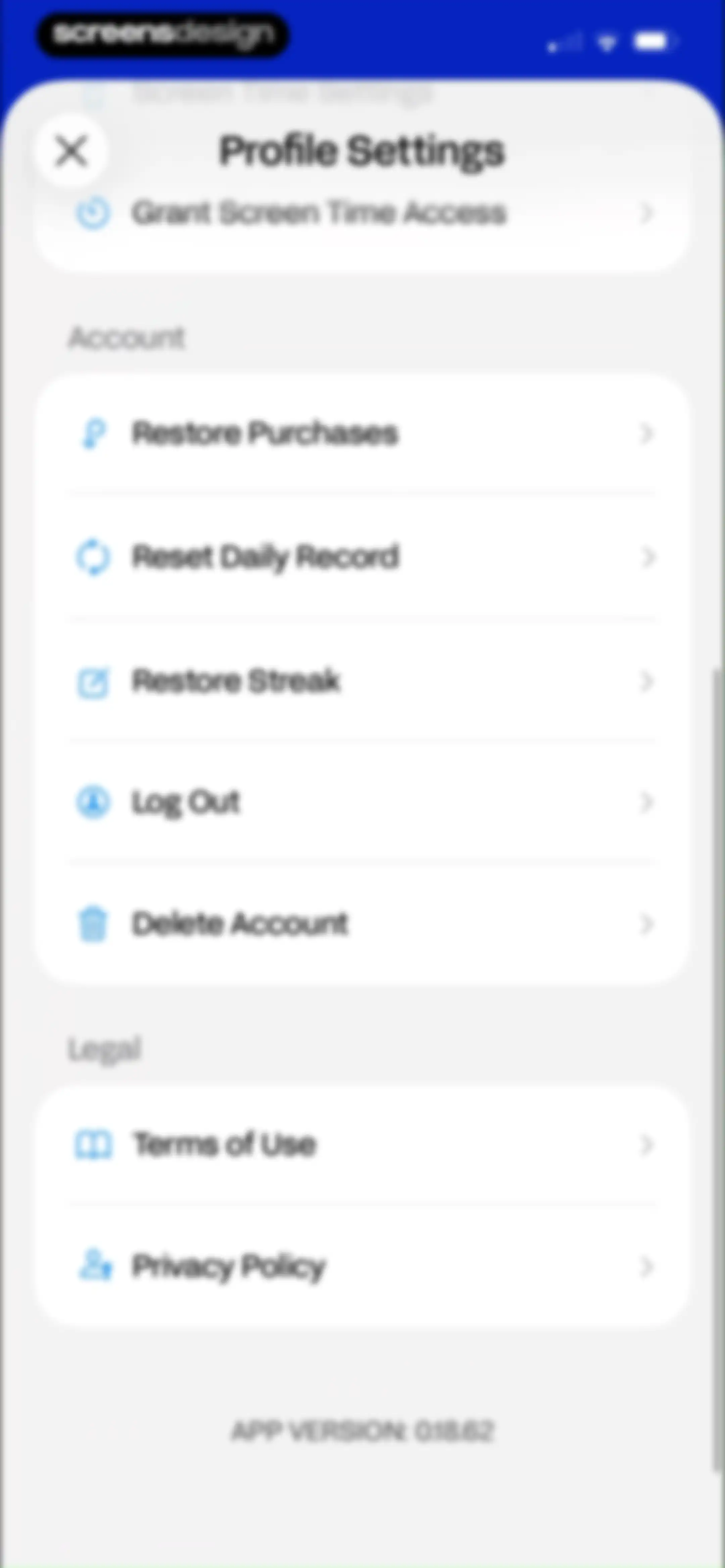
Settings modal featuring profile options, account management lists, legal links, and a close button.Unlock Pro
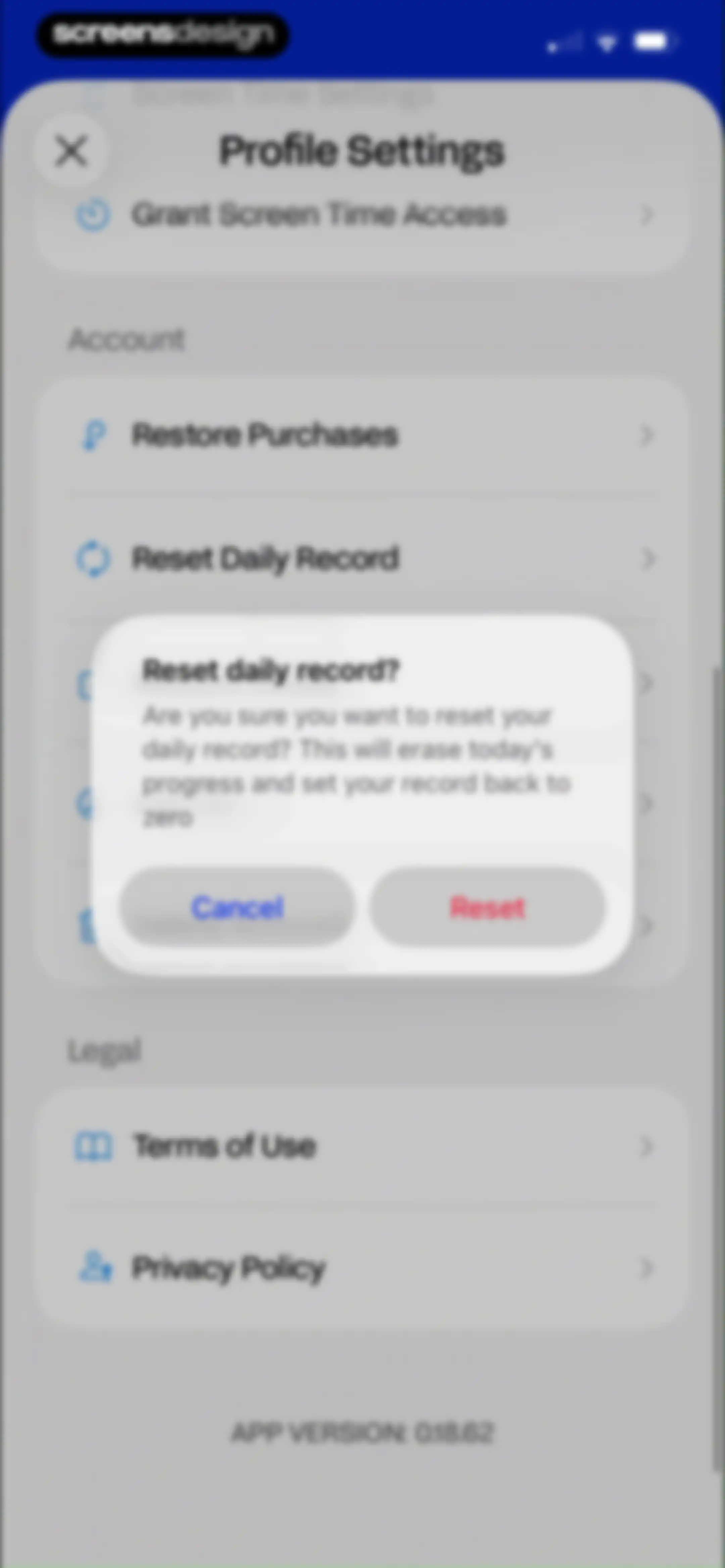
Settings menu with a confirmation modal asking to reset the daily record, featuring Cancel and red Reset buttons.Unlock Pro
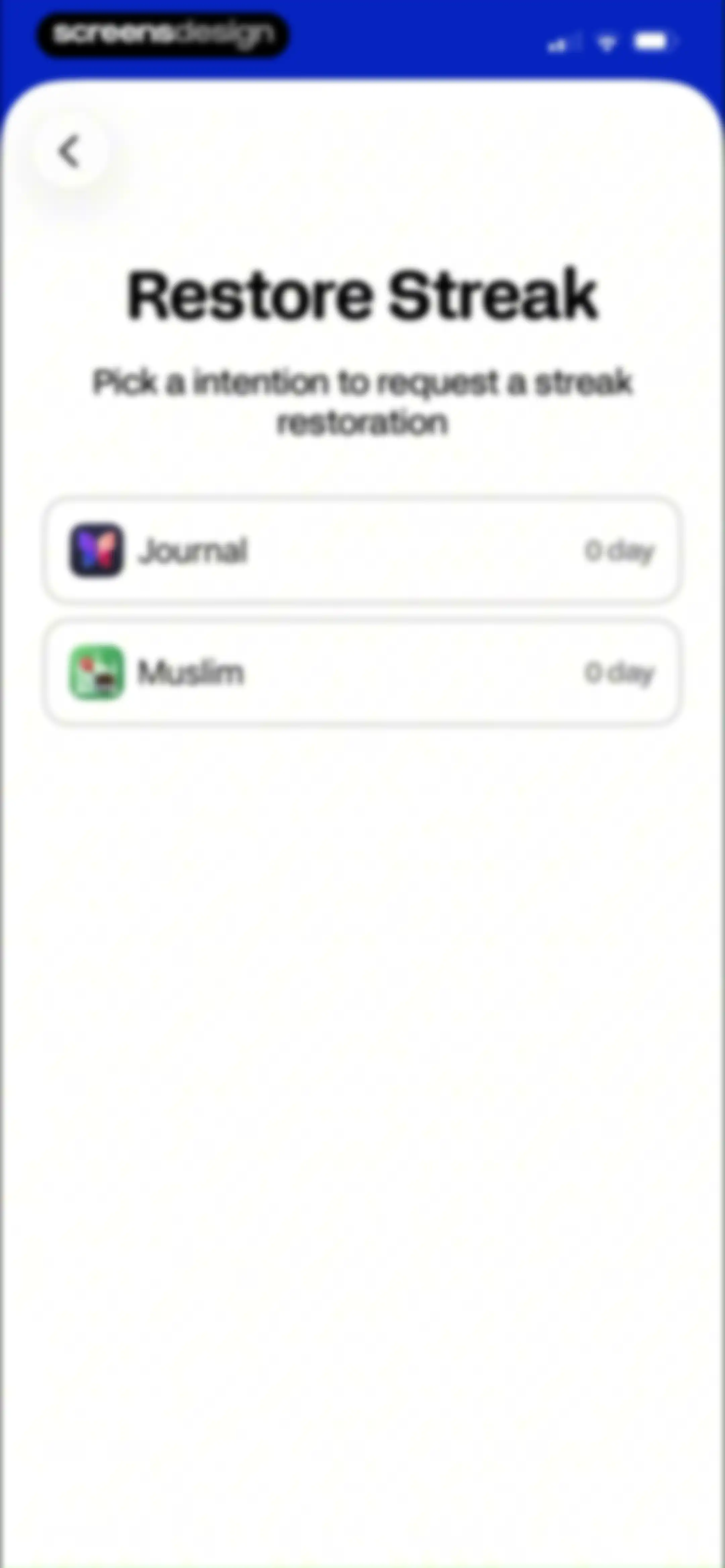
Restore streak screen with a list of two selectable habit cards for Journal and Muslim, each showing a zero-day status.Unlock Pro
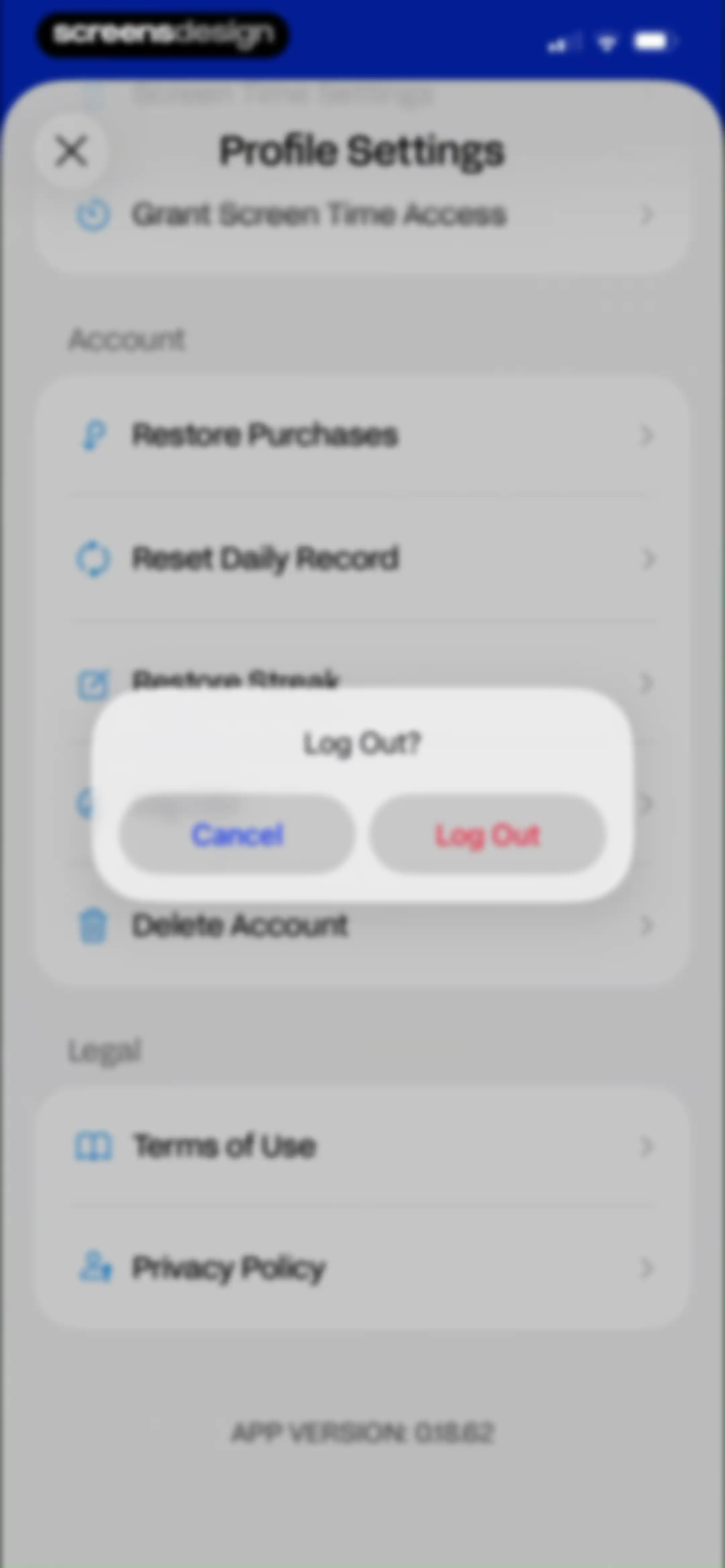
Settings menu with account and legal options, displaying a log out confirmation modal overlay with cancel and log out buttons.Unlock Pro
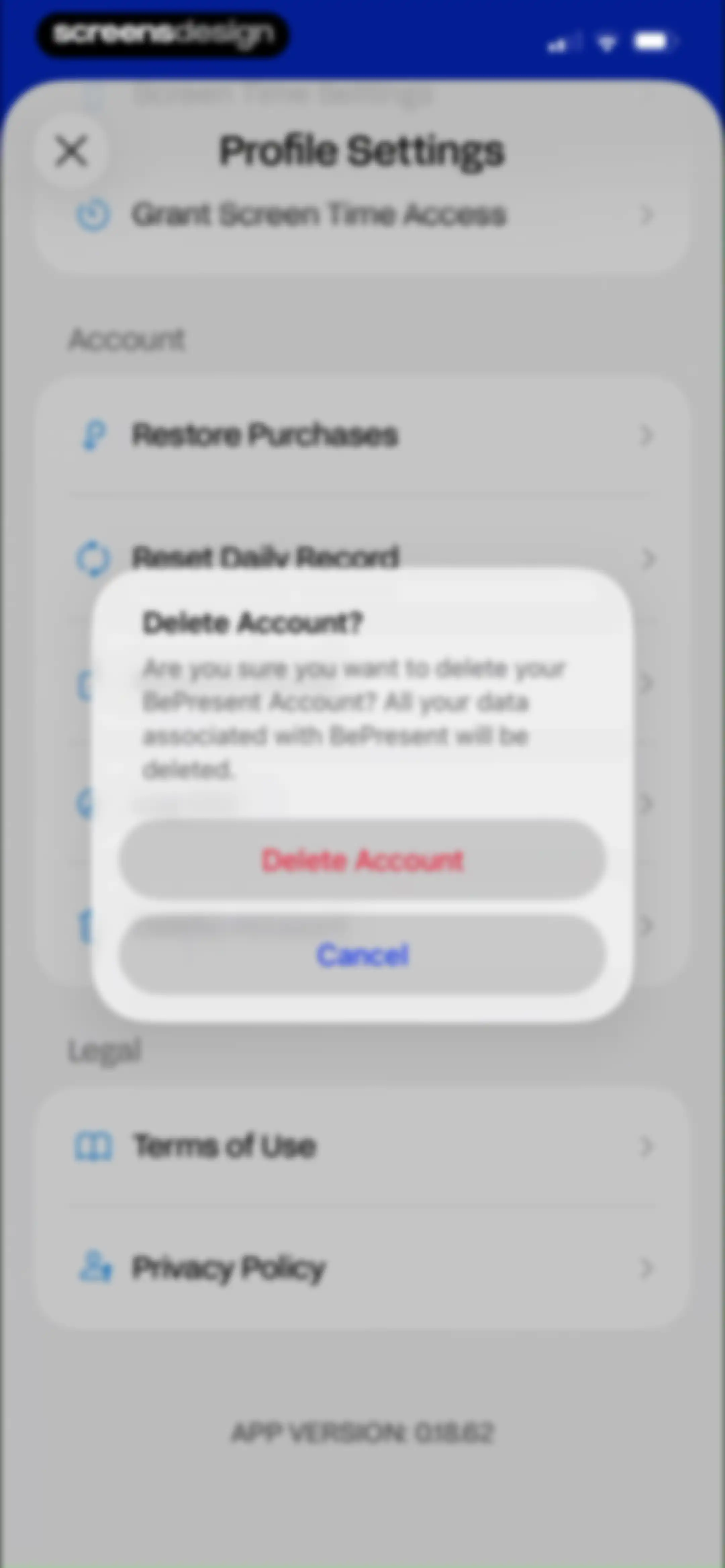
BePresent settings screen with an account deletion confirmation modal overlaid, featuring a warning message, Cancel button, and red Delete Account button.Unlock Pro

About BePresent: Screen Time Control

A gamified screen time management tool that uses app blocking, social challenges, and real-life rewards to reduce phone addiction.

Explore BePresent: Screen Time Control across ScreensDesign

Apps similar to BePresent: Screen Time Control

Unlock all similar apps

See every comparable app, revenue, installs, and flows.

Unlock Pro
  • Opal: Screen Time Control

    4.7
    Opal OSRevenue$500kInstalls200k
  • Freedom: Screen Time Control

    4.4
    Eighty Percent SolutionsRevenue$100kInstalls13k
  • ClearSpace: Reduce Screen Time

    4.7
    clearspaceRevenue$7kInstalls<5k
  • Useless - Screen Time Control

    4.5
    DaDaMa Ug (haftungsbeschränkt)
  • Pushscroll: Exercise To Scroll

    4.7
    Mario Ortiz ManeroRevenue$13kInstalls20k
  • Blockin -Screen Time for Focus

    4.6
    Noova Inc.Revenue$15kInstalls15k
  • Friend Controls: Screen Time

    4.7
    Ryan Moazzami
  • Forest: Focus for Productivity

    4.8
    SEEKRTECH CO., LTD.Revenue$50kInstalls150k
  • prayer lock: christian focus

    4.9
    Mauricio BaronRevenue$75kInstalls80k
  • Brainbuddy: Quit PMO

    4.7
    AppStudio Australia Pty LtdRevenue$45kInstalls<5k
  • QUITTR - Break Free Now

    4.7
    Quittr, LLCRevenue$50kInstalls<5k
  • OffScreen: Screen Time Control

    4.4
    MD StudioRevenue$<5kInstalls15k
  • BibleScroll: Christian Focus

    4.8
    Screen Detox IncRevenue$100kInstalls85k
  • Bible Mode: Reduce Screen Time

    4.9
    Friday Labs LLCRevenue$15kInstalls<5k
  • Migiri: Quit Adult Content

    4.5
    Digital Literacy SLRevenue$8kInstalls<5k
  • Simple Habit Sleep, Meditation

    4.8
    INGENIO, LLCRevenue$<5kInstalls<5k
  • Productive - Habit Tracker

    4.6
    Easy Tiger Apps, LLC.Revenue$20kInstalls<5k
  • Focus Tree: Timer & Flashcards

    4.7
    Focus LabsRevenue$<5kInstalls10k
  • CURE: Quit Porn Addiction

    4.8
    Cranberry AppsRevenue$<5kInstalls<5k
  • Reset - Reset Your Life

    3.5
    Alex Slater
  • TimeBloc - Daily Planner

    4.3
    Reflective Technologies ApSRevenue$<5kInstalls<5k
  • Lock In - Reset Your Life

    4.7
    Omega Labs, LLCRevenue$85kInstalls45k
  • one sec | screen time + focus

    4.8
    riedel.wtf apps S.L.Revenue$80kInstalls45k
  • Flow: Focus & Pomodoro Timer

    4.8
    Yugen GmbHRevenue$<5kInstalls<5k
  • Unrot: Earn your Screen Time

    4.7
    Unrot OÜRevenue$40kInstalls35k
  • Breethe: Sleep & Meditation

    4.7
    OMG. I Can Meditate! Inc.Revenue$150kInstalls<5k
  • (Not Boring) Habits

    4.8
    Not Boring Software LLCRevenue$<5kInstalls5k
  • GenK: Daily Learning & Quiz

    4.6
    NOERDENRevenue$150kInstalls150k
  • Bento: The Do Less Timer

    4.1
    Keep Productive LtdRevenue$<5kInstalls<5k
  • FocusFlight - Deepfocus Timer

    4.9
    Cement Planet LTDRevenue$45kInstalls100k
  • Focus Friend, by Hank Green

    4.8
    B-Tech Consulting Group LLCRevenue$150kInstalls15k
  • Focus - Deep Work Timer

    4.4
    Meaningful Things GmbH & Co. KGRevenue$<5kInstalls<5k
  • Dare: Panic & Anxiety Relief

    4.8
    BMD Publishing LtdRevenue$55kInstalls<5k
  • Reframe: Drink Less & Thrive

    4.7
    Glucobit Inc.Revenue$250kInstalls50k
  • stoic. journal & mental health

    4.8
    Stoic app inc.Revenue$15kInstalls7k
  • Blank Spaces Launcher

    4.6
    Ecstasis LLCRevenue$200kInstalls35k
  • DAWG - Discipline & Motivation

    4.8
    DWG Labs LLCRevenue$250kInstalls50k
  • 75 Days Challenge Tough & Soft

    4.8
    BeHard, Inc.Revenue$85kInstalls45k
  • Focused Work - Pomodoro Timer

    4.7
    Michael TigasRevenue$<5kInstalls<5k
  • Blessed - Daily Verse & Prayer

    4.9
    Everblessed Technology Inc.Revenue$100kInstalls60k
  • BibleWatch - Watch the Bible

    4.8
    MorfosisRevenue$50kInstalls15k
  • Fabulous: Daily Habit Tracker

    4.4
    FabulousRevenue$50kInstalls20k
  • Dumb Phone (dp)

    4.6
    Michael TigasRevenue$10kInstalls<5k
  • BetterMe Well-Being Coach

    4.7
    BetterMe LimitedRevenue$1MInstalls250k
  • Habitify: Habit Tracker

    4.6
    Unstatic Ltd CoRevenue$20kInstalls<5k
  • (Not Boring) Timer

    4.8
    Not Boring Software LLCRevenue$<5kInstalls<5k
  • Fastin: Intermittent Fasting

    4.8
    Bongmi Global GroupRevenue$<5kInstalls<5k