
 See the flow
  Map My Run GPS Running Tracker
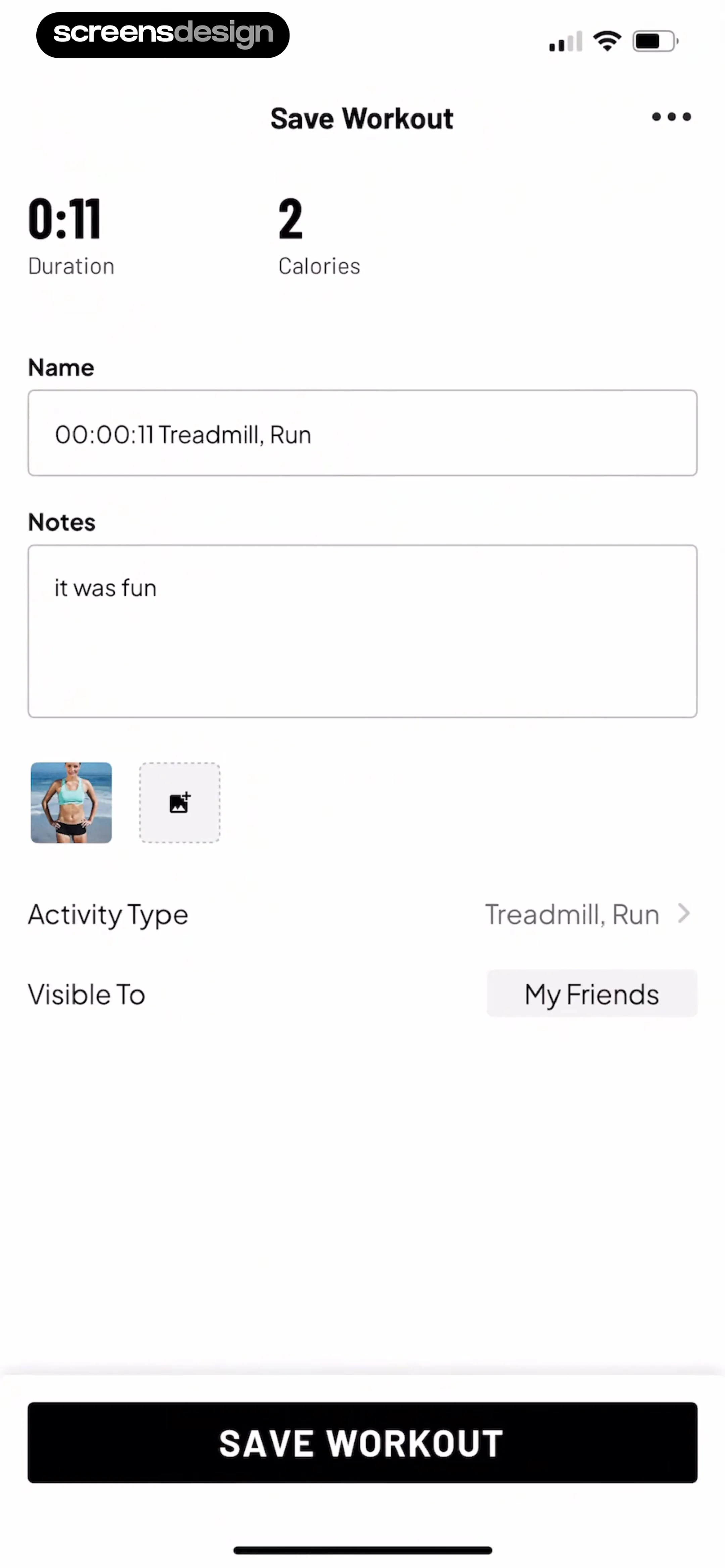
Header with title, summary metrics, form fields for name and notes, media upload section, settings rows, and a large bottom action button.
 See the flow Map My Run GPS Running Tracker
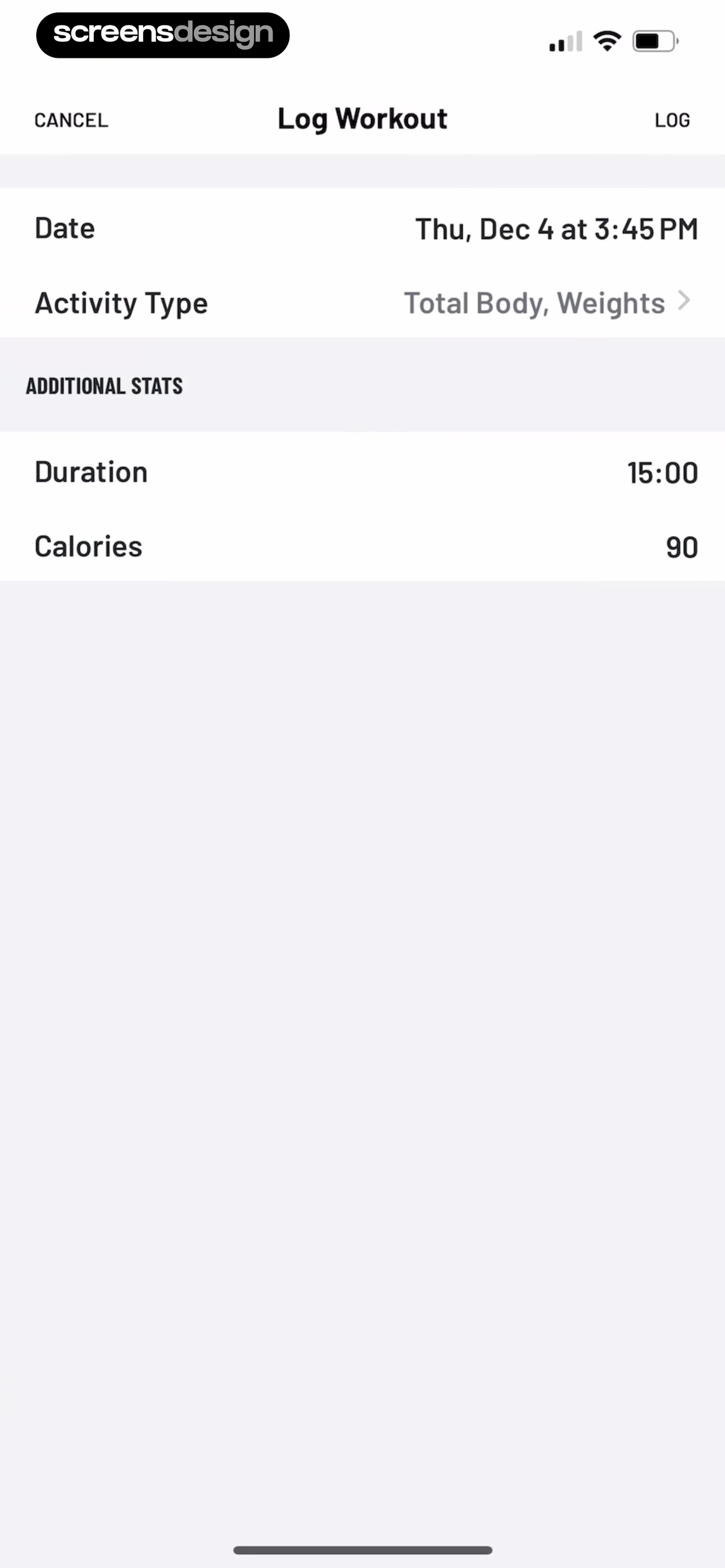
A header with navigation buttons followed by a grouped list of input fields for workout details and additional statistics.
 See the flow
  Zumba - Dance Fitness Workout
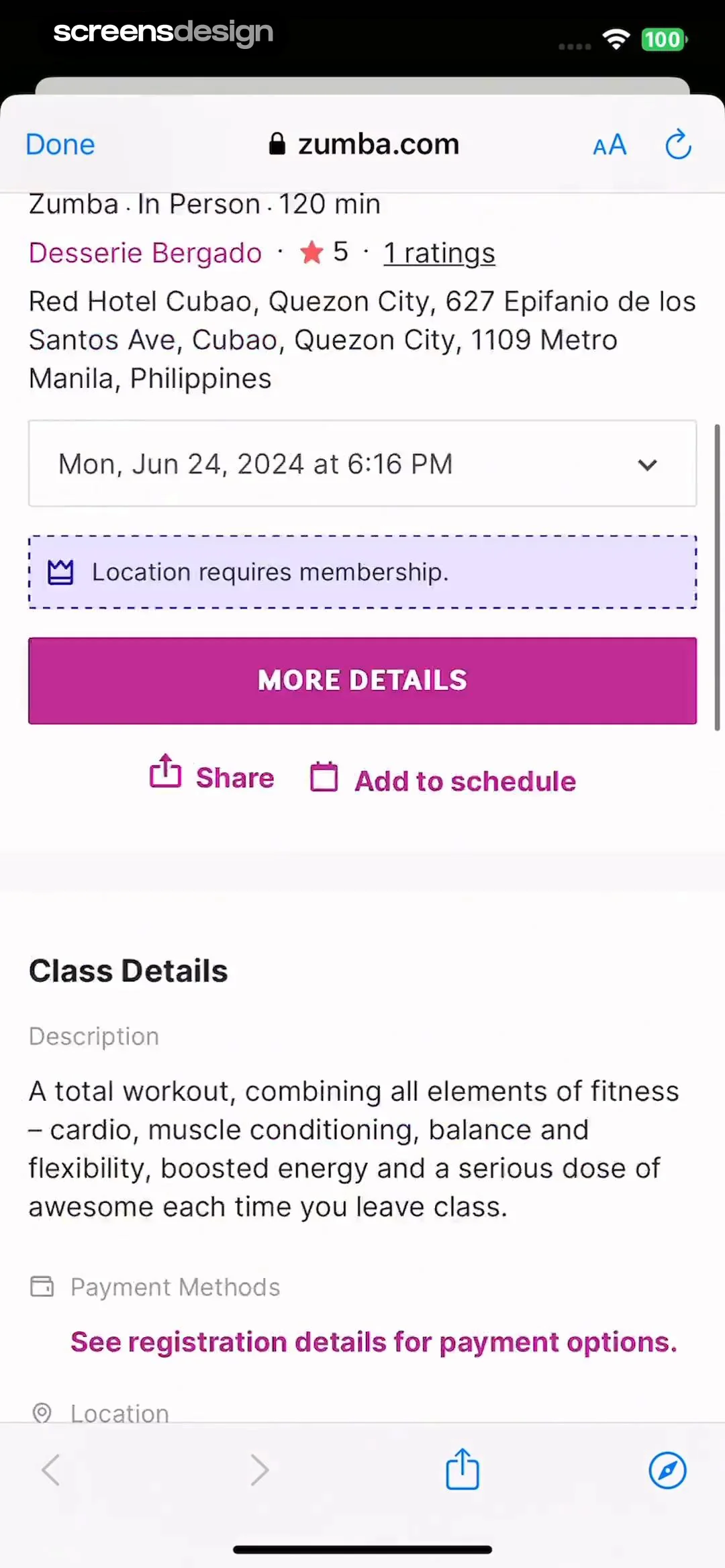
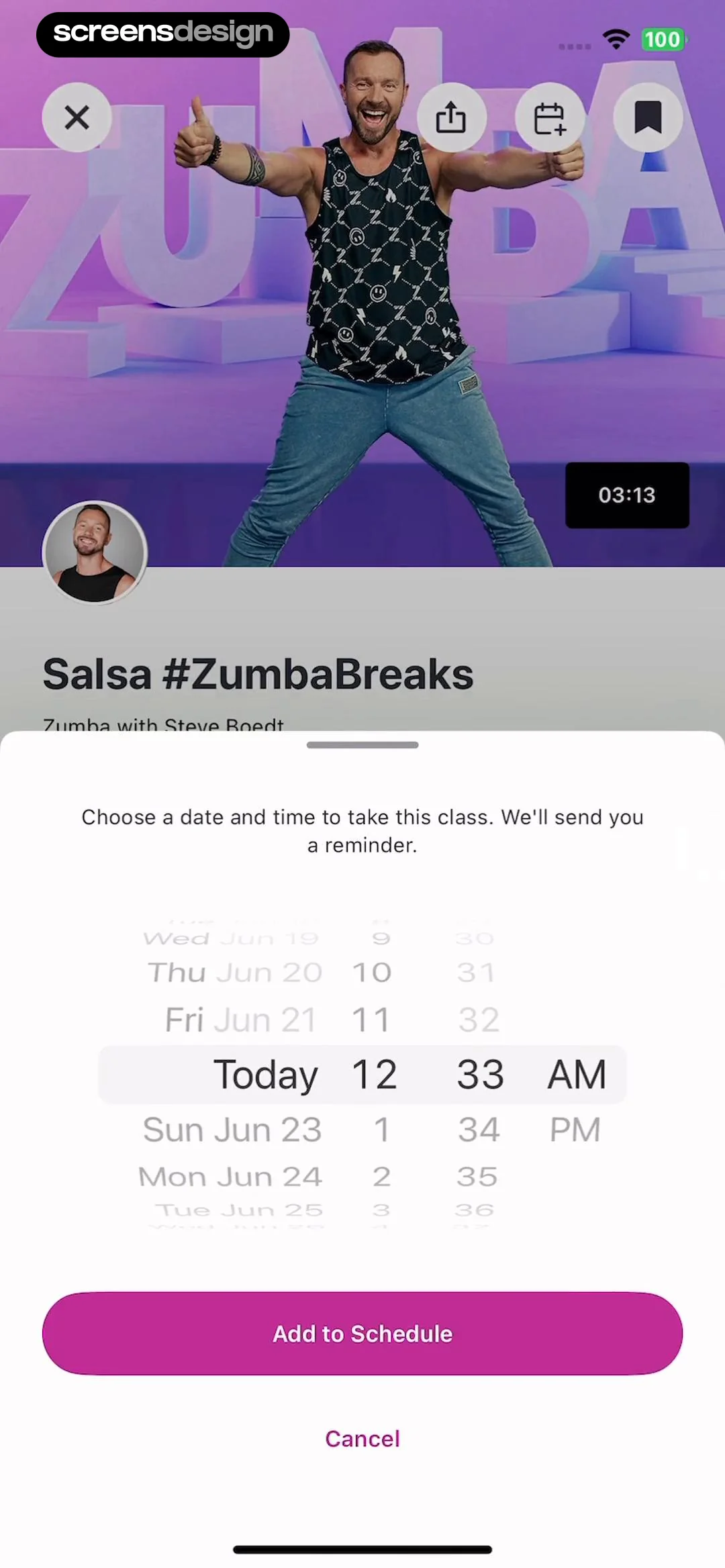
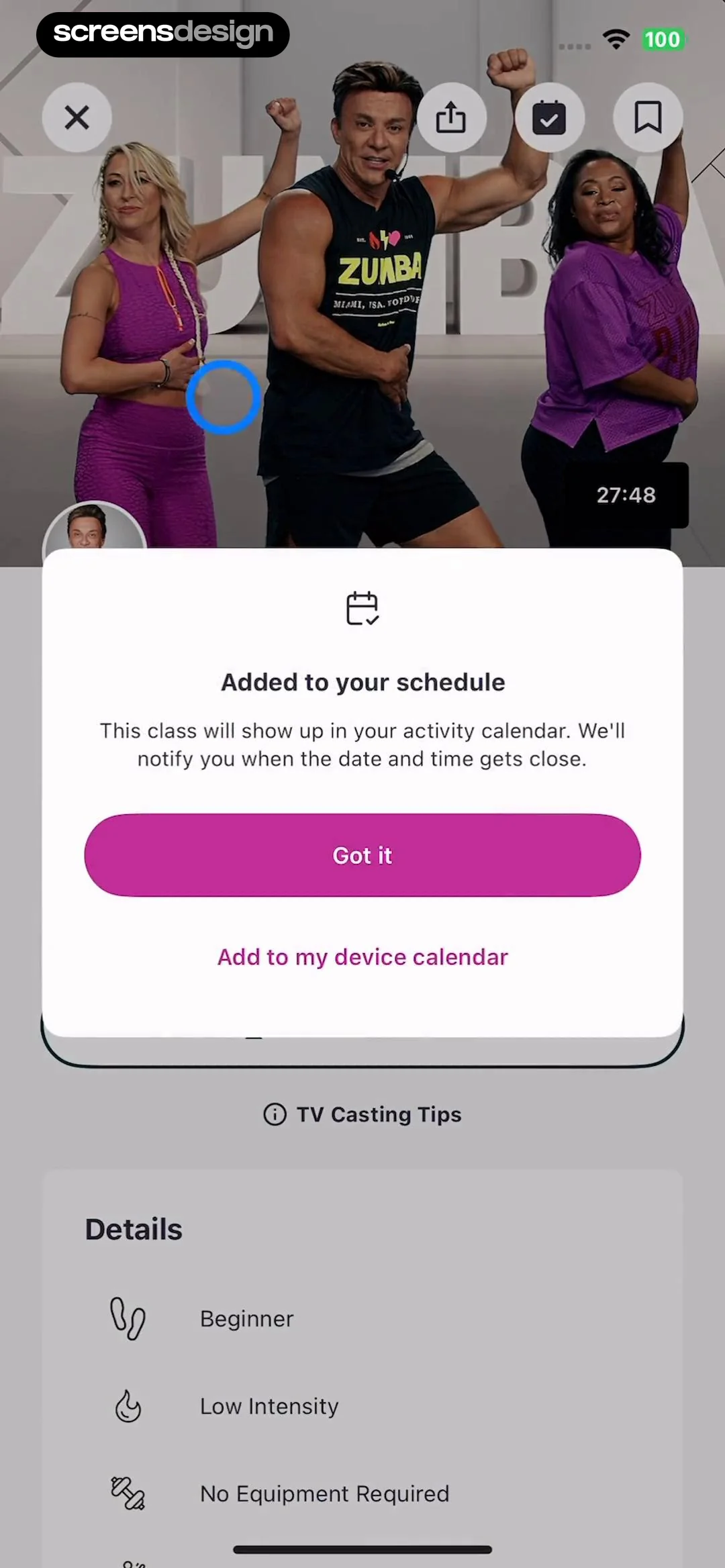
This screen displays a modal overlay on top of a video workout detail page for the Zumba app.
 See the flow Zumba - Dance Fitness Workout
The overall aesthetic is clean and functional, typical of a fitness app's workout detail page.
 See the flow
  10K Runner, Couch to 10K Run
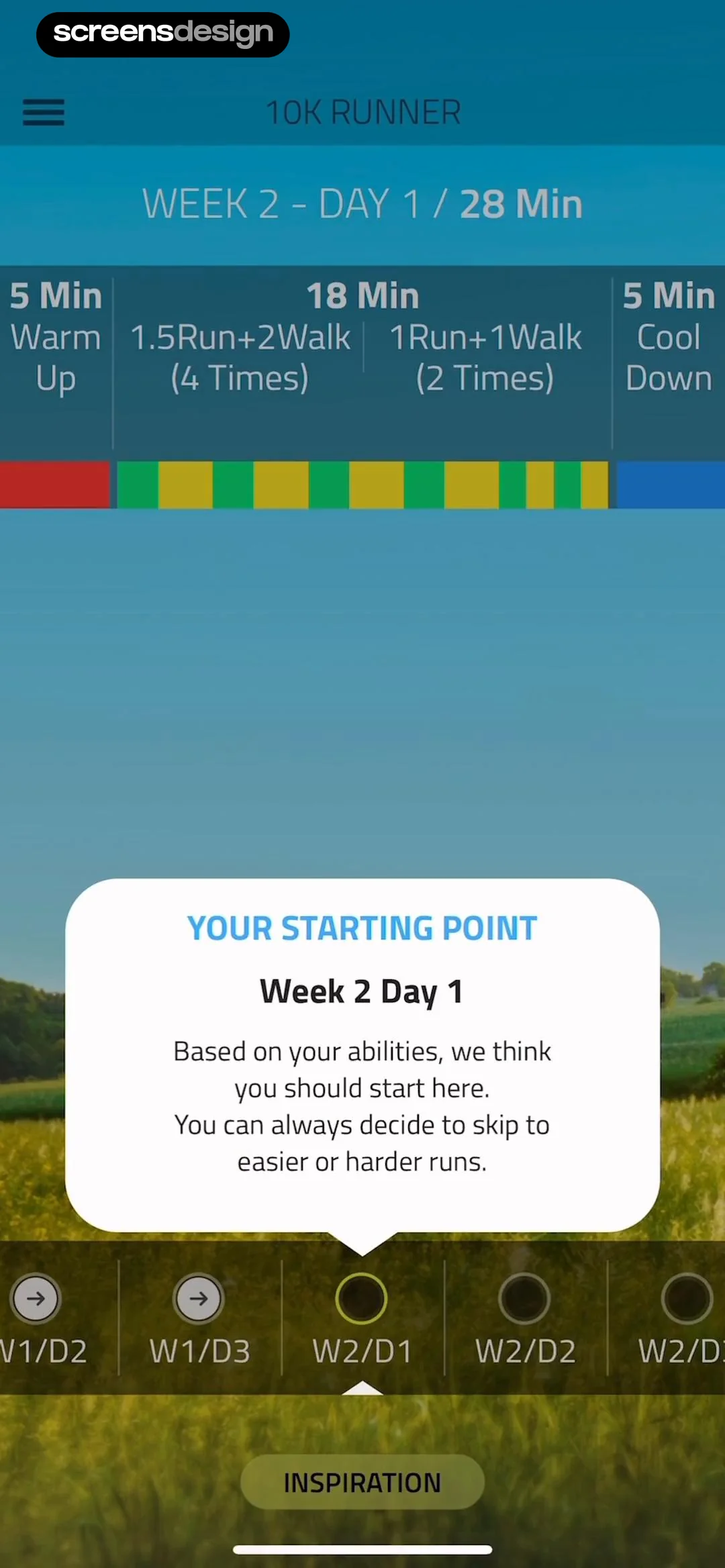
Top header, workout summary bar, central modal pop-up, bottom horizontal scrollable day selector, and bottom action button.
 See the flow
  Calorie Counter by Numify
Top navigation bar, followed by a tabbed activity filter, a central activity details card, and a bottom action bar.
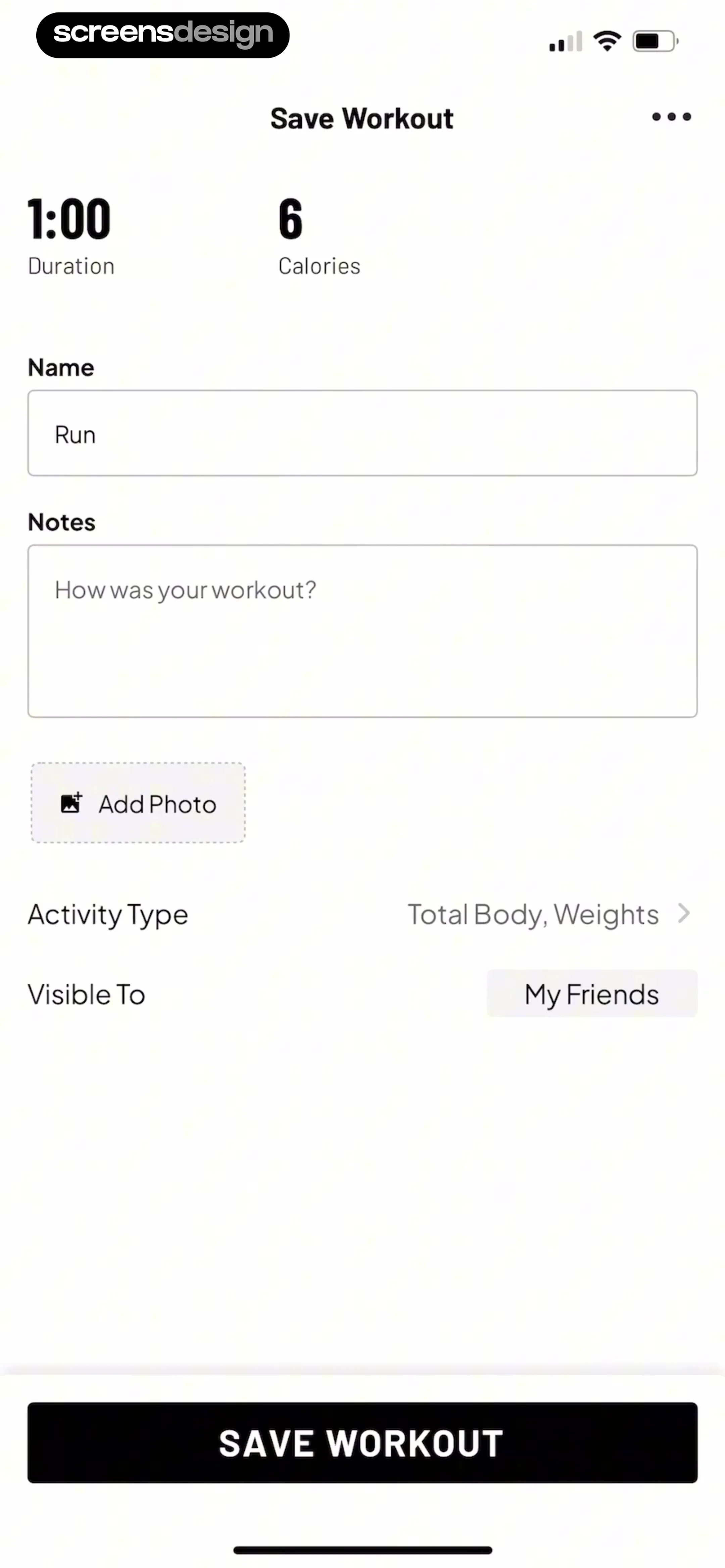 See the flow Map My Run GPS Running Tracker
Header with title, summary metrics row, form fields for name and notes, photo upload button, list items for activity and visibility, and a large bottom action button.
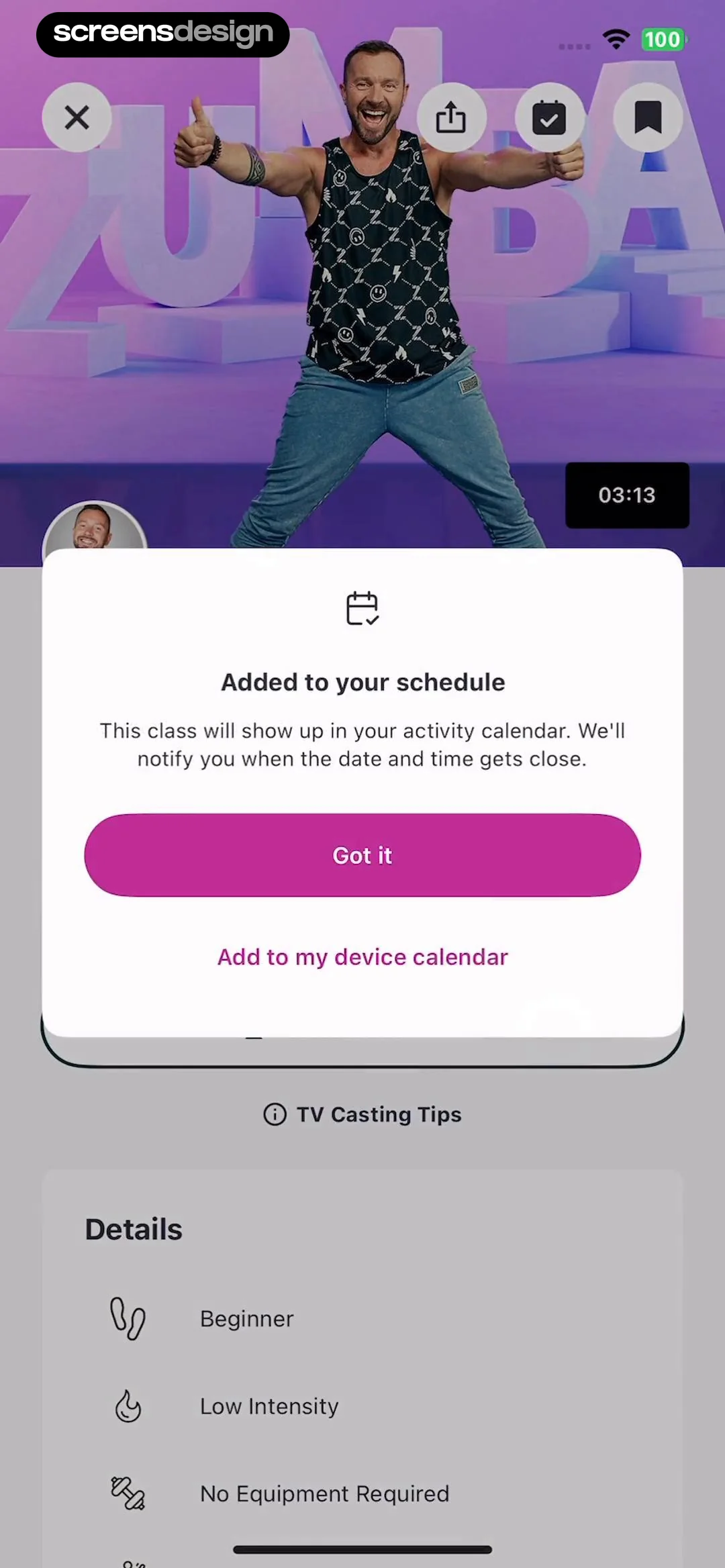 See the flow Zumba - Dance Fitness Workout
This screen displays a confirmation modal overlaying a workout video details page in the Zumba app.
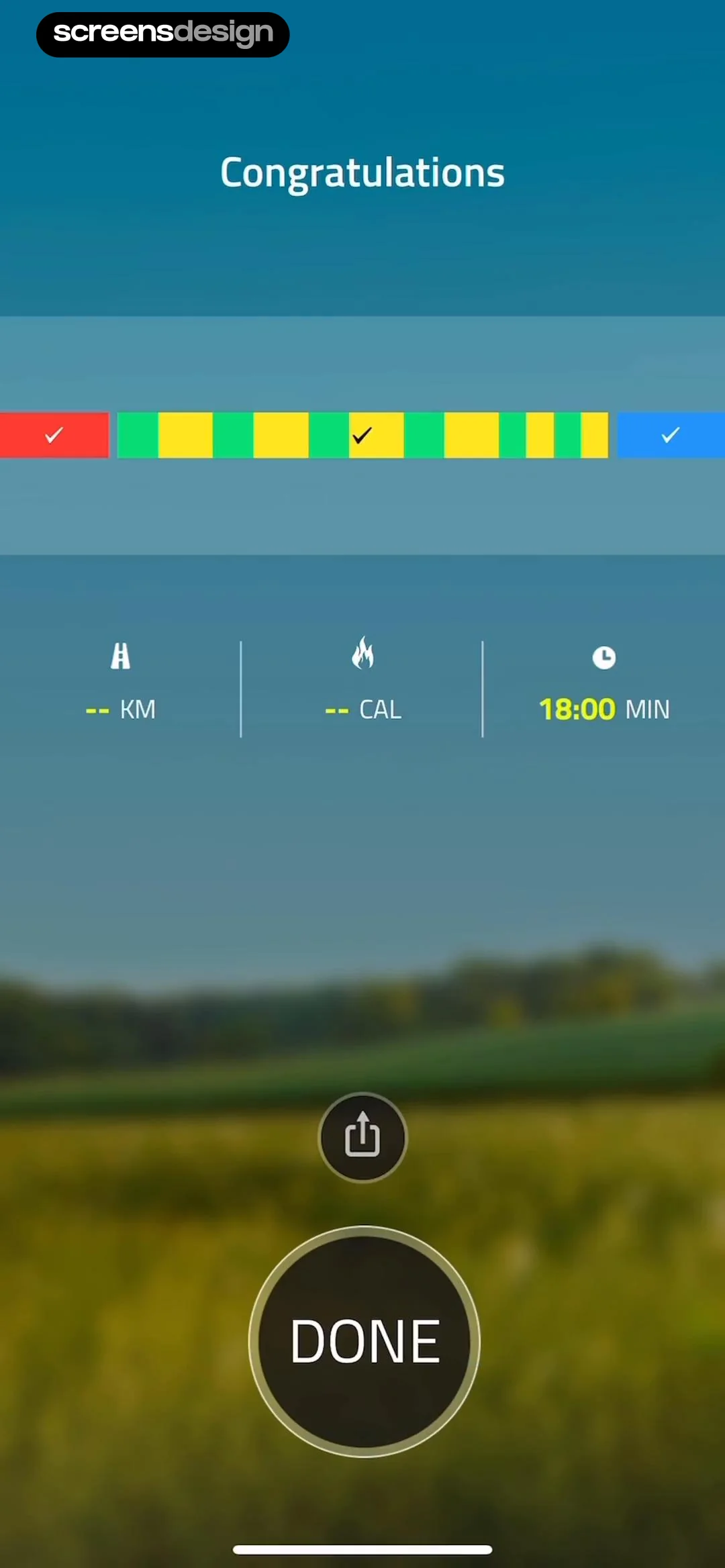 See the flow 10K Runner, Couch to 10K Run
Top header, middle progress bar, center stats row, bottom action buttons.
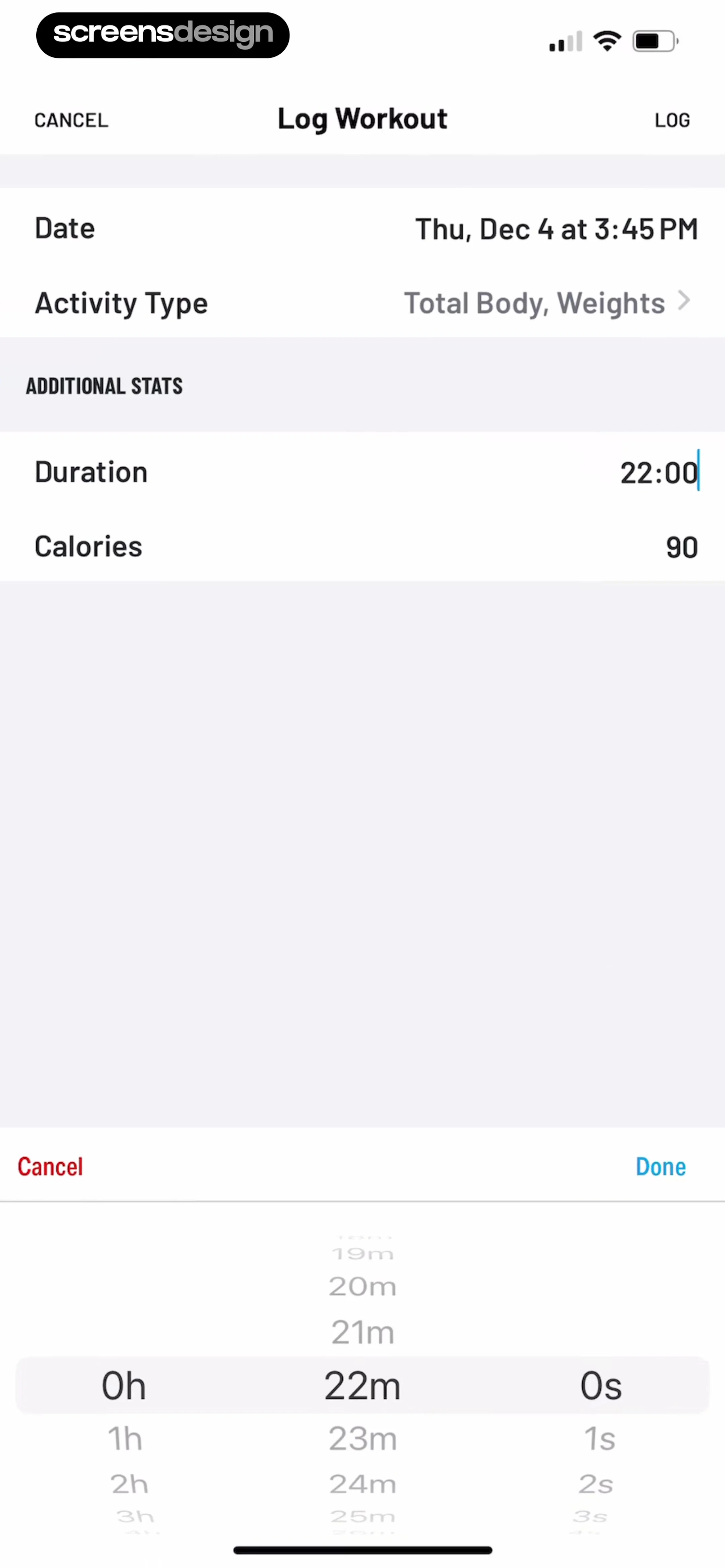 See the flow Map My Run GPS Running Tracker
This screen is a 'Log Workout' form in a fitness tracking application, designed for users to manually input details of a completed exercise session.
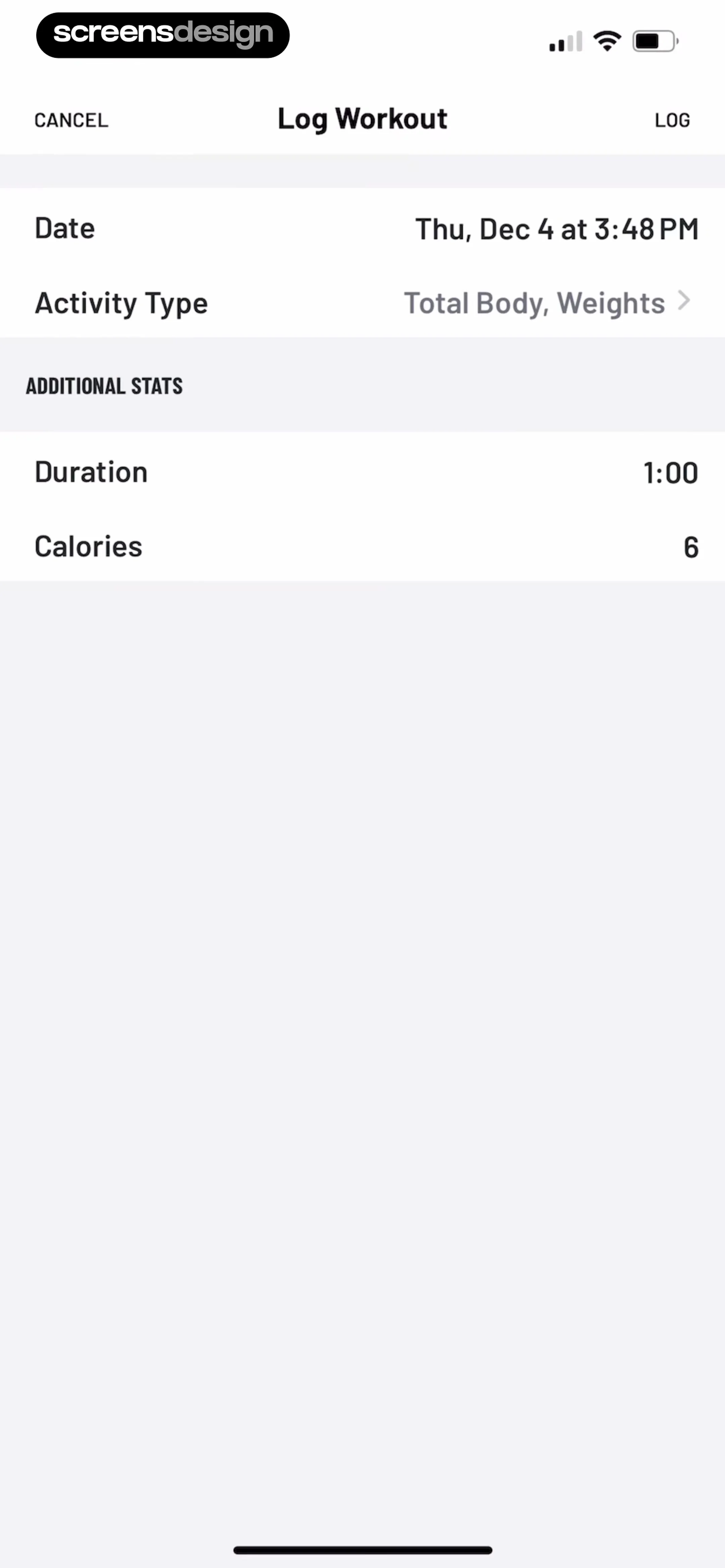 See the flow Map My Run GPS Running Tracker
Top navigation bar followed by a list of input fields grouped by category headers.
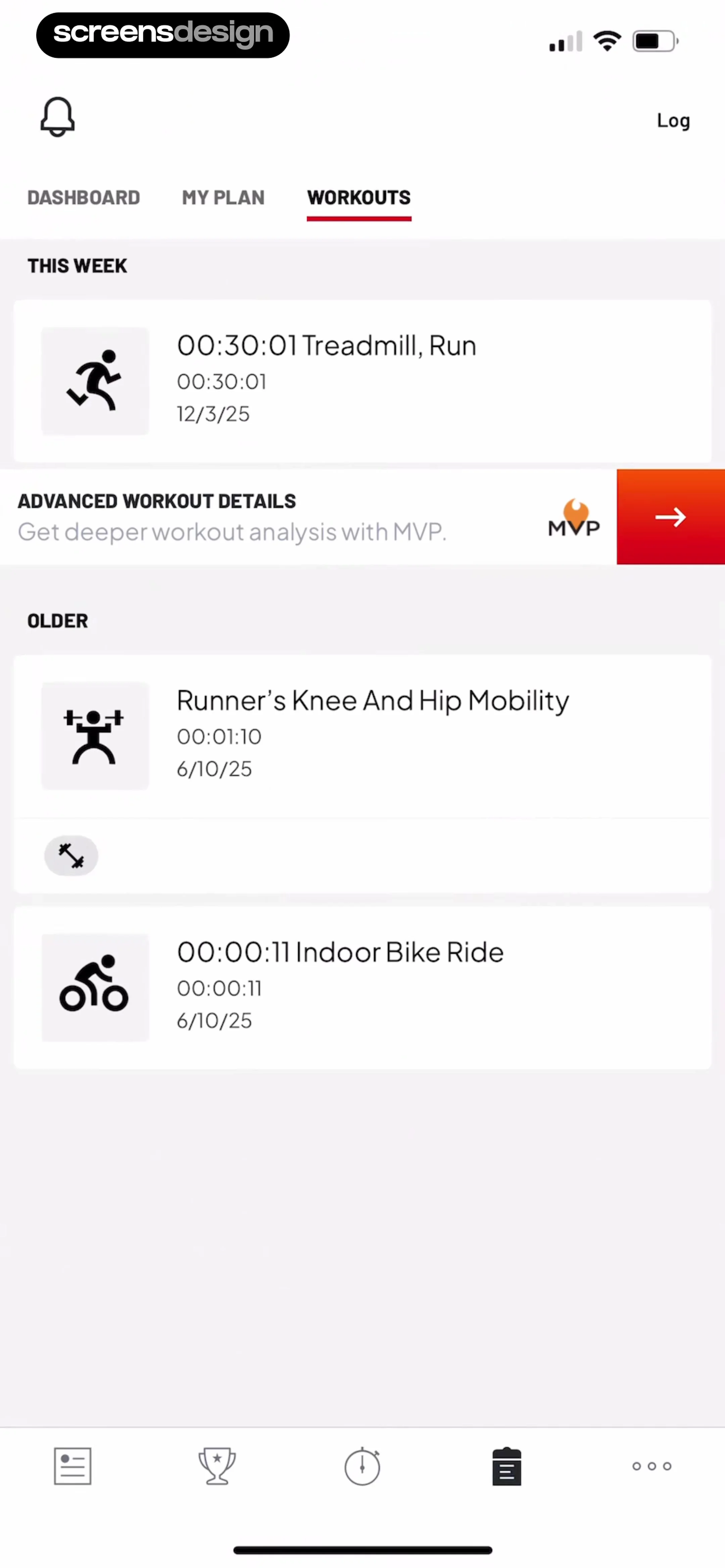 See the flow Map My Run GPS Running Tracker
Top navigation bar, secondary tab bar, vertical list of workout cards grouped by time, bottom navigation bar.
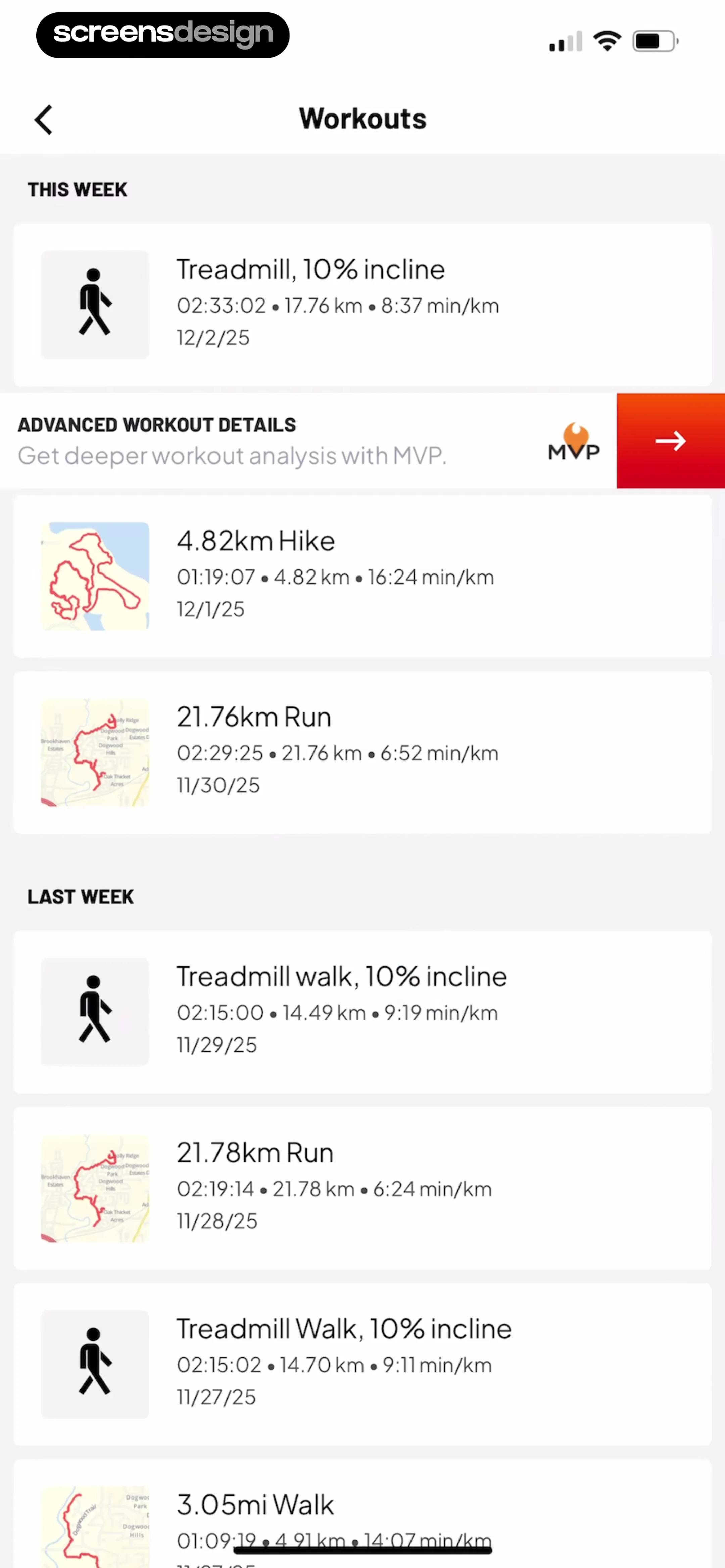 See the flow Map My Run GPS Running Tracker
Each workout entry is presented as a card containing an icon (either a person walking or a map thumbnail), the workout title (e.g., 'Treadmill, 10% incline', '4.82km Hike'), duration, distance, pace, and date.
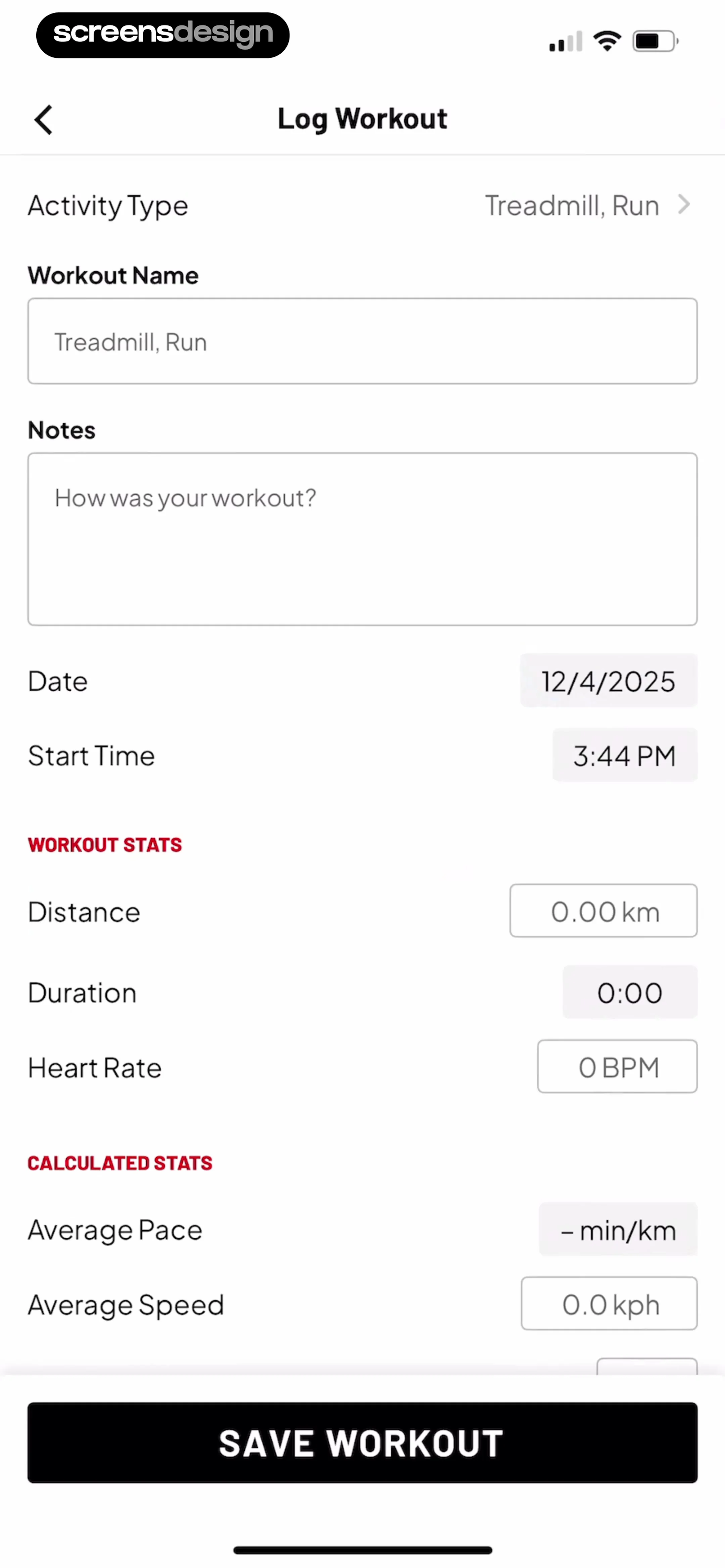 See the flow Map My Run GPS Running Tracker
This screen is a 'Log Workout' form in a fitness tracking application, designed for users to manually input details of a completed exercise session.
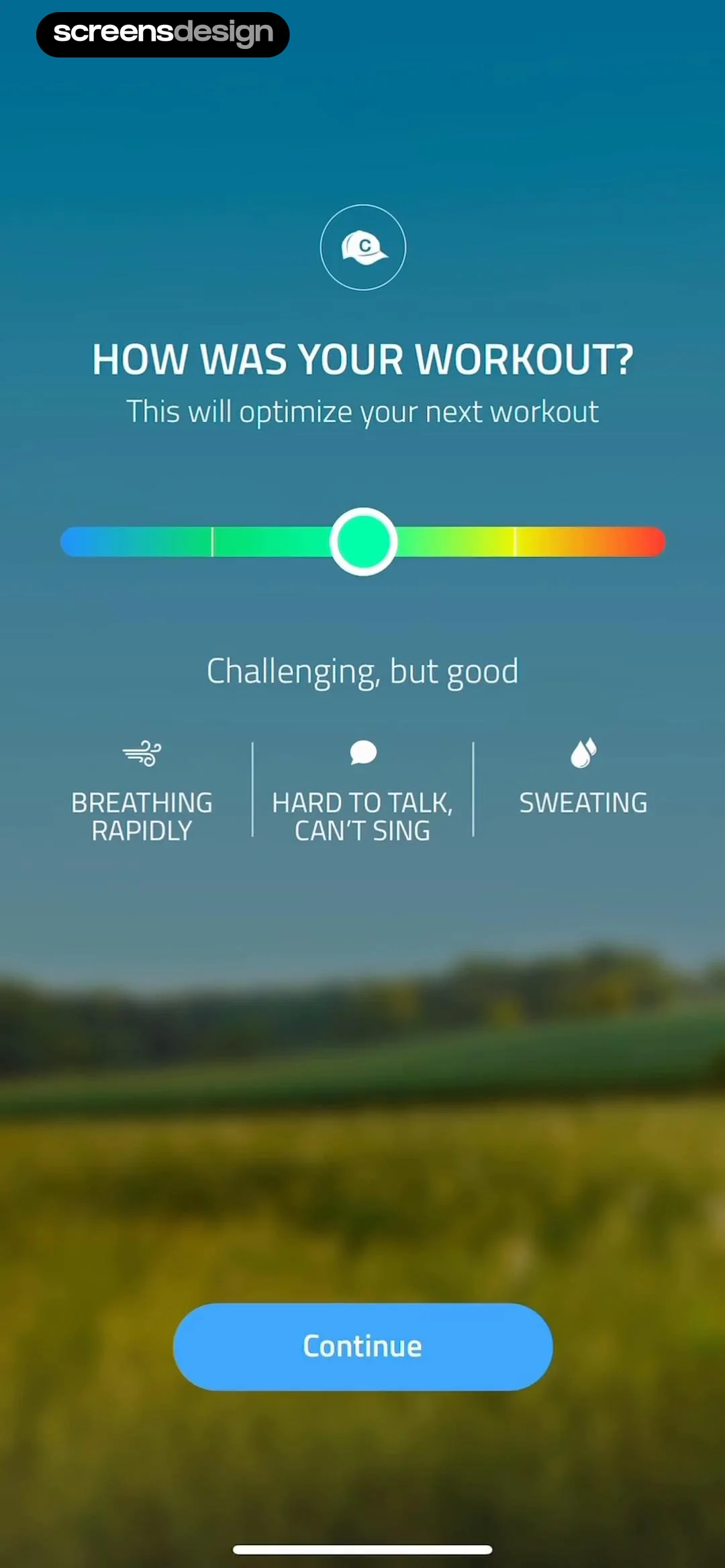 See the flow 10K Runner, Couch to 10K Run
Header at top, slider in middle, descriptive icons/text below, CTA at bottom.
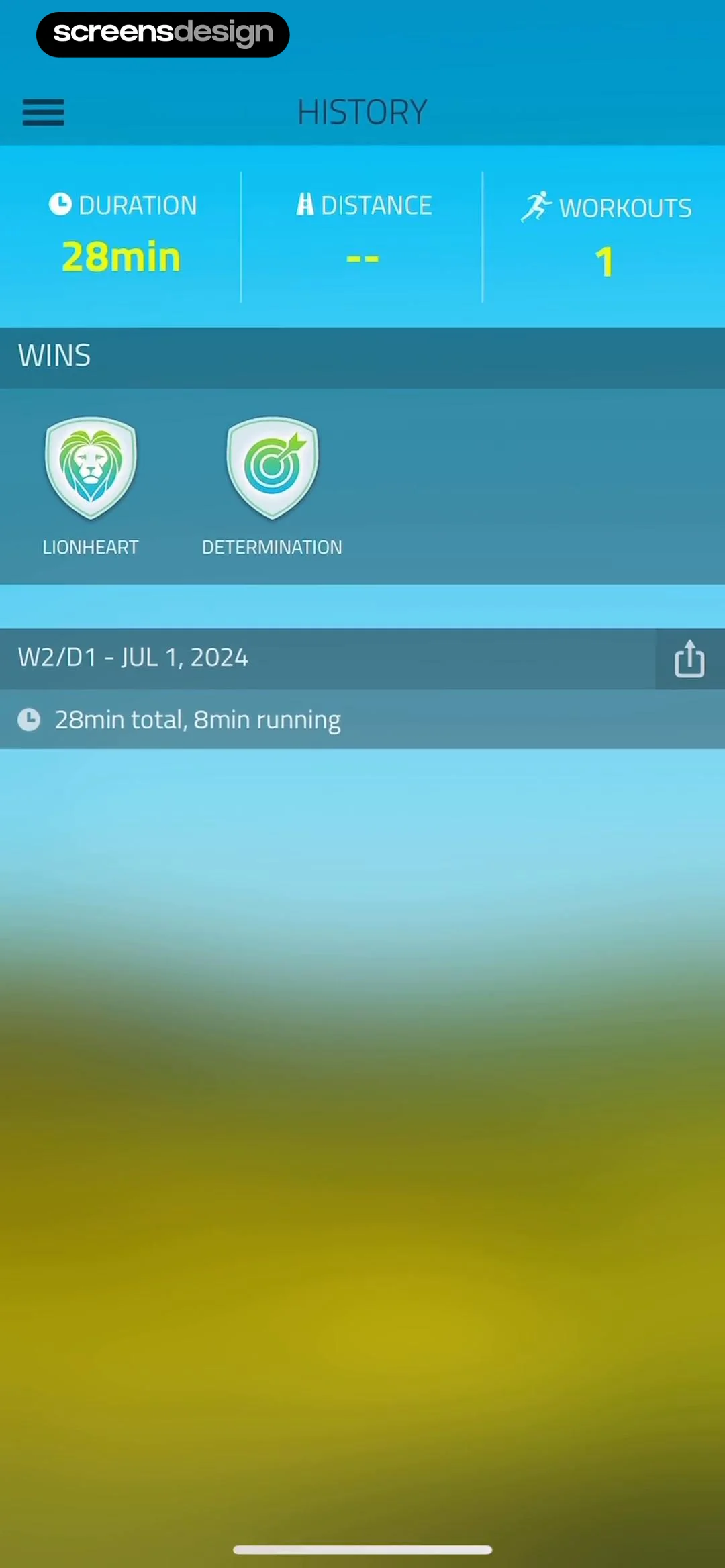 See the flow 10K Runner, Couch to 10K Run
Top navigation bar, followed by a three-column stats summary, a 'WINS' section with badge icons, and a single list item for the most recent workout.
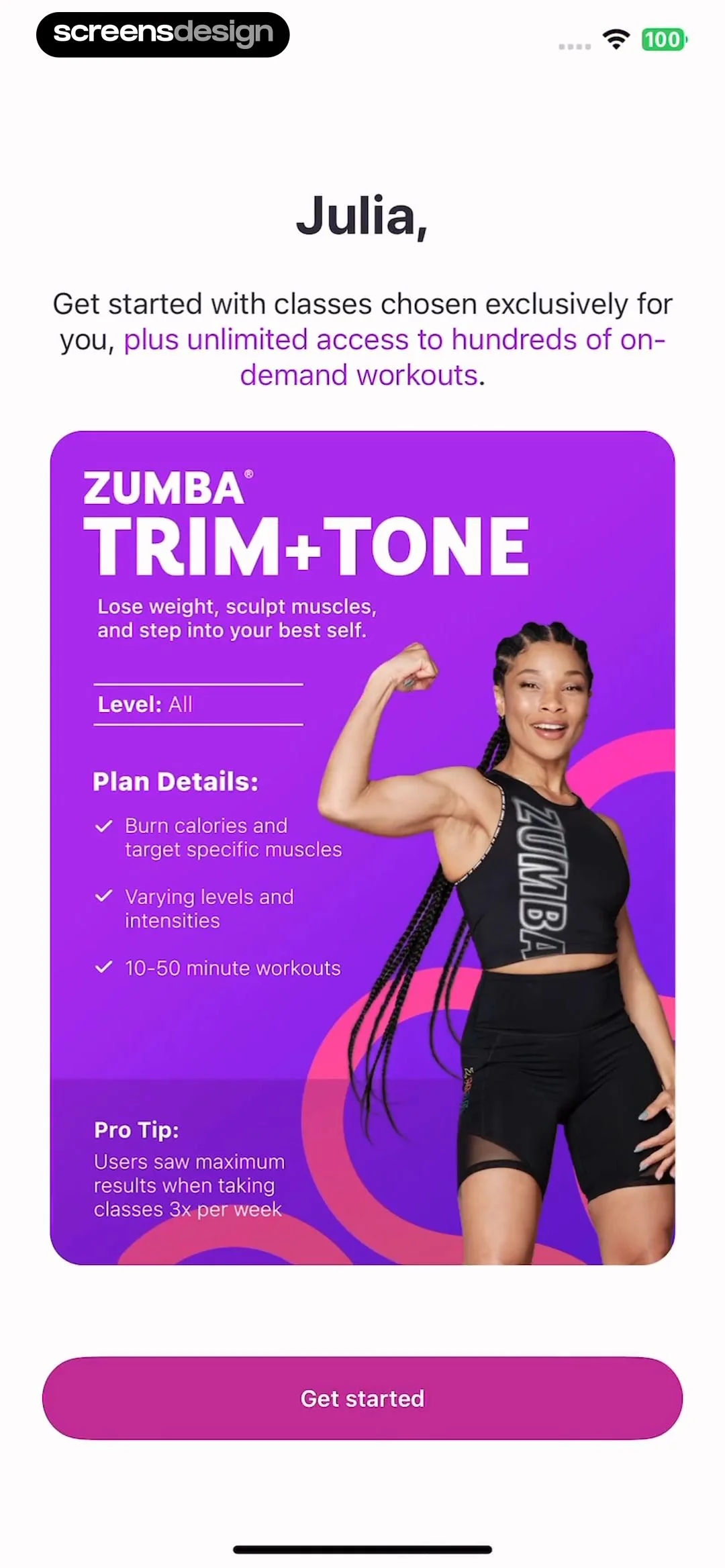 See the flow Zumba - Dance Fitness Workout
Top greeting text, followed by a large central feature card, and a bottom primary action button.
 See the flow
  Hypelist: Create & Share Lists
Hero image at top, followed by creator info, description text, and a vertical list of workout items.
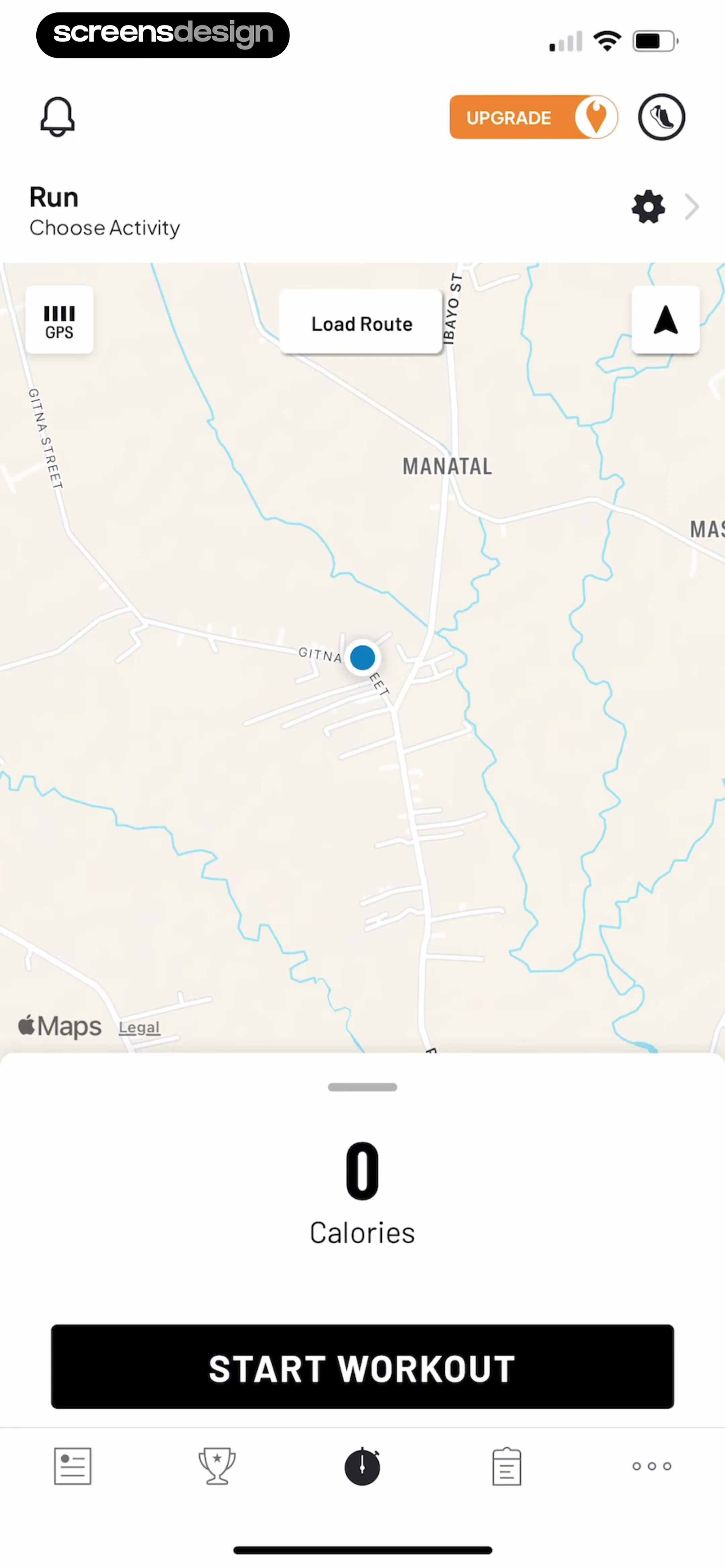 See the flow Map My Run GPS Running Tracker
Top header with status and settings, large central map view, bottom panel with workout stats and primary action button, and a persistent bottom navigation bar.
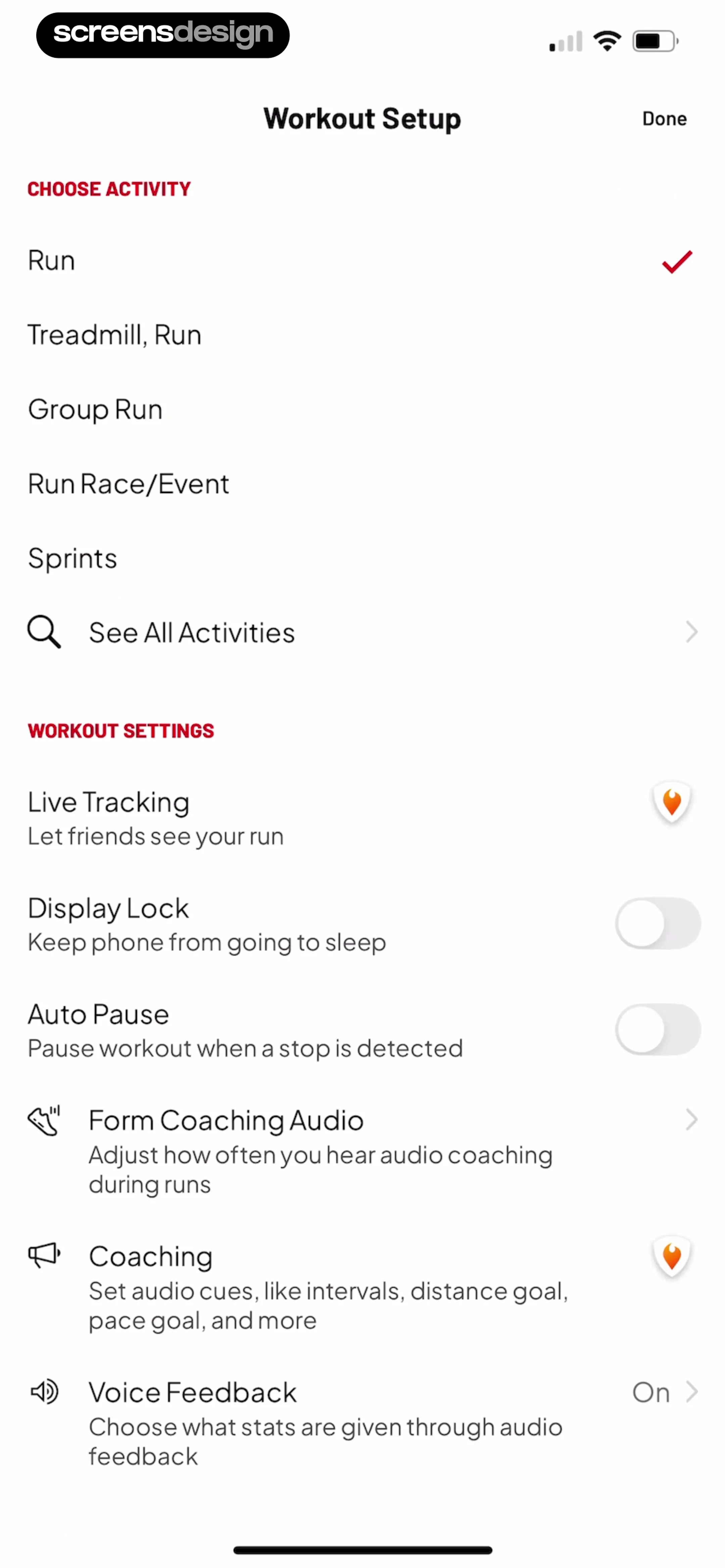 See the flow Map My Run GPS Running Tracker
Header with title and Done button, followed by two distinct sections containing list items and toggles.


