

 See the flow
  Refina: AI Plastic Surgery
This screen displays an in-app rating prompt overlaying a background page that asks 'How was your experience?'.
 See the flow
  CraftBook: Crochet Made Easy
This screen displays a modal overlay prompting the user to rate the 'CraftBook' app on the App Store, centered over a background that appears to be a community or social proof page.
 See the flow
  Plant Identifier, Care: Planty
A native star-rating prompt appears over the app’s permission setup screen.
 See the flow
  Eppika: Read & Learn Languages
Five stars and a feedback text area share a sheet with the Share feedback action.
 See the flow
  Yard AI: Backyard Design
The modal features an app icon, a 'Thanks for your feedback' message, a prompt to 'write a review,' and a five-star rating scale.
 See the flow
  Rork
RorkThe native review confirmation appears over a custom thank-you screen.
 See the flow
  Contraction Timer & Counter 9m
The central modal is a rating prompt titled 'Enjoying Contraction Timer?' with an icon of a fetus, a request to 'Tap a star to rate it on the App Store', a row of five blue star icons, and 'Cancel' and 'Submit' buttons.
 See the flow
  DAZN: Stream Live Sports
The foreground modal is a feedback request, featuring the DAZN logo, the text 'Thanks for your feedback.', 'You can also write a review.', a five-star rating component, and two primary buttons: 'Write a Review' and 'OK'.
 See the flow
  Transit • Subway & Bus Times
The modal is a feedback request, featuring the app's logo, the text 'Thanks for your feedback.' and 'You can also write a review.', followed by a five-star rating row and two buttons: 'Write a Review' and 'OK'.
See the flow  BuyBye - Budget Planner
A native review confirmation overlays the app’s rating introduction.
 See the flow
  Useless - Screen Time Control
This screen displays a modal overlay prompting the user to rate the 'UseLess' app on the App Store.
 See the flow
  ThemeKit: Widget & Icon Themes
The modal features a central icon, the text 'Thanks for your feedback.' and 'You can also write a review.', followed by a five-star rating row, a 'Write a Review' button, and an 'OK' button.
 See the flow
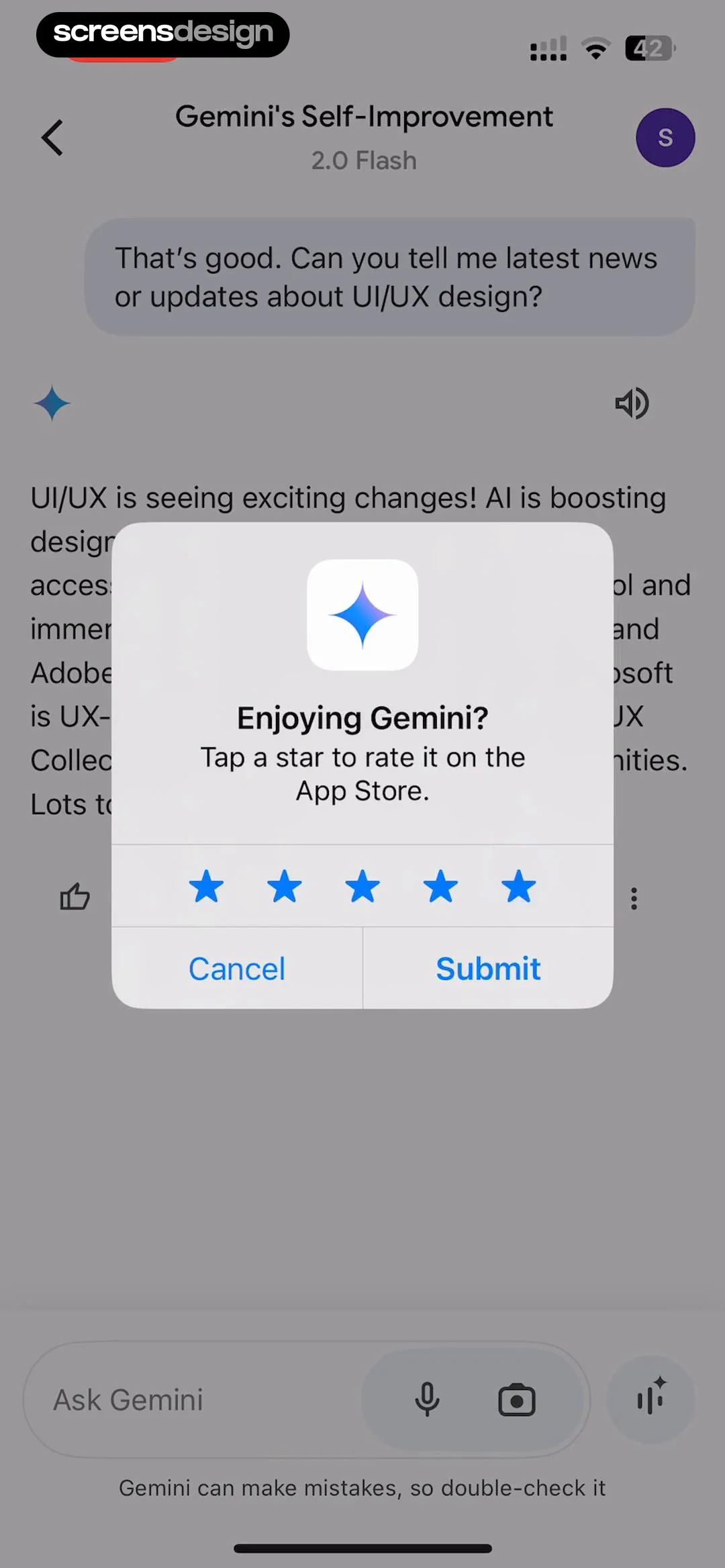
  Google Gemini
The central modal is a rating prompt titled 'Enjoying Gemini?' with an icon of a four-pointed star.
See the flow BuyBye - Budget PlannerThis screen displays an in-app rating request modal overlaid on a background page that features user testimonials.
 See the flow Eppika: Read & Learn Languages
This screen displays a settings menu for the Eppika language learning app, overlaid with a modal dialog prompting the user to rate the app.
 See the flow CraftBook: Crochet Made Easy
The modal is a feedback confirmation dialog featuring the app's logo, the text 'Thanks for your feedback.' and 'You can also write a review.', a five-star rating row, and two buttons: 'Write a Review' and 'OK'.
 See the flow Rork
This is a modal screen in the Rork app prompting the user to rate the application on the App Store.
 See the flow
  Hidden Camera Detector - Peek
Top text header, centered modal dialog for rating, bottom primary action button.
 See the flow
  Expedia: Hotels, Flights, Cars
This screen displays an in-app rating prompt overlaying a travel search results page for Bali.
 See the flow
  Vrbo Vacation Rentals
A review confirmation overlays the saved-trips list, with Write a Review and OK actions.


