

 See the flow
  WeMoms - Pregnancy & Baby App
Header with back button and title, followed by a tabbed navigation bar, and a centered empty state illustration with text below it.
 See the flow
  Fishbox - Smart Fishing App
Top navigation bar, followed by a tabbed selector, a centered empty state illustration with text, and a bottom primary action button.
 See the flow
  Noxogy Sleep Tracker
Top navigation bar, storage summary header, empty state message in the center, and bottom action bar.
 See the flow
  Plant Identifier, Care: Planty
Header with greeting and help icon, followed by tabbed navigation, a central illustration, a descriptive text block, a primary CTA button, and a bottom navigation bar.
 See the flow
  Expedia: Hotels, Flights, Cars
Top navigation bar, followed by trip title and share button, then a central empty state message with a primary CTA, and a feedback section at the bottom, anchored by a bottom navigation bar.
 See the flow
  Hotels.com: Book hotels & more
Top navigation bar, followed by trip header, instructional text, primary CTA, feedback section, and bottom navigation bar.
 See the flow
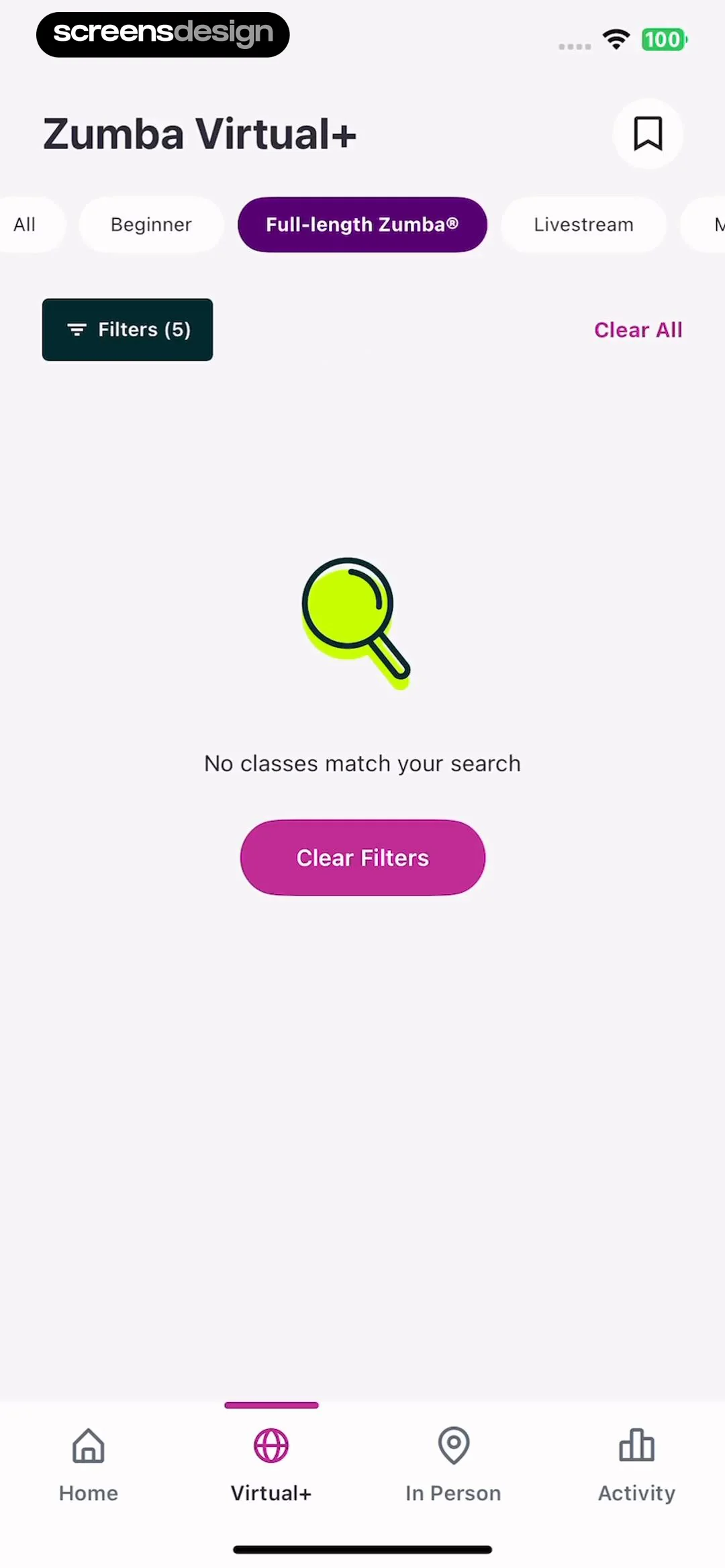
  Zumba - Dance Fitness Workout
Header with title and bookmark, horizontal tab bar, filter controls, centered empty state illustration and text, and bottom navigation bar.
 See the flow
  ZEDGE™ Ringtones & Wallpapers
Top navigation bar followed by a single large action button, with the remainder of the screen empty.
 See the flow
  WebNovel - Read Novels & Manga
Top navigation bar followed by a centered illustration and text message in the middle of the screen.
 See the flow
  Budget app - spending tracker
Top navigation bar with filter and sort controls, followed by a large empty content area with a centered illustration and text, and a floating action button on the right.
 See the flow
  ScanAny-PDF Scanner App
Top navigation bar, central illustration, instructional text, and a bottom floating action button.
 See the flow
  Pick Up Limes
Top search bar, central empty state illustration and text, bottom primary action button.
 See the flow
  FLYP - Fashion Design Studio
Top navigation bar, centered empty state illustration and text, bottom floating action button.
 See the flow
  Everlook- Face & Body Editor
Top navigation bar, empty grid area in the center, instructional text, and a large primary button at the bottom.
 See the flow
  CamScanning: AI Measure & Scan
Top navigation bar, followed by a horizontal category selector, a central empty state illustration with text, and a primary call-to-action button.
 See the flow
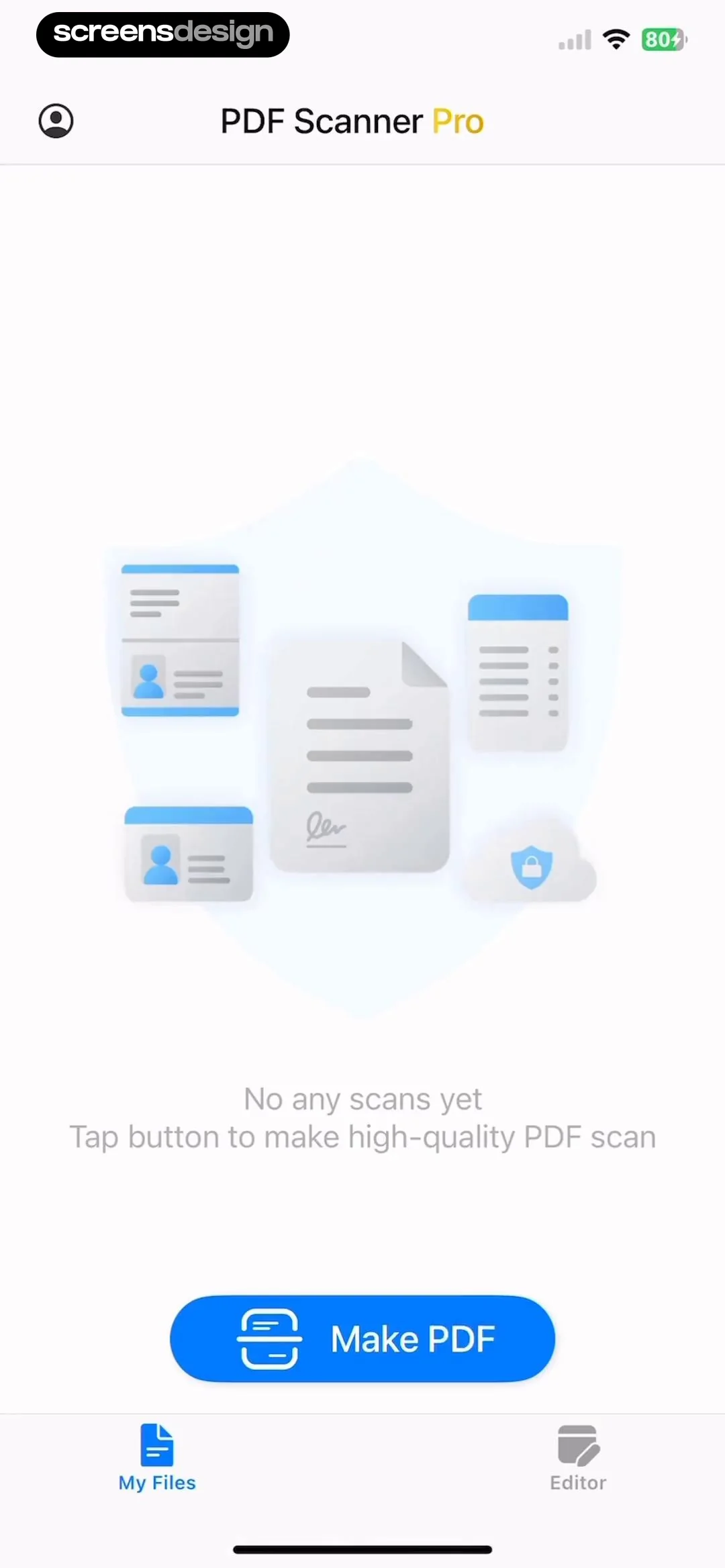
  PDF Scanner AI: Scan Documents
Top navigation bar, central illustration with instructional text, primary action button at the bottom, and a bottom navigation bar.
 See the flow
  Planner 5D: AI Home Design
Header with title and tabs, central empty state area with preview, bottom navigation bar.
 See the flow
  Yik Yak
Top promotional banner, followed by a search bar, a tabbed navigation row, and a centered empty state message.
 See the flow
  Too Good To Go: Save Good Food
Top navigation bar, central illustration and text, primary CTA button, bottom status footer.
 See the flow
  Vrbo Vacation Rentals
Top back button, central illustration, greeting text, primary CTA button, secondary wishlist card with CTA, and a bottom photo collage.


