Planner & Journal - Zinnia

$200k revenue, 4.6 rating

Welcome Screen
0:00 / 17:02

Onboarding flow, Paywall & Inside the App

Watch the full screen-by-screen UX video of Planner & Journal - Zinnia with onboarding, paywall, and every core flow.
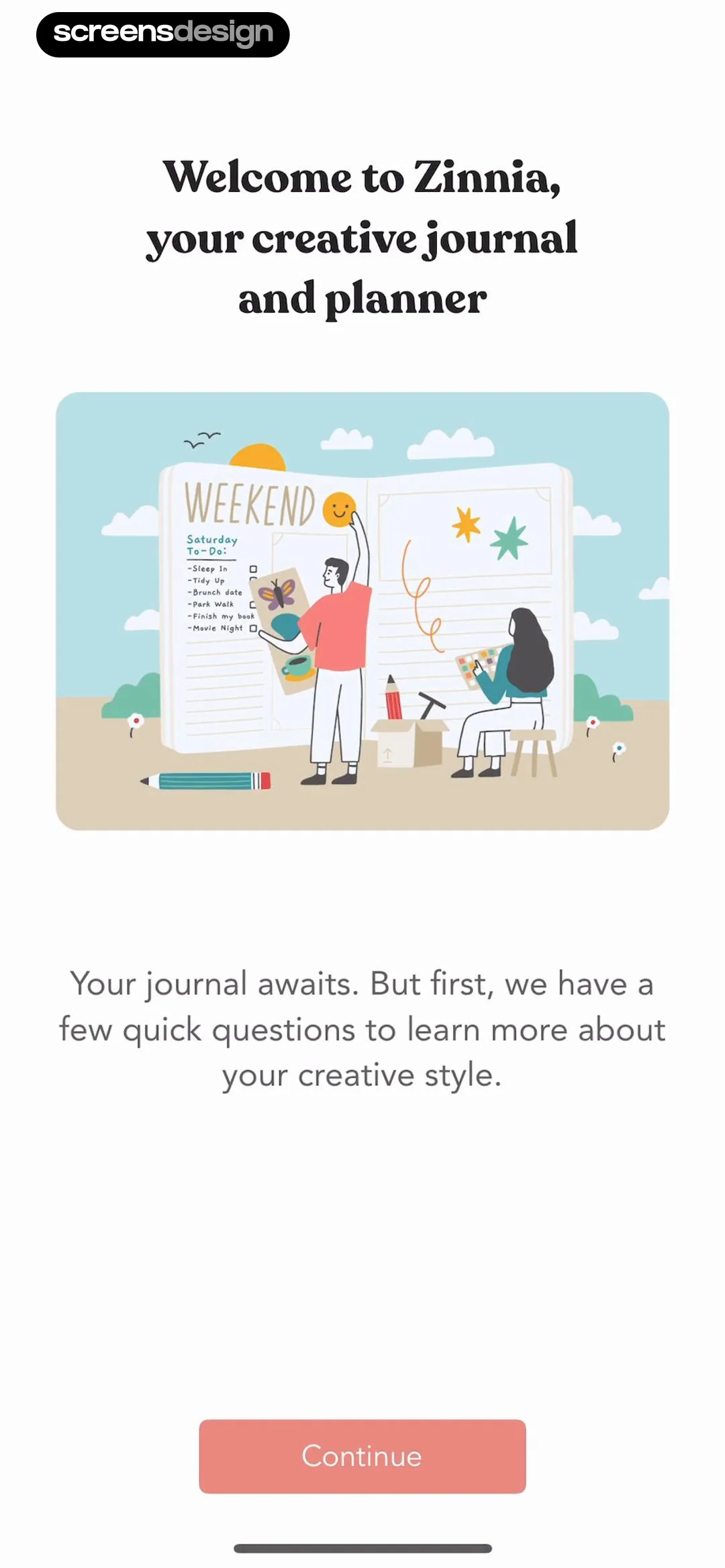
Zinnia app onboarding welcome screen featuring a central journaling illustration and a Continue button.
Zinnia onboarding interest selection screen with a grid of use-case cards, the journaling option selected, a progress indicator, and a Continue button.
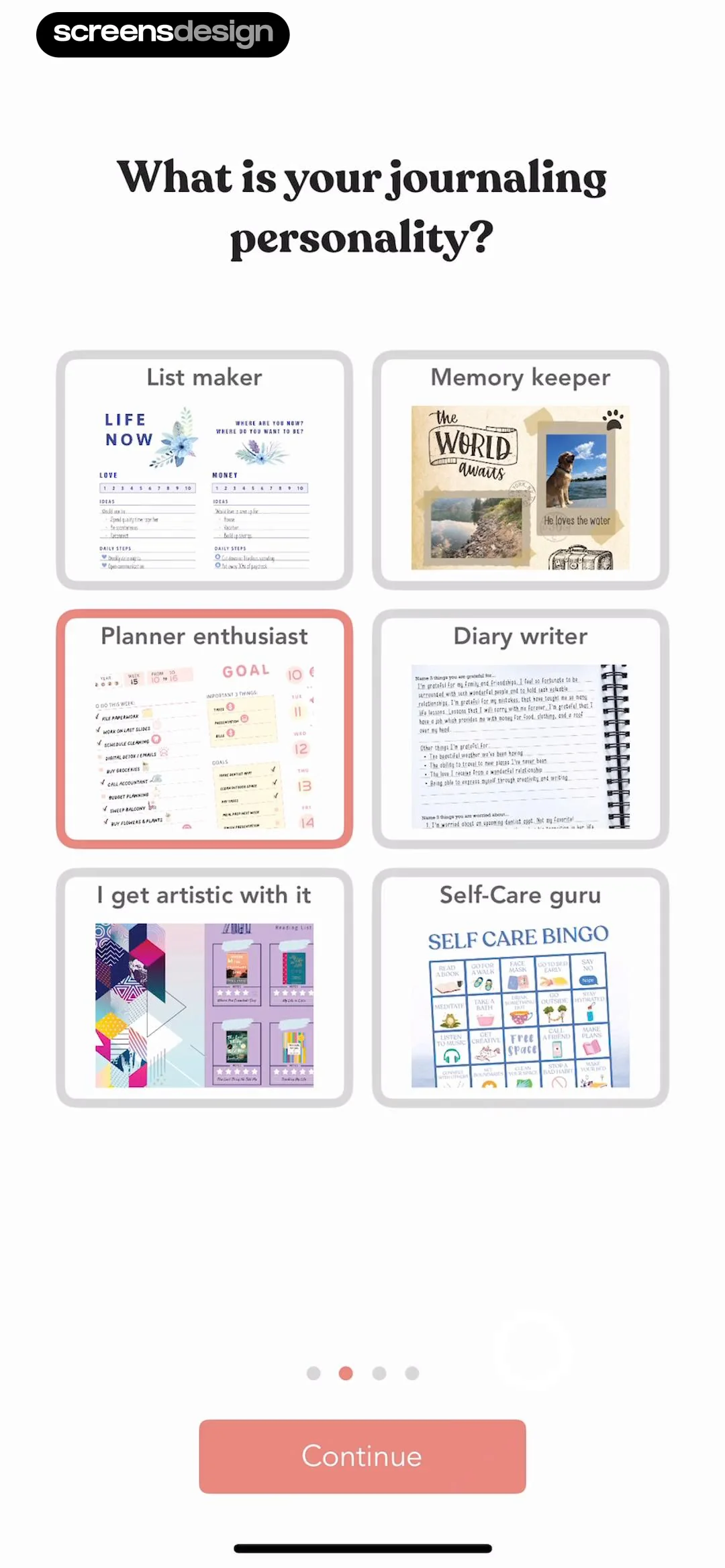
Onboarding screen asking for the user's journaling personality, with the Planner enthusiast card selected in a grid and a Continue button.
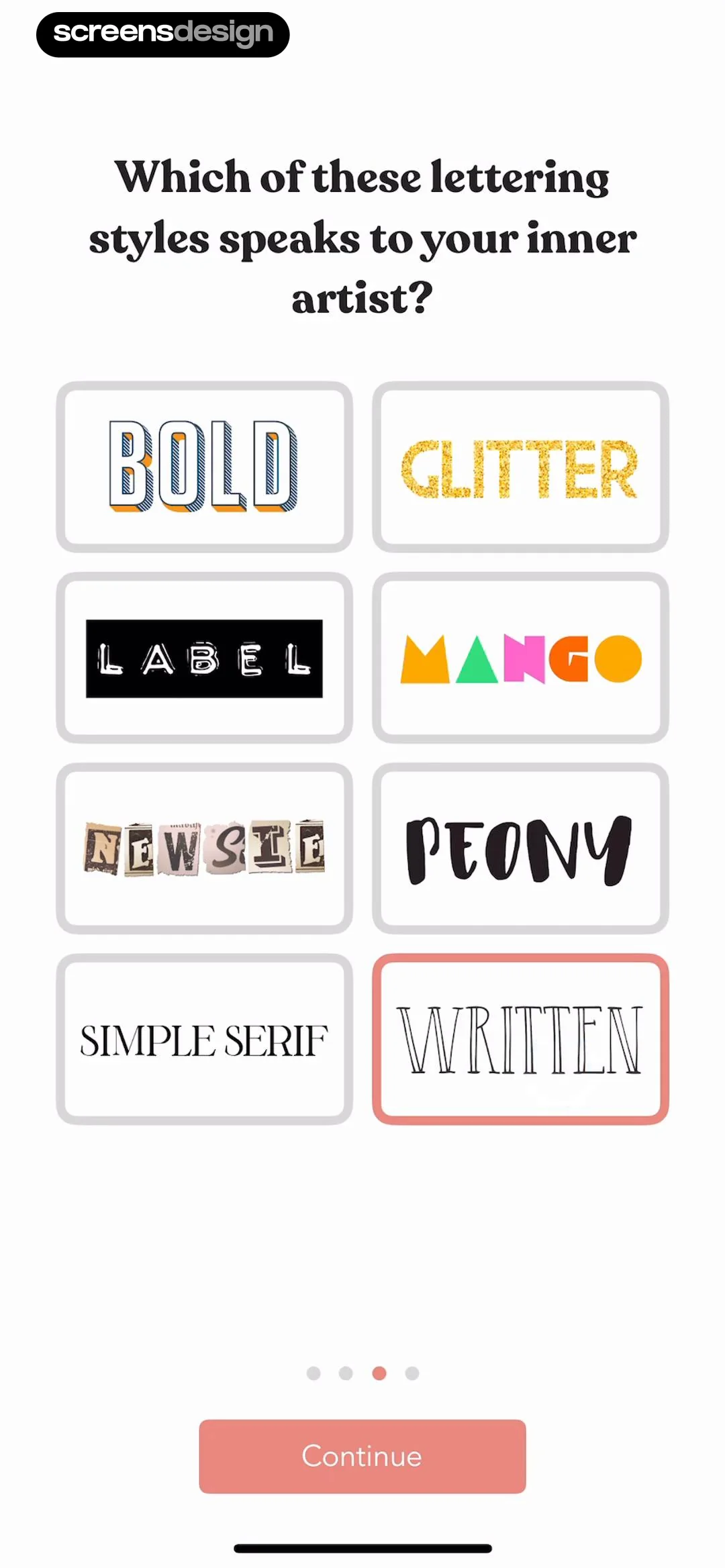
Onboarding screen asking the user to select a lettering style, with the WRITTEN option selected and a Continue button.
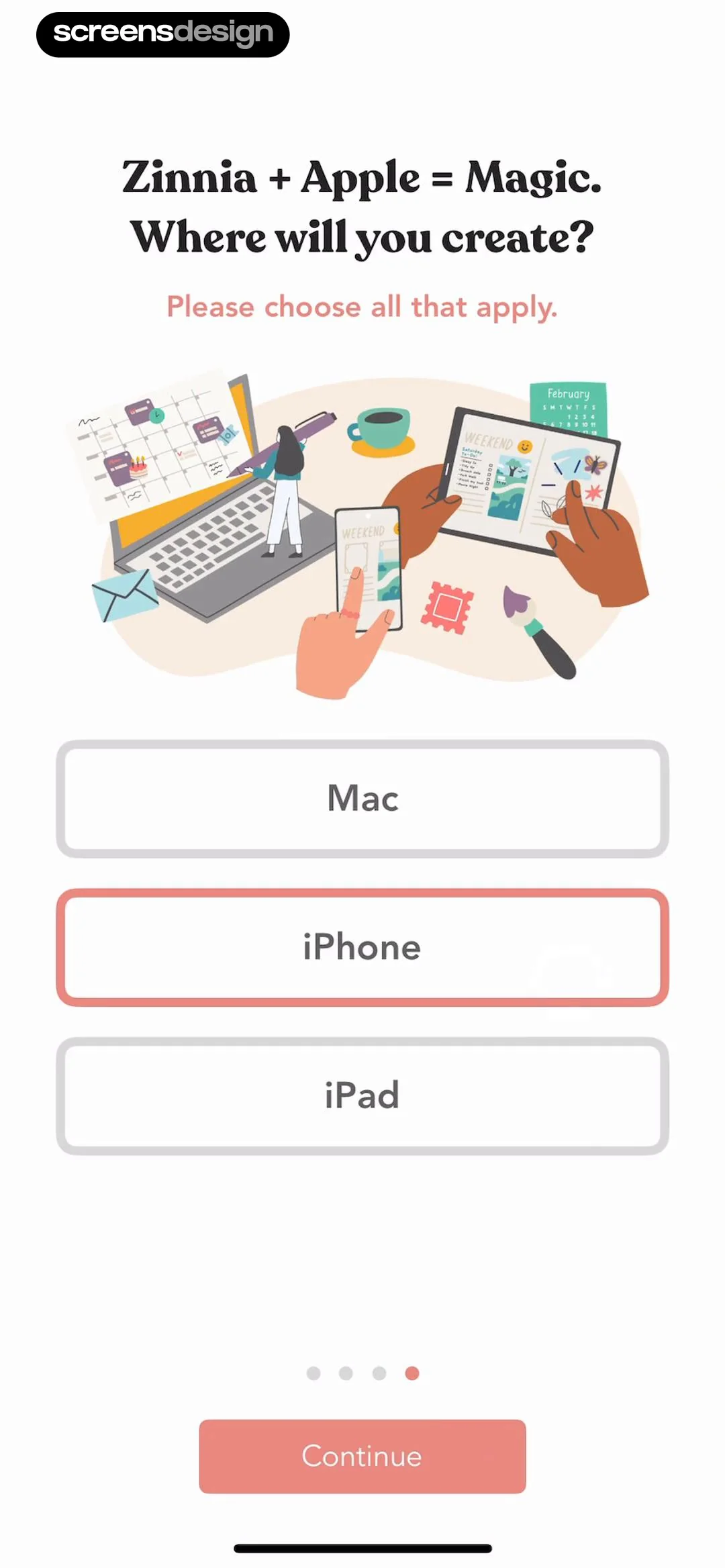
Zinnia onboarding screen asking where the user will create, with an illustration and device selection buttons where iPhone is selected.
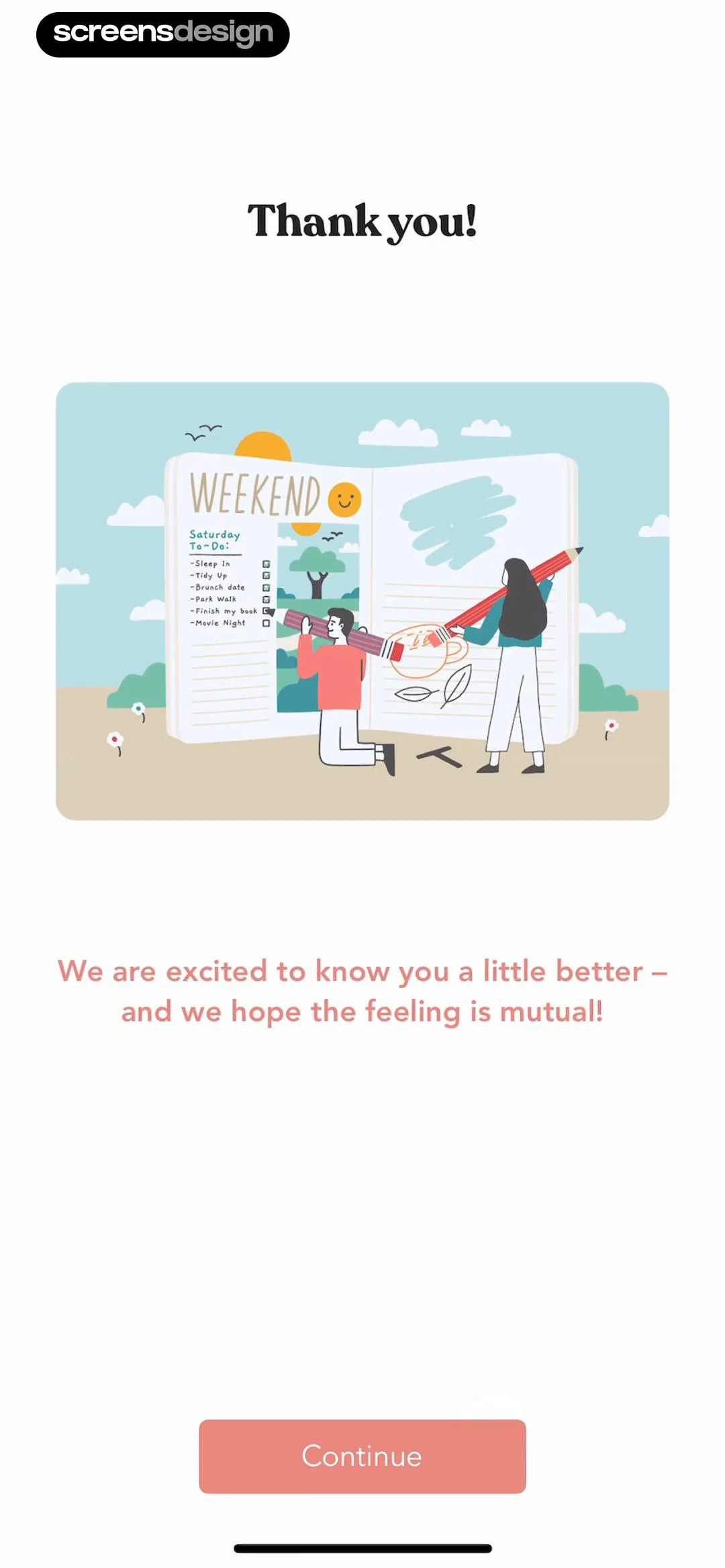
Zinnia onboarding screen thanking the user with a weekend journal illustration and a Continue button.
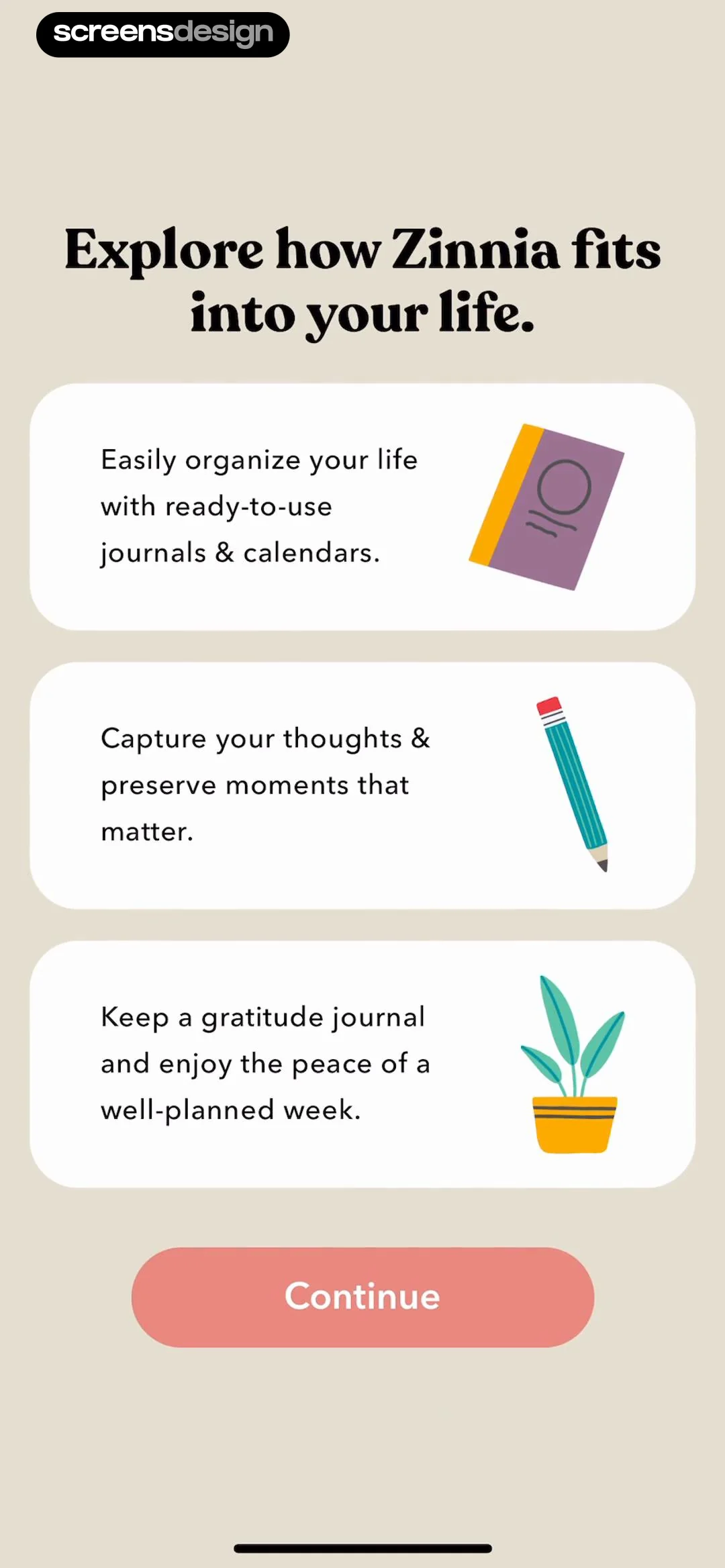
Zinnia onboarding screen highlighting app features with three cards and a Continue button.
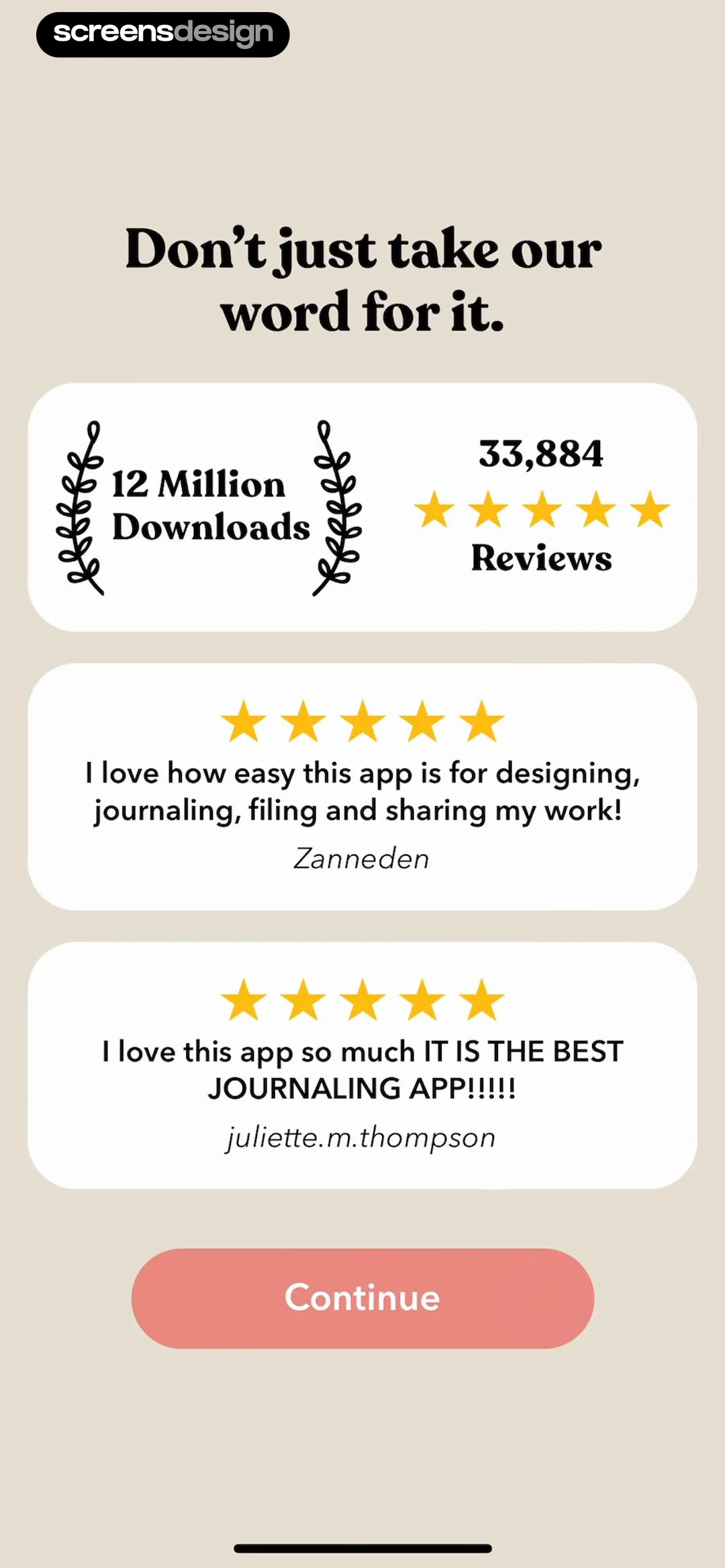
Onboarding social proof screen featuring download metrics, user testimonials with star ratings, and a Continue button.
Paywall screen offering a 7-day free trial for unlimited journaling, featuring three key features, an annual pricing card, and a Try For Free button.Unlock Pro
Paywall screen for a journaling app offering a 7-day free trial, featuring three subscription plan cards and a Try For Free button.Unlock Pro
App Store subscription confirmation modal for Zinnia Yearly Premium showing a 7-day free trial, $39.99 annual pricing, and side button confirmation.Unlock Pro
Subscription success modal overlaying a paywall screen with a purchase confirmation message and an OK button.Unlock Pro
Permissions onboarding screen with a system tracking prompt for the Zinnia app, featuring Allow and Ask App Not to Track buttons.Unlock Pro
Onboarding screen asking how often to journal, with the Every Day option selected and a Continue button.Unlock Pro
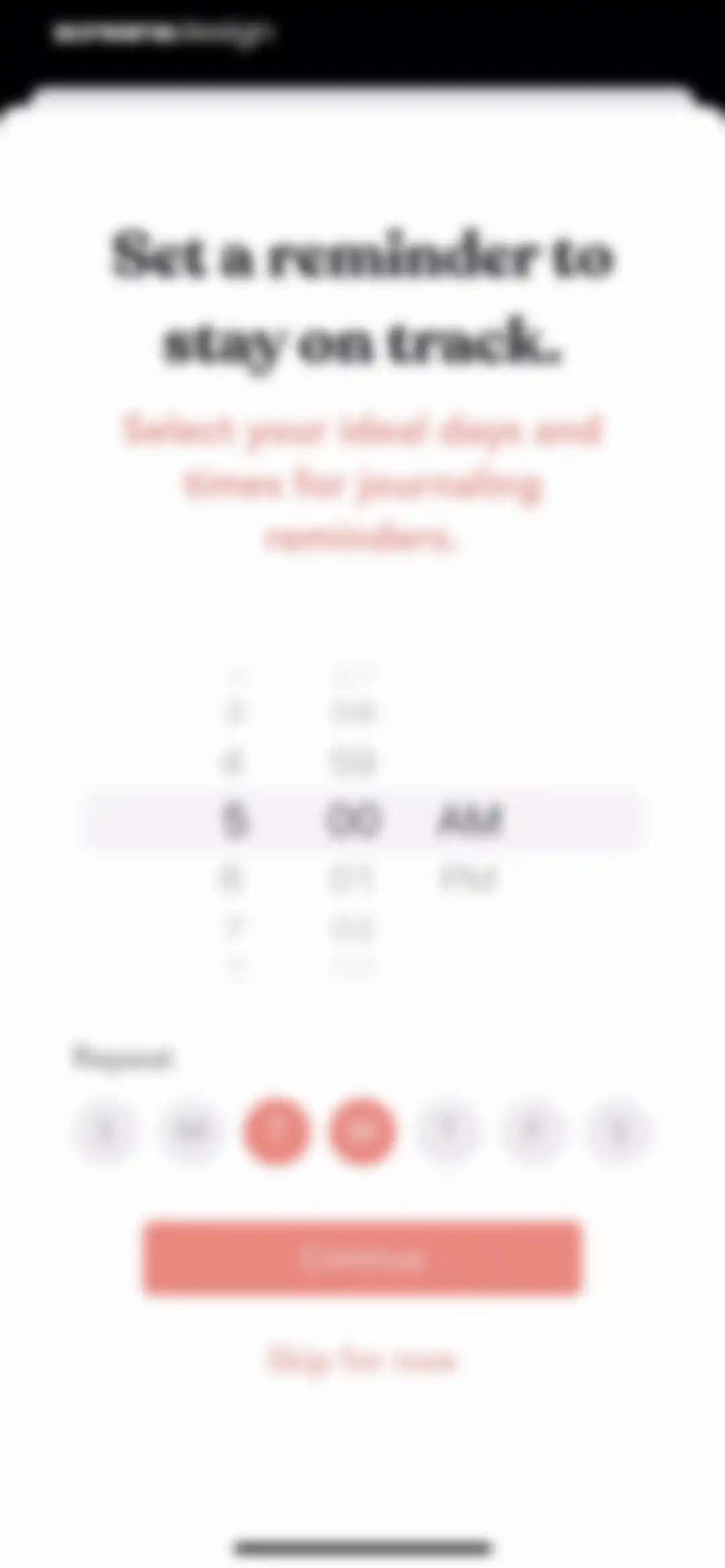
Zinnia onboarding screen for setting journaling reminders, featuring a time picker, day selector with Wednesday highlighted, and a Continue button.Unlock Pro
Permission request modal asking to send notifications for Zinnia reminders, with Don't Allow and Allow buttons.Unlock Pro
Email signup modal with a central illustration, a pre-filled email address, a spam disclaimer, and Continue and Maybe later buttons.Unlock Pro
Zinnia subscription success screen displaying a confirmation checkmark, a welcome message, and a Done button.Unlock Pro
Home screen displaying a New Journal card, a Quick Start Guide, and ready-to-use journal covers with the Journals tab selected.Unlock Pro
Journal creation modal in Zinnia with three stacked cards offering options to start a basic page, use templates, or import a PDF.Unlock Pro
Journal style selection screen with configuration toggles, a page template grid, and a Begin New Journal button.Unlock Pro
Page size selection menu with a vertical list of dimensions, with iPhone selected in reddish-pink.Unlock Pro
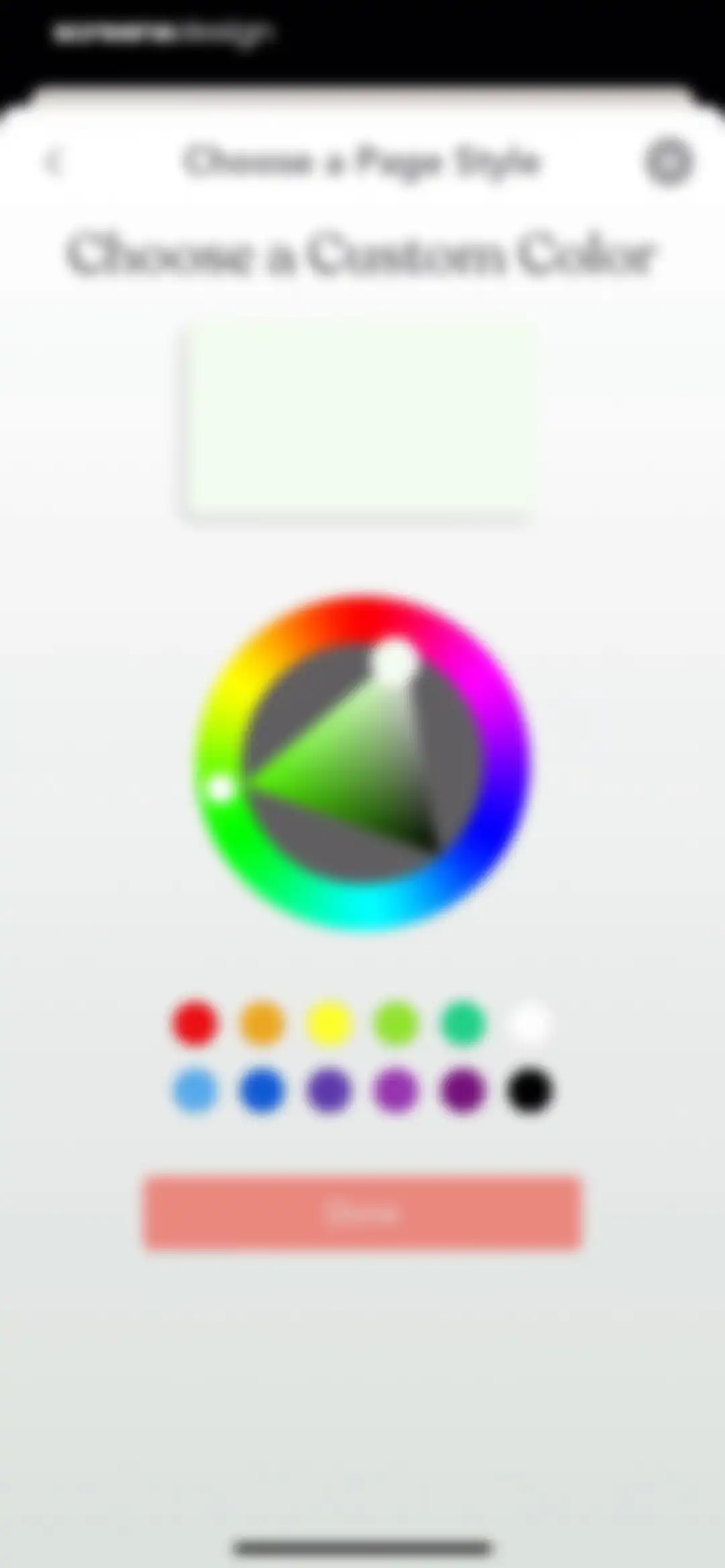
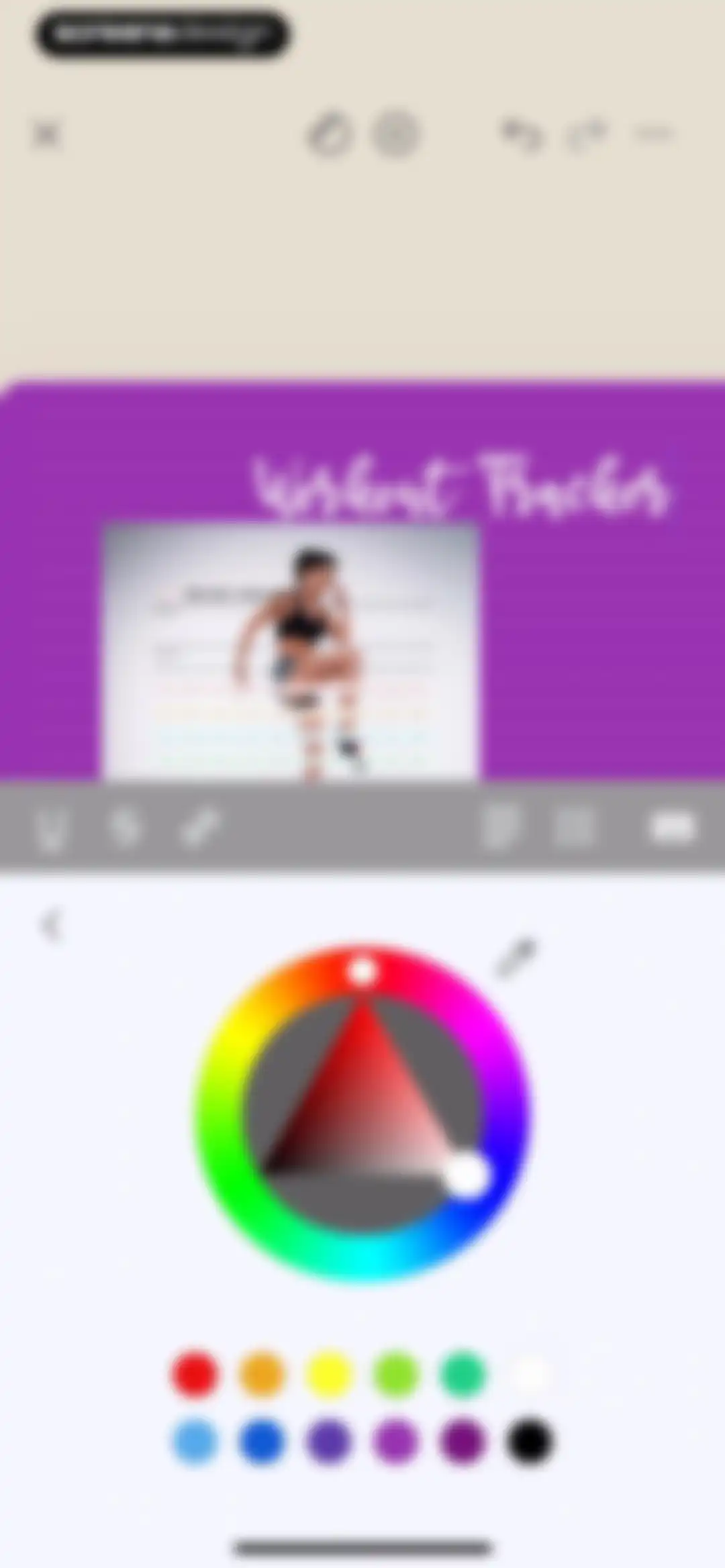
Color selection modal with a large color wheel, preset color swatches, and a Done button to confirm the page style.Unlock Pro
Editor screen featuring a central purple lined note card, a top toolbar with editing and navigation tools, and a bottom right action button.Unlock Pro
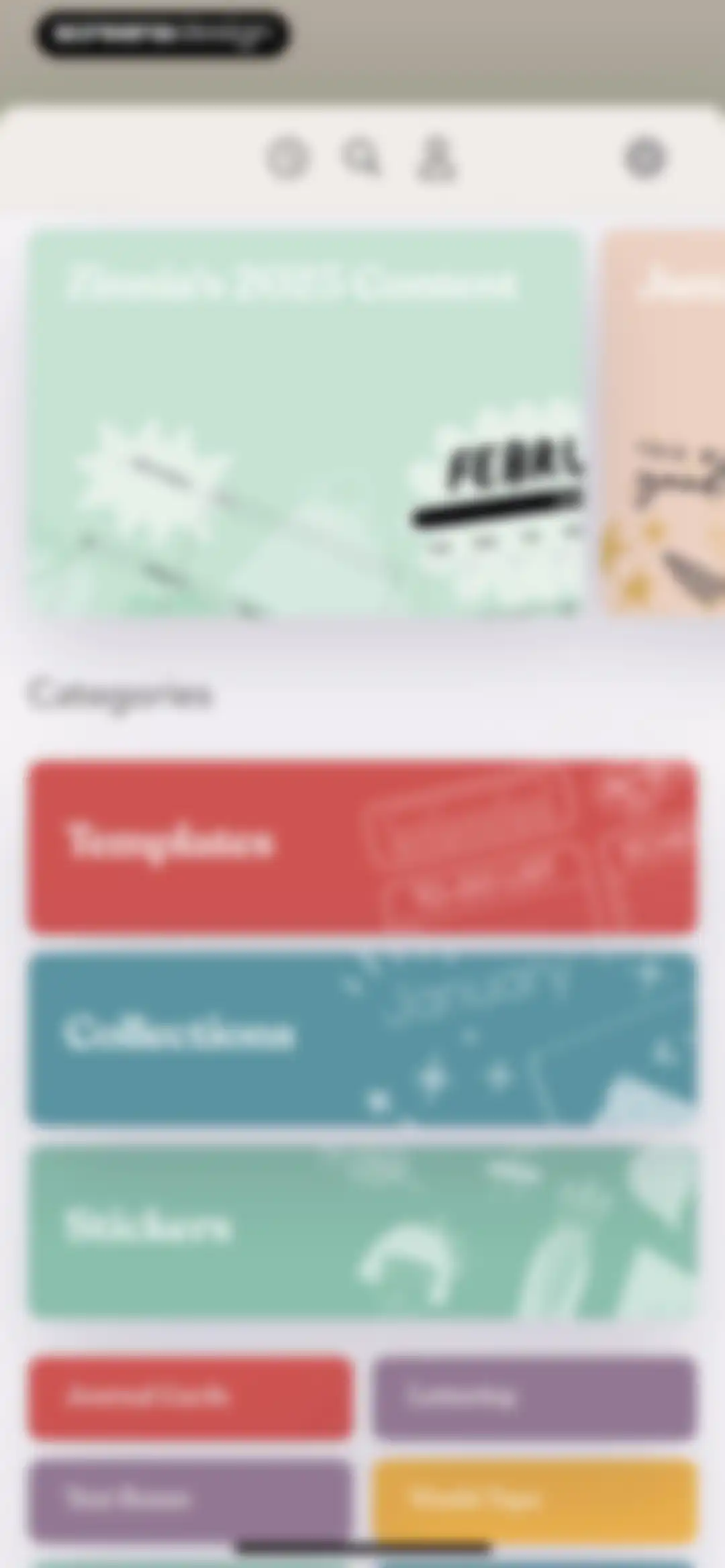
Home screen featuring a featured content carousel, category cards for templates and stickers, and an asset grid for journal elements.Unlock Pro
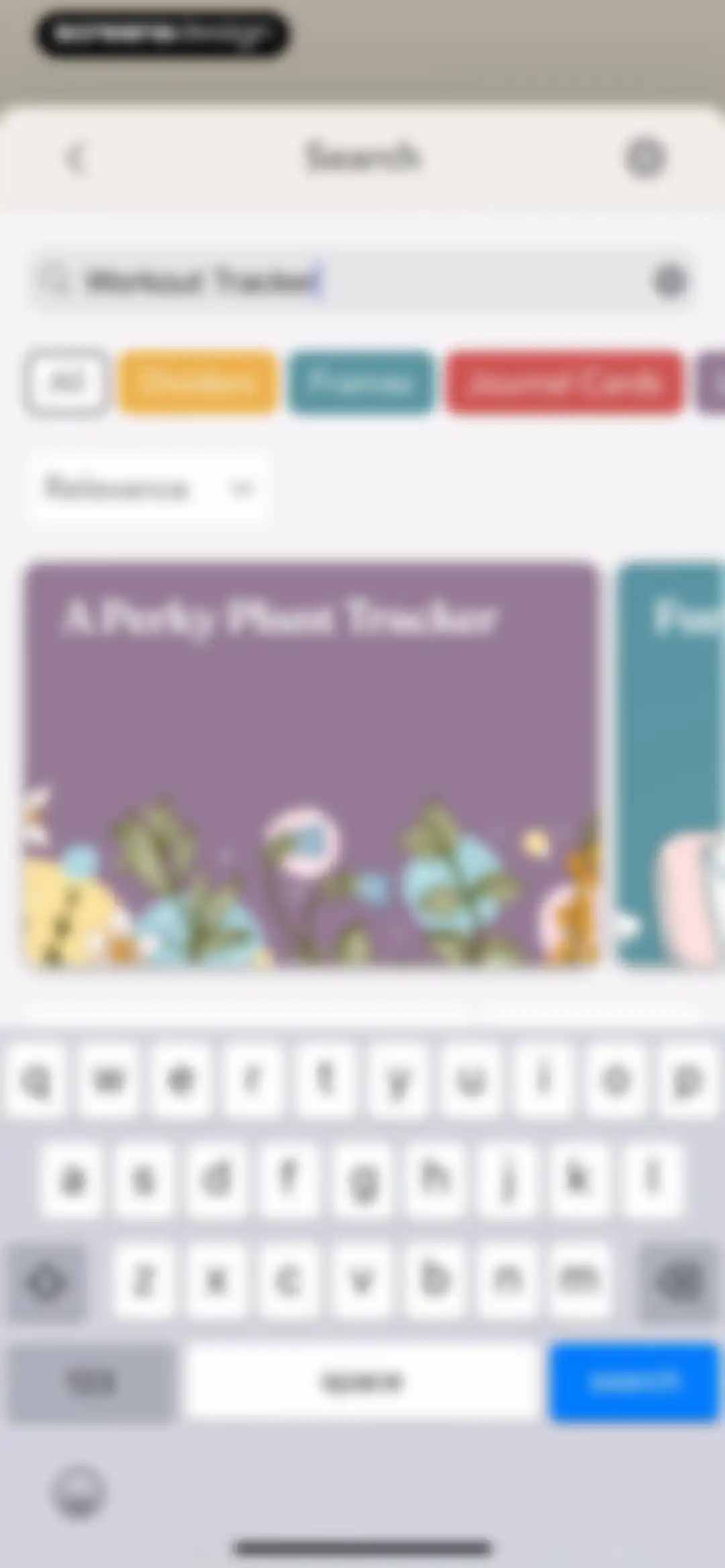
Search screen with the query Workout Tracker, category filter chips, a sorting dropdown, a results grid, and the system keyboard.Unlock Pro
Fitness information screen titled Fun with Fitness featuring an illustration, a quote by Ted Lasso, and a bulleted list of tracking features.Unlock Pro
Editor screen displaying a 100 Day Challenge tracker template with a top navigation bar and floating toolbar.Unlock Pro
Photo picker screen for the Zinnia app displaying a photo grid, privacy notice banner, search bar, and top Cancel and Add buttons.Unlock Pro
Editor screen showing a 100 Day Challenge template card on a purple page with a cancel button and bottom right toggle.Unlock Pro
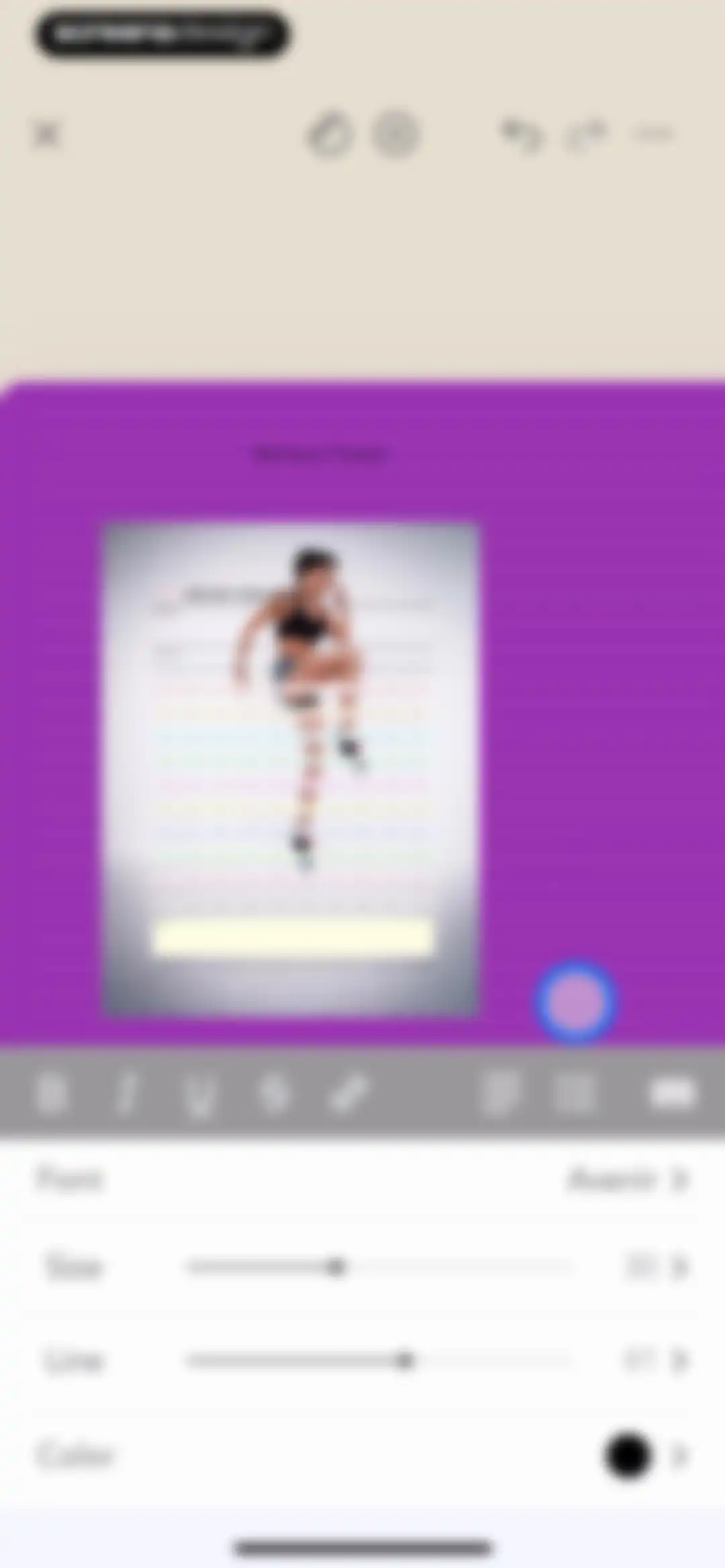
Text editor screen displaying a Workout Tracker and 100 Day Challenge template with a formatting toolbar and font settings panel.Unlock Pro
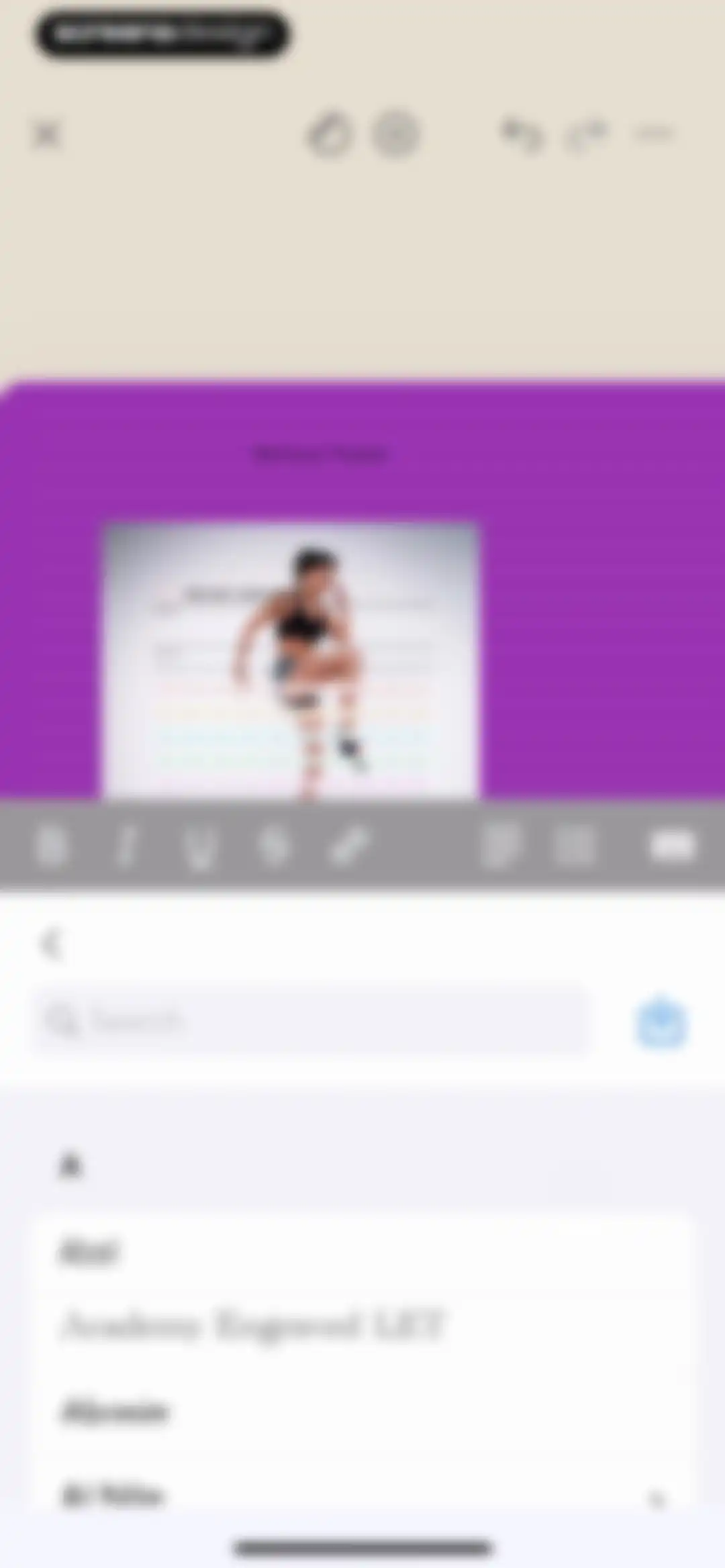
Text editor screen displaying a workout tracker template with a formatting toolbar and a scrollable font selection list at the bottom.Unlock Pro
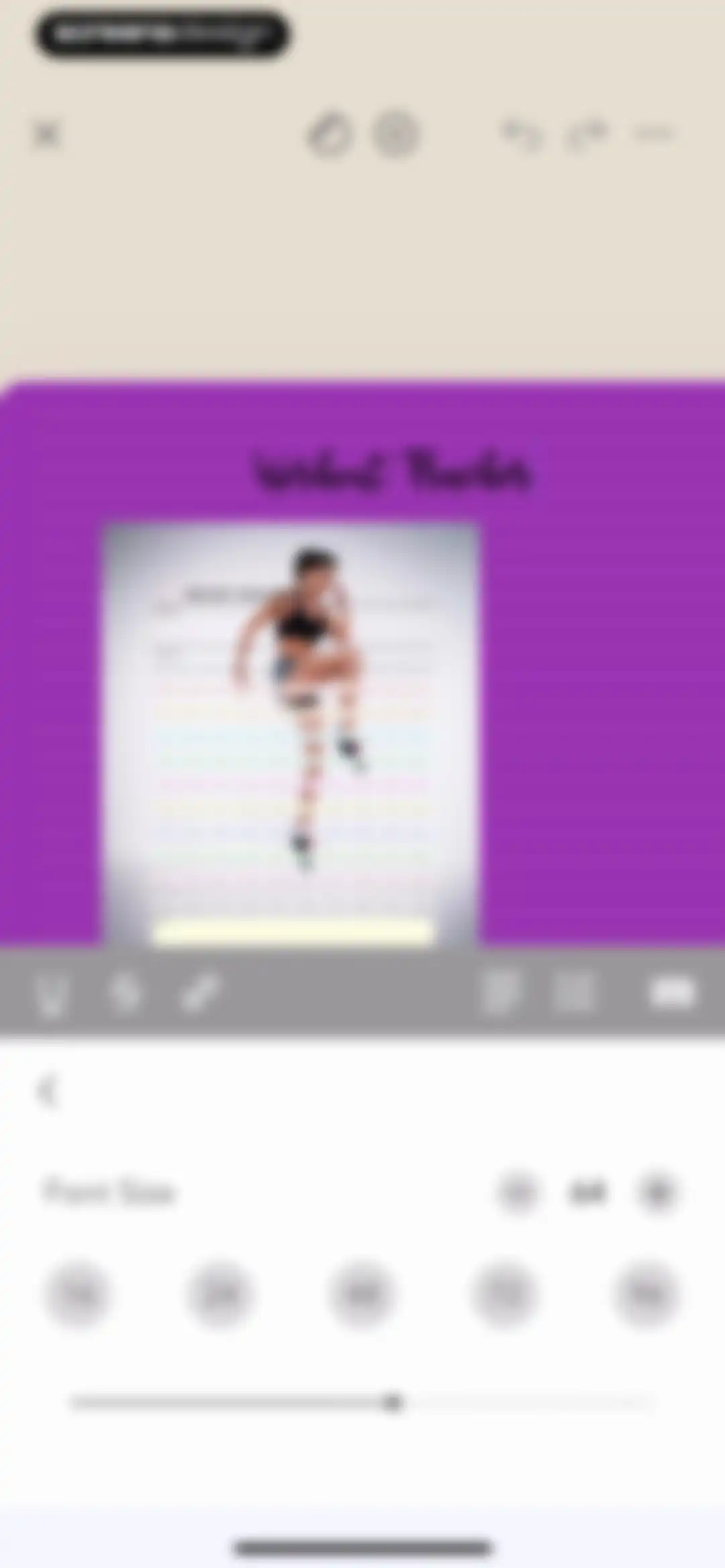
Editor interface displaying a workout tracker template with a formatting toolbar and a font size adjustment panel at the bottom.Unlock Pro
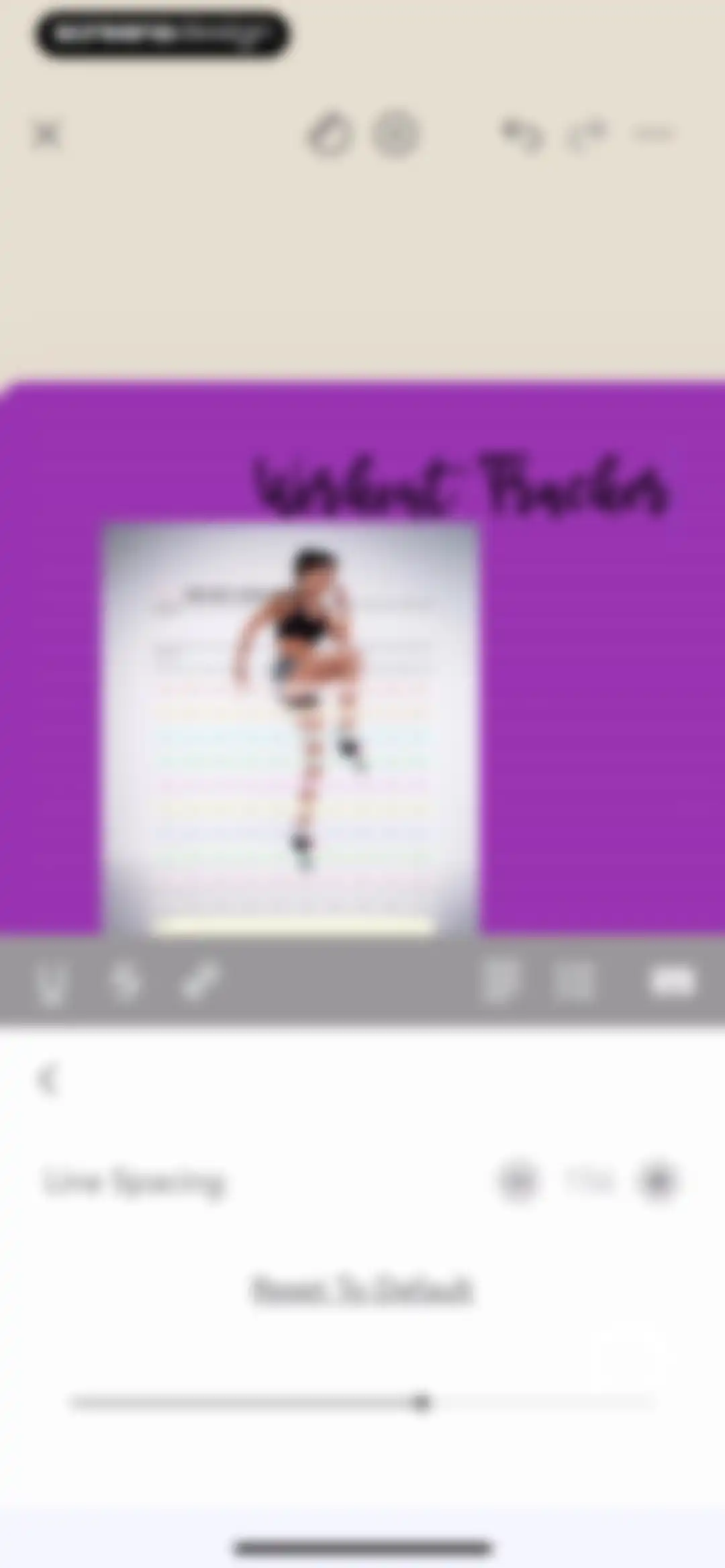
Editor interface displaying a workout tracker template with a line spacing settings panel open at the bottom.Unlock Pro
Workout tracker editor featuring a canvas preview, a formatting toolbar, and a color selection interface with a color wheel and preset swatches.Unlock Pro
Editor screen displaying a selected workout tracker card with a bounding box and a bottom editing toolbar for customization.Unlock Pro
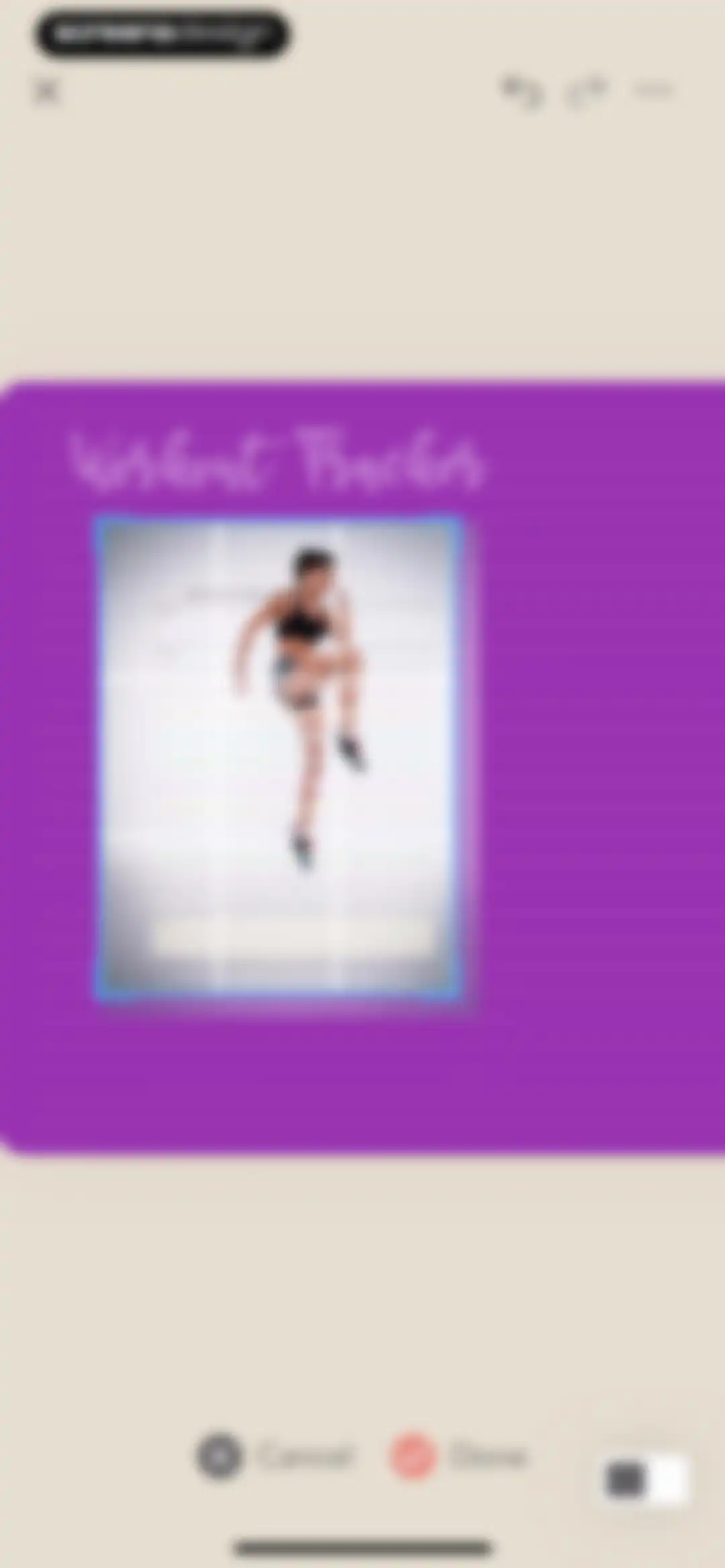
Editor interface showing a 100-day workout challenge tracker template with selection handles, a top navigation bar, and bottom cancel and done actions.Unlock Pro
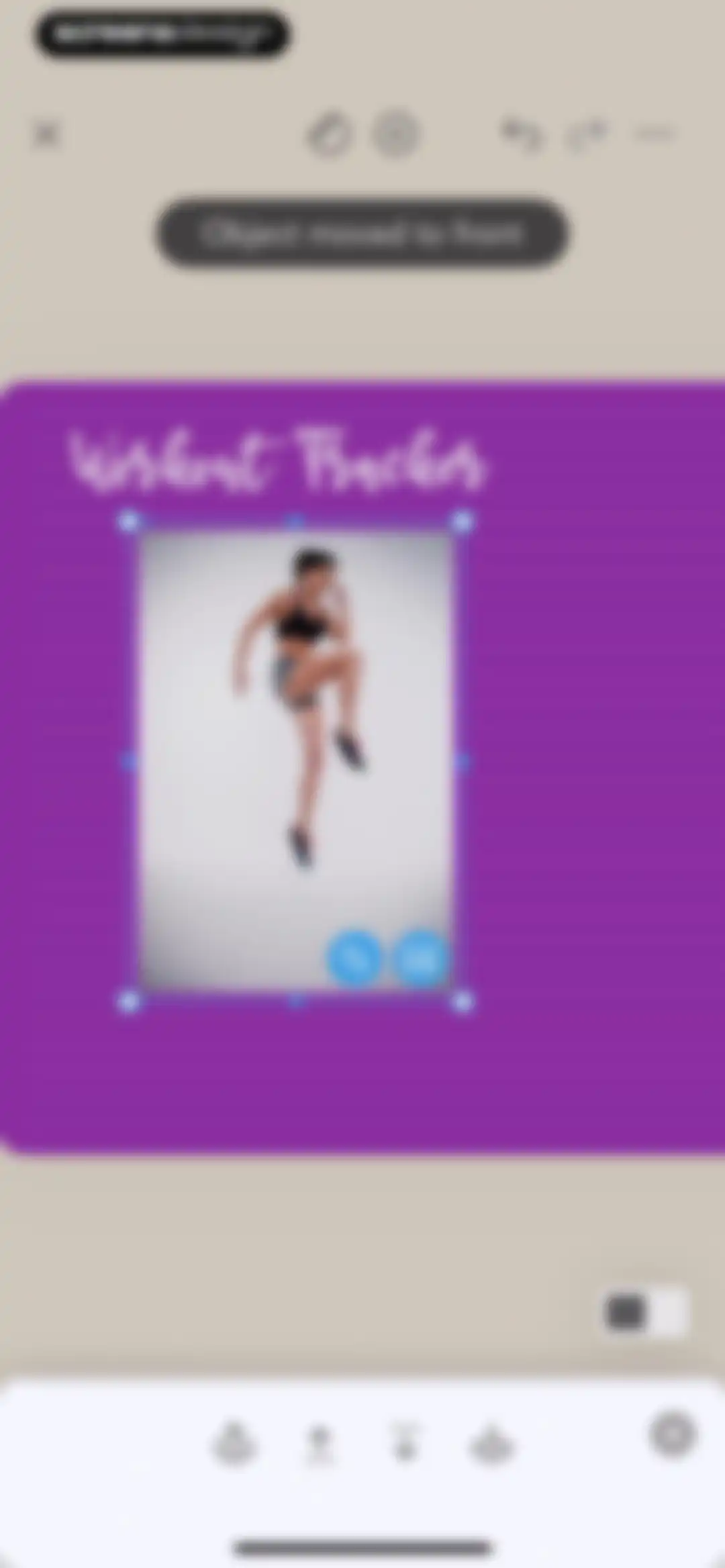
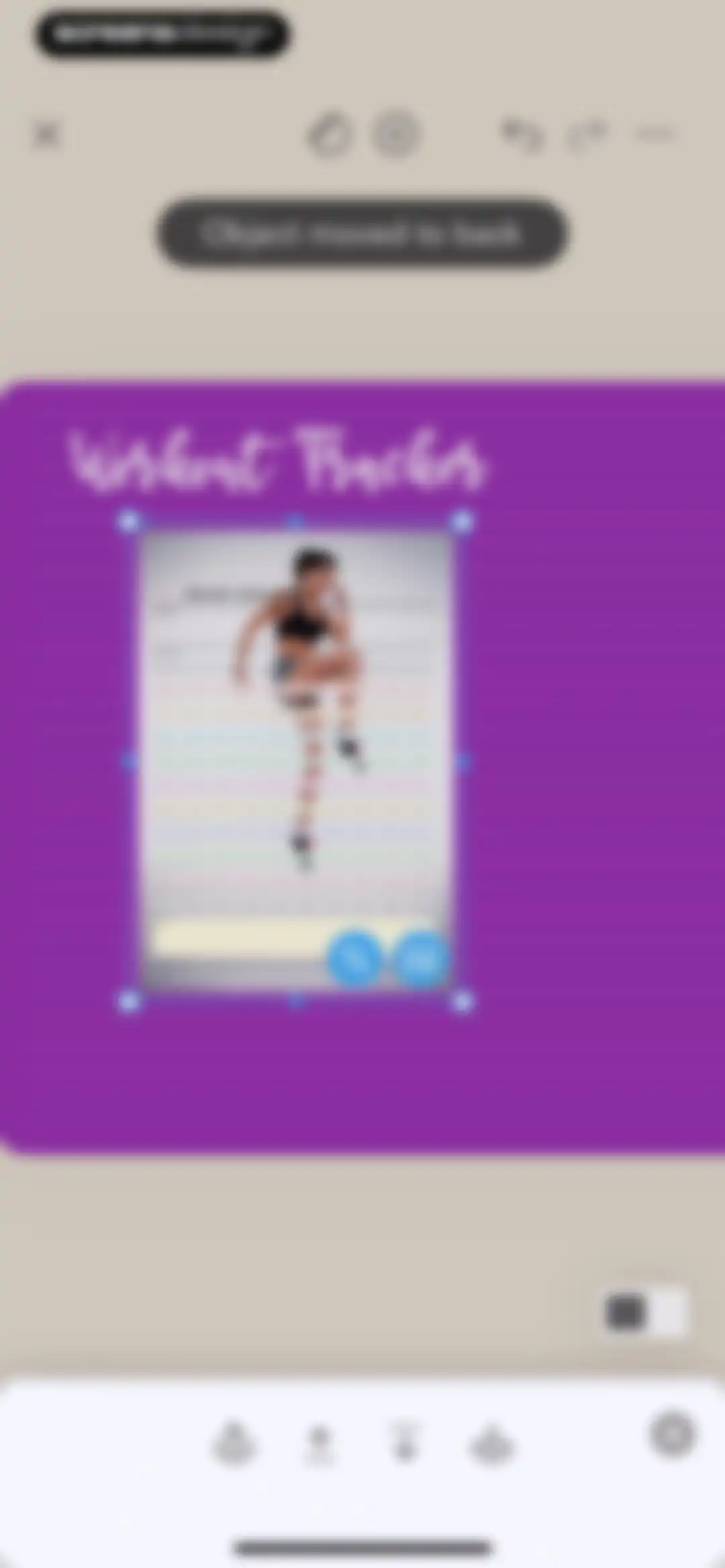
Journal page editor displaying a selected workout photo with a bounding box, layer management toolbar, and a toast notification.Unlock Pro
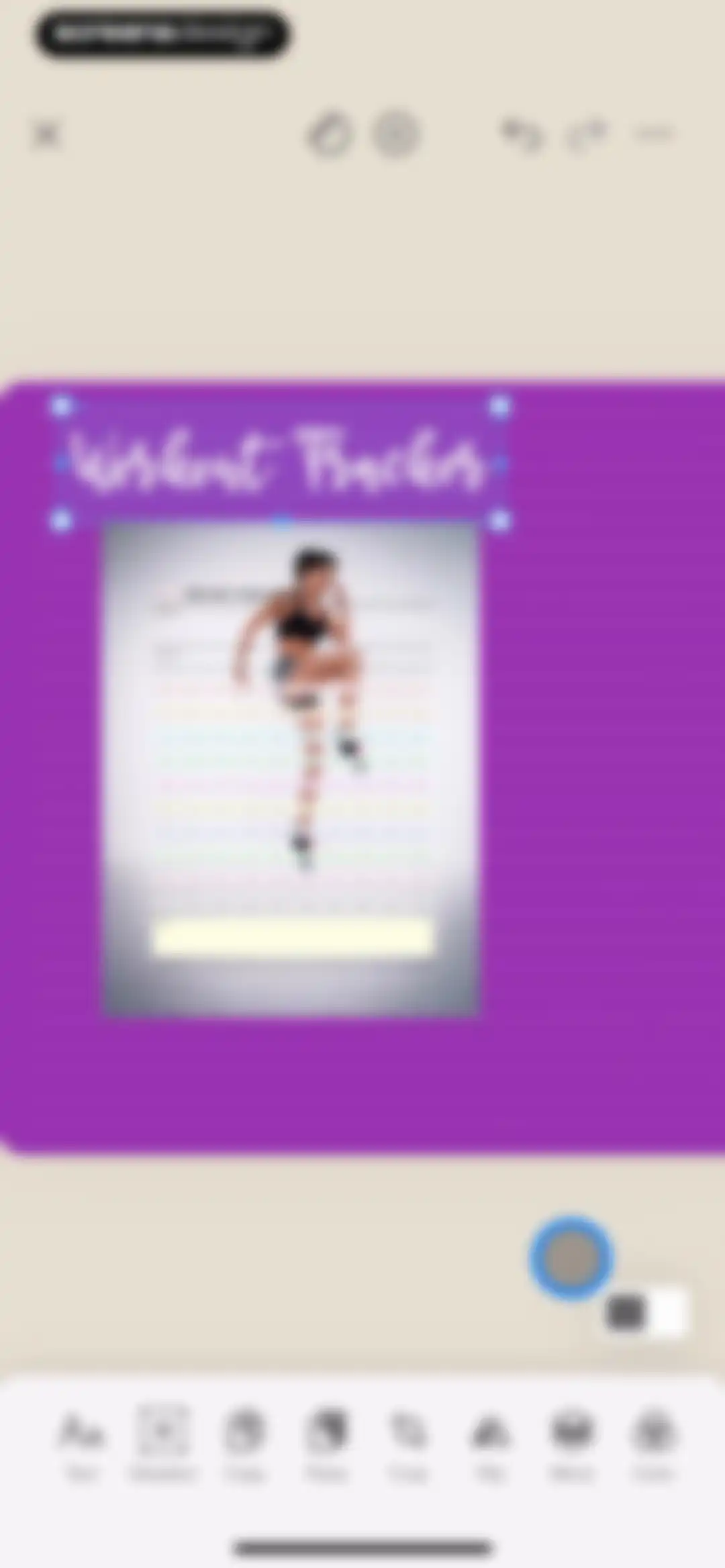
Editor interface displaying a selected 100 day challenge workout tracker template on a purple canvas with alignment tools.Unlock Pro
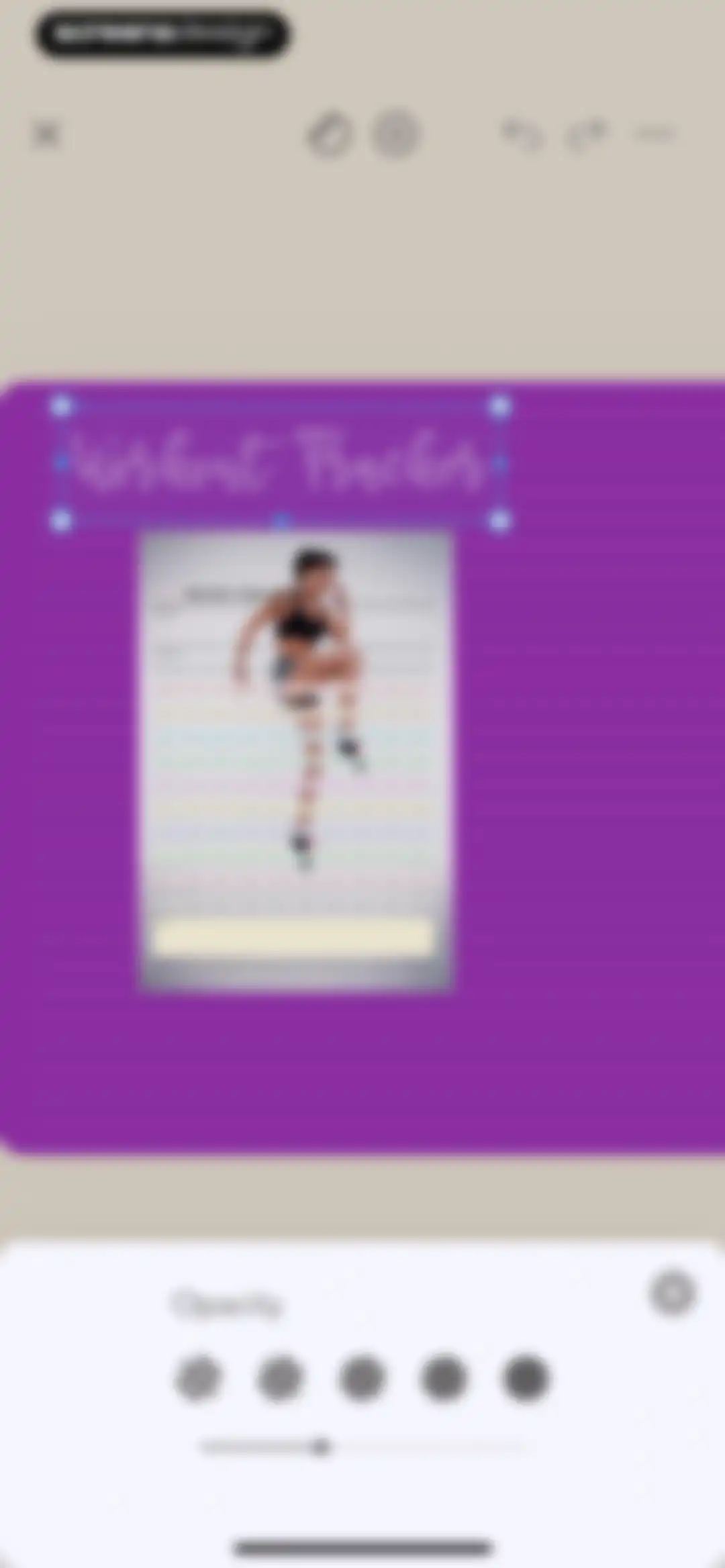
Workout tracker editor displaying a 100 day challenge grid with a bottom modal for adjusting opacity.Unlock Pro
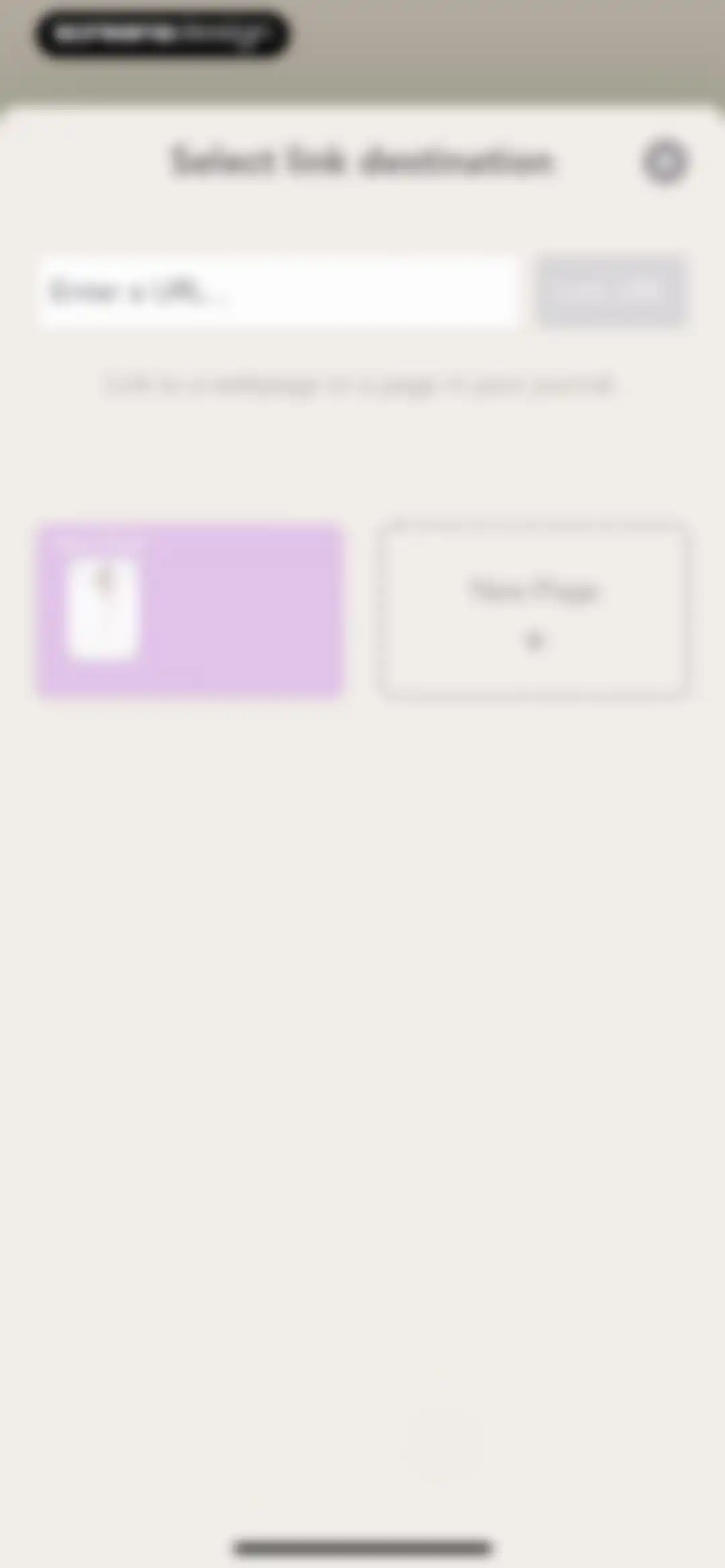
Link destination modal in the Zinnia app allowing users to enter a URL or select a journal page, with a disabled Link URL button.Unlock Pro
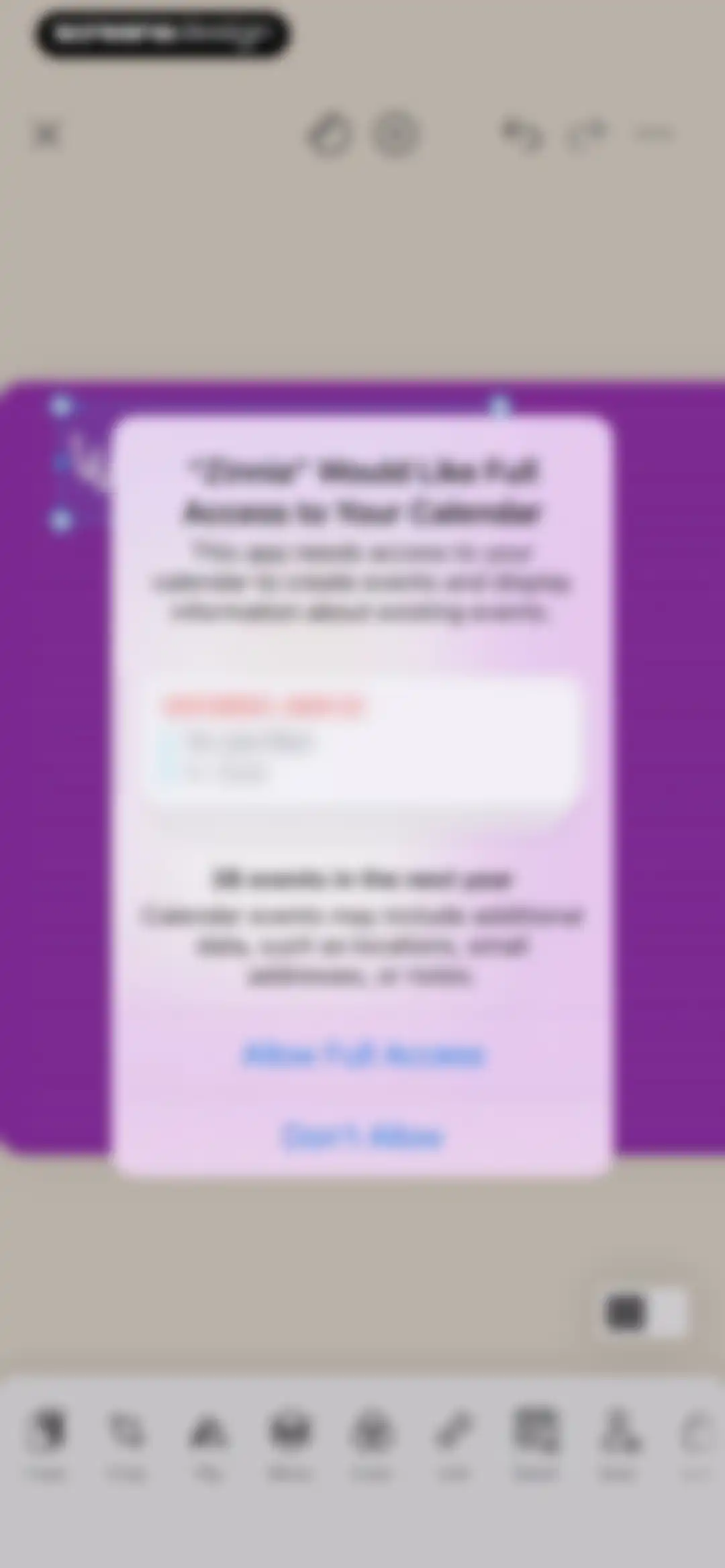
Permission request modal in Zinnia asking for full calendar access with Allow Full Access and Don't Allow buttons.Unlock Pro
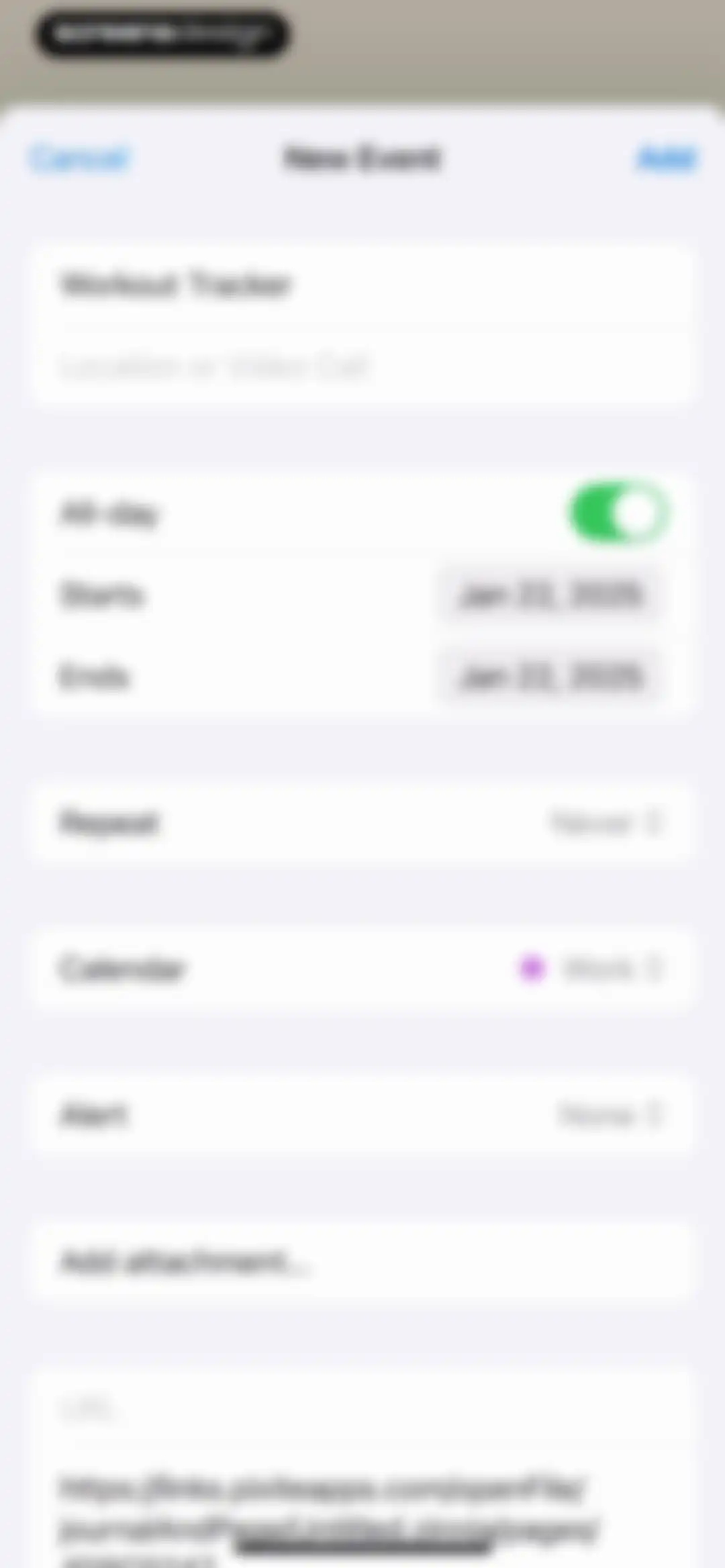
New Event form with the title Workout Tracker, an all-day toggle, date fields set to Jan 22, 2025, and an Add button.Unlock Pro
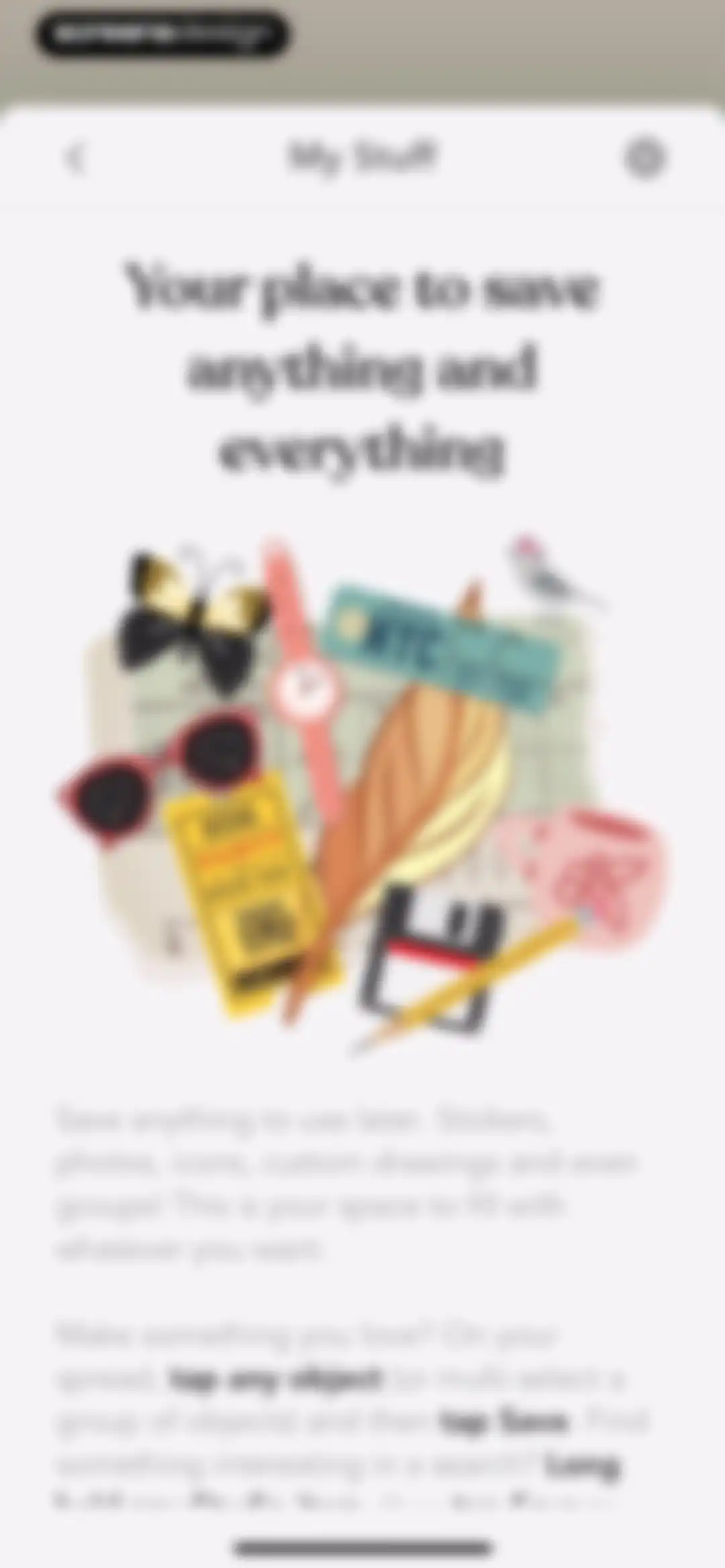
Onboarding modal titled My Stuff in Zinnia, featuring a centered illustration and instructions for saving stickers, photos, and custom drawings.Unlock Pro
My Stuff file management screen displaying filter tabs, a Select button, and a Workout Tracker card.Unlock Pro
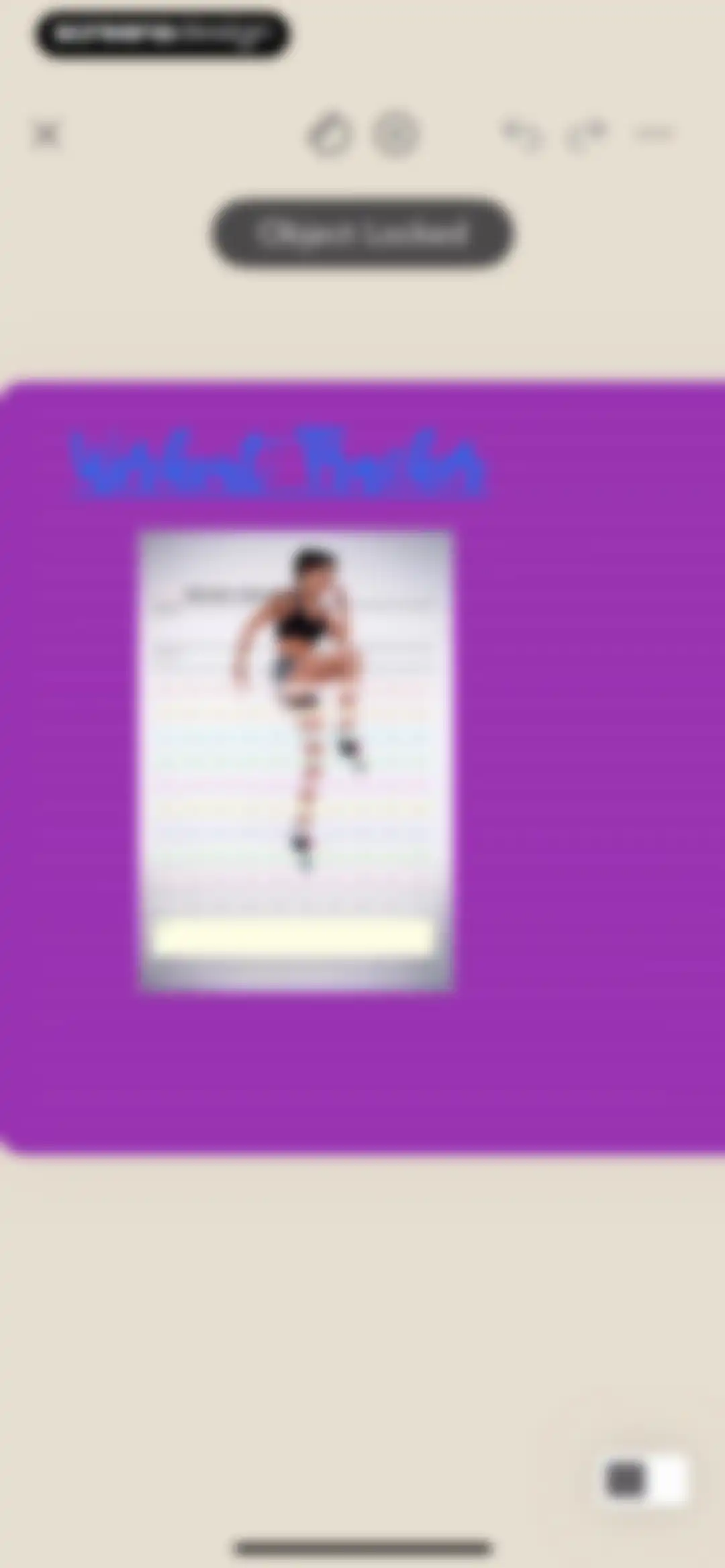
Zinnia editor displaying a 100 Day Challenge workout tracker template with an Object Locked notification banner.Unlock Pro
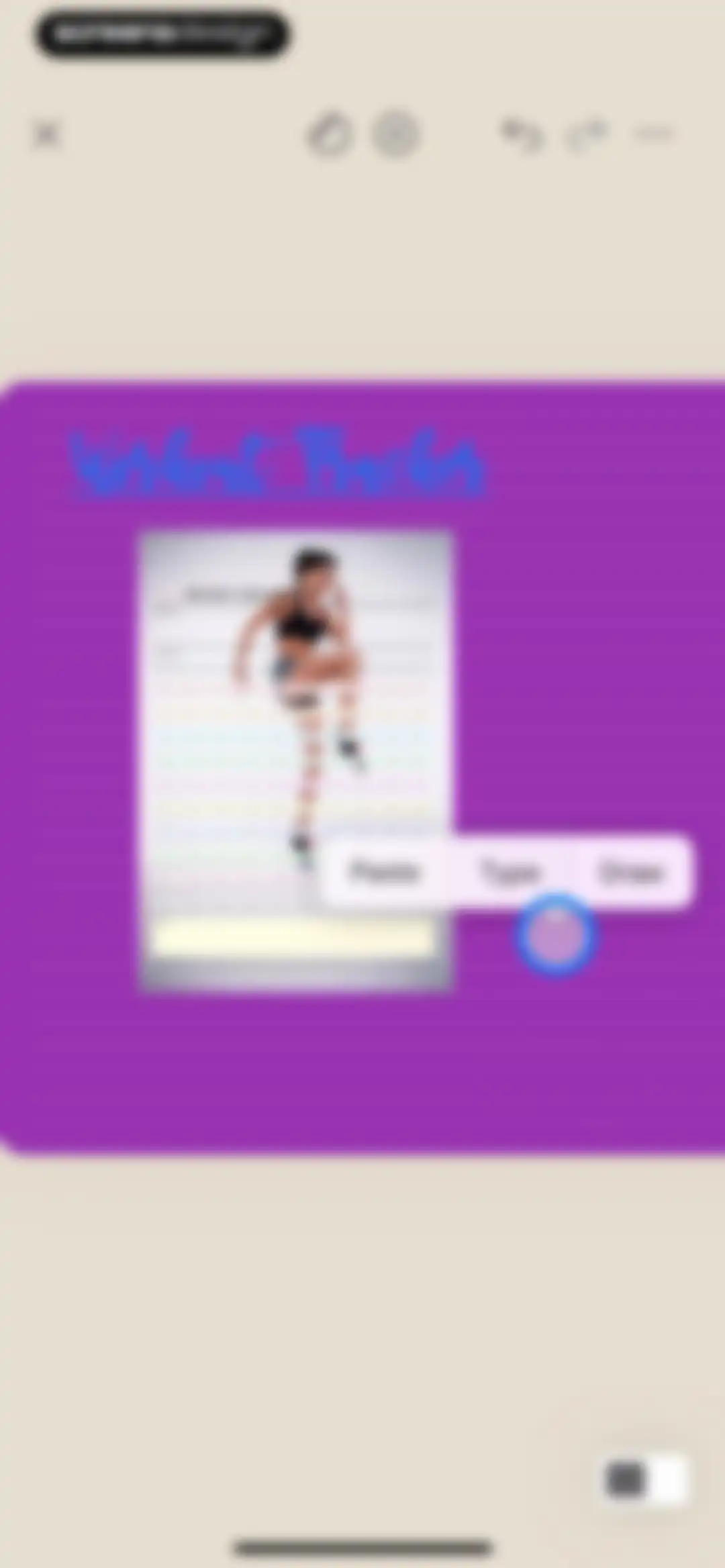
Zinnia editor screen displaying a 100 Day Challenge workout tracker template and a floating context menu with paste, type, and draw options.Unlock Pro
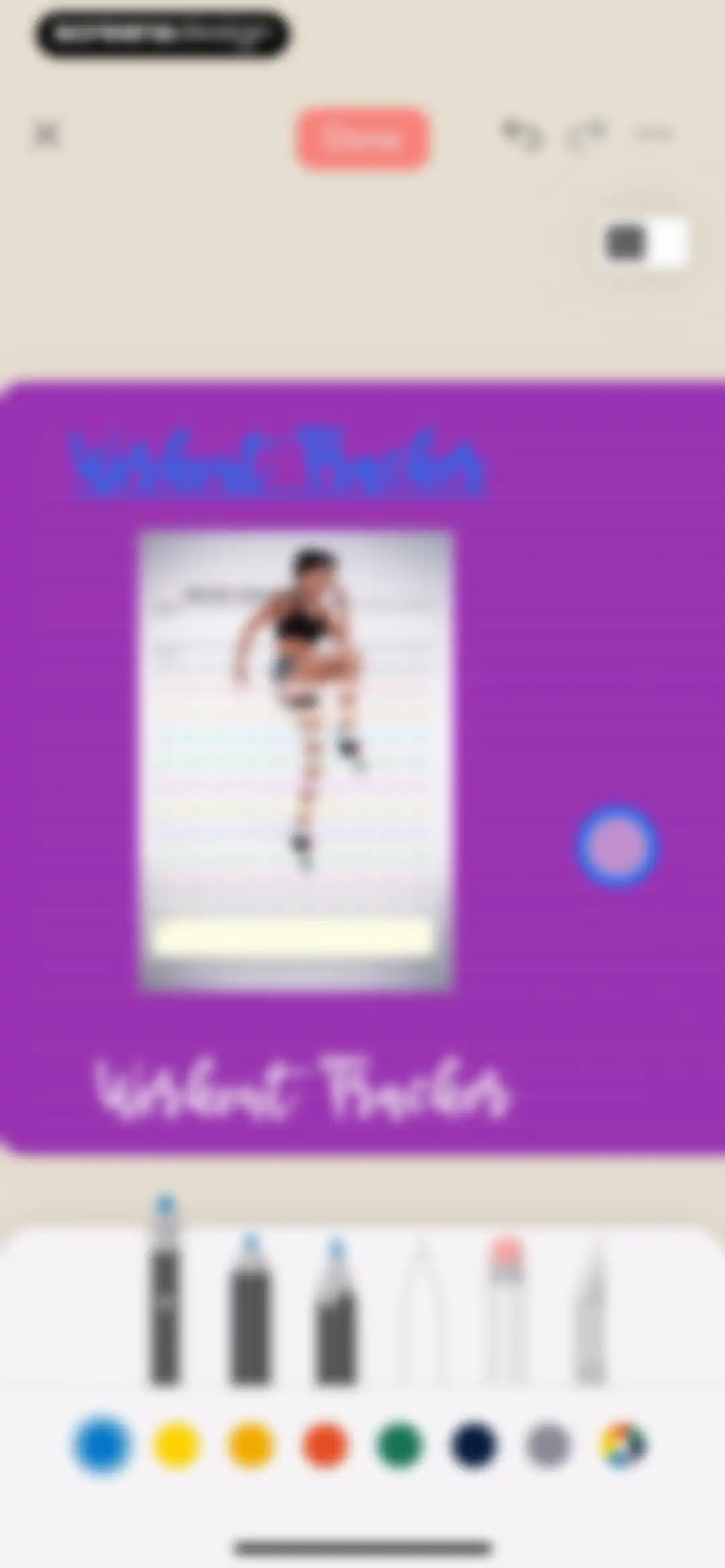
Editor interface displaying a 100 Day Challenge workout tracker template with a bottom toolbar of drawing tools and color swatches.Unlock Pro
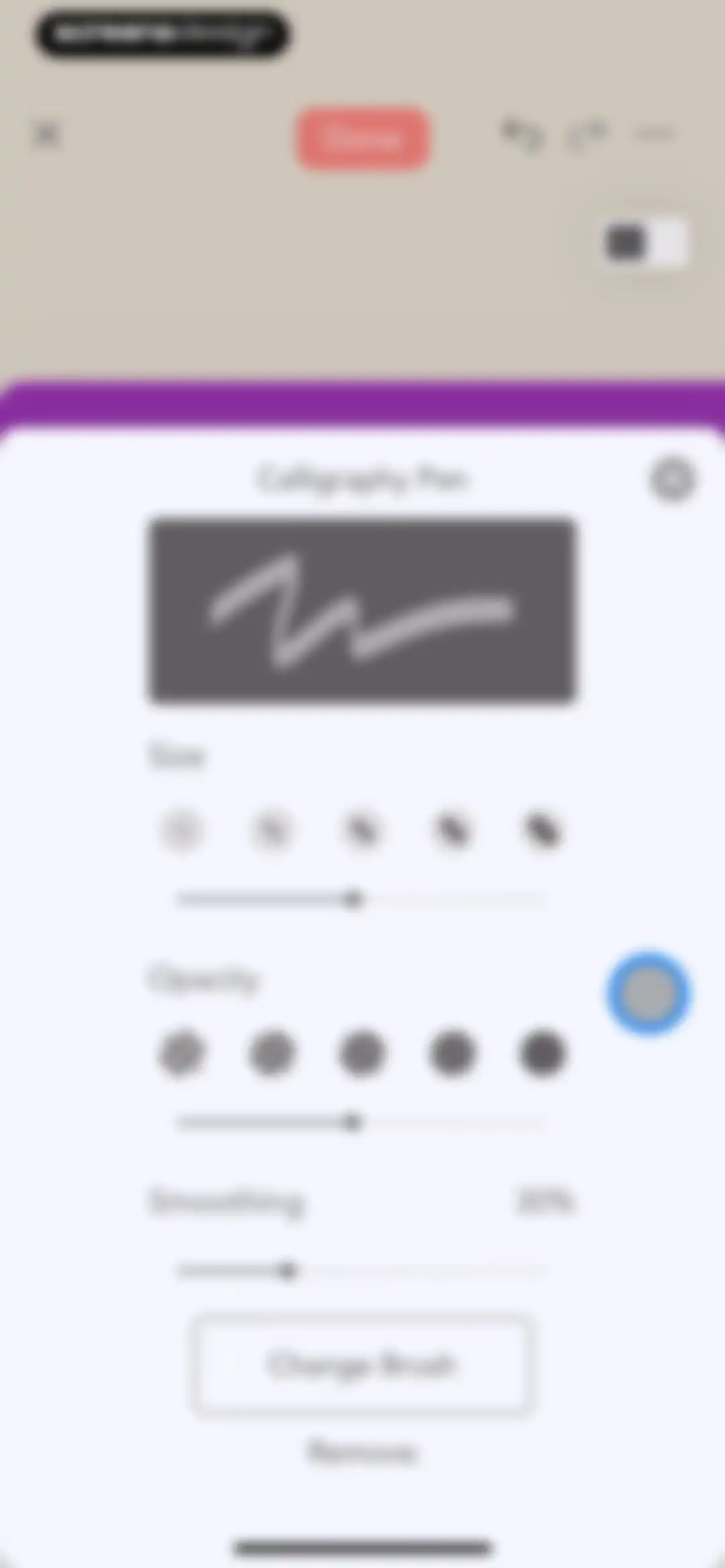
Brush customization modal for the Calligraphy Pen tool with sliders for size, opacity, and smoothing, plus a Done button.Unlock Pro
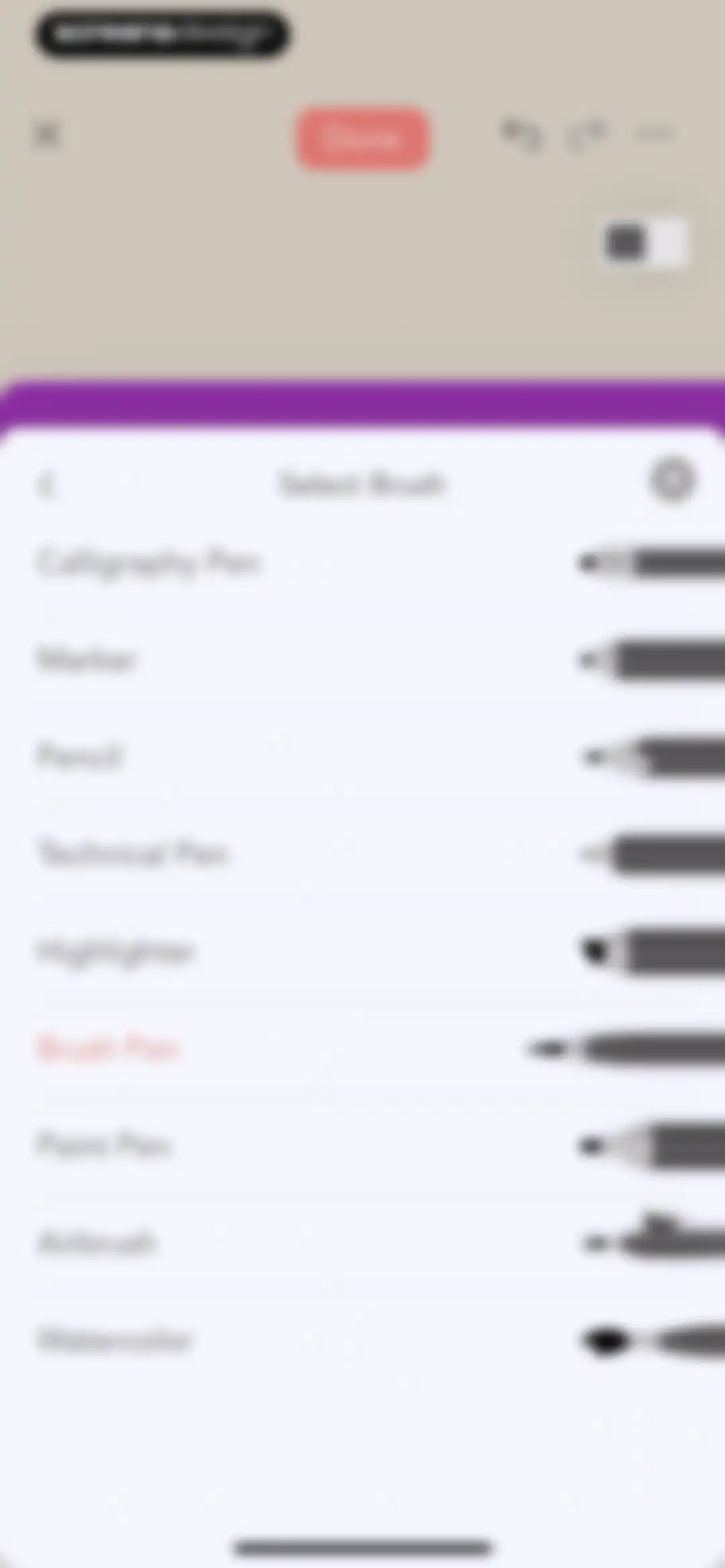
Brush selection modal with a list of drawing tools like Calligraphy Pen and Pencil, showing the Brush Pen selected and a Done button.Unlock Pro
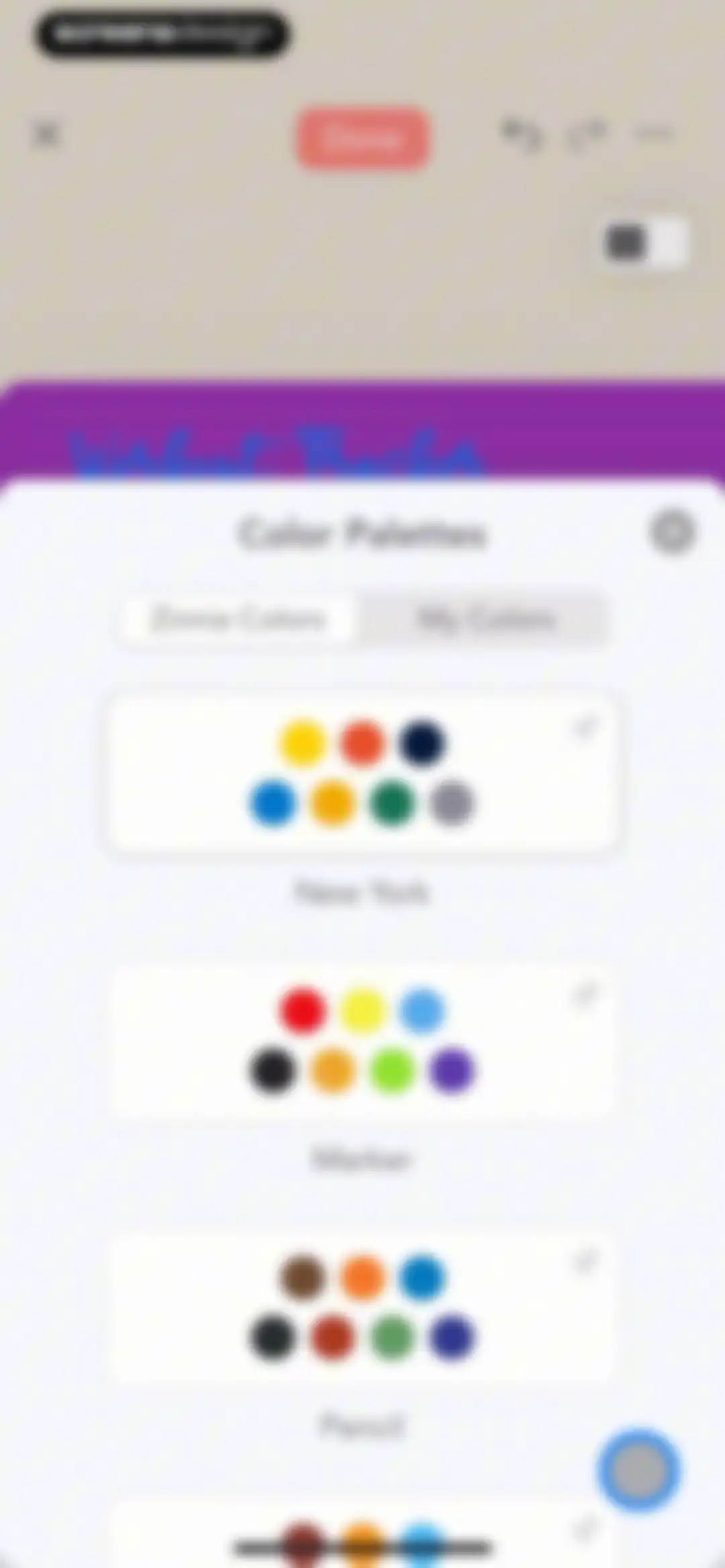
Color palette selection modal displaying a list of themed color cards with tabs for default and custom options, and a Done button.Unlock Pro
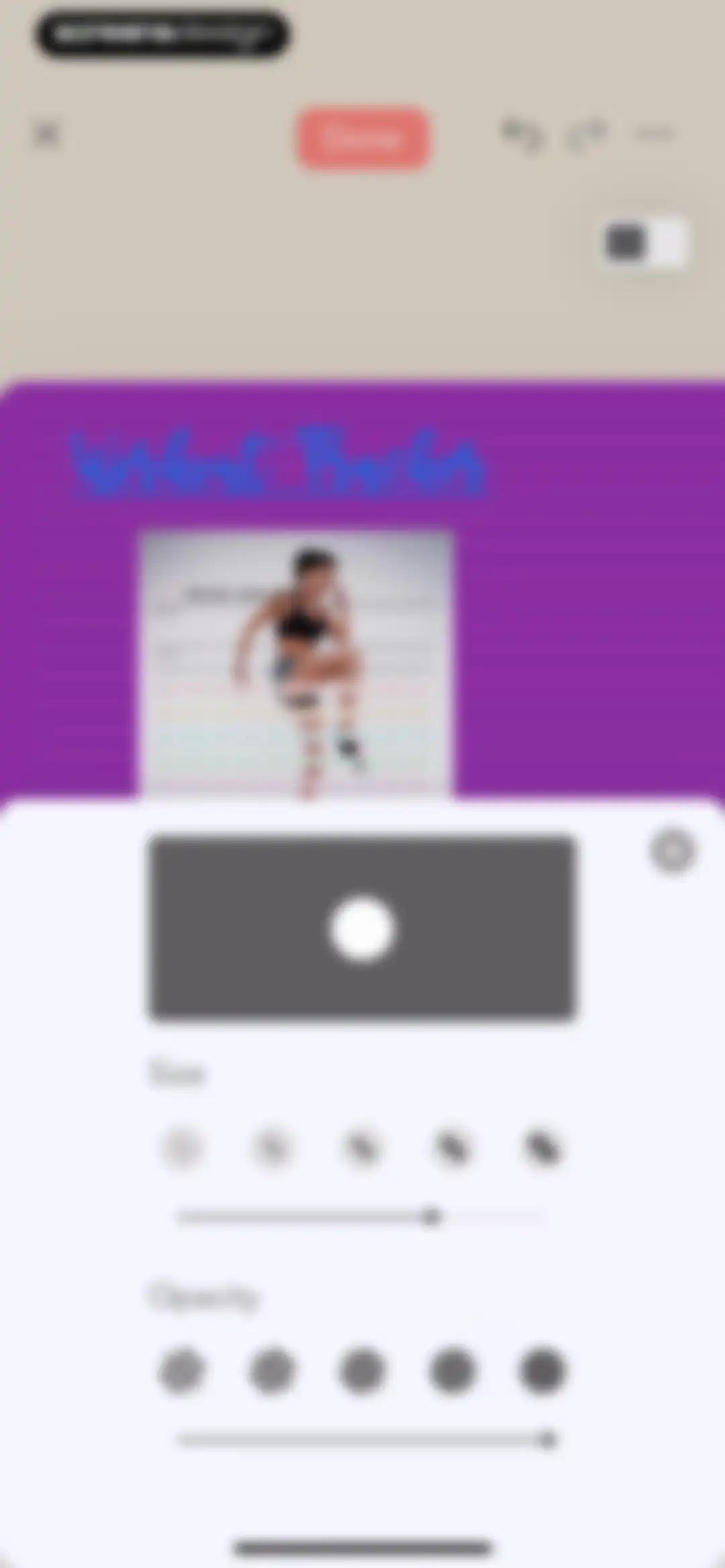
Editor screen displaying a workout tracker journal page with a tool settings modal overlay for adjusting brush size and opacity.Unlock Pro
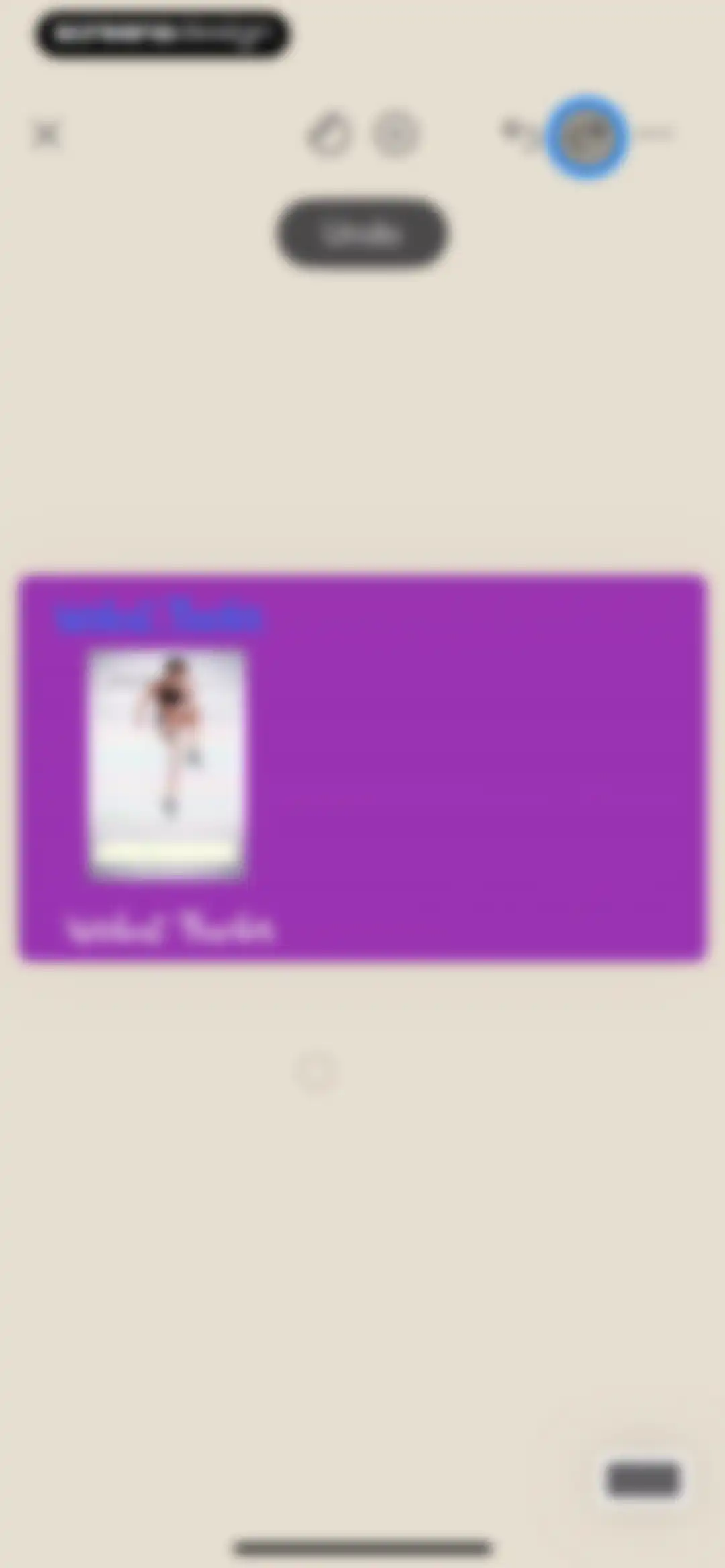
Editor screen displaying a workout tracker template for a 100 day challenge on a central canvas with top navigation action icons.Unlock Pro
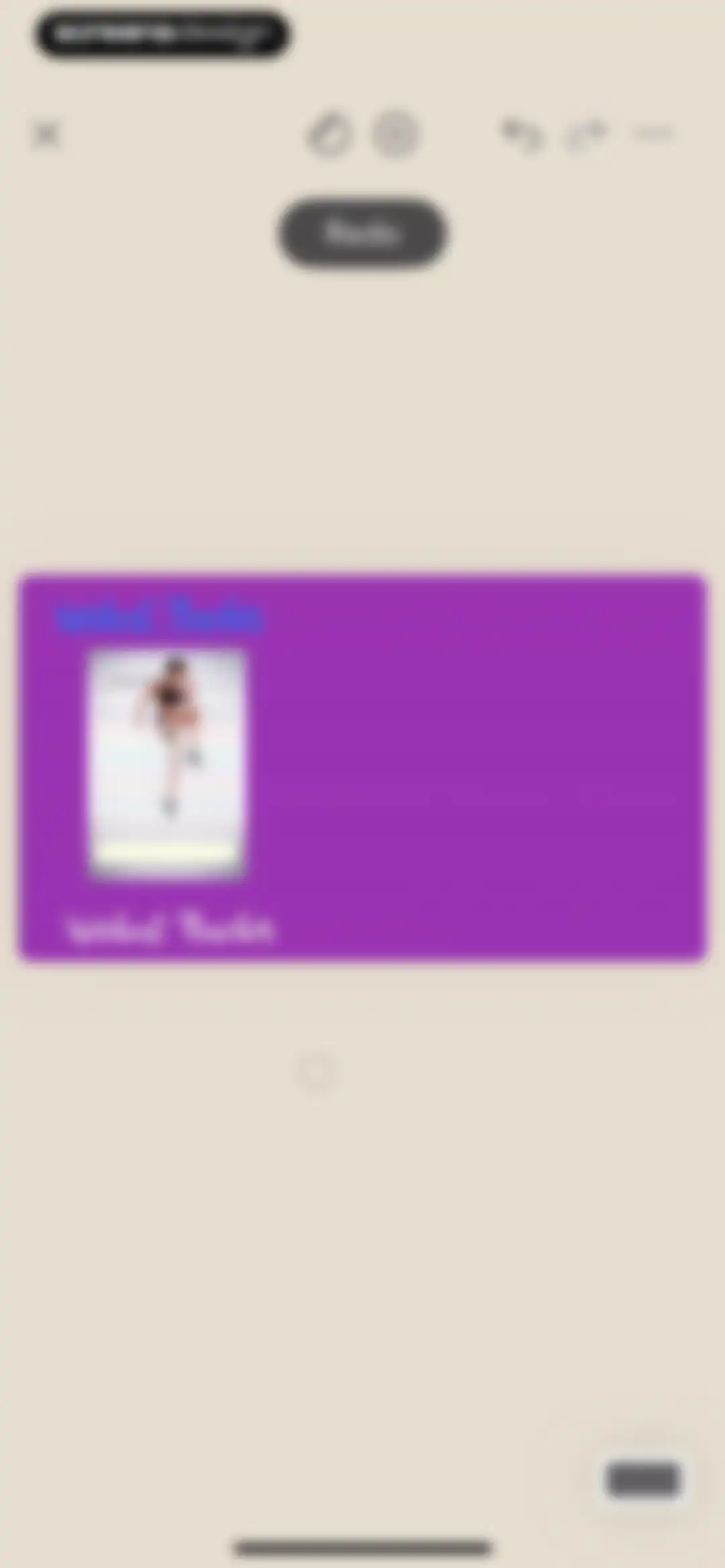
Editor screen featuring a purple card with a Workout Tracker template and 100 Day Challenge grid on a beige canvas.Unlock Pro
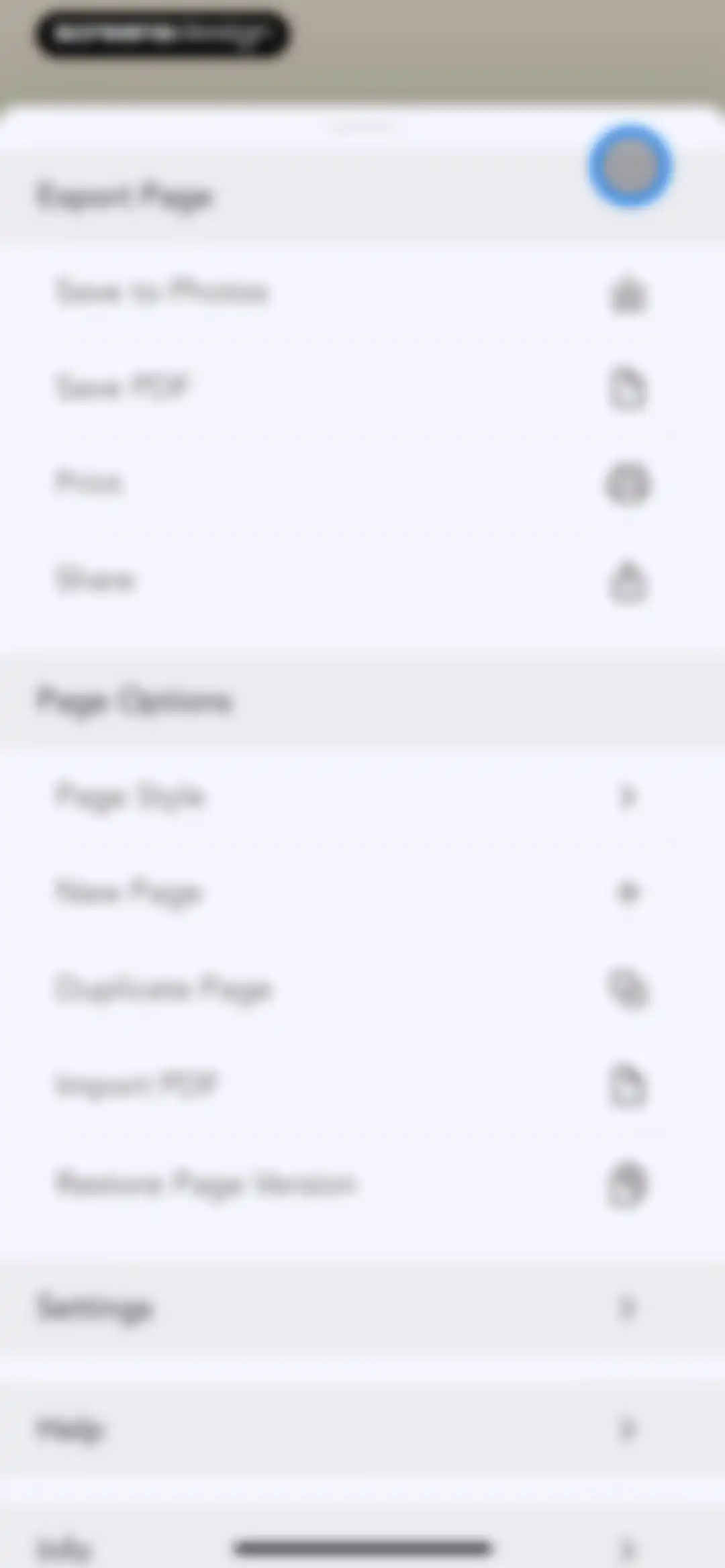
Bottom sheet menu displaying action items for exporting and managing pages across three sections.Unlock Pro
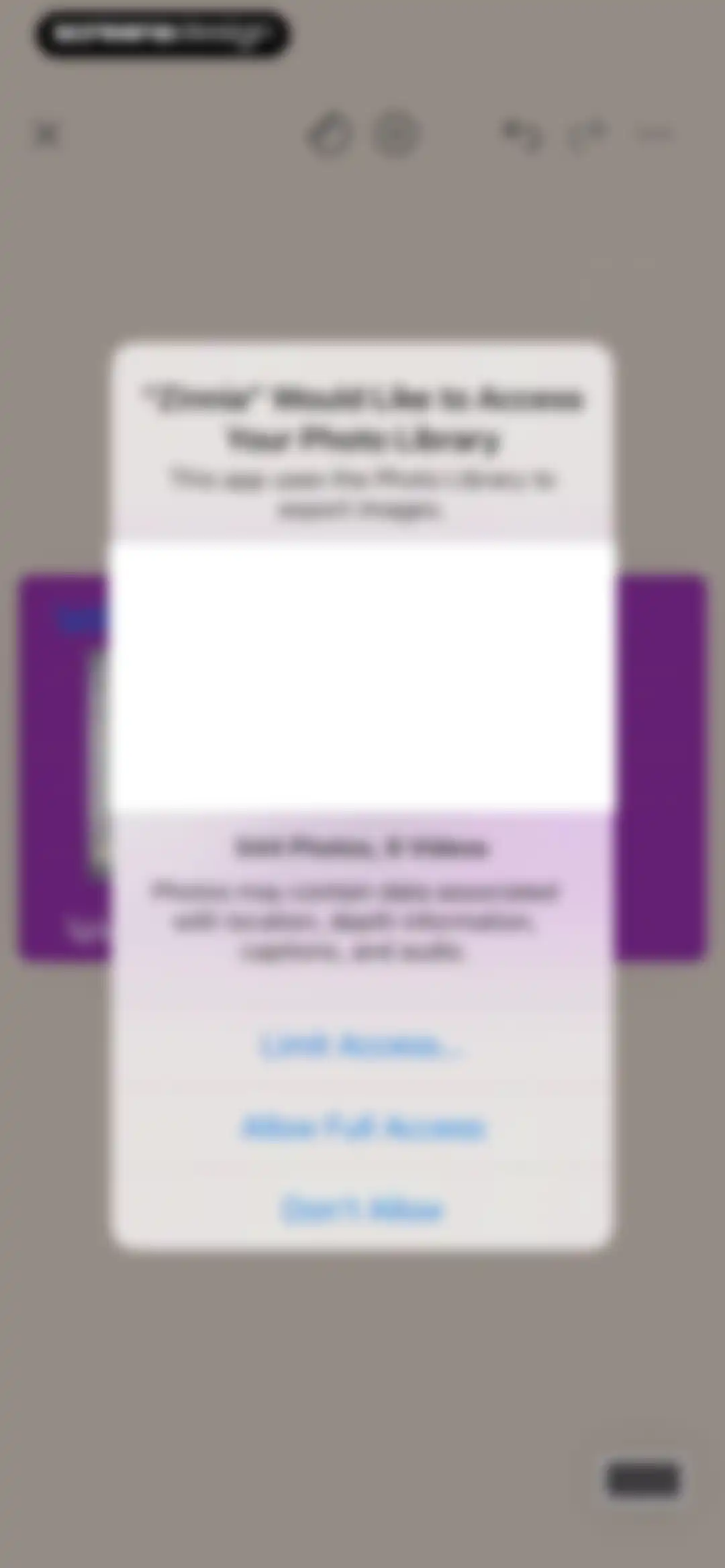
Permission request modal asking to access the photo library, with options to limit access, allow full access, or deny.Unlock Pro
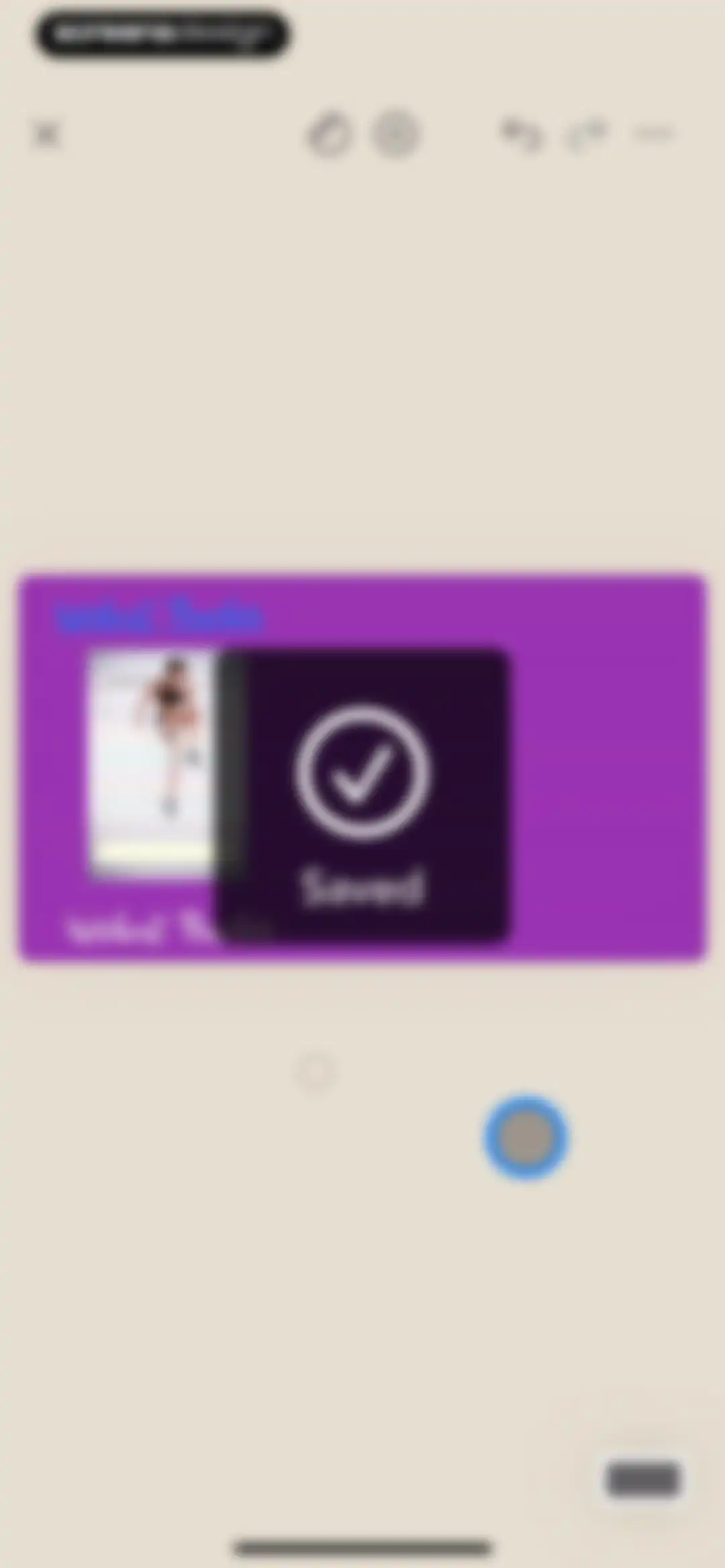
Workout tracker confirmation screen displaying a saved success modal with a checkmark over a 100 Day Challenge template card.Unlock Pro
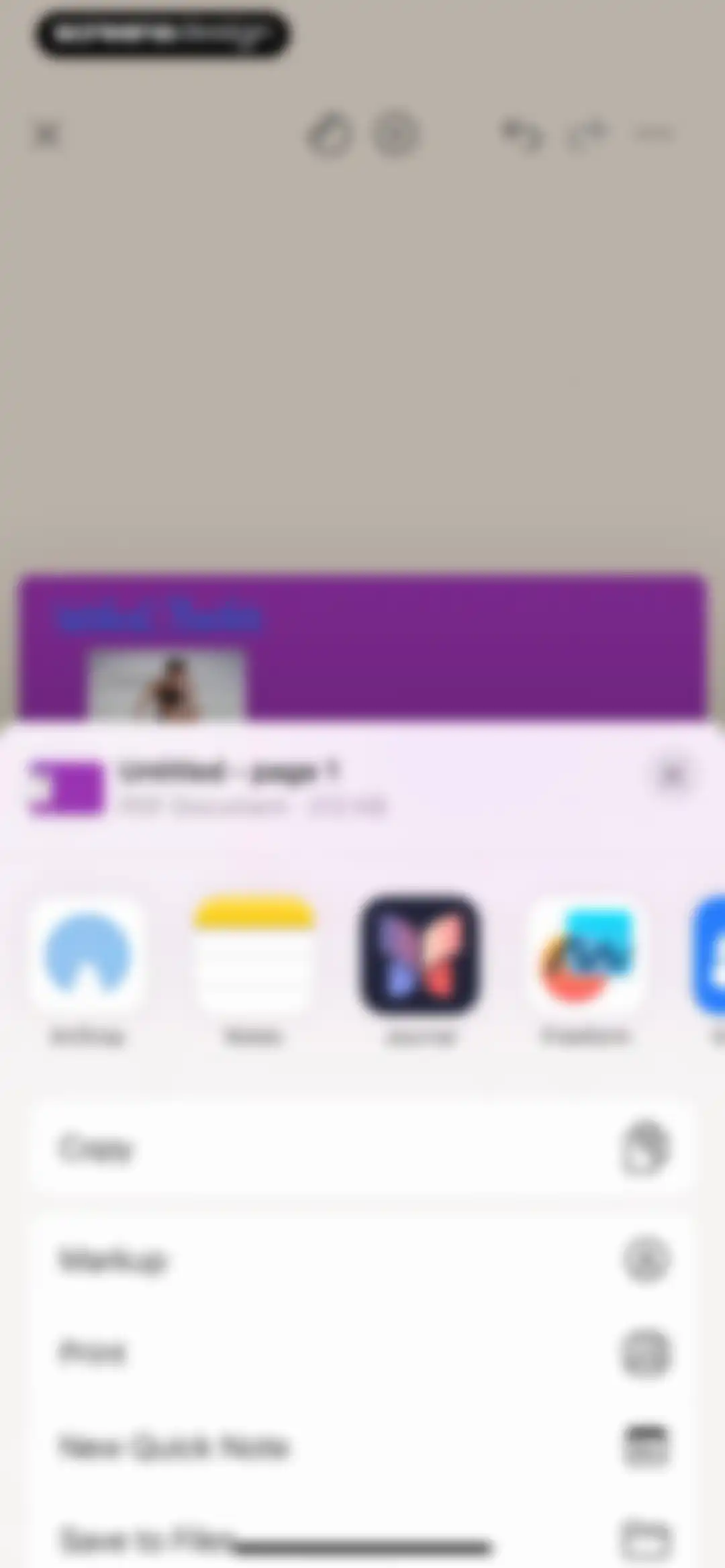
Document sharing screen displaying a PDF preview with a bottom share sheet overlaying options like AirDrop, Copy, and Save to Files.Unlock Pro
Page style settings screen displaying orientation options, a color palette, and a template grid with the lined style selected.Unlock Pro
Settings modal listing page sizes with iPhone (9:16) selected in reddish-orange.Unlock Pro
Page management view displaying a vertical list of two page previews, including a Workout Tracker and a blank page.Unlock Pro
Settings screen with a list of toggle options for drawing and export preferences, featuring a back button in the header.Unlock Pro
Document management grid displaying purple page thumbnails, an Untitled title, and a New Page button.Unlock Pro
Rating prompt modal for Zinnia asking users to tap a star to rate the app on the App Store, with Cancel and Submit buttons.Unlock Pro
Feedback modal thanking the user for their feedback, featuring rating stars and a Write a Review button over a background app screen.Unlock Pro
Page style selection modal with configuration controls, a color palette, a template grid, and a Create New Page button.Unlock Pro
Editor screen featuring a central dot-grid canvas area, a top navigation bar with editing tools, and a floating action button.Unlock Pro
Page management screen showing a grid of journal page thumbnails, a New Page button, a bottom toolbar with edit options, and a Done button.Unlock Pro
Document export screen displaying a grid of page previews with a bottom action sheet offering options like Save to Photos and Share.Unlock Pro
Zinnia app home screen displaying a grid of journal pages, a saved confirmation modal, and a New Page creation placeholder.Unlock Pro
Modal window prompting the user to select a destination journal, with the Quick Start Guide card selected and a New Journal option.Unlock Pro
Onboarding screen displaying a Quick Start Guide grid of tutorial cards with a move instruction and a New Page placeholder.Unlock Pro
Zinnia journal settings menu with export, journal management, and options sections presented in a bottom sheet.Unlock Pro
Edit journal modal displaying a title input, cover preview, color picker, and style carousel with Cancel and Done actions.Unlock Pro
Deleted pages management screen showing a single page card and a Deleting in 29 days status label, with Close and Delete All actions.Unlock Pro
Deleted pages management screen displaying a page thumbnail, a deletion countdown label, and an action menu with Restore and Delete Forever options.Unlock Pro
Home screen featuring a grid of journal cards including Workout Tracker and Quick Start Guide, with a bottom navigation bar.Unlock Pro
Home dashboard with a grid of journal cards, an open creation menu showing options for new journals, folders, and PDF imports, and a bottom tab bar.Unlock Pro
Journal creation modal presenting three options to start with a basic page, use a pre-made template, or import a PDF.Unlock Pro
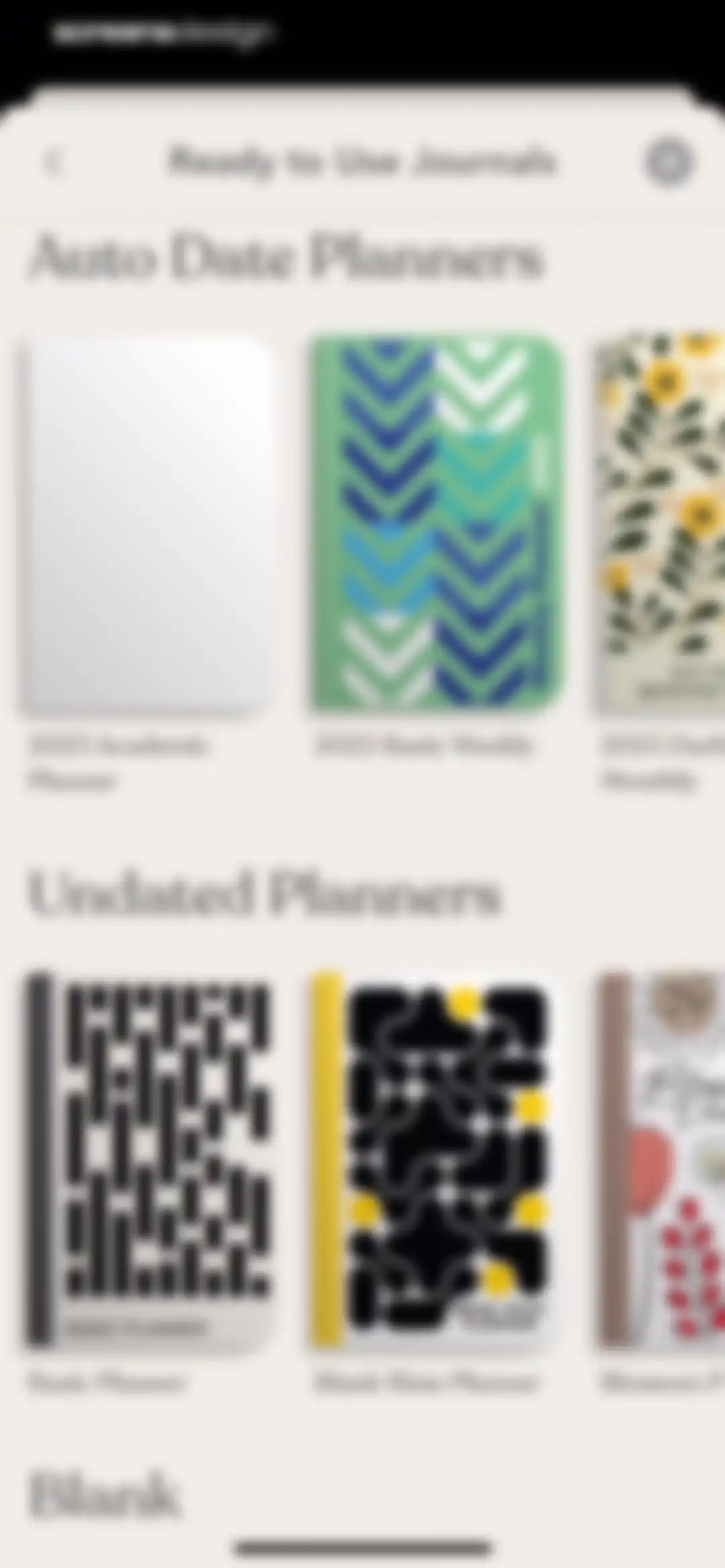
Journal selection screen displaying categorized horizontal lists of auto-dated and undated digital planner template cards.Unlock Pro
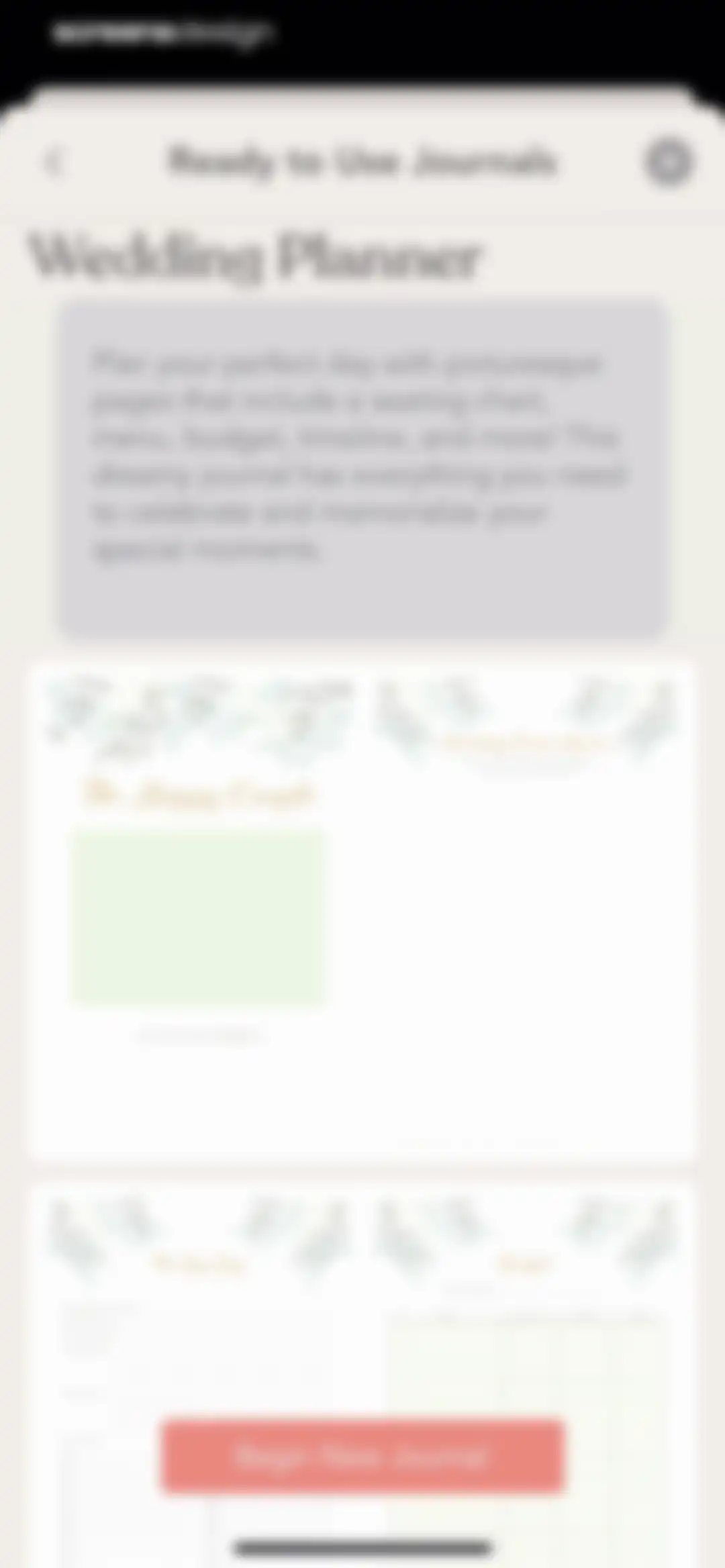
Ready to Use Journals modal displaying the Wedding Planner template preview and a Begin New Journal button.Unlock Pro
Journal editor showing a Wedding Vision Board template with two pages, decorative green leaves, and a top navigation bar.Unlock Pro
File picker screen displaying a grid of recent PDF documents with a search bar and bottom navigation.Unlock Pro
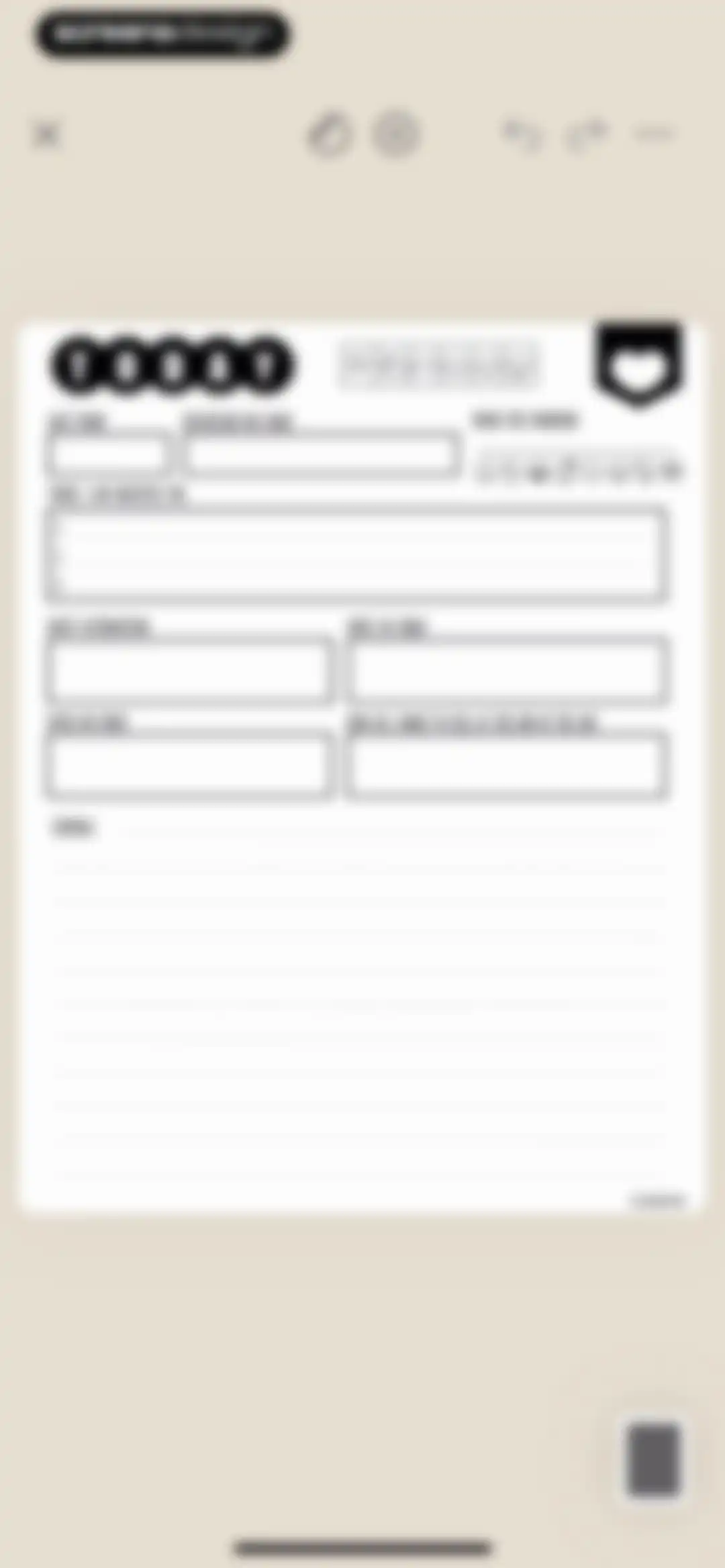
Daily planner and journaling editor featuring sections for intentions, gratitude, daily affirmation, and a journal entry area.Unlock Pro
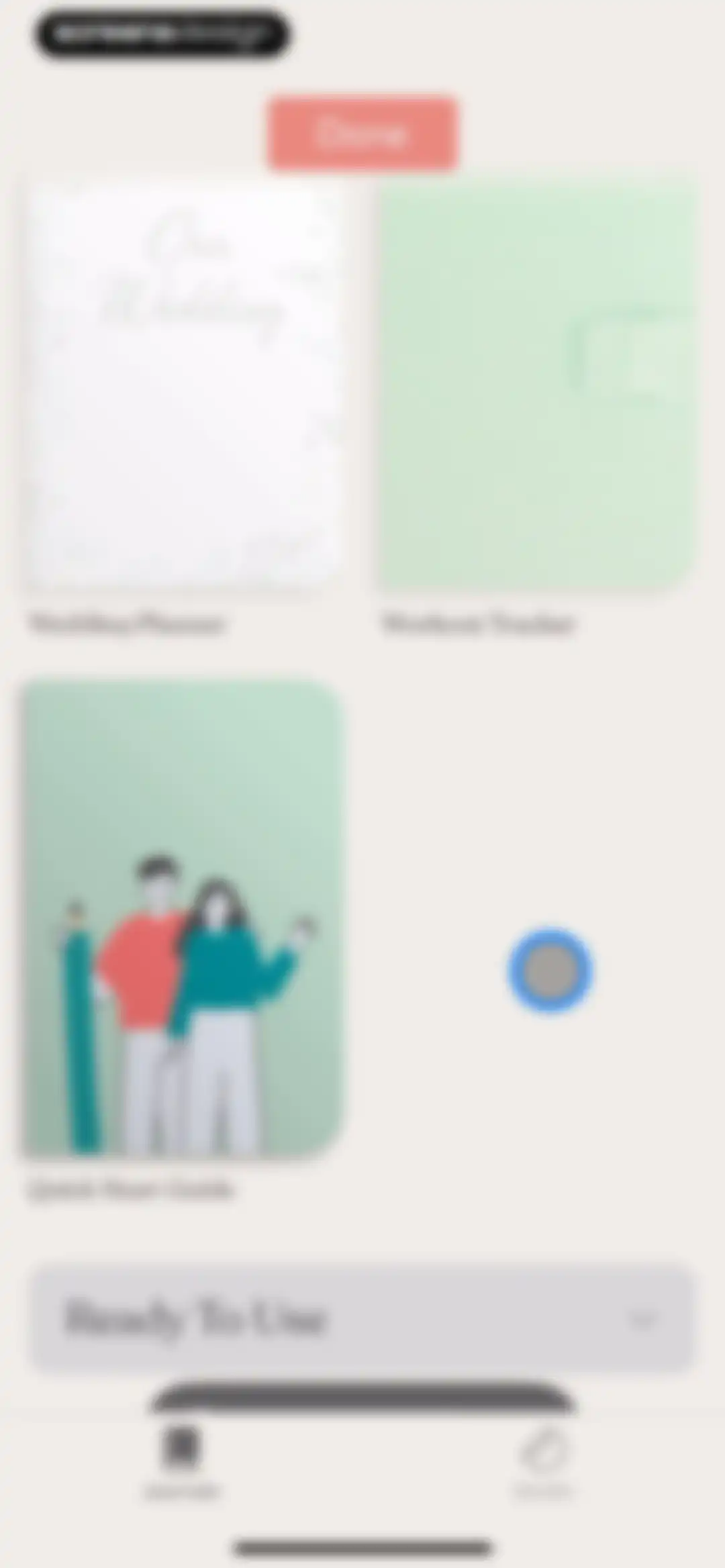
Home screen featuring a grid of digital journals including Wedding Planner and Workout Tracker with a Done button and bottom navigation.Unlock Pro
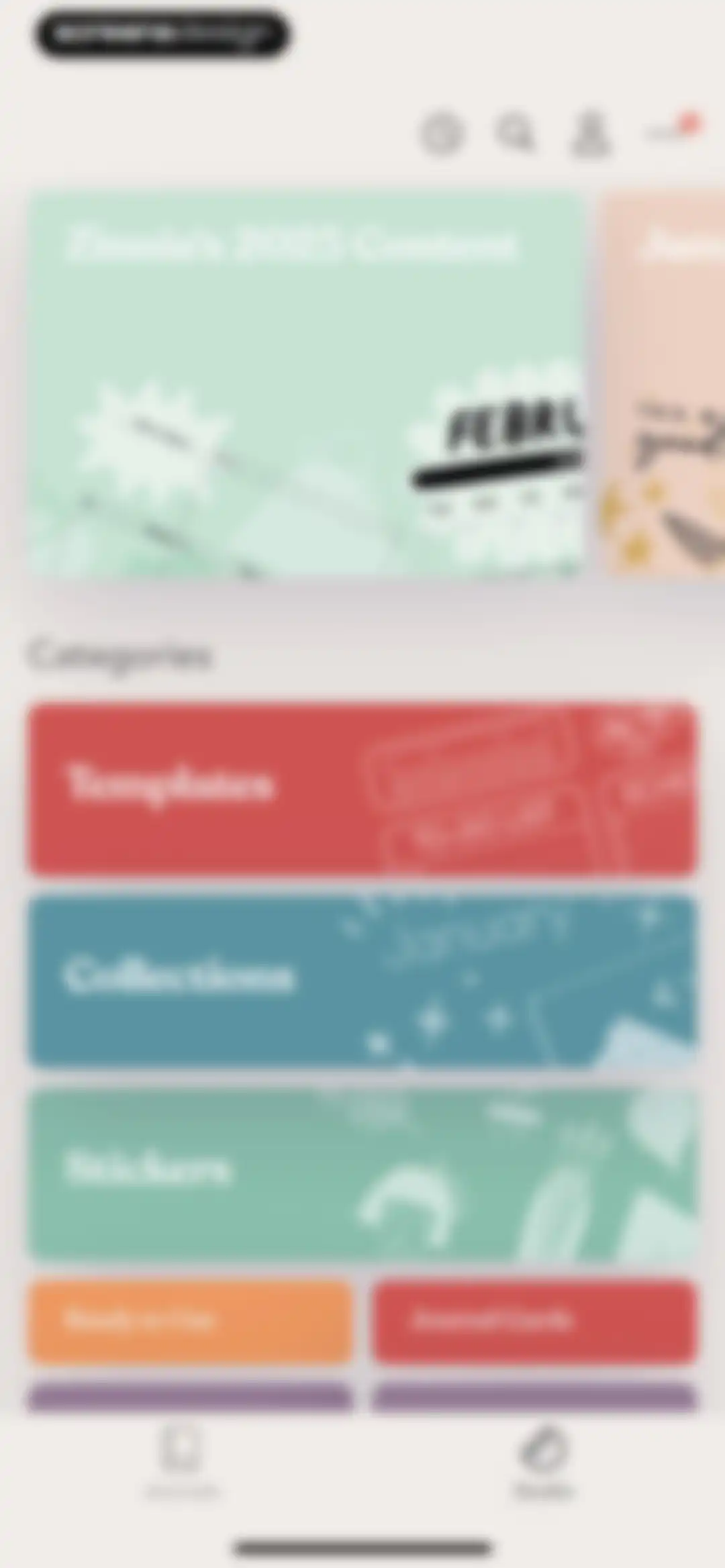
Home screen featuring a featured content carousel and categories for templates, collections, and stickers with the Journals tab selected.Unlock Pro
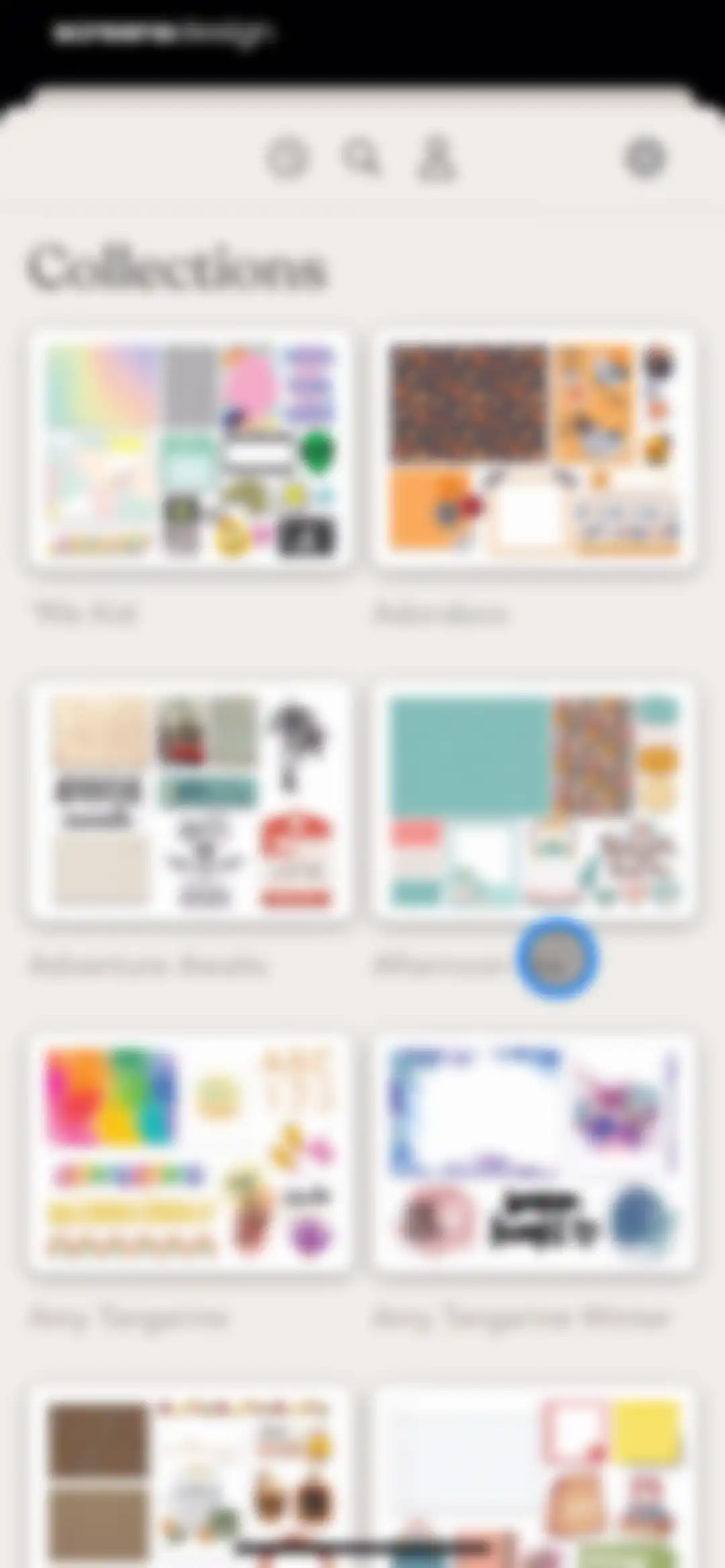
Collections feed displaying a grid of thematic sticker and template cards with a top navigation bar.Unlock Pro
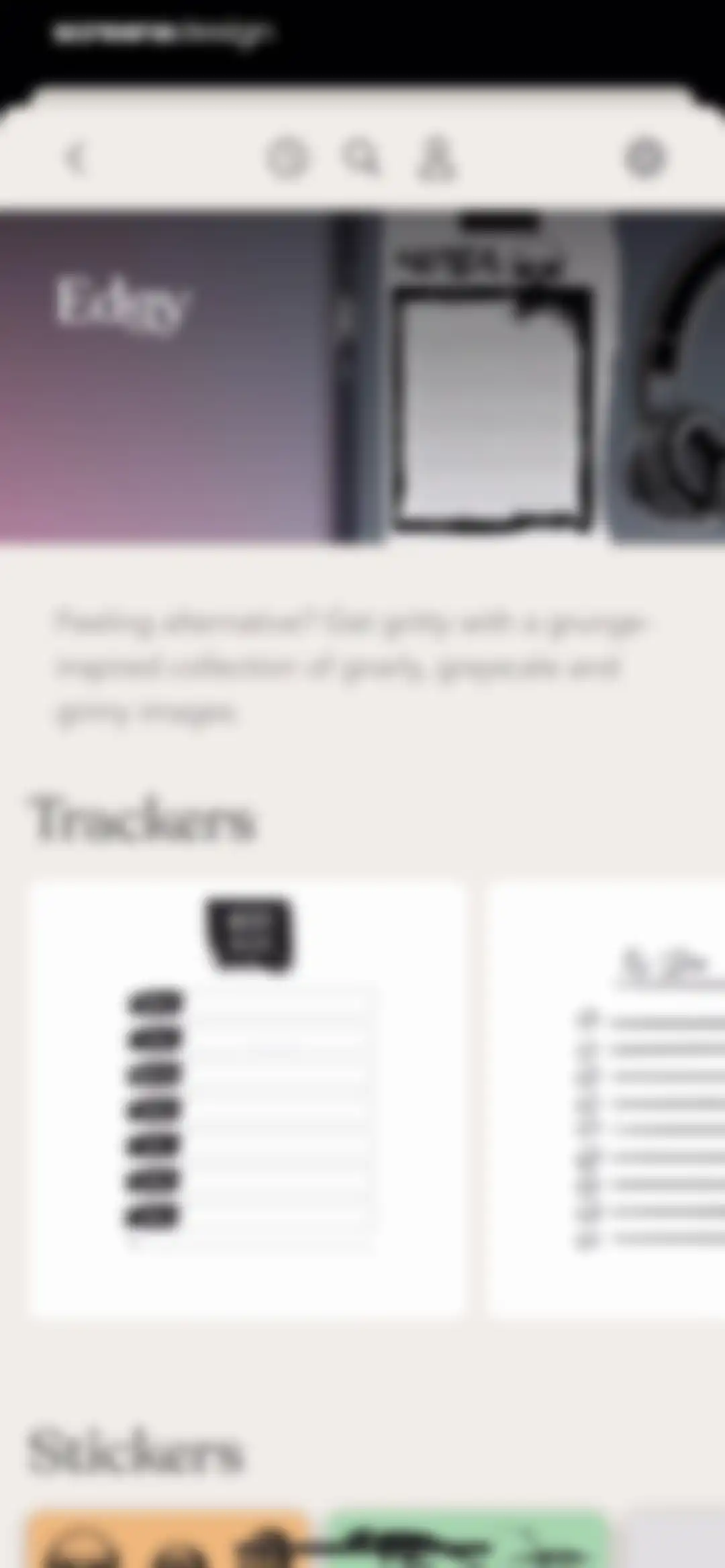
Content feed displaying an Edgy grunge-inspired collection with a weekly meal plan tracker, to-do list, and stickers.Unlock Pro
Asset picker menu displaying a 3x4 grid of black dragon silhouette graphics under a Dragons title.Unlock Pro
Journal selection modal prompting the user to choose a destination journal, featuring a New Journal card and an existing Zinia Screendesign test card.Unlock Pro
Page selection modal prompting the user to choose a journal page for the Workout Tracker element, displaying a grid of page previews.Unlock Pro
Editor interface showing a selected dragon sticker with a bounding box, floating context menu, and a bottom toolbar with editing options.Unlock Pro
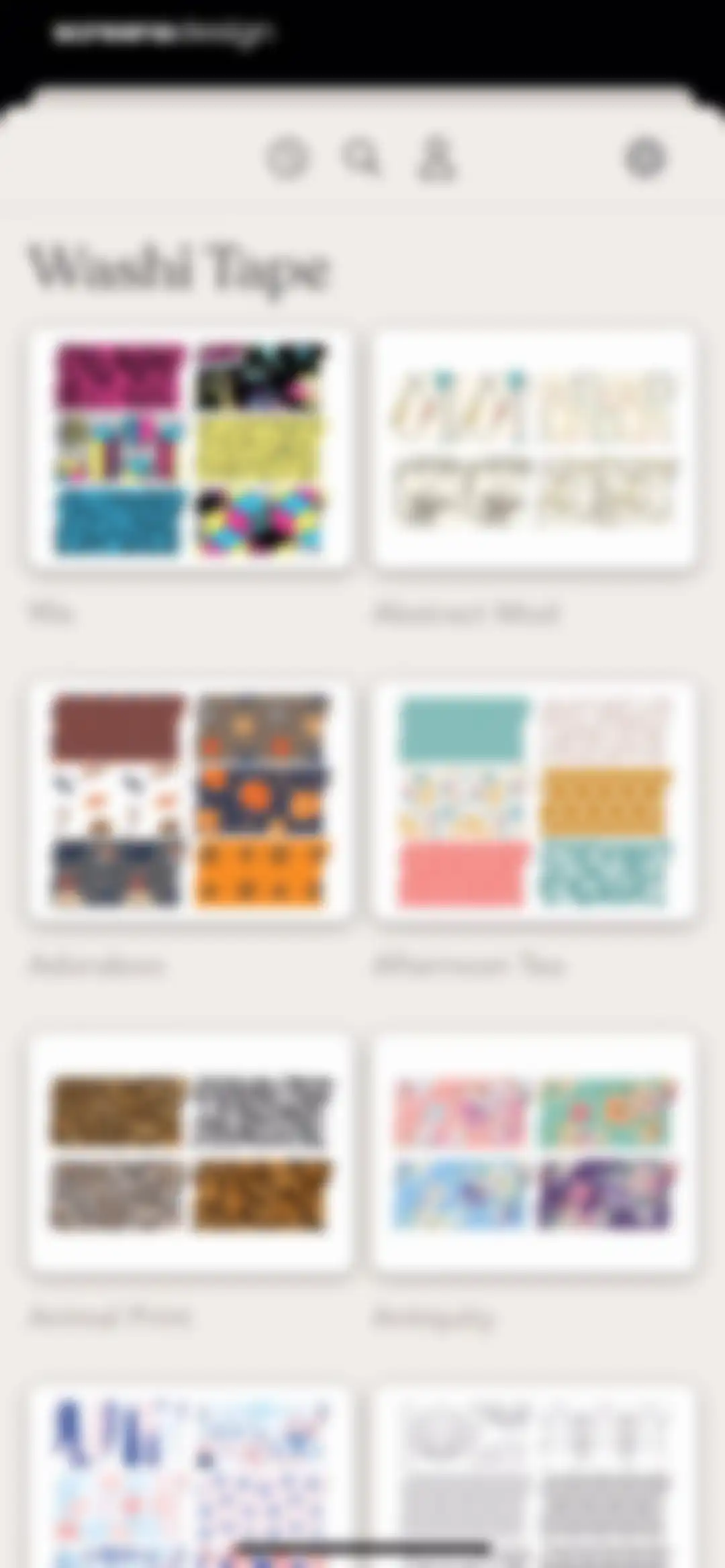
Catalog of washi tape digital assets in a two-column grid showing patterned tape previews and collection names.Unlock Pro
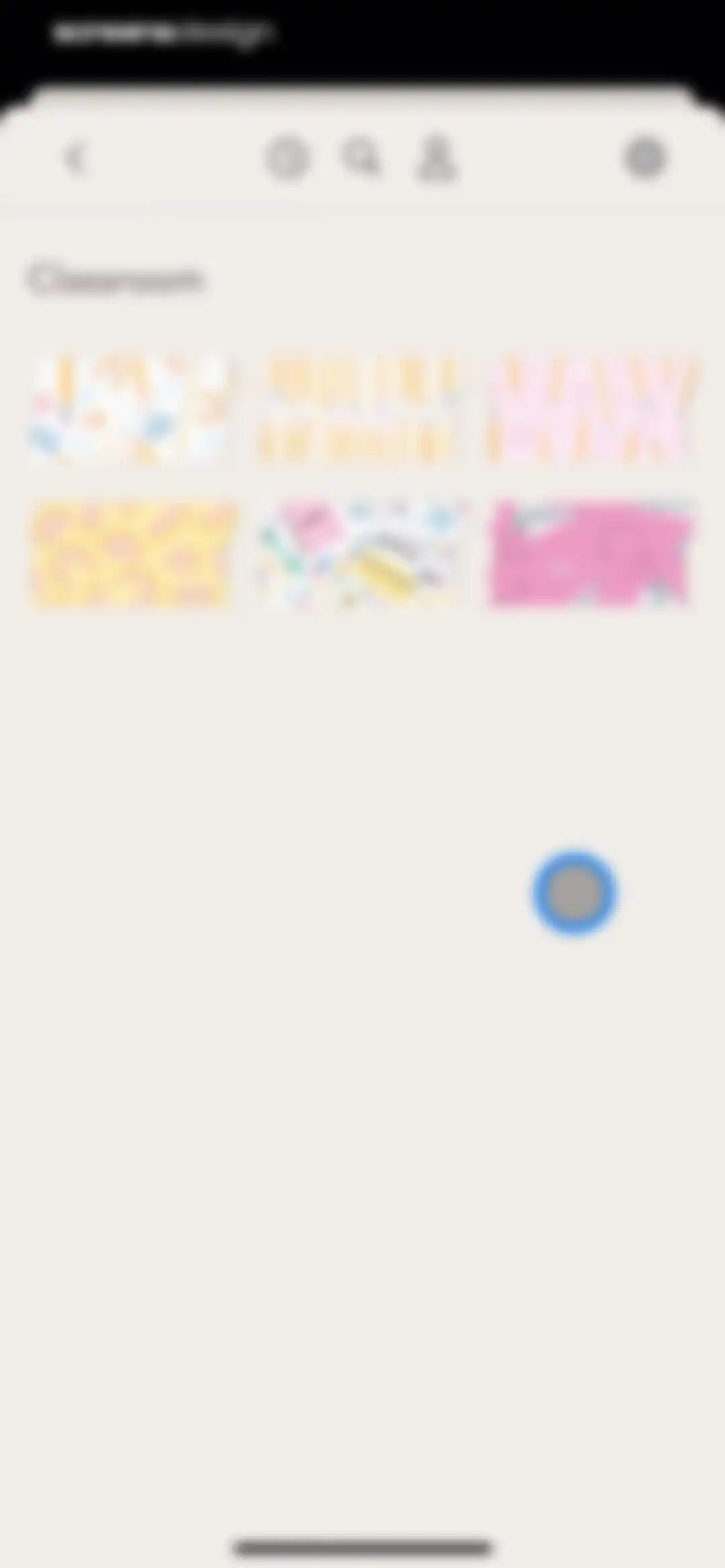
Sticker selection screen featuring a Classroom category title and a grid of school-themed sticker cards.Unlock Pro
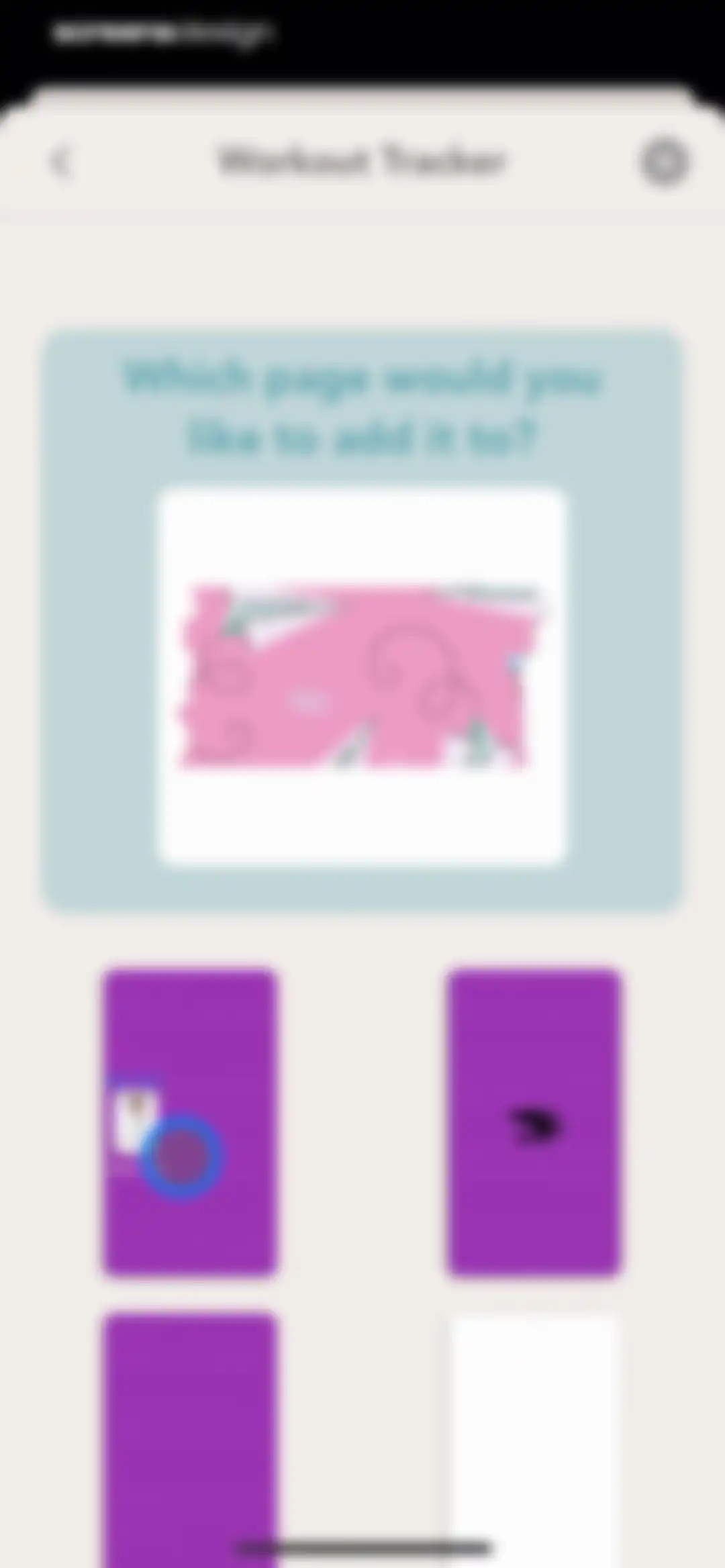
Page selection modal for a workout tracker sticker, featuring a prompt card and a grid of journal page thumbnails.Unlock Pro
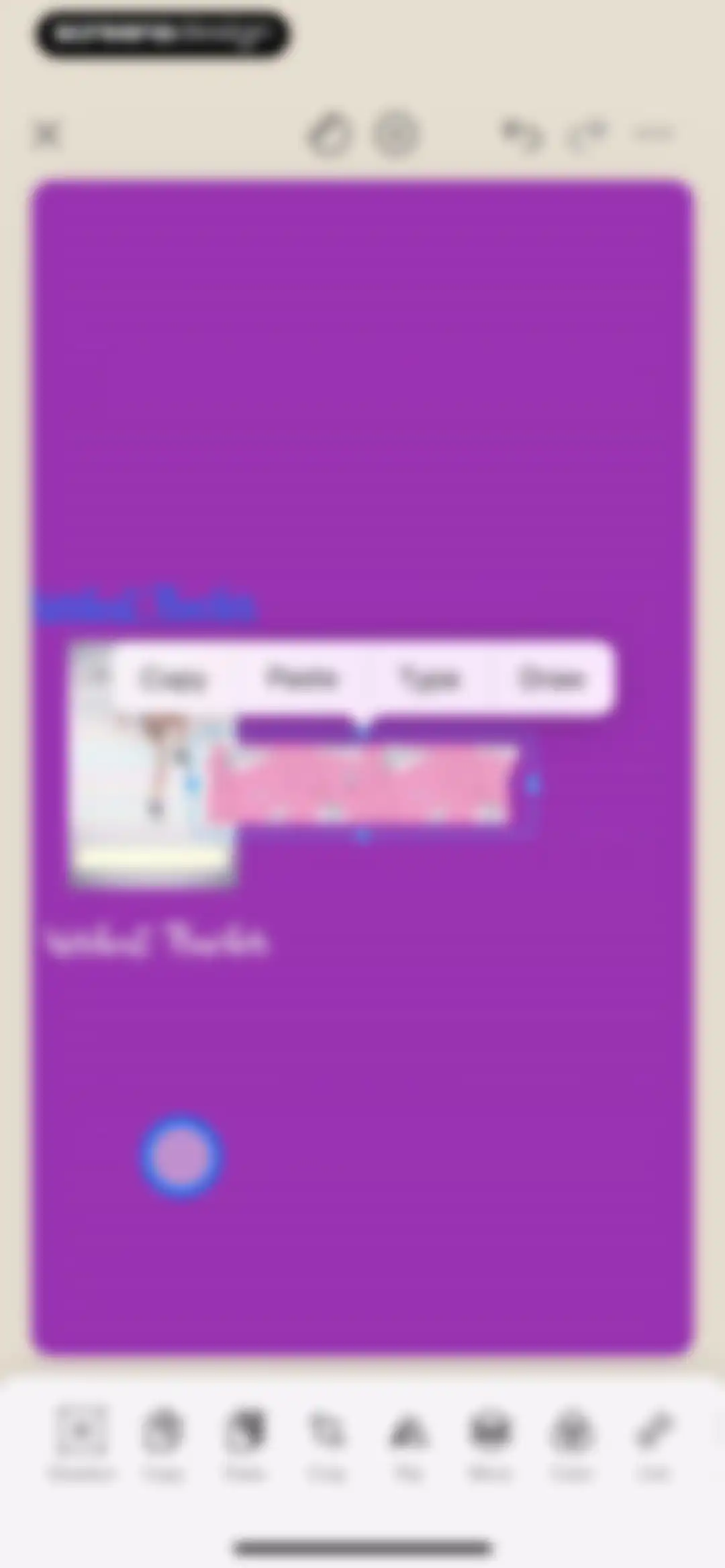
Digital journaling editor with a selected washi tape sticker, a floating context menu, and a bottom toolbar of editing tools.Unlock Pro
Frames selection screen displaying a two-column grid of decorative frame preview cards with labels including 3D Neon and Adoraboo.Unlock Pro
Content feed displaying a two-column grid of decorative divider cards with titles like Adoraboo and Antique beneath a top navigation bar.Unlock Pro
Content feed featuring a two-column grid of journal cards with text labels including 2025 and Abode, and top navigation icons.Unlock Pro
Text box gallery displaying a two-column grid of content cards with categories like Abstract, Adorable, and Aesthetics.Unlock Pro
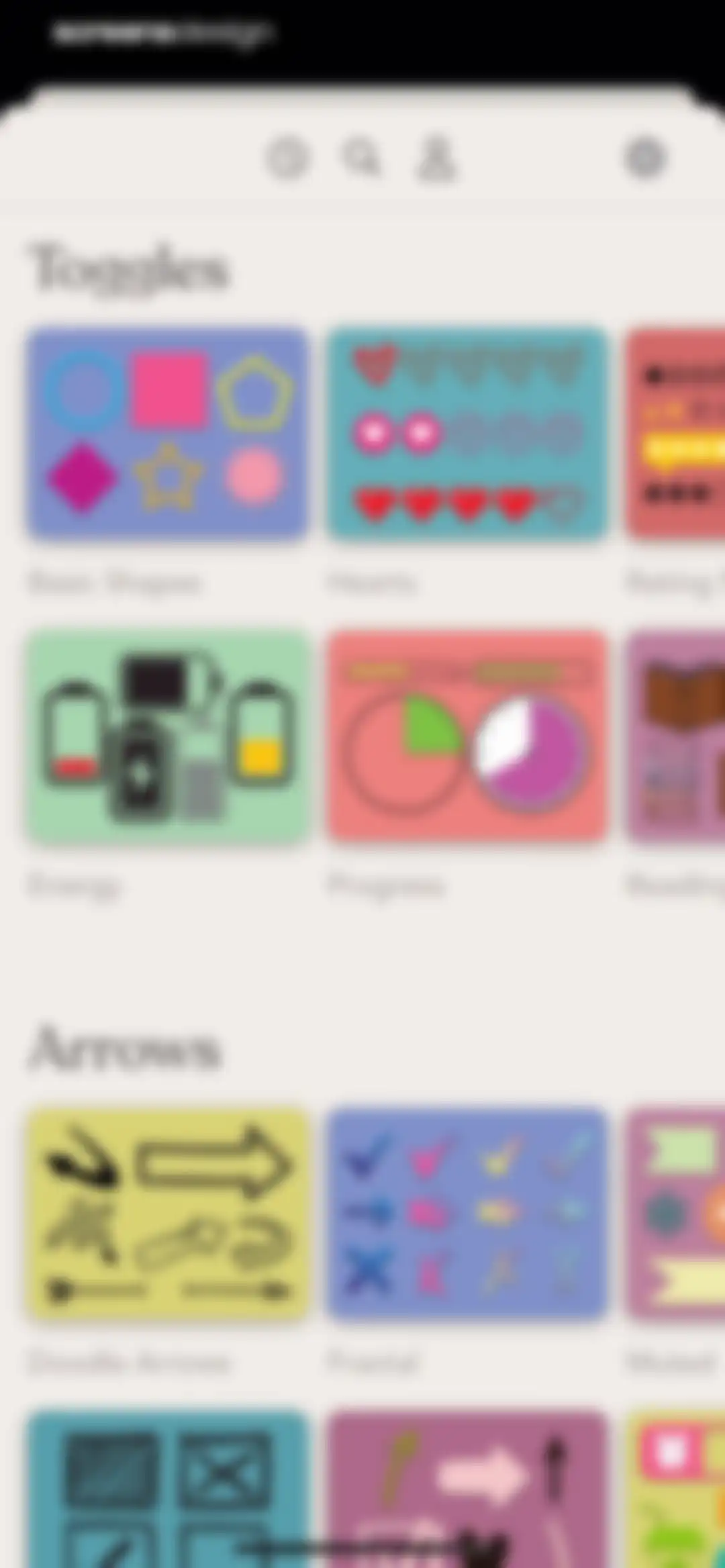
Sticker picker featuring categorized sections of graphic asset cards including Toggles and Arrows with a top navigation bar.Unlock Pro
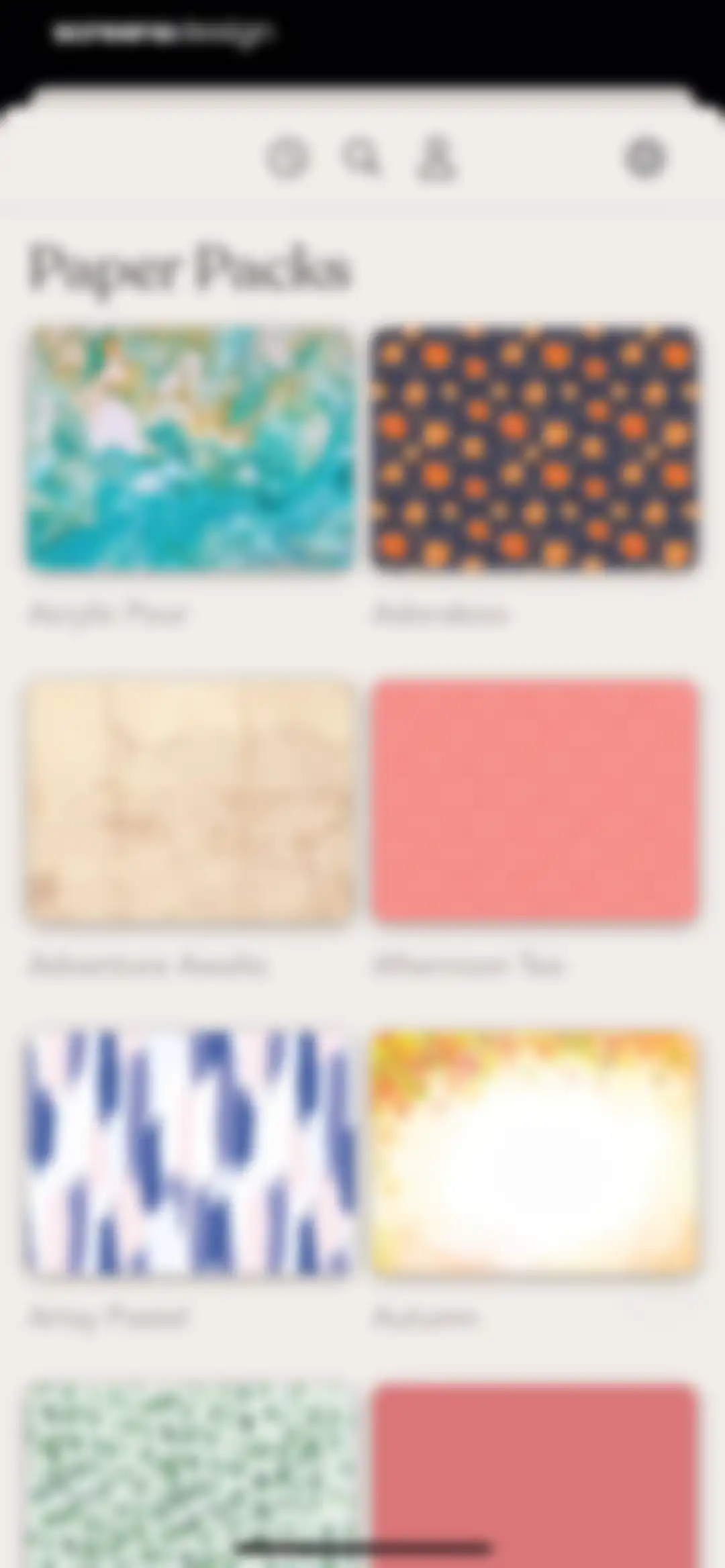
Paper packs modal displaying a two-column grid of image cards for digital journal templates with a close button.Unlock Pro
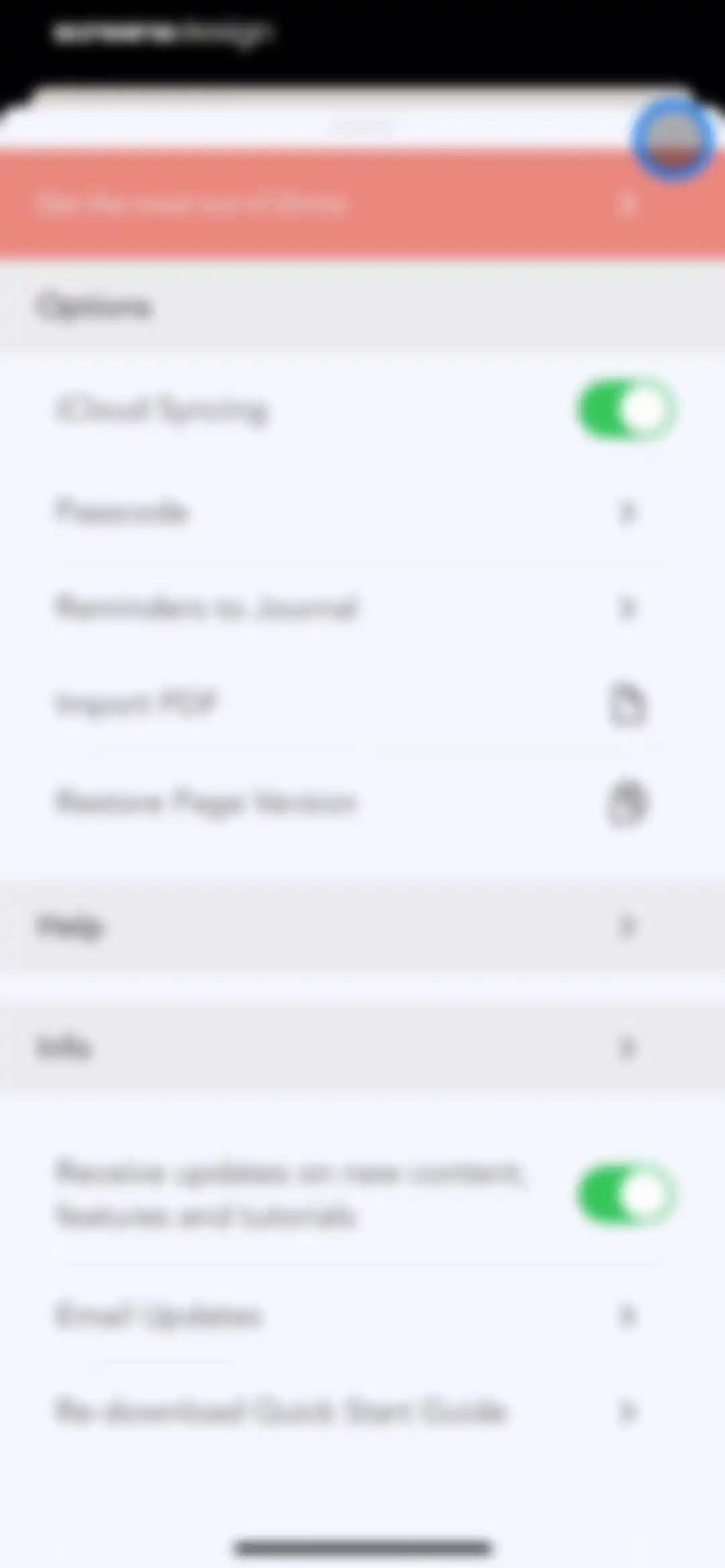
Zinnia app settings menu presented as a modal sheet with a top banner, options list, and help links.Unlock Pro
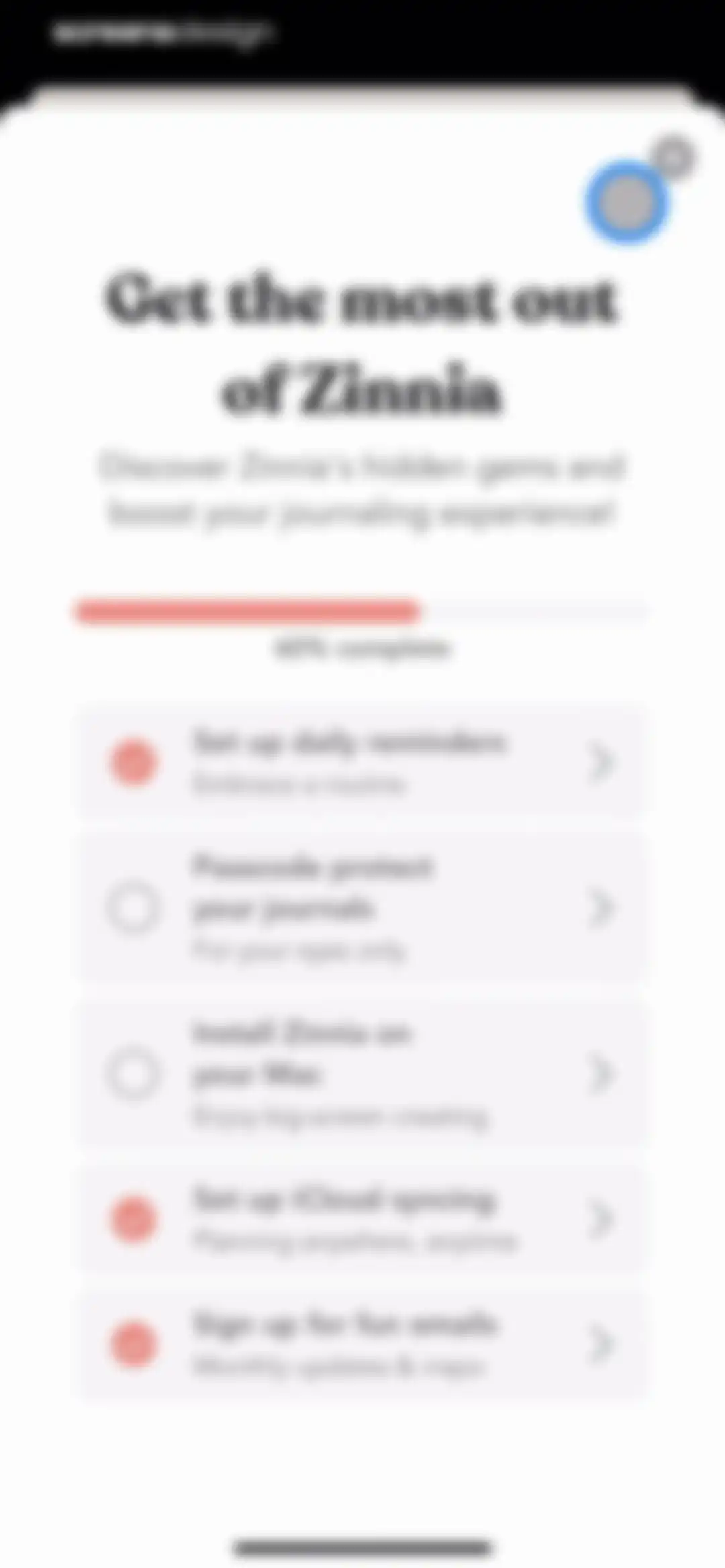
Zinnia onboarding checklist modal showing sixty percent completion and a list of five feature setup items.Unlock Pro
Onboarding screen prompting users to set up daily reminders, featuring a central clock icon, a Continue button, and a skip link.Unlock Pro
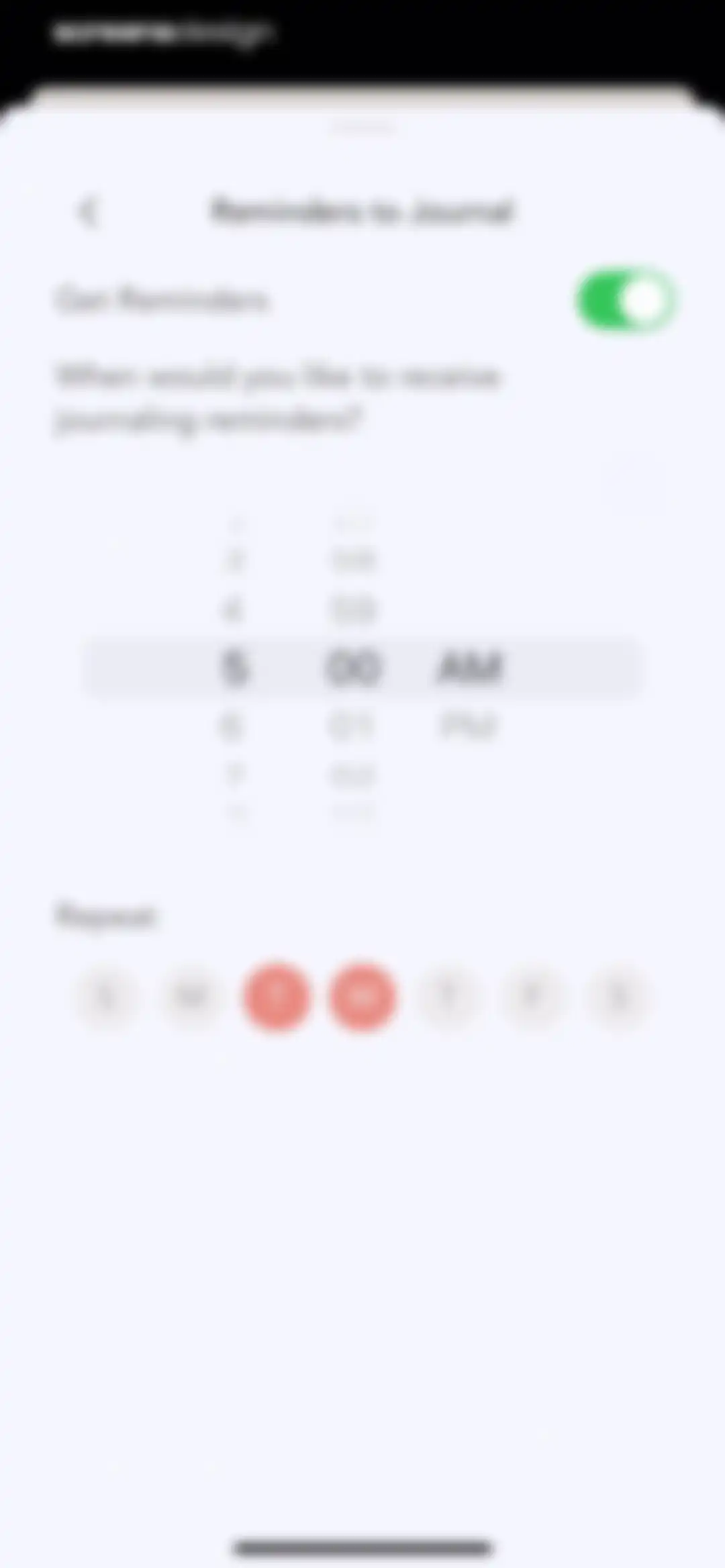
Onboarding reminder configuration screen with a time picker, day of week selection row showing Tuesday and Wednesday selected, and a Continue button.Unlock Pro
Zinnia app passcode setup screen with a padlock illustration, Continue button, and Set Up Later in Settings link.Unlock Pro
Passcode setup screen with a 4-digit entry prompt, numeric keypad, and a Cancel button.Unlock Pro
Passcode entry screen with indicator dots, a numeric keypad, and a Cancel button.Unlock Pro
Email entry form for password recovery with two fields pre-filled with an email address, a Continue button, and a Cancel link.Unlock Pro
Passcode confirmation screen for the Zinnia app displaying a lock icon, success message, and a Done button.Unlock Pro
Zinnia promotional screen highlighting the Mac app features, with a central laptop illustration, Send to Device button, and Done button.Unlock Pro
Share sheet overlay displaying a URL bar, an app icon carousel, a vertical list of actions like Copy and Add to Reading List, and an Edit Actions link.Unlock Pro
Zinnia onboarding success modal featuring a checkmark icon, confirmation message about planner mode, and a Done button.Unlock Pro
Reminder settings screen in the Zinnia app featuring an active toggle, a time picker, and a weekly repeat day selector with Tuesday and Wednesday selected.Unlock Pro
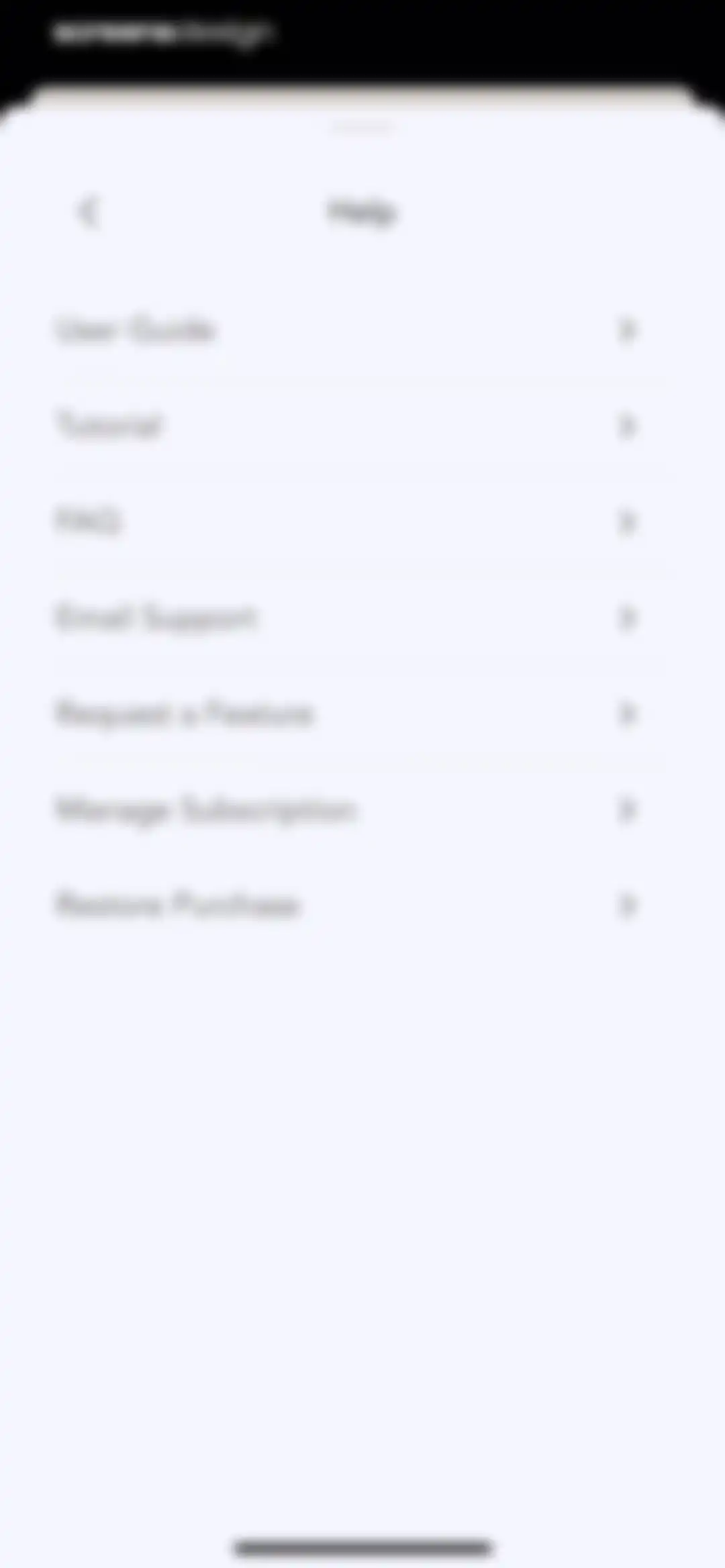
Help menu with a vertical list of support and subscription management options, including User Guide, FAQ, and Manage Subscription.Unlock Pro
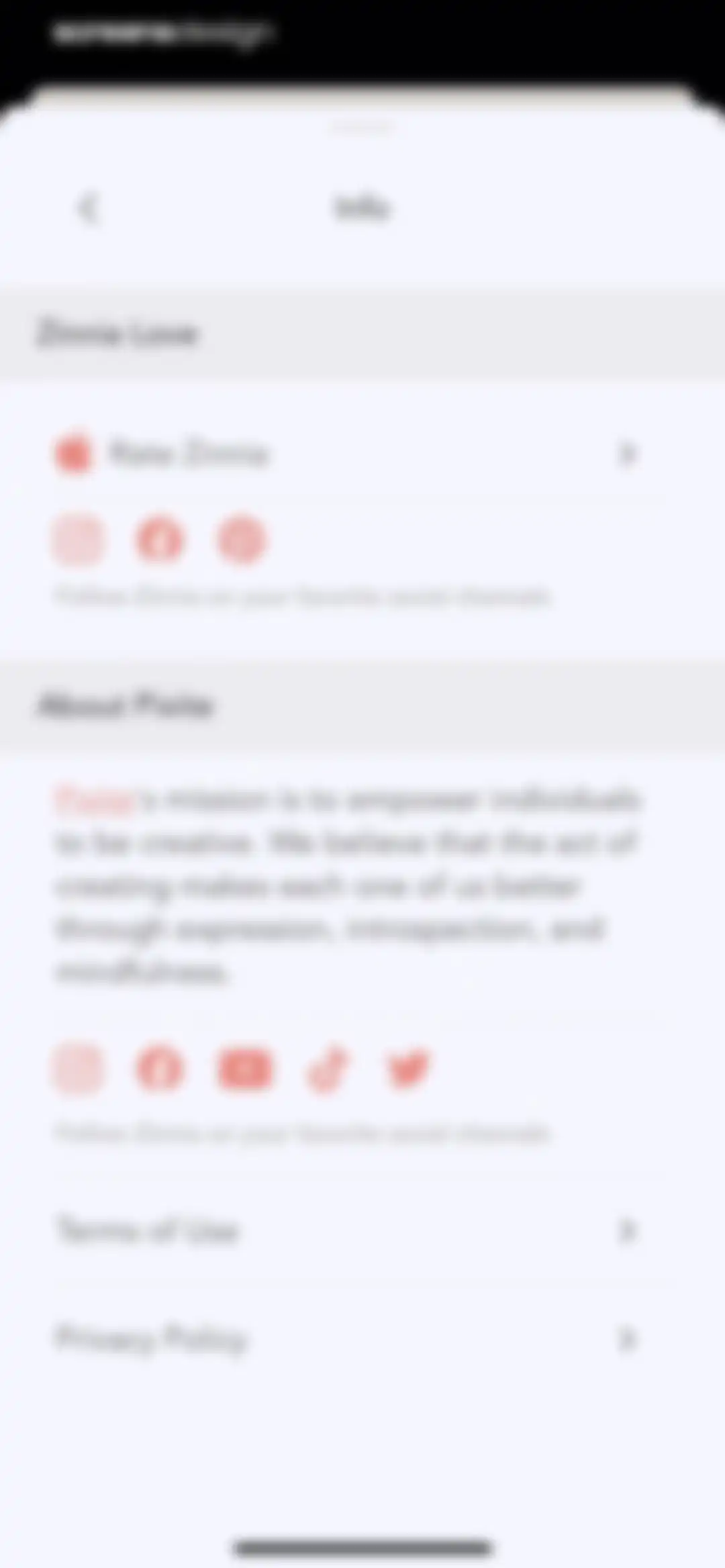
Info settings screen for the Zinnia app featuring rating options, social media links, company mission statement, and legal documents.Unlock Pro
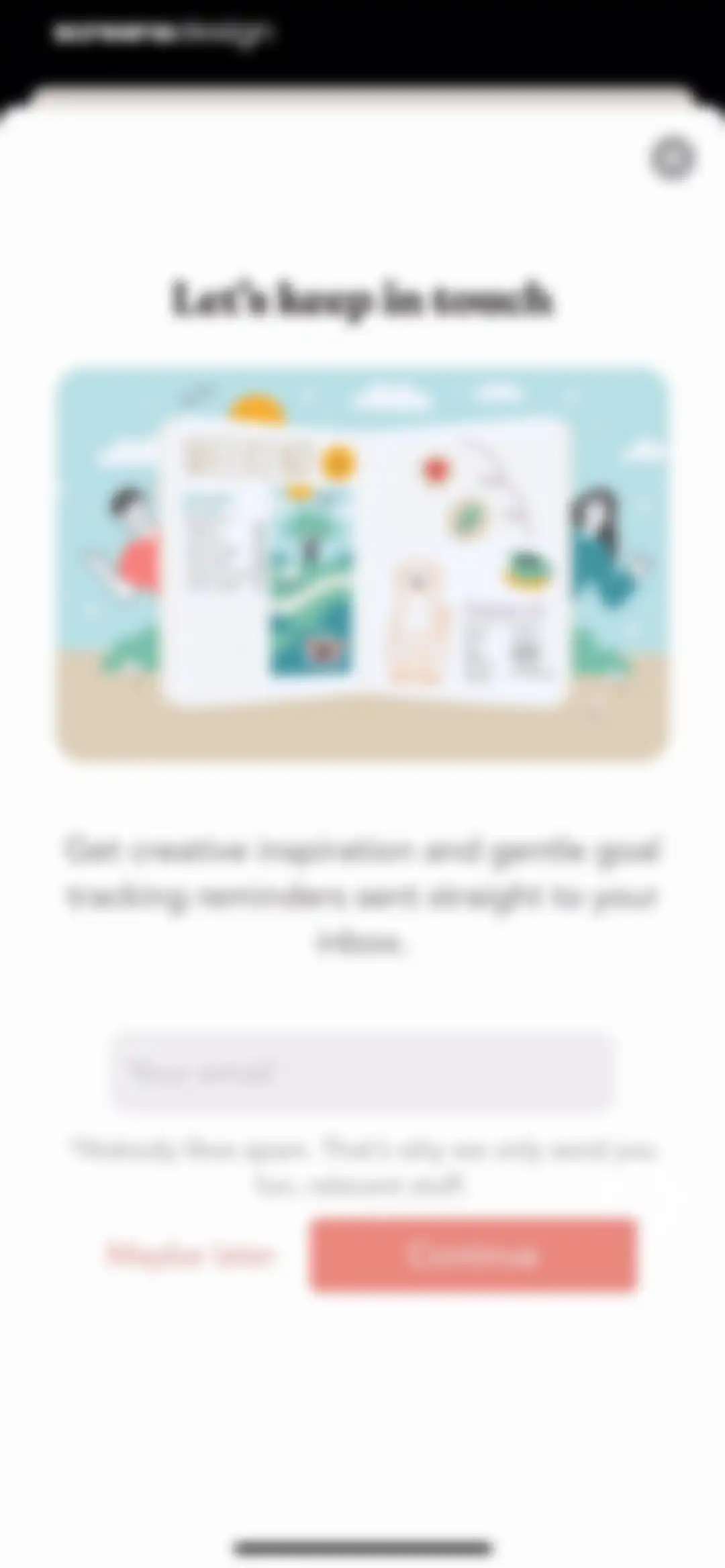
Email signup modal with a digital planner illustration, an empty email field, a Continue button, and a Maybe later option.Unlock Pro

About Planner & Journal - Zinnia

A creative digital journaling and planning app featuring customizable templates, habit trackers, artistic stickers, and realistic handwriting design tools.

Explore Planner & Journal - Zinnia across ScreensDesign

Apps similar to Planner & Journal - Zinnia

Unlock all similar apps

See every comparable app, revenue, installs, and flows.

Unlock Pro
  • Chillio: Life Planner

    4.6
    COREMOVE LIMITEDRevenue$85kInstalls5k
  • Structured: Daily Planner Todo

    4.8
    unorderly GmbHRevenue$300kInstalls350k
  • Paper: Sketch, Draw & Create

    4.6
    WeTransfer BVRevenue$150kInstalls100k
  • Journal: Planner, Notes, PDFs

    4.6
    Tuat TranRevenue$45kInstalls90k
  • Photo Collage Maker: InCollage

    4.8
    SHANTANU PTE. LTD.Revenue$15kInstalls95k
  • Bazaart AI Photo Editor Design

    4.8
    Bazaart Ltd.Revenue$500kInstalls75k
  • Collageable: Photo Pic Collage

    4.8
    IRONTECH LIMITEDRevenue$350kInstalls100k
  • Day One: Daily Journal & Diary

    4.8
    Bloom Built IncRevenue$350kInstalls30k
  • Habitica: Gamified Taskmanager

    4.3
    HabitRPG, IncRevenue$15kInstalls40k
  • My Diary - Journal with Lock

    4.7
    BetterApp Tech Co., LimitedRevenue$25kInstalls30k
  • PhotoGrid: Video Collage Maker

    4.9
    JUPITER PALACE PTE. LTD.Revenue$600kInstalls150k
  • Breeze: Self-Discovery Buddy

    4.5
    Basenji AppsRevenue$100kInstalls100k
  • Tezza: Aesthetic Photo Editor

    4.7
    Tezza App LLCRevenue$2MInstalls350k
  • My Timetable: Class Schedule

    4.6
    Kodeon, Inc.Revenue$<5kInstalls15k
  • Evernote: AI Notes & Notebook

    4.4
    Evernote CorporationRevenue$750kInstalls25k
  • Layout for Instagram: Collage

    4.8
    Shamble, Inc.Revenue$40kInstalls70k
  • Precious - Baby Photo Art

    4.8
    Curious Creators Co.Revenue$400kInstalls250k
  • Xmind: AI Mind Map, Brainstorm

    4.8
    Xmind Ltd.Revenue$90kInstalls60k
  • Adult Coloring Book - Pigment

    4.6
    Pixite Inc.Revenue$450kInstalls250k
  • Playbook - Trainers & Workouts

    4.9
    Playbook Technologies IncRevenue$60kInstalls35k
  • Daylio Journal - Mood Tracker

    4.8
    Relaxio s.r.o.Revenue$100kInstalls40k
  • Gratitude Plus – Journal

    4.9
    Redwheel AppsRevenue$250kInstalls50k
  • PicMonkey Photo + Video Design

    4.8
    PicMonkeyRevenue$25kInstalls<5k
  • Tally: The Anything Tracker

    4.4
    Reflective Technologies ApSRevenue$<5kInstalls<5k
  • Pulse Checker. Calorie Manager

    4.5
    BOYARD-INVEST, TOVRevenue$10kInstalls<5k
  • Planner Pro - Daily Planner

    4.5
    Beesoft AppsRevenue$10kInstalls<5k
  • LOOMY: Story Font & Templates

    4.6
    Anton HavrylenkoRevenue$65kInstalls25k
  • Zoomerang - Ai Video Maker

    4.6
    Zoomerang, Inc.Revenue$15kInstalls5k
  • The Mindfulness App

    4.7
    Reflective Technologies ApSRevenue$20kInstalls<5k
  • Esti: Aesthetic Photo Editor

    4.6
    Prequel Inc.Revenue$800kInstalls250k
  • Any.do: To do list & Planner

    4.6
    Any.DORevenue$30kInstalls<5k
  • Clover -Period Tracker, Cycle

    4.6
    Wachanga LTDRevenue$50kInstalls65k
  • A Color Story: Photo Editor

    4.8
    A Color Story LLCRevenue$65kInstalls7k
  • Guma-AI Photo Video Editor

    4.3
    嶂琪 陶Revenue$55kInstalls20k
  • Instories: AI Photo & Video

    4.7
    Ylee Studio LTDRevenue$1.3MInstalls200k
  • Invoice Maker ▸ Estimate App

    4.8
    GetPaid Inc.Revenue$800kInstalls35k
  • Poster & Flyer Maker by Pinso

    4.6
    Pinso, Inc.Revenue$<5kInstalls<5k
  • Numo: ADHD Brain Dump

    4.4
    Mindist, Inc.Revenue$<5kInstalls<5k
  • Clicam -Hairstyle, Aging

    3.7
    HK FLYBULL TECHNOLOGY CO., LIMITEDRevenue$45kInstalls<5k
  • Demo: Songwriting Studio

    4.6
    Demo MusicRevenue$60kInstalls15k
  • Ritmo Video: AI Video Generate

    4.6
    Guangzhou Dianwan Network Technology Co., Ltd.Revenue$<5kInstalls<5k
  • Planta: Plant & Garden Care

    4.8
    Planta ABRevenue$250kInstalls35k
  • Clay – Story Templates Frames

    4.7
    Plexagon s.r.l.Revenue$45kInstalls25k
  • Collage Maker - Photo Editоr

    4.6
    VIDEO EDITOR PTE. LTD.Revenue$25kInstalls<5k
  • Her 75

    4.8
    My Viral AgentRevenue$30kInstalls20k
  • B612 AI Photo&Video Editor

    4.6
    SNOW CorporationRevenue$550kInstalls150k
  • HelloHabit - Habit Tracker

    4.9
    RightLife, Inc.Revenue$30kInstalls20k