YouCam Perfect:AI Photo Editor

$800k revenue, 4.8 rating

Sign Up/In Prompt
0:00 / 16:59

Onboarding flow, Paywall & Inside the App

Watch the full screen-by-screen UX video of YouCam Perfect:AI Photo Editor with onboarding, paywall, and every core flow.

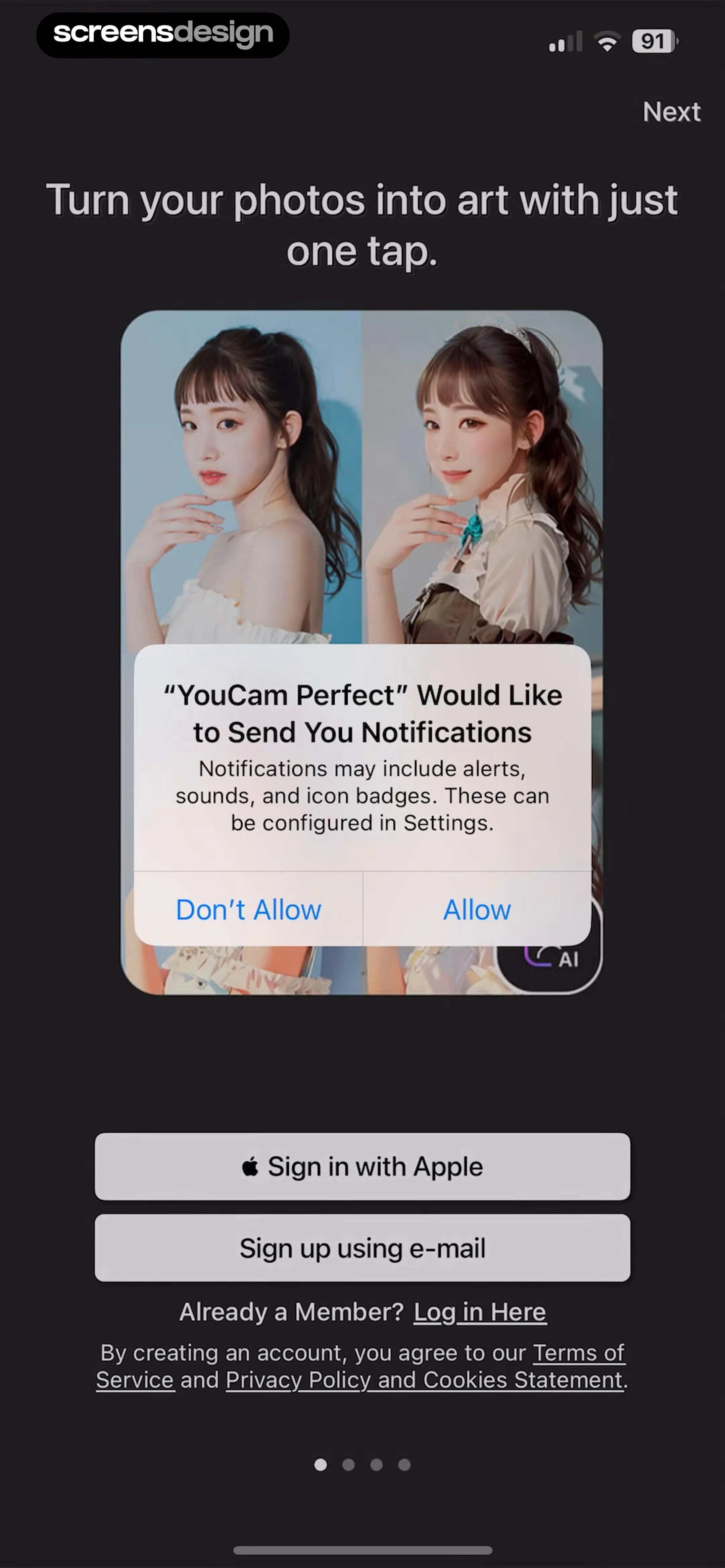
Splash screen with the YouCam Perfect app logo centered on a solid dark background.
Onboarding screen featuring sign-up options and a system notification permission prompt over a photo editing background.
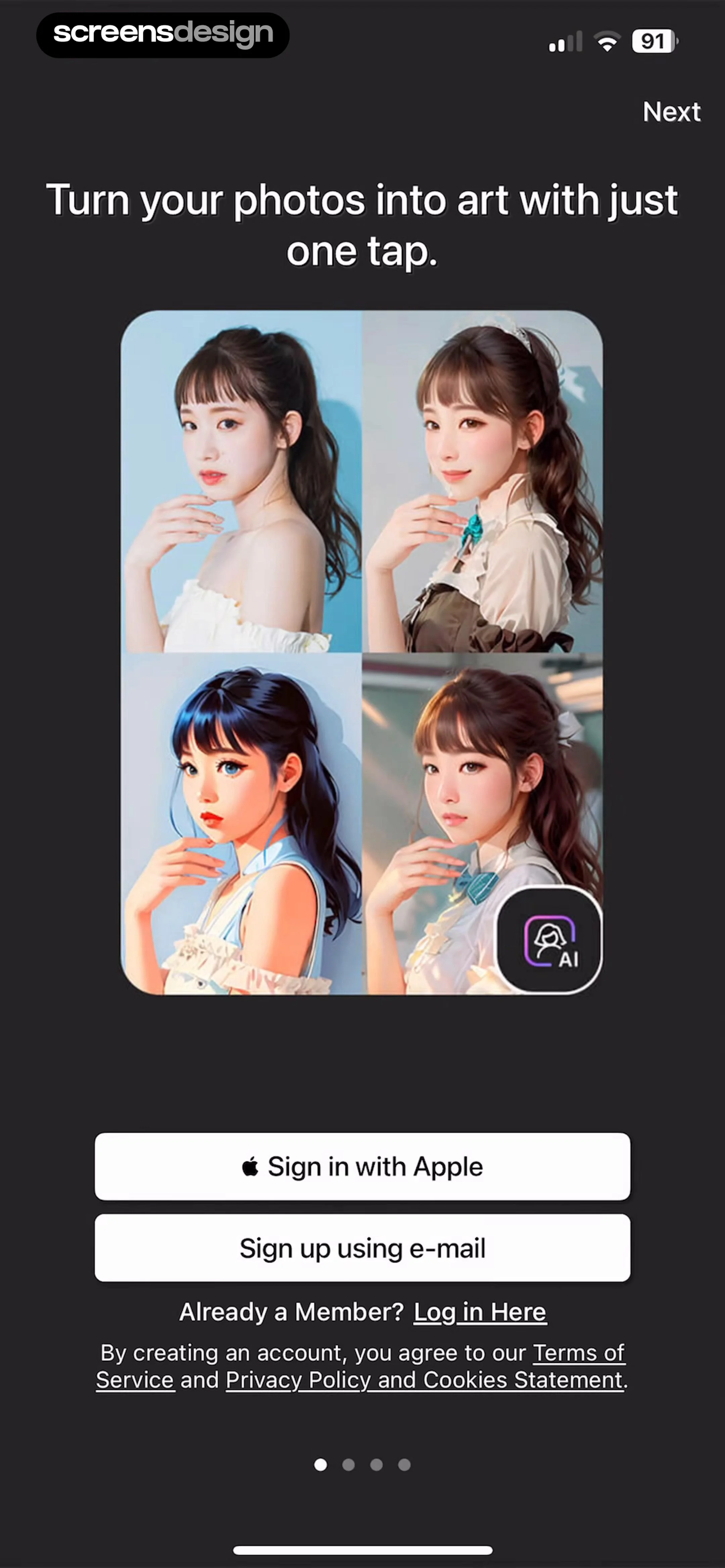
Onboarding screen with a central AI portrait collage, Apple sign-in, and email registration options in a dark theme.
Onboarding screen featuring a dark theme, an AI photo enhancement demonstration image, Apple and email sign-up buttons, and a Next navigation button.
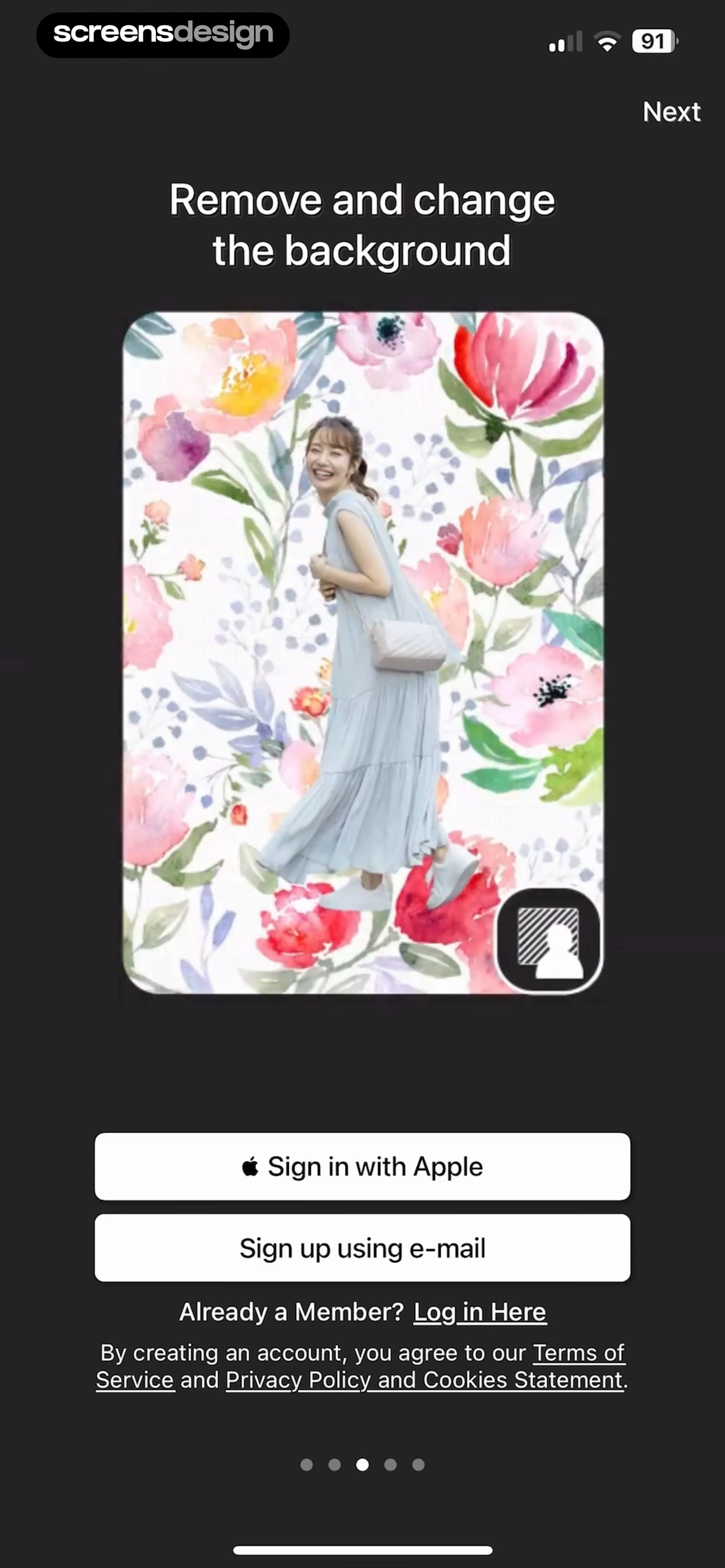
YouCam Perfect onboarding screen demonstrating the background removal feature with sign-up options and a Next button.
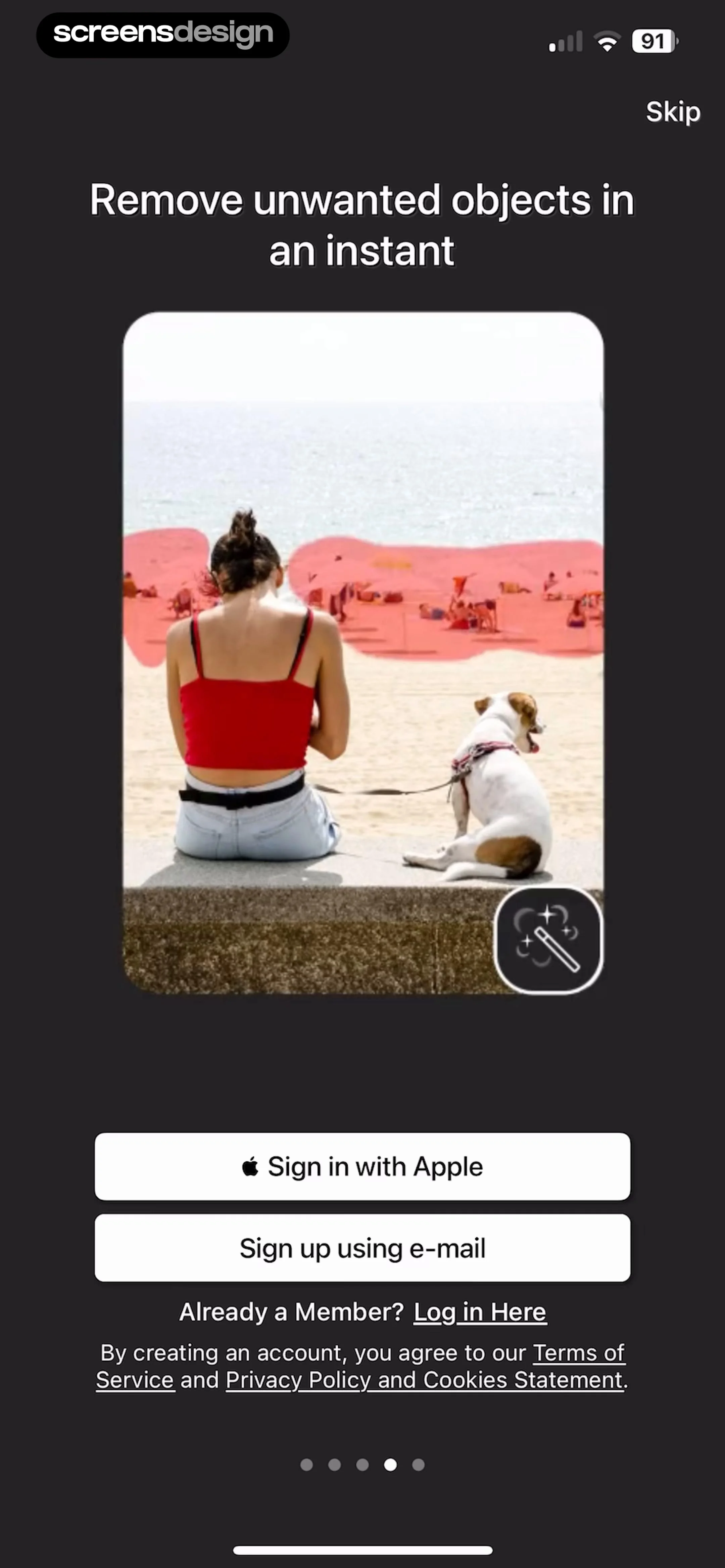
Onboarding screen introducing AI object removal with a hero photo, sign-up buttons, and a skip option in the top corner.
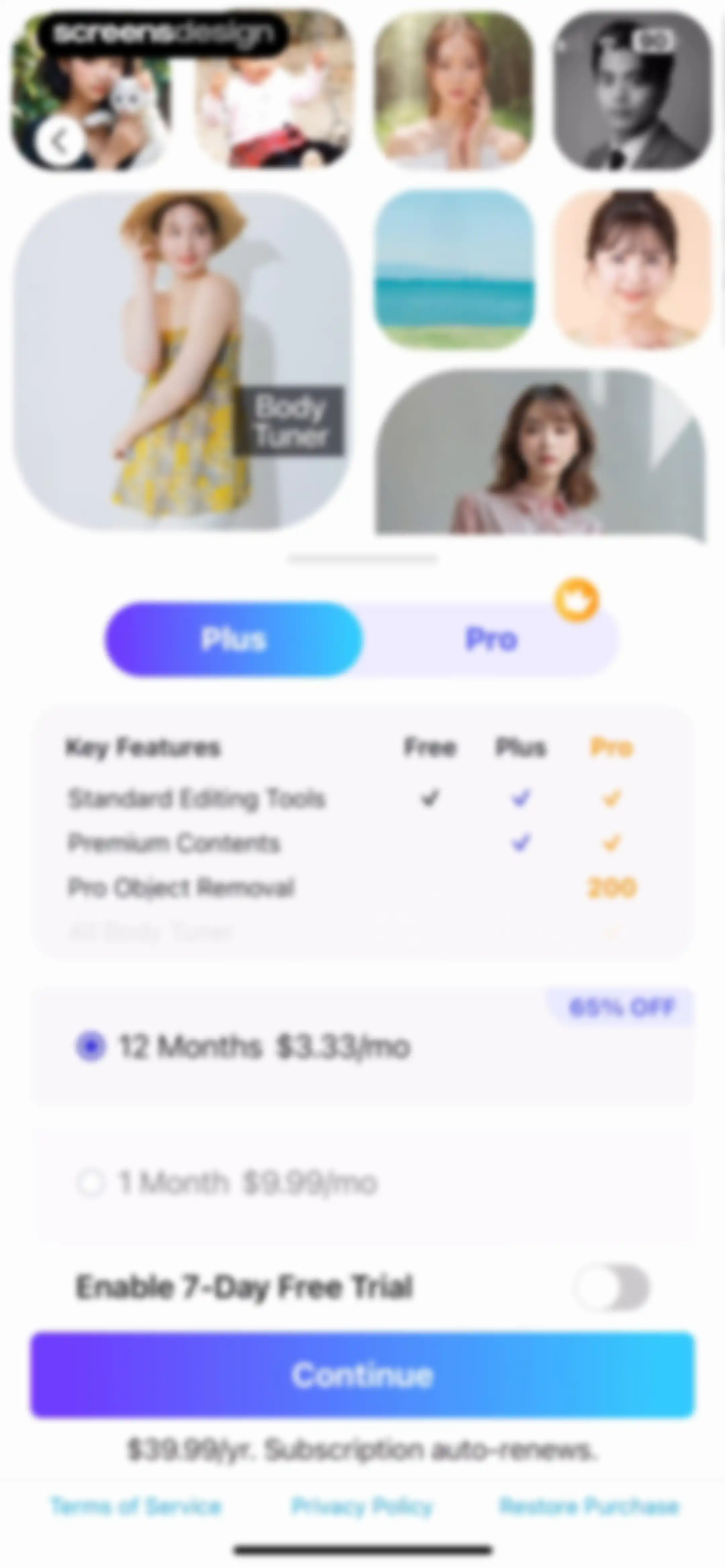
Paywall screen featuring a 12-month subscription plan with a free trial toggle, premium benefits timeline, and a Continue button.
Paywall screen comparing subscription plans with a feature table, a selected 12-month Pro plan, and a Continue button.
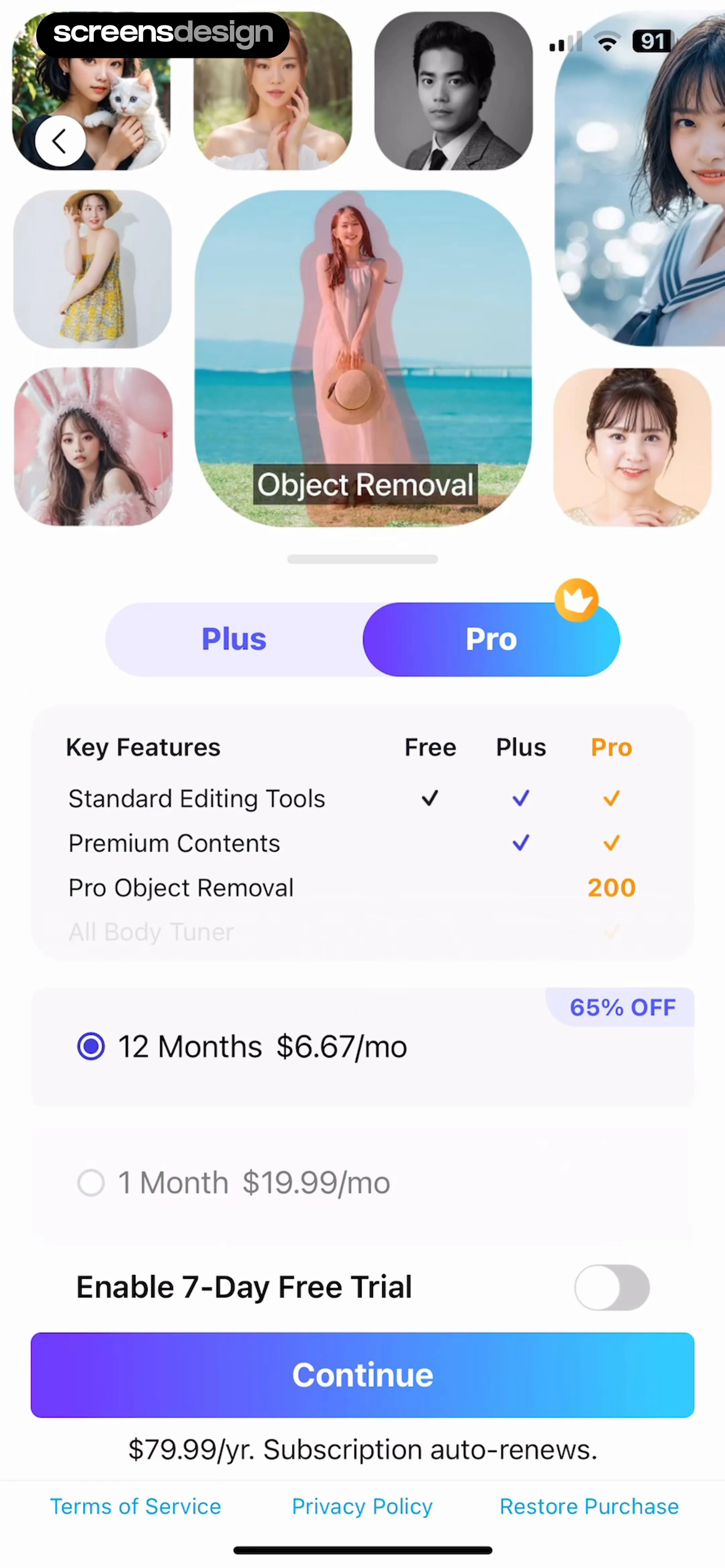
Paywall screen comparing Plus and Pro subscription plans with a feature table, 12-month and 1-month pricing options, and a Continue button.Unlock Pro
App Store subscription confirmation modal for YouCam Perfect detailing the yearly plan, free trial, and side button confirmation.Unlock Pro
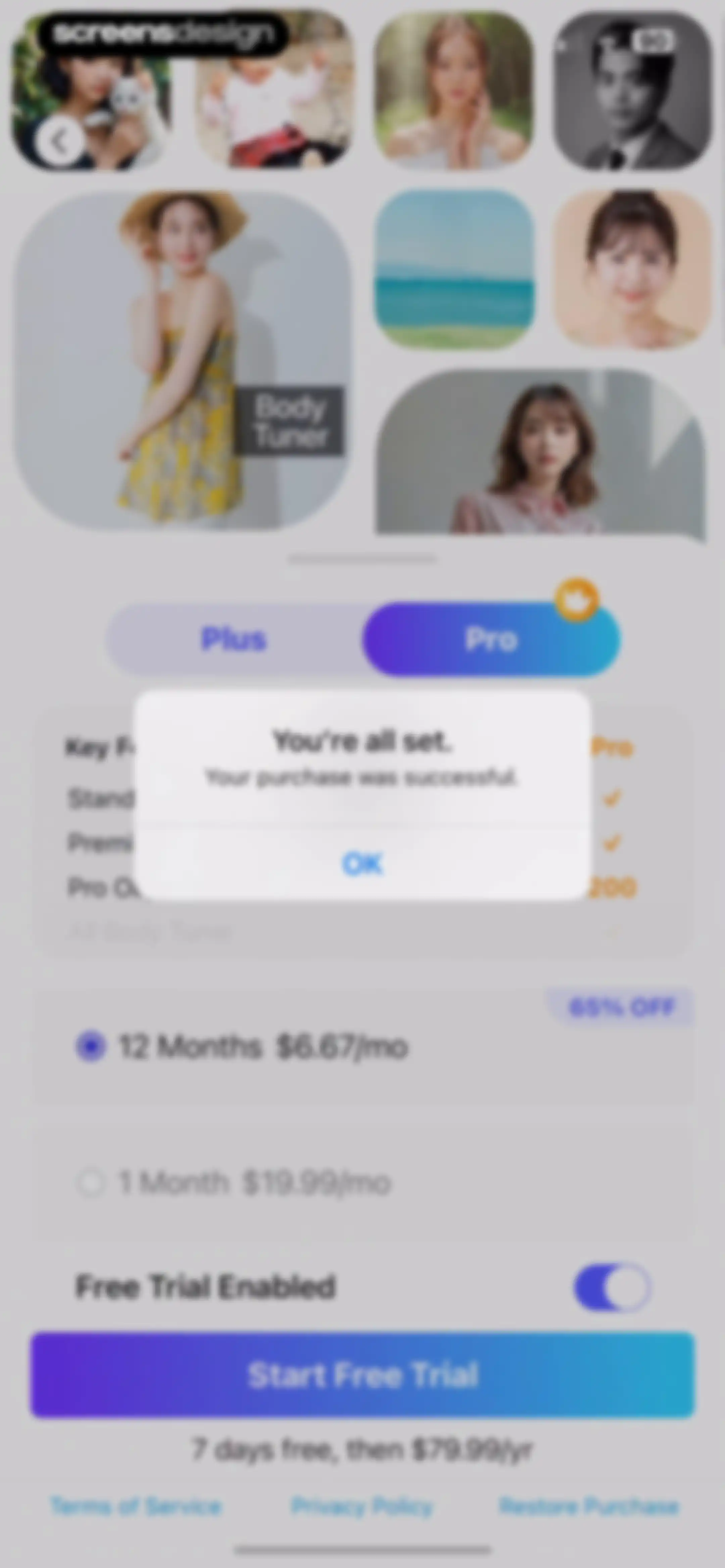
Subscription paywall screen displaying pricing plans and a centered purchase success confirmation modal with an OK button.Unlock Pro
YouCam Perfect home screen featuring a feature grid of editing tools and a bottom consent modal with an Agree and continue button.Unlock Pro
App tracking transparency permission modal overlaying the YouCam Perfect app dashboard with options to allow or ask the app not to track.Unlock Pro
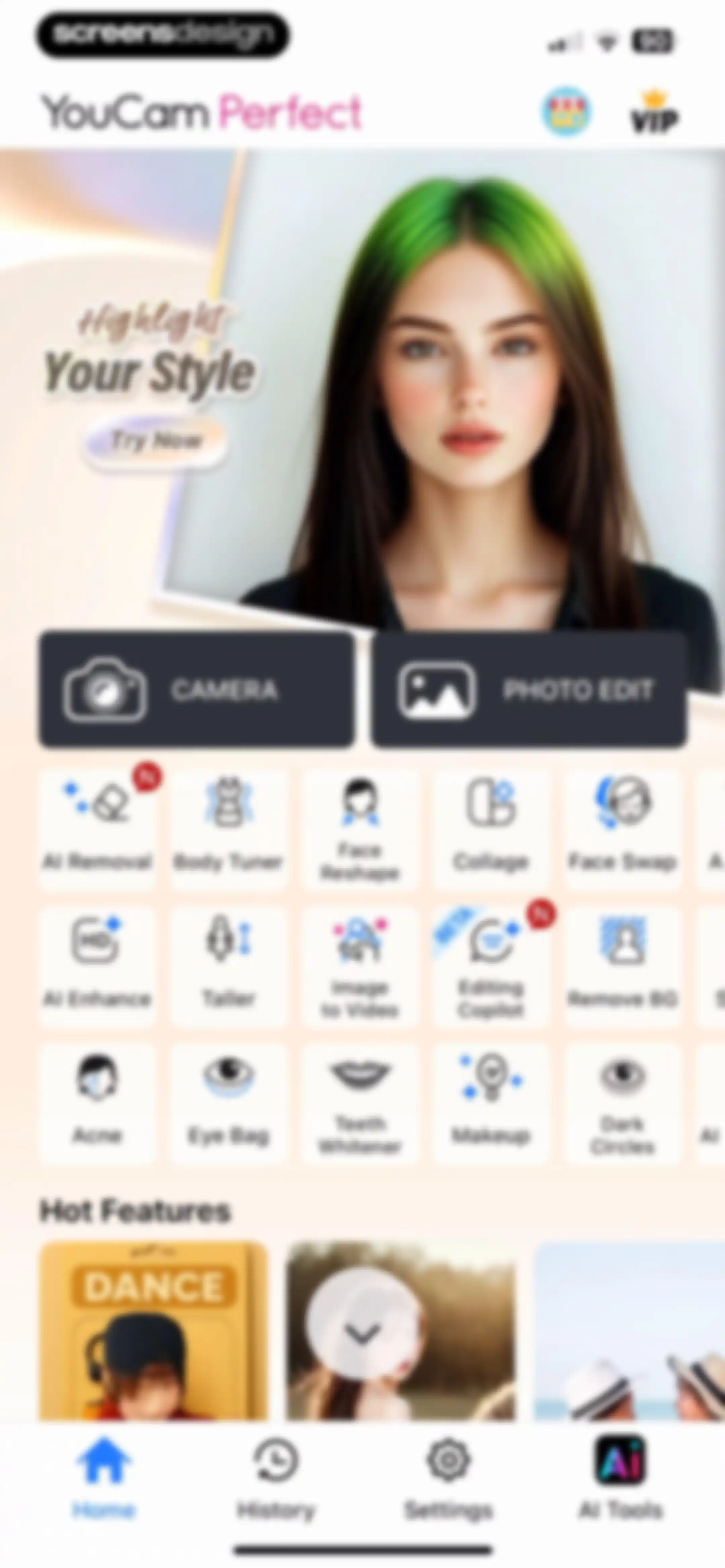
YouCam Perfect home screen displaying a hero banner, primary action buttons, and a grid of AI photo editing tools with a bottom navigation bar.Unlock Pro
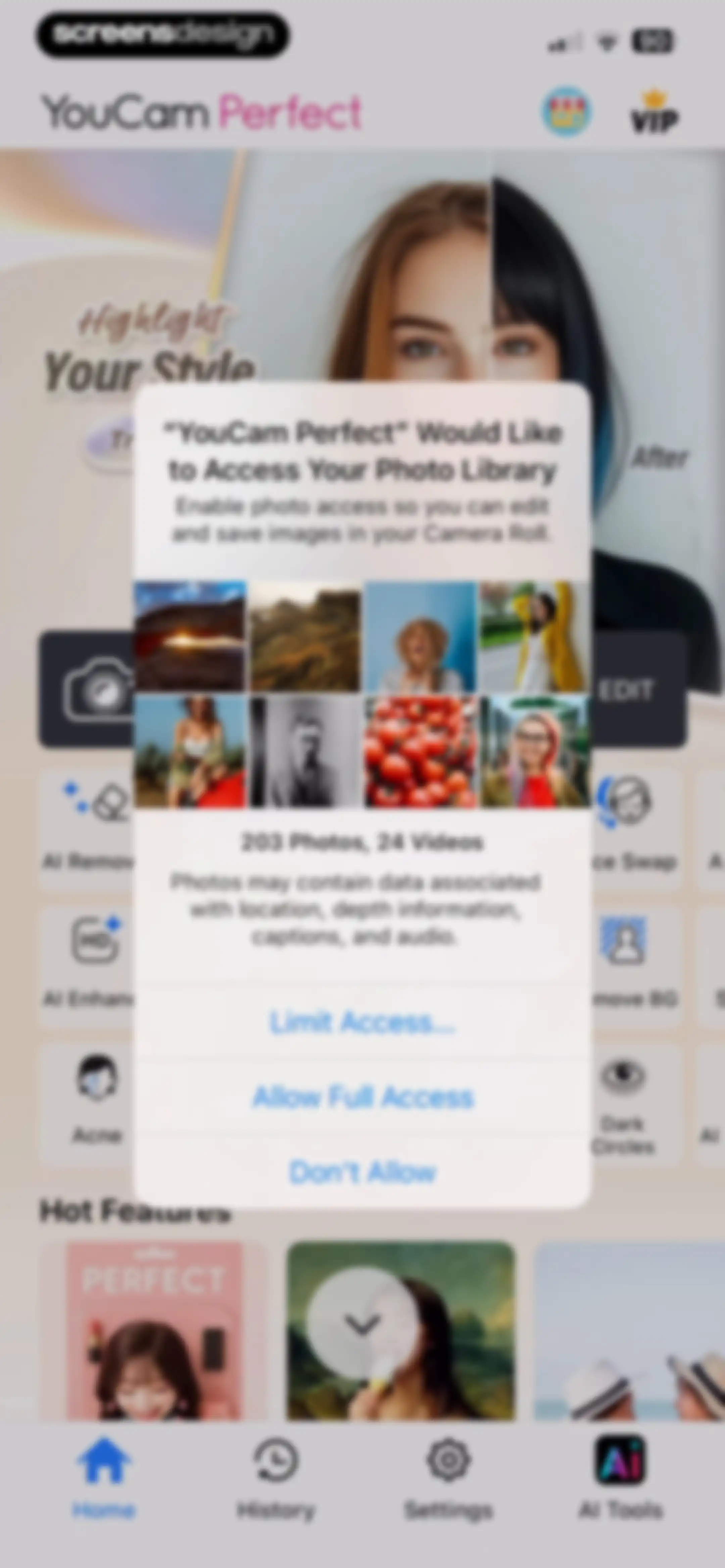
YouCam Perfect system permission modal requesting photo library access, with options to allow full access, limit access, or deny.Unlock Pro
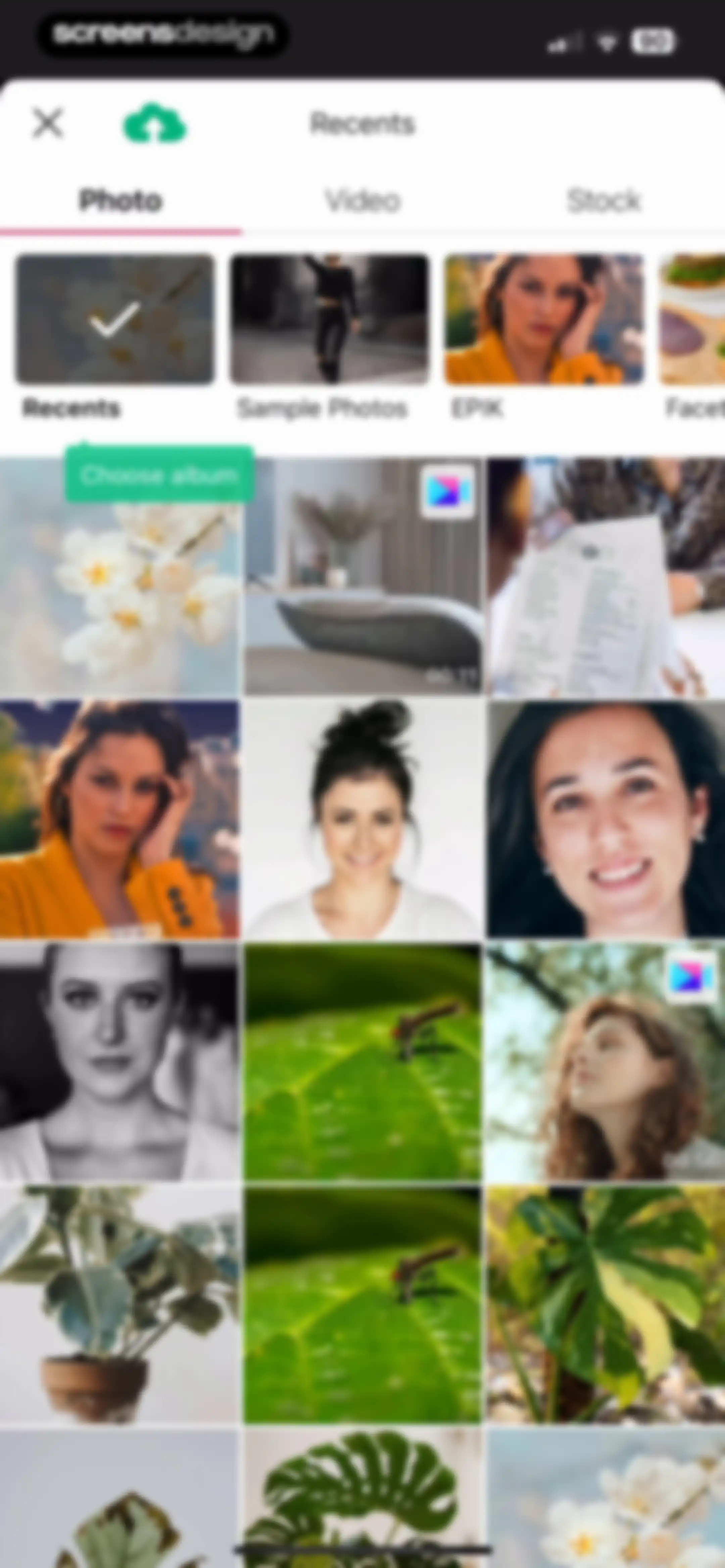
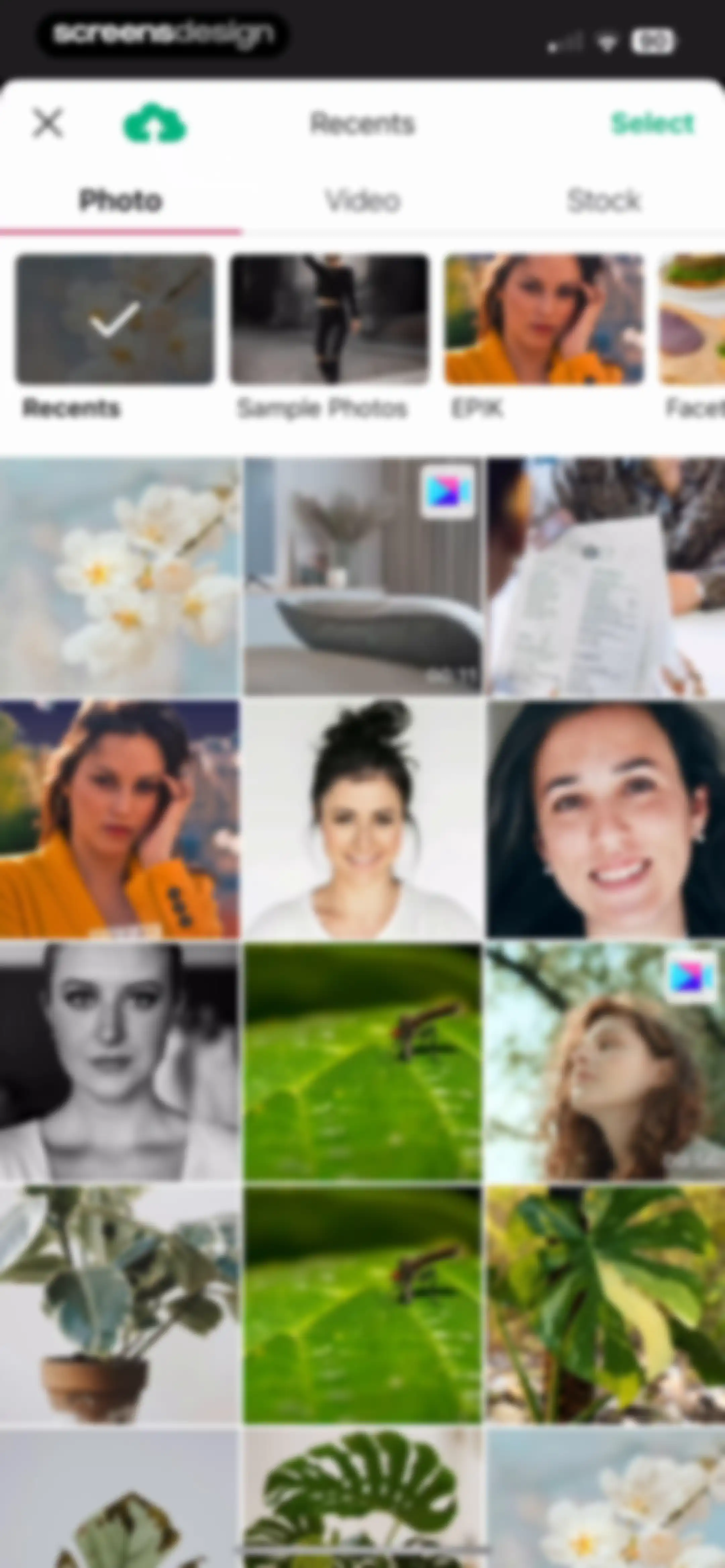
Media picker screen showing a grid of photos and videos with category tabs, an album selector, and a close button.Unlock Pro
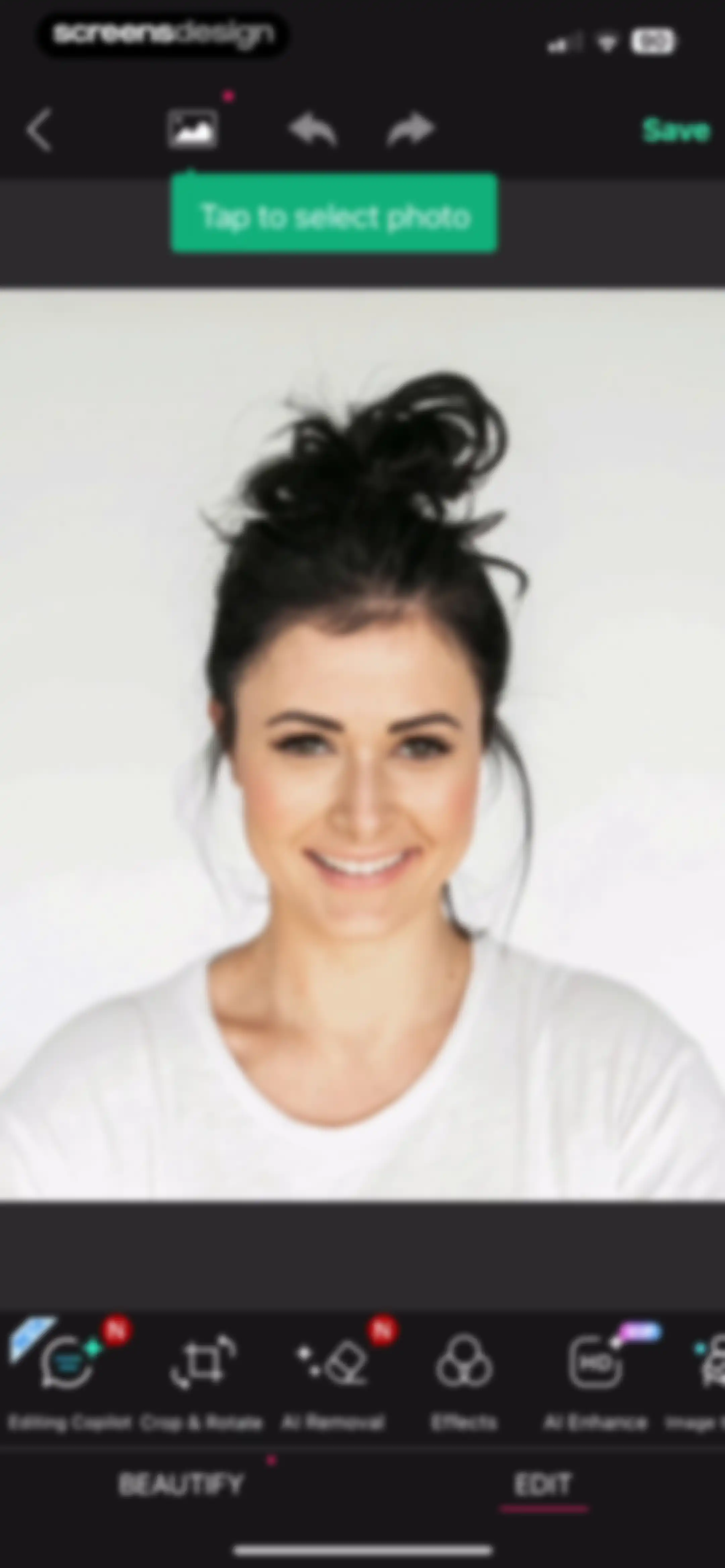
YouCam Perfect photo editor interface displaying a central portrait preview, a horizontal tool menu with AI features, and a Save button.Unlock Pro
Media picker screen displaying category tabs, an album list, and a grid of photo and video thumbnails with duration indicators.Unlock Pro
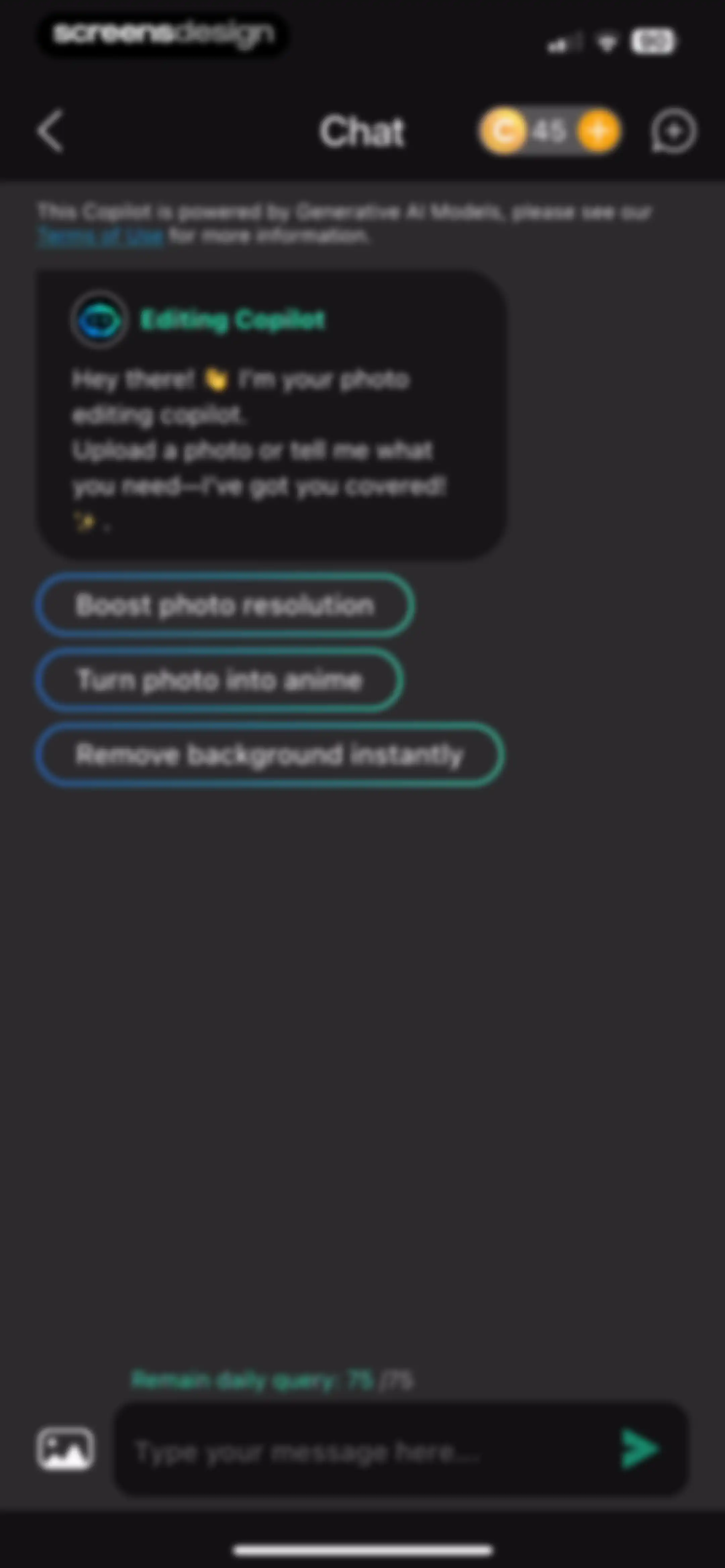
AI photo editing chat interface displaying a greeting from the Editing Copilot, suggested action buttons, and a bottom message input bar.Unlock Pro
Chat screen for an AI photo editing copilot with quick action chips and a dark theme.Unlock Pro
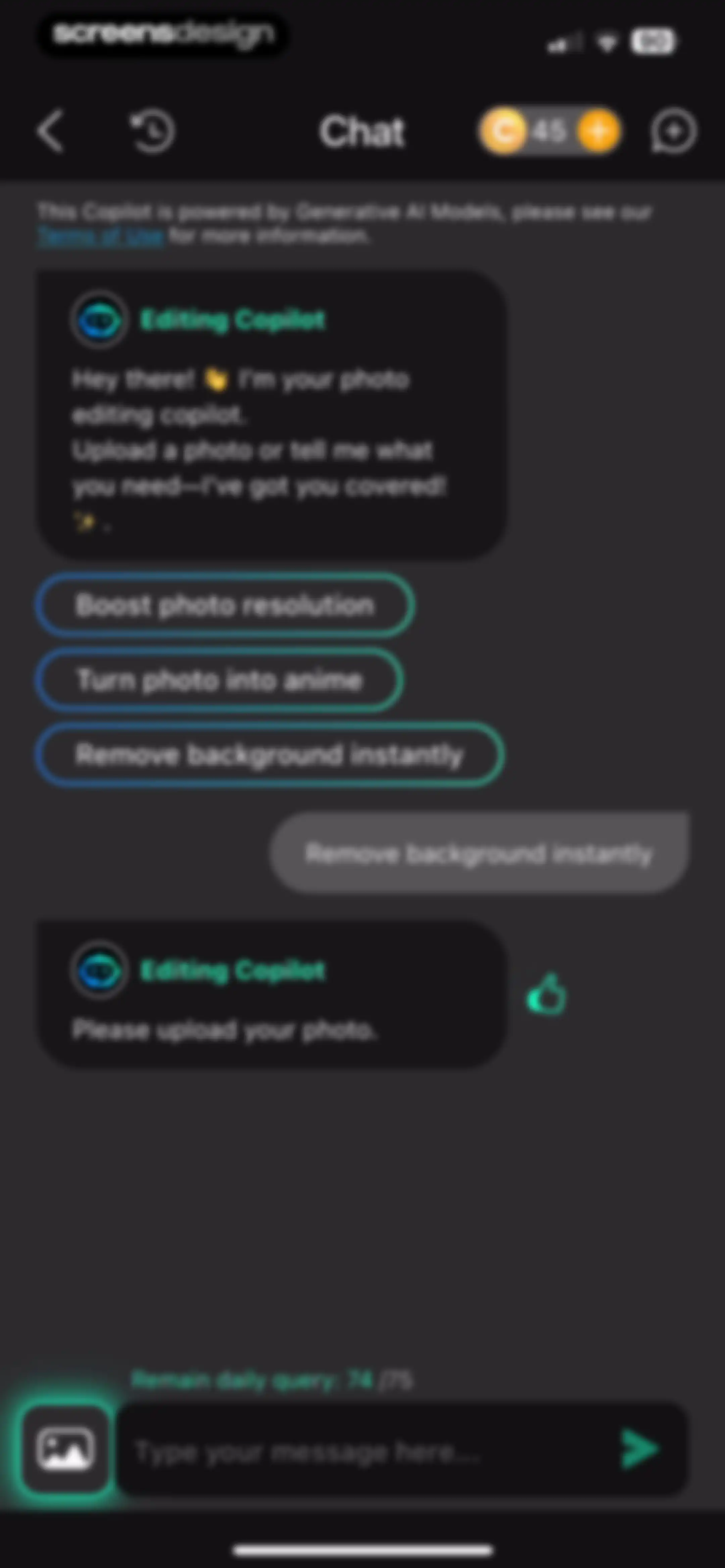
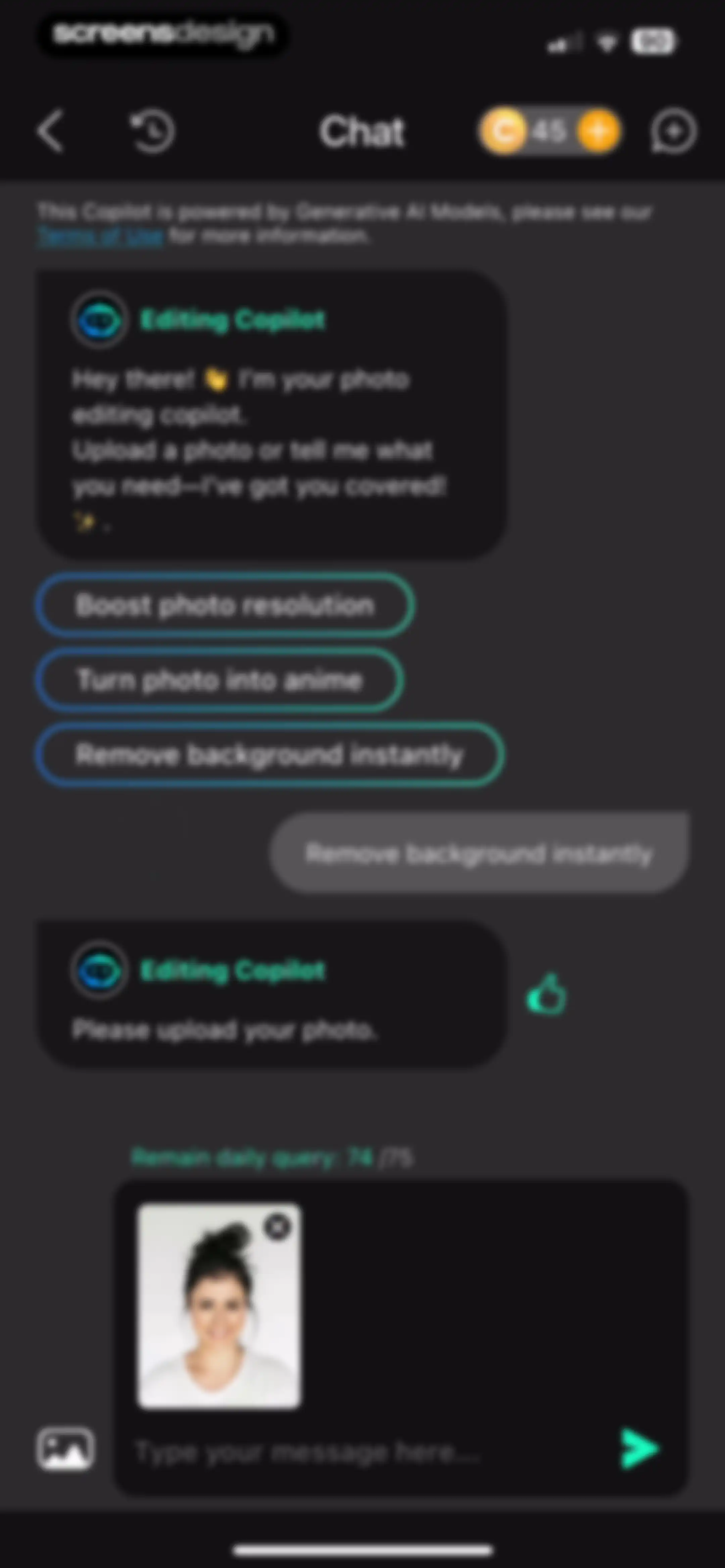
Chat interface with an AI photo editing copilot showing quick action chips, a photo upload preview, and a message input field.Unlock Pro
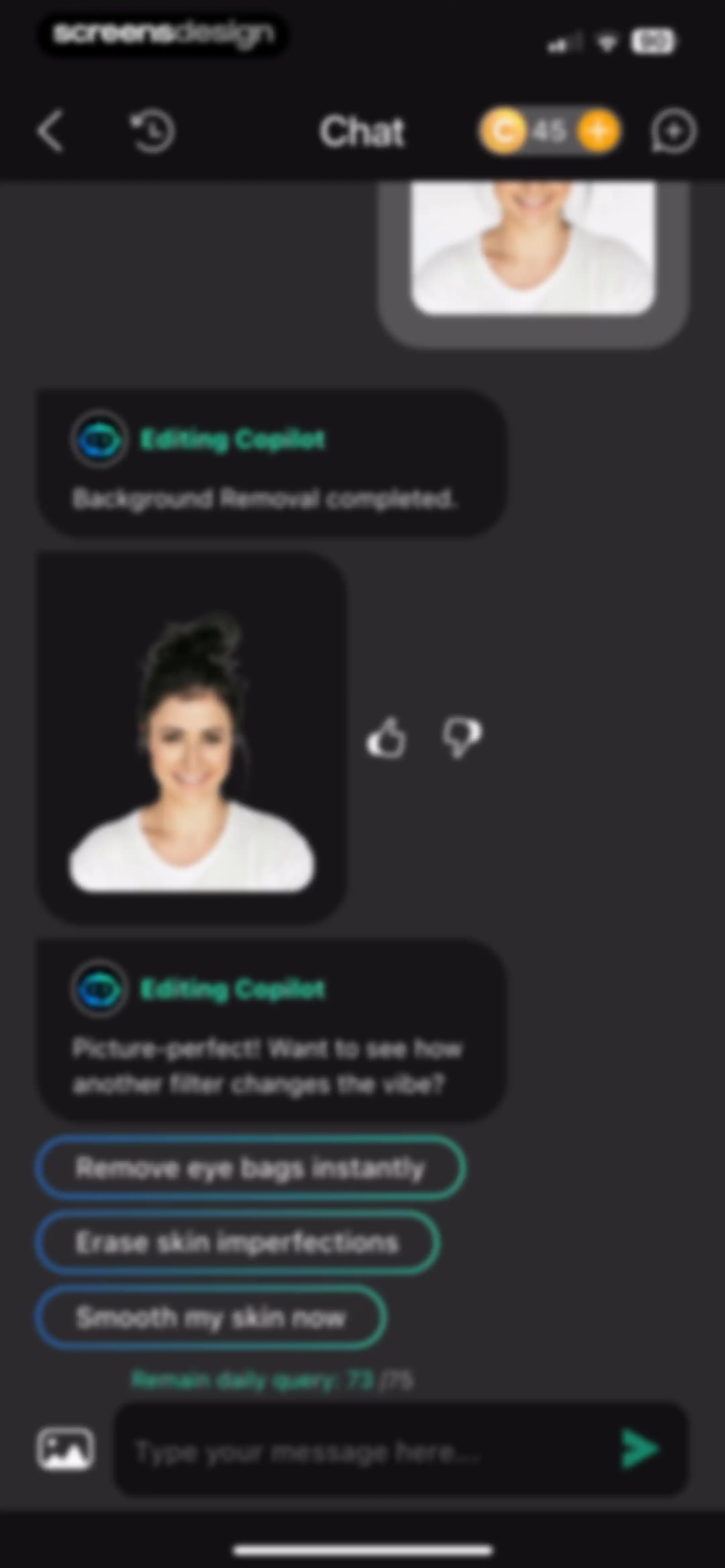
AI photo editing chat interface showing background removal results, suggestion buttons for further retouching, and a message input field.Unlock Pro
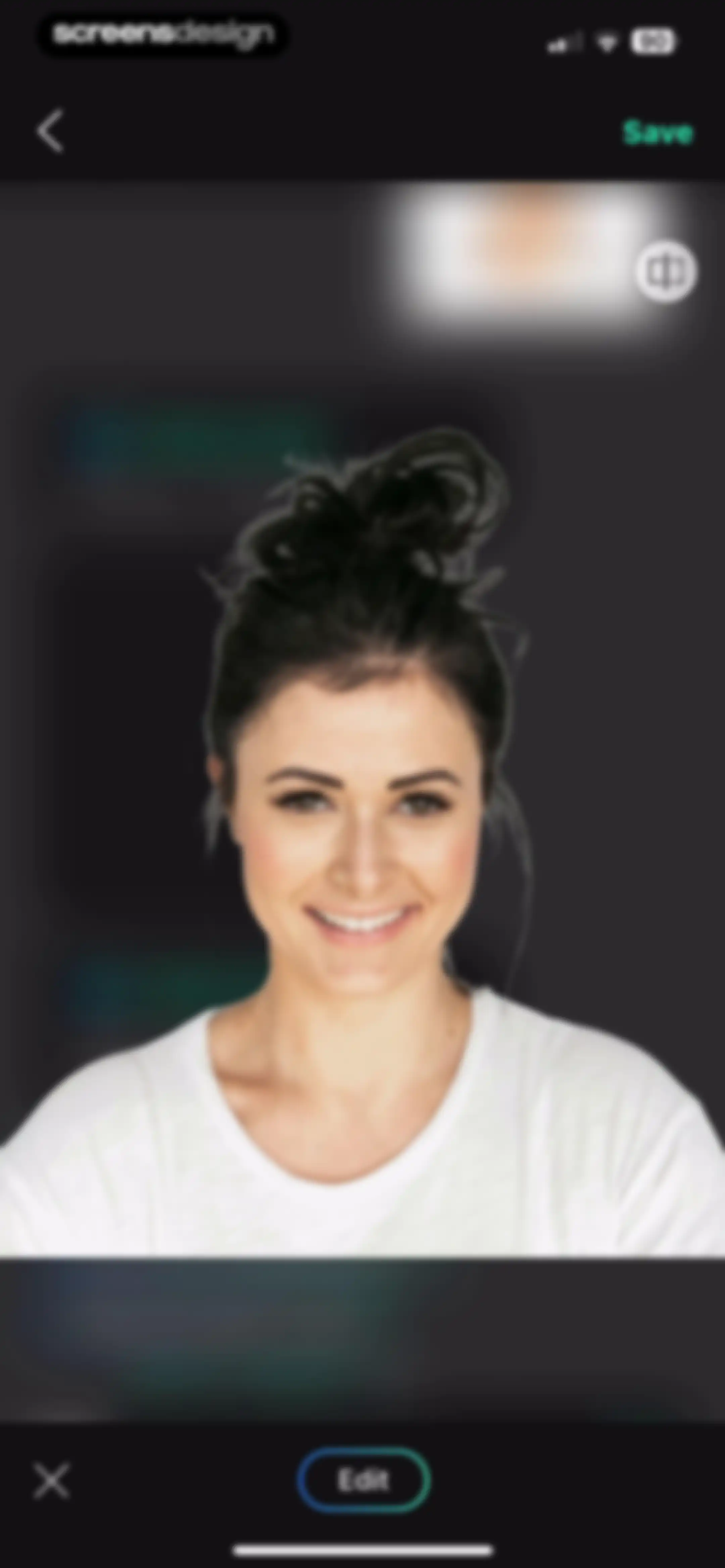
Photo editor interface displaying a portrait of a woman with top navigation controls, a Save button, and a bottom Edit button.Unlock Pro
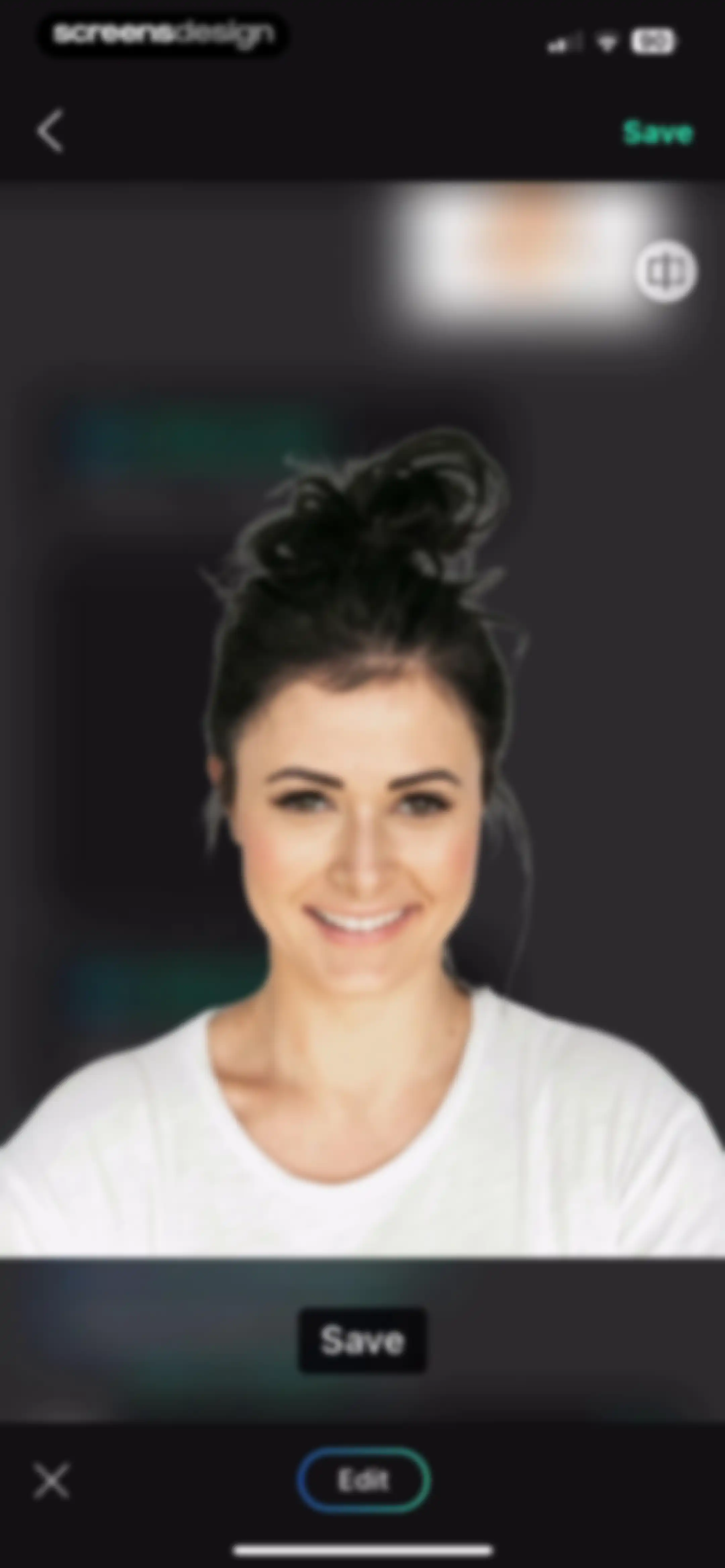
Photo editor screen displaying a portrait of a woman with cancel, edit, and save buttons.Unlock Pro
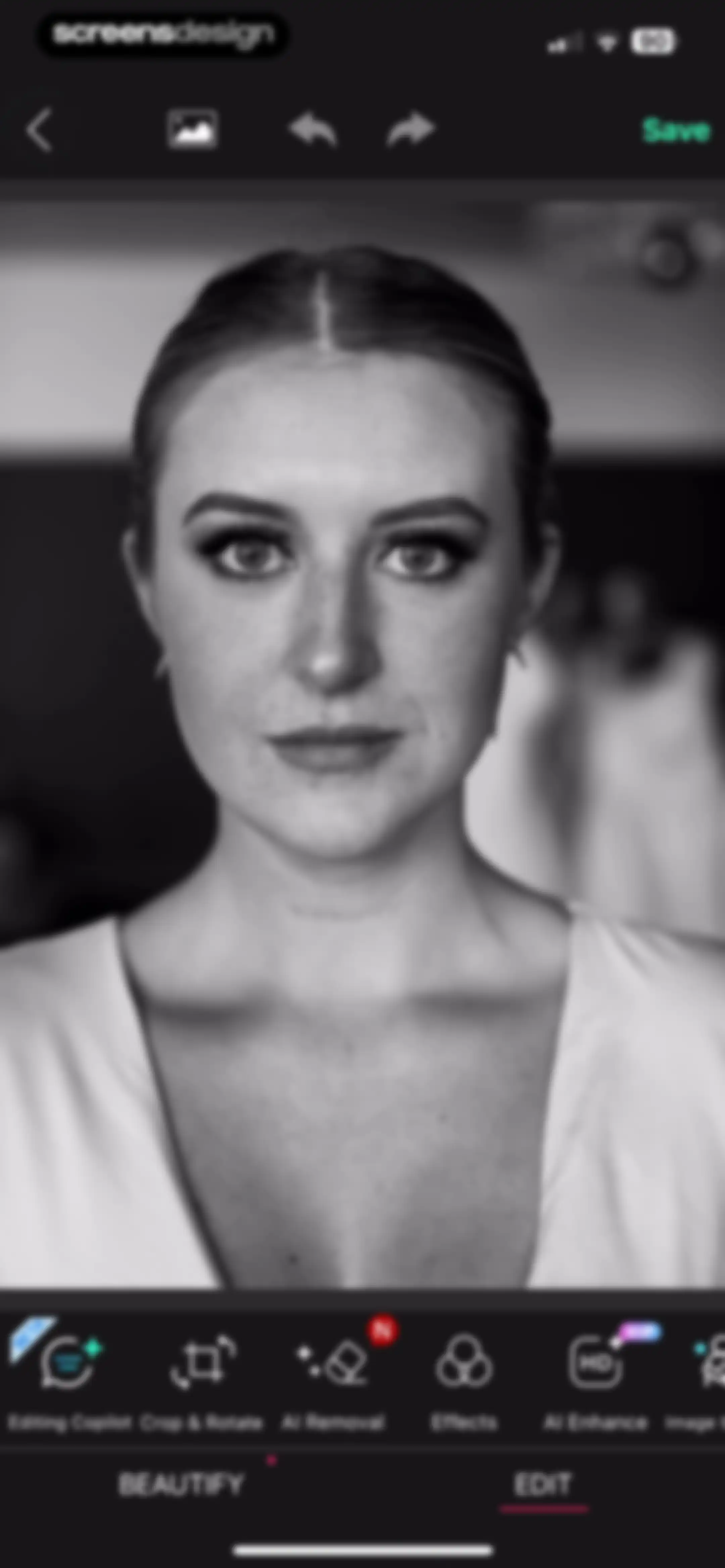
Photo editor screen showing a portrait preview with AI editing tools in a horizontal menu and a Save button.Unlock Pro
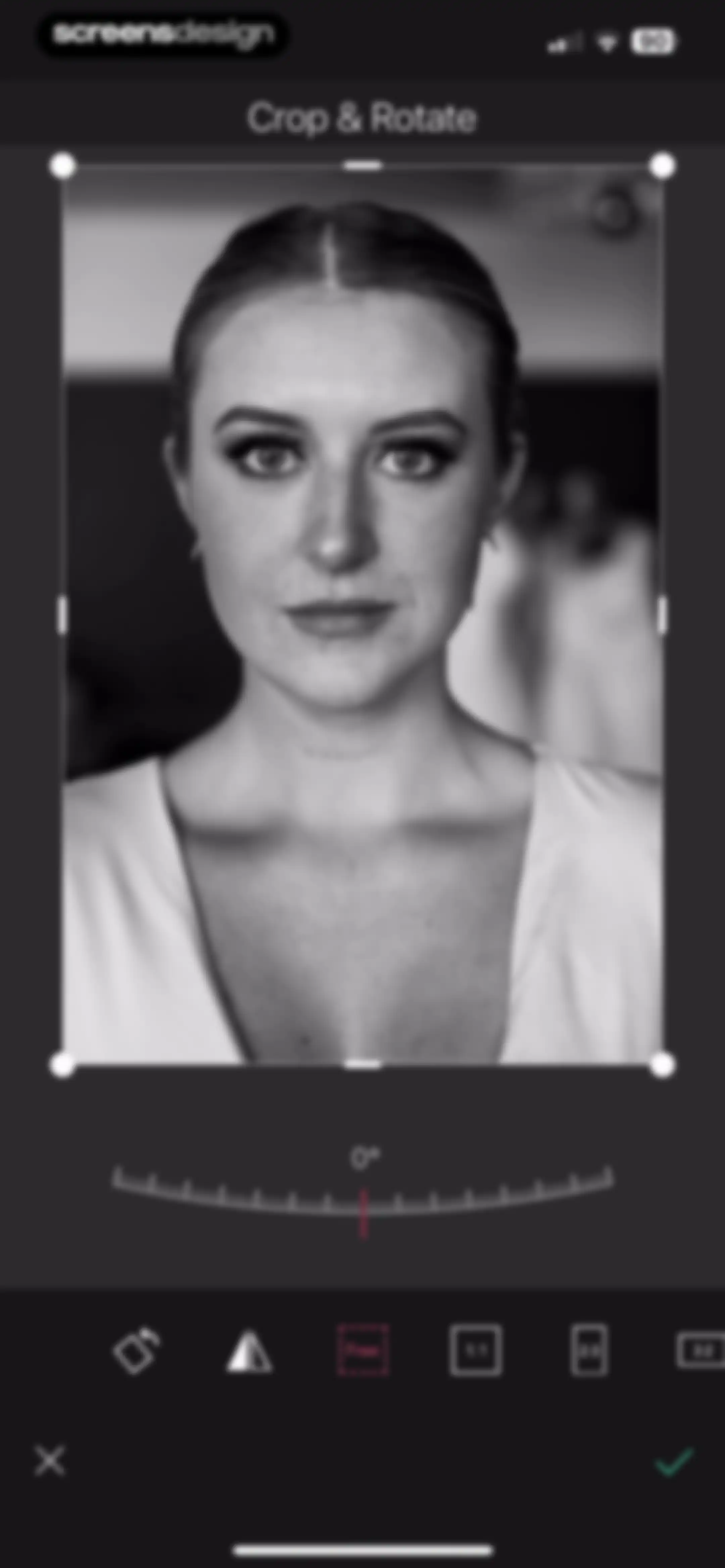
Photo crop and rotate editor with a portrait image, a rotation dial set to zero degrees, aspect ratio options, and cancel and confirm buttons.Unlock Pro
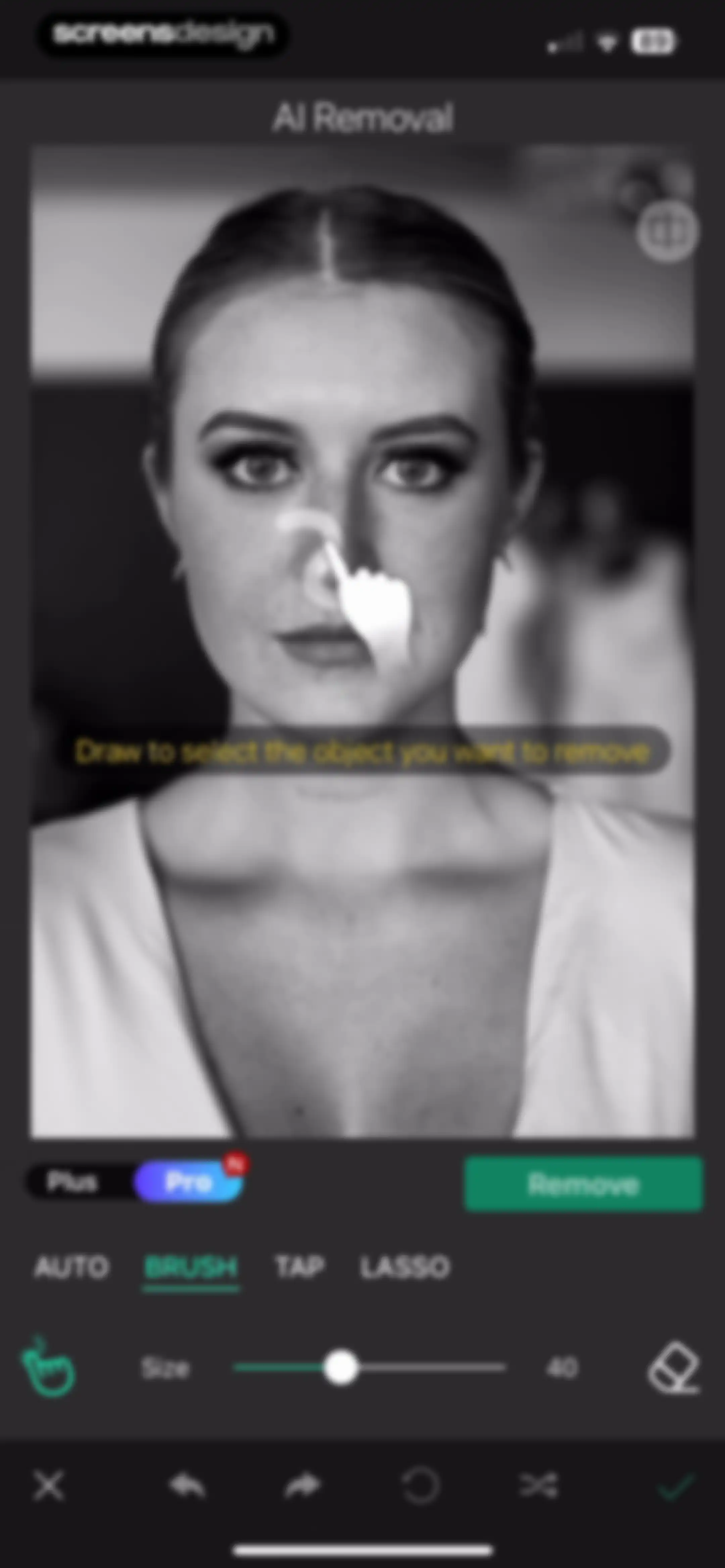
AI photo editor screen with a brush tool selected and a brush size slider, displaying a portrait of a woman with a selection overlay.Unlock Pro
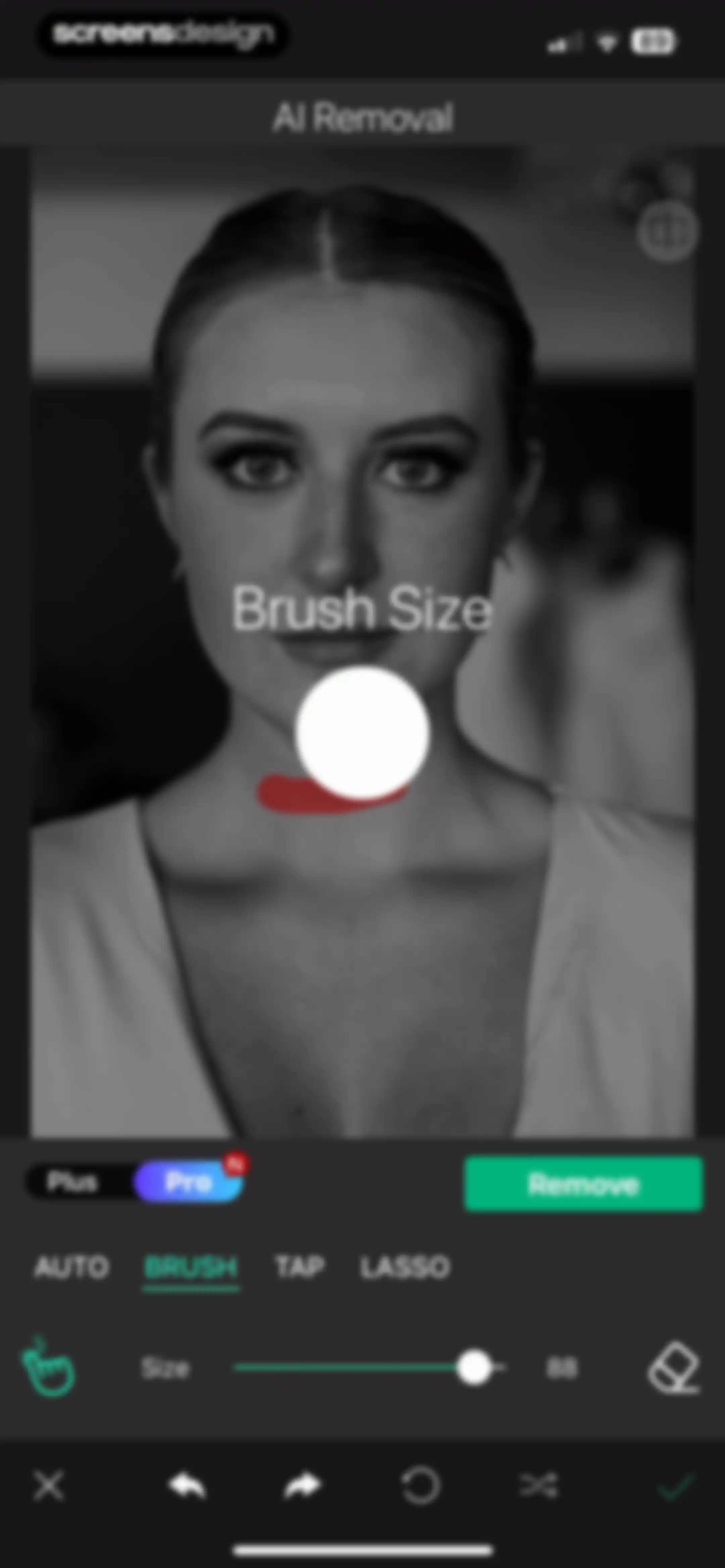
Photo editing screen for AI object removal featuring a selected brush tool, size slider set to 88, and a Remove button.Unlock Pro
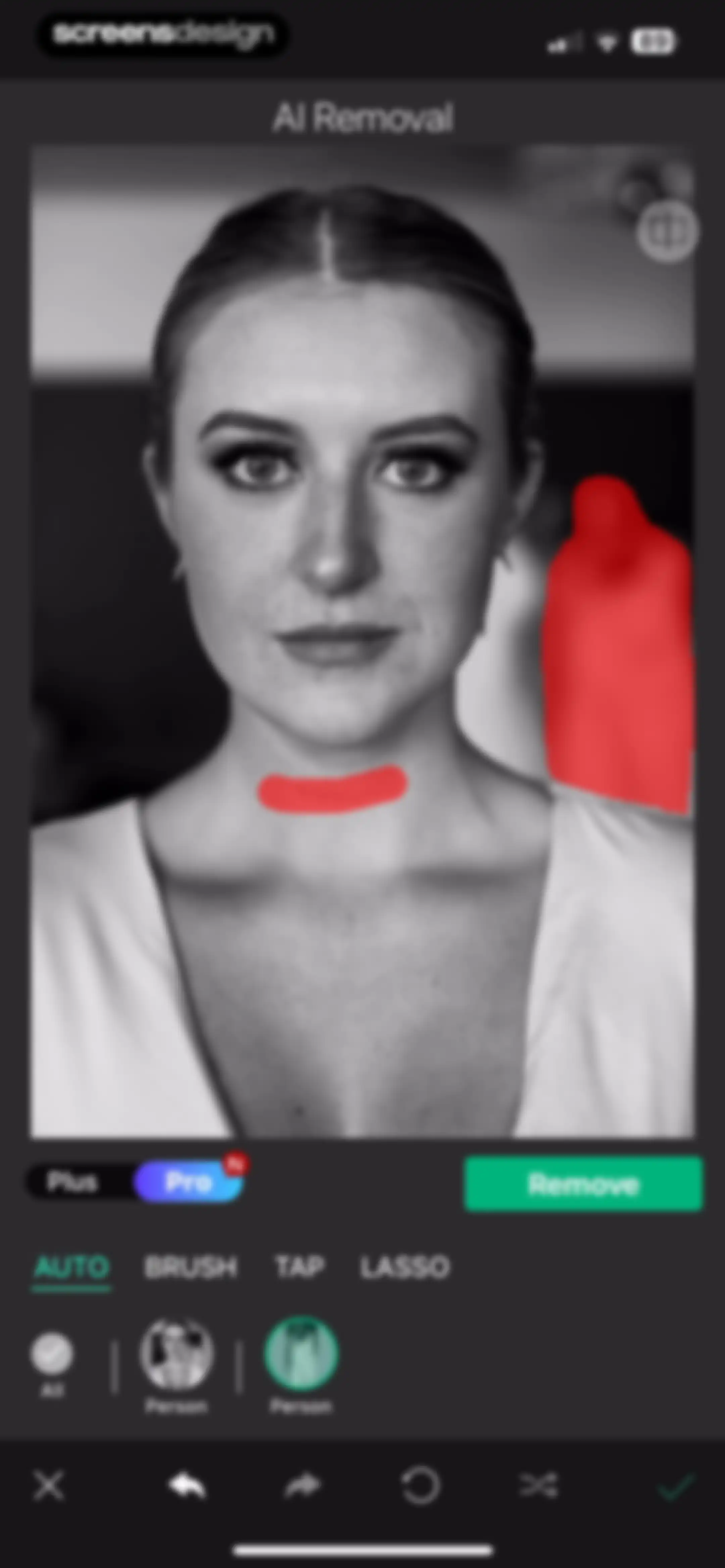
AI removal editor showing an image preview with red overlays, mode selection tabs, and a green Remove button.Unlock Pro
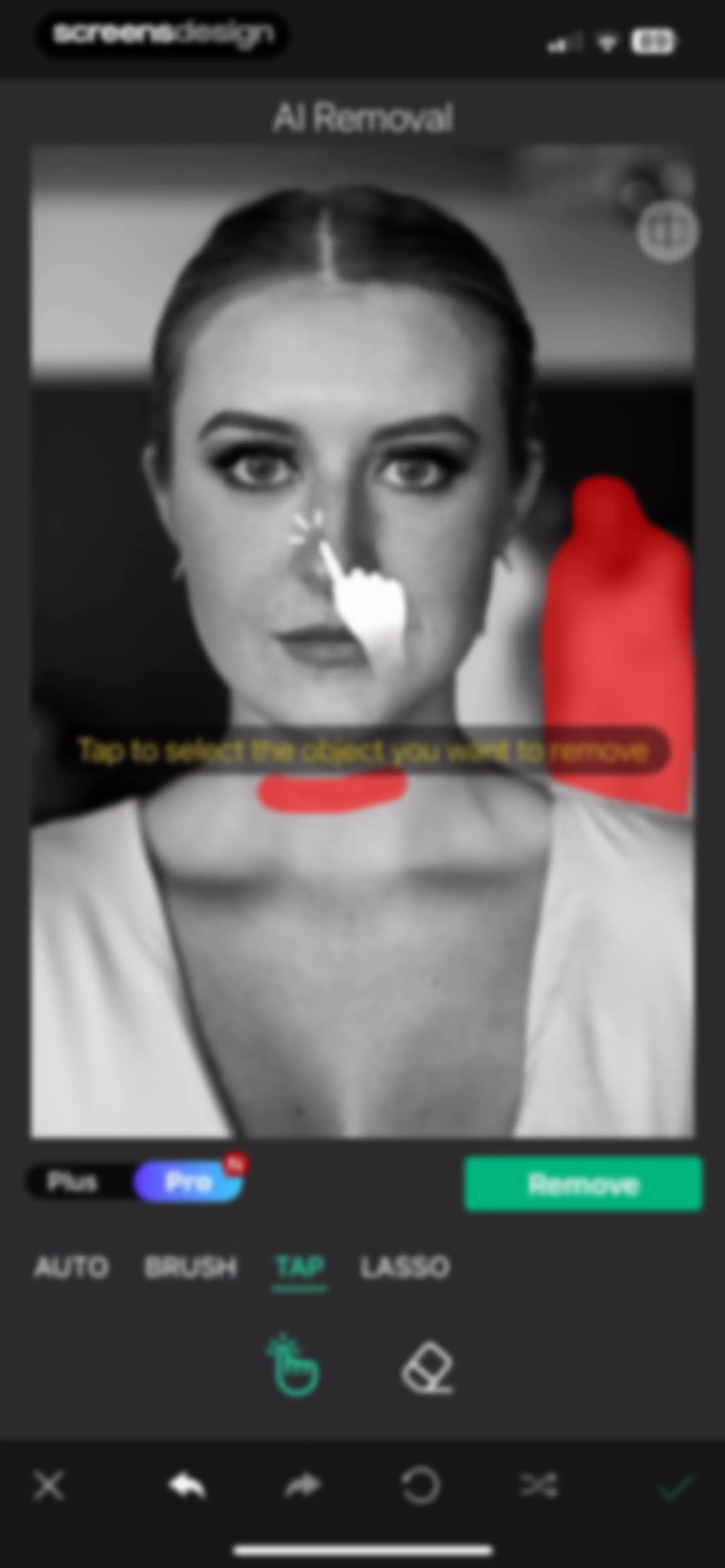
AI removal editor showing a portrait with the tap selection mode active and a green Remove button.Unlock Pro
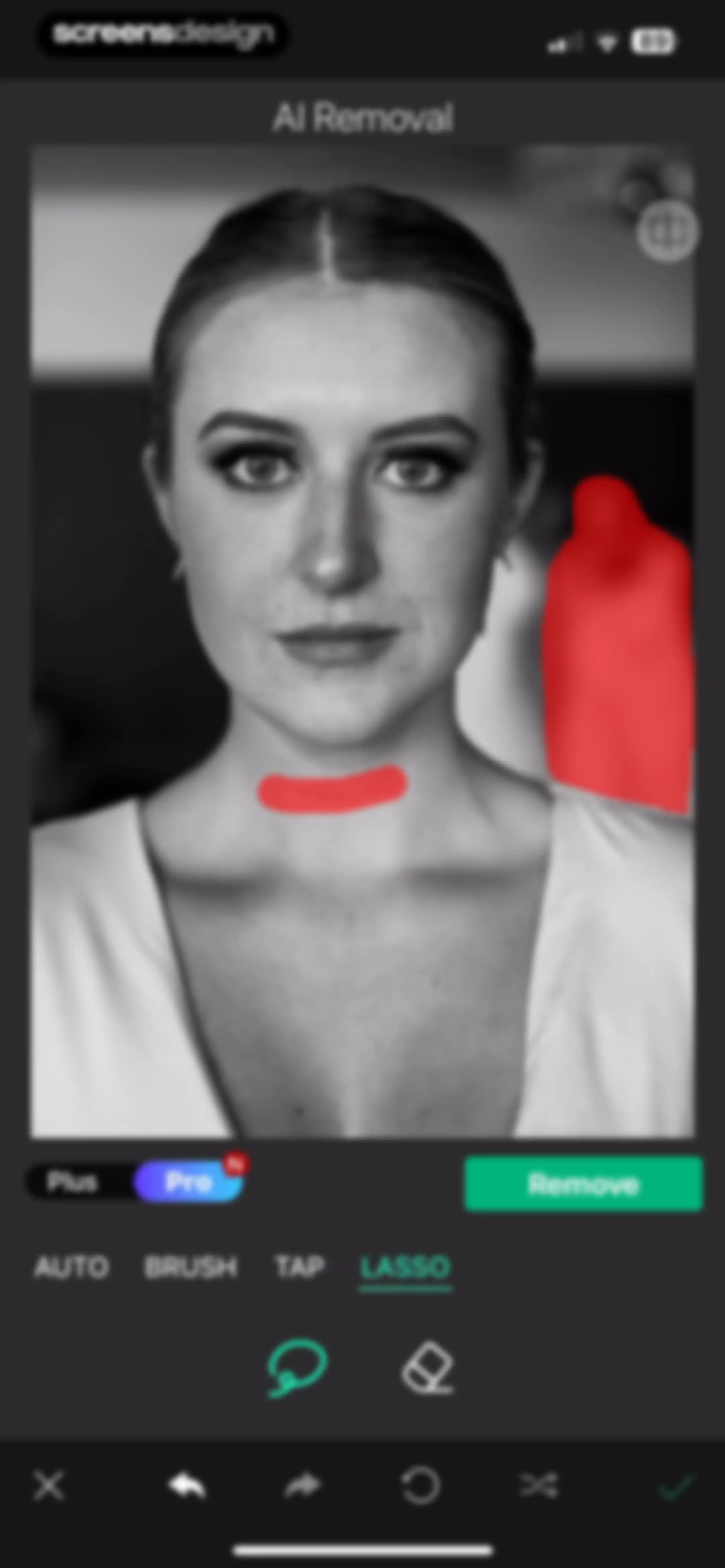
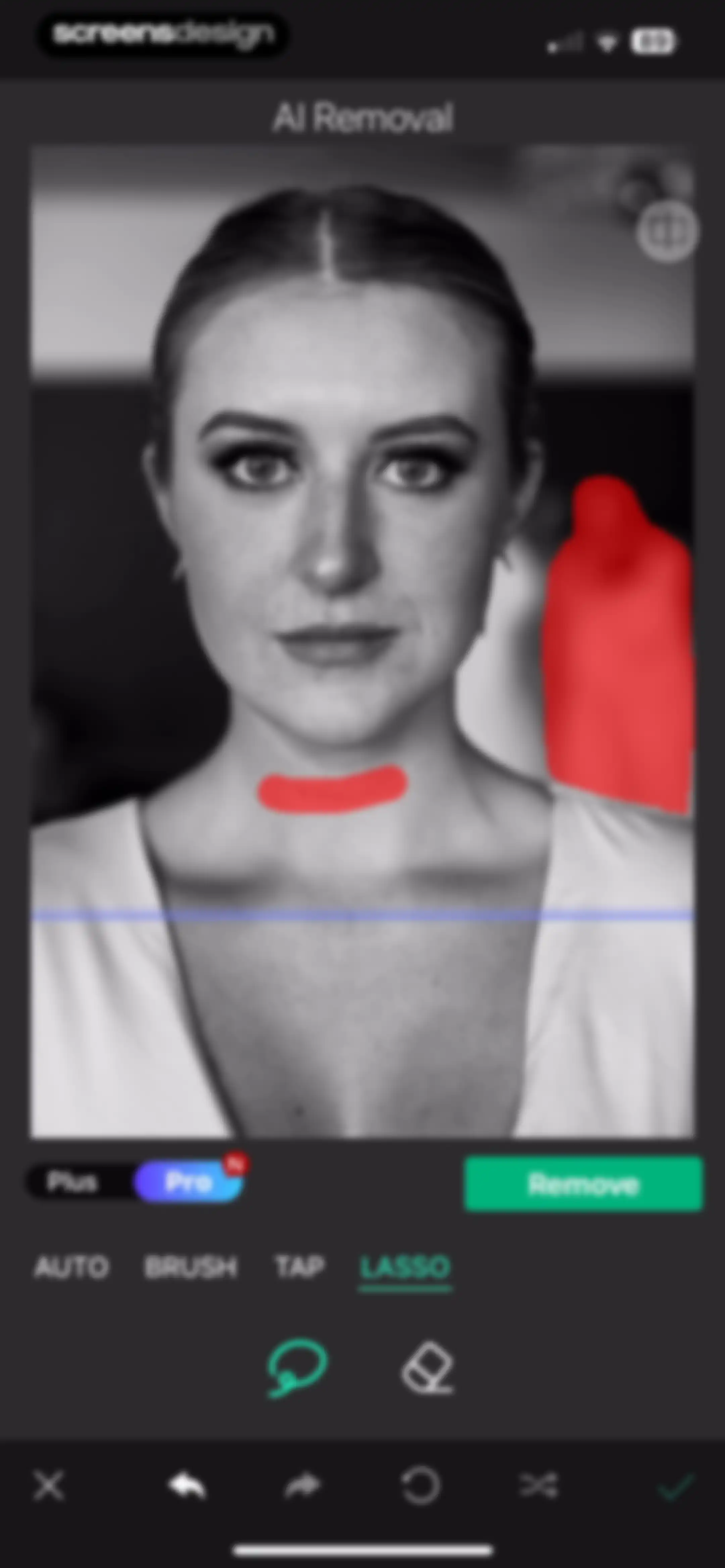
AI photo removal editor showing a portrait with brush strokes, the lasso tool selected, a pro subscription toggle, and a green Remove button.Unlock Pro
AI photo editing editor featuring an object removal tool with the lasso option selected, a dark theme, and a portrait of a woman.Unlock Pro
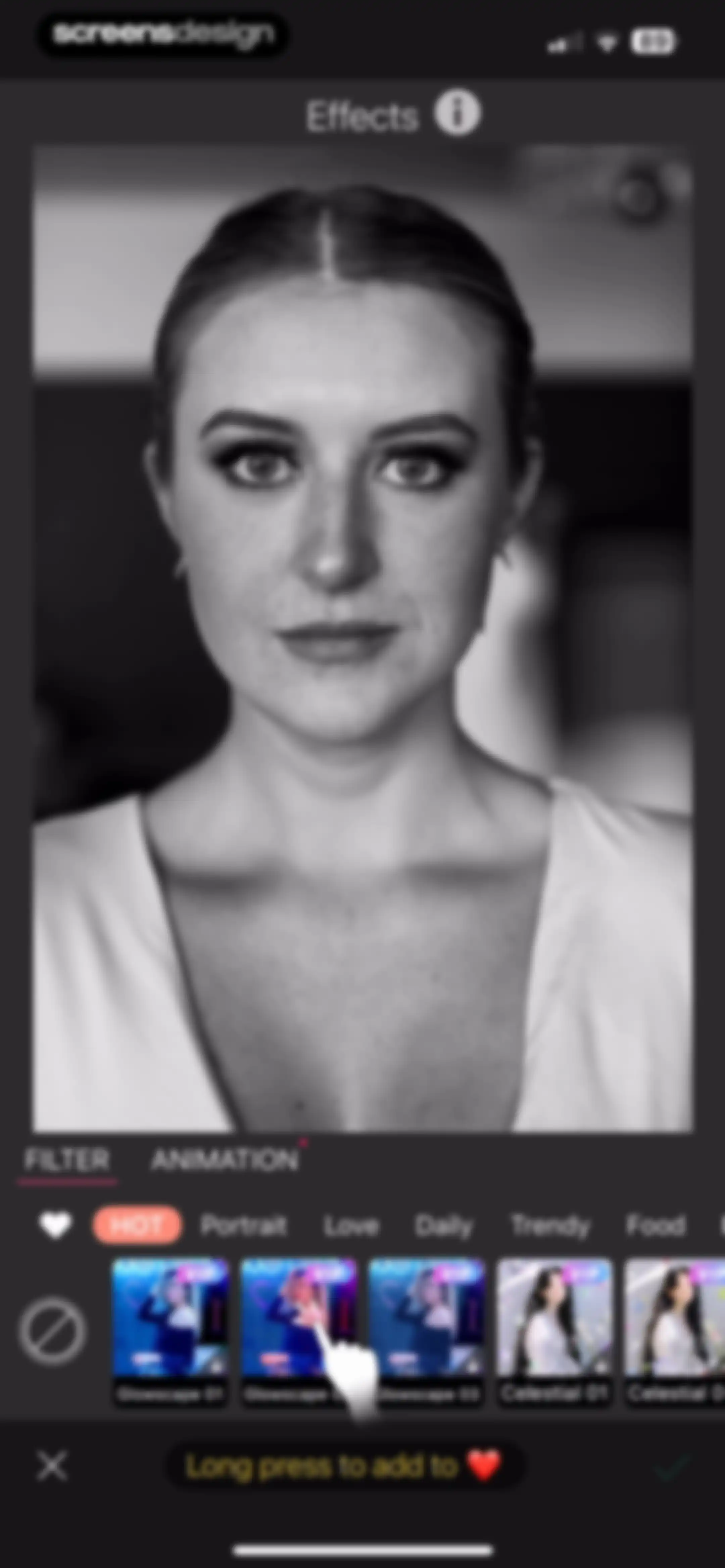
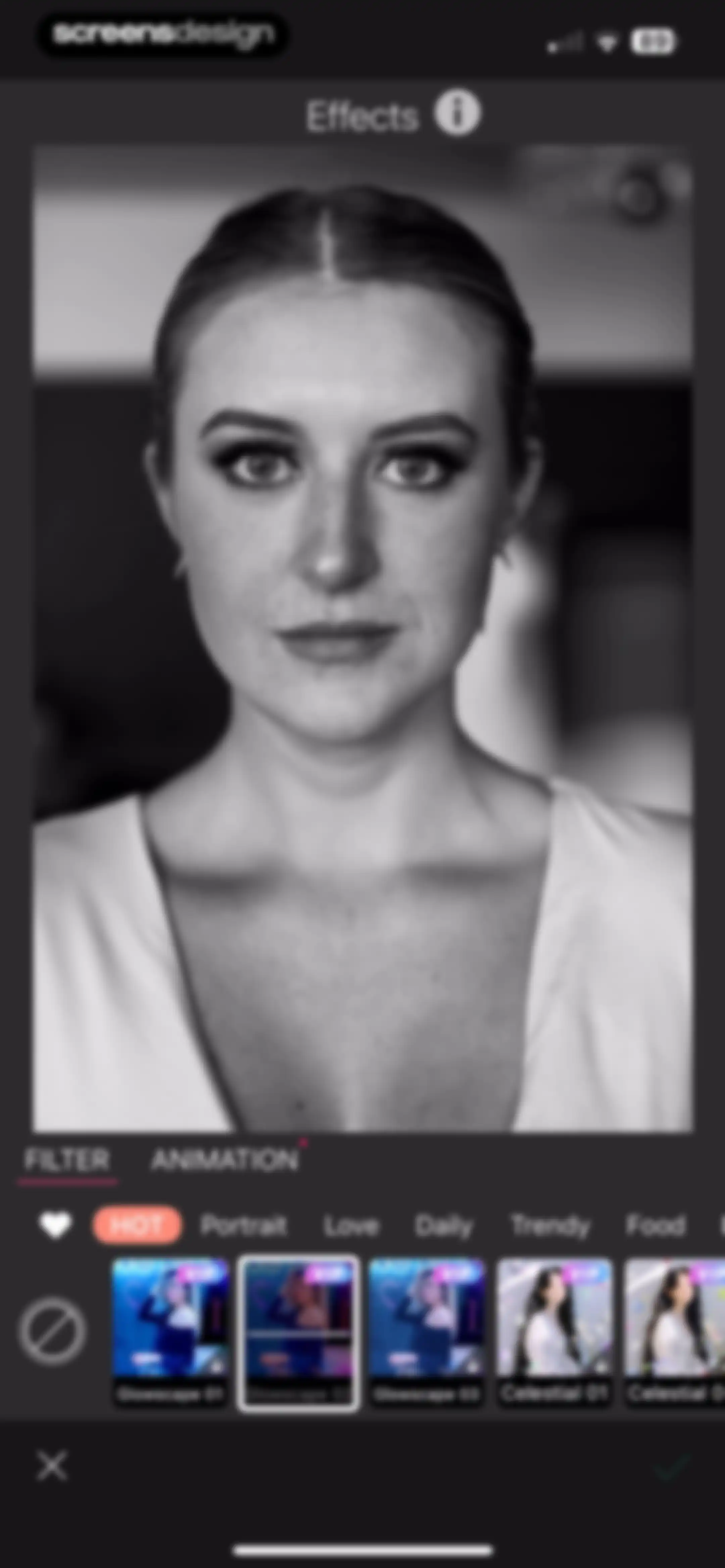
Photo editor effects screen with a horizontal carousel of VIP filter thumbnails, a selected filter tab, and cancel and confirm action buttons.Unlock Pro
Photo editor effects screen with a portrait preview, selected Filter tab, effect category menu, and a carousel of VIP filter options.Unlock Pro
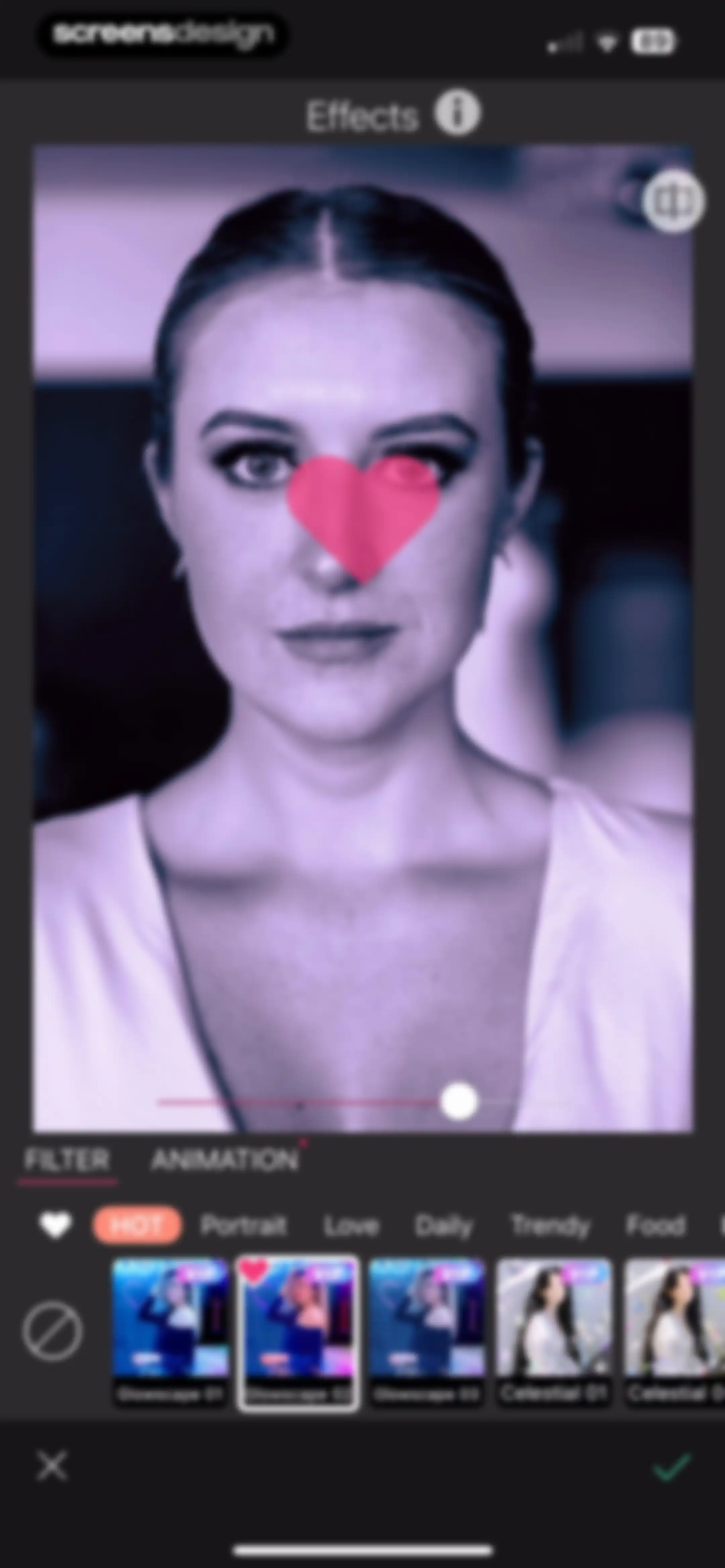
Photo effects editor showing a portrait with the Glowscape 02 filter selected, an intensity slider, category filters, and cancel and confirm buttons.Unlock Pro
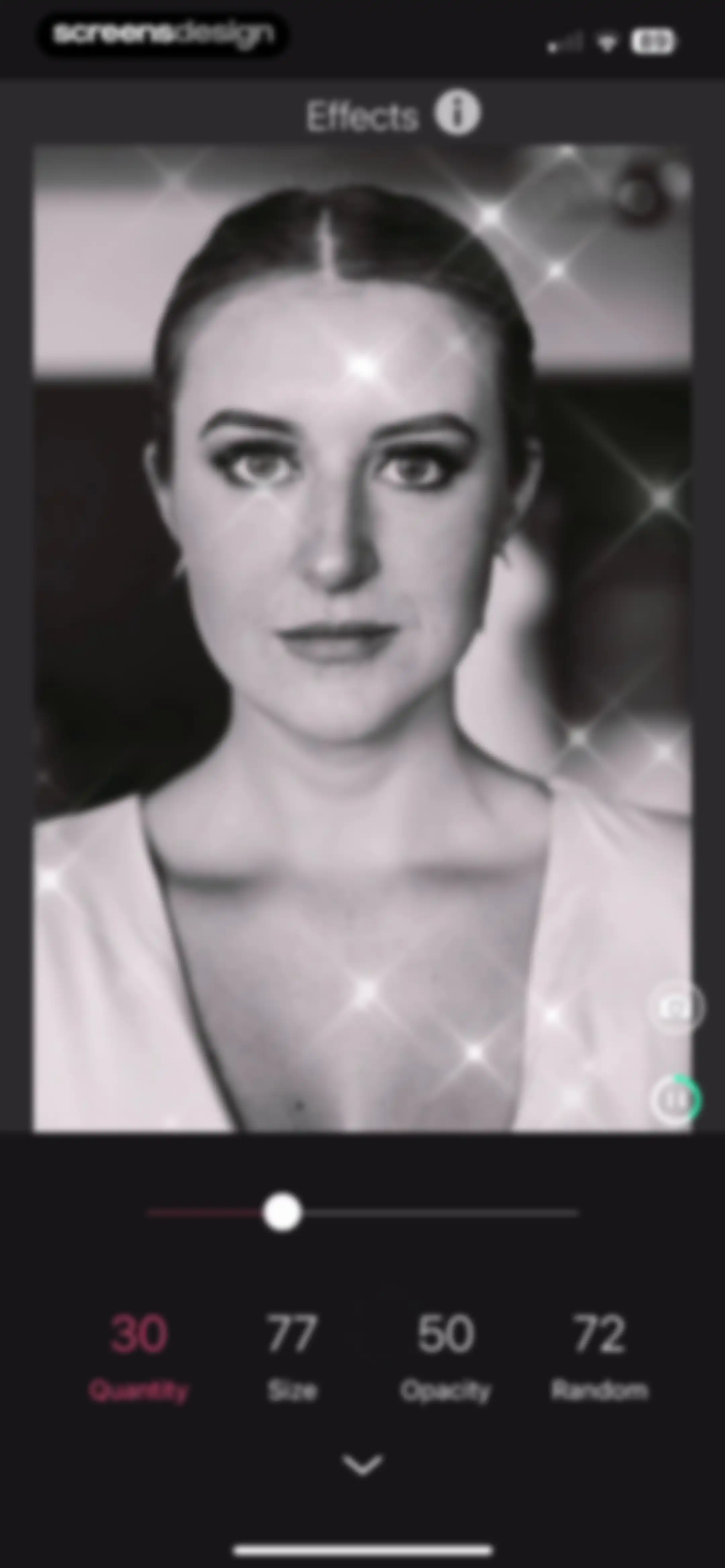
Photo editor effects screen showing a portrait with a sparkle effect, an active adjustment slider, and parameter options for quantity, size, opacity, and random.Unlock Pro
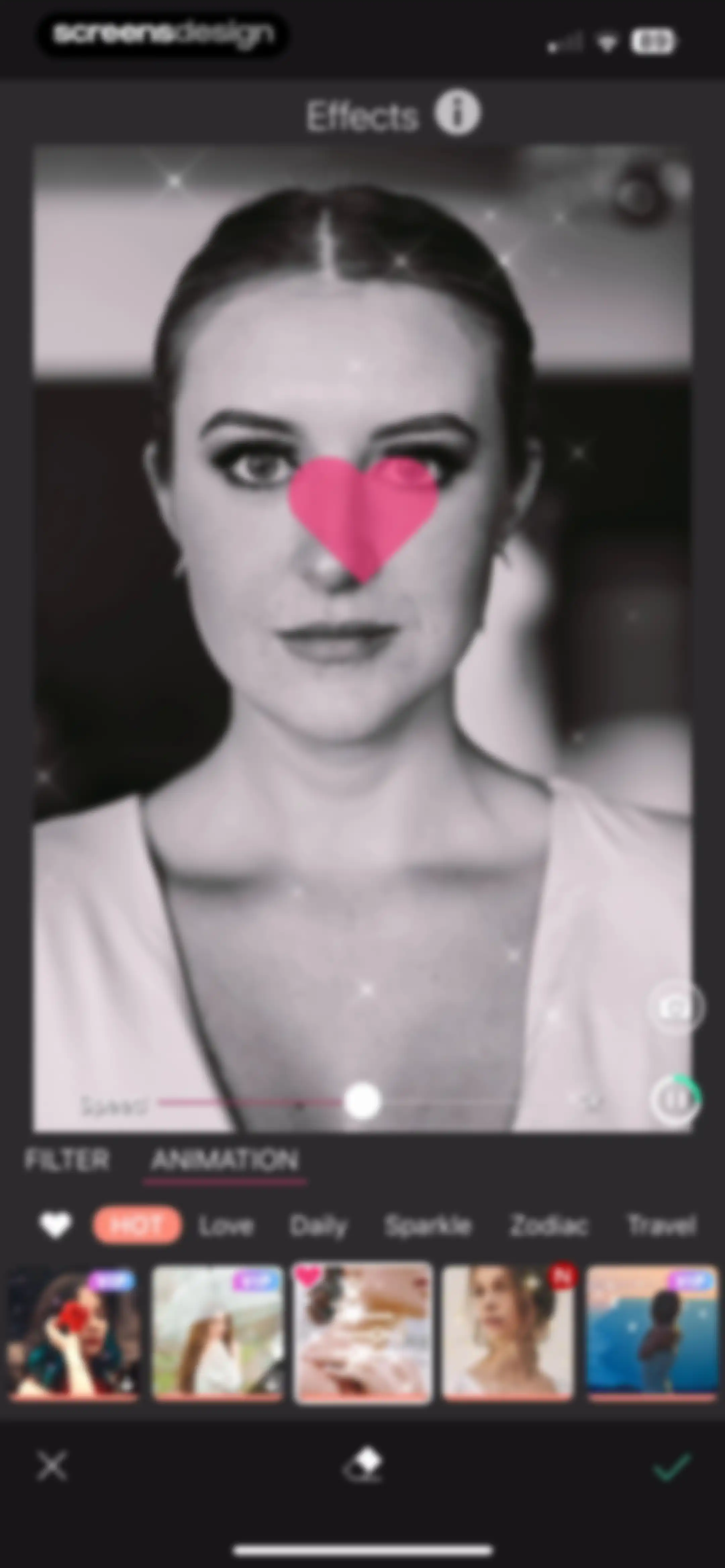
Photo editor screen showing an animation effect applied to a portrait, with speed controls, category tabs, an effect carousel, and a confirm button.Unlock Pro
Photo animation editor with an image preview, speed slider, category list, effect thumbnail carousel, and bottom action buttons.Unlock Pro
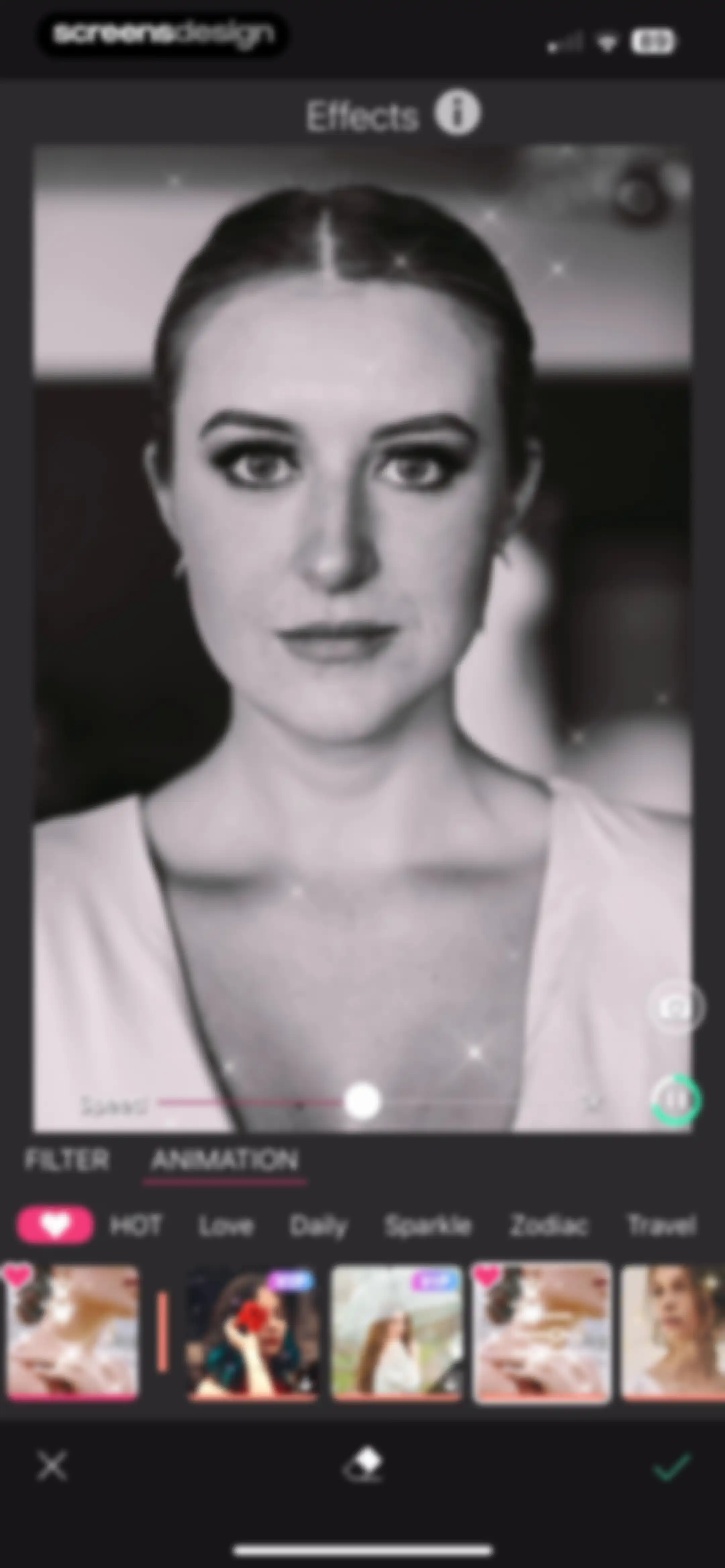
Photo animation editor displaying a portrait with a sparkle effect, a speed slider, effect category tabs, an effect thumbnail carousel, and a bottom action bar.Unlock Pro
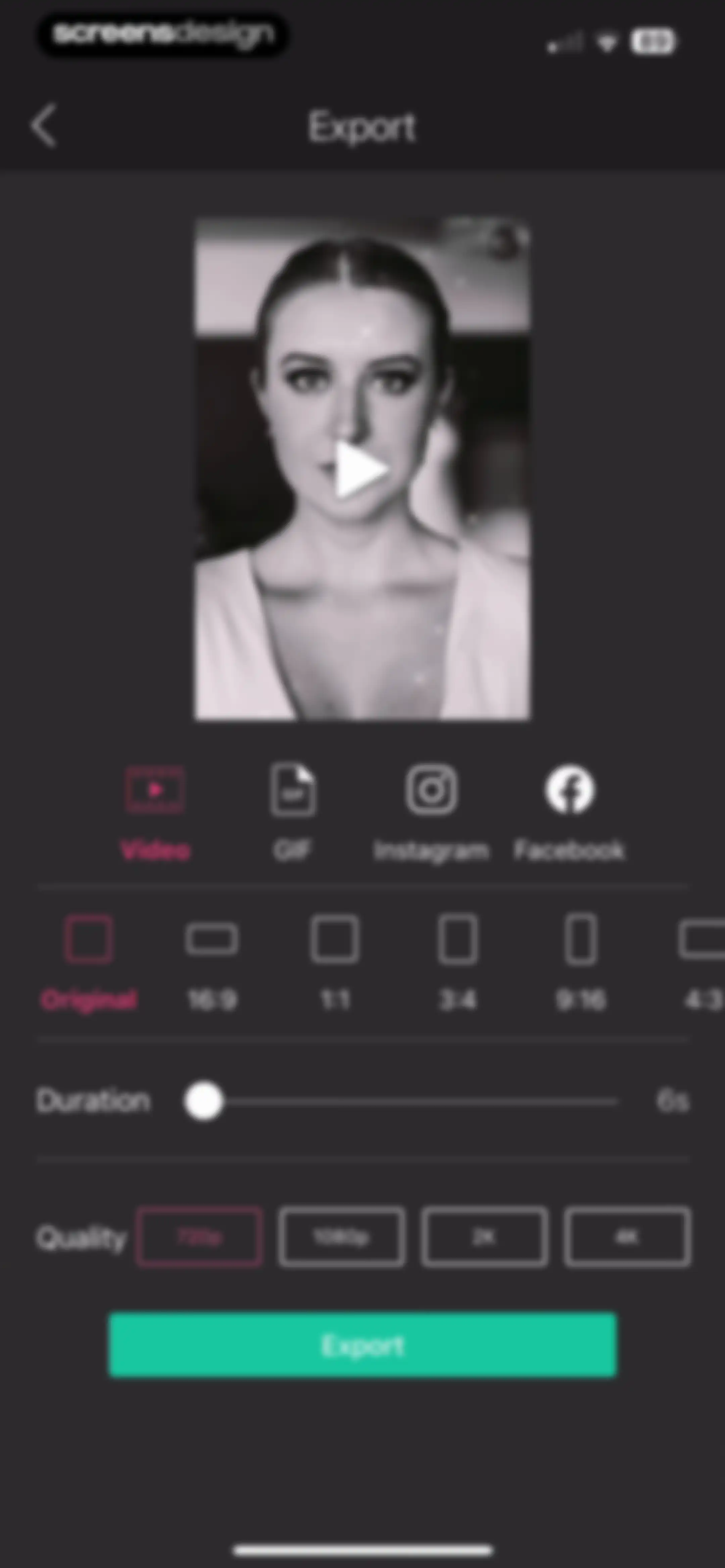
Video export configuration screen with a preview, format and aspect ratio selectors, duration slider, and an Export button.Unlock Pro
AI enhancement progress screen showing a modal with a 70 percent progress bar and a warning message.Unlock Pro
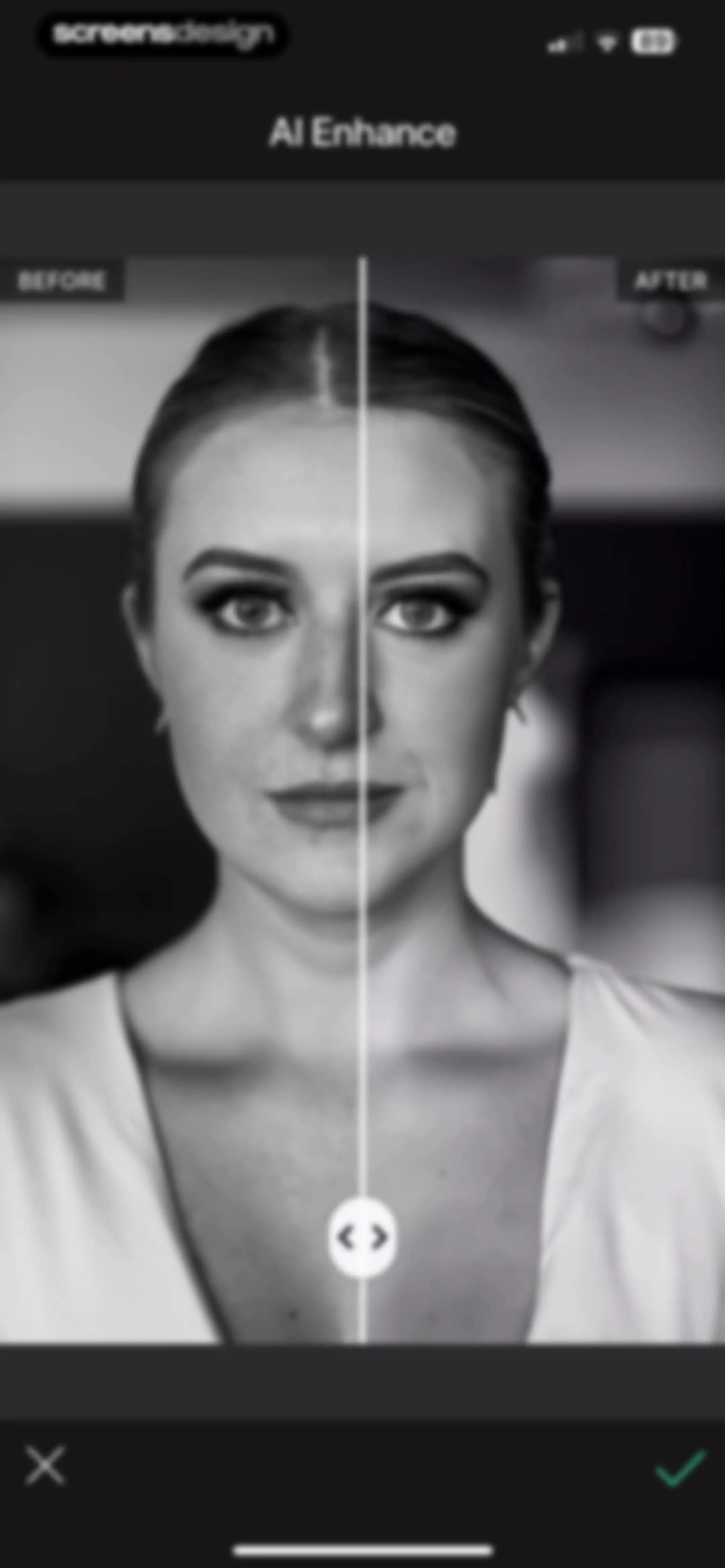
AI enhance editor screen with a split-screen before and after portrait comparison, a central slider, and cancel and confirm action buttons.Unlock Pro
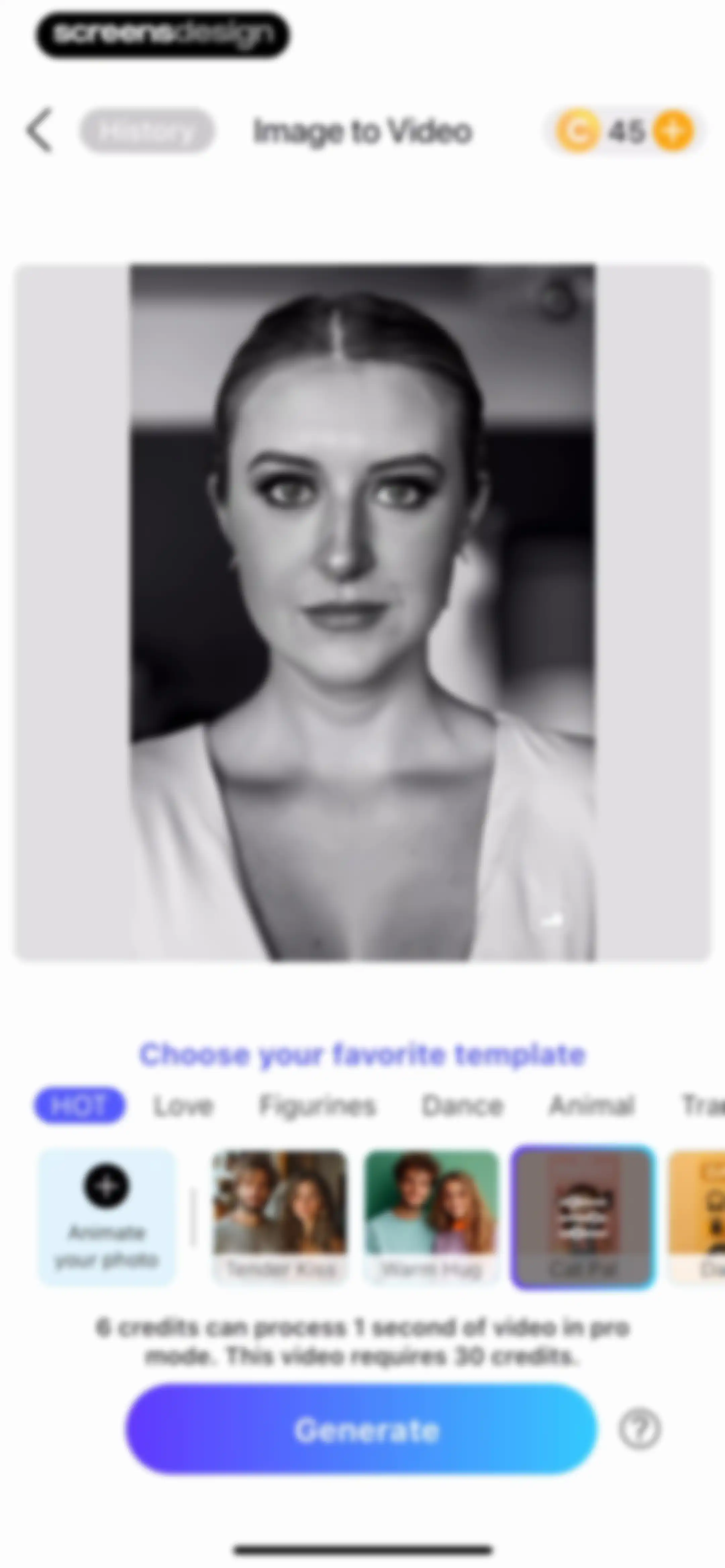
Image to video editor featuring a template selection carousel, credit cost information, and a large Generate button.Unlock Pro
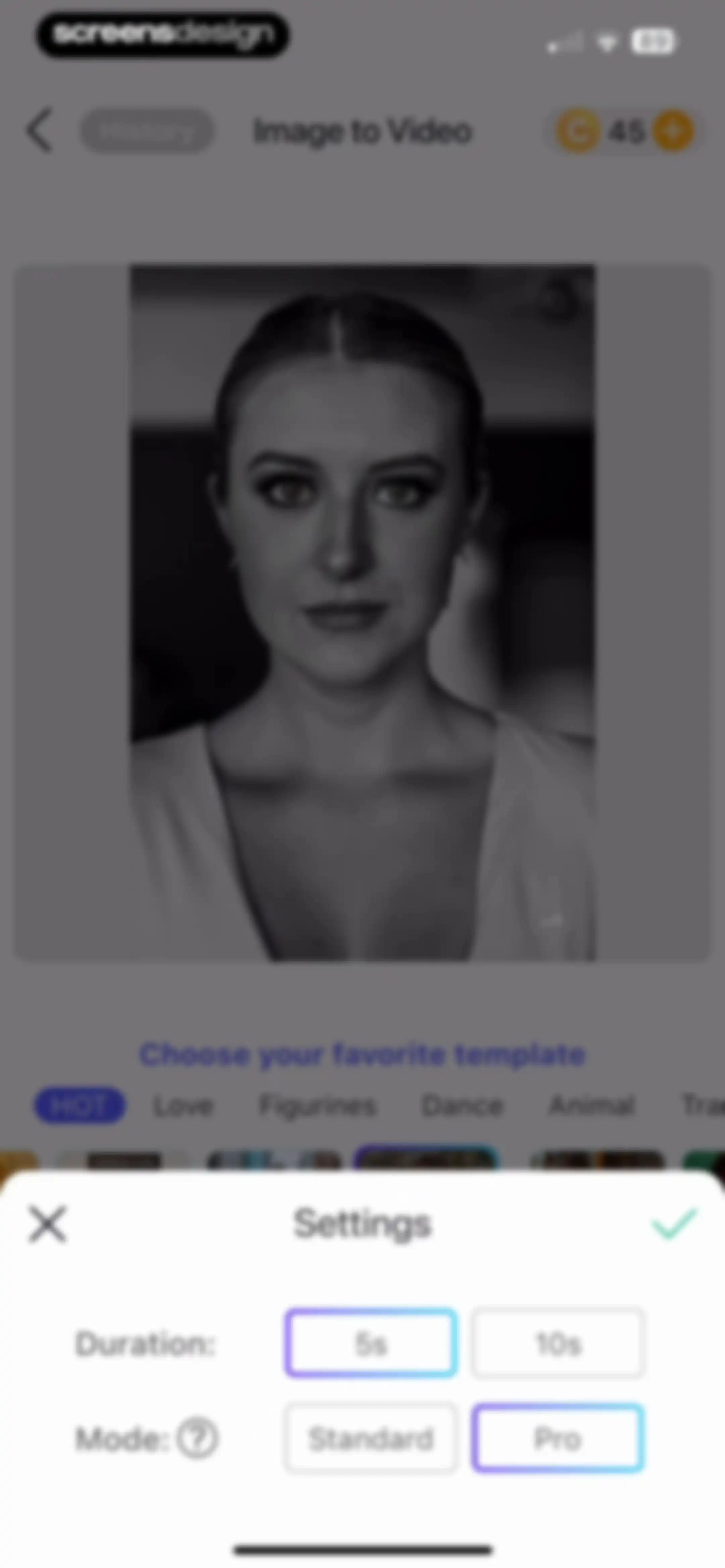
Image to video editor with a settings modal displaying duration and mode options, featuring the 5-second duration and Pro mode selected.Unlock Pro
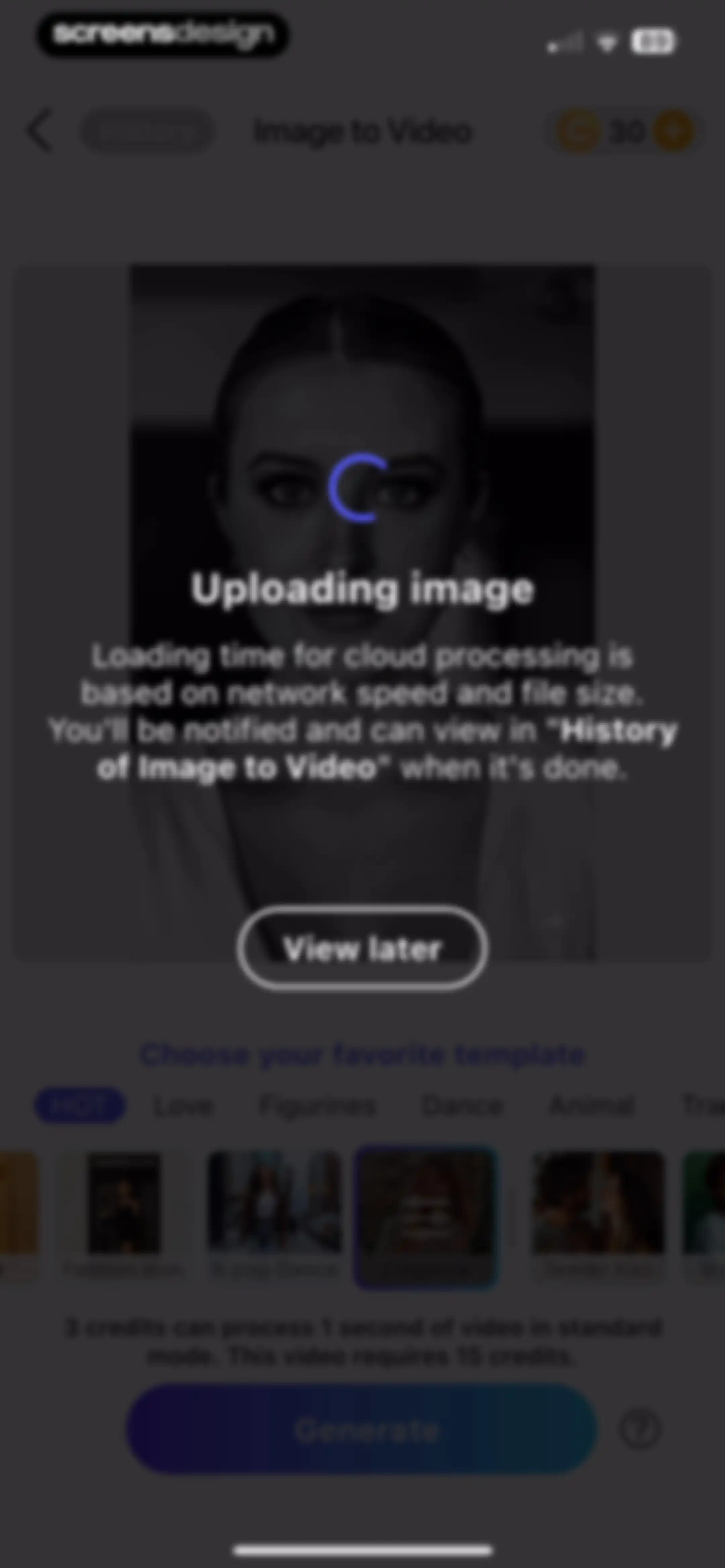
Image to video generation screen with an uploading image modal overlay, template selection categories, credit cost information, and a disabled Generate button.Unlock Pro
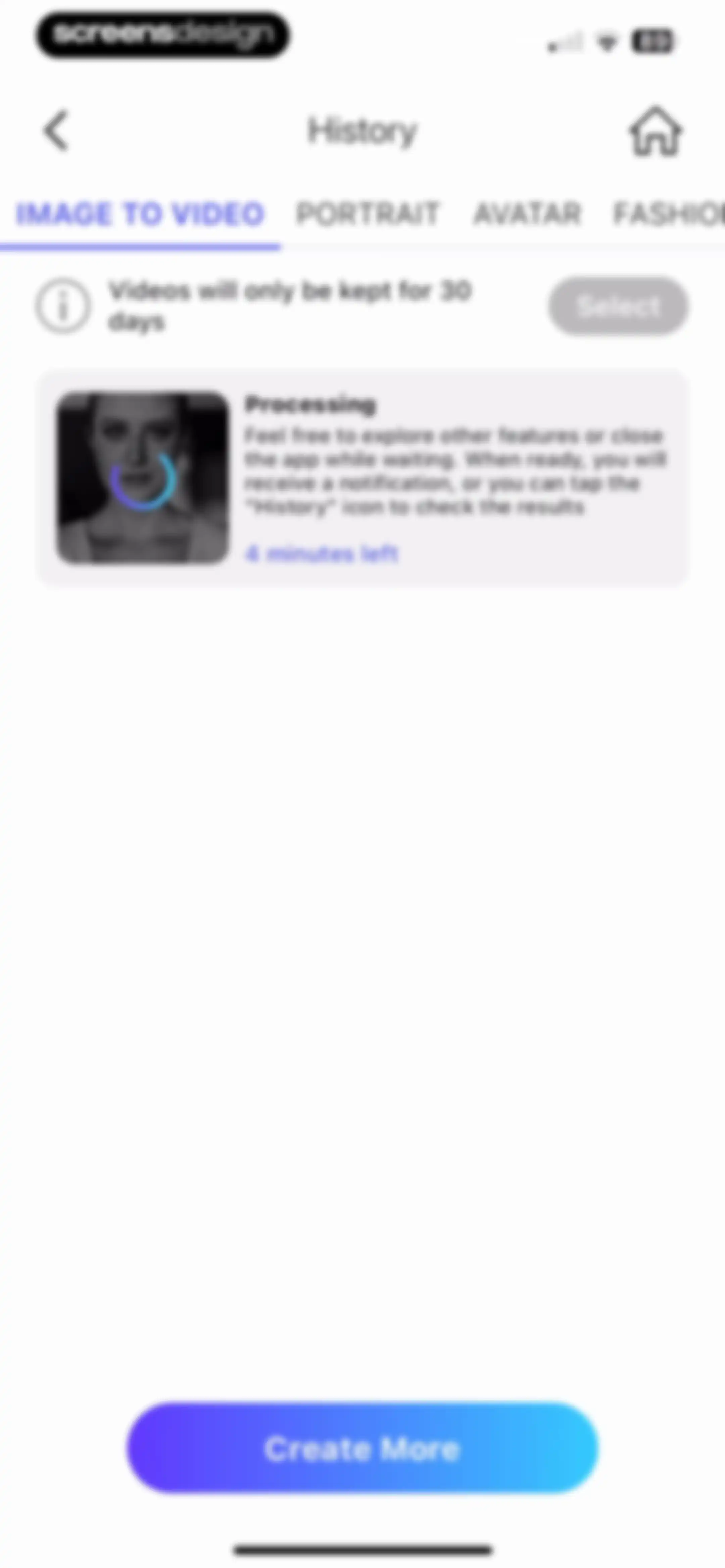
History screen showing an ongoing image to video processing task with a four-minute countdown and a Create More button.Unlock Pro
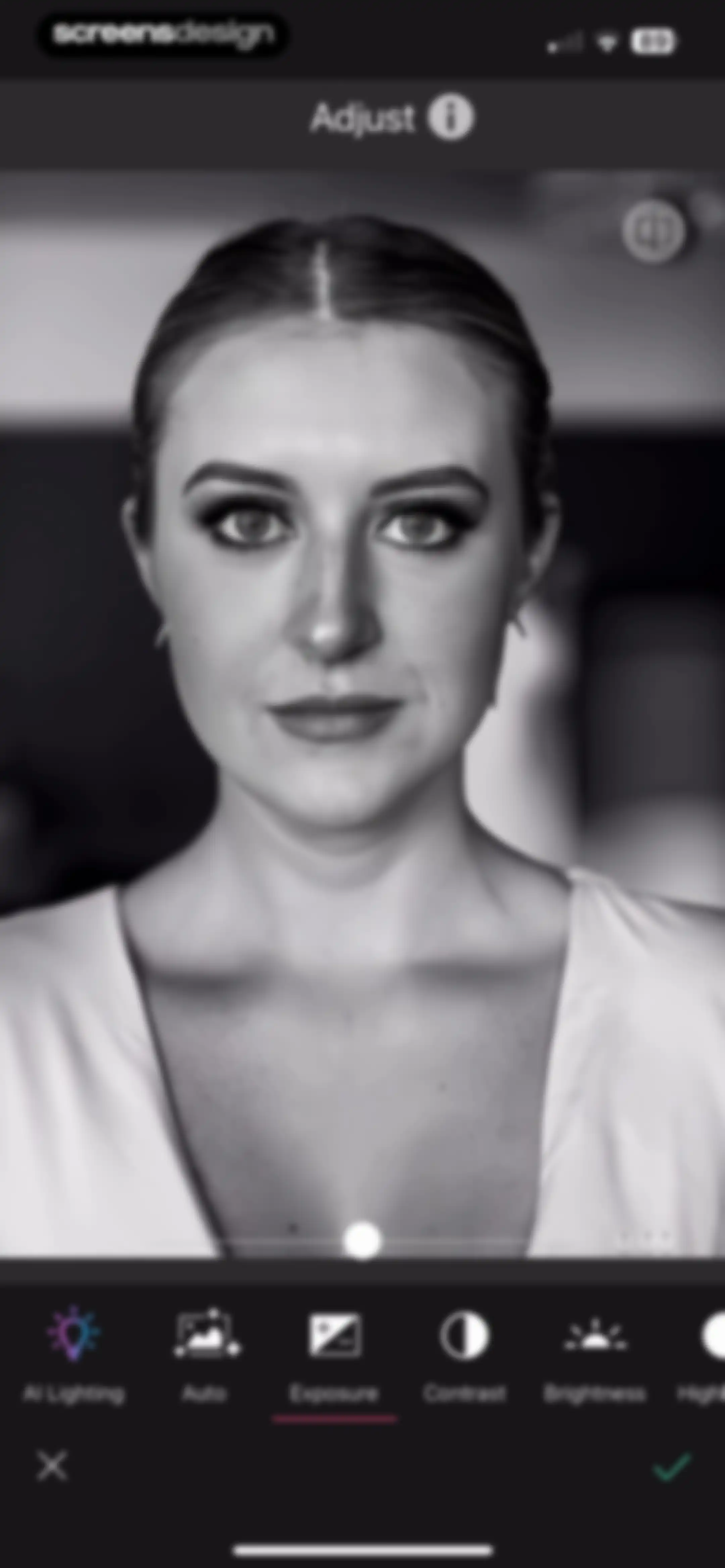
Photo adjustment editor displaying a portrait with an exposure slider and a horizontal tool menu.Unlock Pro
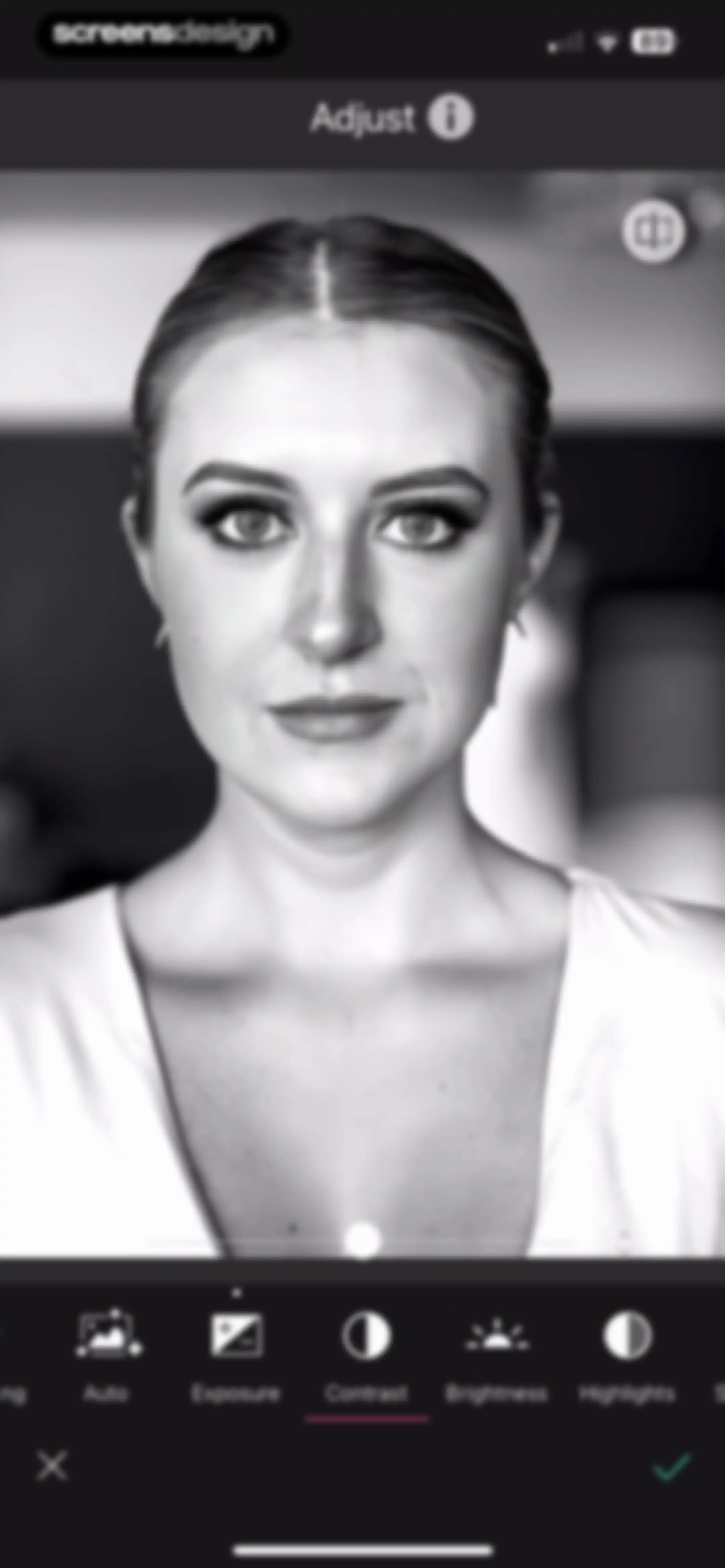
Photo editor screen showing a portrait image with adjustment tools, with Contrast selected and a slider control.Unlock Pro
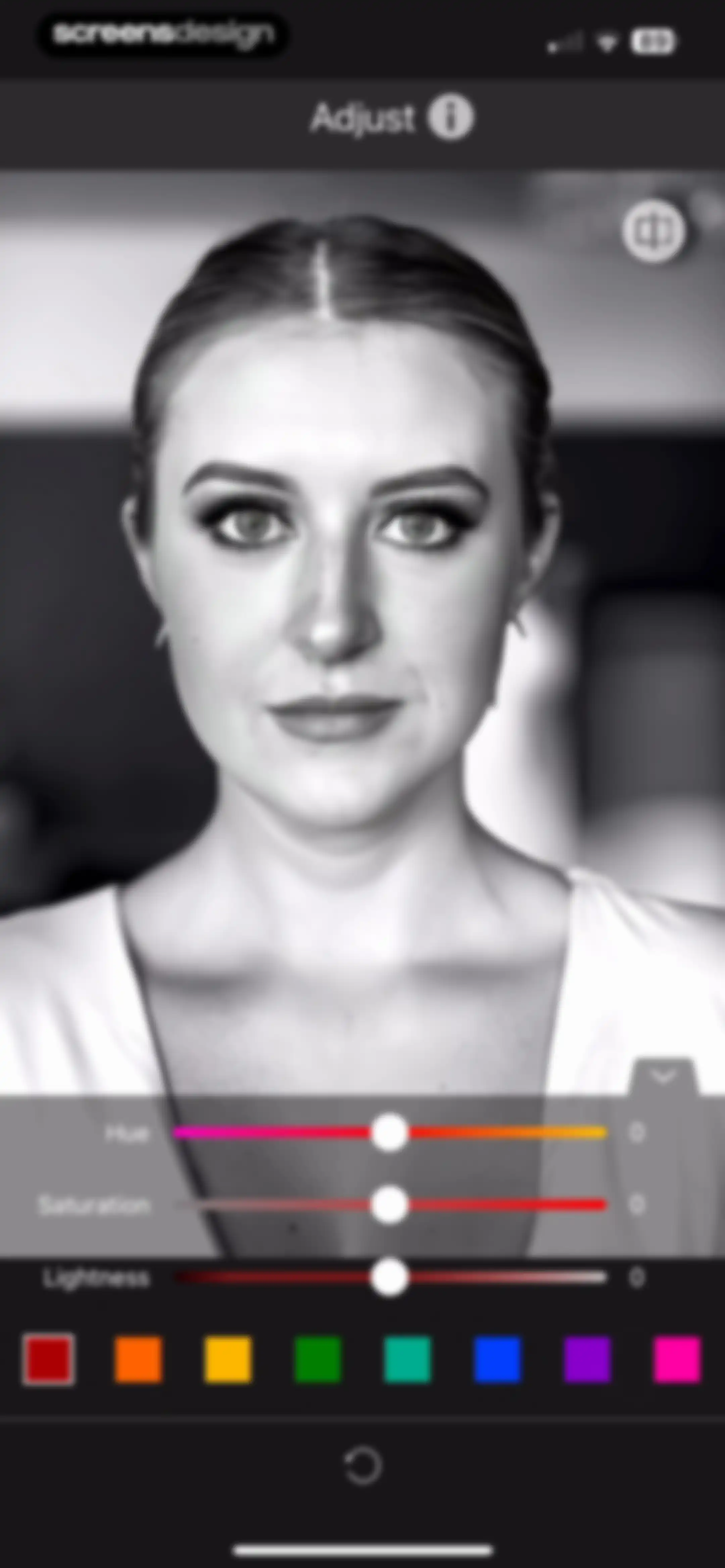
Photo editor adjustment screen displaying a portrait with HSL sliders, color swatches, and a reset button.Unlock Pro
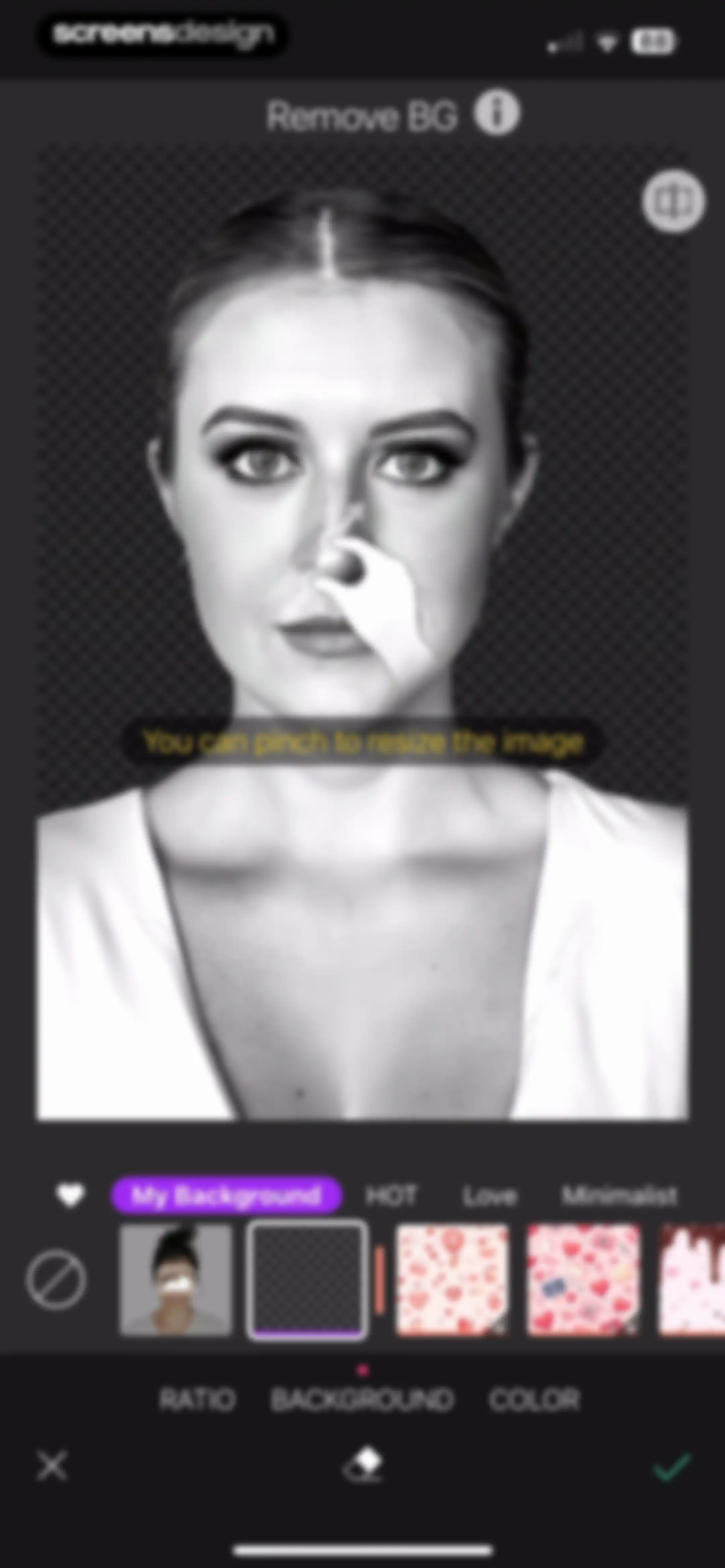
Photo editor background removal screen displaying a portrait on a checkerboard pattern, background selection tabs, and a bottom action bar with a confirm checkmark.Unlock Pro
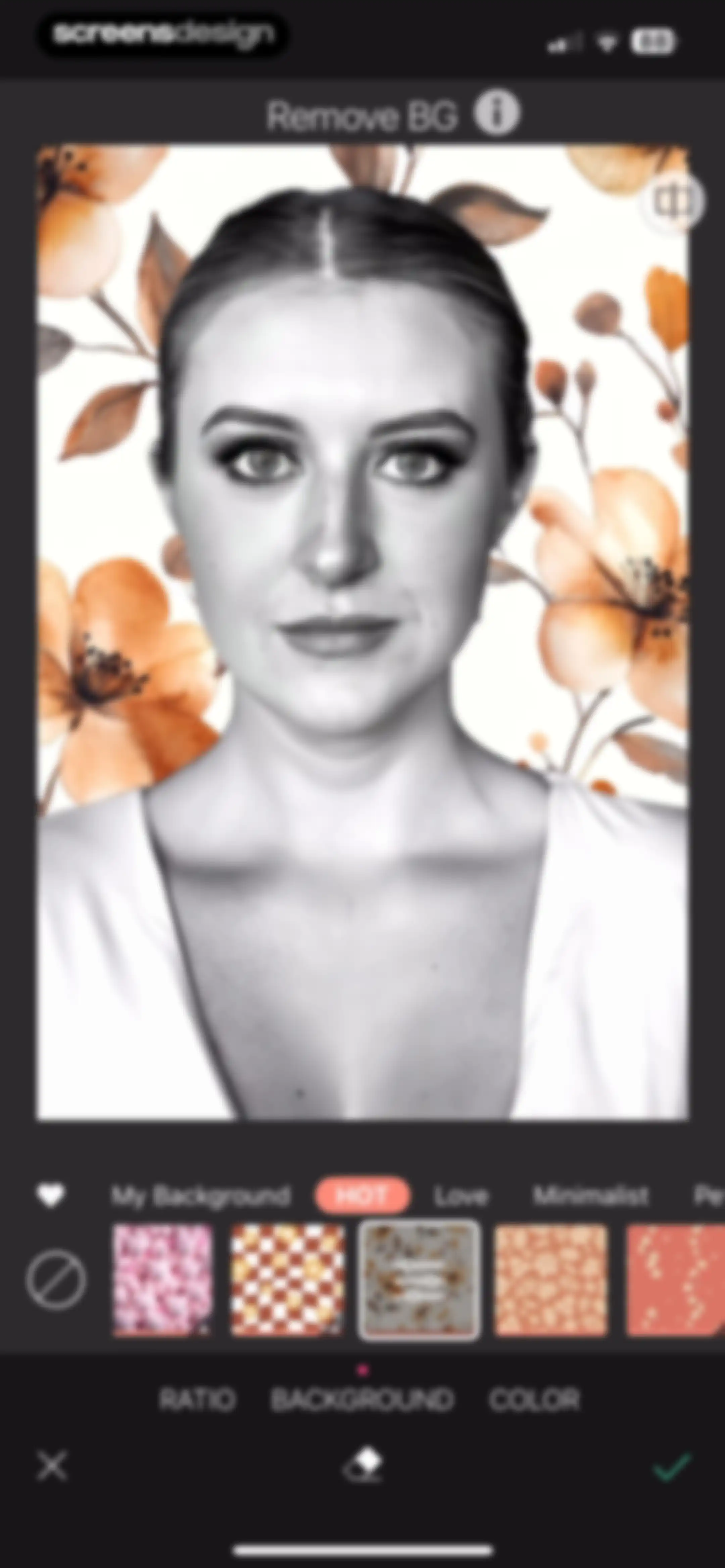
Photo editor background removal screen displaying a portrait with a selected floral background pattern, horizontal background options, and bottom action buttons.Unlock Pro
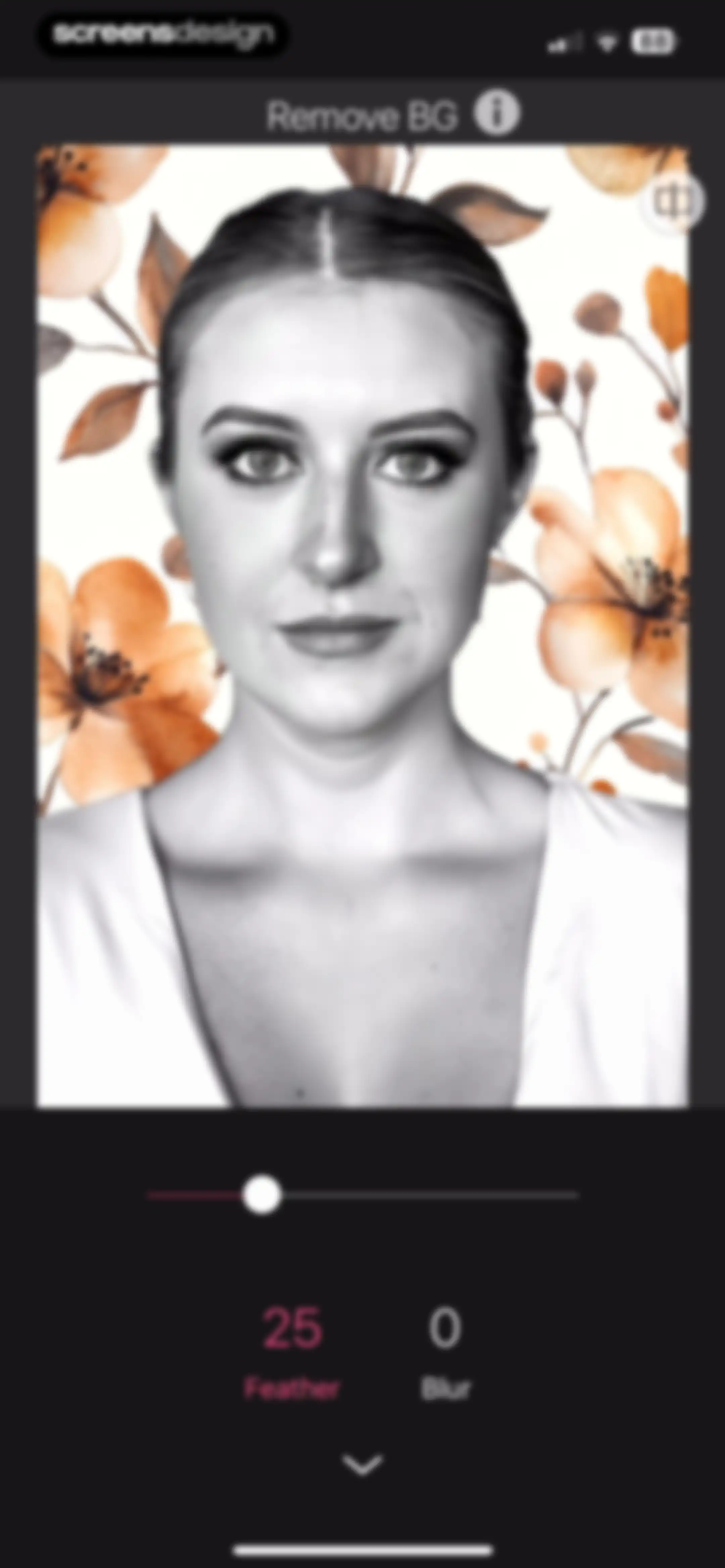
Background removal editor displaying a portrait photo with an active slider and Feather parameter selected.Unlock Pro
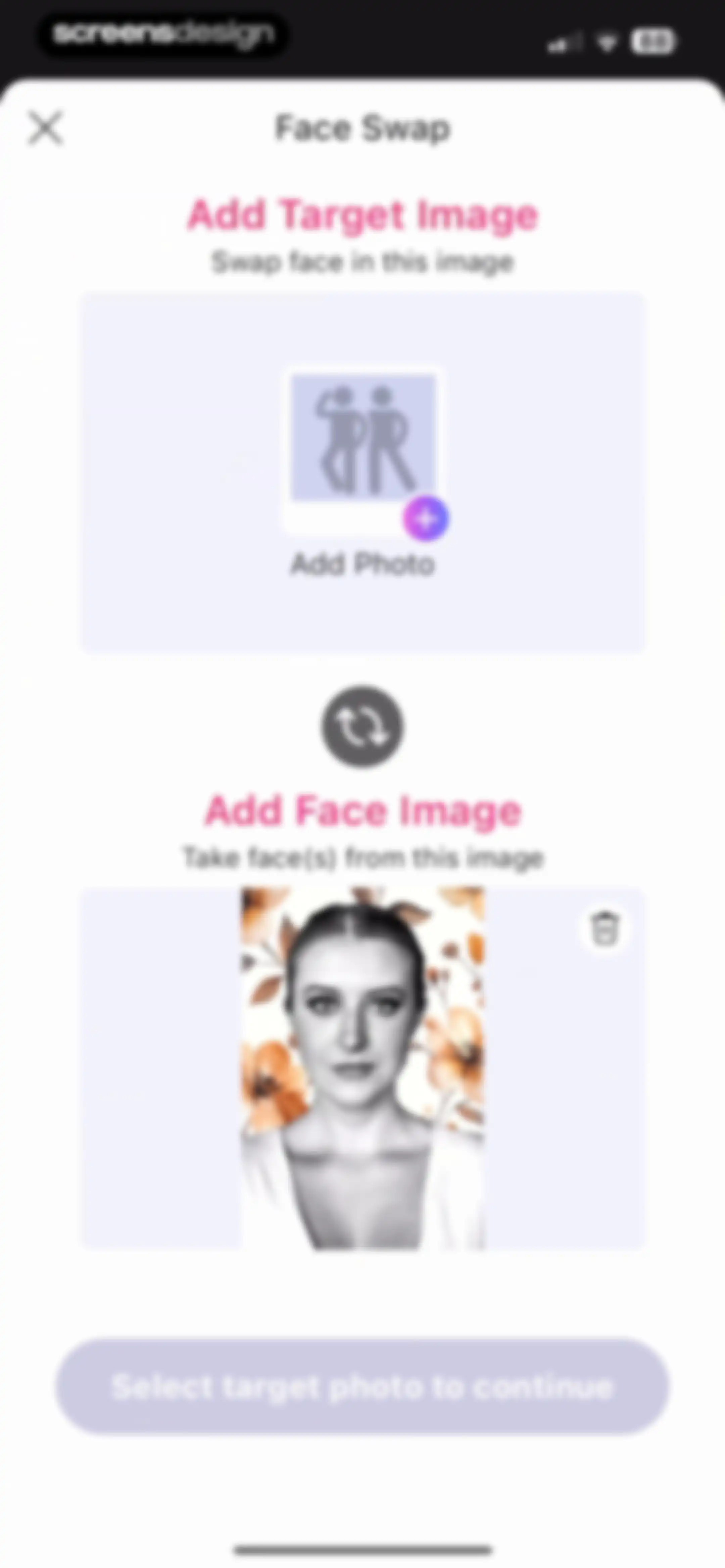
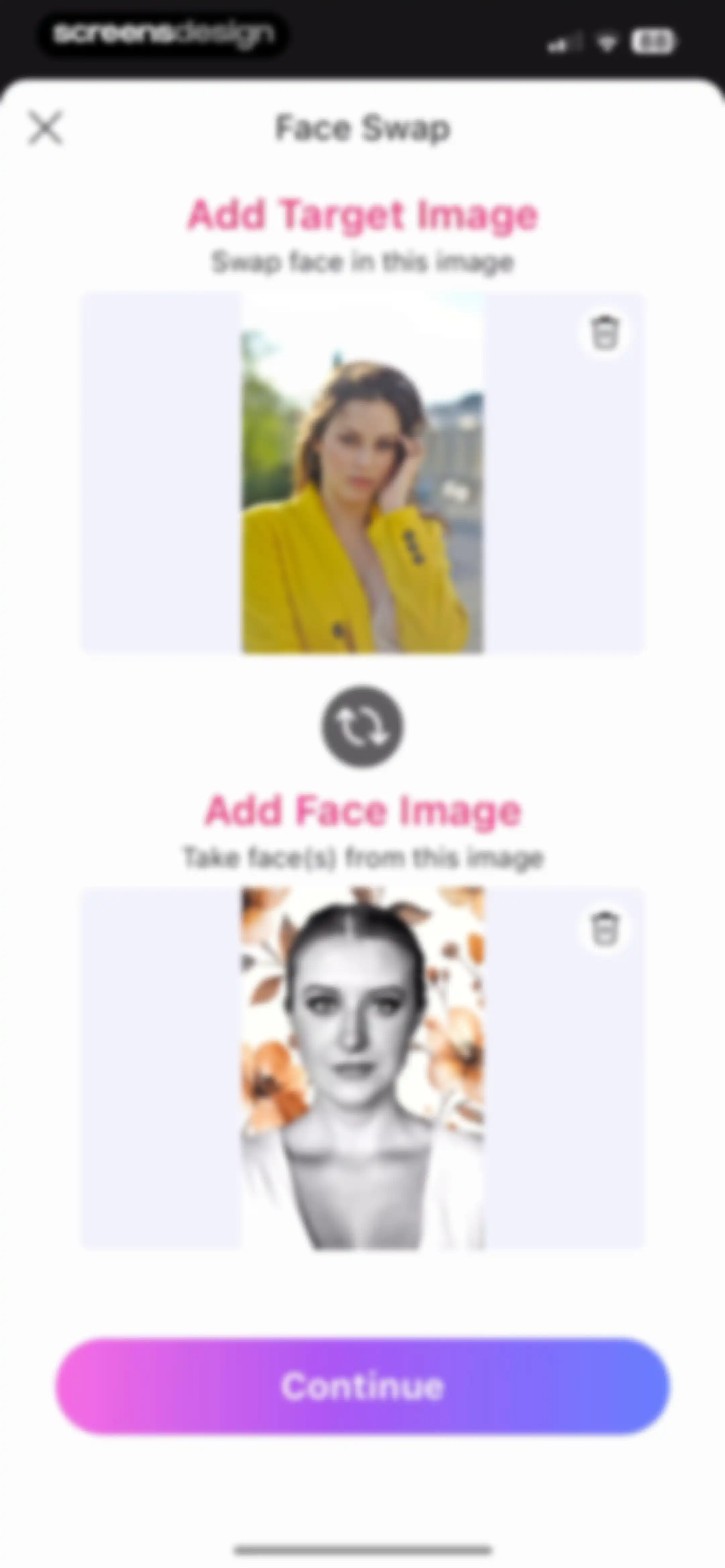
Face swap editor featuring an add target image card above a selected face portrait and a disabled continue button.Unlock Pro
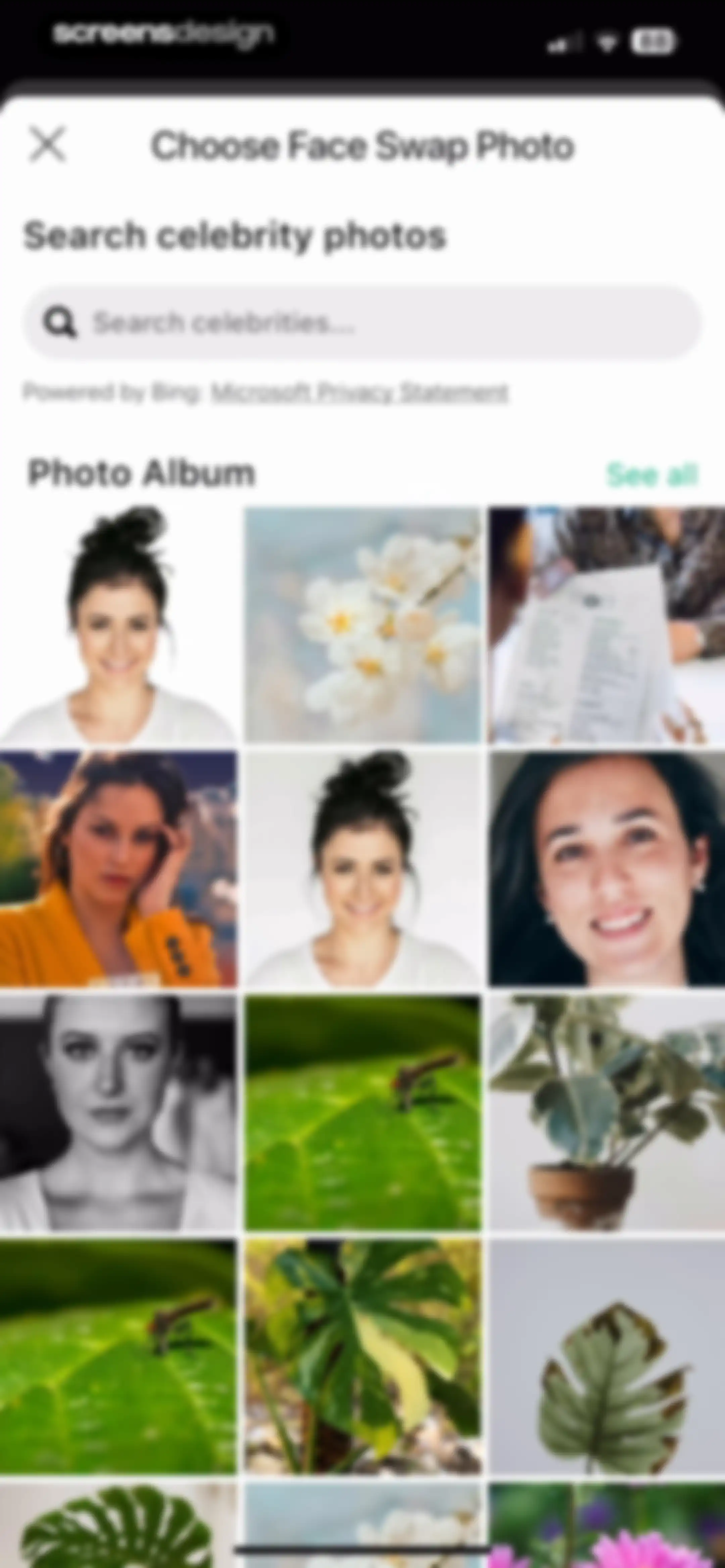
Photo selection screen for choosing a face swap image, featuring a celebrity search bar and a multi-column photo grid.Unlock Pro
Face swap editor screen displaying two image upload cards with a swap icon and a Continue button.Unlock Pro
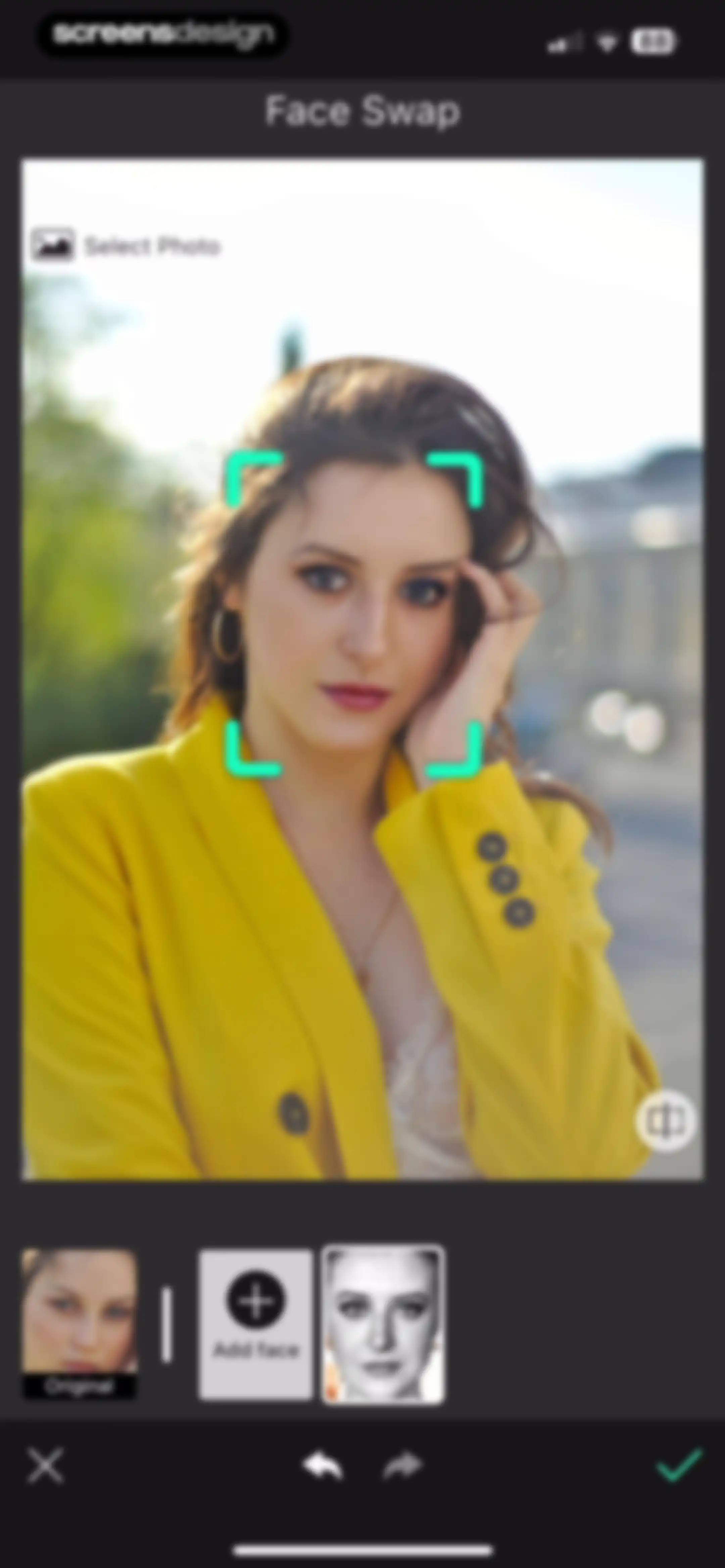
Face swap editor displaying a portrait of a woman with a bottom face selection carousel, add face button, and confirmation controls.Unlock Pro
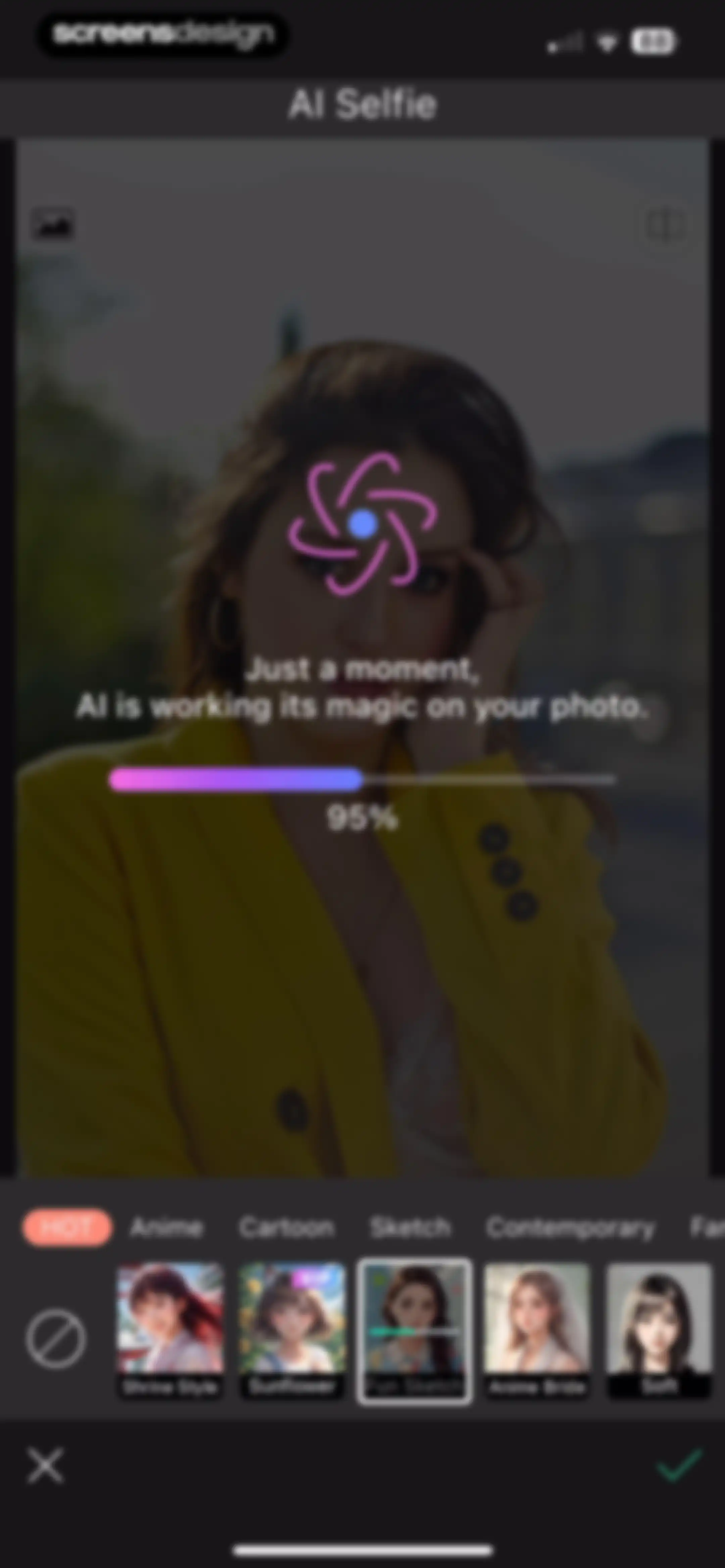
AI selfie processing screen showing a 95% progress indicator with a horizontal filter selection carousel at the bottom.Unlock Pro
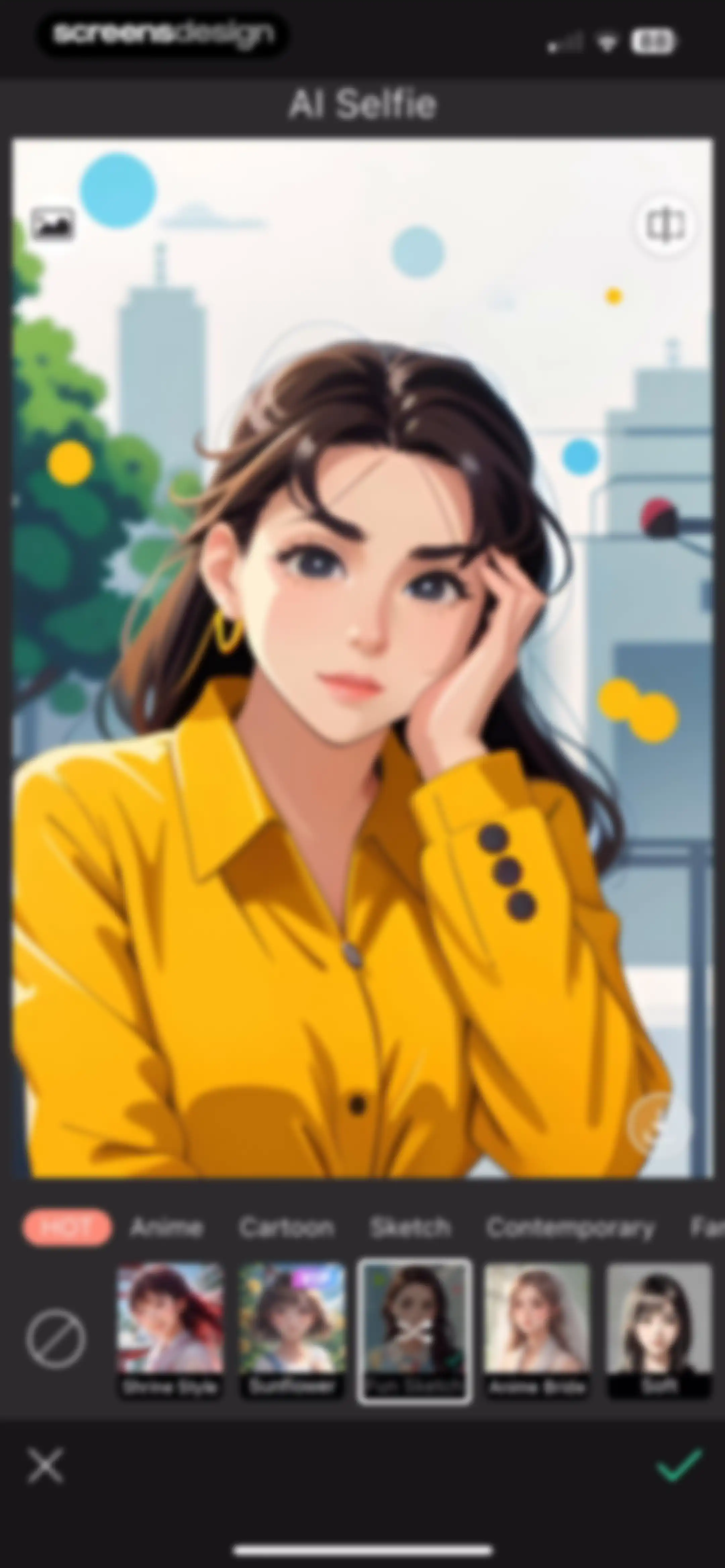
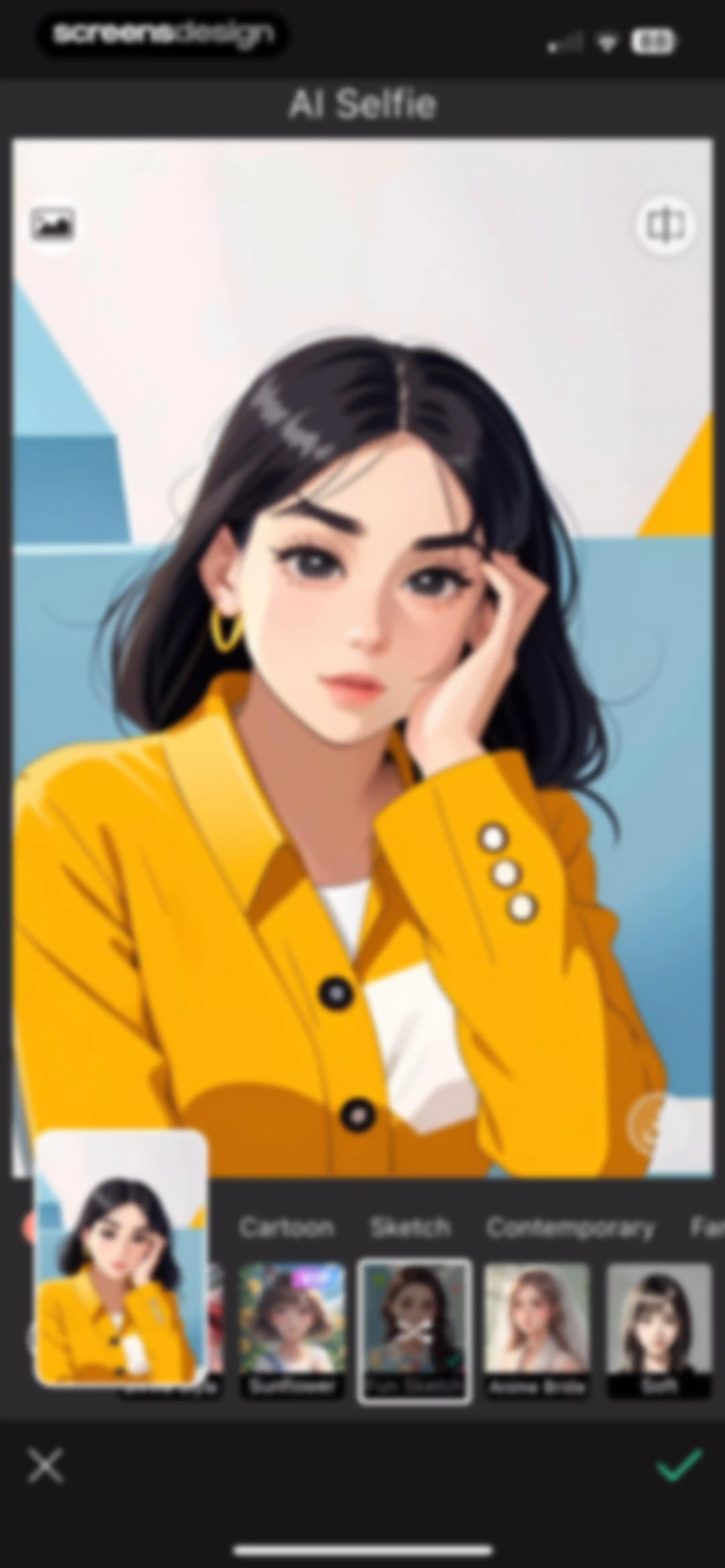
AI selfie editor screen displaying a large portrait preview, a style category menu, a style thumbnail carousel with Fun Sketch selected, and a bottom action bar.Unlock Pro
AI photo editor screen displaying an anime-inspired portrait with a bottom filter carousel where Fun Sketch is selected and a green confirm button.Unlock Pro
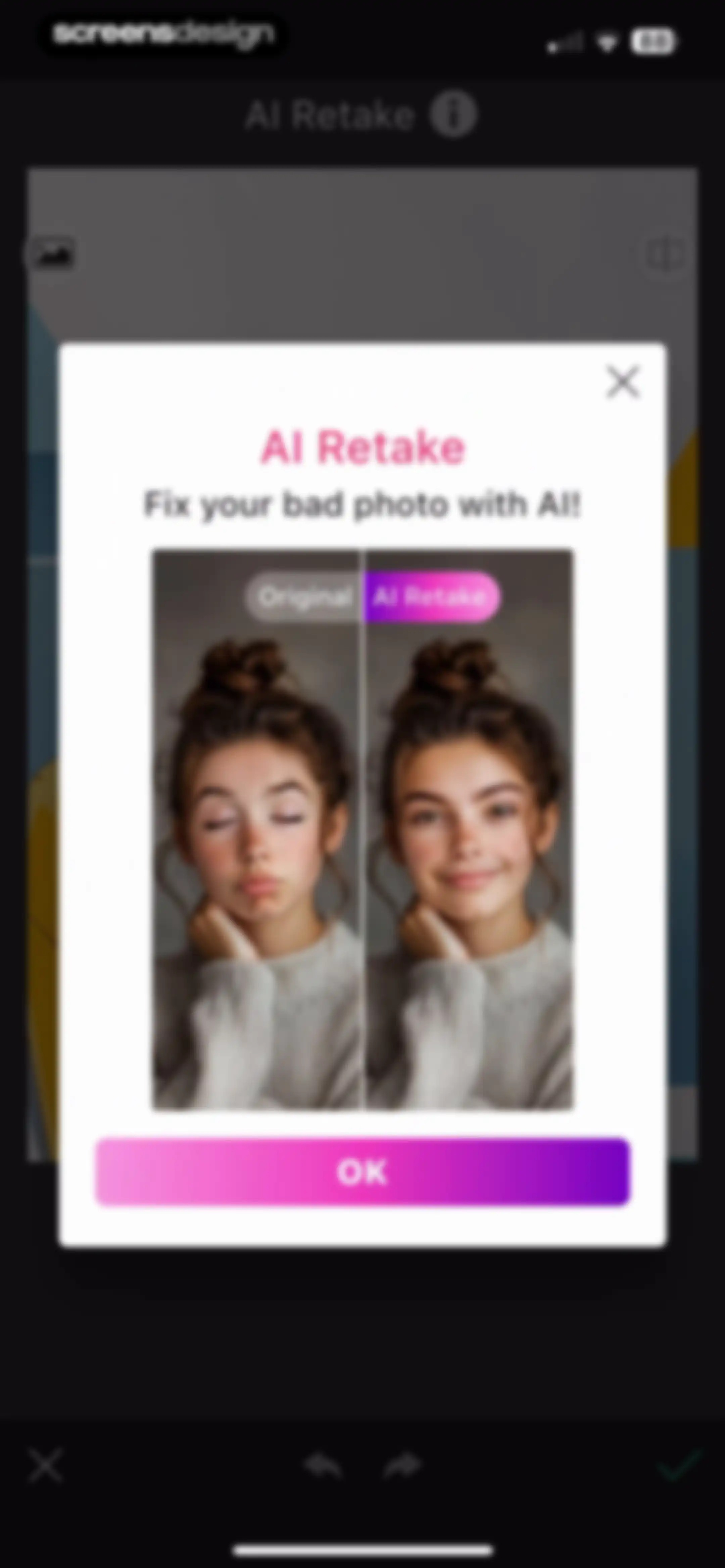
AI Retake modal featuring a before and after photo comparison, explanatory text, and an OK button.Unlock Pro
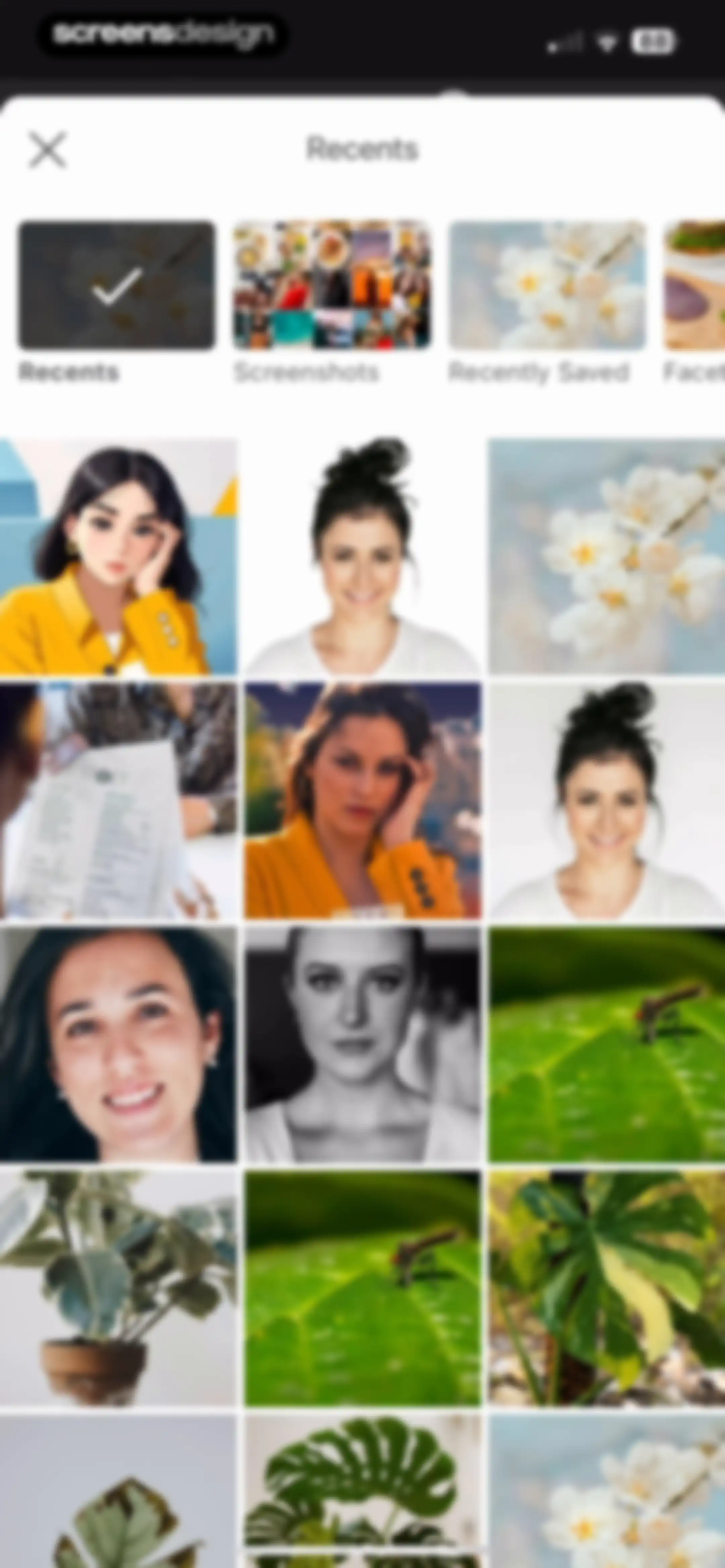
Photo picker interface with a horizontal album selector, showing the Recents album selected with a checkmark and a grid of photo thumbnails.Unlock Pro
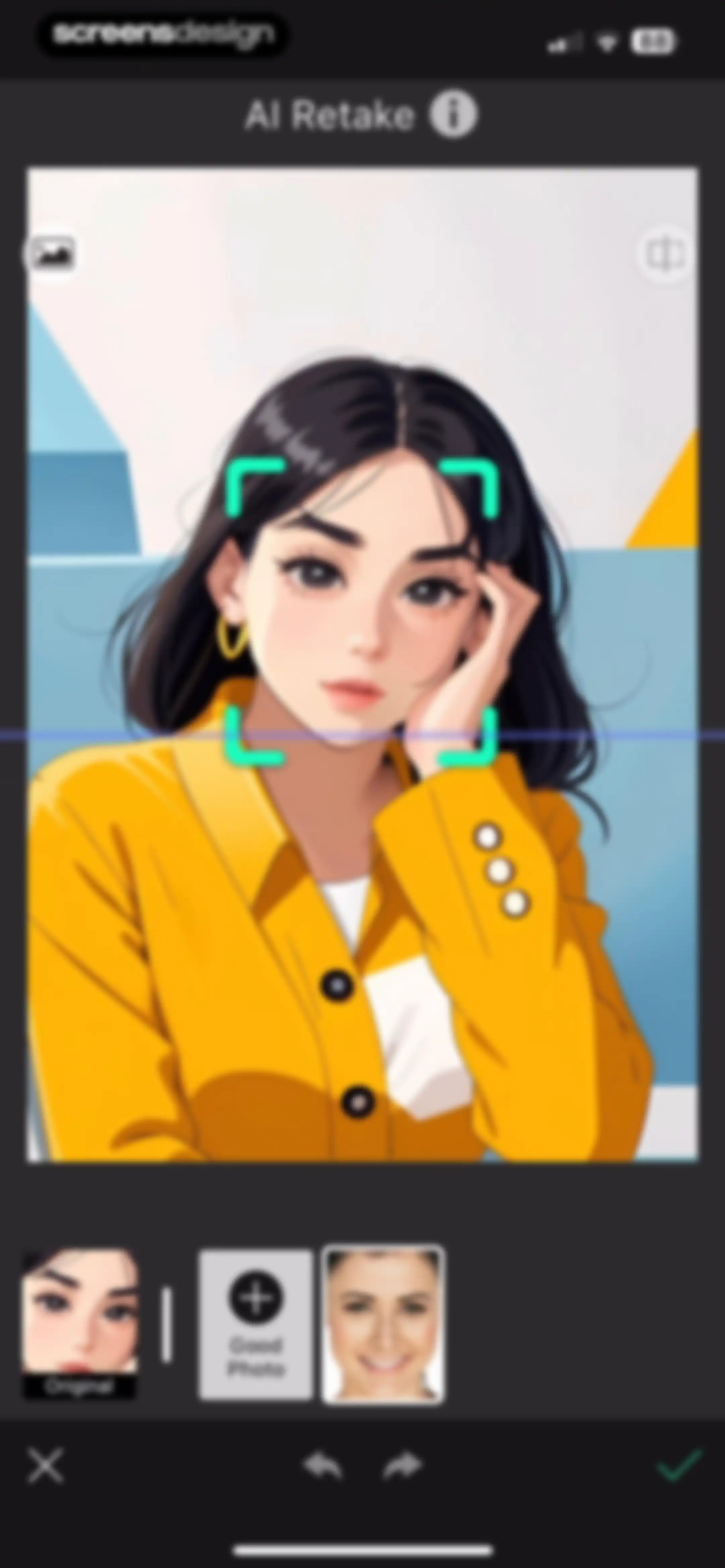
AI Retake photo editor screen displaying an anime-inspired portrait preview with a facial recognition frame and a bottom selection list.Unlock Pro
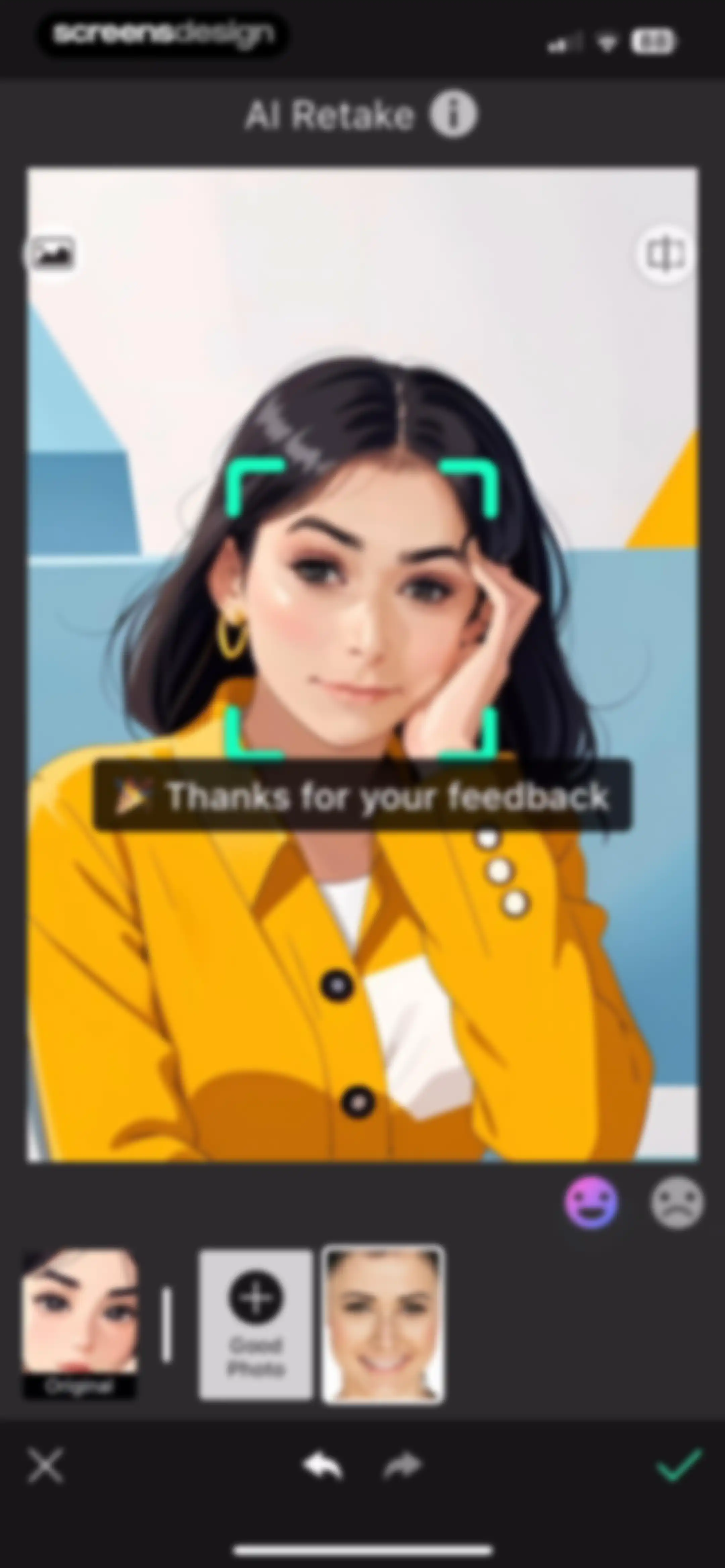
AI retake editor displaying a portrait preview with feedback options, a thanks message, and a horizontal list of photo variations below.Unlock Pro
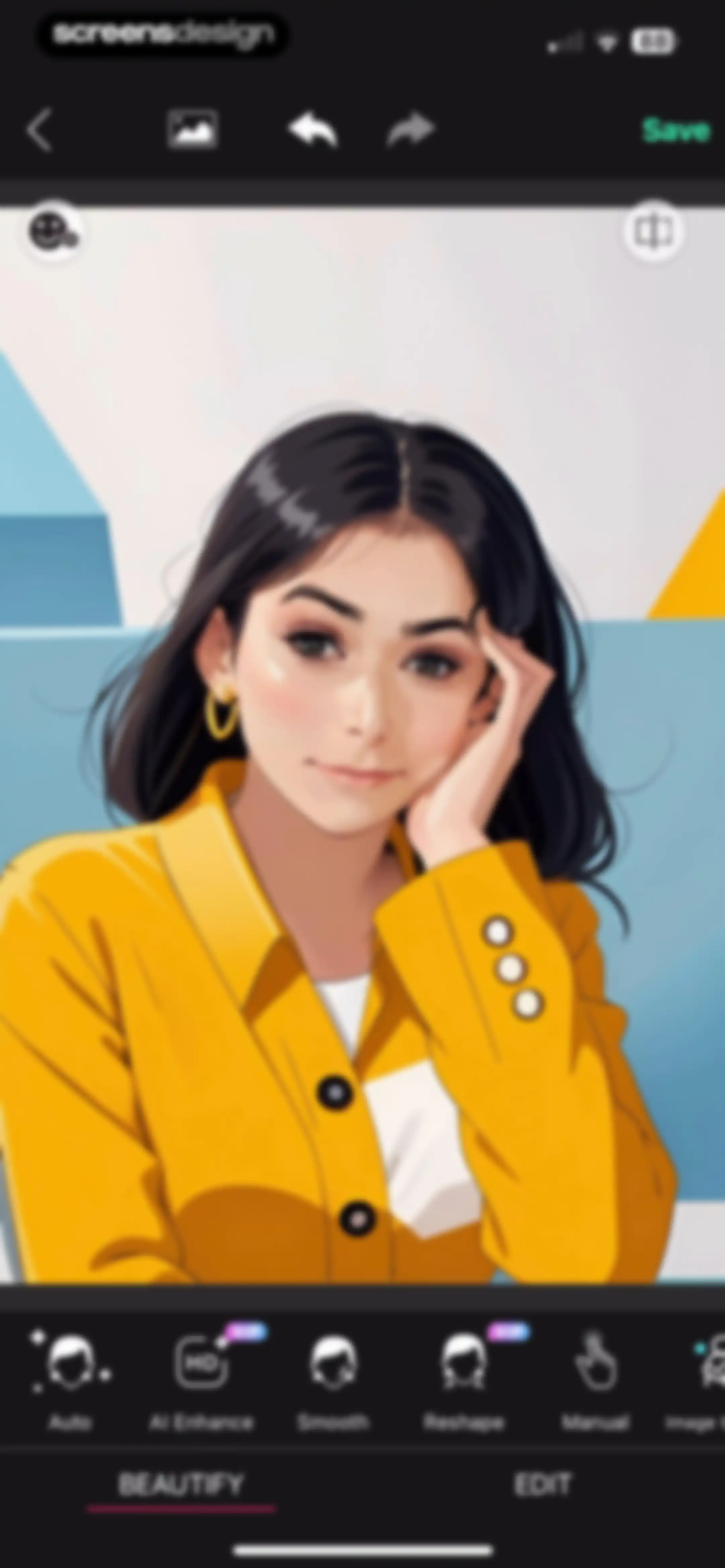
Photo editor screen showing a portrait of a woman with a bottom tool carousel for beautify options and a Save button.Unlock Pro
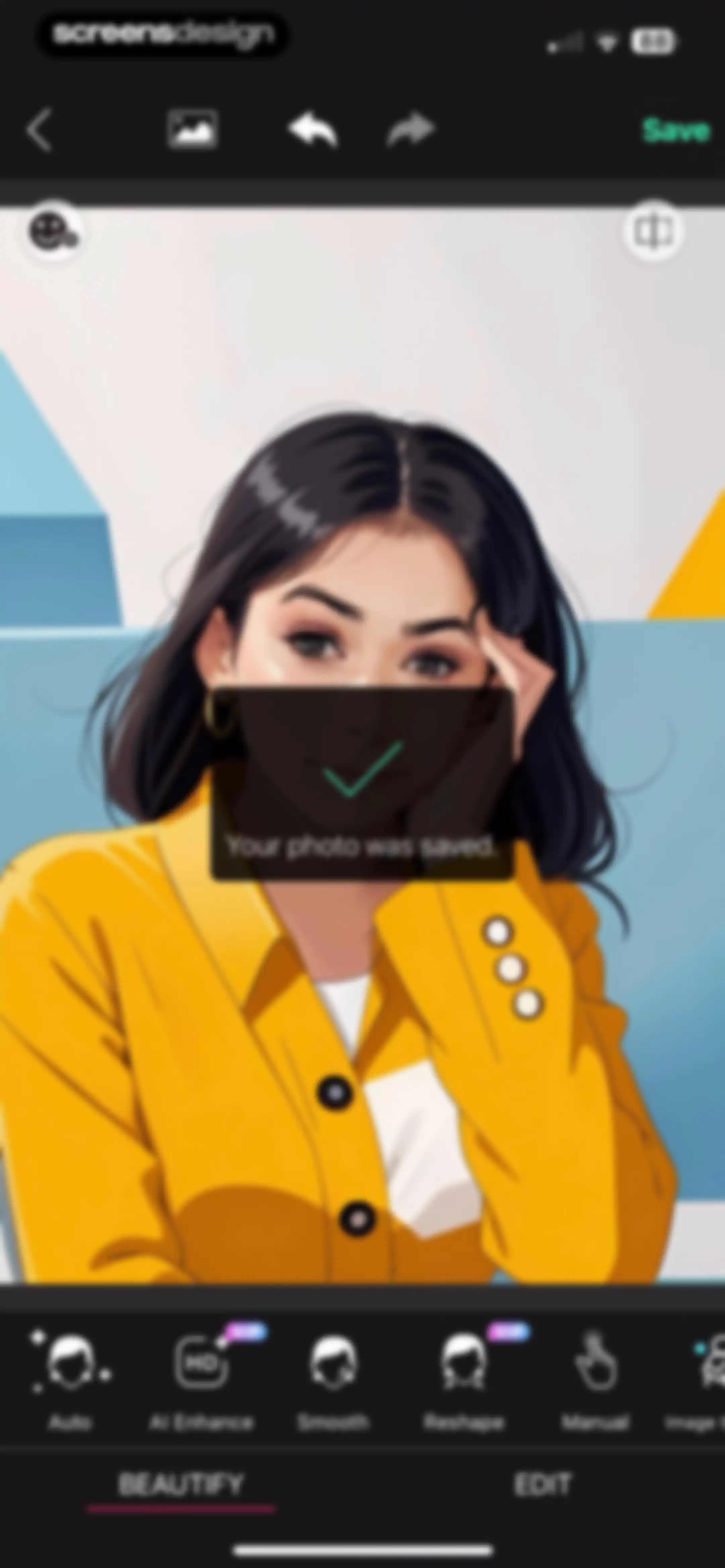
Photo editor save confirmation screen displaying an illustrated portrait with a modal stating Your photo was saved and beautify tools below.Unlock Pro
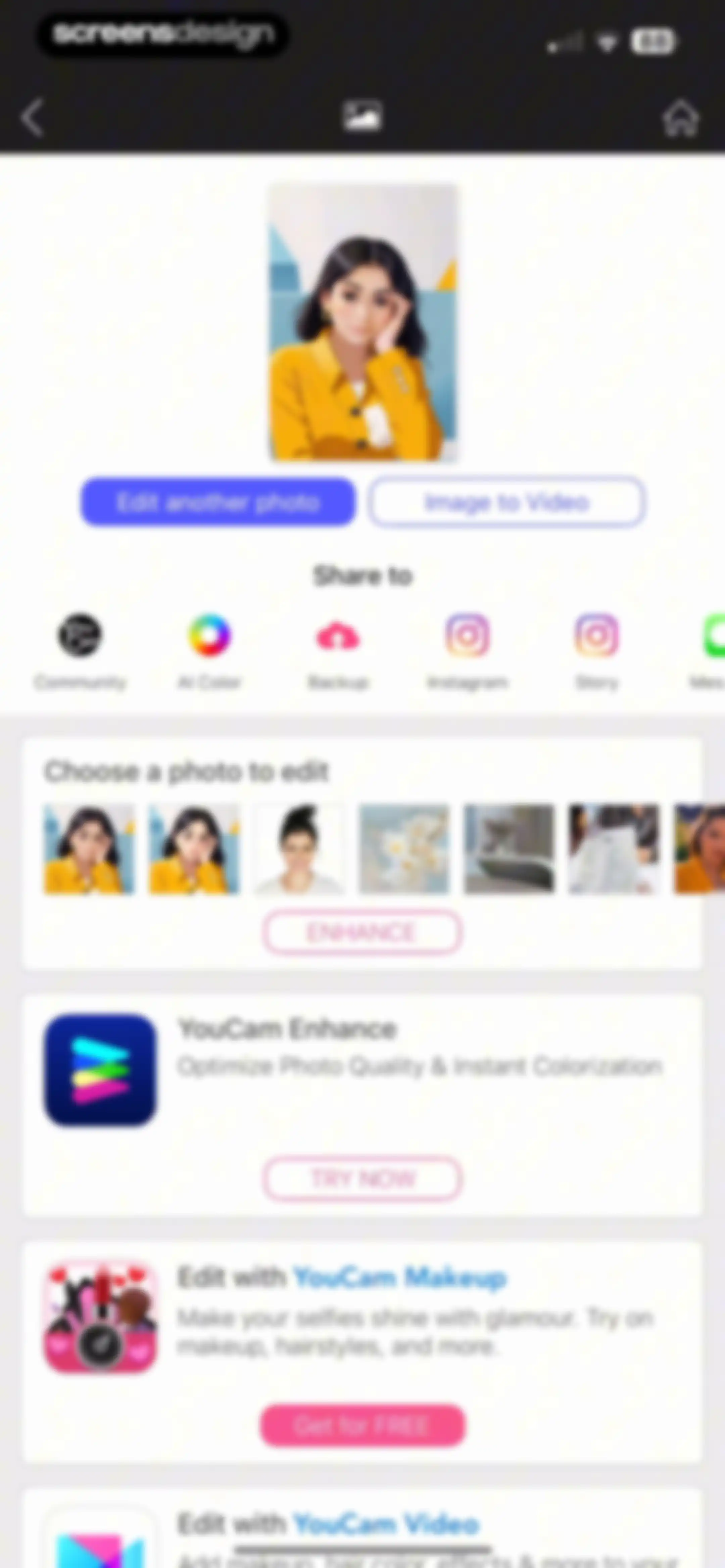
Home screen showing an edited photo preview, share action buttons, a photo carousel, and promotional app cards.Unlock Pro
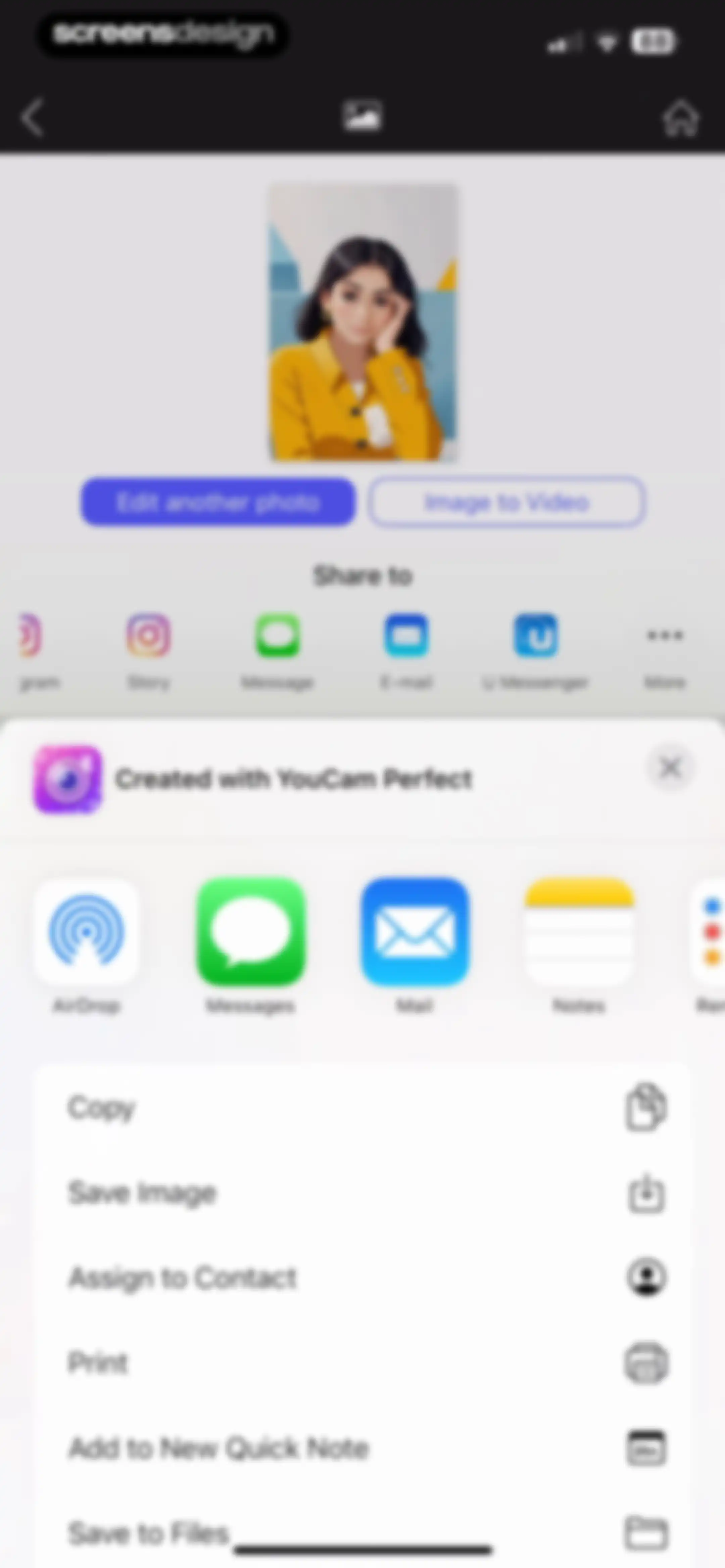
YouCam Perfect share screen displaying a centered portrait, action buttons for editing and video conversion, and a system share sheet.Unlock Pro
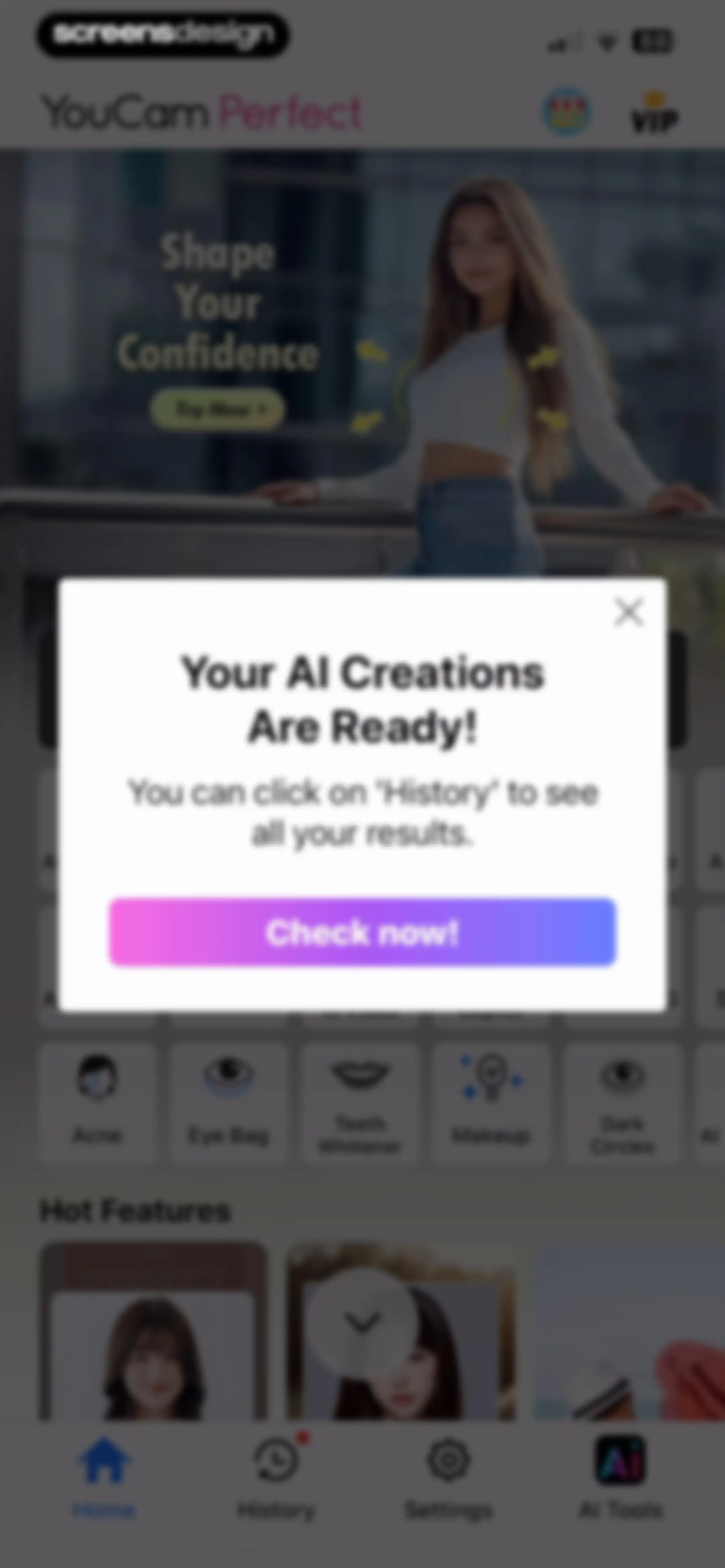
YouCam Perfect home dashboard with a modal stating your AI creations are ready and a Check now button.Unlock Pro
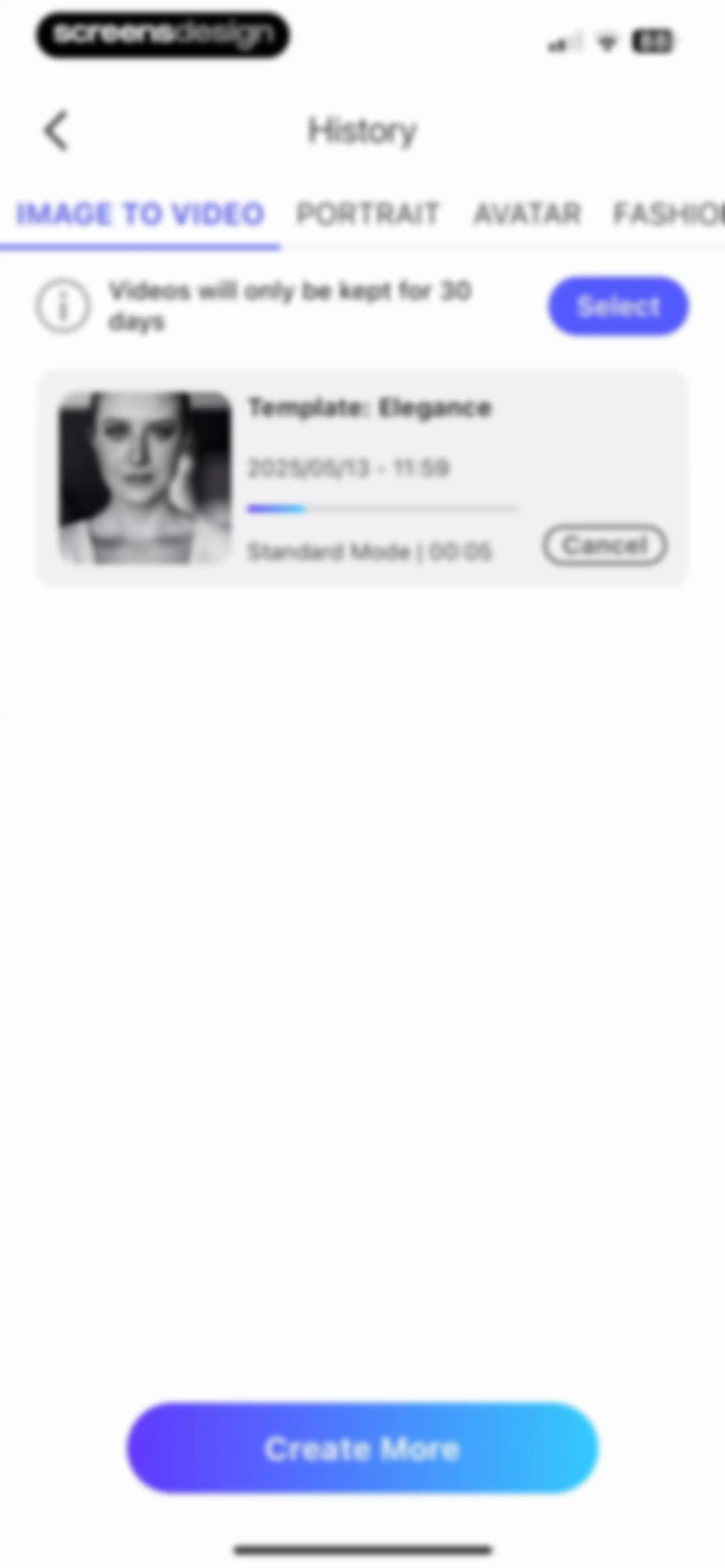
History dashboard with categorized tabs, a 30-day retention notice, a project card for Template Elegance, and a Create More button.Unlock Pro
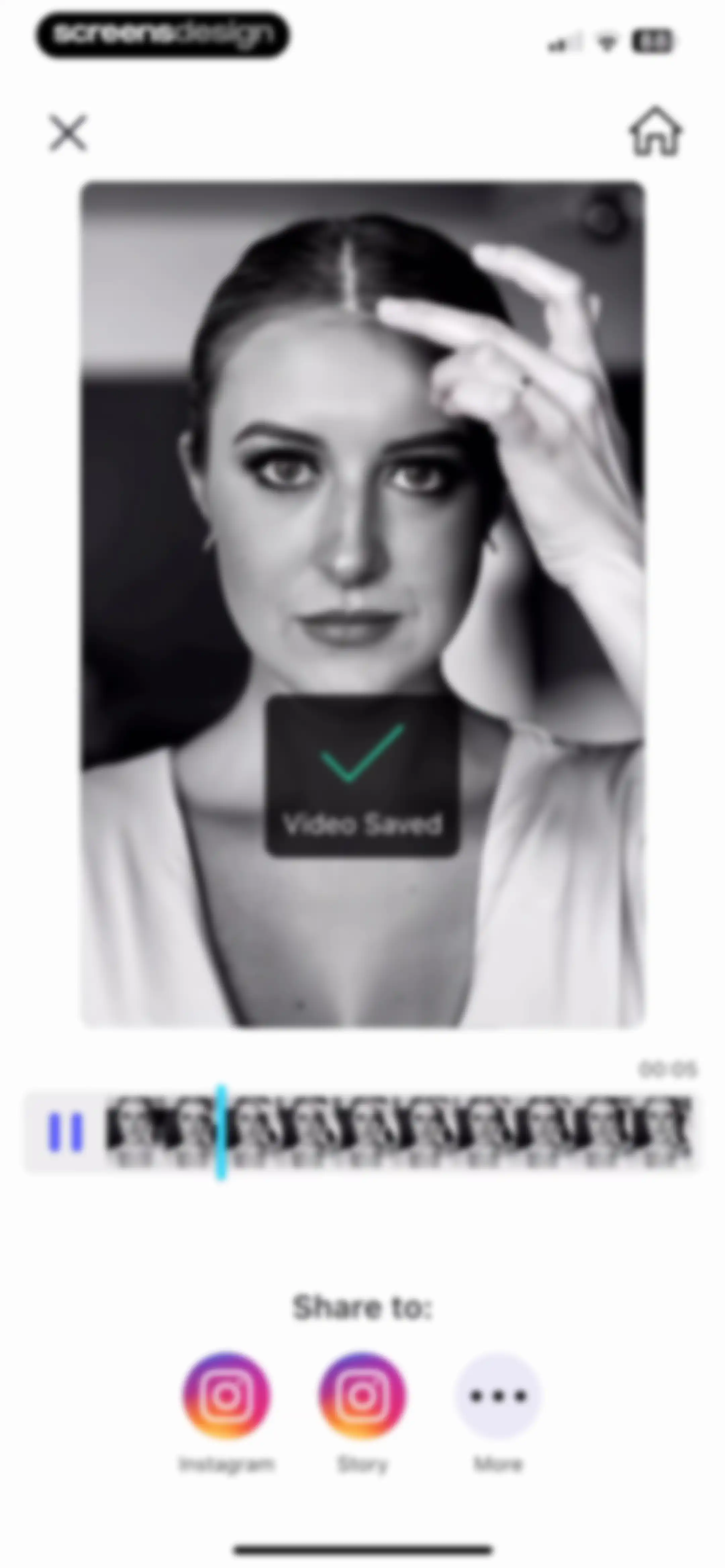
Video export confirmation screen showing a saved video preview, success message, and social sharing options including Instagram.Unlock Pro
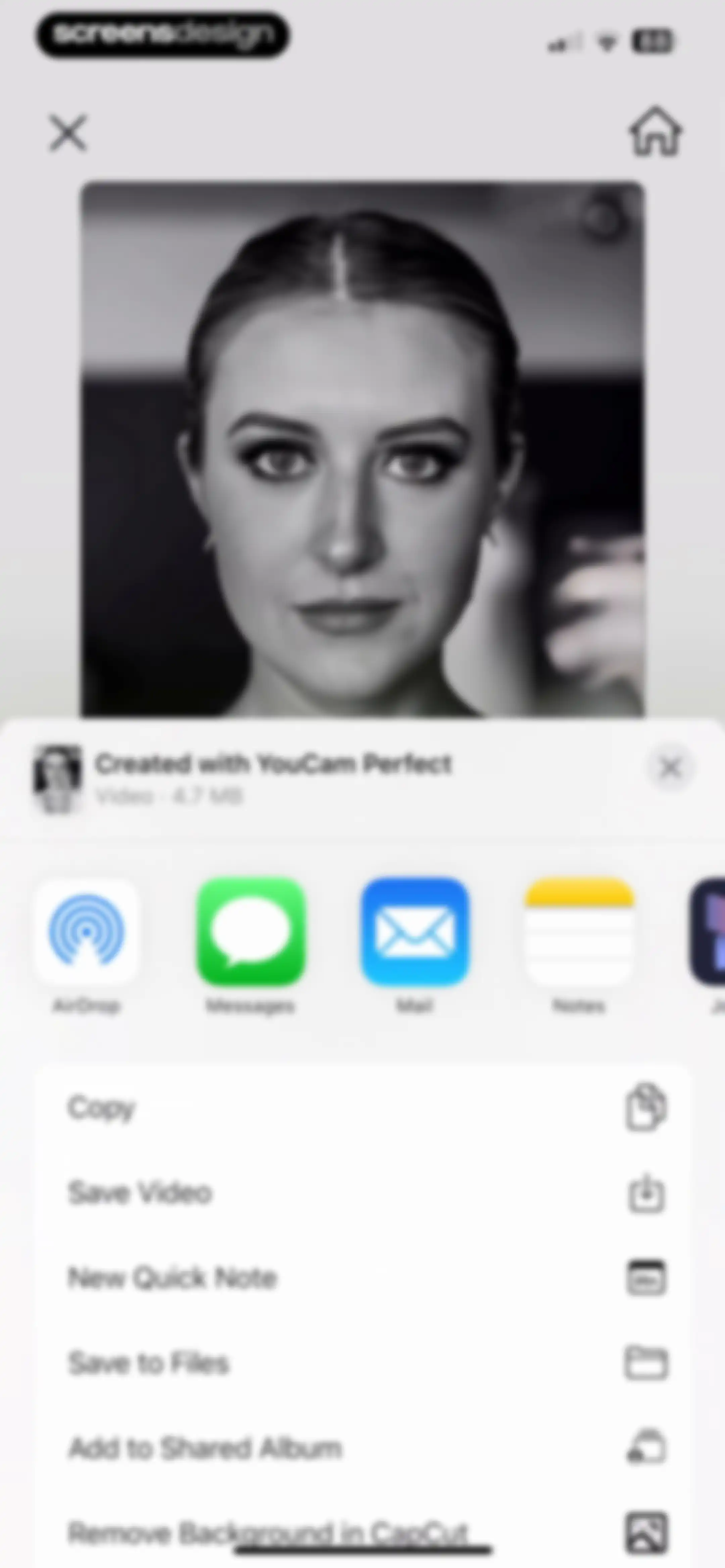
iOS share sheet displaying a video preview, file metadata, and a vertical list of system actions including Save Video and Copy.Unlock Pro
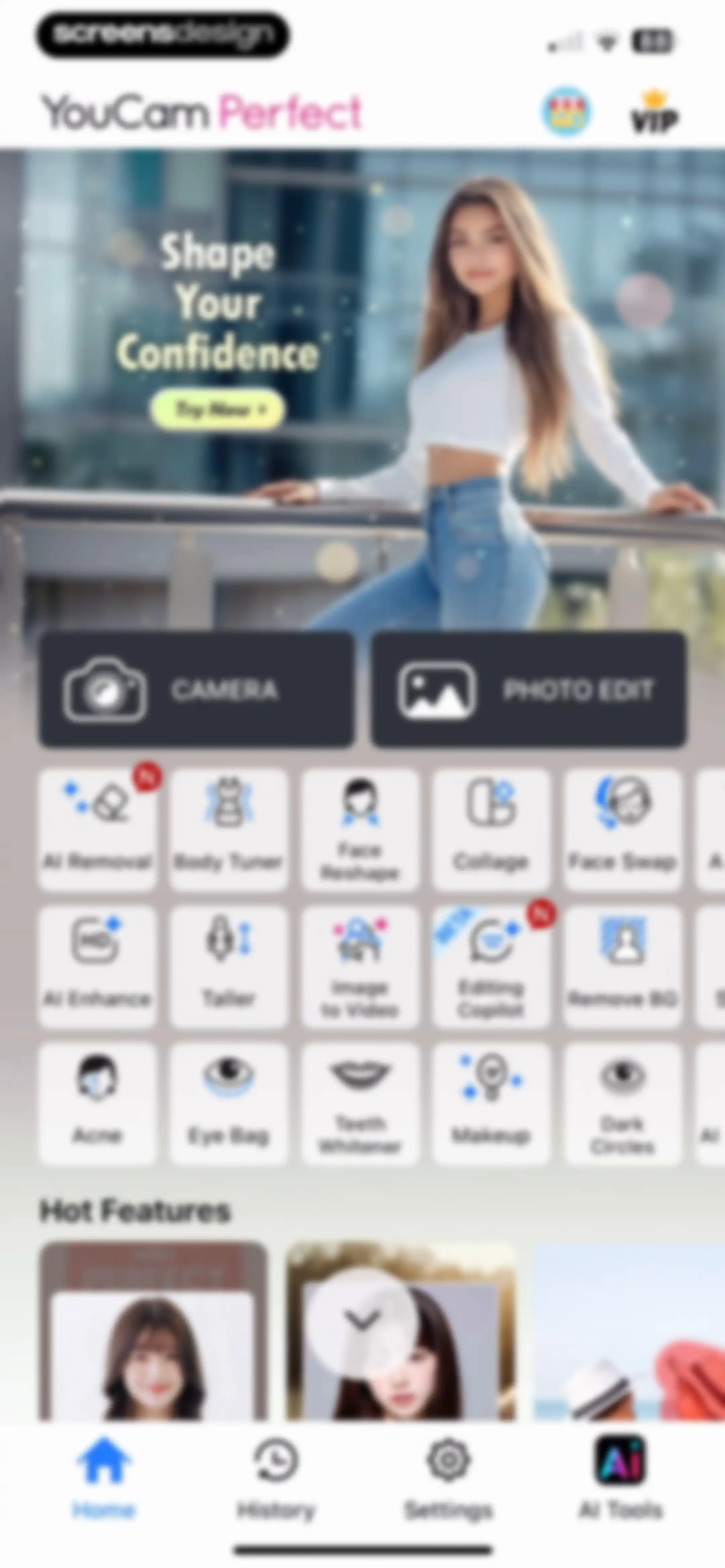
YouCam Perfect home screen displaying a promotional hero banner, primary action buttons for camera and photo editing, and a grid of AI feature tools.Unlock Pro
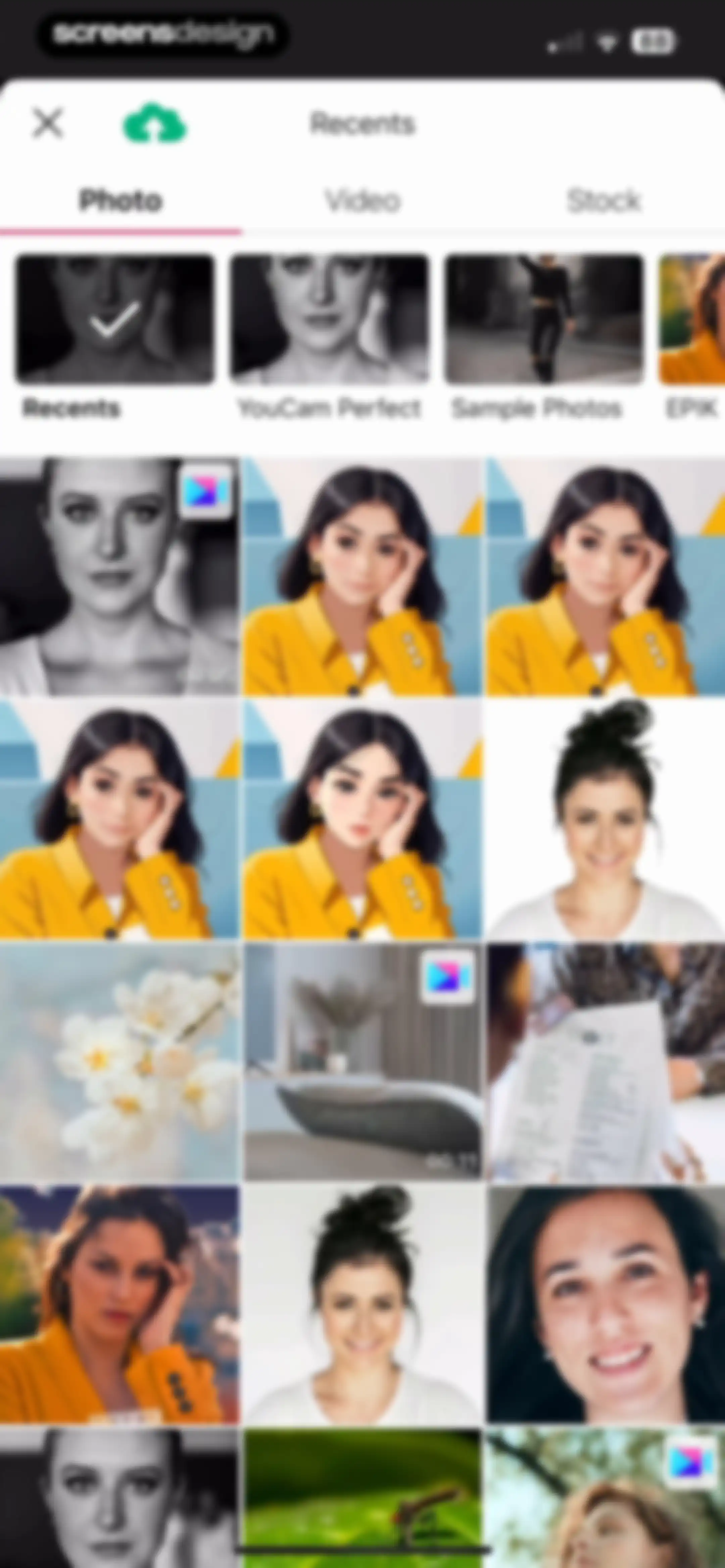
Media picker screen with tabs for photo, video, and stock, a horizontal album list, and a grid of thumbnails for selection.Unlock Pro
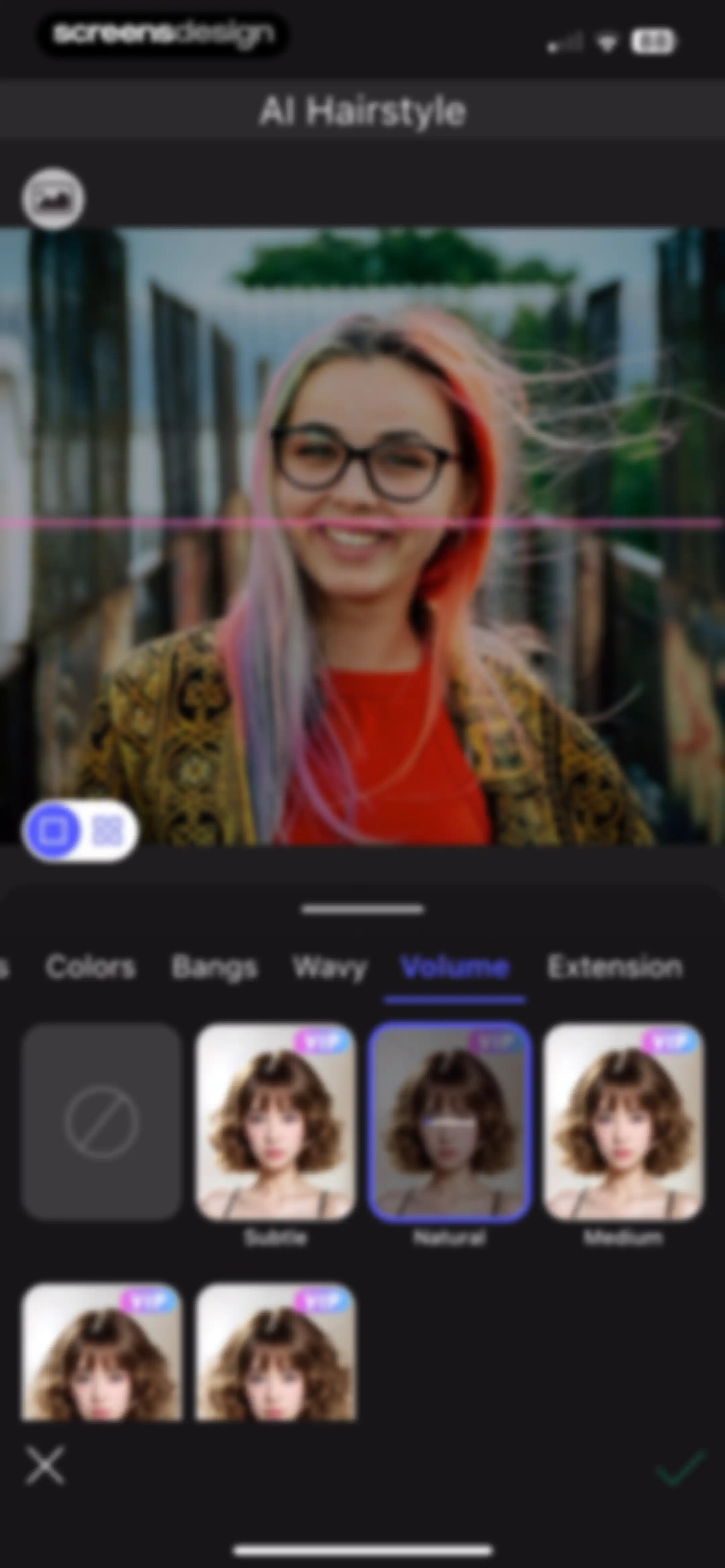
AI hairstyle editor screen displaying a user portrait with category tabs and a grid of volume options with the natural style selected.Unlock Pro
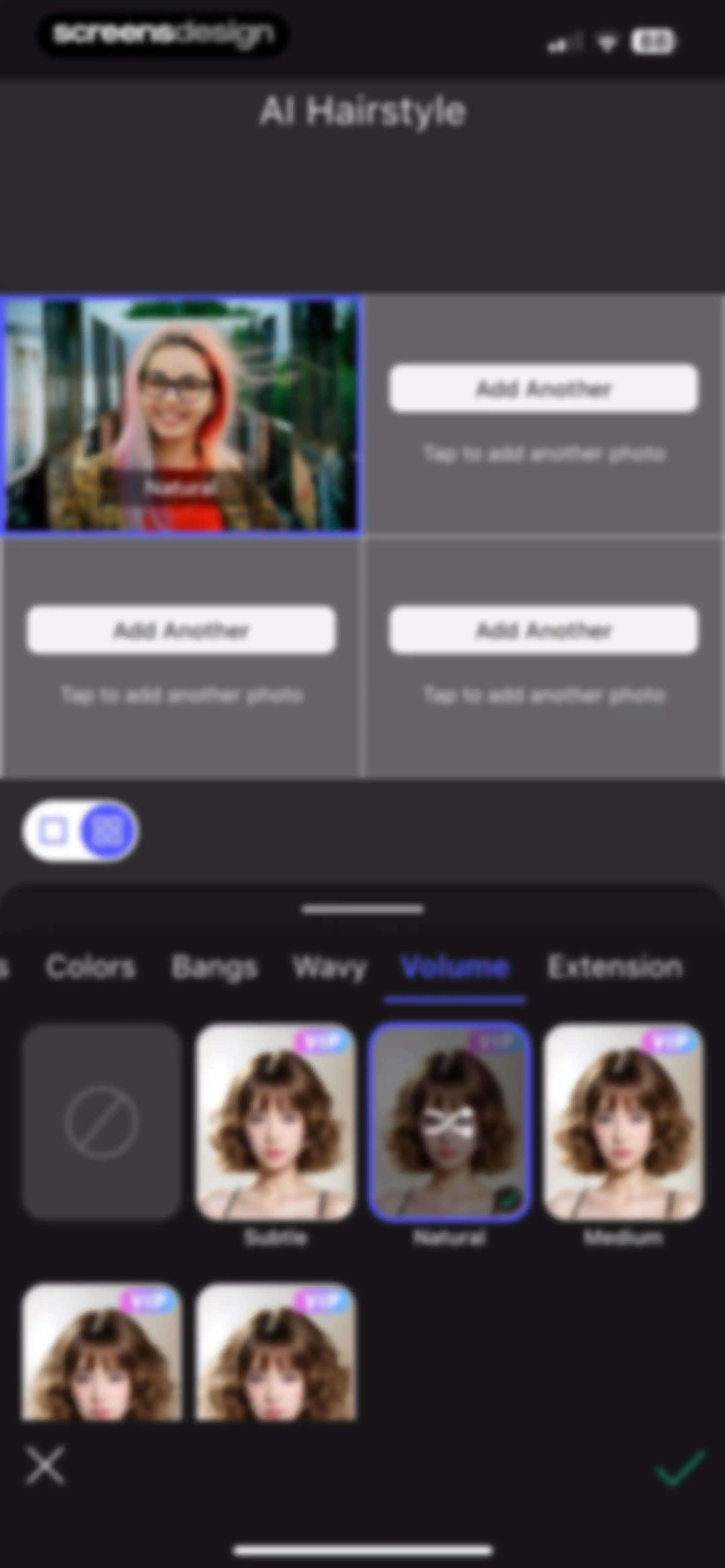
AI hairstyle editor with a user photo at the top, a selected Volume tab, and a natural hairstyle preview with a confirm button.Unlock Pro
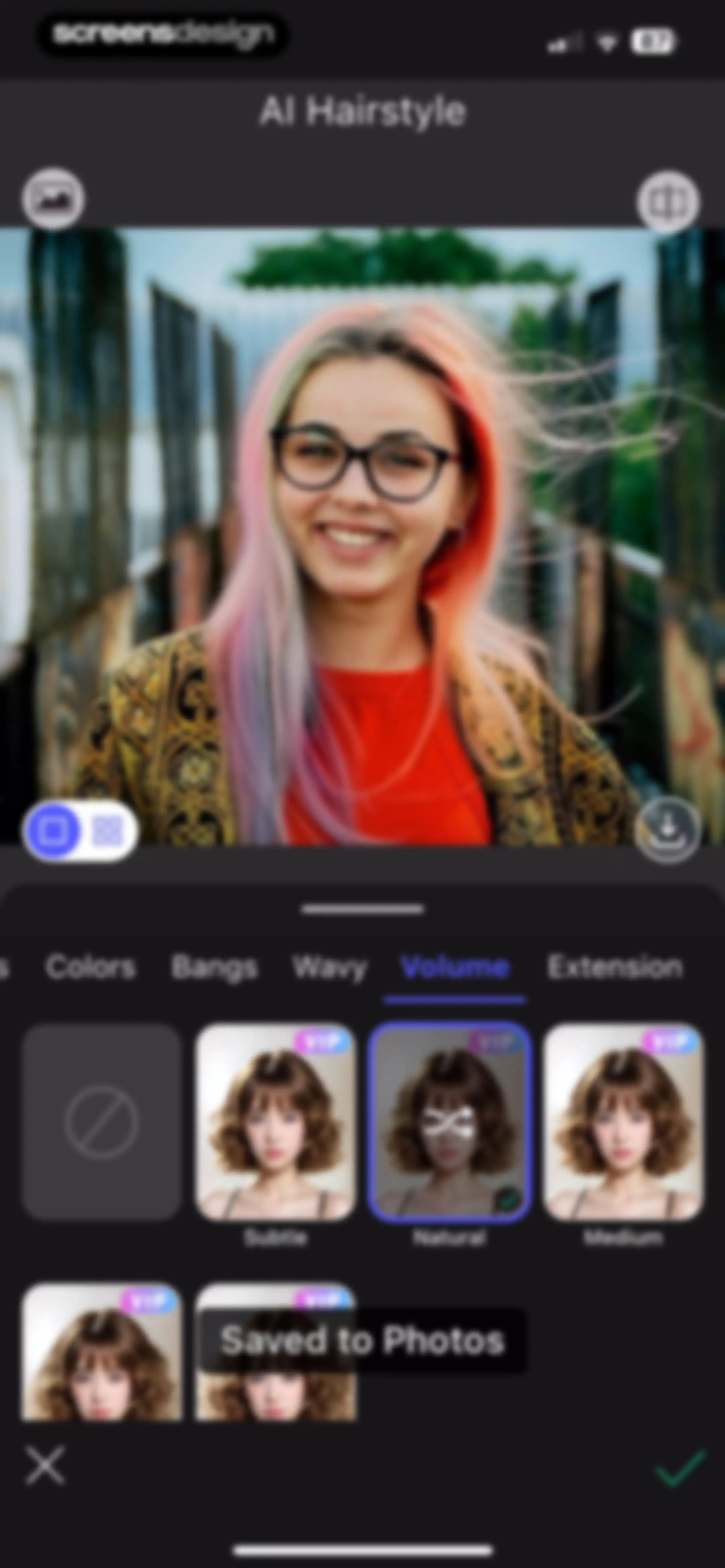
AI hairstyle editor with a user portrait preview, category tabs, and style options grid, featuring a Saved to Photos notification and a bottom confirm action bar.Unlock Pro
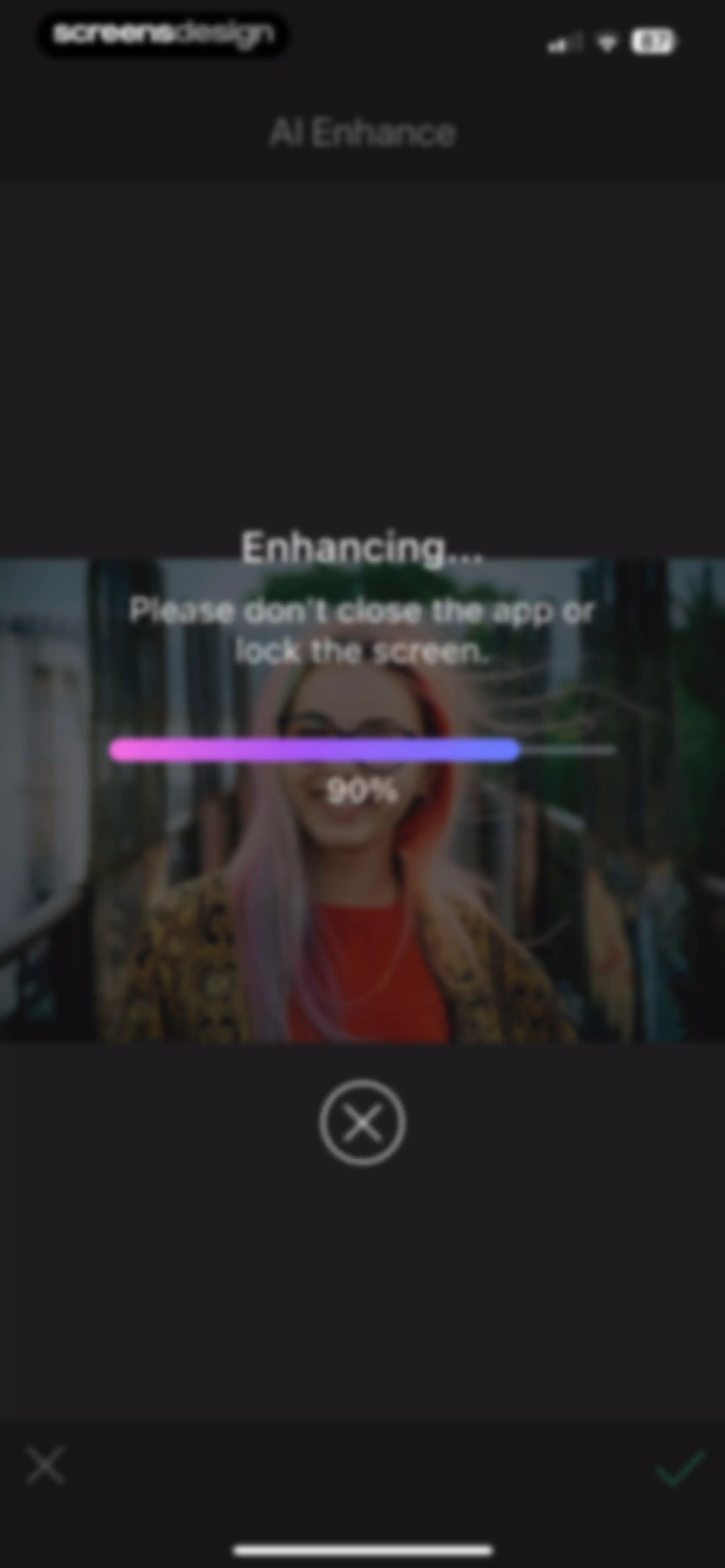
Loading screen for AI photo enhancement, showing a progress bar at 90 percent and a cancel button.Unlock Pro
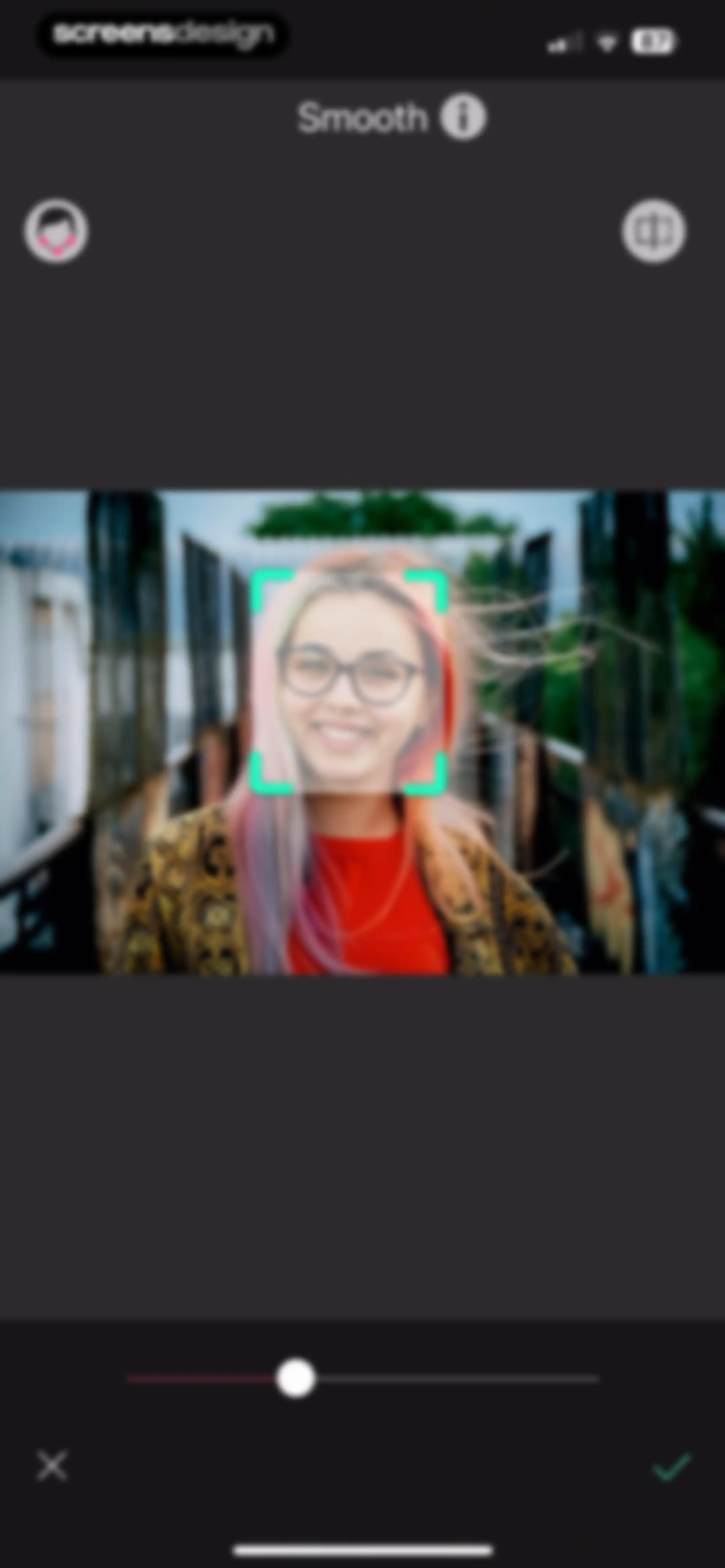
Photo editor screen showing the Smooth retouching tool with an adjustment slider and a face detection overlay on a portrait photo.Unlock Pro
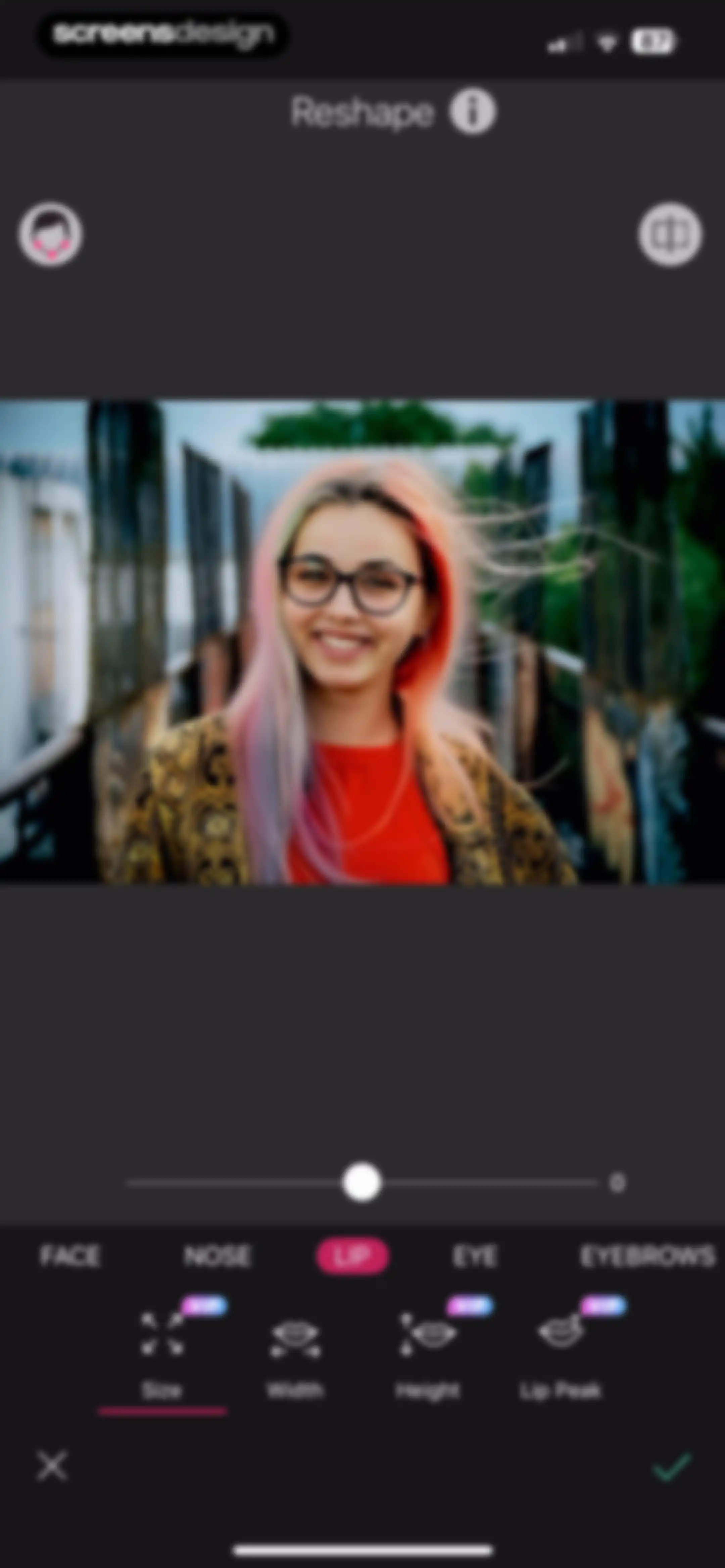
Photo editor reshaping interface with lip adjustment tools selected, an intensity slider, and cancel and confirm buttons.Unlock Pro
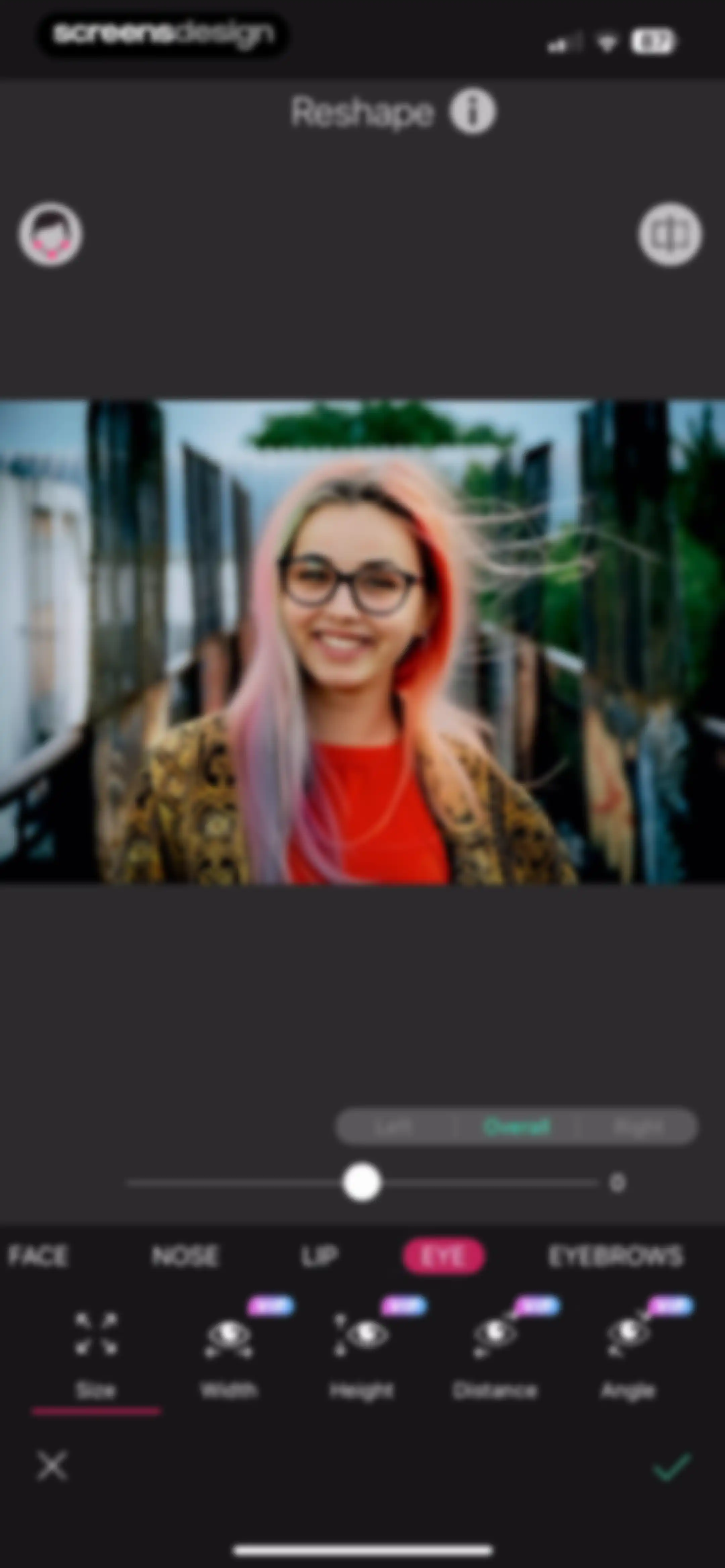
Photo editor eye reshaping interface with a portrait preview, slider controls, and the Eye category selected.Unlock Pro
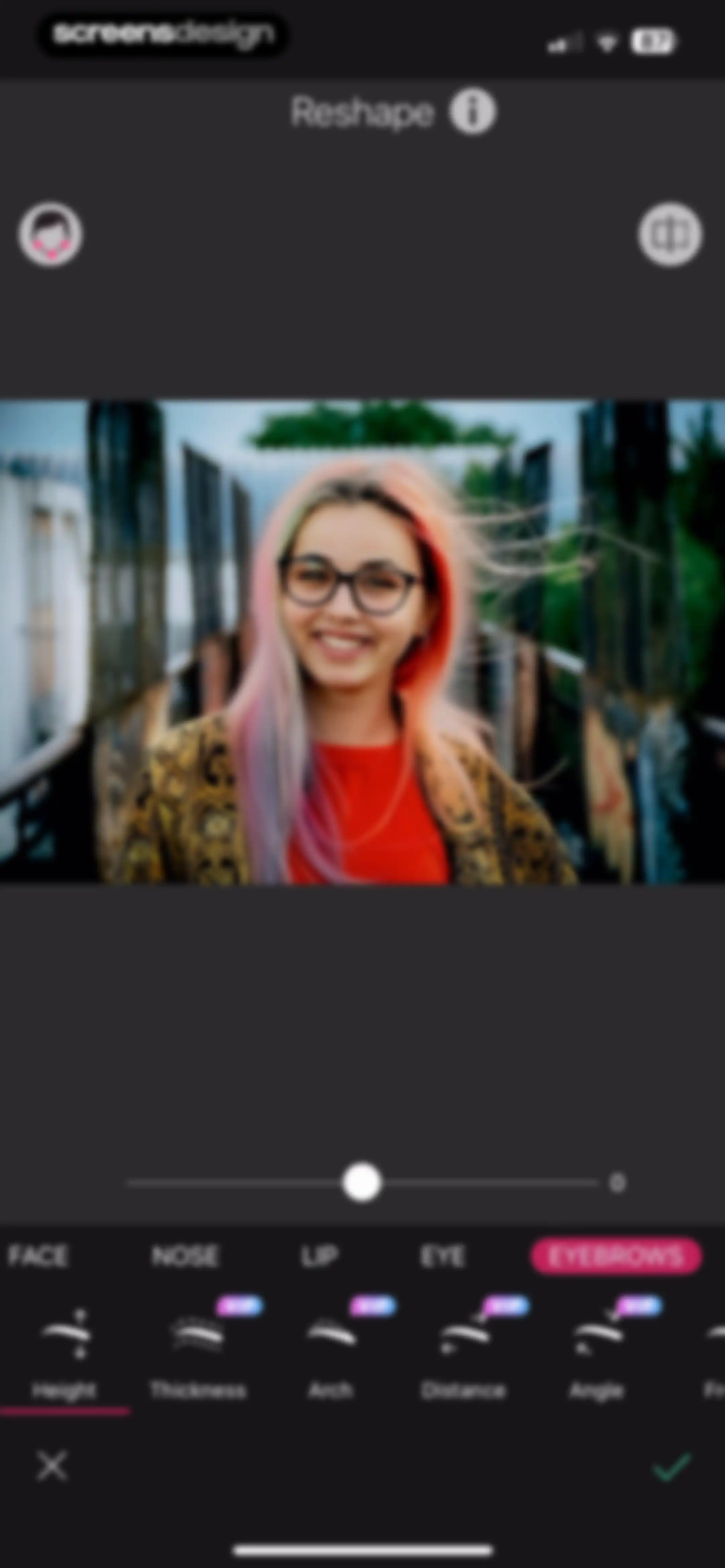
Photo editor screen for reshaping eyebrows with a portrait preview, adjustment slider, and a bottom action bar with confirm and cancel buttons.Unlock Pro
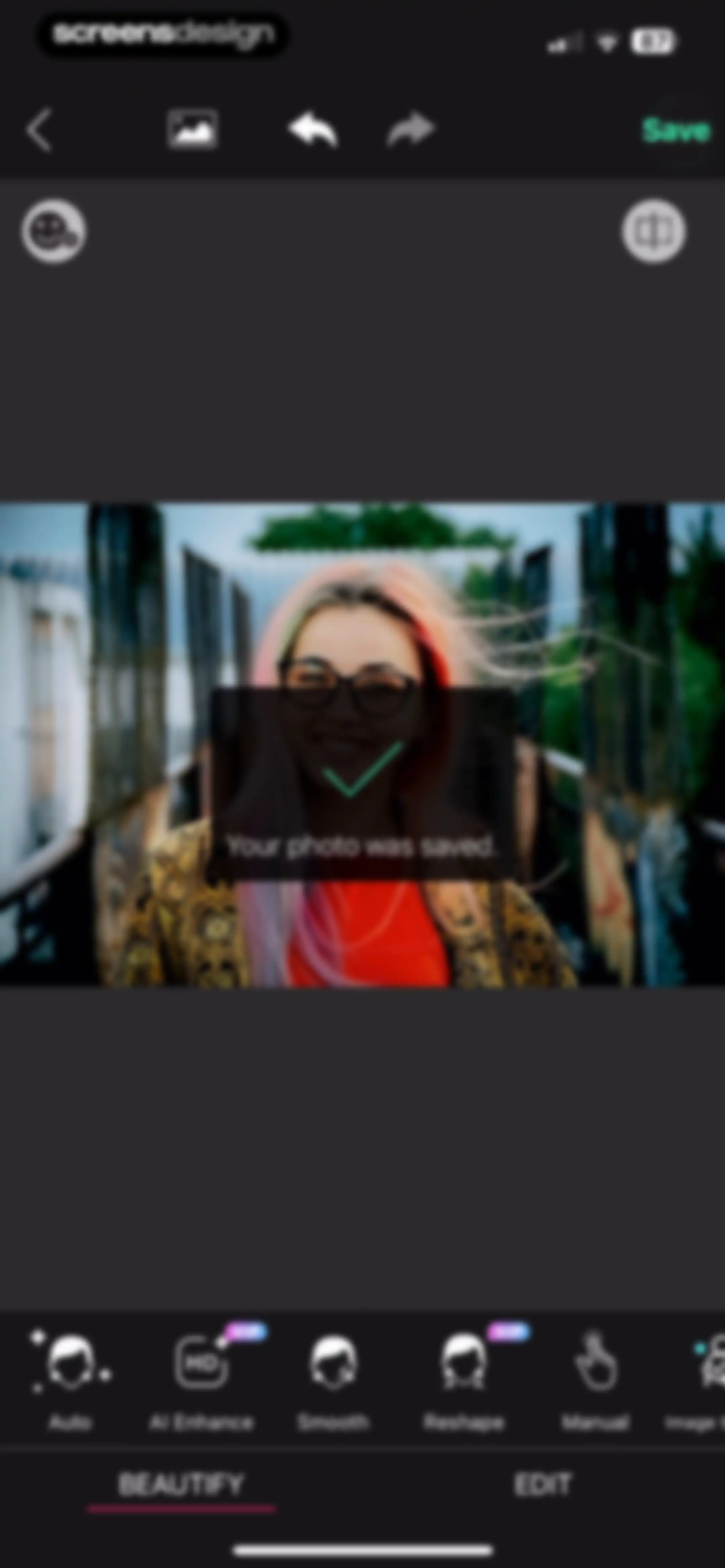
Photo editor screen displaying a save confirmation notification over an image with a tool menu and a Save button.Unlock Pro
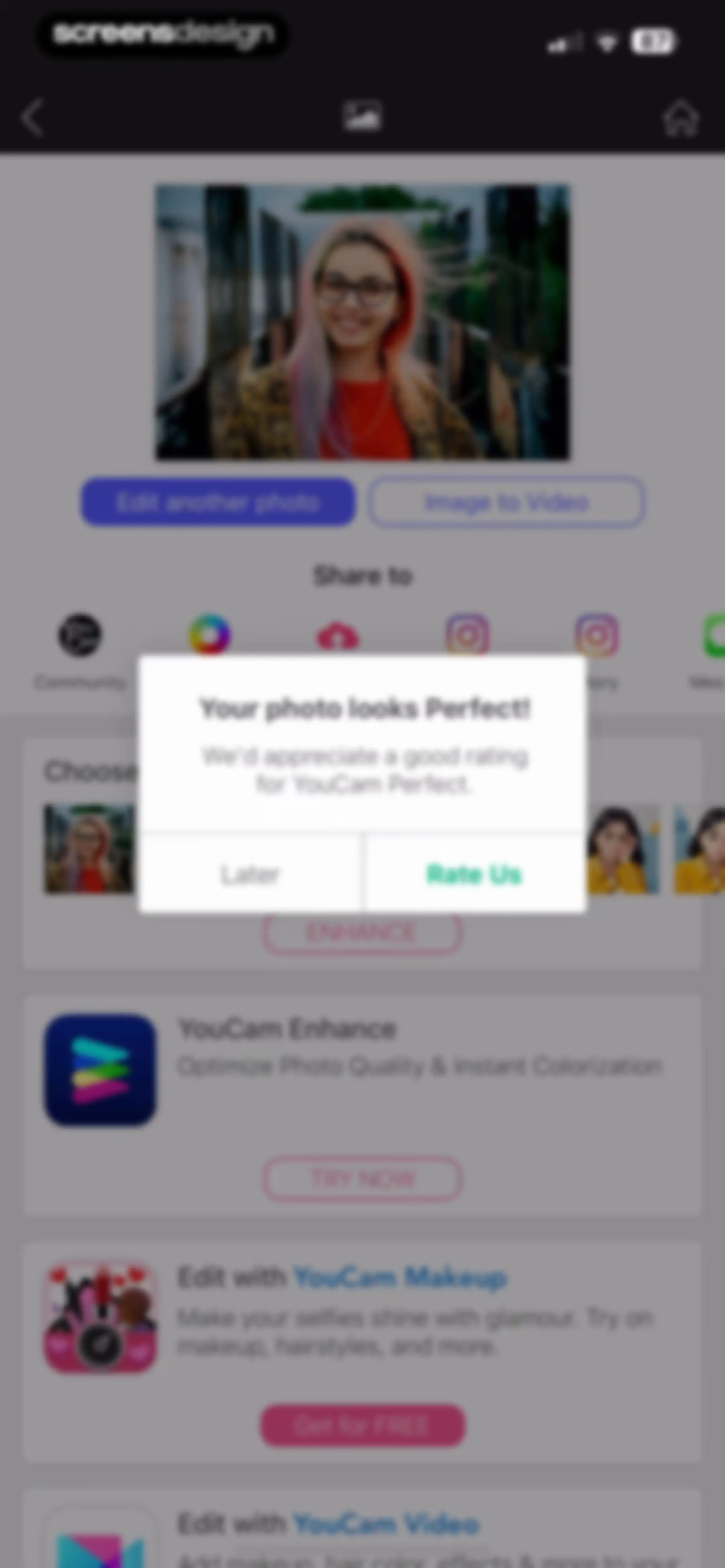
Post-edit screen featuring a rating modal overlay with Rate Us and Later buttons above a list of promotional app cards.Unlock Pro
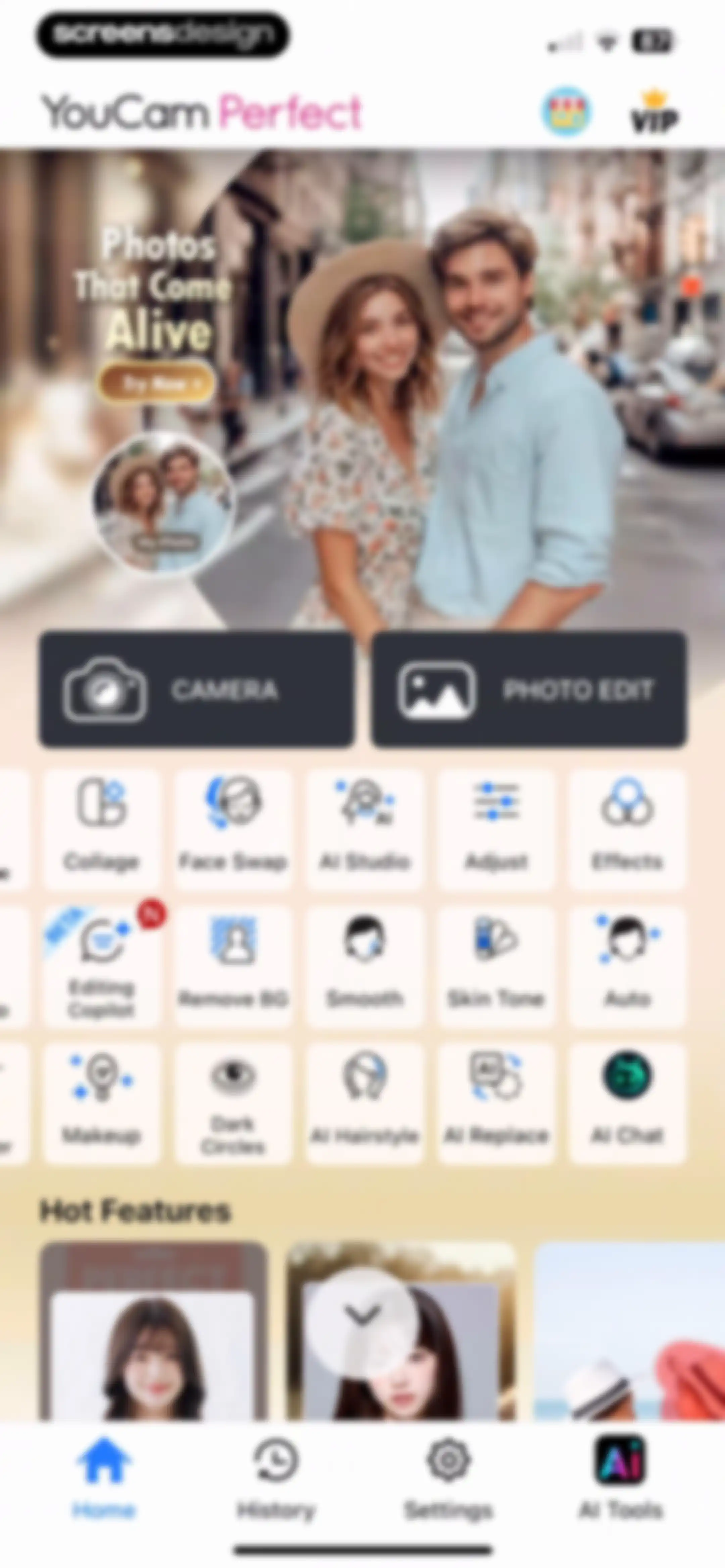
YouCam Perfect home screen displaying a promotional hero banner, primary camera and photo edit buttons, a grid of AI tools, and a bottom navigation bar.Unlock Pro
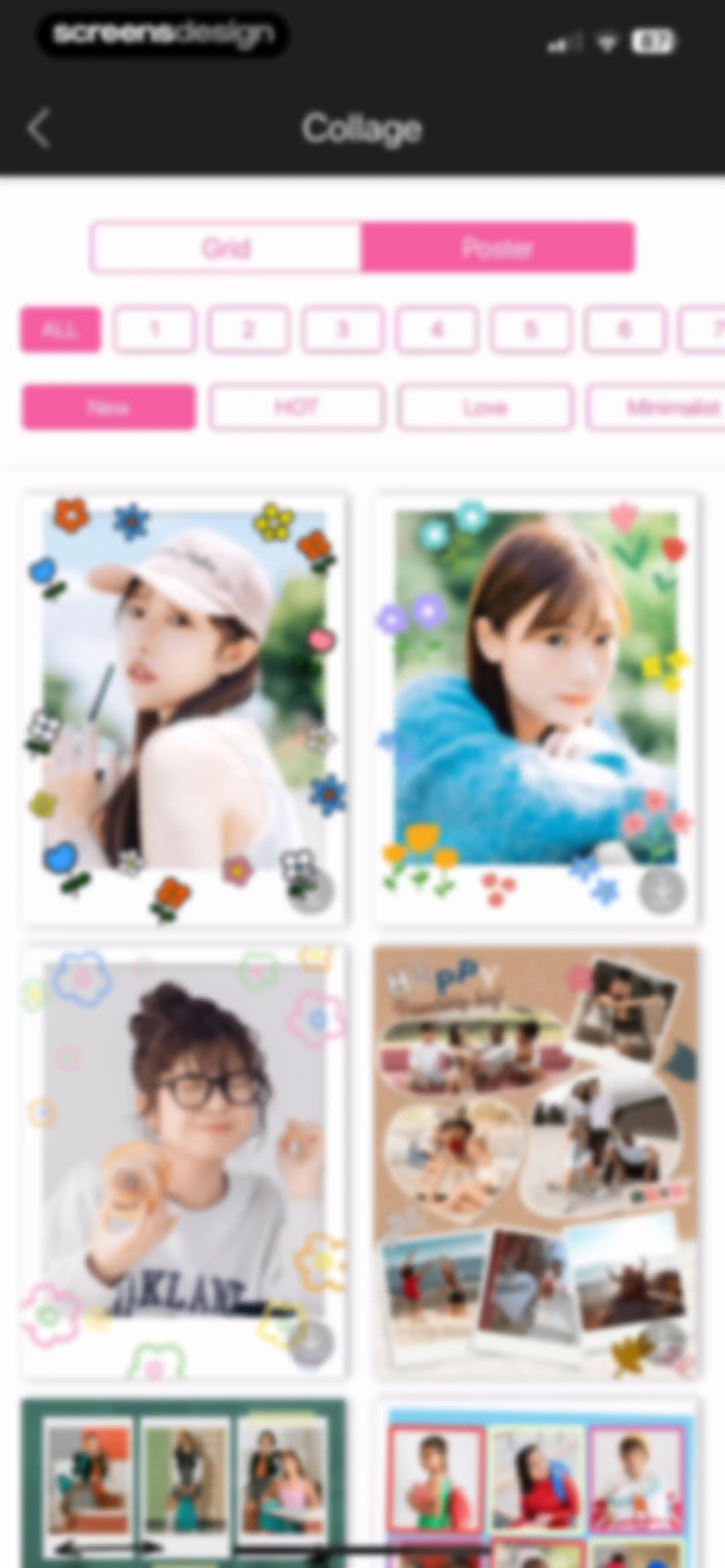
Collage template grid with filter buttons and a poster mode selector to choose photo layouts.Unlock Pro
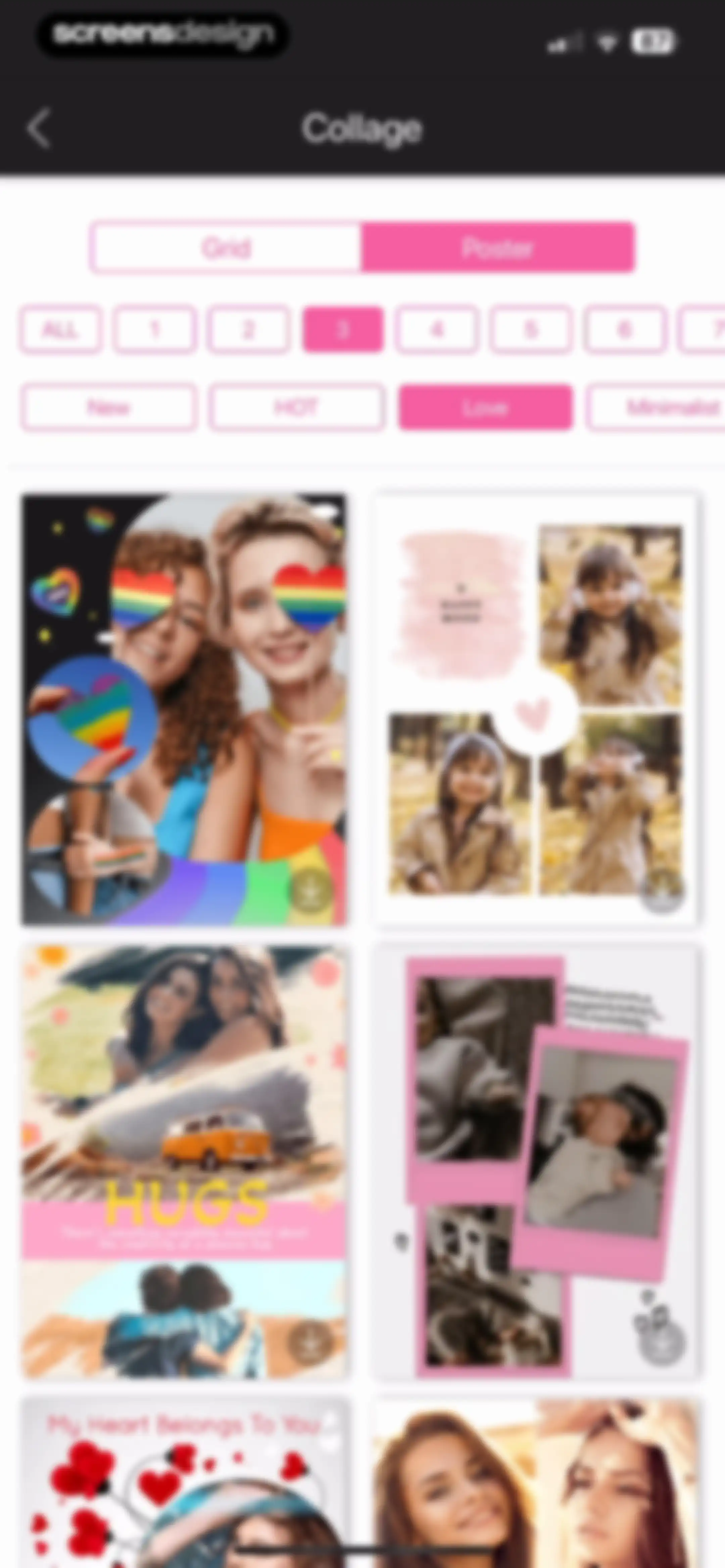
Collage template selection screen with Poster mode selected, photo count filter 3, and Love category filter applied above a two-column template grid.Unlock Pro
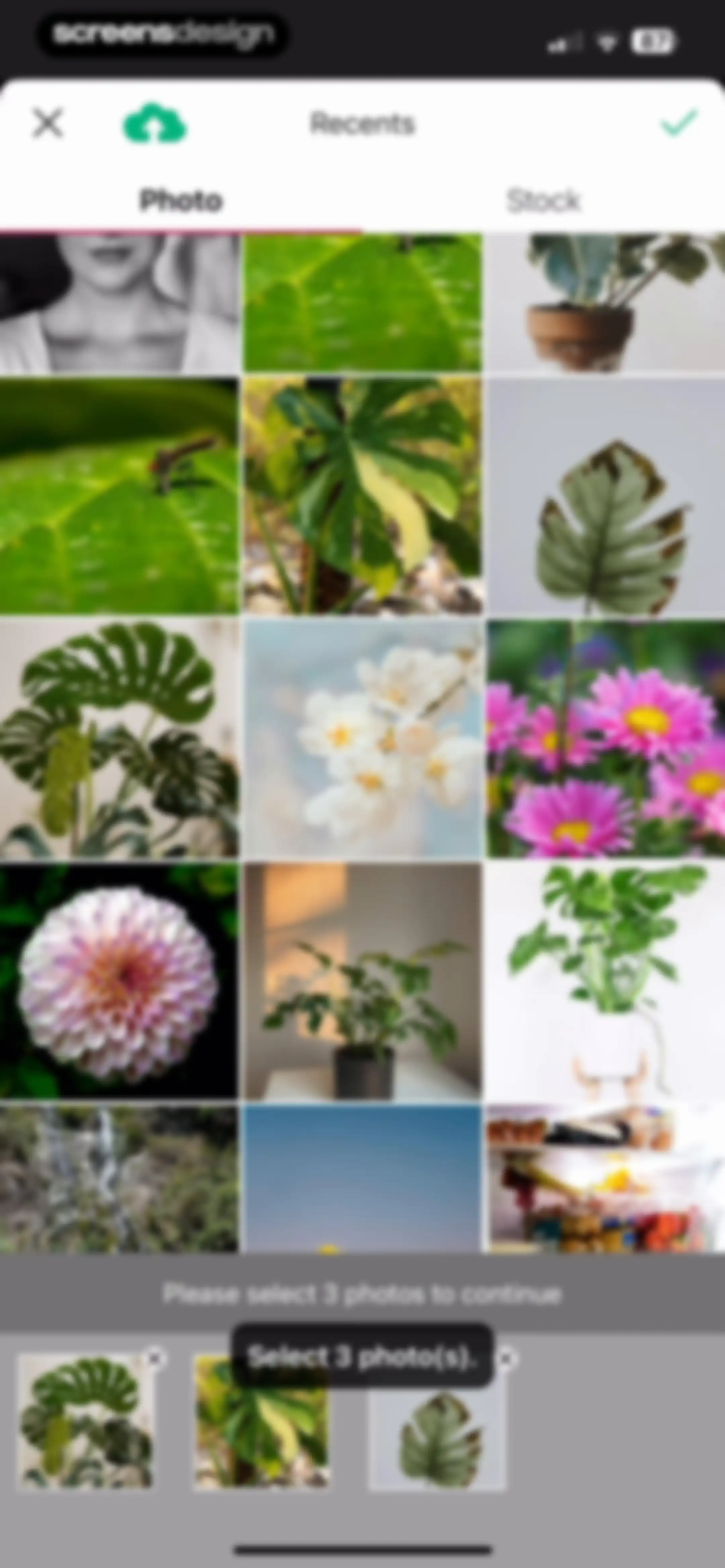
Photo picker screen displaying a plant grid with the instruction to select three photos and a bottom selection tray.Unlock Pro
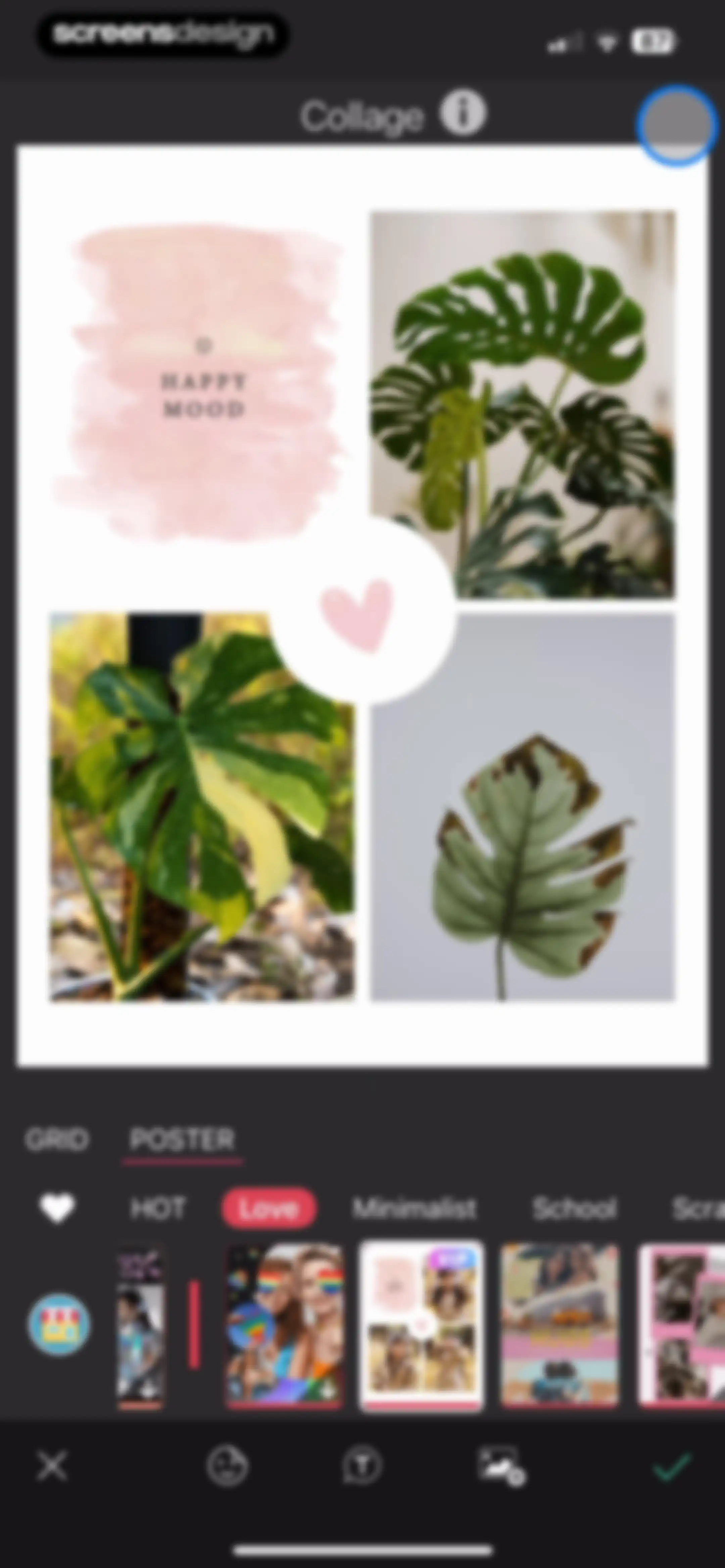
Collage editor interface displaying a central photo preview, category tabs, and a bottom template carousel with editing tools.Unlock Pro
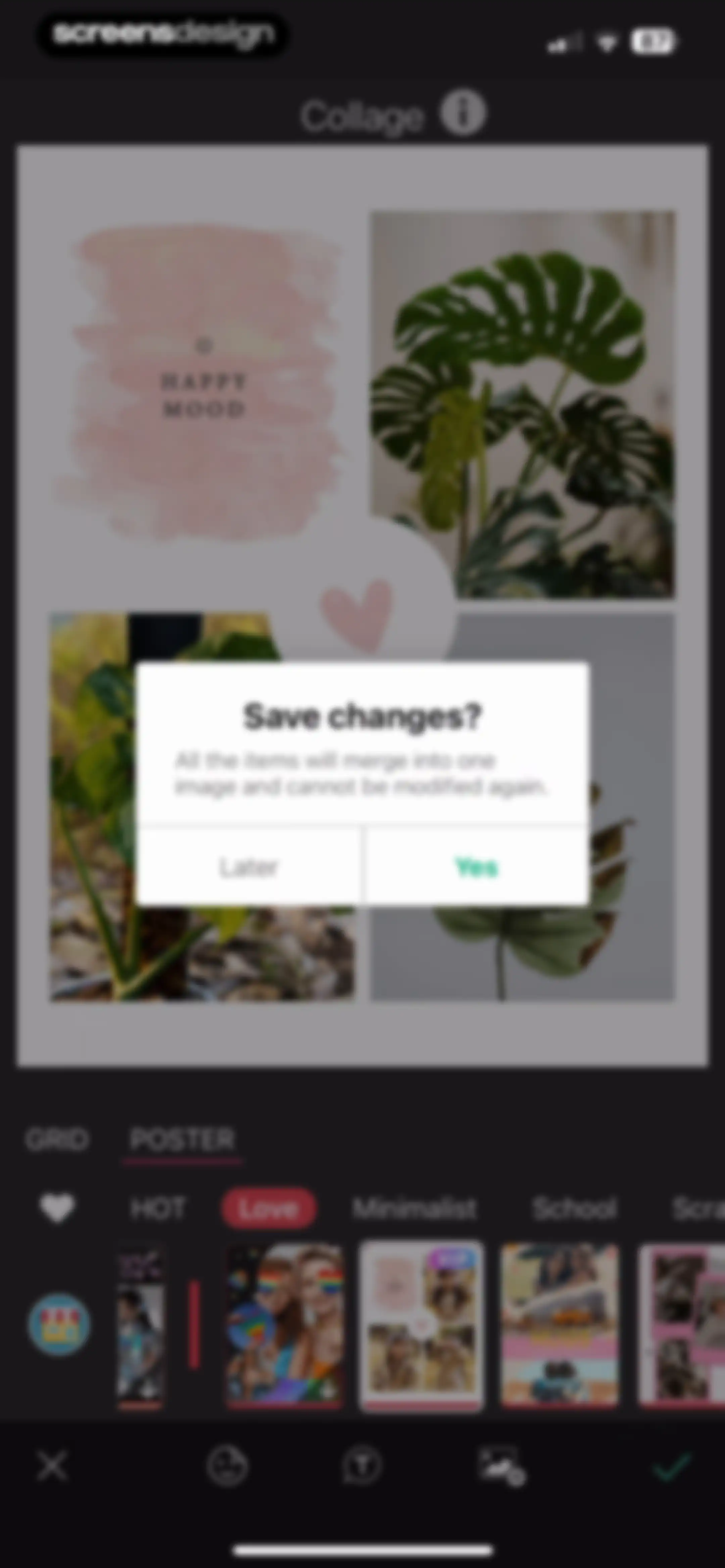
Collage editor interface with a save confirmation modal, template category tabs, and editing tools in a dark theme.Unlock Pro
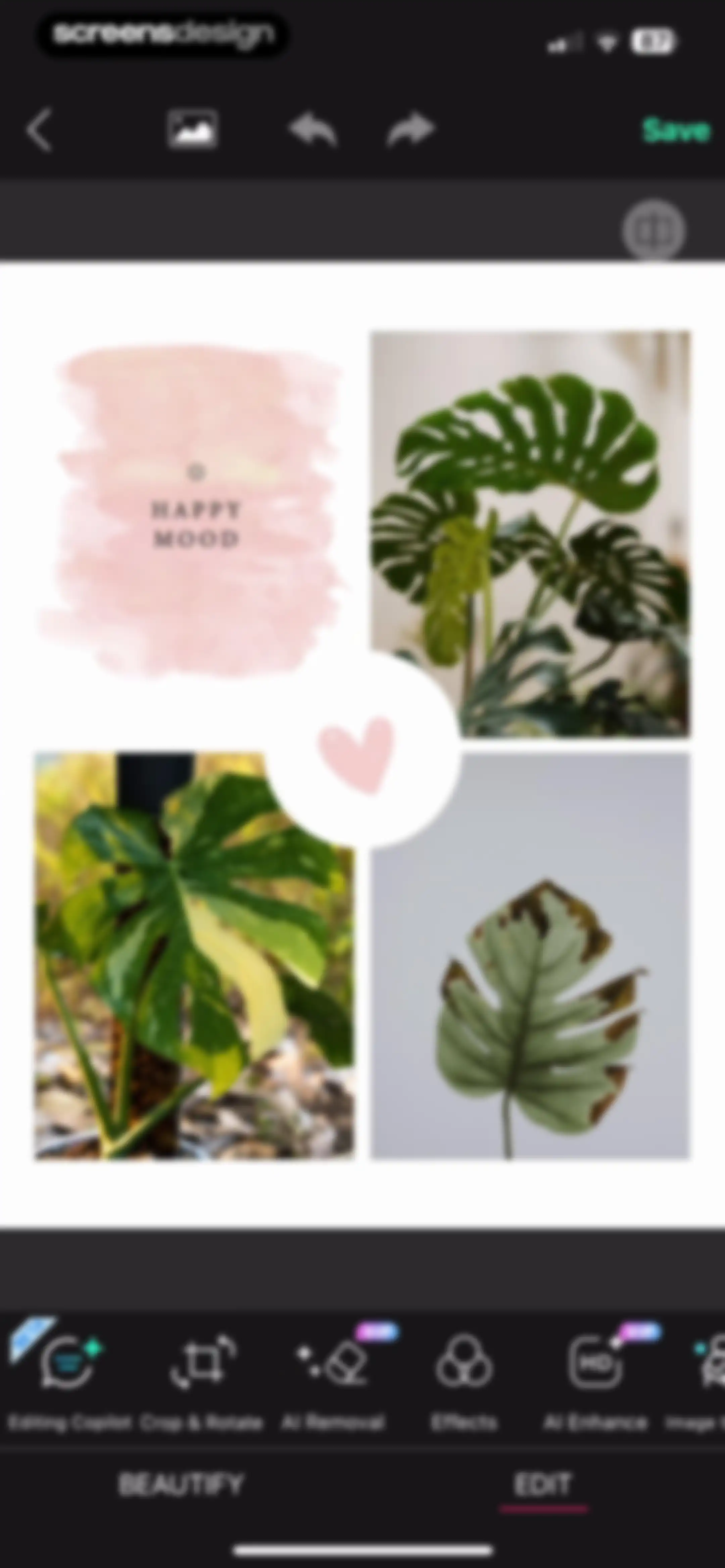
Photo editor screen displaying a four-panel collage with a central tool carousel, bottom edit tab selected, and a Save button.Unlock Pro
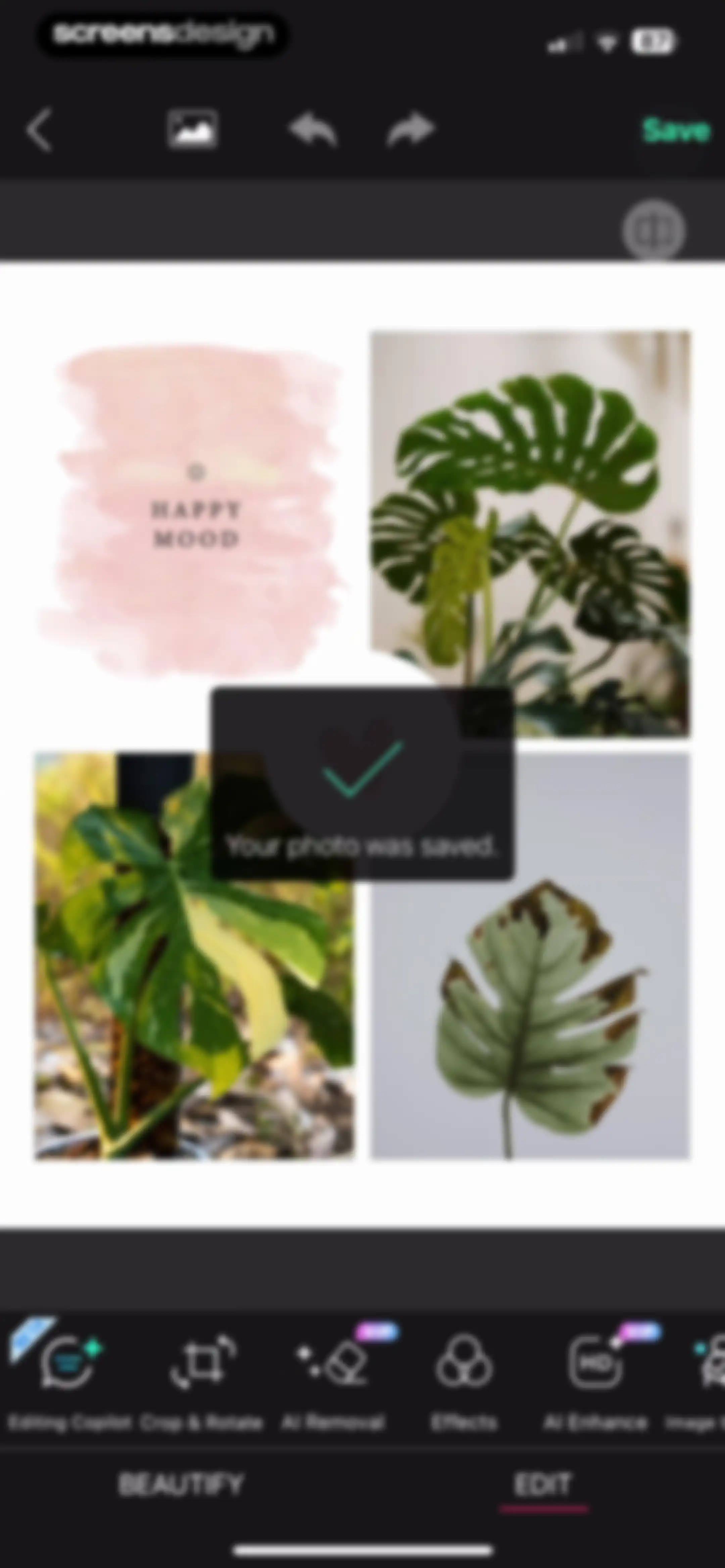
Photo editor screen displaying a save confirmation modal with the text Your photo was saved over an image workspace.Unlock Pro
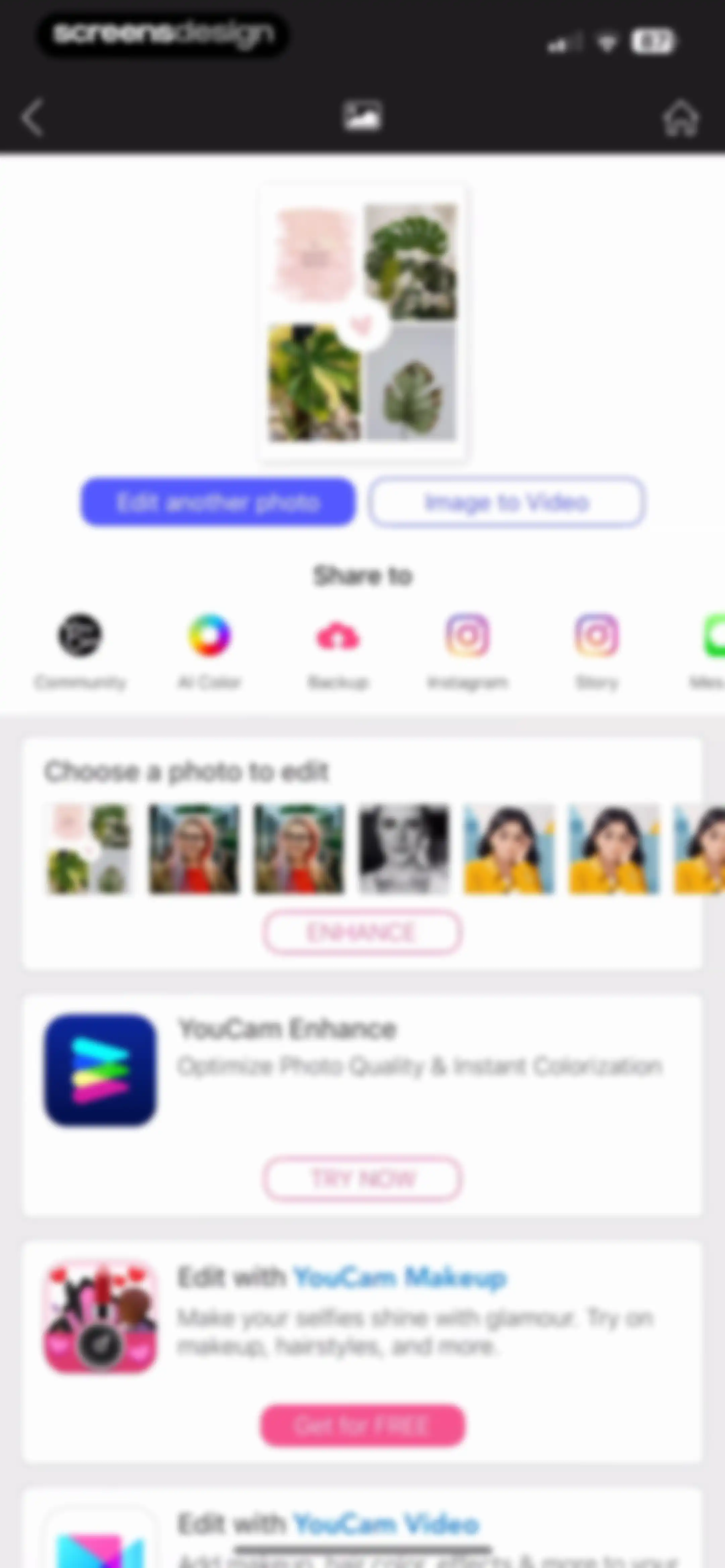
Photo editing app home screen displaying a top preview area, sharing options, a photo selection carousel, and promotional app cards.Unlock Pro
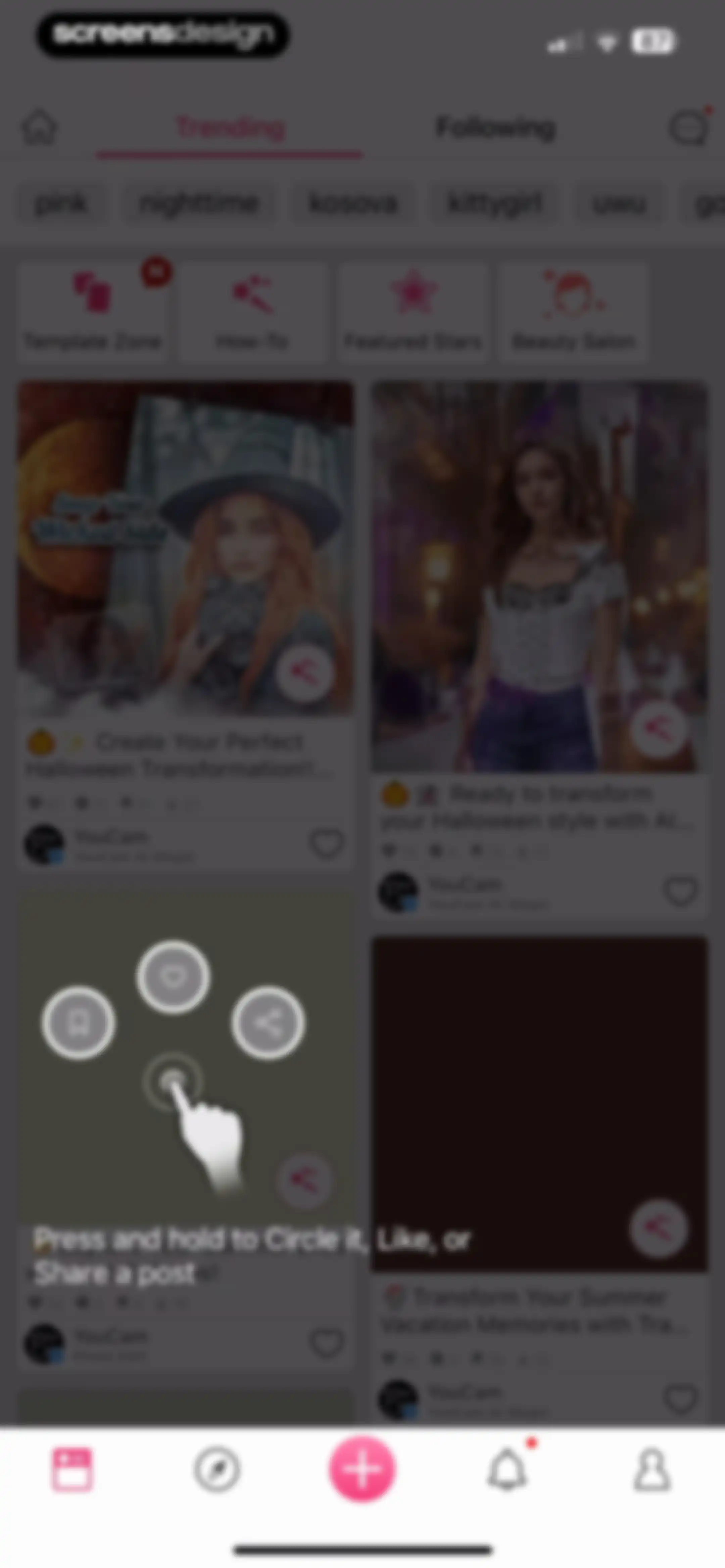
Content feed featuring a masonry grid of photo posts, top navigation tabs with Trending selected, and a gesture overlay on a post.Unlock Pro
Sign-in modal overlay in the YouCam Perfect app prompting the user to like a post with options to sign in with Apple or email.Unlock Pro
Sign-up form with an email field pre-filled with screensdesigntest@gmail.com, an empty password field, and a Create Account button.Unlock Pro
User profile setup form with basic information fields, a profile picture placeholder, and a Next button.Unlock Pro
User discovery list with a pink instructional banner and a Done button, displaying suggested profiles and follow buttons.Unlock Pro
YouCam community feed displaying trending photo edits in a masonry grid, a promotional challenge banner, and a bottom navigation bar.Unlock Pro
Content feed displaying trending AI photo templates, a promotional Halloween banner, feature buttons, and a masonry grid of user posts.Unlock Pro
Search results feed for the tag kittygirl featuring a single user post card with engagement metrics and a bottom navigation bar.Unlock Pro
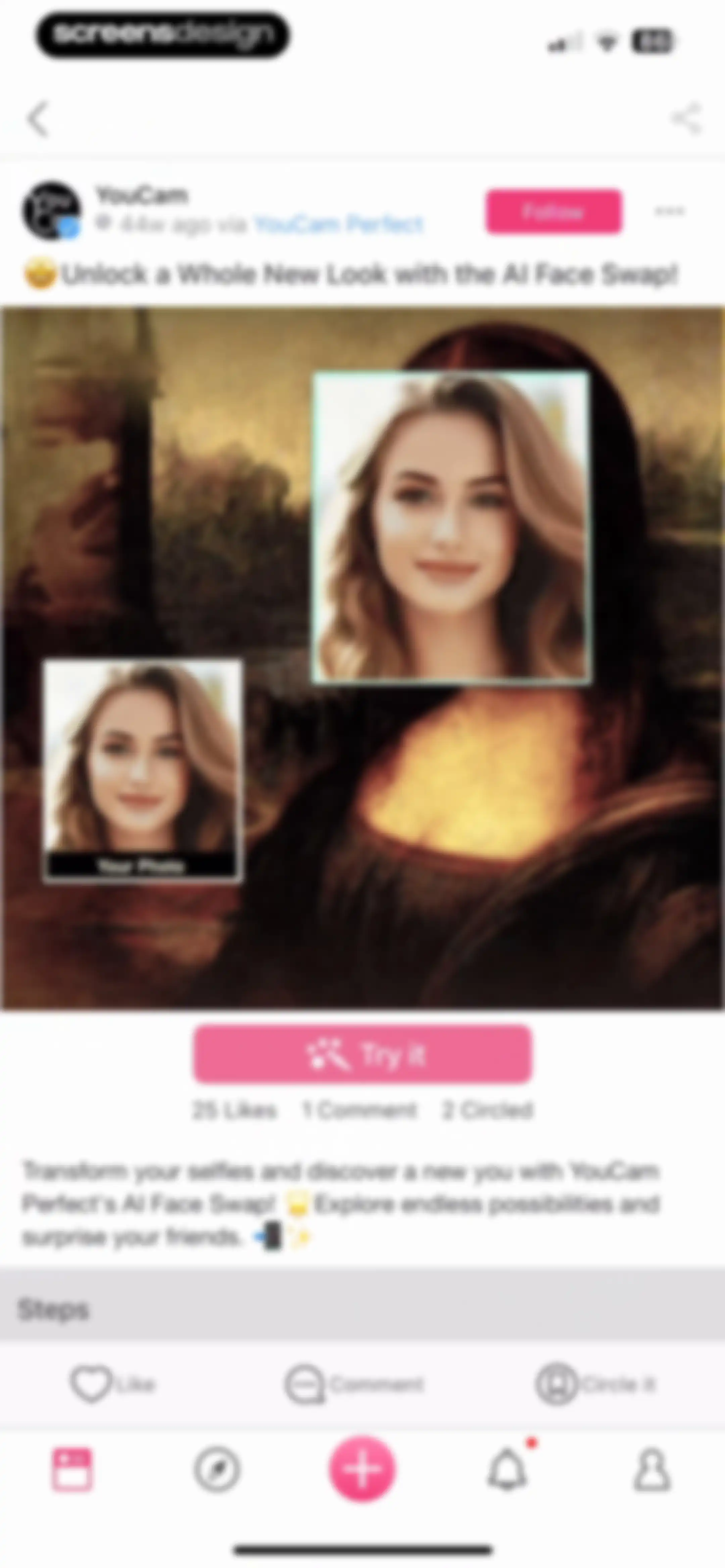
Content feed post in YouCam Perfect showcasing an AI Face Swap feature with a Try it button and engagement stats.Unlock Pro
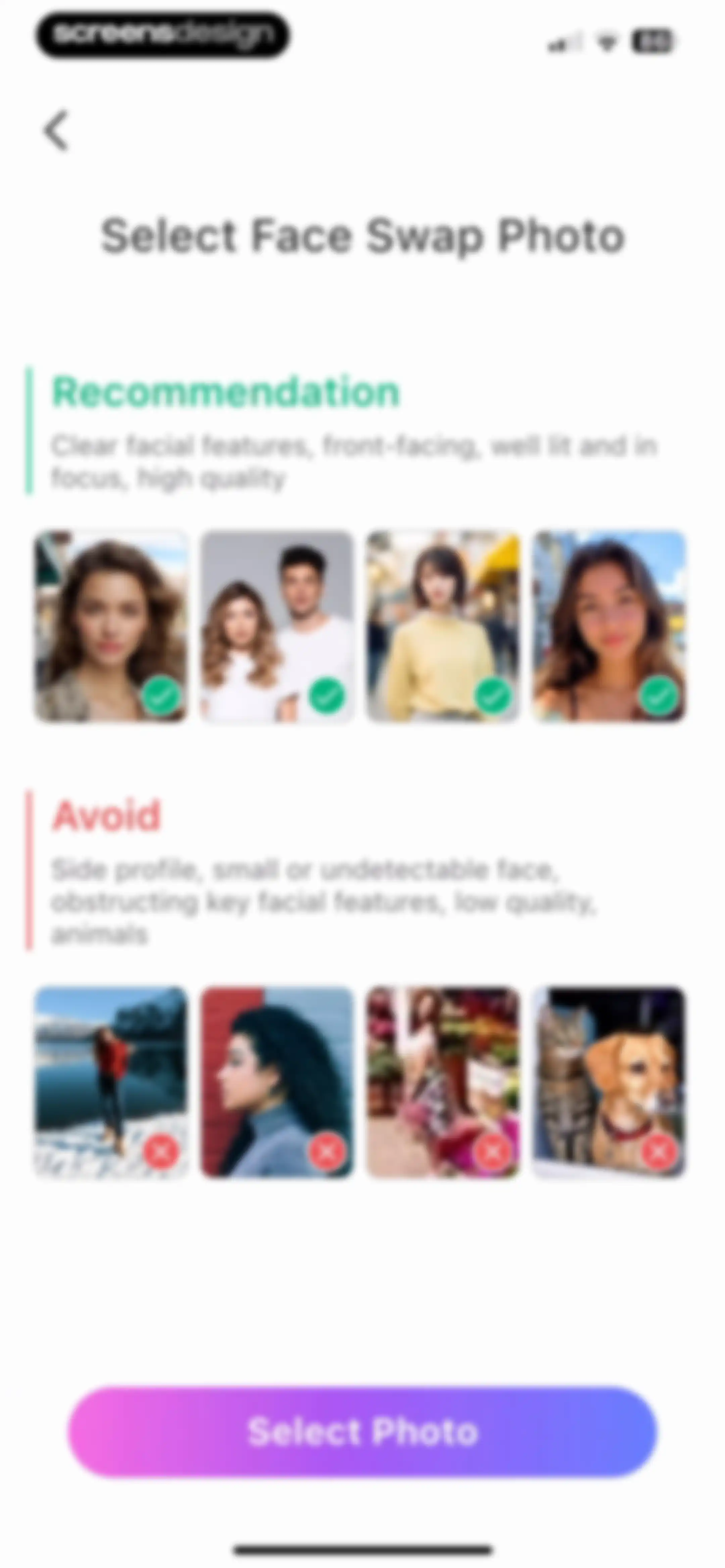
Face swap photo selection guide showing recommended and avoided image examples with a Select Photo button.Unlock Pro
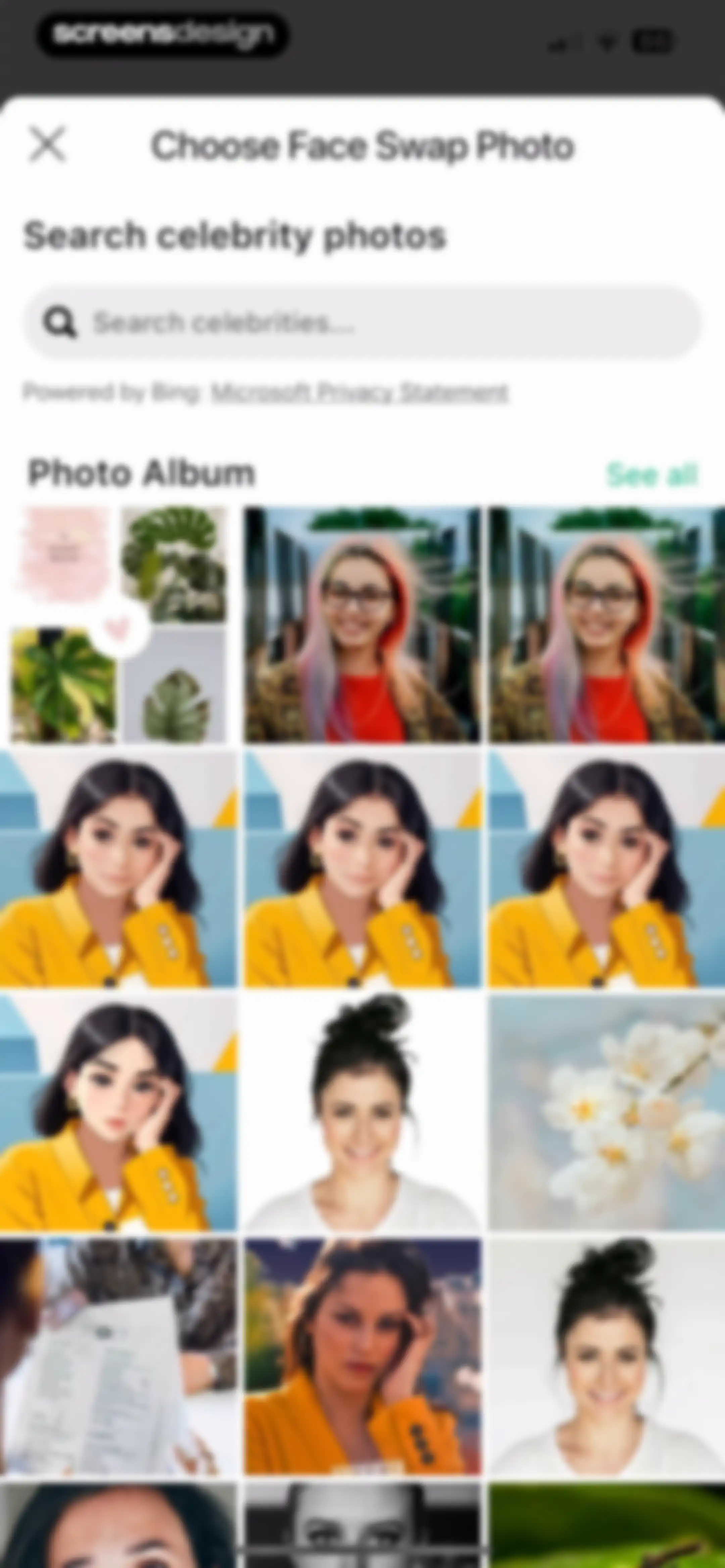
Photo selection screen titled Choose Face Swap Photo with a search bar and a photo gallery grid.Unlock Pro
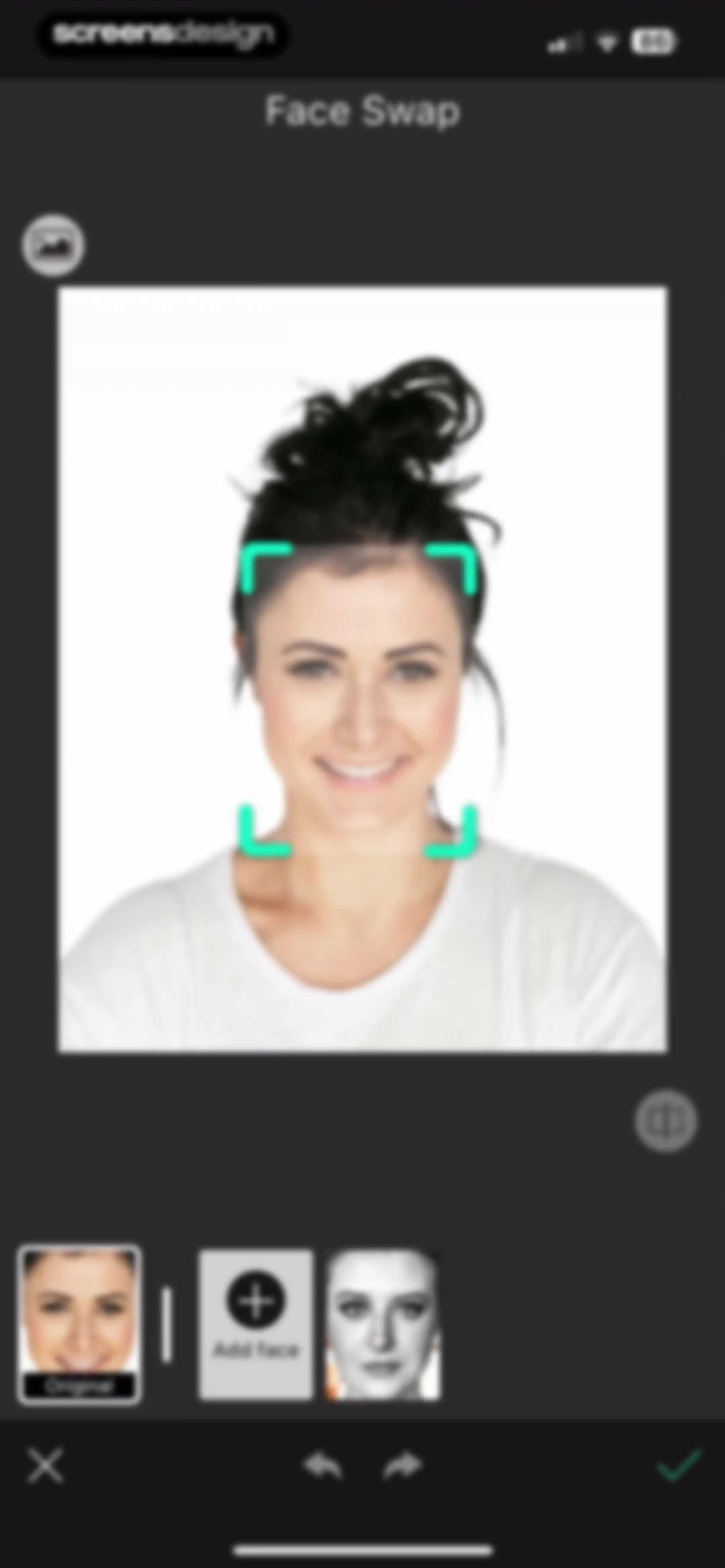
Face swap editor displaying a portrait with a face detection overlay and a bottom carousel for selecting replacement faces.Unlock Pro
Photo editor screen displaying a portrait of a woman with a horizontal tool carousel and a Save button.Unlock Pro
Photo editor showing a central image preview with a success toast notification stating Your photo was saved and a bottom editing toolbar.Unlock Pro
Home screen showing an edited photo preview, sharing options, a photo selection carousel, and promotional app cards at the bottom.Unlock Pro
Content feed featuring trending photo editing templates, category buttons, and a two-column masonry grid of creative image cards.Unlock Pro
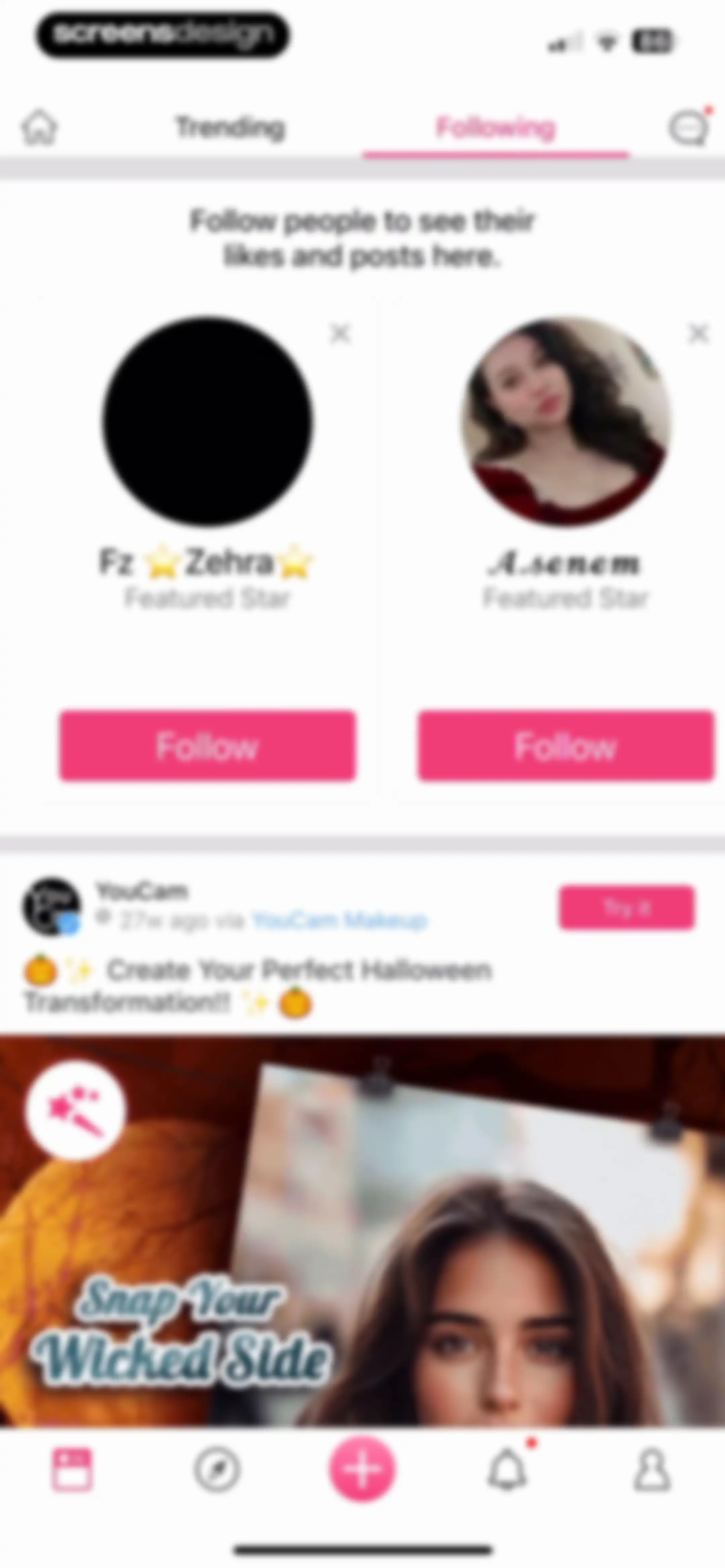
Social feed with top navigation tabs, a user suggestion section, and a post featuring a Halloween transformation and a Try it button.Unlock Pro
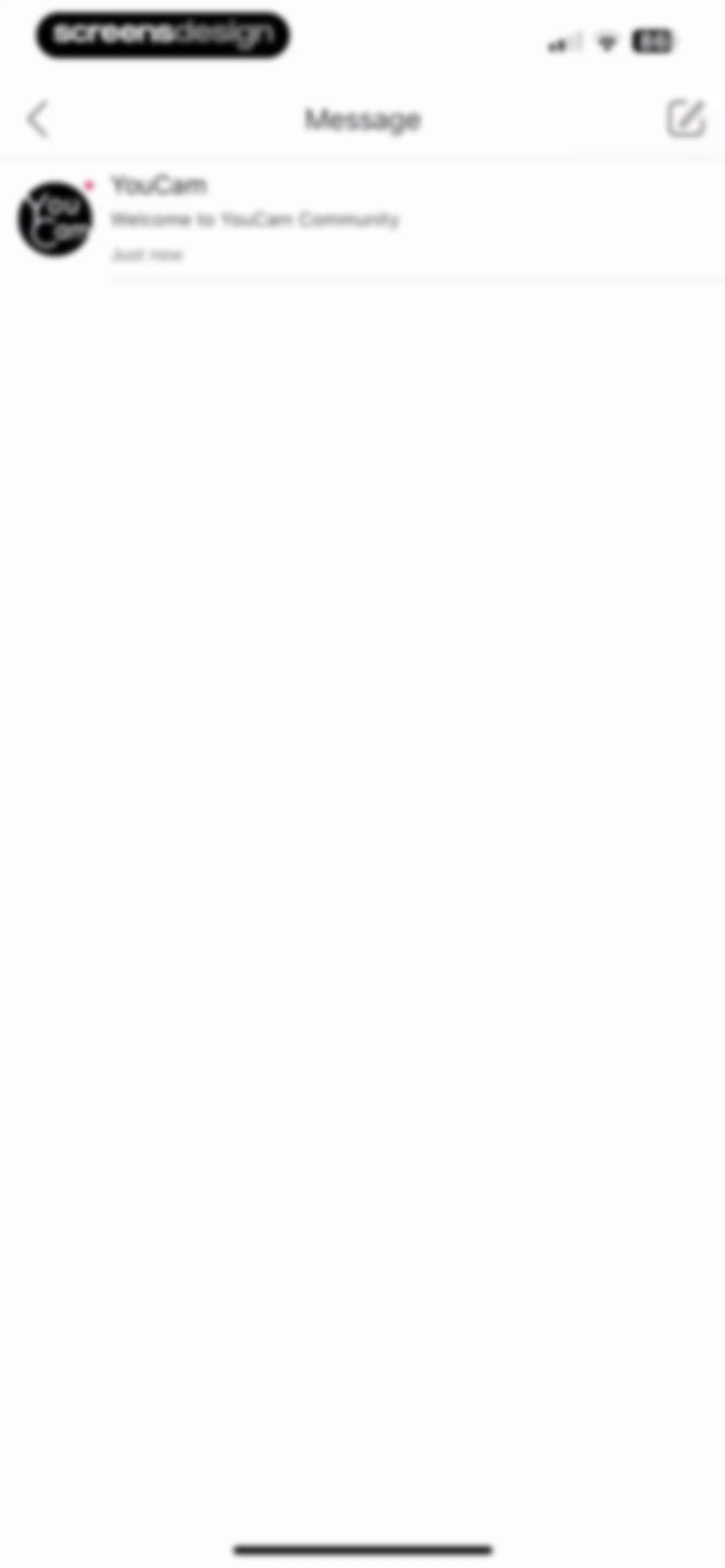
Messaging inbox screen in the YouCam Perfect app showing a single unread message thread from the YouCam community with a timestamp.Unlock Pro
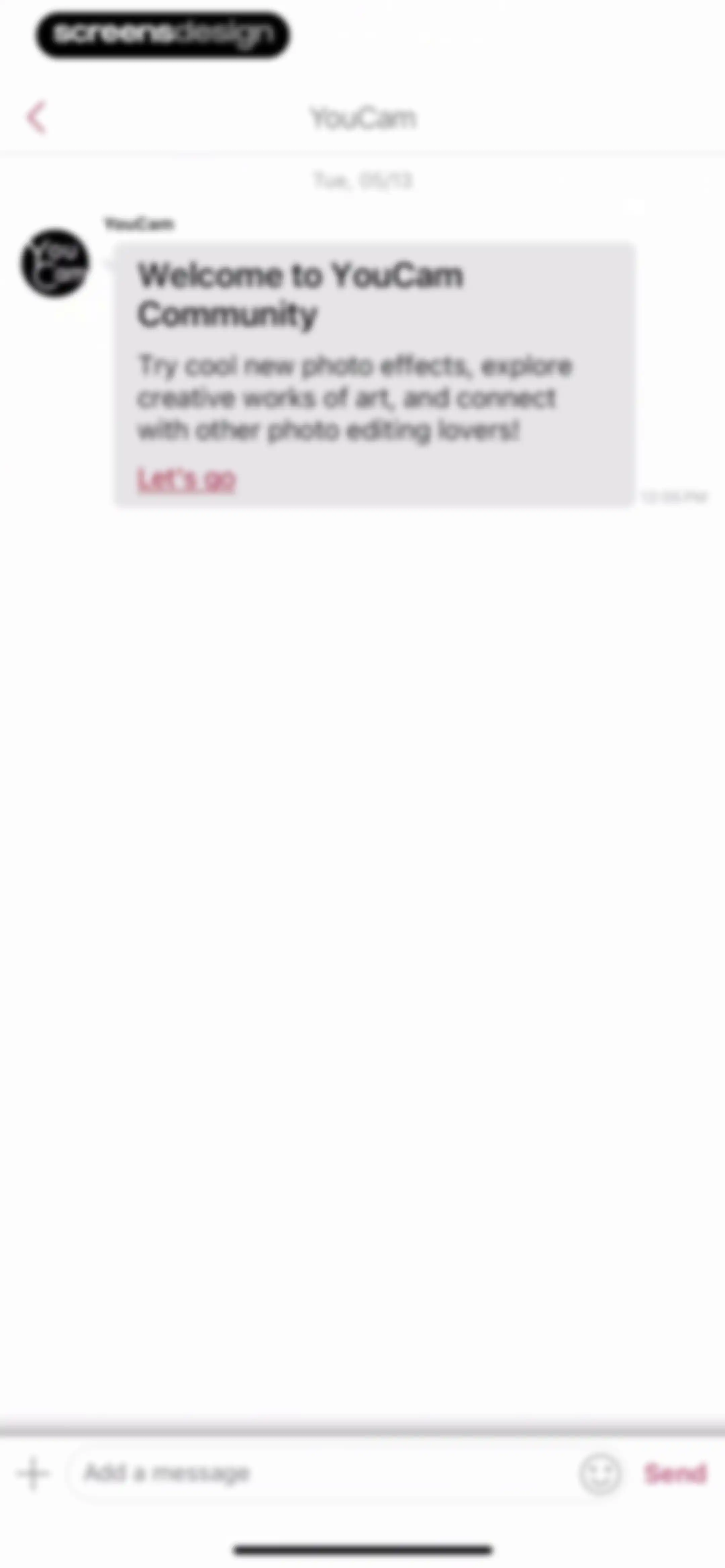
Chat screen displaying a community welcome message with a Let's go link and a bottom message input bar.Unlock Pro
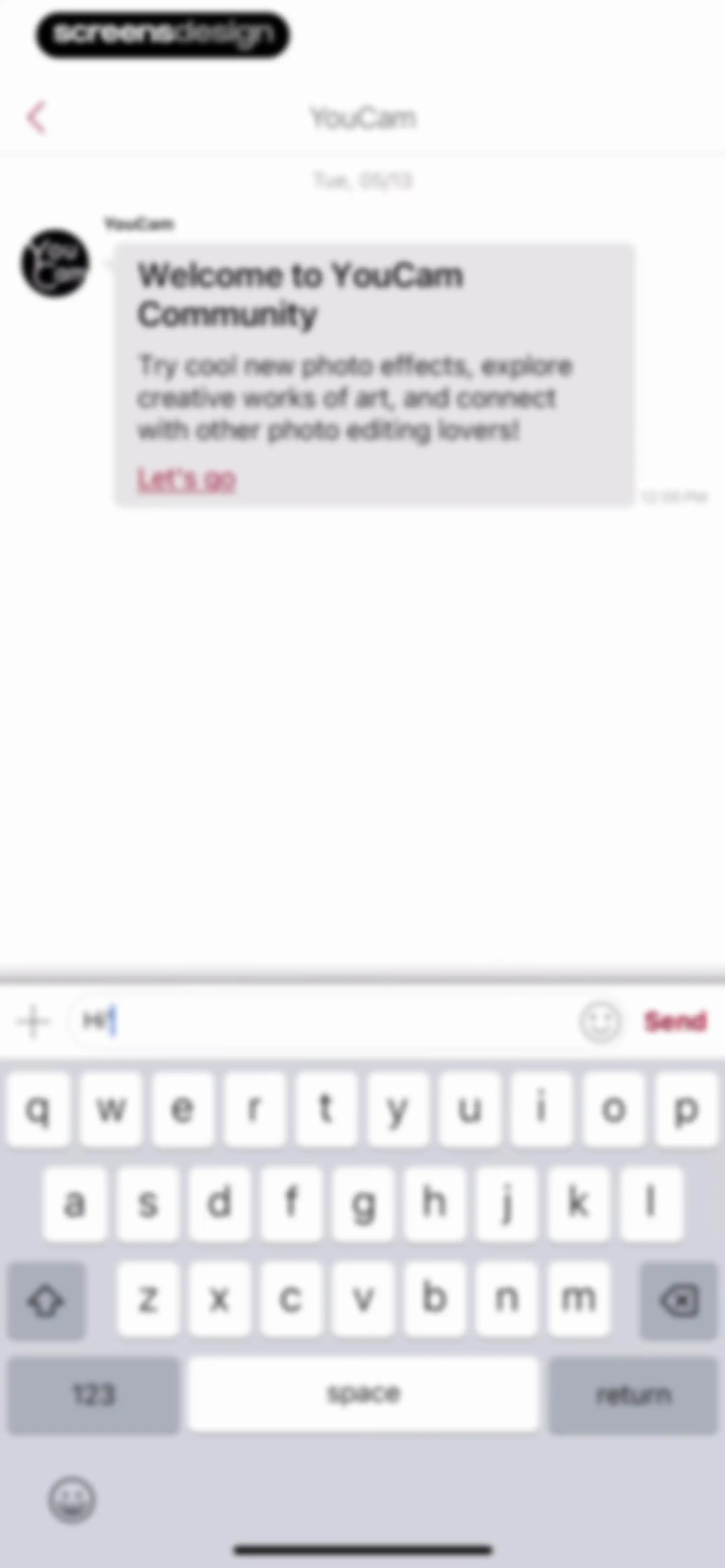
Chat screen displaying a community welcome message with a Let's go link, a bottom input field, and the system keyboard.Unlock Pro
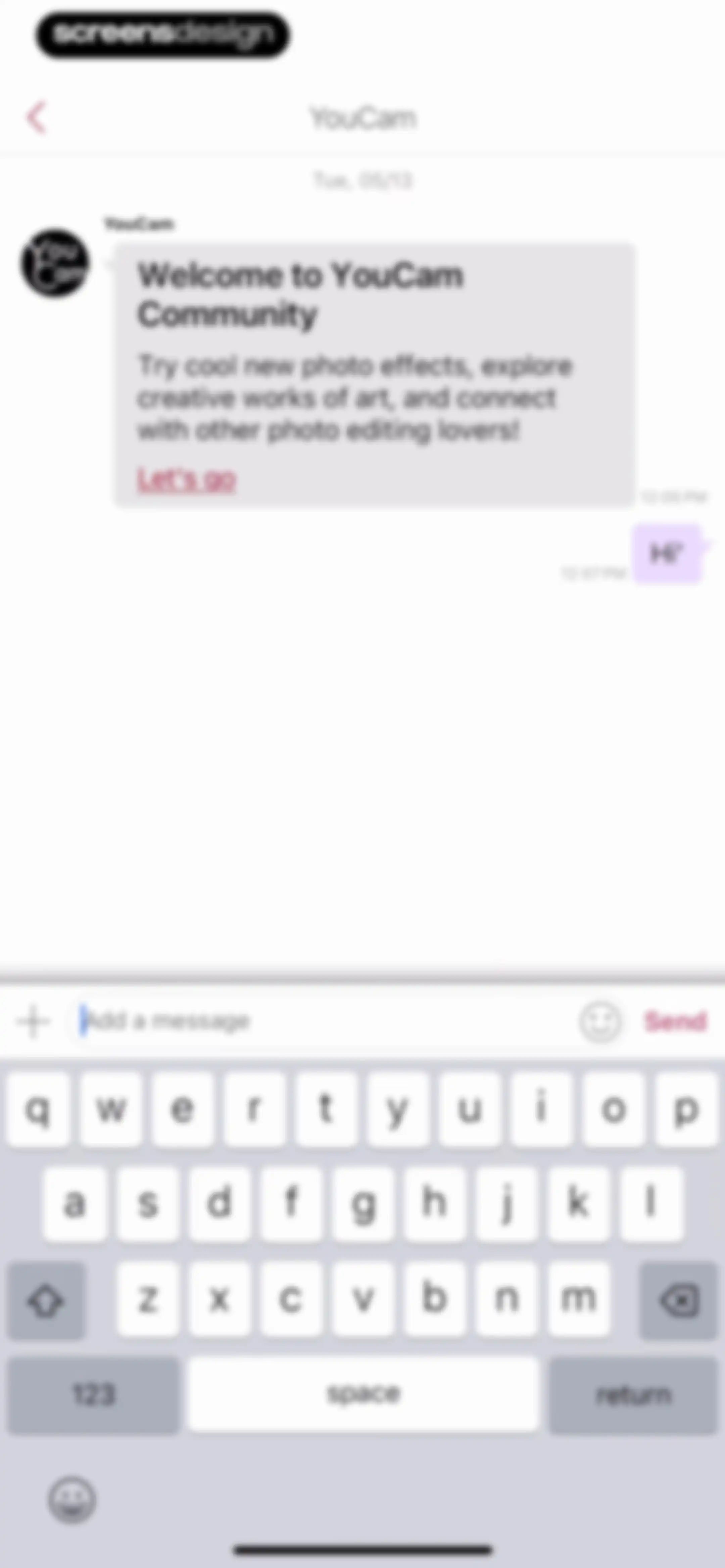
YouCam community chat screen displaying a welcome message, a user message, and a bottom input bar with a Send button.Unlock Pro
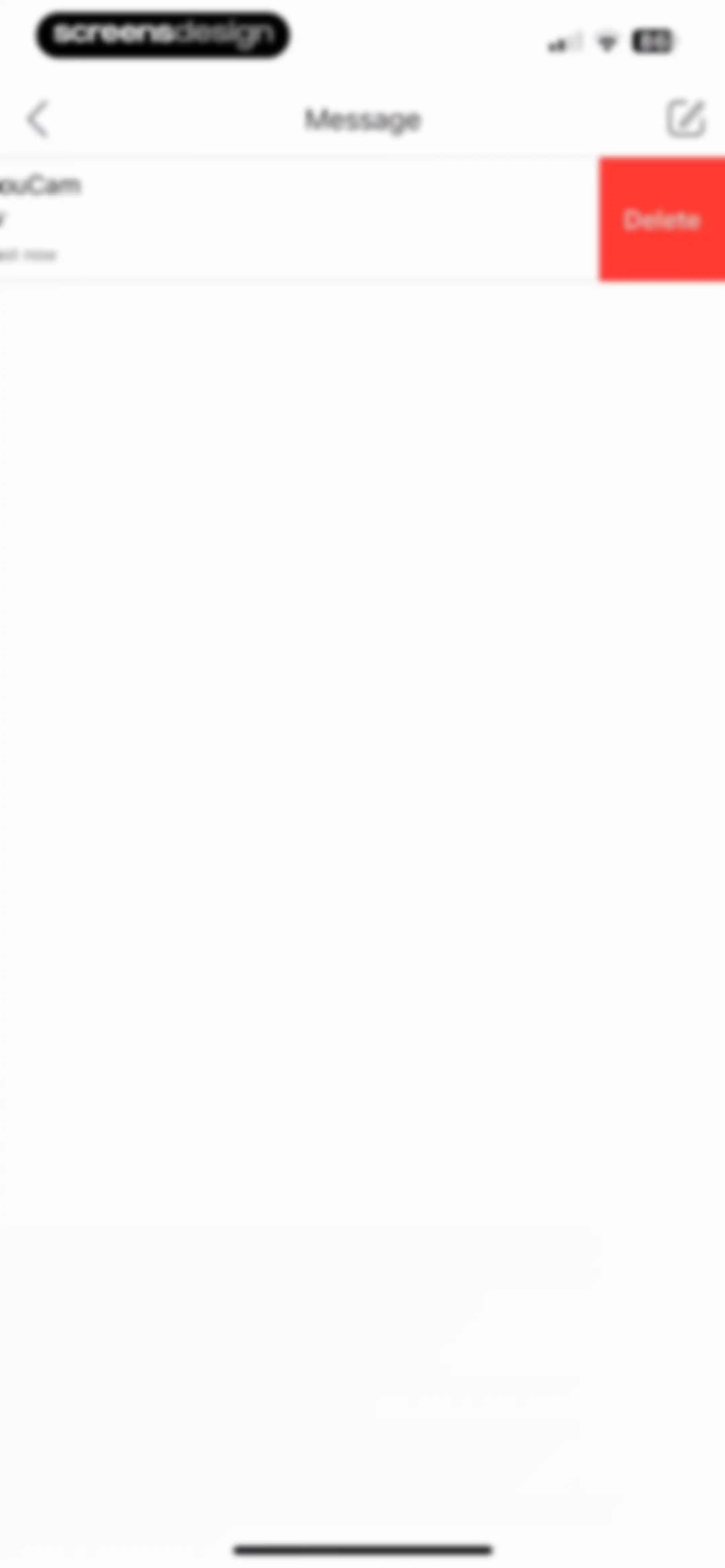
Message inbox screen with a single message from YouCam and a red delete button revealed via swipe.Unlock Pro
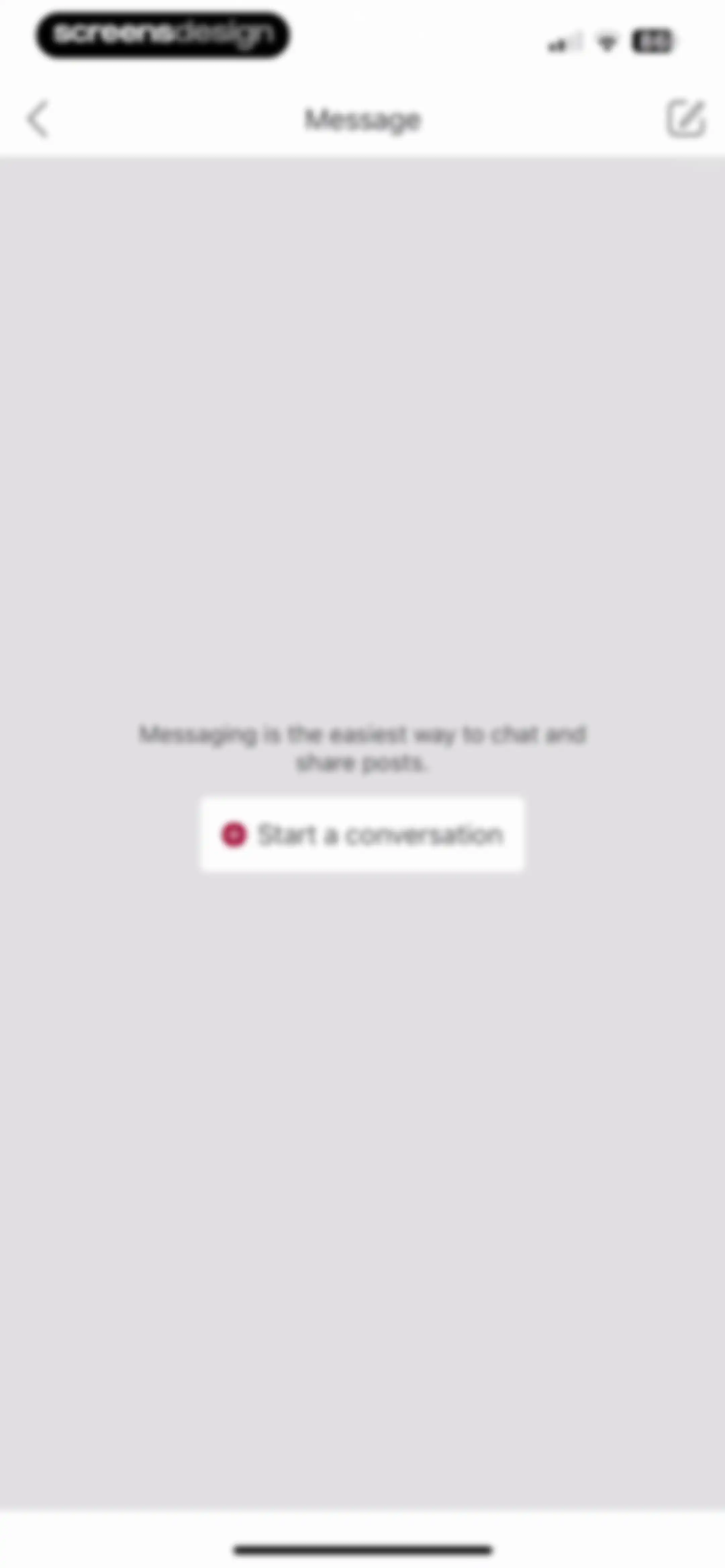
Messaging empty state screen featuring a title, descriptive text, and a Start a conversation button.Unlock Pro
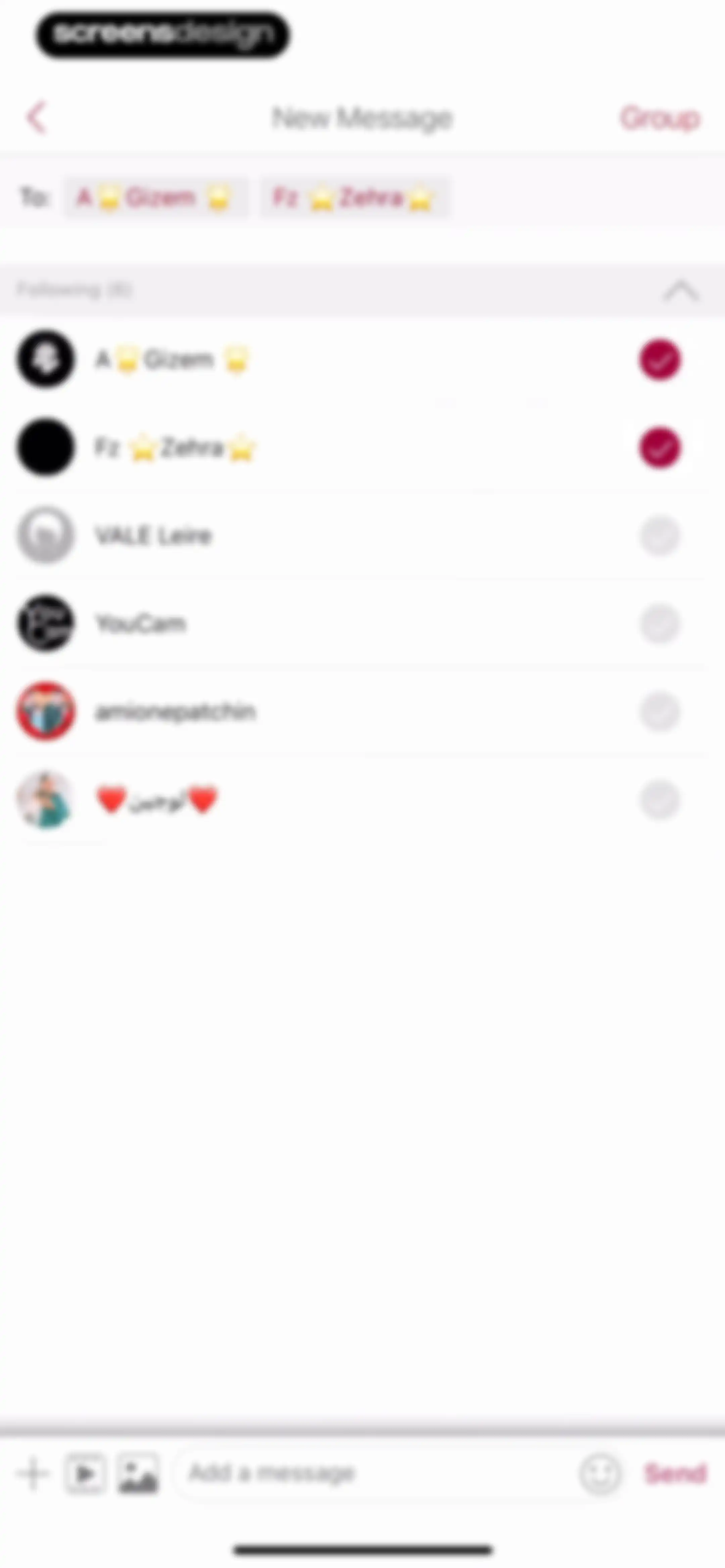
New message screen displaying a contact list with two selected recipients, a recipient field, and a bottom message input bar.Unlock Pro
Group creation form with a group name input, selected recipient tags, a contact list with selected members, and a Create button.Unlock Pro
Chat conversation screen displaying a message history with a single outgoing message and a bottom input bar with a Send button.Unlock Pro
History screen listing past Image to Video projects with a retention notice, project cards, and a Create More button.Unlock Pro
History empty state screen with filter tabs, showing no results for Avatar and a Create More button at the bottom.Unlock Pro
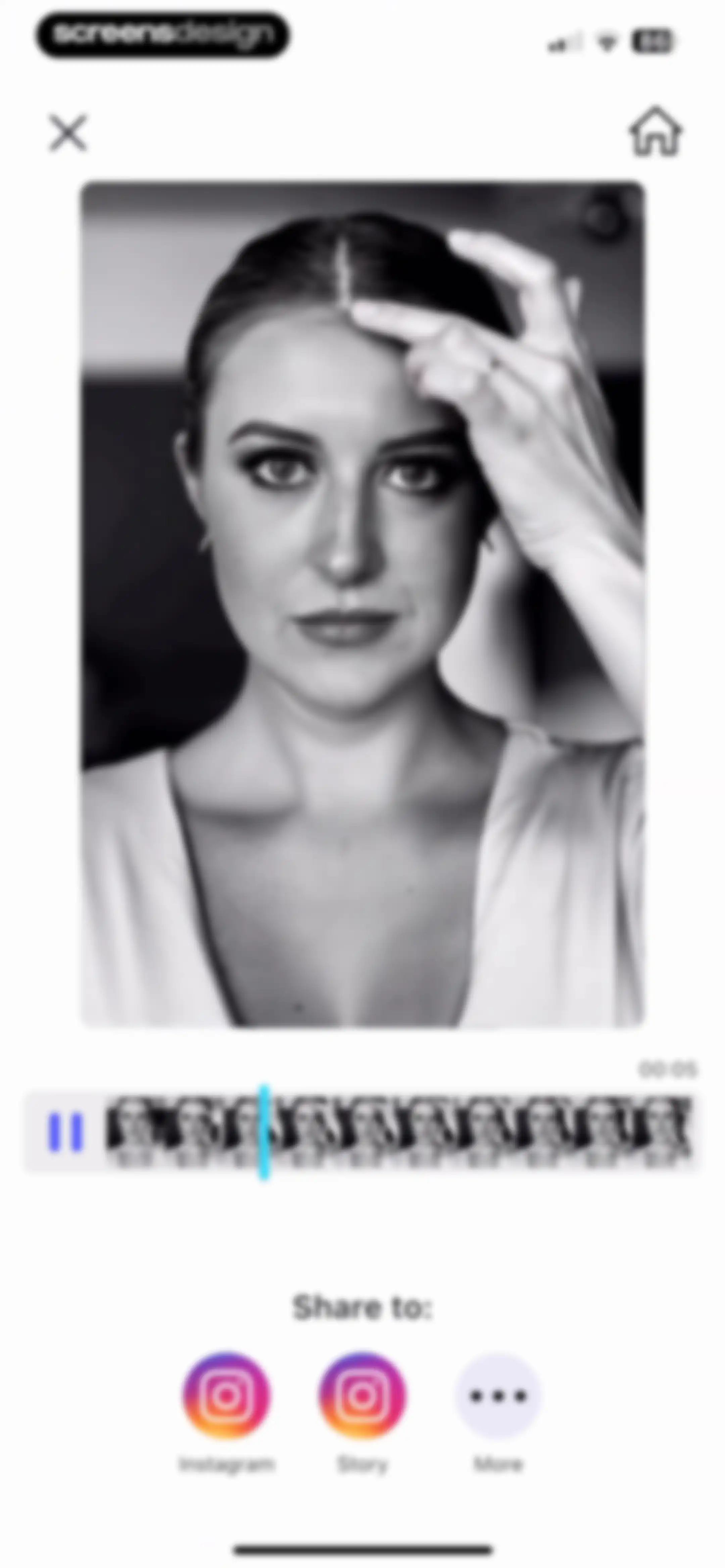
Video sharing screen with a central preview of a woman, a timeline scrubber showing 00:05 duration, and social buttons for Instagram, Story, and More.Unlock Pro
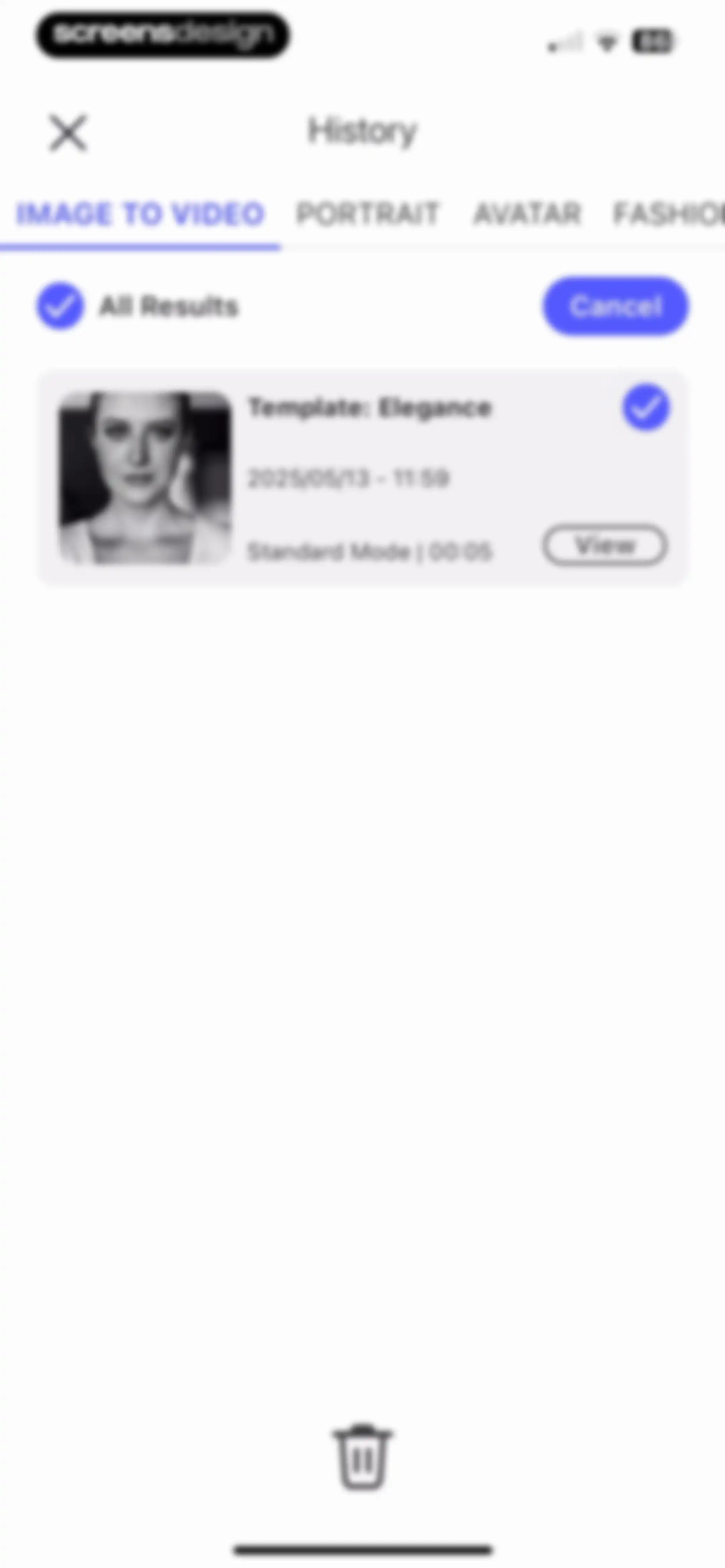
History management screen displaying generated AI video items with category tabs, selection controls, and a bottom delete action.Unlock Pro
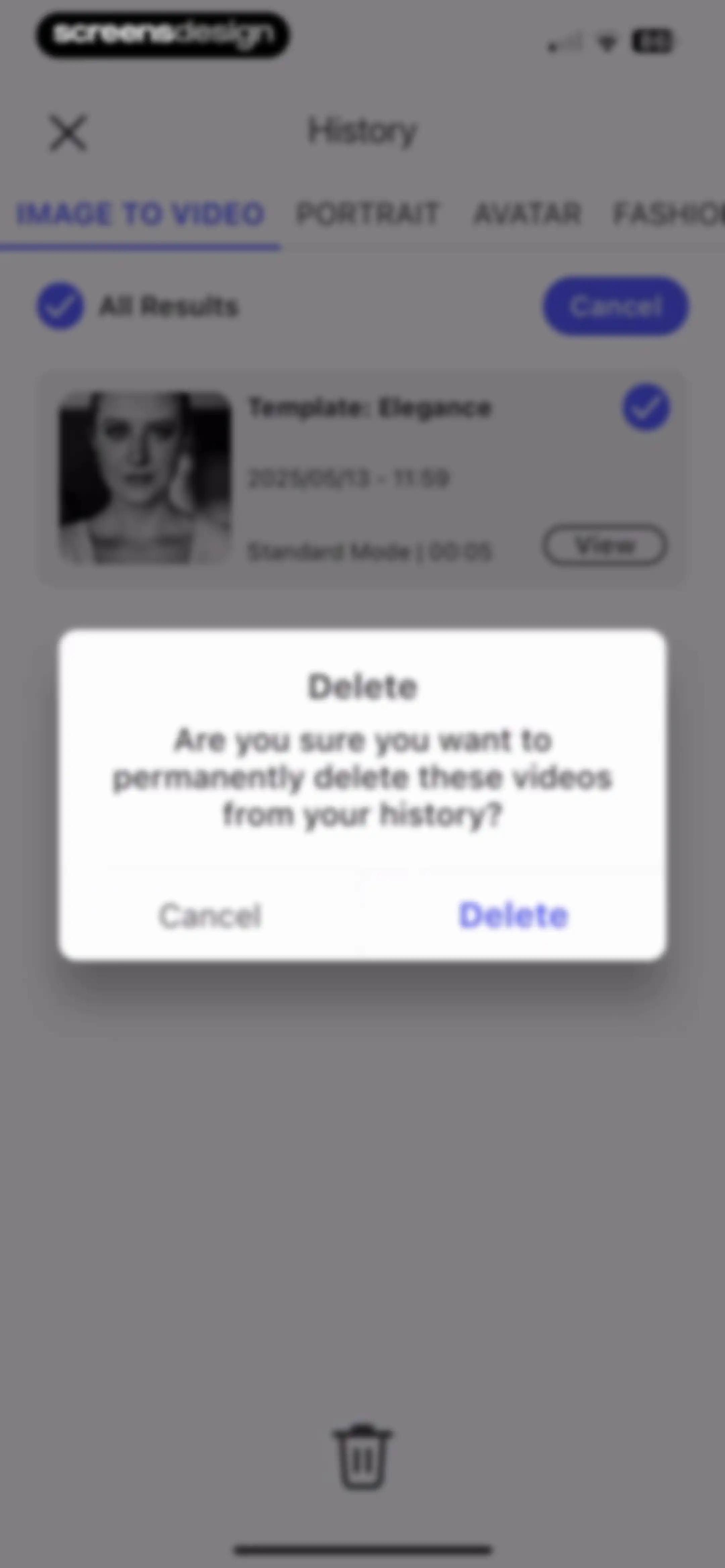
History management screen with a confirmation modal asking if the user wants to permanently delete selected videos, with Cancel and Delete buttons.Unlock Pro
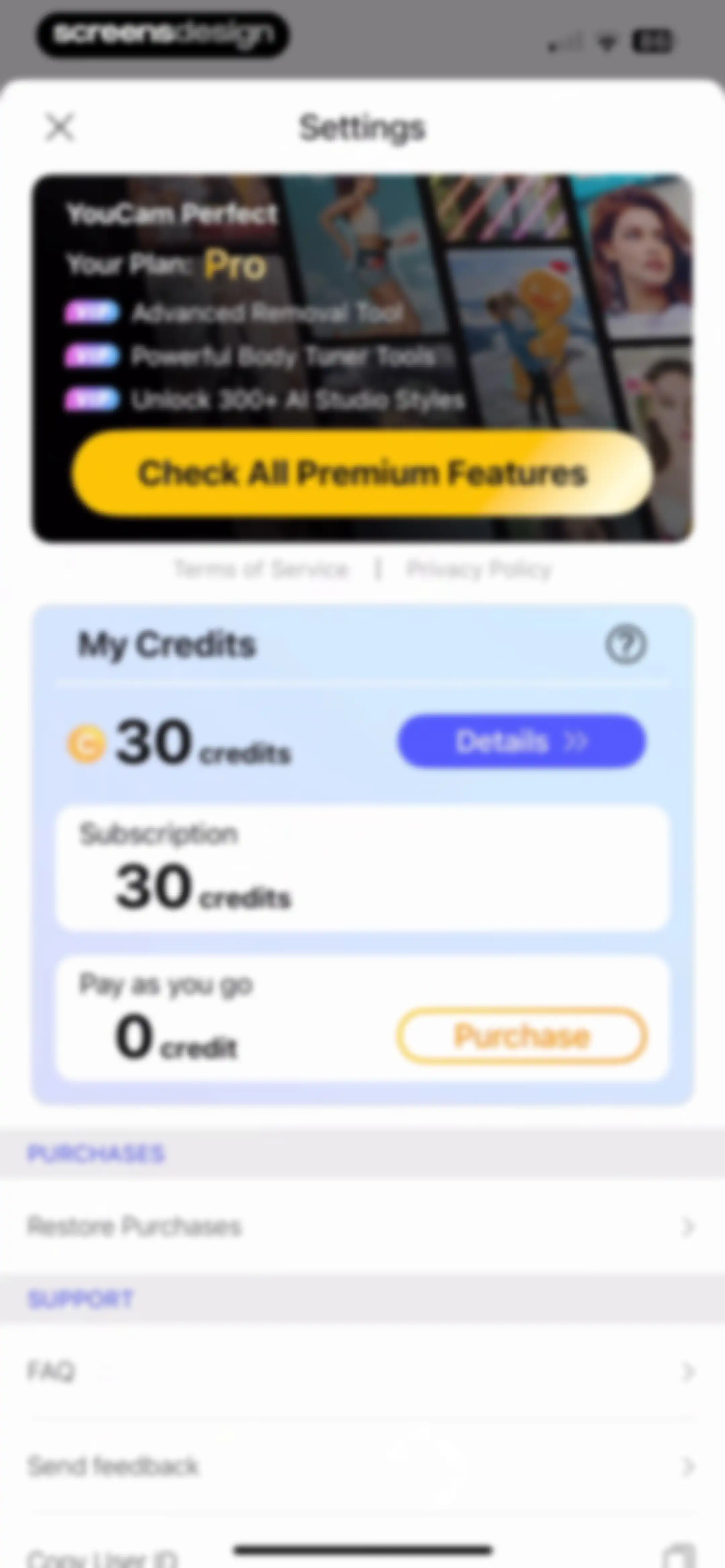
YouCam Perfect settings screen displaying the Pro plan, 30 credits balance, and account management options including a purchase button.Unlock Pro
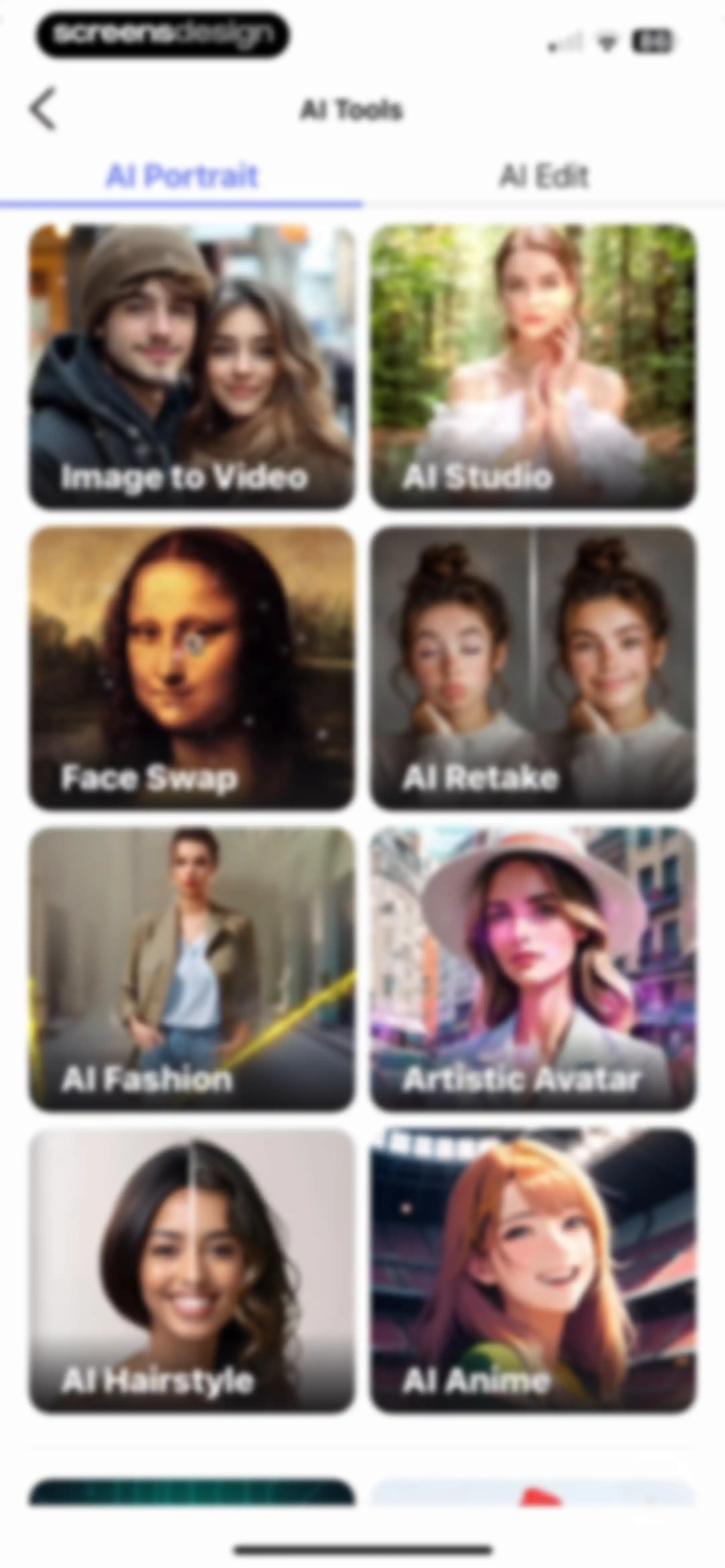
AI tools dashboard featuring a two-column grid of feature cards and a tab switcher with AI Portrait selected.Unlock Pro
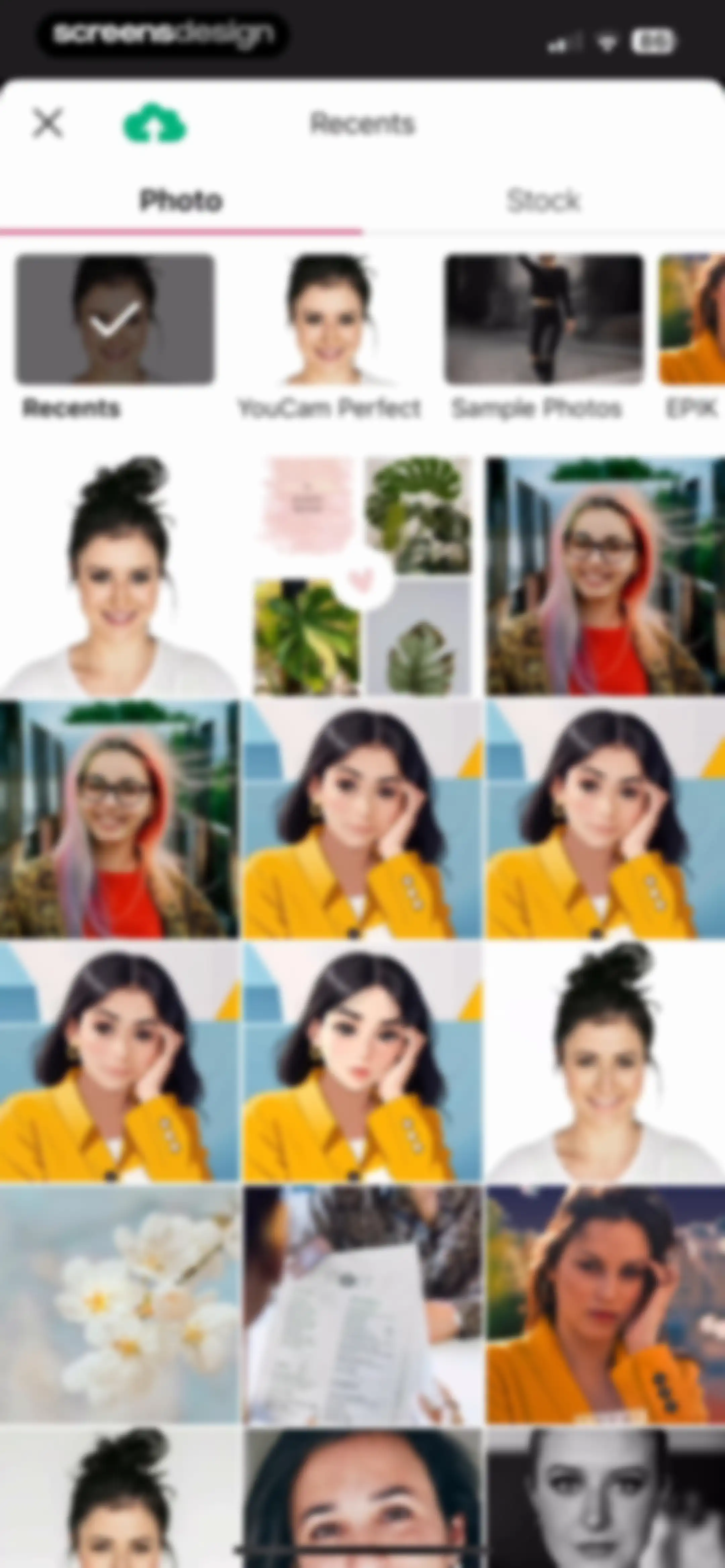
Photo selection screen with a tabbed menu, a grid of image thumbnails with one item checked, and a top navigation bar.Unlock Pro
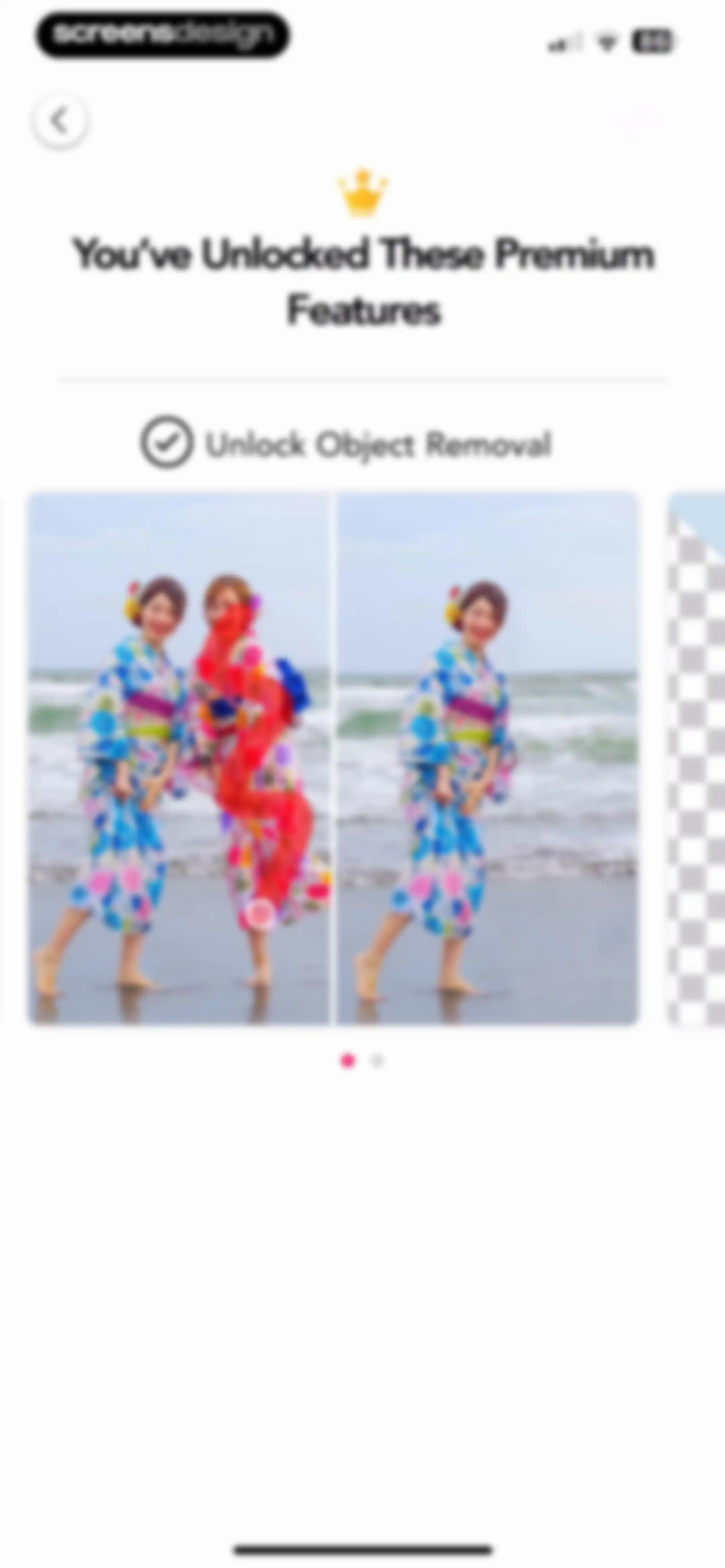
Onboarding screen highlighting unlocked premium features with a header text, feature highlight, and a central before-and-after image carousel.Unlock Pro
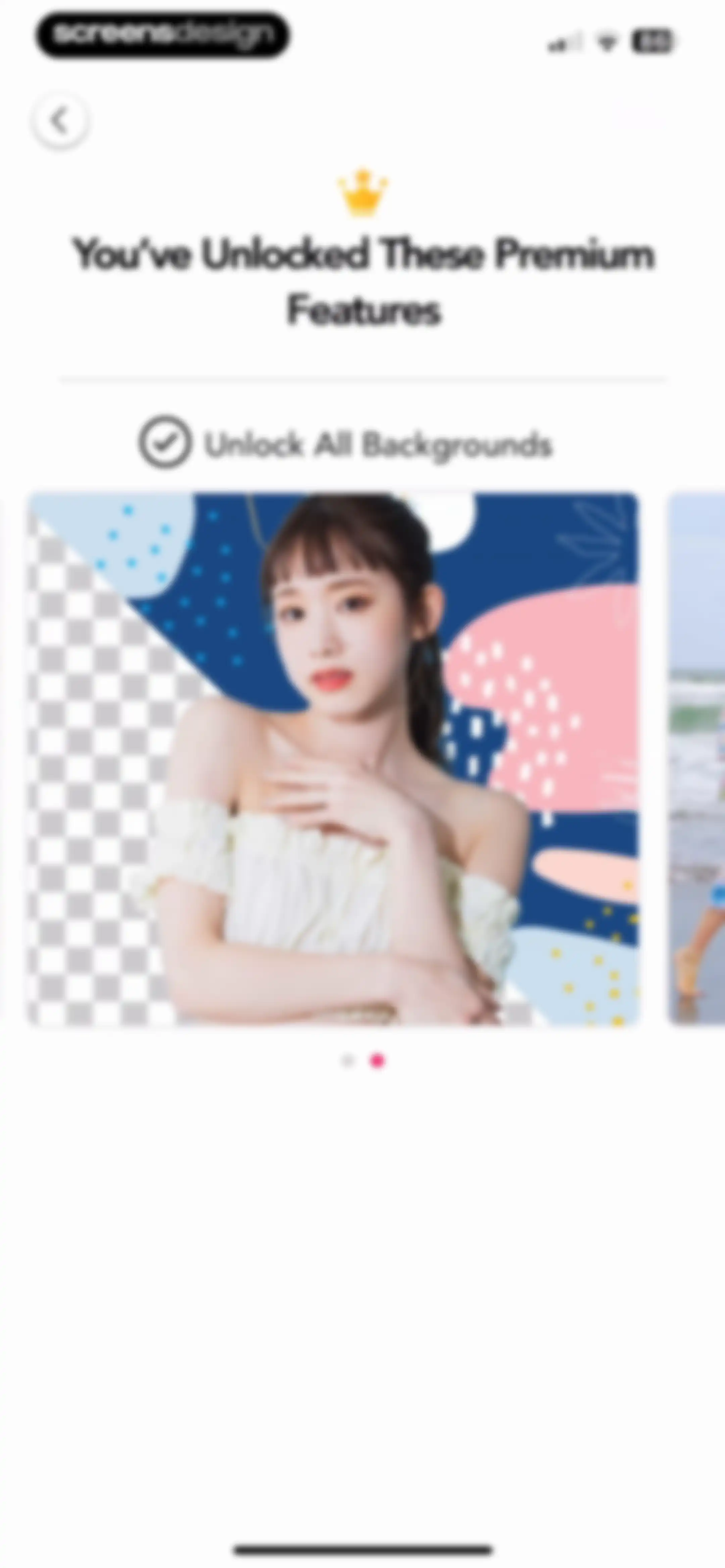
Paywall screen showcasing premium features with a background removal example in a central image carousel.Unlock Pro
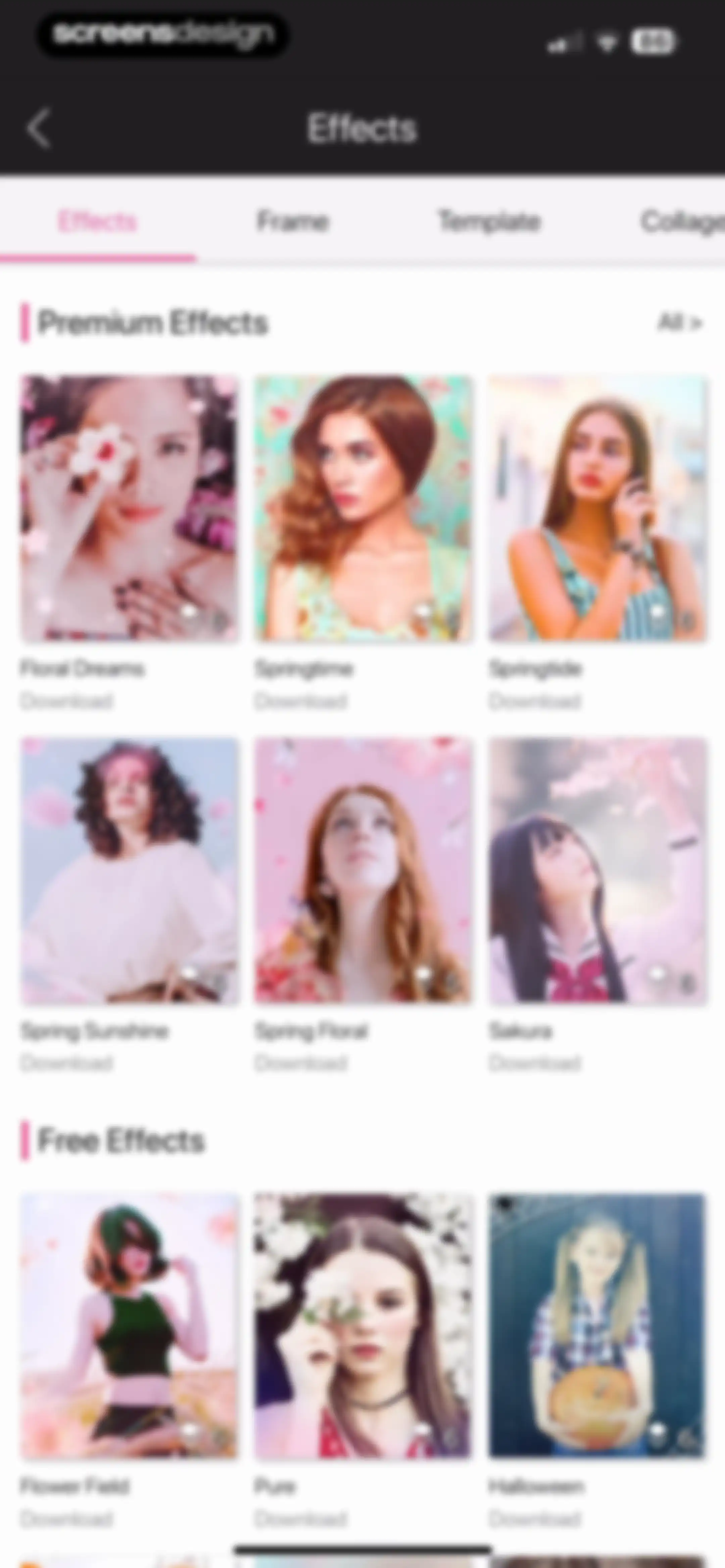
Effects gallery displaying a scrollable grid of premium and free photo filter cards with download options.Unlock Pro
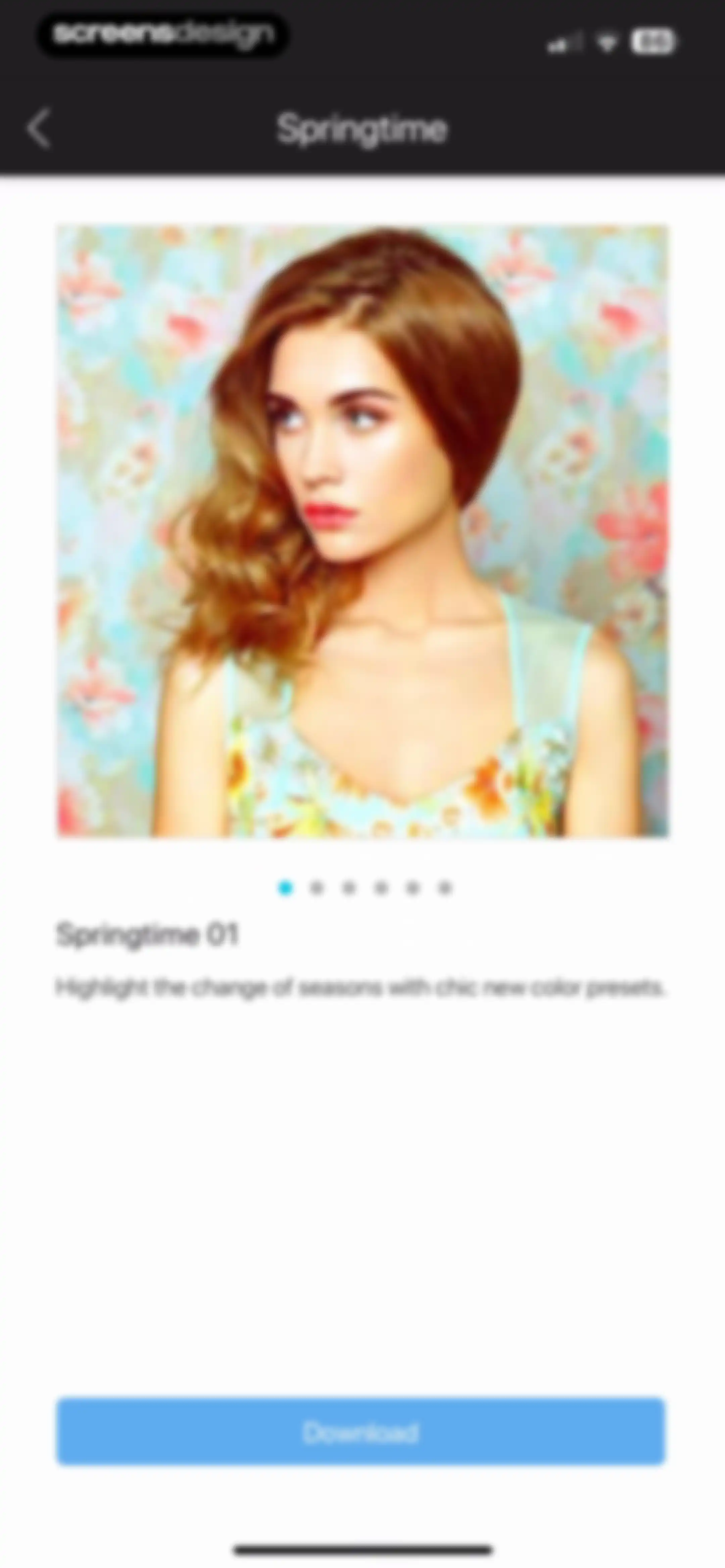
Filter pack preview screen displaying an image of the Springtime 01 preset, a pagination indicator, descriptive text, and a blue Download button.Unlock Pro
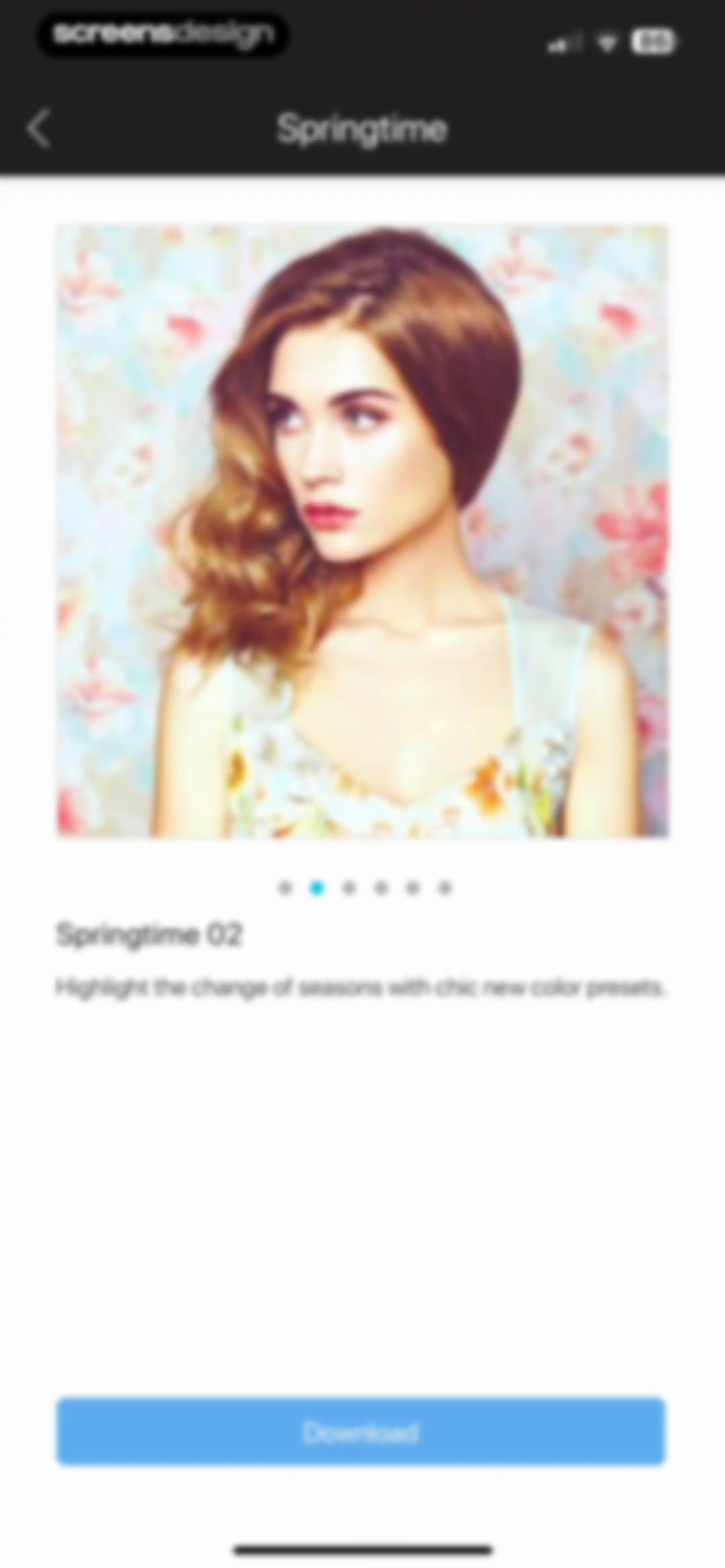
Content preview screen for a photo filter pack titled Springtime, featuring a portrait and a bottom-aligned Download button.Unlock Pro
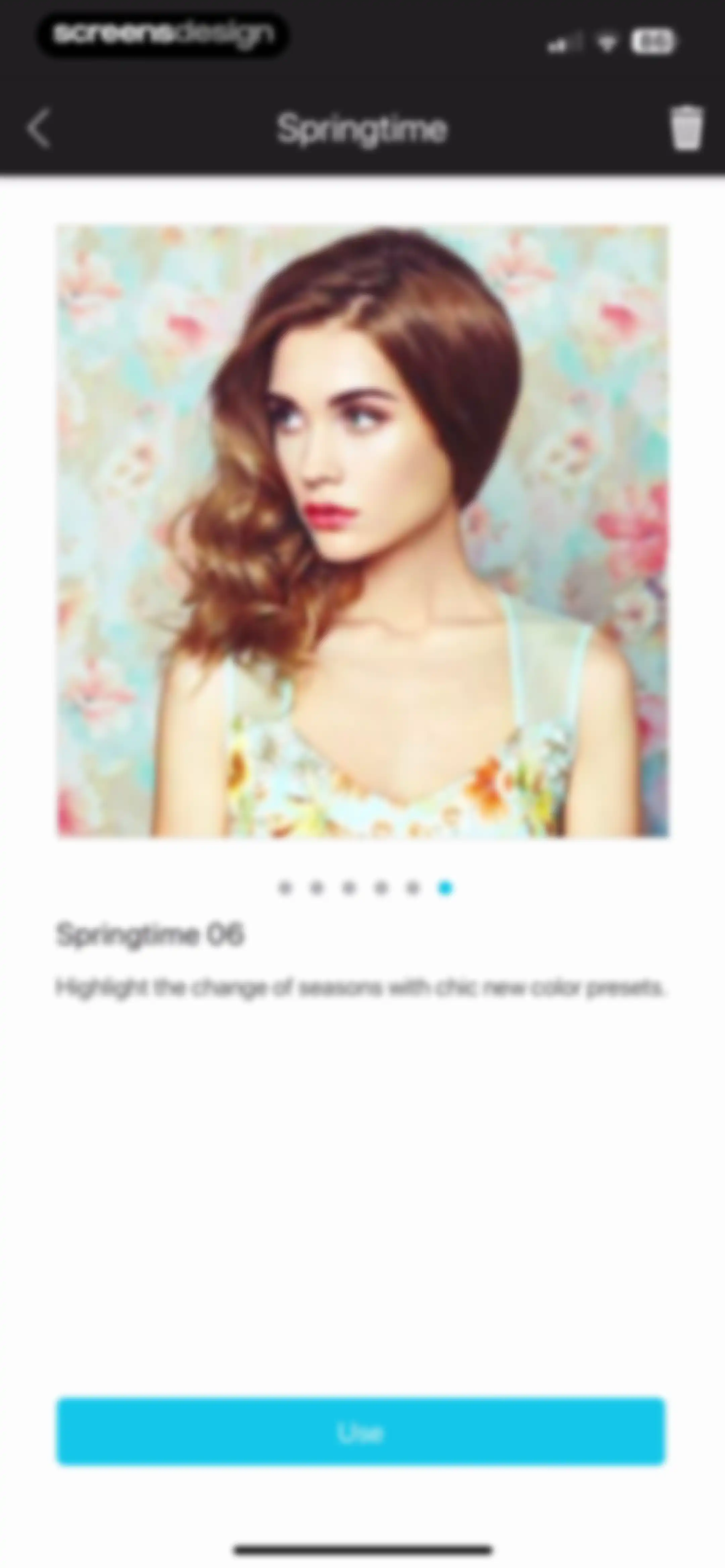
Photo preset preview screen displaying the Springtime 06 filter with a descriptive text and a blue Use button at the bottom.Unlock Pro
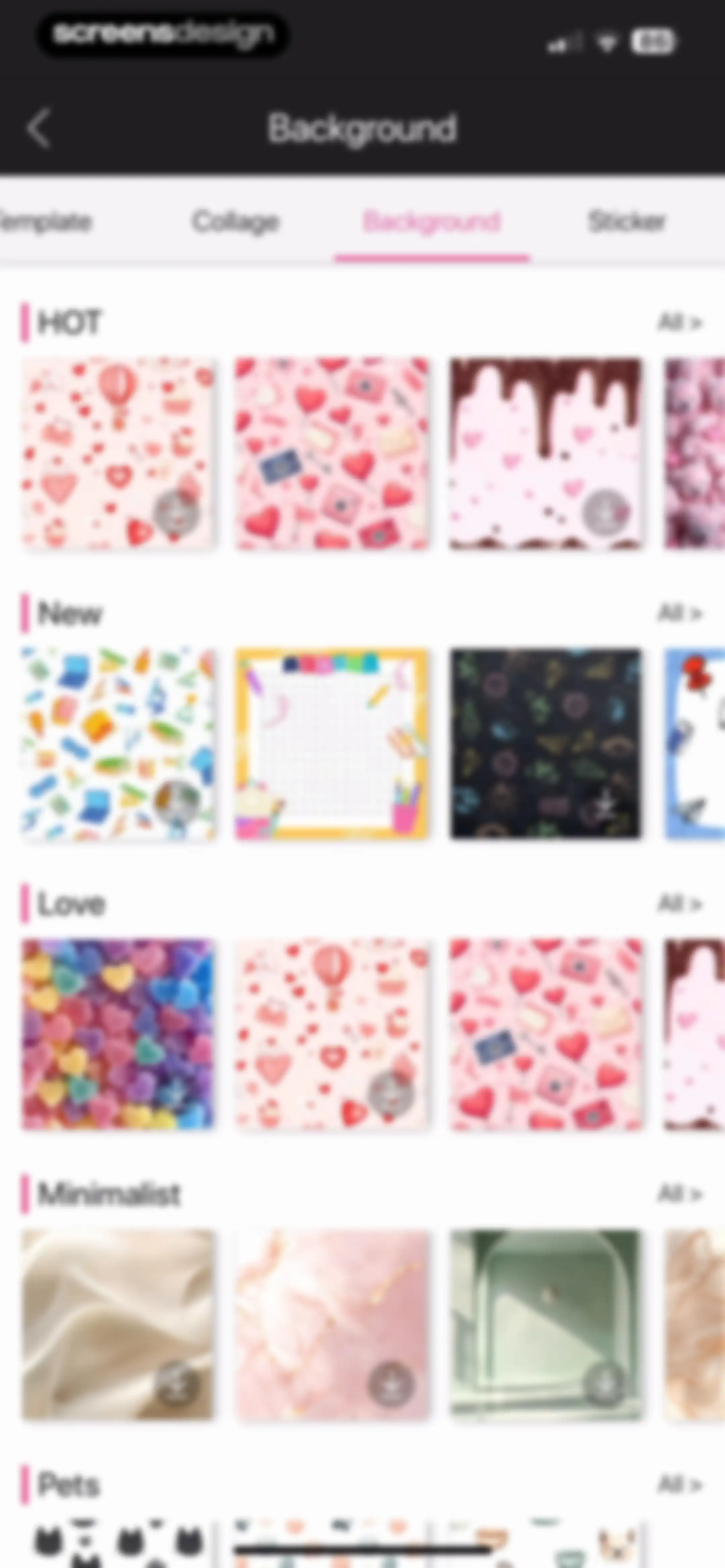
Background asset selection screen displaying categorized horizontal carousels of patterns with a selected Background tab and download icons.Unlock Pro
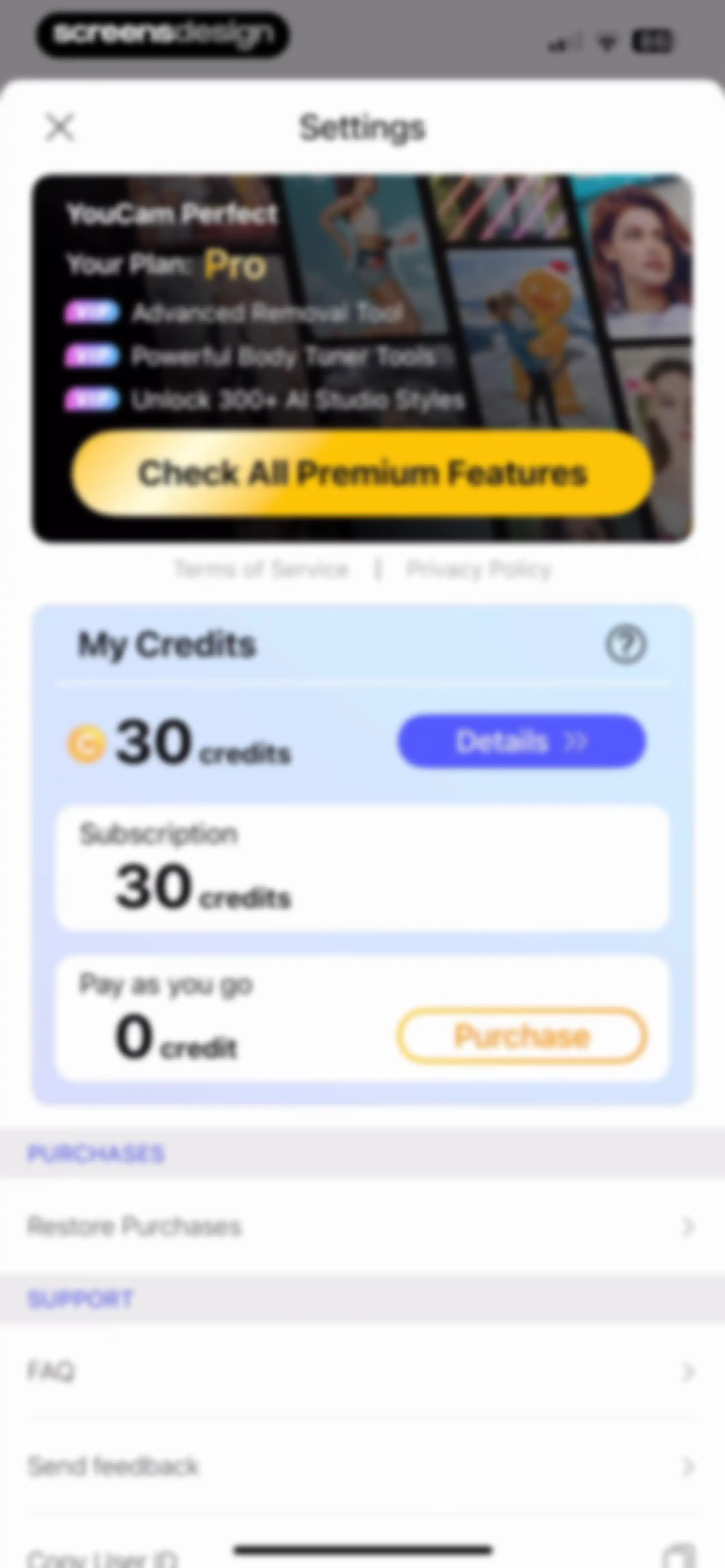
YouCam Perfect settings screen displaying a Pro plan promotion, a credit balance of 30 credits, and support links.Unlock Pro
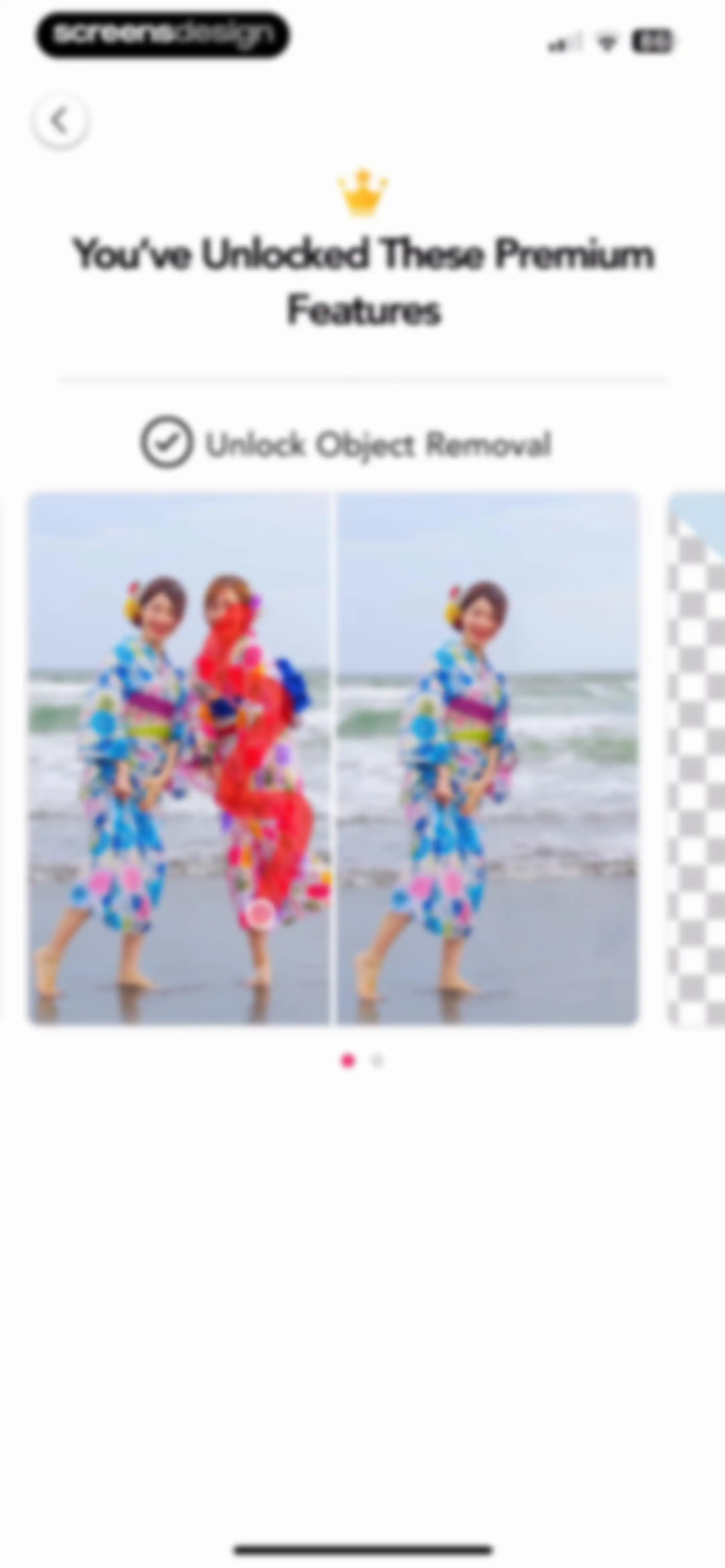
Onboarding screen highlighting premium object removal features with a before-and-after photo carousel, gold crown icon, and pagination dots.Unlock Pro
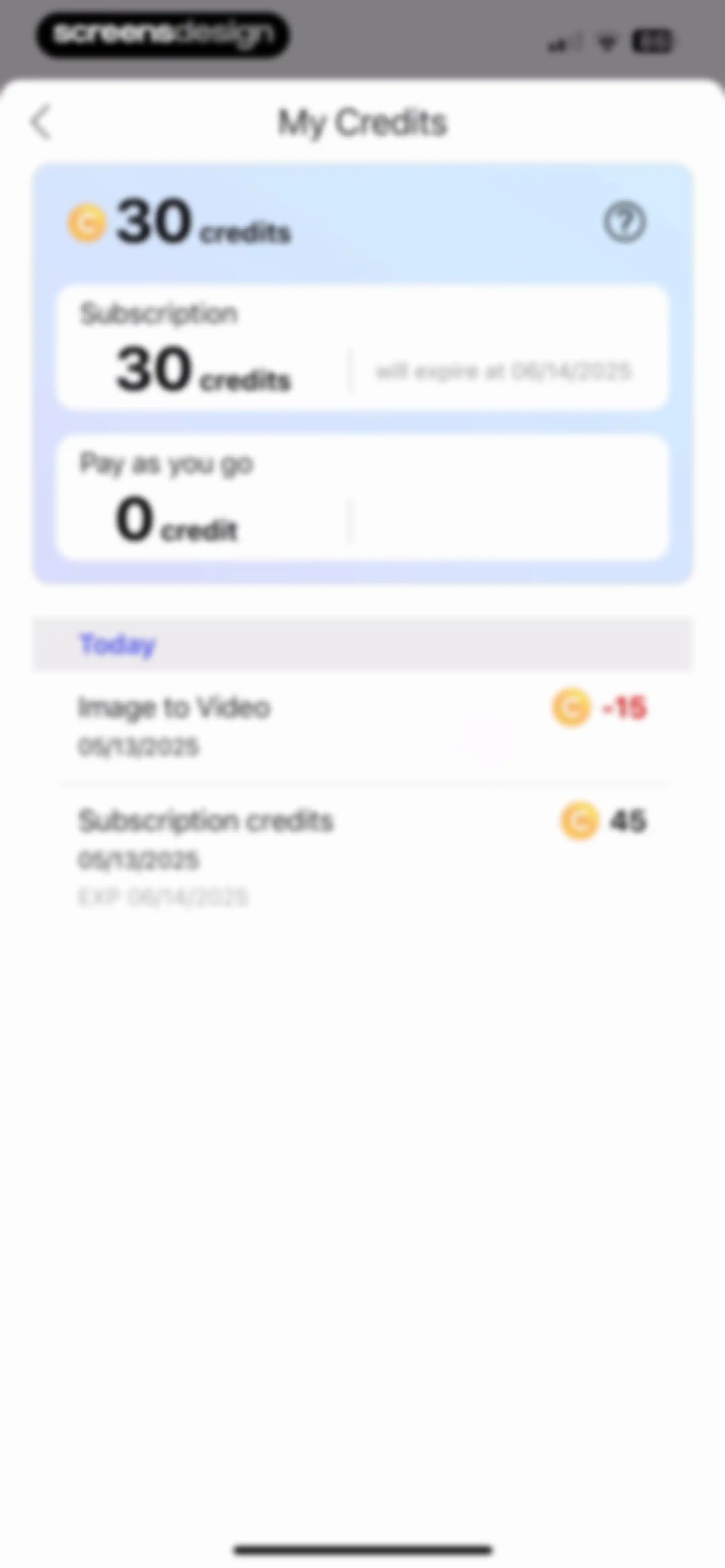
Credit balance screen displaying a total of thirty credits, subscription details with expiration date, and recent transaction history.Unlock Pro
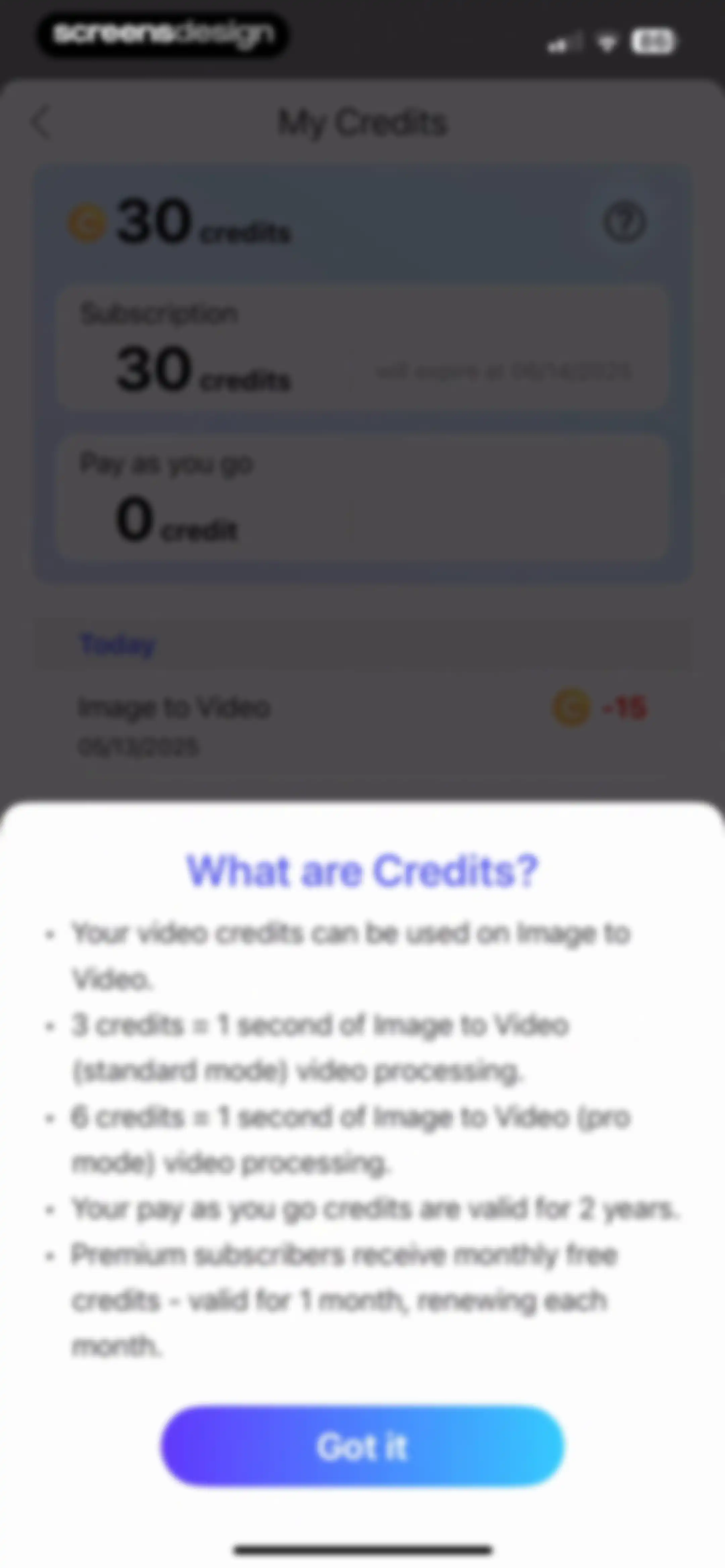
Credit summary dashboard with an open information modal explaining credit usage rules and processing costs, featuring a Got it dismiss button.Unlock Pro
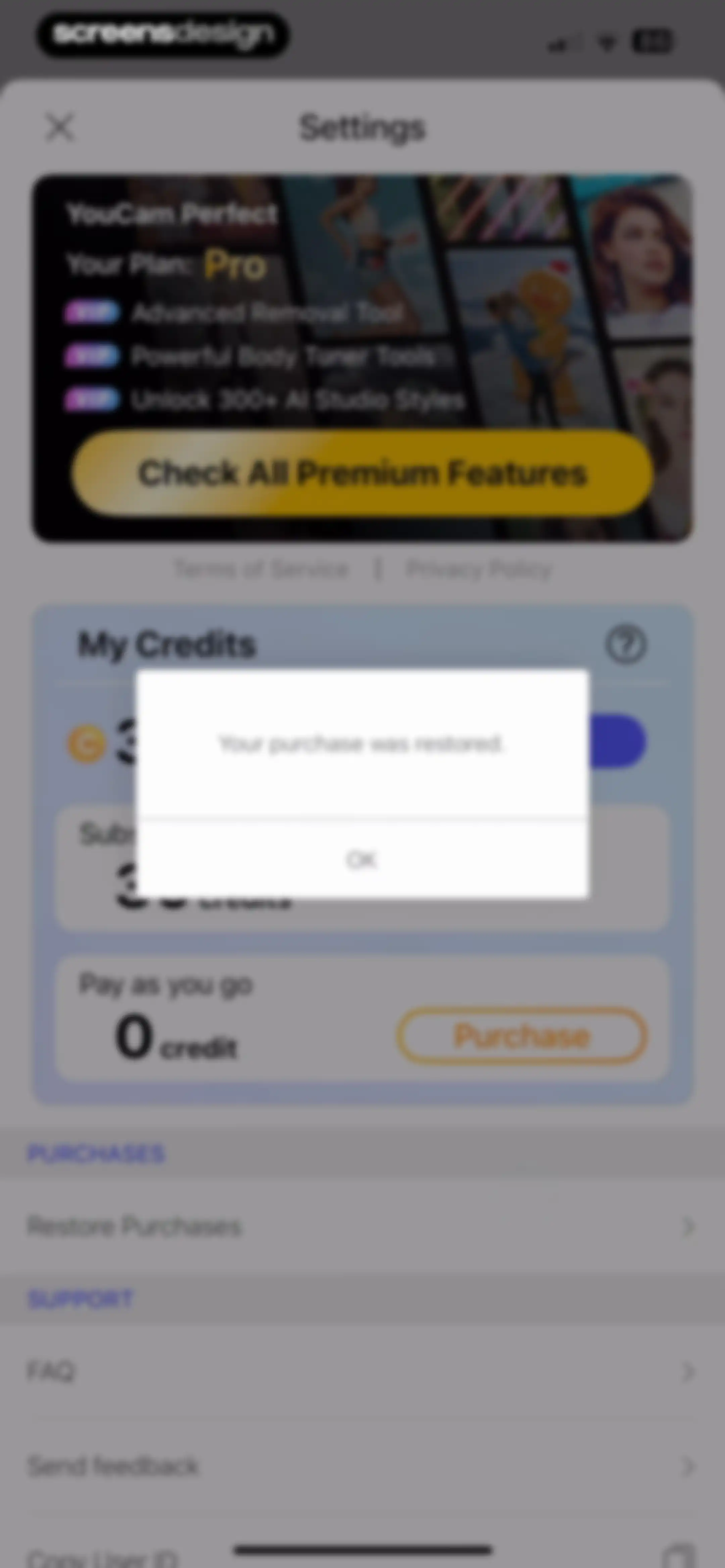
YouCam Perfect settings screen with a modal overlay confirming a successful purchase restoration and a premium subscription promotion.Unlock Pro
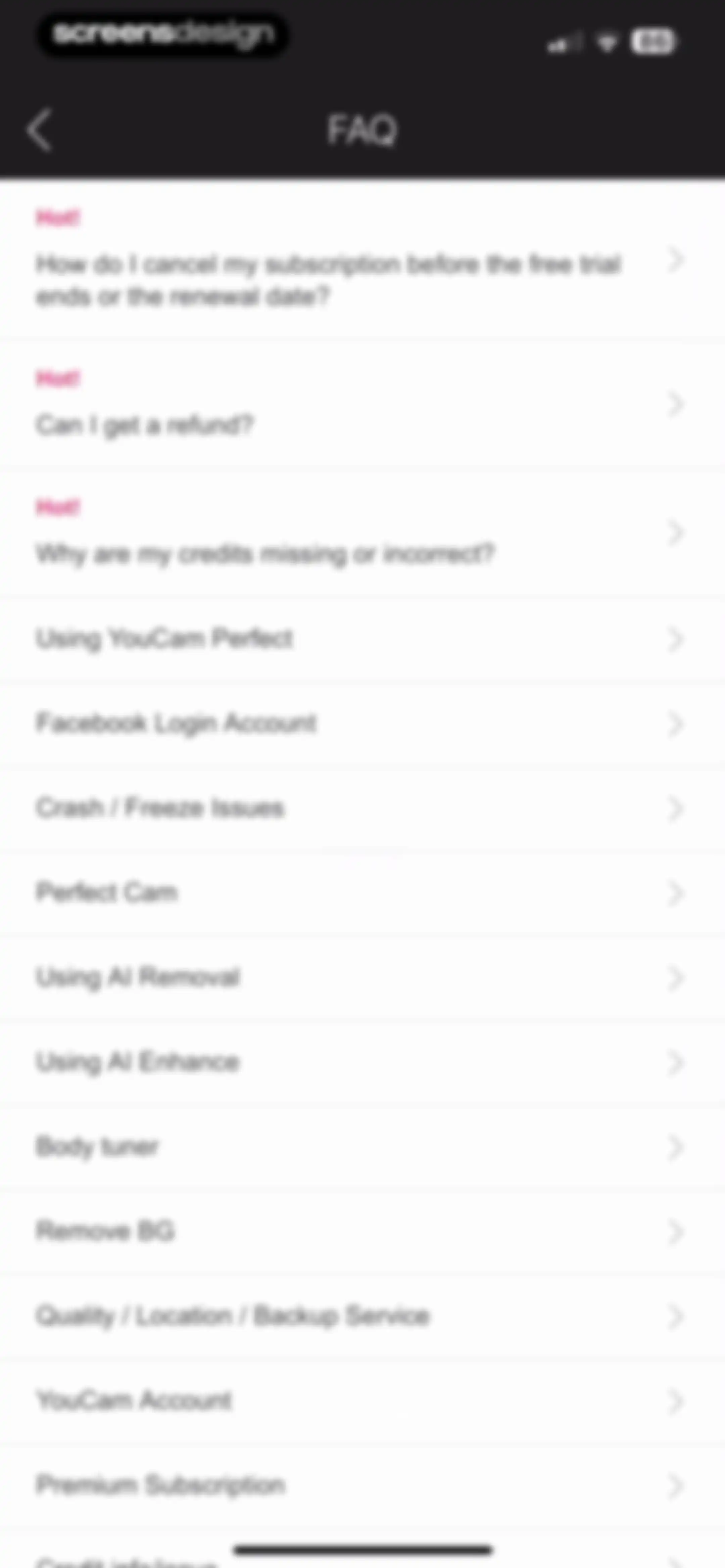
FAQ support menu with a vertical list of topics including a hot item for subscription cancellation and feature tutorials.Unlock Pro
FAQ help screen in the YouCam Perfect app displaying an account migration question in a minimalist list view.Unlock Pro
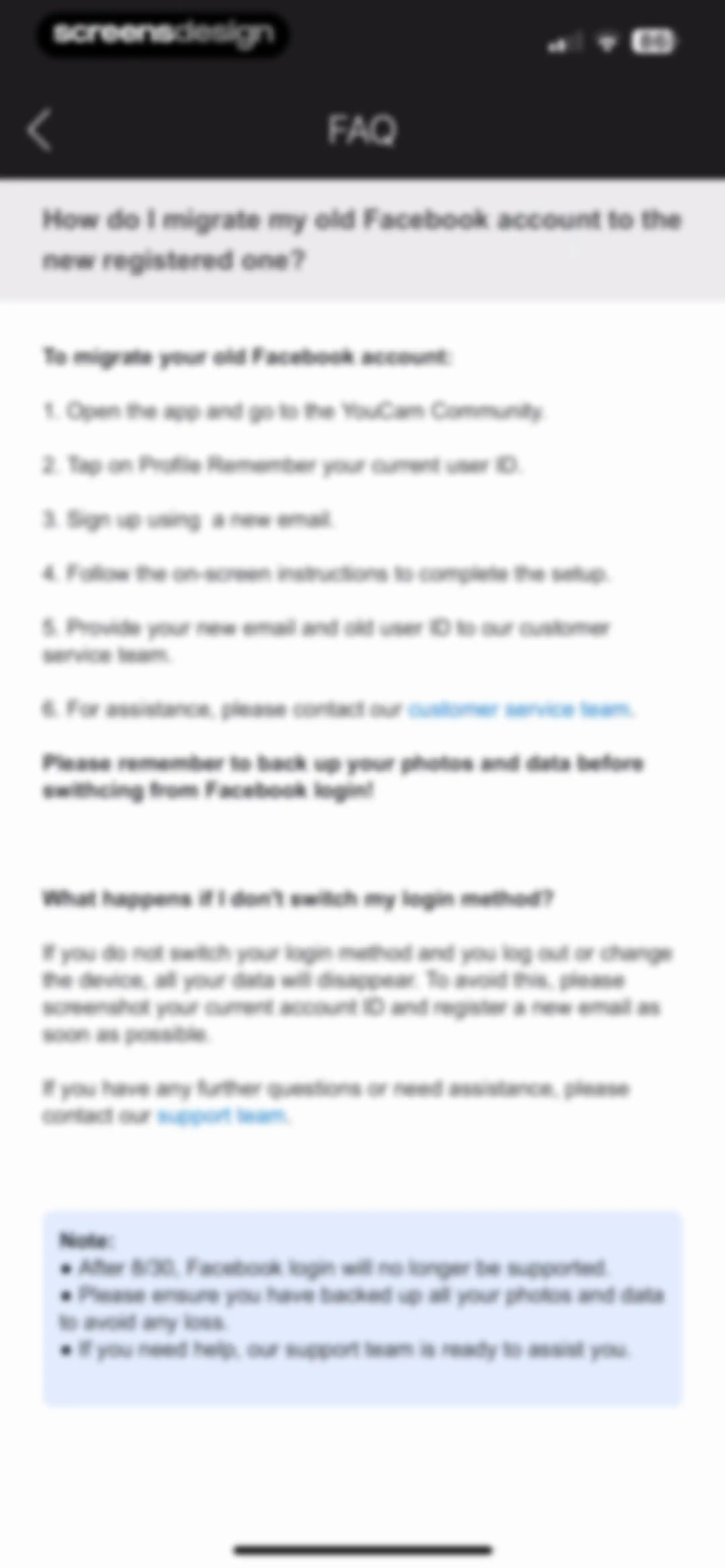
FAQ screen providing instructions on how to migrate an account from Facebook login to a new email-based login.Unlock Pro
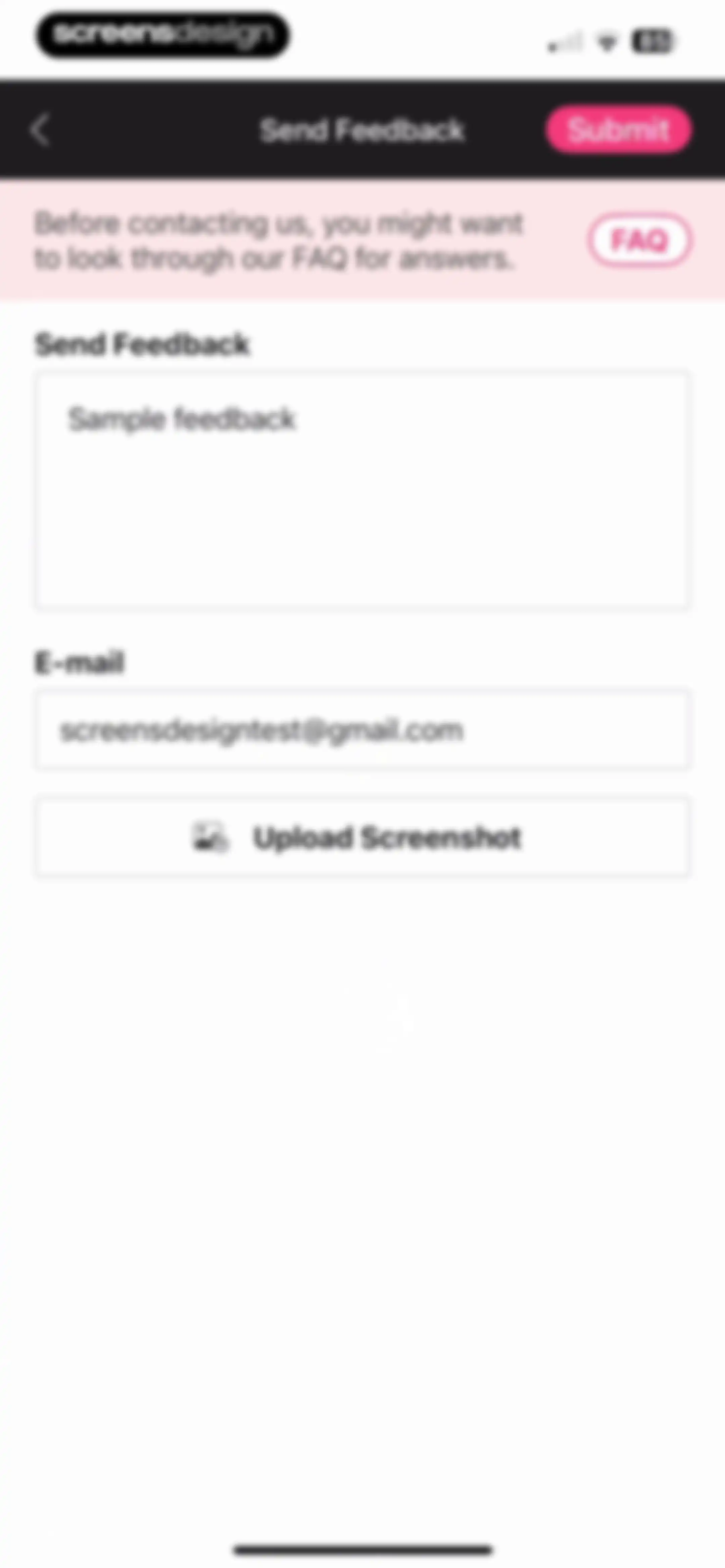
Send feedback form with a text area, pre-filled email address, screenshot upload button, and a Submit button.Unlock Pro
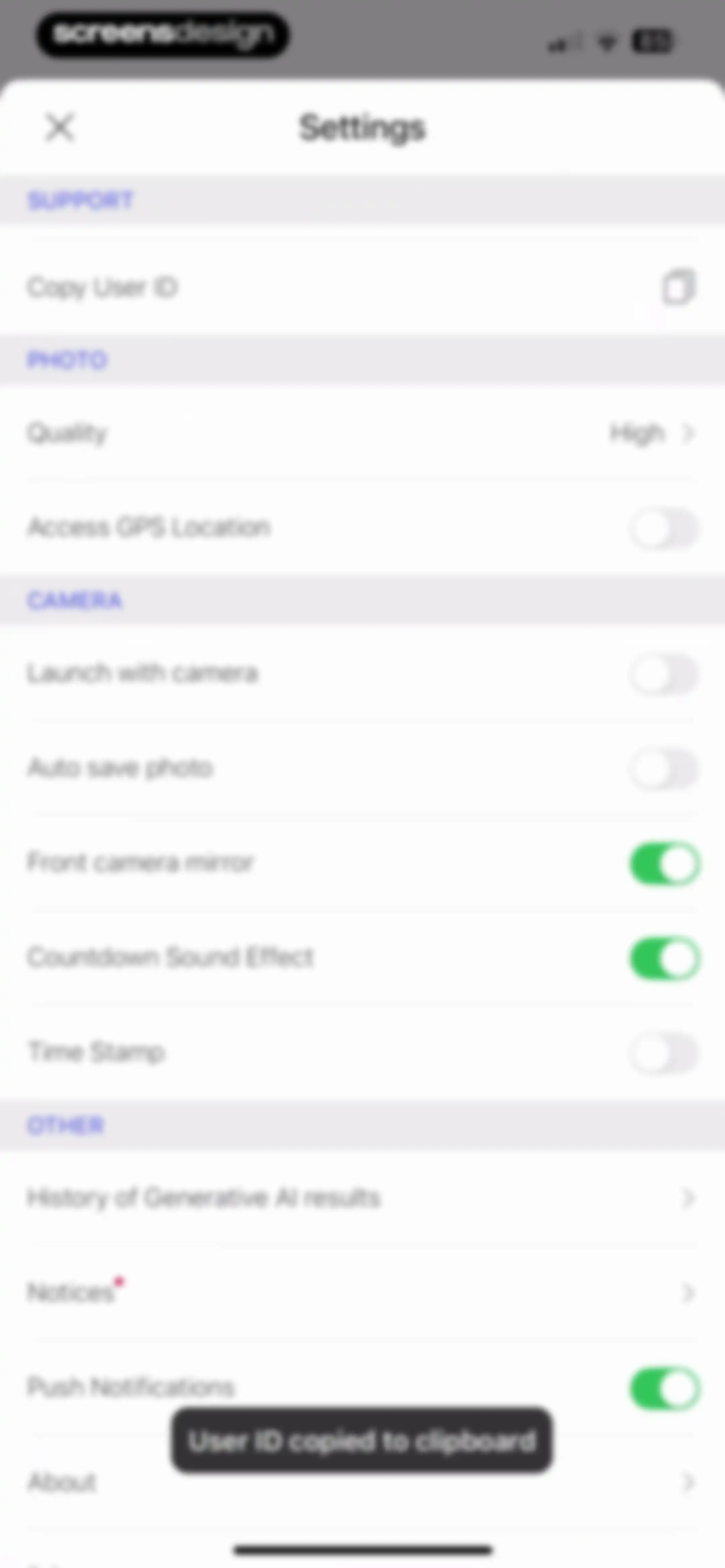
Settings screen with categorized preference sections for support, photo, and camera options, displaying a toast notification that the user ID was copied.Unlock Pro
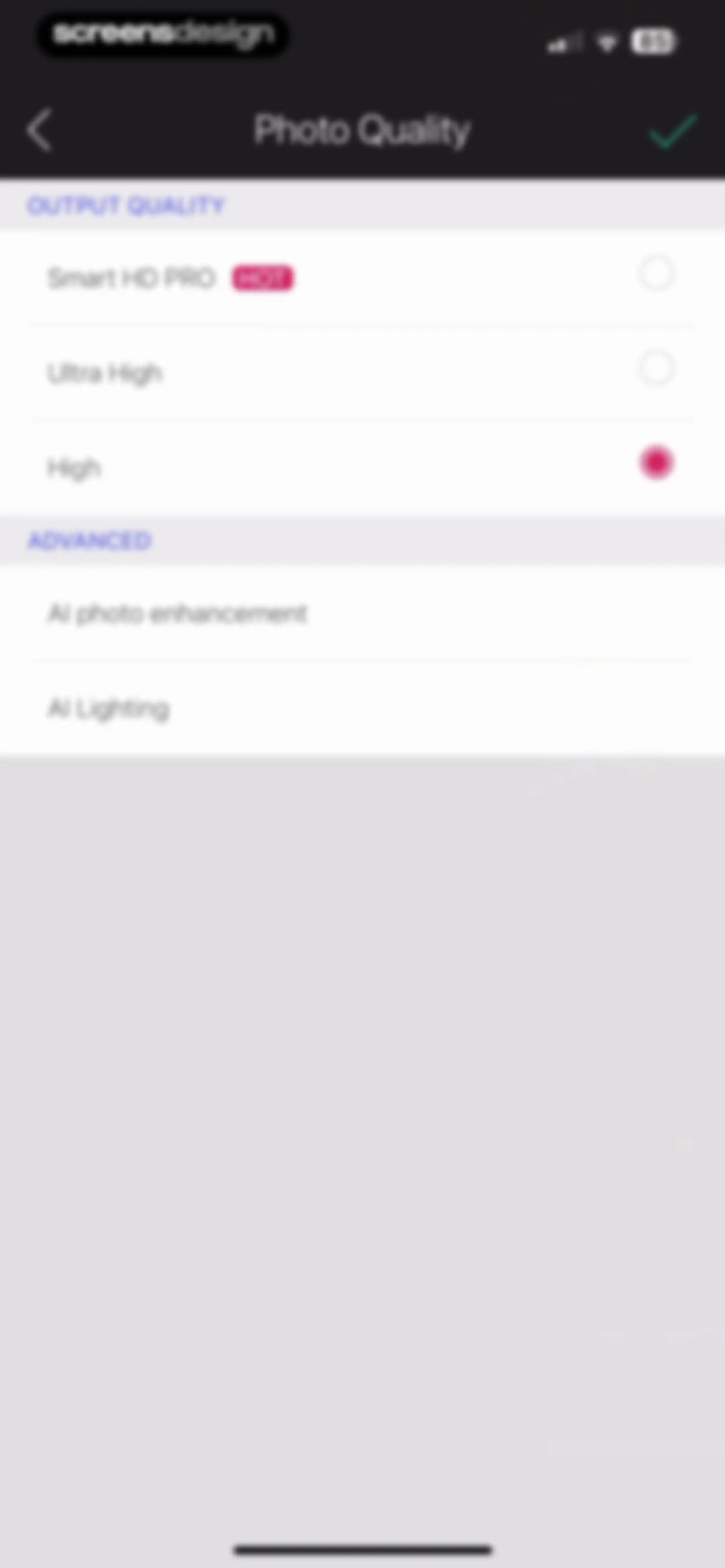
Photo quality settings menu with output options like Smart HD PRO and advanced AI enhancement toggles, featuring a confirmation checkmark.Unlock Pro
Empty history screen showing no results for the selected Image to Video tab, with a Create More action button at the bottom.Unlock Pro
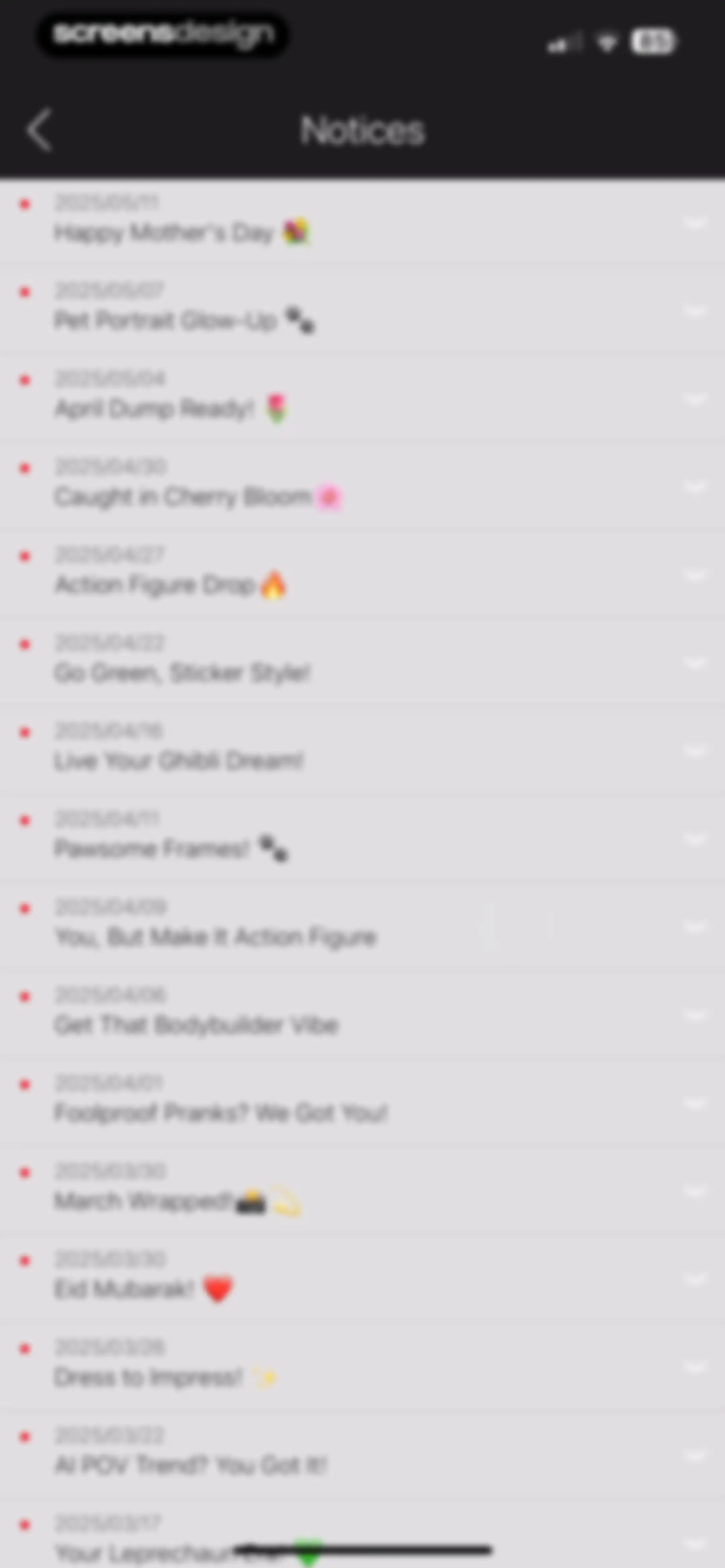
Notices screen showing a vertical list of app updates and announcements with unread red dots and dates.Unlock Pro
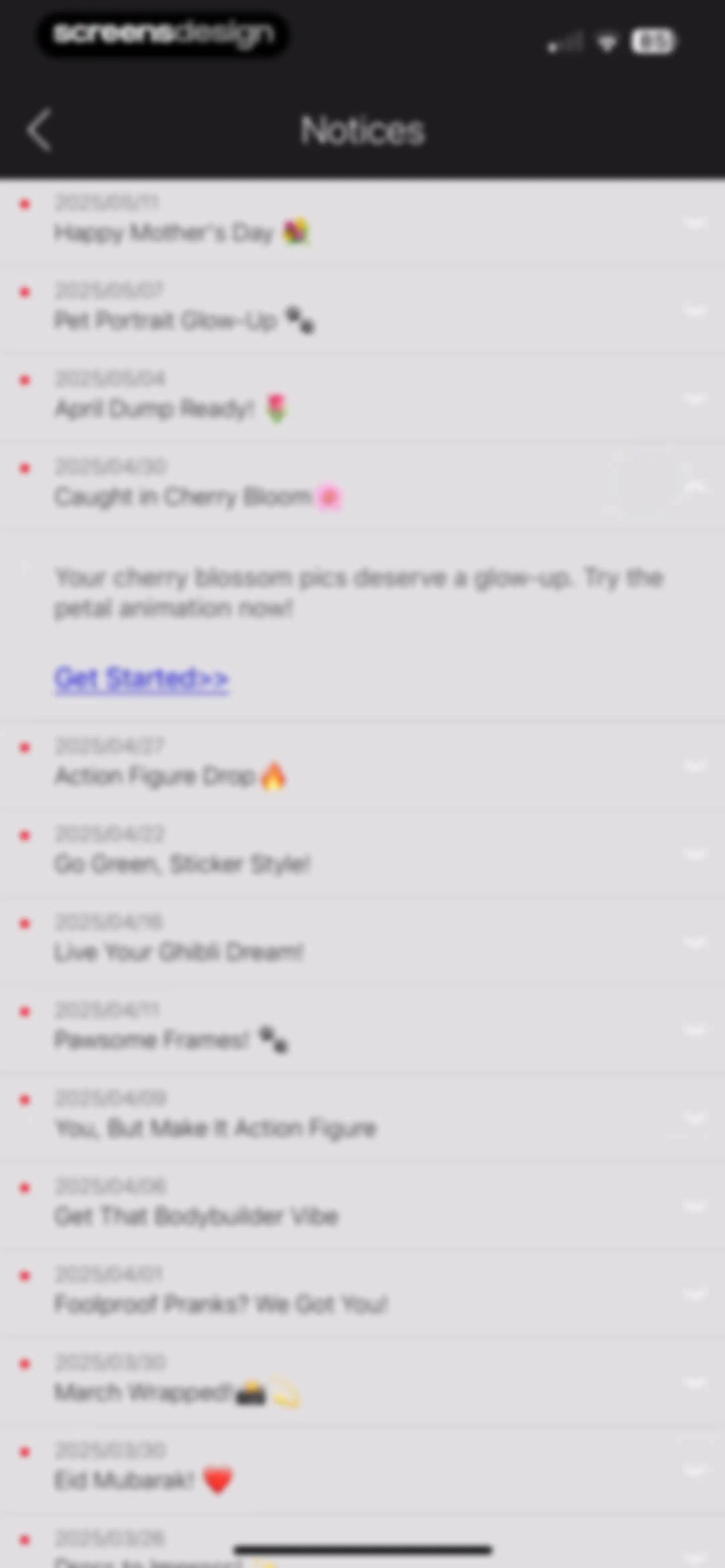
Notification list of app notices and seasonal updates with one entry expanded to show a description and Get Started link.Unlock Pro
About settings screen displaying the current app version, latest version, and legal links.Unlock Pro
Legal notices screen displaying copyright information and the Stability AI license agreement text with a back button.Unlock Pro
Privacy settings screen featuring toggles for auto-accepting message requests and auto-following new followers, with a back button.Unlock Pro

About YouCam Perfect:AI Photo Editor

A comprehensive AI-powered photo and video editor offering retouching, background removal, object erasure, and generative text-to-image and video tools.

Explore YouCam Perfect:AI Photo Editor across ScreensDesign

Apps similar to YouCam Perfect:AI Photo Editor

Unlock all similar apps

See every comparable app, revenue, installs, and flows.

Unlock Pro
  • PrettyUp - Body Editor Video

    4.6
    Pixl Concerto Technology LimitedRevenue$900kInstalls250k
  • AI Video Generator : SelfyzAI

    4.6
    AIGX Technology Co., LimitedRevenue$150kInstalls<5k
  • Airbrush: Face Photo Editor

    4.8
    Pixocial Technology (Singapore) Pte. Ltd.Revenue$4MInstalls550k
  • Photo Editоr

    4.7
    VIDEO EDITOR PTE. LTD.Revenue$55kInstalls9k
  • Peachy - AI Face & Body Editor

    4.9
    SHANTANU PTE. LTD.Revenue$300kInstalls400k
  • Cosmo AI:Hair・Edit Photo・Video

    4.3
    Spark DynamicRevenue$200kInstalls<5k
  • Collage Maker - LiveCollage

    4.8
    VIDEO EDITOR PTE. LTD.Revenue$250kInstalls250k
  • EPIK - AI Photo & Video Editor

    4.7
    SNOW CorporationRevenue$1MInstalls500k
  • Facetune: Photo & Video Editor

    4.6
    Lightricks Ltd.Revenue$11MInstalls850k
  • Lensa AI: Photo Editor

    4.7
    Prisma labs, inc.Revenue$350kInstalls25k
  • Polish - AI Photo Editor

    4.8
    SHANTANU PTE. LTD.Revenue$65kInstalls30k
  • Persona: Beauty Camera

    4.8
    Ticket To The Moon, Inc.Revenue$1MInstalls650k
  • Hypic - Photo Editor & AI Art

    4.6
    Bytedance Pte. LtdRevenue$850kInstalls750k
  • Perfect365: Face Makeup Editor

    4.8
    Perfect365, Inc.Revenue$200kInstalls55k
  • BeautyCam-Digicam&Photo Editor

    4.8
    Xiamen Meitu Technology Co., Ltd.Revenue$2.8MInstalls1.3M
  • YouCam Enhance: AI Photo&Video

    4.6
    PERFECT MOBILE CORP.Revenue$50kInstalls8k
  • FaceApp: Perfect Face Editor

    4.7
    FaceApp Technology LimitedRevenue$14MInstalls800k
  • Photo Retouch-Object Removal

    4.5
    Shenzhen Tushi Technology Co.,LtdRevenue$350kInstalls250k
  • Shots: Photo & Video Generator

    4.6
    DeePix AIRevenue$150kInstalls5k
  • Pic+ - AI Video Generator

    4.4
    RedShift.IncRevenue$650kInstalls85k
  • Meitu AI Photo & Video Editor

    4.8
    Xiamen Meitu Technology Co., Ltd.Revenue$15MInstalls3M
  • InstaSize: AI Photo Editor

    4.7
    Instasize Inc.Revenue$650kInstalls65k
  • Object Removal AI Retouch

    4.6
    煦慧 蒙Revenue$75kInstalls65k
  • Everlook- Face & Body Editor

    4.6
    Alpha Mobile LimitedRevenue$15kInstalls<5k
  • AI Maker: Photo Video Filters

    4.5
    Hungry BirdsRevenue$65kInstalls20k
  • DreamFace: AI Video Generator

    4.9
    New Port LLCRevenue$60kInstalls35k
  • Toonapp: AI Photo & Video Art

    4.7
    Lyrebird StudioRevenue$250kInstalls35k
  • Uplens: Photo & Video Editor

    4.9
    MPGamesRevenue$200kInstalls45k
  • Retouch Me: Face, Body Editor

    4.4
    Good Retouch LPRevenue$300kInstalls<5k
  • FunMe: AI Face Photo Animator

    4.6
    Estella HaRevenue$<5kInstalls<5k
  • VivaVideo - Video Cut & Editor

    4.8
    QuVideo Inc.Revenue$450kInstalls50k
  • Facelab: Face & Body Editor

    4.6
    IRONTECH LIMITEDRevenue$850kInstalls250k
  • Wink: Video Enhancer & Editor

    4.7
    Xiamen Meitu Technology Co., Ltd.Revenue$2MInstalls2M
  • Face Maker: Baby Photo & Video

    4.6
    M2R TEKNOLOJI ANONIM SIRKETIRevenue$75kInstalls20k
  • Photoshop Express Photo Editor

    4.7
    Adobe Inc.Revenue$1MInstalls250k
  • AI Photo Editor: Lynsify

    4.7
    UTILITECH LTDRevenue$250kInstalls70k
  • Beauty Editor: Edit Face, Body

    4.5
    MS. Face Editor Tune Beauty Camera Plus Selfie Makeup CamRevenue$<5kInstalls<5k
  • Pixomatic - AI Photo BG Eraser

    4.6
    Easy Tiger Apps, LLC.Revenue$65kInstalls<5k
  • MyMood AI: AI Photo Generator

    4.5
    Ai Thumbnail Maker LLCRevenue$20kInstalls<5k
  • SnapEdit: Photo Editor AI

    4.8
    SilverAI Joint Stock CompanyRevenue$150kInstalls200k
  • ChicFace: AI Art Photo Editor

    4.3
    Lioncity LimitedRevenue$<5kInstalls<5k
  • Ritmo Video: AI Video Generate

    4.6
    Guangzhou Dianwan Network Technology Co., Ltd.Revenue$<5kInstalls<5k
  • Rizo: AI Viral Video Generator

    4.7
    SEAMOBI TECH PTE LTDRevenue$<5kInstalls<5k
  • PhotoGrid: Video Collage Maker

    4.9
    JUPITER PALACE PTE. LTD.Revenue$600kInstalls150k
  • LINE Camera - Photo editor

    4.7
    SNOW CorporationRevenue$100kInstalls45k
  • BeautyUp-AI Face & Body Editor

    4.7
    EXITEK LTDRevenue$300kInstalls80k
  • Photo Up! Picture Editor App

    4.5
    Video editor & maker appRevenue$50kInstalls12k