Winkit - AI Video Enhancer

$10k revenue, 4.6 rating

App walkthrough
0:00 / 17:45

Onboarding flow, Paywall & Inside the App

Watch the full screen-by-screen UX video of Winkit - AI Video Enhancer with onboarding, paywall, and every core flow.

Splash screen for the Winkit app with a minimalist design, displaying the centered app logo and brand name on a black background.
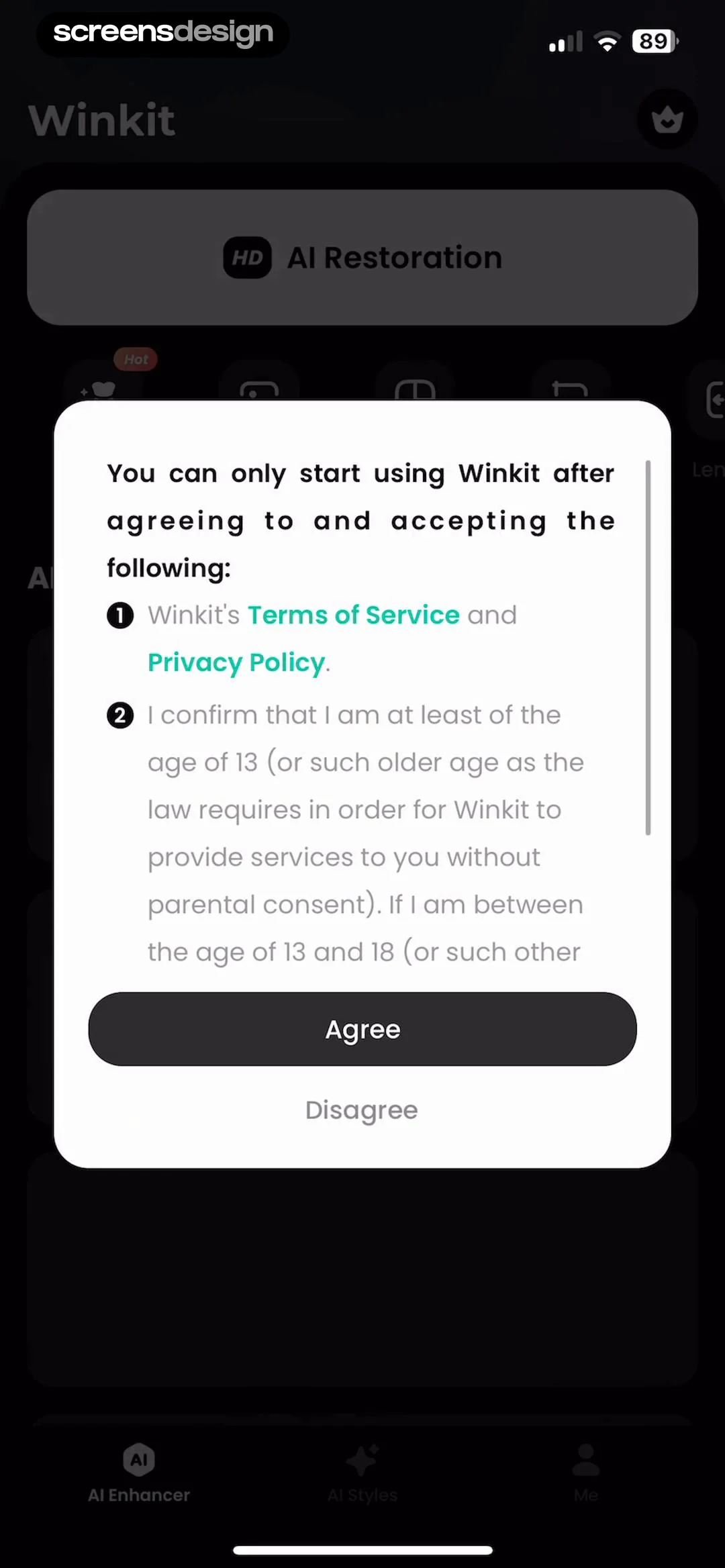
Winkit permissions modal requesting agreement to the terms of service, privacy policy, and age confirmation, with Agree and Disagree buttons.
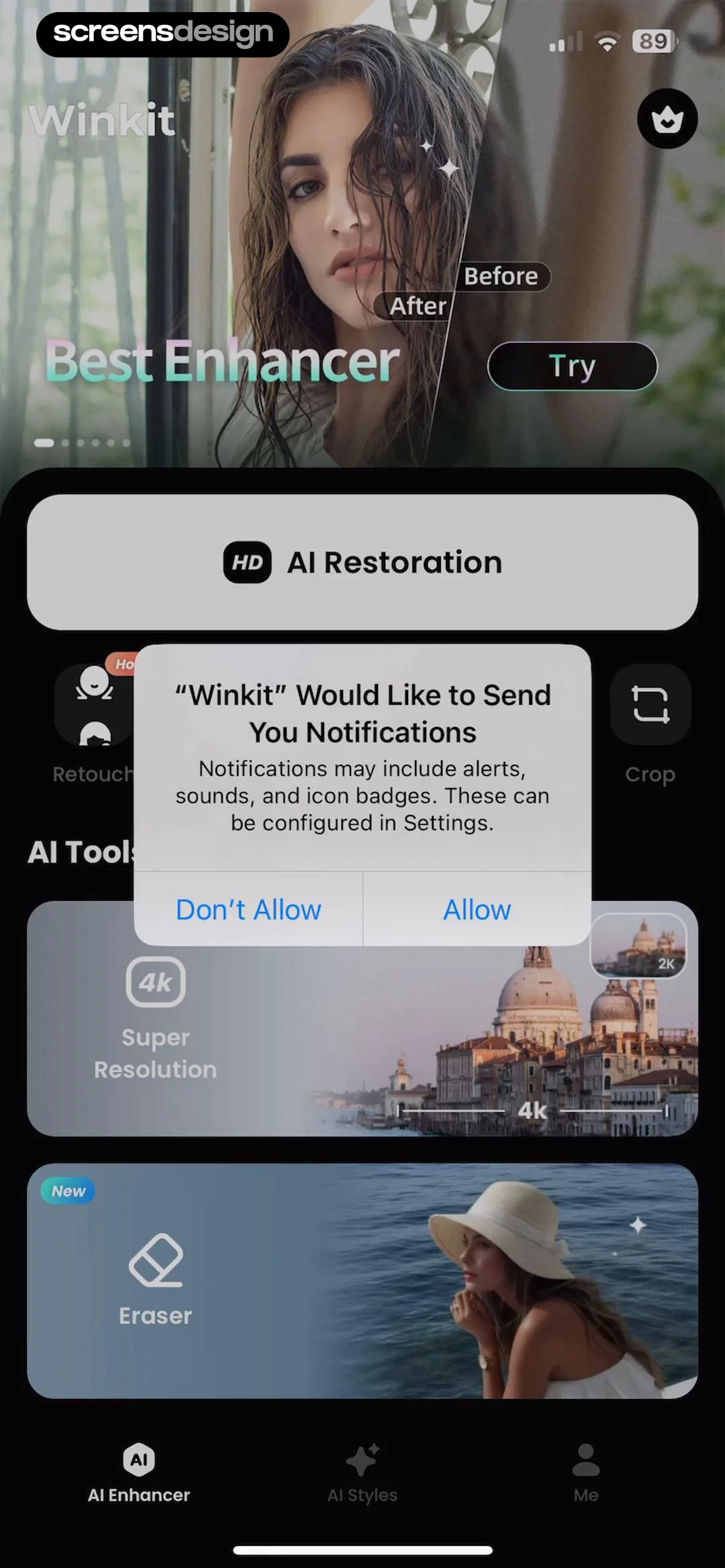
Permission modal asking if Winkit would like to send notifications, with Don't Allow and Allow buttons over a dark dashboard.
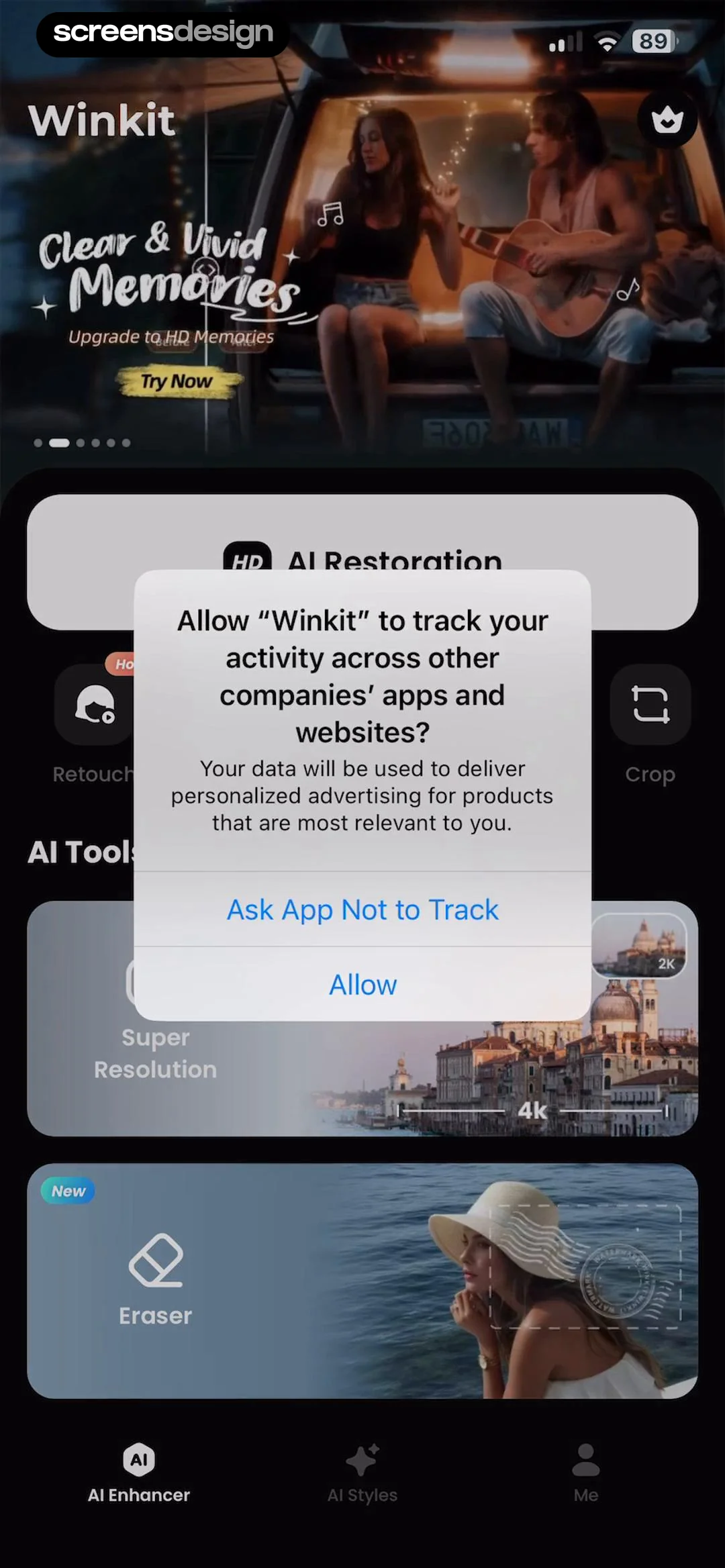
Winkit app dashboard with an App Tracking Transparency permission modal in the center and Allow and Ask App Not to Track buttons.
Winkit PRO paywall screen featuring a video comparison, a list of premium features, and a Free Trial subscription button.
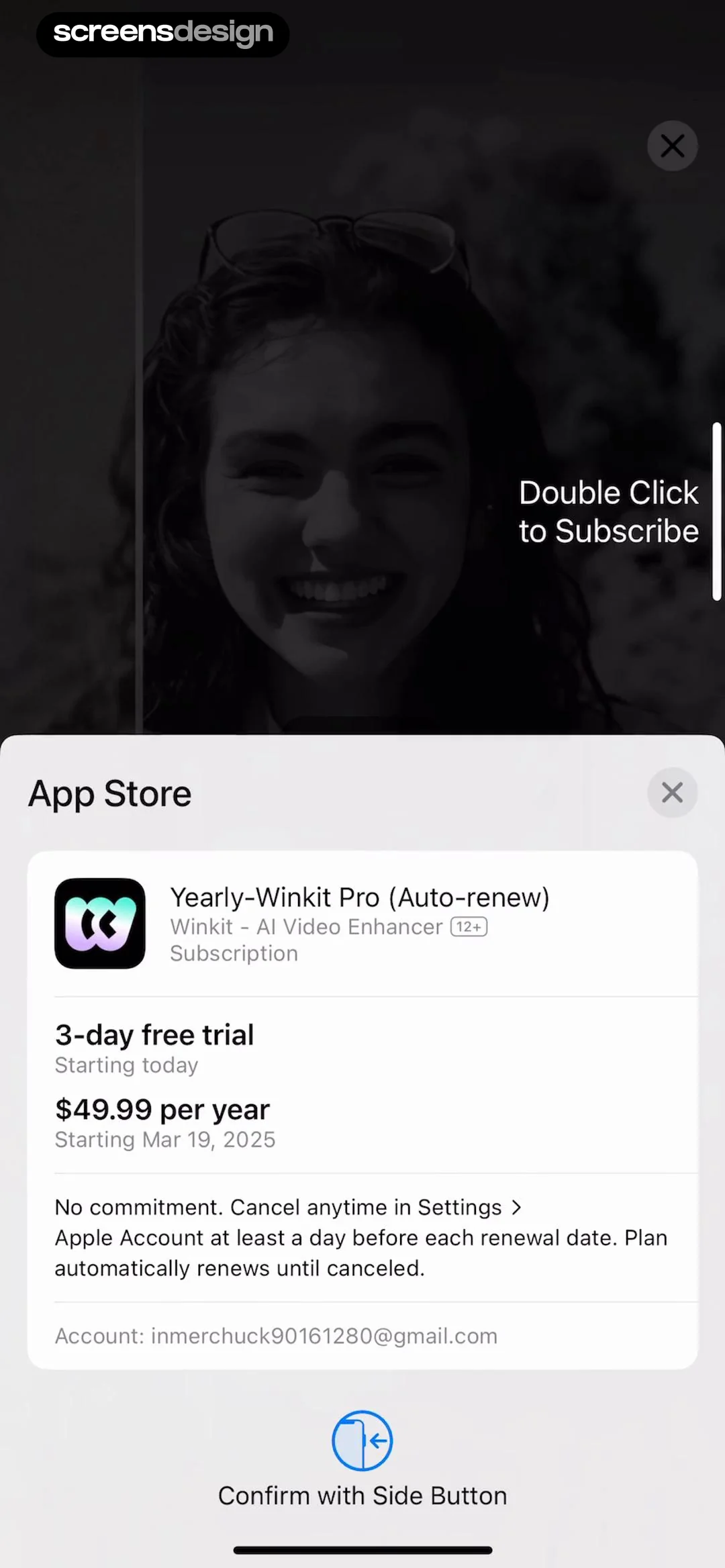
App Store subscription confirmation modal for Yearly-Winkit Pro with a 3-day free trial, annual pricing, and a side button confirmation prompt.
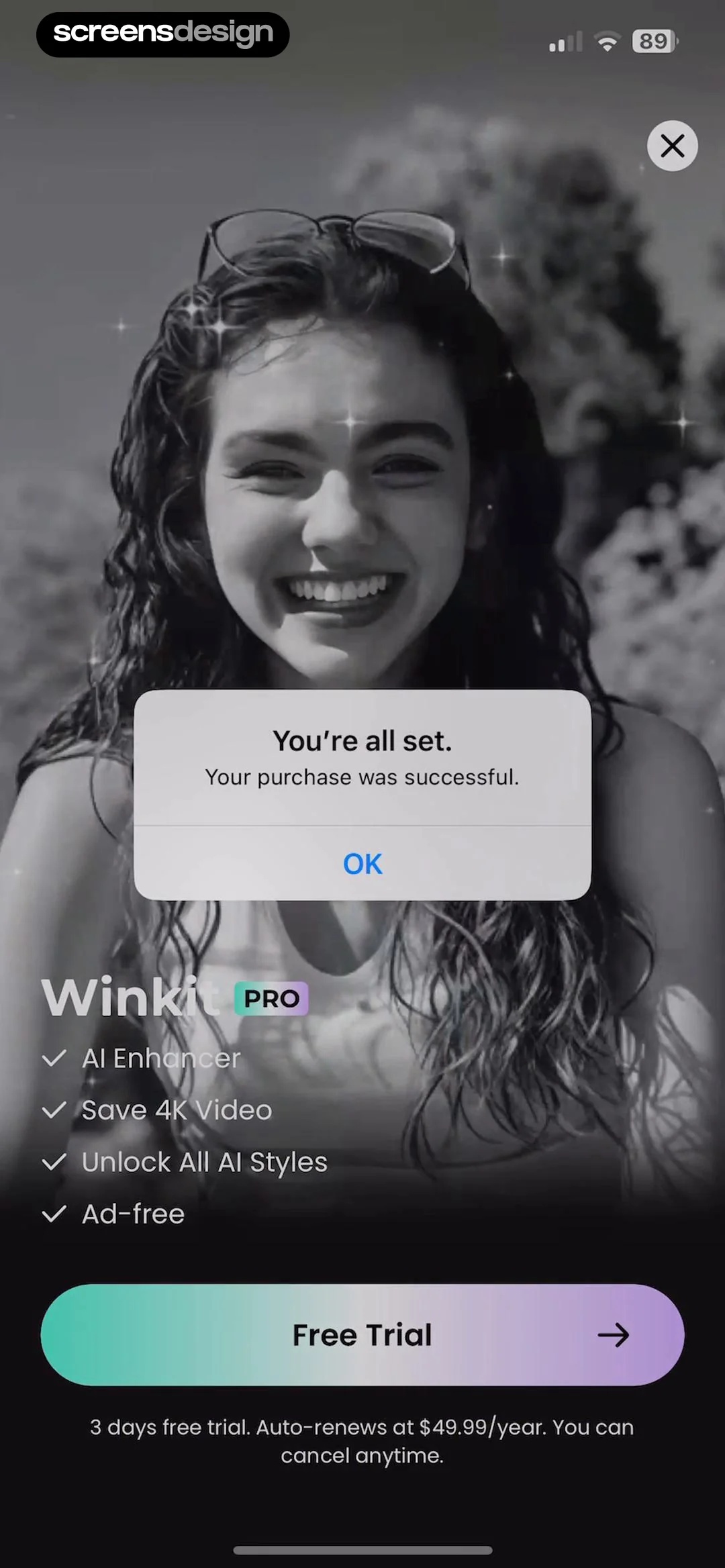
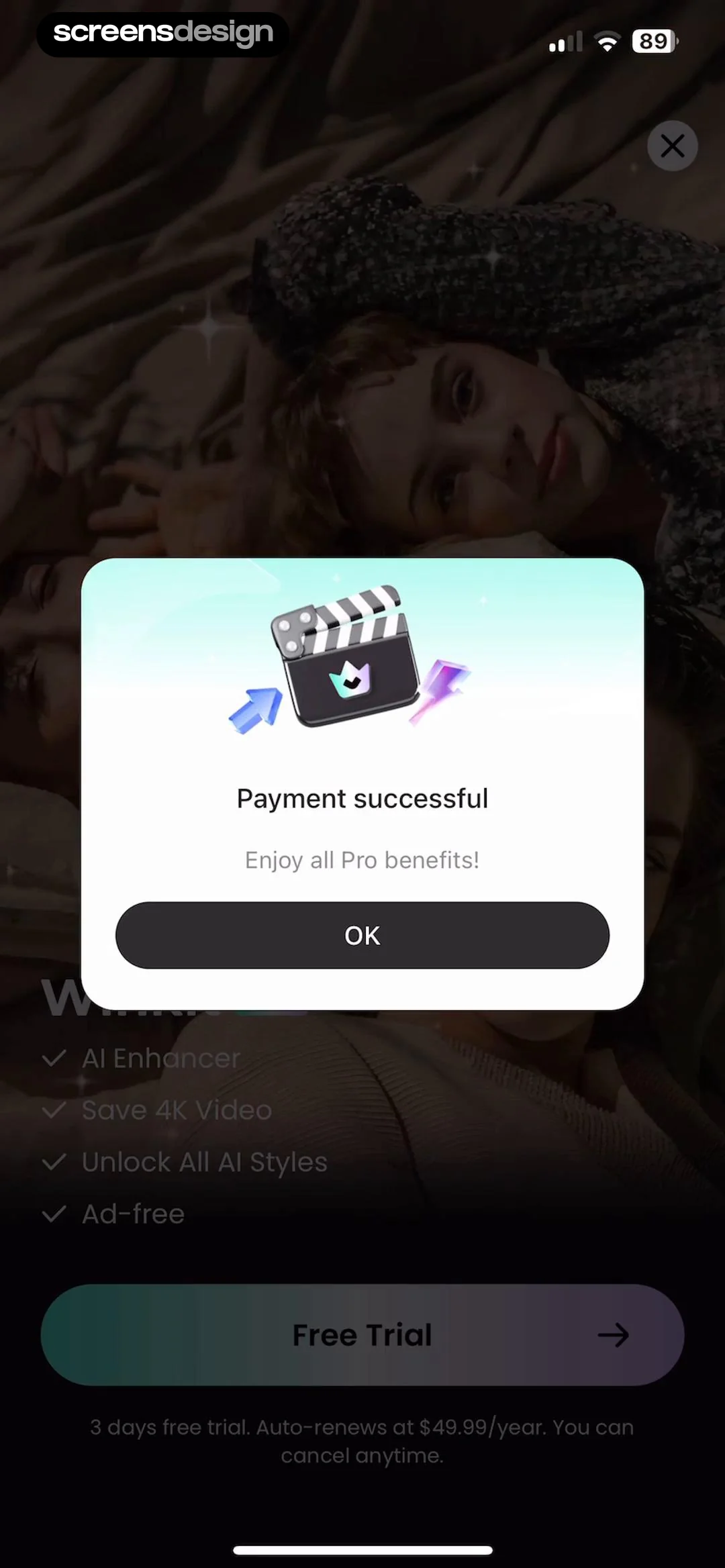
Winkit PRO paywall screen with a purchase success modal overlay, feature list, and a Free Trial button.
Payment successful confirmation modal for Winkit Pro benefits, featuring a clapperboard icon and an OK button.
Winkit home screen featuring a top hero carousel, an AI Restoration primary button, a feature icon grid, and an AI Tools section.Unlock Pro
Home screen of the Winkit app with a top hero carousel, AI restoration card, a row of editing tools, and a bottom navigation bar.Unlock Pro
Home screen of the Winkit app with a 4K video restoration hero carousel, quick access tool icons, and AI feature cards.Unlock Pro
Home screen of the Winkit app with a hero carousel, AI Restoration card, feature icon grid, and AI Tools section.Unlock Pro
Winkit home screen featuring a hero carousel, an AI Restoration card, a row of editing tool icons, and AI feature cards in a dark theme.Unlock Pro
Winkit home screen featuring a hero carousel, an AI Restoration card, a feature icon grid, and AI Tools including Super Resolution.Unlock Pro
Before-and-after feature showcase screen comparing video restoration results with a Try Now button.Unlock Pro
Permission request modal for Winkit asking to access the photo library, with options to allow full access, limit access, or deny.Unlock Pro
Media picker screen displaying a dark grid of photo and video thumbnails with a top tab filter and Recents dropdown.Unlock Pro
Editor screen showing a vintage couple photo preview, feature selection grid with UHD Pro selected, and a Process button with a PRO badge.Unlock Pro
AI enhancement editor displaying a vintage couple photo with an analyzing overlay, mode selection cards, and a Process PRO button.Unlock Pro
AI photo editor displaying a vintage couple portrait, with AI mode and Quality Restoration selected, plus a Start PRO button.Unlock Pro
Video processing progress modal at twenty percent with editing tools below and a Start PRO button.Unlock Pro
Winkit app feature promotion modal for Beauty Retouch displaying a portrait of a woman and an Enhance button.Unlock Pro
Post-export success screen with a saved content preview, social sharing icons, an AI retouching promo card, and edit buttons.Unlock Pro
iOS share sheet overlaying an image preview screen with options to save to files, add to shared album, or create a watch face.Unlock Pro
File browser screen showing the Downloads folder on an iPhone with a search bar, a grid of documents, and a Save button.Unlock Pro
Media editor screen with a photo preview, selected crop tool, aspect ratio options, rotation slider, and a Save button.Unlock Pro
Editor screen displaying a photo with correction and crop tools, a rotation slider, and a Save button in a dark theme.Unlock Pro
Video export confirmation screen with a saved video preview, social sharing options, and a promotional card for AI Retouching.Unlock Pro
Video enhancement editor displaying a preview with a Night View mode and a bottom panel of options including a selected Original button and a Save action.Unlock Pro
Cloud processing screen showing a thirty-two percent loading progress indicator, informational text about wait times, and quality selection controls at the bottom.Unlock Pro
Rating prompt modal for Winkit asking if the user is enjoying the app, with star icons, Cancel, and Submit buttons.Unlock Pro
Feedback modal thanking the user for their feedback, featuring a star rating, a Write a Review link, and an OK button.Unlock Pro
Winkit home screen featuring horizontal scrolling sections of AI filter categories in a dark theme, with AI Filters selected on the bottom navigation bar.Unlock Pro
AI generator editor displaying a central image card with an inset reference, a Fluffy style tag, and a Generate button.Unlock Pro
Editor screen featuring a split-view comparison of an AI image effect with a Laser badge and a Generate button.Unlock Pro
Progress modal overlay on a photo grid indicating AI generation at thirty-two percent with a View later button.Unlock Pro
Editor screen displaying an AI stylized portrait preview, with the Laser style selected in the bottom carousel and a Save button.Unlock Pro
Video editor processing screen with a loading modal displaying Creating effect and a bottom style selection carousel.Unlock Pro
Video editor screen displaying a central preview area with playback controls and a horizontal style selection carousel with Wink selected and a Save button.Unlock Pro
Video export settings screen with a bottom modal displaying resolution and frame rate sliders, estimated file size, and a Save button.Unlock Pro
Export settings modal with resolution and frame rate selectors, estimated file size, and a teal Save button.Unlock Pro
Winkit export progress screen showing saving status at 25% with a cancel button and a bottom promotional card.Unlock Pro
Video save confirmation screen displaying format selection icons with GIF selected, a success toast notification, and a Retouch action button.Unlock Pro
Video editor interface featuring a central preview, a timeline, and a bottom toolbar with editing categories and a Save button.Unlock Pro
Video editing screen with a preview area, timeline strip, and bottom editing toolbar including tools like cut, speed, and volume.Unlock Pro
Video speed adjustment editor with a preview, speed mode tabs, a slider set to 1.0x, and a Reset button.Unlock Pro
Video editor speed curve interface displaying a video preview, a selected Curve tab, and a horizontal list of speed curve presets.Unlock Pro
Video speed curve editor with a preview, playback controls, and a speed graph at the bottom, including cancel and confirm buttons.Unlock Pro
Video volume adjustment screen featuring a preview area, a volume slider with a speaker icon, and an Apply to all toggle switch.Unlock Pro
Video editing screen with a top preview area, aspect ratio presets including Free, and a rotation slider at the bottom.Unlock Pro
Video correction editor with a top preview area, rotation slider, and selected Correct tab with horizontal orientation.Unlock Pro
Video editor modal prompting the user to download necessary models for the Cutout feature, with a Download Now button.Unlock Pro
Video editor cutout screen with a video preview at the top, Cutout tab selected, and tool options including Auto, Quick, Brush, and Eraser at the bottom.Unlock Pro
Video cutout editor with a top preview showing a subject, mode tabs with Cutout selected, and a lower toolbar featuring brush and eraser tools.Unlock Pro
Video editor processing screen showing a cutout tool with AI background removal options, a progress indicator at 28 percent, and a video preview.Unlock Pro
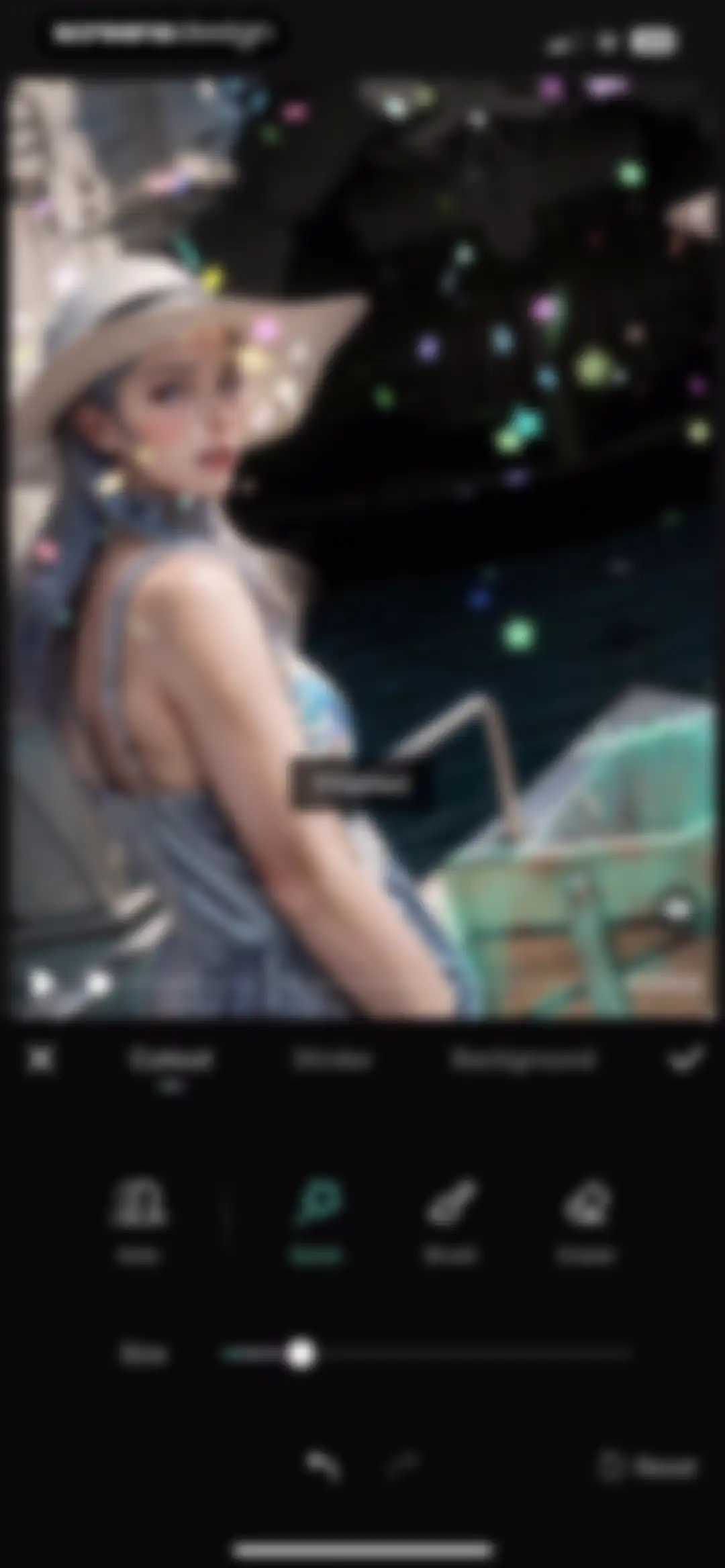
Video editor cutout screen displaying a video preview with playback controls, cutout tool category selected, and a size adjustment slider.Unlock Pro
Video editor interface featuring a top preview area, navigation tabs with Stroke selected, and a bottom scrollable effect carousel.Unlock Pro
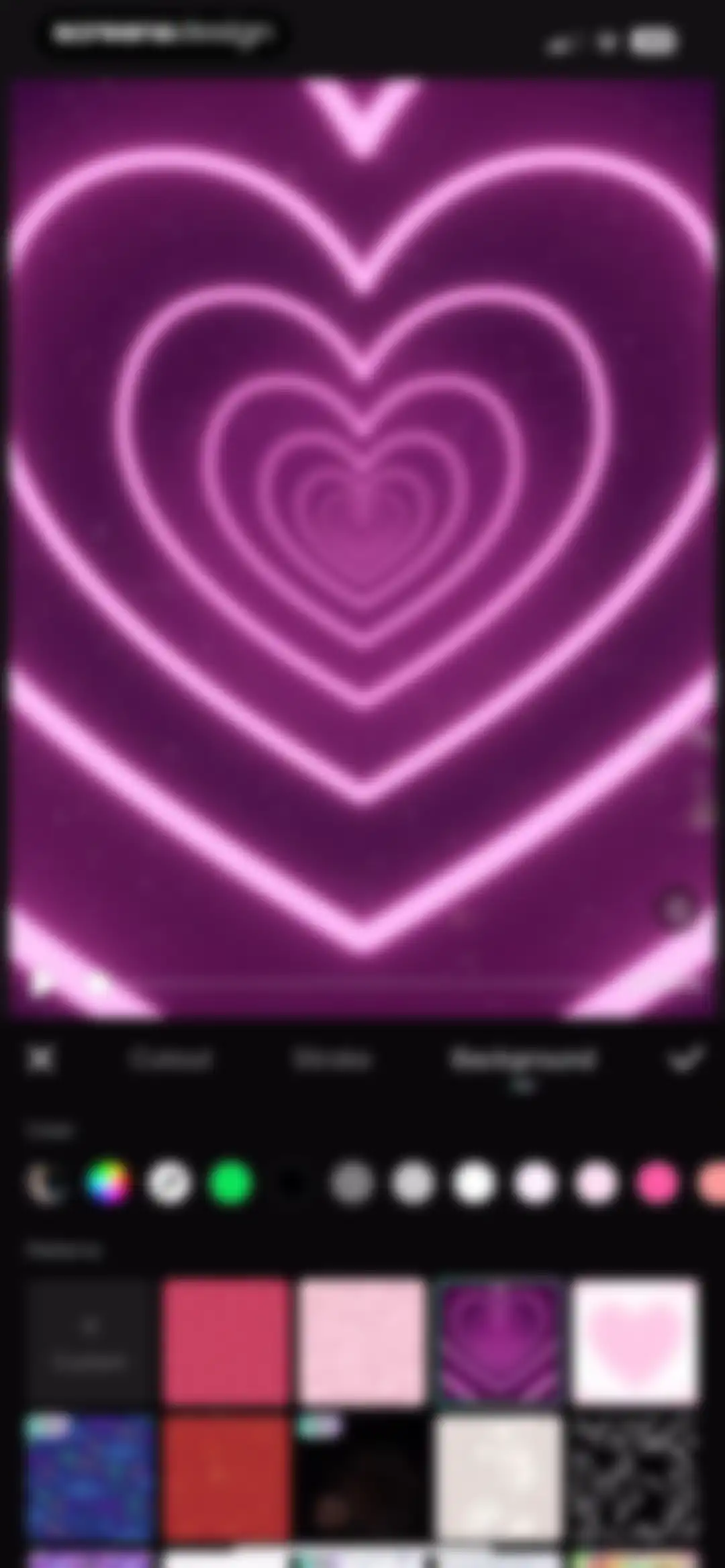
Video background editor screen displaying a heart tunnel preview with color and pattern selection grids, plus a confirm button.Unlock Pro
Video editor interface displaying a central preview area, timeline strip, and a bottom toolbar with editing tools like Cut, Speed, and Cutout.Unlock Pro
Video editor crop screen showing a preview, a 3.0s filmstrip timeline, and cancel and confirm buttons.Unlock Pro
Video editor processing screen showing a progress modal at fifty percent with a cancel button over a video preview and editing toolbar.Unlock Pro
Video editor interface displaying a central video preview, a timeline strip, and bottom editing tools with a Save button in the top right.Unlock Pro
Video editor interface featuring a central preview area, timeline strip, and bottom toolbar with editing tools and a Save button.Unlock Pro
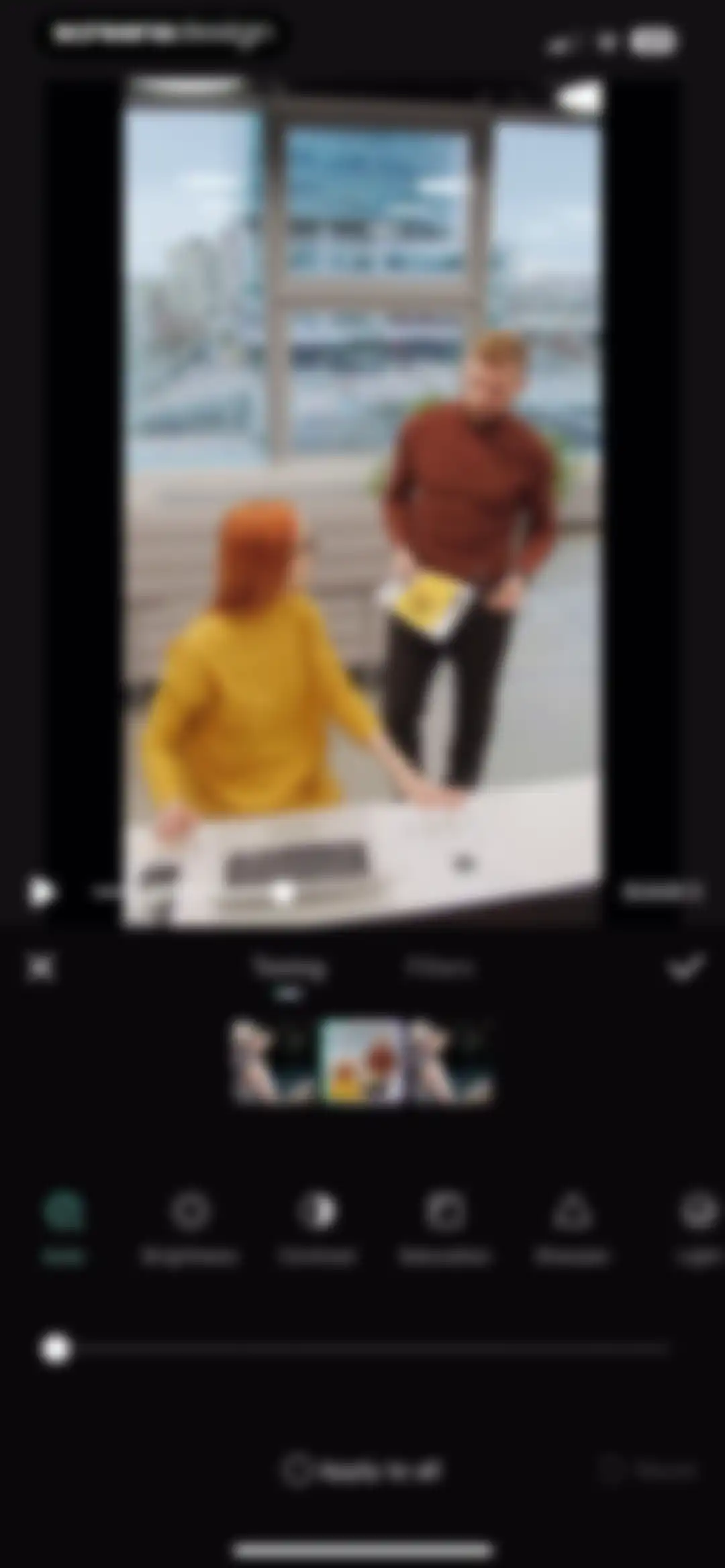
Video editor interface displaying a preview, adjustment tools with Auto selected, and a confirmation checkmark.Unlock Pro
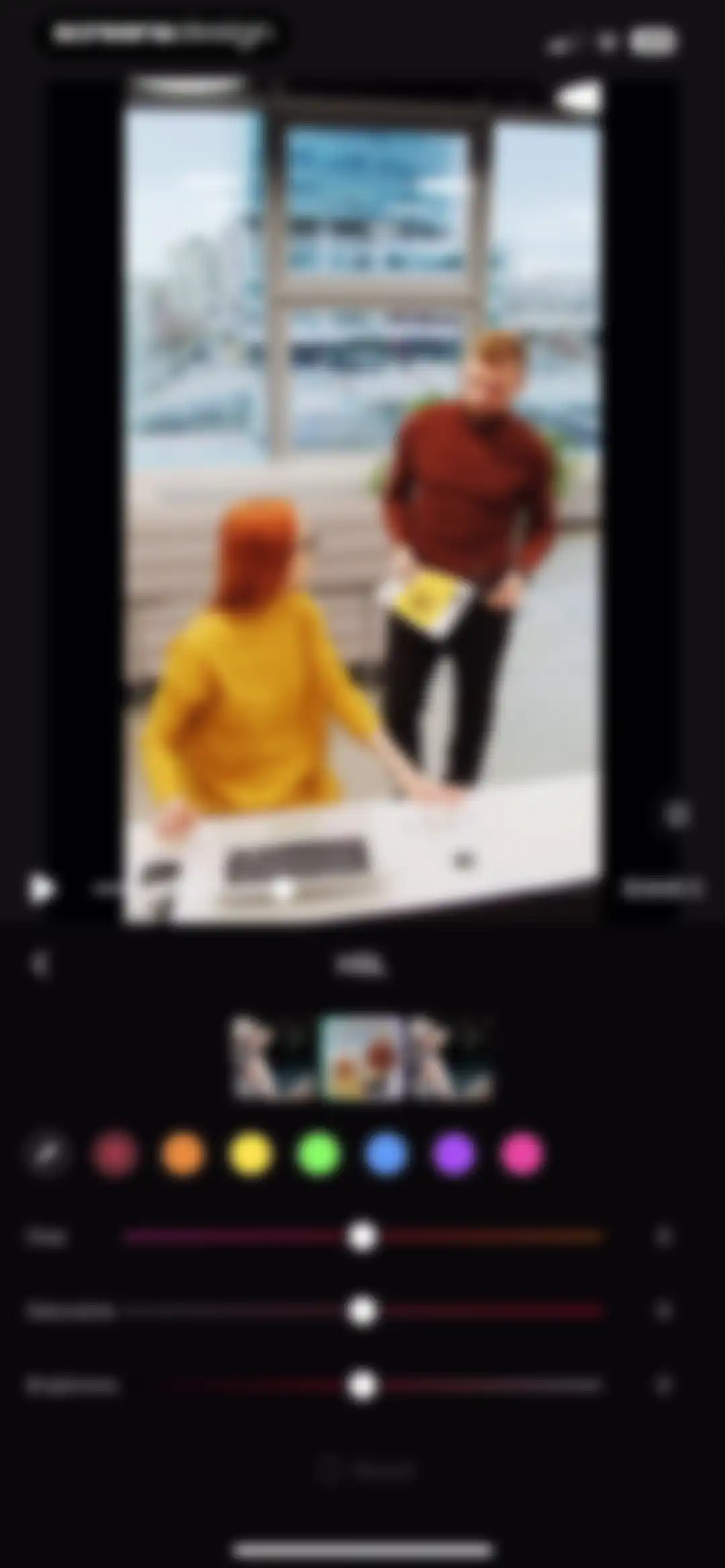
Video editor HSL adjustment screen with a preview of two people, color selection row, and Hue, Saturation, and Brightness sliders.Unlock Pro
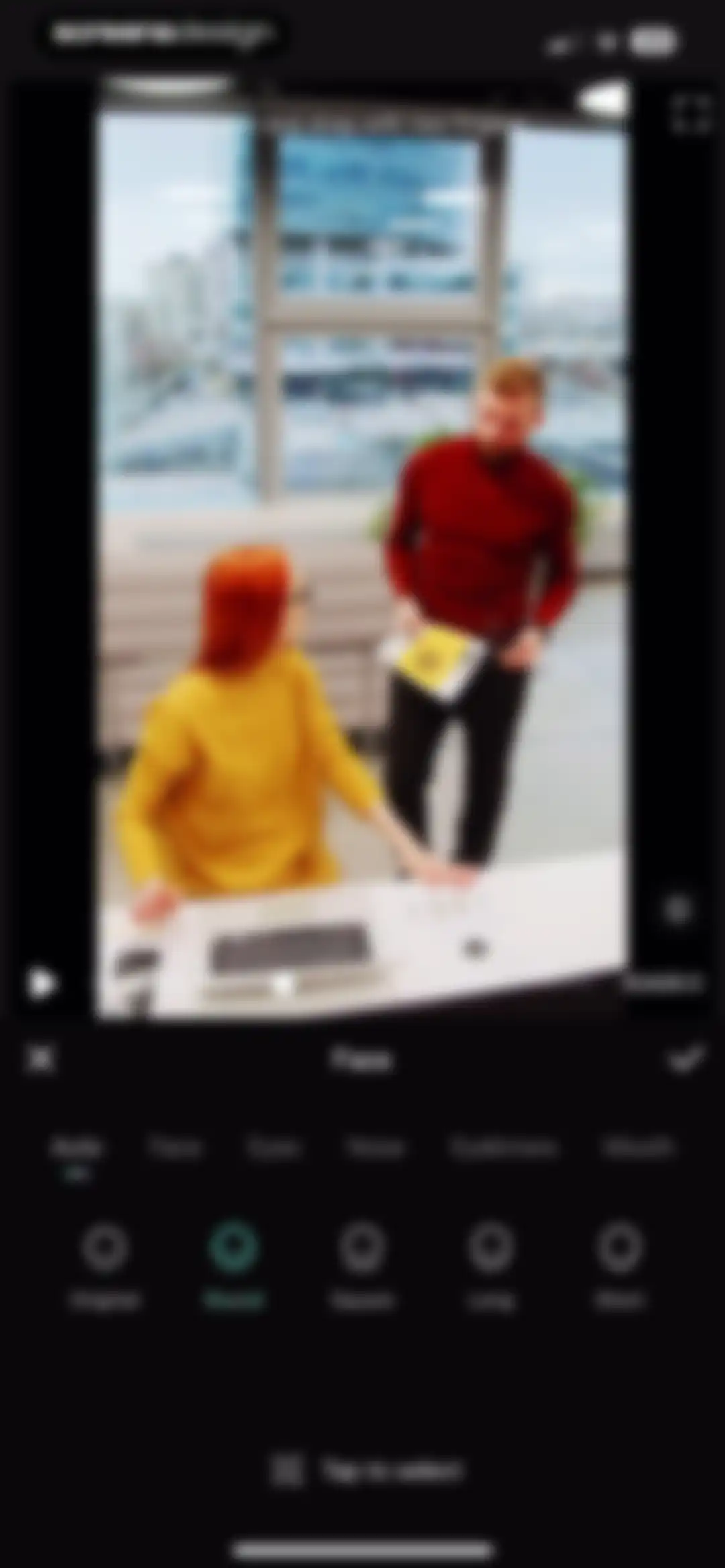
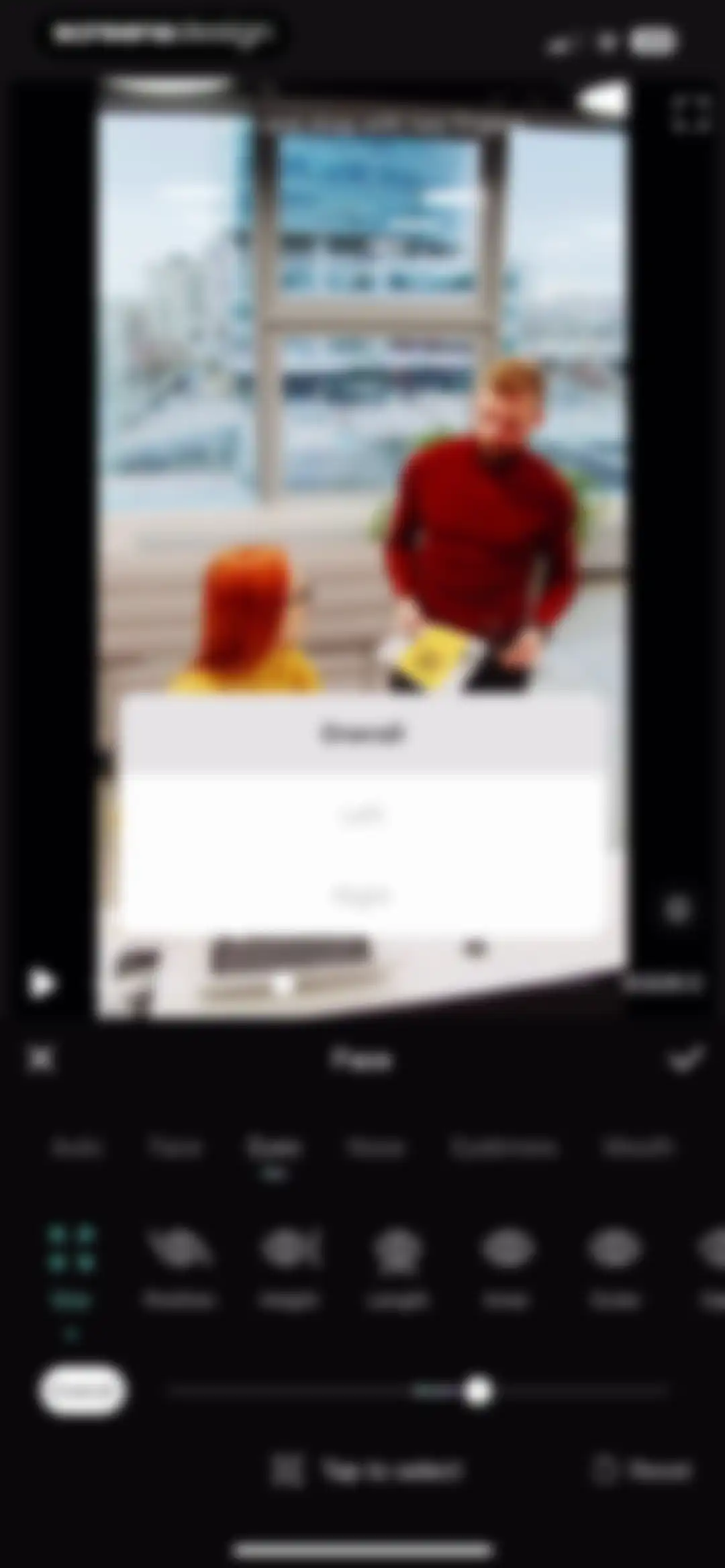
Video editor interface featuring a preview area, facial feature tabs with Auto selected, and a horizontal scrollable list of face shape presets.Unlock Pro
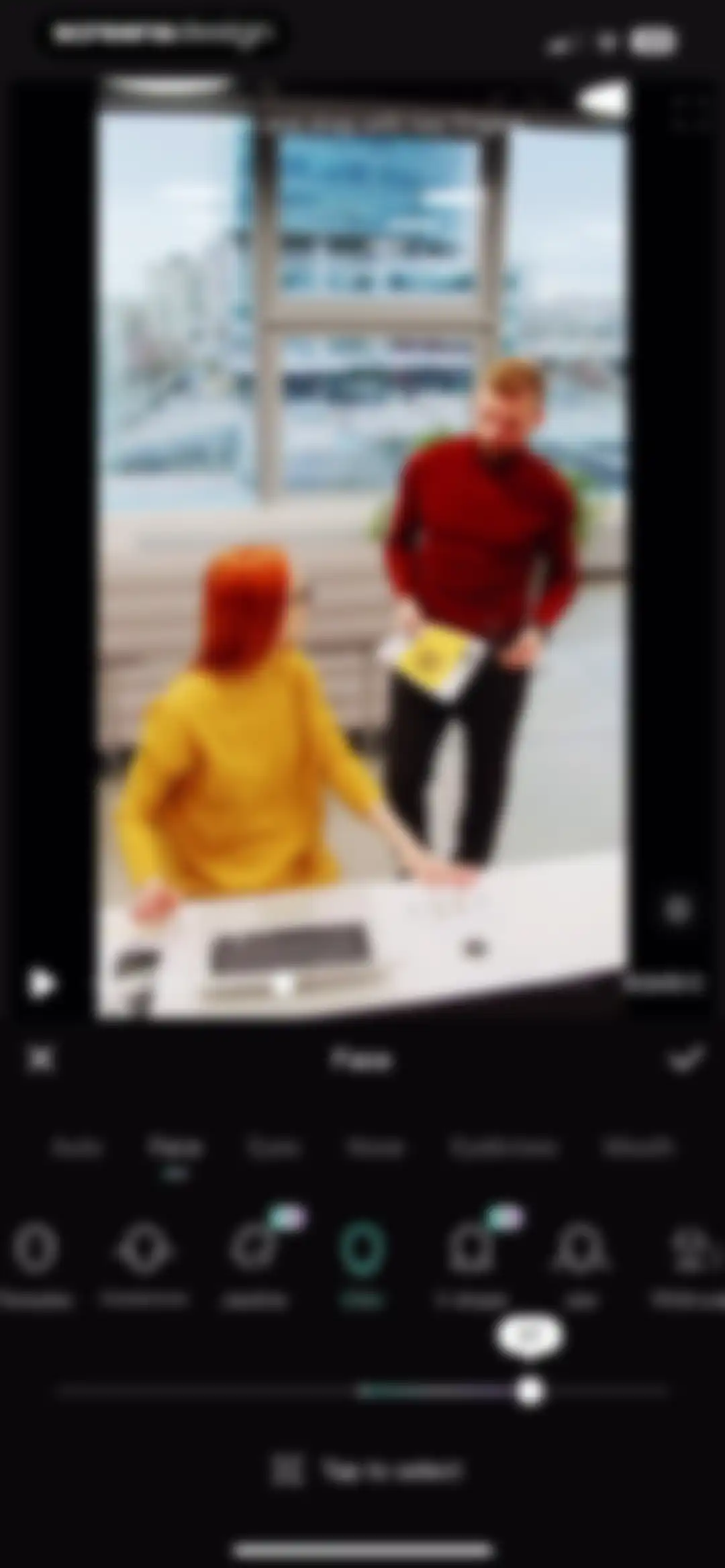
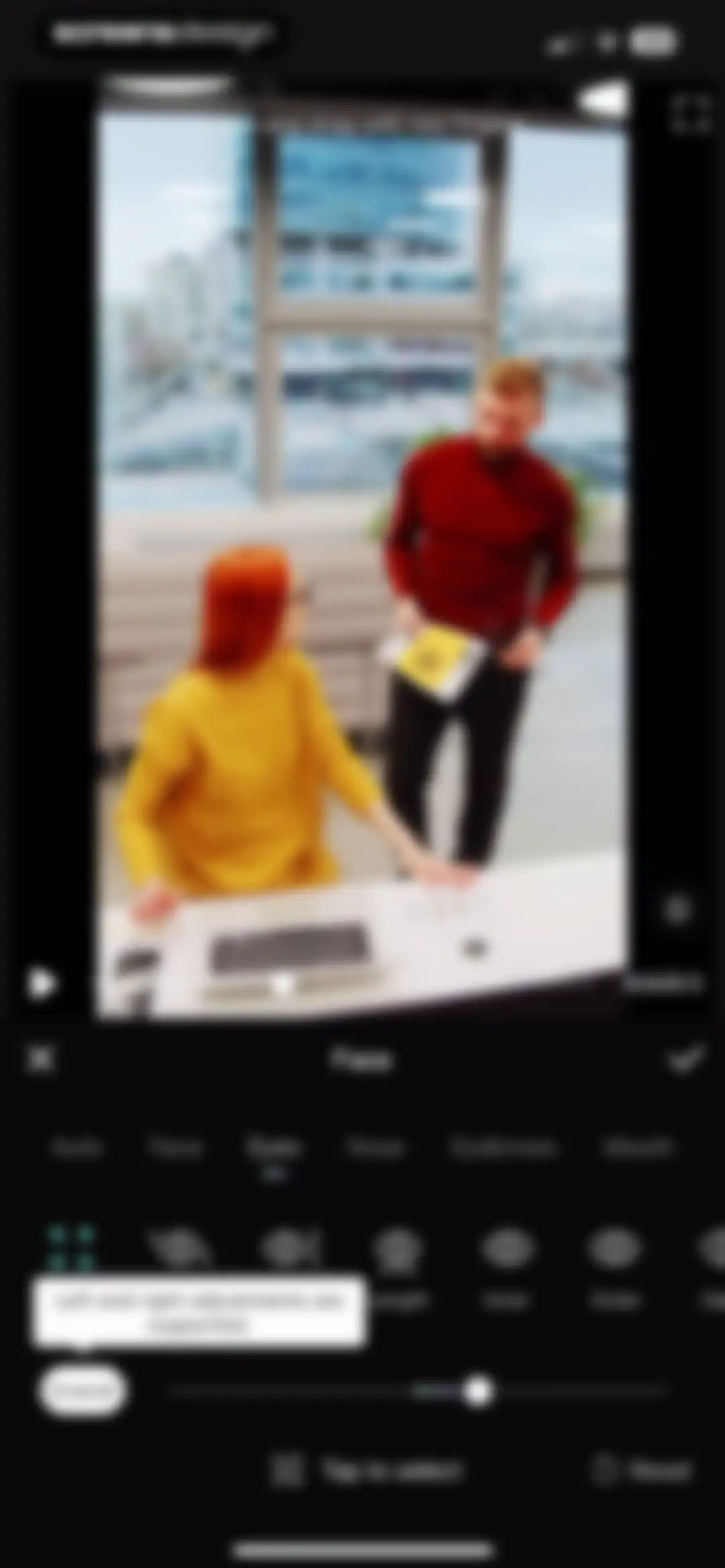
Video face retouching editor with the Face tab and Chin tool selected, an intensity slider set to 27, and a top preview area.Unlock Pro
Video editor face retouching screen focused on eye adjustments, featuring facial feature tabs, specific tool icons, an intensity slider, and a video preview.Unlock Pro
Video editor interface with a face retouching tool, featuring the Eyes tab selected, adjustment tools, and a bottom slider control.Unlock Pro
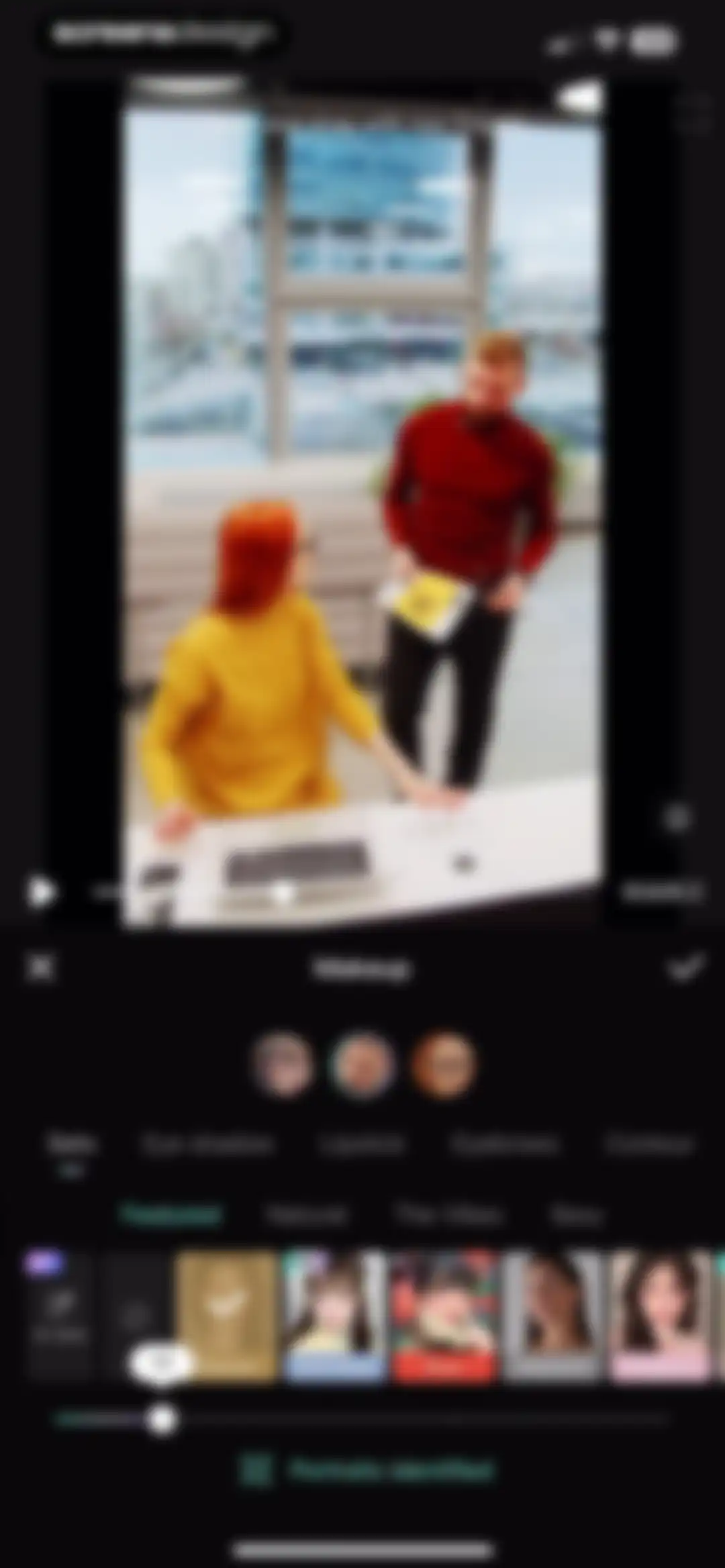
Video editor interface displaying a portrait preview, category tabs, and an intensity slider, with the 'Famous' makeup filter selected.Unlock Pro
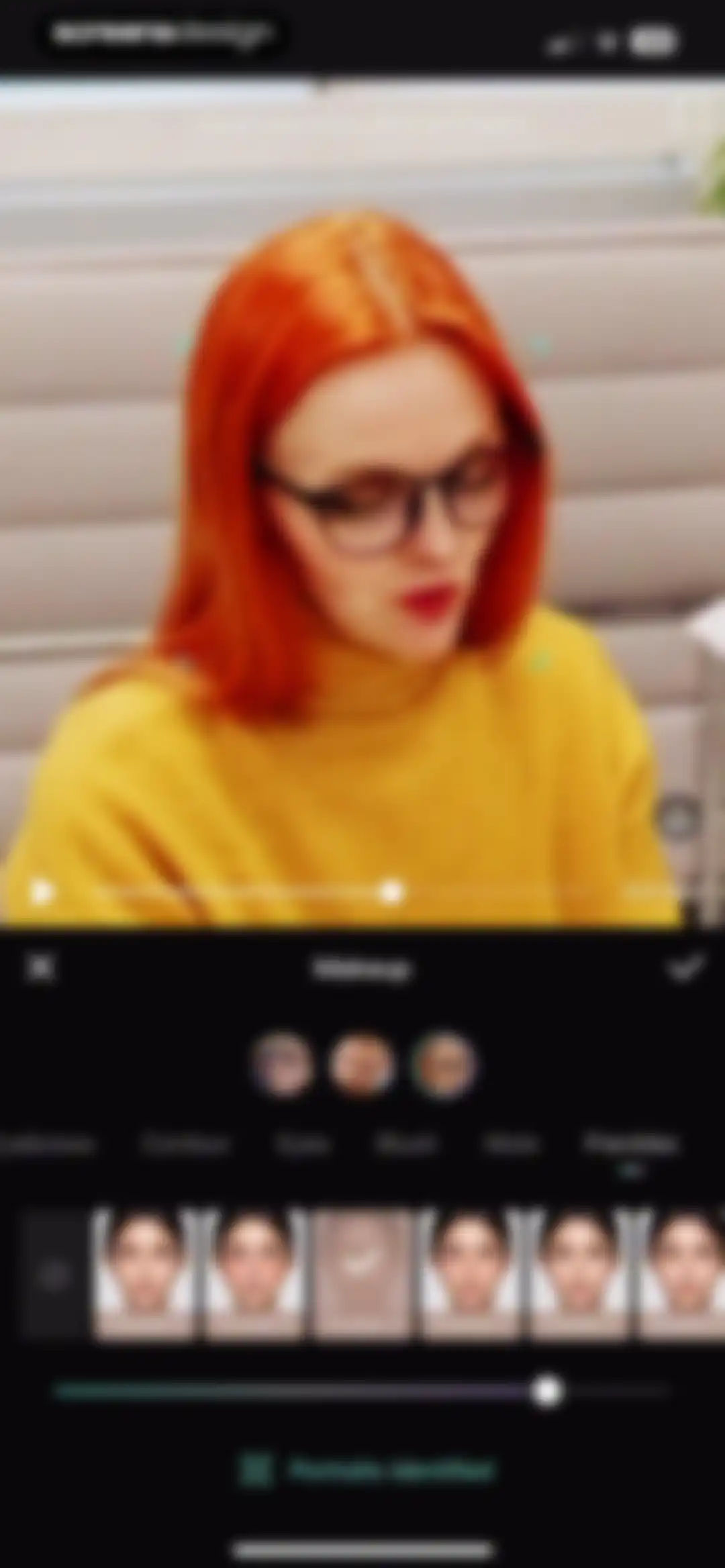
Video editor with a portrait preview at the top, makeup adjustment tabs with Freckles selected, and a filter preset carousel at the bottom.Unlock Pro
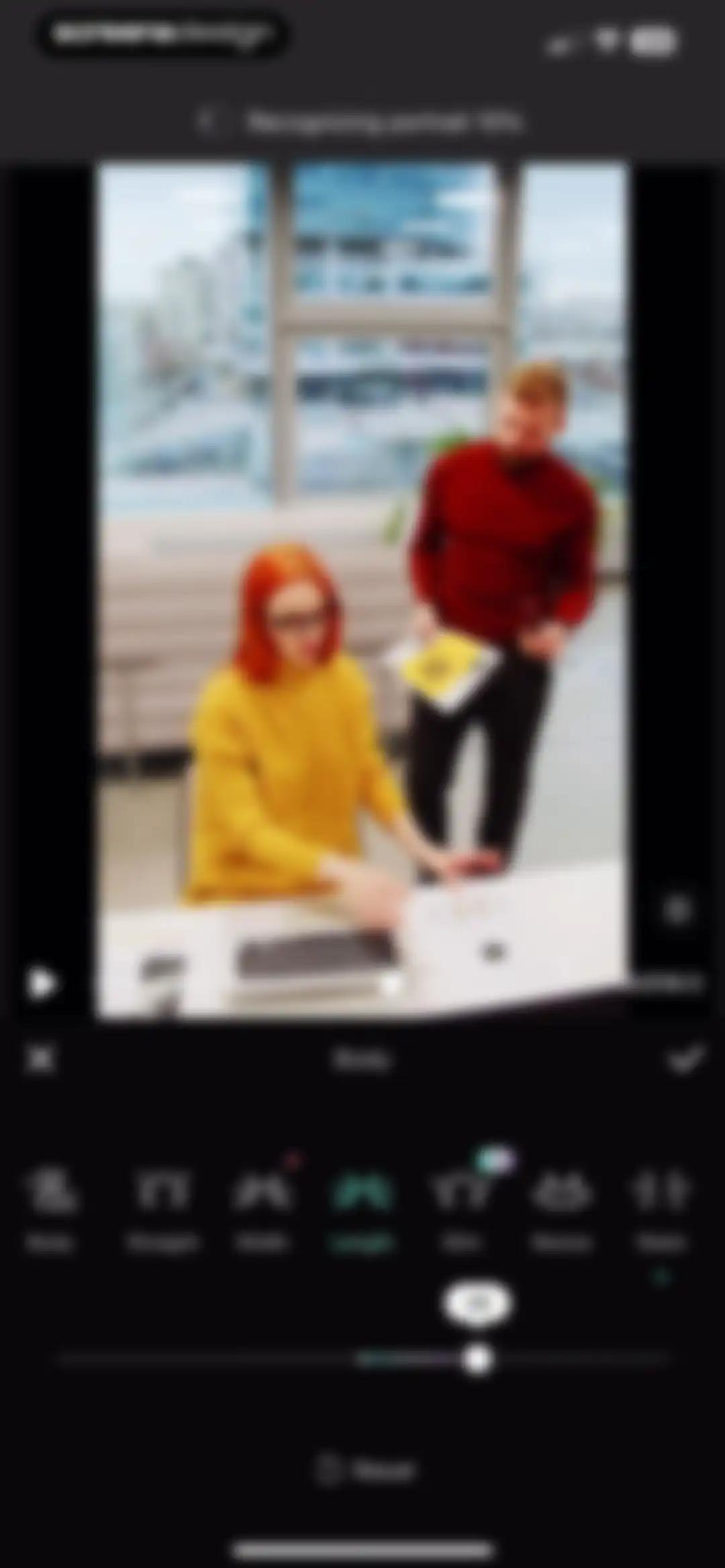
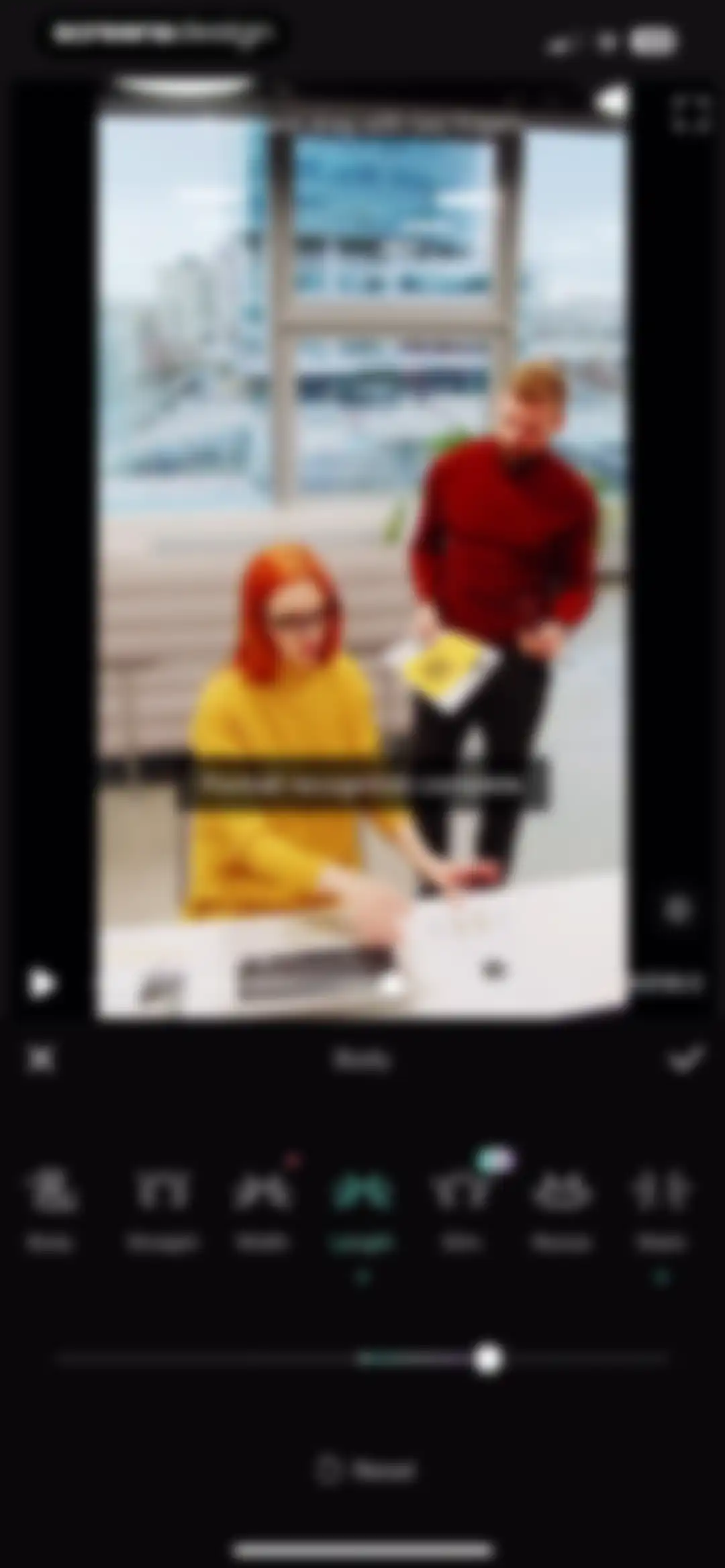
Video editor body retouching screen featuring a portrait recognition progress indicator, adjustment tools with length selected, and a bottom slider set to 38.Unlock Pro
Video editor with body retouching tools showing the Length tab selected and an adjustment slider at the bottom.Unlock Pro
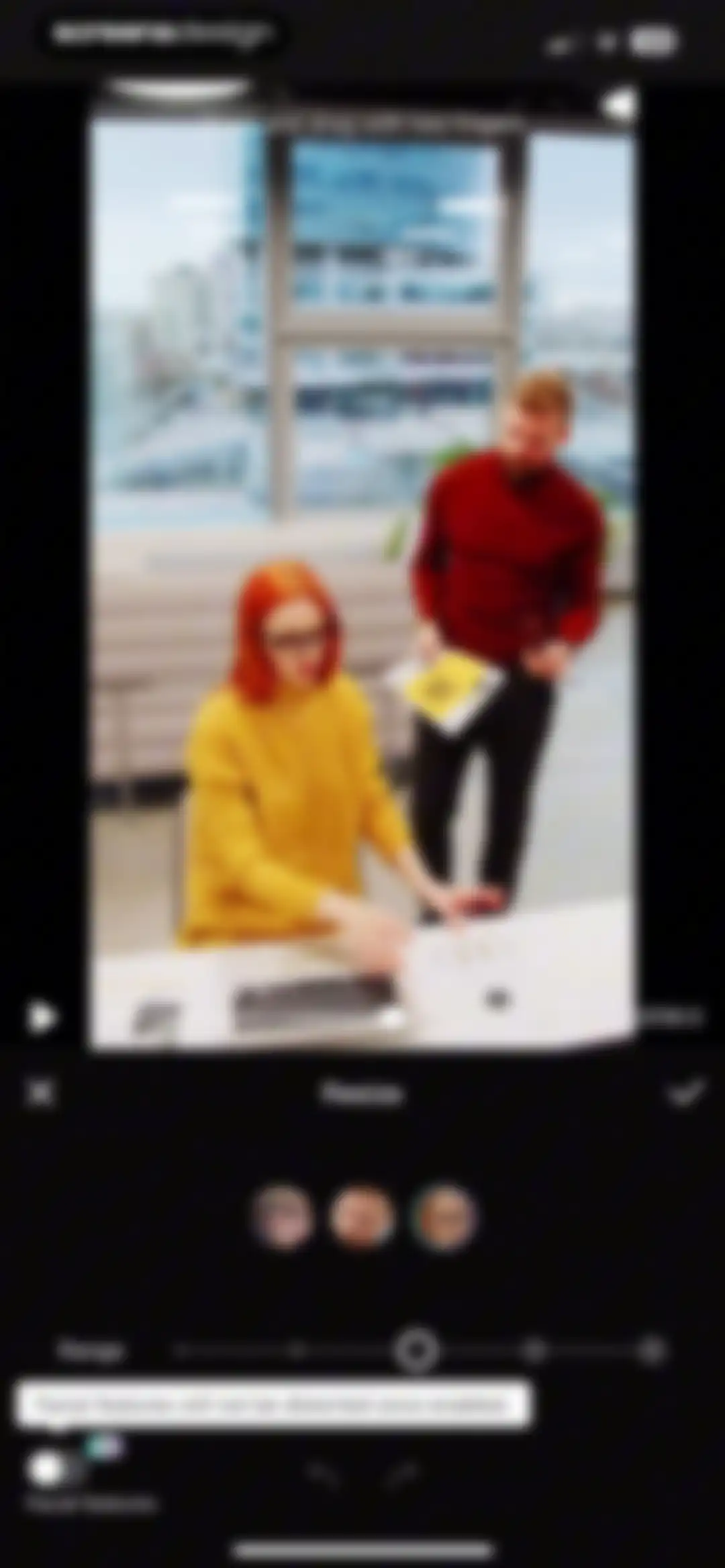
Video resize editor featuring a preview at the top, face selection thumbnails, a range slider, and a facial features protection toggle with a confirm button.Unlock Pro
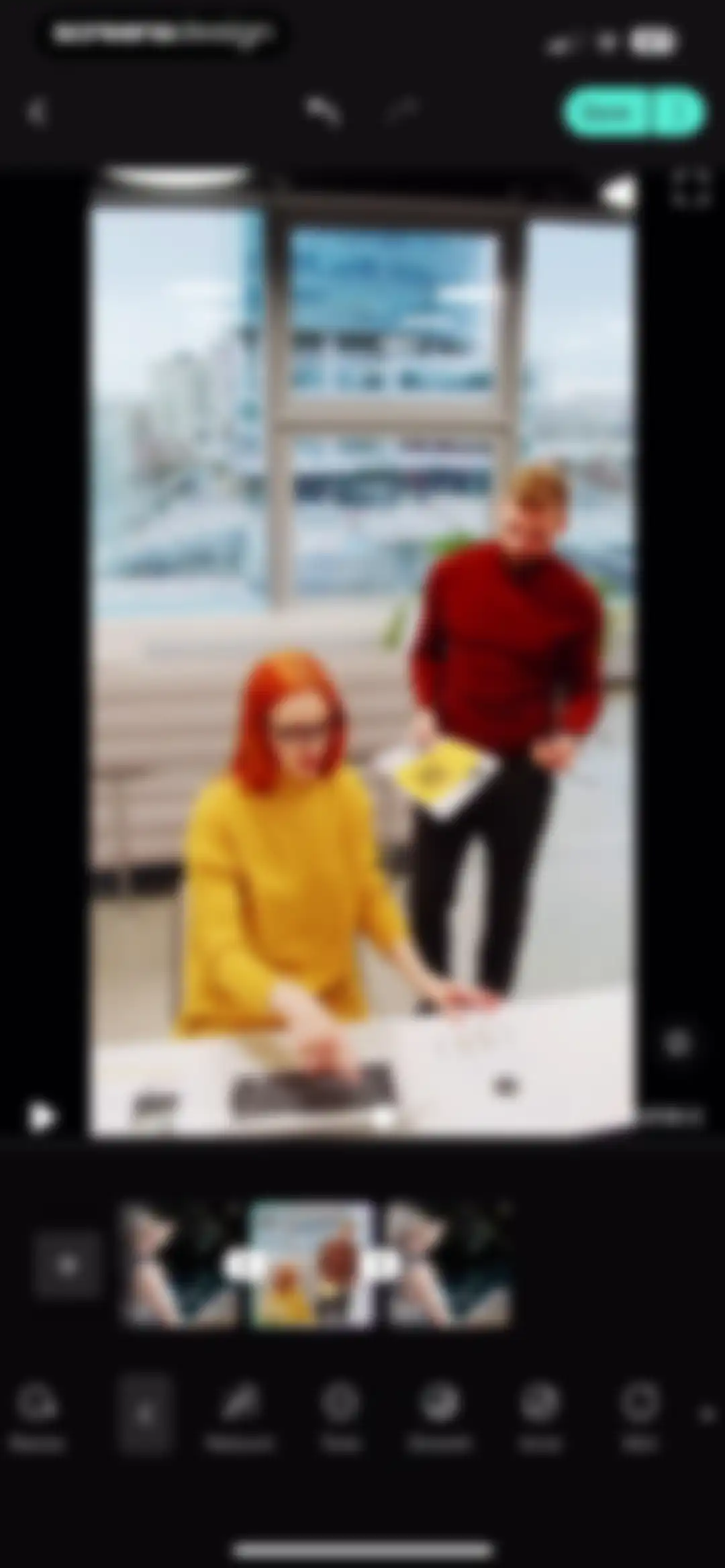
Video editor screen featuring a central video preview, a timeline with selected clip thumbnails, and a bottom toolbar with editing tools.Unlock Pro
Video editor screen displaying a retouching interface with a video preview, playback controls, facial tool icons, and an adjustment slider.Unlock Pro
Video retouching editor displaying a video preview, selected face carousel, adjustment sliders, and a Bags tool.Unlock Pro
Video editor interface showing a preview, a horizontal list of filter presets with Cool selected, and adjustment sliders for tone and intensity.Unlock Pro
Video editor with a top preview showing two people, adjustment sliders for brightness and hue, and a selected balance tab.Unlock Pro
Video editor screen displaying a face selection carousel and an intensity slider, with Auto mode and Face editing selected.Unlock Pro
Video editor interface for portrait retouching with manual mode selected, intensity options, a fine-tuning slider, and a checkmark confirm button.Unlock Pro
Video portrait retouching editor displaying a Plump tool with facial feature adjustment options and a video preview.Unlock Pro
Video editing screen with a hair dye color selection carousel, category tabs, and a preview showing hair recognition progress.Unlock Pro
Video editing screen displaying a preview, a subject selection carousel, and hairstyle tools with the Hair Part tab selected.Unlock Pro
Video editor interface showing a preview, playback controls, an auto enhancement mode selected, and an intensity slider.Unlock Pro
Video editing screen showing a preview with playback controls, an Auto mode selected, and a horizontal carousel of lighting filters.Unlock Pro
Video export settings screen featuring resolution and frame rate sliders, file size estimate, and a Save to album button.Unlock Pro
Segmented export screen showing a row of three video thumbnails, a Select All option, and a disabled Save 0 clip button with a PRO badge.Unlock Pro
Video editor progress overlay in the Winkit app showing Saving 33 percent, a waiting message, and a Cancel button.Unlock Pro
Save confirmation screen displaying a content preview, format options, an Edit more button, and a promotional card for AI Retouching.Unlock Pro
Winkit home screen displaying a PRO promotional banner, a list of recent task cards with file details and save buttons, and a bottom navigation bar.Unlock Pro
Winkit app profile sign-up modal featuring login options for Apple, Google, and email over a dark background dashboard.Unlock Pro
Dark-themed login screen for the Winkit app featuring email and password input fields, a disabled Log in button, and a system keyboard.Unlock Pro
Winkit registration screen in dark mode with a pre-filled email address, a password field, a teal Register button, and legal disclaimers at the bottom.Unlock Pro
Security verification modal with a Route 66 puzzle image and a slider control to complete the puzzle.Unlock Pro
Email verification modal stating the address is not registered for an MTid, with Cancel and Verify email buttons.Unlock Pro
Email verification form with a four-digit input placeholder, a 28s countdown timer, and a bottom numeric keypad.Unlock Pro
Membership transfer notice modal in the Winkit app offering to transfer membership to the current account, with Transfer and Not Now buttons.Unlock Pro
Winkit home screen displaying a recent projects list and bottom navigation, with an Apple Account sign-in modal overlay and password input field.Unlock Pro
Winkit profile screen with a Winkit PRO subscription card, a recent tasks list, and a bottom navigation bar.Unlock Pro
Subscription screen for Winkit PRO showcasing a feature carousel, settings list, and expiration status with a Try Now button.Unlock Pro
Feedback submission form with category chips, a text input area for issue descriptions, media upload slots, an email field, and a disabled submit button.Unlock Pro
Privacy policy screen for Winkit displaying legal document text with a last modified date on a dark background.Unlock Pro
Subscription management screen in Winkit with renewal instructions, an expiration date of 03/20/2025, and a Got it button.Unlock Pro
Winkit profile screen displaying a PRO upgrade card, recent tasks list with saved items, and a bottom navigation bar.Unlock Pro
Winkit video draft management dashboard showing one selected draft, a corrupted file warning banner, and a Delete action bar.Unlock Pro
Video draft management screen featuring a confirmation modal to delete a selected item, with a Winkit PRO subscription banner and bottom action bar.Unlock Pro
Profile screen with user info, a Pro promotional banner, selected Drafts tab showing an empty state, a Create button, and bottom navigation.Unlock Pro
Editor screen displaying a photo preview with the Laser filter selected in the bottom carousel and a Save button in the top right.Unlock Pro
Credit purchase screen listing five credit packages, with the 100 Credits option selected and a Top up button.Unlock Pro
Details transaction history screen with Received and Spent tabs showing a No data empty state message.Unlock Pro
Settings screen featuring a dark theme and a card with a vertical list of configuration options, including account, feedback, and cache management.Unlock Pro
Account and Security settings screen displaying profile details, security options like password modification and Safety Center, and a logout button.Unlock Pro
Profile settings screen displaying user details including profile picture, nickname, UID, and a Save button.Unlock Pro
Profile settings screen displaying user details and a bottom modal overlay with options to open the camera or select from album.Unlock Pro
Profile settings screen displaying profile picture, nickname, UID fields, a Save button, and a Copied notification.Unlock Pro
Third-party account binding settings screen listing Apple, Google, Facebook, and a linked email address.Unlock Pro
Security verification screen displaying a password input field with a visibility toggle, a disabled Verification button, and a Forget password link.Unlock Pro
Safety Center settings screen featuring a single Cancel Account list item with a descriptive subtext and a drill-down chevron.Unlock Pro
Account cancellation reminder screen outlining the permanent consequences of deleting an account, with Next and Cancel buttons at the bottom.Unlock Pro
Feedback submission form with category selection chips, a description text area, media upload slots, and a disabled Submit feedback button.Unlock Pro
Settings screen in dark mode with a vertical list of menu options and a Cache cleared toast notification at the bottom.Unlock Pro
Privacy and Notifications settings screen in Winkit with two enabled toggle switches for notifications and personalized ads.Unlock Pro
Legal settings screen listing Terms of Service and Privacy Policy within a dark-themed minimal interface.Unlock Pro
Terms of Service agreement for the Winkit app, displaying the last modified date, age restriction notice, and the beginning of the legal text.Unlock Pro
Privacy Policy document for the Winkit application displayed in a dark theme with a top back button.Unlock Pro
Settings screen with a dark-themed list of options including account, feedback, and clear cache, displaying a toast notification about the latest version at the bottom.Unlock Pro

About Winkit - AI Video Enhancer

A comprehensive AI-powered video editing suite offering professional-grade restoration, portrait retouching, resolution upscaling, and creative visual effects for mobile creators.

Explore Winkit - AI Video Enhancer across ScreensDesign

Apps similar to Winkit - AI Video Enhancer

Unlock all similar apps

See every comparable app, revenue, installs, and flows.

Unlock Pro
  • VoKit - Image Effects Creator

    4.6
    韵迪 林Revenue$11kInstalls<5k
  • Vivid - AI Photo Enhancer

    4.5
    Winroad Holdings LimitedRevenue$<5kInstalls<5k
  • Pixnova: AI Photo&Video Maker

    4.6
    Runtopia Technology Co.Revenue$100kInstalls20k
  • AI Photo Editor: Lynsify

    4.7
    UTILITECH LTDRevenue$250kInstalls70k
  • AI Cut:Photo&Video Editor

    4.5
    波 王Revenue$75kInstalls45k
  • PrettyUp - Body Editor Video

    4.6
    Pixl Concerto Technology LimitedRevenue$900kInstalls250k
  • PowerDirector: AI Video Editor

    4.6
    CyberLinkRevenue$150kInstalls30k
  • AI Marvels - AI Photo & Video

    4.0
    HITPAW CO.,LIMITEDRevenue$150kInstalls10k
  • AI Video Editor - VidMa Cut AI

    4.6
    Atlasv Global Pte. Ltd.Revenue$55kInstalls70k
  • Edit Up: AI Photo Video Editor

    4.6
    Debotosh DeyRevenue$<5kInstalls<5k
  • VideoShow AI Video Editor

    4.7
    VIDEOSHOW PTE. LTD.Revenue$30kInstalls5k
  • YouCam Enhance: AI Photo&Video

    4.6
    PERFECT MOBILE CORP.Revenue$50kInstalls8k
  • Rizo: AI Viral Video Generator

    4.7
    SEAMOBI TECH PTE LTDRevenue$<5kInstalls<5k
  • Airbrush: Face Photo Editor

    4.8
    Pixocial Technology (Singapore) Pte. Ltd.Revenue$4MInstalls550k
  • Photo Editоr

    4.7
    VIDEO EDITOR PTE. LTD.Revenue$55kInstalls9k
  • AI Video - AI Video Generator

    4.5
    HUBXRevenue$750kInstalls650k
  • Hypic - Photo Editor & AI Art

    4.6
    Bytedance Pte. LtdRevenue$850kInstalls750k
  • TopzAI: Photo Video Enhancer

    4.6
    Ramy MalikRevenue$65kInstalls10k
  • BeautyCam-Digicam&Photo Editor

    4.8
    Xiamen Meitu Technology Co., Ltd.Revenue$2.8MInstalls1.3M
  • VivaVideo - Video Cut & Editor

    4.8
    QuVideo Inc.Revenue$450kInstalls50k
  • PicMa: AI Photo to Video & 4K

    4.5
    MAGIC TIGER TECHNOLOGY LIMITEDRevenue$90kInstalls20k
  • Pic+ - AI Video Generator

    4.4
    RedShift.IncRevenue$650kInstalls85k
  • Visify: AI Photo Generator

    4.7
    GM UniverseApps LimitedRevenue$150kInstalls<5k
  • AI Photo Generator - Fotorama

    4.5
    APPNATION YAZILIM HIZMETLERI TICARET ANONIM SIRKETIRevenue$15kInstalls<5k
  • Photo to Video: AI Video Maker

    4.7
    Joseph Works LimitedRevenue$50kInstalls<5k
  • Fotor AI Photo Editor & Video

    4.7
    Chengdu Everimaging Science and Technology Co., LtdRevenue$250kInstalls50k
  • AI Photo&Video Editor-AiryCrop

    4.7
    RHINOX MOBILE INC. PTE. LTD.Revenue$7kInstalls<5k
  • Shots: Photo & Video Generator

    4.6
    DeePix AIRevenue$150kInstalls5k
  • Lensa AI: Photo Editor

    4.7
    Prisma labs, inc.Revenue$350kInstalls25k
  • Picsify: AI Photo&Video Editor

    4.5
    TigerTech Mobile LimitedRevenue$150kInstalls35k
  • Hype AI - AI Photo & Video

    4.8
    POLYVERSE ENTERTAINMENT INC.Revenue$65kInstalls60k
  • YouCam Video: AI Video Editor

    4.7
    PERFECT MOBILE CORP.Revenue$150kInstalls65k
  • Persona: Beauty Camera

    4.8
    Ticket To The Moon, Inc.Revenue$1MInstalls650k
  • PhotoDirector: AI Photo Editor

    4.5
    CyberLinkRevenue$250kInstalls35k
  • AI Photo Generator - Collart

    4.5
    Spring Tech Co., Ltd.Revenue$350kInstalls350k
  • AI Video Photo Generator Videa

    4.5
    Pure AppsRevenue$200kInstalls50k
  • AI Video Generator - Vidmor

    4.4
    APPINNOVATORS LIMITEDRevenue$250kInstalls65k
  • InShot - Video Editor

    4.8
    SHANTANU PTE. LTD.Revenue$1MInstalls1.3M
  • Meitu AI Photo & Video Editor

    4.8
    Xiamen Meitu Technology Co., Ltd.Revenue$15MInstalls3M
  • Woola-AI photo intelligent

    4.6
    Beijing Tiger Creative Technology Co., LtdRevenue$45kInstalls50k
  • Miracle-AI Avatar&Photo Editor

    4.5
    Natuas LabsRevenue$<5kInstalls<5k
  • Picsart AI Photo Editor, Video

    4.7
    PicsArt, Inc.Revenue$6MInstalls1.8M
  • Filmit AI: AI Cinematic Video

    4.2
    XIANG GANG RADIANCE LIMITEDRevenue$35kInstalls11k
  • Diffuse - AI Video Generator

    4.0
    Higgsfield, Inc.Revenue$<5kInstalls<5k
  • Movavi - Video & Reels Editor

    4.7
    Movavi Emea LLCRevenue$75kInstalls<5k
  • LightX: AI Generator & Editor

    4.7
    Andor Communications Private LimitedRevenue$35kInstalls<5k
  • VLLO- Video Editor, Vlog Edits

    4.8
    vimosoftRevenue$350kInstalls50k