VSCO: Photo & Video Editor

$2.3M revenue, 4.7 rating

App walkthrough
0:00 / 18:30

Onboarding flow, Paywall & Inside the App

Watch the full screen-by-screen UX video of VSCO: Photo & Video Editor with onboarding, paywall, and every core flow.

App startup screen featuring a minimalist centered VSCO brand logo on a plain white background.
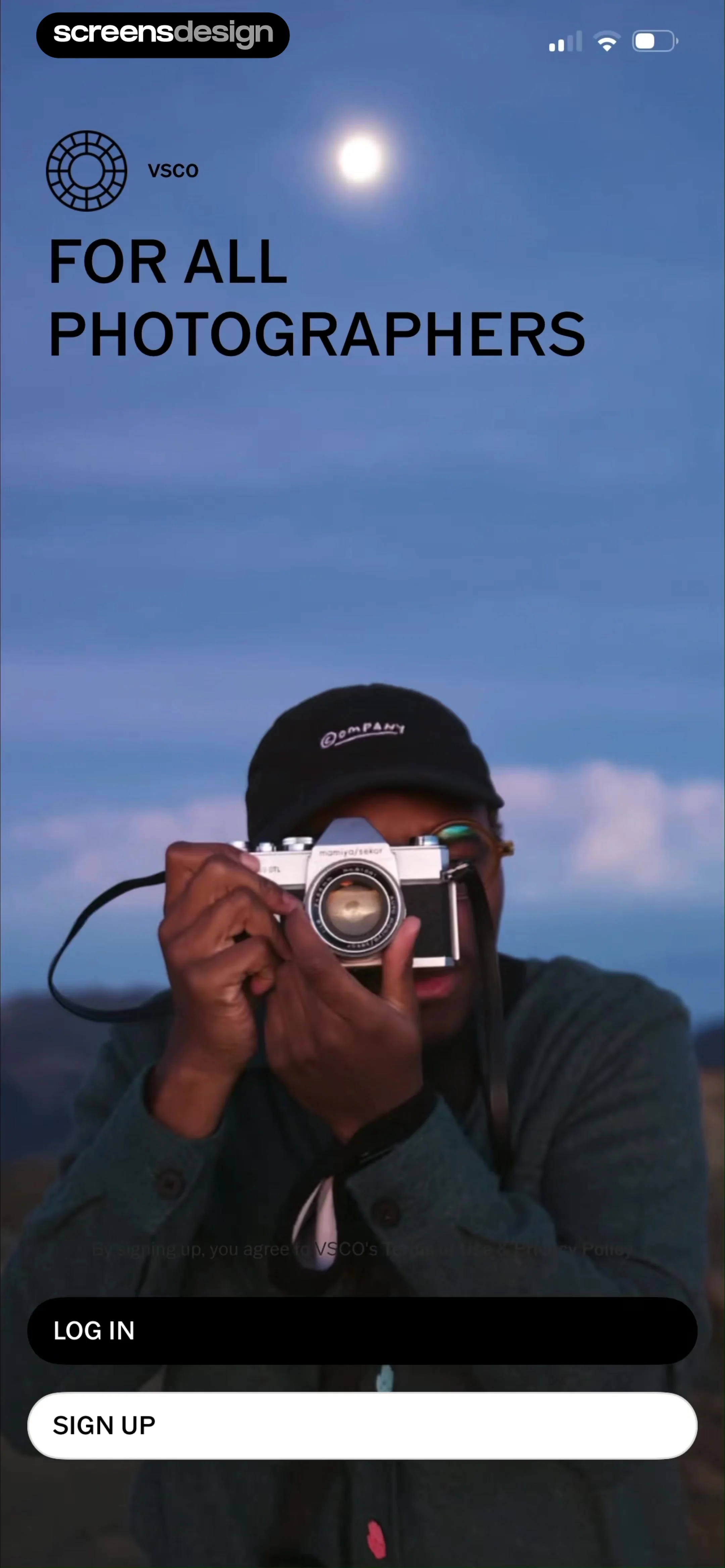
VSCO welcome screen with background photography, top branding, and stacked Log In and Sign Up buttons.
VSCO onboarding screen featuring a central Leica camera image, terms of use, and log in and sign up buttons.
VSCO sign-up screen featuring a hero image, 'NEW' tab selected, and three social registration buttons.
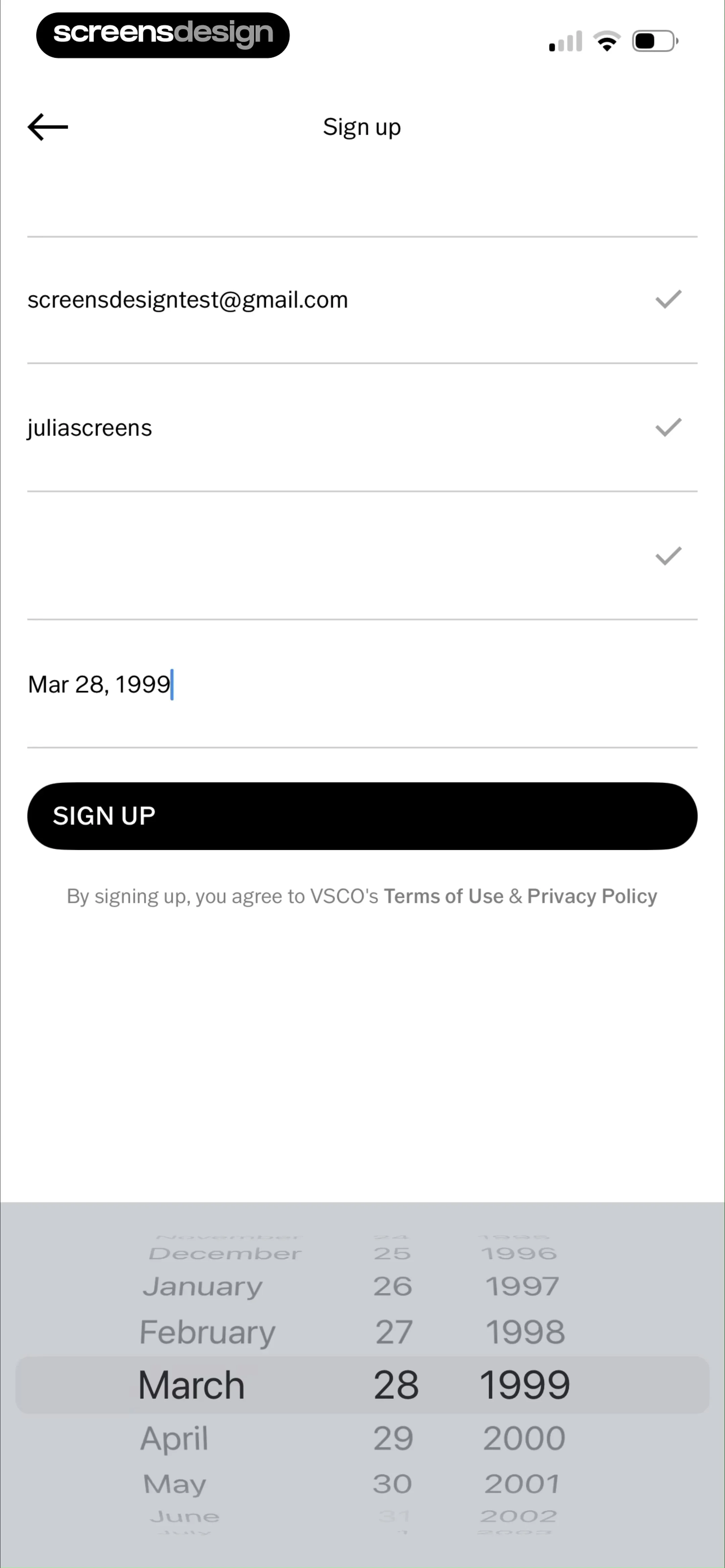
VSCO sign-up form with validated email and username fields, date of birth set to March 28, 1999, and a Sign Up button.
Paywall screen offering a 7-day free trial for pro presets and editing tools, with an annual subscription option and start trial button.
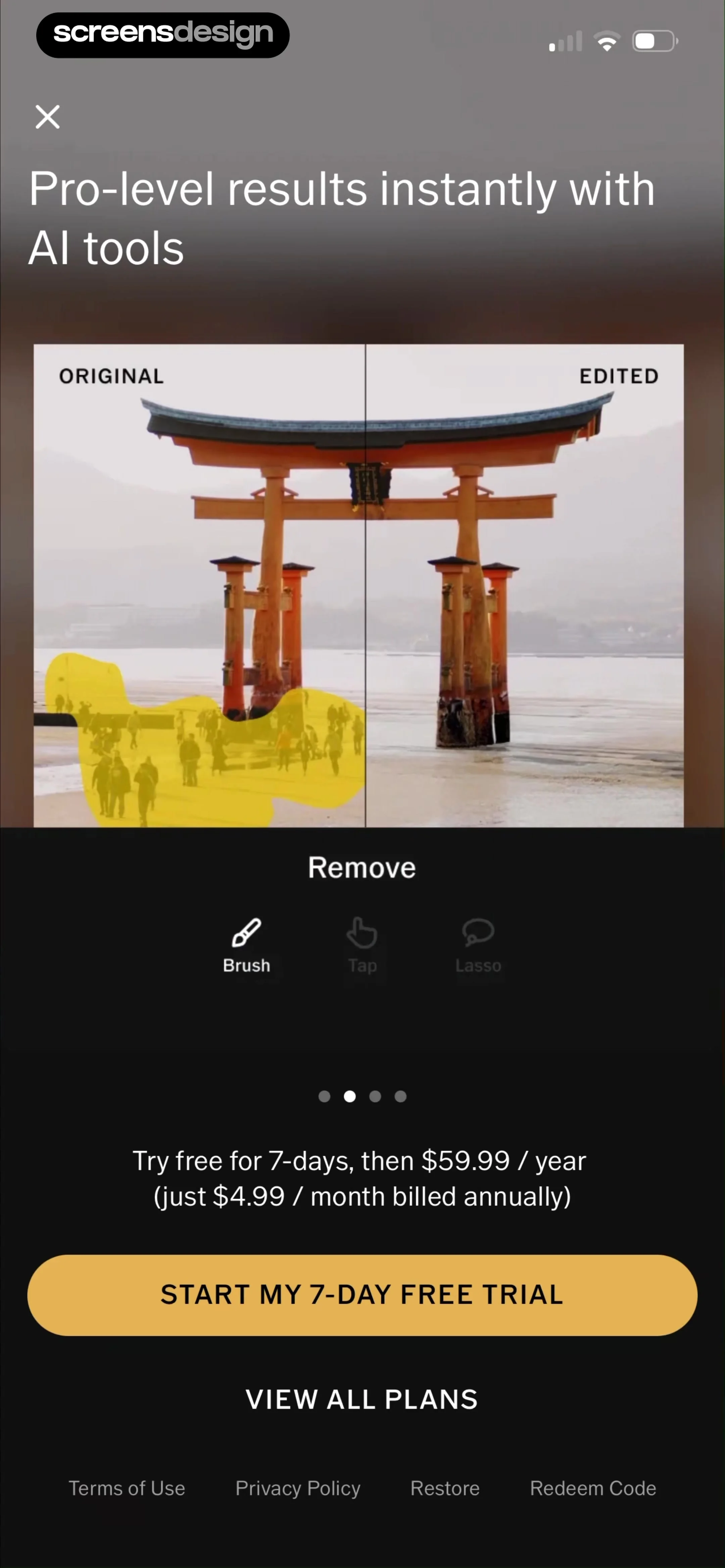
Paywall screen promoting AI photo editing tools with a split-screen comparison, trial pricing details, and a start free trial button.
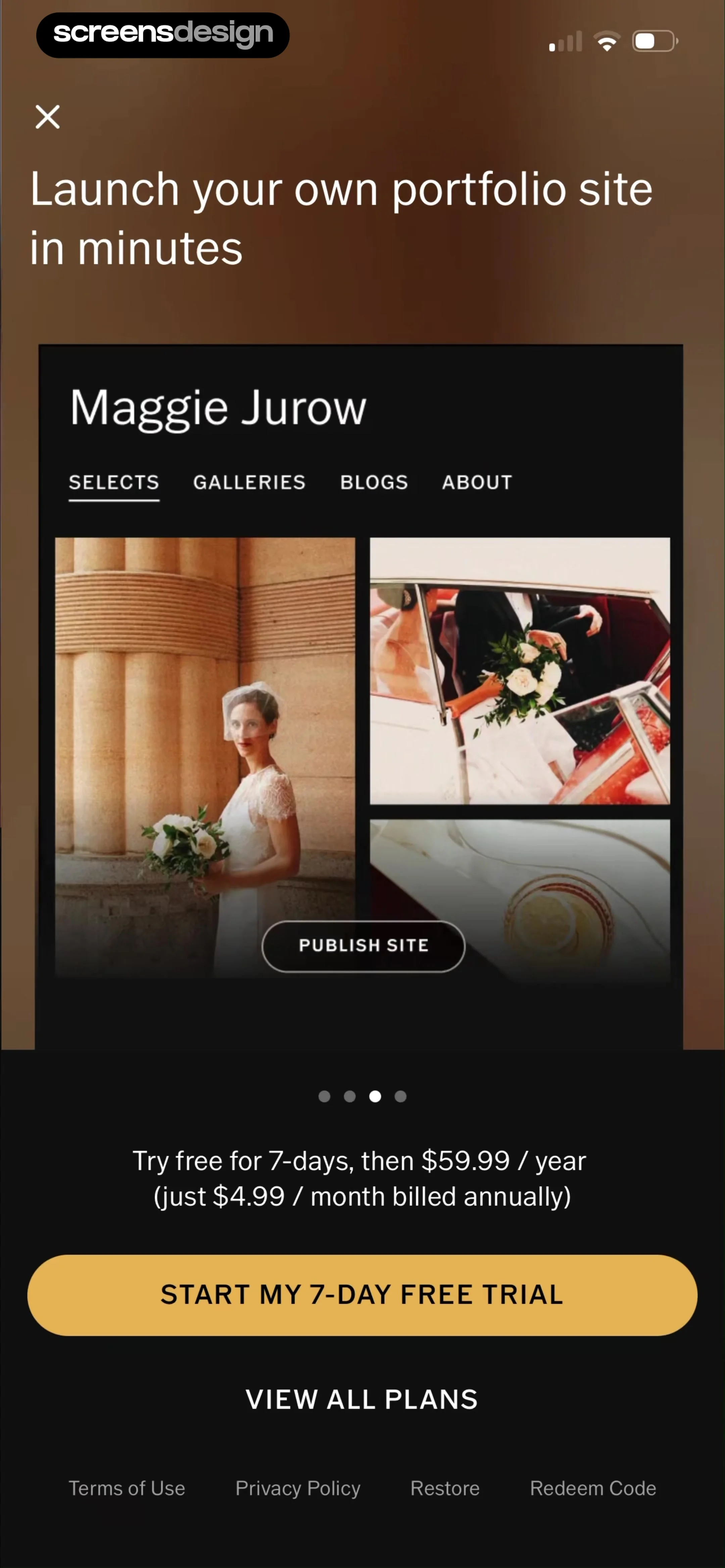
Paywall screen for a portfolio builder with a 7-day free trial, pricing details, and a start trial button.
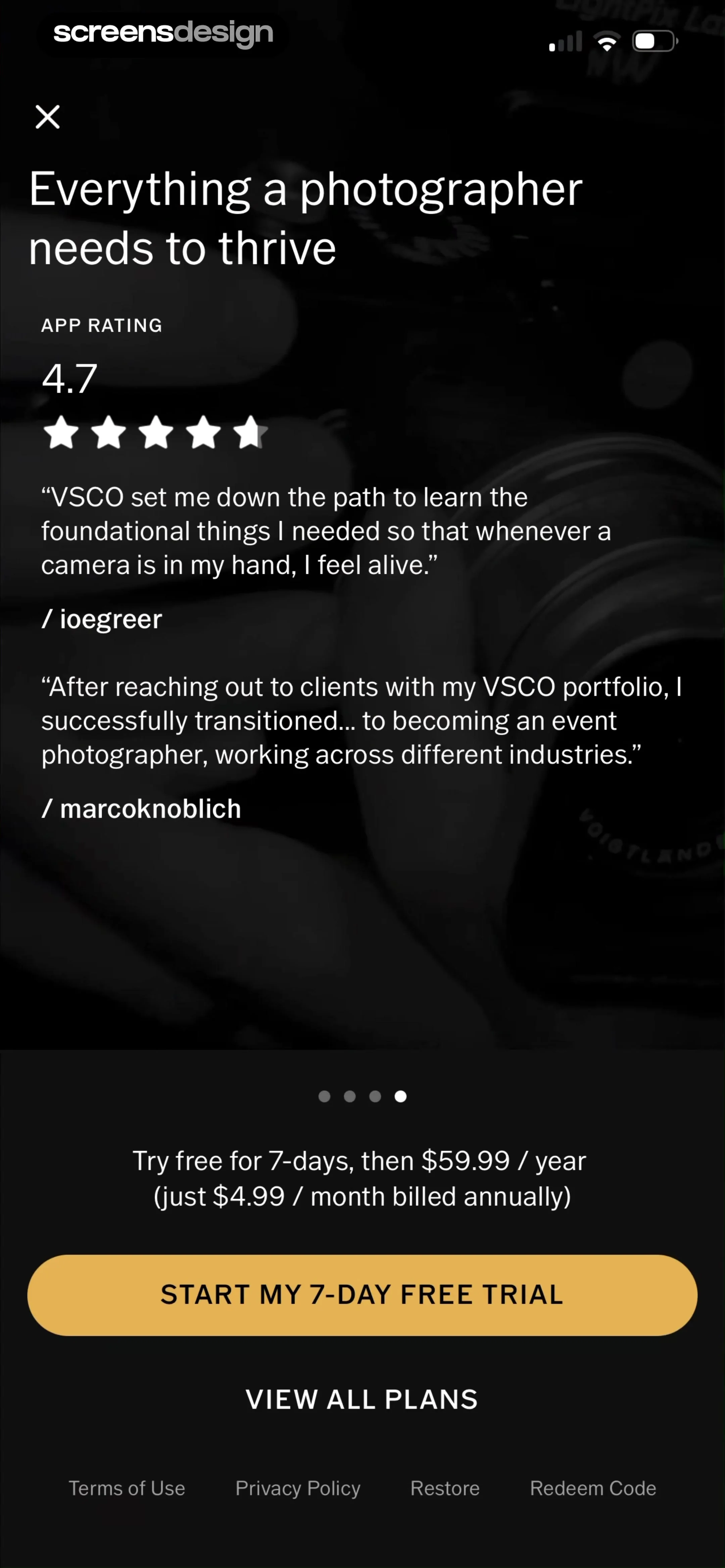
Subscription paywall featuring user testimonials, a 4.7-star rating, a seven-day free trial offer, and a start trial button.
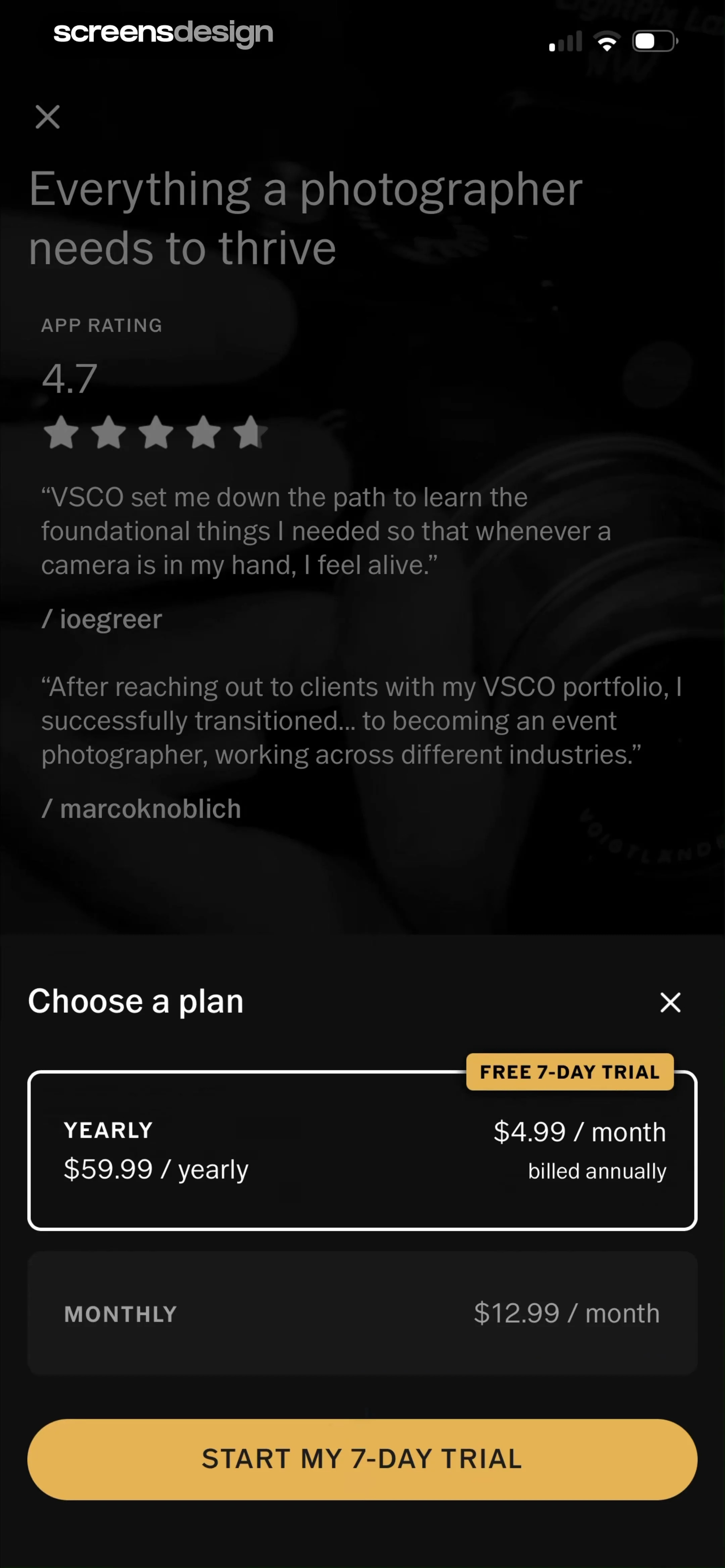
VSCO paywall subscription screen featuring testimonials, a yearly plan with a free trial selected, and a start trial button.
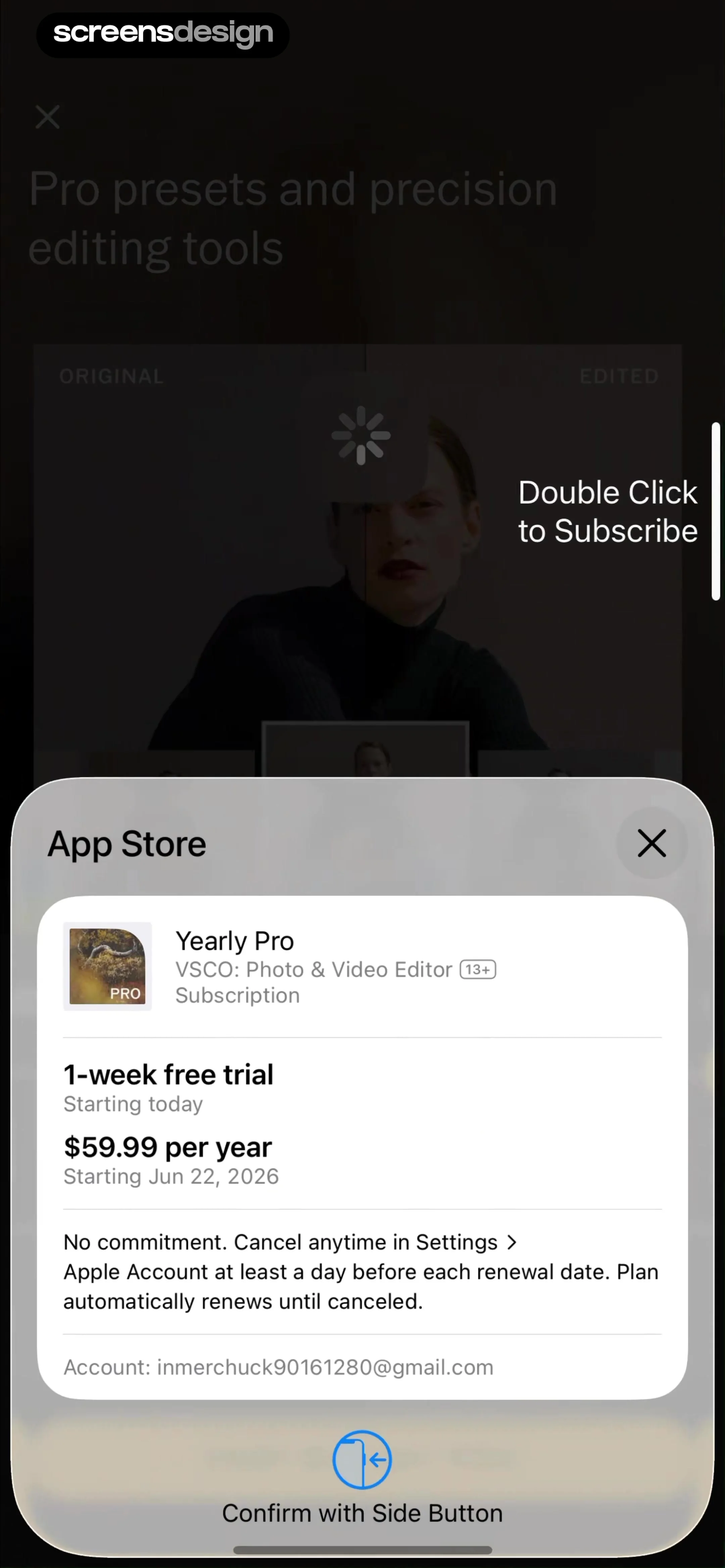
App Store subscription confirmation modal for VSCO Yearly Pro showing a 1-week free trial, pricing, and a side button confirmation prompt.
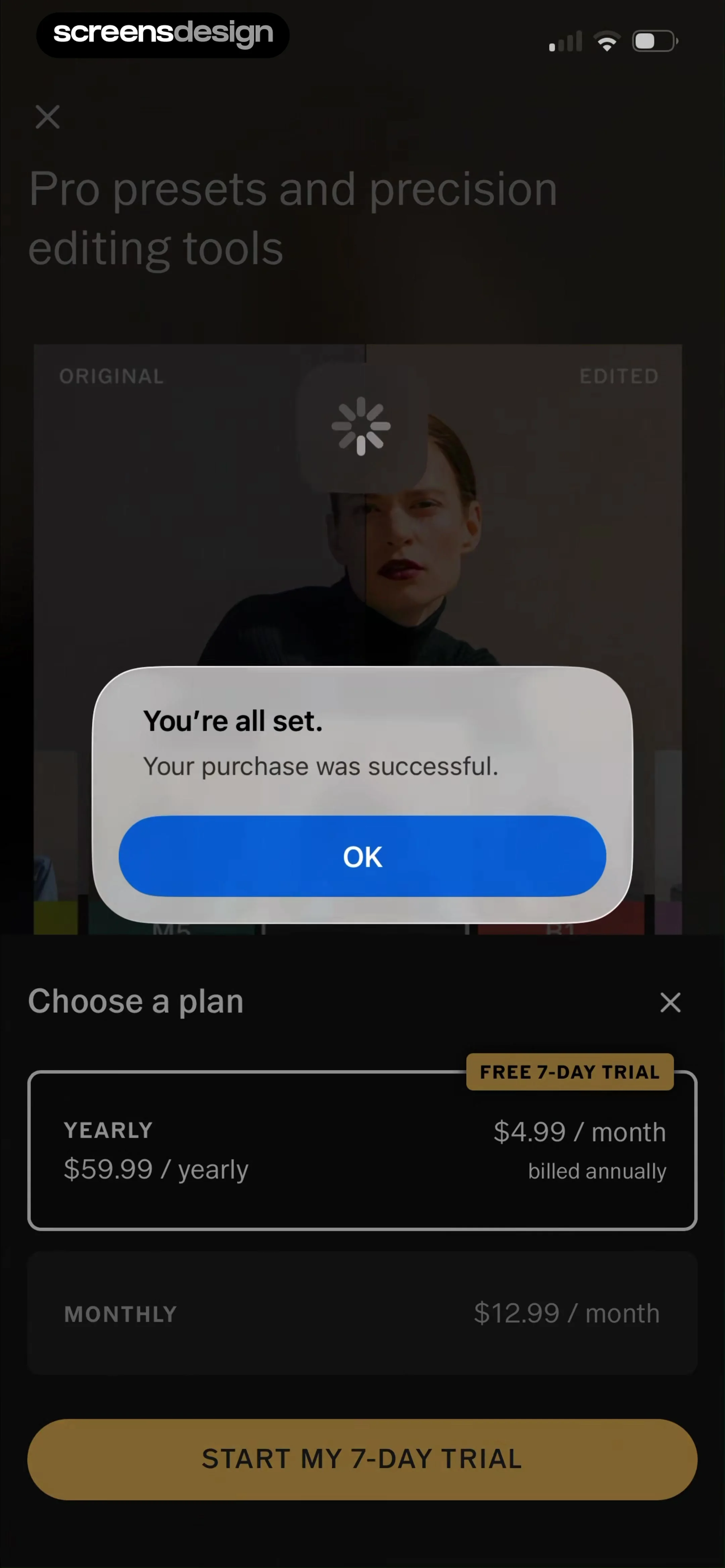
Subscription paywall screen displaying a successful purchase confirmation modal with an OK button over yearly and monthly plans.
Membership activation screen with a center abstract face icon and the text Activating your membership on a white background.
VSCO membership confirmation screen with a smiley face icon, activation message, and a Get Started button.
Welcome modal for VSCO featuring app features and a Start Creating button over the studio background.
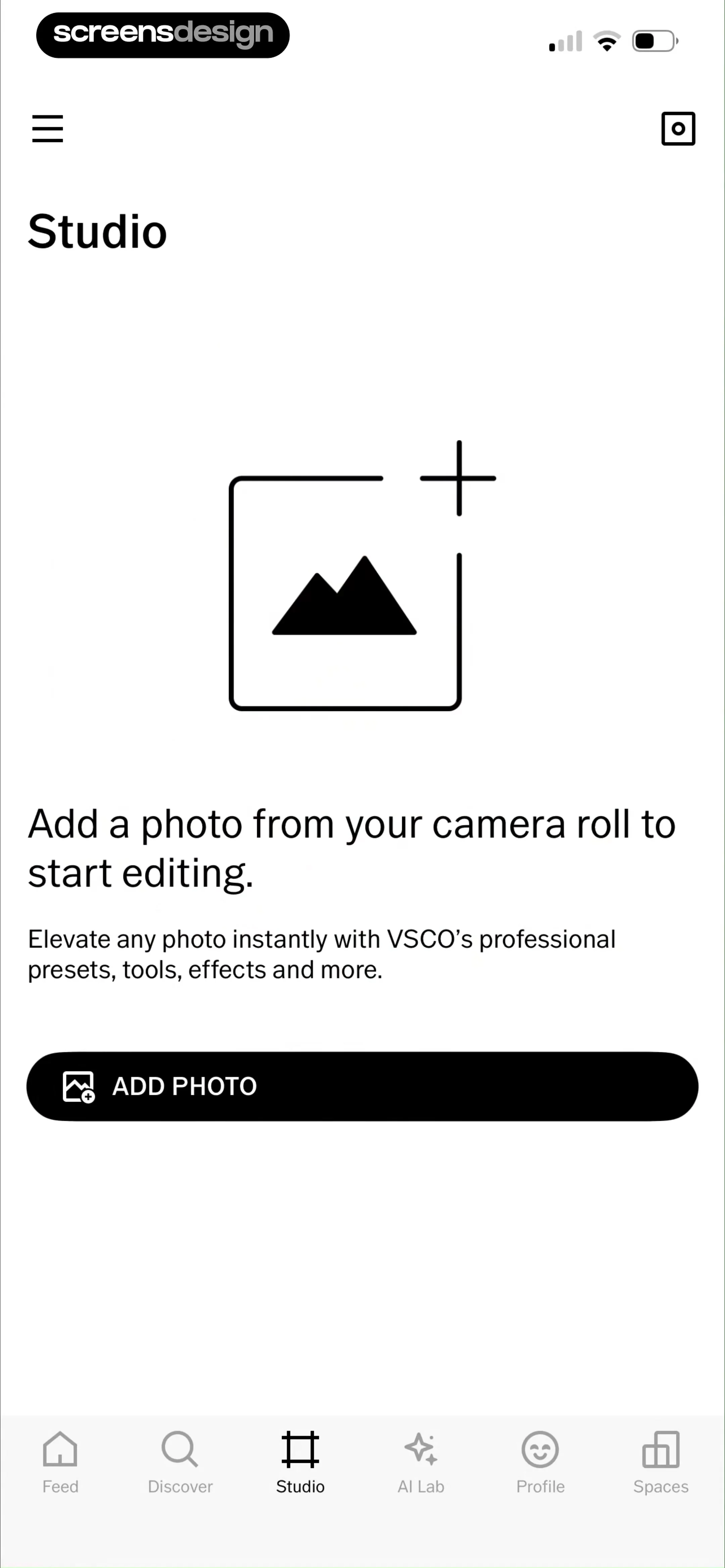
Empty state screen in the VSCO Studio with a prompt to add a photo and an Add Photo button.
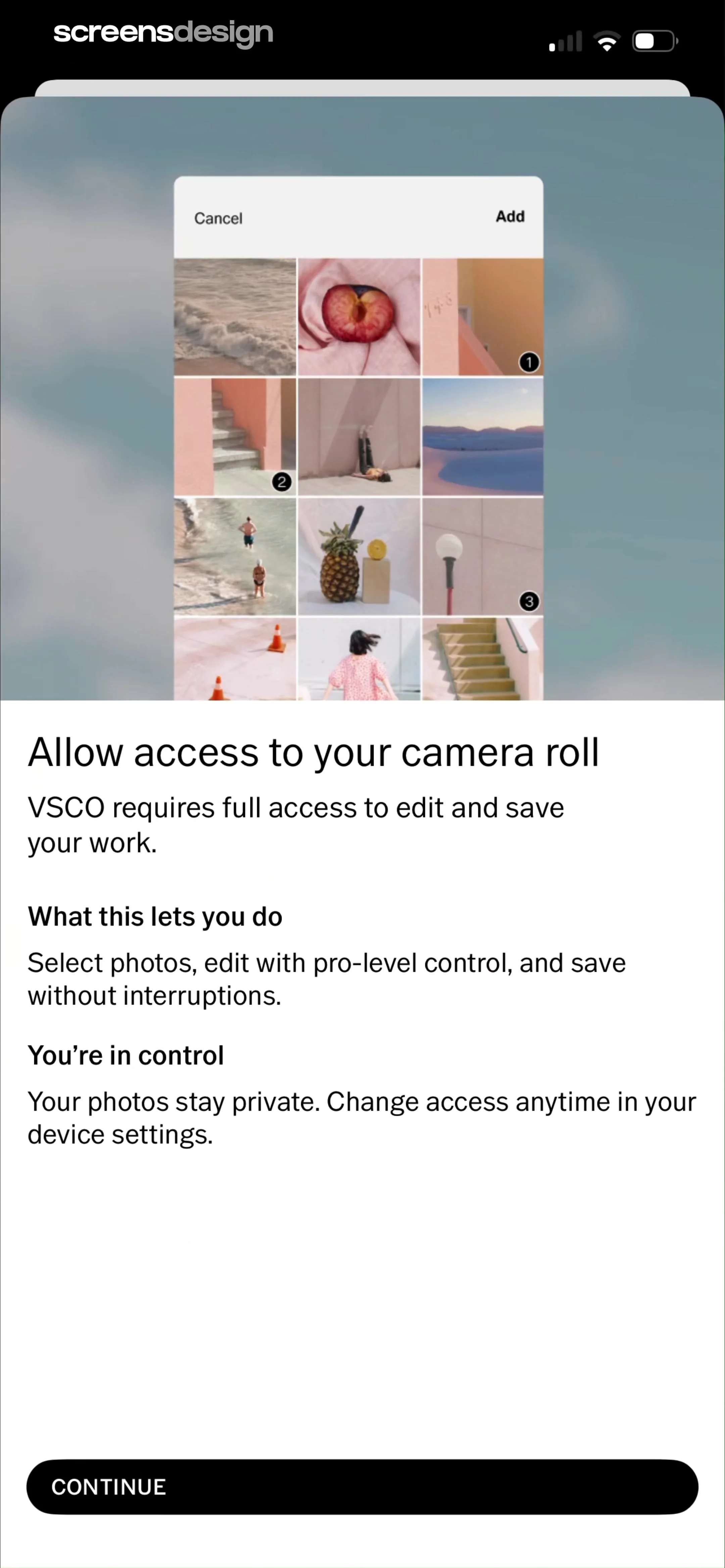
Permission request screen for VSCO camera roll access, explaining privacy controls and featuring a Continue button at the bottom.
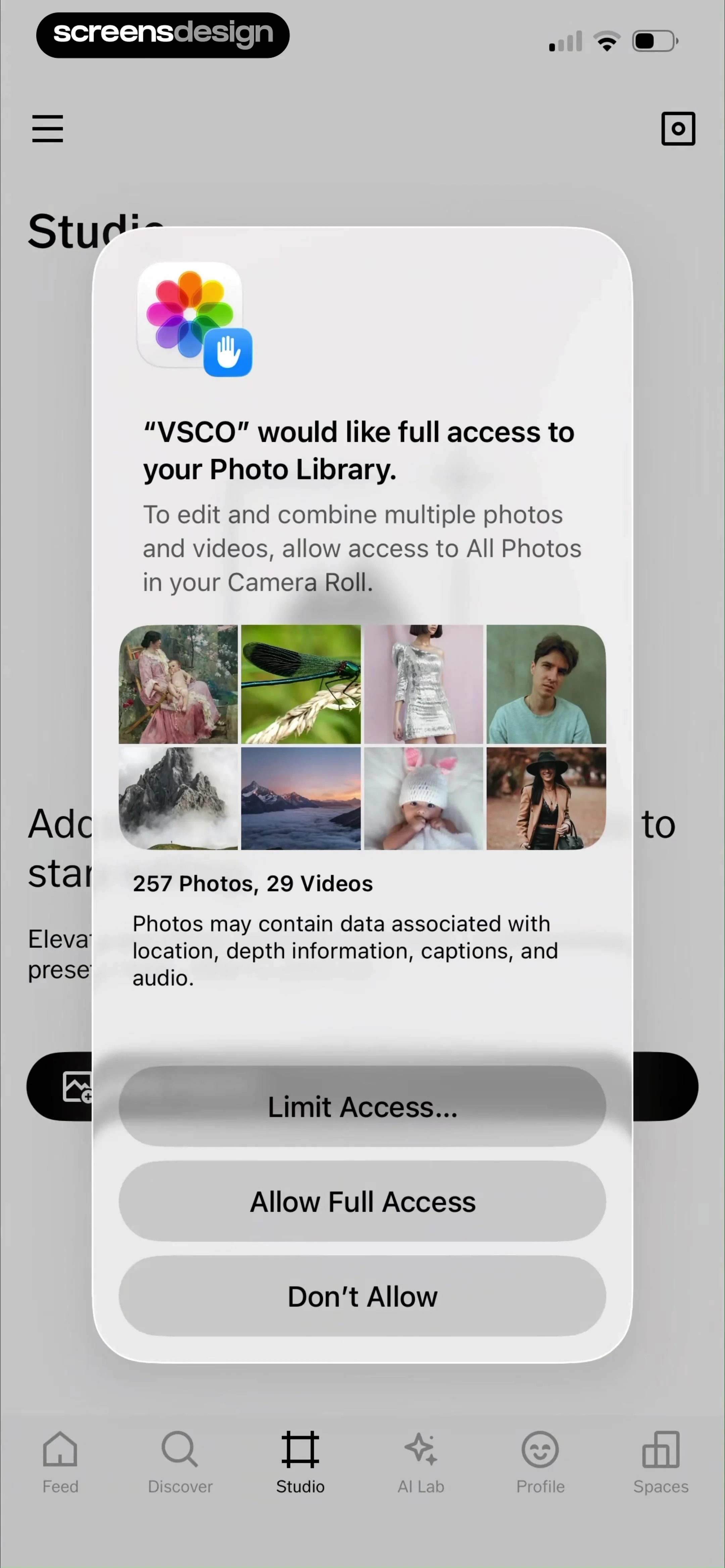
System permission modal requesting photo library access with options to limit access, allow full access, or deny.
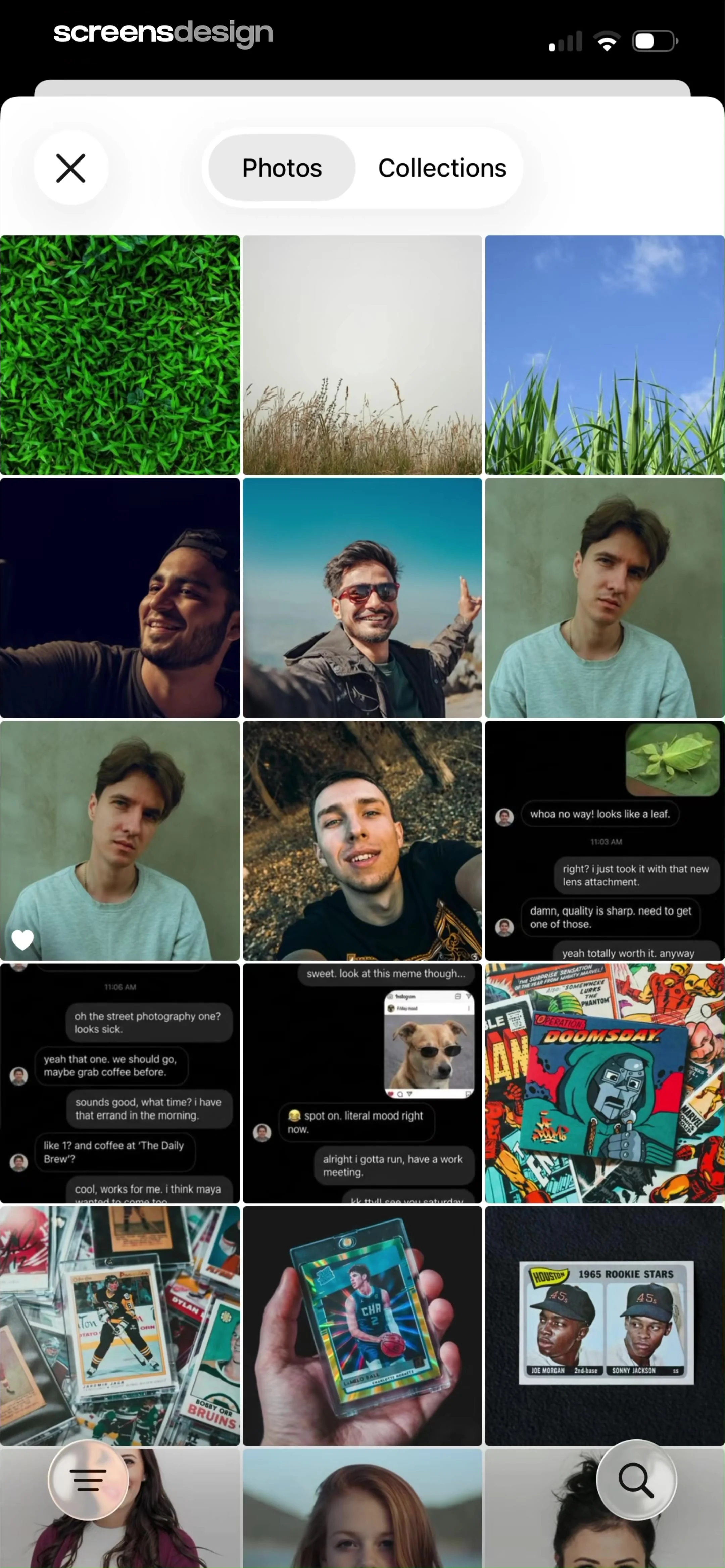
Media gallery grid with a top Photos and Collections segmented control and two floating action buttons at the bottom.
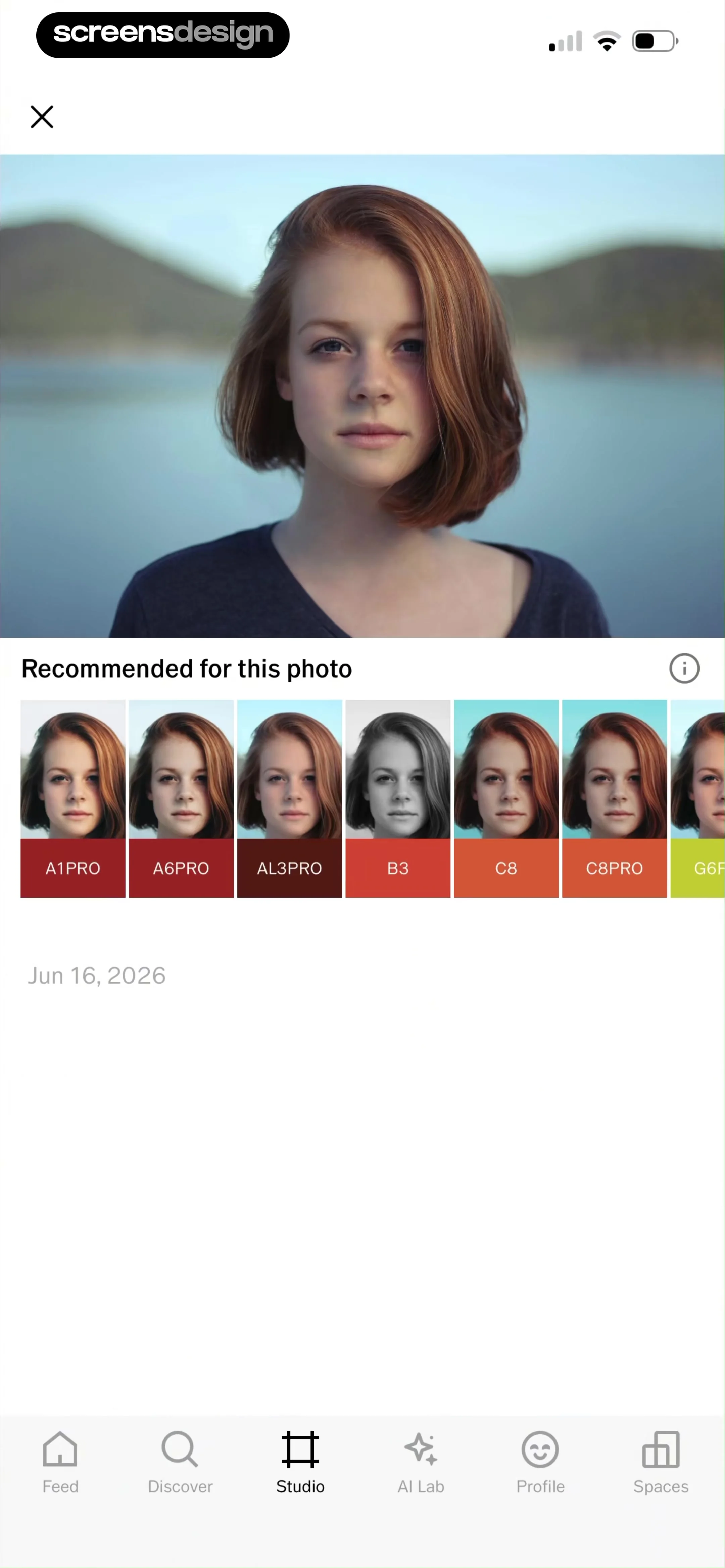
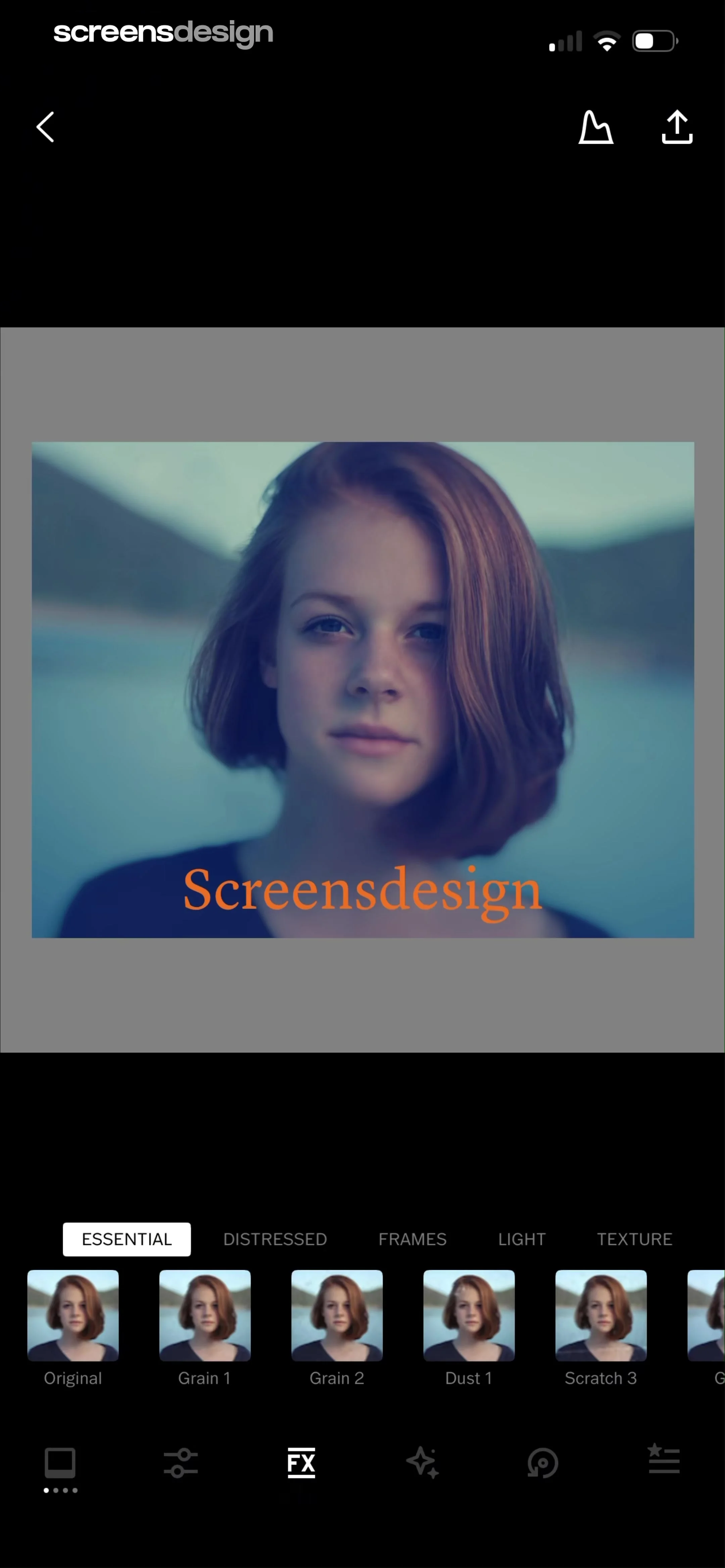
Photo editor screen showing a large image preview with a horizontal scrollable carousel of recommended filter presets below.
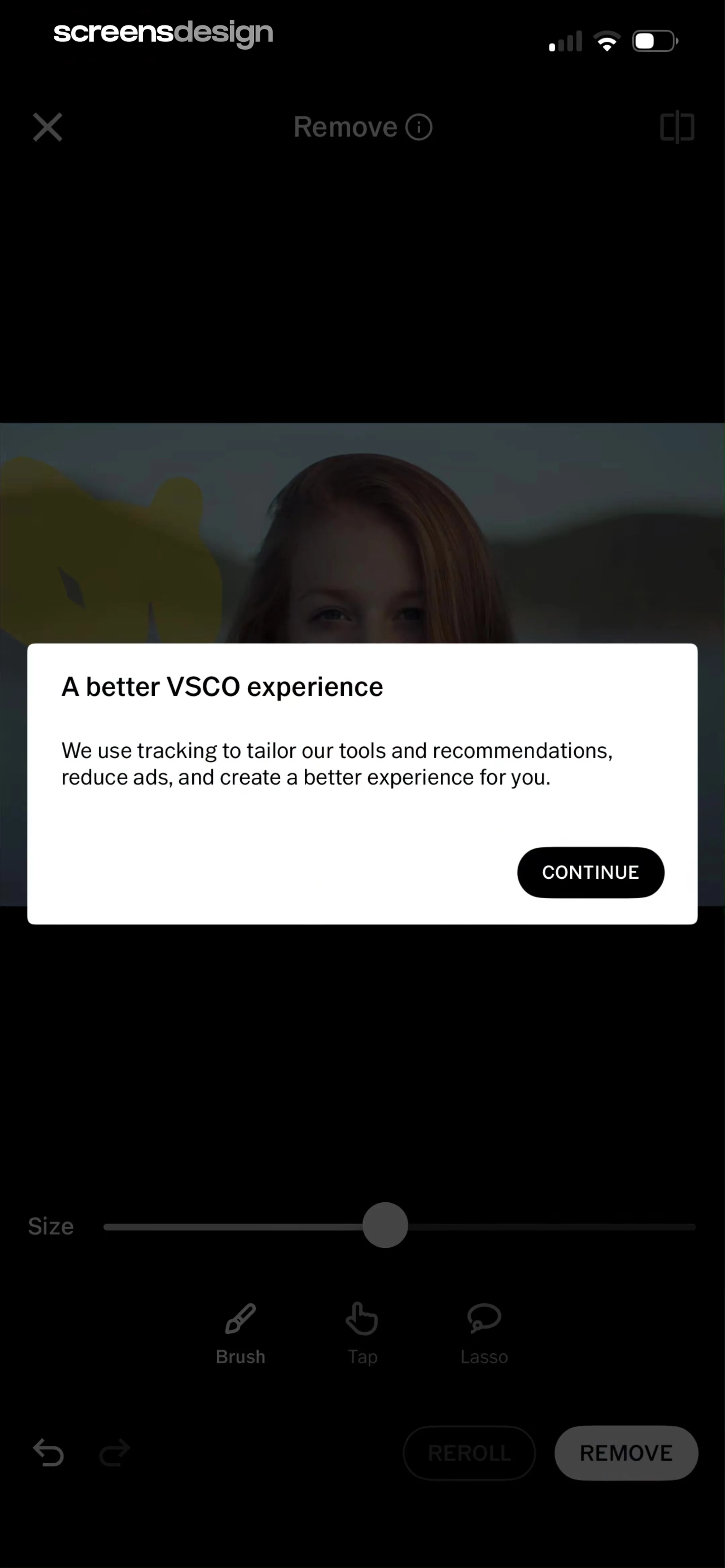
Photo editor screen showing a central image preview with a PRO filter category selected and a filter preset carousel below.
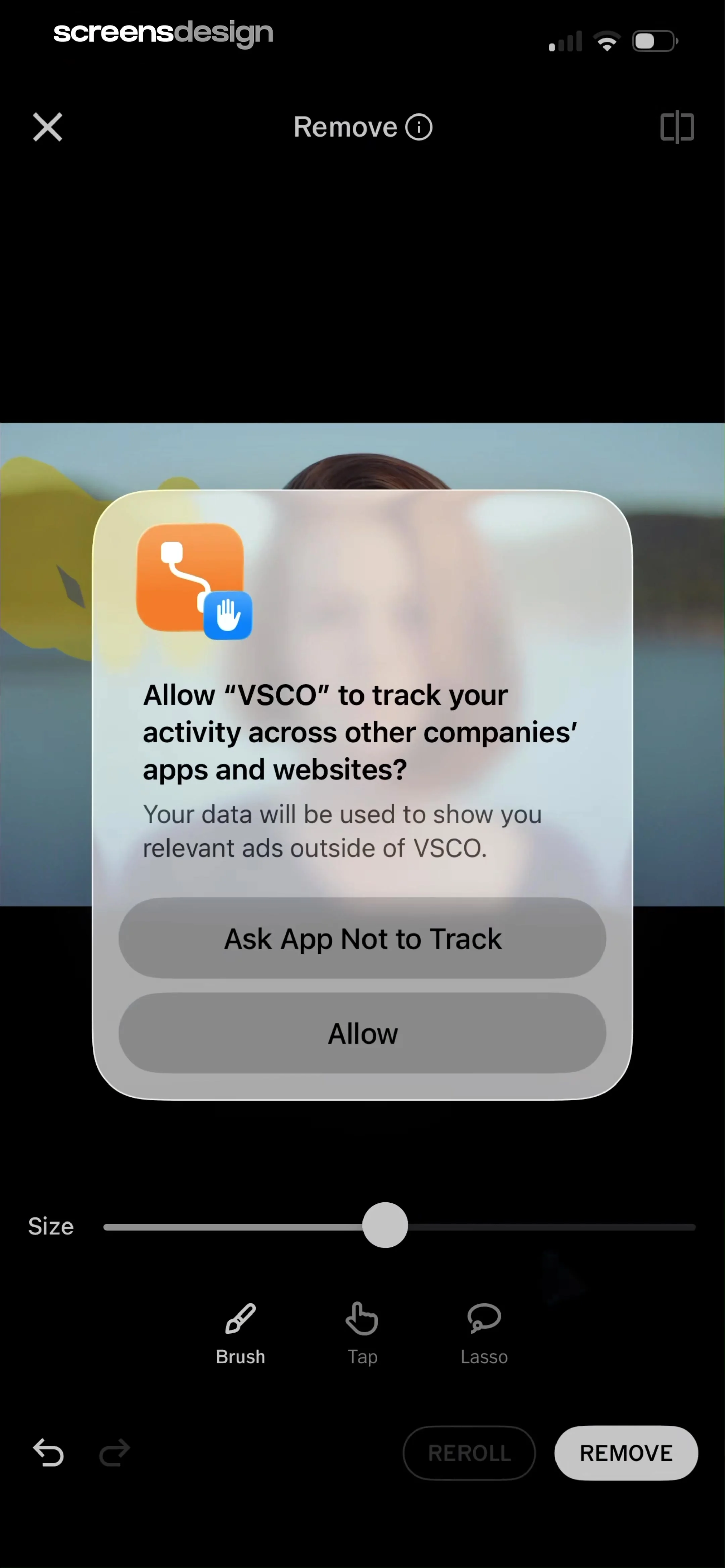
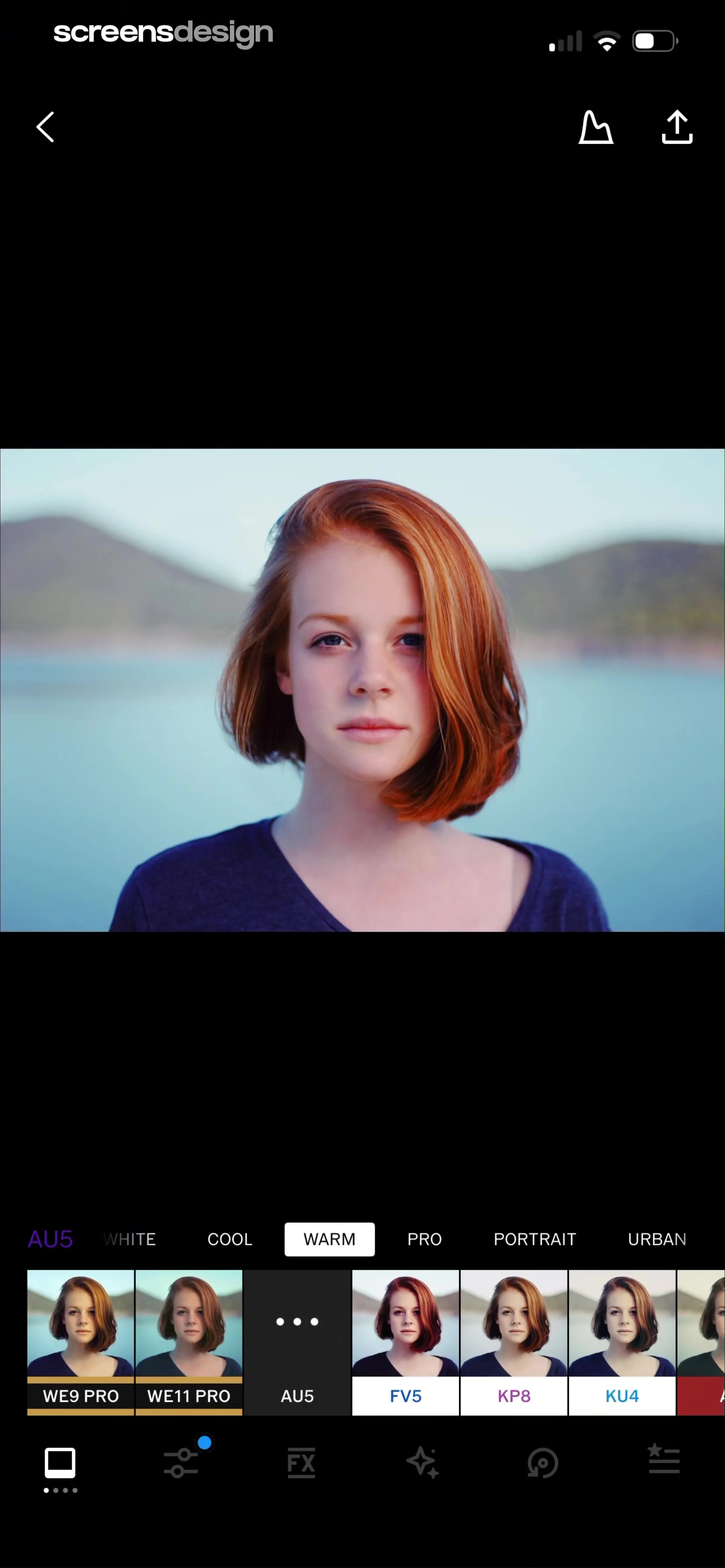
Photo editing screen displaying a central portrait, preset category tabs, and a preset carousel with WE9 PRO selected.
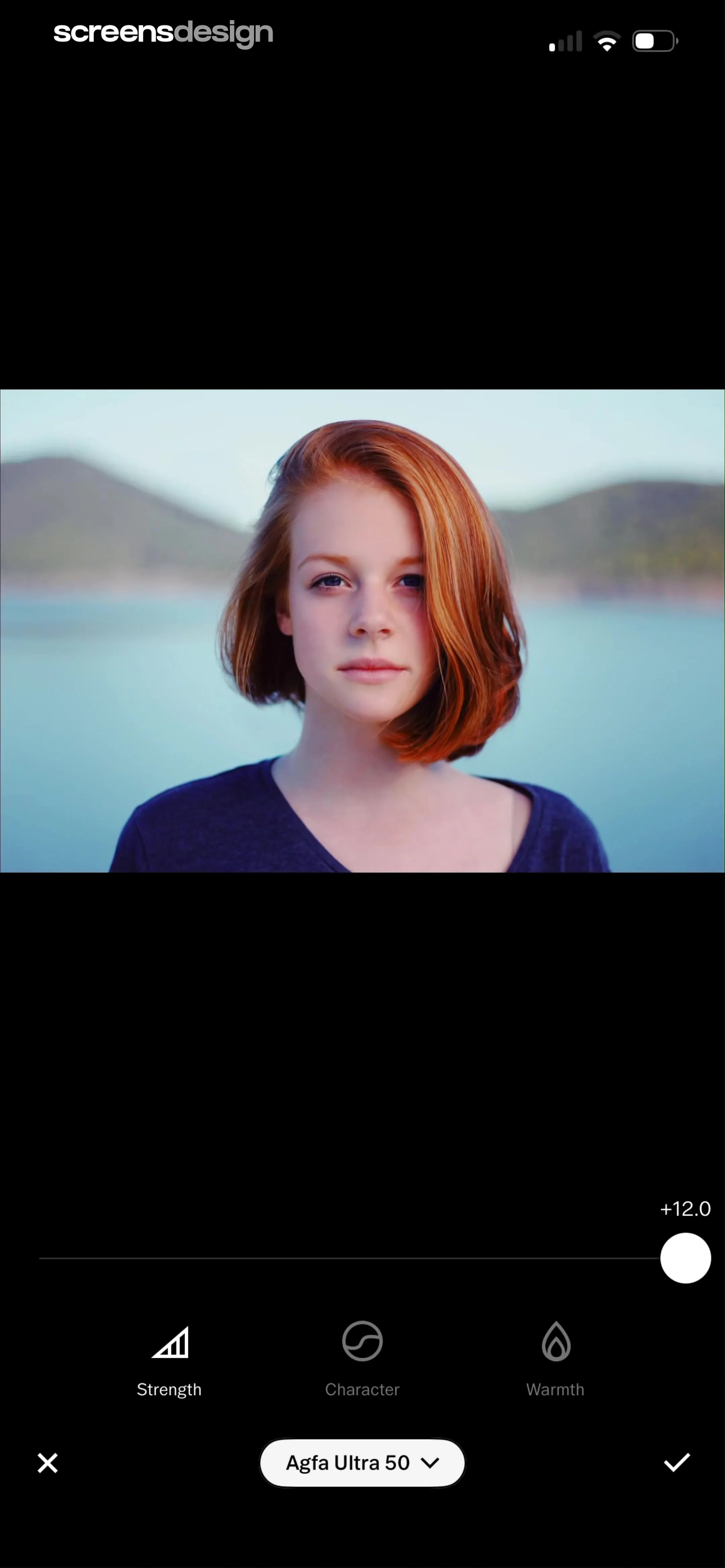
Photo editor screen showing a portrait preview with a strength slider set to plus 12.0 and the Agfa Ultra 50 filter selected.
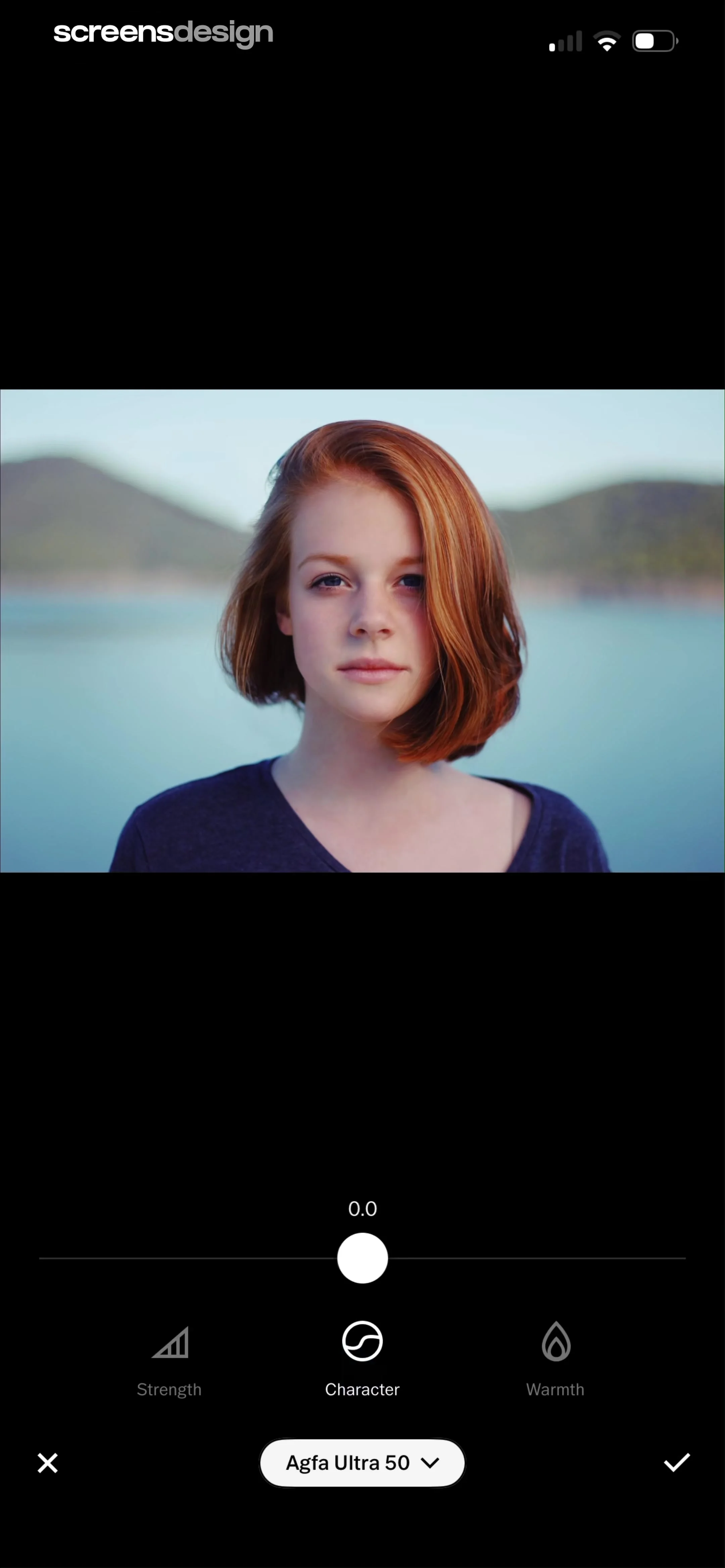
Photo editor screen showing a portrait and adjustment sliders with the Character option selected.
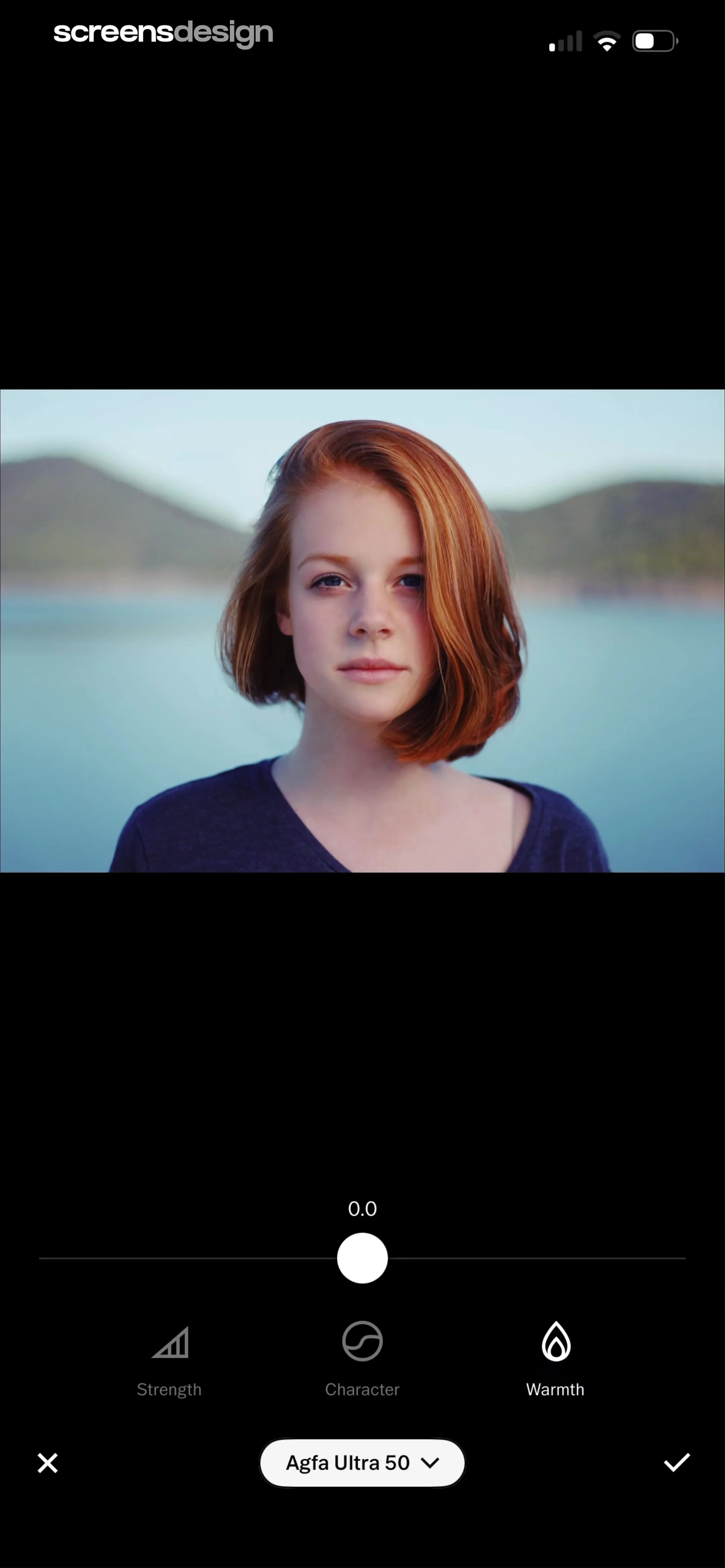
Photo editor filter adjustment screen with an image preview, strength slider, tool icons, and an Agfa Ultra 50 filter selection button.
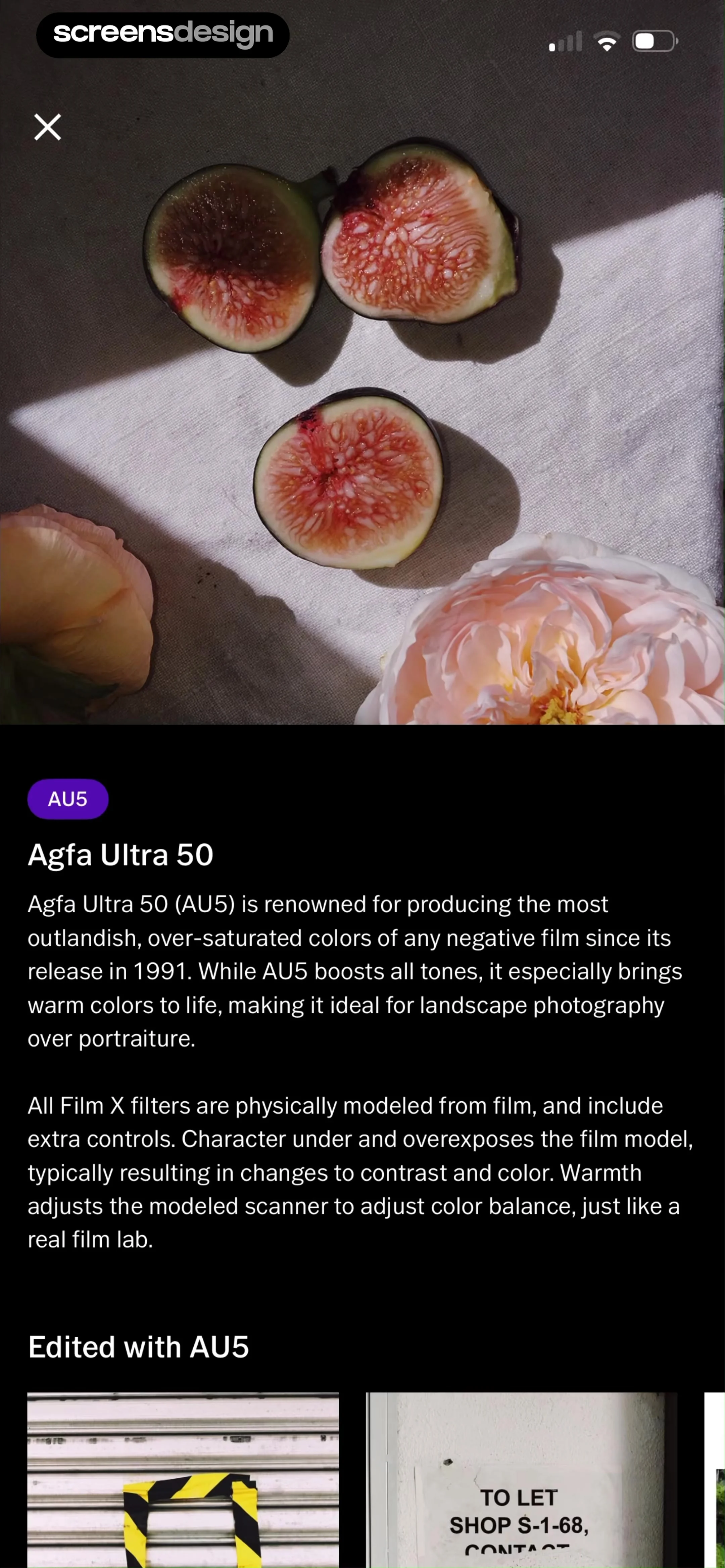
Filter detail screen for Agfa Ultra 50 displaying a hero image, descriptive text about its color characteristics, and an example images carousel.
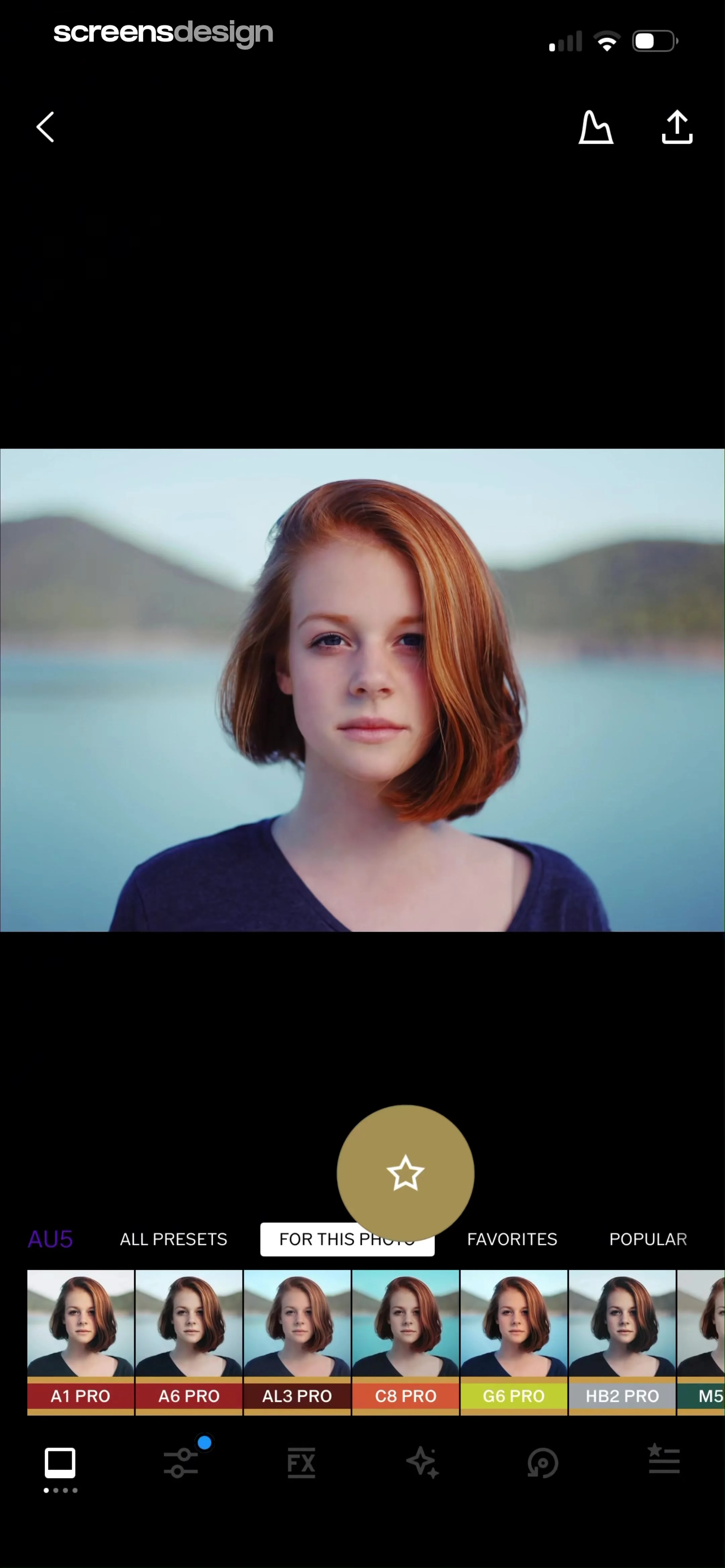
Photo editor screen showing a central portrait with a horizontal list of pro presets and a floating favorite button.
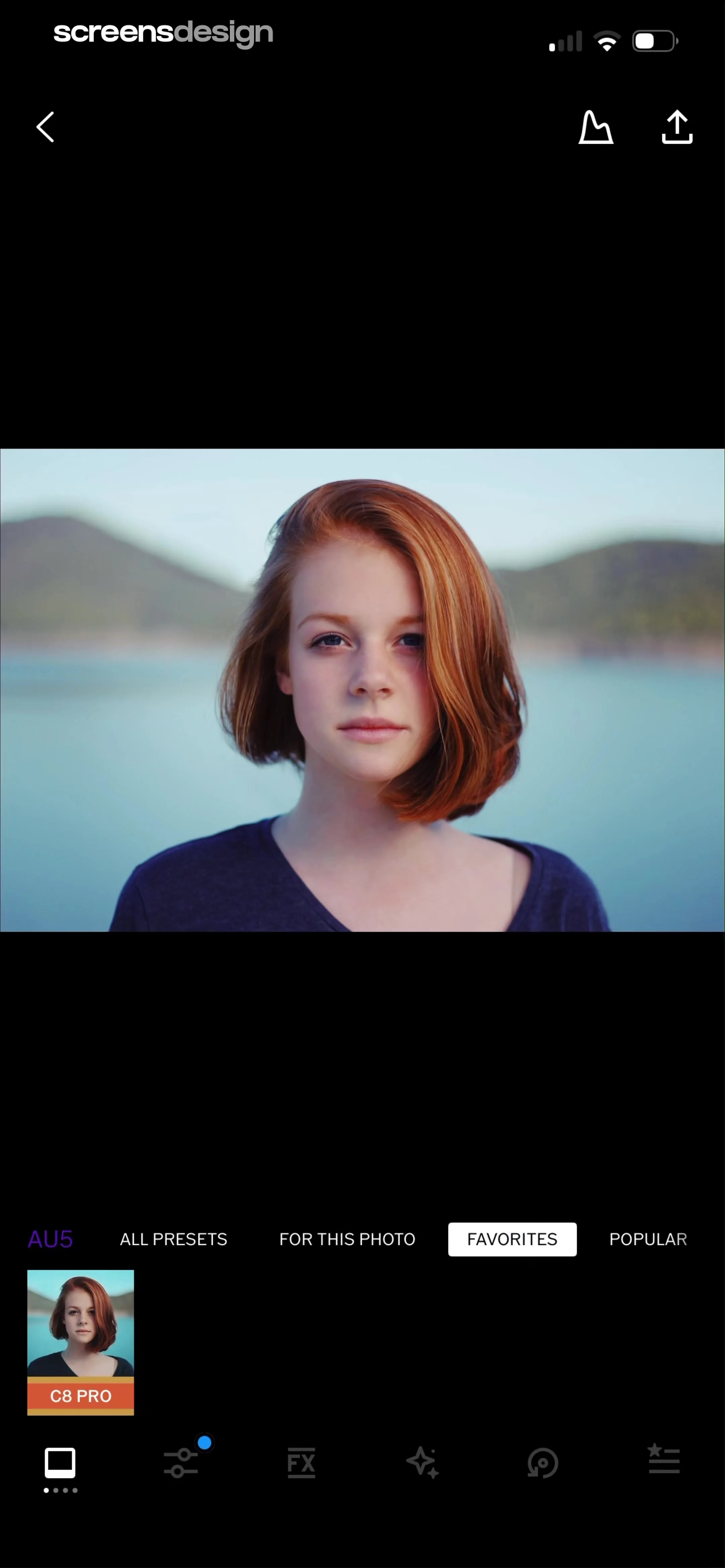
Photo editor screen showing a central image preview with a horizontal preset category menu, the favorites tab selected, and a C8 PRO preset card.
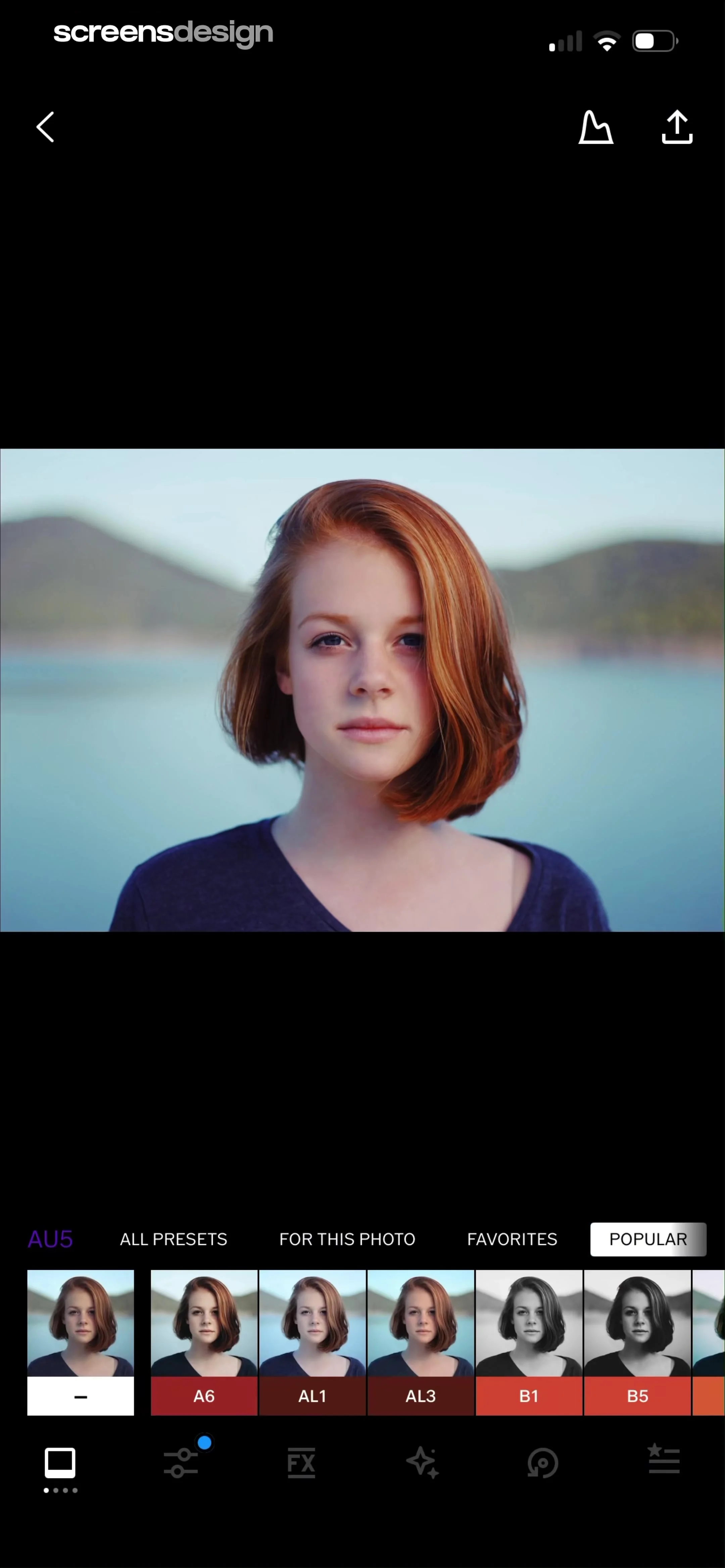
Photo editing screen showing a portrait of a woman, with the Popular preset tab selected and a preset carousel at the bottom.
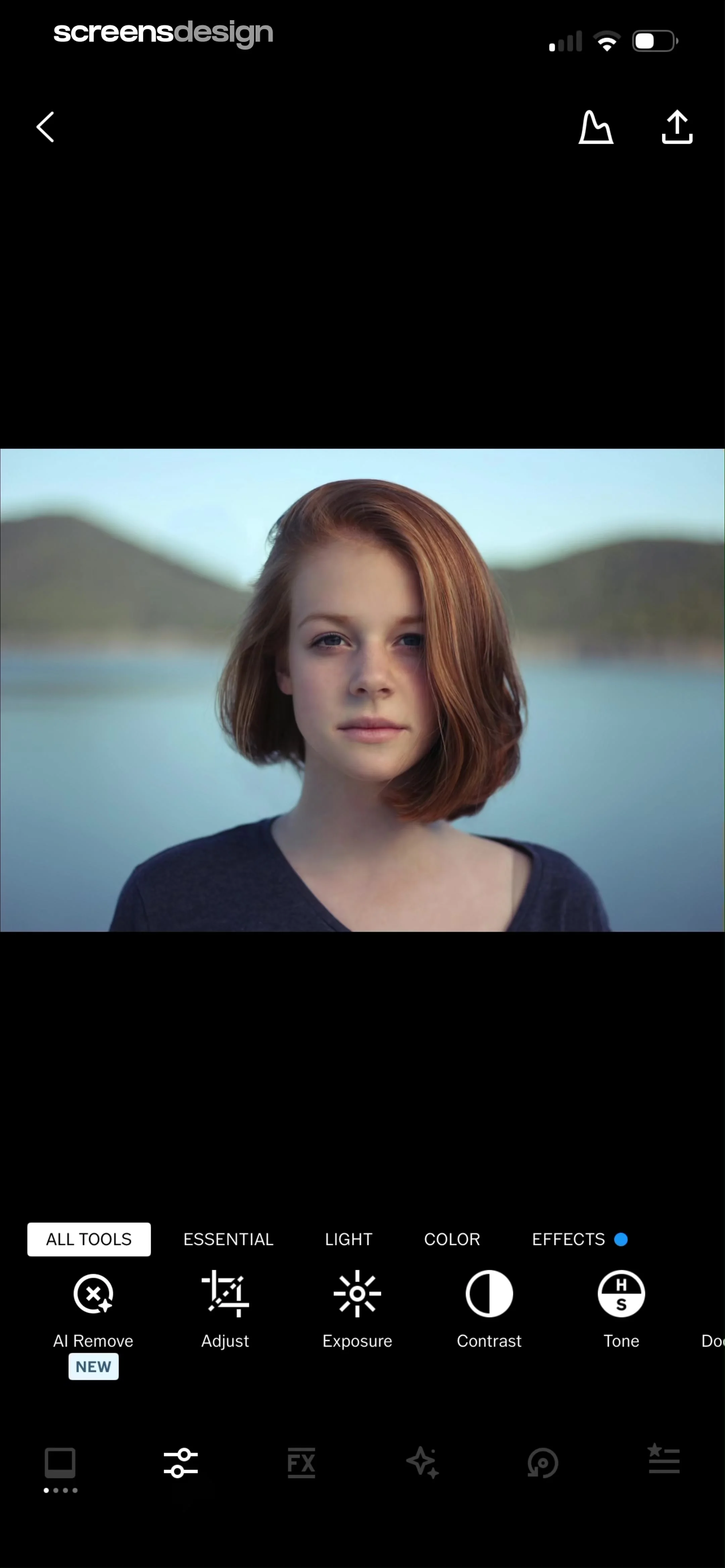
Photo editor screen showing a portrait preview with tool category tabs and a bottom row of editing tools.
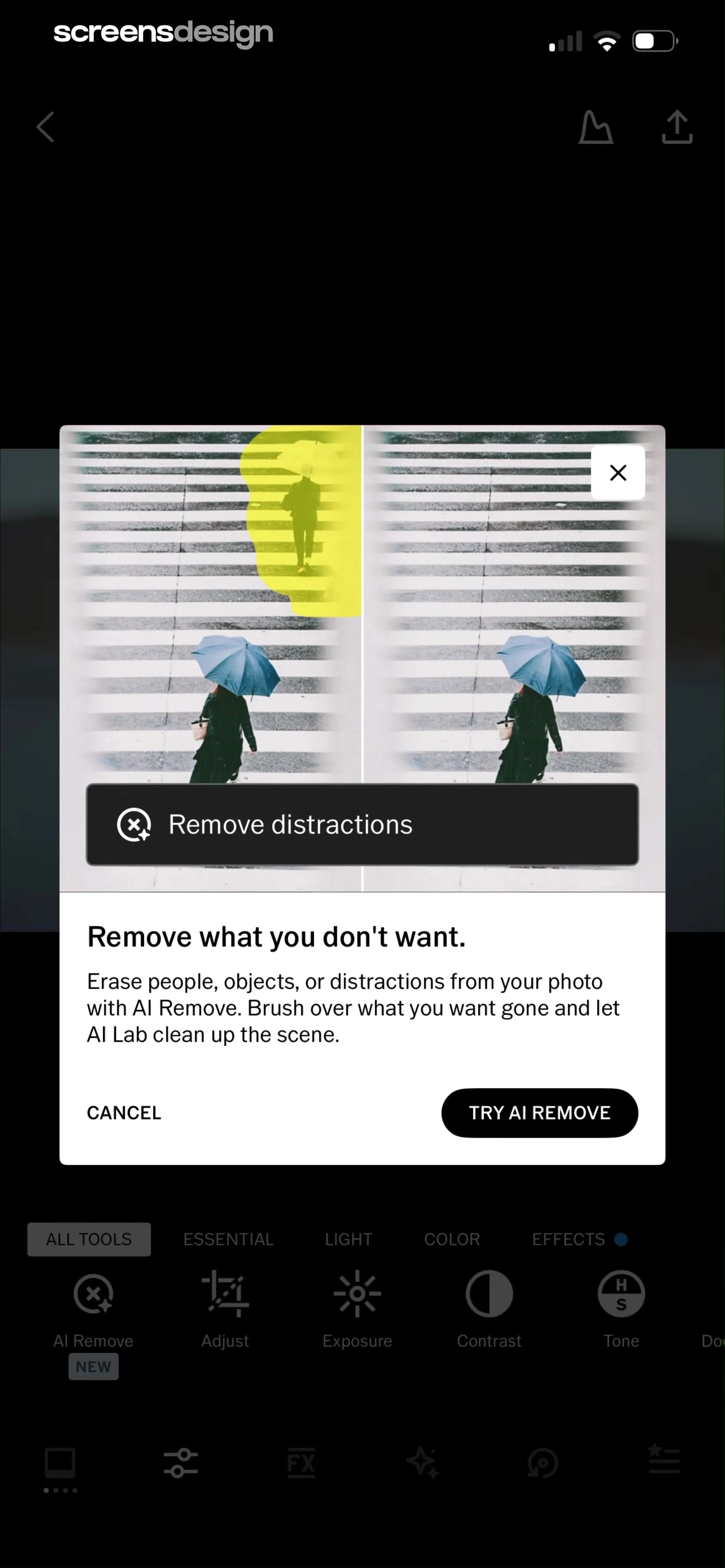
Educational modal introducing the AI Remove feature in a photo editing app, featuring a before-and-after comparison and a Try AI Remove button.
Photo editor screen displaying an AI Lab modal overlay with an Edit in AI button over a dark theme interface.
Instructional onboarding overlay explaining the AI remove tool with a three-step guide and an Edit With Remove button at the bottom.
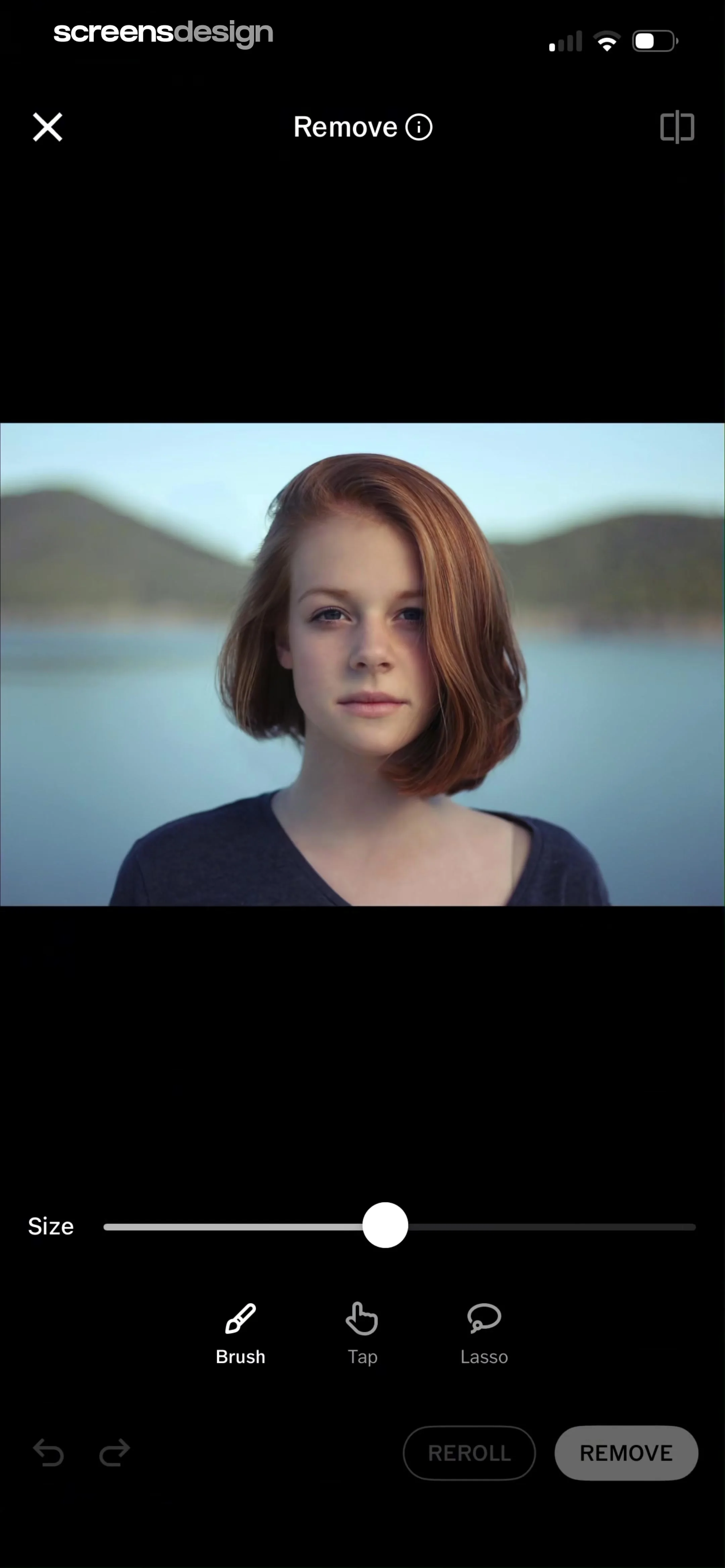
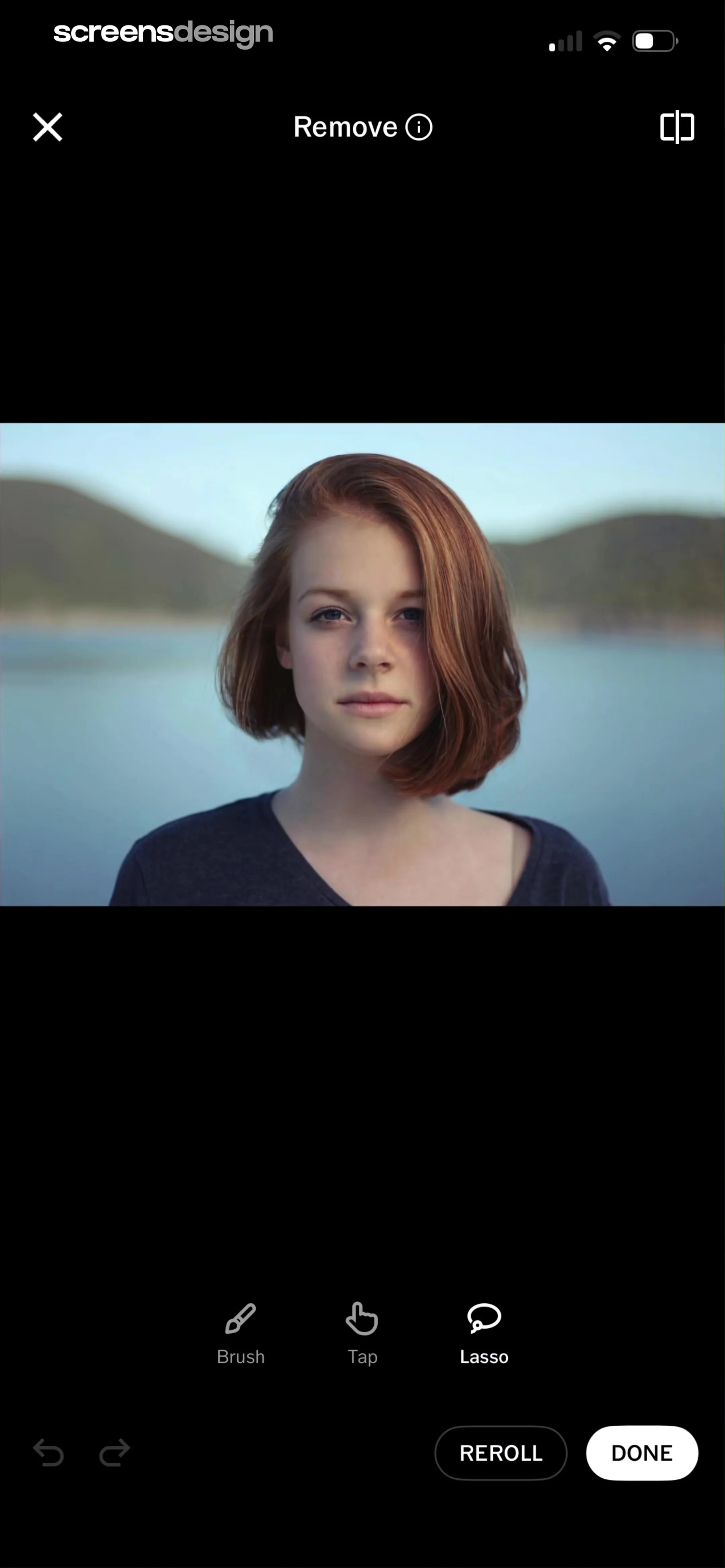
Photo editor screen showing an AI removal tool with brush, tap, and lasso options, a size slider, and a Remove button.
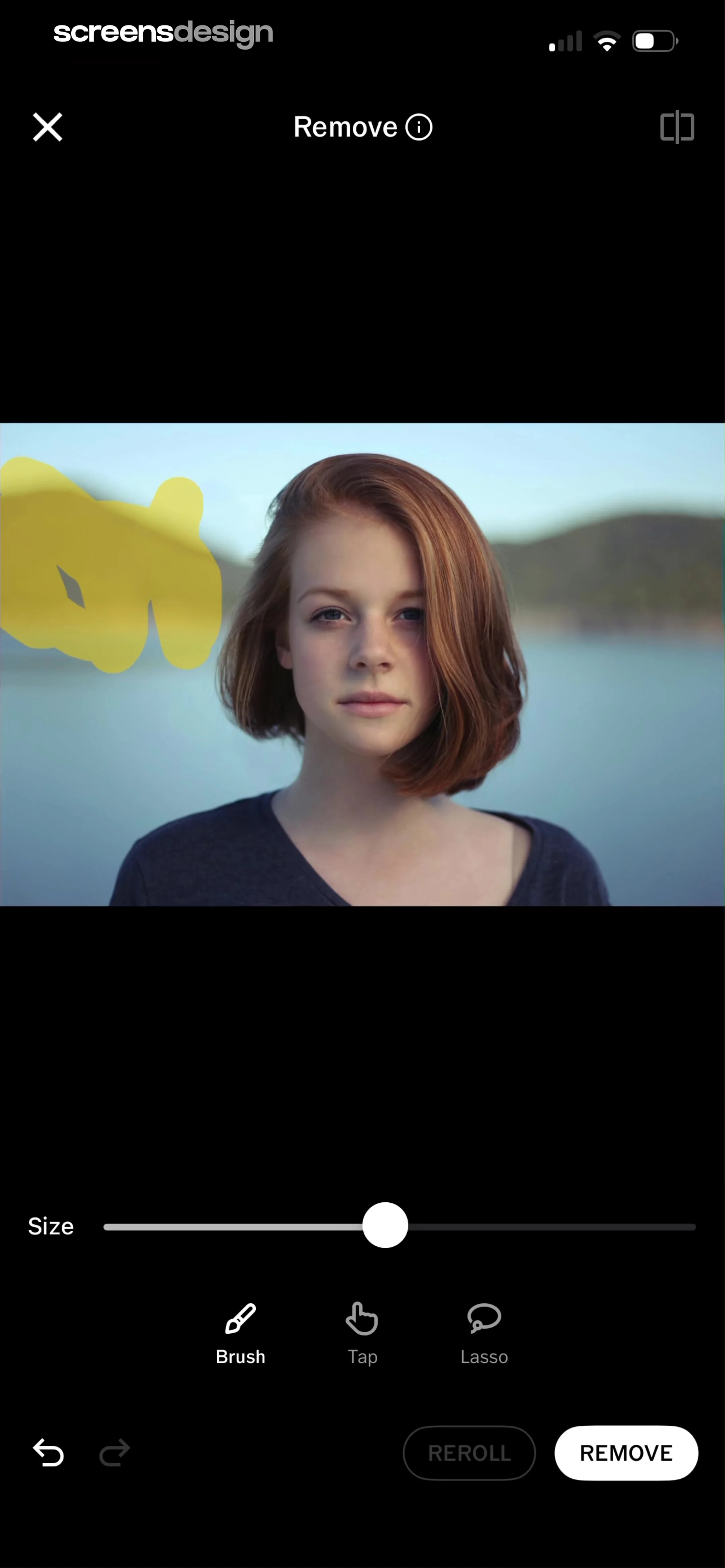
Photo editor remove tool screen featuring a central image preview, brush size slider, selection mode buttons, and a remove action button.
Permission modal overlaying a VSCO photo editing interface with a tracking disclosure and a Continue button.
VSCO photo editing screen with an app tracking transparency permission modal overlaid, featuring allow and deny buttons.
VSCO photo editing screen displaying an AI object removal process with a processing modal and a Cancel button.
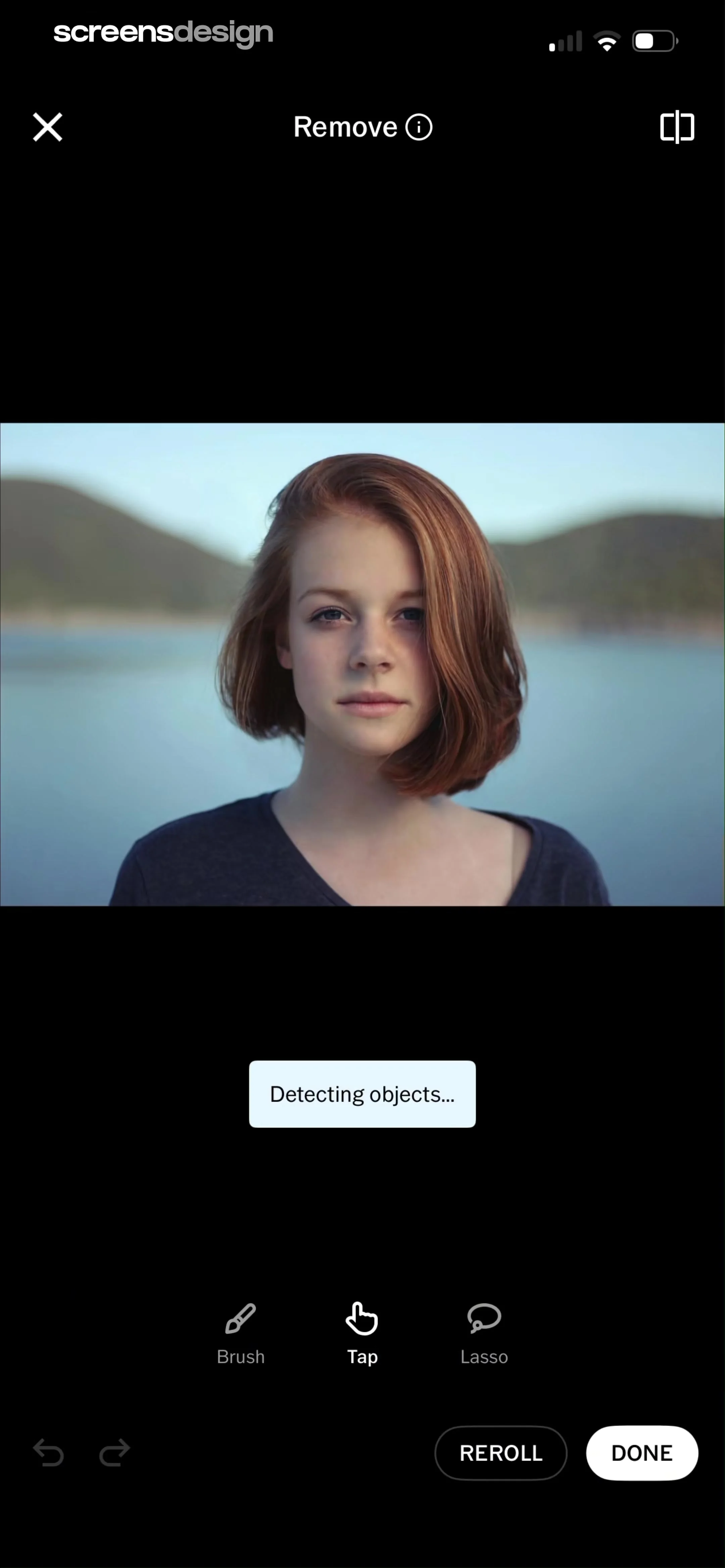
Editor screen showing a photo with a loading modal stating Detecting objects, bottom selection tools, and a Done button.
Photo editor screen showing an AI removal tool with a portrait, lasso selection tool selected, and a Done button.
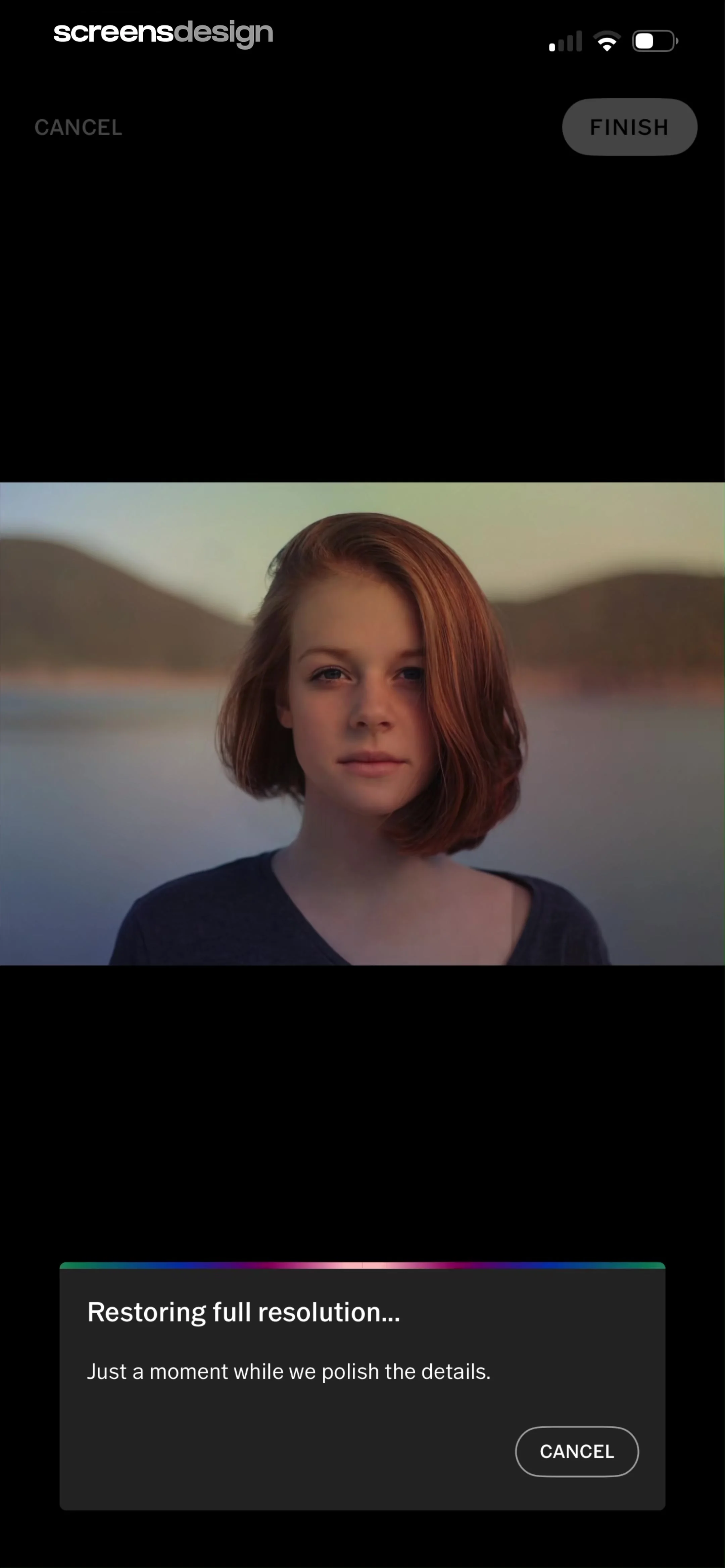
Photo editing interface showing a portrait of a woman with a processing modal overlay and a cancel button.
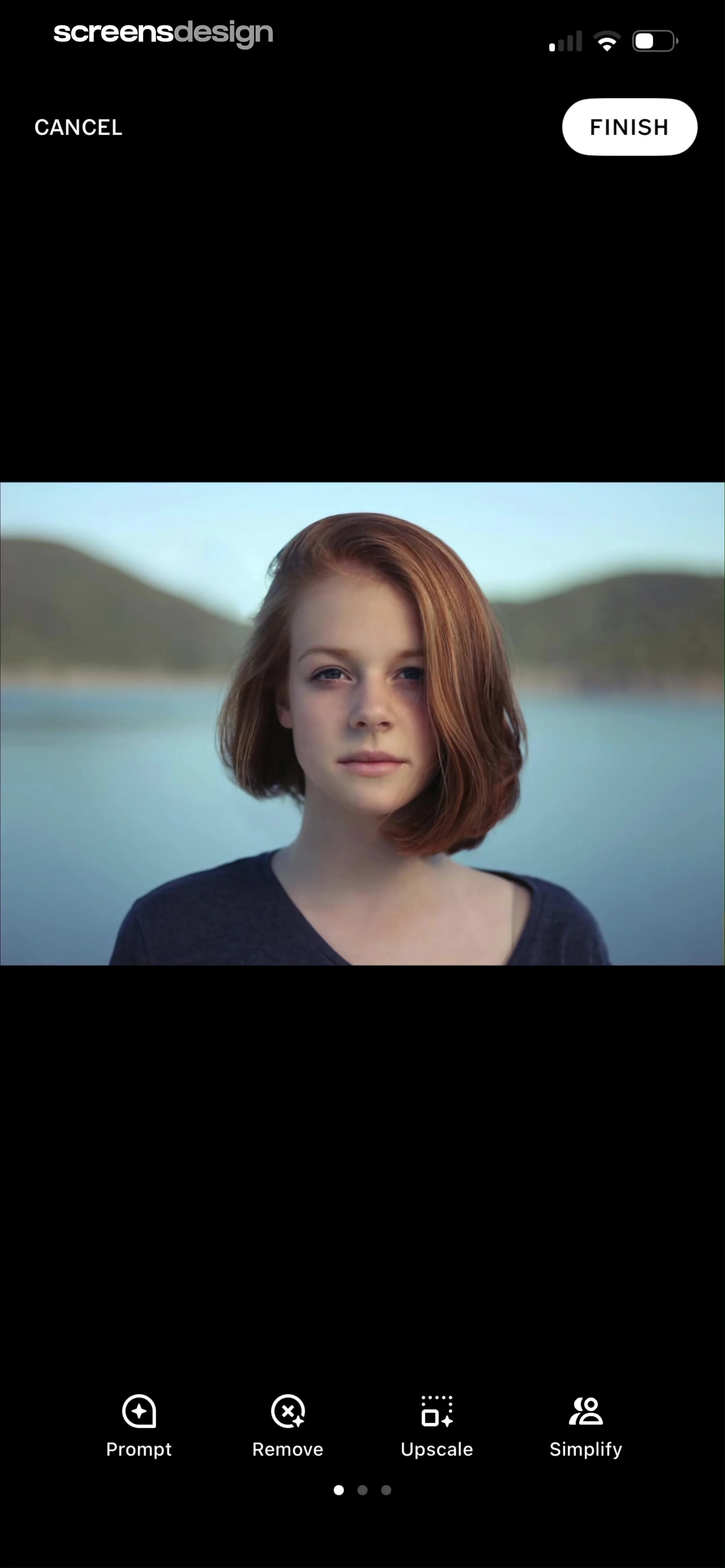
Photo editor screen displaying a central portrait image with a bottom carousel of AI tool options and a Finish button at the top right.
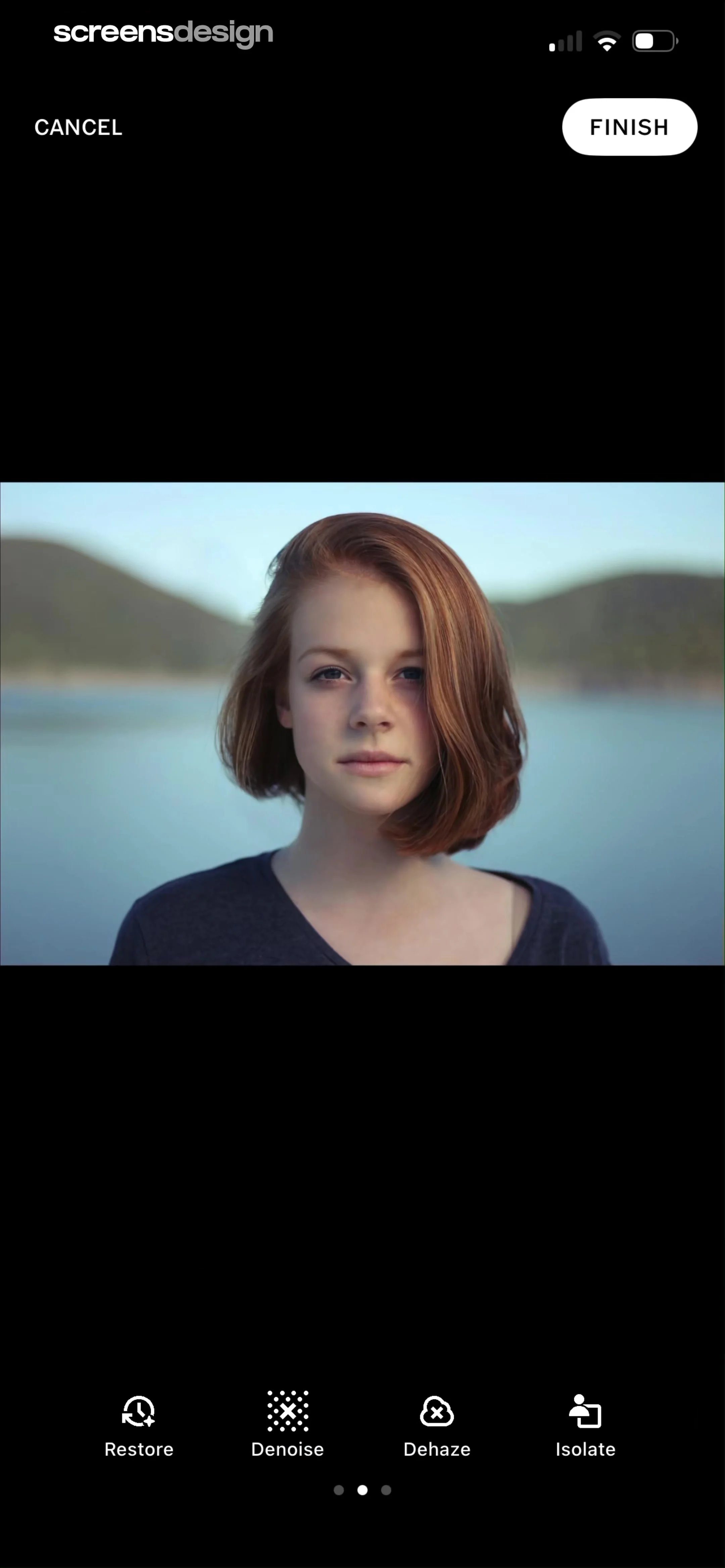
Photo editor displaying a central portrait and a bottom tool carousel with Restore, Denoise, Dehaze, and Isolate options, plus Cancel and Finish buttons.
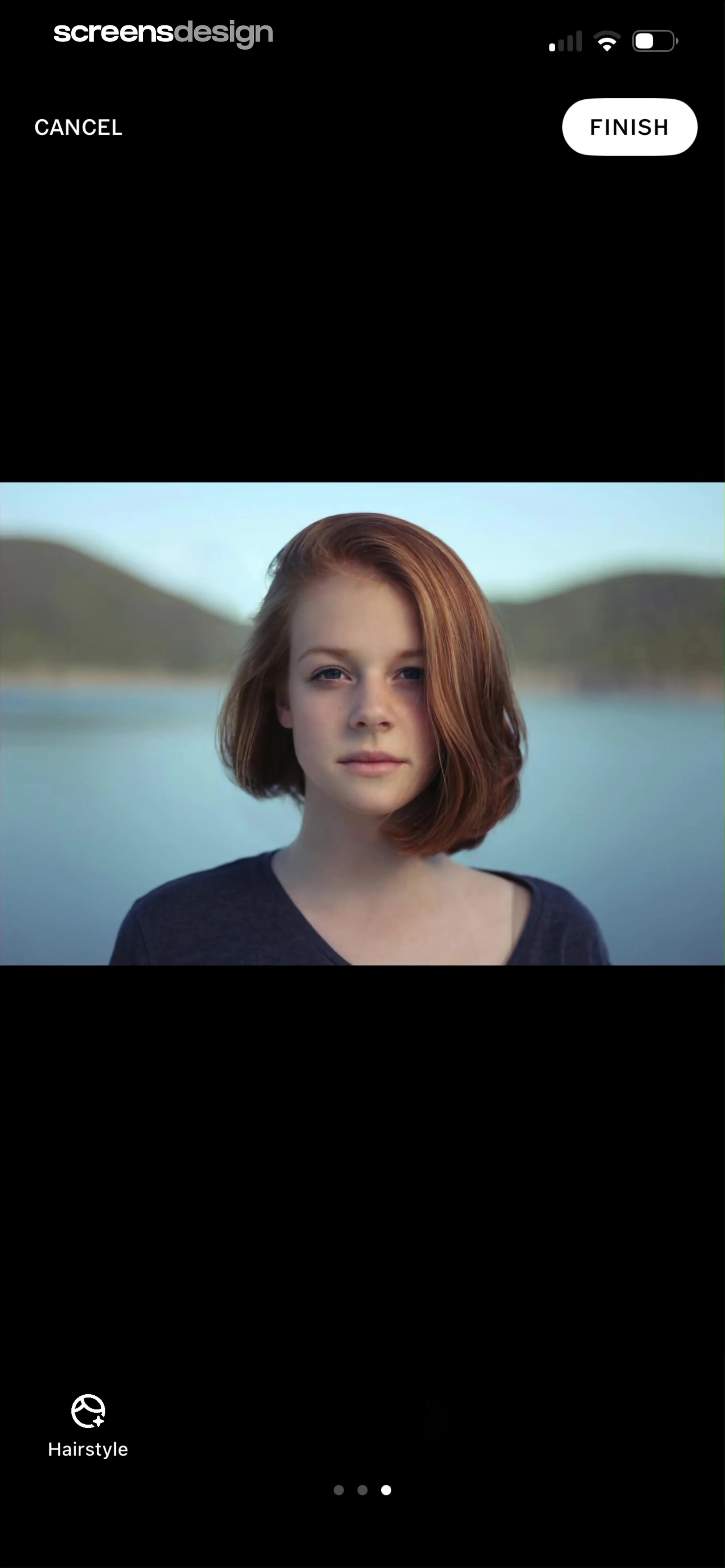
Photo editor interface displaying a portrait of a woman with a top navigation bar and a bottom Hairstyle tool button.
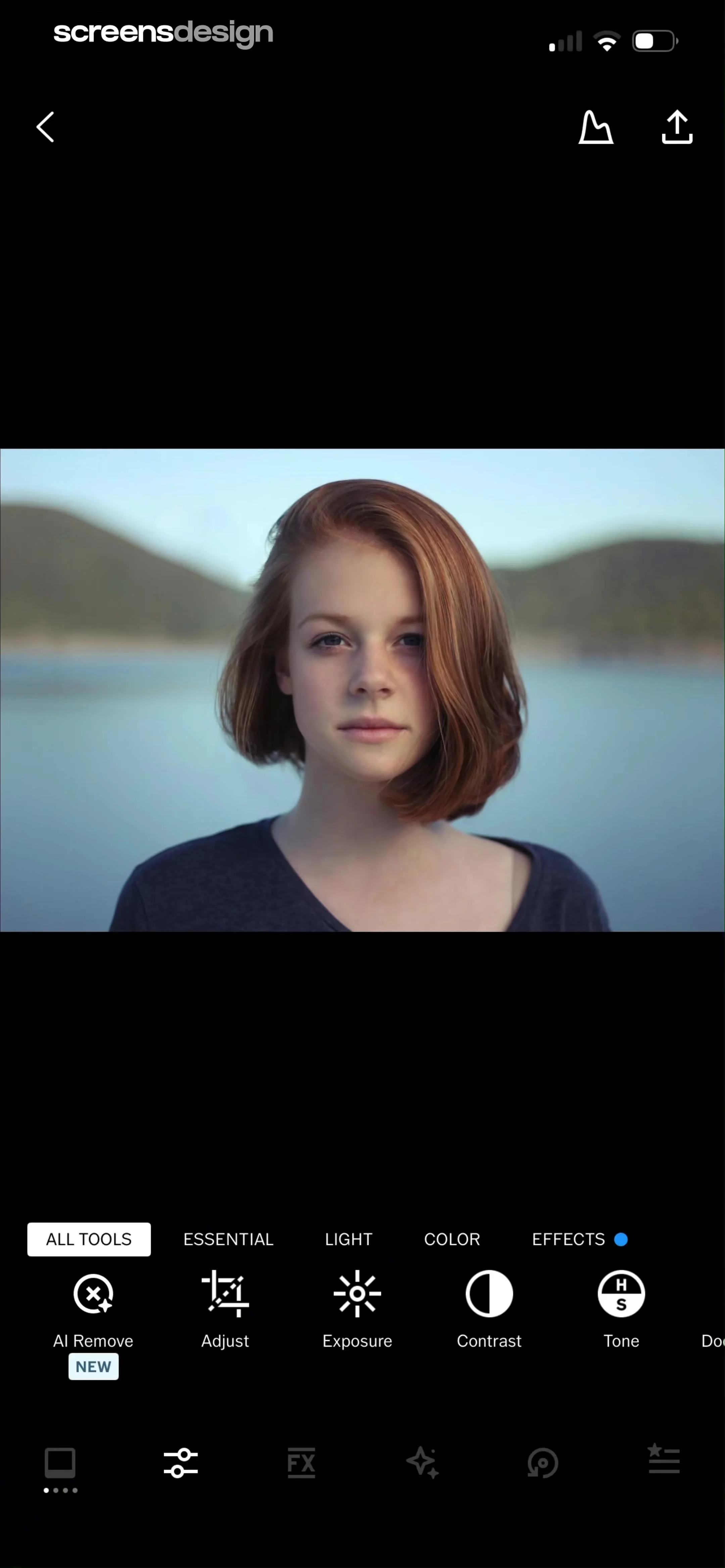
Photo editor screen showing a central portrait of a woman with a bottom editing toolbar featuring AI Remove and exposure tools.
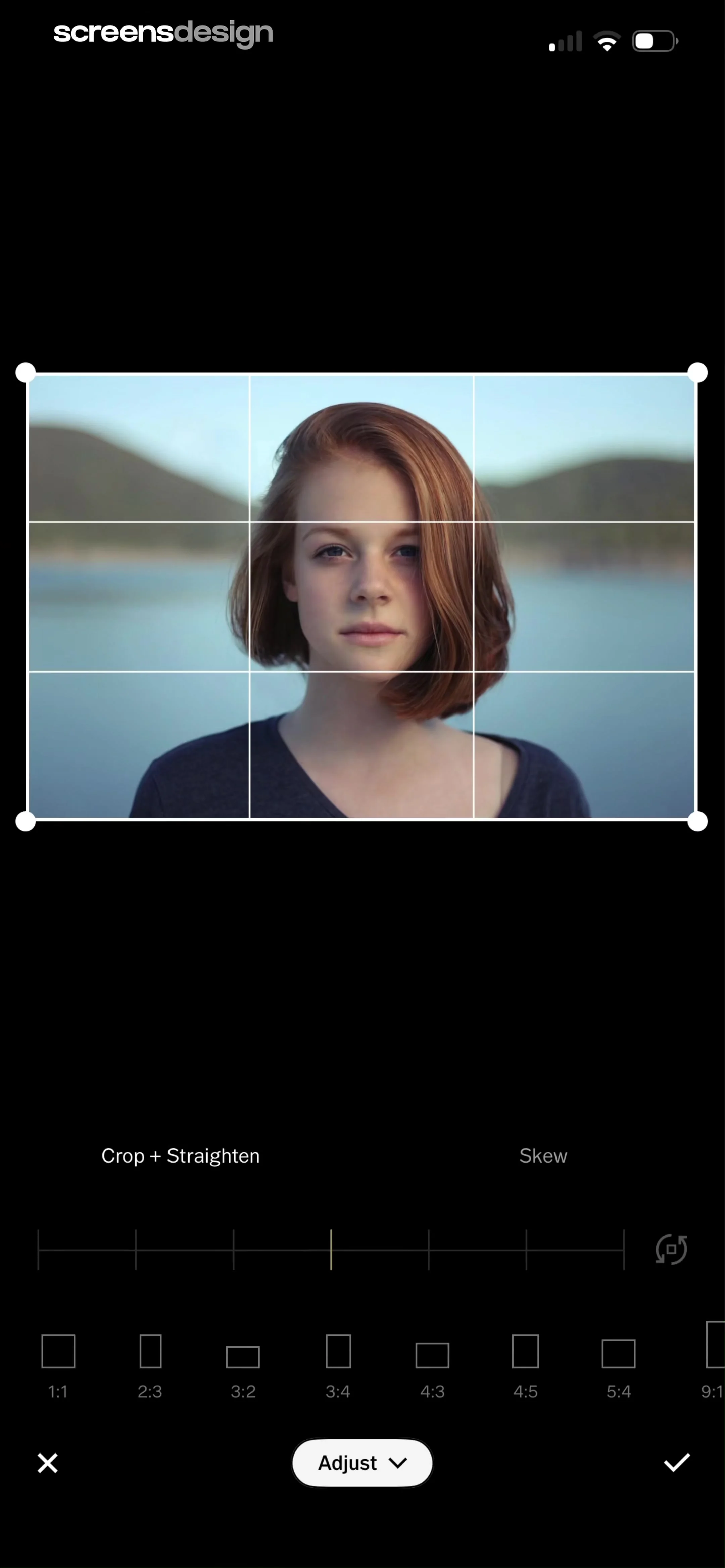
Photo editor crop and straighten screen displaying a portrait with a grid, rotation slider, aspect ratio presets, and confirm button.
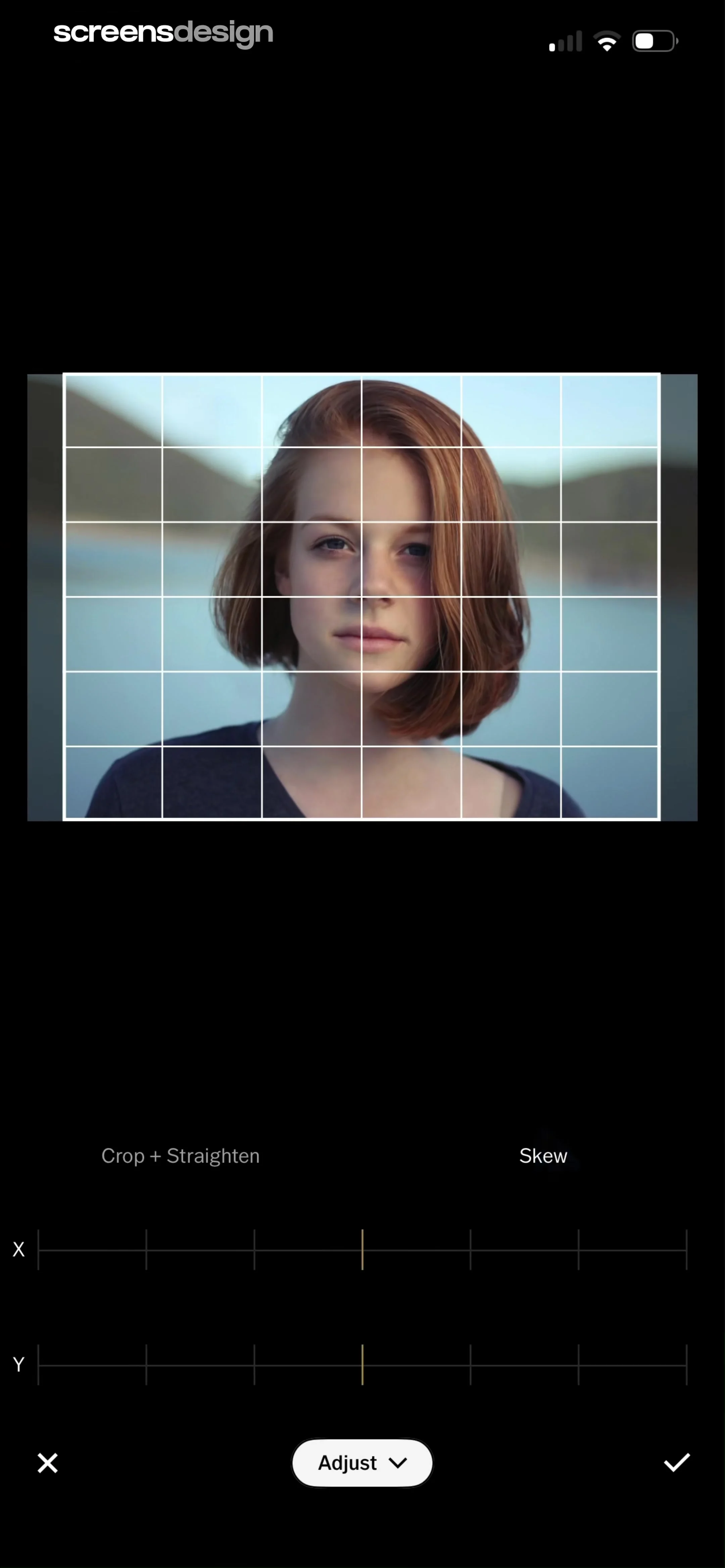
Photo editor screen showing a portrait with a grid overlay, X and Y skew adjustment sliders, and confirm and cancel controls.
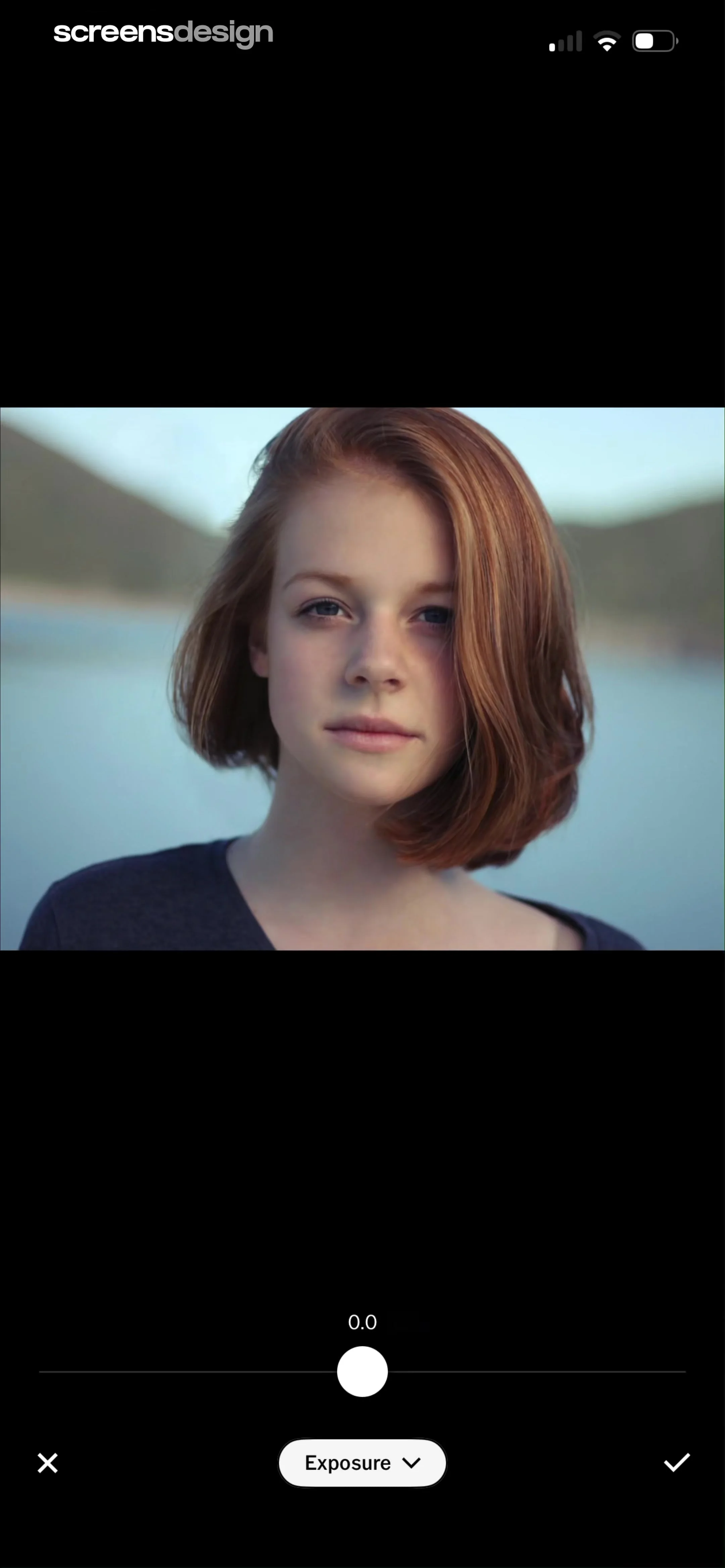
Photo editor screen for adjusting exposure with an adjustment slider and confirmation buttons.
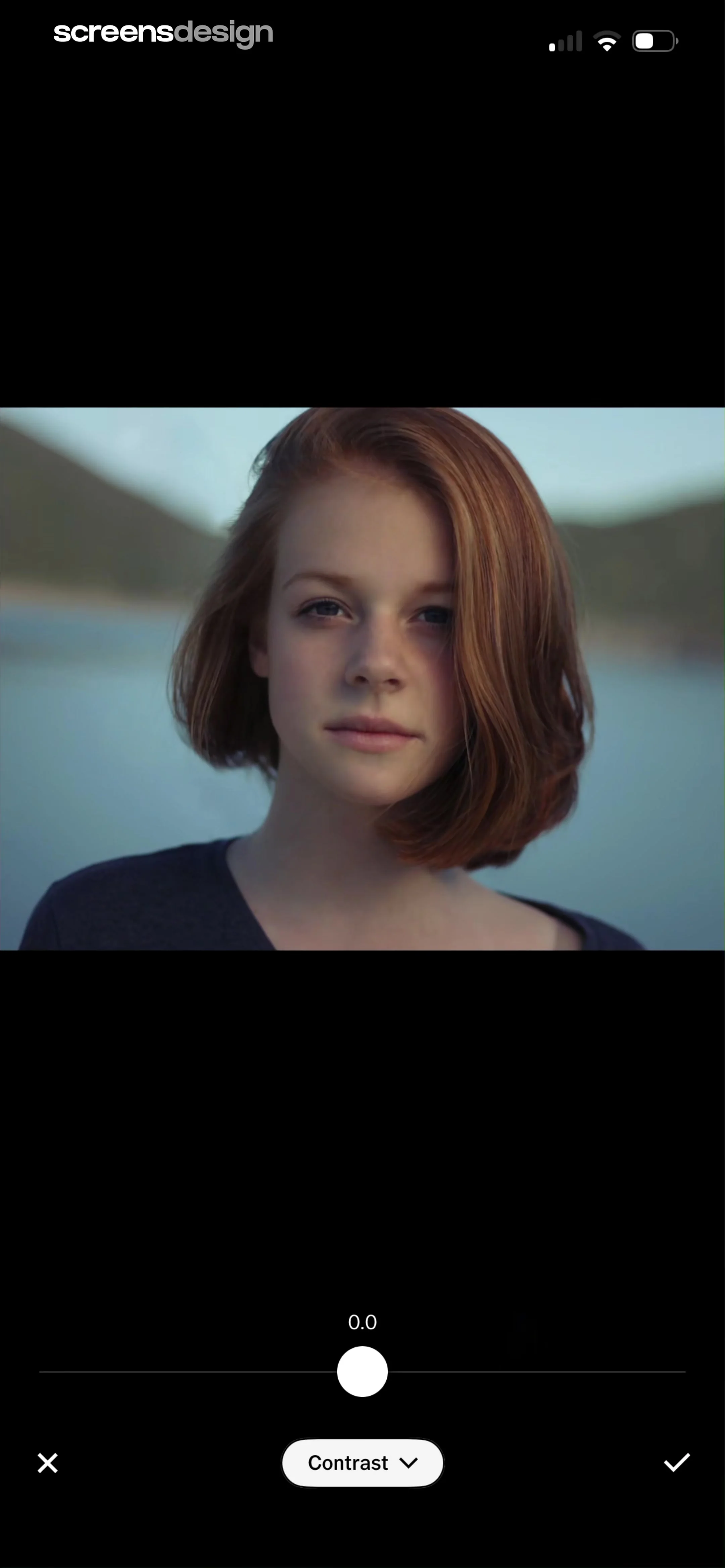
Photo editor screen showing a portrait of a woman, a contrast adjustment slider set to 0.0, and a bottom control bar with cancel, confirm, and menu buttons.
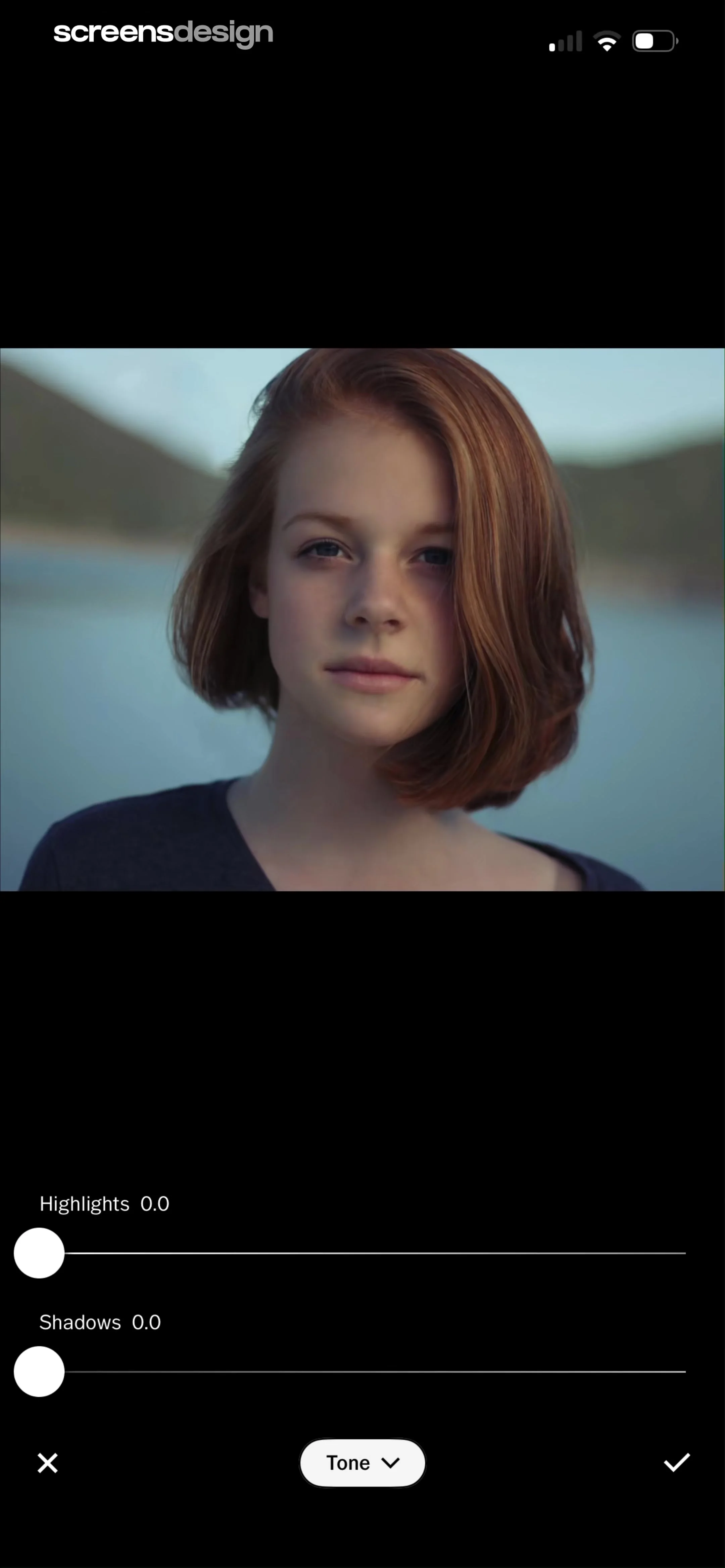
Photo editor screen showing adjustment sliders for highlights and shadows beneath a portrait image, with a tone menu and apply button.
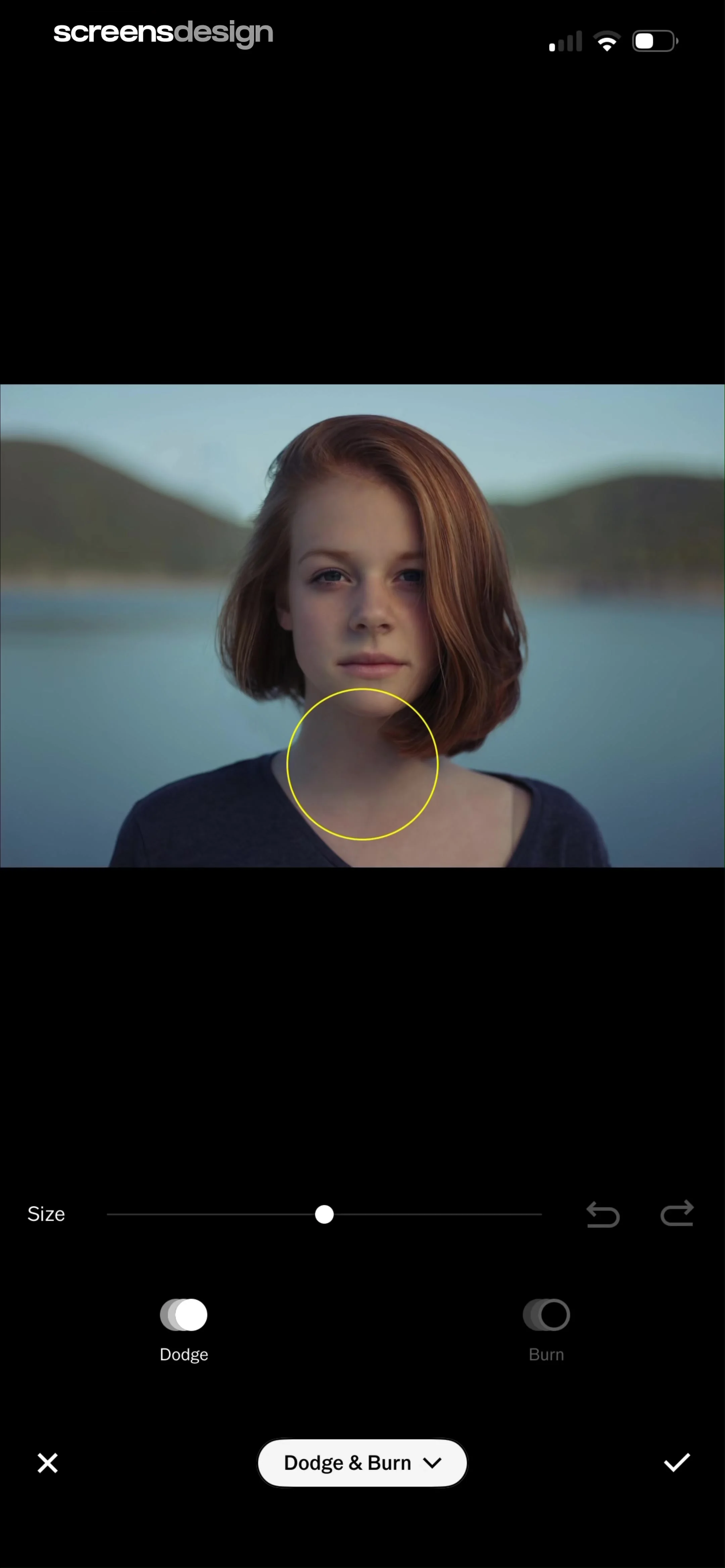
Photo editor screen for the Dodge and Burn tool displaying a portrait, a brush size slider, and tool selection toggles.
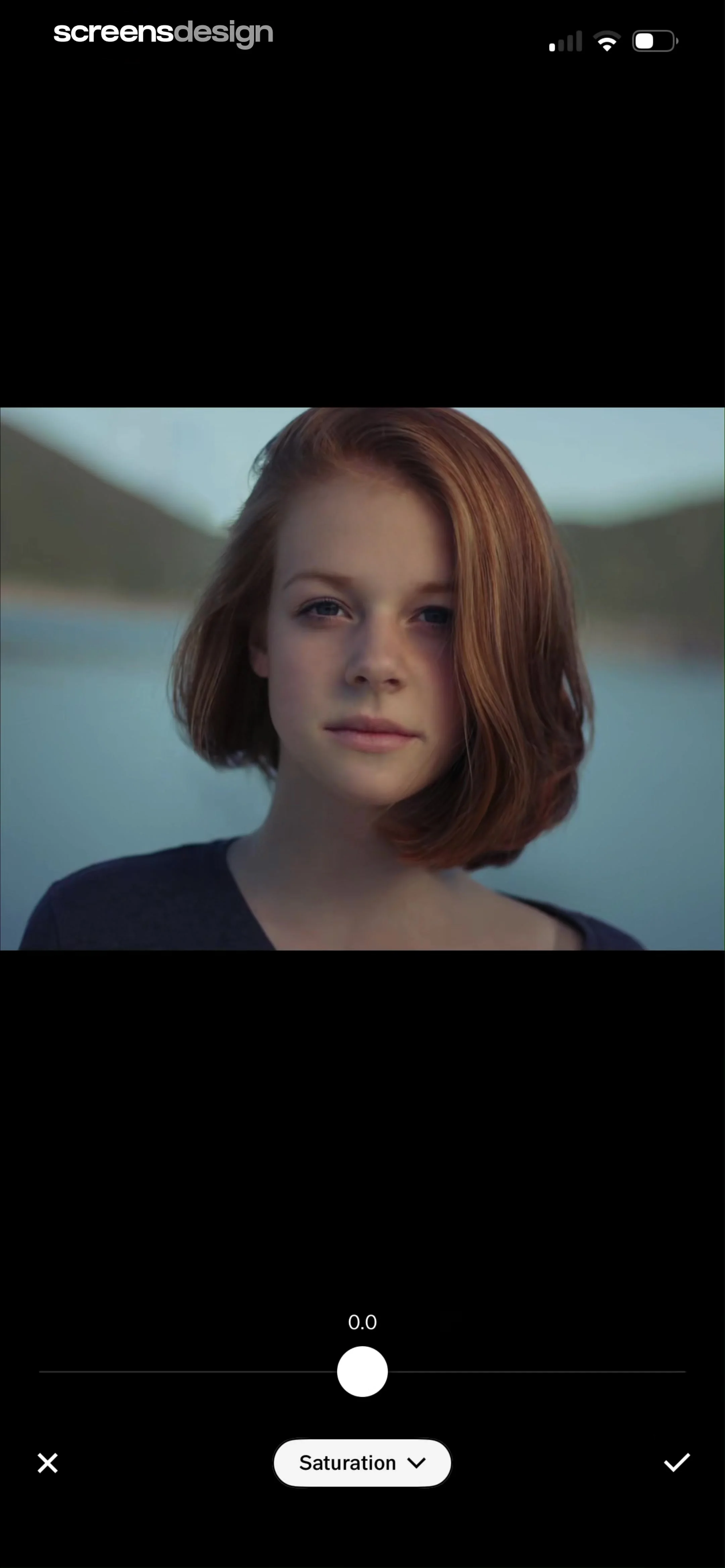
Photo editor screen showing a portrait of a woman, a saturation adjustment slider at 0.0, and cancel and confirm buttons.
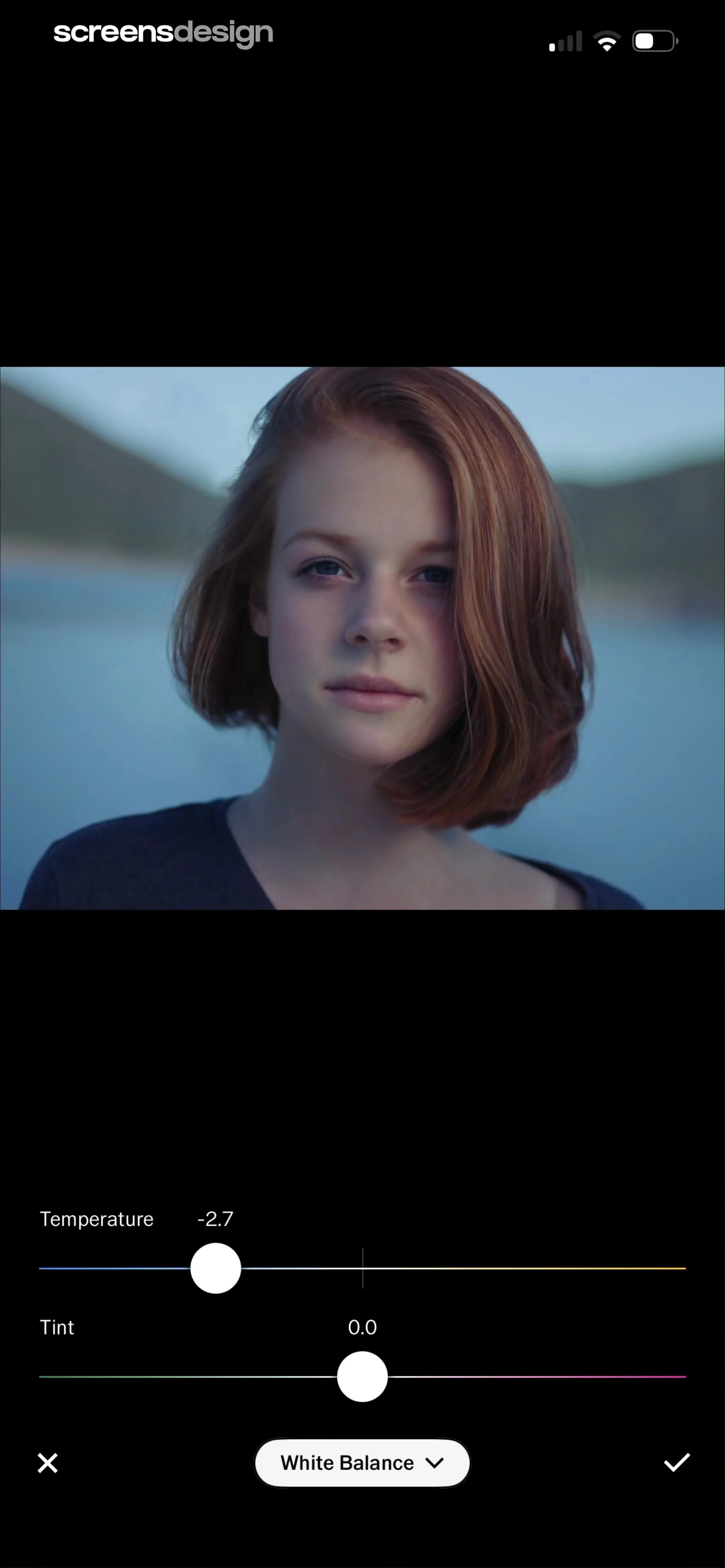
Photo editor white balance screen with temperature and tint sliders, a portrait preview, and cancel and confirm buttons.
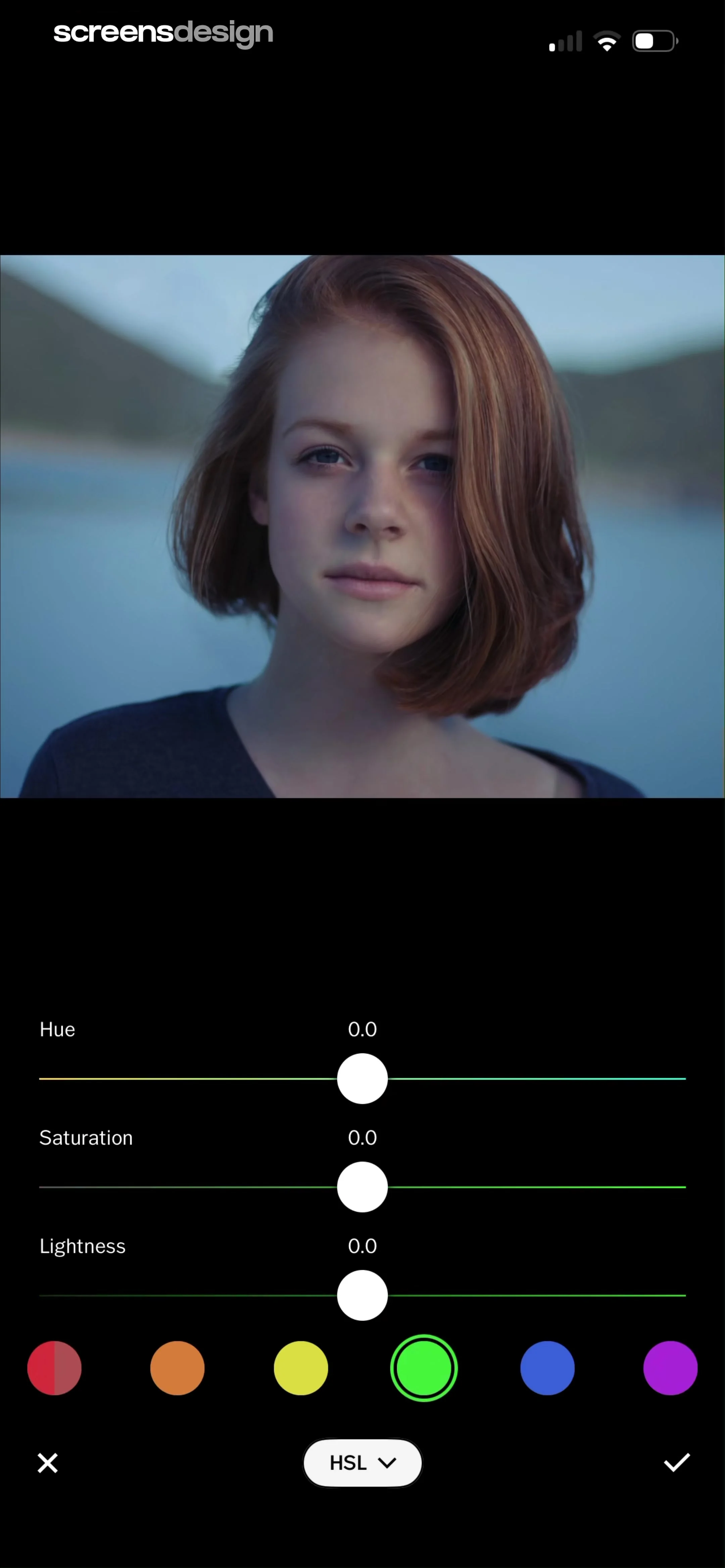
Photo editor HSL adjustment screen with sliders for hue, saturation, and lightness, a selected green color swatch, and confirm and cancel actions.
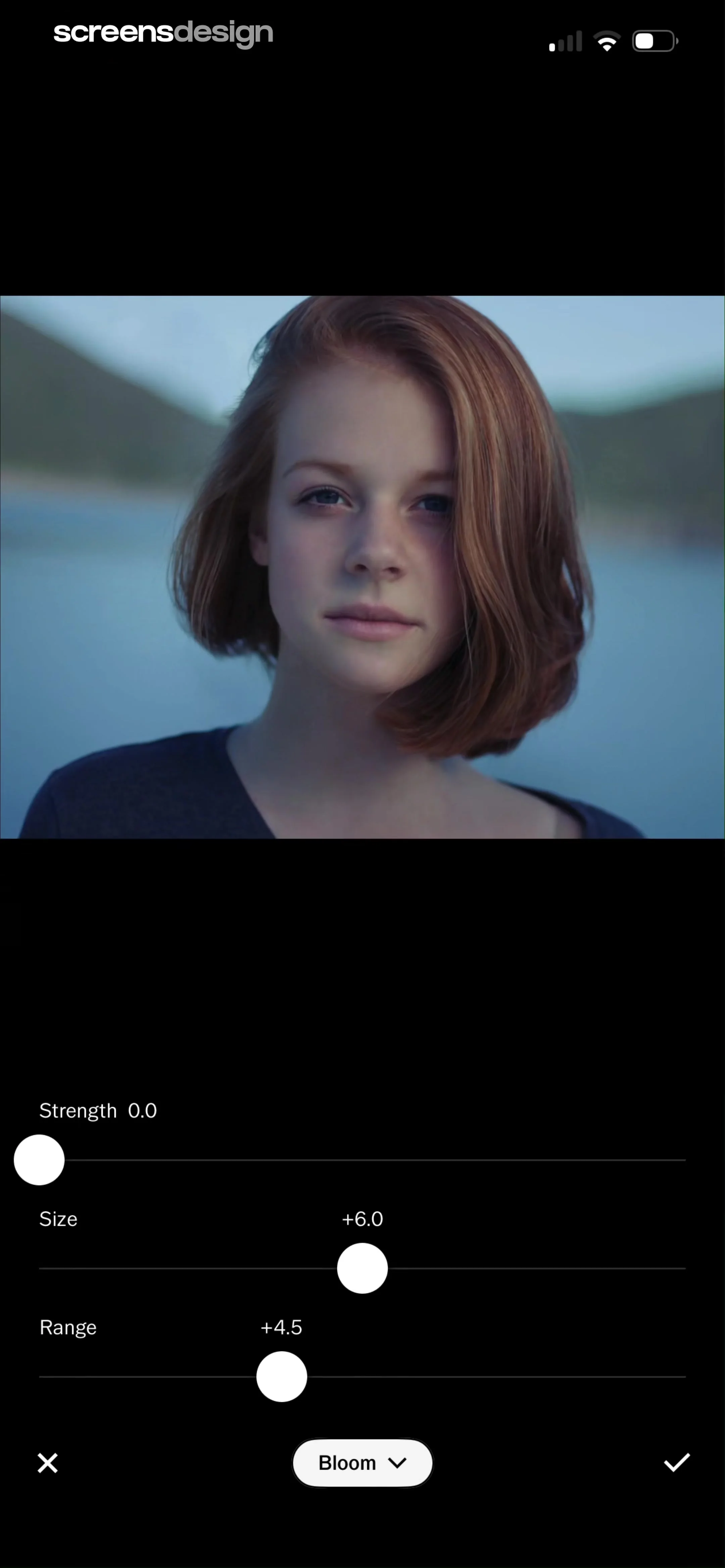
Photo editor screen for the Bloom tool featuring adjustment sliders for strength, size, and range below an image preview, with cancel and confirm buttons.
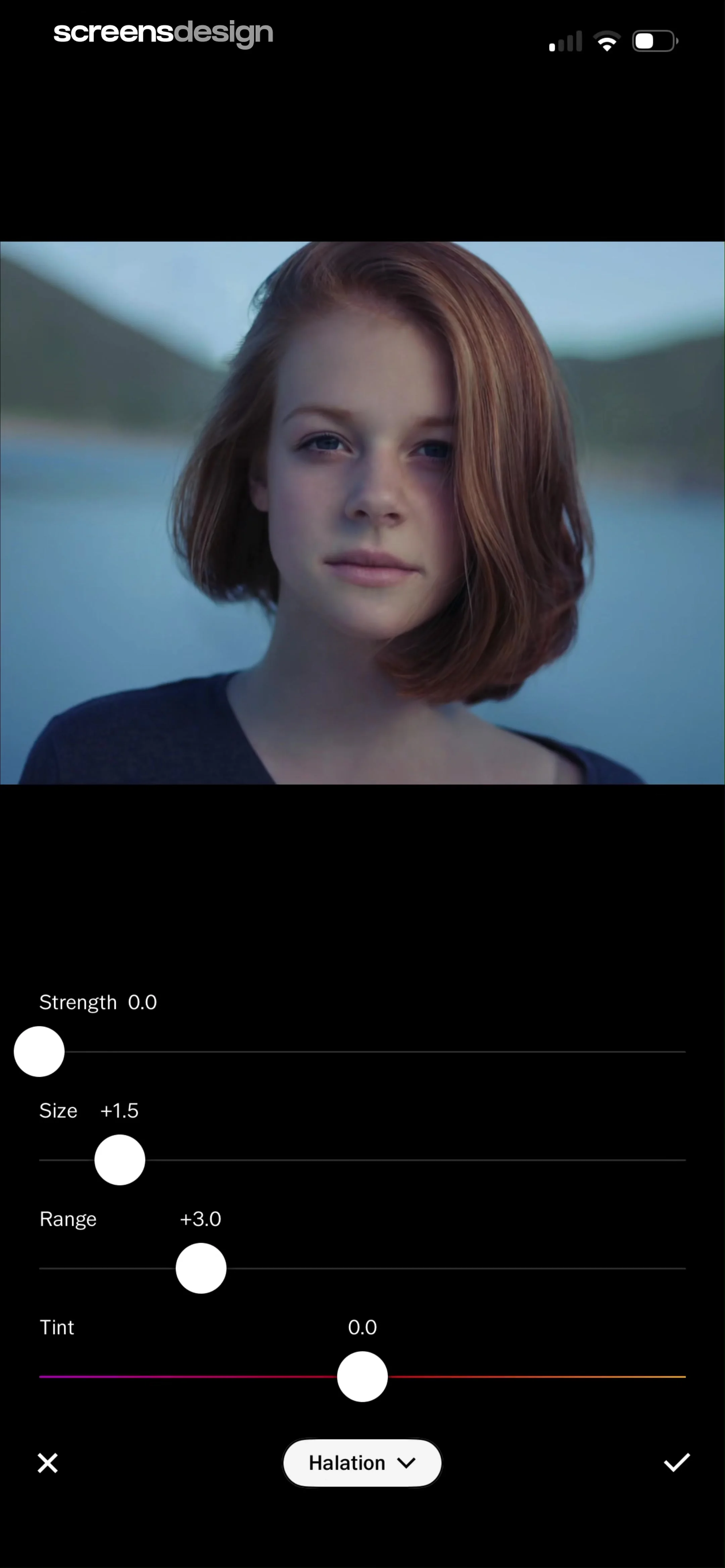
Photo editor screen for the Halation effect featuring a portrait preview, four adjustment sliders, and a bottom action bar with cancel, effect selector, and confirm buttons.
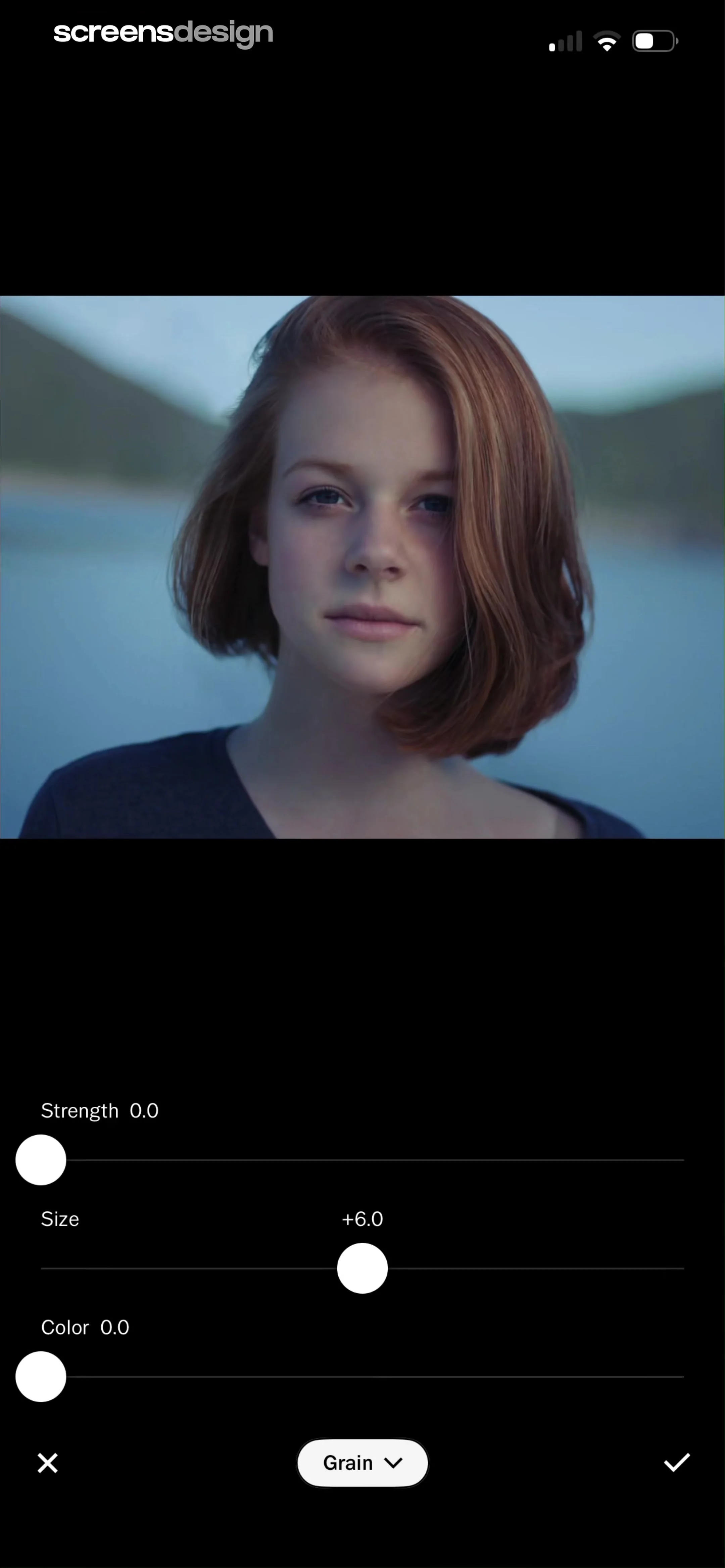
Photo editing screen displaying a portrait preview above sliders for grain strength, size, and color with a confirm button.
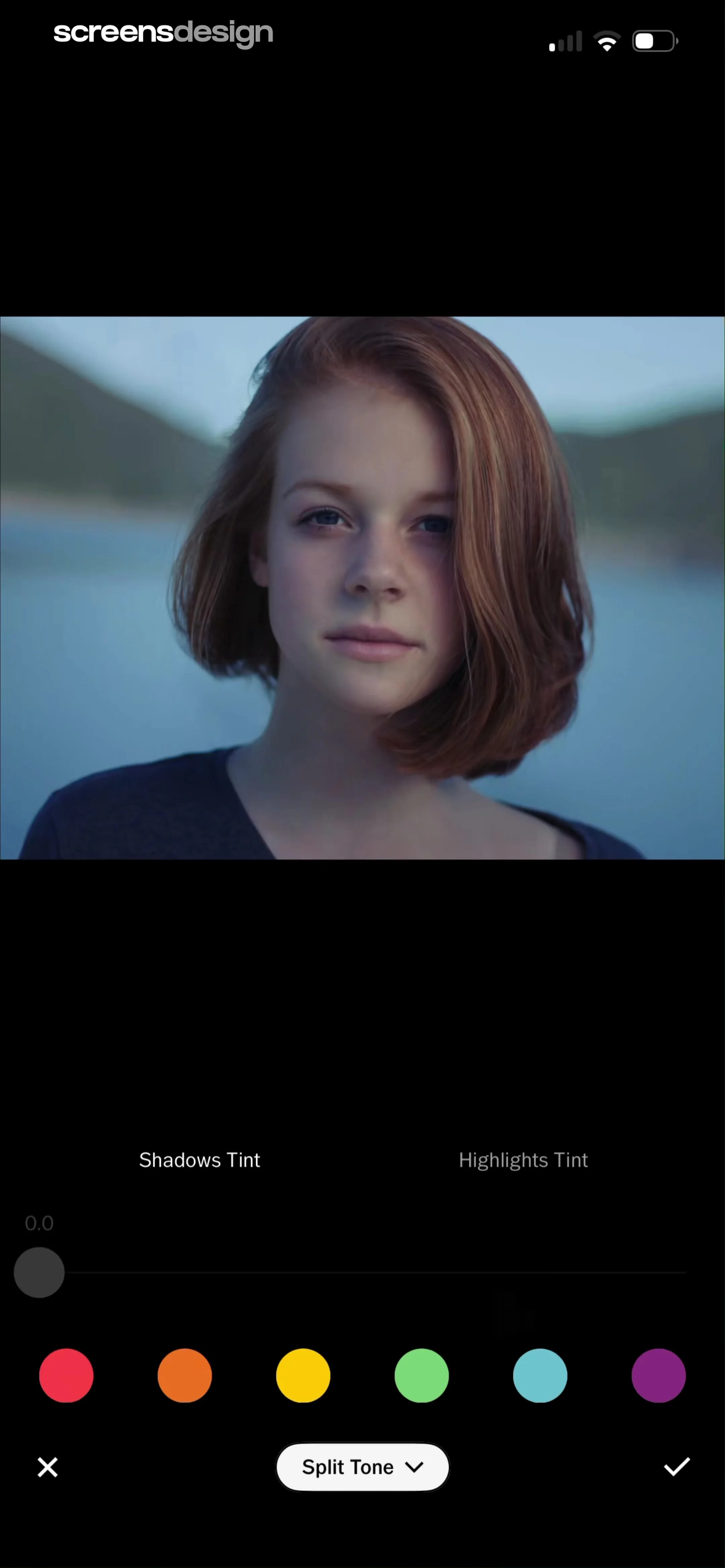
Photo editor split tone screen displaying a portrait preview, shadows and highlights tint tabs, an adjustment slider, and color swatches.
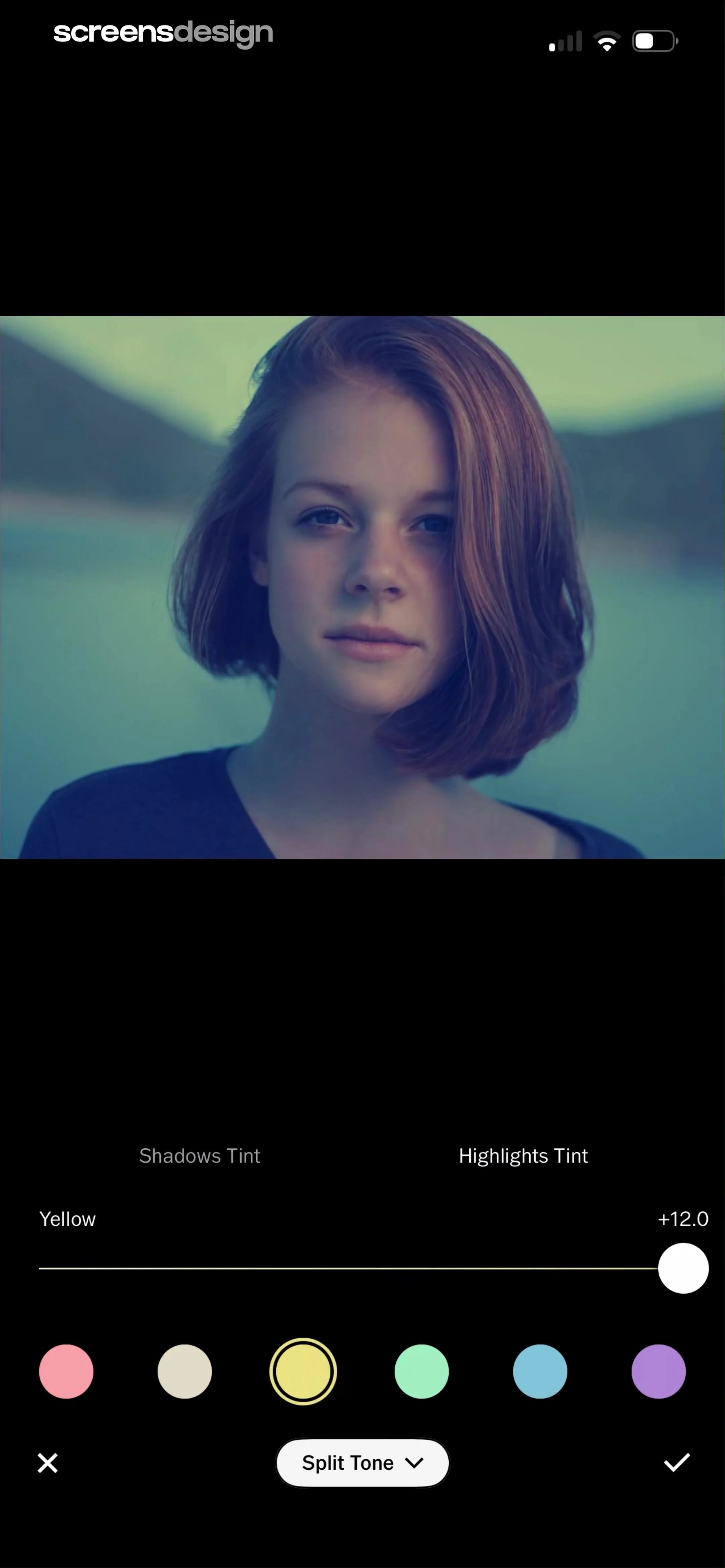
Split tone photo editor showing the Highlights Tint tab selected, a yellow color swatch selected, a slider set to +12.0, and a portrait preview.
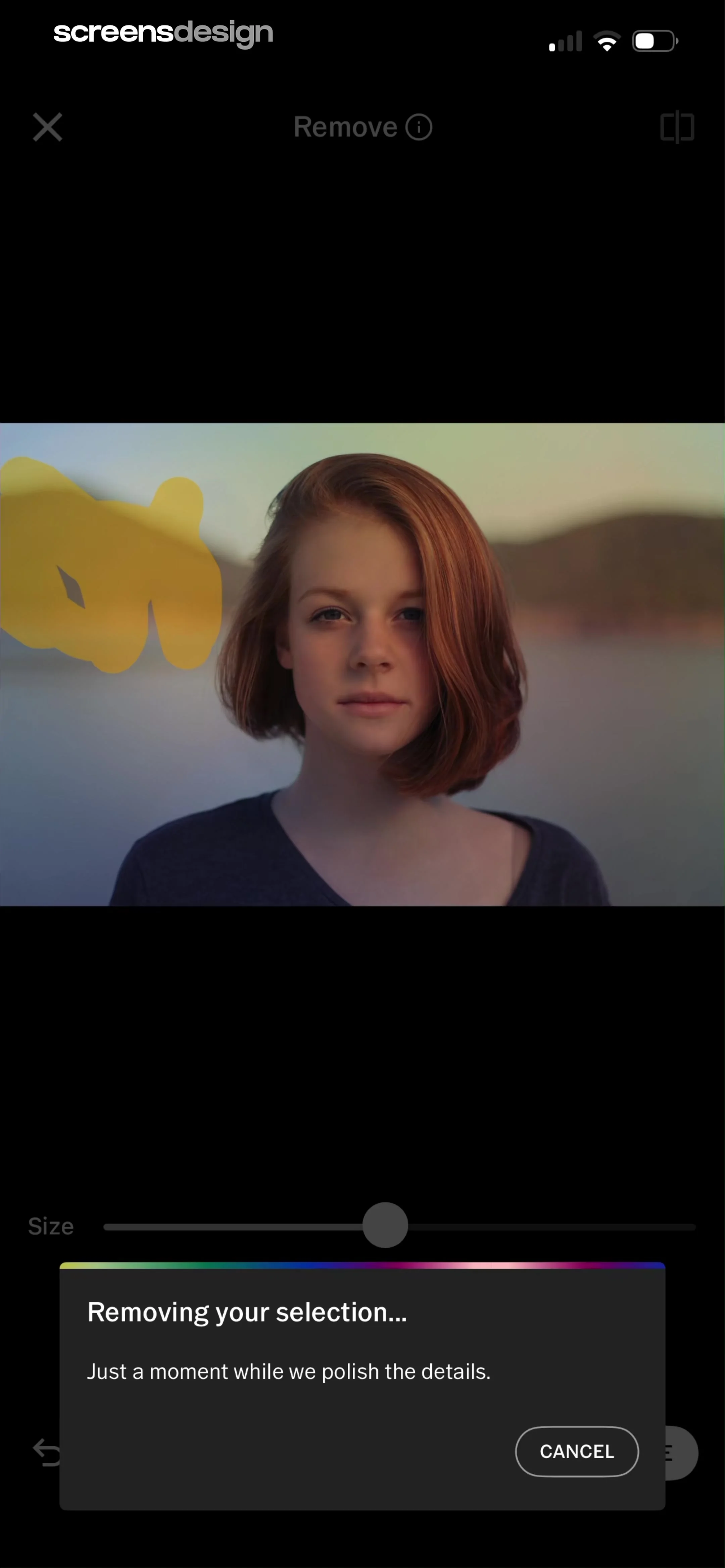
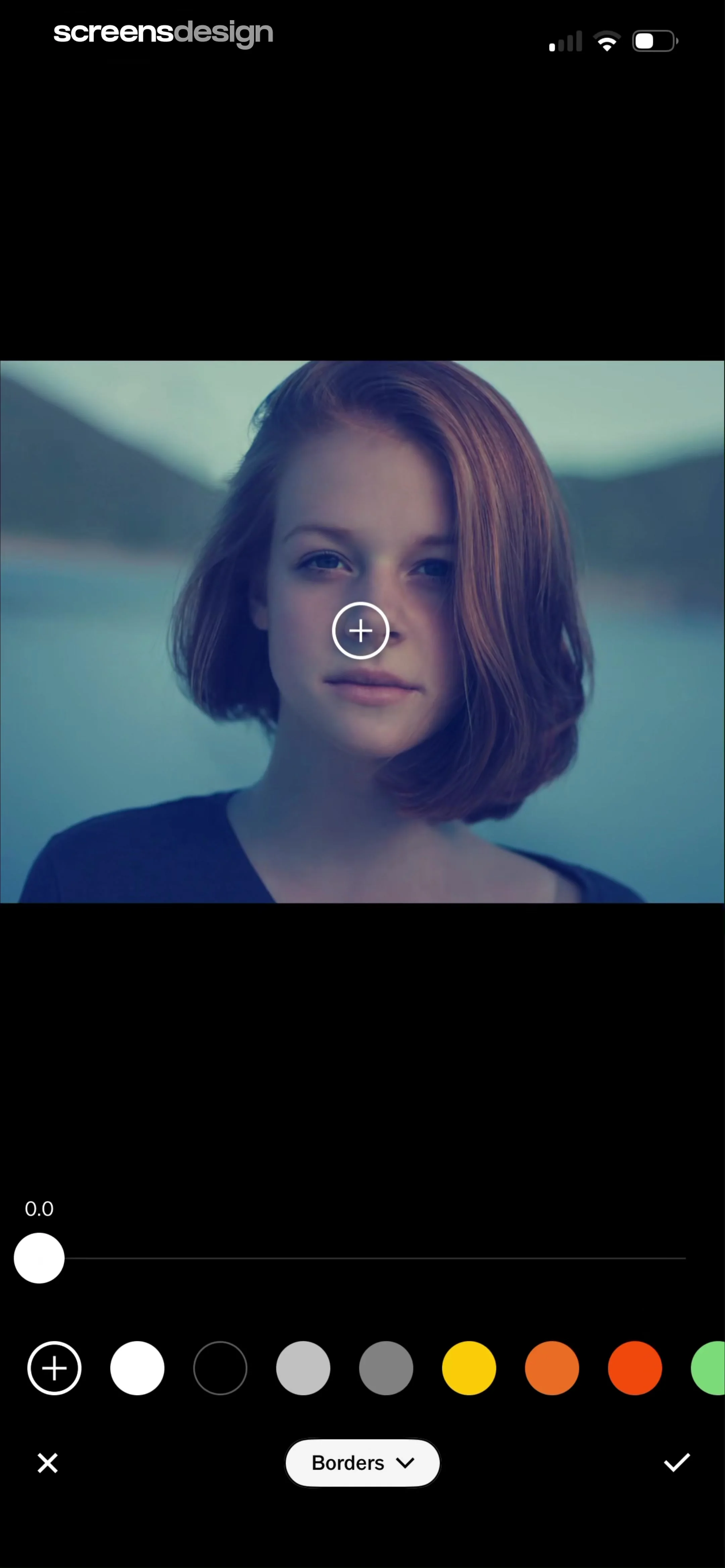
Photo editing screen for adjusting borders, featuring an image preview, an adjustment slider, color swatches, and confirmation controls.
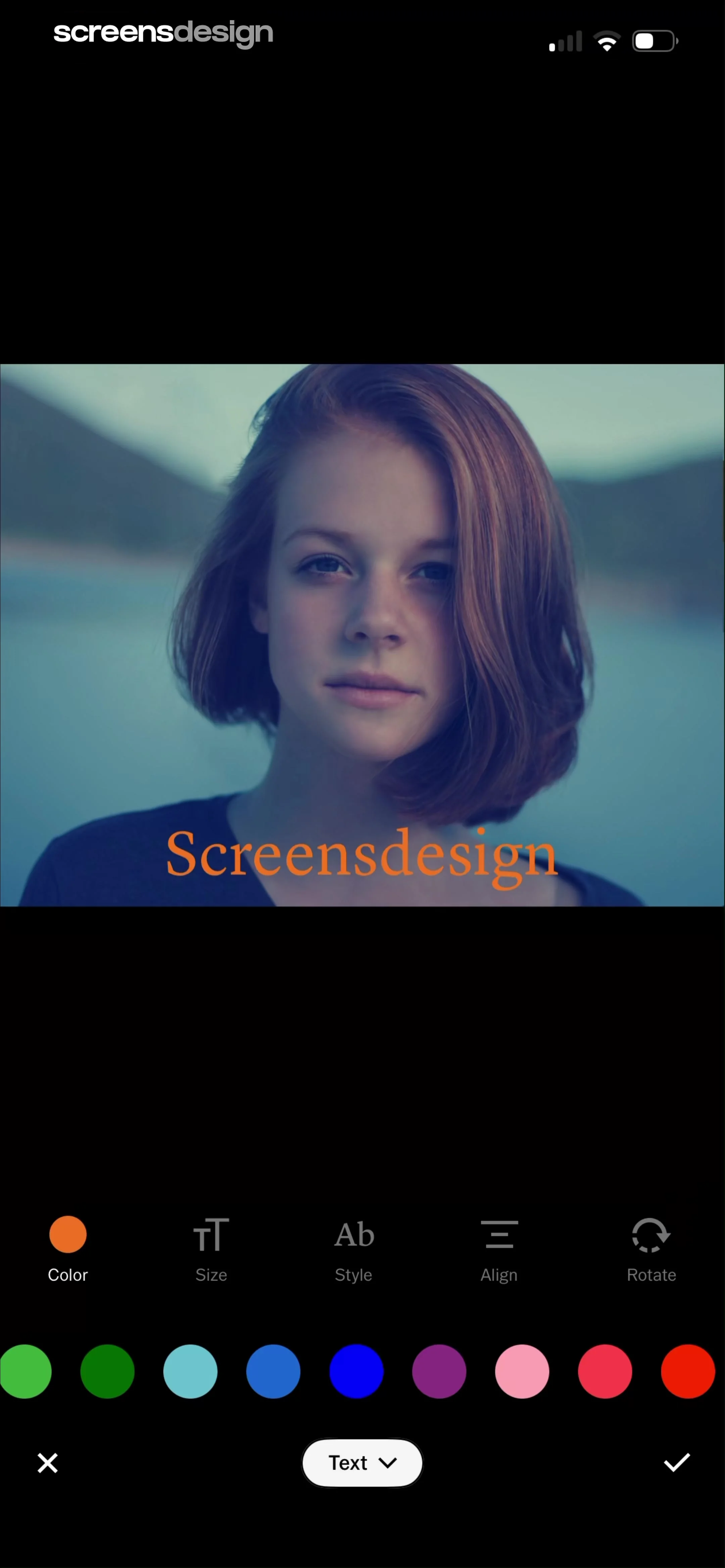
Text editing editor displaying a photo with a text overlay, a toolbar of styling tools, a color palette, and confirm and cancel buttons.
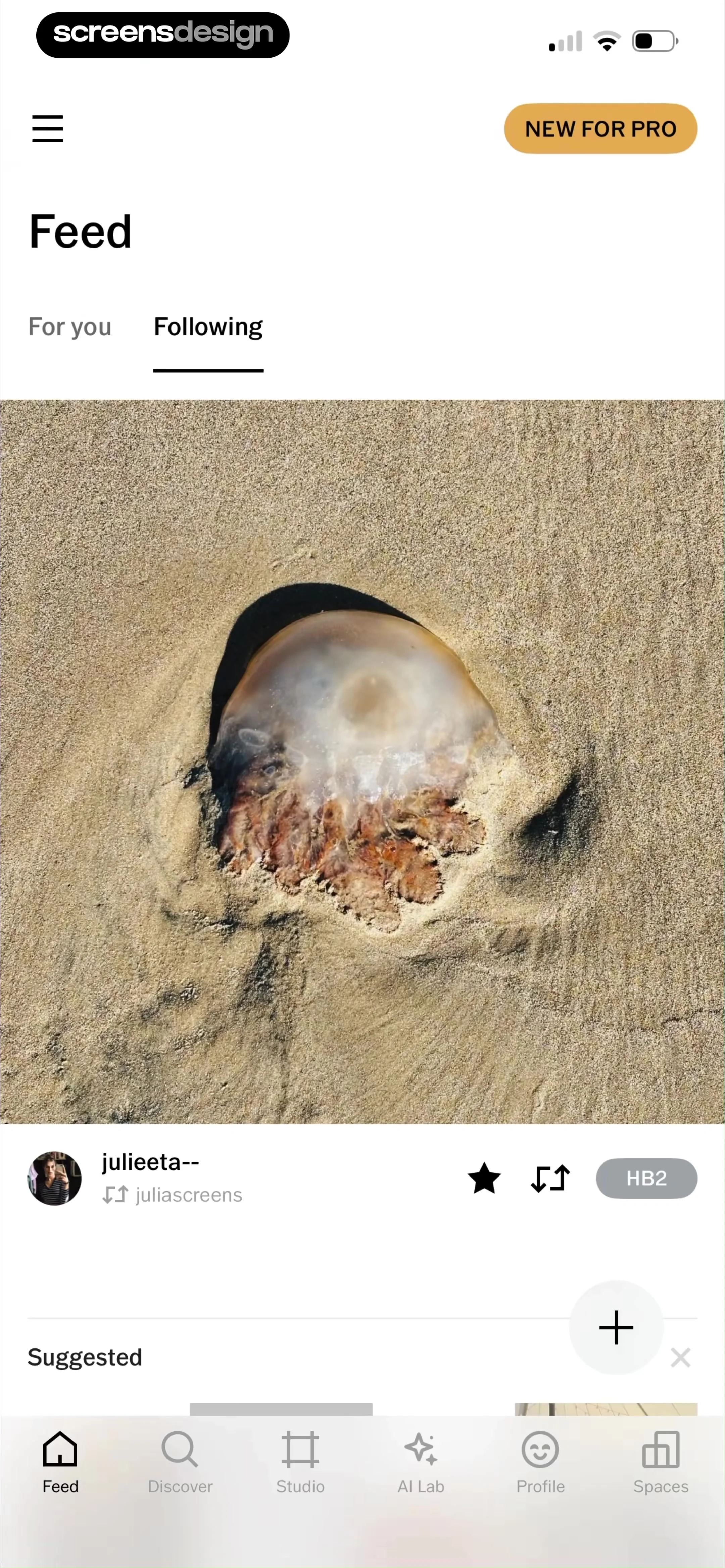
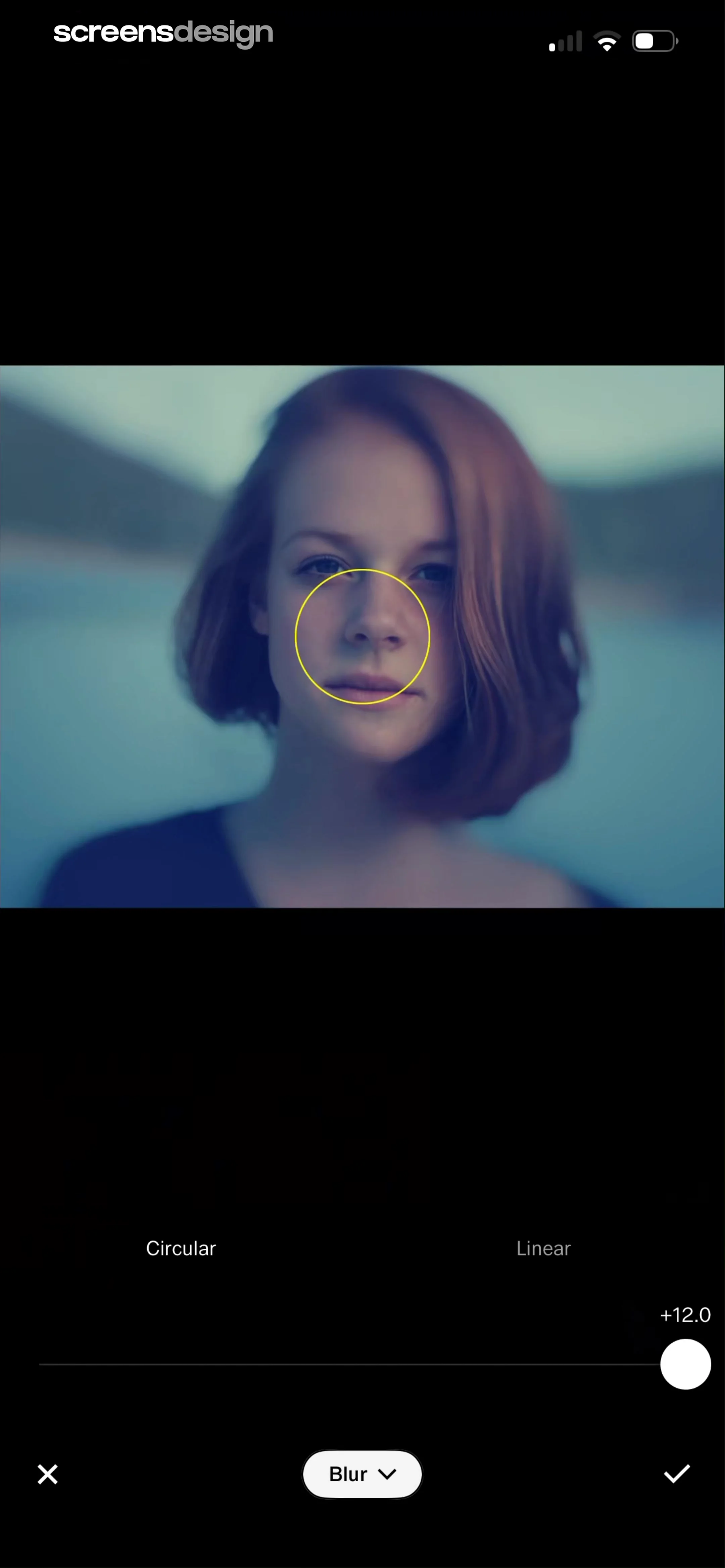
Photo editor blur tool interface displaying a central image with a yellow circular overlay, intensity slider, and cancel and apply buttons at the bottom.
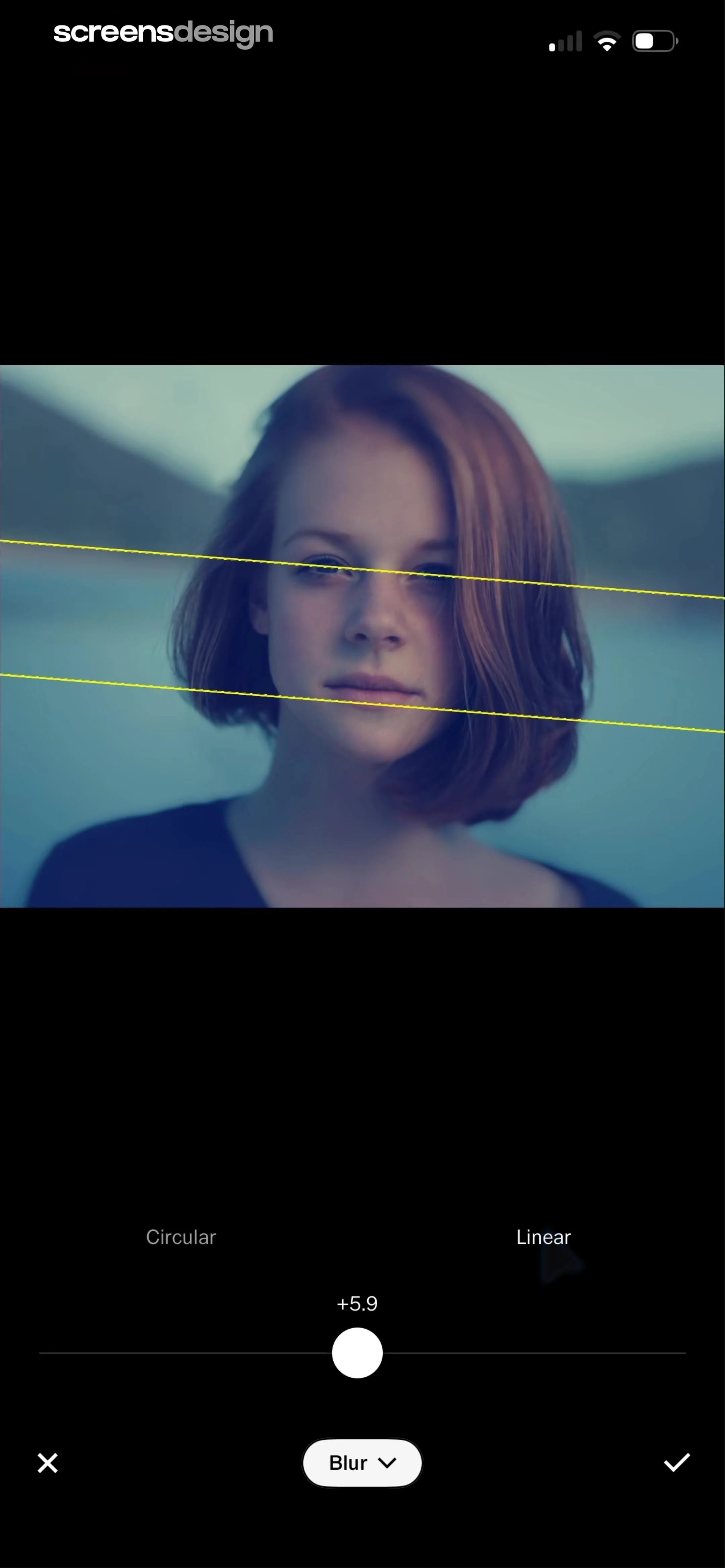
Photo blur editor displaying an image with linear blur boundaries, an intensity slider set to plus five point nine, and cancel and confirm buttons.
Photo editor screen showing a central image preview with a bottom carousel of filter presets and an effects toolbar.
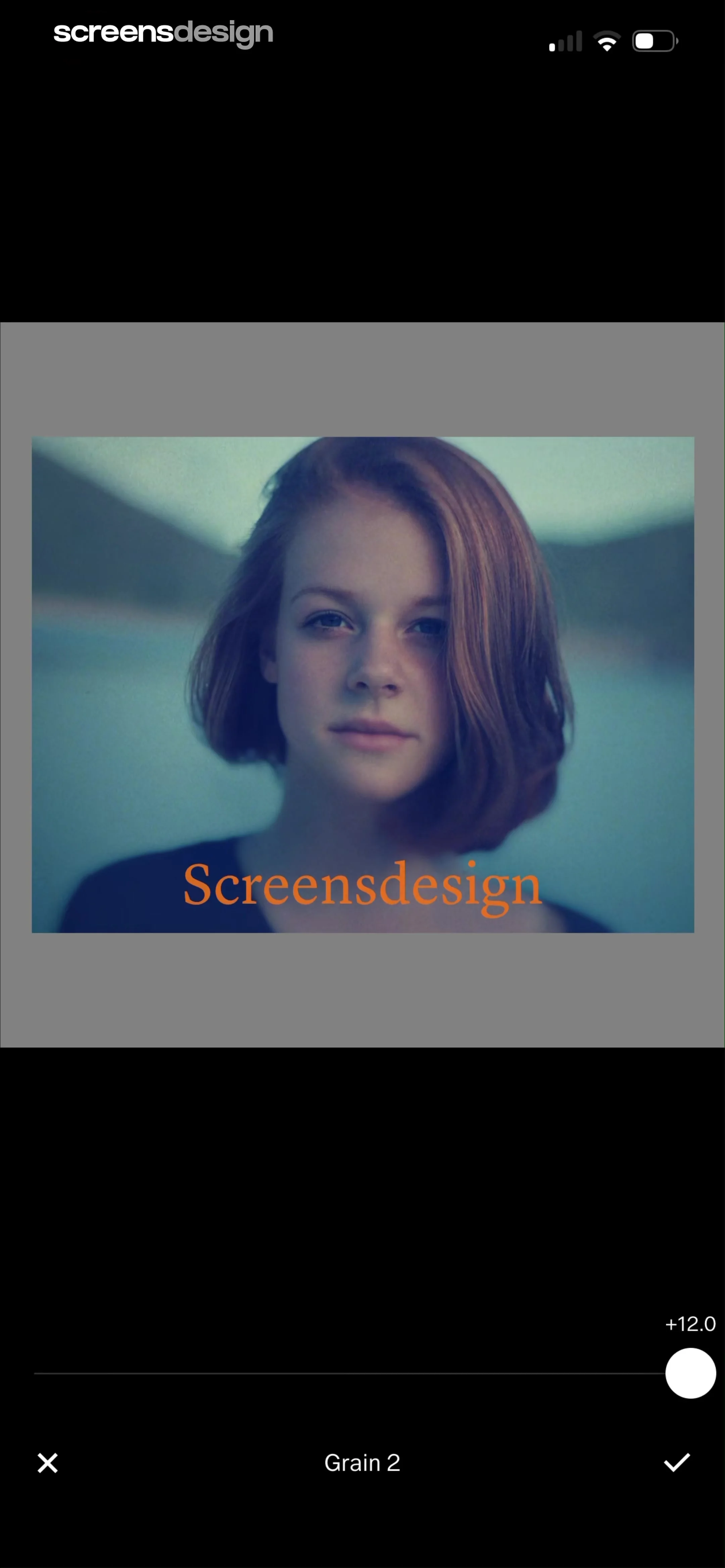
Photo editor screen for grain adjustment displaying a central image preview, a slider set to +12.0, and cancel and confirm actions.
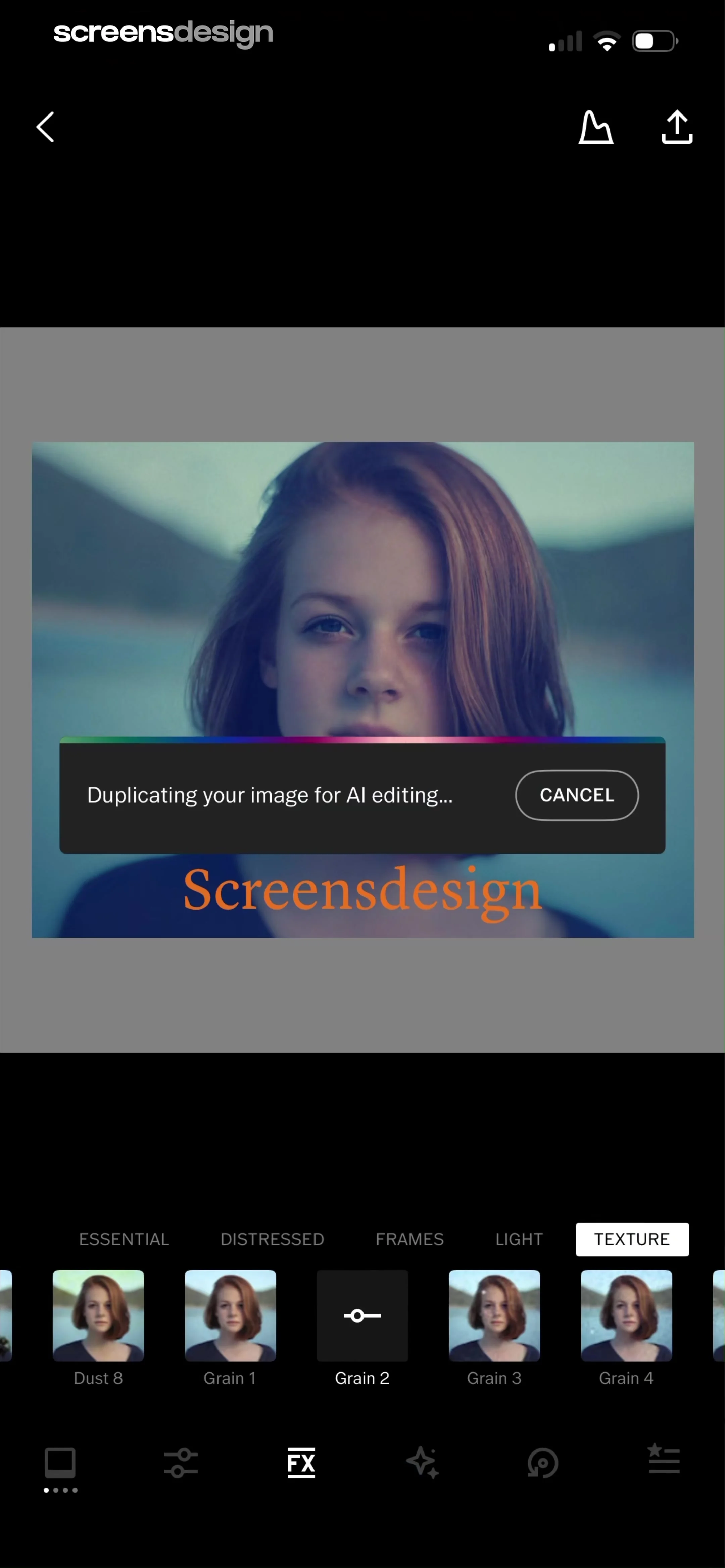
Photo editing editor with an AI processing modal overlay indicating image duplication, a texture preset carousel, and bottom navigation.
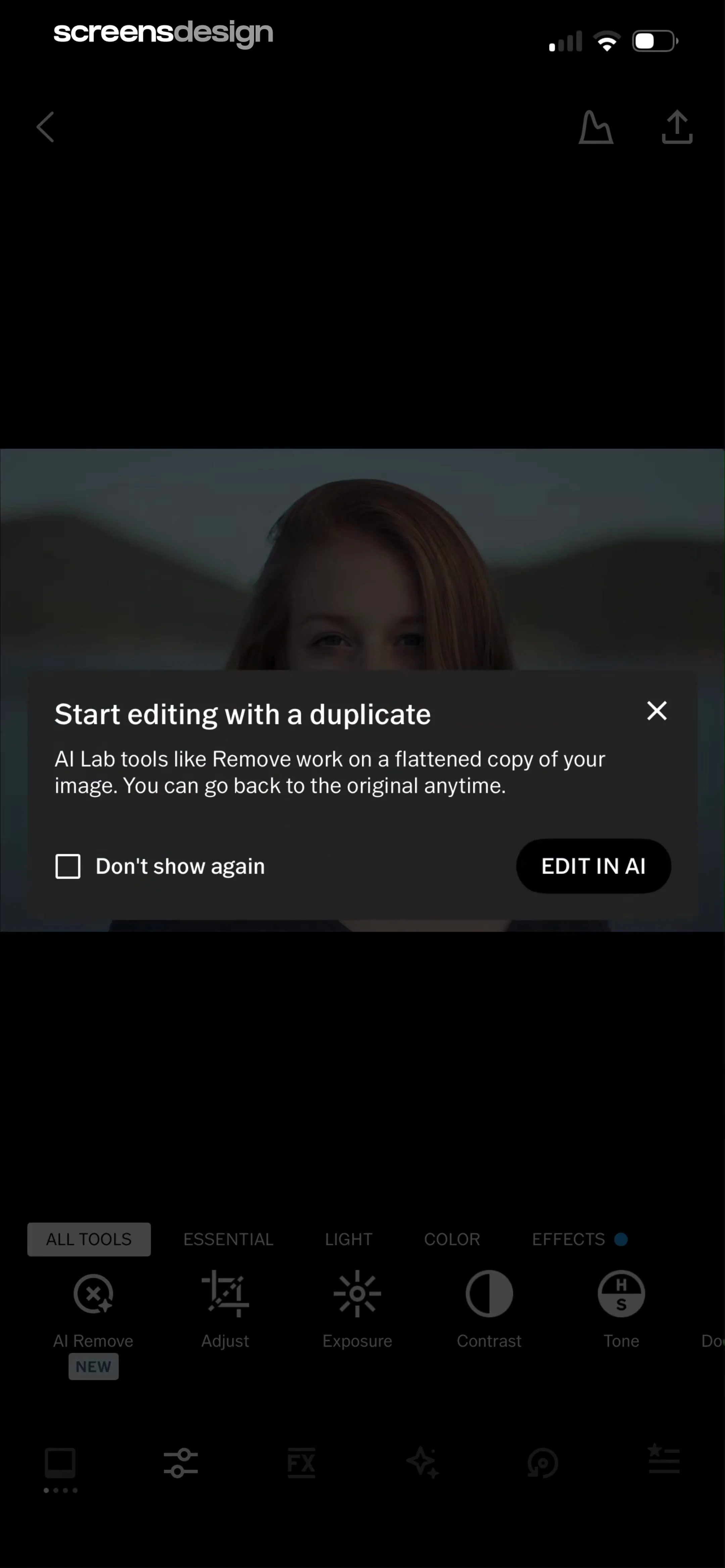
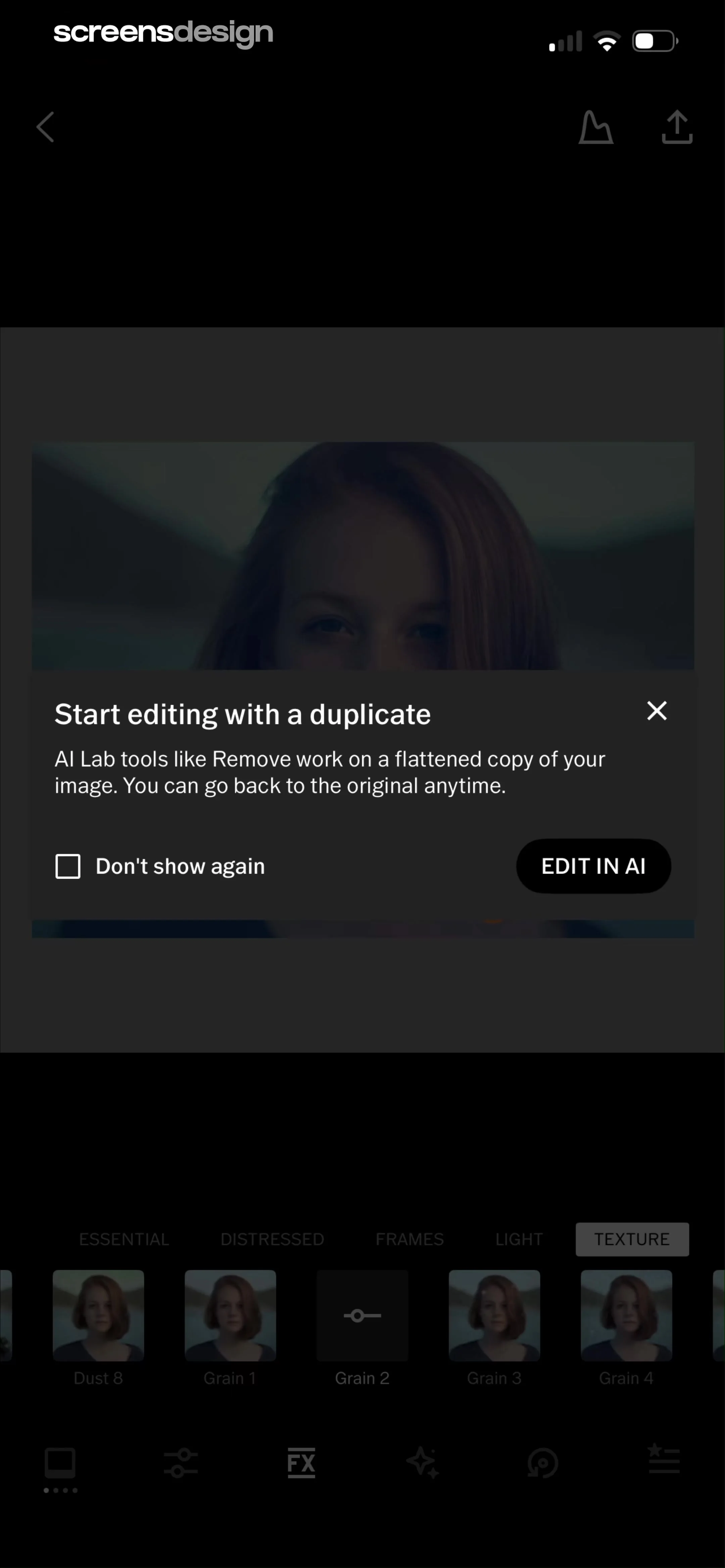
Confirmation modal prompting to start editing with a duplicate image before using AI Lab tools, featuring an Edit in AI button.
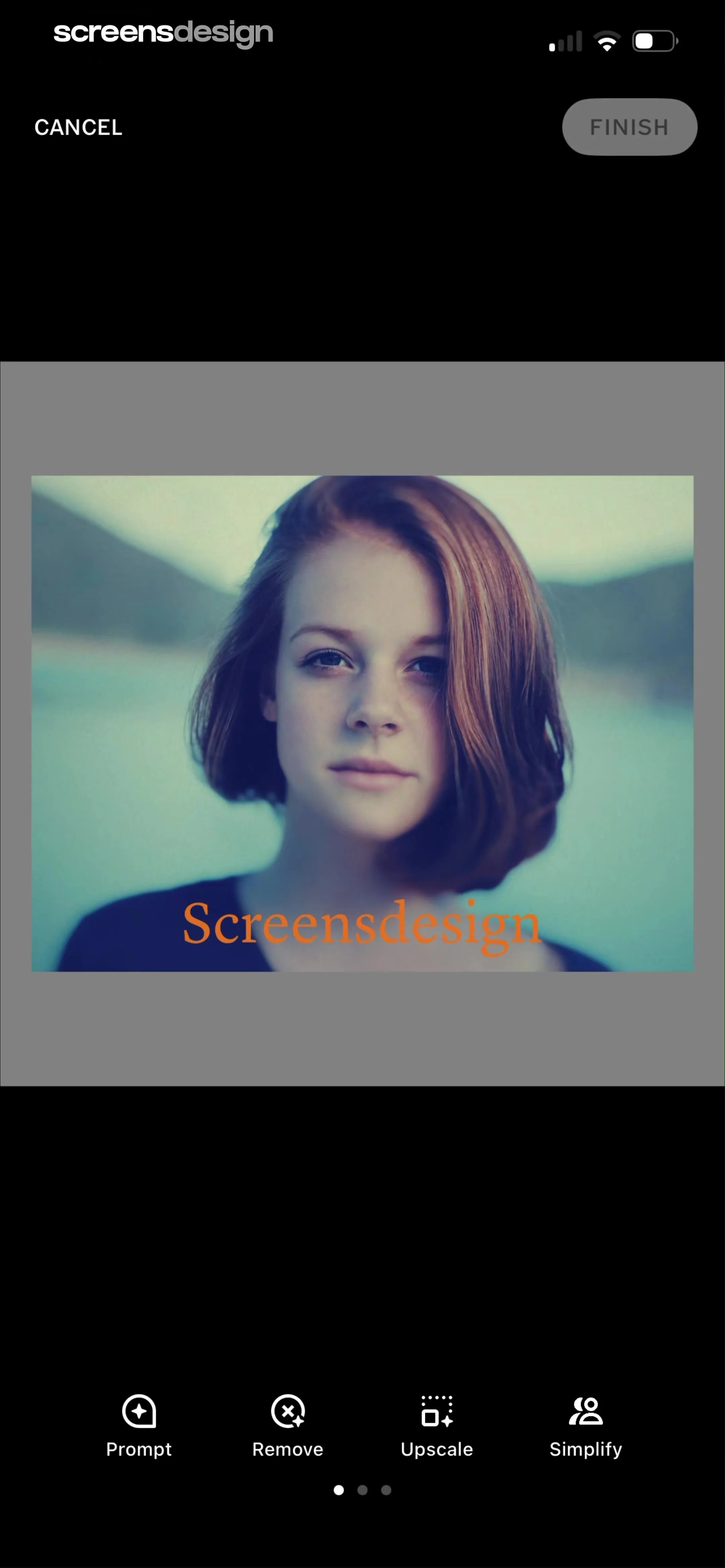
Photo editor screen displaying a portrait of a woman with a bottom toolbar of four AI editing options and top Cancel and Finish buttons.
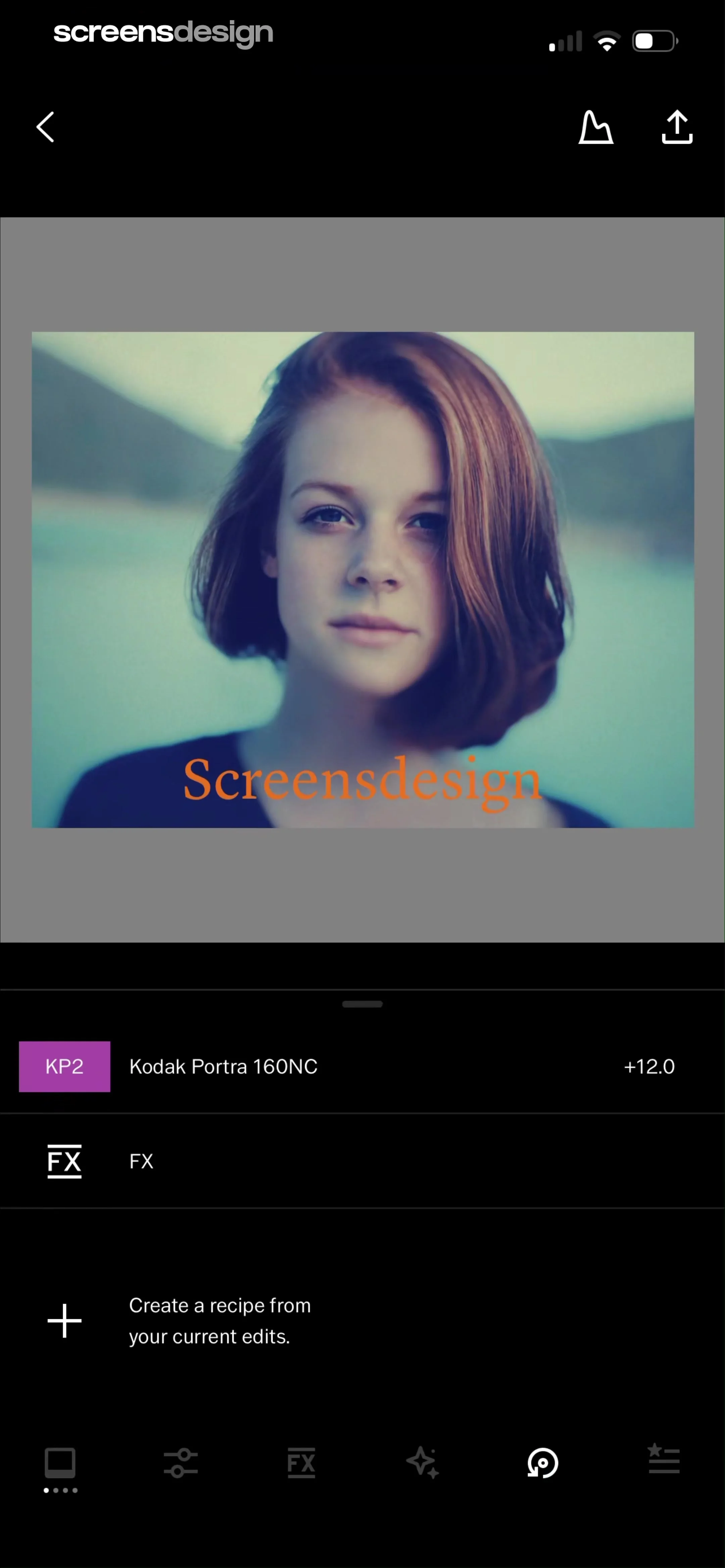
Photo editing screen displaying a central image preview, filter settings for Kodak Portra 160NC, and a bottom navigation bar.
Photo editor screen showing a central image preview, an active KP2 preset at +12.0 intensity, and a button to create a recipe.
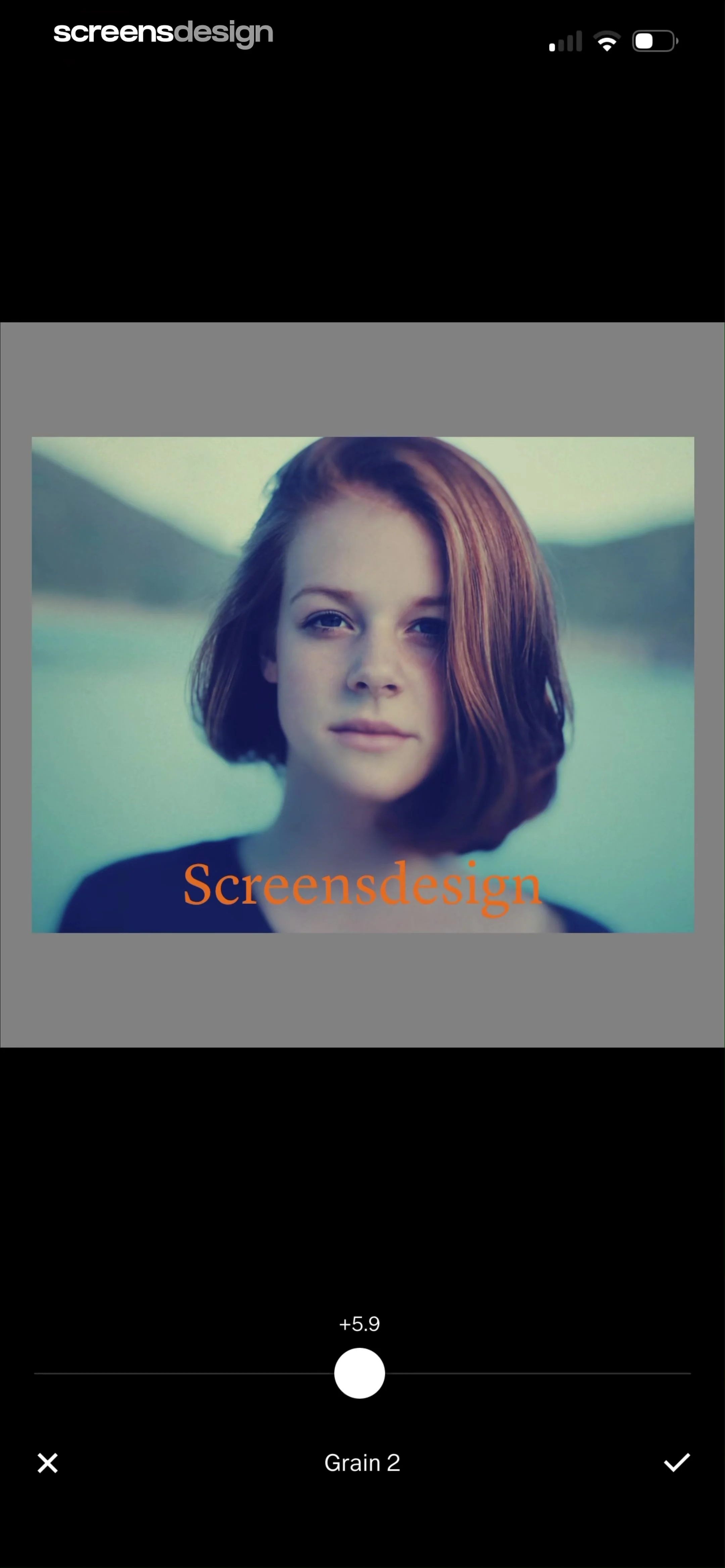
Photo editor grain adjustment screen showing a portrait preview, a grain intensity slider set to plus 5.9, and confirm and cancel action buttons.
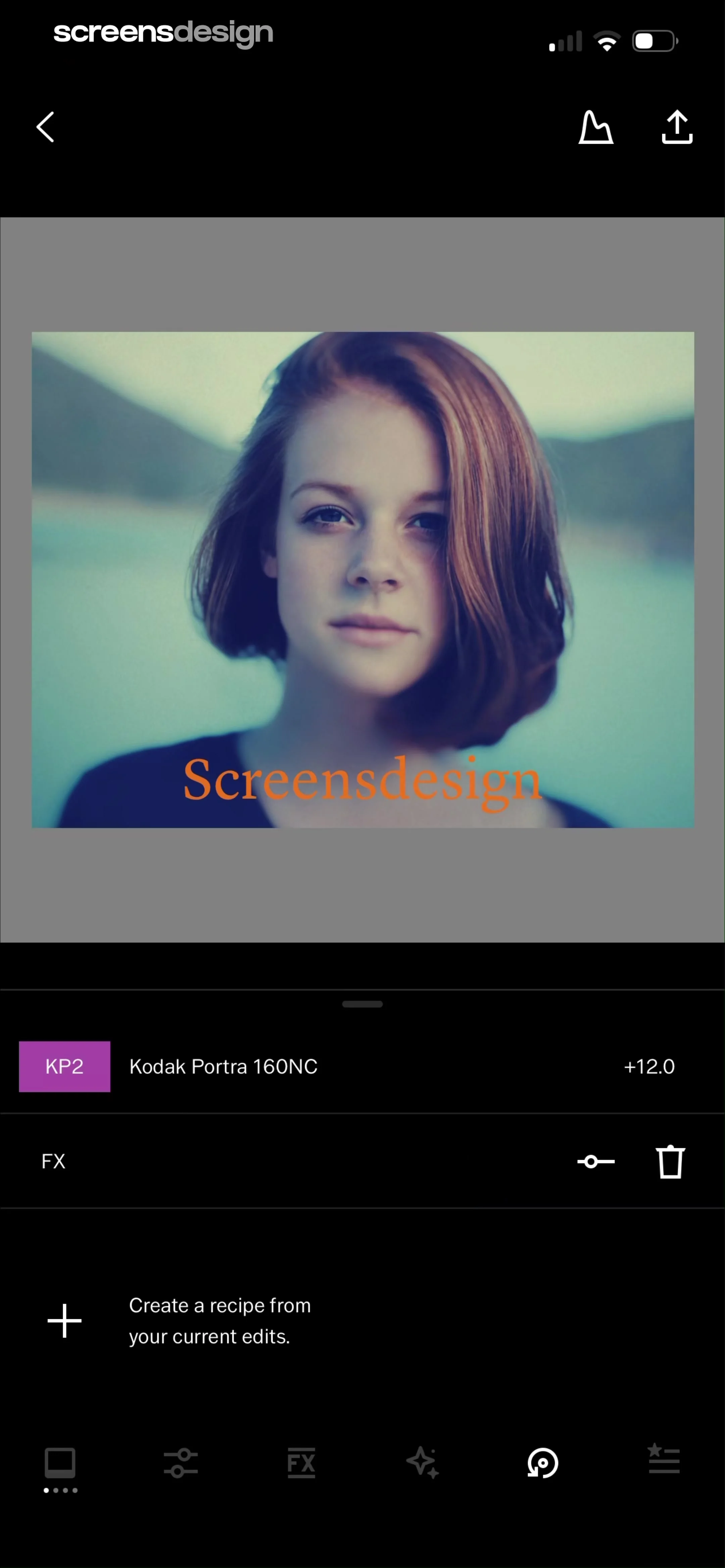
Photo editor screen showing a central portrait preview, adjustment settings list with Kodak Portra 160NC filter, and bottom tool navigation.
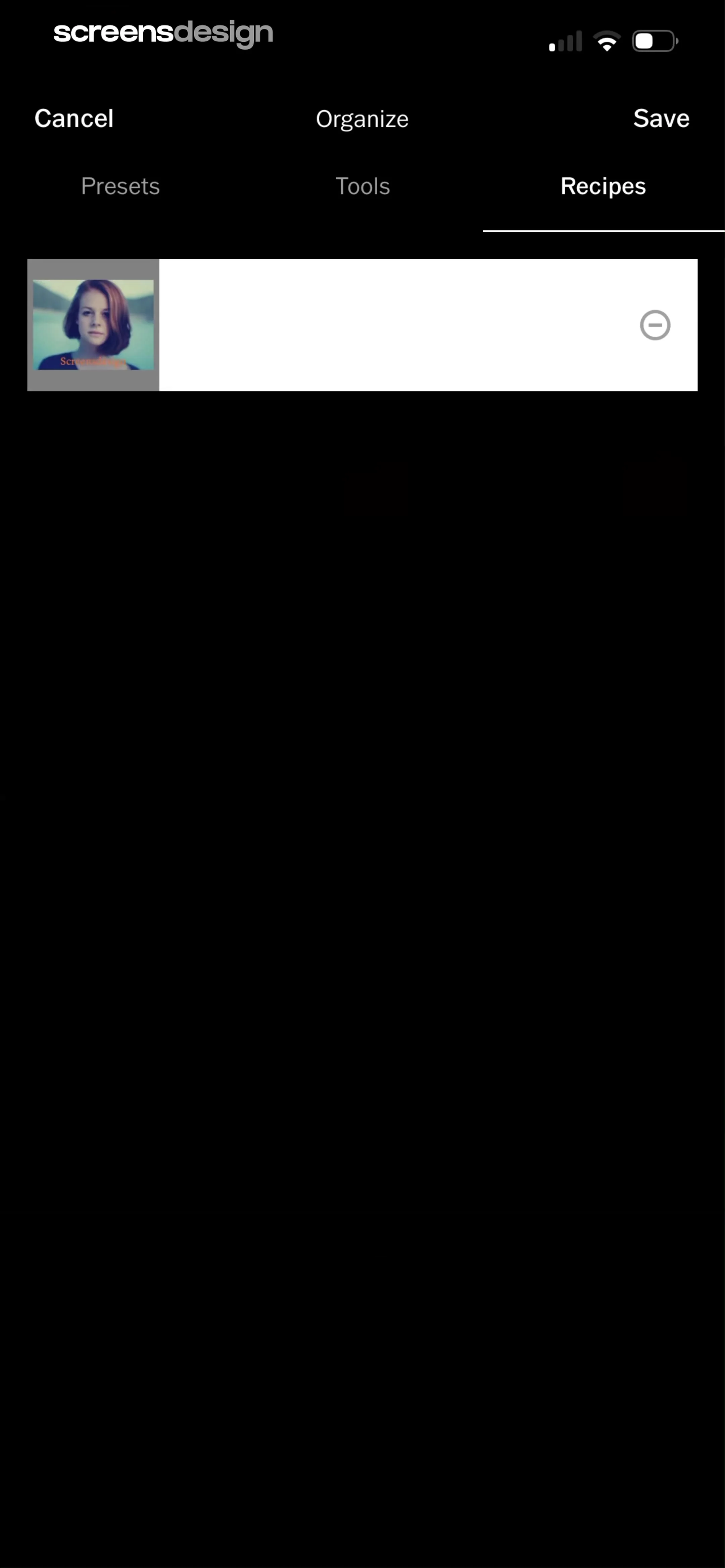
Recipe editor screen displaying the selected Recipes tab, a single list item with a photo thumbnail, and Save and Cancel buttons.
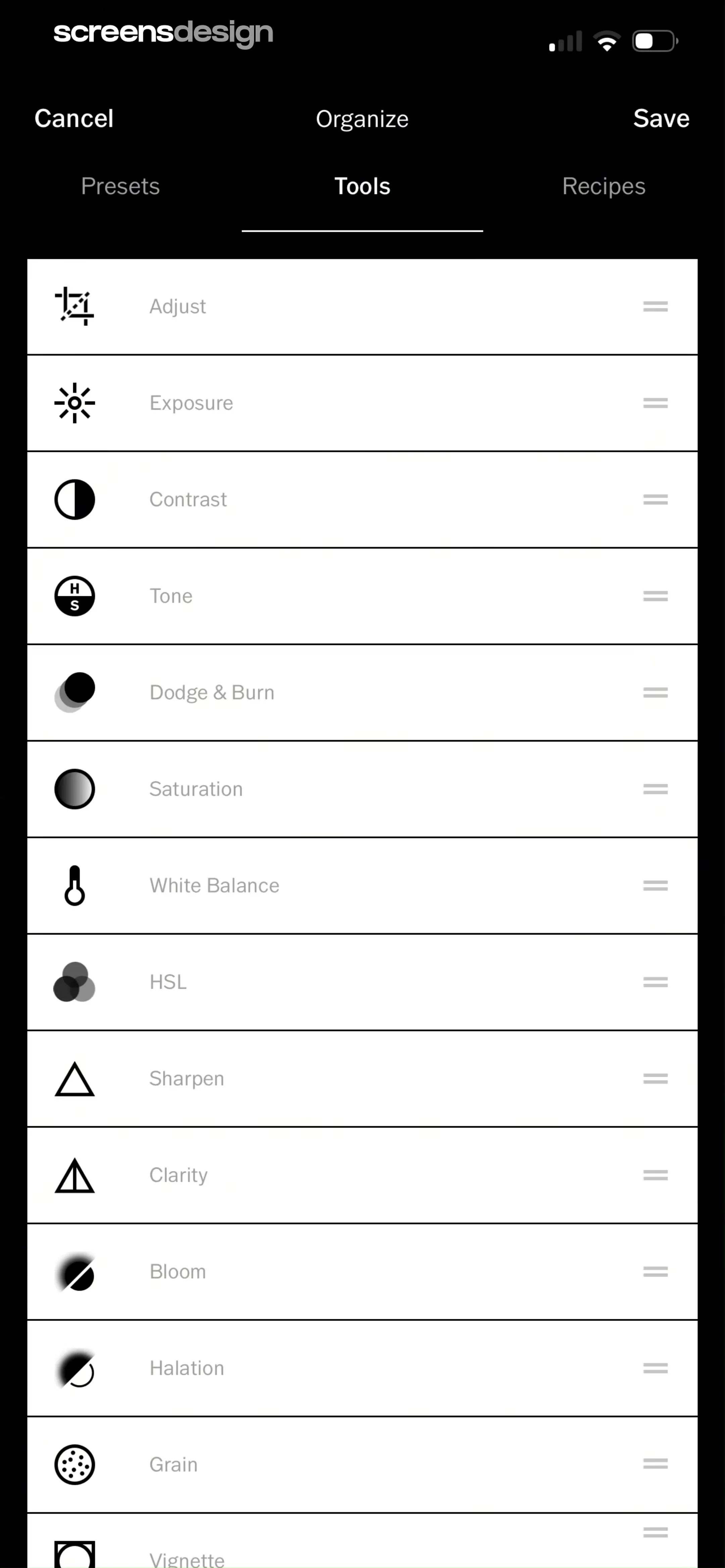
Editor tool organization screen with a vertical list of editing tools, a Tools tab selected, and Cancel and Save options.
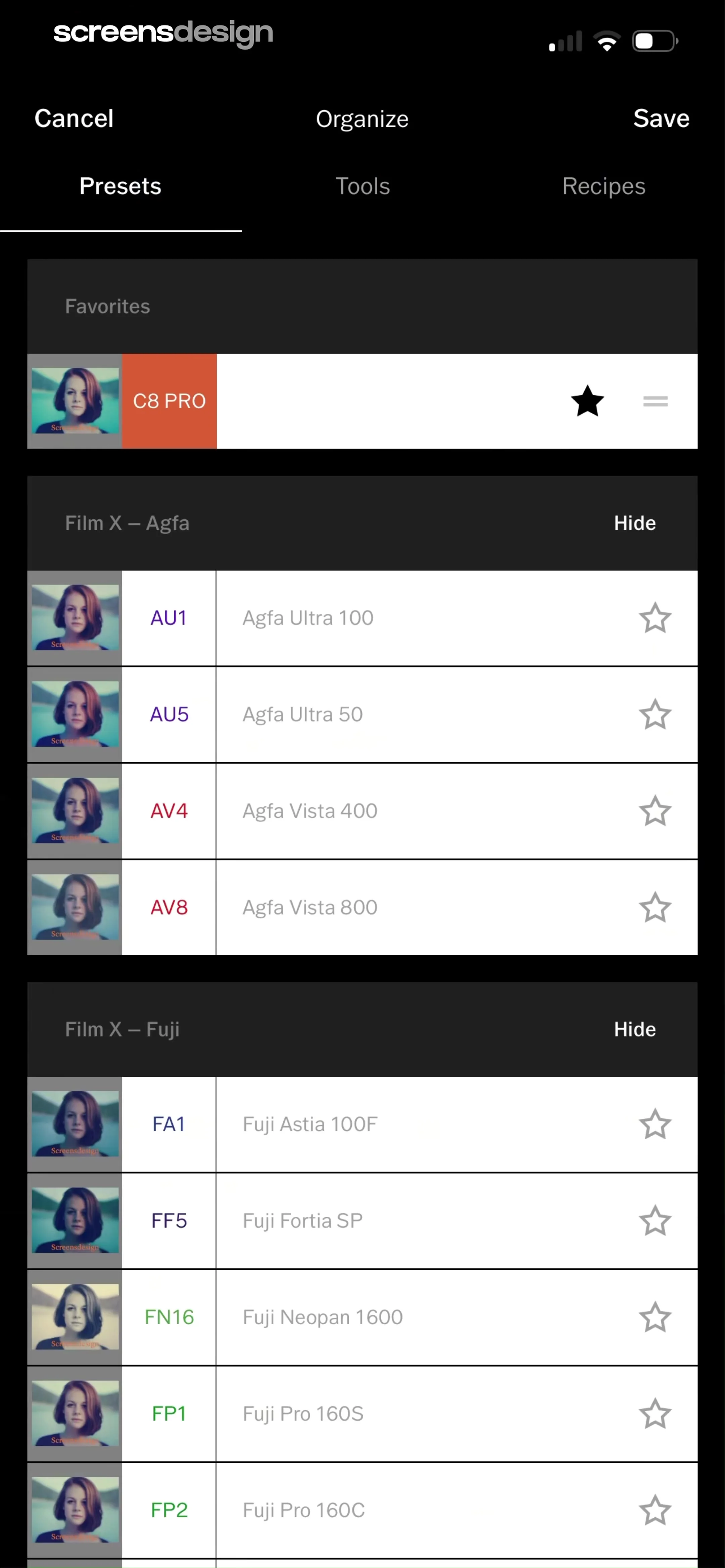
Preset organization screen displaying categorized photo filters in a dark theme list with a top navigation bar and Save action.
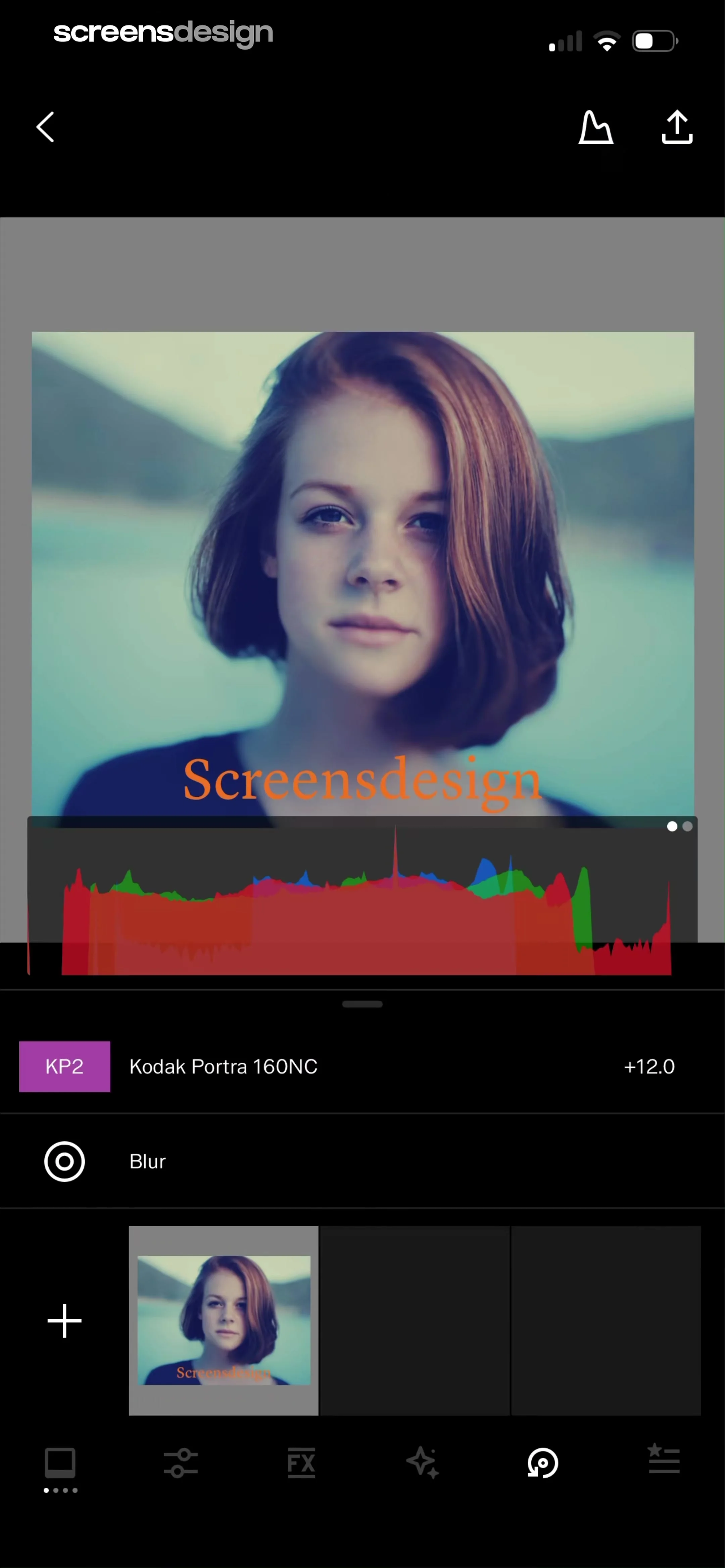
Photo editing screen displaying a central portrait preview with a histogram and a list of applied edits including Kodak Portra 160NC.
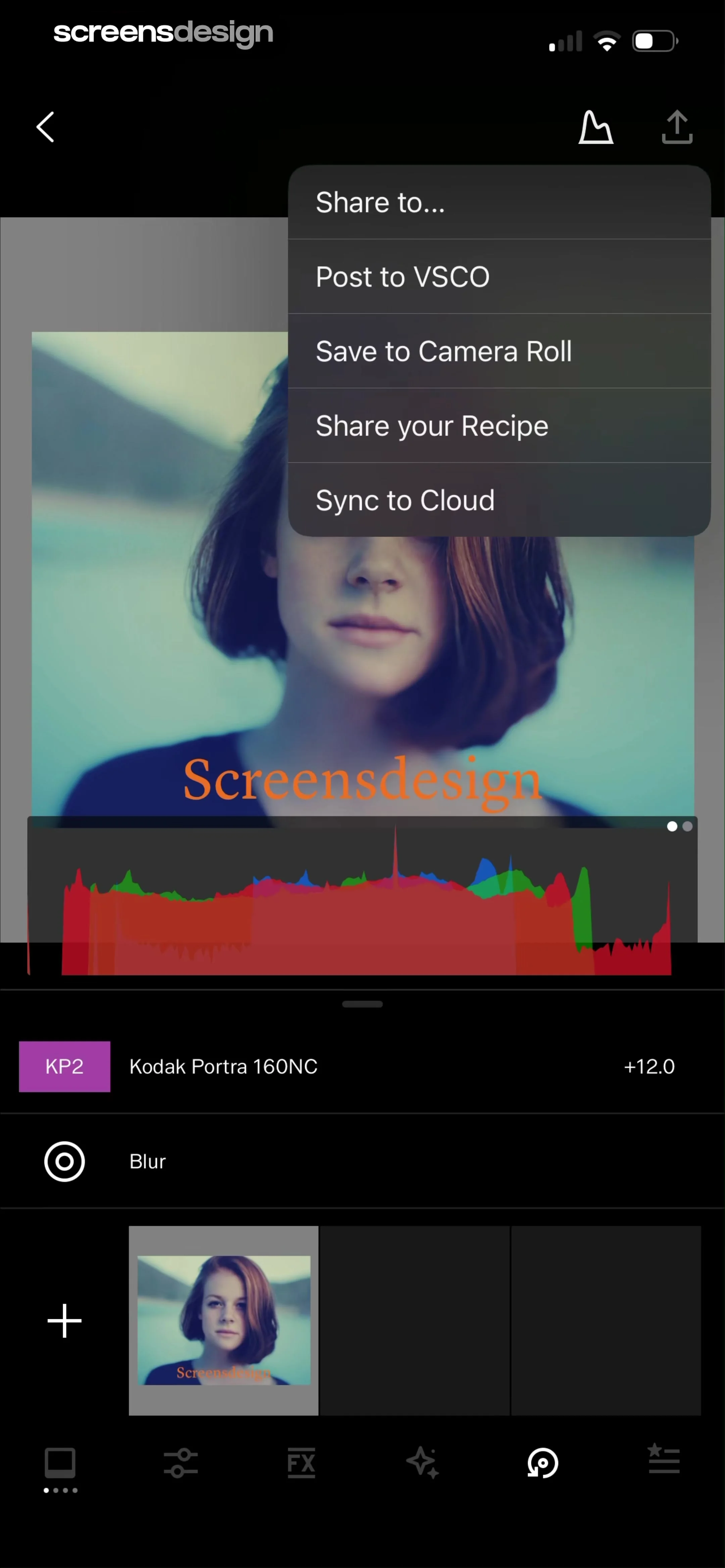
Photo editor screen showing an image preview with a histogram and a share menu overlay with export options.
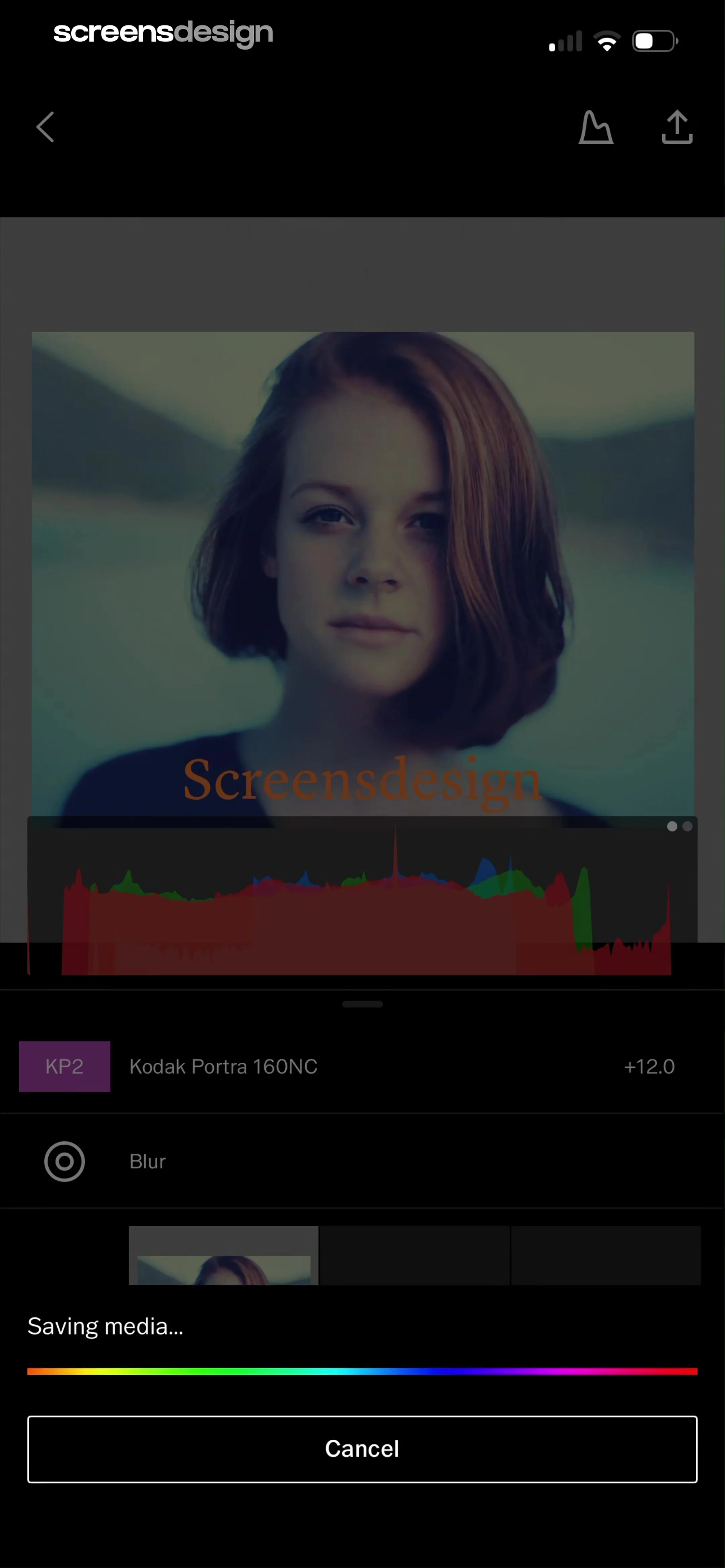
Photo editor saving screen displaying an image preview, applied adjustments list, a progress bar with saving media text, and a cancel button.
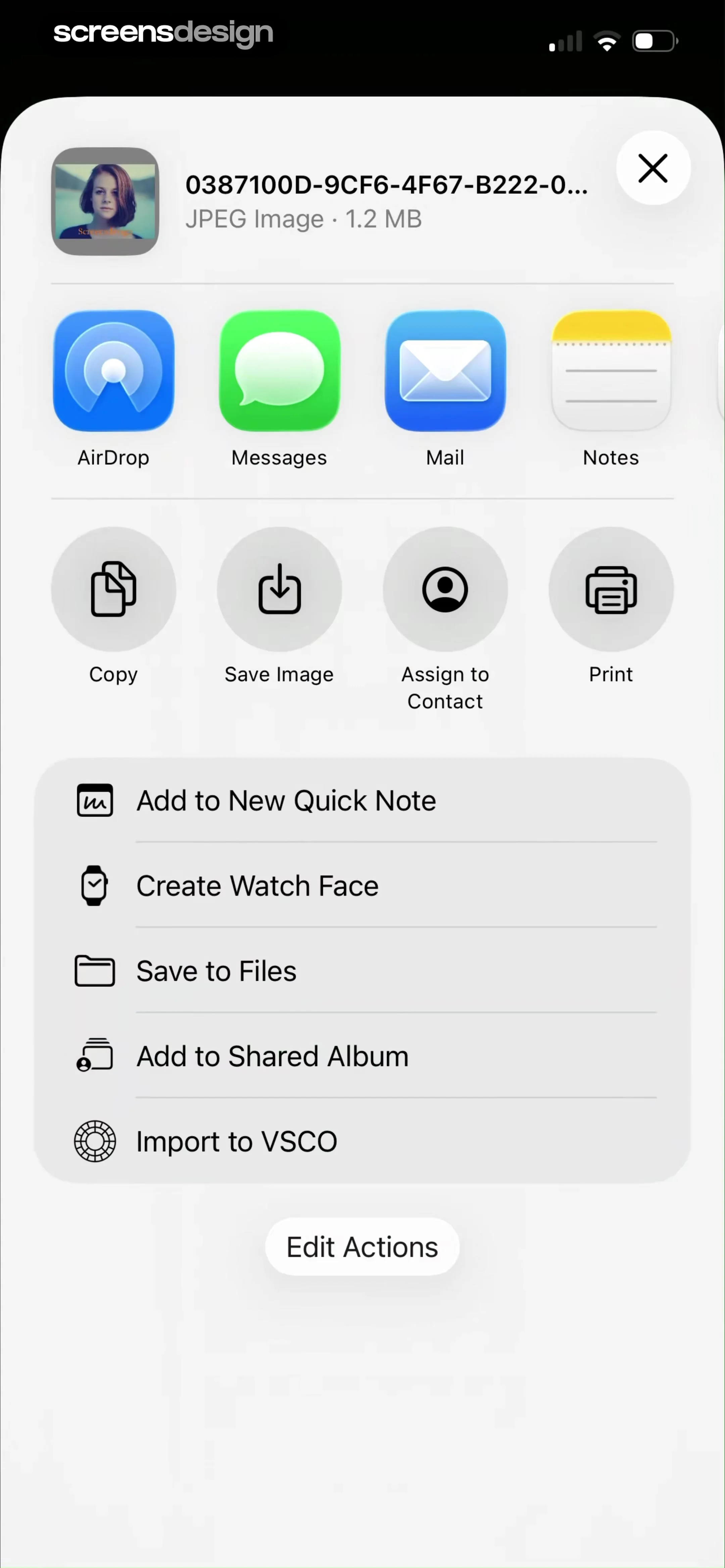
Share sheet overlay displaying a file preview, app sharing options, action grid, and a list of secondary actions with an Edit Actions button.
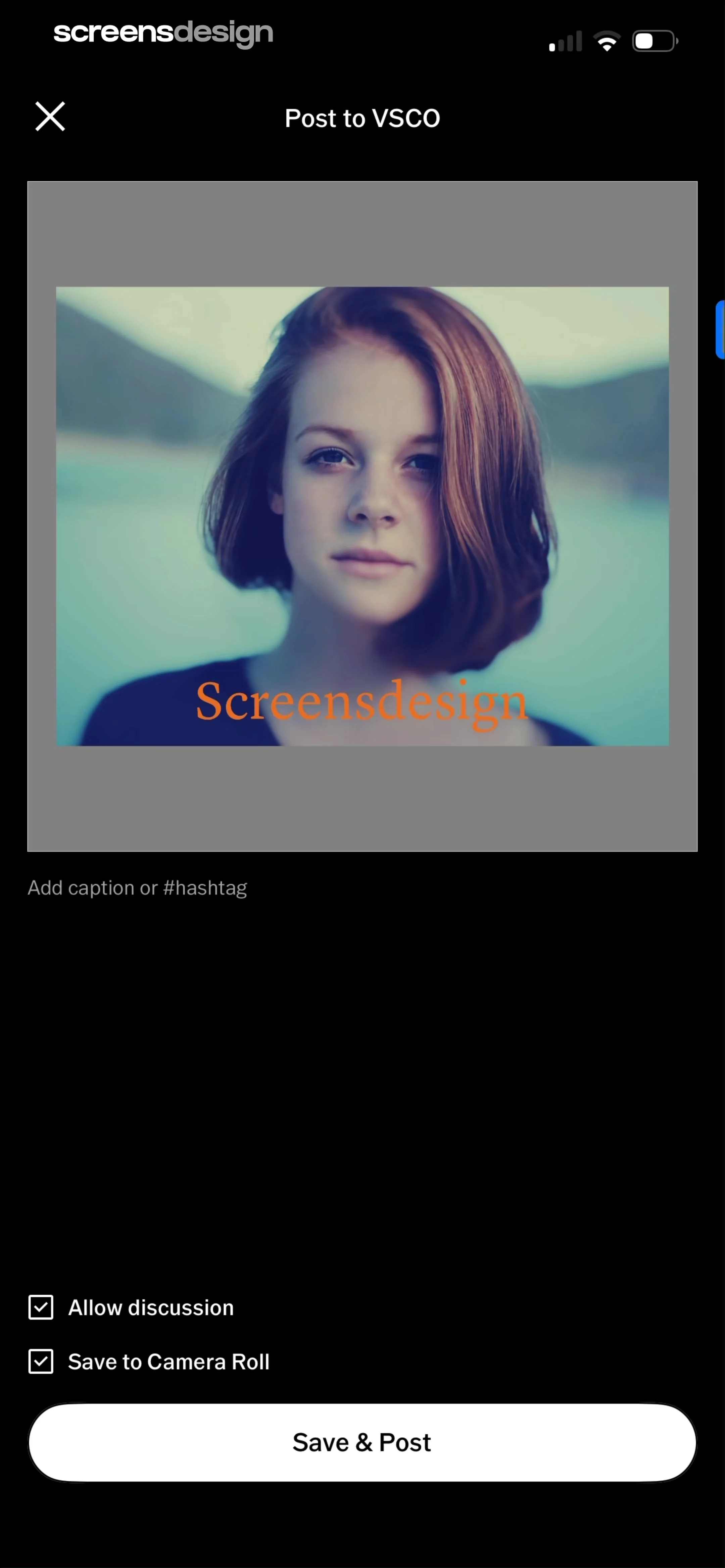
Social media post screen for VSCO with a portrait photo preview, caption input field, settings checkboxes, and a Save & Post button.
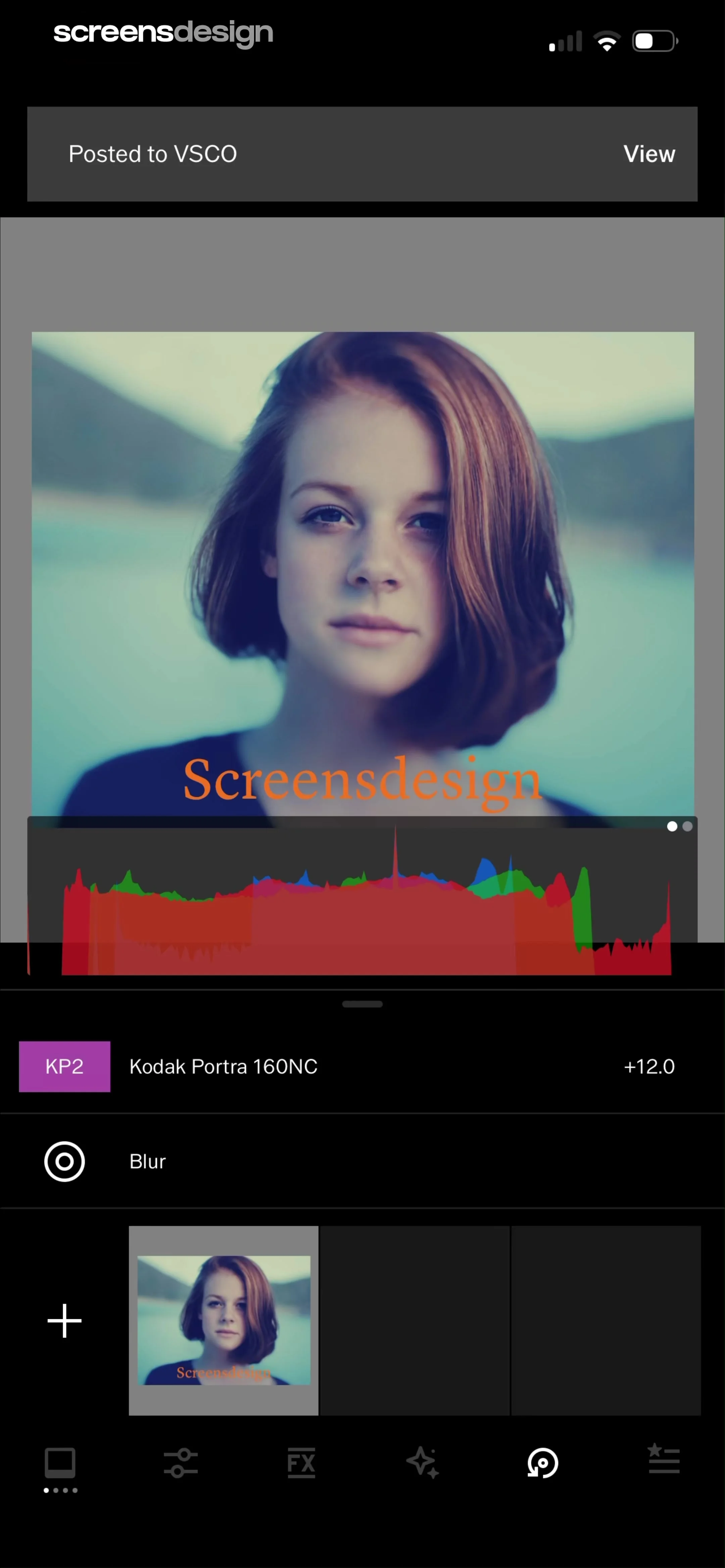
Photo editor interface displaying a portrait preview with a histogram overlay, a list of applied edits including Kodak Portra 160NC, and a bottom editing toolbar.
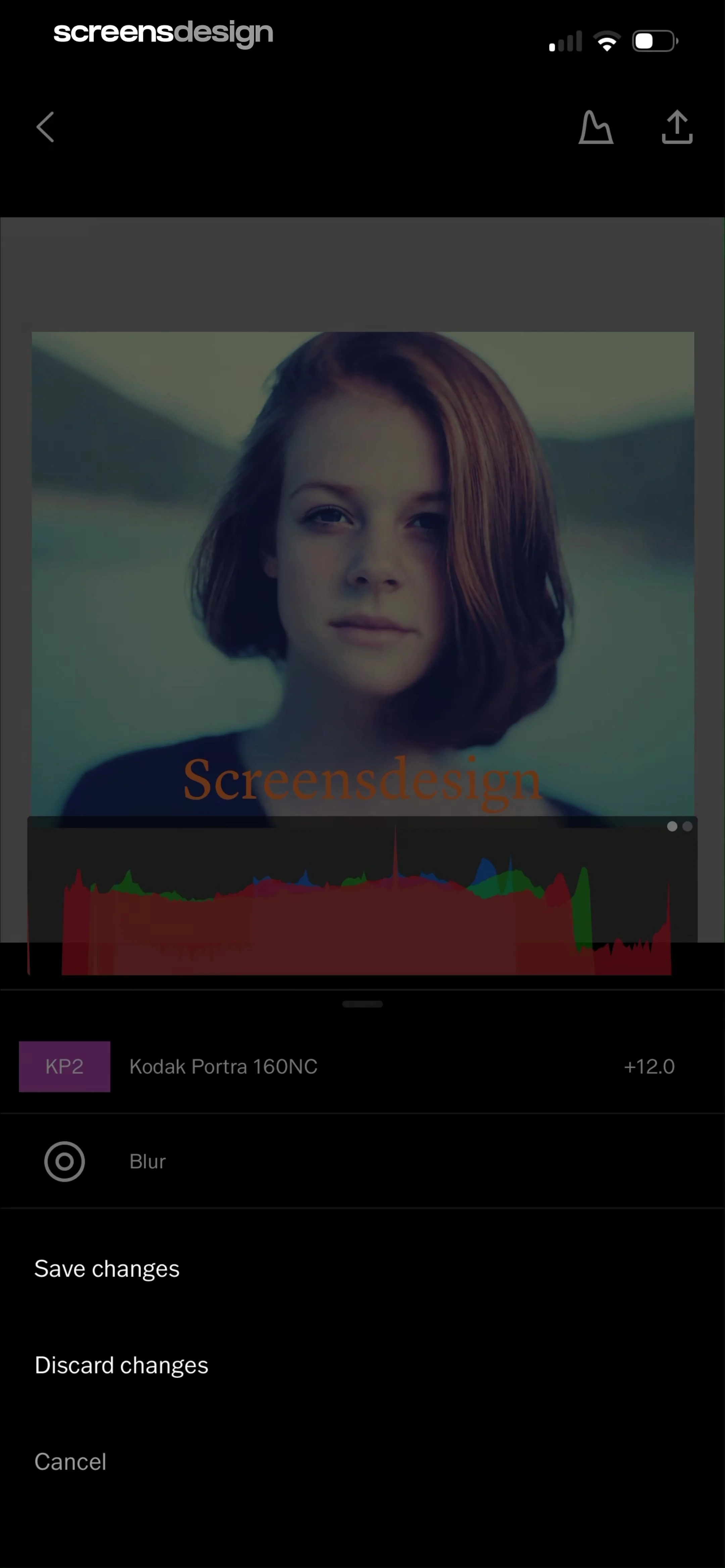
Photo editor screen showing a portrait image with a histogram overlay and a bottom menu containing save and discard options.
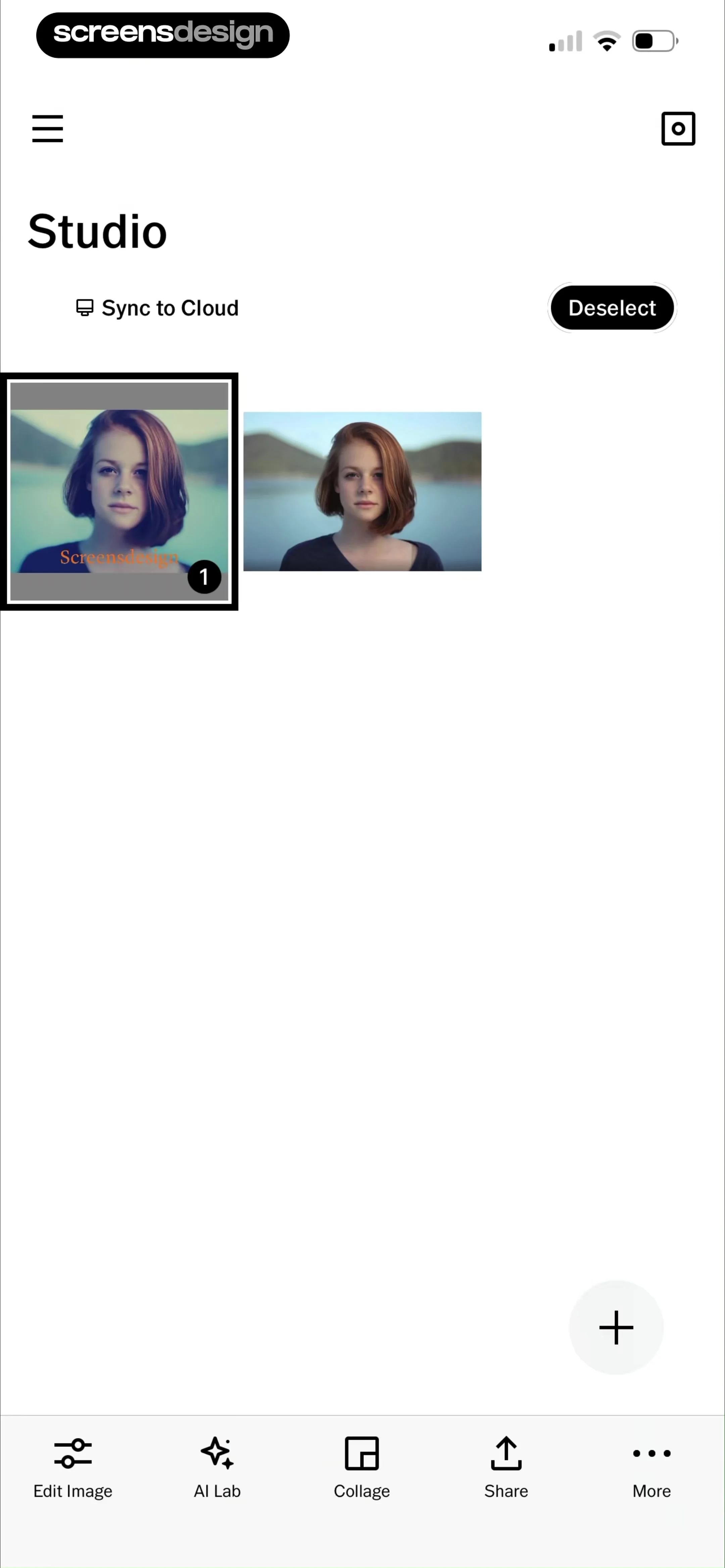
Studio dashboard displaying a grid of photo thumbnails with one image selected, a Deselect button, and a bottom action bar.
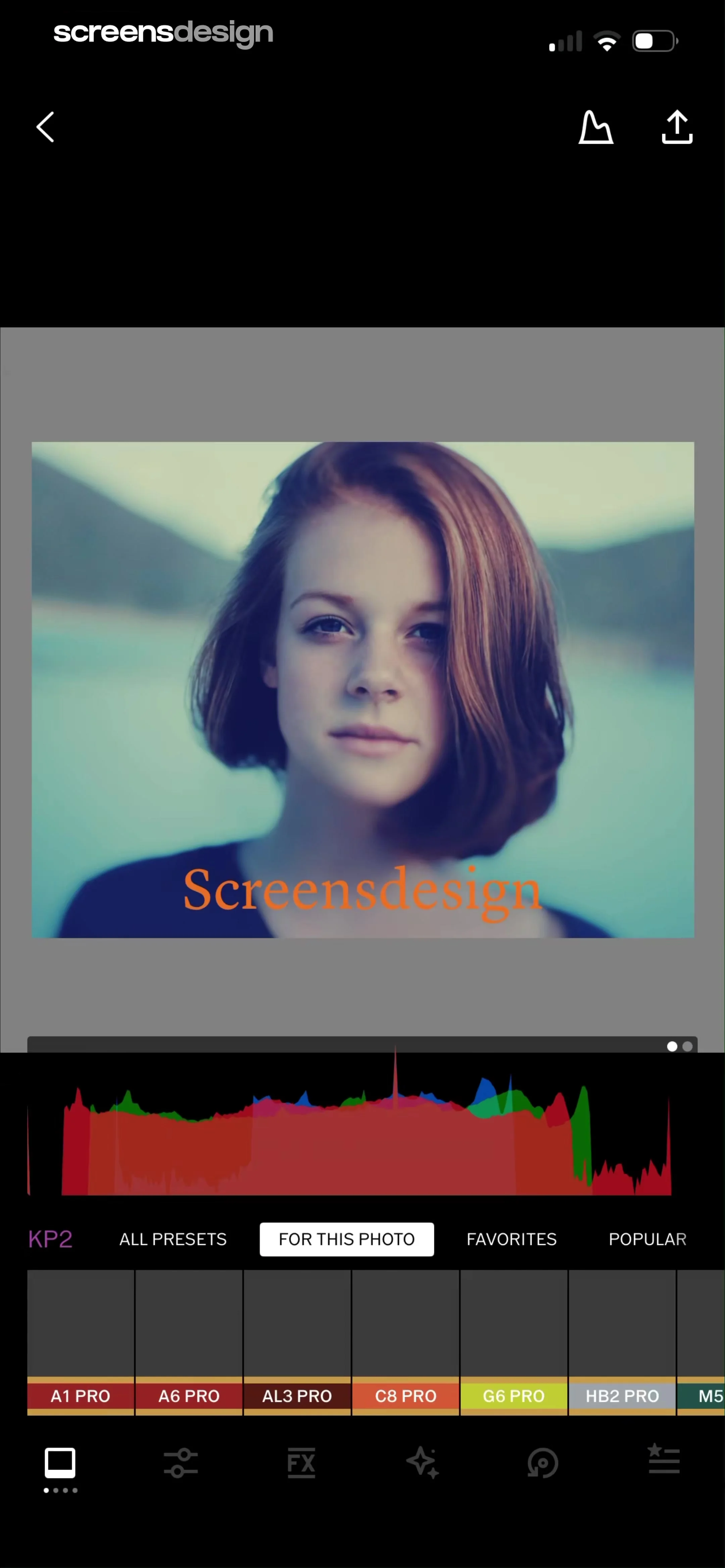
Photo editor preset selection screen displaying a central image with a histogram, preset category tabs, and a grid of pro presets with a bottom toolbar.
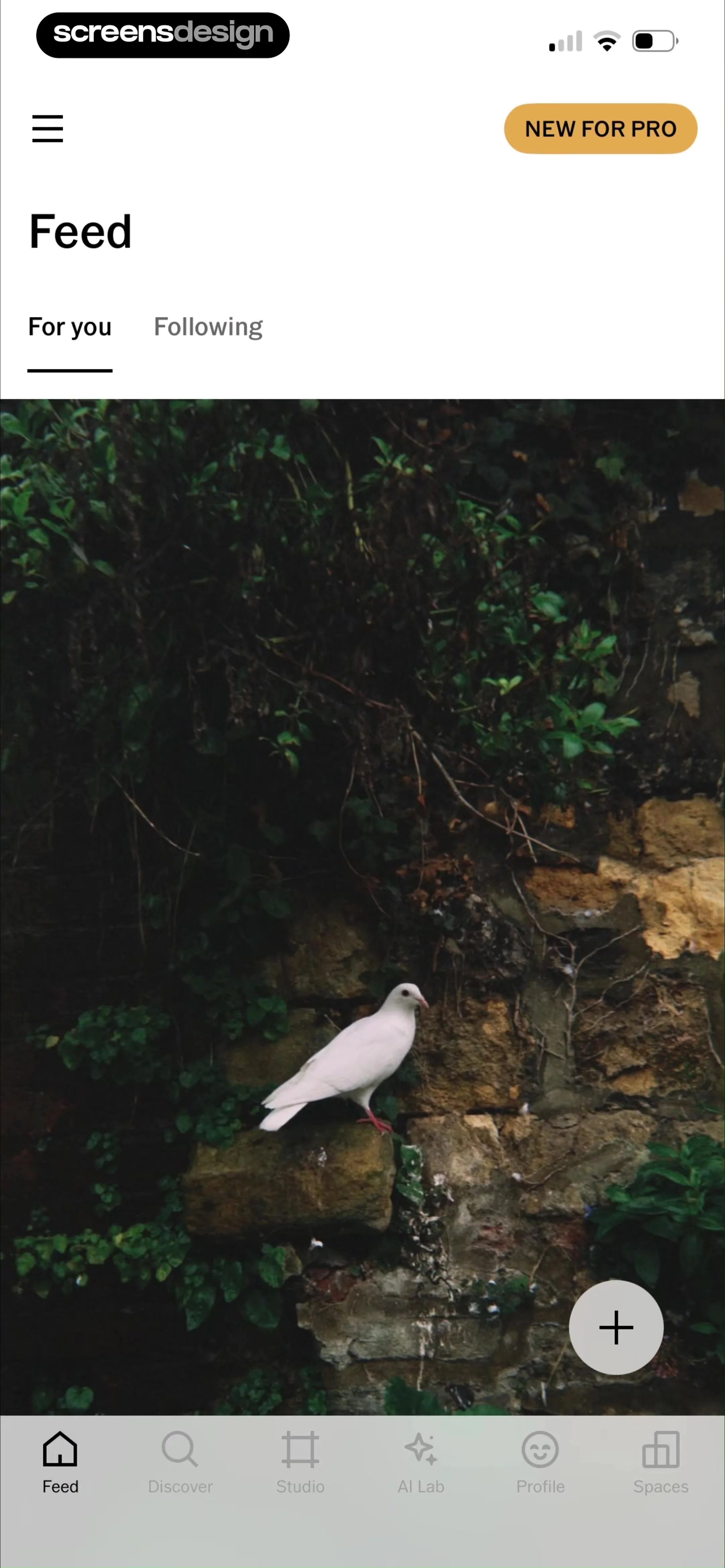
Content feed displaying a photo of a bird with a New For Pro button at the top and a floating action button.
Content feed screen displaying a photo post with user metadata, top navigation tabs, and a bottom navigation bar.
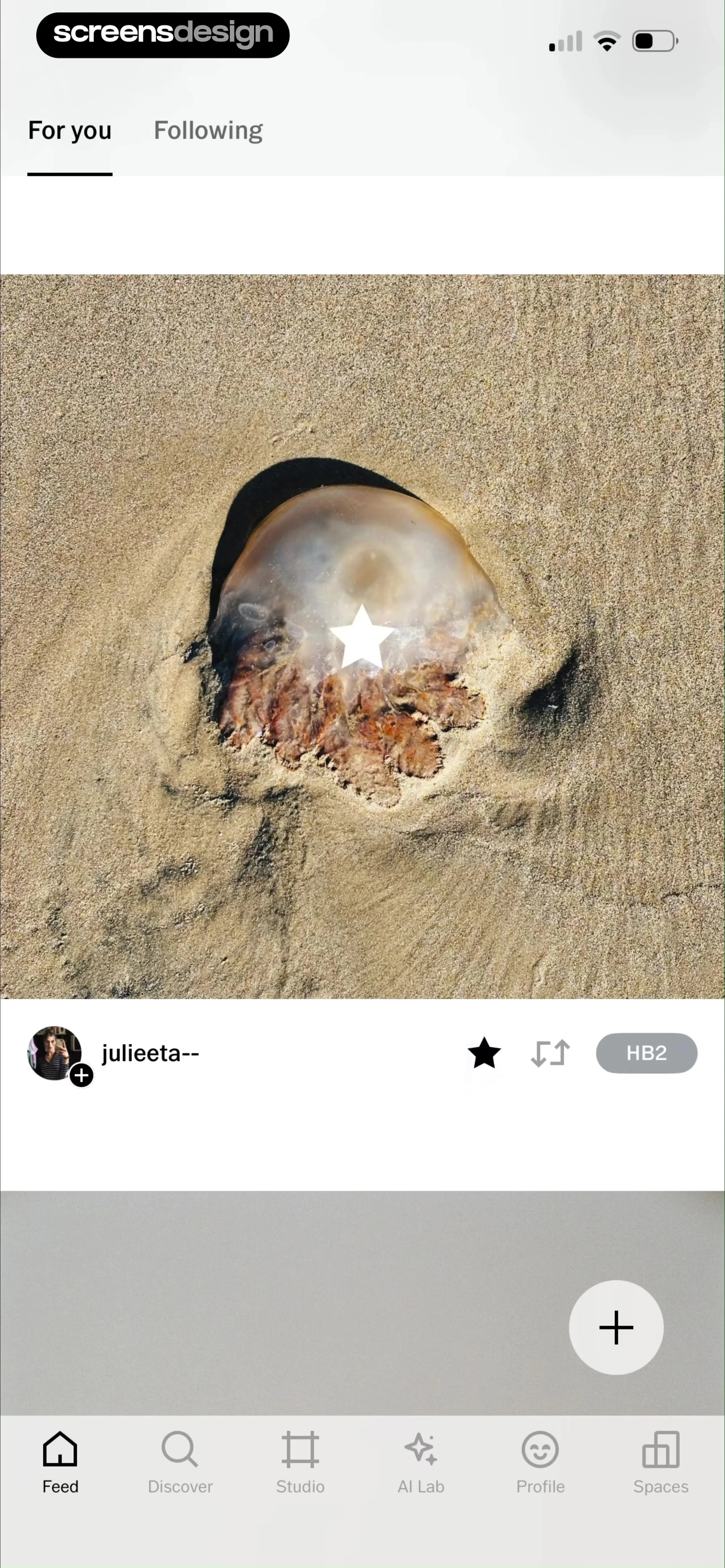
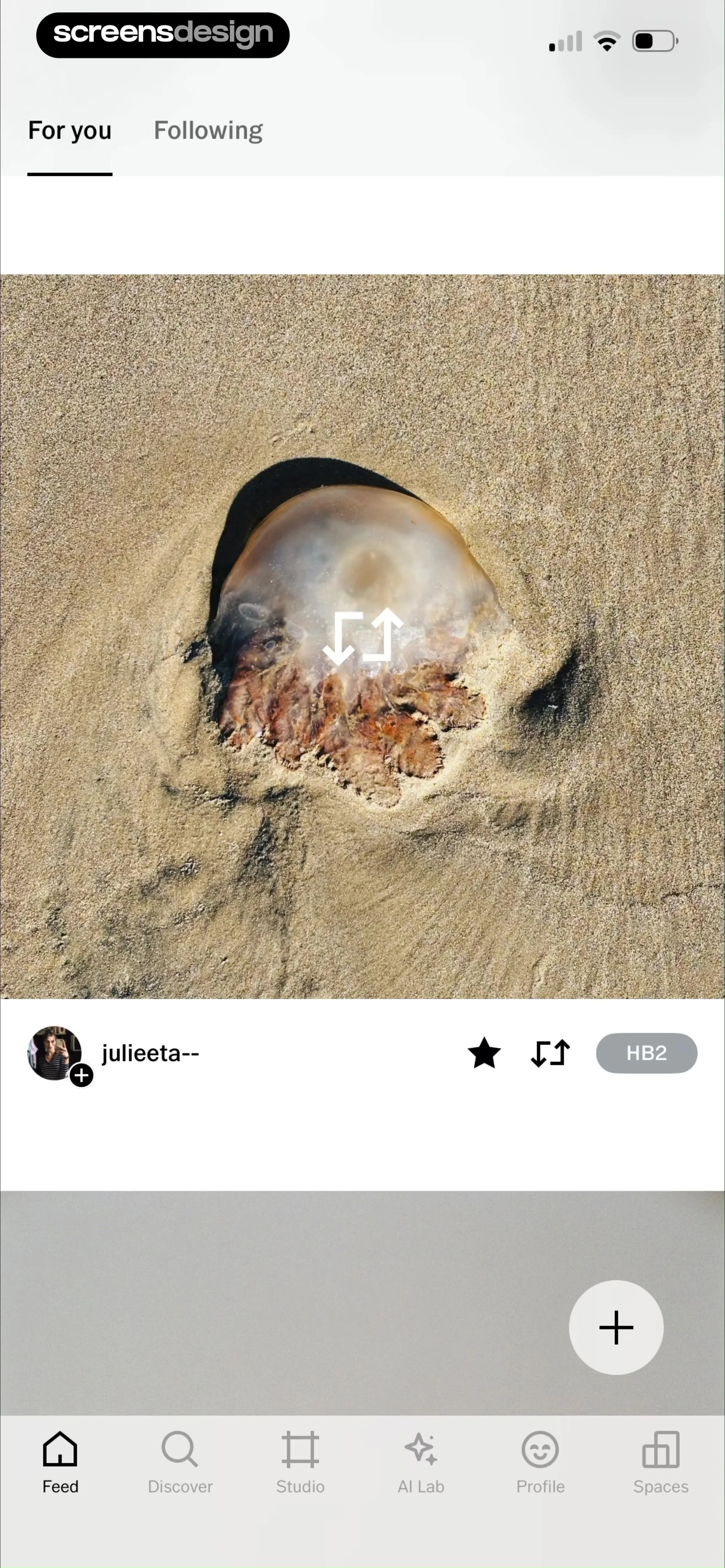
Content feed displaying a photo of a jellyfish on sand, with top tabs, user attribution, and a bottom navigation bar.
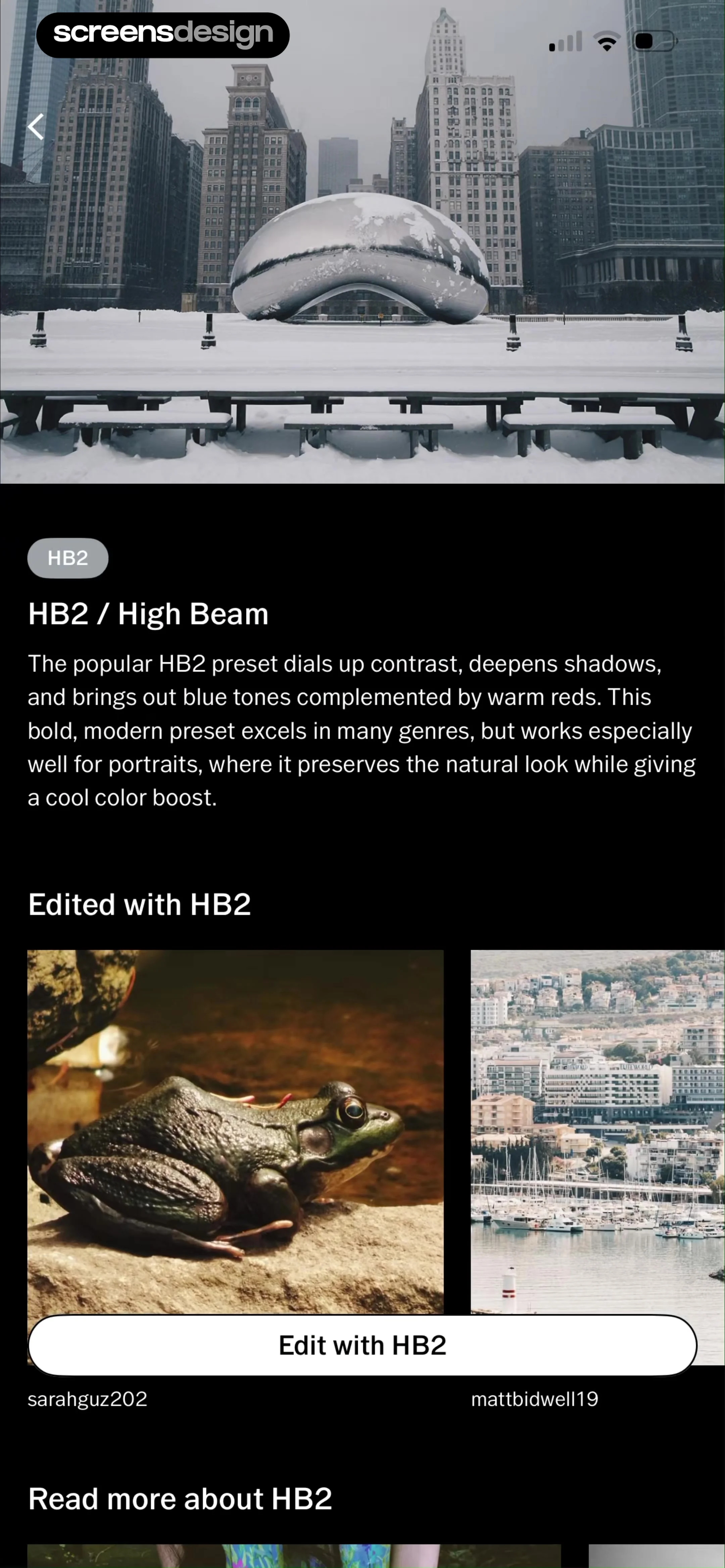
Preset guide for HB2 featuring descriptive text, user showcase photos, and an Edit with HB2 button.
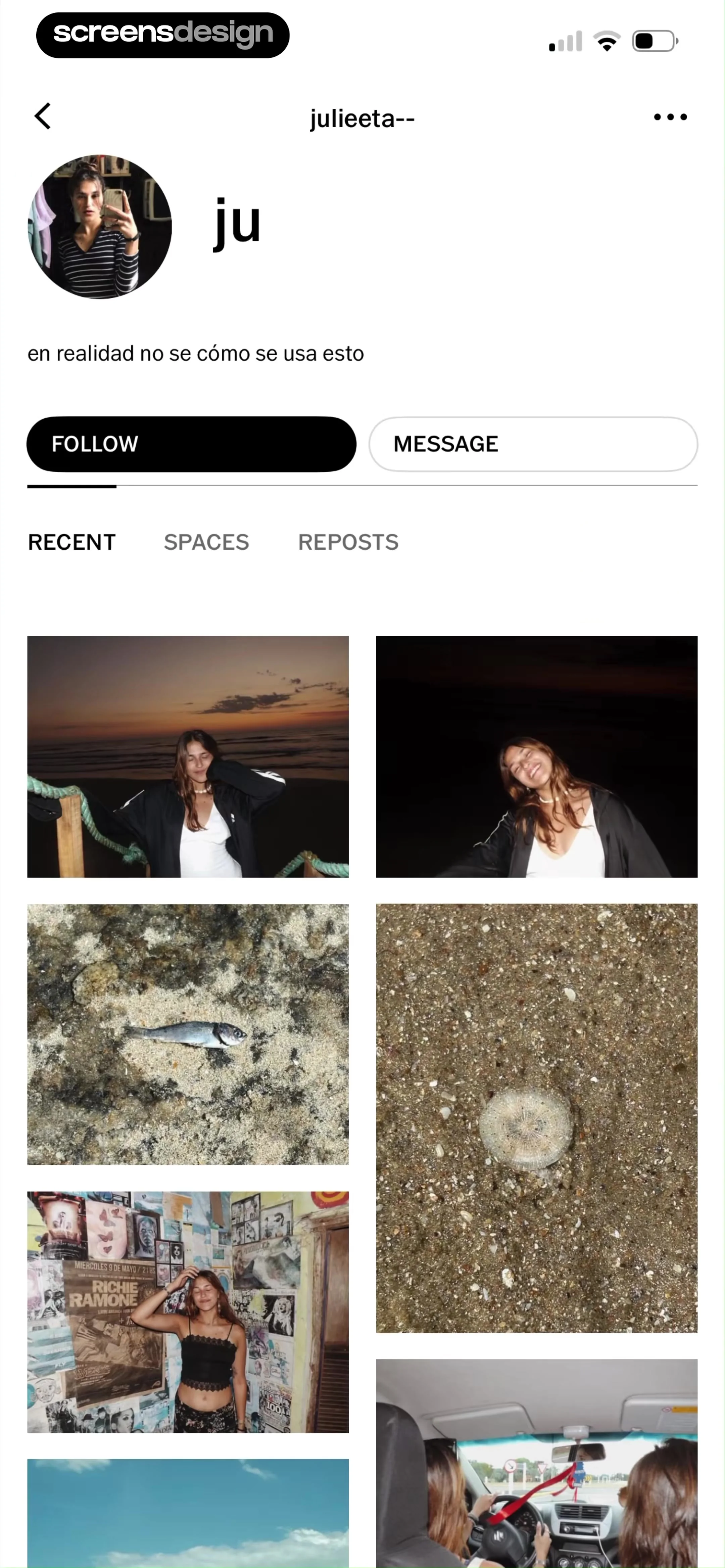
User profile screen featuring a bio, Follow and Message buttons, and a photo grid displaying recent pictures.
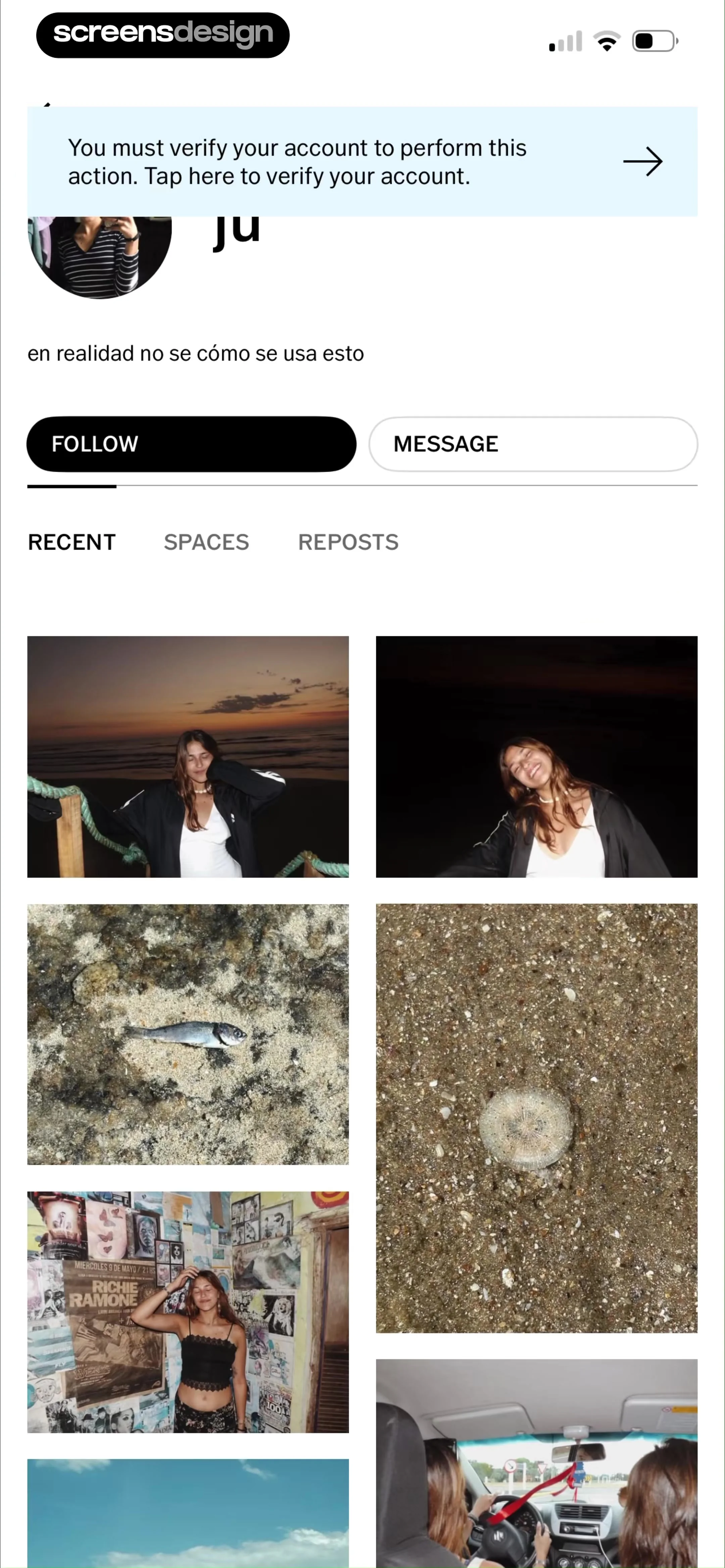
User profile screen displaying a verification banner, Follow and Message buttons, and a photo grid below tab navigation.
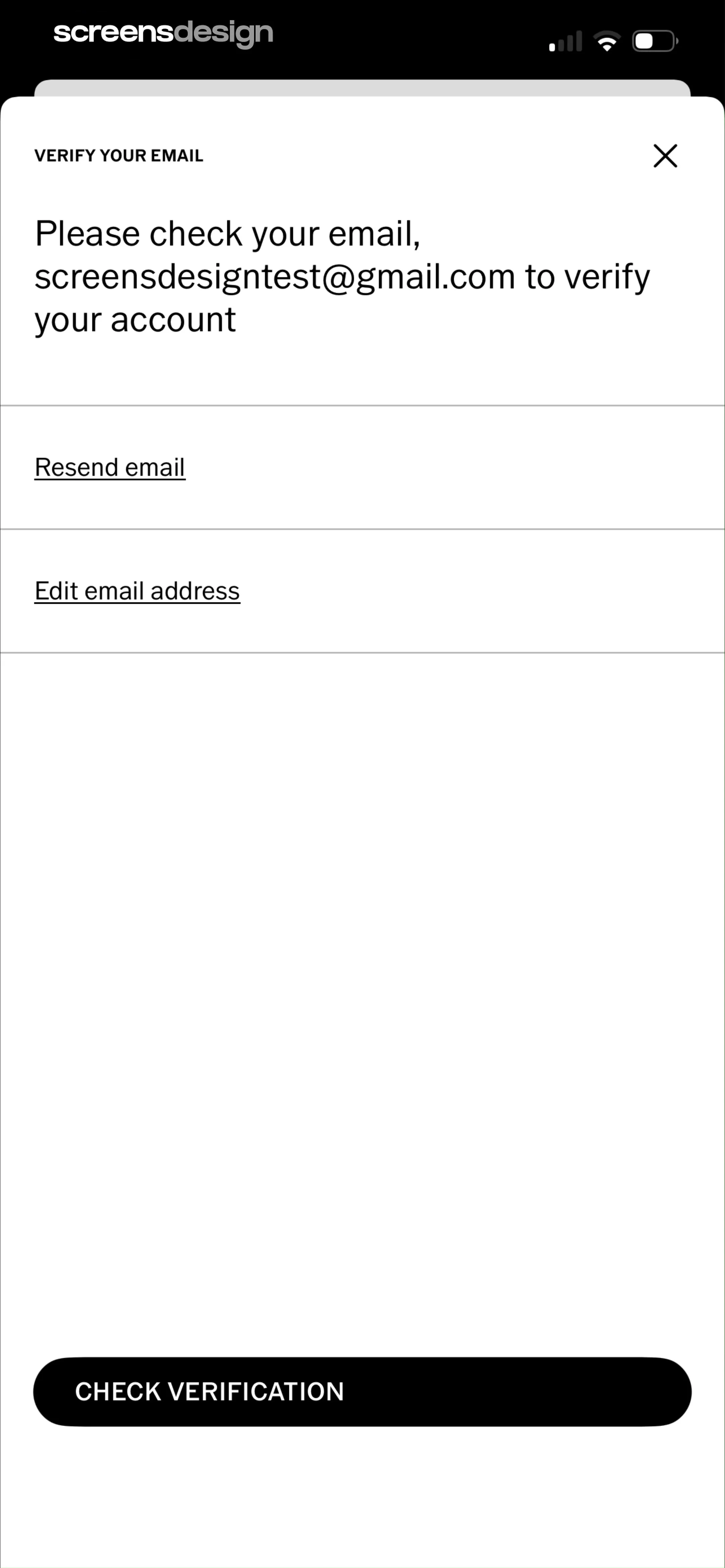
Email verification modal prompting the user to check screensdesigntest@gmail.com, featuring a check verification button and options to resend or edit the email.
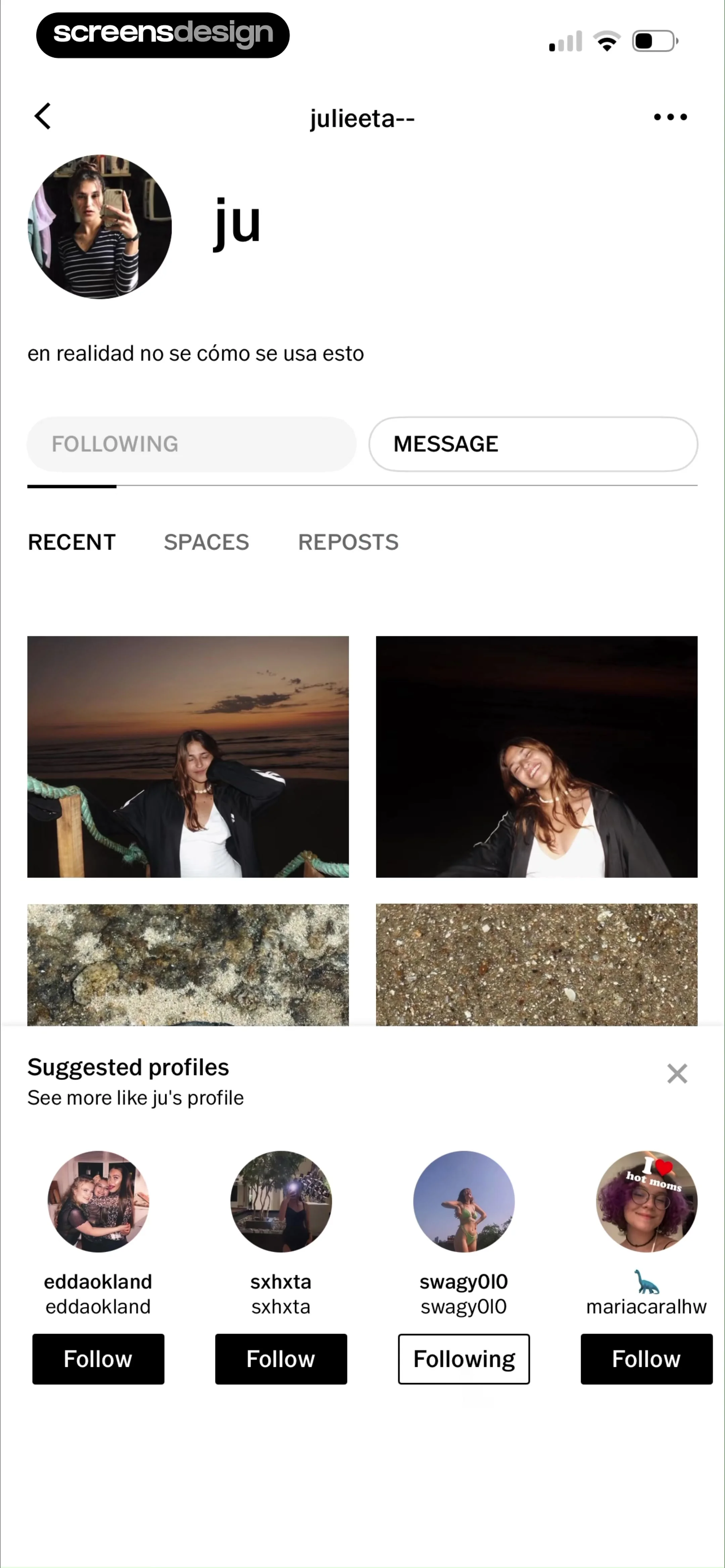
VSCO user profile displaying a photo grid, bio, and a bottom carousel of suggested profiles with follow buttons.
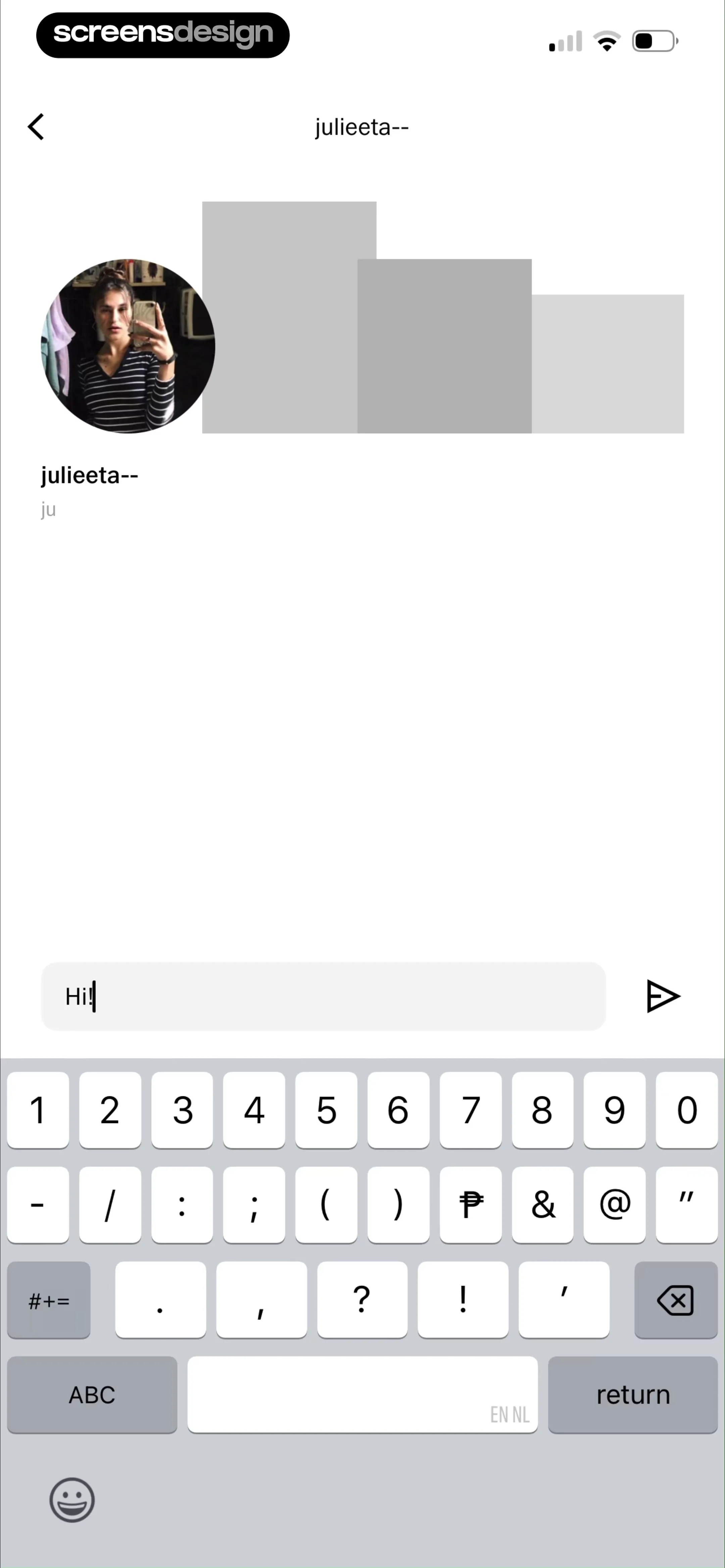
Chat screen displaying a conversation with user julieeta-- containing the typed message Hi! and the system keyboard.
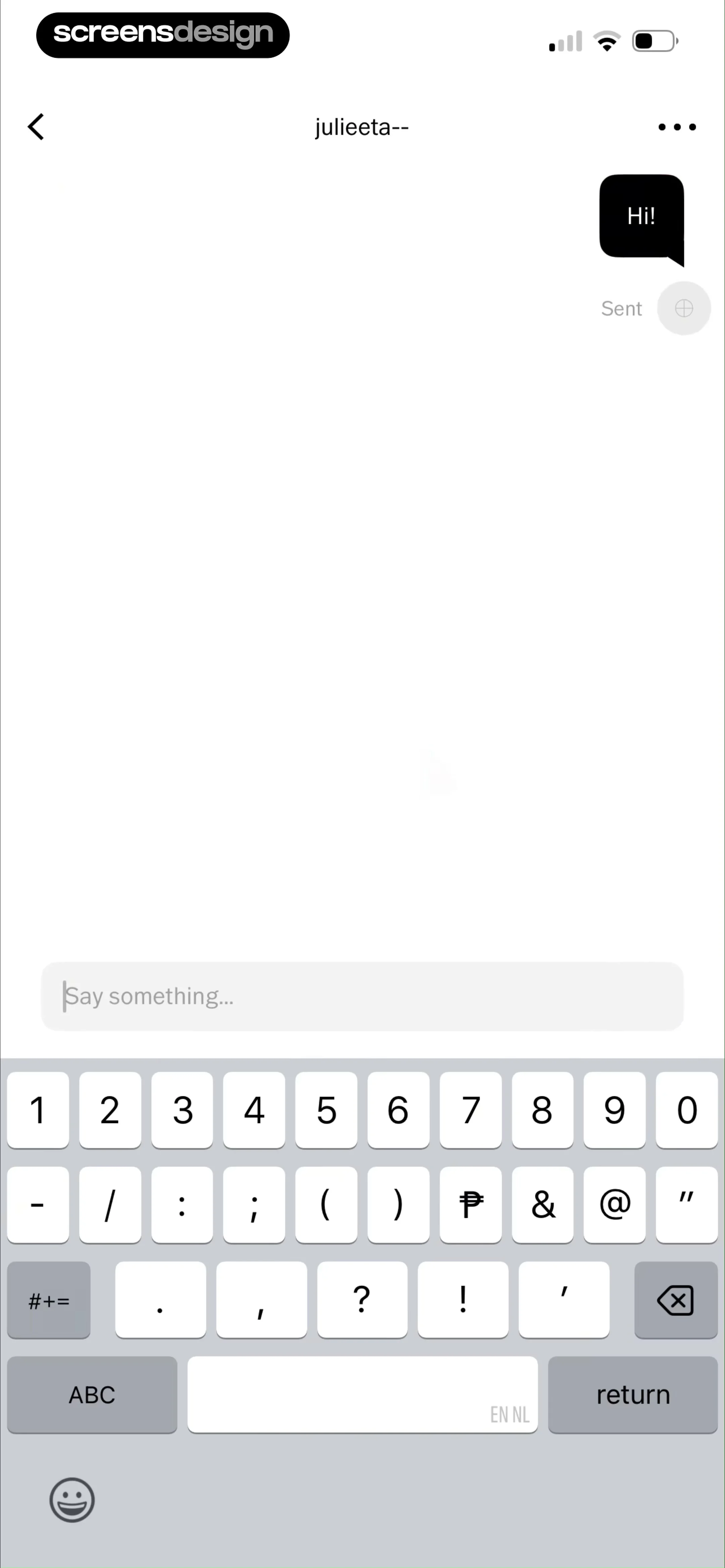
Chat screen displaying a single sent message bubble and an empty text input field with the system keyboard active.
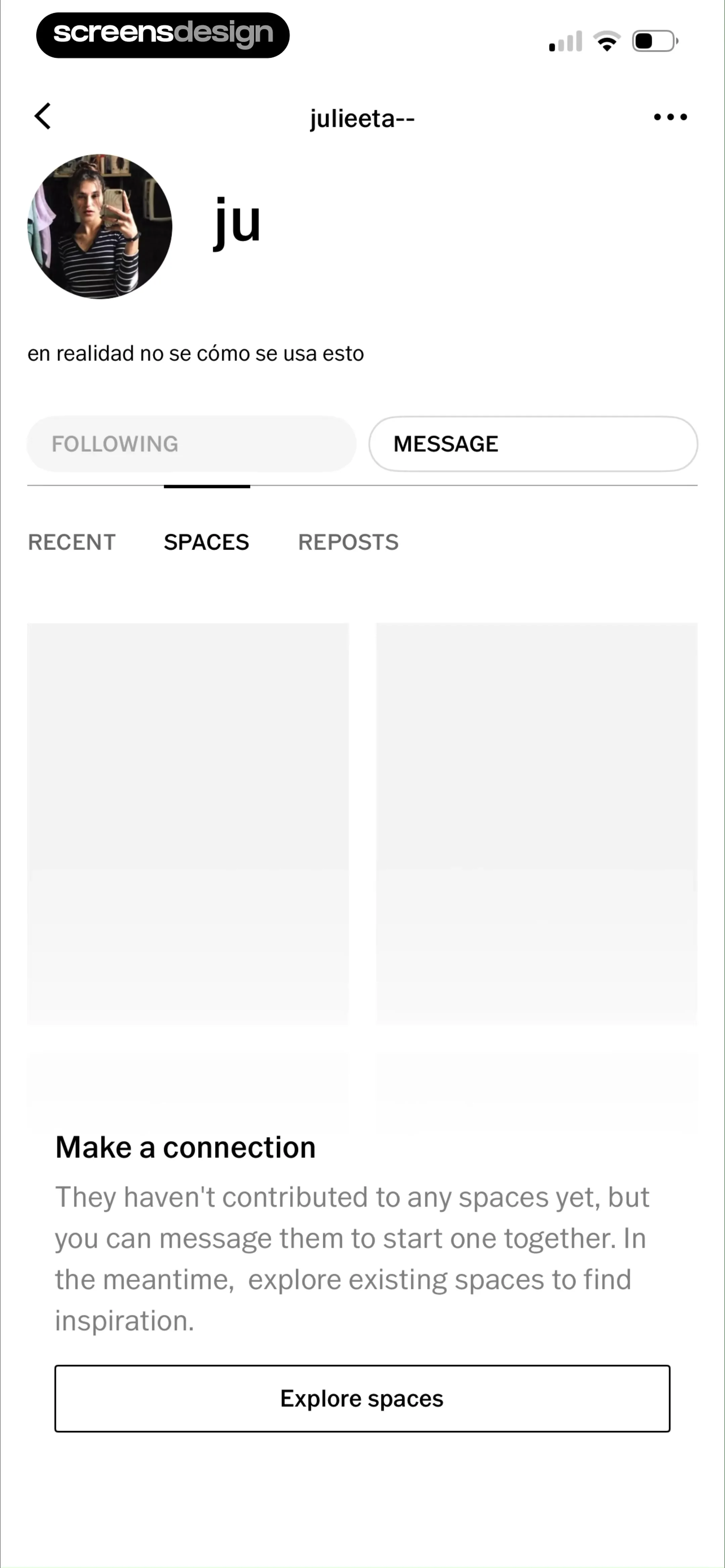
User profile displaying the selected Spaces tab with an empty state message and an Explore spaces button at the bottom.
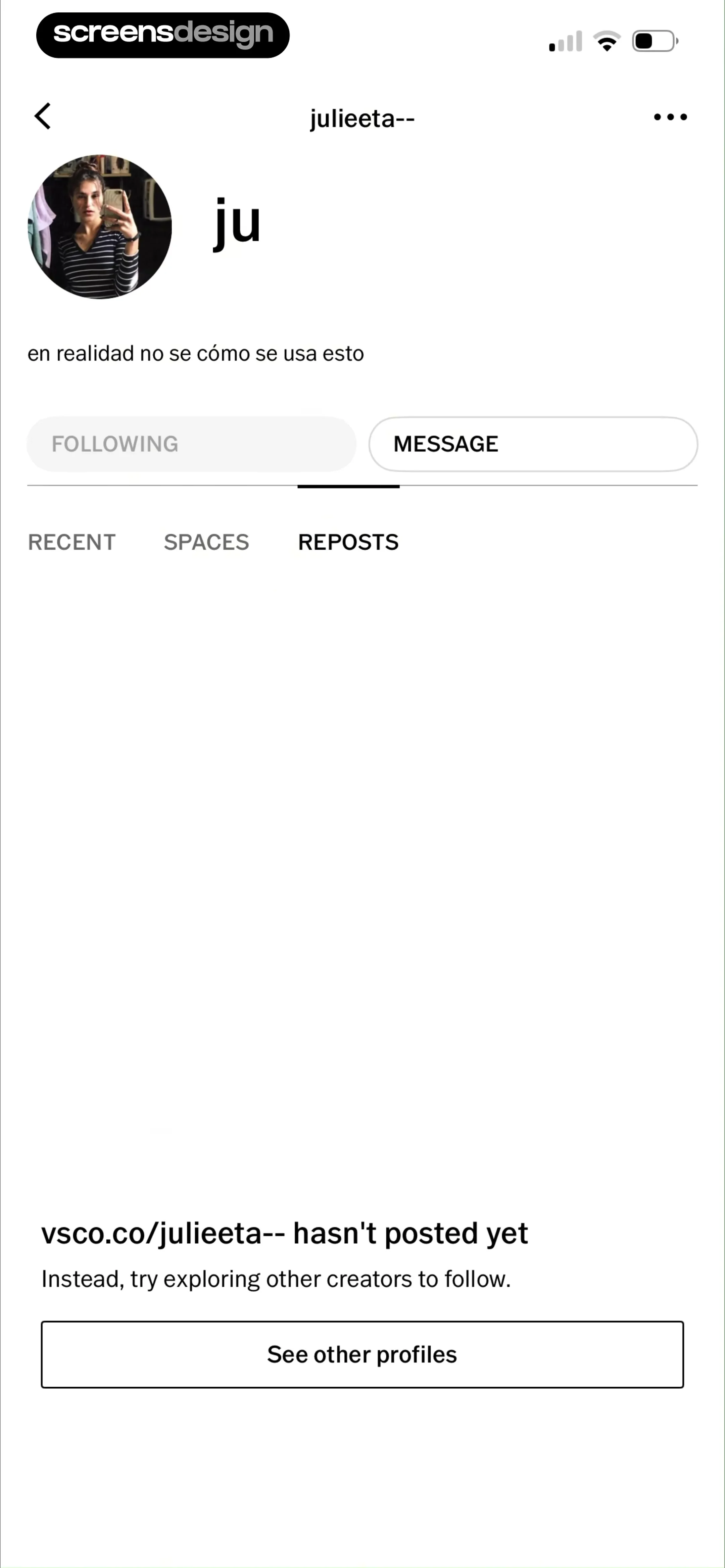
User profile screen with a bio, following and message buttons, and an empty state message with a See other profiles button.
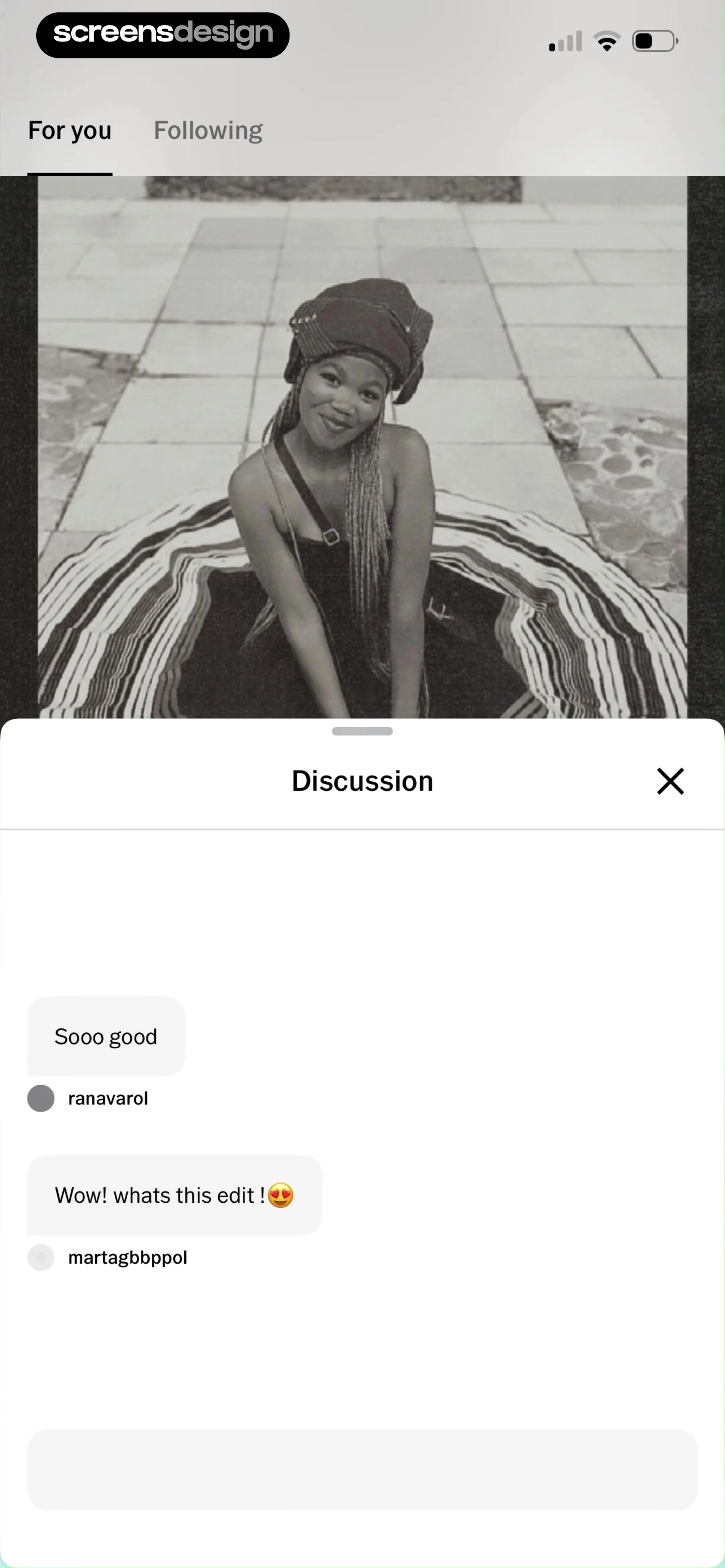
Chat discussion modal overlaying a photo feed with user comments and an input field for adding a new comment.
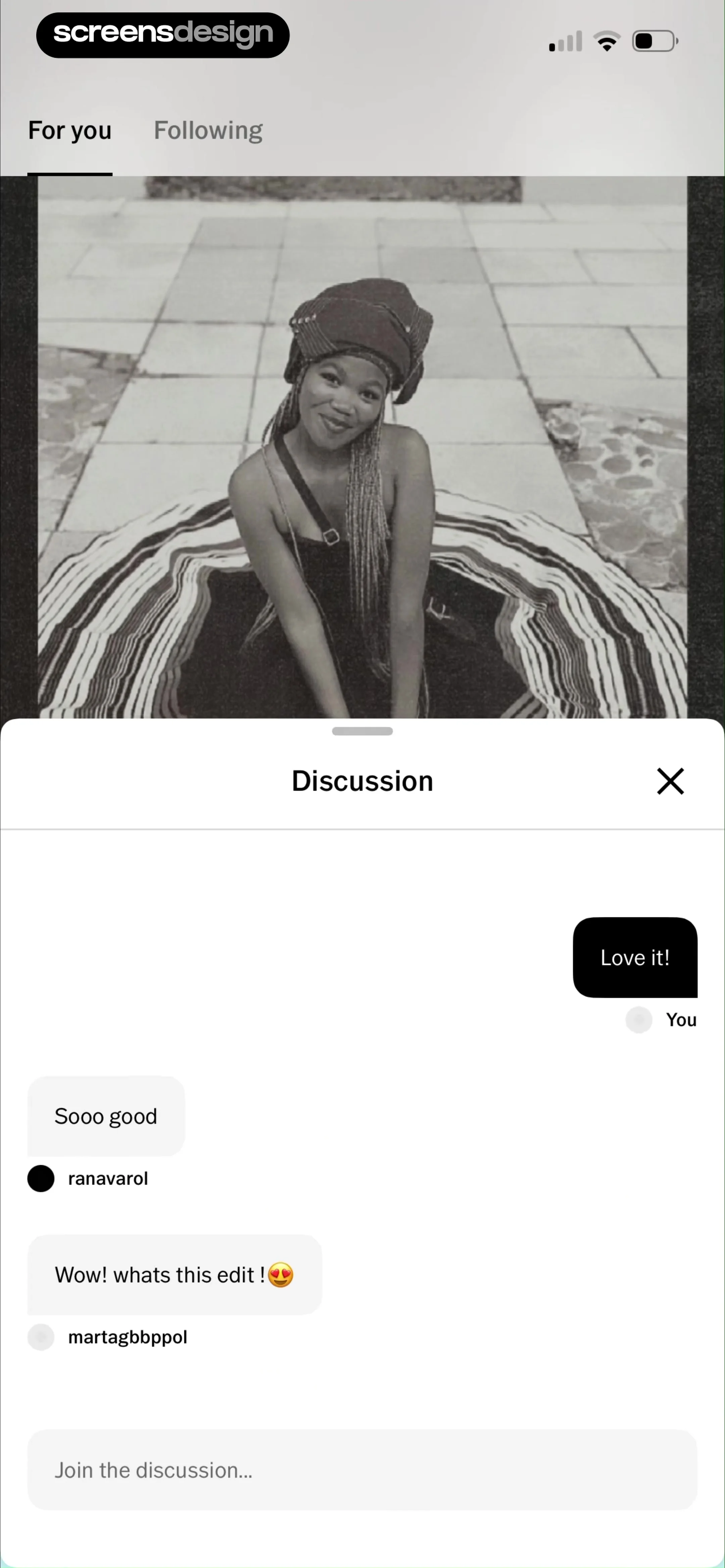
Social discussion modal over a photo preview, displaying user comments, a Love it! reaction button, and a comment input field.
Content feed displaying a large photograph card with user attribution, interaction icons, and a bottom navigation bar.
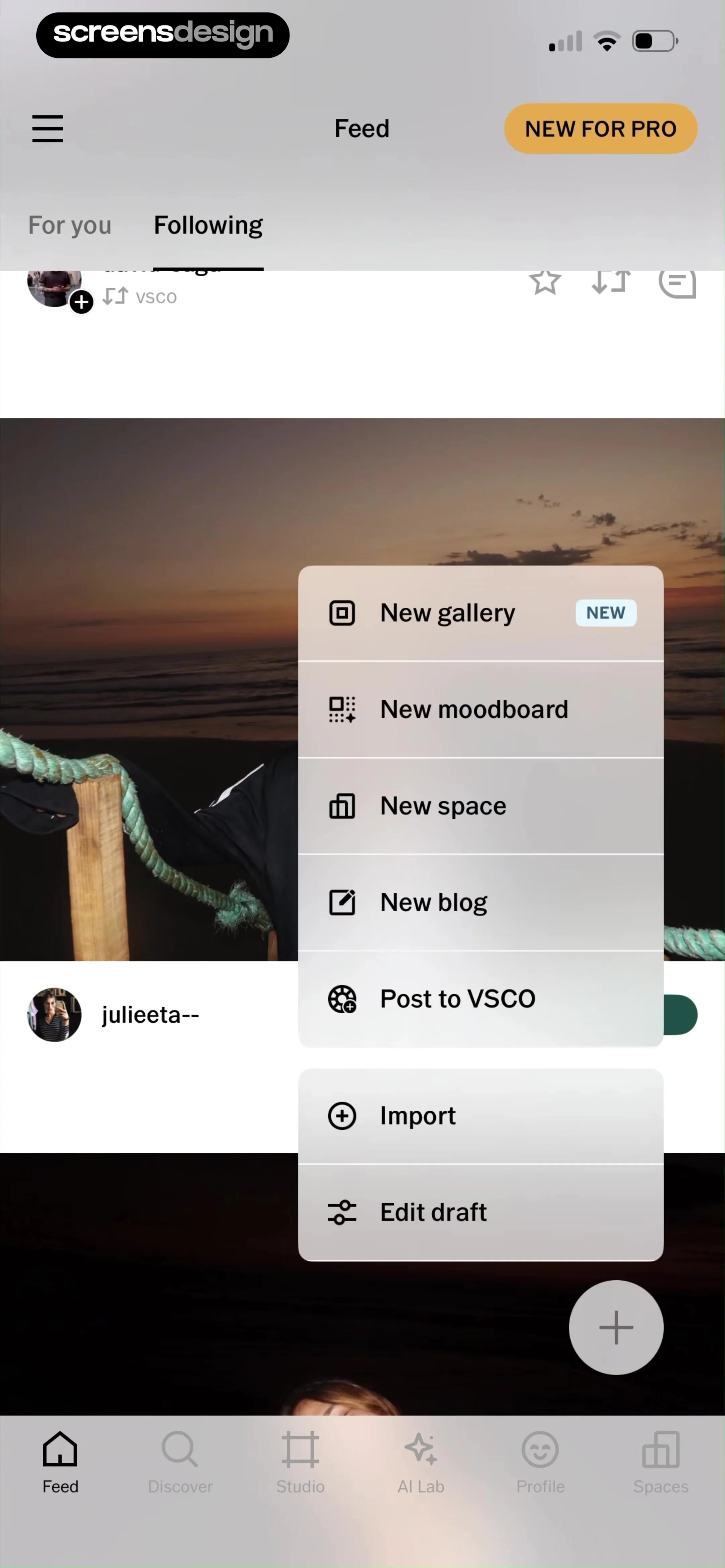
Action menu modal overlay displaying creative options like New gallery, New moodboard, and Import options.
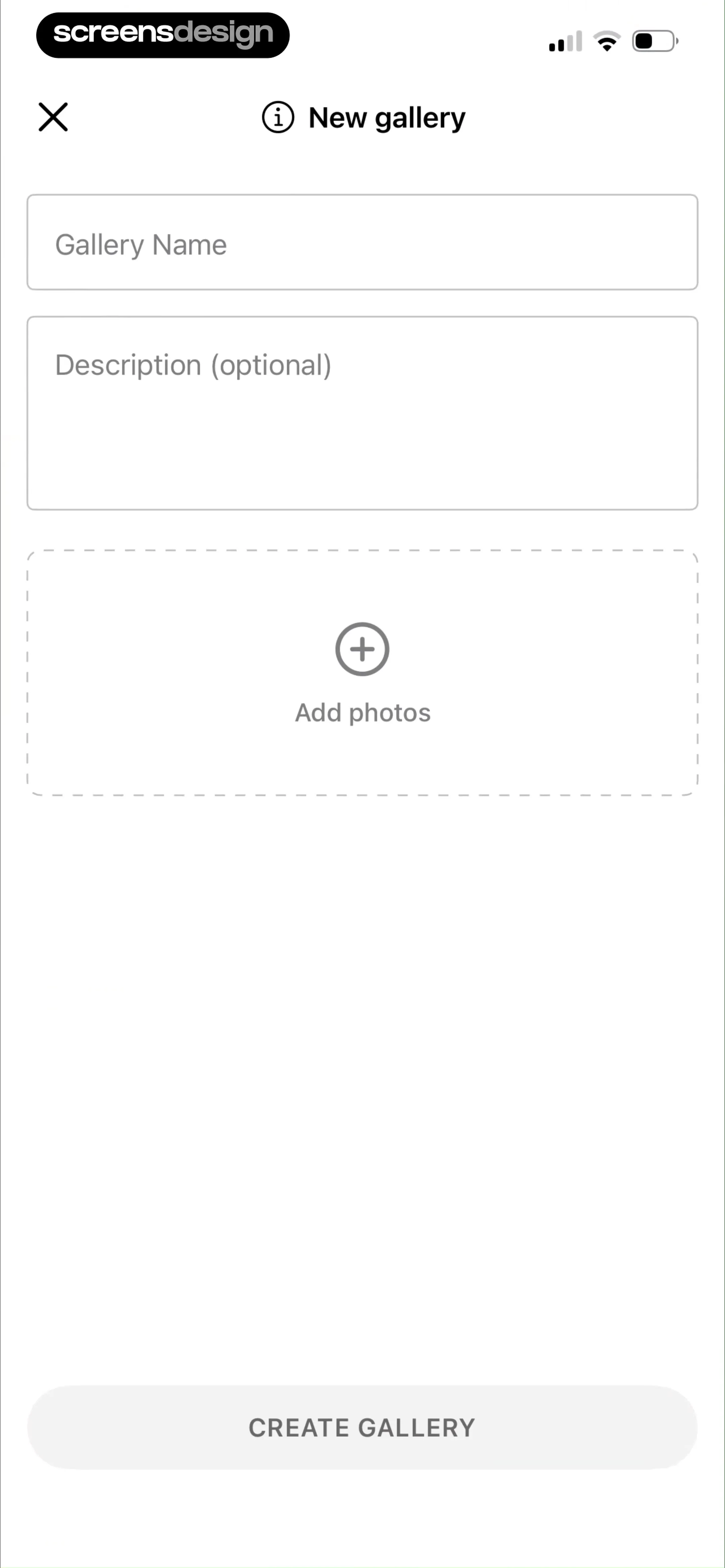
Gallery creation form with input fields for a name and optional description, a dashed photo upload area, and a disabled create button.
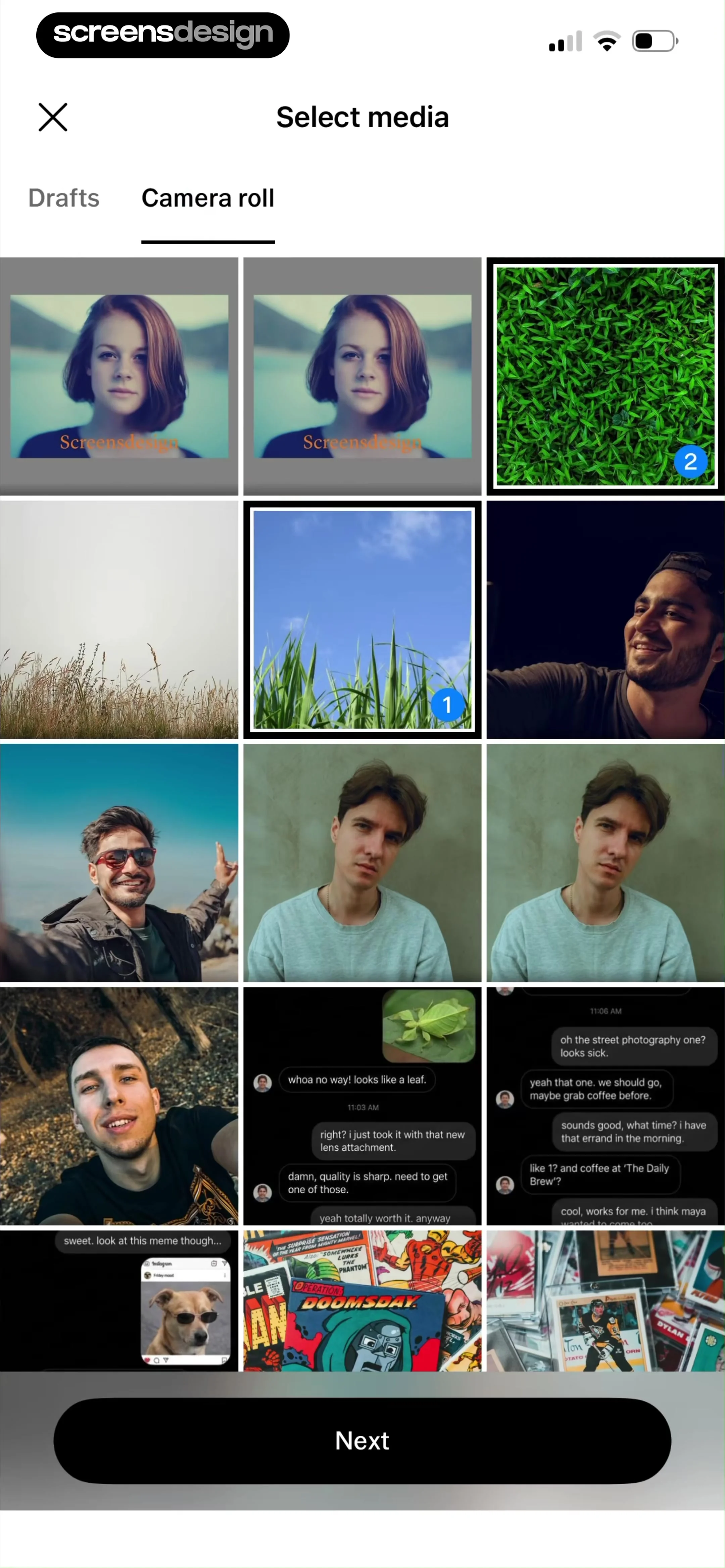
Media selection screen displaying a camera roll grid with numbered selection badges and a Next button at the bottom.
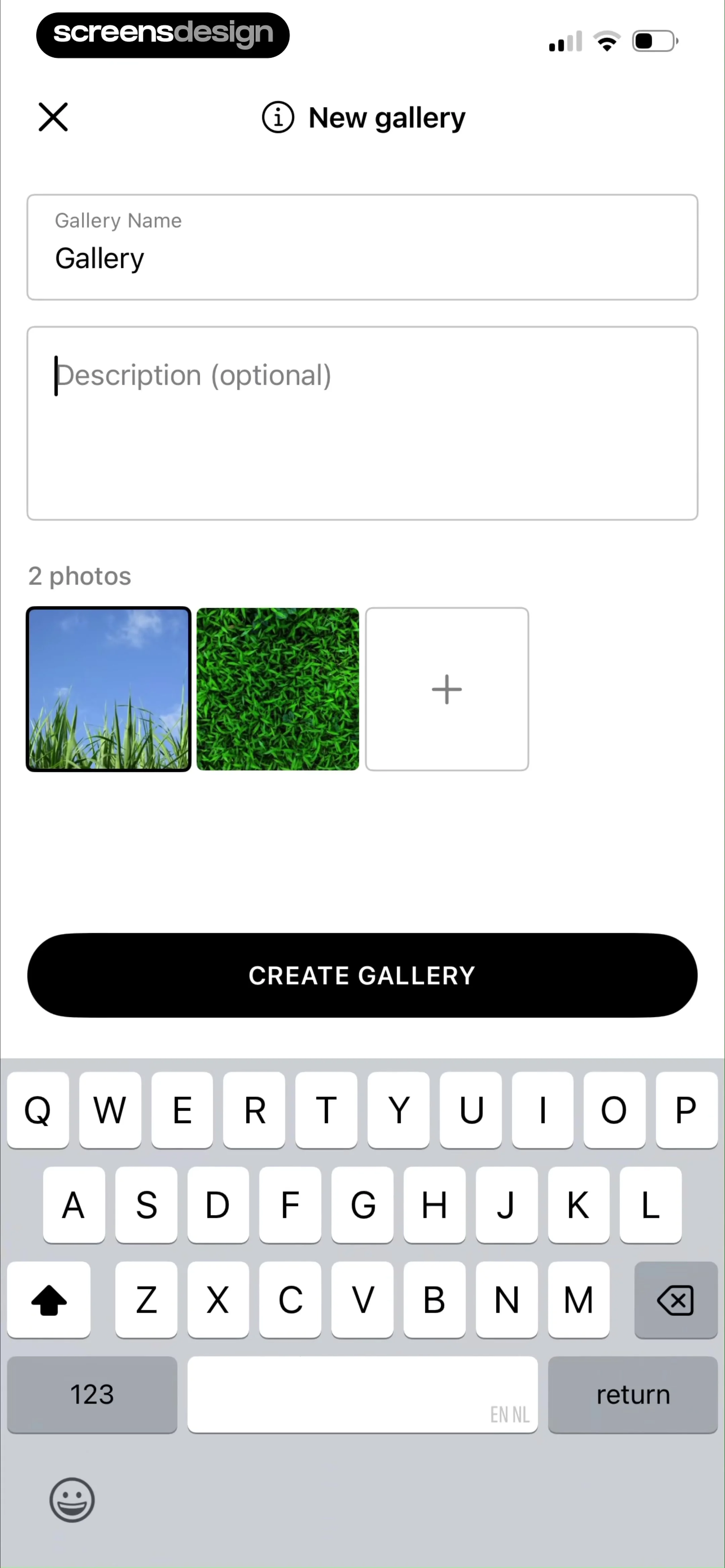
Gallery creation form with text input fields pre-filled as Gallery, two photo thumbnails, and a Create Gallery button.
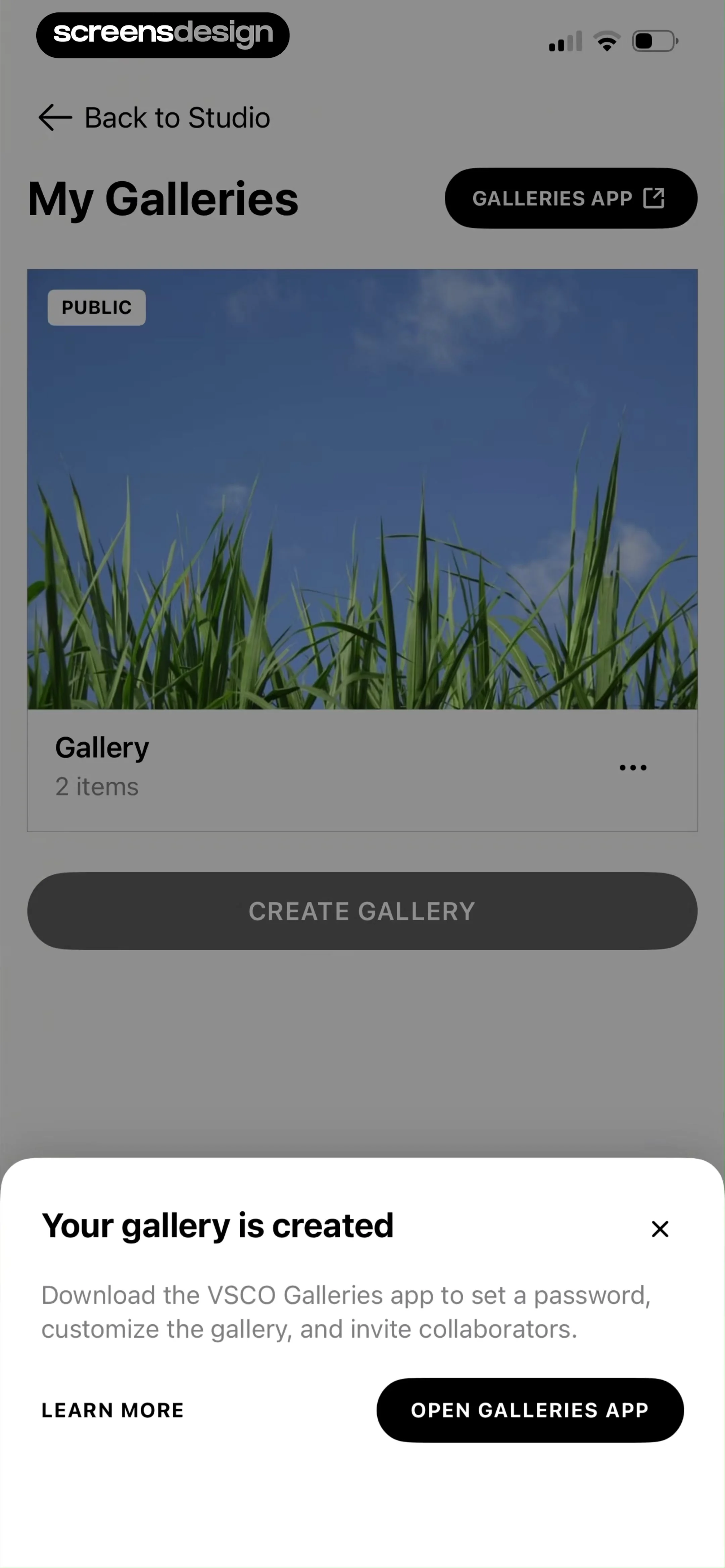
Gallery dashboard displaying a list of user galleries and a confirmation modal with a button to open the external galleries app.
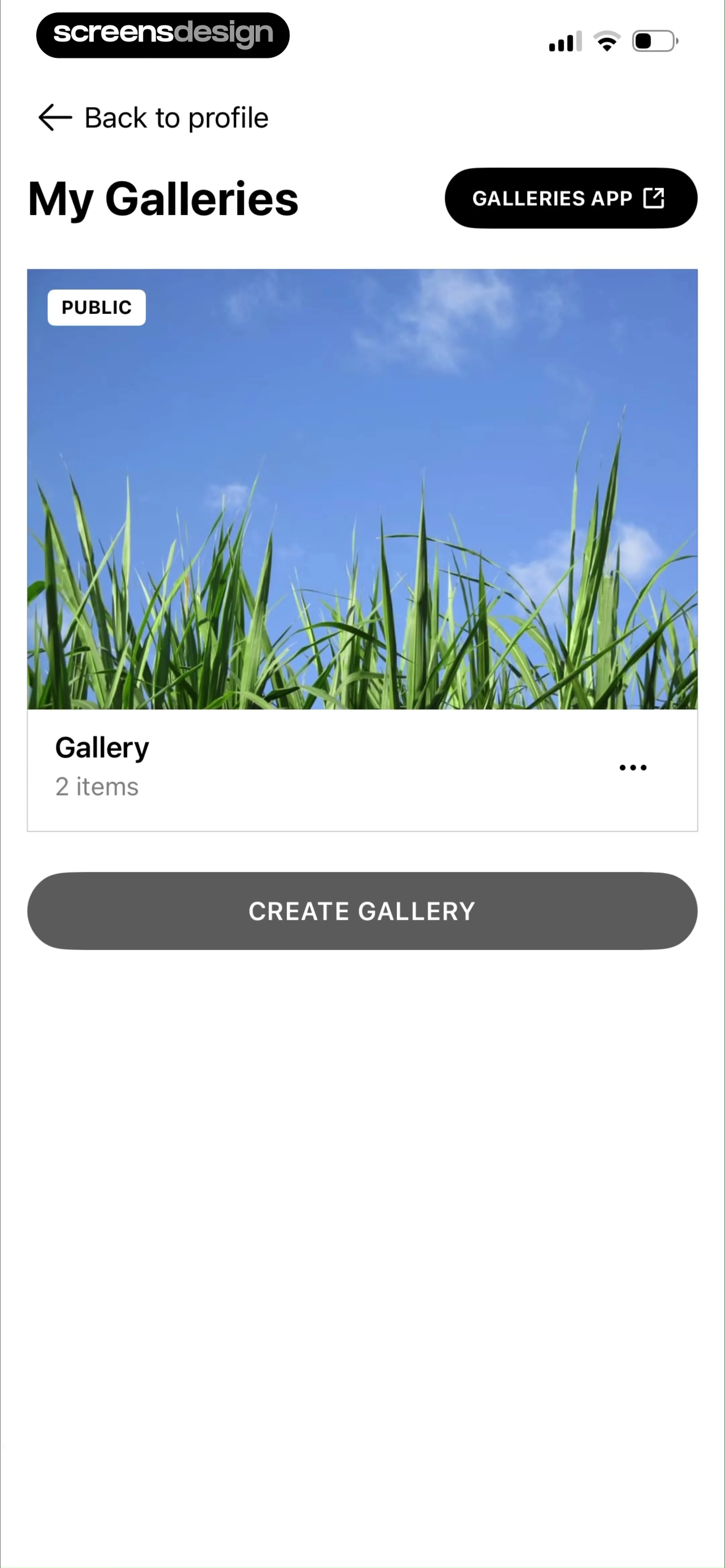
Gallery management dashboard displaying a single public gallery card with two items and a create gallery button.
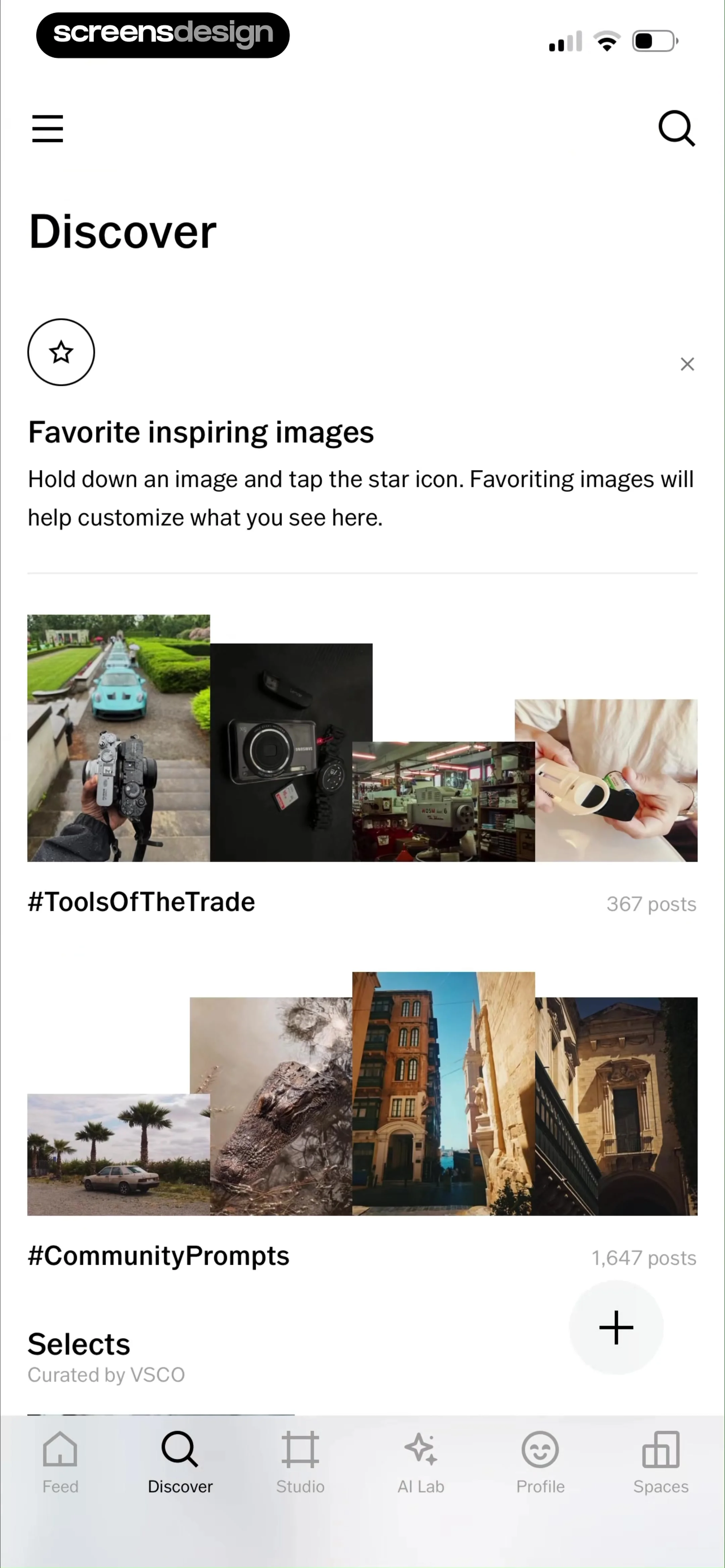
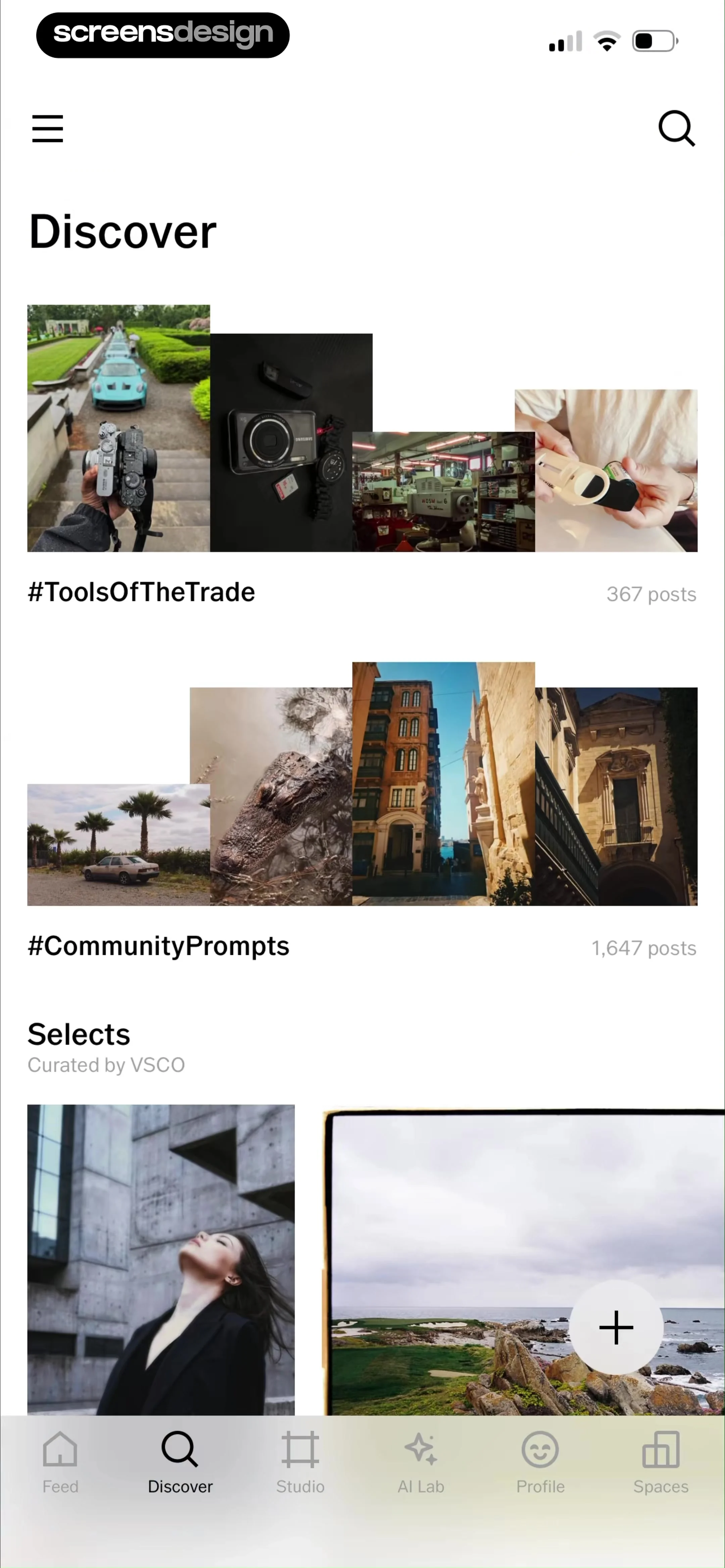
Discover screen displaying an onboarding card, content carousels, and a bottom navigation bar with the Discover tab selected.
Content feed featuring curated photography and community hashtags, with the Discover tab selected on the bottom navigation bar.
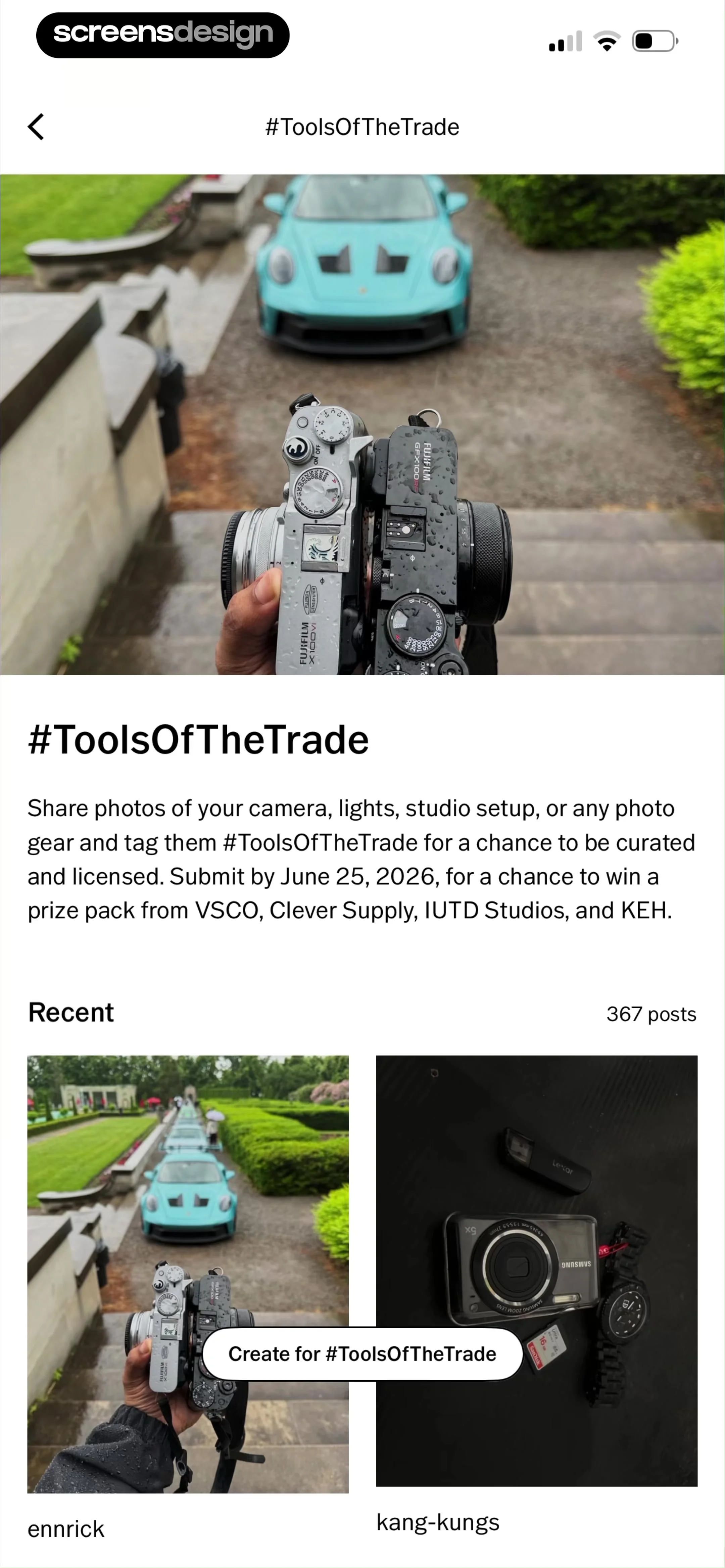
Community challenge page for #ToolsOfTheTrade with a hero image, challenge details, a grid of recent user posts, and a create button.
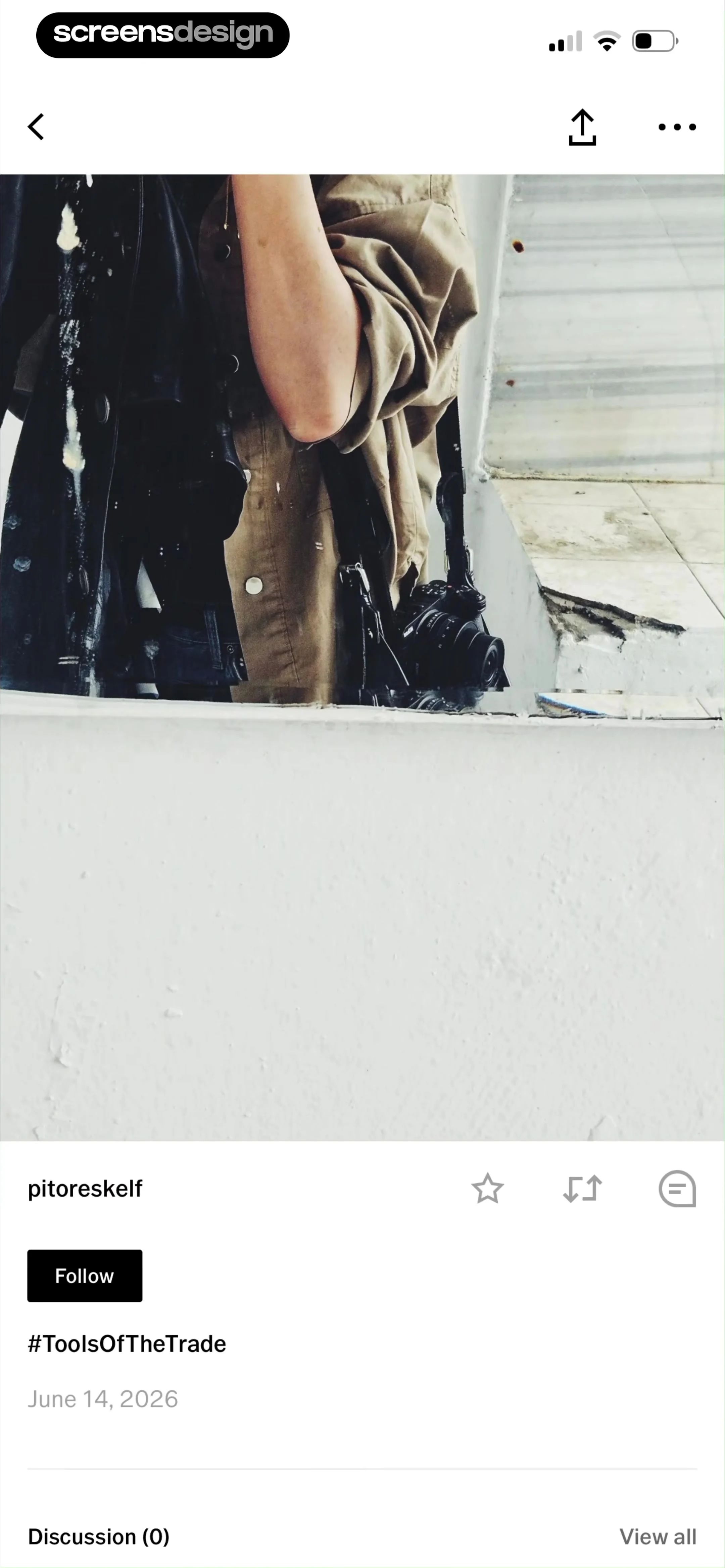
Social feed post displaying a user photograph, creator info with a Follow button, post metadata, and an empty discussion section.
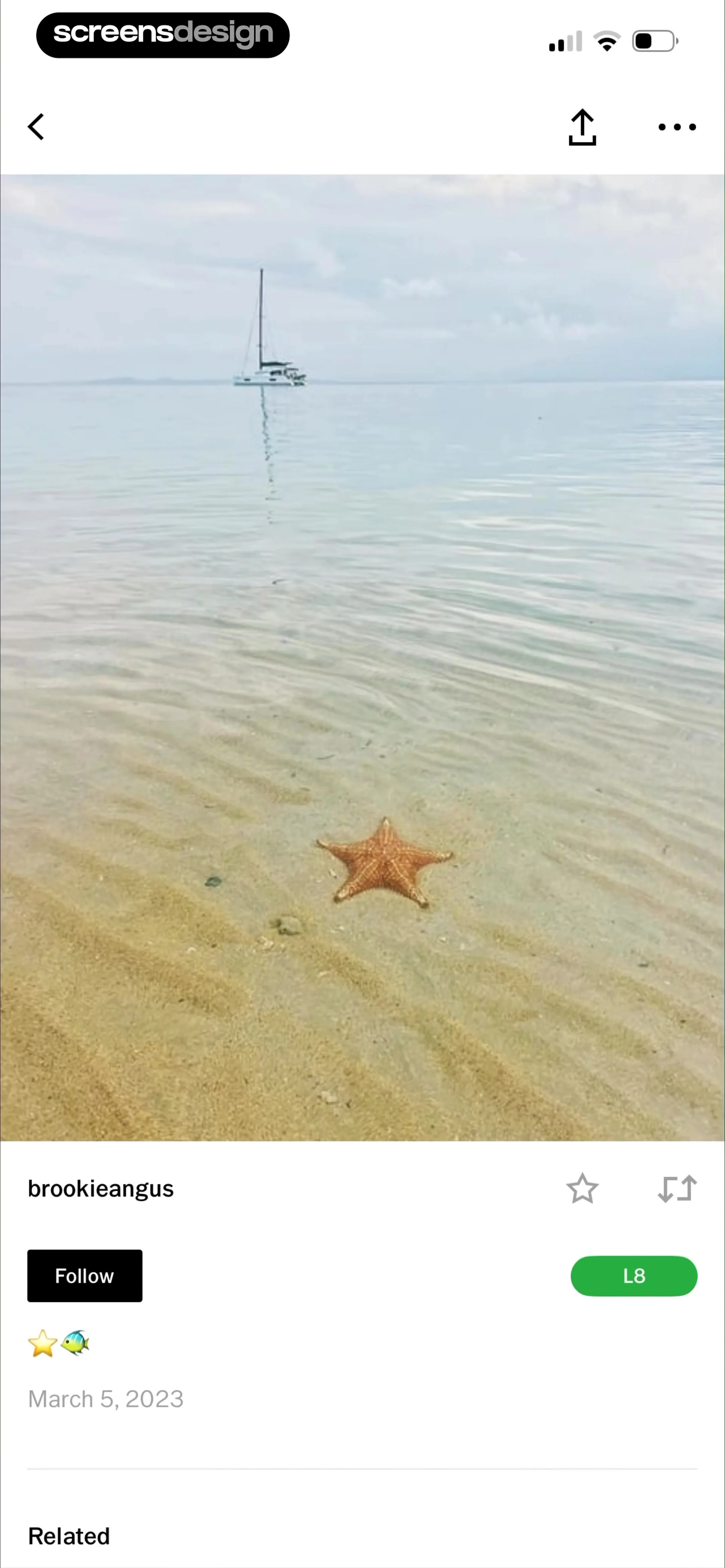
Photo post displaying a starfish on a beach, with creator username brookieangus, a Follow button, and an L8 preset tag.
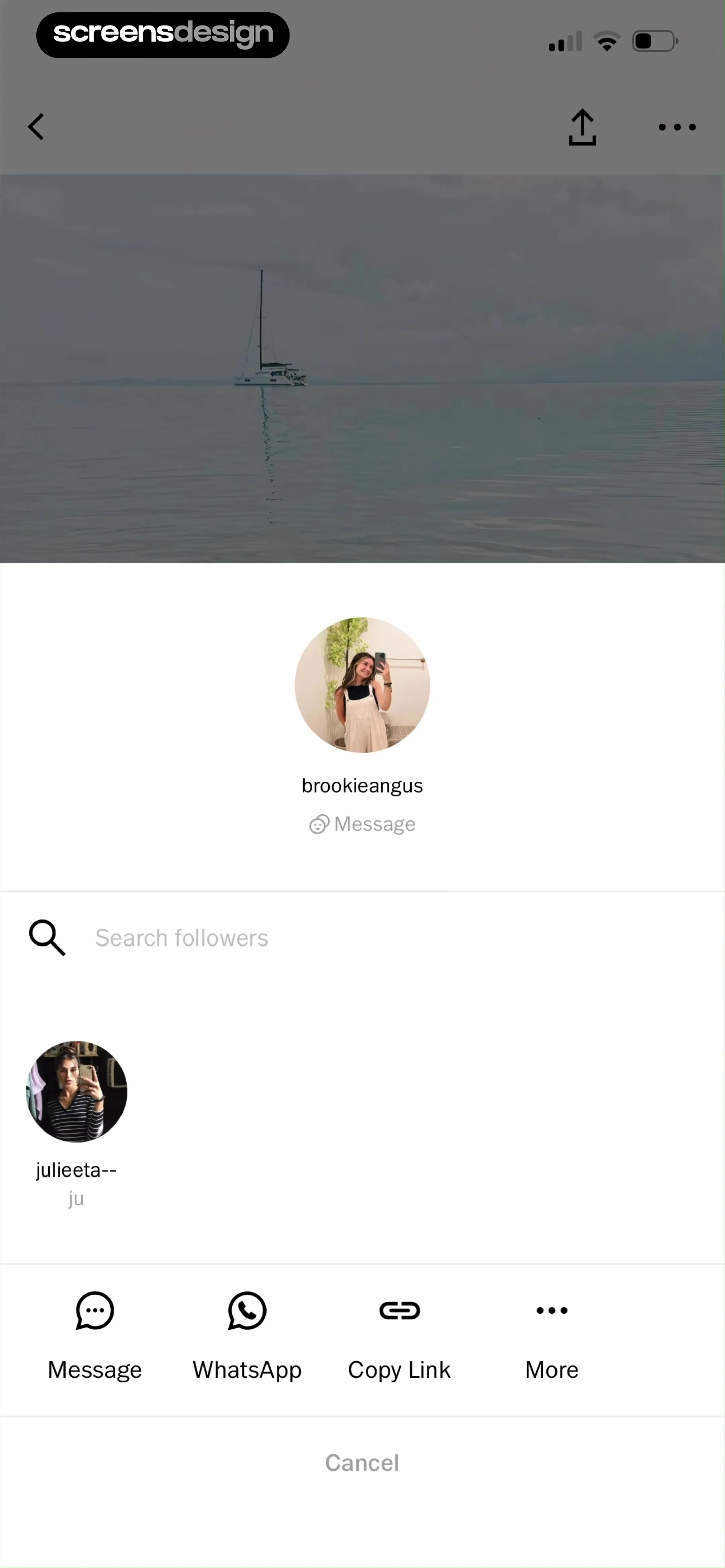
Modal sharing overlay featuring a photo preview, user profile with a message button, a followers list, and a cancel button.
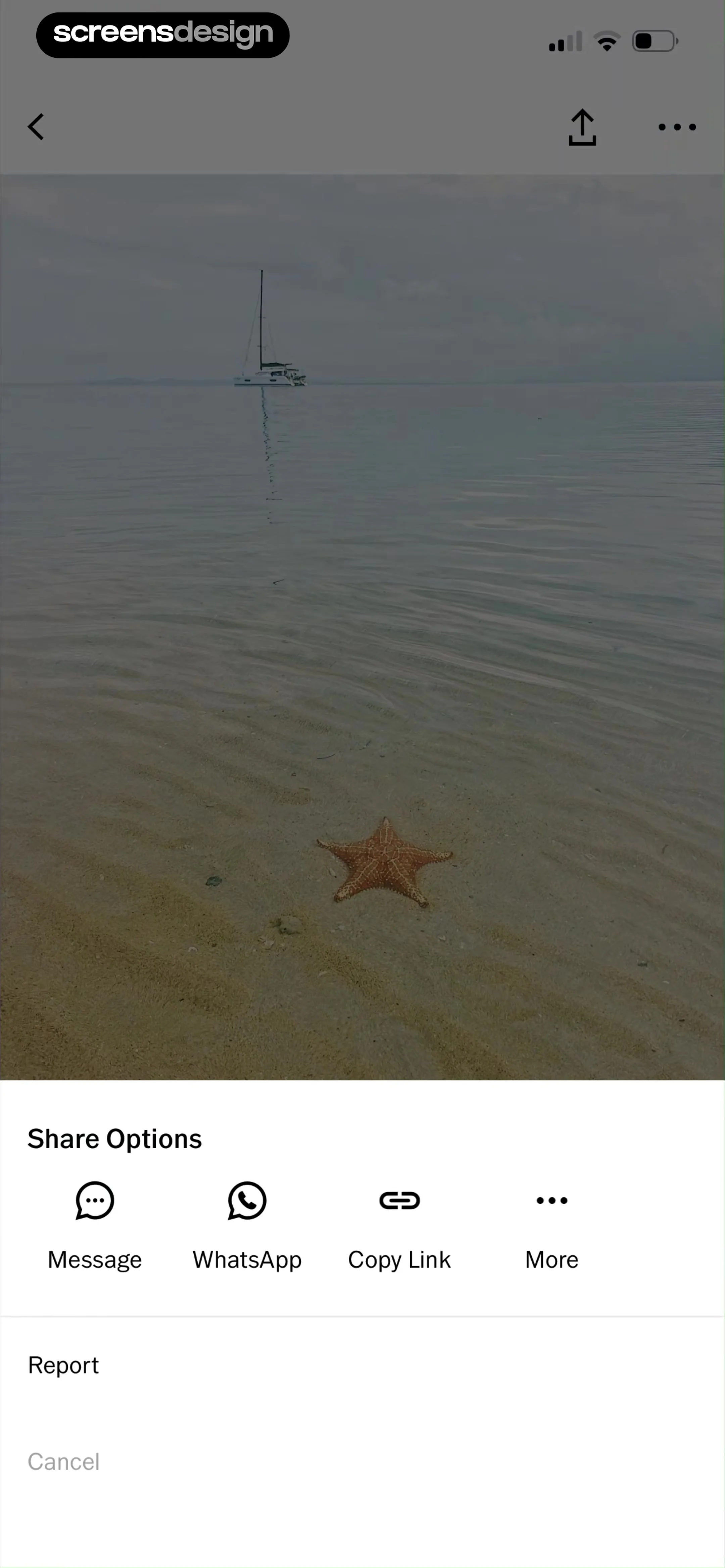
Photo sharing screen with a bottom share sheet displaying options for Message, WhatsApp, Copy Link, and Report.
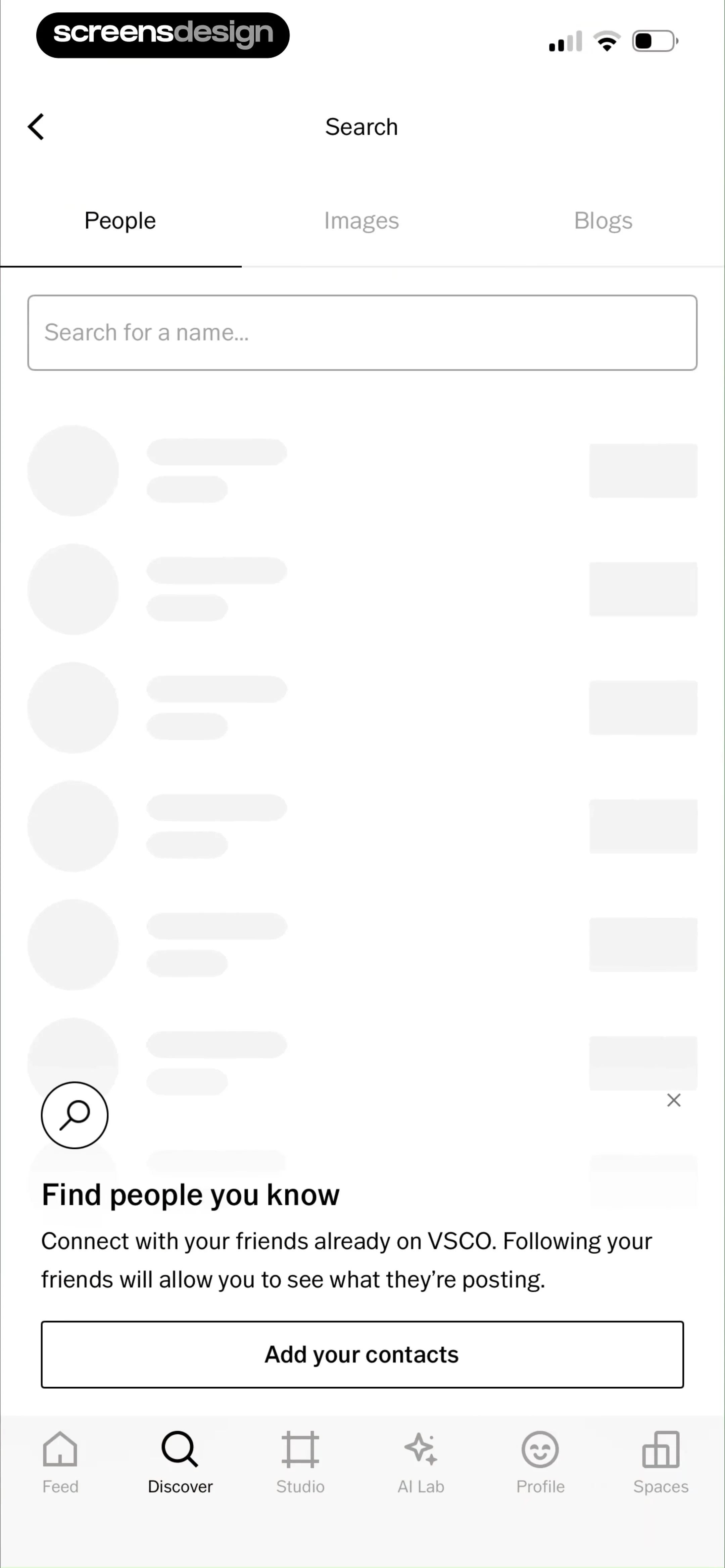
VSCO search screen with a People tab selected, a search input field, and a bottom card with an Add your contacts button.
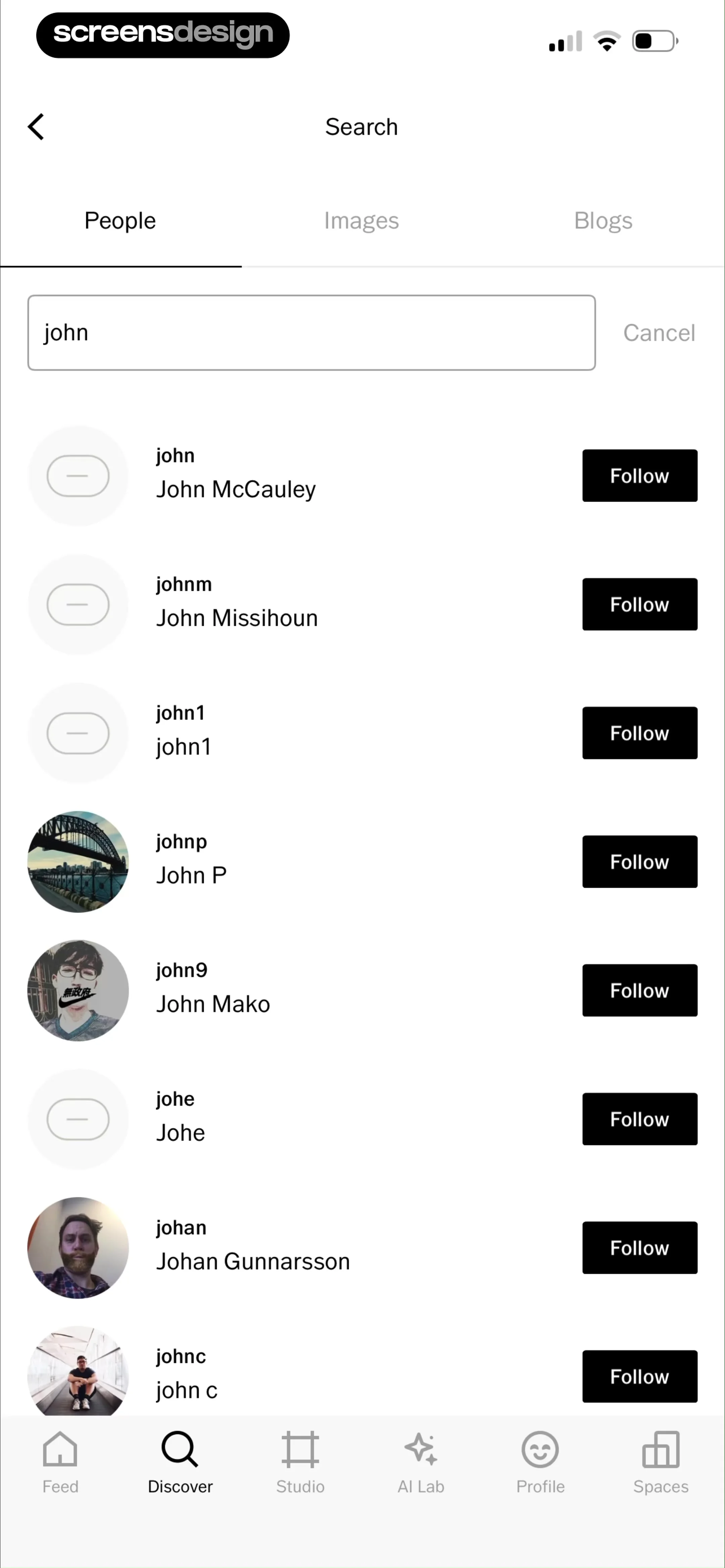
Search screen showing user profiles matching the query john with the People tab selected and a Follow button next to each result.
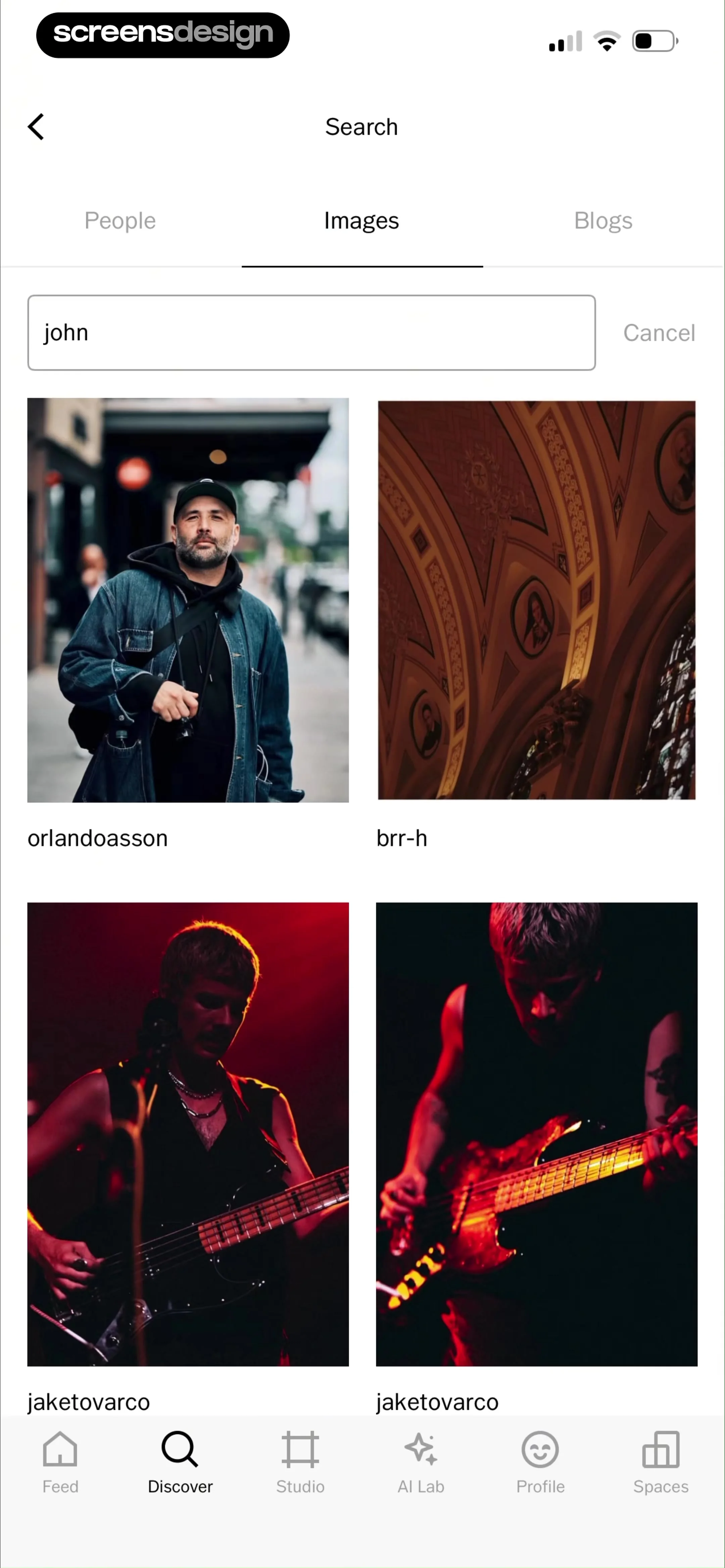
Search results screen displaying a two-column image grid for the query john under the Images tab with a cancel button.
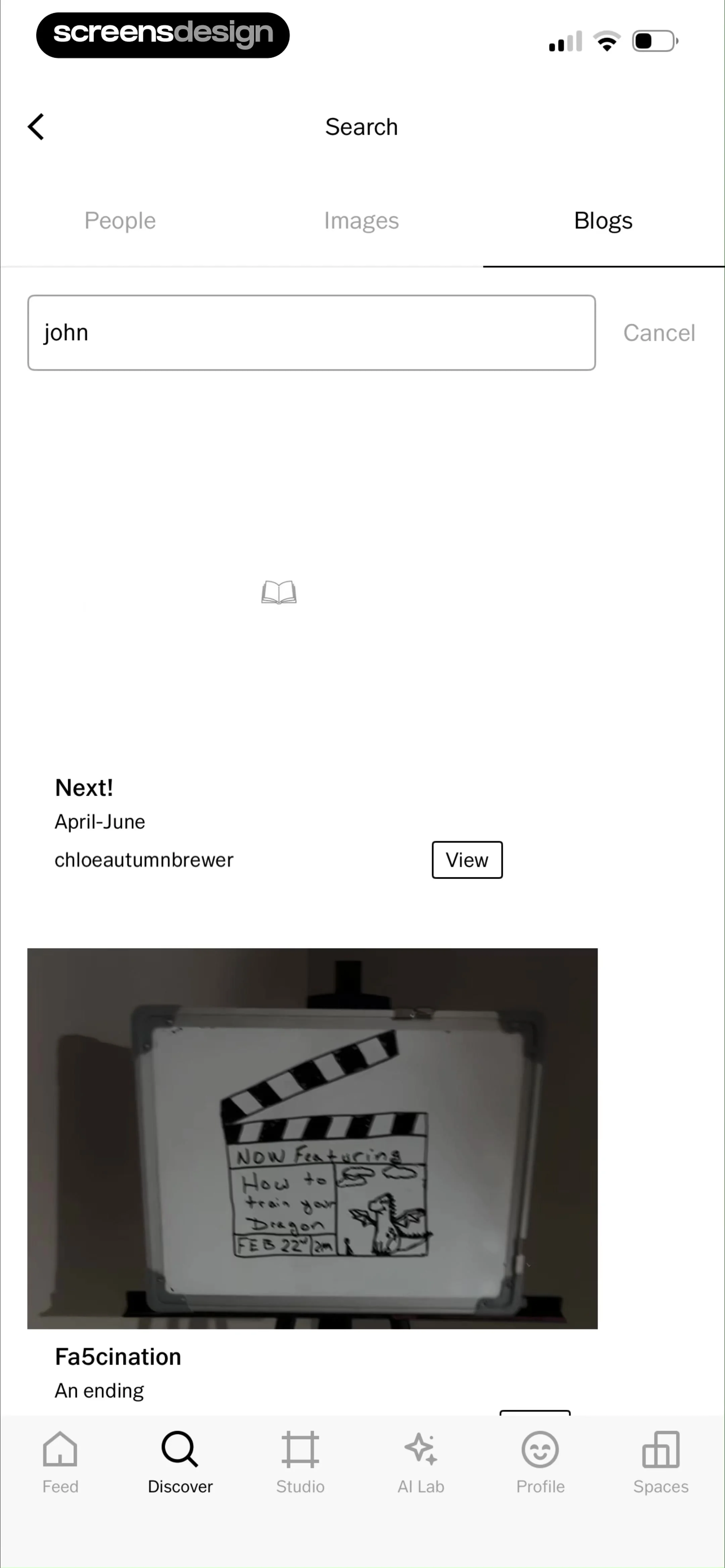
Search results screen displaying blog posts with the query john and the Blogs tab selected, alongside a bottom navigation bar.
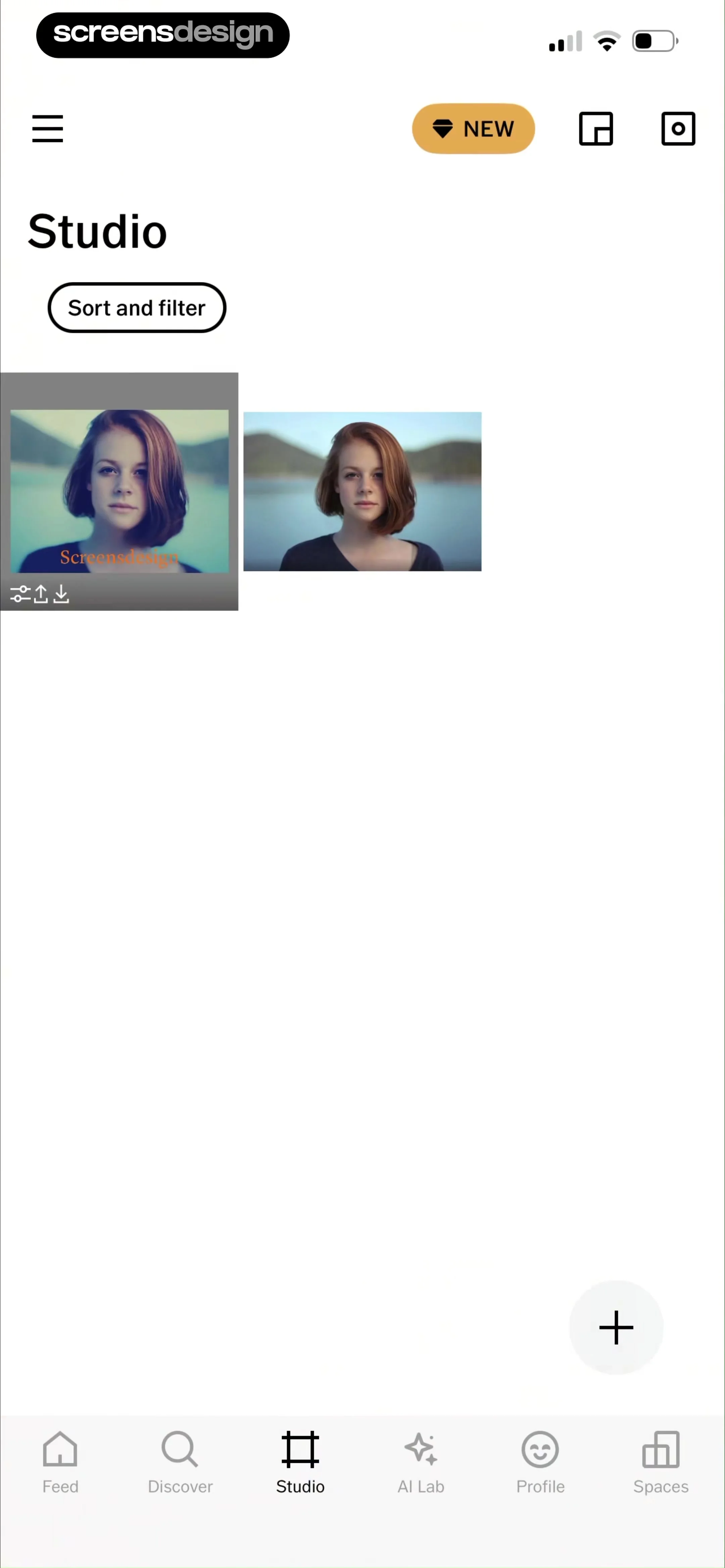
Studio dashboard displaying a grid of photo thumbnails, a sort and filter button, and a floating action button.
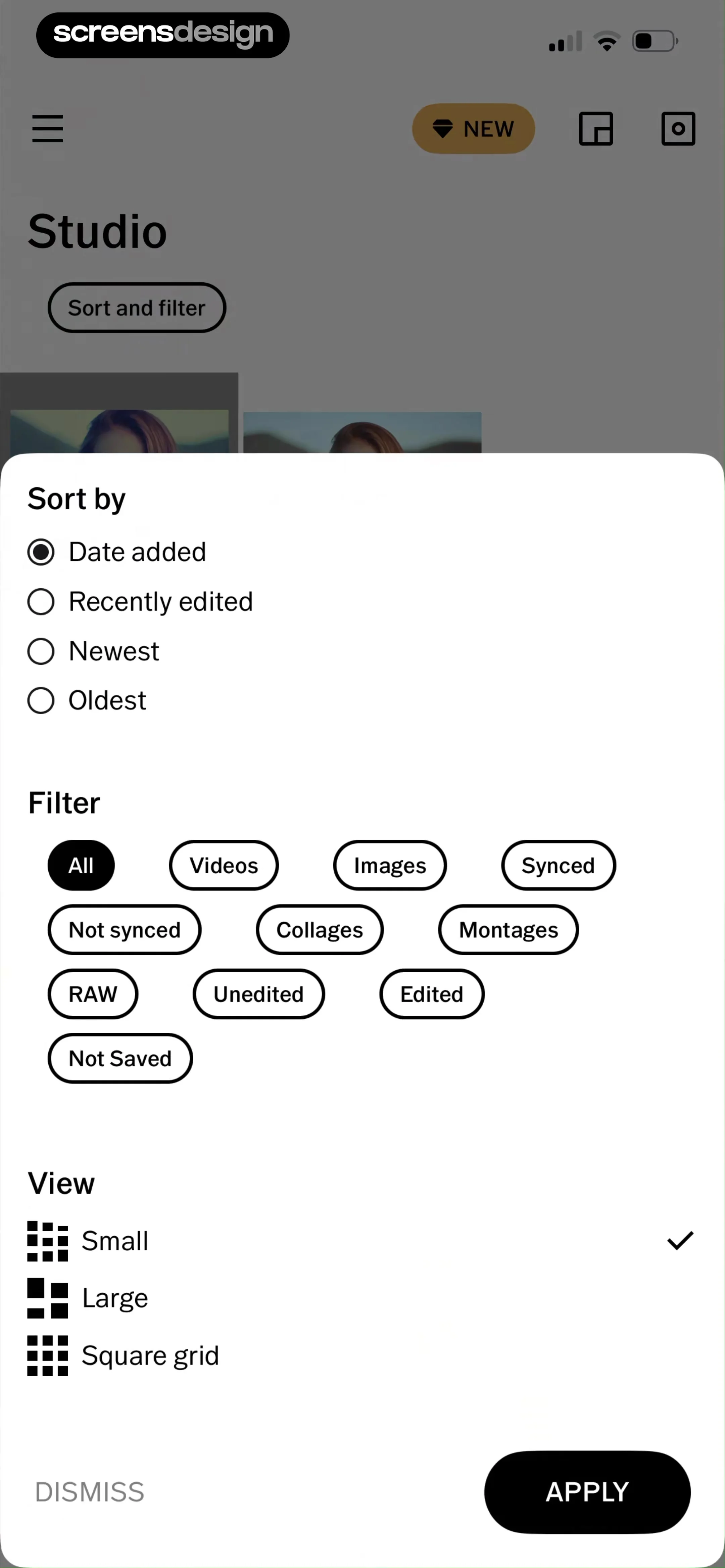
Sort and filter modal overlay with sections for sorting criteria, filter tags, and view options, featuring dismiss and apply buttons.
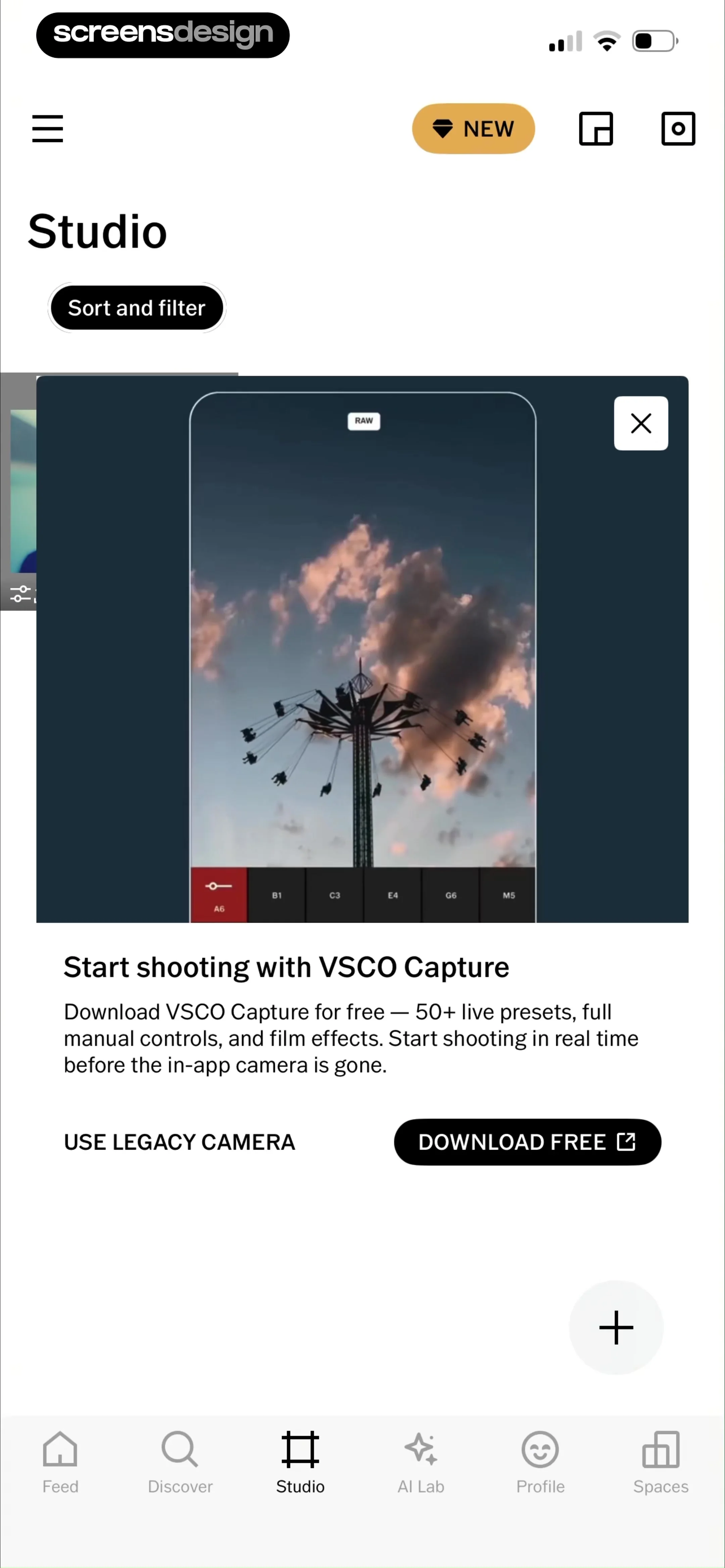
Studio dashboard with a promotional card for VSCO Capture, featuring download and legacy camera options alongside bottom navigation.
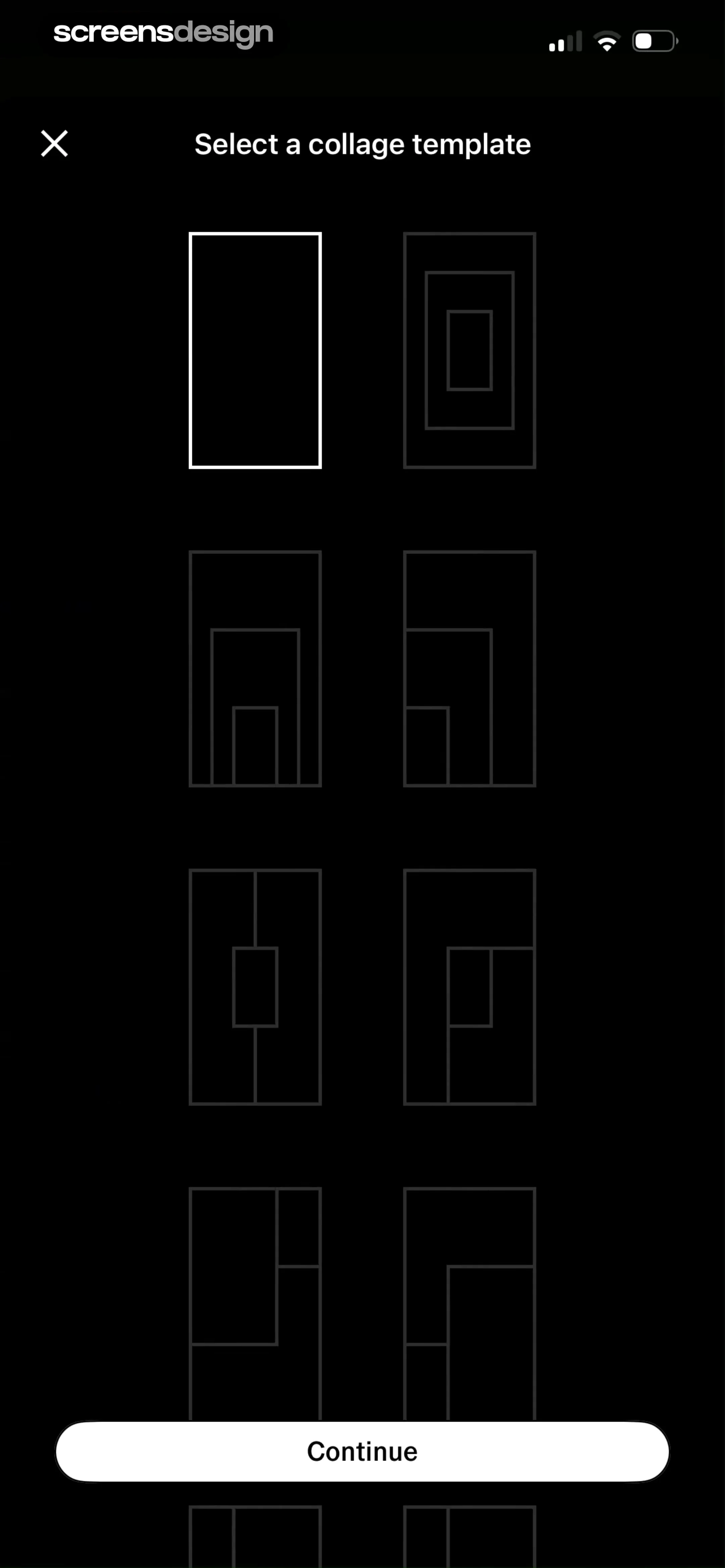
Collage template selection screen with a 2-column grid of layout icons, the first template selected, and a Continue button.
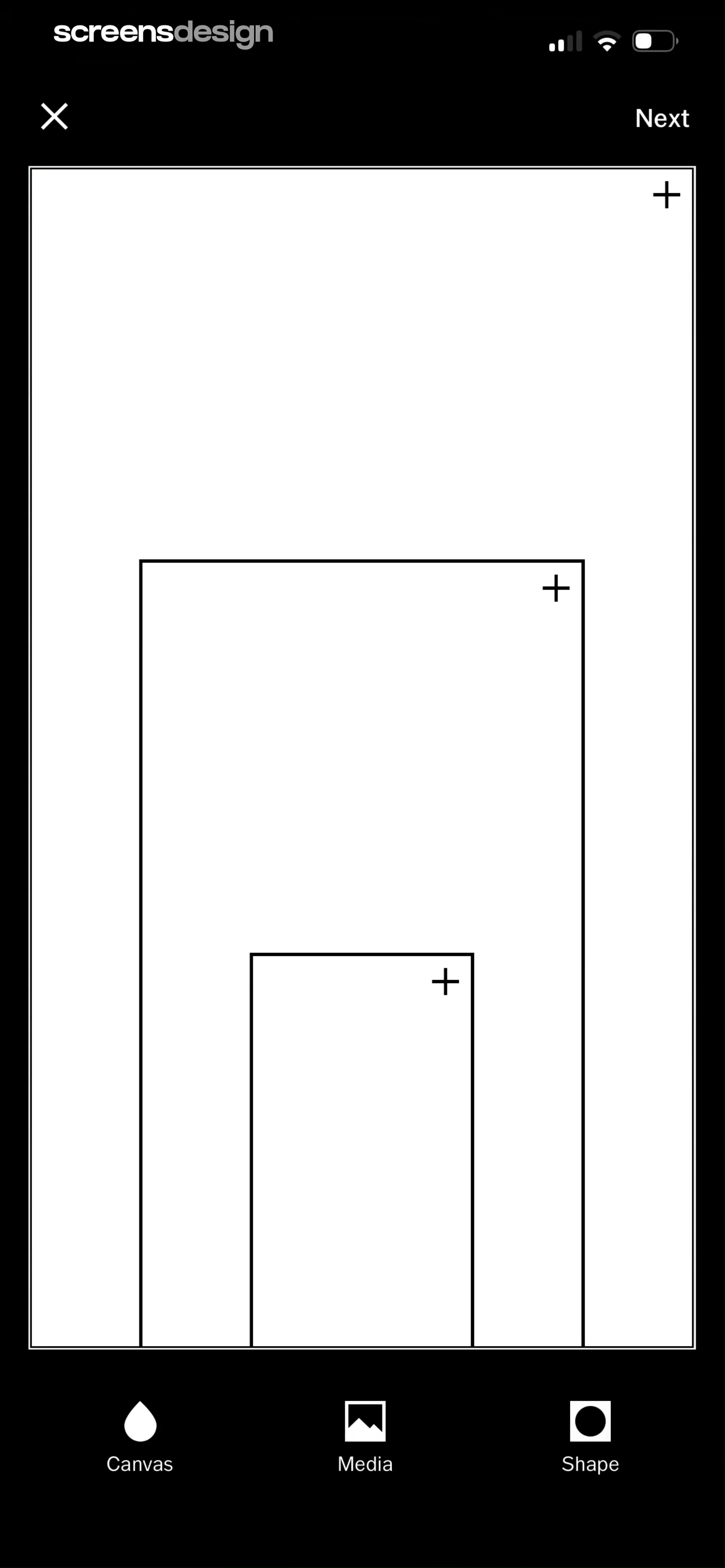
Editor screen featuring a large central canvas with nested placeholders and a bottom navigation bar with Canvas, Media, and Shape tabs.
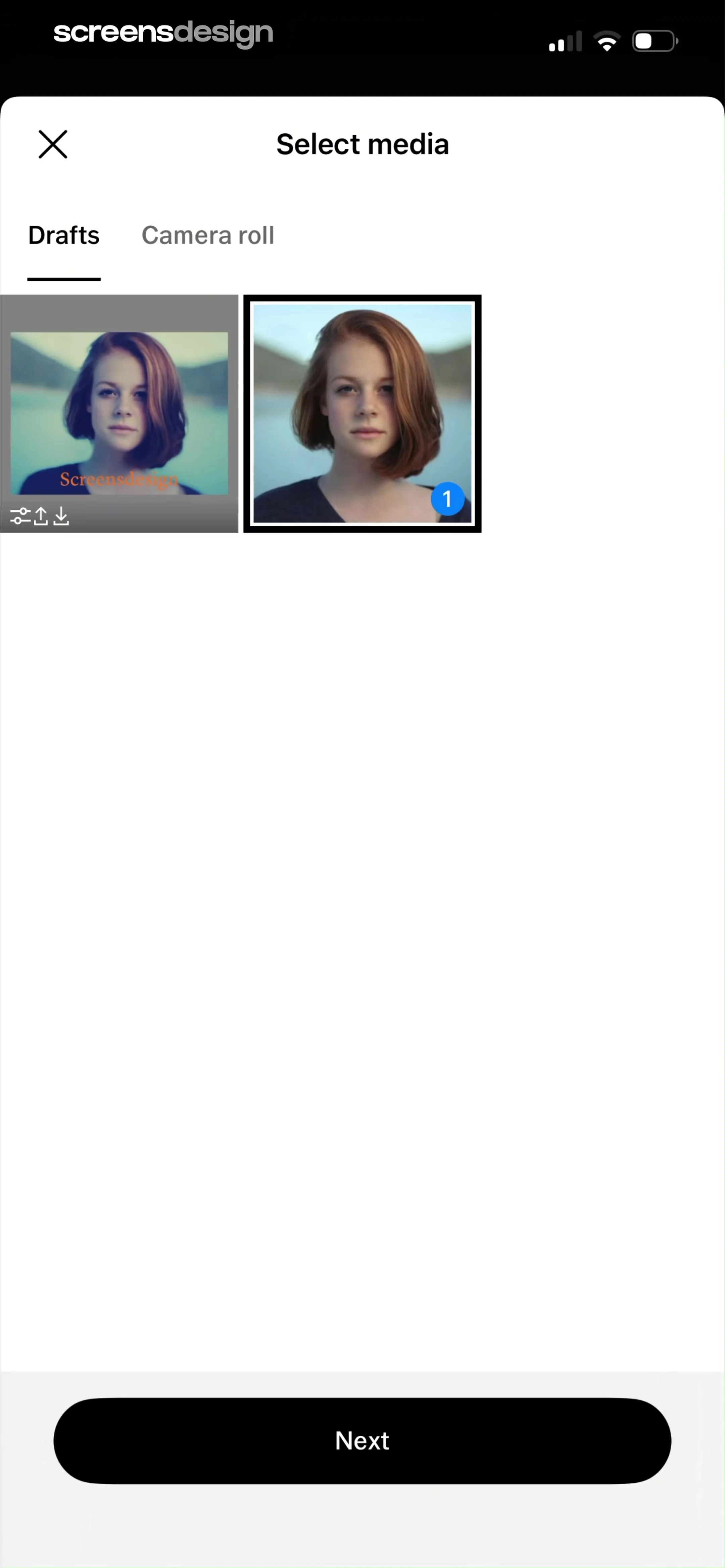
Media selection screen showing a grid of photo thumbnails with the Drafts tab selected and a Next button.
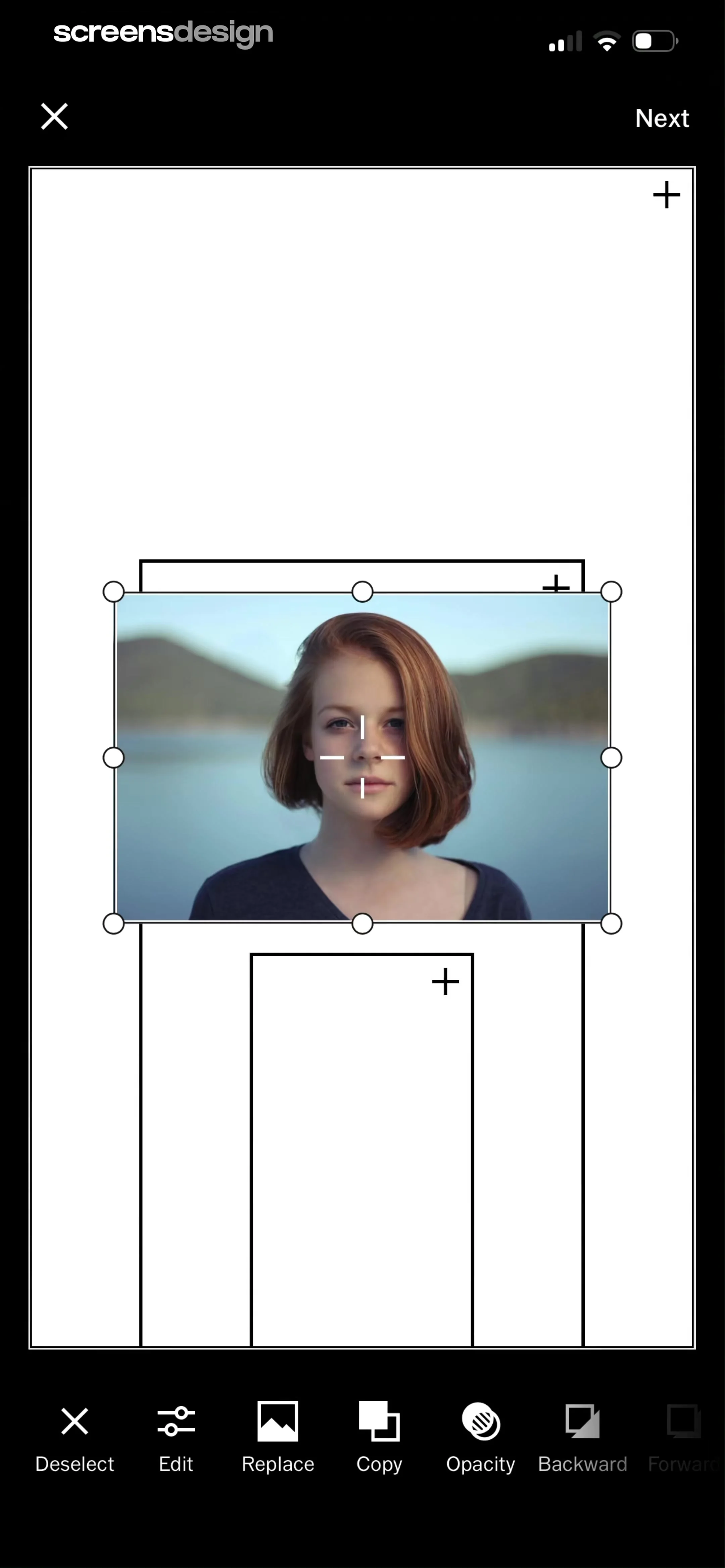
Collage editor screen with a selected portrait photo, template placeholders, and a bottom editing toolbar including Edit, Replace, and Copy buttons.
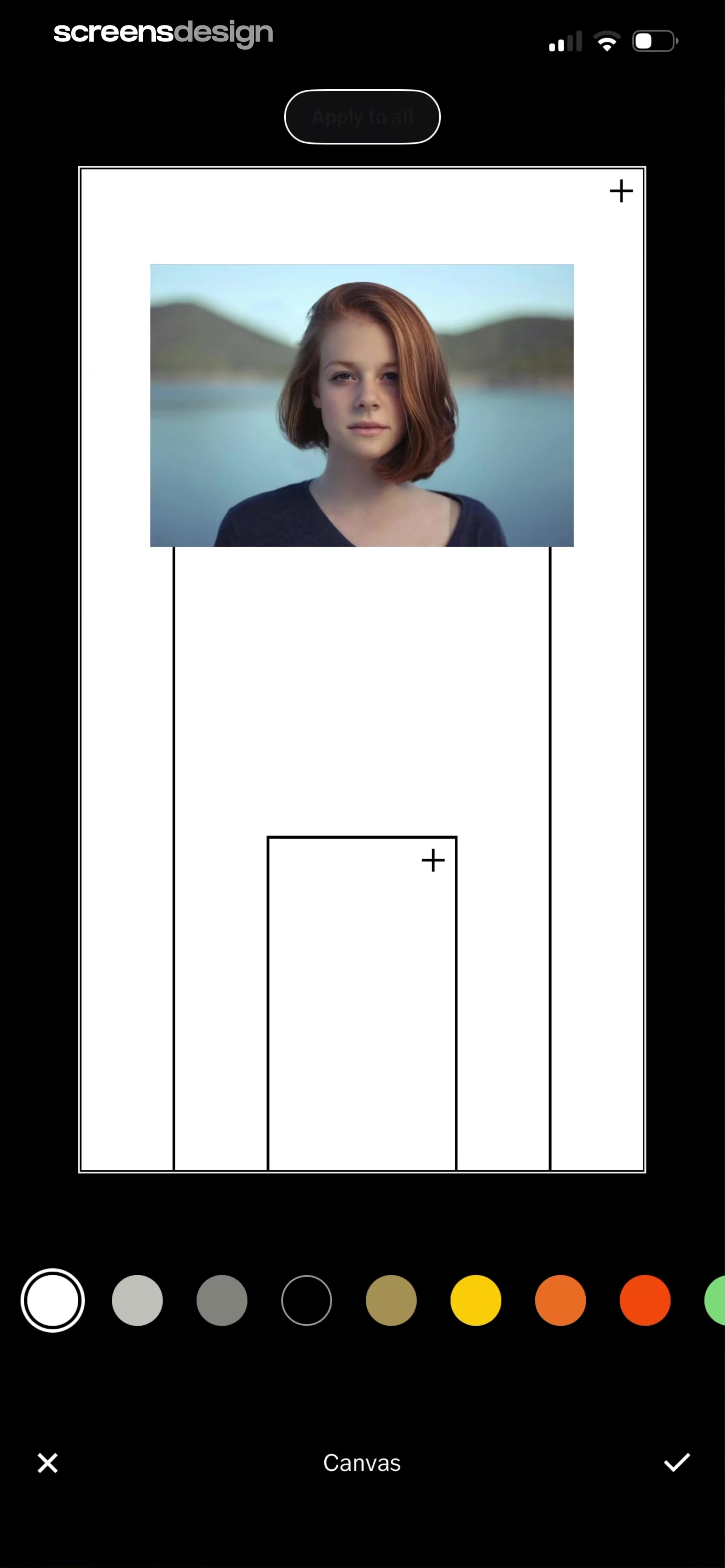
Canvas editor displaying a portrait photo with an apply to all button, a color picker carousel, and save and cancel icons.
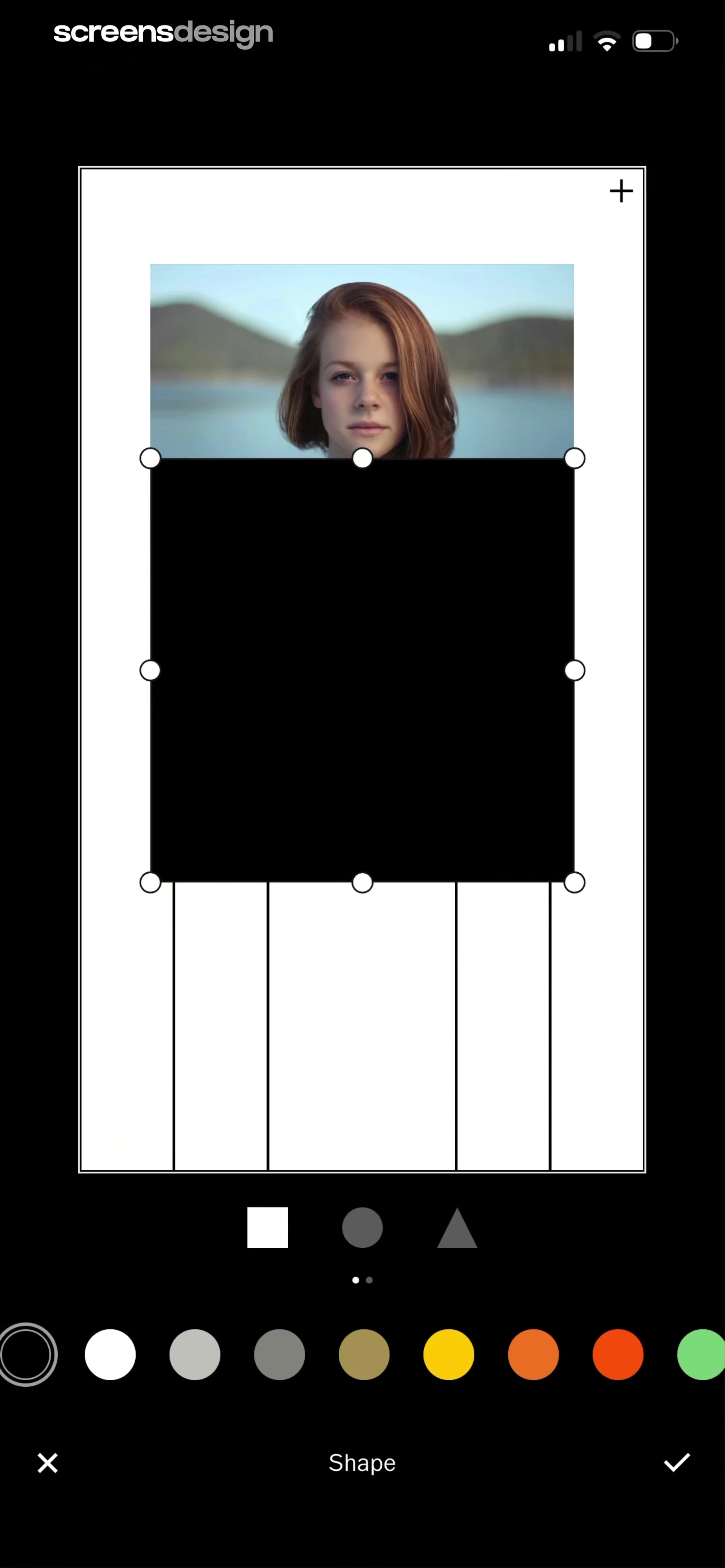
Photo editor screen showing a shape overlay on a portrait with bottom shape selection, color palette, and cancel and confirm actions.
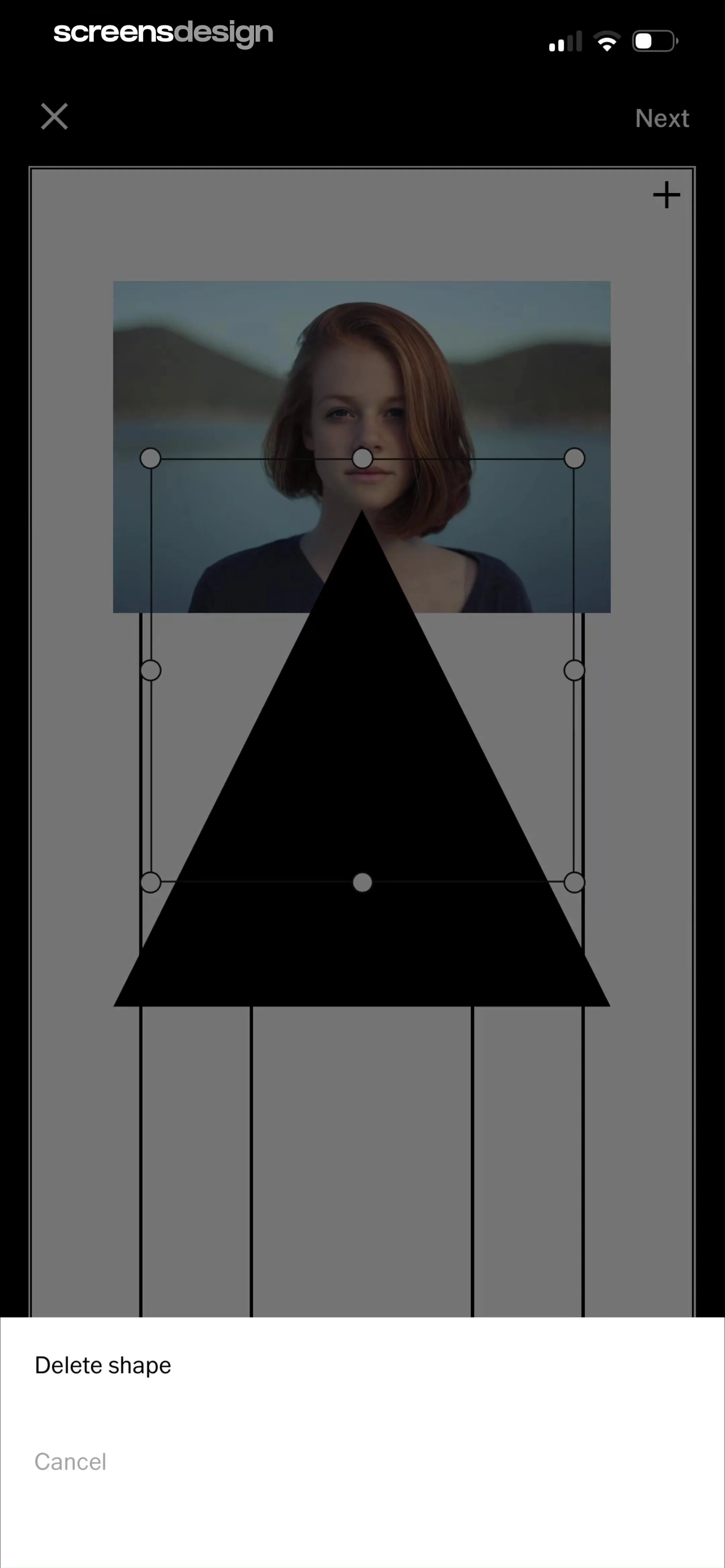
Photo editor canvas displaying a portrait with a triangle shape overlay, transformation handles, and a bottom modal with delete shape and cancel buttons.
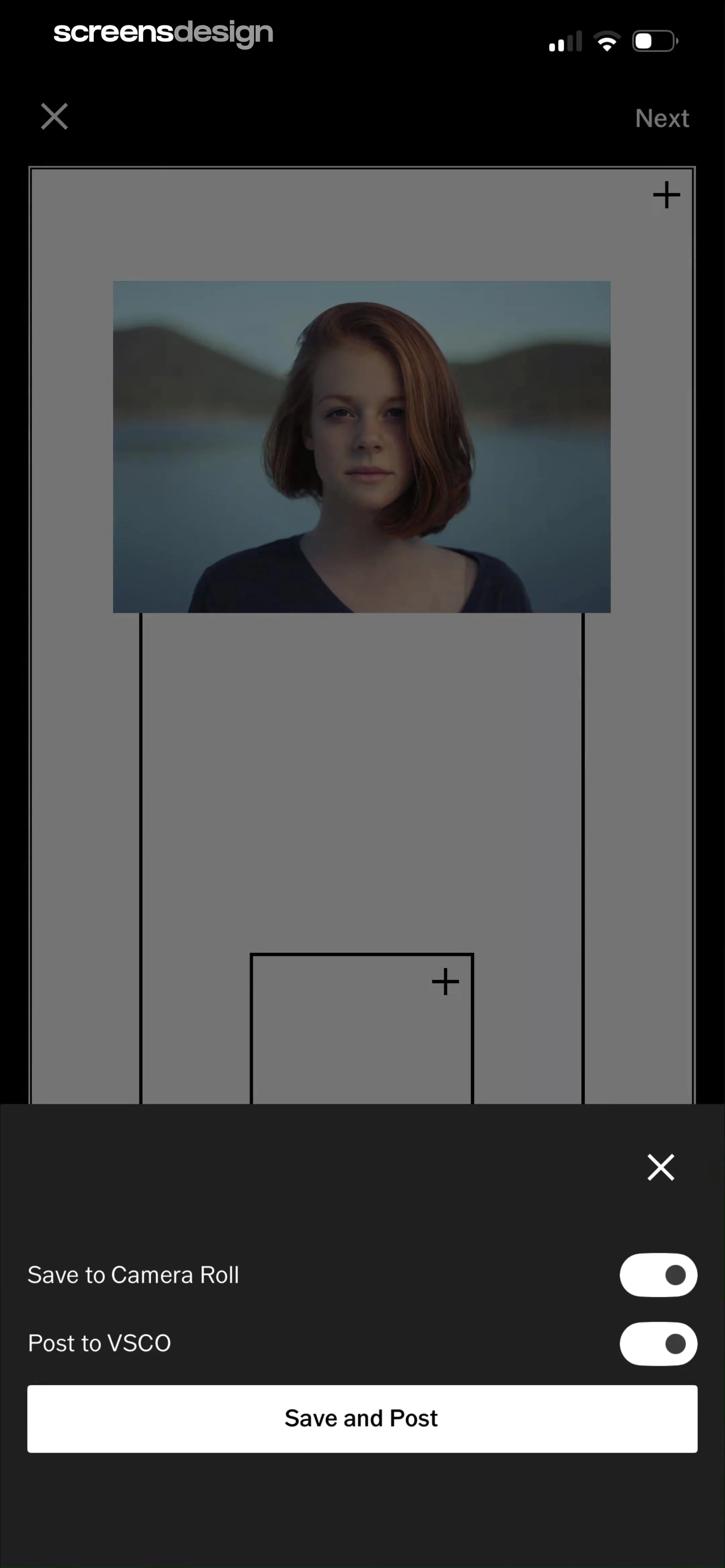
Export settings screen with toggles for saving to camera roll and posting to VSCO, featuring a Save and Post button.
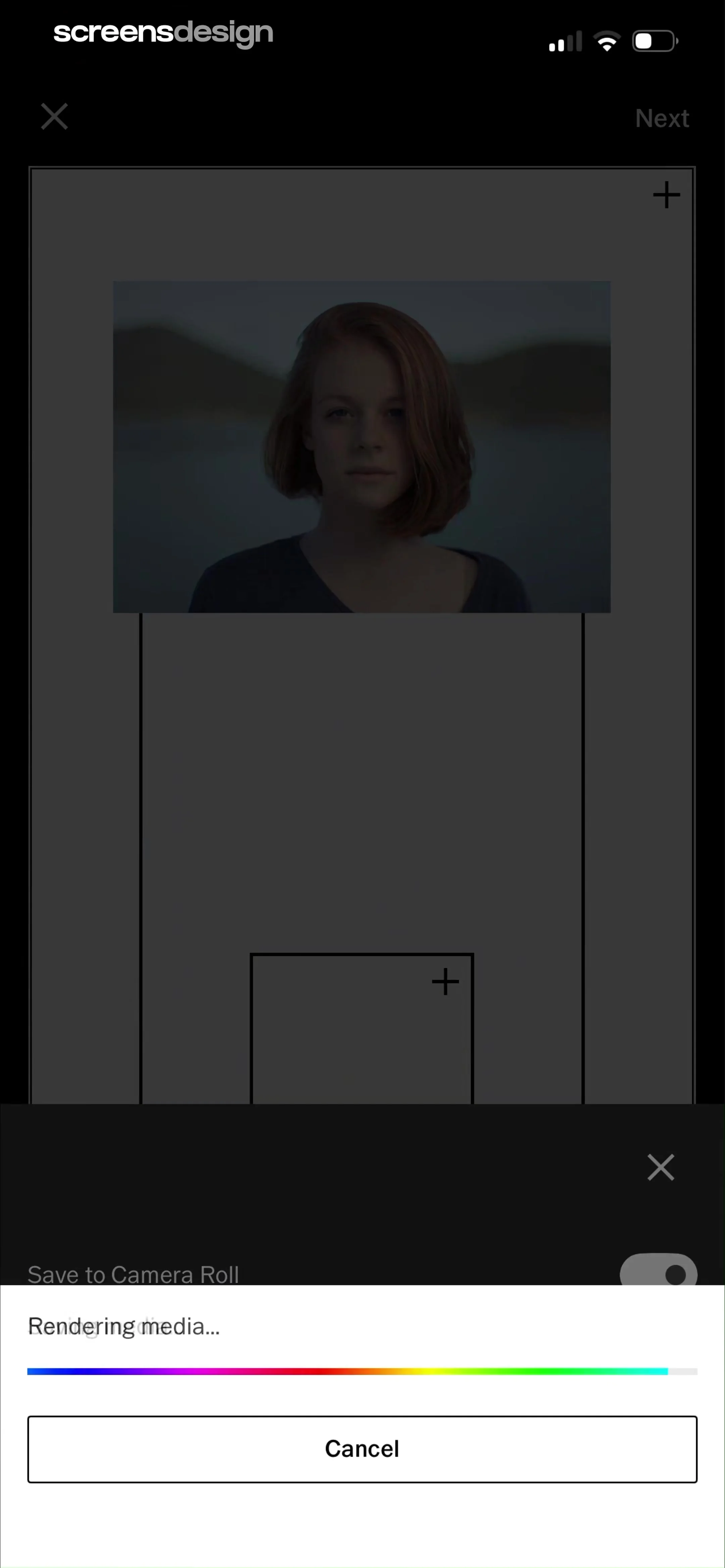
Progress modal overlay on a photo editor displaying a rendering media message, a gradient progress bar, and a cancel button.
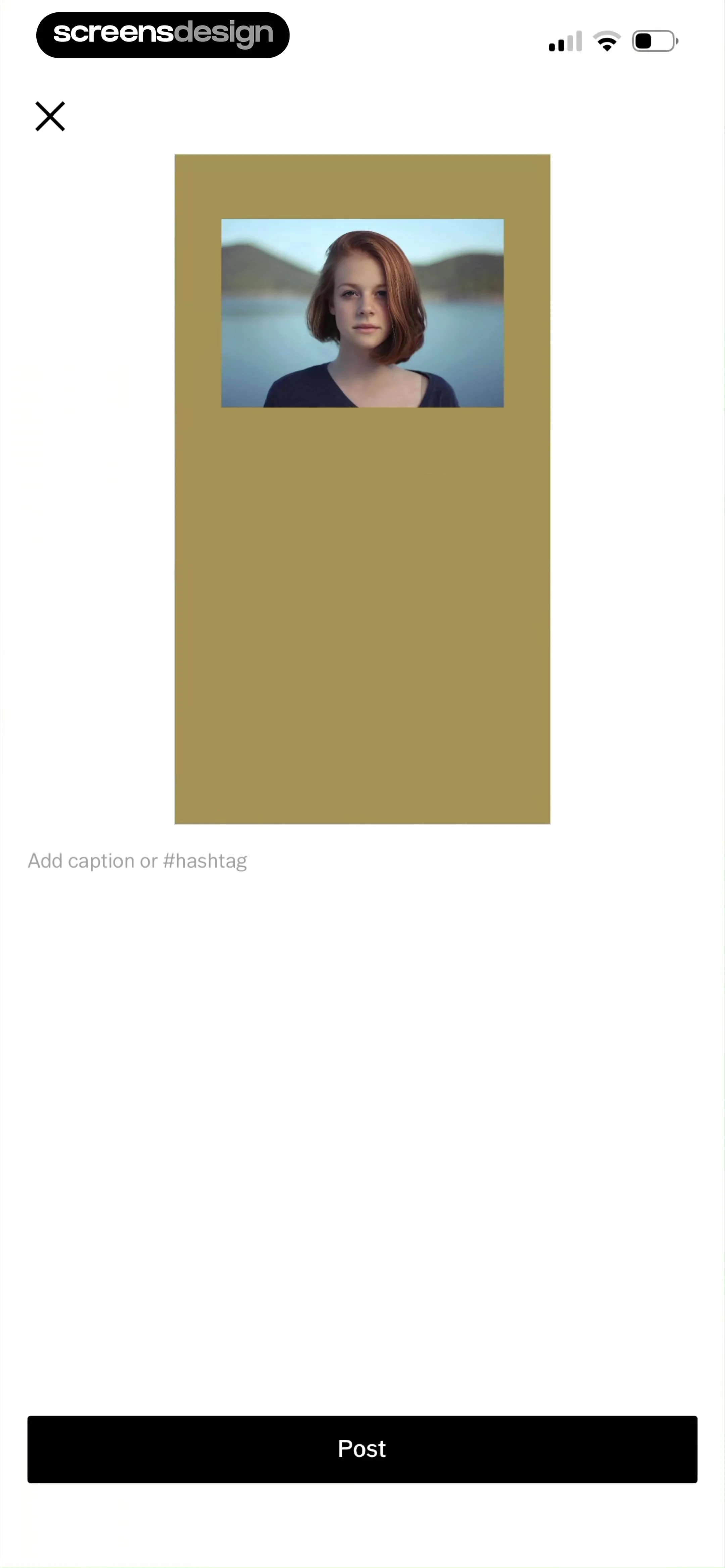
Social media post creation screen with a portrait photo preview, an empty caption input field, and a bottom Post button.
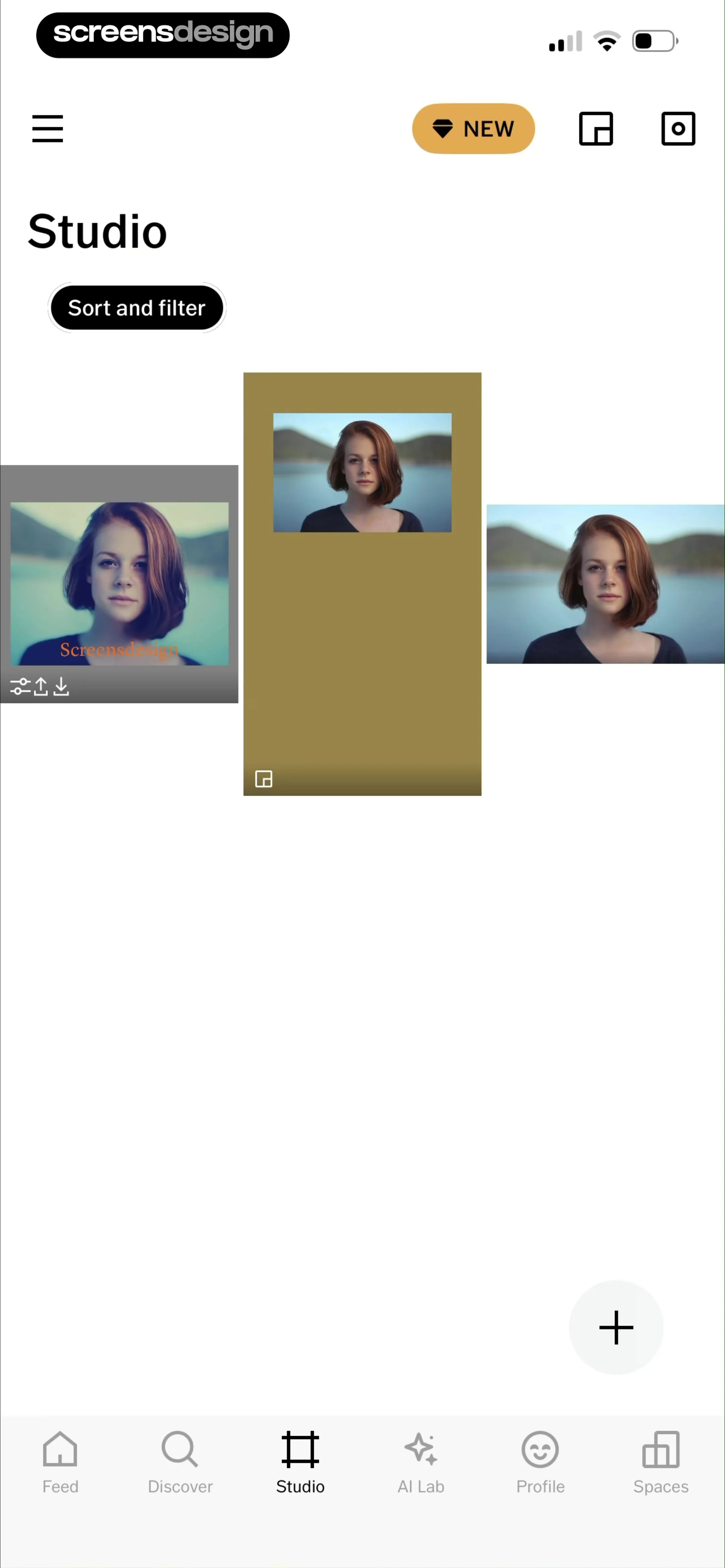
Studio dashboard showing a masonry grid of photo project cards with a sort and filter button and bottom navigation.
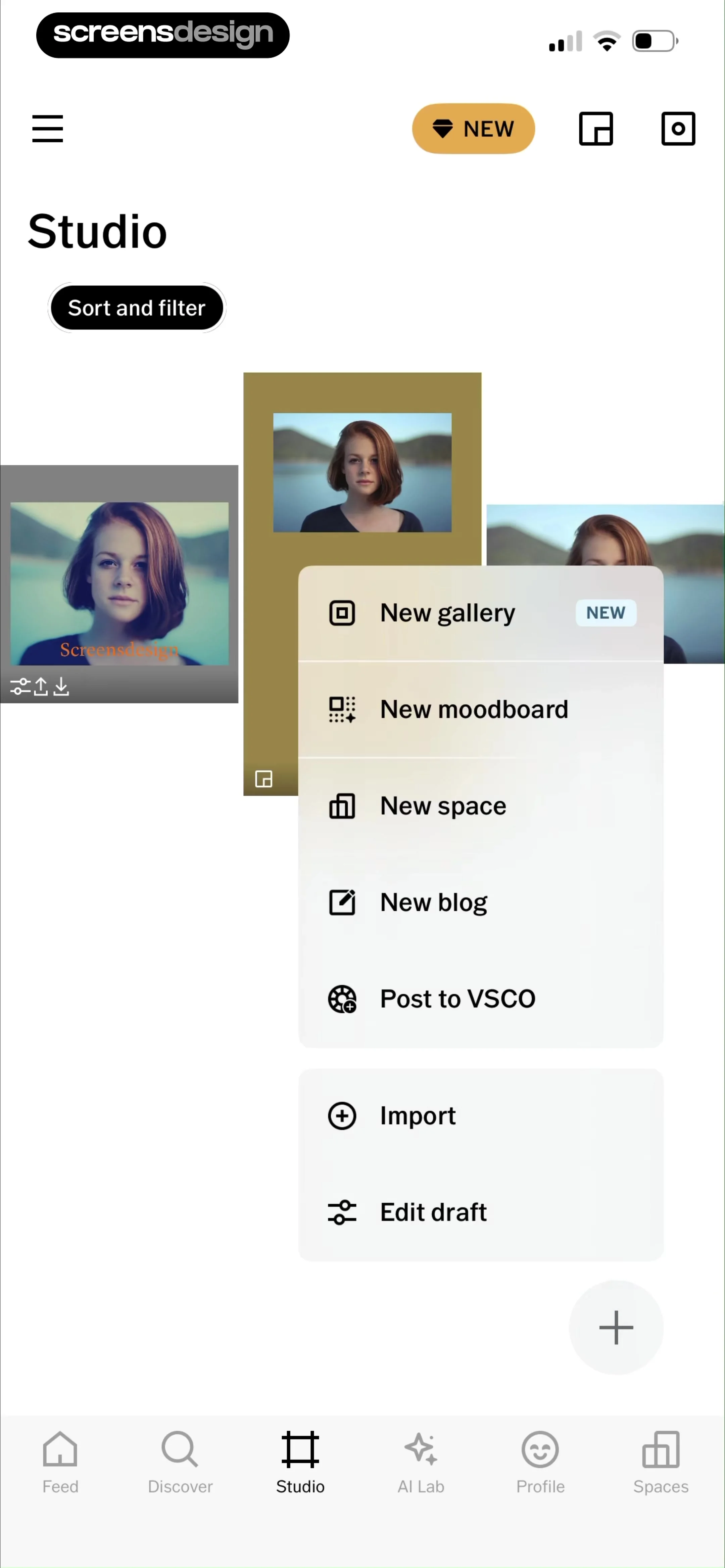
Studio home screen featuring a central modal creation menu with options like new gallery and import, alongside a bottom navigation bar.
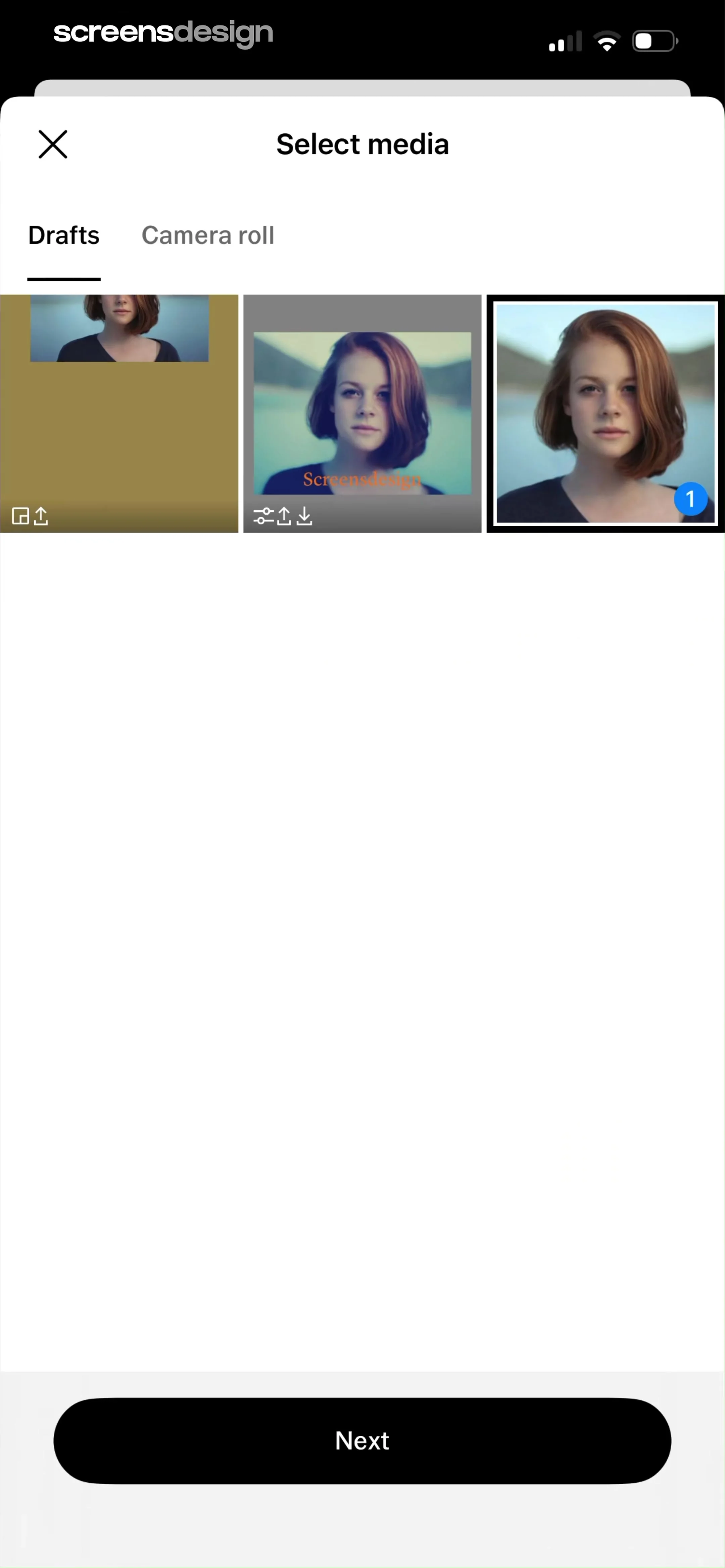
Media selection screen showing a grid of drafts with one item selected, Drafts and Camera roll tabs, and a Next button.
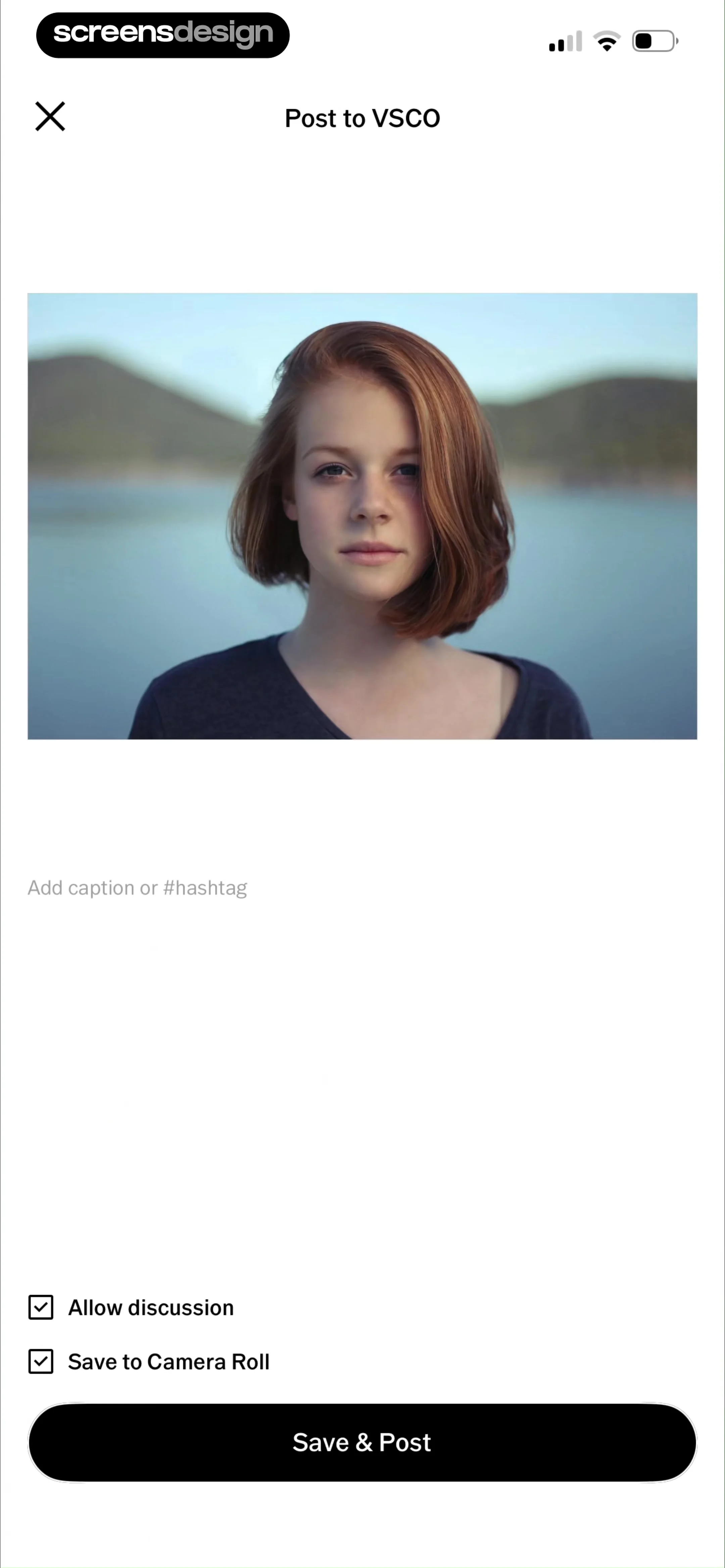
Post creation form with a photo preview, an empty caption field, two checked sharing options, and a Save and Post button.
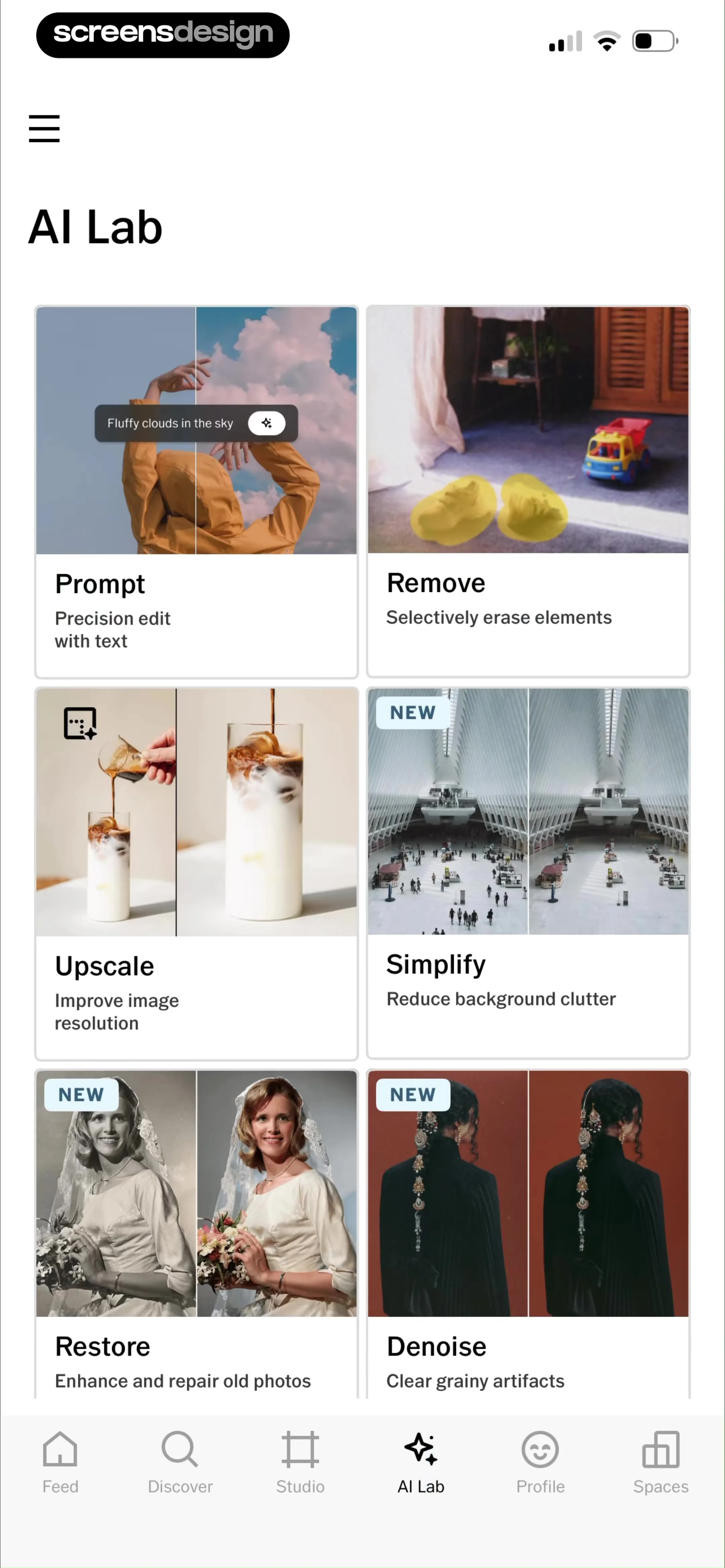
AI Lab dashboard featuring a grid of six photo editing tool cards and a bottom navigation bar.
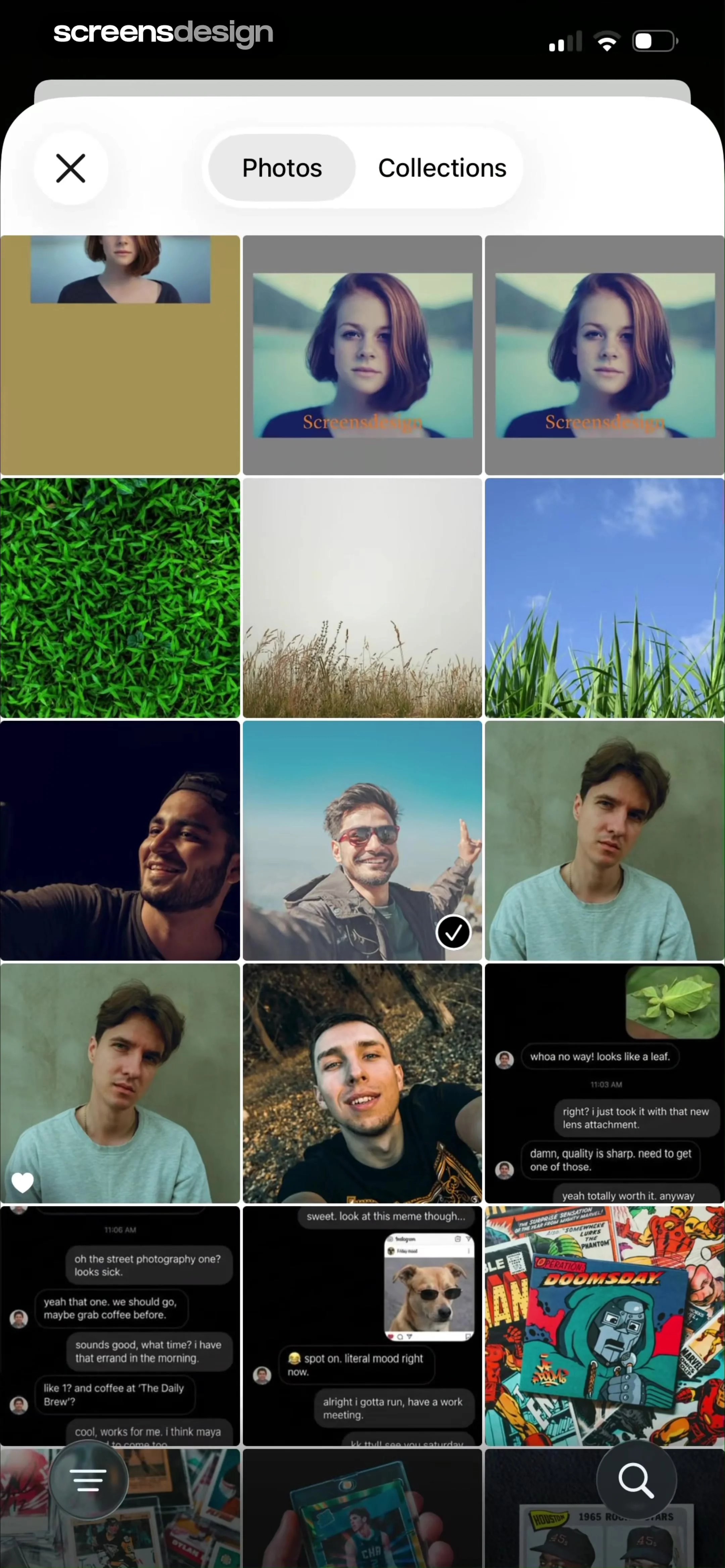
Media selection grid with the Photos tab selected and a multi-column layout displaying various photos.
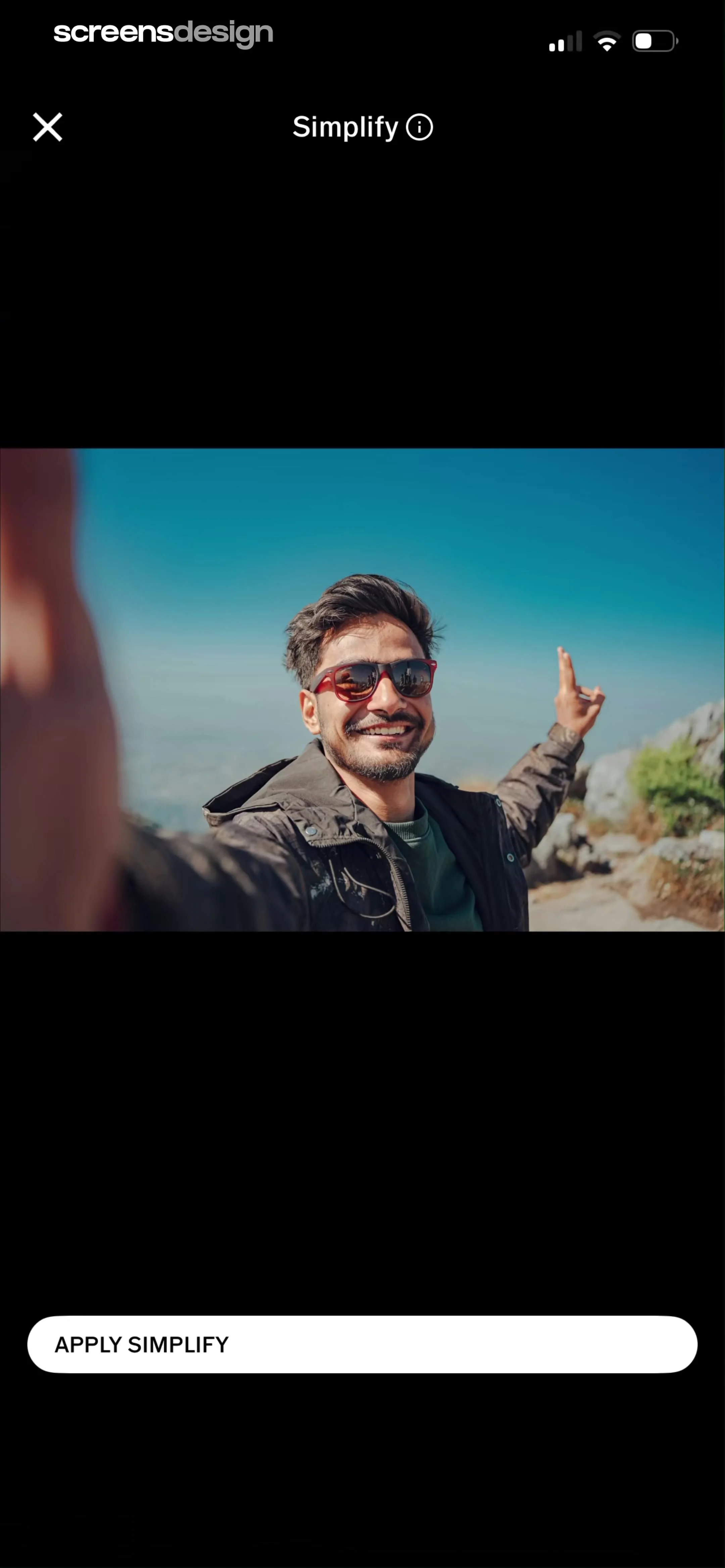
Photo editor screen showing the Simplify tool with a centered image preview and an Apply Simplify button at the bottom.
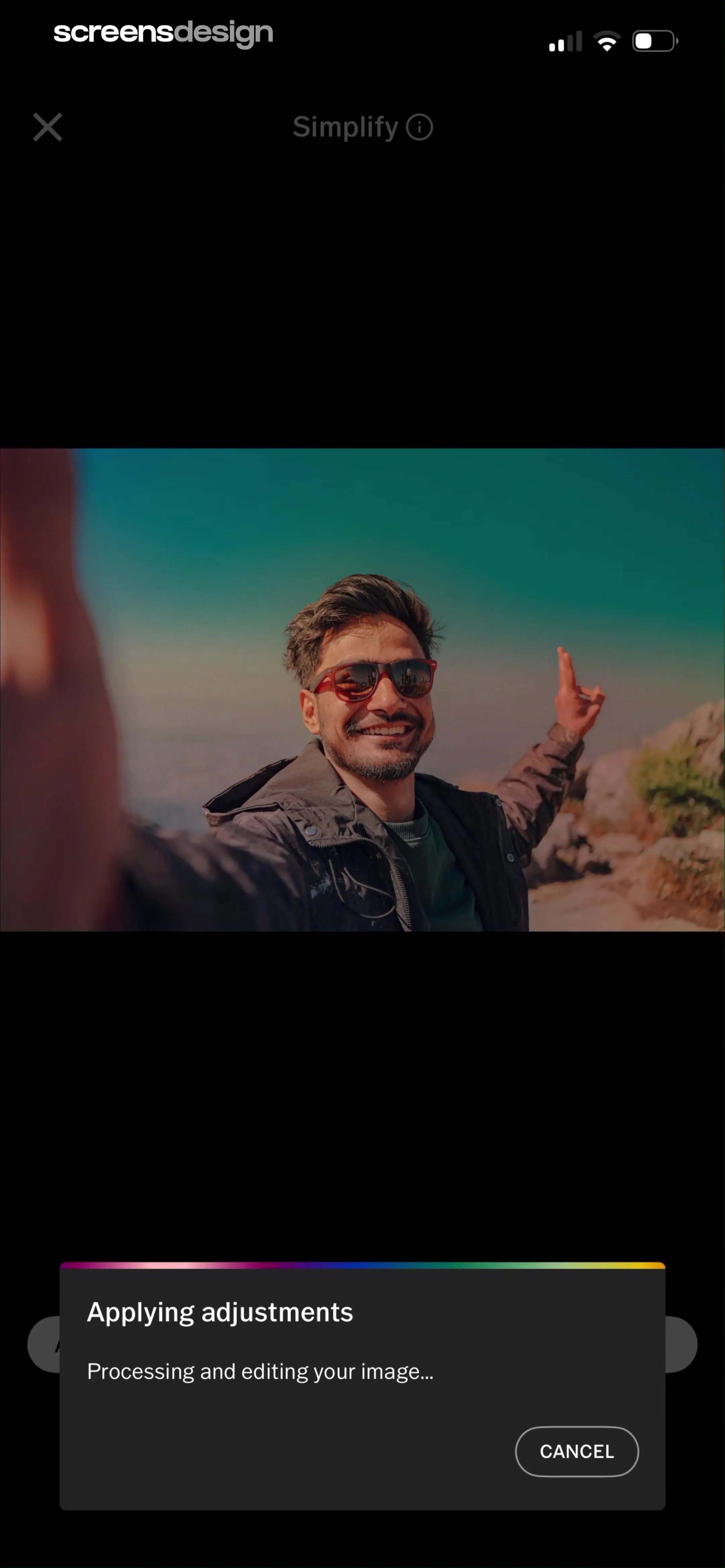
Photo editor processing screen with an AI Simplify modal, showing a processing message and a cancel button.
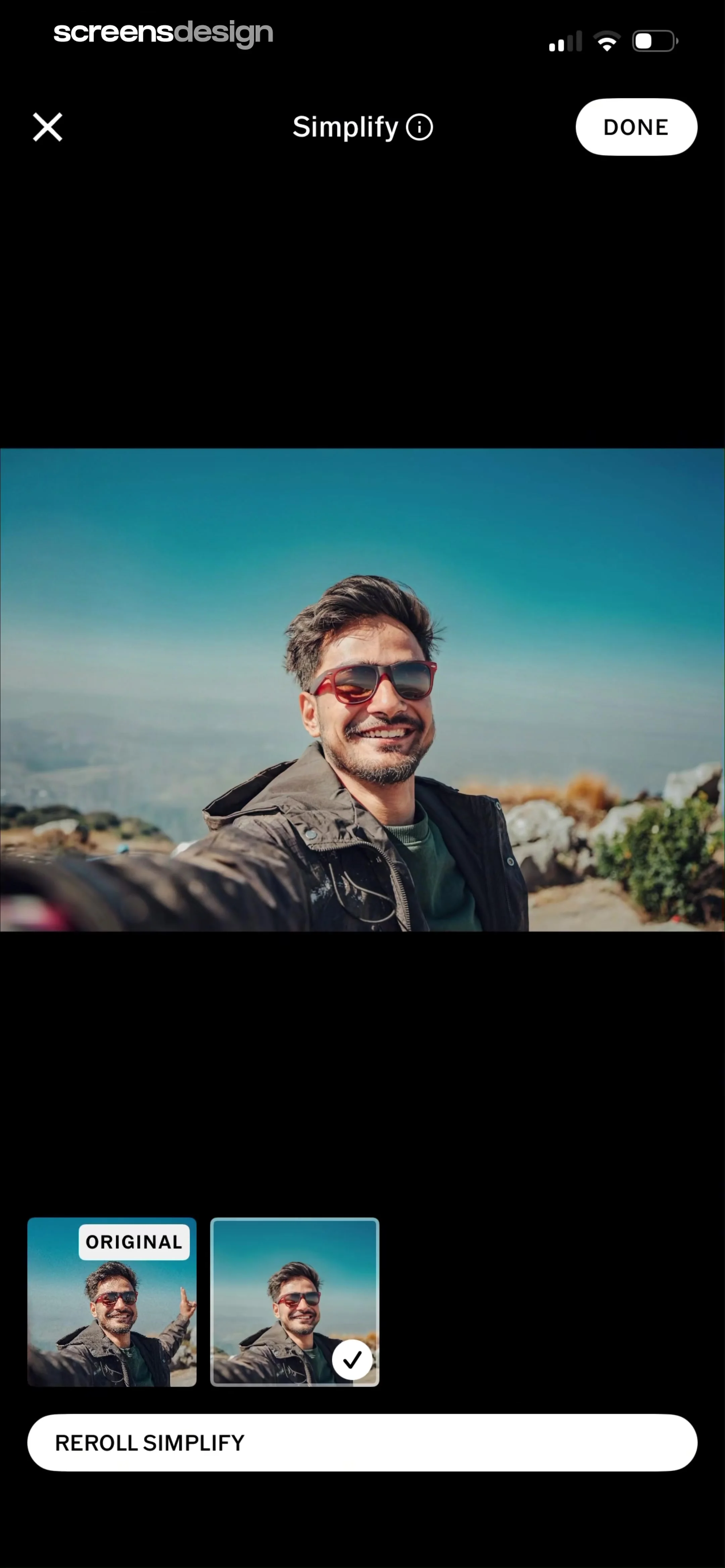
Photo editing screen for the Simplify feature with a large image preview, thumbnail options including Original and Simplify, and a Reroll Simplify button.
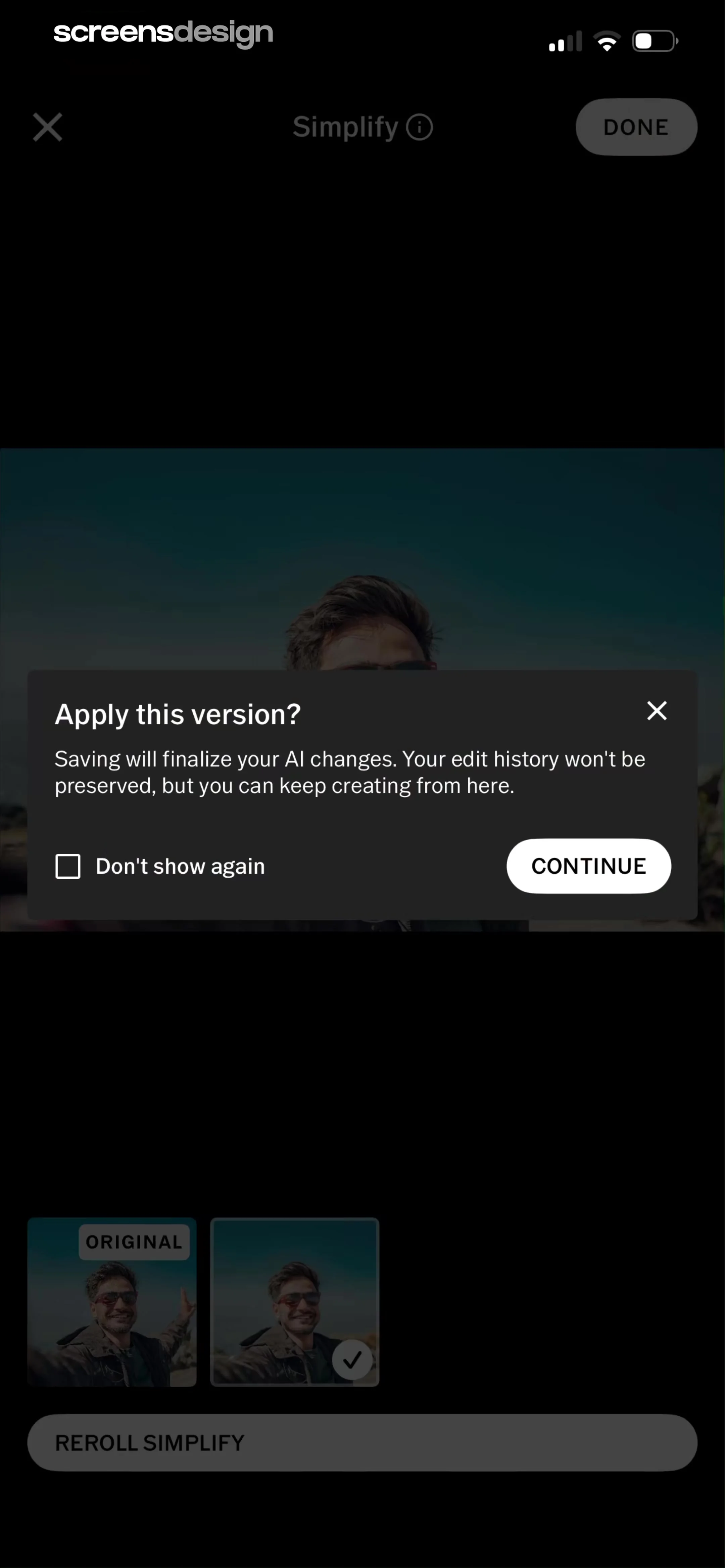
Photo editor confirmation modal asking to apply AI changes, with a Continue button and edit history warning.
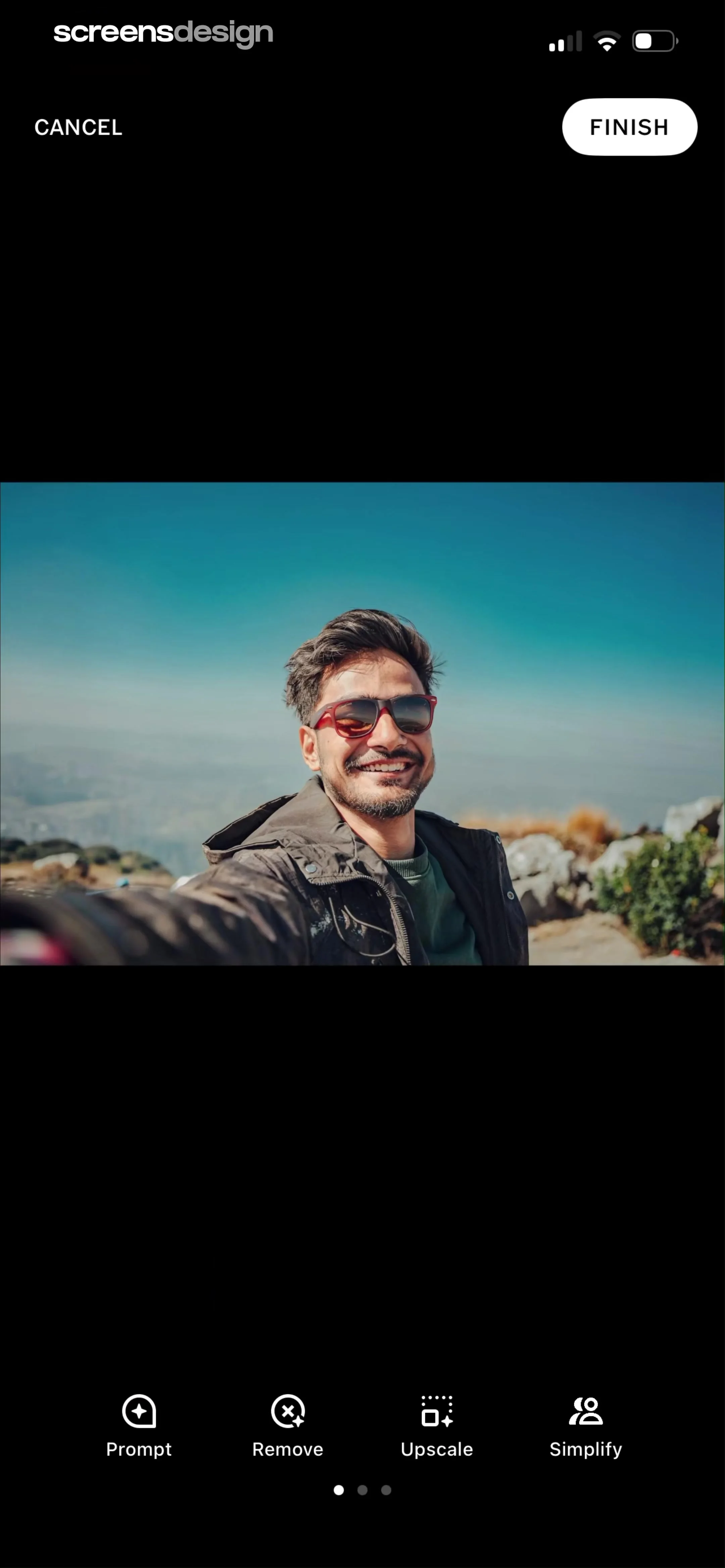
AI photo editor displaying a portrait preview and a bottom tool carousel with Prompt, Remove, Upscale, and Simplify options.
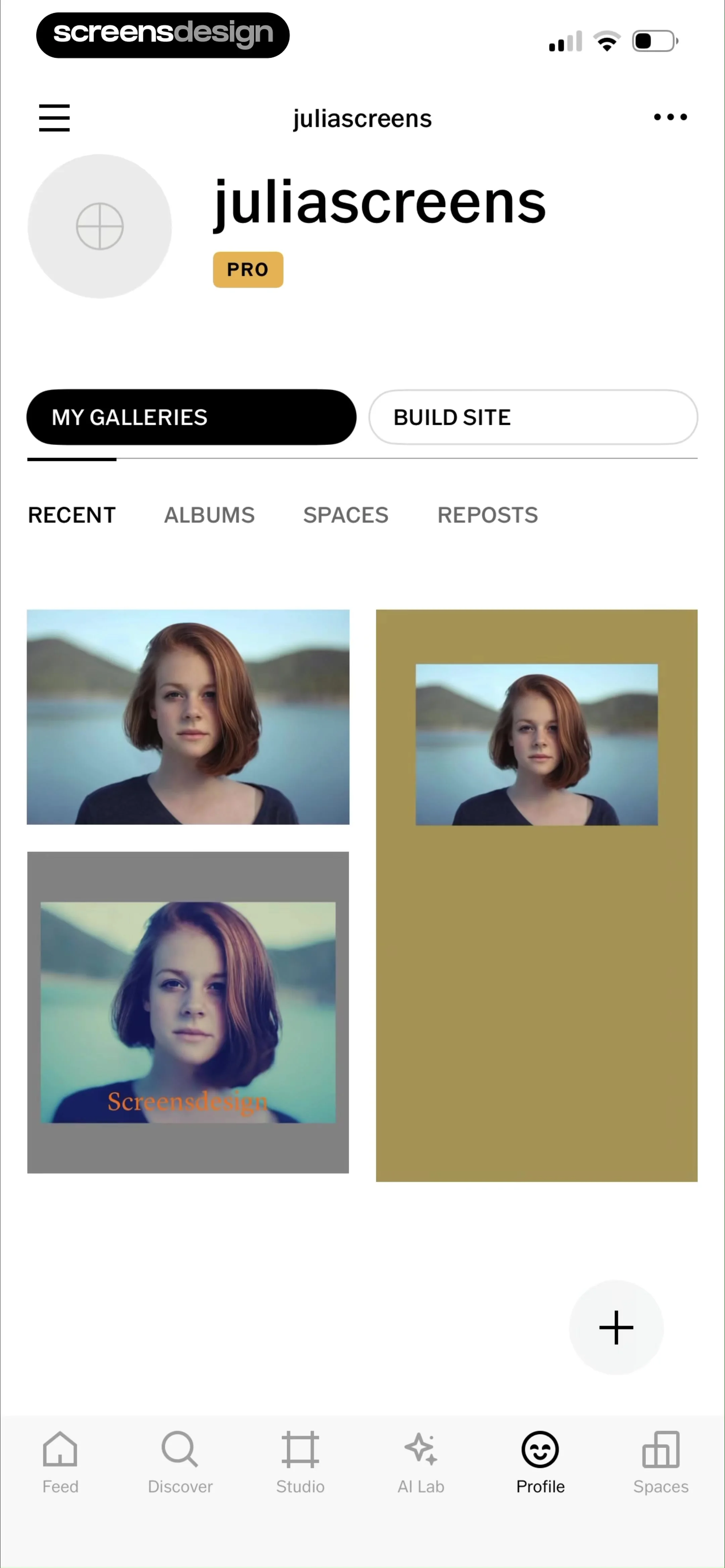
User profile screen for juliascreens with a PRO badge, my galleries tab selected, and a grid of photo cards.
Profile editing screen with a profile picture placeholder, input fields for personal details and social media links, and a Save button.
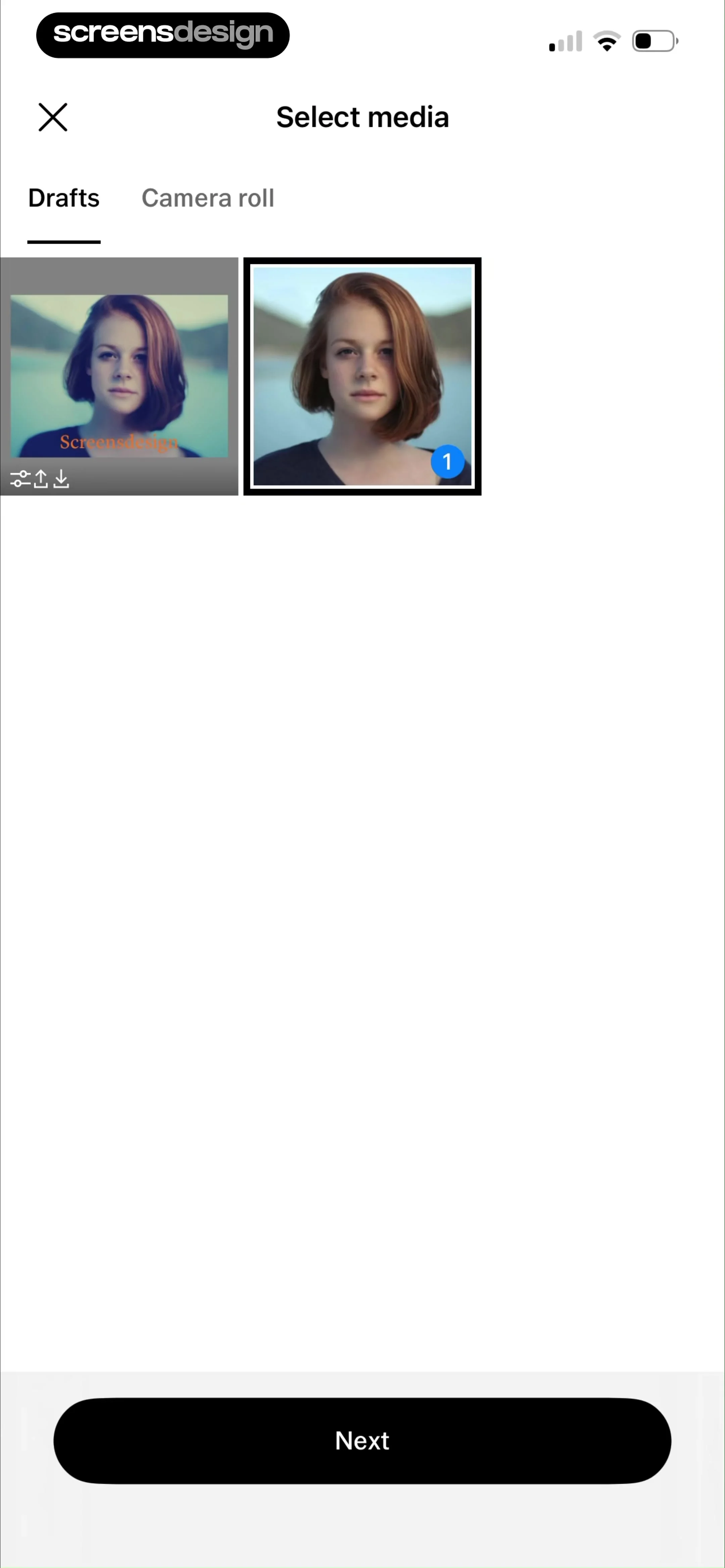
Media selection screen with a grid of thumbnails, the Drafts tab selected, one photo chosen, and a Next button.
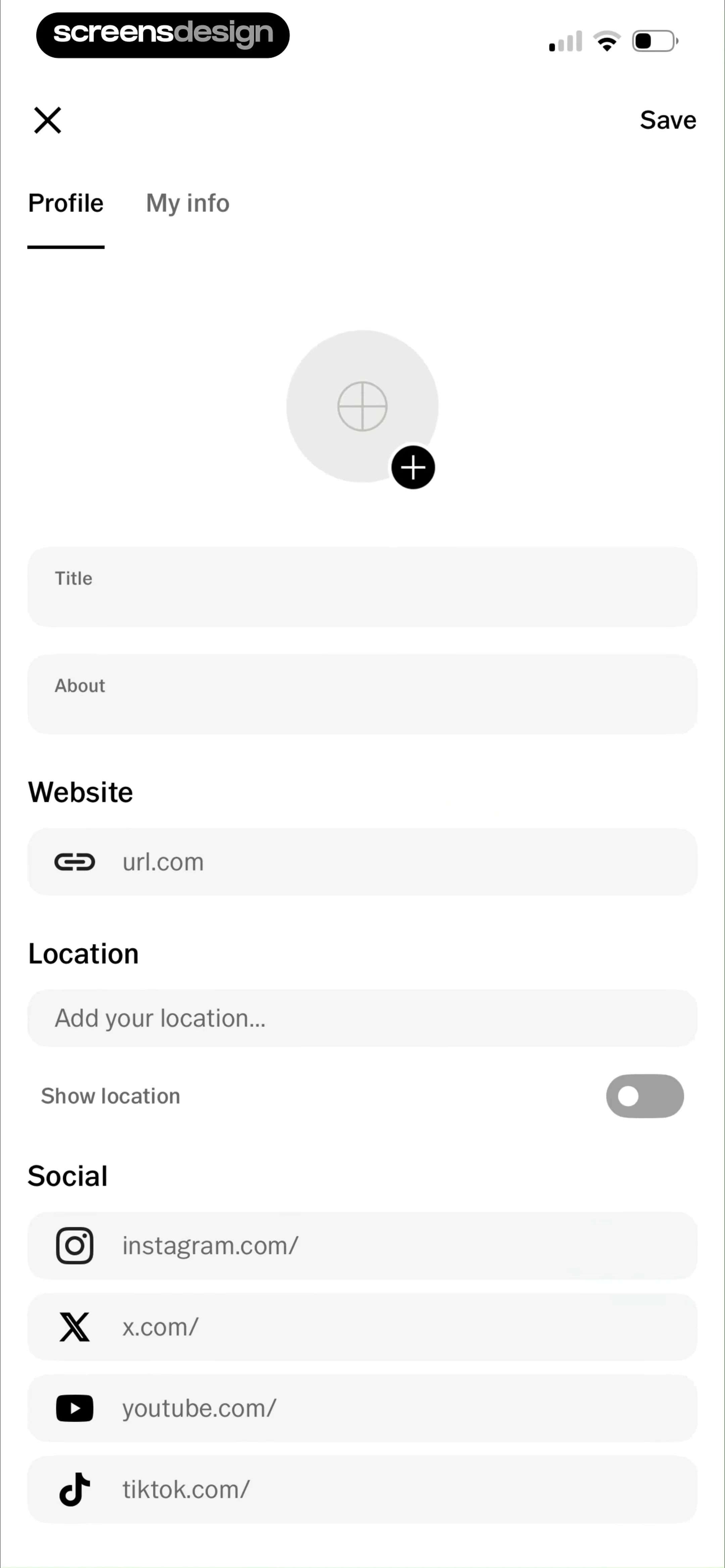
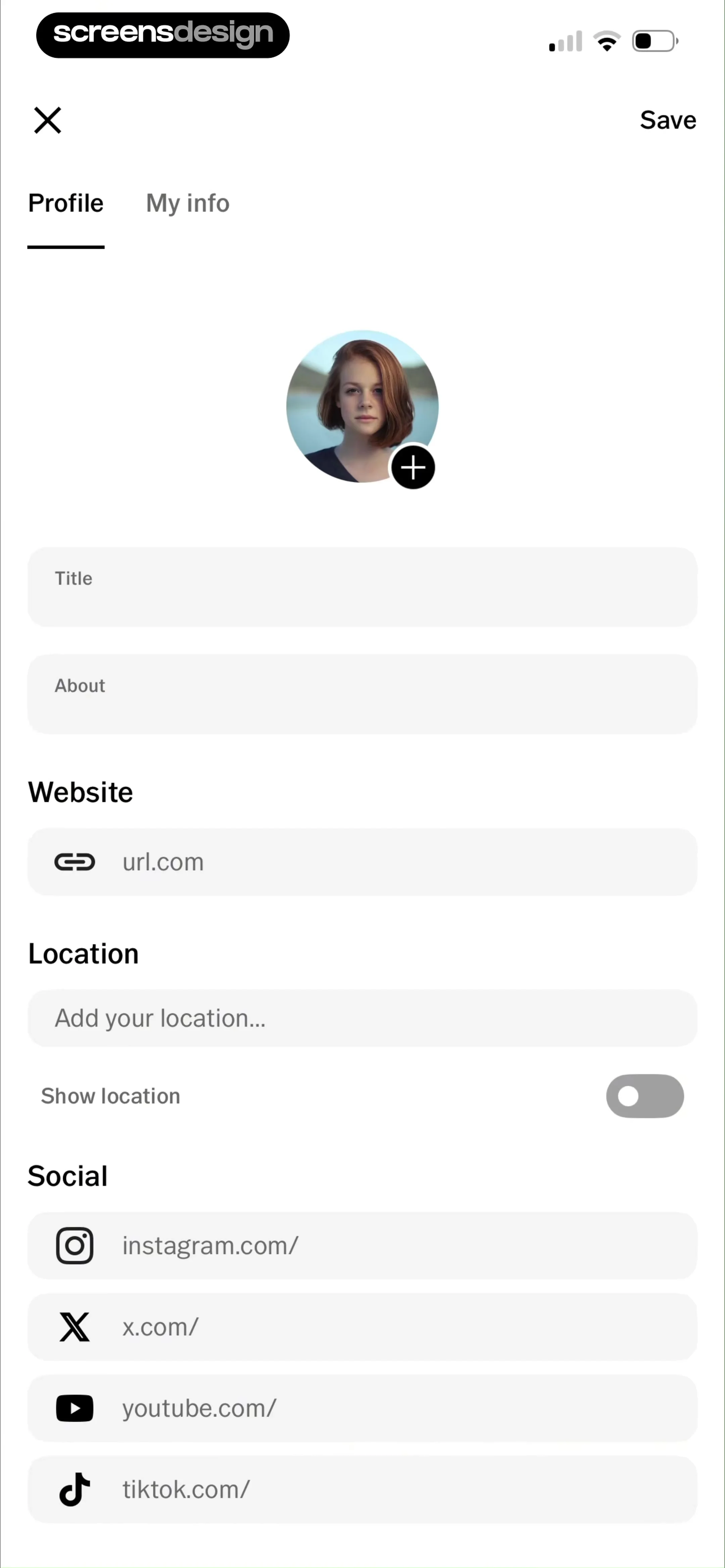
Profile editing form with a profile picture placeholder, input fields for bio, website, location, and social media links, and a save button.
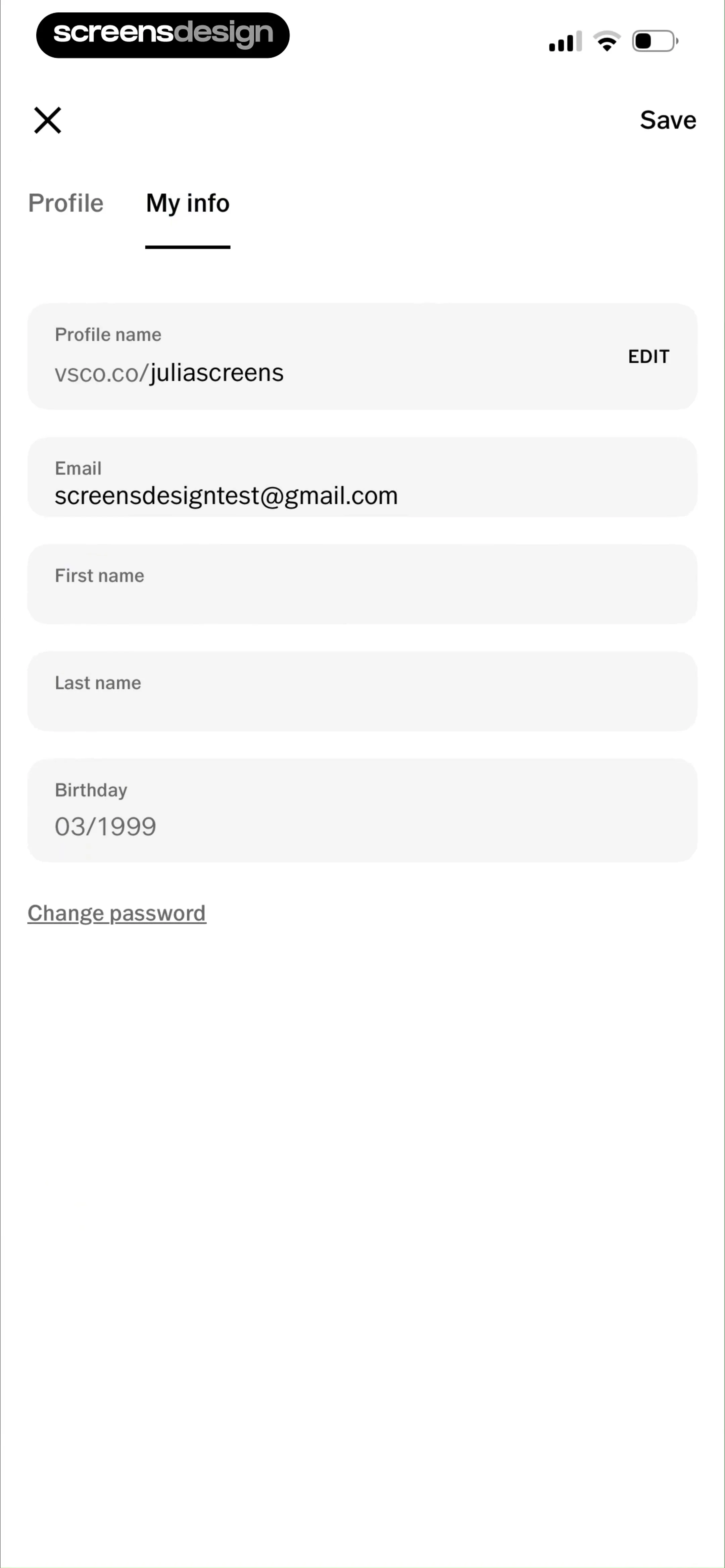
User profile settings form displaying personal information fields, a selected My info tab, and a Save button.
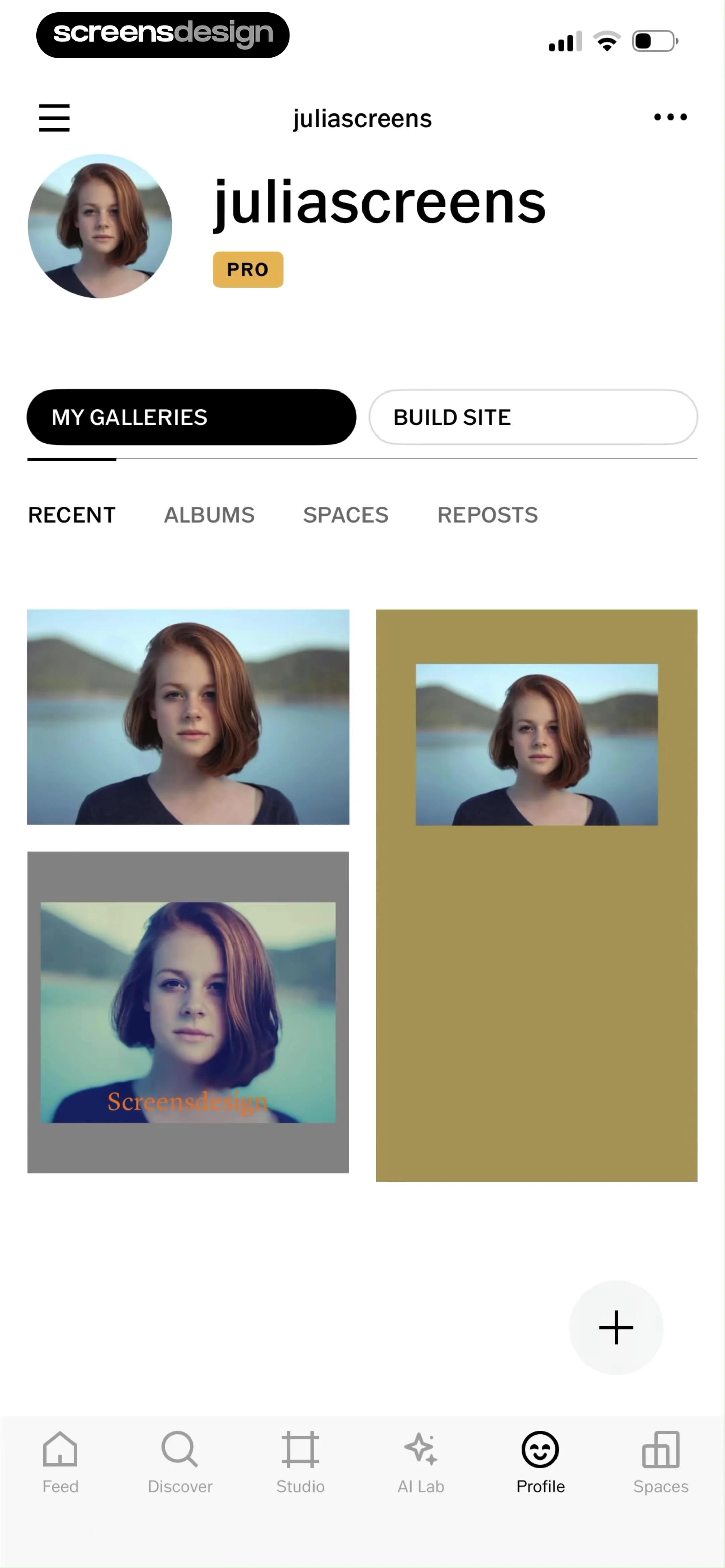
Profile screen displaying a user gallery with a PRO badge, recent photo grid, and content category tabs.
Gallery management dashboard displaying a single public gallery card and a Create Gallery button.
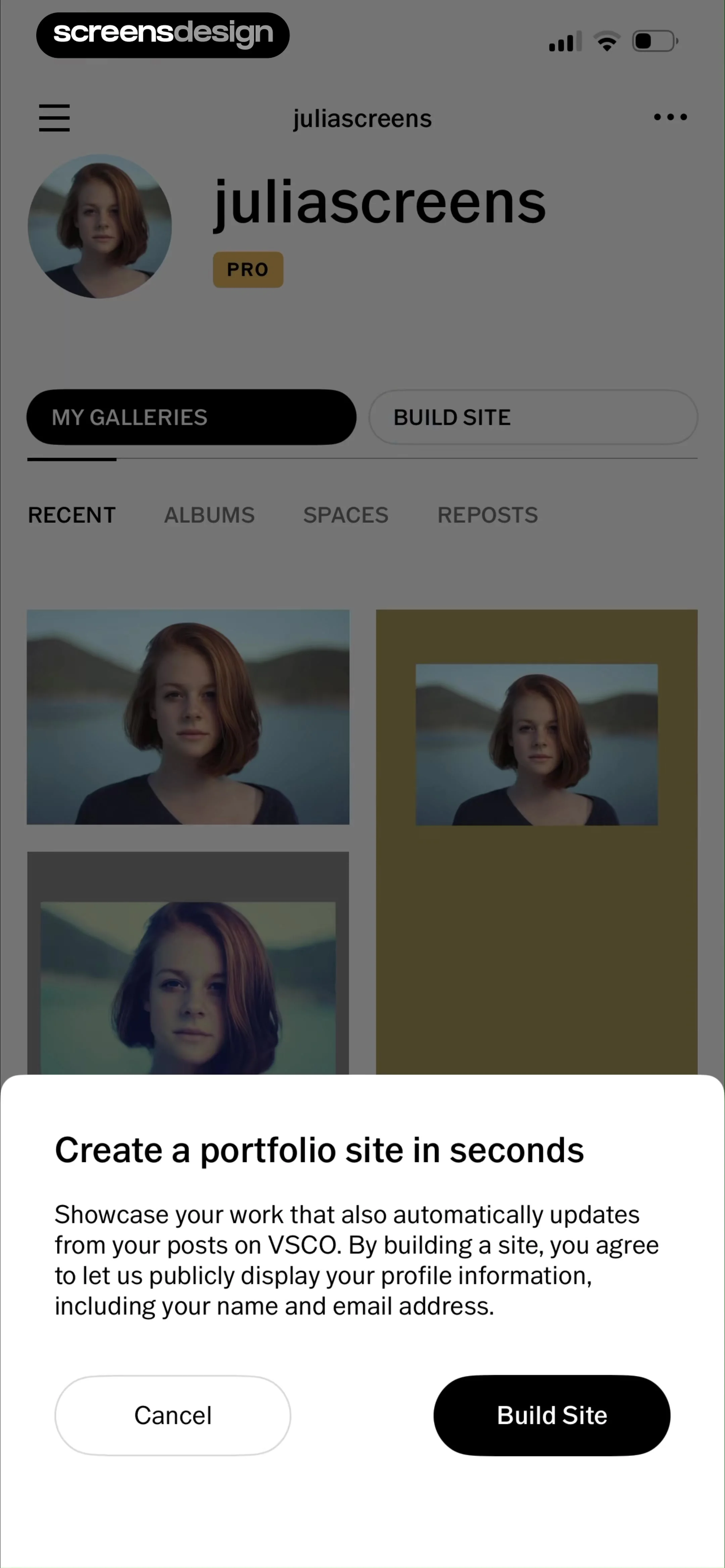
Profile screen with a portfolio creation modal overlay prompting the user to build a site, featuring a Build Site button and a Cancel button.
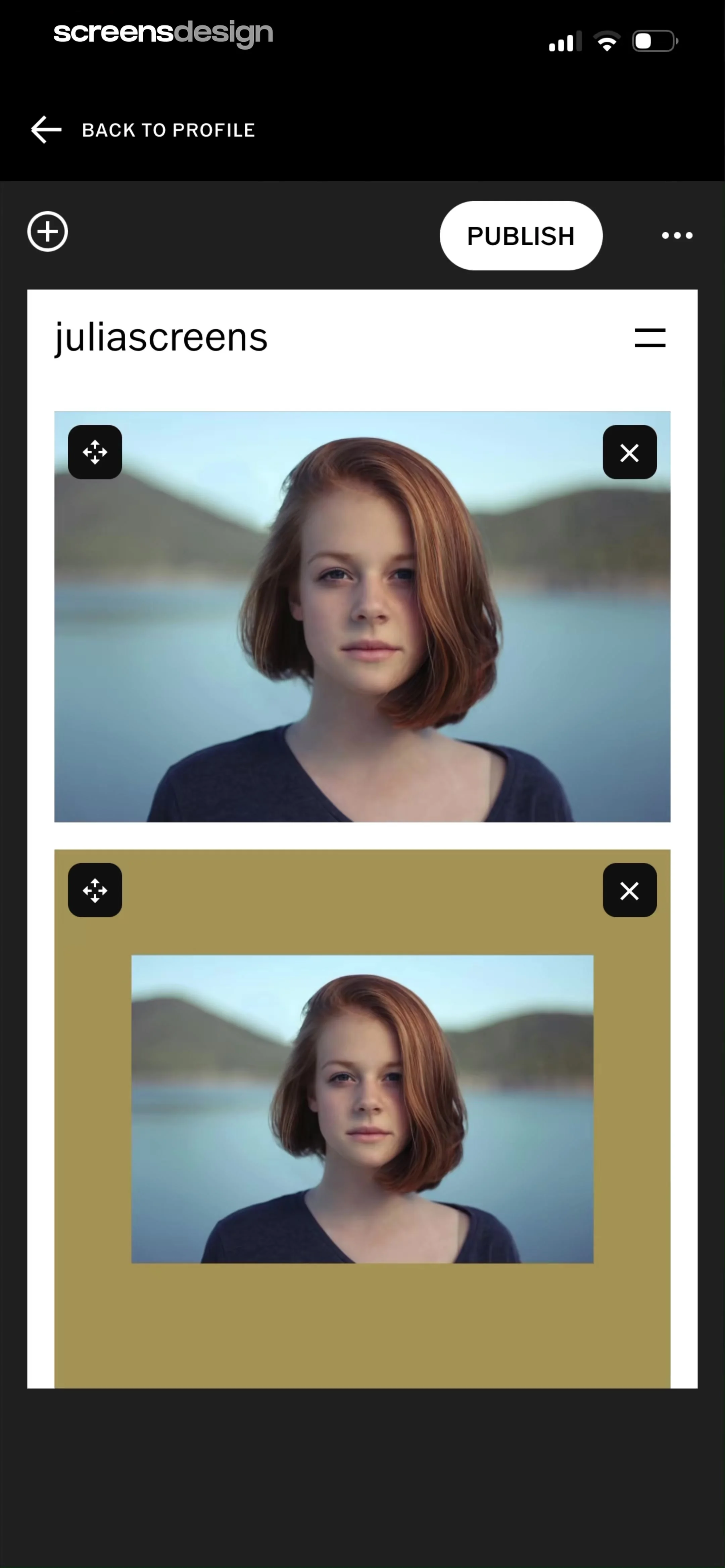
Editor screen displaying a username header and a vertical list of image cards with a Publish button.
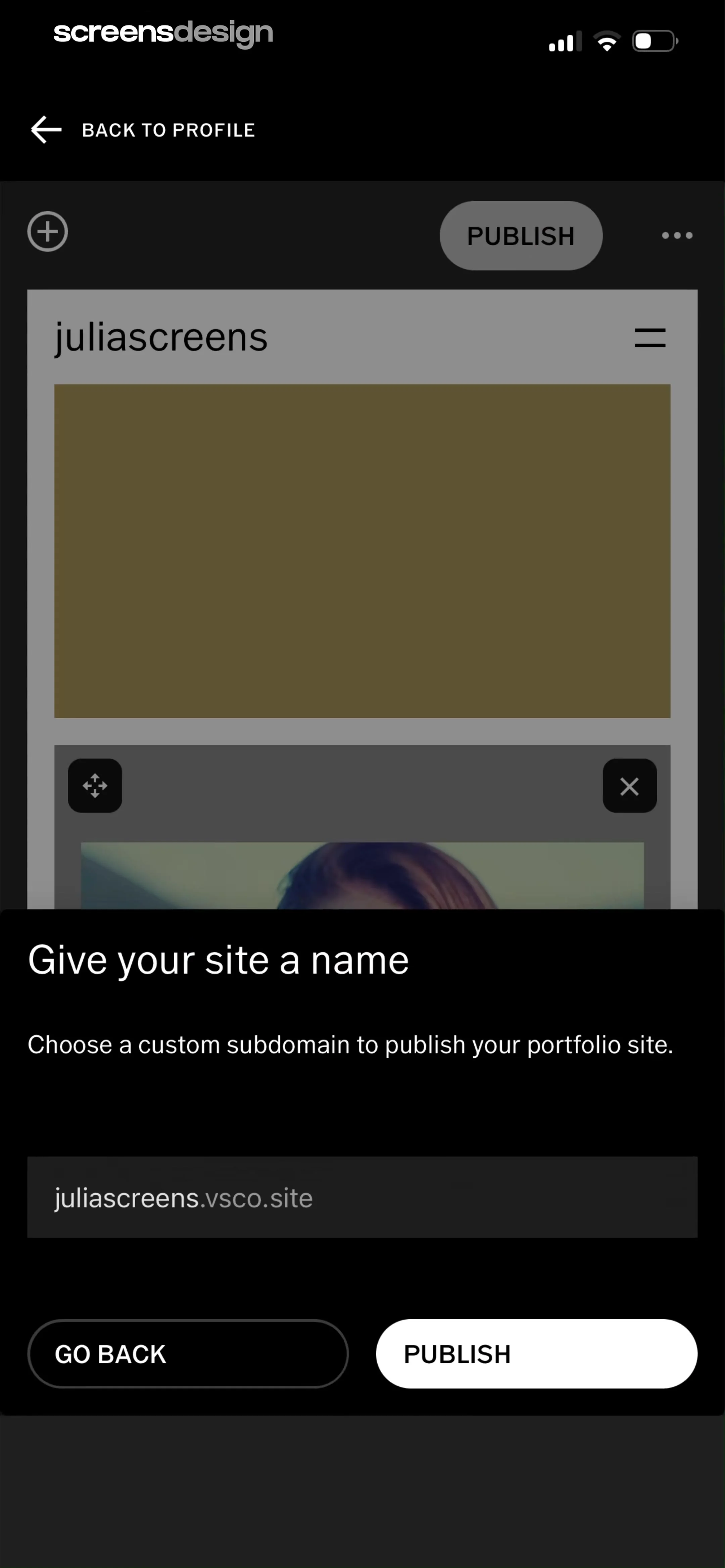
Portfolio site naming modal in VSCO prompting for a custom subdomain with an input field pre-filled with juliascreens.vsco.site and publish buttons.
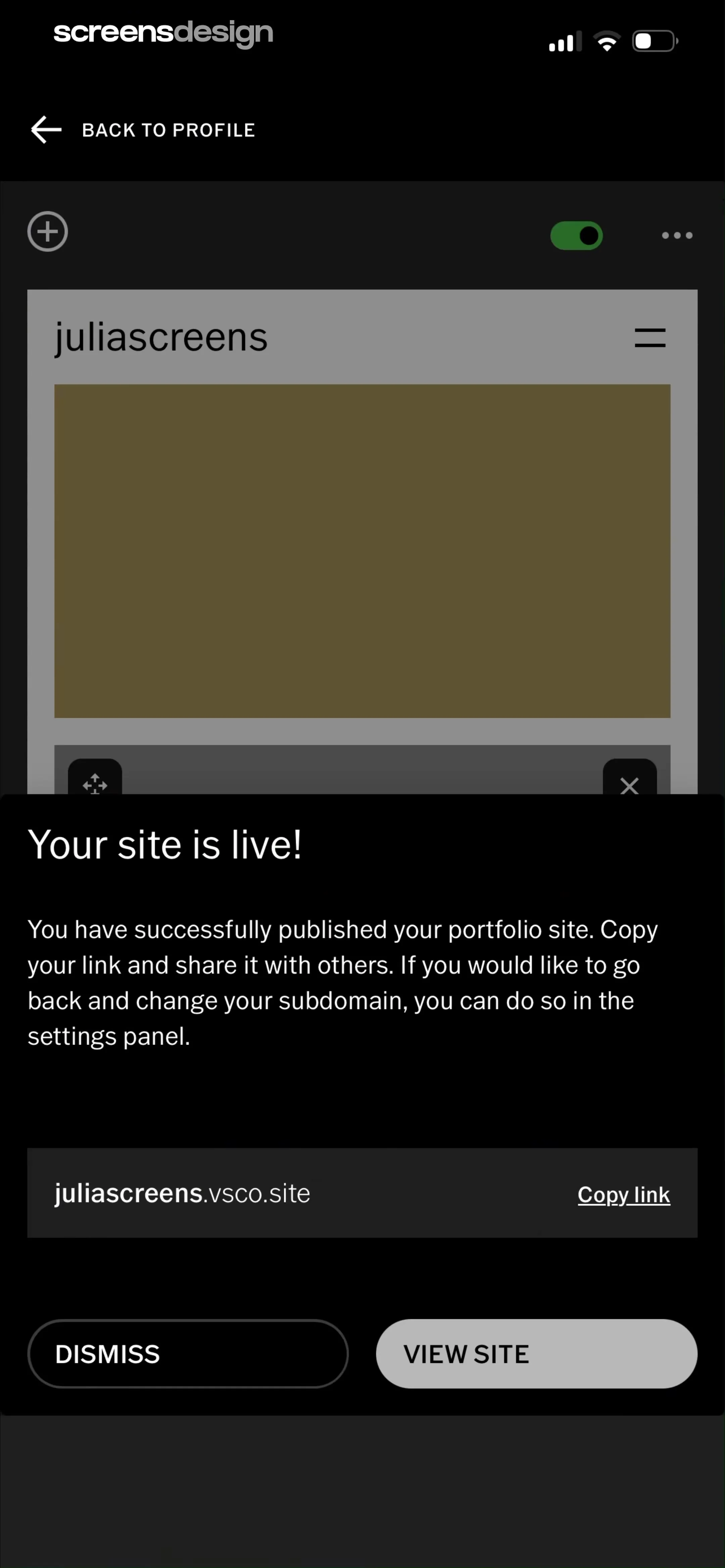
Portfolio publication confirmation modal with the live URL, a Copy link option, and View Site and Dismiss buttons.
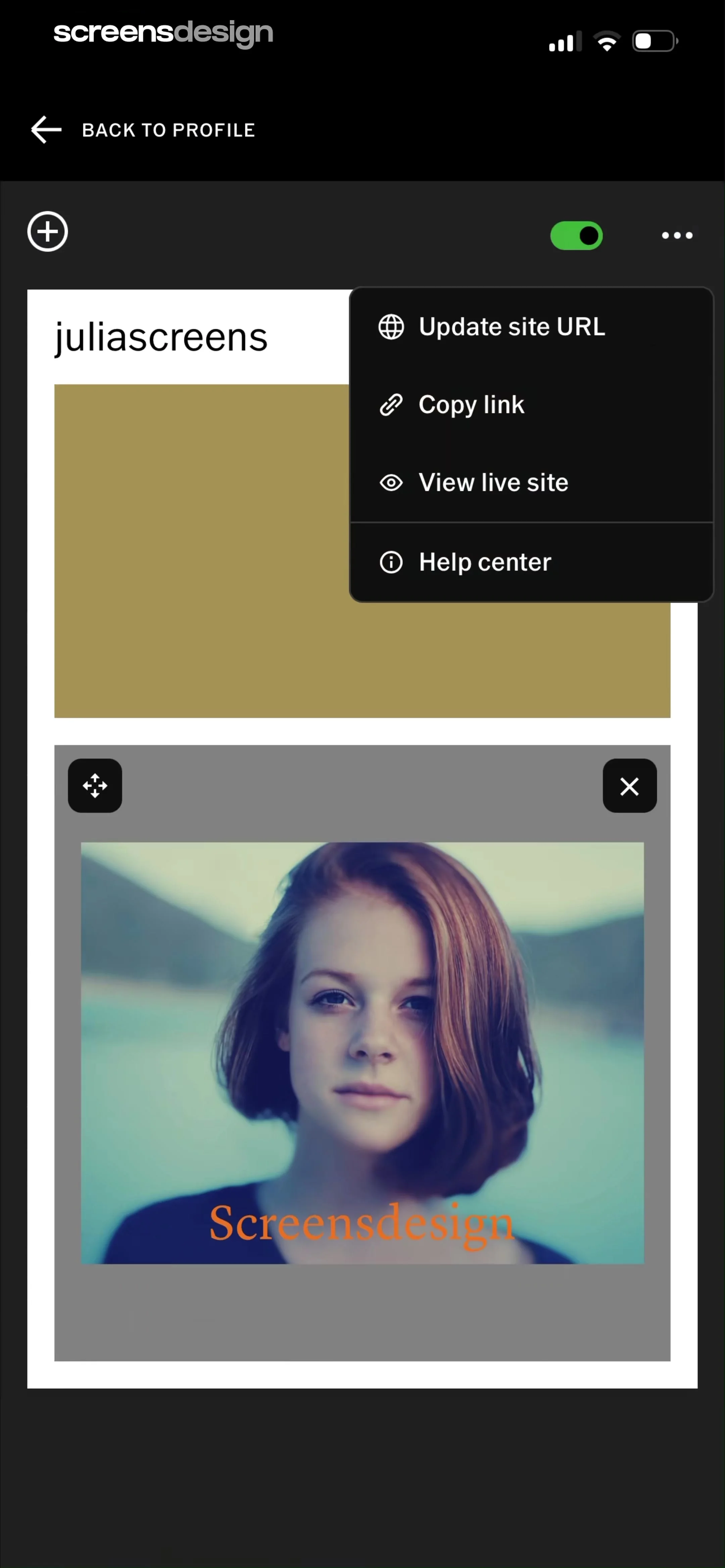
Website editor screen displaying site management options in an open pop-up menu alongside a portfolio image card and a dark theme.
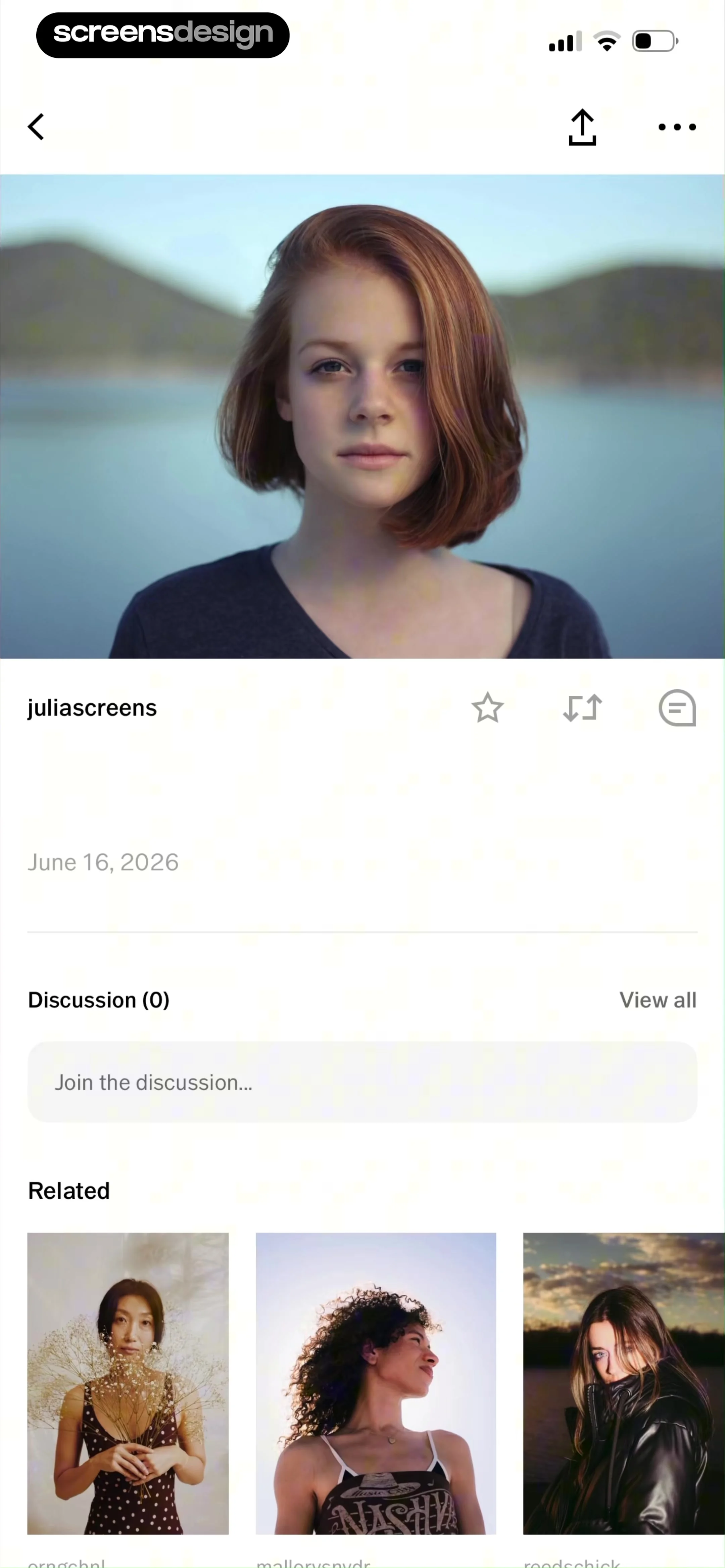
Content feed showing a portrait photograph by juliascreens with social interaction icons, a zero-comment discussion section, and a related content grid.
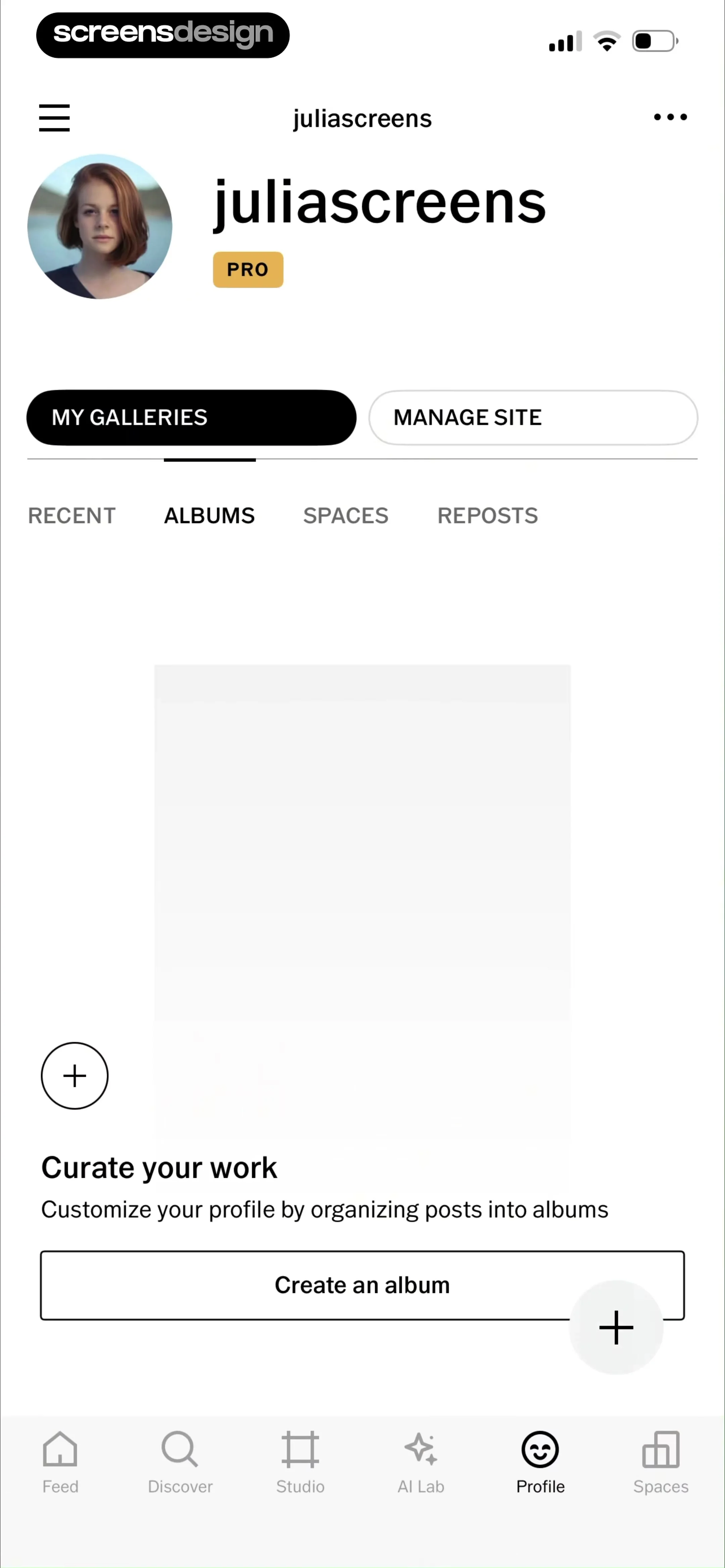
User profile screen showing an empty albums gallery with a prompt to curate work and a Create an album button.
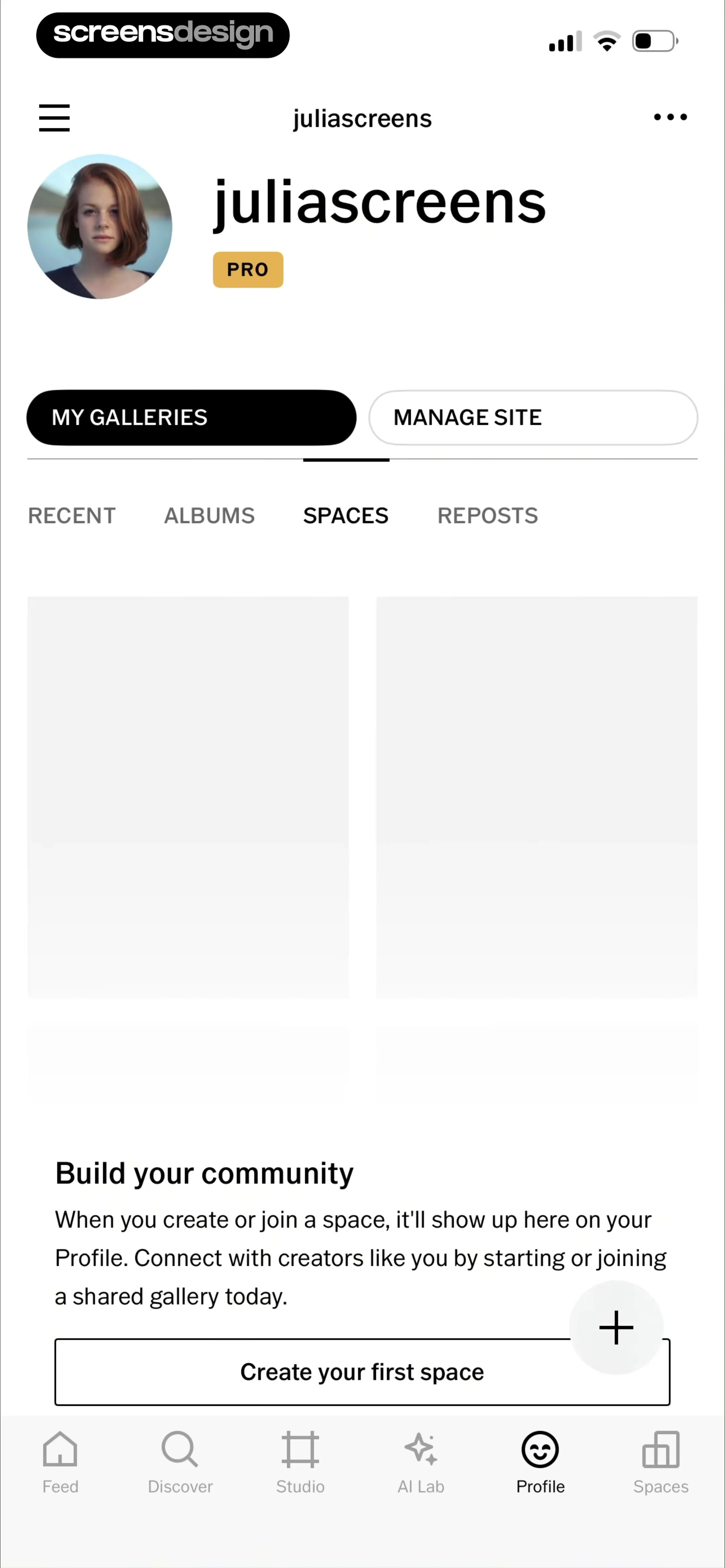
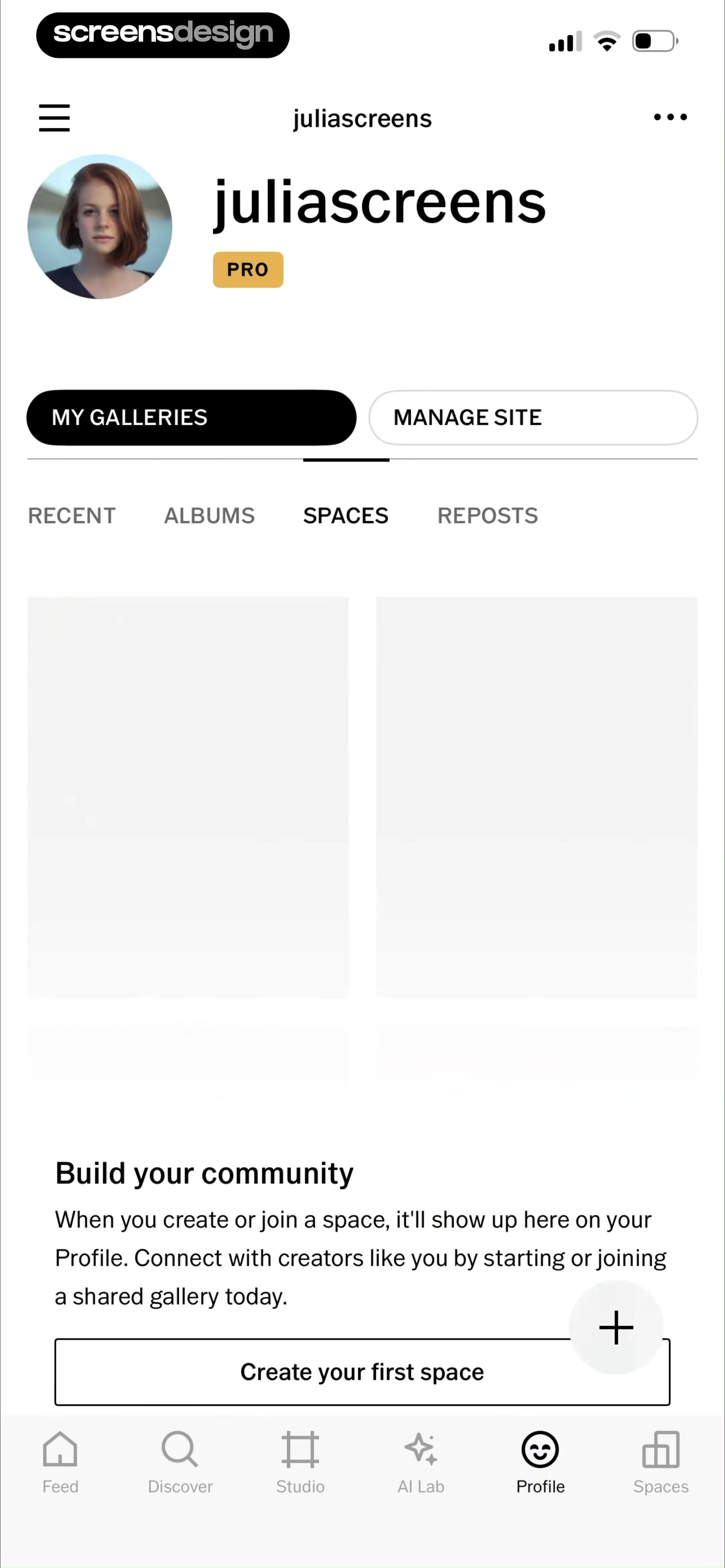
Profile screen with the Spaces tab selected, showing an empty state prompt to build your community and a Create your first space button.
Spaces browse screen with a category list of photography genres, a pro conversations photo collage, and a bottom navigation bar.
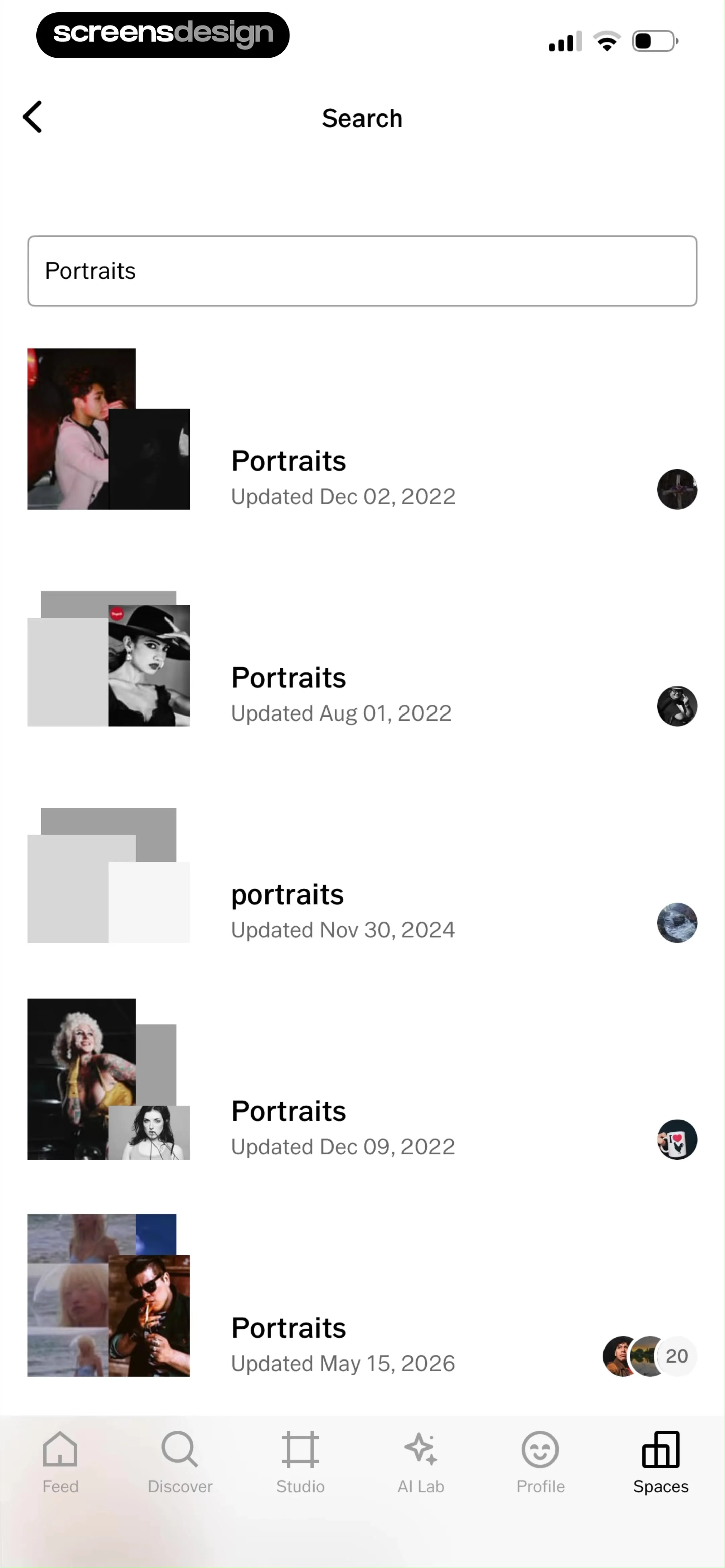
Search results page for Portraits showing a vertical list of portrait collections with creator avatars and update dates.
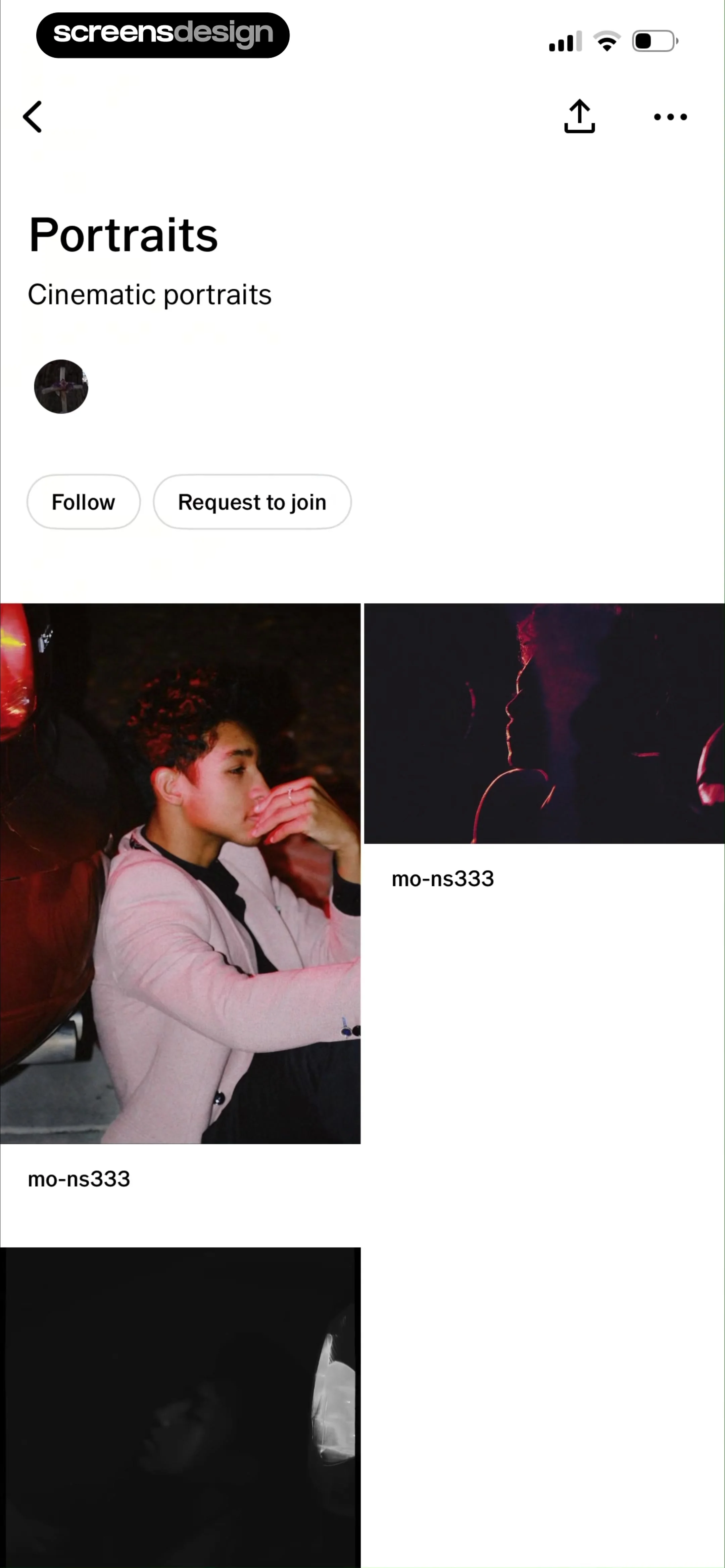
Community group profile page for Portraits with action buttons and a masonry grid of cinematic portrait photos.
Community space profile with a photo grid and an error modal stating the space is not accepting new requests.
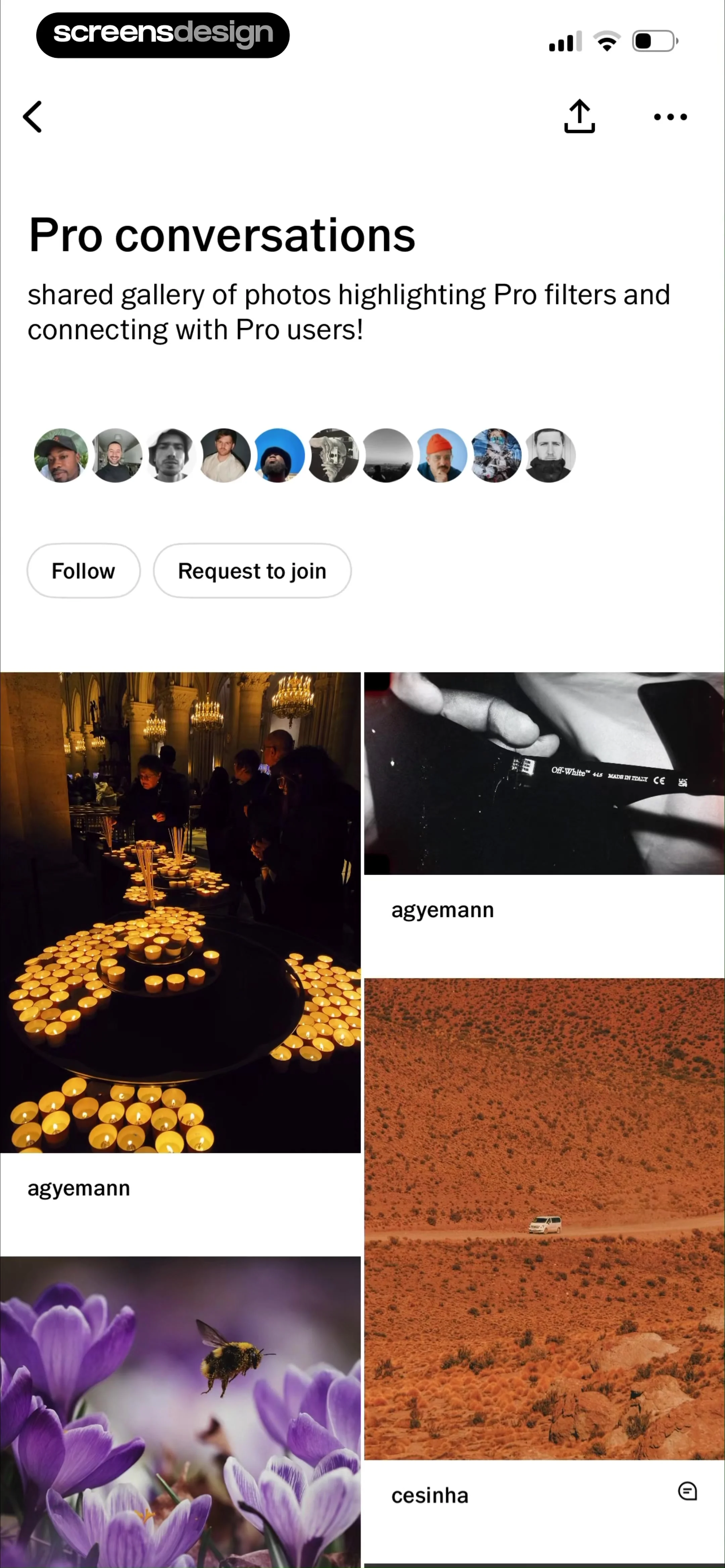
Community gallery screen titled Pro conversations with a masonry photo grid, user avatars, and Follow and Request to join buttons.
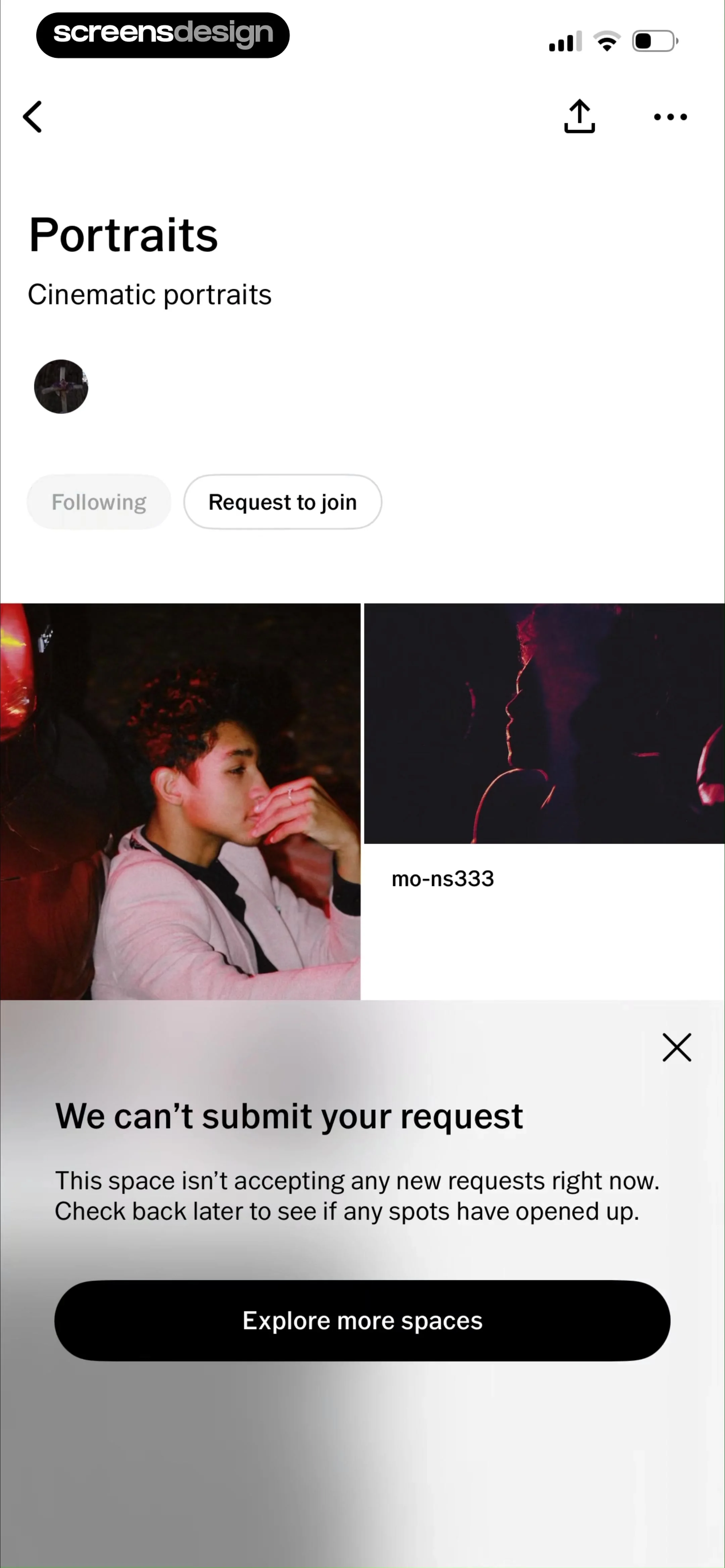
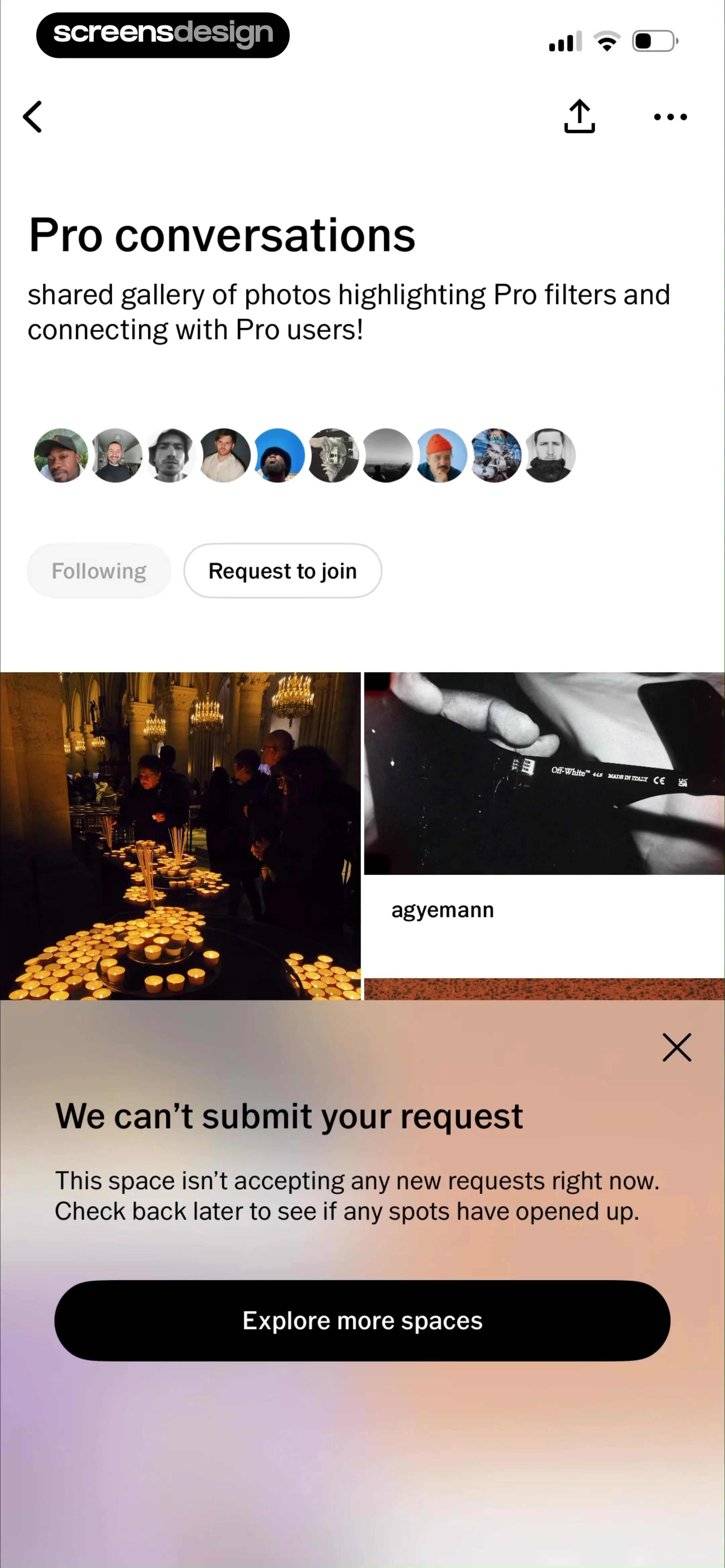
Community space screen with a modal error message stating that the space is not accepting new requests, and an Explore more spaces button.
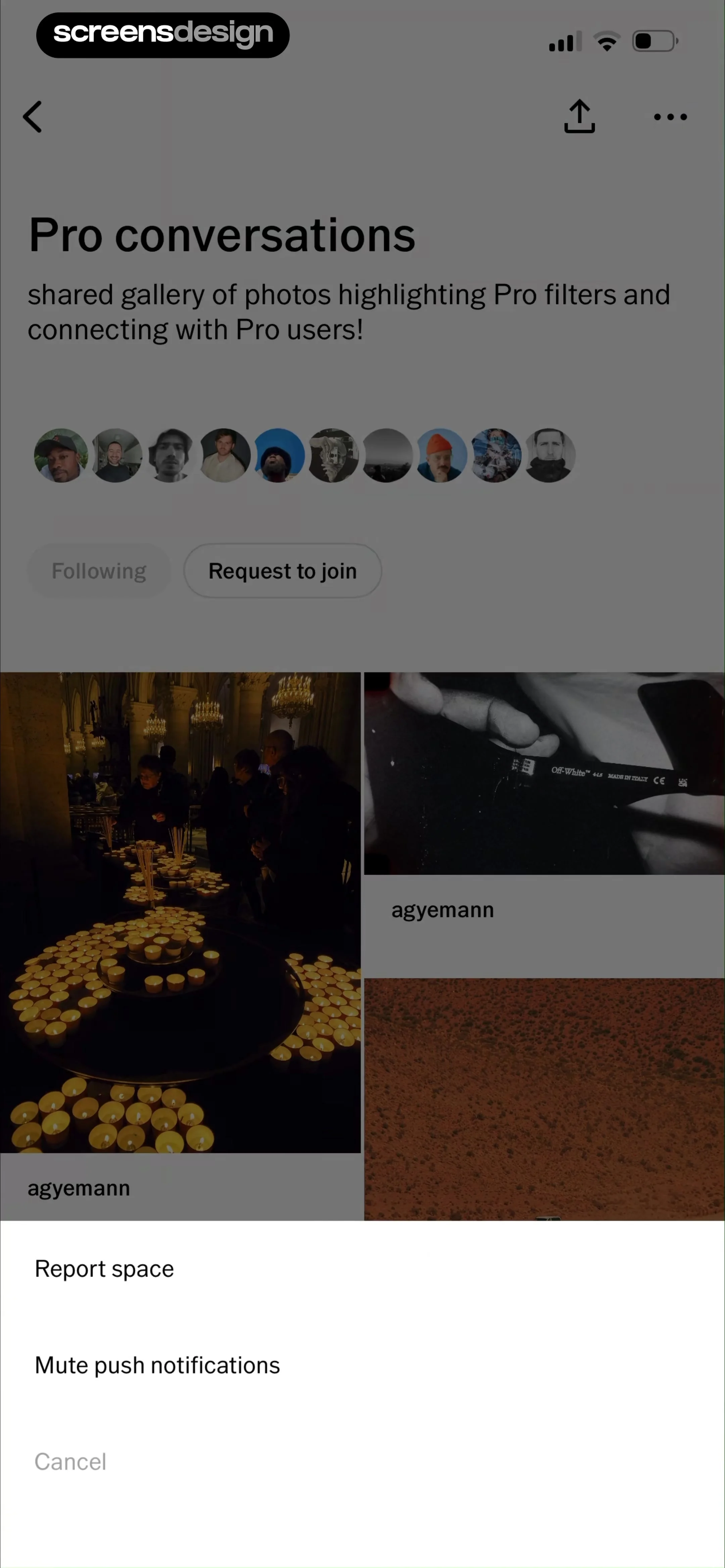
Community space screen showing a photo gallery and user avatars, featuring a bottom sheet with report and mute options.
Profile screen showing the empty Spaces tab with an onboarding prompt to build a community and a Create your first space button.
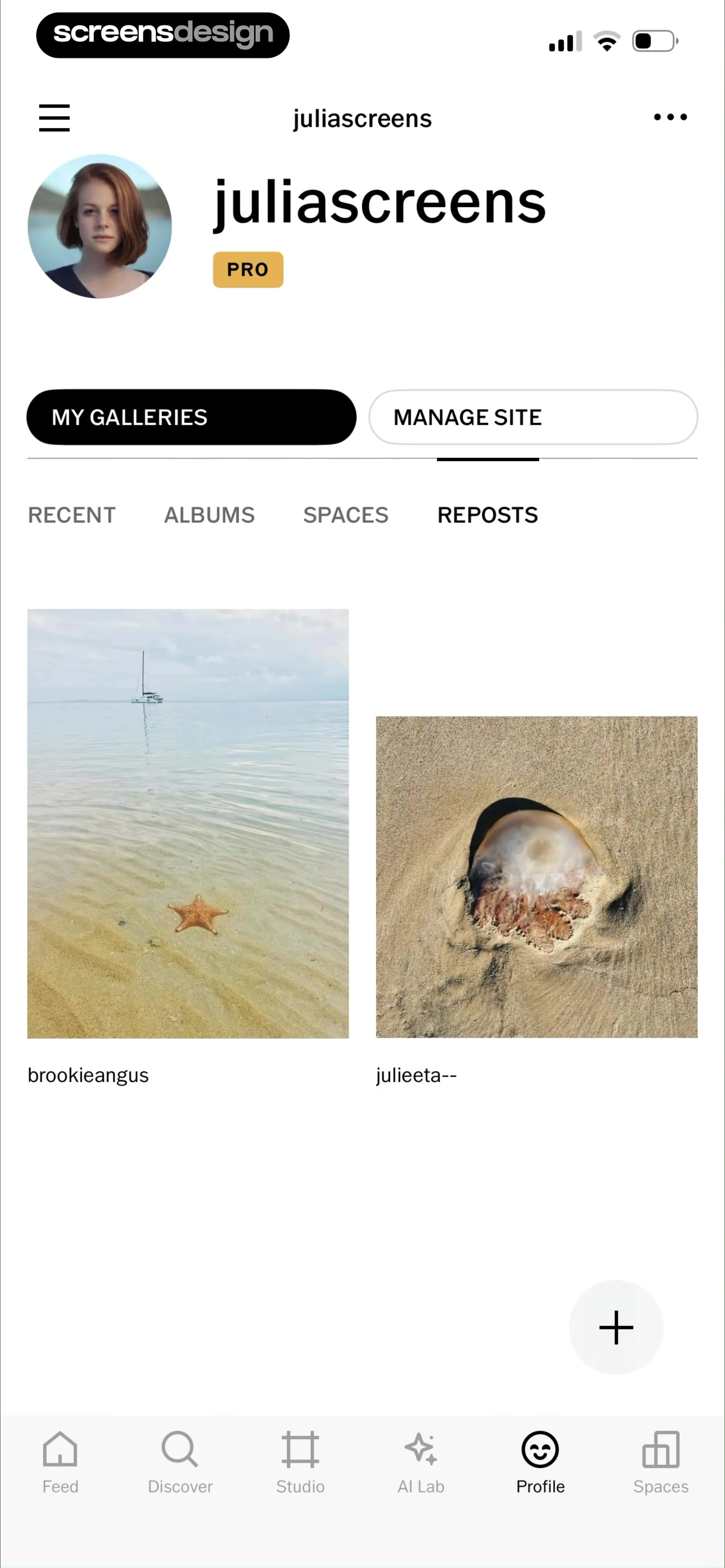
User profile screen displaying a two-column grid of reposted photos, with the Reposts tab selected and a floating plus action button.
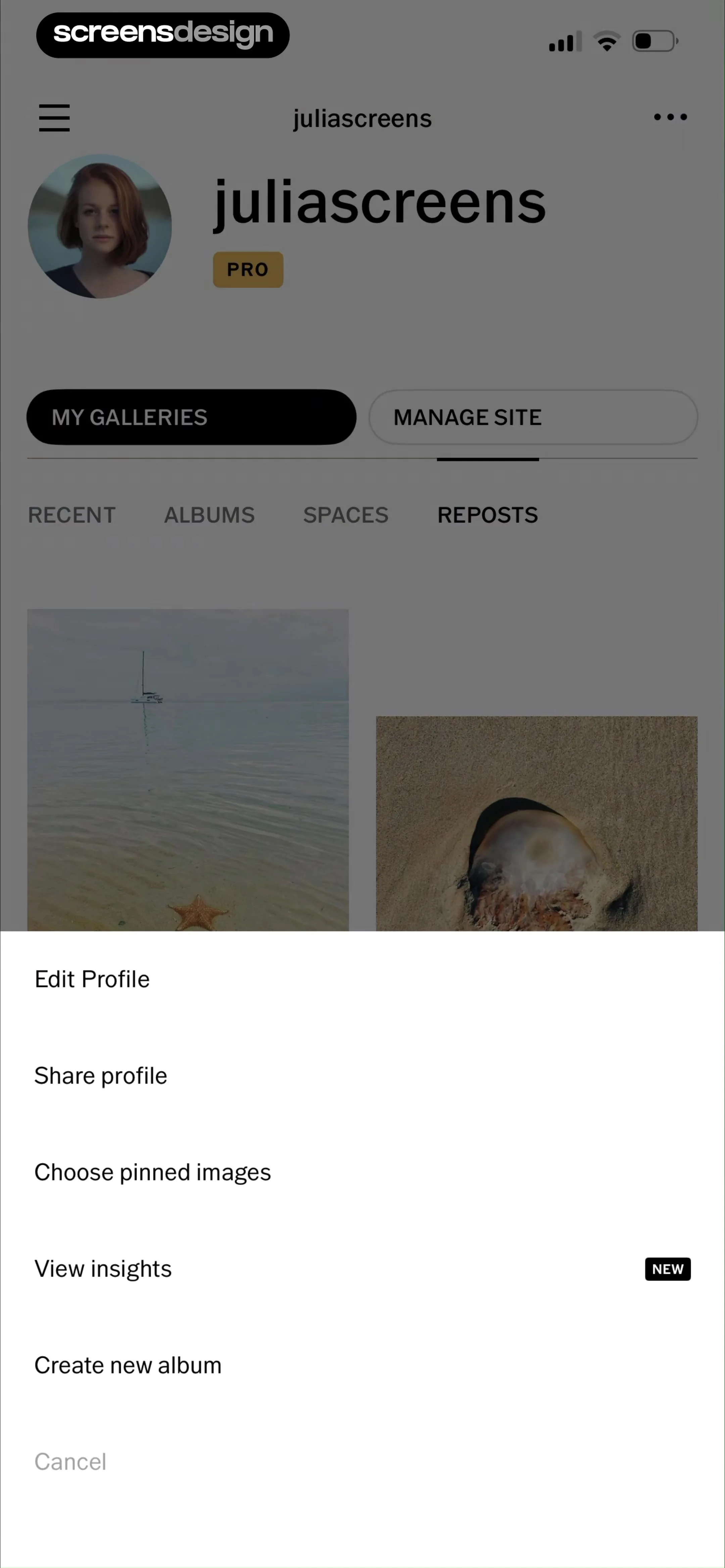
Profile screen with user galleries and an open bottom-sheet menu displaying management options like Edit Profile and View insights.
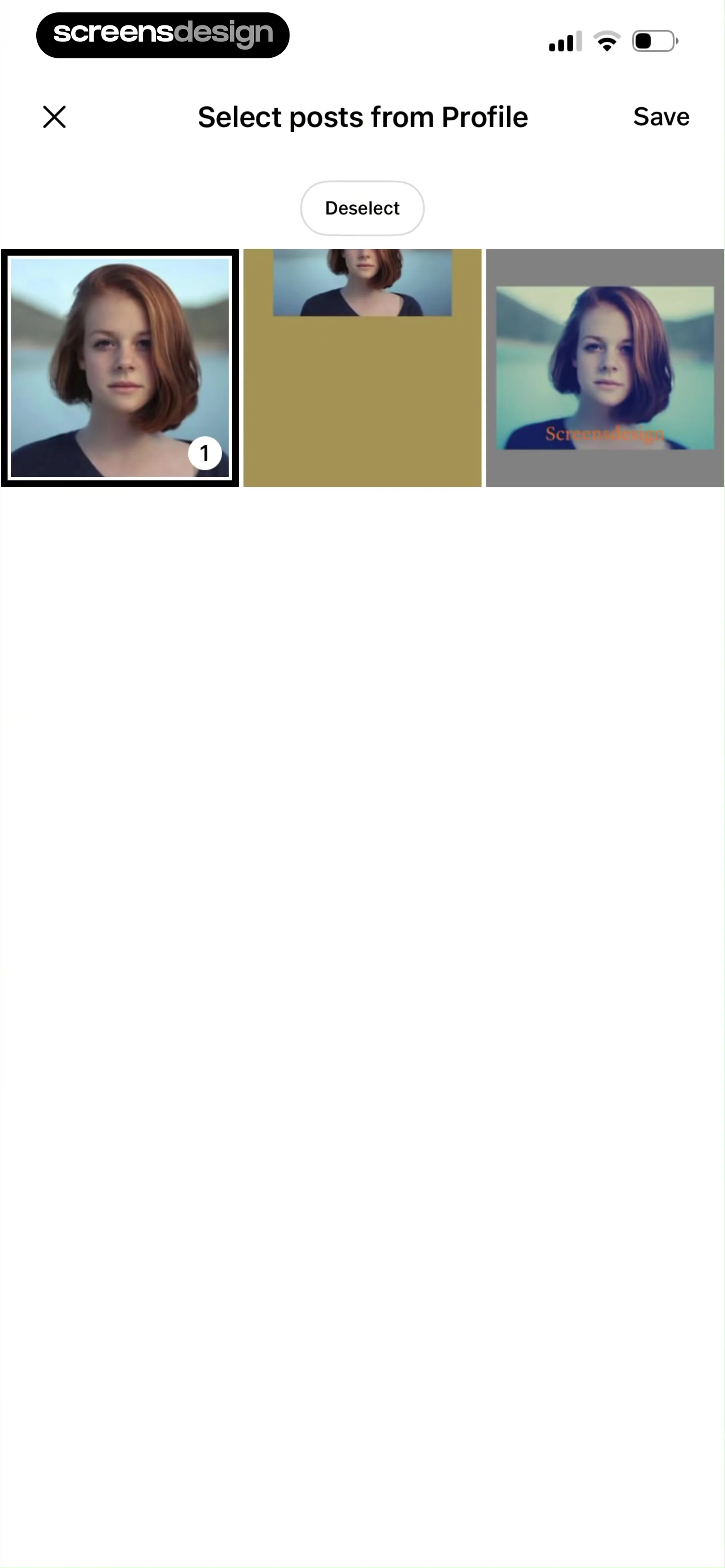
Post selection screen in VSCO showing a grid of profile photo thumbnails, with one post selected and Save and Deselect buttons.
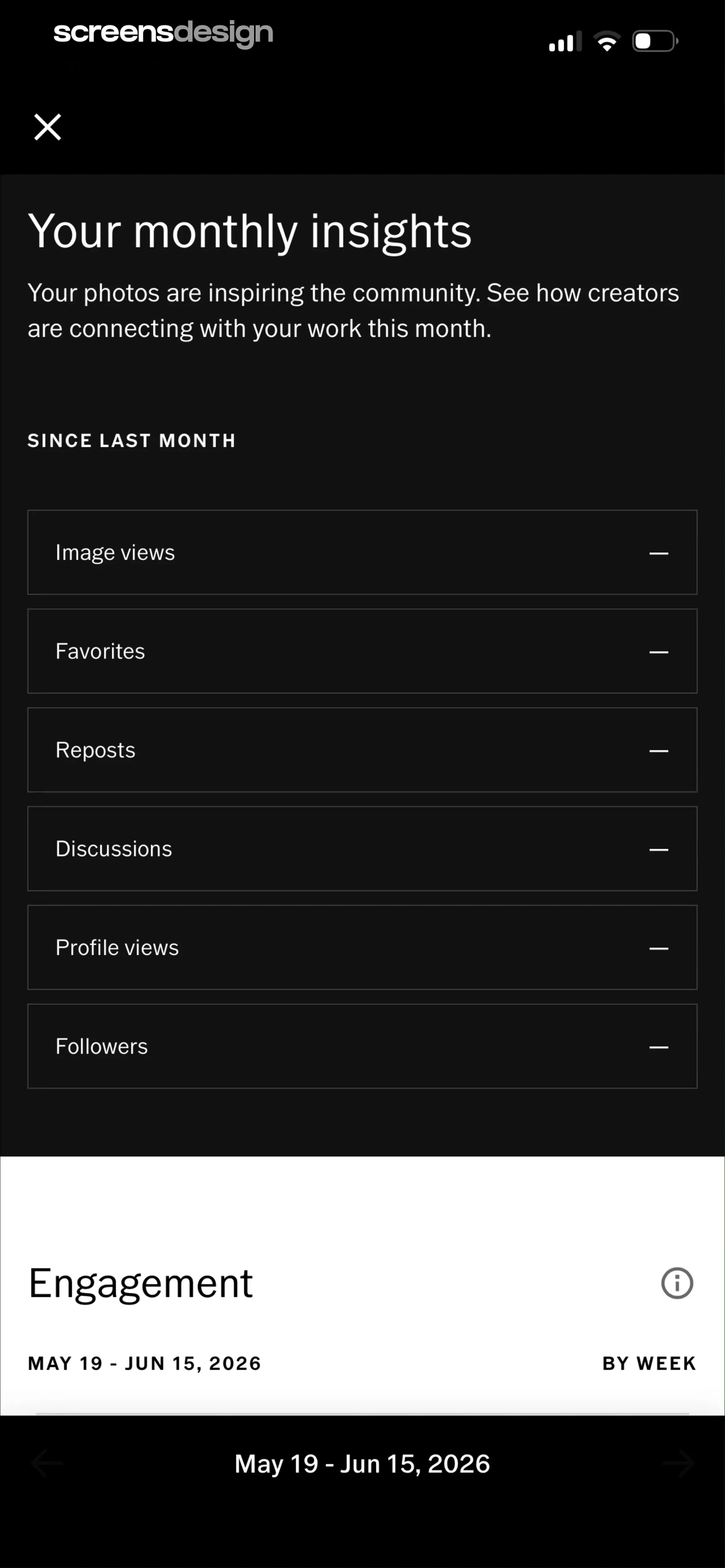
Analytics dashboard titled Your monthly insights showing a list of engagement metrics like image views and favorites with a dark theme.
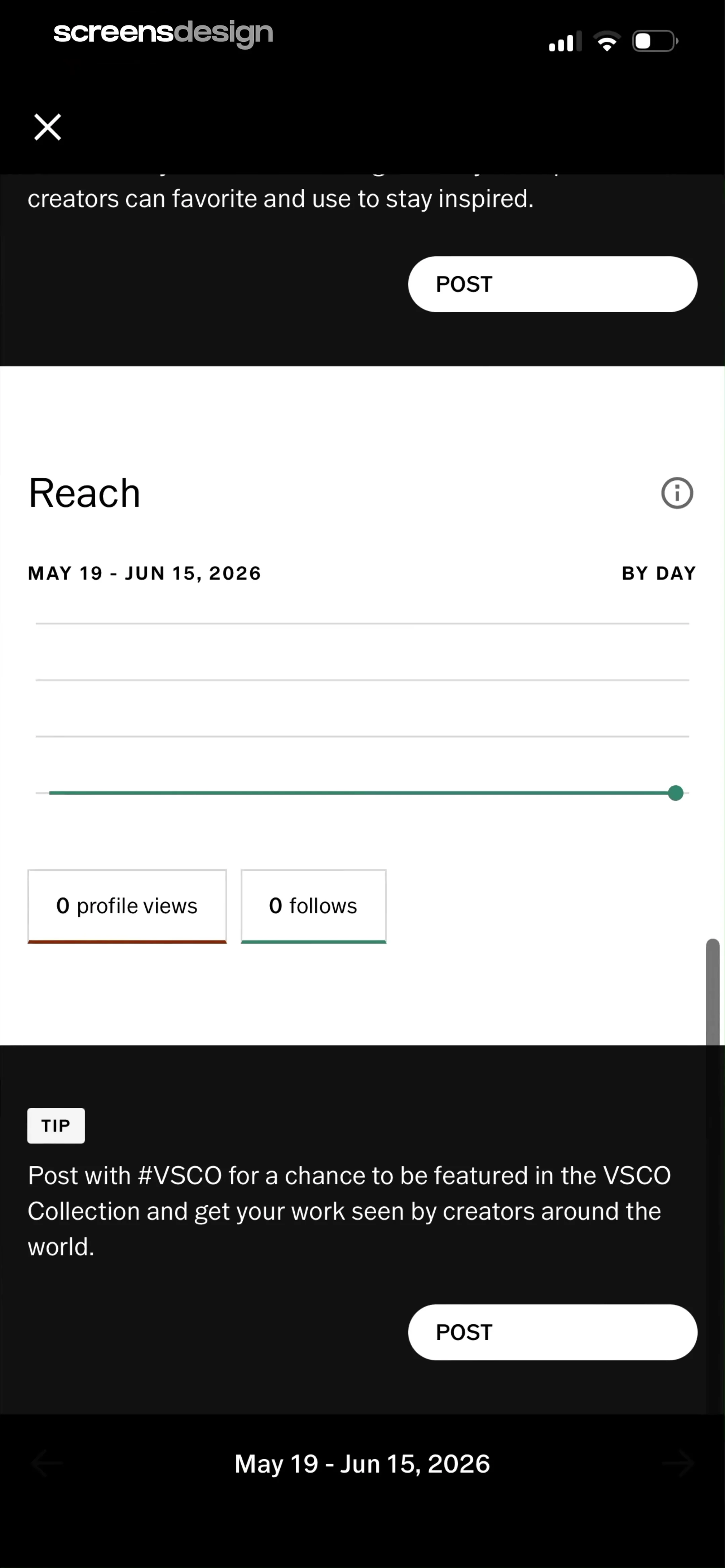
Analytics screen showing zero profile views and zero follows, a reach chart for May 19 to June 15, 2026, and a tip card with a Post button.
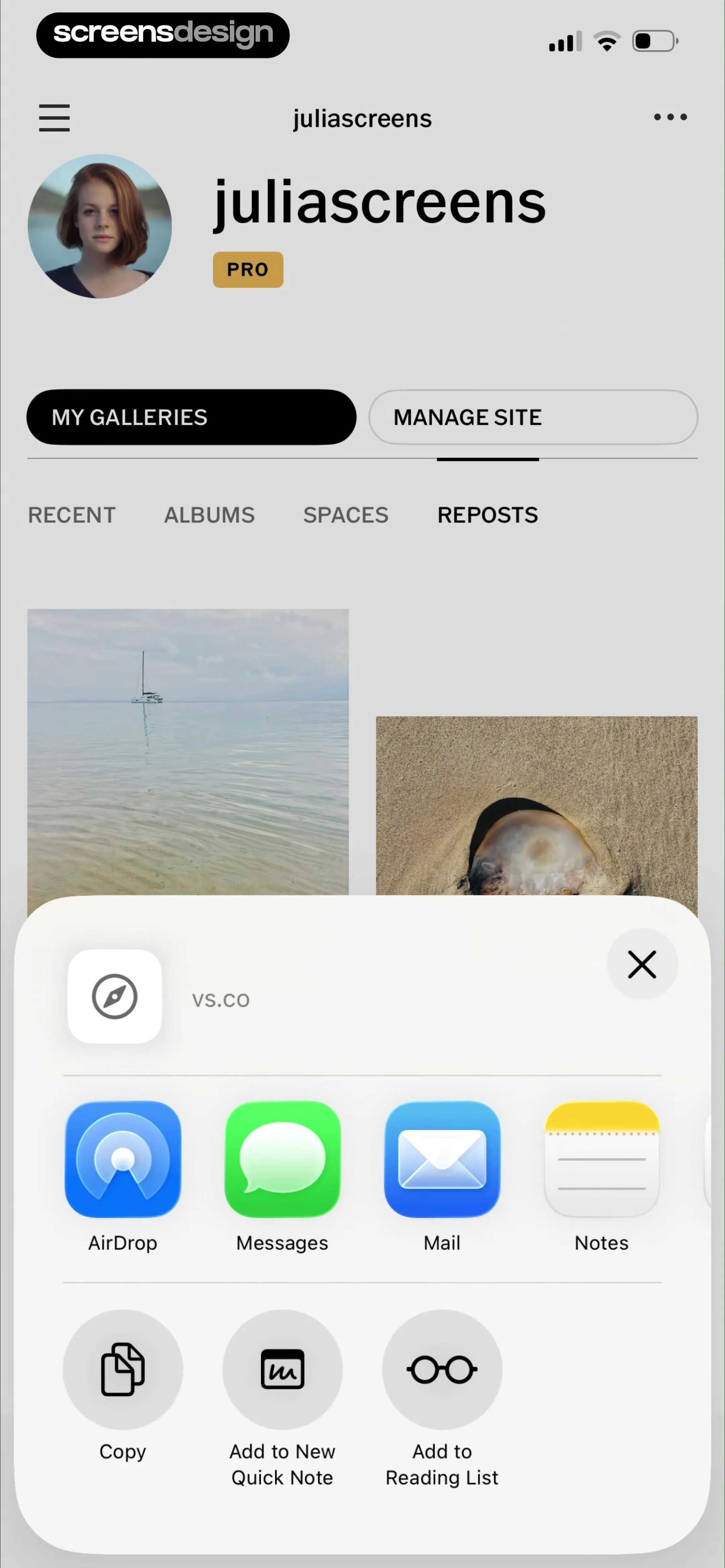
User profile page with a content grid and an open share sheet modal overlay displaying system sharing options.
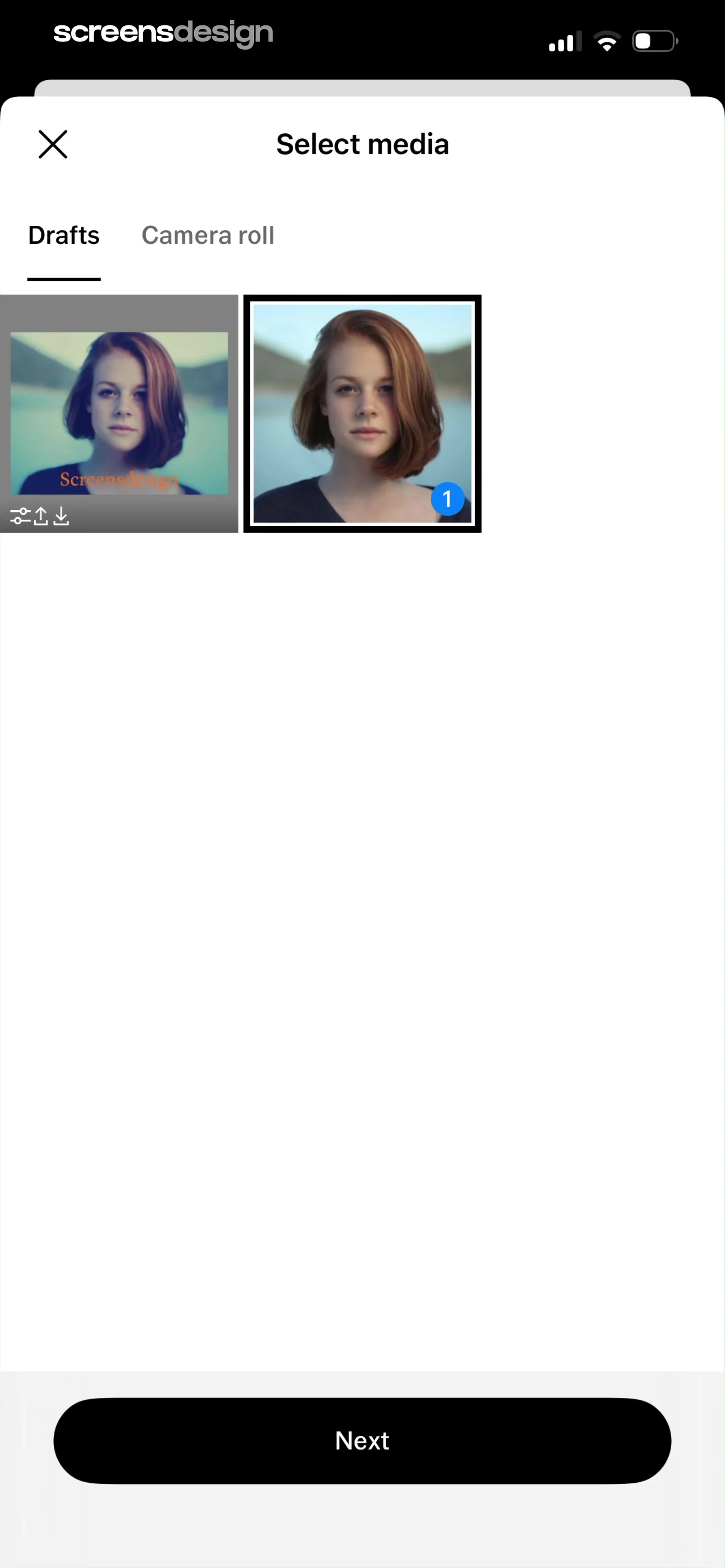
Media selection screen displaying a grid of photo thumbnails with the Drafts tab selected, one image chosen with a selection badge, and a Next button.
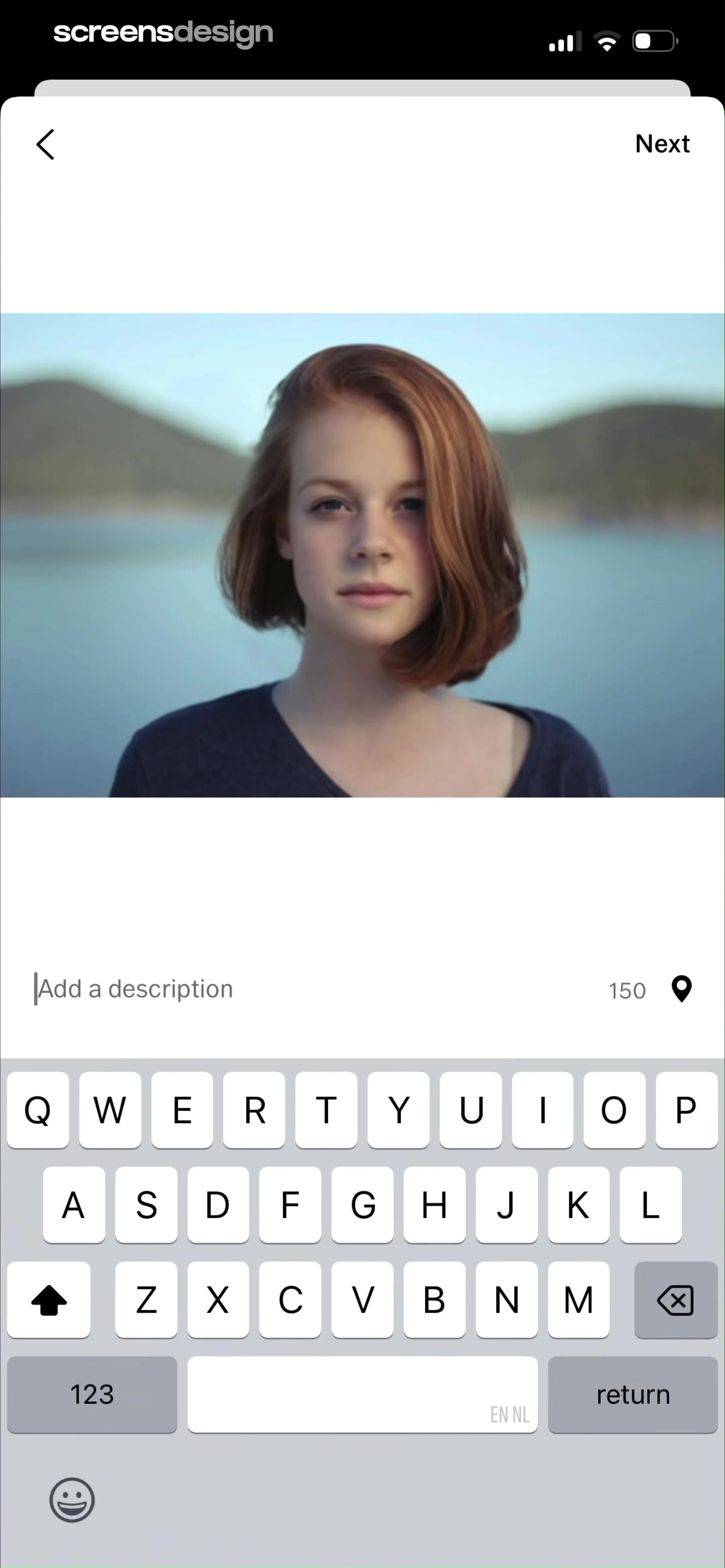
Photo editor screen showing a portrait of a woman with a description text input field and a Next button.
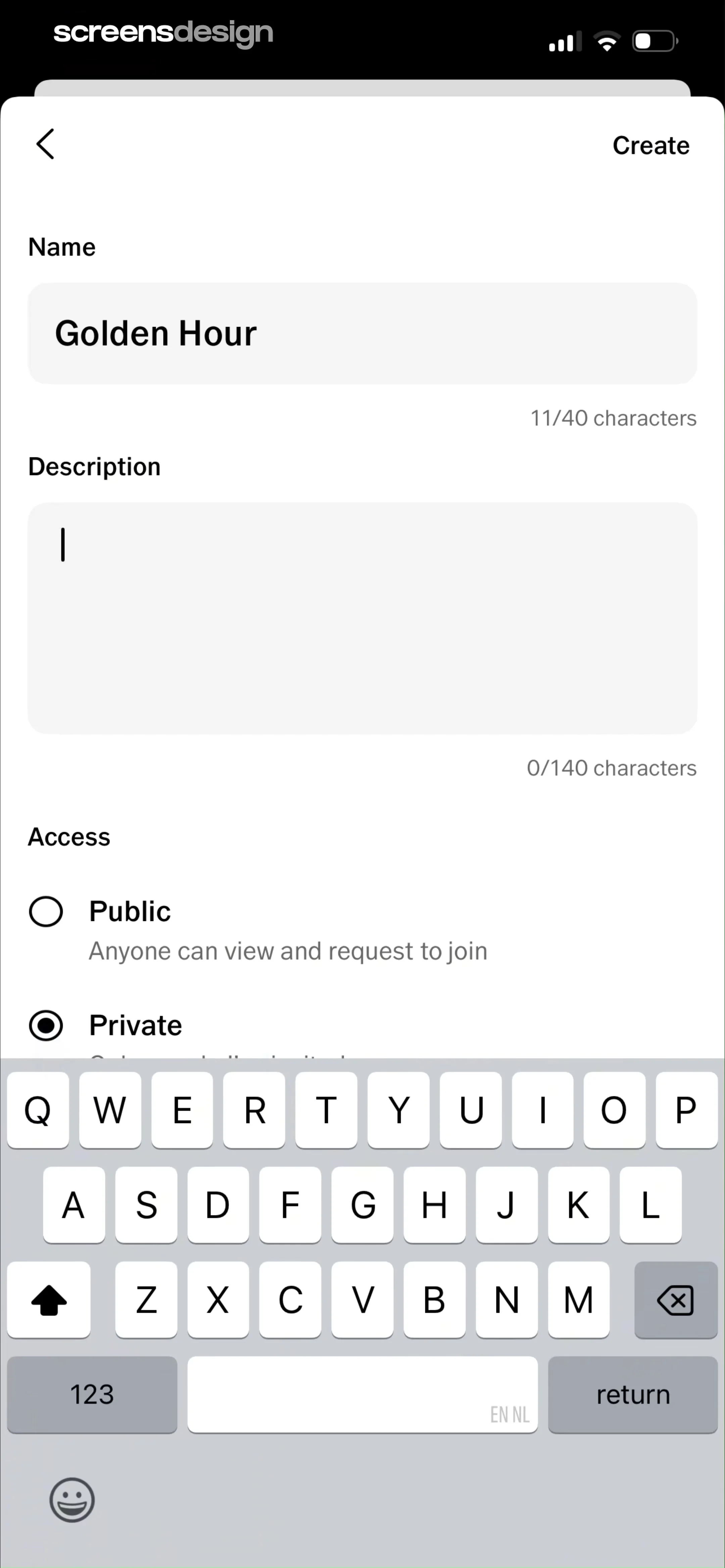
Creation form for a new group with Name, Description, and Private access selected, featuring a Create button and an active keyboard.
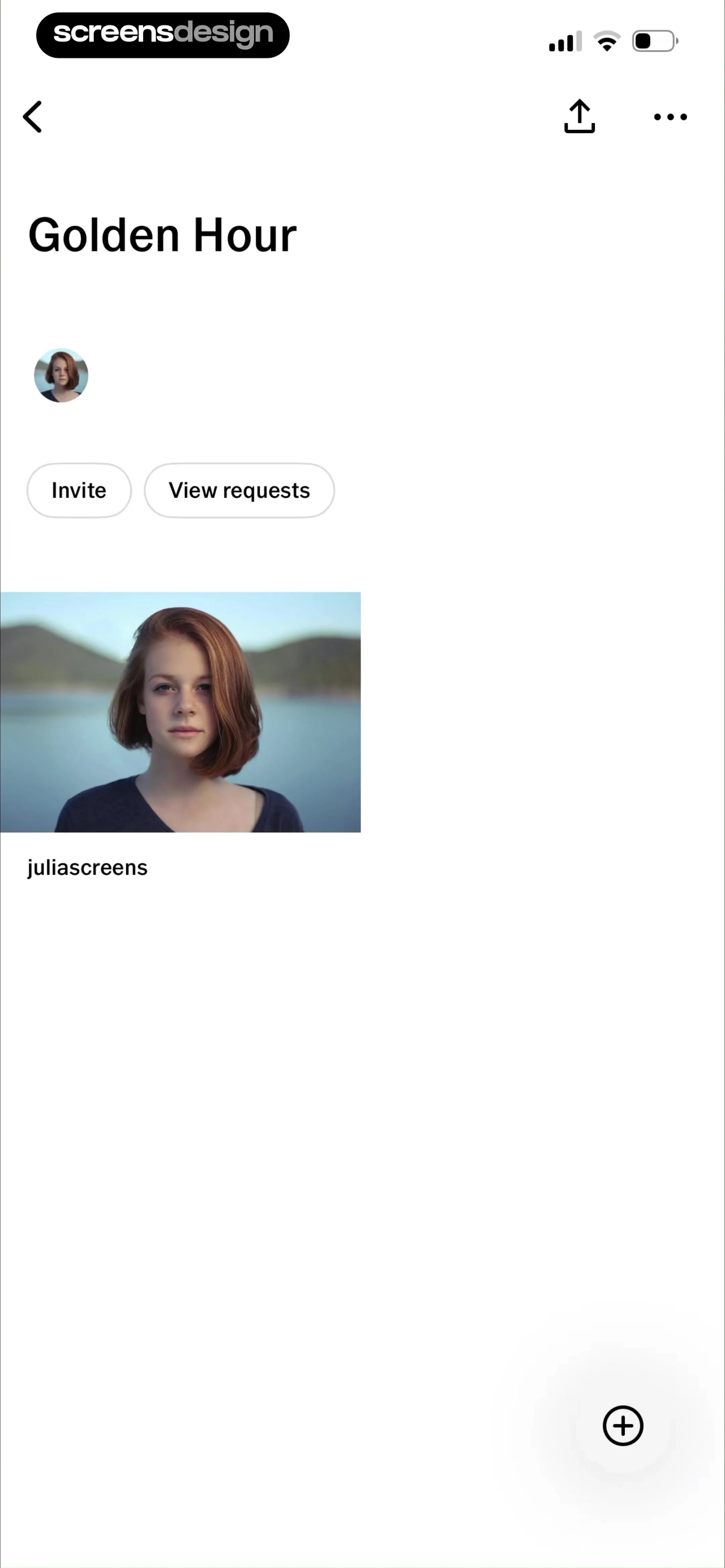
Collaborative space screen titled Golden Hour with an invite button, user avatar, photo preview, and a floating plus action button.
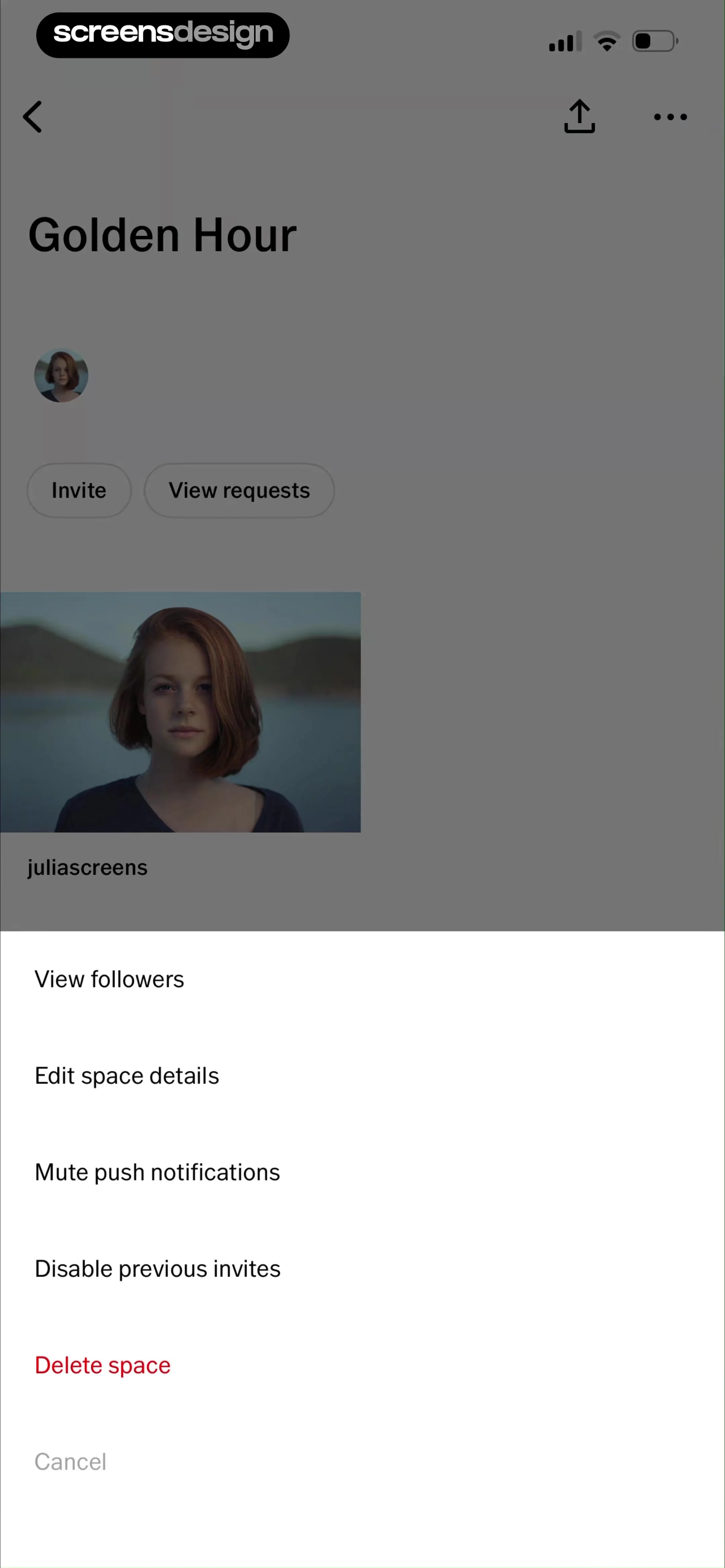
Space management menu showing administrative options like editing details and deleting the space inside a bottom-sheet modal.
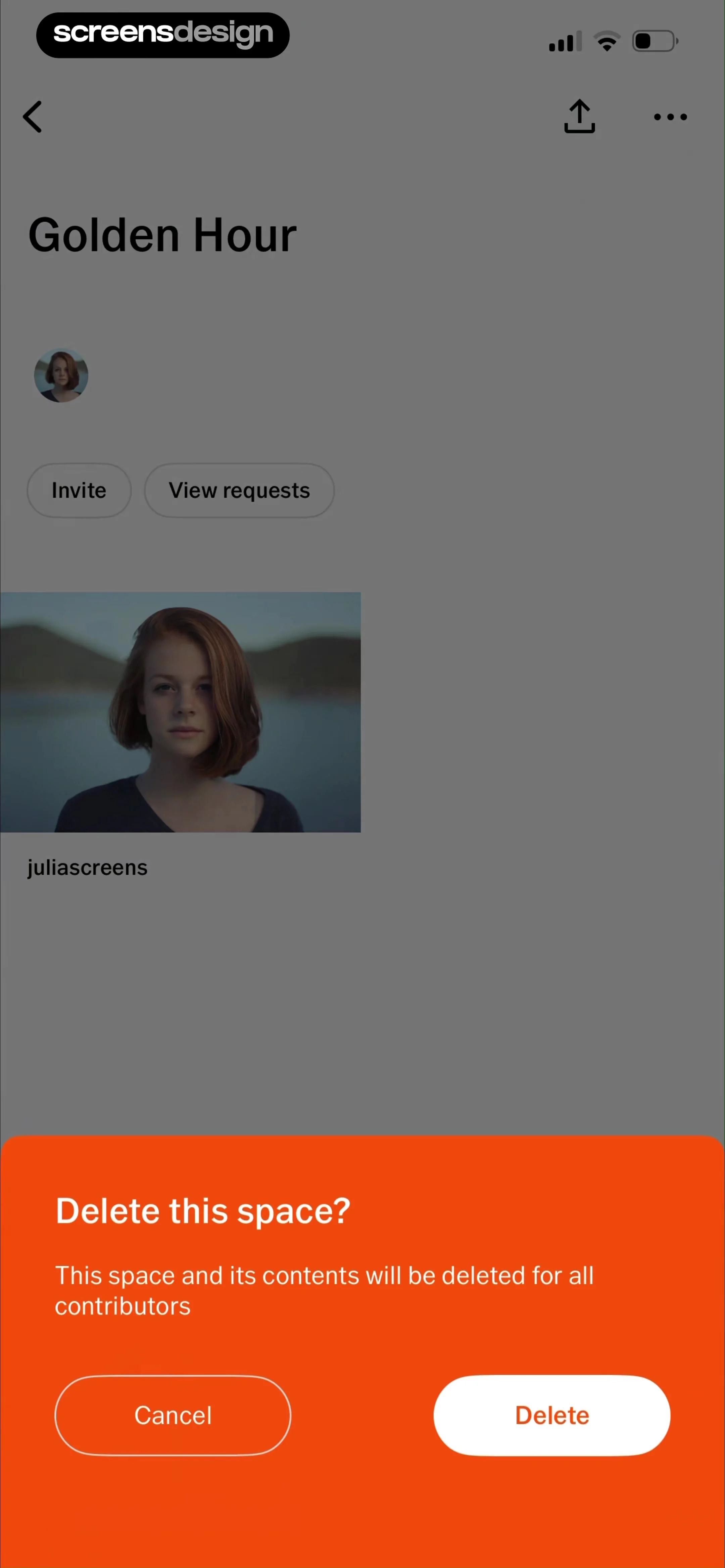
Space deletion confirmation modal with a warning message and Cancel and Delete buttons over the space management page.
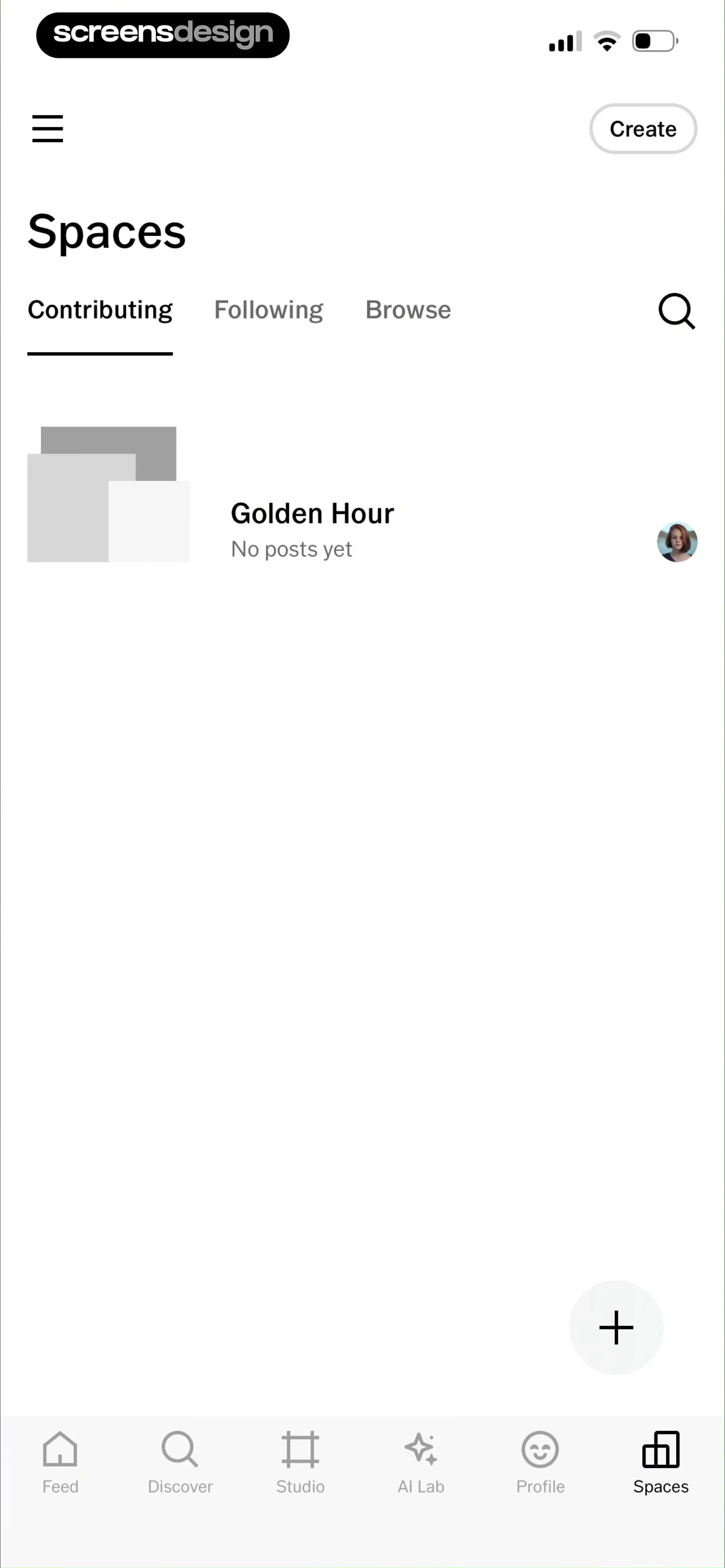
Spaces feed showing the Contributing tab with a Golden Hour list item and a create button.
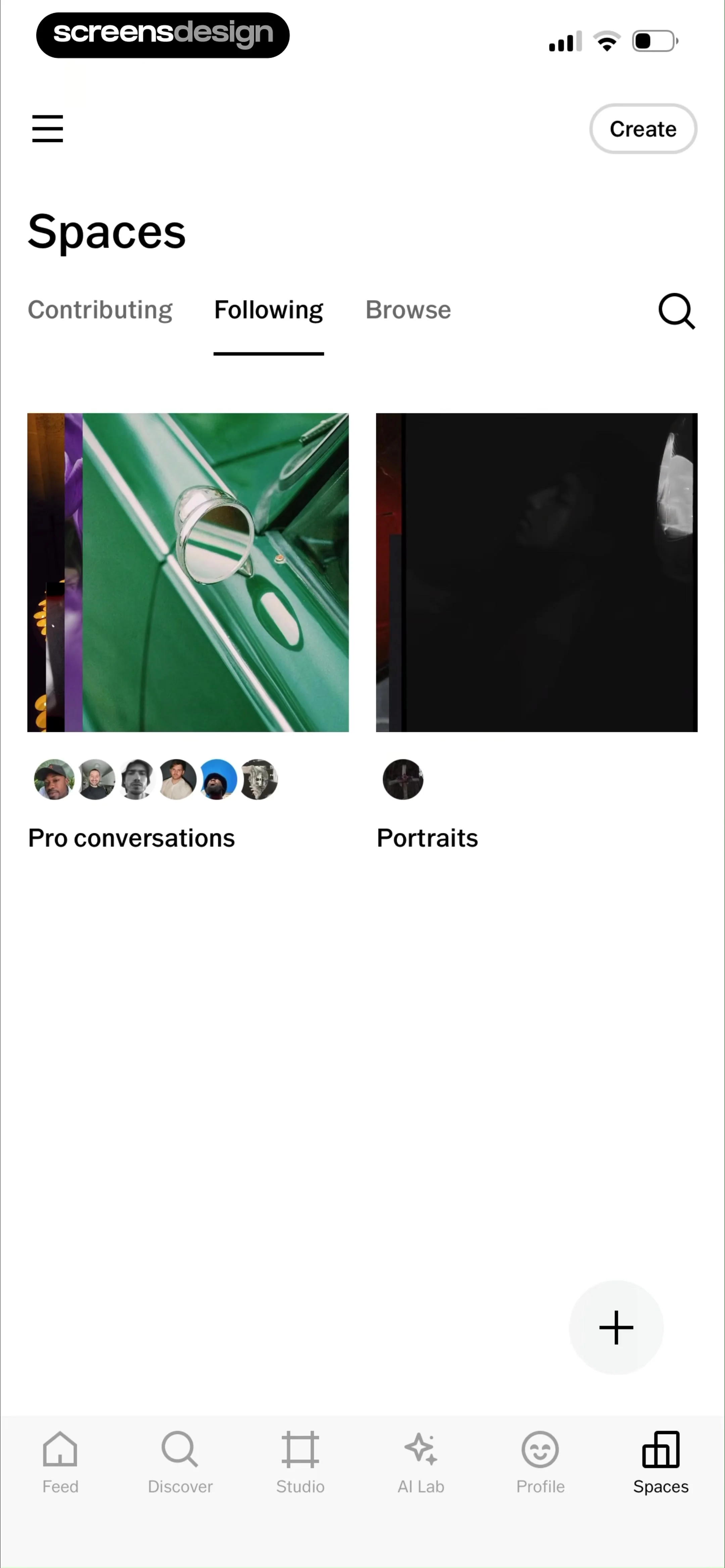
Spaces community section in VSCO featuring a grid of content cards and a floating create button with the Following tab selected.
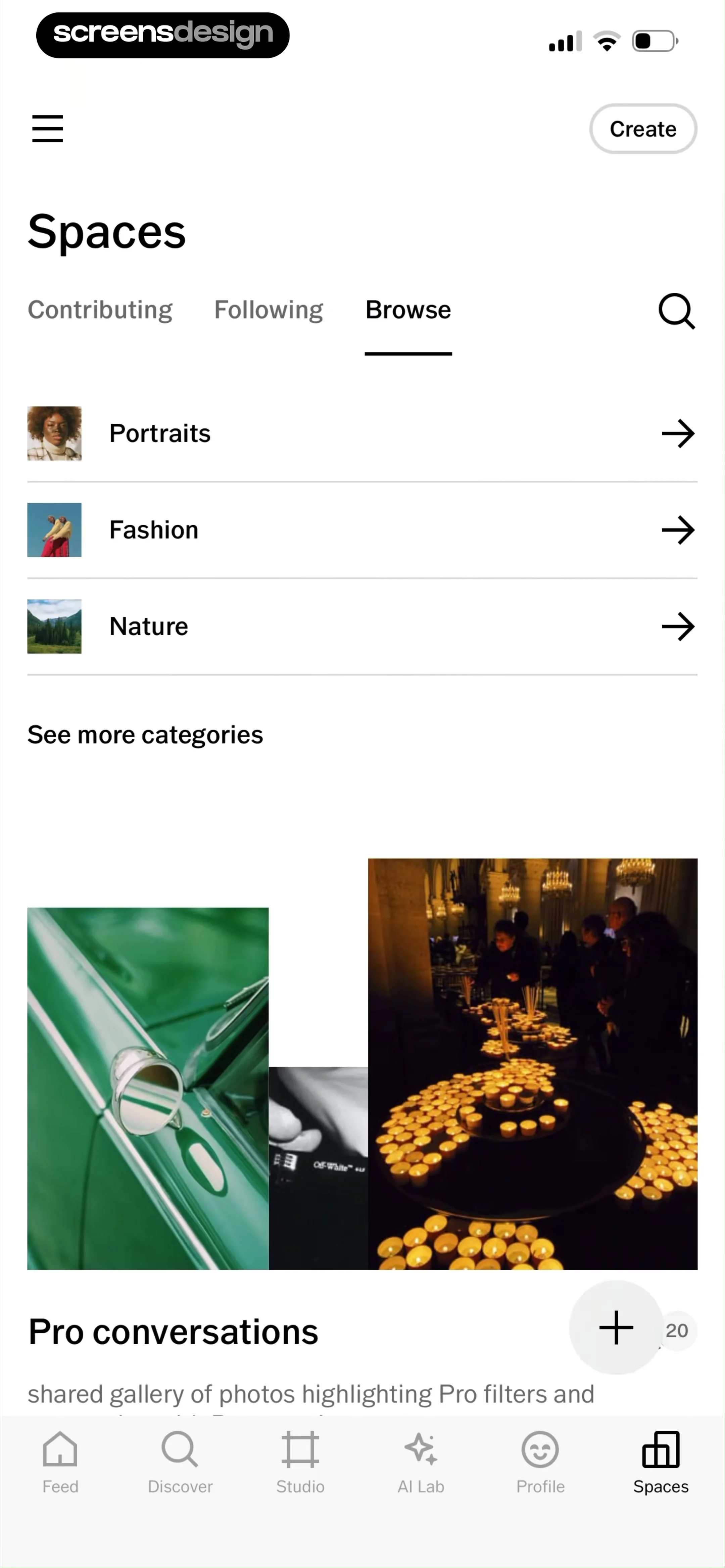
Spaces community hub with category lists, a Pro conversations featured gallery, and a bottom navigation bar.
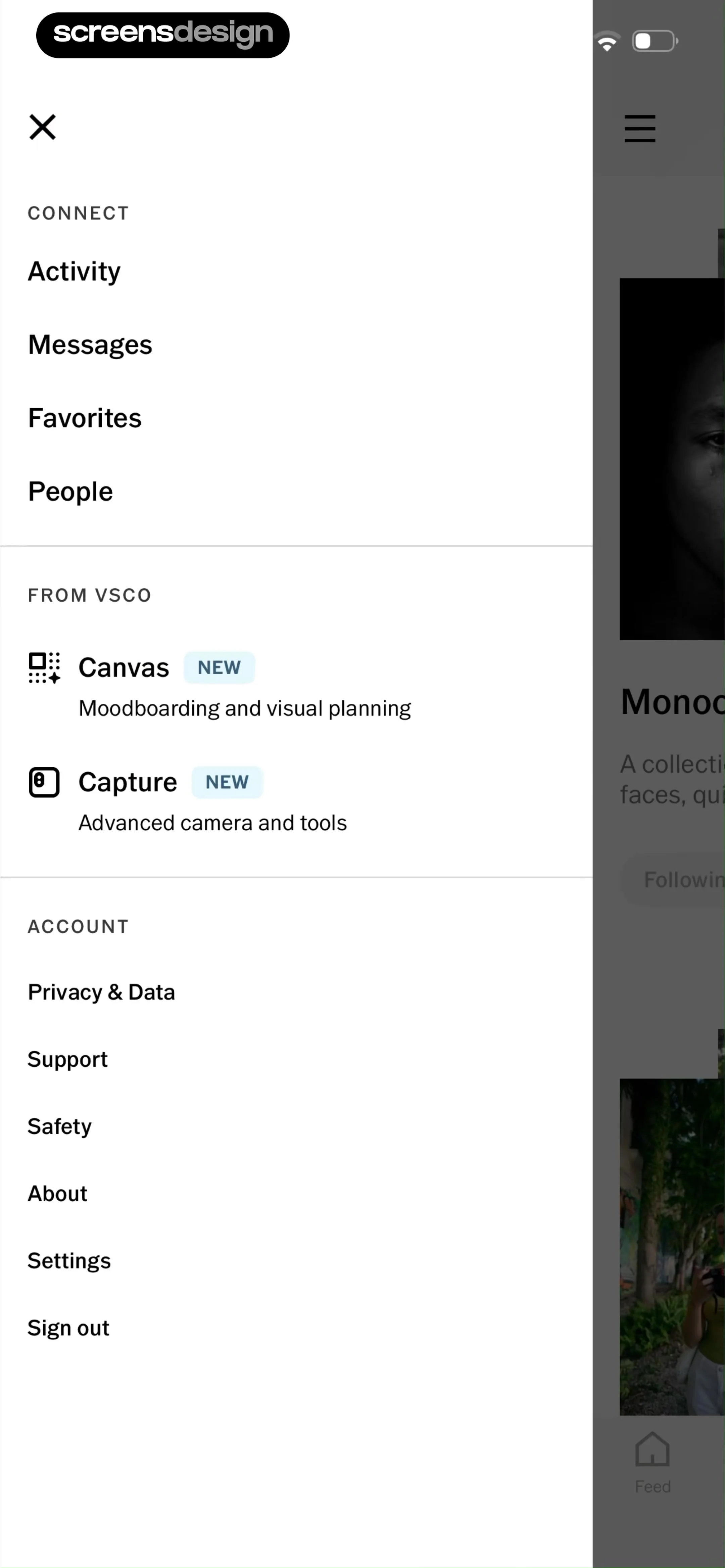
Slide-out navigation menu for the VSCO app displaying grouped sections for connect, features, and account options.
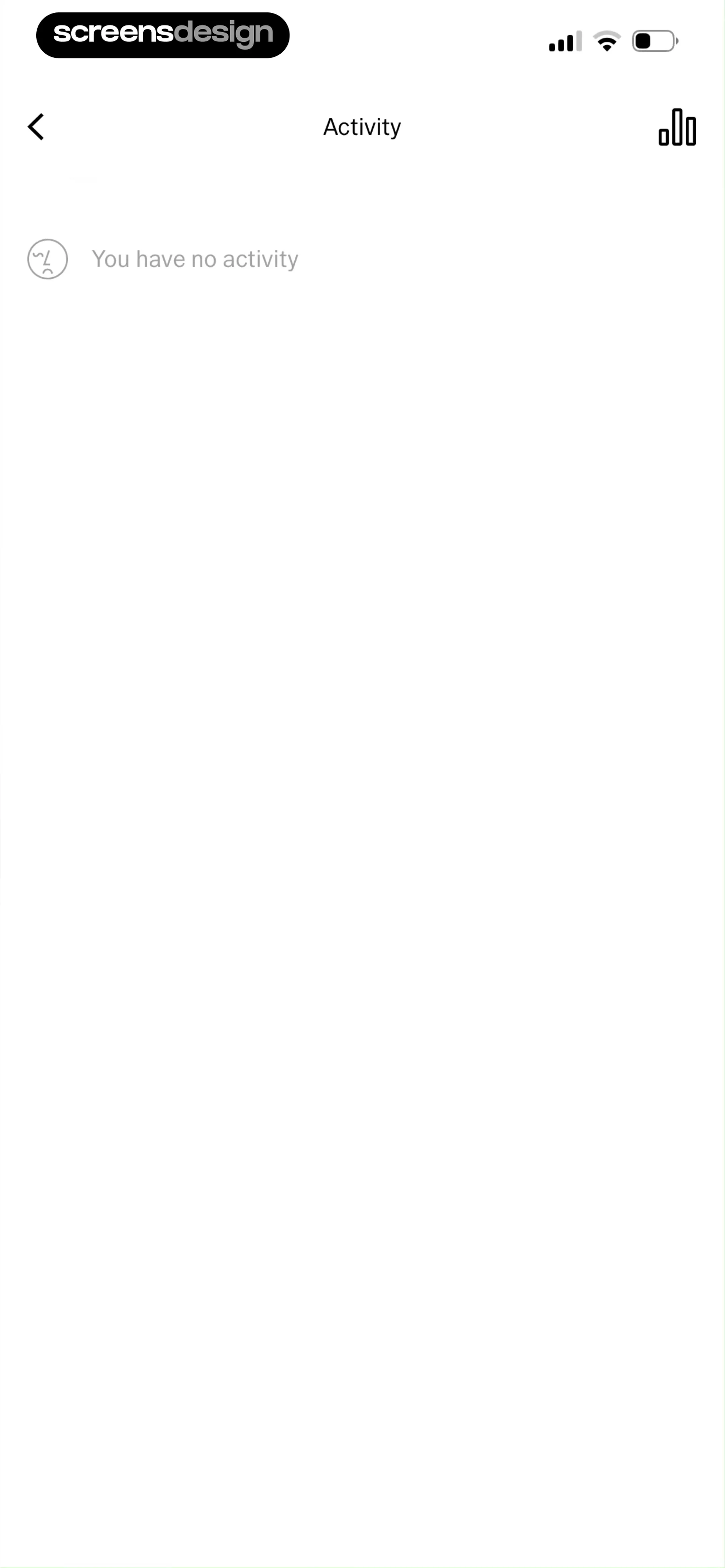
Activity empty state screen displaying the title Activity and the message You have no activity with a back button.
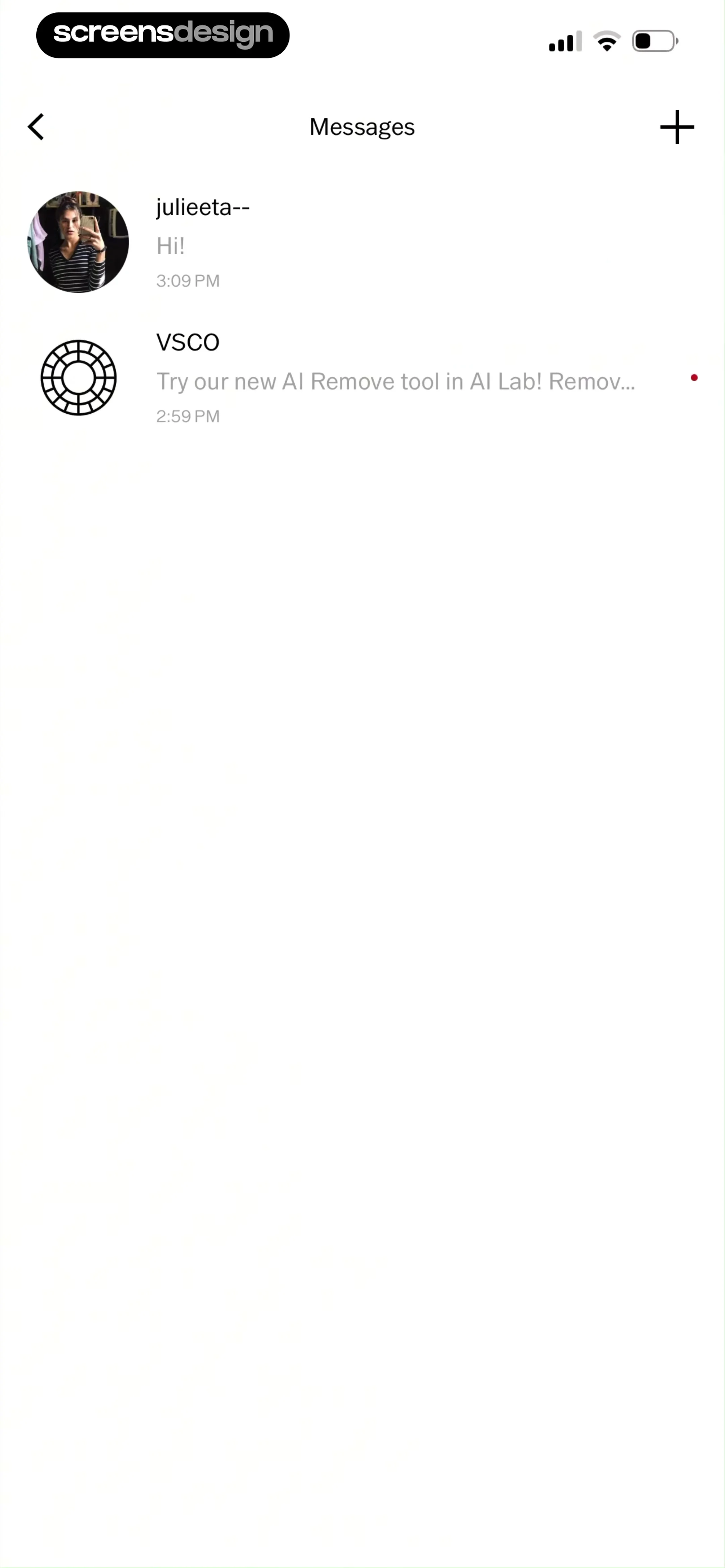
Chat inbox showing a list of message threads including one from a user and an unread notification from VSCO.
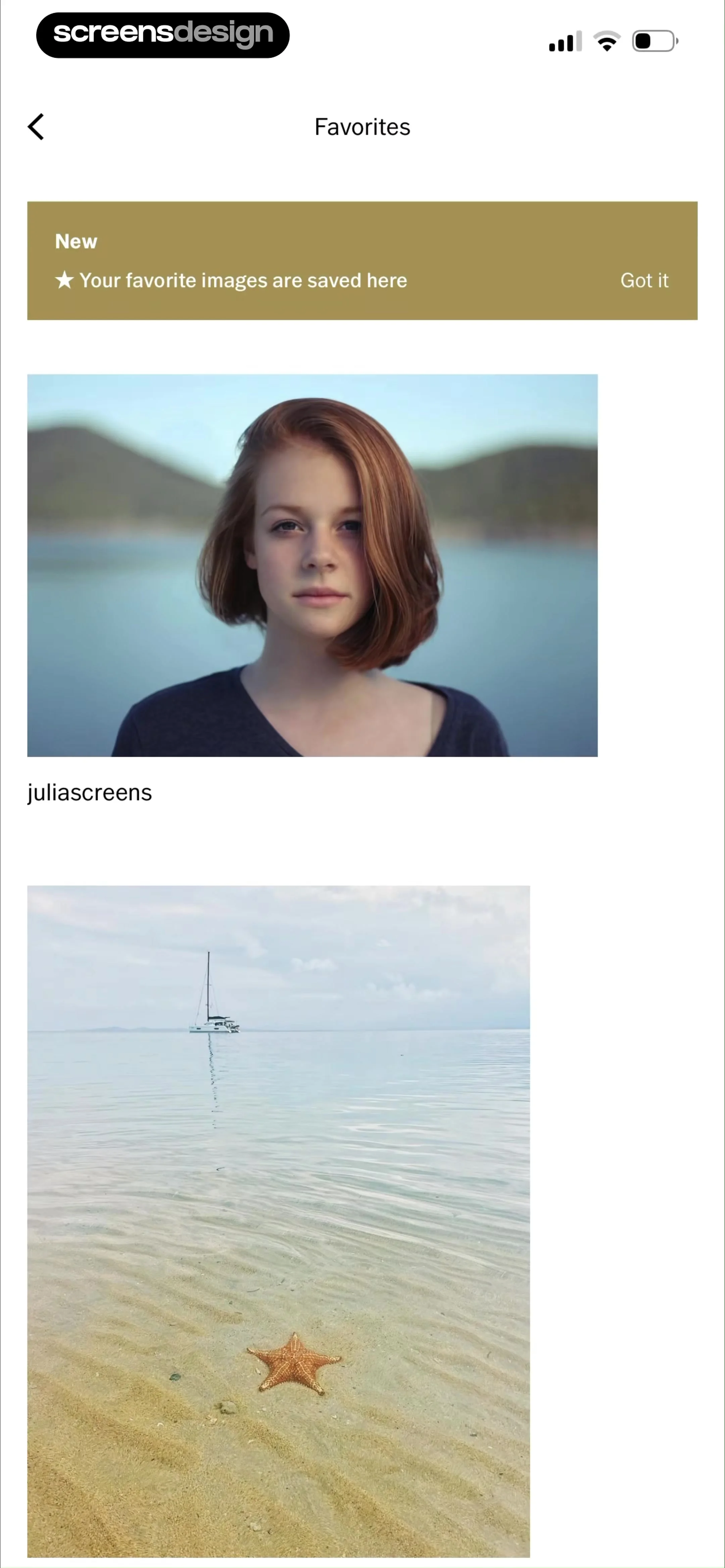
Favorites gallery featuring a vertical list of saved photos and an informational banner with a Got it button.
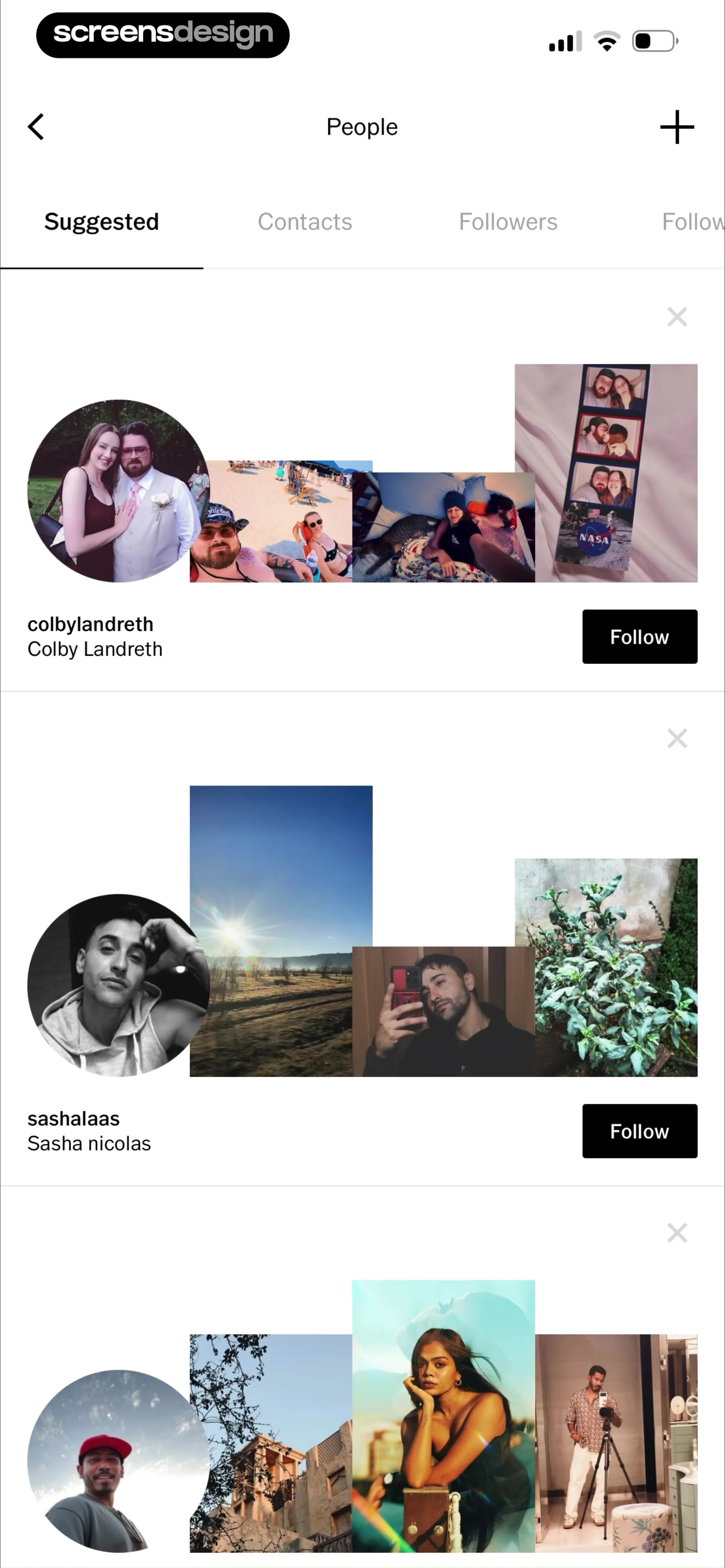
People discovery screen listing user profile cards with recent photo collages, Follow buttons, and the Suggested tab selected.
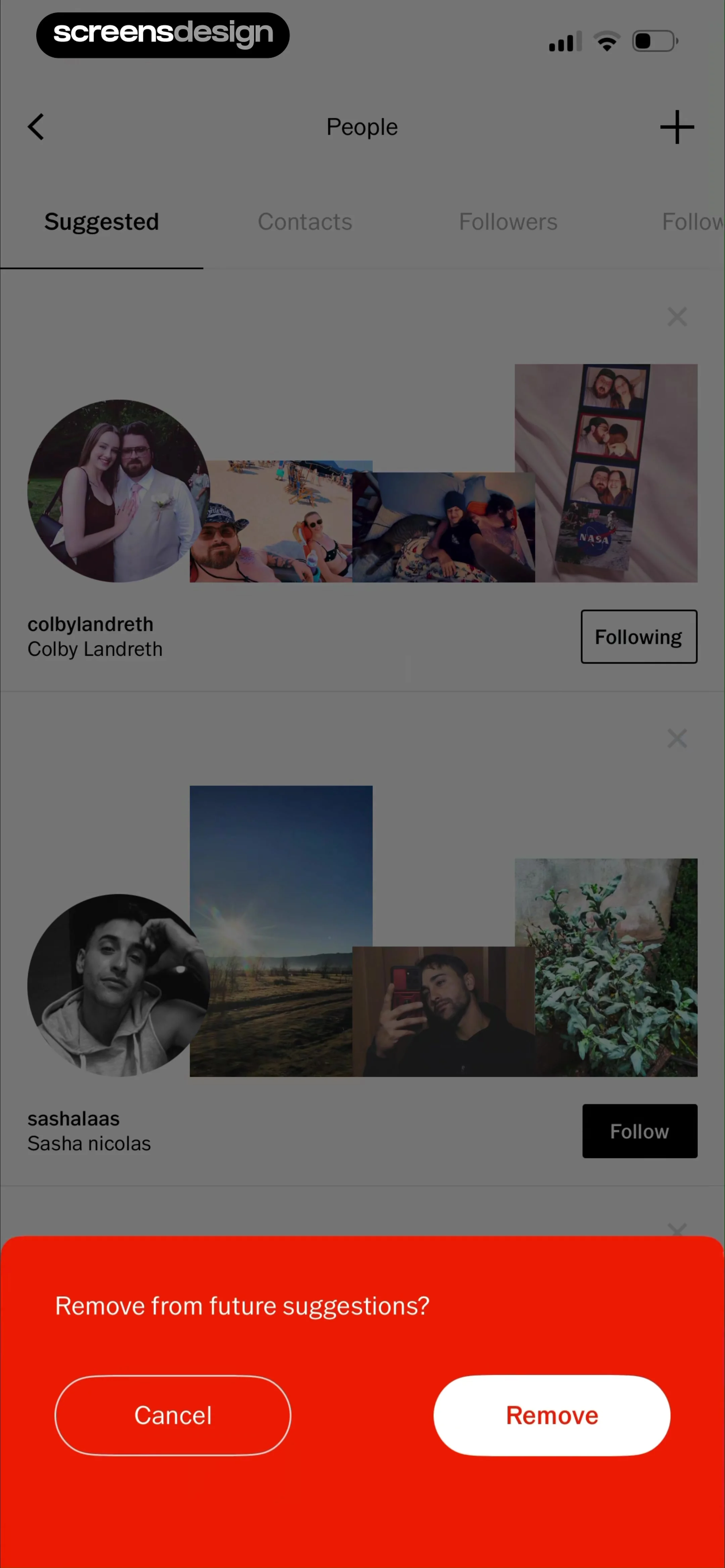
Suggested people list with a bottom modal overlay asking to remove a user from future suggestions, including Cancel and Remove buttons.
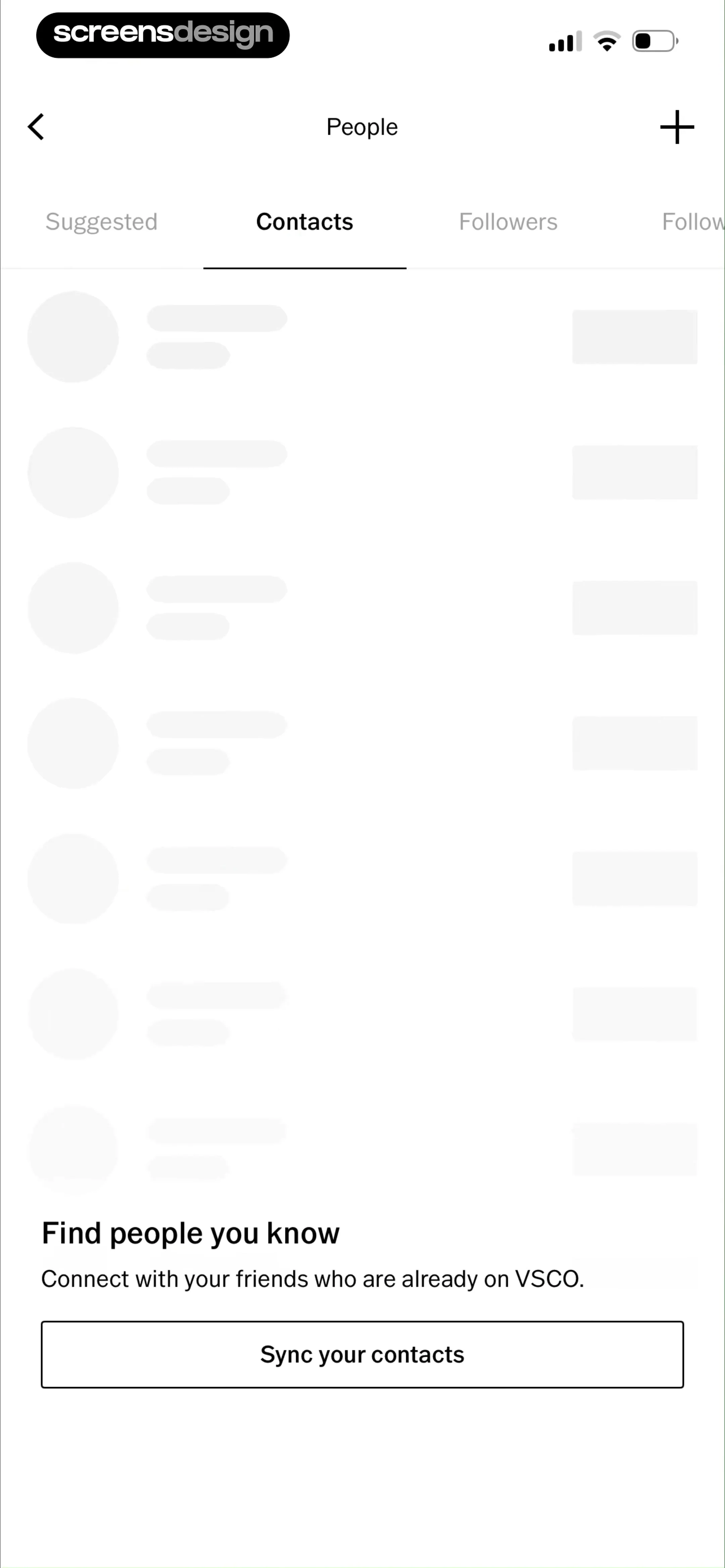
People discovery screen in VSCO with the Contacts tab selected, showing skeleton loading states and a Sync your contacts button.
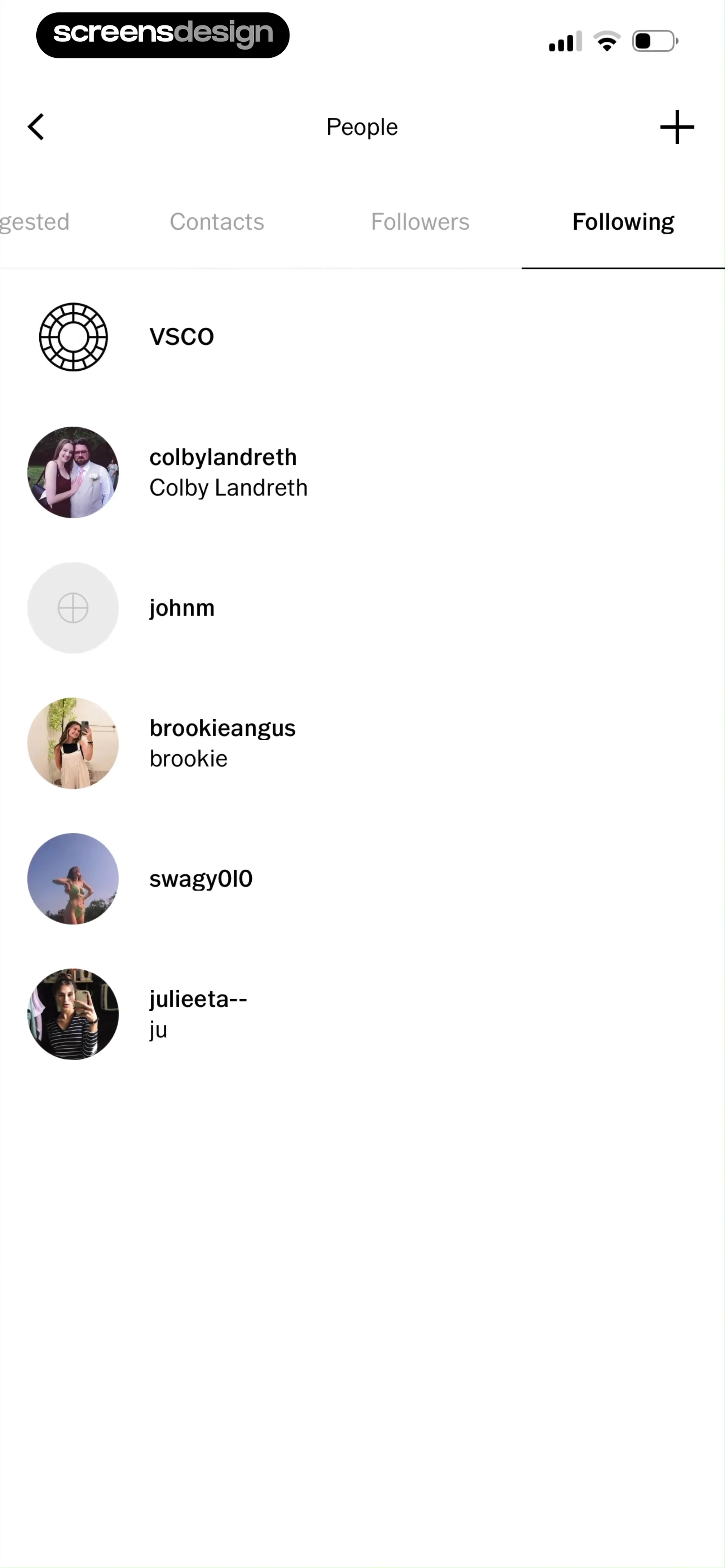
People list in VSCO showing the Following tab with a vertical list of followed user profiles and a top navigation bar.
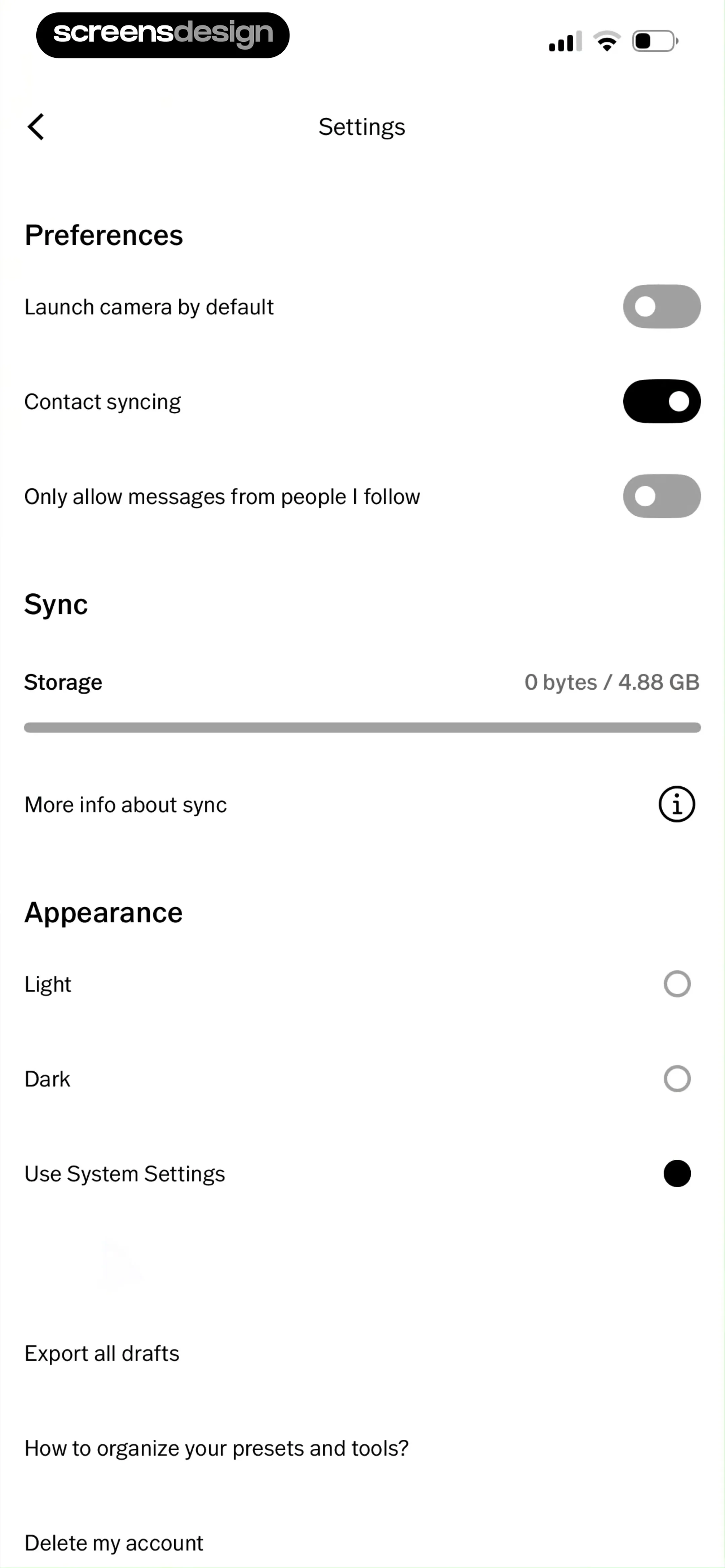
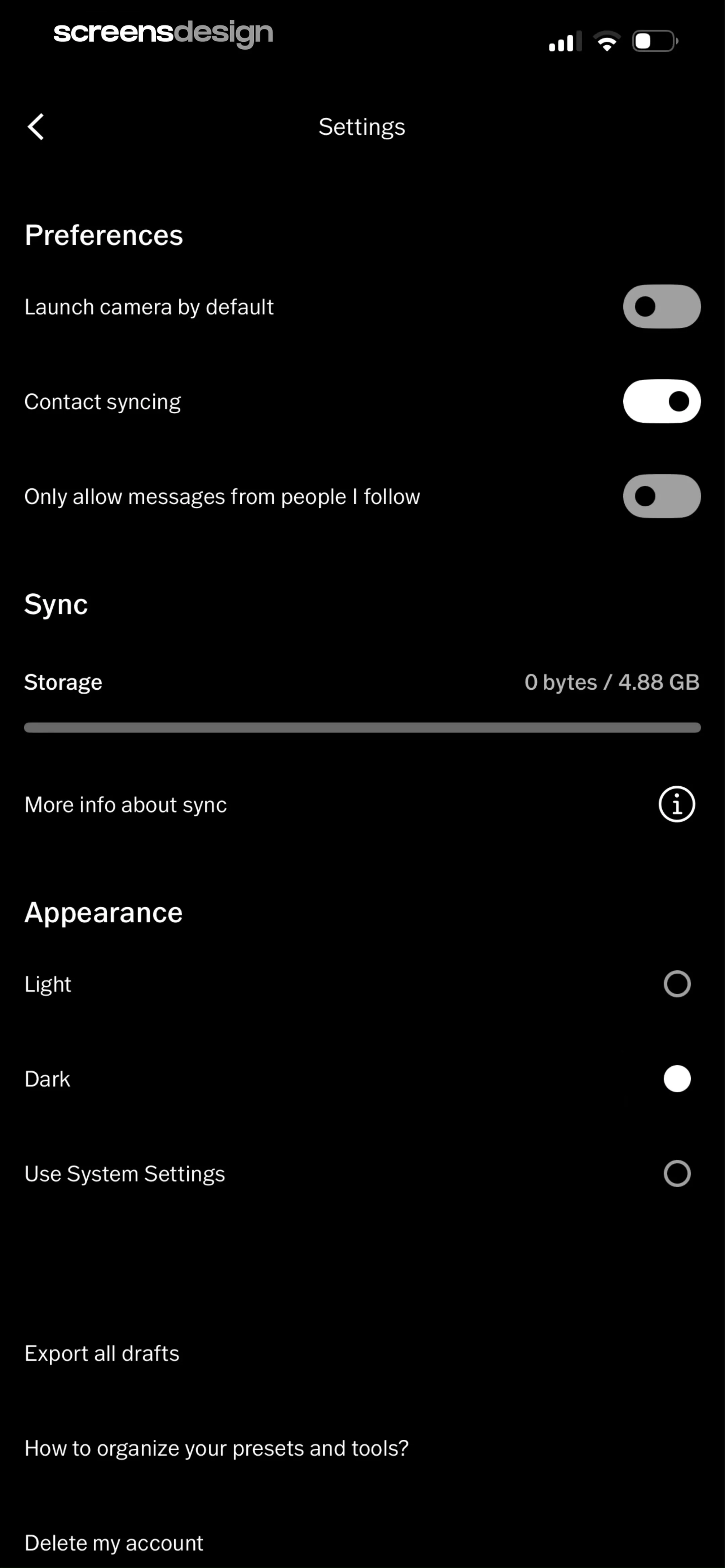
Settings screen with preferences, storage sync details, appearance options with system settings selected, and utility links at the bottom.
VSCO app settings screen featuring preference toggles, storage usage details, and appearance options with the dark theme selected.
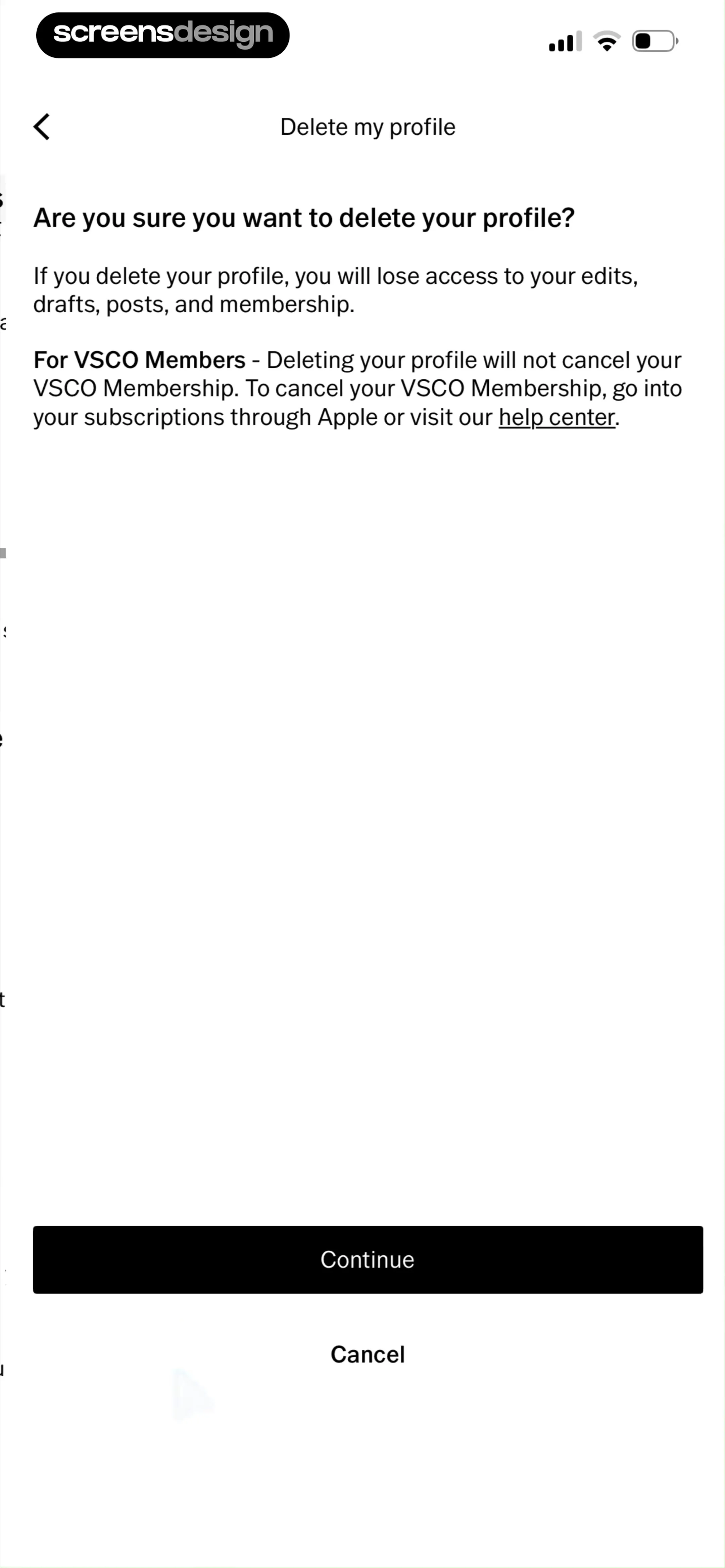
Profile deletion confirmation screen in VSCO with a warning message, Continue button, and Cancel button.
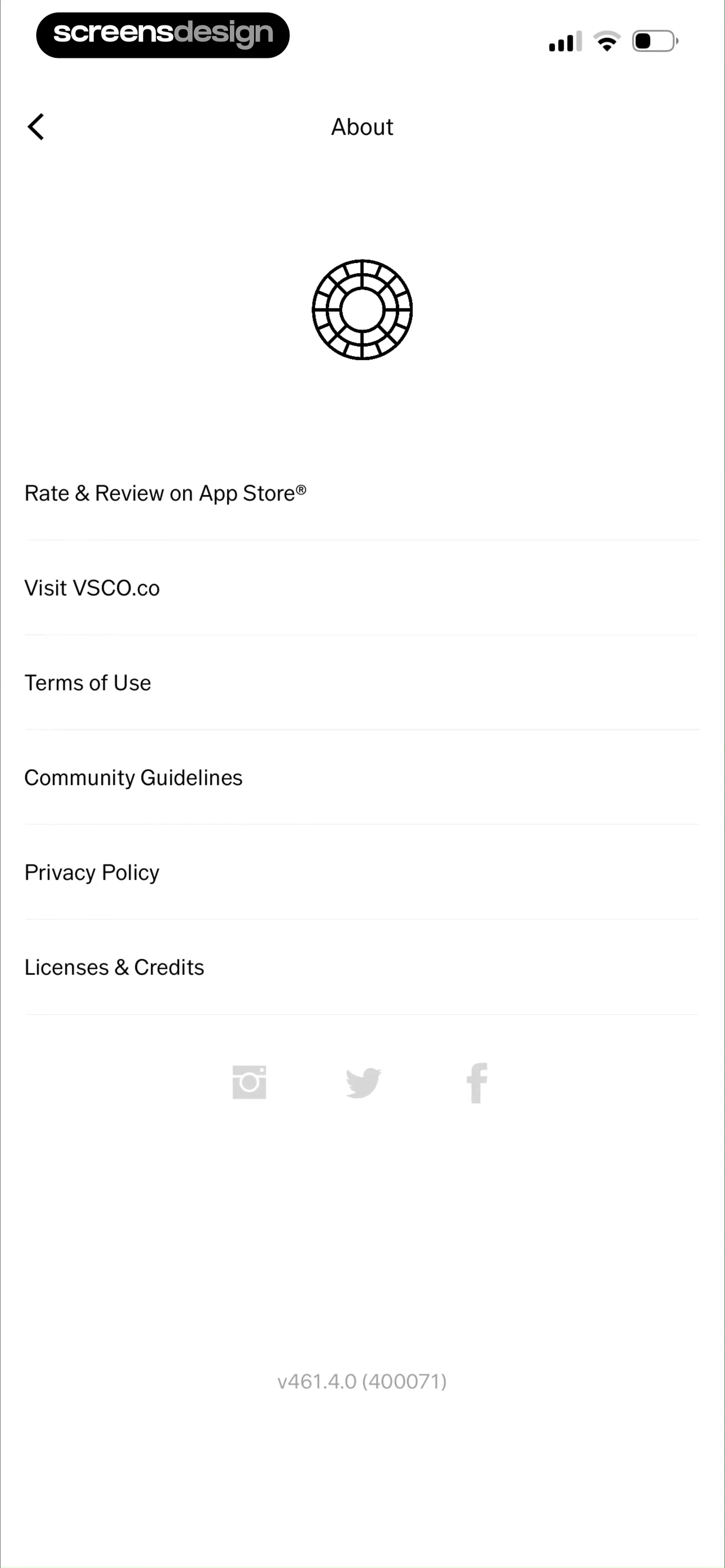
VSCO settings screen listing legal, support, and social links with the app version at the bottom.
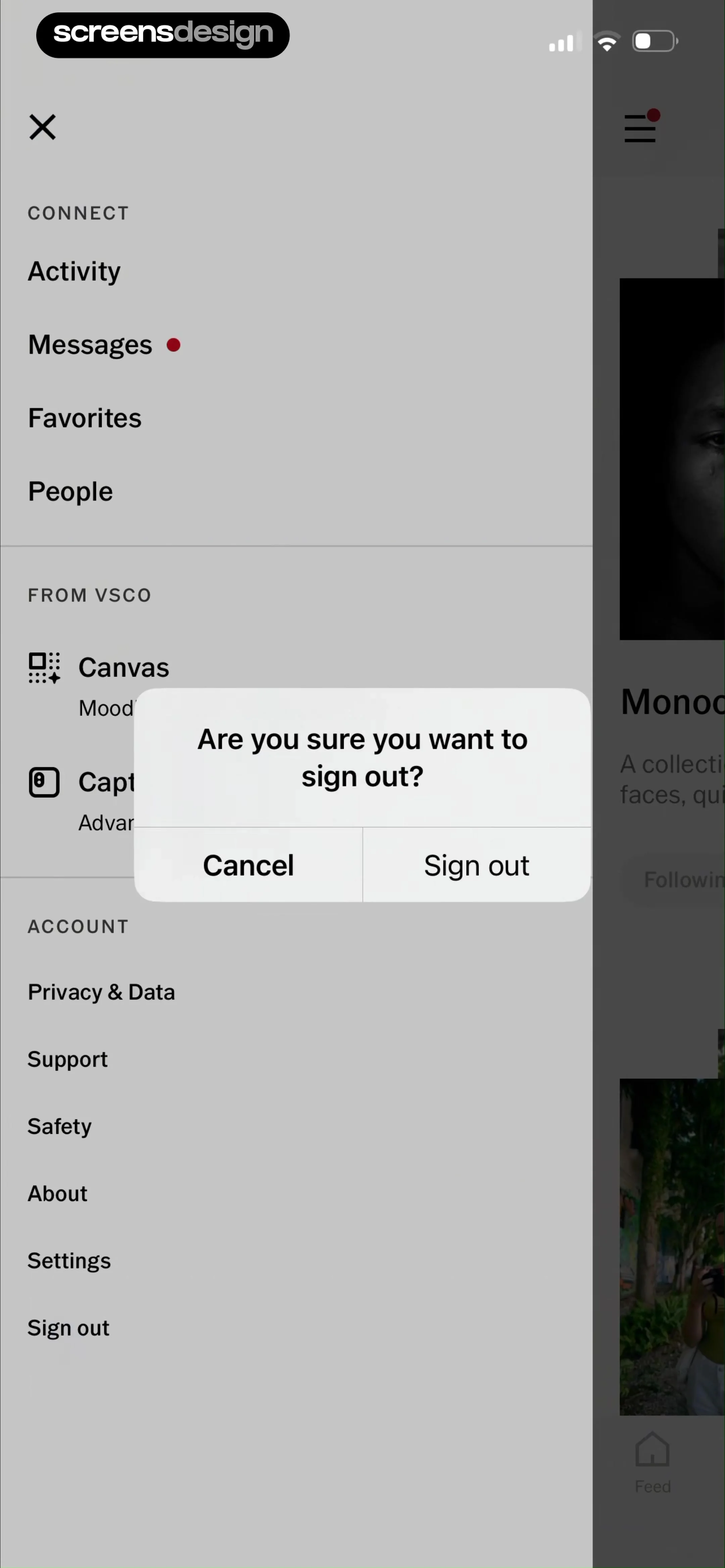
VSCO account settings menu with a confirmation modal asking if you are sure you want to sign out, including Cancel and Sign out buttons.

About VSCO: Photo & Video Editor

A comprehensive photography platform offering professional-grade AI photo and video editing tools, creative presets, collaborative community spaces, and portfolio features.

Explore VSCO: Photo & Video Editor across ScreensDesign

Apps similar to VSCO: Photo & Video Editor

Unlock all similar apps

See every comparable app, revenue, installs, and flows.

Unlock Pro
  • Vixer: AI Video Editor & Maker

    4.7
    Popixels Ltd.Revenue$150kInstalls<5k
  • A Color Story: Photo Editor

    4.8
    A Color Story LLCRevenue$65kInstalls7k
  • Uplens: Photo & Video Editor

    4.9
    MPGamesRevenue$200kInstalls45k
  • Photo Up! Picture Editor App

    4.5
    Video editor & maker appRevenue$50kInstalls12k
  • VLLO- Video Editor, Vlog Edits

    4.8
    vimosoftRevenue$350kInstalls50k
  • Picsart AI Photo Editor, Video

    4.7
    PicsArt, Inc.Revenue$6MInstalls1.8M
  • B612 AI Photo&Video Editor

    4.6
    SNOW CorporationRevenue$550kInstalls150k
  • Tezza: Aesthetic Photo Editor

    4.7
    Tezza App LLCRevenue$2MInstalls350k
  • Phlow: Pro Camera Photo Editor

    4.9
    Phlow, Inc.Revenue$55kInstalls<5k
  • Visify: AI Photo Generator

    4.7
    GM UniverseApps LimitedRevenue$150kInstalls<5k
  • Darkroom: Photo & Video Editor

    4.8
    Bergen Co.Revenue$35kInstalls<5k
  • MOLDIV Photo Editor, Collage

    4.7
    JellyBus Inc.Revenue$10kInstalls5k
  • GuruShots: Photography Game

    4.4
    Gurushots LtdRevenue$30kInstalls10k
  • EPIK - AI Photo & Video Editor

    4.7
    SNOW CorporationRevenue$1MInstalls500k
  • Movavi - Video & Reels Editor

    4.7
    Movavi Emea LLCRevenue$75kInstalls<5k
  • ism: Retro Camera & Vintage

    4.7
    MWMRevenue$200kInstalls150k
  • Lightroom: AI Photo Editor

    4.8
    Adobe Inc.Revenue$4.8MInstalls750k
  • Glass — Photography Community

    4.7
    Glass Labs Inc.Revenue$15kInstalls<5k
  • VoKit - Image Effects Creator

    4.6
    韵迪 林Revenue$11kInstalls<5k
  • Photoshop Express Photo Editor

    4.7
    Adobe Inc.Revenue$1MInstalls250k
  • Reface: AI Face Swap & Editor

    4.8
    NEOCORTEXT, INC.Revenue$150kInstalls70k
  • InShot - Video Editor

    4.8
    SHANTANU PTE. LTD.Revenue$1MInstalls1.3M
  • Unfold: Reels & Story Maker

    4.9
    Squarespace, Inc.Revenue$350kInstalls20k
  • Magisto Video Editor & Maker

    4.6
    Vimeo, Inc.Revenue$150kInstalls<5k
  • Layout for Instagram: Collage

    4.8
    Shamble, Inc.Revenue$40kInstalls70k
  • Instories: AI Photo & Video

    4.7
    Ylee Studio LTDRevenue$1.3MInstalls200k
  • Layout Photo Collage - Mixgram

    4.7
    Lyam AppsRevenue$250kInstalls85k
  • Pixomatic - AI Photo BG Eraser

    4.6
    Easy Tiger Apps, LLC.Revenue$65kInstalls<5k
  • Afterlight: Film Photo Editor

    4.7
    Afterlight Collective, IncRevenue$15kInstalls<5k
  • UNUM — Layout & Feed Preview

    4.5
    UNUM, Inc.Revenue$75kInstalls<5k
  • West - Film & Effects

    4.9
    Andrew SawyerRevenue$15kInstalls35k
  • PicPlayPost: Video Editor

    4.8
    Mixcord Inc.Revenue$85kInstalls<5k
  • LightX: AI Generator & Editor

    4.7
    Andor Communications Private LimitedRevenue$35kInstalls<5k
  • PicMonkey Photo + Video Design

    4.8
    PicMonkeyRevenue$25kInstalls<5k
  • Photo Collage Maker: InCollage

    4.8
    SHANTANU PTE. LTD.Revenue$15kInstalls95k
  • Video Maker & Editor: Dizzi AI

    4.7
    IRONTECH LIMITEDRevenue$<5kInstalls<5k
  • AI Photo Editor: Lynsify

    4.7
    UTILITECH LTDRevenue$250kInstalls70k
  • Photo Editоr

    4.7
    VIDEO EDITOR PTE. LTD.Revenue$55kInstalls9k
  • VivaCut - AI Video Editor

    4.5
    Hangzhou Quwei Technology Co., LtdRevenue$40kInstalls55k
  • Presets for Lightroom - FLTR

    4.8
    Onelight Apps CY LtdRevenue$90kInstalls35k
  • Polish - AI Photo Editor

    4.8
    SHANTANU PTE. LTD.Revenue$65kInstalls30k
  • Facetune: Photo & Video Editor

    4.6
    Lightricks Ltd.Revenue$11MInstalls850k
  • Unsplash

    4.9
    Unsplash IncRevenue$<5kInstalls13k
  • Behance – Creative Portfolios

    4.6
    Adobe Inc.Revenue$<5kInstalls50k
  • Canva AI Photo & Video Editor

    4.9
    CanvaRevenue$34MInstalls5.3M
  • Splice - Video Editor & Maker

    4.6
    Bending Spoons Apps ApSRevenue$2.8MInstalls50k
  • Esti: Aesthetic Photo Editor

    4.6
    Prequel Inc.Revenue$800kInstalls250k