Vids AI - Reels Video Editor

$750k revenue, 4.8 rating

App walkthrough
0:00 / 13:39

Onboarding flow, Paywall & Inside the App

Watch the full screen-by-screen UX video of Vids AI - Reels Video Editor with onboarding, paywall, and every core flow.
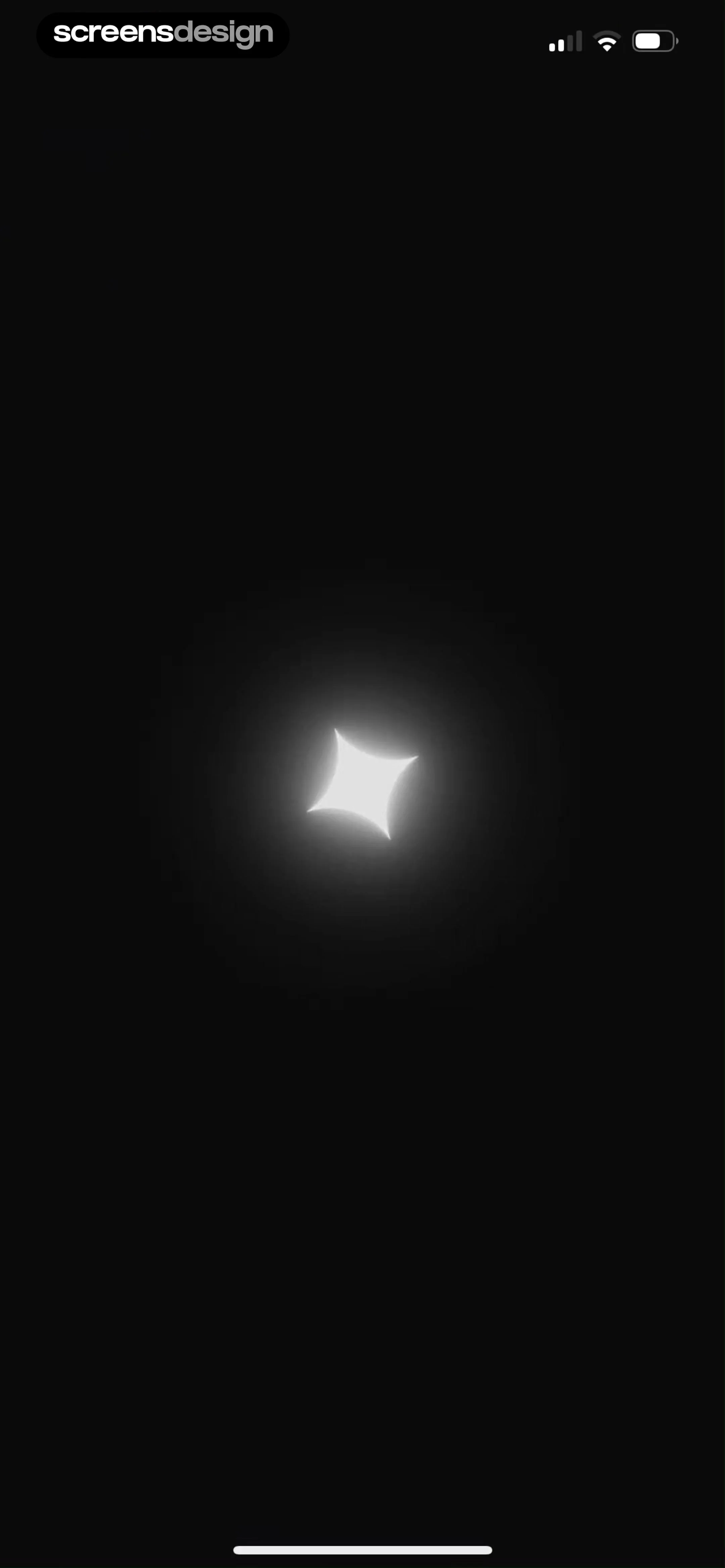
App loading screen with a single centered sparkle icon on a solid black background.
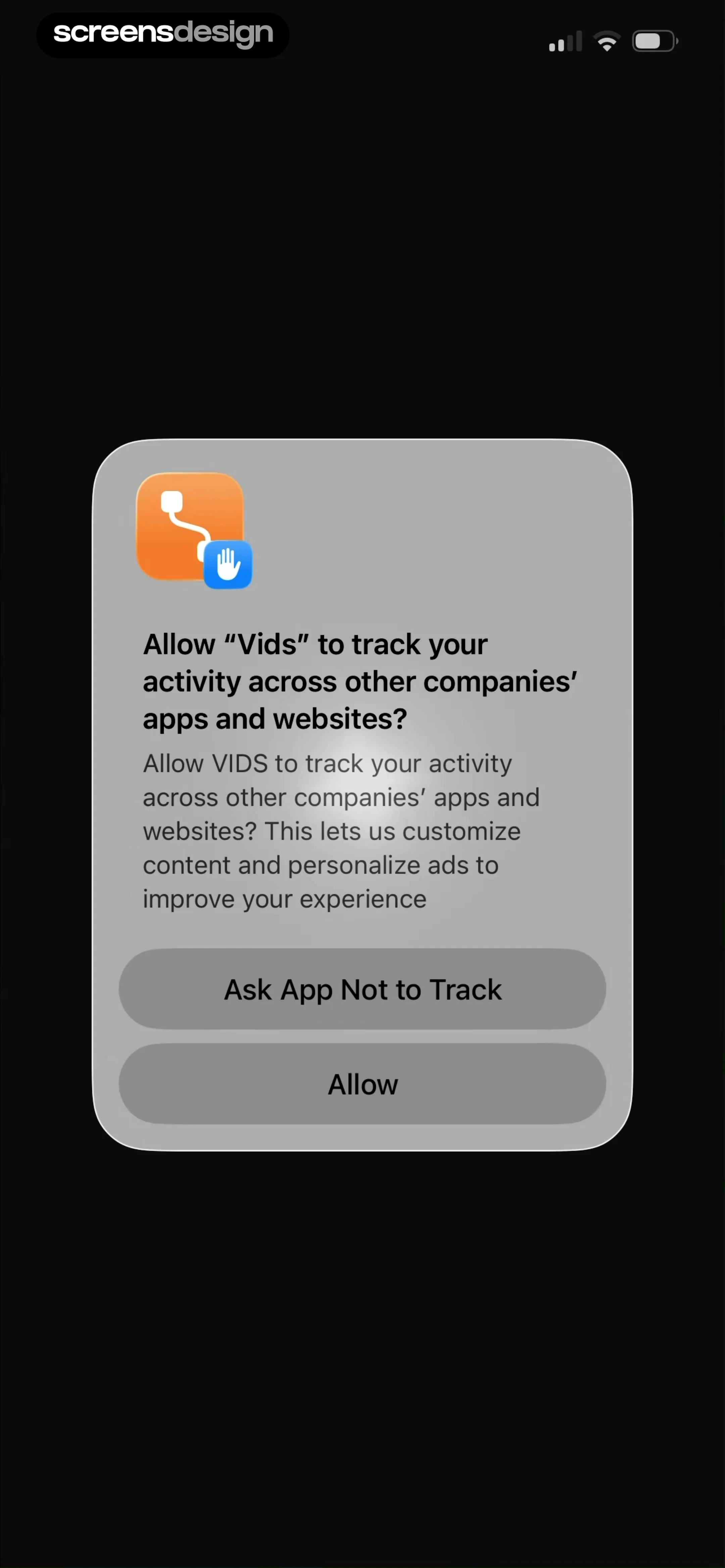
Permissions modal asking whether to allow the Vids app to track activity across other companies' apps and websites, with two stacked buttons.
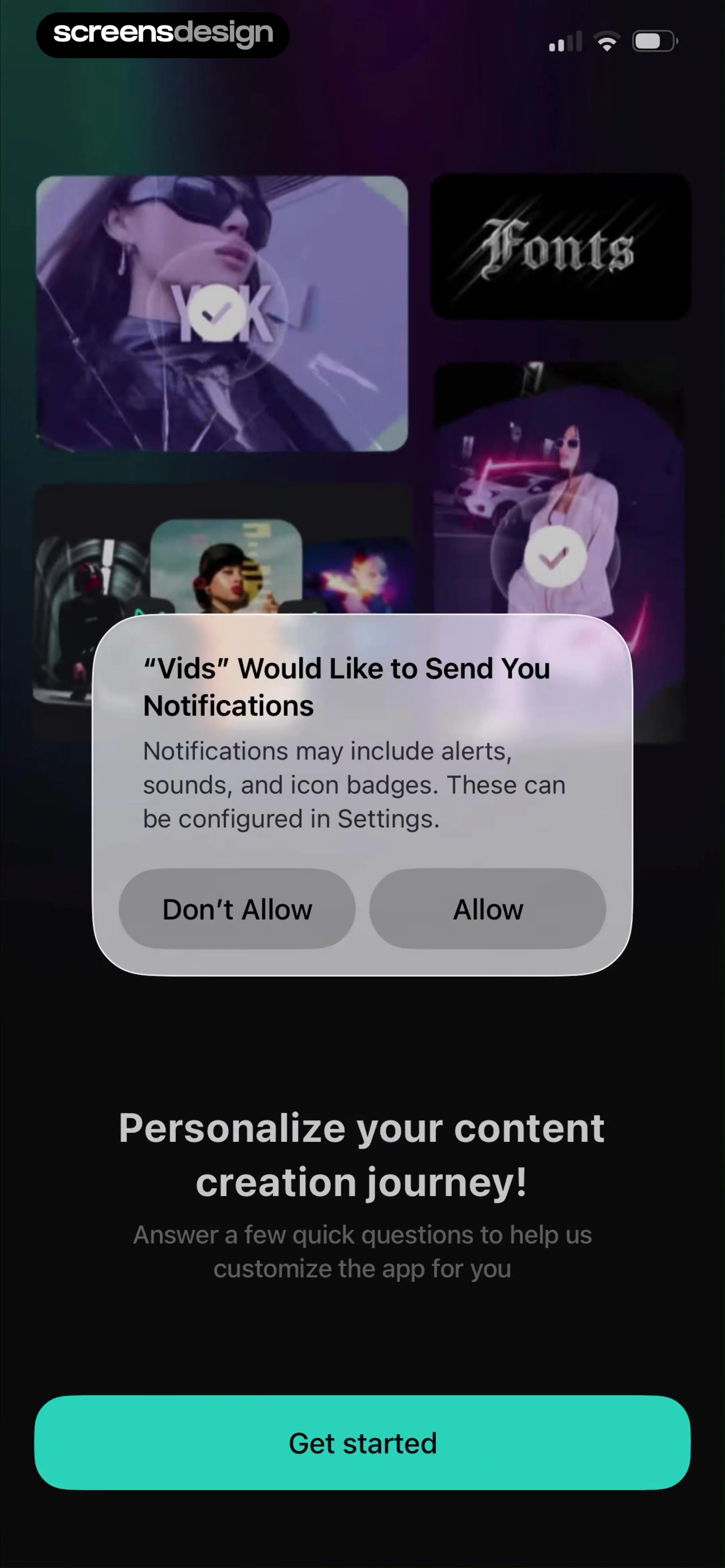
Permission request screen with a notification prompt overlay on a dark background and a Get started button.
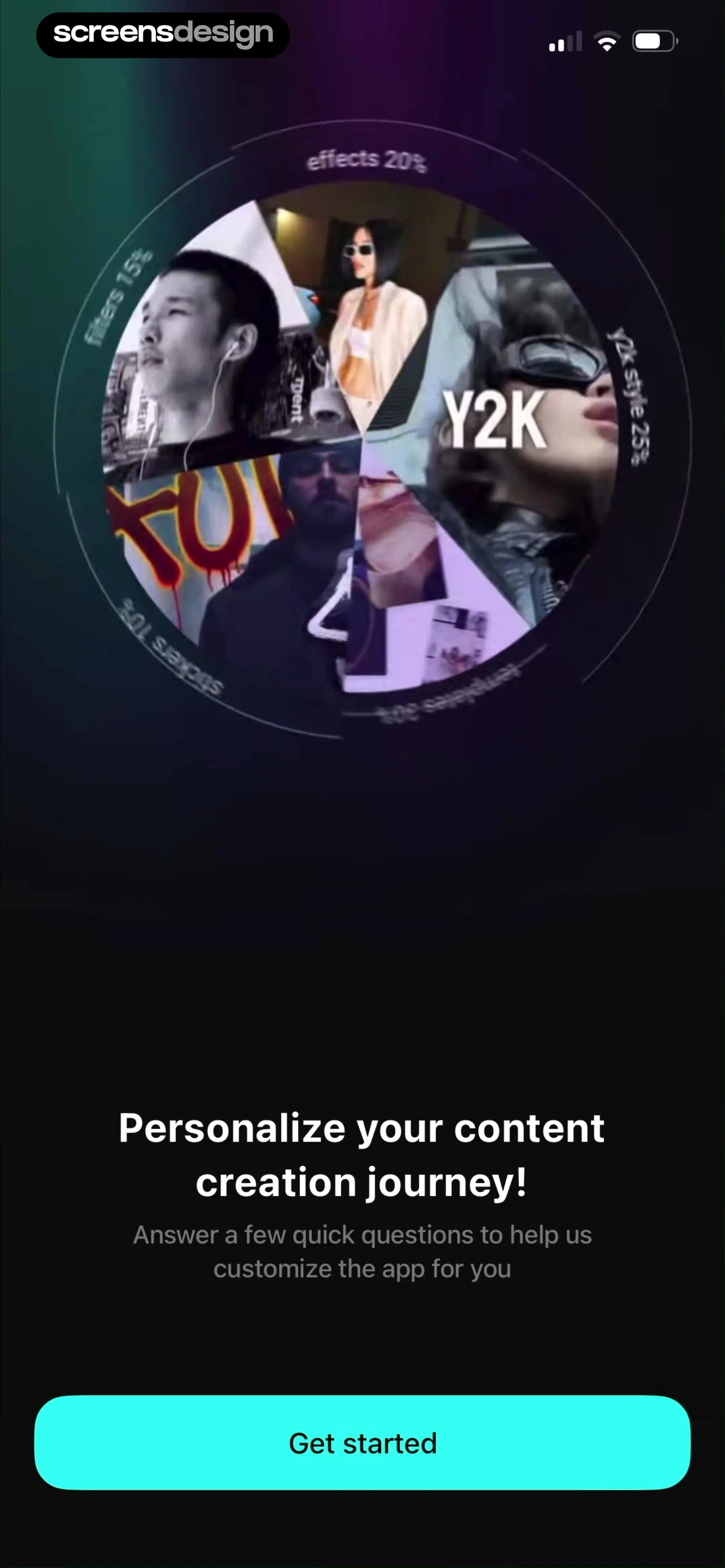
Onboarding screen inviting users to personalize their experience, featuring a pie chart graphic and a Get started button.
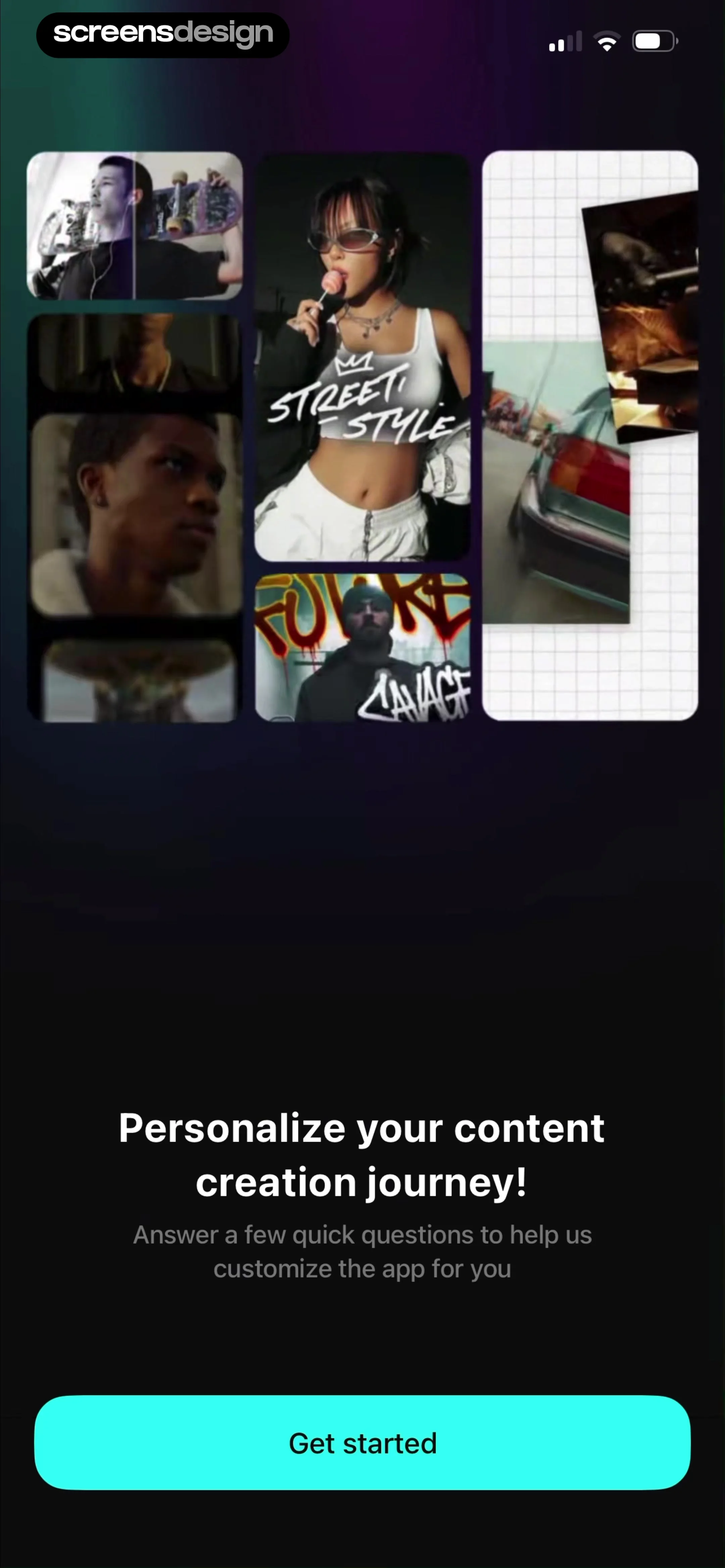
Onboarding screen featuring a collage of video thumbnails, a personalization prompt, and a Get started button.
Onboarding personalization screen asking users to select a role, with Content creator for fun selected and a Continue button.
Onboarding category selection screen featuring a grid of image cards with several options selected and a bottom Continue button.
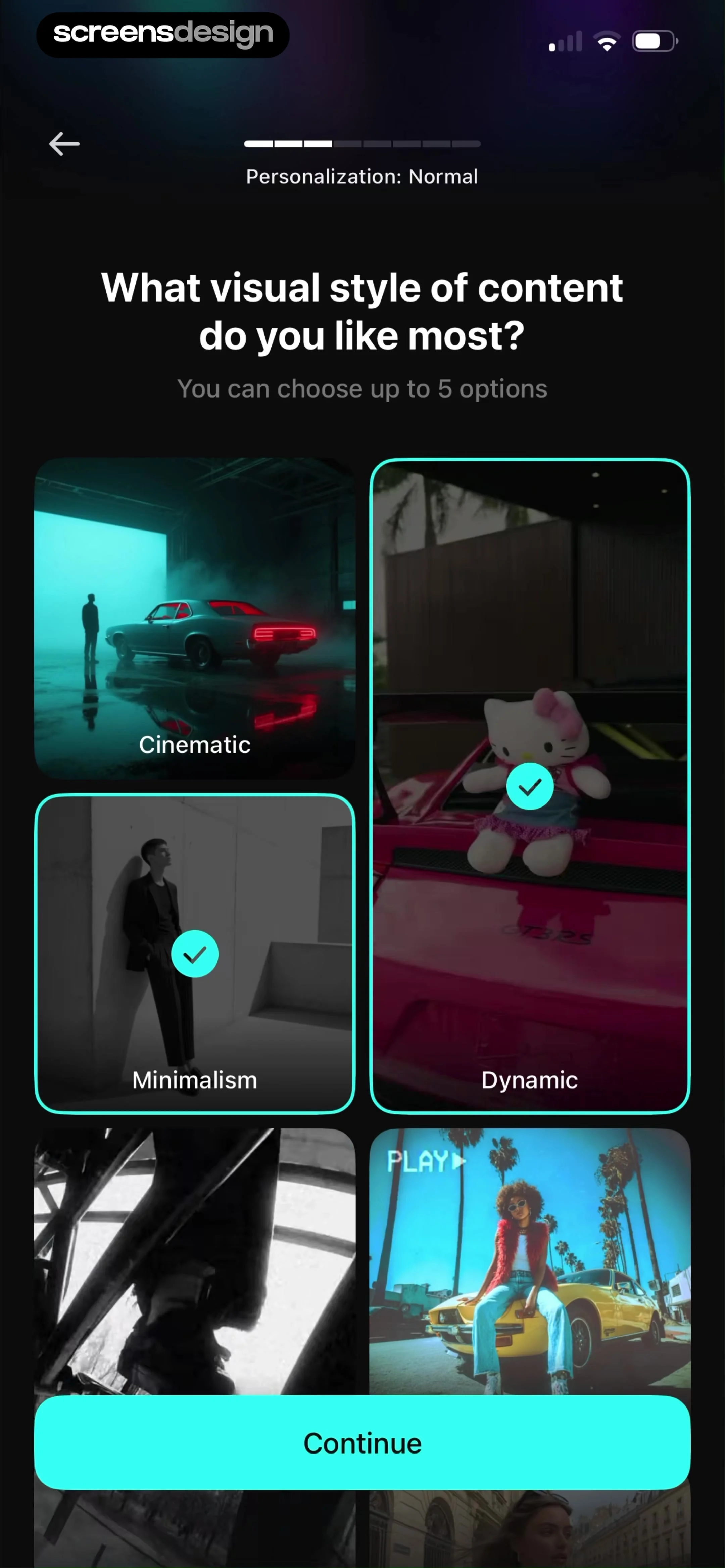
Onboarding preference screen asking for visual style with a grid of image cards and a Continue button.
Onboarding feature selection screen with a grid of cards, with Filters and Video Editor selected and a Continue button.Unlock Pro
Onboarding personalization screen with a question about creating AI photos or videos, the Yes option selected, and a Continue button.Unlock Pro
Onboarding screen asking for AI content interests with side-by-side selection cards, the product content card selected, and a Continue button.Unlock Pro
Onboarding personalization screen with a slider asking how much time is spent creating content, set to less than one hour per week, and a continue button.Unlock Pro
Onboarding screen asking how much time is spent creating content, with a slider set to three hours per week and a continue button.Unlock Pro
Onboarding personalization screen asking how much time is spent creating content, featuring a slider set to five hours per week and a continue button.Unlock Pro
Onboarding personalization screen asking about content creation time with a slider, a melting smiley illustration, and a Continue button.Unlock Pro
Onboarding screen featuring a progress indicator, a graph about free time, personalized feed confirmation, and a Continue button.Unlock Pro
Paywall screen offering a PRO subscription at $5 per month billed annually, with a cyan Continue button over a video thumbnail grid.Unlock Pro
Subscription screen comparing yearly and monthly plans with a save badge, feature list, and a Continue button.Unlock Pro
Paywall screen comparing yearly and monthly subscription plans with a feature list, user testimonial, and Continue button.Unlock Pro
Paywall screen comparing yearly and monthly subscription plans with the AI Max plan and yearly option selected, featuring a feature list and Continue button.Unlock Pro
Promotional paywall screen offering a 75 percent discount on an annual subscription, with a countdown timer and a Claim offer button.Unlock Pro
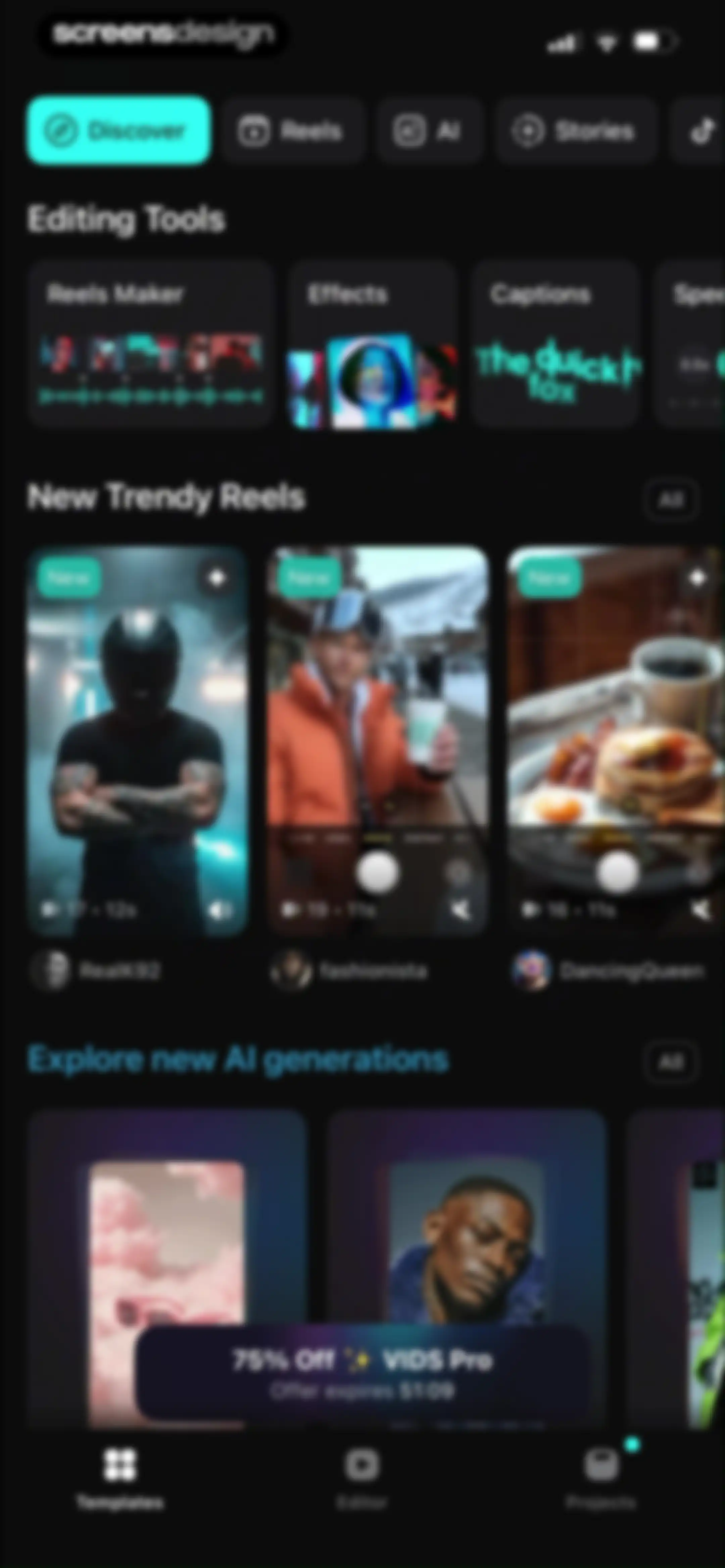
Home screen featuring editing tools, trending video templates, AI generation feeds, and a promotional discount banner for VIDS Pro.Unlock Pro
Video editor interface featuring a top preview with an audio waveform, media selection area, duration settings, and a disabled Create video button.Unlock Pro
Permission request modal asking for full access to the photo library, with media count, privacy disclaimer, and three action buttons.Unlock Pro
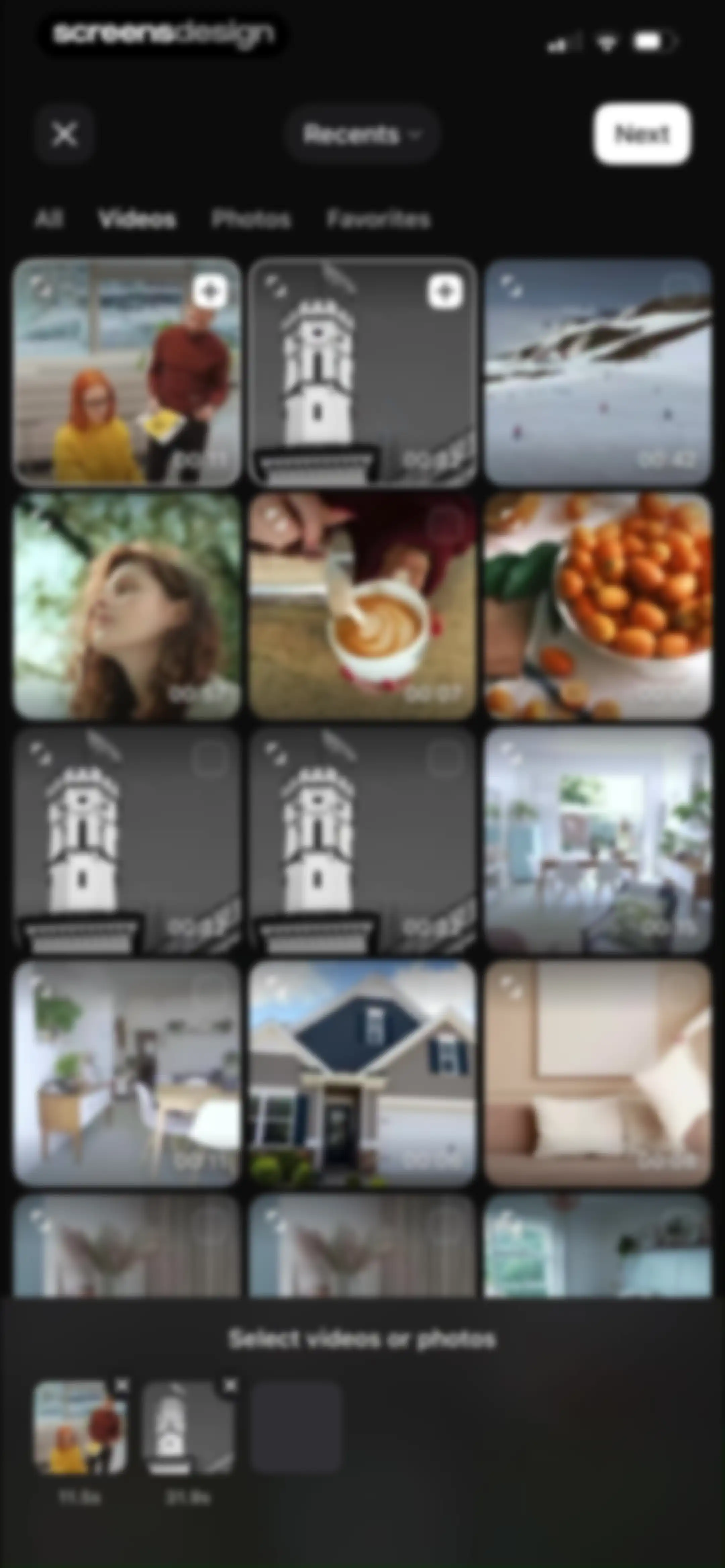
Media picker screen displaying a grid of photos and videos with filter tabs at the top and a bottom selection tray with a Next button.Unlock Pro
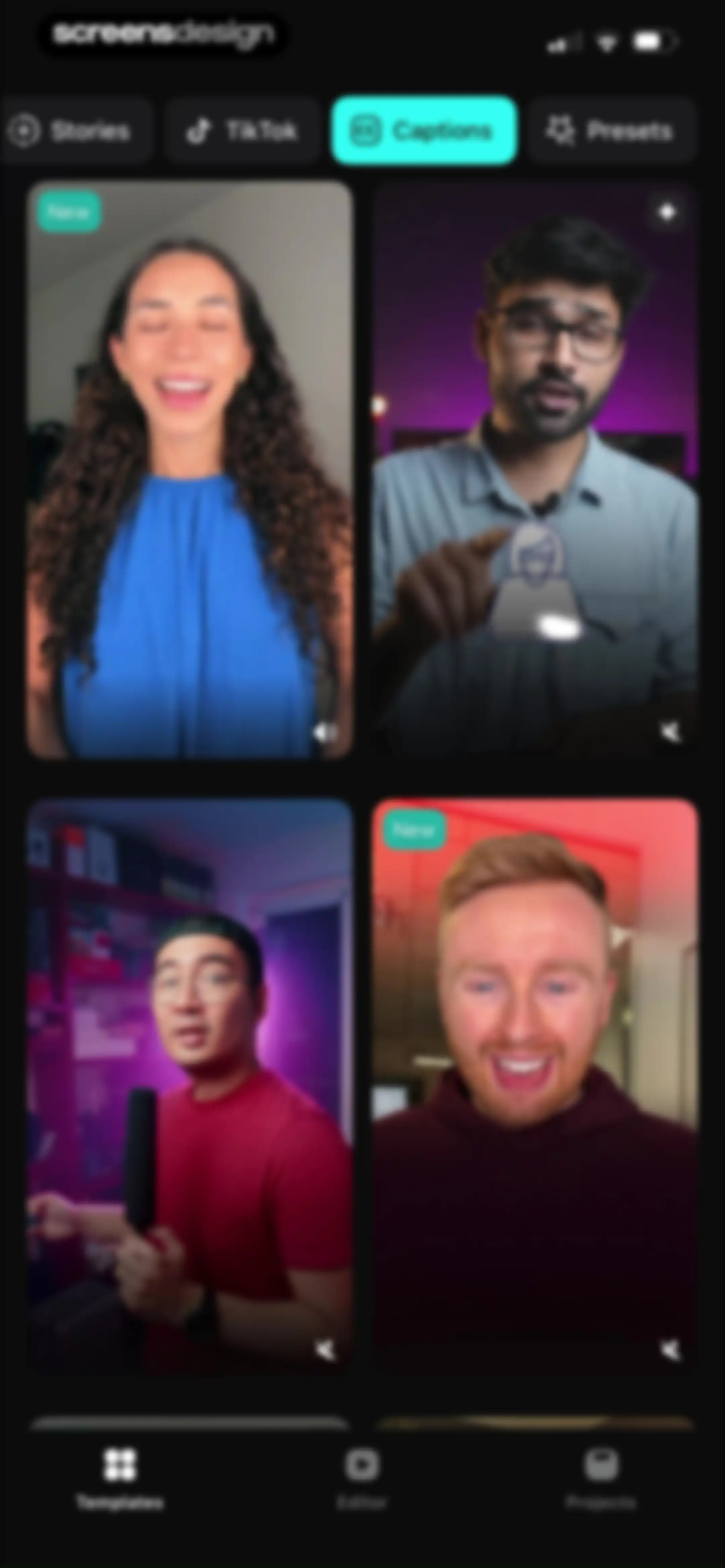
Video template gallery with a dark theme displaying a 2x2 grid of video preview cards and top category tabs with Captions selected.Unlock Pro
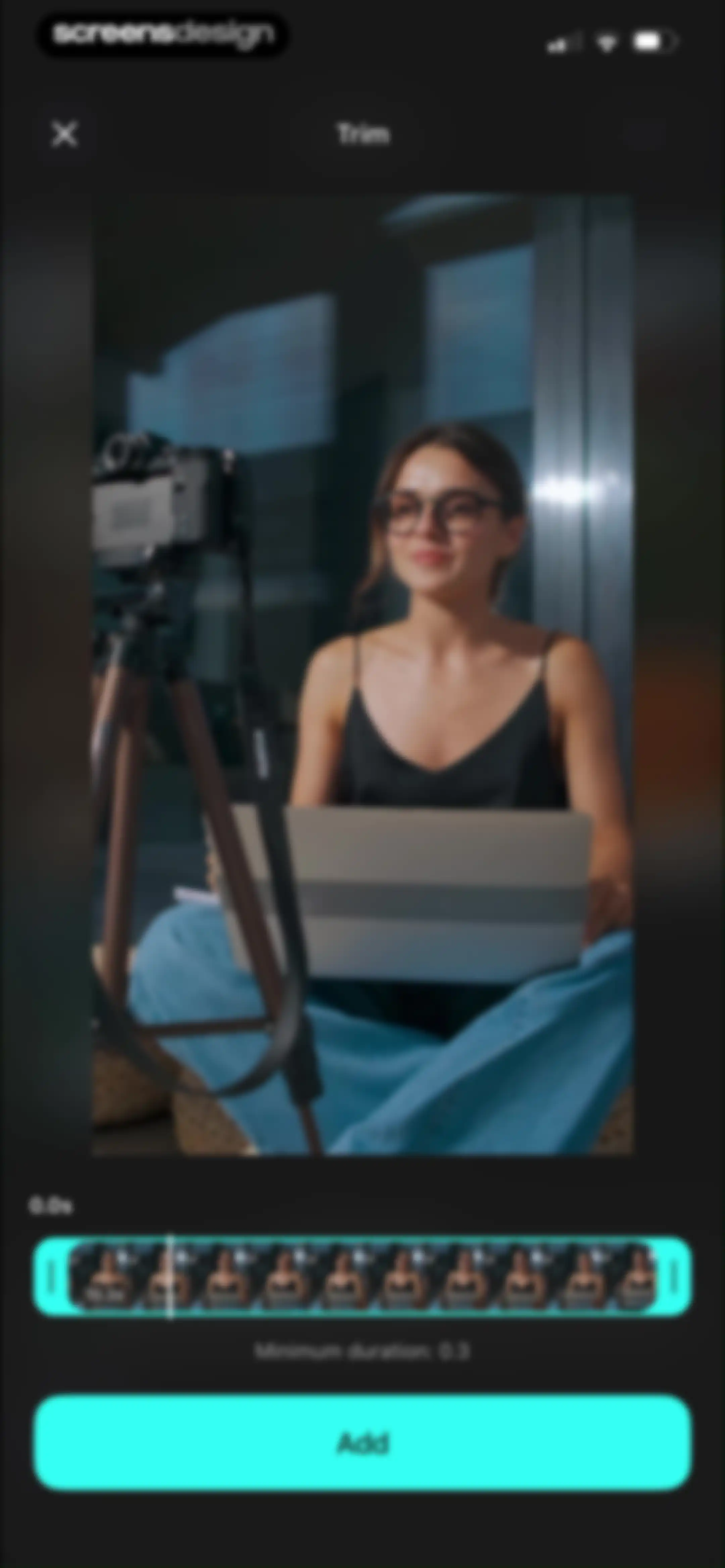
Video trimming editor with a central video preview, a timeline slider showing a duration of 10.3 seconds, and a teal Add button.Unlock Pro
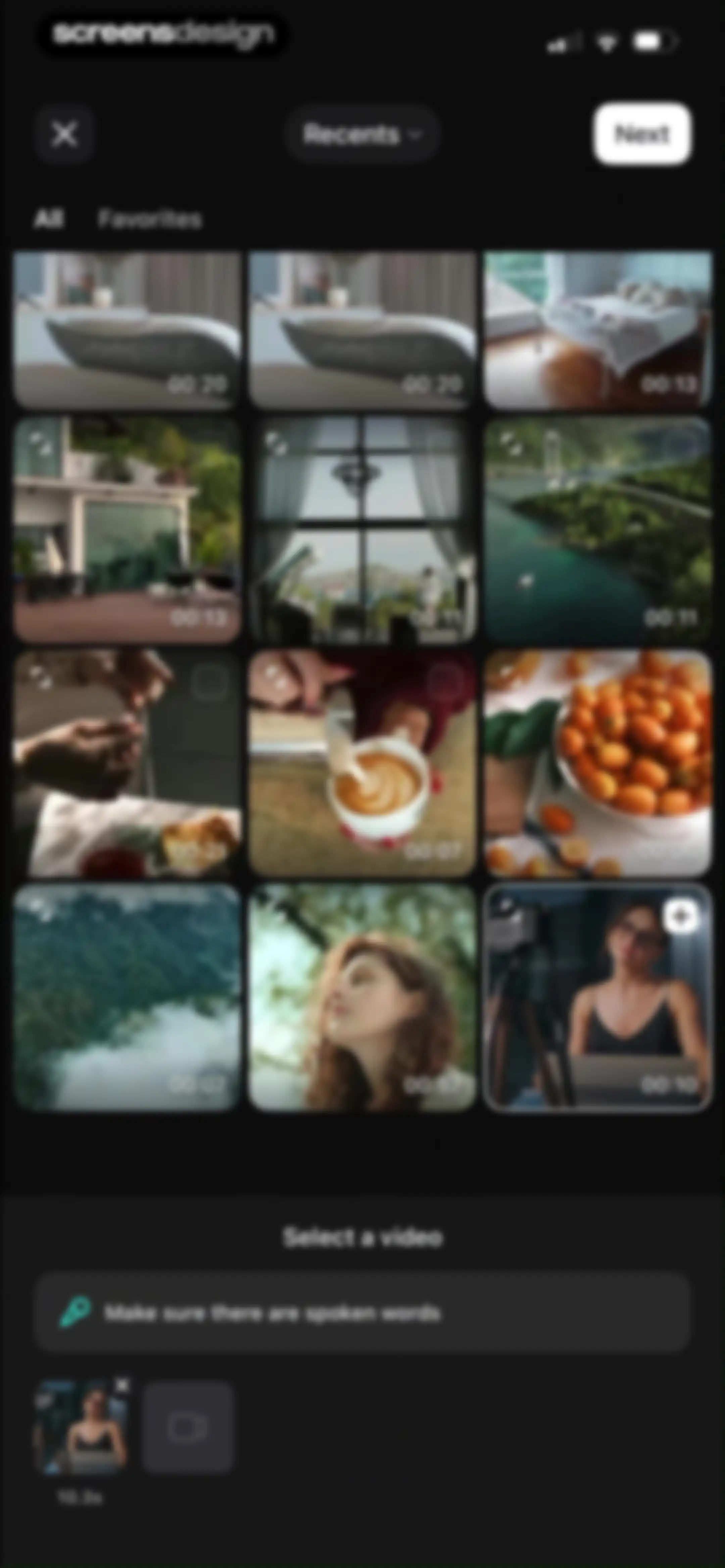
Media picker grid with video thumbnails, category tabs, and a bottom selection tray prompting to select a video.Unlock Pro
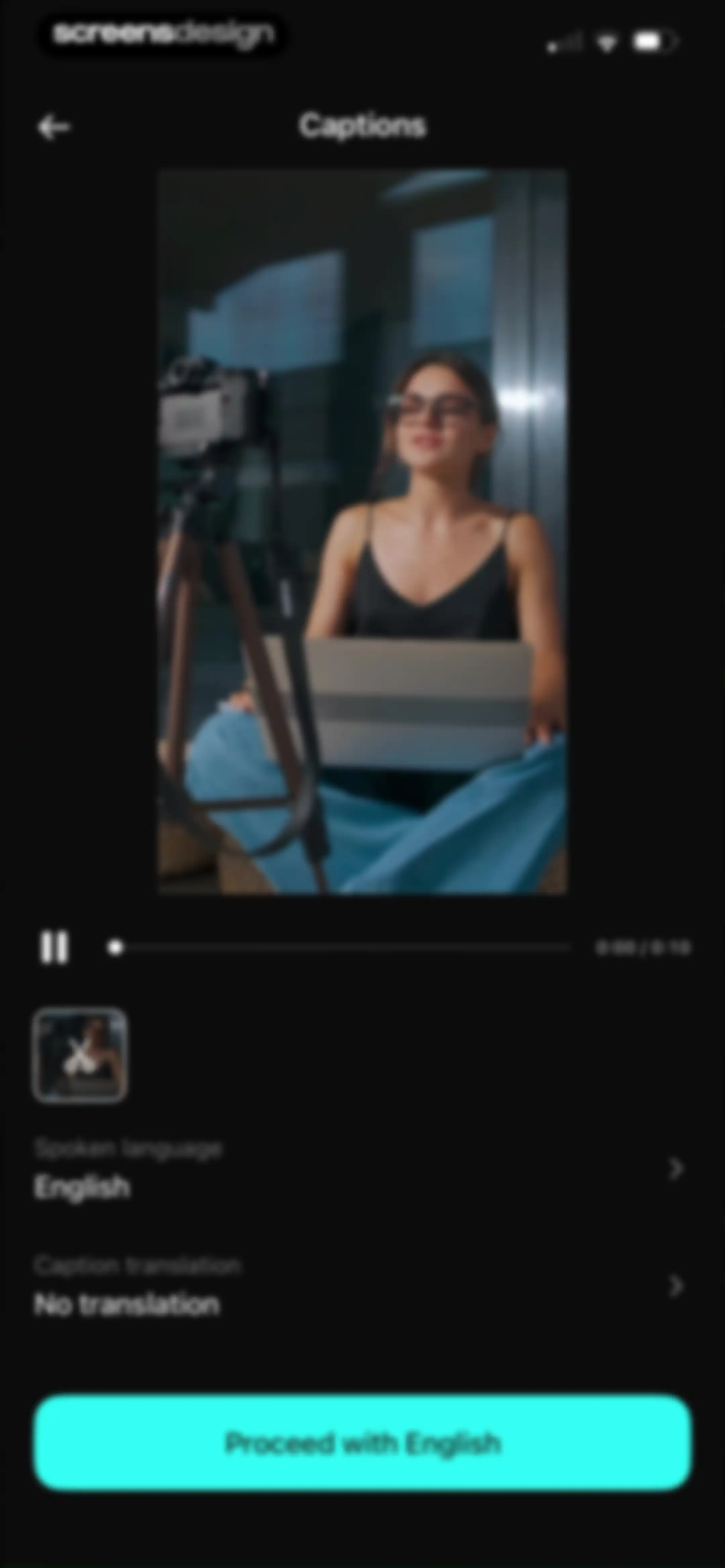
Video captioning configuration screen with a video preview, playback controls, language settings, and a Proceed with English button.Unlock Pro
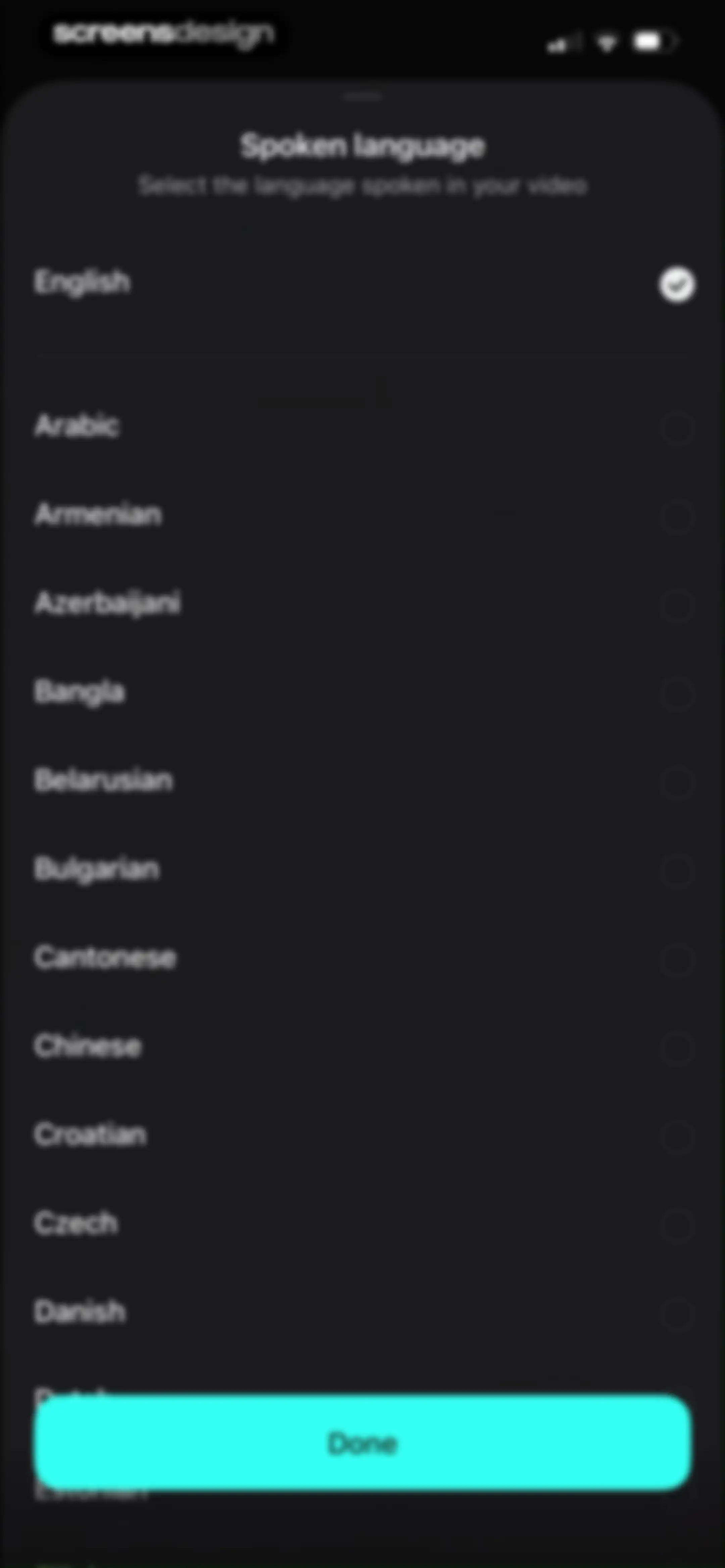
Spoken language selection bottom sheet with a list of languages, English selected, and a teal Done button.Unlock Pro
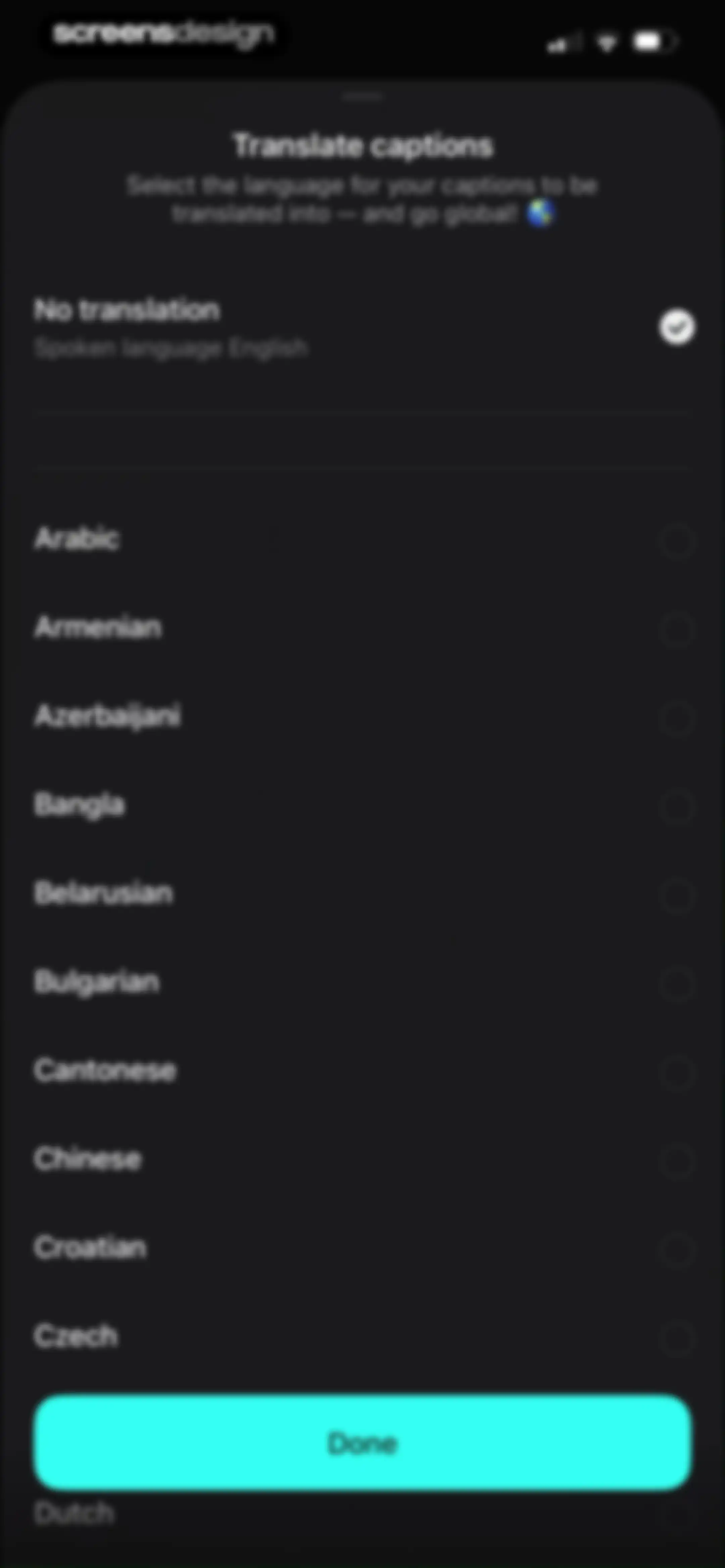
Language selection modal sheet for translating captions, with No translation selected and a Done button.Unlock Pro
Speech recognition processing screen displaying an audio indicator, instruction text, and a Cancel button.Unlock Pro
Caption generation loading screen with an audio-waveform animation, status text, and a Cancel button at the bottom.Unlock Pro
Video editor with a central preview window, a caption timeline showing word segments, and a bottom toolbar including style and edit text options.Unlock Pro
Video editor interface showing a preview of a woman with a laptop, a grid of text templates with one selected, and an Apply button.Unlock Pro
Video text configuration editor with a video preview, playback controls, and a bottom toolbar showing the selected Punctuation or pause option and an Apply button.Unlock Pro
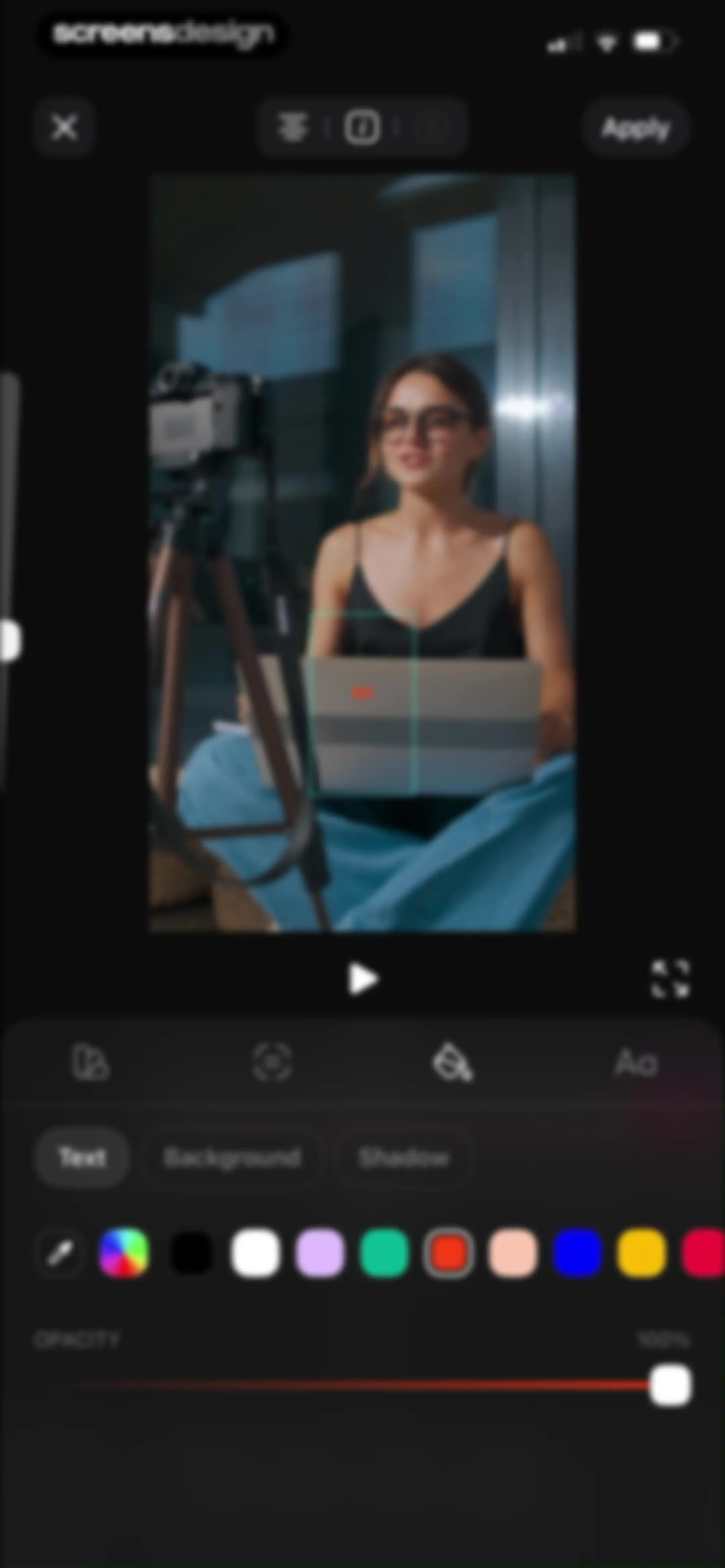
Video text editor screen displaying a central video preview with a text overlay, styling tabs, and an opacity slider with an Apply button.Unlock Pro
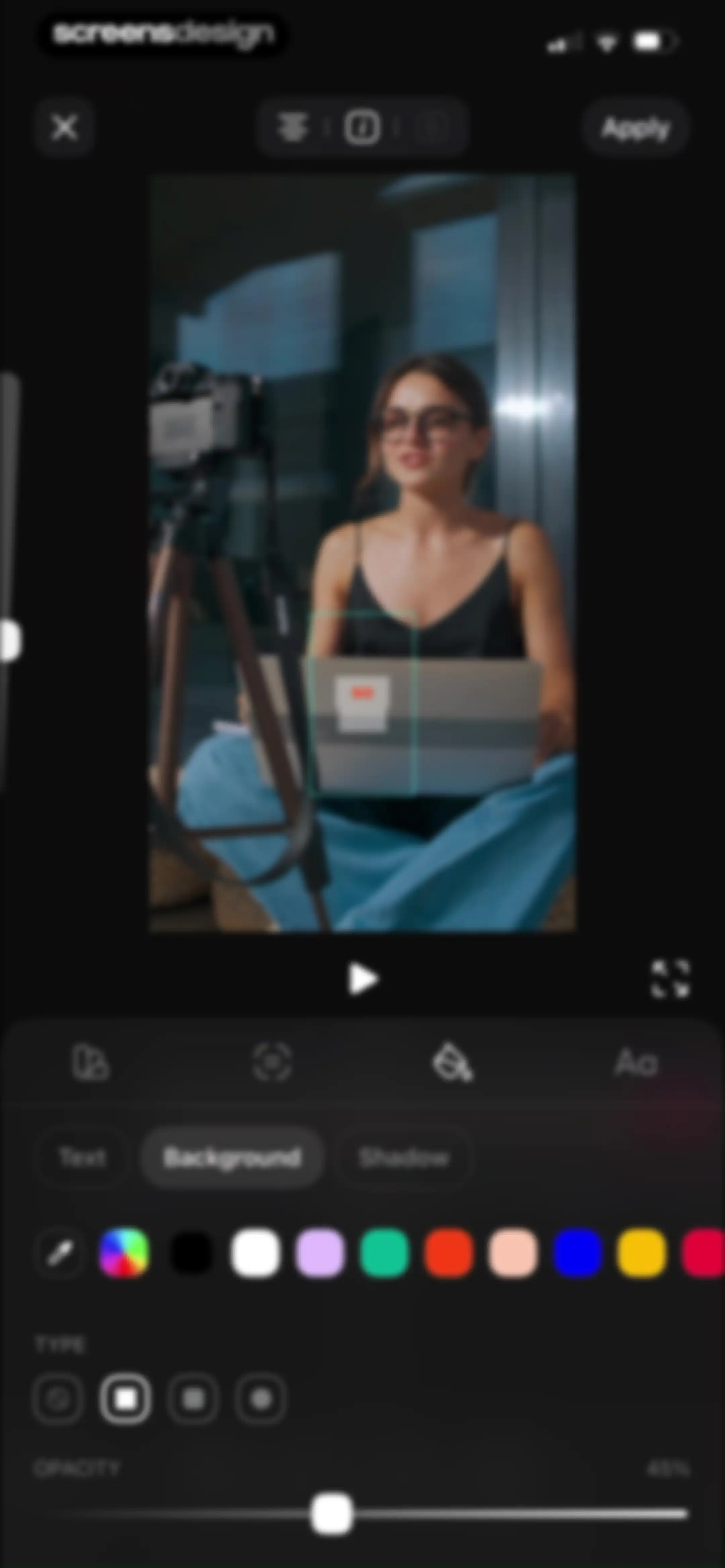
Video editor background customization screen with the Background tab selected, a color palette, shape options, and an opacity slider set to 45%.Unlock Pro
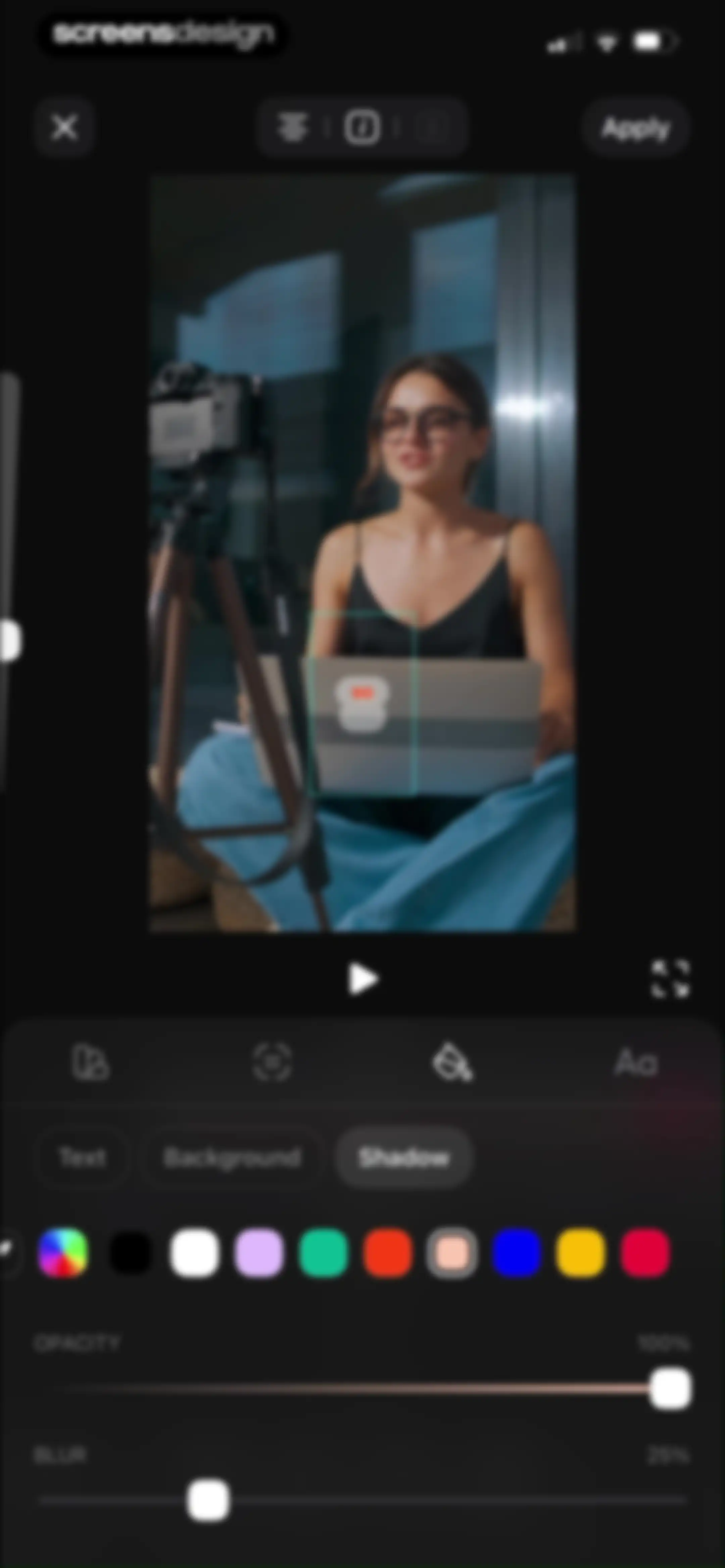
Video editor interface displaying shadow customization settings for text, with opacity and blur sliders and an Apply button.Unlock Pro
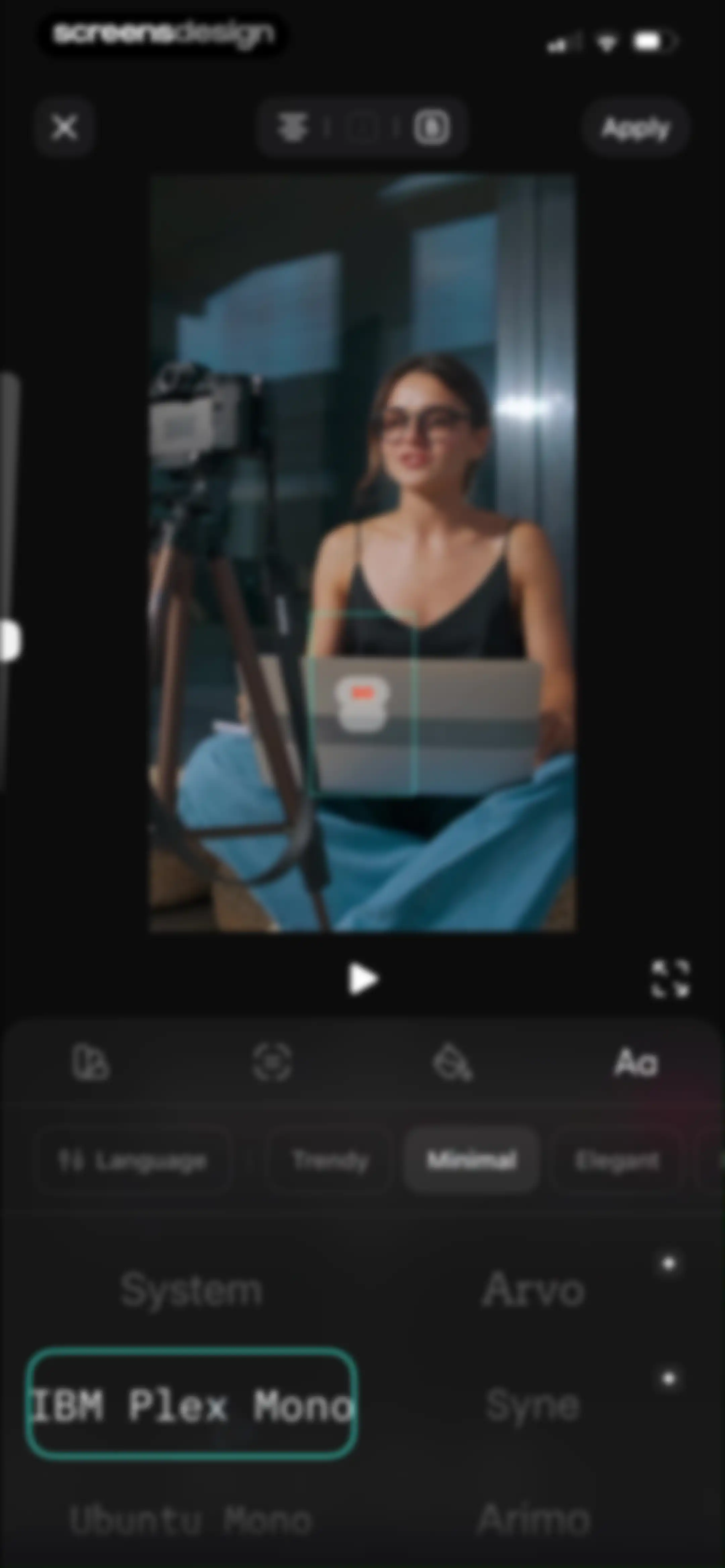
Video editor font selection screen displaying a central video preview with text and a bottom panel with font options and an Apply button.Unlock Pro
Video playback screen showing a preview of a woman with a camera and laptop, featuring a timestamp of 0:02 / 0:10 and a bottom control bar.Unlock Pro
Video editing screen with a central preview, timeline showing caption clips, and editing tools for style, text, and timing.Unlock Pro
Video transcript editor with timestamped text segments, a toolbar for breaking or merging lines, an active keyboard, and an Apply button.Unlock Pro
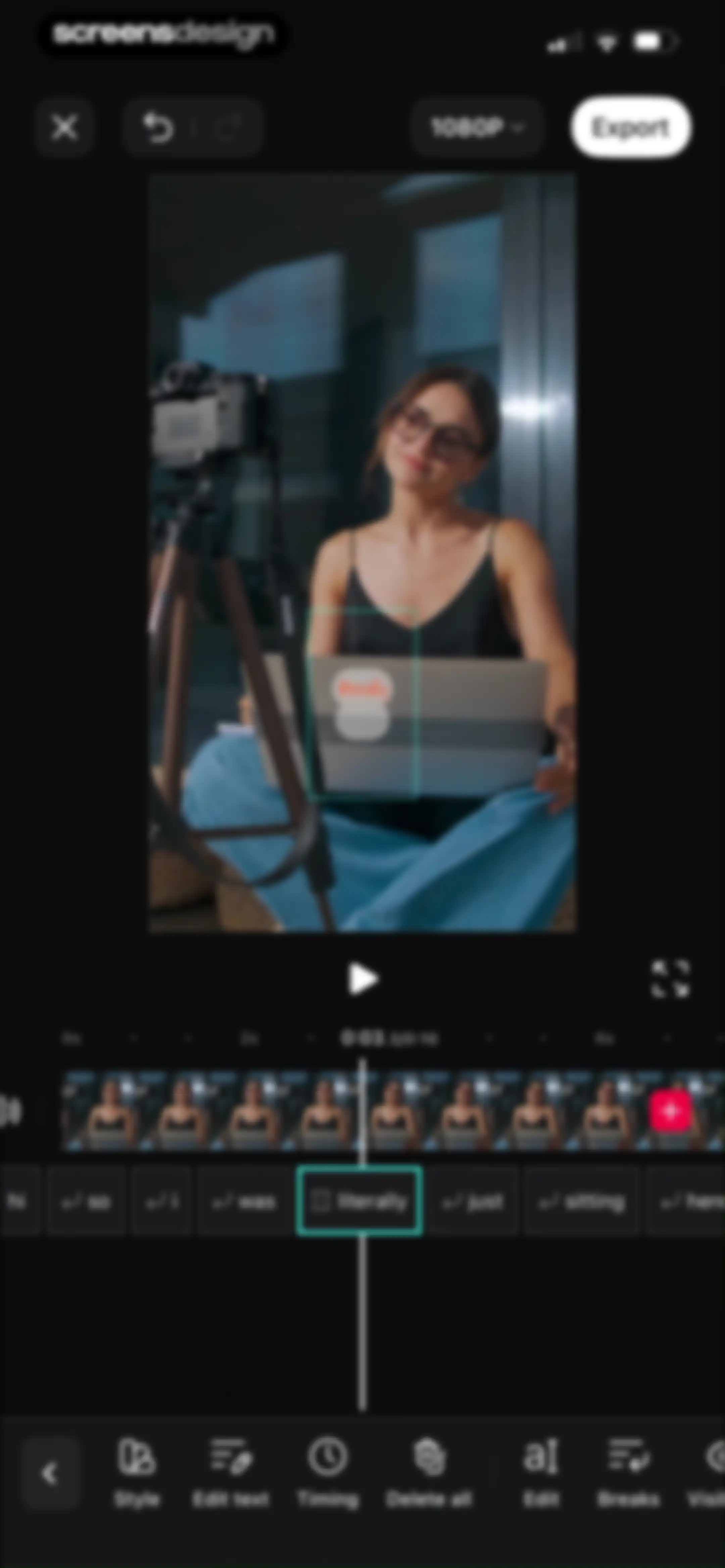
Video timing editor with a central preview, timeline ruler, filmstrip timeline, text fields, and a bottom delete button.Unlock Pro
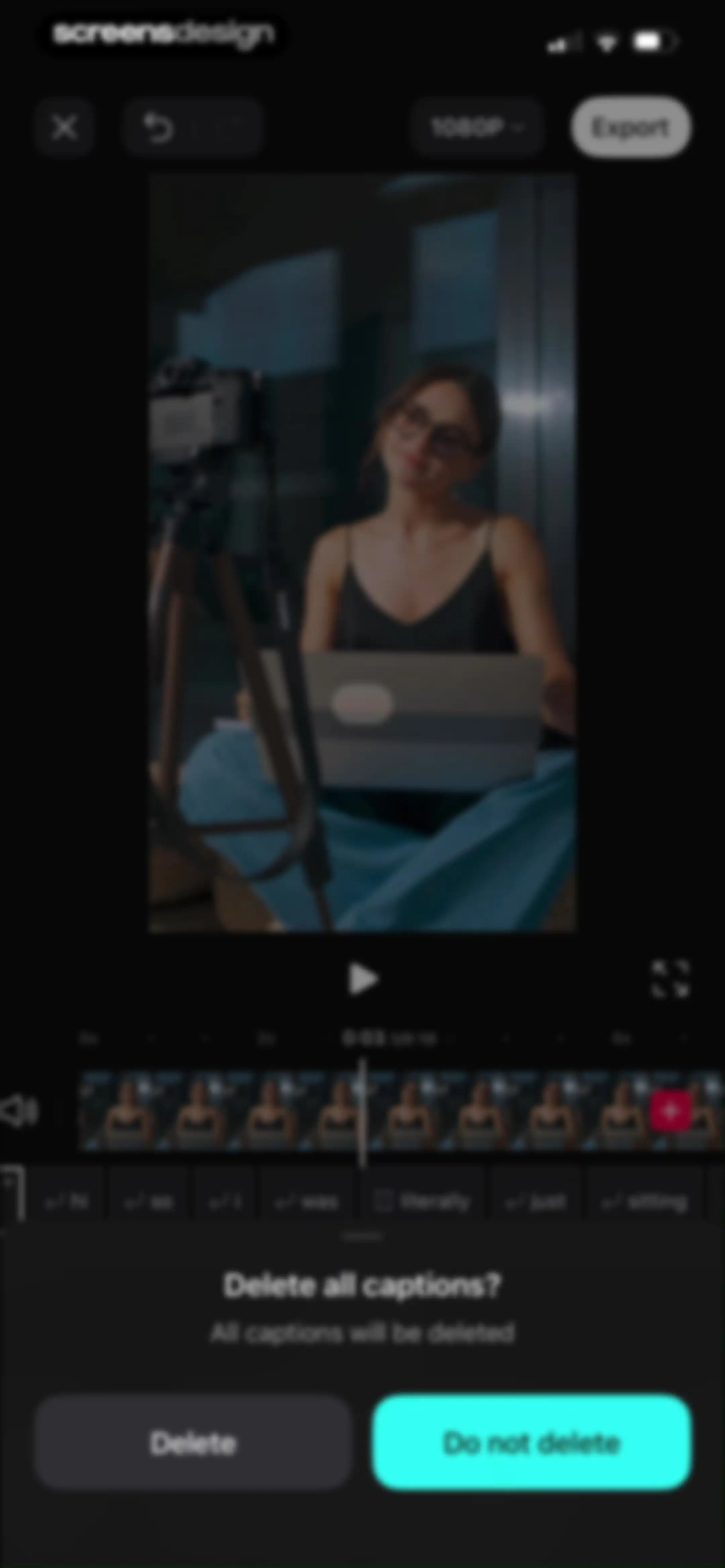
Video editor interface displaying a confirmation modal to delete all captions with Delete and Do not delete buttons.Unlock Pro
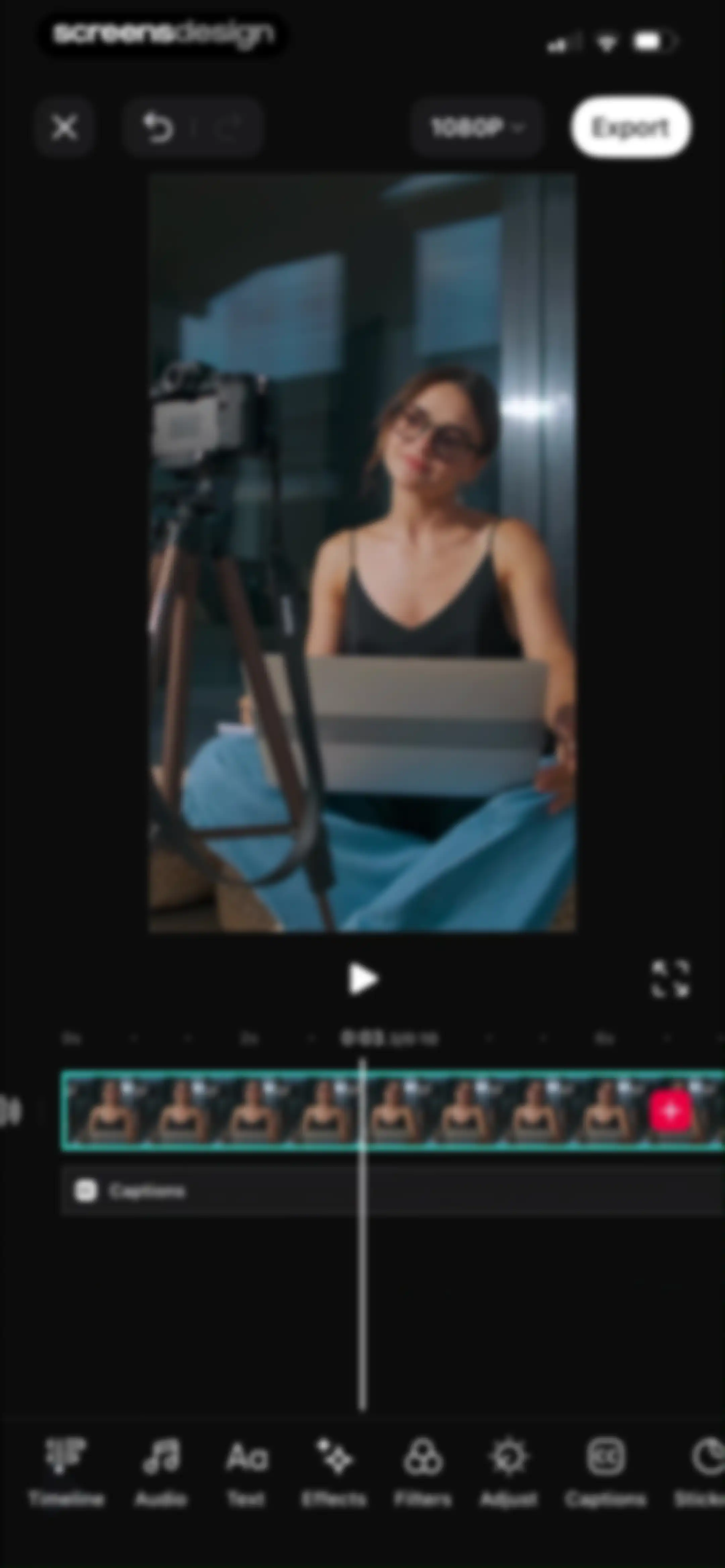
Video editor interface displaying a text overlay and timeline view, with a dark theme and an Export button.Unlock Pro
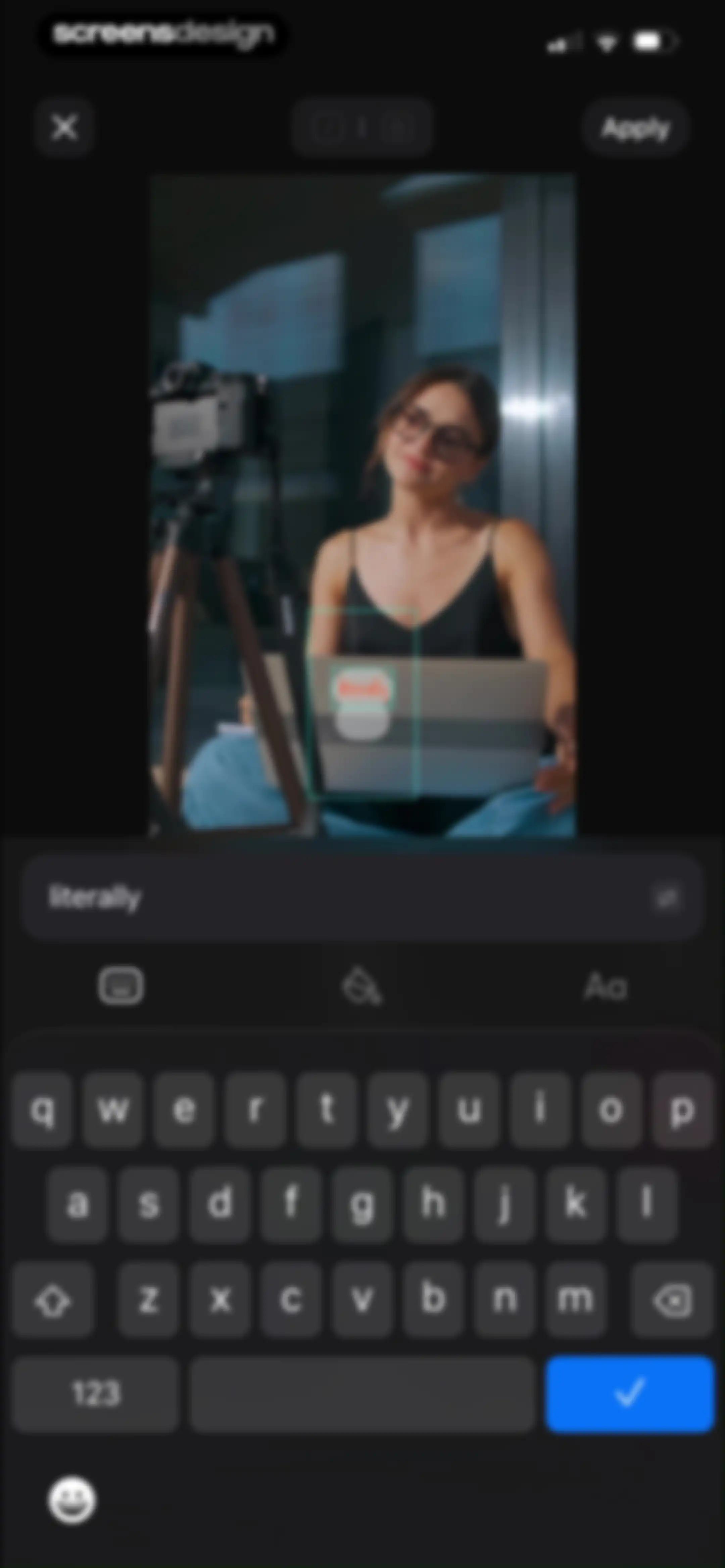
Video text editor overlay showing a central video preview with the word literally, a text input field, and an Apply button.Unlock Pro
Video editor interface featuring a central preview window, a timeline at the three-second mark, and an export button.Unlock Pro
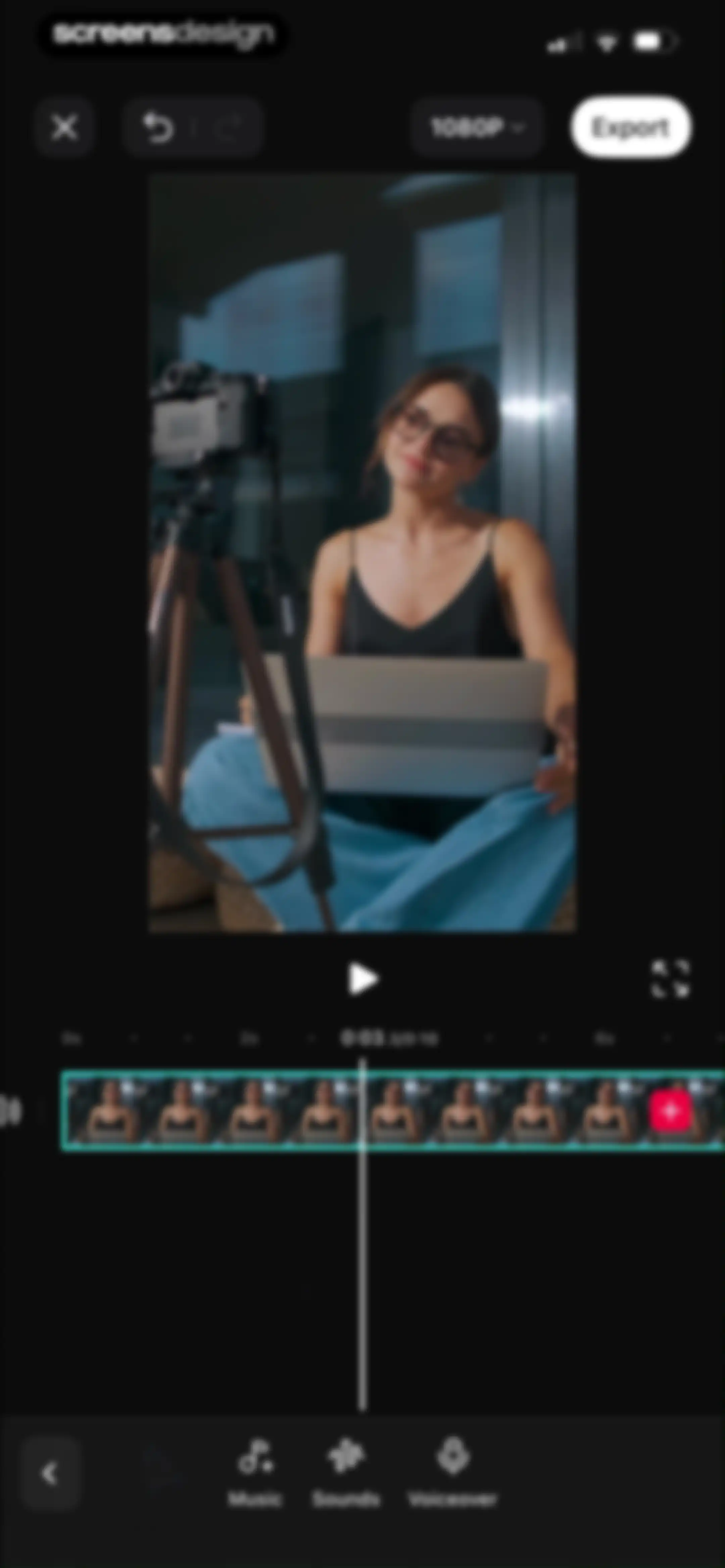
Video editor interface with a central preview, a timeline at the three-second mark, 1080P resolution, and an Export button.Unlock Pro
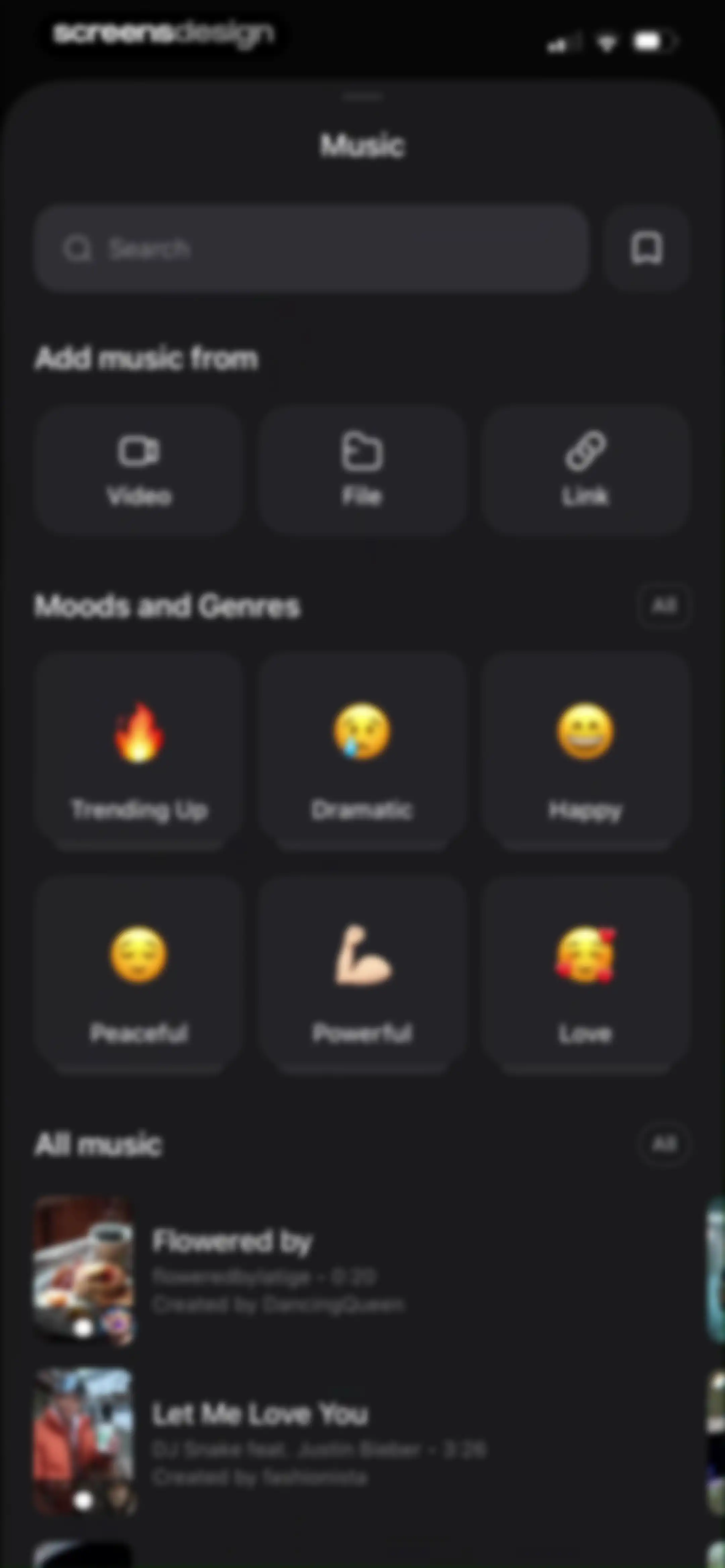
Music selection screen with a search bar, import options, a moods and genres grid, and a scrollable list of tracks.Unlock Pro
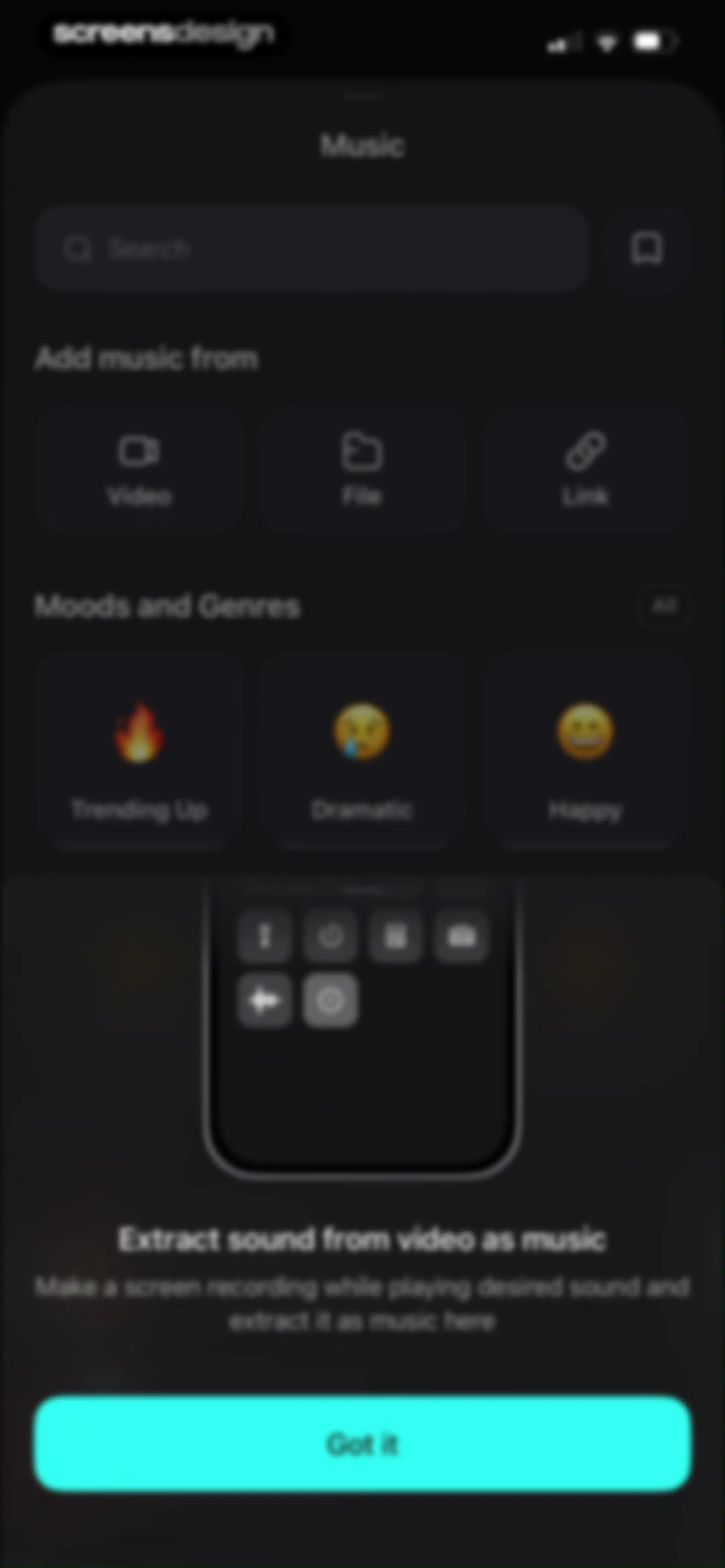
Music selection screen with an instructional modal overlay explaining how to extract sound from video as music, with a Got it button.Unlock Pro
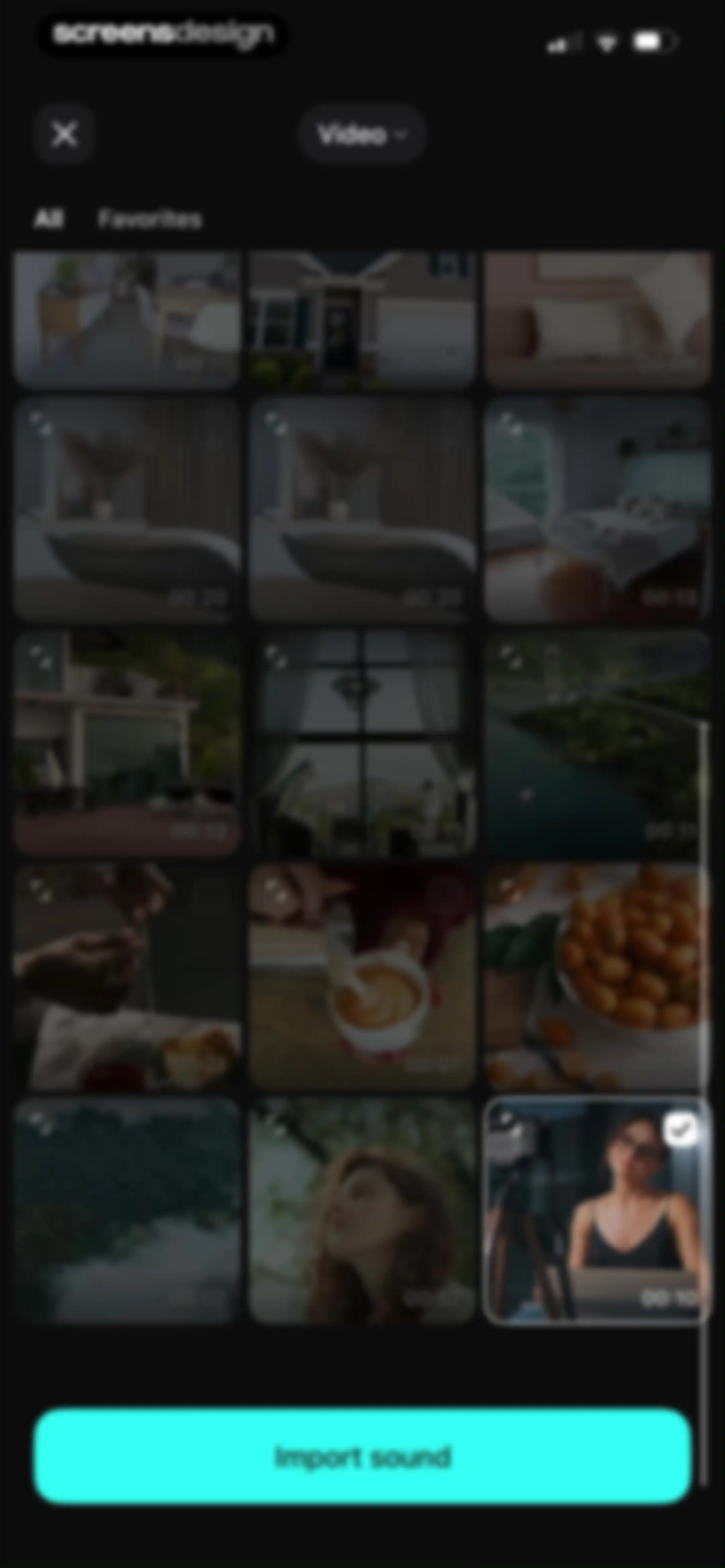
Media picker interface featuring a grid of video thumbnails with a selected item and an Import sound button.Unlock Pro
Video editor interface displaying a central preview window, a timeline with an audio waveform, and a bottom tool menu with audio and enhancement options.Unlock Pro
Sounds library screen featuring a search bar and a dark grid of category cards including Nature, Urban, and Sci-Fi.Unlock Pro
Content feed showing a scrollable list of nature media assets with durations, an Animals category selected, and a bottom tab bar.Unlock Pro
Content feed showing a dark-themed list of categorized nature audio assets with duration timestamps, bookmark buttons, and a bottom category filter bar.Unlock Pro
Content feed displaying nature sound assets in a dark theme, with the Thunder category selected in the bottom tab bar.Unlock Pro
Video editor interface featuring a central preview window, a timeline with multiple audio tracks, and an Export button.Unlock Pro
System permission modal requesting microphone access for the Vids app, overlaid on a video editing timeline with Allow and Don't Allow buttons.Unlock Pro
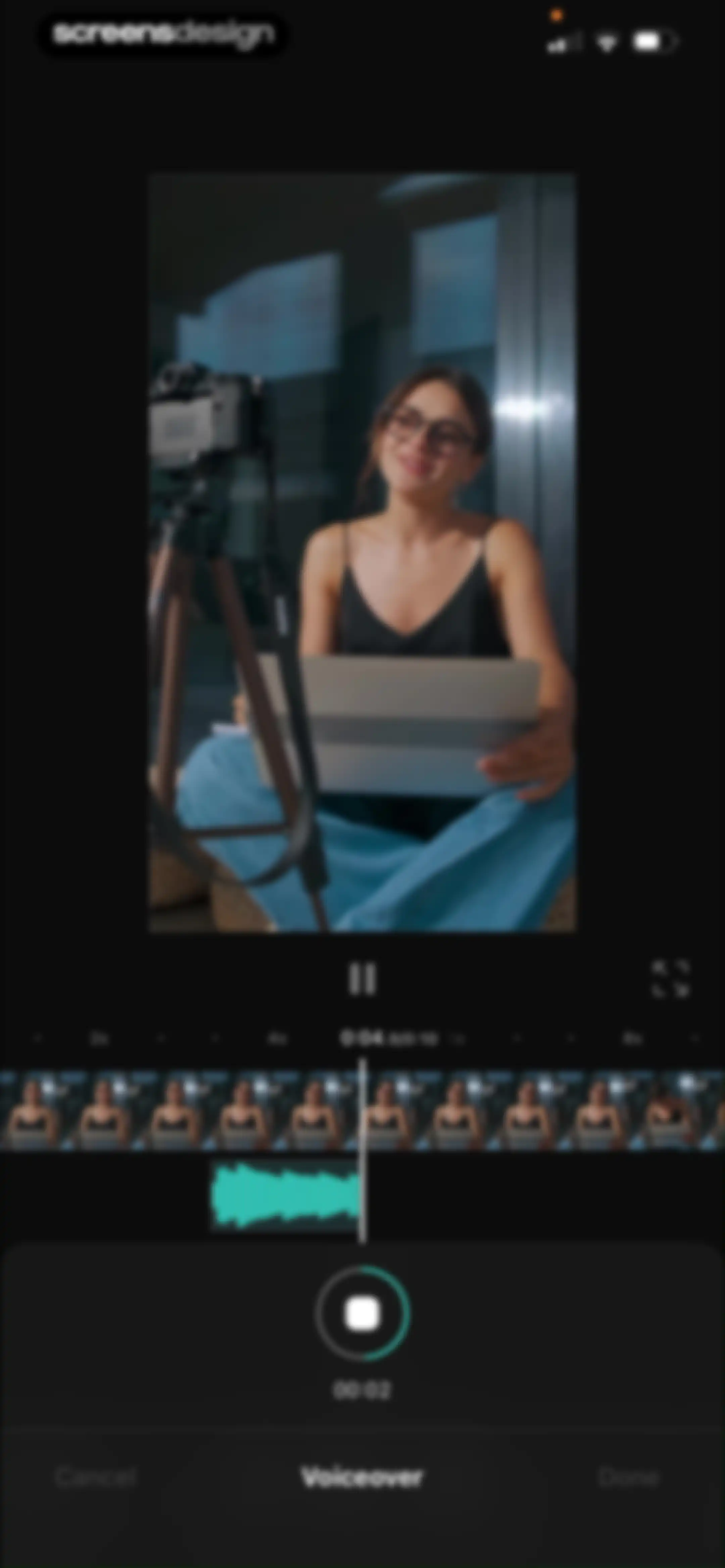
Voiceover editor featuring a video preview, an audio waveform timeline, and a teal microphone recording button with Cancel and Done options.Unlock Pro
Voiceover editor screen with a video preview, an audio waveform timeline, and recording controls including a cancel button and done button.Unlock Pro
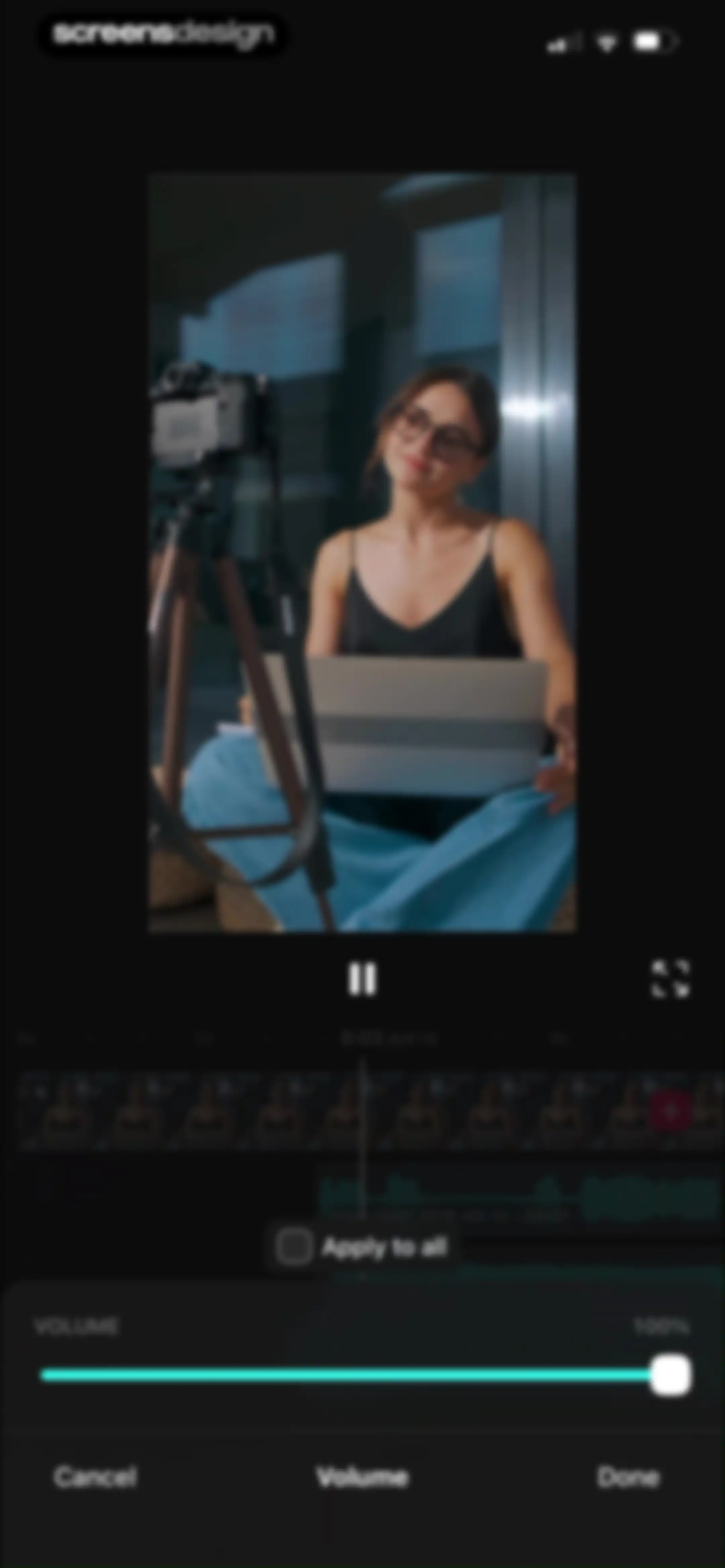
Video editor volume adjustment screen with a preview, timeline, and volume slider set to 100% with Done and Cancel buttons.Unlock Pro
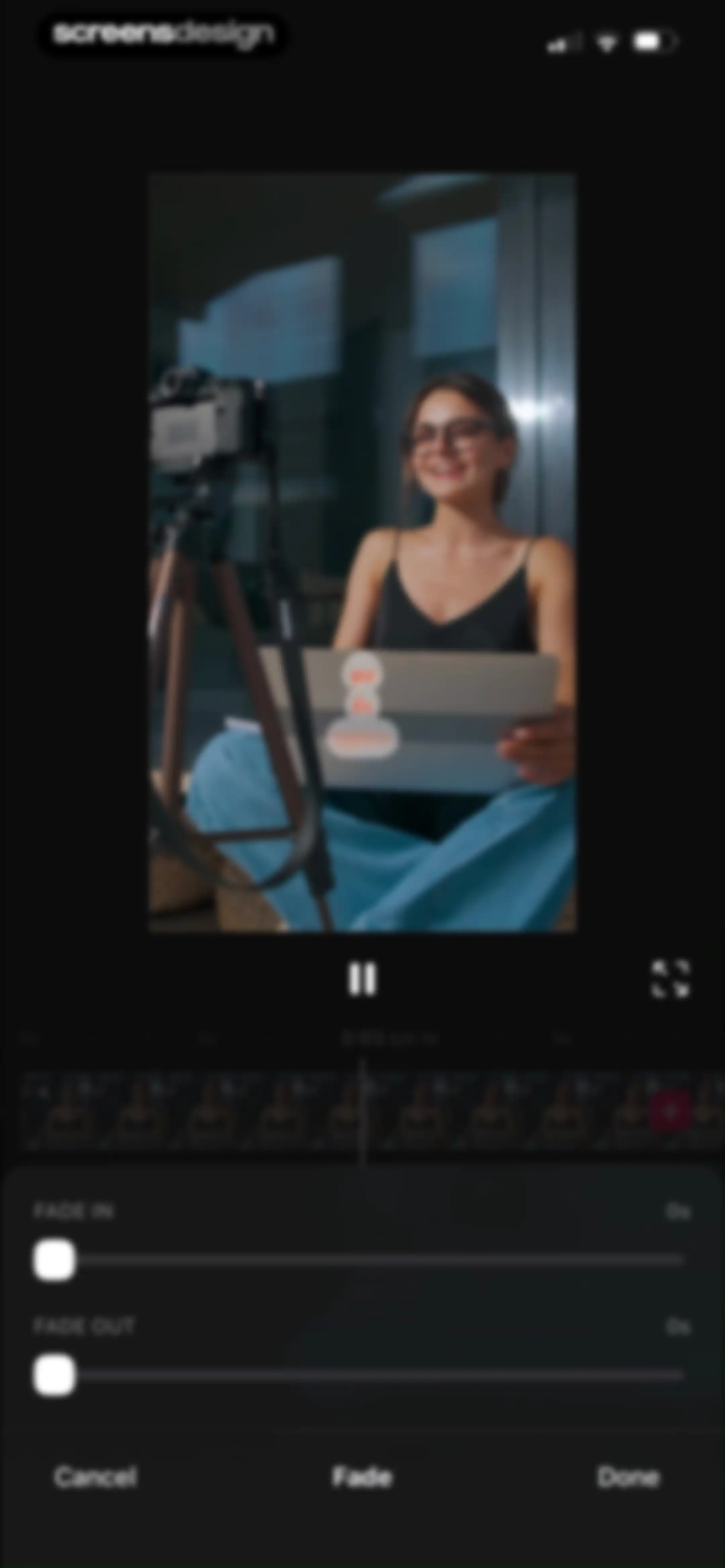
Video editing screen with a timeline and fade adjustment panel showing sliders for fade in and fade out.Unlock Pro
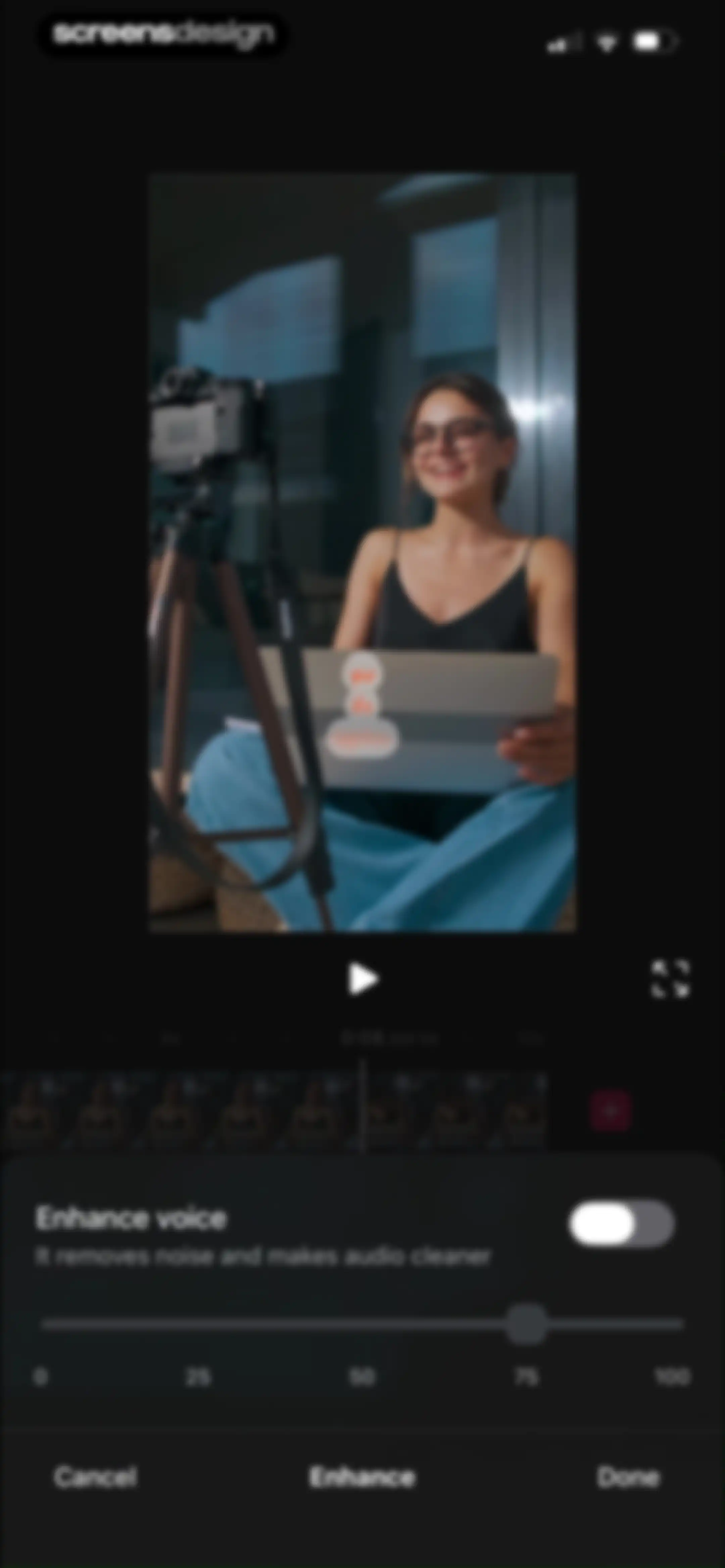
Video editor enhance voice modal displaying a slider set to 75 with Cancel, Enhance, and Done buttons.Unlock Pro
Video segment editor with a preview, audio waveform timeline, and Cancel and Done actions at the bottom.Unlock Pro
Video editor interface featuring a central preview window, a timeline with video clips, and bottom editing tools including Add text and Template.Unlock Pro
Video editor text overlay screen displaying a video preview, text input field with the text screensdesign, formatting toolbar, and bottom system keyboard.Unlock Pro
Video text editing interface displaying a central video preview with text overlays, color selectors, and an opacity slider at one hundred percent.Unlock Pro
Video editor interface displaying a video preview with playback controls, an effect selection grid, and an Apply button.Unlock Pro
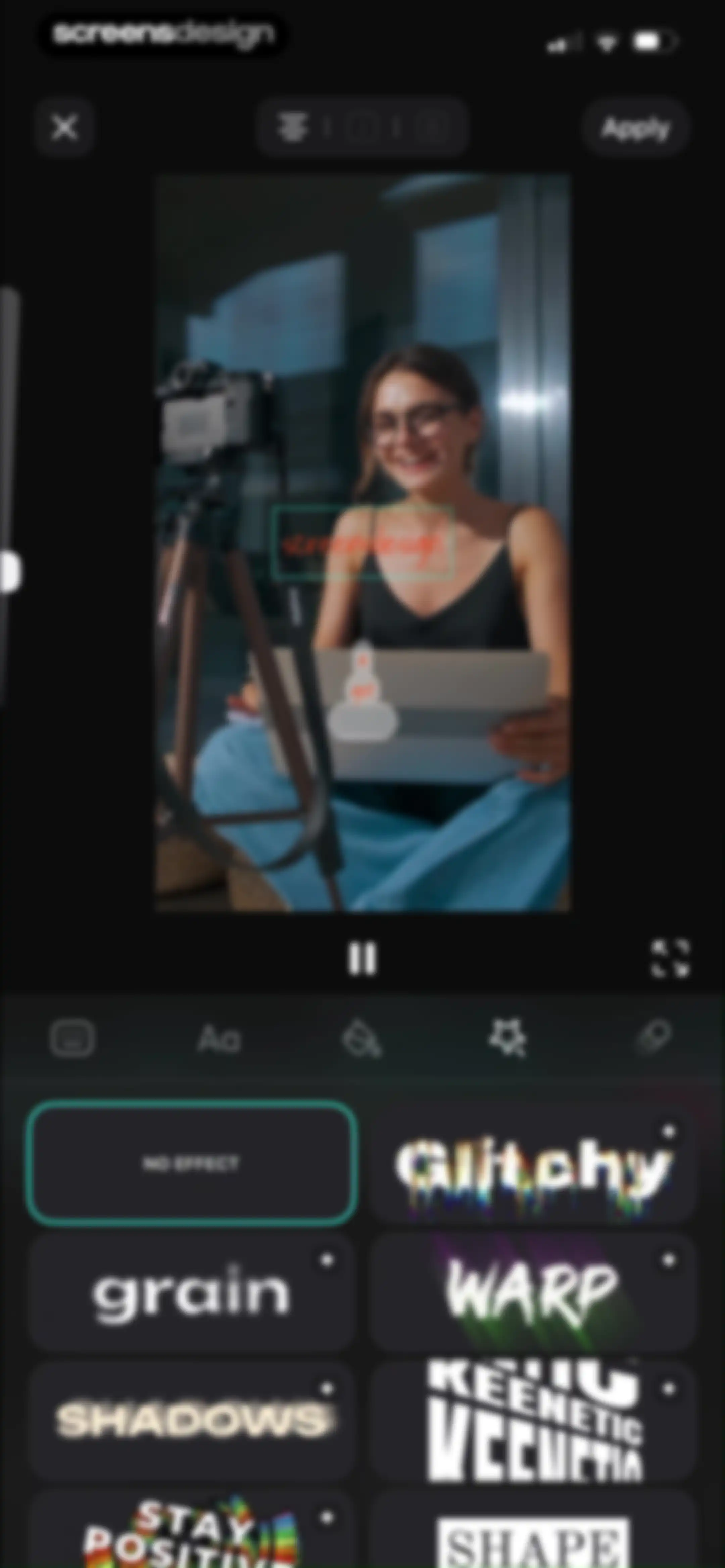
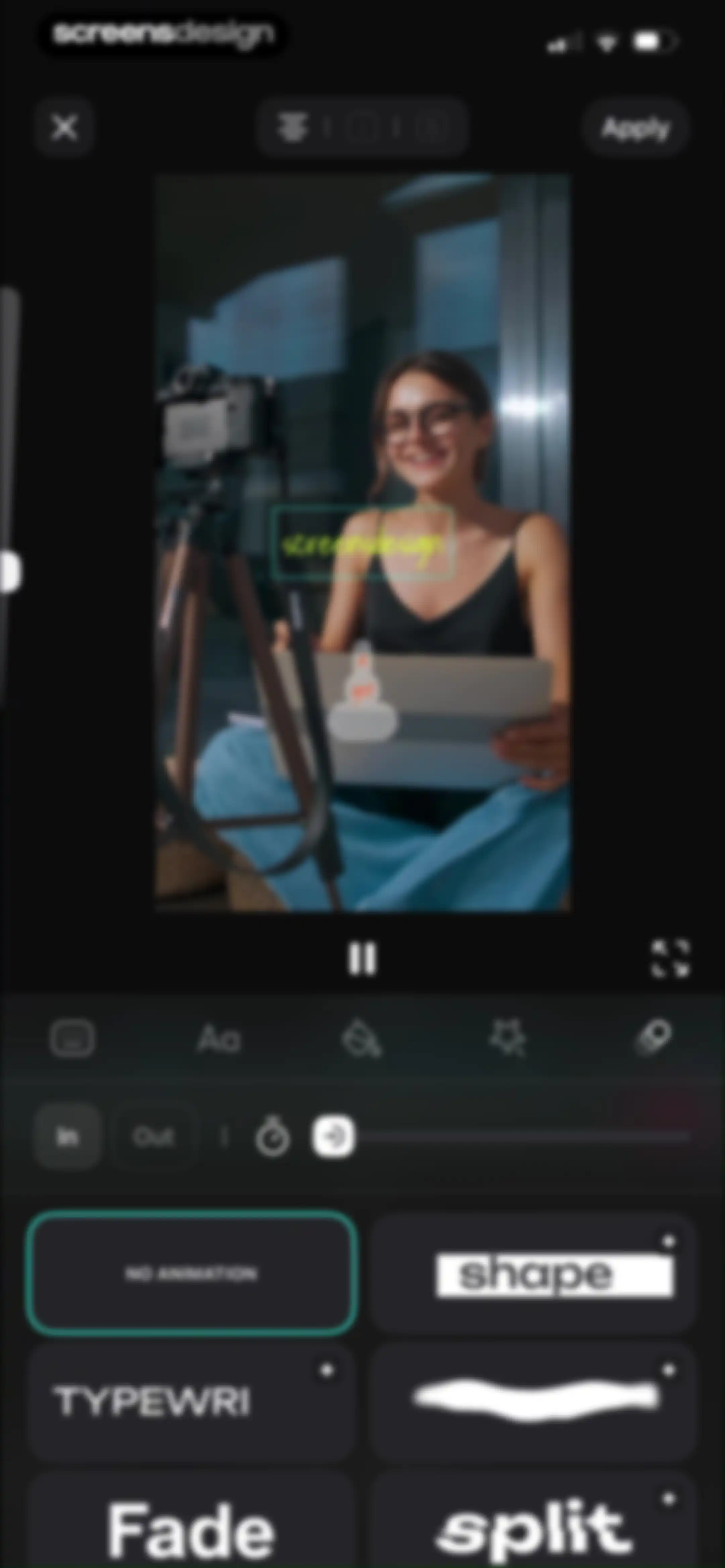
Video text animation editor showing a preview, playback controls, and a bottom grid of animation presets with an Apply button.Unlock Pro
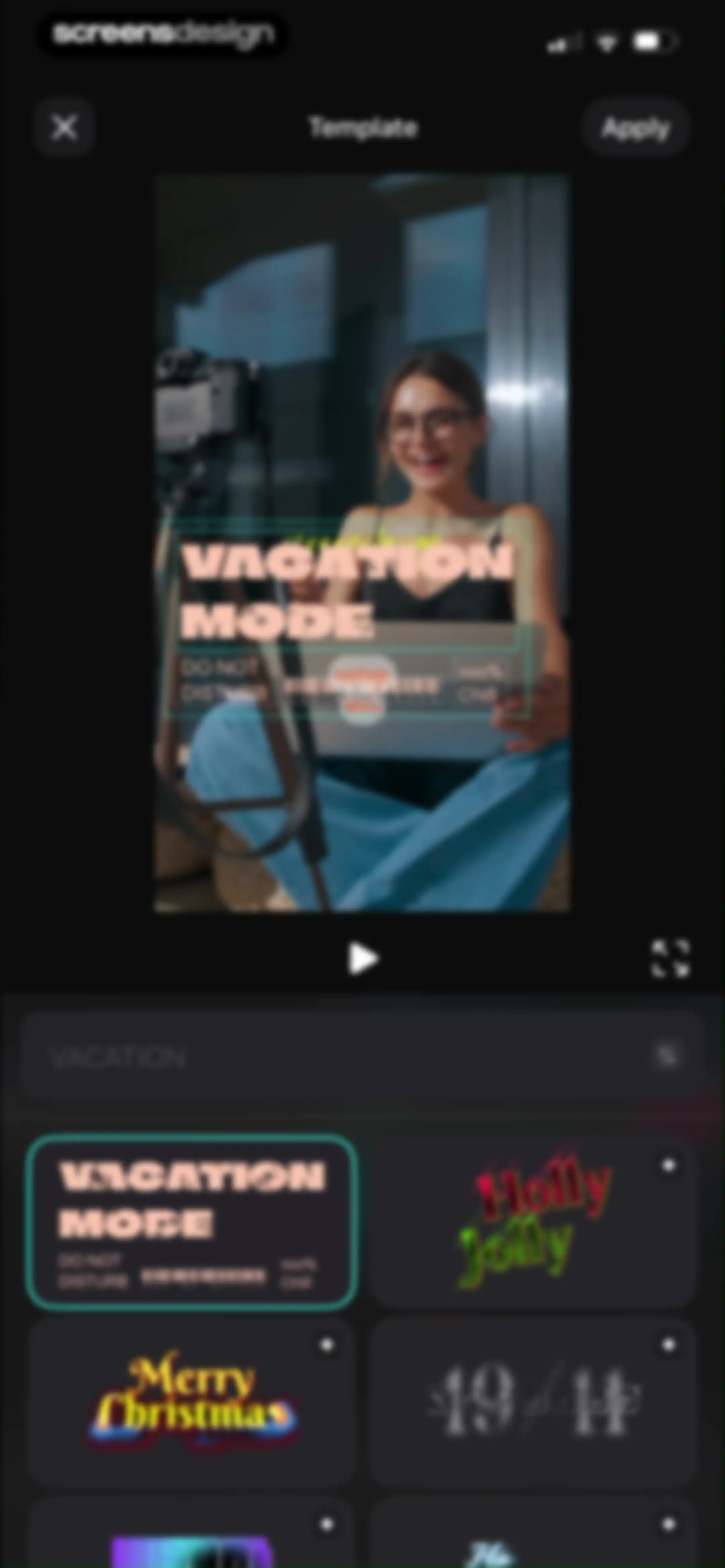
Video template selection screen displaying a central preview area, search bar, and a grid of template cards with an Apply button.Unlock Pro
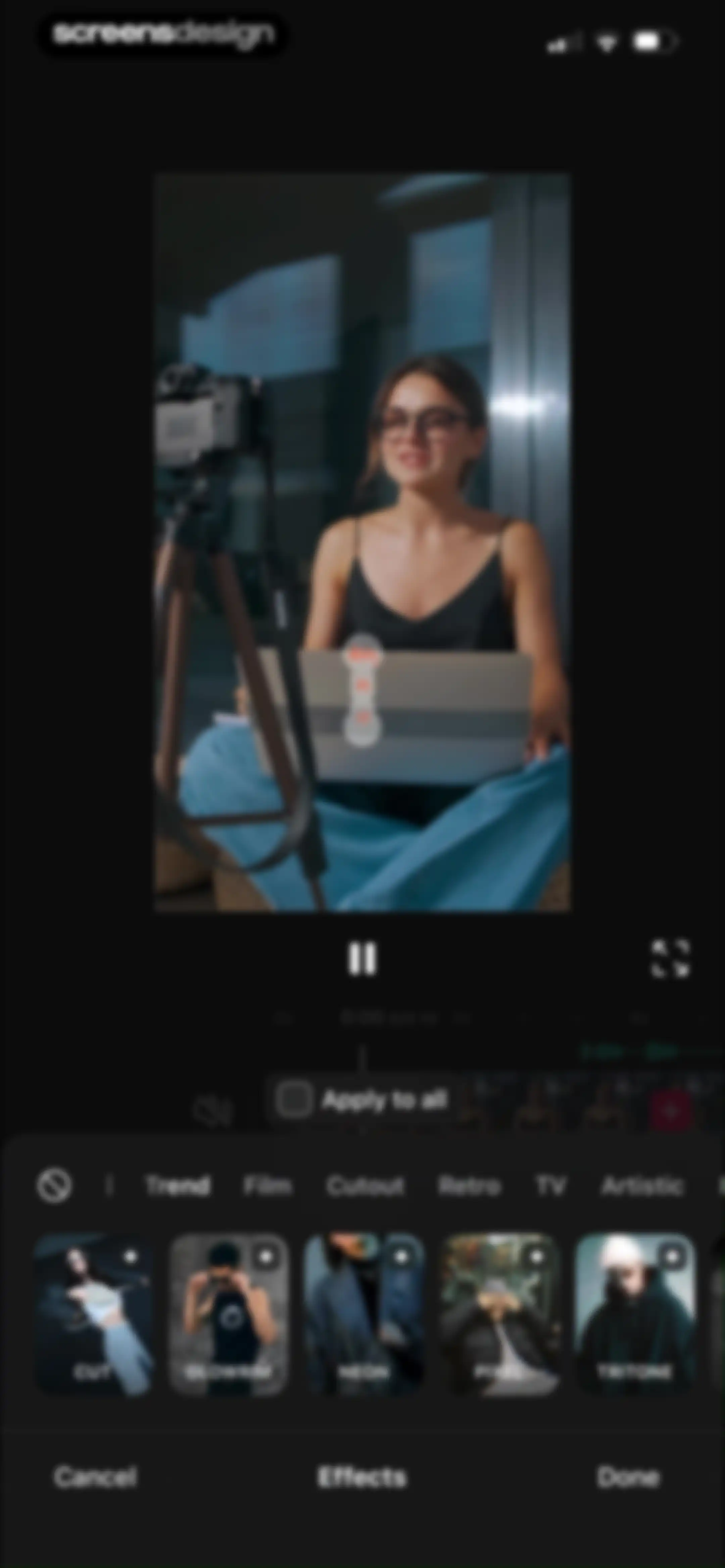
Video editor effects screen displaying a preview at the top, a timeline, a grid of effect thumbnails with category tabs, and a Done button at the bottom.Unlock Pro
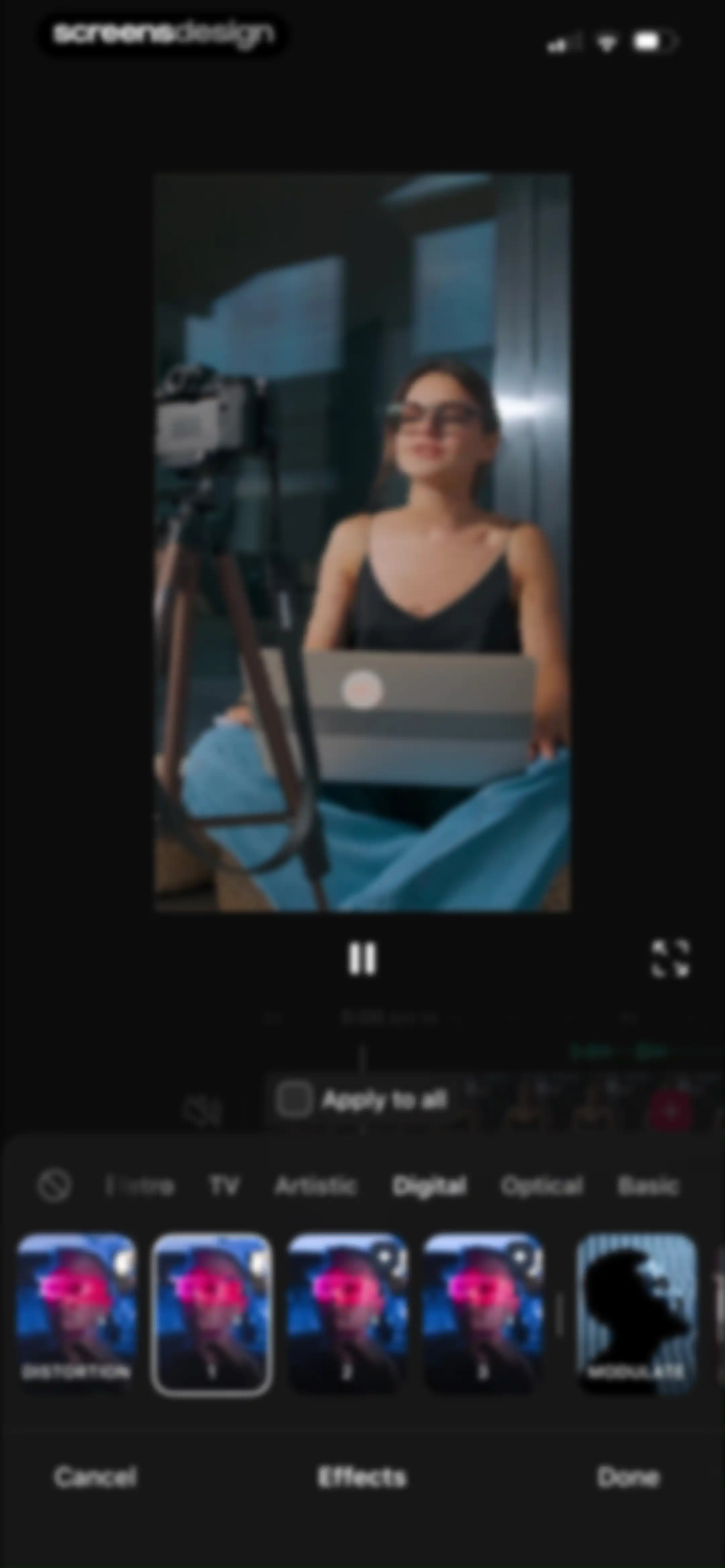
Video editor effects screen with a preview at the top, a timeline, the Digital category selected, an effect carousel, and Cancel and Done buttons.Unlock Pro
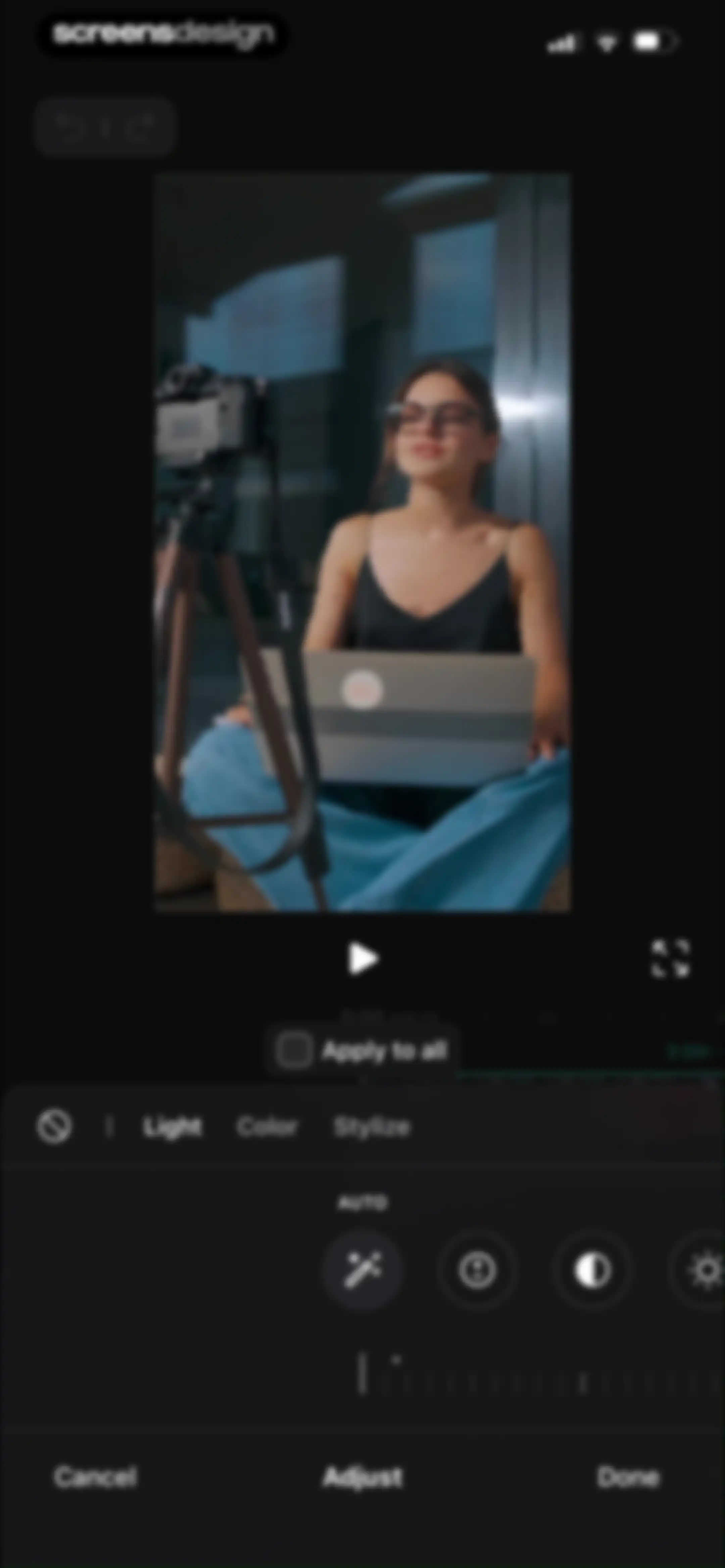
Video editor adjustment screen with a video preview, Light tab selected, adjustment tools, and Cancel and Done buttons.Unlock Pro
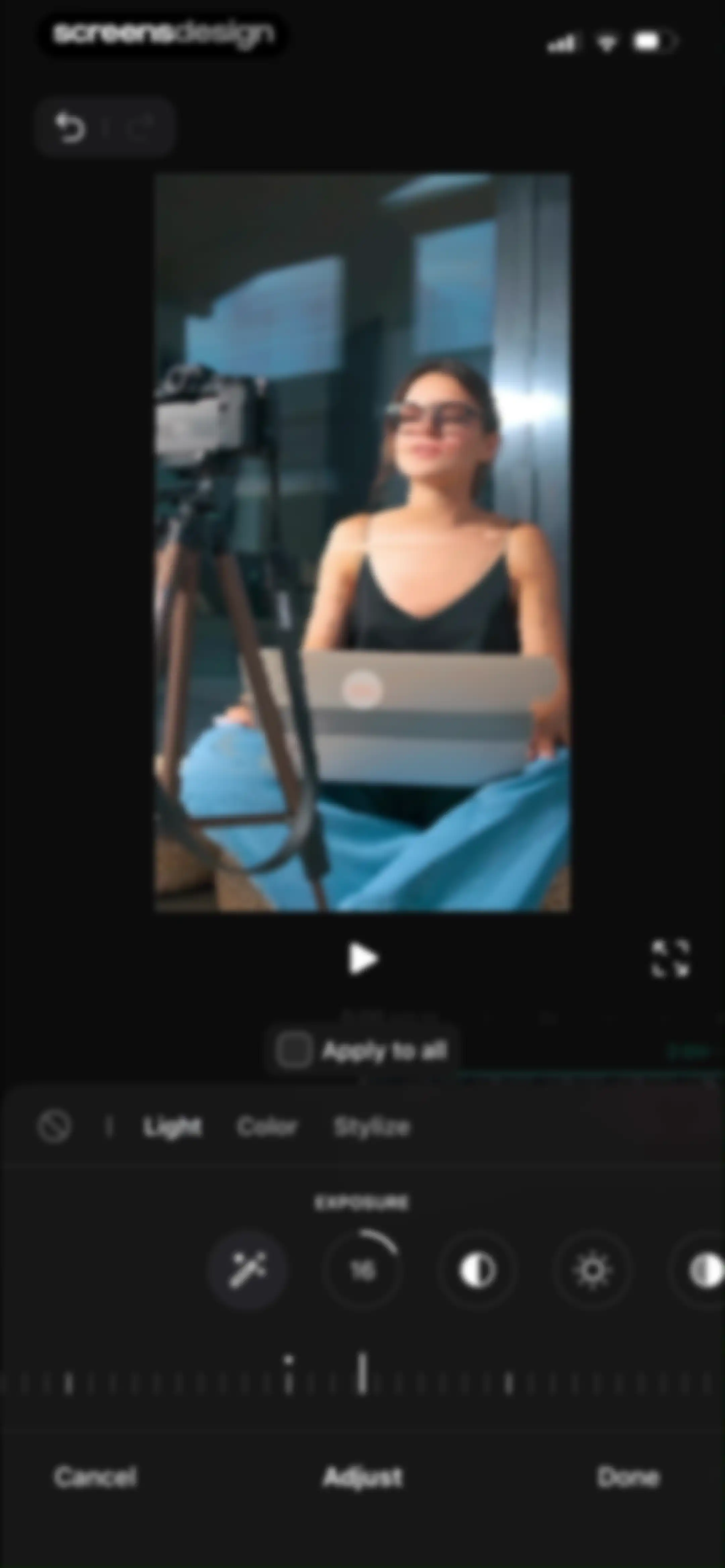
Video editor adjustment screen displaying the Light tab with an exposure slider set to 16, playback controls, and a Done button.Unlock Pro
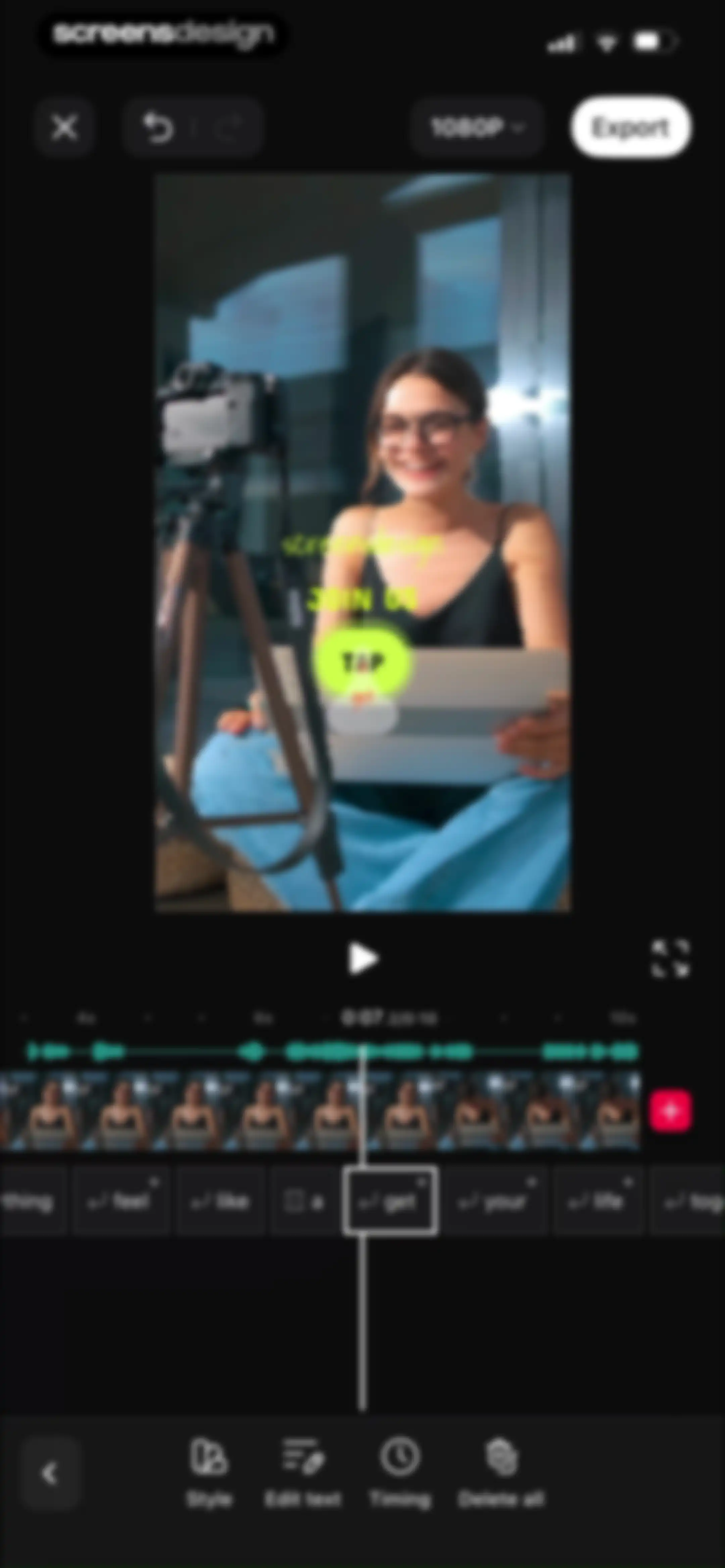
Video editor interface featuring a central preview, audio waveform timeline, text segments list, and an Export button.Unlock Pro
Sticker selection screen featuring a top category filter bar and categorized grids of visual overlays for video editing.Unlock Pro
Sticker selection modal with category tabs, a grid of thumbnail options, one highlighted item, and an Add 1 action button.Unlock Pro
Sticker selection screen with the Elements category and two items chosen, featuring a Reset button and an Add 2 confirmation button.Unlock Pro
Media selection screen displaying a grid of thumbnails, filter tabs, and a bottom selection status bar with a Next button.Unlock Pro
Video editor interface featuring a central preview, a timeline with a waveform and filmstrip, and a bottom toolbar with editing tools and an Export button.Unlock Pro
Video editor background customization screen with color and gradient tabs, a color swatch list, a central media preview, and Cancel and Done buttons.Unlock Pro
Video background customization editor displaying a central media preview, gradient background tools in the bottom sheet, and Cancel and Done actions.Unlock Pro
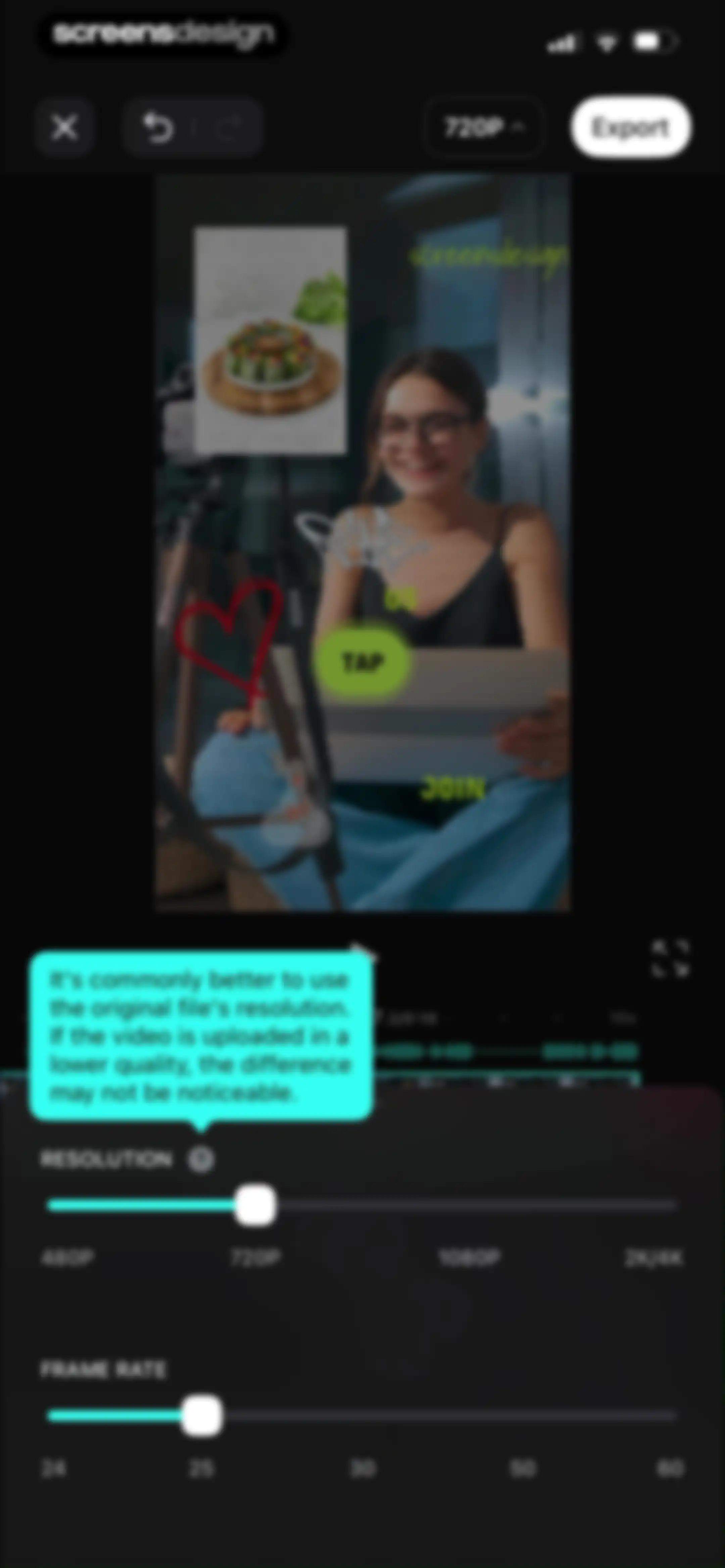
Video editor export settings screen displaying a bottom modal with resolution and frame rate selectors over a video preview and timeline.Unlock Pro
Video editor export settings screen displaying resolution options and frame rate sliders with an Export button.Unlock Pro
Export progress screen showing forty-two percent completion with instructions not to lock the screen and a cancel button.Unlock Pro
Video export confirmation screen displaying a success message, video preview card, and sharing options for social media platforms.Unlock Pro
Video export confirmation screen with a saved status message, video preview card, and a bottom system share sheet.Unlock Pro
Post-export screen in Vids showing a success confirmation, an app rating modal with stars, and social media sharing options.Unlock Pro
Success confirmation screen displaying a feedback modal with a Write a Review button and a social sharing grid at the bottom.Unlock Pro
Feedback prompt modal overlaid on a video preview grid, asking how you feel about the editing process with three emoji rating options.Unlock Pro
Feedback form with three sentiment emojis, a grid of selectable tags, and a Send Feedback button.Unlock Pro
Home screen featuring editing tools, trending reels, and a promotional banner for a 75% discount on VIDS Pro.Unlock Pro
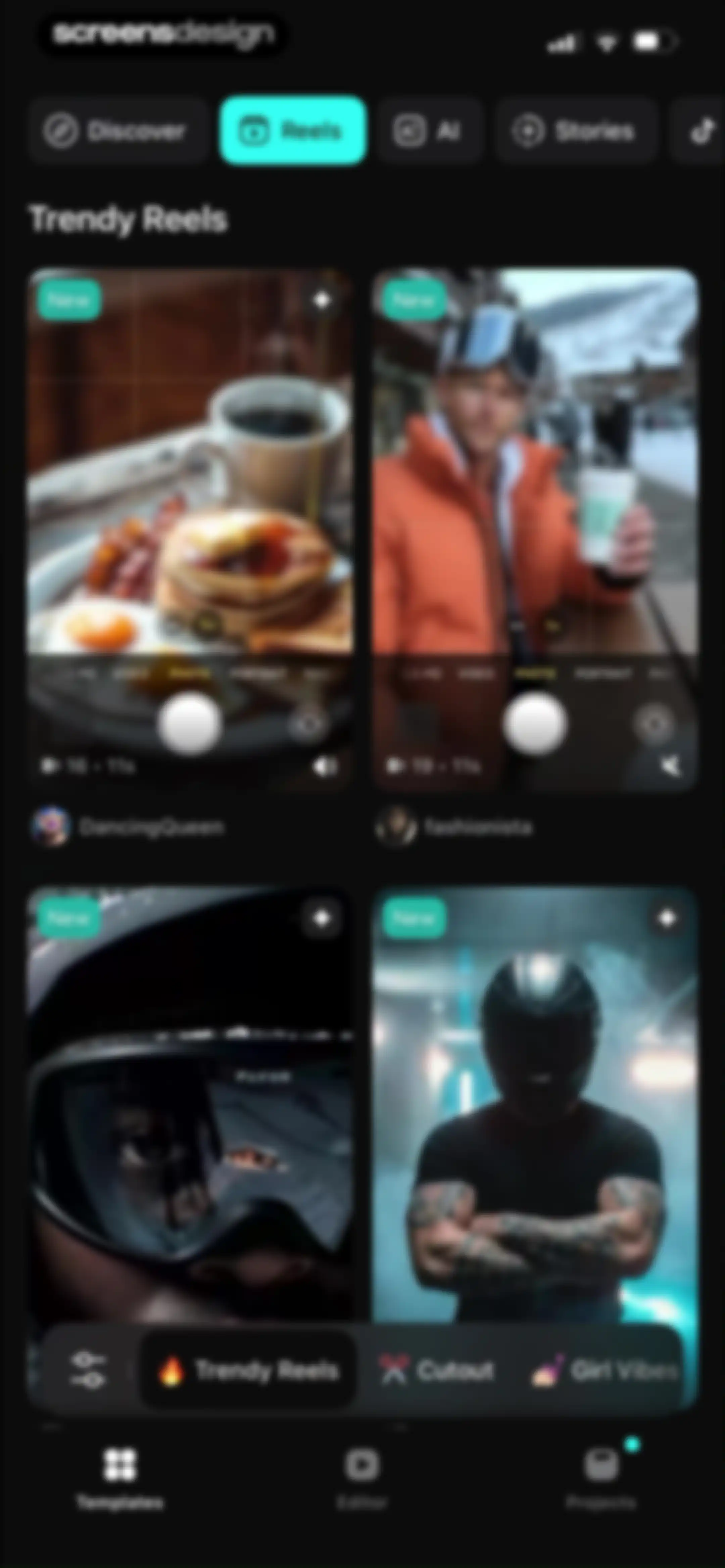
Home dashboard displaying a grid of video template cards with a dark theme and bottom navigation for templates, editor, and projects.Unlock Pro
Content feed displaying a two-column grid of video template cards with a selected Reels category tab and a bottom navigation bar.Unlock Pro
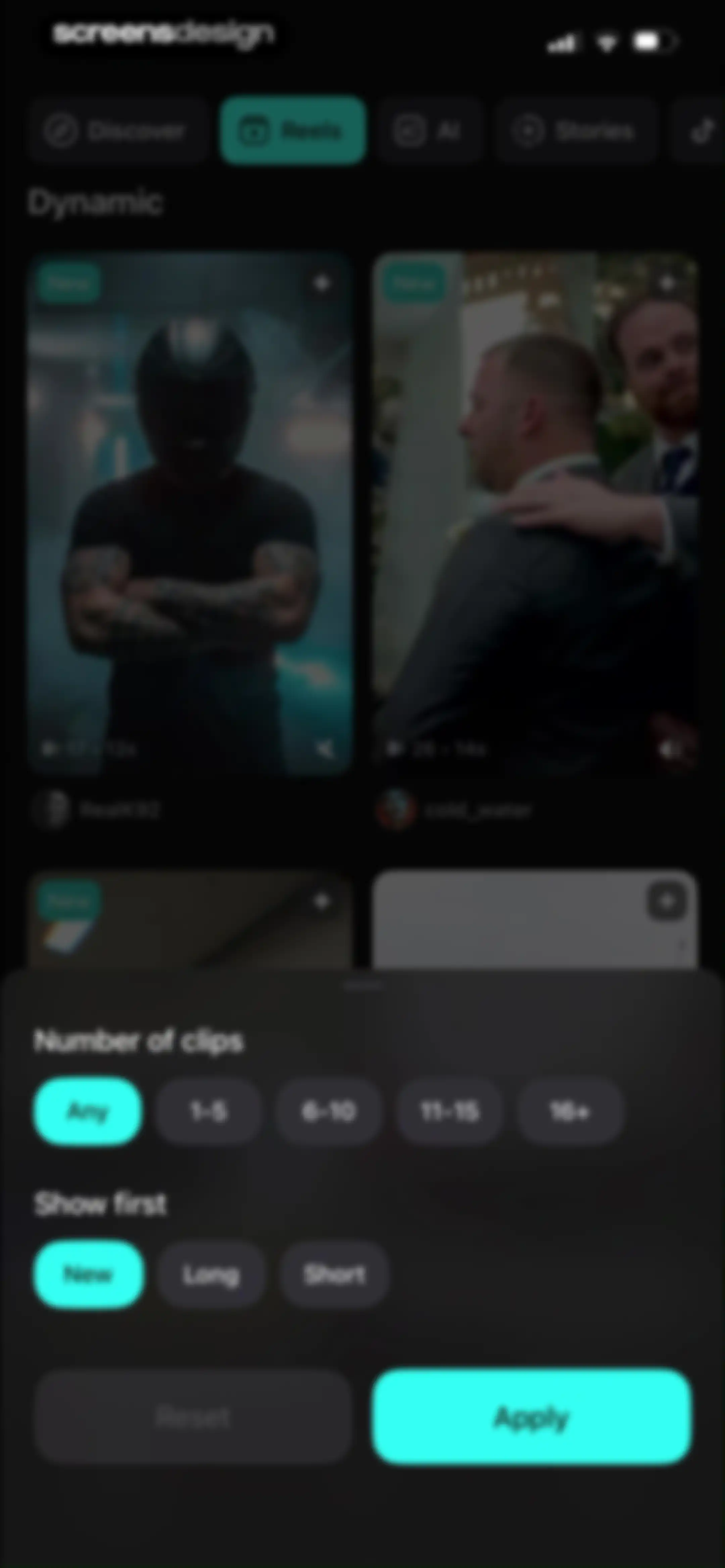
Video template feed with a dark-themed filter modal overlay displaying clip count options, sort preferences, and an Apply button.Unlock Pro
Video template preview screen displaying a 3.8-second before and after reel from TechWhiz, with a Use template button.Unlock Pro
Video playback screen featuring a report modal overlay with Cancel and Report buttons over a background video.Unlock Pro
Reporting modal overlay on a video player interface with options to report content or an account and a cancel button.Unlock Pro
Content reporting modal overlaid on a video editor, asking why the user is reporting the content with options including I don't like it.Unlock Pro
Reels editor screen displaying a video template preview, a report confirmation modal, creator details, and a Use template button.Unlock Pro
Video template preview screen displaying a 4.3s duration, creator information, and a Use template button.Unlock Pro
Media picker screen displaying a photo and video grid with a bottom modal asking to repeat the last choice.Unlock Pro
Video playback screen showing a repeating 3x3 grid of a fish dish with a playback control bar and timestamp.Unlock Pro
Video editor effects selection screen with a central media preview and bottom cards for turning effects on or off.Unlock Pro
Video effects editor screen displaying a preview with a bottom panel of Effects OFF and Effects ON cards and a Done button.Unlock Pro
Video editor interface displaying a food video preview, bottom editing tool icons, a media timeline, and an Export button.Unlock Pro
Video text editor with a preview of a fish and rice dish, a filmstrip timeline, and Add text and Template buttons at the bottom.Unlock Pro
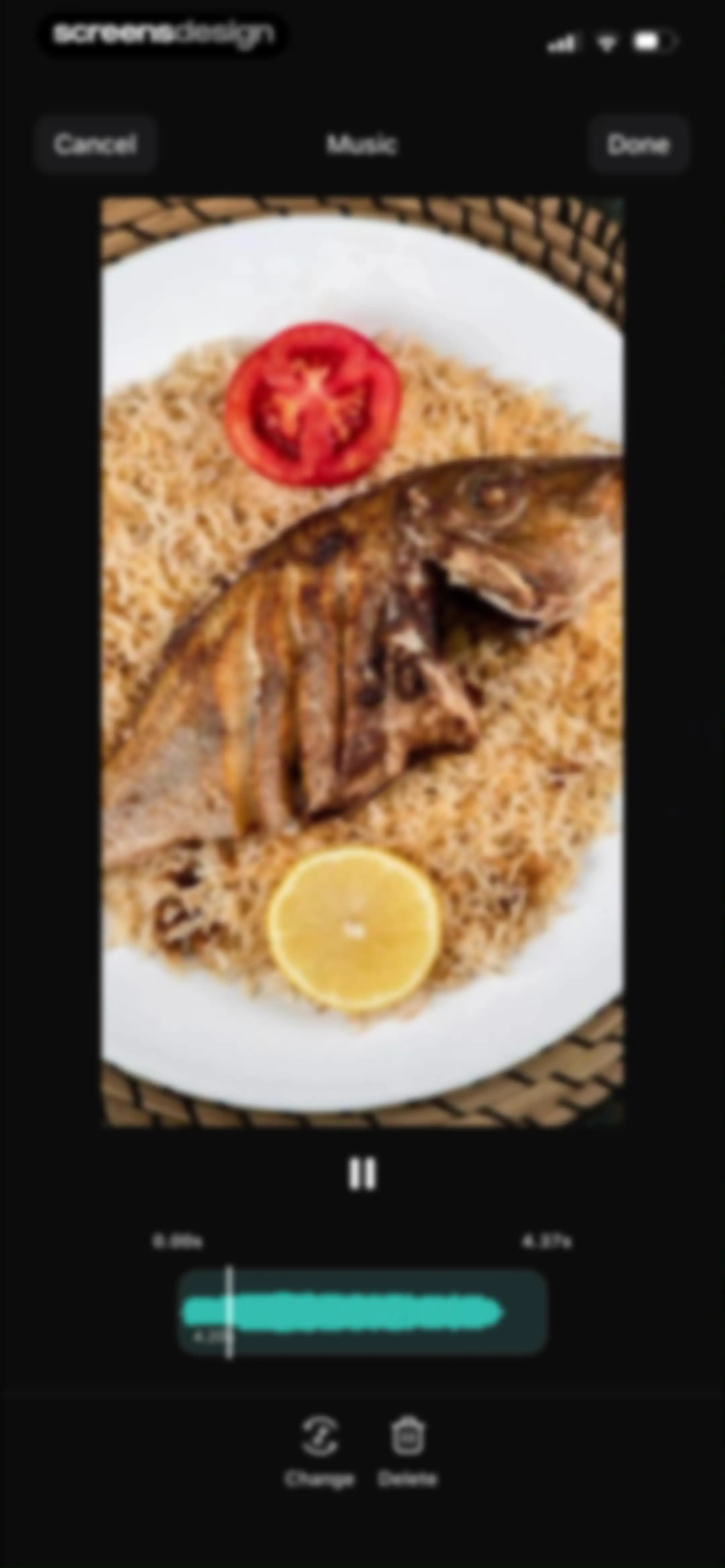
Video editor music editing screen with an audio waveform timeline, video preview, and bottom action buttons for Change and Delete.Unlock Pro
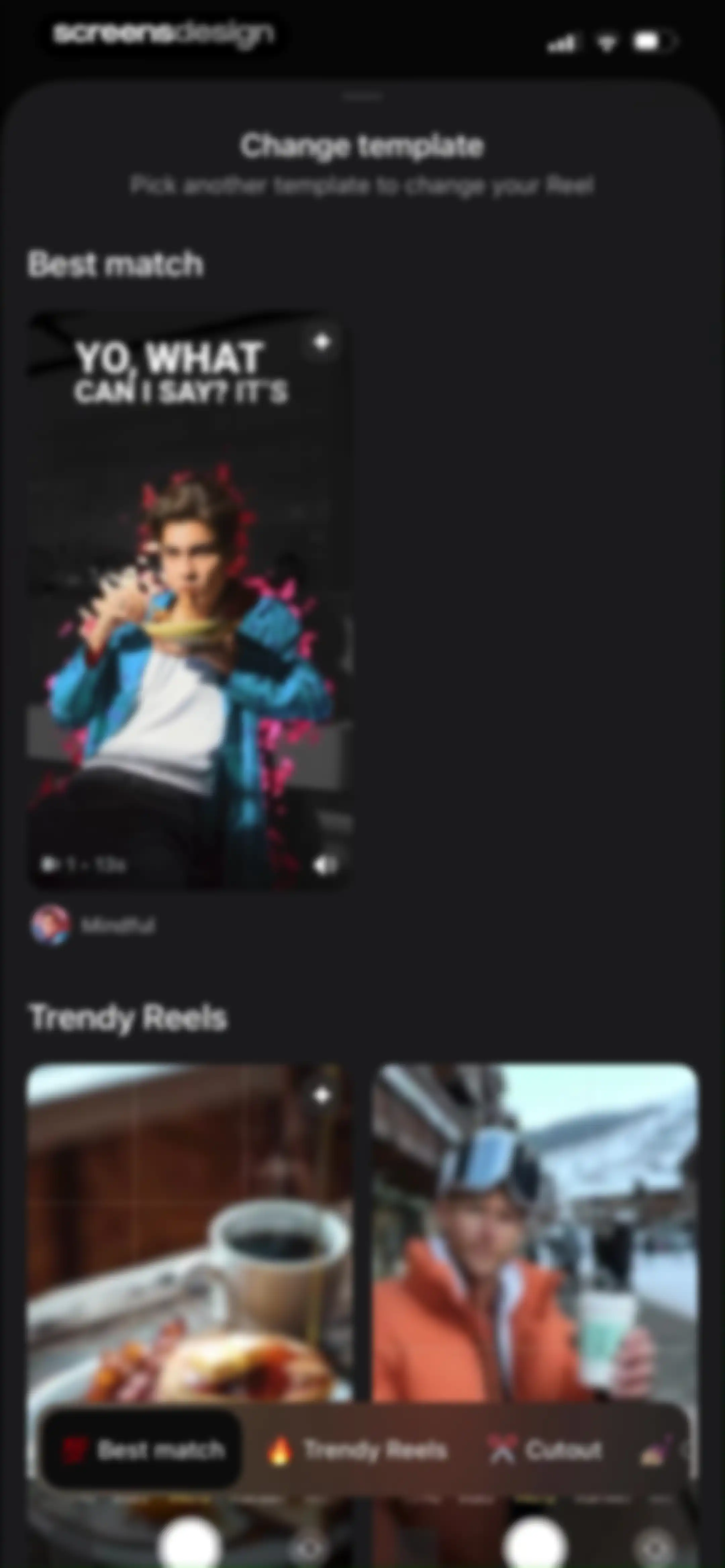
Template selection modal with a Best match section, a Trendy Reels grid, and a bottom filter navigation bar.Unlock Pro
Video editor loading screen with a central modal stating Adding video transitions, a bottom timeline strip, and top export and resolution controls.Unlock Pro
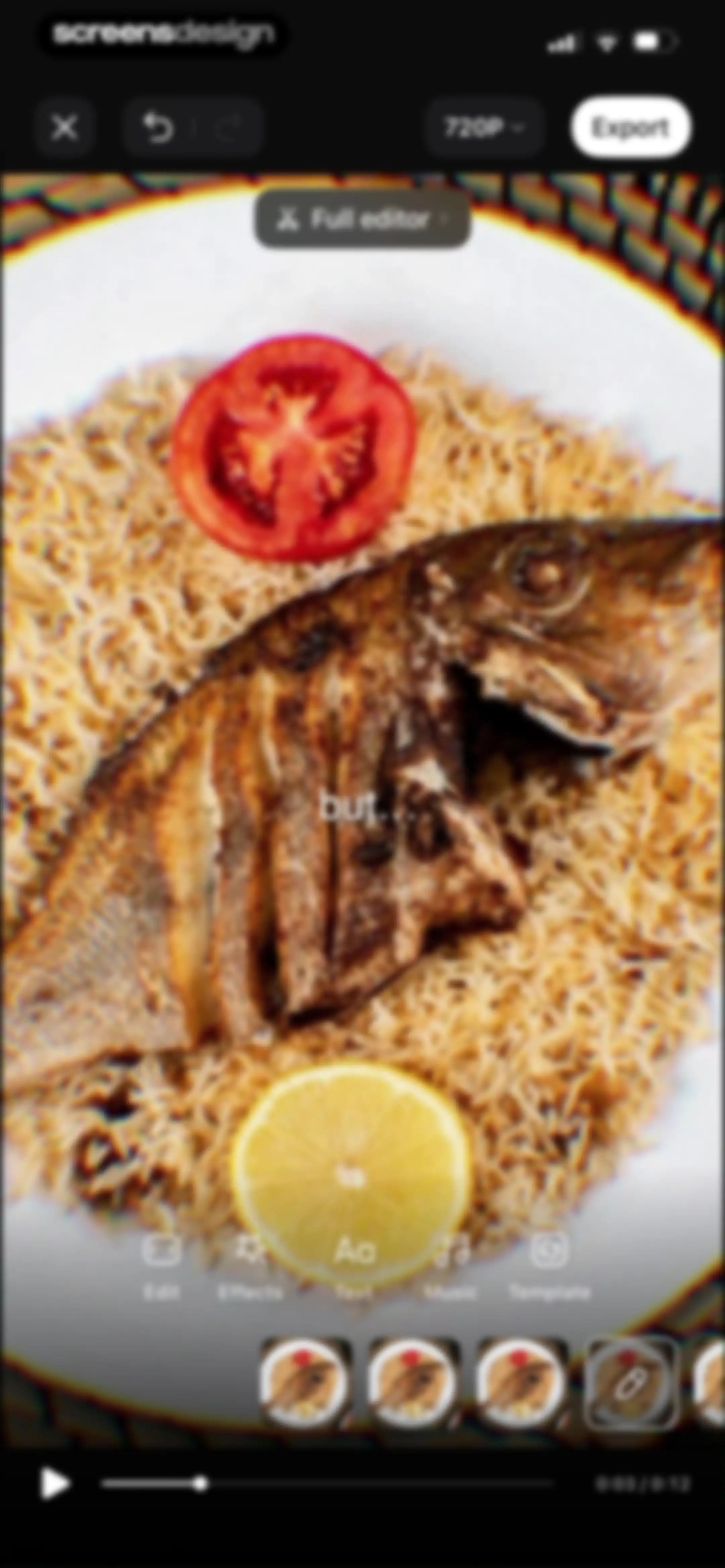
Video editor interface featuring a central preview, editing tool icons, a filmstrip timeline, and an export button.Unlock Pro
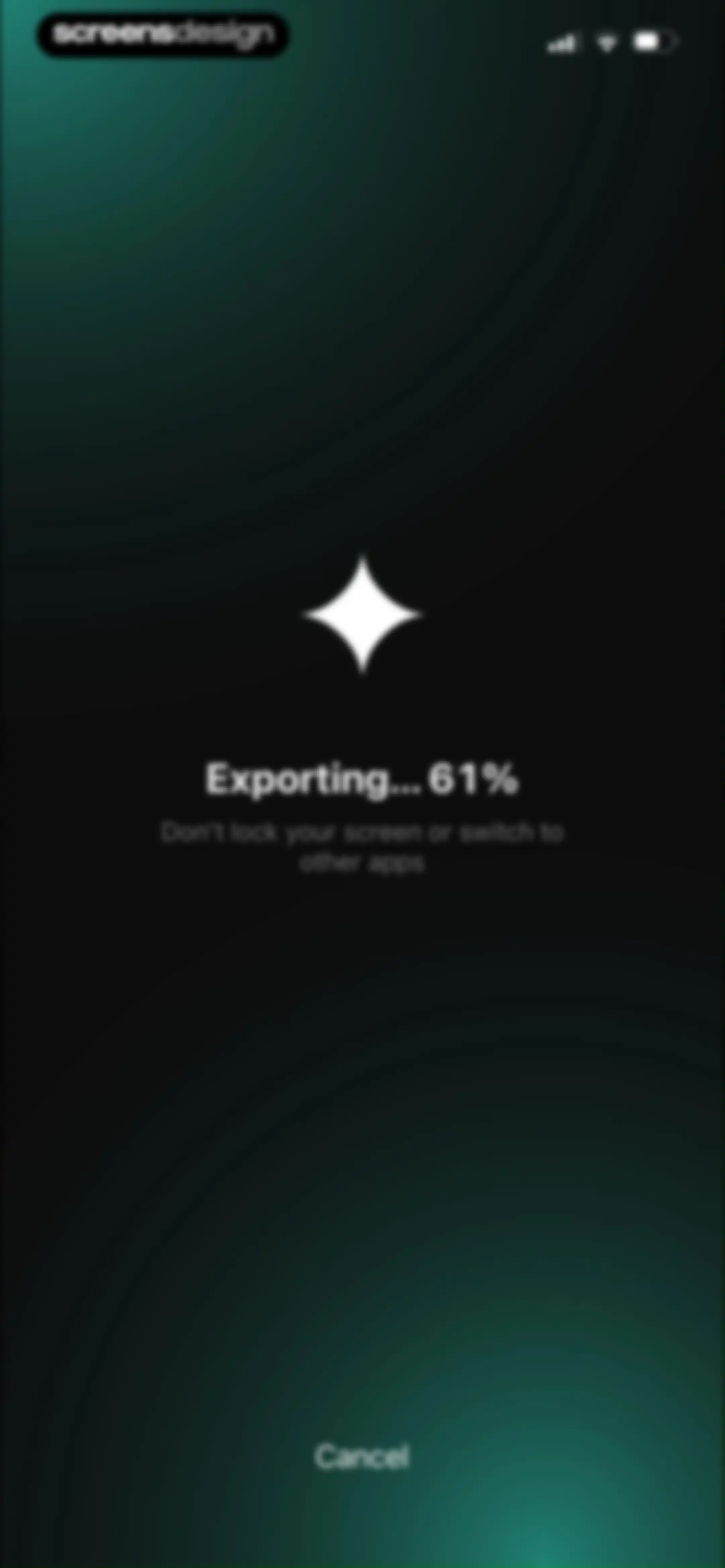
Export progress screen showing 61% completion, a warning not to lock the screen, and a Cancel button.Unlock Pro
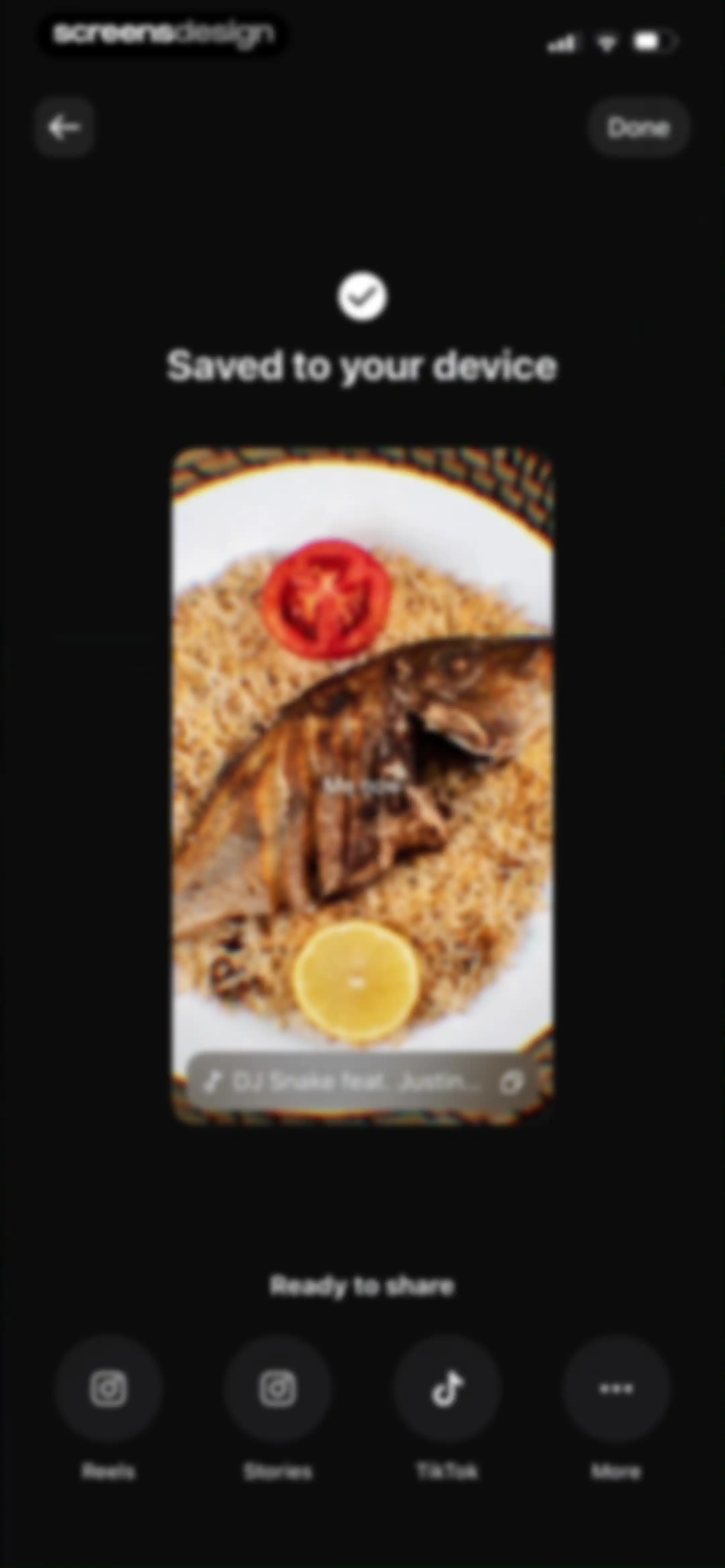
Success screen showing a video saved confirmation, a video preview card, and sharing options for social media platforms.Unlock Pro
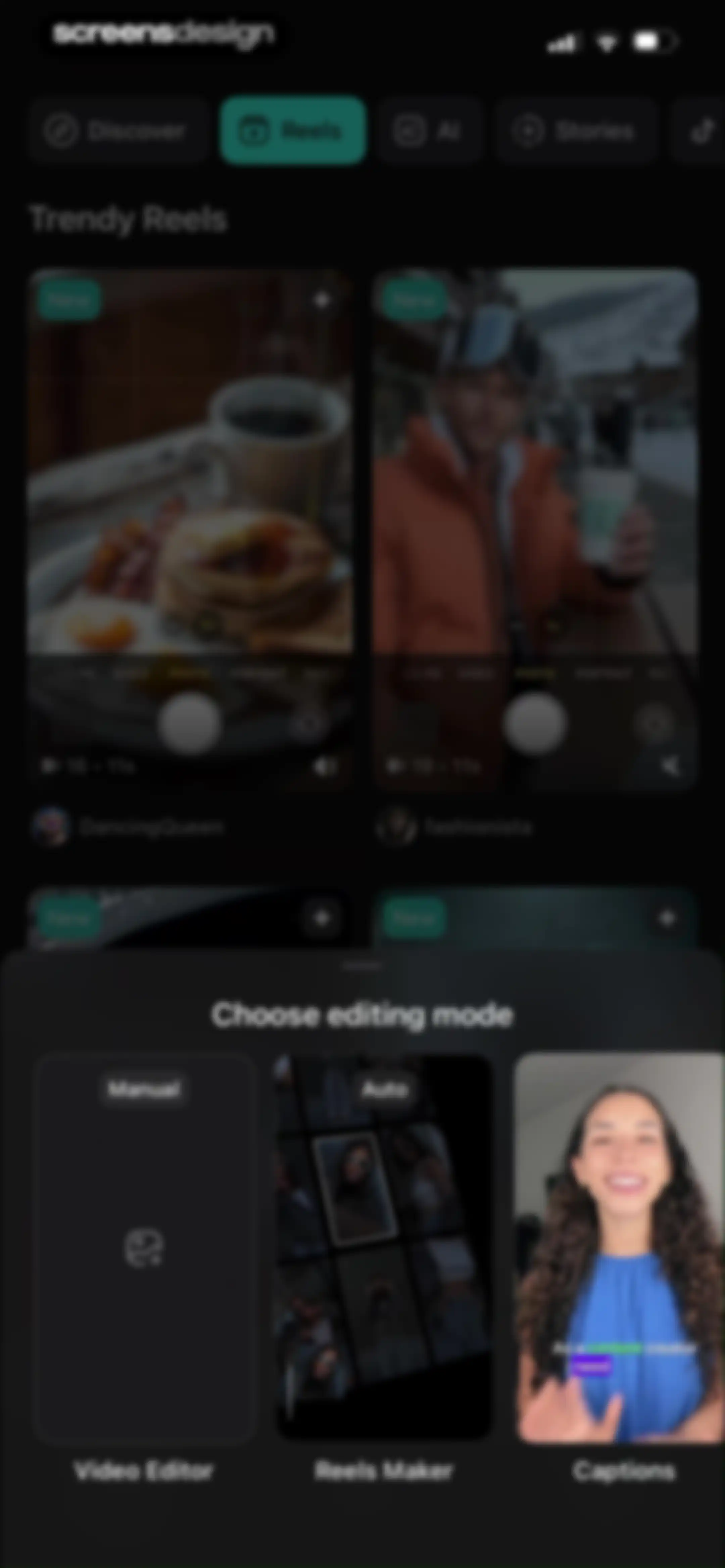
Home screen featuring a grid of trendy reels templates and a bottom modal for choosing an editing mode.Unlock Pro
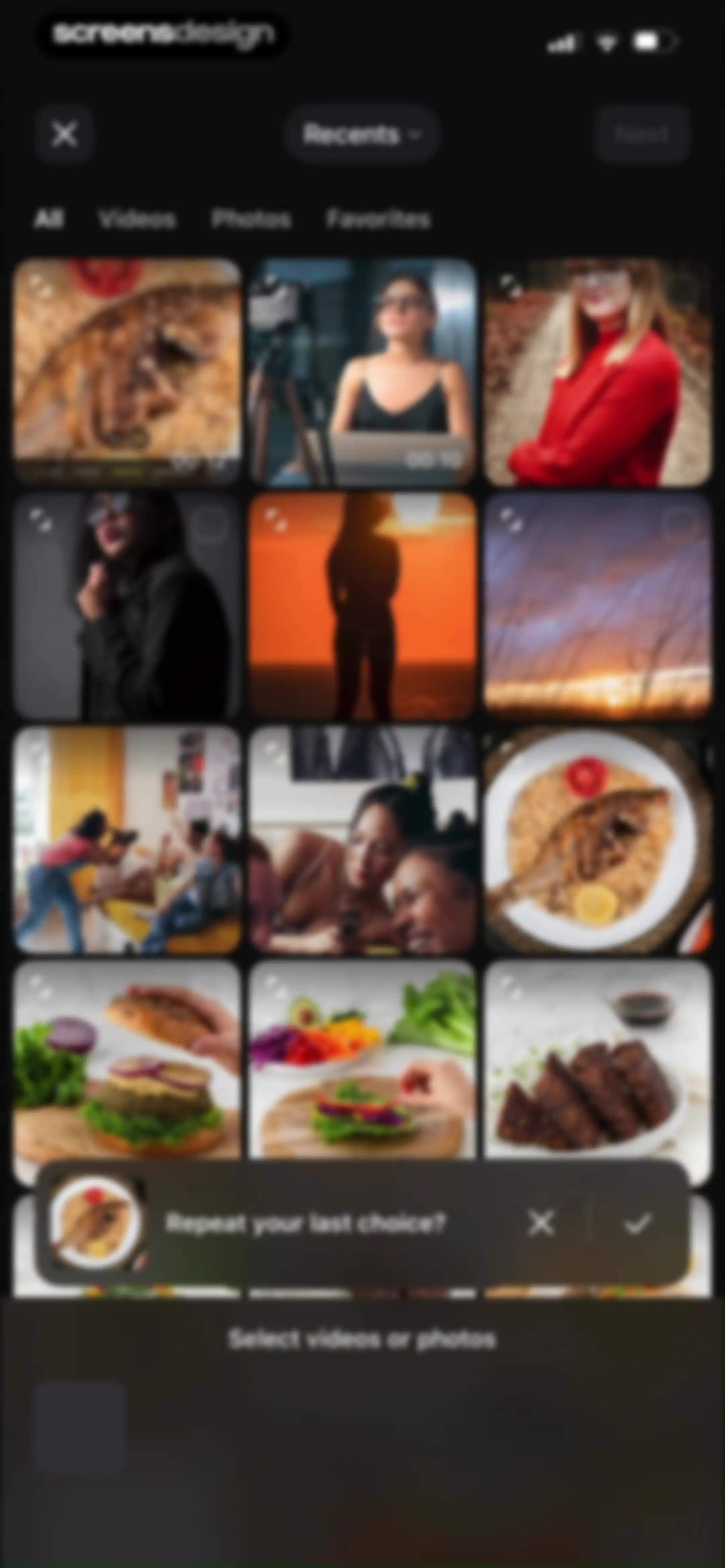
Media picker grid with a tabbed filter bar and a bottom modal prompting to repeat the last choice.Unlock Pro
Video editing interface showing a central food preview, playback controls, a timeline, an Export button, and bottom editing tools.Unlock Pro
Video editor screen displaying a save confirmation modal with Reset and Save buttons over a food preview.Unlock Pro
Profile screen with a promotional banner offering 75% off, tabbed project view, a grid of video thumbnails, and a bottom navigation bar.Unlock Pro
Profile screen with a promotional banner offering 75 percent off, an upgrade to pro button, and a grid of video project thumbnails.Unlock Pro
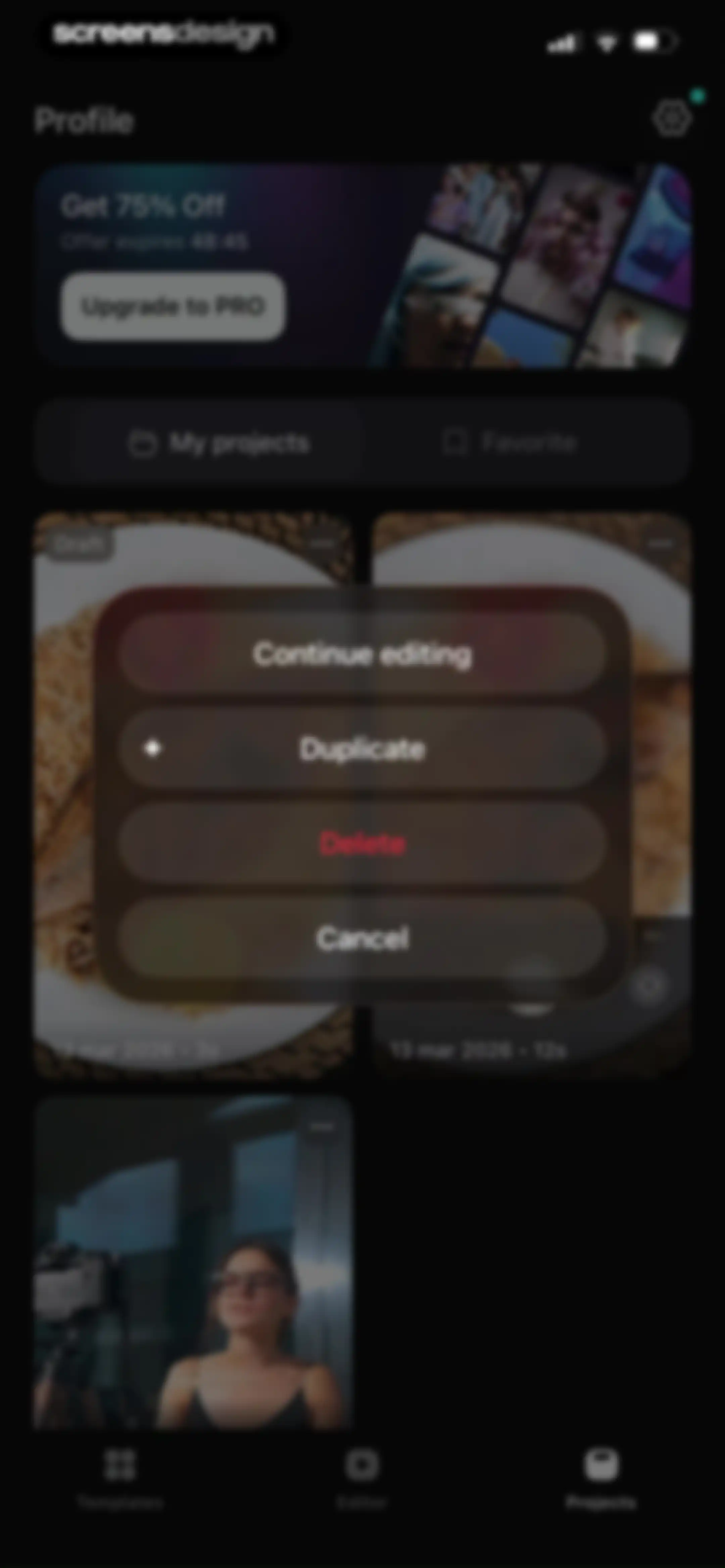
Profile screen displaying a project grid, a promotional banner offering 75 percent off, and a modal overlay with project management options.Unlock Pro
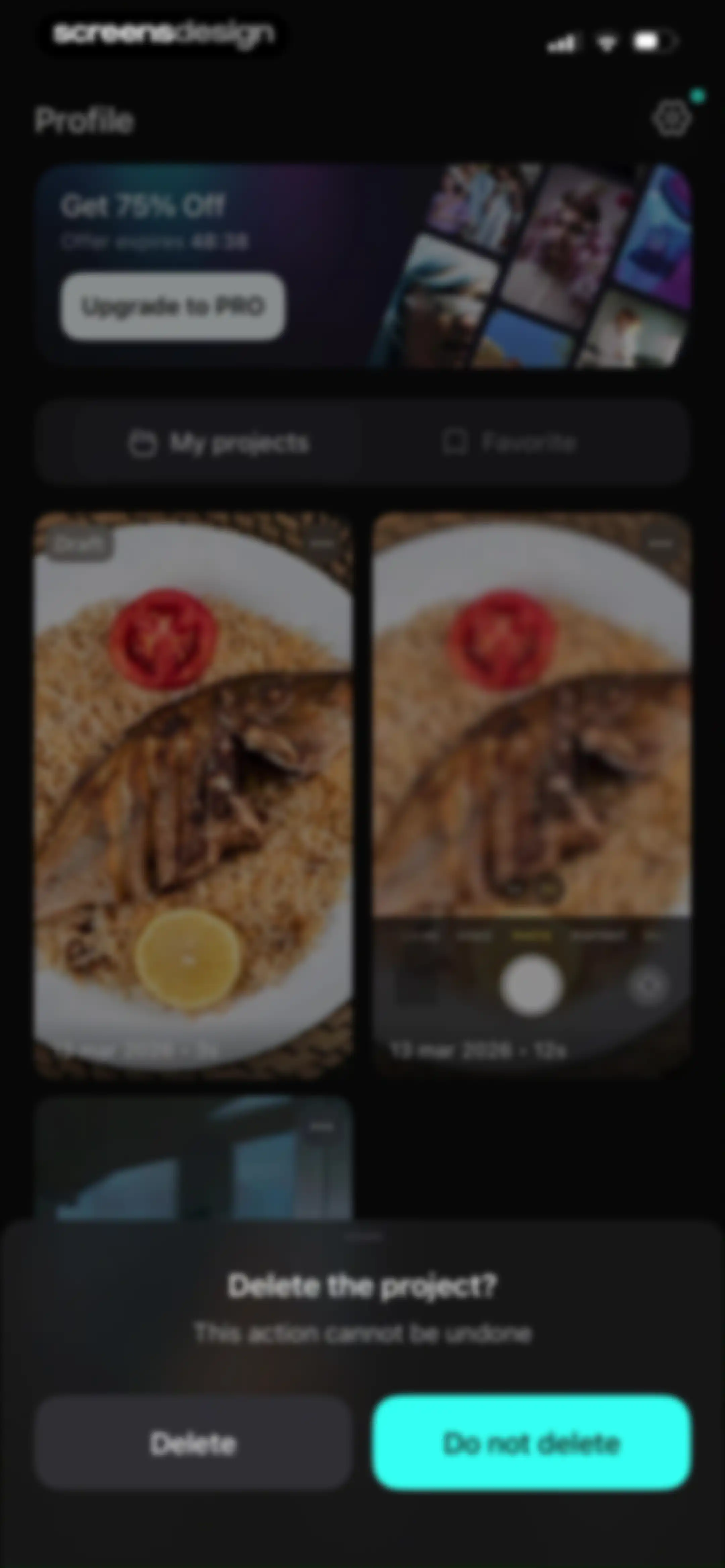
User profile screen with a project deletion confirmation modal, promotional upgrade banner, and a grid of video project cards.Unlock Pro
Profile screen with a promotional banner offering a discount, an Upgrade to PRO button, a tabbed content switcher, and a grid of video project thumbnails.Unlock Pro
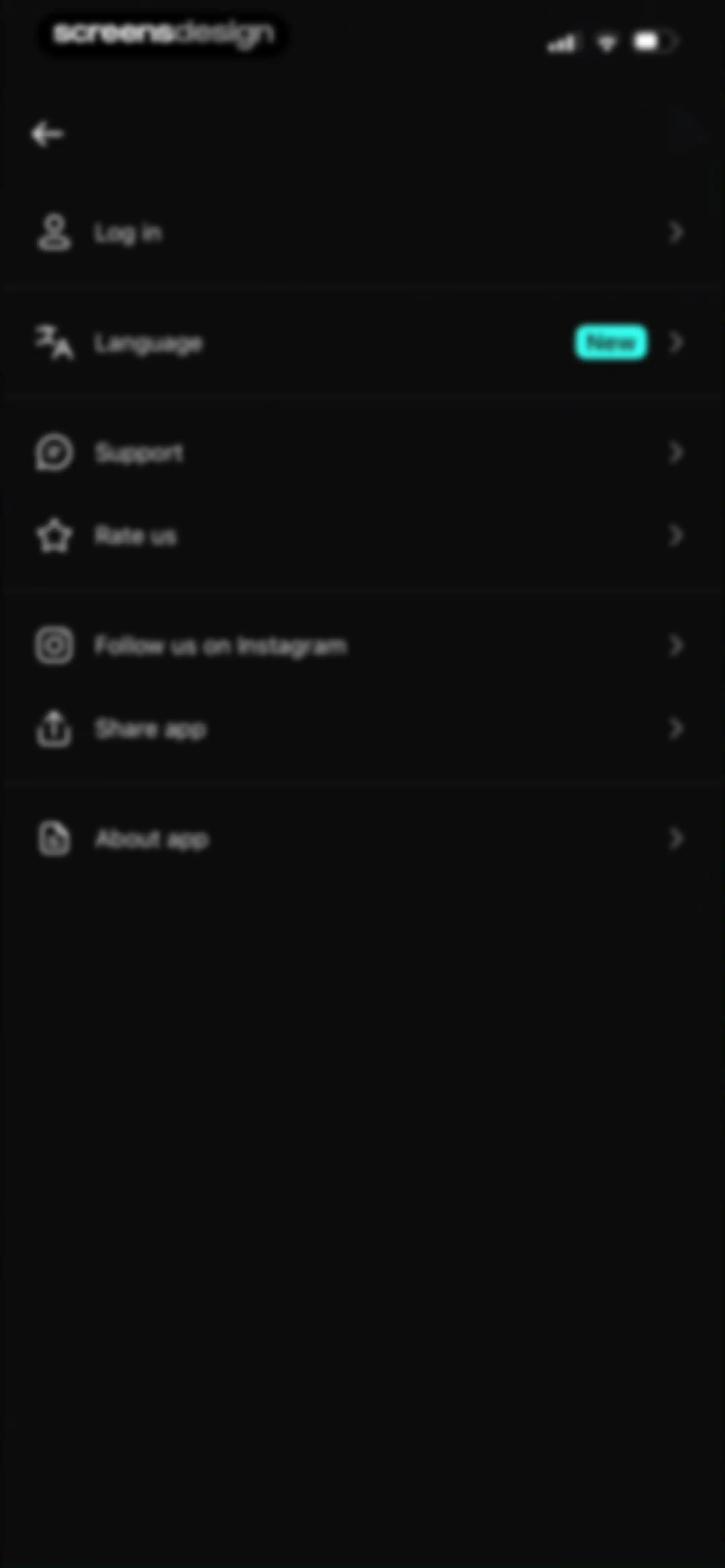
Settings screen with a dark-themed vertical list of options including Log in, Language, Support, and About app.Unlock Pro
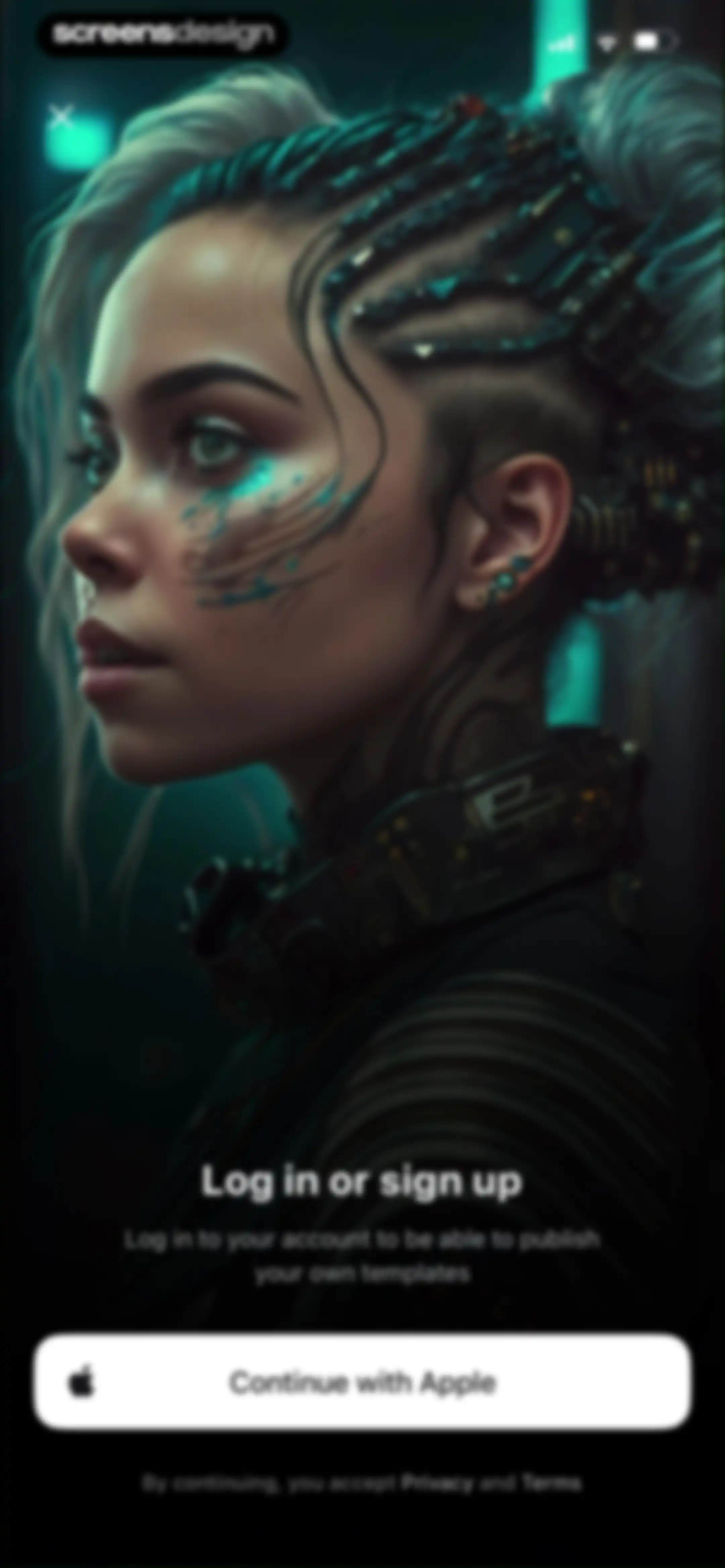
Login or sign-up screen with a cyberpunk portrait background, featuring a Continue with Apple button and a close icon in the top left corner.Unlock Pro
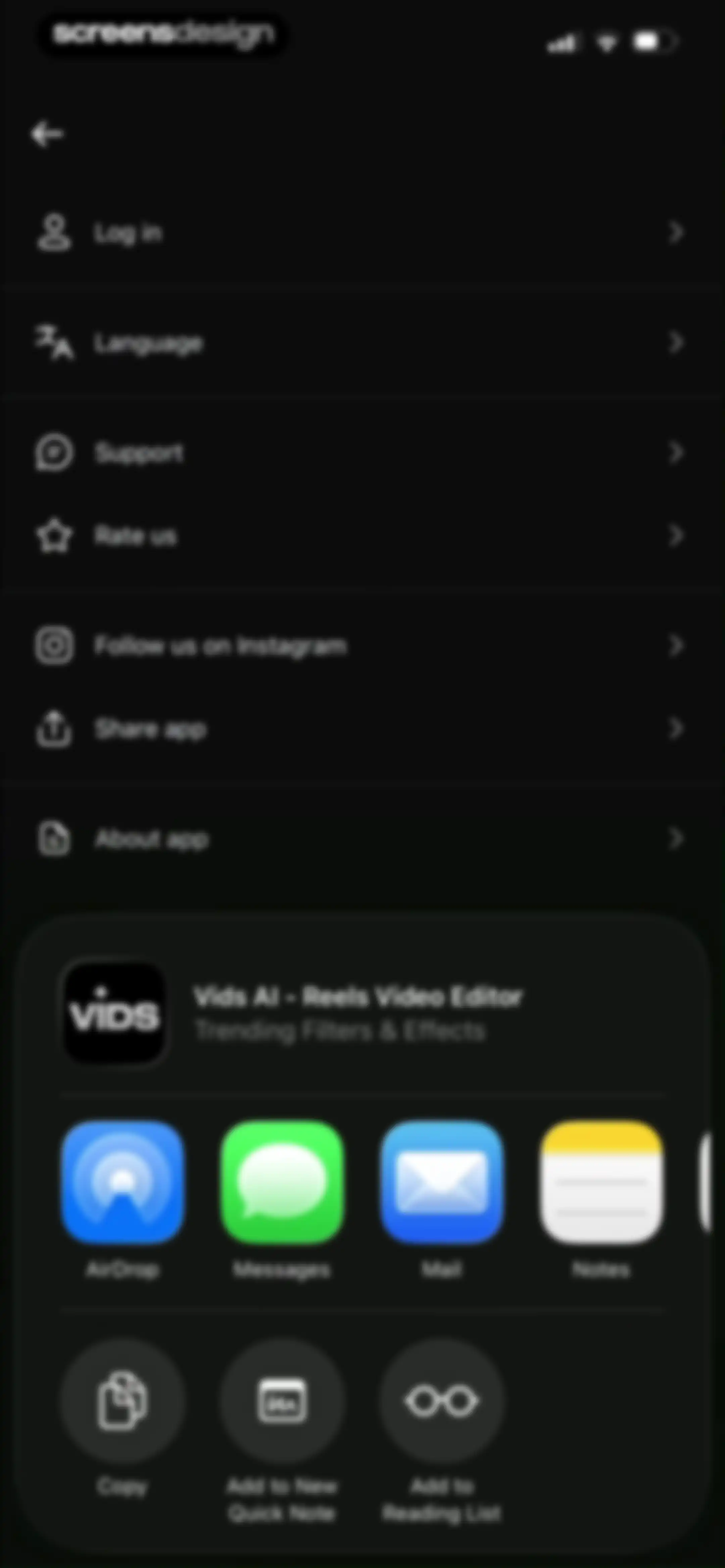
Settings screen with a vertical options list and an overlapping iOS share sheet modal displaying app sharing options.Unlock Pro
Settings legal page with Privacy policy and Terms links in the Vids AI app, ending with a version number footer.Unlock Pro

About Vids AI - Reels Video Editor

A mobile video editing application featuring AI-powered templates, automated beat syncing, and cinematic effects for creating trending social media content.

Explore Vids AI - Reels Video Editor across ScreensDesign

Apps similar to Vids AI - Reels Video Editor

Unlock all similar apps

See every comparable app, revenue, installs, and flows.

Unlock Pro
  • Videoleap: AI Video Editor

    4.6
    Lightricks Ltd.Revenue$950kInstalls55k
  • VideoShow AI Video Editor

    4.7
    VIDEOSHOW PTE. LTD.Revenue$30kInstalls5k
  • Muse: Reels Video Editor

    4.7
    BigrowthRevenue$950kInstalls450k
  • Movavi - Video & Reels Editor

    4.7
    Movavi Emea LLCRevenue$75kInstalls<5k
  • Impresso - Video & Logo Maker

    4.7
    Pixery Bilgi TeknolojileriRevenue$45kInstalls<5k
  • Photo to Video: AI Video Maker

    4.7
    Joseph Works LimitedRevenue$50kInstalls<5k
  • AI Video Generator - ArtReel

    4.5
    COOL SUMMER LIMITEDRevenue$10kInstalls<5k
  • Temply: AI Video & Reels Maker

    4.8
    Popixels Ltd.Revenue$100kInstalls<5k
  • DeeVid - AI Video Generator

    4.7
    ALWAYS RISING PTE. LTD.Revenue$250kInstalls100k
  • Video Editor ·

    4.7
    LuniRevenue$65kInstalls35k
  • Video Up! Video Editor & Maker

    4.6
    Video editor & maker appRevenue$750kInstalls50k
  • AI Video Generator - Vidmor

    4.4
    APPINNOVATORS LIMITEDRevenue$250kInstalls65k
  • Magisto Video Editor & Maker

    4.6
    Vimeo, Inc.Revenue$150kInstalls<5k
  • Enkio AI Music Video Generator

    4.3
    YEABO LIMITEDRevenue$150kInstalls15k
  • Pic+ - AI Video Generator

    4.4
    RedShift.IncRevenue$650kInstalls85k
  • Funimate Video & Motion Editor

    4.7
    Pixery Bilgi TeknolojileriRevenue$45kInstalls15k
  • Reelsapp: reel & video editor

    4.8
    Rustam AchilovRevenue$35kInstalls15k
  • intoLive - Live Wallpapers

    4.6
    ImgBase, Inc.Revenue$25kInstalls250k
  • Anijam: AI Video Maker

    4.5
    SEEKOO HK LIMITEDRevenue$65kInstalls25k
  • AI Video Generator - AI Studio

    4.7
    Generative AI Teknoloji Anonim SirketiRevenue$250kInstalls80k
  • Rizo: AI Viral Video Generator

    4.7
    SEAMOBI TECH PTE LTDRevenue$<5kInstalls<5k
  • VivaVideo - Video Cut & Editor

    4.8
    QuVideo Inc.Revenue$450kInstalls50k
  • Hype AI - AI Photo & Video

    4.8
    POLYVERSE ENTERTAINMENT INC.Revenue$65kInstalls60k
  • Templify・Video & Reel Maker

    4.8
    Templify Media, Inc.Revenue$250kInstalls25k
  • Reels & Story Maker: Storybeat

    4.7
    Social Stories S.L.Revenue$20kInstalls<5k
  • Filmit AI: AI Cinematic Video

    4.2
    XIANG GANG RADIANCE LIMITEDRevenue$35kInstalls11k
  • PicPlayPost: Video Editor

    4.8
    Mixcord Inc.Revenue$85kInstalls<5k
  • PhotoGrid: Video Collage Maker

    4.9
    JUPITER PALACE PTE. LTD.Revenue$600kInstalls150k
  • Filto: AI Photo & Video Editor

    4.7
    Pinso, Inc.Revenue$<5kInstalls<5k
  • Coen: AI Photo Video Generator

    4.7
    UNIVERLIST TEKNOLOJI SANAYI VE TICARET ANONIM SIRKETIRevenue$<5kInstalls<5k
  • PowerDirector: AI Video Editor

    4.6
    CyberLinkRevenue$150kInstalls30k
  • Ritmo Video: AI Video Generate

    4.6
    Guangzhou Dianwan Network Technology Co., Ltd.Revenue$<5kInstalls<5k
  • Video Effects Editor: Riveo

    4.5
    Forge and Form GmbHRevenue$<5kInstalls<5k
  • Shots: Photo & Video Generator

    4.6
    DeePix AIRevenue$150kInstalls5k
  • Woola-AI photo intelligent

    4.6
    Beijing Tiger Creative Technology Co., LtdRevenue$45kInstalls50k
  • AI Cut:Photo&Video Editor

    4.5
    波 王Revenue$75kInstalls45k
  • VoKit - Image Effects Creator

    4.6
    韵迪 林Revenue$11kInstalls<5k
  • VLLO- Video Editor, Vlog Edits

    4.8
    vimosoftRevenue$350kInstalls50k
  • Canva AI Photo & Video Editor

    4.9
    CanvaRevenue$34MInstalls5.3M
  • Reels Maker for Instagram BEAT

    4.8
    Onelight Apps CY LtdRevenue$350kInstalls85k
  • AI Catch: AI Video Generator

    4.3
    Prominent Fortune PTE. LTDRevenue$700kInstalls350k
  • Boom AI: AI Video Generator

    4.6
    NineGRevenue$<5kInstalls<5k
  • AI Video – AI Video Generator

    4.5
    R.M. APLICTIONS LTDRevenue$100kInstalls45k
  • AI Video - AI Video Generator

    4.5
    HUBXRevenue$750kInstalls650k
  • Templix - Reels Video Maker

    4.7
    LeapixelRevenue$25kInstalls35k
  • Diffuse - AI Video Generator

    4.0
    Higgsfield, Inc.Revenue$<5kInstalls<5k
  • Dance AI - Video Generator

    4.6
    DeePix AIRevenue$450kInstalls65k