Transkriptor - Speech to Text

$100k revenue, 4.7 rating

Request Notification Permission
0:00 / 10:17

Onboarding flow, Paywall & Inside the App

Watch the full screen-by-screen UX video of Transkriptor - Speech to Text with onboarding, paywall, and every core flow.

Splash screen for Transkriptor featuring a centered white logo and brand name on a solid blue background.
Permission request modal asking if Transkriptor can send notifications, with Don't Allow and Allow buttons.
App tracking transparency permission modal in Transkriptor asking for permission to track activity with Ask App Not to Track and Allow buttons.
Transkriptor sign-up screen with a primary email button, social login options for Google, Apple, and Microsoft, and a sign-in link at the bottom.
Transkriptor sign-up form with email and password input fields, password requirements helper text, and social login options.
Email verification screen for Transkriptor displaying the address screensdesignstest@gmail.com, instructions to check the spam folder, and a Resend Email button.
App startup splash screen featuring the Transkriptor logo and name centered on a blue background with a loading progress bar.
Transkriptor home screen featuring a promotional banner, action cards for file and meeting transcription, calendar integration options, and a bottom navigation bar.
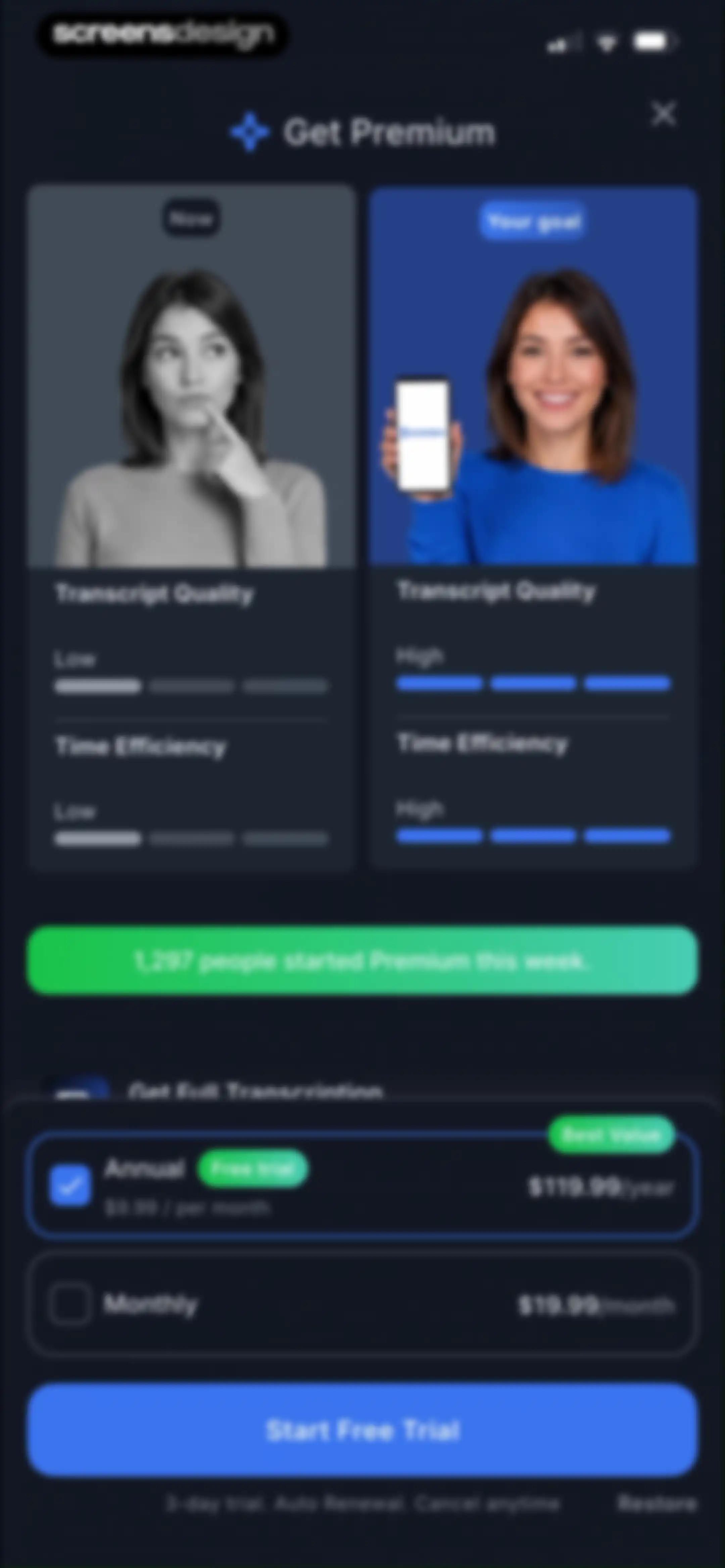
Paywall subscription screen comparing plans with the annual plan selected and a Start Free Trial button.Unlock Pro
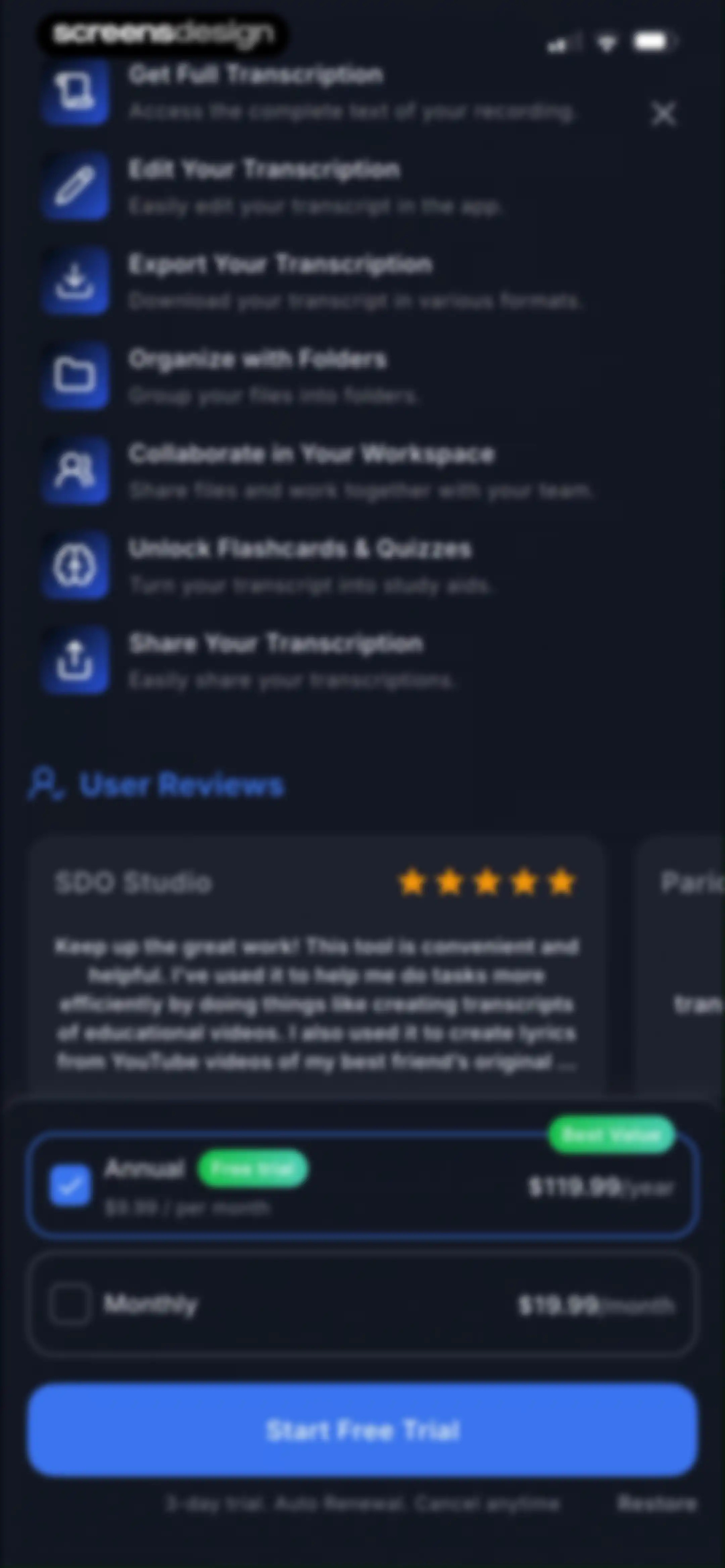
Paywall screen for Transkriptor listing premium transcription features, a user review, and annual and monthly subscription plans with a Start Free Trial button.Unlock Pro
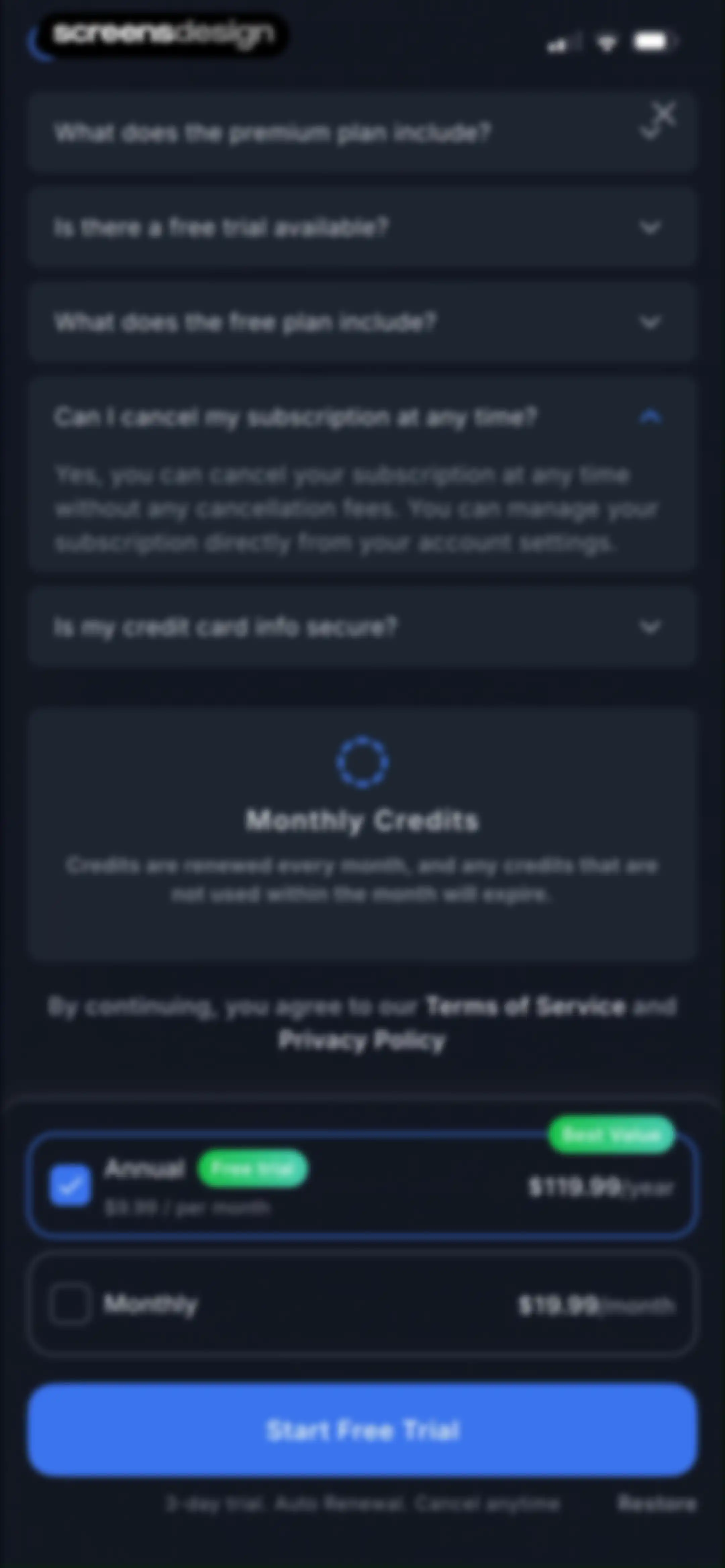
Paywall screen comparing annual and monthly subscription plans with an FAQ list and a Start Free Trial button.Unlock Pro
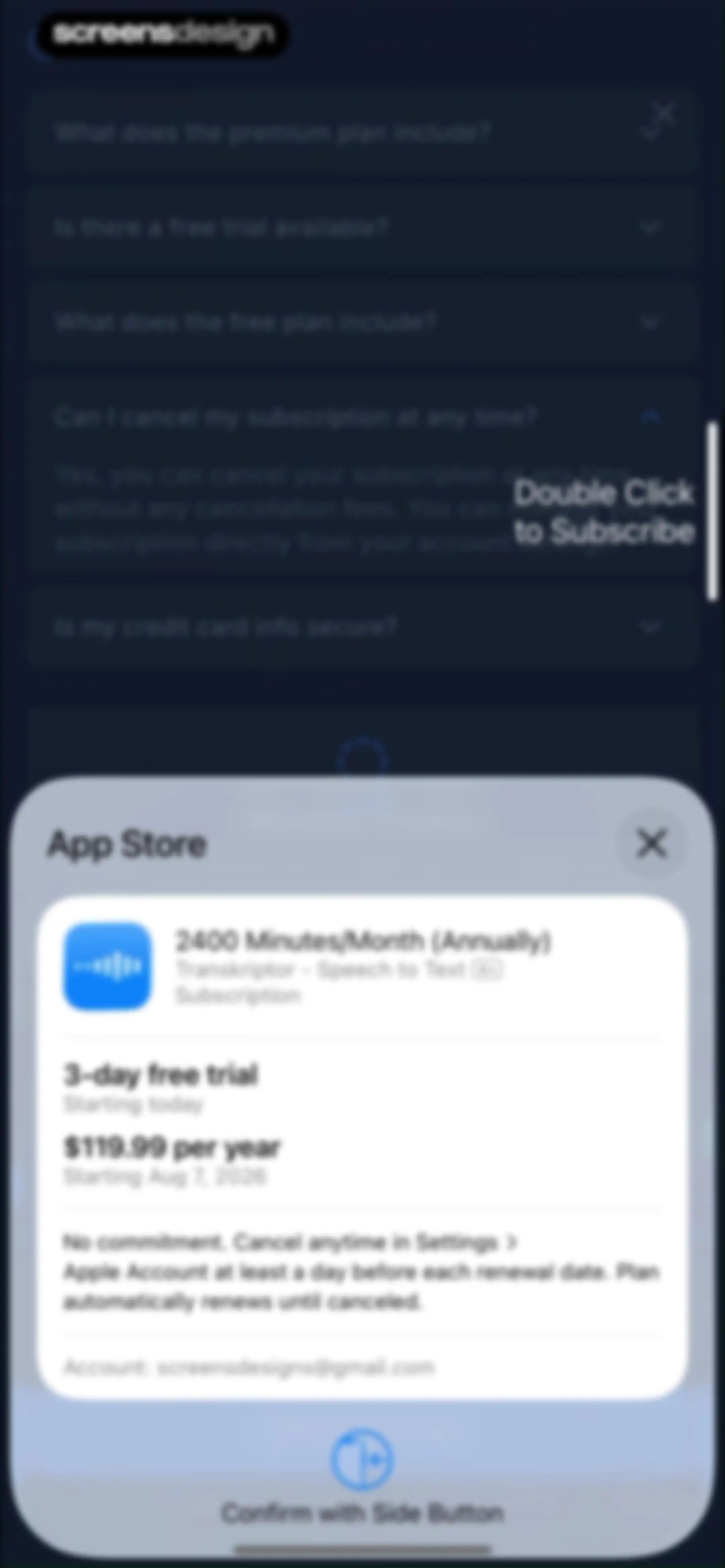
App Store subscription confirmation modal showing an annual Transkriptor plan with a free trial and a side button prompt.Unlock Pro
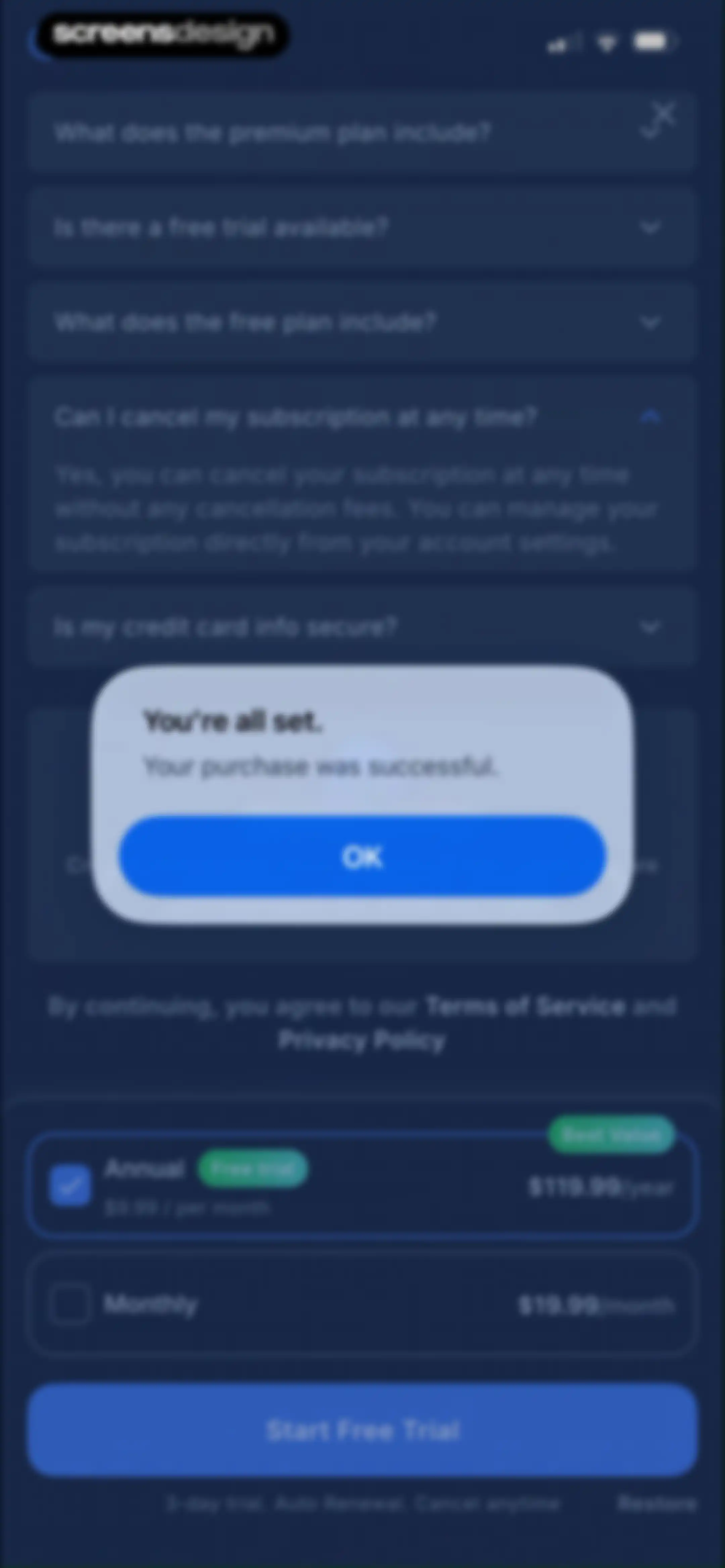
Purchase confirmation modal displaying You are all set over a subscription paywall with an annual plan selected and an OK button.Unlock Pro
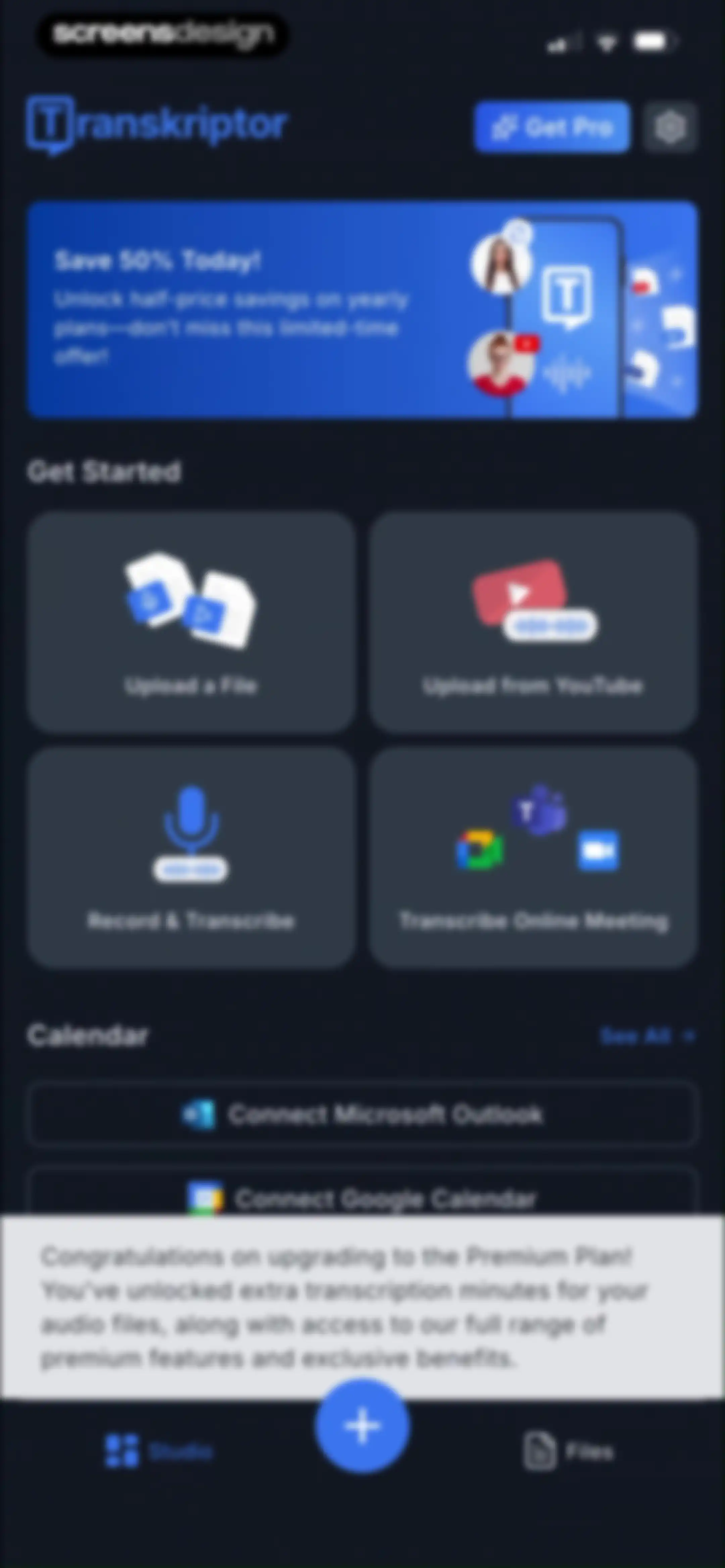
Transkriptor home screen in dark theme featuring a promotional banner, four action cards for transcription types, and a premium upgrade confirmation modal.Unlock Pro
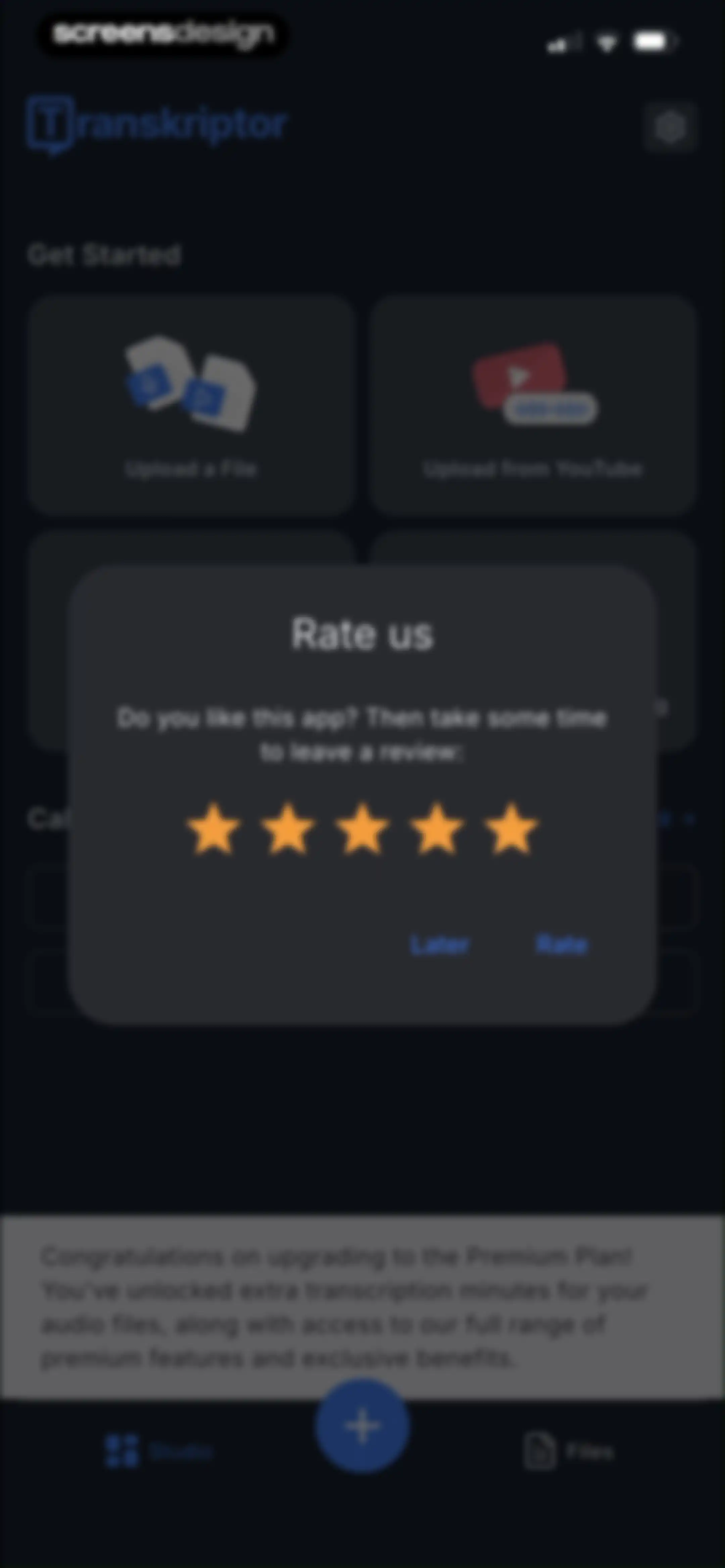
Transkriptor home screen in dark mode with a central Rate us modal overlay displaying five orange stars and Later and Rate buttons.Unlock Pro
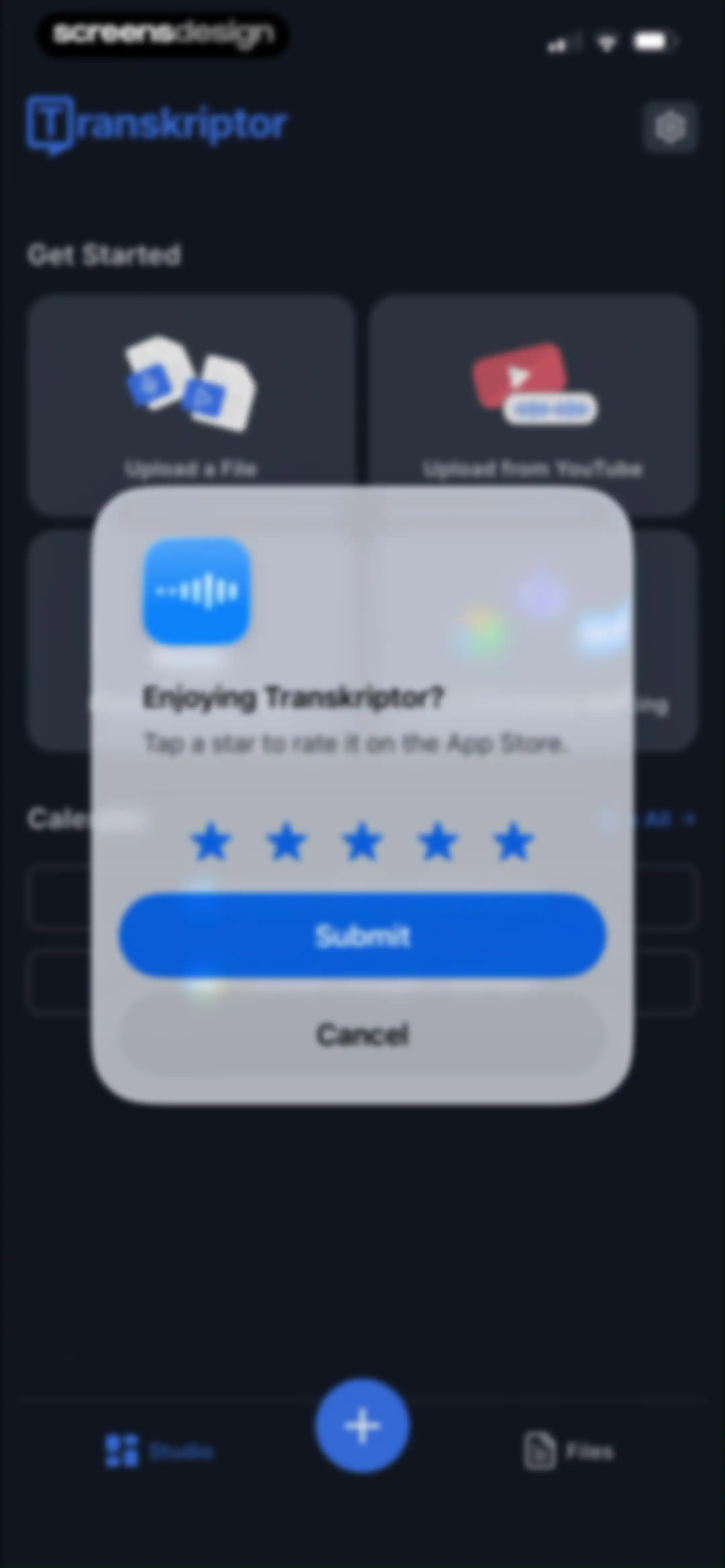
Transkriptor home screen featuring a rating modal overlay with star icons, a Submit button, and a dark theme.Unlock Pro
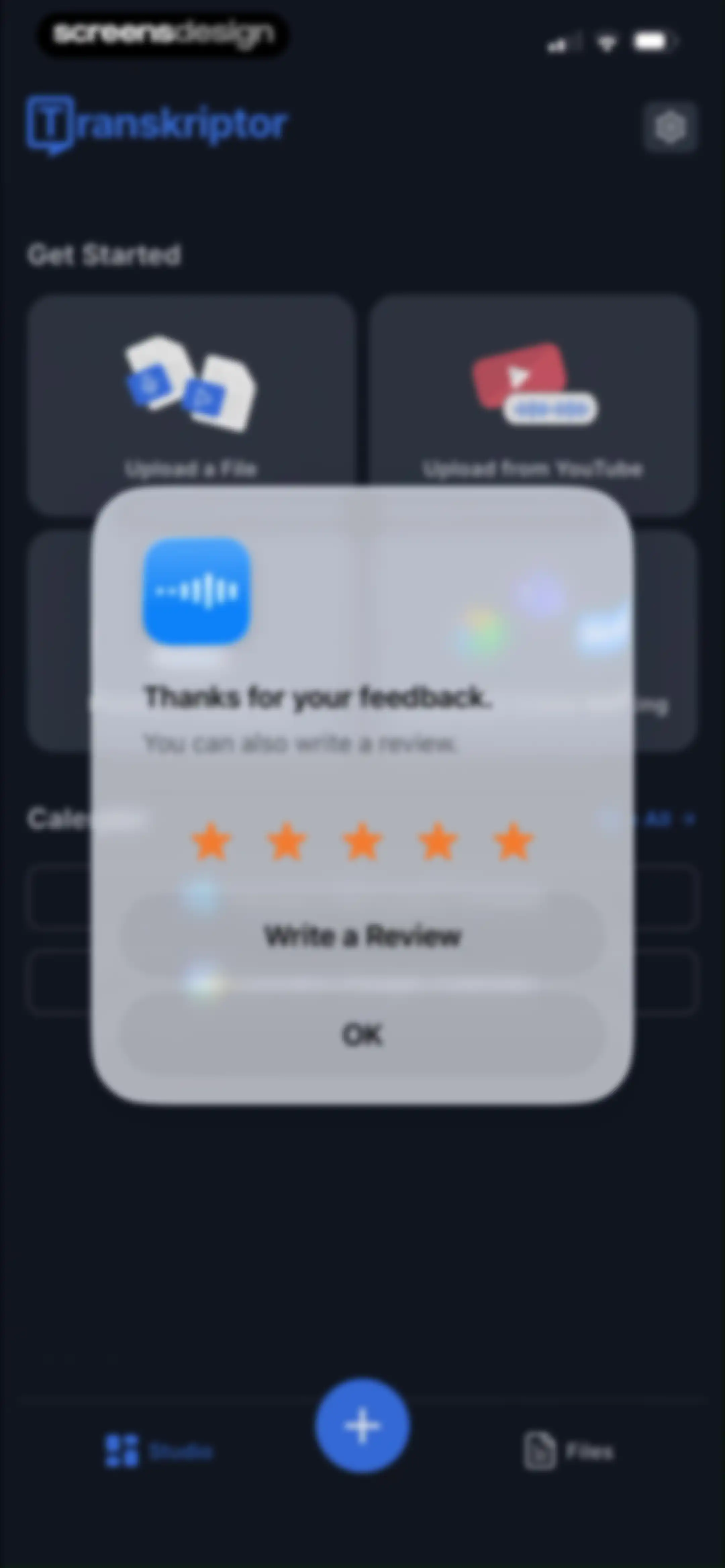
Feedback modal overlaying the Transkriptor dashboard, featuring a five-star rating prompt and Write a Review and OK buttons.Unlock Pro
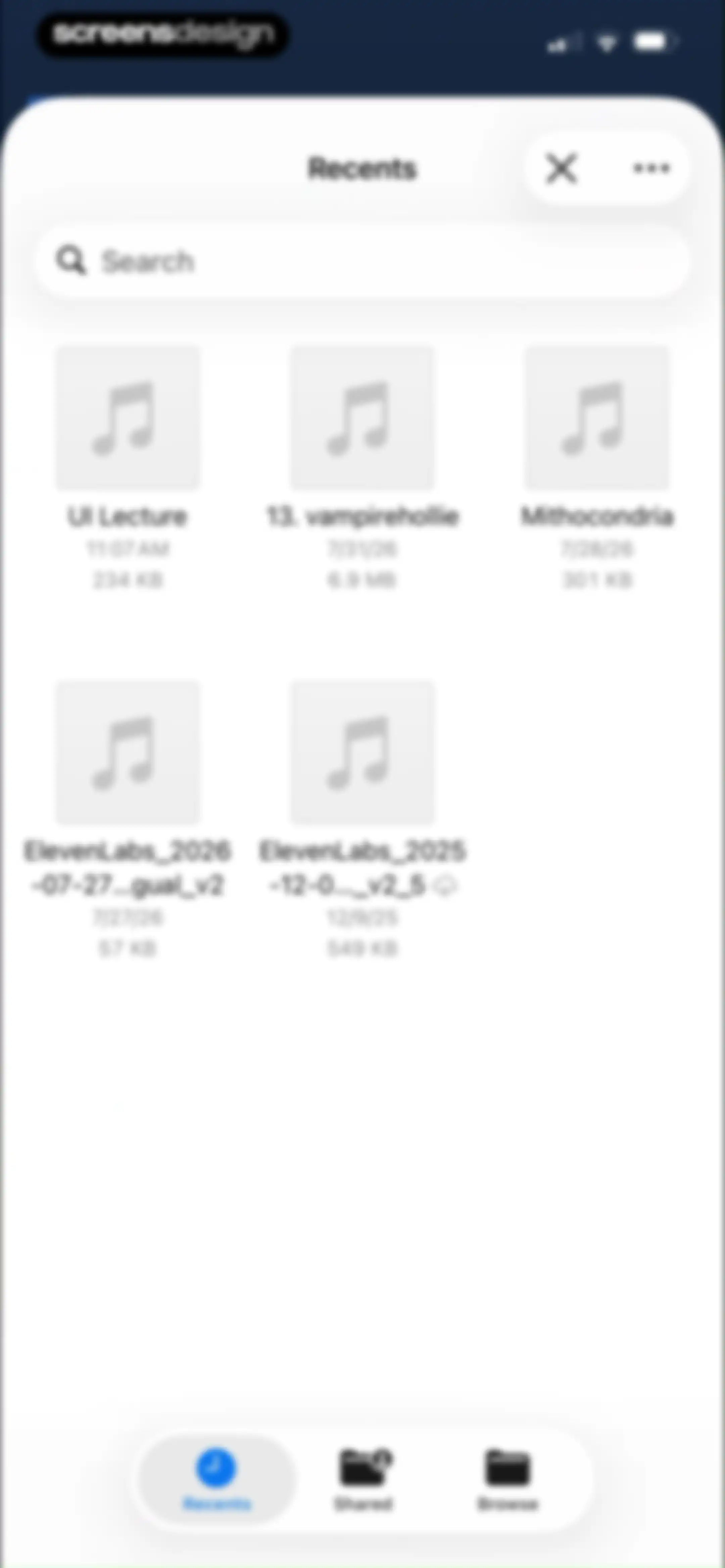
File picker screen displaying a list of audio files with a search bar and a bottom navigation bar with Recents selected.Unlock Pro
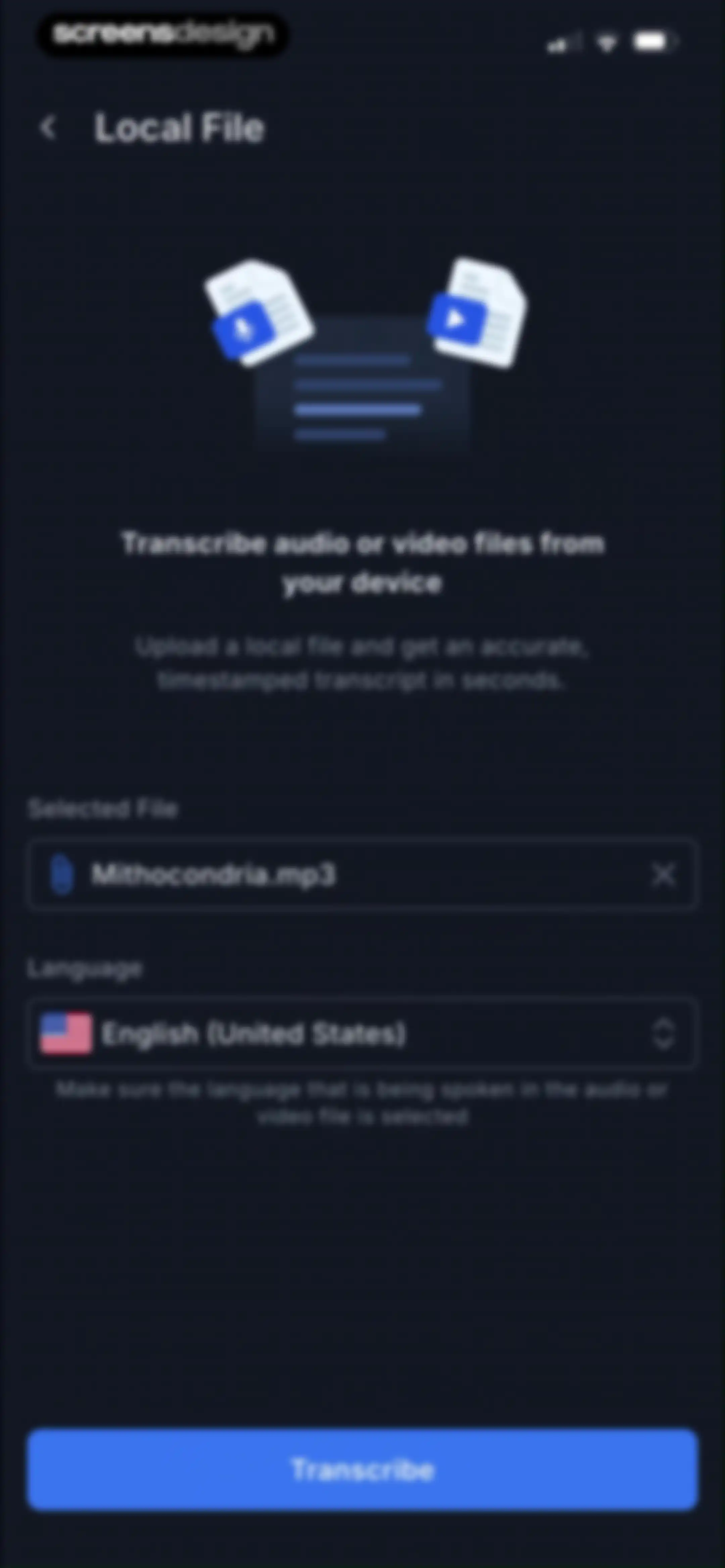
Transcription configuration form displaying the selected file Mithocondria.mp3, English language setting, and a Transcribe button.Unlock Pro
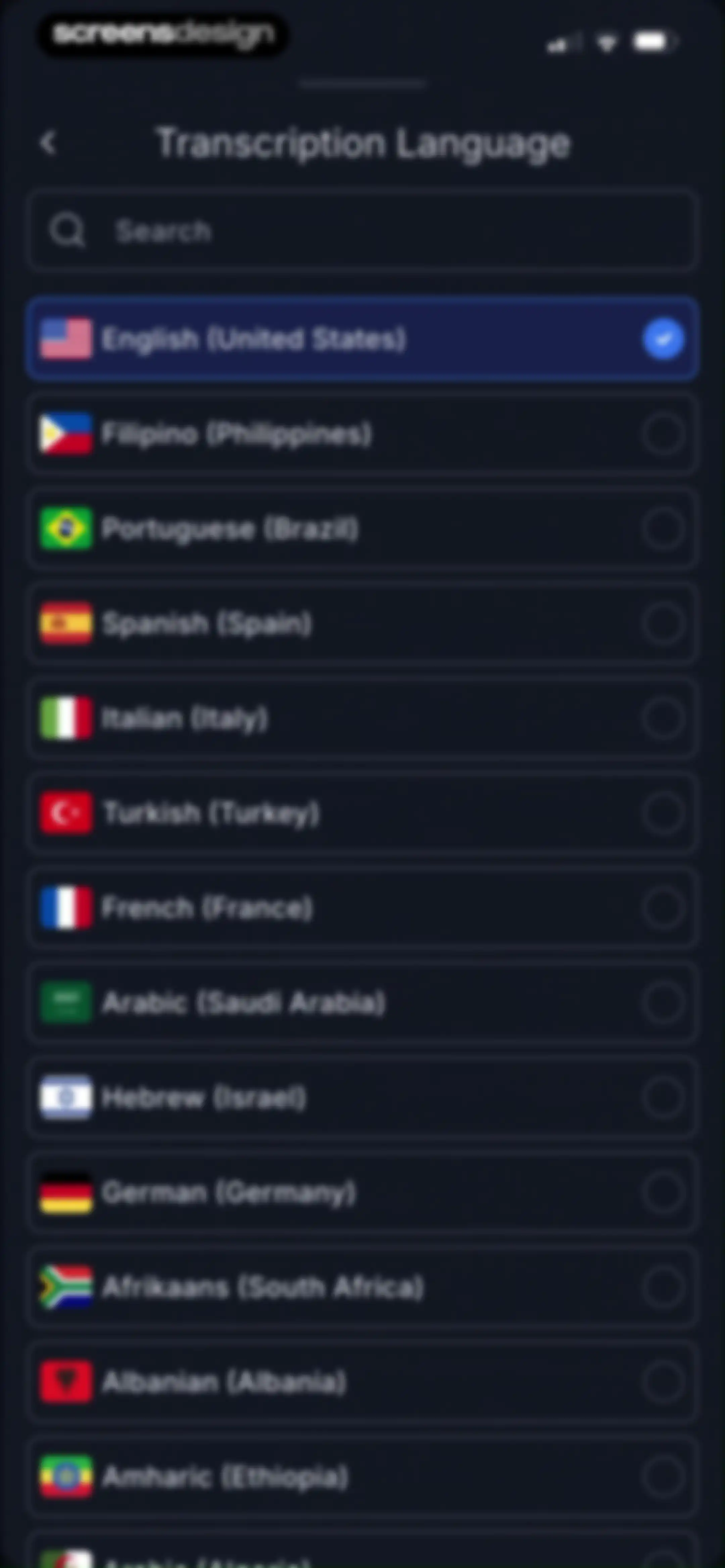
Transcription language settings screen displaying a searchable list of languages with English (United States) selected.Unlock Pro
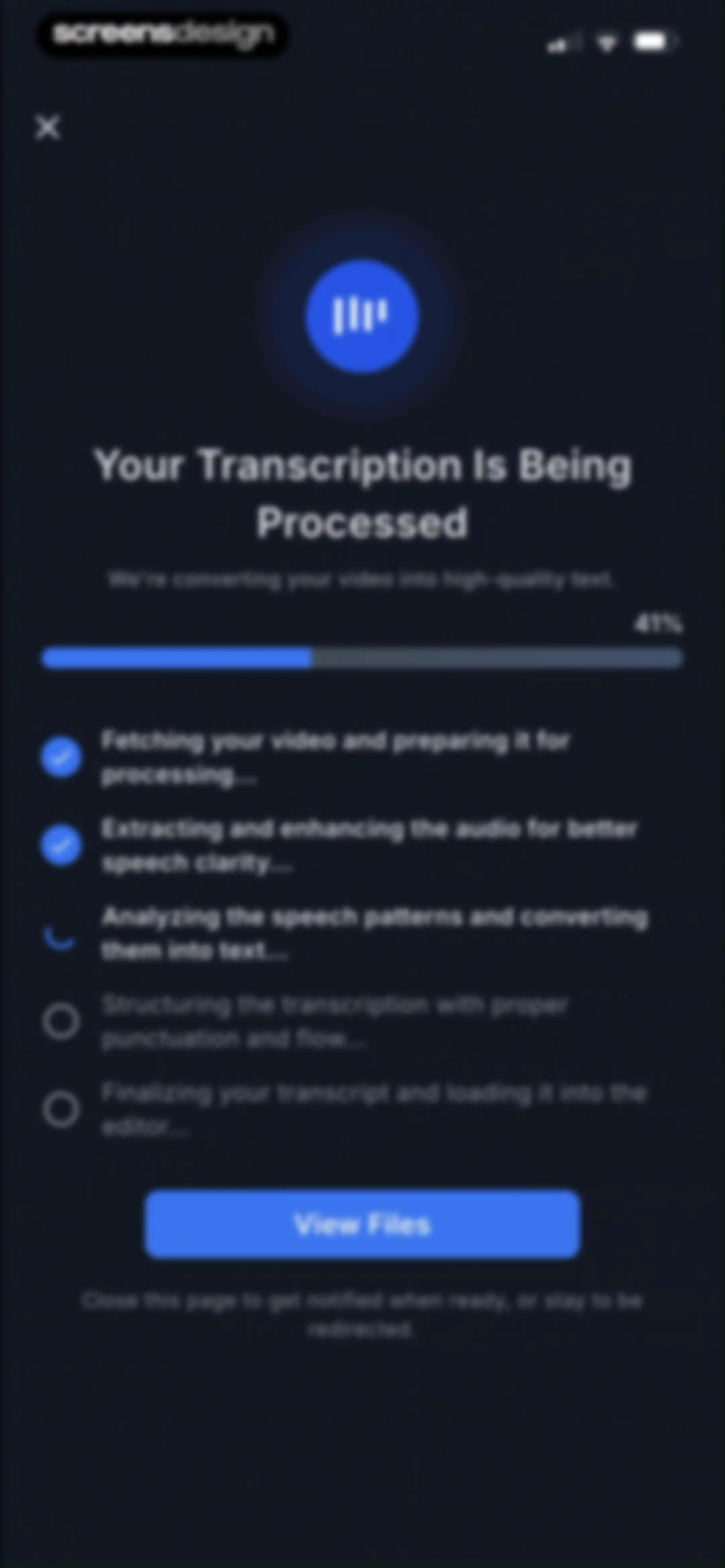
Transcription processing screen with a 41 percent progress bar, a status list of steps, and a View Files button.Unlock Pro
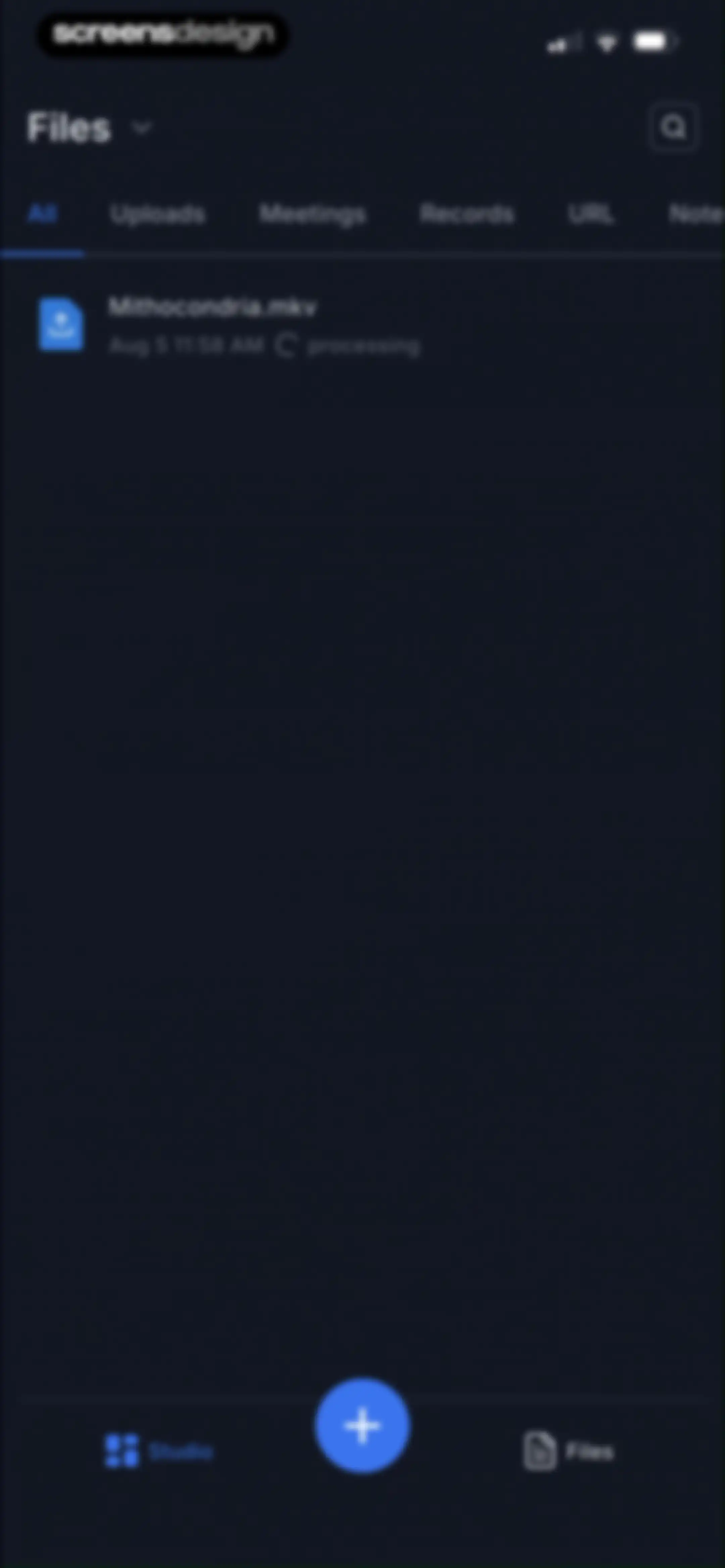
File management screen displaying a processing video file in a dark theme with a top search header and category tabs.Unlock Pro
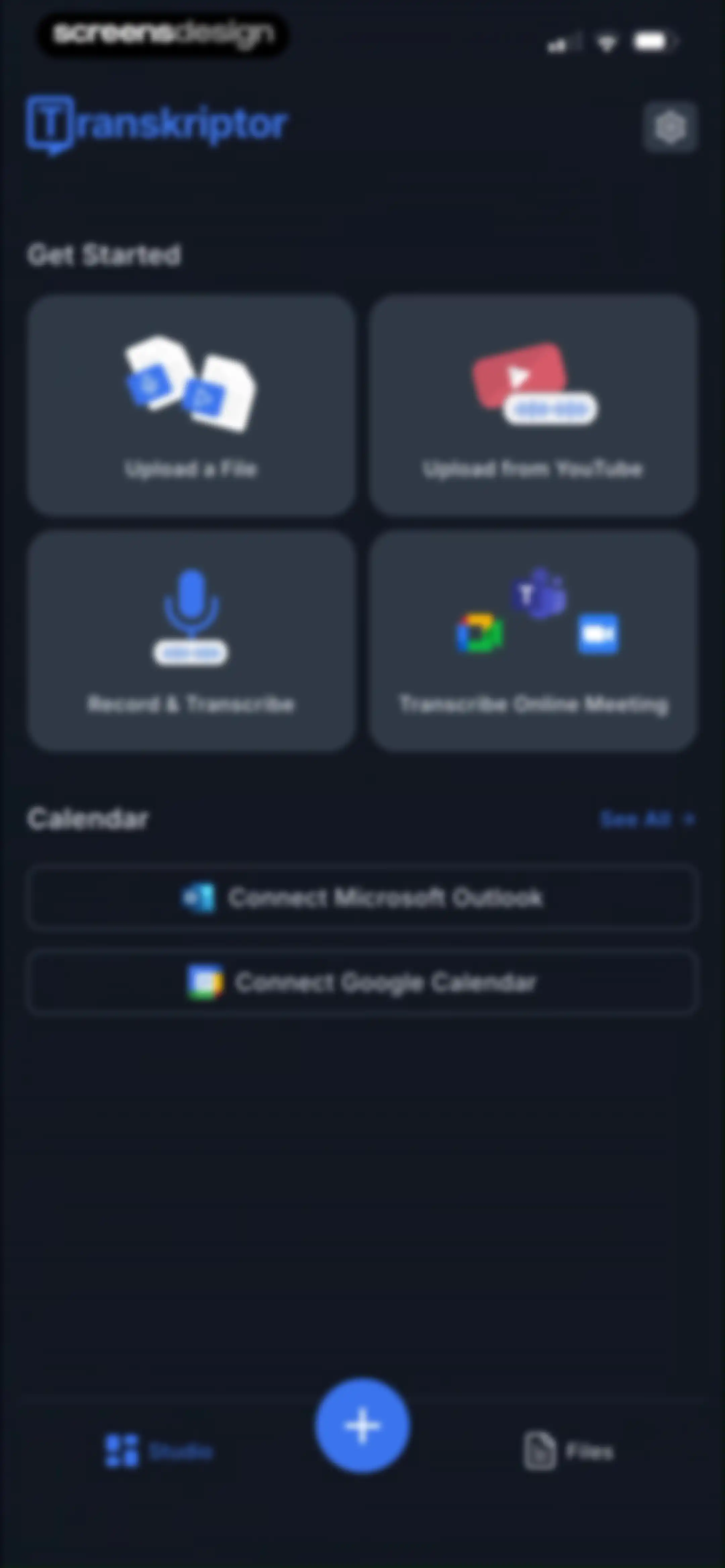
Transkriptor home screen featuring a 2x2 grid of transcription workflow cards, calendar integration options, and a bottom navigation bar with a central floating action button.Unlock Pro
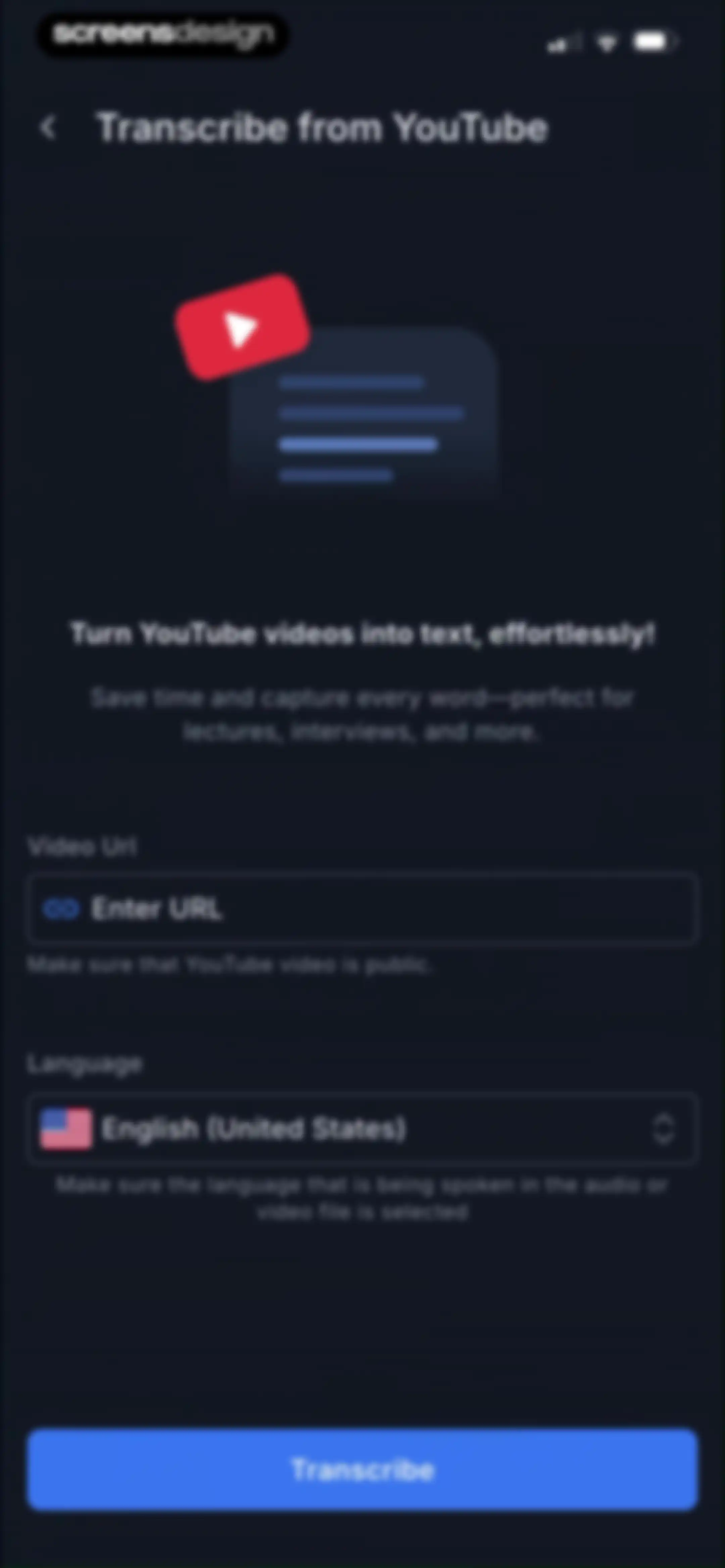
Transcription form with a YouTube video URL input field, language selector, and a Transcribe button.Unlock Pro
Transcribe from YouTube screen displaying a video URL input and language selector, overlaid by a system permission modal to paste from notes.Unlock Pro
Transcribe from YouTube form with a filled video URL input field and a dark theme.Unlock Pro
Transcription progress screen with a status list of processing steps, a progress bar, and a View Files button.Unlock Pro
Transkriptor home screen displaying a promotional banner, a grid of four action cards, and a bottom sheet overlay offering recording options.Unlock Pro
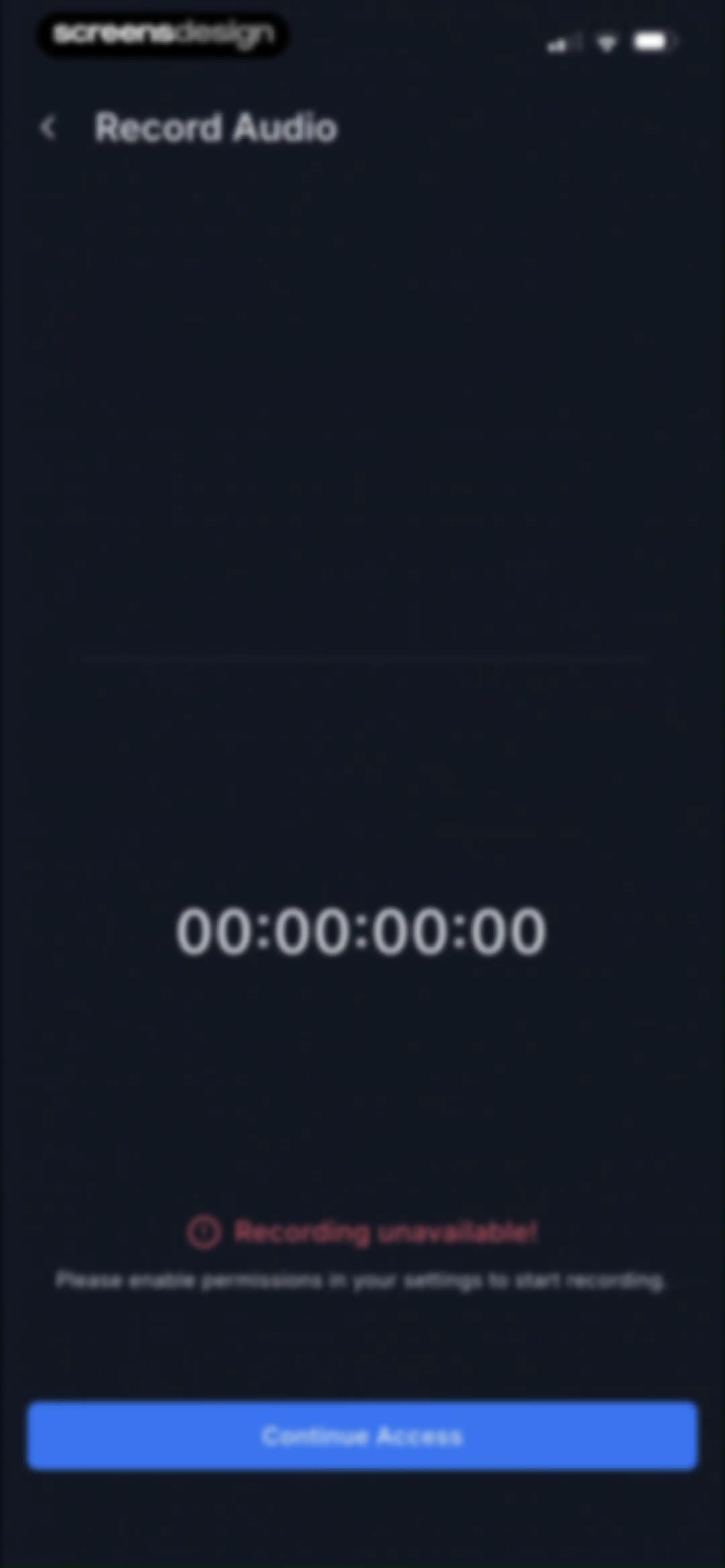
Permission request screen for audio recording with a recording unavailable error message and a Continue Access button.Unlock Pro
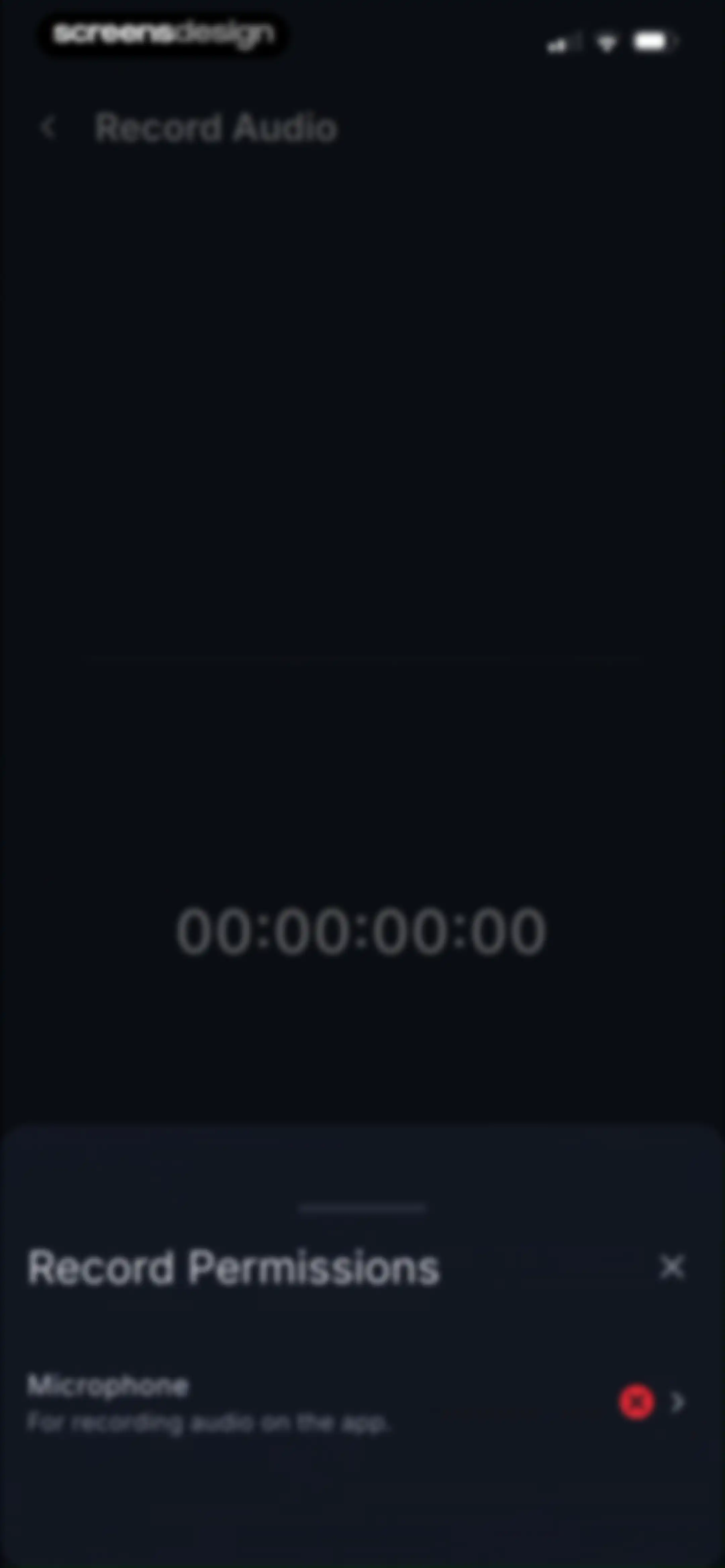
Microphone permission request modal over a dark audio recording screen with a central timer display.Unlock Pro
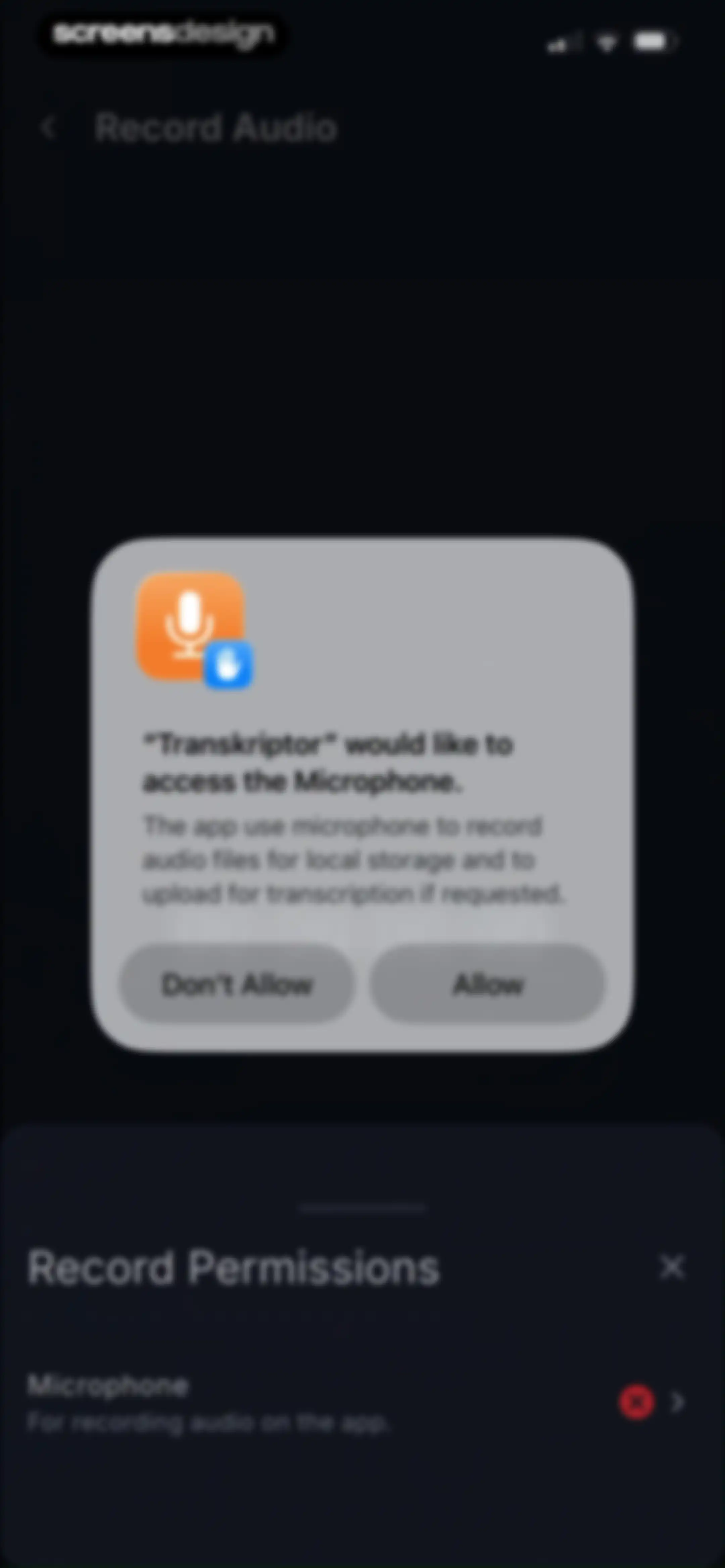
Permission request modal asking to access the microphone for recording audio, featuring Allow and Don't Allow buttons.Unlock Pro
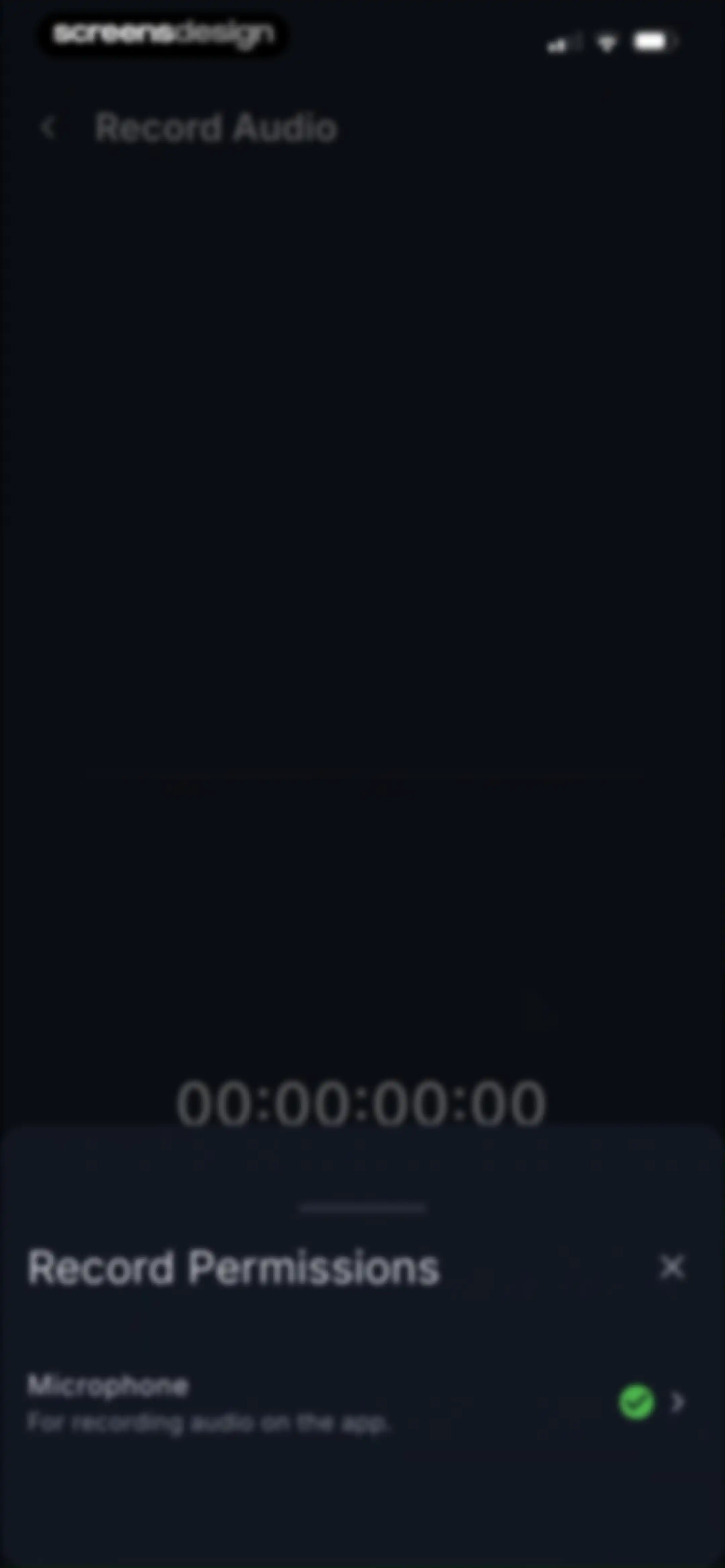
Permission request screen featuring a bottom modal for microphone access over a dark audio recording interface with a zeroed timer.Unlock Pro
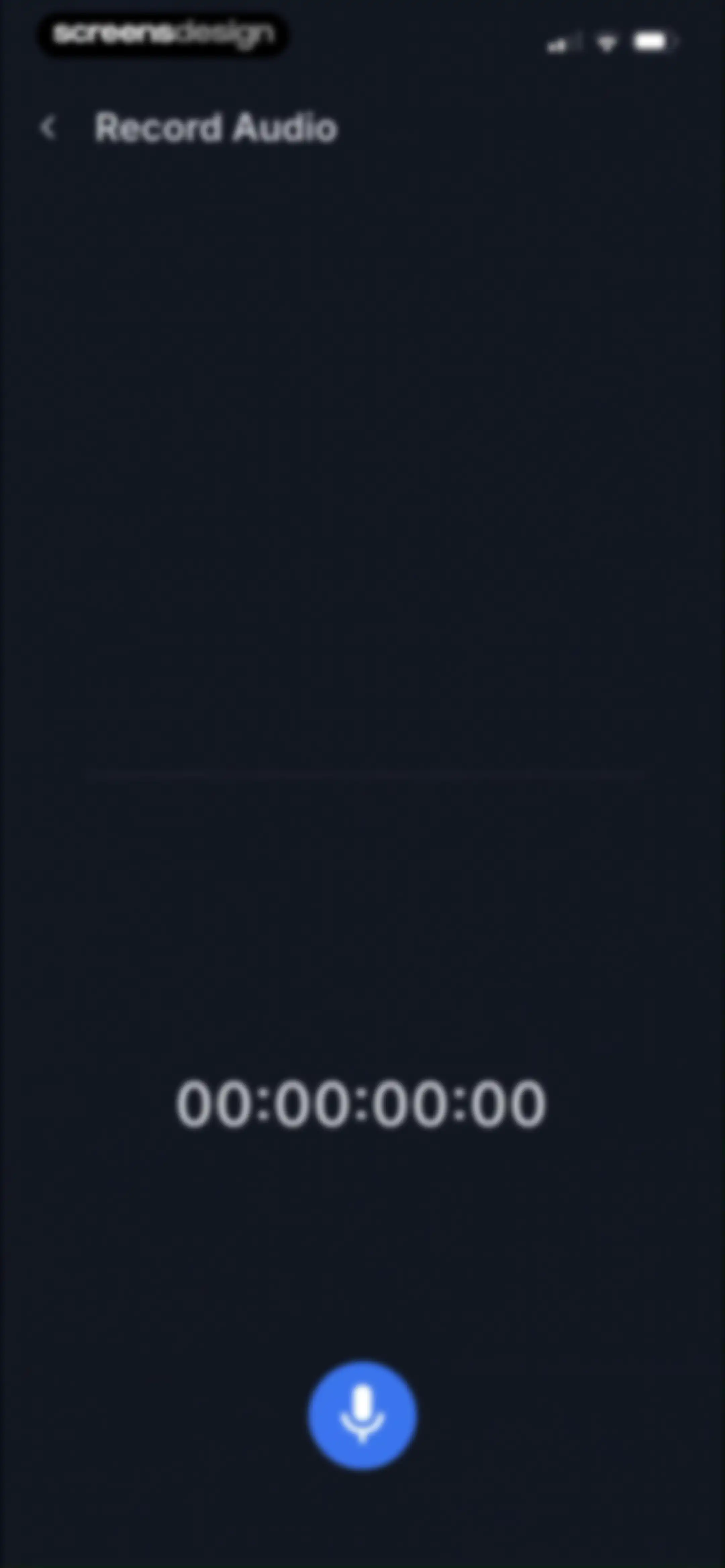
Audio recording screen in the Transkriptor app with a central timer showing zero duration and a bottom microphone button.Unlock Pro
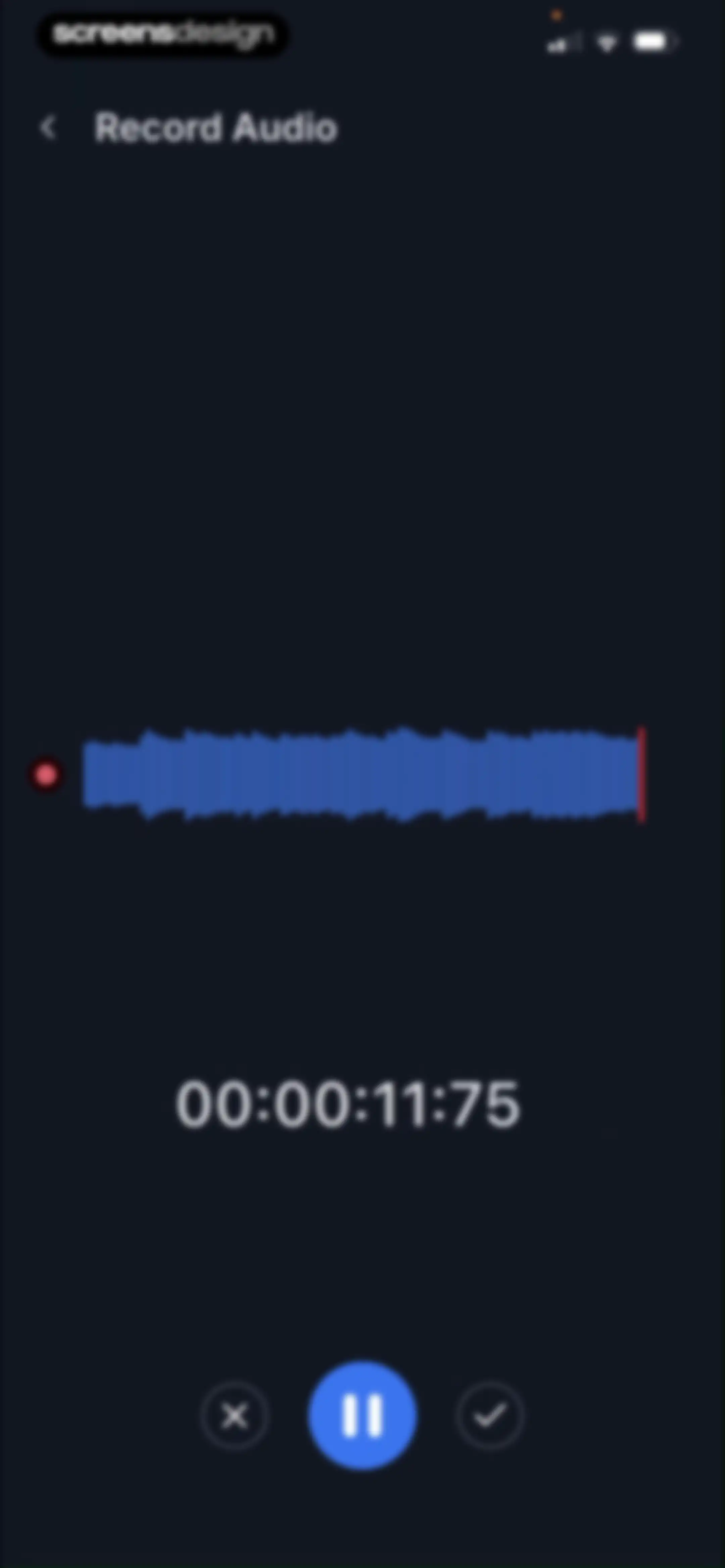
Audio recording screen with a blue waveform visualization, a timer showing 00:00:11:75, and pause, cancel, and finish controls.Unlock Pro
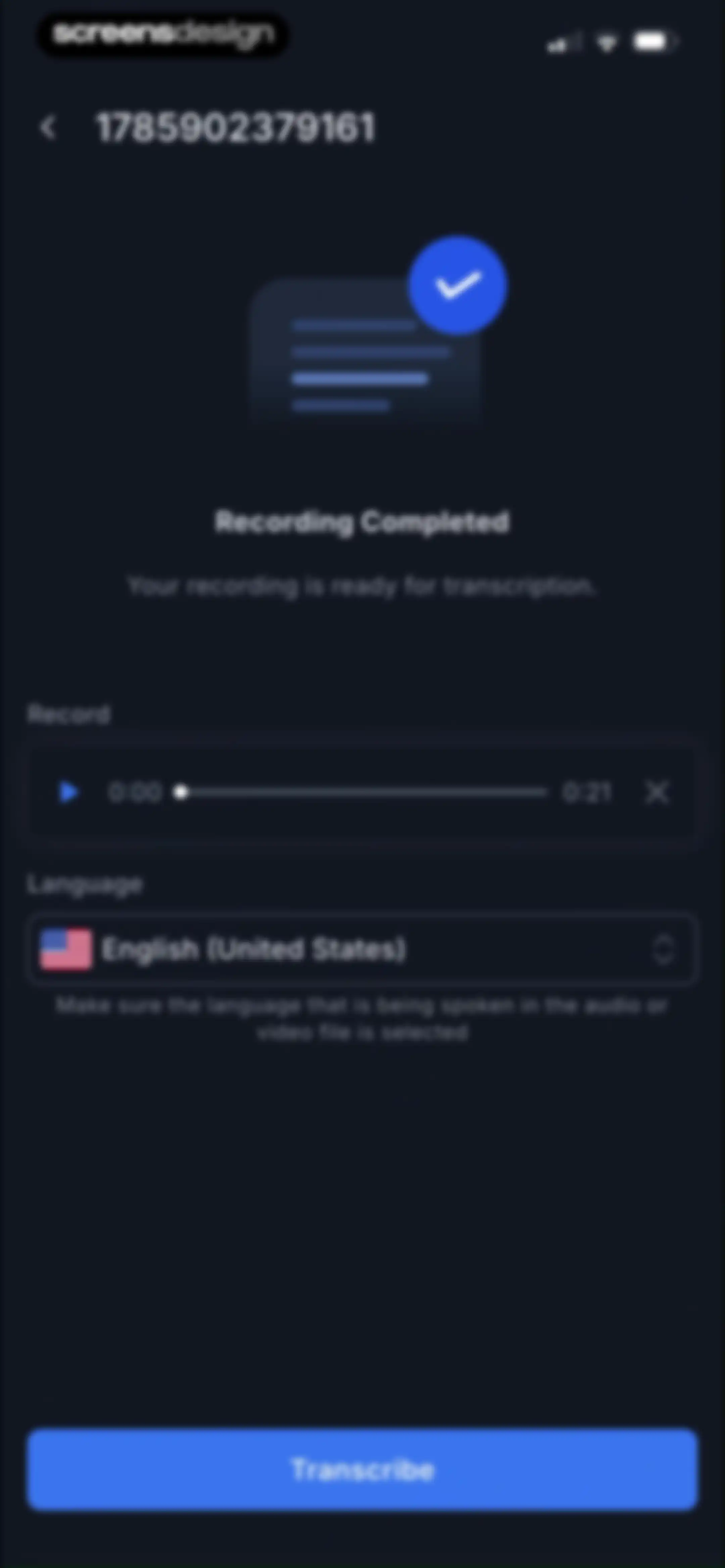
Transcription readiness screen showing a completed recording, audio playback controls, selected English language, and a Transcribe button.Unlock Pro
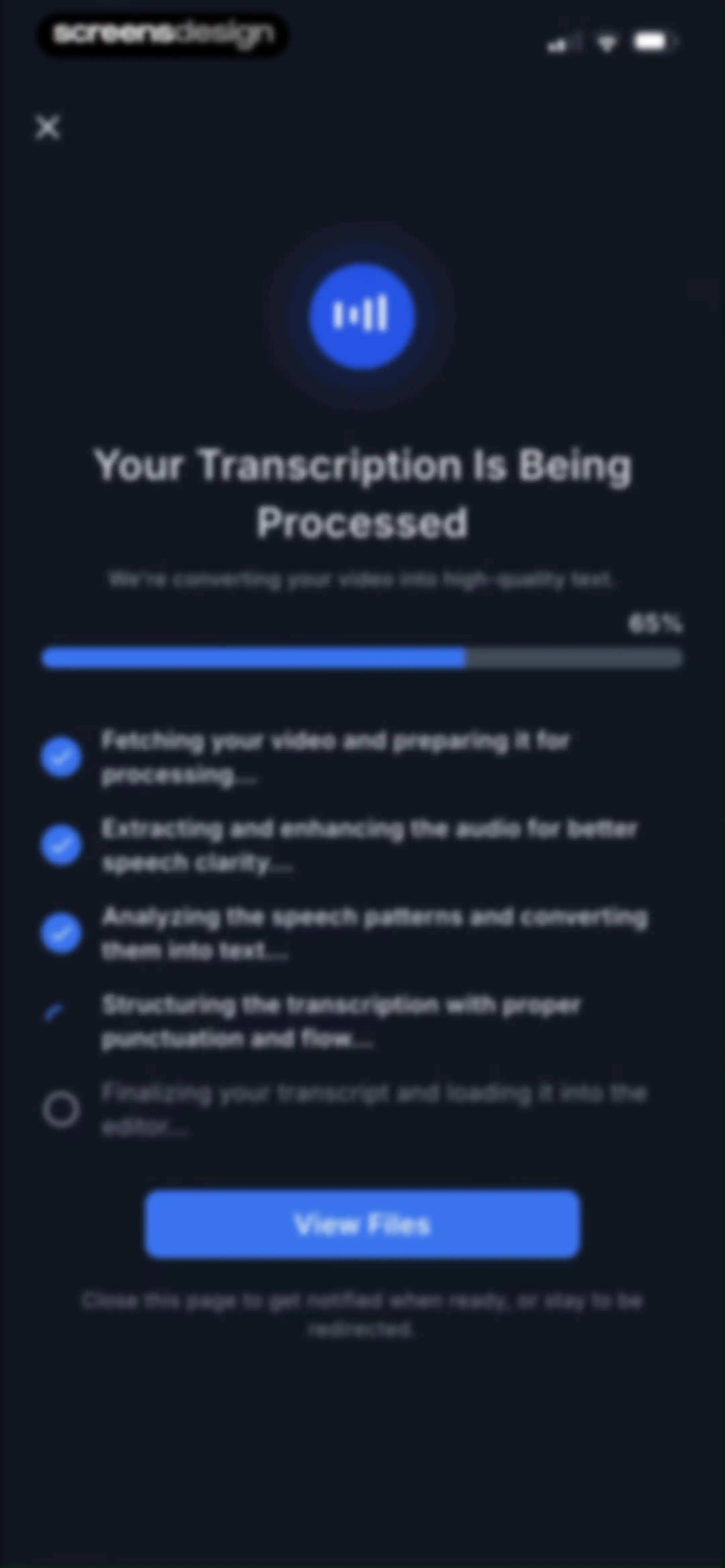
Transcription progress screen showing sixty-five percent completion, a checklist of five processing steps, and a View Files button.Unlock Pro
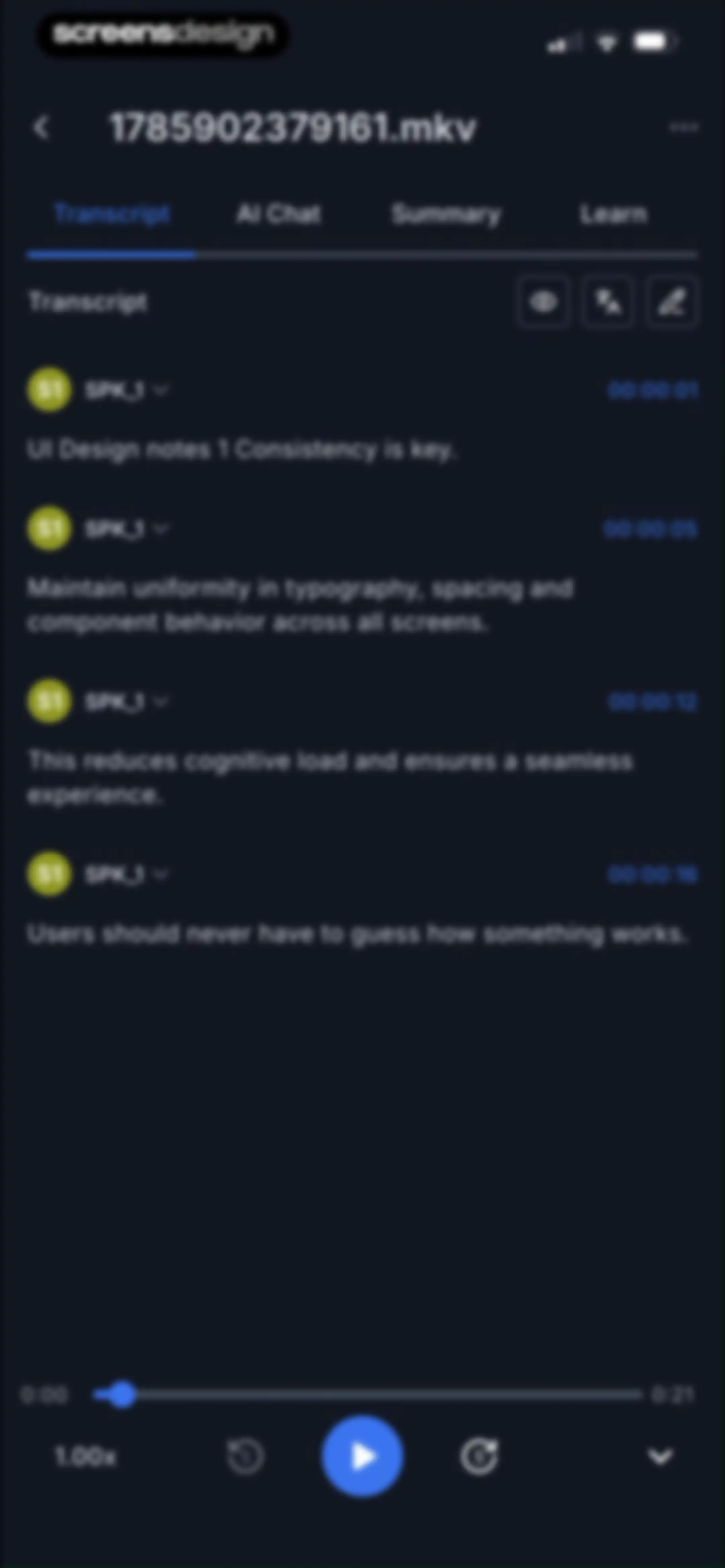
Transcription editor screen displaying timed speaker segments, with the Transcript tab selected and bottom playback controls.Unlock Pro
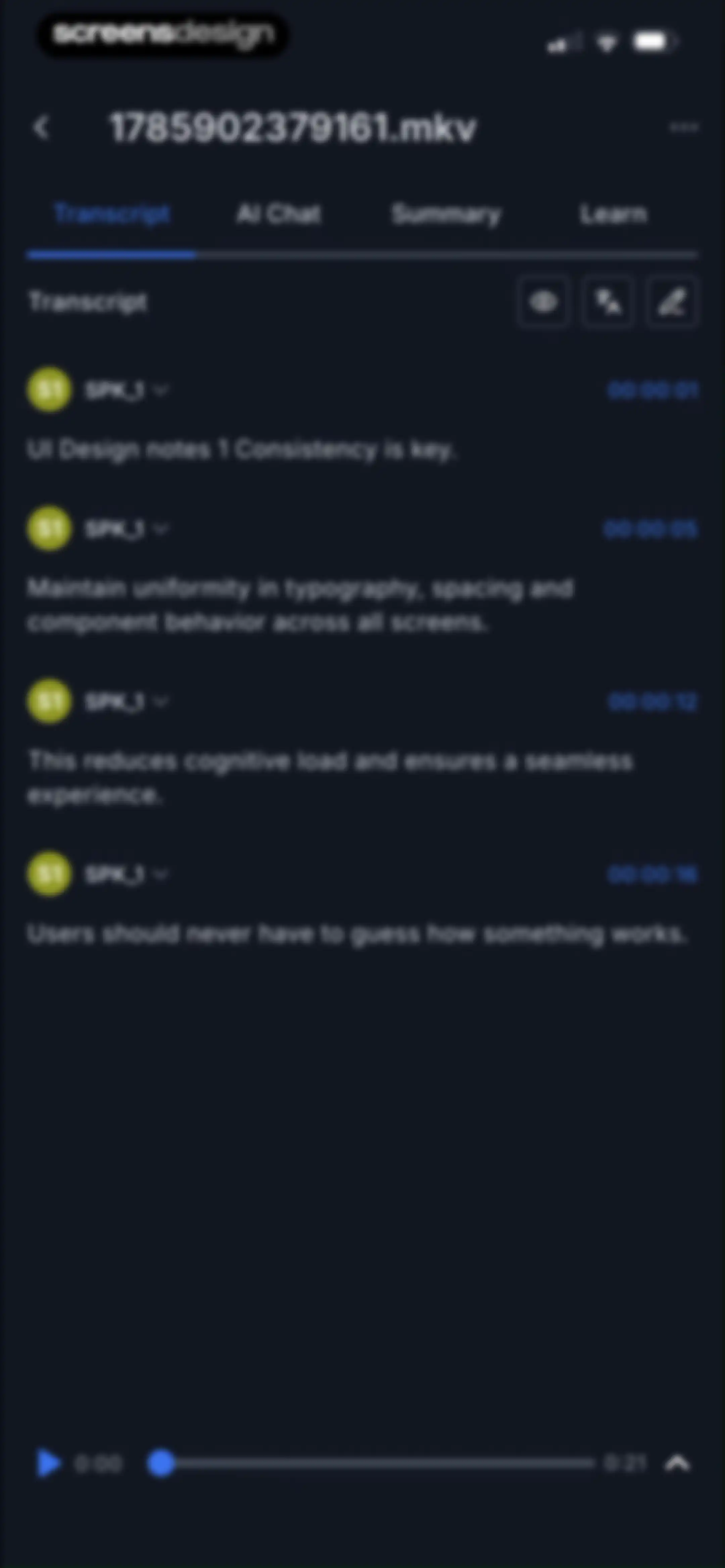
Transcript editor screen displaying timestamped speaker segments and a bottom media playback control bar with the Transcript tab selected.Unlock Pro
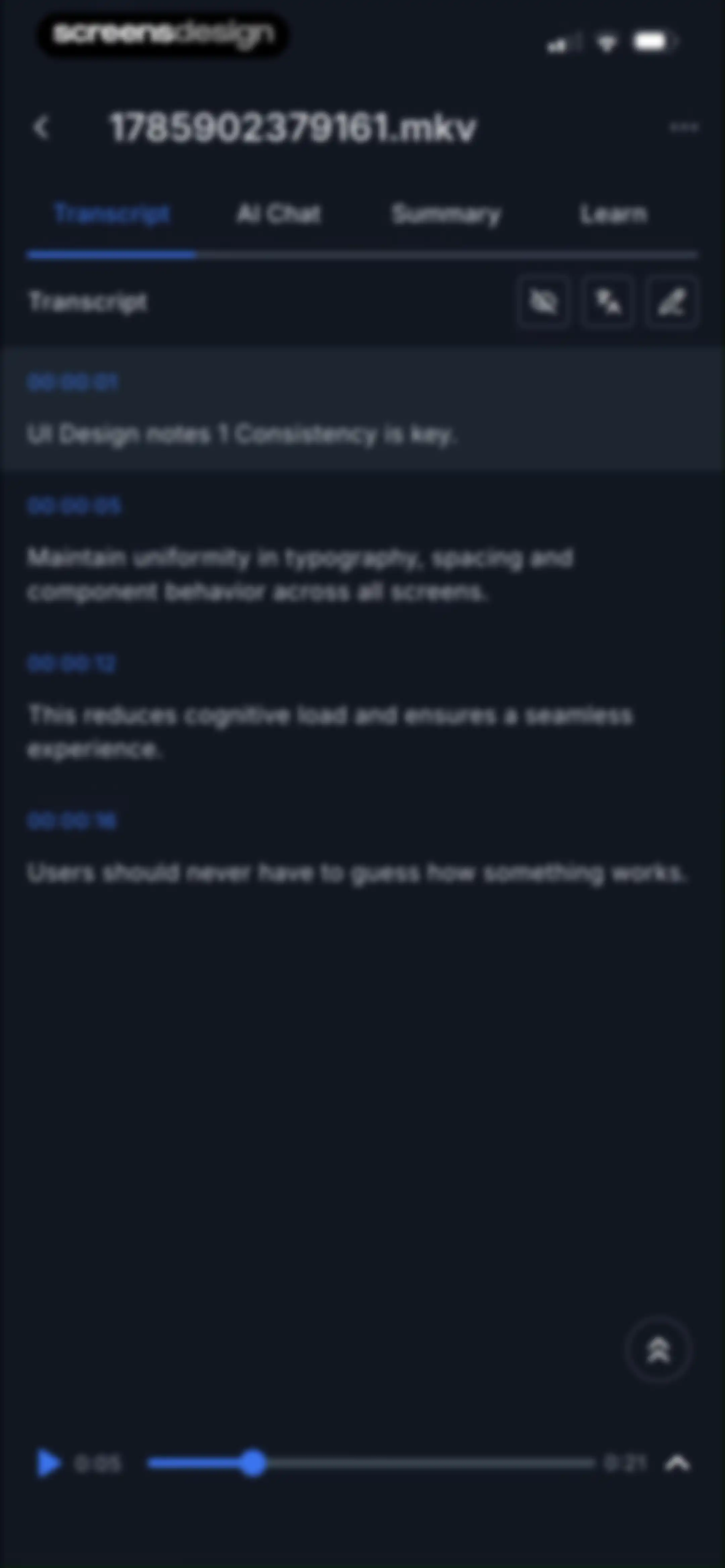
Transcript editor screen displaying timestamped text segments with the Transcript tab selected and a bottom media playback bar.Unlock Pro
Transcript editor screen showing time-stamped audio segments, a selected Transcript tab, and a bottom playback control bar.Unlock Pro
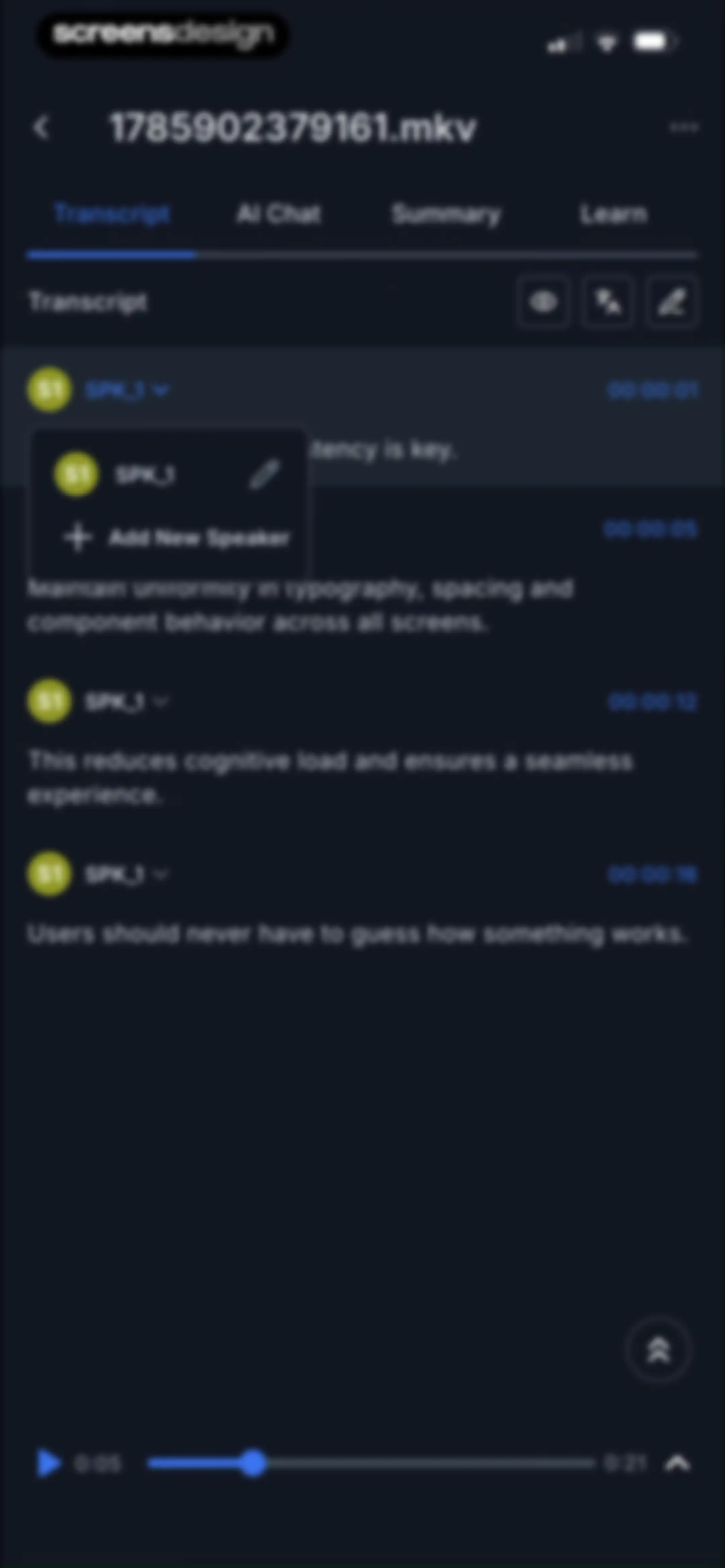
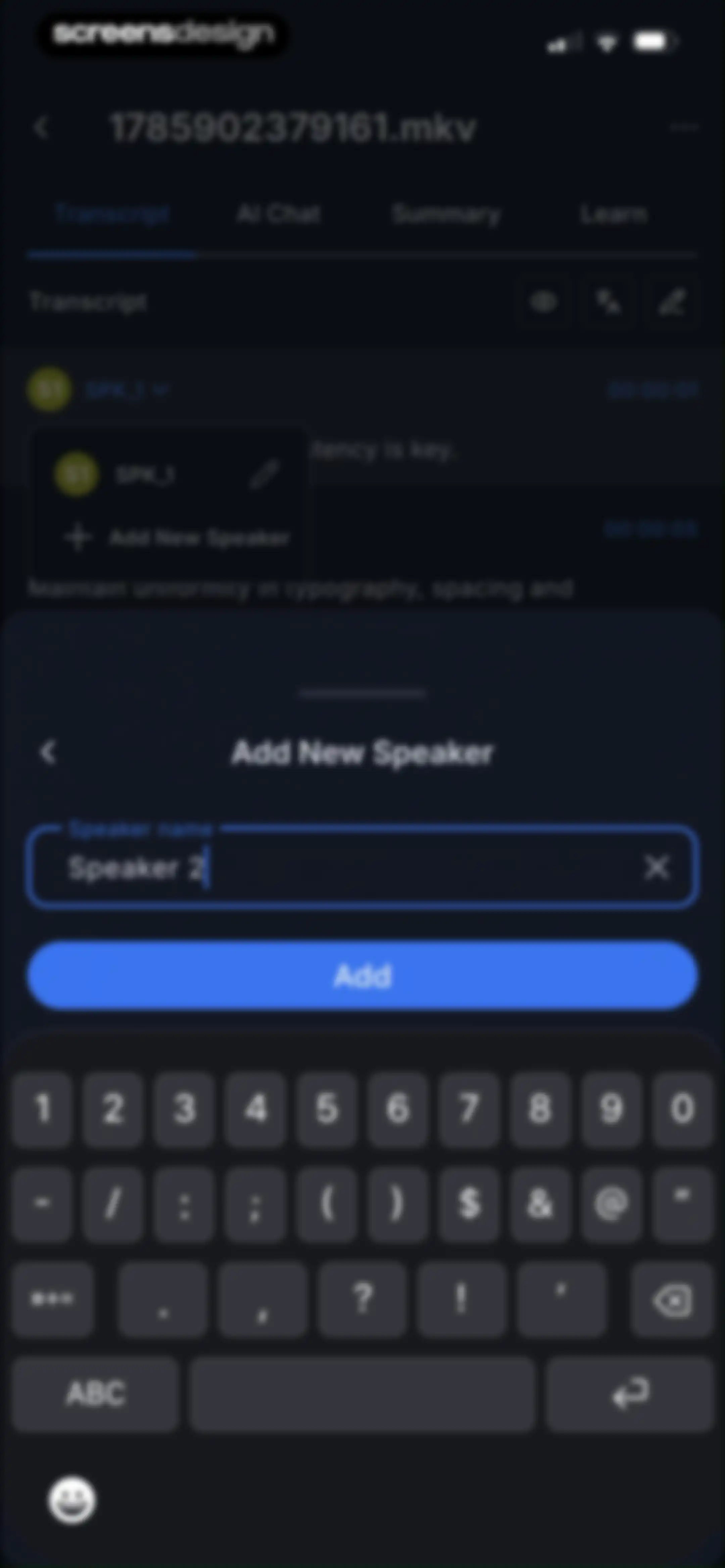
Transcription editor with an Add New Speaker modal overlay containing a pre-filled speaker name field and an Add button.Unlock Pro
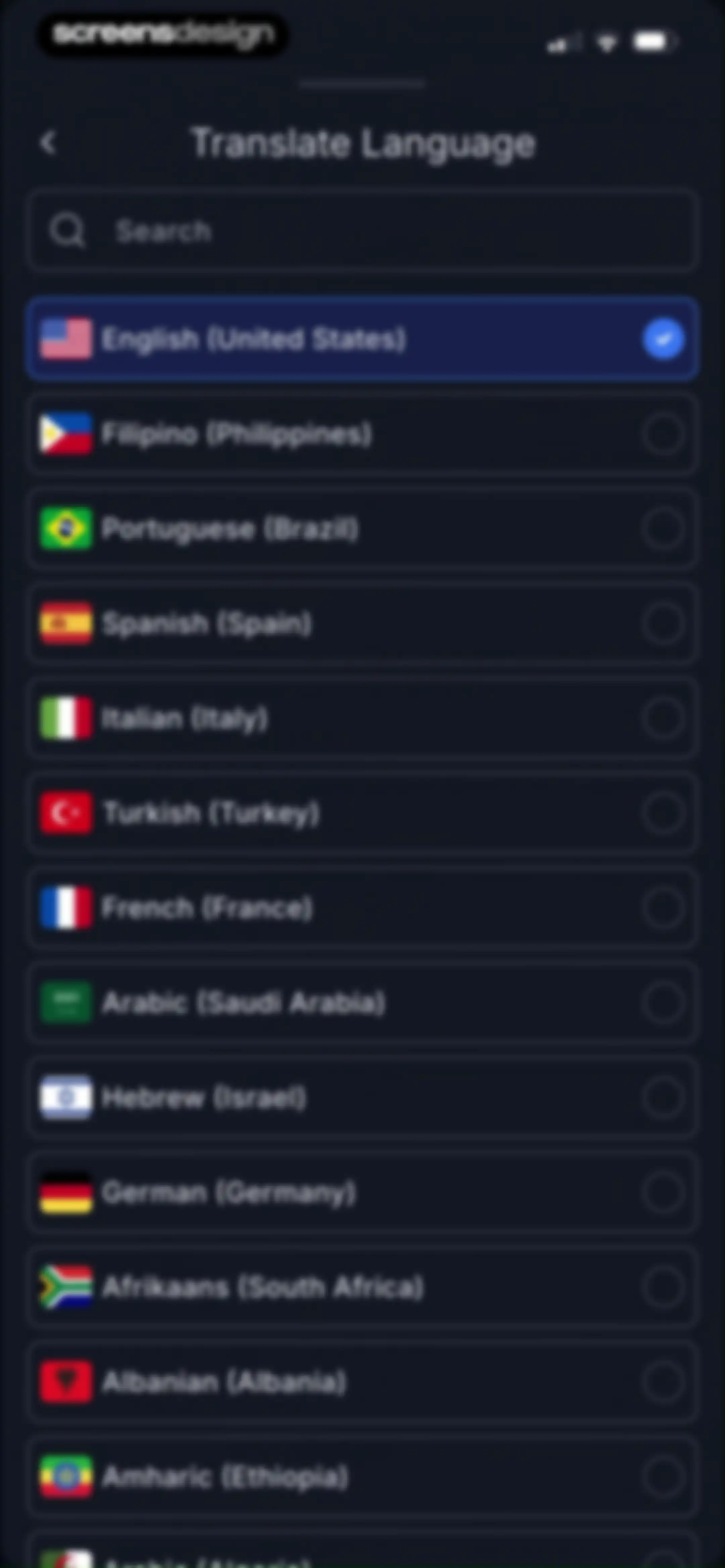
Language selection list with a search bar, showing English (United States) selected with a checkmark and a dark theme.Unlock Pro
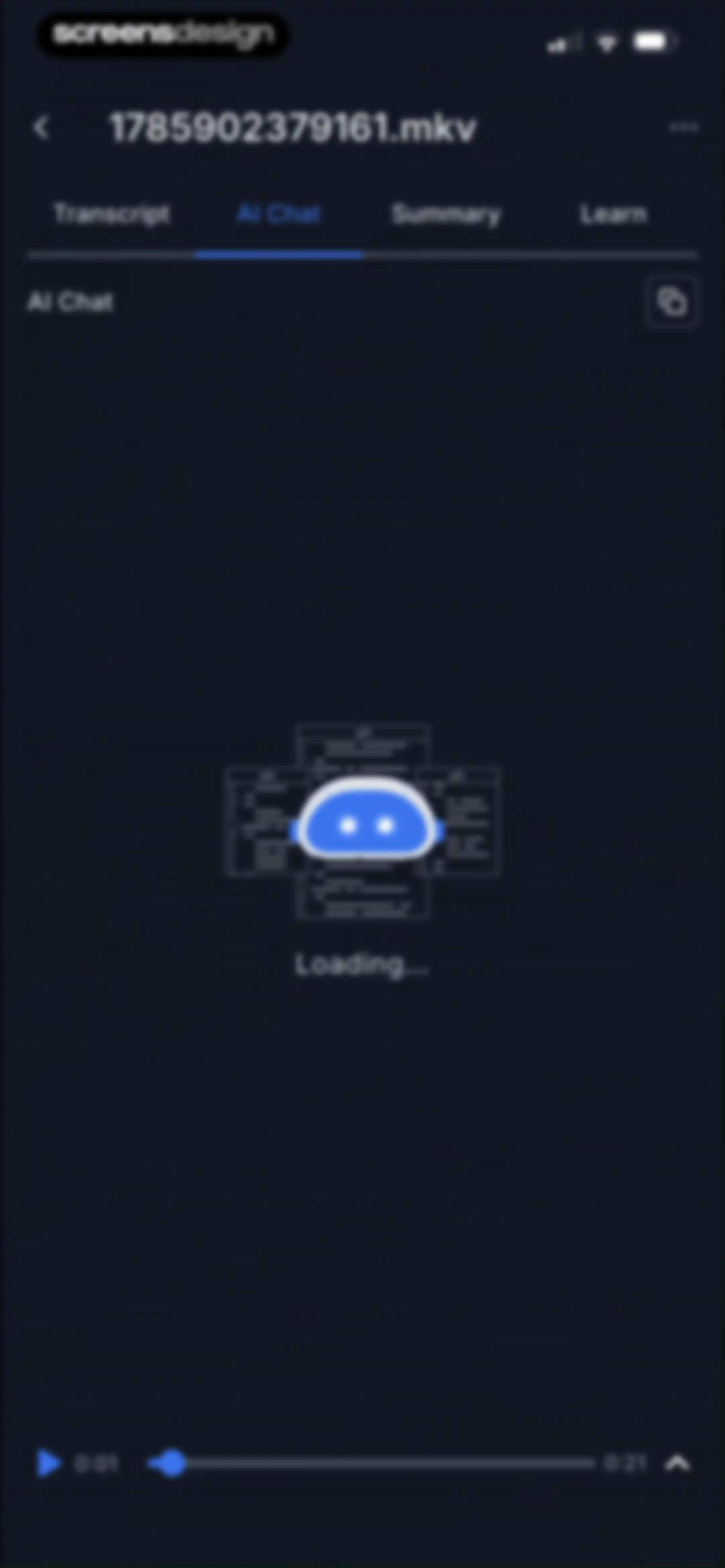
AI chat interface with tabs and a loading state for a transcription file, featuring a bottom media playback control bar.Unlock Pro
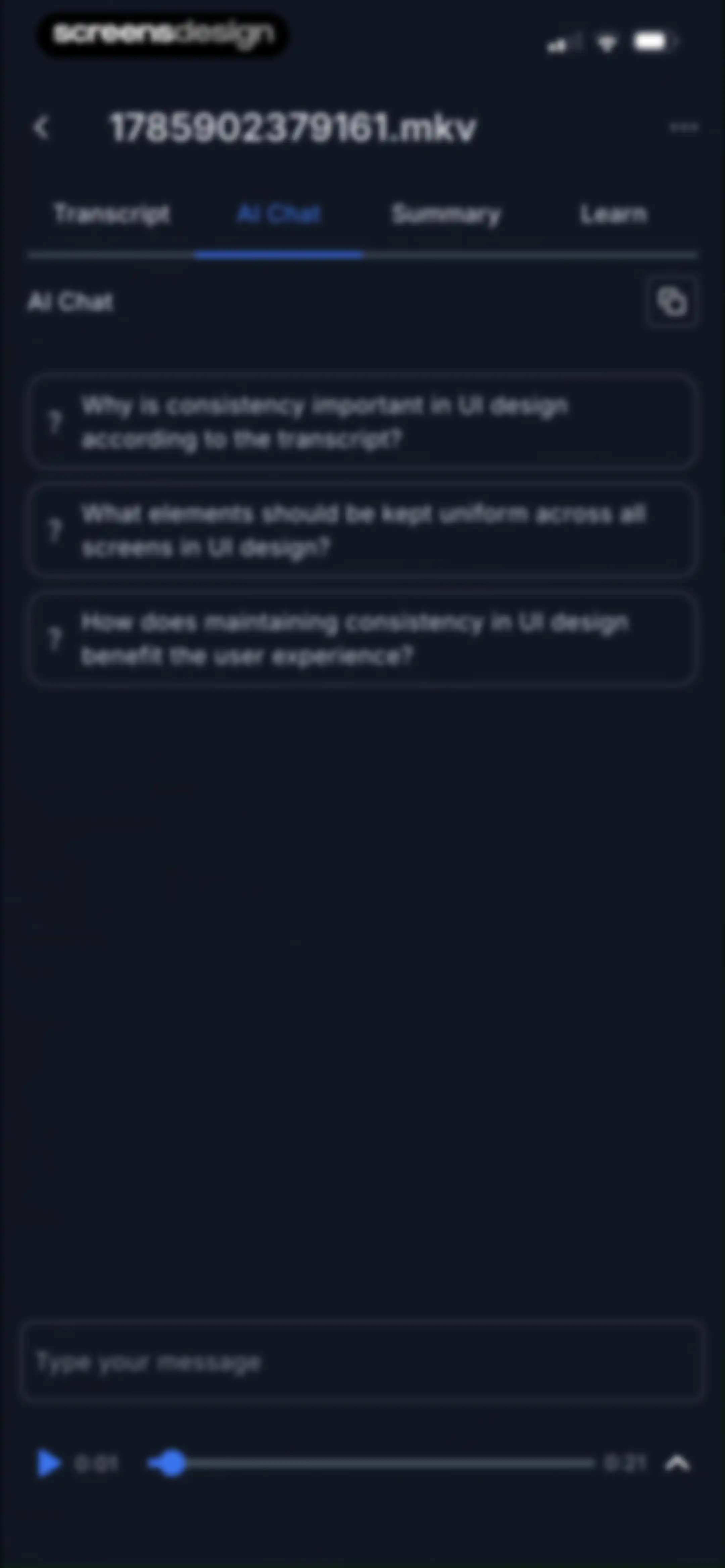
AI chat screen displaying suggested prompt cards about UI design consistency, a message input field, and media playback controls at the bottom.Unlock Pro
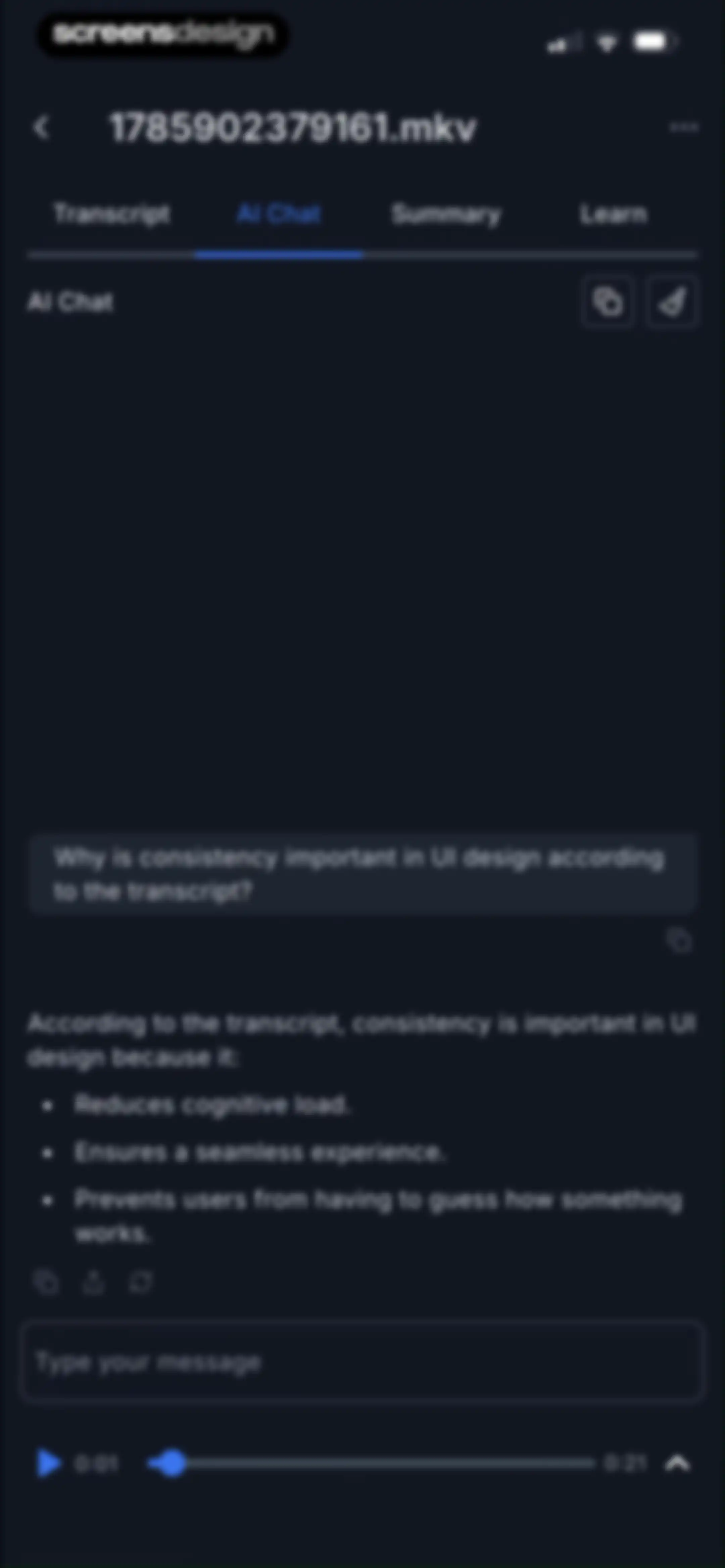
AI chat interface showing a question about UI design consistency, with a selected AI Chat tab, a message input field, and bottom audio playback controls.Unlock Pro
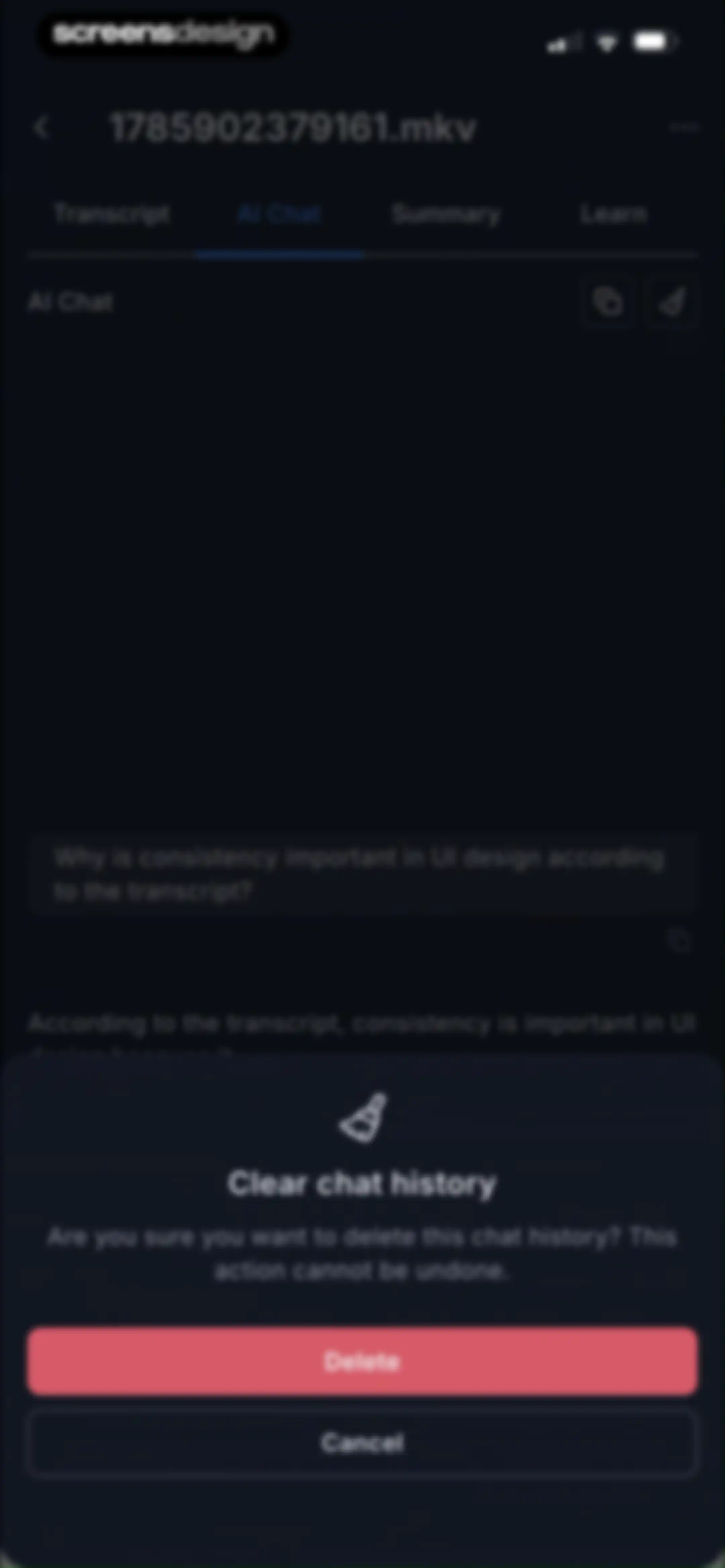
AI chat screen showing a clear chat history confirmation modal with Delete and Cancel buttons.Unlock Pro
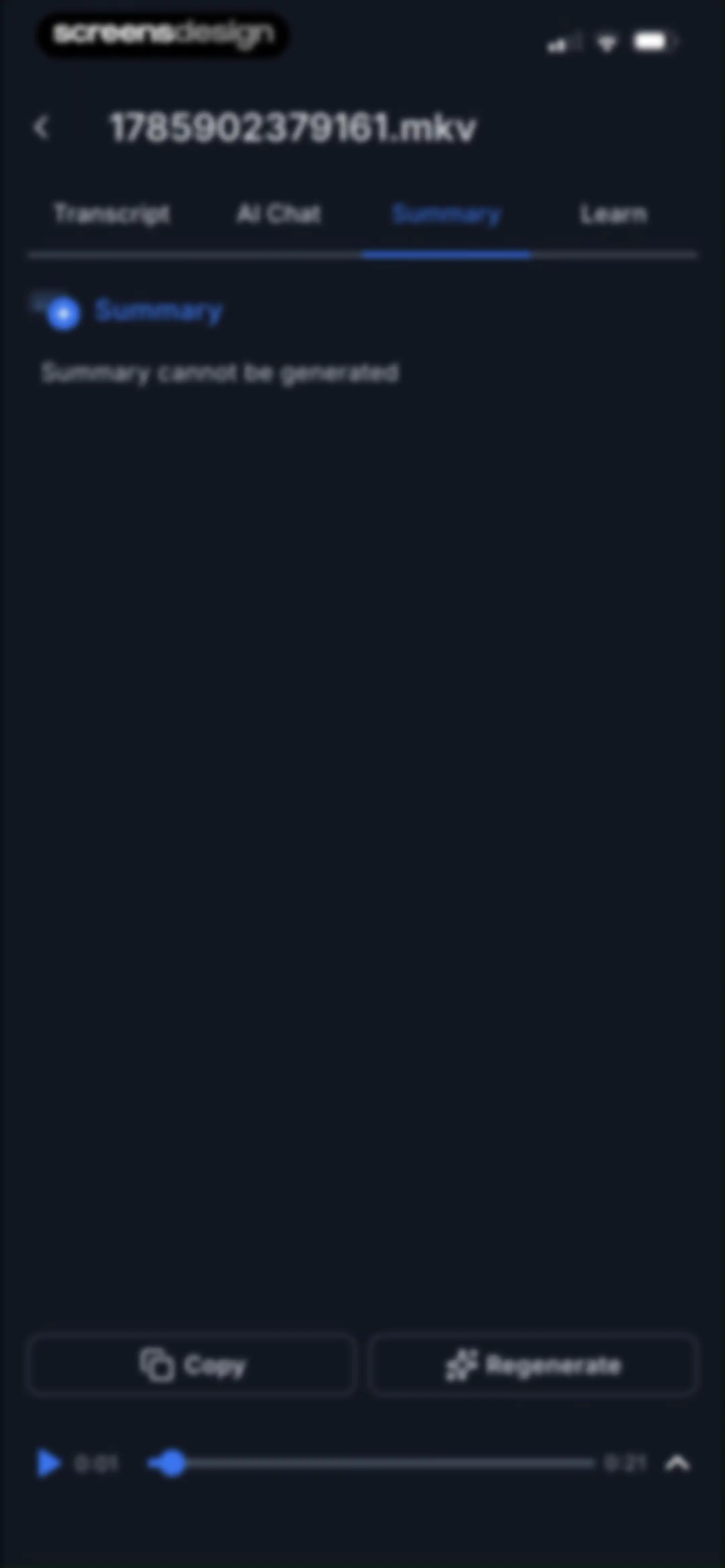
Editor screen on the Summary tab displaying a generation error message, with Copy and Regenerate buttons and a bottom media player bar.Unlock Pro
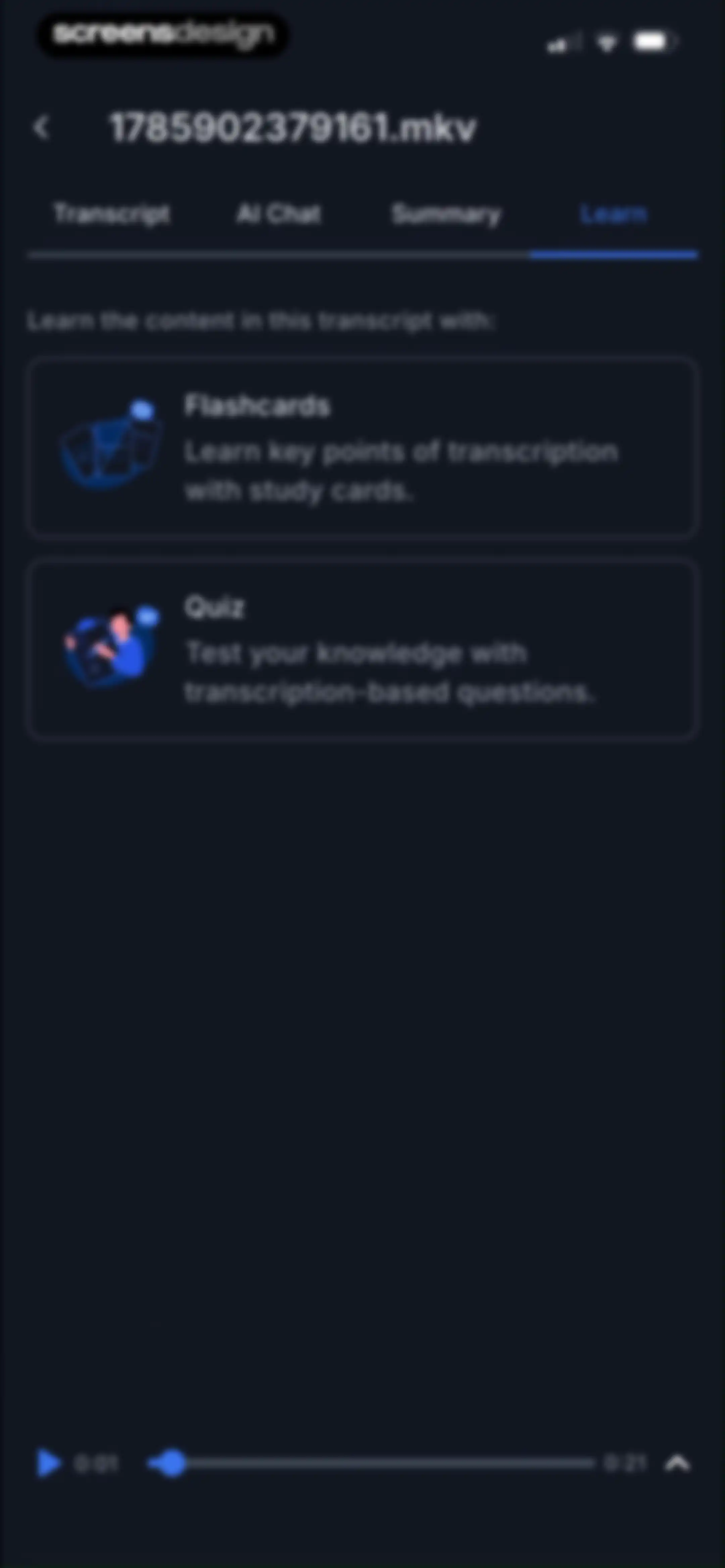
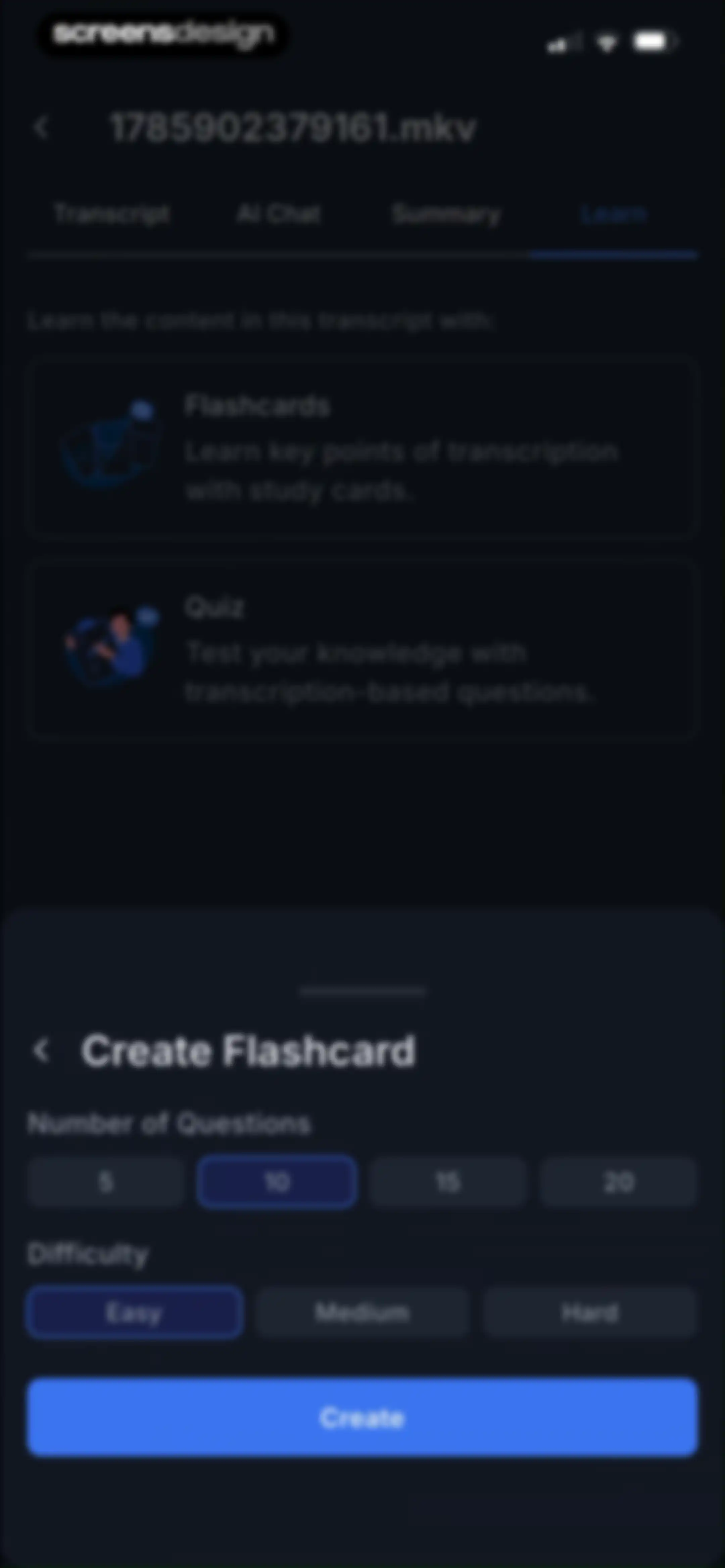
Learning screen in Transkriptor offering Flashcards and Quiz study cards for a transcription, with a bottom media player bar.Unlock Pro
Flashcard configuration sheet with options for question count and difficulty, showing 10 questions and Easy difficulty selected with a Create button.Unlock Pro
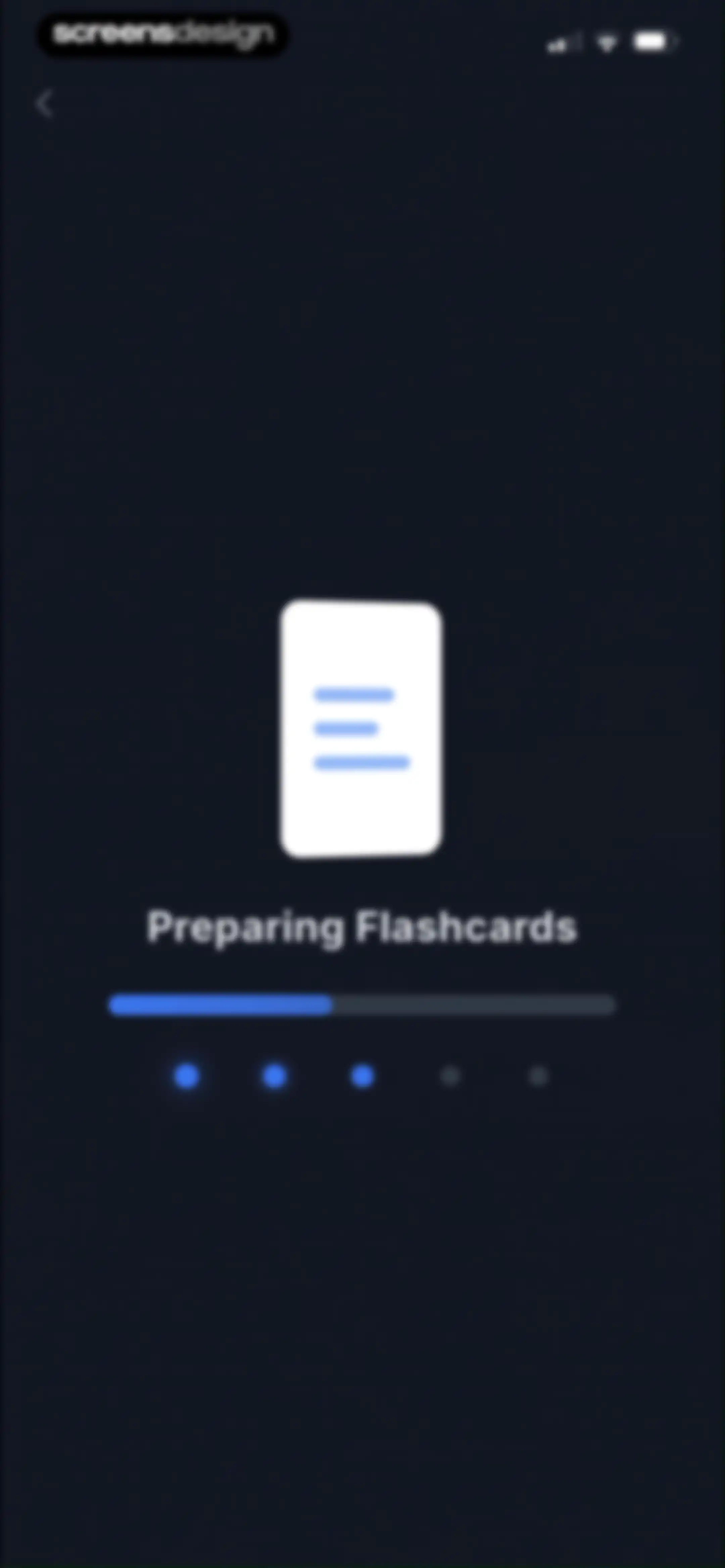
Transkriptor loading screen displaying preparing flashcards with a document icon, progress bar, and progress dots on a dark theme.Unlock Pro
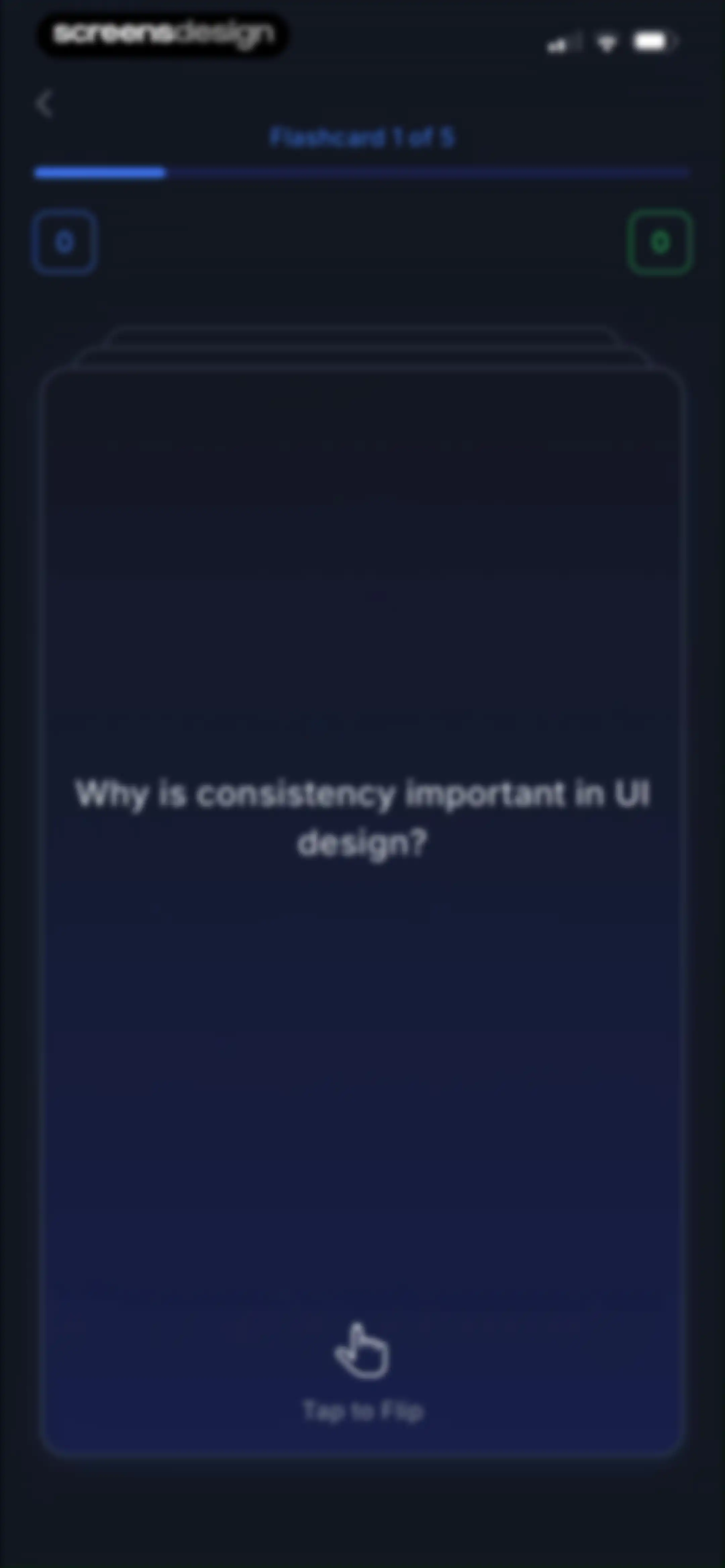
Flashcard study screen showing the first of five cards with a UI design question and a tap-to-flip interaction hint.Unlock Pro
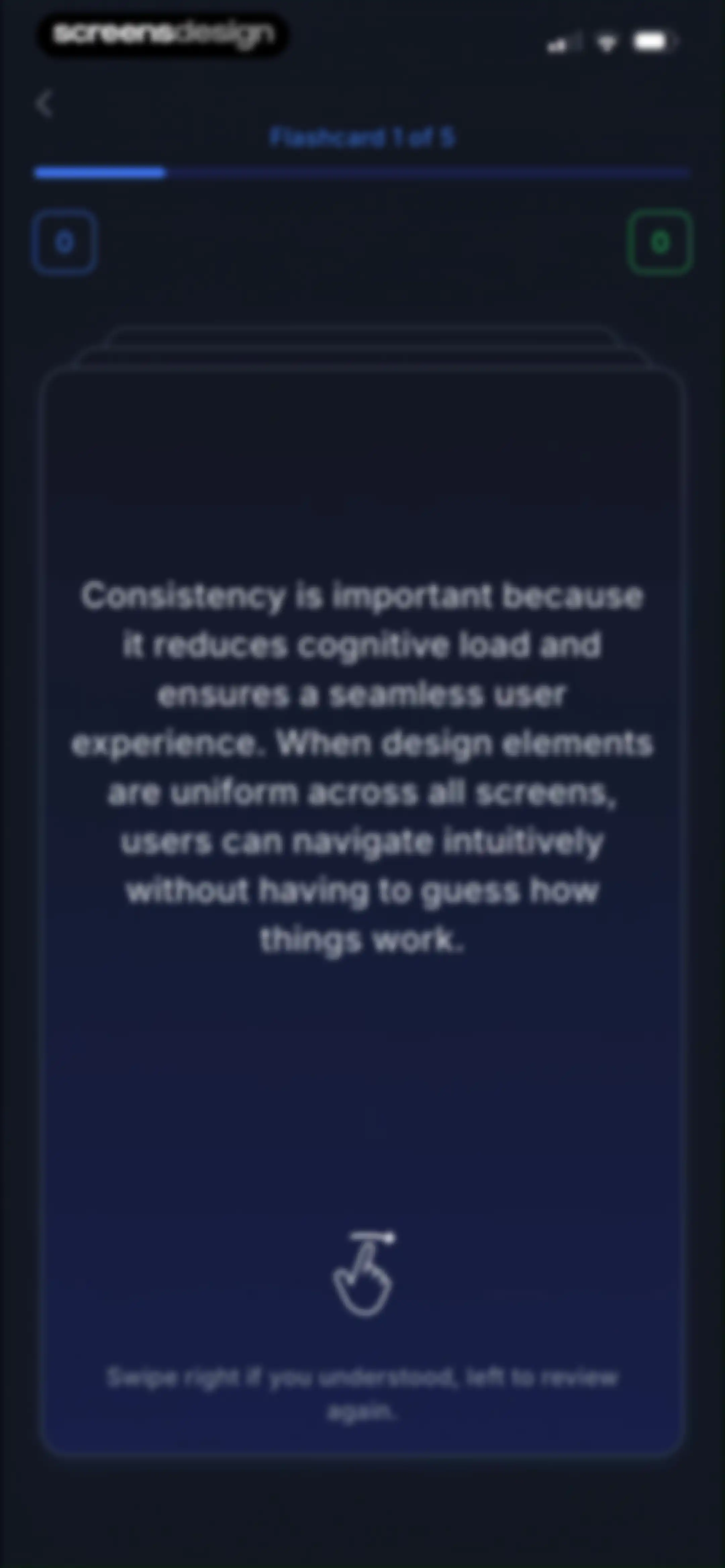
Flashcard study interface showing the first card of five, with educational text on design consistency and swipe instruction at the bottom.Unlock Pro
Flashcard study screen in dark mode showing the first card in a stack, progress counters, and a Keep Learning button.Unlock Pro
Flashcard study interface showing the second of five cards with a dark theme and an I got it action button.Unlock Pro
Quiz results summary showing sixty percent correct, with a review button and a Generate new quiz action.Unlock Pro
Quiz configuration form with options for number of questions, difficulty, and question type, featuring a bottom Create button.Unlock Pro
Loading screen with the status Preparing Questions, a progress bar, and a back button in the top left.Unlock Pro
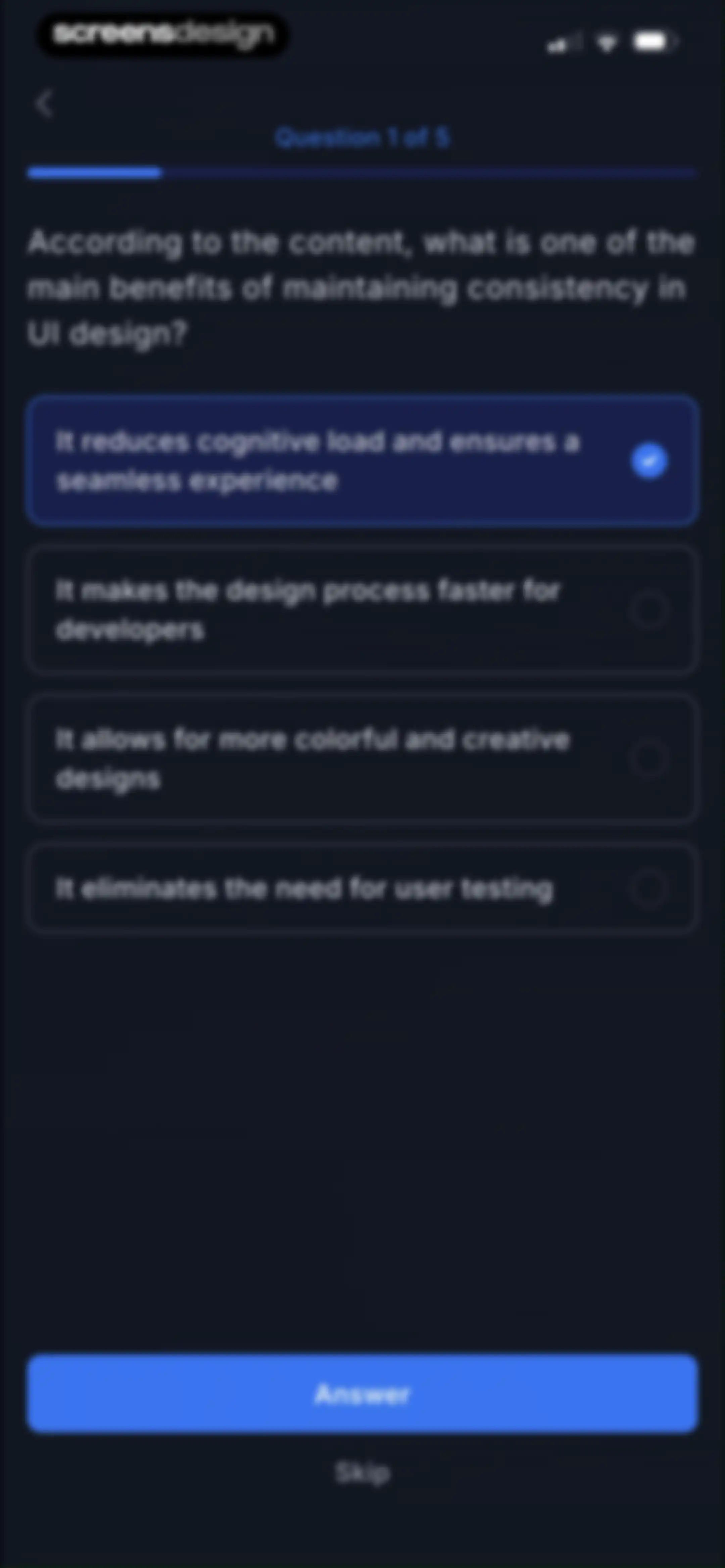
Quiz question screen with four selectable answer cards, the first option selected, an Answer button, and a Skip link.Unlock Pro
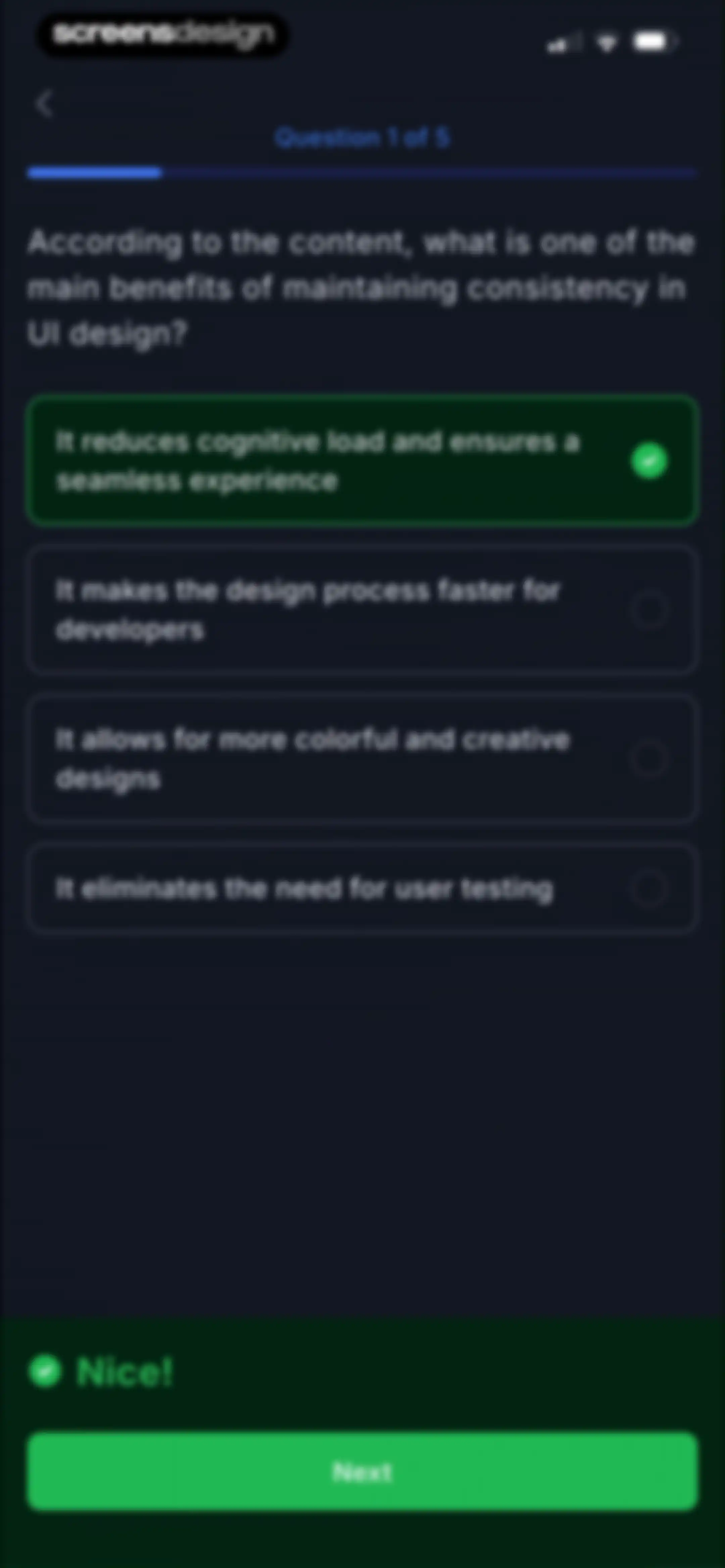
Quiz question screen with four options, the correct answer selected in green, a positive feedback message, and a Next button.Unlock Pro
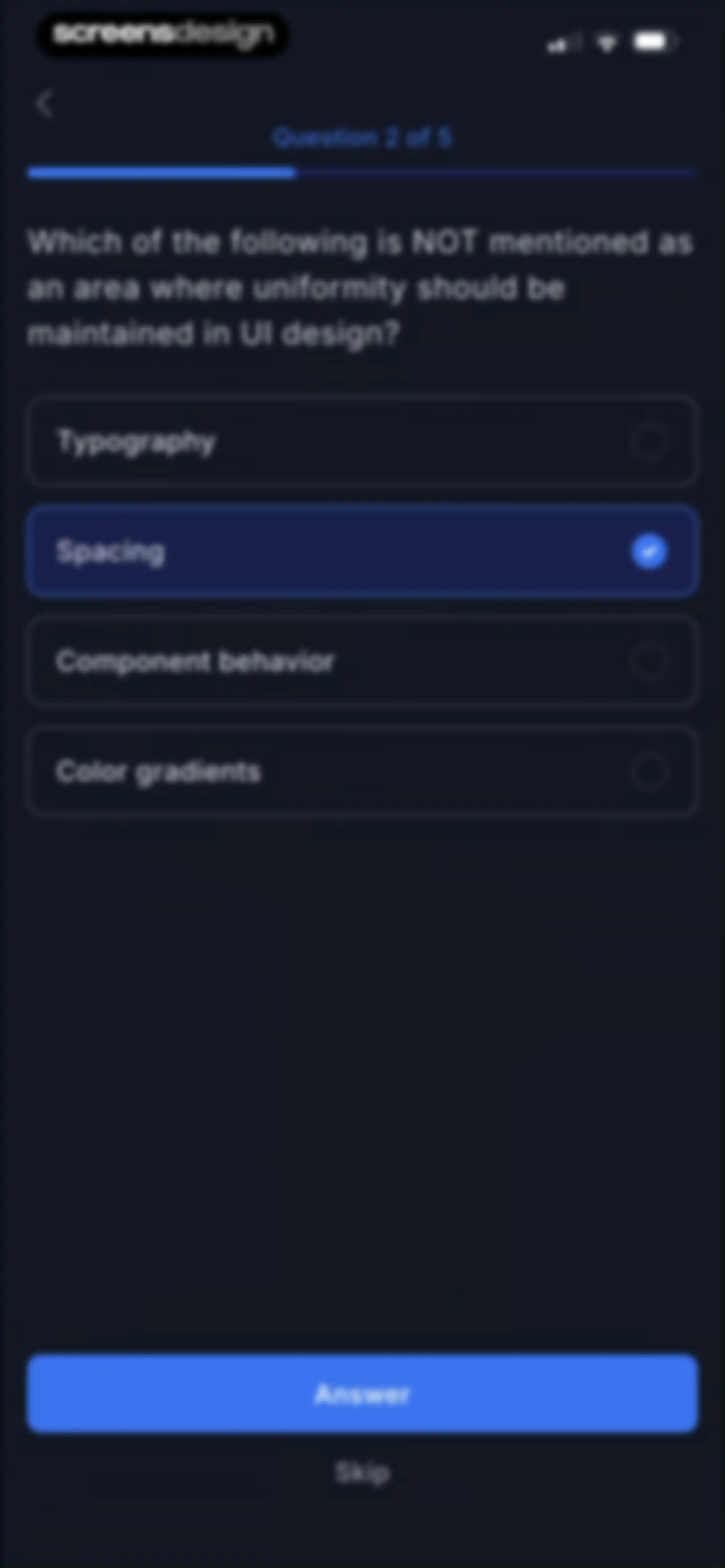
Quiz question screen asking about UI design uniformity, with the Spacing option selected and an Answer button at the bottom.Unlock Pro
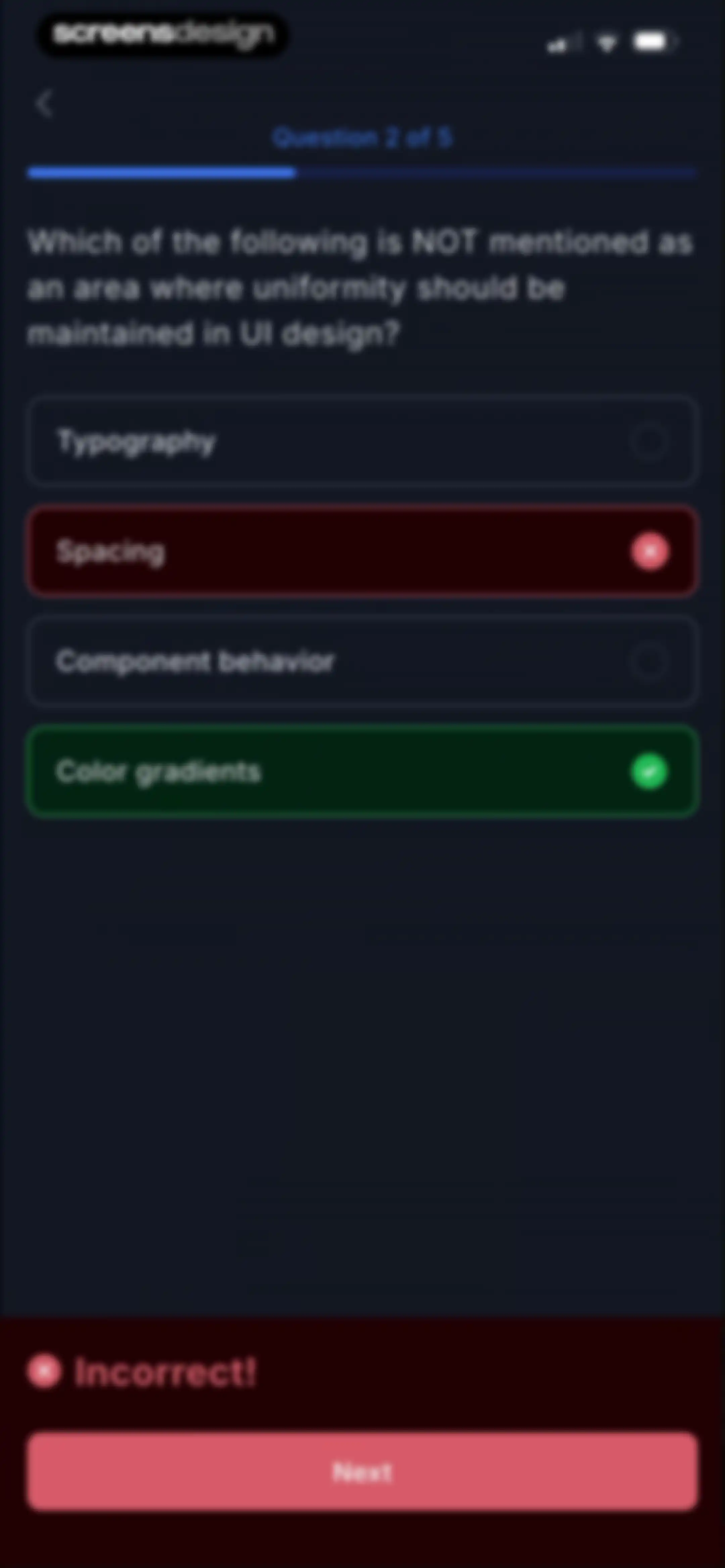
Quiz question screen in dark mode with an incorrect answer selected, a feedback banner, and a Next button.Unlock Pro
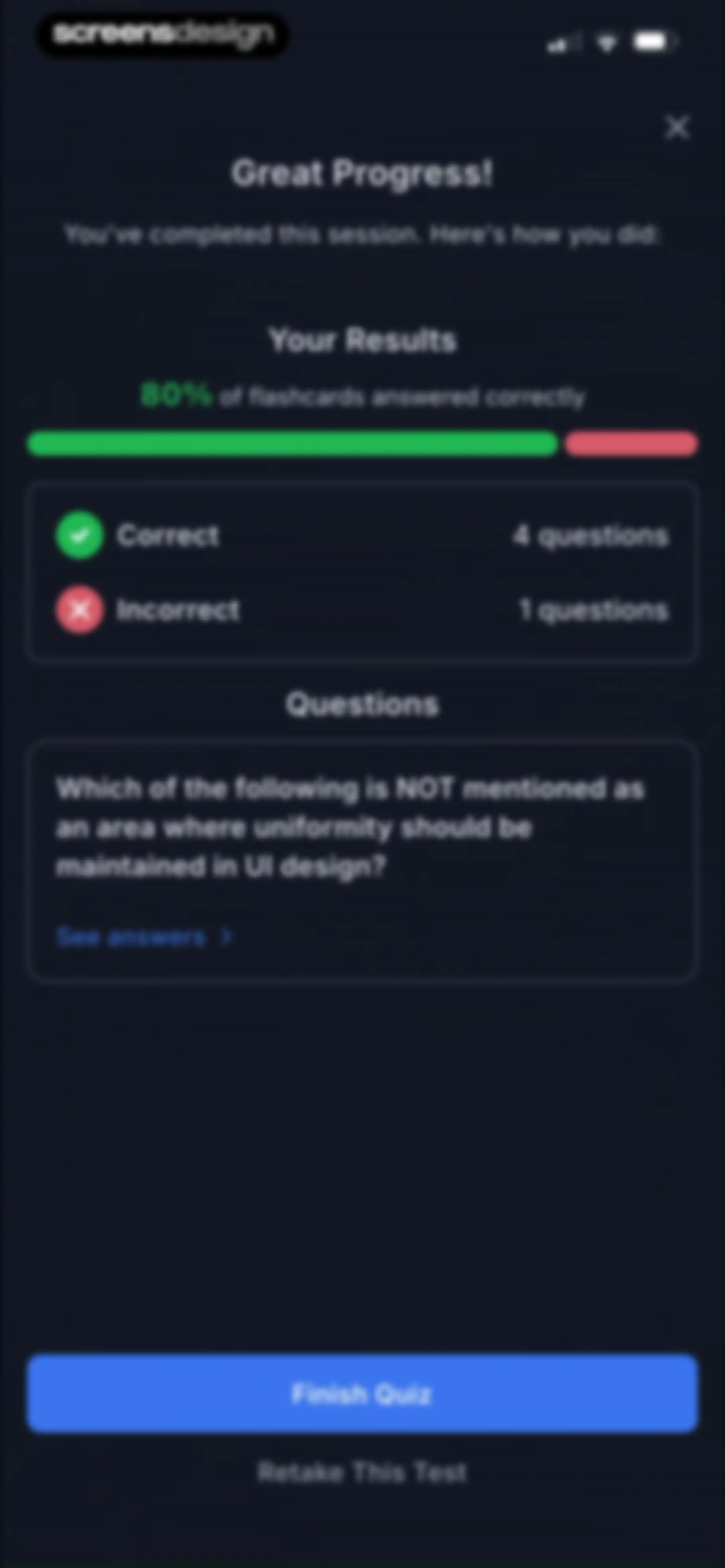
Quiz results summary showing an 80% score, correct and incorrect question counts, and a Finish Quiz button.Unlock Pro
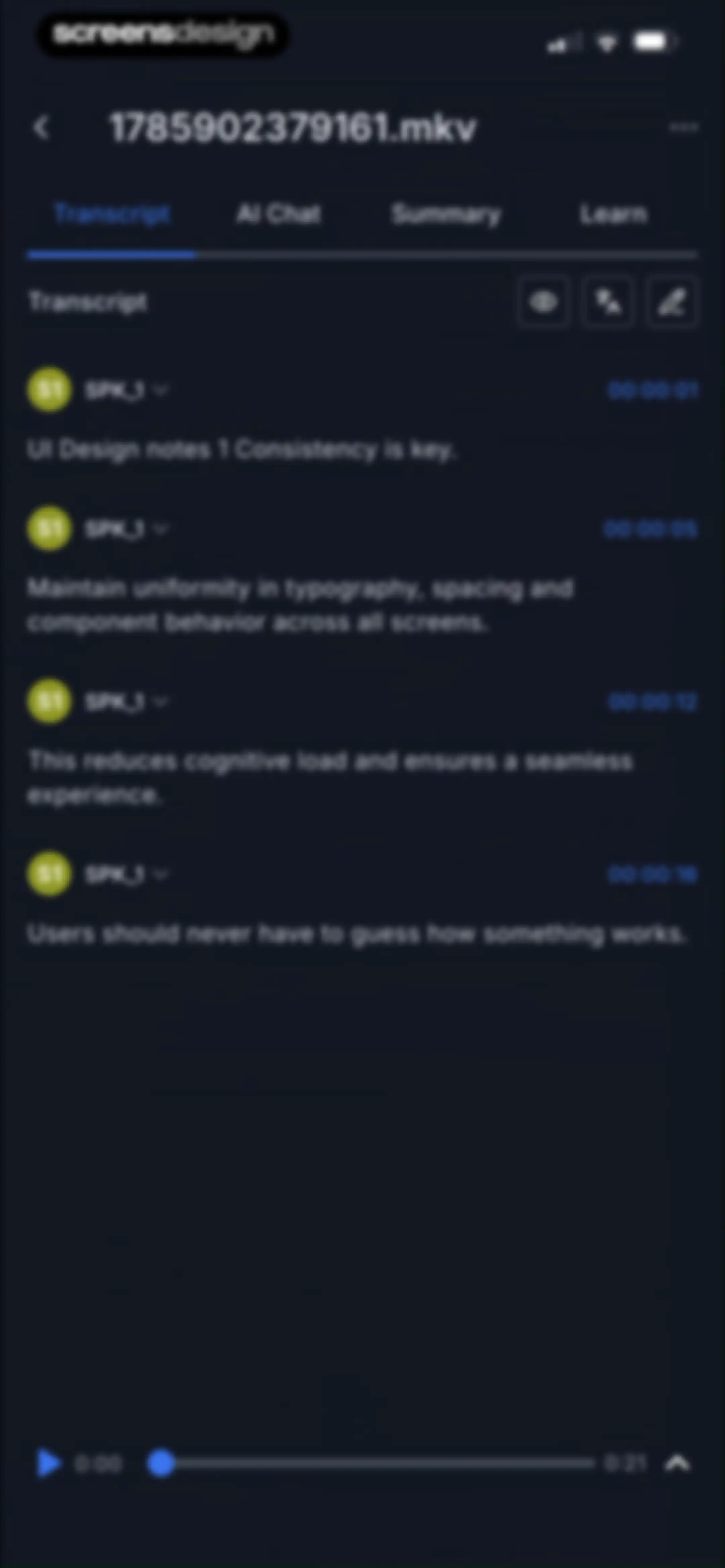
Transcript editor showing timestamped segments with the Transcript tab selected and bottom media playback controls.Unlock Pro
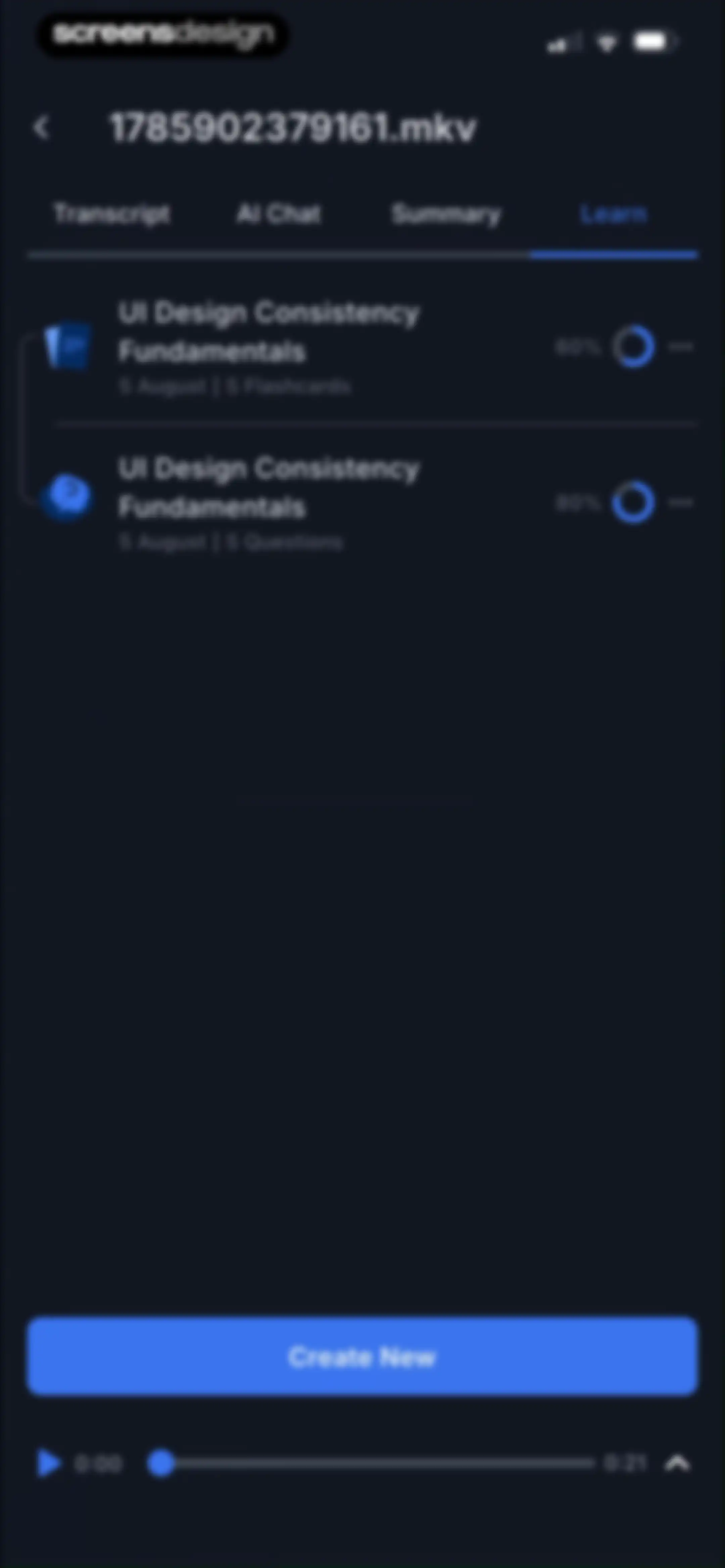
Learning module dashboard with flashcard and quiz progress indicators, a Create New button, and a persistent media playback bar.Unlock Pro
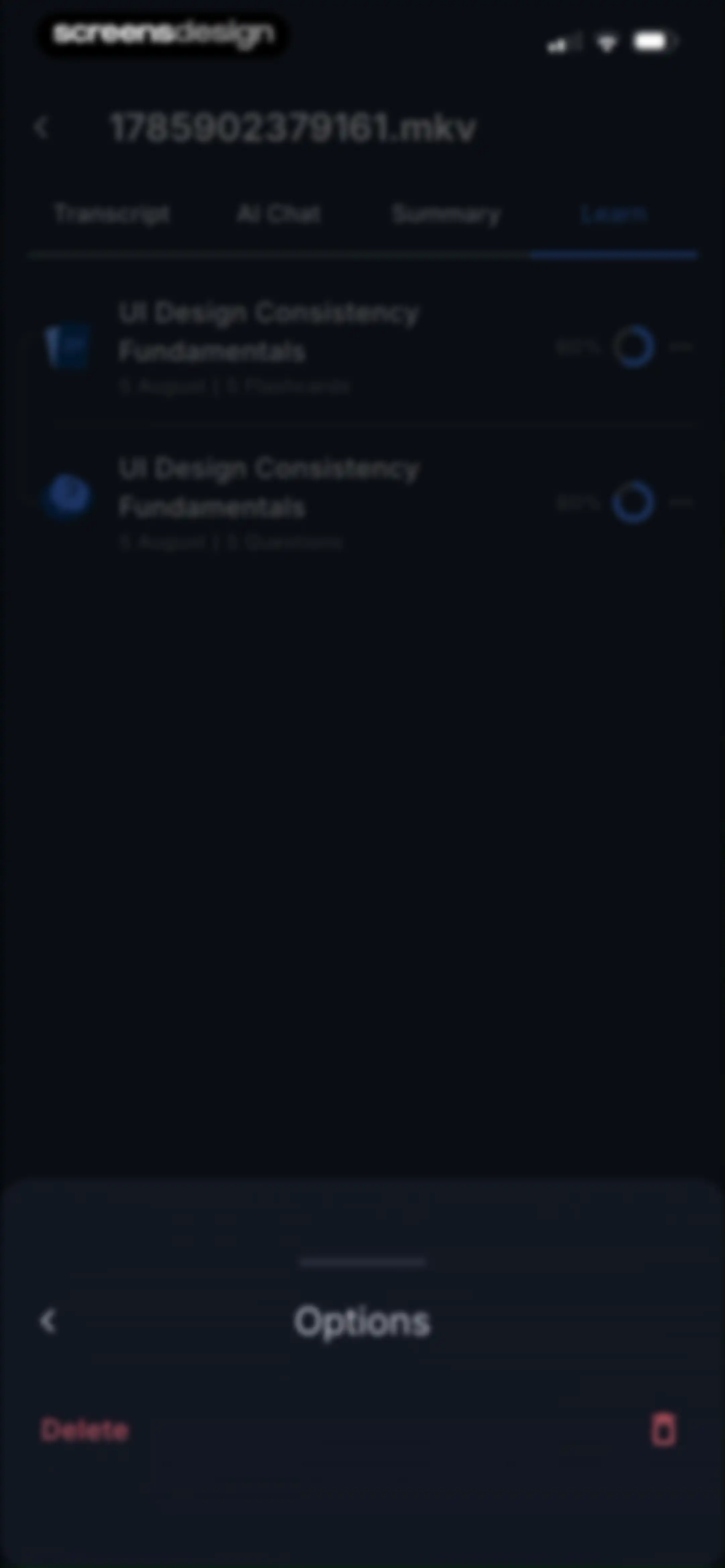
Learning modules screen with UI Design Consistency Fundamentals flashcards and questions, featuring an open options bottom sheet with a delete action.Unlock Pro
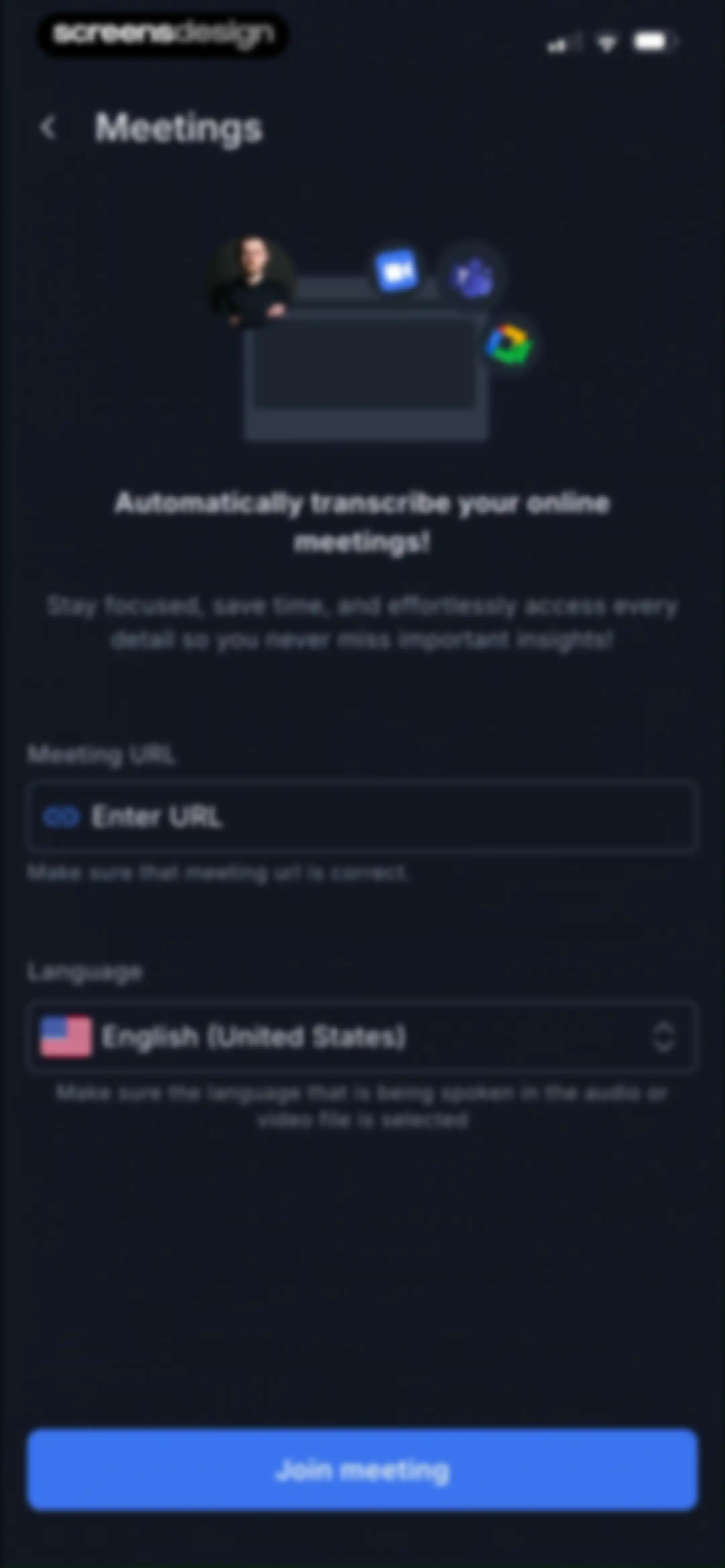
Meeting transcription form with empty URL and language selection fields, an illustration, and a Join meeting button.Unlock Pro
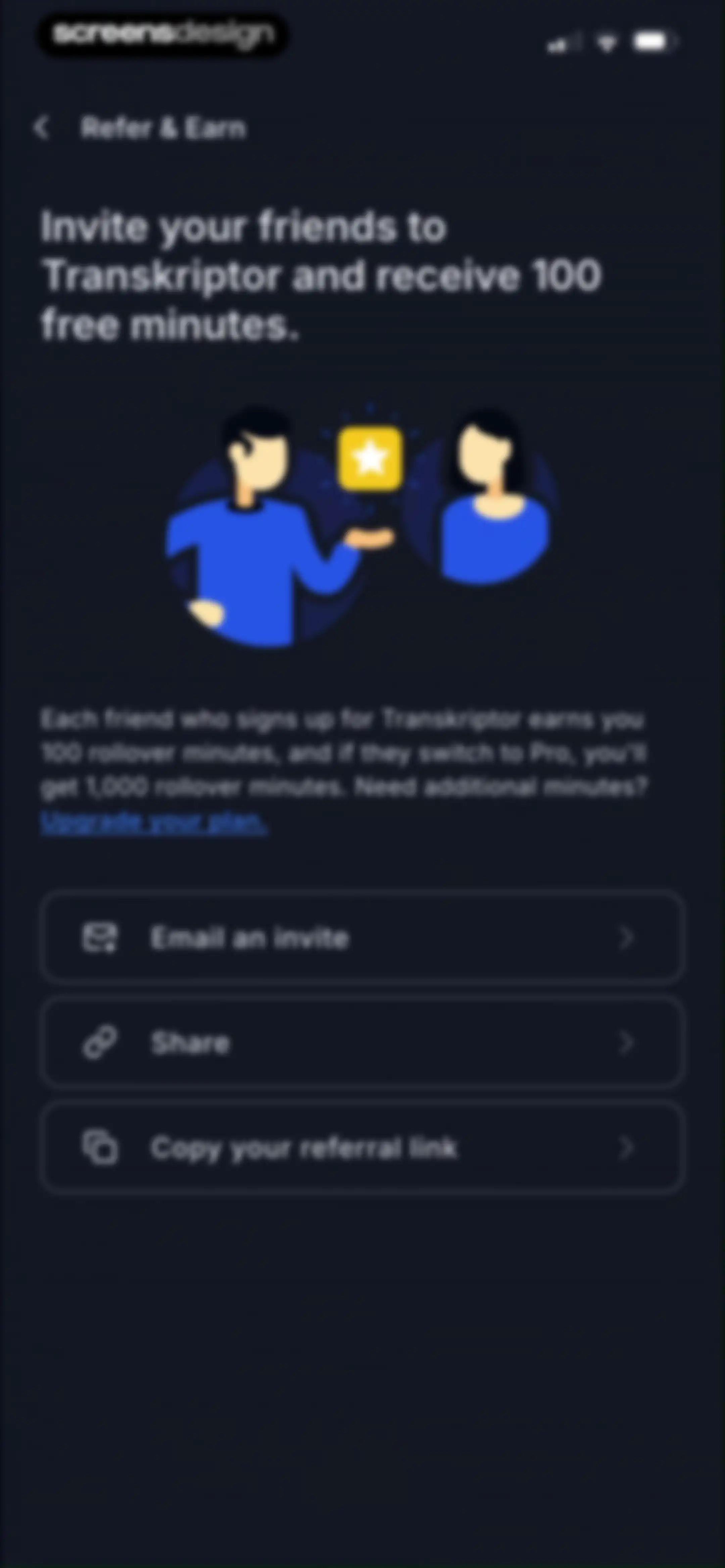
Refer and earn screen in the Transkriptor app explaining how to get free minutes, with options to email an invite, share, or copy a referral link.Unlock Pro
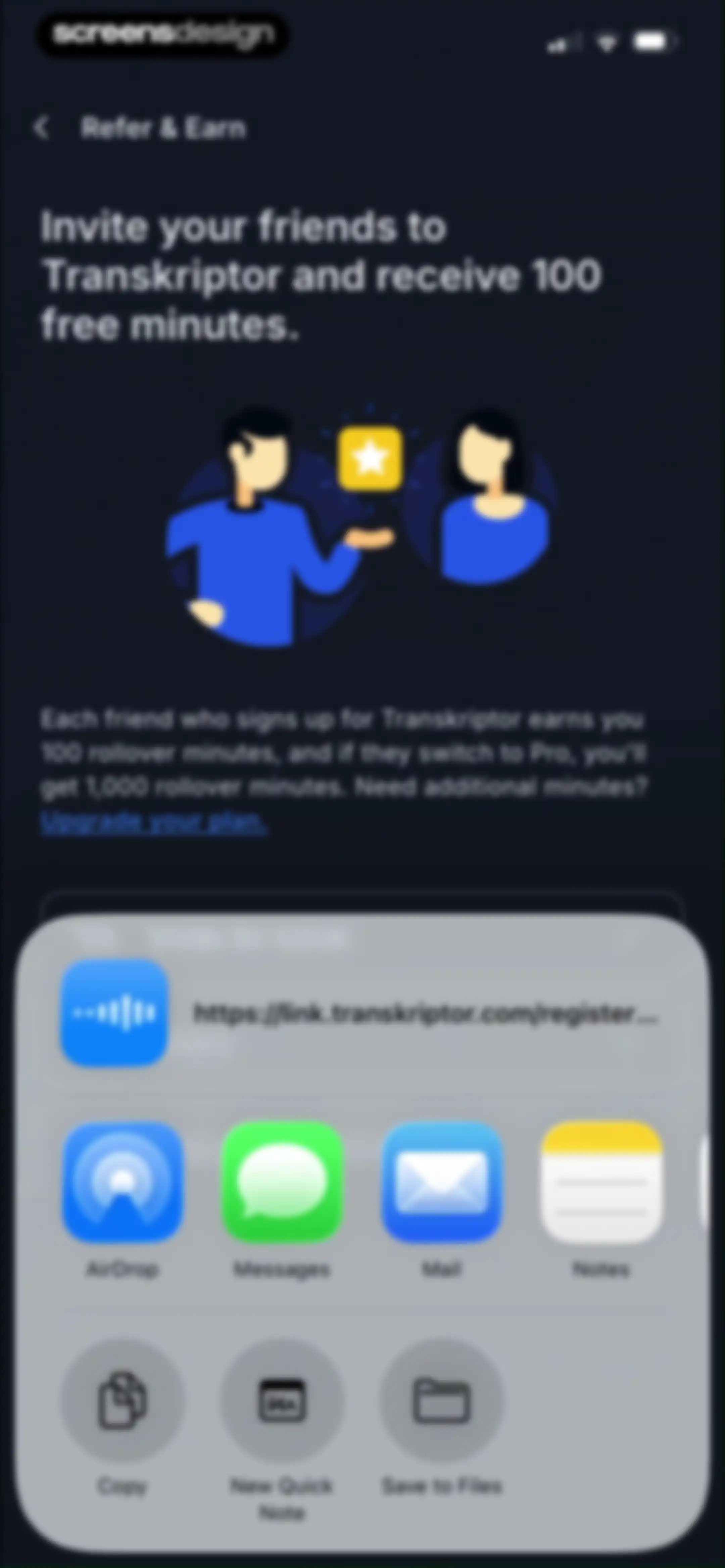
Refer and earn screen for Transkriptor featuring a referral details message and an open iOS share sheet overlay at the bottom.Unlock Pro
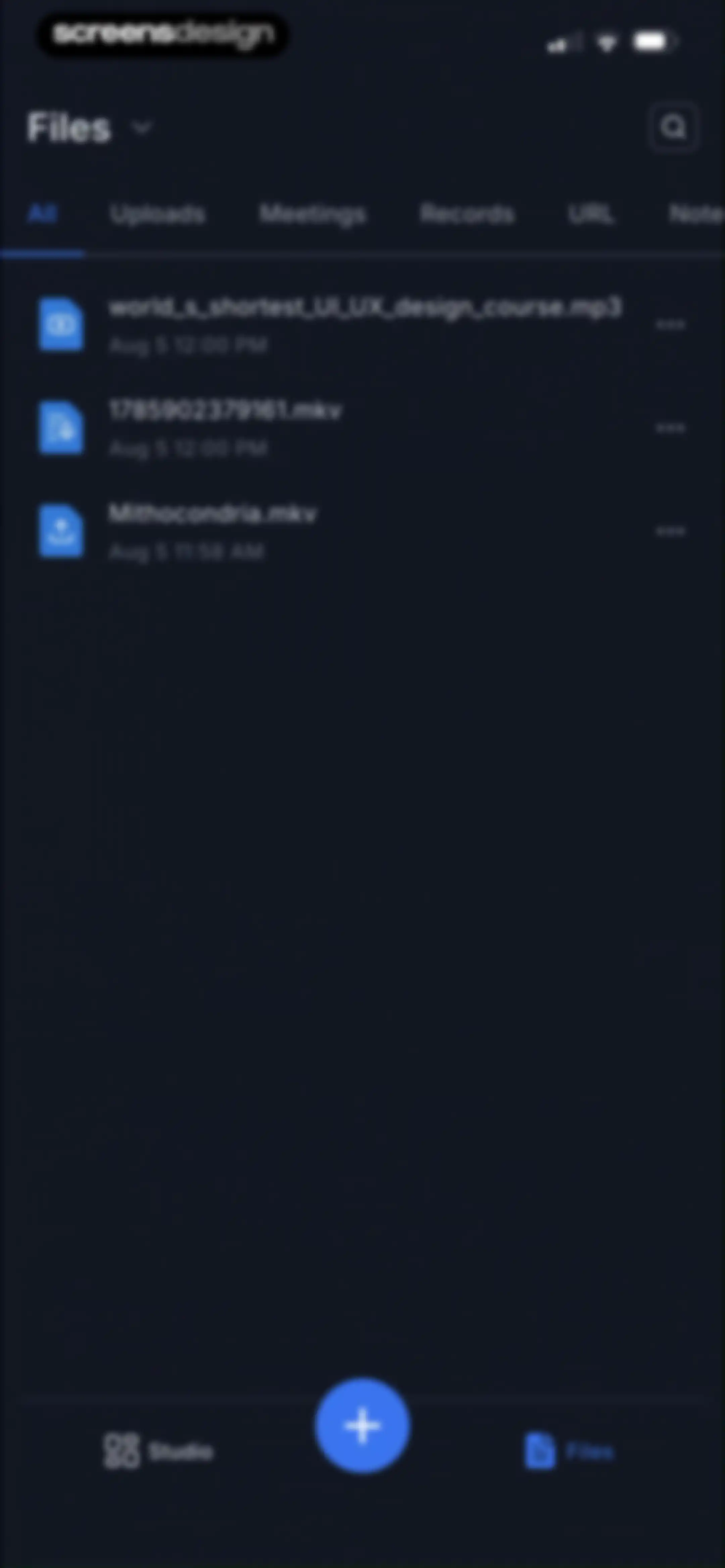
File management dashboard featuring a horizontal tab filter bar, a scrollable list of audio and video files, and a central floating action button.Unlock Pro
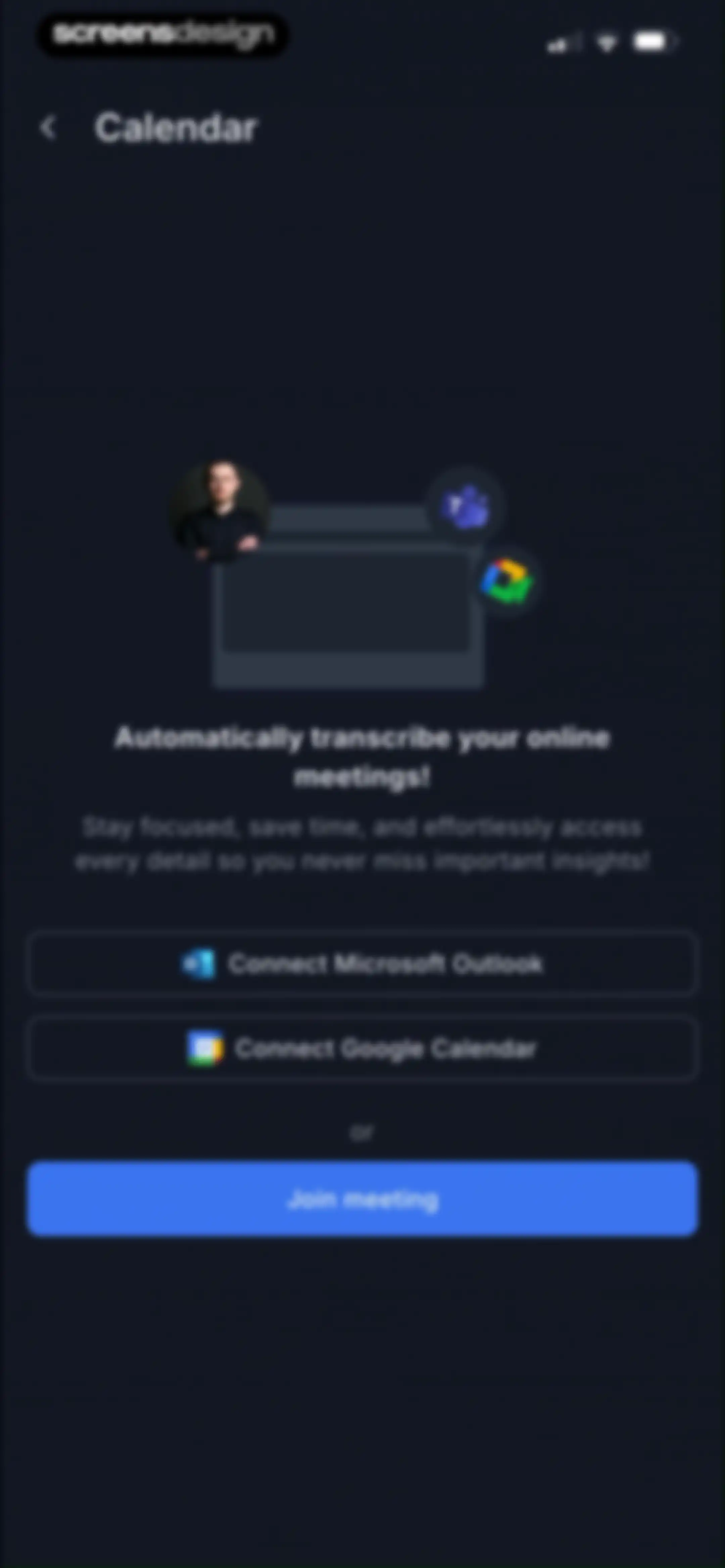
Calendar onboarding screen featuring options to connect Microsoft Outlook or Google Calendar and a Join meeting button.Unlock Pro
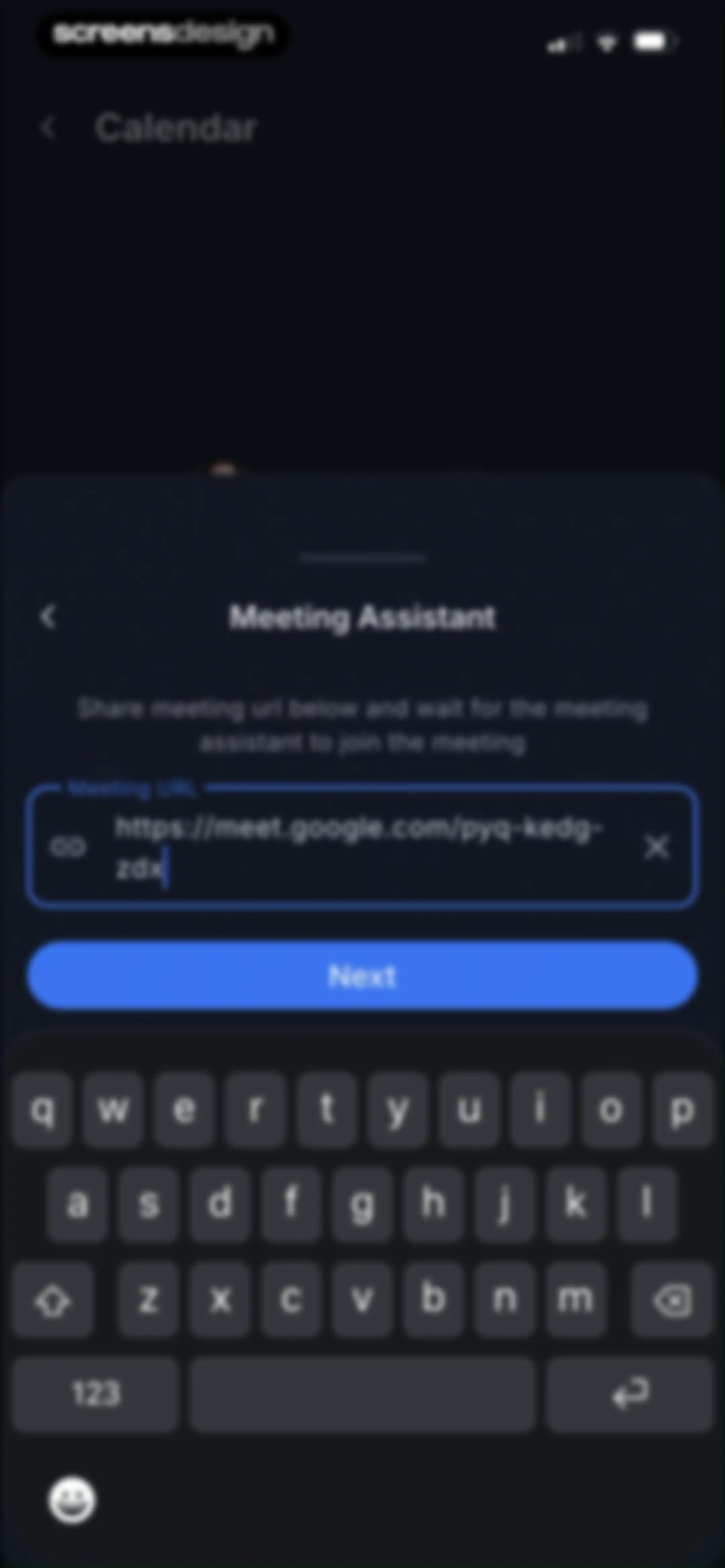
Meeting Assistant modal form with a filled Google Meet URL input field and a Next button.Unlock Pro
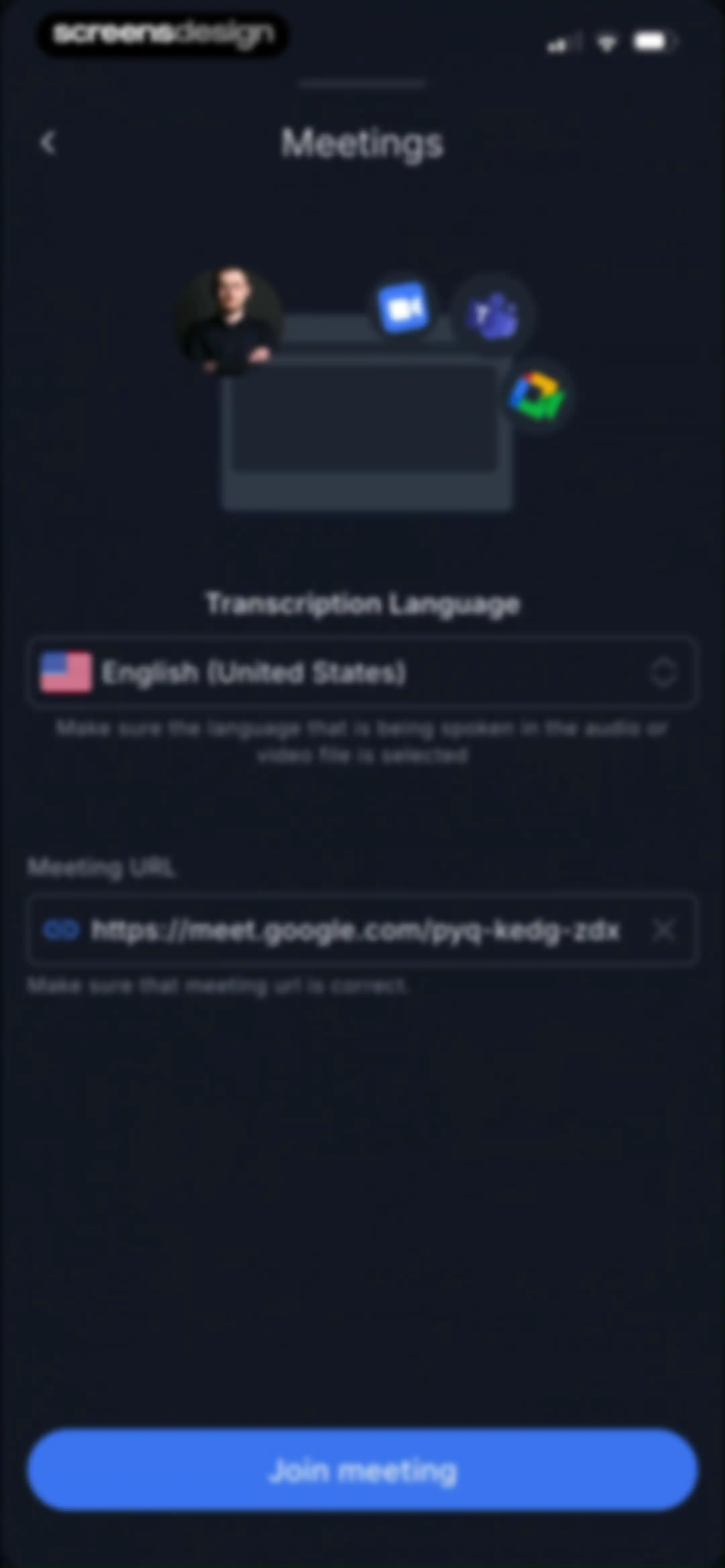
Meeting setup form with language selection, a pre-filled Google Meet URL, and a Join meeting button.Unlock Pro
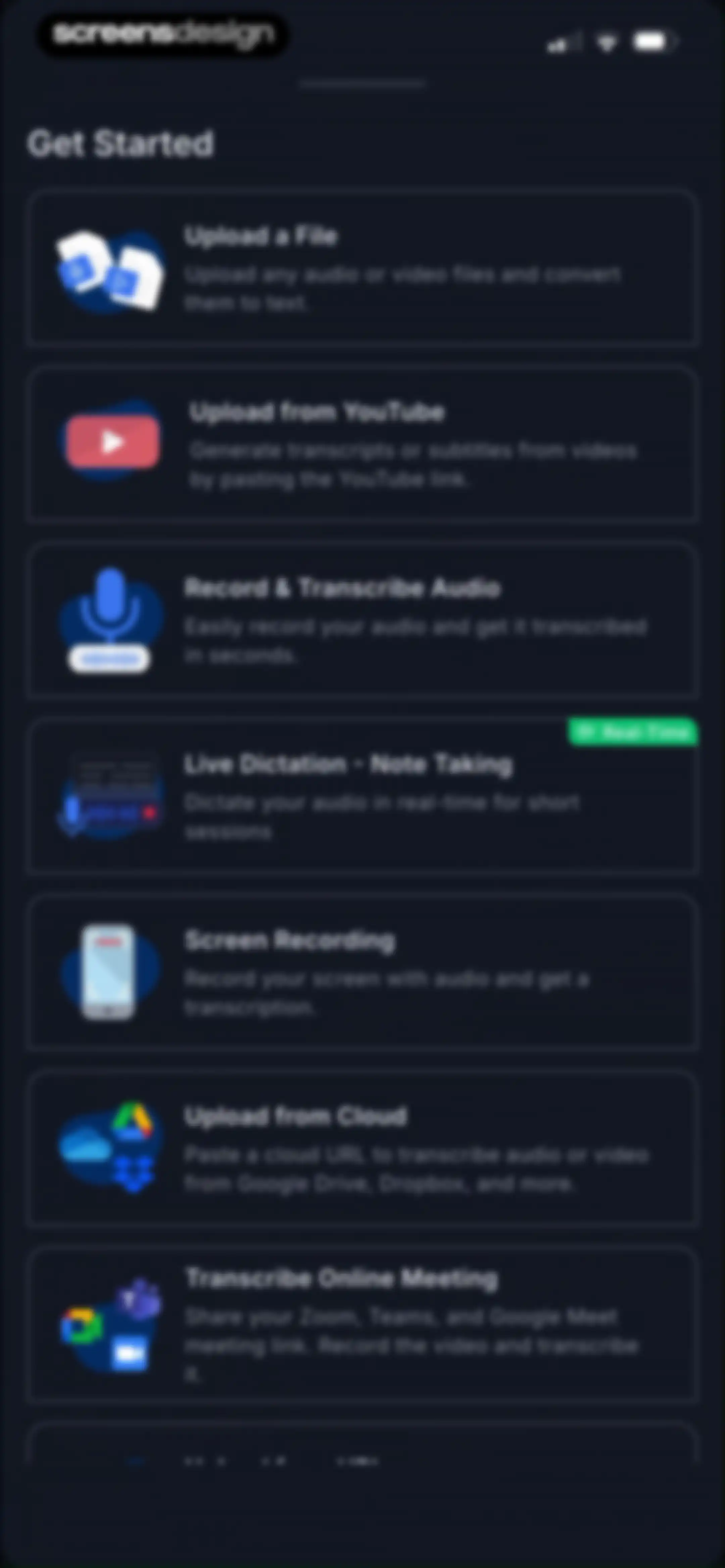
Home screen featuring a vertical list of action cards with options to upload files, record audio, or transcribe from YouTube.Unlock Pro
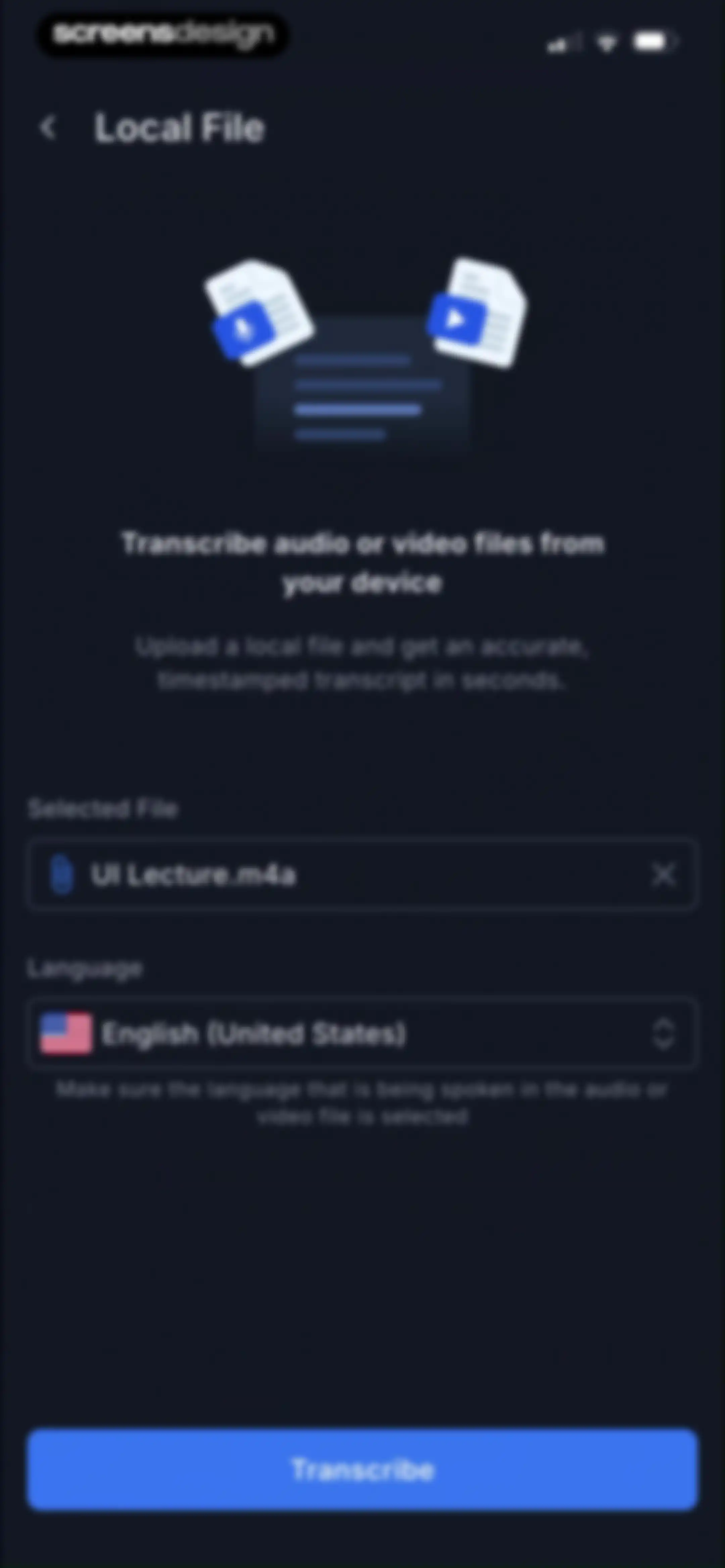
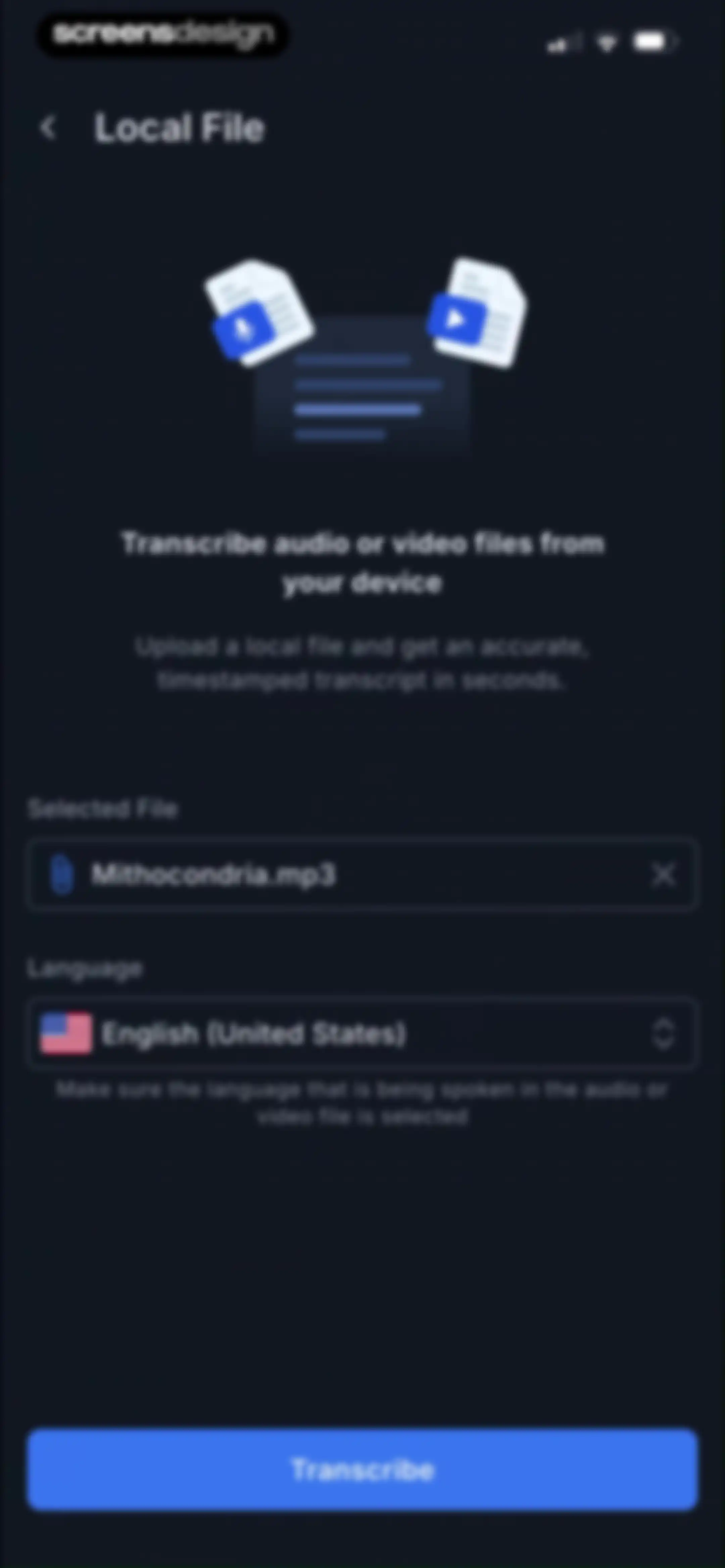
Local file transcription form showing a selected audio file, language set to English, and a Transcribe button.Unlock Pro
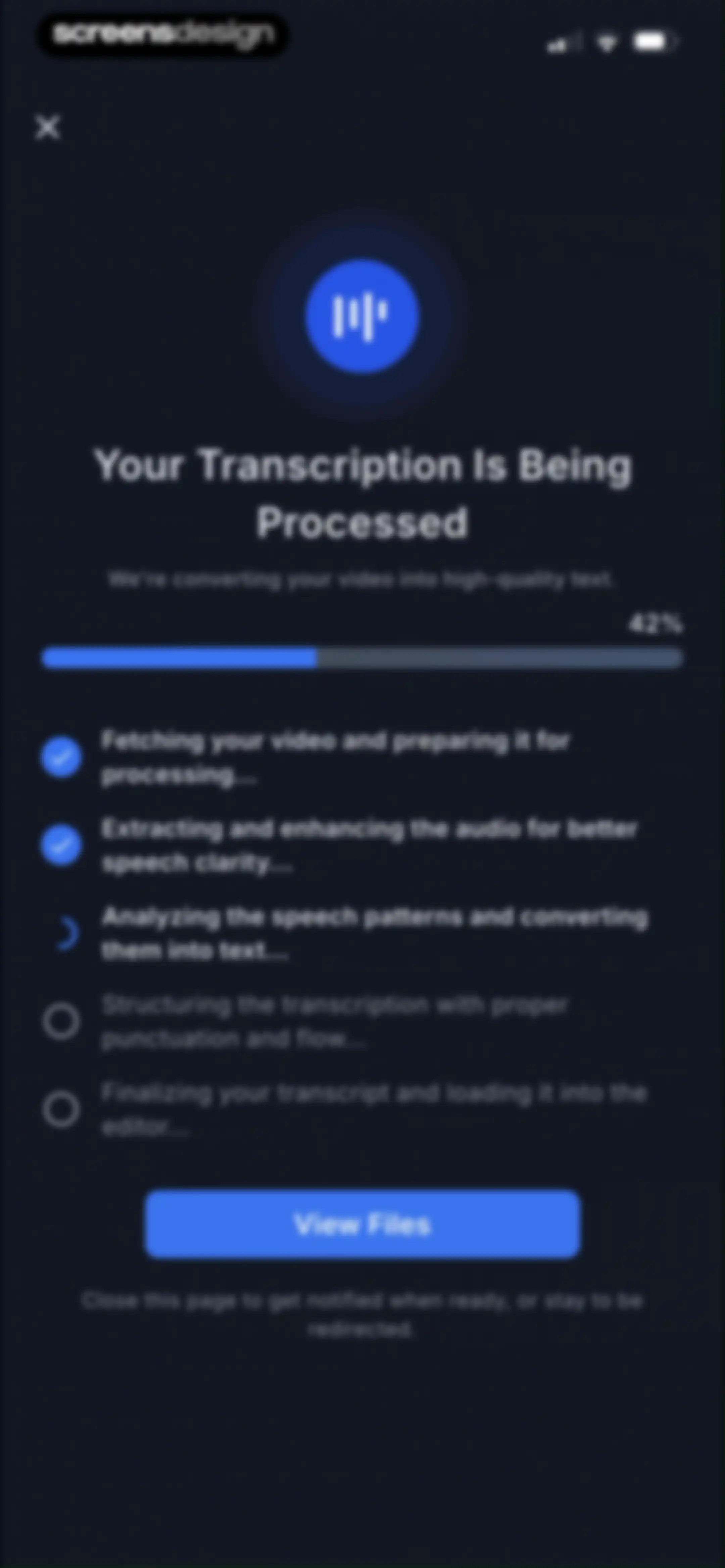
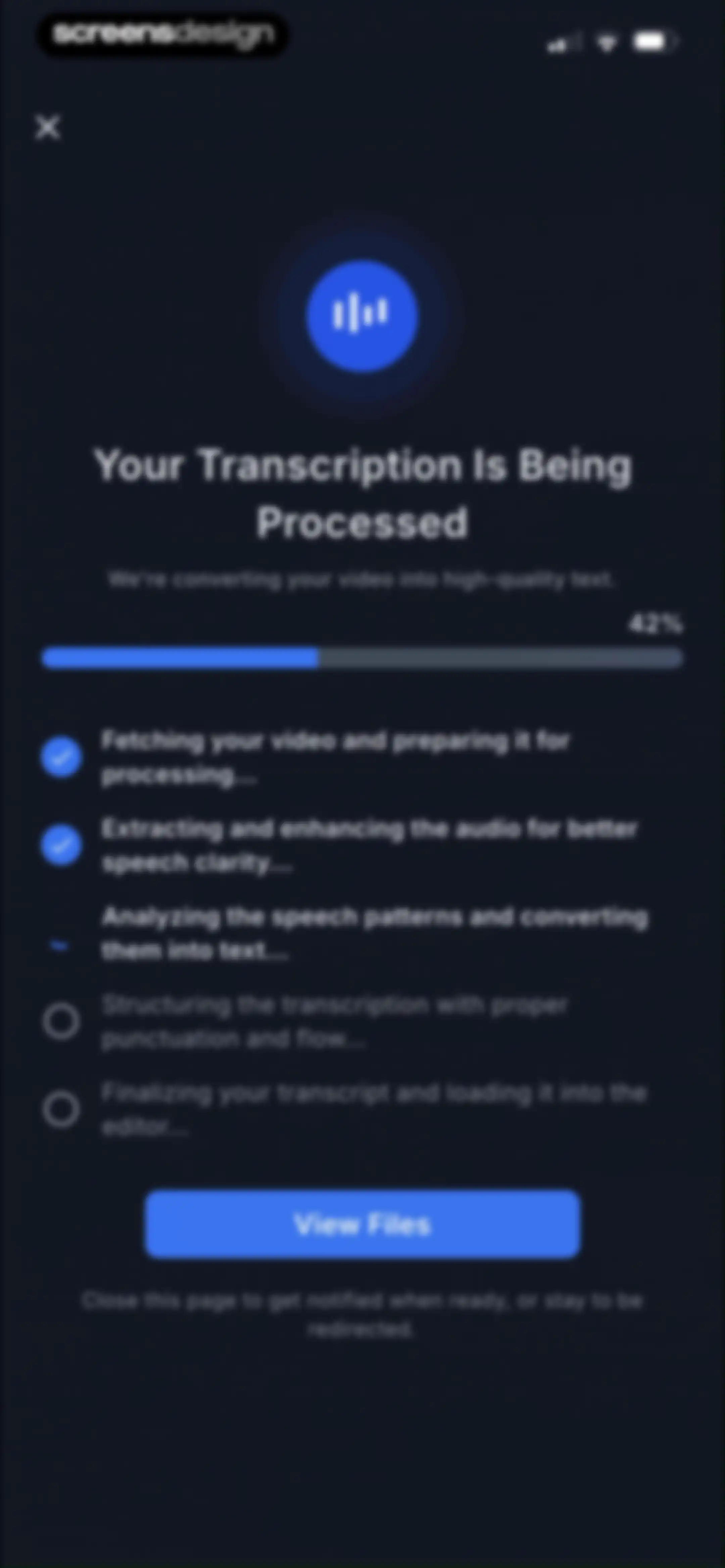
Transcription progress screen showing a 42% completion bar, a step-by-step processing list with an active spinner, and a View Files button.Unlock Pro
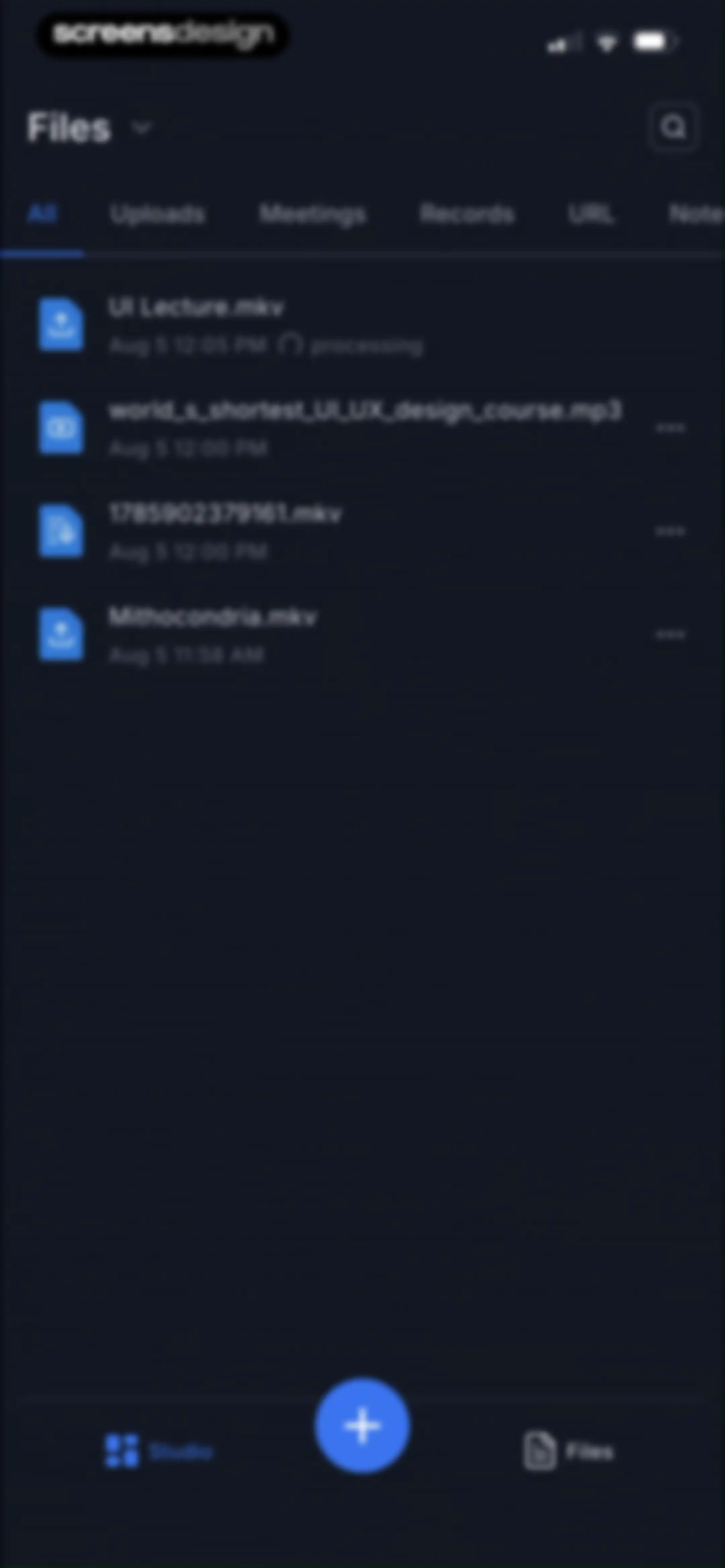
Files dashboard in a dark theme displaying a vertical list of media files, horizontal filter tabs, and a bottom navigation bar.Unlock Pro
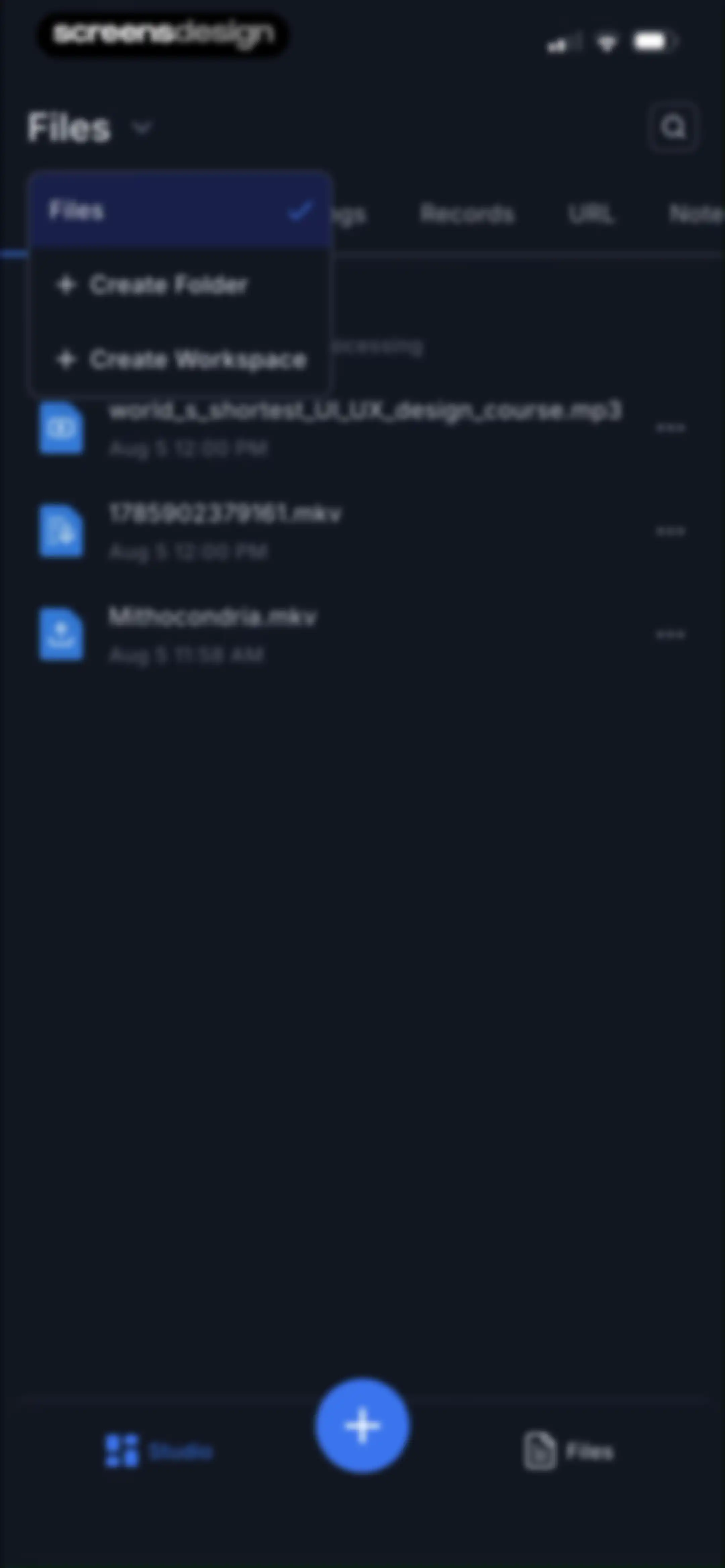
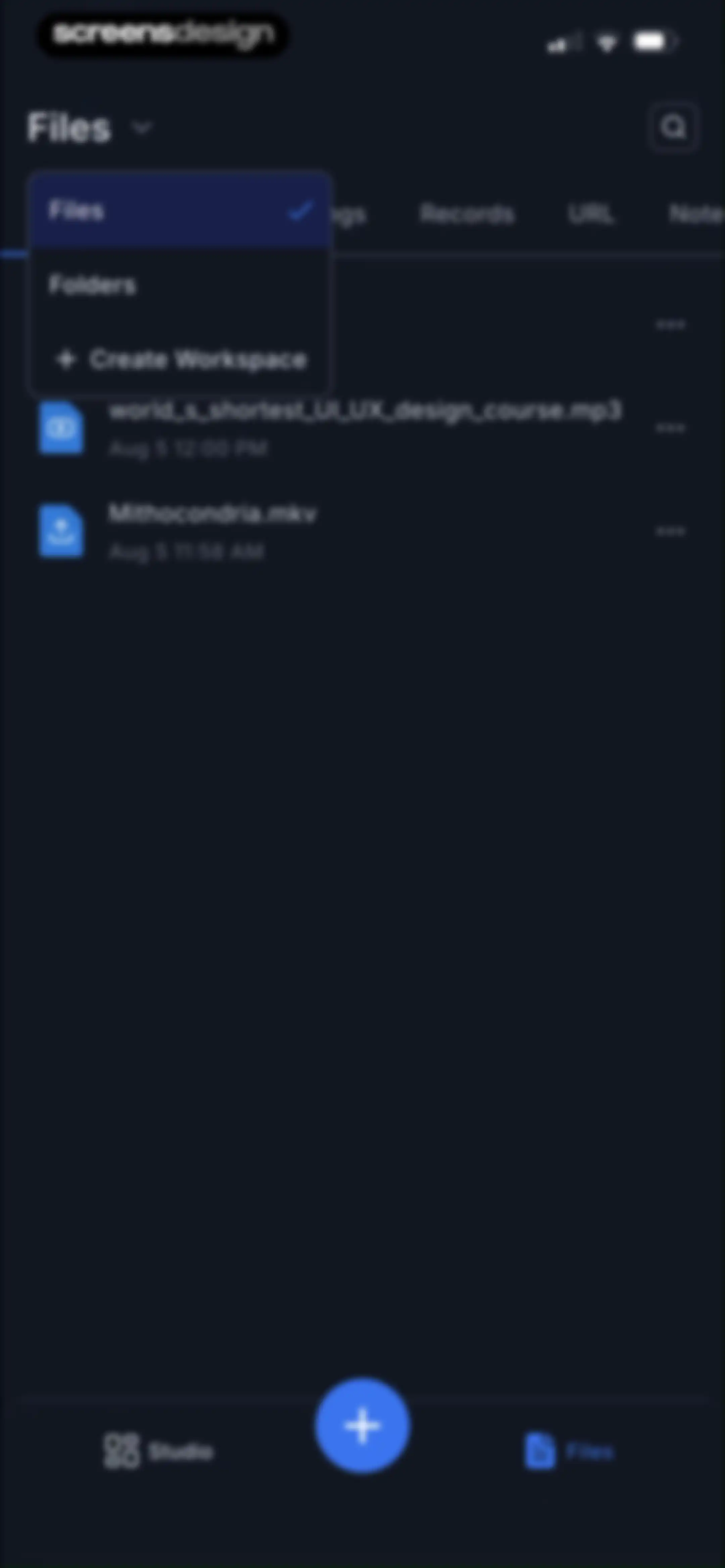
Transkriptor home screen displaying a list of uploaded files in dark mode, with an open Files dropdown menu and a bottom navigation bar.Unlock Pro
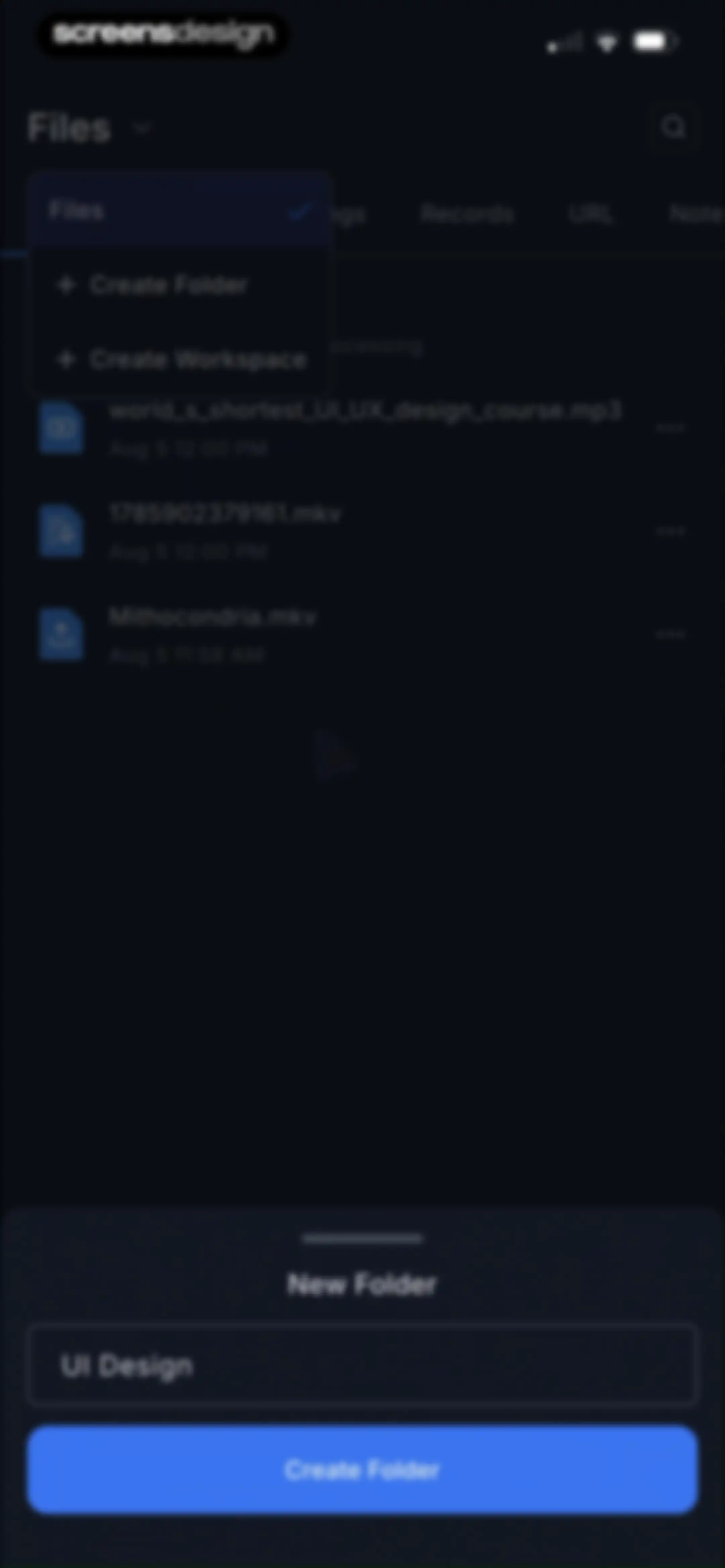
File management home screen displaying a list of transcription files with a bottom modal sheet for creating a new folder.Unlock Pro
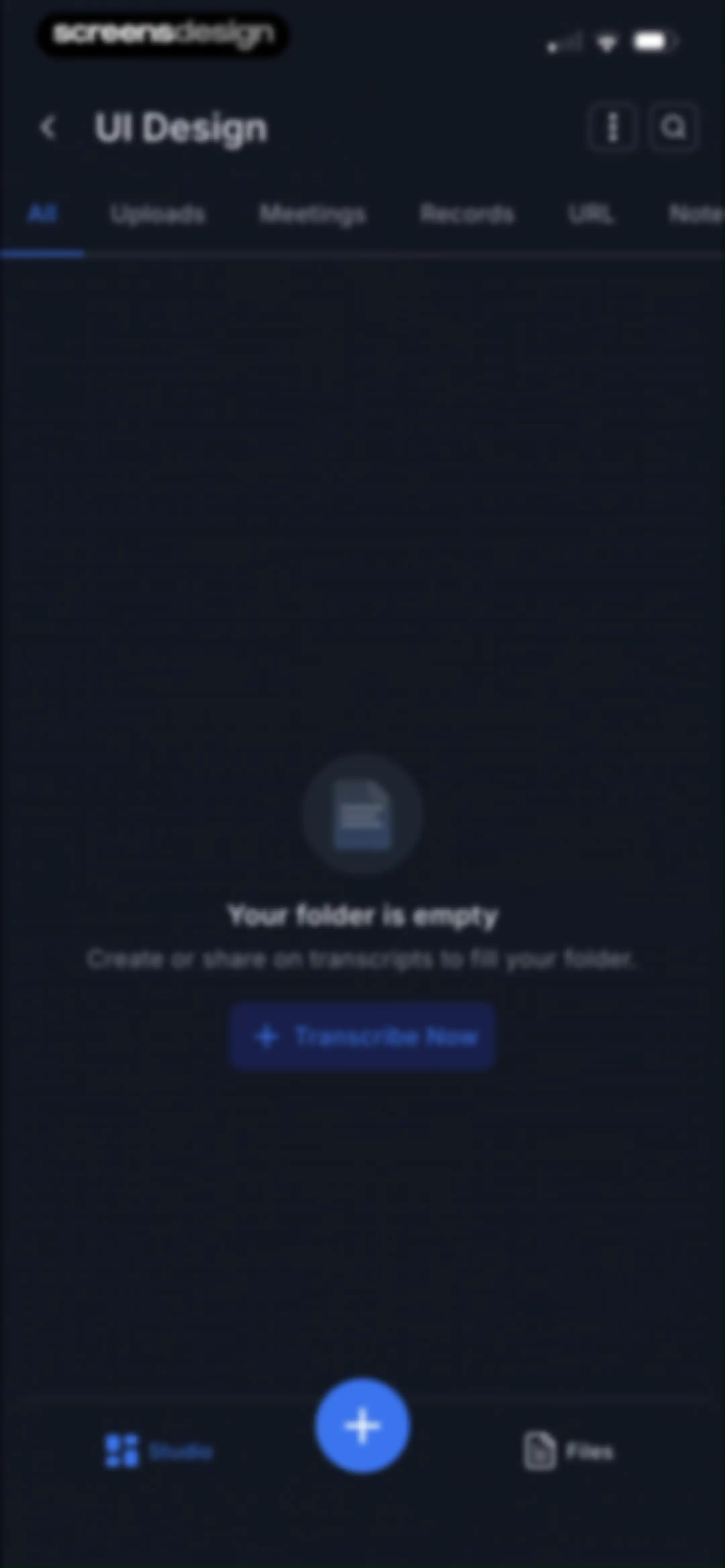
Empty folder screen displaying horizontal filter tabs, a central message stating the folder is empty, and a Transcribe Now button.Unlock Pro
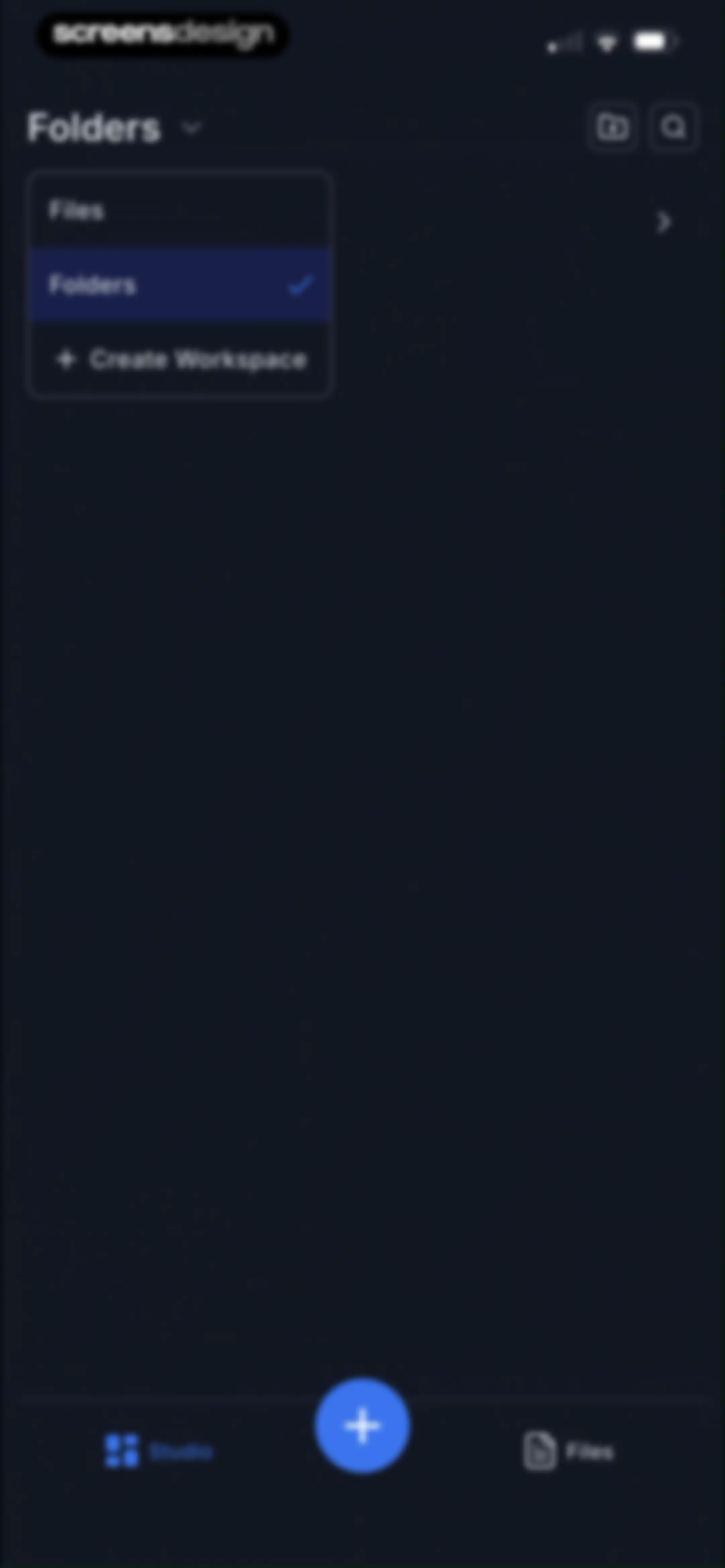
File management home screen with an open Folders dropdown menu, an empty content area, search and new folder icons, and a bottom navigation bar.Unlock Pro
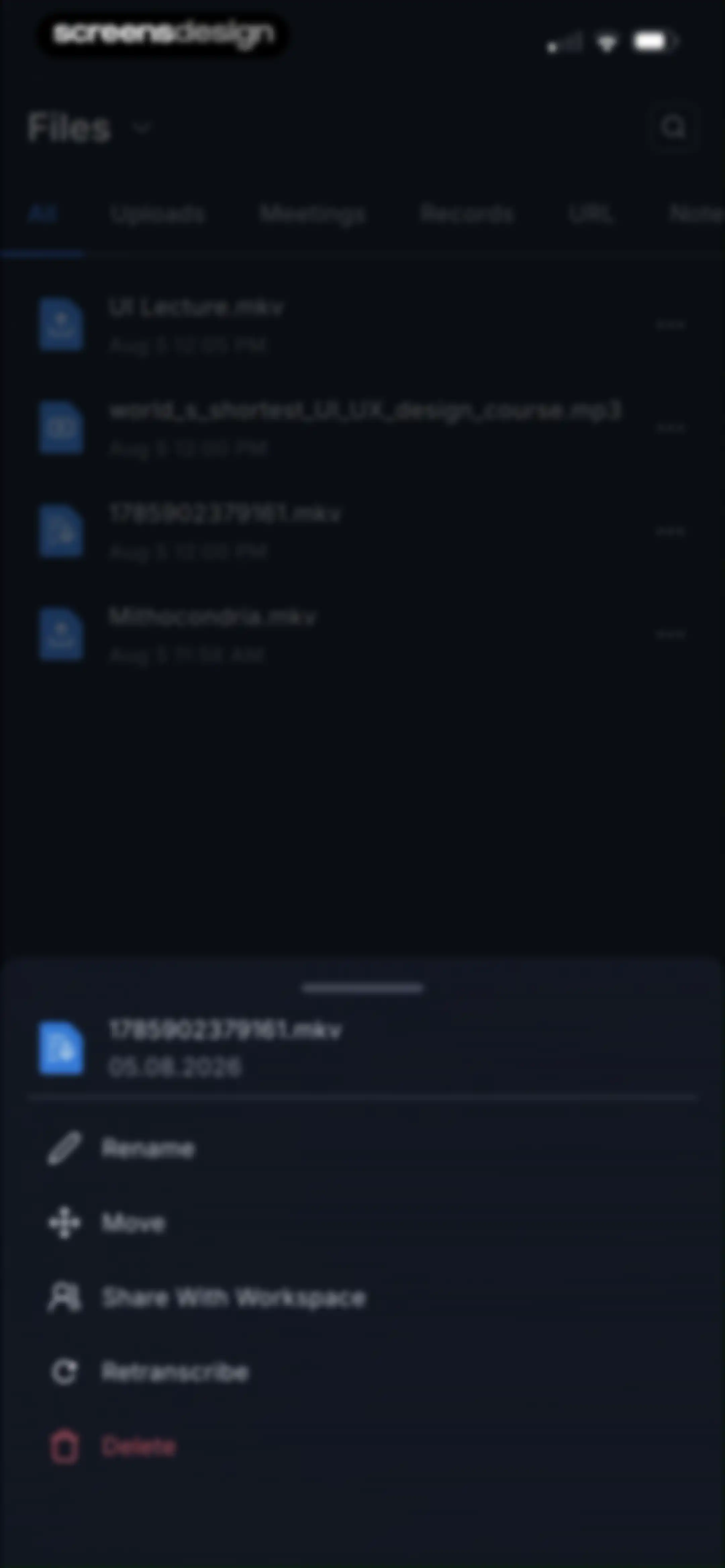
File management home screen displaying a list of files with a bottom sheet modal open for a selected file, showing options to rename, move, share, retranscribe, or delete.Unlock Pro
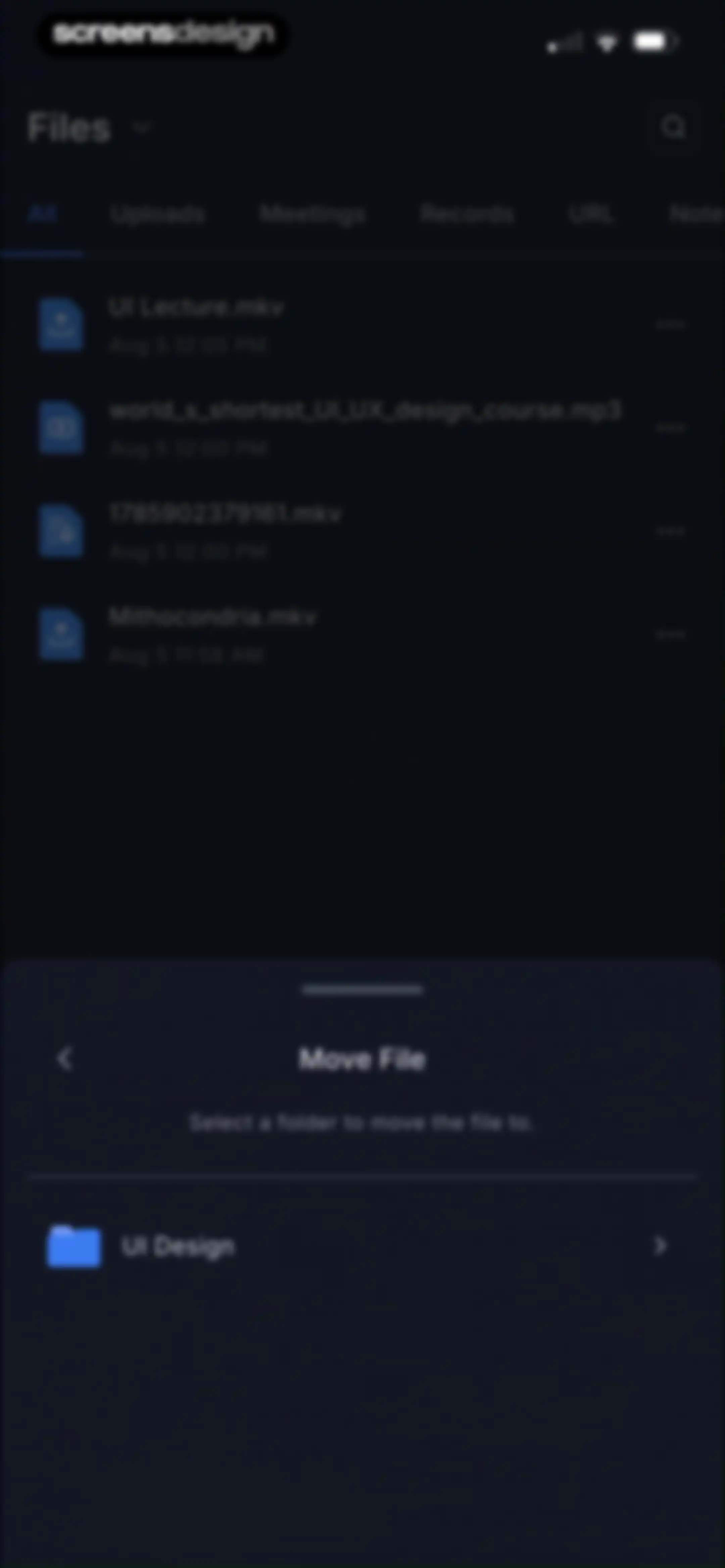
File management list with a bottom modal to select a destination folder for moving a file.Unlock Pro
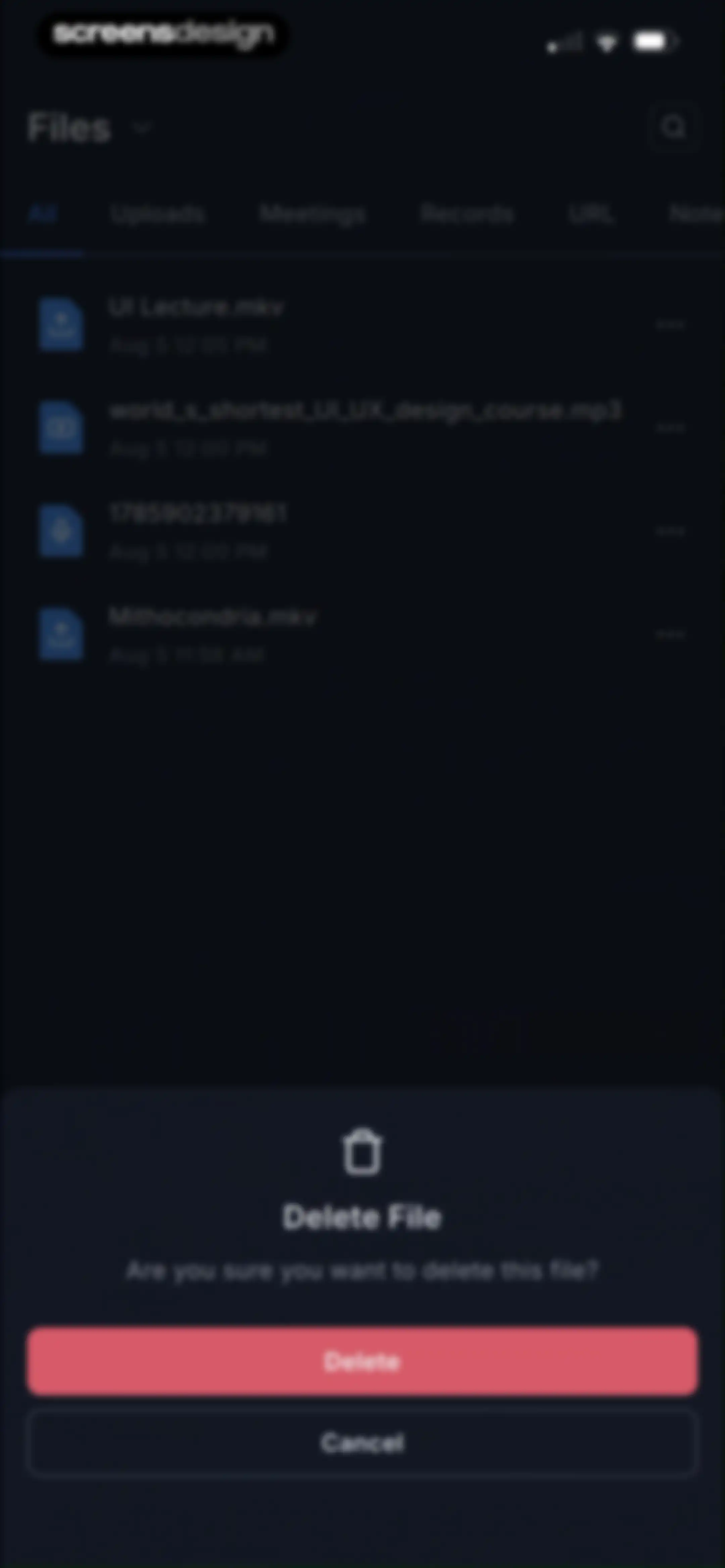
File management screen with a delete confirmation modal overlay, featuring Delete and Cancel buttons.Unlock Pro
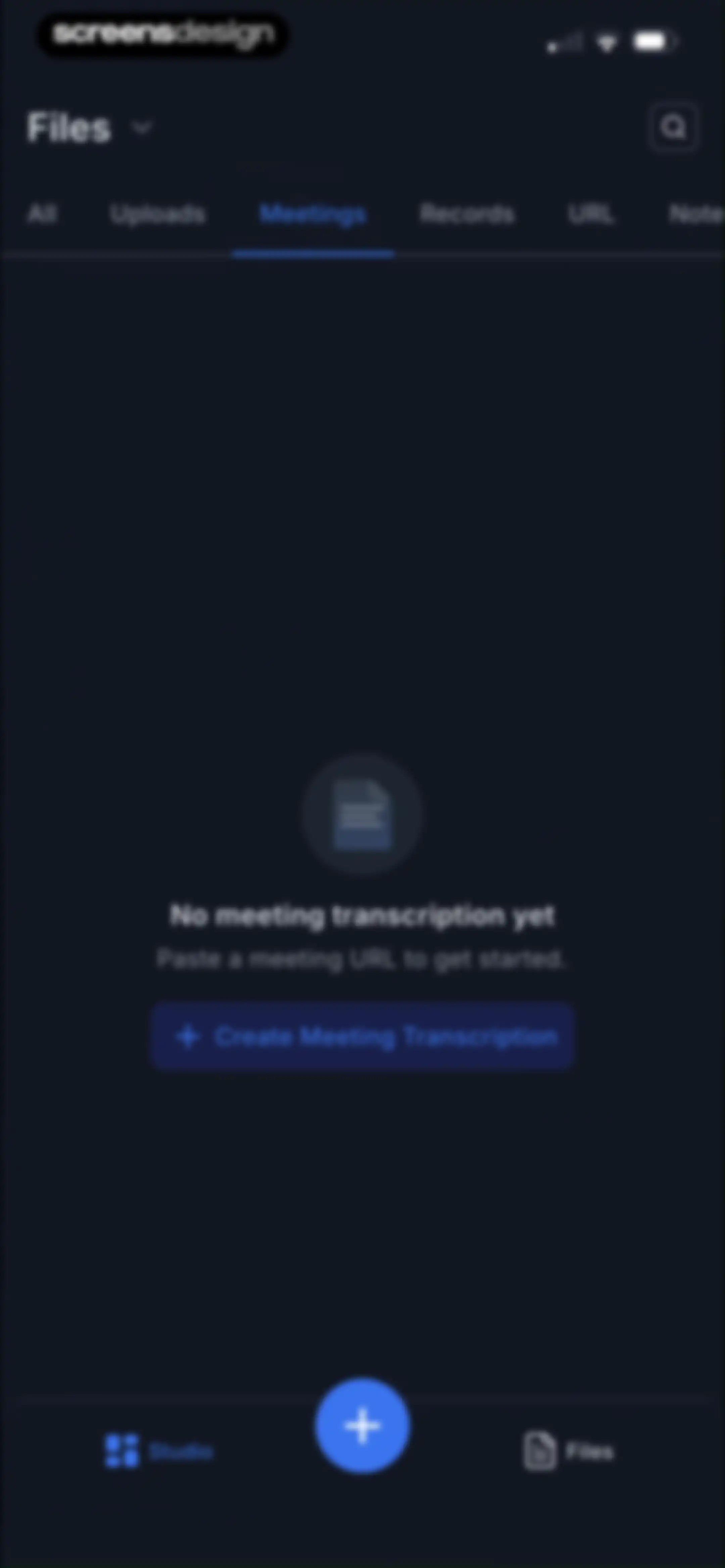
Empty state screen for the Meetings tab with a Create Meeting Transcription button and dark theme.Unlock Pro
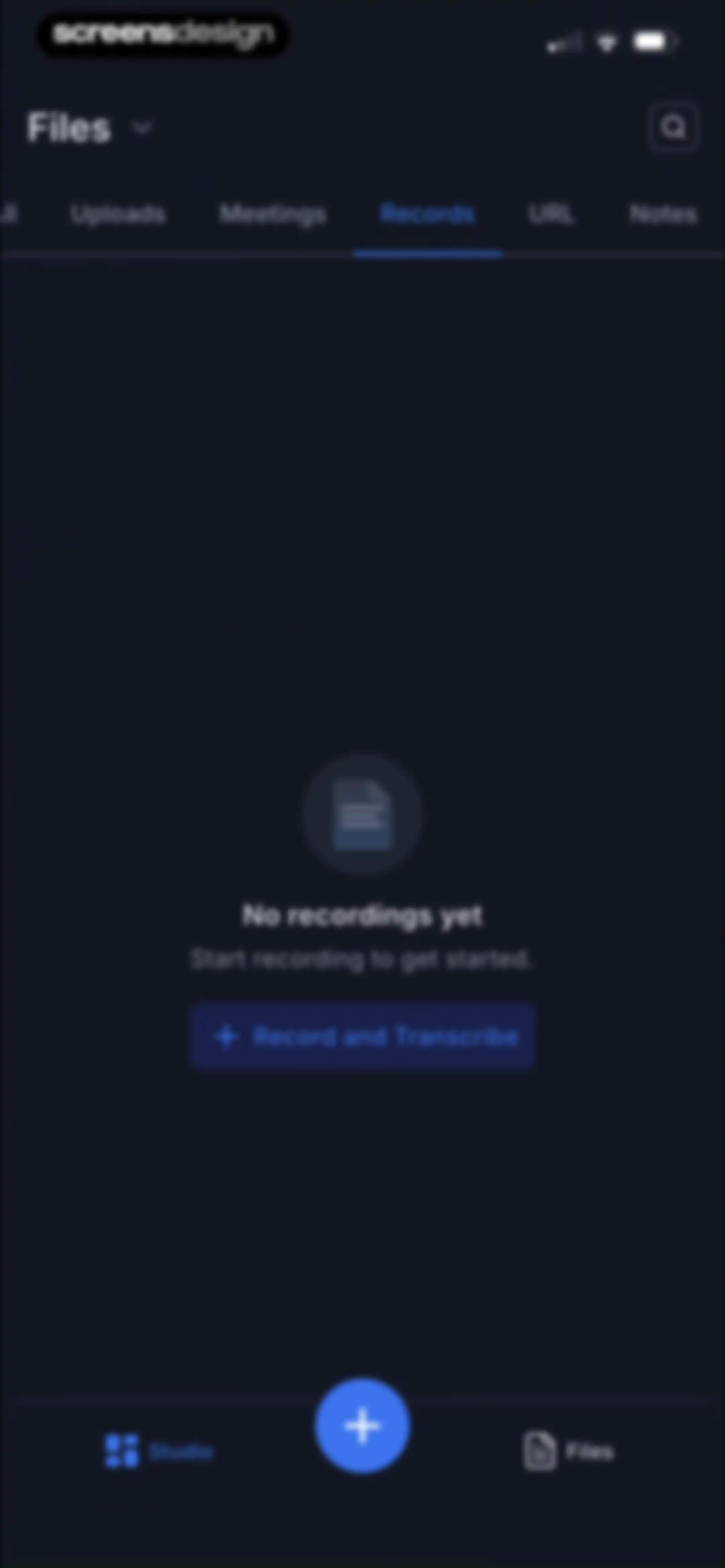
Empty state screen for recordings with a central Record and Transcribe button and top tabs for content categories.Unlock Pro
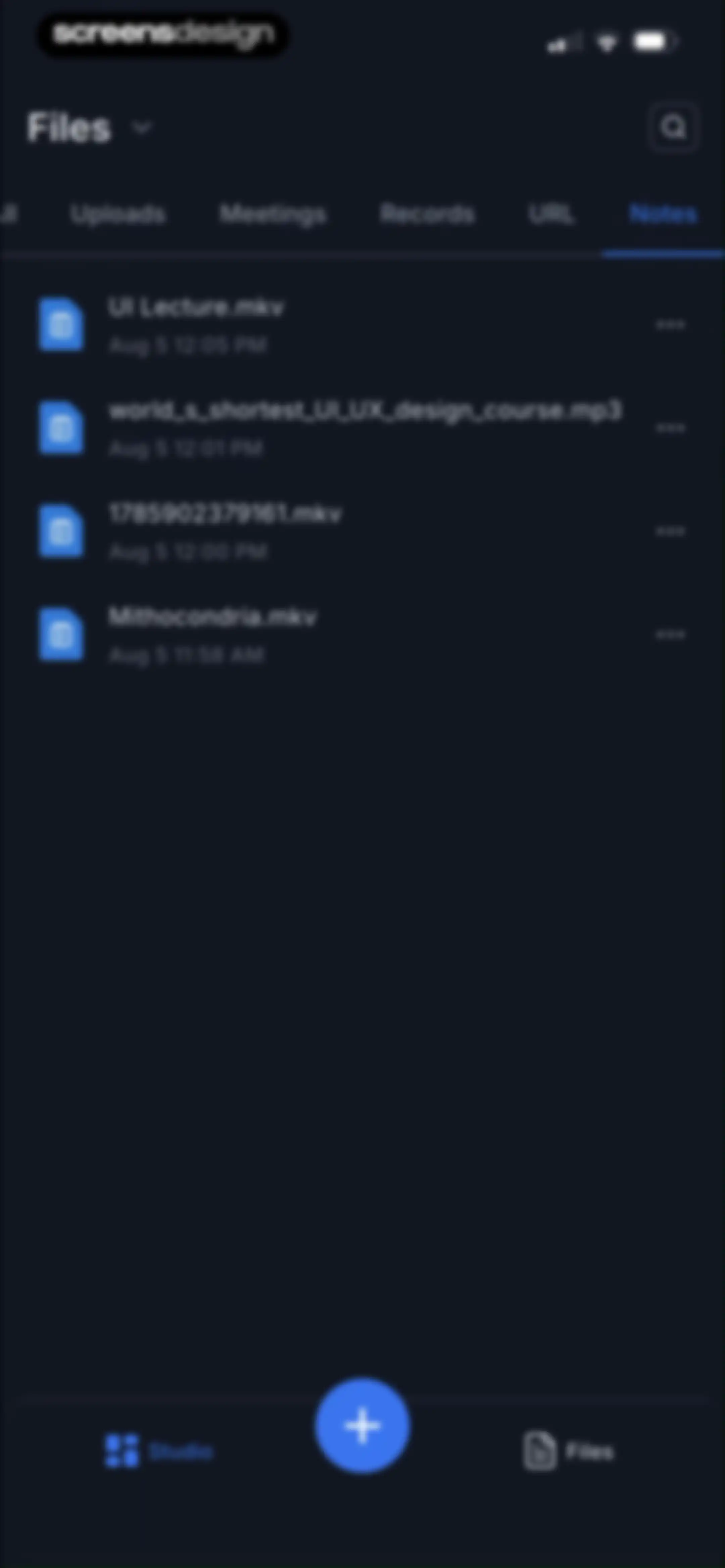
Files content feed displaying a vertical list of recorded items with the Notes tab selected and a central floating action button.Unlock Pro
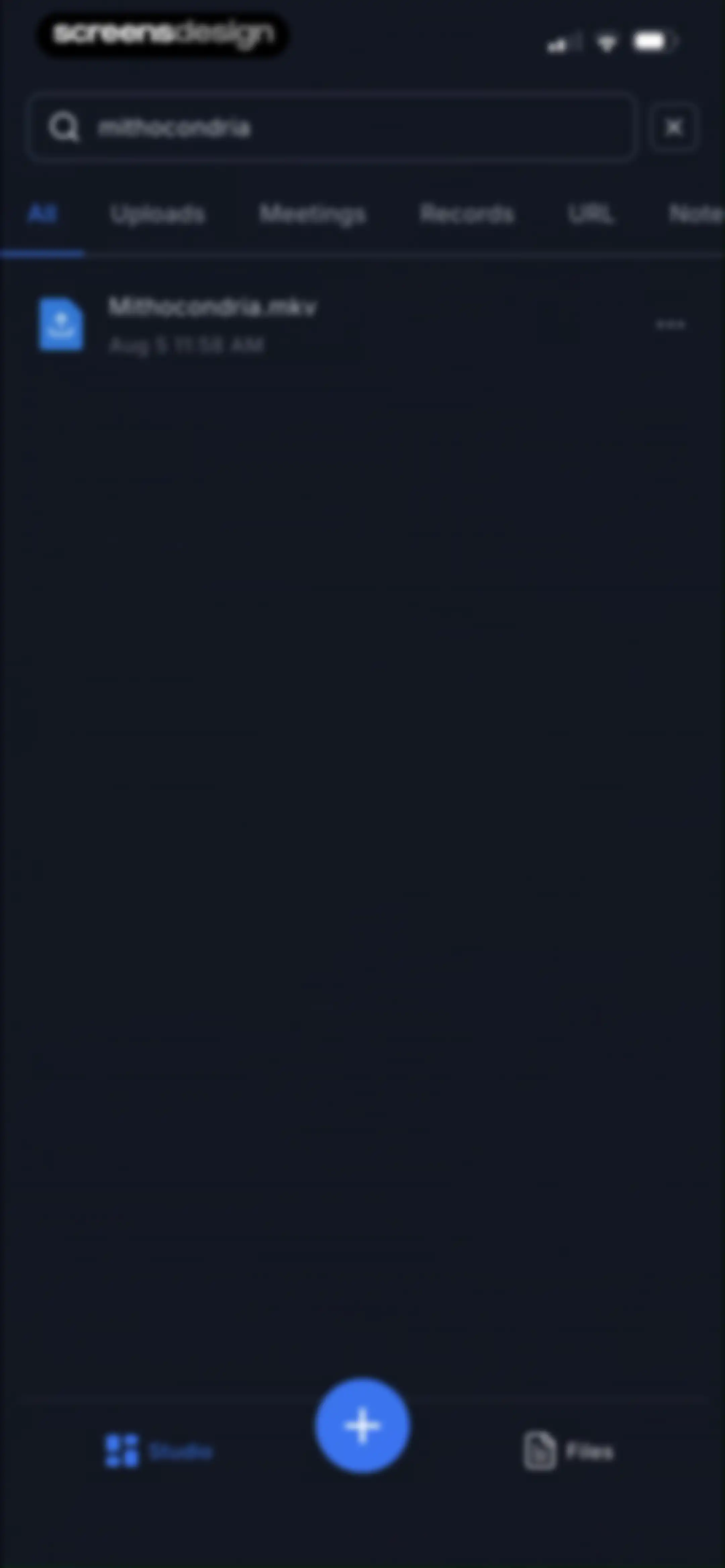
Search screen showing the query mithocondria with filter tabs and a single file result named Mithocondria.mkv.Unlock Pro
Transkriptor home screen displaying a dark-themed file list with audio and video files, a horizontal tab bar, and a central floating action button.Unlock Pro
Folder list home screen in a dark theme, displaying a UI Design folder and a central floating action button.Unlock Pro
File management screen displaying the UI Design folder contents with a filter tab bar and a file list containing a video item.Unlock Pro
File management dashboard displaying a list of files with a bottom sheet overlay showing rename and delete options for a selected folder.Unlock Pro
File management interface displaying a folder deletion confirmation modal with Delete and Cancel buttons over a dark-themed file list.Unlock Pro
Empty state screen for folders with a central message and a Create New Folder button on a dark background.Unlock Pro
Empty state folder management screen in dark mode with a bottom modal sheet open to create a new folder named UI Design.Unlock Pro
Empty state screen for a folder with a Transcribe Now button and horizontal filter tabs in a dark theme.Unlock Pro
Onboarding screen listing transcription options including file upload, YouTube import, and live dictation with a real-time badge.Unlock Pro
Transcription setup screen with the selected local file Mithocondria.mp3, English language setting, and a Transcribe button.Unlock Pro
Transcription progress screen at 42% completion, featuring a status list of processing steps and a View Files button.Unlock Pro
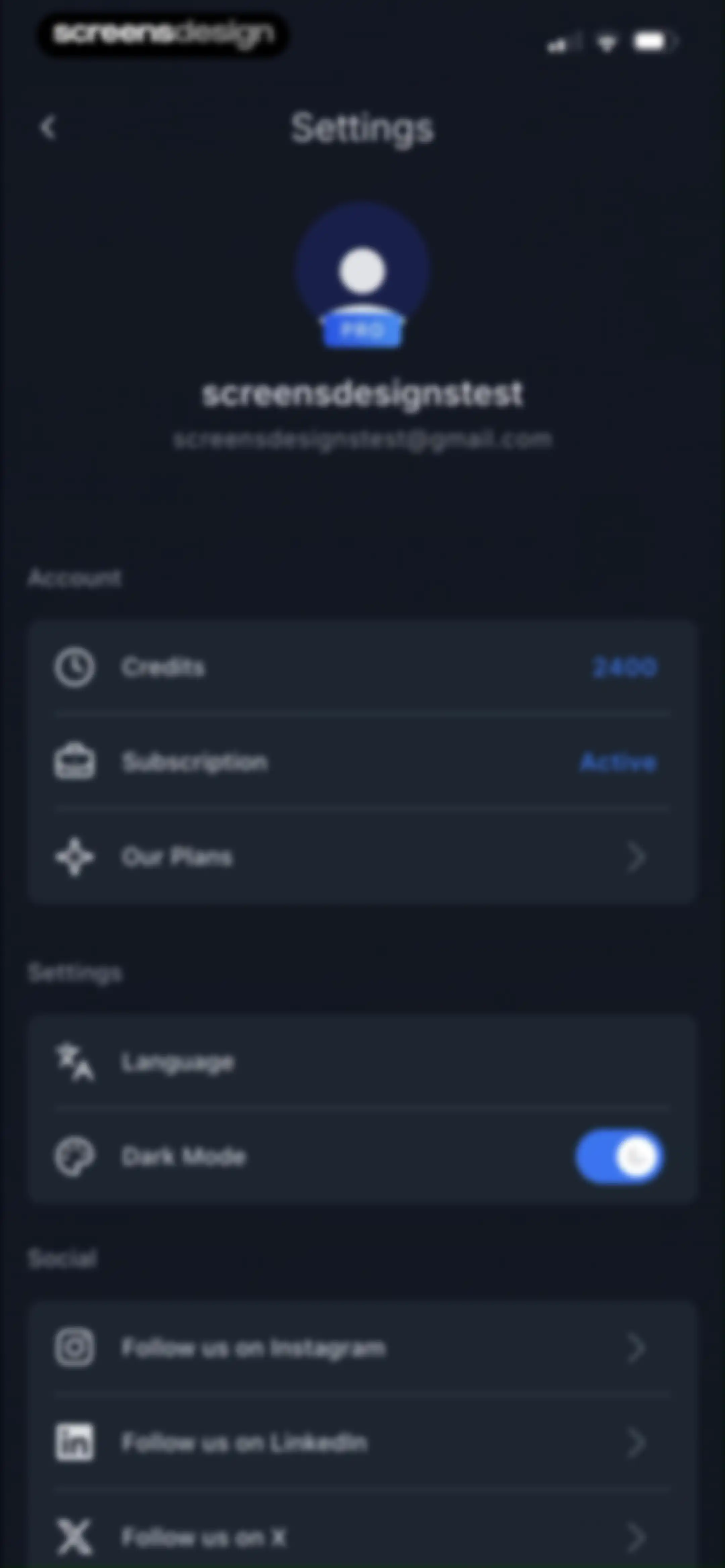
Settings screen with a user profile header and grouped sections for account details, app preferences, and social media links.Unlock Pro
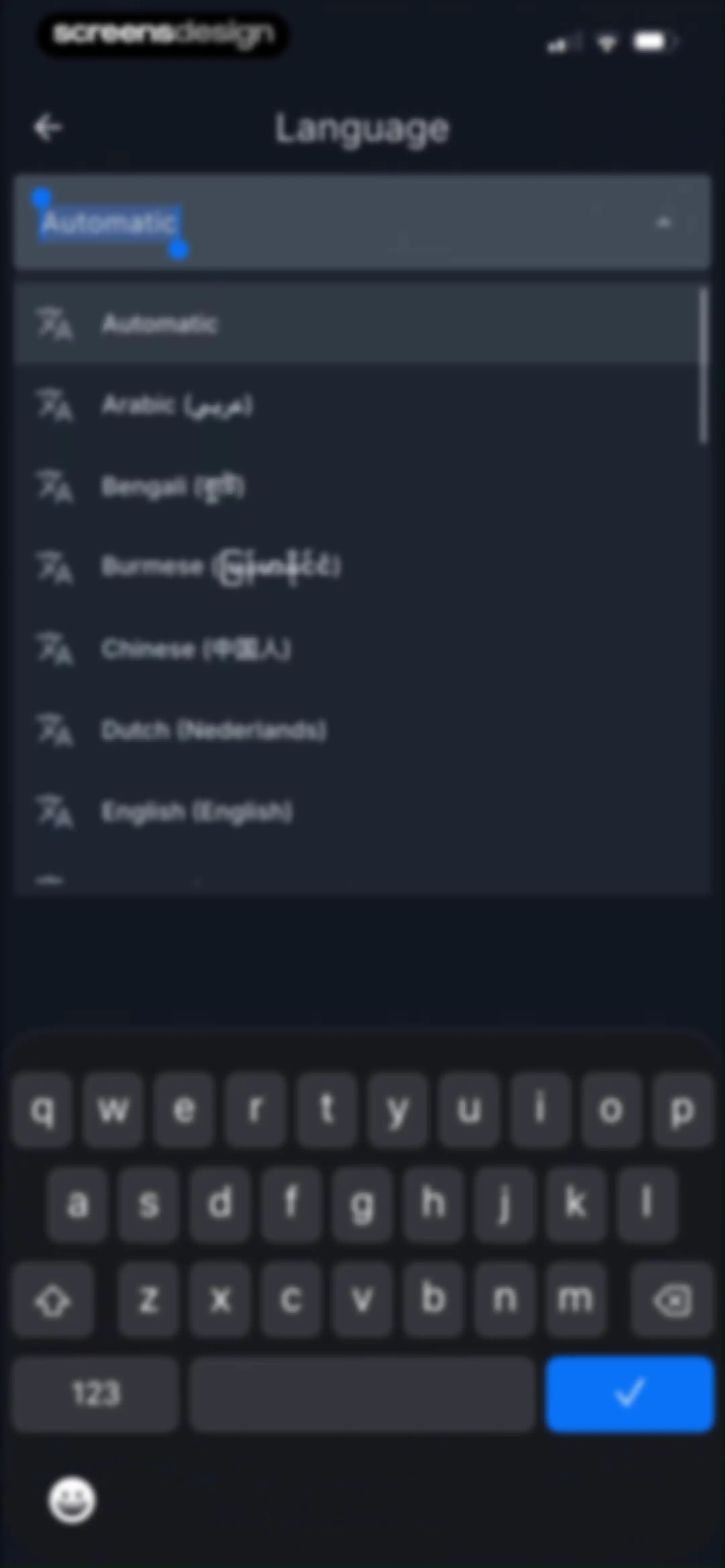
Dark-themed language selection screen with a searchable list of languages, an automatic option, and a bottom keyboard.Unlock Pro
Settings screen with a user profile header and grouped list sections for account details, app preferences, and social links.Unlock Pro
Settings menu with options like Refer and Earn, overlaid by a system share sheet modal at the bottom.Unlock Pro
More Apps screen with a dark theme displaying promotional cards for Eskritor and Speaktor productivity tools.Unlock Pro
Settings screen featuring grouped list sections for account options, support, and app details, with a sign-out button and delete account link at the bottom.Unlock Pro
Settings screen with a confirmation modal overlay asking to permanently delete the user account and files, featuring No and Delete buttons.Unlock Pro
Settings screen with a logout confirmation modal displaying the question and Yes and No buttons.Unlock Pro

About Transkriptor - Speech to Text

An AI-powered transcription tool that converts audio and video files into text, offering summaries, speaker identification, and multilingual support.

Explore Transkriptor - Speech to Text across ScreensDesign

Apps similar to Transkriptor - Speech to Text
Unlock all similar apps

See every comparable app, revenue, installs, and flows.

Unlock Pro
  • AI Summary - Meeting Notes

    4.4
    Yaremenko OleksandrRevenue$35kInstalls13k
  • SpeakApp AI: Voice Notes

    4.6
    VoicePop Inc.Revenue$300kInstalls25k
  • Otter Transcribe Voice Notes

    4.8
    Otter.ai, Inc.Revenue$1MInstalls150k
  • Noteflow: AI Notes Taking

    4.6
    DIGITAL LIONS APPSRevenue$<5kInstalls<5k
  • Smart Noter - AI Note Taker

    4.6
    DEEP FLOW SOFTWARE SERVICESRevenue$150kInstalls12k
  • Wave AI Note Taker & Recorder

    4.9
    Mohrer Associates LLCRevenue$350kInstalls<5k
  • Rev: Record & Transcribe

    4.5
    RevRevenue$<5kInstalls<5k
  • iTranscribe - Audio to Text

    4.6
    TALENT ME TECHNOLOGY PTE. LTD. Revenue$150kInstalls<5k
  • WriteSwift AI - Note Taking

    4.5
    Stilwell LimitedRevenue$150kInstalls35k
  • Notta Transcribe Voice to Text

    4.1
    MindCruiserRevenue$300kInstalls60k
  • Flownote - AI Note Taker

    4.8
    Dent Labs, LLCRevenue$35kInstalls<5k
  • FoxNote - AI Note Taker

    4.5
    Faliane Ltd.Revenue$<5kInstalls<5k
  • Owll: AI Note Taker&Assistant

    4.8
    RAMBUTANAI PTE. LTD.Revenue$300kInstalls55k
  • Voicenotes AI Notes & Meetings

    4.8
    Coping Hard IncRevenue$200kInstalls<5k
  • Voice Recorder — Audio Memos

    4.4
    Viktor SukhoyRevenue$400kInstalls50k
  • Minutes: AI Meeting Note Taker

    4.9
    Minutes AIRevenue$300kInstalls<5k
  • Noted: Record & AI Transcribe

    4.5
    Digital Workroom LtdRevenue$7kInstalls<5k
  • HyNote: AI Note Taker, Summary

    4.8
    Tuling Network LimitedRevenue$50kInstalls45k
  • AI Note Taker - NotebookAI

    4.5
    APPNATION YAZILIM HIZMETLERI TICARET ANONIM SIRKETIRevenue$<5kInstalls<5k
  • Voice Recorder-Audio Memos Арр

    4.3
    Tonti LagunaRevenue$250kInstalls70k
  • Voice Recorder & Notes Pro

    4.6
    Linfei Ltd.Revenue$25kInstalls<5k
  • Notee: AI Note Taker

    4.8
    GM UniverseApps LimitedRevenue$250kInstalls<5k
  • VoiceNotes: Audio Recordings

    4.4
    MobileTech OURevenue$50kInstalls12k
  • Anotar: Work Meeting Recorder

    4.7
    Genio Tech, LLCRevenue$50kInstalls<5k
  • Voice Recorder & Audio Editor

    4.7
    TapMedia LtdRevenue$250kInstalls10k
  • AI Note Taker - Voice to Notes

    4.7
    EVOLLY.APPRevenue$45kInstalls<5k
  • Super AI Chat - AI Chatbot

    4.6
    Labhouse MobileRevenue$<5kInstalls<5k
  • iRecord: Transcribe Voice Memo

    4.6
    Youdao (Hong Kong) LimitedRevenue$150kInstalls<5k
  • Summary - AI Note Taker

    4.7
    Labhouse MobileRevenue$1MInstalls350k
  • CraftNote: Smart AI Note Taker

    4.7
    Joyolabs Dijital Hizmetler Anonim SirketiRevenue$200kInstalls35k
  • Tiro - AI Meeting Notes

    4.9
    ThePlato Inc.Revenue$20kInstalls<5k
  • AI Chat - Instant Chatbot

    4.6
    Appfluo LtdRevenue$<5kInstalls<5k
  • AI Meeting Note Taker - Jamie

    4.9
    wespond UG (haftungsbeschränkt)Revenue$35kInstalls<5k
  • HiNoter - AI Note Taker

    4.8
    Chongqing Yeyuegua Technology Co., LtdRevenue$50kInstalls75k
  • ThetaWave-AI Study Notes

    4.6
    ThetawaveRevenue$20kInstalls15k
  • TapNote - Flashcards & Quizzes

    4.6
    App Magic Sp zooRevenue$25kInstalls<5k
  • Echo – AI Meeting Note Taker

    4.5
    Tappz LabsRevenue$100kInstalls<5k
  • AI Keyboard - Smart Writing

    4.7
    Faliane Ltd.Revenue$50kInstalls<5k
  • Cue: AI Note Taker & Recorder

    4.5
    44pixelsRevenue$350kInstalls15k
  • Voice Translator: Translate AI

    4.6
    AVIRISE LIMITED (CY)Revenue$100kInstalls<5k
  • Labs AI : Text to Speech

    4.6
    James CarterRevenue$<5kInstalls<5k
  • Voice Recorder & Transcribe

    4.8
    Jakub BartusRevenue$40kInstalls25k
  • AI Keyboard: Chatbot, Grammar

    4.7
    MLink StudioRevenue$30kInstalls8k
  • Scenara: AI Editing Tools

    4.7
    Hanna MolenaarRevenue$<5kInstalls<5k
  • Translate AI - Live Translate

    4.3
    HEYOSRevenue$500kInstalls150k
  • Gamma AI -Ask AI Chat Anything

    4.6
    Amritpal SinghRevenue$5kInstalls11k
  • Transync AI - Translator

    4.6
    上海同言全意科技有限公司Revenue$25kInstalls<5k