Todoist: To Do List & Calendar

$300k revenue, 4.8 rating

Welcome Screen
0:00 / 18:03

Onboarding flow, Paywall & Inside the App

Watch the full screen-by-screen UX video of Todoist: To Do List & Calendar with onboarding, paywall, and every core flow.

Todoist splash screen featuring the red and white app logo centered on a plain white background.
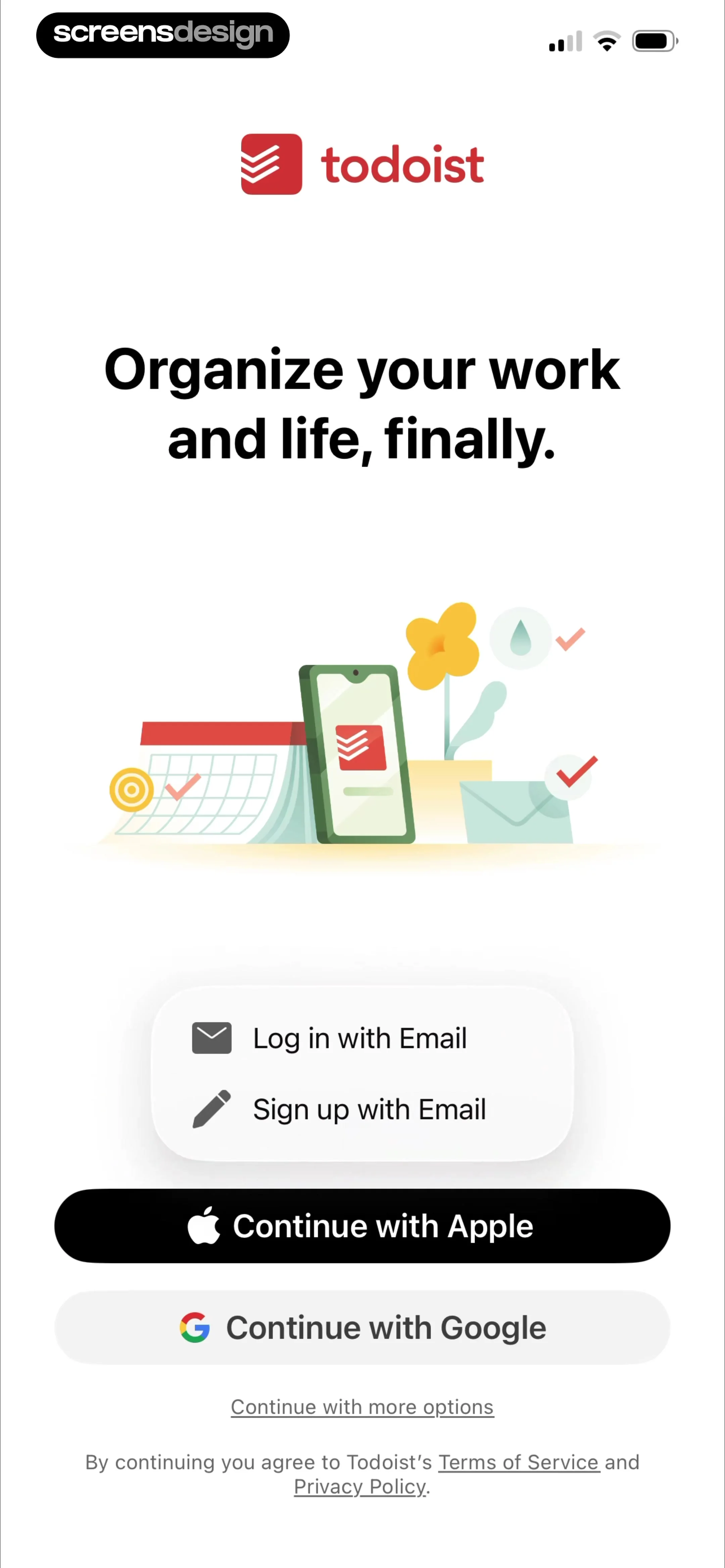
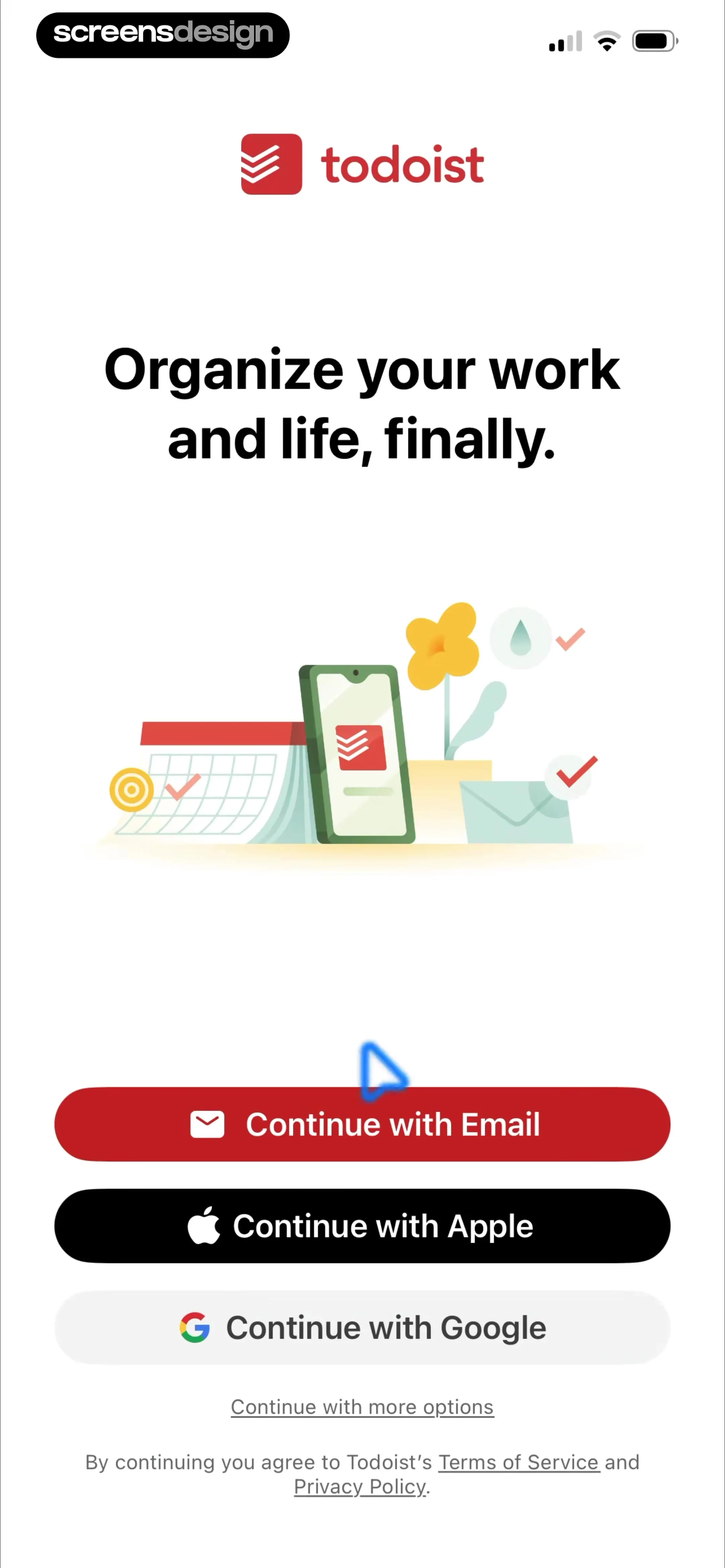
Todoist onboarding sign-up screen featuring a central productivity illustration and three options to continue with email, Apple, or Google.
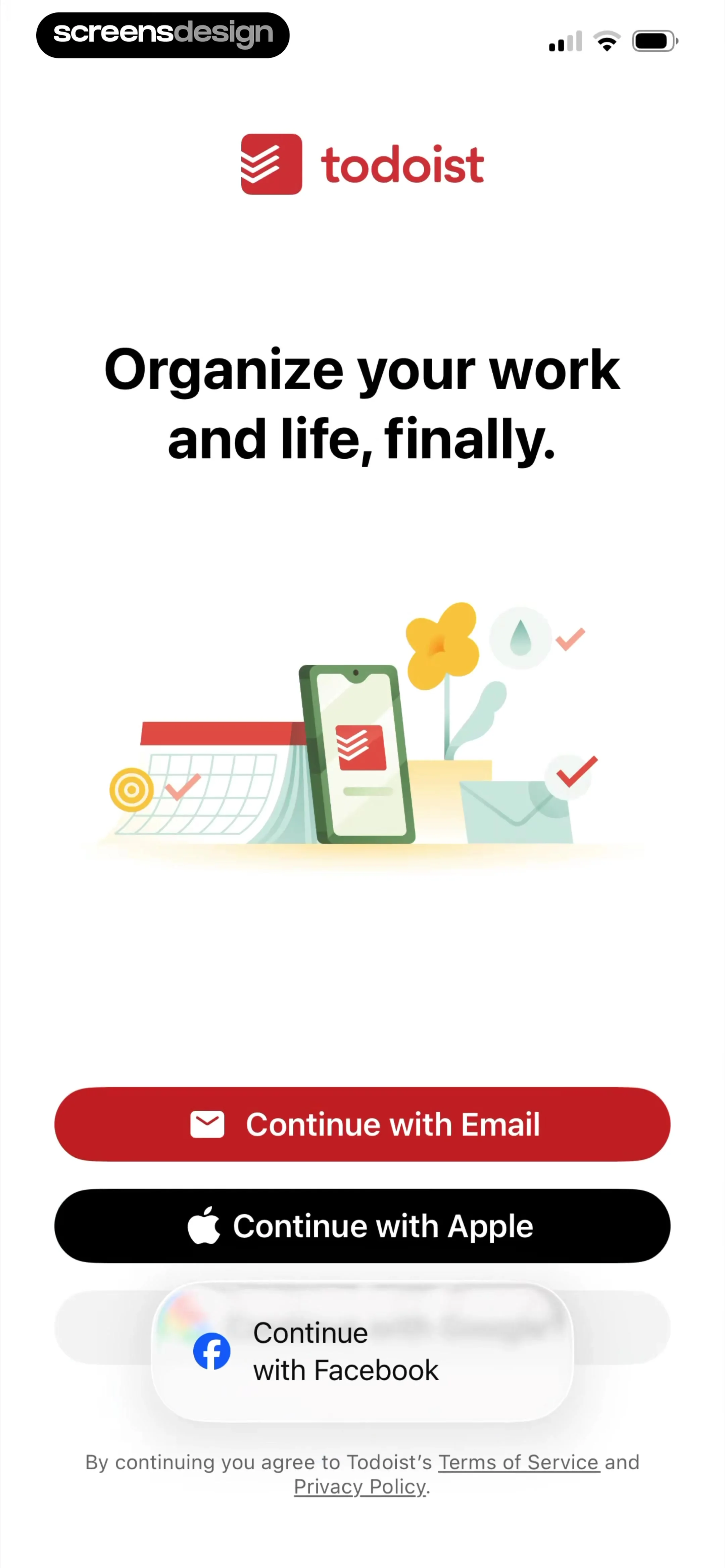
Todoist sign-up screen featuring a central productivity illustration and options to continue with email, Apple, or Facebook.
Todoist onboarding sign-up screen with a central productivity illustration, stacked authentication options, and terms of service links.
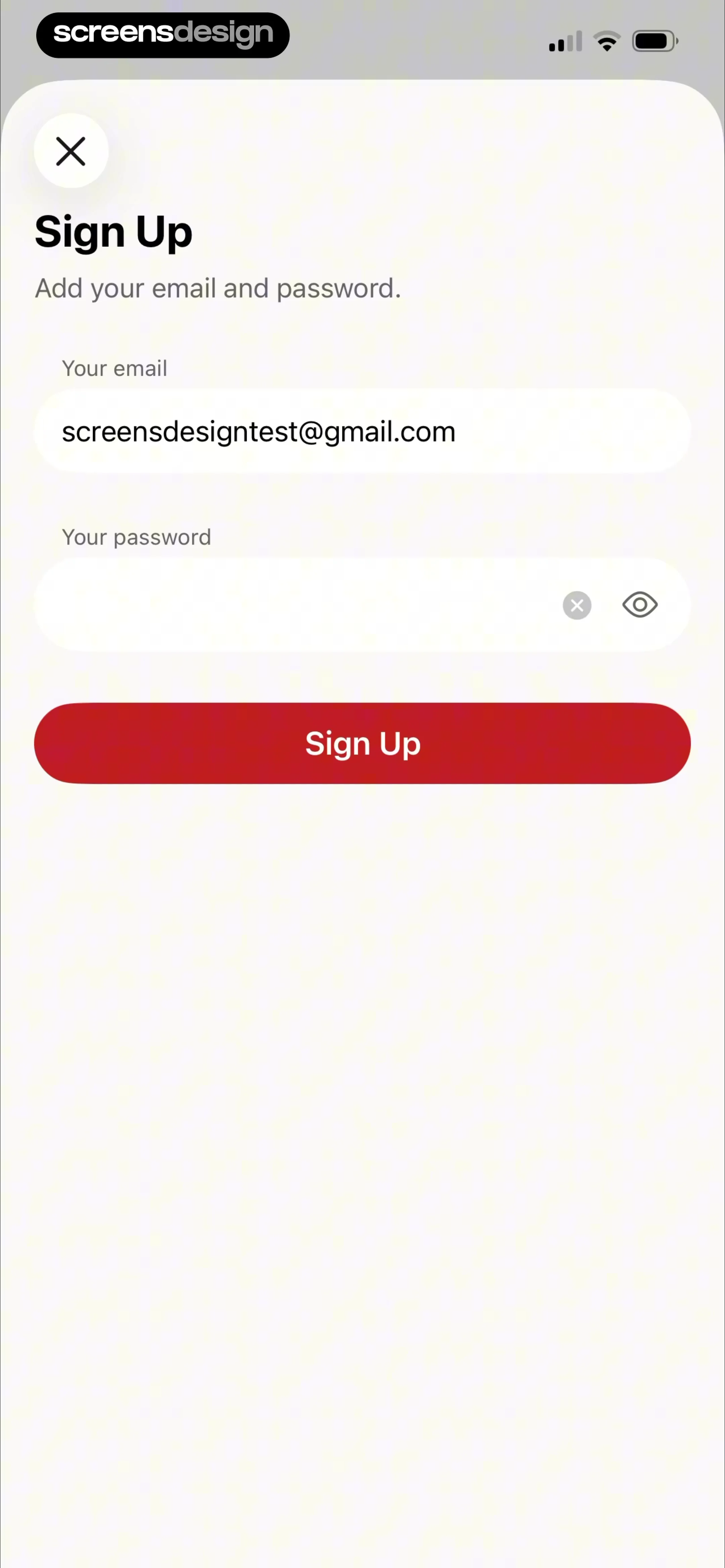
Todoist sign-up modal with an email field containing an address, an empty password field, and a red Sign Up button.
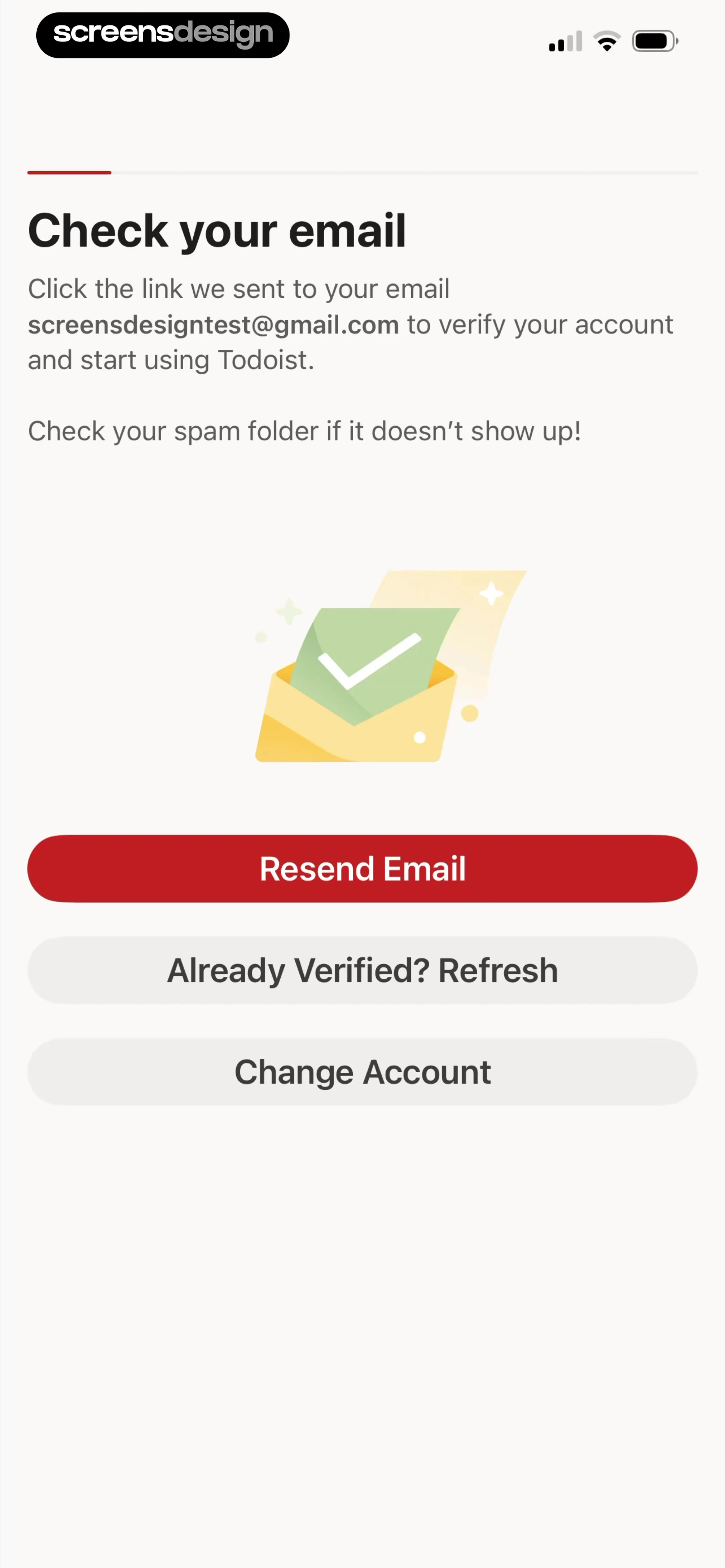
Email verification onboarding screen for Todoist instructing the user to check screensdesigntest@gmail.com, featuring a Resend Email button and account options.
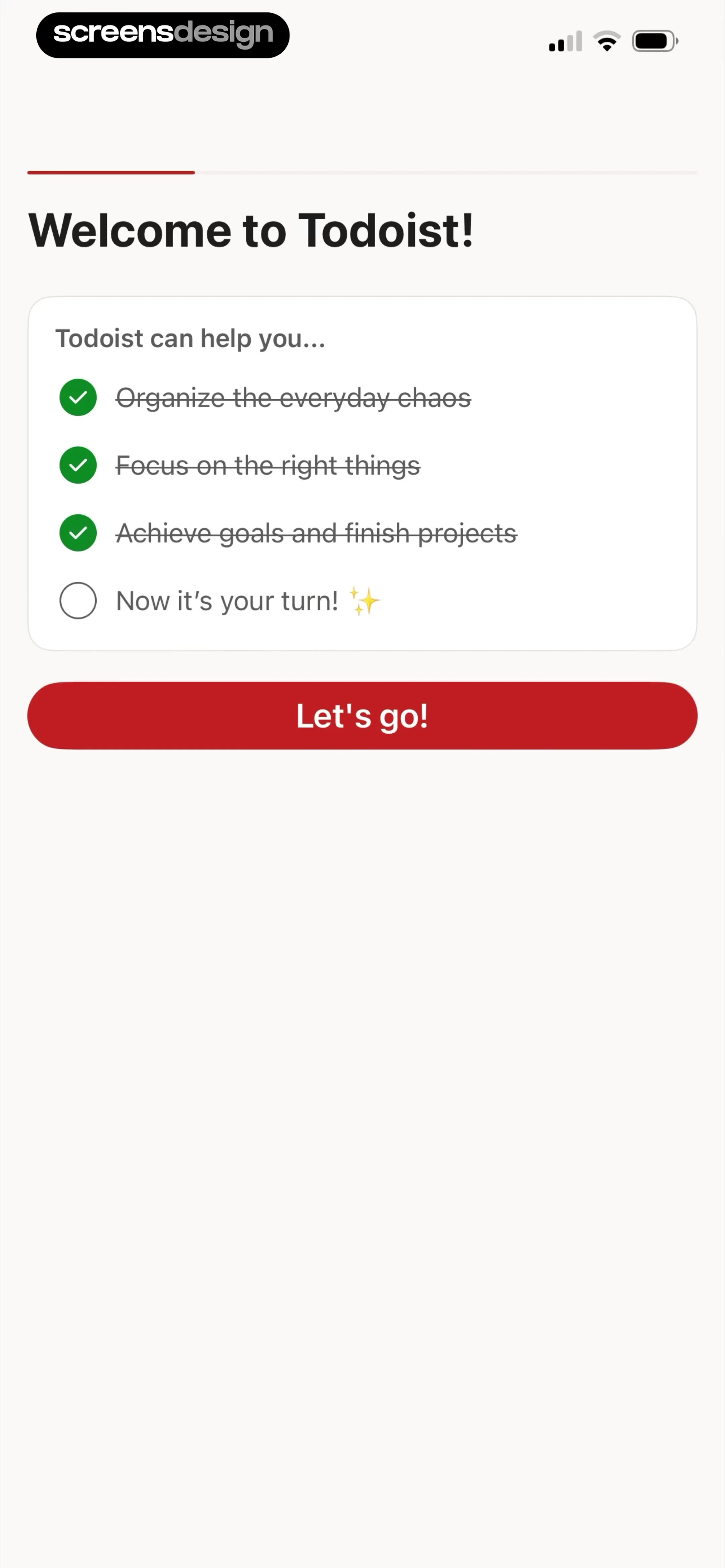
Todoist onboarding checklist screen with completed steps and a red Let's go button at the bottom.
Todoist onboarding screen prompting for the user's name with a profile avatar, pre-filled input field, and a Next button.
Profile setup onboarding screen featuring an avatar placeholder with a photo selection modal, a name input field, and a Next button.Unlock Pro
System photo picker modal in the Todoist app displaying a privacy access banner and a scrollable photo grid.Unlock Pro
Onboarding profile setup screen asking for a name and photo, with the name Julia entered in the text input and a red Next button.Unlock Pro
Todoist onboarding screen asking how the user plans to use the app, with the For Myself card selected and a Next button.Unlock Pro
Todoist onboarding task management survey screen with the second option selected and a red Next button.Unlock Pro
Morning overview settings screen featuring an inline time picker wheel set to 6:00 AM and a toggle switch.Unlock Pro
Morning task overview settings screen with an active toggle for Morning overview and a notification time set to 6:00 AM.Unlock Pro
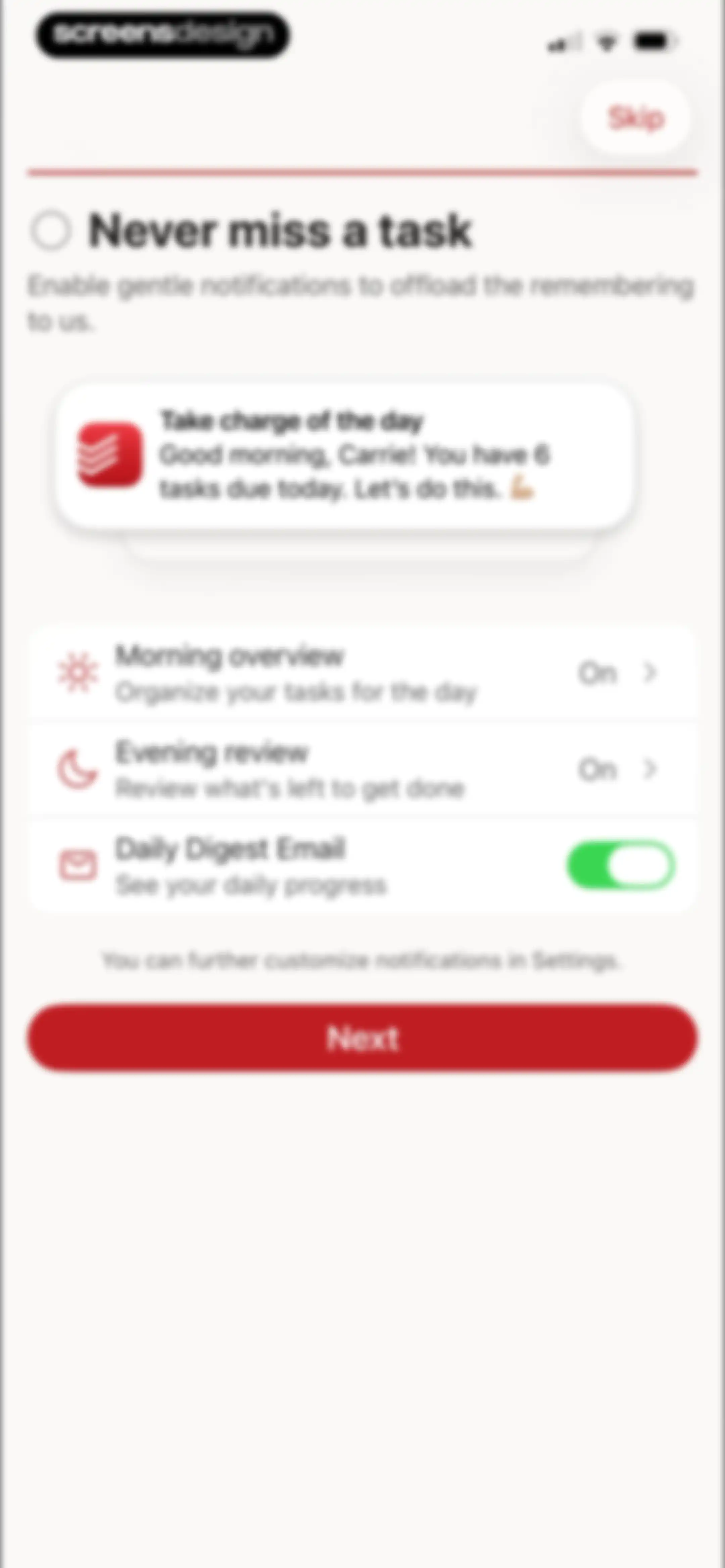
Onboarding notification settings screen with a preview card, toggle options, and a Next button.Unlock Pro
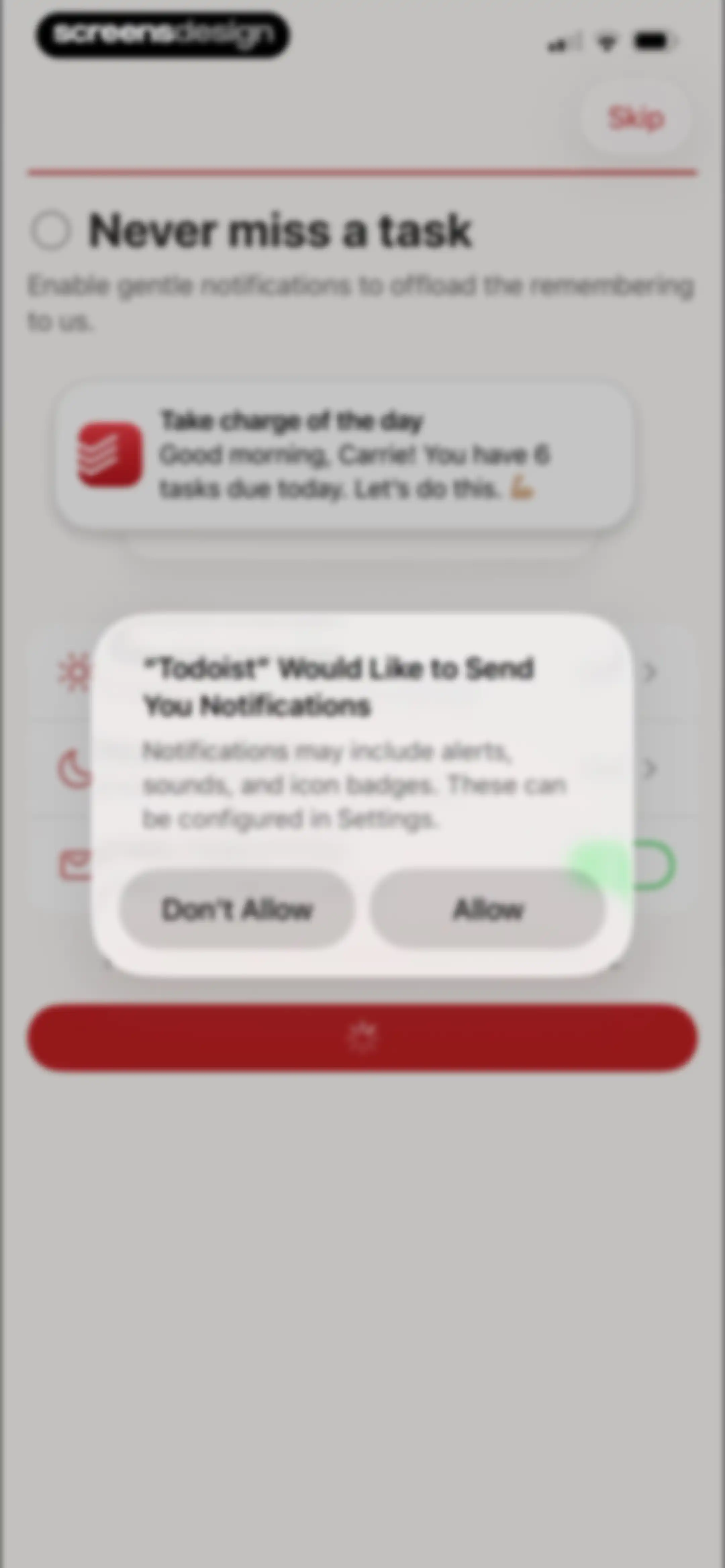
Todoist onboarding notification permission screen displaying a system modal overlay with Allow and Don't Allow options.Unlock Pro
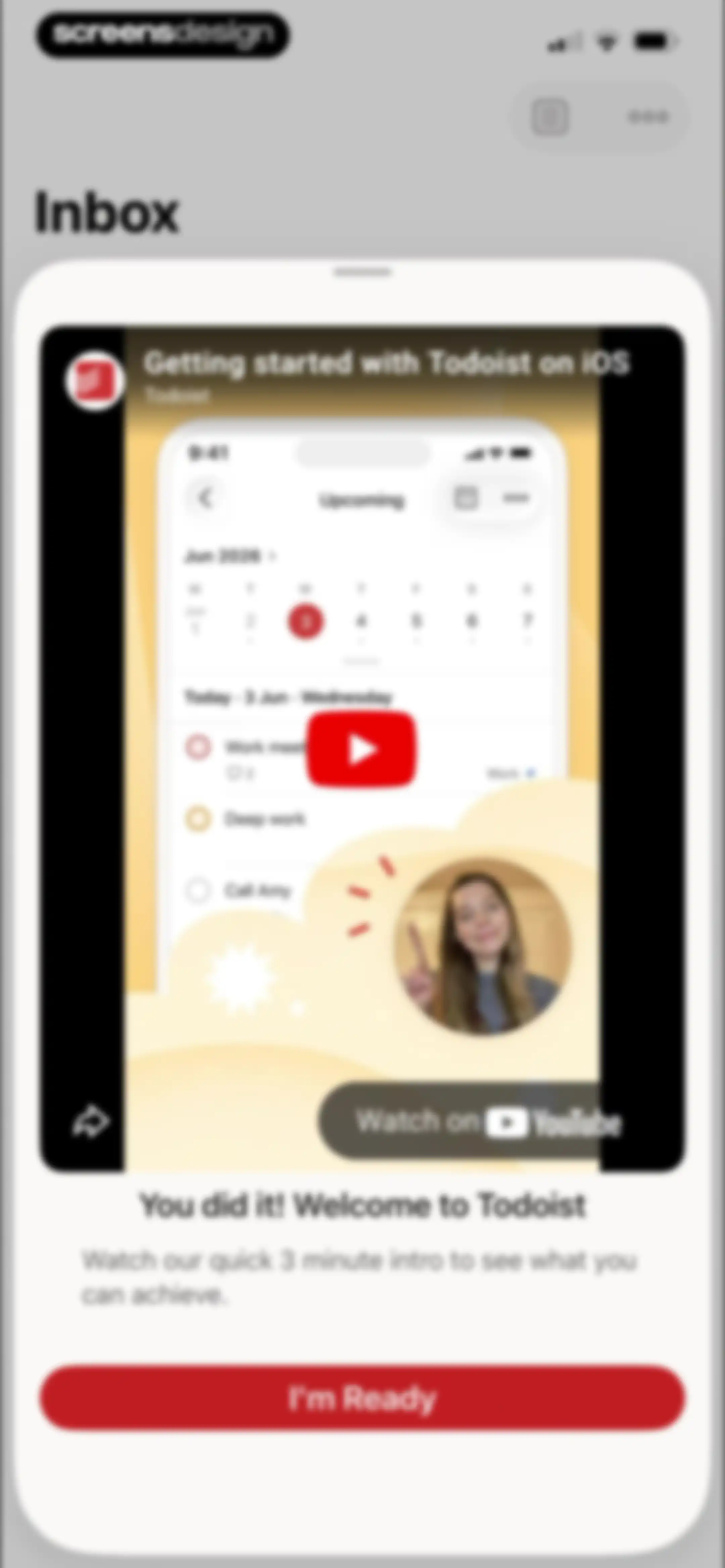
Todoist onboarding screen featuring an intro video card and an I'm Ready button at the bottom.Unlock Pro
Video player interface showing a speaker named Kaitlin with playback controls and a progress bar.Unlock Pro
Empty inbox screen with a celebratory illustration, explanatory text, and a floating action button to add a new task.Unlock Pro
Empty state screen for the Inbox with a central illustration and a bottom navigation bar featuring the selected Inbox tab.Unlock Pro
Todoist inbox view with an educational natural language tooltip overlay and an active task creation input area.Unlock Pro
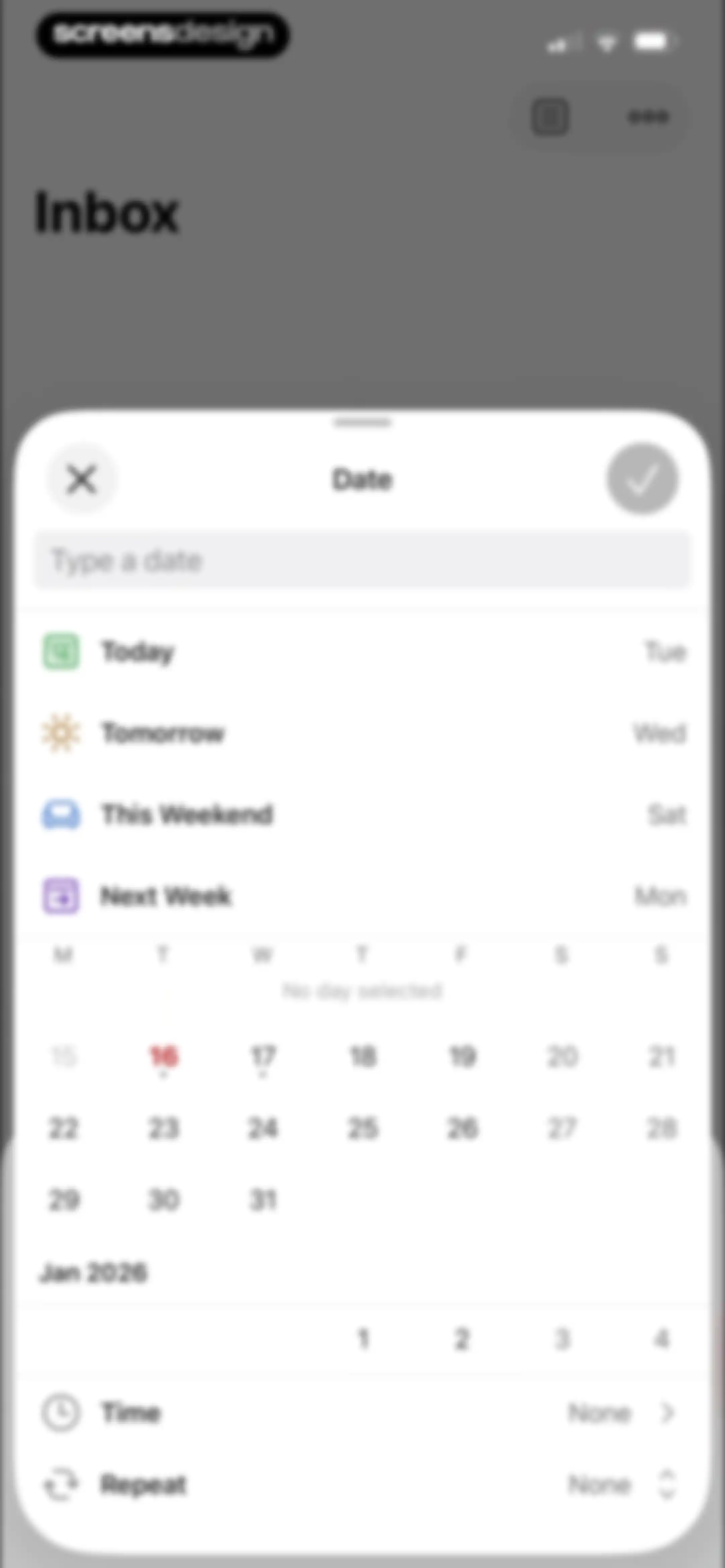
Date picker modal with quick-select options, a monthly calendar grid, and time and repeat settings at the bottom.Unlock Pro
Task creation screen with a text input field, priority selection menu, and quick-action buttons for due date and reminders.Unlock Pro
Todoist reminders modal featuring a premium upgrade upsell card and a disabled suggestion option with helper text.Unlock Pro
Date picker modal displaying quick-select options, a monthly calendar grid with December 20 highlighted, and time and repeat settings at the bottom.Unlock Pro
Task editor screen with a title input for Buy supplies, action buttons for date and priority, and an open context menu.Unlock Pro
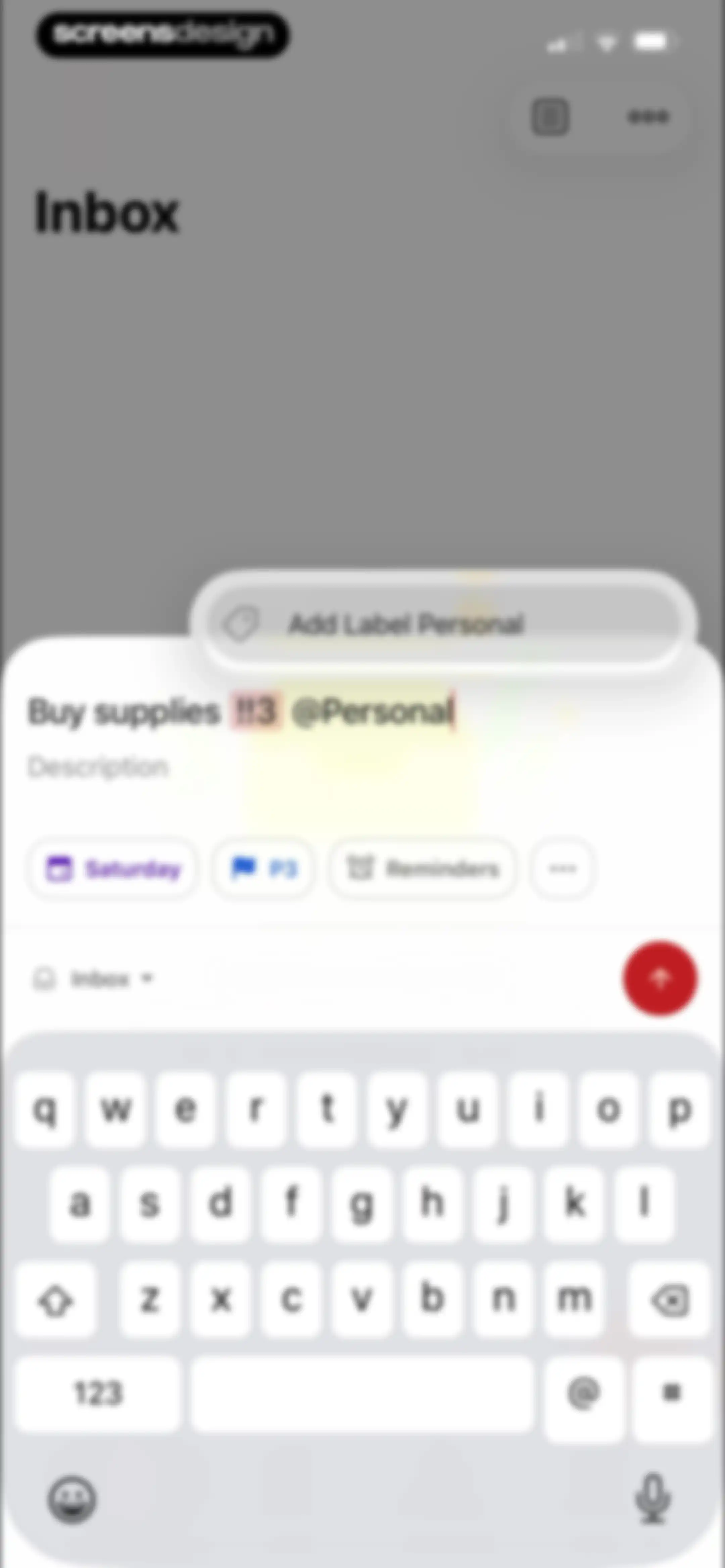
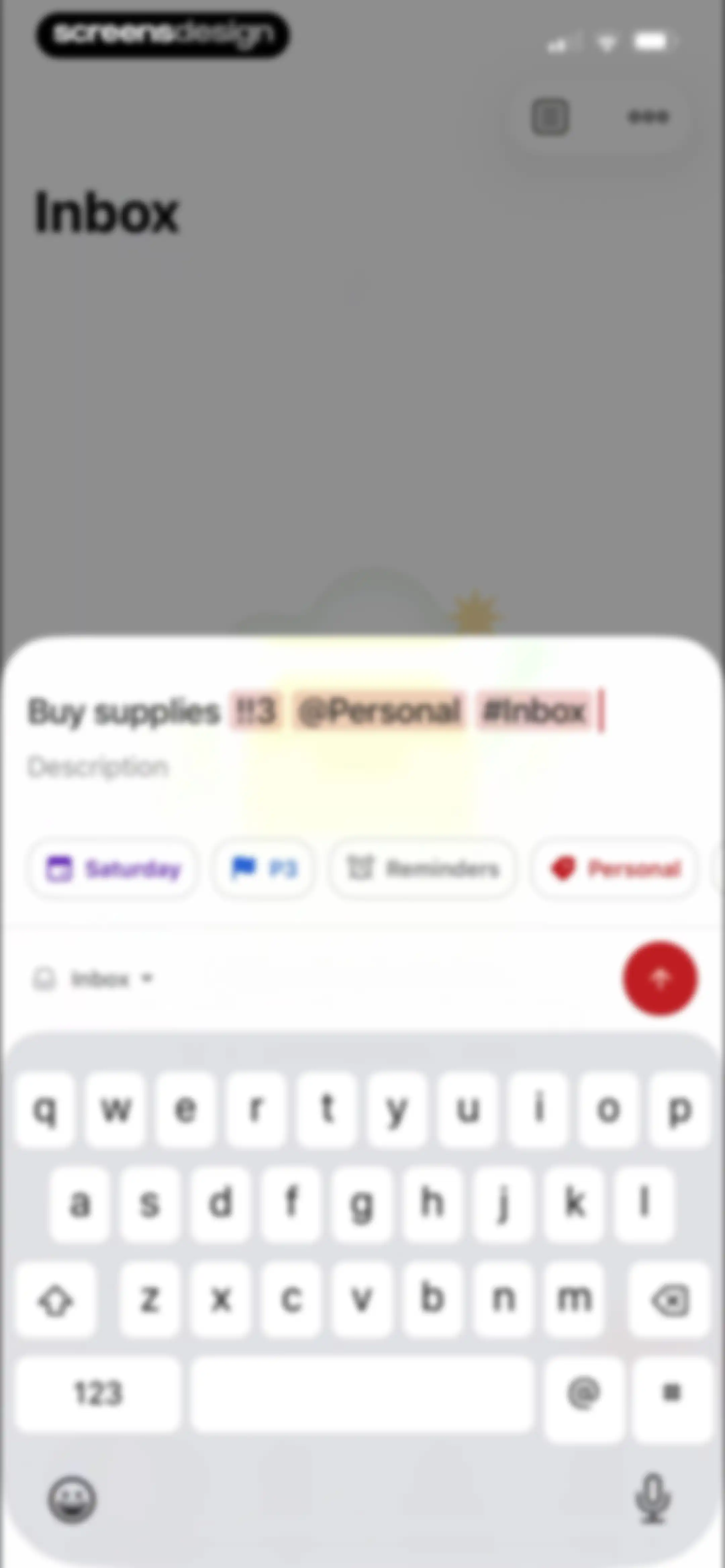
Task creation modal with fields for entering a task title, due date, priority, and labels, accompanied by a system keyboard.Unlock Pro
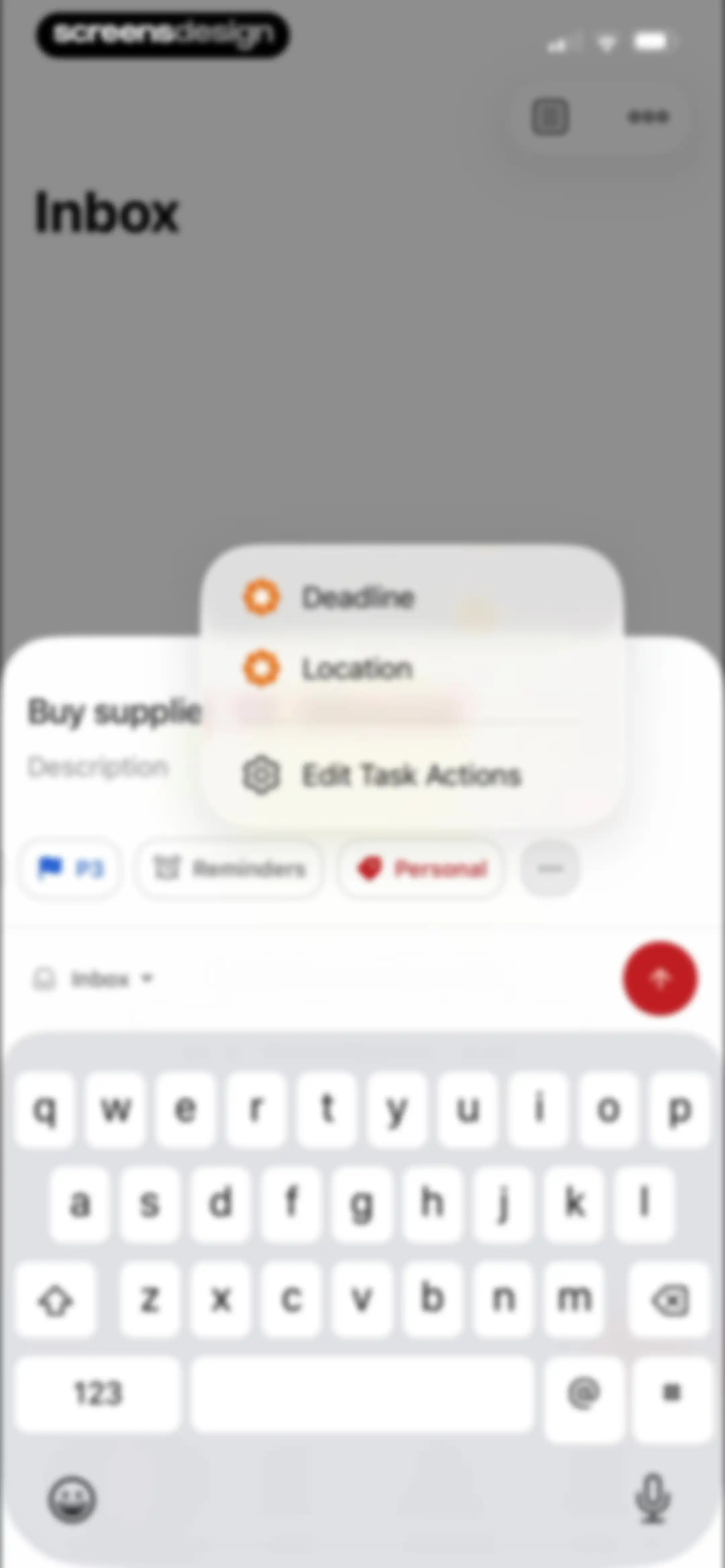
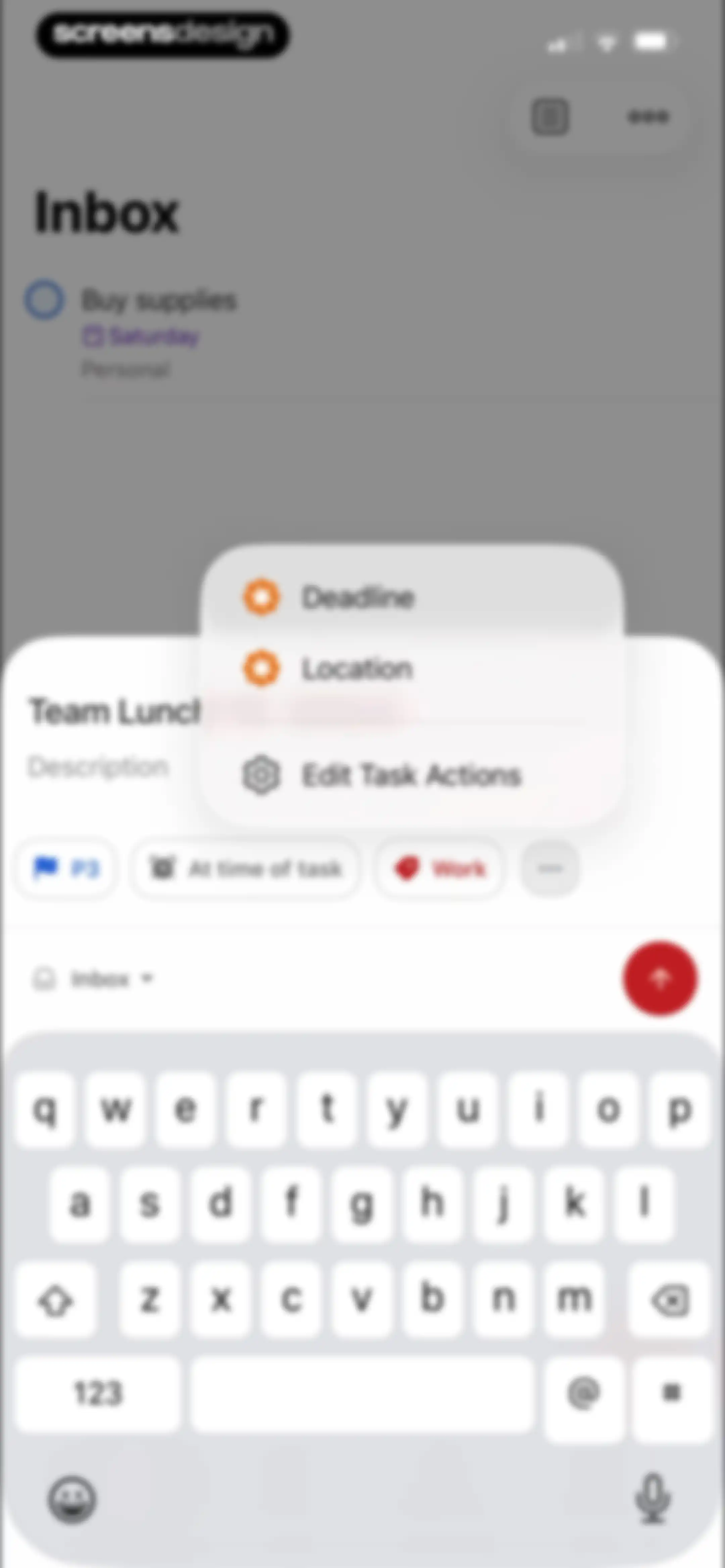
Task creation editor displaying an input field for Buy supplie, metadata chips for priority, reminders, and project, alongside a central floating menu and a keyboard.Unlock Pro
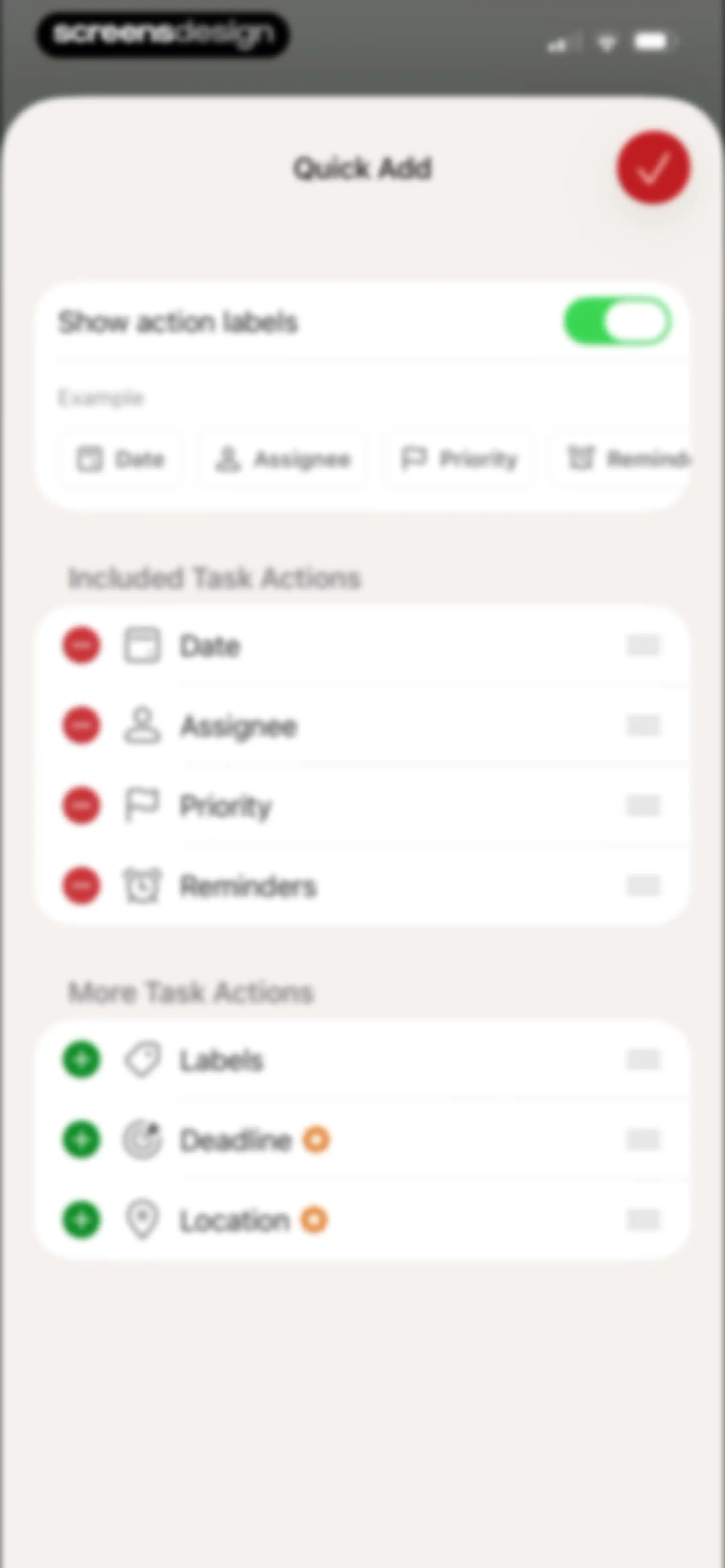
Todoist Quick Add settings screen with included and more task action lists, a show action labels toggle, and a save button.Unlock Pro
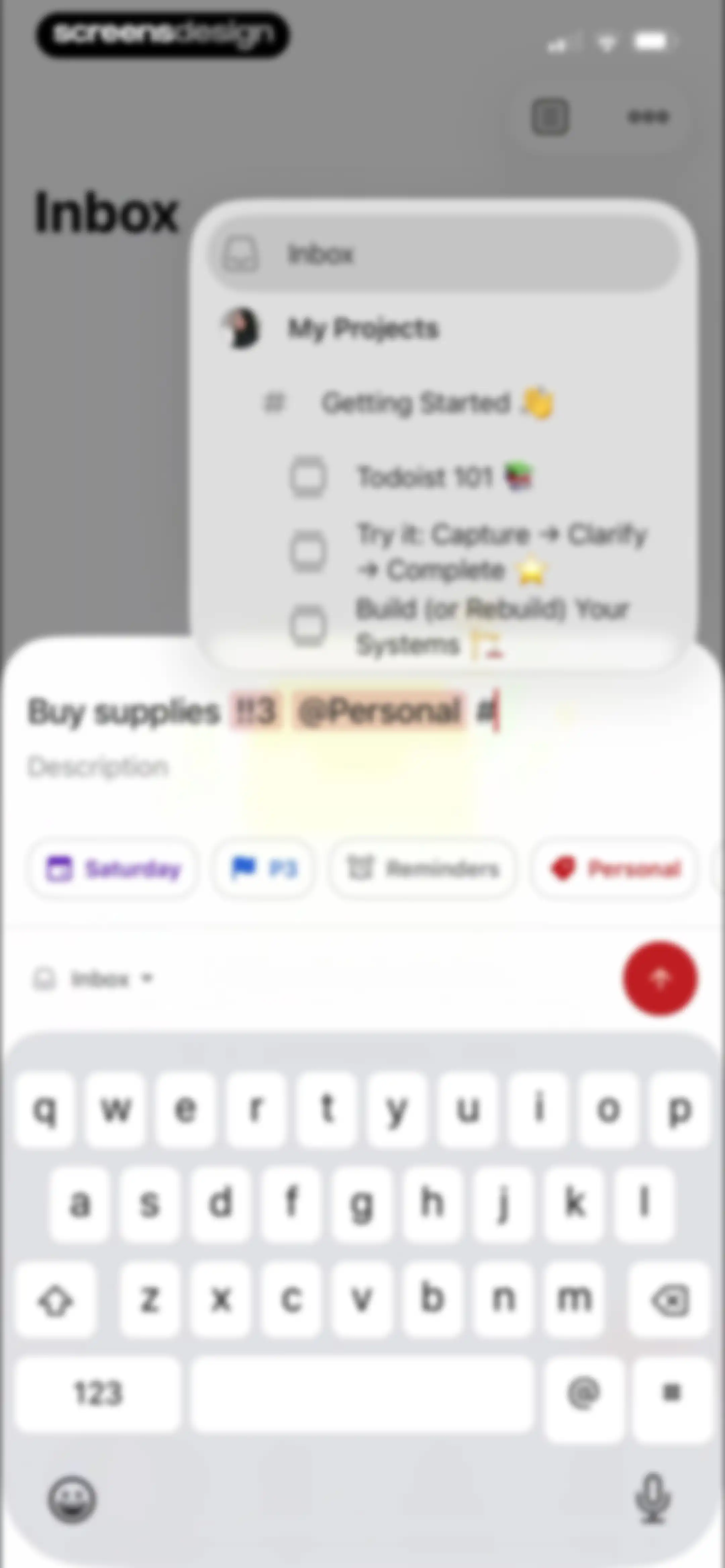
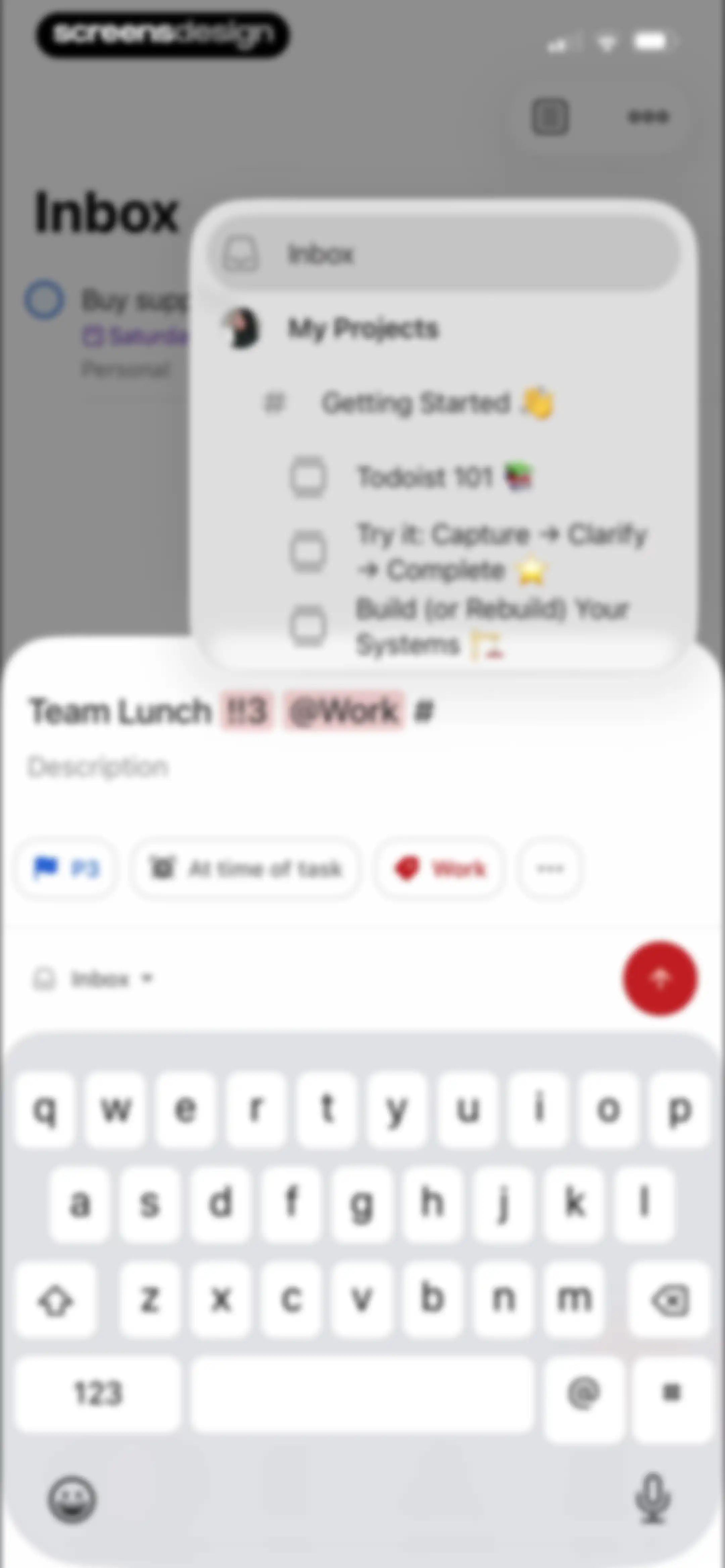
Task creation editor with a floating project selection modal, a task input field, and action chips for date, priority, reminders, and labels.Unlock Pro
Task creation form with an input field, quick-action chips for due date and priority, and a submit button.Unlock Pro
Task creation modal overlaying the Inbox view with a text input field, action buttons for date and priority, and a keyboard.Unlock Pro
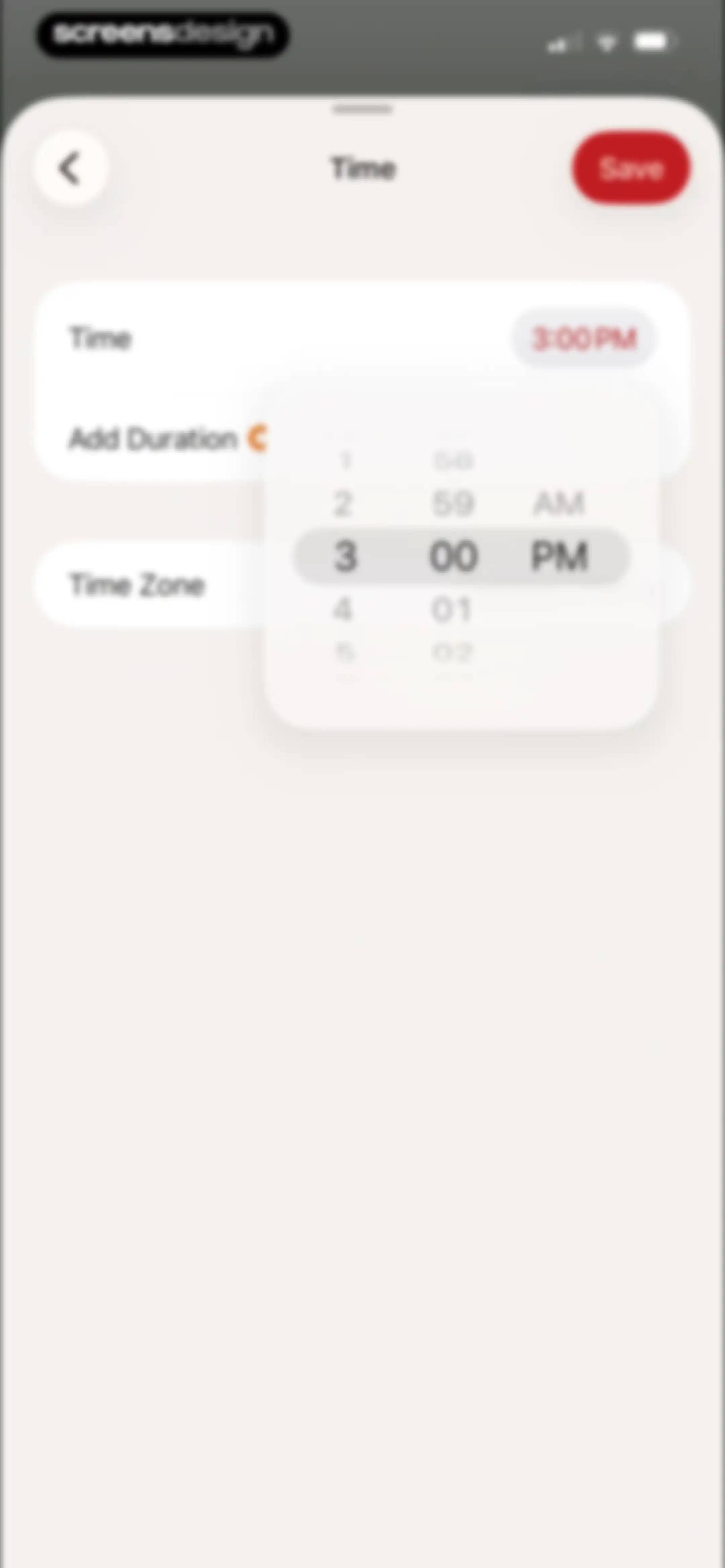
Task time configuration screen with a centered time-picker overlay, current selection of 3:00 PM, and a Save button.Unlock Pro
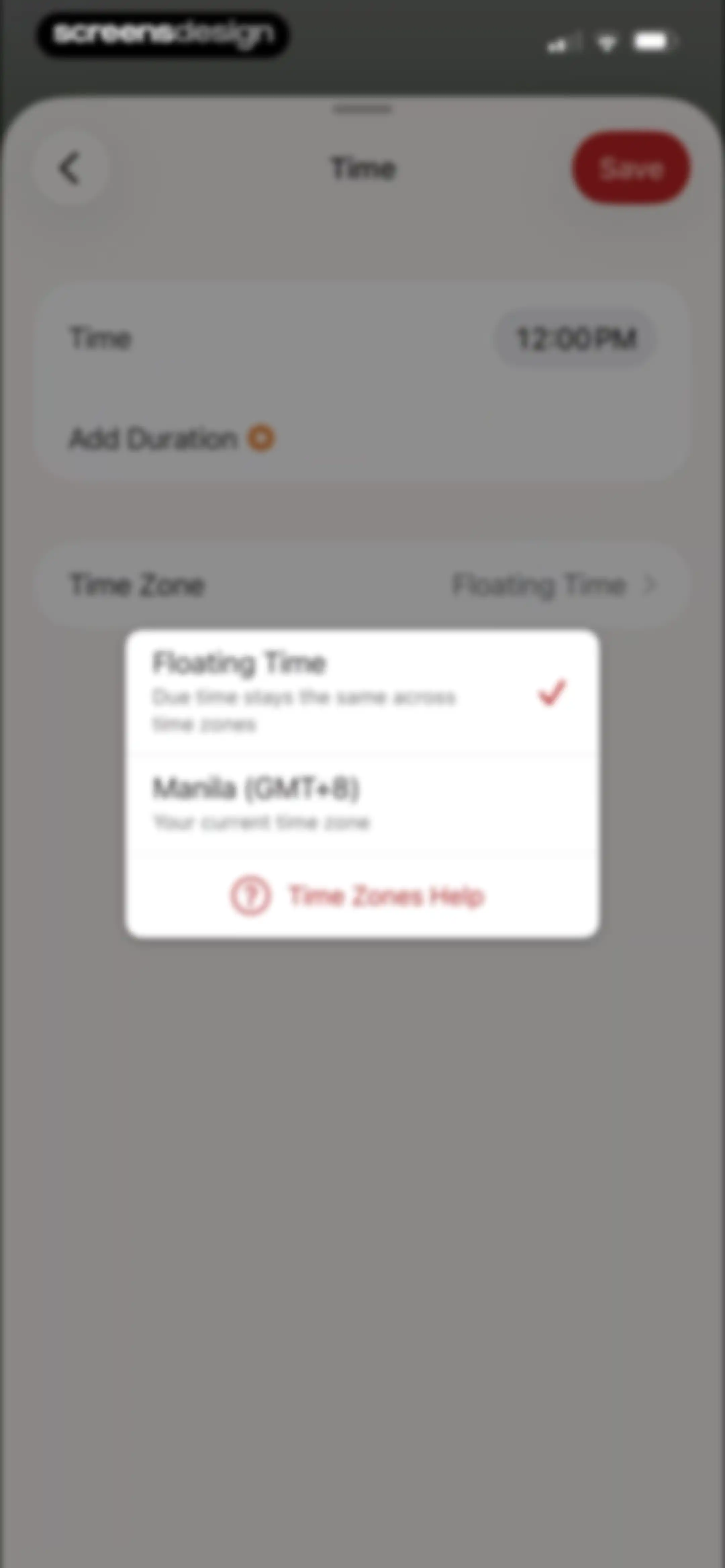
Time settings modal with a time zone selection menu showing Floating Time selected alongside Manila and a Save button.Unlock Pro
Todoist task time configuration form displaying the time set to 12:00 PM, a premium duration option, and a Floating Time zone setting with a Save button.Unlock Pro
Date and time picker modal with quick-select options, a calendar view, recurrence menu, and a confirm button.Unlock Pro
Date and time picker modal with quick-select options, a calendar grid, and time and repeat settings.Unlock Pro
Task creation modal with the task name Team Lunch entered, an open priority selection menu, and a send button.Unlock Pro
Reminder configuration modal with a premium upsell card and an active reminder option for a task.Unlock Pro
Paywall modal with a product mockup, upgrade messaging for pro reminders, an Upgrade Now button, and a Dismiss link.Unlock Pro
Paywall screen comparing yearly and monthly plans, with the yearly plan selected and a Continue button.Unlock Pro
Subscription screen comparing monthly and annual plans for the Pro Plan, with the yearly plan selected and a Continue button.Unlock Pro
Paywall screen comparing yearly and monthly subscription plans, with the yearly plan selected and a Continue button.Unlock Pro
Paywall screen comparing yearly and monthly plans for the Pro Plan, with the yearly plan selected and a Continue button.Unlock Pro
Subscription paywall comparing yearly and monthly plans with the yearly plan selected, accompanied by a carousel and a Continue button.Unlock Pro
Paywall screen comparing yearly and monthly subscription plans, with the yearly plan selected and a Continue button.Unlock Pro
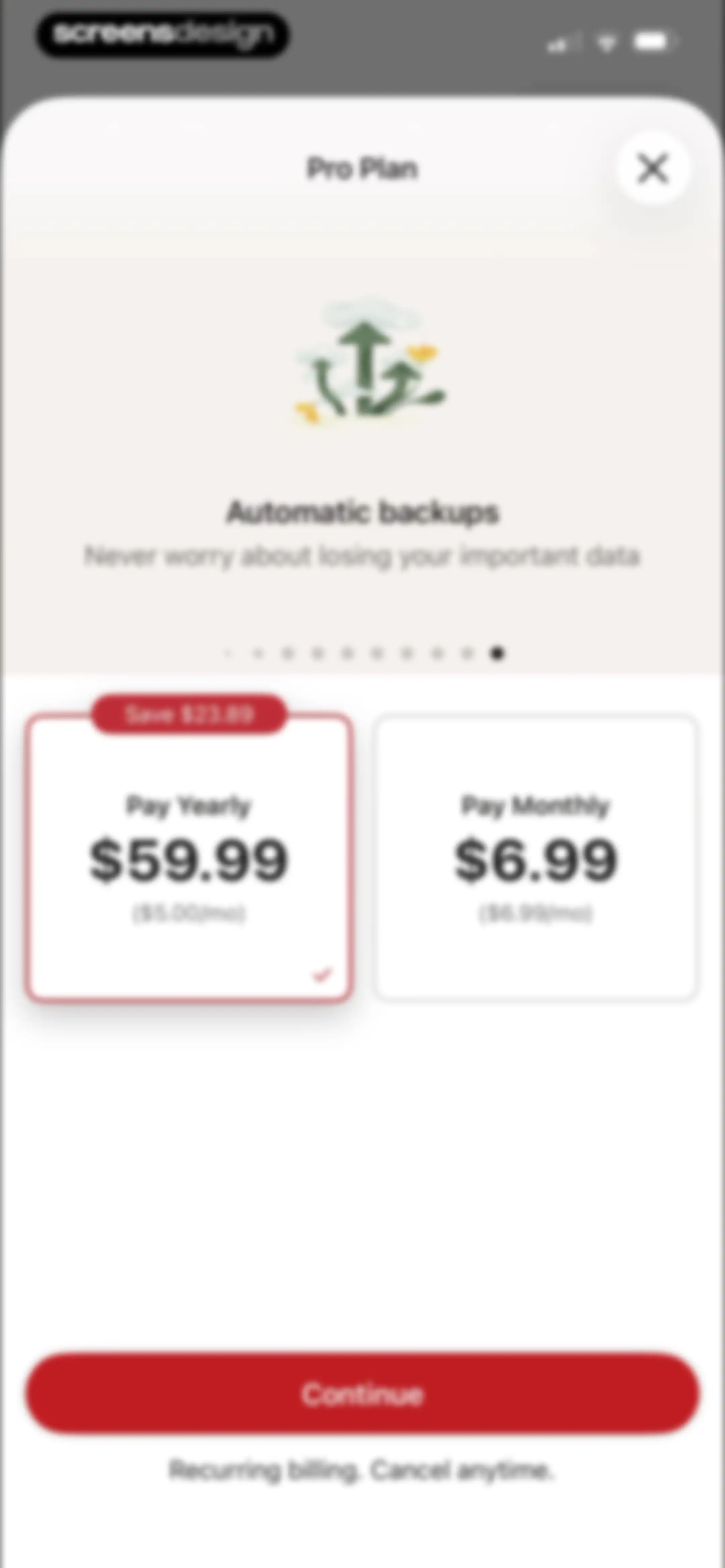
Todoist Pro Plan paywall comparing yearly and monthly subscription options, with the yearly plan selected and a Continue button.Unlock Pro
Subscription screen comparing monthly and annual plans for Todoist, with the yearly plan selected and a Continue button.Unlock Pro
Paywall screen comparing yearly and monthly subscription plans, with the yearly plan selected and a Continue button.Unlock Pro
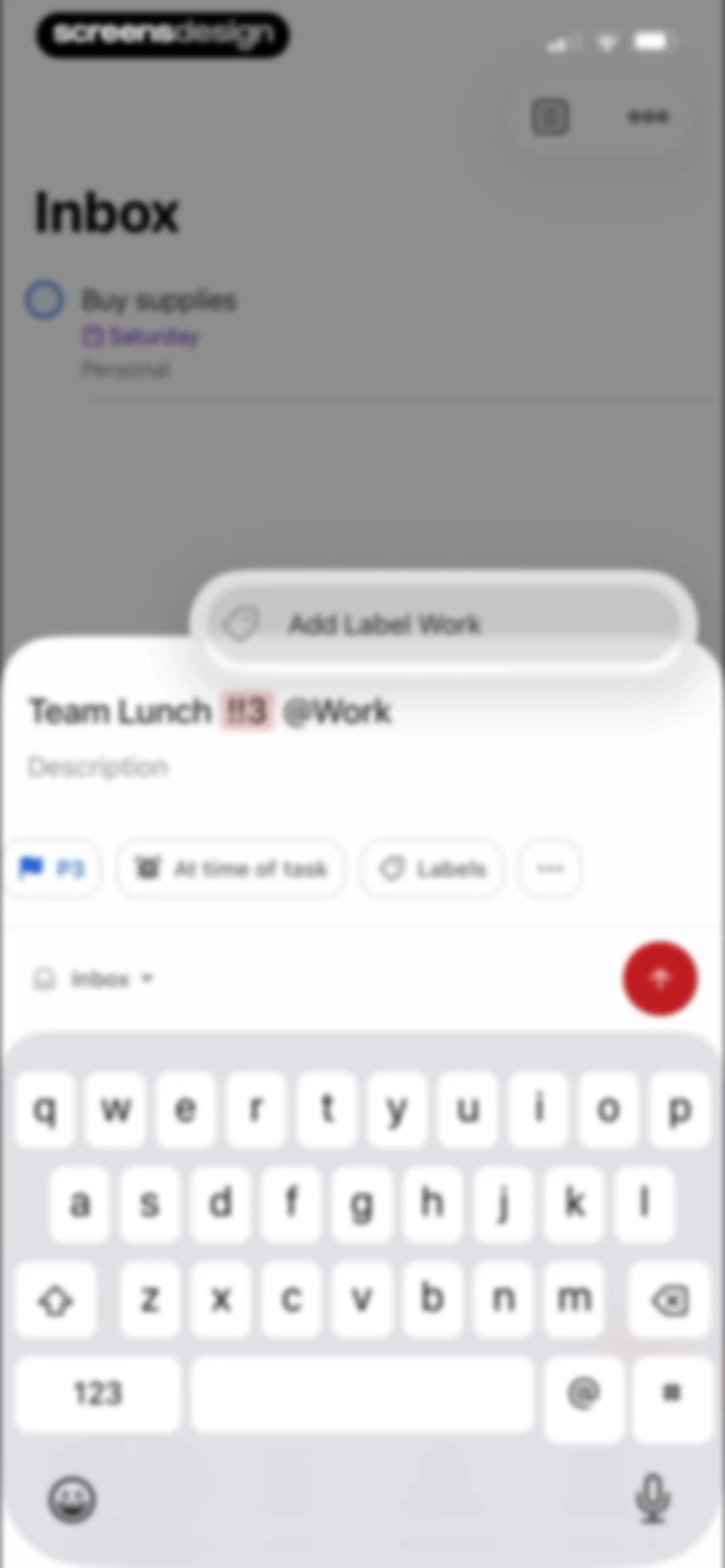
Task creation modal with priority set to P3, a Work label, a reminder, and a submit button.Unlock Pro
Task creation editor overlaying an inbox list, featuring priority, reminder, and label options above the keyboard area.Unlock Pro
Task editor screen with a project selection modal overlay, priority, label options, and a bottom task input bar.Unlock Pro
Task creation modal overlaying the Todoist inbox with options for priority, label, reminder, and a send button.Unlock Pro
Permission request screen for the voice dictation feature in Todoist, displaying task examples and an Enable Microphone button.Unlock Pro
Permission request modal asking for Todoist microphone access, positioned over an active voice recording interface with listening status.Unlock Pro
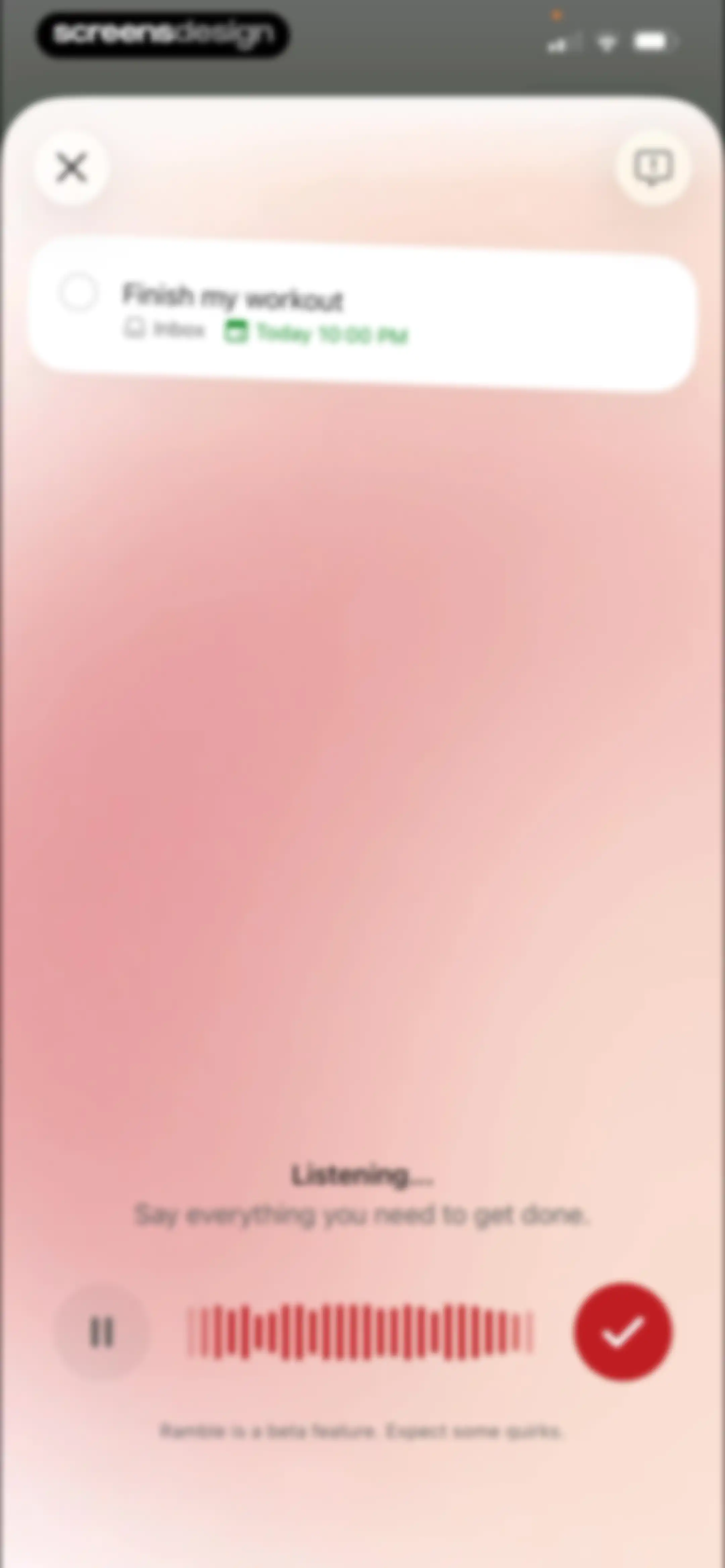
Todoist voice input screen showing a task preview card, a listening status with a waveform, and a red checkmark confirmation button.Unlock Pro
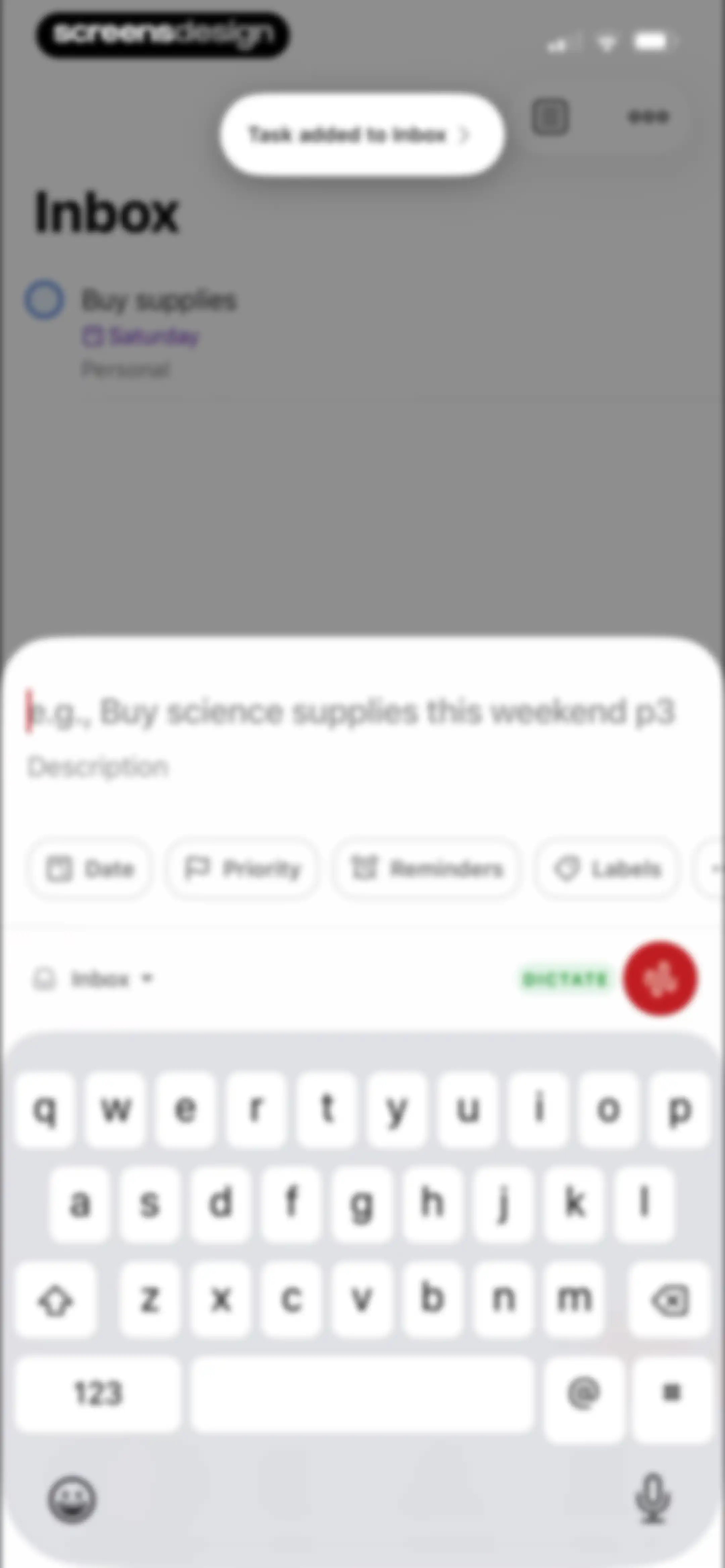
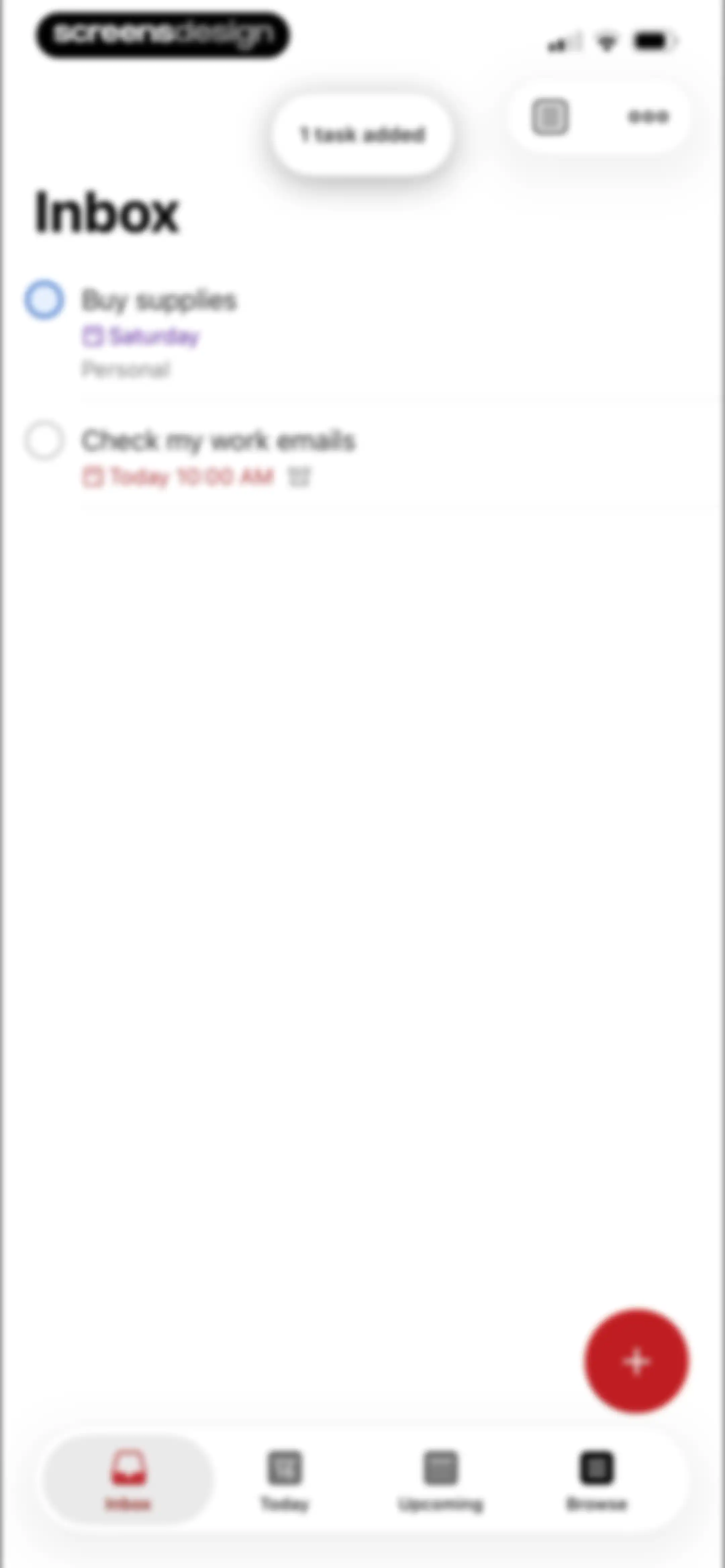
Todoist inbox task list showing two scheduled tasks, a confirmation toast, a red add-task button, and bottom navigation.Unlock Pro
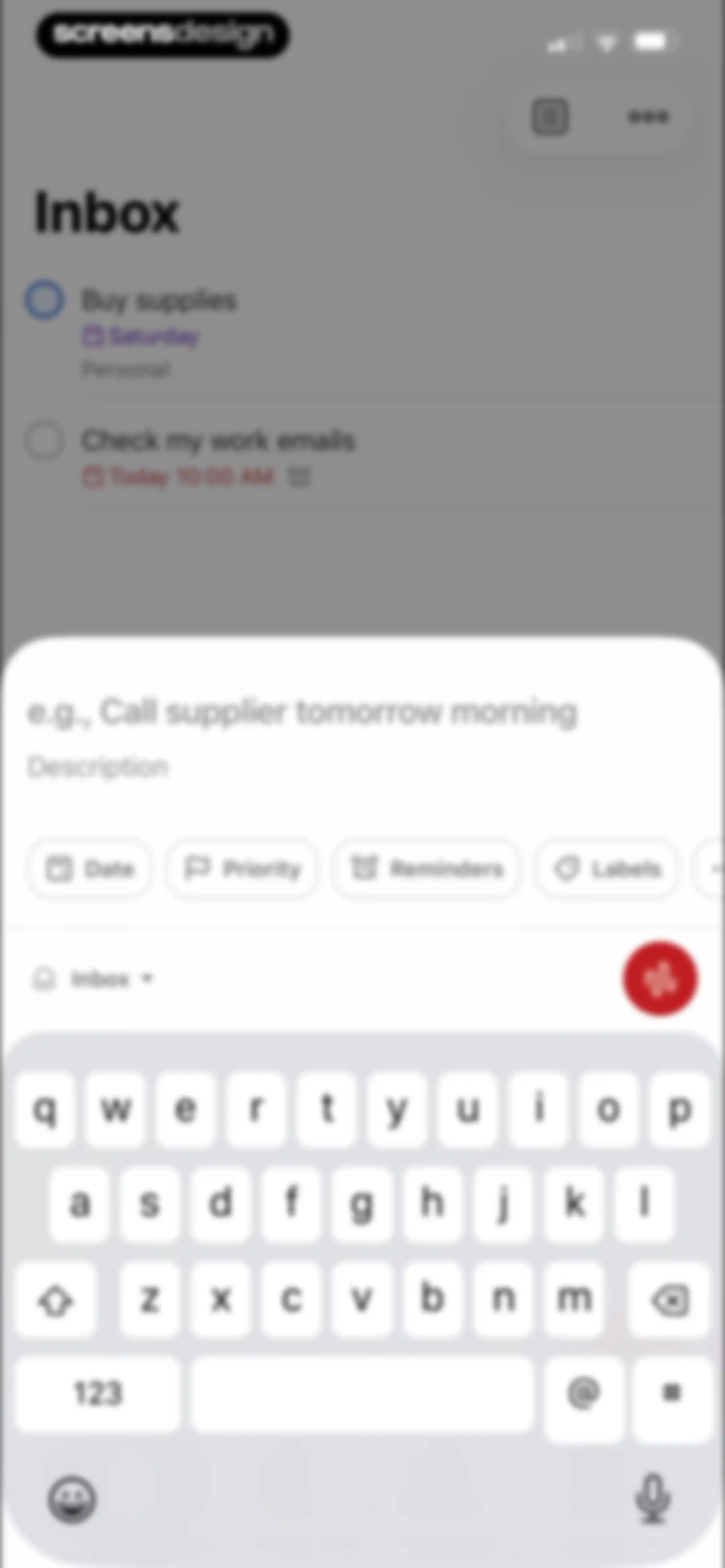
Task creation modal overlaying the Inbox screen, featuring a text input field, metadata buttons, and an active keyboard.Unlock Pro
Voice input recording screen with a task preview card, central listening status and waveform, and a red checkmark submit button.Unlock Pro
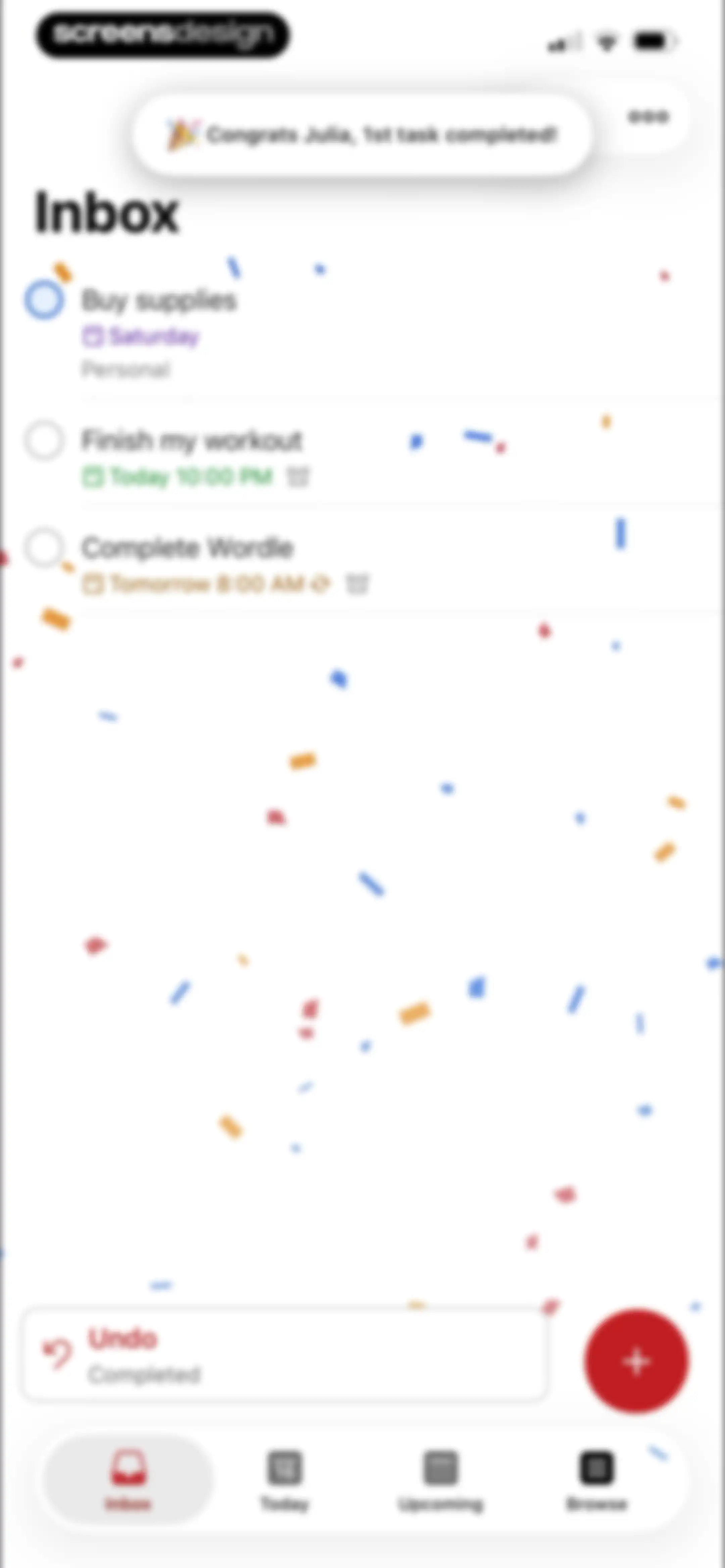
Task manager home screen showing an inbox list of tasks, a completion notification at the top, and an undo snackbar.Unlock Pro
Task detail modal overlaying a task list, showing metadata, sub-tasks section, and comment input for the workout task.Unlock Pro
Task creation modal with text input for Do Laundry, metadata buttons for date and priority, and a save button.Unlock Pro
Task detail modal for a workout task with metadata, a sub-task section, and an undo completion notification at the bottom.Unlock Pro
Task detail editor screen with an open modal overlay menu displaying action options including edit, duplicate, and delete.Unlock Pro
Activity Log modal displaying a task addition entry for Finish my workout with timestamp and inbox location.Unlock Pro
Task detail modal with a deletion confirmation dialog warning that the parent task and its one sub-task will be removed.Unlock Pro
Task management screen showing the Inbox view with a list of tasks and a floating add task button.Unlock Pro
Date and time selection modal with quick-select options, a December calendar grid with a selected date, and bottom settings for time and repeat.Unlock Pro
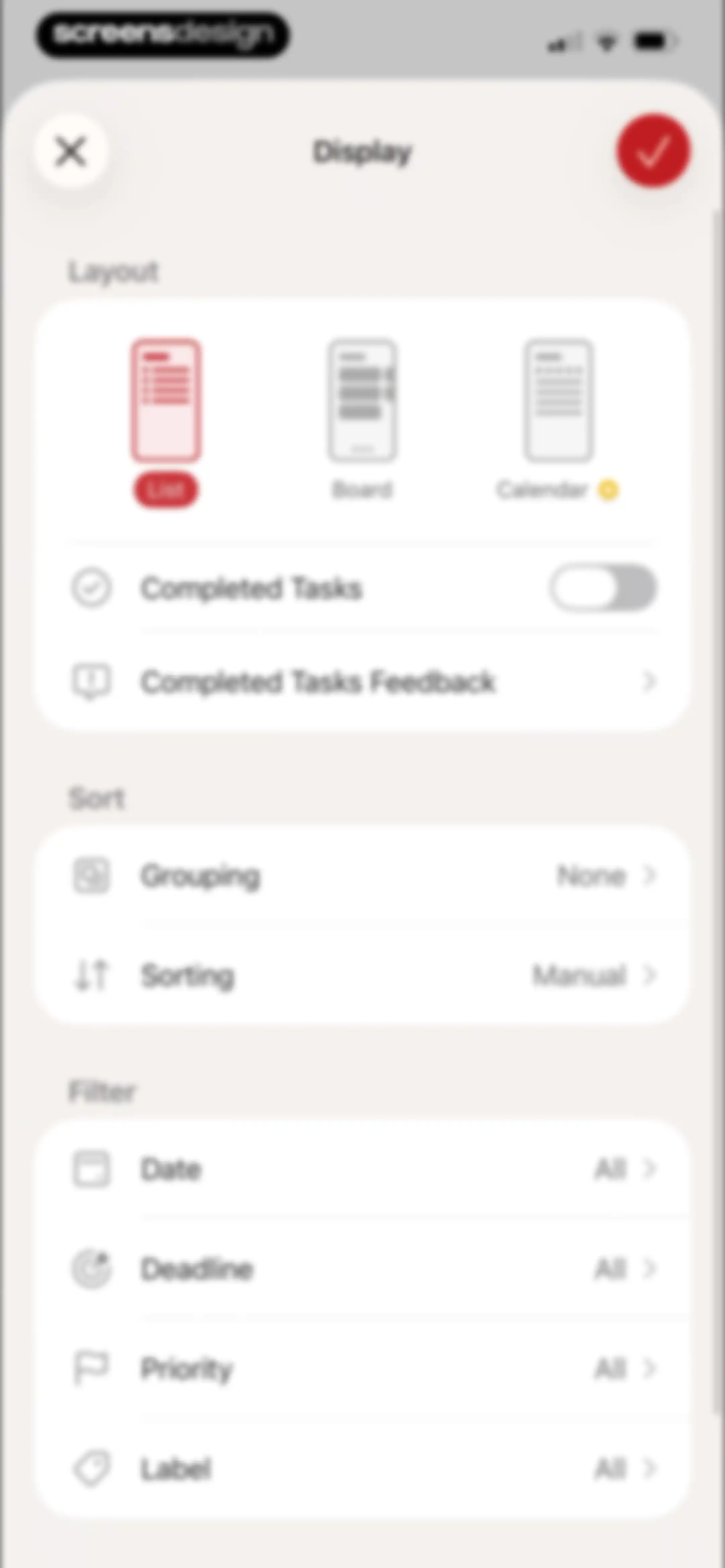
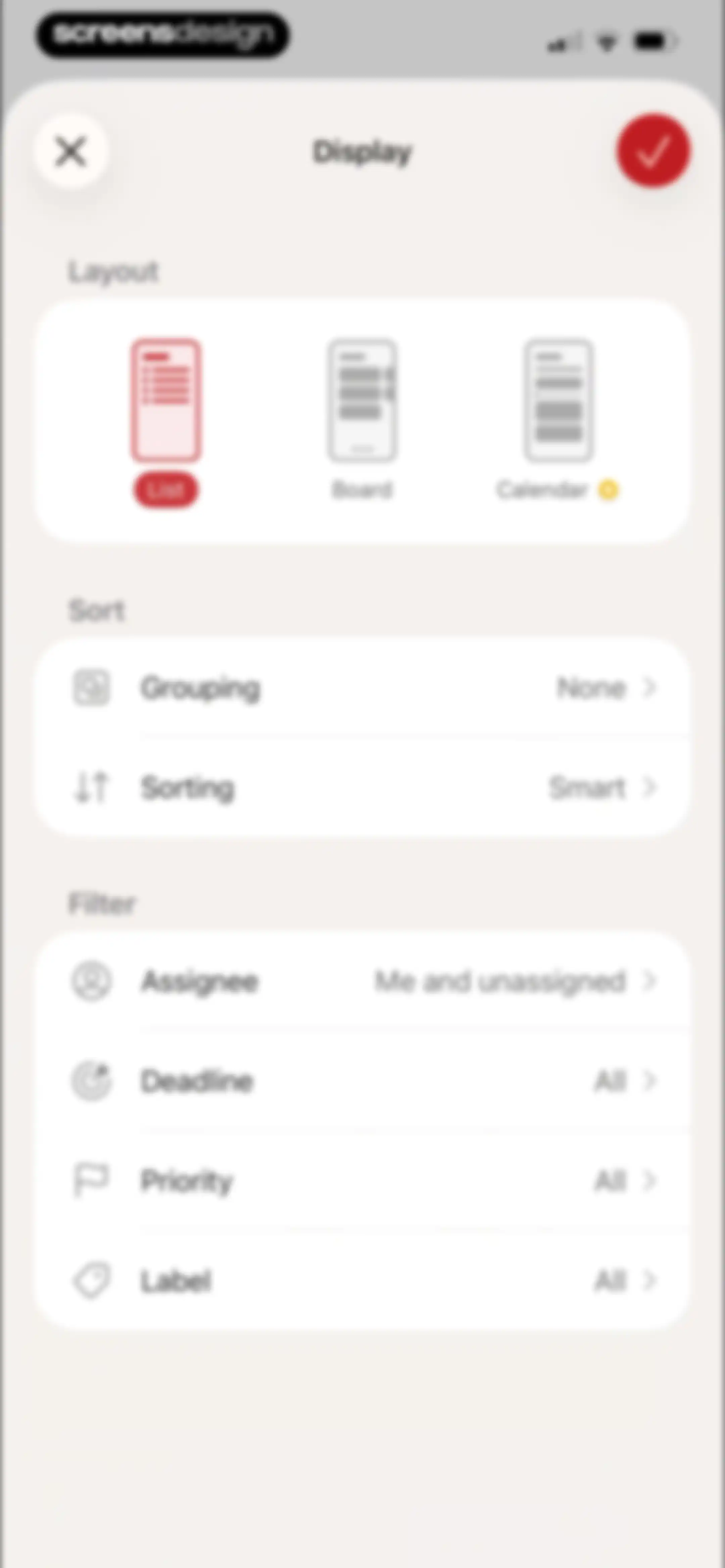
Display settings modal with layout, sort, and filter options, featuring a selected List view and confirm button.Unlock Pro
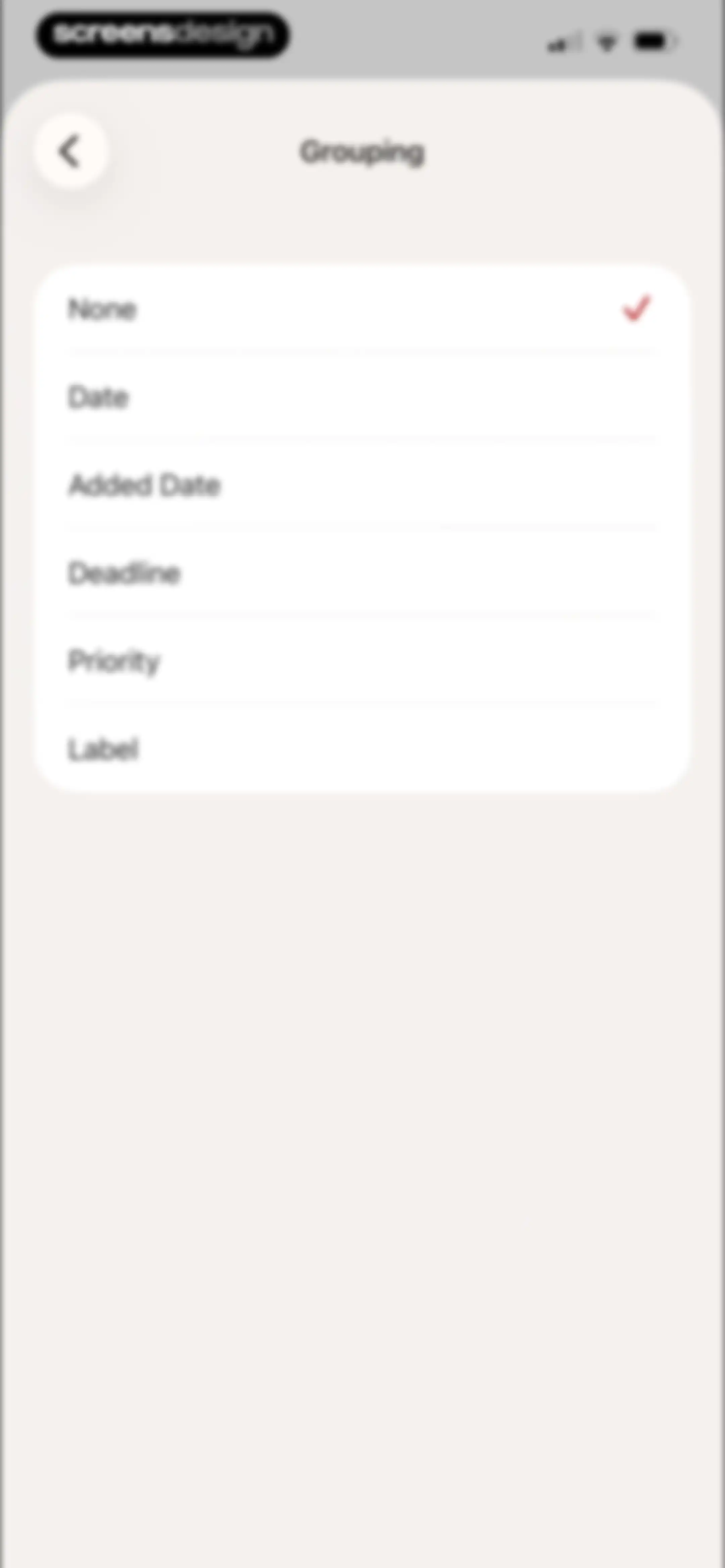
Settings modal for grouping tasks with the None option selected and a red checkmark.Unlock Pro
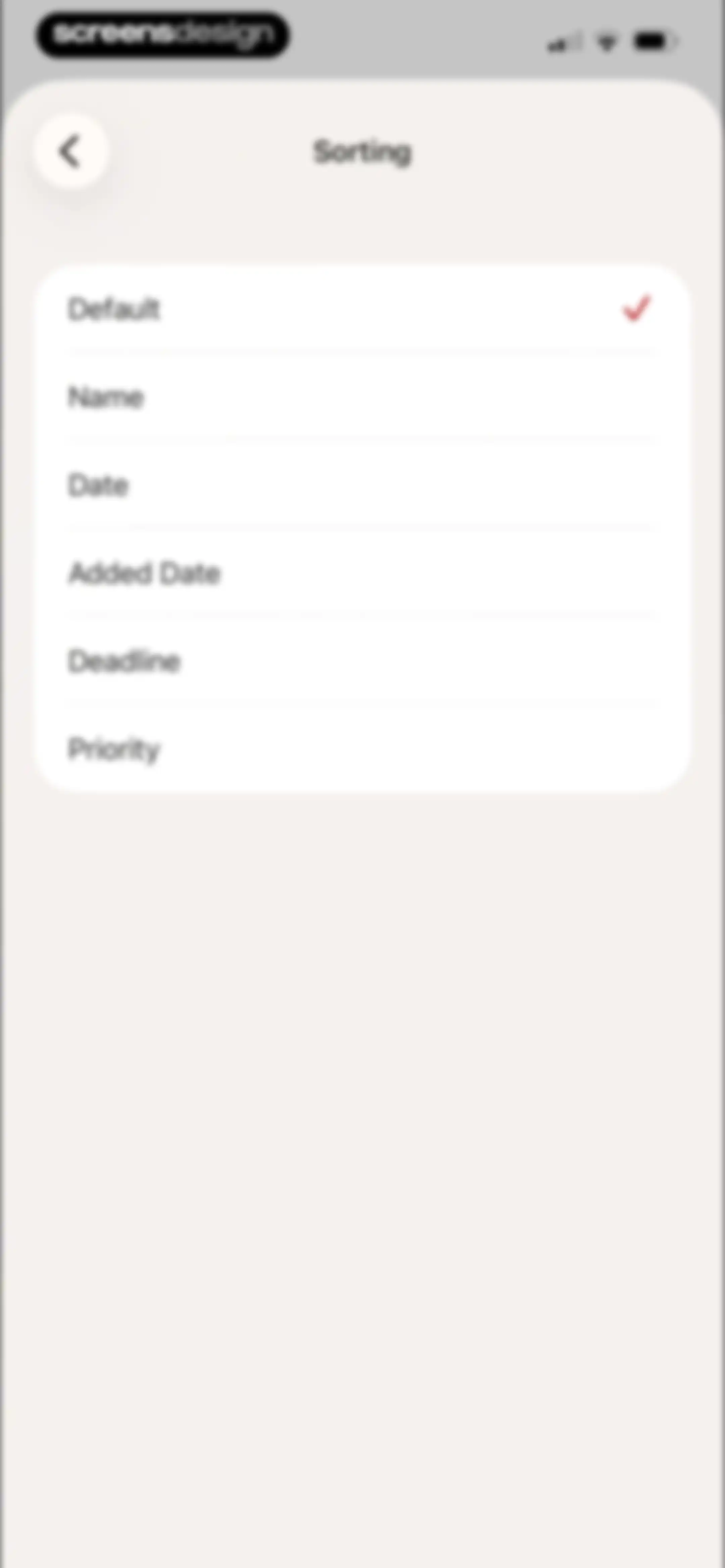
Sorting options modal with a list of criteria including Default, Name, Date, and Priority, with Default selected and a red checkmark.Unlock Pro
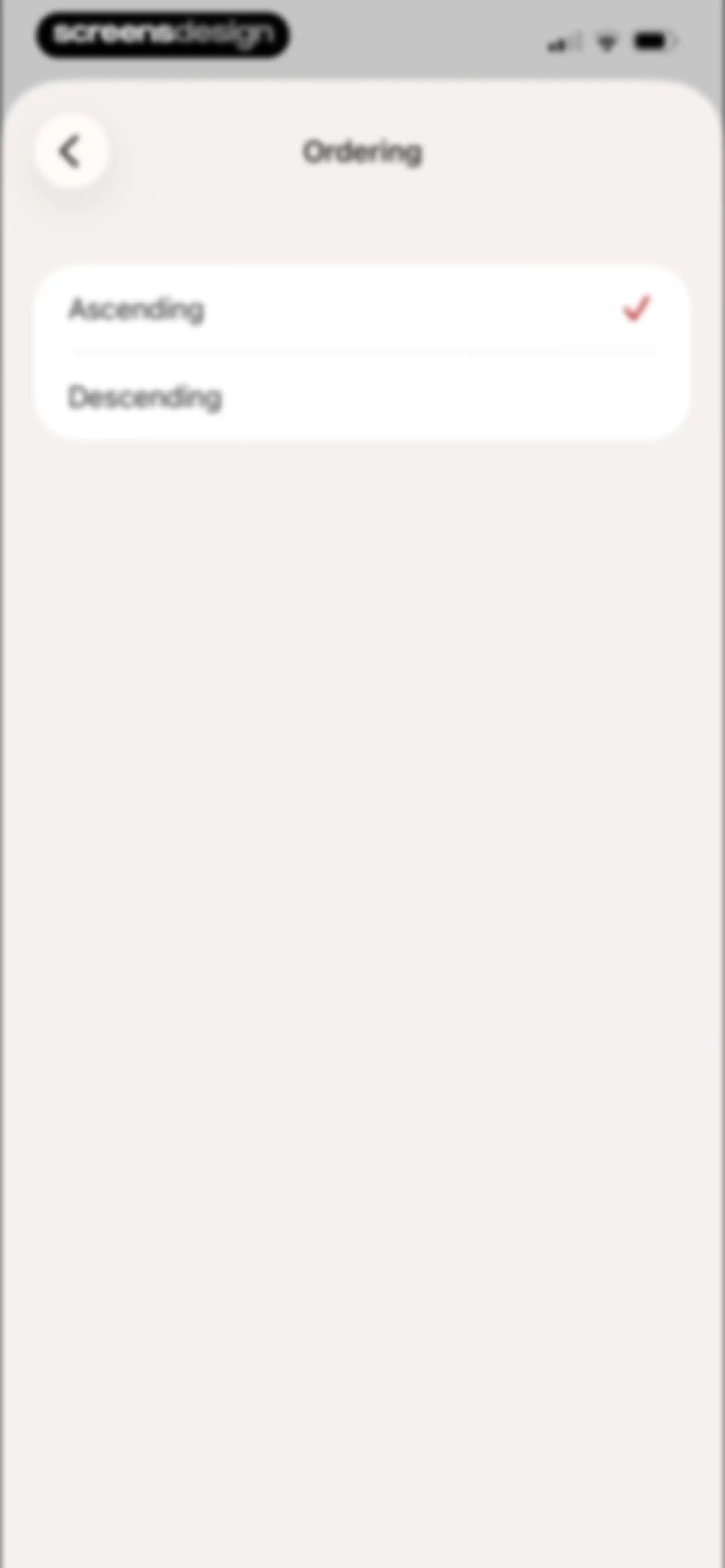
Settings modal for ordering with Ascending selected by a checkmark and Descending as an option.Unlock Pro
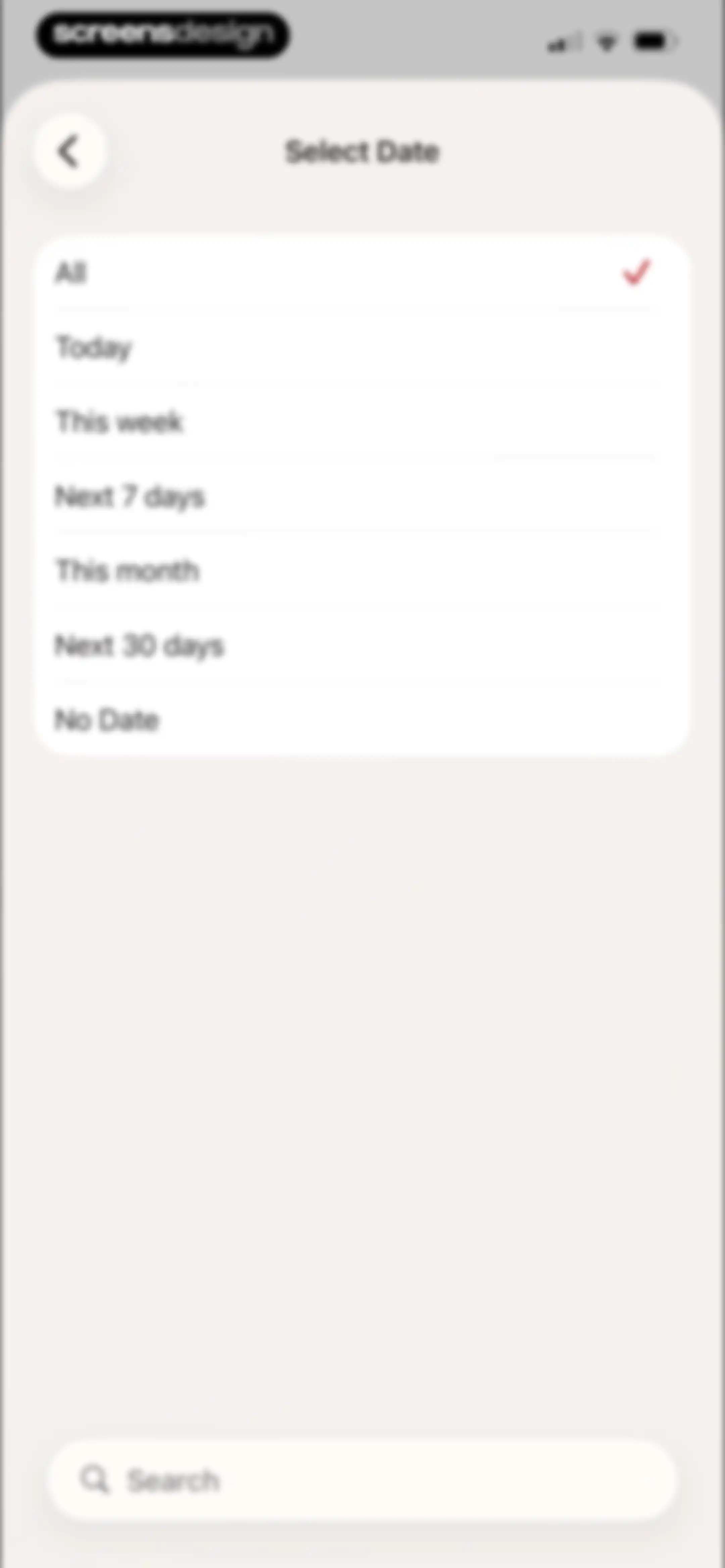
Date selection modal listing filter options with All selected and a search bar at the bottom.Unlock Pro
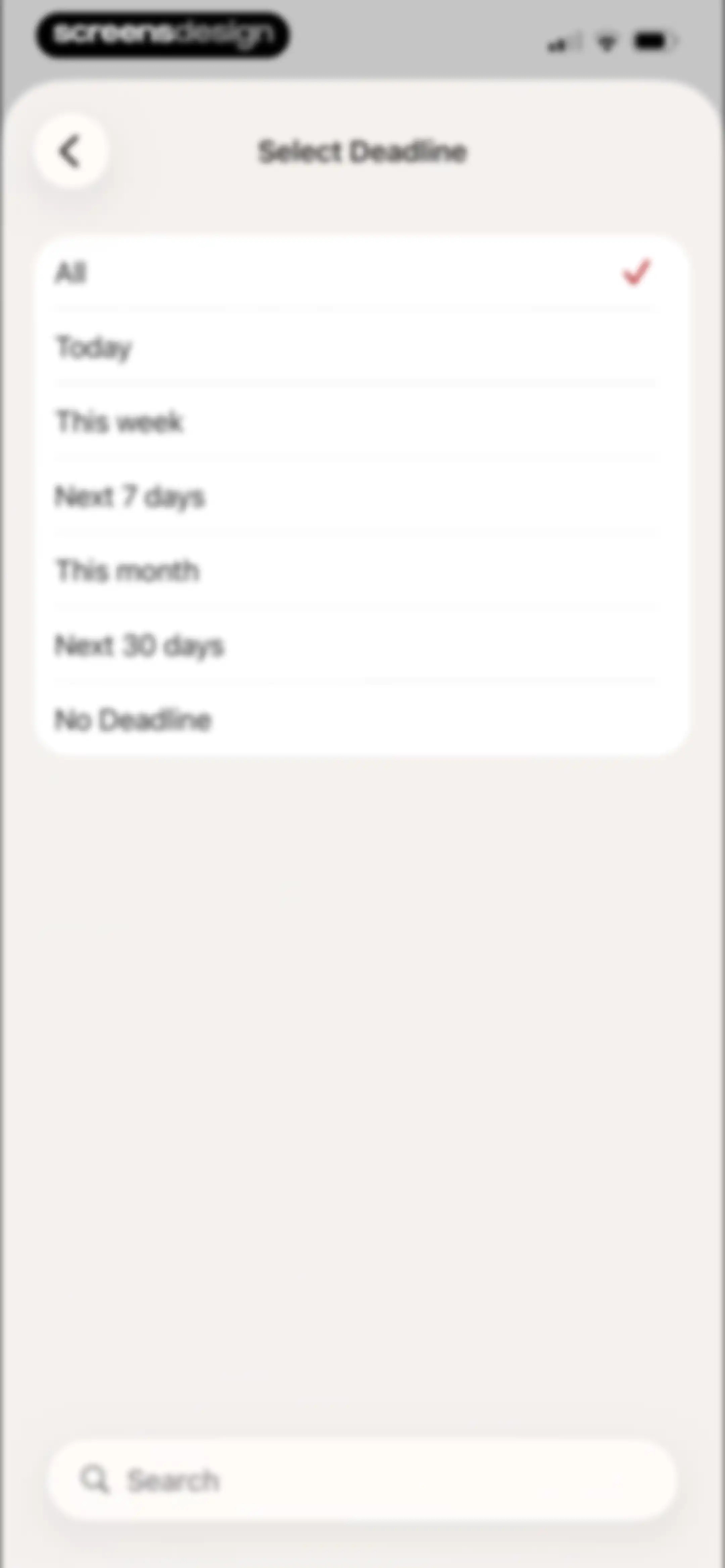
Deadline filter screen listing time range options with All selected and a search bar at the bottom.Unlock Pro
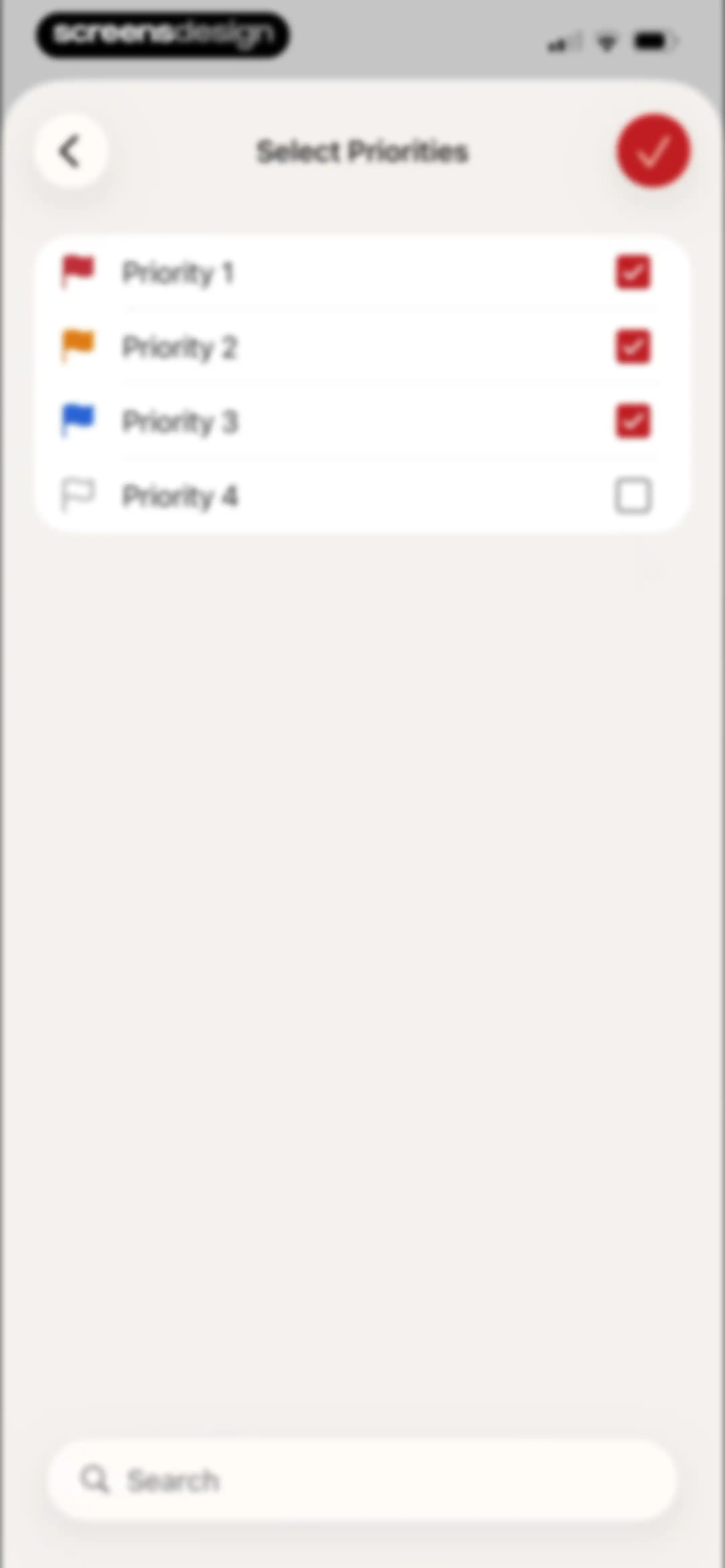
Task priority selection list featuring four priority levels with the first three selected and a search bar at the bottom.Unlock Pro
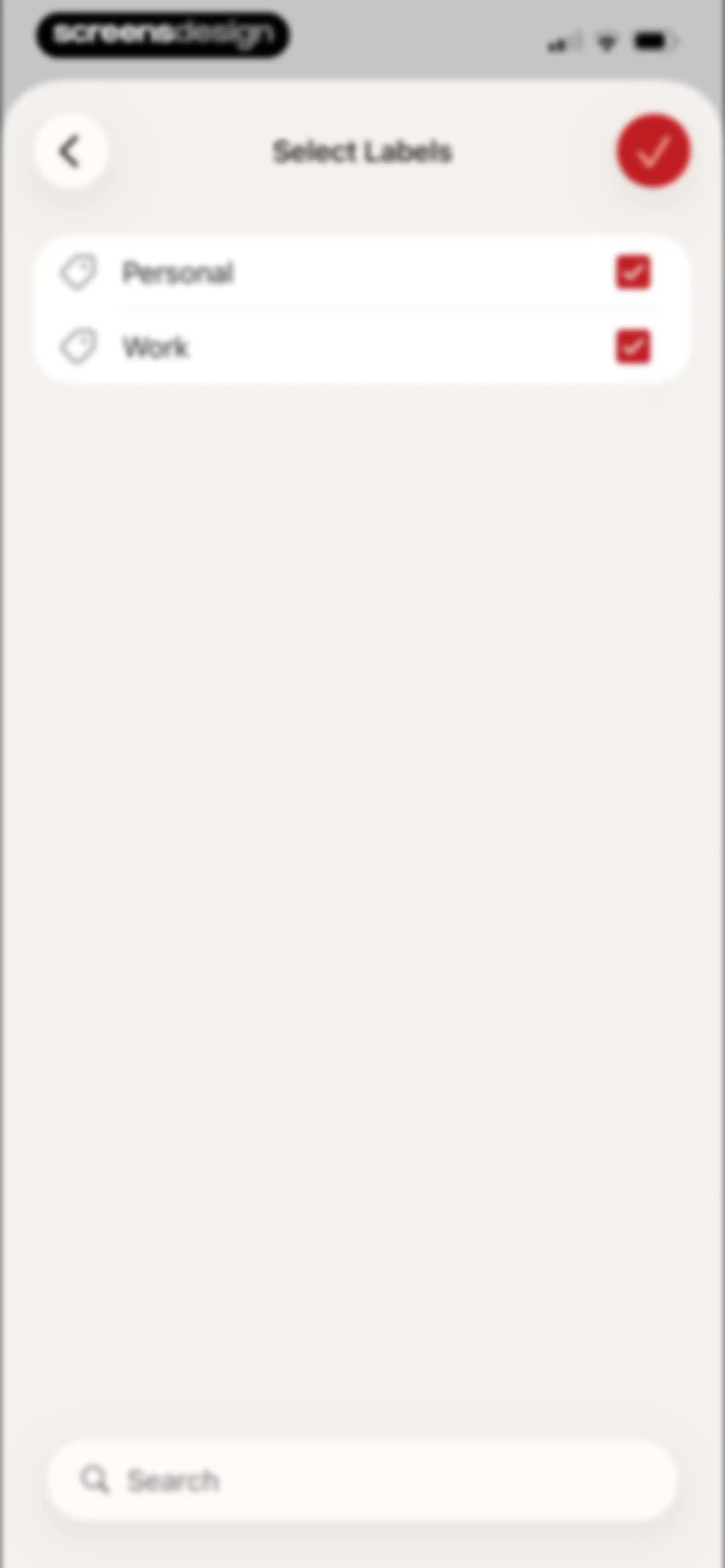
Label selection screen featuring a list of selected labels, a search bar, and a confirm button.Unlock Pro
Empty state screen displaying an illustration with the text No tasks match the current sorting options and a floating action button.Unlock Pro
Task list home screen showing three pending items in the inbox with a bottom navigation bar.Unlock Pro
Task management home screen displaying a task list with due dates, an open floating context menu, and a bottom navigation bar.Unlock Pro
Todoist project comments empty state screen with a central illustration and a bottom-anchored input field for typing comments.Unlock Pro
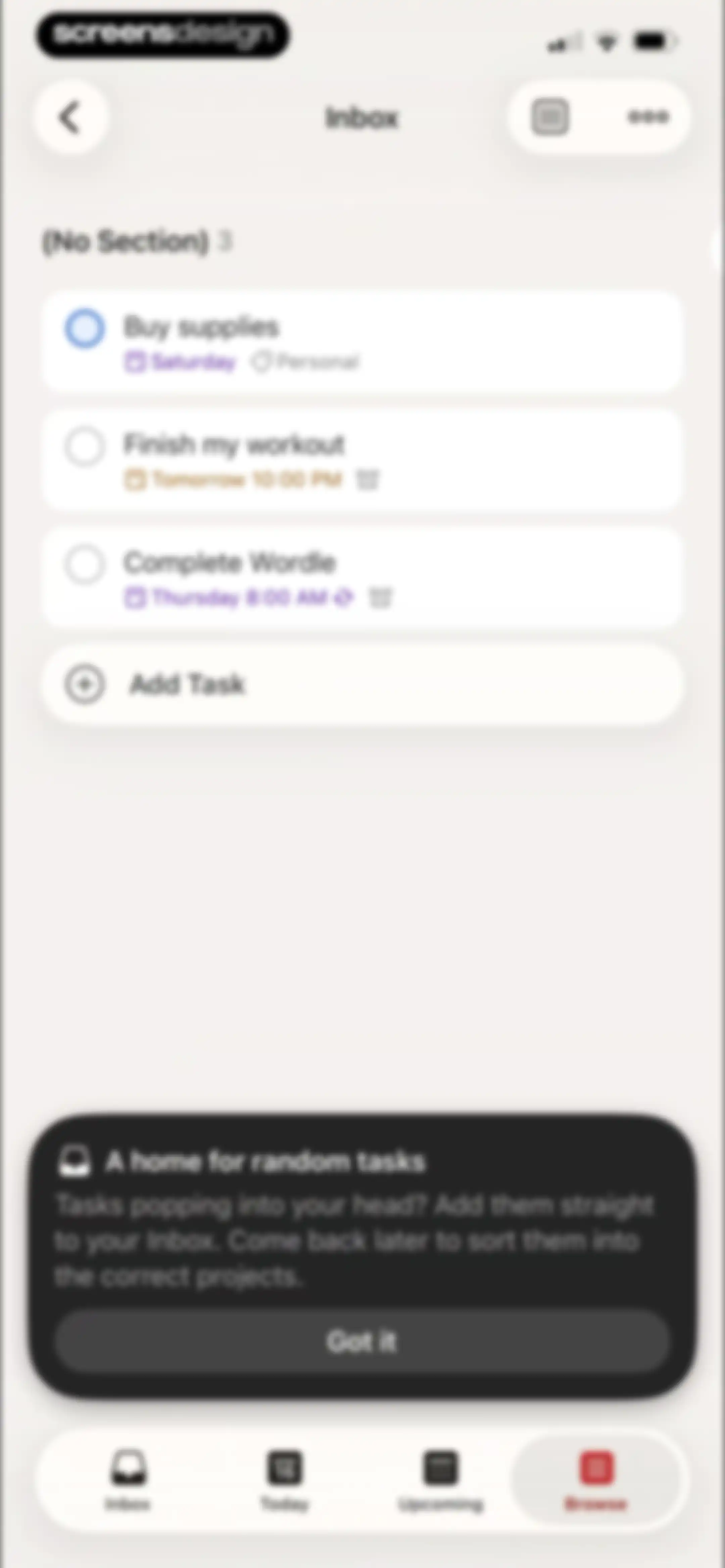
Task list home screen showing pending items, an Add Task button, and a bottom educational modal explaining random tasks with a Got it button.Unlock Pro
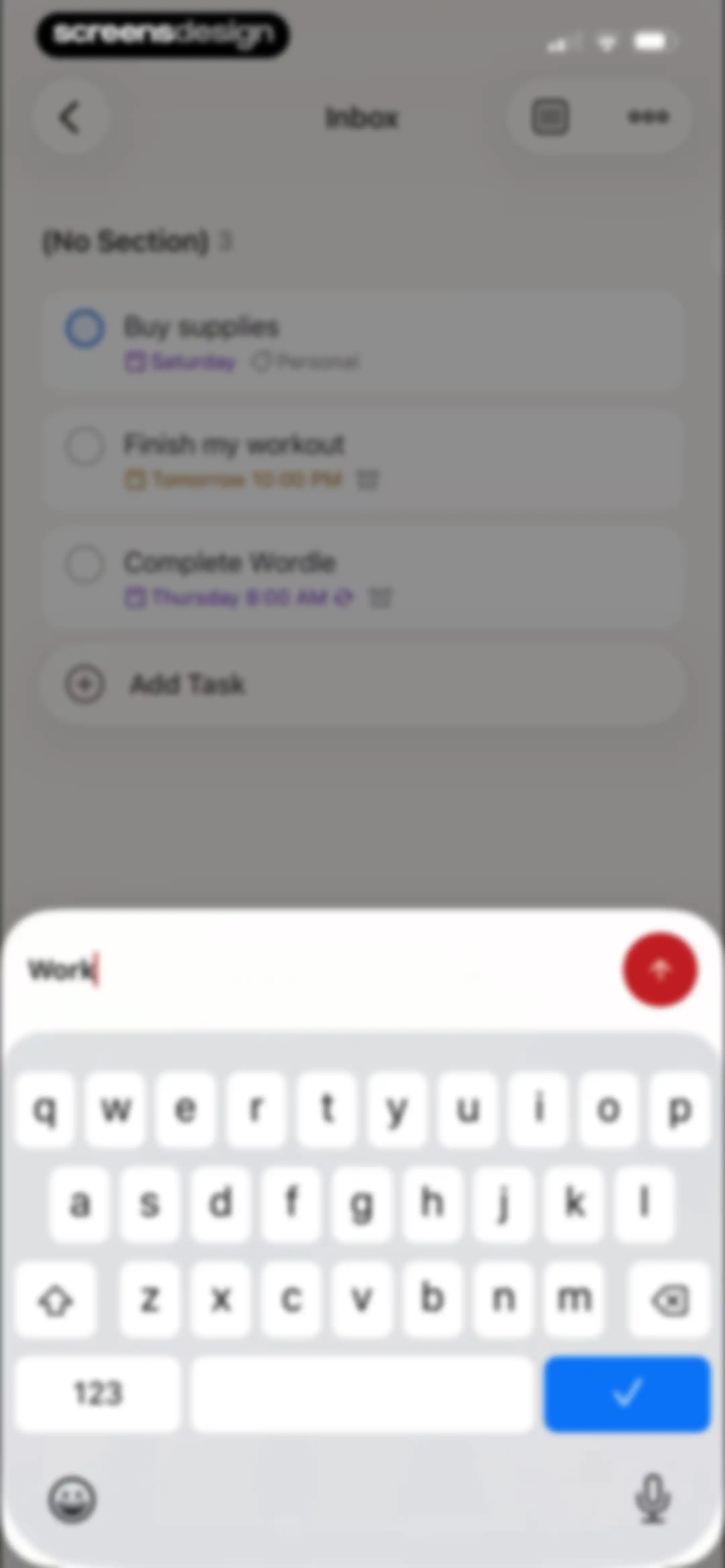
Todoist inbox view displaying a task list and a bottom input modal with a keyboard for adding a new task.Unlock Pro
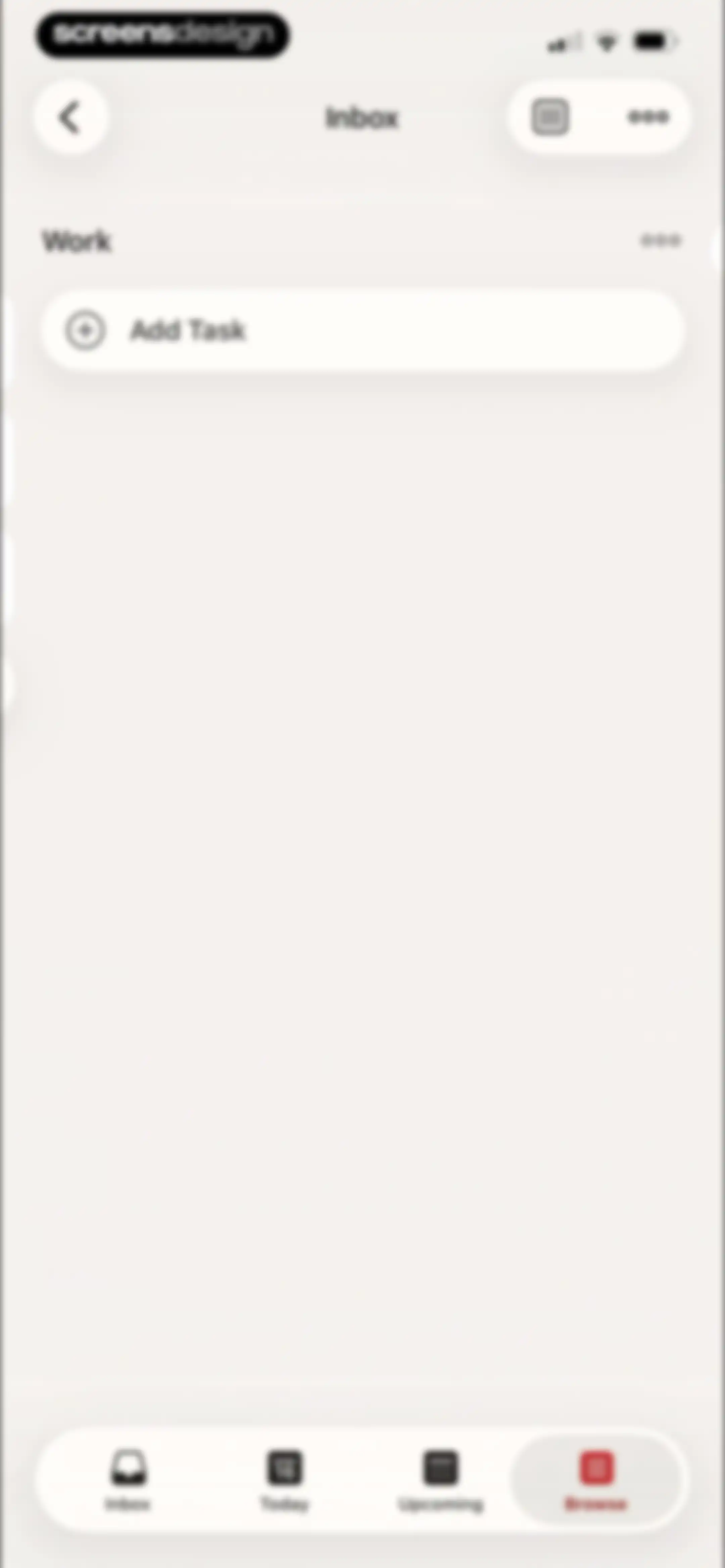
Todoist home screen showing the Inbox view with a Work project header, an Add Task button, and bottom navigation tabs.Unlock Pro
Empty inbox screen with a top Add Section button and a bottom navigation bar.Unlock Pro
Task management editor showing an Inbox view with an open modal input field for adding a new section and the system keyboard.Unlock Pro
Voice recording screen displaying a task preview card for Call family, a listening status, an audio waveform, and a red checkmark save button.Unlock Pro
Task selection mode with one item selected and a bottom floating action bar for batch operations.Unlock Pro
Date and time picker modal featuring quick-select options, a December 2025 calendar grid, and time and repeat settings with a confirmation button.Unlock Pro
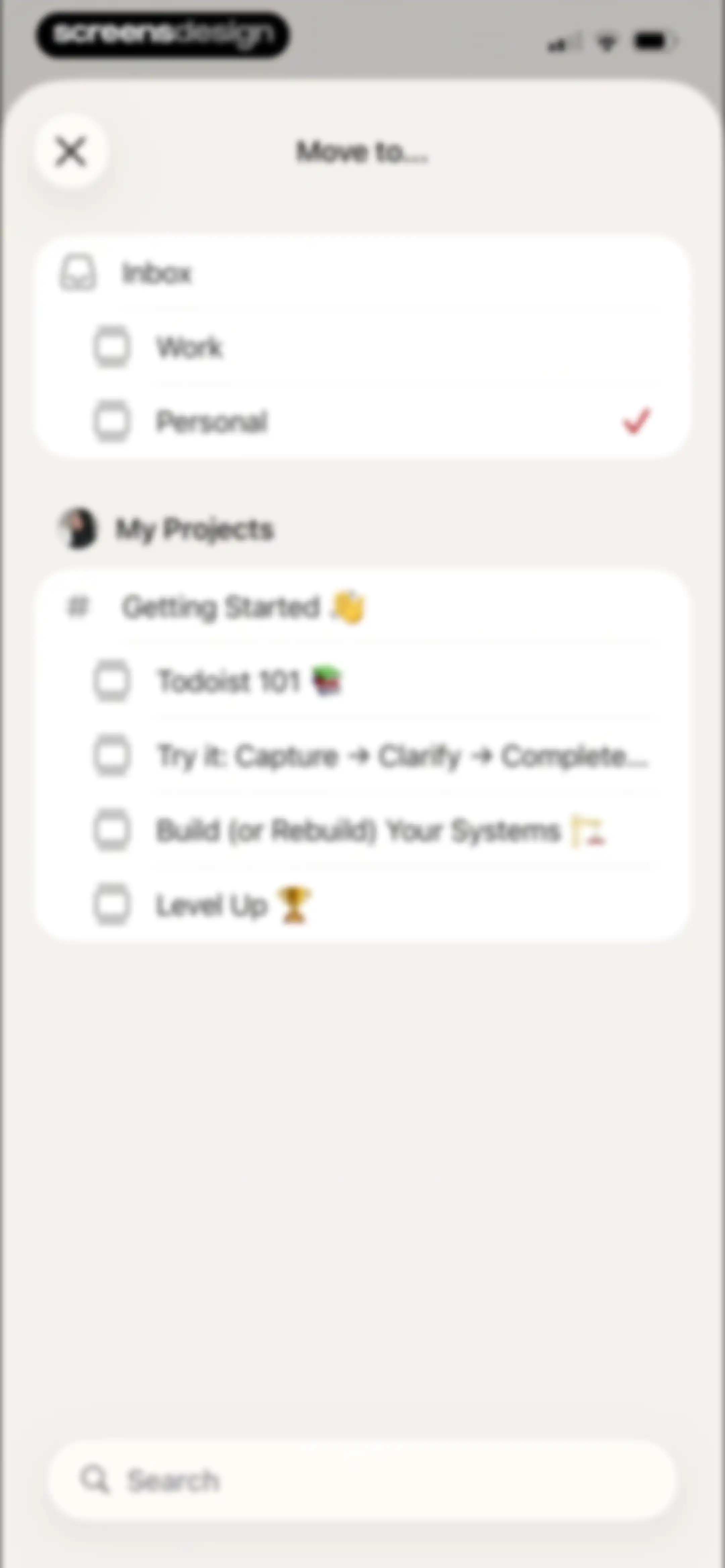
Todoist modal window titled Move to... with project lists and a search bar, showing Personal selected with a checkmark.Unlock Pro
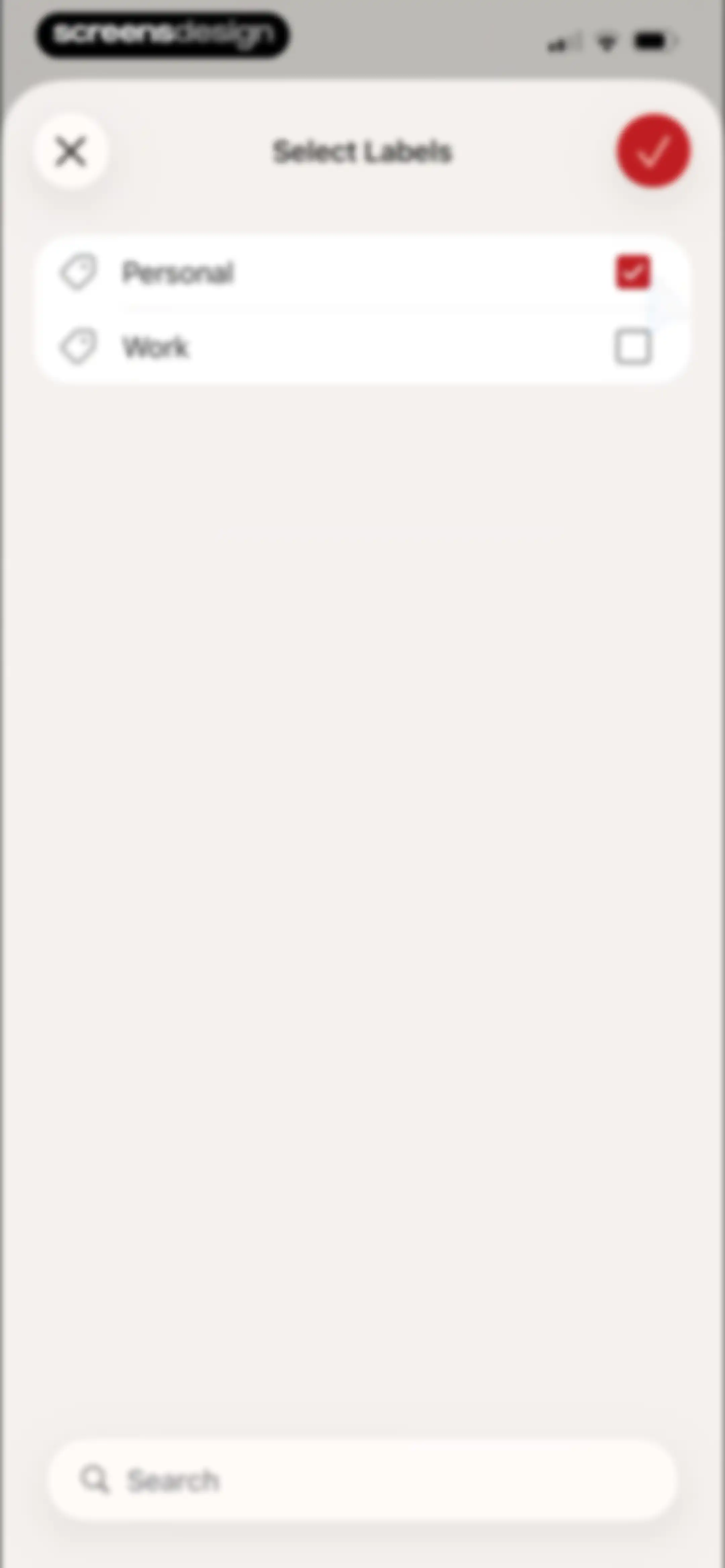
Todoist modal window for selecting labels, showing a list with Personal selected and Work unselected, plus a search bar.Unlock Pro
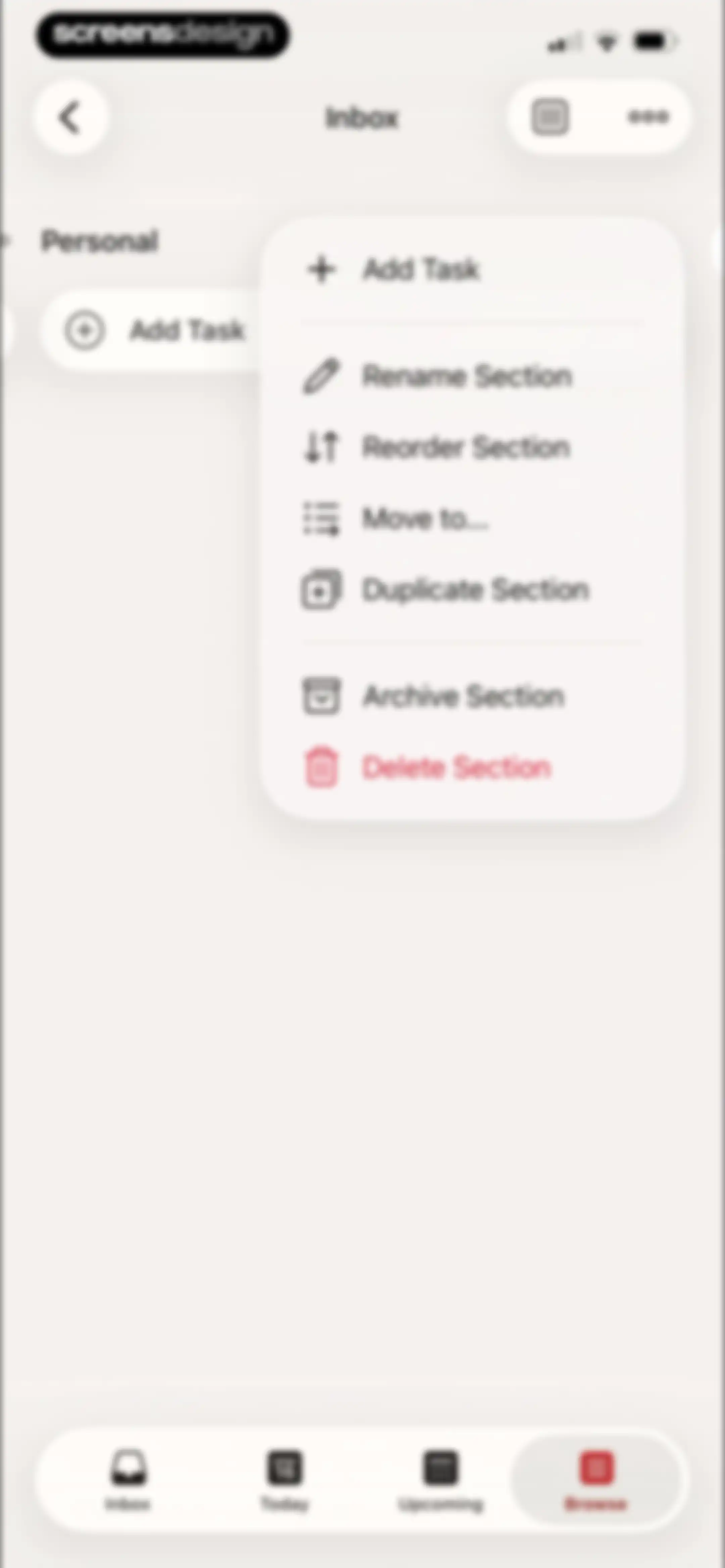
Task list home screen with an open section management menu displaying options such as rename, archive, and delete.Unlock Pro
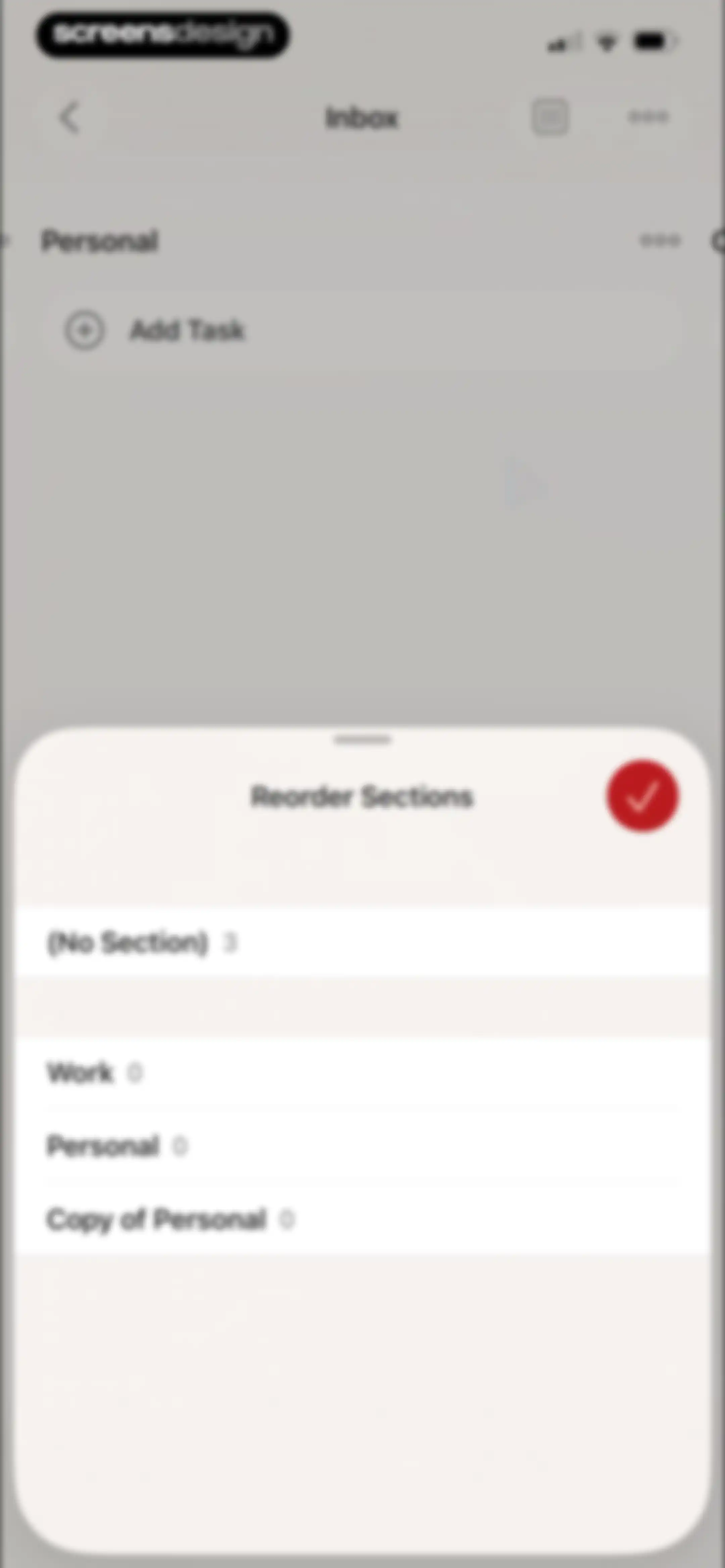
Reorder sections modal overlay displaying a list of task sections with a confirm button in the top right.Unlock Pro
Task list screen with a centered confirmation dialog asking to archive a section and an active Archive button.Unlock Pro
Confirmation modal asking whether to permanently delete a task section, with a red Delete button.Unlock Pro
Todoist app home screen displaying navigation cards, project management options, and an educational tooltip overlay with a Got it button.Unlock Pro
Home screen with quick access cards, a project list including Getting Started, and a bottom navigation bar with the Browse tab selected.Unlock Pro
Task list home screen showing the Inbox tab with three pending tasks, due dates, and an Add Task button.Unlock Pro
Todoist home screen displaying the Today view with a list of tasks for December 16, with the Today tab selected and a floating plus button.Unlock Pro
Task editor modal displaying task details, project tag, action buttons for priority and reminders, and inputs for sub-tasks and comments.Unlock Pro
Daily goal modal overlay with a gold medal illustration, task completion stats, and a Share button.Unlock Pro
Task completion summary screen with a list of completed tasks and a bottom-anchored iOS share sheet overlay.Unlock Pro
Todoist permission request dialog asking to access photos, overlaid on a daily goal summary and task list with an Allow button.Unlock Pro
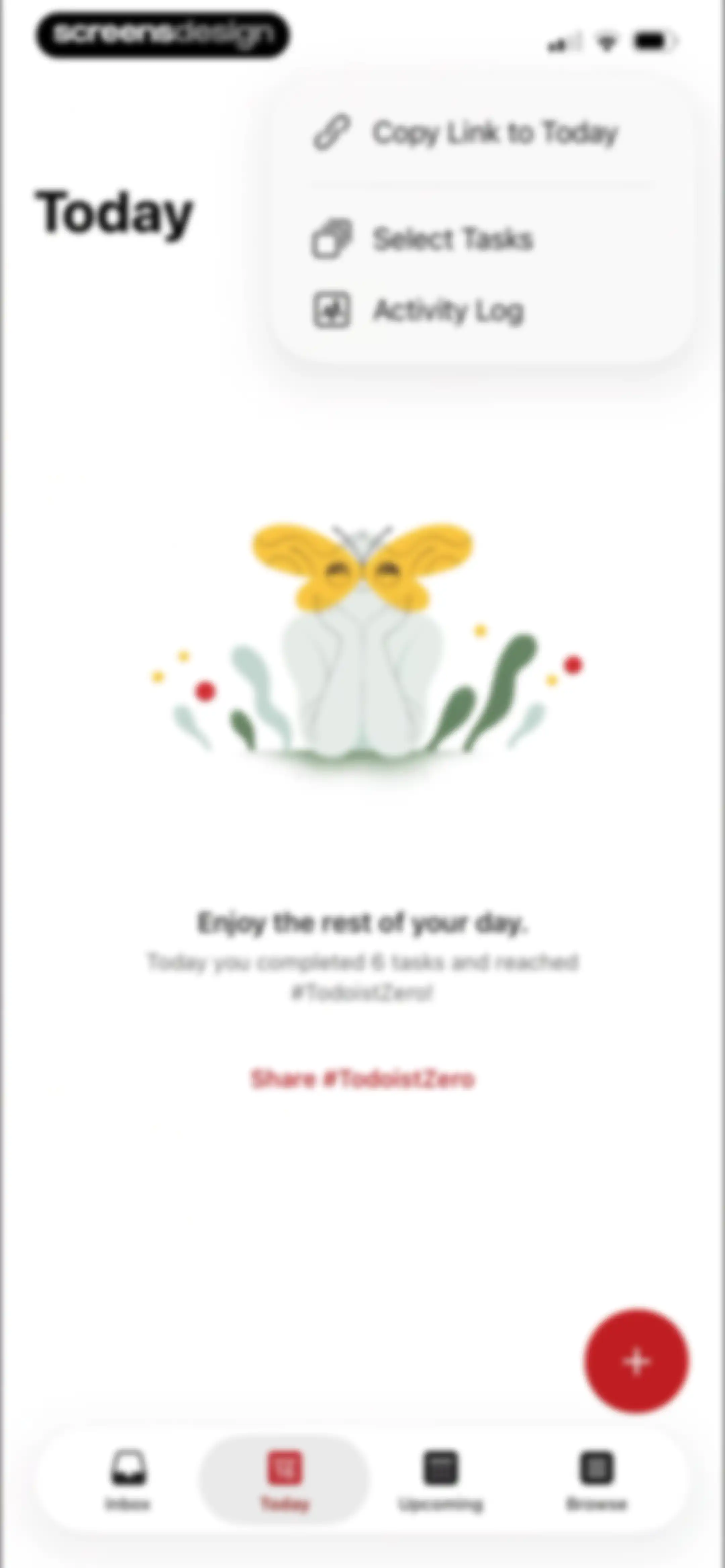
Task management dashboard showing a centered modal action sheet with task options over a background task list.Unlock Pro
Task completion empty state showing a central illustration, completion message for six tasks, and a share link with a bottom navigation bar.Unlock Pro
Display settings modal with layout, sort, and filter options for a task list, featuring a selected list view and confirm button.Unlock Pro
Empty state screen celebrating task completion with an illustration, congratulatory message, and a share button for reaching TodoistZero.Unlock Pro
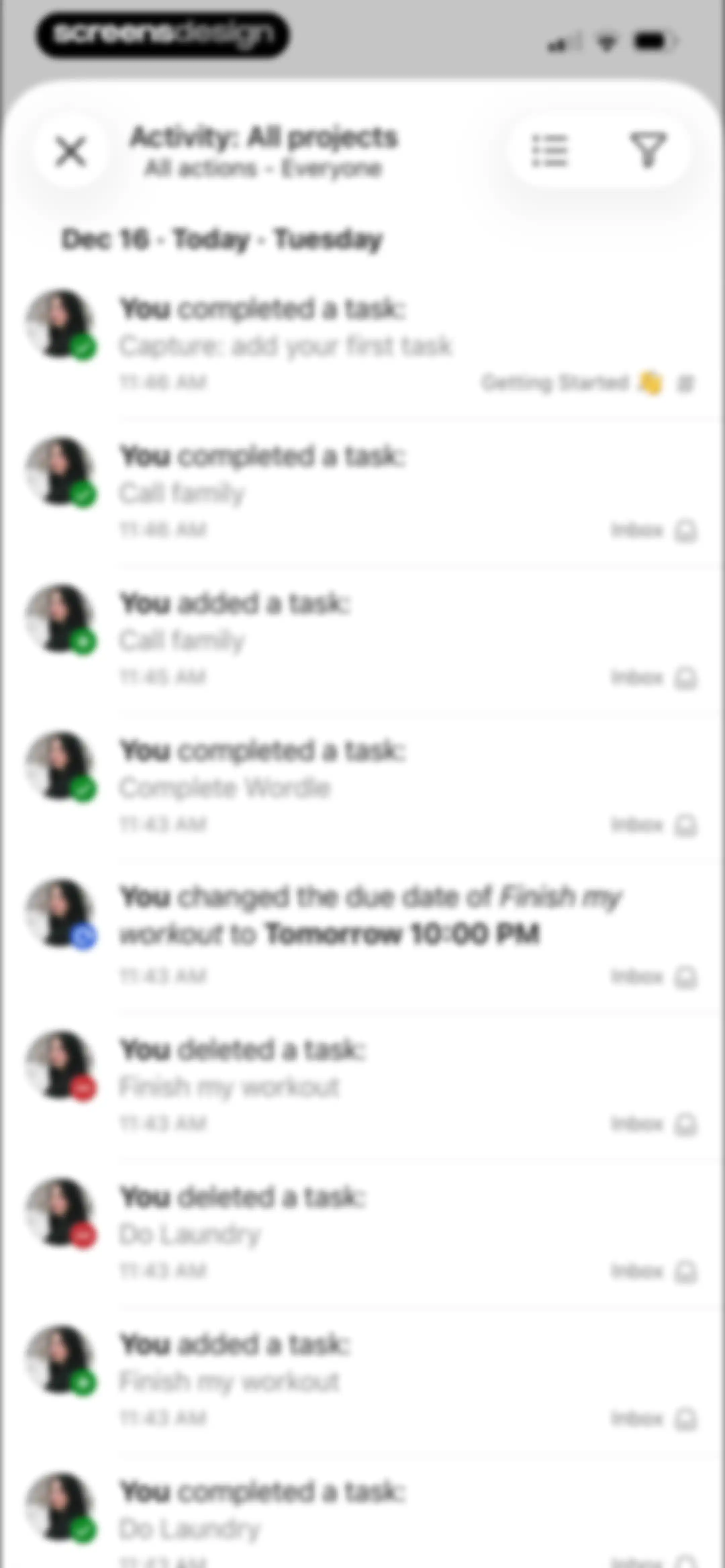
Activity feed dashboard showing a chronological list of task actions, completions, and edits with filtering and view controls.Unlock Pro
Project selection modal with a list of projects including All projects, Inbox, and Getting Started, with All projects selected and a confirm button.Unlock Pro
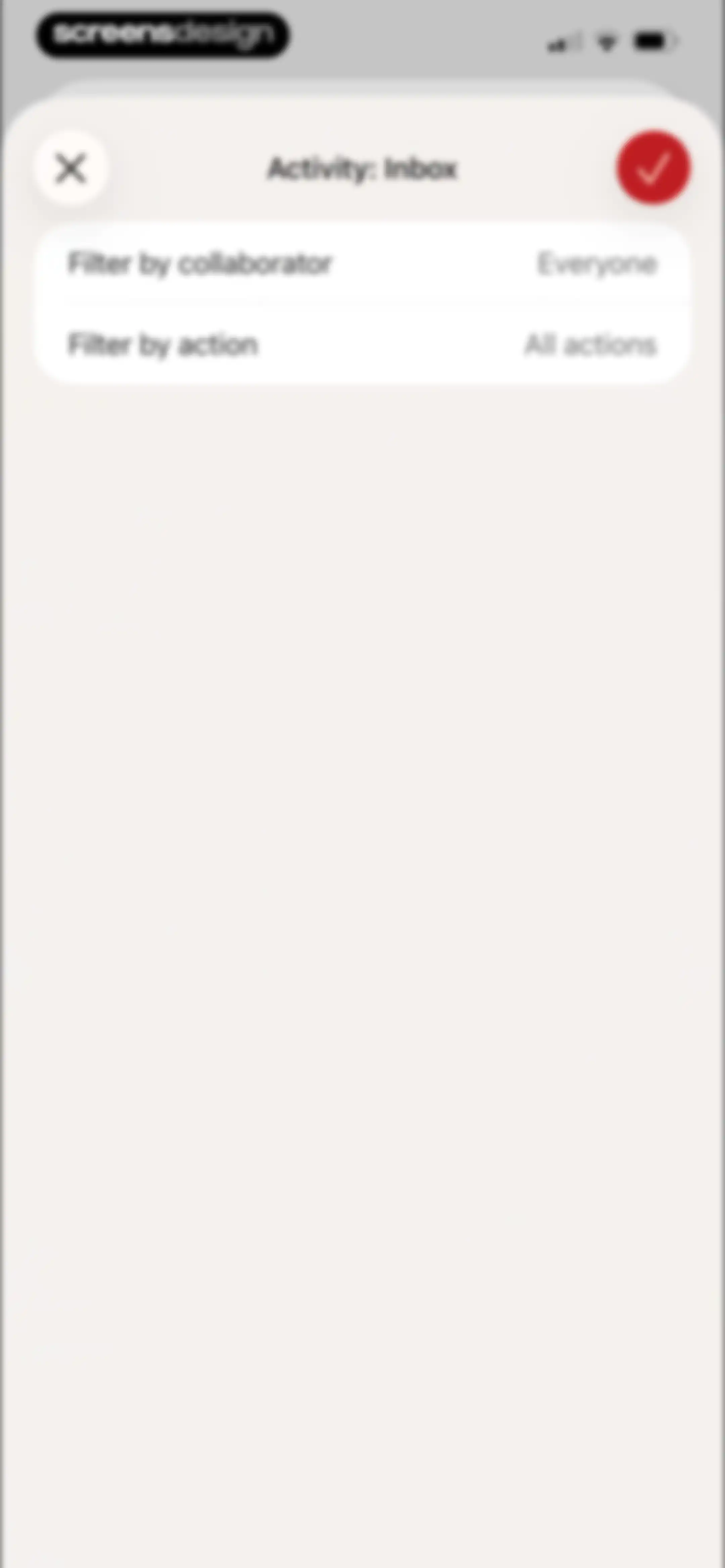
Todoist activity filter modal with options to filter by collaborator and action type, and confirmation buttons.Unlock Pro
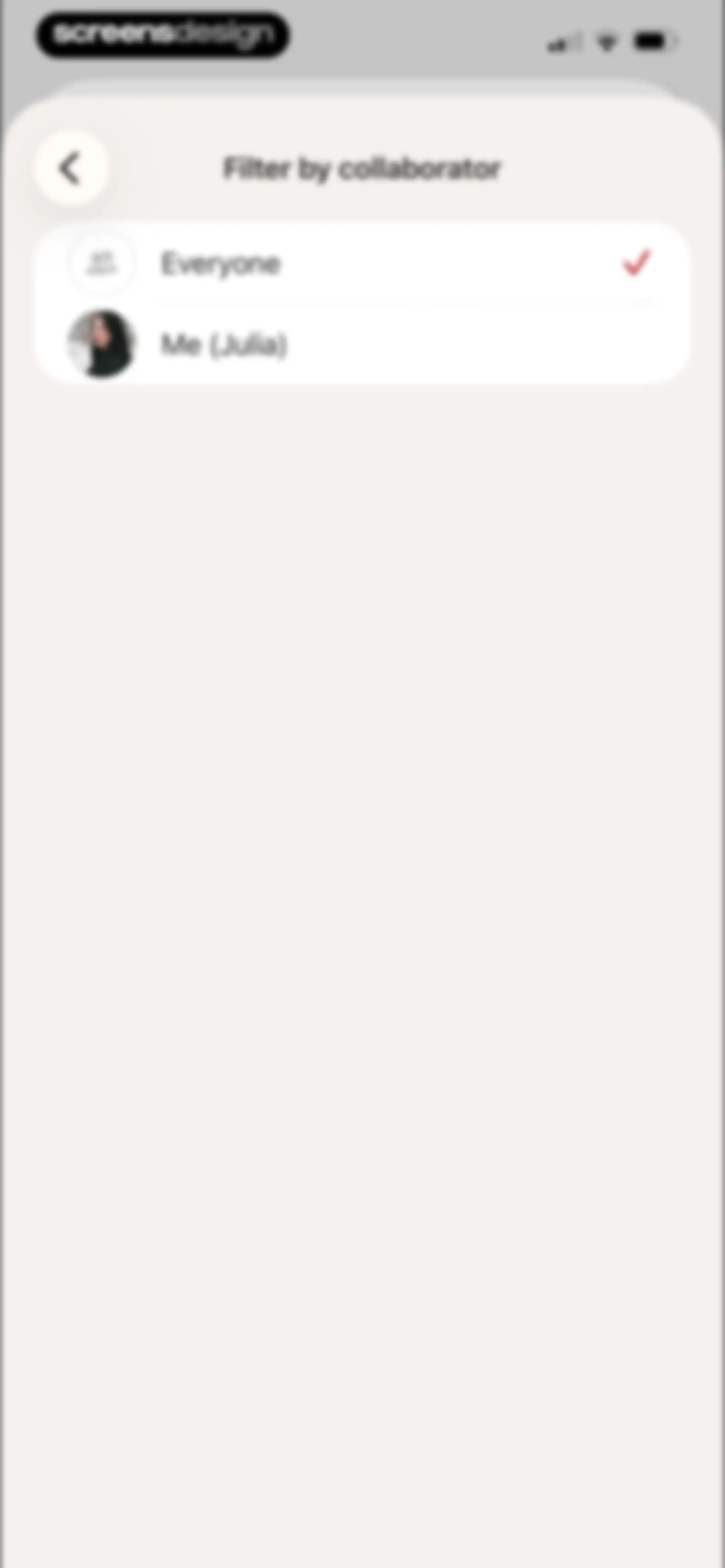
Filter by collaborator modal in Todoist with Everyone selected and an option for Me (Julia).Unlock Pro
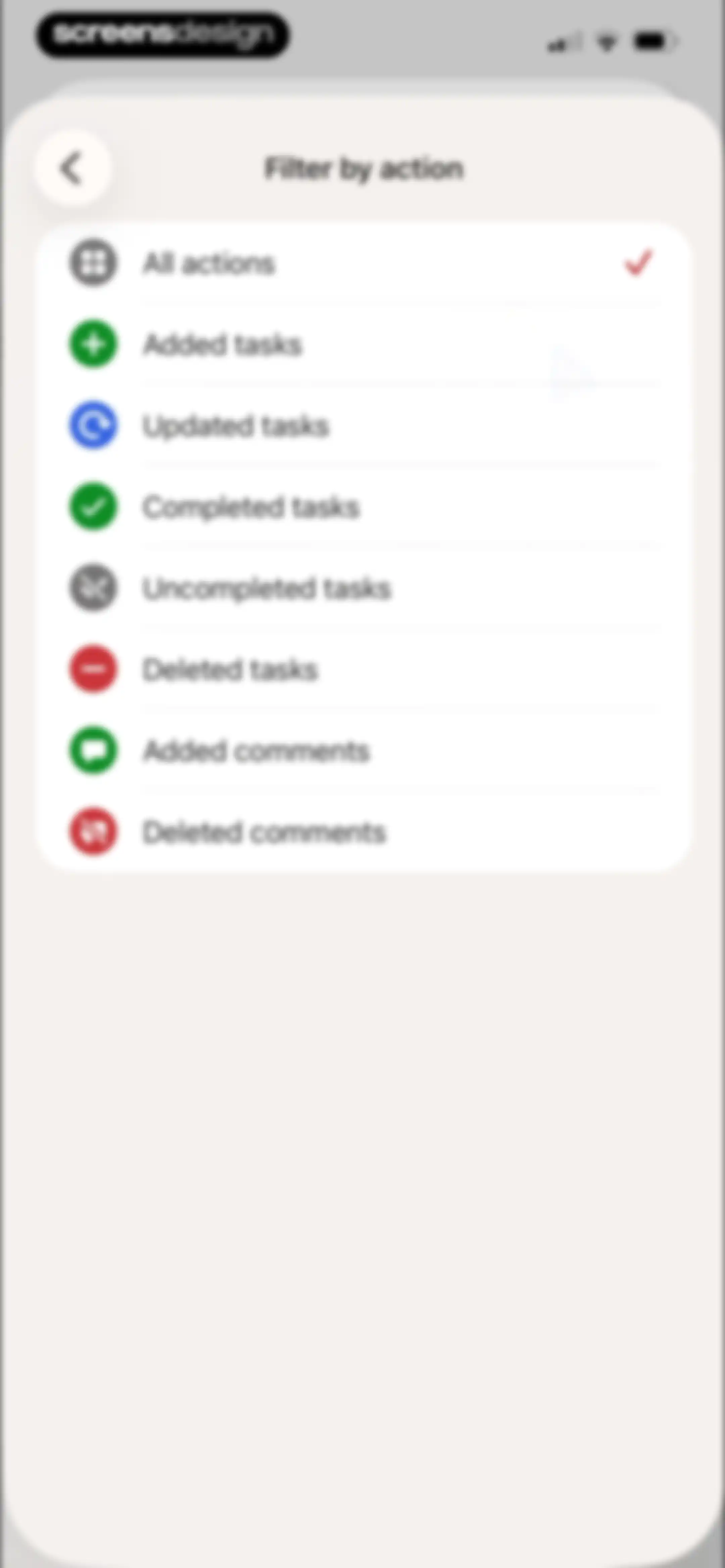
Filter selection menu displaying a vertical list of task activity options with icons and the All actions option selected.Unlock Pro
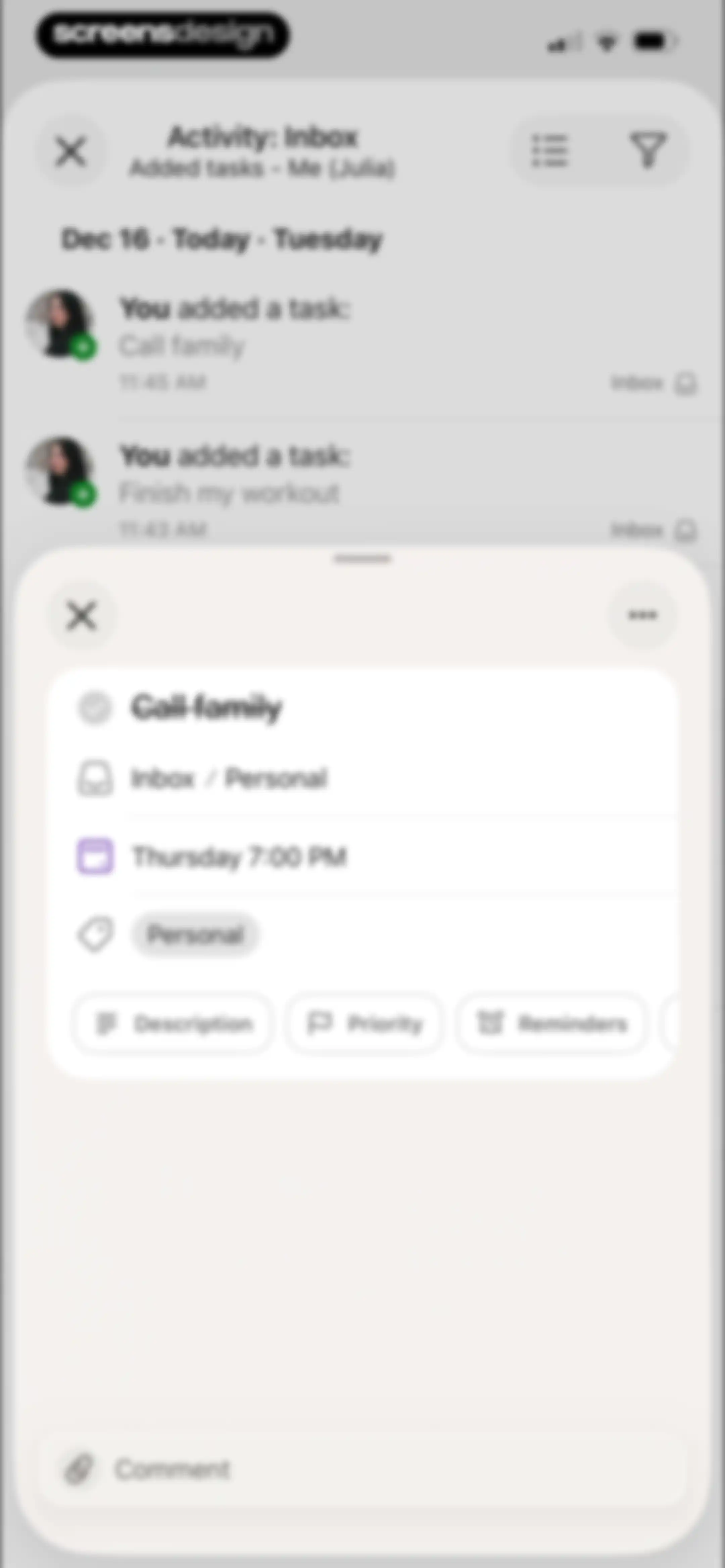
Dashboard task detail modal displaying information for the task Call family with a comment input field and activity feed background.Unlock Pro
Task creation editor with input fields for a title and description, quick-action chips for dates and priorities, and an active system keyboard.Unlock Pro
Task management upcoming view displaying a dated task list, a centered guidance modal overlay, and a bottom navigation bar with the Upcoming tab selected.Unlock Pro
Task management app home screen showing the Upcoming view with a calendar strip, a vertical list of dated tasks, and a floating add task button.Unlock Pro
Task management upcoming view displaying a monthly calendar grid above a scrollable list of dated tasks with a selected Upcoming tab in the bottom navigation.Unlock Pro
Todoist display settings modal with layout selection, sorting options, and filter rows including assignee, deadline, priority, and label filters.Unlock Pro
Task management home screen featuring an upcoming calendar view, a vertical list of dated tasks, and a bottom navigation bar with the Upcoming tab selected.Unlock Pro
Task management home screen featuring a top calendar grid with December 16 selected and a vertical list of dated tasks.Unlock Pro
Dashboard with a calendar and task list overlaid by an action modal for the selected task, featuring options to delete, duplicate, complete, or set a deadline.Unlock Pro
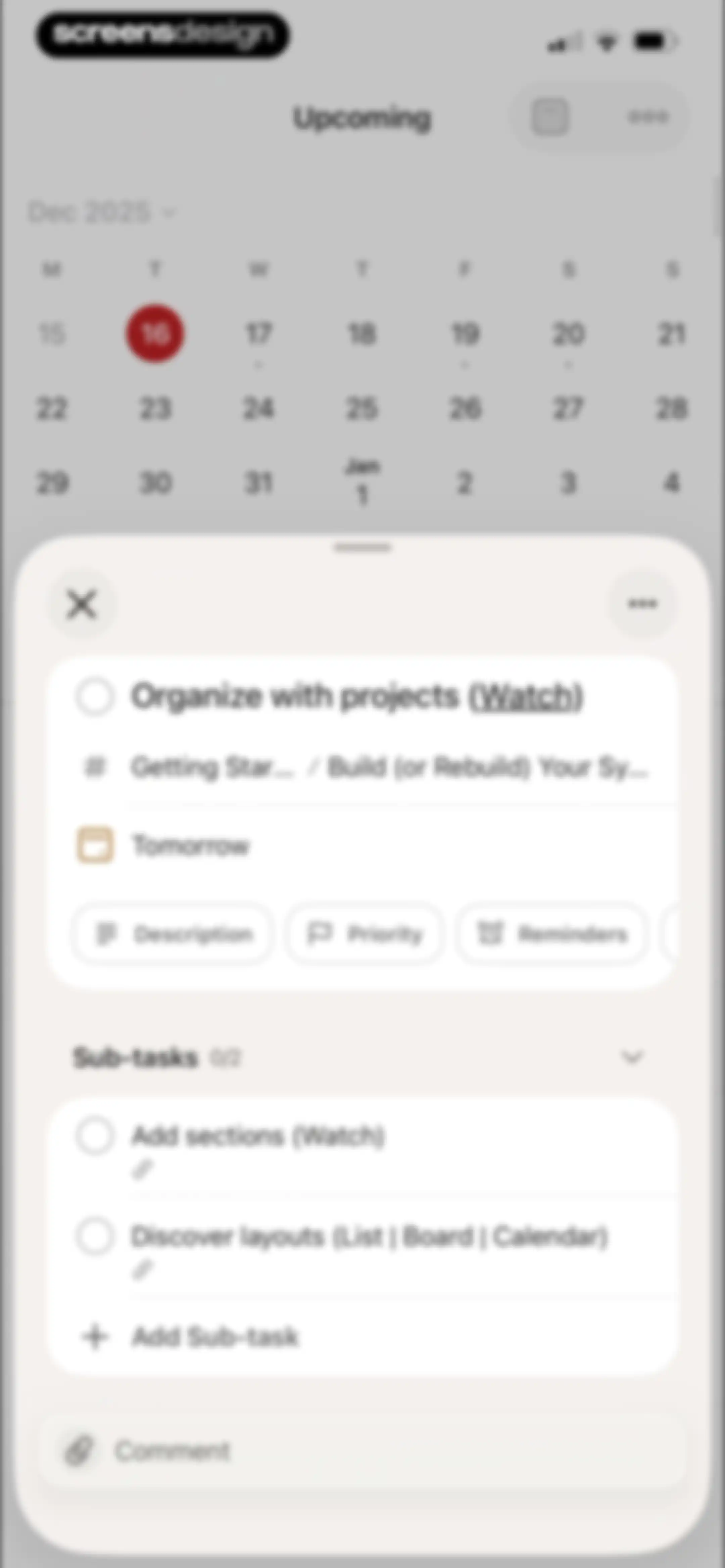
Task detail modal overlaying a calendar view, showing metadata, sub-tasks, and an add sub-task button.Unlock Pro
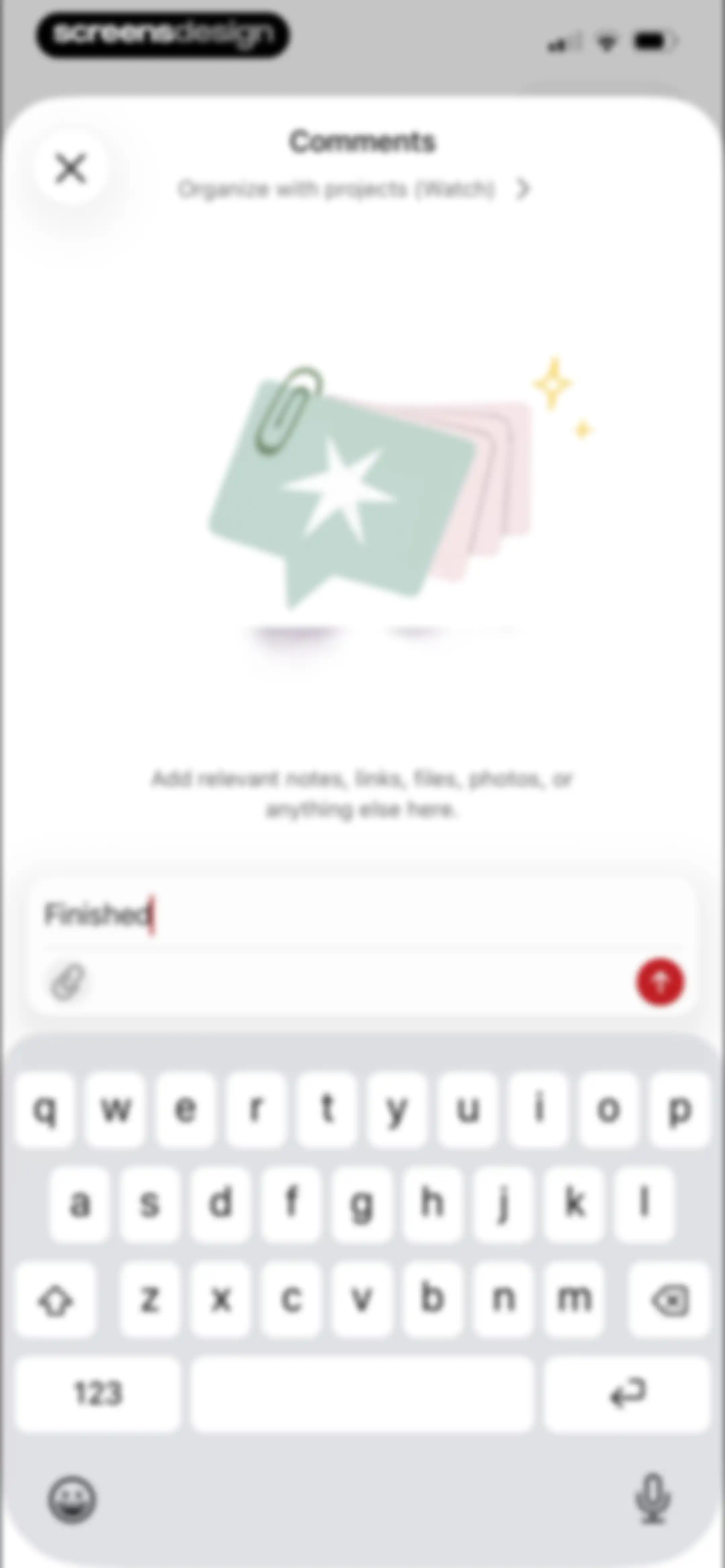
Task comment modal containing an illustration, a text input field with the word Finished, and a red send button above the keyboard.Unlock Pro
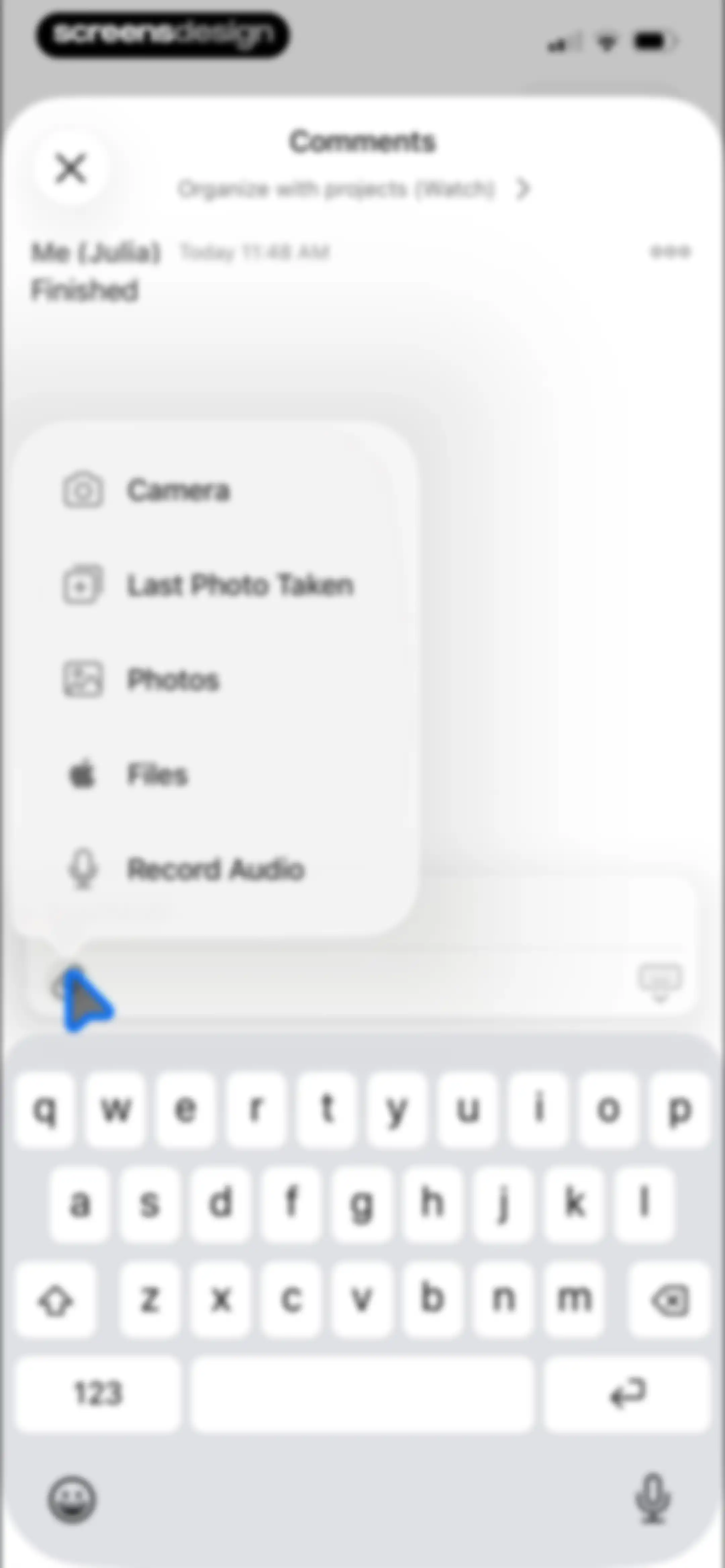
Task comments modal showing a comment thread and an open floating attachment menu with options like Camera, Photos, and Files.Unlock Pro
Permissions screen showing a system photo picker modal with a privacy notification and a grid of photo thumbnails.Unlock Pro
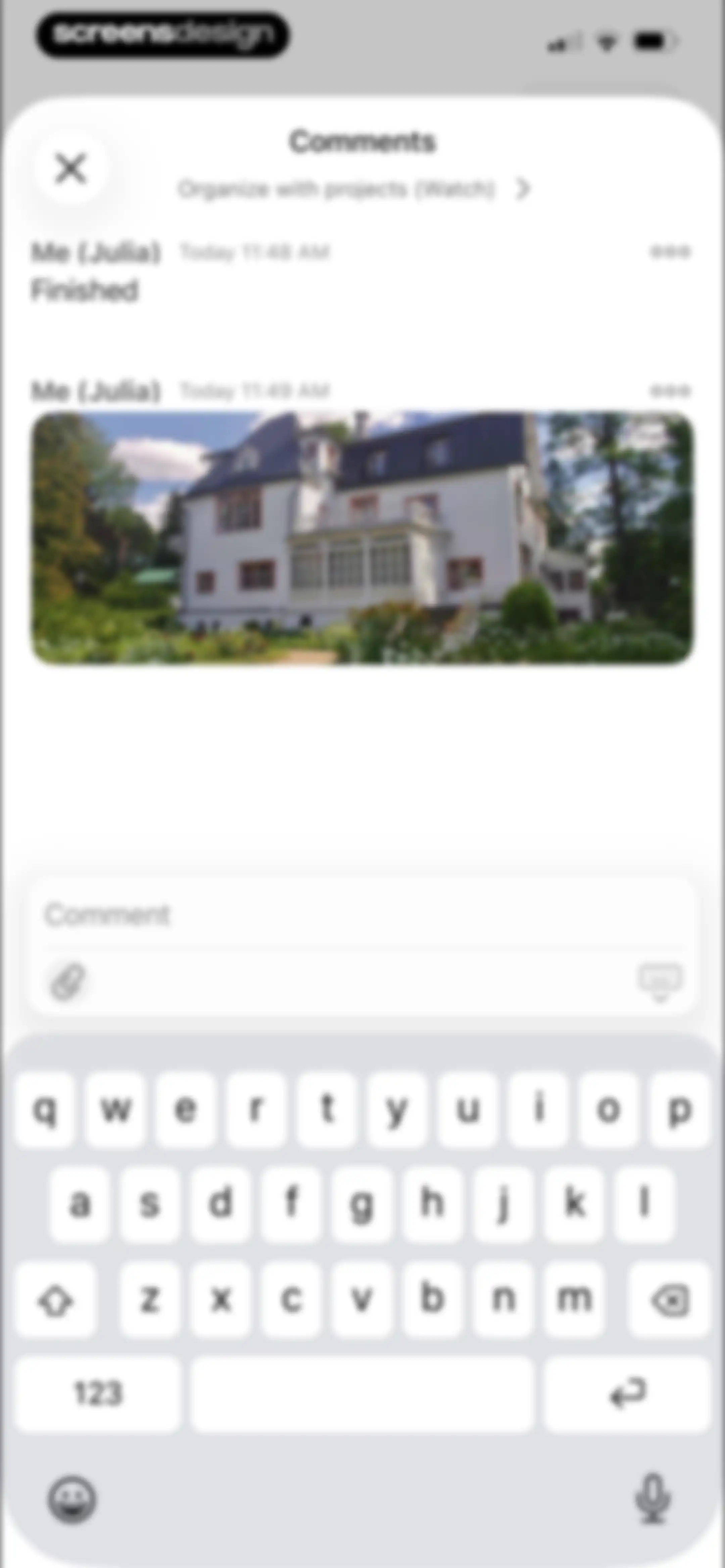
Chat comment feed showing a task attachment and active text input field with the system keyboard open.Unlock Pro
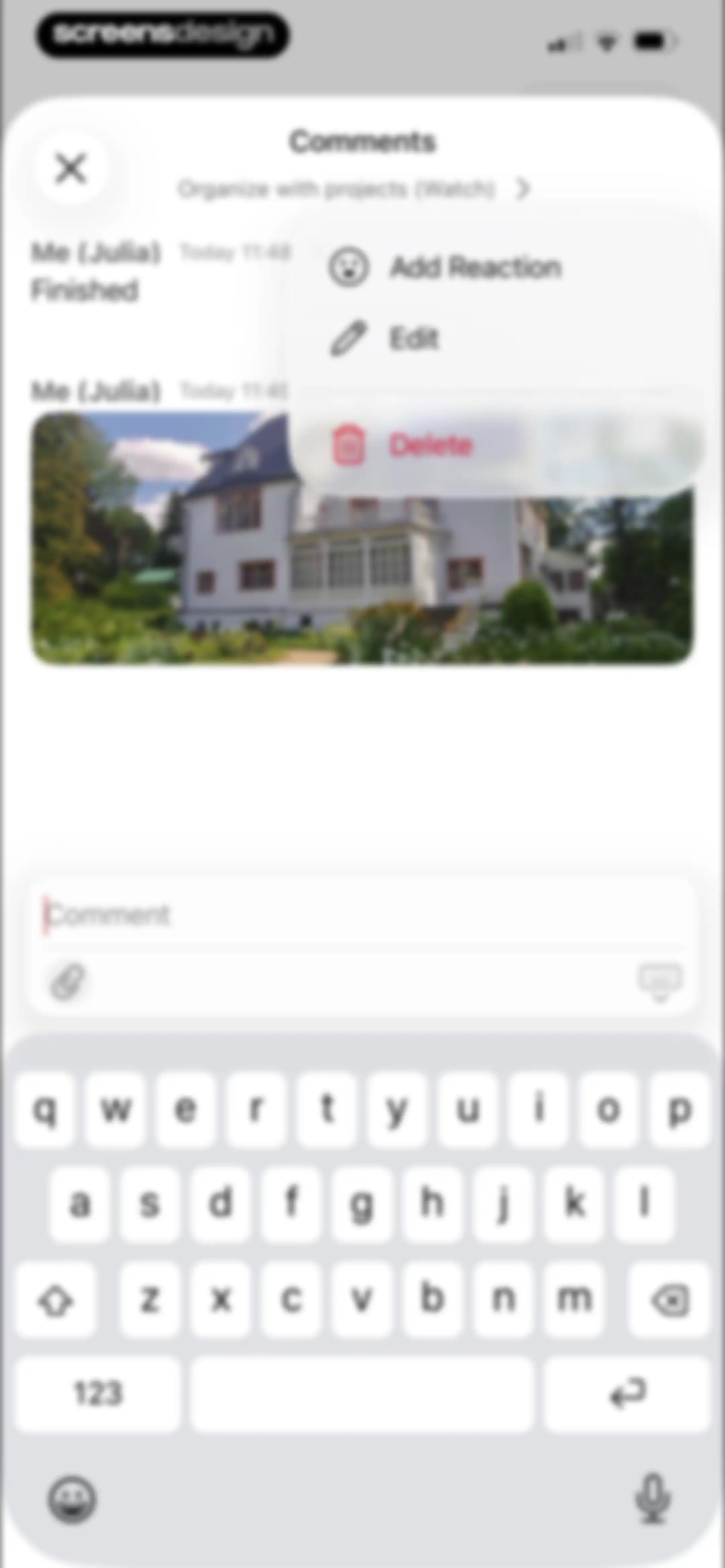
Todoist comments modal displaying a thread with a user message, a house photo, a floating edit menu, and a bottom input field with the keyboard open.Unlock Pro
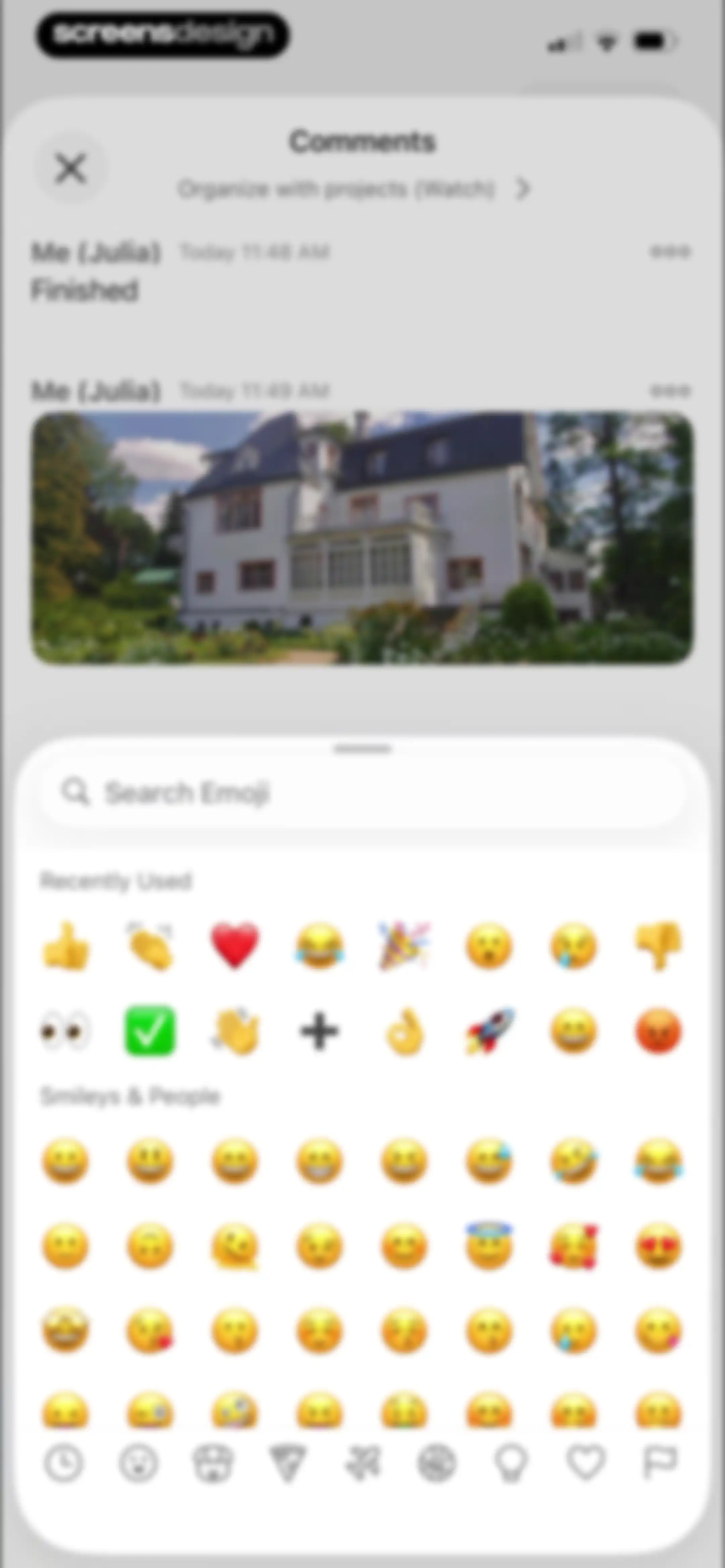
Task comments modal with a comment thread containing an image and a bottom sheet emoji picker.Unlock Pro
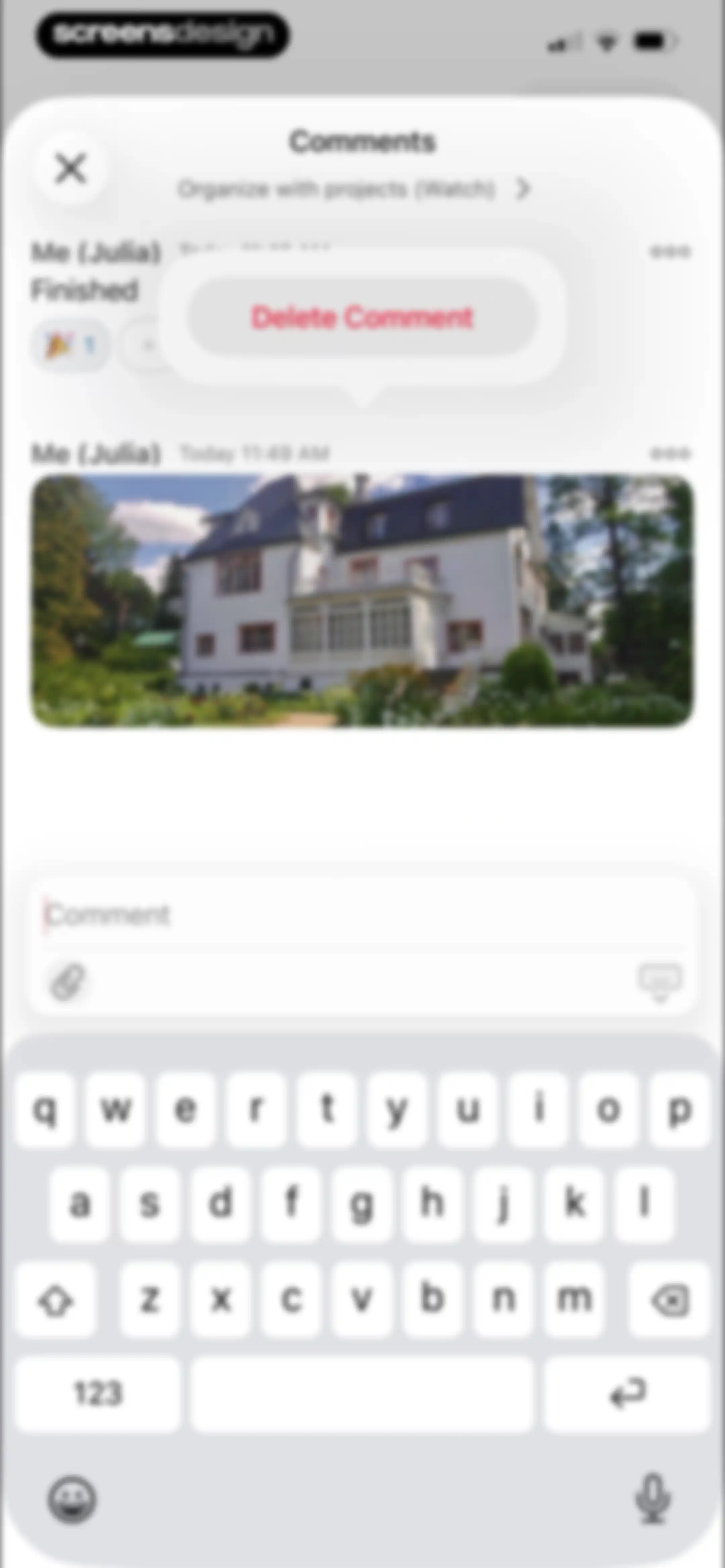
Task comments screen displaying a comment with a house photo, a delete comment menu, and a bottom text input area with an active keyboard.Unlock Pro
Todoist task detail modal showing task metadata, action buttons, a sub-tasks list, a comments section, and a comment input bar at the bottom.Unlock Pro
Profile and navigation screen displaying utility links, projects, and a bottom navigation bar with the browse tab selected.Unlock Pro
Search screen featuring an empty search bar at the top, a Recently Viewed list of tasks and projects, and a floating add button.Unlock Pro
Search screen displaying results for personal with filter chips and a floating action button.Unlock Pro
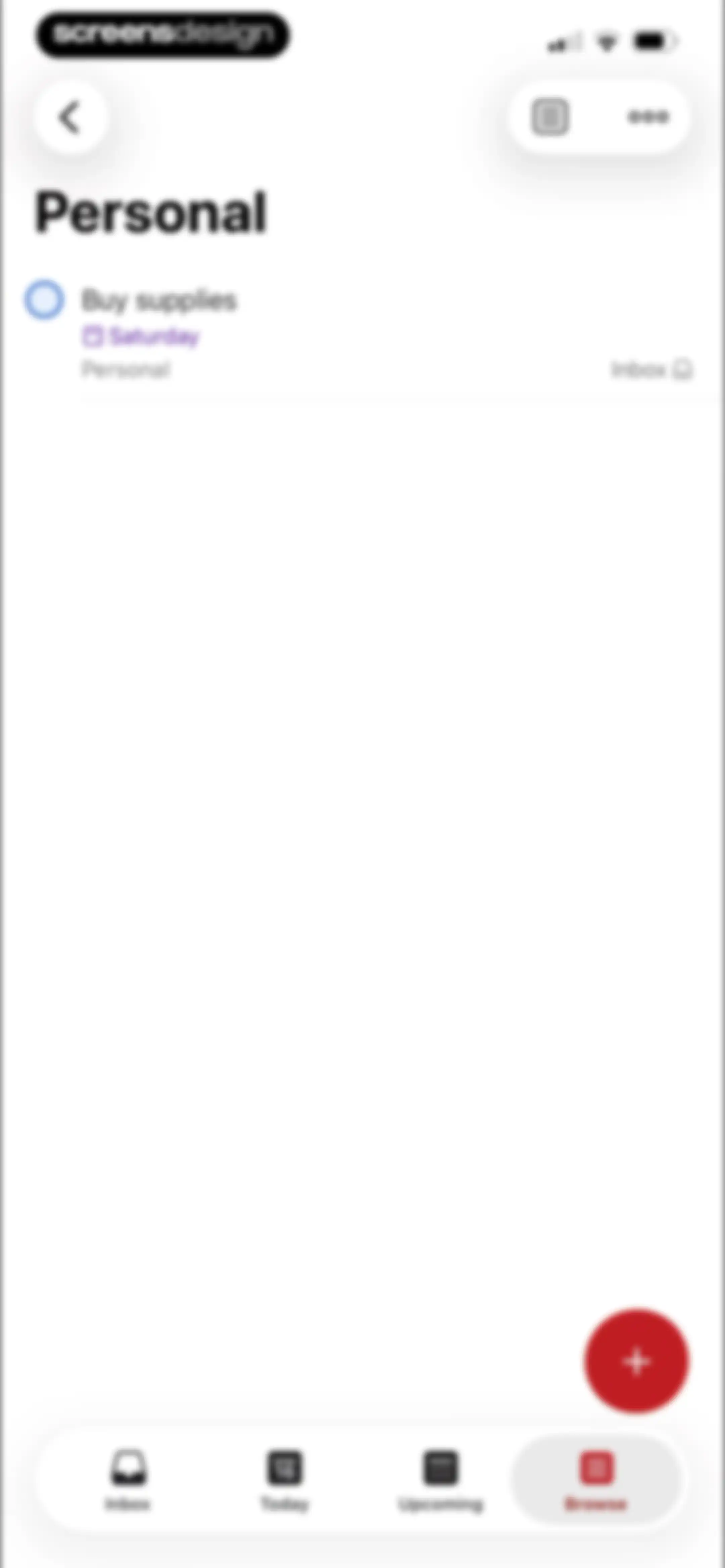
Task management dashboard showing the Personal project list with a task to buy supplies and a floating action button.Unlock Pro
Empty state screen titled Assigned to me with a red floating action button and a bottom navigation bar.Unlock Pro
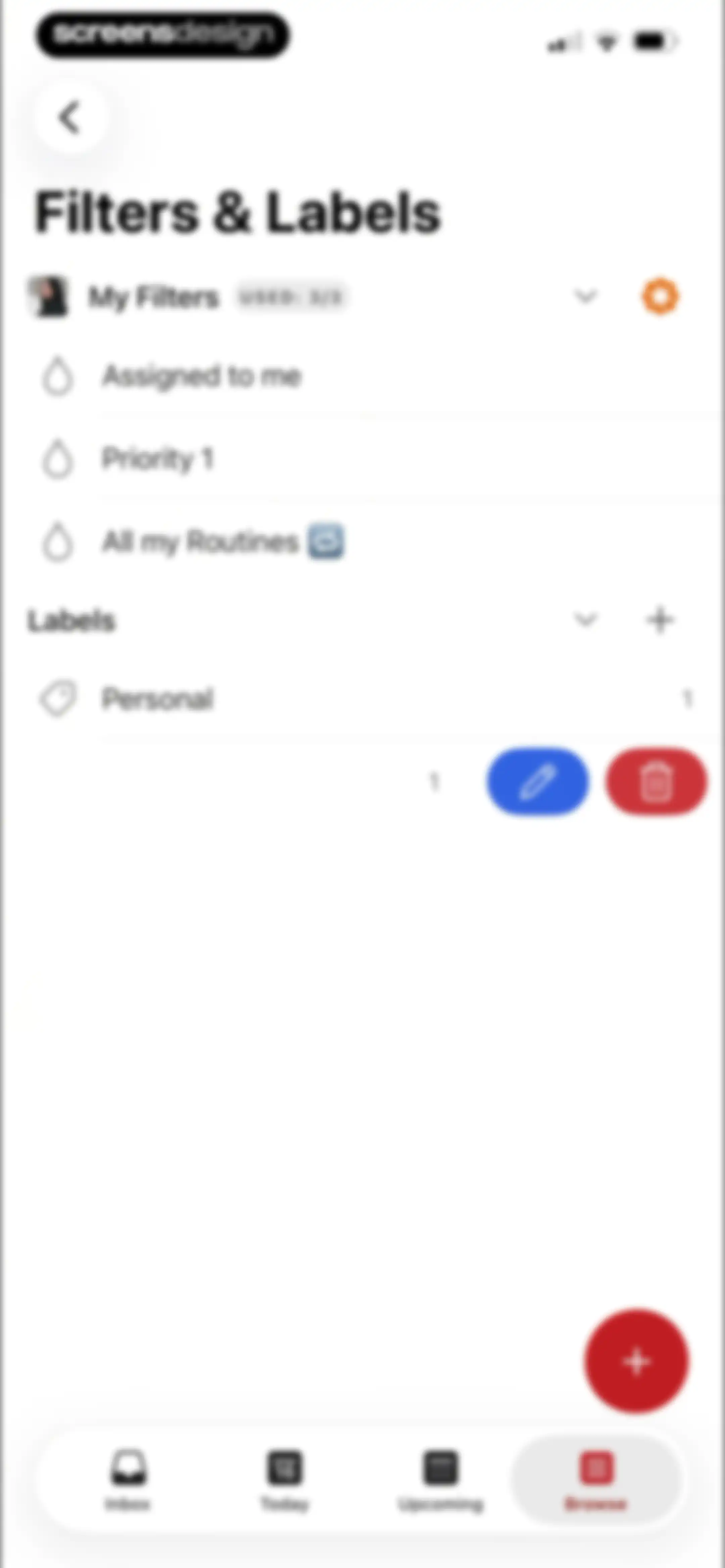
Settings screen displaying management options for custom filters and labels, featuring a filter usage limit of three of three and a bottom navigation bar.Unlock Pro
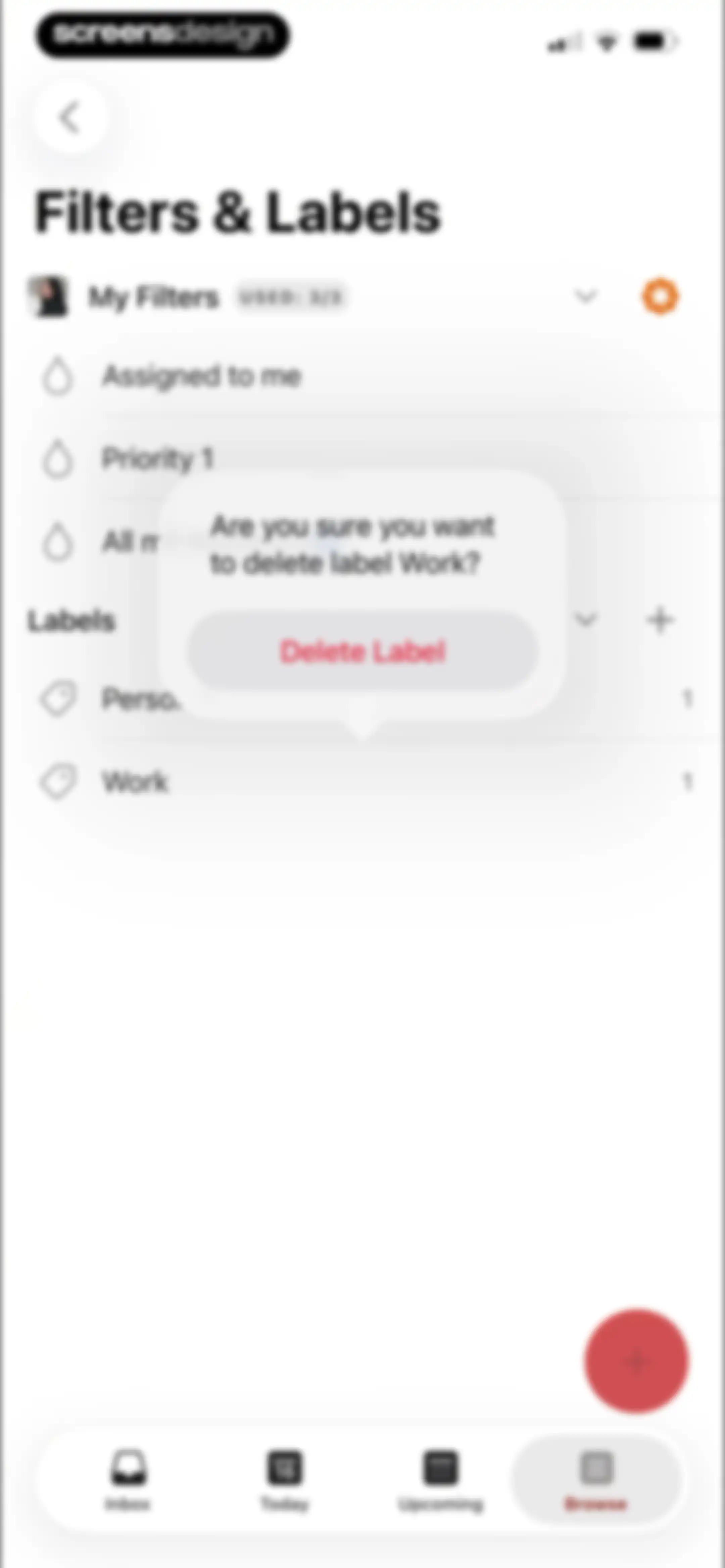
Todoist filters and labels settings screen featuring a modal dialog asking to confirm the deletion of the Work label.Unlock Pro
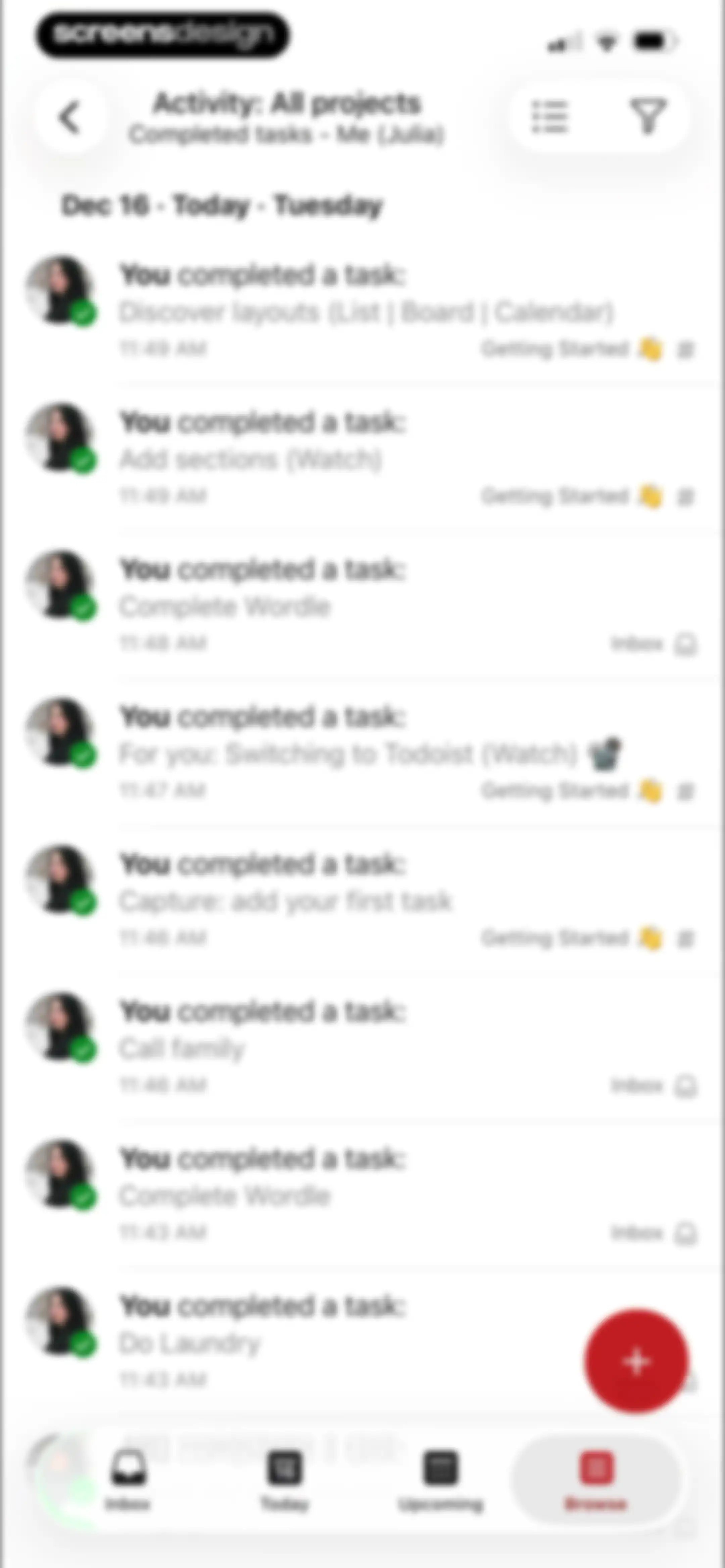
Activity dashboard displaying a chronological list of completed tasks with date headers, a floating add button, and a bottom navigation bar.Unlock Pro
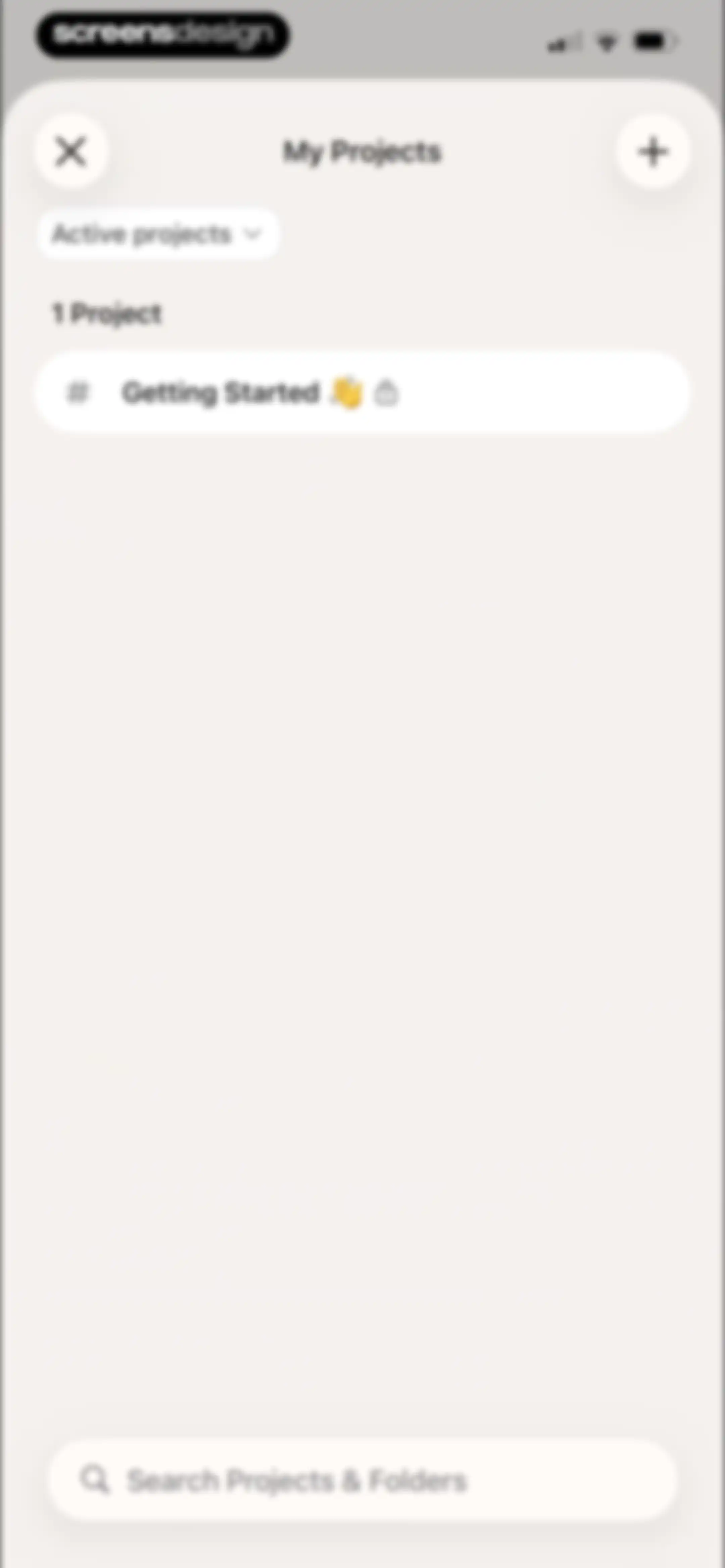
Project dashboard displaying a list with one Getting Started project, an Active projects filter, and a bottom search bar.Unlock Pro
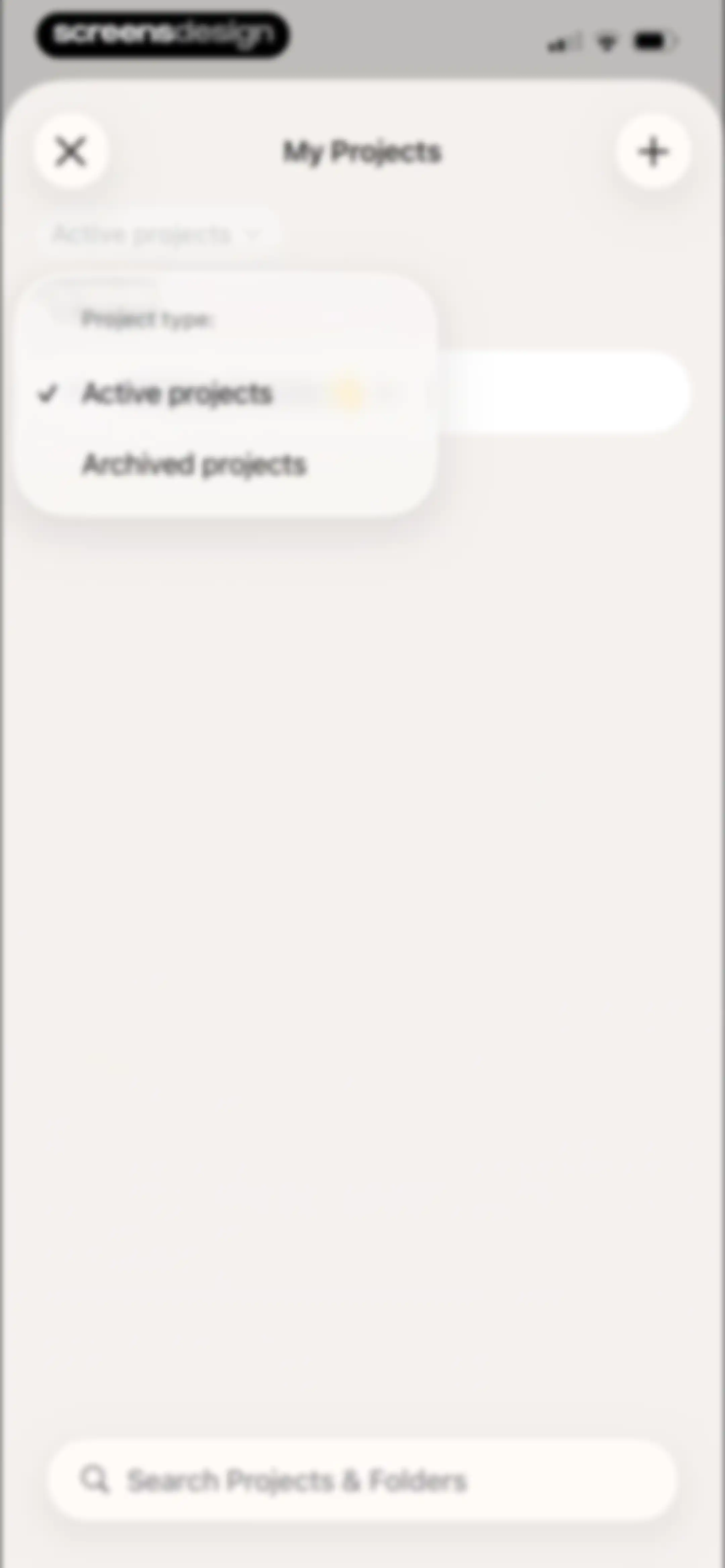
My Projects screen featuring an expanded filter dropdown with Active projects selected and a bottom search bar.Unlock Pro
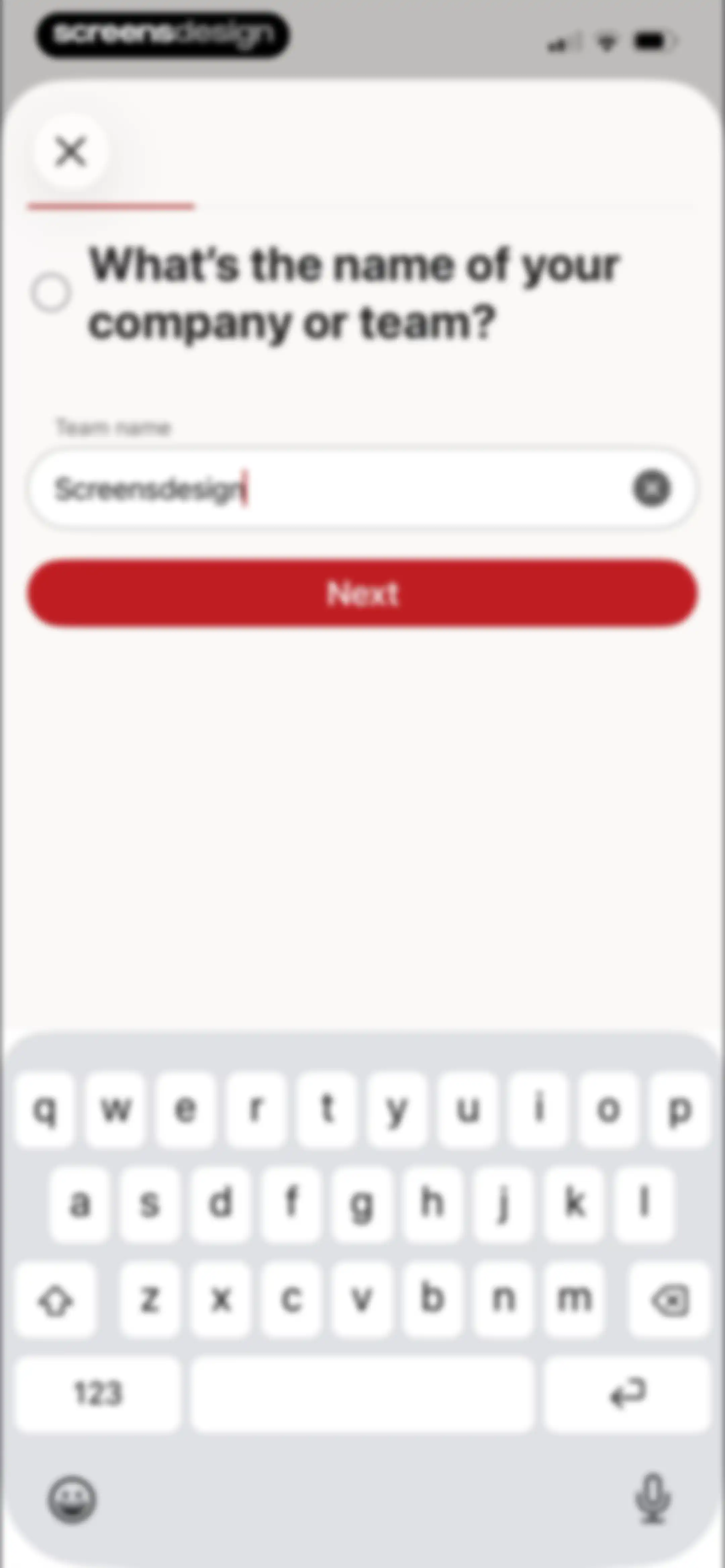
Onboarding form asking for company or team name, with the text filled in and a red Next button.Unlock Pro
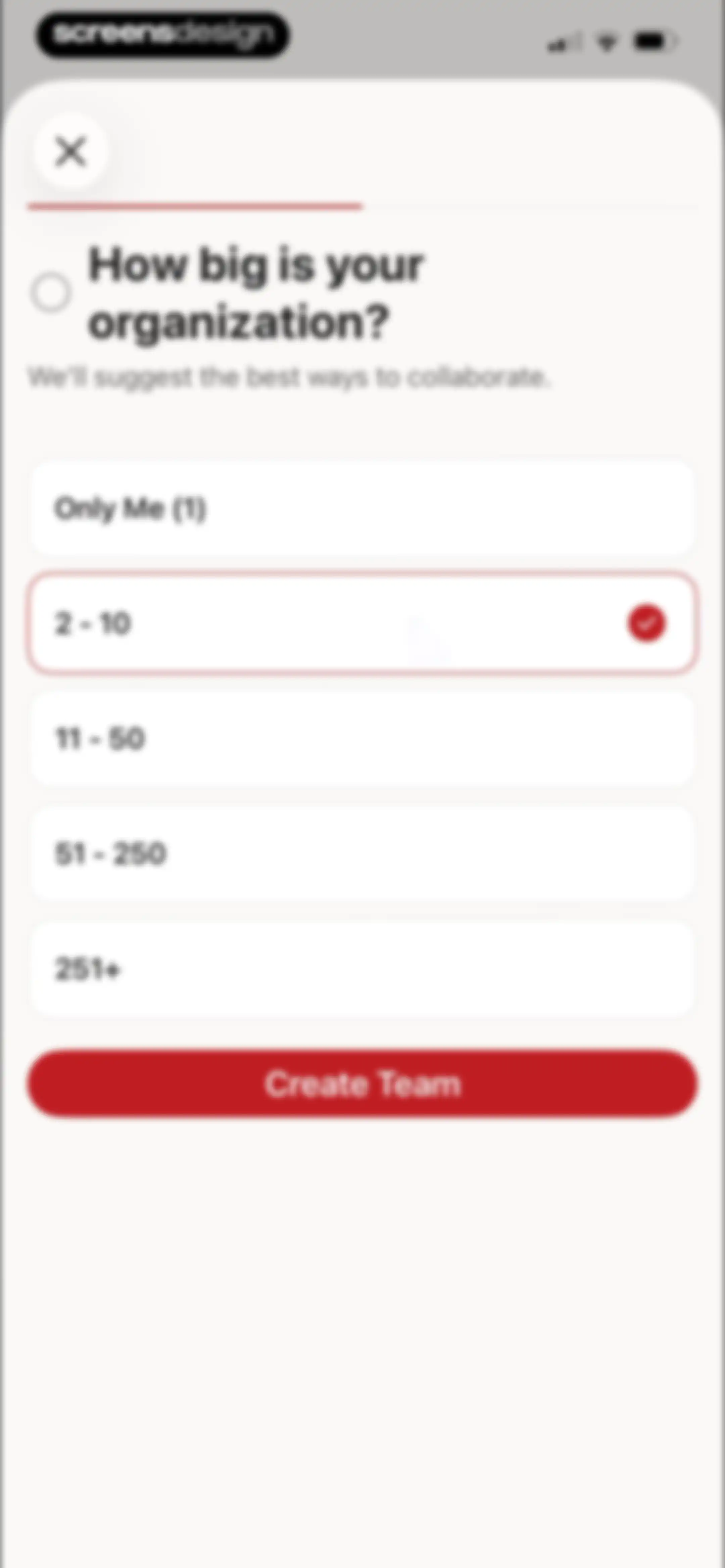
Onboarding screen asking for organization size with the 2 to 10 option selected and a Create Team button.Unlock Pro
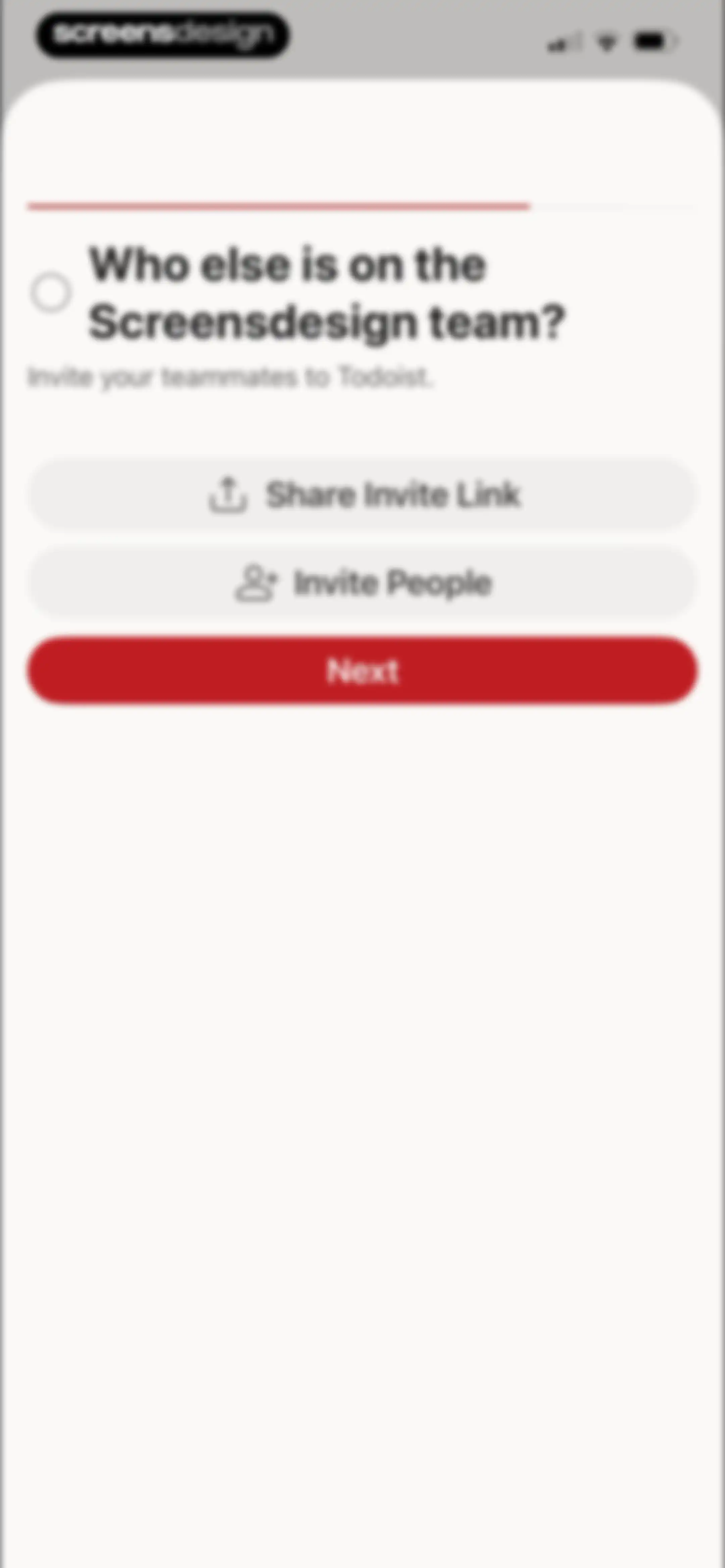
Todoist onboarding team invitation screen prompting users to invite teammates with options to share a link, invite people, and continue.Unlock Pro
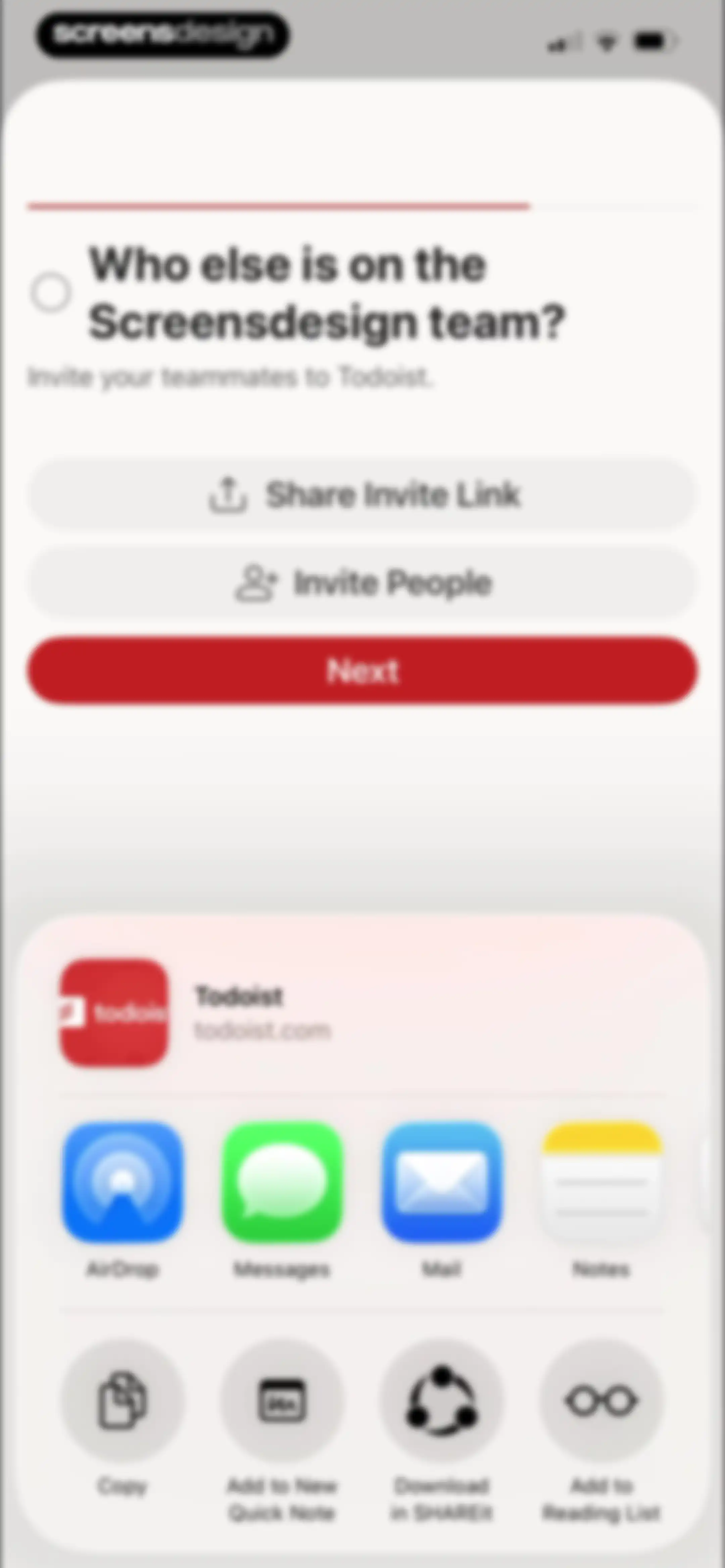
Todoist onboarding screen prompting the user to invite teammates with options to share via a link or native iOS share sheet and a Next button.Unlock Pro
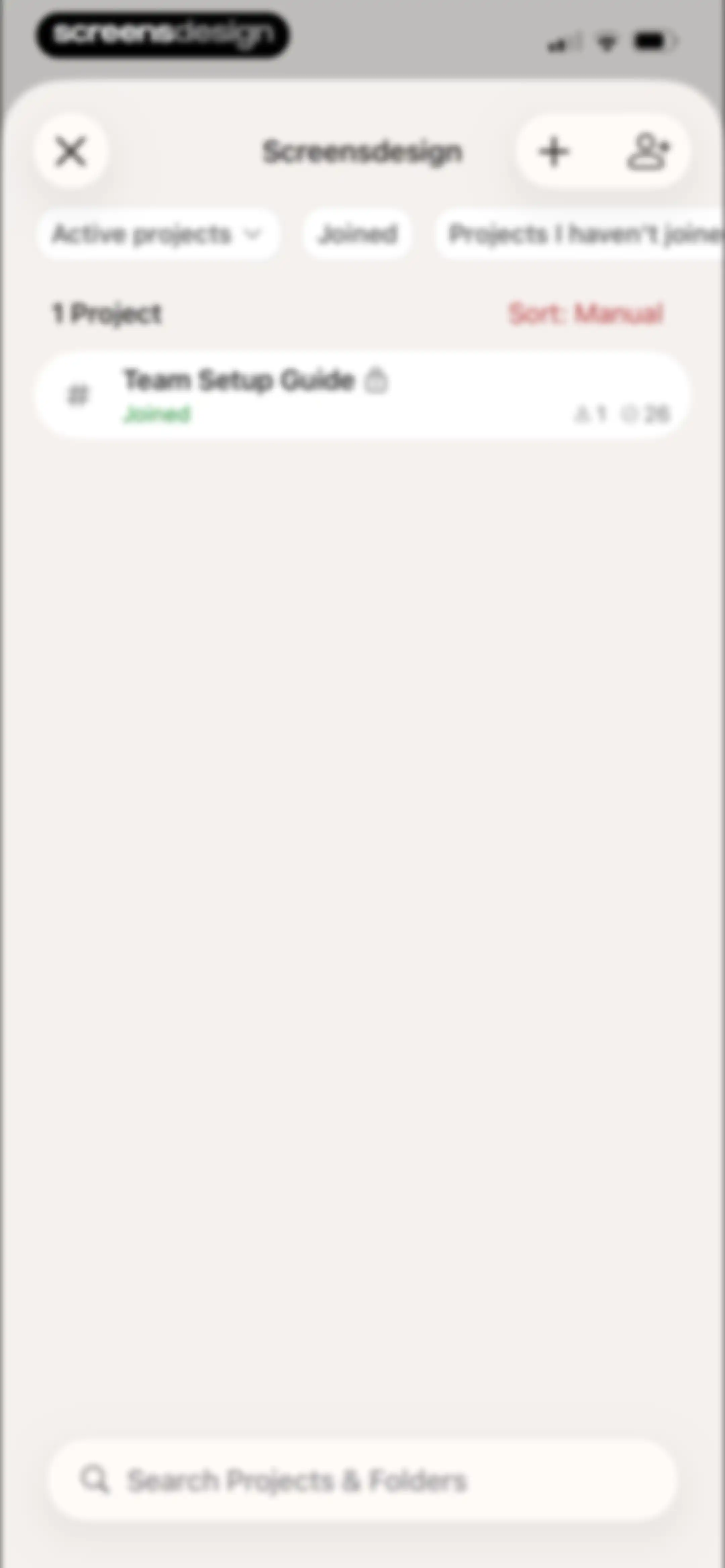
Project dashboard showing active projects with filter tabs, the Team Setup Guide project card, and a bottom search bar.Unlock Pro
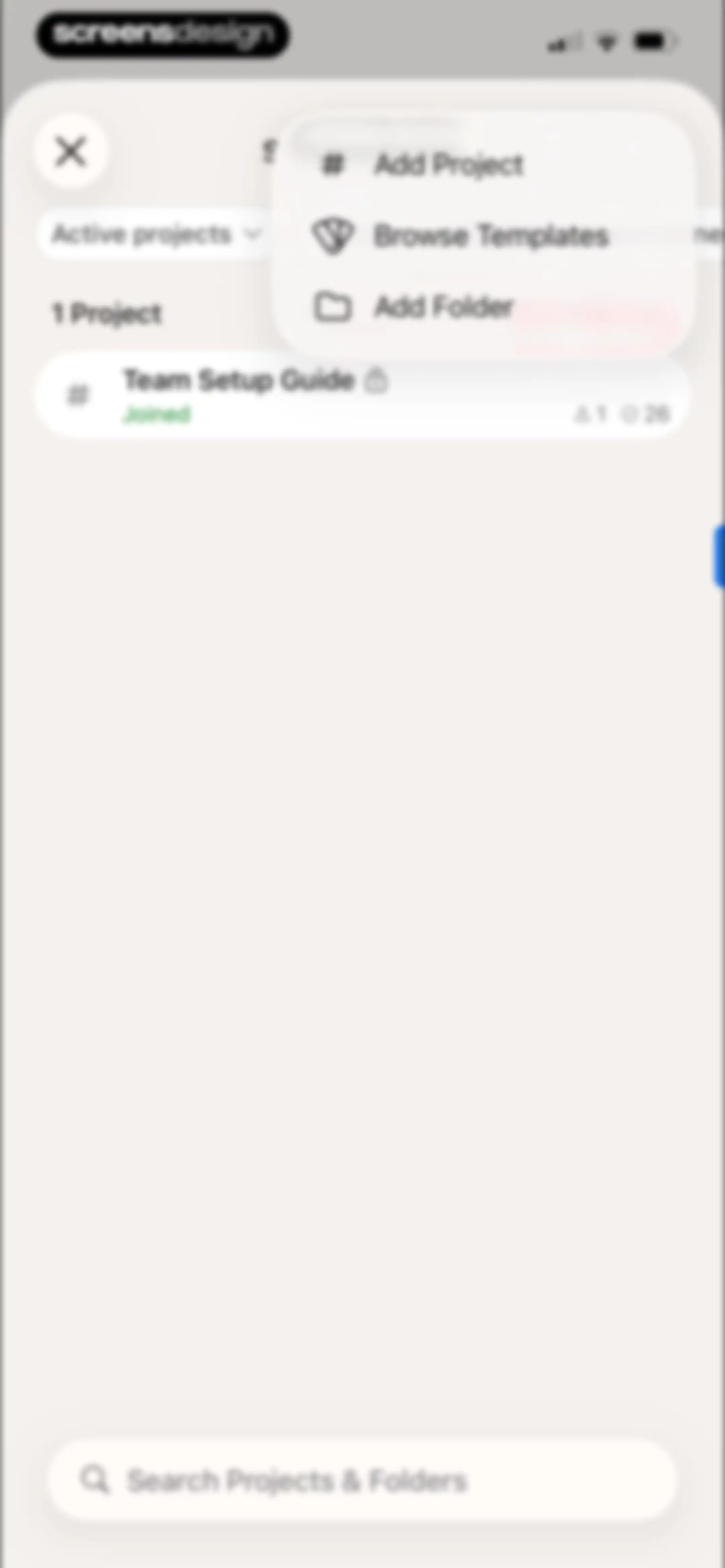
Home screen displaying a modal menu with options to add a project, browse templates, or add a folder over the project list.Unlock Pro
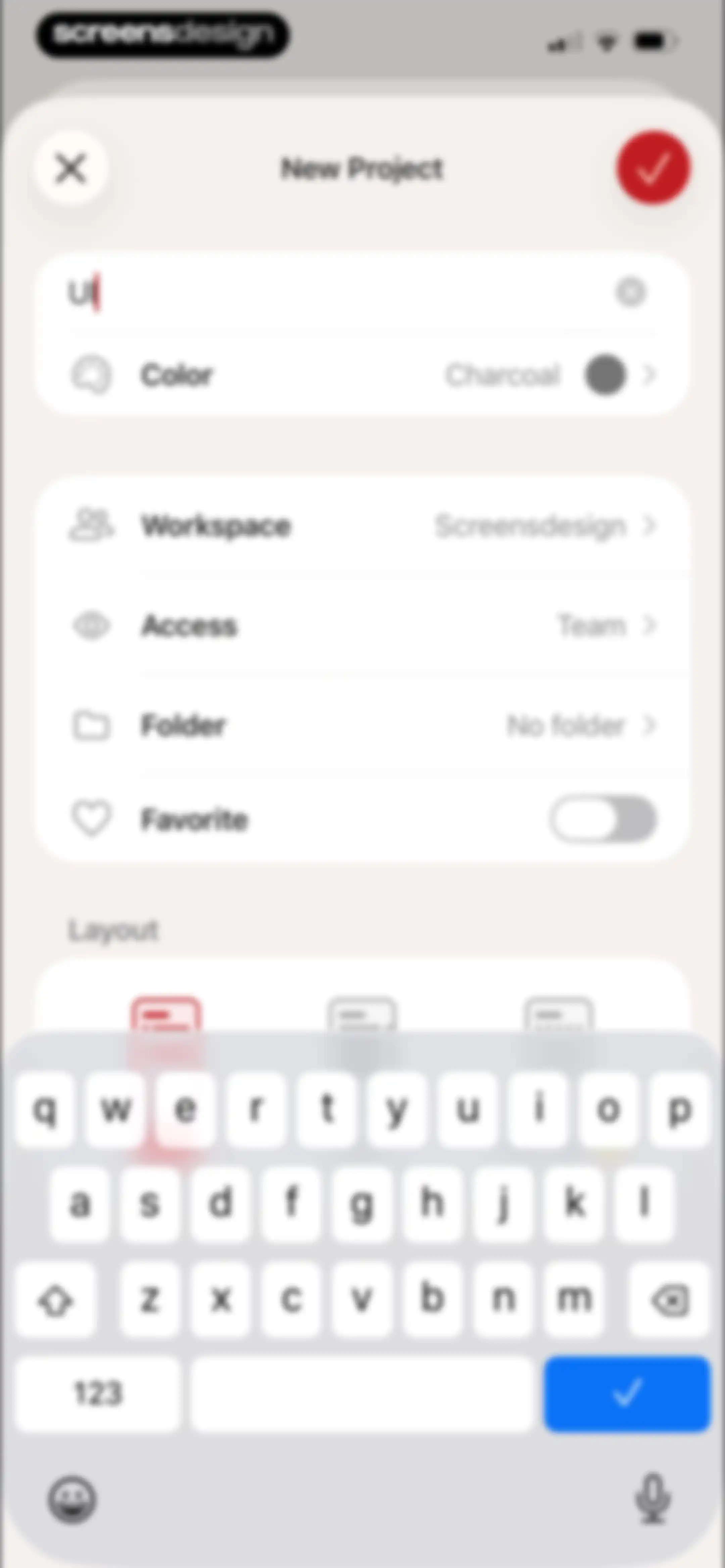
New Project creation form with configuration settings, a text input field, and the system keyboard visible at the bottom.Unlock Pro
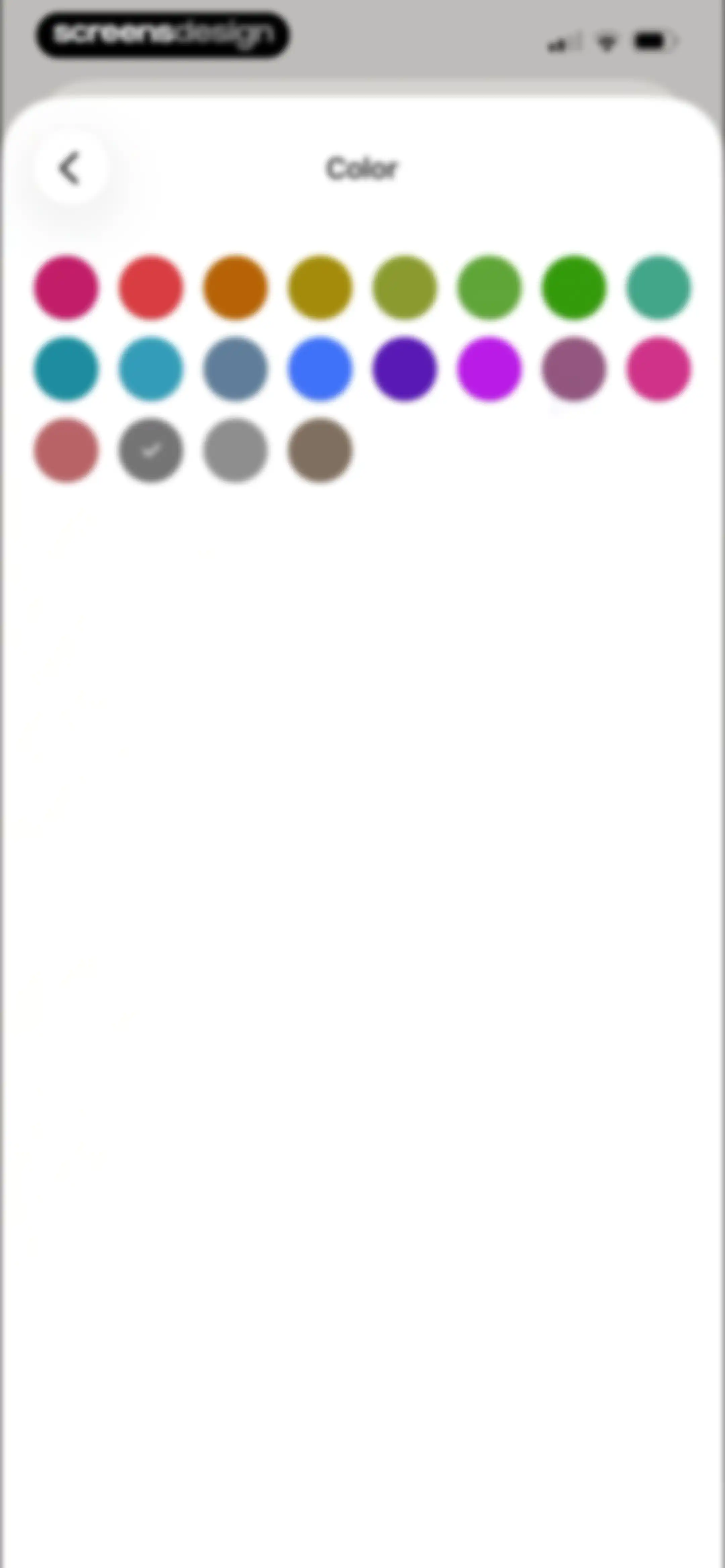
Color selection screen displaying a grid of circular color swatches with one color selected and a checkmark icon.Unlock Pro
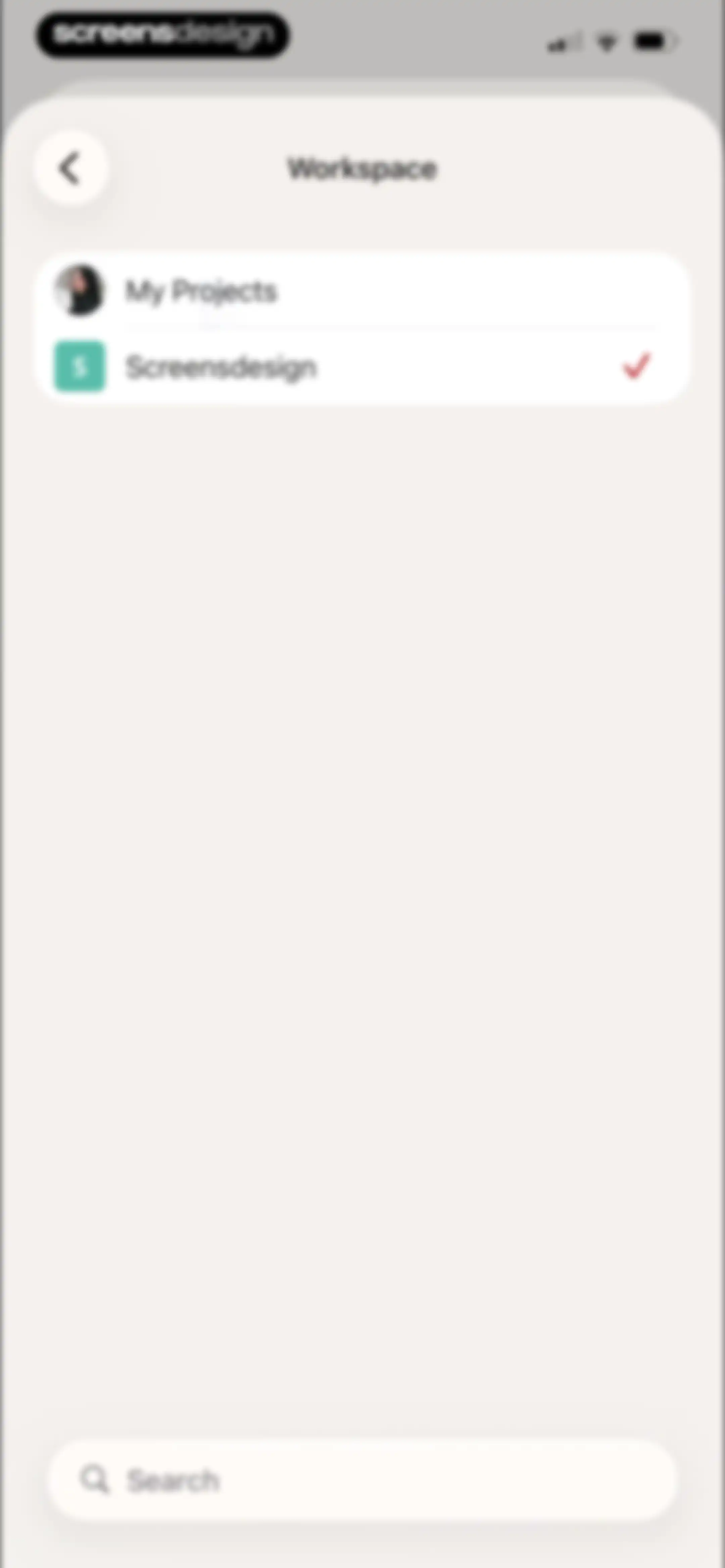
Workspace selection screen listing My Projects and Screensdesign, with Screensdesign selected and a bottom search bar.Unlock Pro
Access settings modal with Restricted and Team options, showing the Team option selected with a checkmark and a confirm button.Unlock Pro
Folder selection screen featuring the selected 'No folder' option with a checkmark and a bottom search bar.Unlock Pro
Home screen showing a user profile header, search and filter options, a project list, and a bottom navigation bar with a floating action button.Unlock Pro
Home screen showing a team workspace tooltip overlay, search bar, project list, and bottom navigation with the Browse tab selected.Unlock Pro
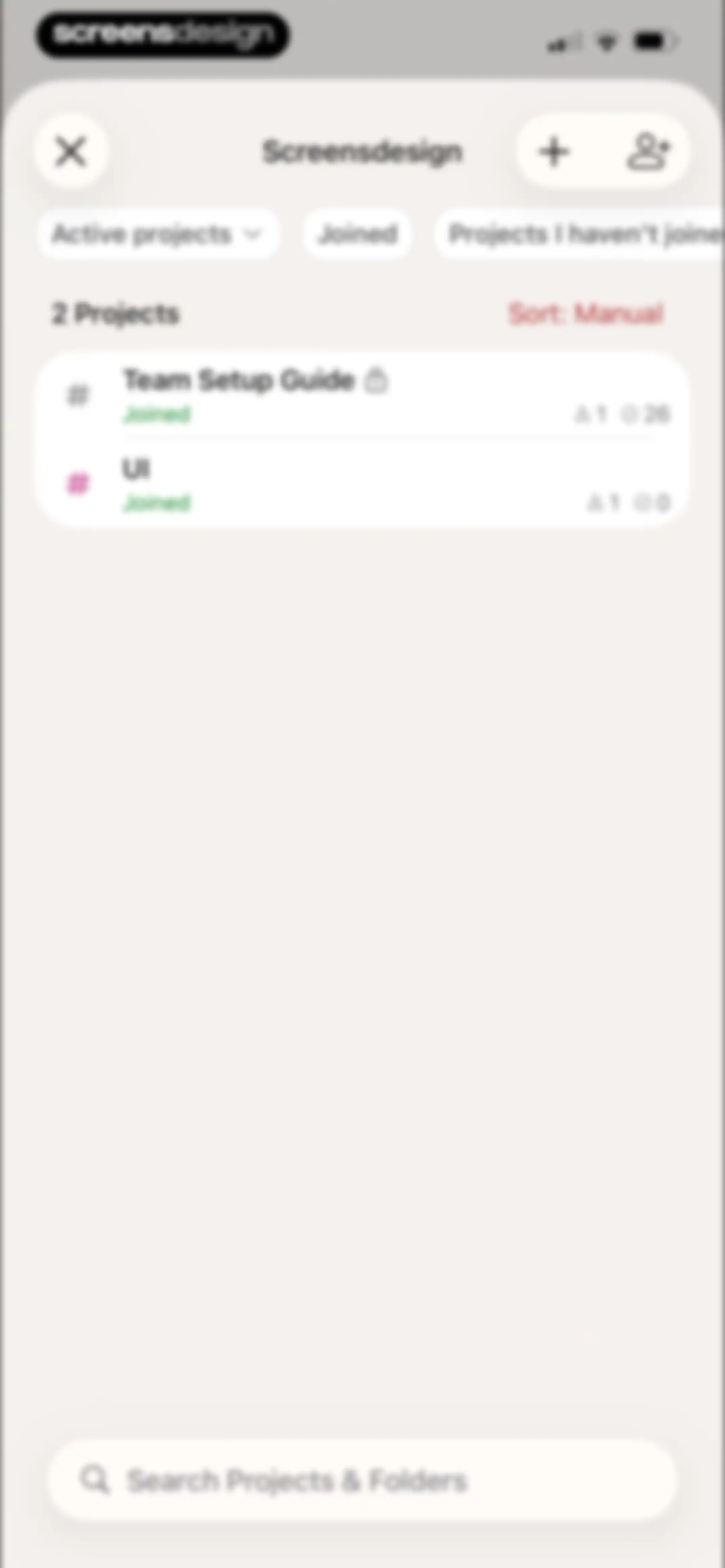
Todoist project dashboard showing active projects, filter tabs, a list of two projects, and a bottom search bar.Unlock Pro
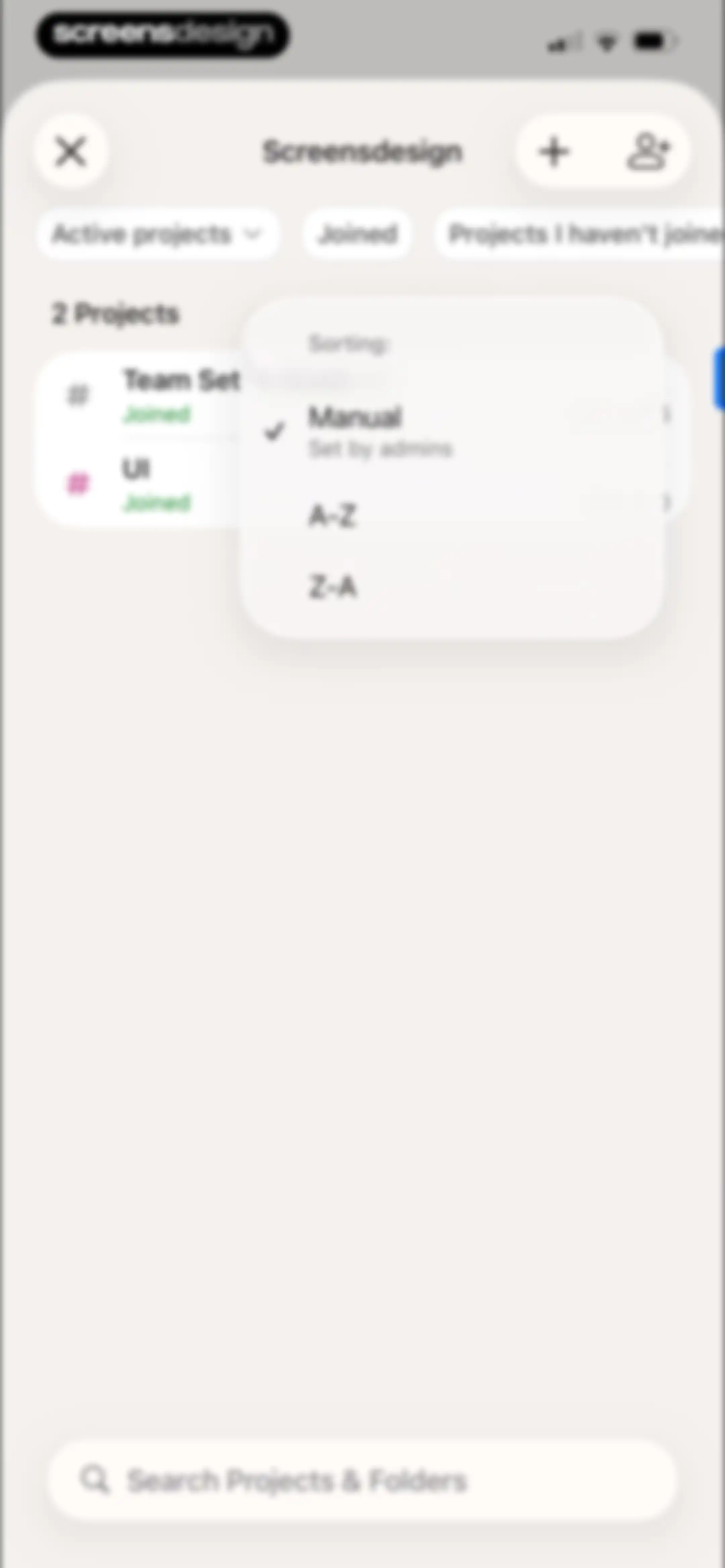
Project dashboard displaying an open sorting modal with Manual selected over a list of active projects and a bottom search bar.Unlock Pro
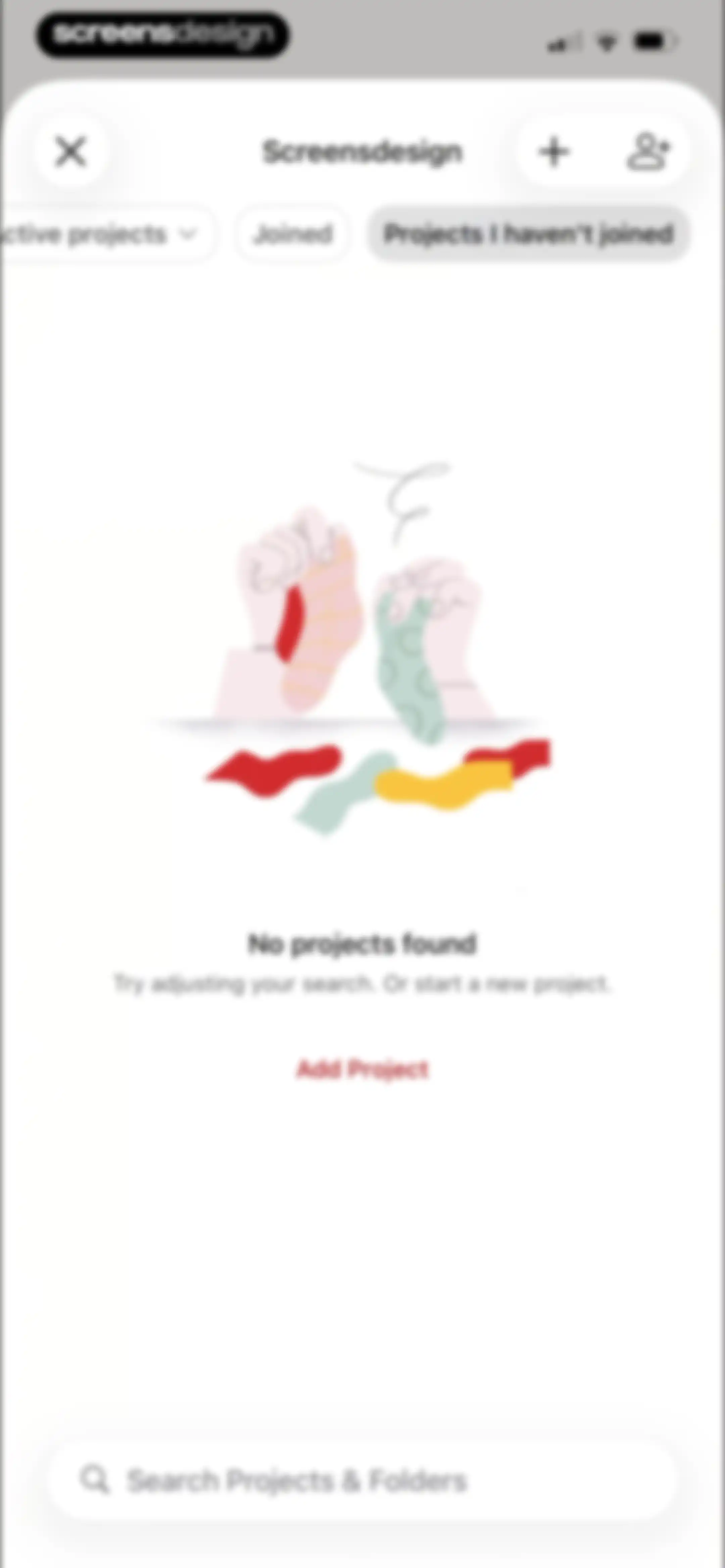
Empty state project list showing no projects found, with filter options, an Add Project button, and a bottom search bar.Unlock Pro
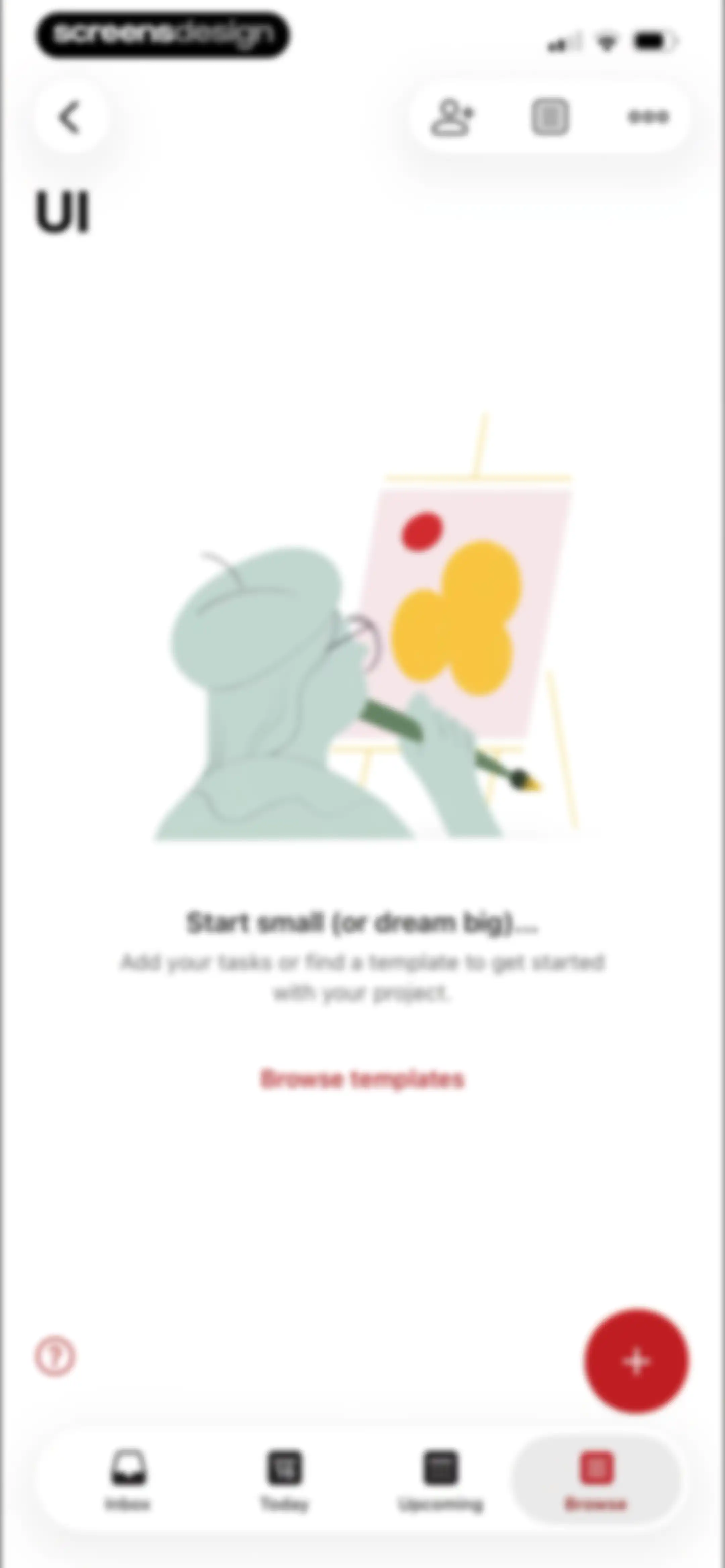
Empty state screen for a project with an illustration, an encouragement to add tasks, and a browse templates button.Unlock Pro
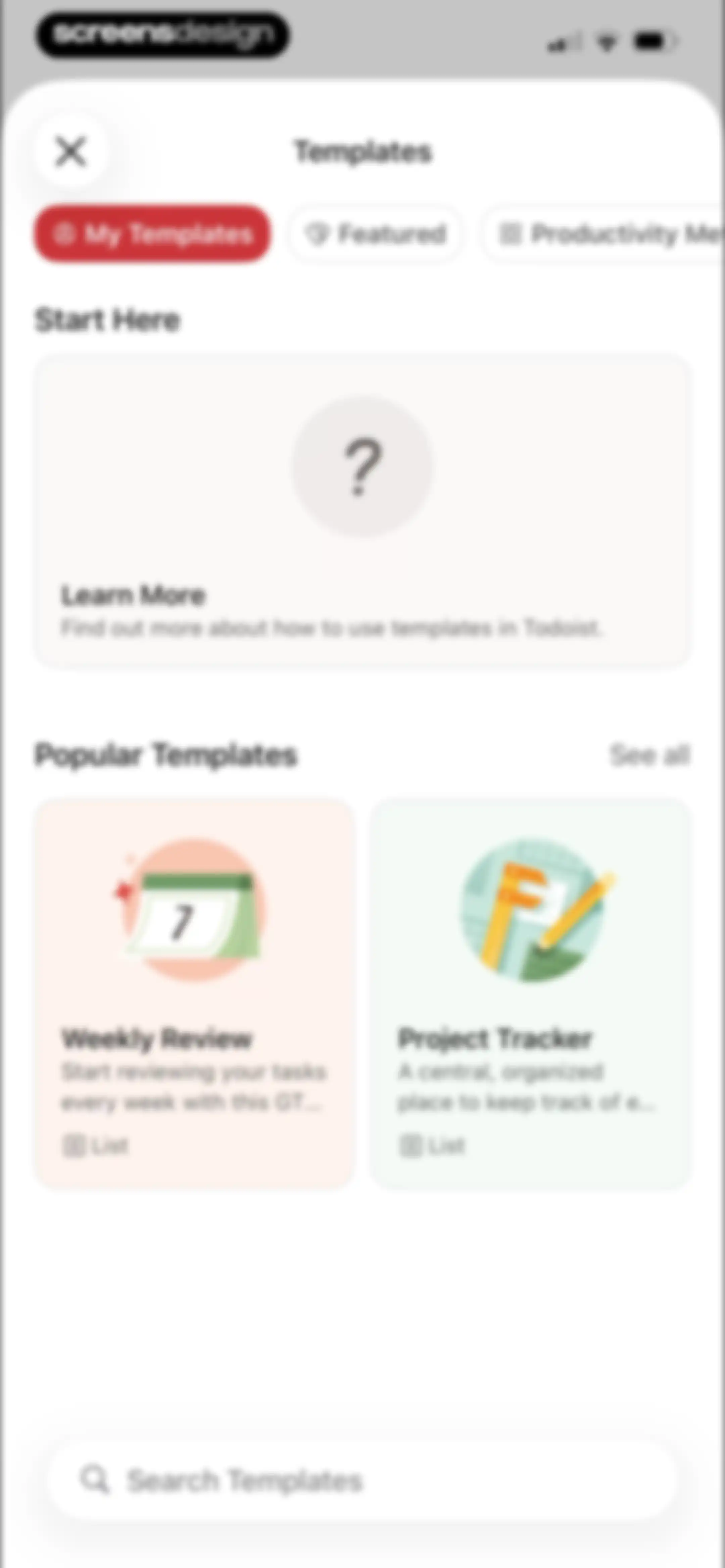
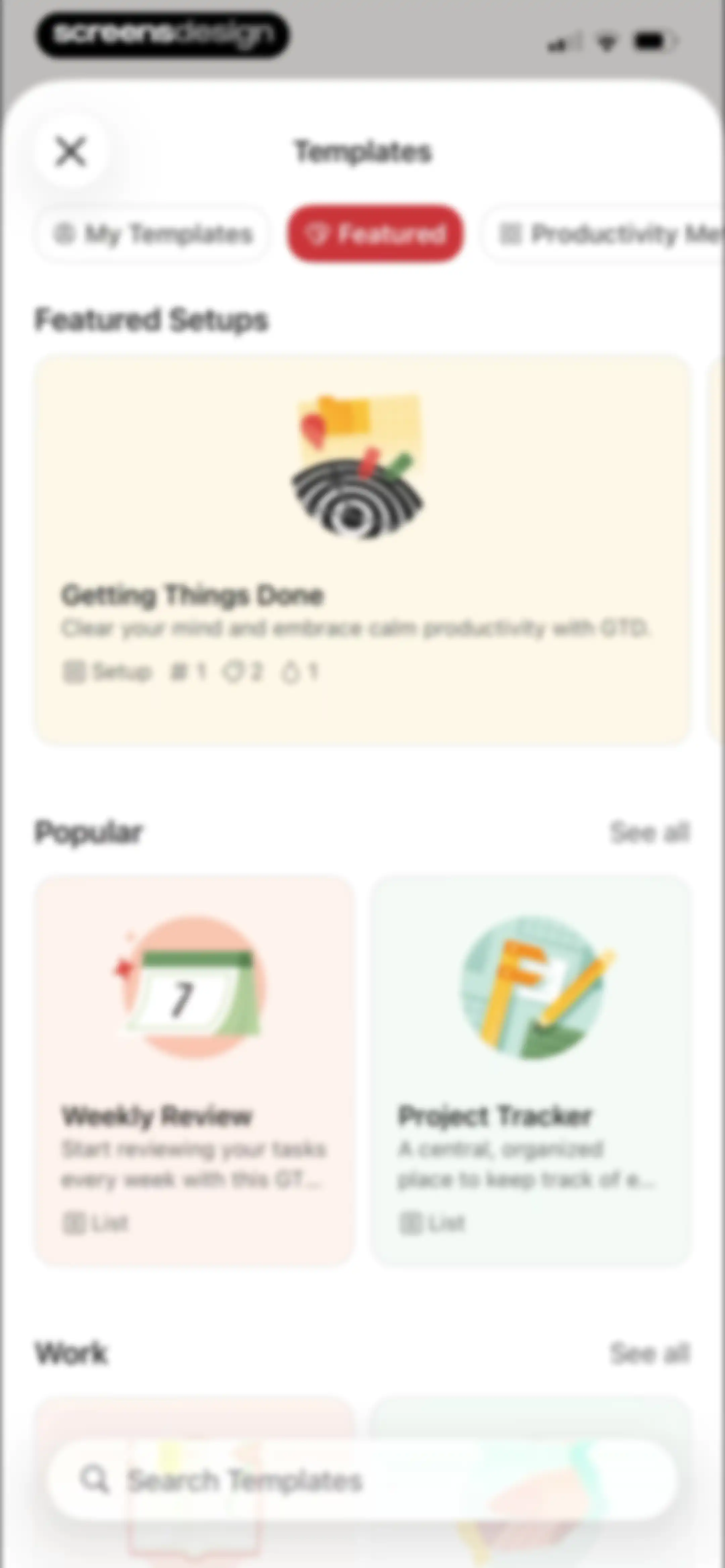
Template selection screen in Todoist with a Start Here card, popular template cards like Weekly Review and Project Tracker, and a search bar.Unlock Pro
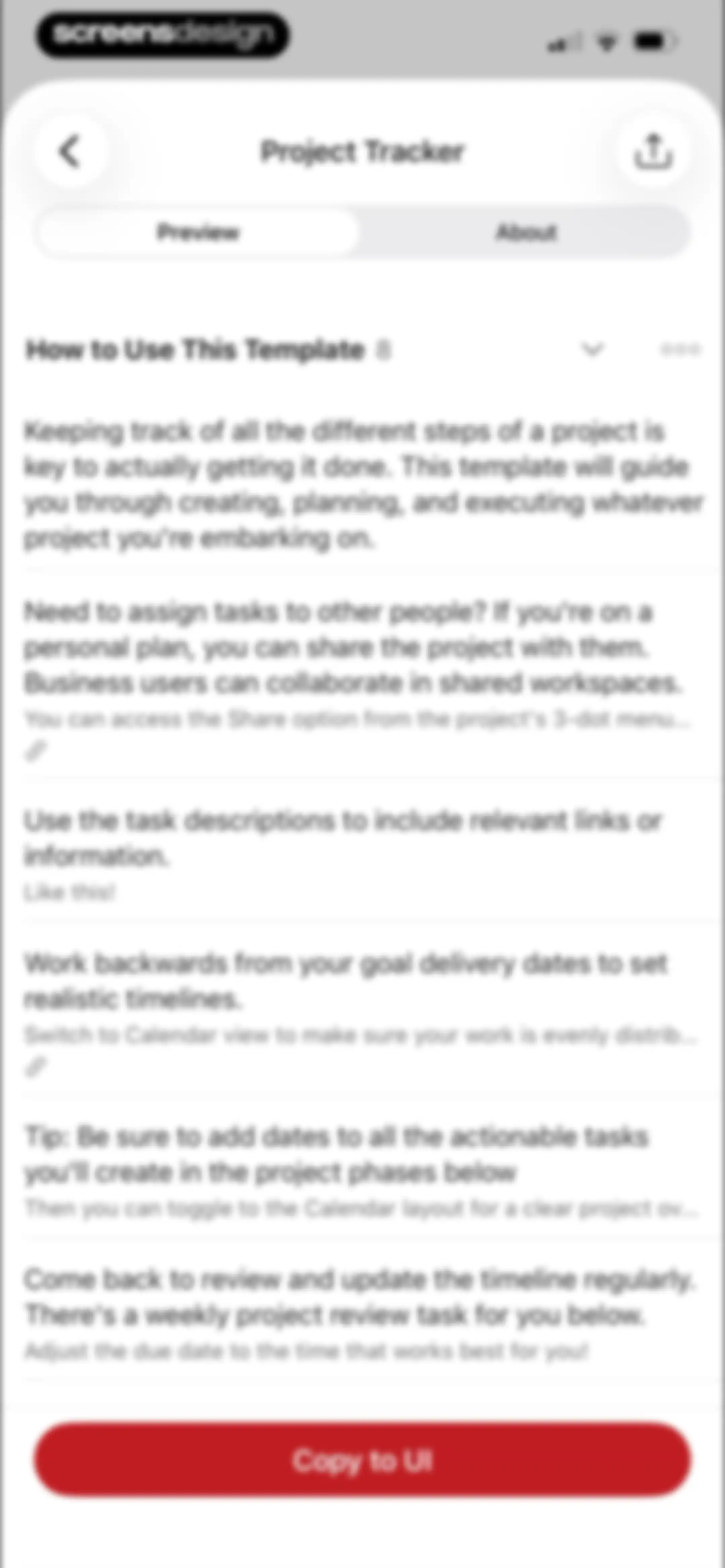
Project tracker template preview with instructional cards, preview and about tabs, and a bottom Copy to UI button.Unlock Pro
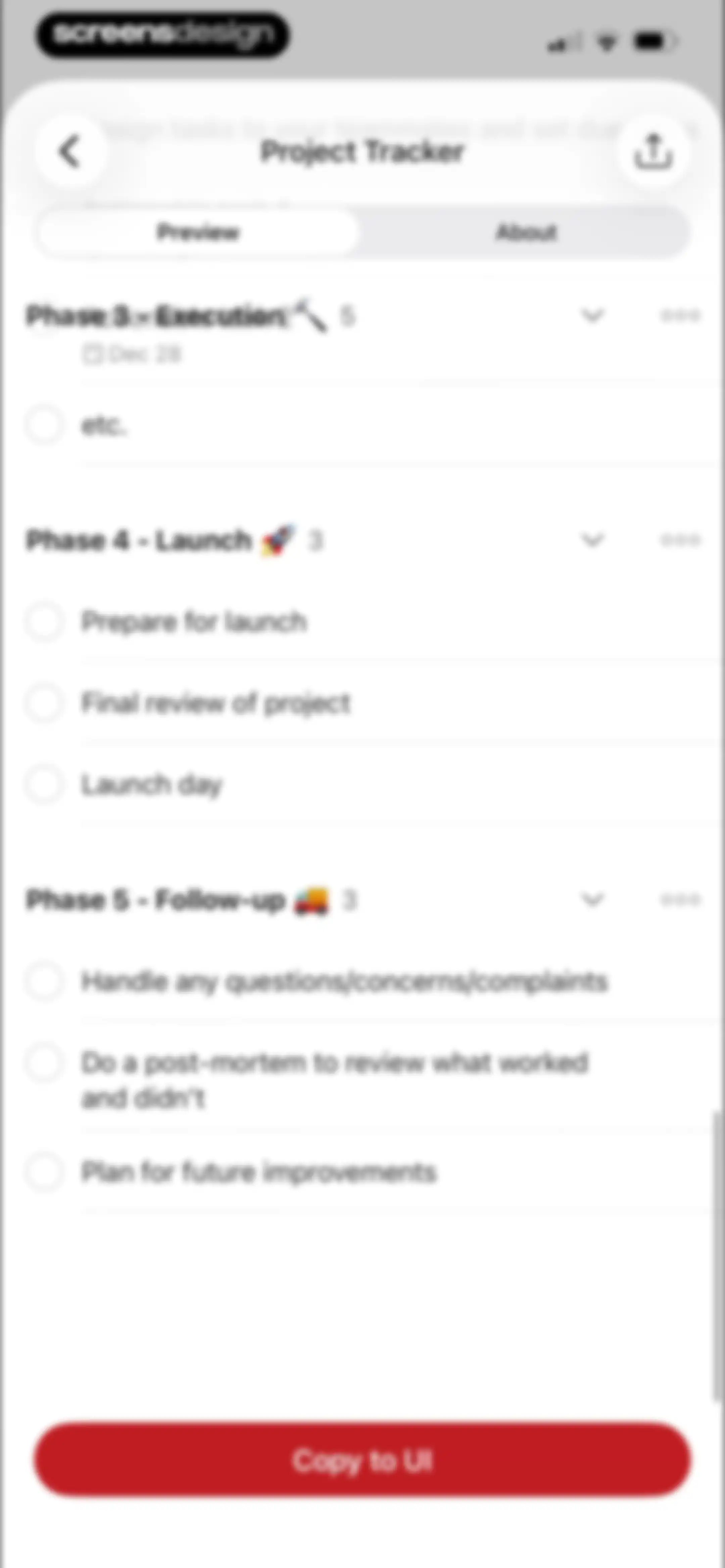
Project template preview screen showing a scrollable list of execution and launch phases with a Copy to UI button at the bottom.Unlock Pro
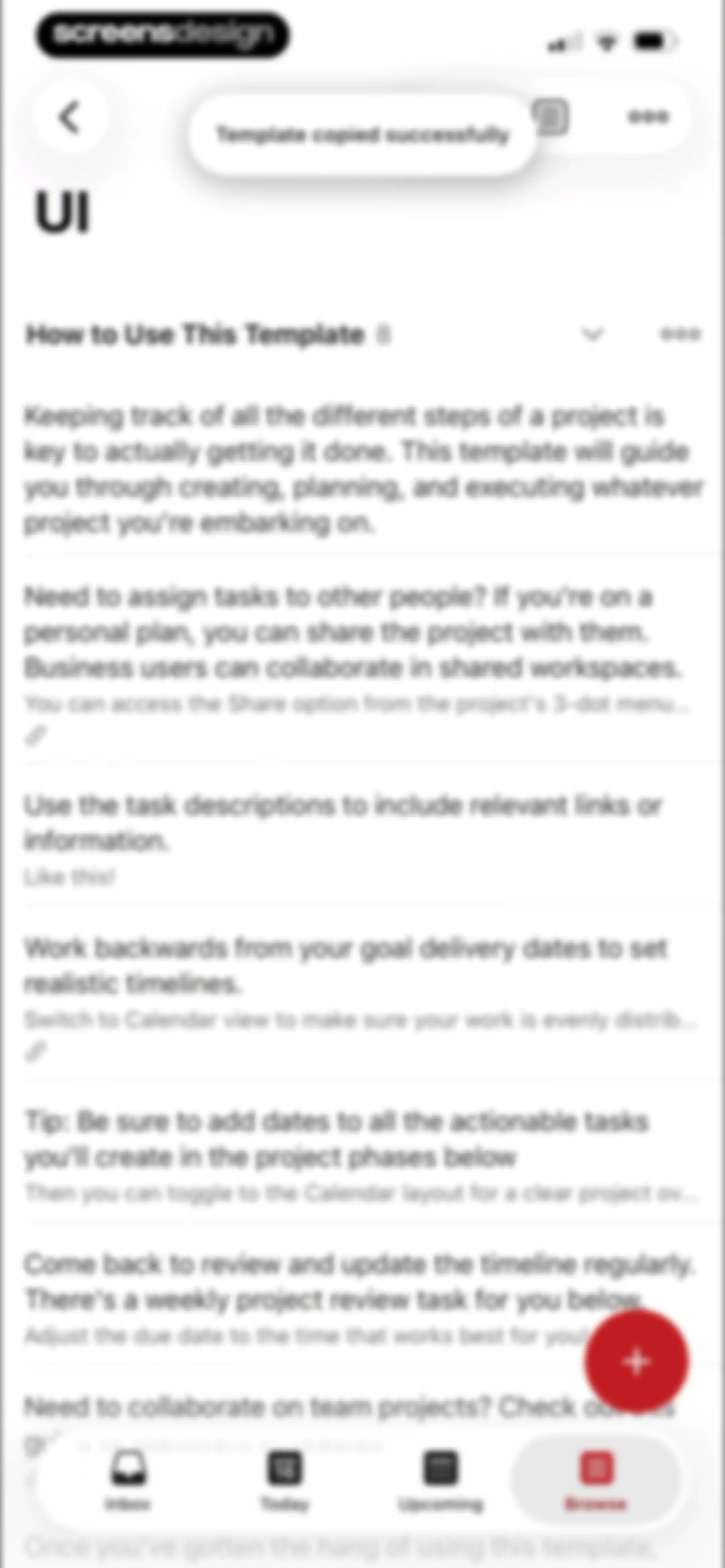
Instructional guide screen showing project management tips with a success toast notification and a bottom navigation bar.Unlock Pro
Task list editor displaying project phases with checkboxes and due dates, featuring a bottom undo toast and navigation bar.Unlock Pro
Task management interface displaying a project task list with a centered modal menu overlay of project options and a bottom navigation bar.Unlock Pro
Template gallery displaying a grid of productivity templates with a search bar and filter tabs.Unlock Pro
Project preview screen showing a categorized grocery list with the Preview tab selected and a Copy to My Projects button.Unlock Pro
Template gallery screen displaying a featured Getting Things Done card, popular template options, and a search bar at the bottom.Unlock Pro
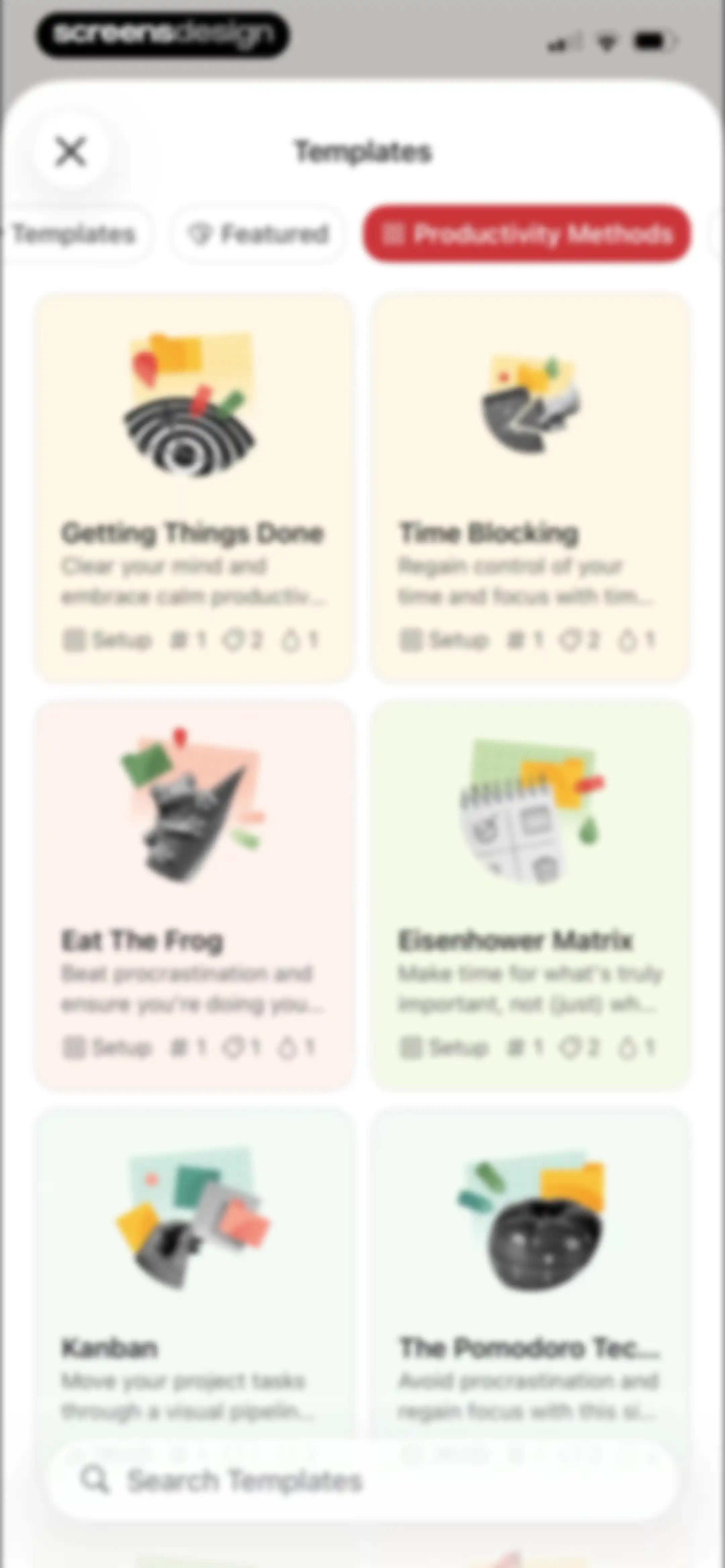
Template selection modal displaying a grid of productivity method cards with a bottom search bar and selected Productivity Methods tab.Unlock Pro
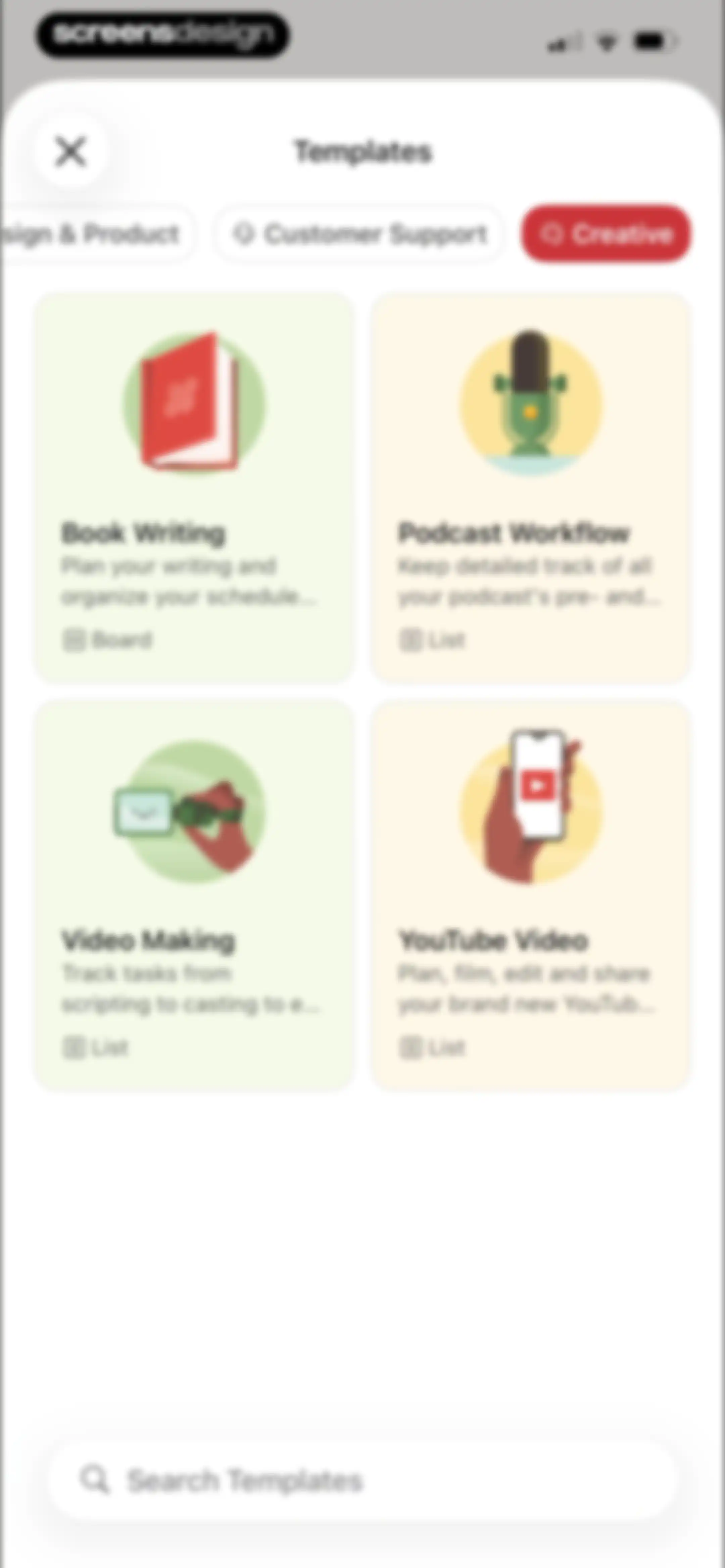
Template selection modal displaying a grid of project cards with category tabs and a search bar at the bottom.Unlock Pro
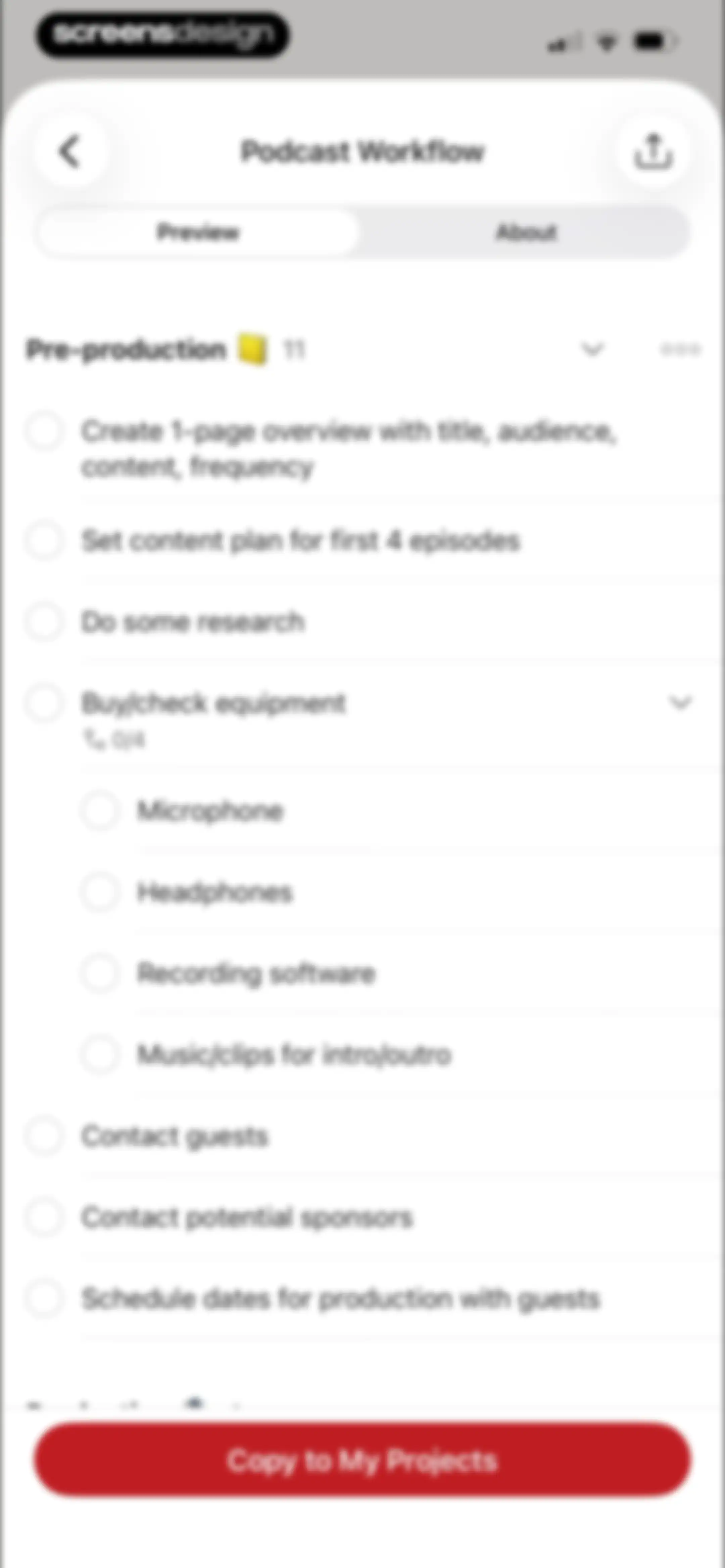
Project template preview screen titled Podcast Workflow with a task list and a Copy to My Projects button at the bottom.Unlock Pro
Template detail page for a podcast workflow with an about overview, author information, and a Copy to My Projects button.Unlock Pro
Productivity dashboard showing daily task completion stats, a one-day streak, and a weekly chart with the Daily view selected.Unlock Pro
Todoist productivity dashboard showing weekly task completion statistics, goal progress, and streak stats with the Weekly tab selected.Unlock Pro
Todoist productivity dashboard displaying Julia's profile, Karma goal progress, and a weekly trend chart with the Karma tab selected.Unlock Pro
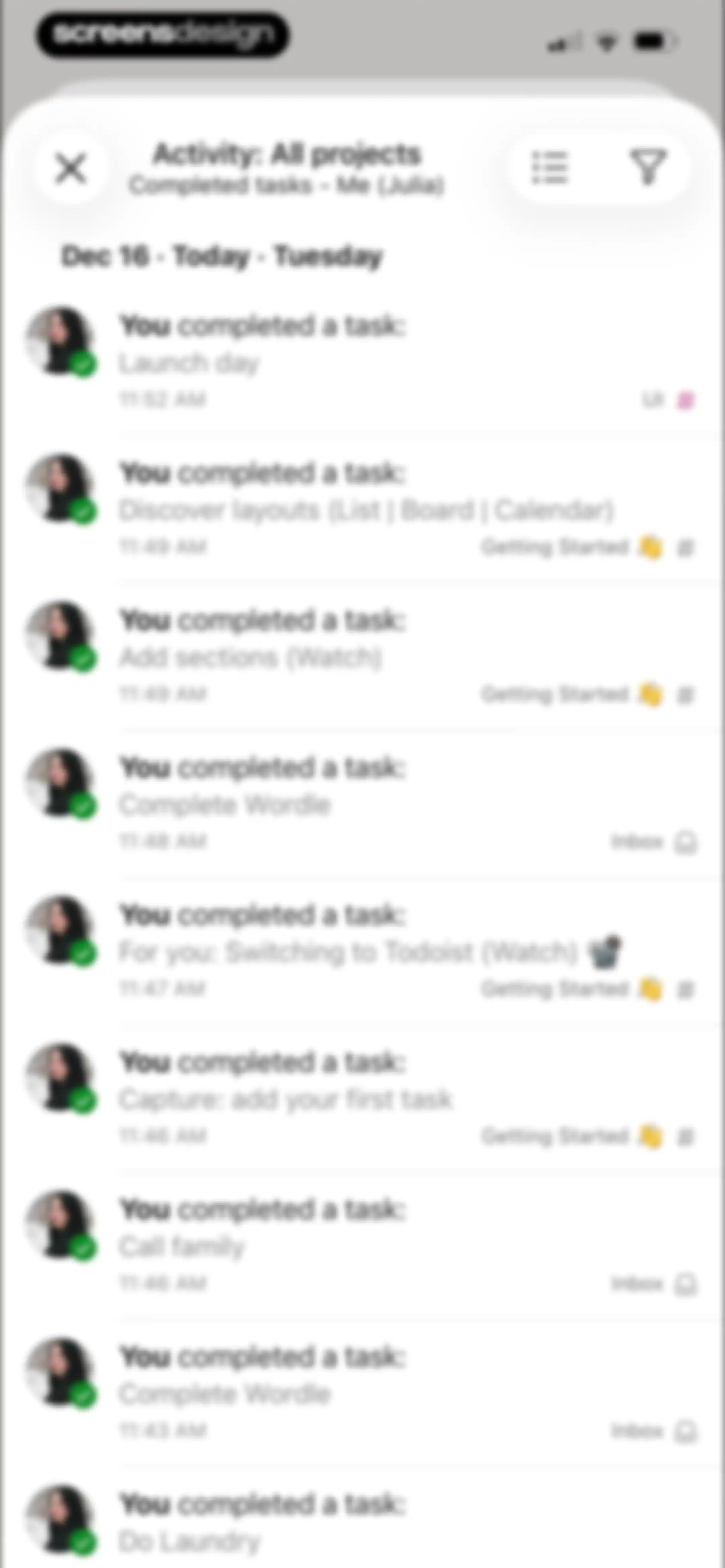
Activity dashboard displaying a vertical list of completed tasks with project tags and a close button in the header.Unlock Pro
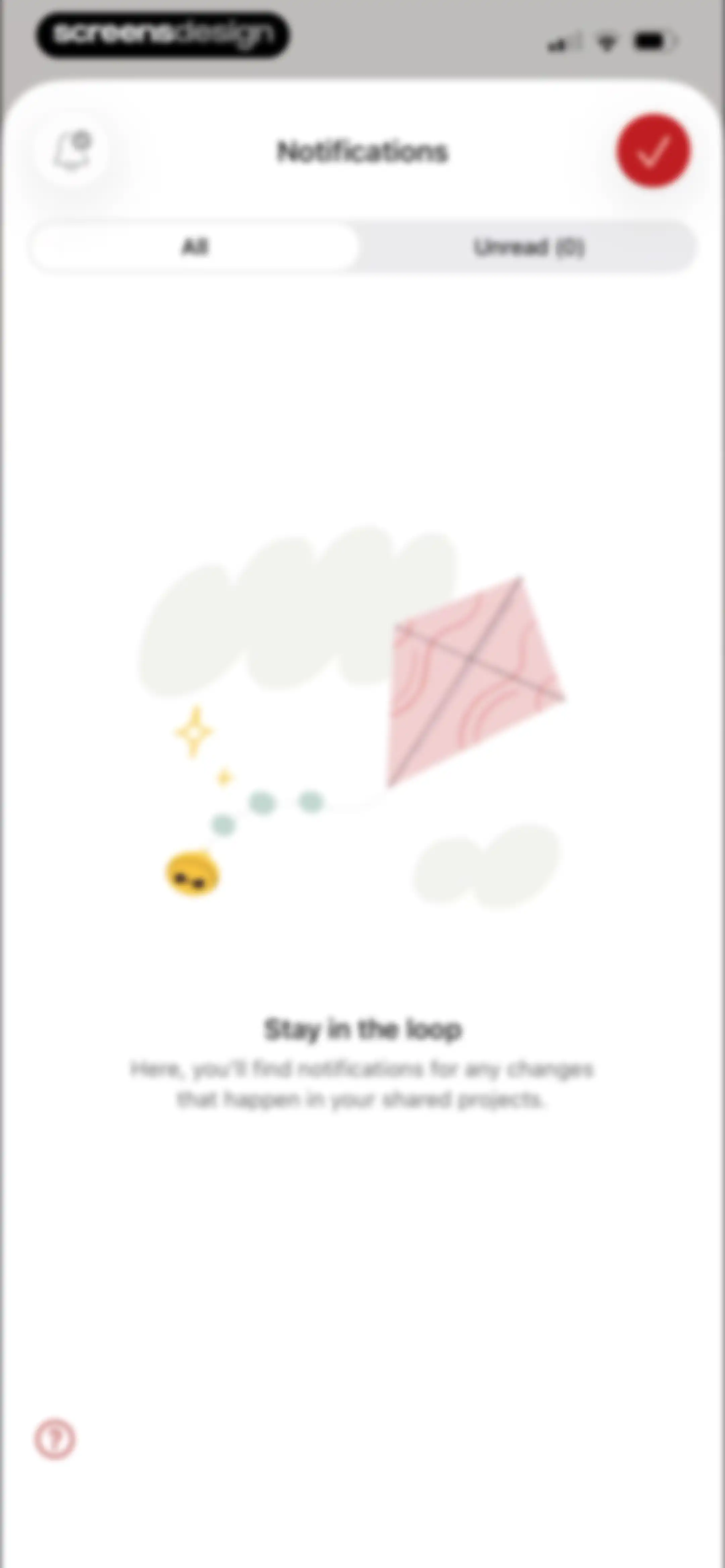
Notifications empty state screen with All and Unread tabs, a central kite illustration, and a message about shared project updates.Unlock Pro
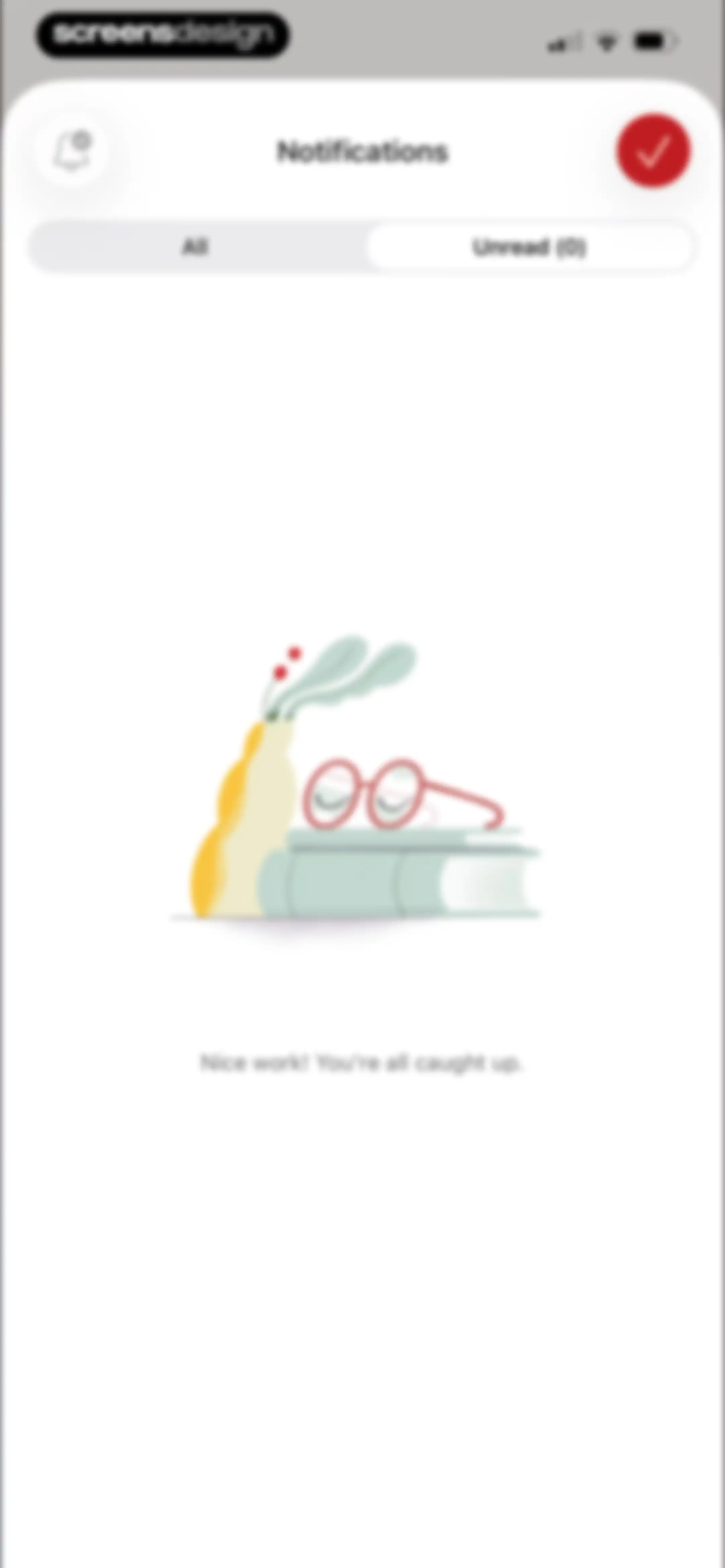
Notifications empty state screen with an illustration of glasses on books and the message, Nice work! You're all caught up.Unlock Pro
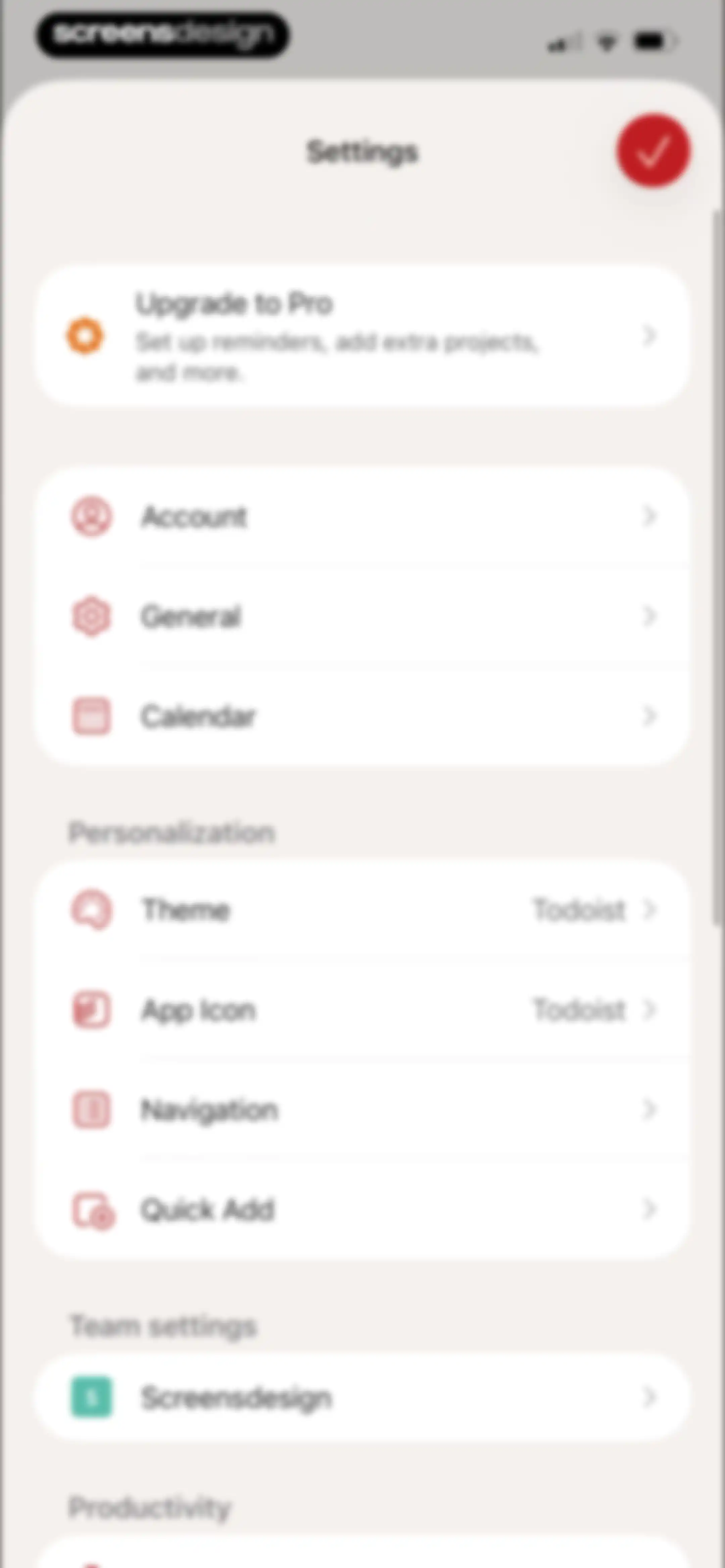
Settings screen with an Upgrade to Pro card and grouped options for account, general preferences, personalization, and team settings.Unlock Pro
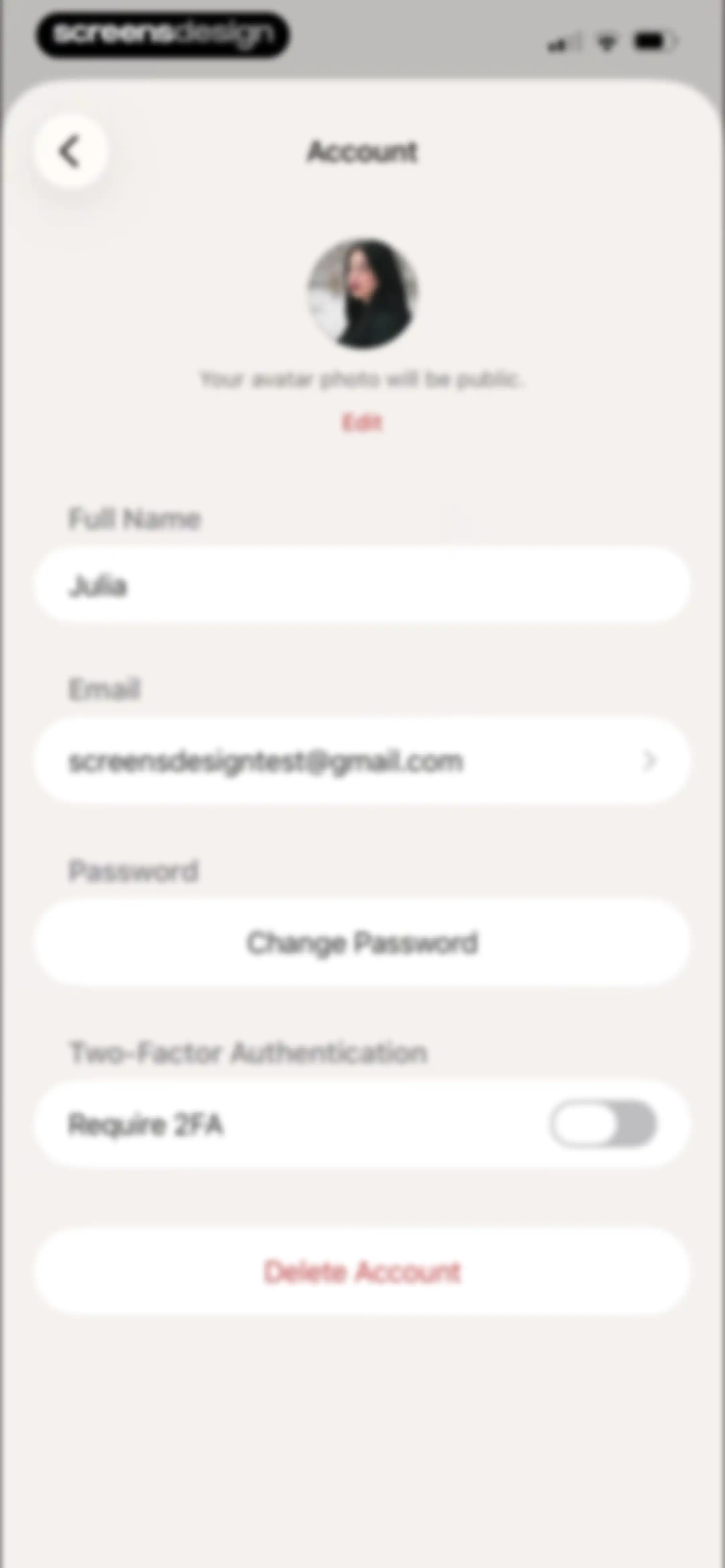
Todoist account settings screen displaying profile details, a security toggle, and a delete account button.Unlock Pro
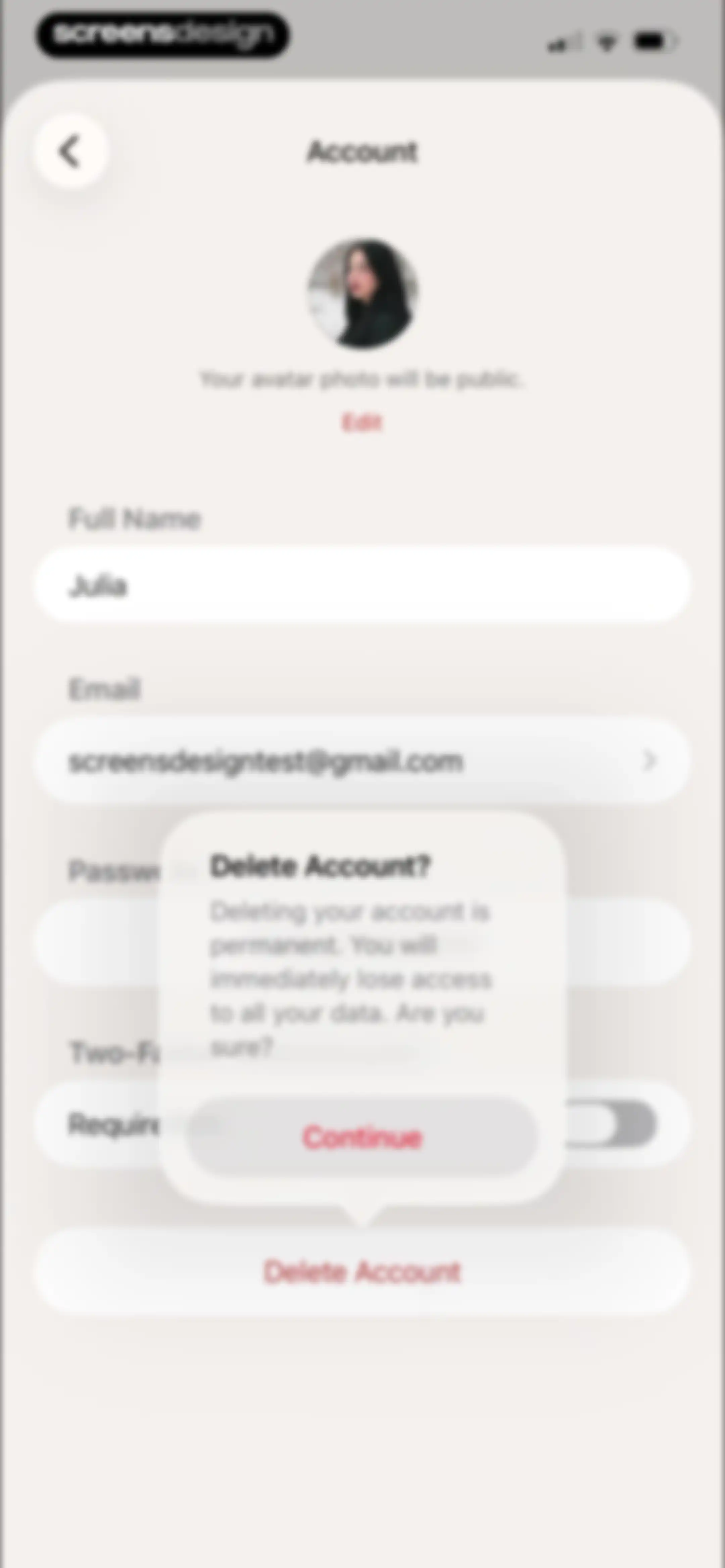
Account settings screen featuring a modal overlay with a permanent deletion warning, a Continue button, and a user profile list.Unlock Pro
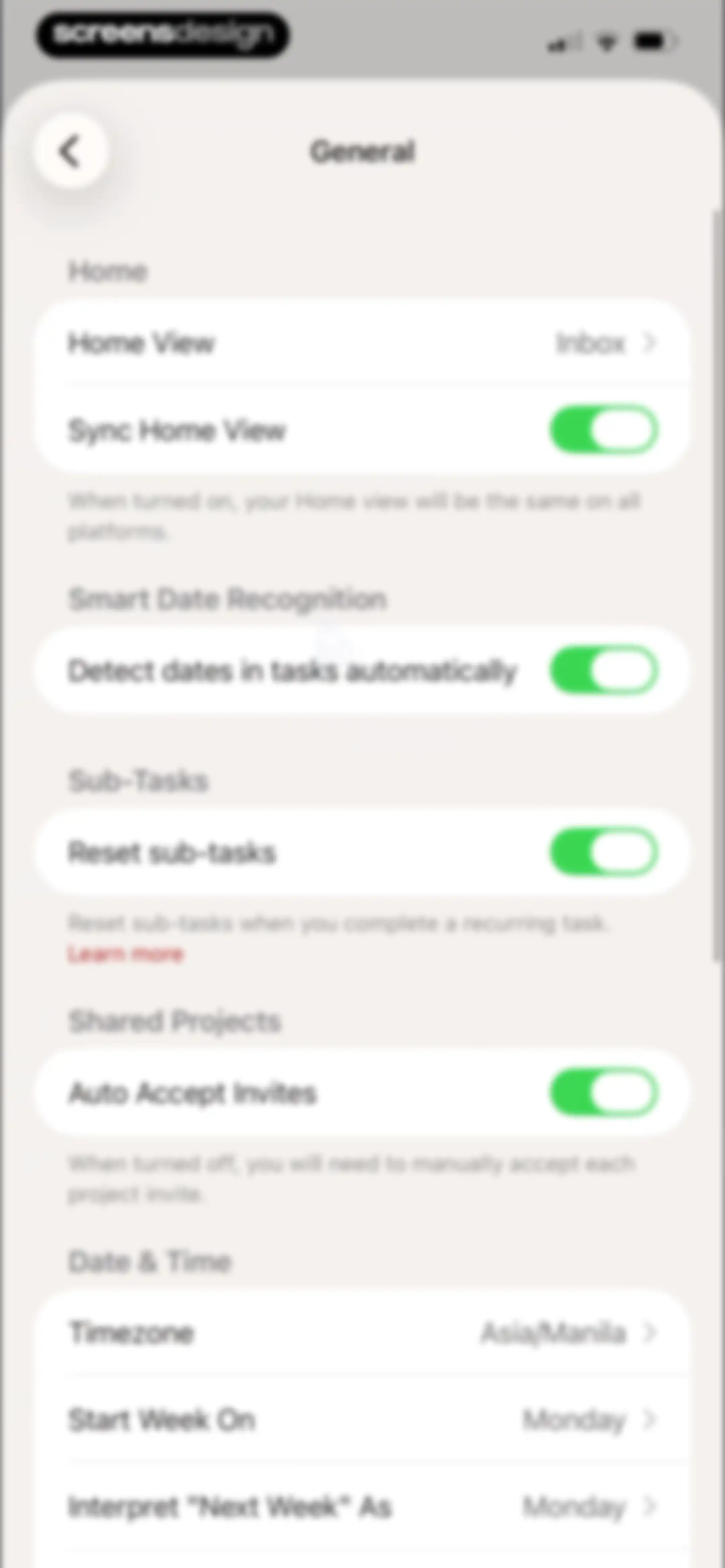
General settings menu featuring grouped options for home view, smart date recognition, sub-tasks, and date and time configurations with toggle switches and navigation links.Unlock Pro
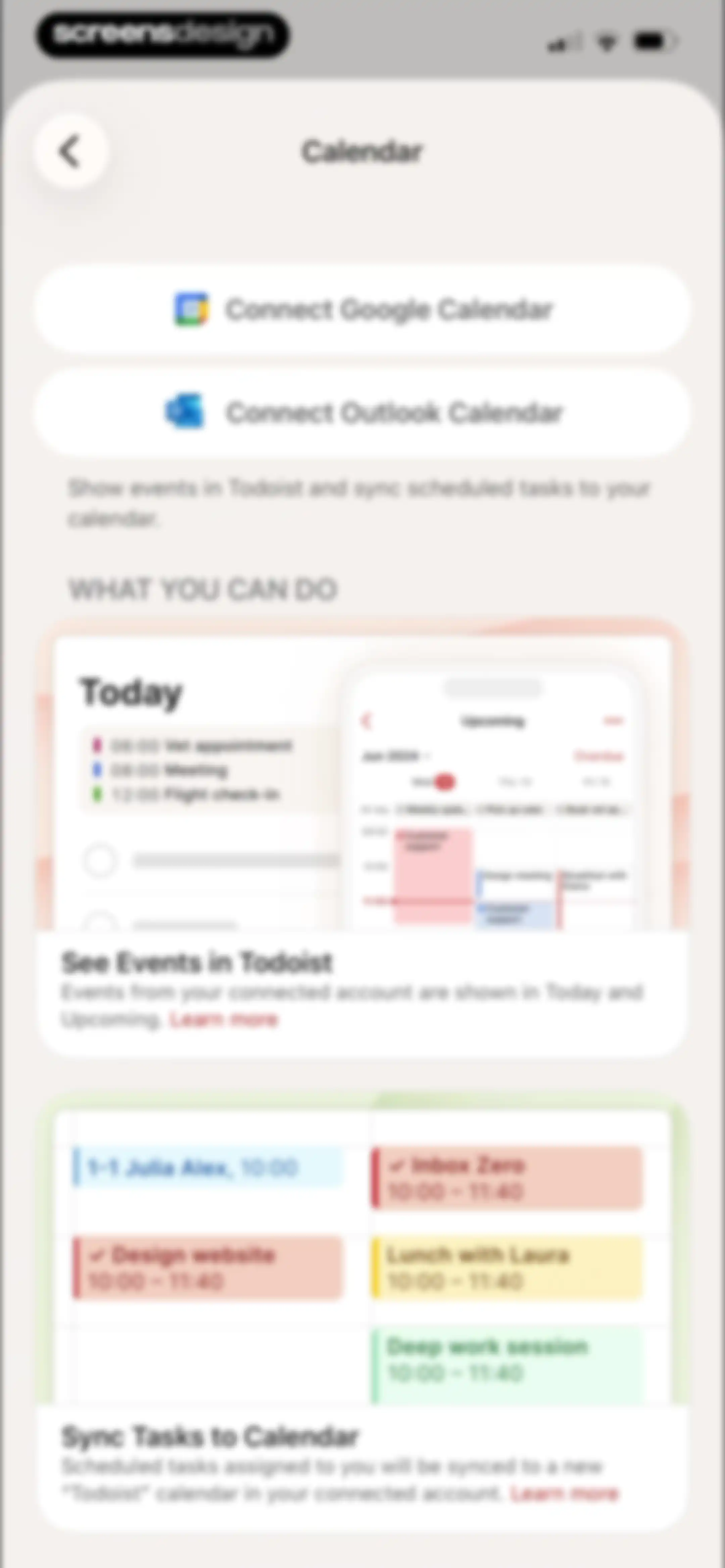
Calendar settings screen with connect buttons for Google and Outlook, followed by feature cards explaining event syncing and task integration.Unlock Pro
Todoist theme settings screen with toggle switches, a list of theme cards including a selected Dark theme, and a Pro upgrade card at the bottom.Unlock Pro
Todoist theme settings screen with sync and auto dark mode toggles, selectable theme cards, and a Pro promotion card at the bottom.Unlock Pro
Theme settings screen with sync and auto dark mode toggles, a list of theme selection cards with the dark option selected, and a pro upgrade footer.Unlock Pro
Subscription paywall comparing yearly and monthly plans with the yearly plan selected, feature illustration, and a Continue button.Unlock Pro
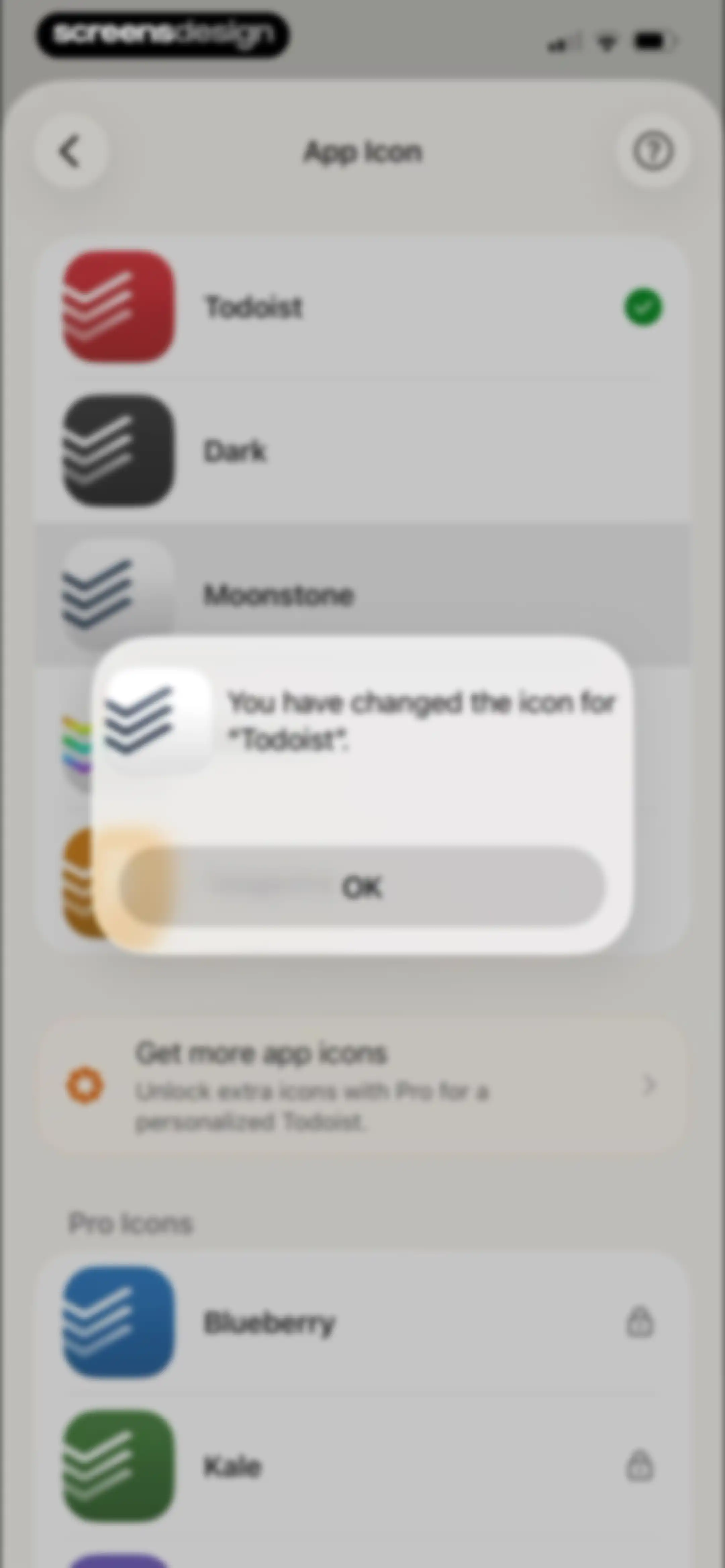
Todoist app icon settings screen with a confirmation modal stating the icon was changed and an OK button.Unlock Pro
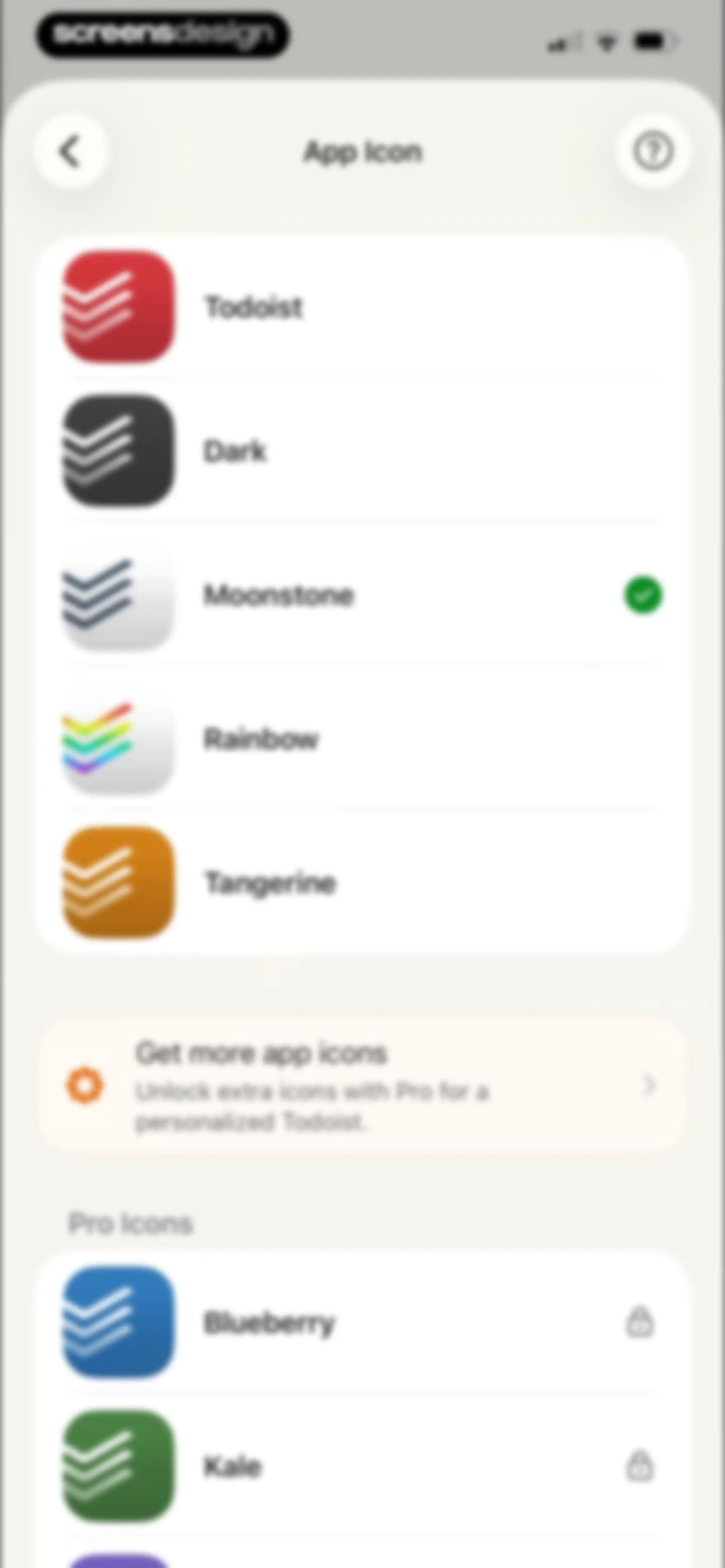
App icon settings screen showing a list of free icons with Moonstone selected, a promotional card, and locked Pro icons.Unlock Pro
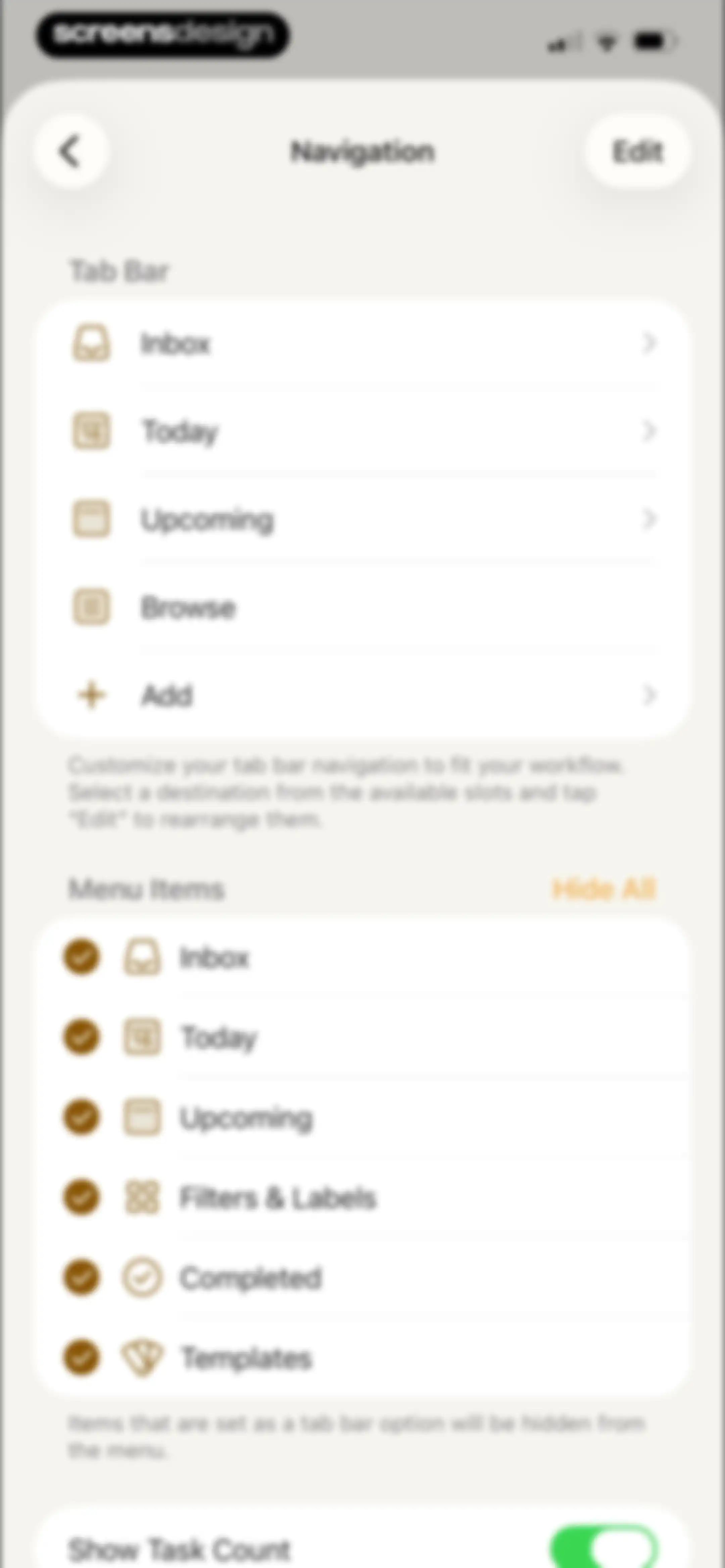
Settings screen for navigation customization, featuring a Tab Bar list, Menu Items selection, and a task count toggle.Unlock Pro
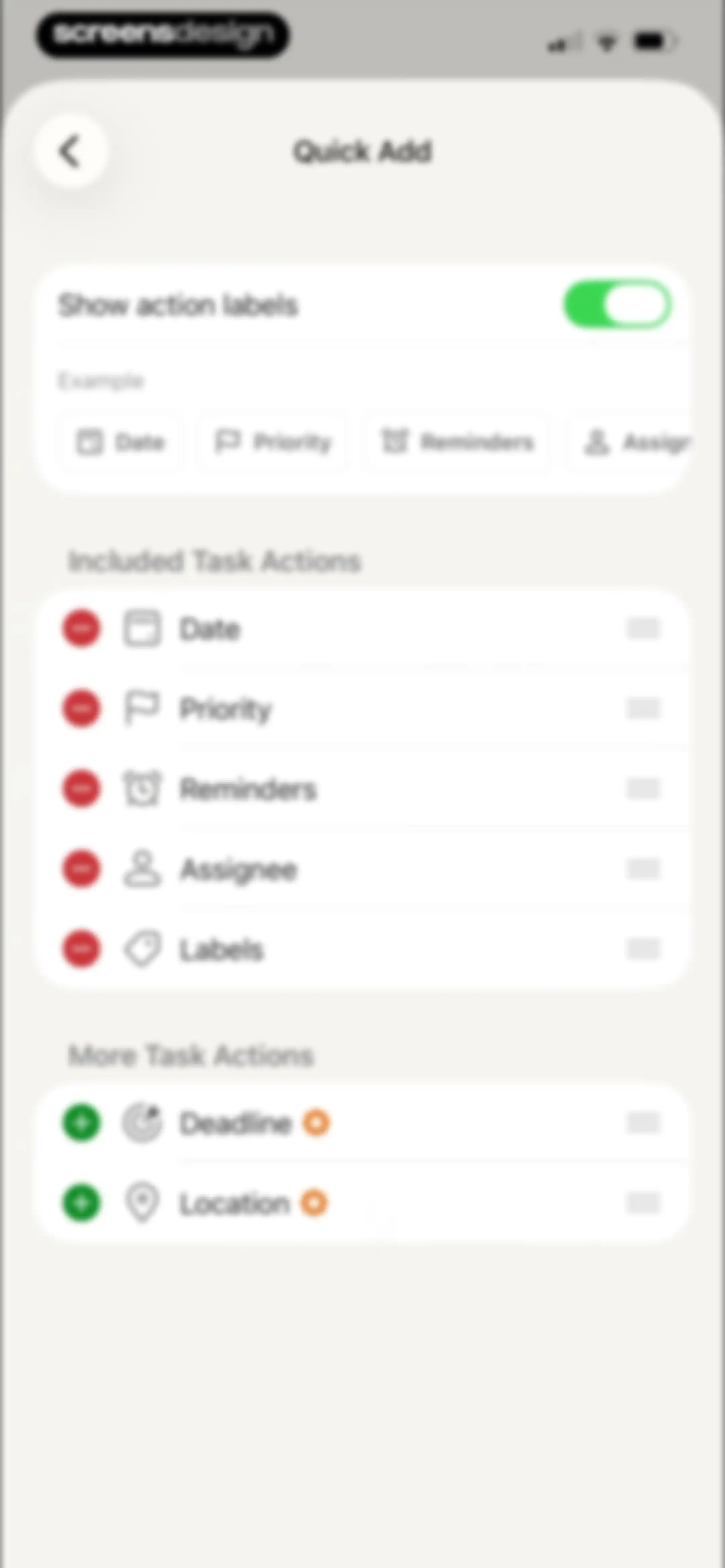
Quick Add settings screen with a toggle for action labels and separate lists for included and more task actions.Unlock Pro
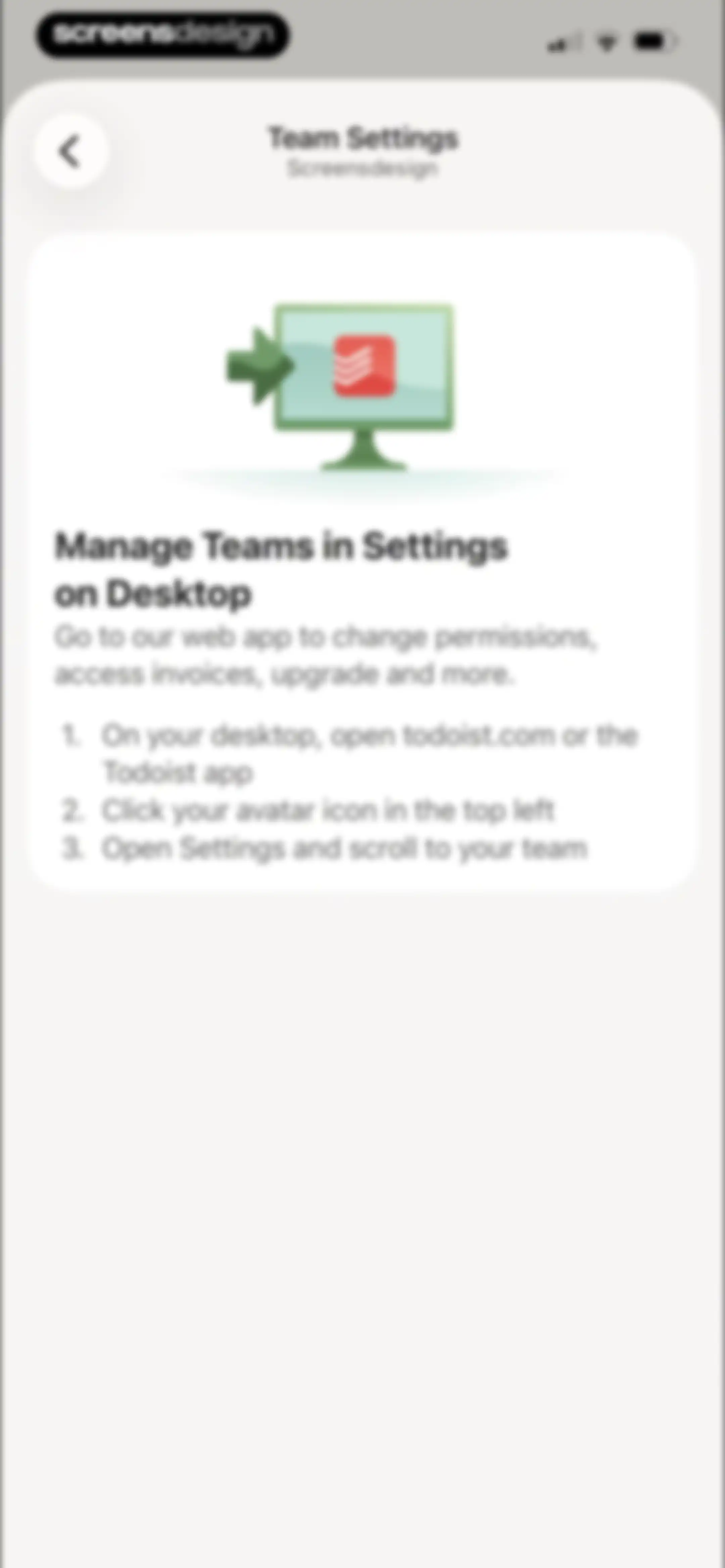
Team Settings modal providing instructions to manage teams on the desktop version of Todoist with a three-step numbered guide.Unlock Pro
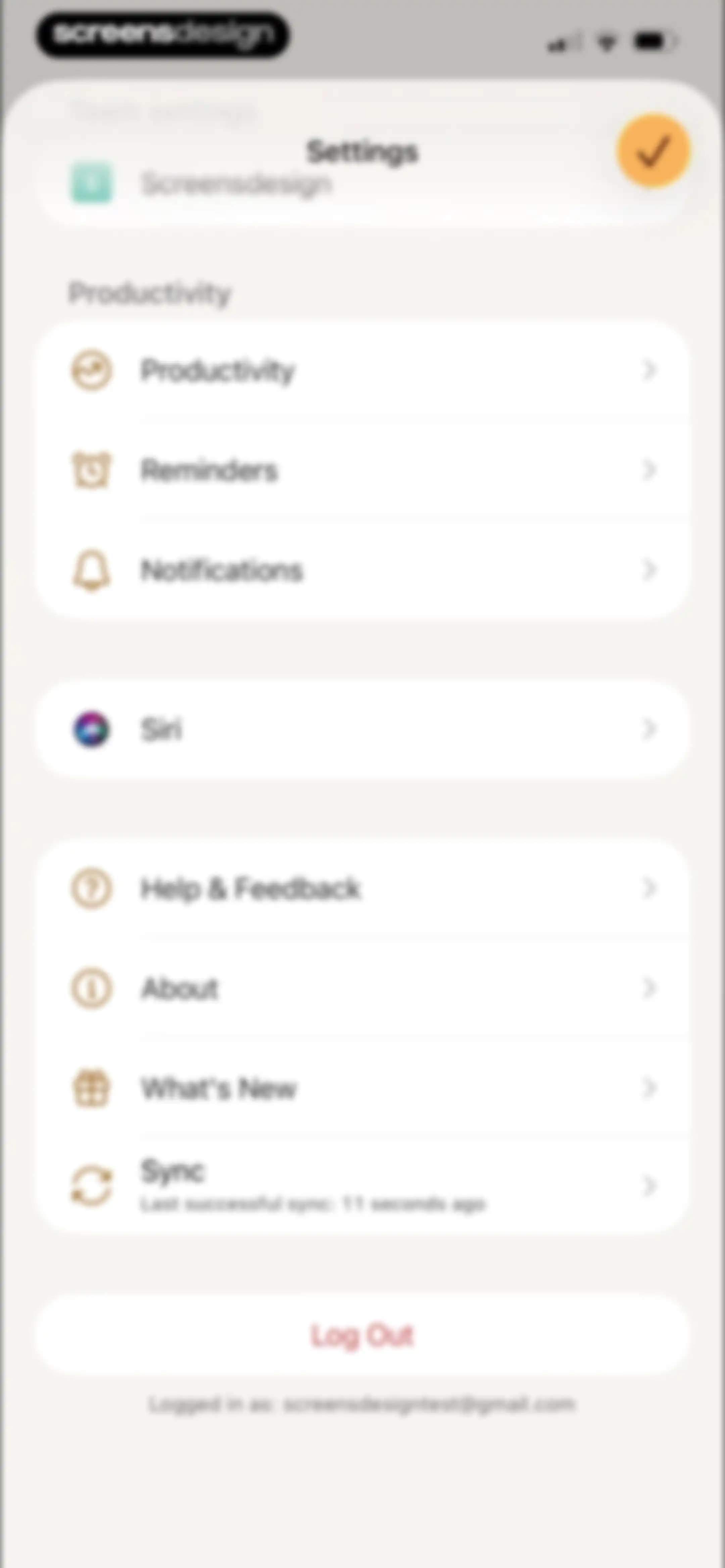
Settings screen with grouped list options for productivity, support, and account management, ending with a log out button.Unlock Pro
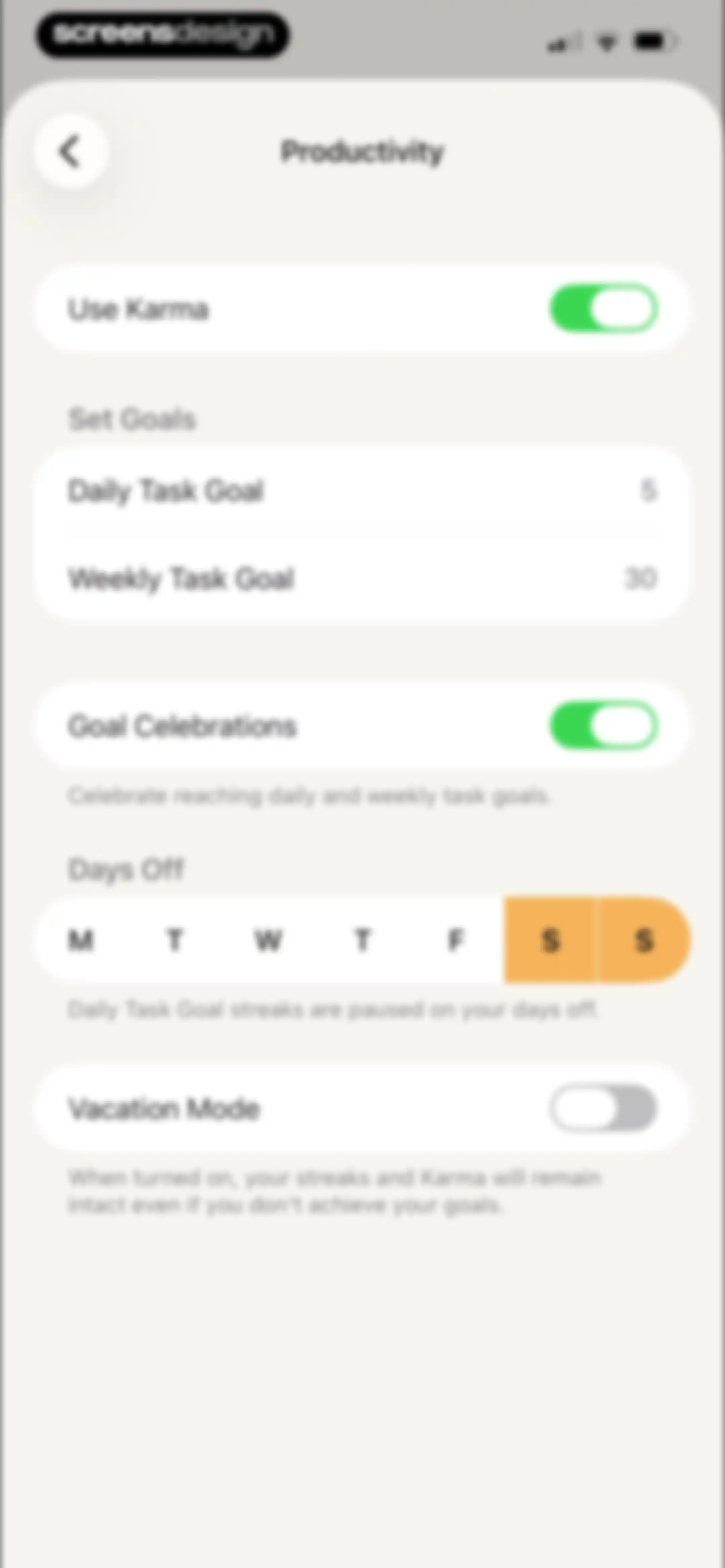
Productivity settings screen with options for karma, task goals, celebrations, days off, and vacation mode.Unlock Pro
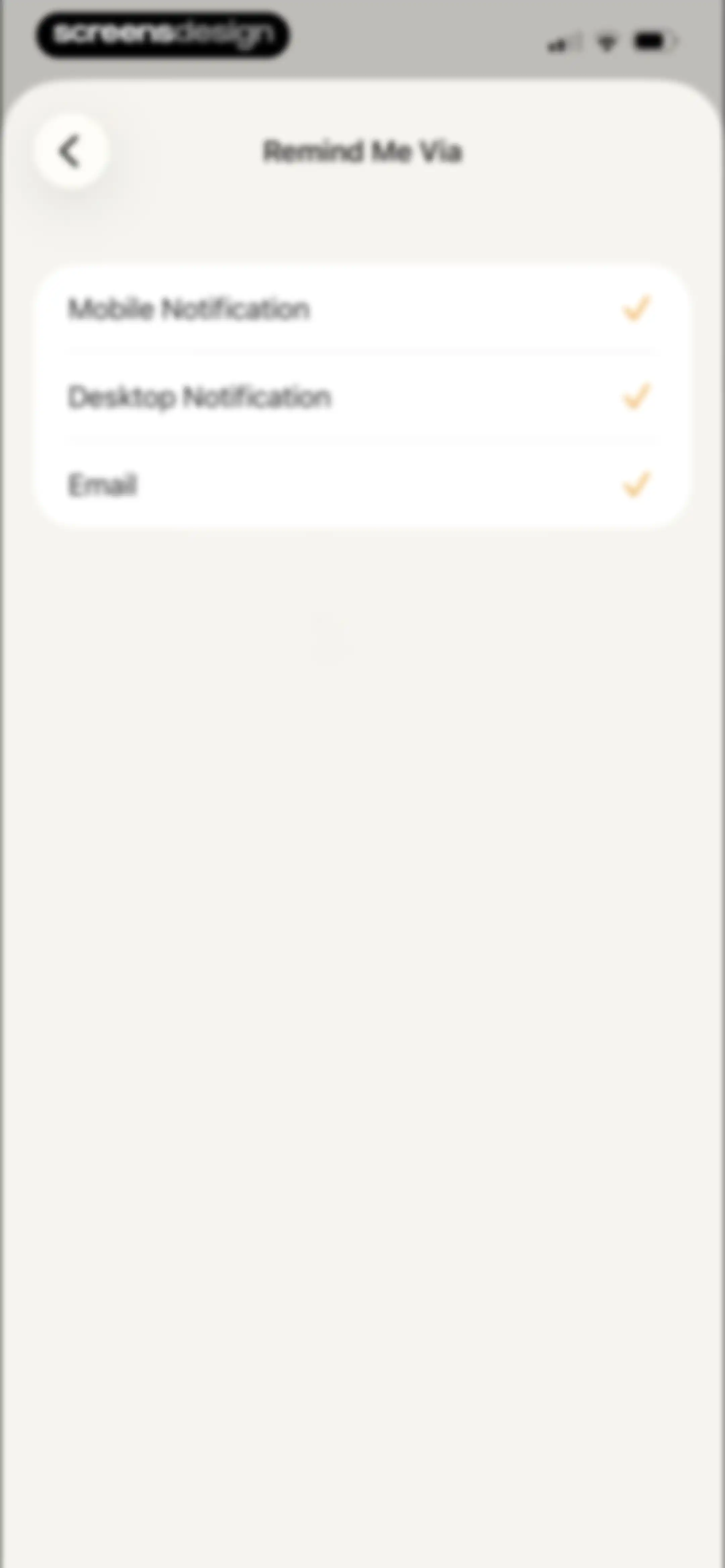
Notification settings modal titled Remind Me Via listing Mobile Notification, Desktop Notification, and Email options with checkmarks.Unlock Pro
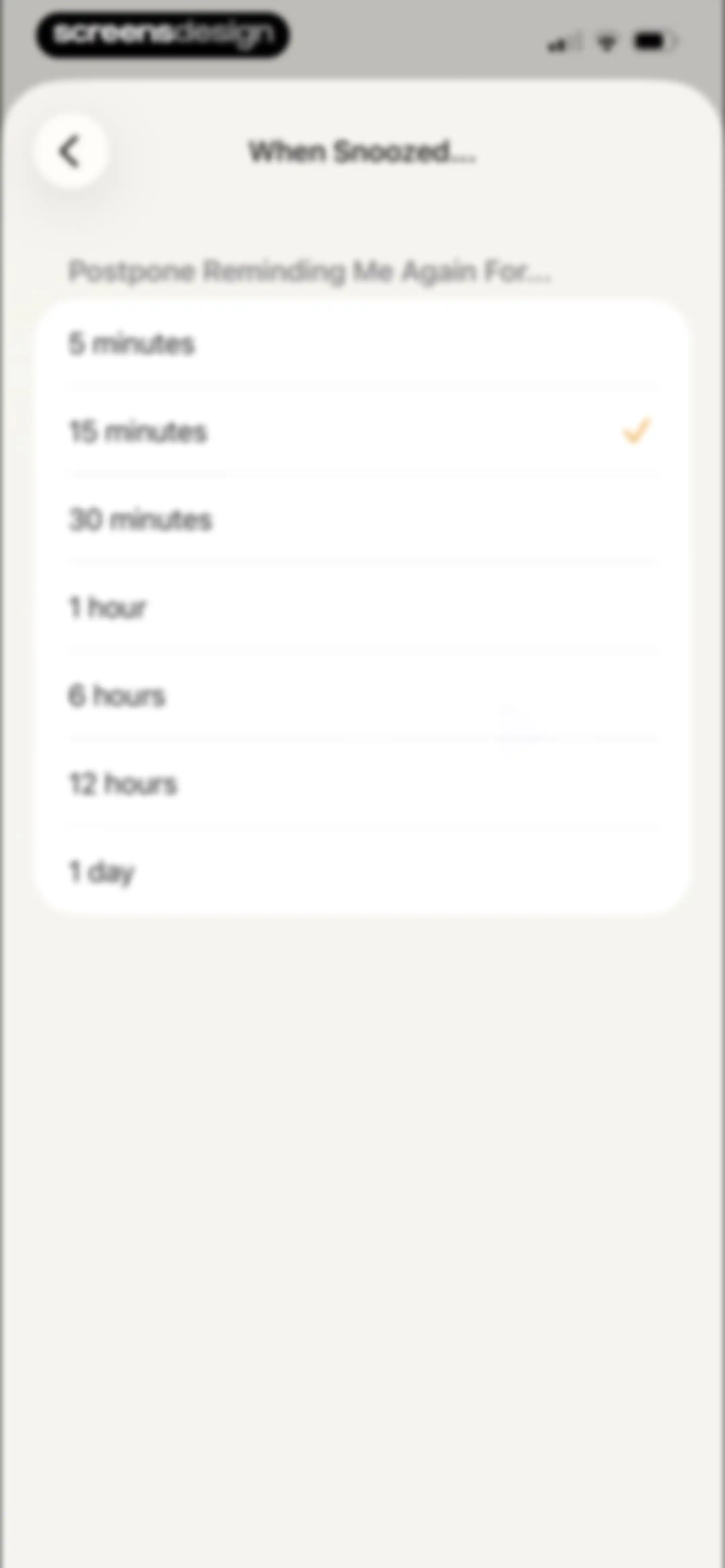
Snooze duration selection menu listing time intervals from 5 minutes to 1 day, with the 15 minutes option currently selected.Unlock Pro
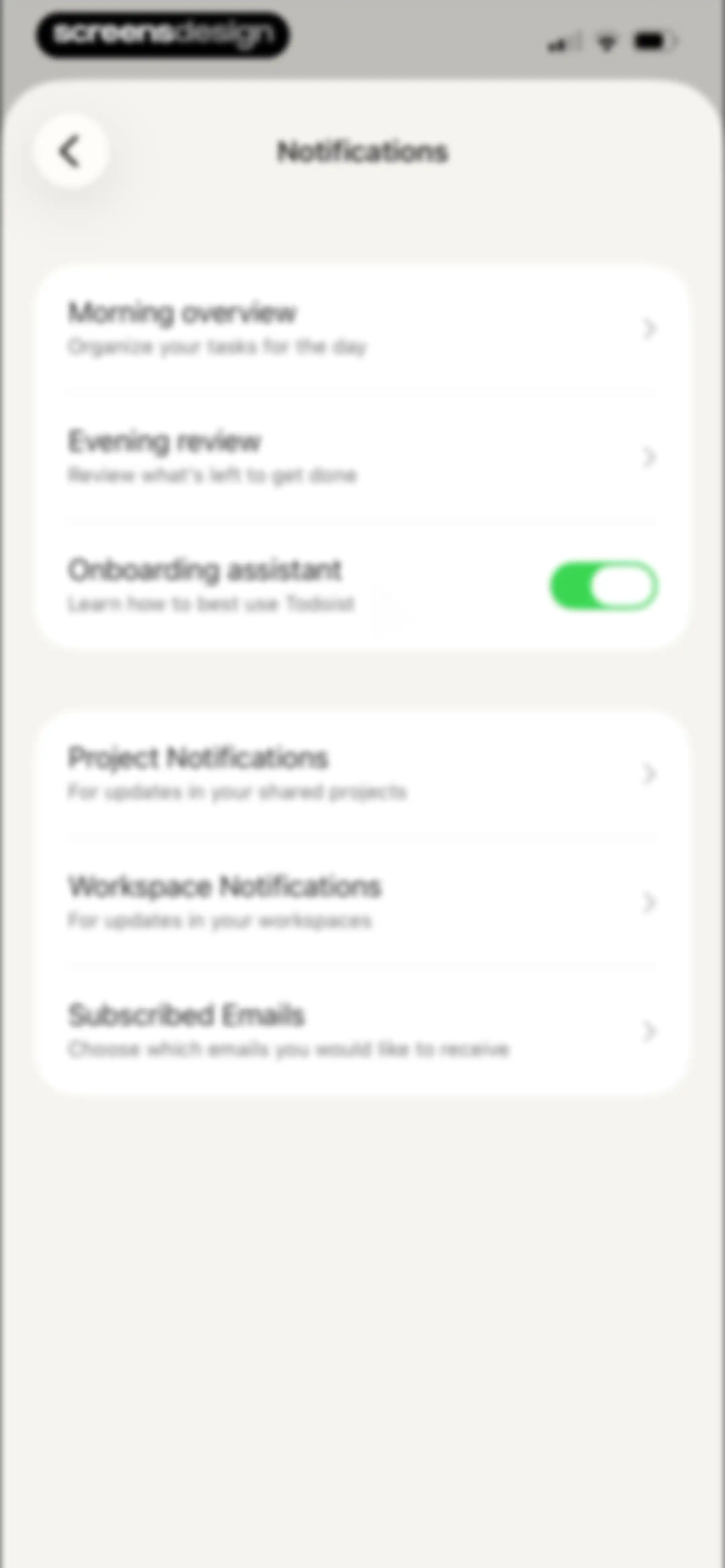
Todoist notifications settings screen featuring grouped options for morning overview, project updates, and a green toggle for the onboarding assistant.Unlock Pro
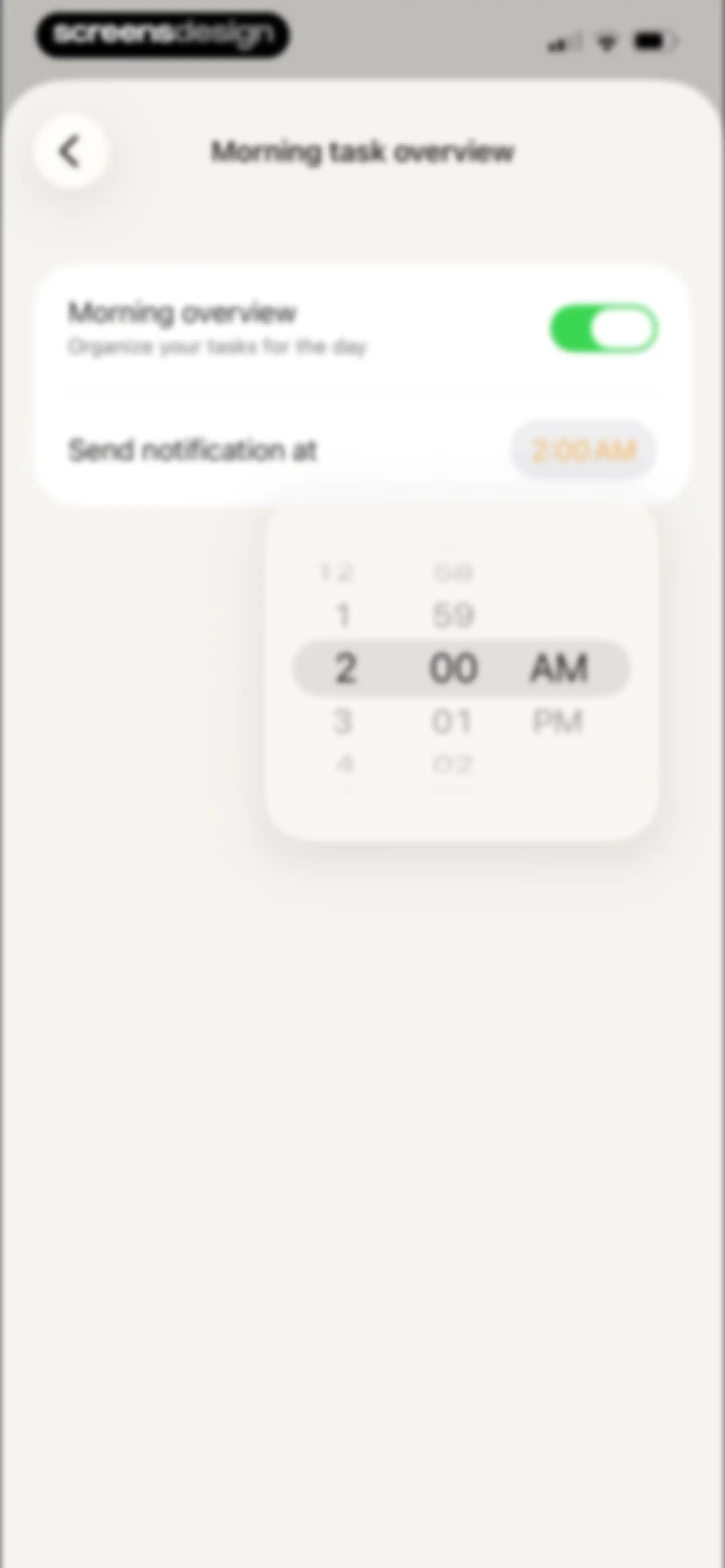
Morning overview settings screen featuring an active time-picker modal displaying 2:00 AM and a toggle switch.Unlock Pro
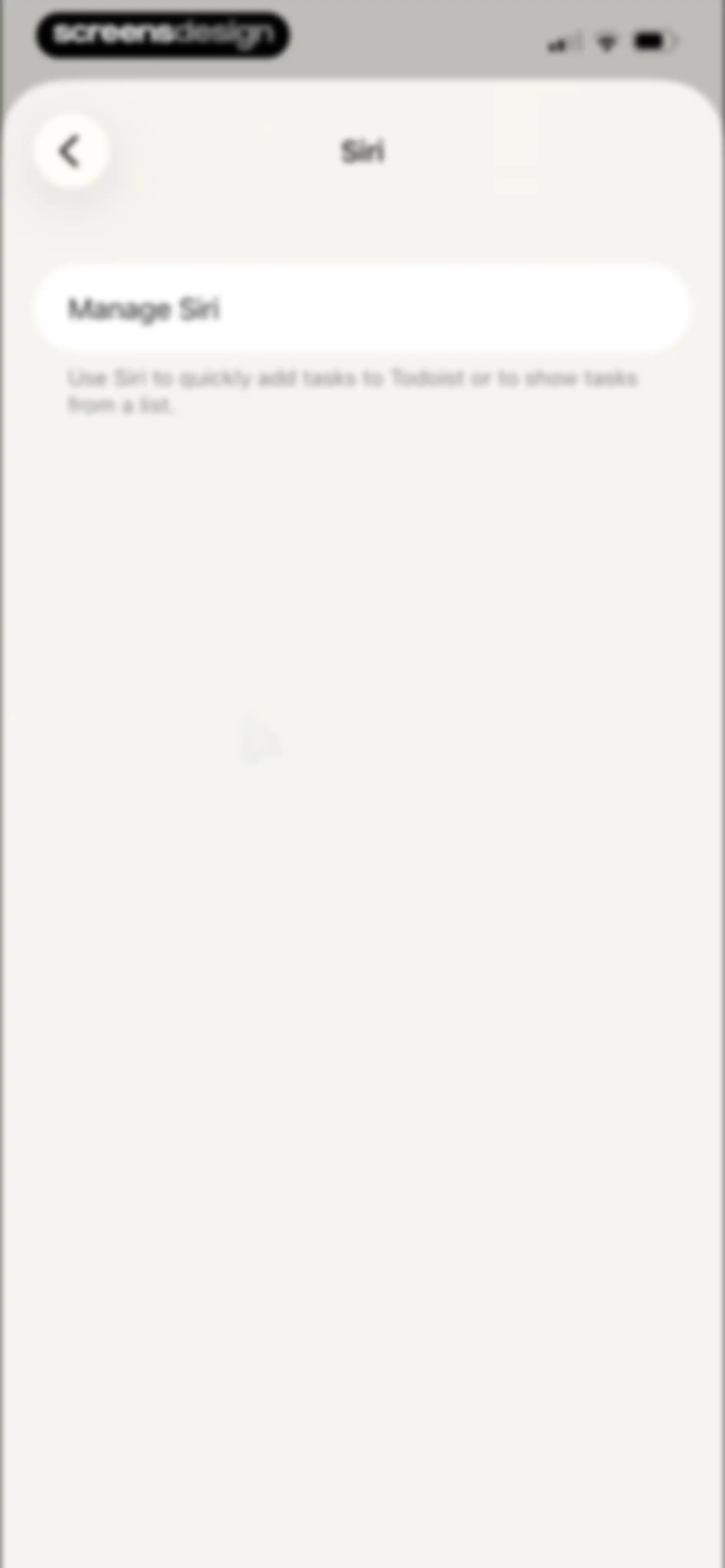
Todoist Siri settings screen featuring a card to manage Siri integration and quick task addition.Unlock Pro
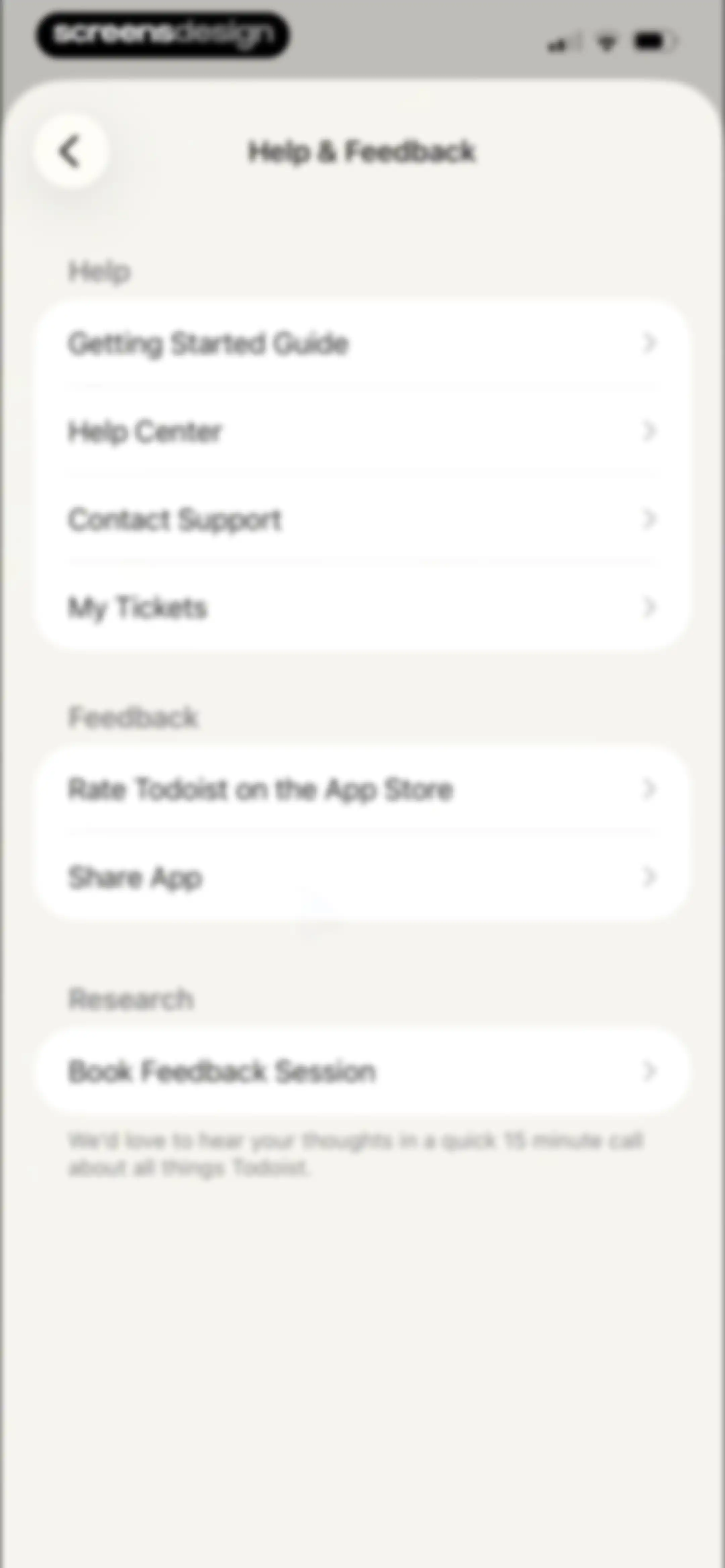
Todoist help and feedback settings screen with grouped list sections for support resources, app rating, and a research session option.Unlock Pro
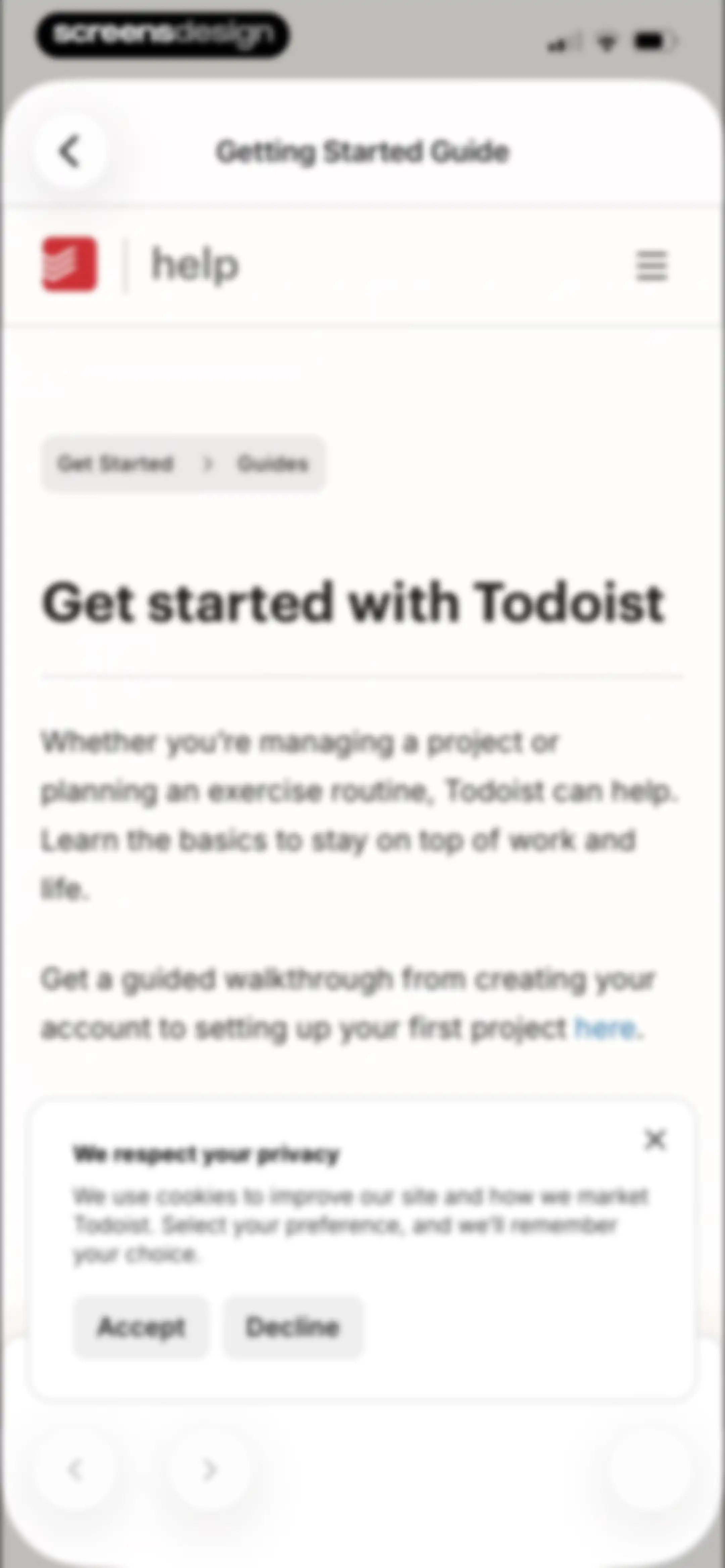
Todoist getting started guide onboarding screen displaying a privacy consent modal with Accept and Decline buttons over the main guide content.Unlock Pro
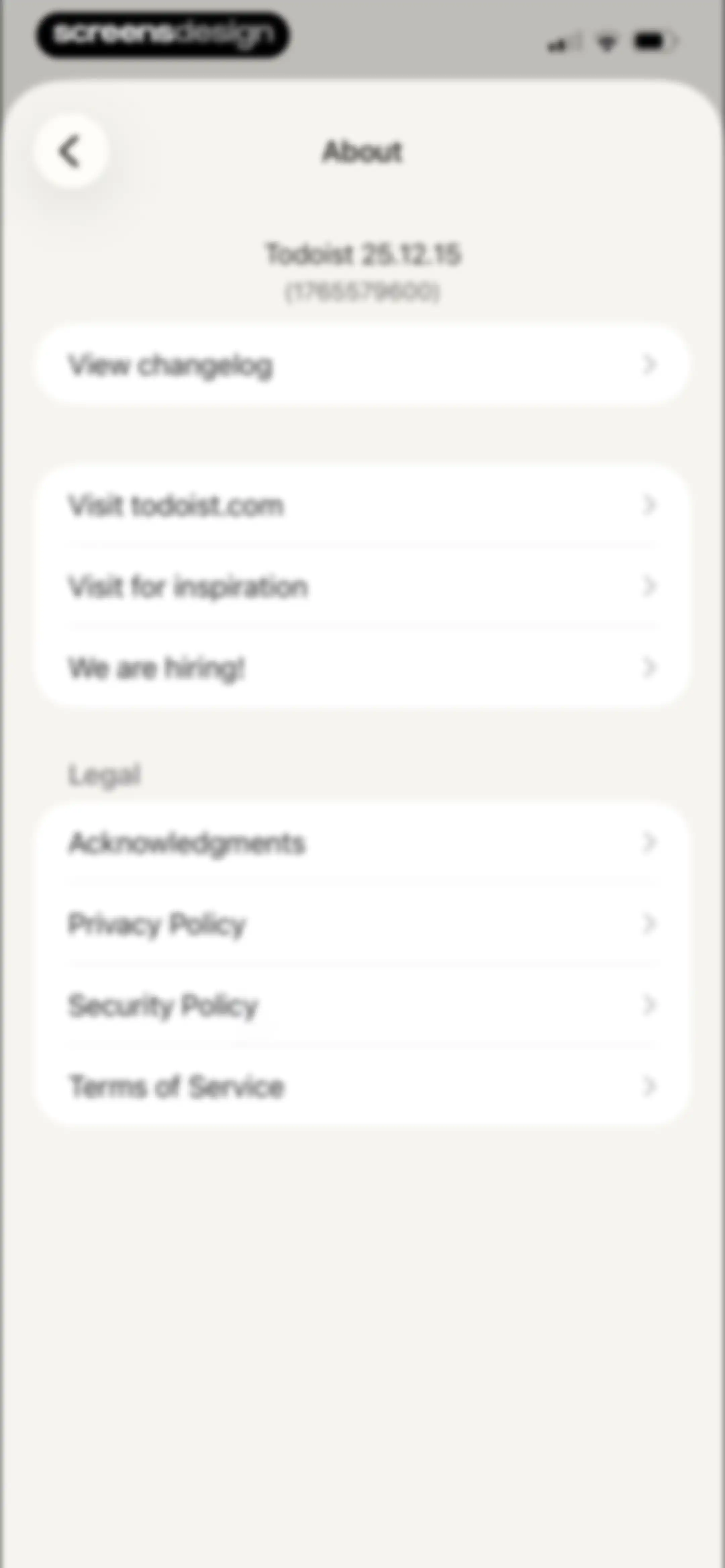
Todoist about settings screen displaying the app version and grouped lists of general and legal links.Unlock Pro
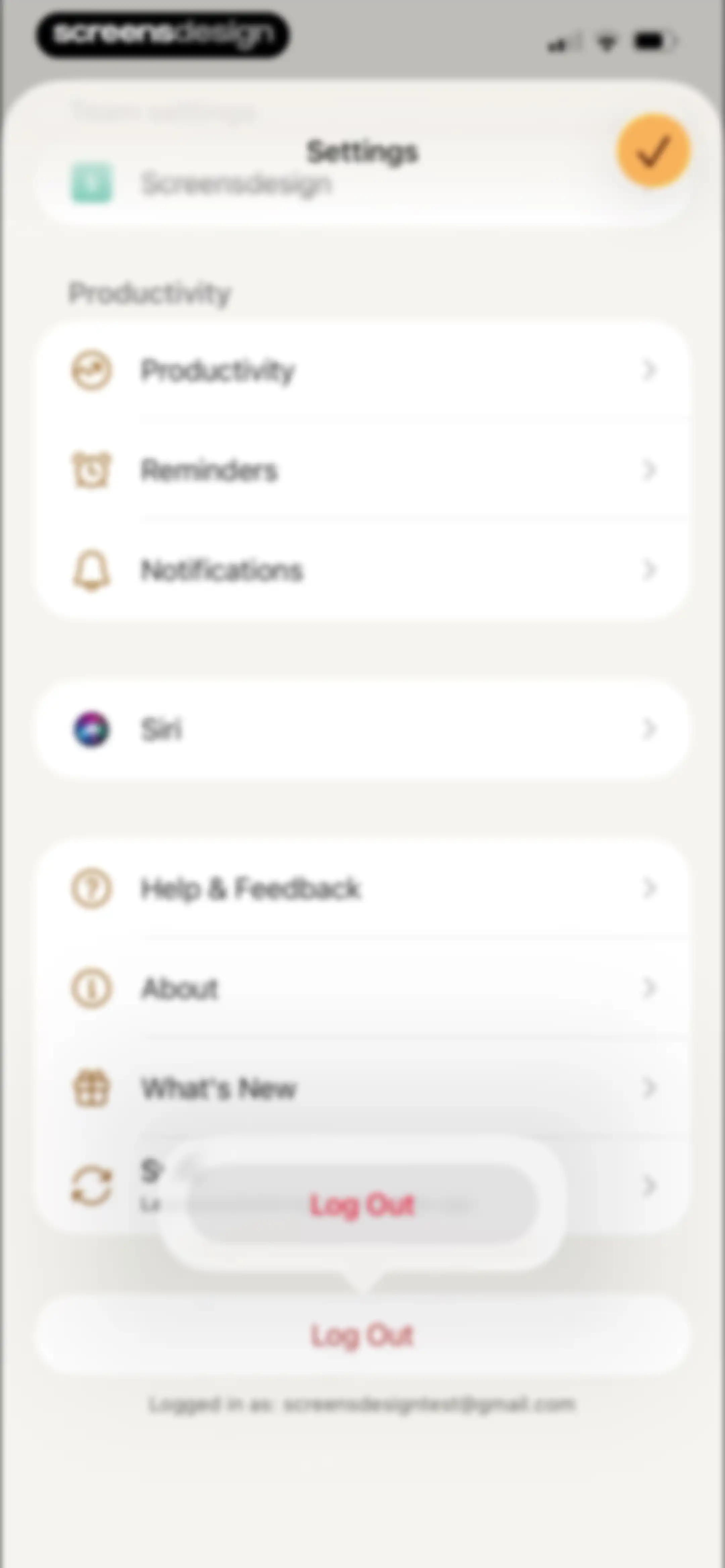
Settings screen with grouped list items for productivity, notifications, and support, ending with a logout button and user email.Unlock Pro

About Todoist: To Do List & Calendar

A cross-platform task manager and productivity tool that helps individuals and teams organize work and life using natural language.

Explore Todoist: To Do List & Calendar across ScreensDesign

Apps similar to Todoist: To Do List & Calendar

Unlock all similar apps

See every comparable app, revenue, installs, and flows.

Unlock Pro
  • Weekly Planner - Diary, Notes

    4.7
    Digital Legal TechRevenue$40kInstalls40k
  • TickTick:To-Do List & Calendar

    4.9
    Appest LimitedRevenue$450kInstalls200k
  • Structured: Daily Planner Todo

    4.8
    unorderly GmbHRevenue$300kInstalls350k
  • Trello: Daily Task Tracker

    4.3
    Trello, Inc.Revenue$<5kInstalls150k
  • Fantastical Calendar

    4.2
    Flexibits Inc.Revenue$150kInstalls<5k
  • Planner Pro - Daily Planner

    4.5
    Beesoft AppsRevenue$10kInstalls<5k
  • Evernote: AI Notes & Notebook

    4.4
    Evernote CorporationRevenue$750kInstalls25k
  • Focus To-Do: Focus Timer&Tasks

    4.8
    Shenzhen Tomato Software Technology Co., Ltd.Revenue$8kInstalls25k
  • Amie - Todos, calendar

    3.4
    Amie GmbHRevenue$<5kInstalls<5k
  • Calendars: Schedule Planner

    4.7
    Readdle Technologies LimitedRevenue$250kInstalls150k
  • Cozi Family Organizer

    4.8
    CoziRevenue$350kInstalls55k
  • Tiimo: To-Do List Planner

    4.6
    tiimoRevenue$250kInstalls65k
  • Countdown

    4.8
    Find Appiness LLCRevenue$15kInstalls300k
  • Plan Joy:To-Do List & Reminder

    4.7
    Chongqing Caochen Technology Co., Ltd.Revenue$<5kInstalls<5k
  • Tally: The Anything Tracker

    4.4
    Reflective Technologies ApSRevenue$<5kInstalls<5k
  • AnyList: Grocery Shopping List

    4.9
    Purple Cover, Inc.Revenue$55kInstalls35k
  • ClickUp: Tasks, Chat, Docs, AI

    4.7
    Mango Technologies, Inc.Revenue$<5kInstalls60k
  • My Timetable: Class Schedule

    4.6
    Kodeon, Inc.Revenue$<5kInstalls15k
  • OmniFocus 4

    4.0
    The Omni GroupRevenue$<5kInstalls<5k
  • Habitify: Habit Tracker

    4.6
    Unstatic Ltd CoRevenue$20kInstalls<5k
  • Bento: The Do Less Timer

    4.1
    Keep Productive LtdRevenue$<5kInstalls<5k
  • TimeBloc - Daily Planner

    4.3
    Reflective Technologies ApSRevenue$<5kInstalls<5k
  • Bear - Markdown Notes

    4.7
    Shiny Frog Ltd.Revenue$45kInstalls<5k
  • Focused Work - Pomodoro Timer

    4.7
    Michael TigasRevenue$<5kInstalls<5k
  • Chillio: Life Planner

    4.6
    COREMOVE LIMITEDRevenue$85kInstalls5k
  • Today Habit tracker

    4.7
    Neybox Digital Ltd.
  • Tripsy: Travel Planner

    4.7
    Tripsy LLCRevenue$45kInstalls<5k
  • Journal: Planner, Notes, PDFs

    4.6
    Tuat TranRevenue$45kInstalls90k
  • Voicenotes AI Notes & Meetings

    4.8
    Coping Hard IncRevenue$200kInstalls<5k
  • Artful Agenda

    4.7
    Artful, LLCRevenue$45kInstalls20k
  • HelloHabit - Habit Tracker

    4.9
    RightLife, Inc.Revenue$30kInstalls20k
  • ExpiNotif: Expiration dates

    5.0
    Jawad Touil
  • Shared Family Calendar: FamCal

    4.9
    Beesoft AppsRevenue$100kInstalls<5k
  • TeddyCare: Daily Routine Plan

    4.9
    Kappa Yazılım Anonim ŞirketiRevenue$<5kInstalls<5k
  • Smart Timetable: Study Planner

    4.6
    Denis KravcovRevenue$<5kInstalls40k
  • Habit Tracker

    4.8
    Davetech Co., Ltd.Revenue$150kInstalls250k
  • Monarch: Budget & Track Money

    4.9
    Monarch Money, Inc.Revenue$150kInstalls50k
  • Focus - Deep Work Timer

    4.4
    Meaningful Things GmbH & Co. KGRevenue$<5kInstalls<5k
  • Timepage: Calendar Planner

    4.6
    BonoboRevenue$25kInstalls<5k
  • TripIt: Travel Planner

    4.8
    TripItRevenue$150kInstalls45k
  • Essayist: Academic Writing App

    4.5
    Essayist Software Inc.Revenue$<5kInstalls<5k
  • 1Password: Password Manager

    4.7
    AgileBits Inc.Revenue$750kInstalls50k
  • Hours Tracker: Time Tracking

    4.8
    Cribasoft, LLCRevenue$70kInstalls<5k
  • Notion Calendar

    4.7
    Notion Labs, IncorporatedRevenue$<5kInstalls95k
  • Paper: Sketch, Draw & Create

    4.6
    WeTransfer BVRevenue$150kInstalls100k
  • Recipe Keeper

    4.8
    Tudorspan LimitedRevenue$45kInstalls15k
  • Hevy - Workout Tracker Gym Log

    4.9
    Hevy Studios S.L.Revenue$1MInstalls450k