Timepage: Calendar Planner

$25k revenue, 4.6 rating

App walkthrough
0:00 / 13:37

Onboarding flow, Paywall & Inside the App

Watch the full screen-by-screen UX video of Timepage: Calendar Planner with onboarding, paywall, and every core flow.

Splash screen with the Timepage brand name in the center and a loading spinner below it against a black background.
Timepage onboarding screen with a centered app icon and stacked buttons to either create a new account or log into an existing one.
Moleskine Studio account creation screen listing three app benefits and a Sign up with Apple button.
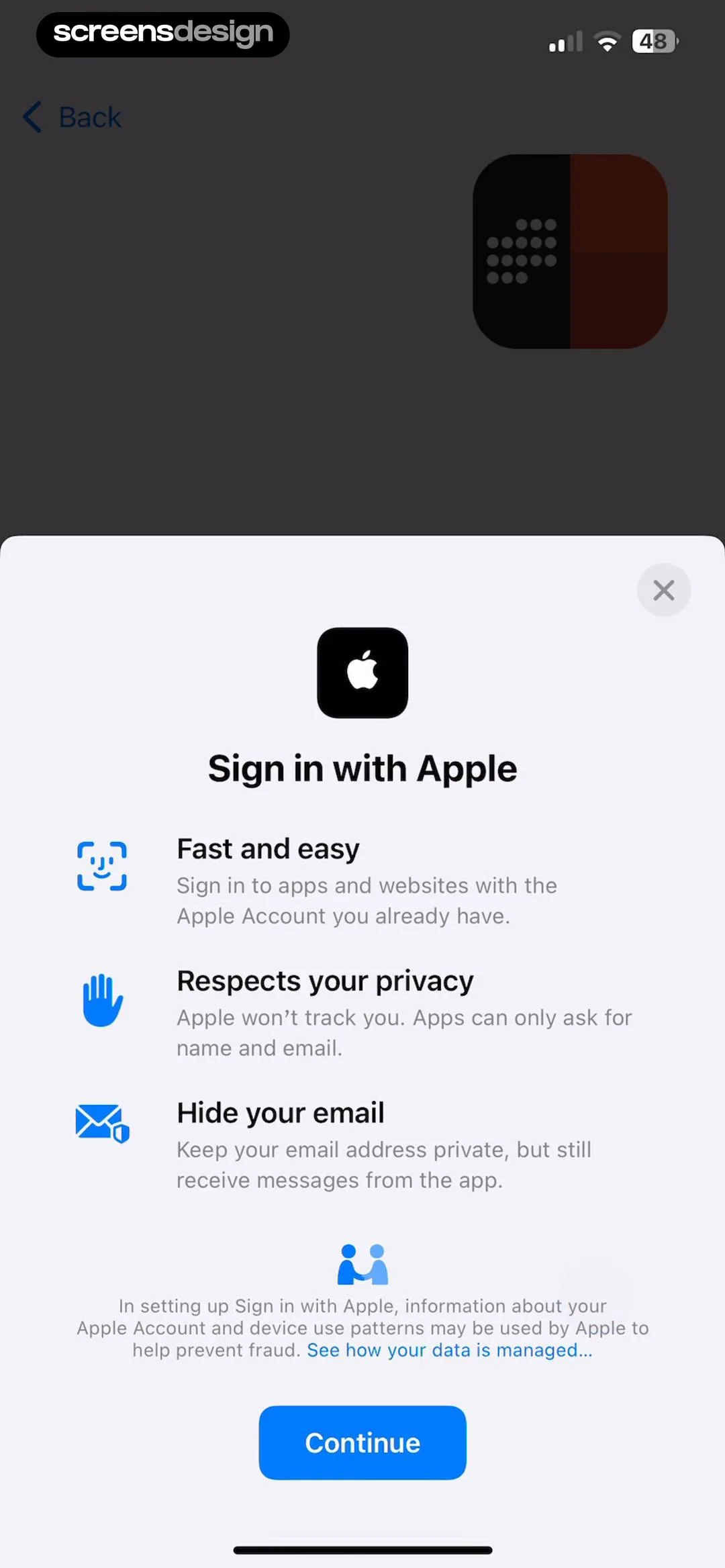
Sign in with Apple modal highlighting privacy and account features with a Continue button.
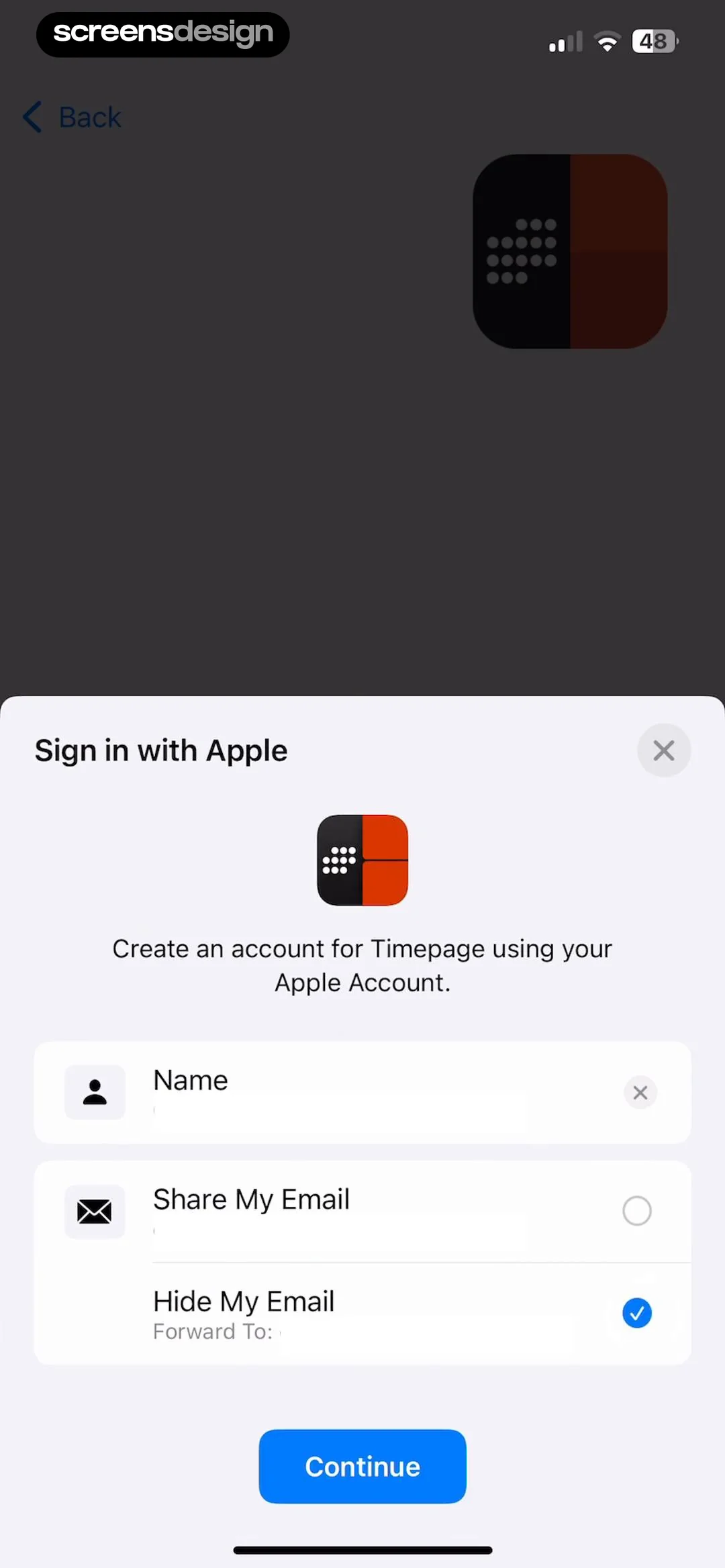
Timepage sign-in modal overlaying a dark background with the Hide My Email option selected and a Continue button.
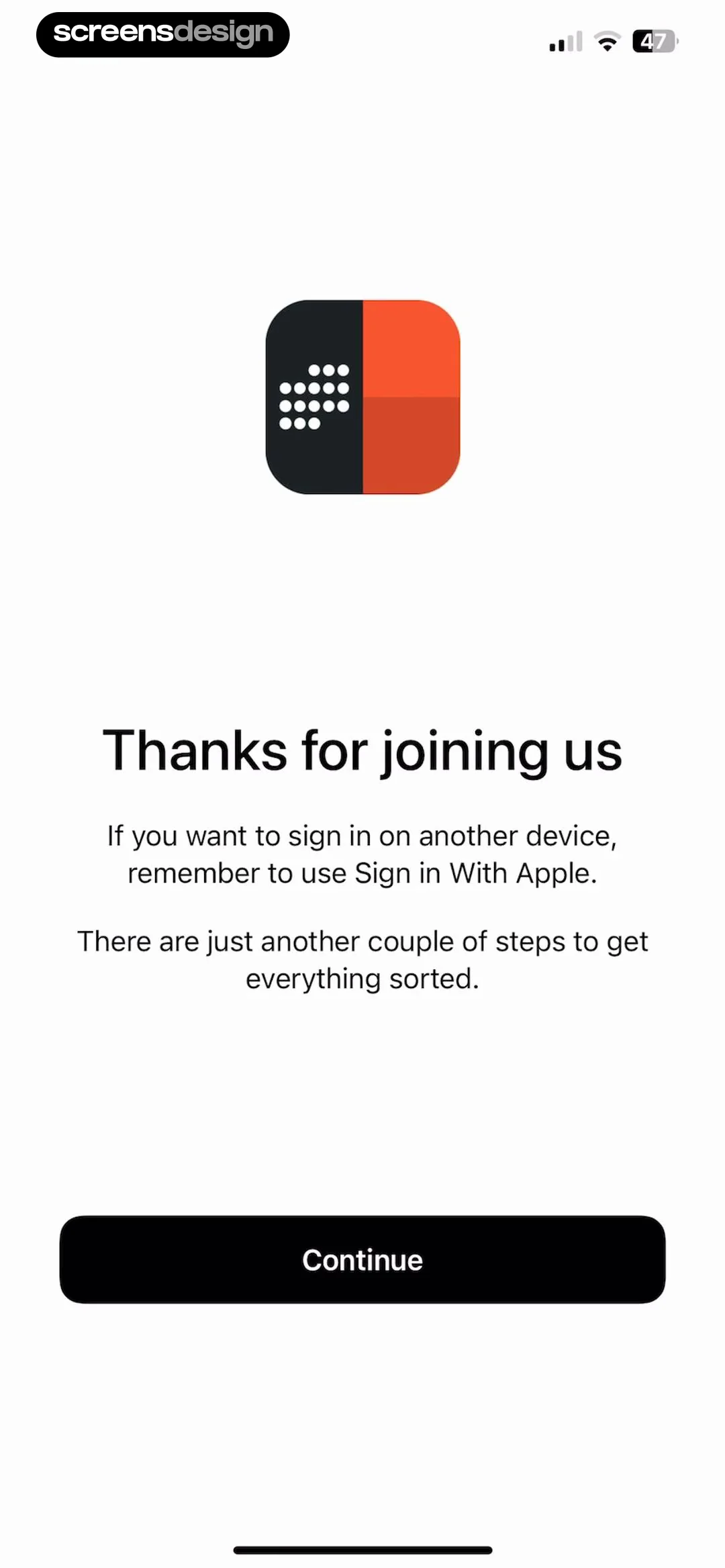
Onboarding welcome screen with a thank you message, instructions for signing in with Apple, and a Continue button.
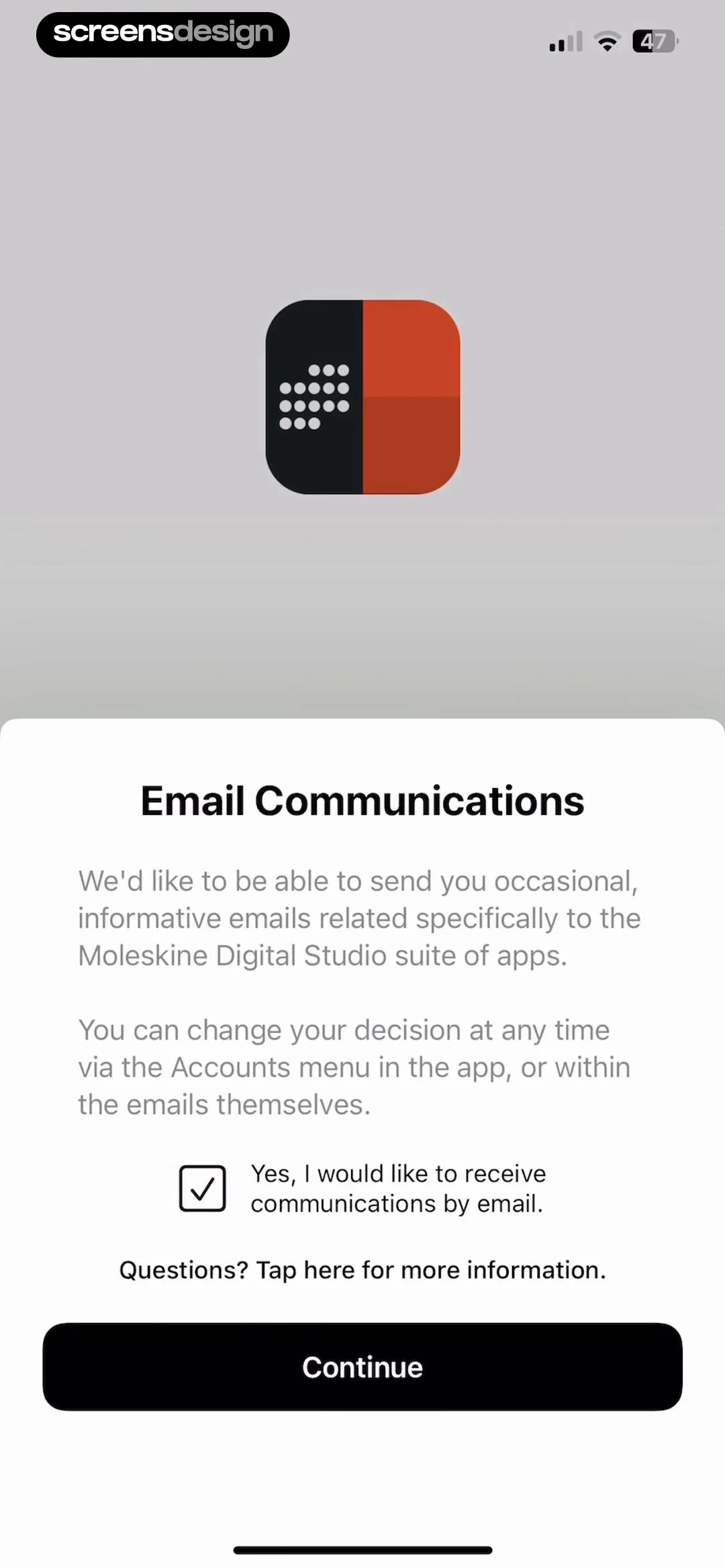
Email communications permission screen for the Timepage app, requesting opt-in for Moleskine Digital Studio emails with a checked box and a Continue button.
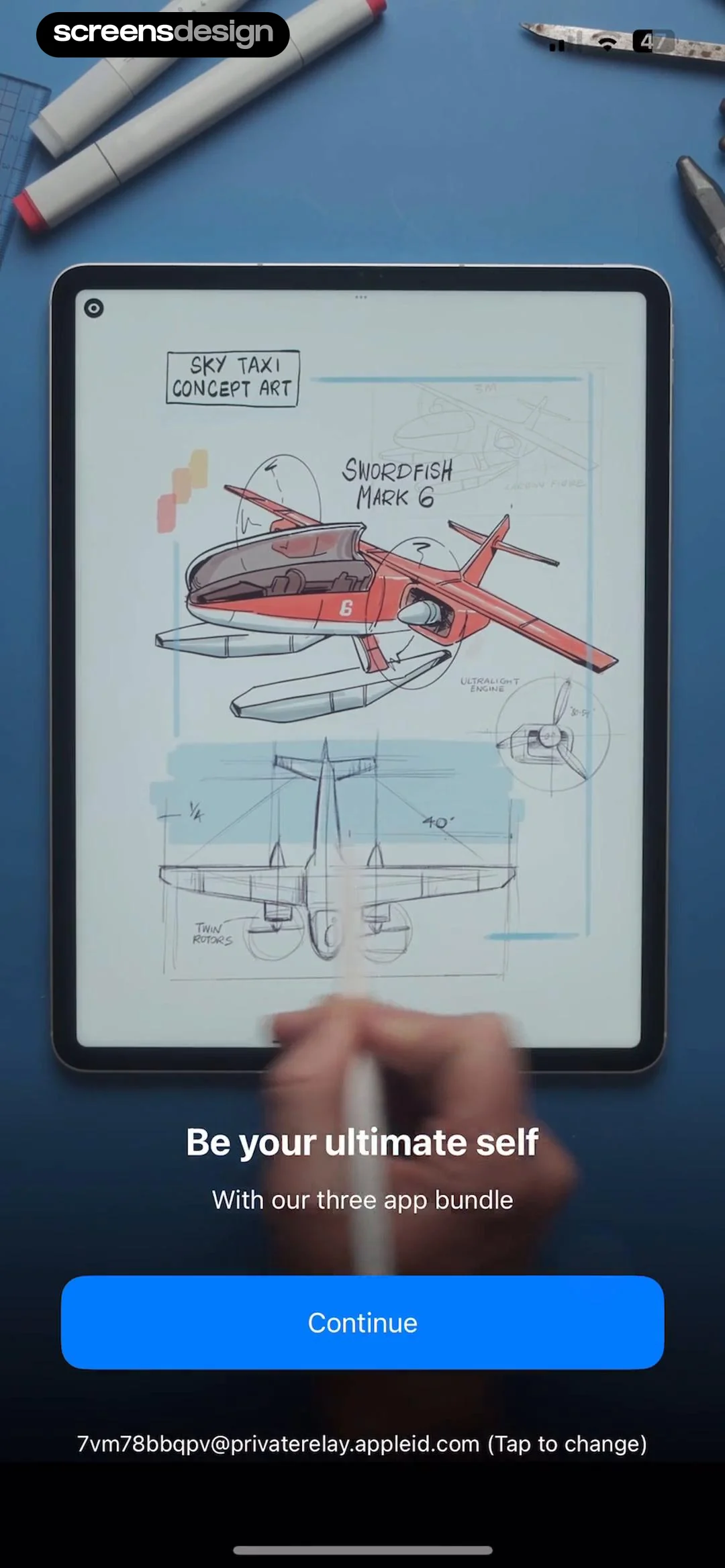
Paywall screen promoting a three-app bundle with a concept aircraft illustration and a continue button.
Paywall screen for Timepage featuring a calendar app mockup, free trial offer, Continue button, and account email.Unlock Pro
Onboarding screen highlighting multi-device use across Apple platforms, featuring a Continue button and account email details.Unlock Pro
Onboarding screen featuring a central task list mockup, trust signals, a Continue button, and an account email link.Unlock Pro
Onboarding modal highlighting regular updates over a calendar app background, with an Apple ID display and a Continue button.Unlock Pro
Paywall screen offering subscription options for an app bundle and standalone plan, with the Moleskine Studio Bundle selected and a Get started now button.Unlock Pro
App Store subscription confirmation modal for the Moleskine Studio Bundle showing a 7-day free trial and annual pricing.Unlock Pro
Subscription paywall overlay with a success modal confirming the purchase of an app bundle, featuring an OK button and account information.Unlock Pro
Timepage purchase confirmation modal over a task detail card with a Continue button.Unlock Pro
Paywall modal offering the Family Bundle subscription for $39.99 per year with the plan selected and a primary switch button.Unlock Pro
Permissions onboarding screen listing four cards for calendars, location, notifications, and contacts with a skip button at the bottom.Unlock Pro
Timepage app permission configuration screen displaying a calendar access system modal with Allow Full Access and Don't Allow buttons.Unlock Pro
Permission configuration screen for Timepage showing a list of access cards with a system notification request modal overlay and Allow and Don't Allow buttons.Unlock Pro
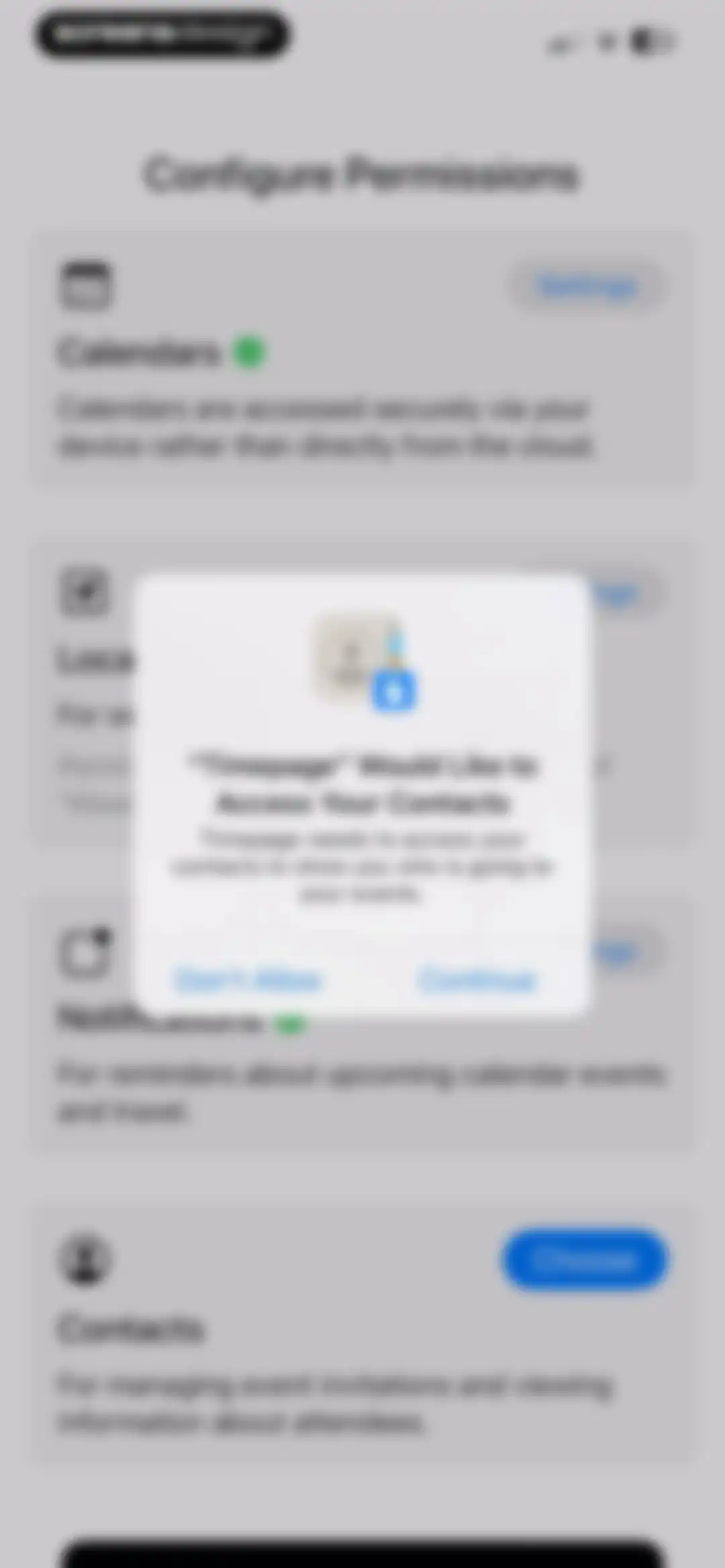
Timepage permissions configuration screen with a system modal requesting access to contacts, featuring Don't Allow and Continue buttons.Unlock Pro
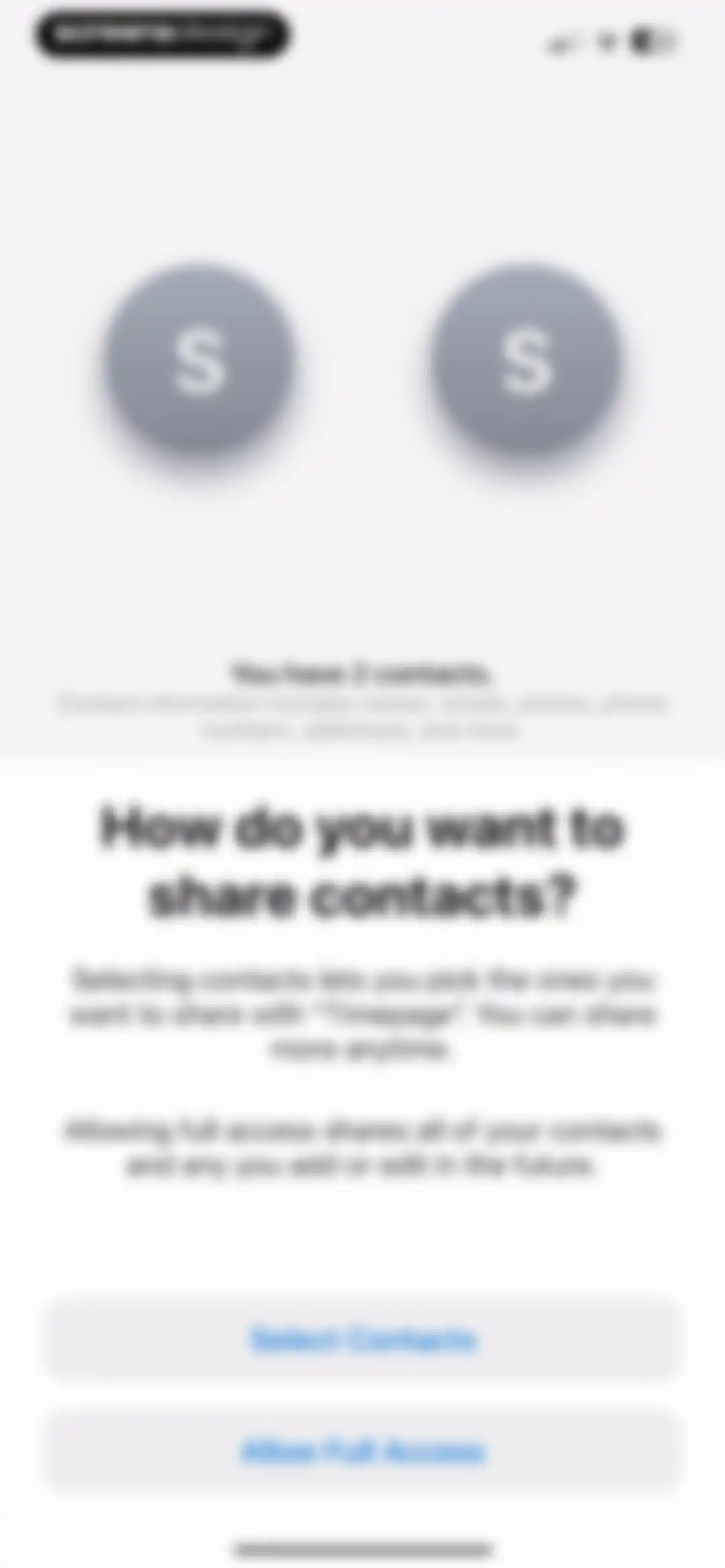
Permission request screen for the Timepage app asking how to share contacts, featuring options to select specific contacts or allow full access.Unlock Pro
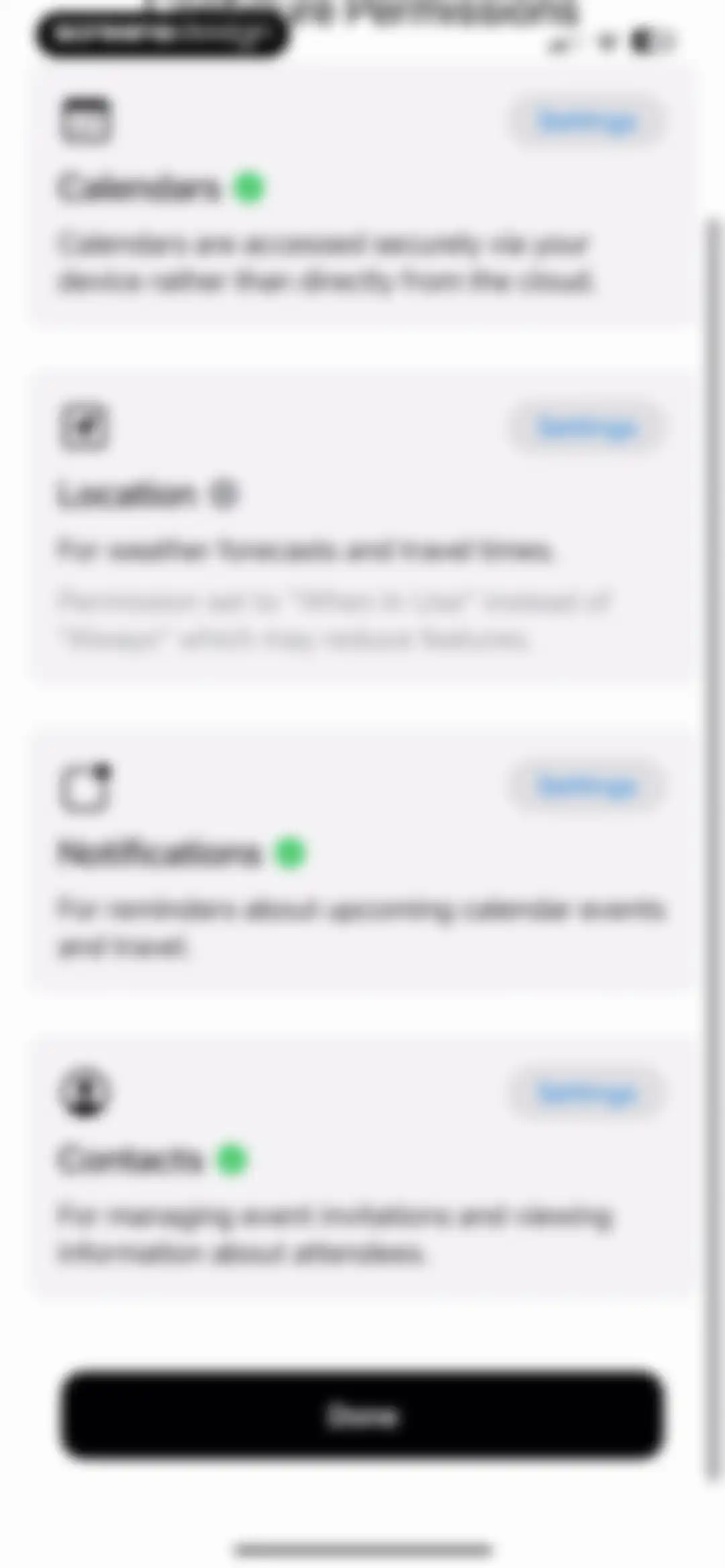
Permission configuration screen listing calendars, location, notifications, and contacts with a Done button at the bottom.Unlock Pro
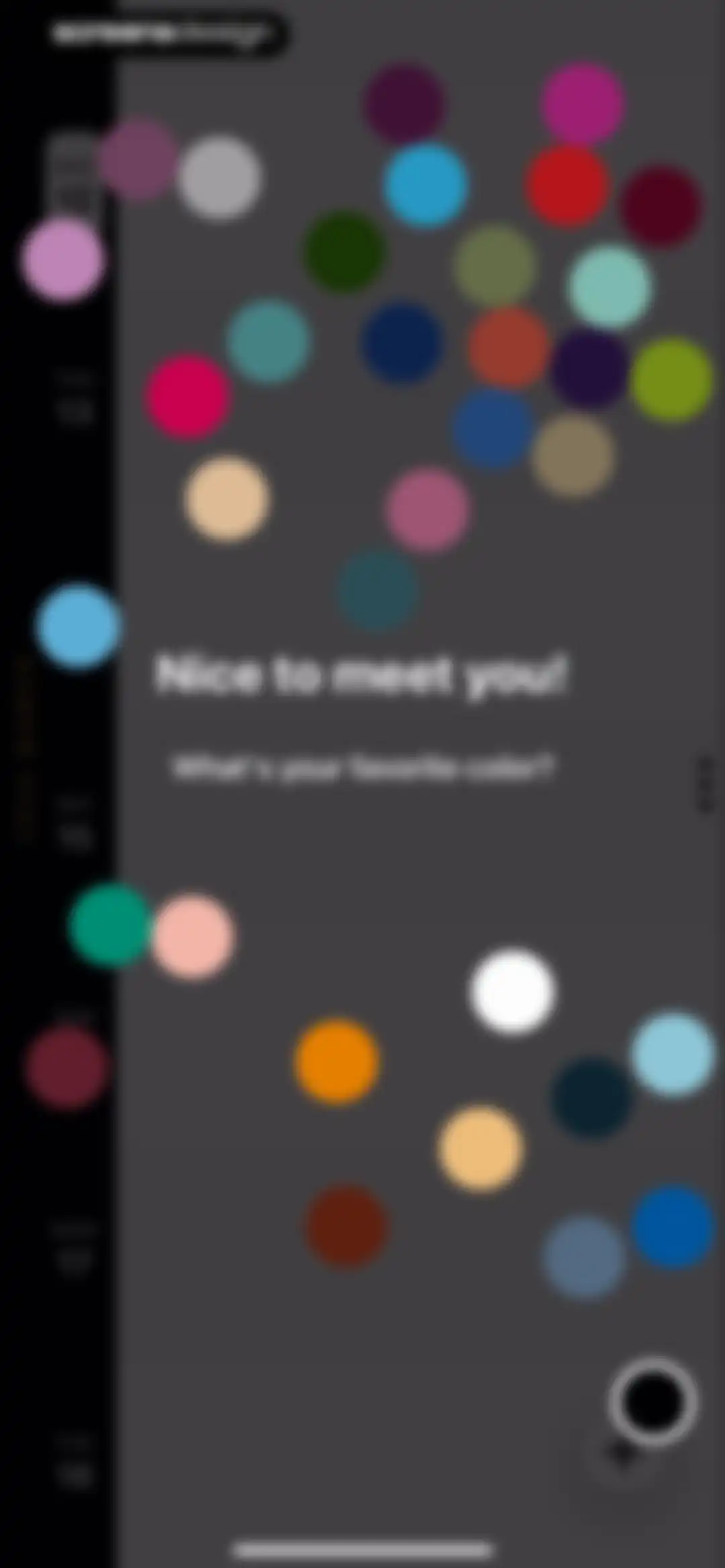
Timepage calendar onboarding screen asking for a favorite color with floating color circles and a date sidebar.Unlock Pro
Home screen showing a vertical date timeline, a central area with scattered circular event indicators, and a floating add button.Unlock Pro
Timepage calendar home screen with a vertical date timeline sidebar and a floating plus button to add events.Unlock Pro
Timepage home screen featuring a vertical calendar timeline and a bottom instructional modal with a floating plus button.Unlock Pro
Event editor screen with a title input for Hike highest peak, time selection cards, and a Done button.Unlock Pro
Calendar selection modal displaying an iCloud account with Home and Work options and a close button.Unlock Pro
Calendar event time picker form for Hike highest peak with time range controls, date selector, and a Set Time button.Unlock Pro
Calendar event creation form for Hike highest peak with Thu May 15 selected, All Day toggle active, and a recent events empty state drawer.Unlock Pro
Event creation editor displaying the title Hike highest peak, May 15 dates, and an empty recent locations panel.Unlock Pro
Event editor screen displaying hike details with date range selection and an empty recent people modal at the bottom.Unlock Pro
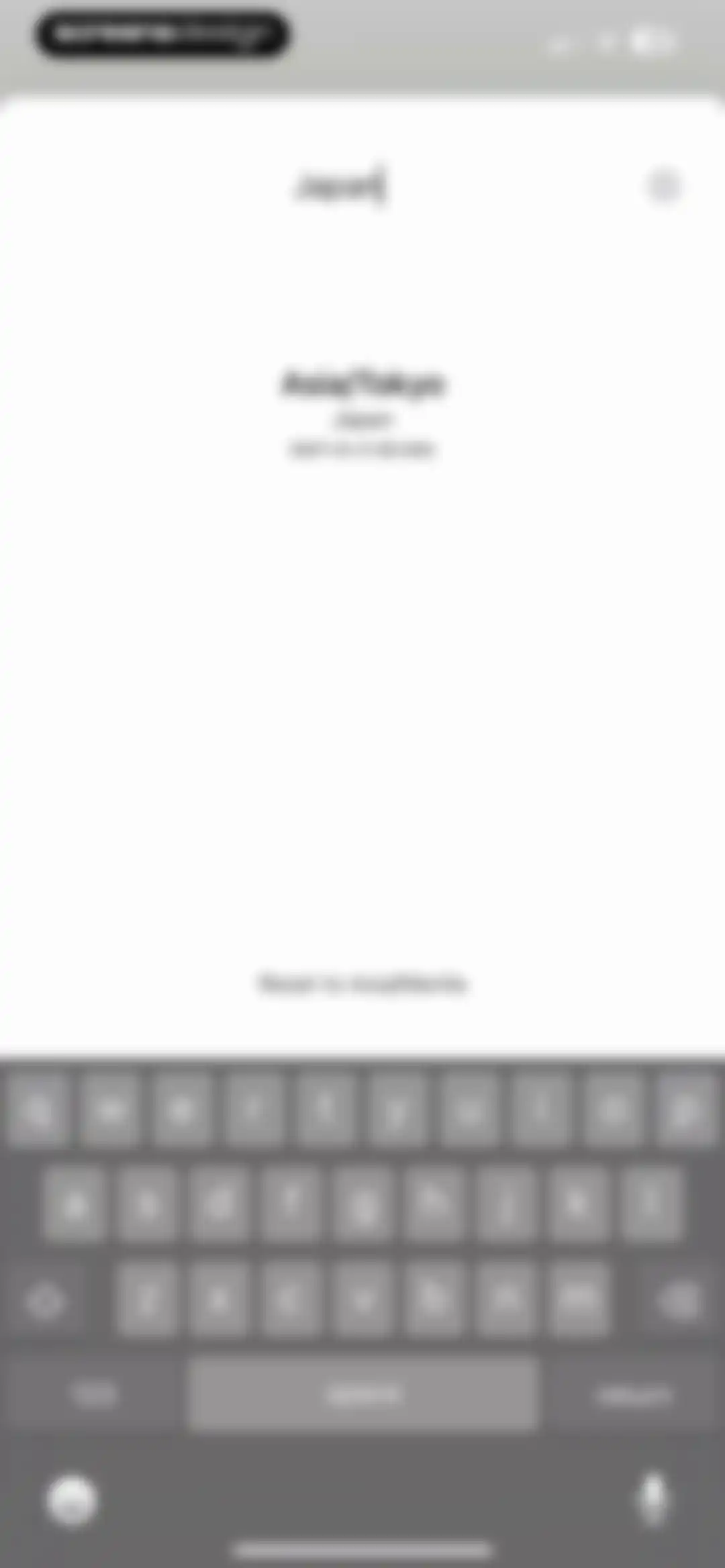
Time zone search screen showing the search query Japan and the resulting Asia/Tokyo option with its GMT offset.Unlock Pro
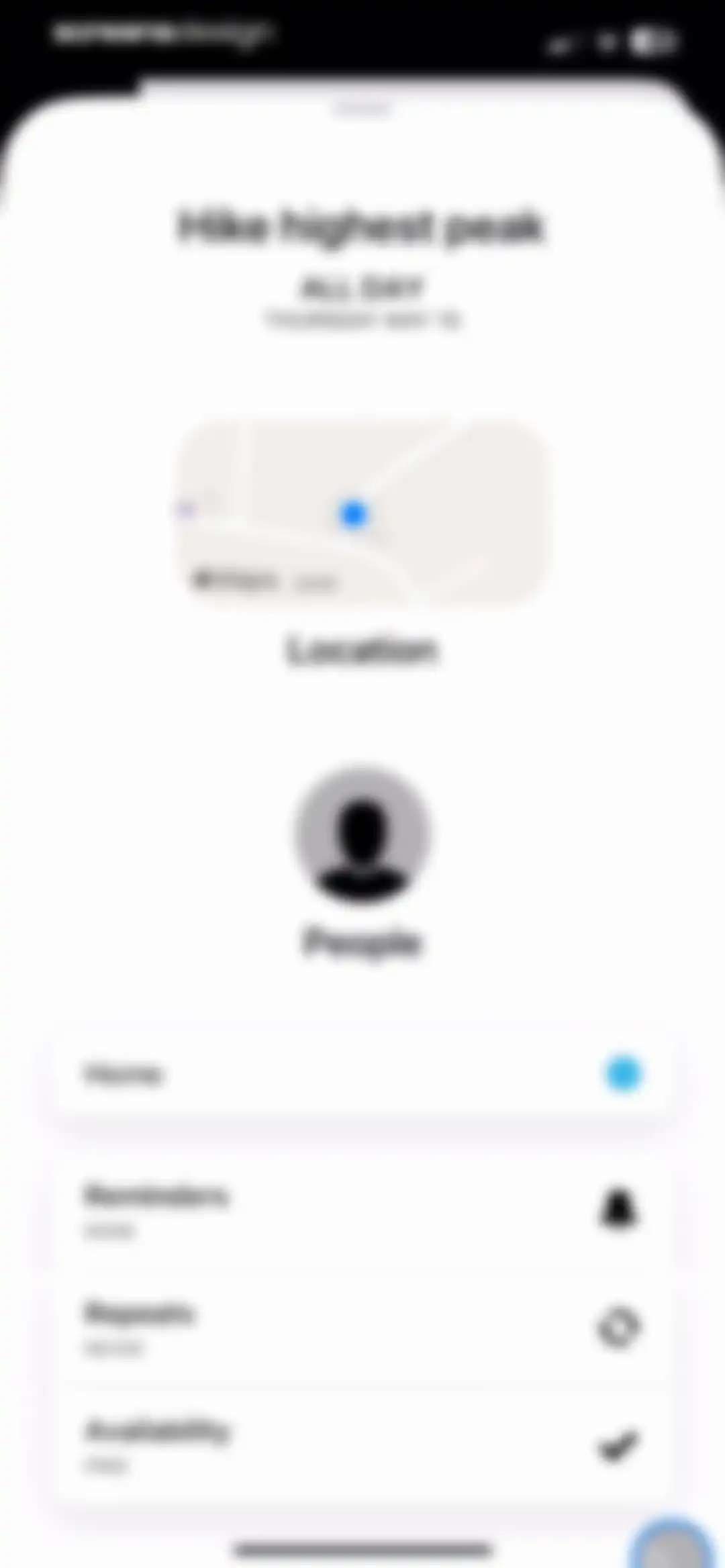
Calendar event editor for Hike highest peak on Thursday May 15, showing a map location and configuration settings for reminders, repeats, and availability.Unlock Pro
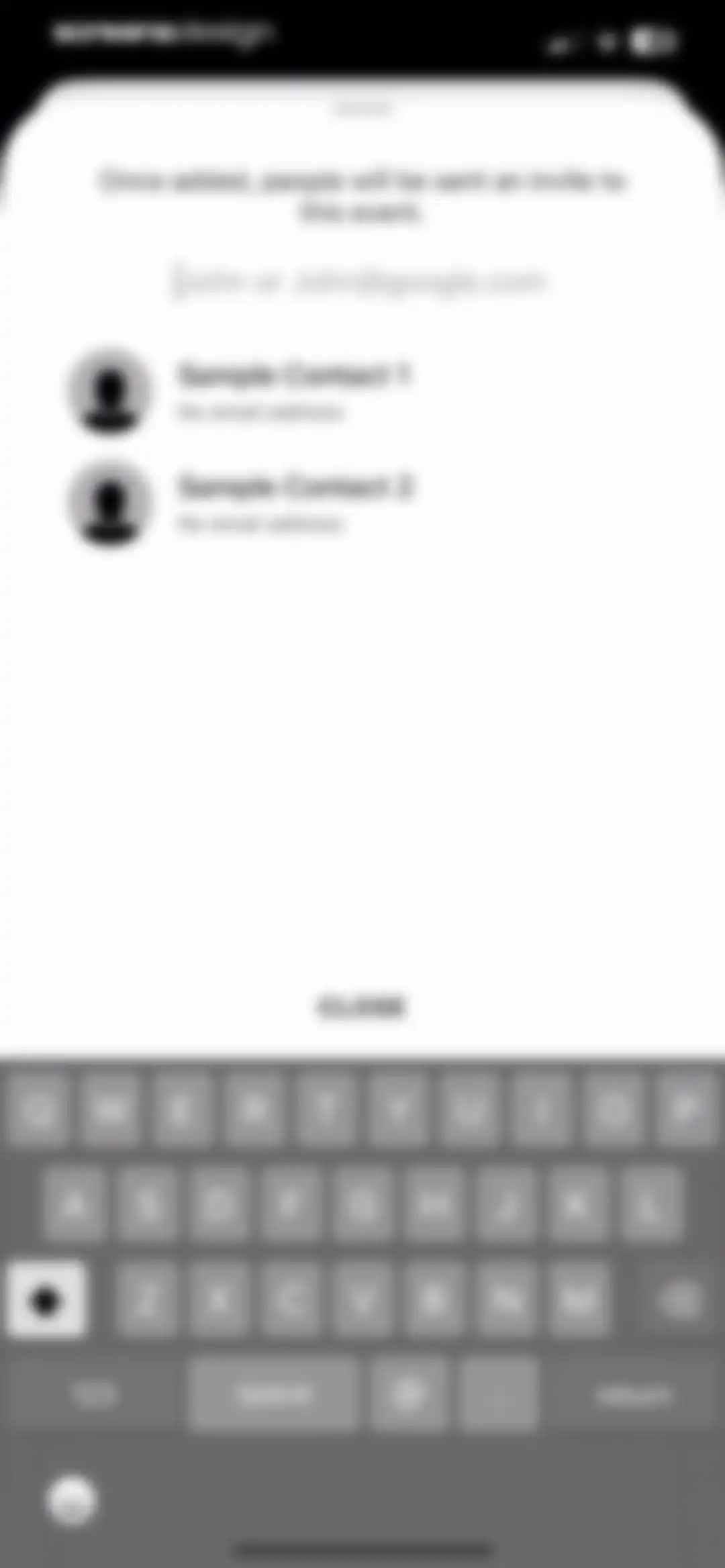
Attendee selection modal with a search input field, contact list displaying two sample contacts, and a close button.Unlock Pro
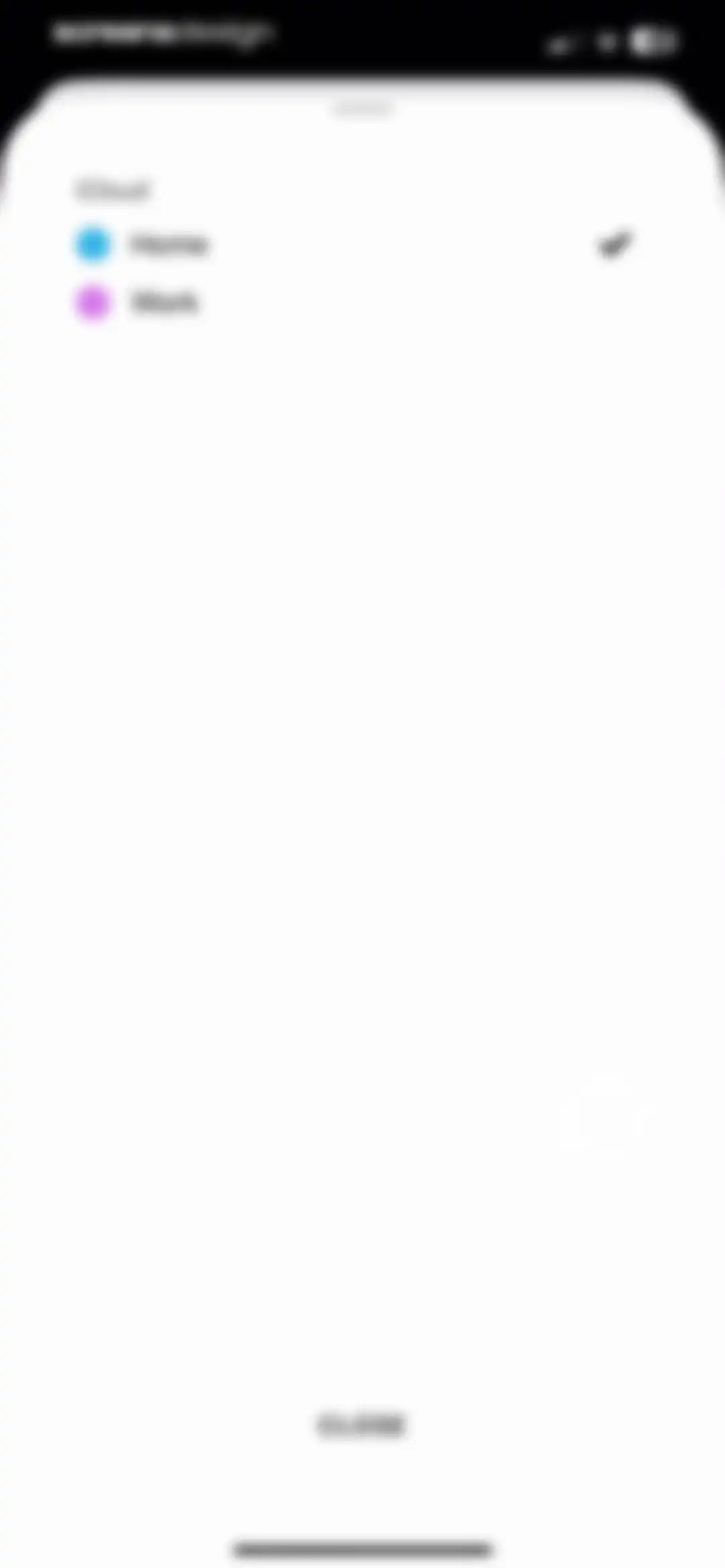
Calendar selection modal with iCloud header, listing Home and Work options, with the Home calendar currently selected and a close button.Unlock Pro
Reminder settings modal with a list of options, the 1 week before option selected, and a close button.Unlock Pro
Event recurrence modal with a segmented control for frequency options, the OFF option selected, and a close button.Unlock Pro
Event recurrence configuration modal with daily frequency selected, a one-day interval stepper, never ending condition, and a close button.Unlock Pro
Calendar event repetition settings form with yearly frequency and never-ending recurrence selected, plus a close button.Unlock Pro
Event editor screen displaying a list of settings cards, a 63 days countdown display, and a delete icon at the bottom.Unlock Pro
Calendar event form with a URL input modal dialog centered over it, showing Cancel and Done buttons and an active keyboard.Unlock Pro
Text input modal with a blank entry area, quick action buttons, a close button, and the system keyboard.Unlock Pro
Countdown timer screen showing 63 days and 9 hours remaining, with a top firework icon and bottom buttons for Add to Siri and Share with a friend.Unlock Pro
Share sheet modal overlaying a Timepage Countdown background, featuring a grid of app icons and a list of action buttons.Unlock Pro
Siri shortcut confirmation modal displaying the added phrase and options to change the voice phrase, edit, or remove the shortcut.Unlock Pro
Calendar event editor displaying a title input, a Work category tag, time selection cards, and a keyboard with a custom toolbar.Unlock Pro
Calendar event detail view for Generate ideas with location map, weather information, attendee details, and a Work category toggle.Unlock Pro
Calendar event creation form with a title input for Home workout, a time range of 08:00 PM to 10:00 PM on Wednesday, March 12, and a system keyboard at the bottom.Unlock Pro
Dashboard showing event details for Home workout on Wednesday March 12, including location, weather, and attendees.Unlock Pro
Calendar home screen displaying a vertical date sidebar and a daily event timeline for March 12 with a floating add button.Unlock Pro
Calendar home screen displaying a vertical daily timeline with scheduled events for March 12, a date sidebar, and a plus icon for adding new events.Unlock Pro
Calendar home screen displaying today's date, a list of scheduled events, and a weather forecast card.Unlock Pro
Calendar event detail modal for 'Start working' displaying time, scheduling insight, location map, weather summary, and people section.Unlock Pro
Event editor screen displaying a list of setting cards, a live activity countdown timer, and a stop live activity button.Unlock Pro
Event details screen with a delete confirmation modal asking Delete this event? and buttons to confirm or cancel.Unlock Pro
Settings screen for calendar layout customization with a dark theme, color mode options, and Day View toggles.Unlock Pro
Timepage app calendar settings screen with the Calendars tab selected, listing calendar visibility options and a default calendar selection.Unlock Pro
Settings screen for default calendar selection with the Work option selected and a checkmark.Unlock Pro
Calendar timeline home screen showing hourly time slots with Generate ideas and Home workout events, and a floating bottom navigation bar.Unlock Pro
Event time picker form with a title input for End Shift, a start and end time range selector, and a keyboard with a toolbar.Unlock Pro
Calendar event details screen showing the End Shift event with time, map, weather forecast, and a work category tag.Unlock Pro
Context menu overlay on a blurred calendar showing Duplicate and Delete options above an End Shift button.Unlock Pro
Calendar timeline view with a centered deletion confirmation modal asking Delete this event with Yes, delete this event and Cancel buttons.Unlock Pro
Calendar home screen displaying a dark-themed monthly grid for March 2025 alongside a vertical event list and bottom navigation dots.Unlock Pro
Dark-themed calendar home screen displaying March 2025 with a highlighted date and a daily event list including Generate ideas and Home workout.Unlock Pro
Home screen displaying a minimalist June 2025 monthly calendar grid in dark mode with bottom navigation icons.Unlock Pro
Dark-themed monthly calendar view for March 2025 with category filters, event markers, and a plus icon to add new events.Unlock Pro
Calendar home screen displaying a vertical timeline of dates in a black sidebar with corresponding daily weather forecasts in the main area.Unlock Pro
Timepage settings menu showing a trial status with seven days remaining and a vertical list of navigation options.Unlock Pro
Timepage about screen with minimalist dark theme, centered Moleskine and Bonobo branding, copyright notice, and legal links.Unlock Pro
RSVP empty state screen displaying the message that there are no invitations awaiting reply.Unlock Pro
Timepage calendar settings screen with a birthday calendar identification keyword input field containing the word birthdays.Unlock Pro
Theme settings interface with a dark background, showing the White theme selected, a Dark Text toggle, and color swatches.Unlock Pro
Theme settings screen with color swatches, featuring the Mustard Yellow theme selected and a Dark category active.Unlock Pro
Timepage theme settings screen featuring a list of color options with Kingfisher Blue selected and a Light Text toggle.Unlock Pro
Settings screen with a dark theme listing preference categories from General to Actions and Flow.Unlock Pro
Timepage general settings screen with a dark theme displaying toggleable preference options and a reset button.Unlock Pro
Settings screen featuring a dark theme and a centered modal overlay asking for confirmation to reset preferences, with Cancel and Reset buttons.Unlock Pro
Timepage calendar settings screen with a text input field containing the word birthdays for identifying birthday calendars.Unlock Pro
Timeline settings menu in the Timepage app featuring customizable display options like shading, event animations, and days at a glance.Unlock Pro
Calendar week settings screen with sections for week numbers, week mode with North American selected, and week start with Sunday selected.Unlock Pro
Settings screen for event preferences with options for default duration, notifications, and event behavior.Unlock Pro
Weather settings screen with temperature display and unit preferences, showing actual temperature and Celsius selected with checkmarks.Unlock Pro
Settings screen for sound preferences with enabled sound effects and haptic feedback toggles, and reminder option eight selected.Unlock Pro
Settings screen for travel and directions with grouped lists for default travel mode, advanced modes, and preferred mapping apps.Unlock Pro
Settings screen for time and alternate calendar options, with None selected and a list of calendar systems.Unlock Pro
Text size settings screen featuring a central font preview card and an adjustment slider, with the device text size option selected.Unlock Pro
Settings screen for actions and flow with enabled toggle options and a dark theme.Unlock Pro
Smart alerts settings menu in dark mode displaying a two-column grid of options including rain alerts, daily briefing, and follow ups.Unlock Pro
Rain alerts settings screen with an umbrella illustration, a carousel selector for any rain, and controls for fifteen minutes notice and severe alerts.Unlock Pro
Daily briefing settings screen showing a 7:00 AM time picker, a visual time slider, and a Turn Off button.Unlock Pro
Follow-ups settings screen featuring time adjustment controls, descriptive reminder text, and a turn off button in a dark theme.Unlock Pro
Time to leave settings screen with a travel method carousel set to driving and notification timing options, with 15 mins before leaving selected.Unlock Pro
Notification settings screen with lists of time intervals for default events and all-day events, showing '15 minutes before' selected.Unlock Pro
Siri Shortcuts settings screen with an active shortcut under IN USE and several available options listed under SUGGESTIONS.Unlock Pro
Timepage app Siri shortcut confirmation screen displaying the added voice phrase, a Done button, and options to edit or remove the shortcut.Unlock Pro
Timepage 4.2 release notes displaying update details for the Event Creation Screen alongside a product mockup.Unlock Pro
Onboarding screen featuring a vertical calendar timeline card and descriptive text about weekly schedules with pagination dots below.Unlock Pro
Onboarding screen highlighting a calendar heatmap feature with a dark theme and descriptive caption about busiest days.Unlock Pro
Onboarding screen displaying a yearly calendar card with instruction to swipe right on the heatmap, alongside a pagination indicator.Unlock Pro
Onboarding feature highlight screen displaying a peach-colored weather forecast card with temperature details, a descriptive caption, and carousel pagination dots against a dark background.Unlock Pro
Calendar app onboarding screen featuring a date and time card with a quick-add instruction and a done button above the keyboard.Unlock Pro
Onboarding screen showing a magenta phone mockup with travel and weather illustrations, a smart reminders caption, and a six-dot page indicator.Unlock Pro
Timepage onboarding completion screen with a thank you message, a central next button, and progress dots at the bottom.Unlock Pro
Help and support settings screen with a list of options including Contact Support, FAQ, and Permissions in dark mode.Unlock Pro
Help and support settings screen featuring a modal overlay with a name input field and a Continue button.Unlock Pro
In-app browser showing Timepage help links and support navigation with browser controls at the bottom.Unlock Pro
Help documentation list for the Timepage app featuring expandable categories and a Close button.Unlock Pro
Permissions settings screen listing calendars, location, notifications, and contacts cards with status indicators and individual settings buttons.Unlock Pro
Account settings screen displaying membership status, user identity via Apple, and options to manage subscriptions, delete the account, or sign out.Unlock Pro
Membership information screen displaying trial expiration details, subscription terms, and a Manage Subscriptions button.Unlock Pro
Email communications onboarding screen with a checked opt-in checkbox, a help link, and a bottom arrow button.Unlock Pro
Redeem offer modal for Timepage by Moleskine Studio, featuring an empty promo code input field and a disabled Redeem button.Unlock Pro
Settings screen with a delete account confirmation modal open, requiring the user to type DELETE to confirm data removal.Unlock Pro

About Timepage: Calendar Planner

A beautifully designed, intuitive calendar app that integrates weather, maps, and travel time estimates into a unified timeline view.

Explore Timepage: Calendar Planner across ScreensDesign

Apps similar to Timepage: Calendar Planner

Unlock all similar apps

See every comparable app, revenue, installs, and flows.

Unlock Pro
  • Calendars: Schedule Planner

    4.7
    Readdle Technologies LimitedRevenue$250kInstalls150k
  • Notion Calendar

    4.7
    Notion Labs, IncorporatedRevenue$<5kInstalls95k
  • Amie - Todos, calendar

    3.4
    Amie GmbHRevenue$<5kInstalls<5k
  • minical - Planner & Calendar

    4.8
    minical Inc.Revenue$15kInstalls50k
  • Countdown

    4.8
    Find Appiness LLCRevenue$10kInstalls300k
  • Any.do: To do list & Planner

    4.6
    Any.DORevenue$30kInstalls<5k
  • Weather Pro · Radar Alerts

    4.6
    LuniRevenue$65kInstalls<5k
  • Smart Timetable: Study Planner

    4.6
    Denis KravcovRevenue$<5kInstalls40k
  • (Not Boring) Weather

    4.7
    Not Boring Software LLCRevenue$35kInstalls35k
  • Tide Guide: Charts & Tables

    4.7
    Condor DigitalRevenue$25kInstalls7k
  • My Timetable: Class Schedule

    4.5
    Kodeon, Inc.Revenue$<5kInstalls15k
  • Focus - Deep Work Timer

    4.4
    Meaningful Things GmbH & Co. KGRevenue$<5kInstalls<5k
  • Hours Tracker: Time Tracking

    4.8
    Cribasoft, LLCRevenue$65kInstalls<5k
  • To Do List MinimaList & Widget

    4.8
    Davetech Co., Ltd.Revenue$5kInstalls95k
  • Shared Family Calendar: FamCal

    4.9
    Beesoft AppsRevenue$95kInstalls<5k
  • Up Ahead: Countdown Widgets

    4.9
    Daniel GauthierRevenue$<5kInstalls<5k
  • Period Tracker Period Calendar

    4.9
    ABISHKKING LIMITED.Revenue$150kInstalls600k
  • Bear - Markdown Notes

    4.7
    Shiny Frog Ltd.Revenue$45kInstalls<5k
  • MindNode – Classic

    4.5
    IdeasOnCanvas GmbHRevenue$50kInstalls25k
  • Structured: Daily Planner Todo

    4.8
    unorderly GmbHRevenue$300kInstalls400k
  • TickTick:To-Do List & Calendar

    4.9
    Appest LimitedRevenue$450kInstalls200k
  • Cozi Family Organizer

    4.8
    CoziRevenue$450kInstalls35k
  • Interval Timer □ HIIT Timer

    4.8
    Float Tech, LLCRevenue$55kInstalls15k
  • Weekly Planner - Diary, Notes

    4.7
    Digital Legal TechRevenue$40kInstalls40k
  • Colorful Widget- Widget&Themes

    4.7
    Guangzhou ZHIFENG Information Technology Co.,Ltd.Revenue$15kInstalls250k
  • Planner Pro - Daily Planner

    4.5
    Beesoft AppsRevenue$10kInstalls<5k
  • Evernote: AI Notes & Notebook

    4.4
    Evernote CorporationRevenue$750kInstalls80k
  • ThemePack: Widgets & Wallpaper

    4.7
    HONG KONG MANGO MOBILE LIMITEDRevenue$250kInstalls250k
  • Planner & Journal - Zinnia

    4.6
    Pixite Inc.Revenue$200kInstalls45k
  • Timella: Study & Work Timer

    0.0
    Jordan Andrade Carlota
  • Copilot: Track & Budget Money

    4.8
    Copilot Money, Inc.Revenue$250kInstalls<5k
  • Paper: Sketch, Draw & Create

    4.6
    WeTransfer BVRevenue$100kInstalls100k
  • Todoist: To Do List & Calendar

    4.8
    Doist Inc.Revenue$450kInstalls150k
  • Acme Weather

    4.7
    Acme WeatherRevenue$15kInstalls<5k
  • Tripsy: Travel Planner

    4.7
    Tripsy LLCRevenue$55kInstalls25k
  • Tiimo: To-Do List Planner

    4.6
    tiimoRevenue$250kInstalls65k
  • Weather Live° - Local Forecast

    4.6
    Easy Tiger Apps, LLC.Revenue$250kInstalls30k
  • Clue Period & Cycle Tracker

    4.8
    BioWink GmbHRevenue$1.3MInstalls300k
  • Calendly: Meeting Scheduling

    4.8
    CalendlyRevenue$200kInstalls35k
  • Clarify: Focus & Task Manager

    4.3
    FabulousRevenue$<5kInstalls<5k
  • Day One: Daily Journal & Diary

    4.8
    Bloom Built IncRevenue$350kInstalls30k
  • Weather on the Way

    4.7
    Piotr KnapczykRevenue$55kInstalls25k
  • Skylight App

    4.8
    Skylight FrameRevenue$2.3MInstalls250k
  • TimeHut - Baby Album

    4.6
    Bithouse, Inc.Revenue$150kInstalls35k
  • Private Photo Vault - Pic Safe

    4.8
    Legendary Software Labs LLCRevenue$750kInstalls40k
  • Fancy Widgets & Themes

    4.4
    Top Widgets & Themes LabsRevenue$10kInstalls<5k
  • Grow: Health & Fitness

    4.7
    Learn For Fun LimitedRevenue$150kInstalls200k