Tezza: Aesthetic Photo Editor

$2M revenue, 4.7 rating

App walkthrough
0:00 / 13:38

Onboarding flow, Paywall & Inside the App

Watch the full screen-by-screen UX video of Tezza: Aesthetic Photo Editor with onboarding, paywall, and every core flow.
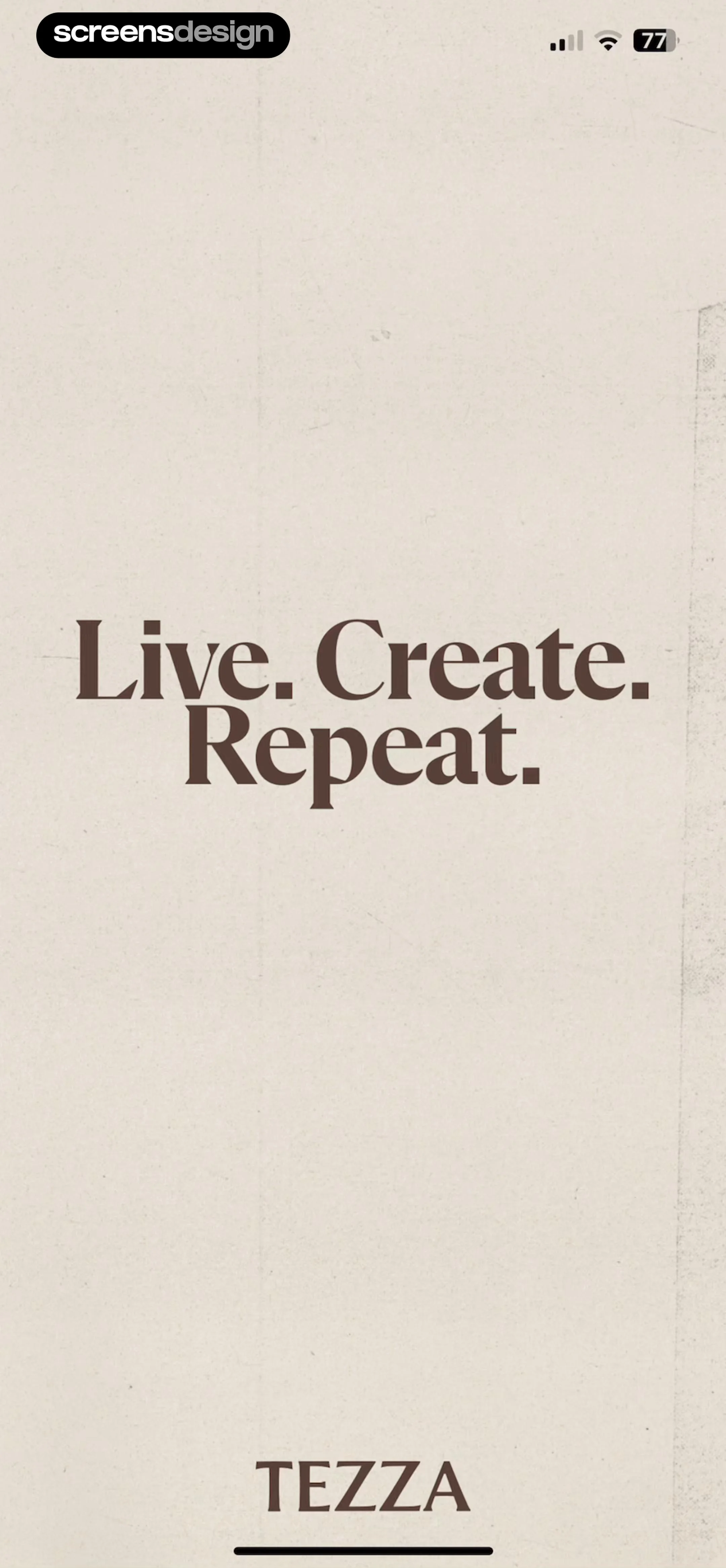

Onboarding splash screen displaying the brand slogan Live. Create. Repeat. and the Tezza brand name on a cream background.
Tezza onboarding splash screen with a centered brand mission statement against a dark blurred background.
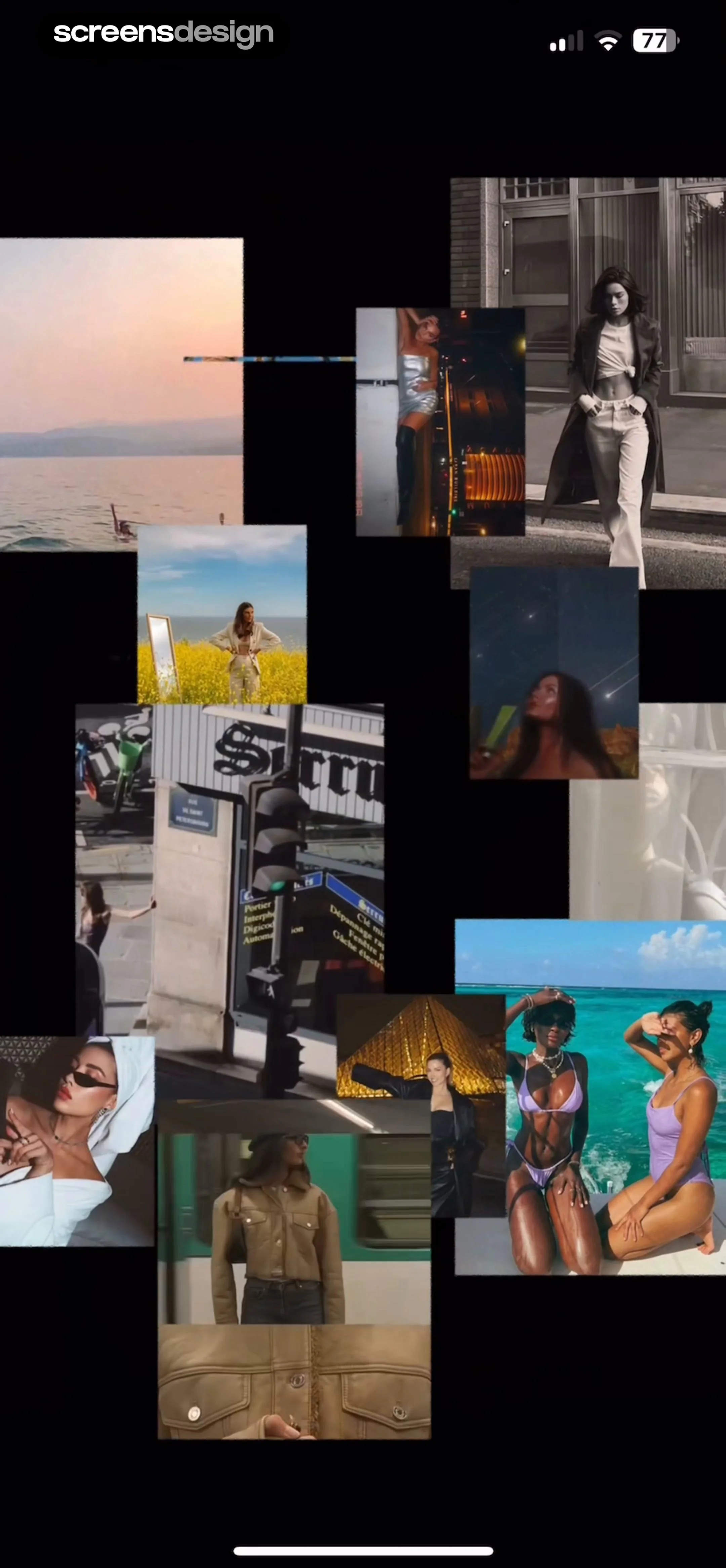
Tezza feed planner displaying a dense, overlapping collage of aesthetic fashion and lifestyle photo tiles on a black background.
Splash screen for the Tezza app featuring a centered white brand logo against a solid black background.
Onboarding screen featuring a lifestyle photo background, the Tezza logo, a Create Account button, social login options, and guest access.
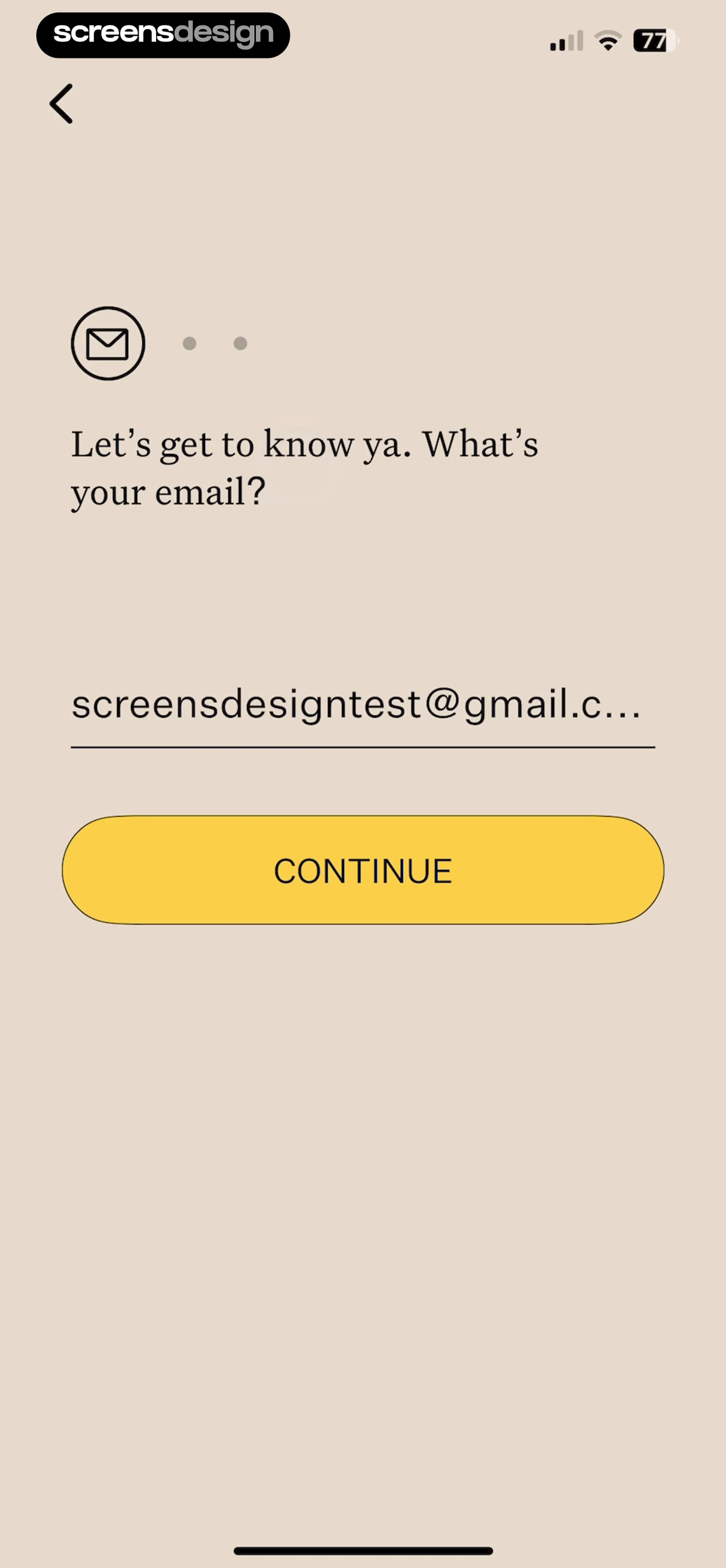
Tezza onboarding email entry screen with a pre-filled email address and a yellow Continue button.
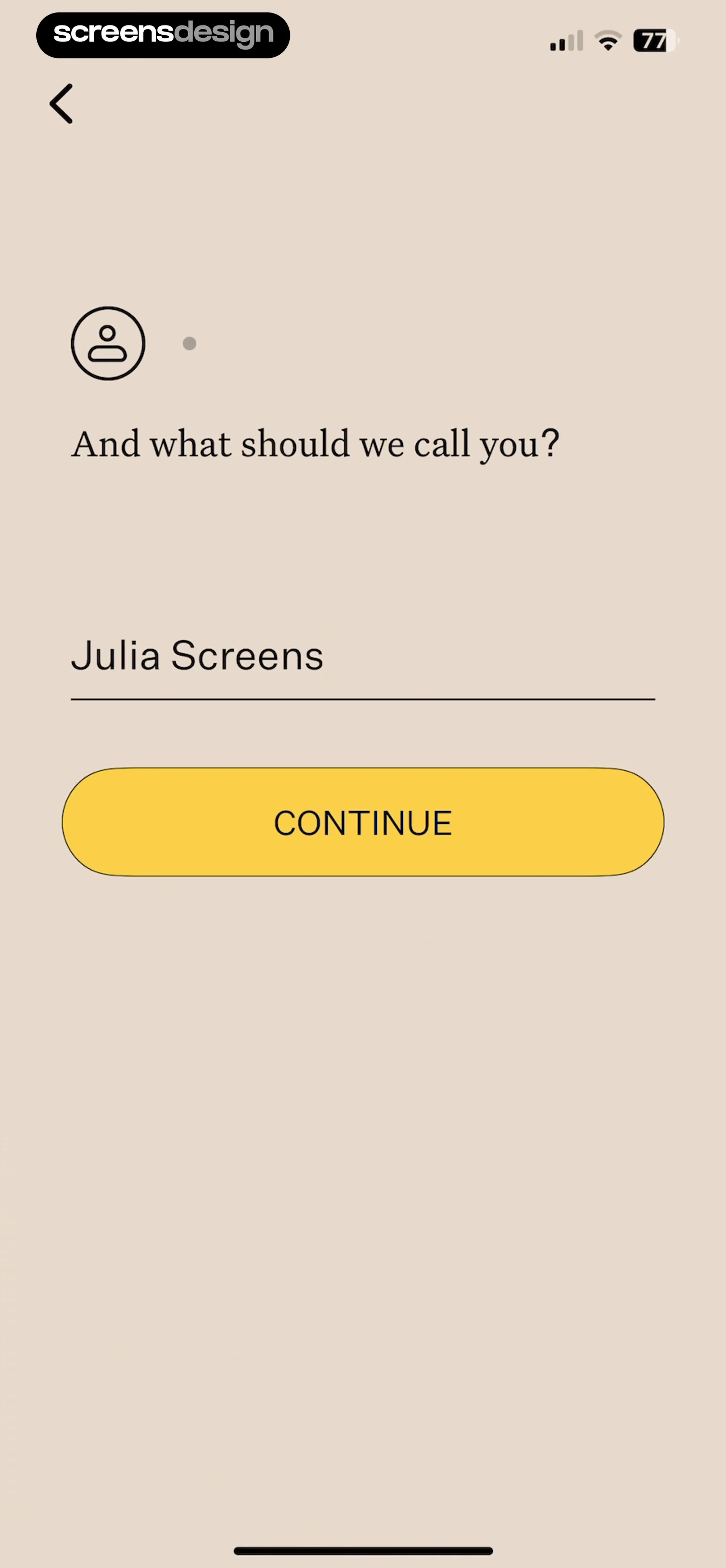
Tezza onboarding name entry screen with a profile icon, a text input populated with Julia Screens, and a yellow Continue button.
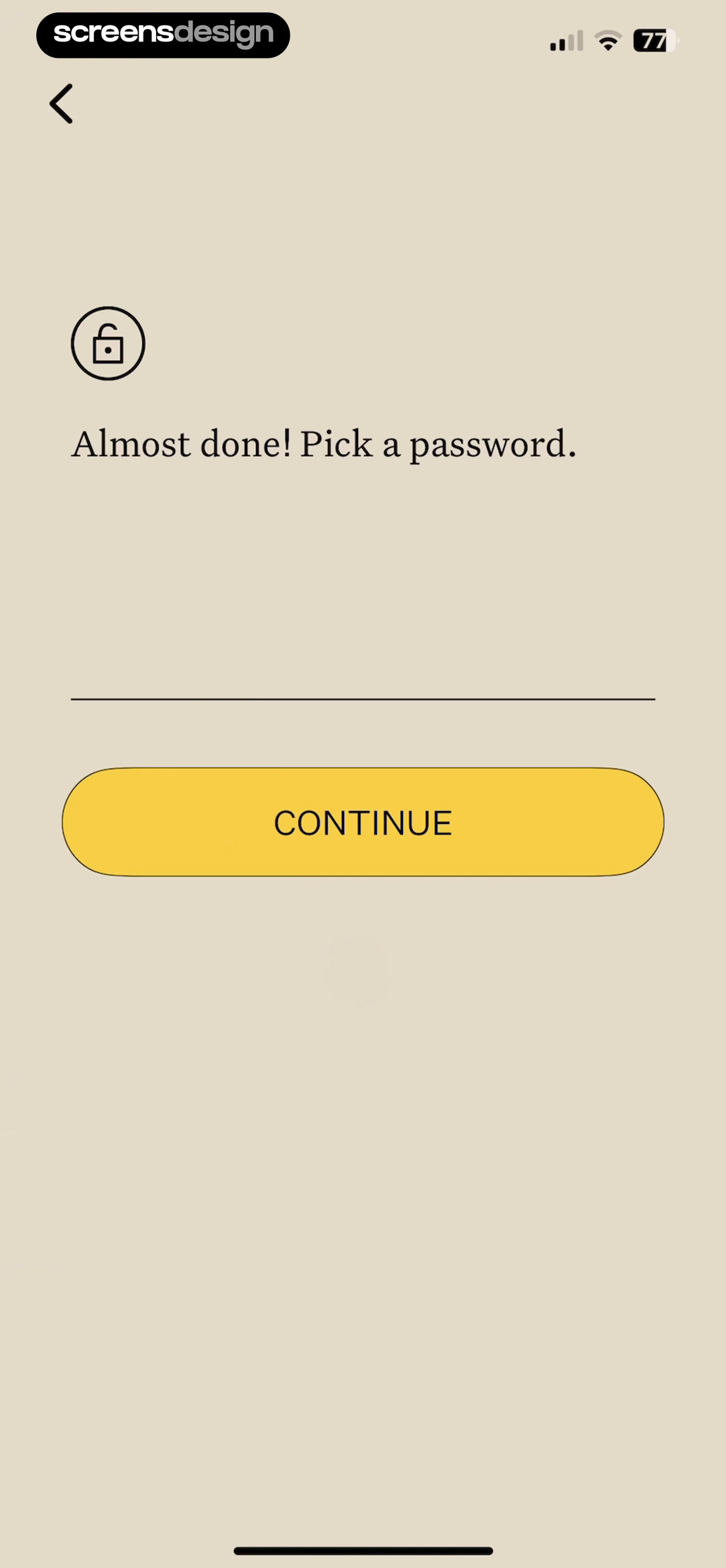
Password creation screen in the Tezza app, featuring a centered lock icon, password input field, and a yellow Continue button.
Account confirmation form with pre-filled email and name fields, a yellow LET'S DO IT button, and terms of use links.Unlock Pro
Registration success confirmation modal with a red OK button, overlaid on a form showing the user's email and name.Unlock Pro
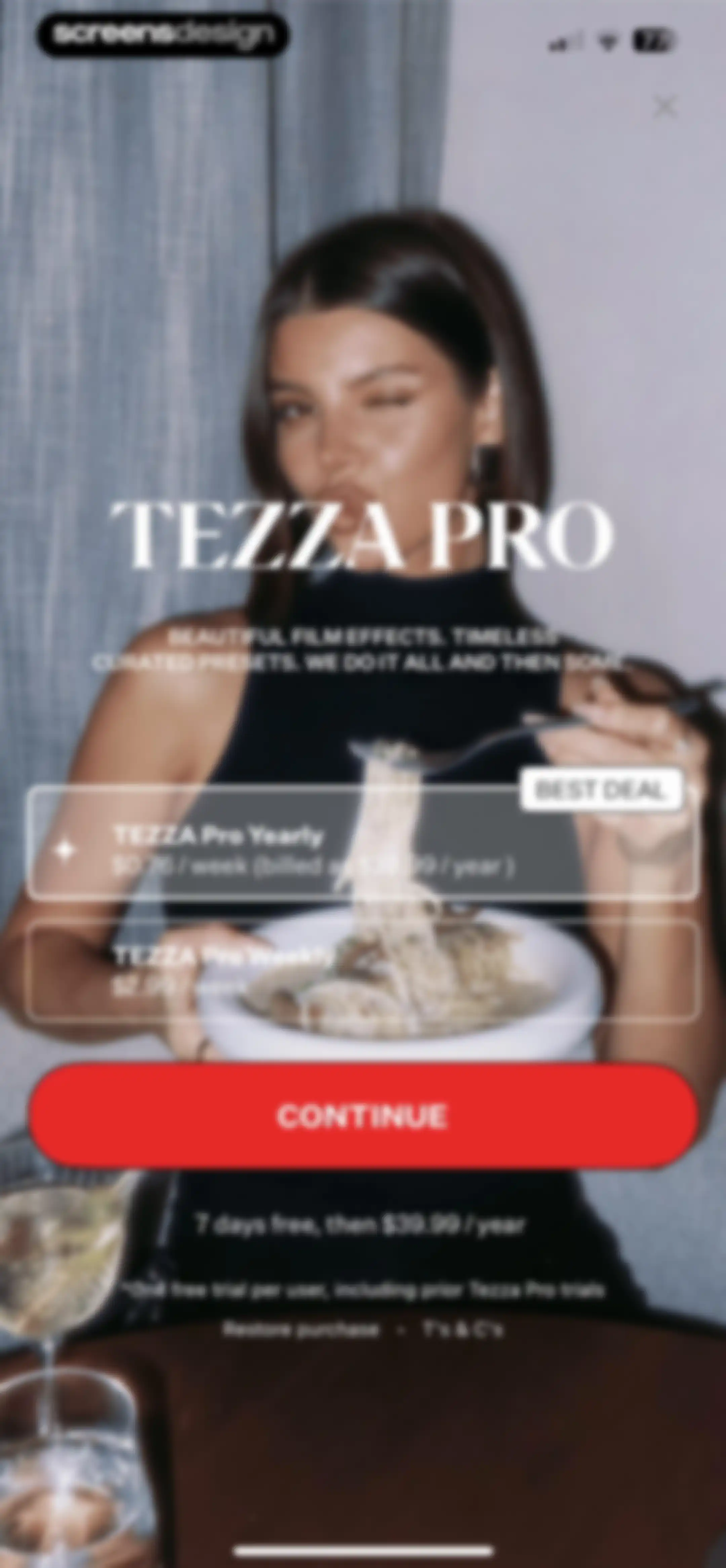
Tezza paywall subscription screen comparing yearly and weekly plans, featuring a best deal badge on the yearly plan and a continue button.Unlock Pro
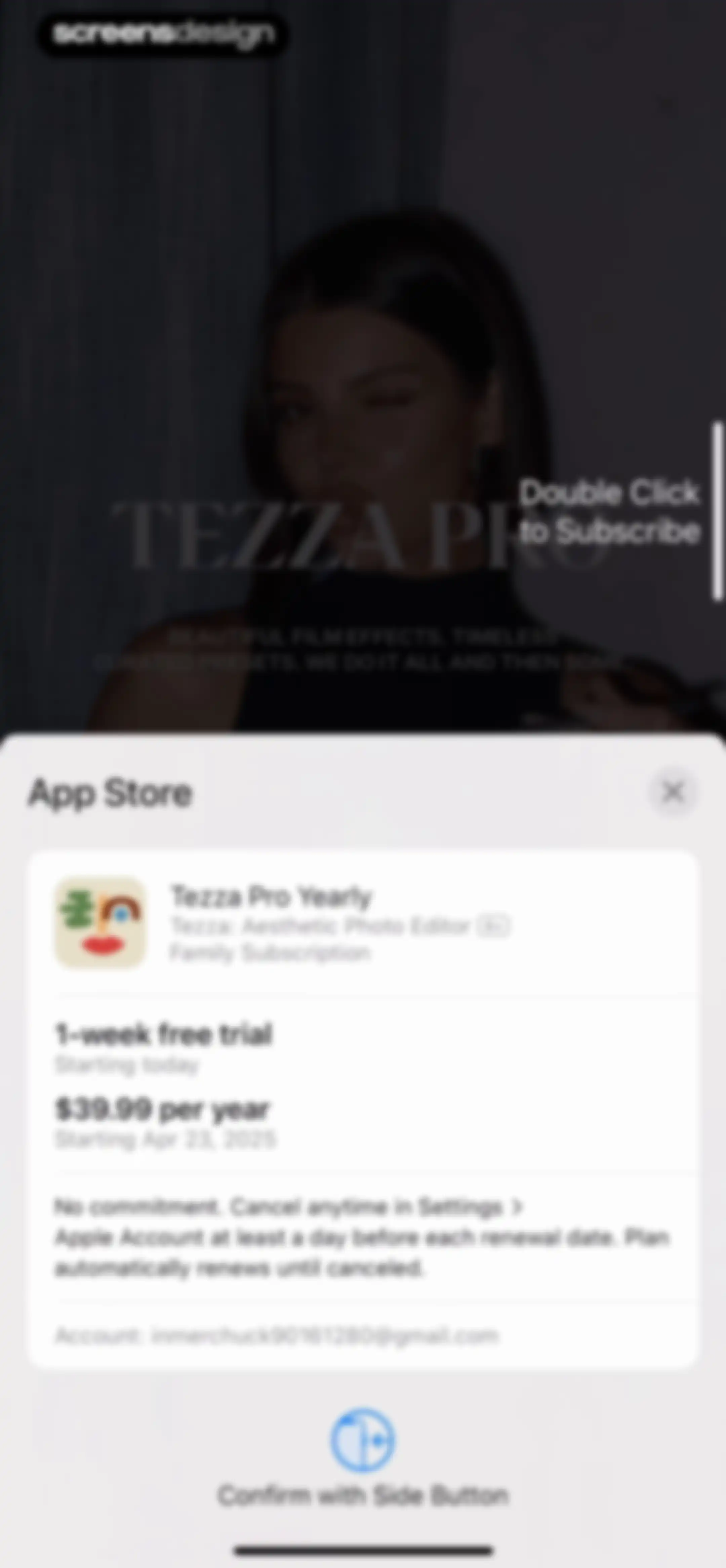
iOS subscription confirmation screen for Tezza Pro Yearly with a one-week free trial, renewal terms, and a side button confirmation instruction.Unlock Pro
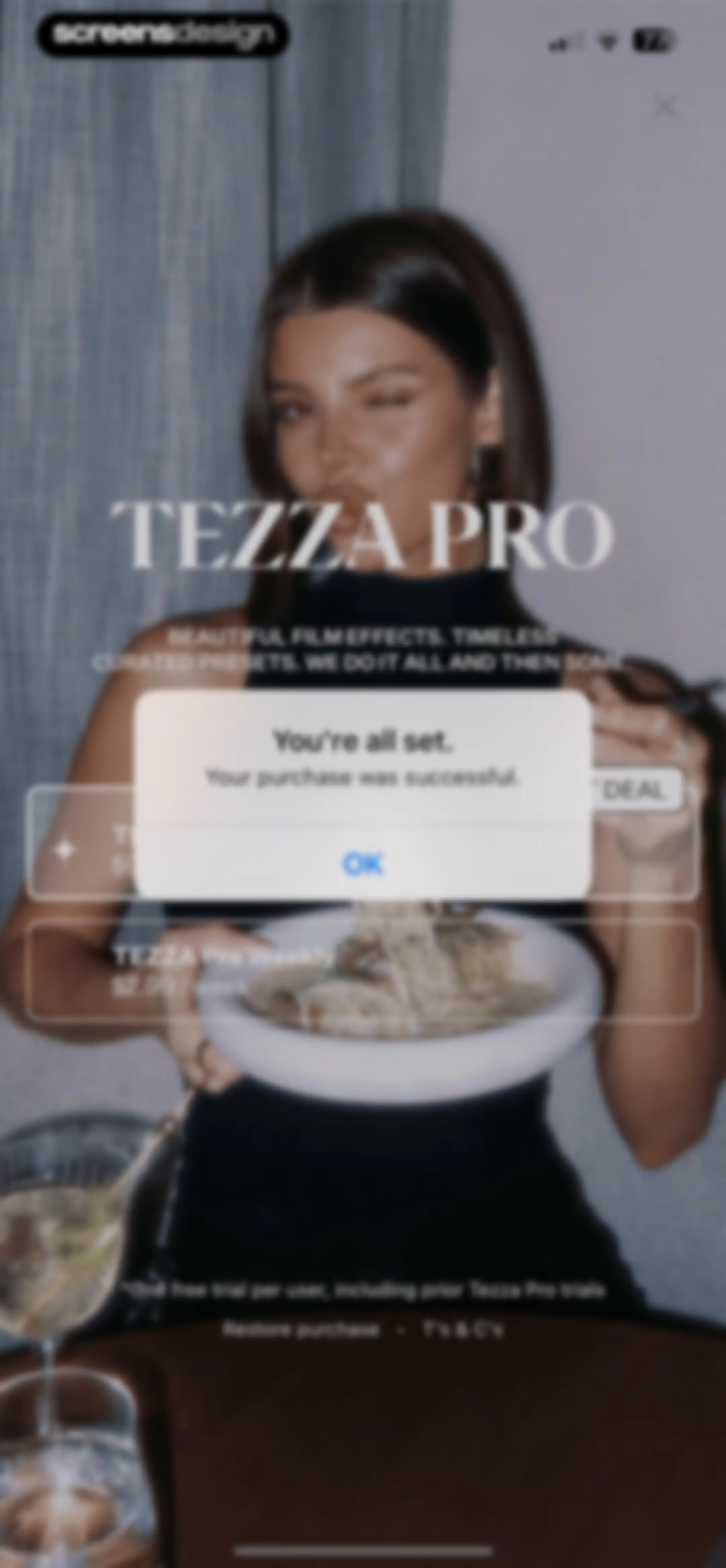
Subscription success modal over the Tezza paywall background, confirming a successful purchase with an OK button.Unlock Pro
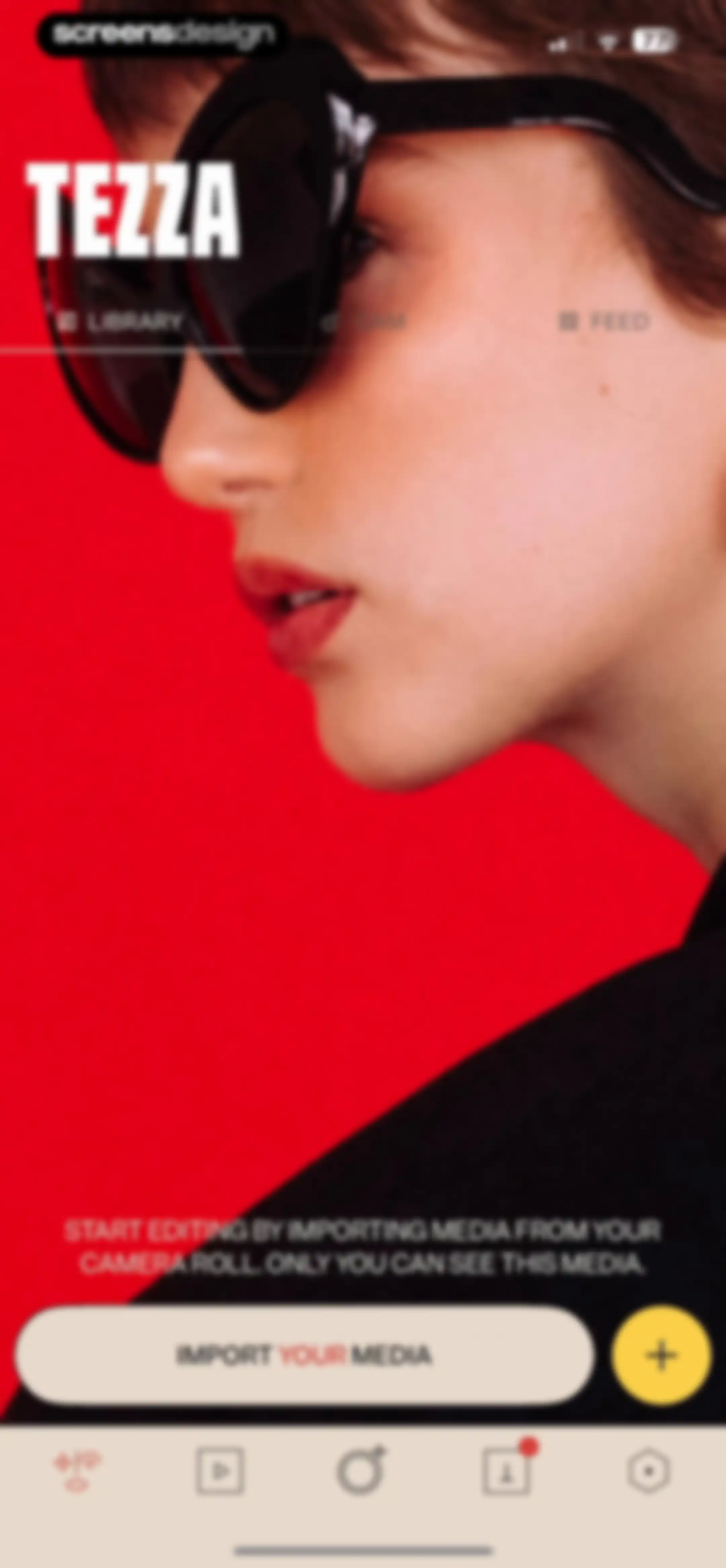
Tezza home screen showing an editorial hero image and an Import Your Media button to begin editing.Unlock Pro
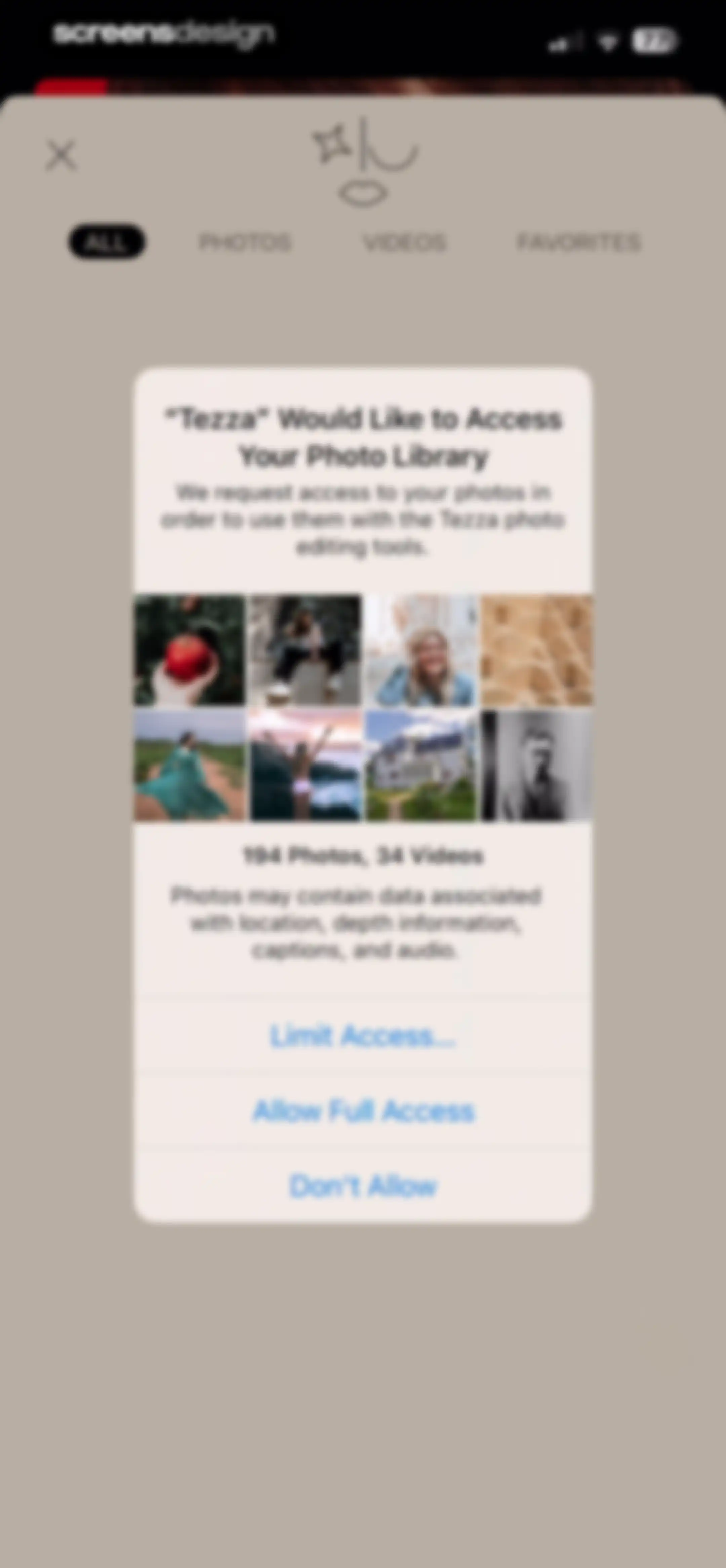
System permission modal requesting photo library access for the Tezza app, featuring options to allow full access, limit access, or deny.Unlock Pro
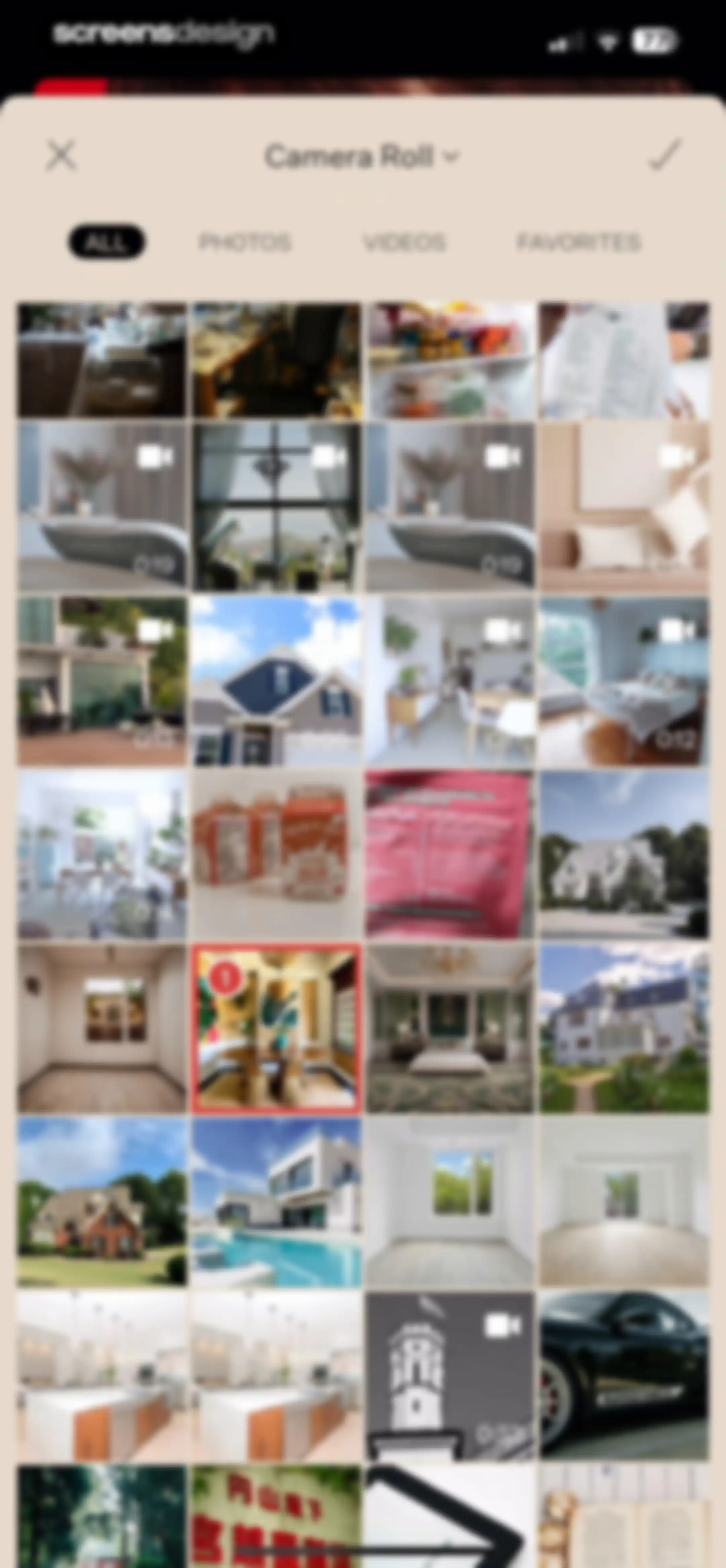
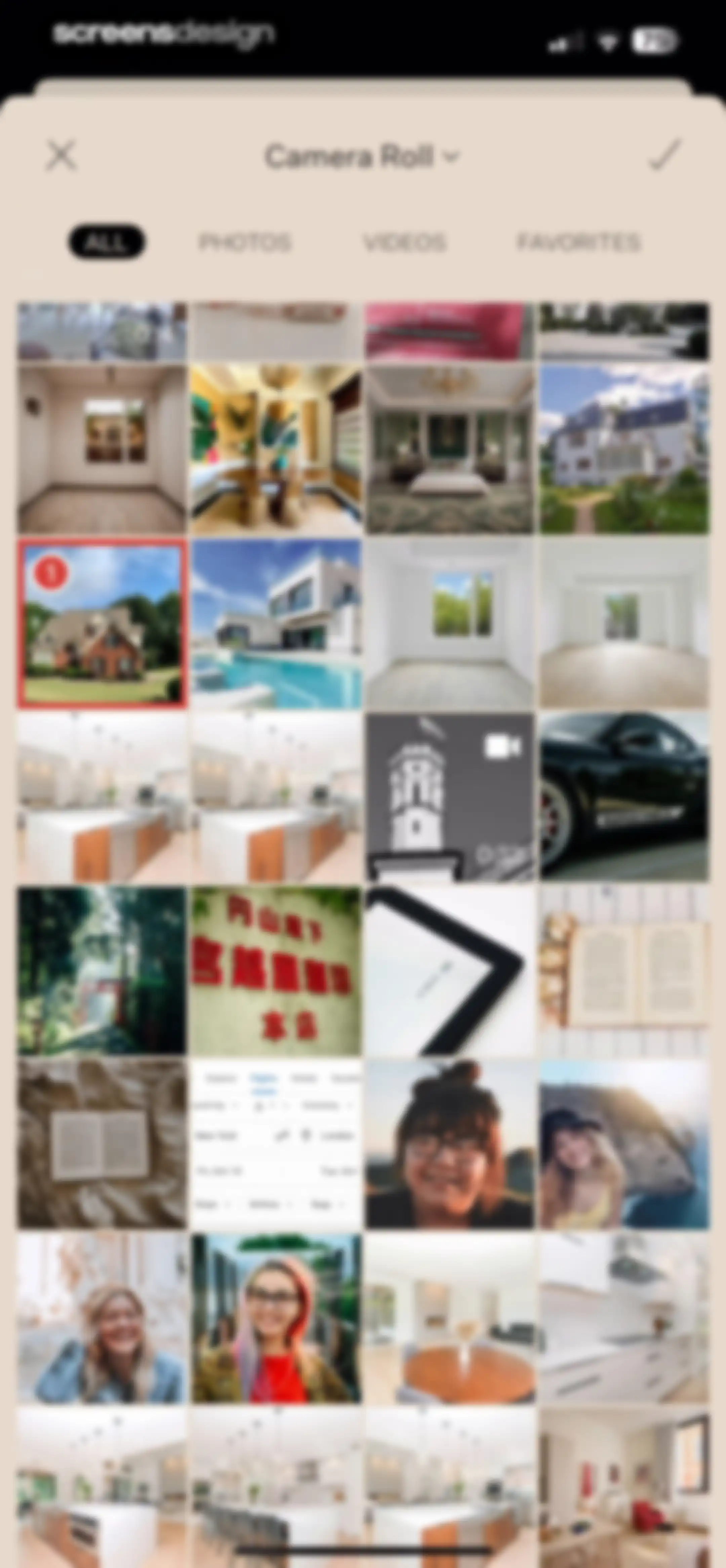
Media selection screen displaying a grid of photos and videos with filter tabs and a confirm button, showing one item selected with a red badge.Unlock Pro
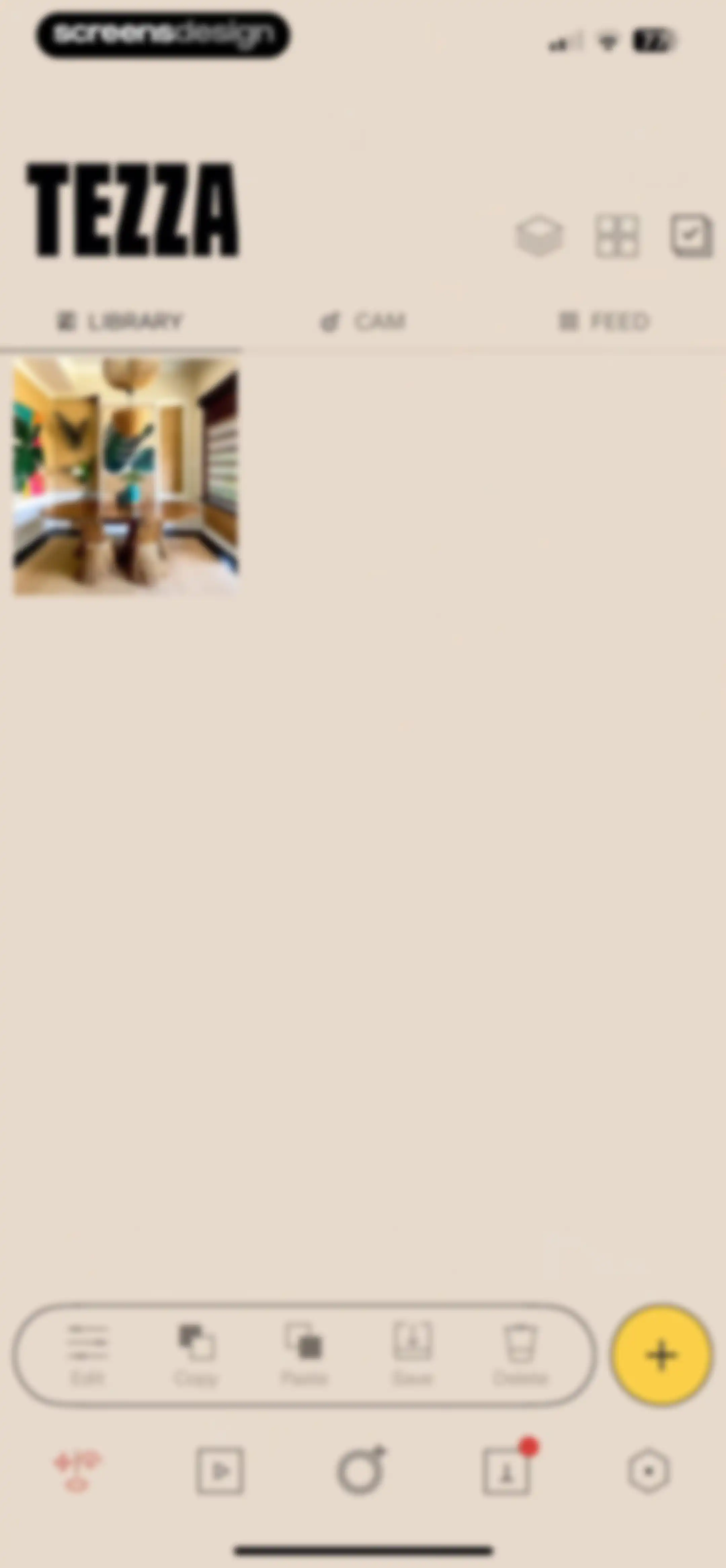
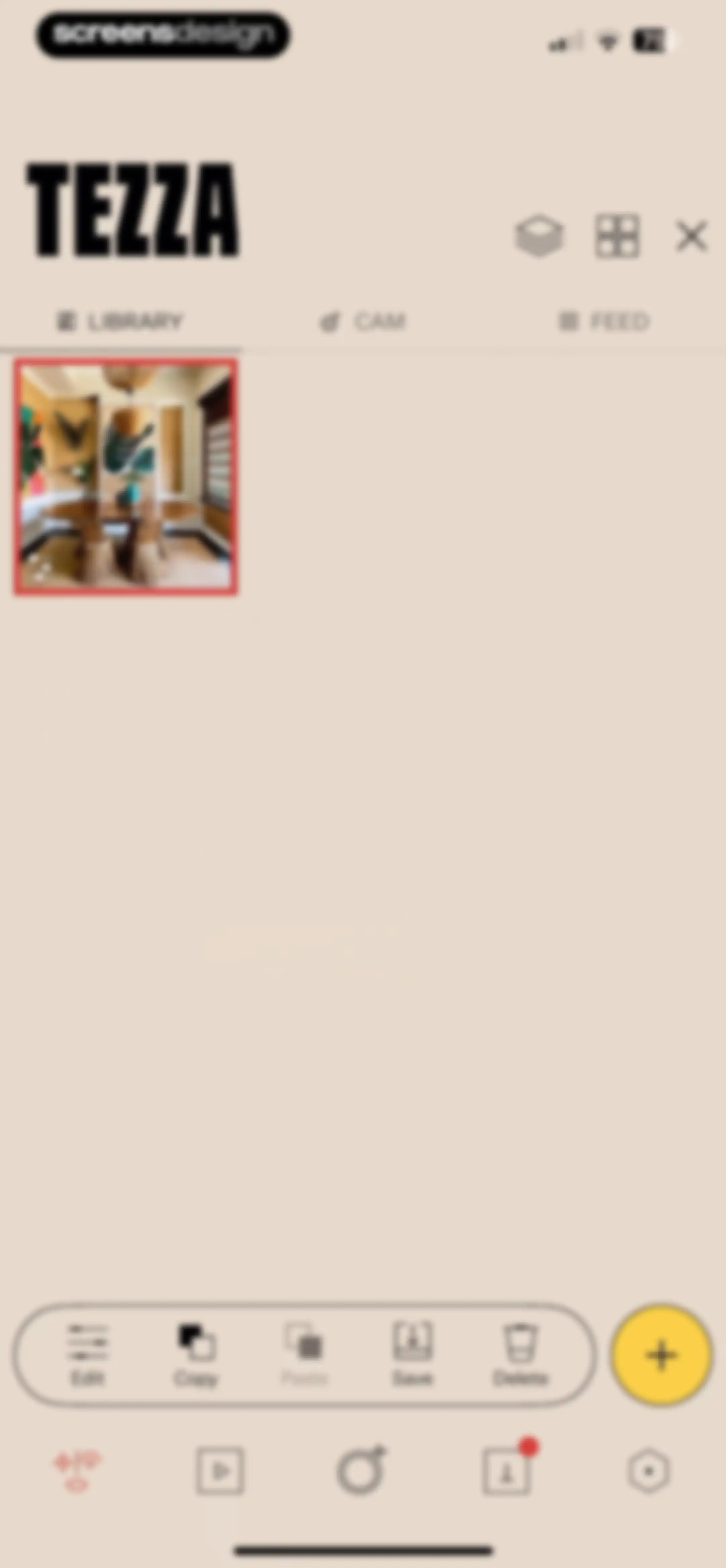
Tezza library home screen displaying a single photo thumbnail, a bottom action bar with editing tools, and a yellow add button.Unlock Pro
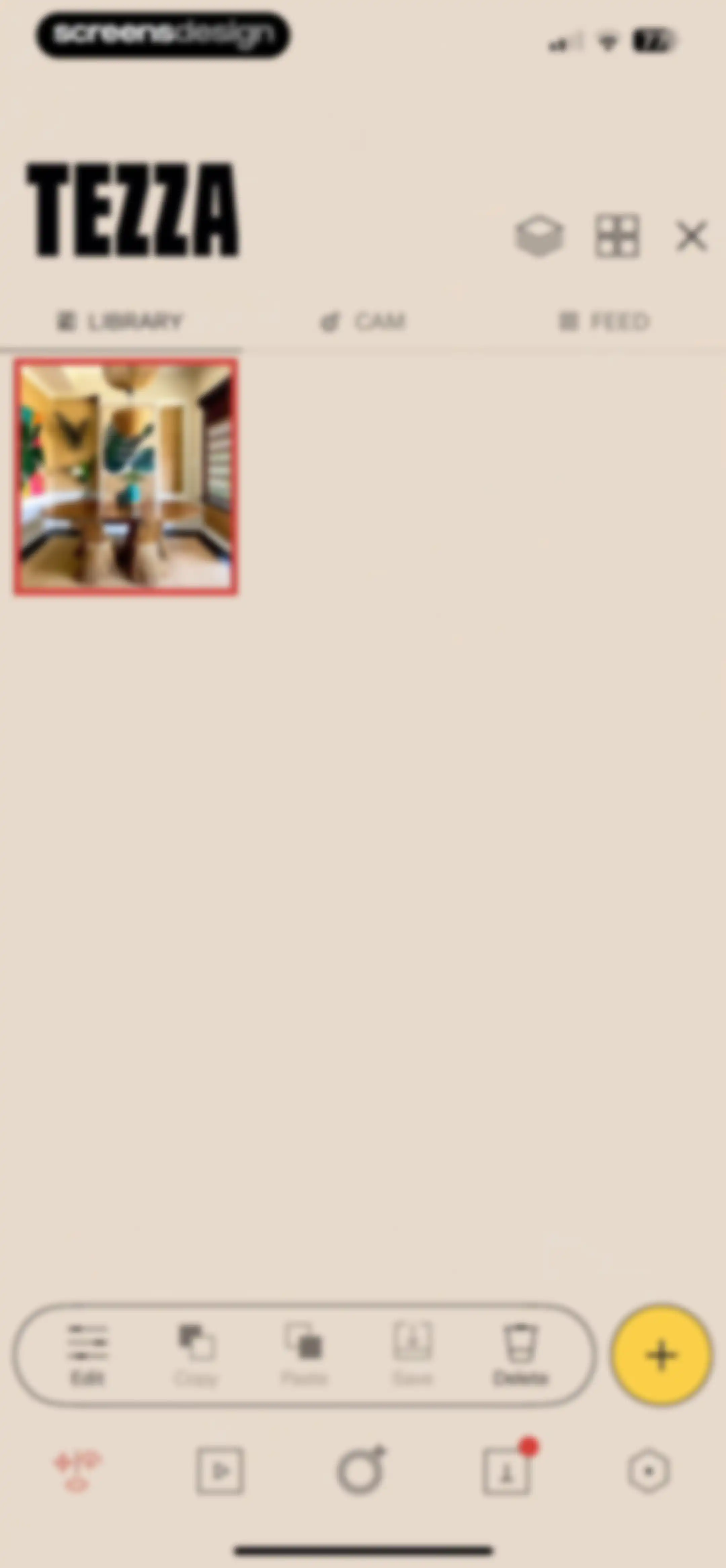
Tezza library home screen displaying a media grid with a dining room interior photo and a floating editing toolbar.Unlock Pro
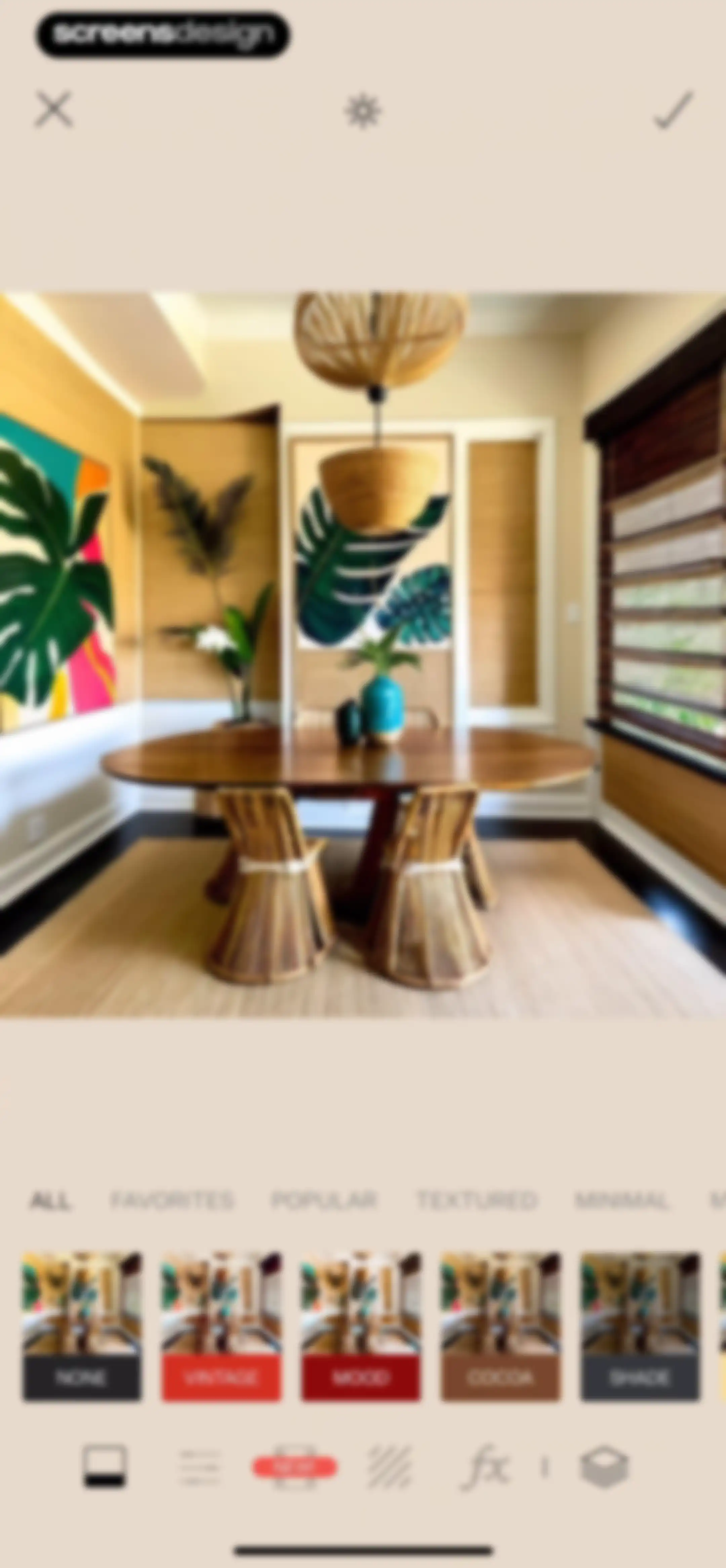
Photo editor screen showing a central dining room preview, preset category tabs, and a horizontal carousel of filter options.Unlock Pro
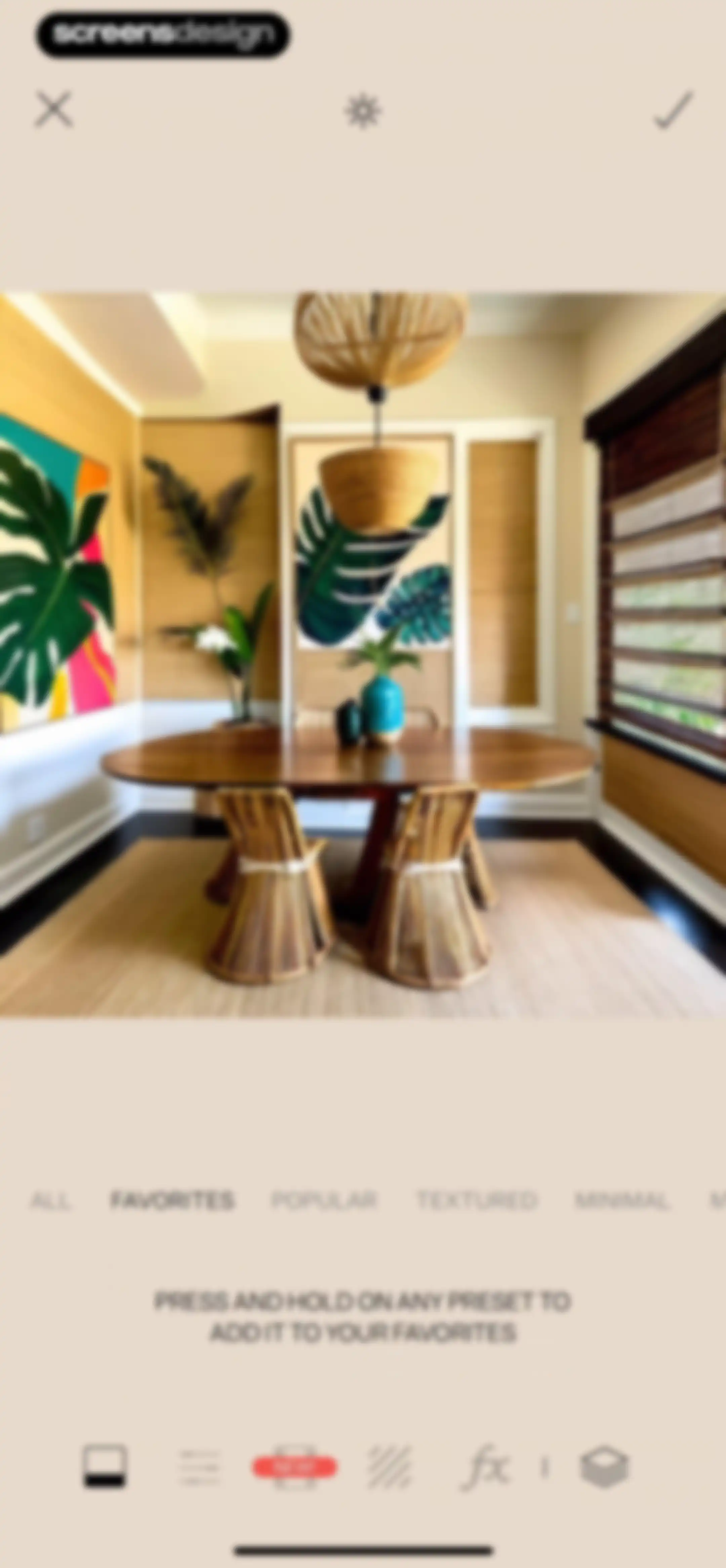
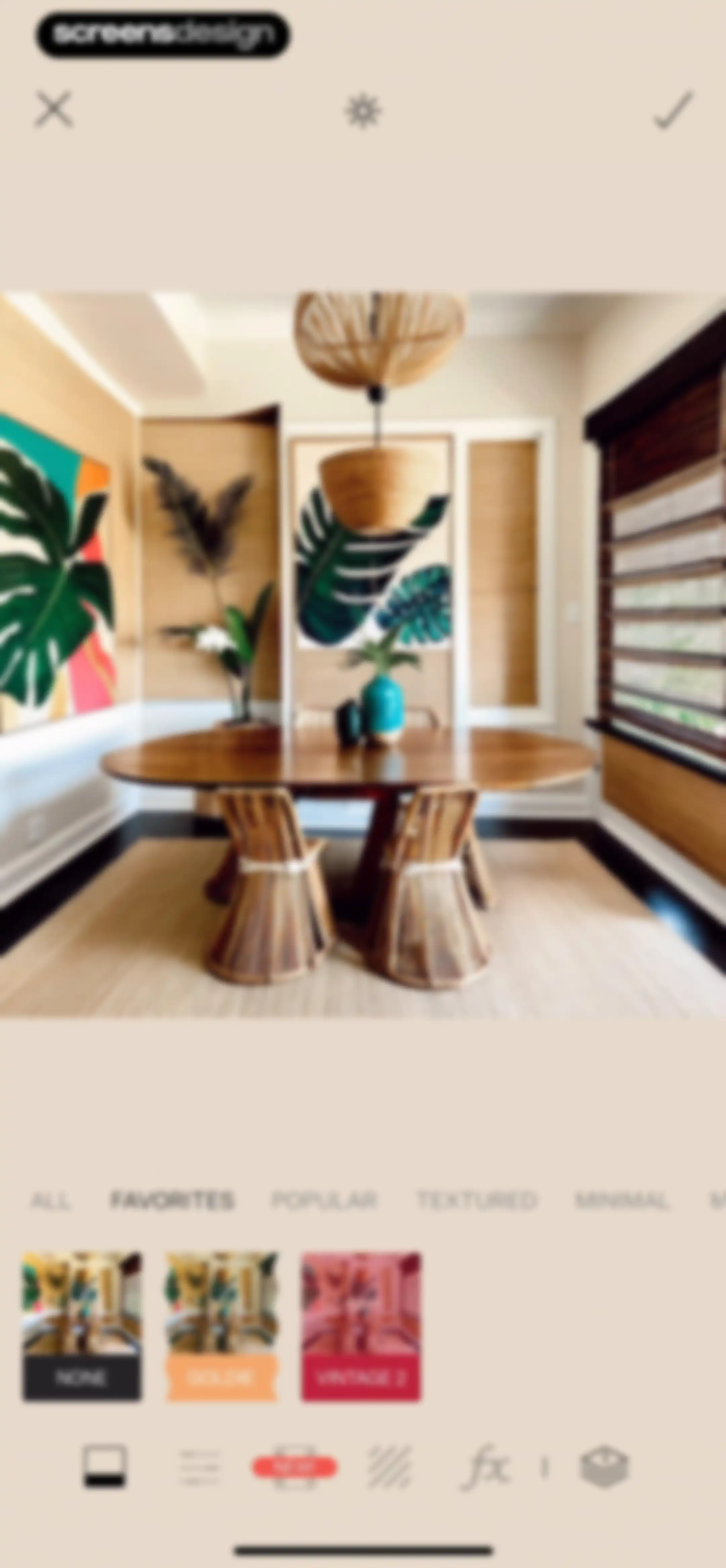
Photo editor interface with a central interior preview, preset category tabs with Favorites selected, and bottom editing tools.Unlock Pro
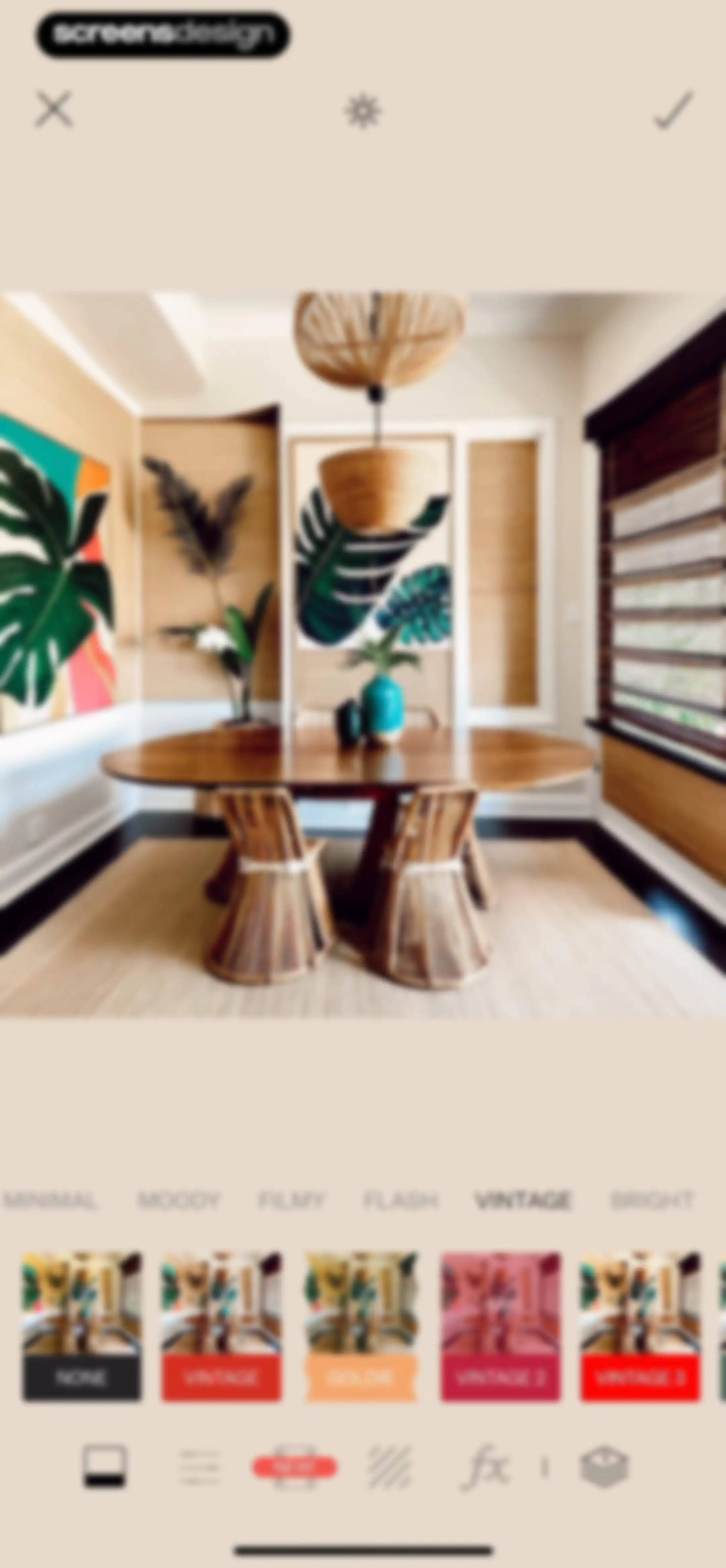
Photo editing screen in the Tezza app displaying a central image preview, horizontal filter category tabs with VINTAGE selected, and bottom editing tools.Unlock Pro
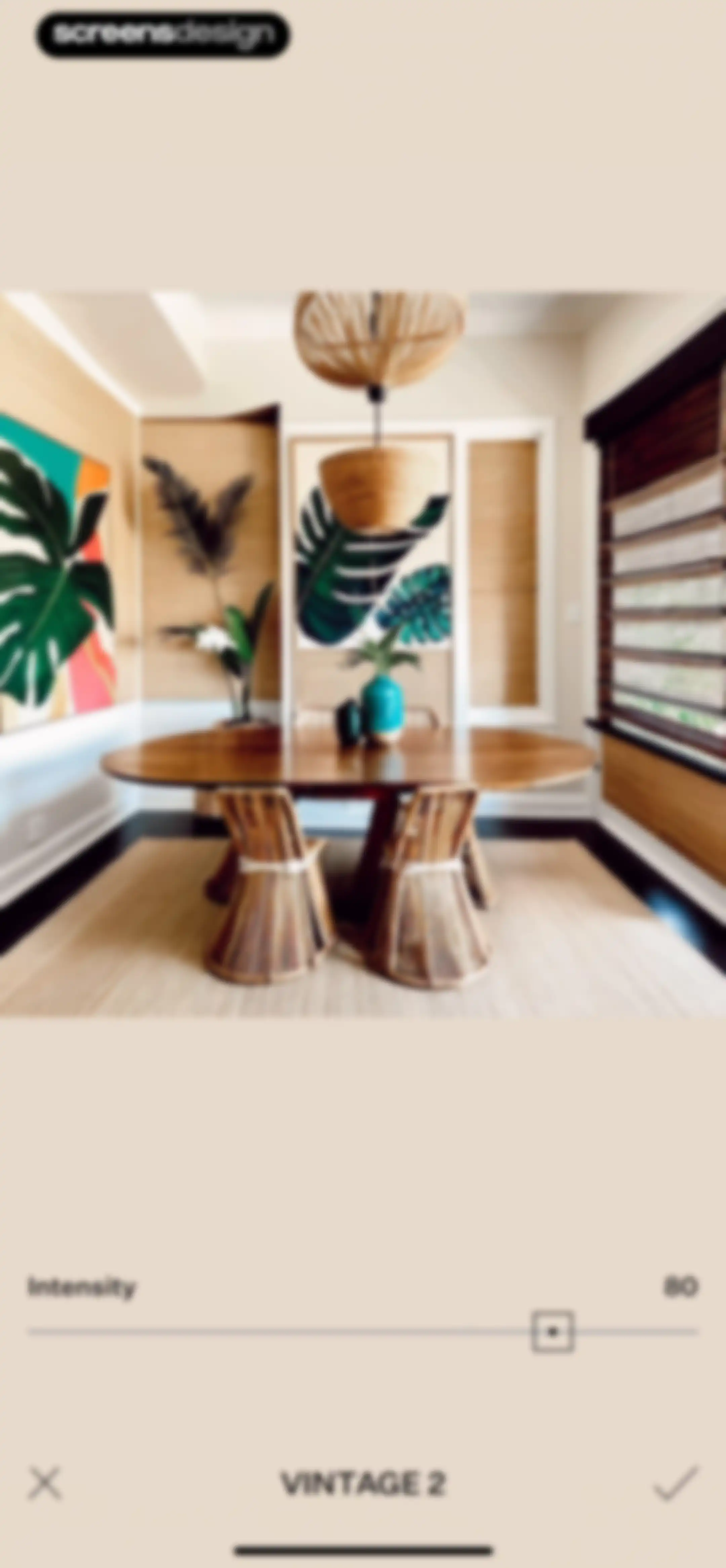
Photo editor screen showing a vintage filter adjustment with an intensity slider set to 80 and a confirm checkmark.Unlock Pro
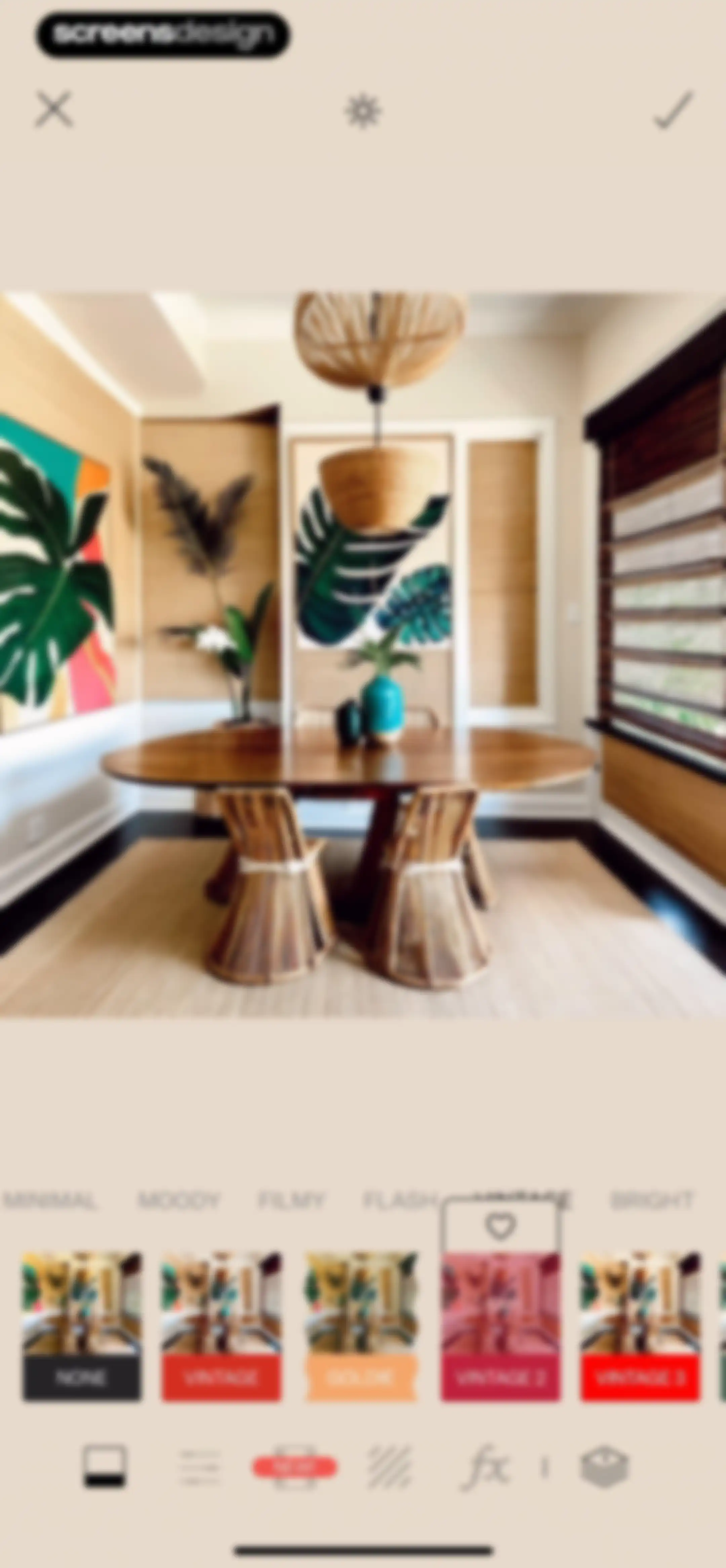
Photo editor screen showing a dining room preview, a filter selection carousel with the Vintage 2 option selected, and a confirm button.Unlock Pro
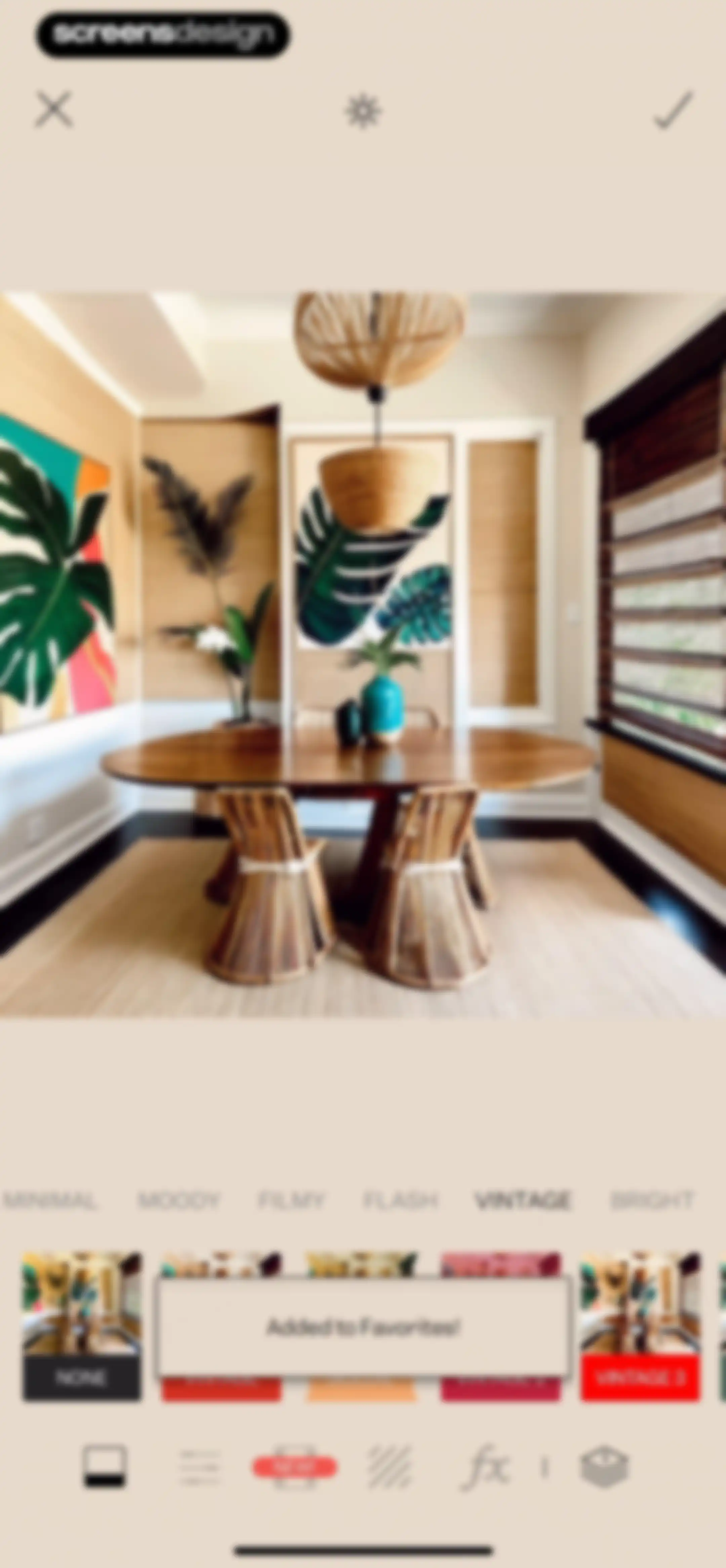
Photo editor screen showing a dining room preview, a selected vintage filter, and an added to favorites confirmation message.Unlock Pro
Photo editing screen displaying an interior dining room preview with a preset thumbnail carousel and a top navigation bar.Unlock Pro
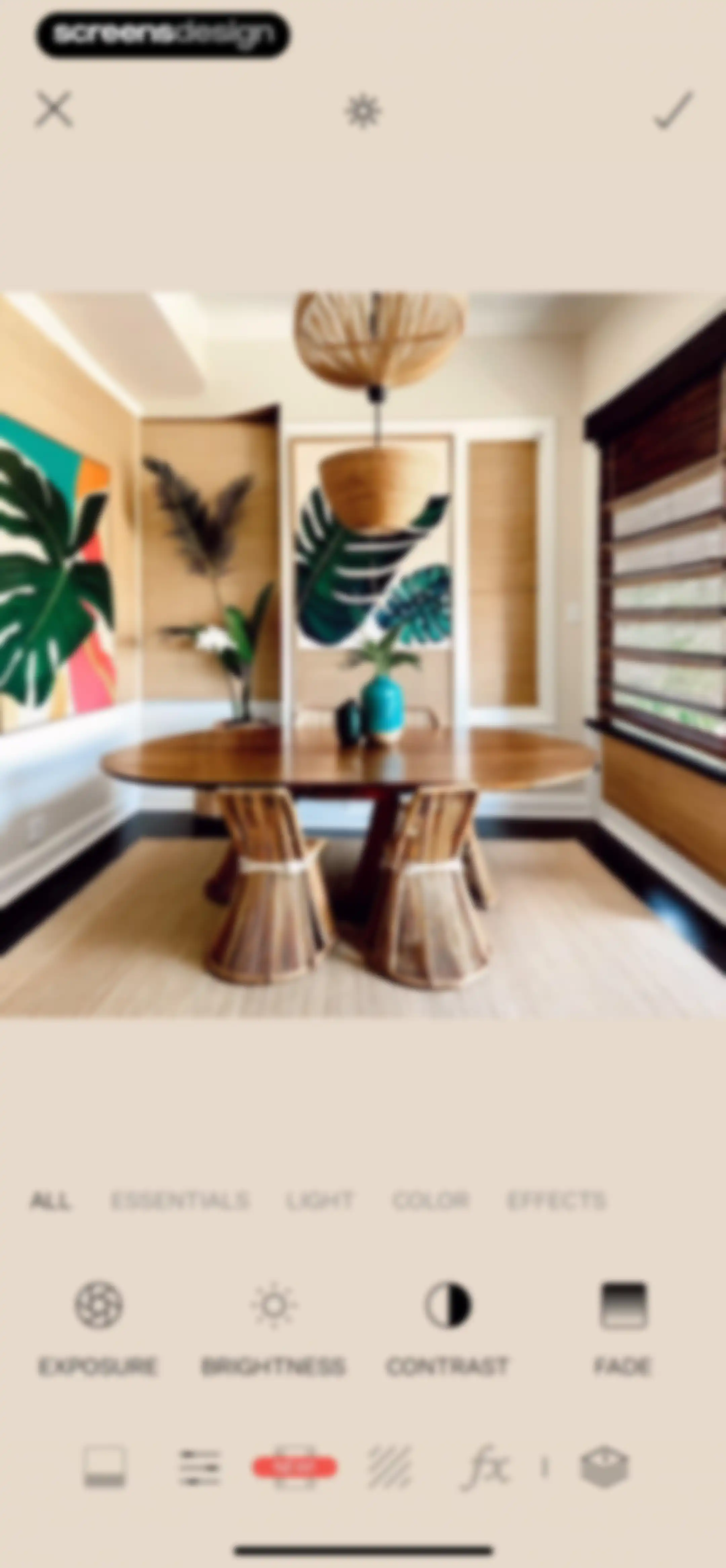
Photo editor screen showing an interior image preview with a grid of adjustment tools including exposure, brightness, contrast, and fade.Unlock Pro
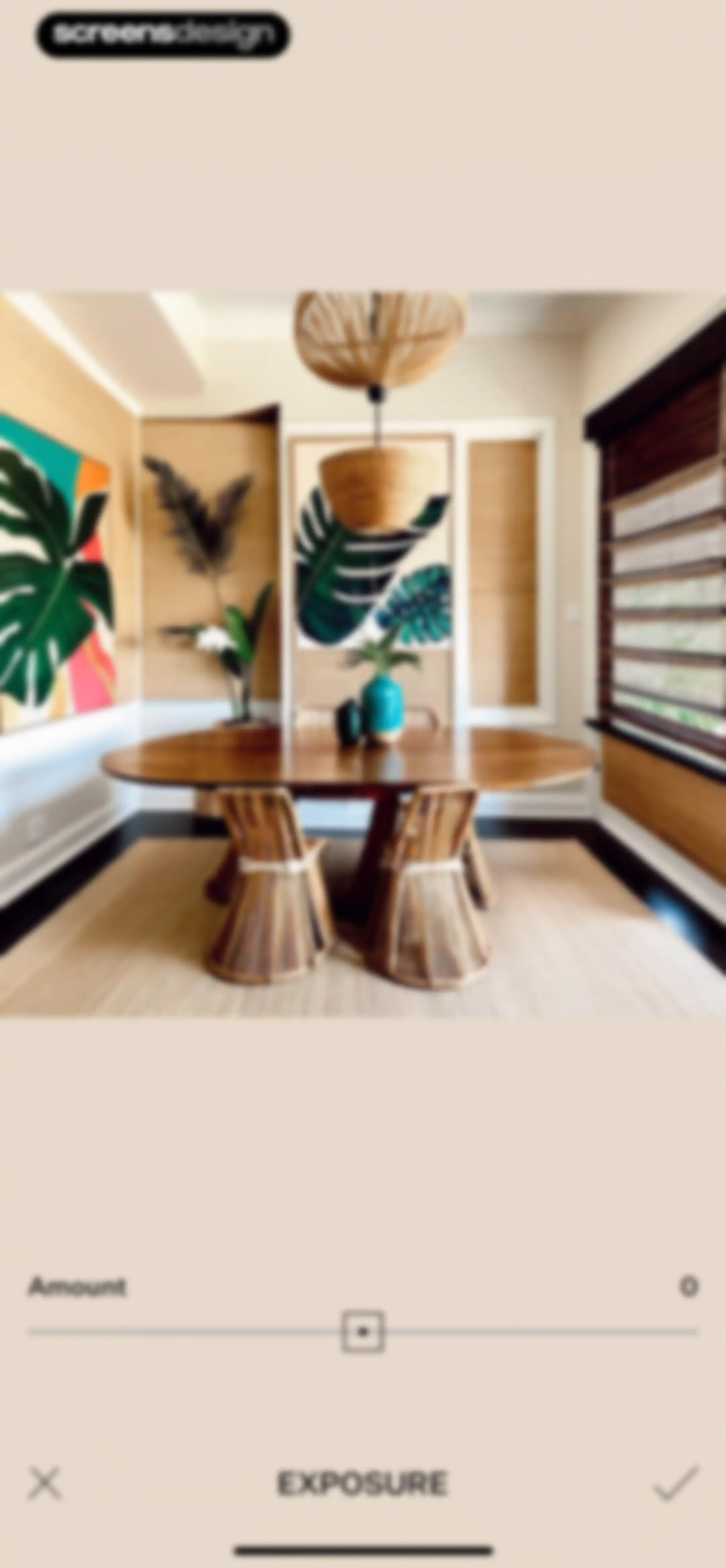
Tezza photo editor screen displaying an interior image with an exposure adjustment slider set to zero and cancel and confirm buttons.Unlock Pro
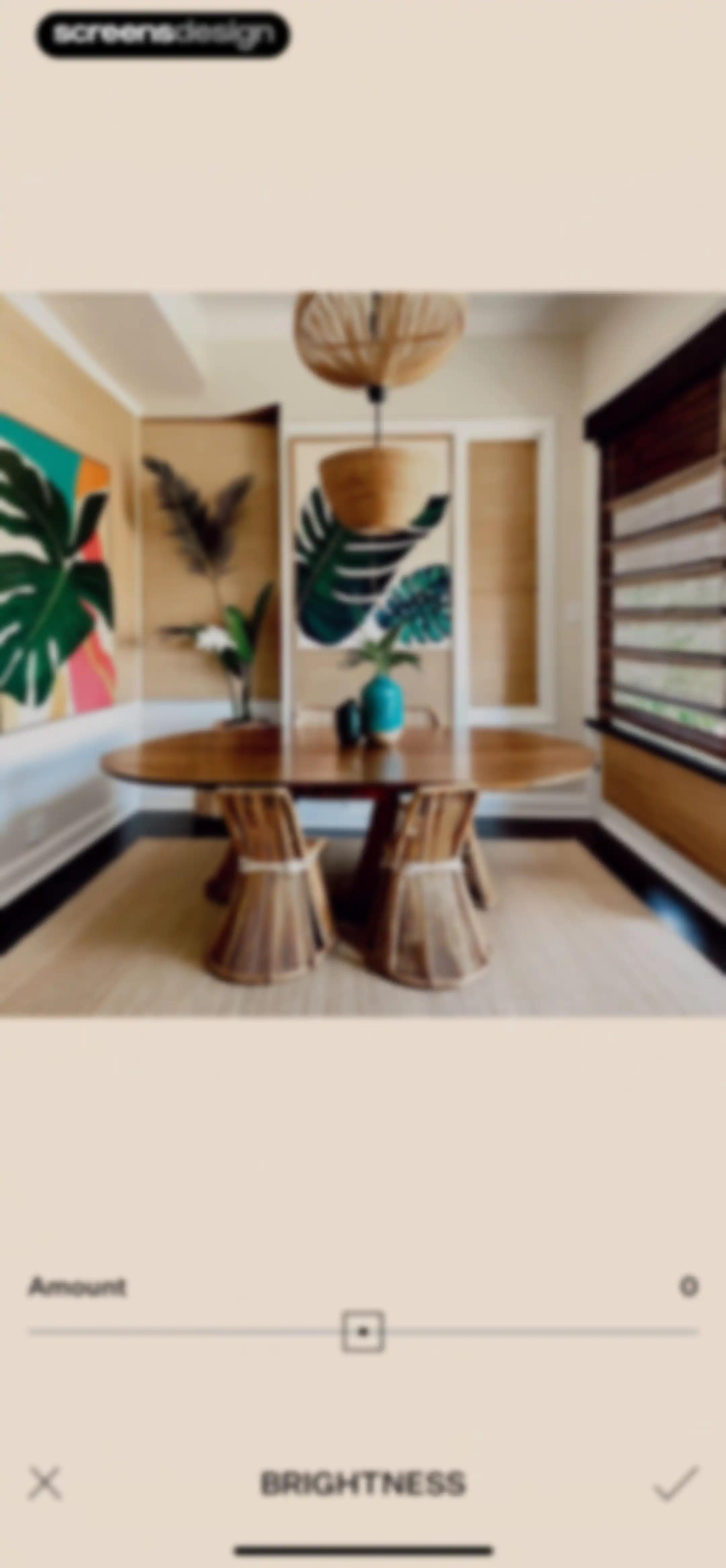
Tezza app photo editor screen displaying an interior dining room preview, a brightness adjustment slider set to zero, and cancel and confirm actions.Unlock Pro
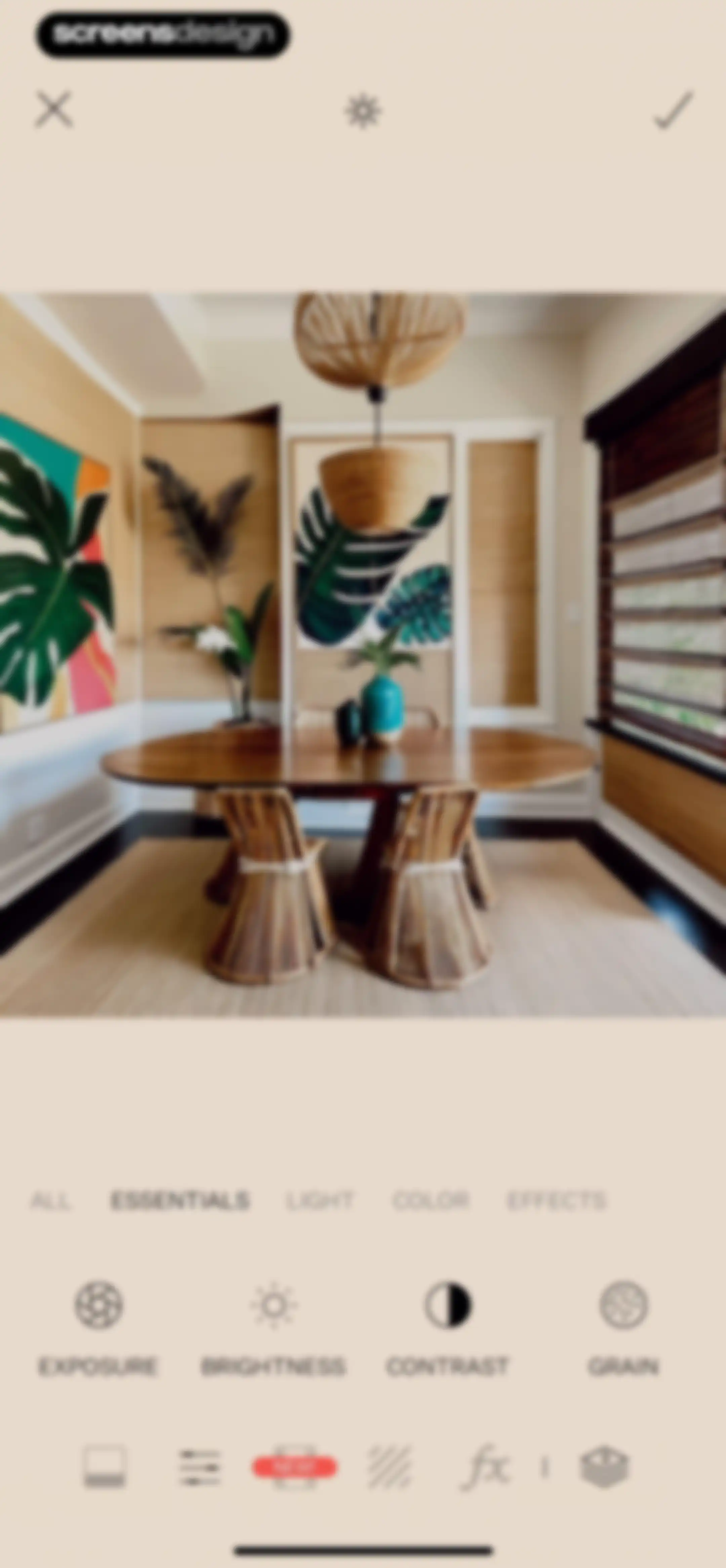
Photo editor screen displaying an interior preview, the Essentials tab selected, and a grid of adjustment tools including Exposure, Brightness, Contrast, and Grain.Unlock Pro
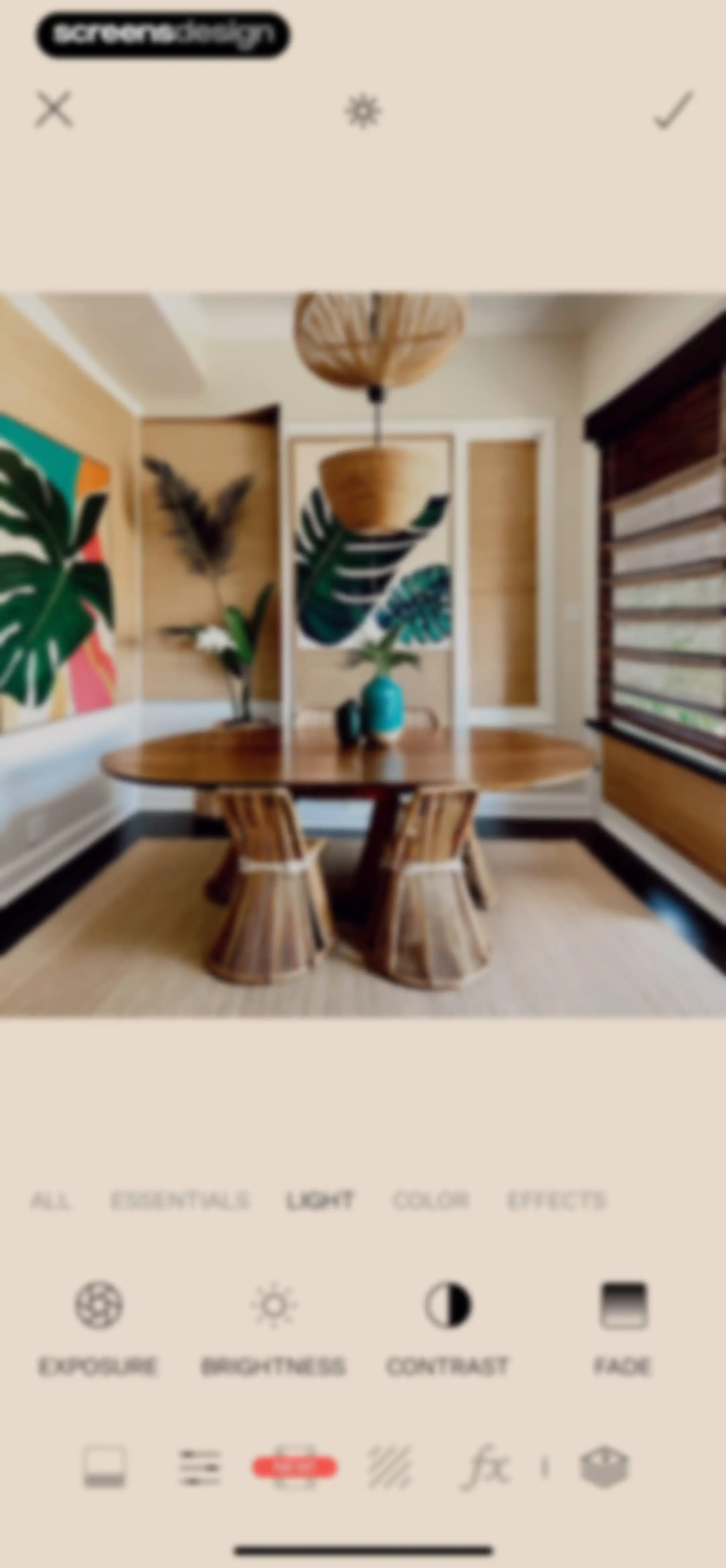
Photo editor screen showing a dining room preview with the light category selected and a grid of adjustment tools including exposure, brightness, contrast, and fade.Unlock Pro
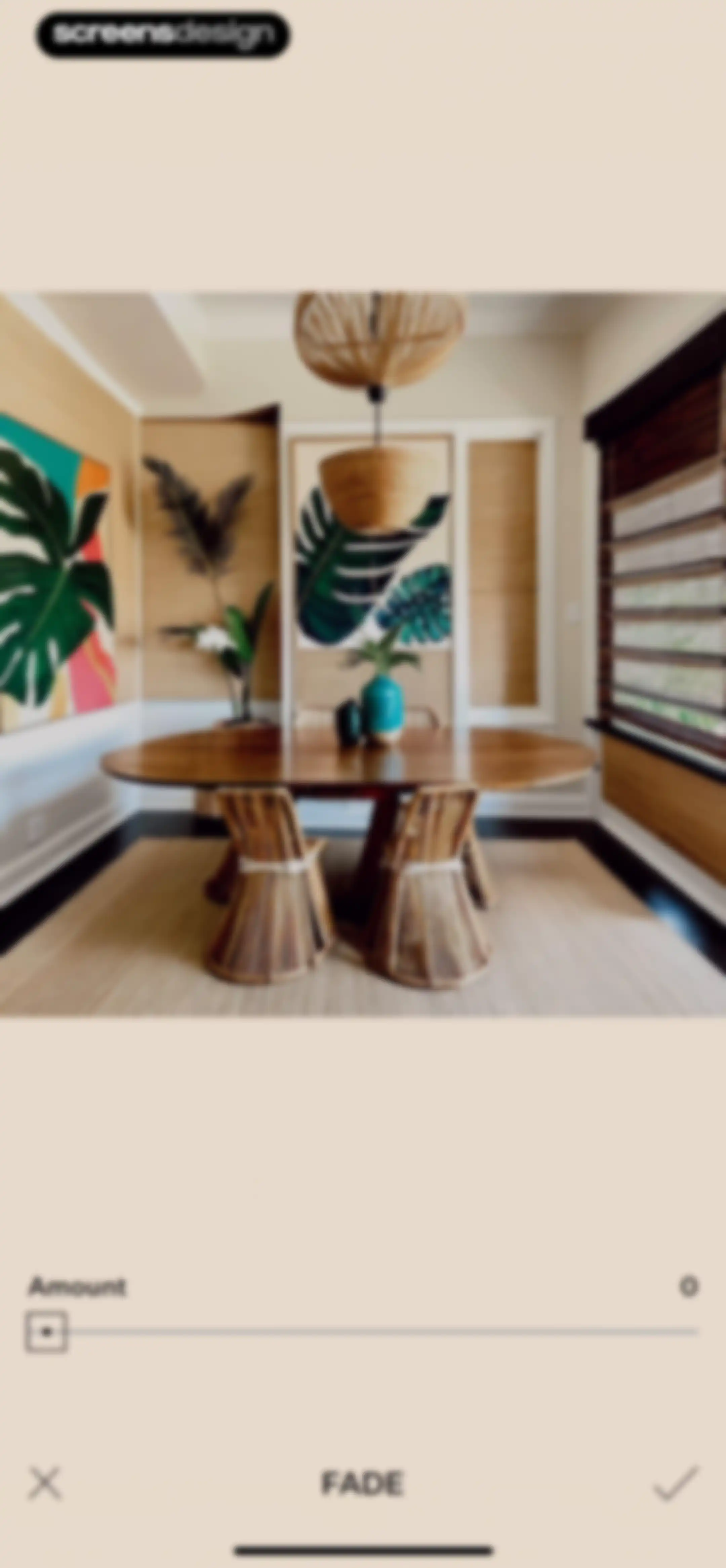
Photo editor fade adjustment screen showing an interior preview, an amount slider set to zero, and a confirm button.Unlock Pro
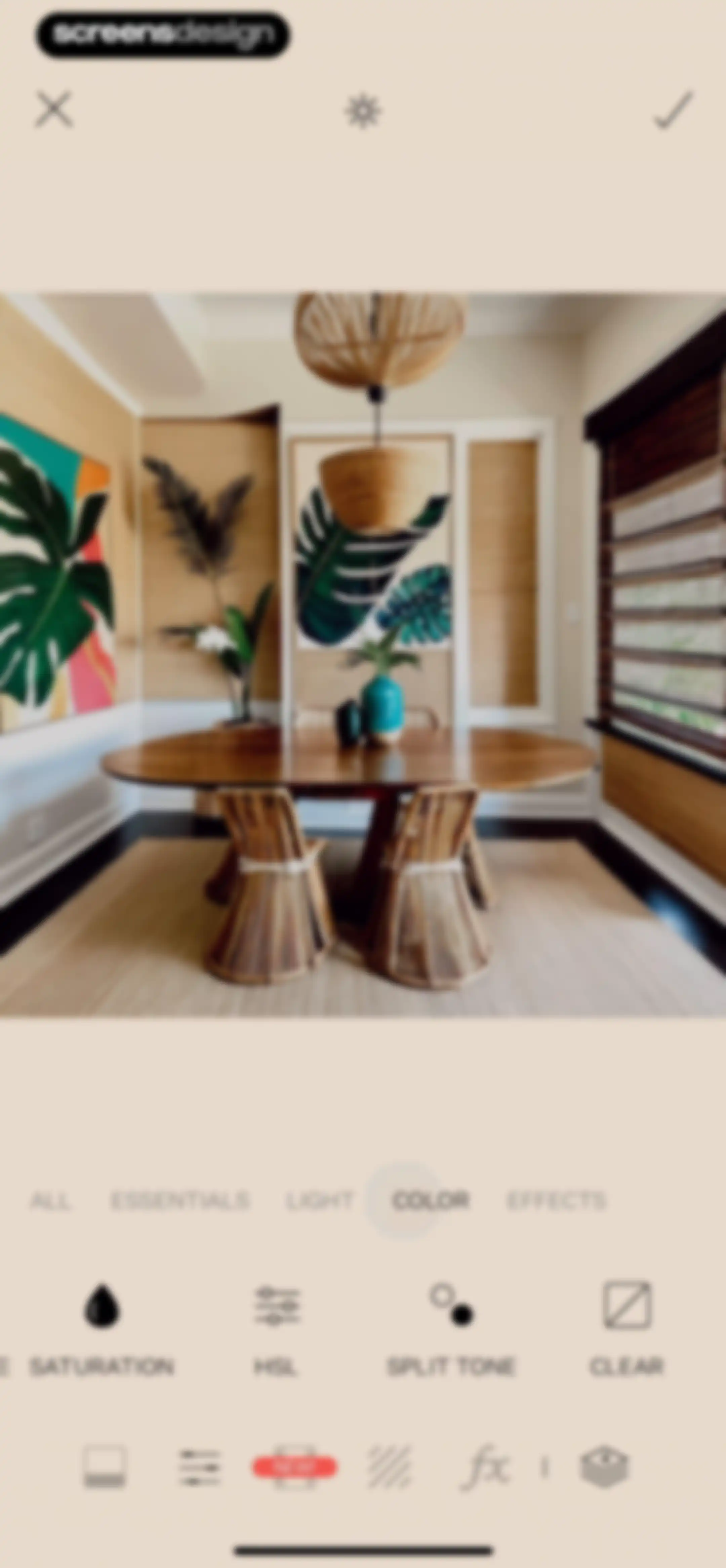
Tezza photo editor screen displaying an interior dining room preview with the color adjustment tab selected and editing tools visible.Unlock Pro
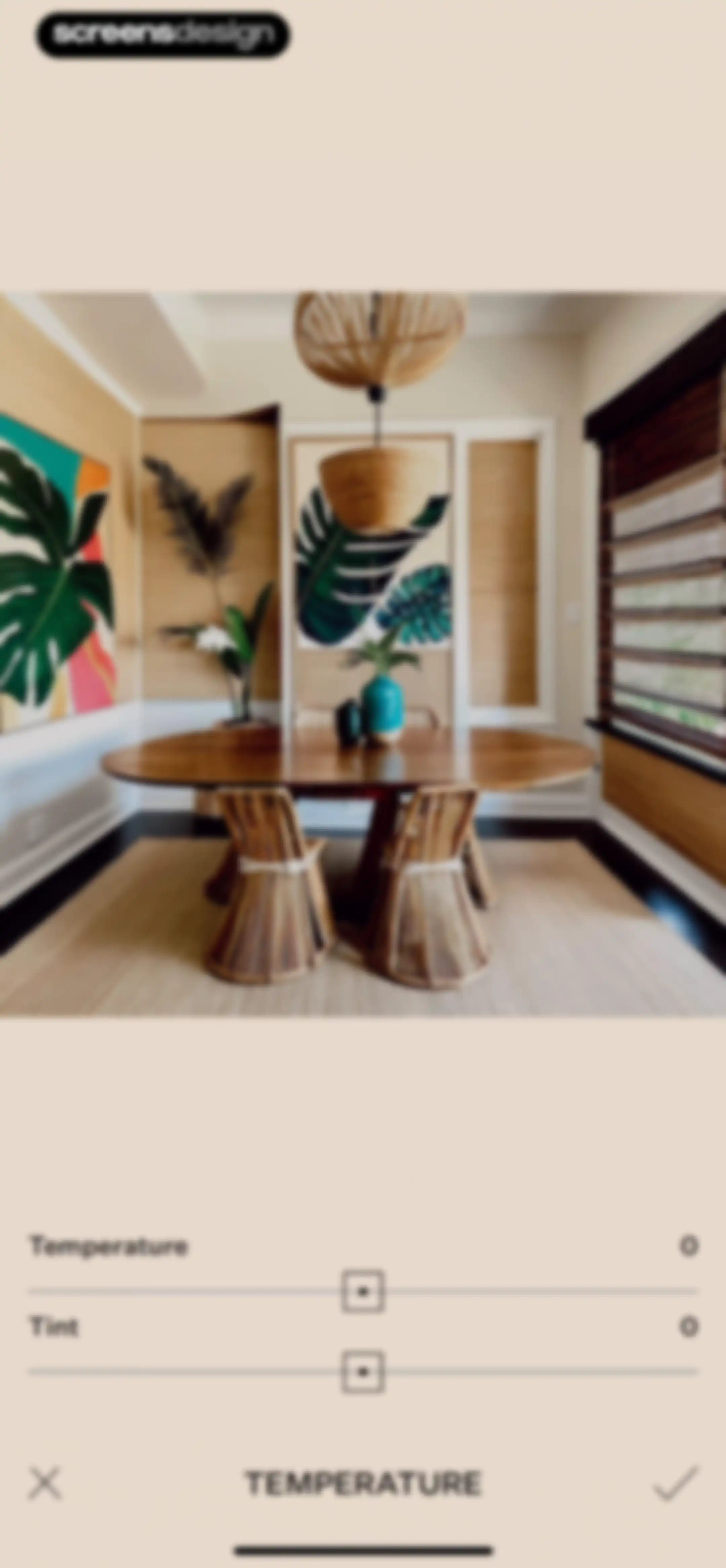
Tezza photo editor screen displaying an interior dining room preview, temperature and tint sliders set to zero, and a bottom confirmation bar.Unlock Pro
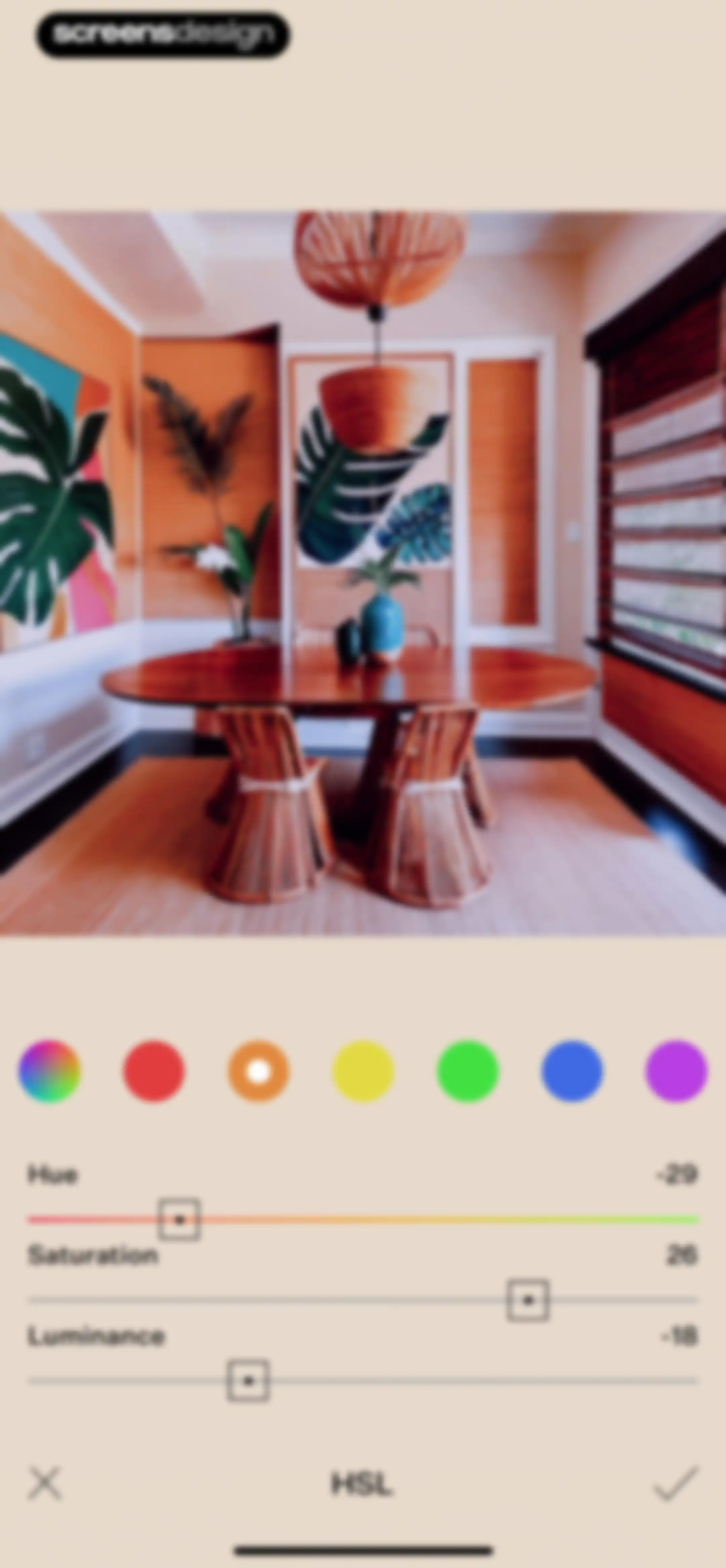
HSL color adjustment editor with sliders for Hue, Saturation, and Luminance, an orange color selection, and cancel and confirm action icons.Unlock Pro
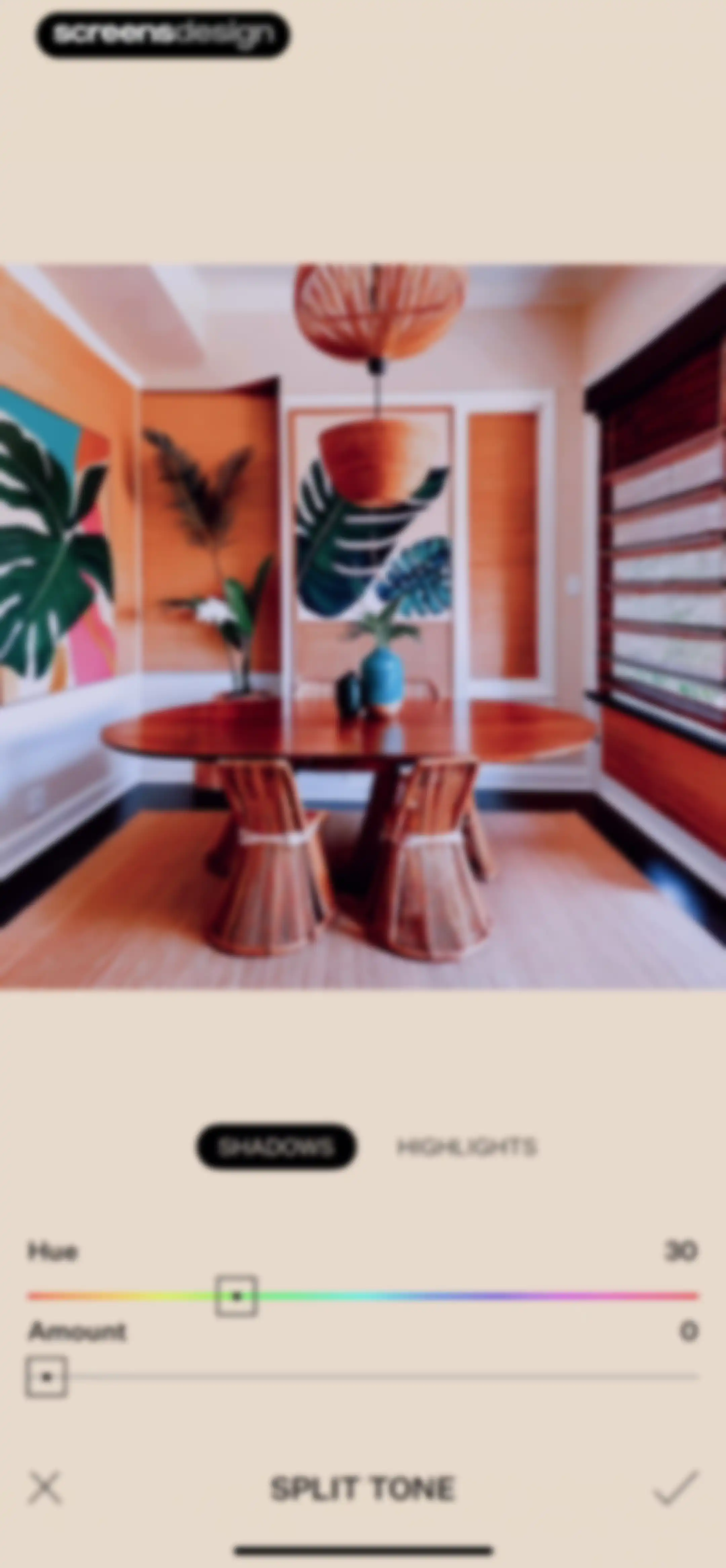
Tezza photo editor split tone screen displaying an interior photo preview, adjustment sliders for hue and amount, and confirm and cancel icons.Unlock Pro
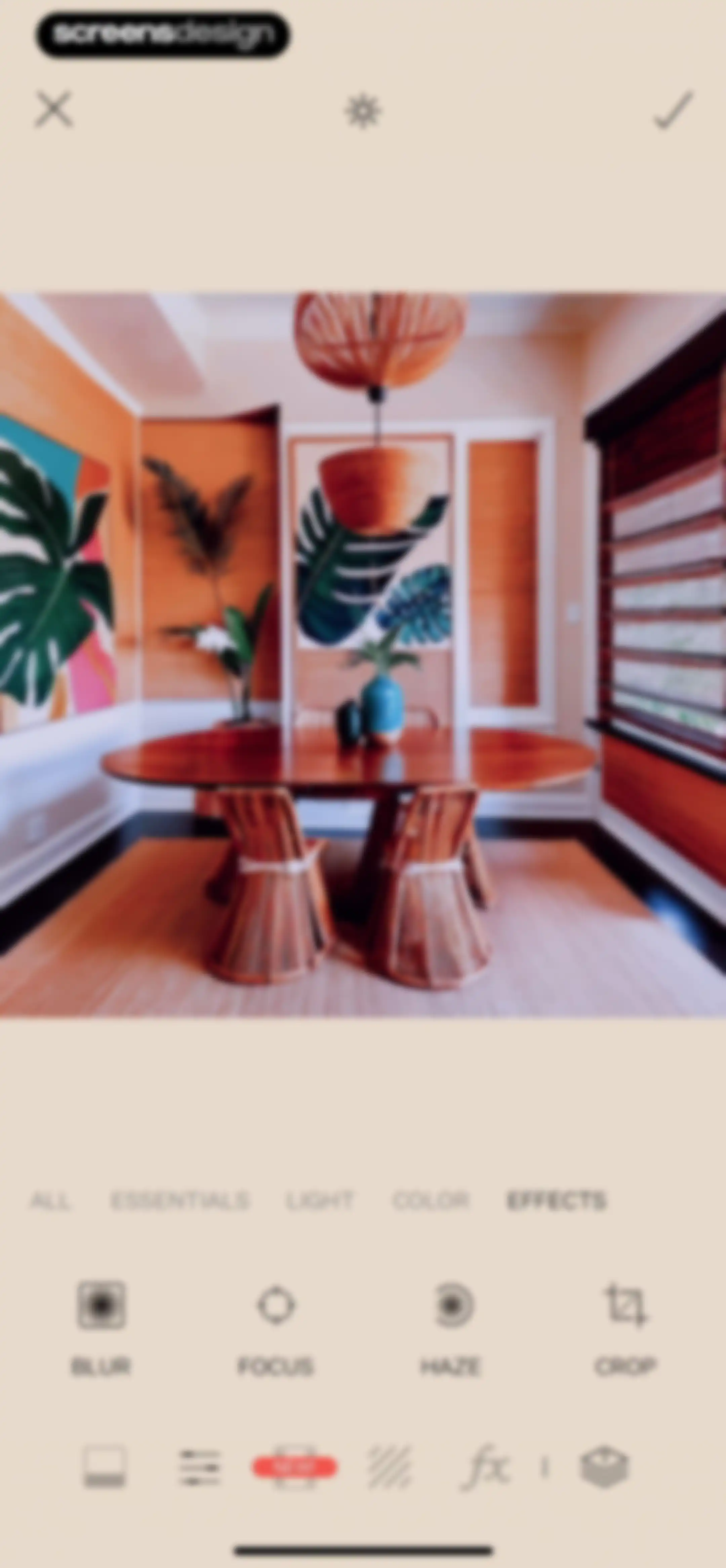
Photo editor displaying an interior dining room preview with the Effects tab selected and tool options including blur, focus, haze, and crop.Unlock Pro
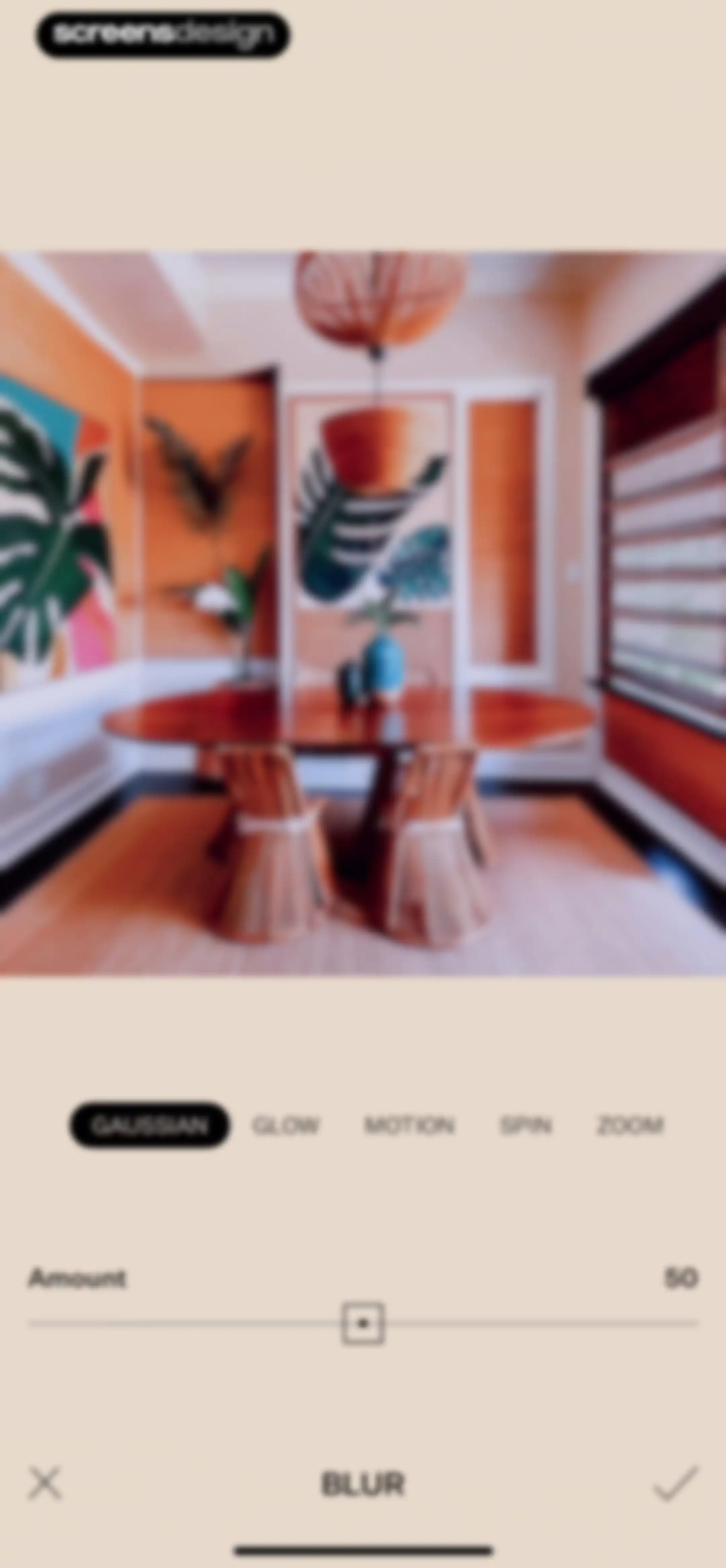
Photo blur editor showing a dining room preview with the Gaussian option selected and an amount slider set to 50.Unlock Pro
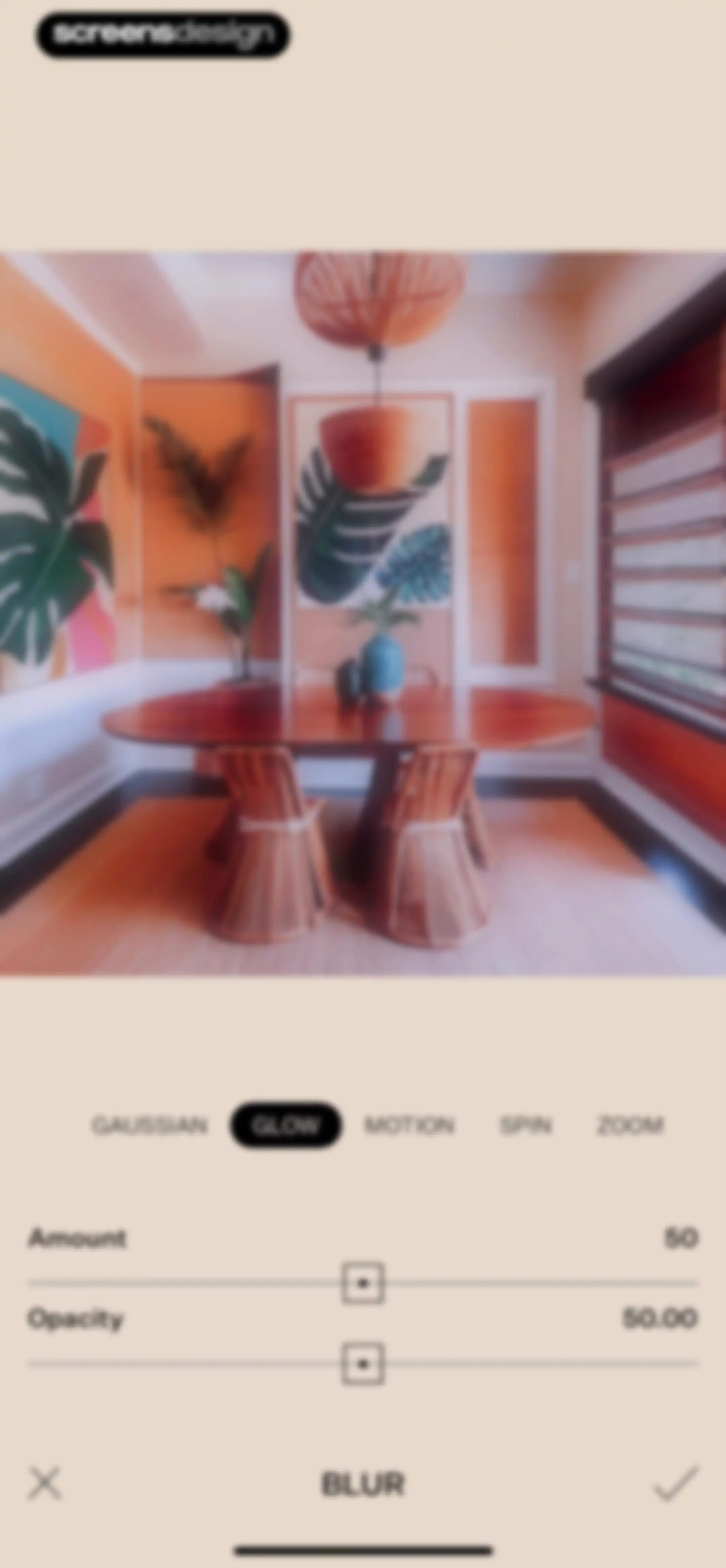
Photo blur editor screen with the glow effect selected, adjustment sliders for amount and opacity, and a confirm button.Unlock Pro
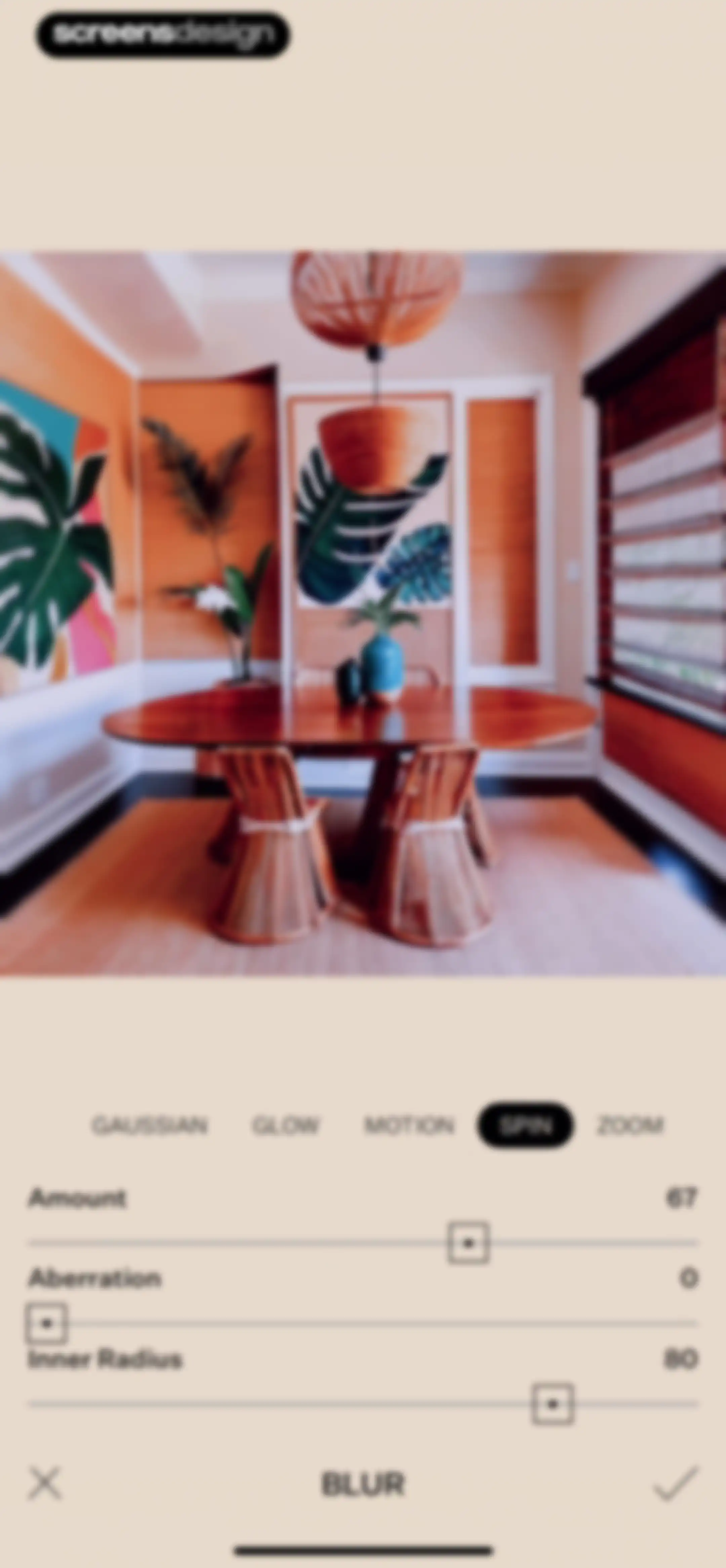
Photo editor blur tool screen showing an interior photo preview with the Spin blur tab selected and adjustment sliders below.Unlock Pro
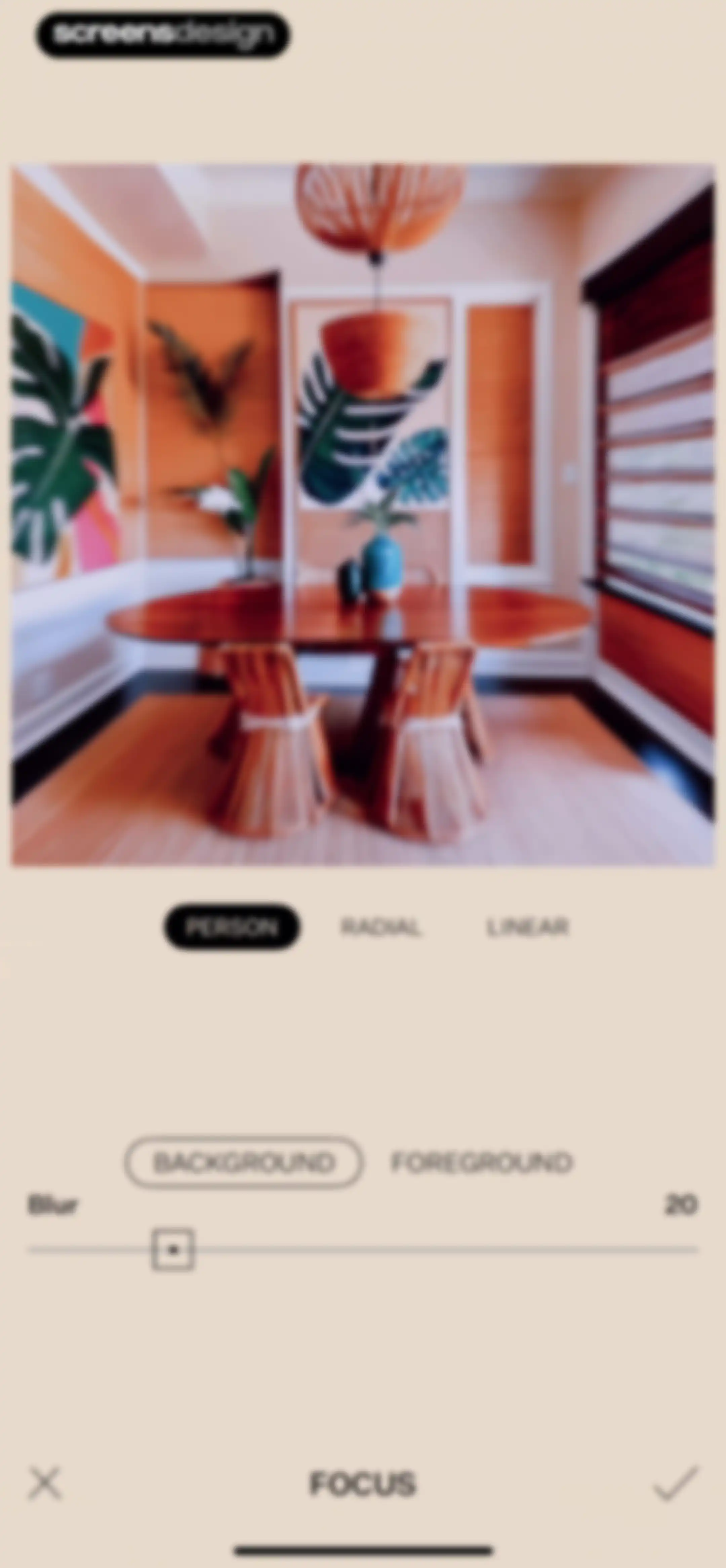
Photo editor screen showing a dining room preview with focus type and blur intensity controls.Unlock Pro
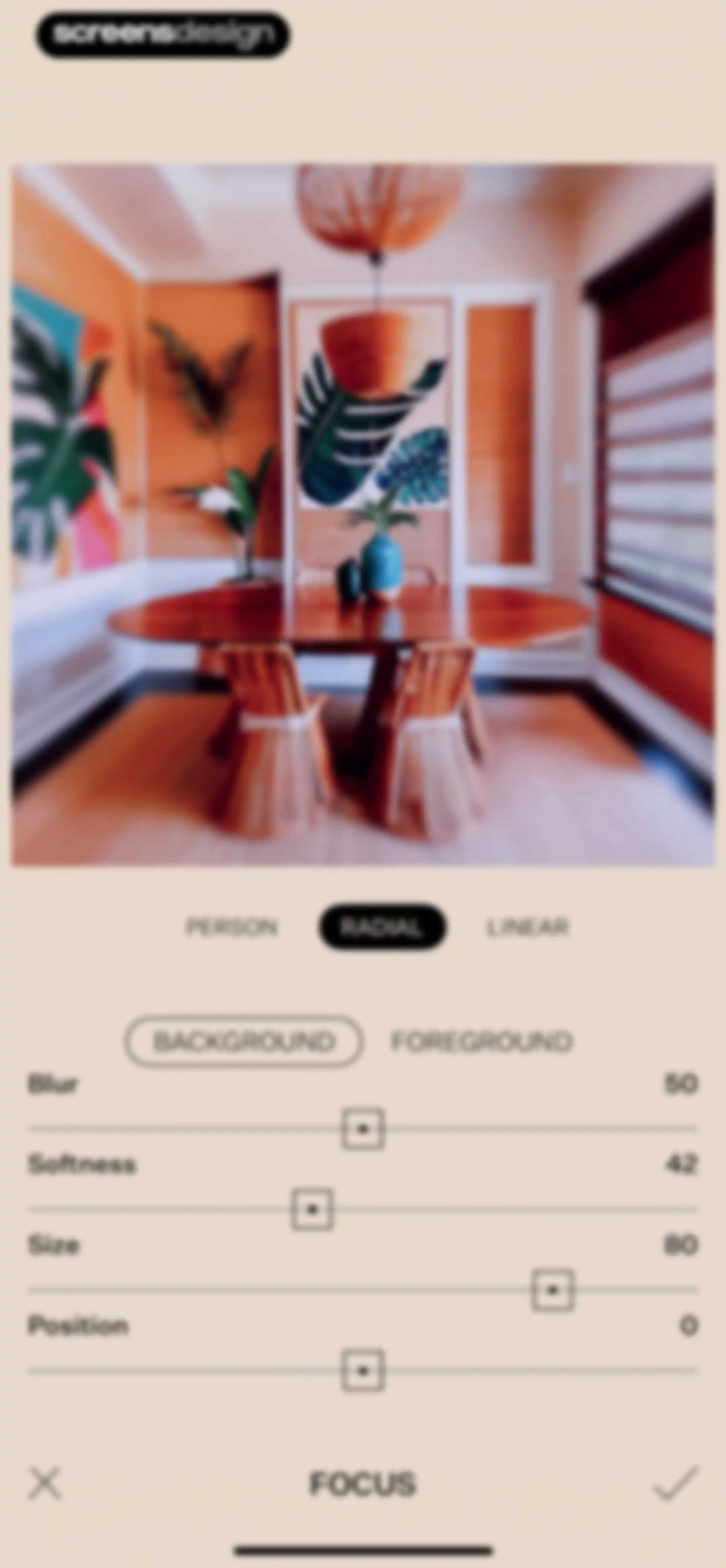
Tezza photo editor focus tool displaying a dining room preview, radial blur mode selected, adjustment sliders, and bottom cancel and confirm icons.Unlock Pro
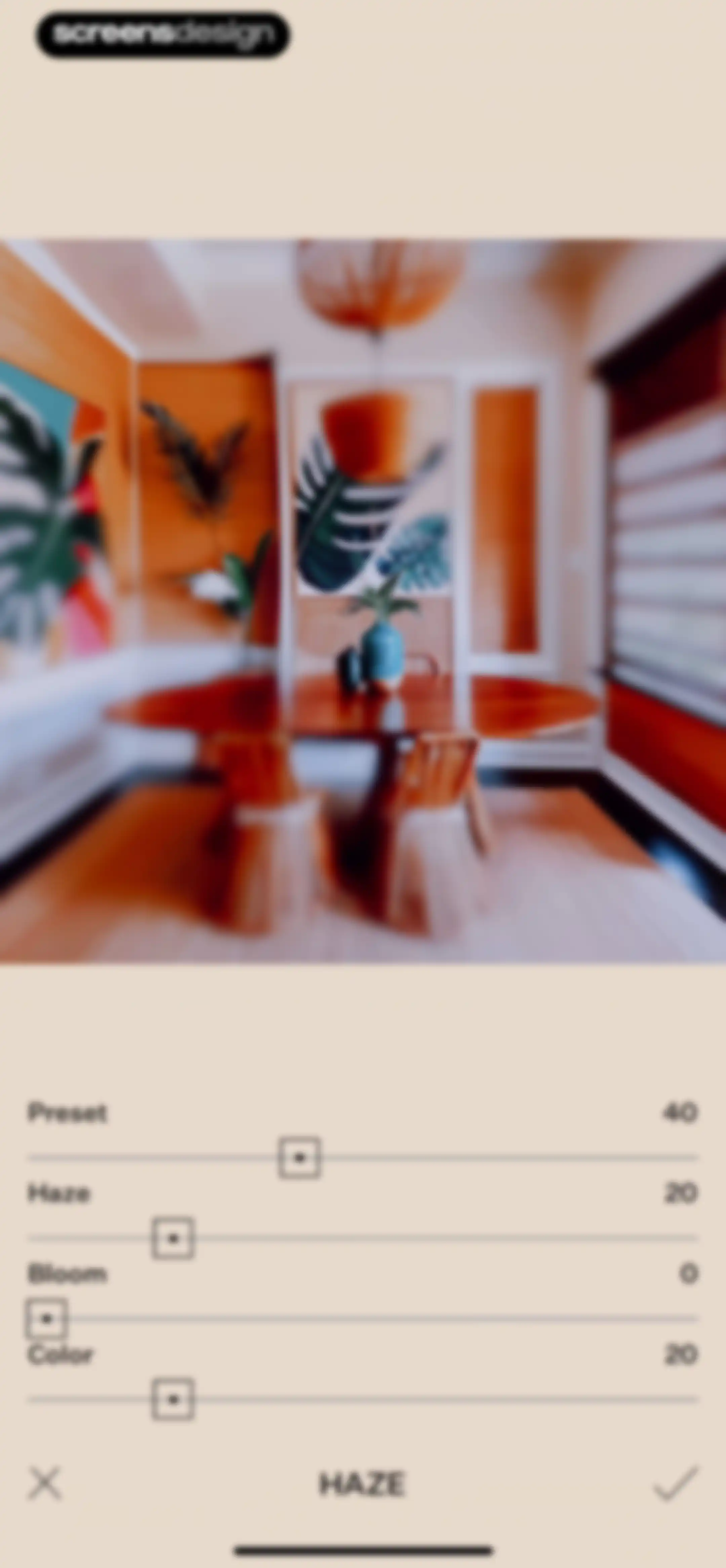
Photo editing screen in the Tezza app featuring slider controls for haze and other adjustments, with an interior preview and confirm button.Unlock Pro
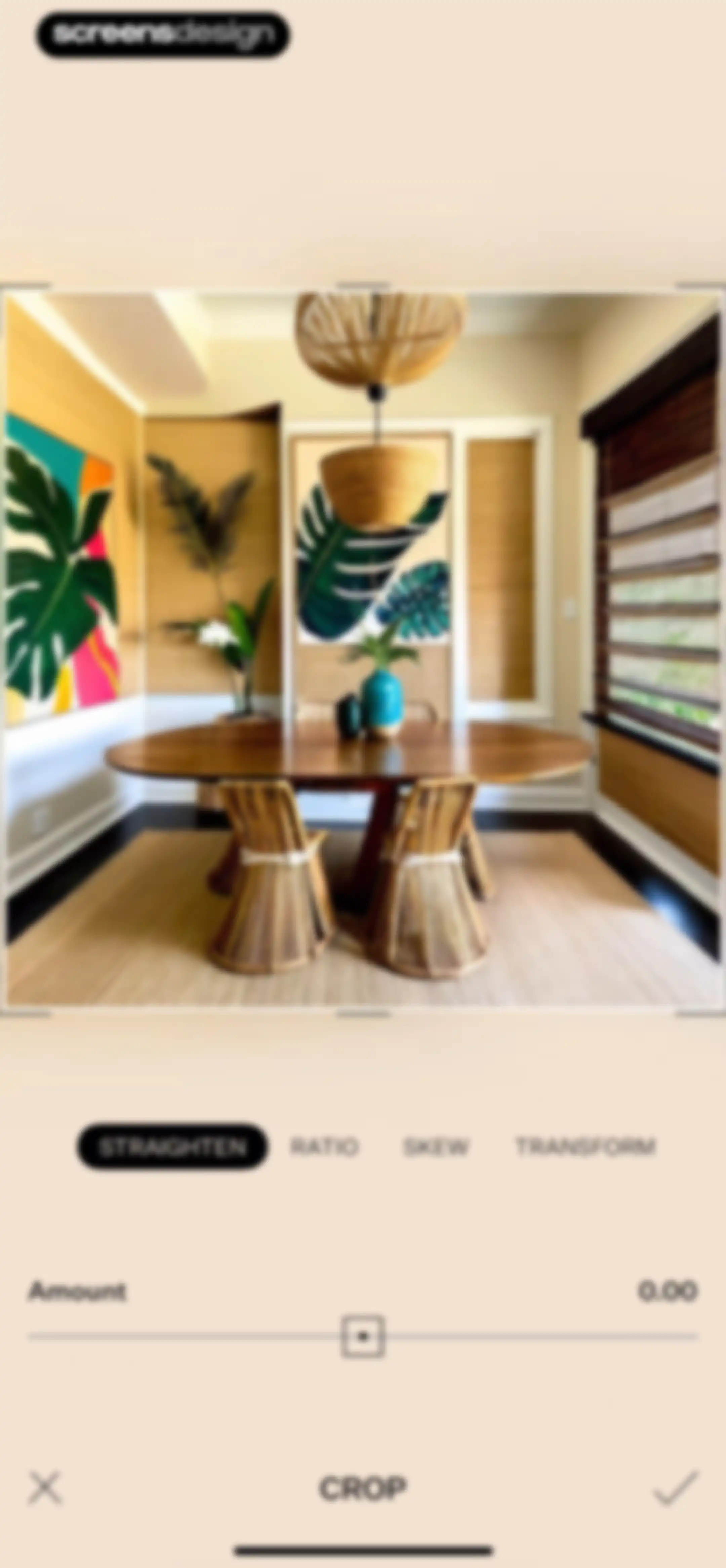
Photo crop editor interface with the Straighten tool selected, an adjustment slider, and cancel and confirm buttons.Unlock Pro
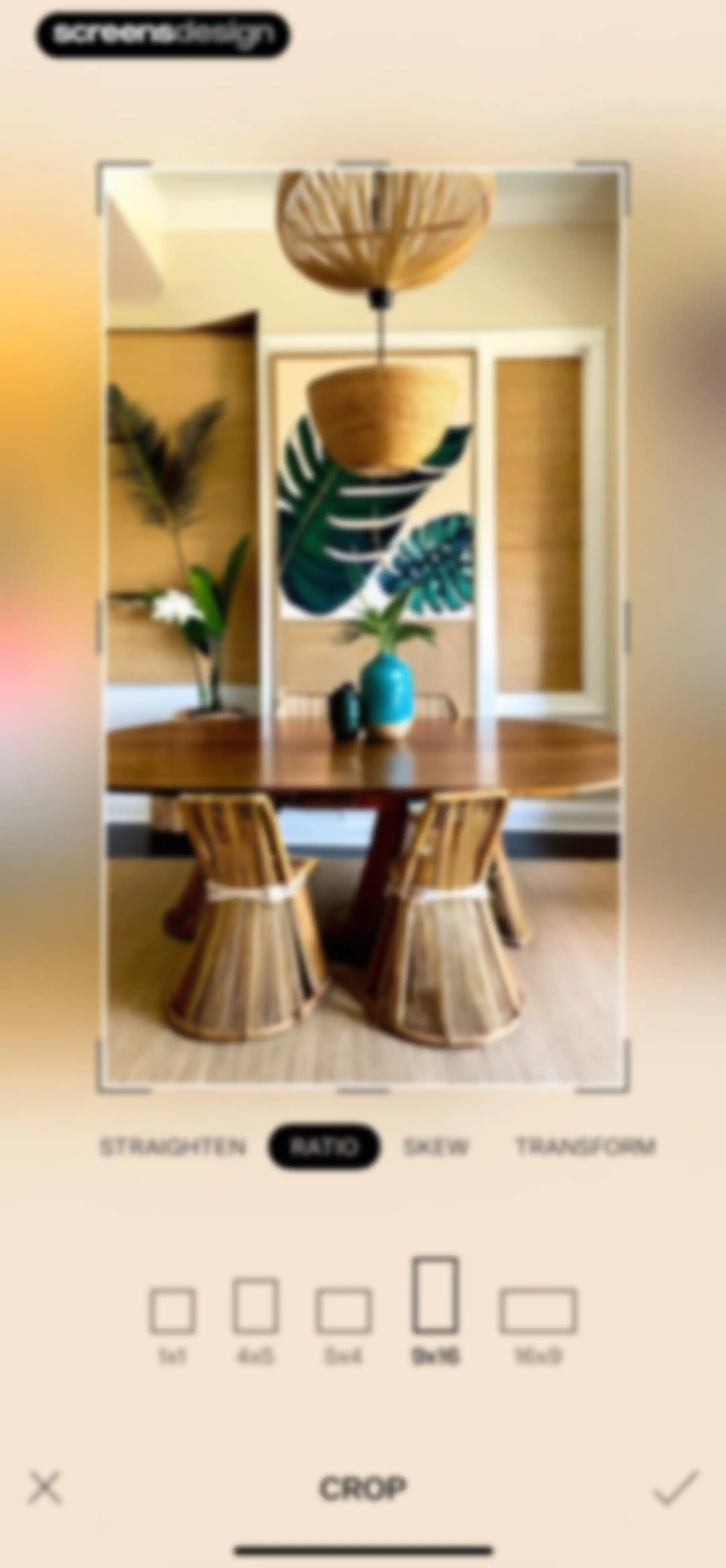
Photo editing screen for the Tezza app showing the crop and aspect ratio tool with the 9x16 ratio selected and a confirm button.Unlock Pro
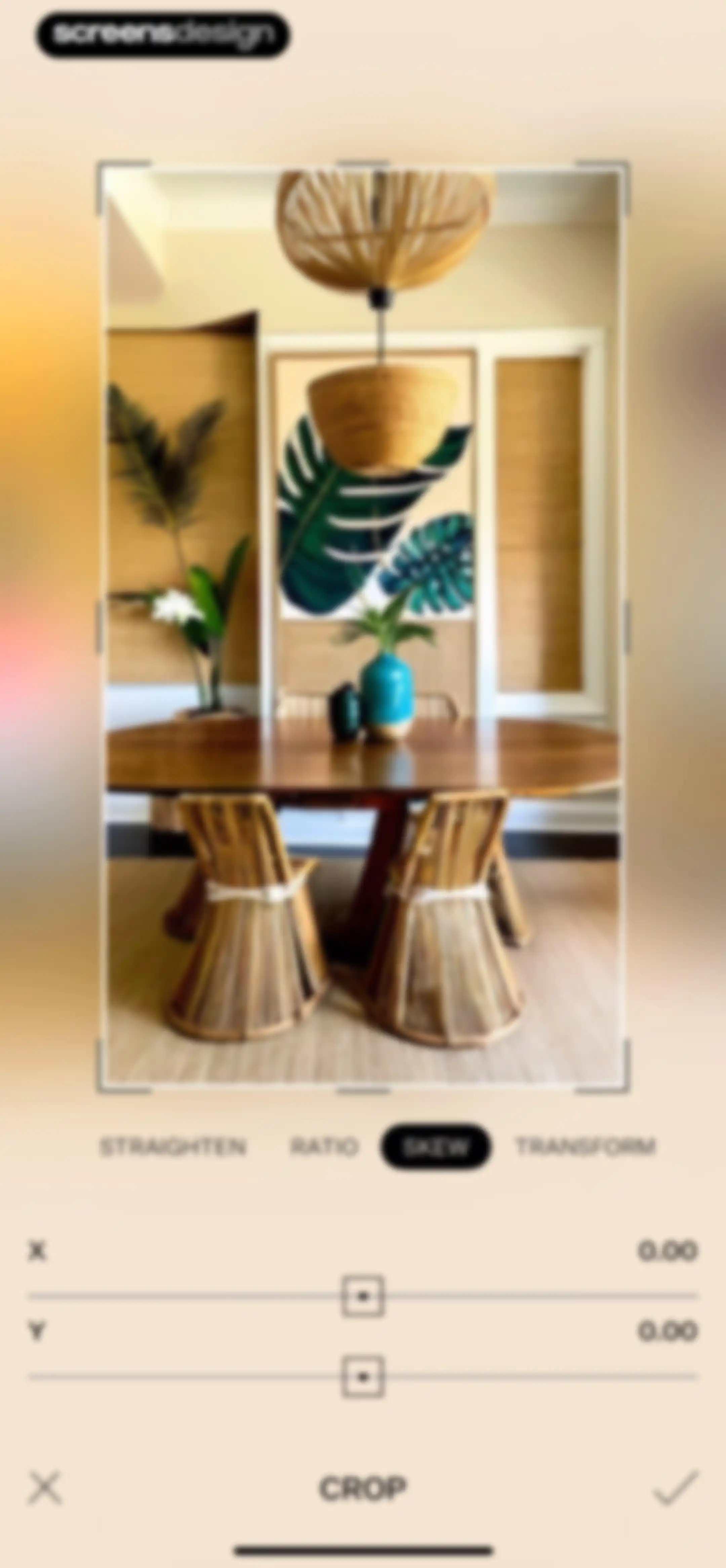
Tezza photo editor screen displaying the Skew tool with X and Y sliders, a dining room image preview, and cancel and confirm buttons.Unlock Pro
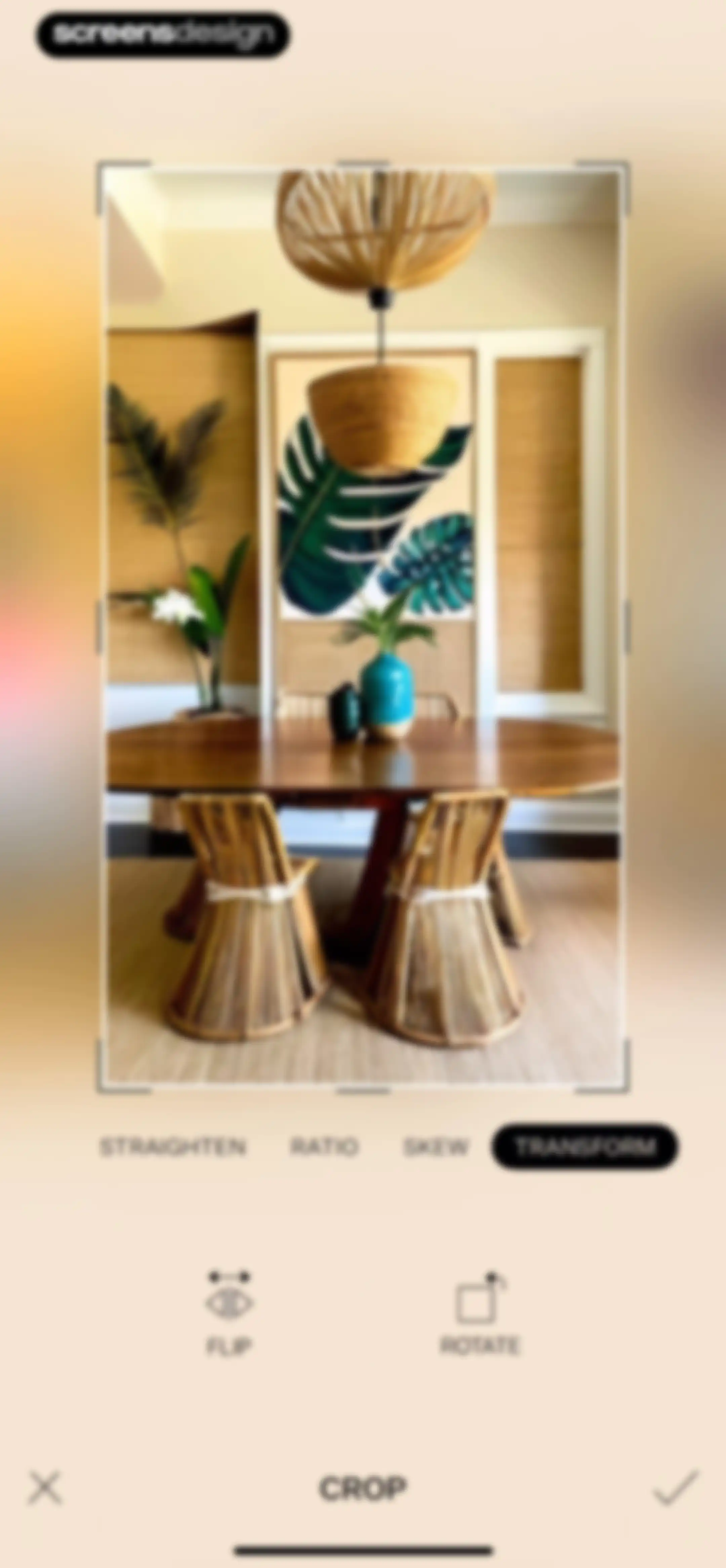
Photo editor screen showing a dining room interior preview, transformation tools with TRANSFORM selected, and cancel and confirm actions.Unlock Pro
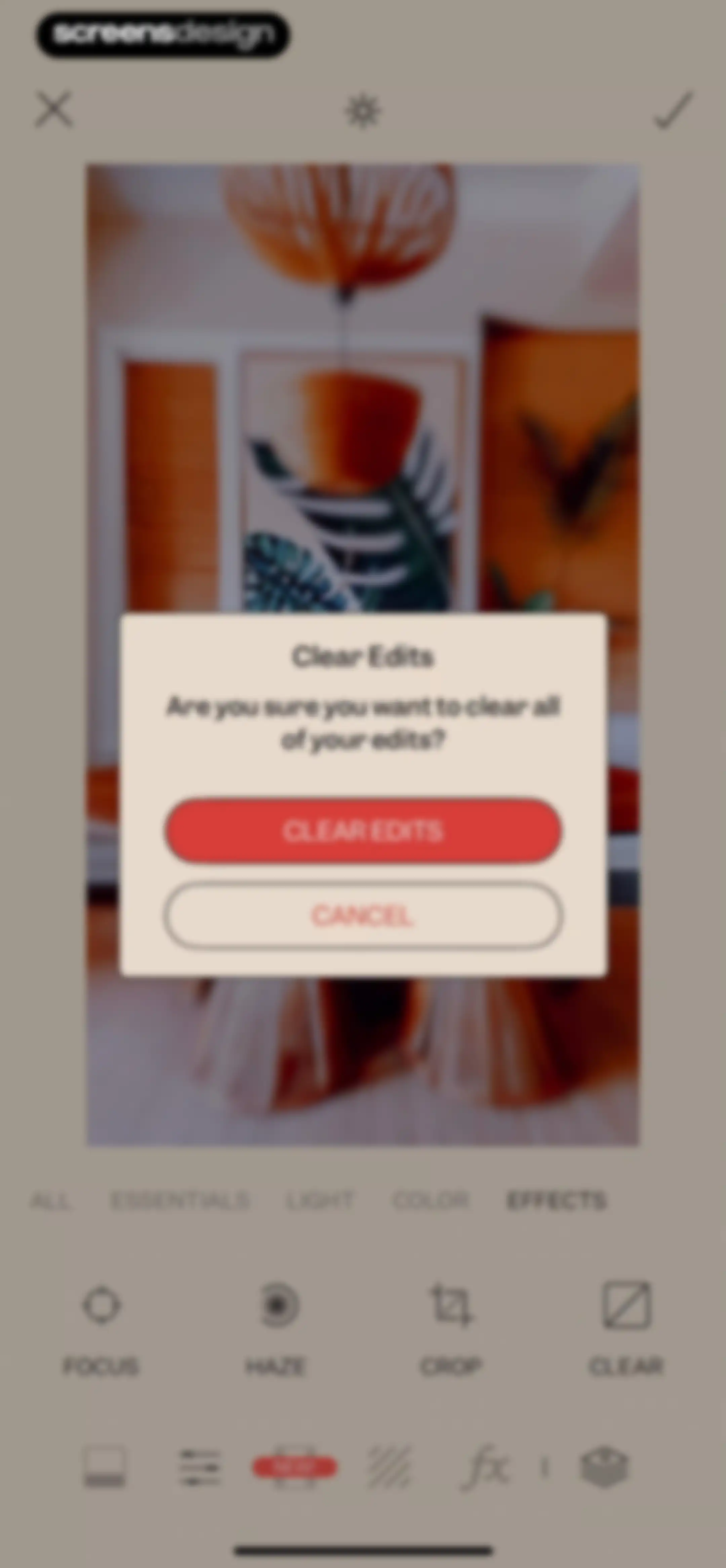
Photo editor confirmation screen with a modal asking to clear all edits, featuring clear edits and cancel buttons.Unlock Pro
Photo editor screen showing a dining room preview, horizontal filter category tabs, filter presets, and a bottom editing toolbar.Unlock Pro
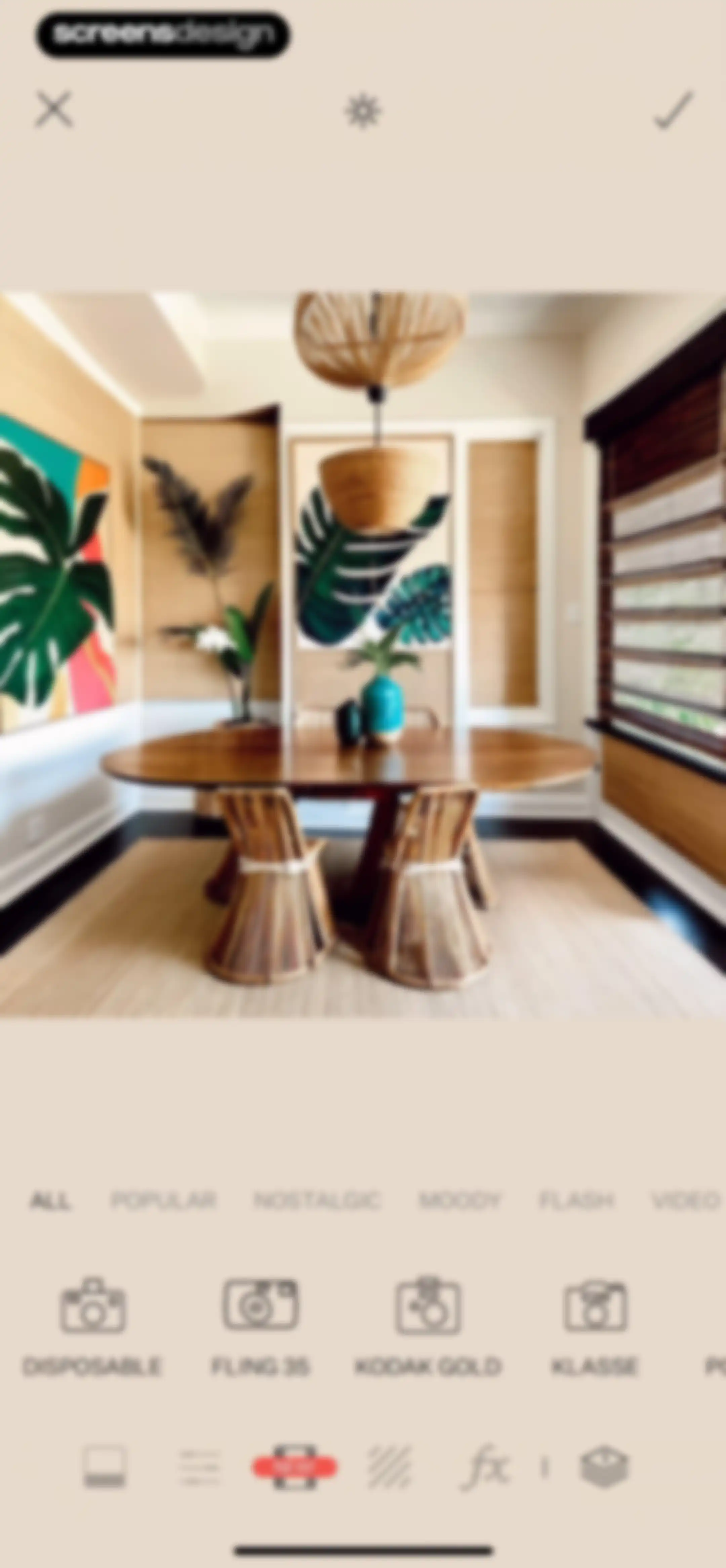
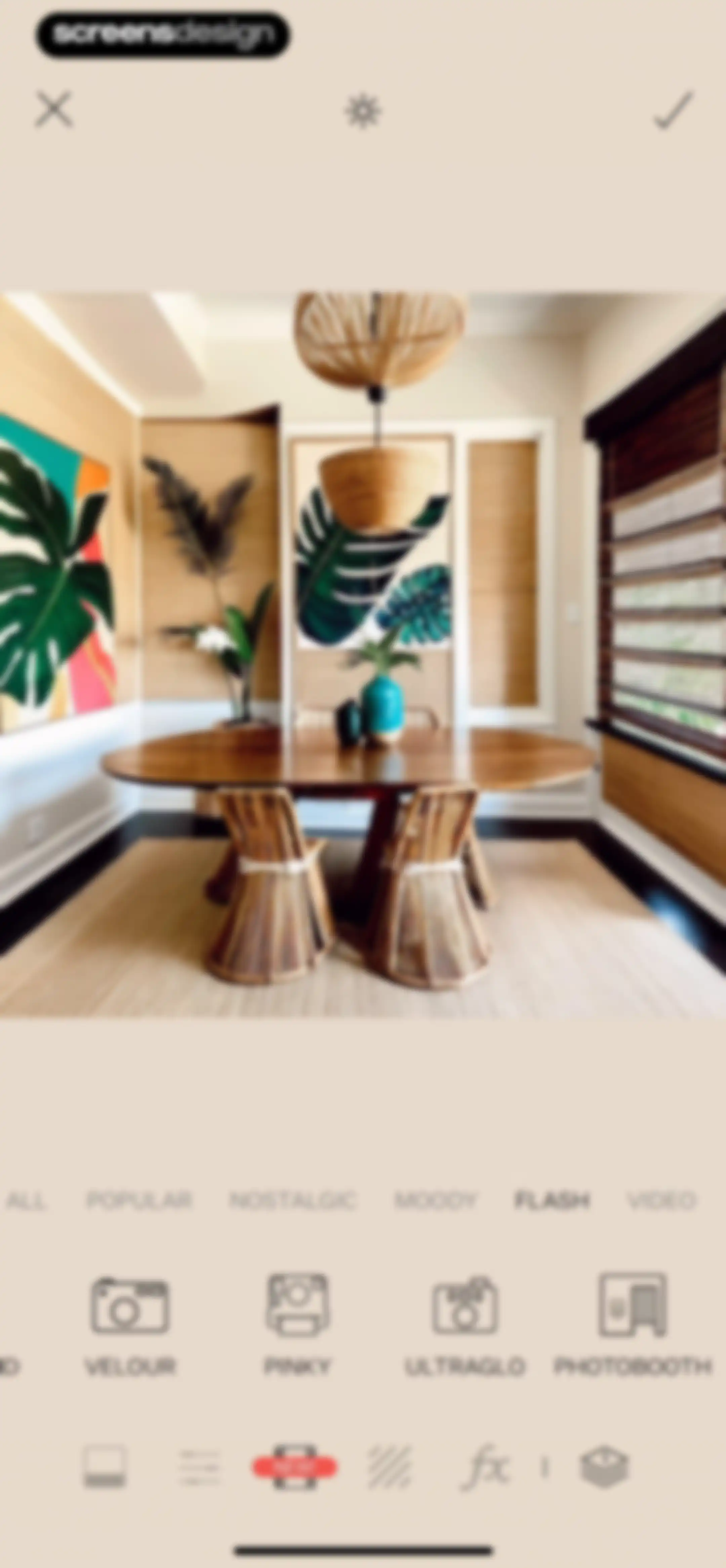
Photo editing screen displaying an interior image preview, horizontal filter category tabs with Flash selected, and a filter selection grid.Unlock Pro
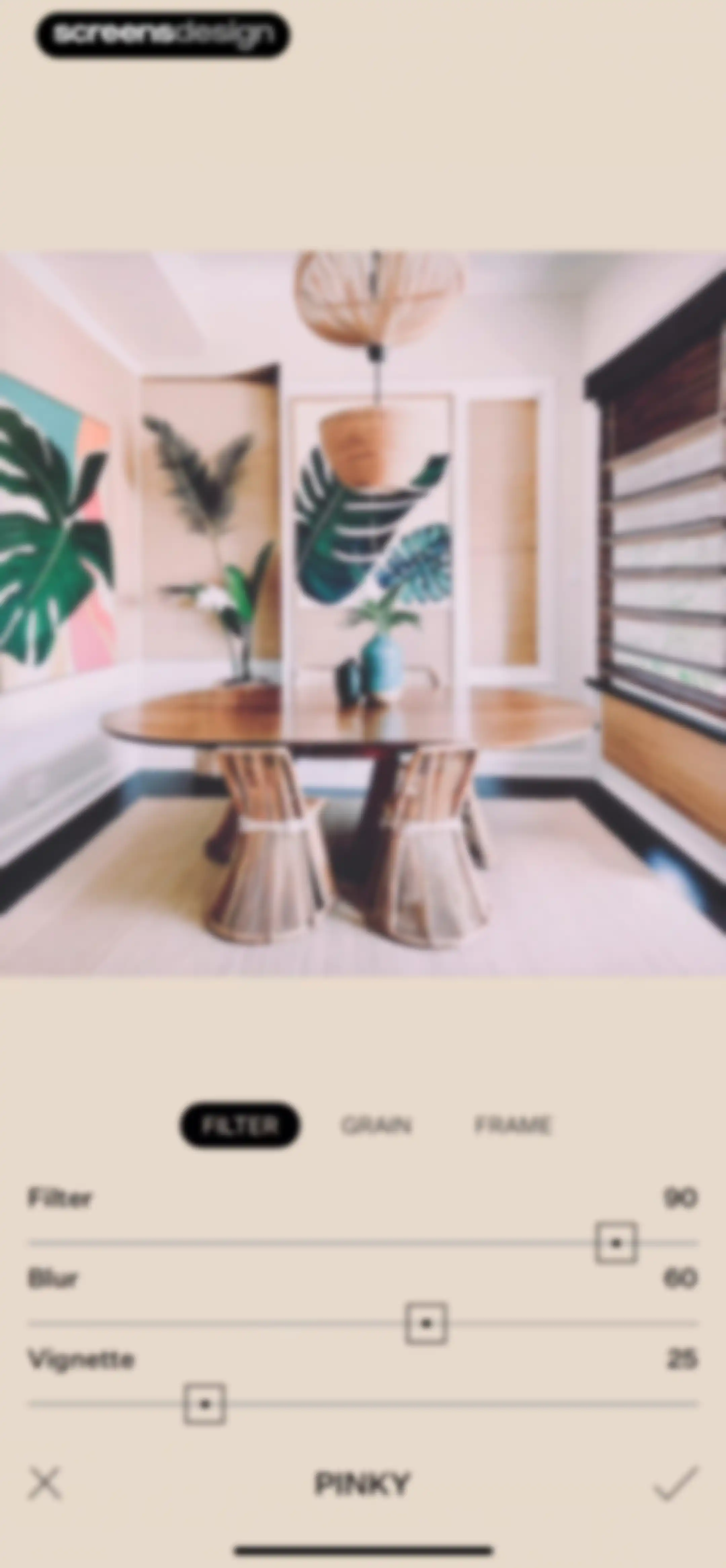
Photo editor screen showing an interior preview with the Filter tab selected, adjustment sliders, and a checkmark confirm button.Unlock Pro
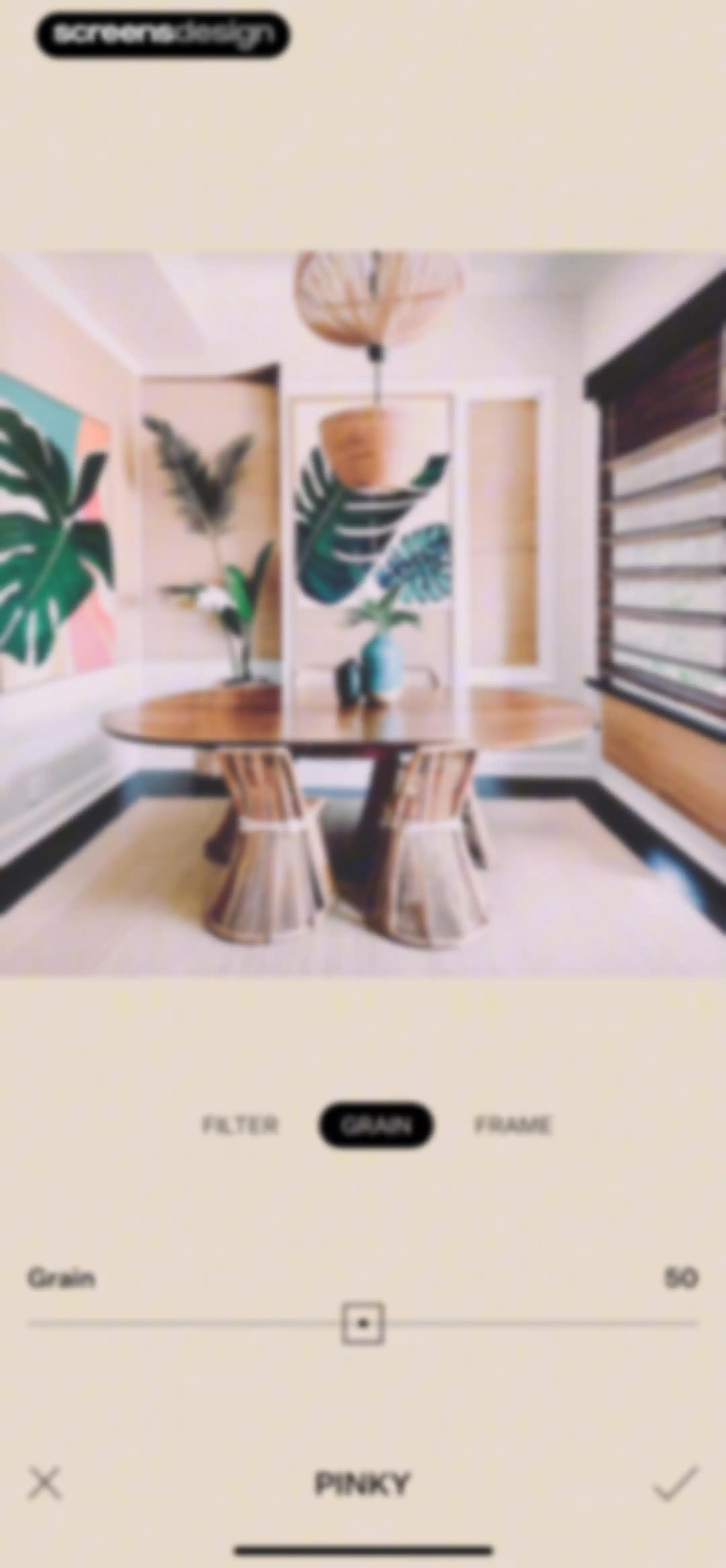
Tezza photo editor screen for grain adjustment, with the grain tab and slider set to fifty, and a confirm button.Unlock Pro
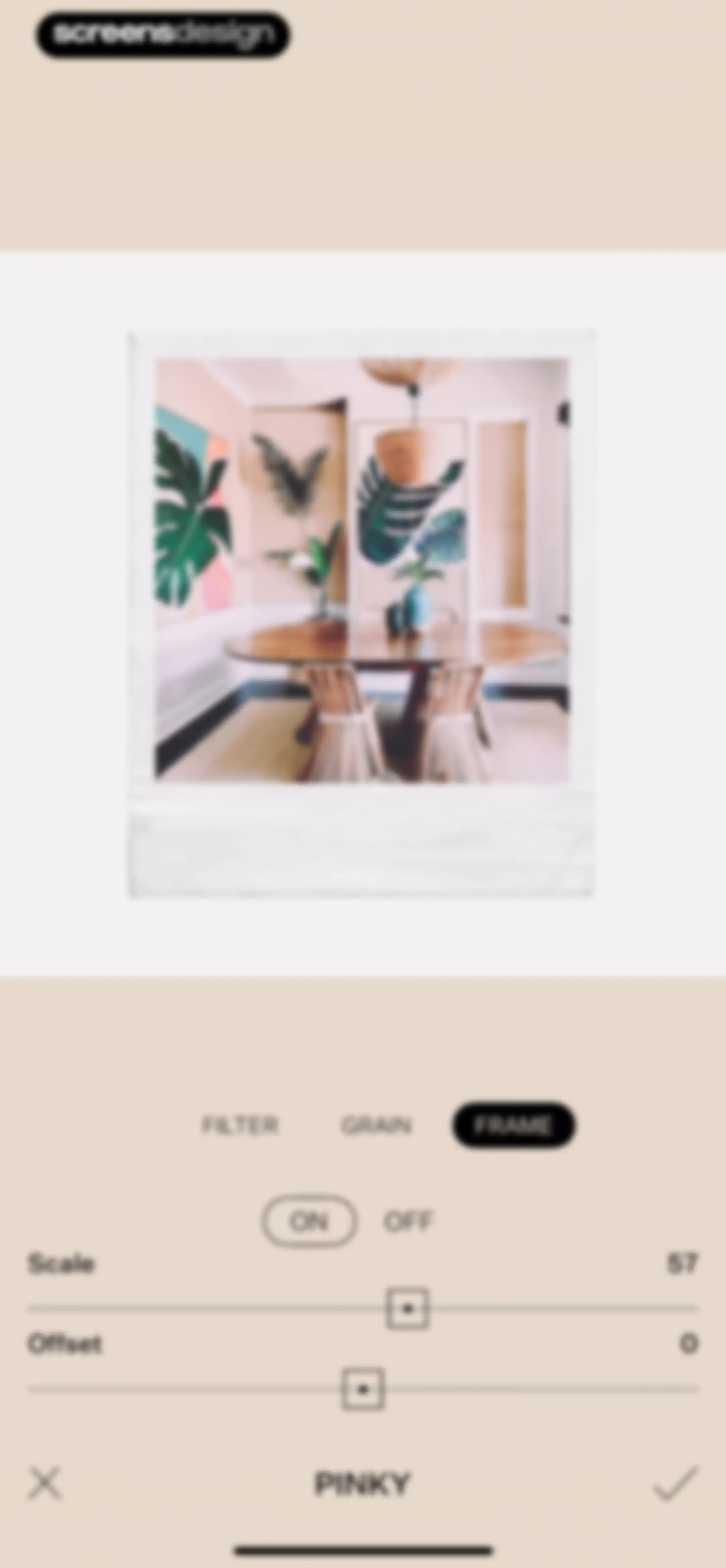
Editor screen for a photo frame effect with scale and offset sliders, the Frame tab selected, and cancel and confirm action icons.Unlock Pro
Photo editor screen showing a central image preview with a category tab menu, effect carousel, and bottom toolbar.Unlock Pro
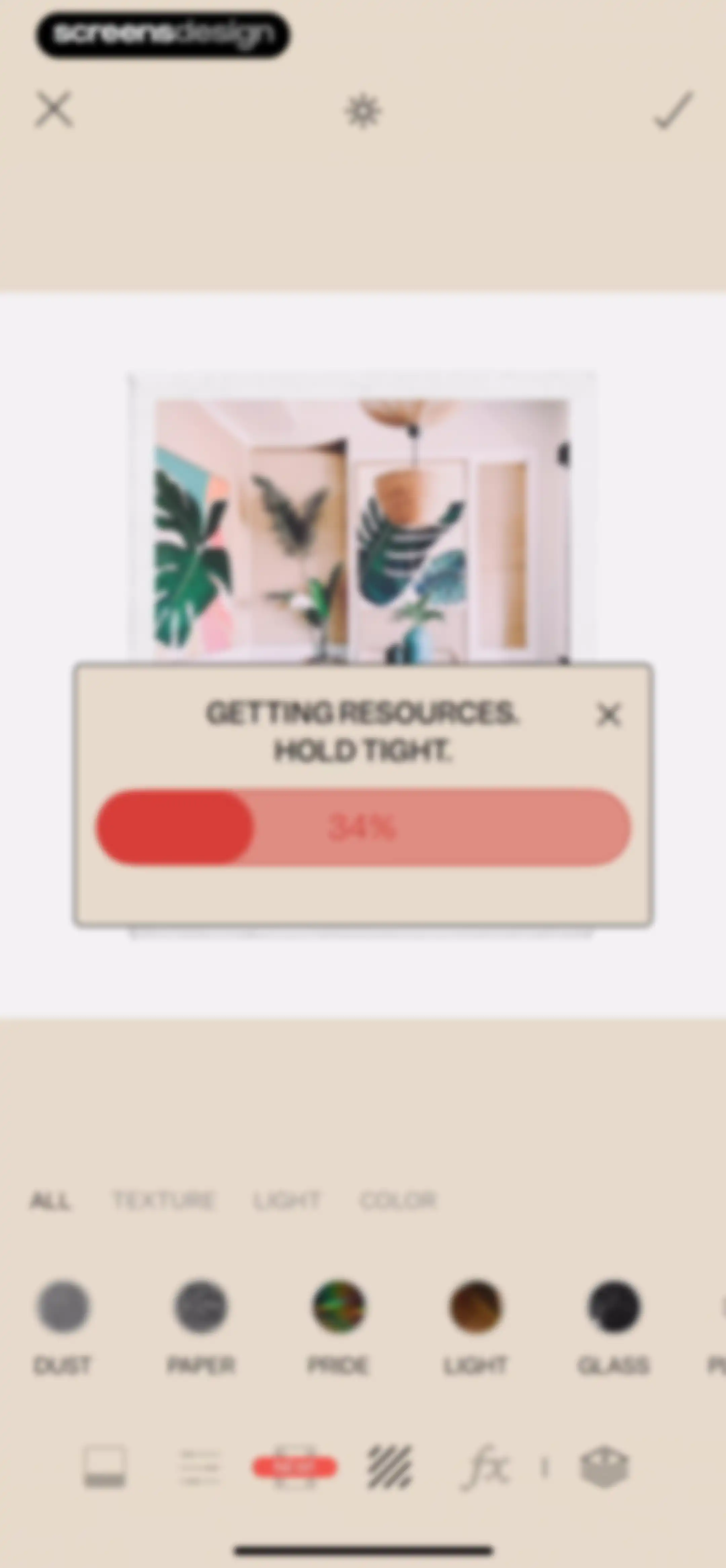
Photo editor loading screen with a progress modal at thirty-four percent and effect selection tools.Unlock Pro
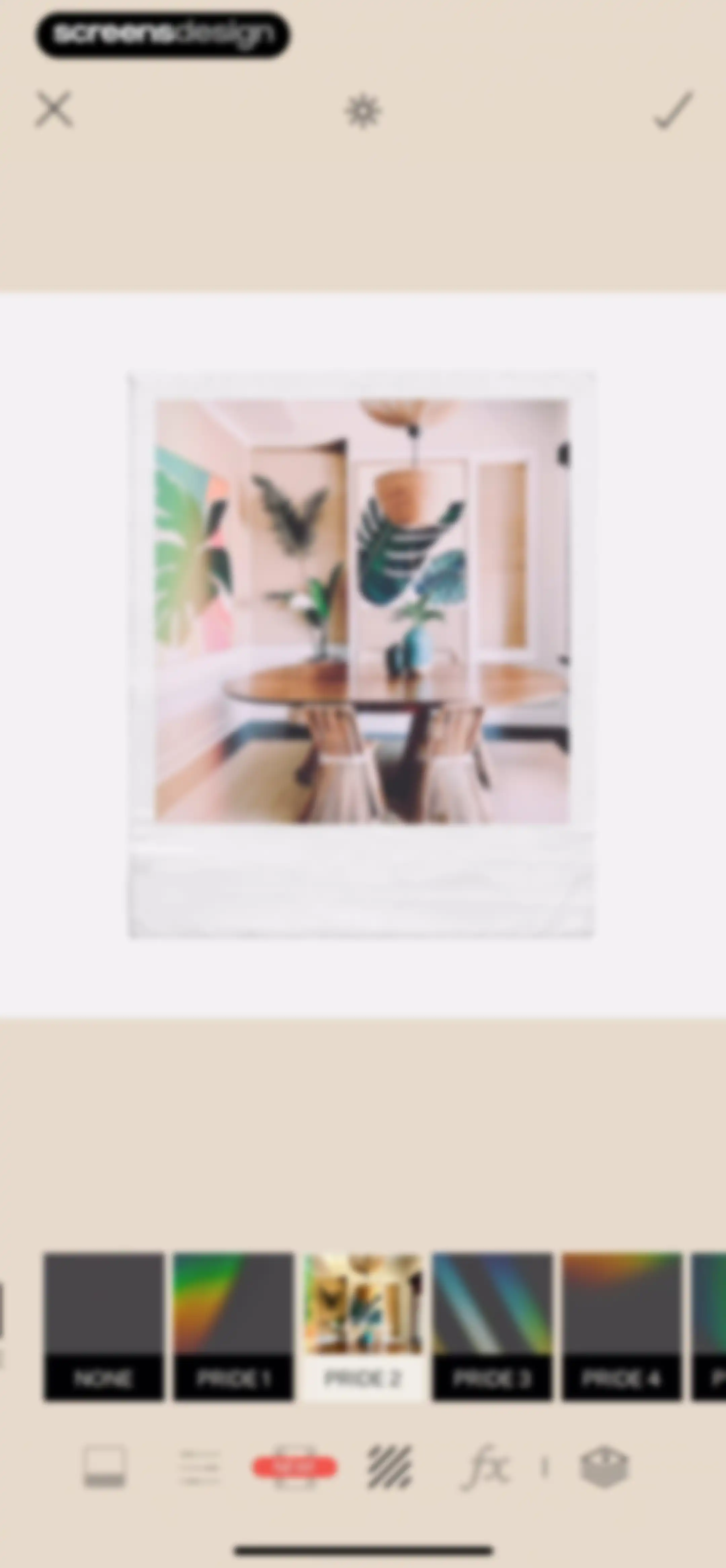
Tezza photo editor showing a central photo preview, a filter carousel with PRIDE 2 selected, and top navigation icons for cancel, brightness, and saving.Unlock Pro
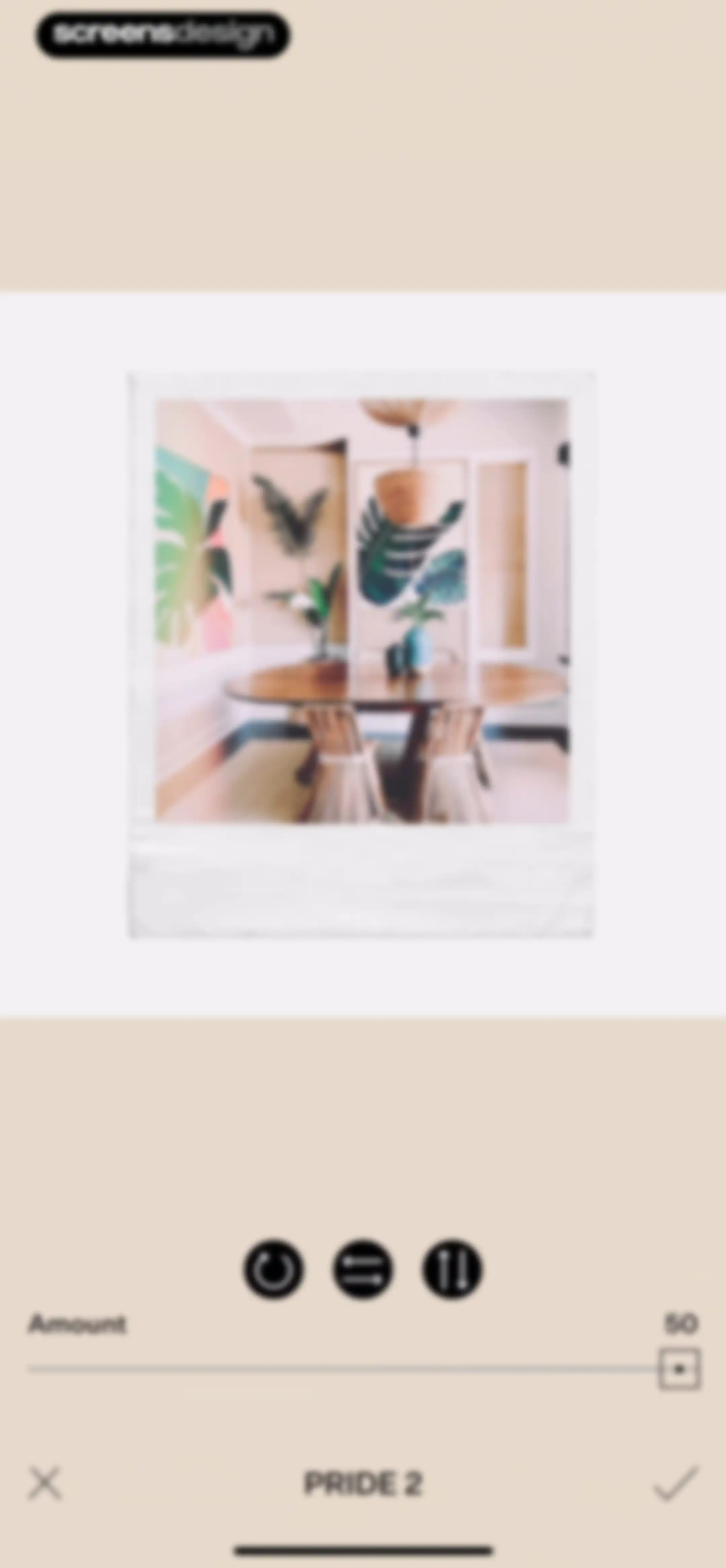
Photo editor screen for the PRIDE 2 filter with an amount slider set to 50 and cancel and confirm actions.Unlock Pro
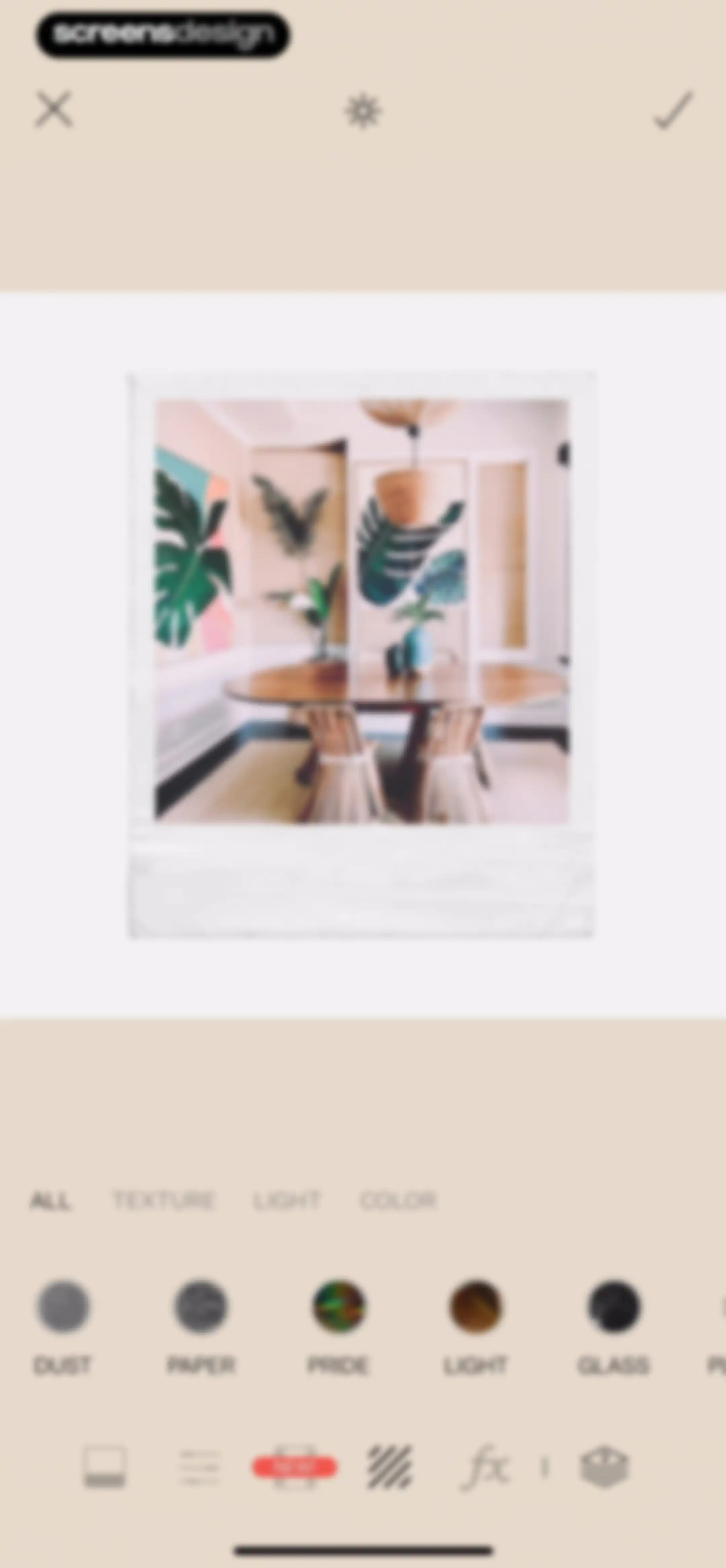
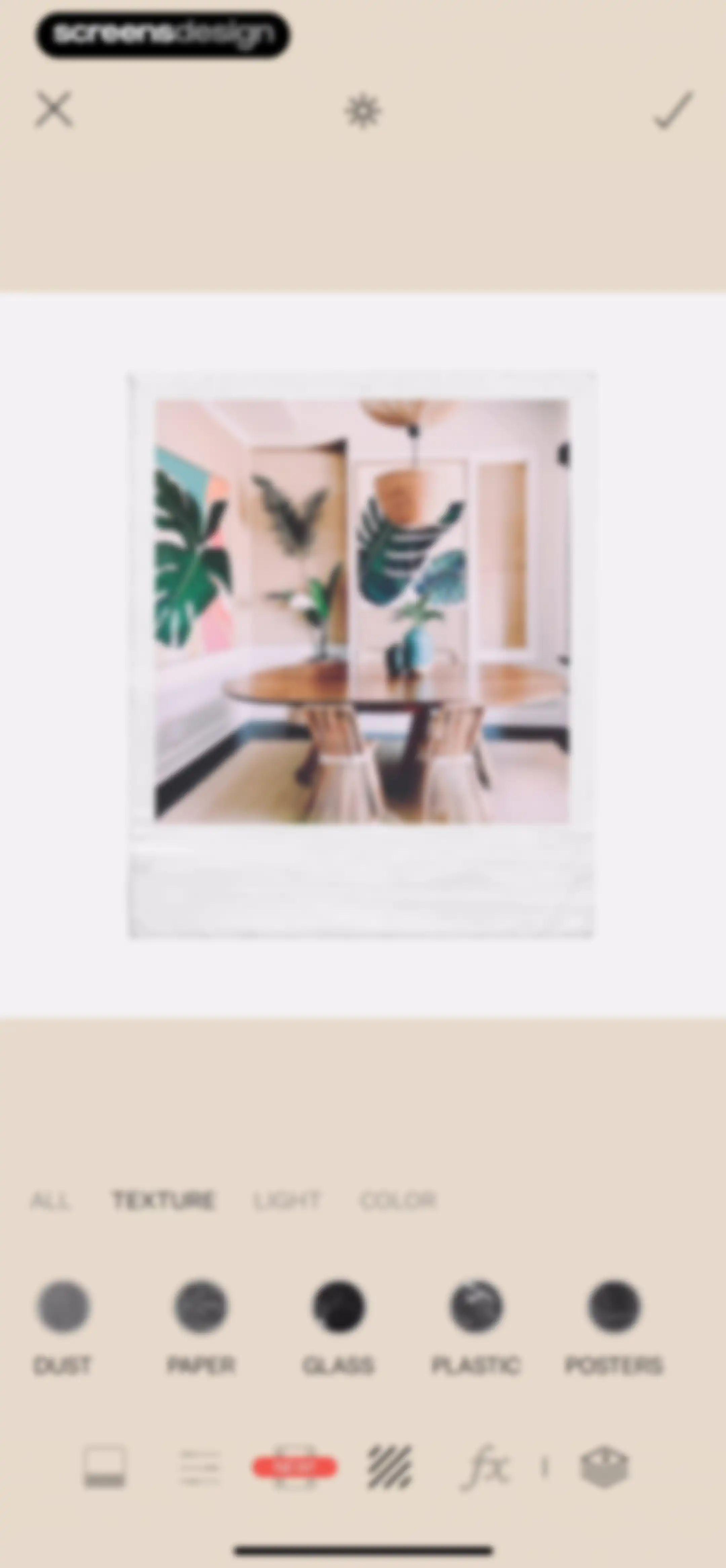
Photo editor screen displaying a central image preview with texture categories and a grid of effect options including dust, paper, and glass.Unlock Pro
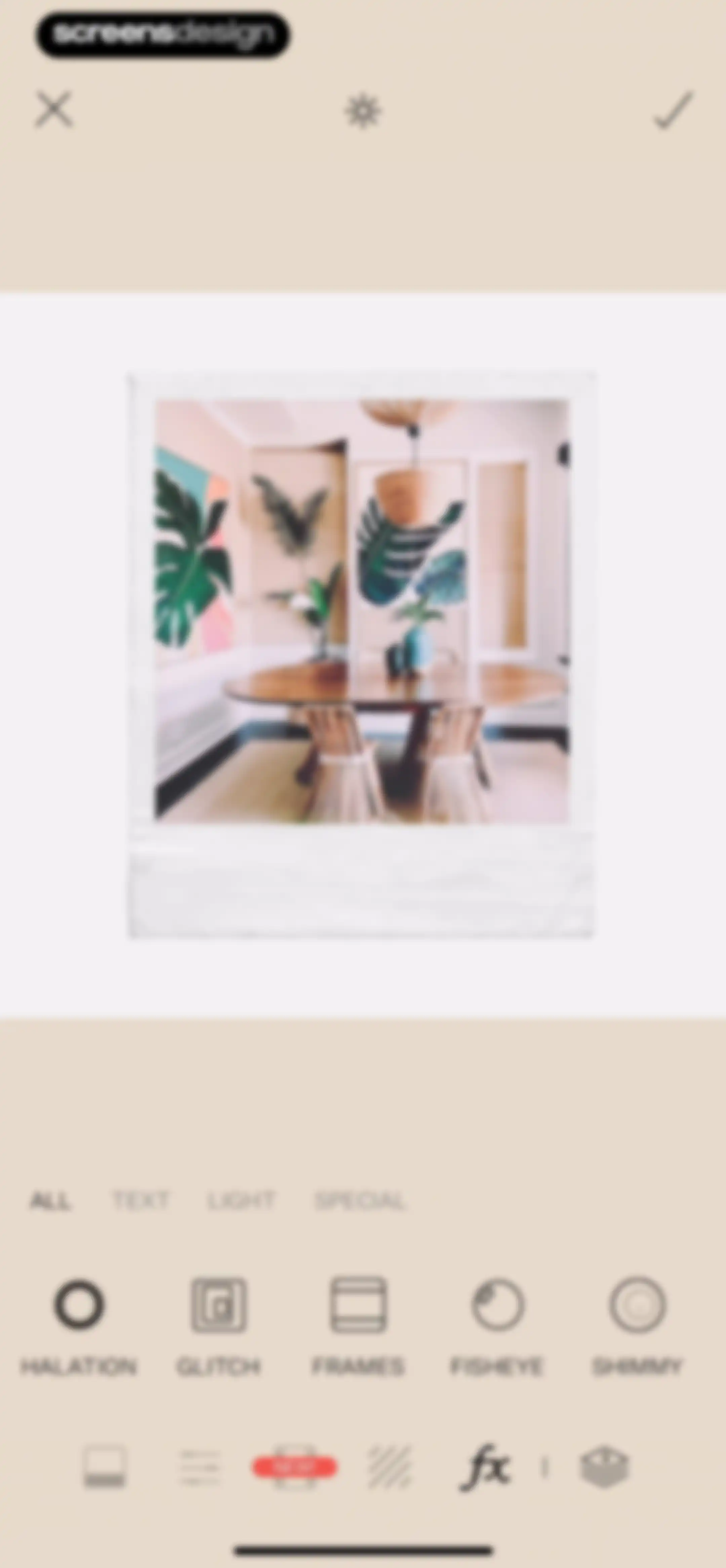
Photo editor showing a central image preview with effect categories and a grid of filter options including halation and glitch.Unlock Pro
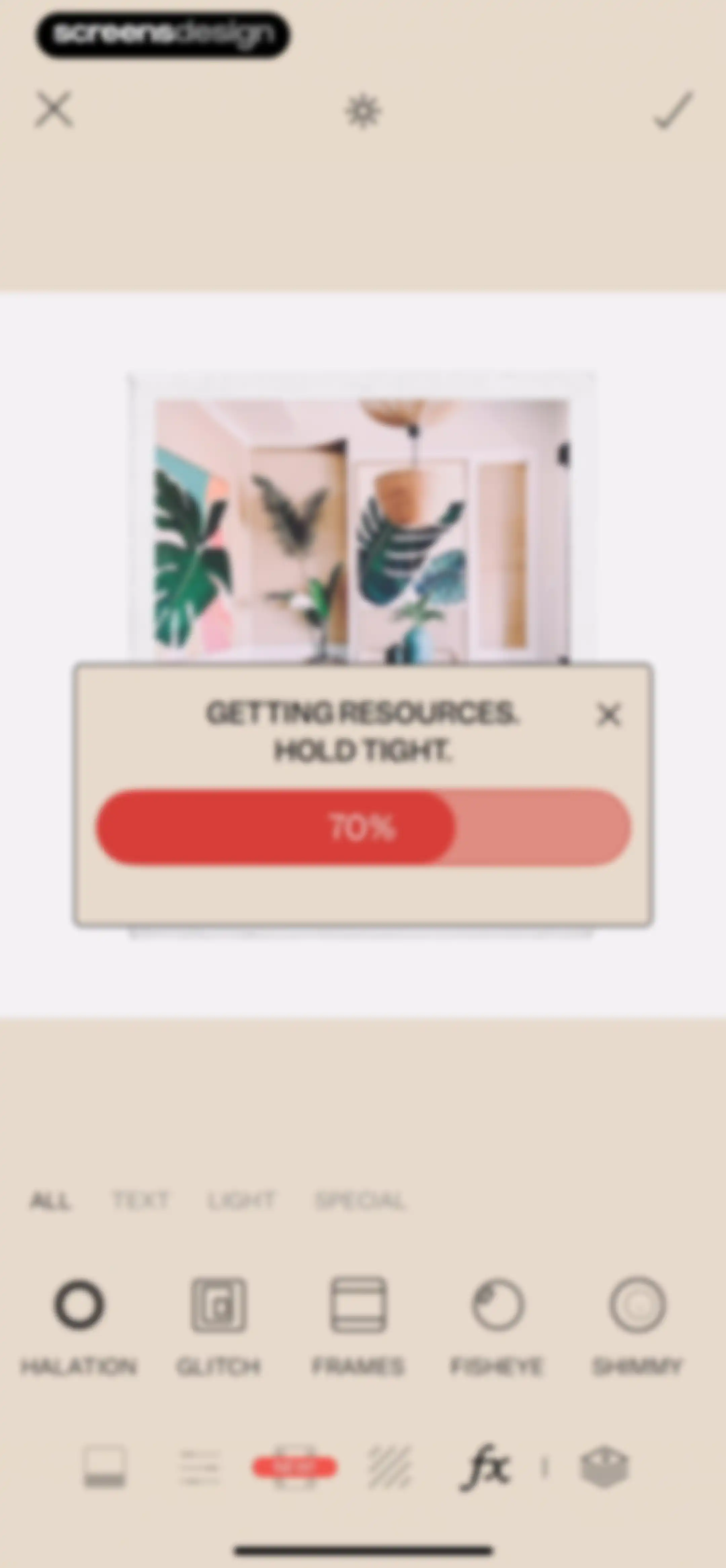
Photo editor screen showing a progress modal at 70% for downloading resources over an editing workspace and tool menu.Unlock Pro
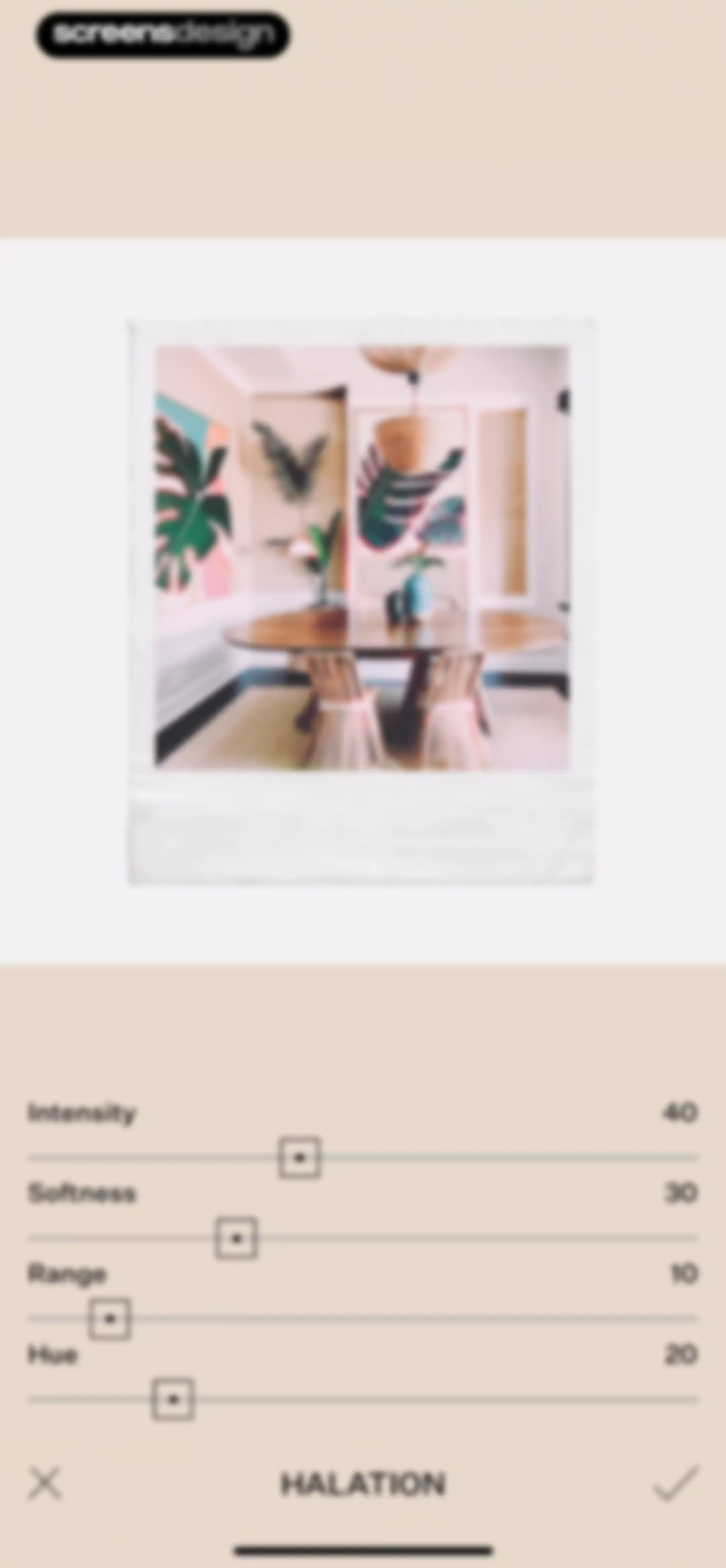
Photo editor screen for the Halation effect featuring a top image preview and four adjustment sliders with a confirm button.Unlock Pro
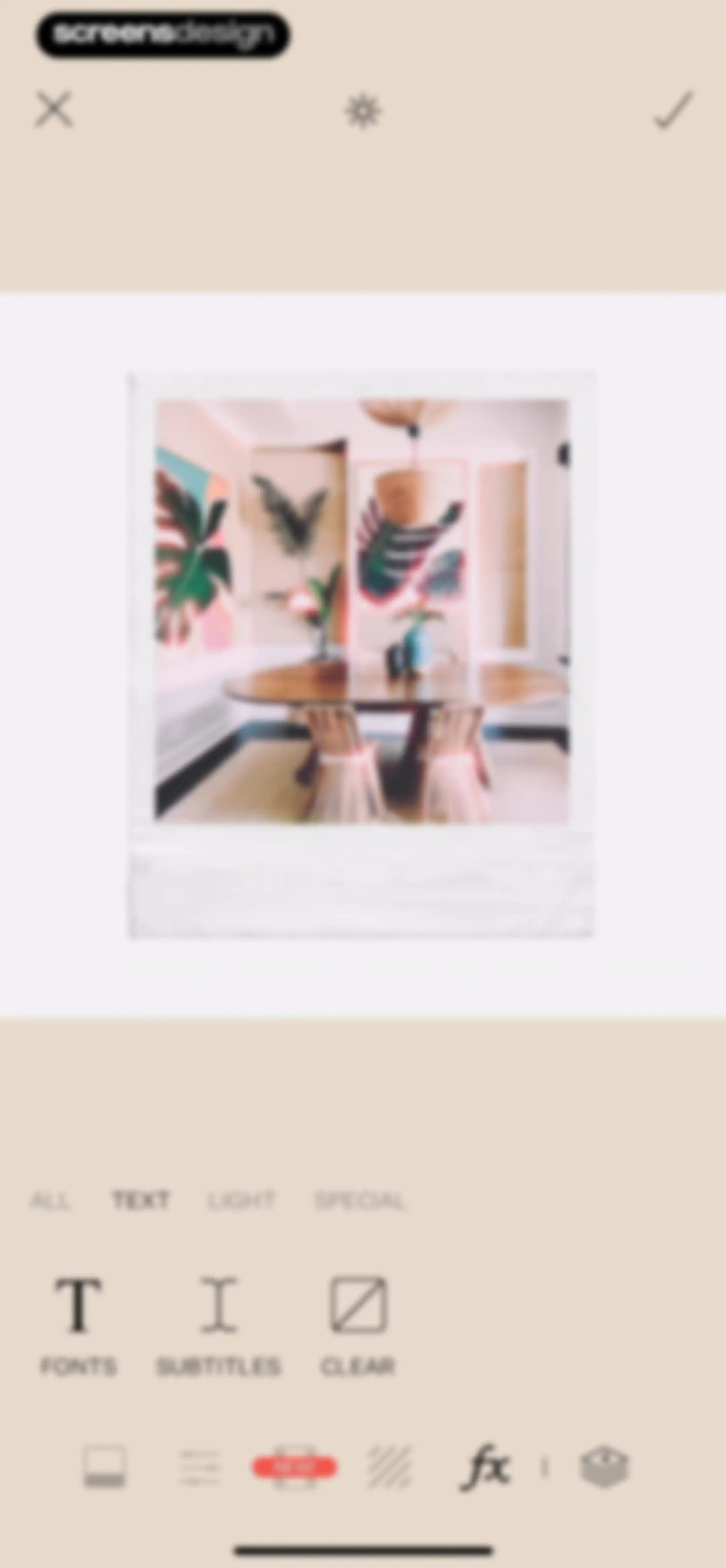
Photo editor screen showing a polaroid photo preview with the text category tab selected and a bottom toolbar.Unlock Pro
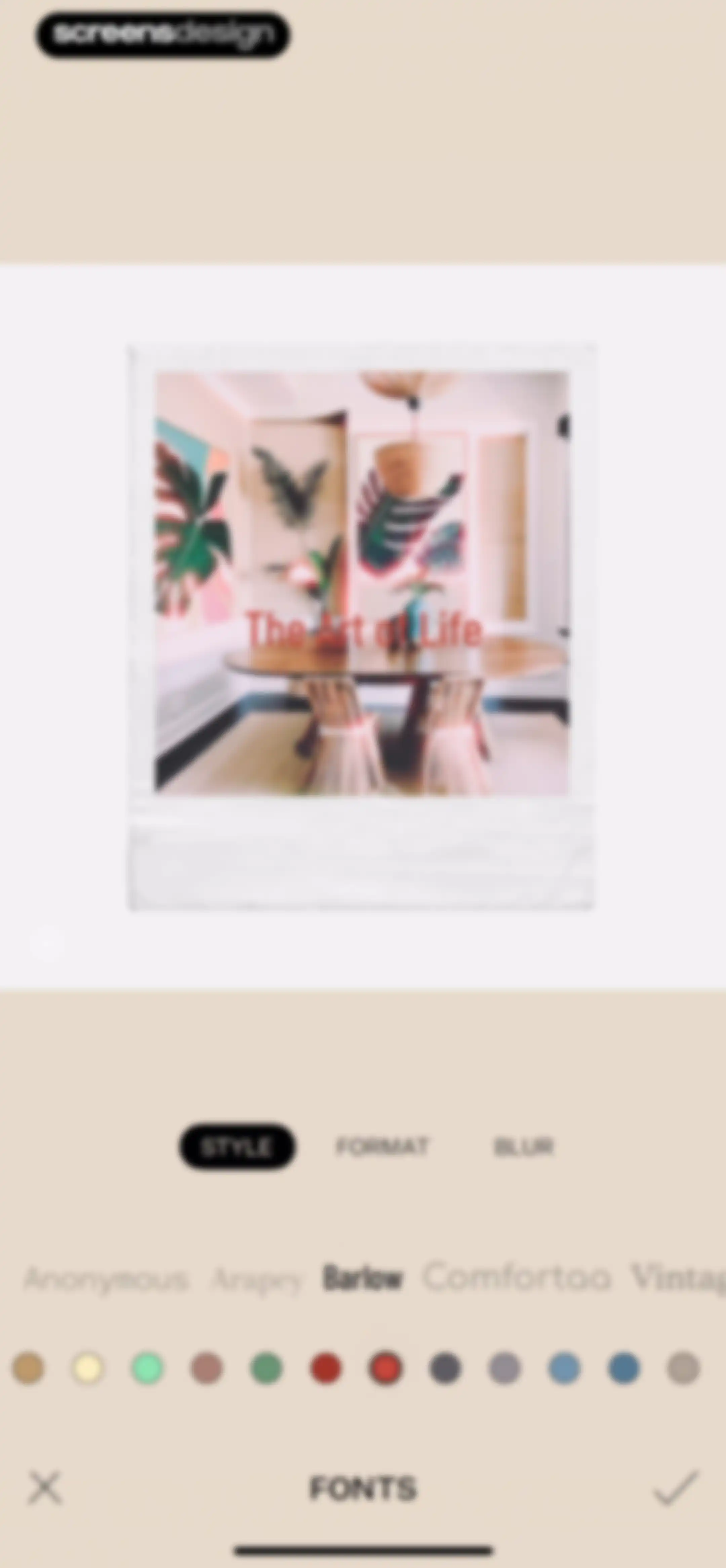
Text editing editor displaying a photo with the text overlay, STYLE tab selected, Barlow font highlighted, and cancel and confirm actions.Unlock Pro
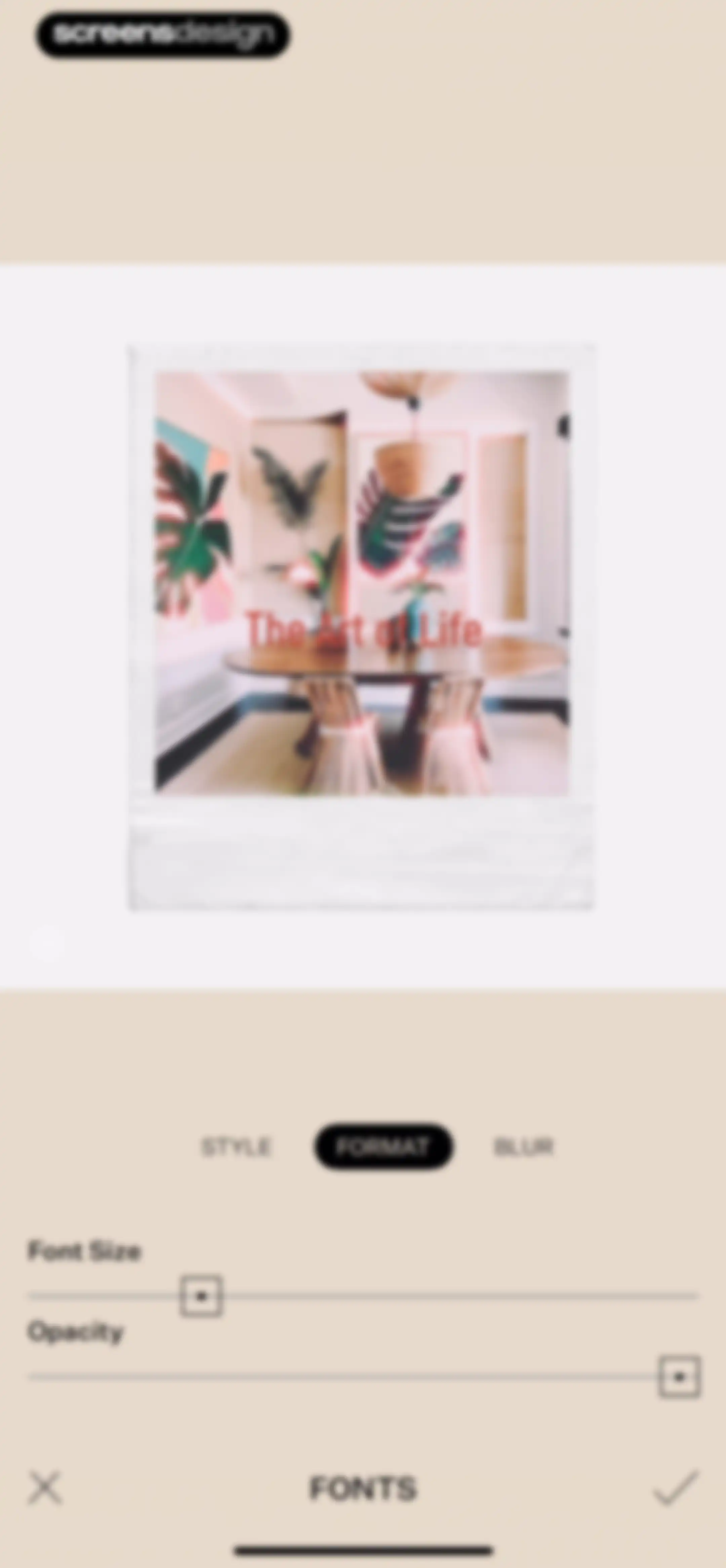
Photo editor text customization screen displaying a Polaroid photo preview, format tabs, font size and opacity sliders, and confirm actions.Unlock Pro
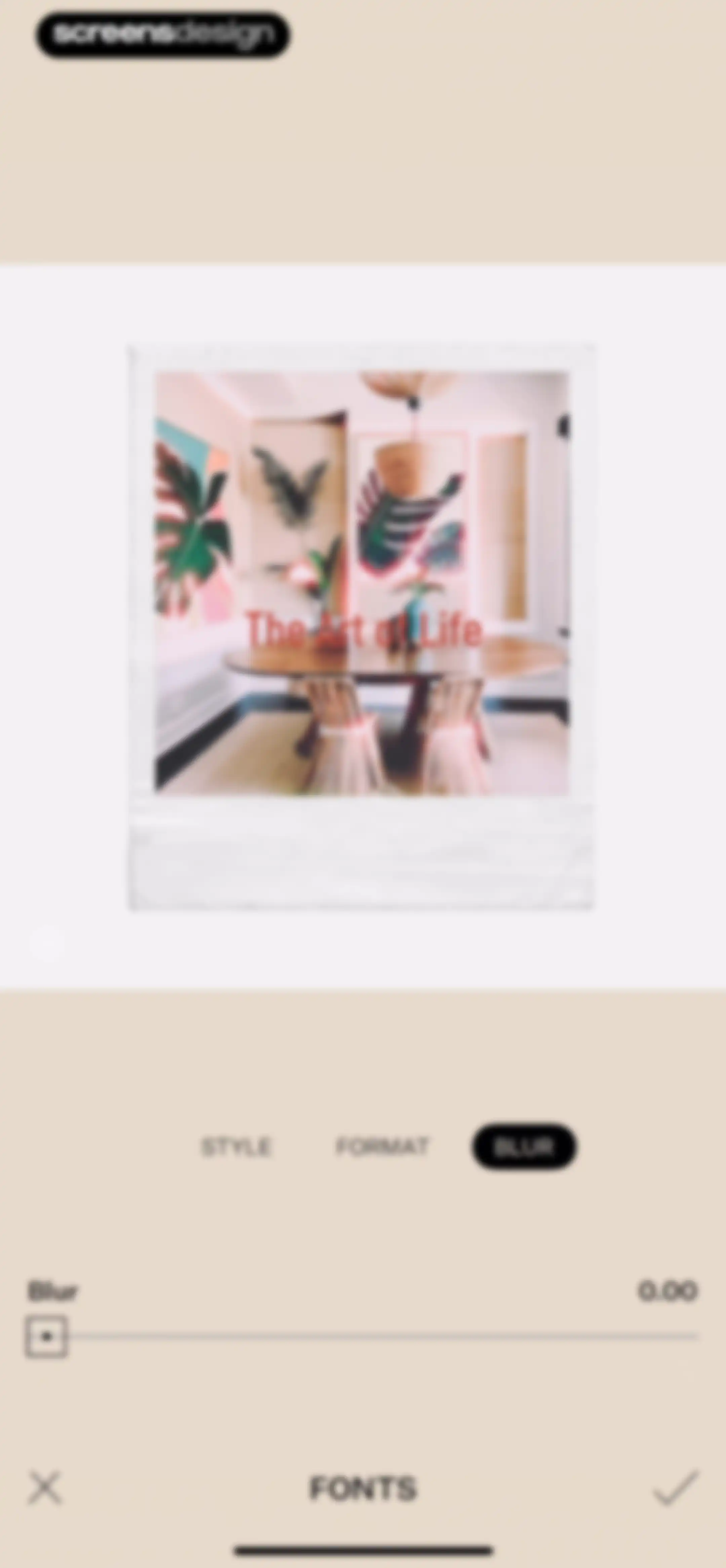
Photo editor screen showing a preview with the BLUR tab selected, a blur slider at 0.00, and cancel and confirm actions.Unlock Pro
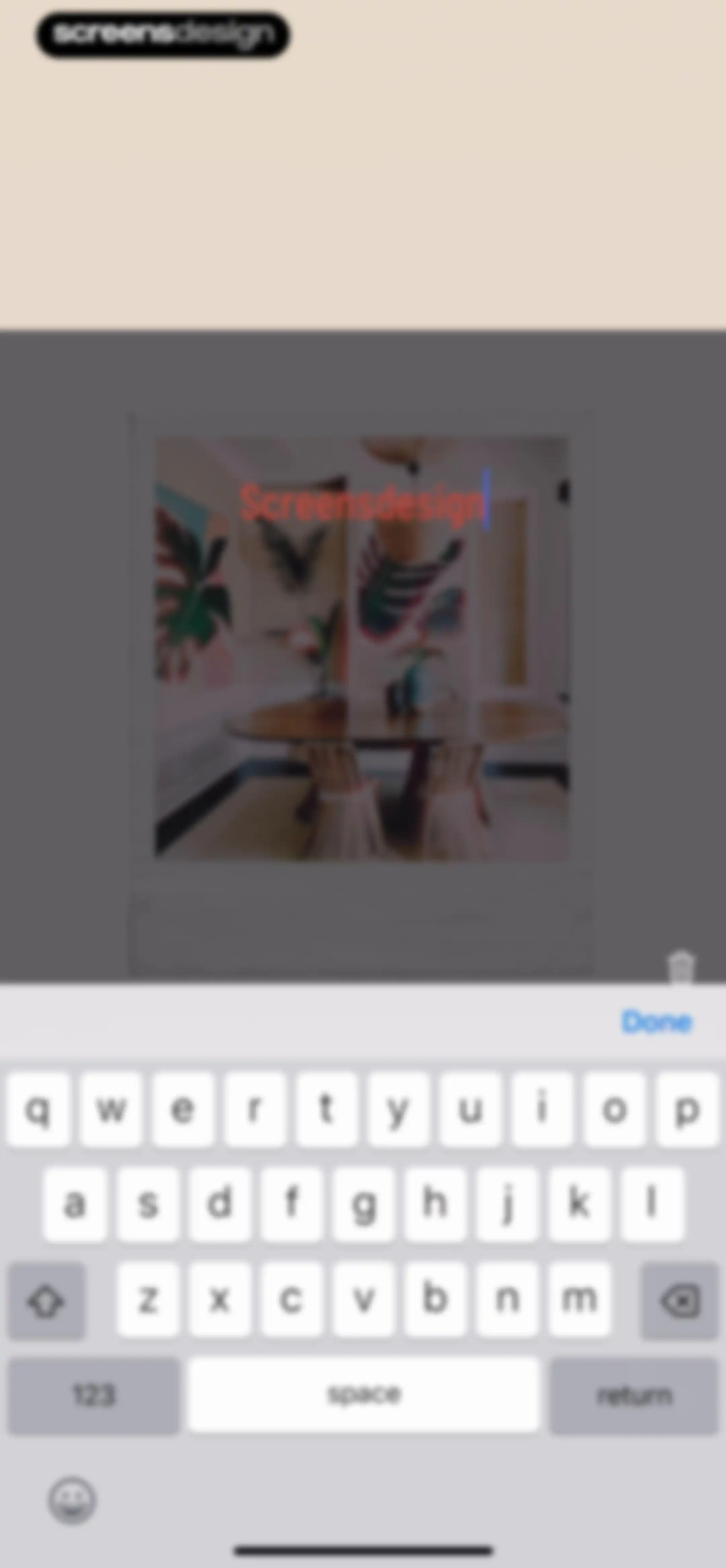
Photo editor screen displaying active text input over a Polaroid-style interior design photo with a system keyboard and Done button.Unlock Pro
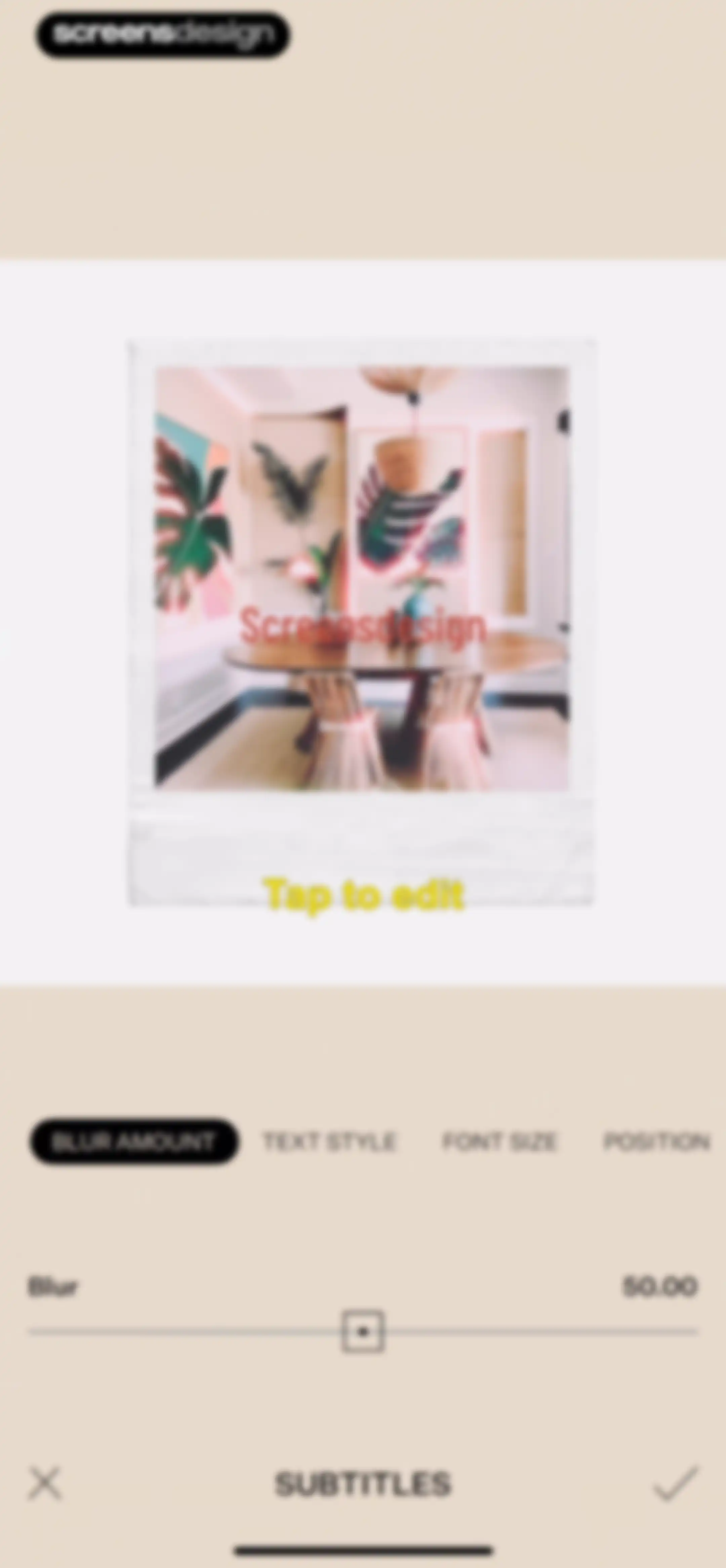
Subtitle editing screen with the blur amount tool selected, a blur adjustment slider, and cancel and confirm actions.Unlock Pro
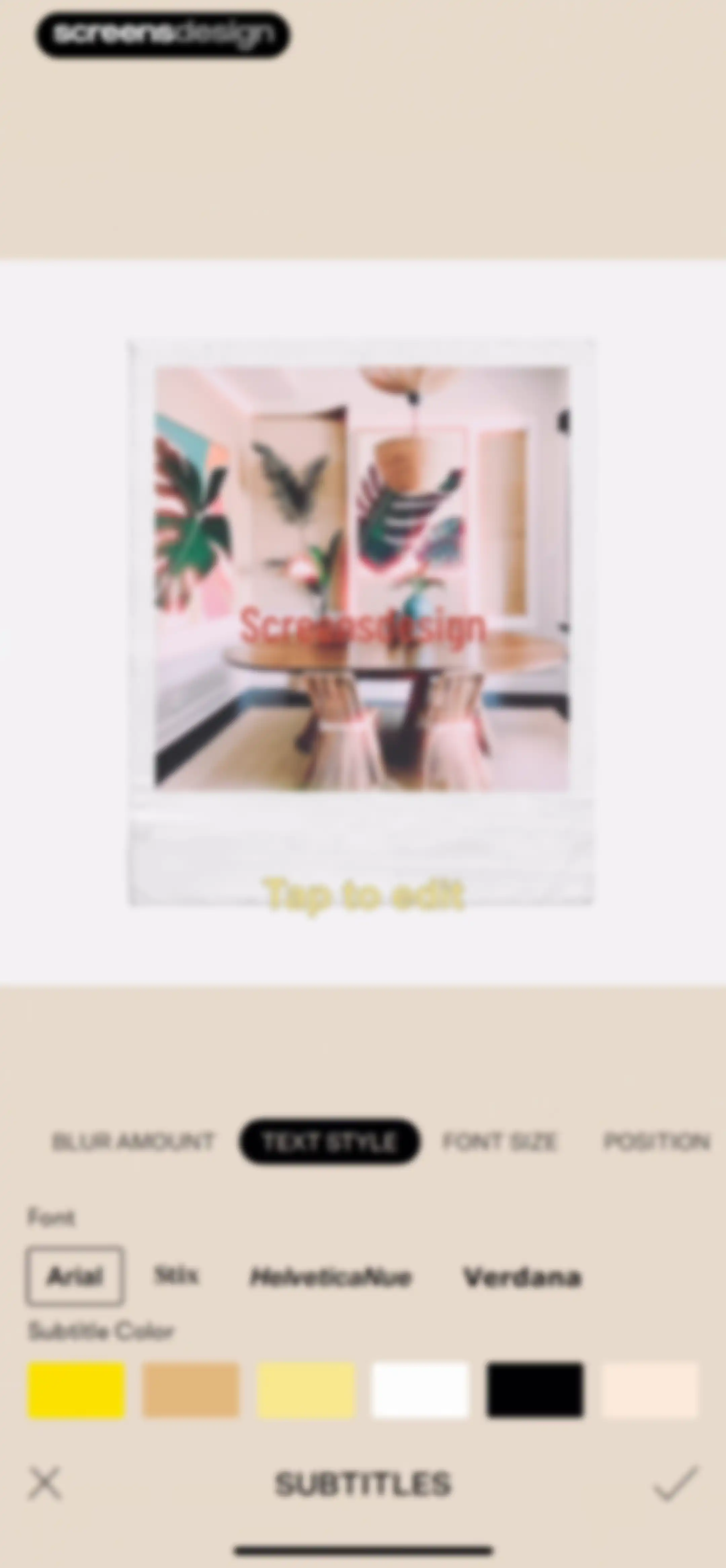
Text editor screen displaying photo preview, font selection options with Arial selected, and a bottom navigation bar with cancel and confirm buttons.Unlock Pro
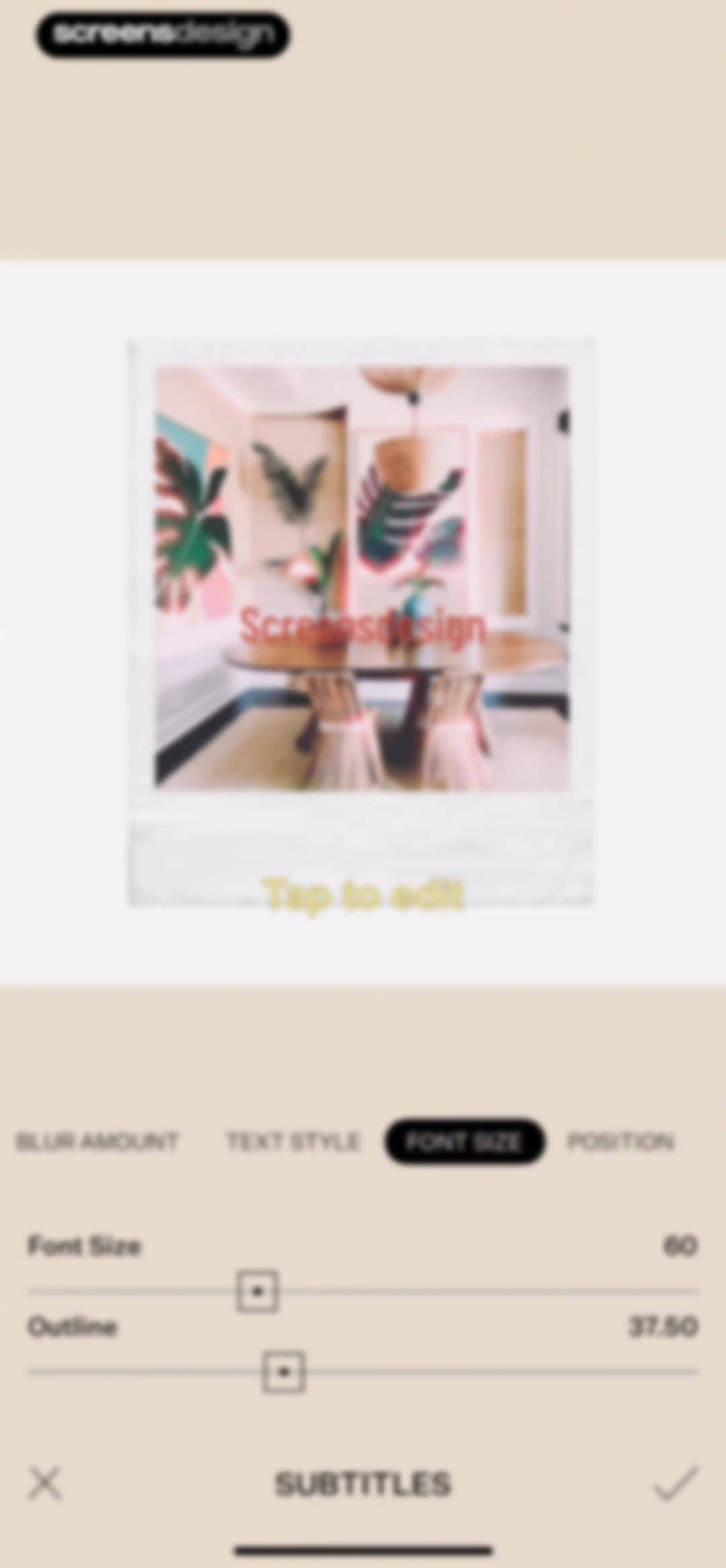
Text editing screen with the Font Size tab selected, featuring slider controls for font size and outline, and a Polaroid preview area.Unlock Pro
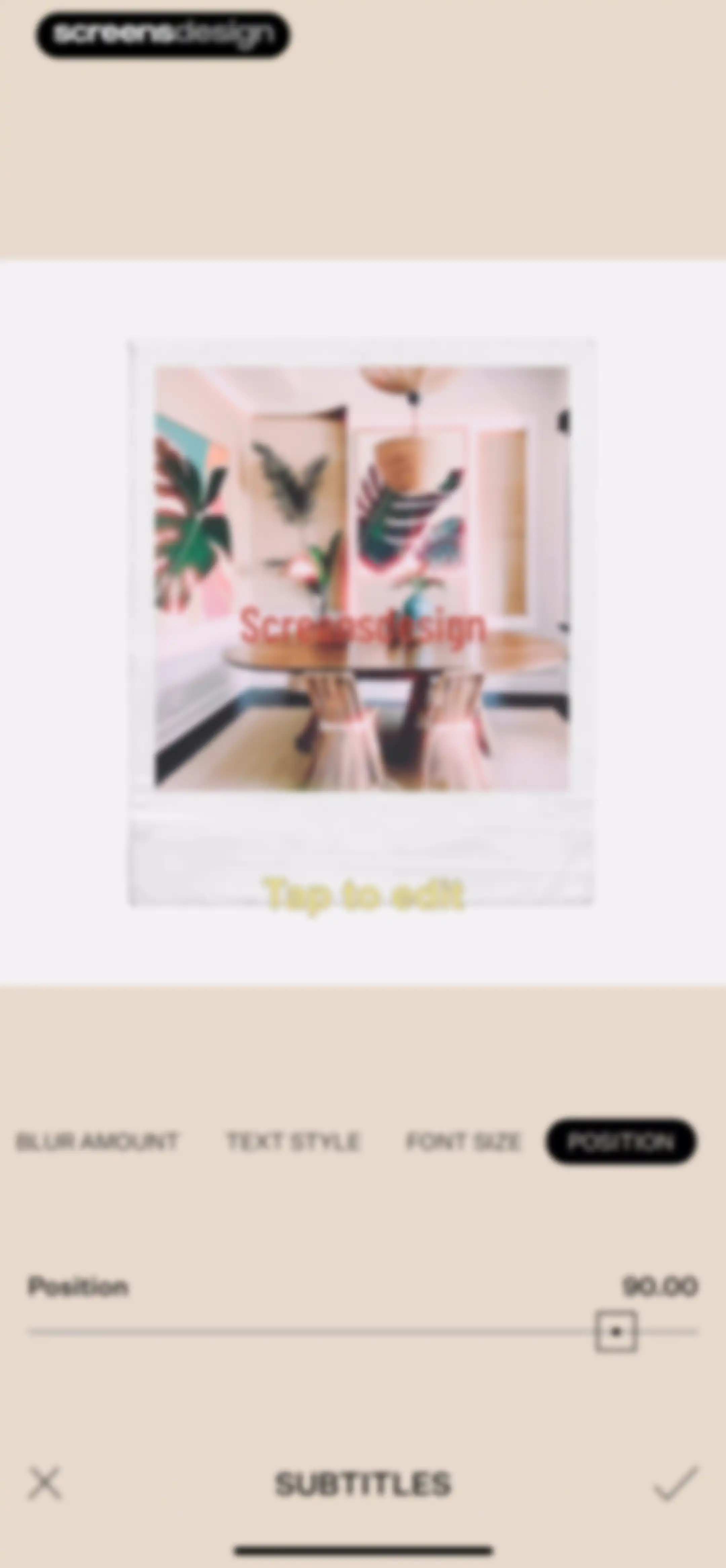
Photo editor showing a Polaroid frame preview with the Position tab selected, a slider control, and a confirm button.Unlock Pro
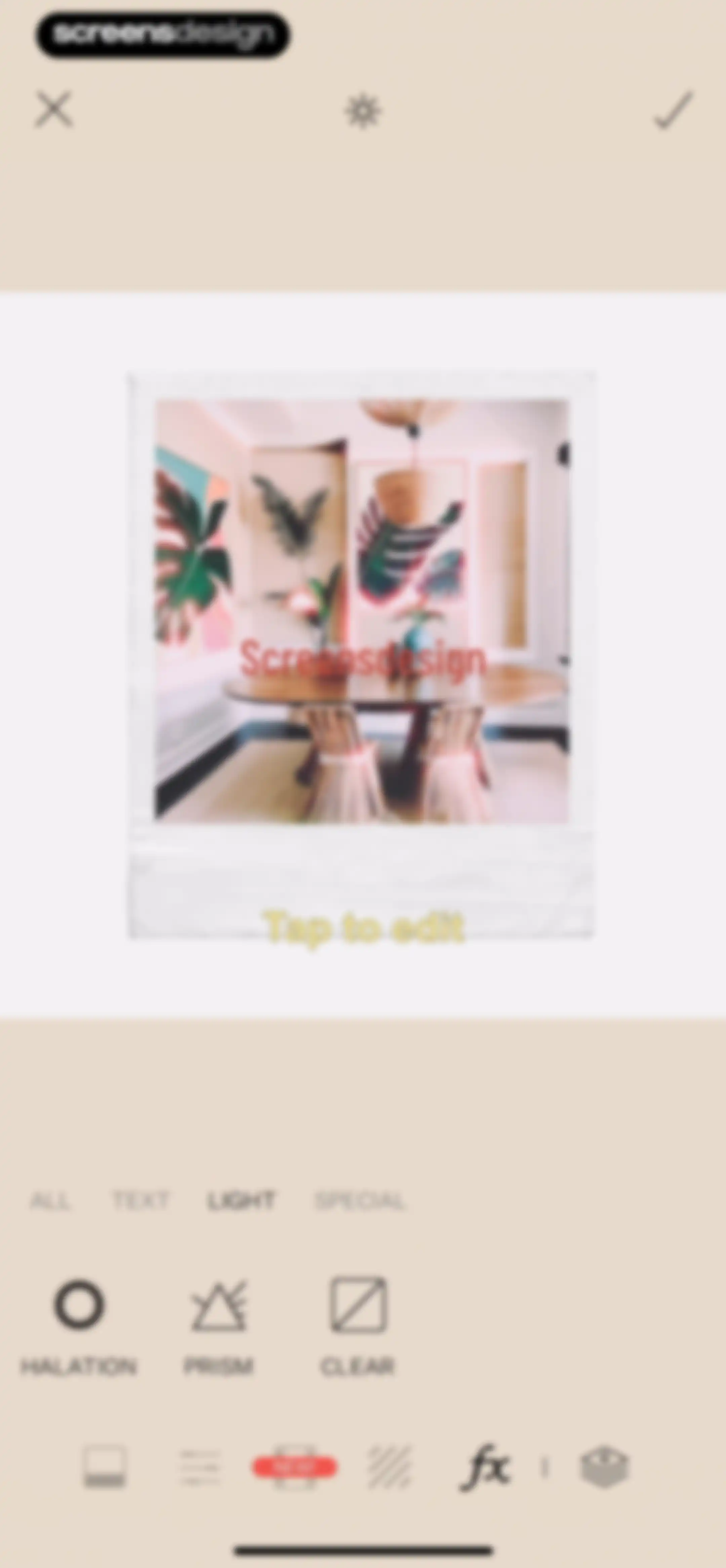
Photo editor screen showing a central interior dining room preview with the light effects category selected and a horizontal scrollable effect list.Unlock Pro
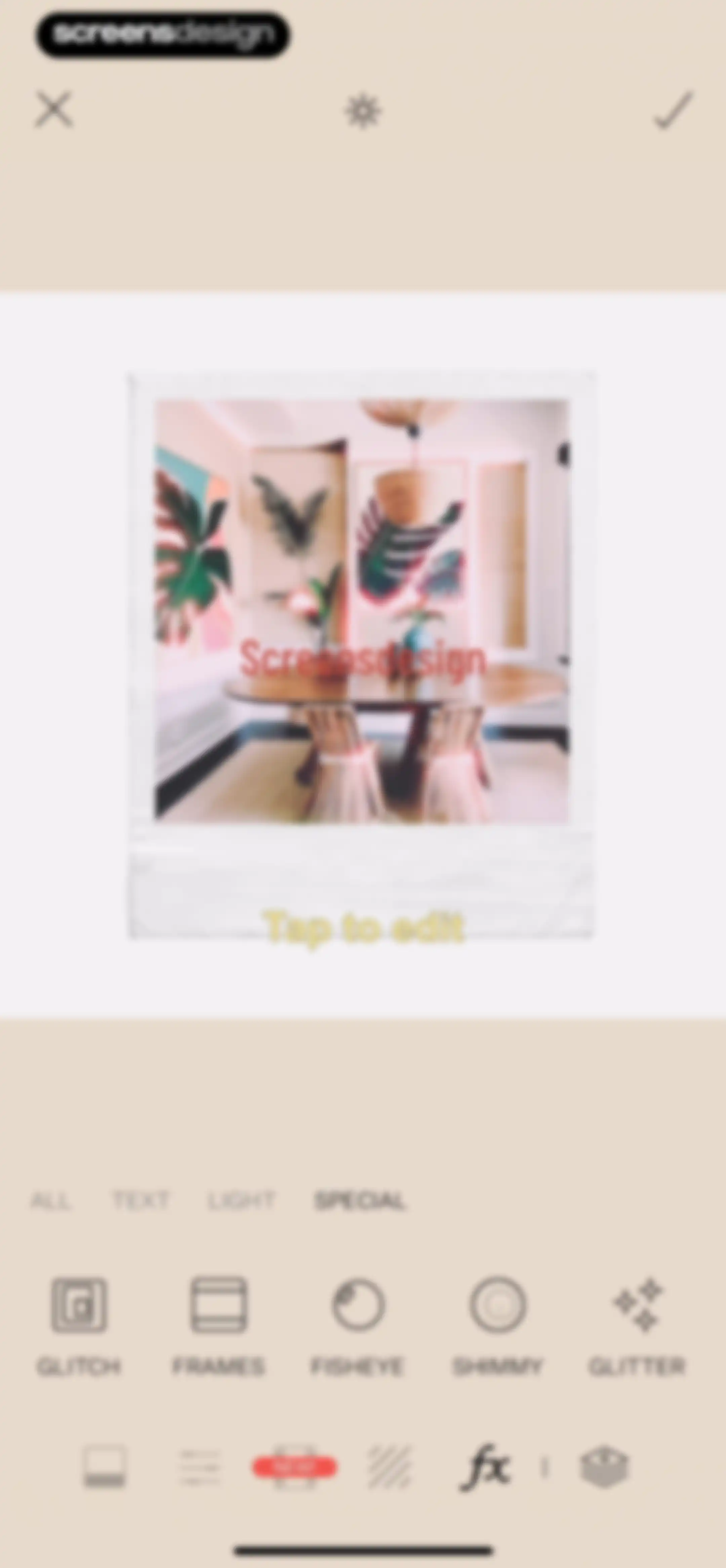
Editor screen featuring a central photo preview, effect category tabs with Special selected, and a bottom control panel of effect options.Unlock Pro
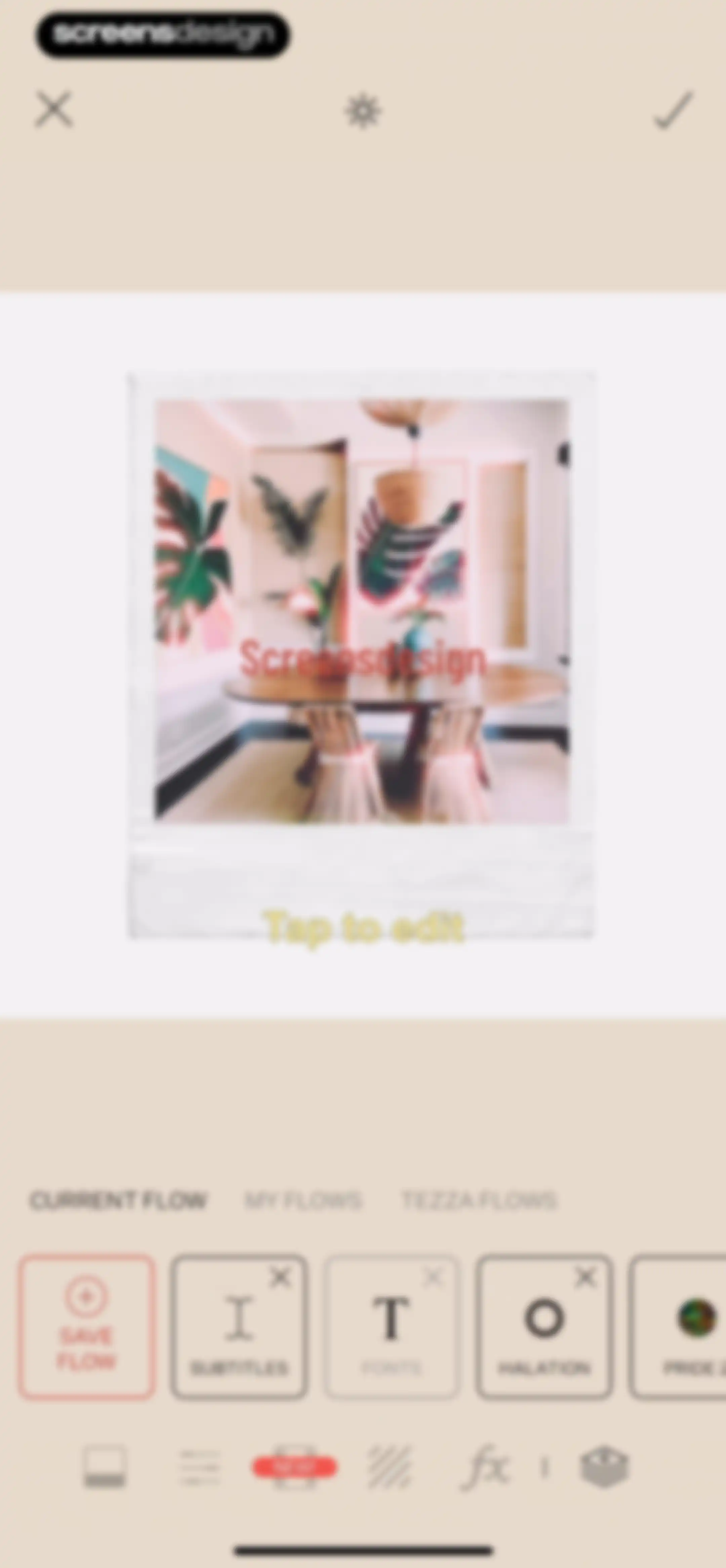
Tezza app editor screen displaying an interior design photo preview, horizontal tool cards, and a top navigation bar with save and close buttons.Unlock Pro
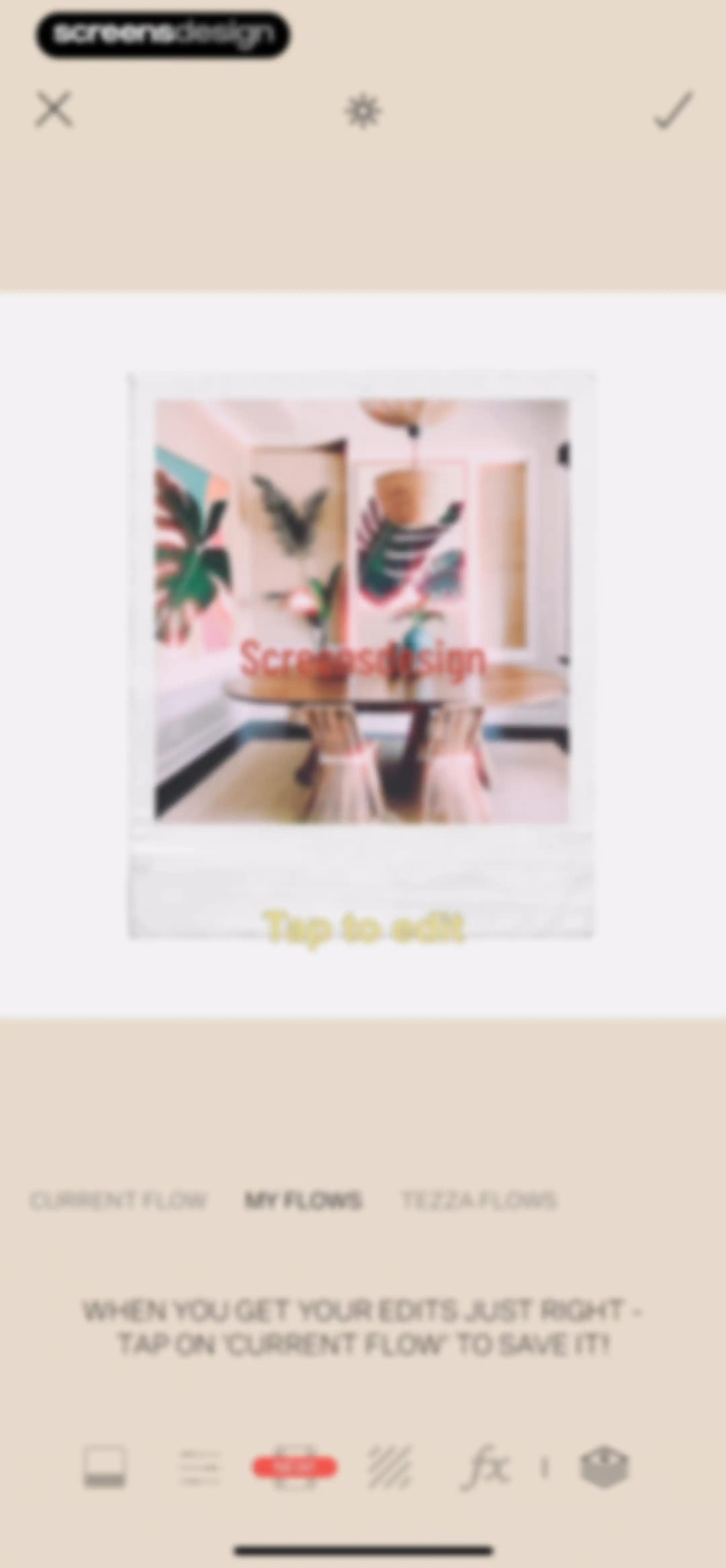
Photo editor screen featuring an interior image inside a Polaroid frame, a bottom tab navigation with My Flows selected, and instructional text on saving edits.Unlock Pro
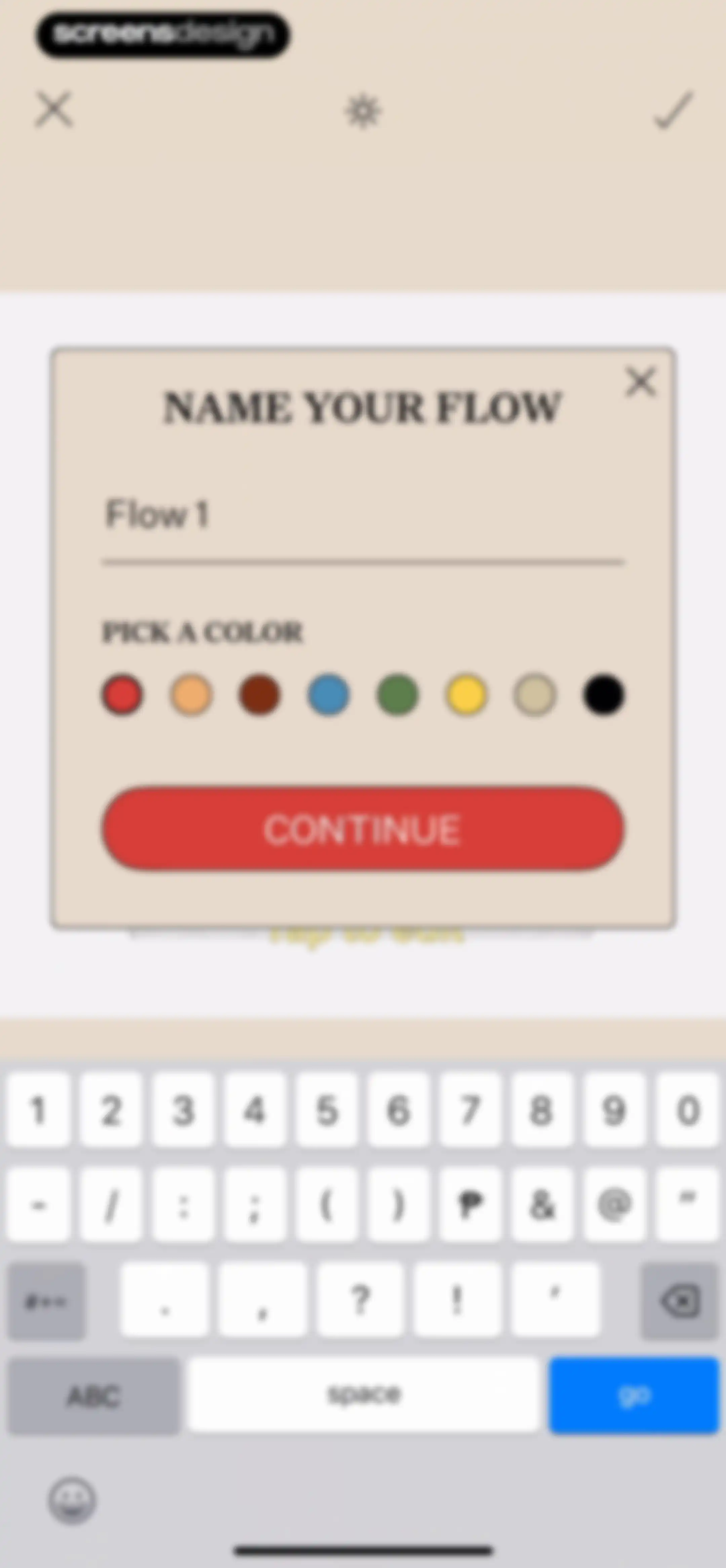
Form modal to name a new flow with the text input pre-filled as Flow 1, a color picker section, and a Continue button.Unlock Pro
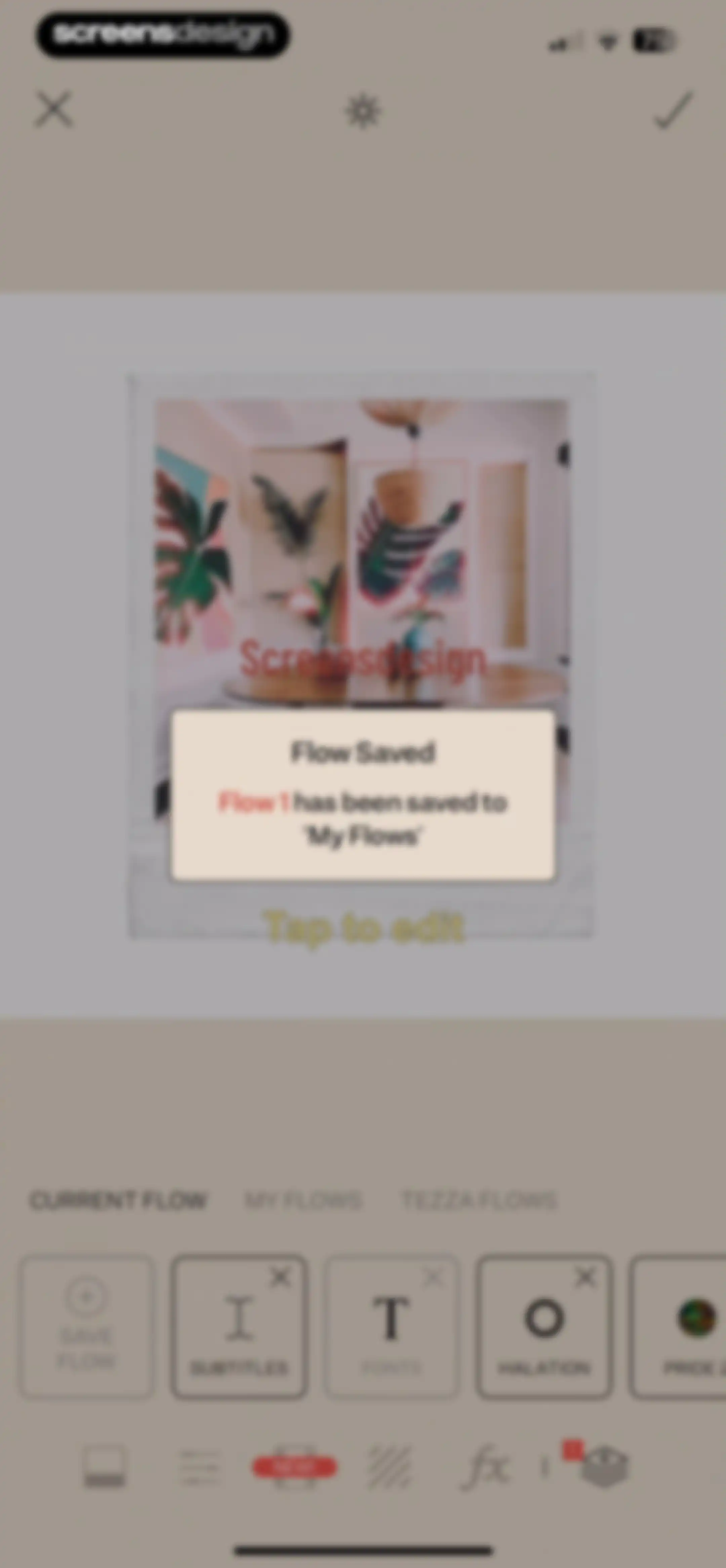
Photo editor screen showing a save confirmation modal over an image preview, with editing cards and a bottom toolbar.Unlock Pro
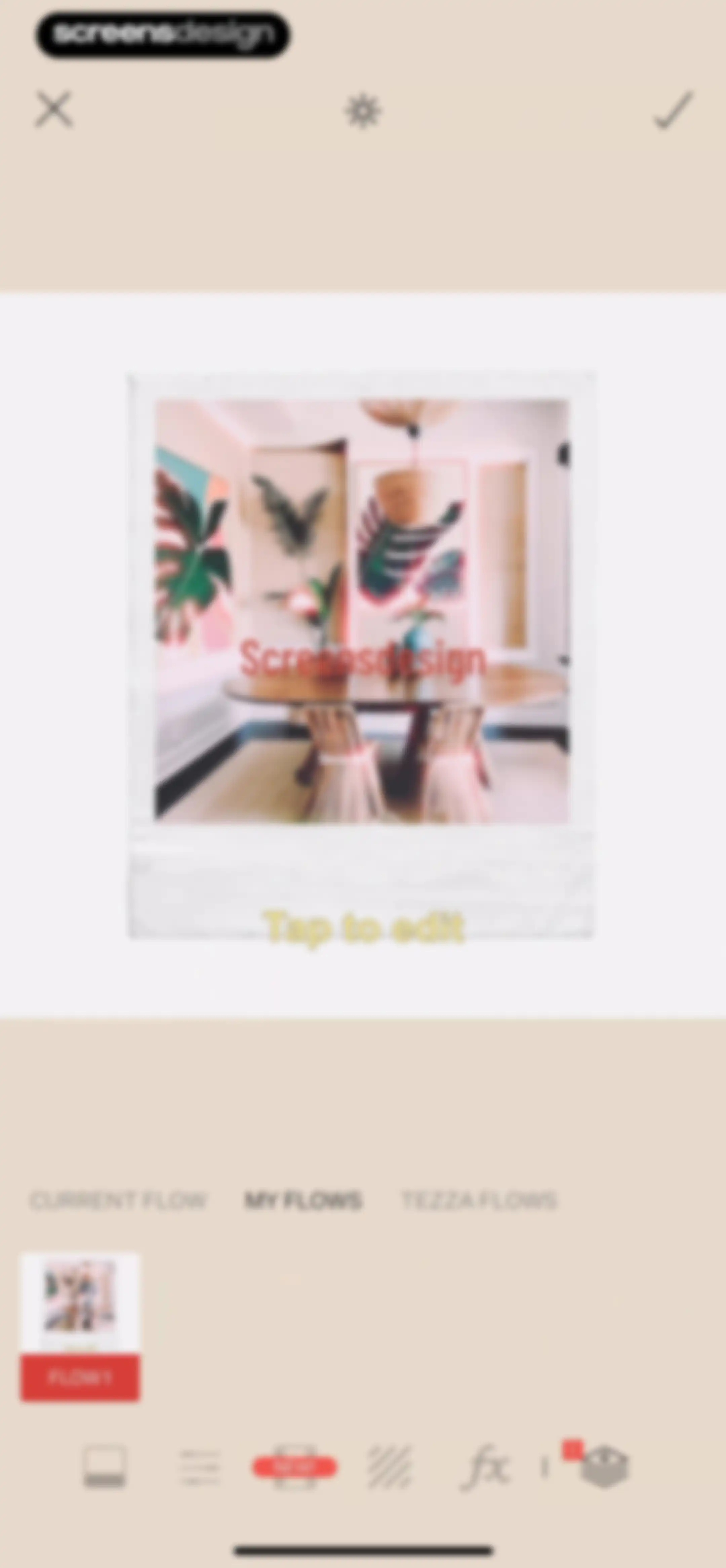
Tezza image editing screen featuring a central photo preview, tabbed navigation with MY FLOWS selected, and a bottom editing toolbar with a layers icon.Unlock Pro
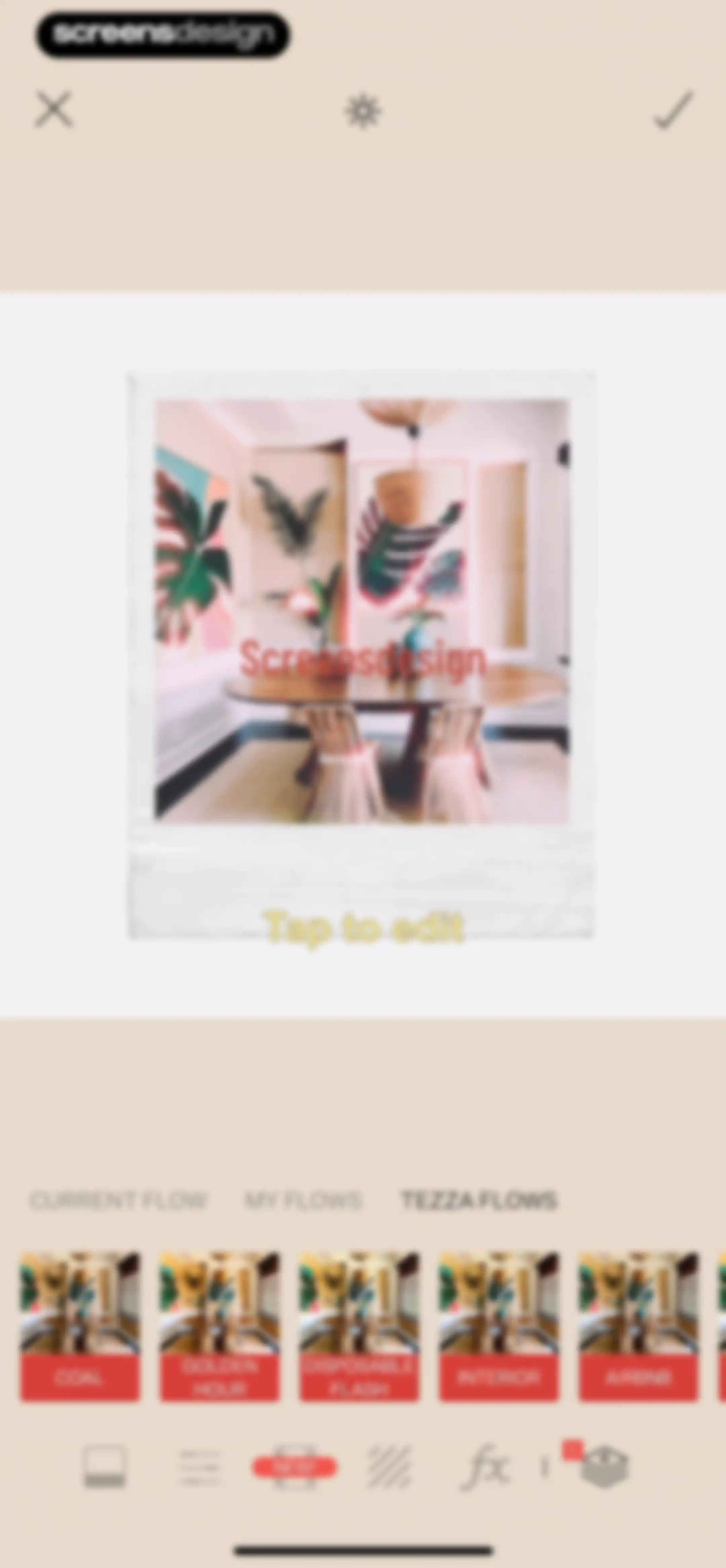
Photo editor screen showing an interior image preview, a horizontal preset carousel with options like coal and golden hour, and a bottom editing toolbar.Unlock Pro
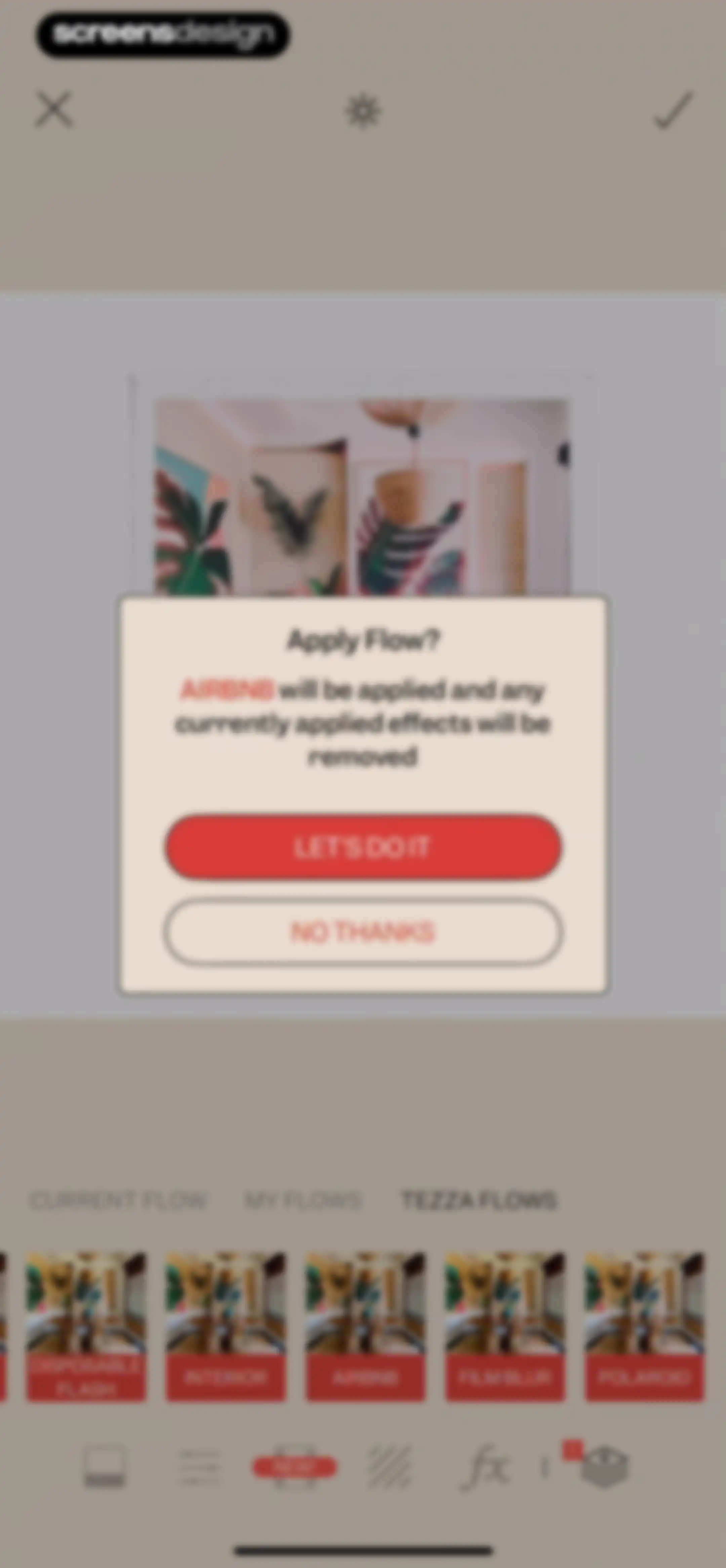
Photo editor confirmation modal asking to apply the Airbnb flow, with Let's Do It and No Thanks buttons.Unlock Pro
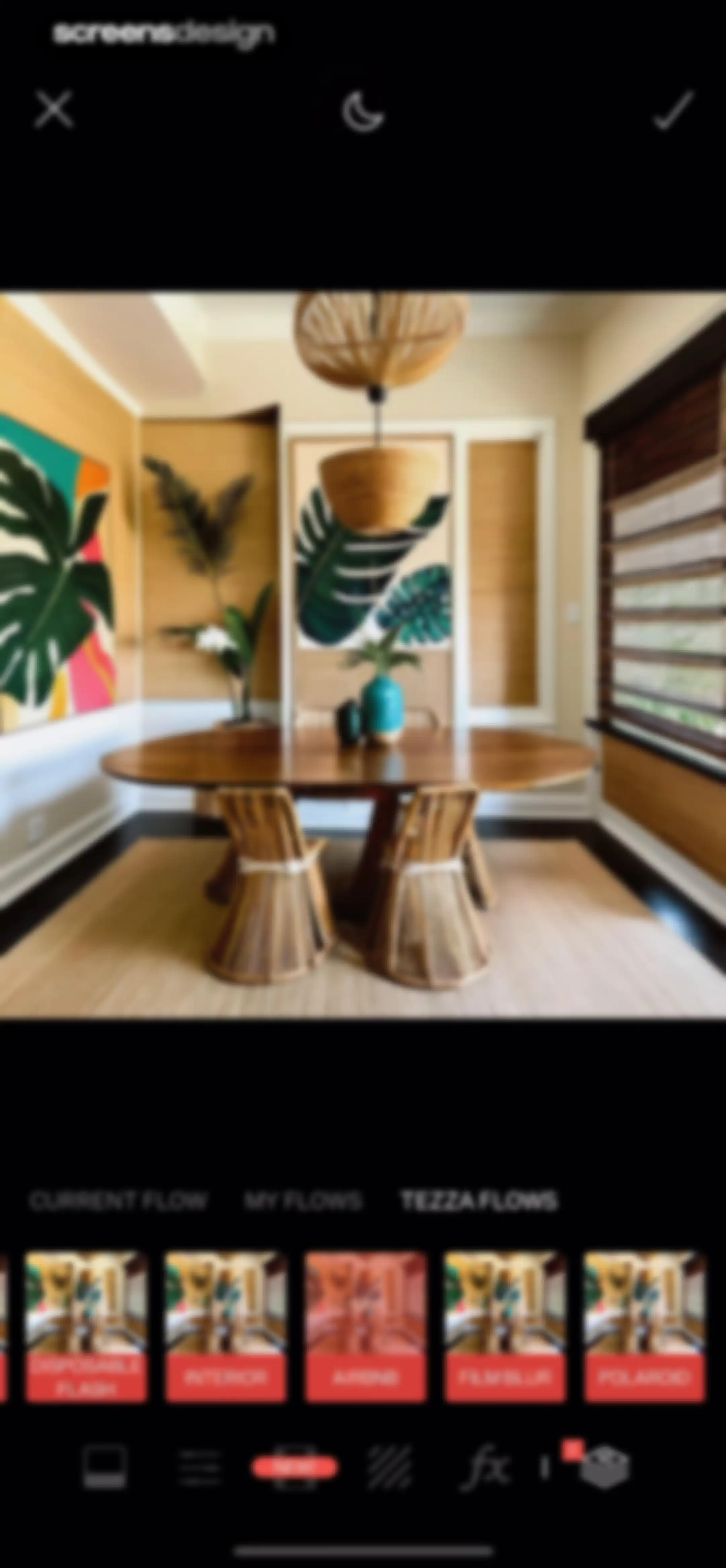
Tezza photo editor screen displaying an interior photo preview, a horizontal preset carousel with the Interior filter selected, and a bottom editing toolbar.Unlock Pro
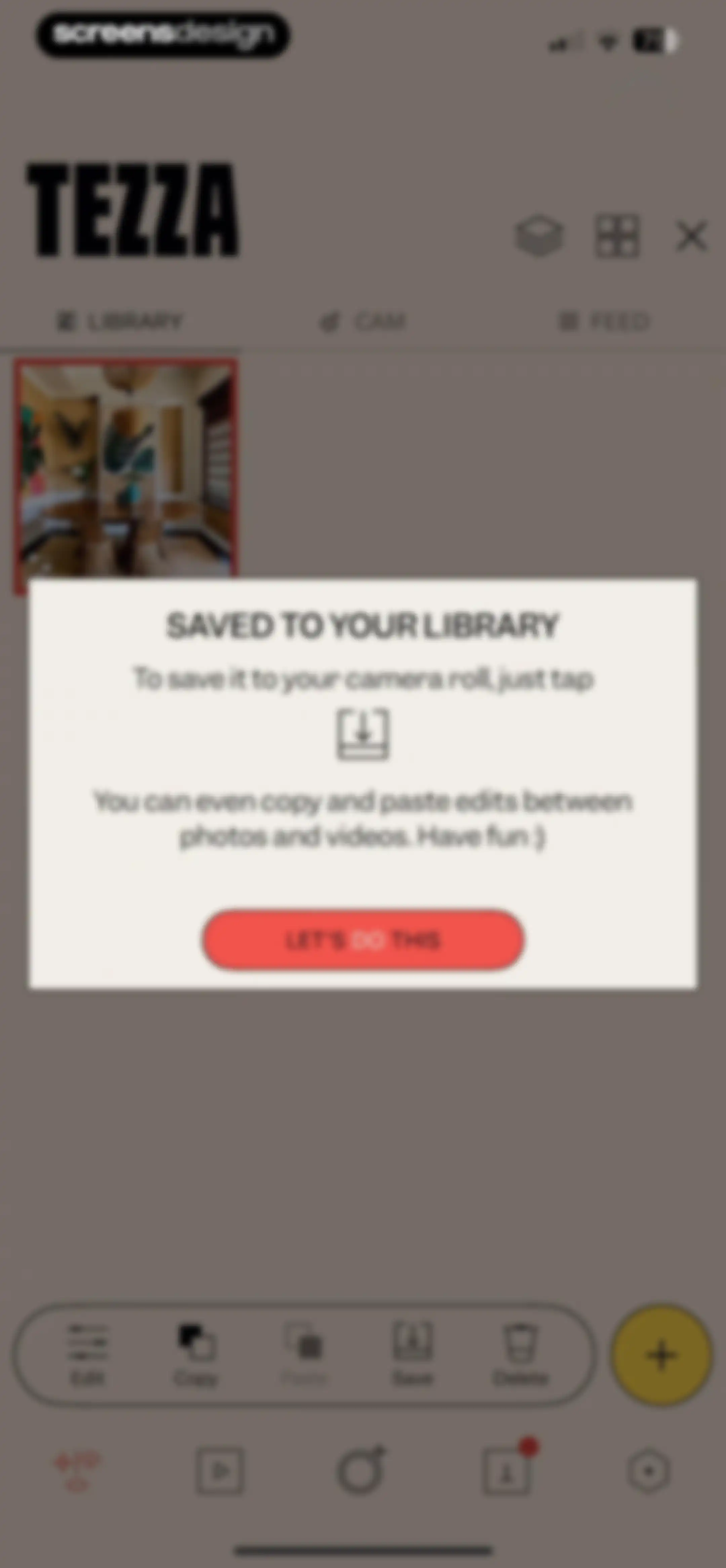
Tezza photo editor library screen with a saved confirmation modal overlay and a bottom editing toolbar.Unlock Pro
Tezza app home library screen displaying a dining room interior photo with a bottom action bar for editing tools.Unlock Pro
Media picker screen showing a photo grid with a filter tab bar and a selected media item highlighted.Unlock Pro
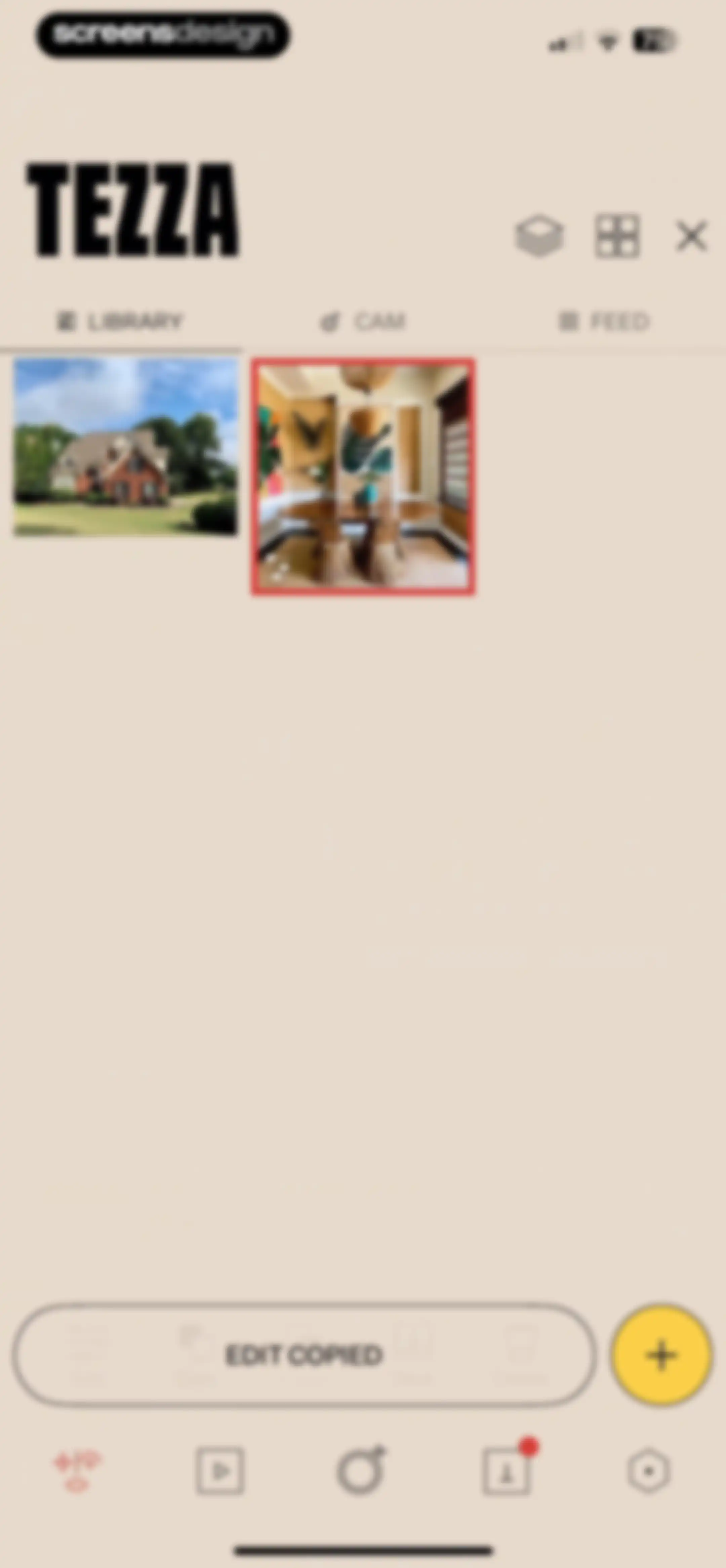
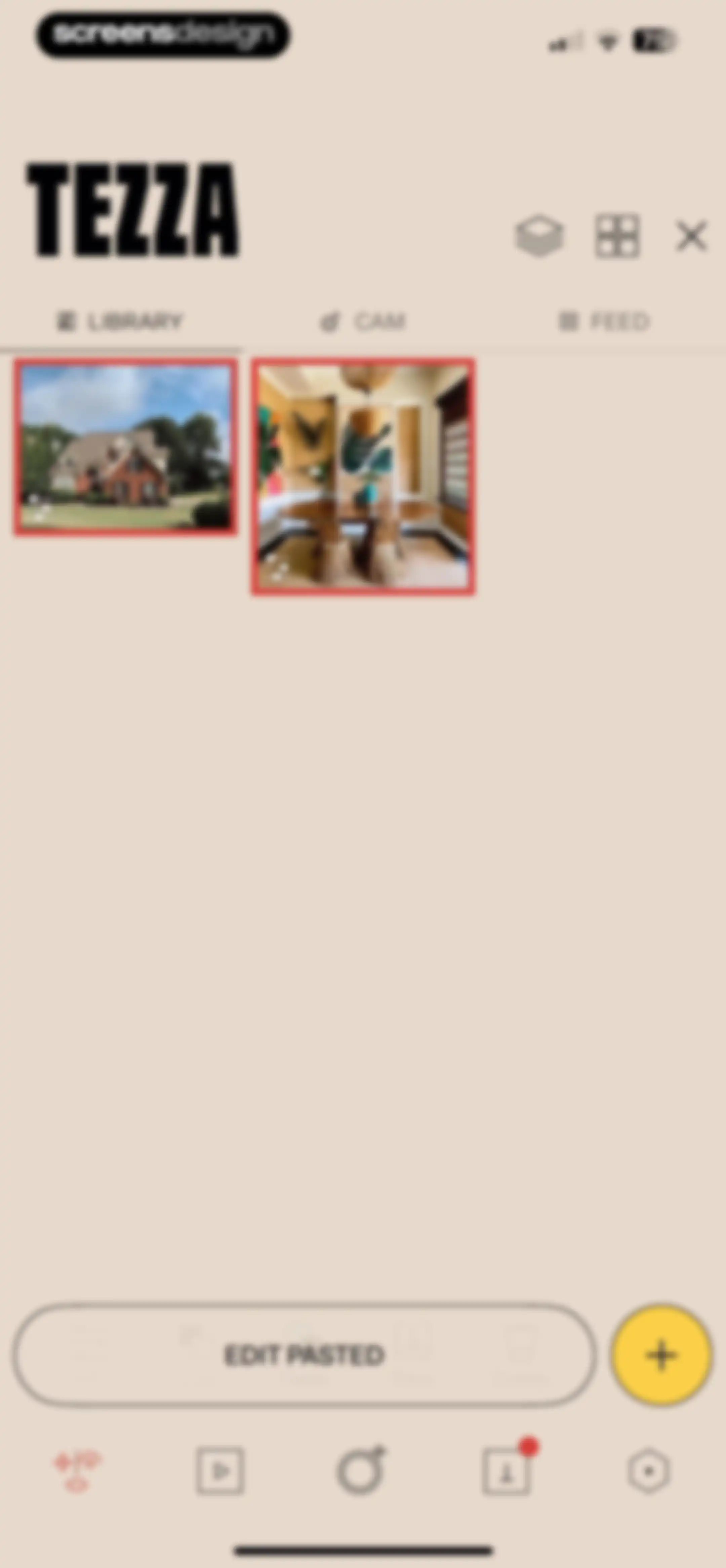
Tezza app library home screen showing a grid of photo thumbnails with the Library tab selected and an Edit Copied floating action bar.Unlock Pro
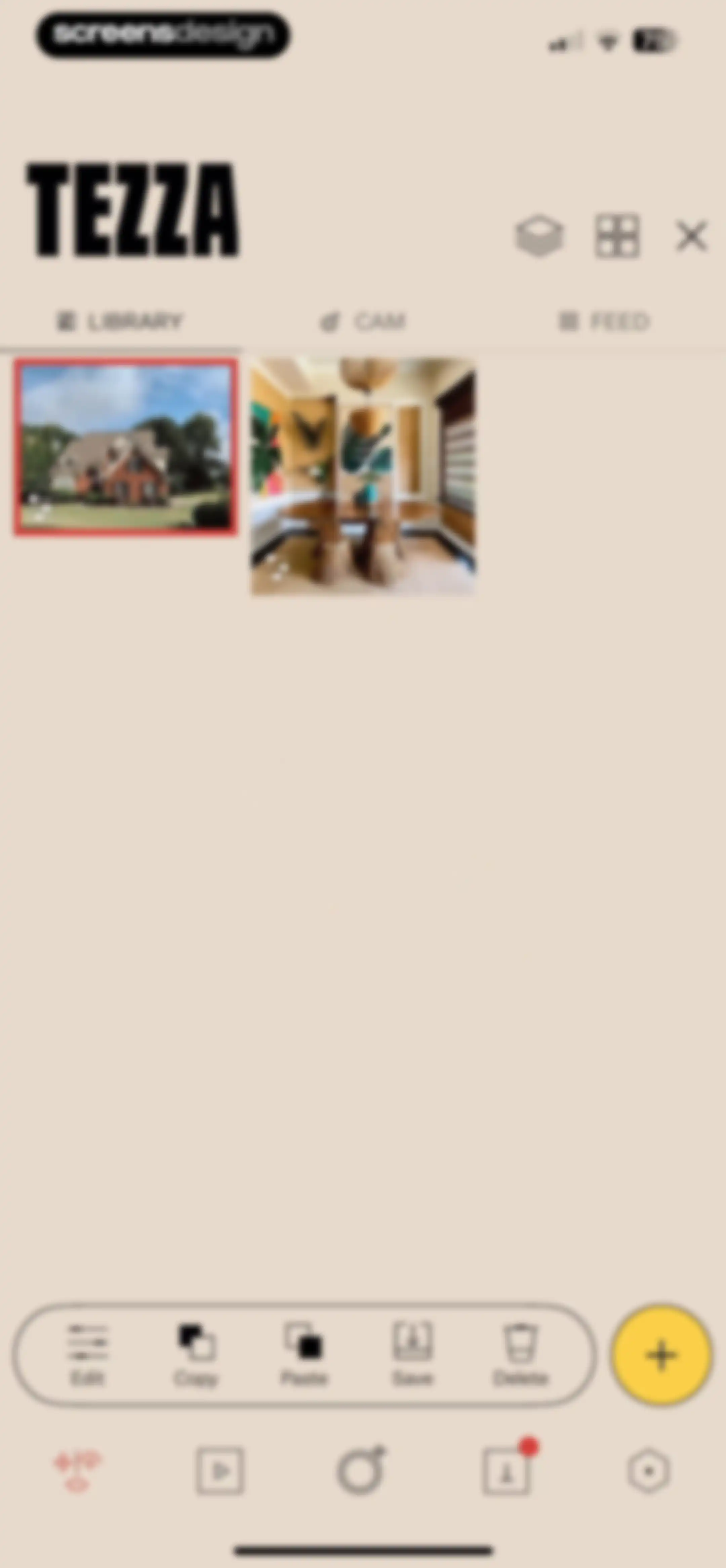
Tezza photo library home screen showing a photo grid, active Library tab, and a floating toolbar with paste, save, and delete options.Unlock Pro
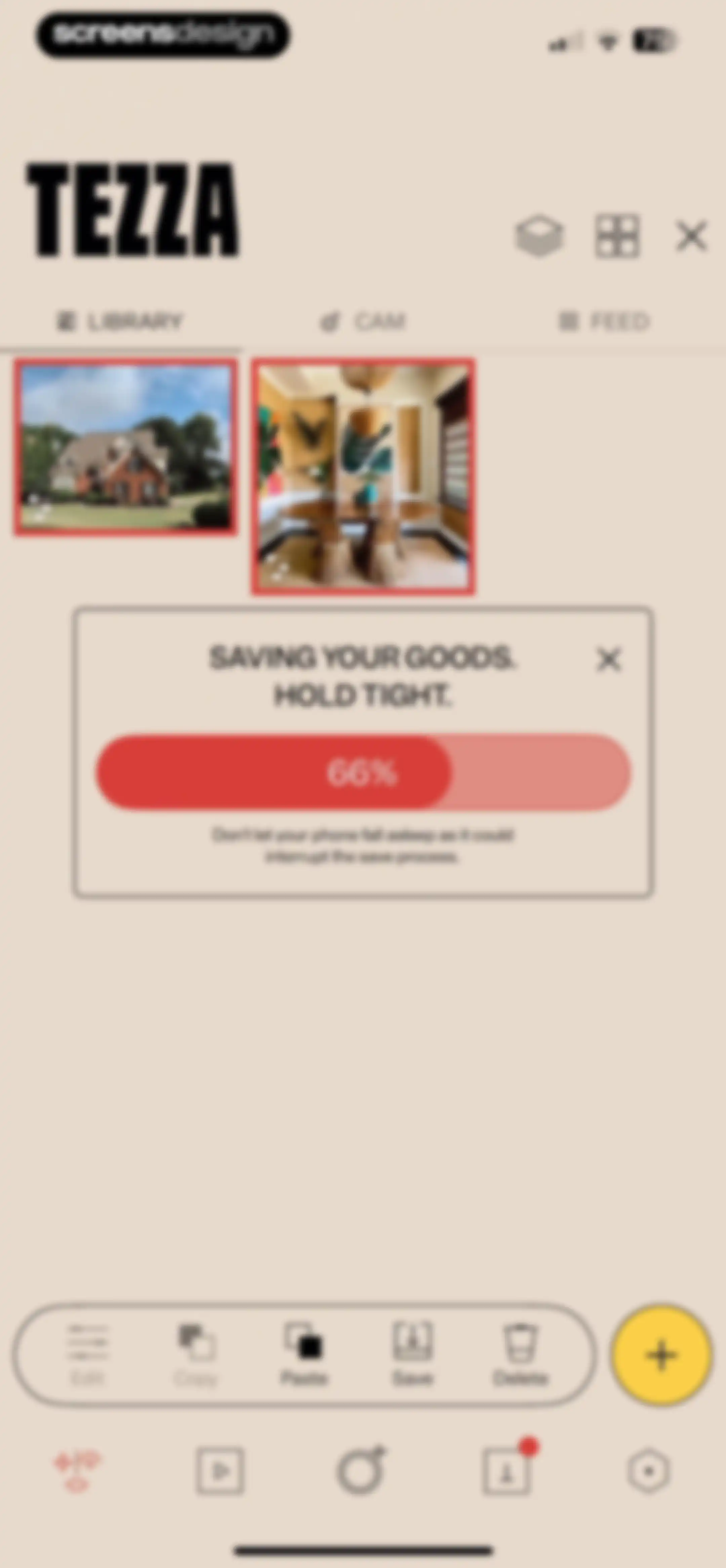
Tezza app photo library with a centered progress modal showing a save progress of 66% and a hold tight warning.Unlock Pro
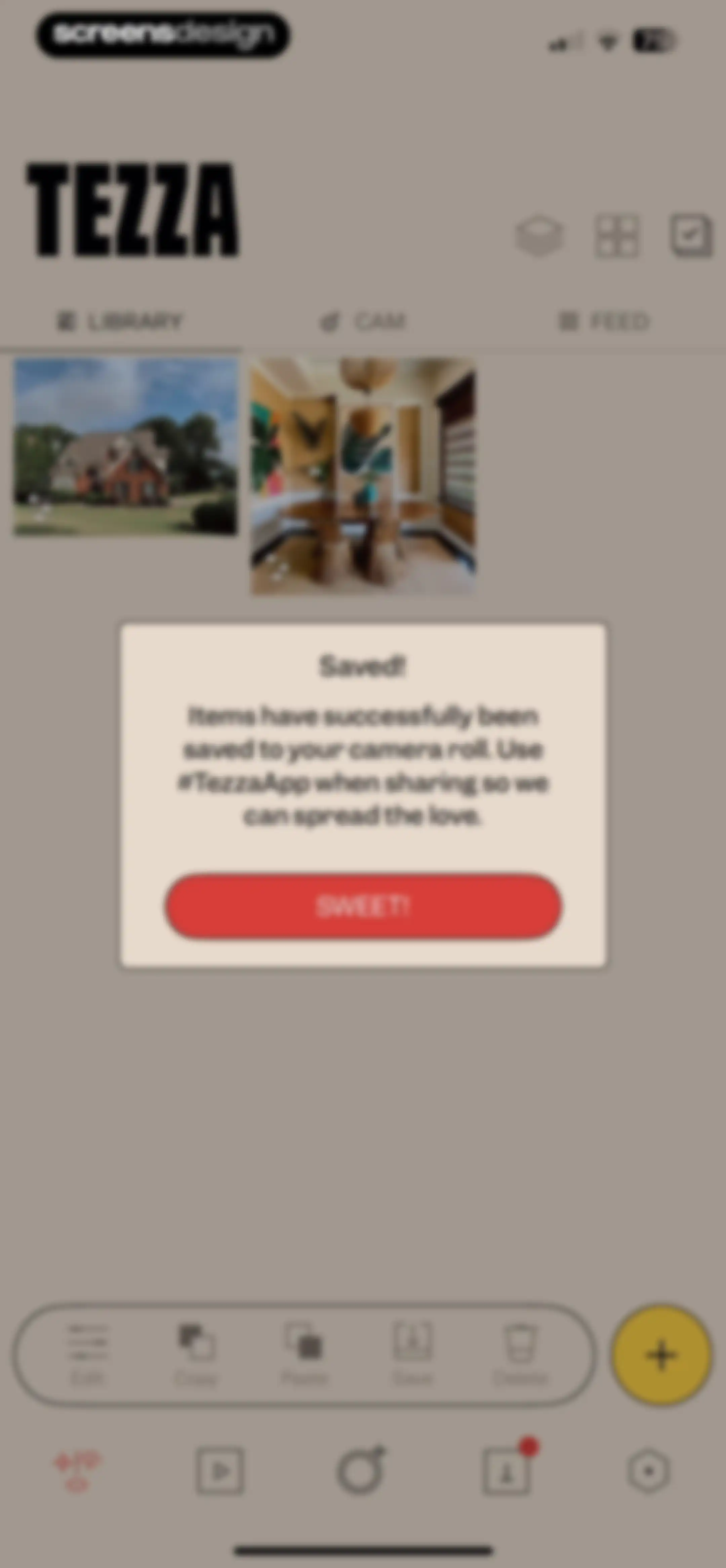
Tezza photo library screen with a confirmation modal stating items have been saved to the camera roll and a Sweet! button.Unlock Pro
Tezza photo library dashboard displaying a photo grid with the Library tab selected and a bottom action bar for editing tools.Unlock Pro
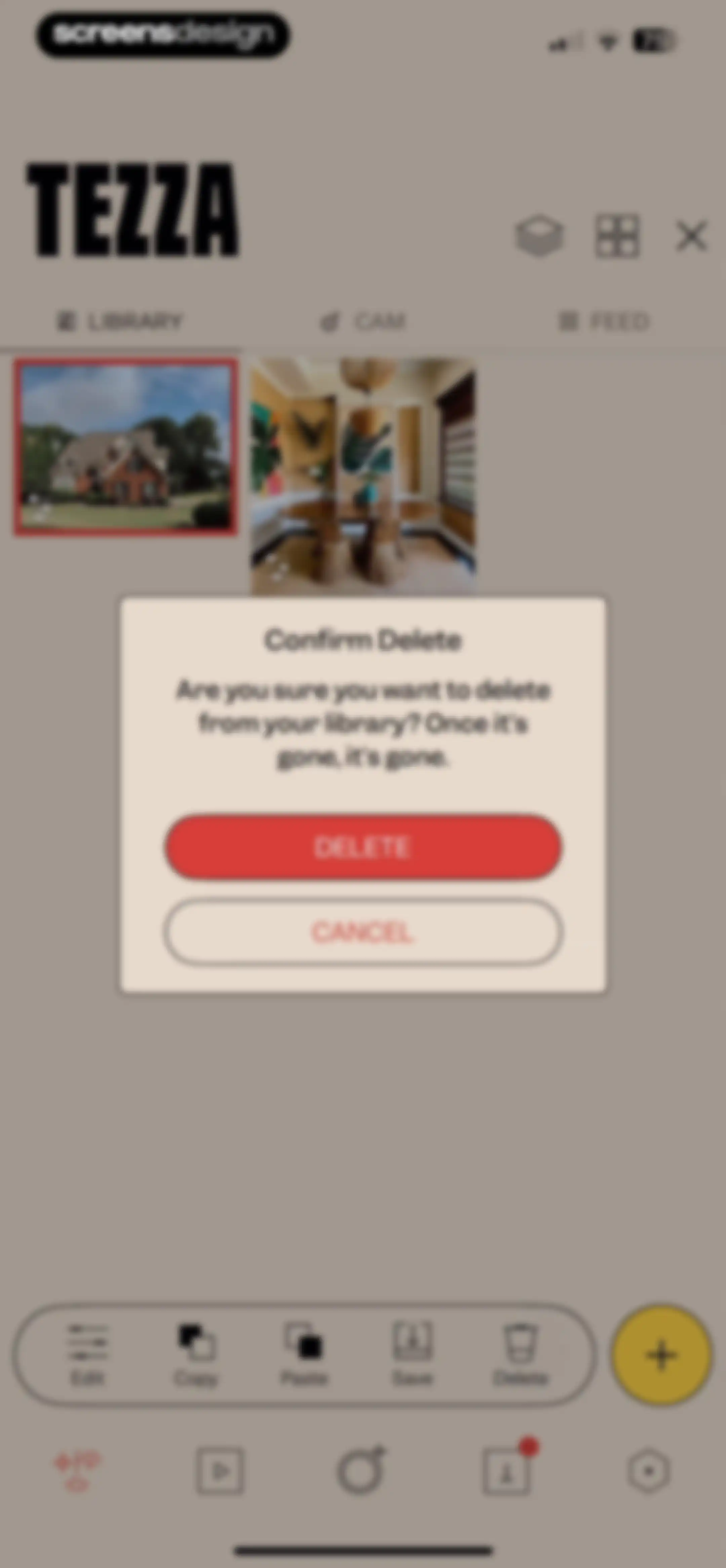
Tezza app library screen featuring a confirmation modal to delete a photo with Delete and Cancel buttons.Unlock Pro
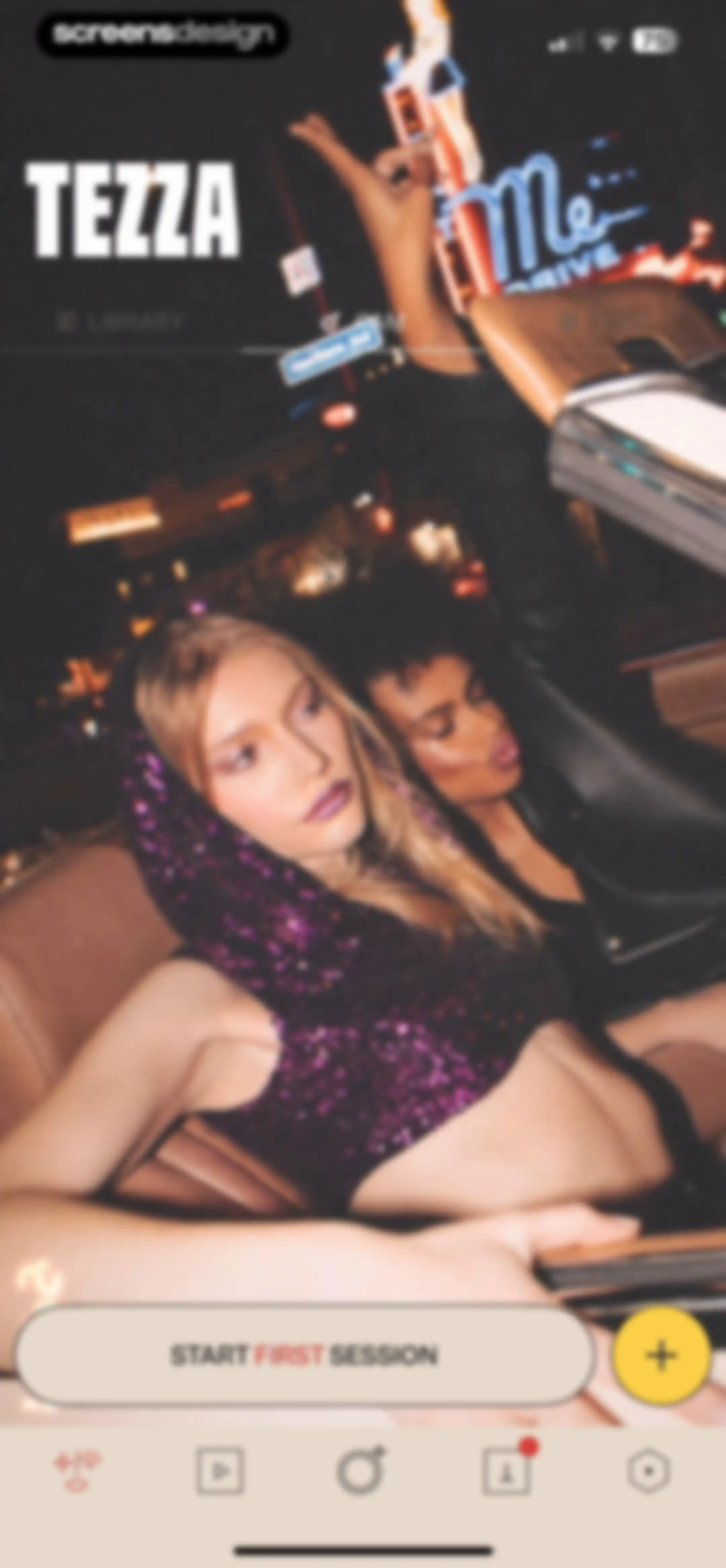
Tezza home screen with a dark aesthetic night photo background, top navigation tabs, a prominent start session button, and bottom navigation.Unlock Pro
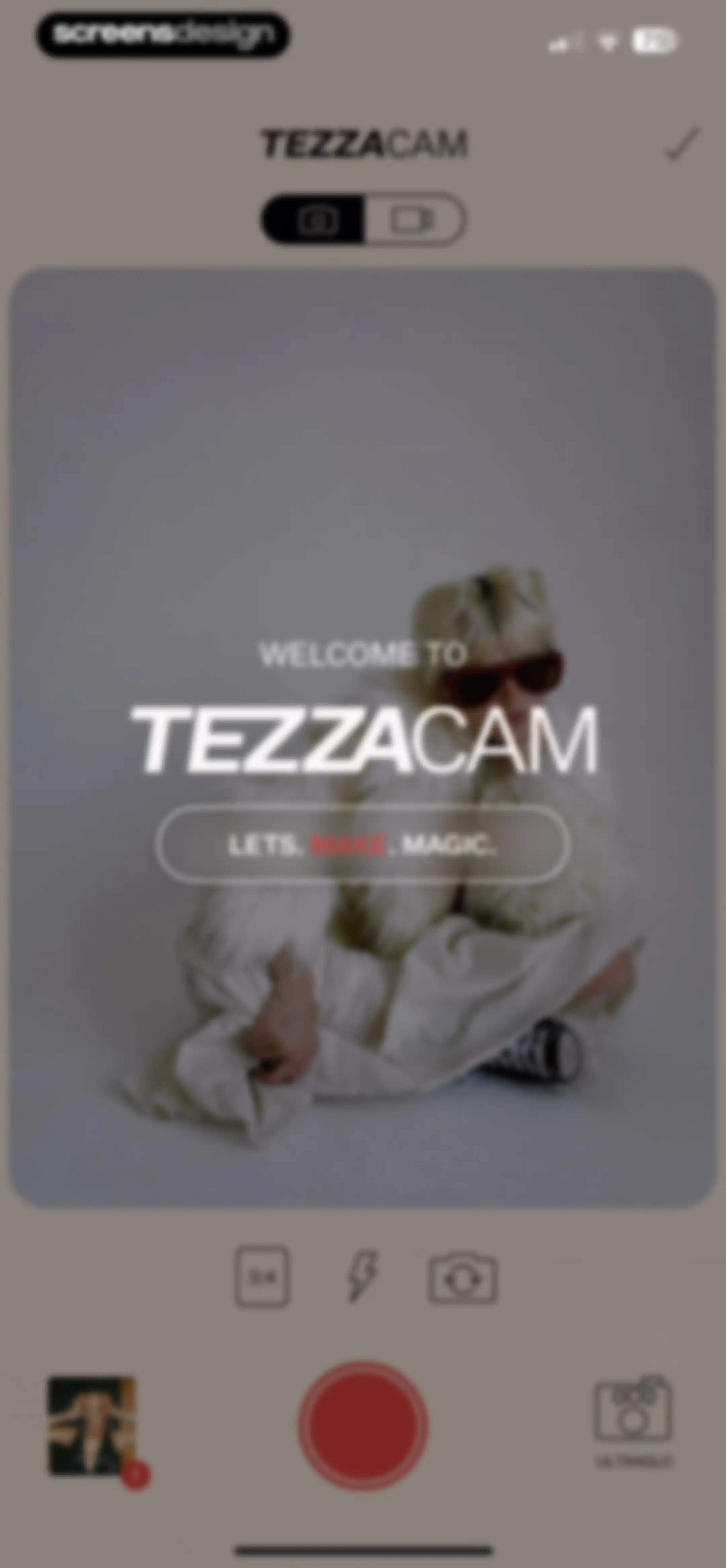
TezzaCam camera interface with a central preview displaying welcome text, top mode switcher, and bottom controls including a red shutter button.Unlock Pro
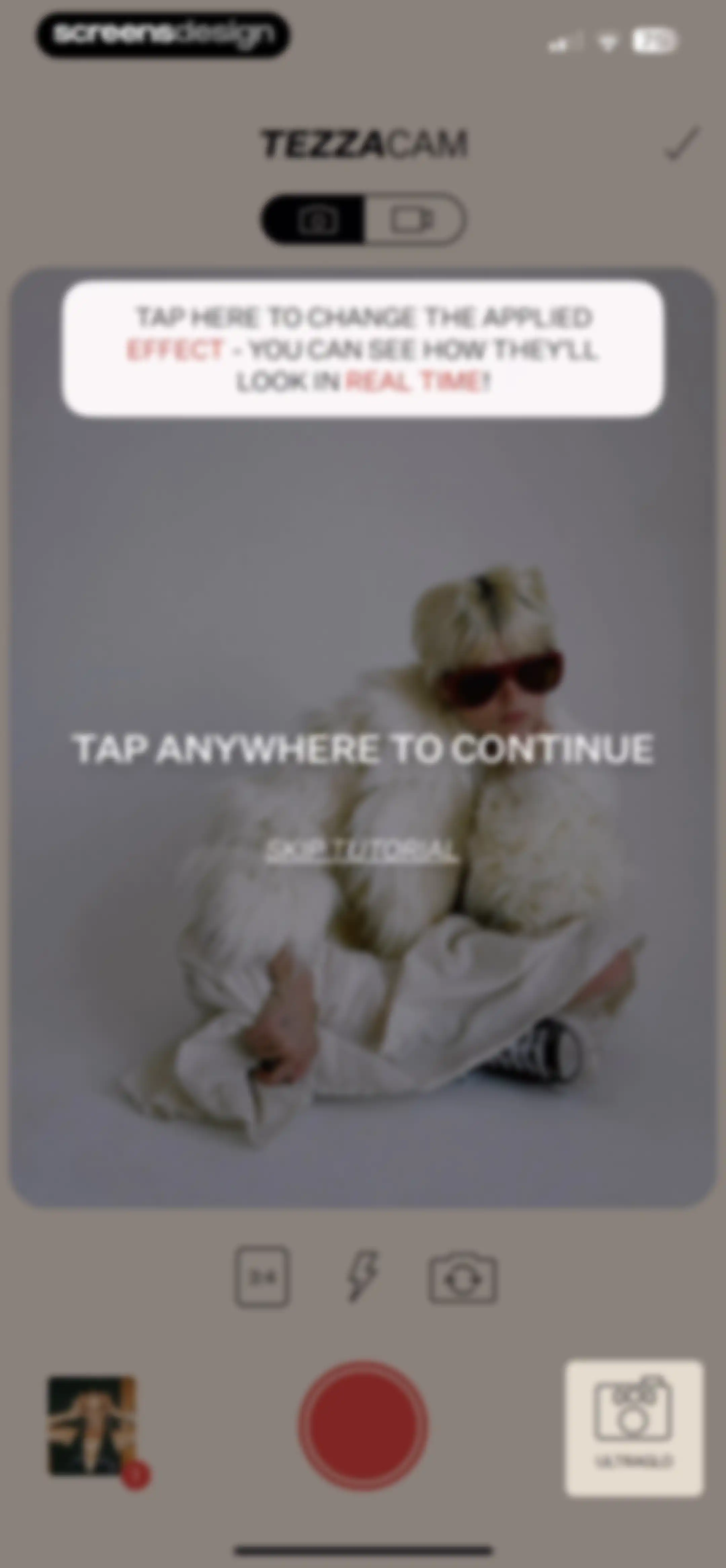
Onboarding tutorial overlay on a camera screen with instructions to change effects and a skip tutorial option.Unlock Pro
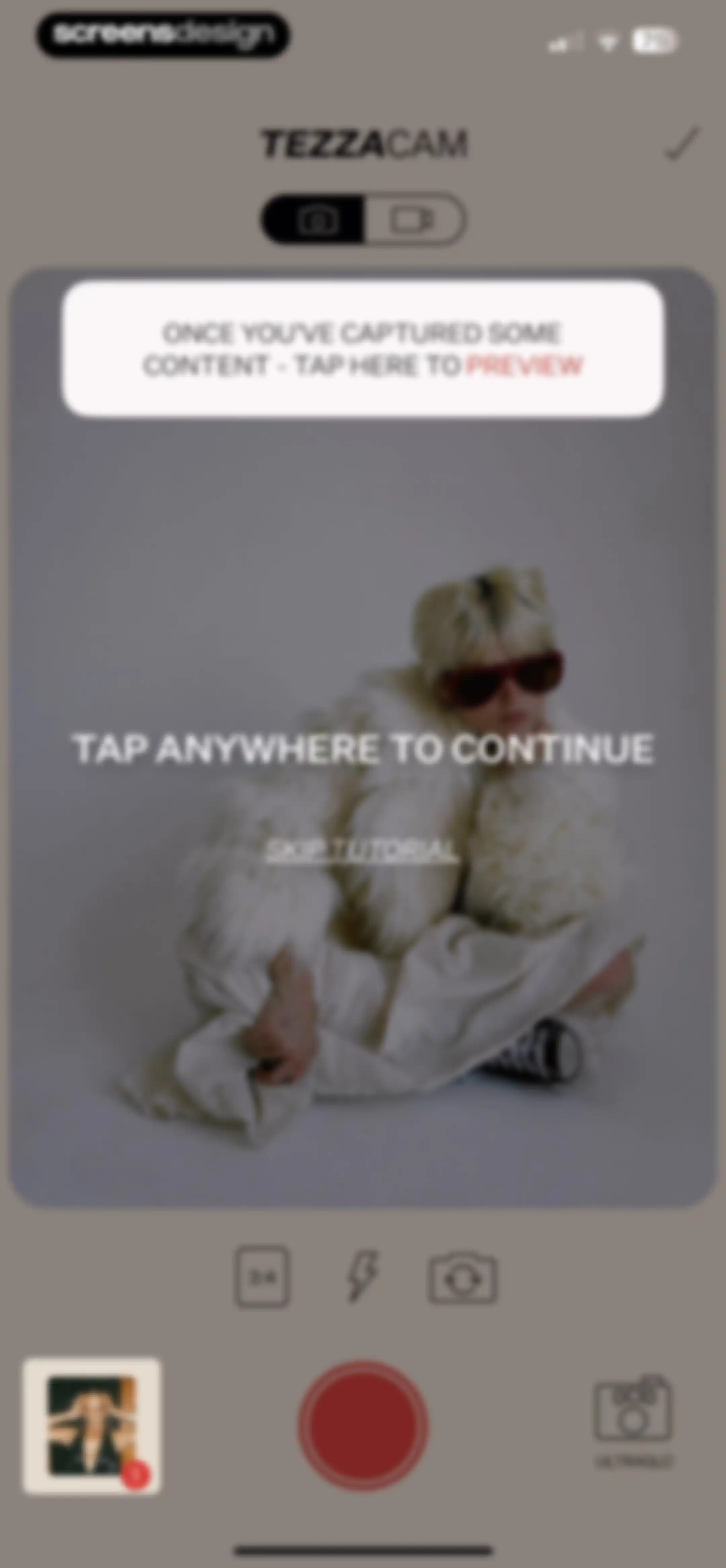
TezzaCam camera onboarding screen with a tutorial overlay instructing the user to tap anywhere to continue and a skip tutorial option.Unlock Pro
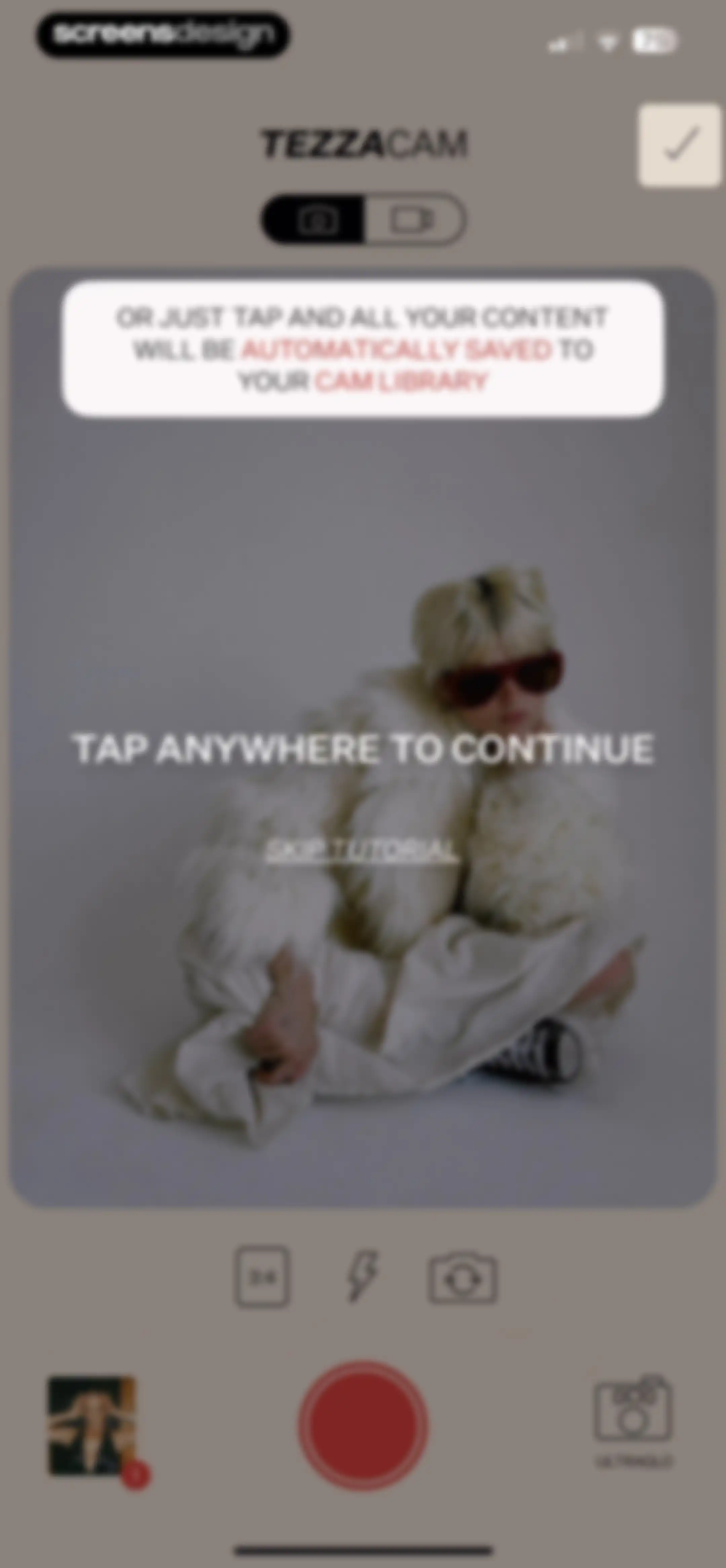
Tezzacam onboarding screen with a tutorial overlay card explaining content saving, a skip tutorial link, and a camera control bar at the bottom.Unlock Pro
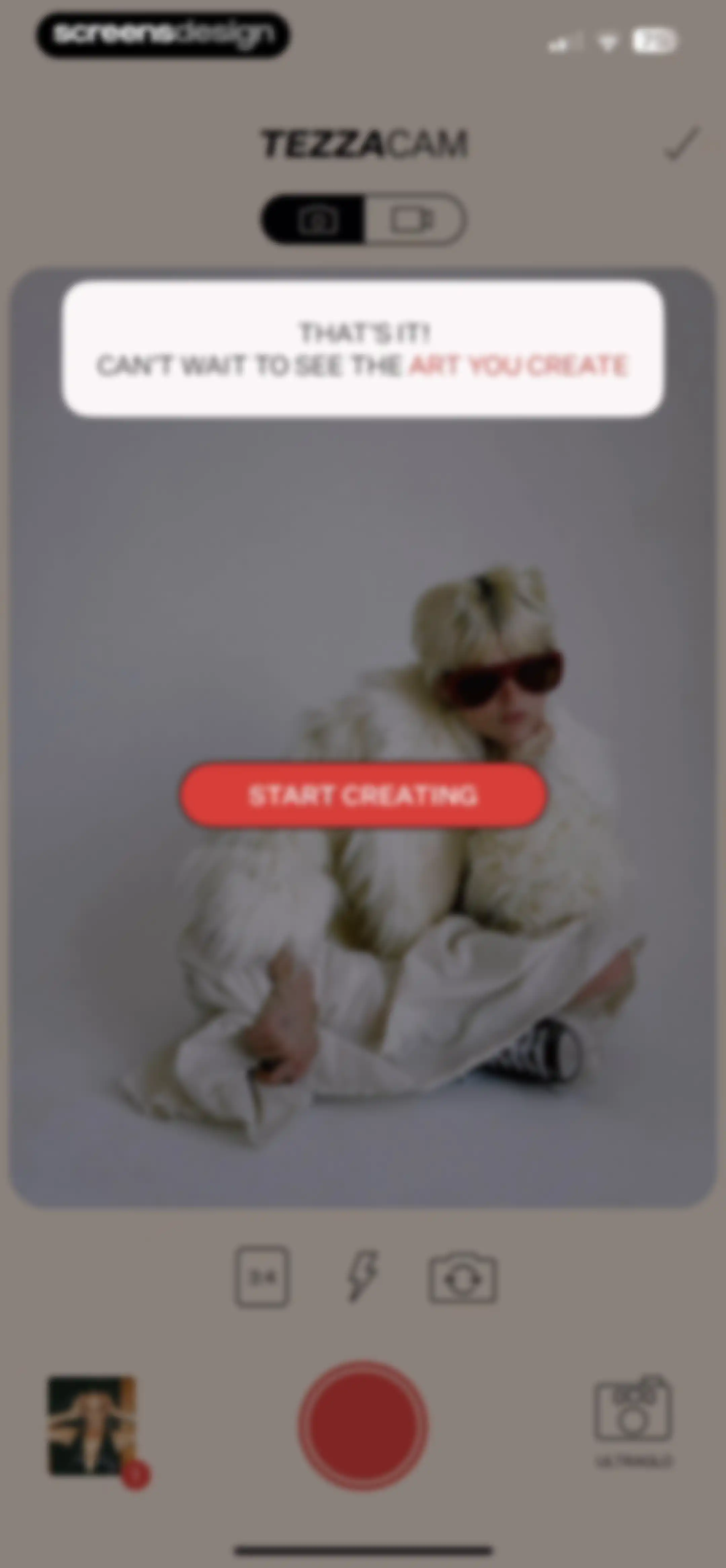
Tezza camera onboarding screen with a central completion modal overlay and a Start Creating button.Unlock Pro
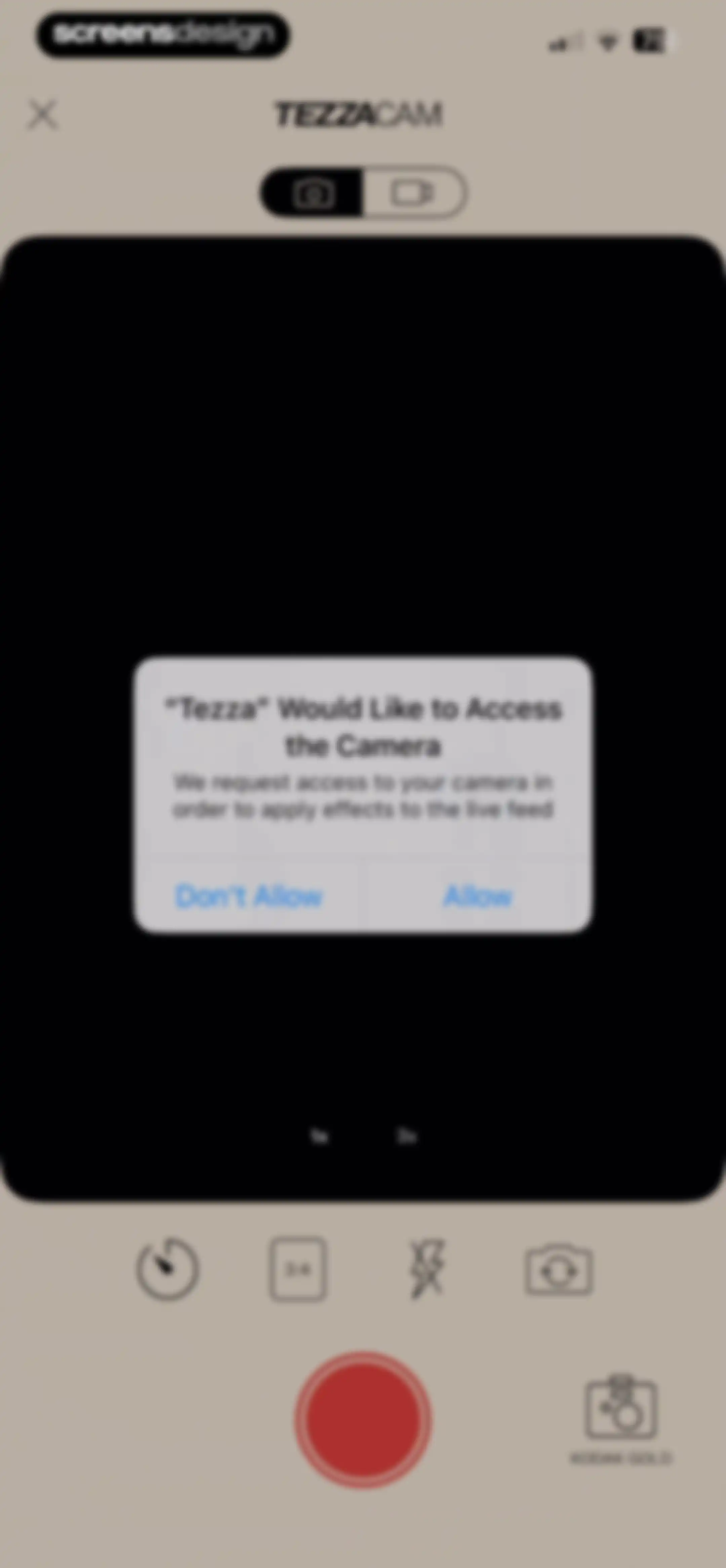
Camera permission request modal overlaid on the TezzaCam viewfinder with Allow and Don't Allow buttons.Unlock Pro
Camera viewfinder screen for TEZZACAM with a 1x zoom level and the Kodak Gold filter selected.Unlock Pro
TezzaCam photo interface showing a live viewfinder, zoom controls, and timer delay settings with the 3-second option selected.Unlock Pro
TezzaCam timer configuration screen with the interval tab selected and a 3 second option highlighted, alongside a central viewfinder and confirm button.Unlock Pro
Tezzacam timer configuration screen with the Count tab selected and a value of 25 highlighted.Unlock Pro
Tezzacam camera interface showing a central viewfinder, a bottom preset carousel with Kodak Gold selected, and a confirm button.Unlock Pro
Camera interface for the Tezza app featuring a viewfinder, zoom controls, a date stamp, and a filter selection carousel with Klasse selected.Unlock Pro
Tezza Cam camera interface showing a large viewfinder, zoom selector with 1x selected, and a shutter button at the bottom.Unlock Pro
TezzaCam camera interface featuring a large central viewfinder with zoom controls, a date overlay, a shutter button, and a Klasse gallery button.Unlock Pro
TezzaCam camera interface with a central viewfinder, 1x zoom selected, and a red shutter button.Unlock Pro
Permission request modal asking for microphone access in the Tezza camera app, with Allow and Don't Allow buttons.Unlock Pro
Tezza camera capture screen with a central viewfinder, 1x zoom selected, and a red shutter button.Unlock Pro
TezzaCam active video recording screen with a running timer, lens zoom controls, and a bottom recording stop button.Unlock Pro
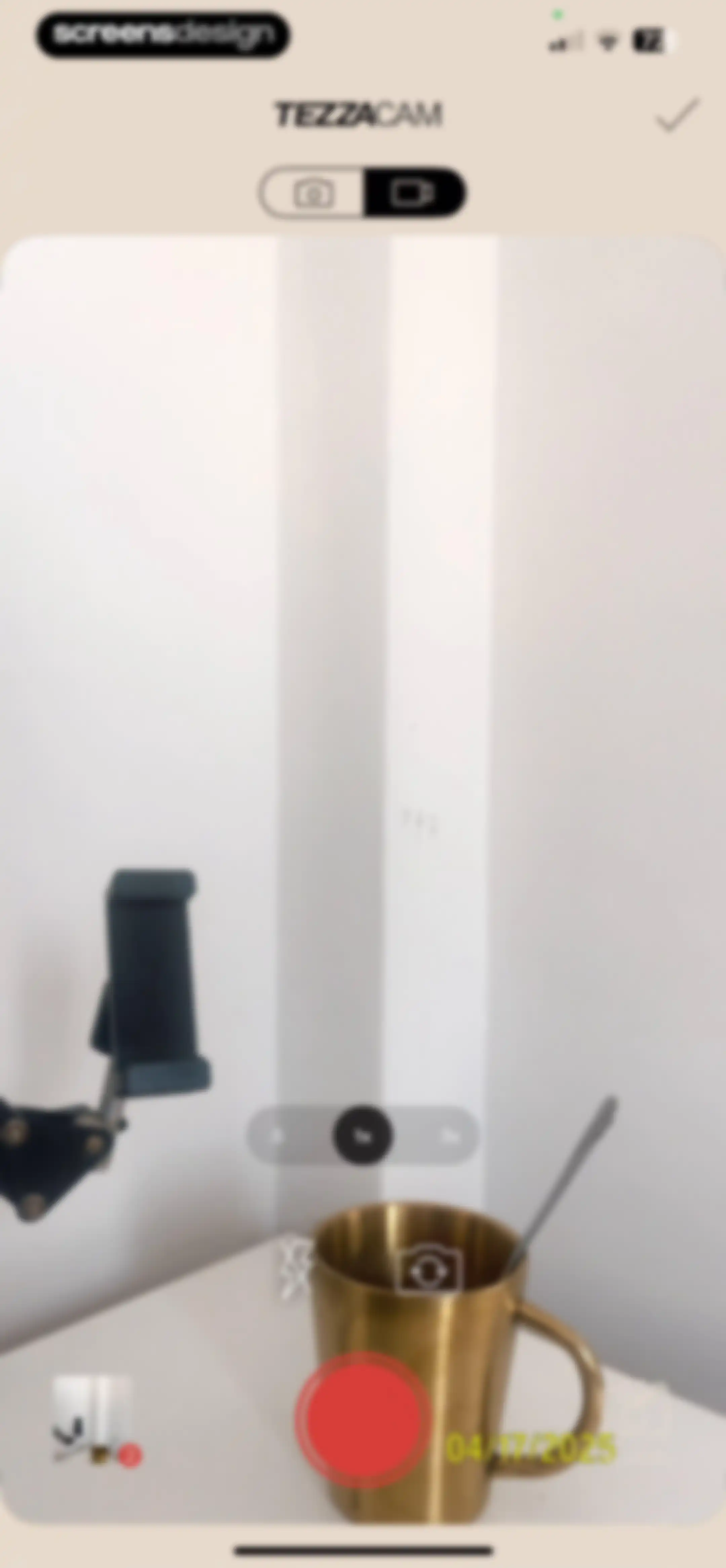
TezzaCam camera interface displaying a central viewfinder of a gold mug, zoom controls, and a red shutter button.Unlock Pro
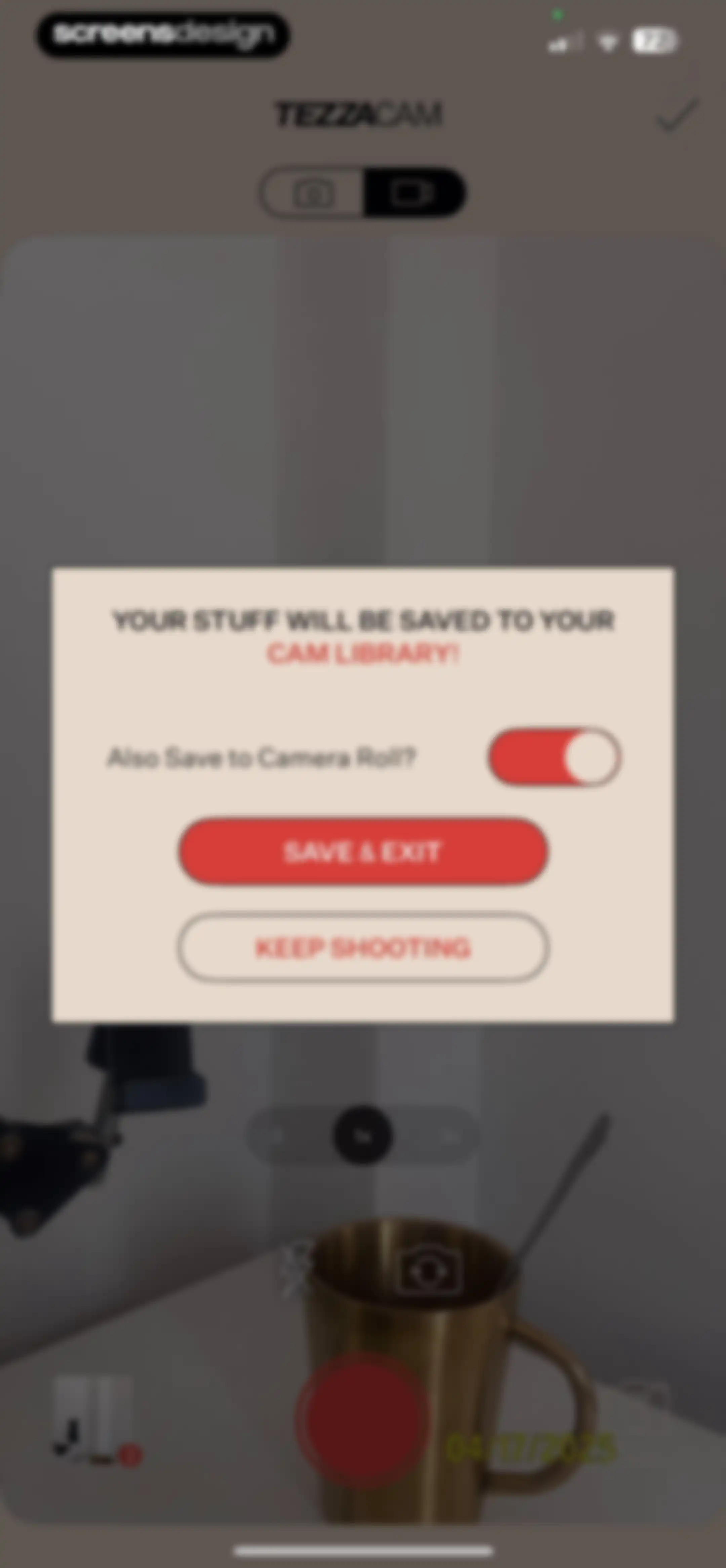
TezzaCam modal dialog overlaying the camera interface, featuring a save confirmation, a camera roll toggle, and Save & Exit and Keep Shooting buttons.Unlock Pro
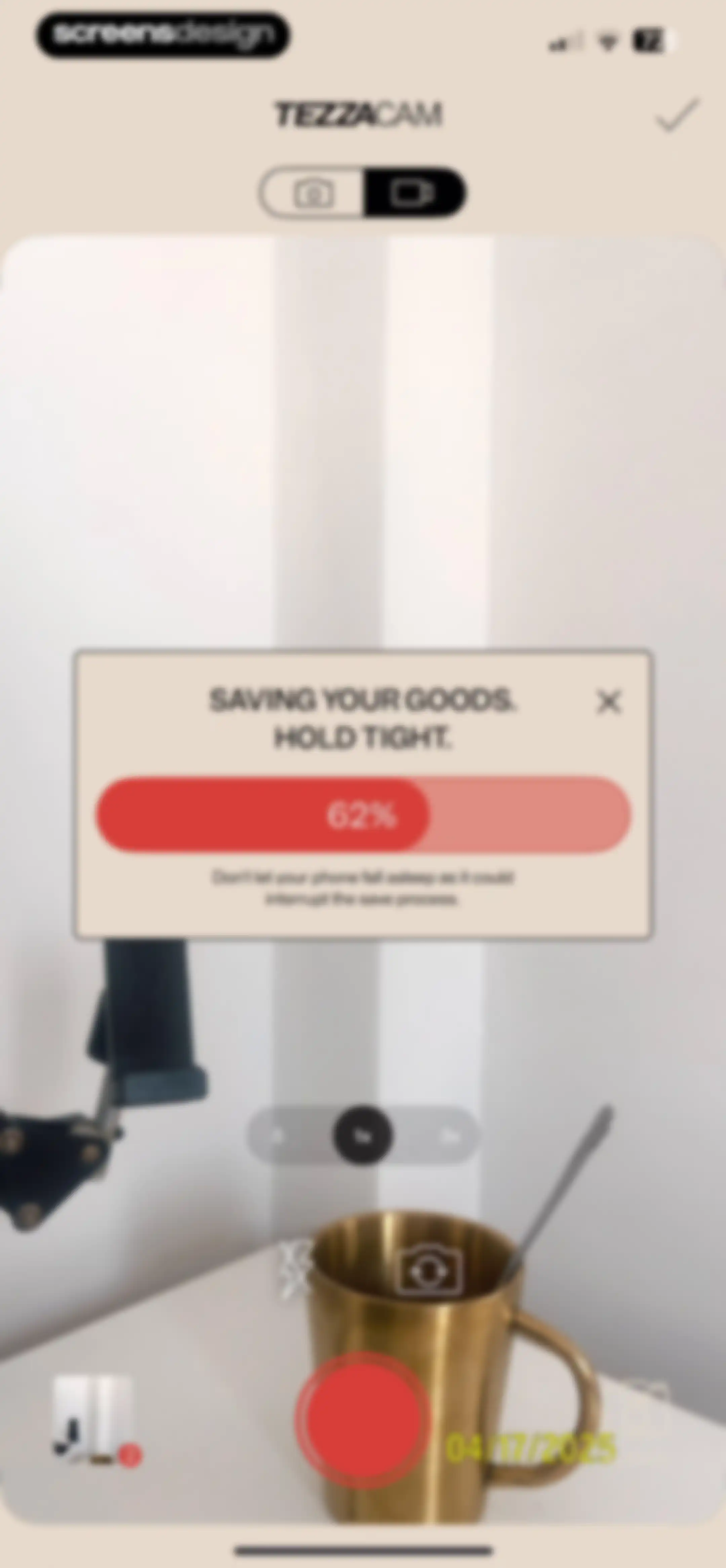
Tezza camera interface showing a saving progress modal at 62 percent with a warning message over the camera viewfinder.Unlock Pro
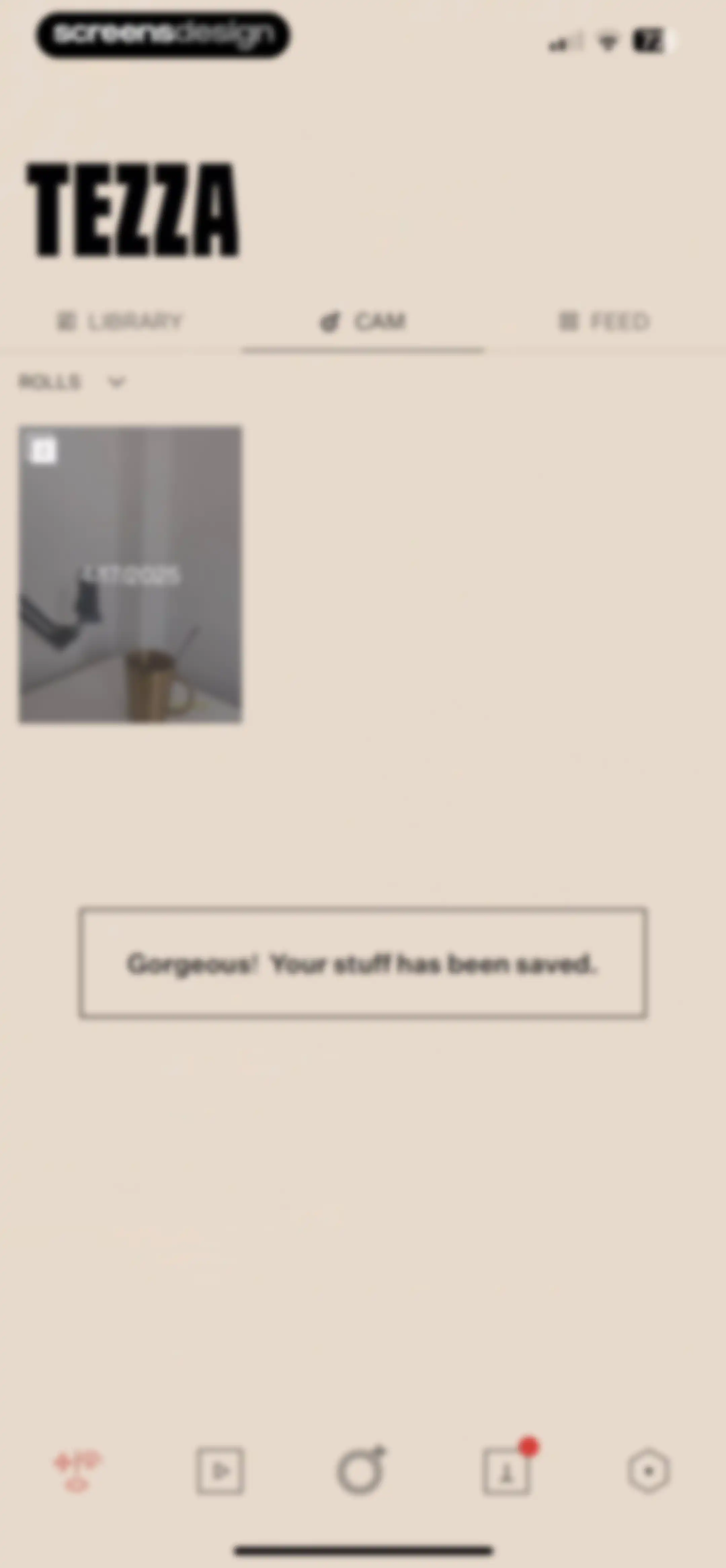
Tezza app home screen with a saved content confirmation message, navigation tabs, and a single photo card showing a desk setup.Unlock Pro
Tezza feed planner dashboard featuring a background portrait, top navigation with FEED selected, and a Connect Instagram button at the bottom.Unlock Pro
Empty project workspace screen with a video background, centered instructional text, and a plus floating action button.Unlock Pro
Project naming modal with a pre-filled project name, aspect ratio selection options, and a primary action button.Unlock Pro
Media picker screen showing a grid of camera roll thumbnails with the All filter selected and a Trim Clips button at the bottom.Unlock Pro
Clip selection screen with a single video thumbnail chosen and a confirm button in the top navigation bar.Unlock Pro
Video pre-trimming editor displaying a central line-art icon, timestamp of 0:00 / 0:00, and a confirm checkmark button at the top.Unlock Pro
Video editor screen titled Pre-trim Clip(s) featuring a central preview, timeline scrubber, and a confirm checkmark.Unlock Pro
Video pre-trimming editor with a central modal overlay showing an import progress of thirty-five percent.Unlock Pro
Video editor interface featuring a central preview, timeline controls, and a bottom navigation bar with editing tools and a save button.Unlock Pro
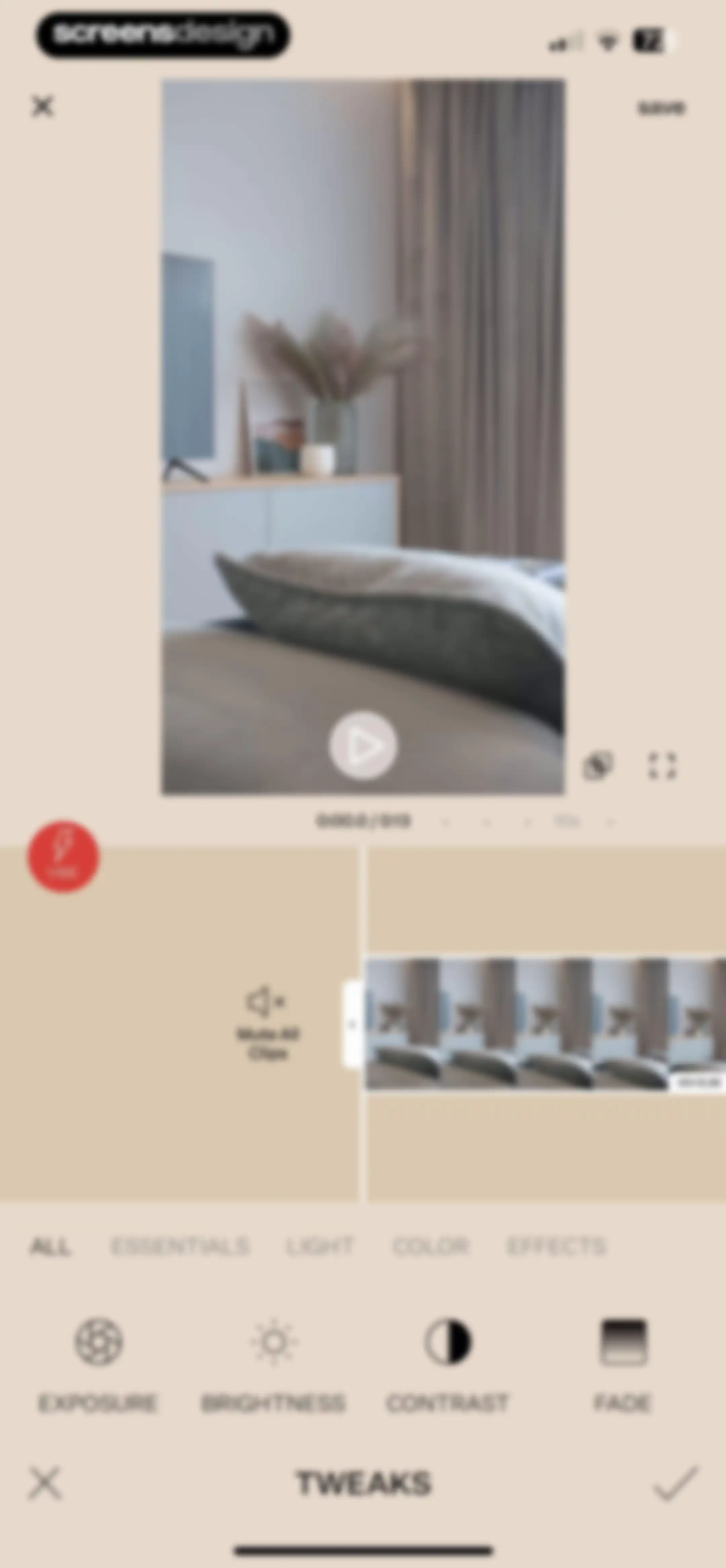
Video editing screen displaying a central preview, timeline, and adjustment tools including exposure, brightness, contrast, and fade with a save button.Unlock Pro
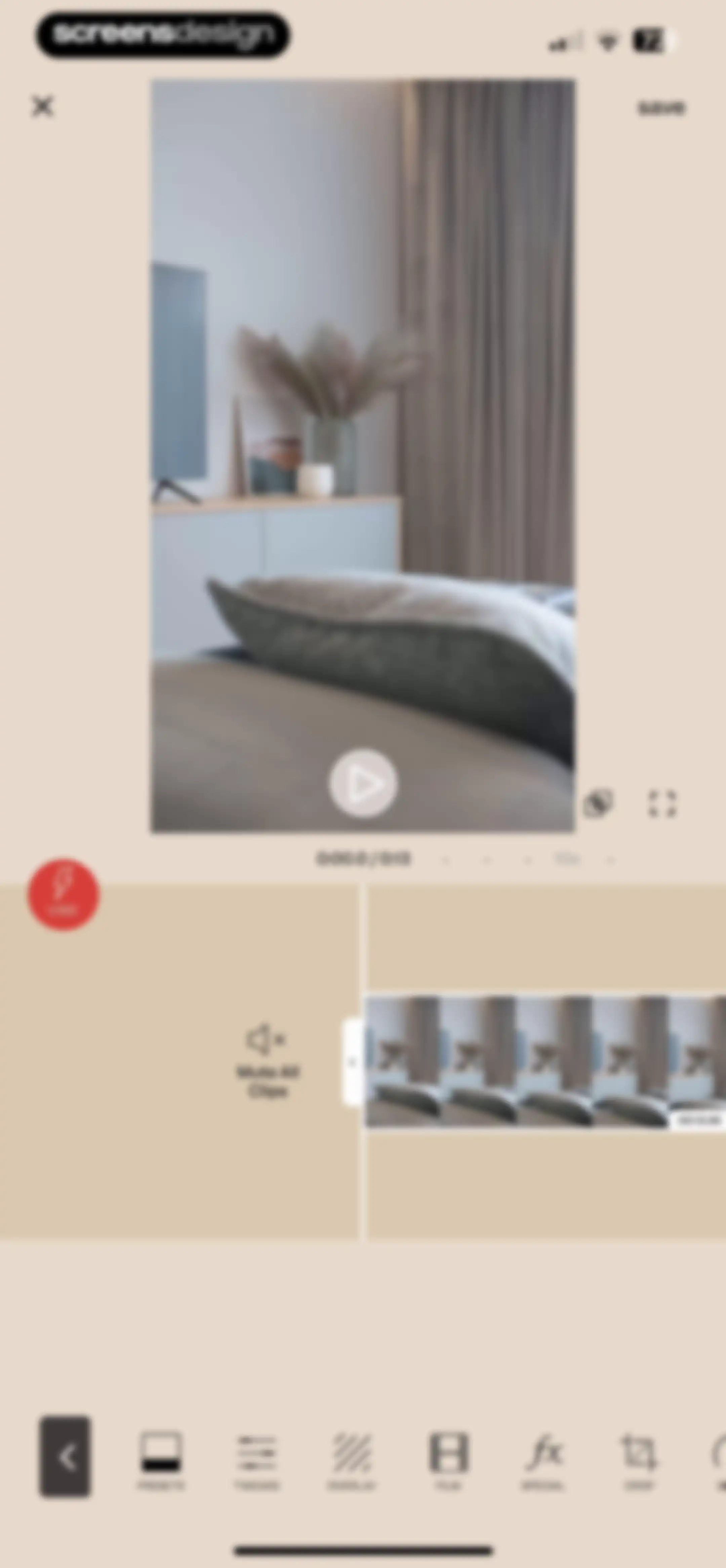
Video editing screen with a central preview window, a timeline scrubber, and a bottom navigation bar for editing tools.Unlock Pro
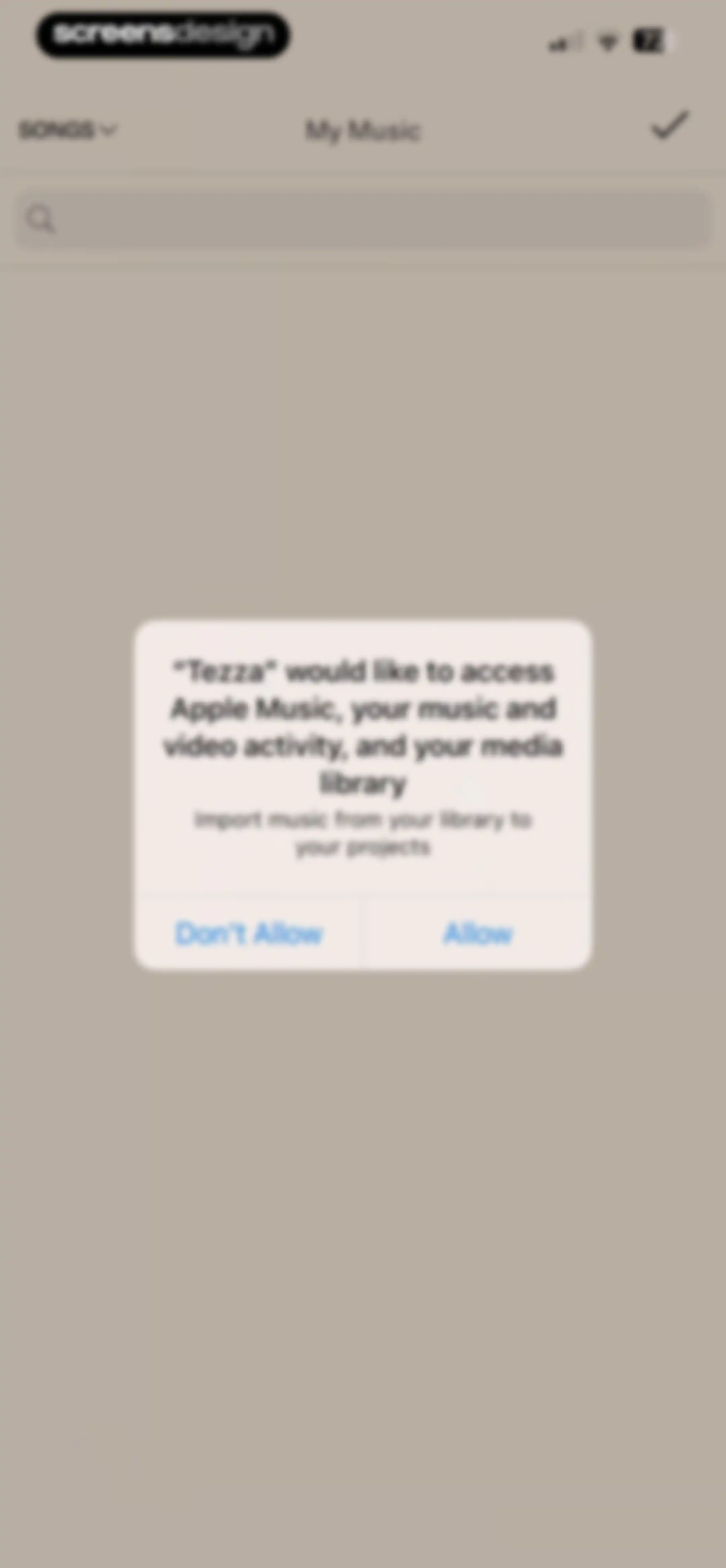
Permission request modal asking for access to Apple Music and media library, with Allow and Don't Allow buttons.Unlock Pro
Tezza music selection screen with a top navigation bar, an empty search bar, and an unpopulated content area.Unlock Pro
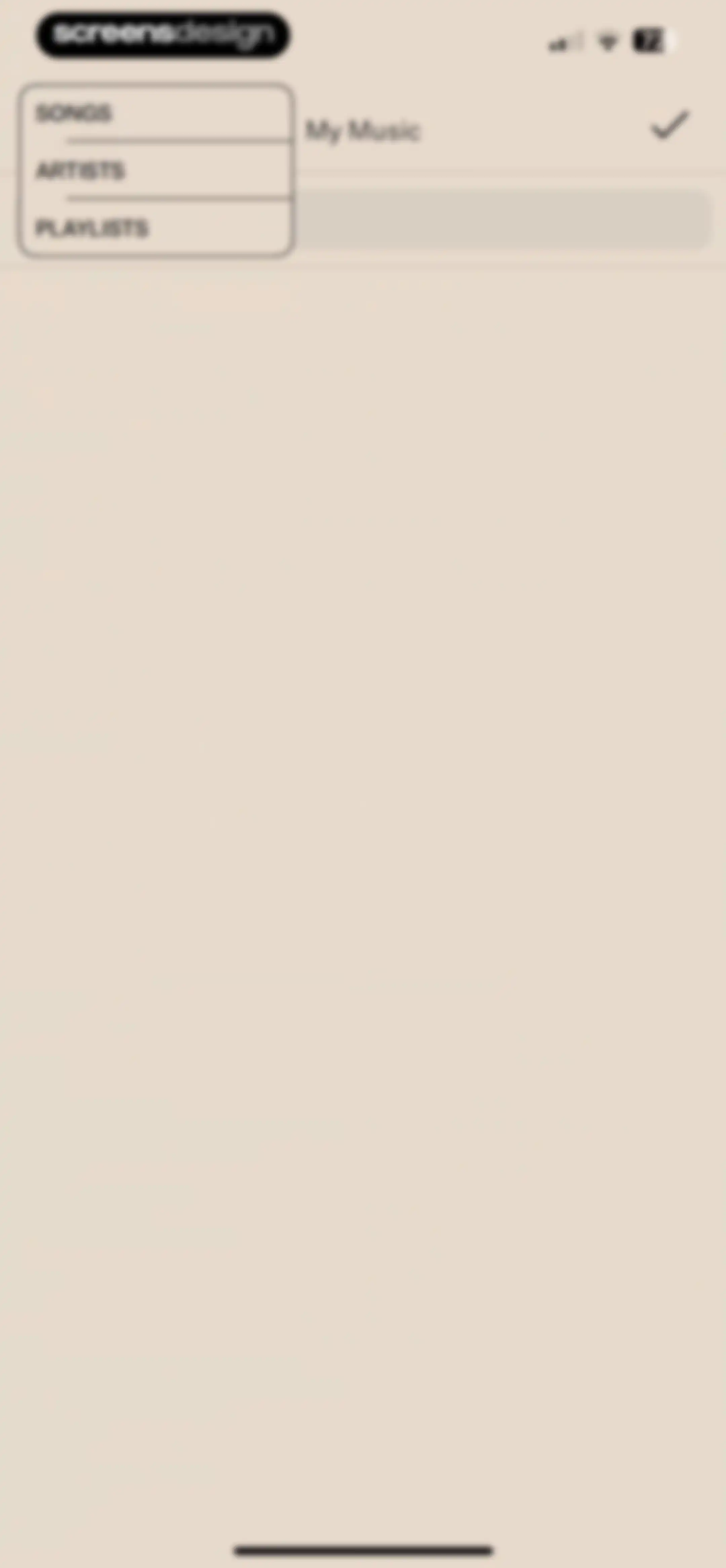
Music selection screen with an open dropdown menu showing Songs, Artists, and Playlists, and a confirmation checkmark in the top right.Unlock Pro
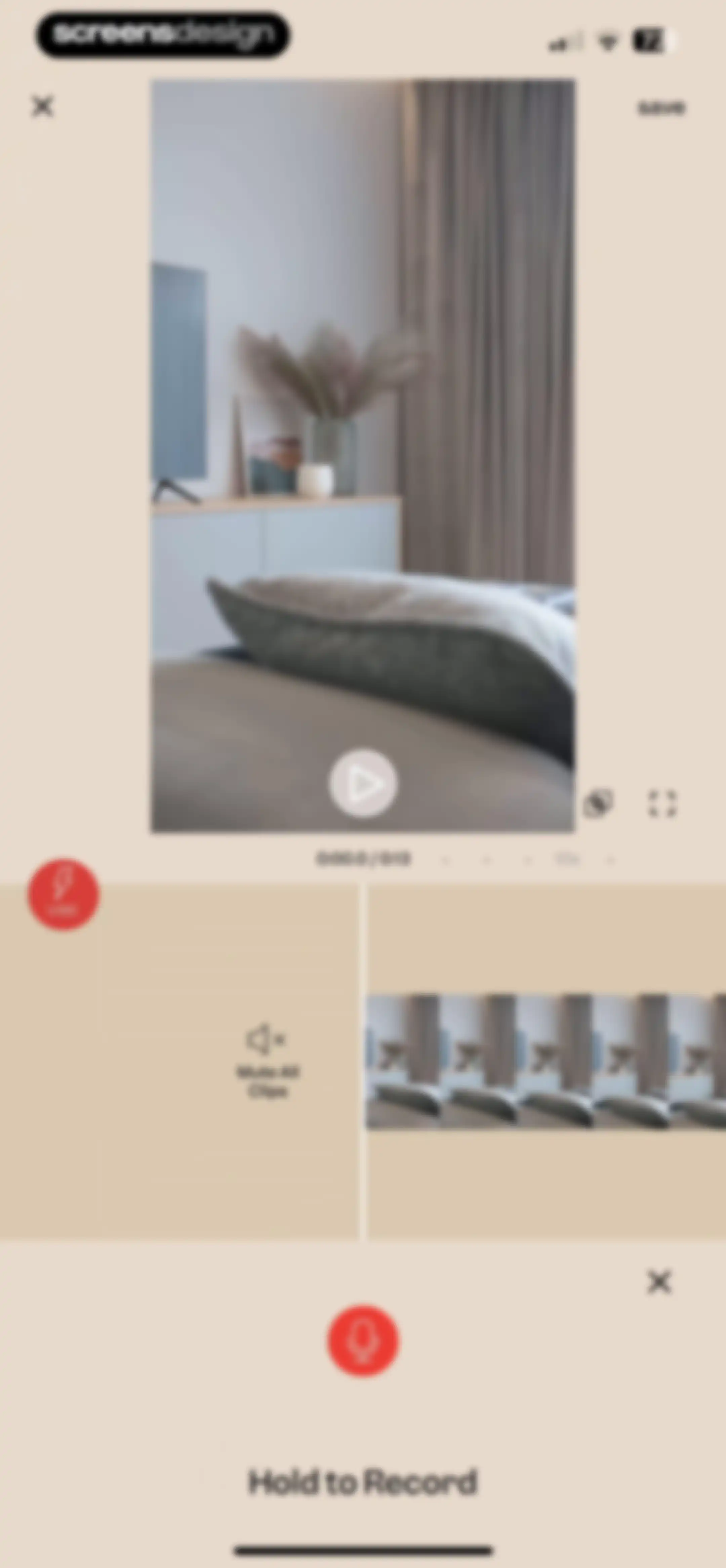
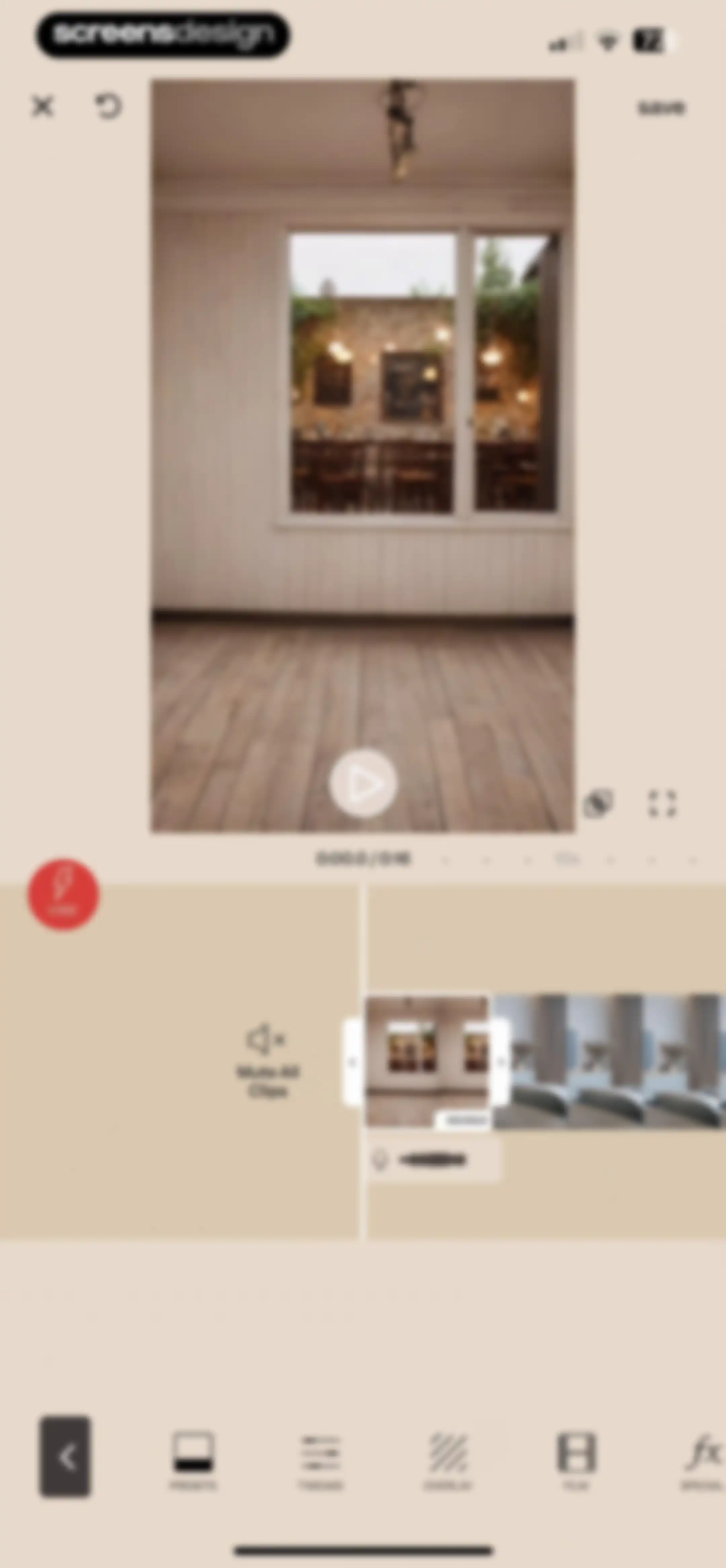
Video editor interface featuring a central room interior preview, timeline, Vibe and Mute All Clips options, and a Hold to Record button at the bottom.Unlock Pro
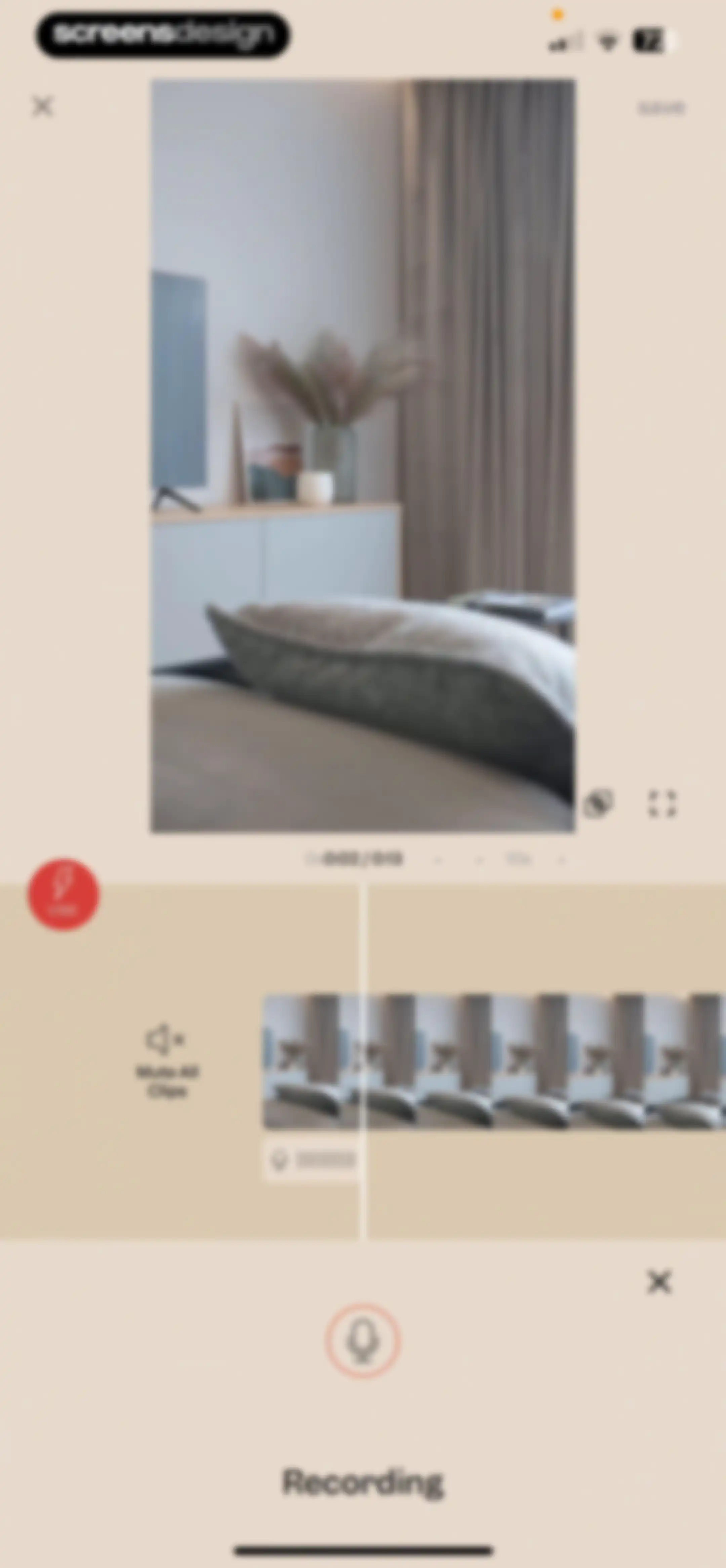
Video editor interface featuring a timeline scrubber, video preview, and a recording control panel with a mute clips option.Unlock Pro
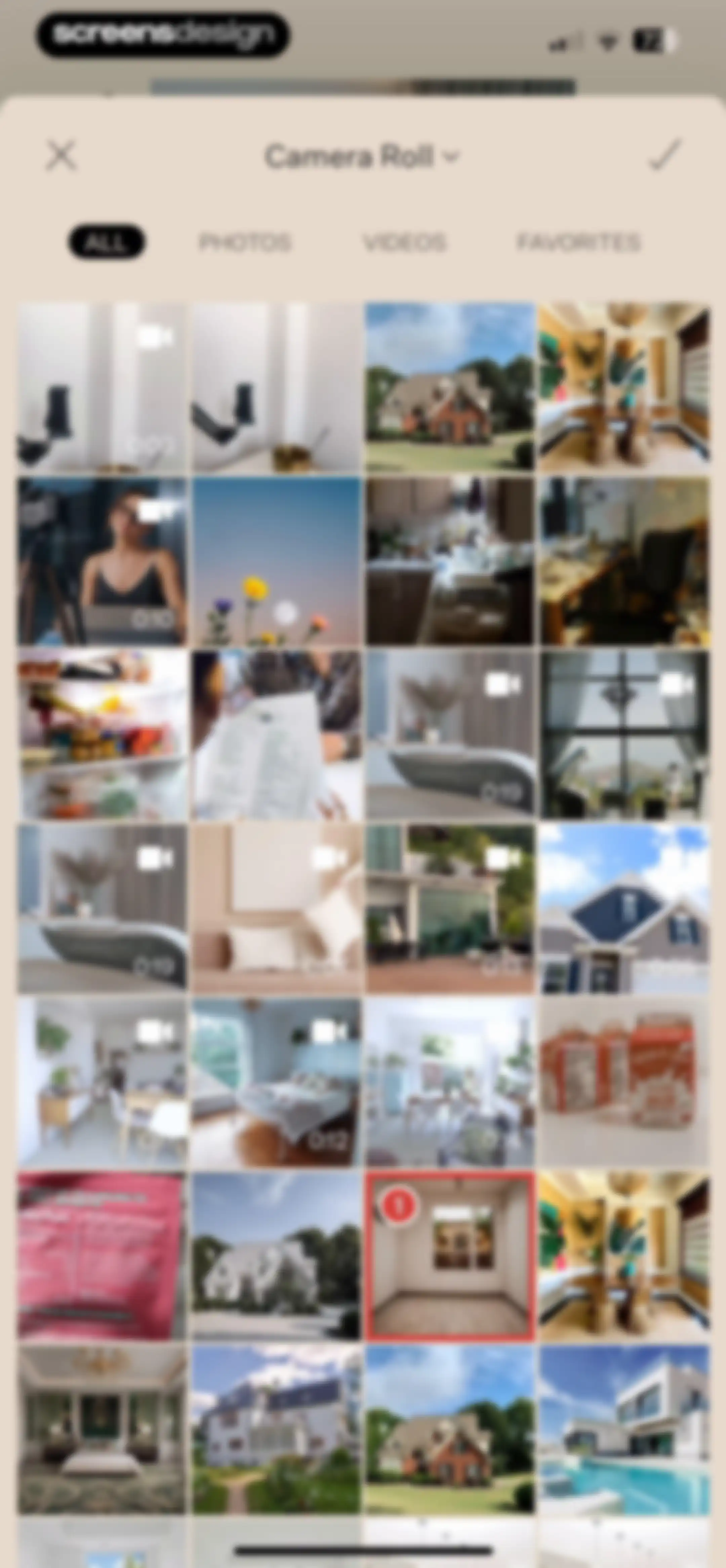
Camera roll media picker grid with horizontal filter tabs, one selected video item marked with a red badge and confirmation button.Unlock Pro
Video editor interface featuring a central preview, timeline scrubber, and editing tools like presets and tweaks with a save button.Unlock Pro
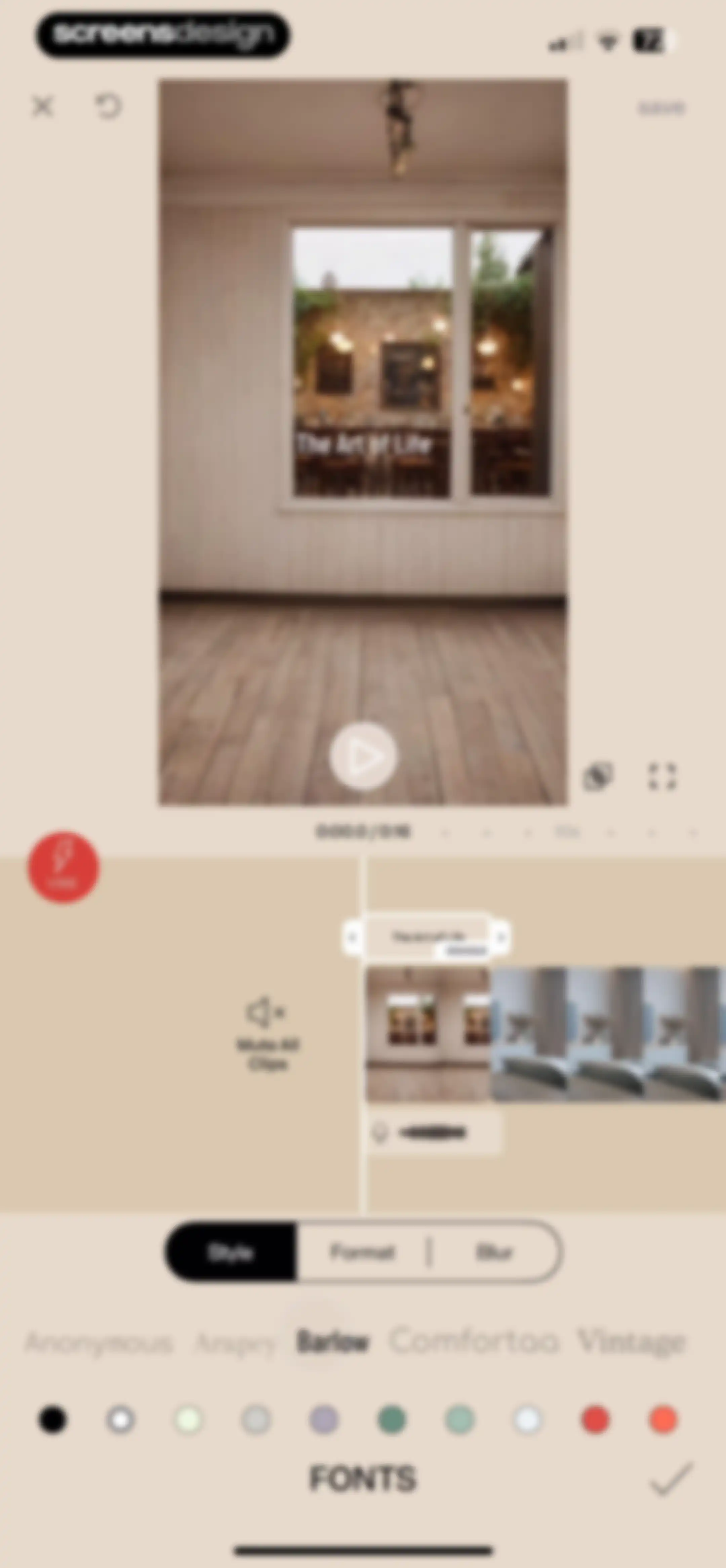
Video editor screen featuring a preview window, timeline, and font selection controls with the Barlow font selected and a save button.Unlock Pro
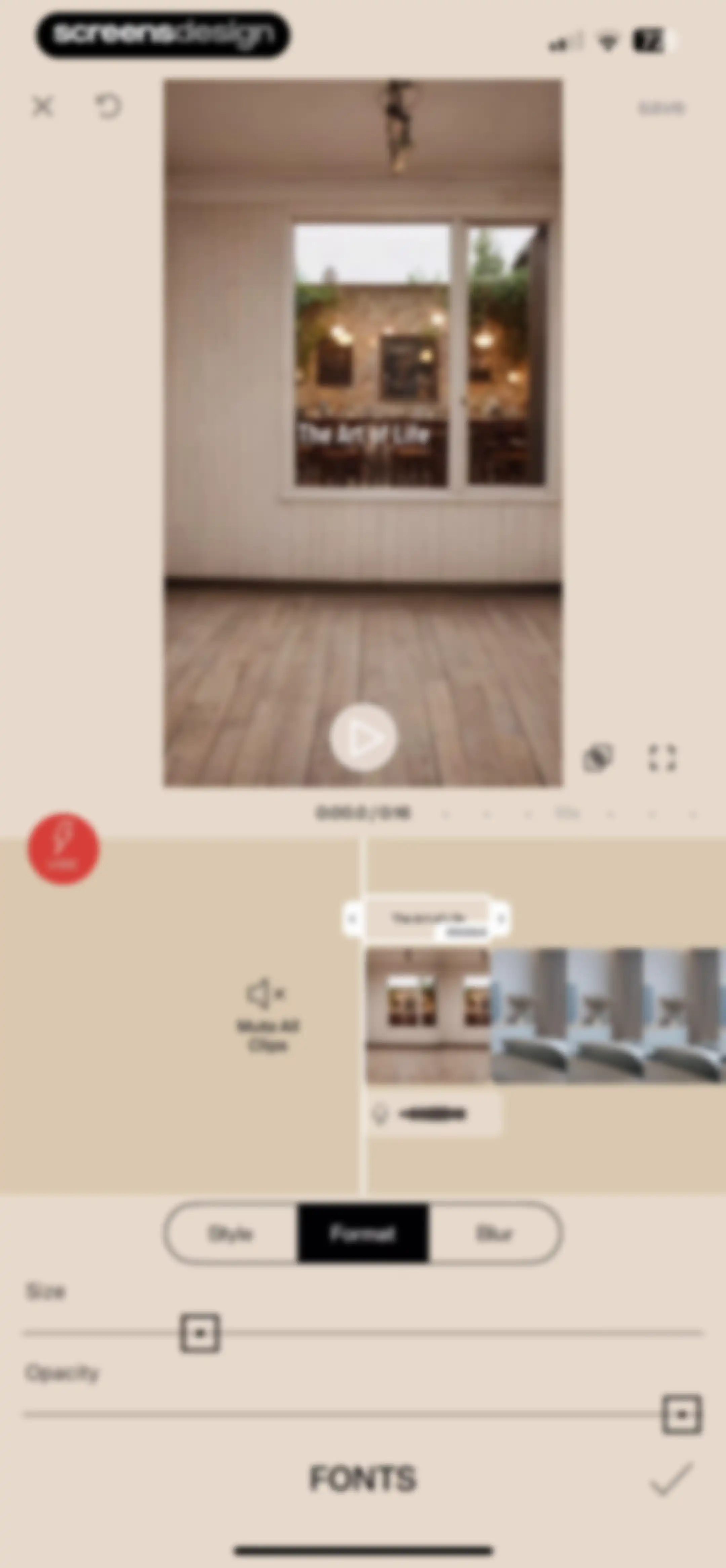
Video editor interface displaying the Format tab with size and opacity sliders, a timeline, and a central preview.Unlock Pro
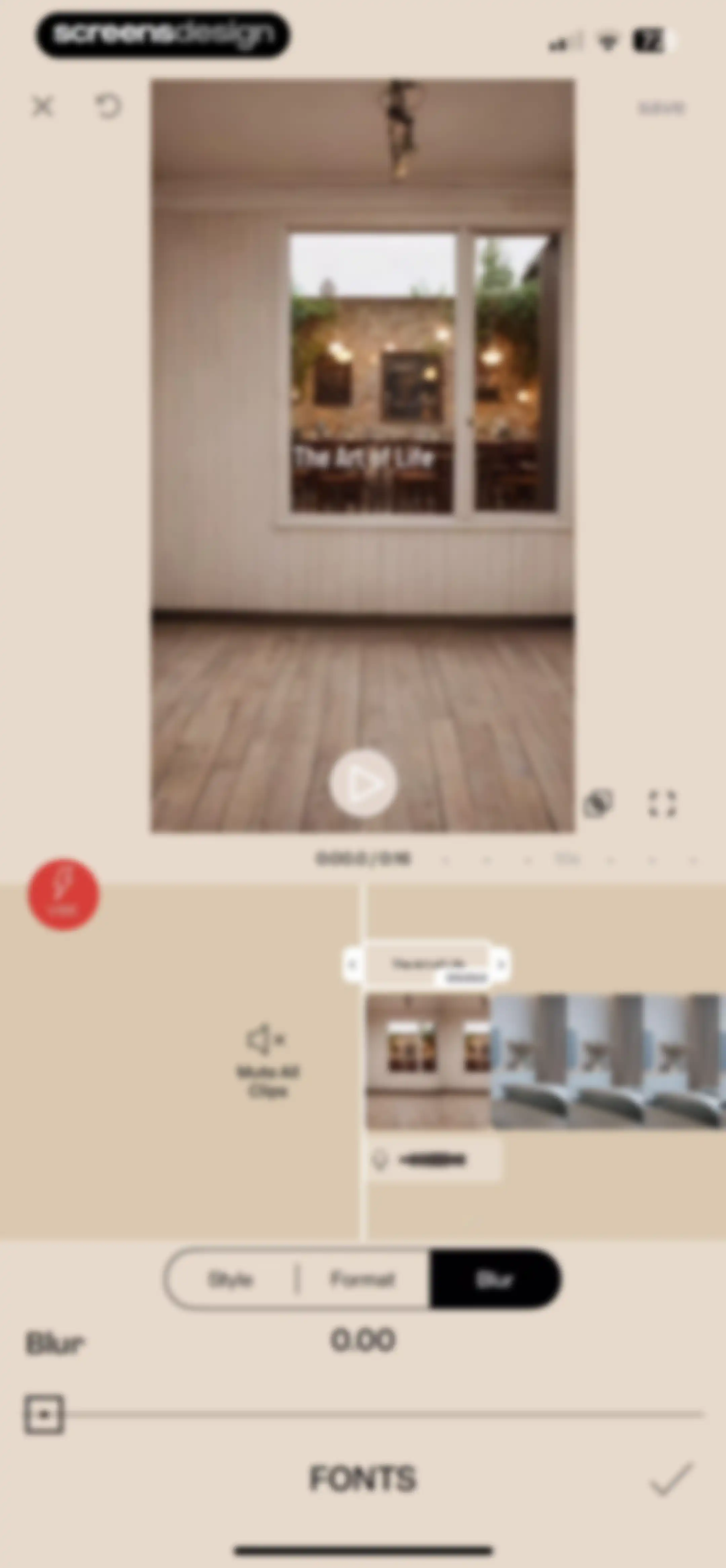
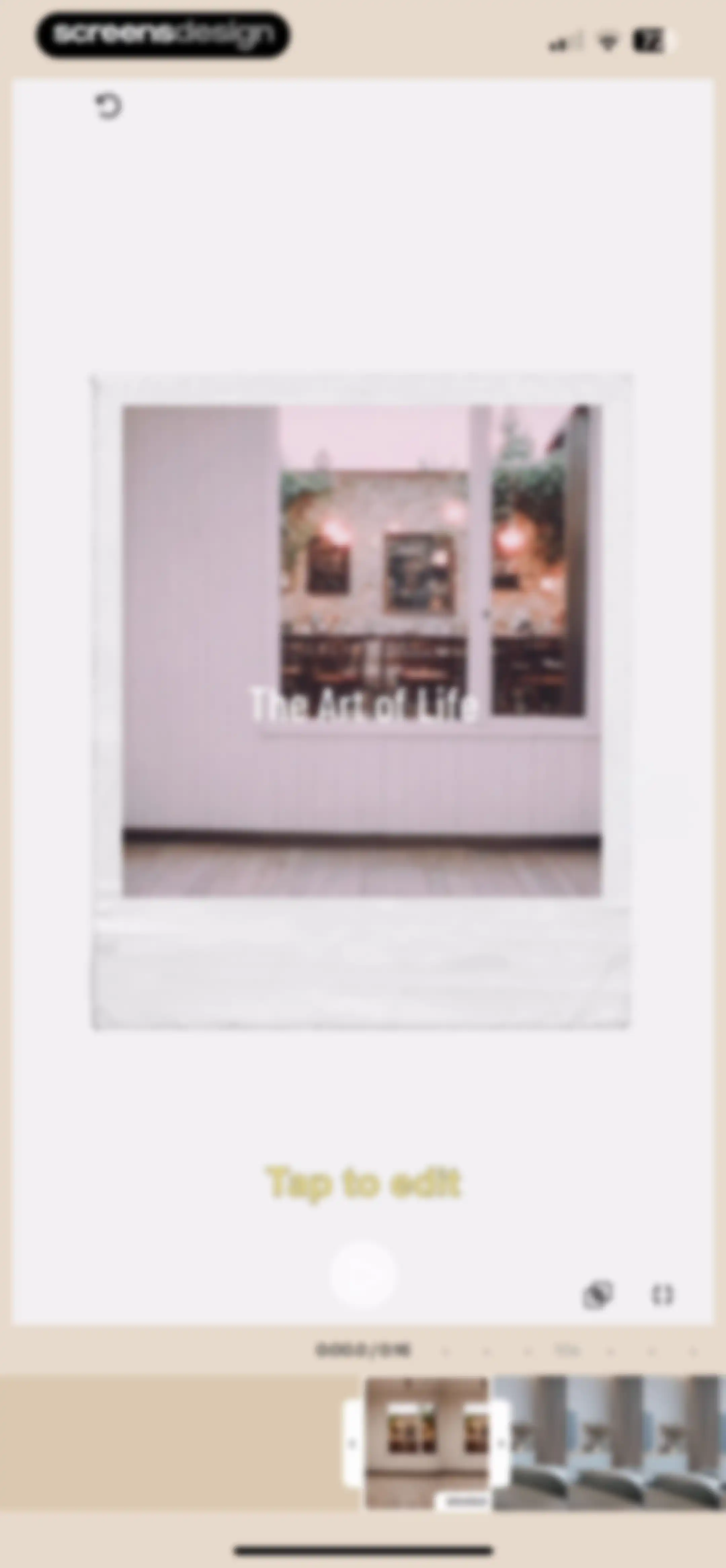
Video editor interface featuring a timeline, central preview window displaying The Art of Life, and a blur adjustment slider with the Blur option selected.Unlock Pro
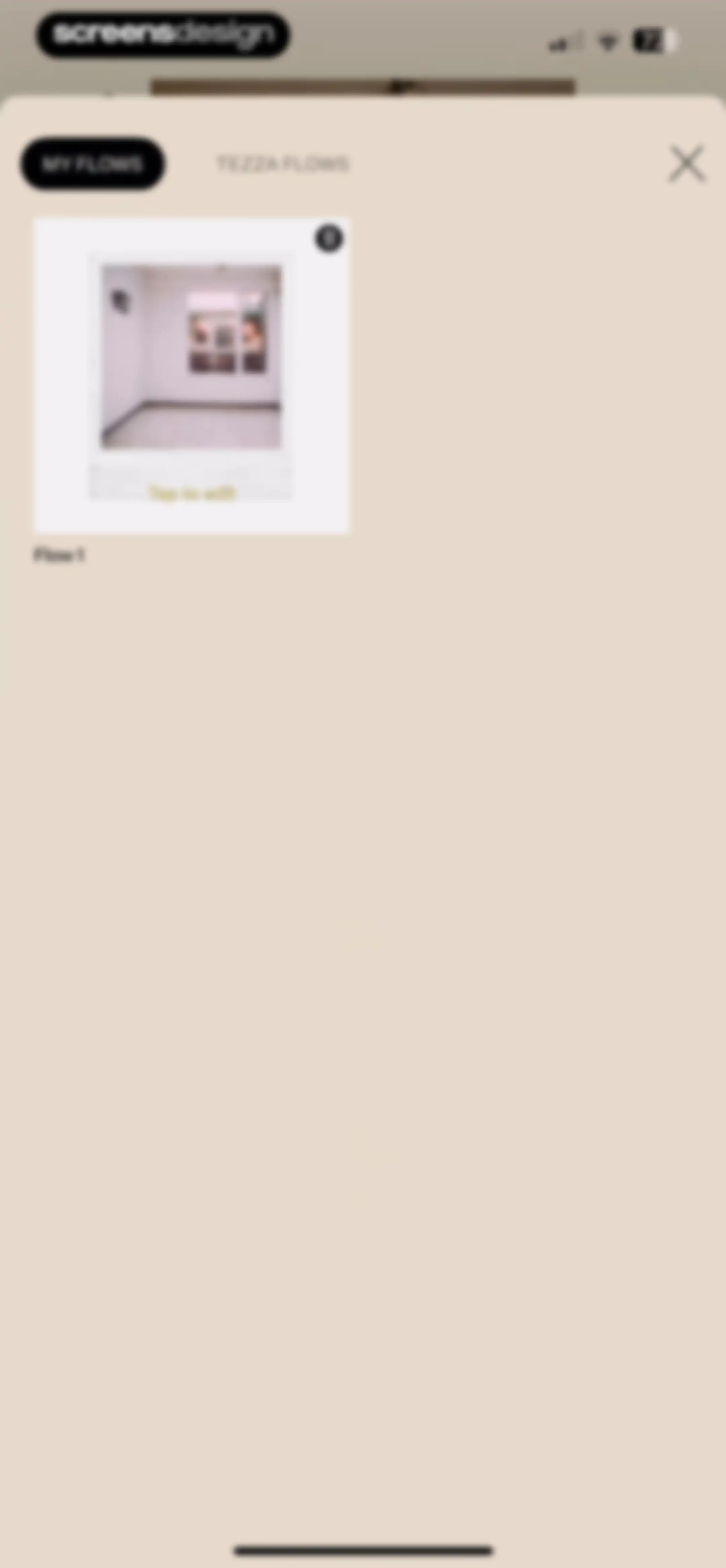
Flow management modal with MY FLOWS and TEZZA FLOWS tabs, displaying a Flow 1 card with a photo and edit prompt.Unlock Pro
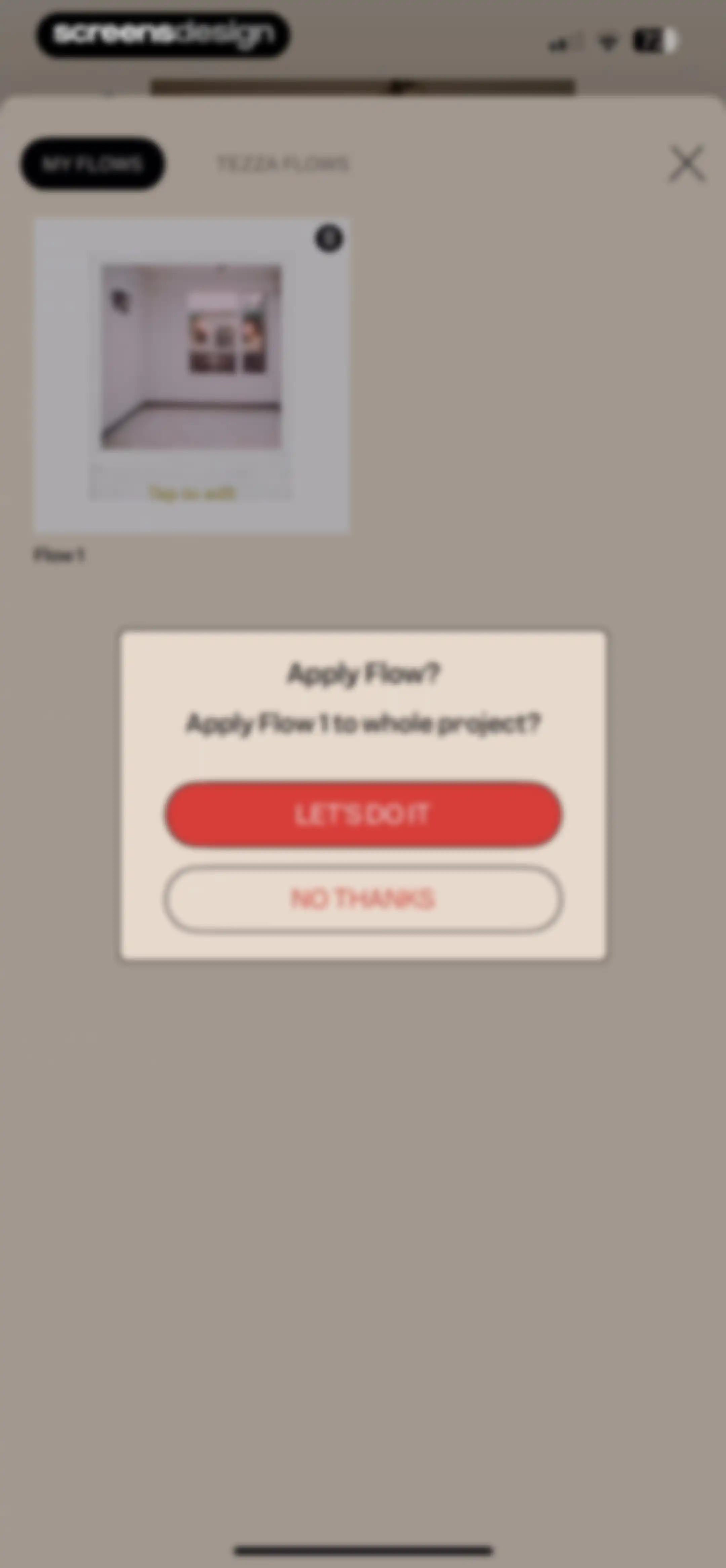
Confirmation modal asking to apply Flow 1 to the whole project, with Let's Do It and No Thanks buttons.Unlock Pro
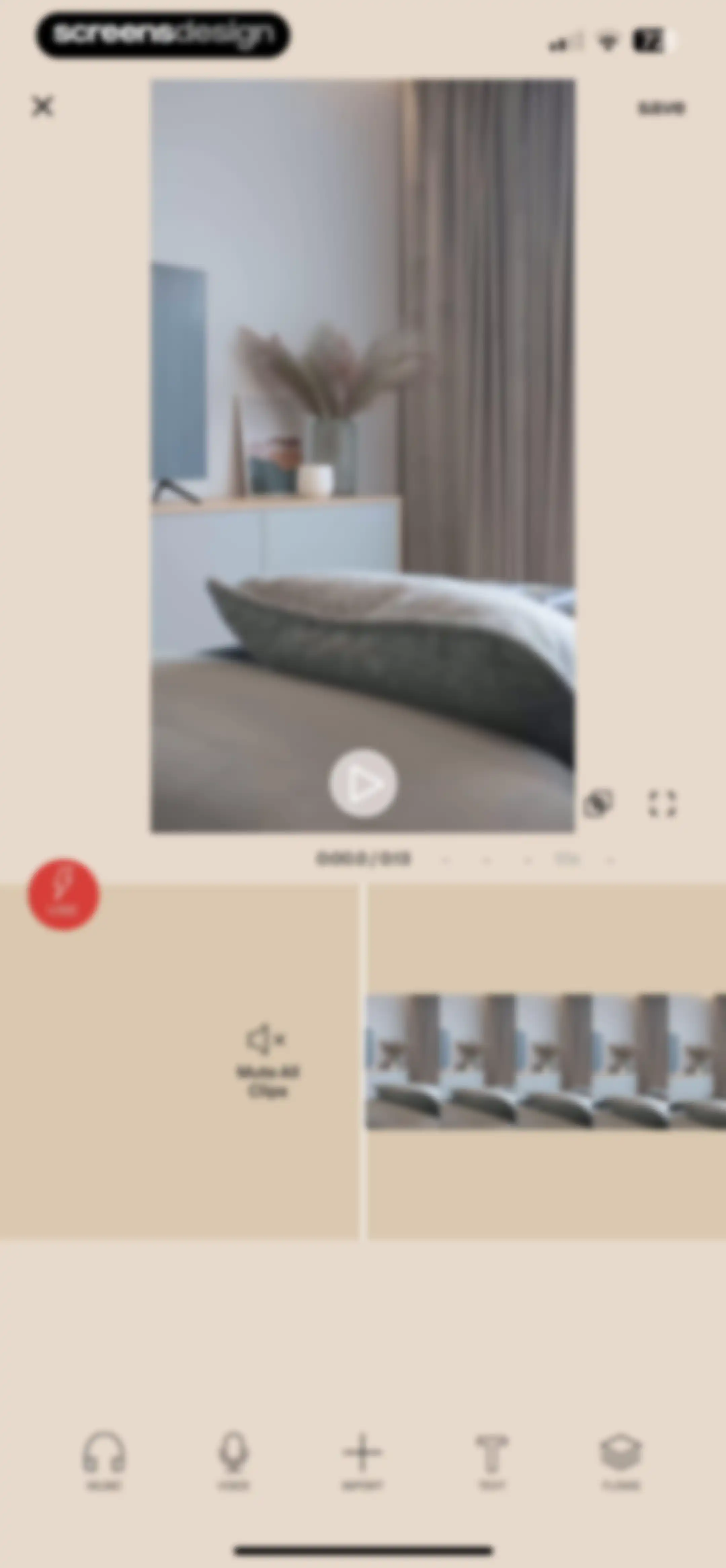
Video editor interface displaying a central preview, timeline scrubber, and editing tools for music, voice, text, and media import with a save button.Unlock Pro
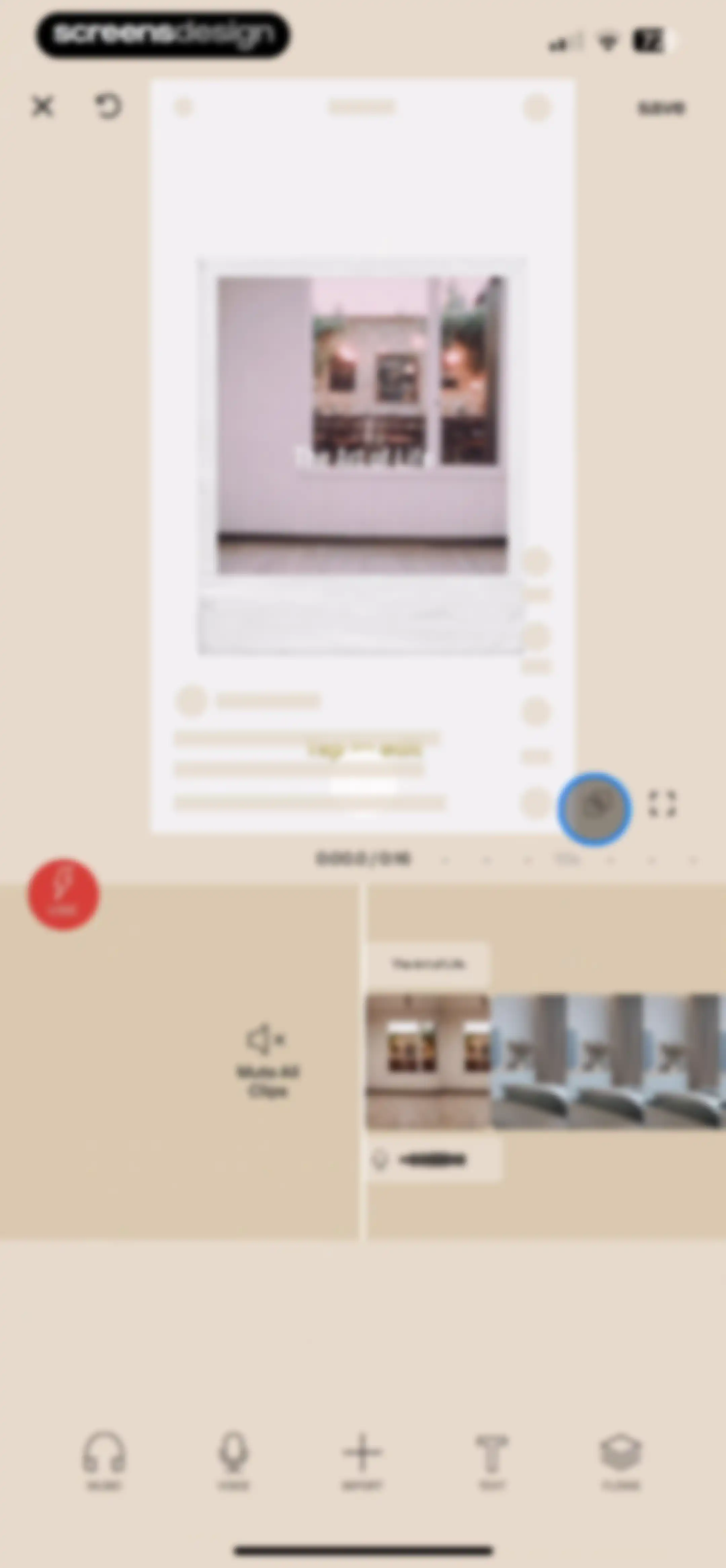
Video editor interface featuring a central Polaroid photo preview, editing controls, and a bottom timeline strip with a selected clip.Unlock Pro
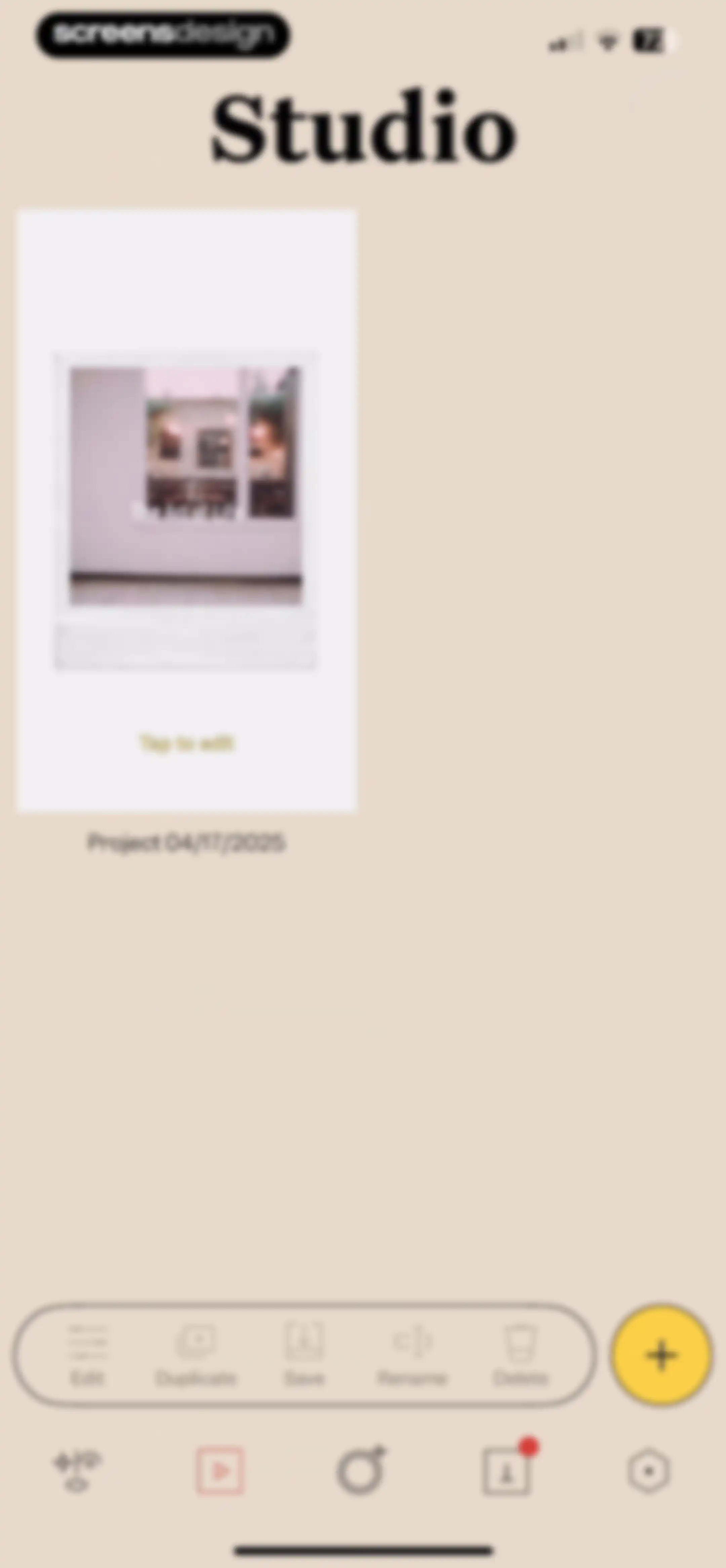
Studio dashboard displaying a central project card for The Art of Life with a bottom action bar for project management.Unlock Pro
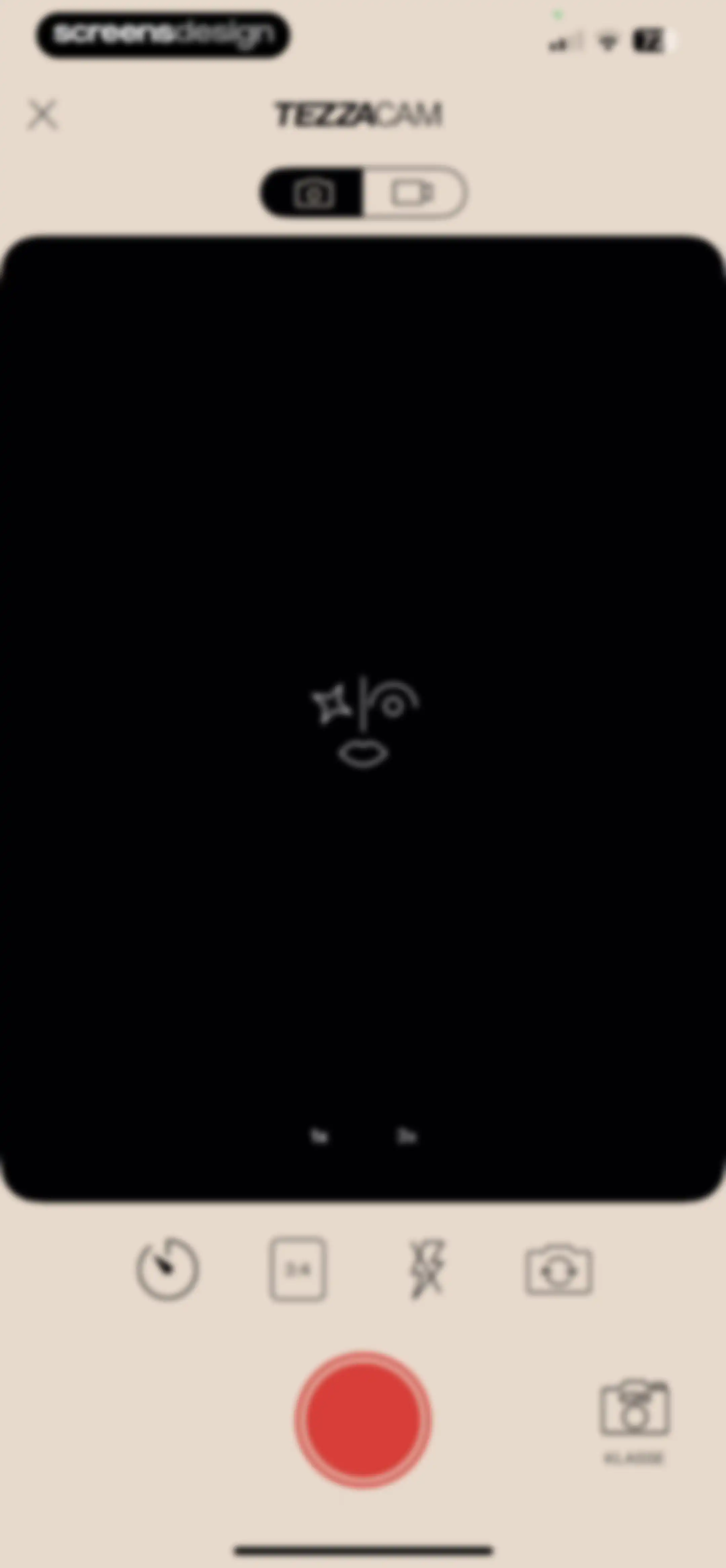
Tezza camera interface with a central viewfinder, zoom toggles, and a bottom control panel featuring a red shutter button and Klasse option.Unlock Pro
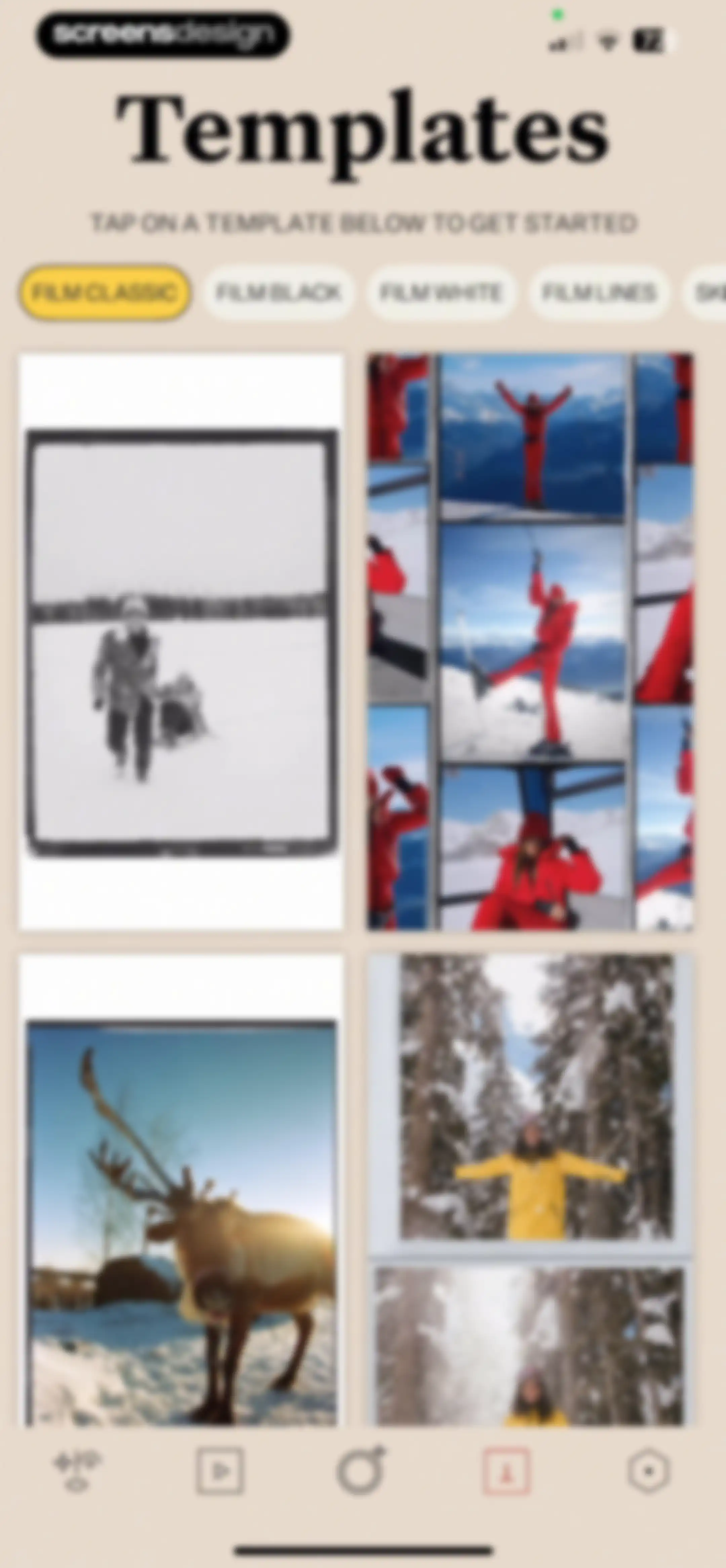
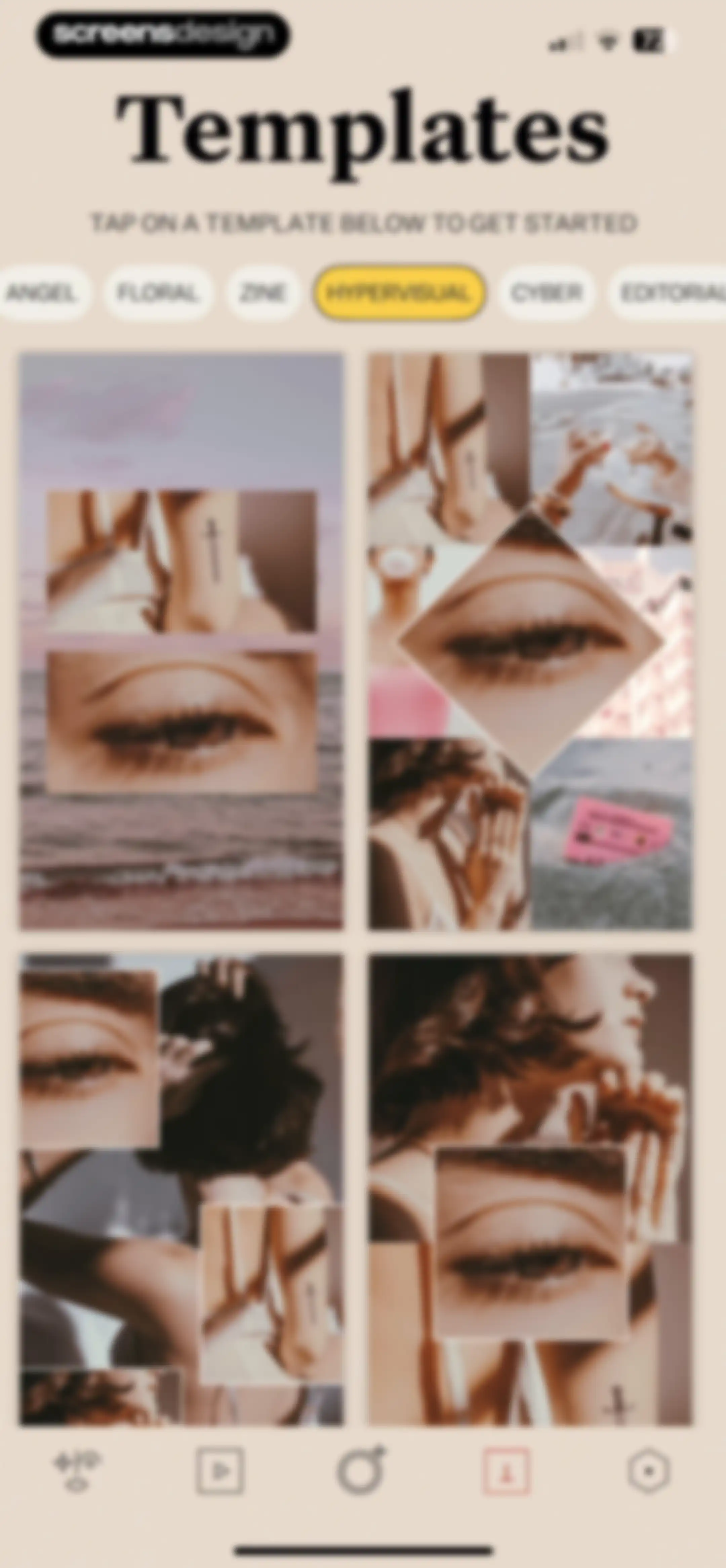
Template gallery screen displaying a grid of photo layouts and horizontal filter tabs with Film Classic selected.Unlock Pro
Template gallery displaying a grid of collage layouts and category tabs with Hypervisual selected.Unlock Pro
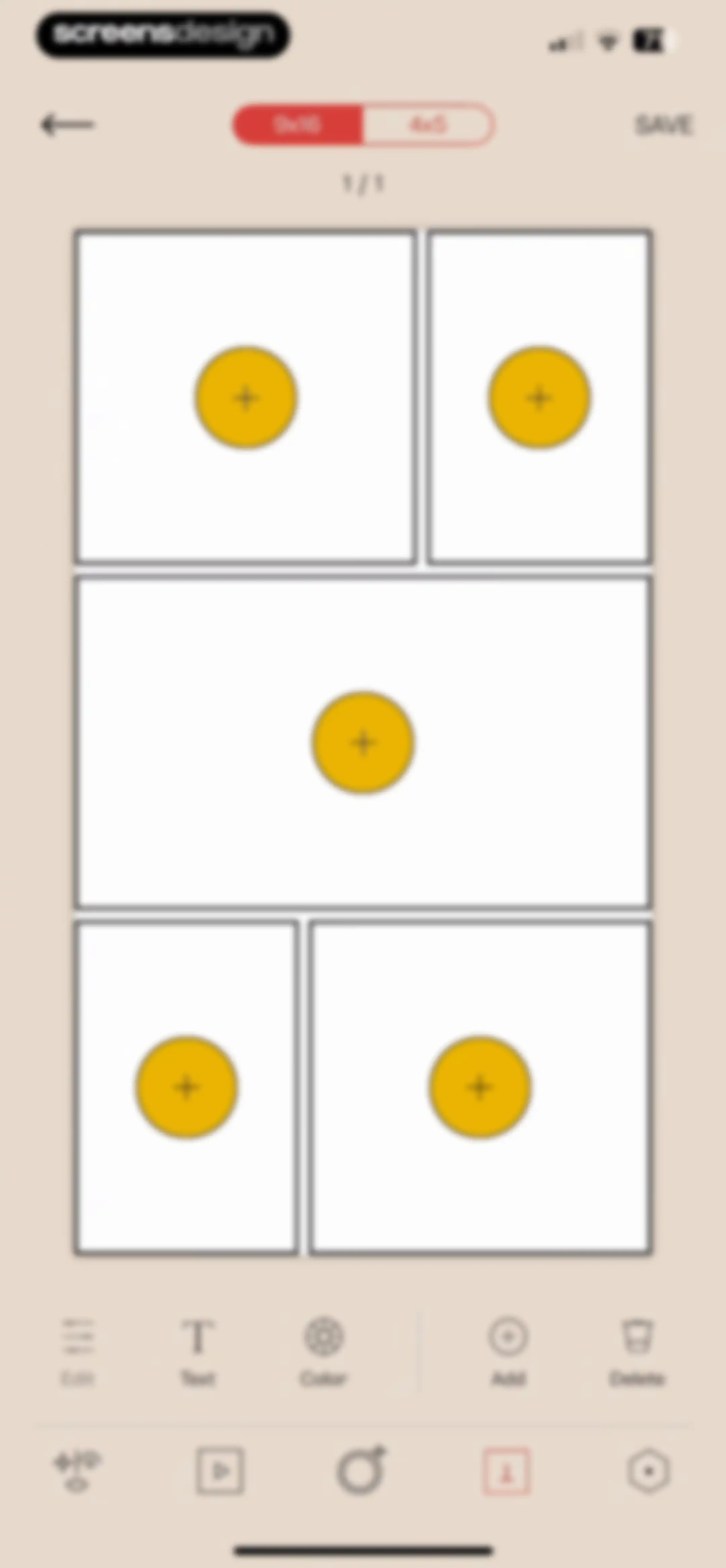
Collage editor featuring a central five-frame grid template, an aspect ratio switcher set to 9x16, and a two-row bottom toolbar with edit options.Unlock Pro
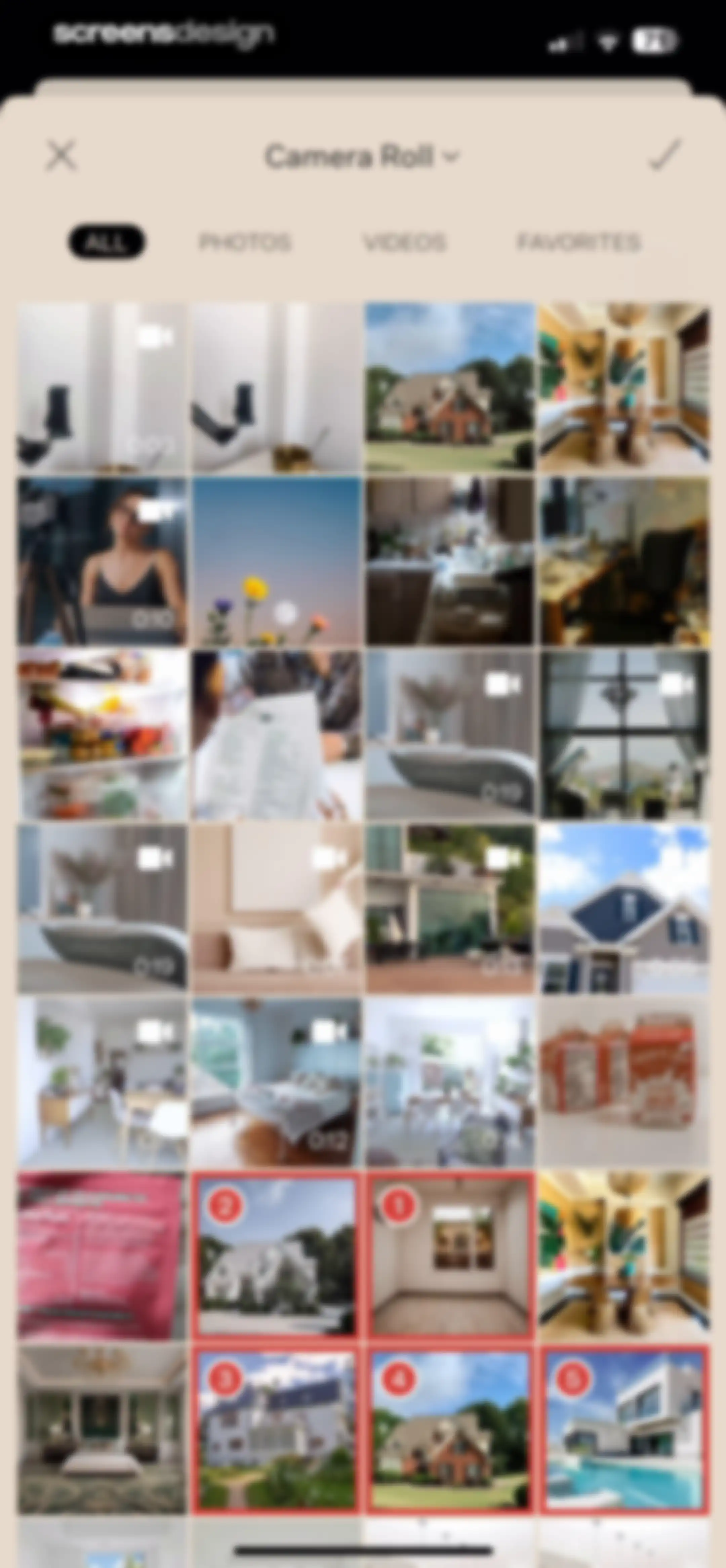
Media selection screen displaying a grid of photos and videos with tabbed category filters and a bottom multi-select preview area.Unlock Pro
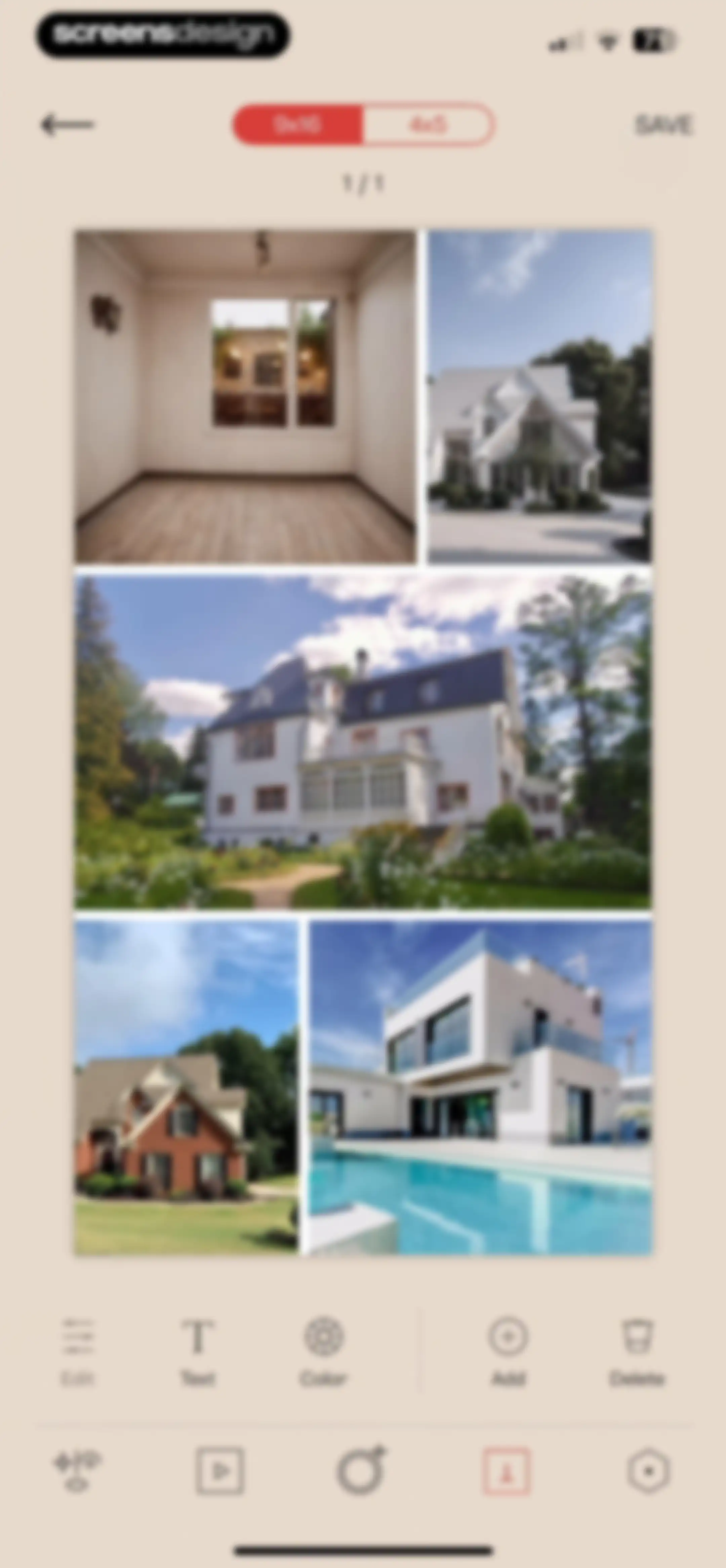
Collage editor featuring a central photo grid workspace, top aspect ratio options, and a bottom toolbar with editing tools and a save button.Unlock Pro
Photo collage editor displaying a central image grid, top aspect ratio options with 9x16 selected, and a bottom editing toolbar with a Save button.Unlock Pro
Photo collage editor with a confirmation modal asking if you are ready to save the template to your camera roll.Unlock Pro
Photo editor confirmation modal stating the template has been saved, with a Sweet button and a bottom editing toolbar.Unlock Pro
Tezza app settings screen showing an active yearly subscription status and a list of account and support menu items.Unlock Pro
Tezza app settings screen featuring links for rates, terms, and privacy policy, along with the displayed app version 8.14.Unlock Pro
Tezza app terms and conditions page displayed in an in-app web browser with legal text and a Done button.Unlock Pro
In-app browser displaying the Tezza app privacy policy, with a top Done button and bottom navigation controls.Unlock Pro
Support settings screen featuring a vertical list of options including FAQ, Contact Us, and Submit a Bug Report against a light beige background.Unlock Pro
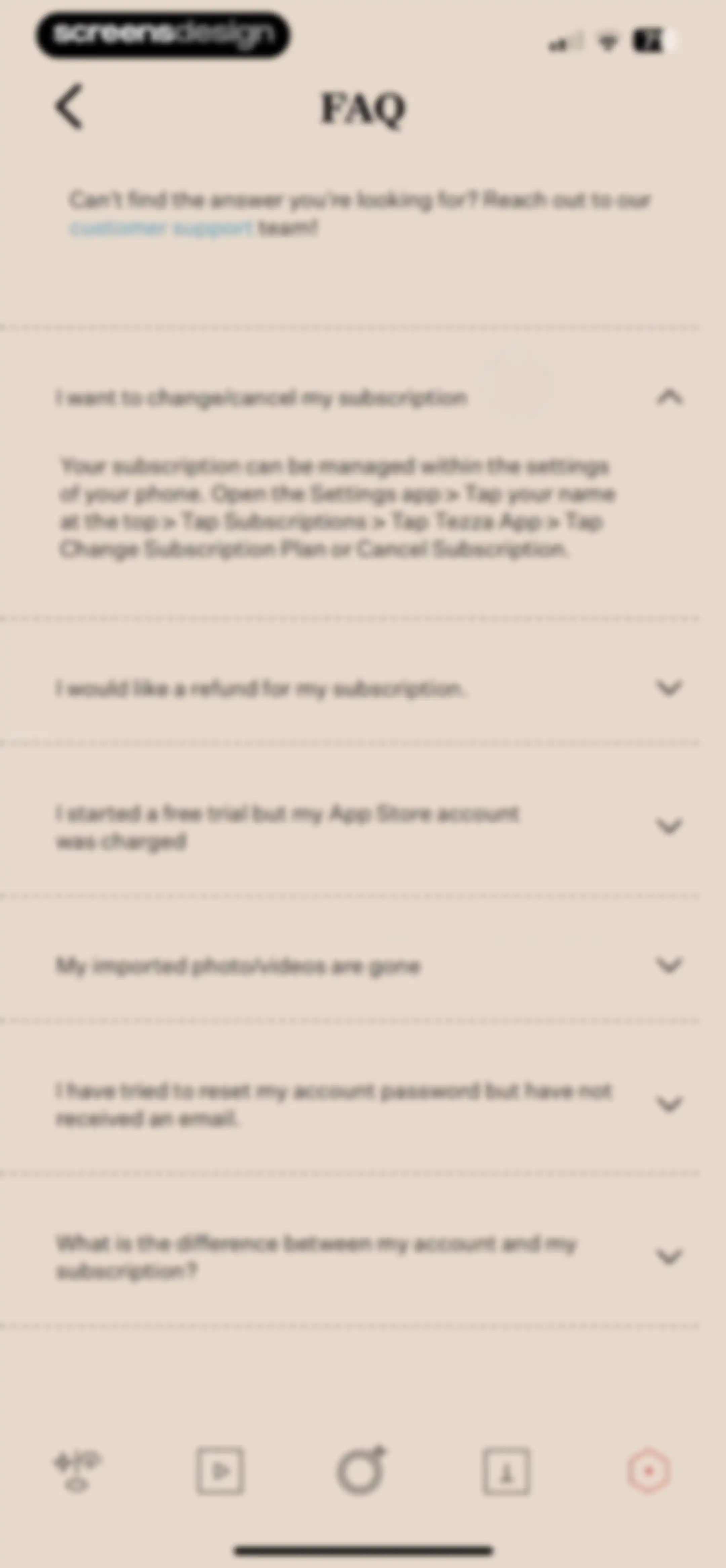
FAQ screen listing expandable support topics, with the subscription management item expanded and a customer support link.Unlock Pro
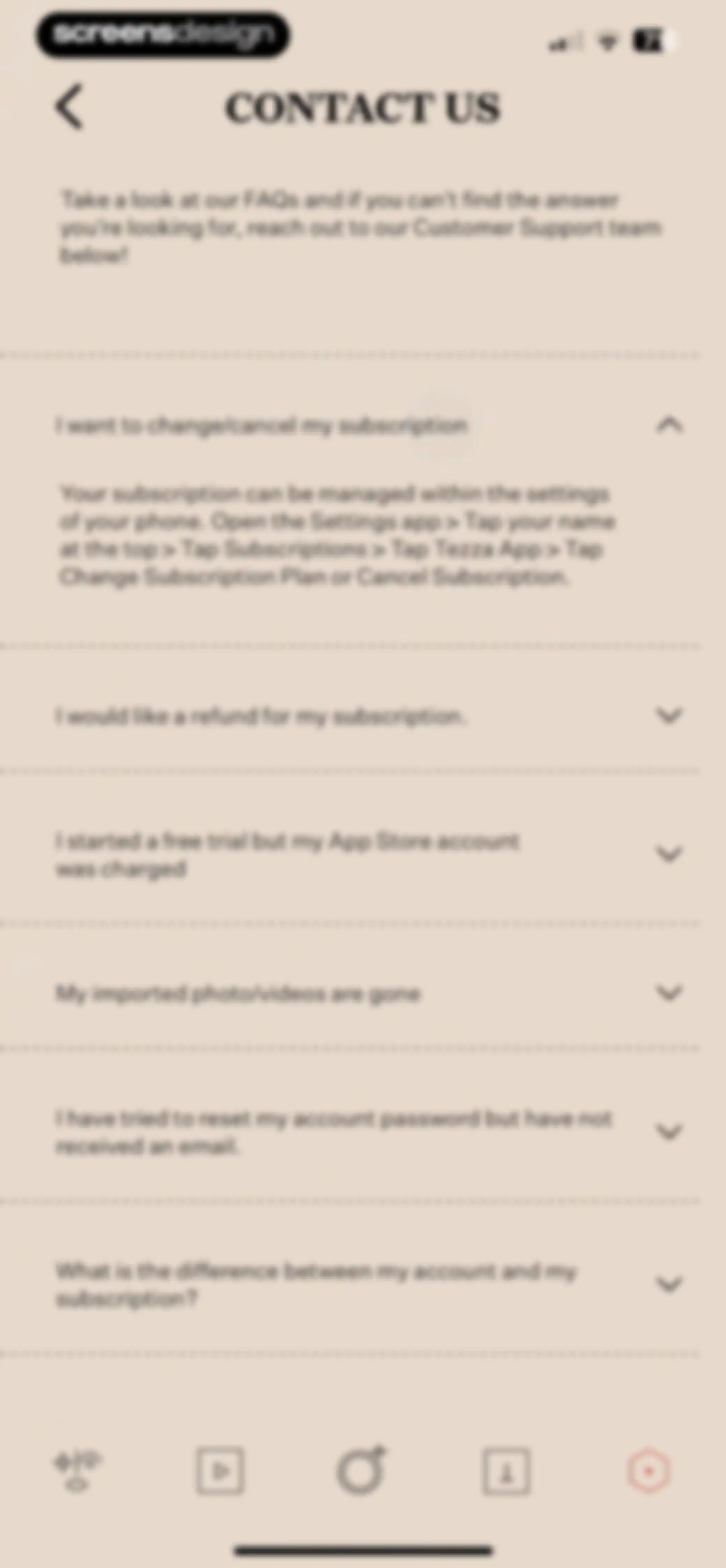
Support screen with an expandable FAQ list, showing instructions for changing or canceling a subscription in the first expanded item.Unlock Pro
Customer support screen with an error modal stating Unable to send an email and an OK button.Unlock Pro
Support settings screen displaying a centered email error modal with an OK button over a list of support options.Unlock Pro
Share sheet for the Tezza app featuring a horizontal row of sharing apps and a vertical list of system actions.Unlock Pro
Tezza app settings screen displaying preferences including editor theme, photo library access, preferred language, and an option to delete account.Unlock Pro
Tezza account settings screen with email and name input fields, a Save button, and a Log Out link.Unlock Pro
Tezza Pro subscription paywall displaying plan benefits, a $6.99/Month price, and a Current Plan button at the bottom.Unlock Pro
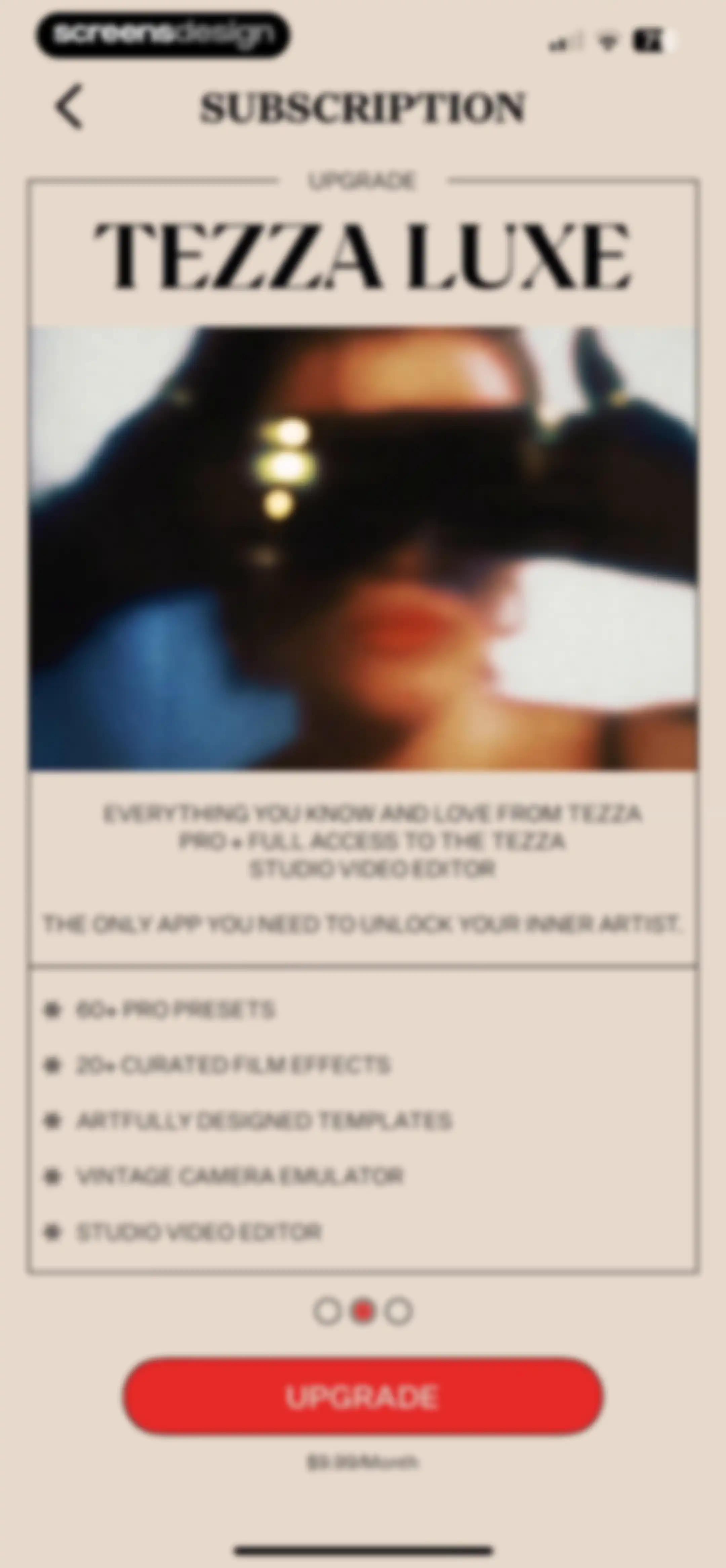
Tezza paywall screen displaying the Tezza Luxe plan at $9.99 per month, with a feature list, hero image card, and an Upgrade button.Unlock Pro
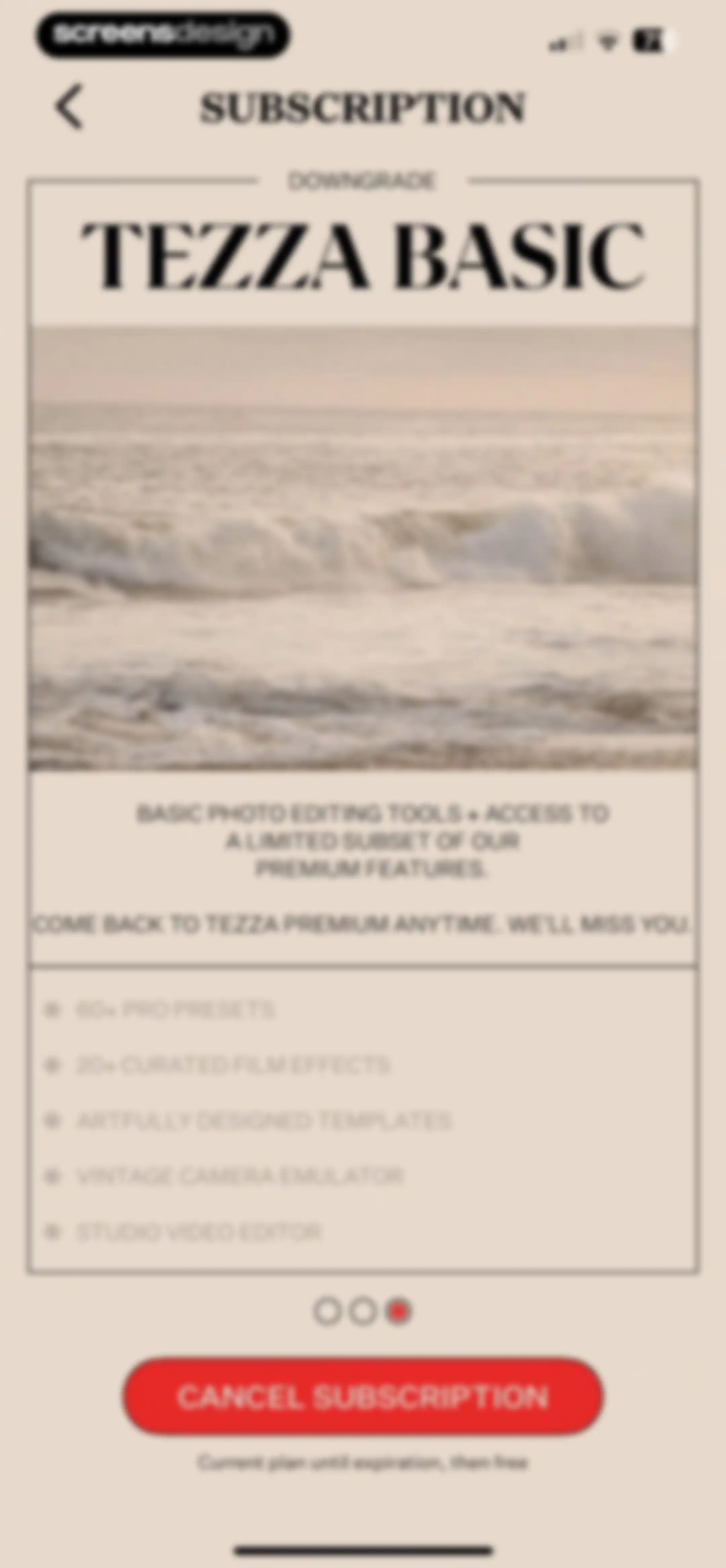
Tezza subscription settings screen displaying the Basic plan details and a red Cancel Subscription button.Unlock Pro

About Tezza: Aesthetic Photo Editor

A comprehensive photo and video editing suite offering curated presets, vintage-inspired effects, templates, and a visual feed planner for creators.

Explore Tezza: Aesthetic Photo Editor across ScreensDesign

Apps similar to Tezza: Aesthetic Photo Editor

Unlock all similar apps

See every comparable app, revenue, installs, and flows.

Unlock Pro
  • MOLDIV Photo Editor, Collage

    4.7
    JellyBus Inc.Revenue$10kInstalls5k
  • Uplens: Photo & Video Editor

    4.9
    MPGamesRevenue$200kInstalls45k
  • Video Maker & Editor: Dizzi AI

    4.7
    IRONTECH LIMITEDRevenue$<5kInstalls<5k
  • Prequel: Photo & Video Editor

    4.7
    Prequel Inc.Revenue$2MInstalls750k
  • A Color Story: Photo Editor

    4.8
    A Color Story LLCRevenue$65kInstalls7k
  • Colourtone: Photo Editor

    4.3
    Bonnie CurtisRevenue$35kInstalls<5k
  • Temply: AI Video & Reels Maker

    4.8
    Popixels Ltd.Revenue$100kInstalls<5k
  • Muse: Reels Video Editor

    4.7
    BigrowthRevenue$950kInstalls450k
  • PhotoGrid: Video Collage Maker

    4.9
    JUPITER PALACE PTE. LTD.Revenue$600kInstalls150k
  • VLLO- Video Editor, Vlog Edits

    4.8
    vimosoftRevenue$350kInstalls50k
  • Mojo: AI Video & Reels Editor

    4.9
    Archery Inc.Revenue$300kInstalls30k
  • Presets for Lightroom - FLTR

    4.8
    Onelight Apps CY LtdRevenue$90kInstalls35k
  • Funimate Video & Motion Editor

    4.7
    Pixery Bilgi TeknolojileriRevenue$45kInstalls15k
  • Collageable: Photo Pic Collage

    4.8
    IRONTECH LIMITEDRevenue$350kInstalls100k
  • Filto: AI Photo & Video Editor

    4.7
    Pinso, Inc.Revenue$<5kInstalls<5k
  • AI Video Editor - VidMa Cut AI

    4.6
    Atlasv Global Pte. Ltd.Revenue$55kInstalls70k
  • Canva AI Photo & Video Editor

    4.9
    CanvaRevenue$34MInstalls5.3M
  • Filmora HD-Video Editor&Maker

    4.7
    Shenzhen Wondershare Software Co., LtdRevenue$60kInstalls6k
  • Photo Lab — AI Image Editor

    4.7
    Linerock Investments LTDRevenue$200kInstalls85k
  • Beauty Editor: Edit Face, Body

    4.5
    MS. Face Editor Tune Beauty Camera Plus Selfie Makeup CamRevenue$<5kInstalls<5k
  • Afterlight: Film Photo Editor

    4.7
    Afterlight Collective, IncRevenue$15kInstalls<5k
  • Bazaart AI Photo Editor Design

    4.8
    Bazaart Ltd.Revenue$500kInstalls75k
  • Woola-AI photo intelligent

    4.6
    Beijing Tiger Creative Technology Co., LtdRevenue$45kInstalls50k
  • VSCO: Photo & Video Editor

    4.7
    Visual Supply CompanyRevenue$2.3MInstalls400k
  • Photoshop Express Photo Editor

    4.7
    Adobe Inc.Revenue$1MInstalls250k
  • MakeupPlus- AI Portrait

    4.6
    MeituEve International LimitedRevenue$65kInstalls5k
  • InstaSize: AI Photo Editor

    4.7
    Instasize Inc.Revenue$650kInstalls65k
  • Rizo: AI Viral Video Generator

    4.7
    SEAMOBI TECH PTE LTDRevenue$<5kInstalls<5k
  • Meitu AI Photo & Video Editor

    4.8
    Xiamen Meitu Technology Co., Ltd.Revenue$15MInstalls3M
  • FaceApp: Perfect Face Editor

    4.7
    FaceApp Technology LimitedRevenue$14MInstalls800k
  • Zoomerang - Ai Video Maker

    4.6
    Zoomerang, Inc.Revenue$15kInstalls5k
  • Leto: Font for Instagram Story

    4.8
    Leto.Fonts FZCORevenue$60kInstalls60k
  • intoLive - Live Wallpapers

    4.6
    ImgBase, Inc.Revenue$25kInstalls250k
  • Movavi - Video & Reels Editor

    4.7
    Movavi Emea LLCRevenue$75kInstalls<5k
  • Magisto Video Editor & Maker

    4.6
    Vimeo, Inc.Revenue$150kInstalls<5k
  • Templify・Video & Reel Maker

    4.8
    Templify Media, Inc.Revenue$250kInstalls25k
  • Layout for Instagram: Collage

    4.8
    Shamble, Inc.Revenue$40kInstalls70k
  • Vidy: AI Video Maker & Editor

    3.3
    AI GeneratorRevenue$35kInstalls12k
  • Pecra: G7X Digital Camera

    4.3
    PECRAS Technologies Inc.Revenue$30kInstalls30k
  • VivaCut - AI Video Editor

    4.5
    Hangzhou Quwei Technology Co., LtdRevenue$40kInstalls55k
  • Ulike - Define trendy selfie

    4.7
    Bytedance Pte. LtdRevenue$100kInstalls70k
  • MIX-Photo Editor & Filters

    4.7
    灏 徐Revenue$45kInstalls80k
  • Dazz Cam - Vintage Camera

    4.8
    DAZZ PTE. LTD.Revenue$850kInstalls2.3M
  • B612 AI Photo&Video Editor

    4.6
    SNOW CorporationRevenue$550kInstalls150k
  • Vixer: AI Video Editor & Maker

    4.7
    Popixels Ltd.Revenue$150kInstalls<5k
  • PicPlayPost: Video Editor

    4.8
    Mixcord Inc.Revenue$85kInstalls<5k
  • Splice - Video Editor & Maker

    4.6
    Bending Spoons Apps ApSRevenue$2.8MInstalls50k