Teleprompter for Video

$300k revenue, 4.9 rating

App walkthrough
0:00 / 13:15

Onboarding flow, Paywall & Inside the App

Watch the full screen-by-screen UX video of Teleprompter for Video with onboarding, paywall, and every core flow.
Splash screen for Teleprompter for Video displaying a centered app icon on a dark gradient background.
Onboarding screen titled Make better videos with a central illustration, three pagination dots, and an orange Continue button.
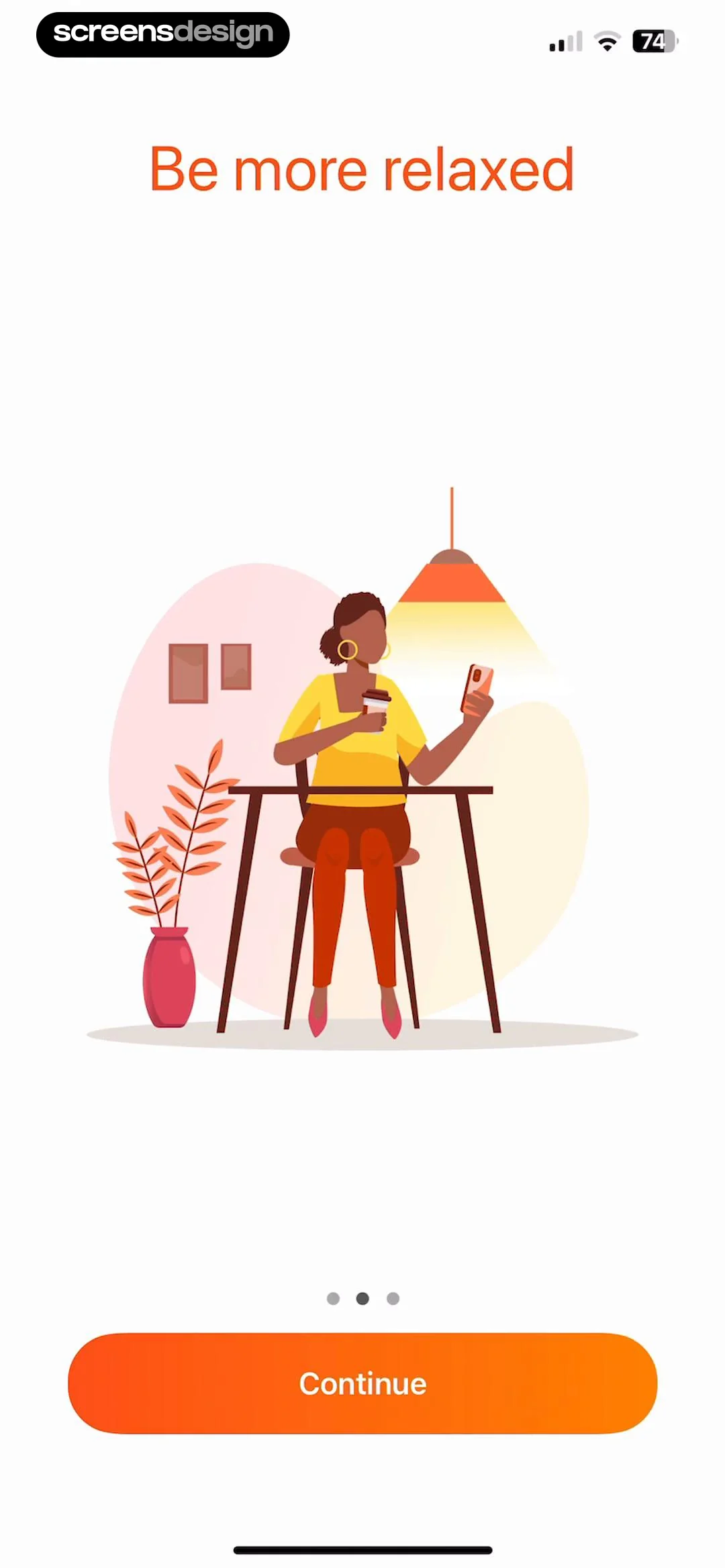
Onboarding screen titled Be more relaxed with an illustration of a relaxed person, a pagination indicator, and a Continue button.
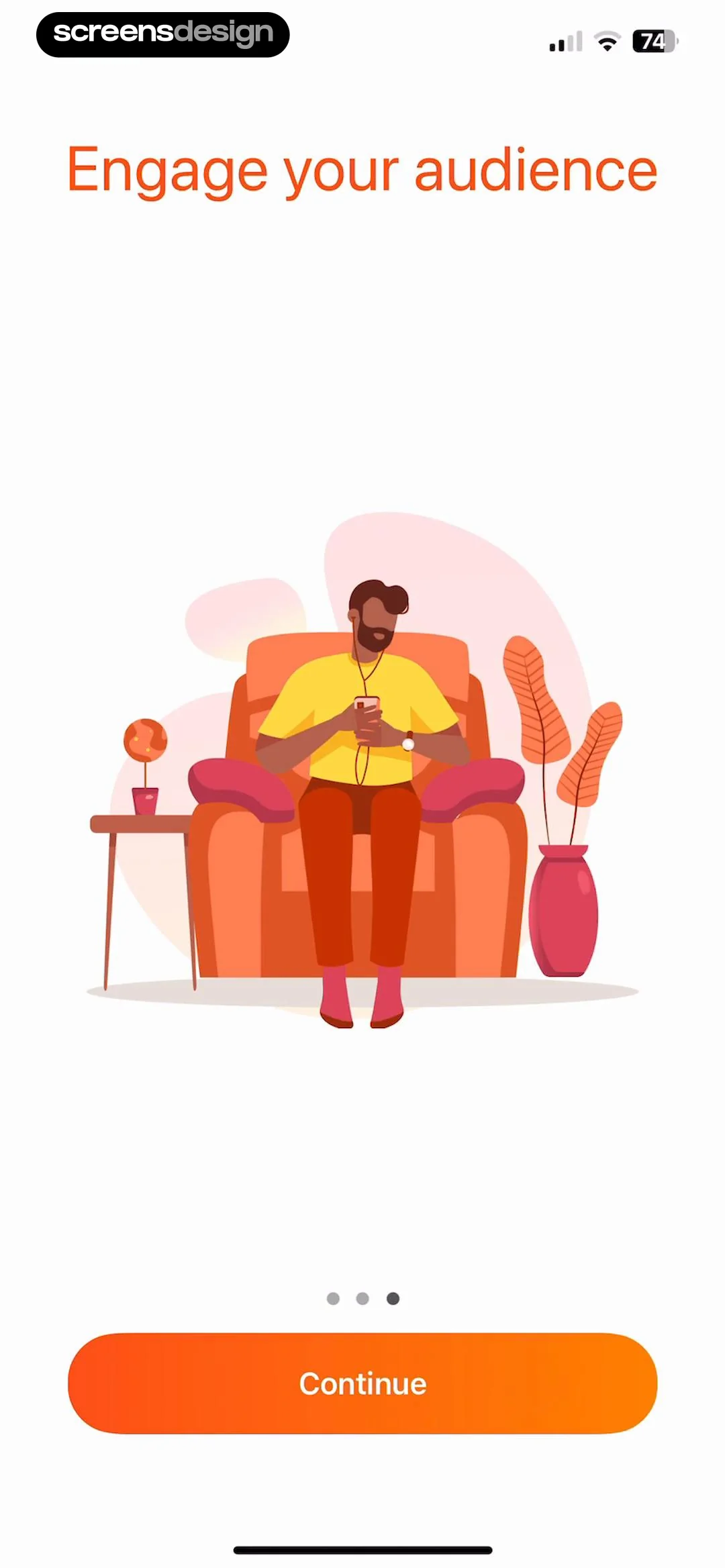
App onboarding screen featuring the headline Engage your audience, a central content creation illustration, pagination dots, and a Continue button.
Paywall screen explaining a three-day free trial and annual pricing, with a start trial button and a view all plans link.
Paywall screen comparing monthly and annual subscription plans, with the annual plan selected and a Continue button.
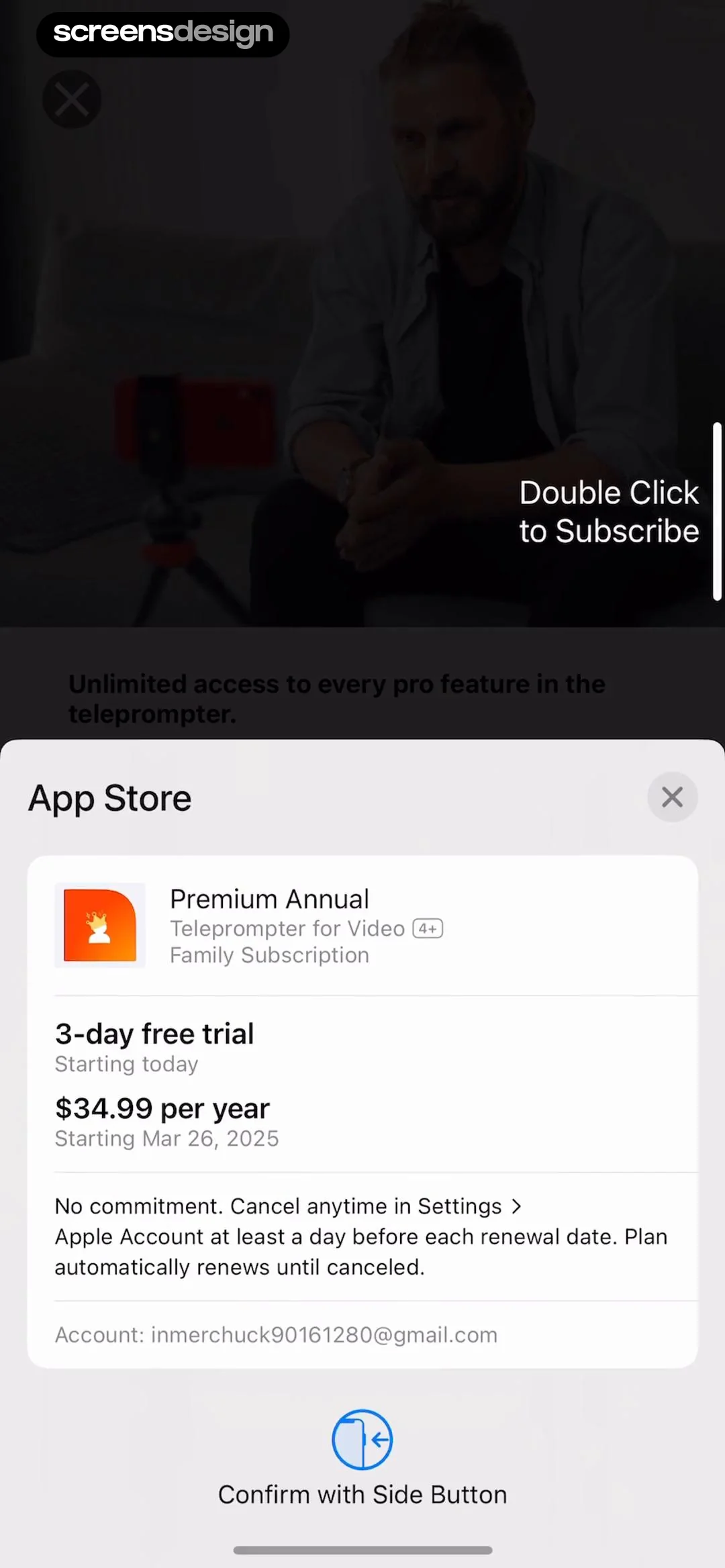
Subscription checkout modal for Teleprompter for Video showing a 3-day free trial, annual pricing, and a confirmation button.
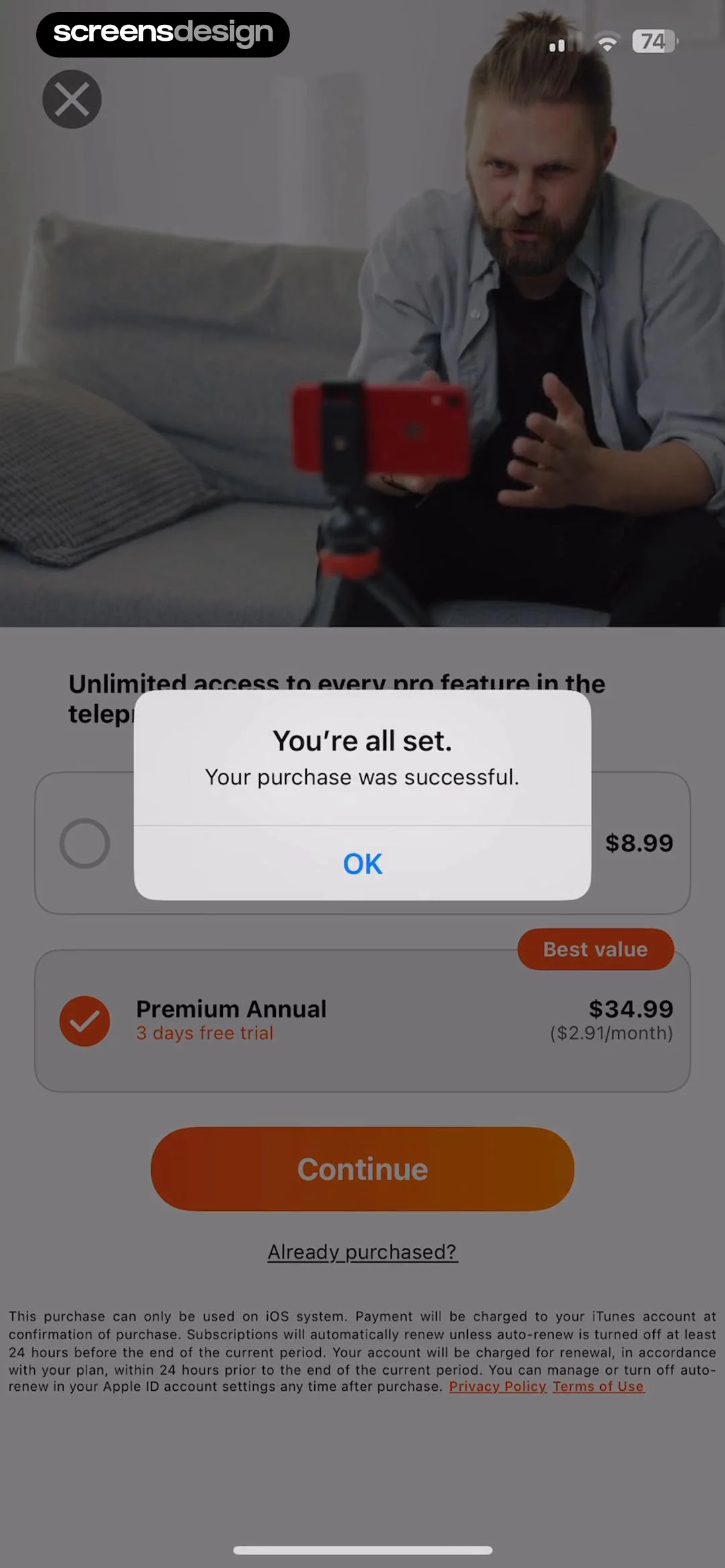
Success confirmation modal overlaid on a teleprompter app paywall, displaying a purchase successful message and an OK button.
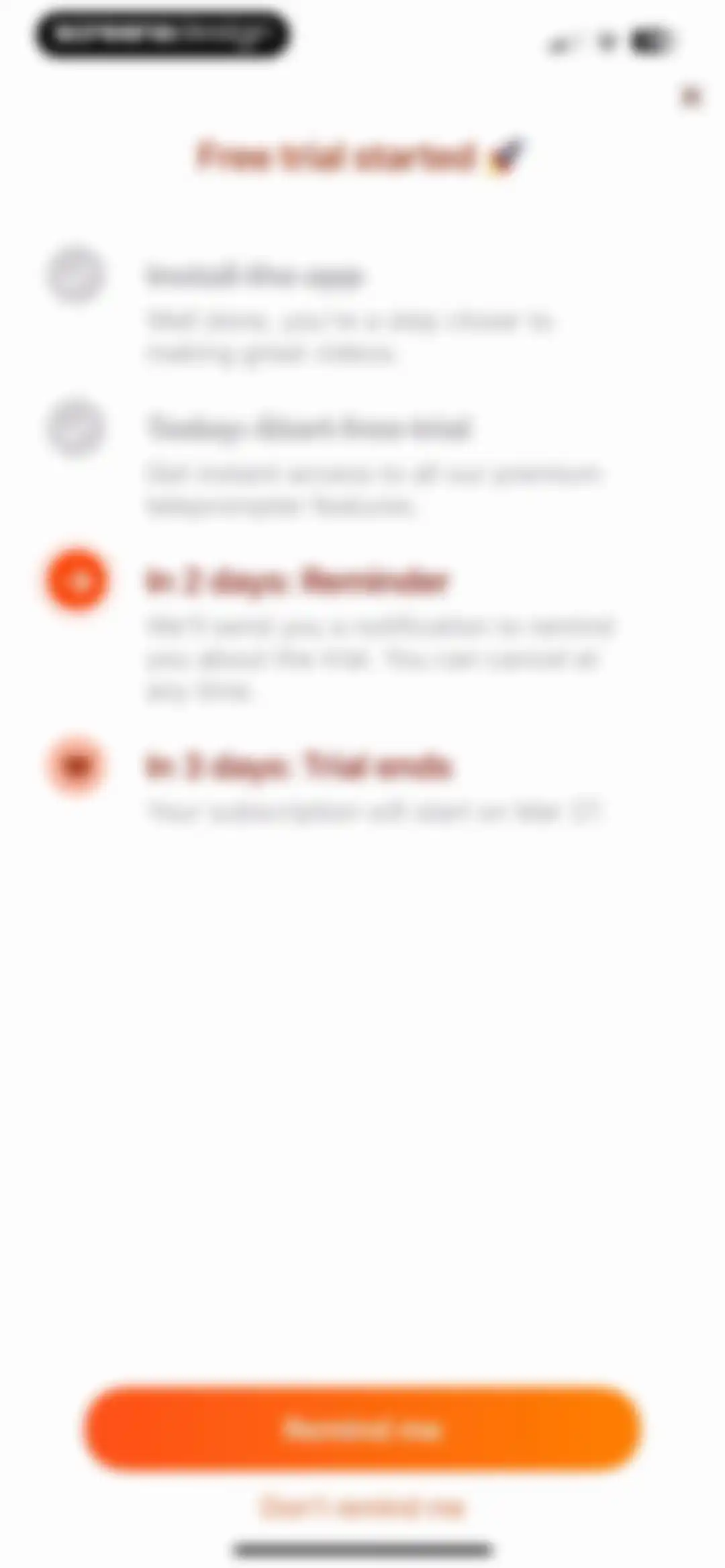
Onboarding screen displaying a free trial timeline and reminder options with a prominent Remind me button.Unlock Pro
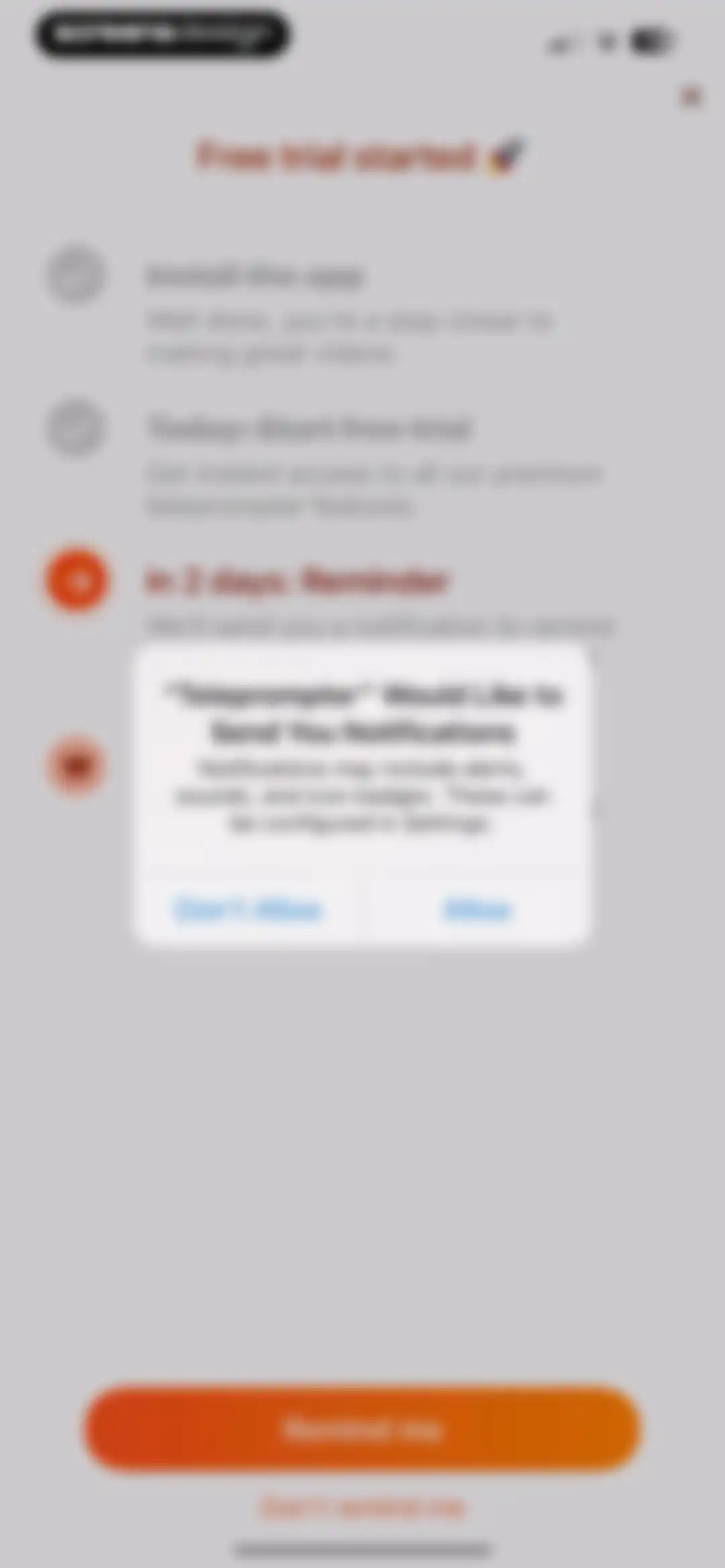
Permission request screen with a system notification modal overlaid on an onboarding checklist and a Remind me button at the bottom.Unlock Pro
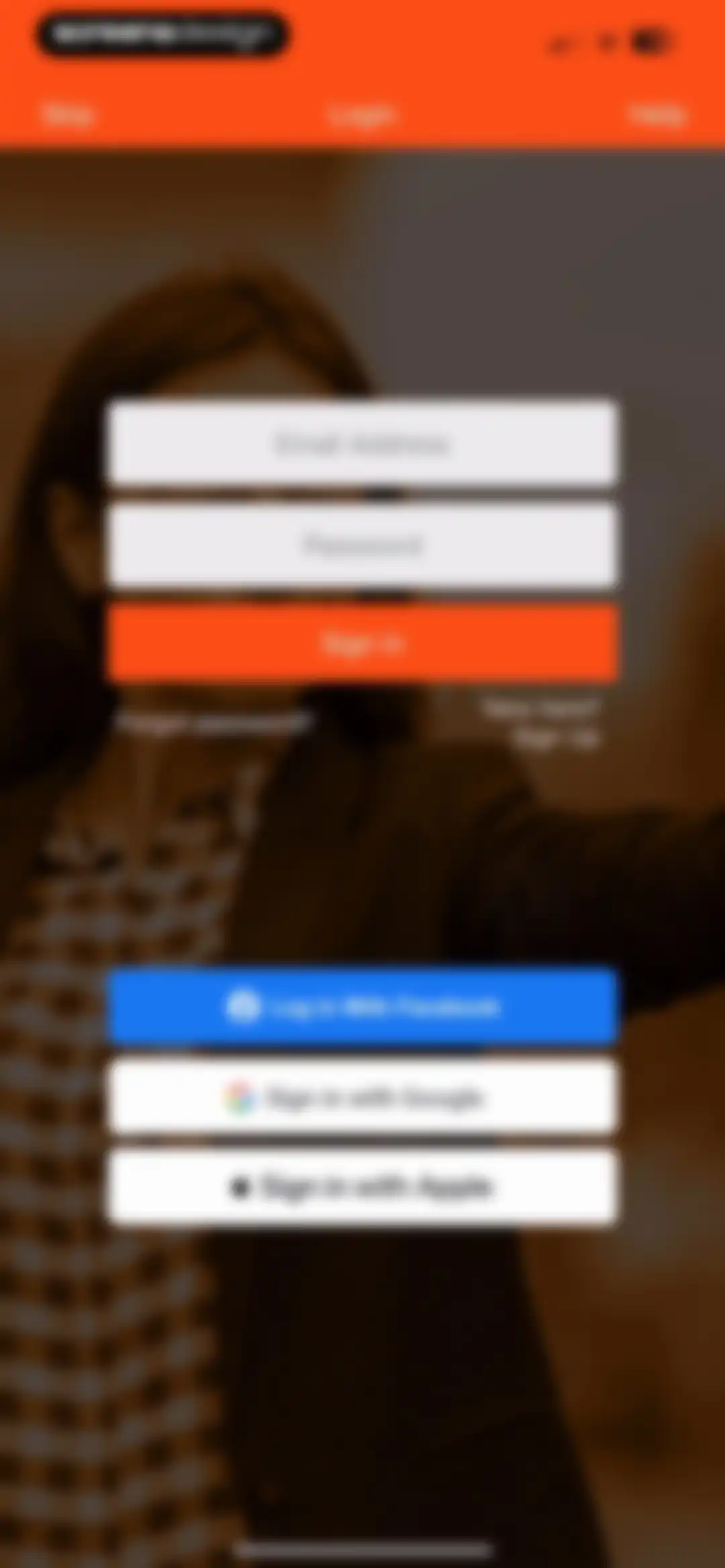
Login screen with email and password input fields, a primary sign-in button, and social login options for Facebook, Google, and Apple.Unlock Pro
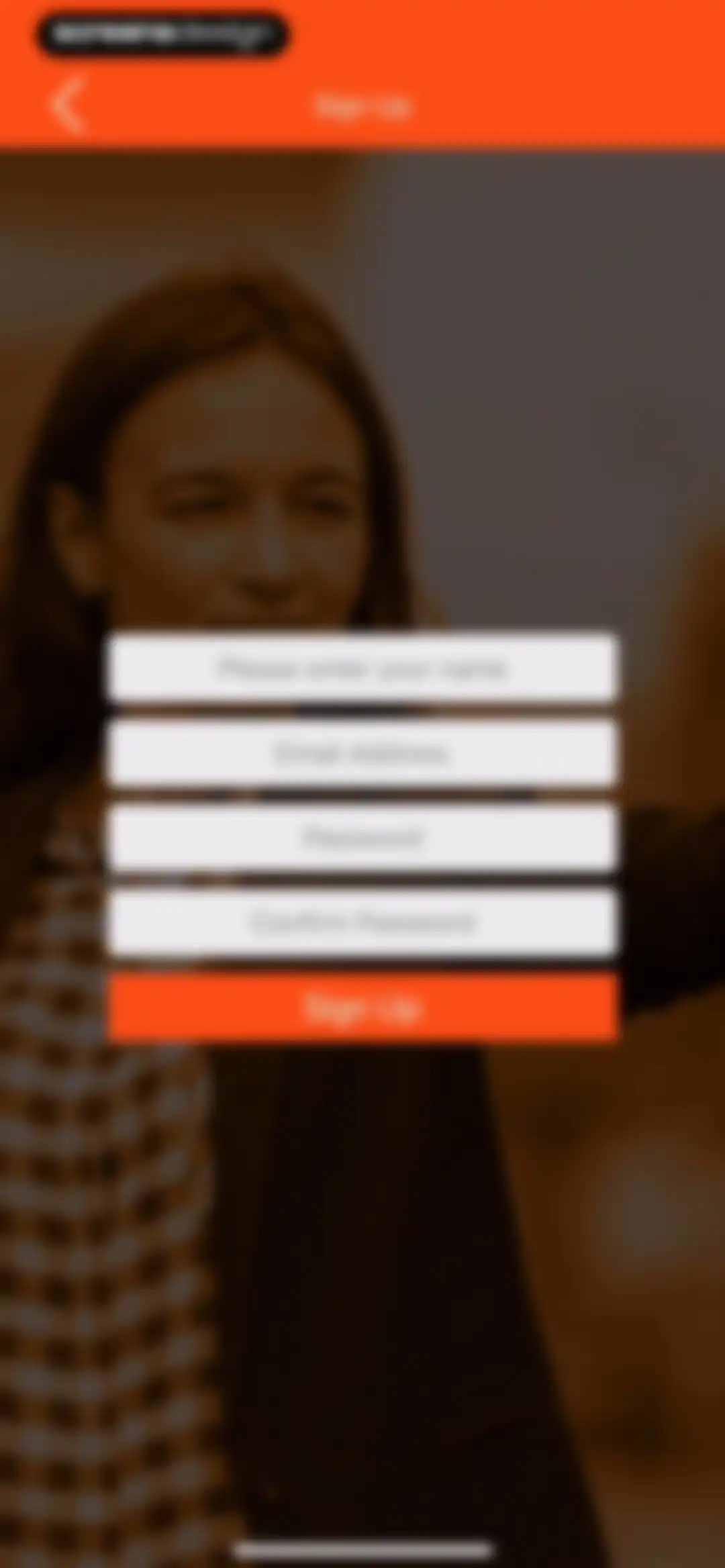
Sign-up form with four input fields for name, email, and passwords, accompanied by an orange Sign Up button.Unlock Pro
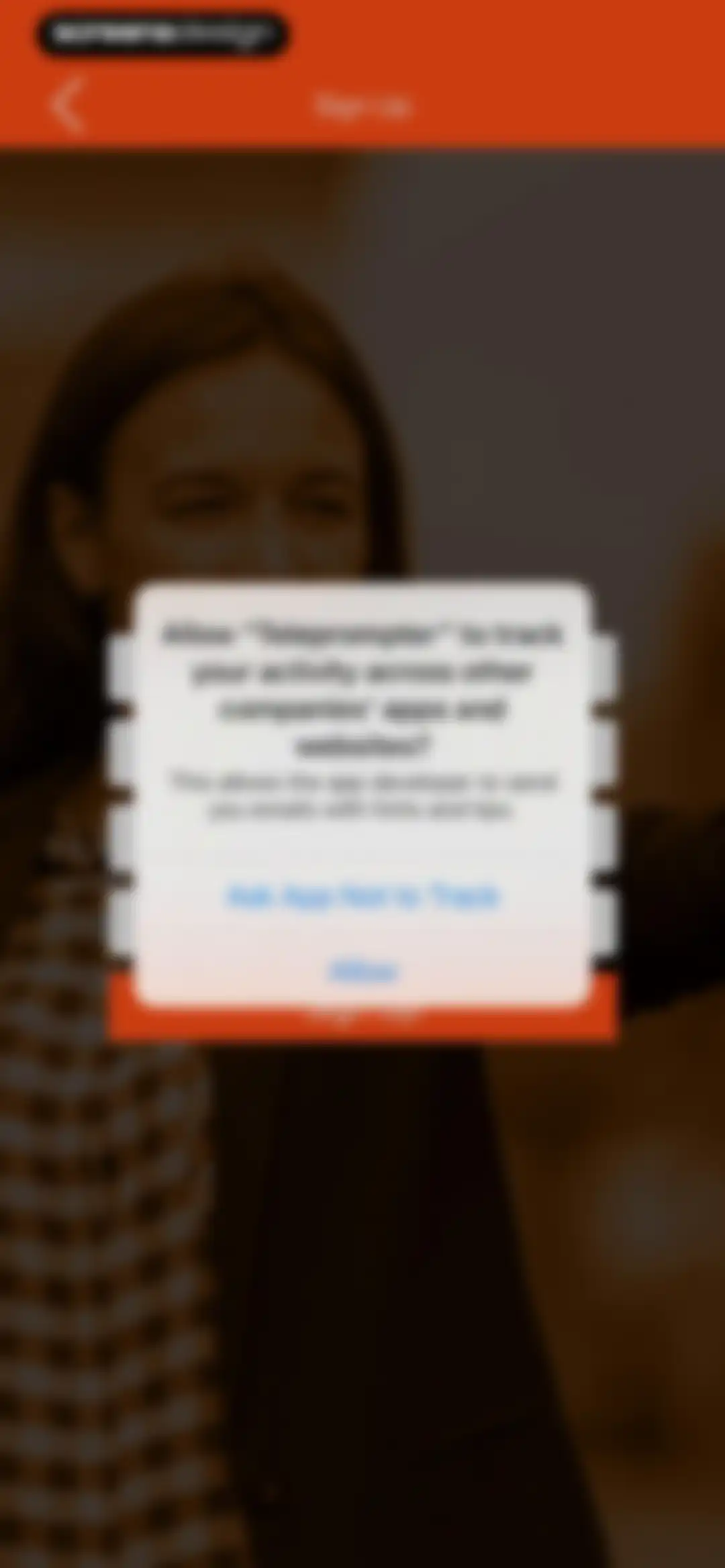
Permission request screen for the Teleprompter app displaying a system modal to allow or deny tracking across apps, with Allow and Ask App Not to Track buttons.Unlock Pro
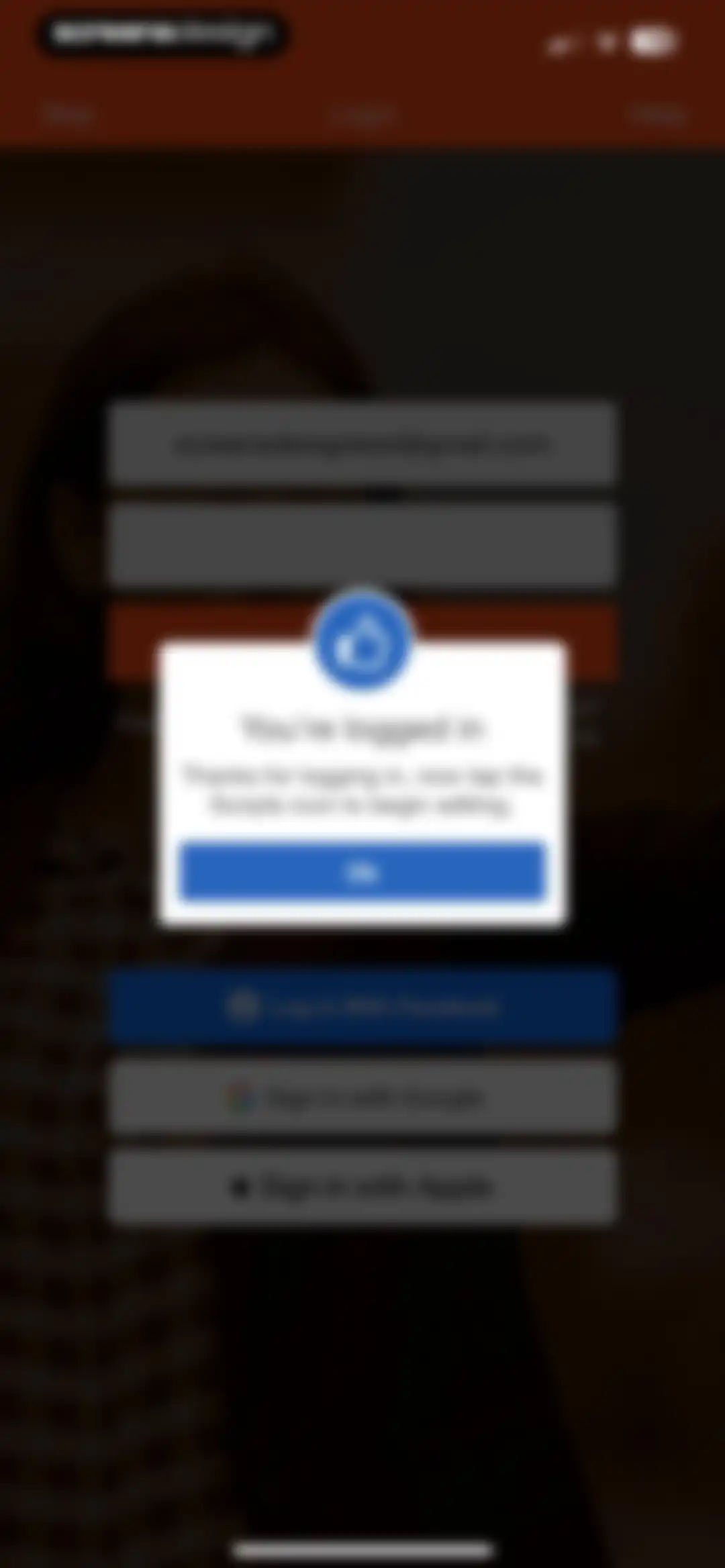
Login success modal displaying a confirmation message and an Ok button over a dark login form background.Unlock Pro
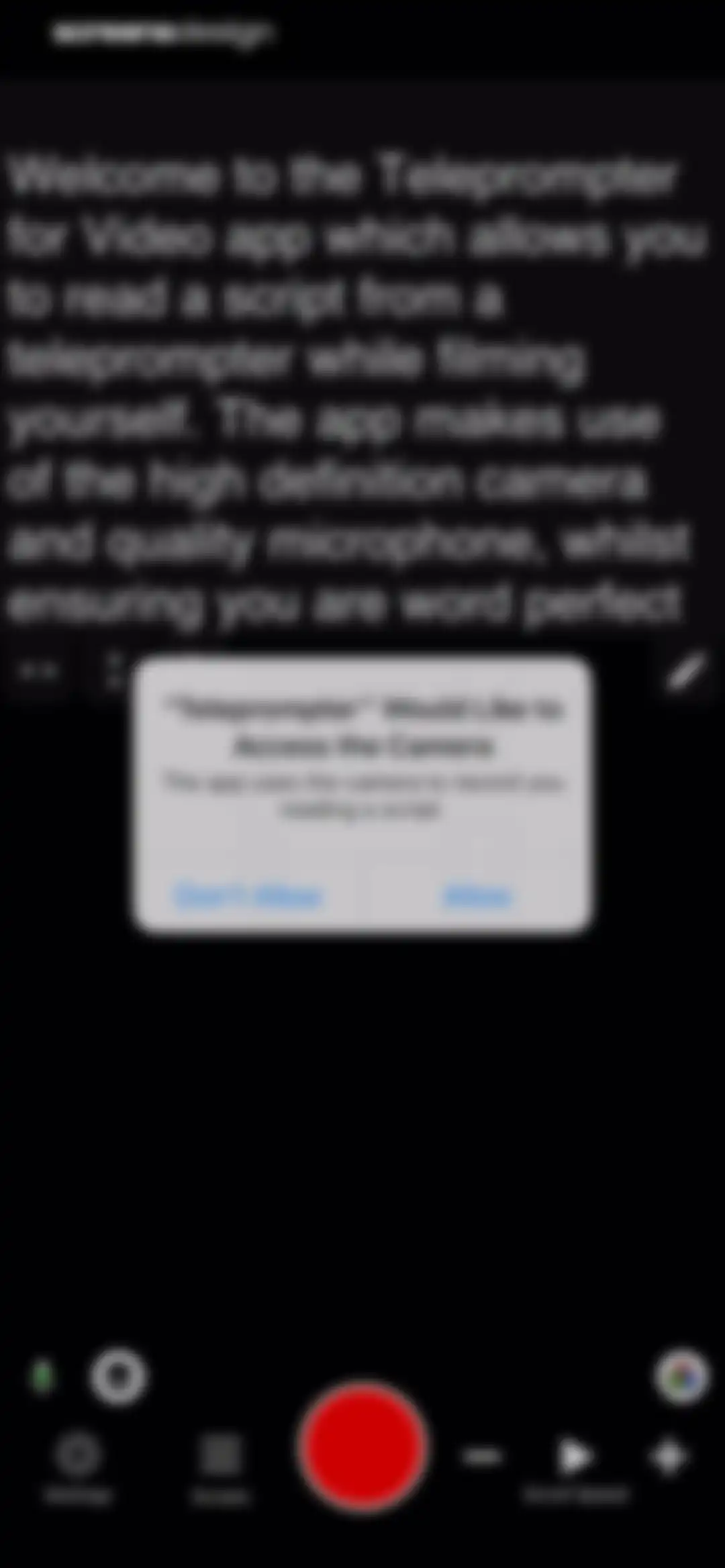
Camera permission request modal overlaid on the Teleprompter for Video app recording interface, with Allow and Don't Allow buttons.Unlock Pro
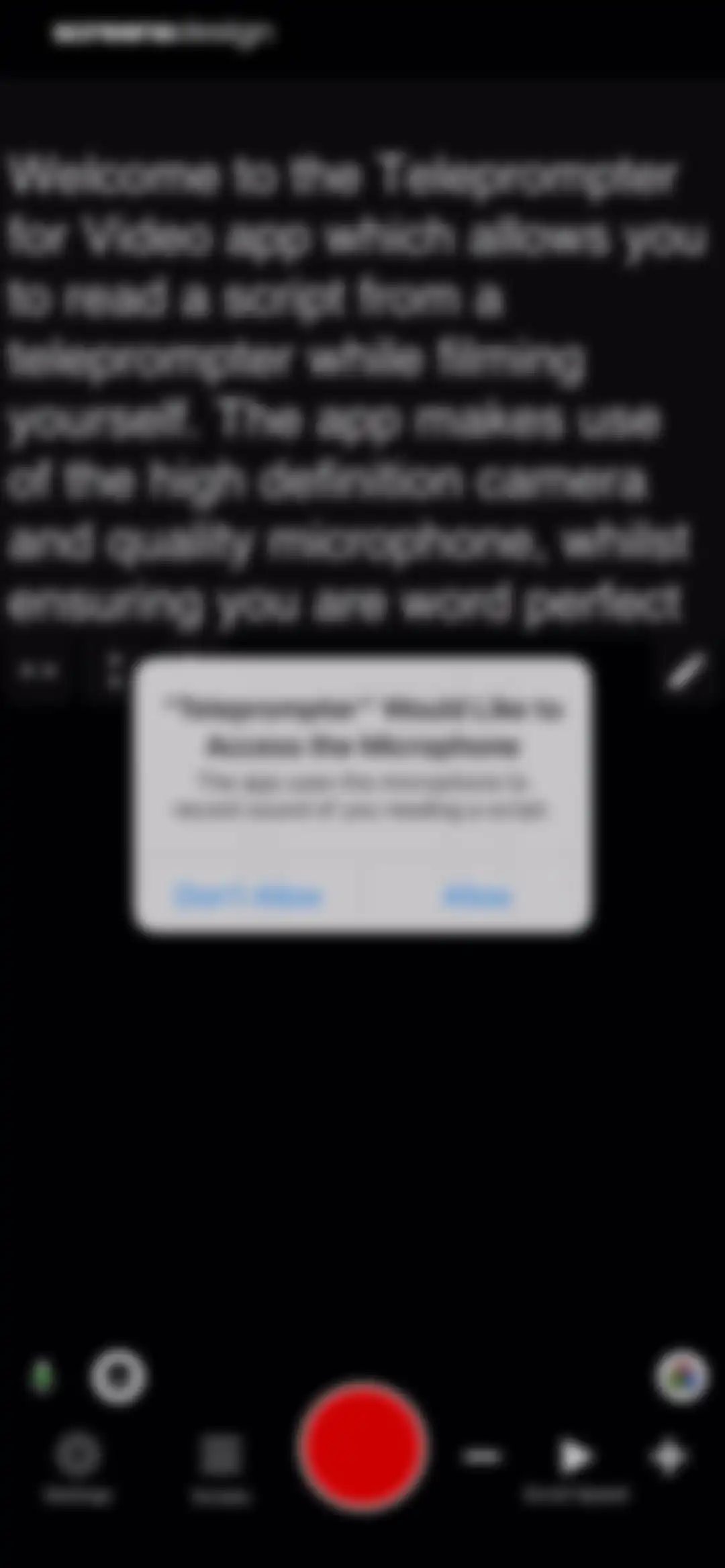
Microphone permission modal centered over a dark-themed video recording interface with recording controls and allow and don't allow buttons.Unlock Pro
Teleprompter editor screen displaying script text at the top, a formatting toolbar, and recording controls with a prominent red record button at the bottom.Unlock Pro
Text editor screen displaying an onboarding welcome message for the Teleprompter for Video app, with a Save button and an AI action button.Unlock Pro
Onboarding screen for an AI script assistant with language and video goal selection options, showing English (Philippines) pre-selected.Unlock Pro
Text editor screen displaying a drafted script with a formatting toolbar and a Save button in the top right corner.Unlock Pro
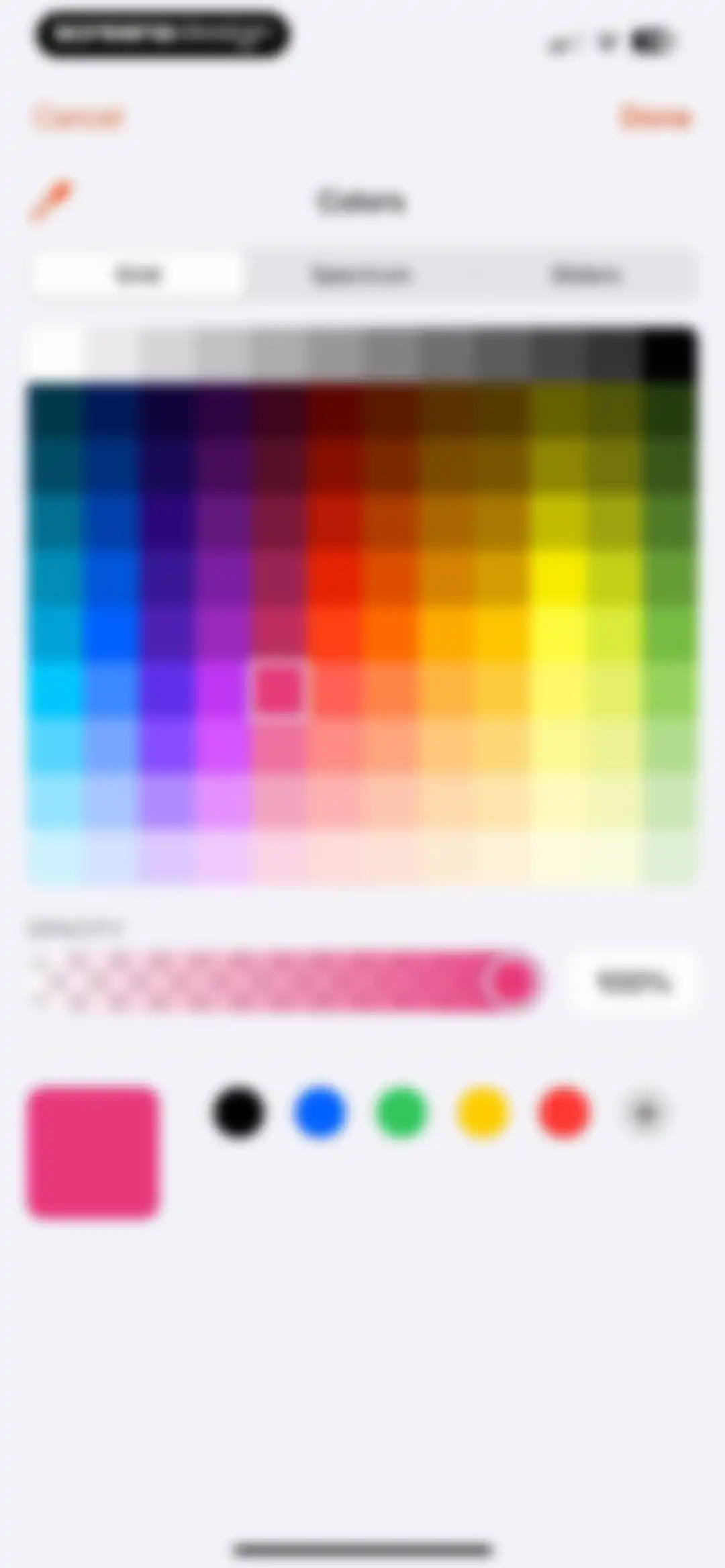
Color picker interface featuring a color grid with the Grid tab selected, an opacity slider set to 100%, preset swatches, and Cancel and Done buttons.Unlock Pro
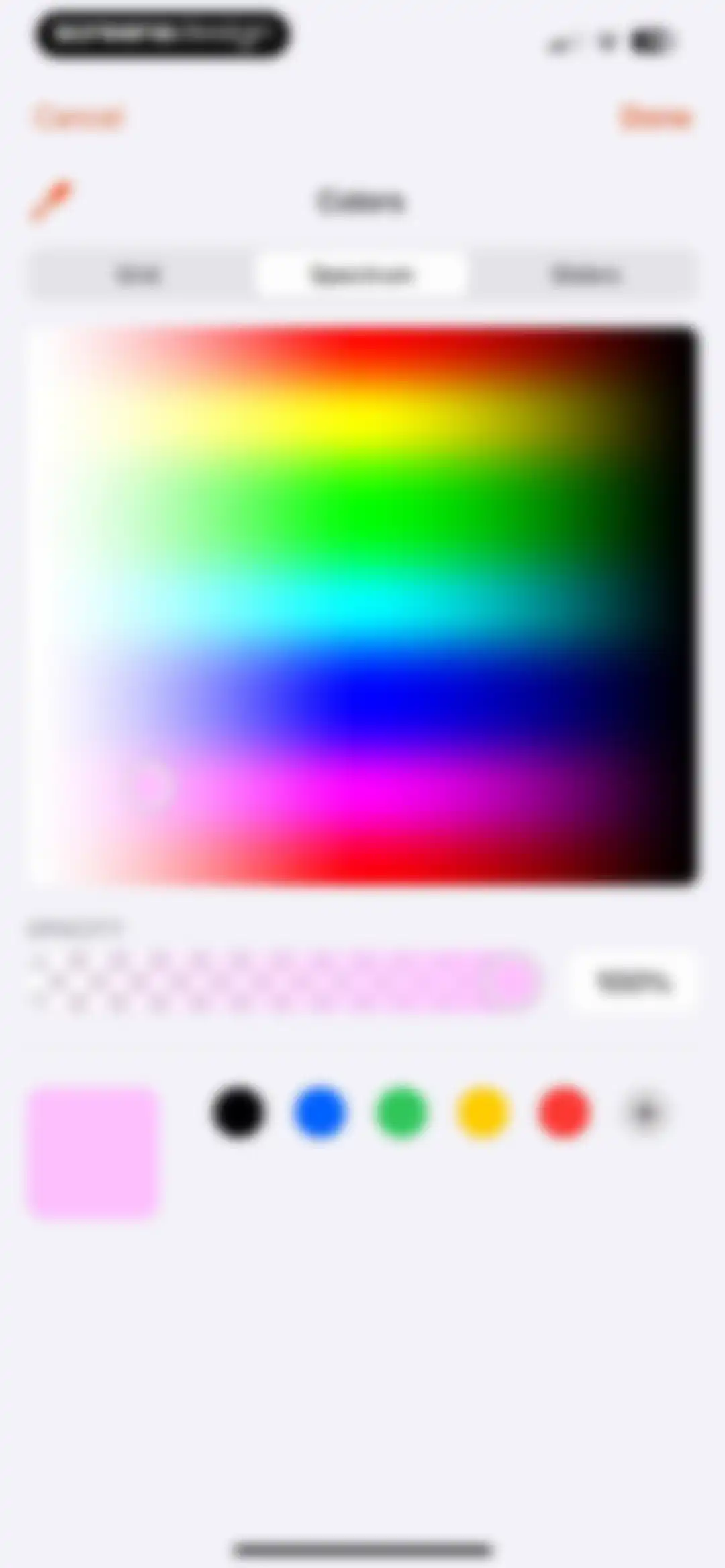
Color picker modal with the spectrum tab selected, an opacity slider set to 100%, and Cancel and Done buttons.Unlock Pro
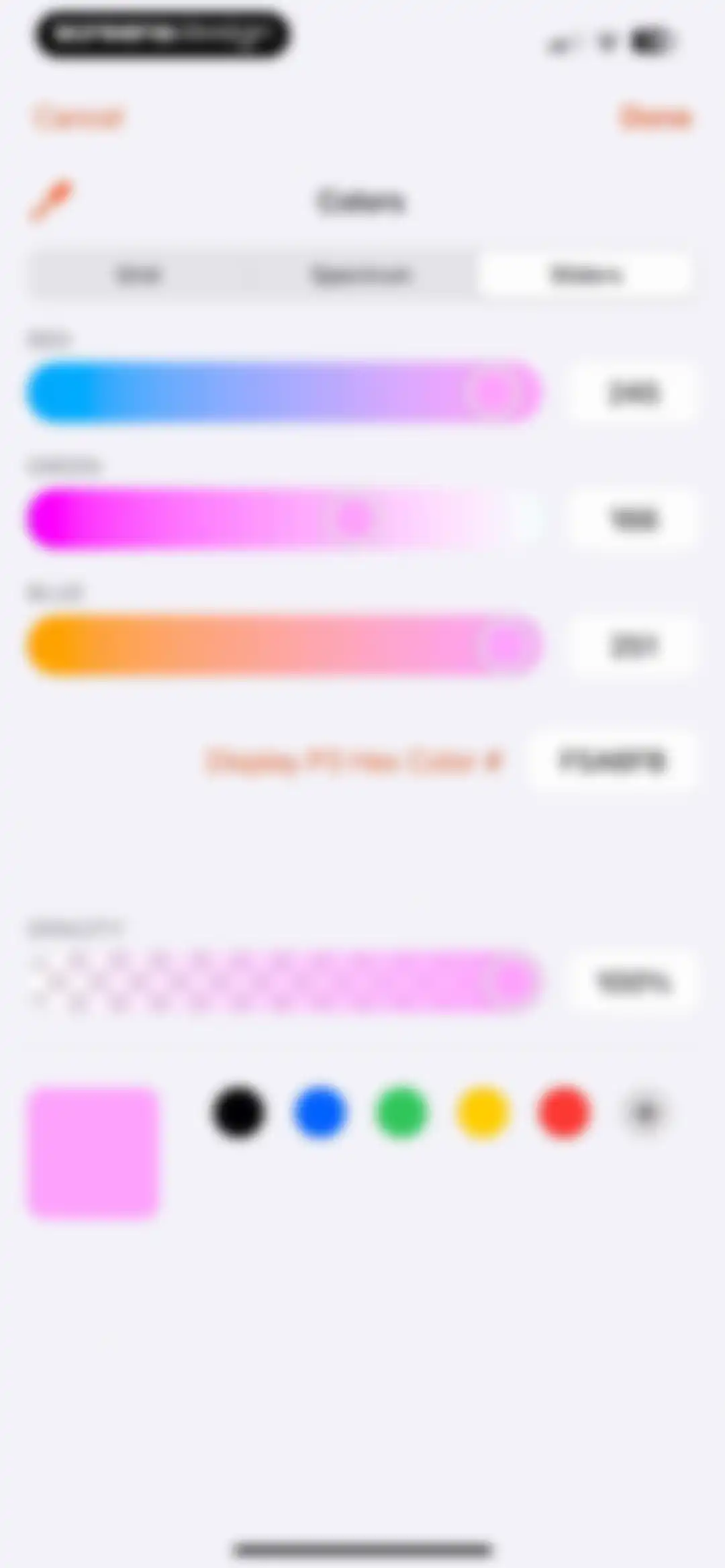
Color picker interface showing RGB adjustment sliders, a hex code display of F5A6FB, an opacity slider, and preset color circles.Unlock Pro
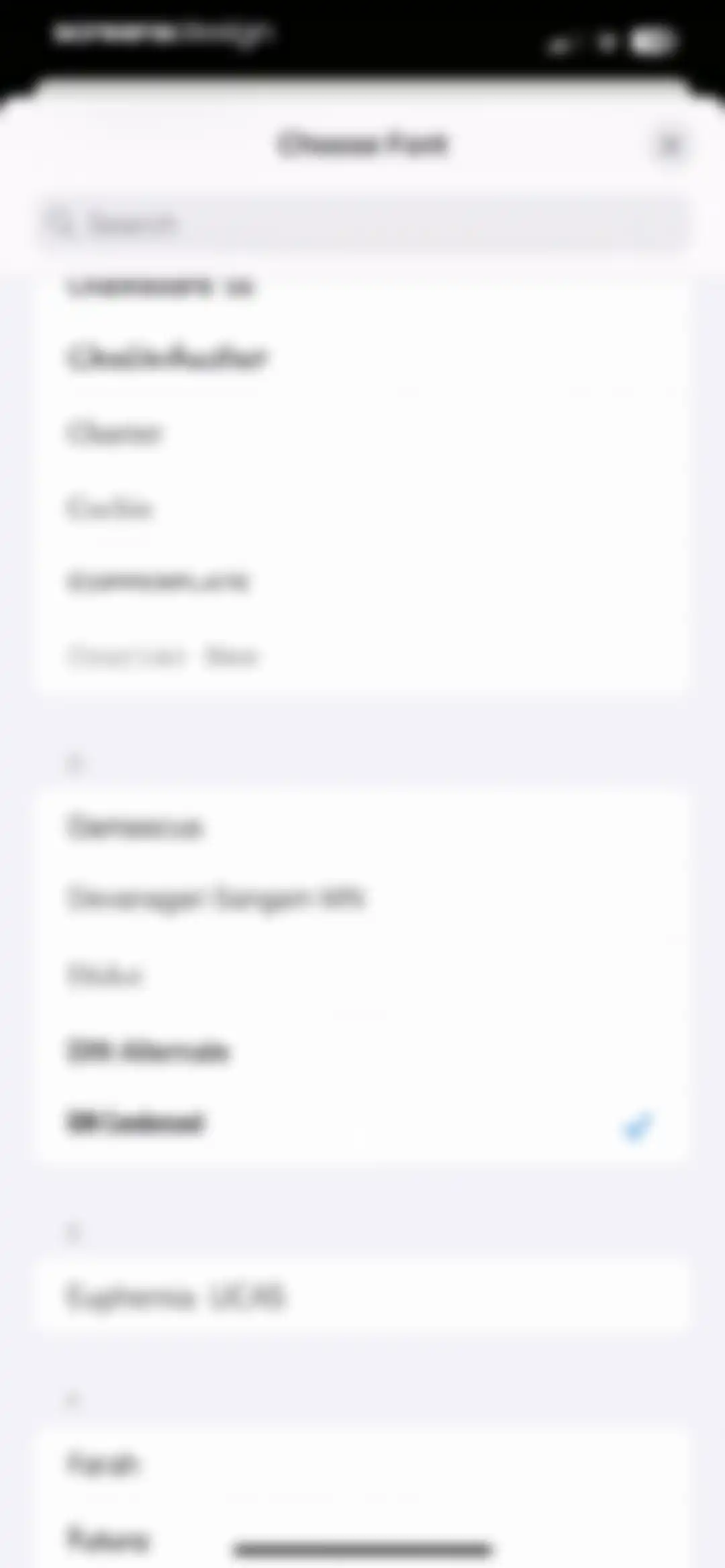
Font selection modal with a search bar and an alphabetical list of font options, with DIN Condensed selected and marked by a checkmark.Unlock Pro
Visual effect selection modal displaying a row of emoji icons and a Save button.Unlock Pro
Success modal congratulating the user for creating their first script, with an Ok button to dismiss over a text editor background.Unlock Pro
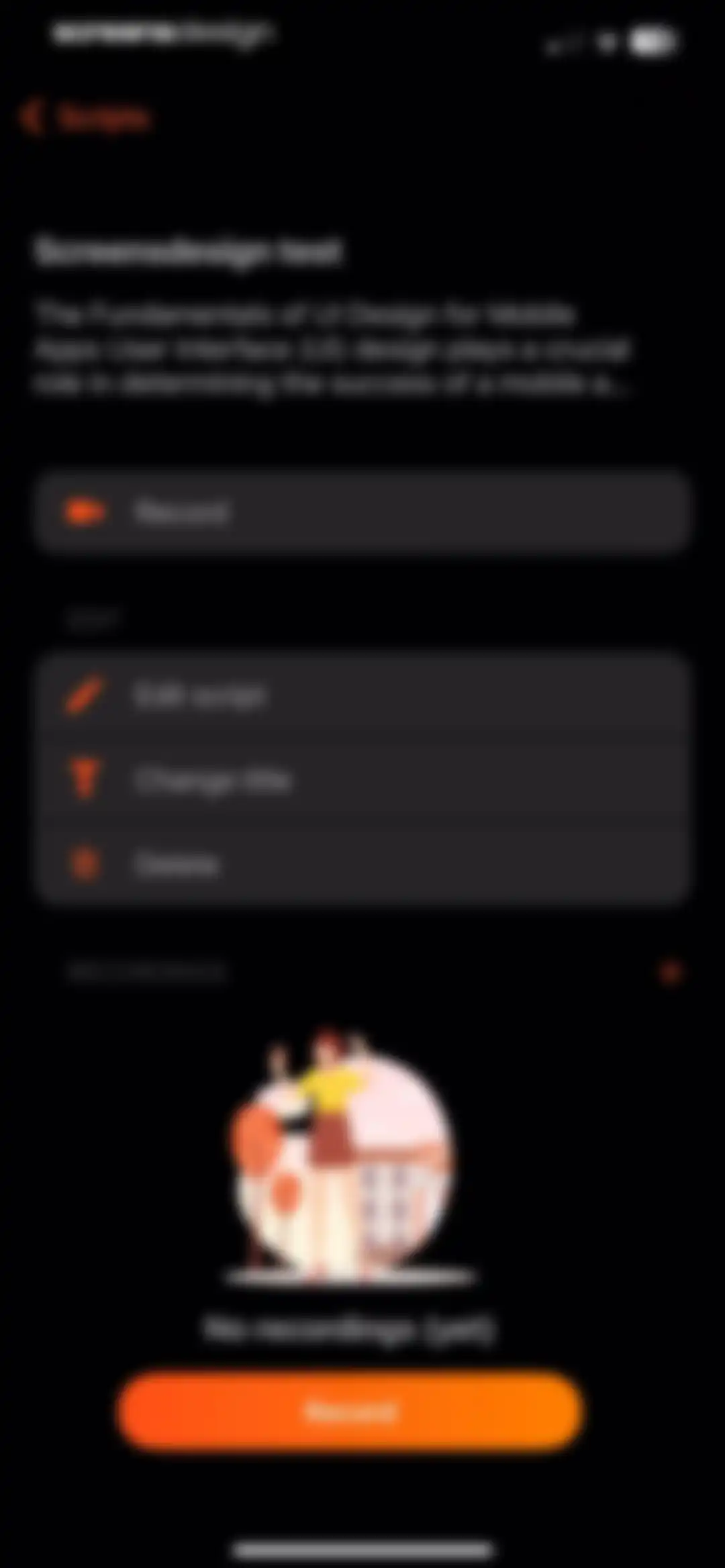
Script details dashboard showing a script preview, edit action list, an empty recordings state, and a bottom Record button.Unlock Pro
Permission request modal asking to access speech recognition, overlaid on a dark-themed teleprompter script-reading interface with Allow and Don't Allow buttons.Unlock Pro
Teleprompter recording screen with script display, a central camera viewfinder, a red record button, and a status banner indicating voice-controlled scrolling is enabled.Unlock Pro
Teleprompter editor showing a script display area with a highlighted focus box and a bottom control bar featuring stop, rotate, and scroll speed buttons.Unlock Pro
Teleprompter editor displaying a script at the top and a control panel with a record button and scroll speed settings at the bottom.Unlock Pro
Video editor filter screen featuring a dark preview area, active Portrait mode toggle, Coconut filter selection in a carousel, and a confirm button.Unlock Pro
Video editing adjustment screen with a Portrait mode button, a slider at 0.06, and bottom tabs for brightness, contrast, tint, vibrance, and curves.Unlock Pro
Video editing curves tool screen with a central interactive color graph, a white color channel selected, and a bottom tool navigation bar.Unlock Pro
Teleprompter recording interface displaying script text, a central countdown number four, and a bottom control bar with a red record button.Unlock Pro
Teleprompter recording screen displaying script text, a timer at 00:06, and a bottom control panel with stop, audio, and scroll speed buttons.Unlock Pro
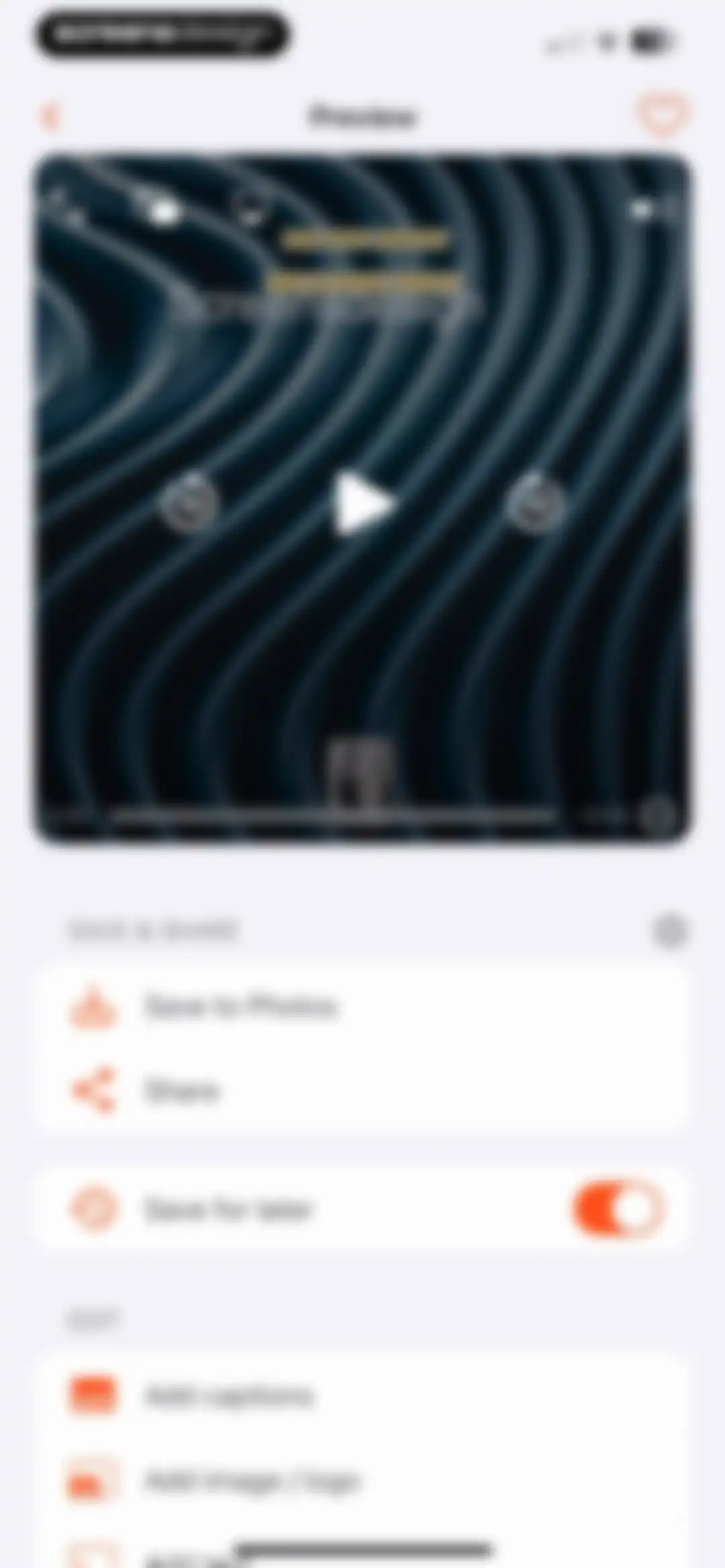
Video editor preview screen with a large preview area and grouped options for save, share, and editing tools.Unlock Pro
Video editor screen displaying a preview and export format menu, with save, share, and edit options.Unlock Pro
Video player overlay with central play and seek controls, top utility buttons, and a progress bar showing elapsed and remaining time.Unlock Pro
Video preview screen featuring save and share options alongside editing tools such as captions and text overlays.Unlock Pro
Video preview screen featuring a central video player with an AirPlay modal overlay, action buttons for saving and sharing, and an edit section.Unlock Pro
System permission modal requesting photo library access, overlaying a video preview dashboard with options to allow full access, limit access, or deny.Unlock Pro
Video preview screen with a success modal confirming the video has been saved, alongside save, share, and editing options.Unlock Pro
Video preview screen featuring a positive feedback modal with a Thanks button and action lists for saving, sharing, and editing the recording.Unlock Pro
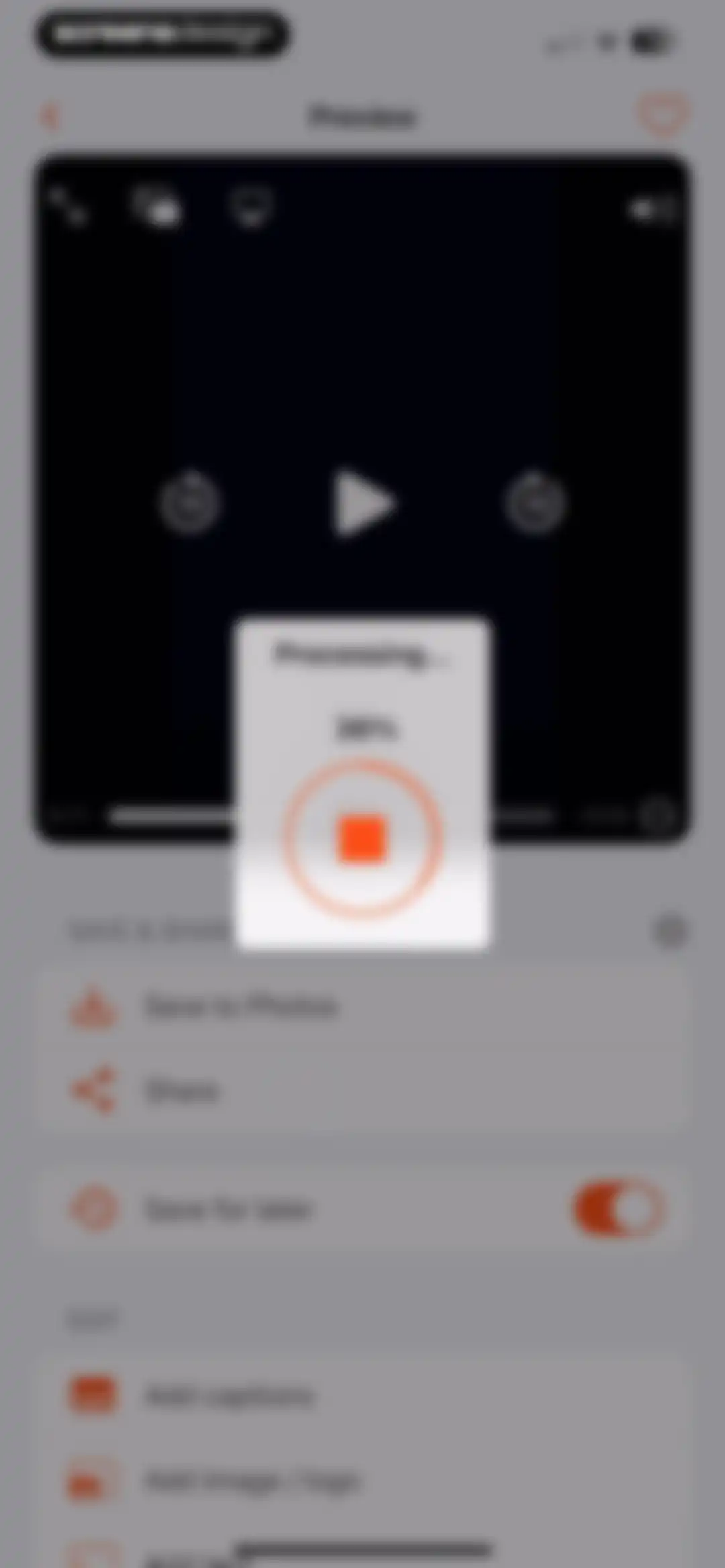
Video editor preview screen showing a processing modal at thirty-six percent with a stop button, alongside save and edit options.Unlock Pro
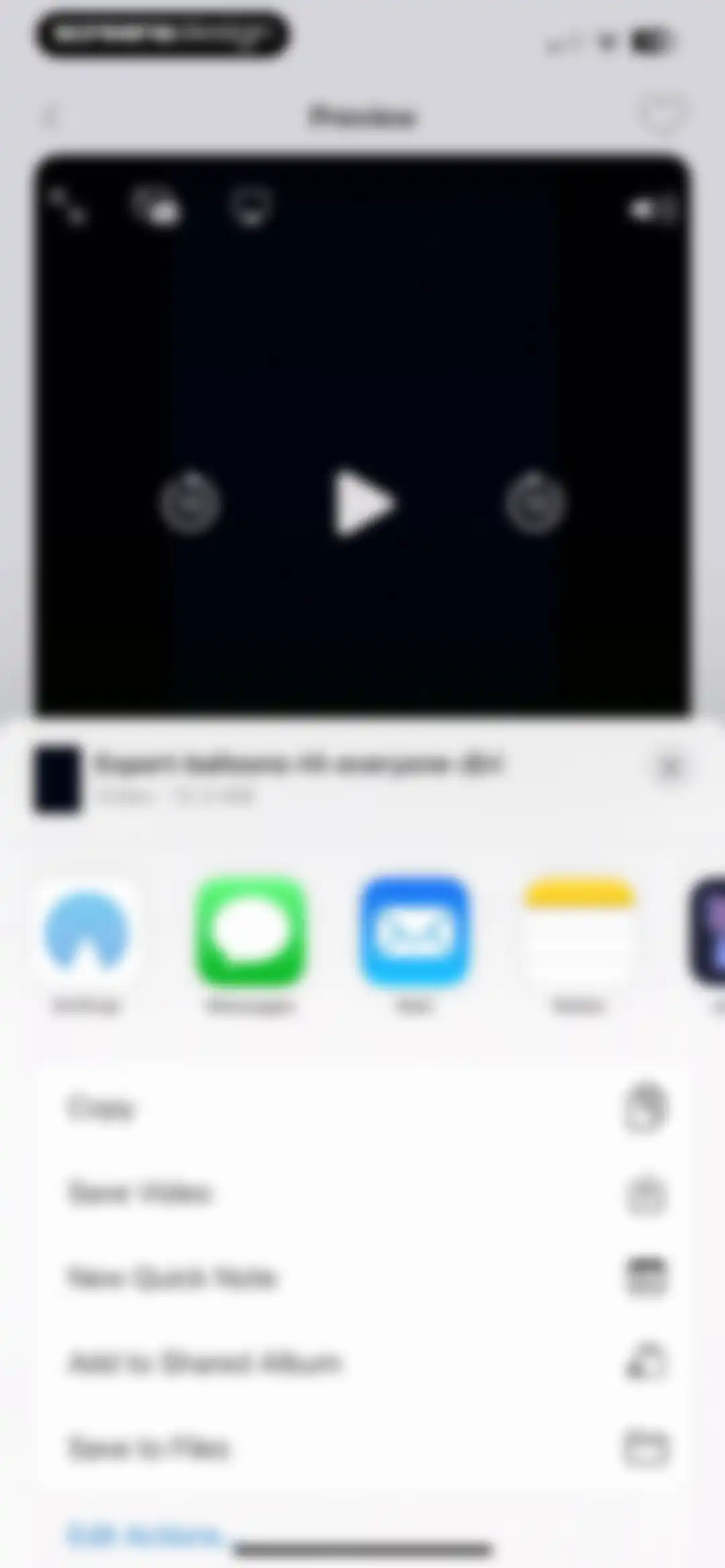
Video preview screen displaying an iOS share sheet modal overlay with app sharing options and a Save Video action.Unlock Pro
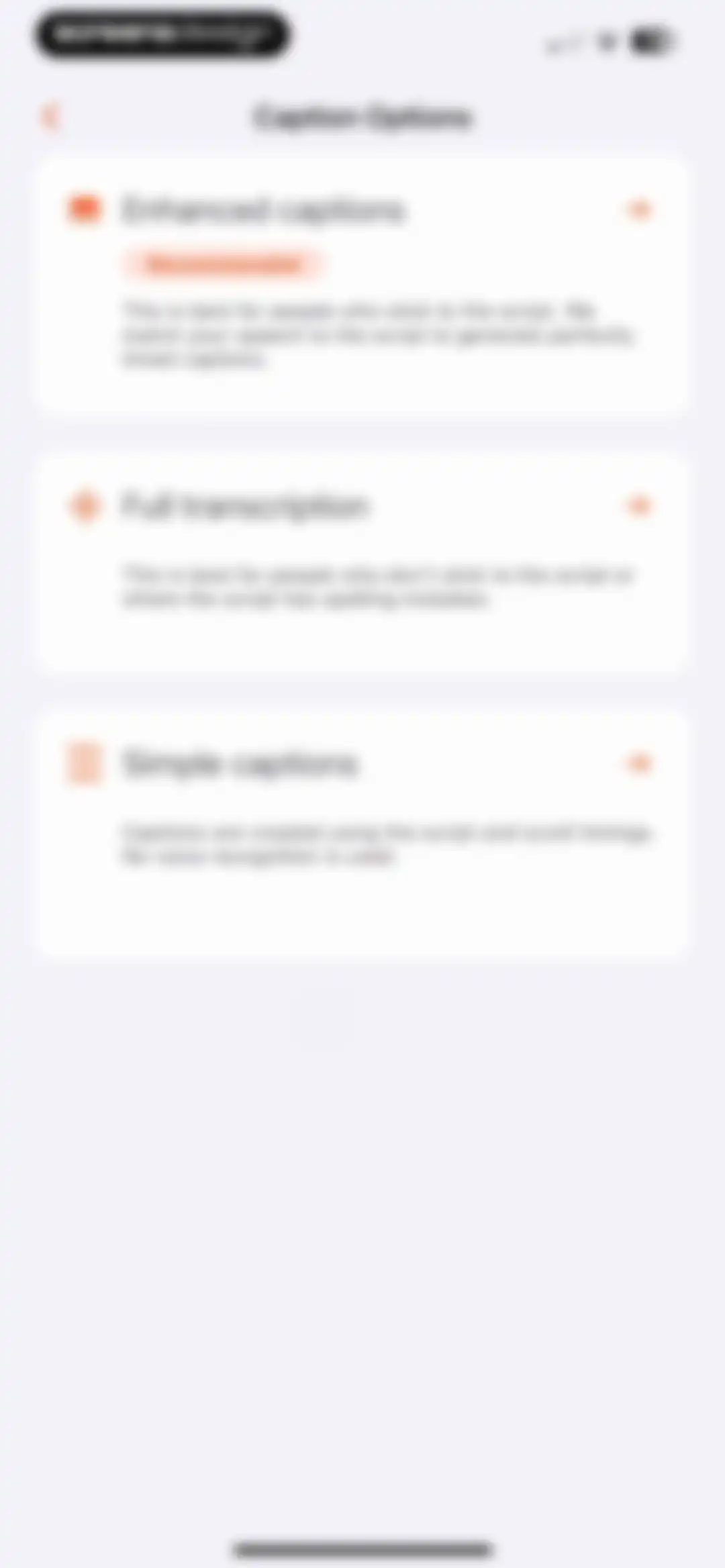
Caption options screen presenting three vertically stacked cards for enhanced captions, full transcription, and simple captions.Unlock Pro
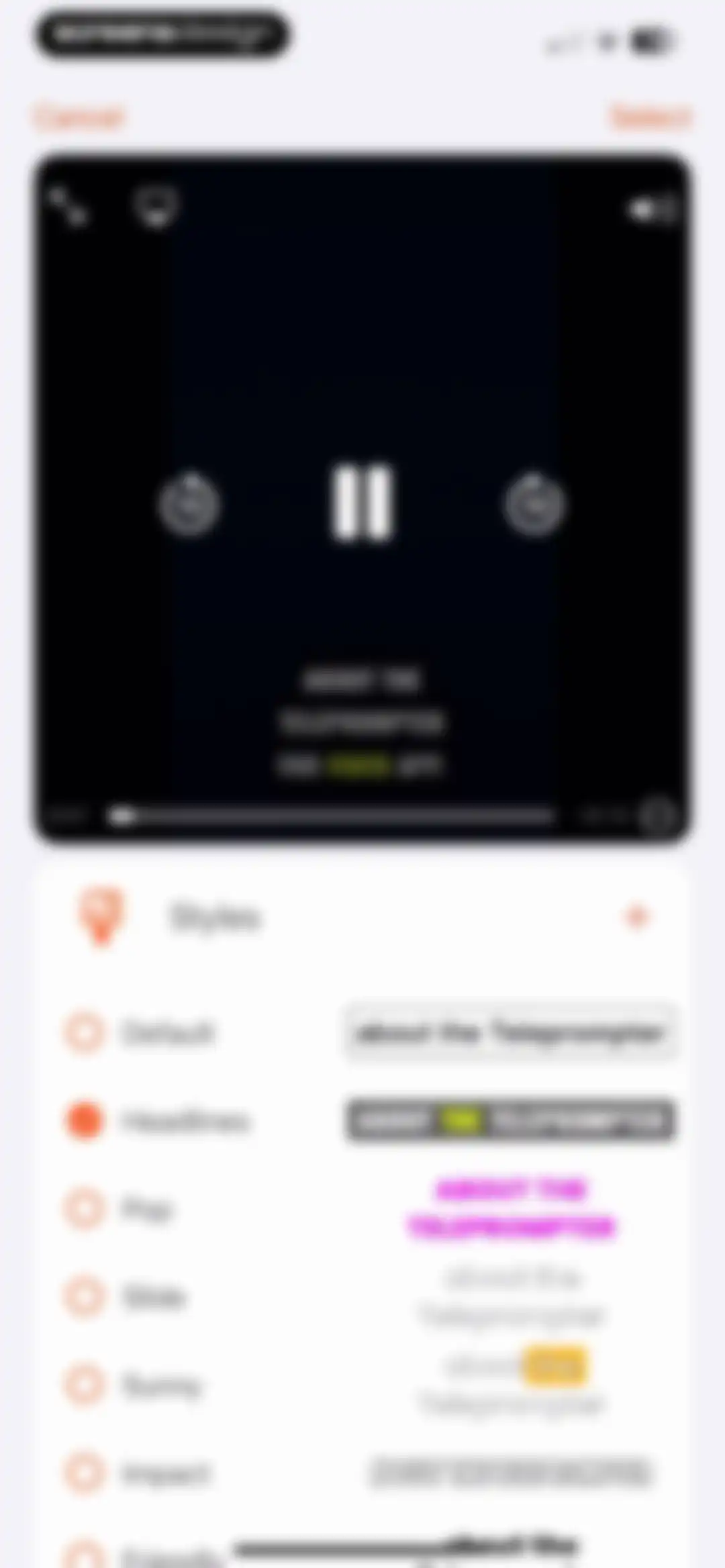
Video caption editor displaying a preview player above a list of style options with Headlines selected and a Select button.Unlock Pro
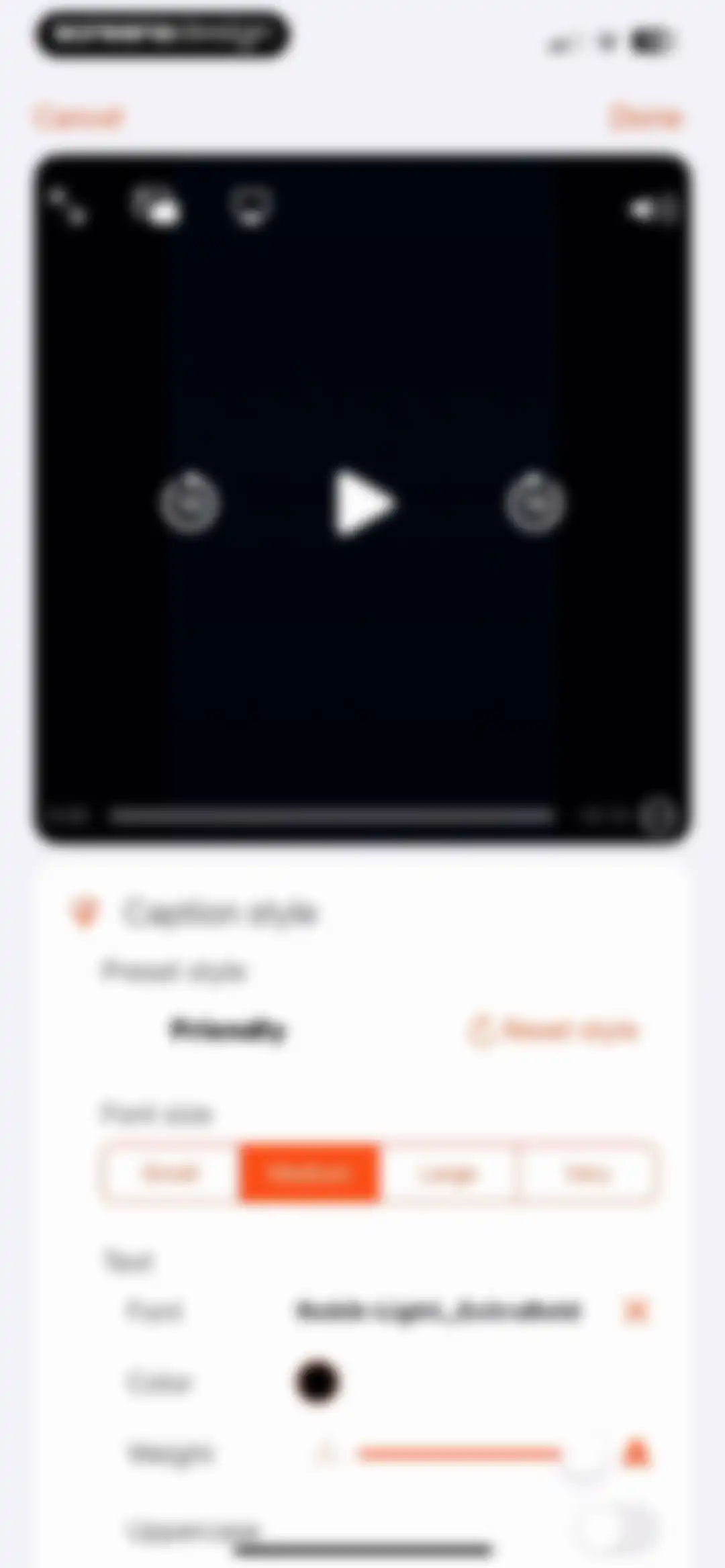
Caption style editor with a video preview player at the top and customization options for presets, font size, and text weight below.Unlock Pro
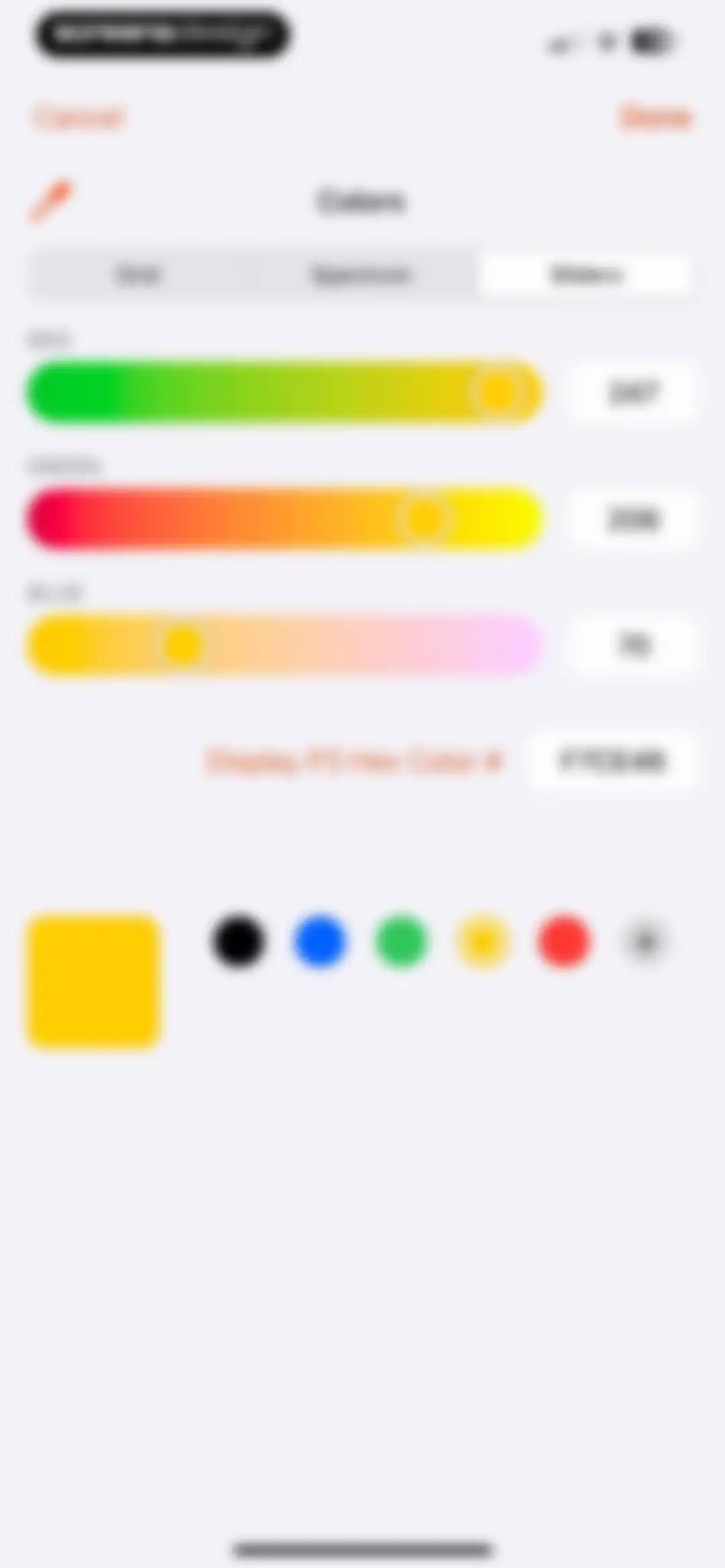
Color picker interface with RGB adjustment sliders, a hex code display for F7CE46, and a Done button.Unlock Pro
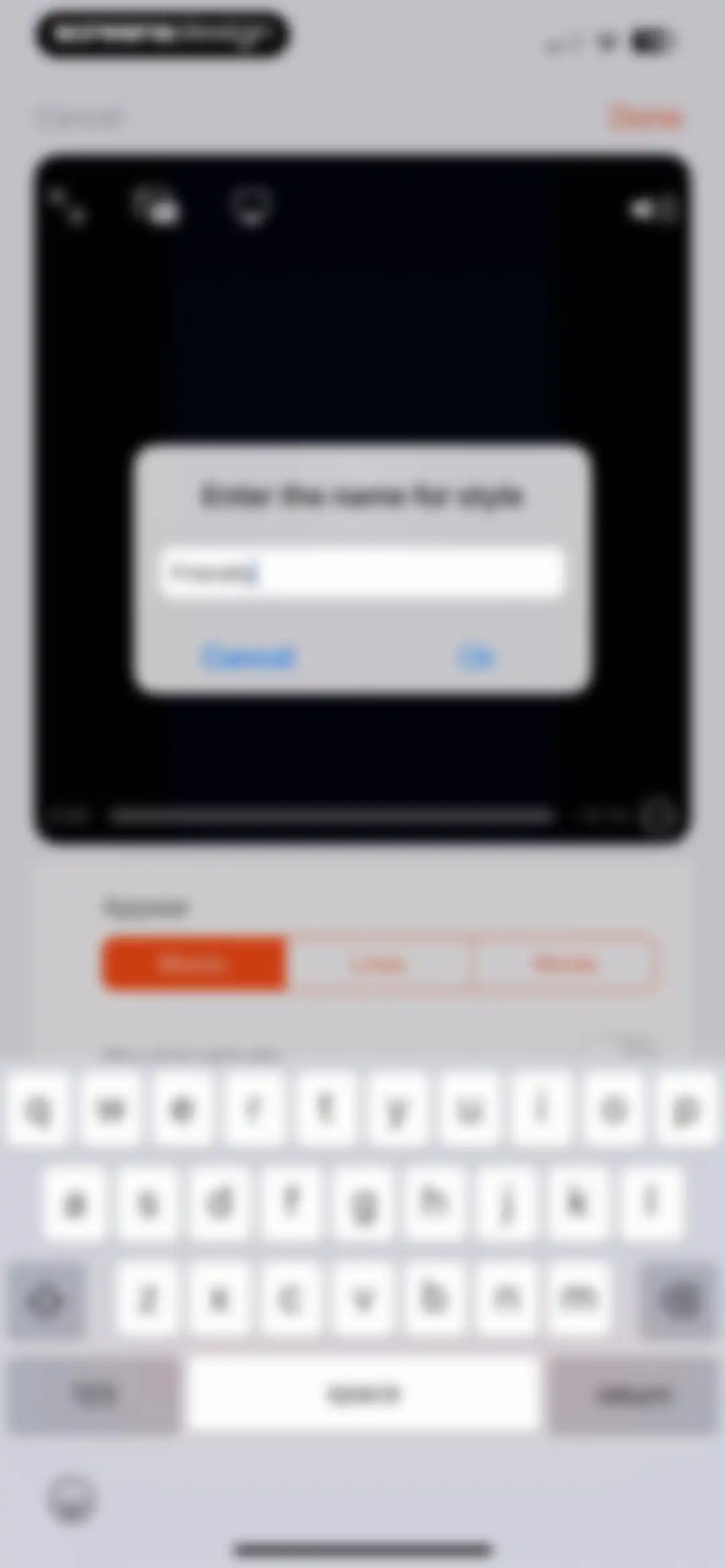
Style naming modal overlaying a video editing interface with a text input field containing Friendly and an Ok button.Unlock Pro
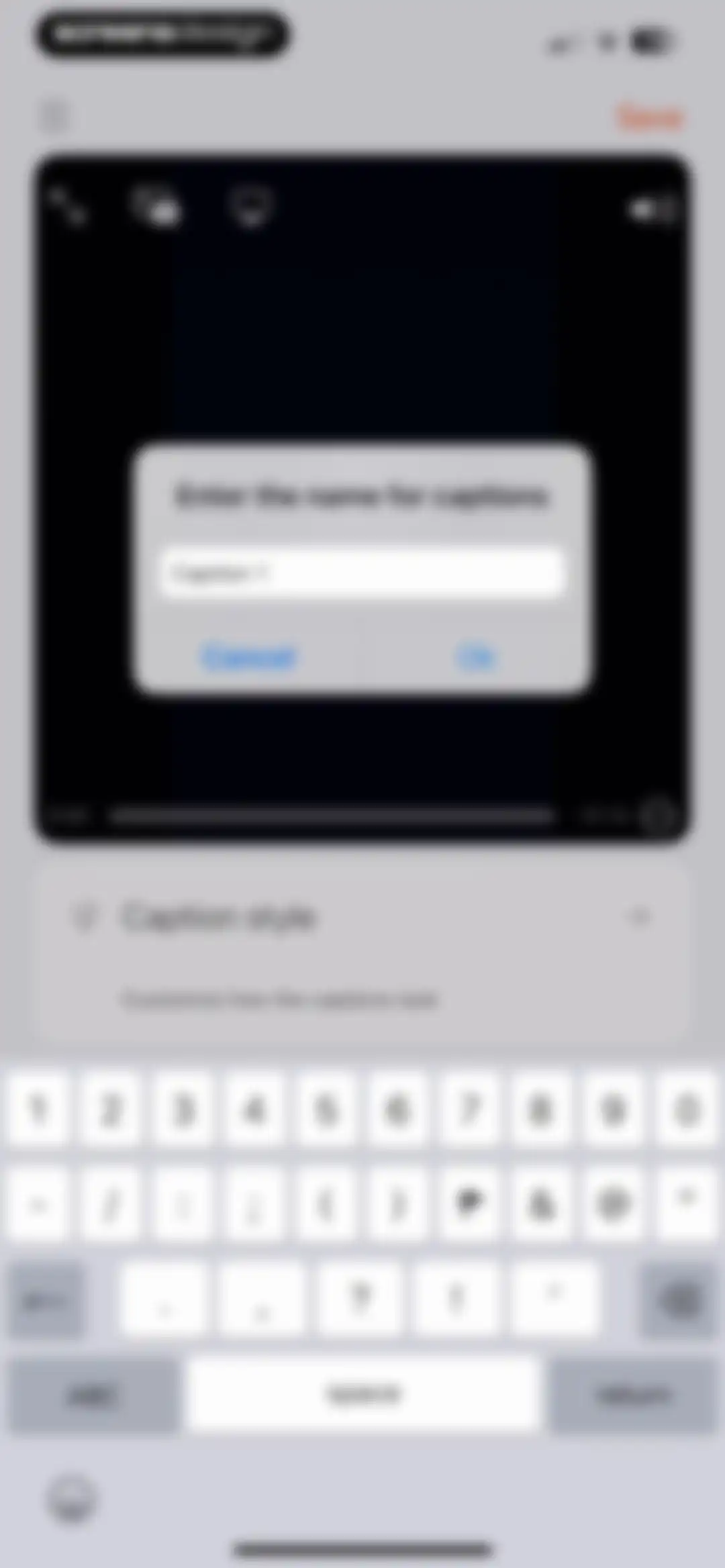
Video editor with a modal prompt to enter a caption name pre-filled with Caption 1, cancel and ok buttons, and a system keyboard.Unlock Pro
Video editor interface showing a preview player above a configuration panel with settings for adding and positioning a logo overlay.Unlock Pro
Video editor interface showing a modal to add an image or logo alongside settings for position and size controls.Unlock Pro
File picker screen displaying a list of recent files with a PNG image and a search field at the top.Unlock Pro
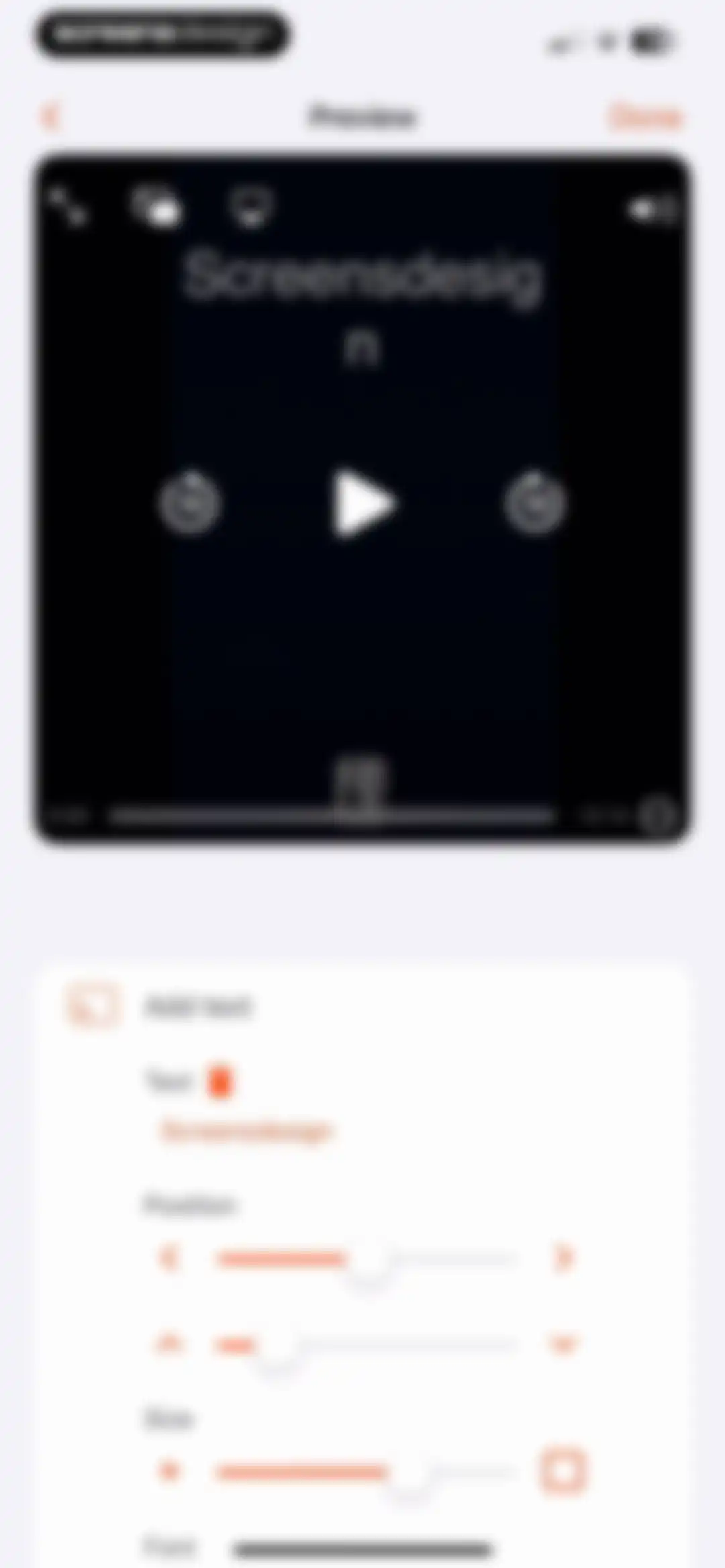
Video editor modal overlay displaying a text input field with the text Screensdesign, an Add button, and the system keyboard.Unlock Pro
Video preview editor with a large video player and a bottom card containing text editing controls and sliders.Unlock Pro
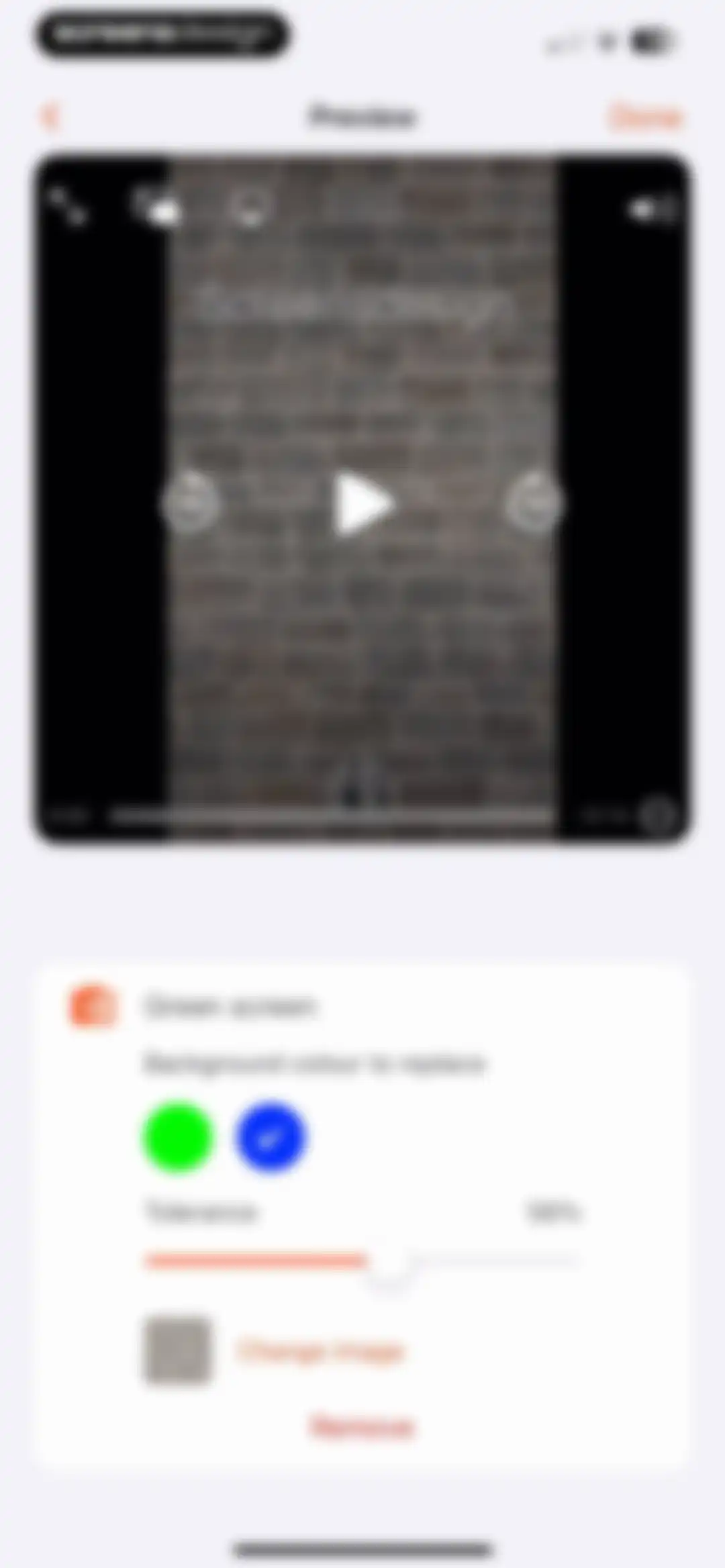
Video editor green screen settings card displaying a tolerance slider at 56 percent and a Done button.Unlock Pro
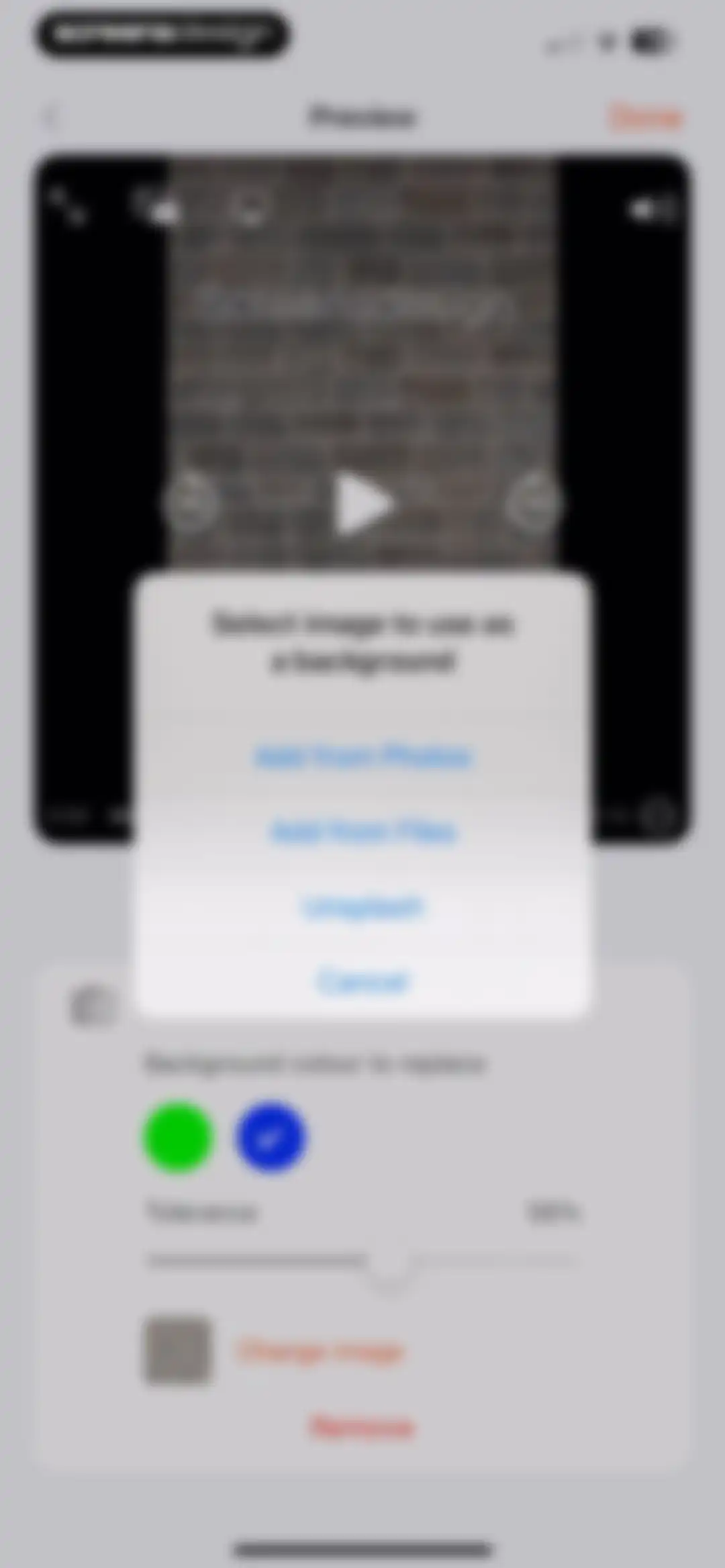
Video editor background settings screen with a background selection modal overlay and tolerance adjustment controls.Unlock Pro
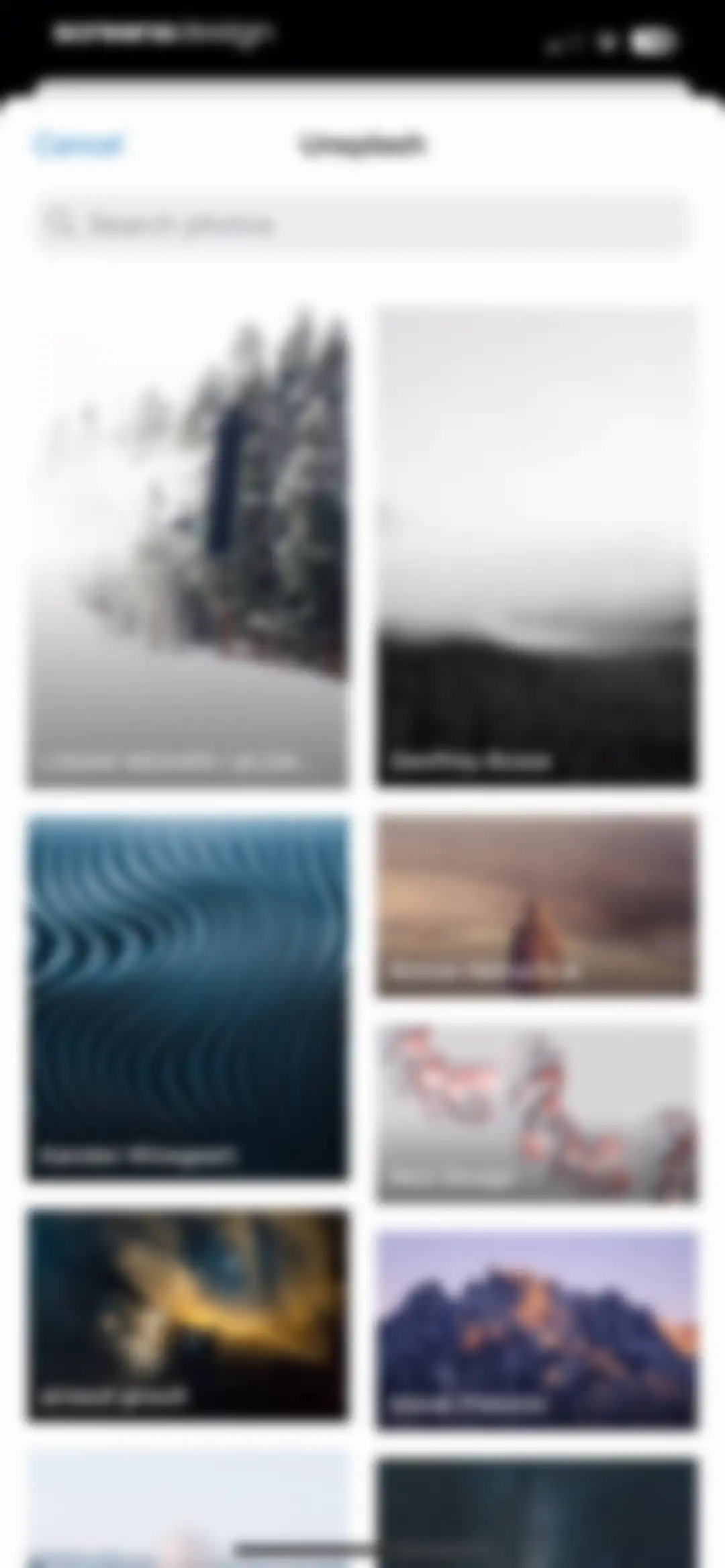
Stock photo search modal displaying an Unsplash title, a search input field, a Cancel button, and a two-column grid of image cards.Unlock Pro
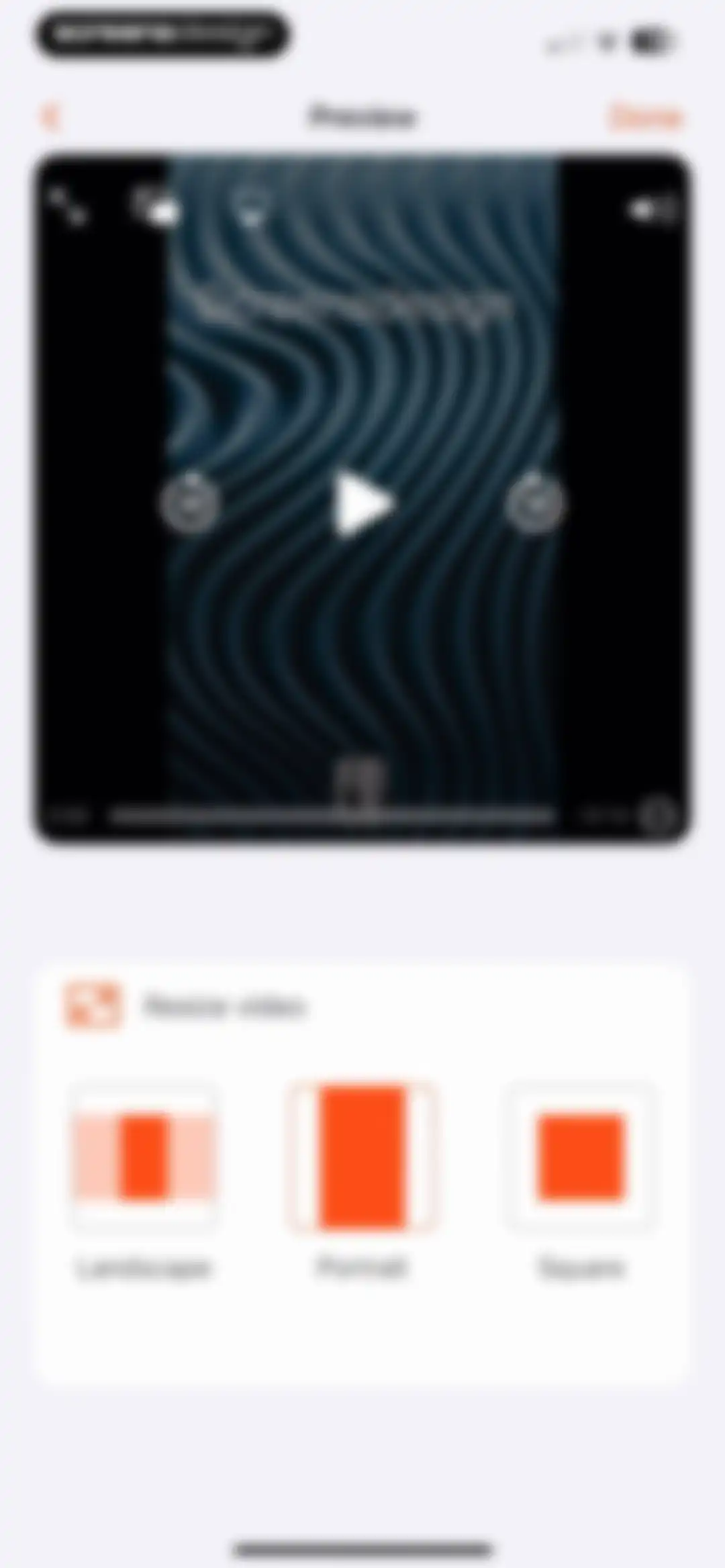
Video aspect ratio editor featuring a central video player and a bottom card with landscape, portrait, and square options.Unlock Pro
Video cropping screen in the Teleprompter for Video app featuring a central editing canvas and a Done button.Unlock Pro
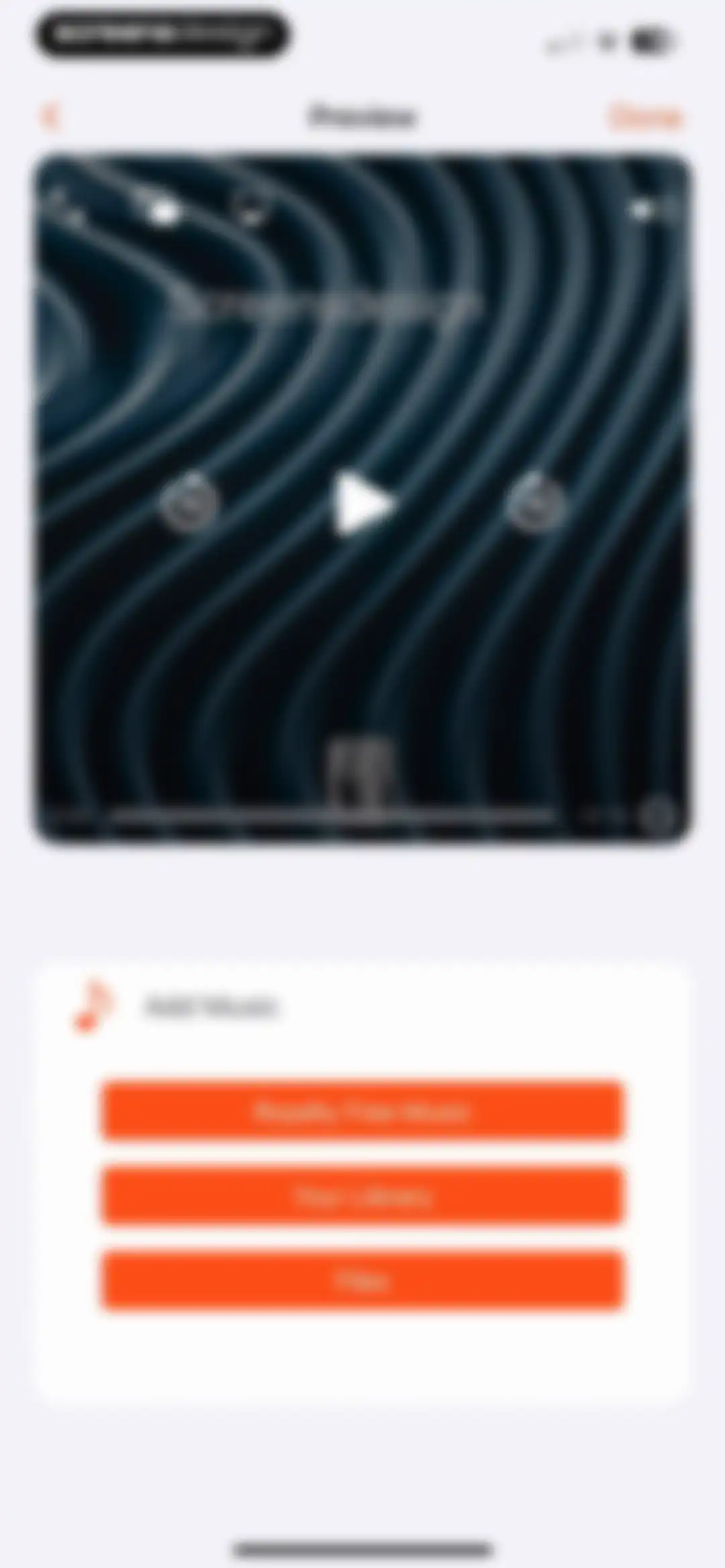
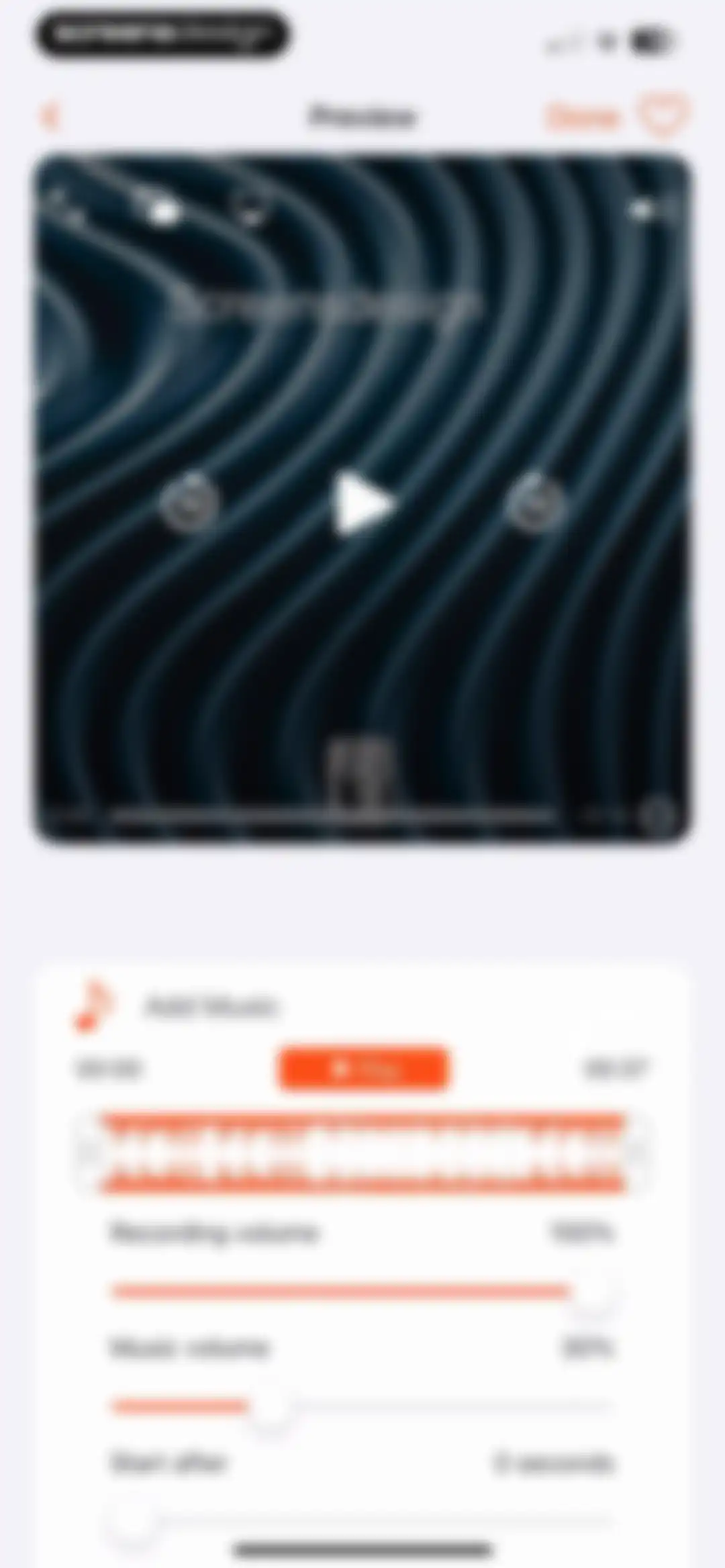
Video editor music selection screen featuring a preview player and an Add Music card with options for royalty free music, library, and files.Unlock Pro
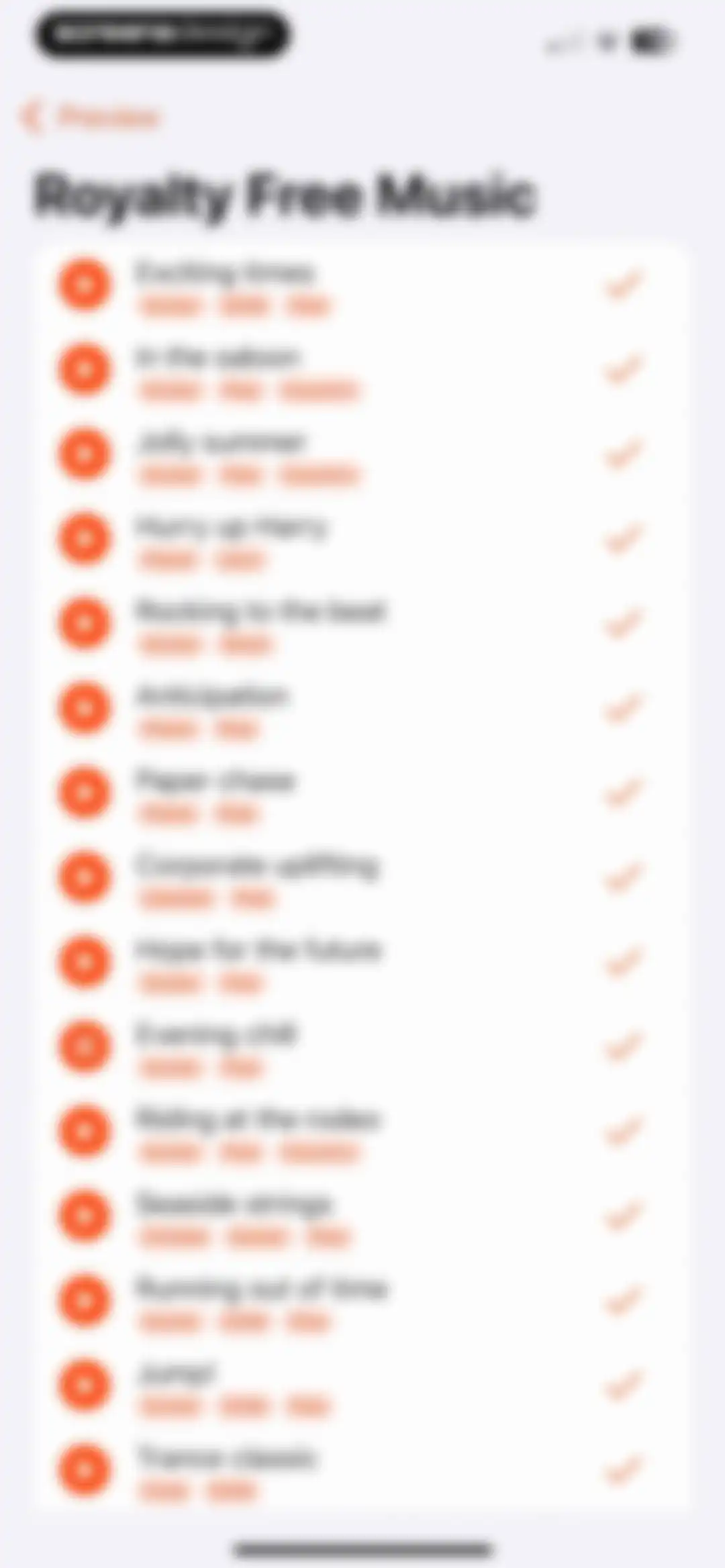
Royalty-free music track list displaying song titles, genre tags, and play and select buttons for each track.Unlock Pro
Video editor audio settings screen featuring a preview player above a card with volume sliders and a Done button.Unlock Pro
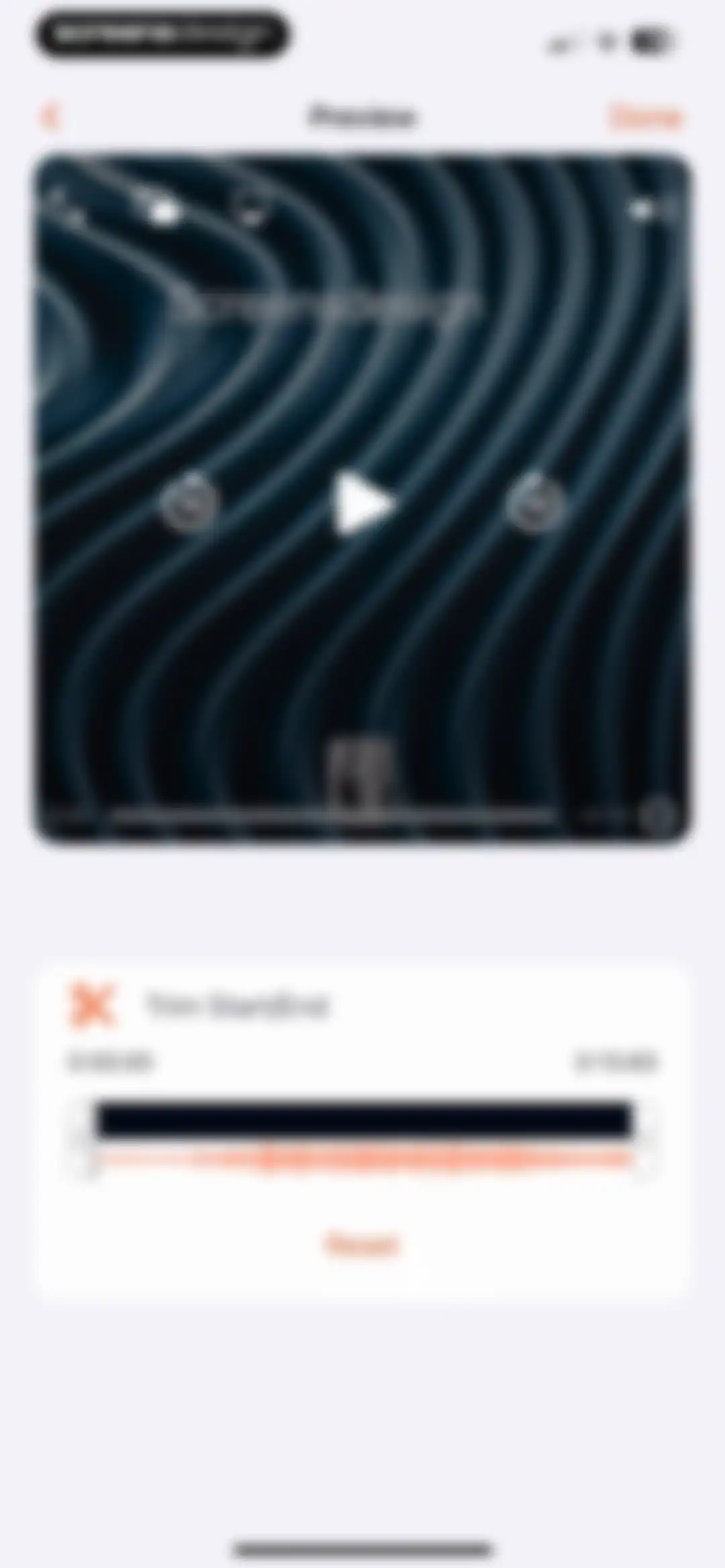
Video editor interface featuring a large preview player and a trim tools card with start and end time adjustments.Unlock Pro
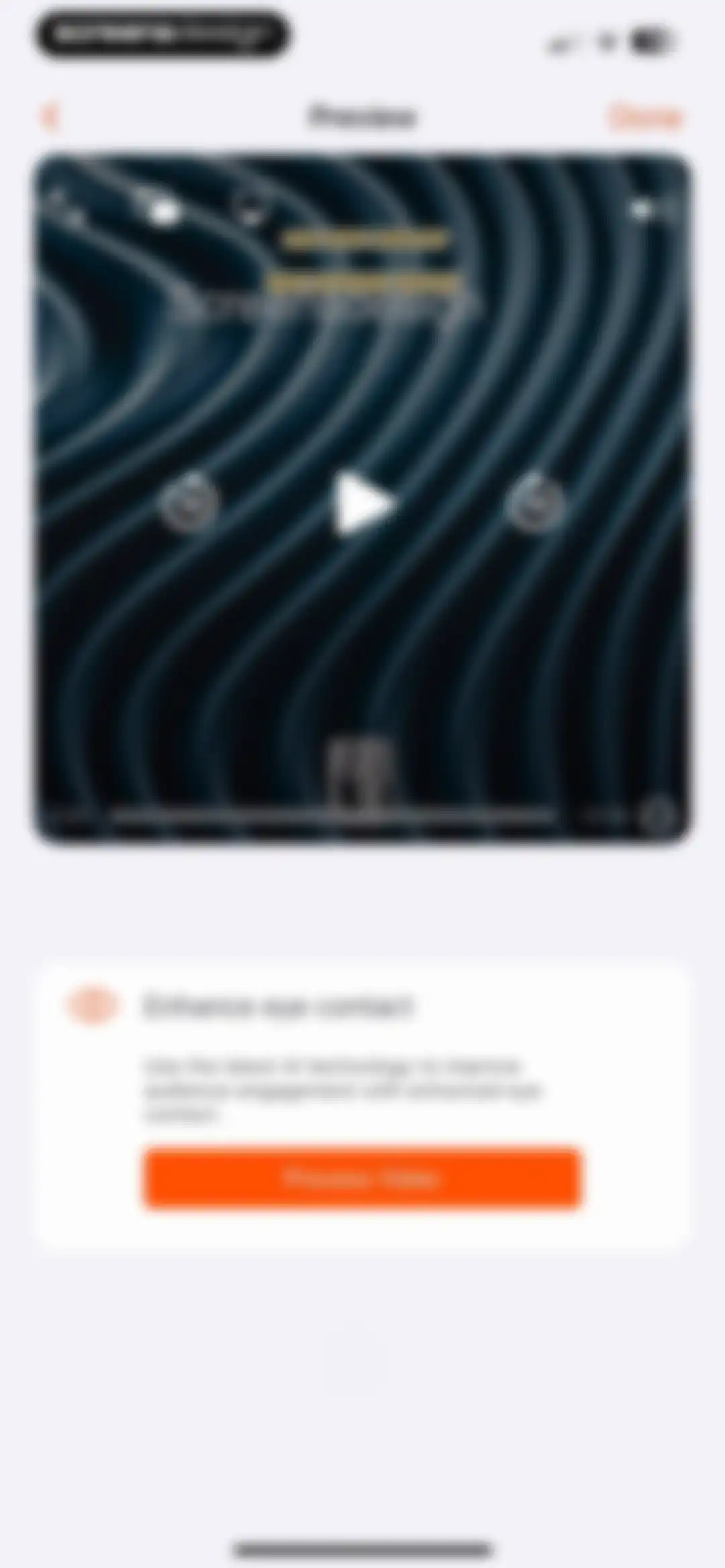
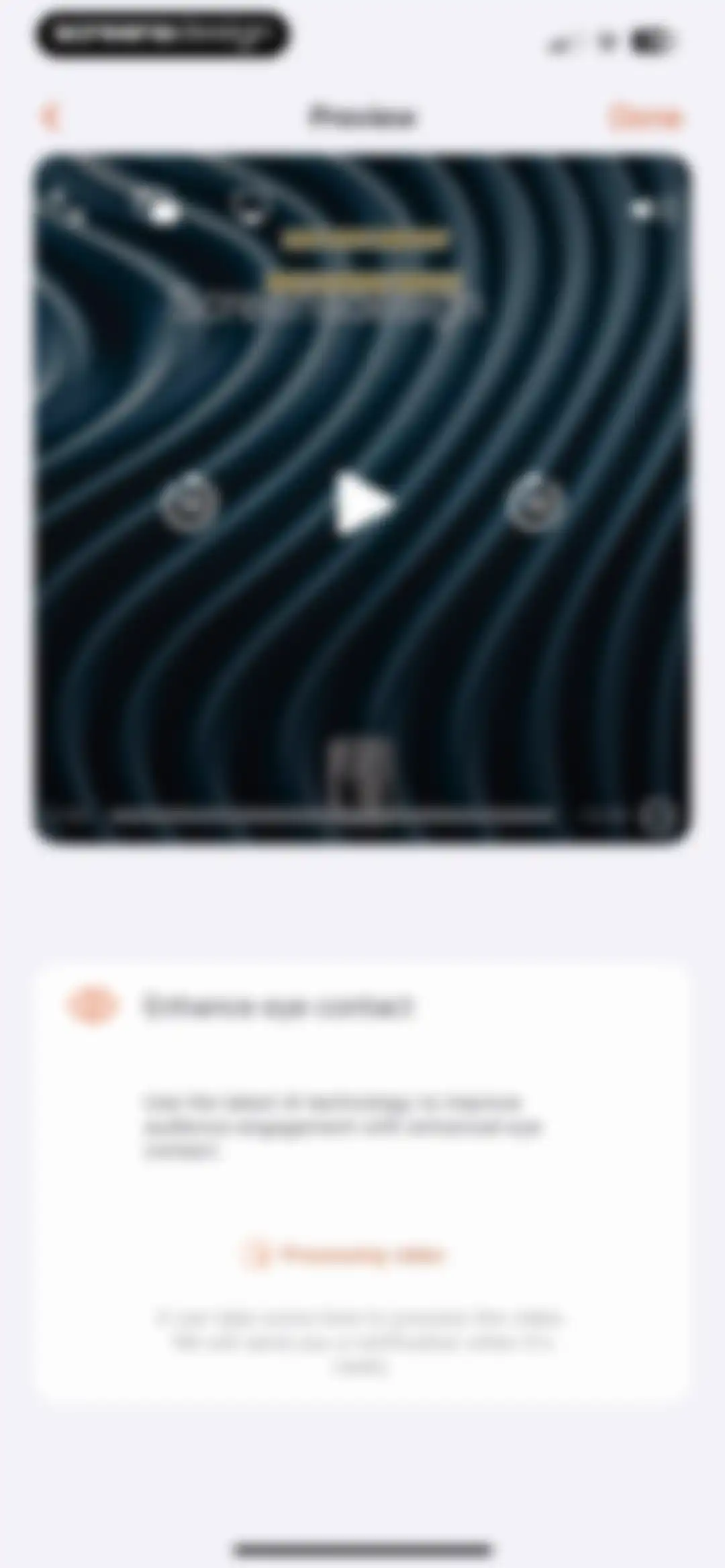
Video preview editor featuring an Enhance eye contact feature card with an orange Process Video button.Unlock Pro
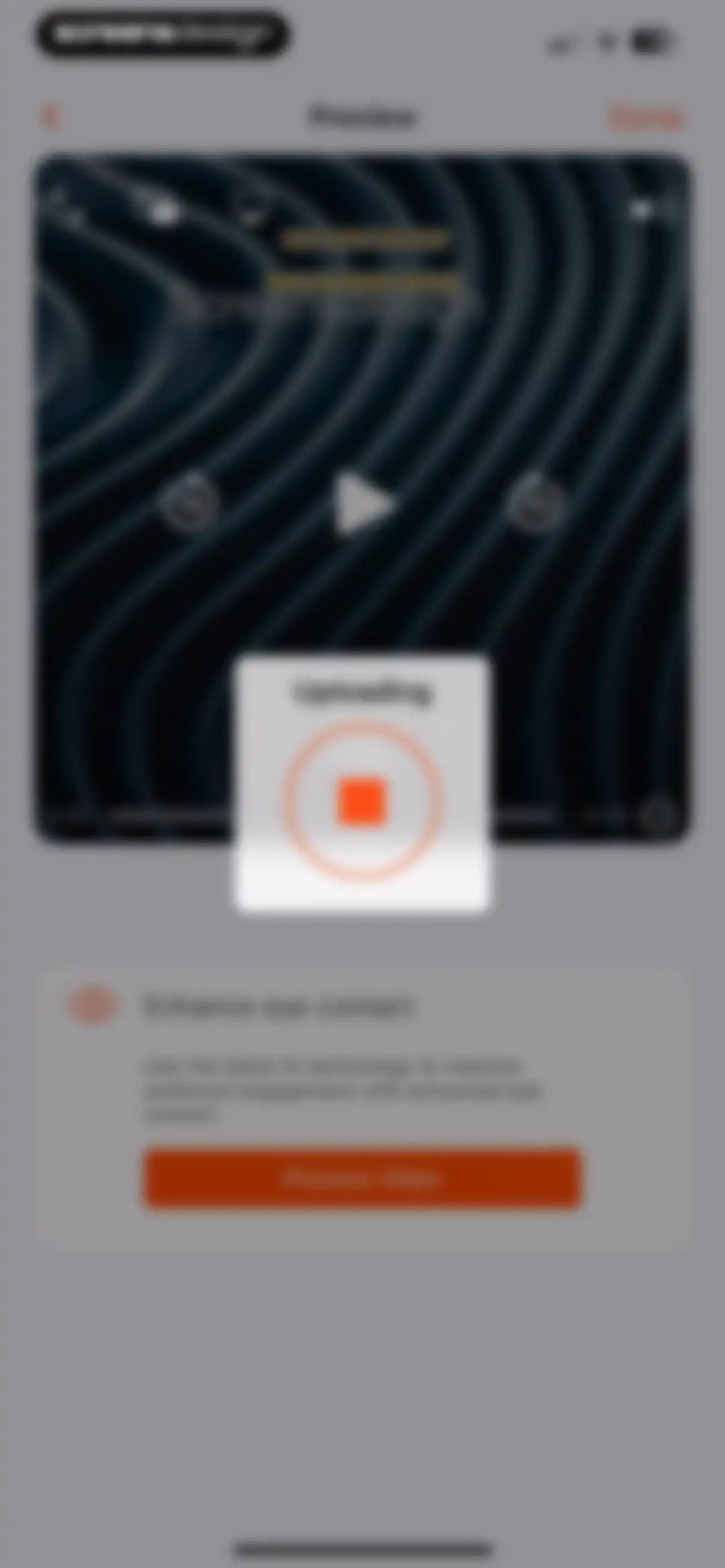
Video preview screen featuring an uploading modal overlay, an AI eye contact enhancement feature card, and a Process Video button.Unlock Pro
Video preview screen displaying playback controls and a processing status card for AI eye contact enhancement.Unlock Pro
Video editor preview screen with a video player and action cards for saving, sharing, and editing options like adding captions.Unlock Pro
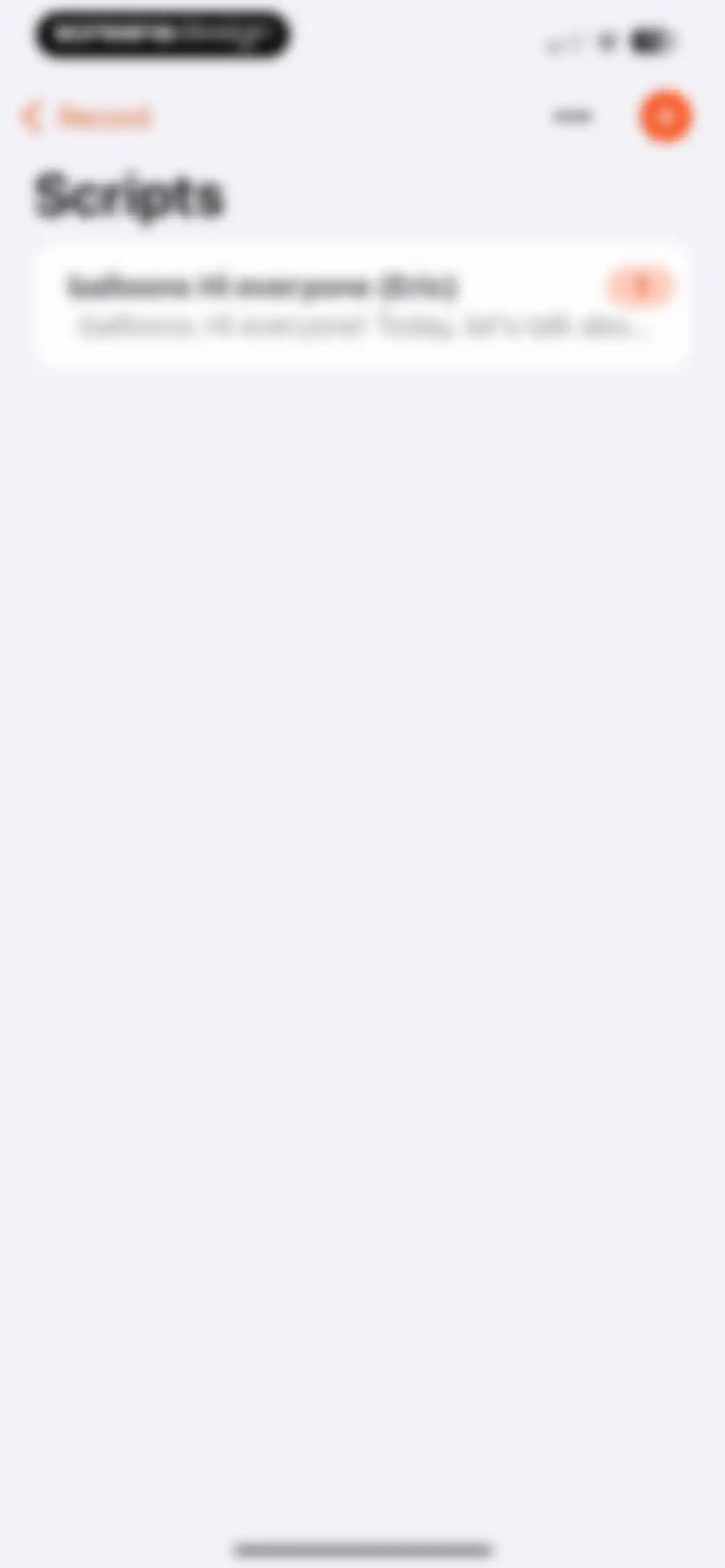
Scripts management dashboard displaying a list of saved script cards and a button to create a new script.Unlock Pro
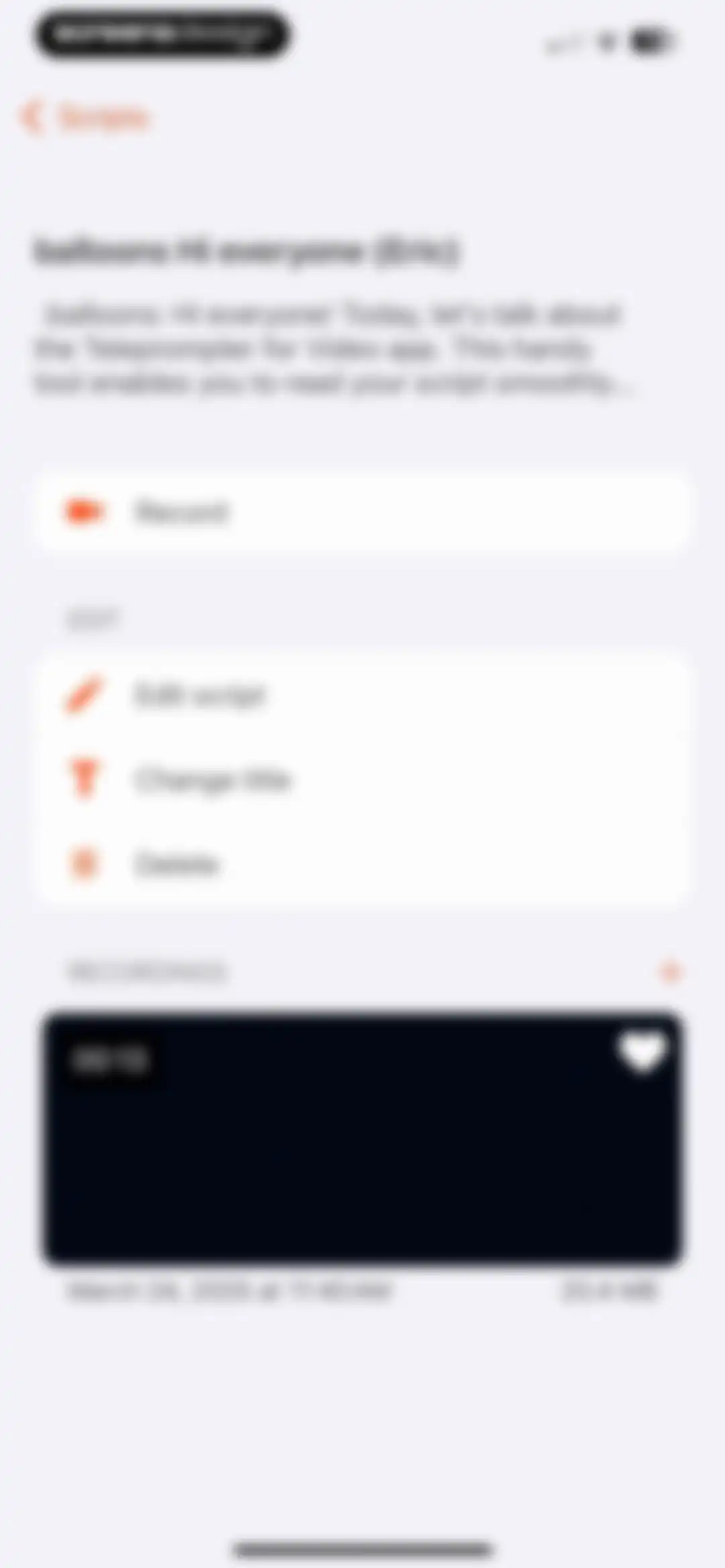
Script dashboard displaying the script preview, a prominent Record button, editing options, and a list of existing video recordings.Unlock Pro
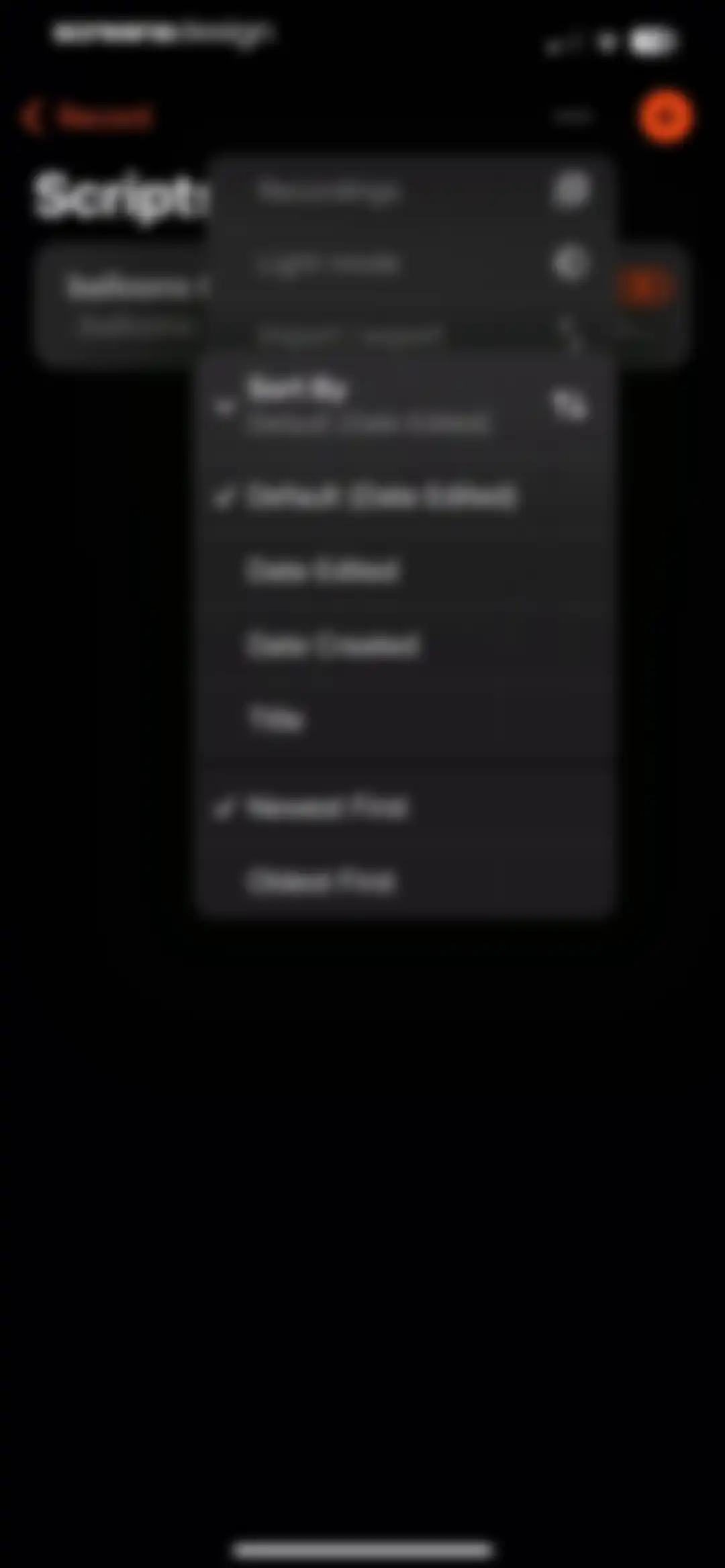
Script management home screen with a list containing a script named balloons and an open pop-up menu showing options for recordings, dark mode, import or export, and sort order.Unlock Pro
Videos dashboard in Teleprompter for Video displaying a recorded video card with title, duration, date, and file size metadata.Unlock Pro
Scripts management screen displaying a script list with a title, a script card, and a button to add a new script.Unlock Pro
Script management screen listing a single selected script card with an orange-red highlight and a Record button in the top navigation.Unlock Pro
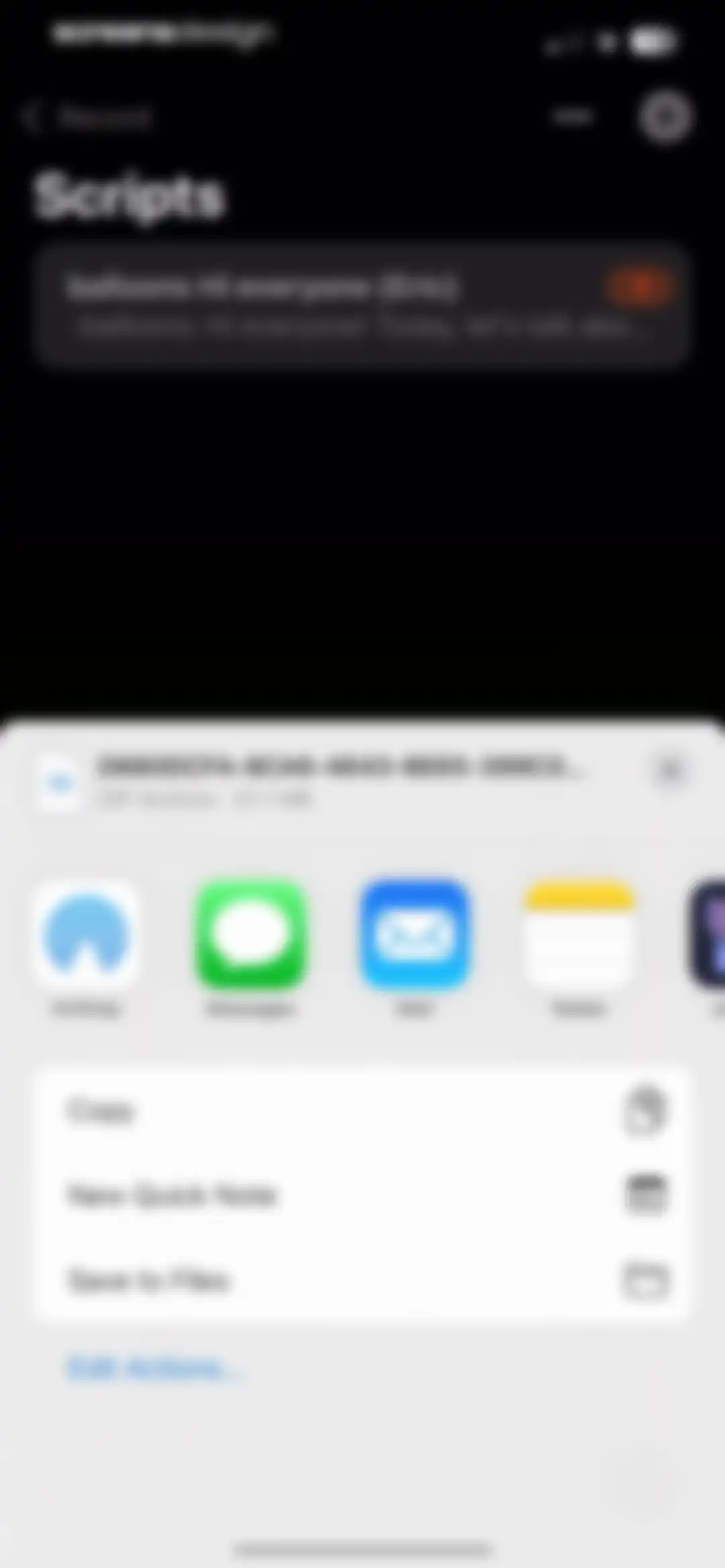
Share sheet modal overlaying a script list with options to share a ZIP archive via AirDrop, Messages, Mail, or save to files.Unlock Pro
Modal menu with options for recordings, light mode, and script sorting criteria over a script list background.Unlock Pro
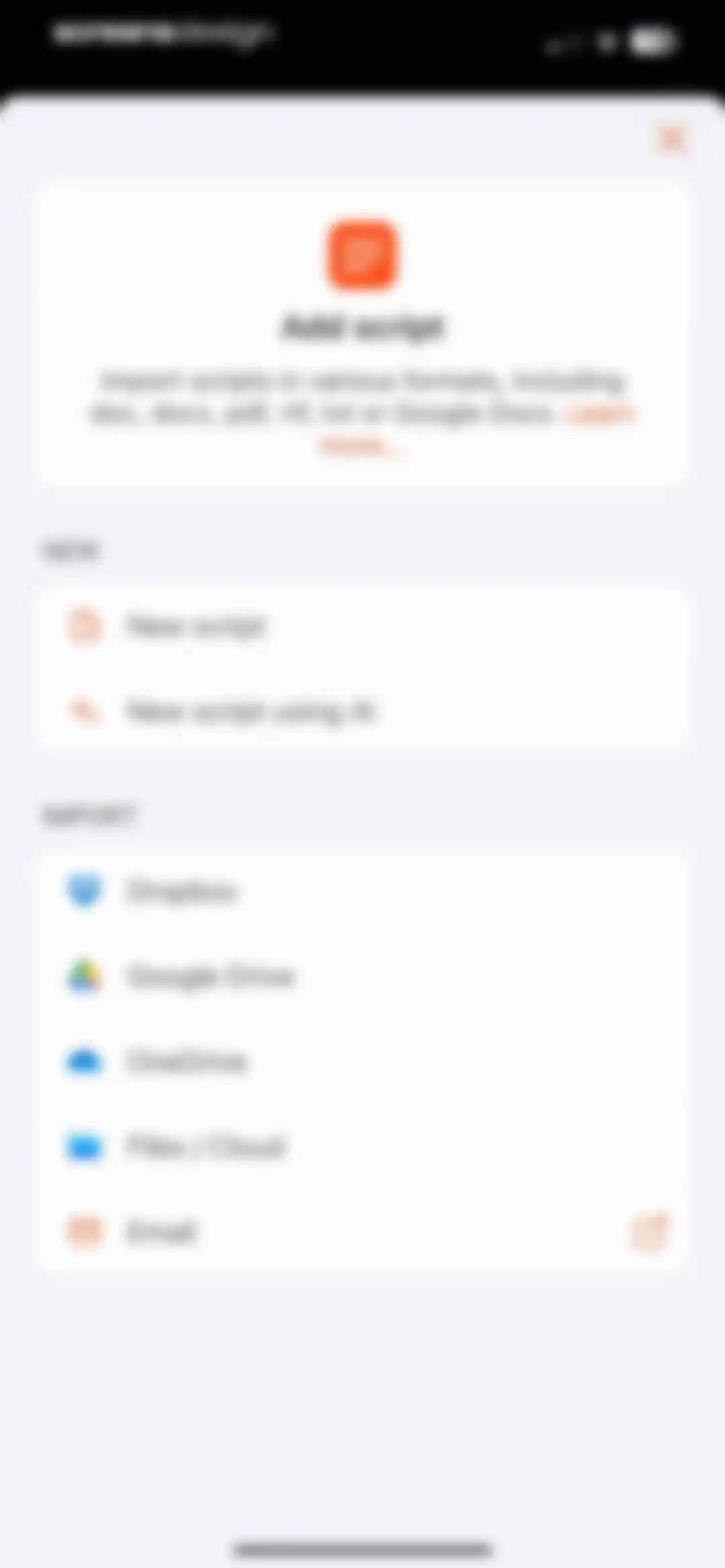
Add script modal menu with options to create a new script or AI script, plus file import sources like Dropbox and Google Drive.Unlock Pro
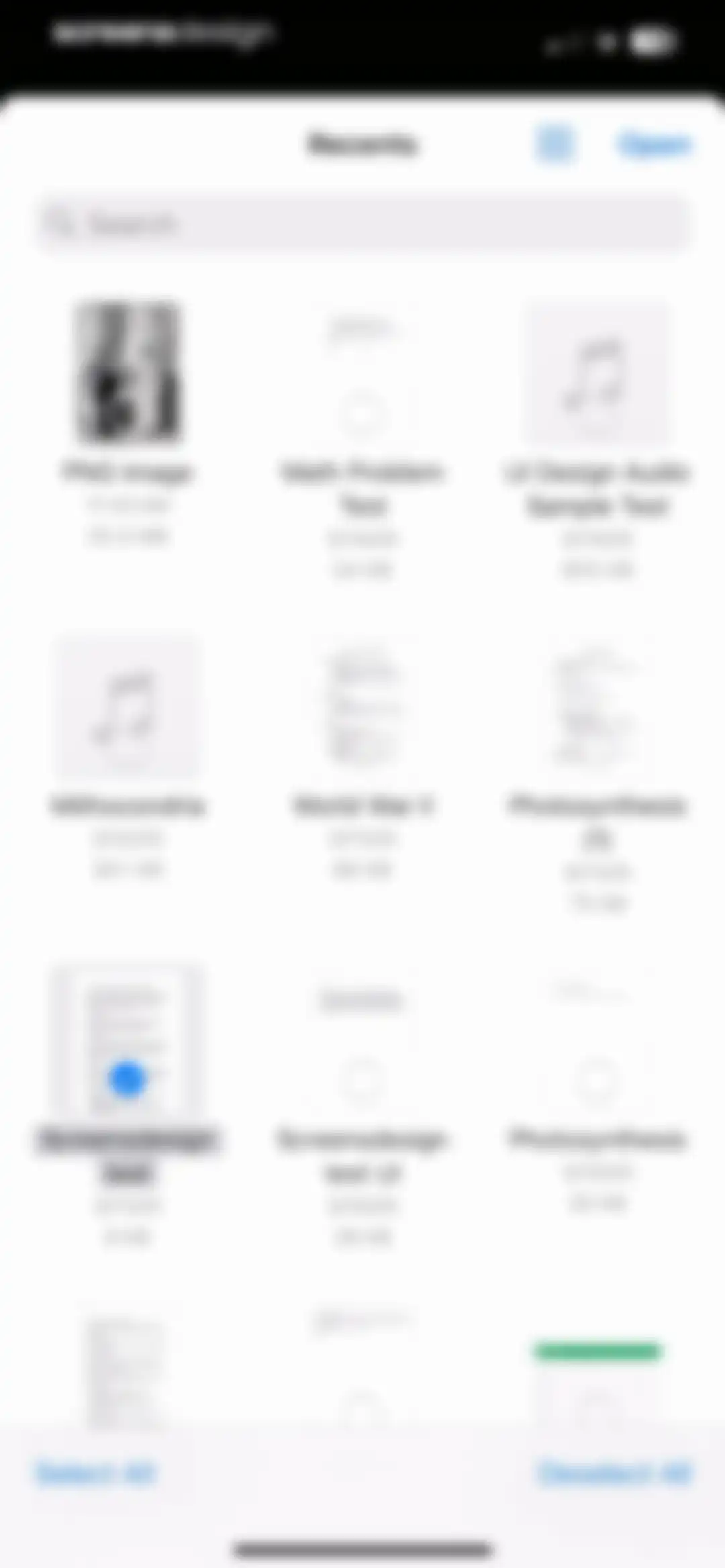
File browser screen displaying a grid of recent documents, with a search bar, an Open button, and Select All and Deselect All actions at the bottom.Unlock Pro
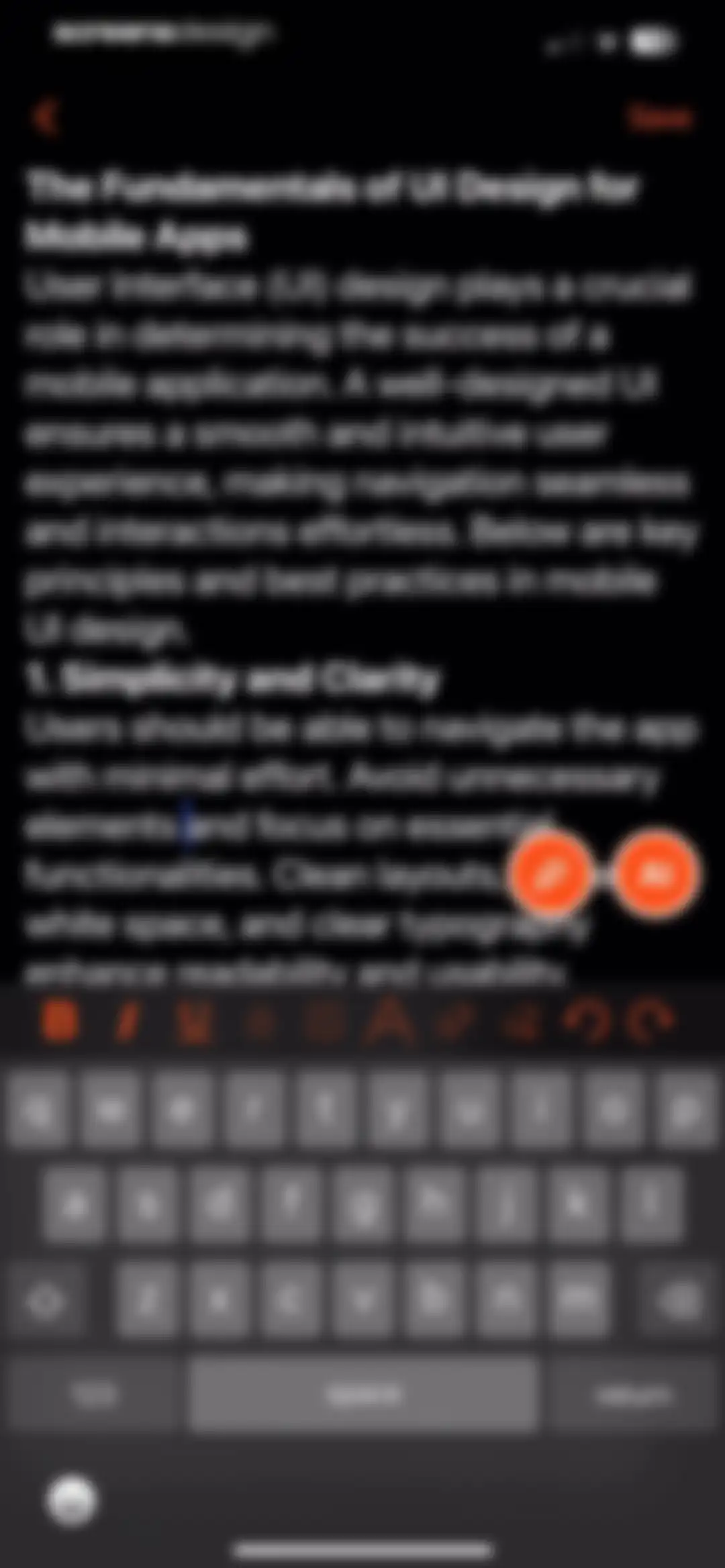
Script editor screen in the Teleprompter for Video app showing a text document titled The Fundamentals of UI Design for Mobile Apps, a formatting toolbar, and a floating AI button.Unlock Pro
Dashboard showing script details, an edit menu, an empty recordings list, and a primary record button.Unlock Pro
Script management dashboard with a search bar and a vertical list of saved script cards against a dark theme.Unlock Pro
Script details screen displaying edit options and an empty recordings state, with a prominent orange Record button at the bottom.Unlock Pro
Script deletion confirmation dialog with Yes and No options overlaying the script details and empty recordings section.Unlock Pro
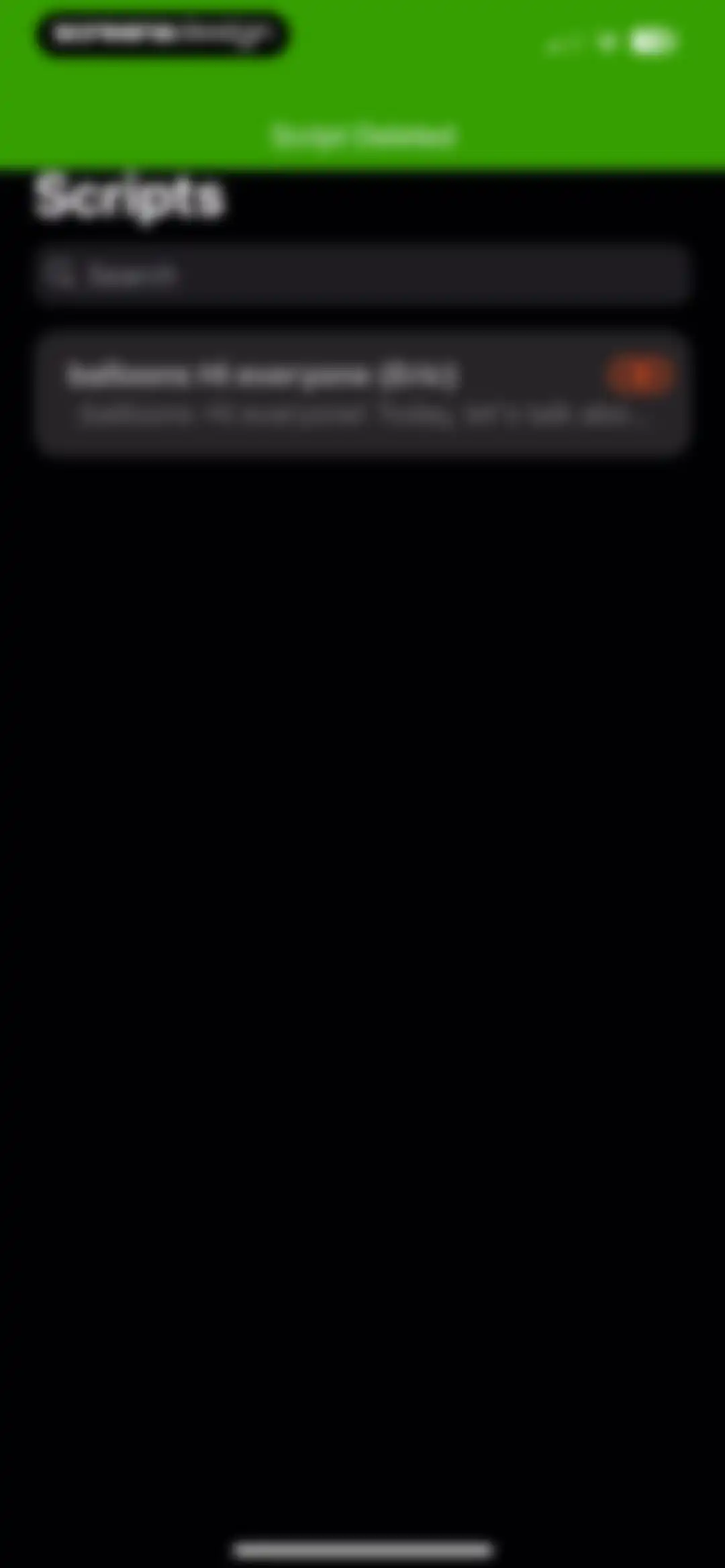
Teleprompter script list home screen with a green notification banner stating Script Deleted and a single saved script card below the search bar.Unlock Pro
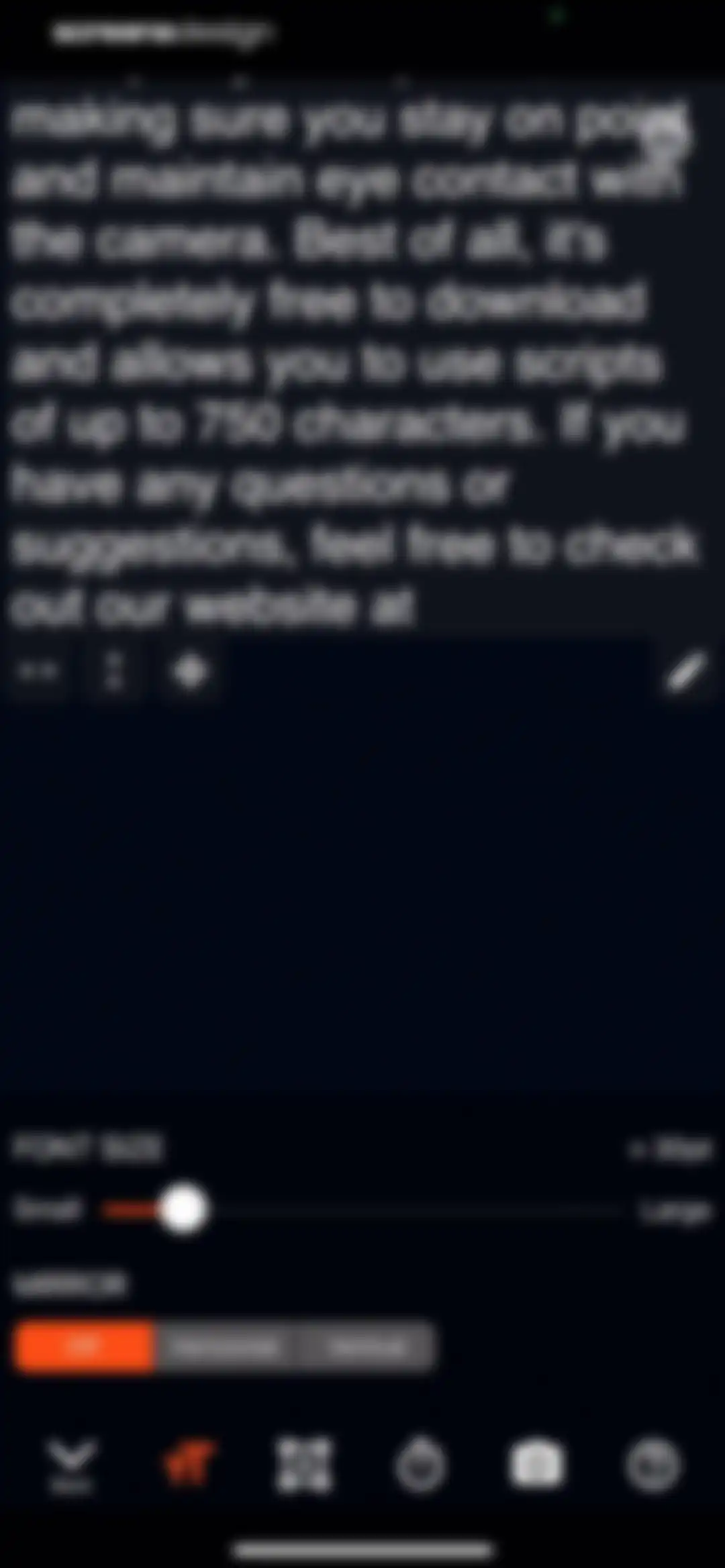
Editor screen with teleprompter script content, font size settings, and mirror control options.Unlock Pro
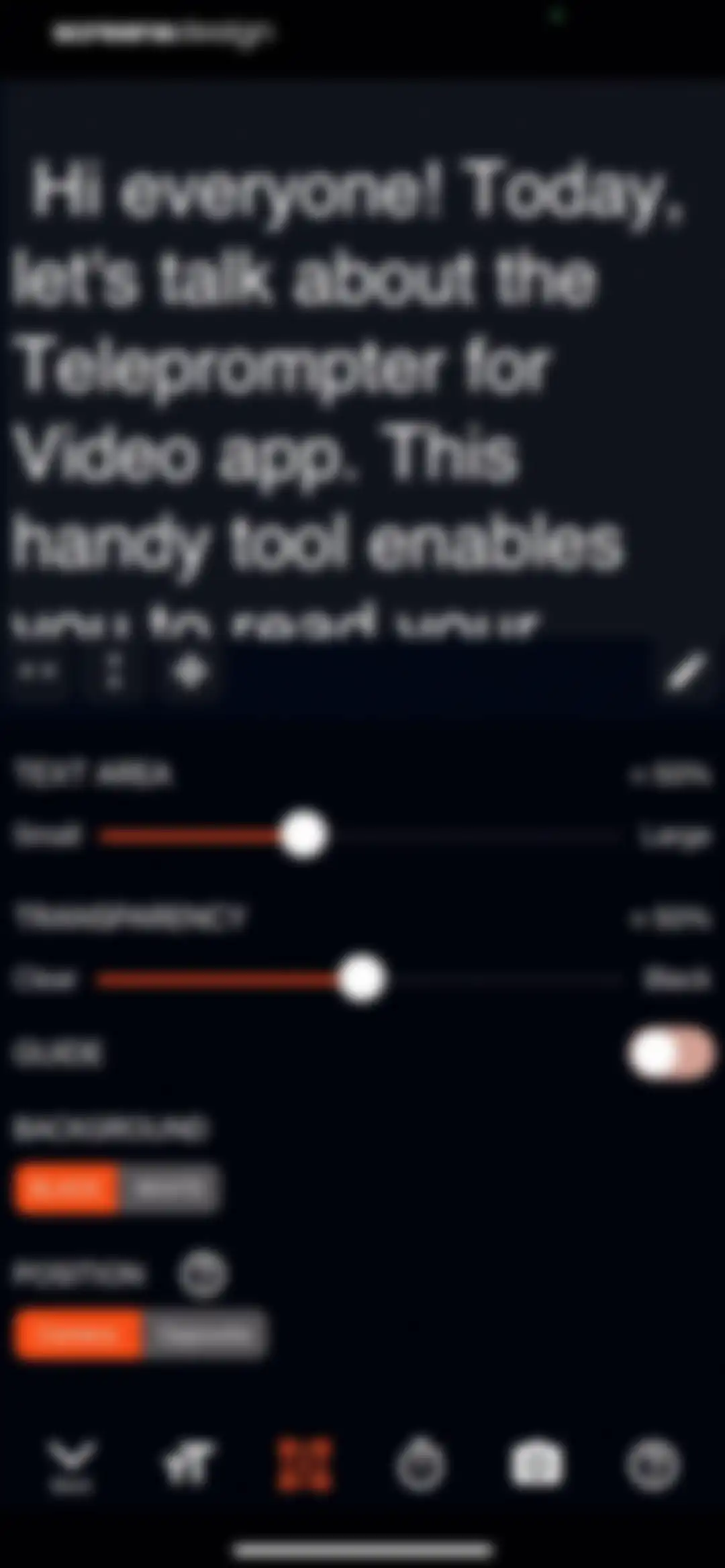
Teleprompter configuration screen displaying a script preview and settings for text size, transparency, background color, and position.Unlock Pro
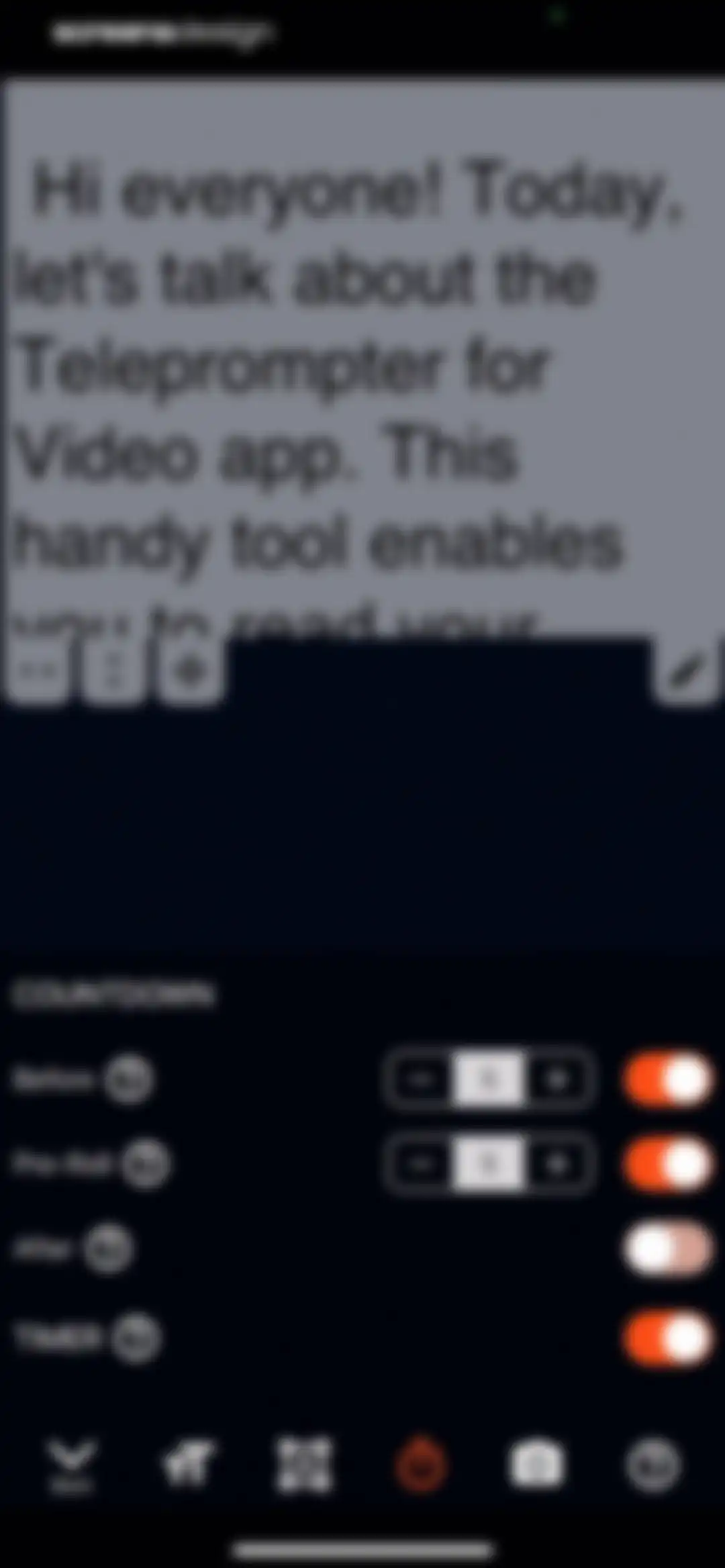
Teleprompter settings screen displaying a script preview area and countdown and timer configuration options with orange toggle switches.Unlock Pro
Video recording settings screen listing video quality and camera capture options, with 1080p HD at 30fps and Most Compatible selected.Unlock Pro
Settings screen for video recording with configuration options for camera, quality, microphone, and a script display area at the top.Unlock Pro
Editor screen displaying a script text area with a menu list including support and log out options, plus a bottom navigation bar.Unlock Pro
Dark-themed settings screen with grouped sections for account, premium annual subscription trial details, help, diagnostics, and app information.Unlock Pro
Settings screen with a dark theme and a centered modal dialog asking Are you sure with Yes and No buttons.Unlock Pro
Settings screen with a dark theme, showing an email required modal alert over options for account, subscription, and help.Unlock Pro
Support settings screen with an overlaying modal share sheet for a logs ZIP archive and various system sharing options.Unlock Pro
Settings screen with a centered delete account confirmation modal asking if you are sure, featuring Yes and No buttons.Unlock Pro
Support settings screen with an external access details modal showing an IP address, verification code, and OK button.Unlock Pro
Settings screen grouped into diagnostics, about, recommended apps, and administration sections with a dark theme.Unlock Pro
Settings screen for remote controls with options to configure Bluetooth remotes, keyboards, game controllers, Apple Watch, foot pedals, and voice recognition.Unlock Pro
Settings screen listing available languages with English (United States) selected under the offline section and an orange checkmark.Unlock Pro

About Teleprompter for Video

A professional teleprompter and video editing tool for recording scripts, adding captions, and creating polished social media content.

Explore Teleprompter for Video across ScreensDesign

Apps similar to Teleprompter for Video

Unlock all similar apps

See every comparable app, revenue, installs, and flows.

Unlock Pro
  • BIGVU Teleprompter Captions AI

    4.7
    BIGVU INCRevenue$450kInstalls55k
  • Vimeo

    4.5
    Vimeo.com, Inc.Revenue$300kInstalls35k
  • Captions AI for Videos - Dubs

    4.4
    EvoplexRevenue$20kInstalls<5k
  • Captions: AI Edits Your Video

    4.7
    Captions, LLC (US)Revenue$2MInstalls200k
  • Video Up! Video Editor & Maker

    4.6
    Video editor & maker appRevenue$750kInstalls50k
  • VivaVideo - Video Cut & Editor

    4.8
    QuVideo Inc.Revenue$450kInstalls50k
  • Adobe Premiere AI Video Editor

    4.8
    Adobe Inc.Revenue$25kInstalls550k
  • VLLO- Video Editor, Vlog Edits

    4.8
    vimosoftRevenue$350kInstalls50k
  • Voice Recorder & Audio Editor

    4.7
    TapMedia LtdRevenue$250kInstalls10k
  • AI Video Editor - VidMa Cut AI

    4.6
    Atlasv Global Pte. Ltd.Revenue$55kInstalls70k
  • Temply: AI Video & Reels Maker

    4.8
    Popixels Ltd.Revenue$100kInstalls<5k
  • intoLive - Live Wallpapers

    4.6
    ImgBase, Inc.Revenue$25kInstalls250k
  • Voice Recorder-Audio Memos Арр

    4.3
    Tonti LagunaRevenue$250kInstalls70k
  • Videoshop - Video Editor

    4.9
    Jajijujejo Inc.Revenue$85kInstalls<5k
  • Videoleap: AI Video Editor

    4.6
    Lightricks Ltd.Revenue$950kInstalls55k
  • VEED Lite: Quick Video Edits

    4.8
    VEED LtdRevenue$150kInstalls5k
  • YouCam Video: AI Video Editor

    4.7
    PERFECT MOBILE CORP.Revenue$150kInstalls65k
  • Momenzo: Real Estate Videos

    4.8
    Momenzo Ltd.Revenue$65kInstalls<5k
  • invideo AI: AI Video Generator

    4.6
    Invideo IncRevenue$450kInstalls50k
  • AI Note Taker - flick

    4.2
    MadduckRevenue$15kInstalls<5k
  • Wink: Video Enhancer & Editor

    4.7
    Xiamen Meitu Technology Co., Ltd.Revenue$2MInstalls2M
  • Video Editor ·

    4.7
    LuniRevenue$65kInstalls35k
  • Vmake Labs: create viral video

    4.8
    Starii Tech Pty LtdRevenue$55kInstalls55k
  • VN: Photo & Video Editor

    4.8
    Ubiquiti Labs, LLCRevenue$150kInstalls1M
  • Canva AI Photo & Video Editor

    4.9
    CanvaRevenue$34MInstalls5.3M
  • Vozo AI Video Translator & Dub

    4.8
    Vistring Technology Holdings LimitedRevenue$20kInstalls<5k
  • PowerDirector: AI Video Editor

    4.6
    CyberLinkRevenue$150kInstalls30k
  • MixCaptions: Video Captions

    4.6
    Mixcord Inc.Revenue$<5kInstalls<5k
  • Video Maker & Editor: Dizzi AI

    4.7
    IRONTECH LIMITEDRevenue$<5kInstalls<5k
  • AI Cut:Photo&Video Editor

    4.5
    波 王Revenue$75kInstalls45k
  • Filmic Pro-Video Camera

    3.7
    Bending Spoons Apps ApSRevenue$150kInstalls8k
  • AI Video - AI Video Generator

    4.5
    HUBXRevenue$750kInstalls650k
  • Splice - Video Editor & Maker

    4.6
    Bending Spoons Apps ApSRevenue$2.8MInstalls50k
  • PicPlayPost: Video Editor

    4.8
    Mixcord Inc.Revenue$85kInstalls<5k
  • MOLDIV Photo Editor, Collage

    4.7
    JellyBus Inc.Revenue$10kInstalls5k
  • Liro: AI Video Caption Editor

    4.5
    Smoozly Inc.Revenue$20kInstalls<5k
  • Voice Recorder & Notes Pro

    4.6
    Linfei Ltd.Revenue$25kInstalls<5k
  • Vixer: AI Video Editor & Maker

    4.7
    Popixels Ltd.Revenue$150kInstalls<5k
  • Impresso - Video & Logo Maker

    4.7
    Pixery Bilgi TeknolojileriRevenue$45kInstalls<5k
  • Airbrush: Face Photo Editor

    4.8
    Pixocial Technology (Singapore) Pte. Ltd.Revenue$4MInstalls550k
  • Zoomerang - Ai Video Maker

    4.6
    Zoomerang, Inc.Revenue$15kInstalls5k
  • Filmora: AI Video Editor&Maker

    4.7
    Shenzhen Wondershare Software Co., LtdRevenue$600kInstalls150k
  • Uplens: Photo & Video Editor

    4.9
    MPGamesRevenue$200kInstalls45k
  • Subcap: Captions AI, Subtitles

    4.6
    RATELRevenue$10kInstalls<5k
  • My Talking Pet

    4.8
    Sharemob LLCRevenue$45kInstalls<5k
  • Filmora HD-Video Editor&Maker

    4.7
    Shenzhen Wondershare Software Co., LtdRevenue$60kInstalls6k
  • Voicenotes AI Notes & Meetings

    4.8
    Coping Hard IncRevenue$200kInstalls<5k