Scanner Pro - Scan to PDF

$600k revenue, 4.9 rating

App Tracking Transparency Prompt
0:00 / 14:06

Onboarding flow, Paywall & Inside the App

Watch the full screen-by-screen UX video of Scanner Pro - Scan to PDF with onboarding, paywall, and every core flow.
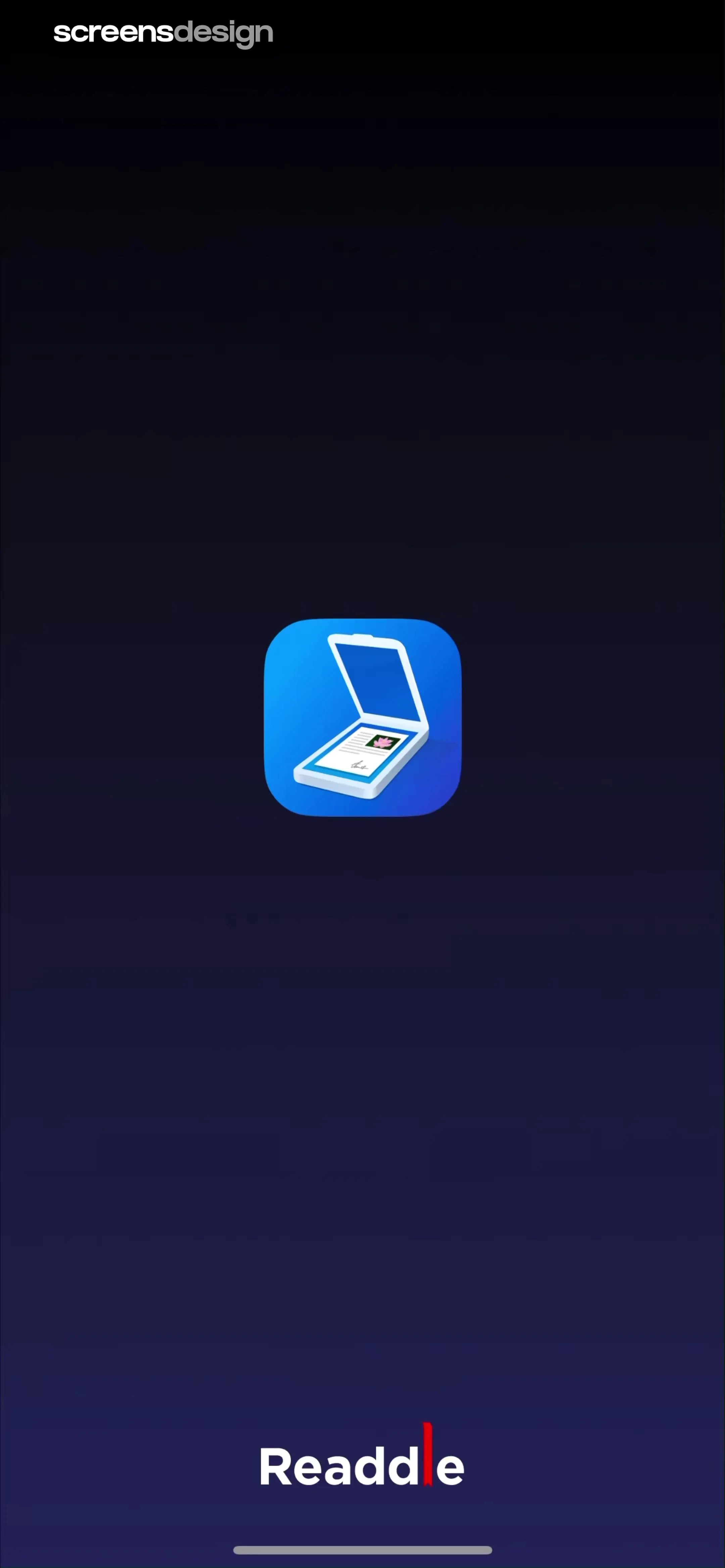
Splash screen with a centered document scanner app icon on a dark blue background and the Readdle brand name at the bottom.
Scanner Pro permissions screen with an App Tracking Transparency modal, social proof, and a Continue button on a dark background.
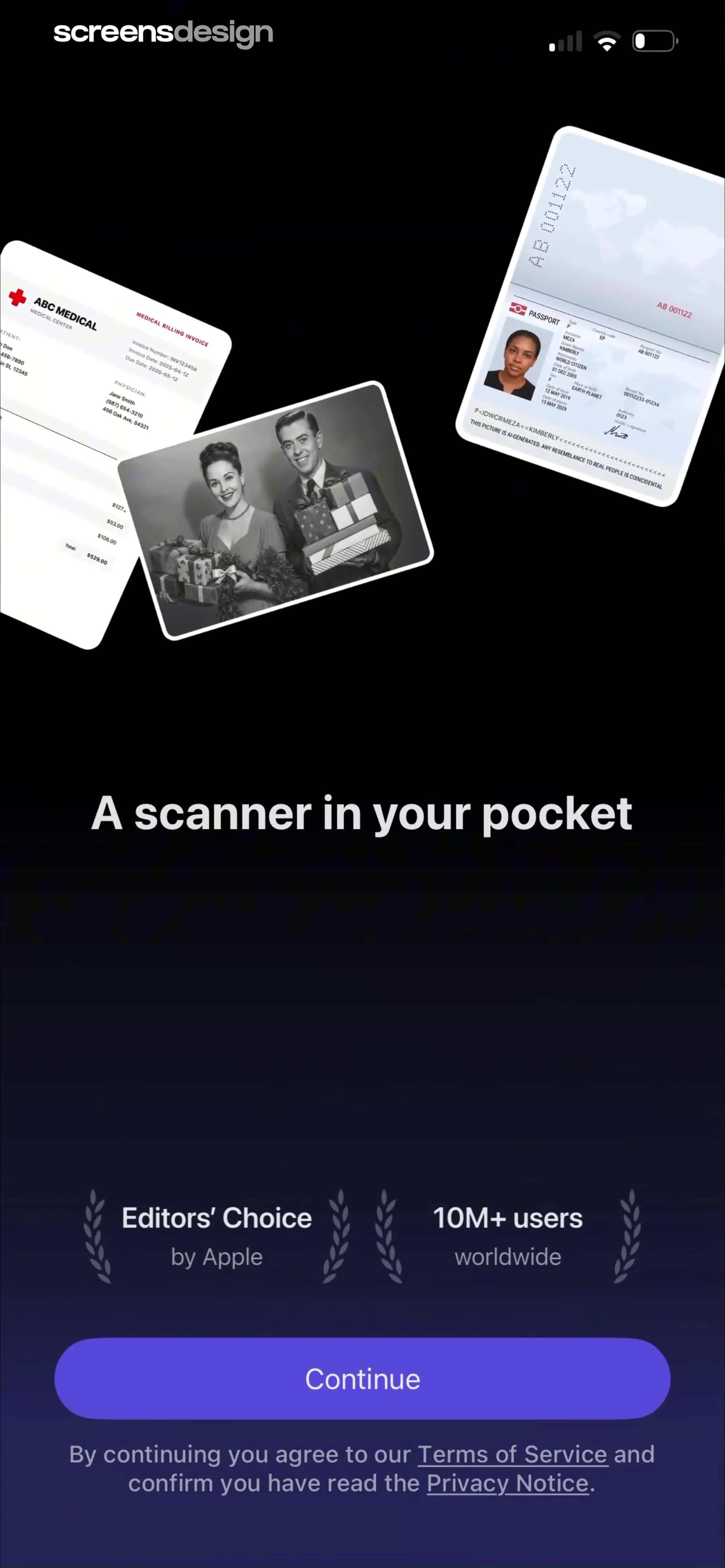
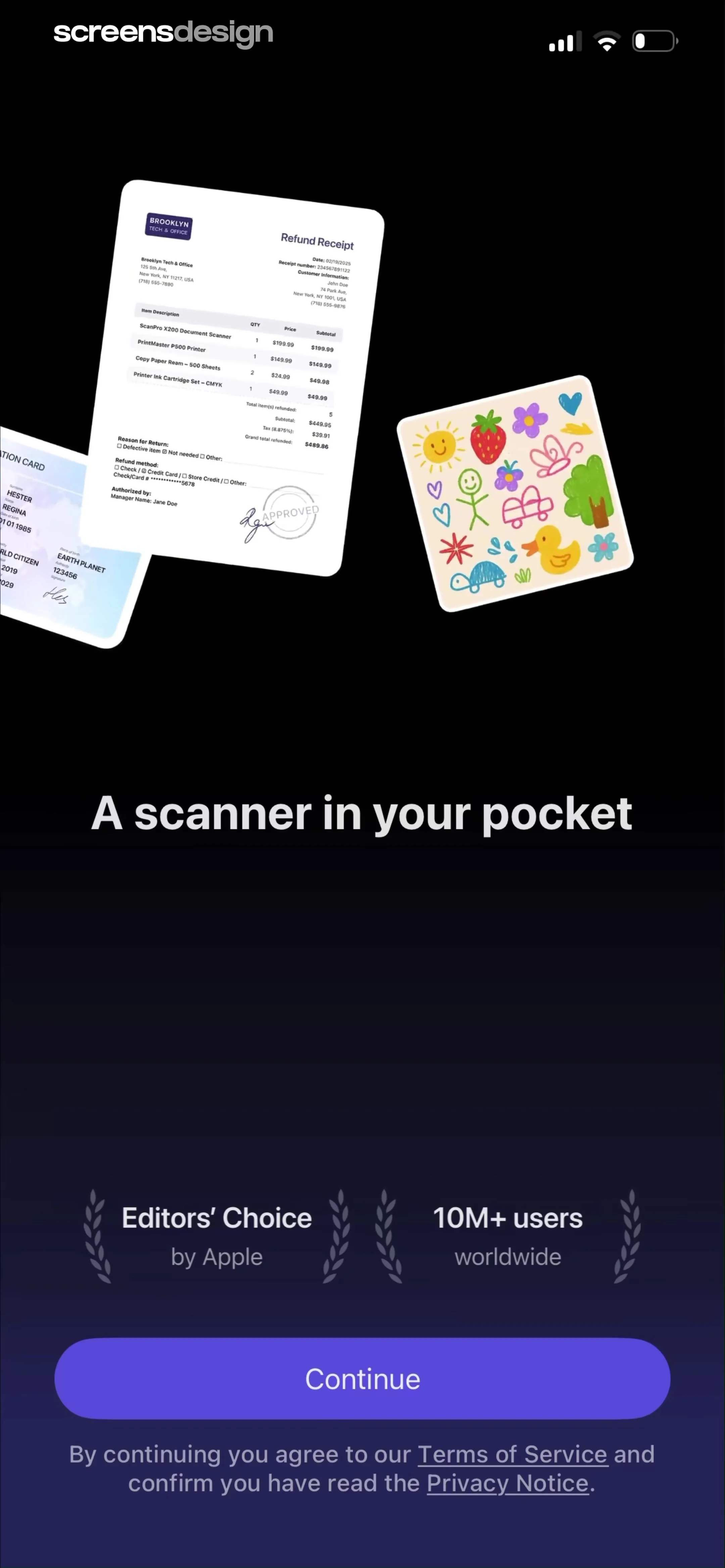
Scanner app onboarding screen with floating document mockups, social proof badges, and a Continue button.
Onboarding screen for a document scanning app displaying a scanner illustration, social proof badges, and a Continue button.
Onboarding screen displaying a document scanner mockup with a Refund Receipt, the headline Get high-quality PDFs, and a Continue button.
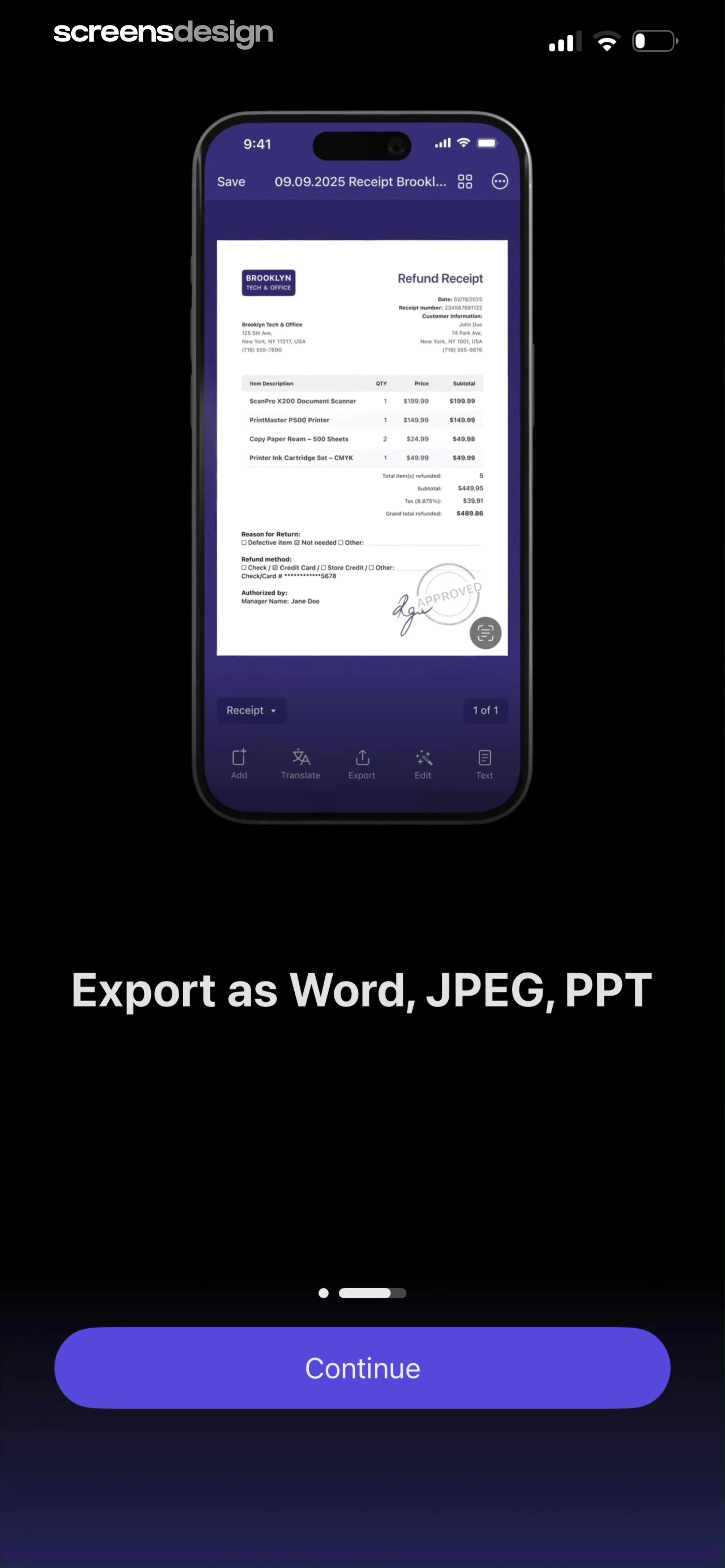
Onboarding screen highlighting export features with a phone mockup of a receipt editor and a Continue button.
Paywall screen with a list of premium features, two subscription plan options, and a Try for $0.00 now button.
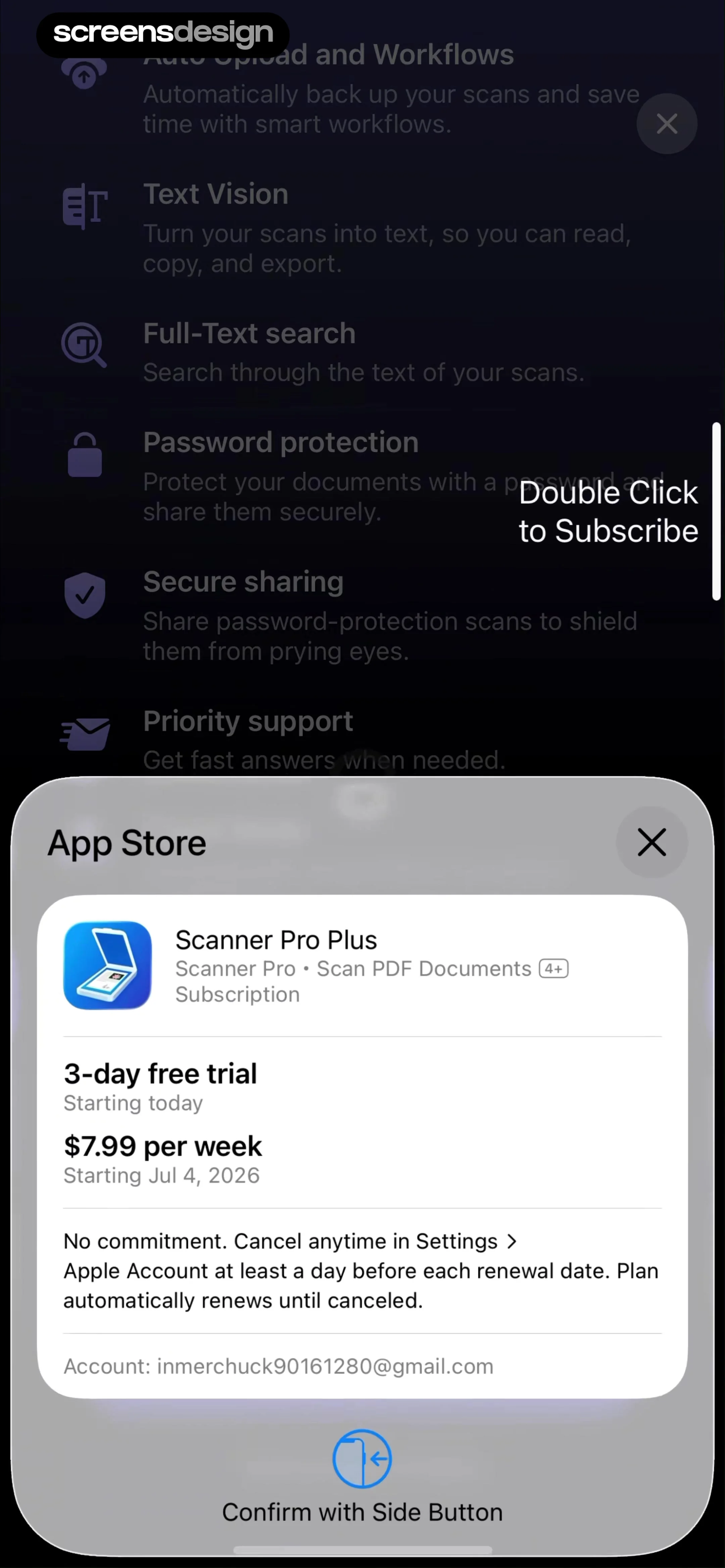
Subscription payment sheet for Scanner Pro Plus offering a weekly plan with a three-day free trial and a confirmation prompt.
Subscription purchase success modal overlaid on a dark paywall with a feature list and pricing plans, featuring an OK button.Unlock Pro
Empty state screen for document scans with a search bar, central illustration, and a prominent orange camera button at the bottom.Unlock Pro
Permission request modal asking to access the camera for Scanner Pro, featuring Allow and Don't Allow buttons over a camera interface.Unlock Pro
Document scanner camera interface capturing a page about ethics in UX, with the Document tab selected and a shutter button.Unlock Pro
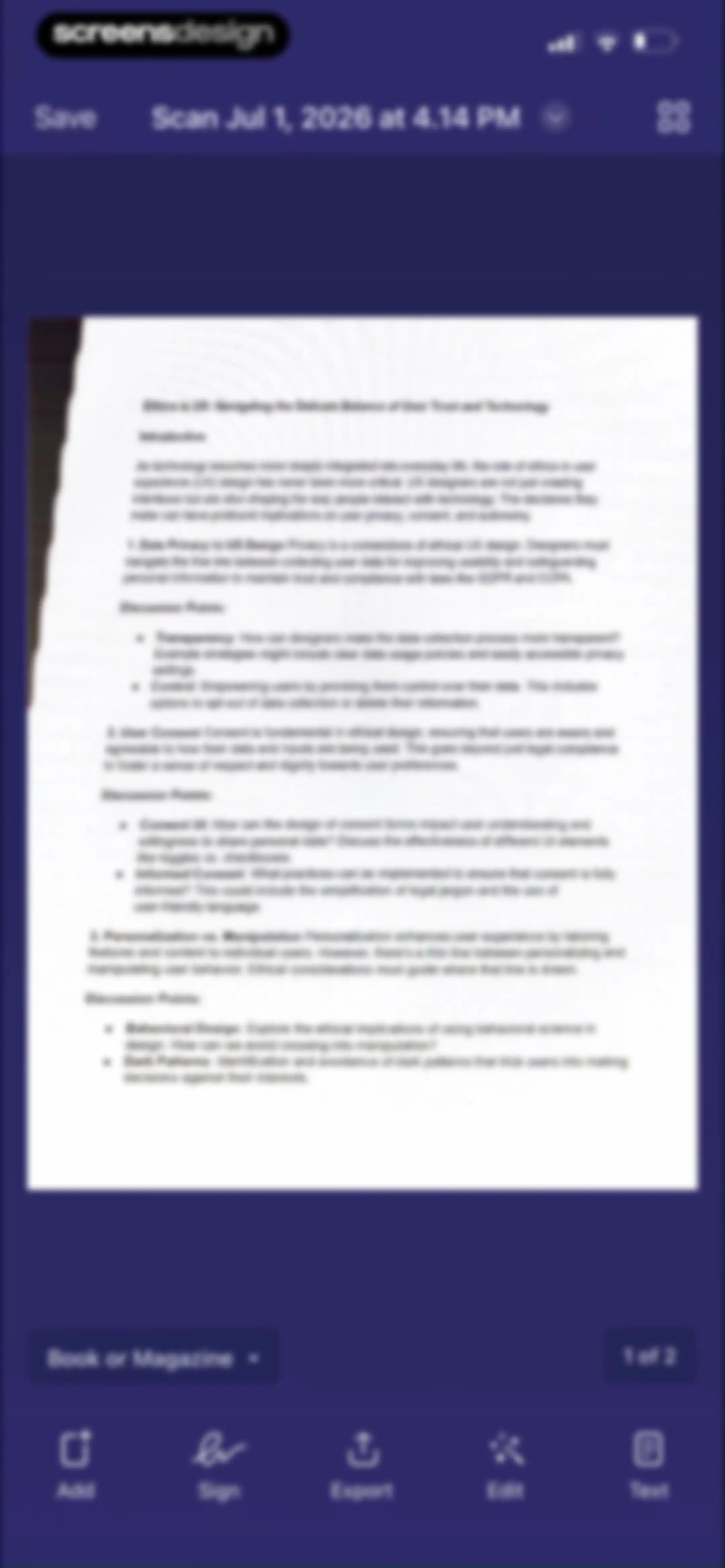
Document editor displaying a scanned preview titled Ethics in UX, with a top save button and bottom editing toolbar.Unlock Pro
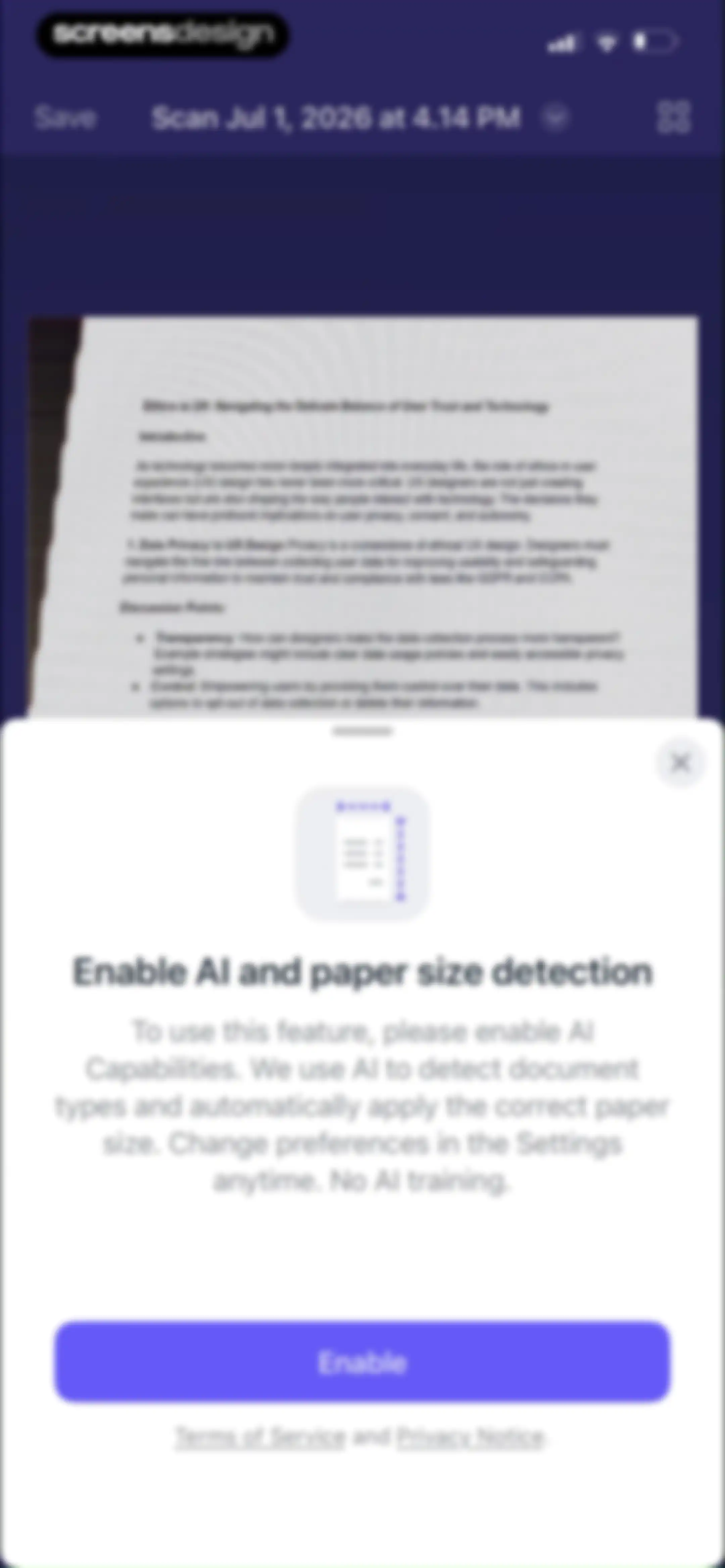
Permission modal requesting to enable AI and paper size detection, with an Enable button and links to terms and privacy notices.Unlock Pro
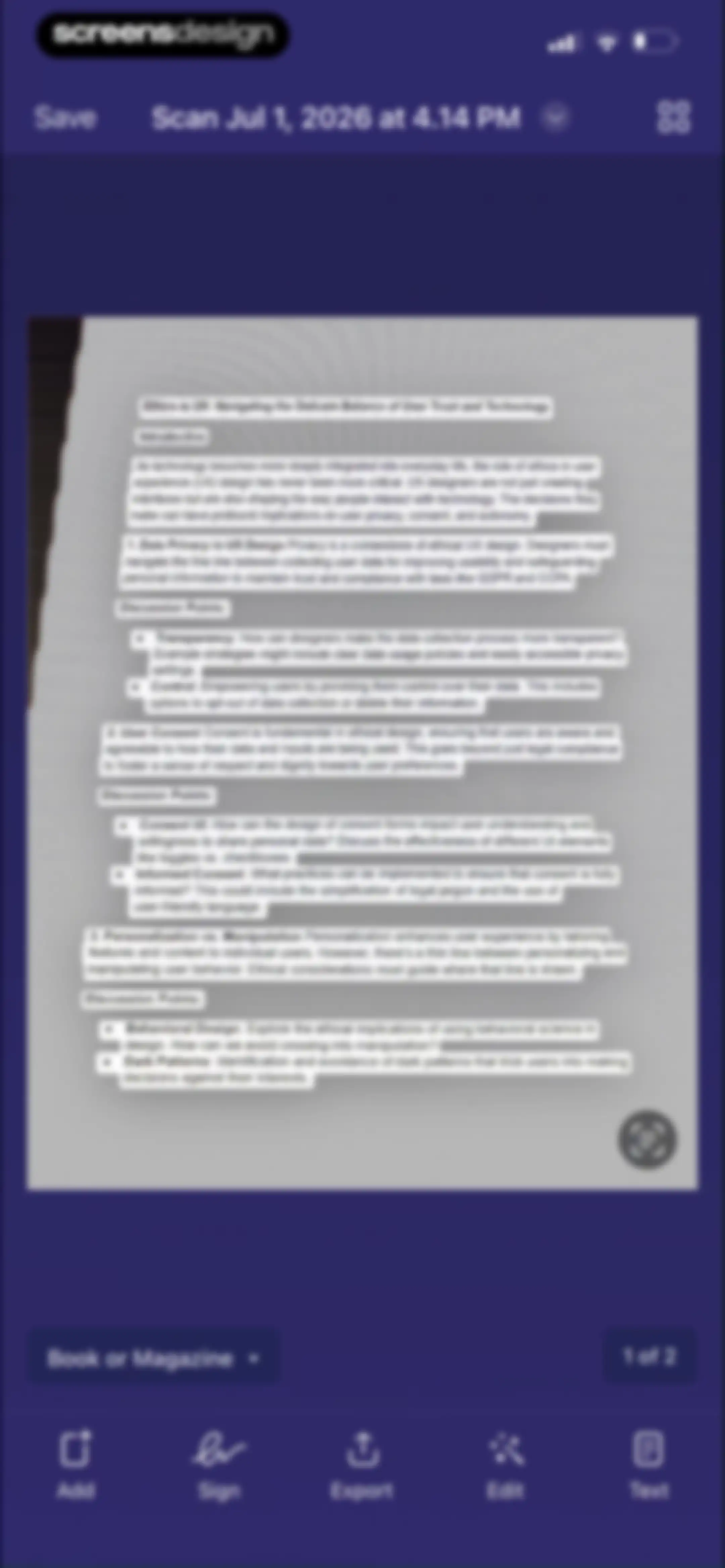
Document editor displaying a scanned page with text recognition overlays, a top save button, and a bottom editing toolbar.Unlock Pro
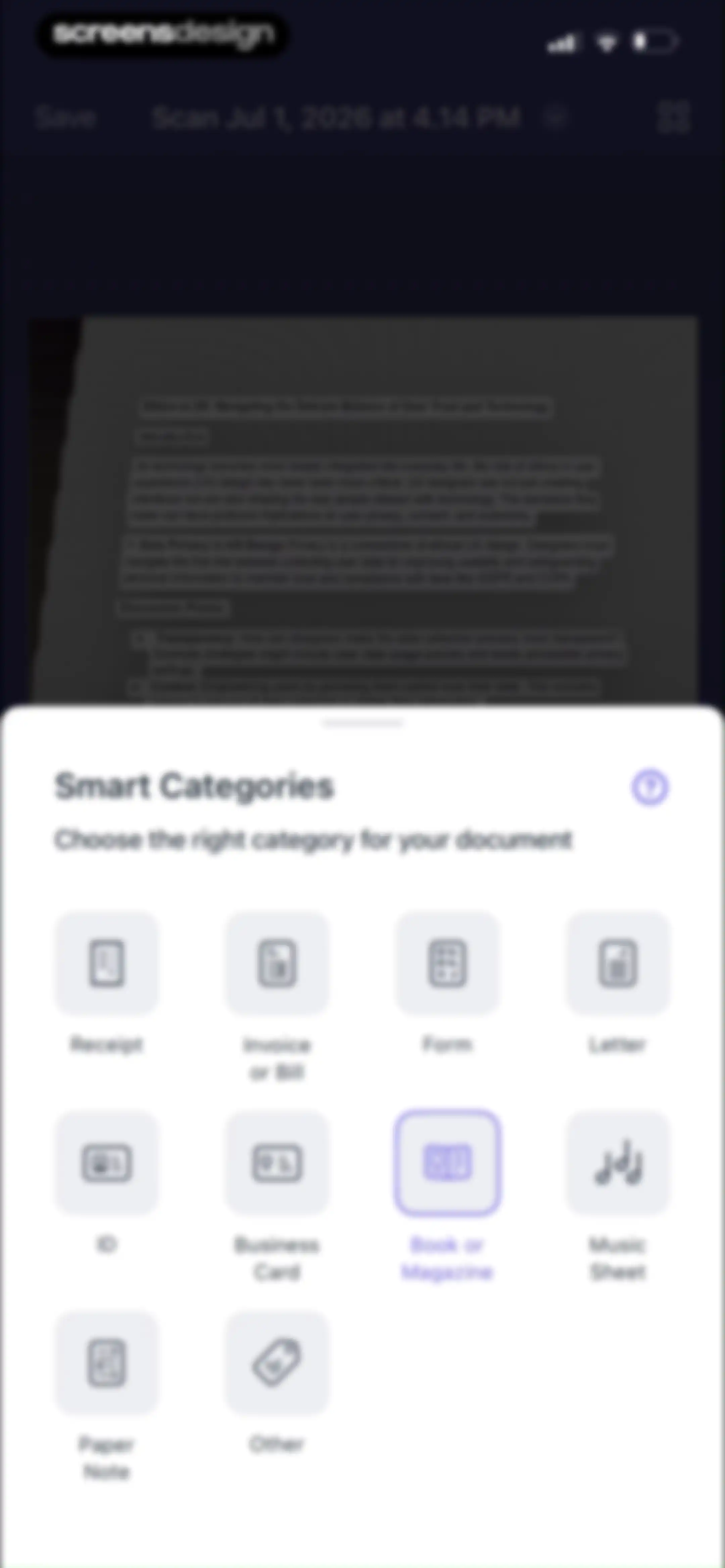
Smart Categories modal overlaying a document preview, featuring a grid of document type options with Book or Magazine selected.Unlock Pro
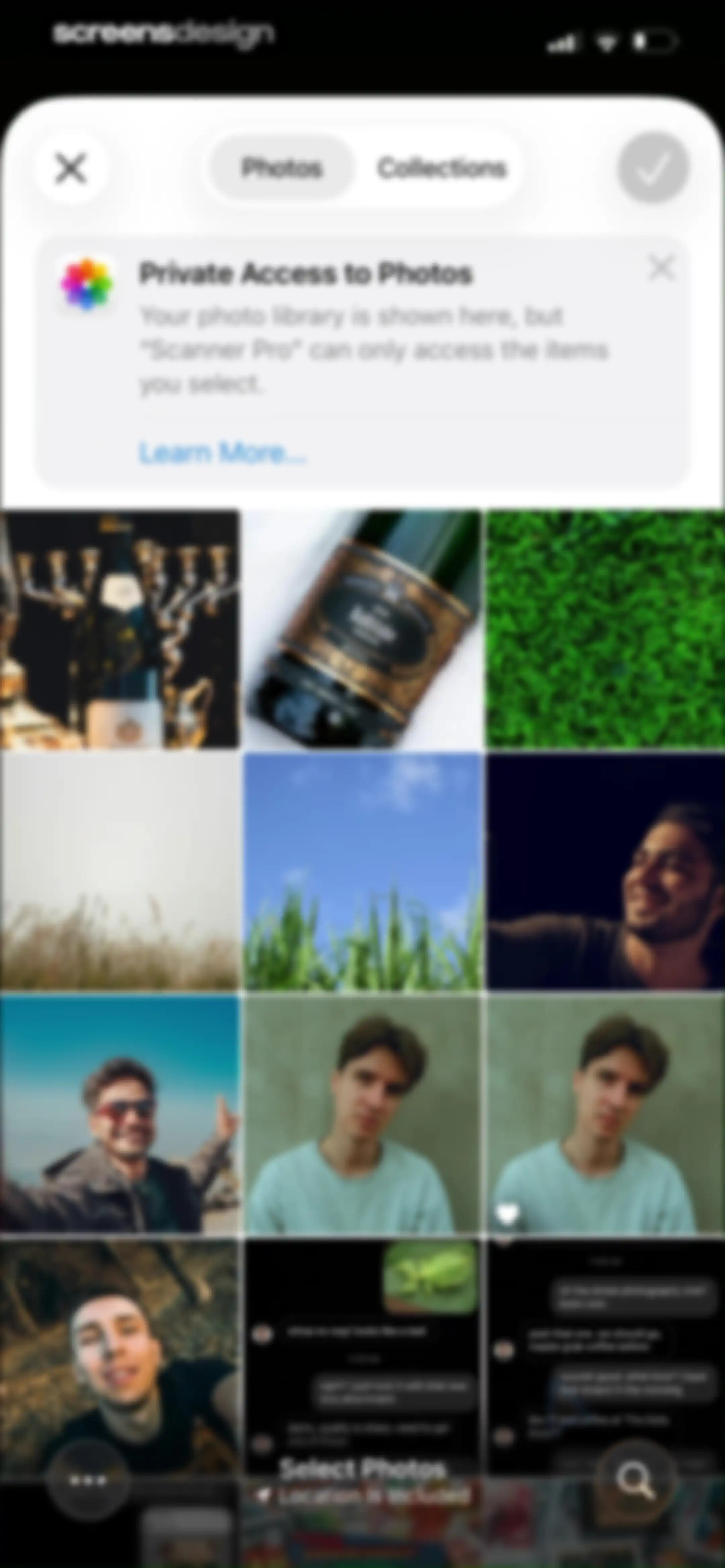
Scanner Pro photo selection screen displaying a grid of photos, a privacy banner about limited access, and top navigation controls.Unlock Pro
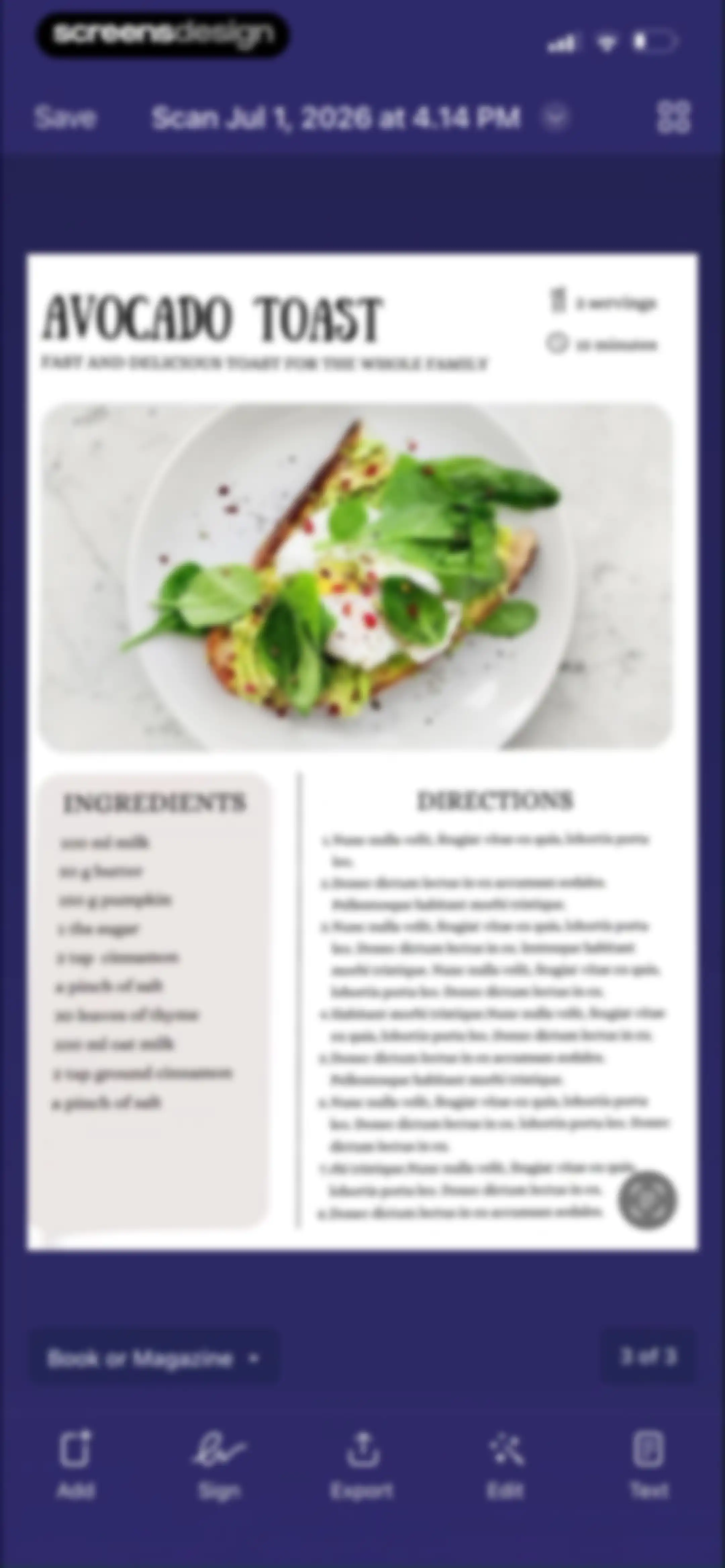
Document editor displaying a scanned recipe page with a dark theme, top save button, and a bottom toolbar featuring editing tools.Unlock Pro
Signature capture screen with a blank drawing canvas, instructional text, bottom color and tool controls, and a disabled Save button.Unlock Pro
Signature capture screen with a central drawing canvas, top navigation buttons, and a bottom toolbar including color swatches and a stroke-width slider.Unlock Pro
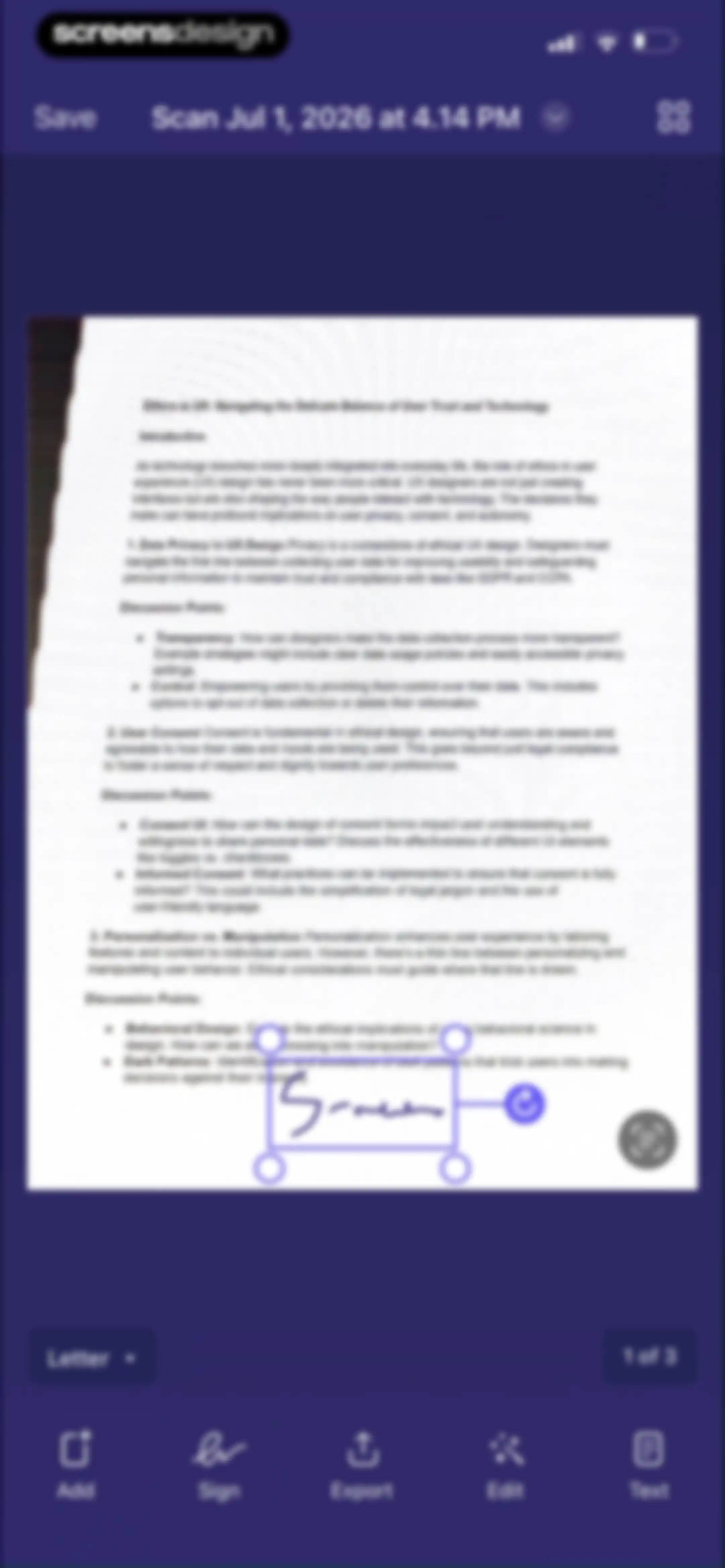
Document editor screen displaying a scanned text preview with a signature overlay, top save action, and bottom editing tools.Unlock Pro
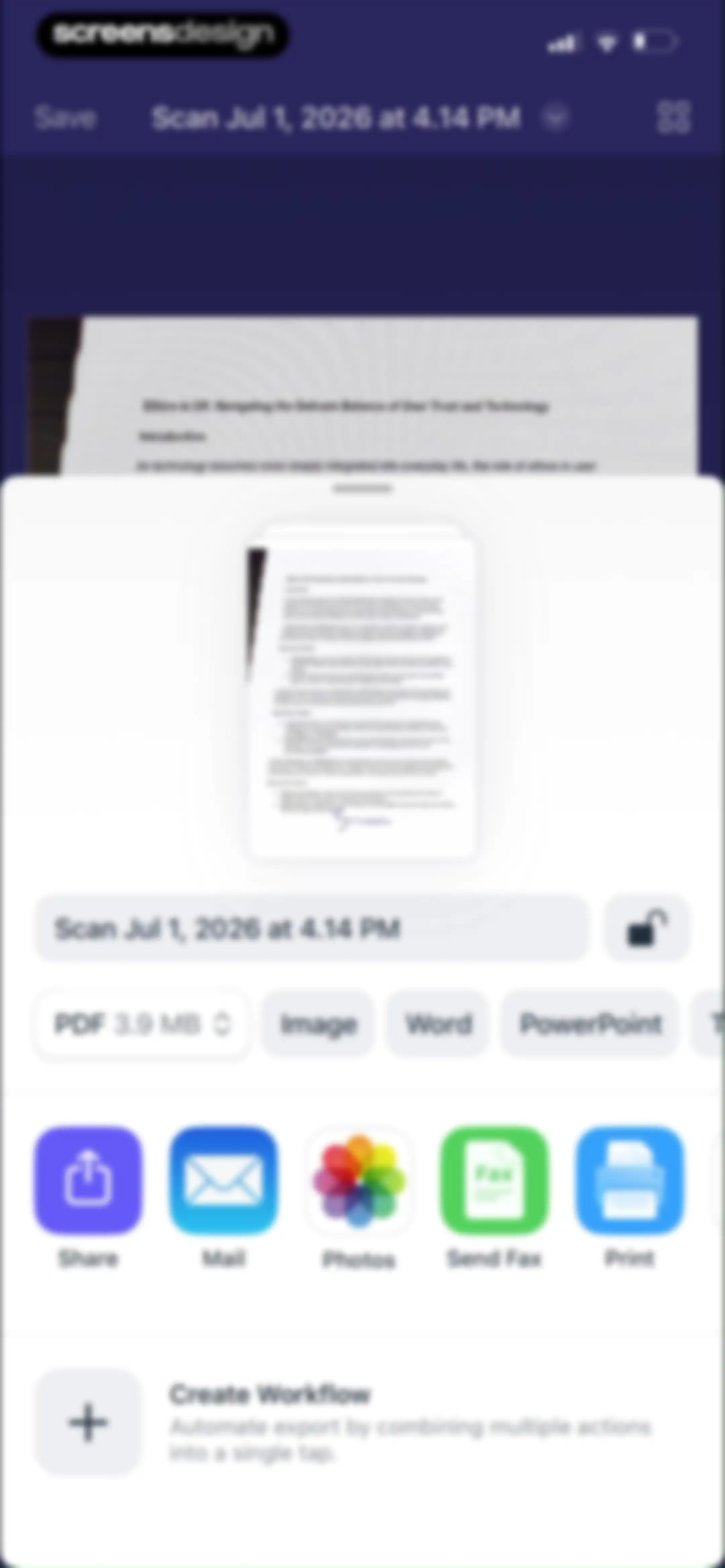
Document export and sharing screen with format options for PDF, Image, Word, and PowerPoint, along with action buttons for sharing, mailing, printing, and creating a workflow.Unlock Pro
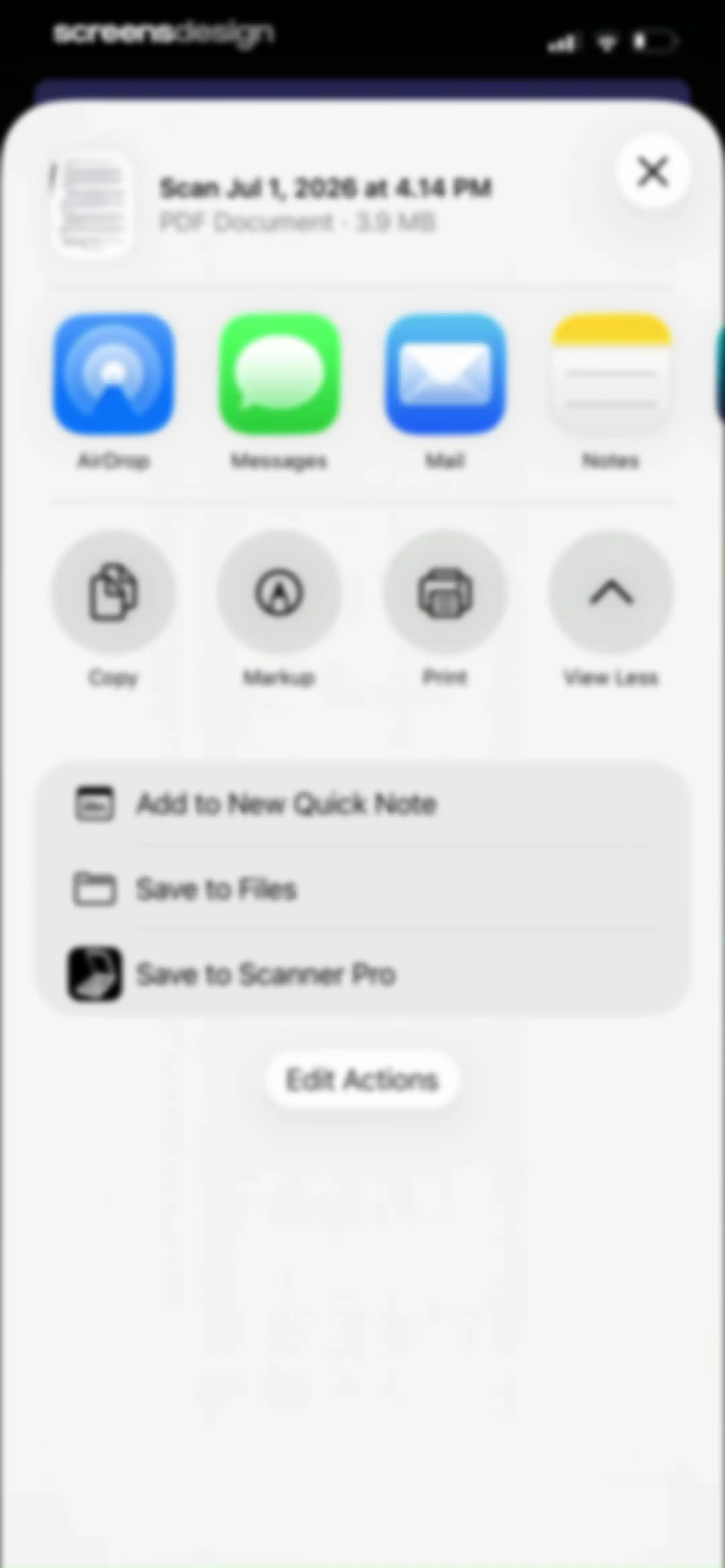
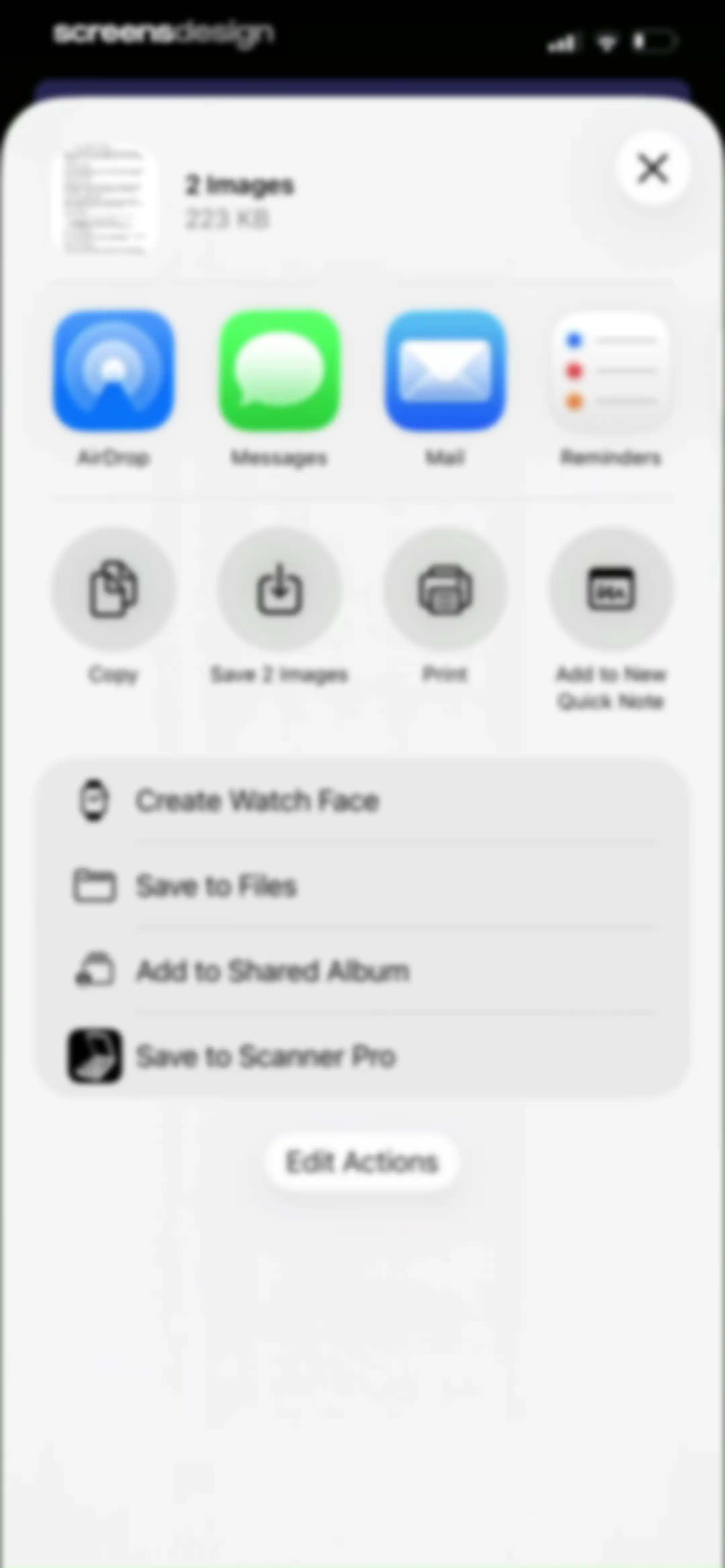
Share sheet displaying a PDF document preview with app sharing options, action buttons, and a list of save actions.Unlock Pro
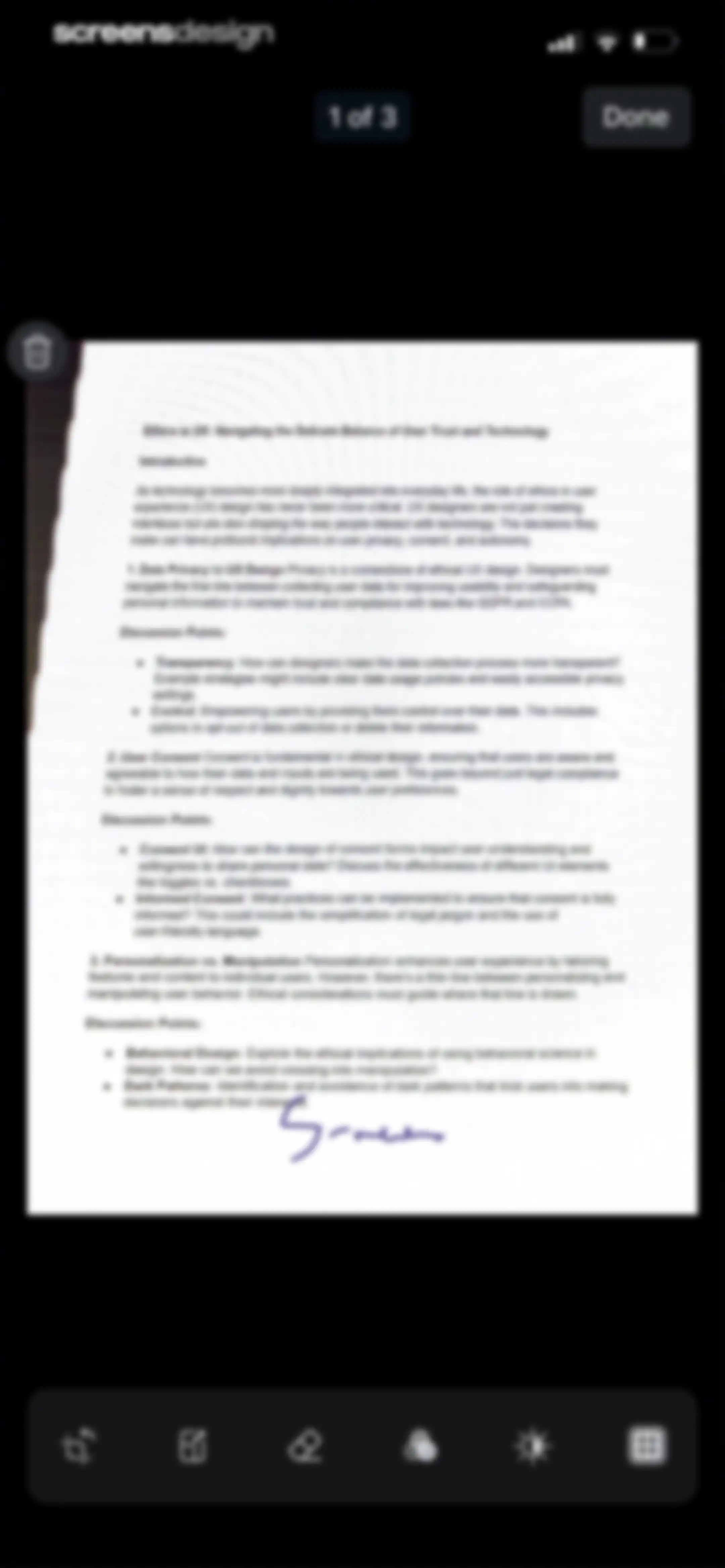
Document editor screen displaying a scanned page titled Ethics in UX with a bottom toolbar for editing tools and a Done button.Unlock Pro
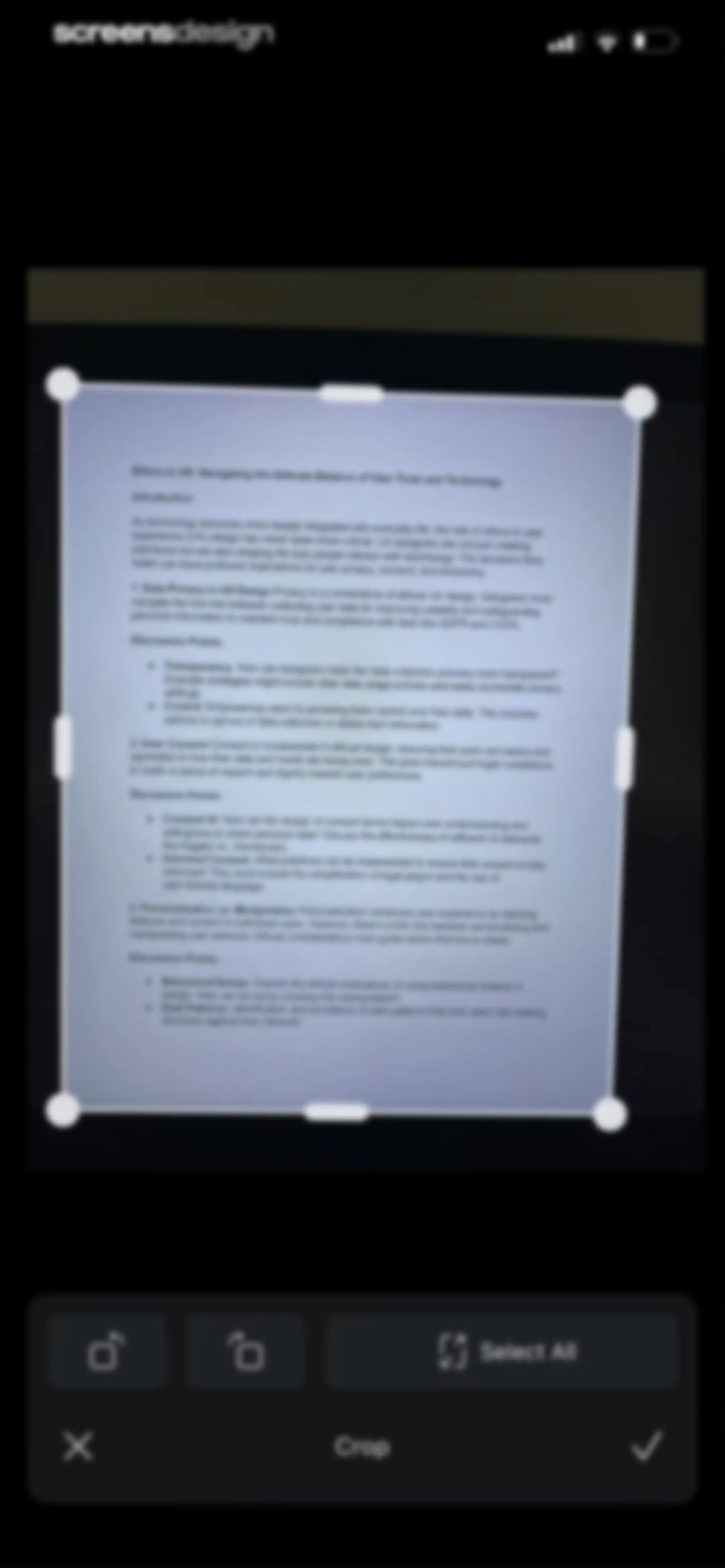
Document cropping editor featuring a central text preview with a crop overlay and a bottom toolbar with rotation and confirm actions.Unlock Pro
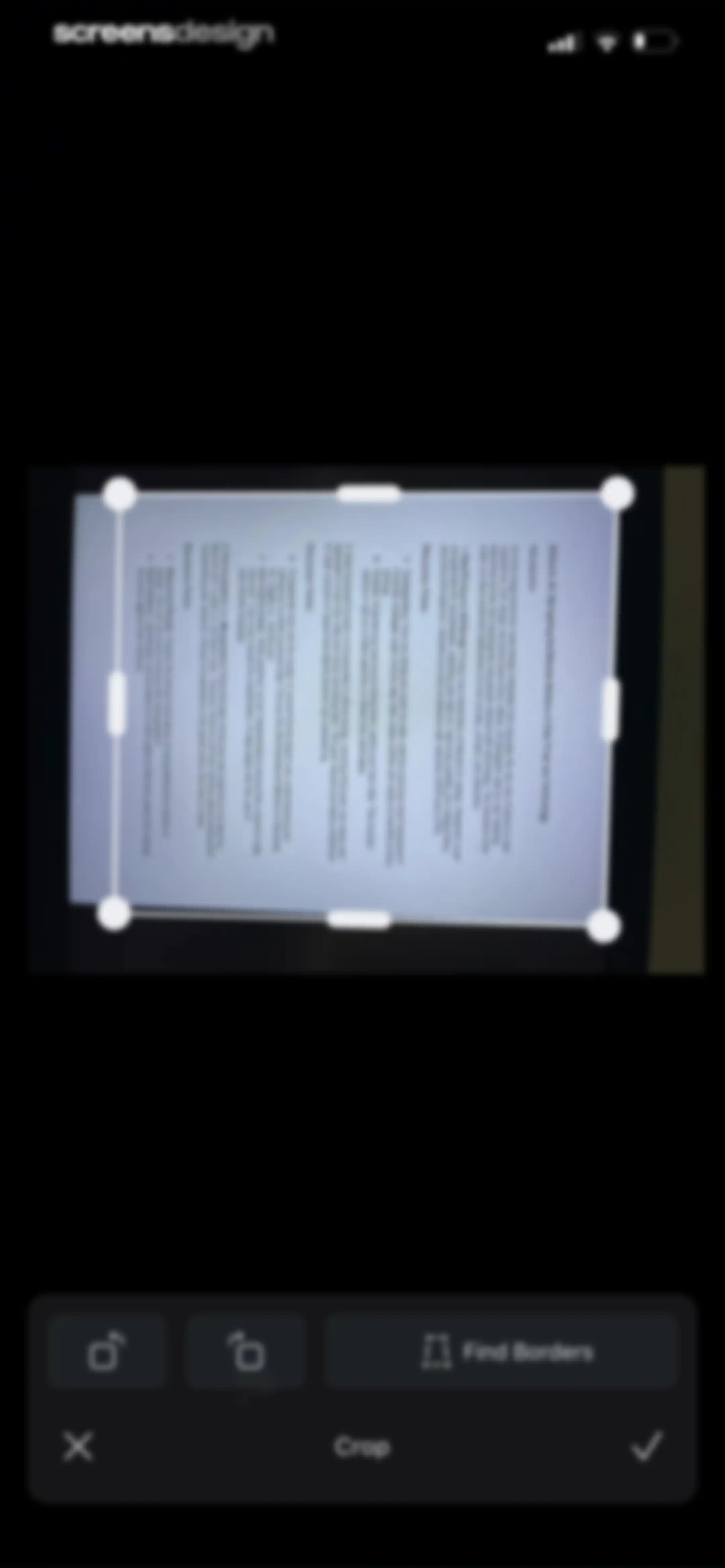
Document cropping interface displaying a scanned preview with a cropping frame and a Find Borders button.Unlock Pro
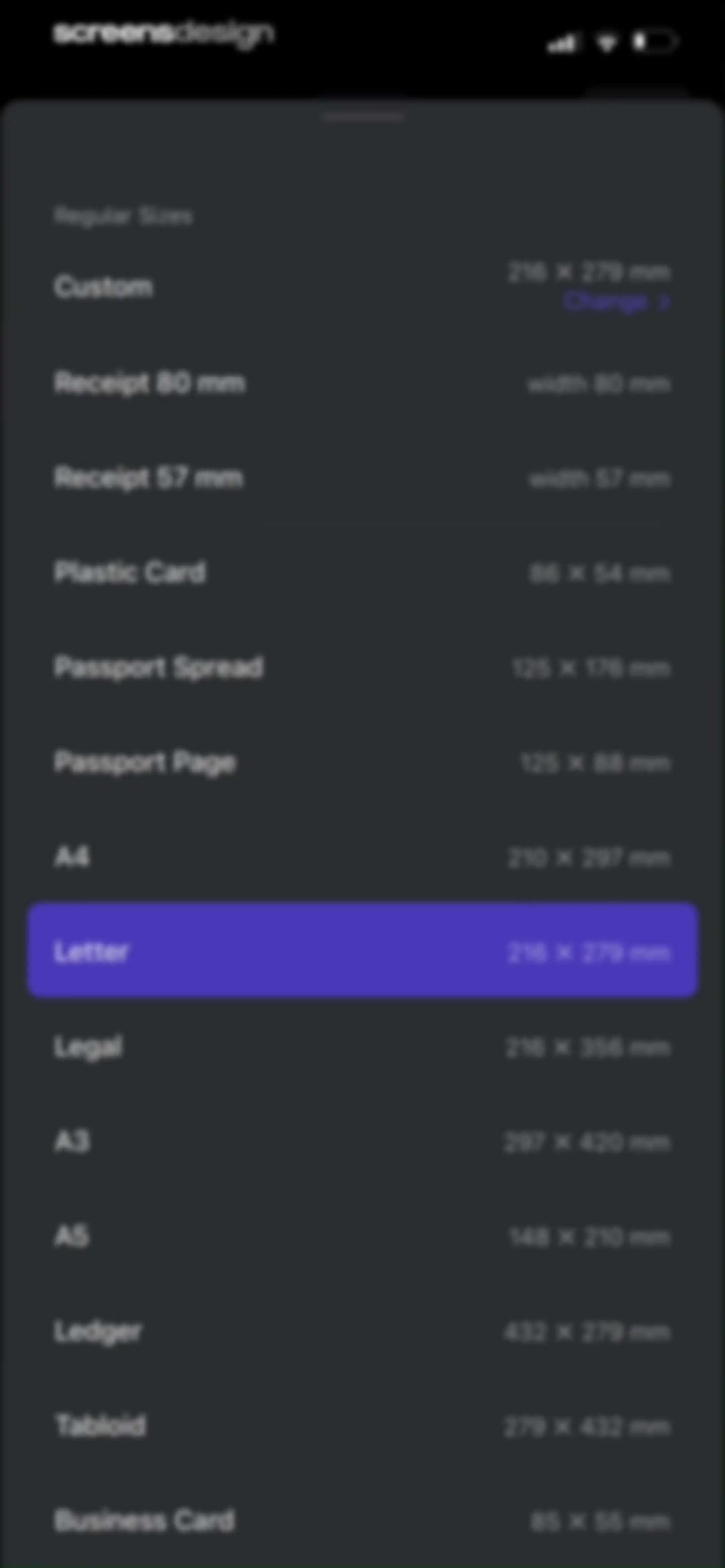
Regular Sizes modal bottom sheet showing a scrollable list of document dimensions with Letter selected and a purple highlight.Unlock Pro
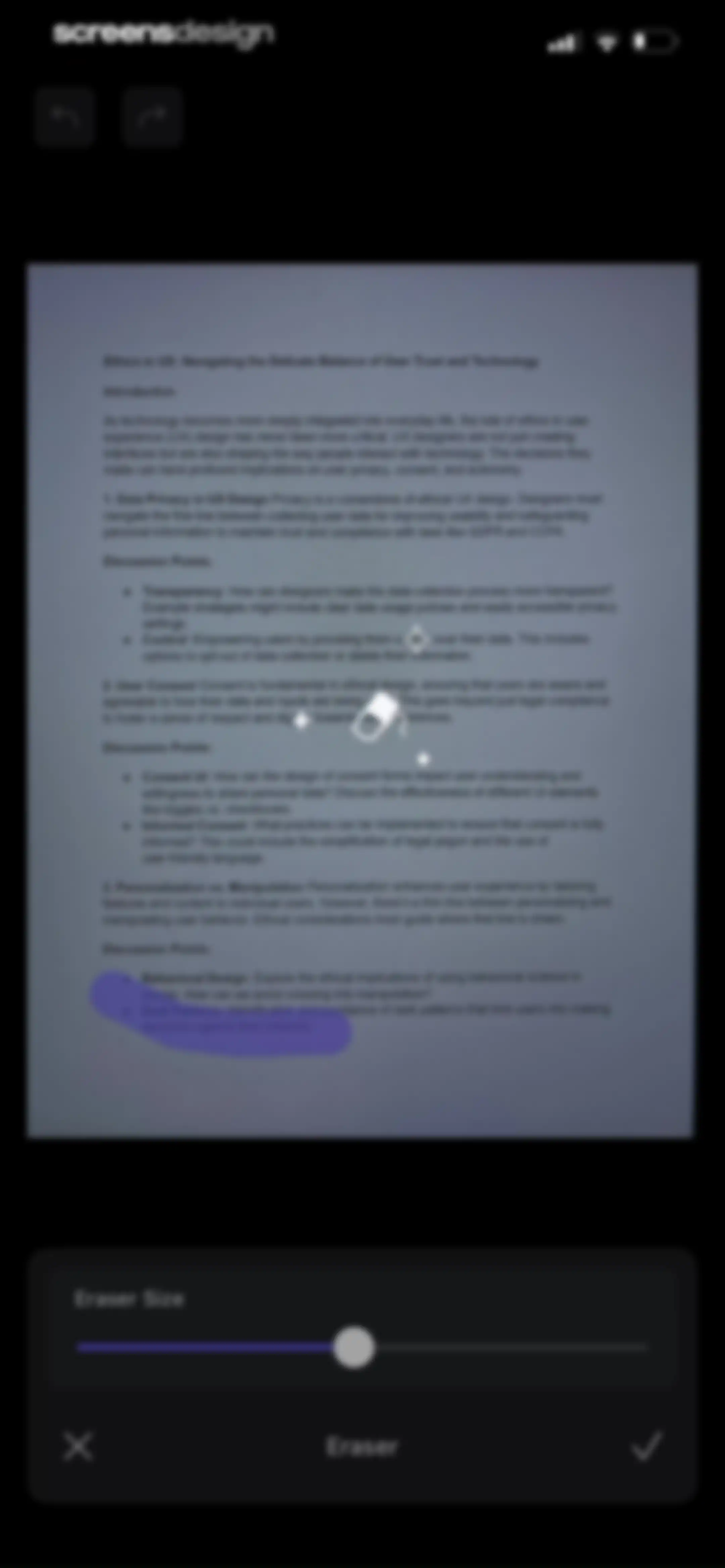
Document editor screen displaying a scanned document with an active eraser tool and an eraser size adjustment slider.Unlock Pro
Document editor screen displaying a scanned preview with a Color filter selected and a bottom editing toolbar.Unlock Pro
Document editor screen showing a preview of a scanned PDF with brightness and contrast adjustment sliders and a purple-highlighted adjustment tool.Unlock Pro
Document editor screen displaying a scanned page, a warp correction toggle, and a bottom toolbar with editing tools and a Done button.Unlock Pro
Document editor displaying a scanned text preview with a top navigation bar and bottom action bar containing Copy All, Share, and Language buttons.Unlock Pro
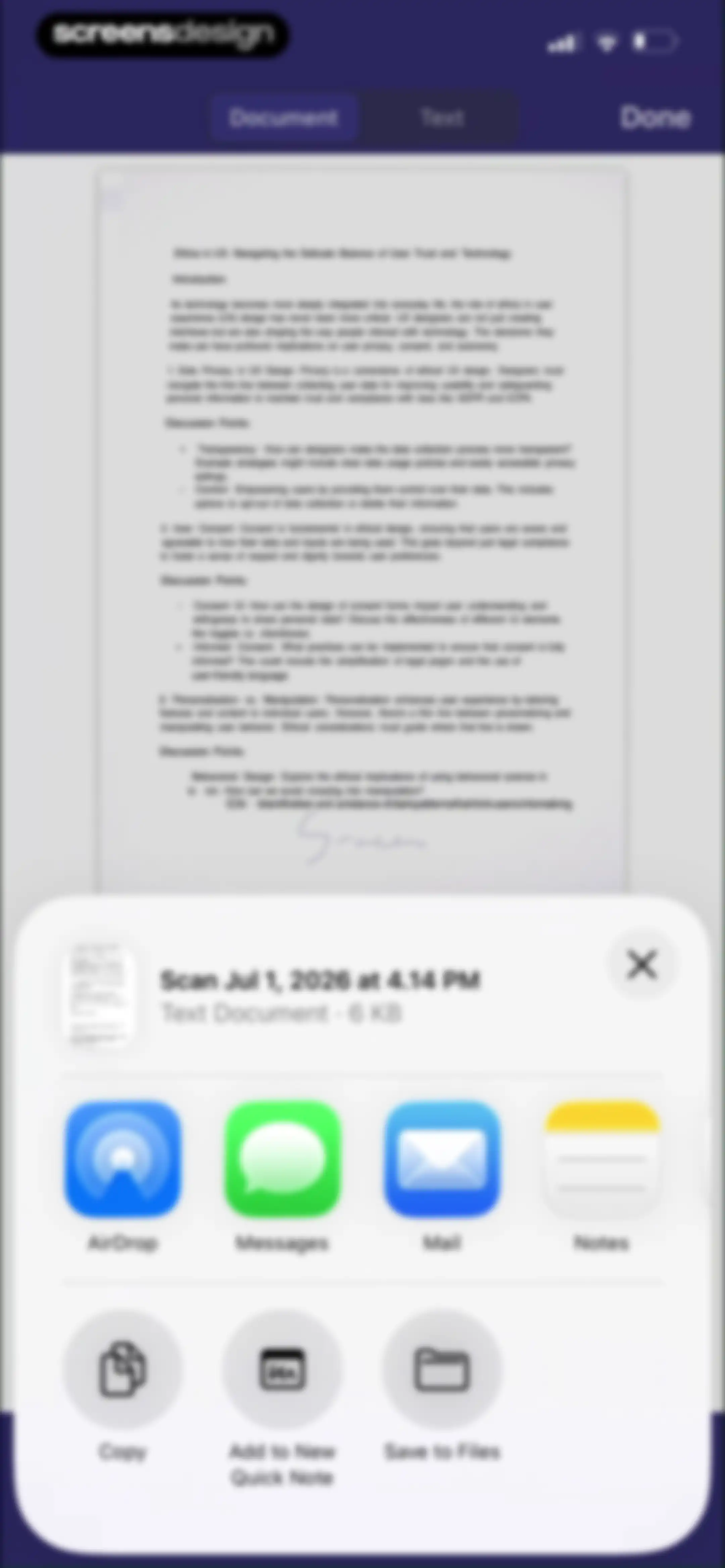
Share sheet overlay on a scanned document preview displaying options like AirDrop, Messages, Mail, and Save to Files.Unlock Pro
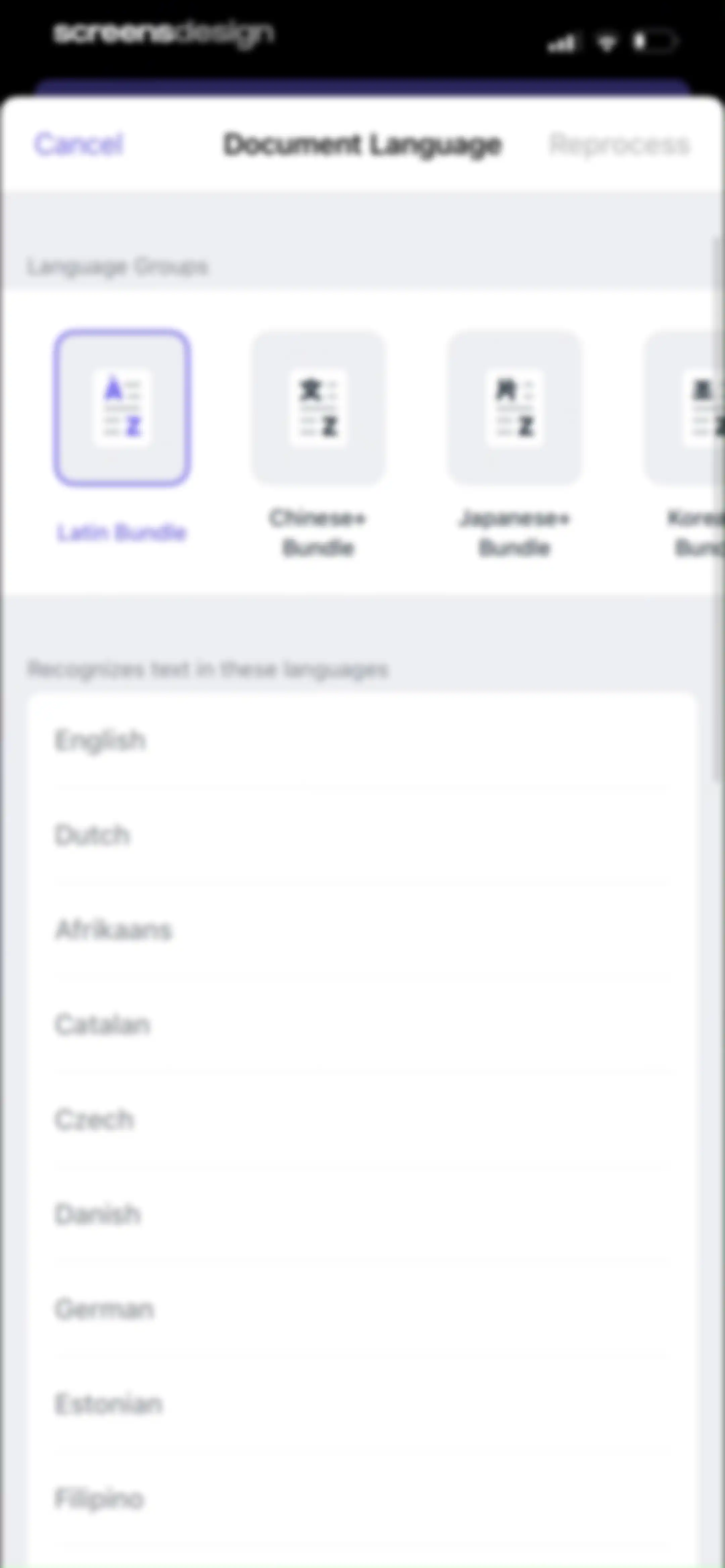
Document language settings screen with a horizontal carousel of language bundles, including the selected Latin Bundle, and a list of individual languages with Cancel and Reprocess buttons.Unlock Pro
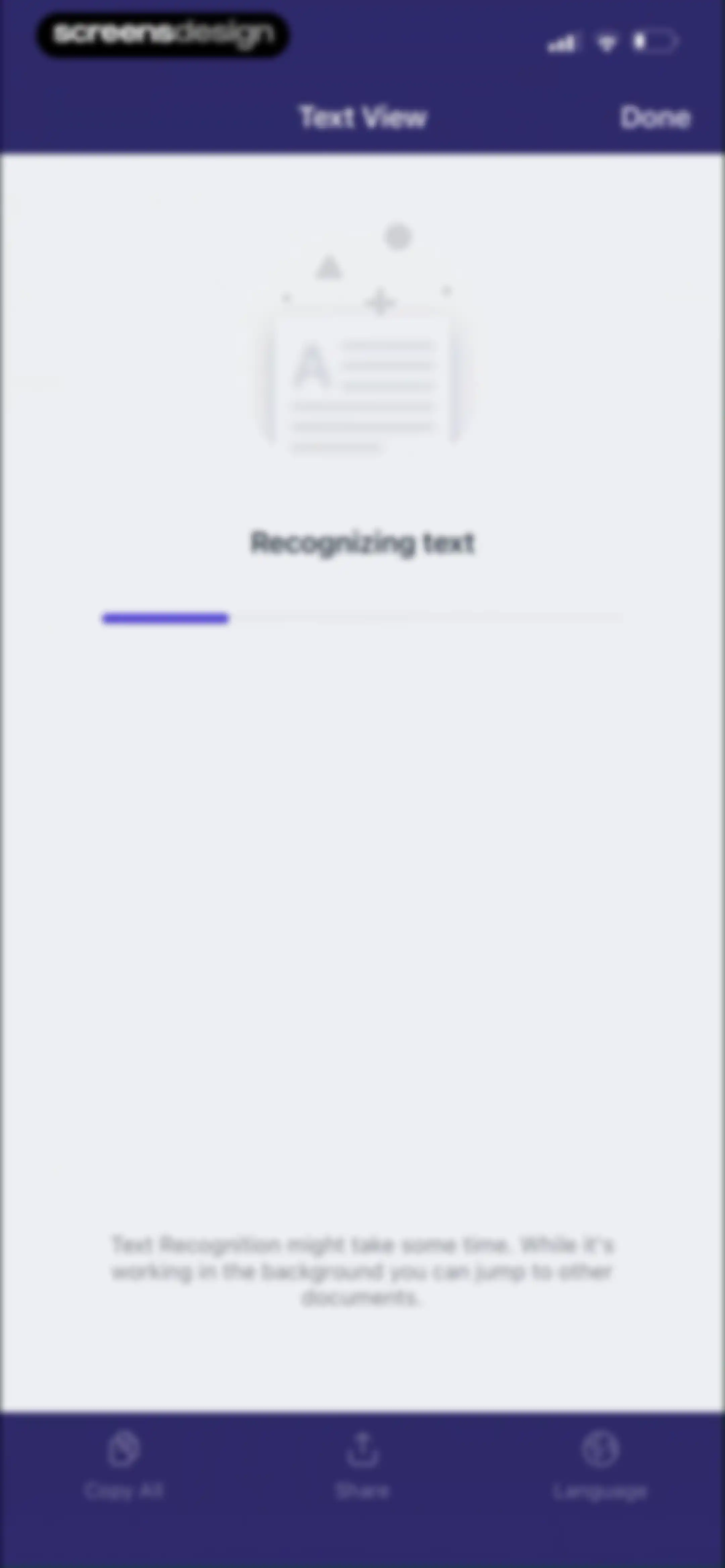
Text recognition progress screen in the Scanner Pro app showing a central progress indicator and bottom actions for copy, share, and language.Unlock Pro
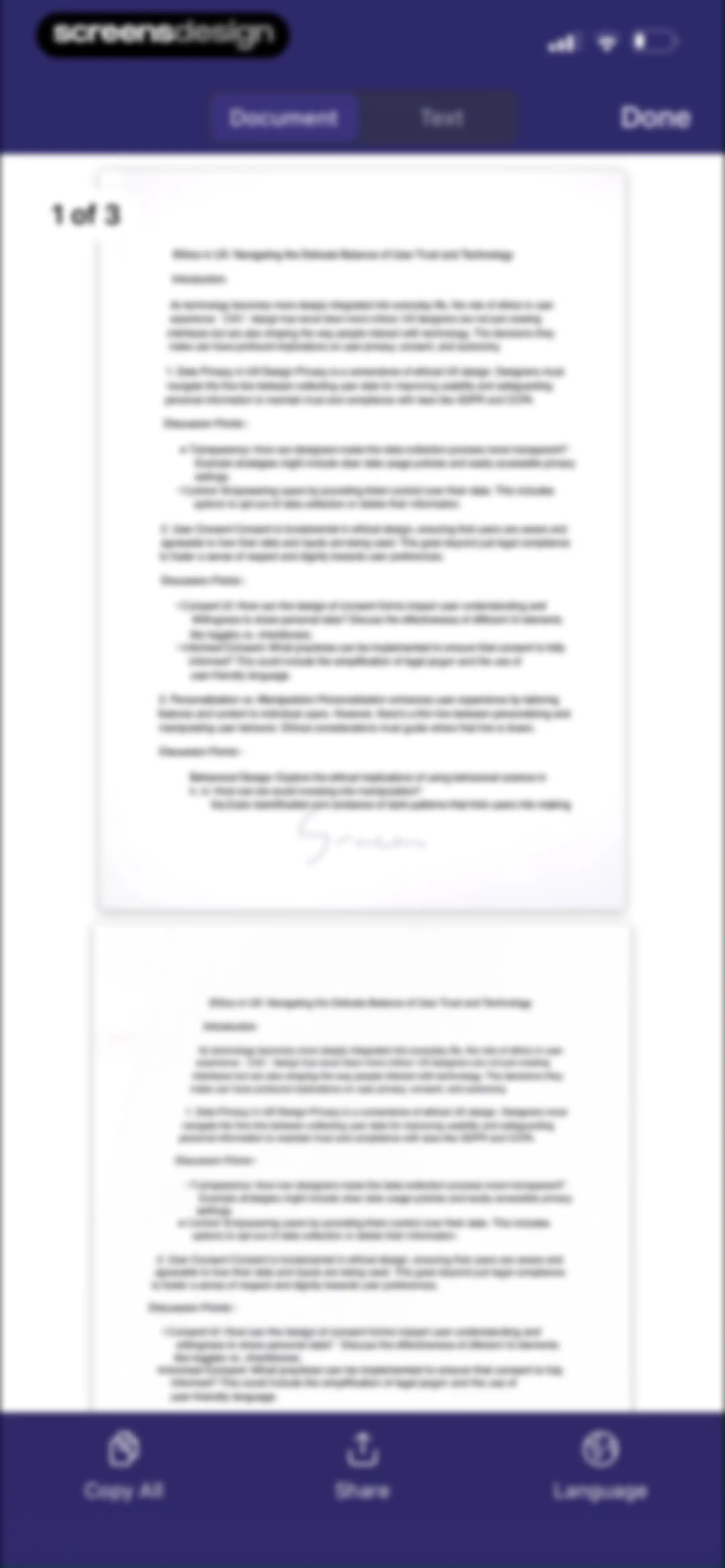
Document editor displaying a preview of the Ethics in UX text with a bottom action bar for copying, sharing, and changing language.Unlock Pro
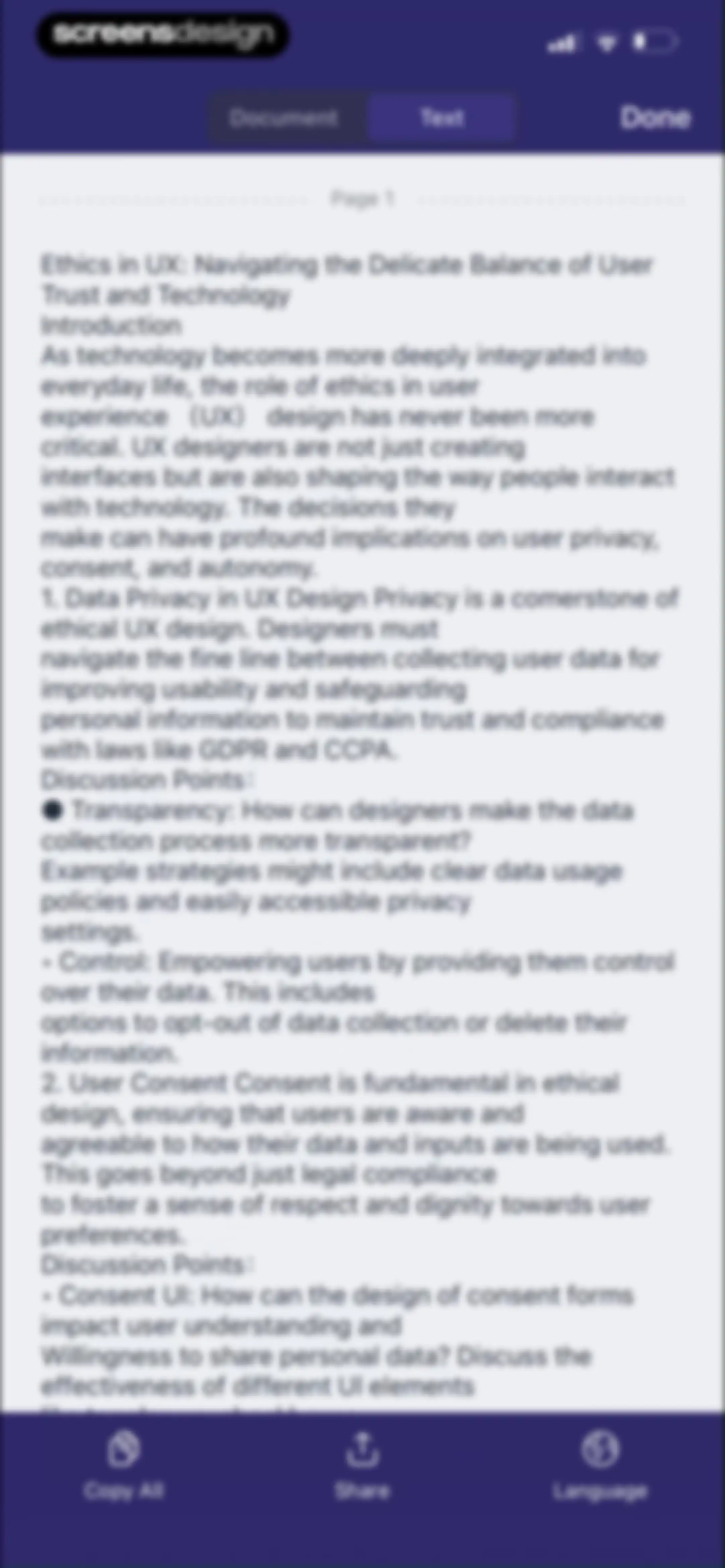
Text editor screen showing extracted OCR text about ethics in UX, with a bottom action bar for copying, sharing, and translating.Unlock Pro
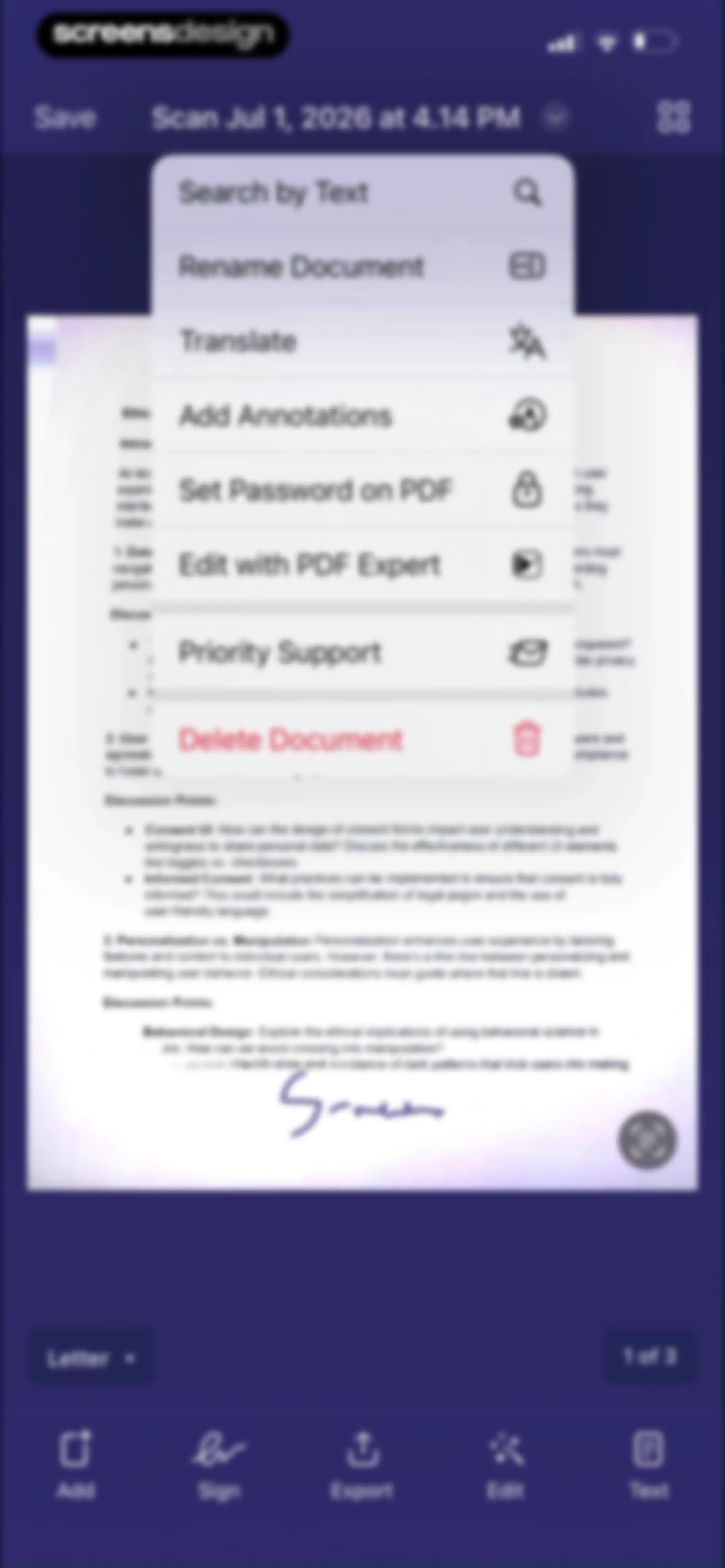
Document editor displaying an action menu with options like Rename Document, Translate, and Delete Document over a scanned PDF preview.Unlock Pro
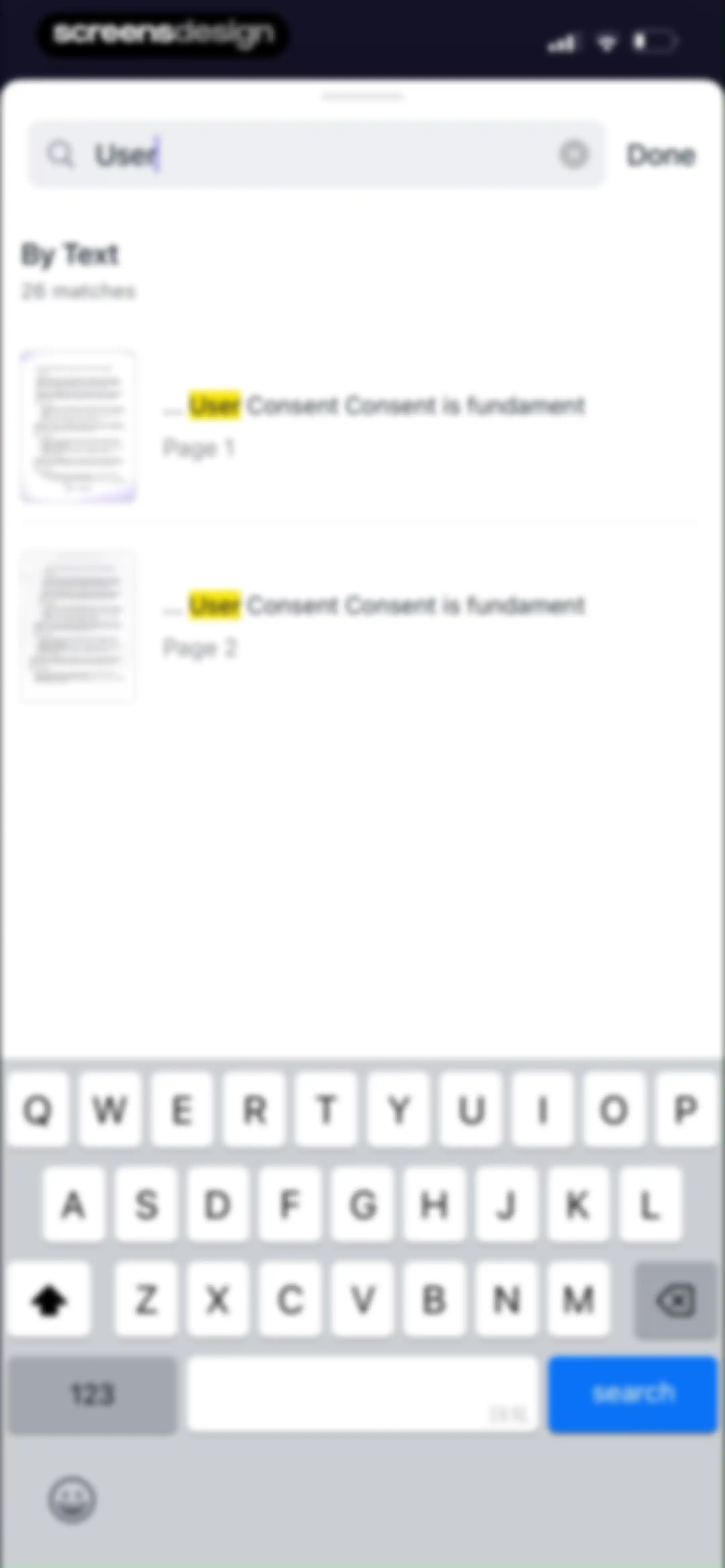
Search results screen displaying 26 document matches for the query User, with highlighted text snippets and a system keyboard.Unlock Pro
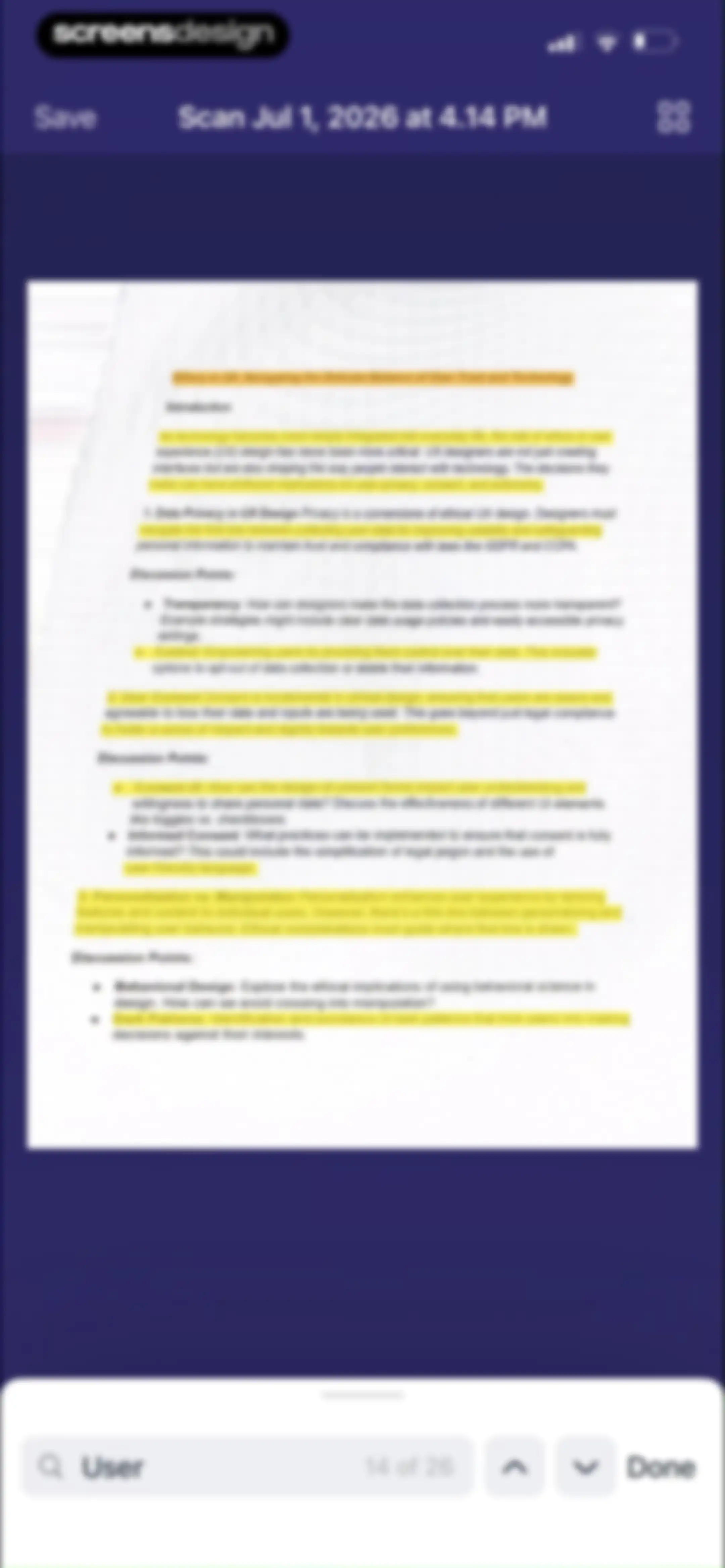
Document editor displaying a scanned page about ethics in UX, with top save and grid options and a bottom search and page navigation bar.Unlock Pro
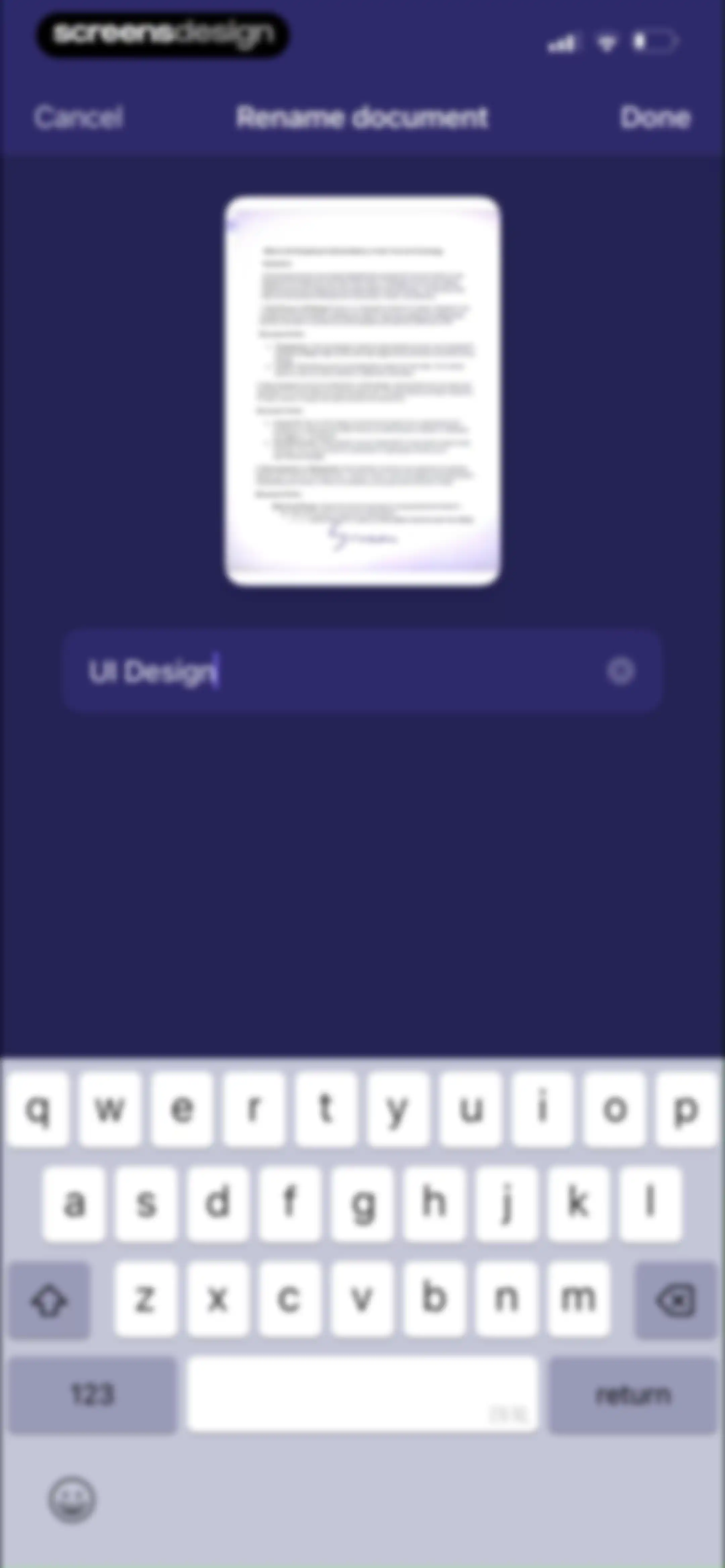
Document renaming screen displaying a preview card, a text input field with the text UI Design, Cancel and Done buttons, and a system keyboard.Unlock Pro
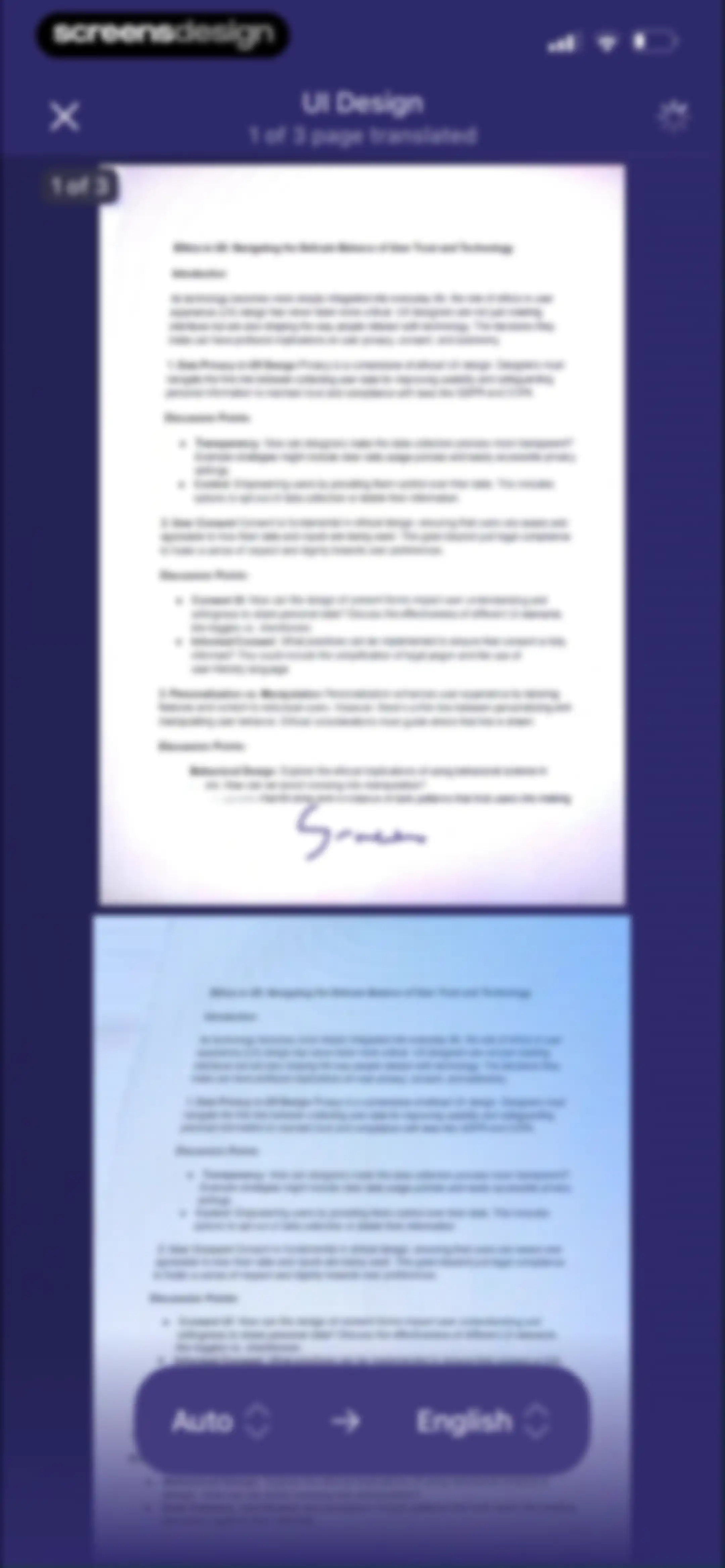
Document translation editor displaying a preview of an Ethics in UX document with a floating control bar set from Auto to English.Unlock Pro
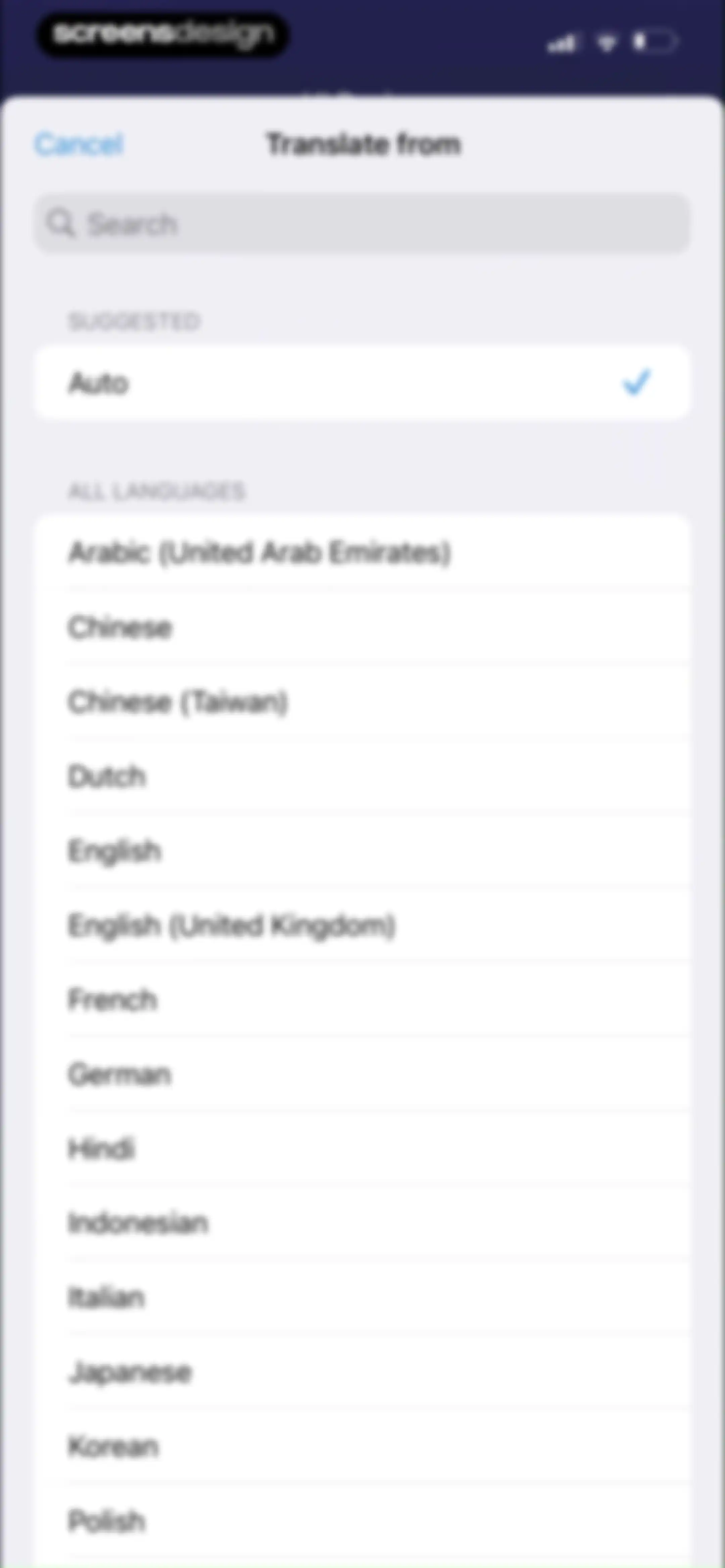
Language selection modal for translation with a search bar, suggested auto option selected with a checkmark, and a long list of available languages.Unlock Pro
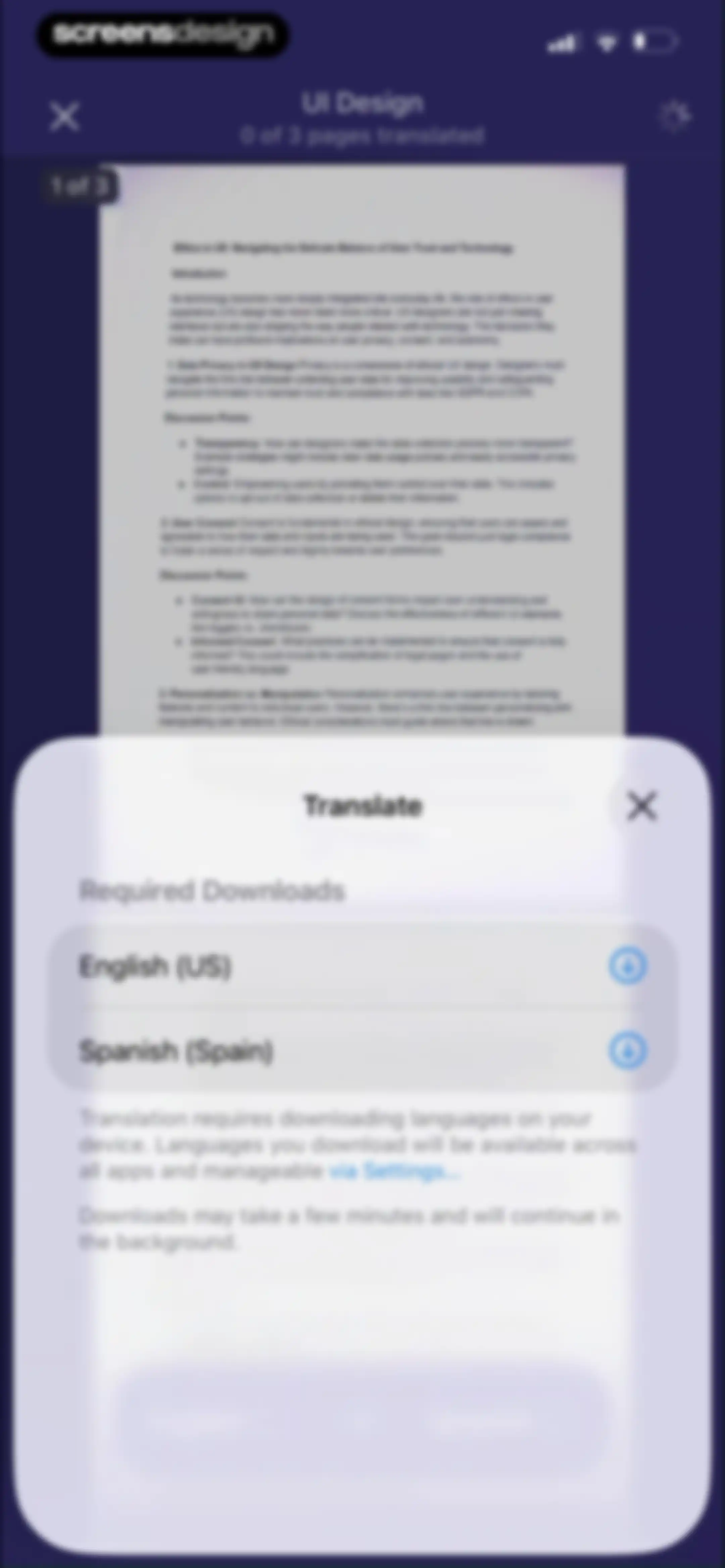
Translation modal over a document preview screen, listing required language downloads for English and Spanish with download buttons.Unlock Pro
Document editor displaying a scanned page titled Ethics in UX, featuring top navigation actions and a bottom annotation toolbar with drawing tools.Unlock Pro
Document editor displaying a scanned text preview with a floating annotation toolbar and bottom drawing tools.Unlock Pro
Document editing screen displaying a scanned text preview, an active pixel eraser modal with size options, and top navigation controls.Unlock Pro
Document editor with a scanned text preview, a floating eraser selection modal, and a bottom tool toolbar including the selected eraser.Unlock Pro
Document editor displaying a scanned Ethics in UX document with a digital ruler overlay and bottom annotation toolbar.Unlock Pro
Document editor displaying a scanned text file titled Ethics in UX with a floating annotation toolbar and a bottom tool selection bar.Unlock Pro
Document annotation editor displaying a text preview about ethics in UX, a floating bottom toolbar with drawing tools, and Done and Cancel actions.Unlock Pro
Document editor displaying the Ethics in UX text with a floating annotation menu, drawing tools, and a Done button.Unlock Pro
Document annotation editor displaying a text preview titled Ethics in UX with floating markup controls and a bottom tool palette.Unlock Pro
Color picker modal displaying a color grid, opacity slider, and preset swatches with the Grid tab selected and a Done button.Unlock Pro
Color picker modal overlaying a document, featuring the selected Spectrum tab, an opacity slider at 100%, and preset color swatches.Unlock Pro
Color selection modal with RGB sliders, hex code input, and a Done button.Unlock Pro
Password protection form for a PDF with an empty password input field and a disabled Done button.Unlock Pro
App installation screen promoting PDF Expert 7, with a product description, a Get PDF Expert 7 button, and a Done dismissal option.Unlock Pro
Document editing screen with a modal alert about mail configuration and an OK button over a scanned document preview.Unlock Pro
Document grid in Scanner Pro showing scanned files in a dark theme, with a Close button, UI Design title, and Select action.Unlock Pro
Document management grid showing one selected document and a bottom action bar with export, copy, paste, and delete options.Unlock Pro
Document selection screen displaying a grid of scanned document thumbnails with one item selected and a bottom action toolbar.Unlock Pro
Document management dashboard displaying a grid of scanned document thumbnails and a bottom action bar with export, copy, paste, and delete options.Unlock Pro
Document management screen showing a grid of scanned pages with one selected and a confirmation modal for retaking or deleting the page.Unlock Pro
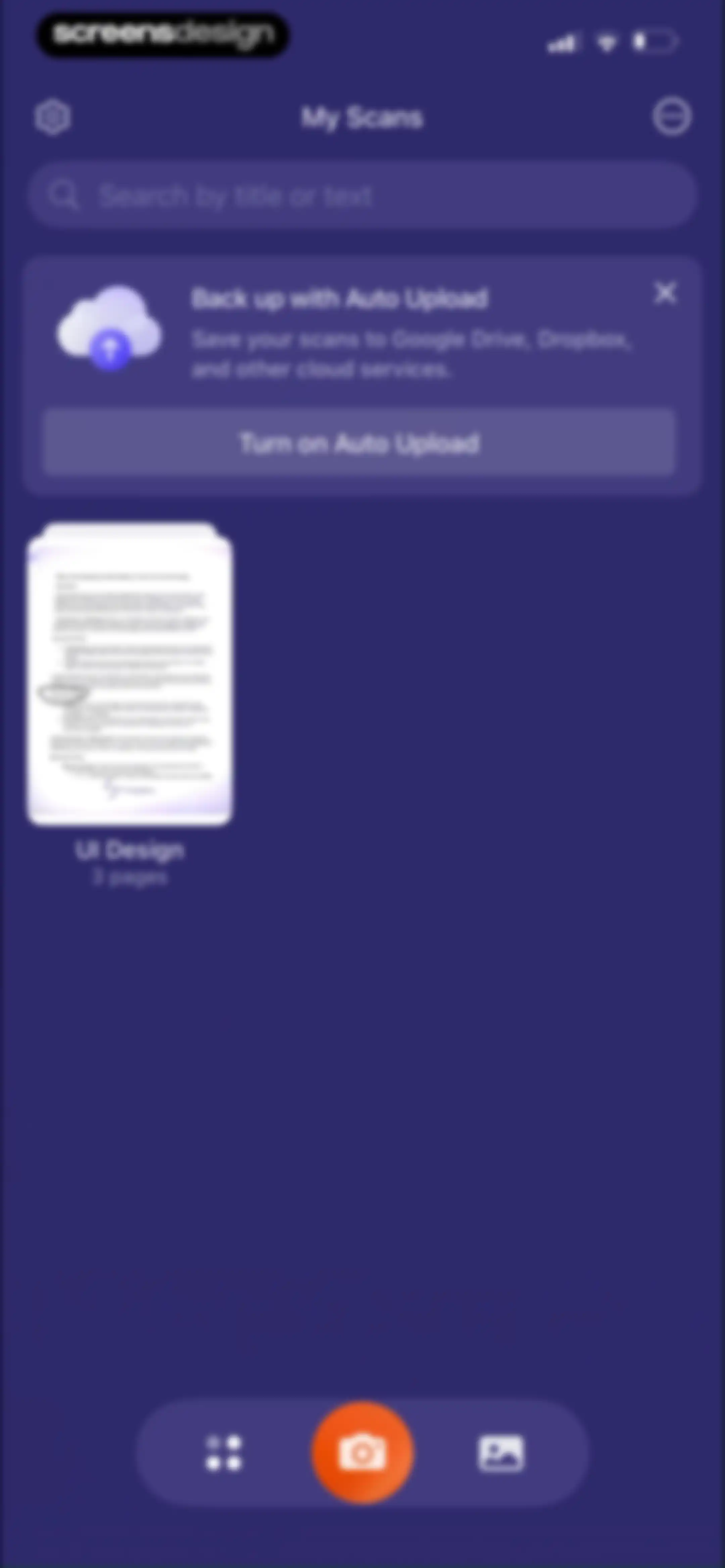
Home screen displaying My Scans with a search bar, auto-upload promotional card, a document list, and a central camera button.Unlock Pro
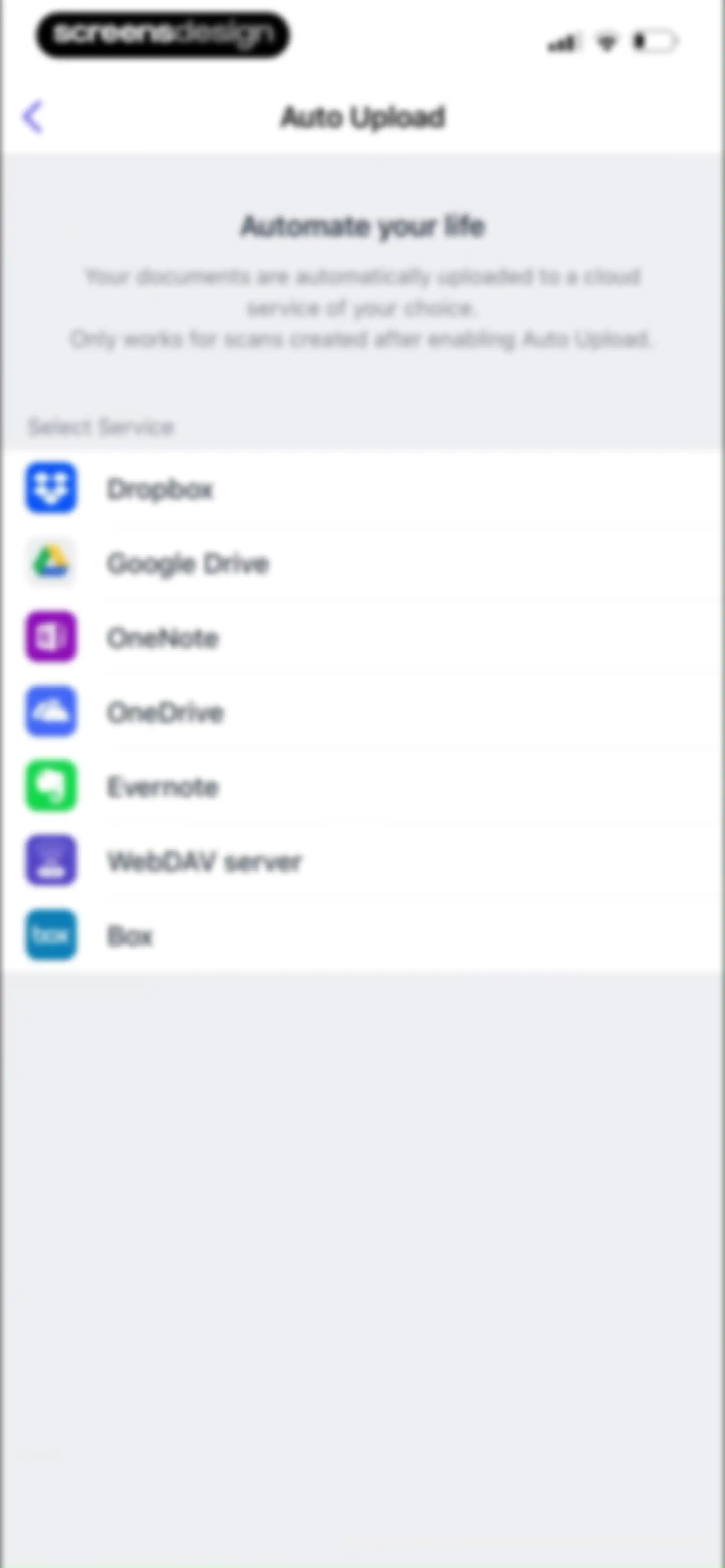
Auto Upload settings screen displaying a vertical list of cloud service options including Dropbox, Google Drive, and OneDrive.Unlock Pro
Document scanner app dashboard displaying a search bar, a scanned document card, and a central camera button at the bottom.Unlock Pro
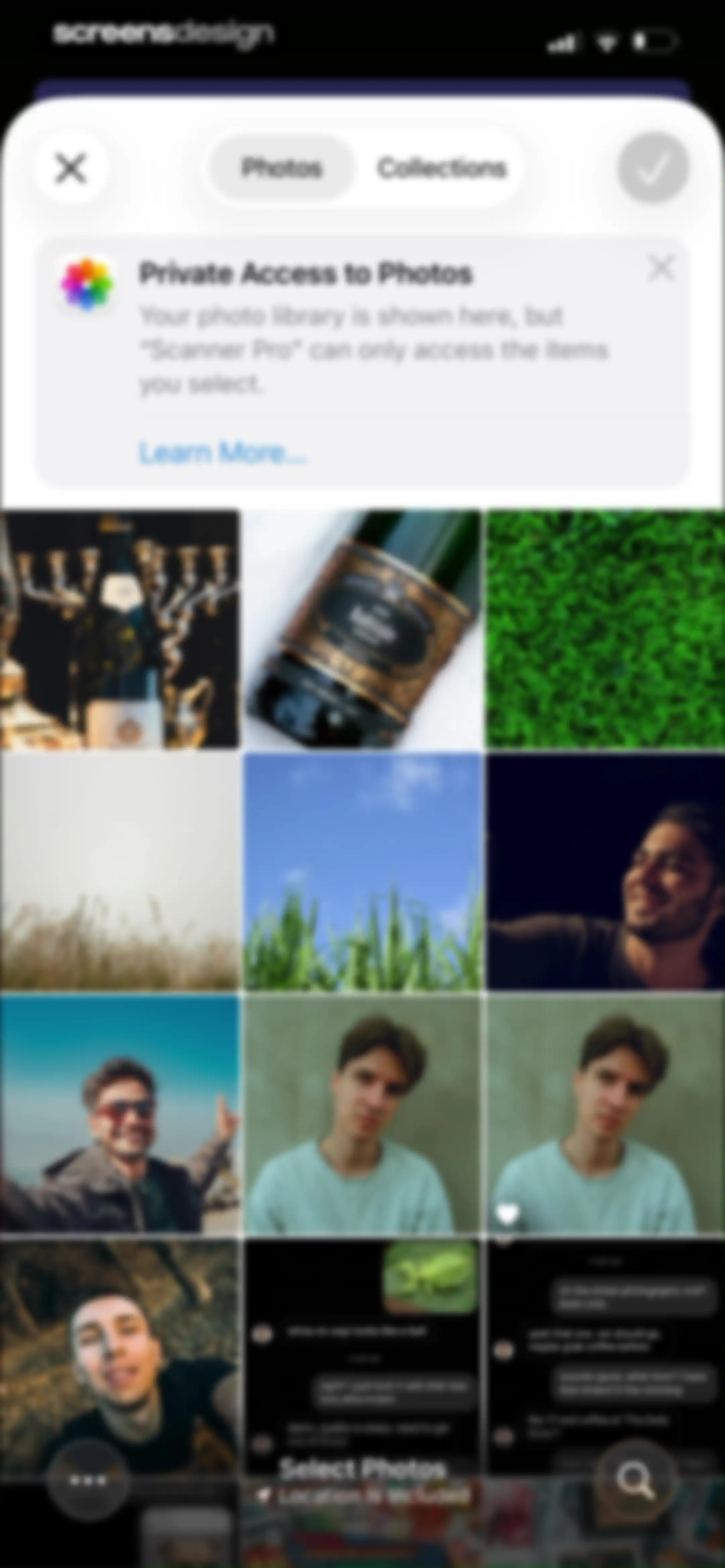
Scanner Pro photo permission screen displaying a grid of photo thumbnails with a private access privacy banner and a Select Photos action.Unlock Pro
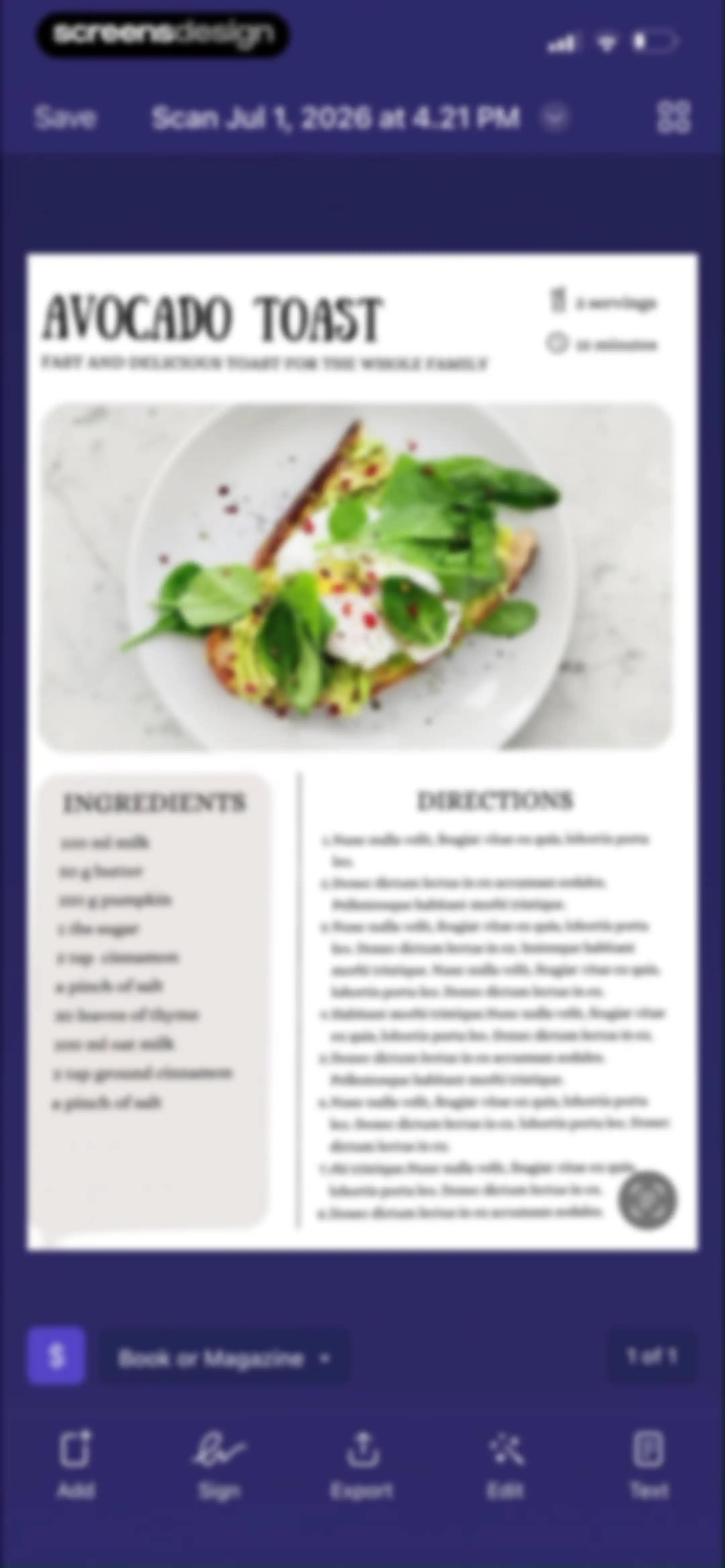
Document editor displaying a scanned recipe for avocado toast with editing tools in the bottom navigation bar and a save button.Unlock Pro
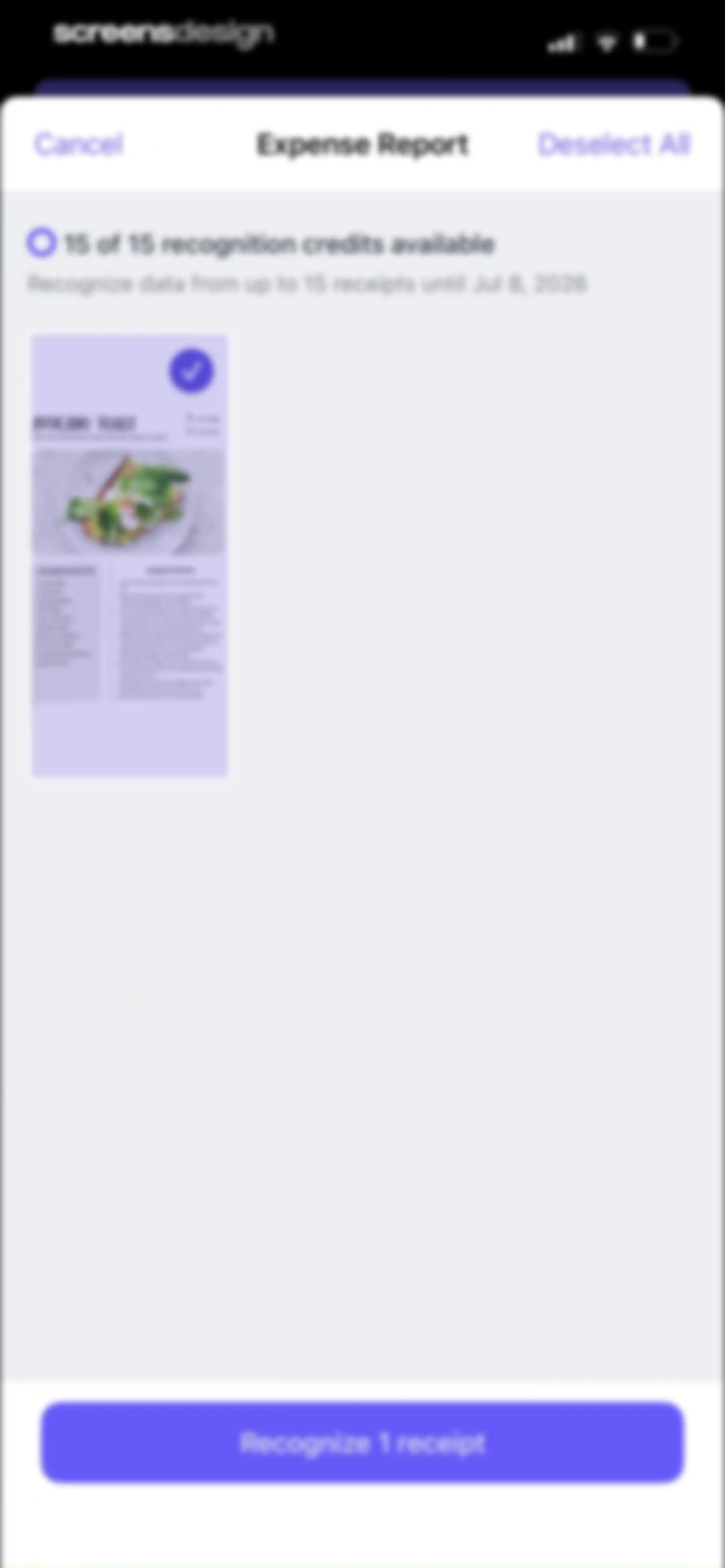
Document selection screen displaying 15 recognition credits available, one selected receipt labeled Avocado Toast, and a Recognize 1 receipt button.Unlock Pro
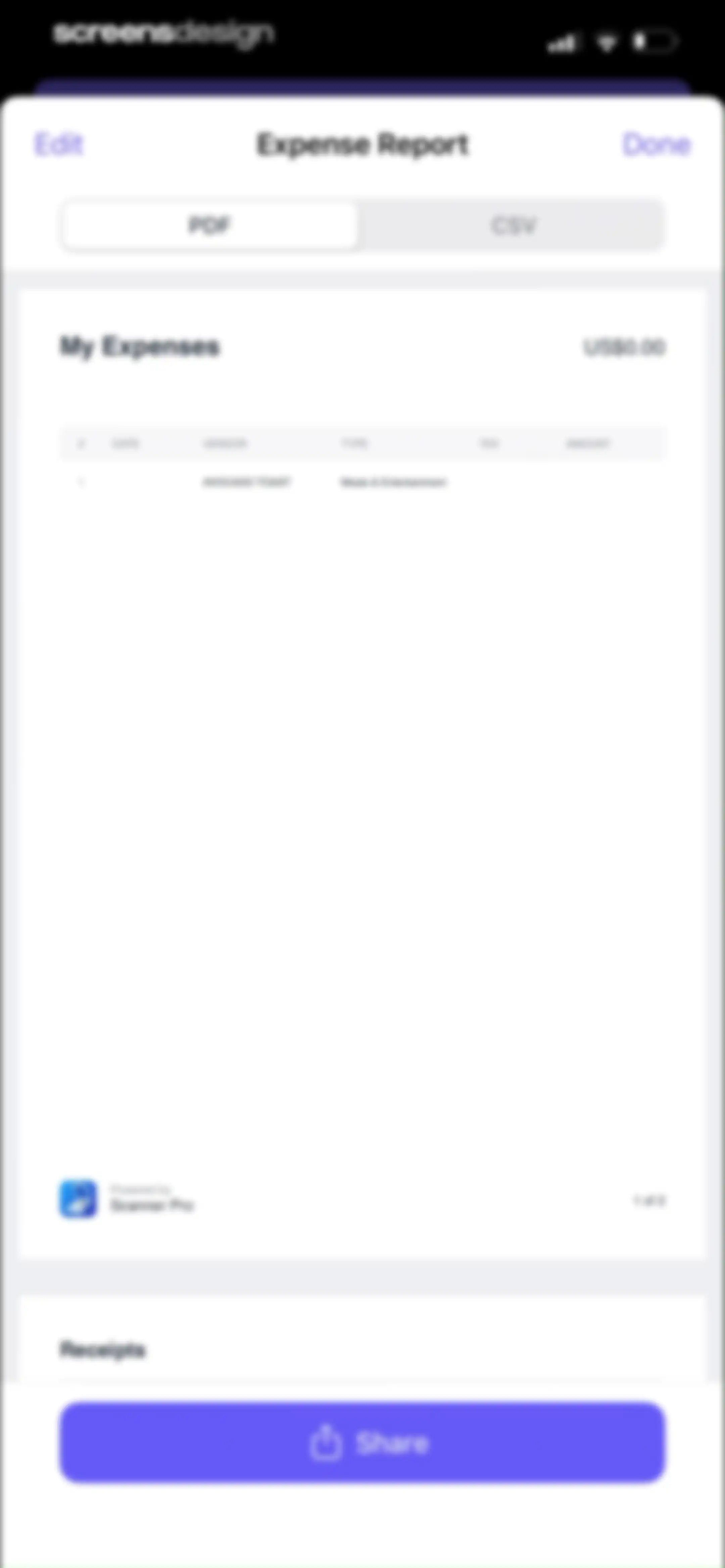
Expense report preview screen showing a document with a table of items, PDF and CSV format toggles, and a bottom Share button.Unlock Pro
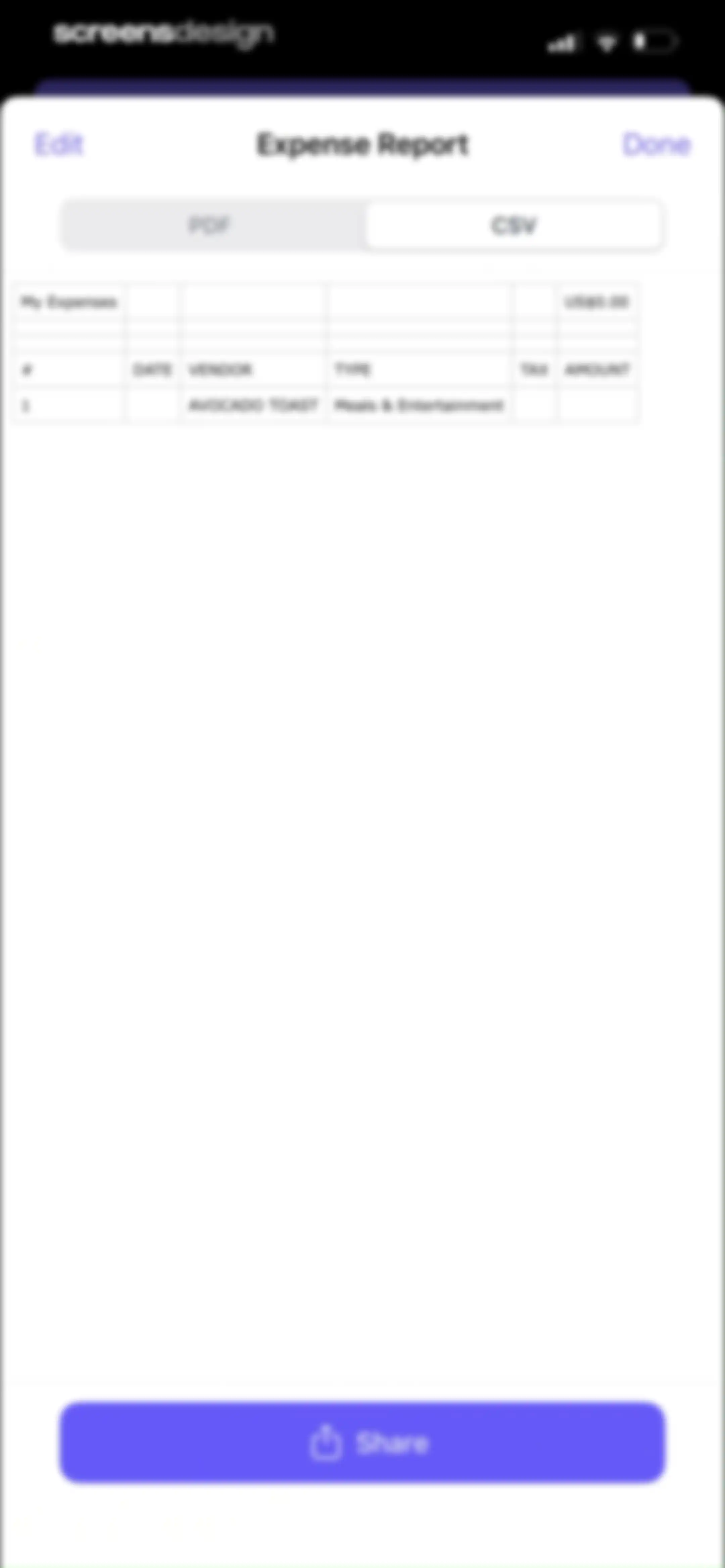
Expense report data table with PDF and CSV format switchers, showing a sample entry and a bottom Share button.Unlock Pro
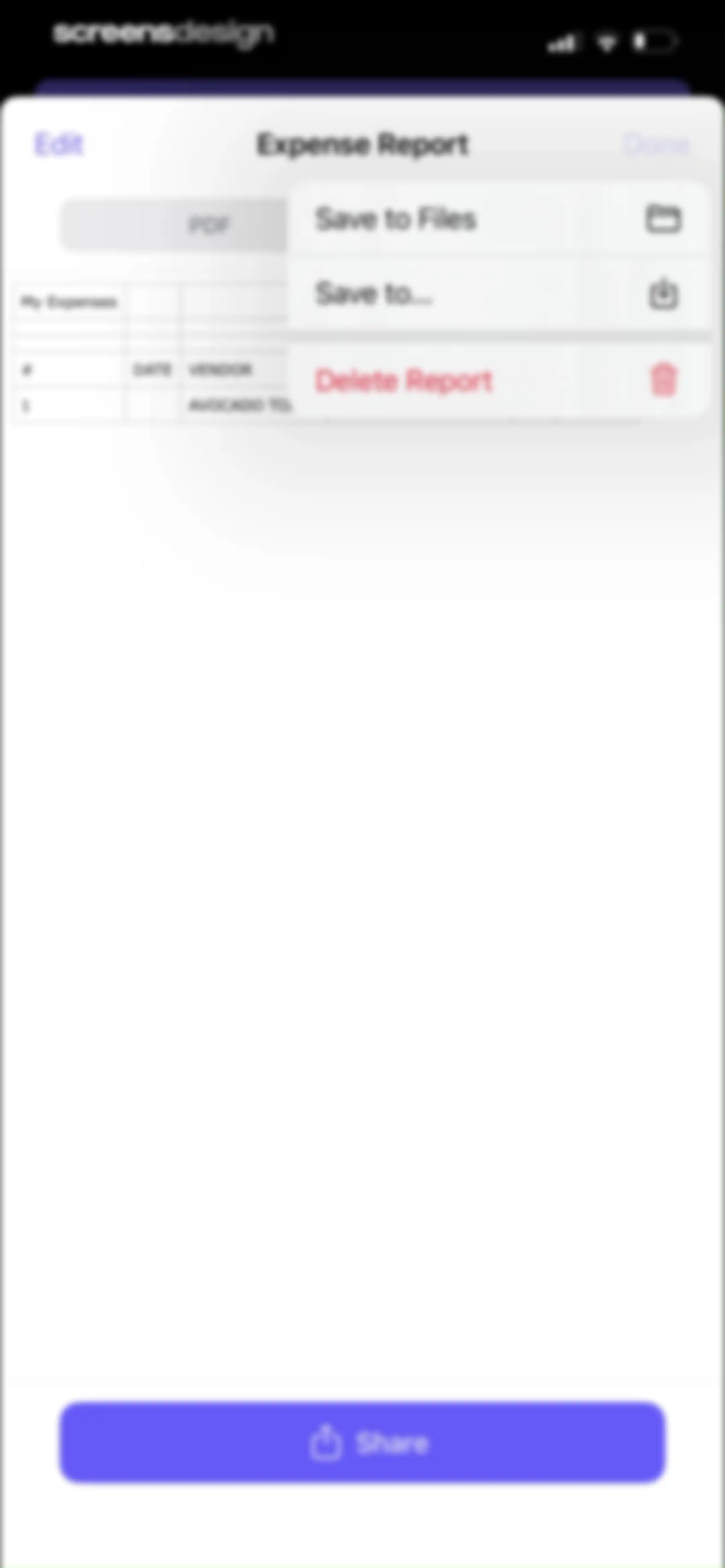
Document management screen for an expense report showing a preview, a modal action menu with save and delete options, and a bottom share button.Unlock Pro
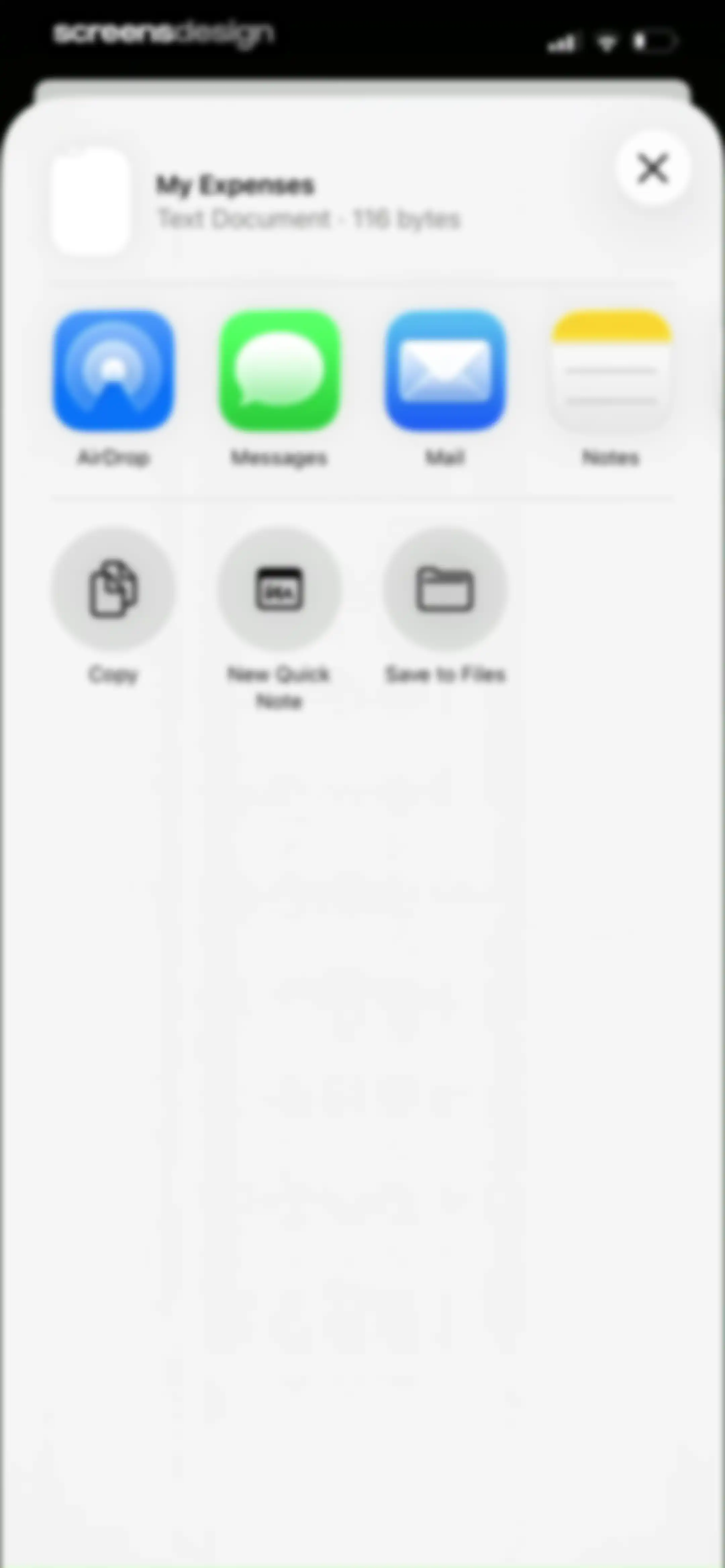
Share sheet modal displaying file info for My Expenses and options to share via AirDrop, Messages, Mail, Notes, Copy, New Quick Note, and Save to Files.Unlock Pro
App rating prompt modal overlaying a document scanner dashboard, featuring five empty star icons, a Submit button, and a Cancel button.Unlock Pro
Feedback modal overlay on a document scanner app home screen, featuring a review prompt, star rating, and Write a Review and OK buttons.Unlock Pro
Document scanner home screen titled My Scans, displaying a search bar, a list of document cards, and a central camera button at the bottom.Unlock Pro
Document scanner camera interface featuring a viewfinder, a horizontal mode selector with DOCUMENT selected, secondary controls, and a shutter button.Unlock Pro
Scanner interface displaying a live camera view, with the QR CODE mode selected and a shutter button at the bottom.Unlock Pro
Scanner camera interface in book mode with instructional text, mode selection tabs, secondary settings, and capture controls.Unlock Pro
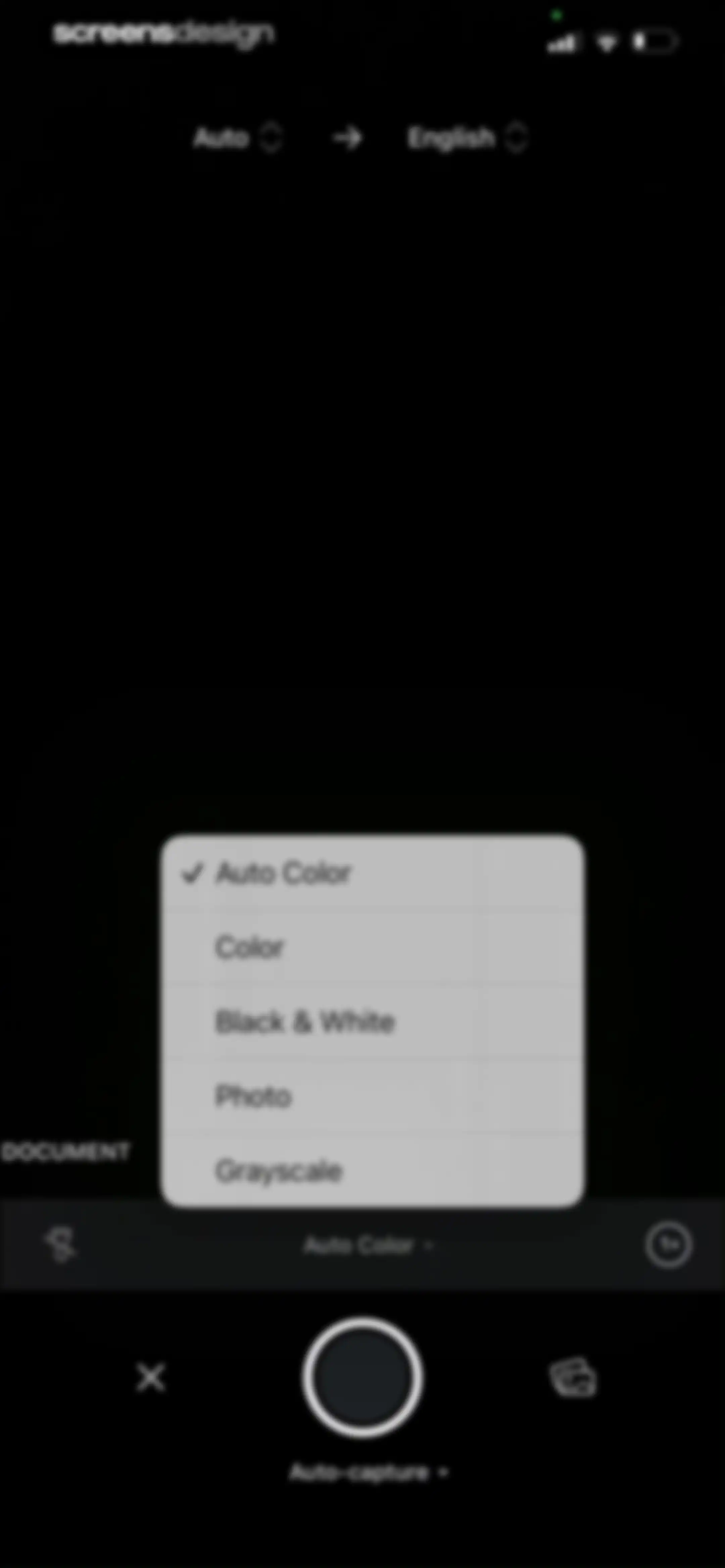
Document scanner camera interface with a central filter modal overlay showing Auto Color selected among other mode options.Unlock Pro
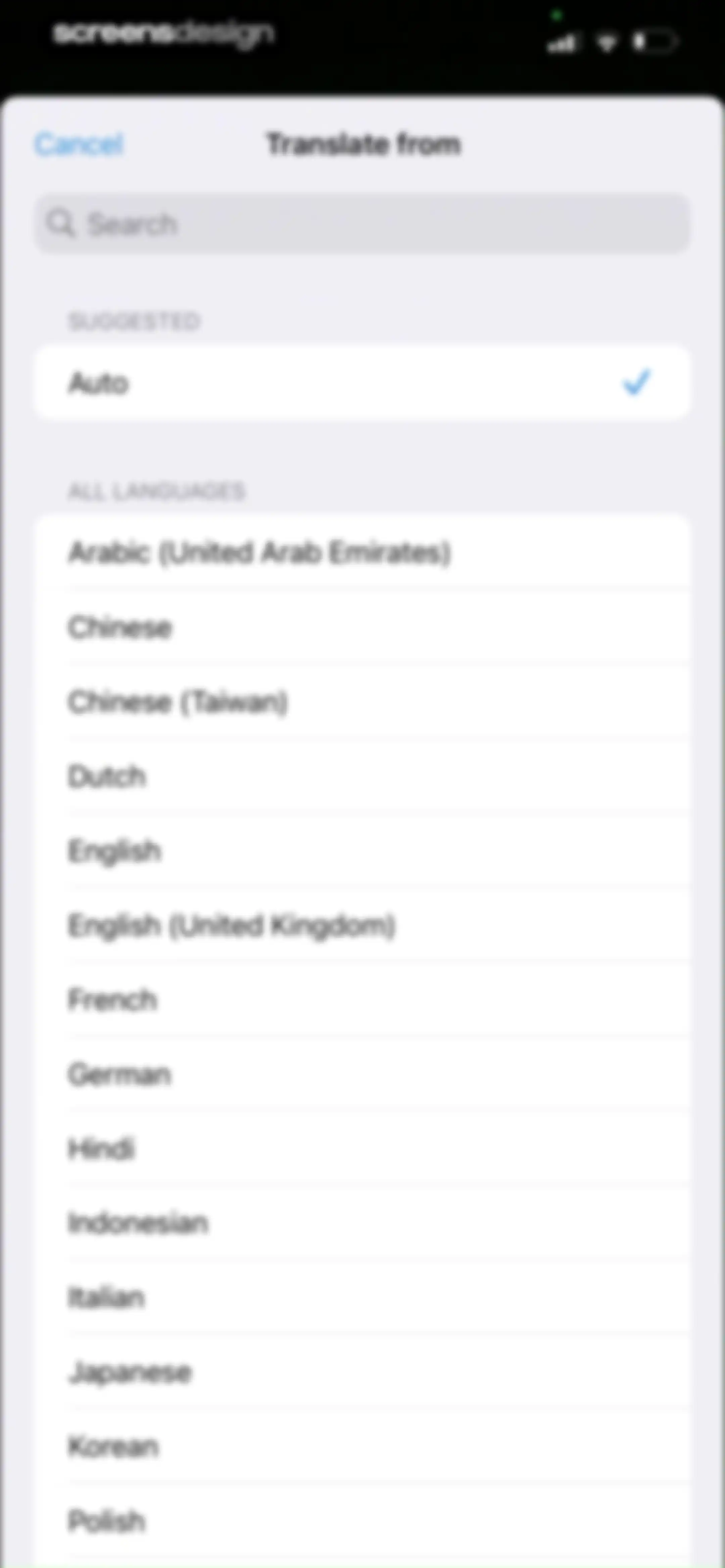
Language selection screen for the Scanner Pro translation feature showing a search bar, suggested auto-detection, and a list of available languages.Unlock Pro
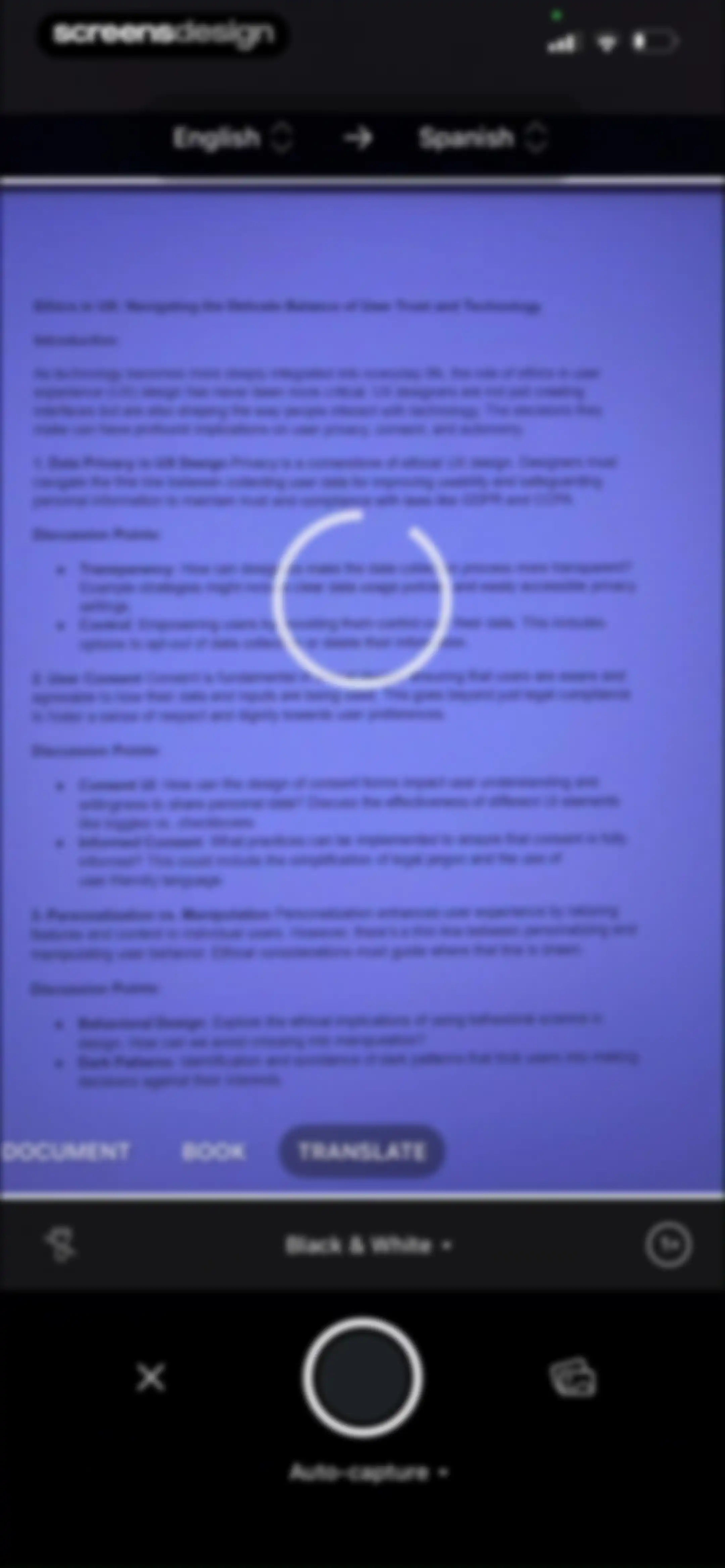
Document translation editor interface with an English-to-Spanish language bar, the Translate mode selected, and a document preview about ethics in UX.Unlock Pro
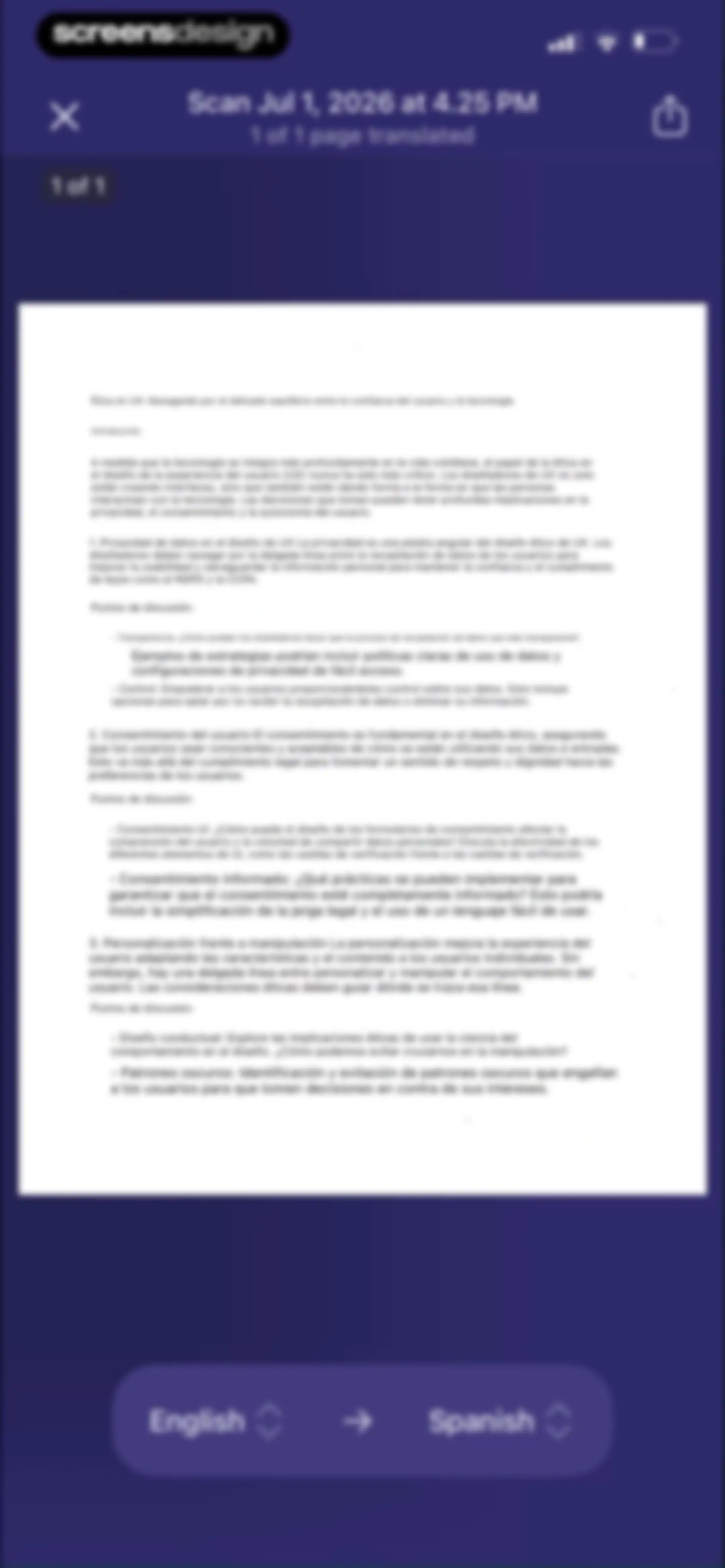
Document viewer showing a translated scanned page about UX ethics with a floating English-to-Spanish translation control bar at the bottom.Unlock Pro
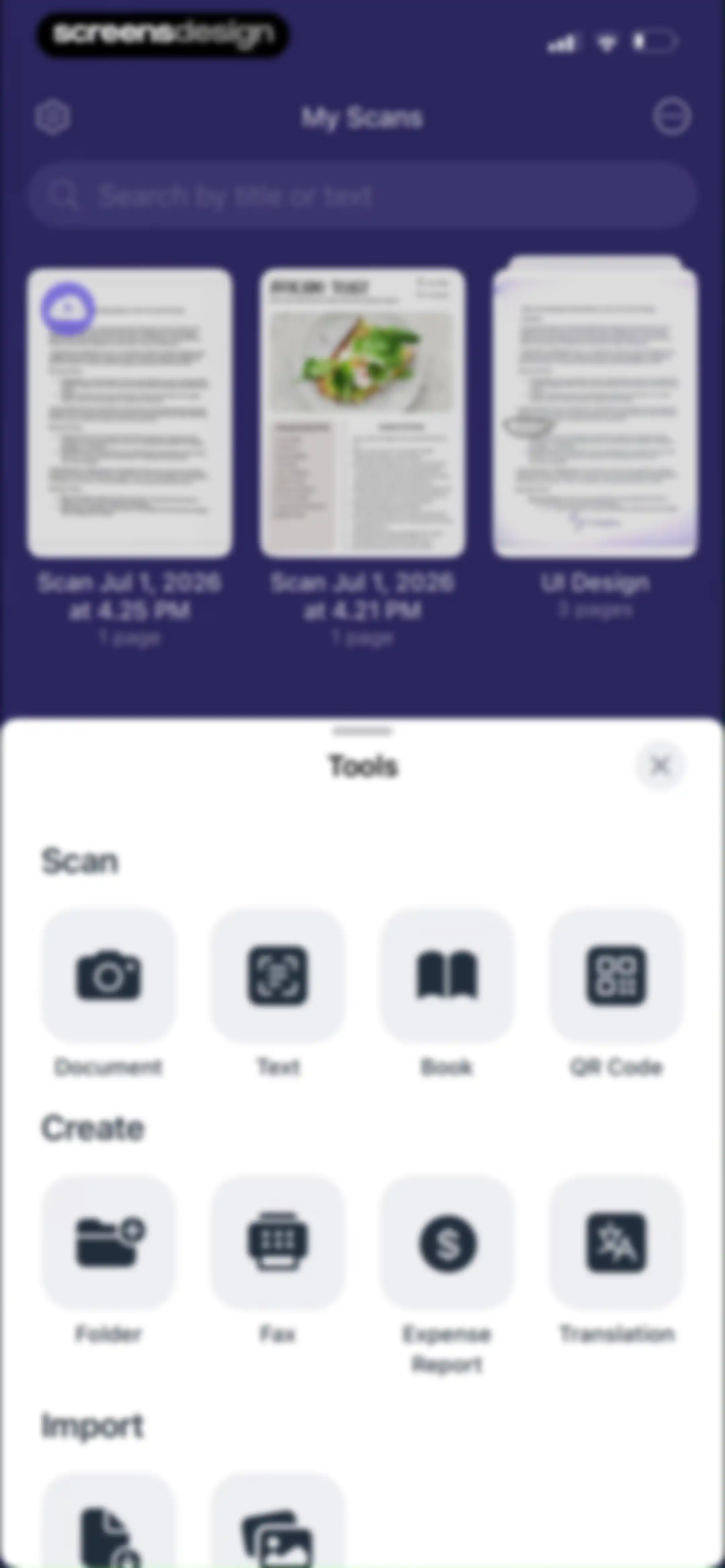
Document scanner home dashboard displaying a grid of scans and an open tools modal with scanning and creation options.Unlock Pro
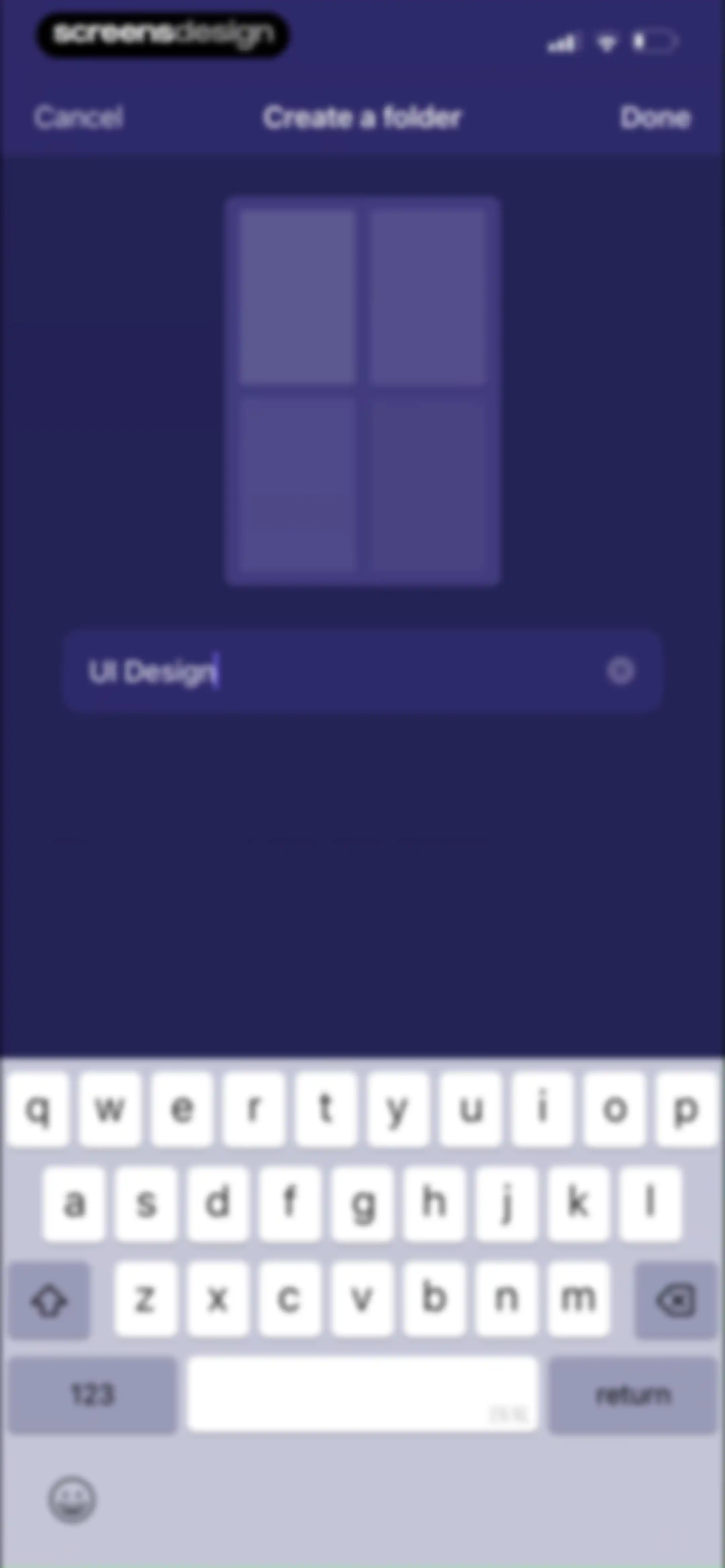
Folder creation form with the text input field filled with UI Design and a Done button.Unlock Pro
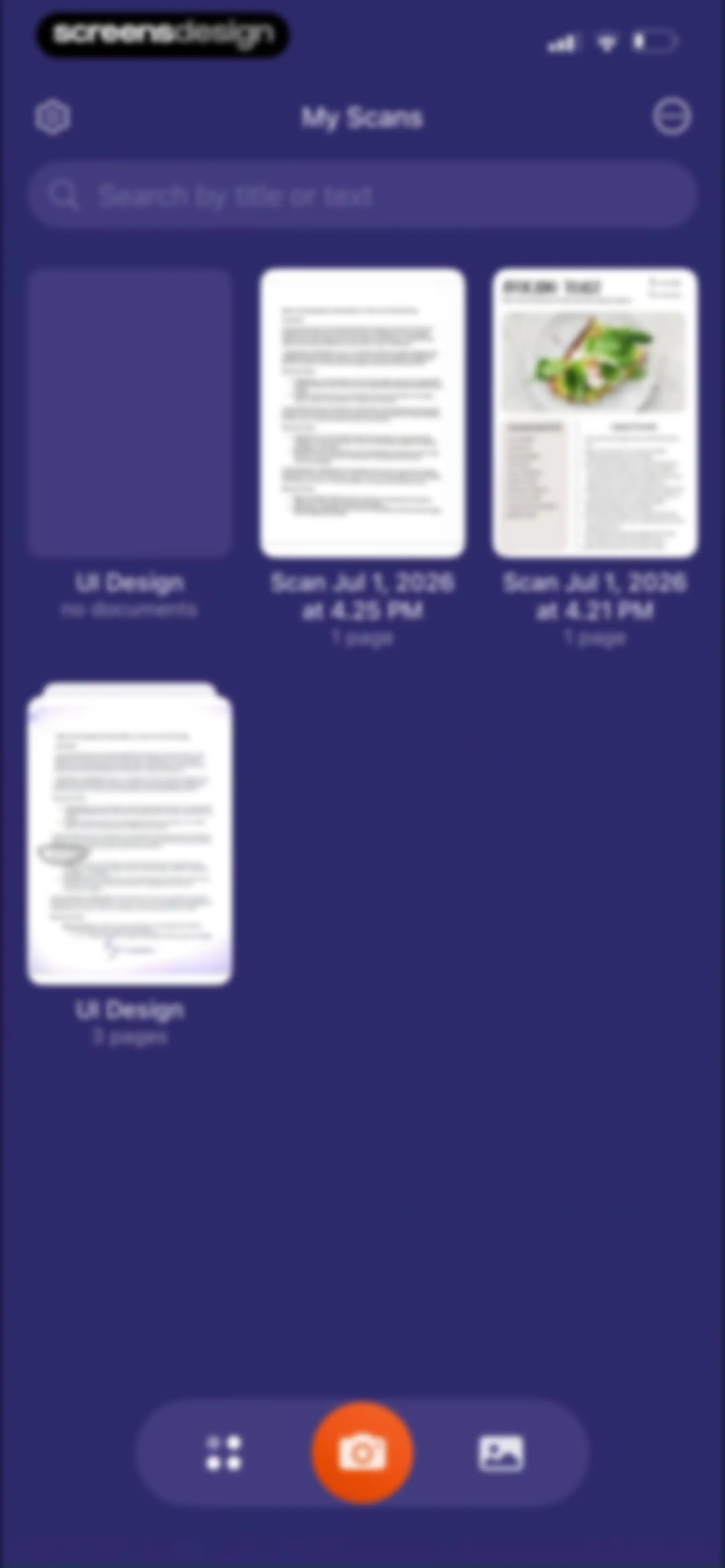
Home screen displaying a grid of scanned documents and folders, with a search bar and a central camera button for new scans.Unlock Pro
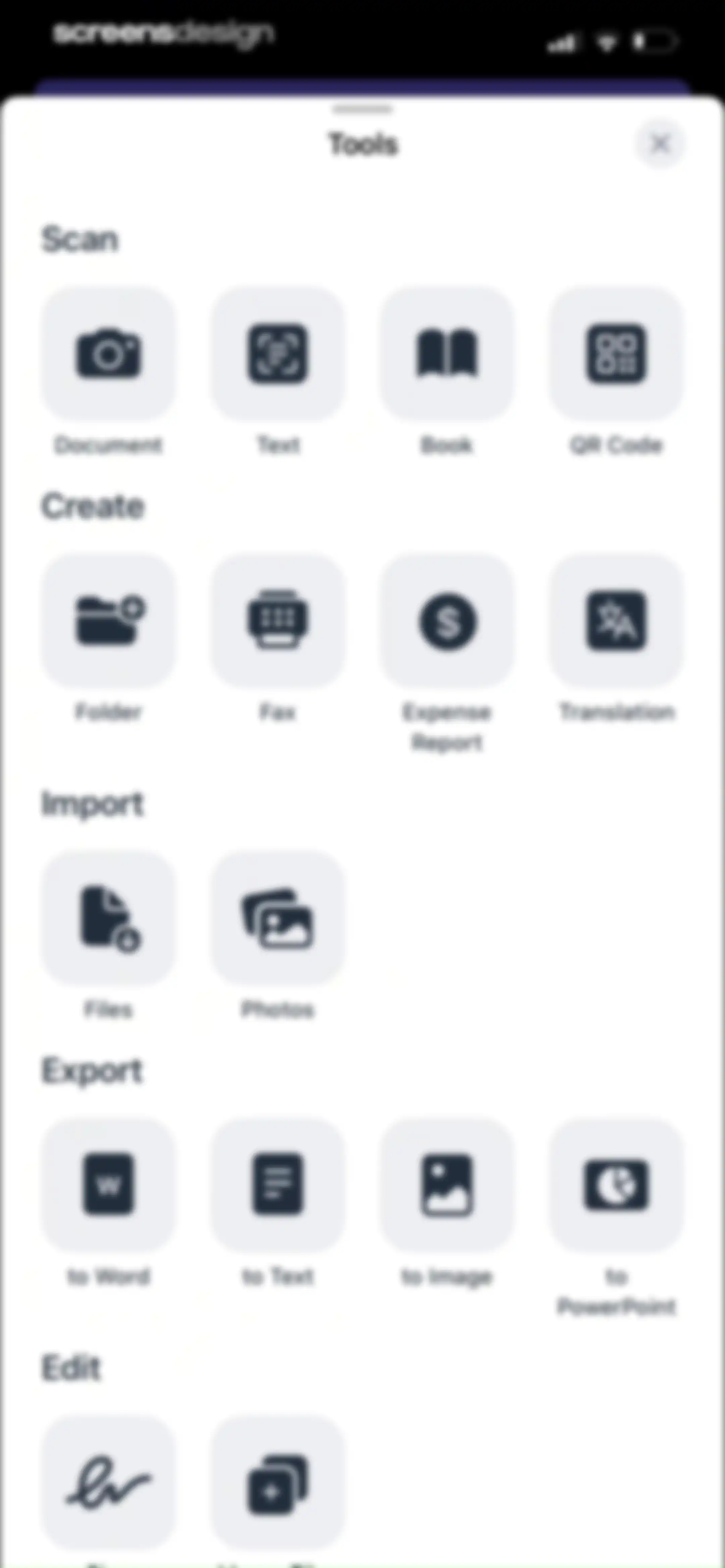
Tools modal sheet with categorized grid-aligned icon buttons for scanning, creating, importing, exporting, and editing documents.Unlock Pro
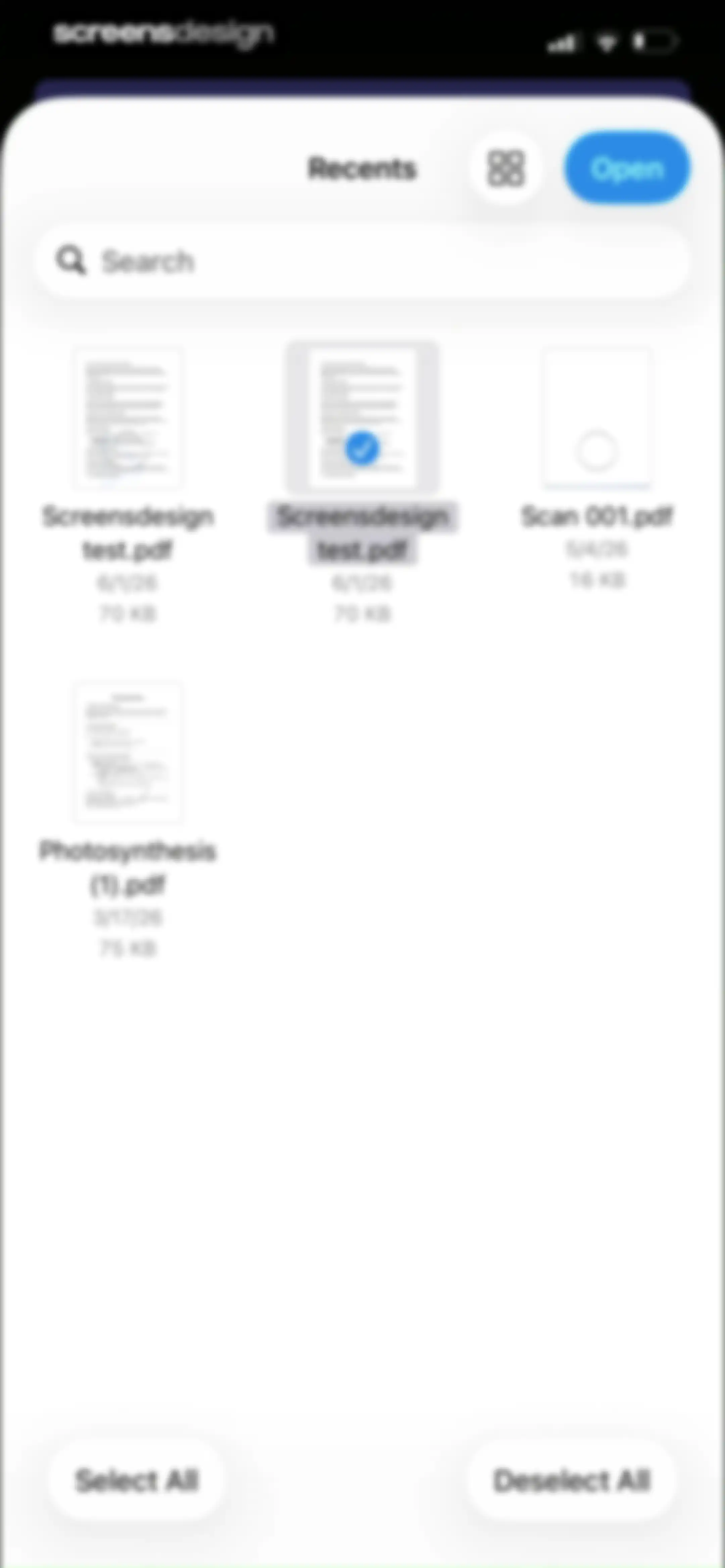
Document home screen displaying a grid of PDF files with one document selected and an Open button at the top.Unlock Pro
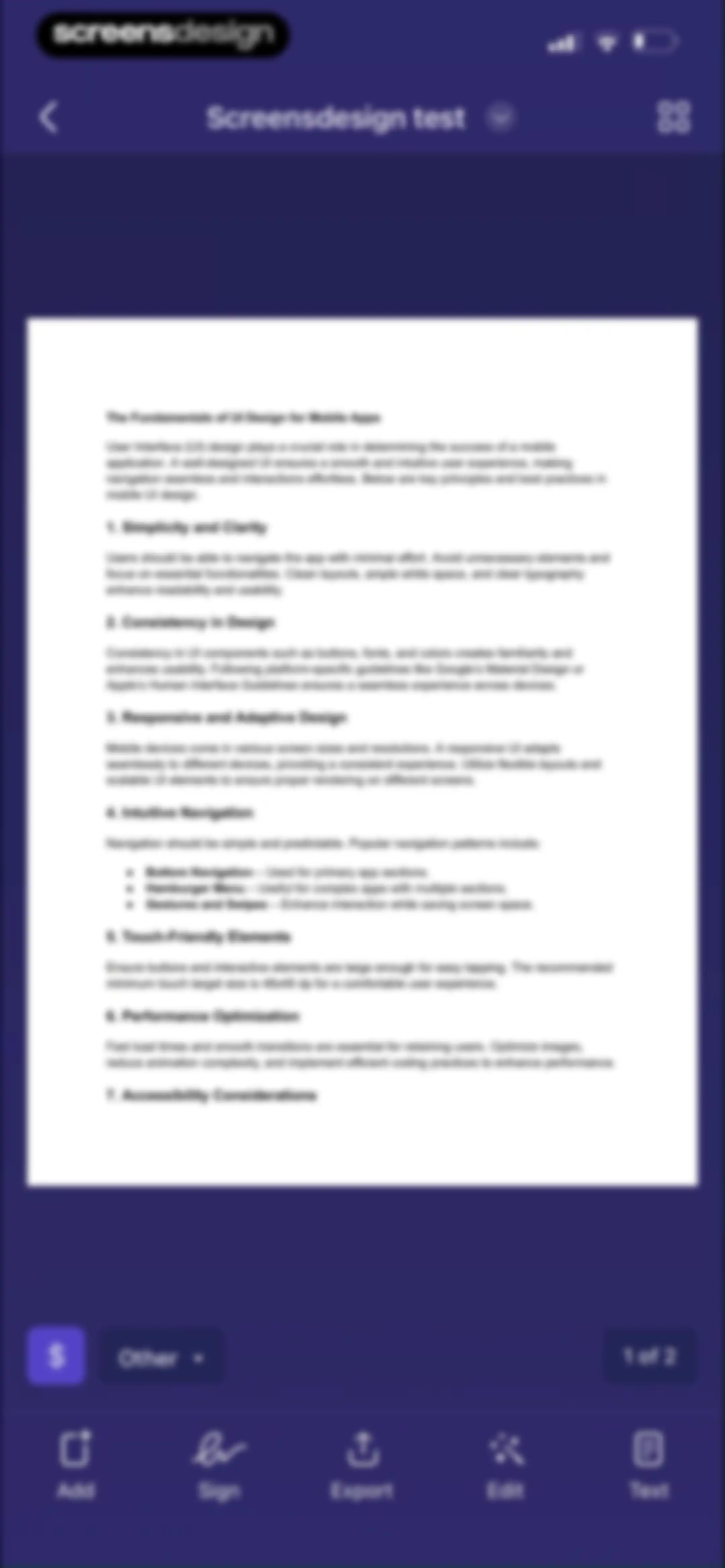
Document editor displaying a scanned page about UI design fundamentals with bottom action buttons for adding pages, signing, exporting, editing, and inserting text.Unlock Pro
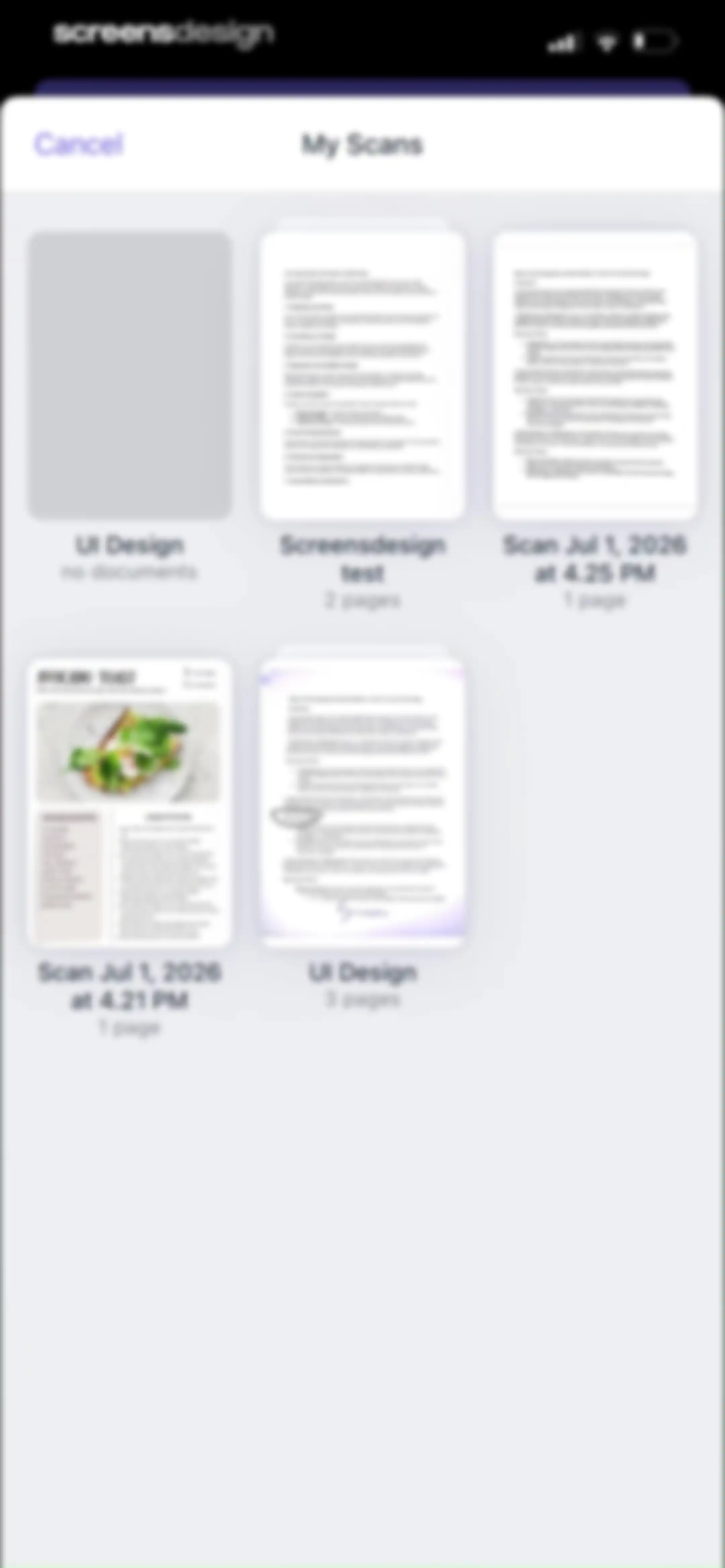
Document library screen displaying a grid of scanned files and folders with page counts and a Cancel button.Unlock Pro
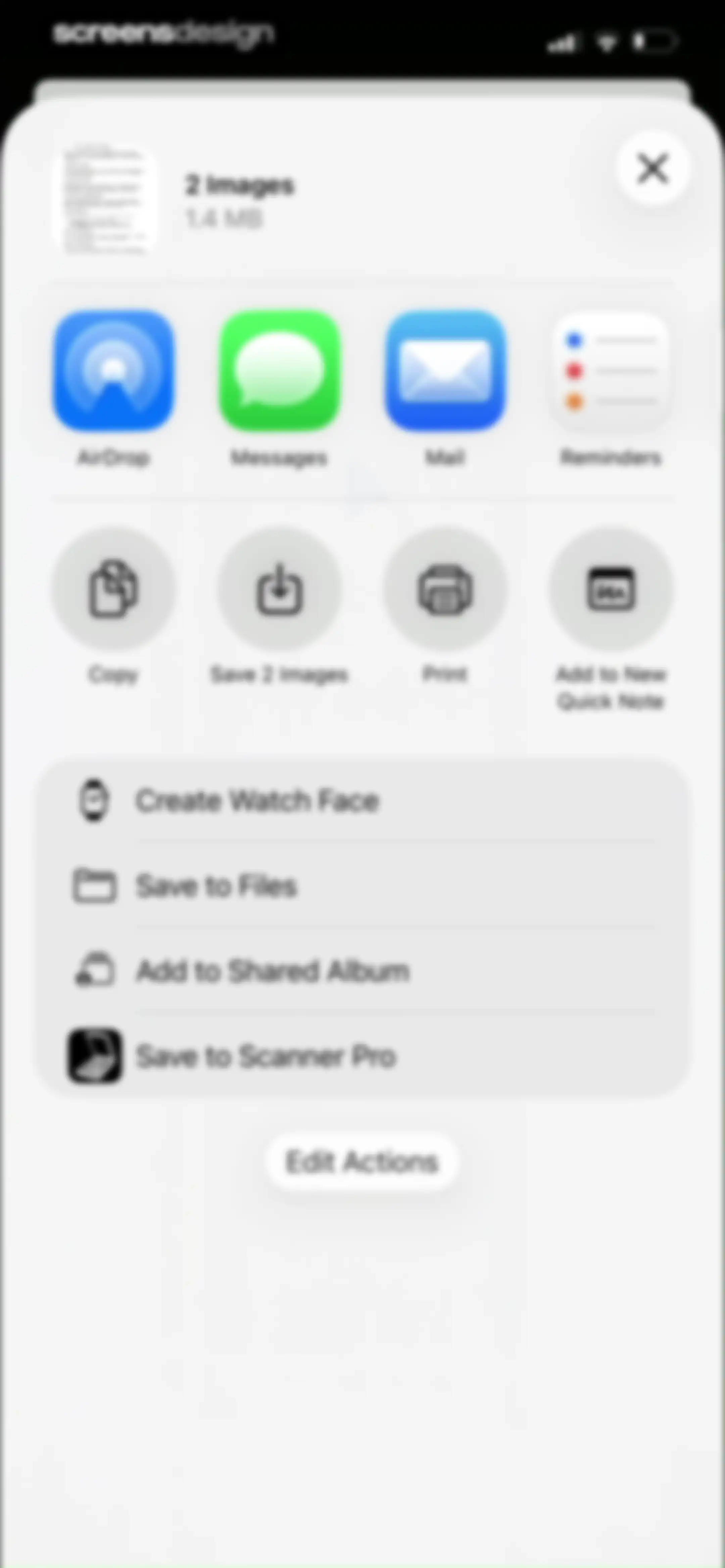
Share sheet displaying a document preview for two images, a horizontal app icon row, and a vertical list of actions.Unlock Pro
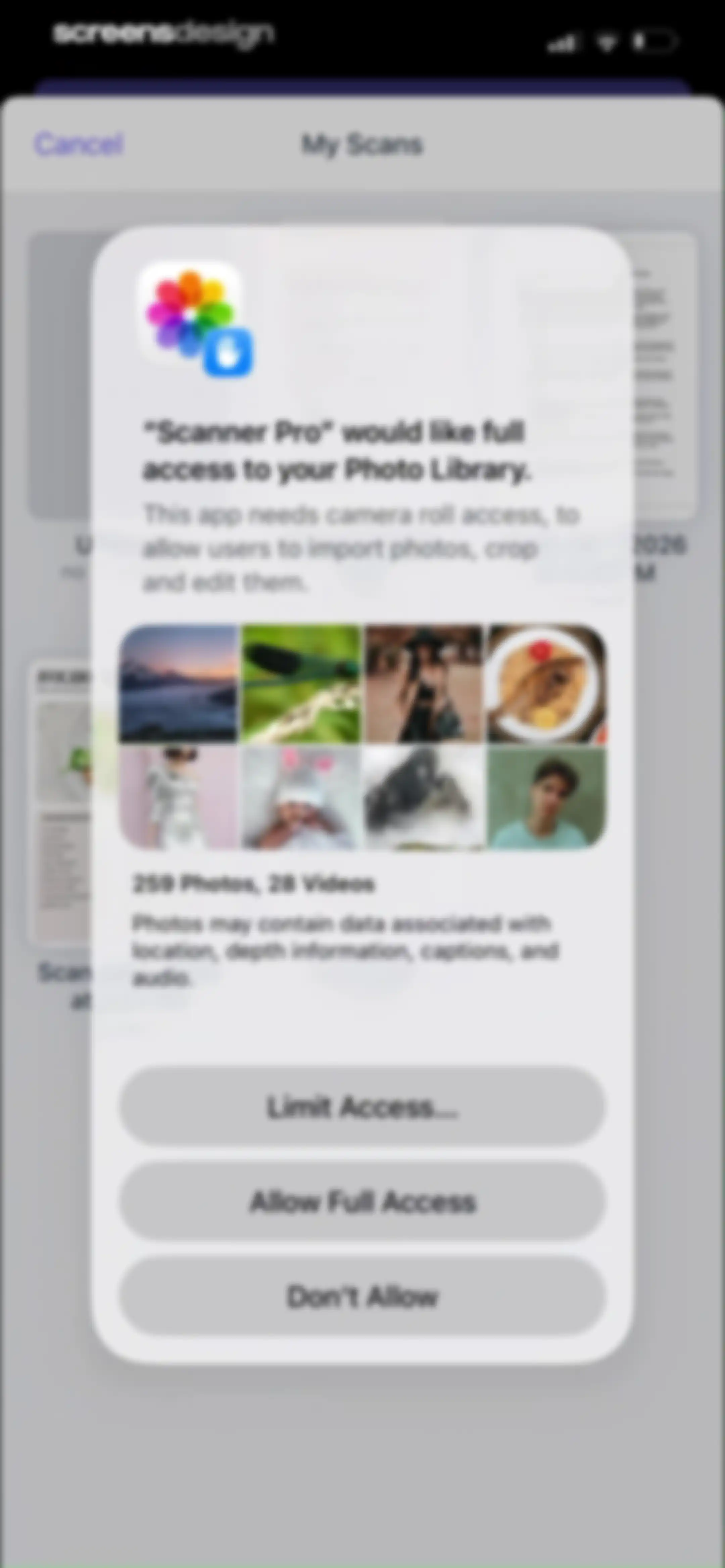
Permission request modal in Scanner Pro asking for full access to the photo library, with options to allow full access, limit access, or deny.Unlock Pro
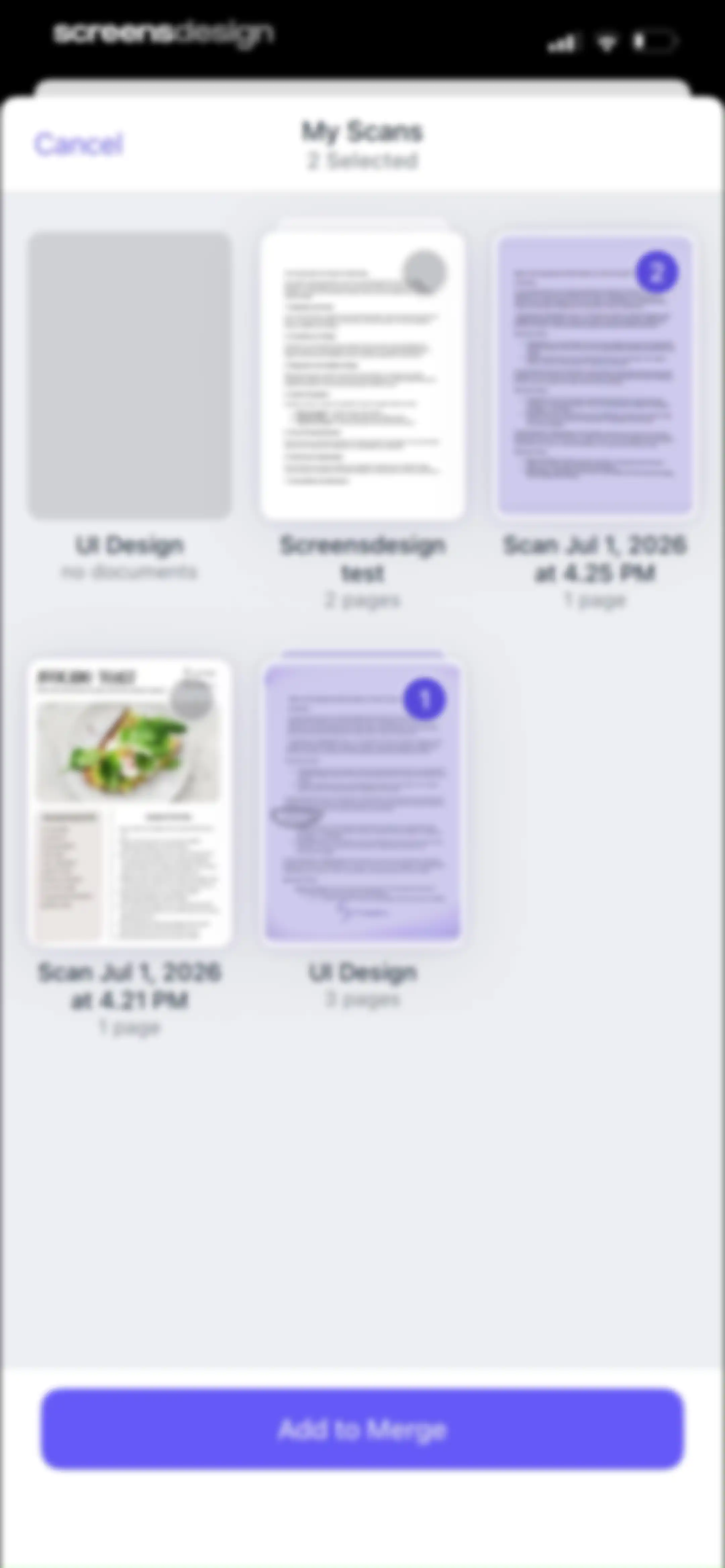
Document selection screen displaying a grid of scanned items with two documents selected and a sticky Add to Merge button.Unlock Pro
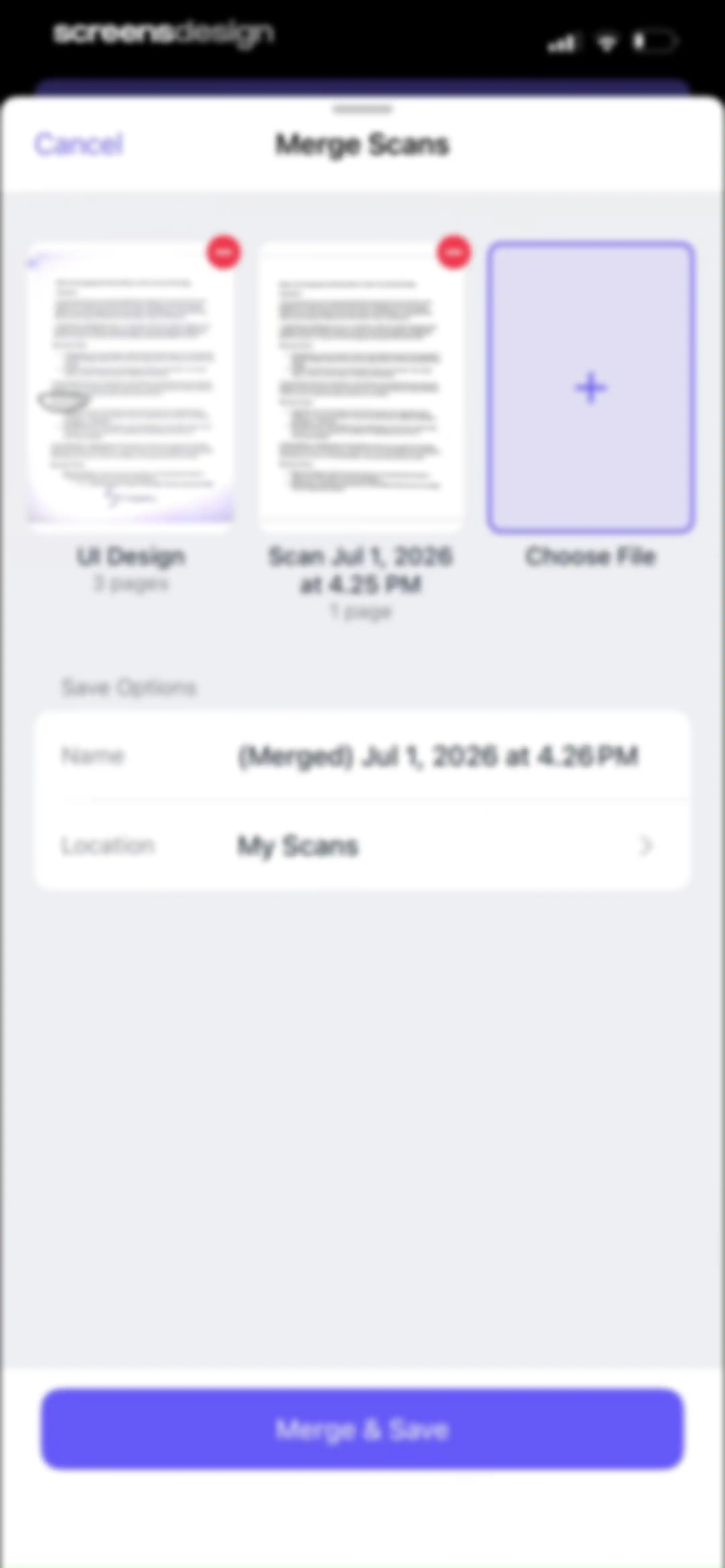
Merge scans modal displaying selected document thumbnails, a file name input, location settings, and a Merge and Save button.Unlock Pro
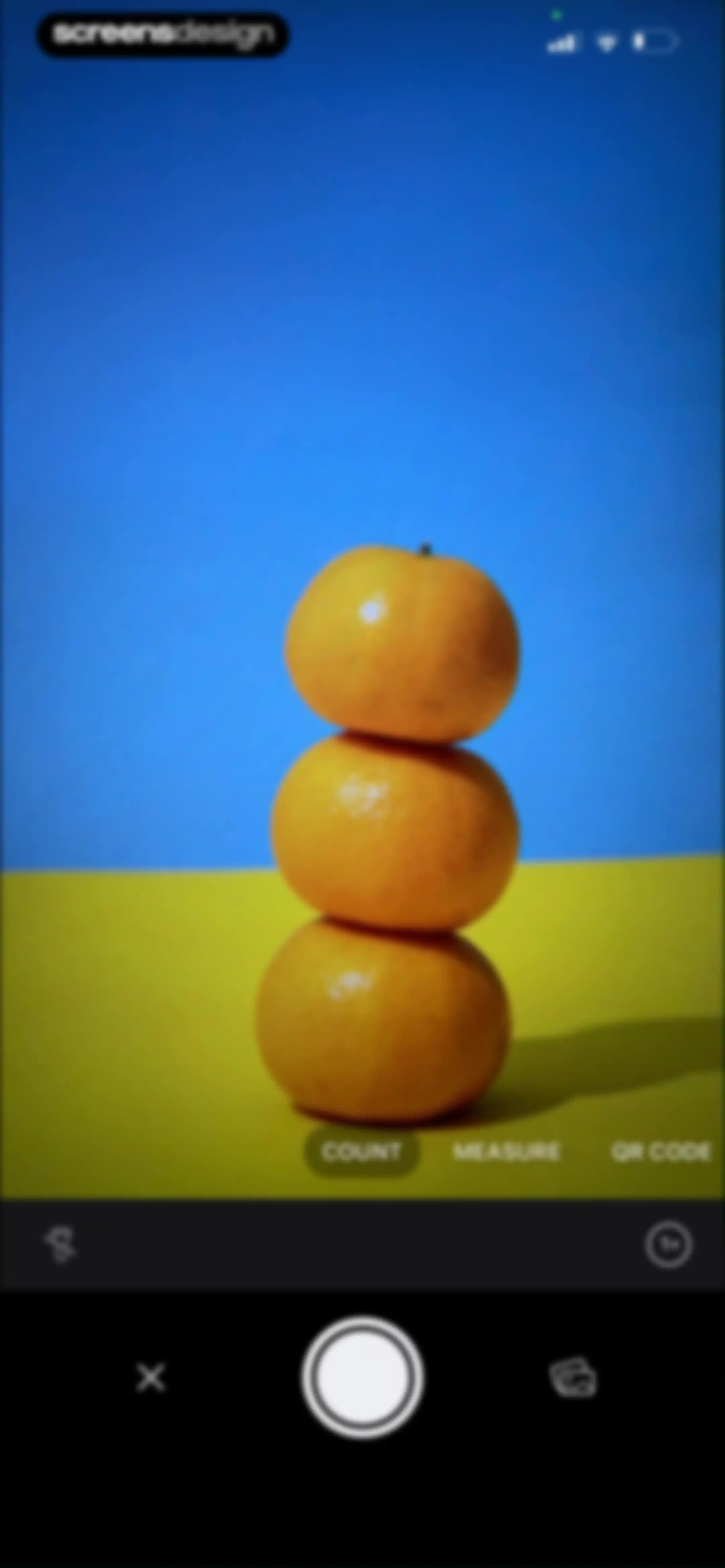
Camera scanning interface displaying a live view of stacked oranges, with the Count mode selected and a shutter button below.Unlock Pro
Object counting screen displaying a photo of stacked oranges with a bounding box, a count of 03, and a Done button.Unlock Pro
Camera measurement screen showing a live feed of stacked oranges with a measurement of 2.15 cm and the Measure mode selected.Unlock Pro
Measurement tool interface displaying a camera viewfinder with oranges, the MEASURE mode selected, and a capture button.Unlock Pro
Action menu modal with a document preview at the top and a vertical list of file management options including Select, Export, and Delete.Unlock Pro
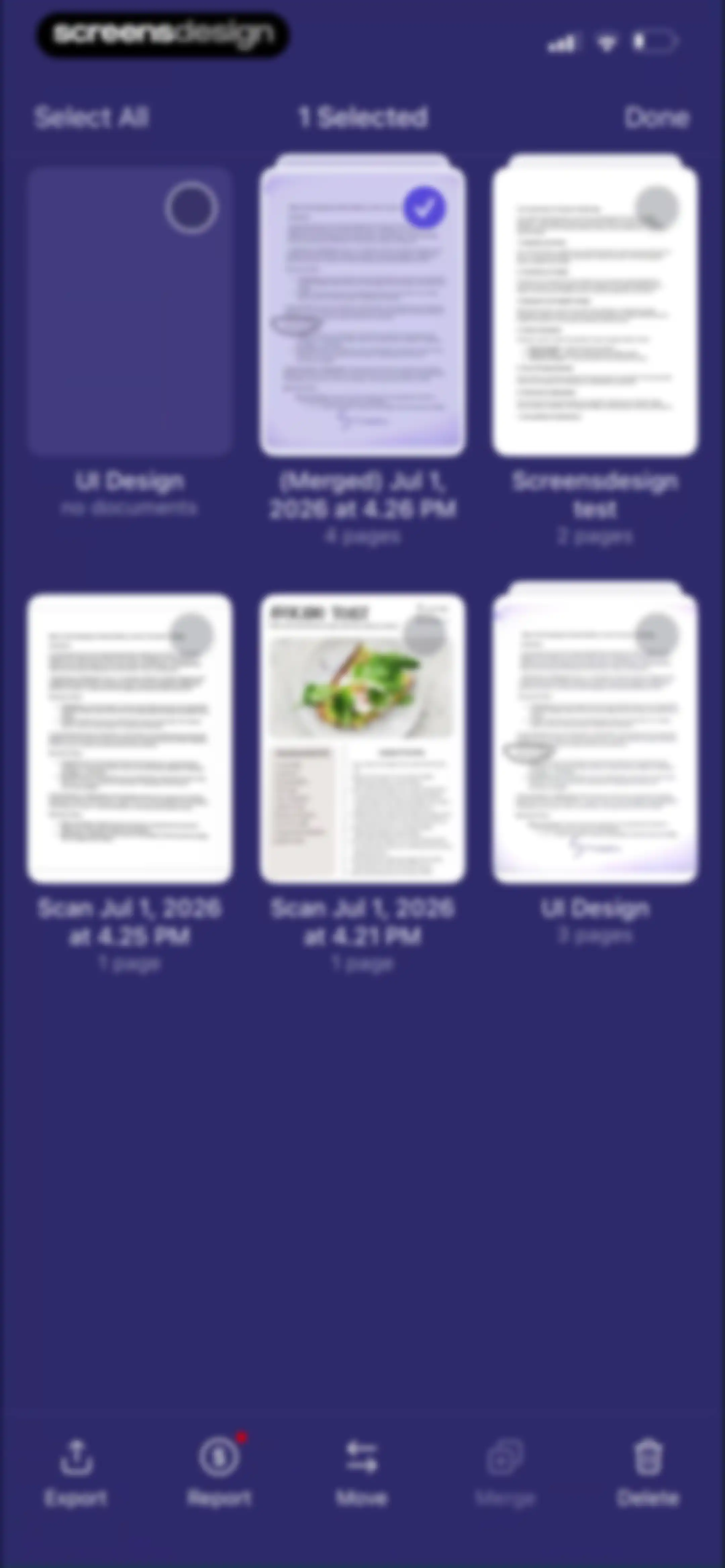
Document management grid in selection mode with one document selected and a bottom action toolbar containing export, move, merge, and delete options.Unlock Pro
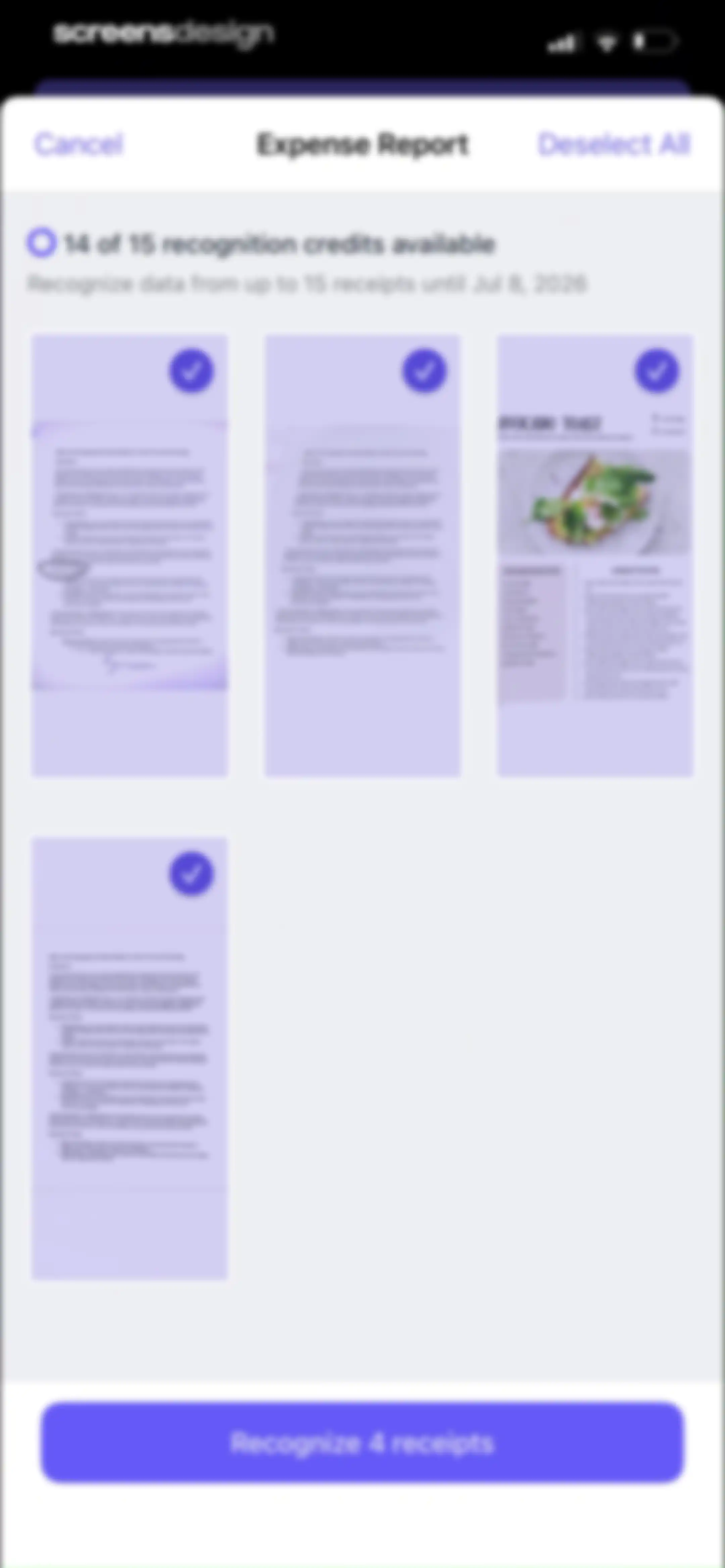
Document selection screen displaying four selected receipt thumbnails in a grid and a purple Recognize 4 receipts button at the bottom.Unlock Pro
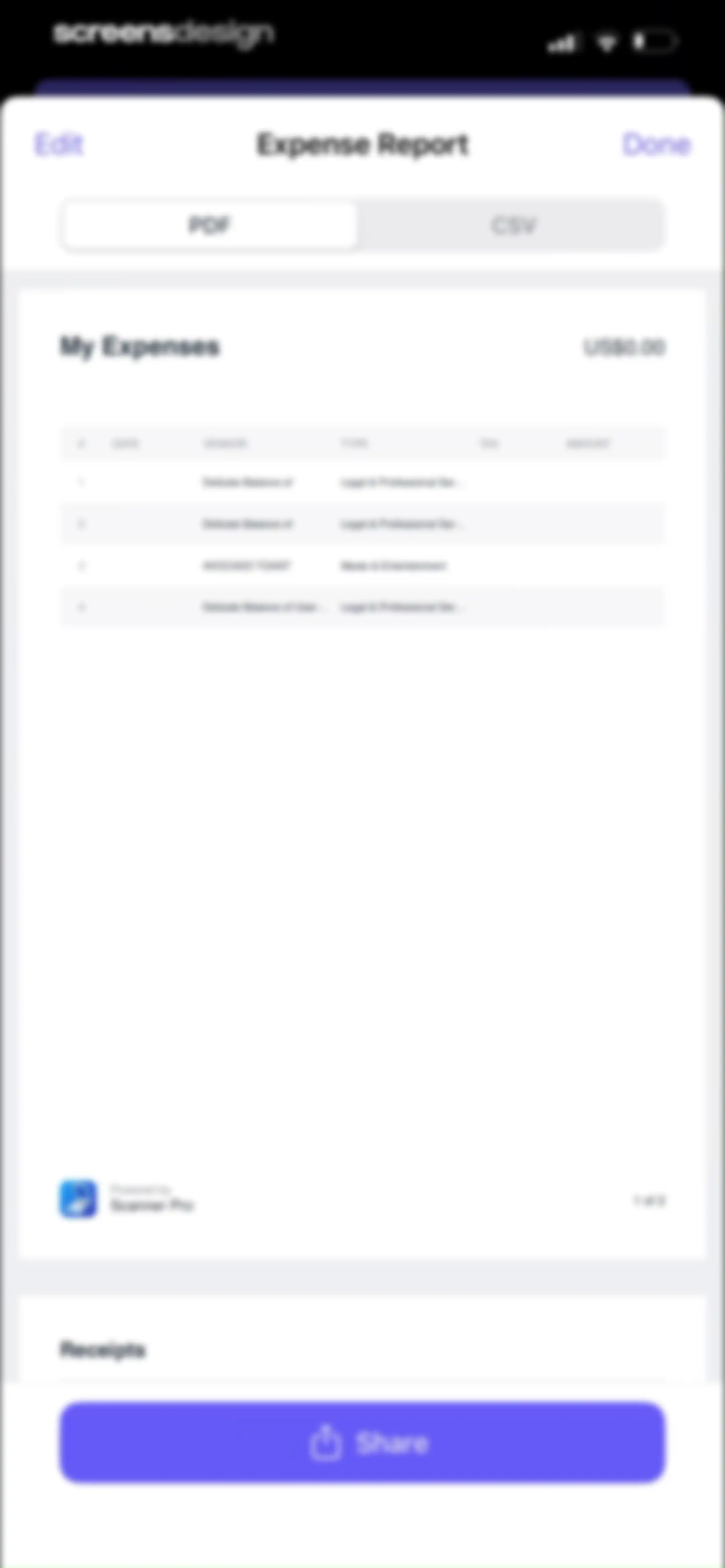
Expense report preview in Scanner Pro with PDF and CSV format toggles, document details, and a bottom Share button.Unlock Pro
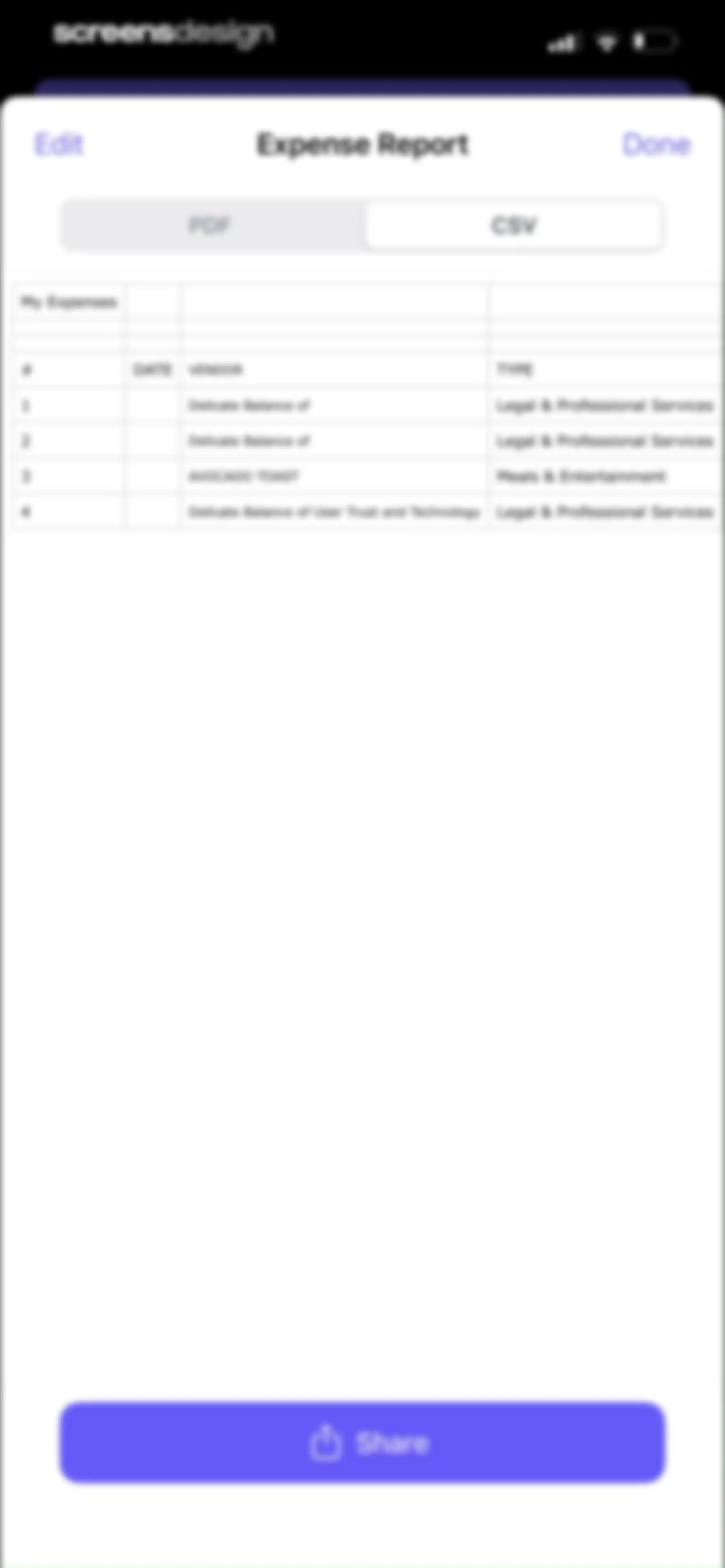
Expense report data table with CSV format selected and a bottom Share button.Unlock Pro
Expense report document viewer with a table of entries, an open modal menu of file actions, and a bottom Share button.Unlock Pro
Share sheet displaying the My Expenses text document with options to share via AirDrop, Messages, Mail, Notes, Copy, Quick Note, and Save to Files.Unlock Pro
Document export modal overlay with a document preview, format options including PDF, export actions, and a workflow card.Unlock Pro
Document export modal displaying file size options, format selections, and action buttons over the My Scans dashboard.Unlock Pro
Share sheet displaying a document preview, app and action grids, and a list of options including Save to Scanner Pro.Unlock Pro
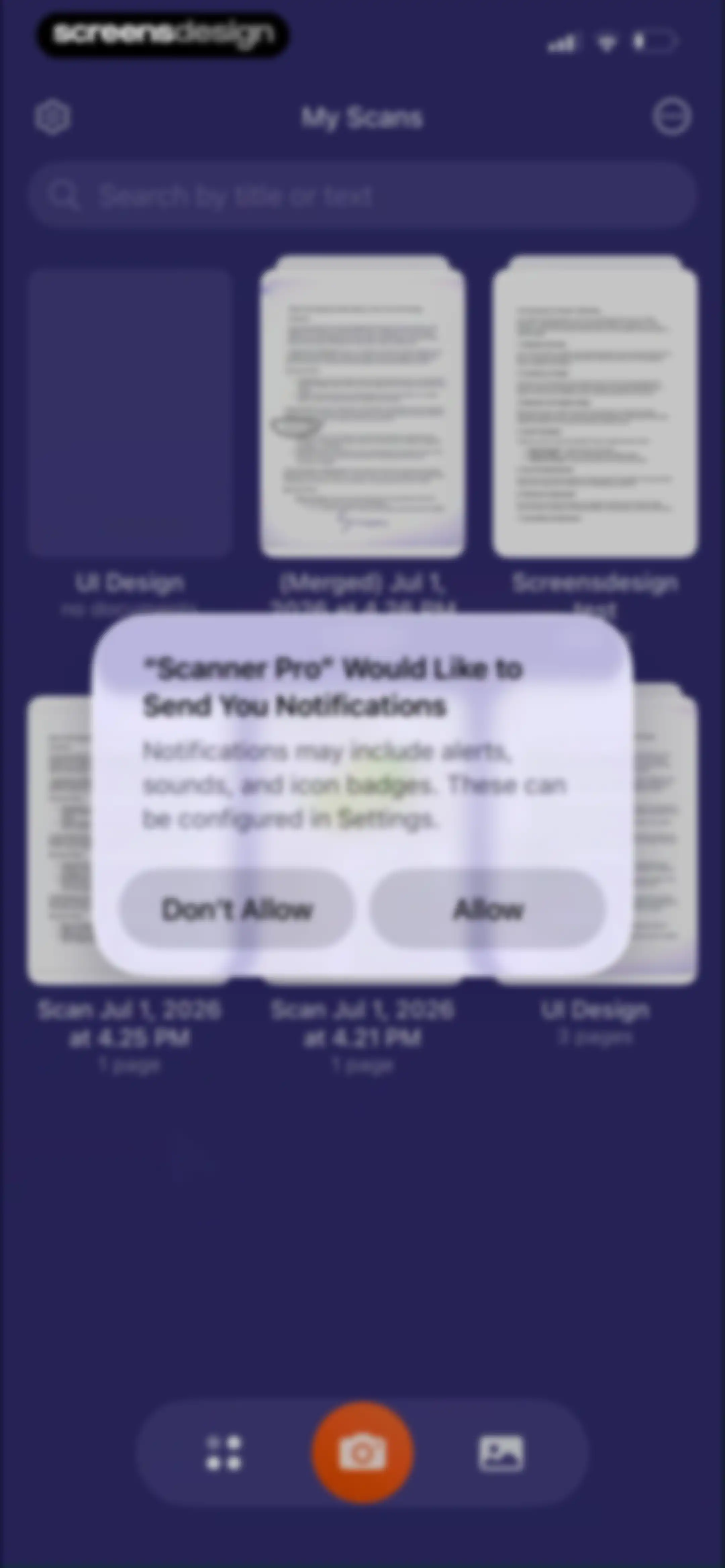
Scanner Pro document dashboard with a notification permission request modal overlay and Allow and Don't Allow buttons.Unlock Pro
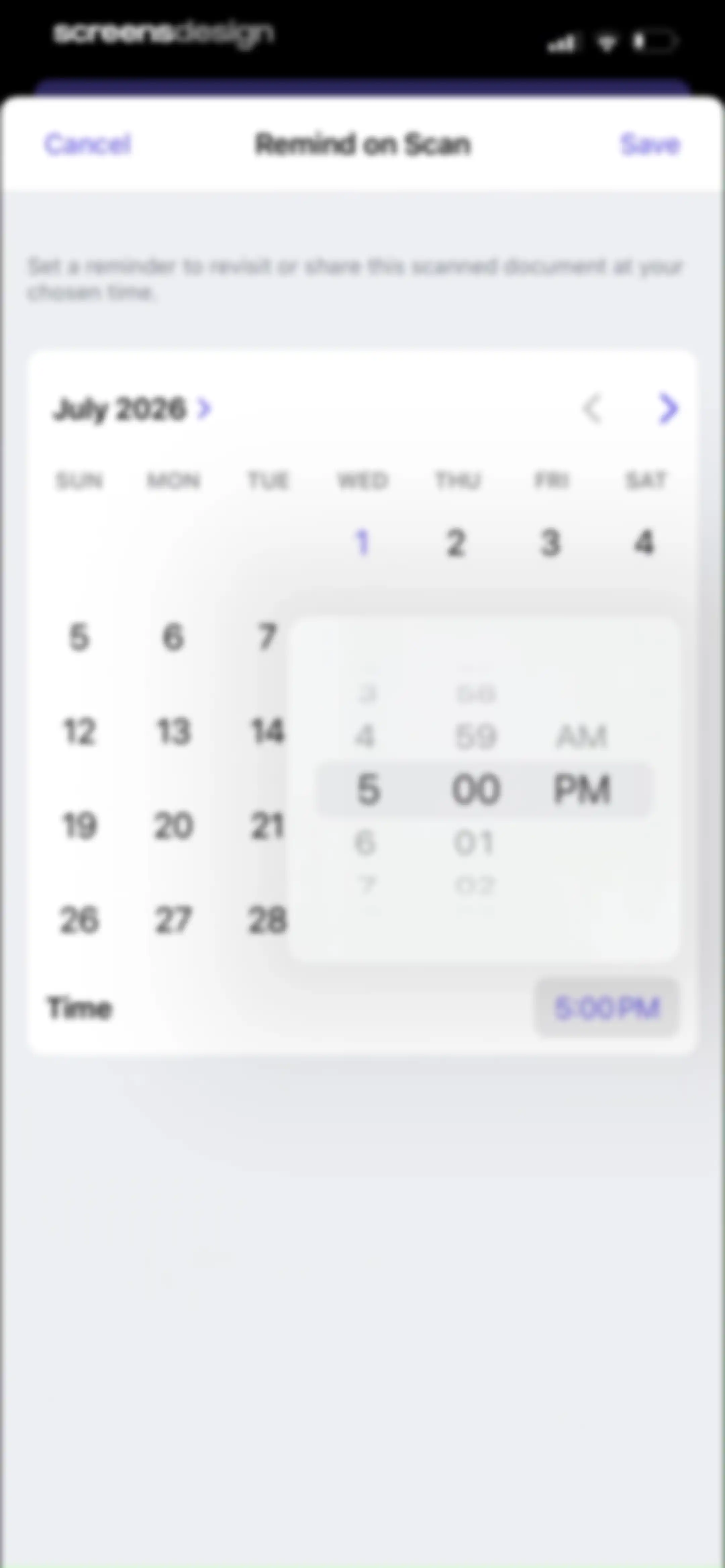
Scanner Pro reminder scheduling form with a July 2026 calendar view, a time picker set to 5:00 PM, and Cancel and Save buttons.Unlock Pro
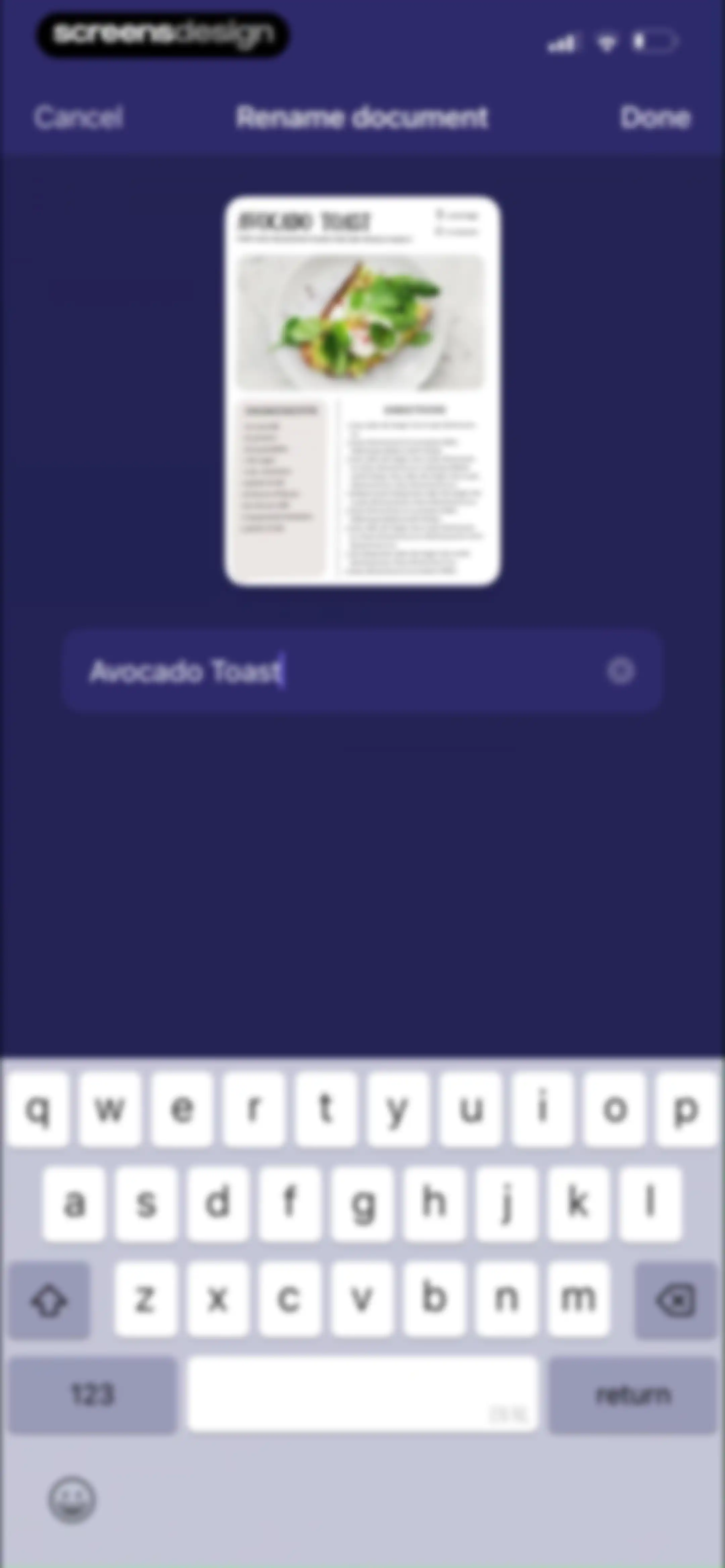
Document renaming form displaying a scanned recipe preview, a text input field with the current title Avocado Toast, and a Done button.Unlock Pro
Document scanner dashboard with a grid of scanned files, a top search bar, and a bottom notification indicating an item was moved to the trash.Unlock Pro
Home screen showing a document grid and a central modal menu with management actions and sorting options over a dark theme.Unlock Pro
Document management dashboard in multi-select mode with one selected item, a Done button, and a bottom action bar for batch operations.Unlock Pro
File move modal displaying a list of folders and scan files with Cancel and Move buttons.Unlock Pro
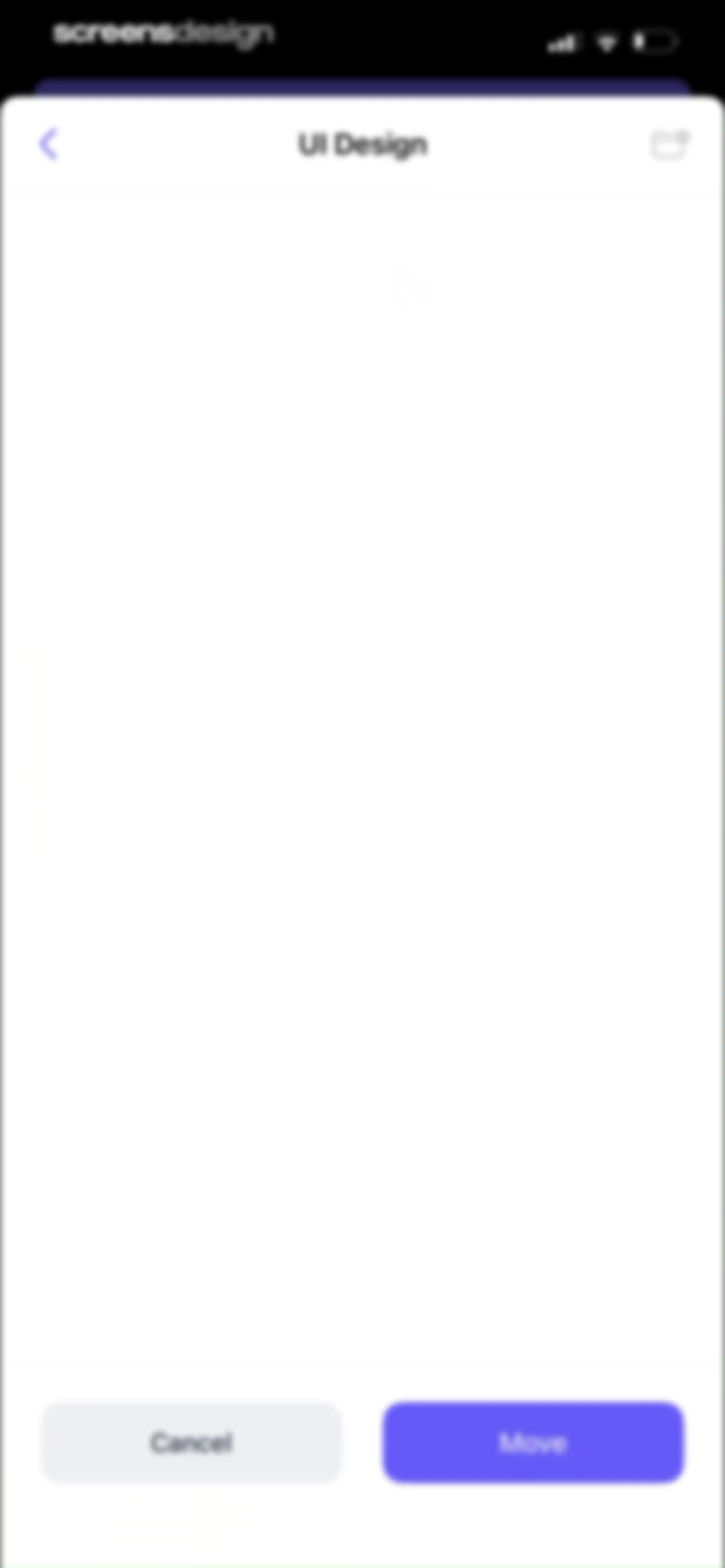
Folder selection screen titled UI Design with an empty content area and Cancel and Move buttons at the bottom.Unlock Pro
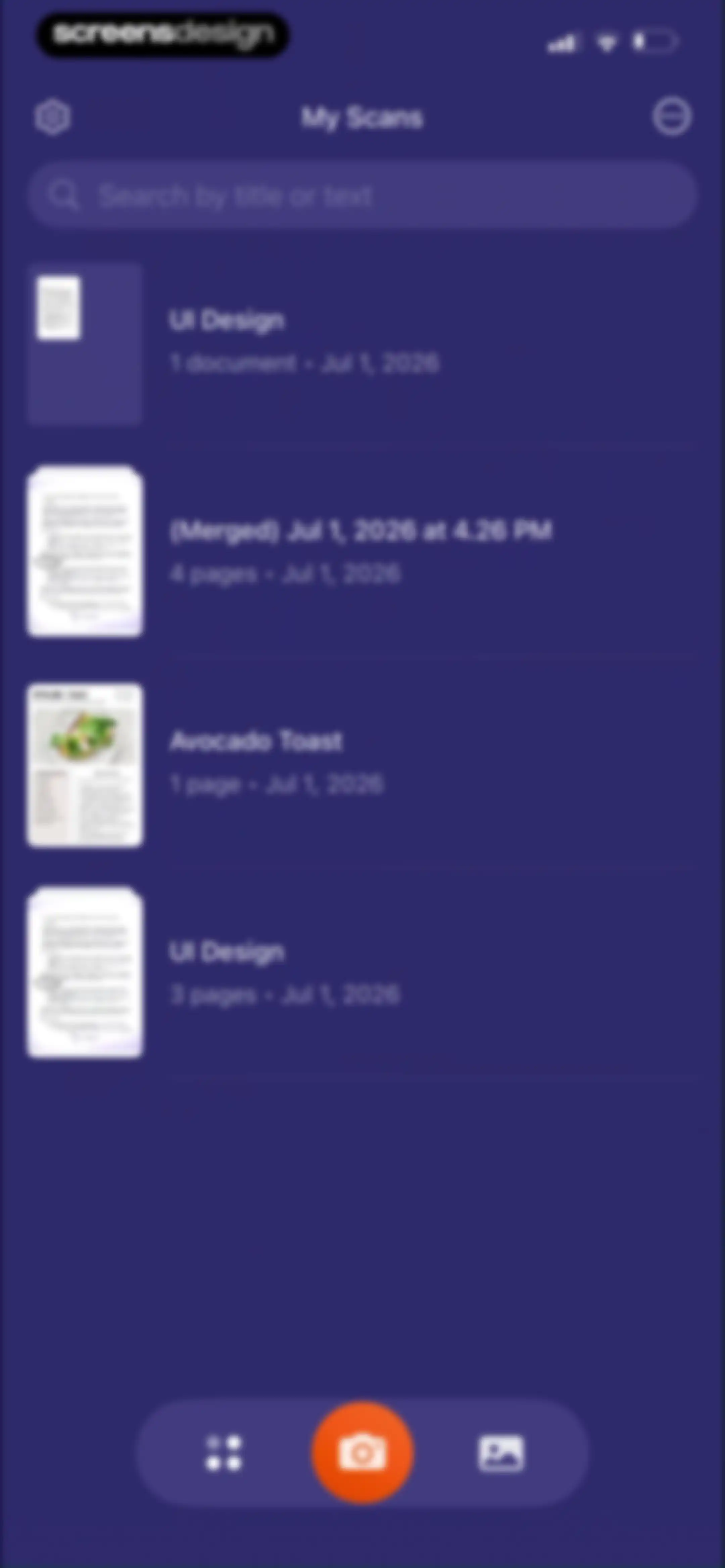
Document scanner dashboard with a search bar, a vertical list of saved scans, and a central camera button at the bottom.Unlock Pro
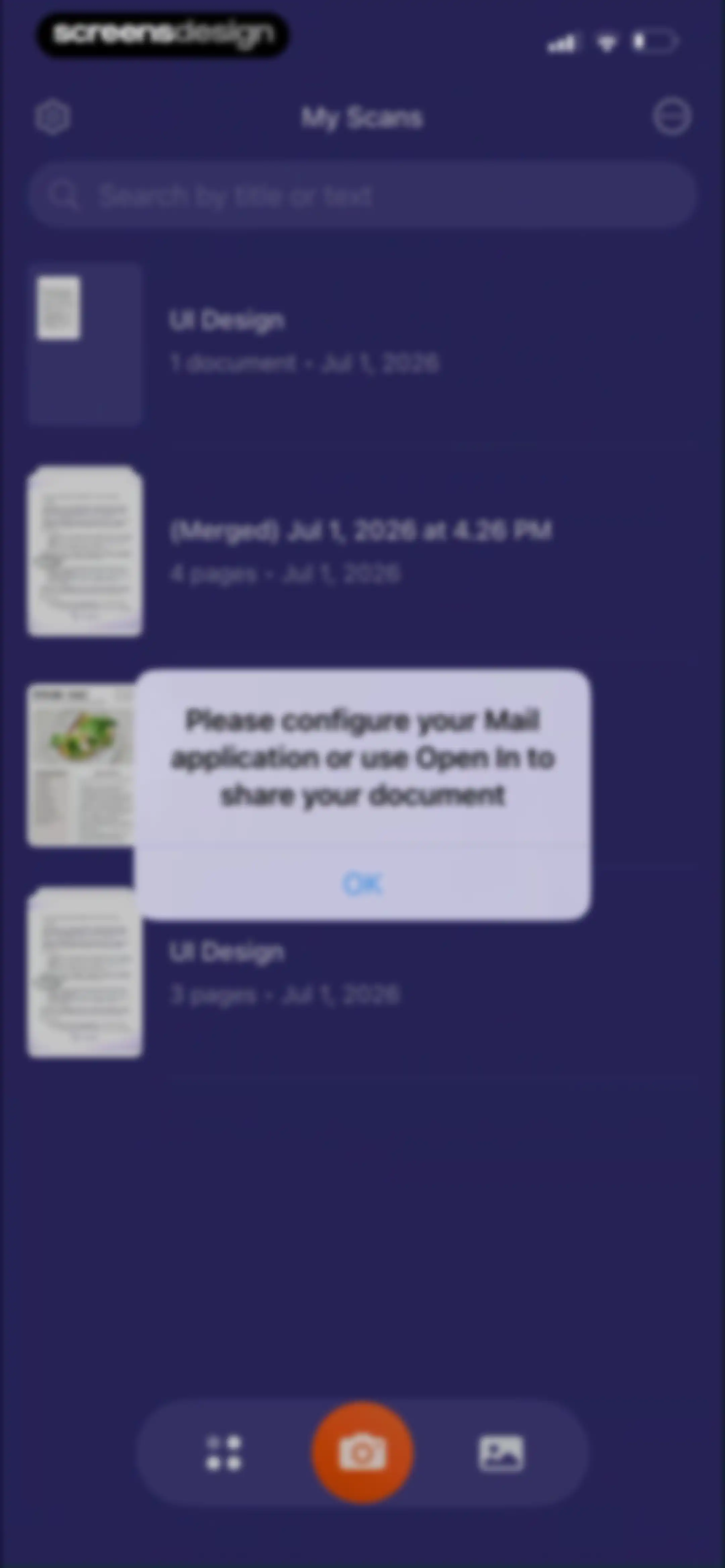
Document list home screen with an error modal requesting mail application configuration and an OK button.Unlock Pro
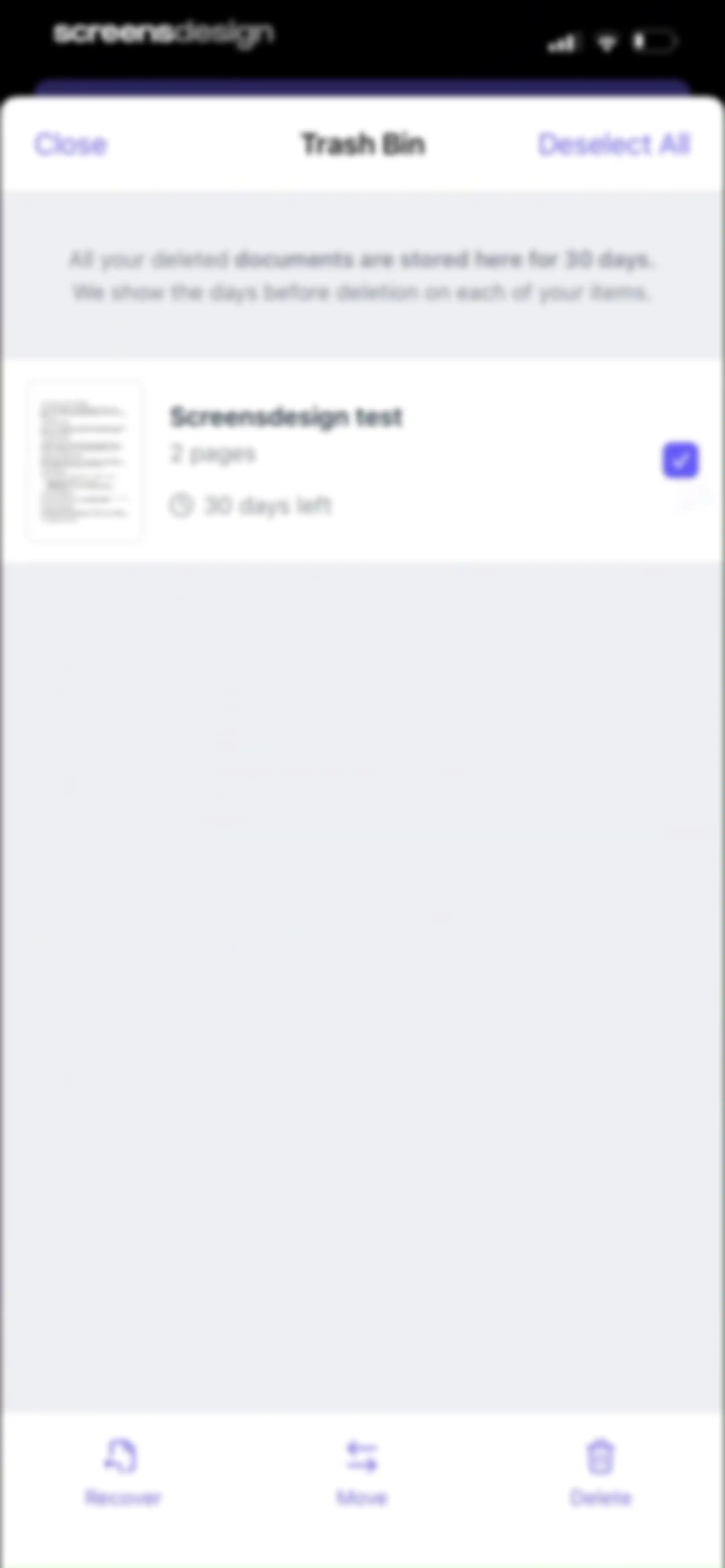
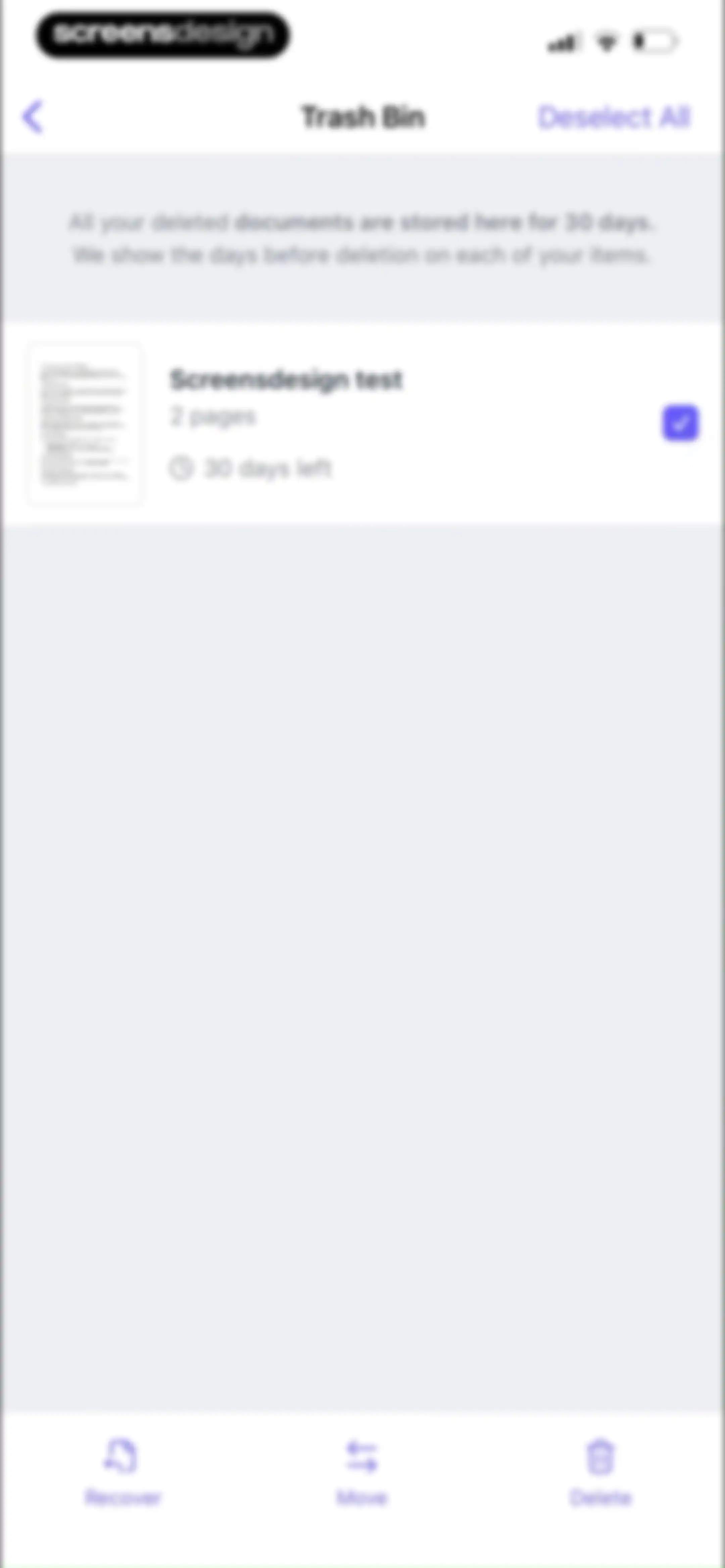
Trash bin screen listing a deleted document with a 30-day countdown timer, a selected checkbox, and bottom action buttons for recover, move, and delete.Unlock Pro
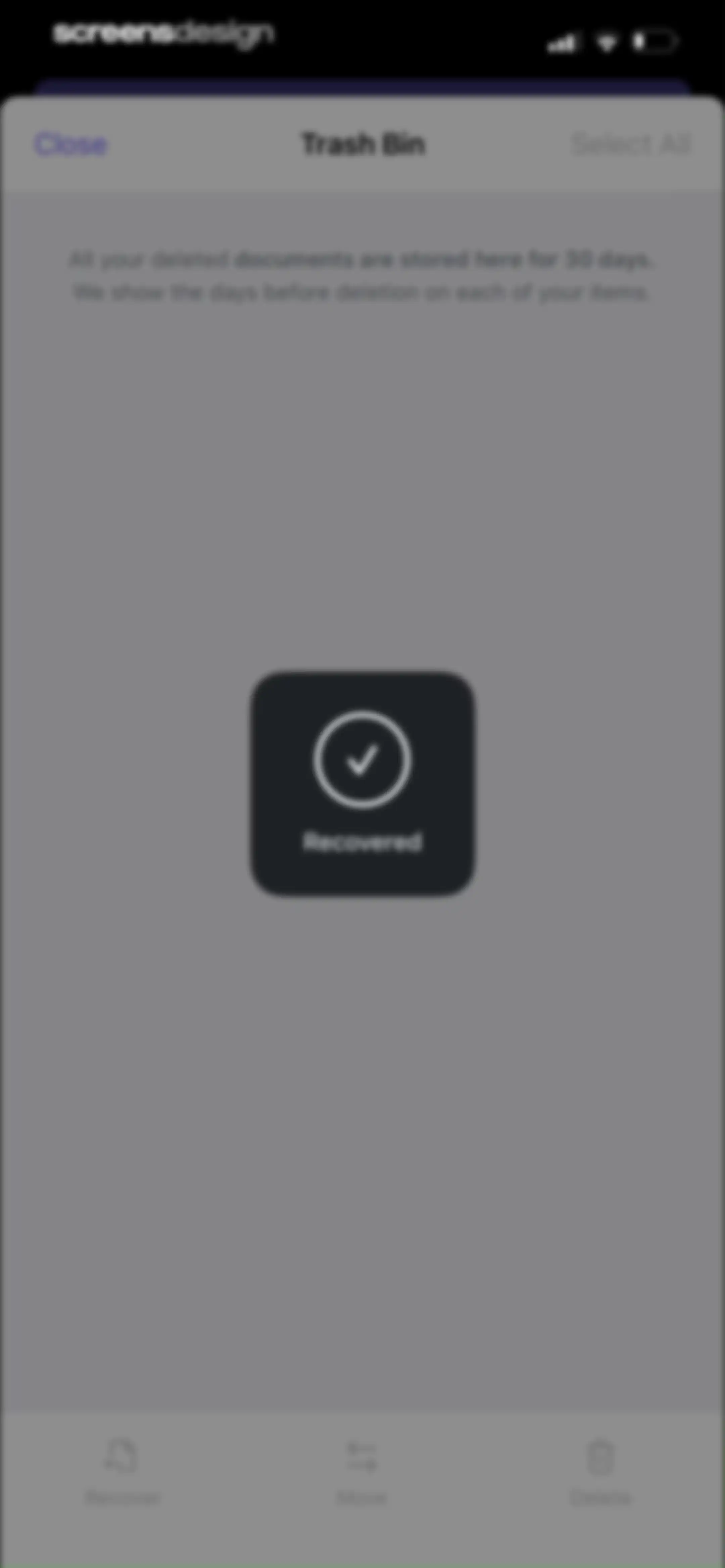
Trash bin screen showing a recovery success modal with a checkmark icon and a bottom action toolbar for managing deleted documents.Unlock Pro
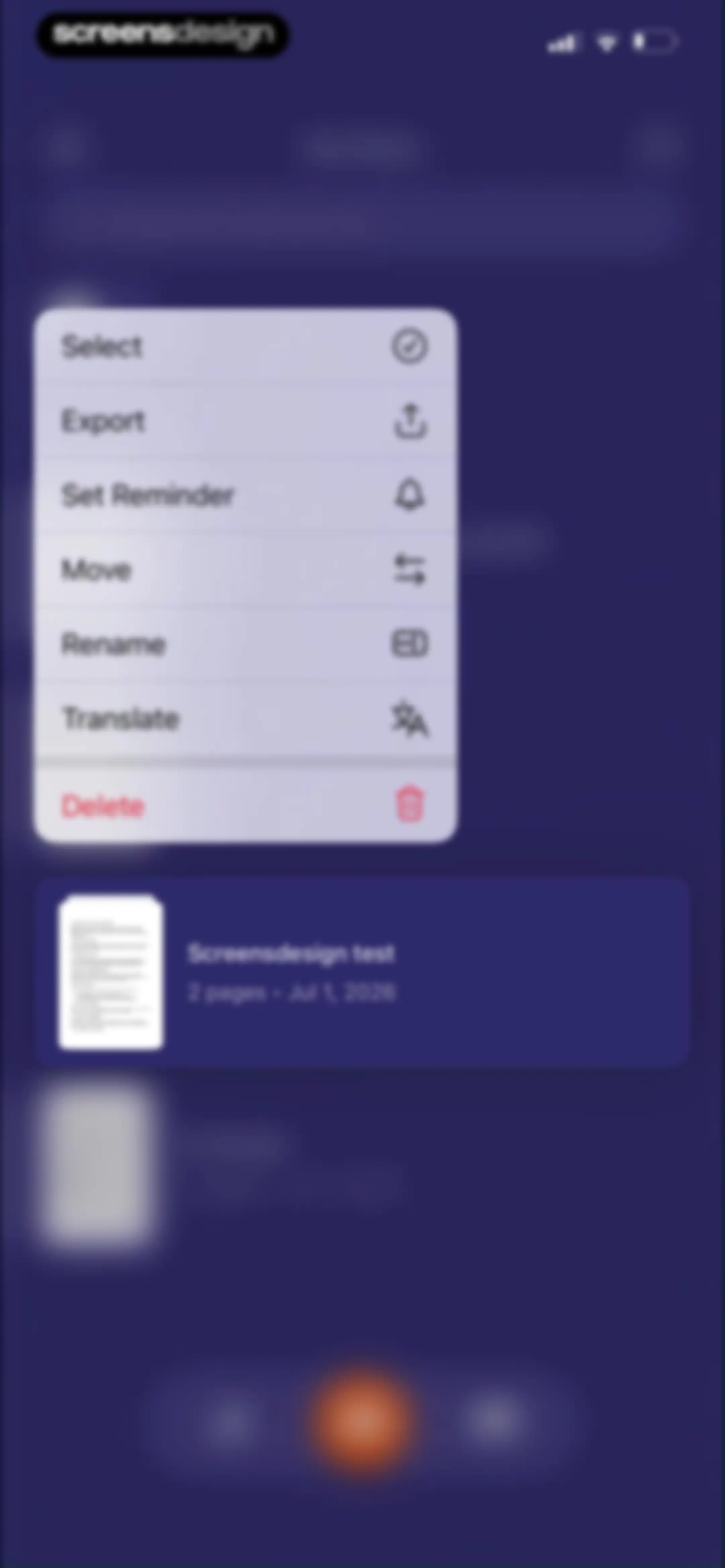
Document management context menu offering options like Select, Export, and Delete above a preview card for the file Screensdesign test.Unlock Pro
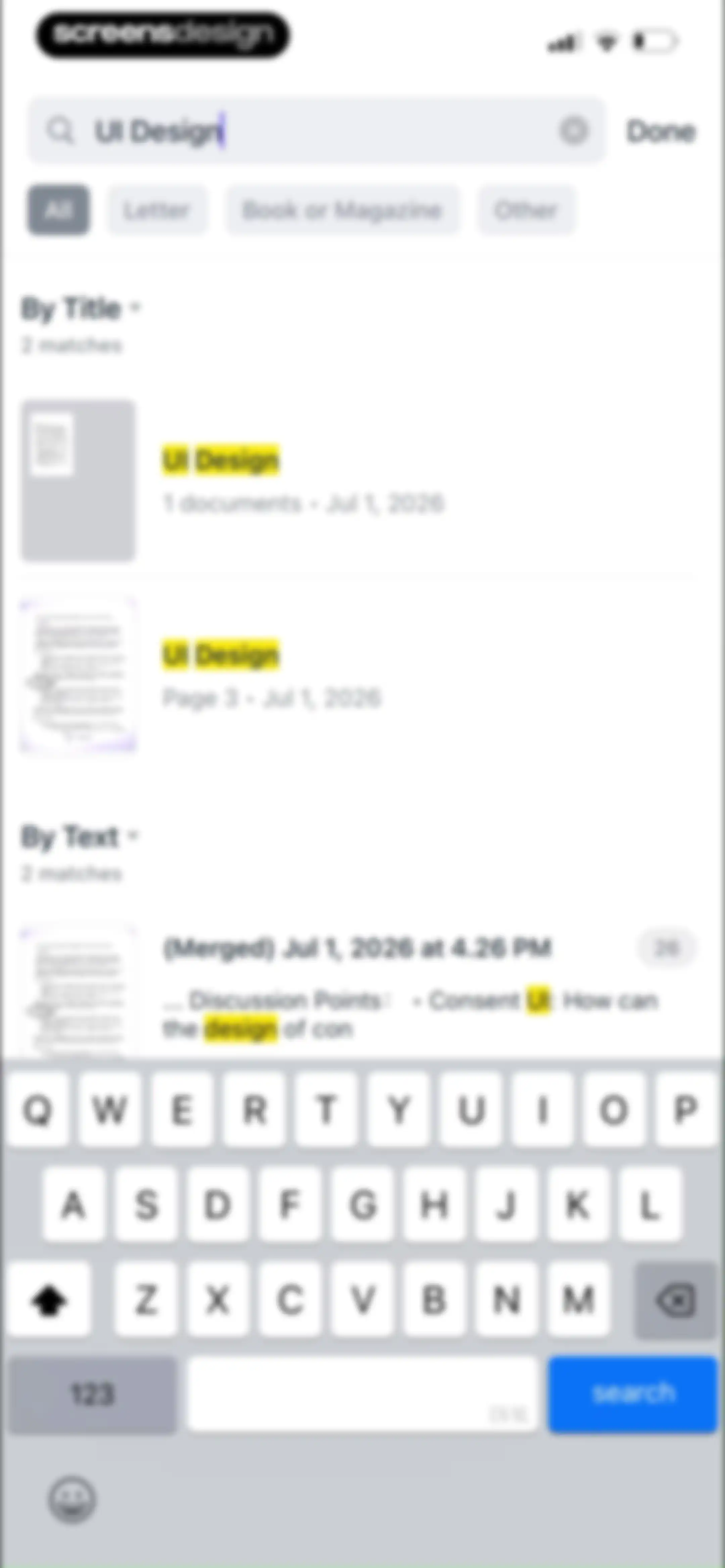
Search results screen displaying categorized document matches for the query UI Design with filter chips and a keyboard overlay.Unlock Pro
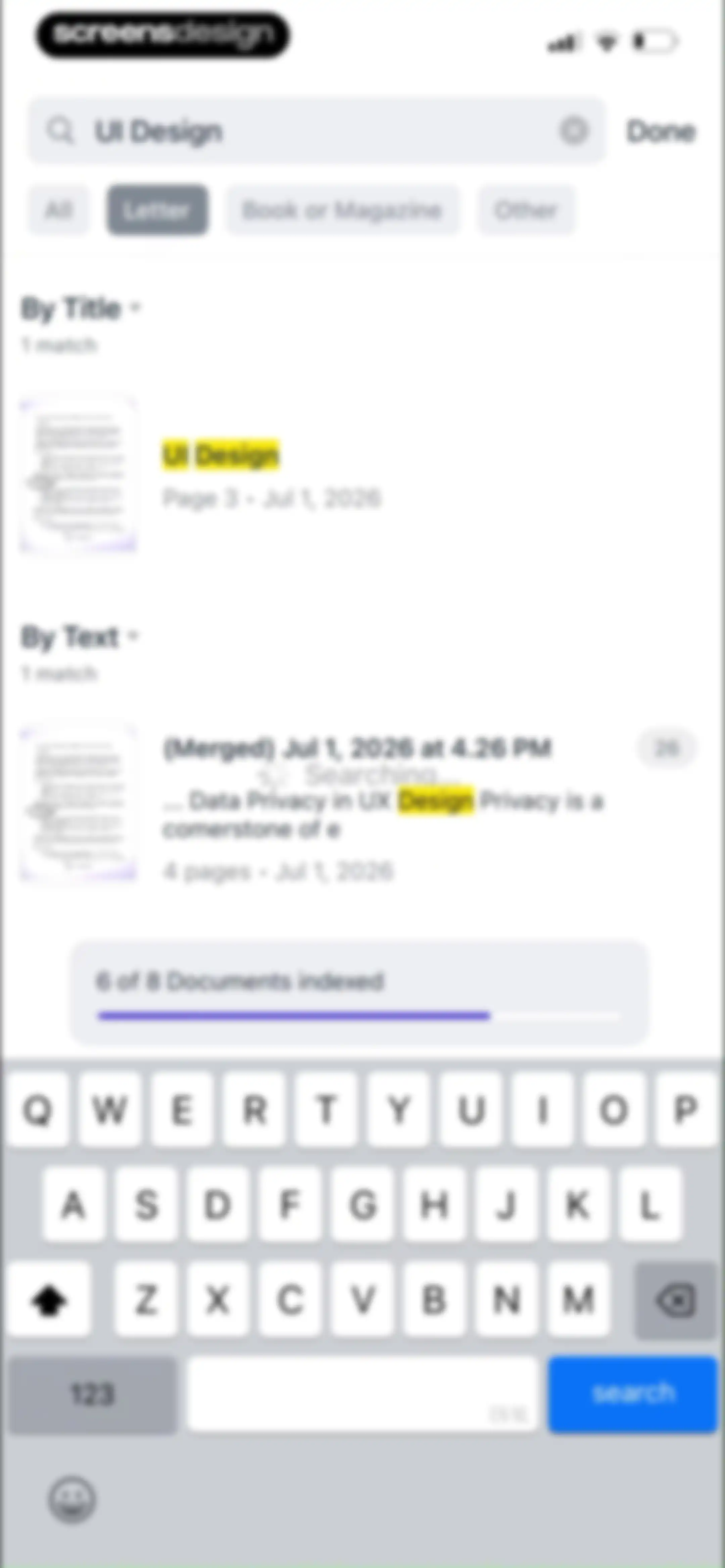
Search screen displaying query results with filter chips and an indexing progress indicator above the keyboard.Unlock Pro
Search screen displaying an empty state with no matches for UI Design in the Book or Magazine category, accompanied by horizontal filter tabs and an active system keyboard.Unlock Pro
Document search interface displaying query results with a matching document card, filter tabs, indexing progress, and a bottom keyboard.Unlock Pro
Settings screen with grouped sections for Cloud Services, App Settings, and Recently Deleted, featuring a Close button.Unlock Pro
Settings menu overlaid with a system share sheet showing options to share a link via AirDrop, Messages, and other apps.Unlock Pro
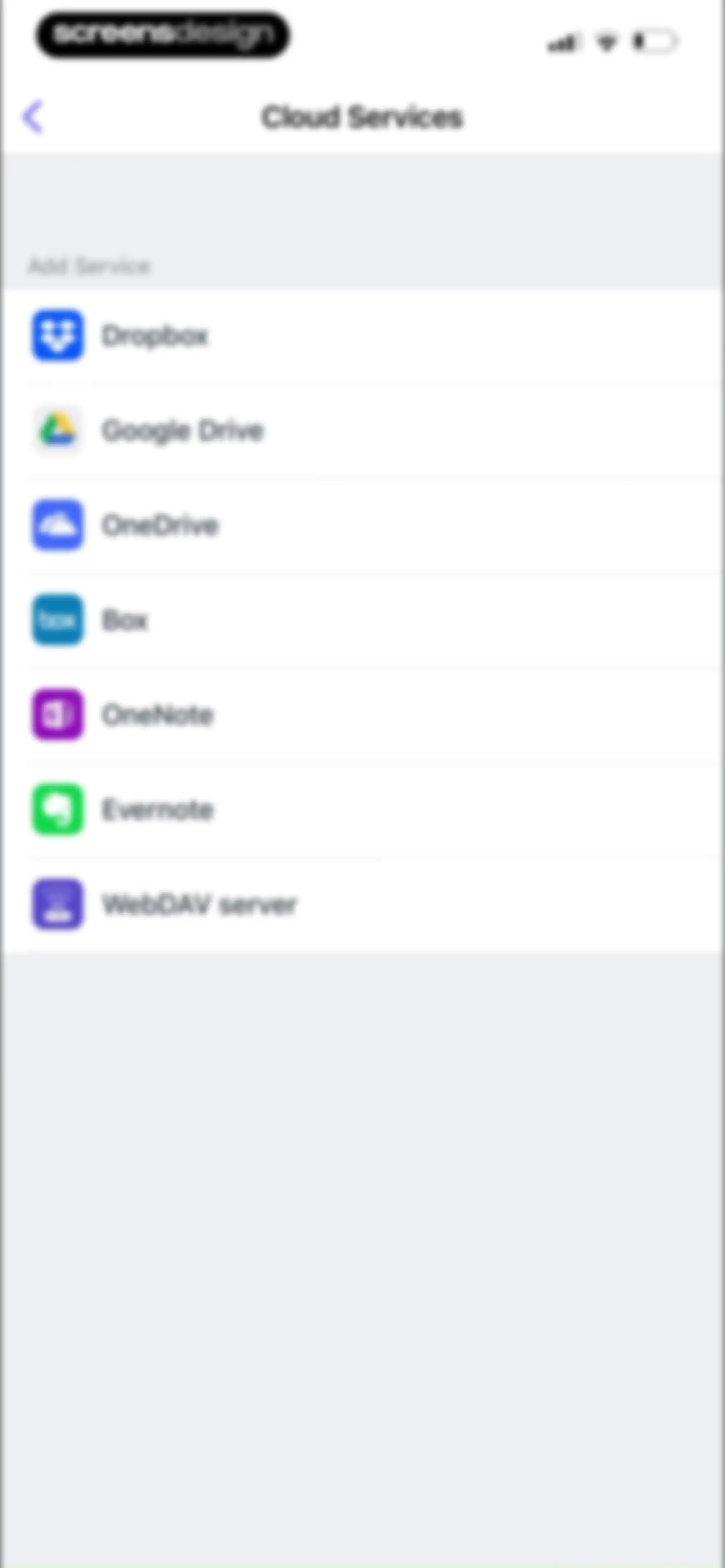
Cloud services settings screen displaying a vertical list of selectable storage options including Dropbox, Google Drive, and OneDrive.Unlock Pro
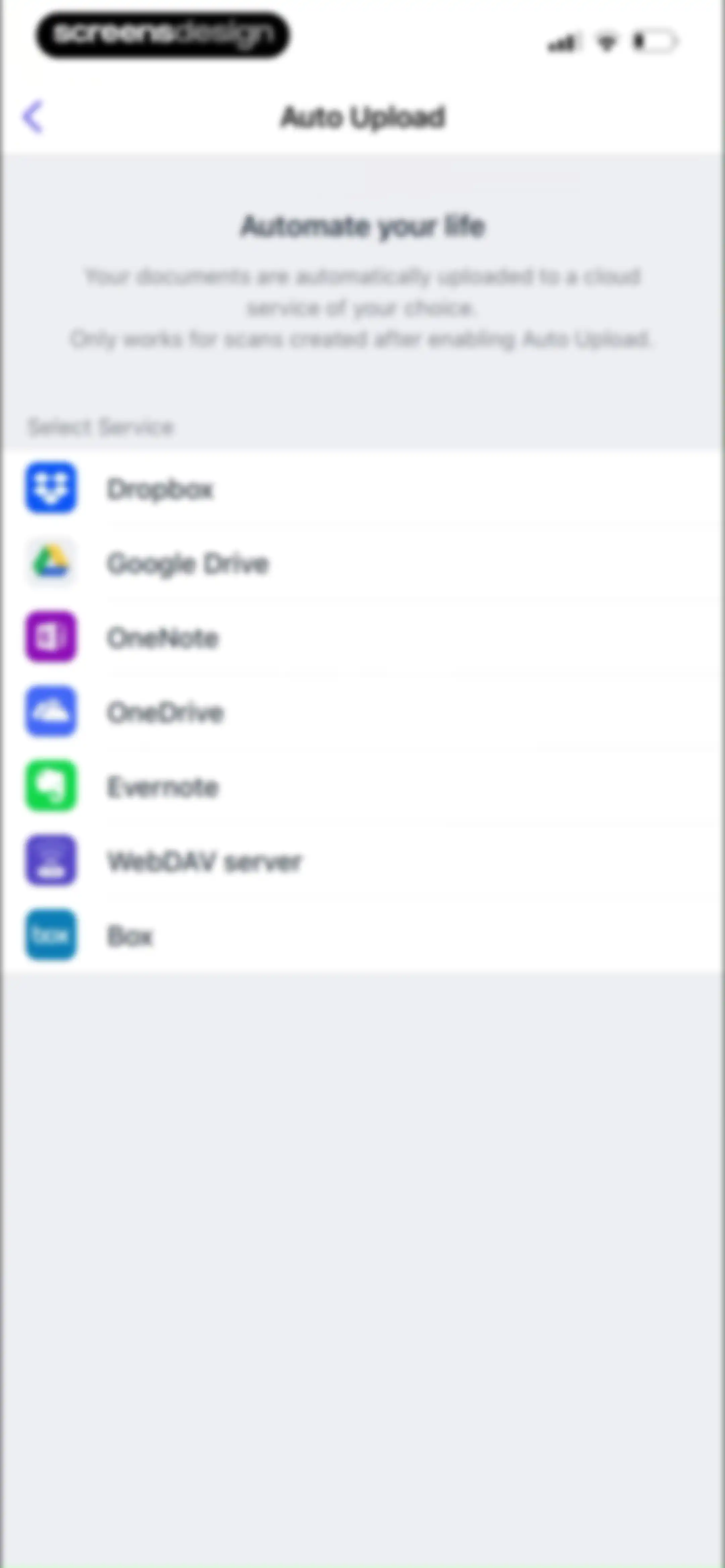
Auto Upload settings screen with a list of cloud service options including Dropbox, Google Drive, and OneDrive.Unlock Pro
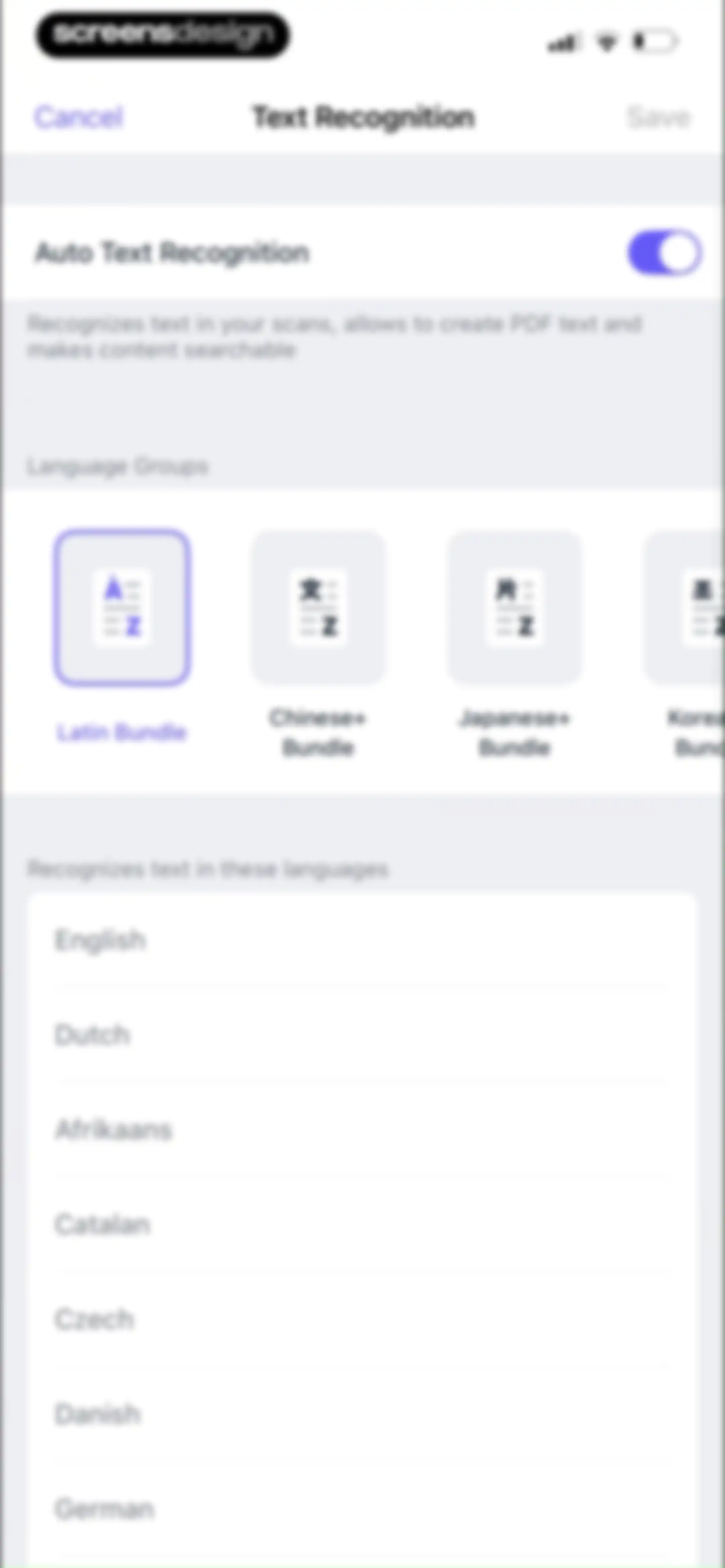
Text recognition settings screen featuring an auto-recognition toggle, a language bundle carousel with the Latin Bundle selected, and a list of supported languages.Unlock Pro
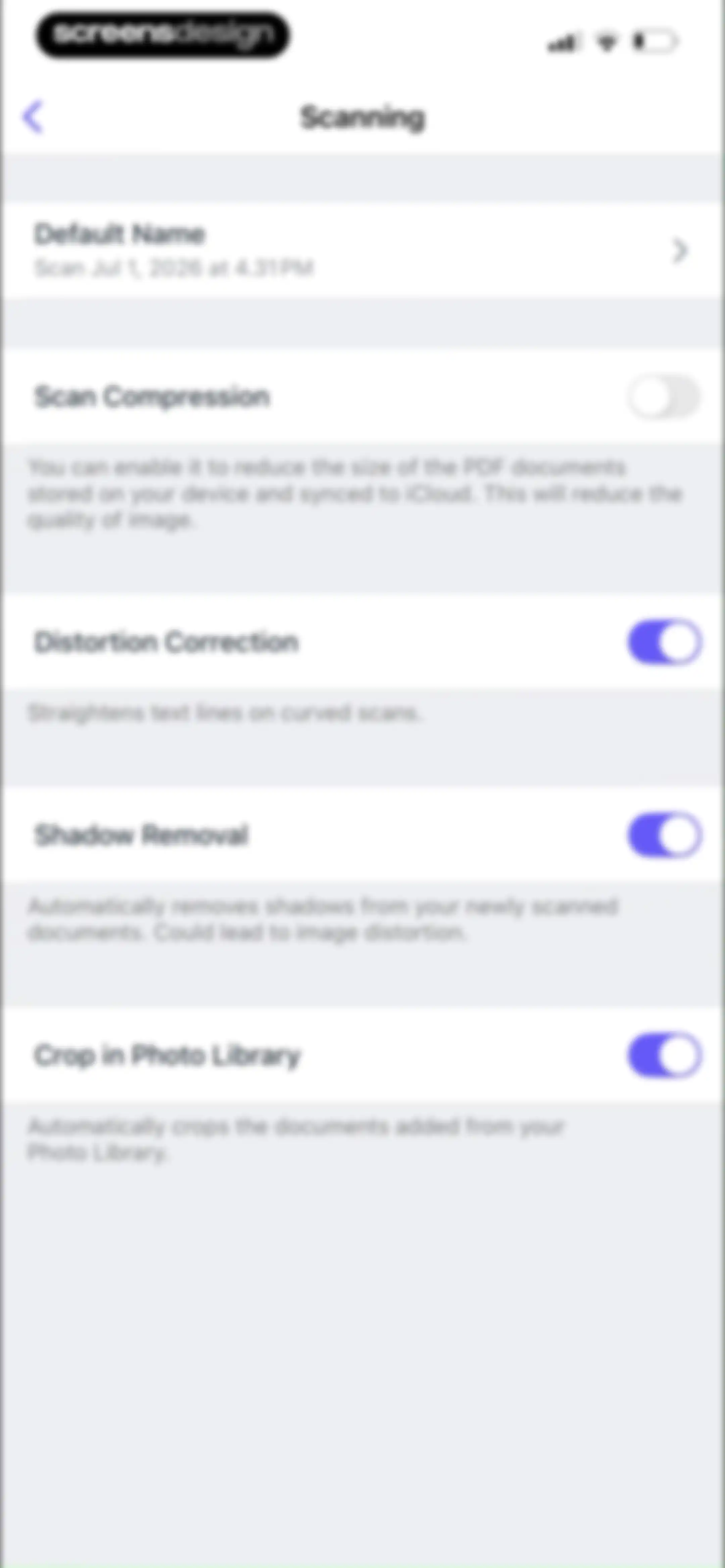
Scanning settings menu with toggles for compression, distortion correction, shadow removal, and photo library cropping.Unlock Pro
Advanced Settings screen for Scanner Pro with options for Password Protection, Start with Camera, and iOS Data Protection.Unlock Pro
Email Template editor screen in Scanner Pro with Cancel and Done actions and a text configuration area.Unlock Pro
Workflows empty state screen featuring a minimal layout with an Add Workflow button.Unlock Pro
Action selection screen displaying a vertical list of workflow options including email, cloud storage uploads, and document renaming.Unlock Pro
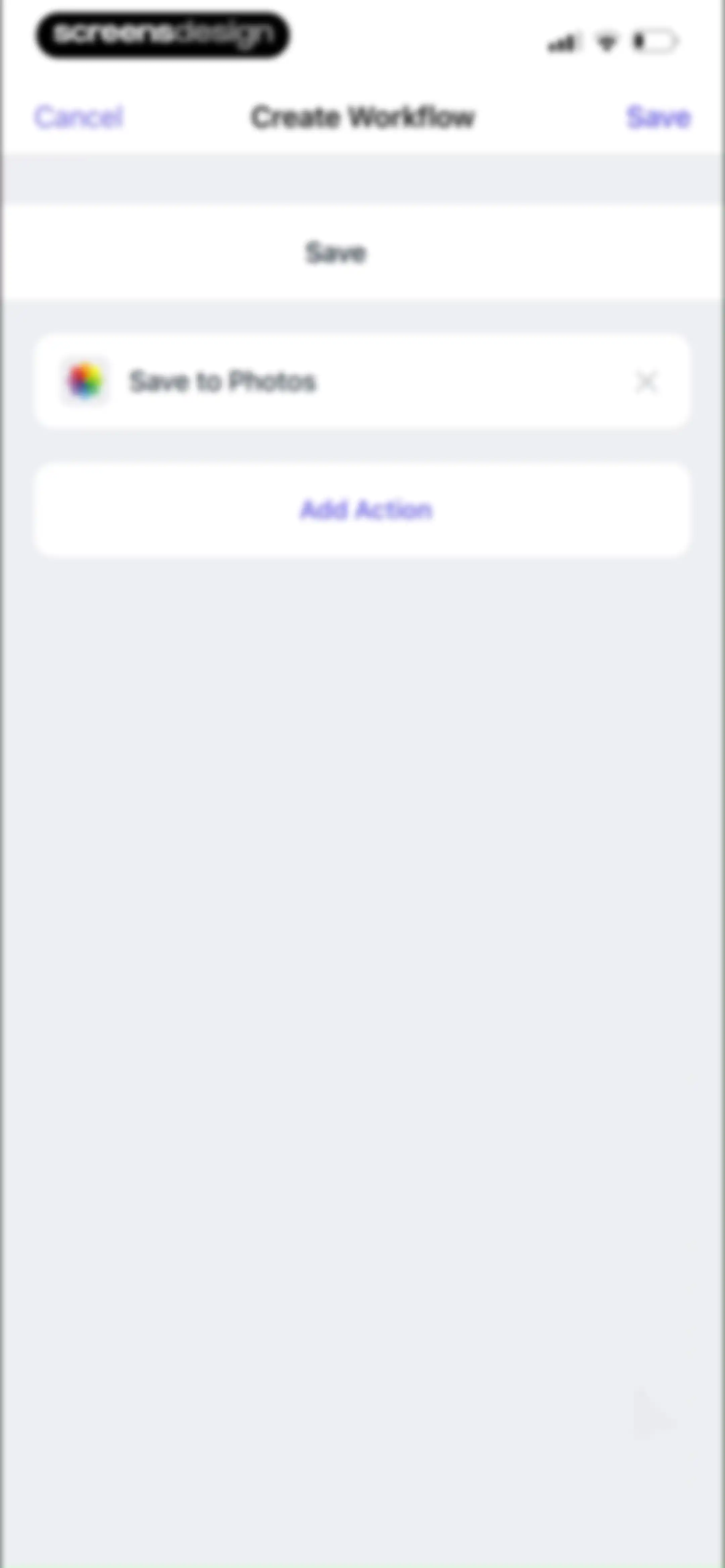
Workflow editor showing a Create Workflow screen with a Save to Photos action card and an Add Action button.Unlock Pro
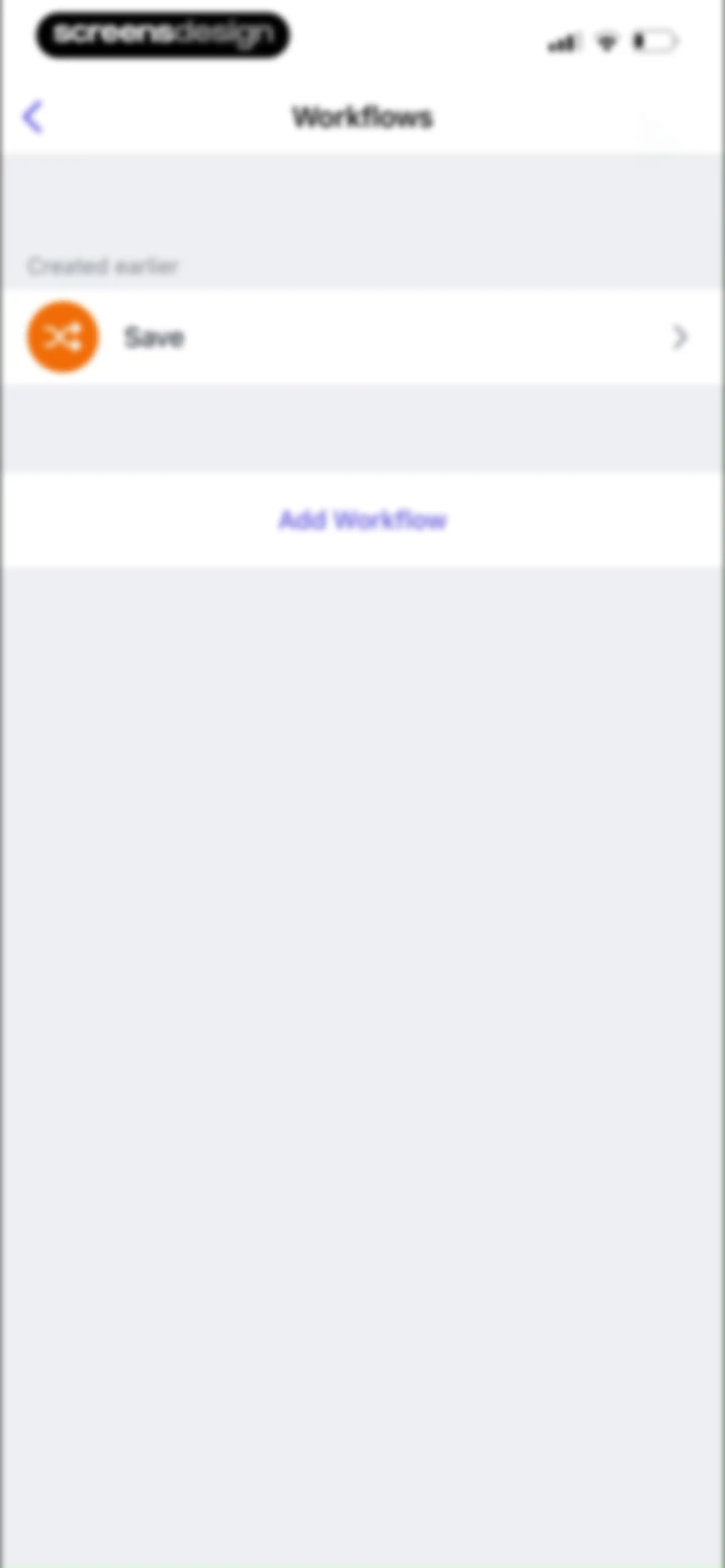
Workflow management dashboard displaying a saved automation item and an Add Workflow button.Unlock Pro
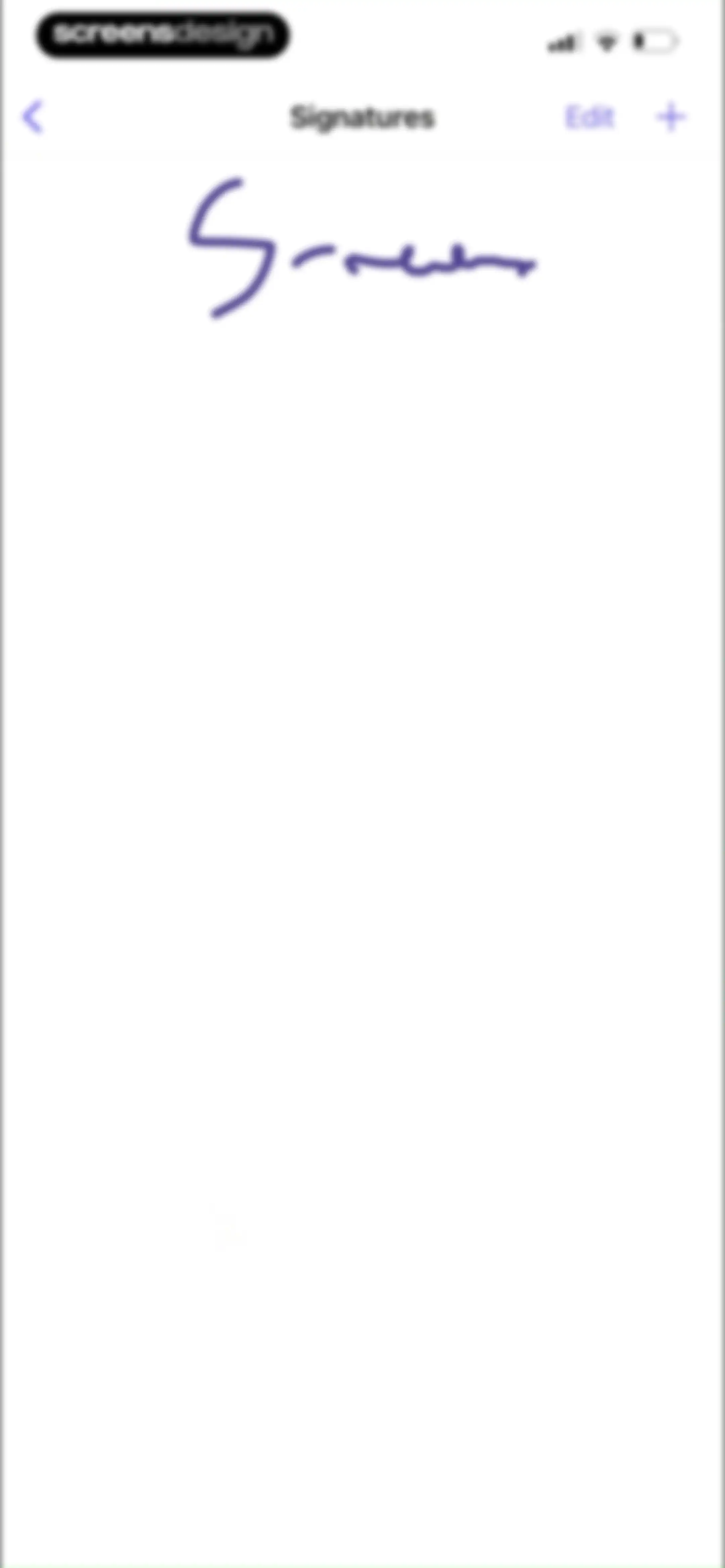
Signature management screen displaying the title Signatures with an edit button, an add icon, and a single saved signature object.Unlock Pro
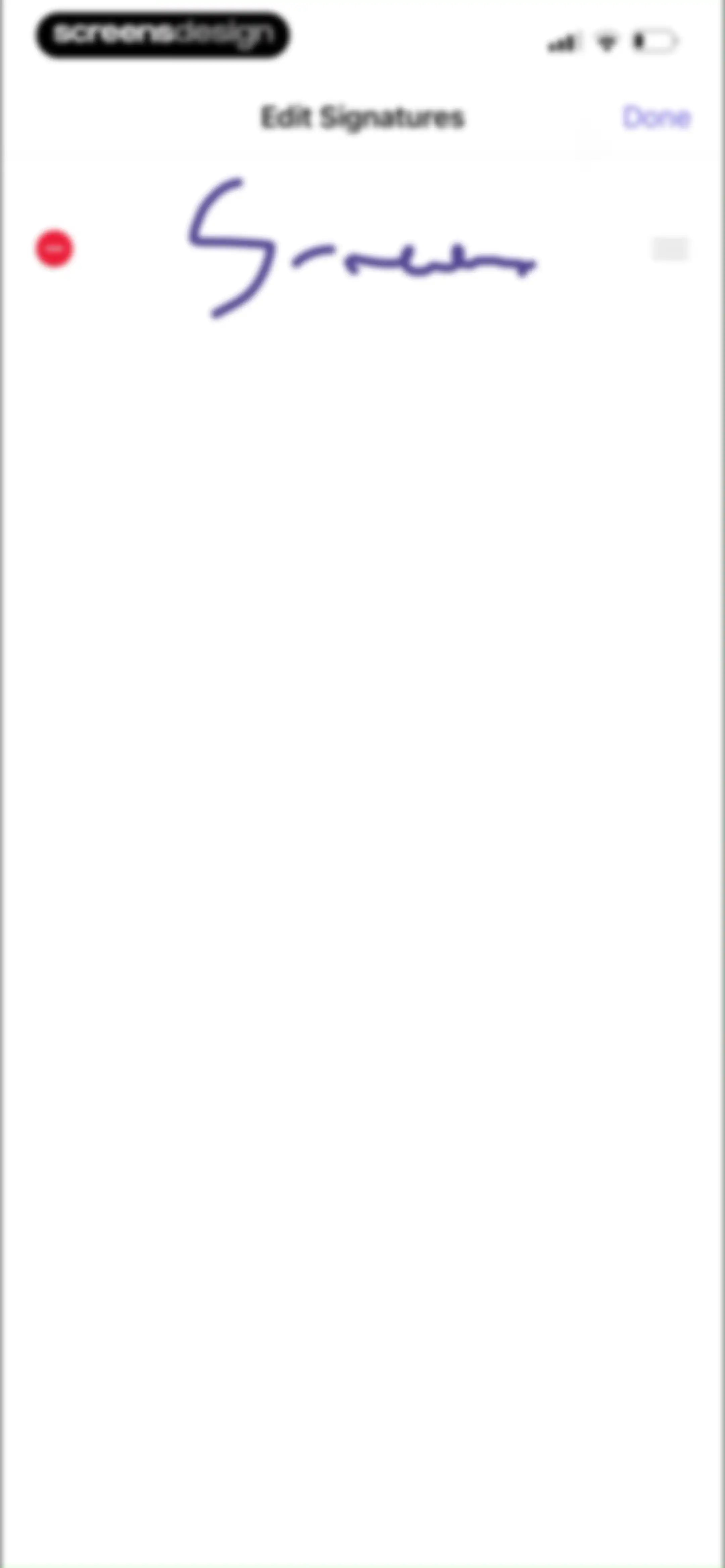
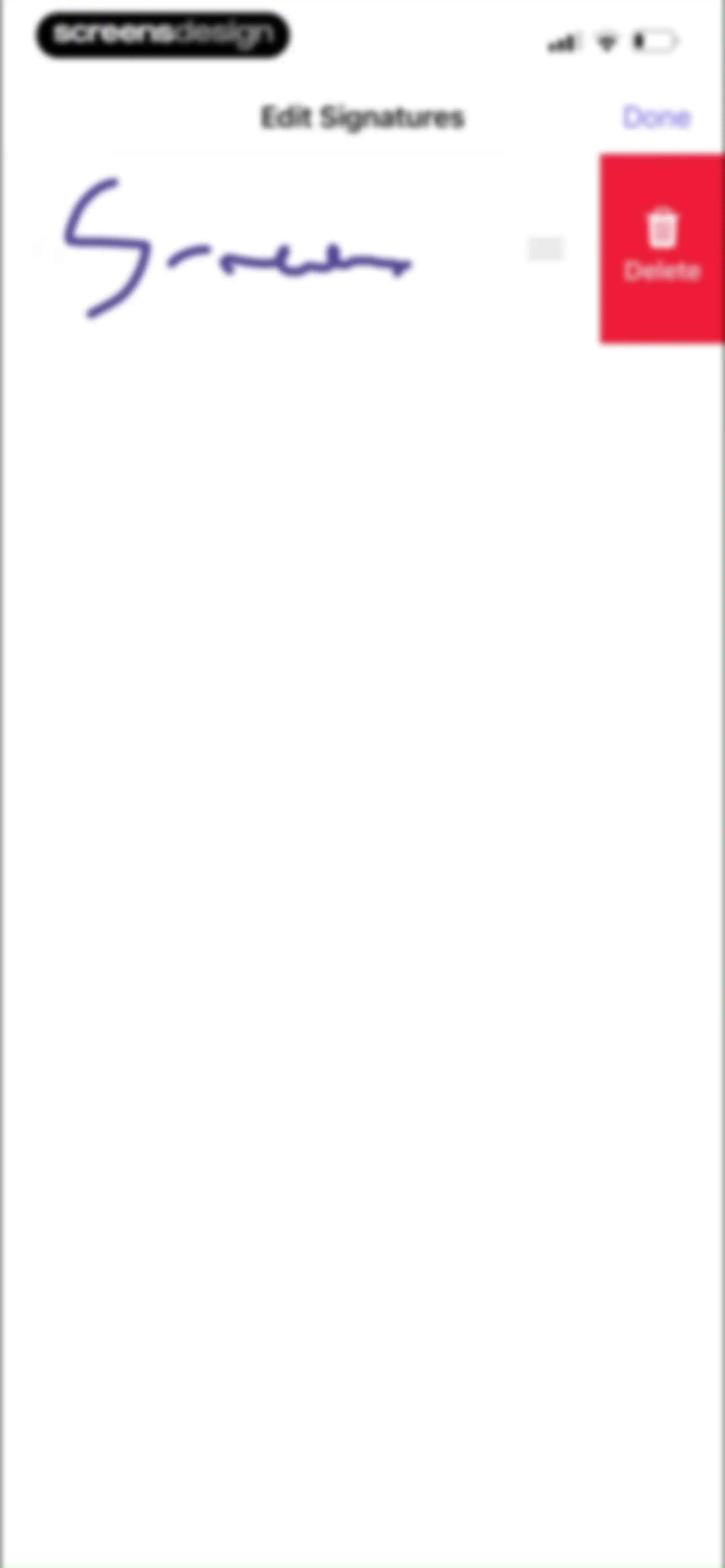
Signature management screen titled Edit Signatures, featuring a saved signature with delete and reorder controls and a Done button.Unlock Pro
Signature settings screen displaying a saved signature in purple ink with a delete button and a reordering handle.Unlock Pro
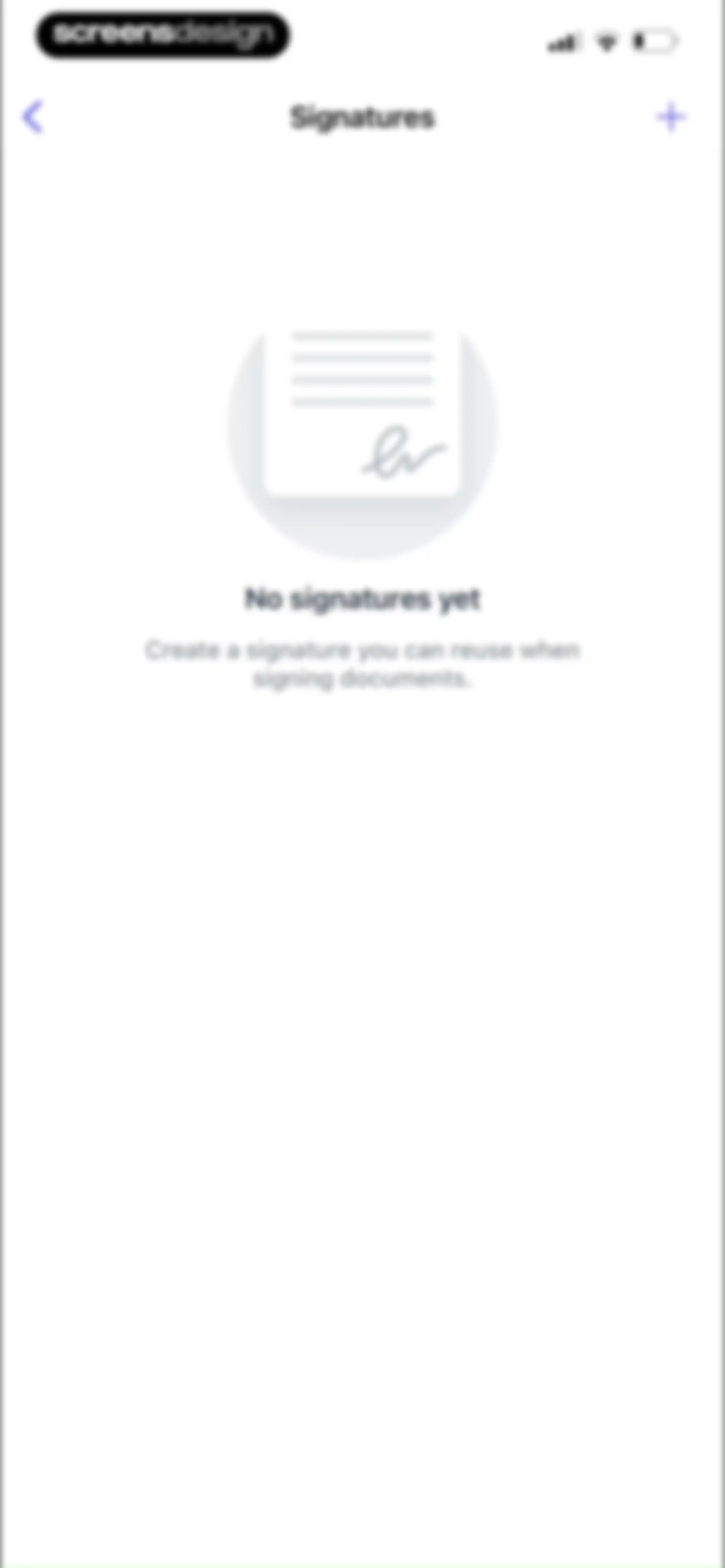
Empty signatures screen featuring a centered illustration with the text No signatures yet and an add button in the top right.Unlock Pro
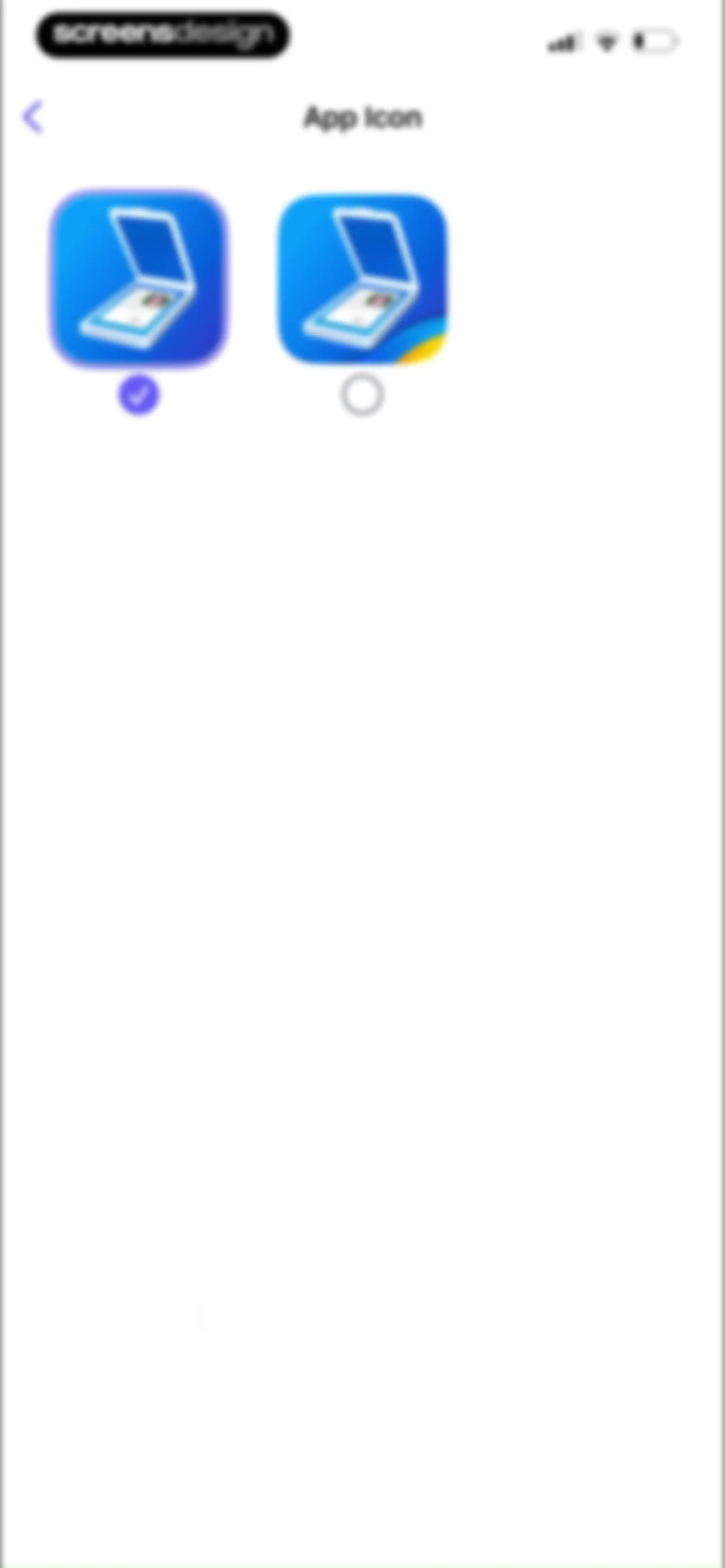
Scanner Pro app icon settings screen displaying two selectable icon cards with the first option selected.Unlock Pro
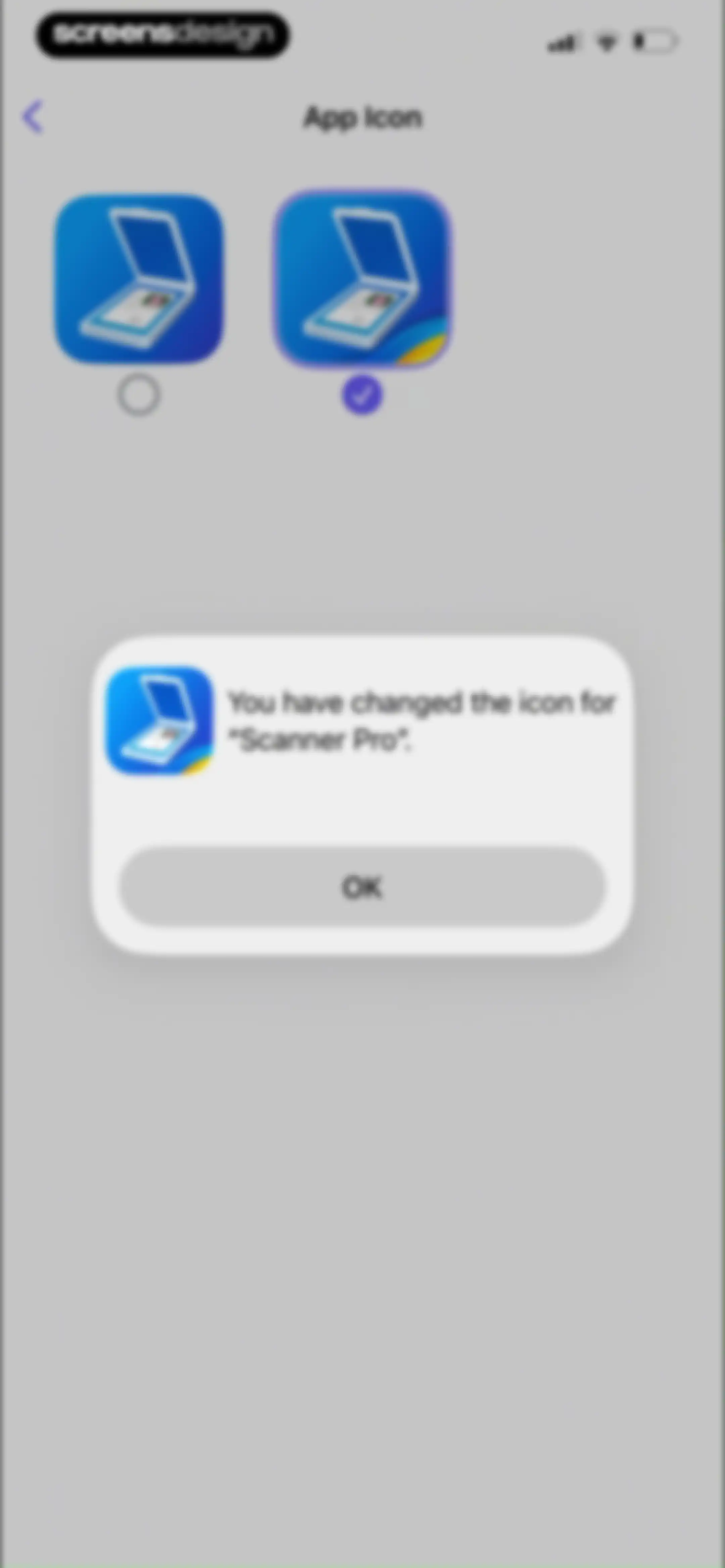
App icon settings screen with a confirmation modal stating that the icon for Scanner Pro has been changed, featuring an OK button.Unlock Pro
Trash Bin screen displaying a selected deleted document with a 30-day countdown timer and bottom action buttons for recovery, moving, and deletion.Unlock Pro
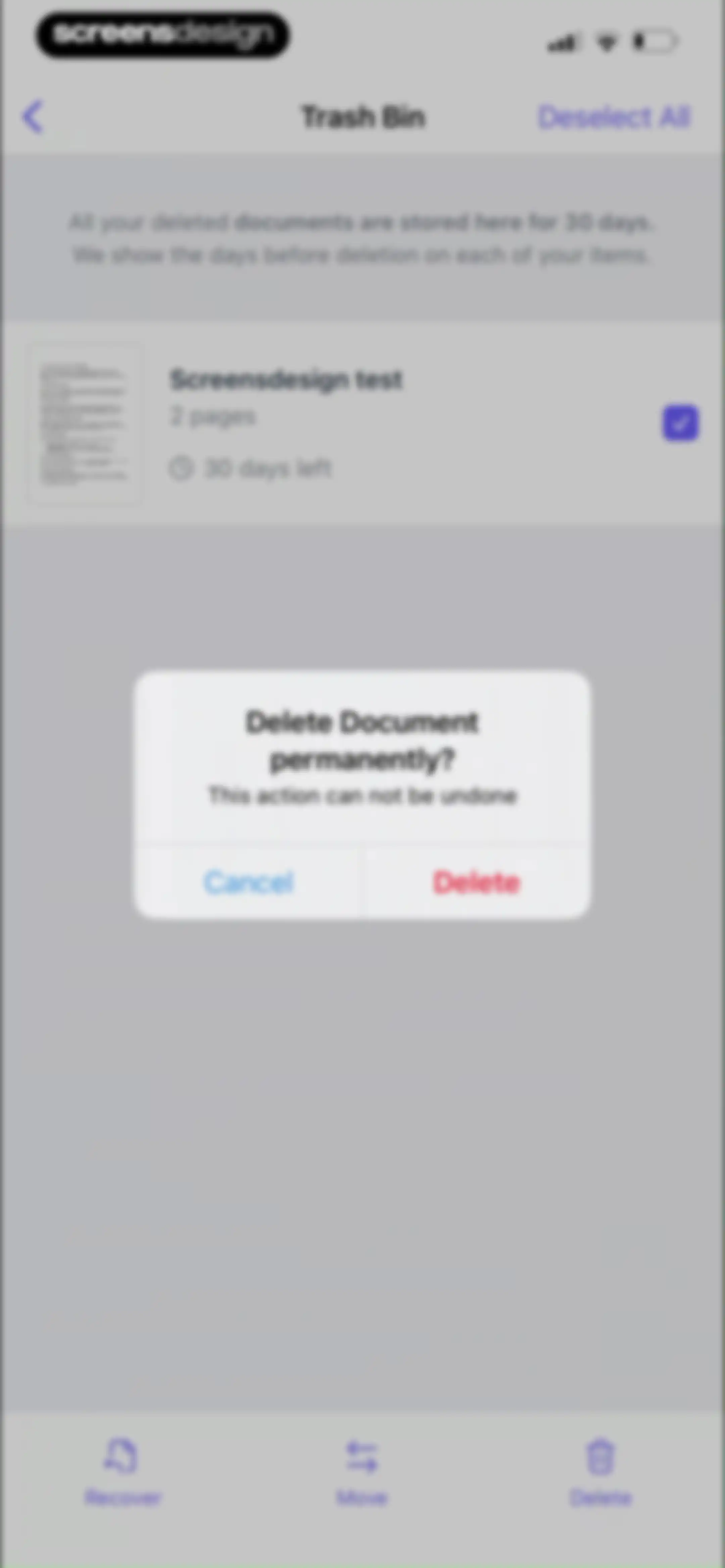
Trash Bin screen displaying a list of deleted documents and a confirmation modal for permanent deletion with Cancel and Delete buttons.Unlock Pro
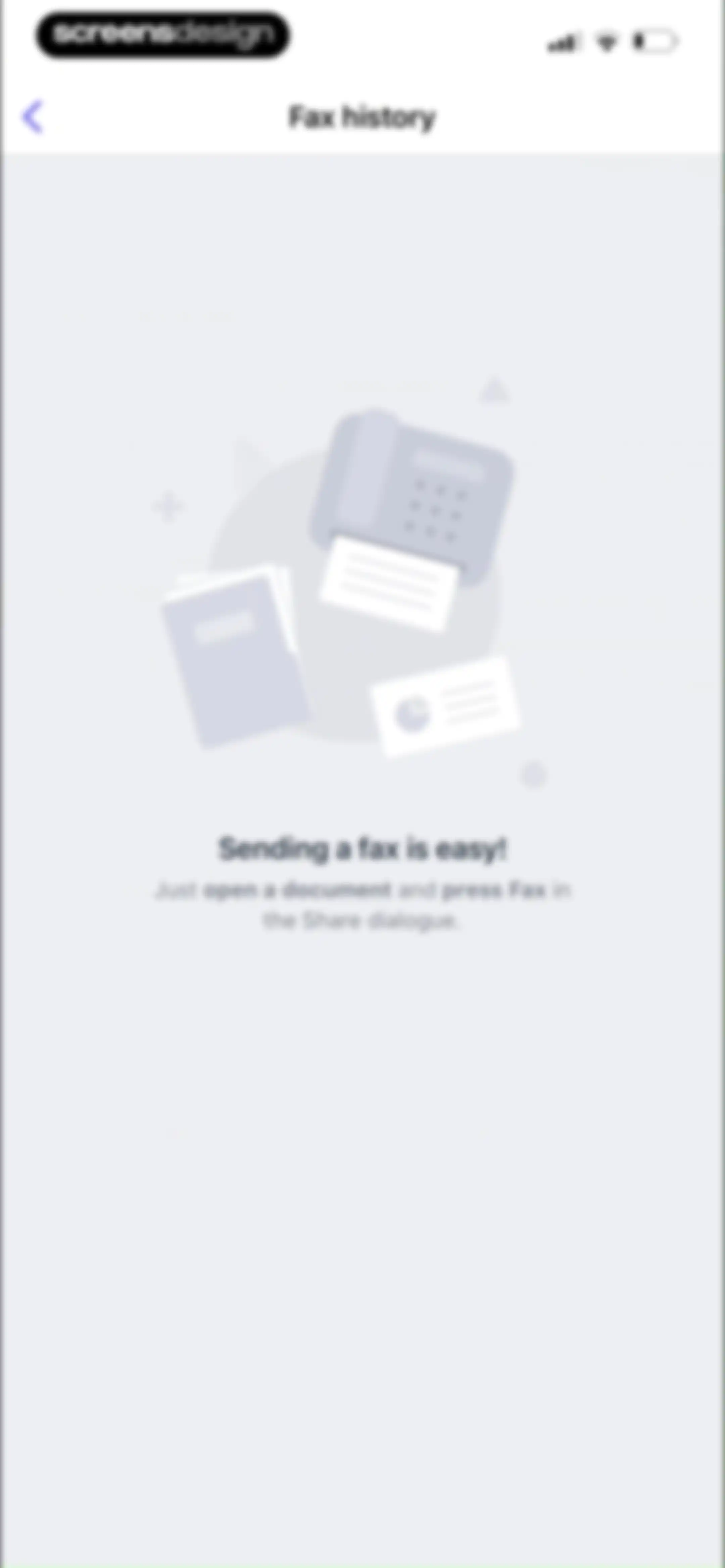
Empty fax history screen featuring a centered illustration and instructions explaining how to send a fax from the share dialogue.Unlock Pro
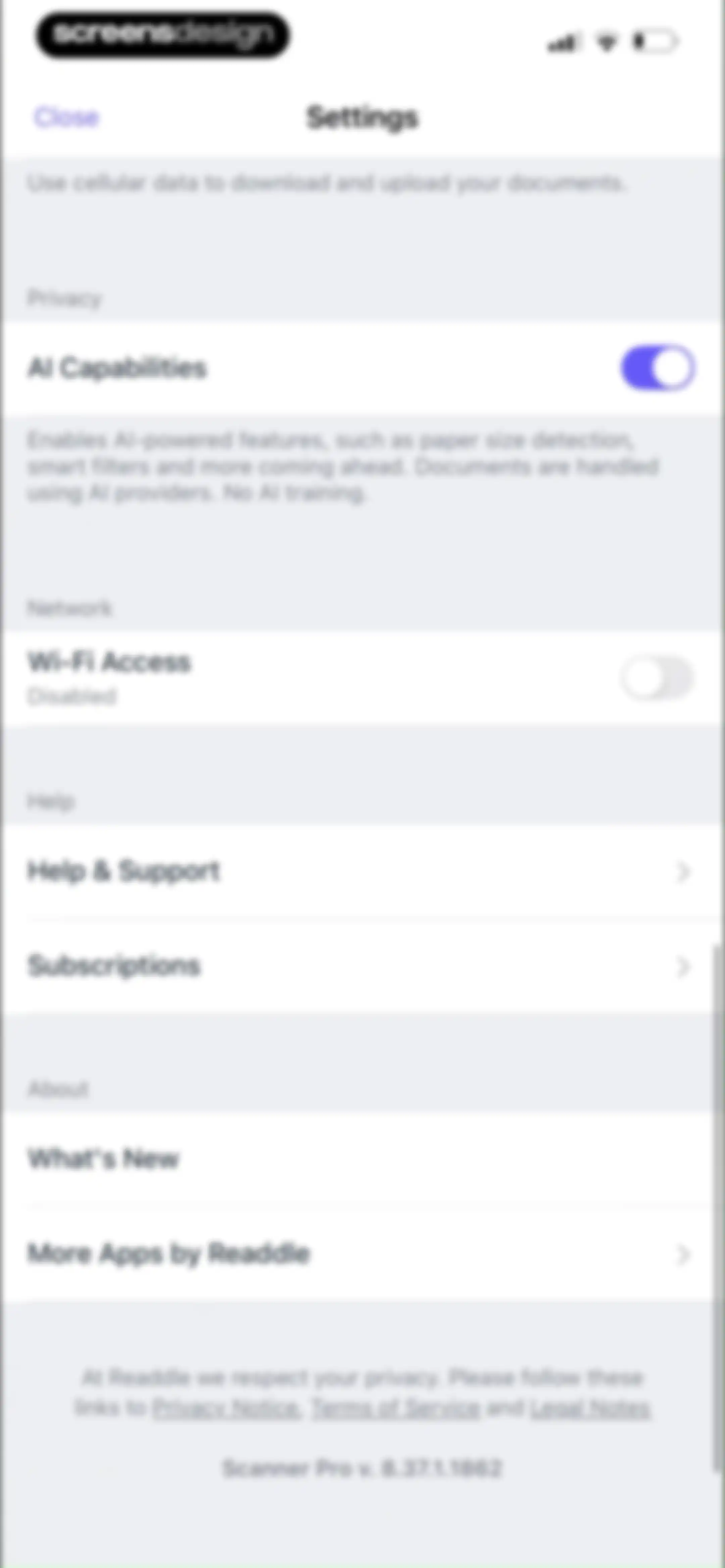
Settings screen for Scanner Pro with grouped sections for Privacy, Network, Help, and About, featuring toggles and navigation links.Unlock Pro
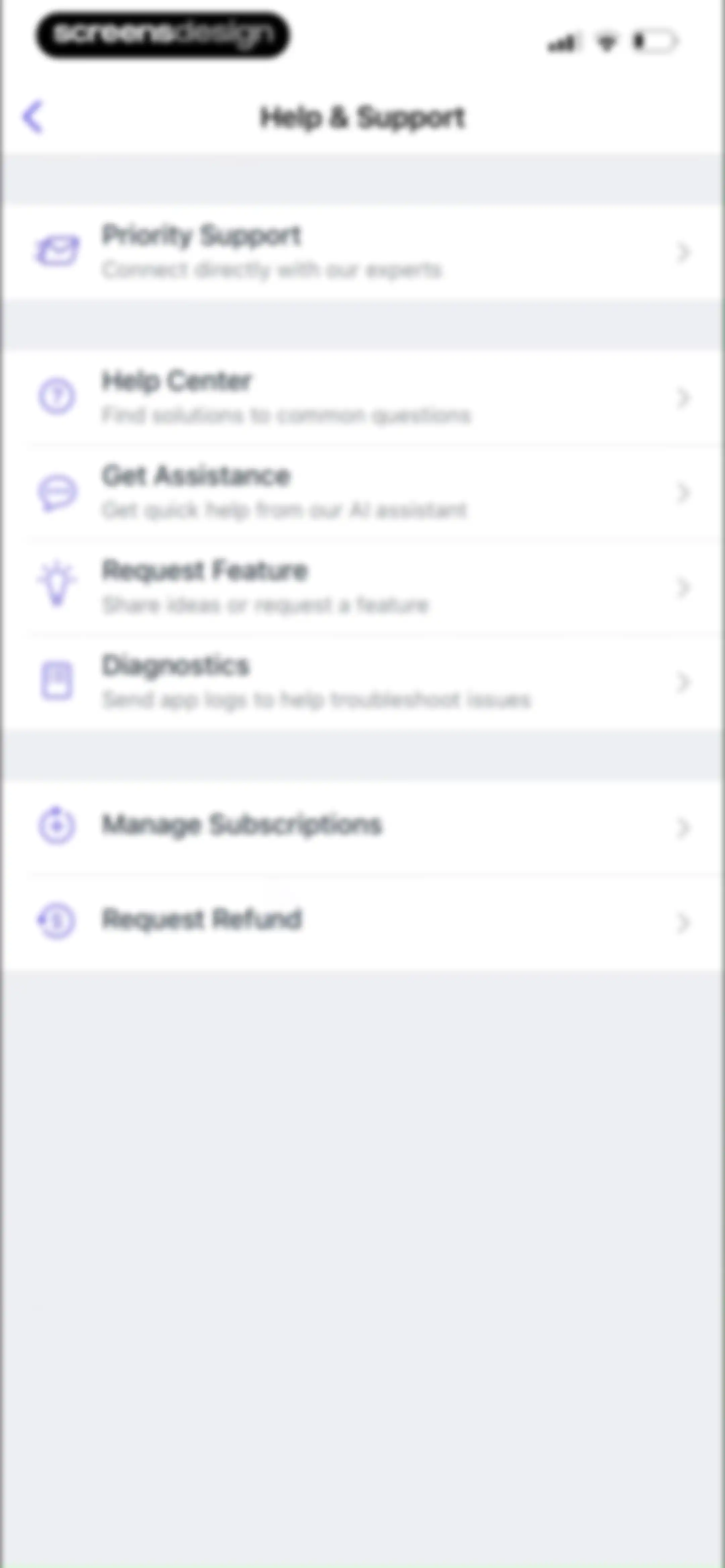
Help and support settings screen displaying grouped lists for support options, diagnostics, and subscription management with a back button.Unlock Pro
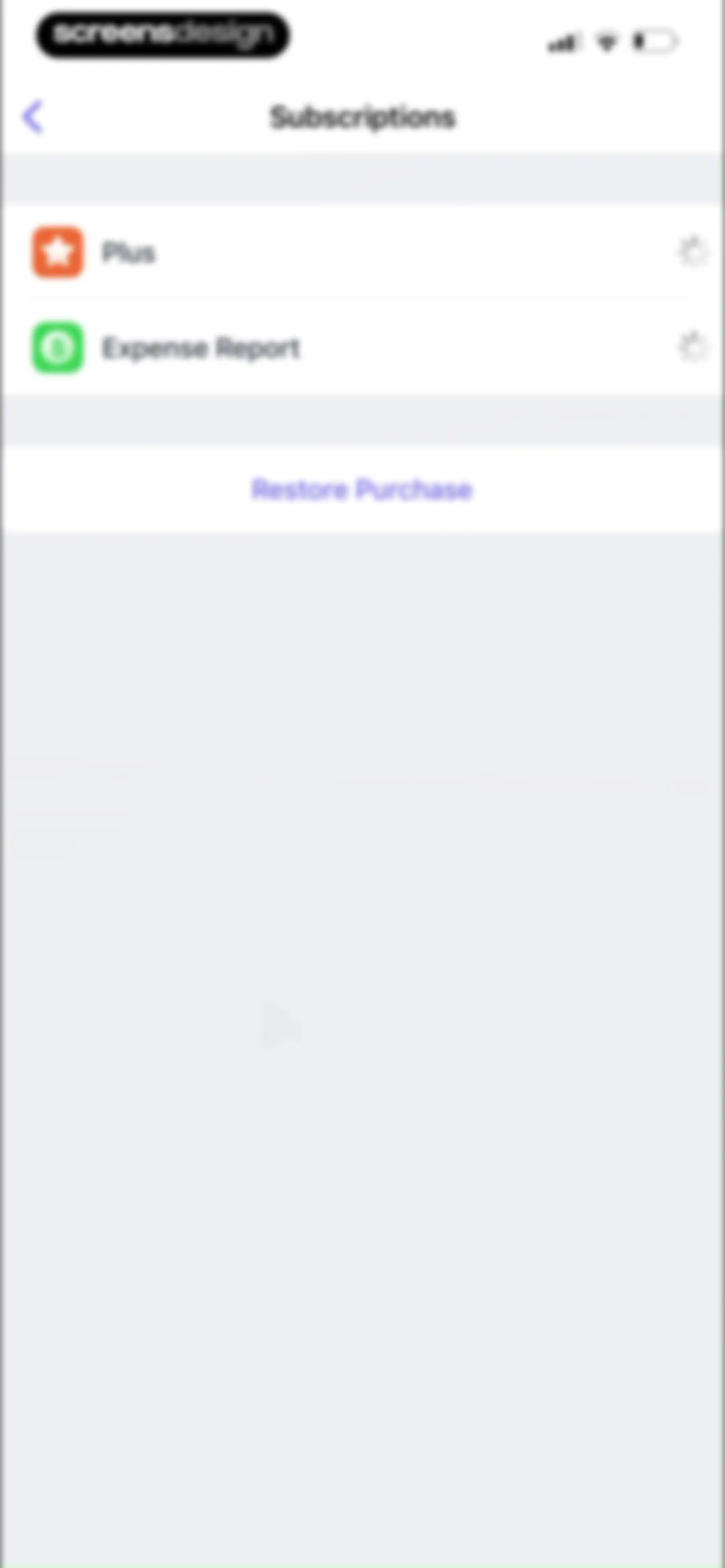
Subscription management settings screen listing Plus and Expense Report options with a centered Restore Purchase button.Unlock Pro
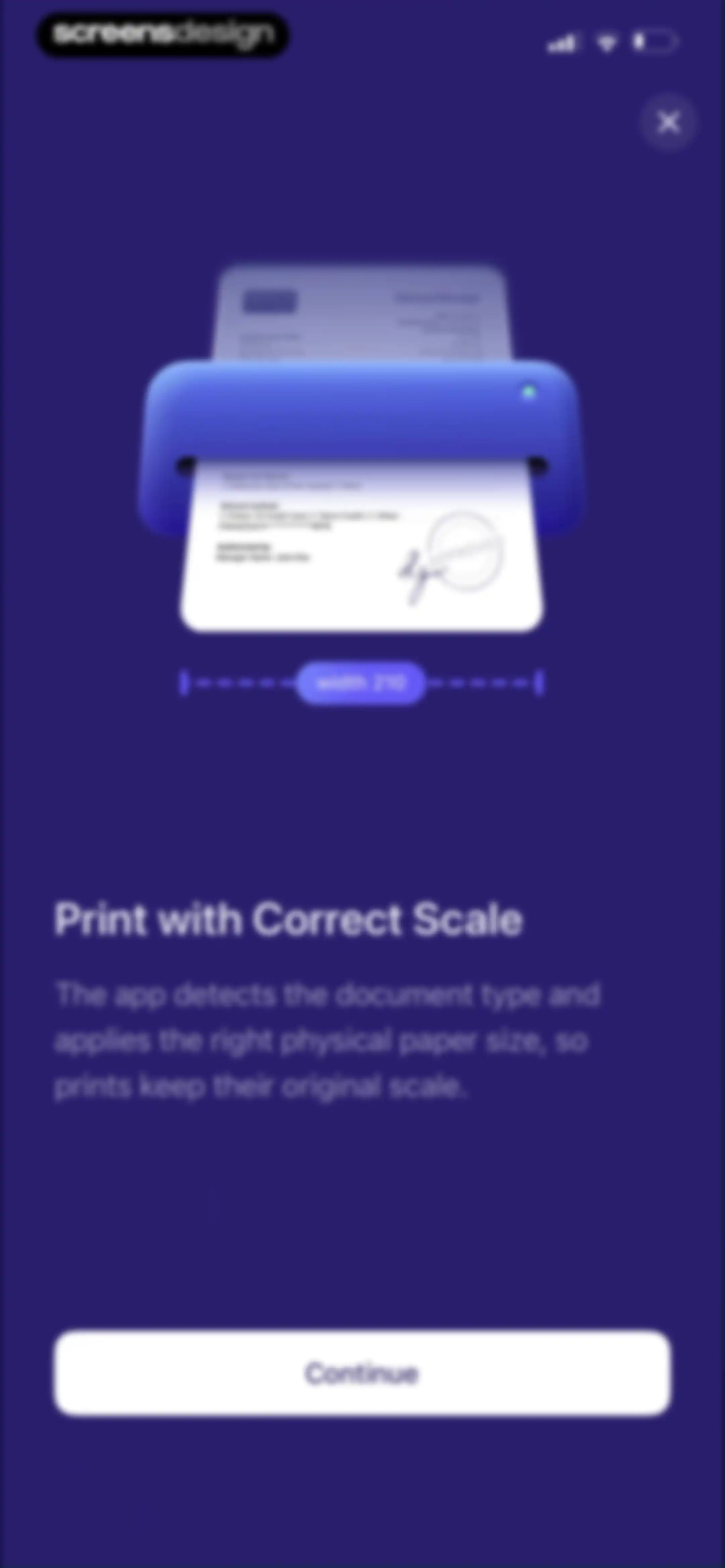
Onboarding screen explaining correct scale printing with a printer illustration, measurement label, and Continue button.Unlock Pro
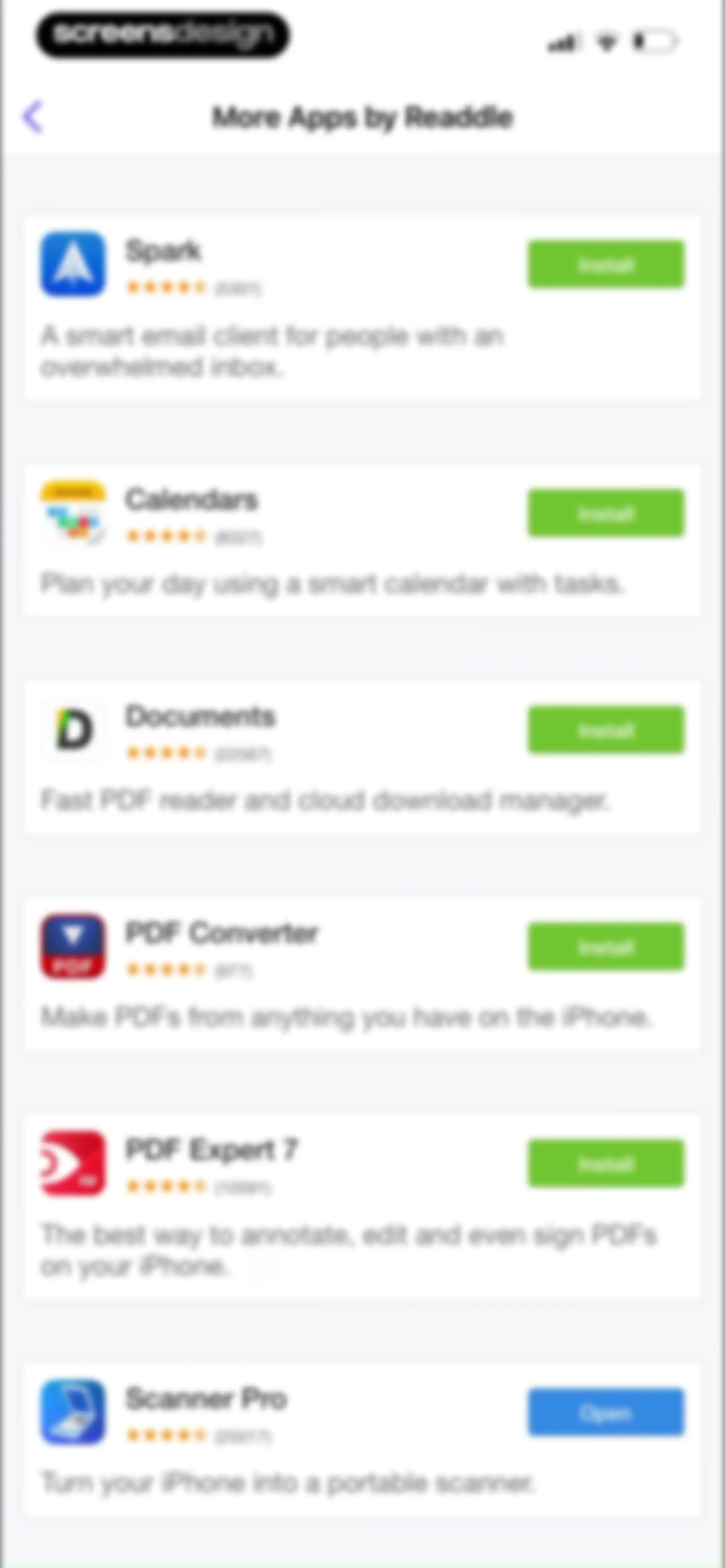
App cross-promotion screen listing more apps by Readdle, featuring app cards with descriptions and Install or Open buttons.Unlock Pro

About Scanner Pro - Scan to PDF

A professional mobile document scanner that converts physical papers, receipts, and IDs into high-quality, searchable, and organized PDF files.

Explore Scanner Pro - Scan to PDF across ScreensDesign

Apps similar to Scanner Pro - Scan to PDF

Unlock all similar apps

See every comparable app, revenue, installs, and flows.

Unlock Pro
  • Photo to PDF Convert Scanner +

    4.6
    AccordmobiRevenue$70kInstalls<5k
  • iScanner: PDF Document Scanner

    4.8
    BPMobileRevenue$3.8MInstalls300k
  • Scanner App: Scan Documents

    4.6
    UNITEMAN TECHNOLOGY (HK) LIMITEDRevenue$550kInstalls950k
  • PDF Scanner AI: Scan Documents

    4.7
    Cacao MobileRevenue$150kInstalls15k
  • uScan - PDF Document Scanner

    4.6
    Lopofist LimitedRevenue$55kInstalls<5k
  • Scanner App To PDF

    4.7
    BACKLIGHT DIGITAL SOLUTIONS SLURevenue$<5kInstalls<5k
  • Mobile Scanner App - Scan PDF

    4.8
    Glority Global Group Ltd.Revenue$550kInstalls250k
  • SuperScan - PDF Scanner App

    4.6
    Circo, Inc.Revenue$15kInstalls<5k
  • Scan to PDF: Converter Scanner

    4.7
    Must Have AppsRevenue$45kInstalls<5k
  • ScanNow: Convert PDF, JPG, Doc

    4.7
    Magenta AppsRevenue$65kInstalls<5k
  • xScan : Document Scanner App

    4.6
    VPN MobApps LimitedRevenue$150kInstalls<5k
  • Scanner App. JPG, Photo to PDF

    4.8
    MunicornRevenue$550kInstalls50k
  • ScanGuru: PDF Scanner App

    4.6
    GM UniverseApps LimitedRevenue$850kInstalls<5k
  • Scanner Doc: Scan PDF Document

    4.6
    XAFENIL LIMITEDRevenue$35kInstalls<5k
  • QR Code Reader & PDF Scanner

    4.7
    Dmytro RodionovRevenue$250kInstalls80k
  • PDF Scanner App: TapScanner

    4.7
    SMART MEDIA INTERNET MARKETING LTDRevenue$450kInstalls100k
  • PDF Scanner・Scan Documents App

    4.7
    DivMulTechRevenue$35kInstalls10k
  • Scan Hero: PDF Scanner

    4.7
    Easy Tiger Apps, LLC.Revenue$400kInstalls11k
  • Scanner PDF – scan document

    4.6
    NeosusRevenue$25kInstalls<5k
  • Scanner: Scan Documents·

    4.7
    Sitou AdvertisingRevenue$25kInstalls<5k
  • CamScanner - PDF Scanner App

    4.8
    INTSIG Information Co., LtdRevenue$8MInstalls2.8M
  • Scanner – Scan PDF, ID & Docs

    4.7
    LuniRevenue$400kInstalls50k
  • Adobe Scan: PDF & OCR Scanner

    4.9
    Adobe Inc.Revenue$2.3MInstalls650k
  • Scanner App: Fast PDF Doc Scan

    4.7
    7270356 Canada IncRevenue$6kInstalls<5k
  • Scan to PDF-Document Scanner

    4.7
    Scanner App PDF ToolRevenue$700kInstalls20k
  • Qr Scanner- Reader & Generator

    4.6
    SCODE TECH LTDRevenue$25kInstalls<5k
  • ScanAny-PDF Scanner App

    4.5
    Shanghai Mengge E - Commerce Co., Ltd.Revenue$14kInstalls<5k
  • iScan - PDF & Document Scanner

    4.5
    Some CompanyRevenue$<5kInstalls<5k
  • Camera Scanner - PDF

    4.5
    Position Mobile Ltd SEZCRevenue$90kInstalls<5k
  • My Scanner: Scan to PDF & Edit

    4.7
    Dream App Studio UABRevenue$450kInstalls25k
  • Scanner: Scan Documents

    4.7
    DISTRITO SLURevenue$<5kInstalls<5k
  • Tiny Scanner - PDF Scanner App

    4.8
    TinyWork AppsRevenue$650kInstalls<5k
  • PDF Scanner App: Scanner Lens

    4.8
    Atlasv Global Pte. Ltd.Revenue$150kInstalls10k
  • TurboScan™: document scanner

    4.9
    Piksoft Inc.Revenue$30kInstalls<5k
  • QR Code Reader+Barcode Scanner

    4.5
    FLOOMIX LTDRevenue$500kInstalls150k
  • SwiftScan AI Document Scanner

    4.8
    Maple Media Apps, LLCRevenue$40kInstalls<5k
  • SCAN ACE · PDF Scanner App

    4.8
    TinyWork AppsRevenue$35kInstalls<5k
  • Scan Now: PDF Document Scanner

    4.8
    East End Technologies Ltd.Revenue$200kInstalls<5k
  • OneDocs Scanner Translator

    4.5
    Nayer AbuAlSoudRevenue$30kInstalls15k
  • iLovePDF - PDF Editor & Scan

    4.8
    iLovePDFRevenue$200kInstalls250k
  • Scanner App: Genius Scan

    4.9
    The Grizzly LabsRevenue$350kInstalls150k
  • QR Code: Reader ·

    4.2
    ECOM DIGITAL 43 SLURevenue$10kInstalls<5k
  • PDF Editor ®

    4.5
    SMM service, s.r.o.Revenue$700kInstalls400k
  • MobiPDF・PDF Text Editor・Reader

    4.8
    MobiSystems, Inc.Revenue$450kInstalls100k
  • FaxFree: Send Fax From iPhone

    4.8
    BPMobileRevenue$550kInstalls45k
  • QR Code Reader ®

    4.5
    SMM service, s.r.o.Revenue$95kInstalls35k
  • PRO QR Code Scanner

    4.5
    Best Rating Apps LimitedRevenue$5kInstalls<5k