Retain Cards: AI Flashcards

$50k revenue, 4.2 rating

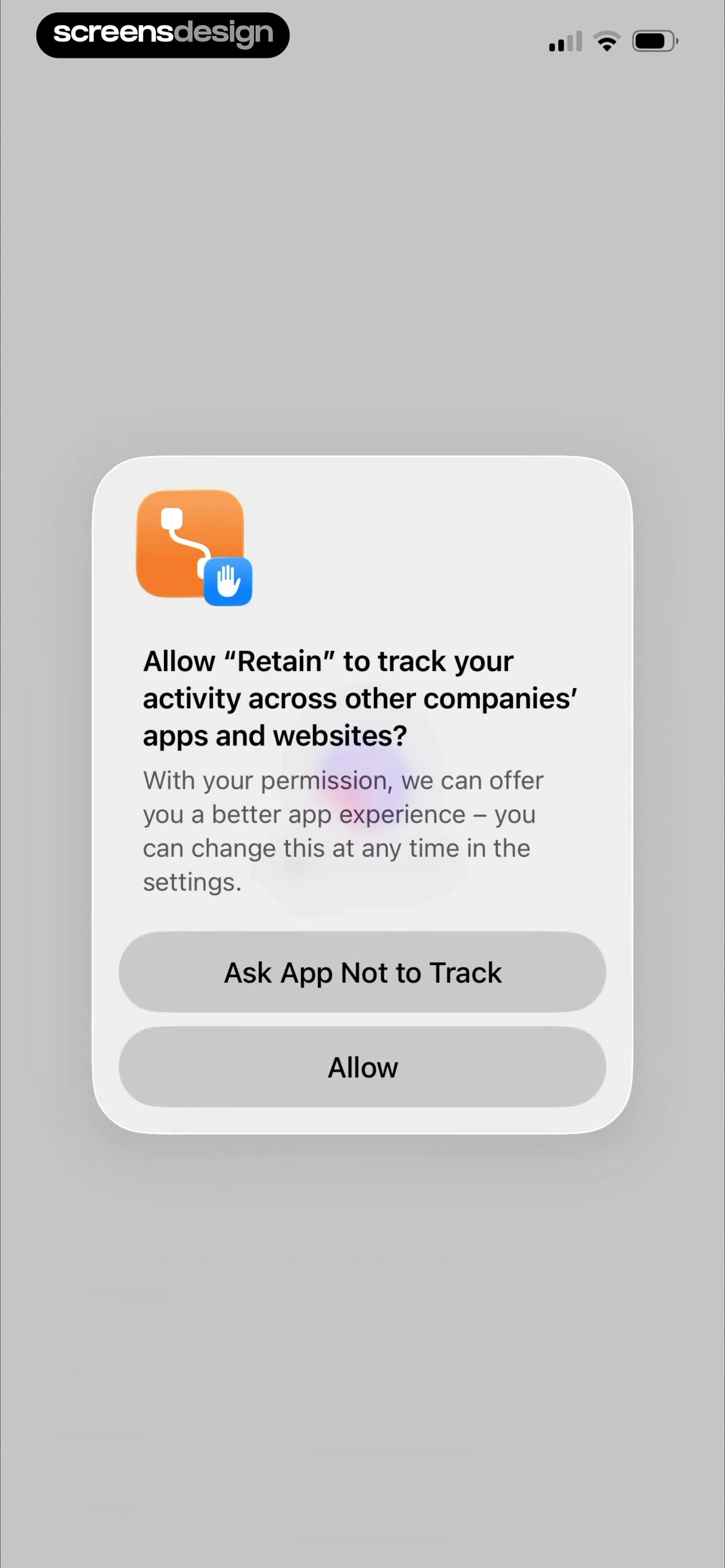
App Tracking Transparency Prompt
0:00 / 18:00

Onboarding flow, Paywall & Inside the App

Watch the full screen-by-screen UX video of Retain Cards: AI Flashcards with onboarding, paywall, and every core flow.

App loading screen for Retain Cards with a centered brand logo on a plain white background.
Permissions modal for Retain asking to track activity across other apps, with options to allow or ask the app not to track.
Retain onboarding welcome screen featuring the app logo, exam preparation tagline, a Let's go button, and a Sign in link.
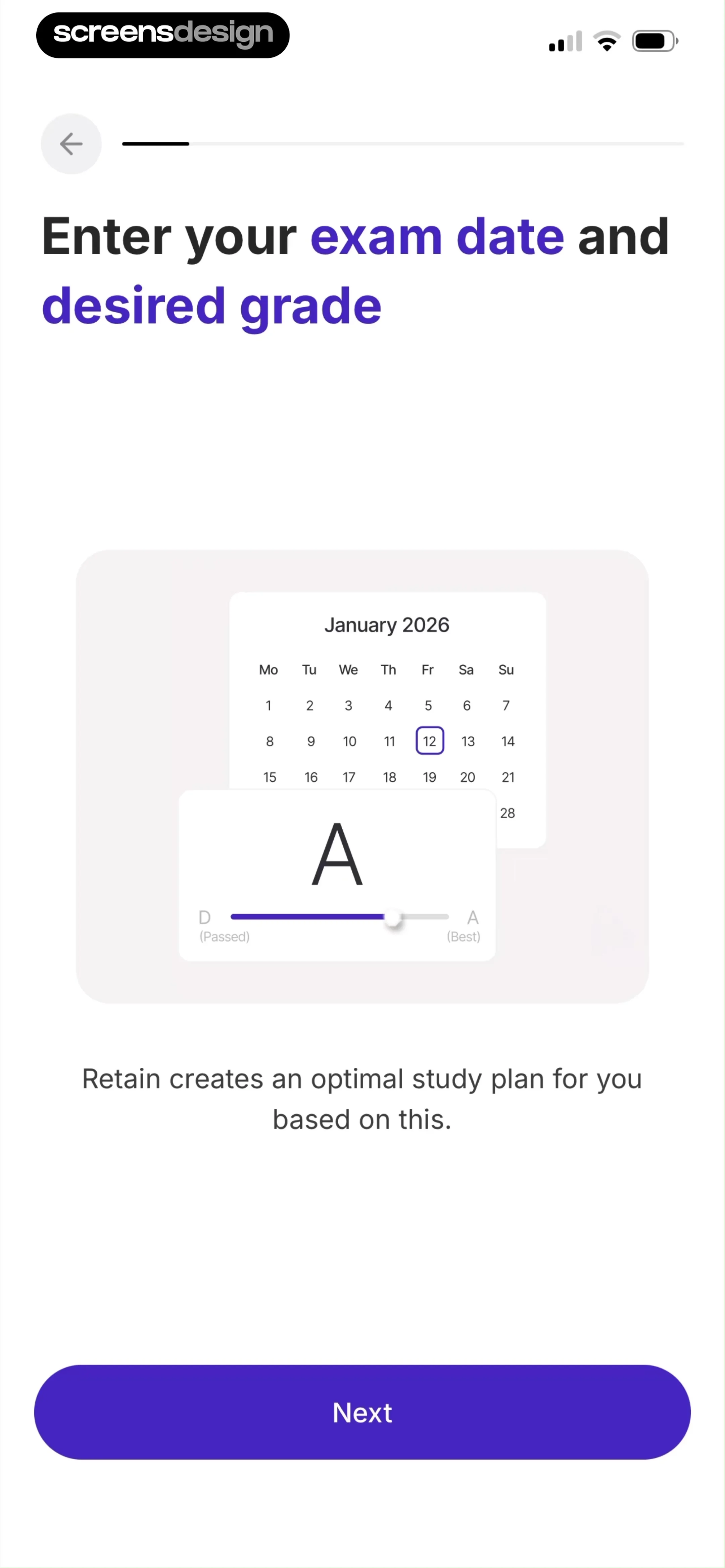
Onboarding screen prompting for exam date and desired grade, featuring a calendar illustration and a Next button.
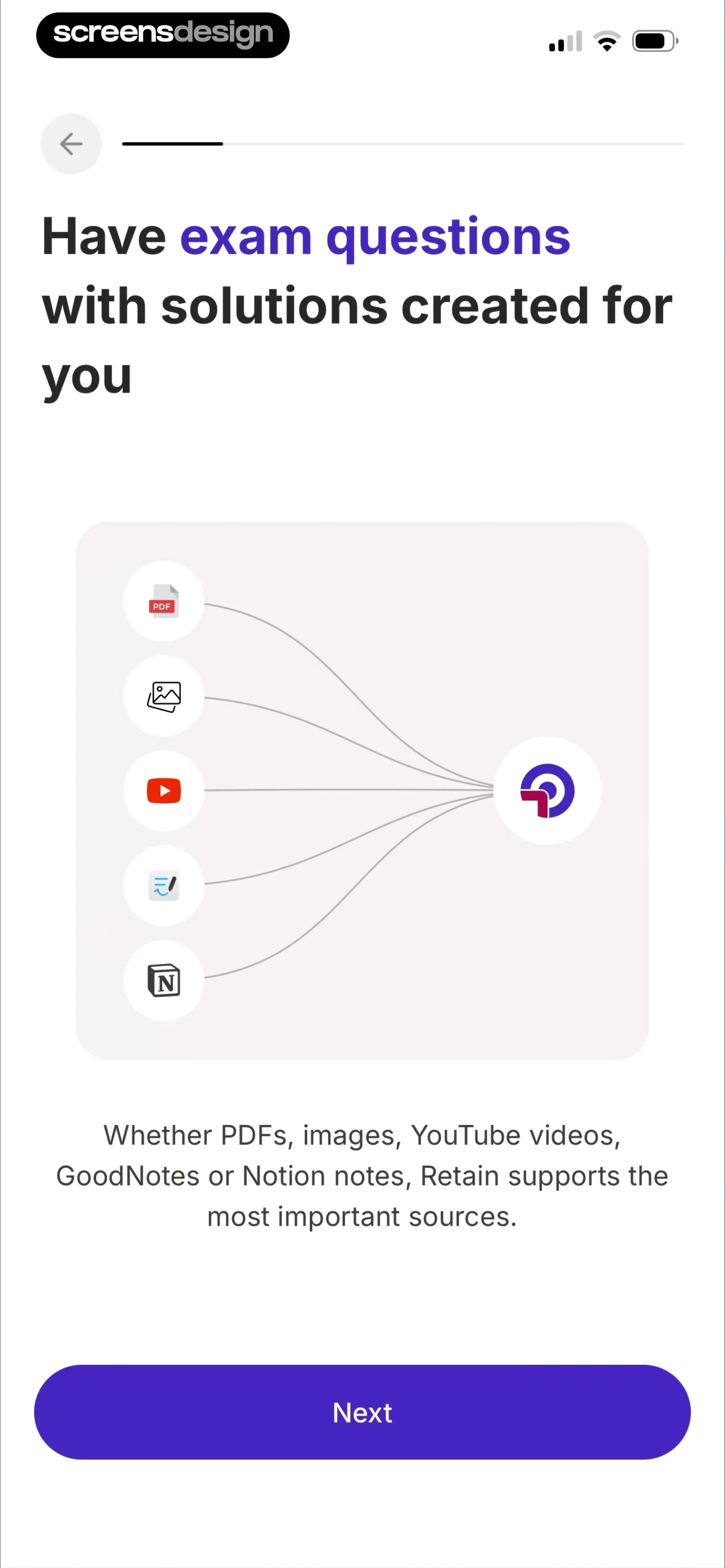
Onboarding screen explaining source integration features with a central illustration and a Next button.
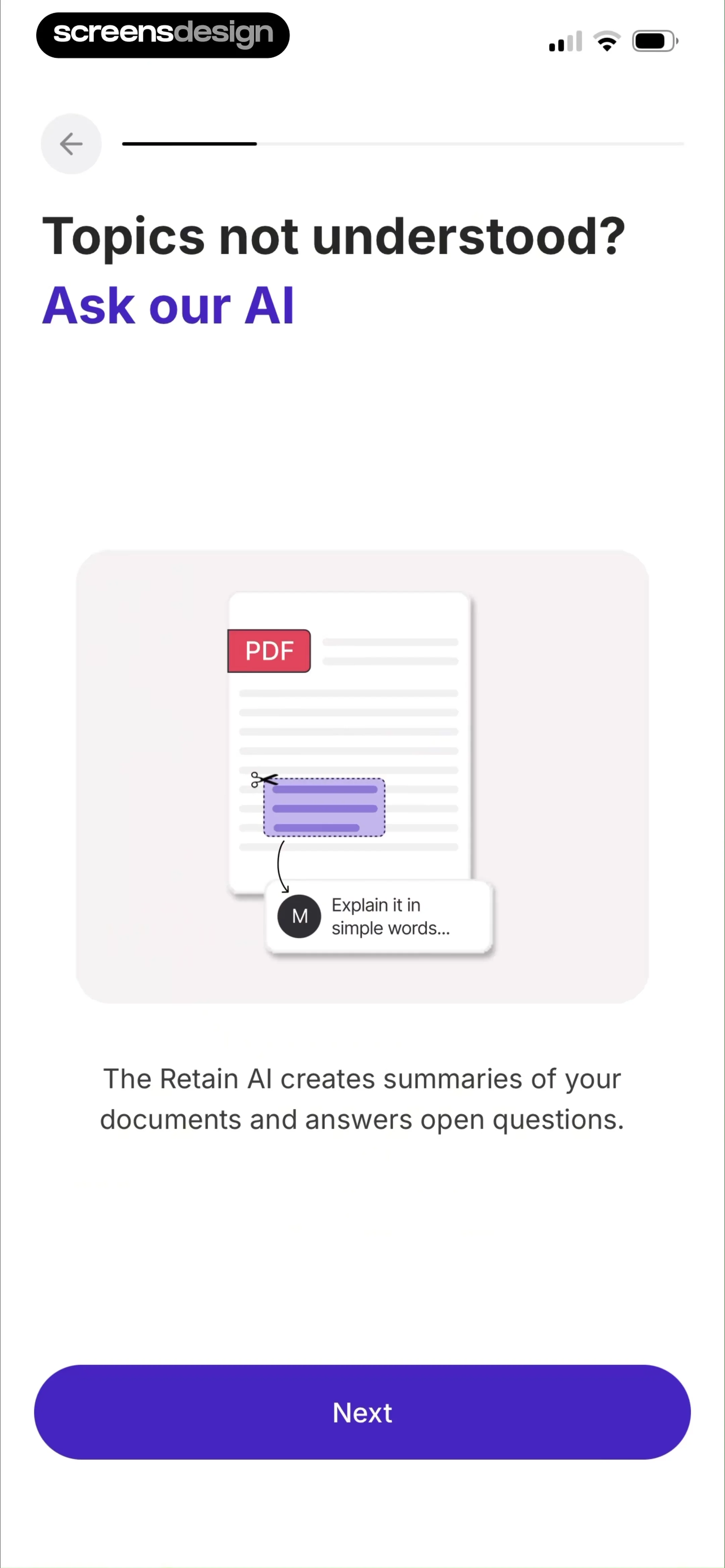
Onboarding screen explaining the AI document assistant feature, with a central illustration and a Next button at the bottom.
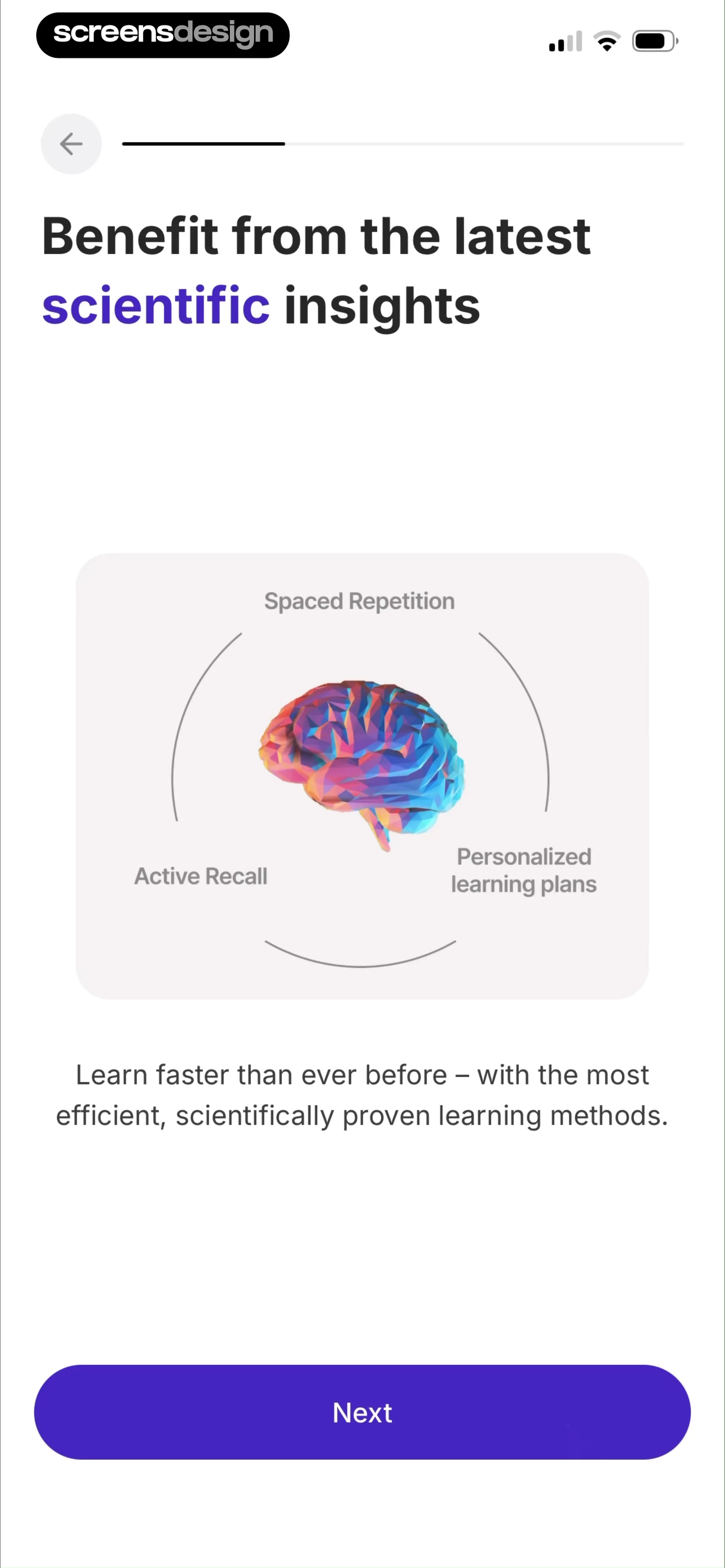
Onboarding screen highlighting scientific learning methods with a brain illustration card, descriptive text, and a Next button.
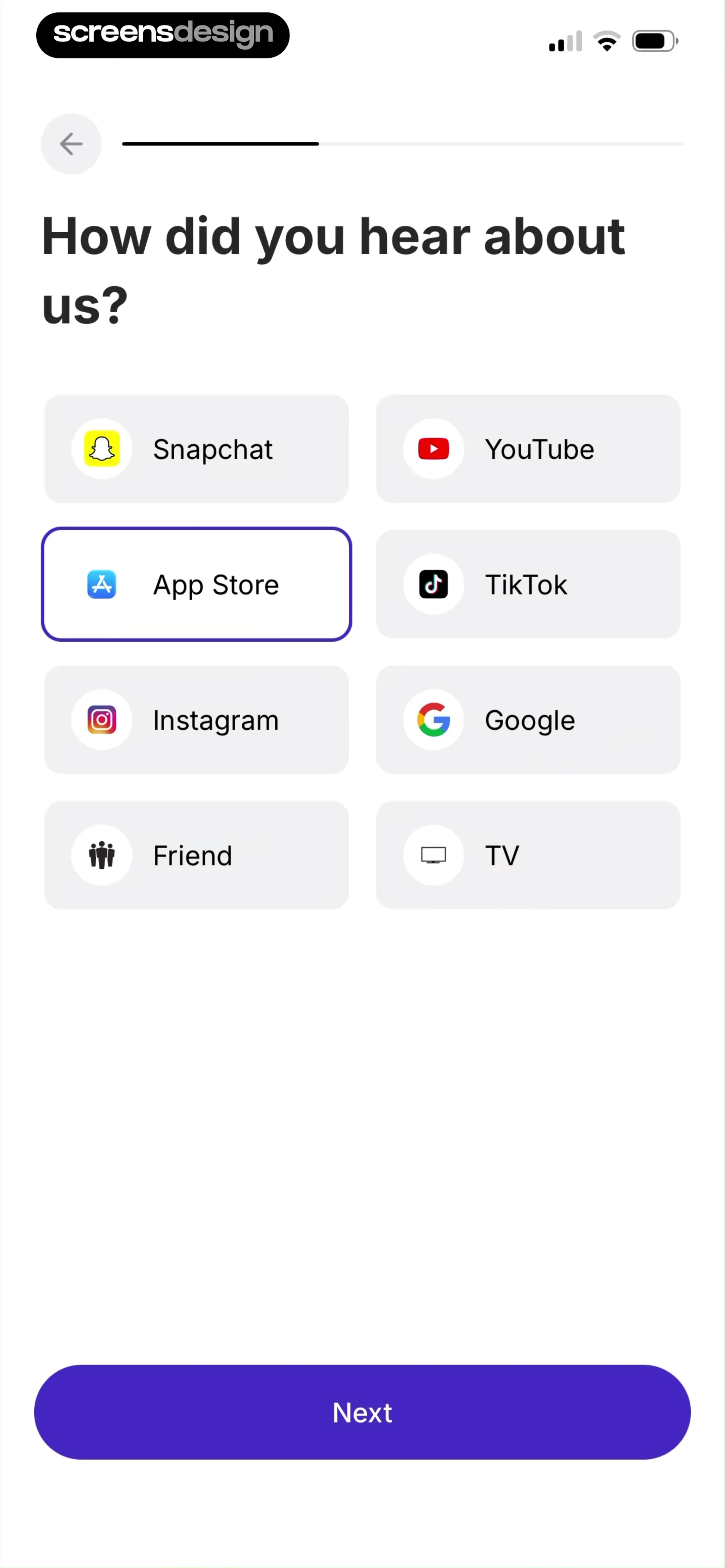
Onboarding survey screen asking how the user heard about the app, with App Store selected in a grid and a Next button.
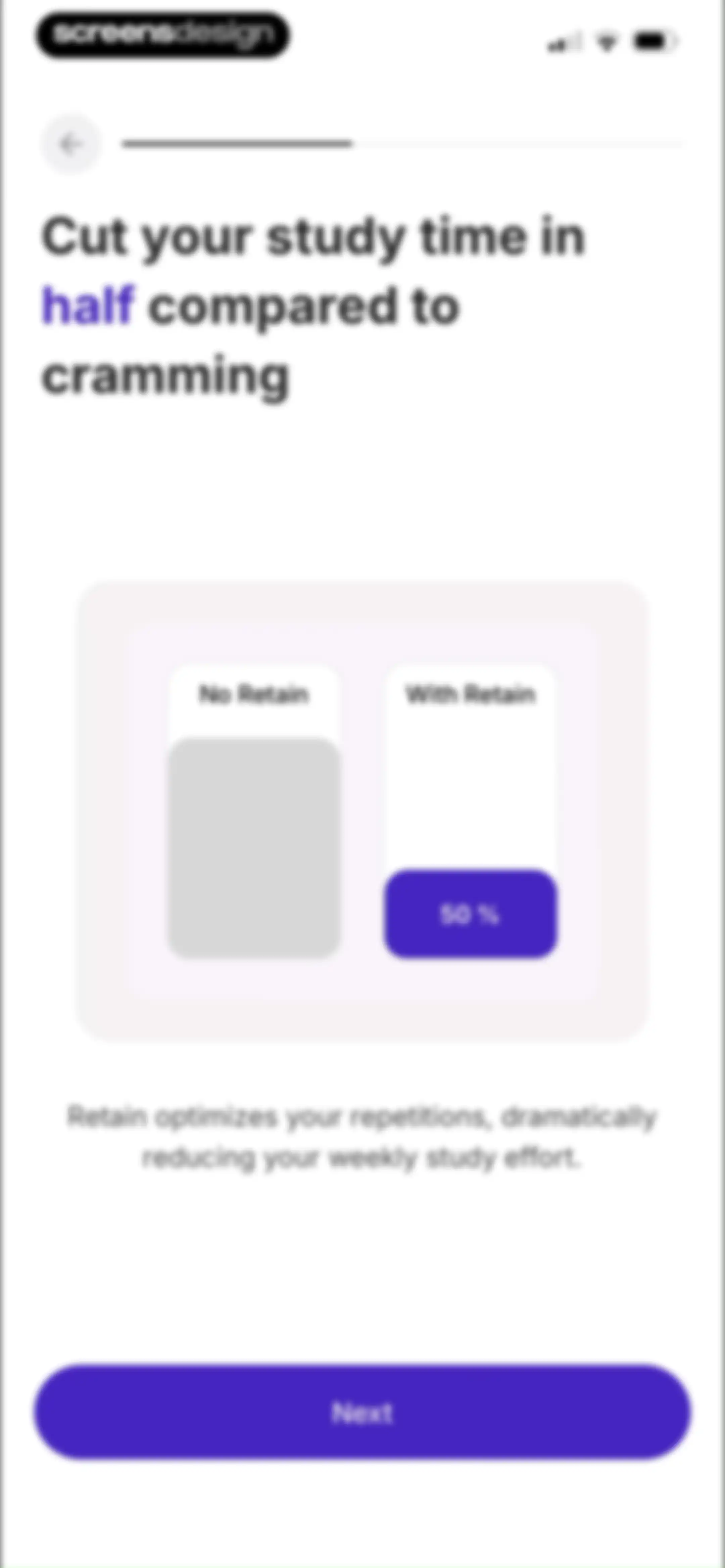
Onboarding screen comparing study efficiency with and without Retain, featuring a progress indicator and a Next button.Unlock Pro
Onboarding screen introducing learning algorithm personalization with a central illustration and a Next button.Unlock Pro
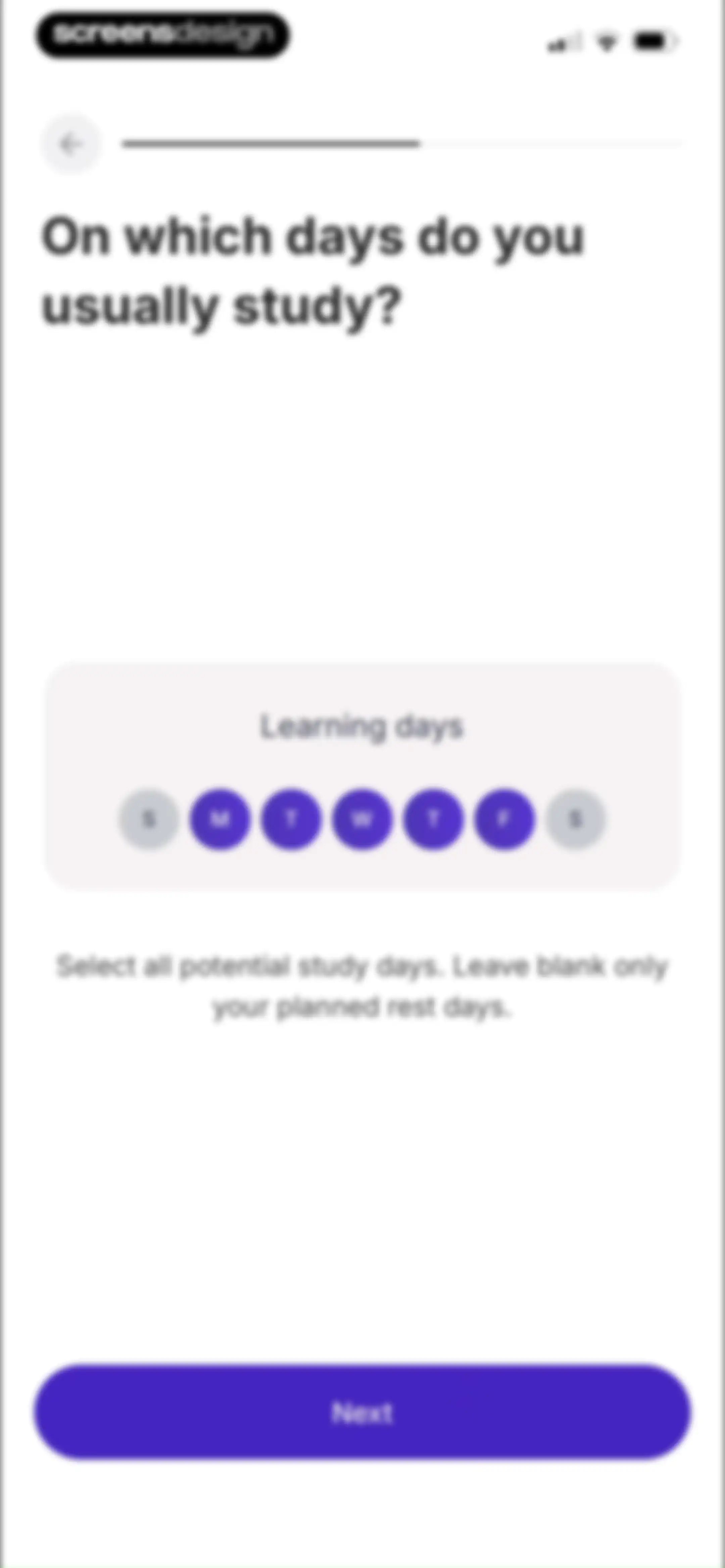
Onboarding screen asking users to select study days, with Monday through Friday highlighted and a Next button at the bottom.Unlock Pro
Retain app onboarding permission screen asking to send notifications, featuring a modal dialog with Allow and Don't allow options and a progress indicator.Unlock Pro
Notification permission request screen featuring a system modal dialog and a bottom-aligned Next button.Unlock Pro
Onboarding screen asking the user to select their learning role, with the Student card selected and a Next button.Unlock Pro
Onboarding subject selection screen with a list of academic fields, Mathematics selected, and a Next button.Unlock Pro
Onboarding screen asking which grading system to use, featuring a United States selection card and a Next button.Unlock Pro
Onboarding completion screen with a 100 percent circular progress indicator, personalized checkmark, and a purple Next button.Unlock Pro
Onboarding completion screen showing a 100% progress indicator, a Personalized label, and a Next button.Unlock Pro
Onboarding social proof screen for the Retain app displaying a 4.8-star rating, user testimonials, and a Next button.Unlock Pro
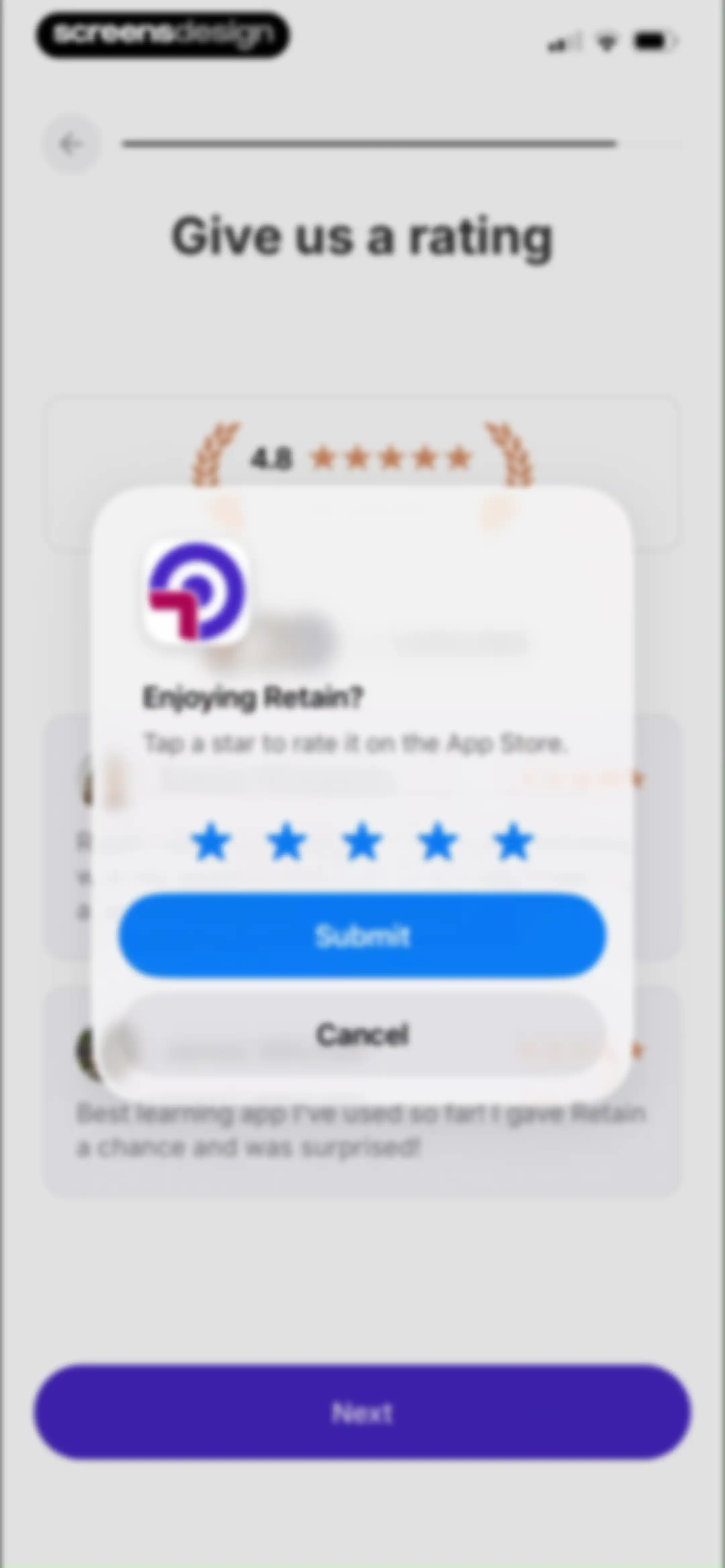
App rating prompt modal overlaying a background review page, featuring star rating icons and Submit and Cancel buttons.Unlock Pro
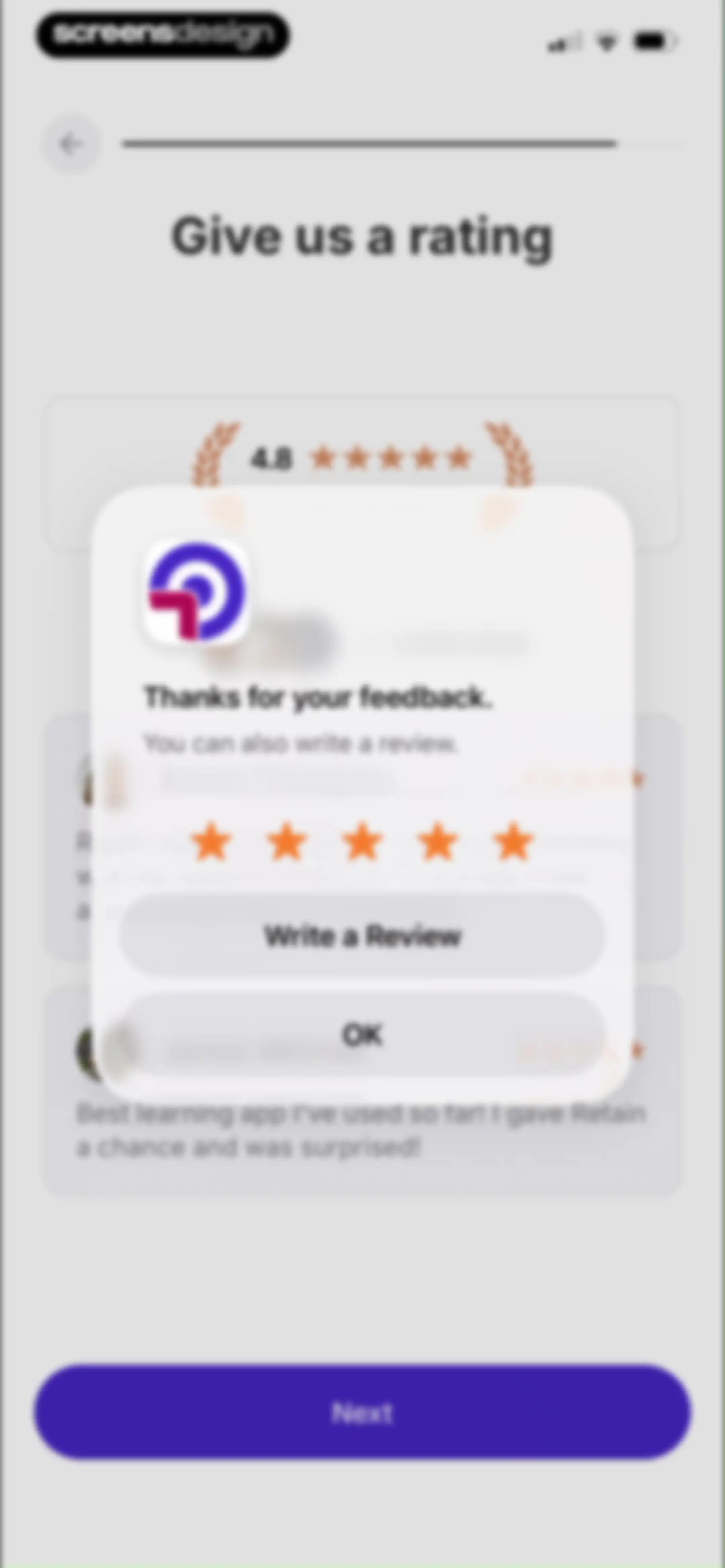
App rating screen displaying user reviews and a centered feedback modal with a star rating and action buttons.Unlock Pro
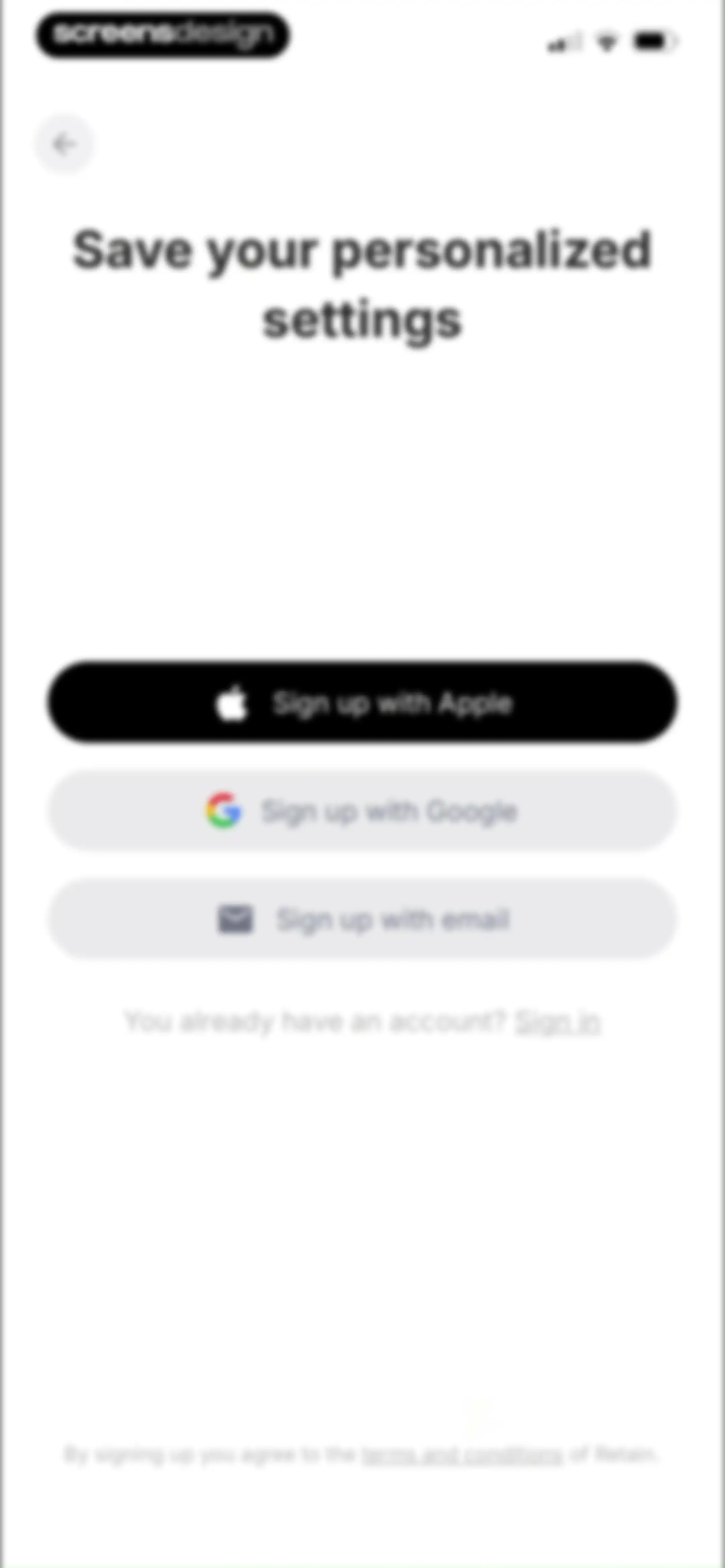
Account creation onboarding screen featuring sign-up options for Apple, Google, and email, along with a link to sign in.Unlock Pro
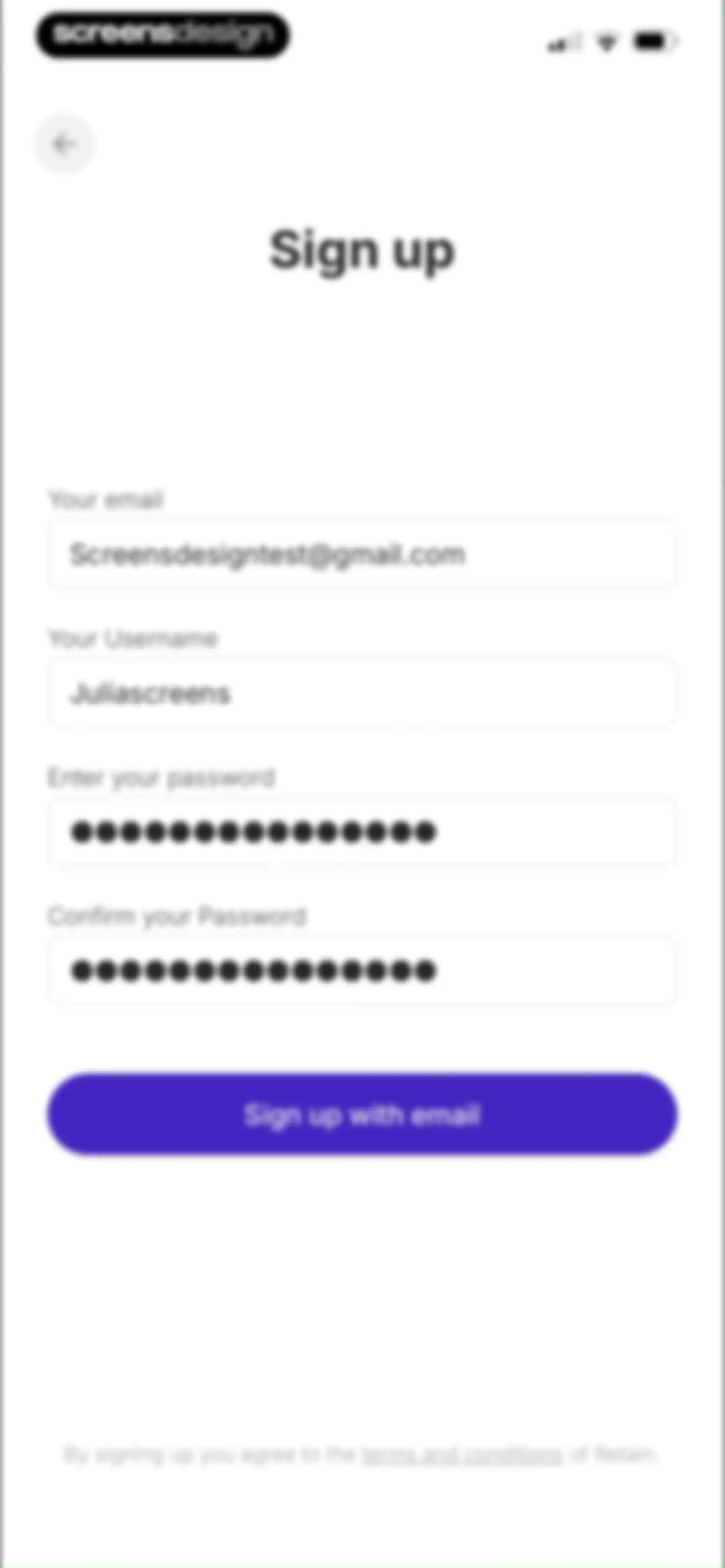
Email sign-up form with four pre-filled input fields for email, username, and passwords, featuring a purple Sign up with email button.Unlock Pro
Registration success screen with a checkmark icon, email verification instructions, and a Sign in button.Unlock Pro
Sign-in form for the Retain Cards app with pre-filled email, password field, forgot password link, and a purple Sign in button.Unlock Pro
Sign-in confirmation screen displaying a success checkmark and the message Successfully signed in with a back button and bottom navigation indicator.Unlock Pro
Onboarding screen displaying social proof statistics and trust signals, with a purple Next button at the bottom.Unlock Pro
Paywall screen offering a free trial with a gift icon, no payment due notice, and a Test for $0.00 button.Unlock Pro
Subscription trial screen with a reminder notice, a notification bell icon, and a Test for free button.Unlock Pro
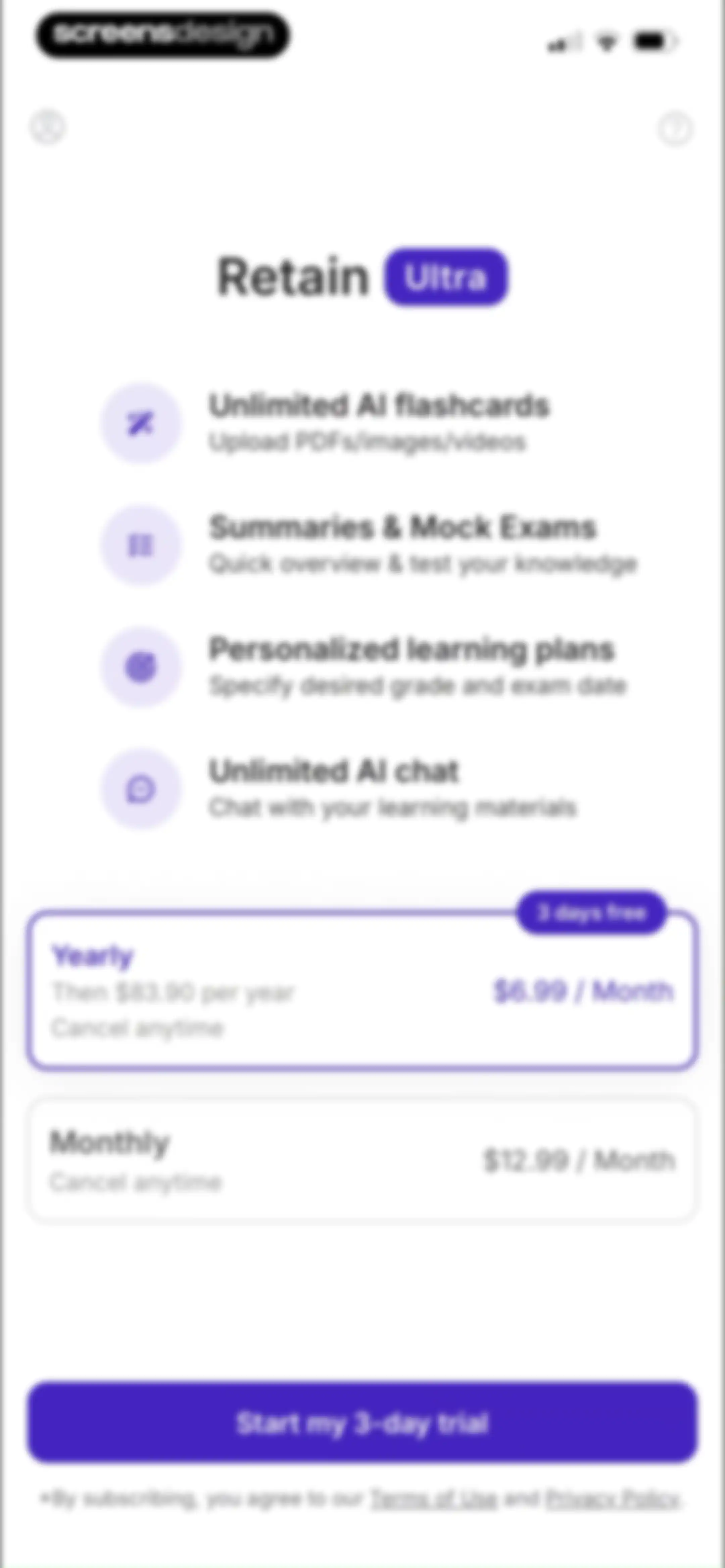
Subscription screen for Retain comparing yearly and monthly plans with a feature list and Start my 3-day trial button.Unlock Pro
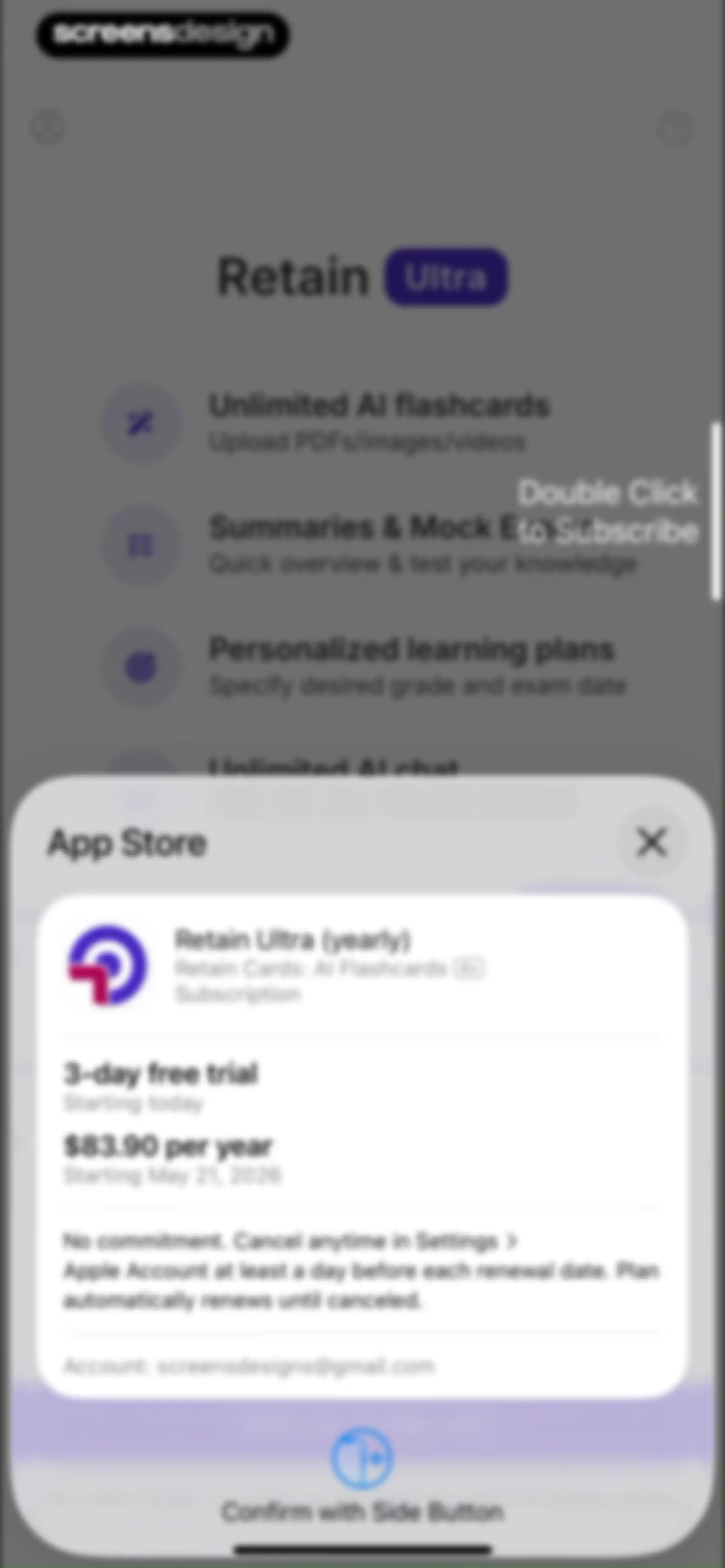
App Store subscription confirmation modal for Retain Ultra yearly plan featuring a three-day free trial and a Confirm with Side Button action.Unlock Pro
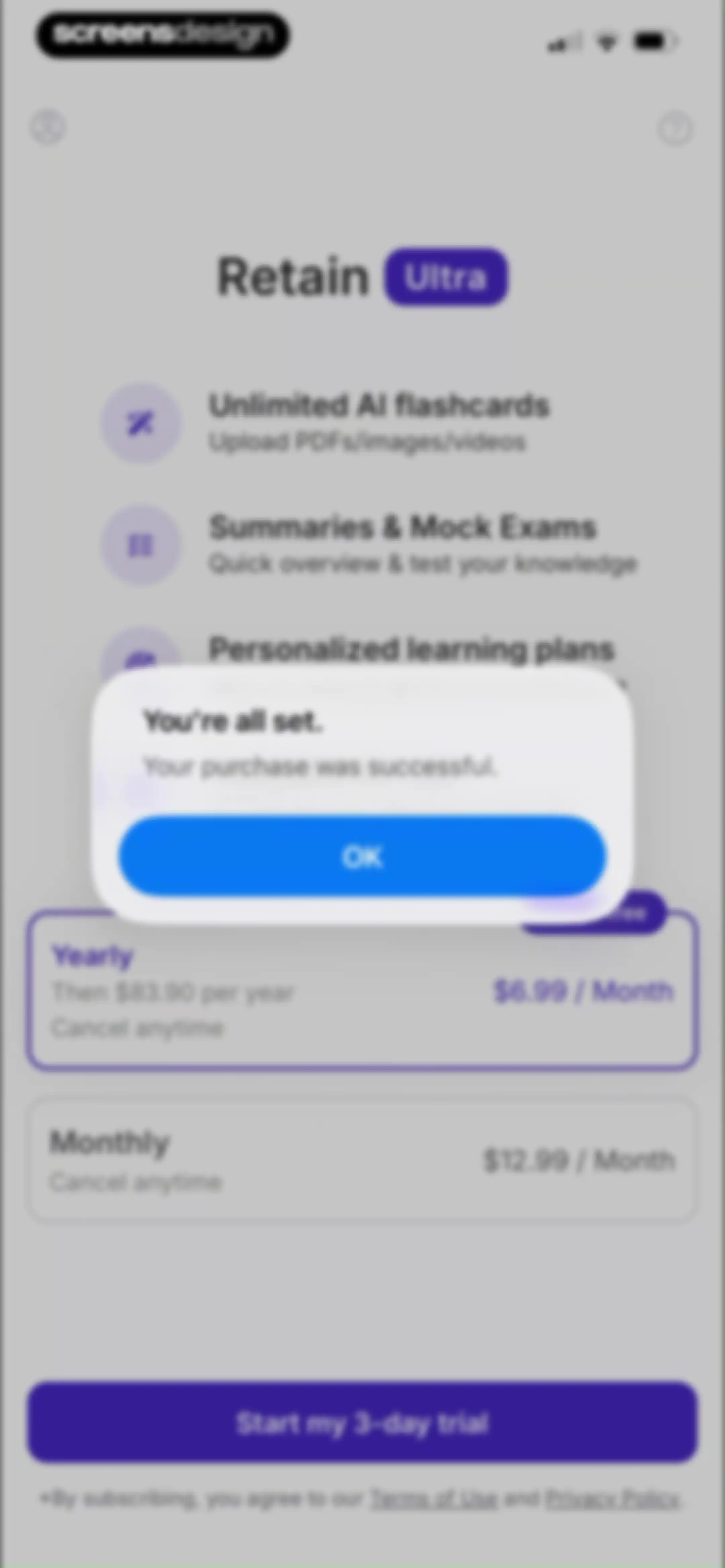
Subscription paywall with a purchase success modal overlay displaying a confirmation message and an OK button.Unlock Pro
Onboarding screen for creating AI flashcards with options to upload a PDF or image, paste a YouTube link, or create them manually.Unlock Pro
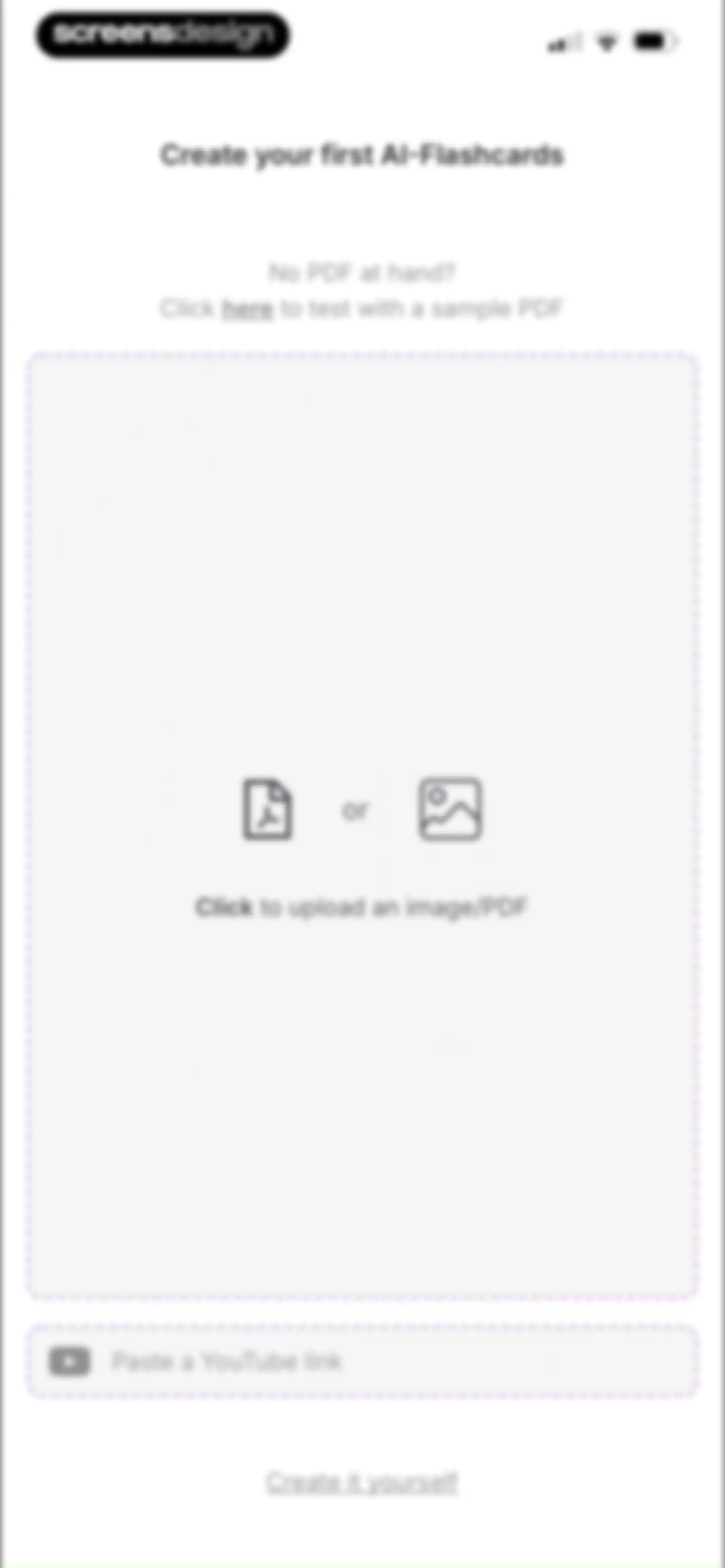
Onboarding screen to create the first AI-flashcards, featuring a central upload drop zone and a YouTube link input field.Unlock Pro
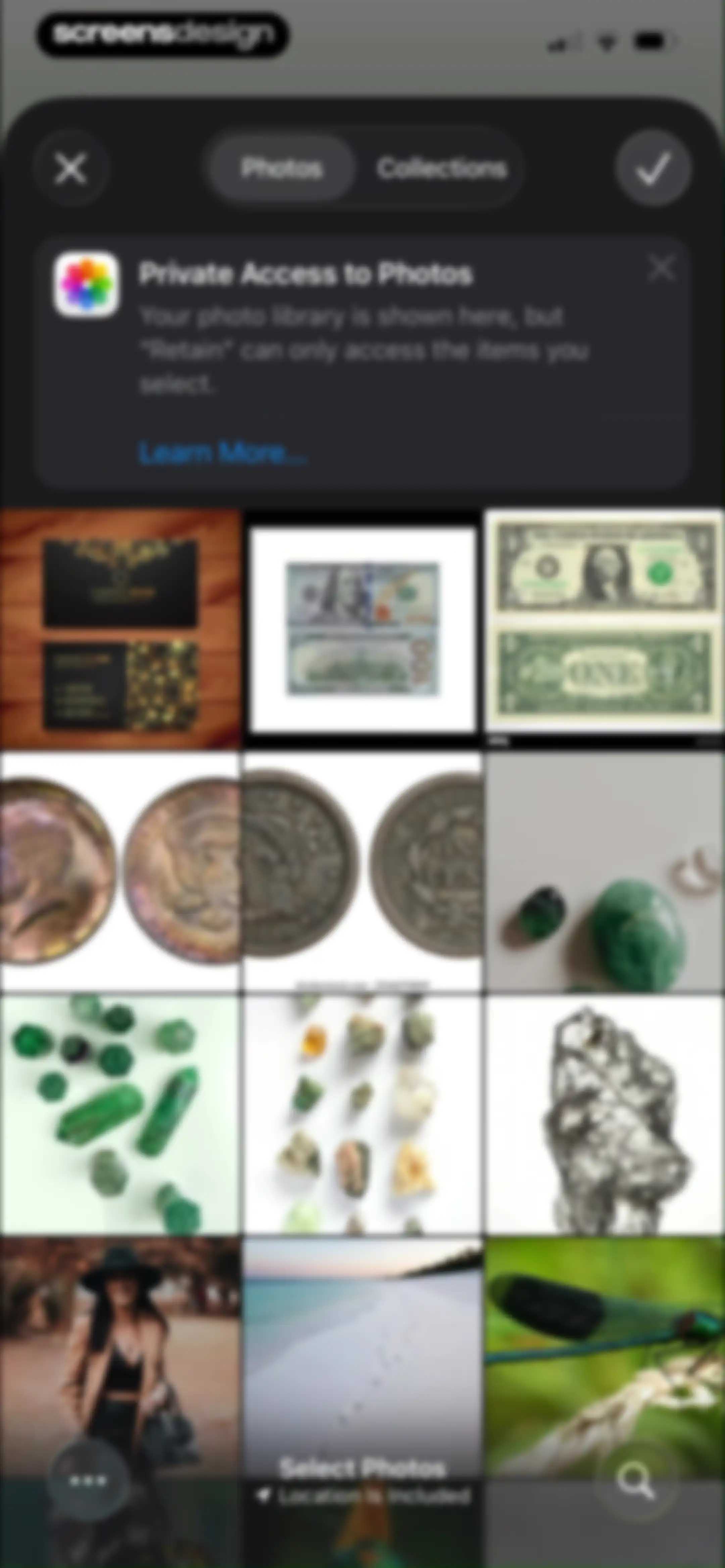
System photo picker permission screen displaying a photo grid, privacy notice, and top navigation controls to select images for import.Unlock Pro
AI flashcard generation form with flashcard type and deck selection options, featuring a Create Flashcards button.Unlock Pro
Progress modal instructing users to keep the app open during file upload and flashcard creation, featuring a Got it button.Unlock Pro
Retain app loading screen showing flashcard generation at 30% progress with a warning not to close the app.Unlock Pro
Flashcard verification editor listing five AI-generated study cards with a New Card button and a Confirm button at the bottom.Unlock Pro
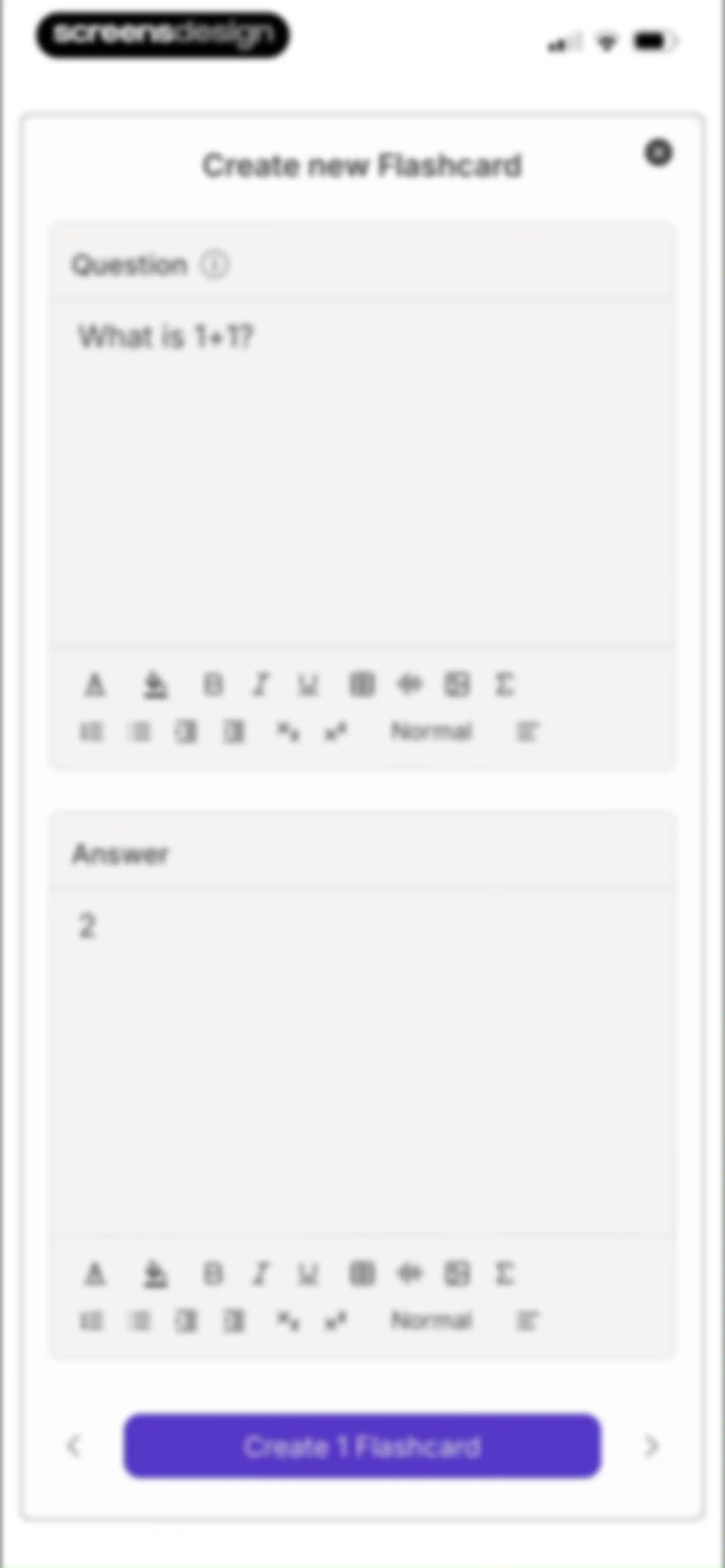
Flashcard creation screen with question and answer input fields and a Create 1 Flashcard button.Unlock Pro
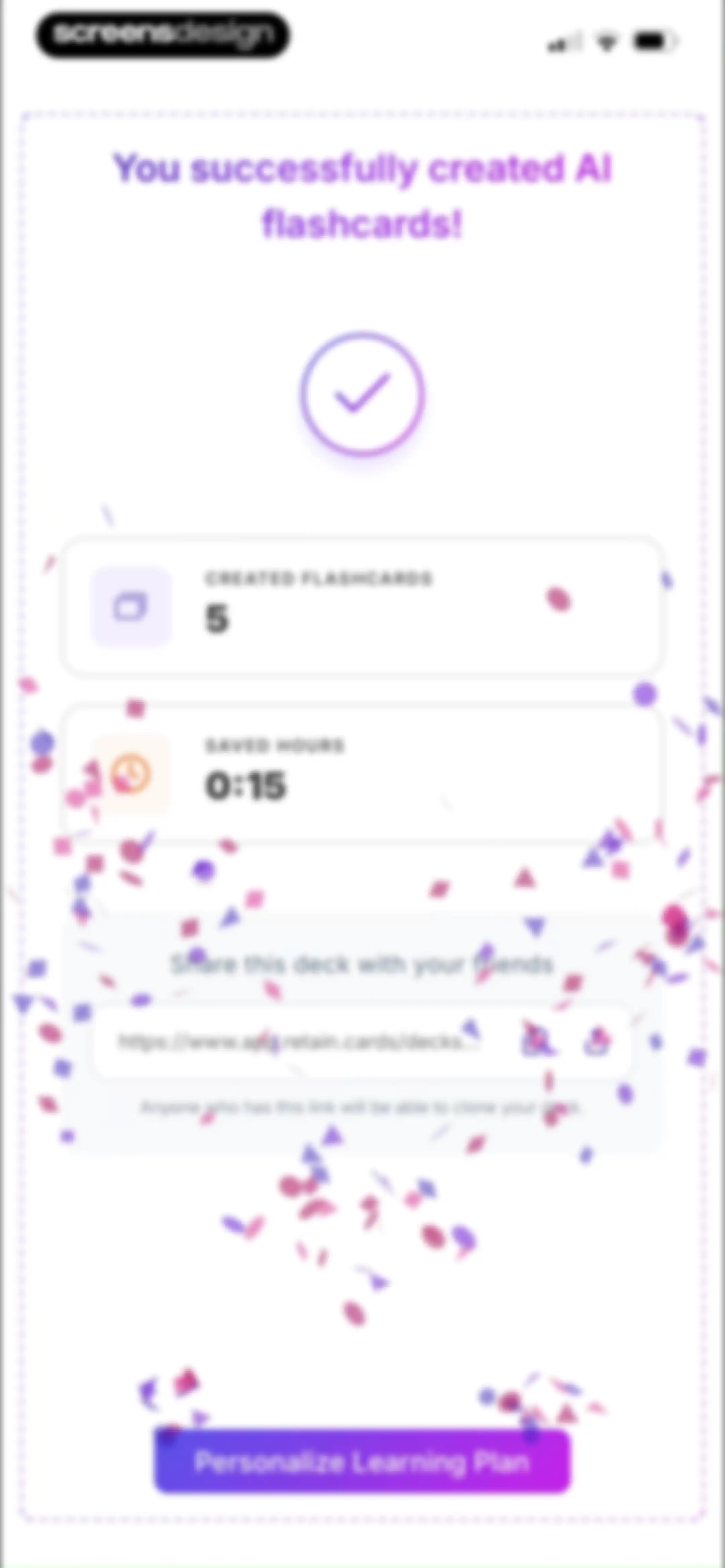
Success confirmation screen showing five created flashcards, time saved, a shareable link section, and a Personalize Learning Plan button.Unlock Pro
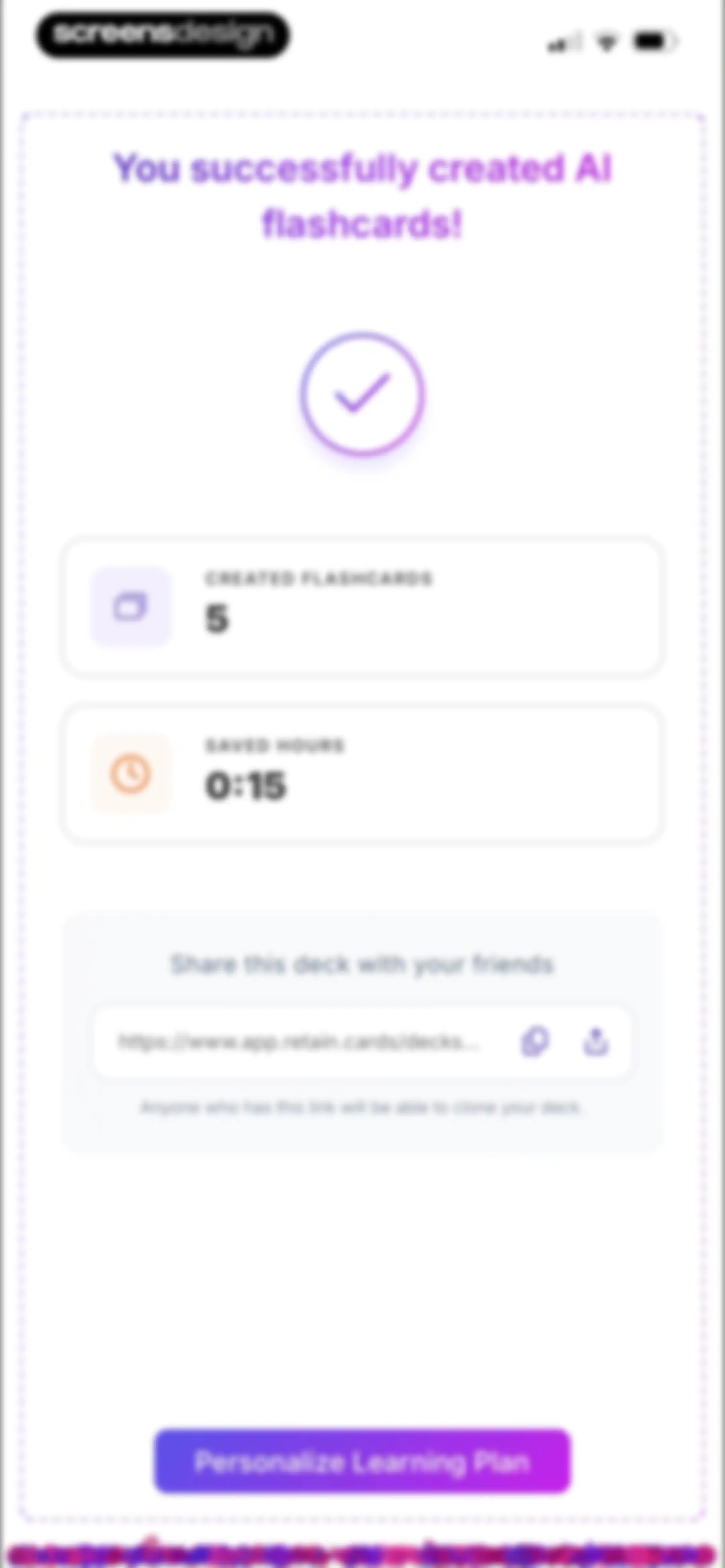
Success screen confirming the creation of AI flashcards in the Retain Cards app, featuring summary cards and a Personalize Learning Plan button.Unlock Pro
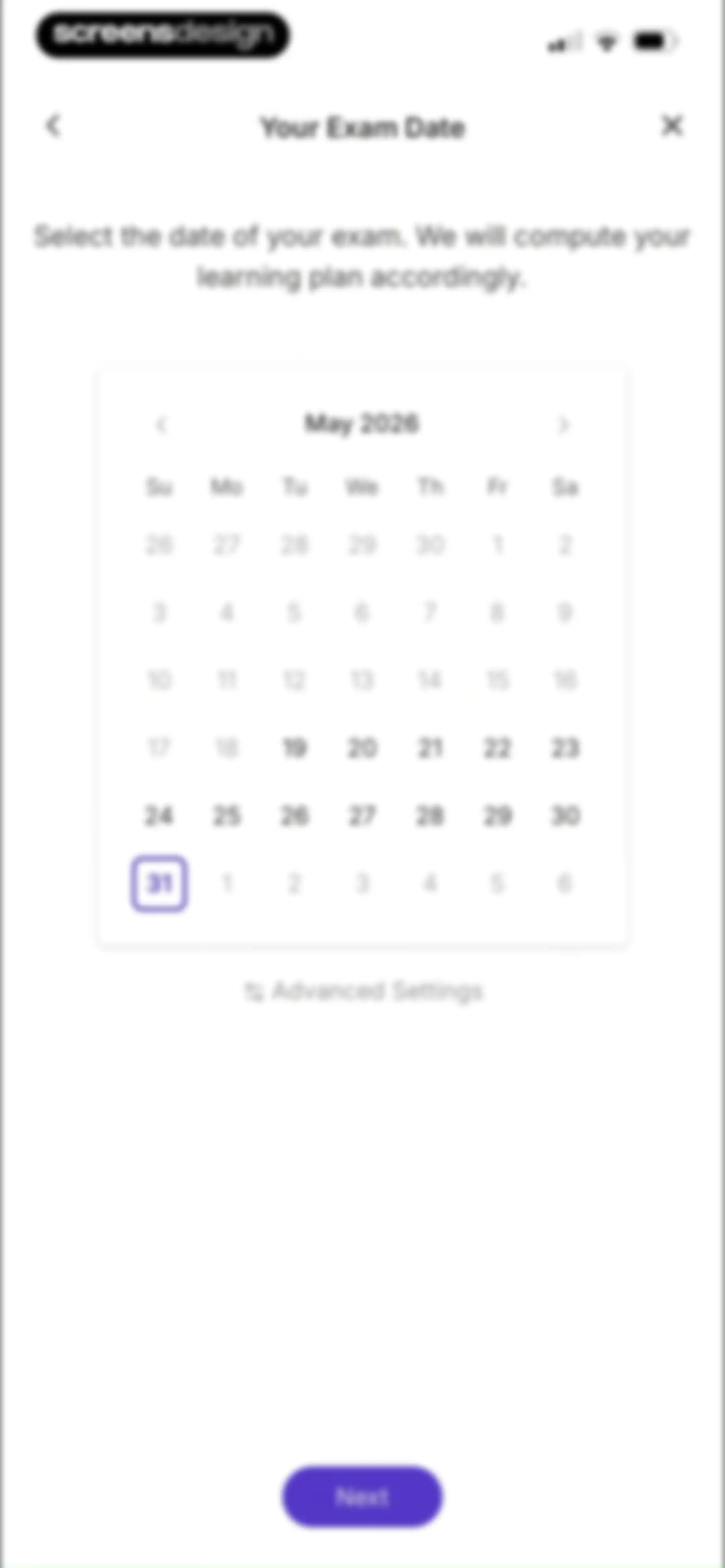
Exam date selection onboarding screen featuring a May 2026 calendar widget, an Advanced Settings link, and a Next button.Unlock Pro
Study schedule configuration form with a numeric counter set to 1 day and a Save button.Unlock Pro
Target grade configuration screen with a grade slider, an AI insight card, and a Compute optimal learning schedule button.Unlock Pro
Loading screen with a central wavy lines graphic and the text Computing optimal learning path.Unlock Pro
Onboarding summary screen detailing three personalized learning features with a Start a learning session button.Unlock Pro
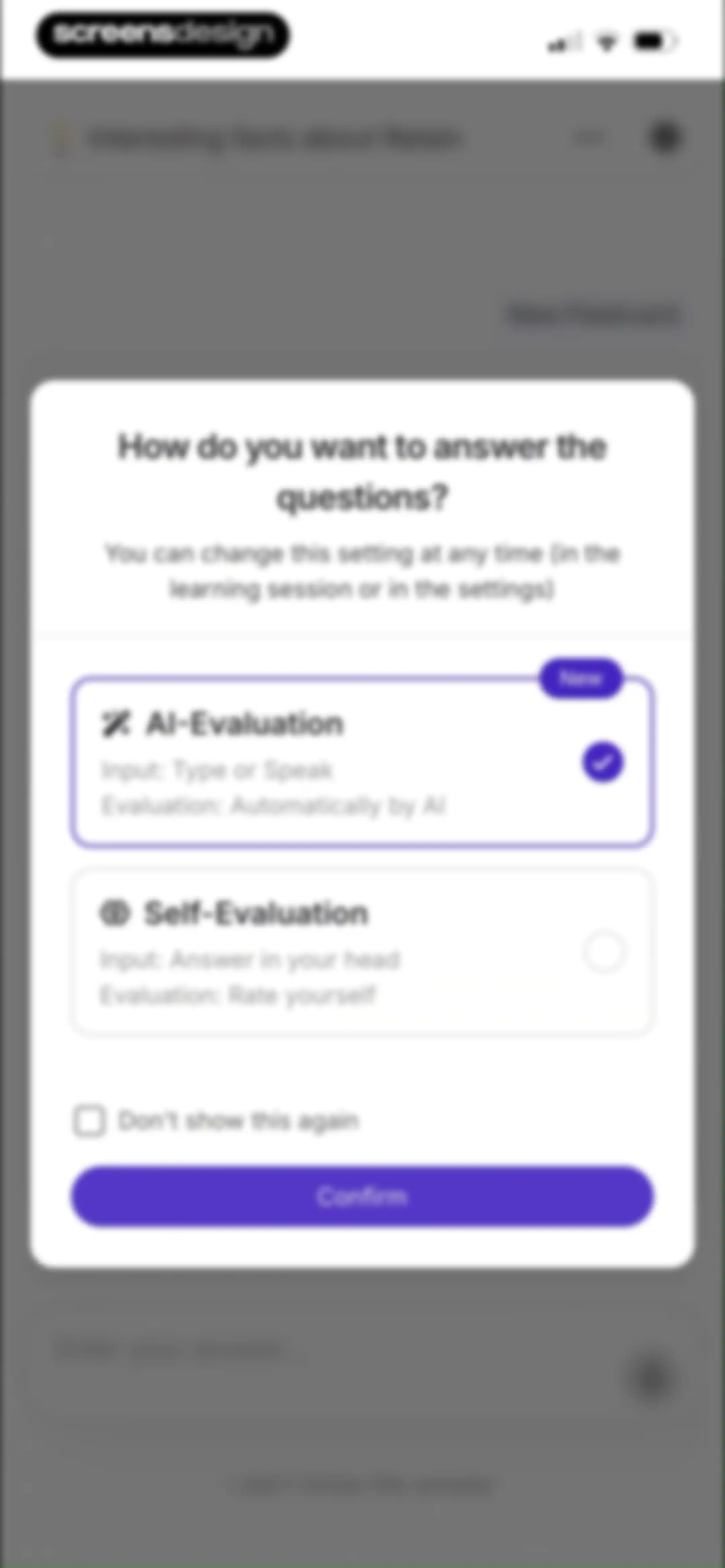
Modal dialog asking how to answer questions, with the AI-Evaluation card selected and a Confirm button.Unlock Pro
Flashcard editor screen displaying an AI-evaluation modal overlay that explains the learning method, with a Next button and a bottom text input.Unlock Pro
Flashcard study screen displaying a question, an instruction modal about AI feedback, and a text input field with a microphone icon.Unlock Pro
Flashcard study screen featuring a modal explaining AI rating and spaced repetition with a Next button.Unlock Pro
Flashcard interaction screen with a central tutorial modal overlay titled Ask Retain-AI and a Next button.Unlock Pro
Flashcard study screen featuring a More Options modal overlay with a gear icon and a Next button.Unlock Pro
Success modal over a flashcard study interface, featuring a completion message and a Done button.Unlock Pro
Flashcard study screen displaying the question What is 1+1 on a central card, with an answer input field at the bottom.Unlock Pro
Flashcard editor screen displaying a central card, an AI-Evaluation dropdown set to Easy, and a Next question button.Unlock Pro
Flashcard study screen displaying the current deck and an expanded AI evaluation menu with four performance rating options and a Next question button.Unlock Pro
Flashcard study feedback screen showing incorrect evaluation, a reason button, and a Next question action.Unlock Pro
Completion screen celebrating finished homework with progress metrics and a Finish learning button.Unlock Pro
Success screen showing homework completion for a flashcard deck with progress stats and a Finish learning button.Unlock Pro
Flashcard deck dashboard with an onboarding modal explaining the deck overview and a purple Next button.Unlock Pro
Flashcard home screen displaying a learning progress modal overlay with a nine percent deck proficiency indicator and a Next button.Unlock Pro
Flashcard deck management dashboard with an onboarding tooltip explaining deck settings, featuring a list of cards and a Next button.Unlock Pro
Flashcard management home screen with an onboarding modal explaining the flashcards tab, featuring a deck proficiency progress ring and a Next button.Unlock Pro
Flashcard deck management dashboard with a 9 percent proficiency circle, flashcard list, and an educational modal overlay for the summary tab with a Next button.Unlock Pro
Study deck home screen featuring a 9 percent proficiency ring and a feature highlight modal for mock exams with a Next button.Unlock Pro
Flashcard deck management home screen displaying a deck proficiency progress indicator, list of flashcards, and a create flashcards modal overlay with a Next button.Unlock Pro
Flashcard management dashboard displaying a central modal overlay and a list of flashcards with a proficiency progress circle.Unlock Pro
Flashcard list feed showing deck proficiency at nine percent and an onboarding modal overlay with a Next button.Unlock Pro
Flashcard deck dashboard showing a deck proficiency of 9 percent and a welcome modal overlay with a Done button.Unlock Pro
Dashboard showing deck proficiency, metadata, filter and sort controls, and a list of flashcard items with a Continue learning button.Unlock Pro
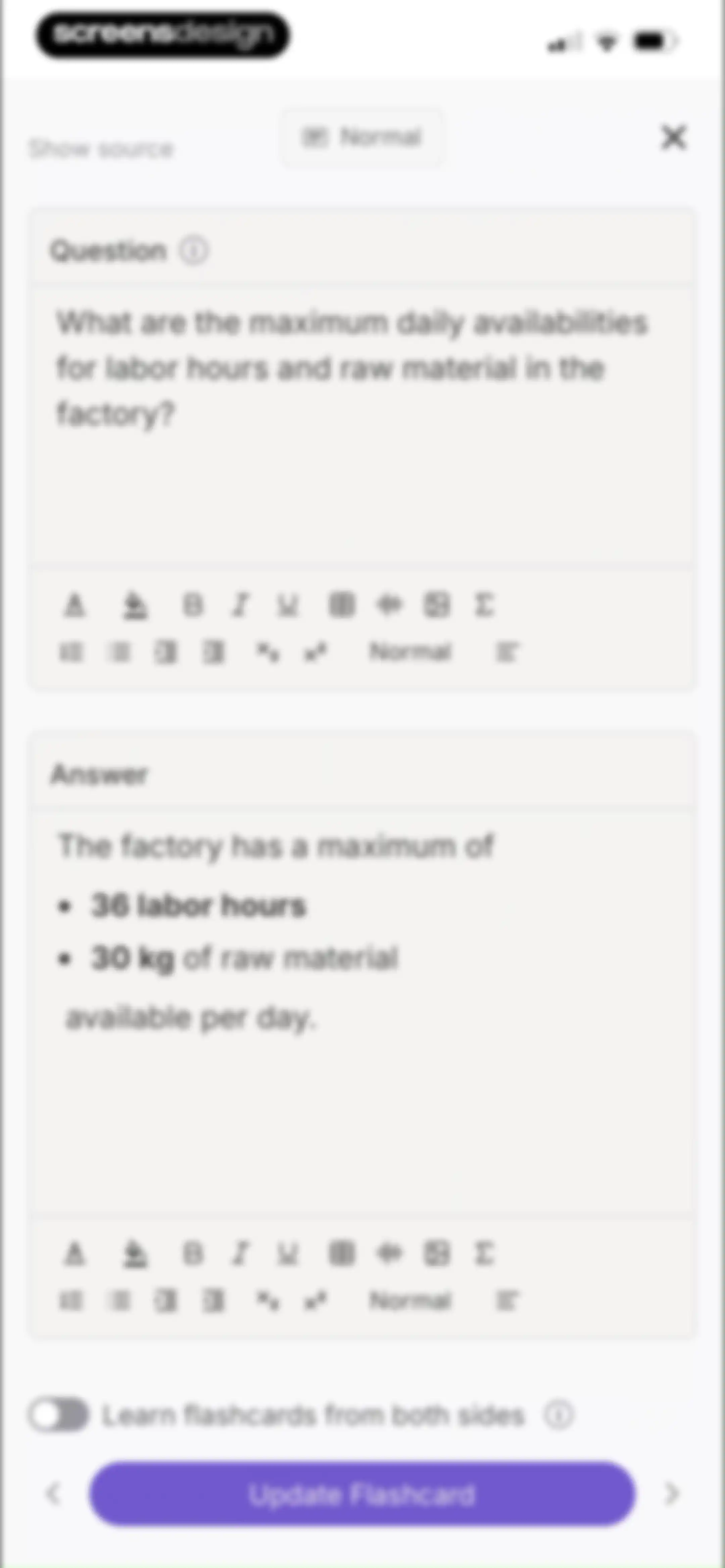
Flashcard editor interface with filled question and answer input fields, a bidirectional learning toggle, and an Update Flashcard button.Unlock Pro
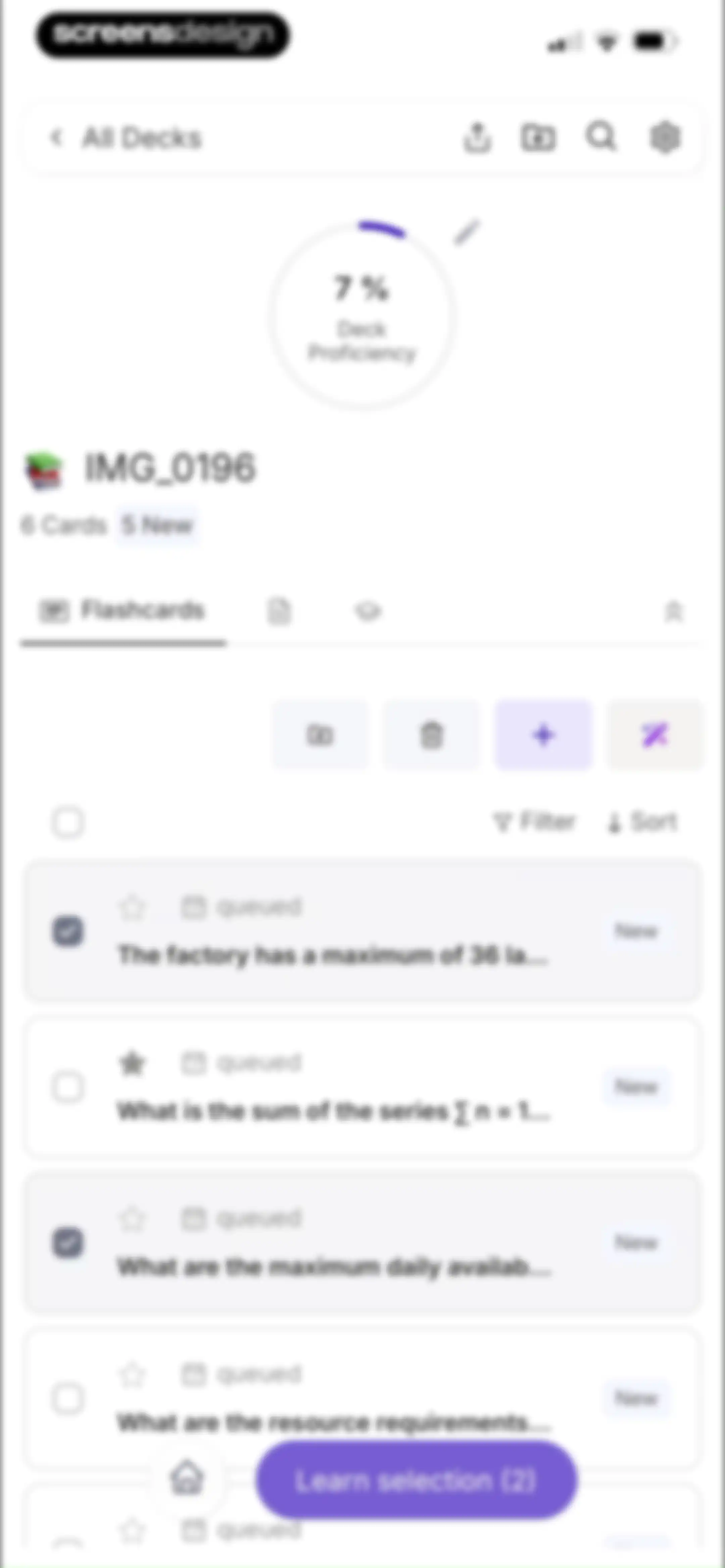
Flashcard deck management dashboard displaying proficiency stats, a list of six study cards with two selected, and a learn selection button.Unlock Pro
Flashcard deck management screen with a centered deletion confirmation modal, displaying a red Delete button and a Cancel button.Unlock Pro
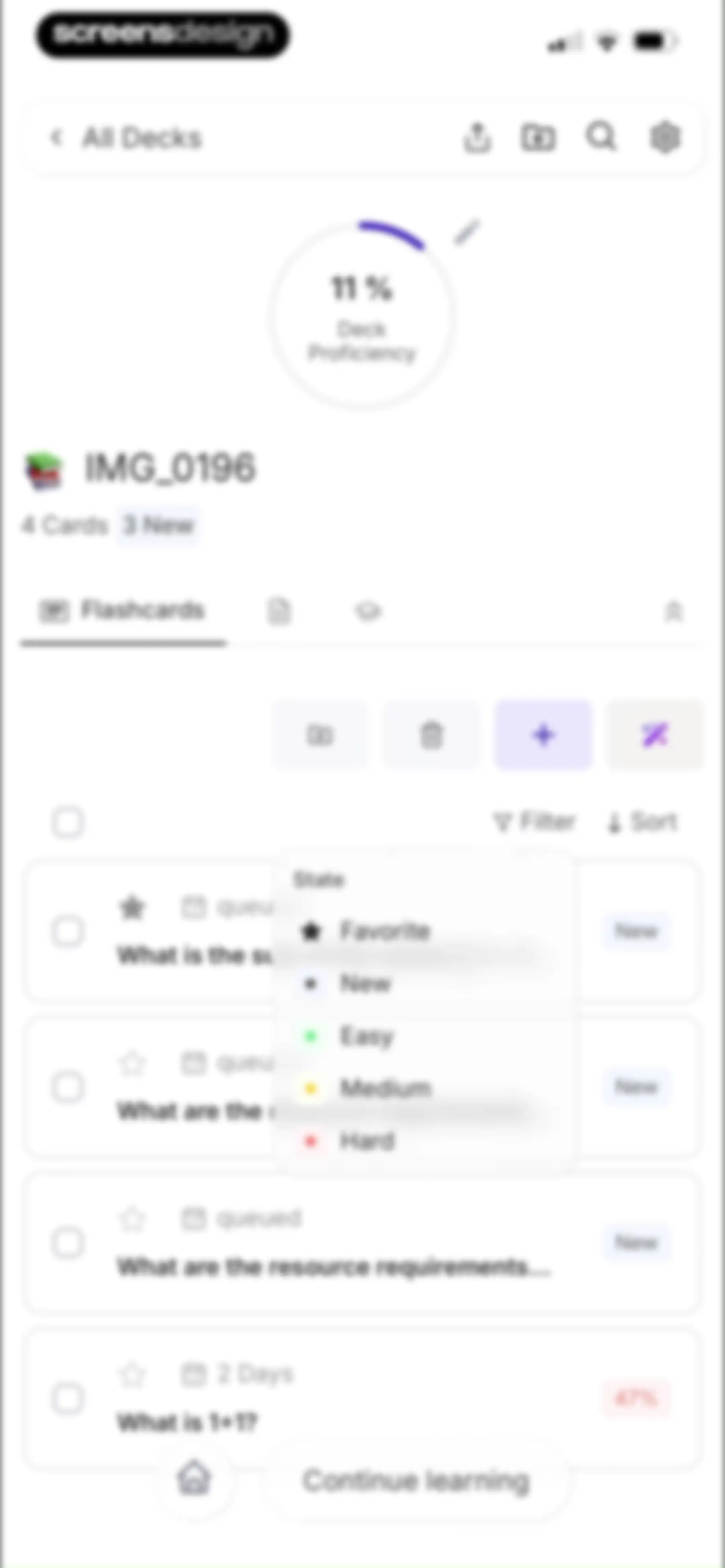
Flashcard deck dashboard showing 11 percent proficiency, a list of four cards, filtering options, and a Continue learning button.Unlock Pro
Flashcard deck dashboard displaying deck proficiency, a list of cards, an open sort menu, and a Learn selection button.Unlock Pro
Deck organization modal displaying a search input, a list of available decks including Interesting facts about Retain, and a keyboard accessory bar.Unlock Pro
Flashcard management screen with a Move Cards modal overlay to transfer a selected card to another deck.Unlock Pro
Flashcard editor with question and answer input fields, a bidirectional learning toggle, and a Create 2 Flashcards button.Unlock Pro
Flashcard editor for a single-choice quiz question with answer options and a Create 1 Flashcard button.Unlock Pro
Flashcard editor for creating cloze style cards, featuring stacked text input blocks with rich text toolbars and a bottom action button.Unlock Pro
Flashcard editor with an image upload drop zone, an image caption input, and a Create 0 Flashcards button.Unlock Pro
Onboarding modal explaining automatic flashcard creation with an AI process illustration, pagination dots, and a Next button.Unlock Pro
Onboarding modal explaining image quality mistakes for AI processing, featuring an image carousel with a blurry photo example and a Next button.Unlock Pro
Onboarding modal explaining common AI flashcard mistakes with an illustration of a limited context exam paper, pagination dots, and a Next button.Unlock Pro
Onboarding modal displaying three instructional best practice cards for uploading study materials, with pagination dots and a Next button.Unlock Pro
Onboarding modal highlighting desktop source viewing for AI flashcards, featuring an illustration, a tip, and a Let's go button.Unlock Pro
File upload screen featuring a central drop zone for images or PDFs and a bottom input field for YouTube links.Unlock Pro
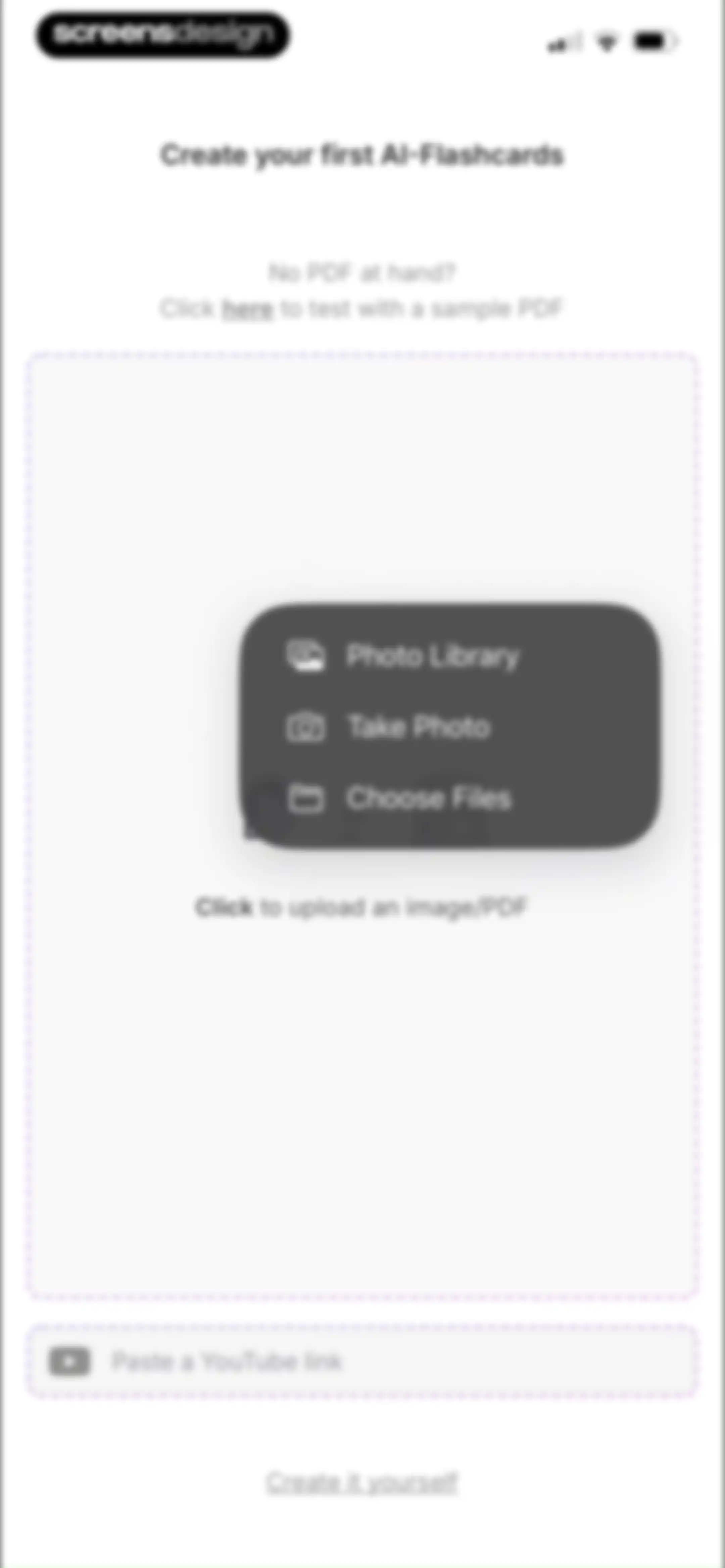
File upload form with an overlay menu showing options for photo library, camera, and files, plus a YouTube link input field.Unlock Pro
Document selection screen displaying a grid of PDF files with a search bar, an Open button, and one selected document.Unlock Pro
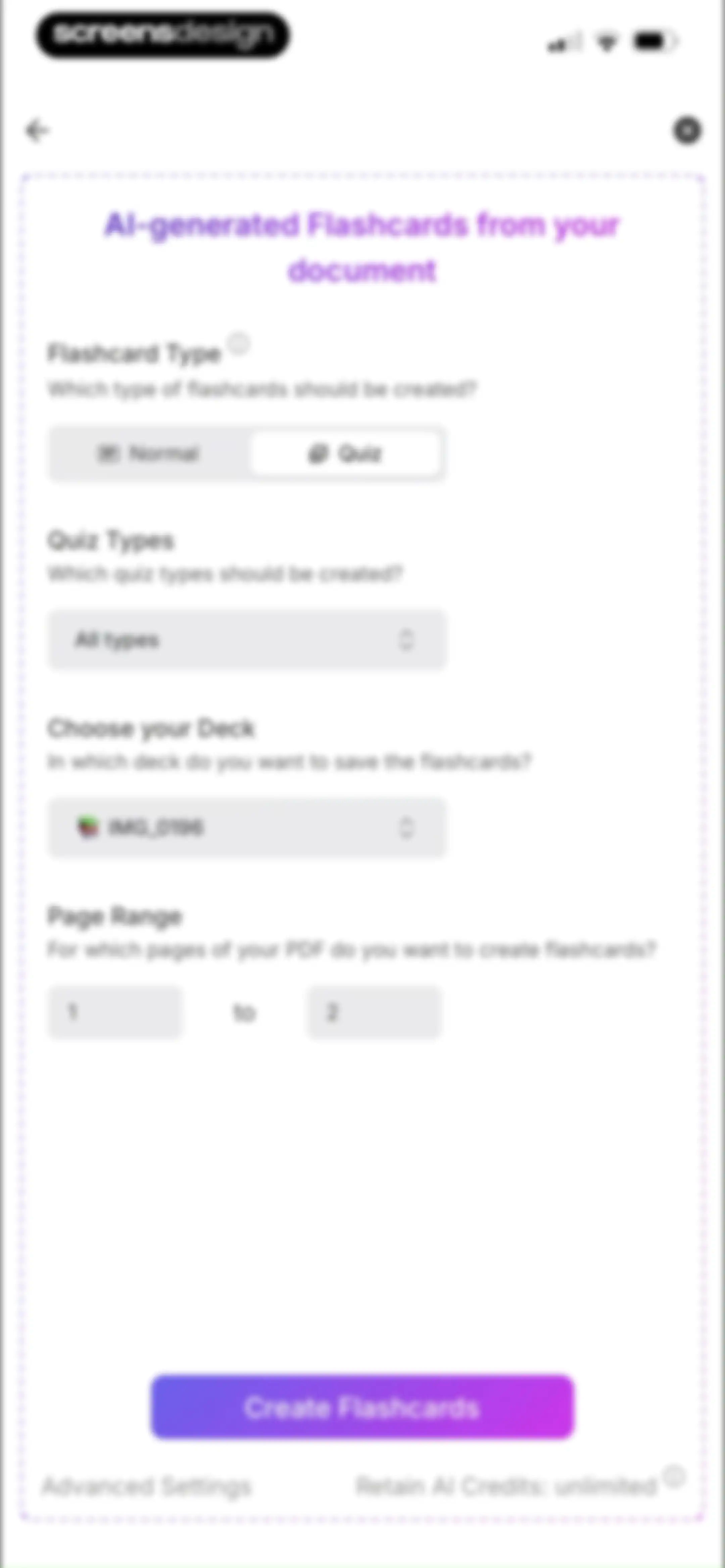
Flashcard generation form with settings for card type, deck selection, page range, and a Create Flashcards button.Unlock Pro
AI flashcard configuration form with settings for deck selection, page range, and a Create Flashcards button.Unlock Pro
Loading screen for the Retain app displaying Creating Flashcards at 100 percent completion with an instruction not to close the app.Unlock Pro
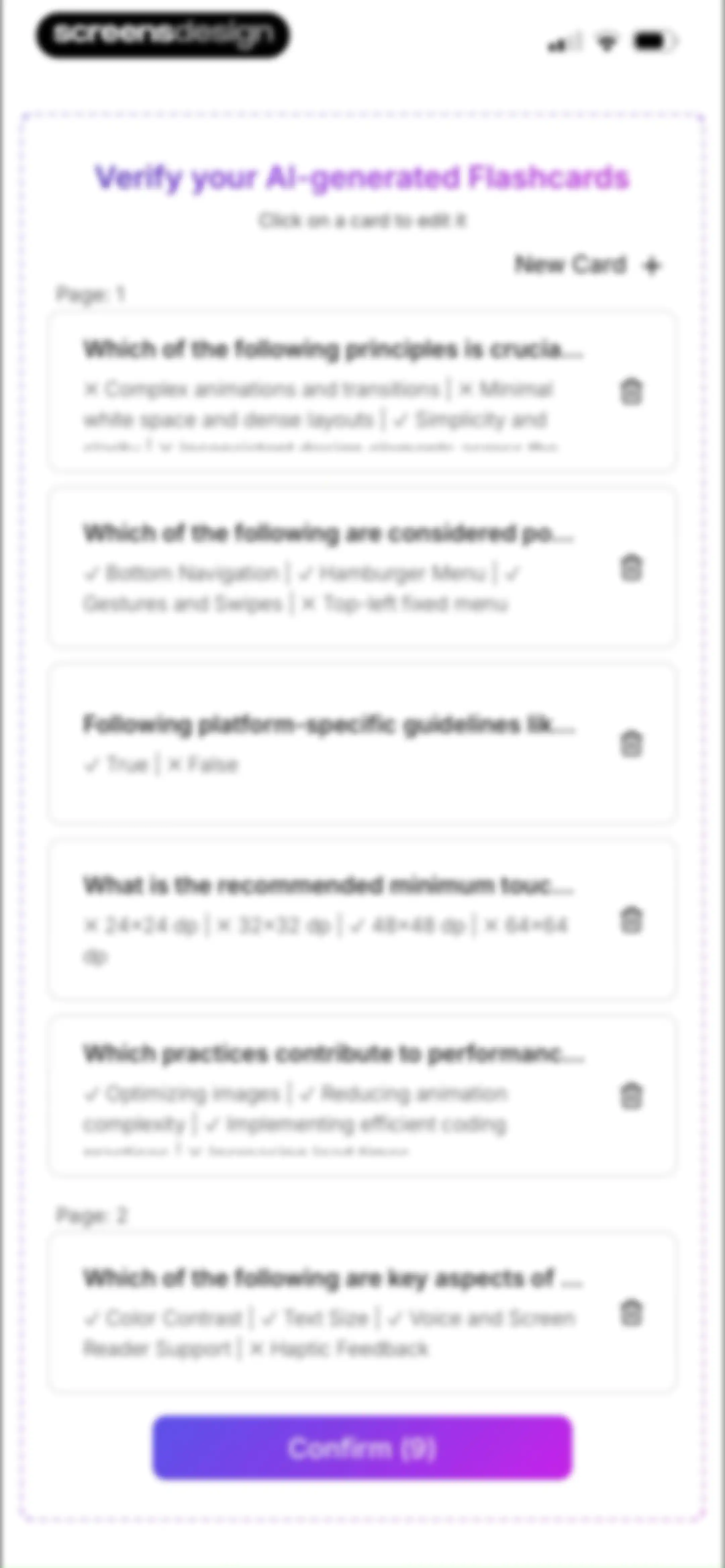
Flashcard verification screen listing AI-generated cards grouped by page, with a New Card button and a Confirm button at the bottom.Unlock Pro
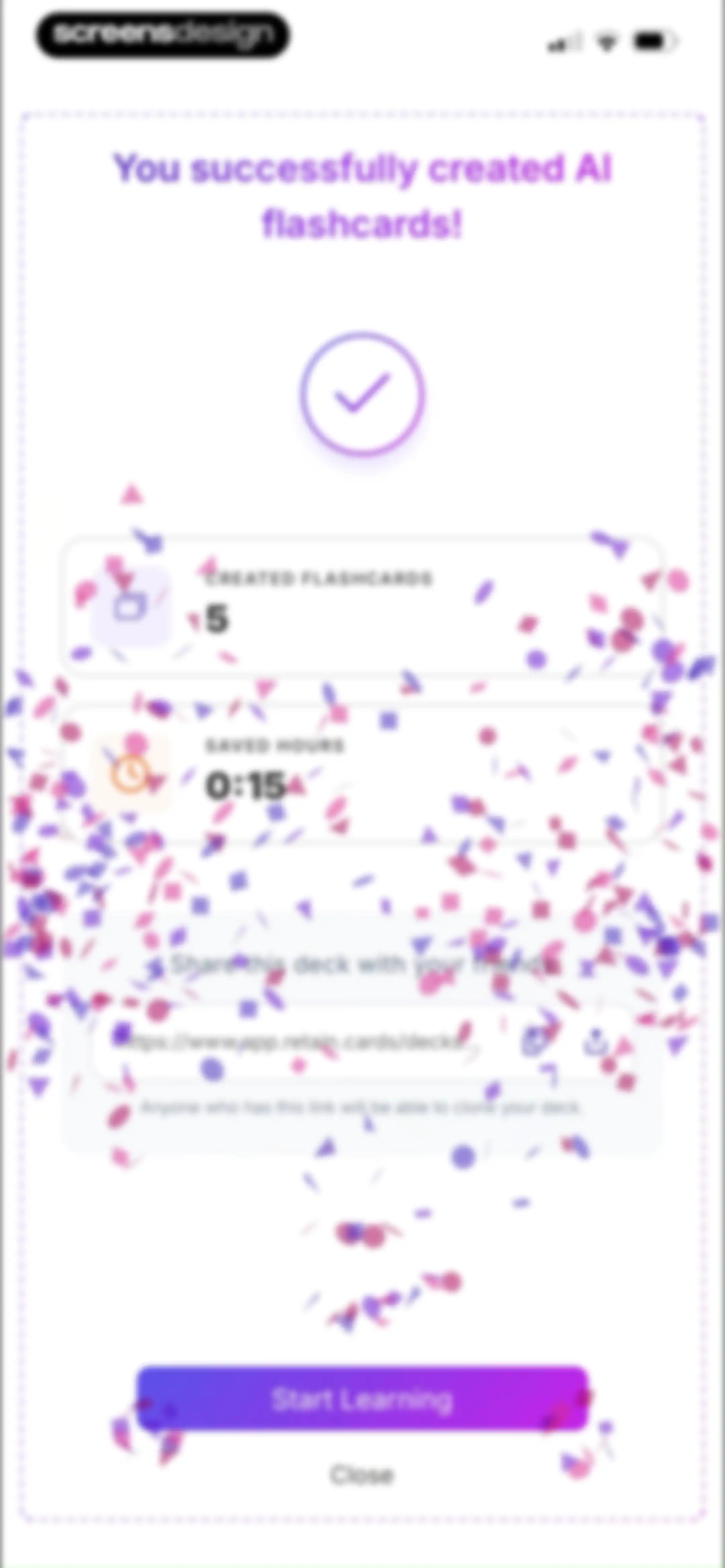
Success screen displaying created flashcards metrics, a shareable link section, and a Start Learning button.Unlock Pro
Success confirmation screen displaying created flashcards and time saved metrics, a sharing link section, and a Start Learning button.Unlock Pro
Multiple-choice flashcard question screen displaying four answer choices with option C selected and a Submit button.Unlock Pro
Multiple-choice flashcard quiz screen displaying a question about dark mode benefits, with an incorrect answer selected and a Next question button.Unlock Pro
Multiple-choice flashcard question screen with four selectable answer cards, option D selected, and a Submit button.Unlock Pro
Multiple-choice flashcard question screen displaying four answer choices with option D selected, a Reason button, and a Next question button.Unlock Pro
Preference selection modal for flashcard answer settings, with the AI-Evaluation card selected and a Confirm button.Unlock Pro
Flashcard self-evaluation instructional modal explaining the learning method, with a Next button and four rating options at the bottom.Unlock Pro
Flashcard rating modal overlay with four color-coded buttons for Incorrect, Struggled, Confident, and Easy.Unlock Pro
Flashcard study screen with a spaced repetition explanation modal and four rating buttons at the bottom.Unlock Pro
Flashcard study screen featuring a central modal tutorial for the AI assistant with a Next button and a bottom row of four performance assessment buttons.Unlock Pro
Flashcard study screen with a More Options modal overlay for editing cards and switching learning modes.Unlock Pro
Flashcard study interface with an instructional modal overlay and four rating buttons at the bottom.Unlock Pro
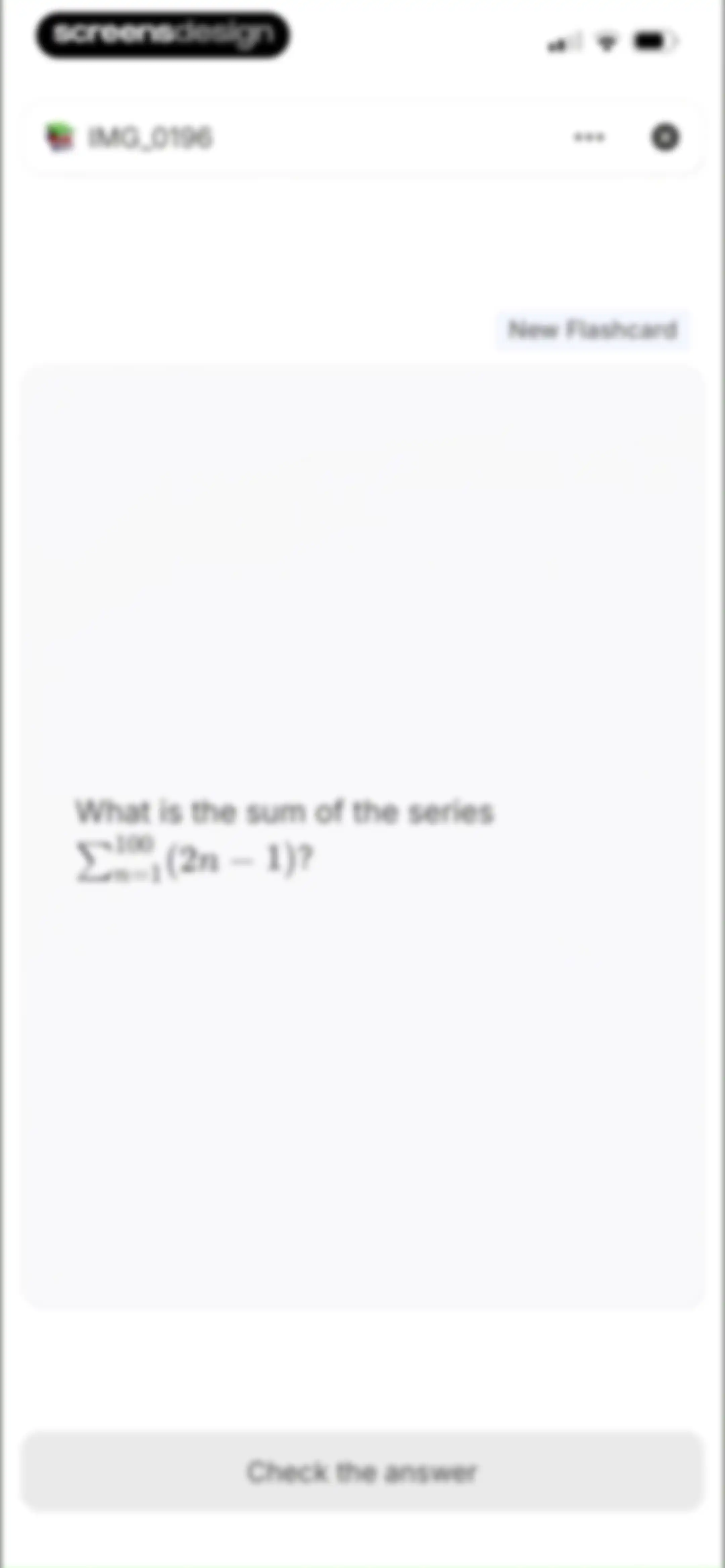
Flashcard study screen displaying a math series question on a central card, with a Check the answer button at the bottom.Unlock Pro
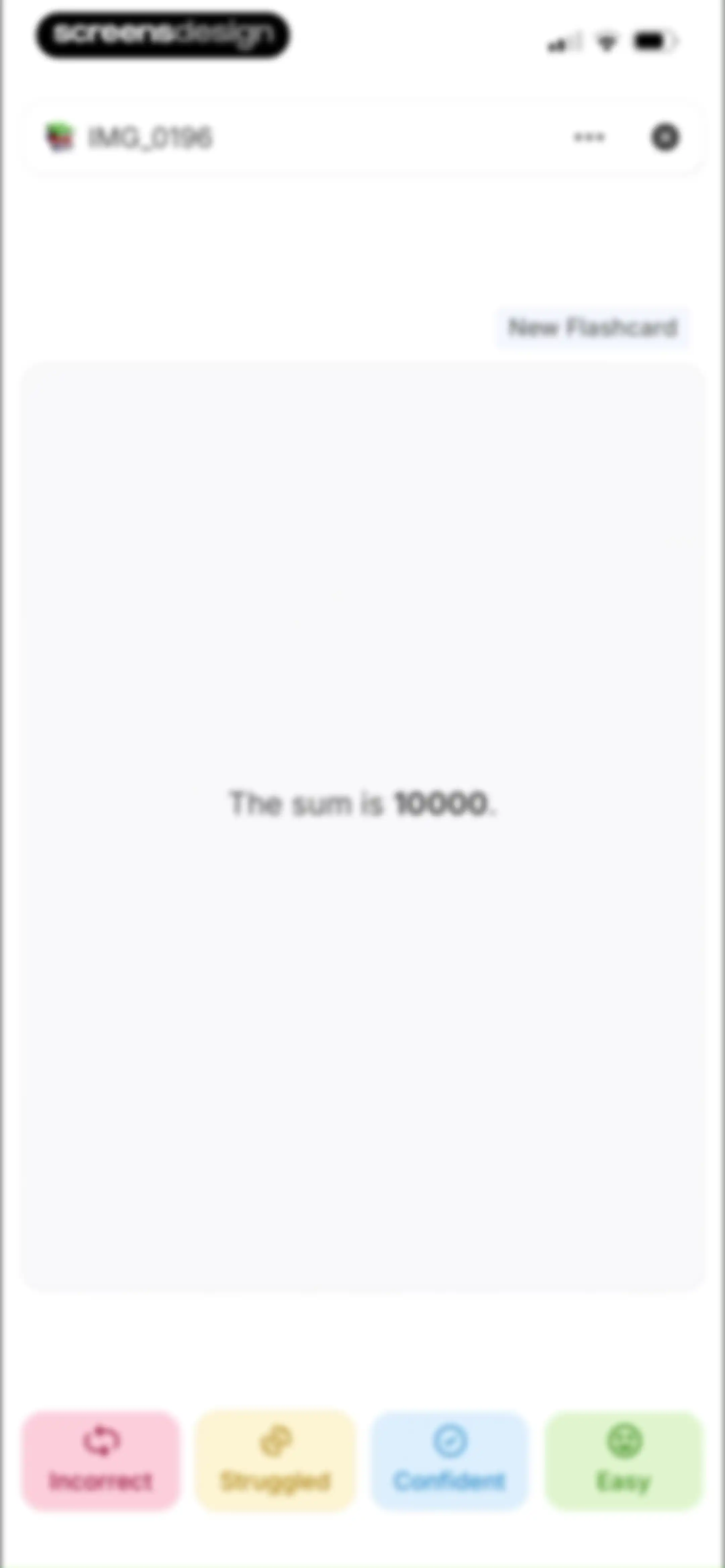
Flashcard study screen displaying the card text "The sum is 10000." above four assessment buttons for Incorrect, Struggled, Confident, and Easy.Unlock Pro
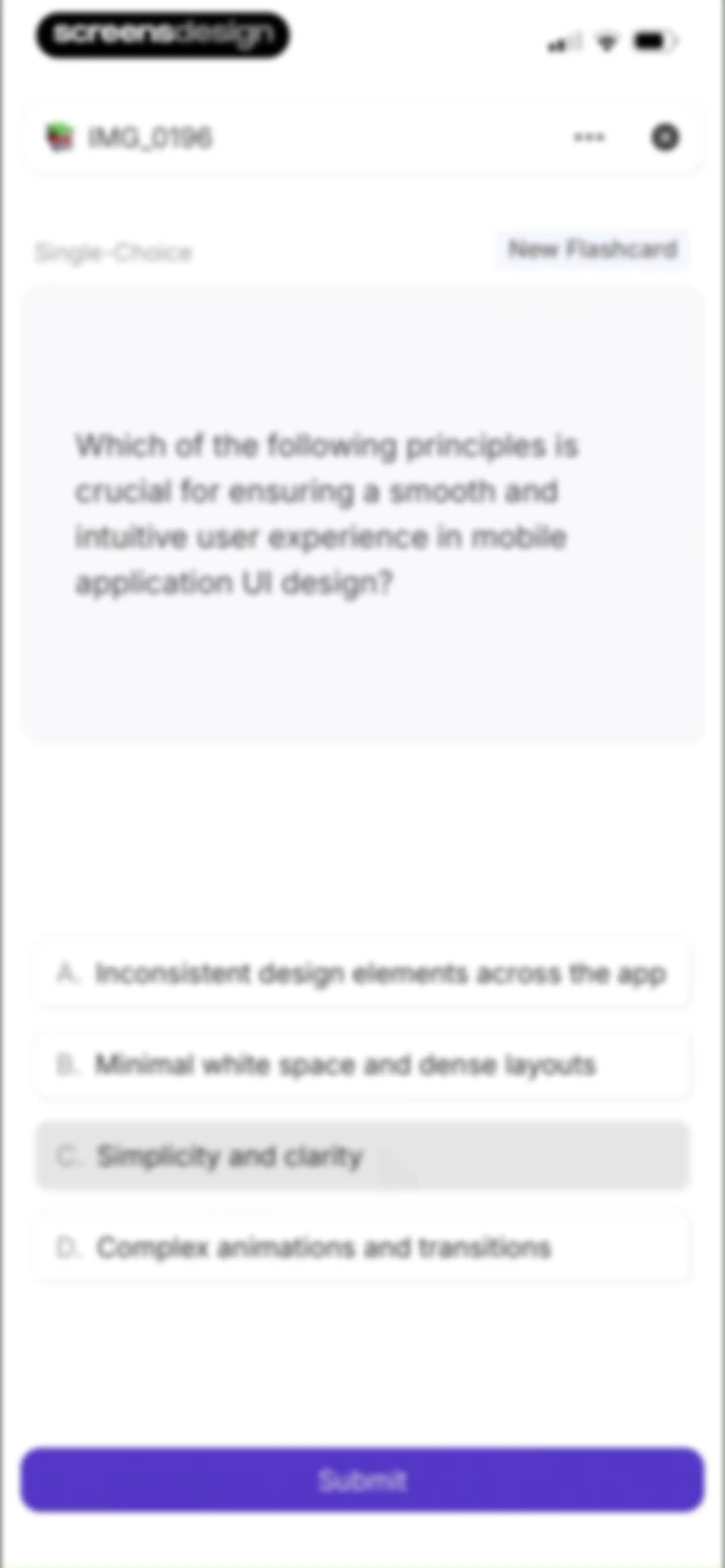
Single-choice flashcard quiz screen displaying a question about mobile UI design, with option C selected and a Submit button.Unlock Pro
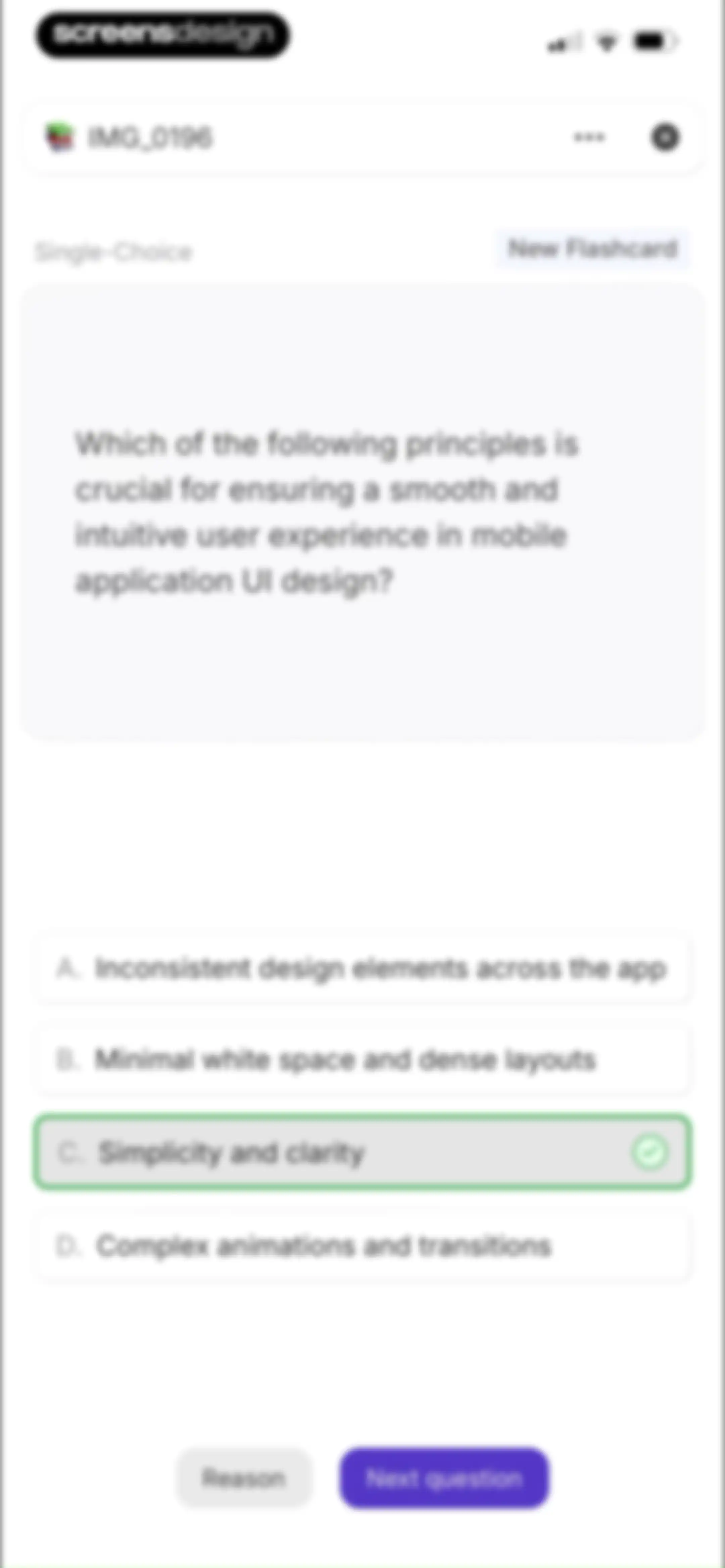
Single-choice flashcard quiz screen displaying a mobile UI design question with option C selected and a Next question button.Unlock Pro
Flashcard quiz screen showing a multiple-choice question with option C selected and marked incorrect, alongside Reason and Next question buttons.Unlock Pro
Learning session summary screen displaying a performance breakdown of 19 completed cards and a Finish learning button.Unlock Pro
Flashcard deck dashboard displaying a 62 percent proficiency chart, a list of study cards with interval details, and a Continue learning button.Unlock Pro
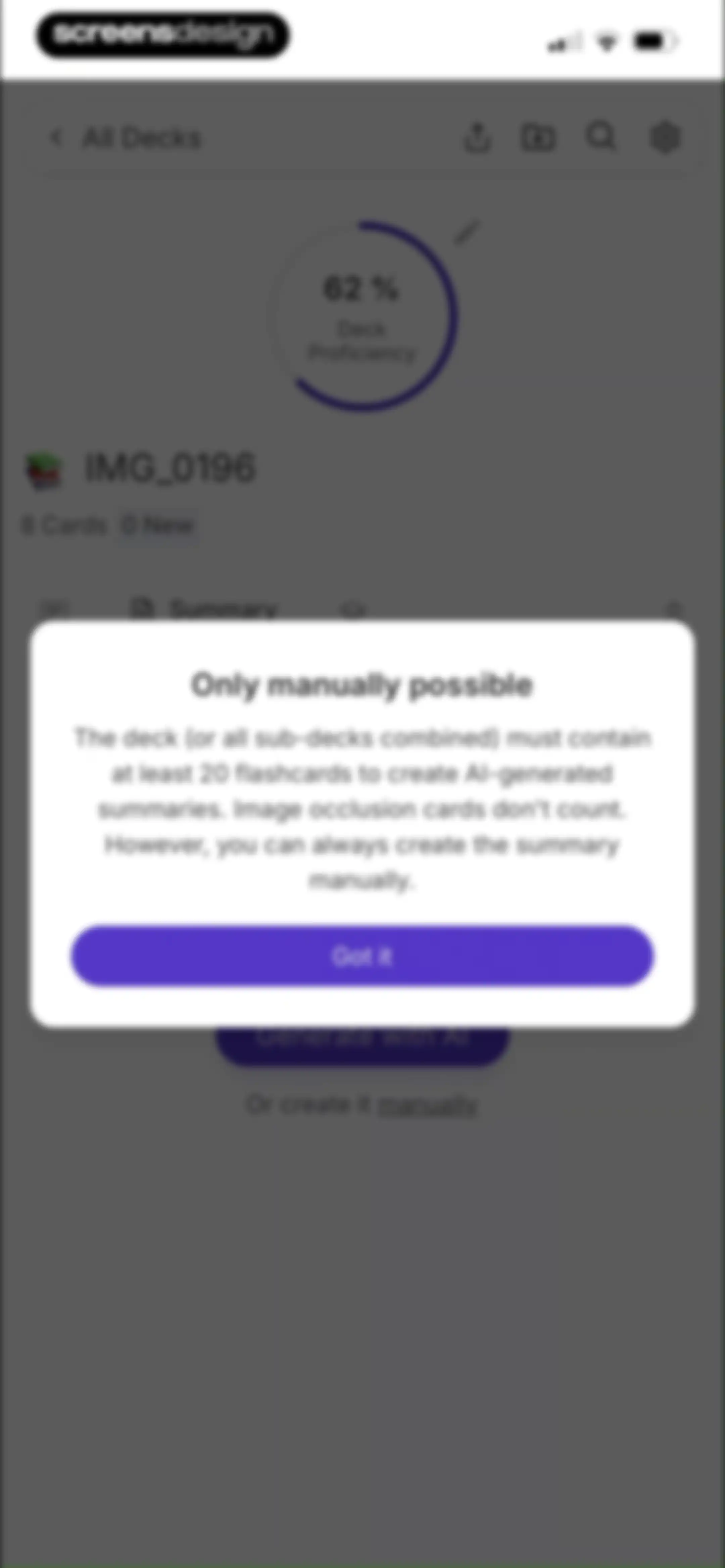
Deck summary dashboard showing a 62 percent proficiency chart, card stats, and a Generate with AI button.Unlock Pro
Modal explaining that the flashcard deck must contain at least 20 cards to generate AI summaries, featuring a Got it button.Unlock Pro
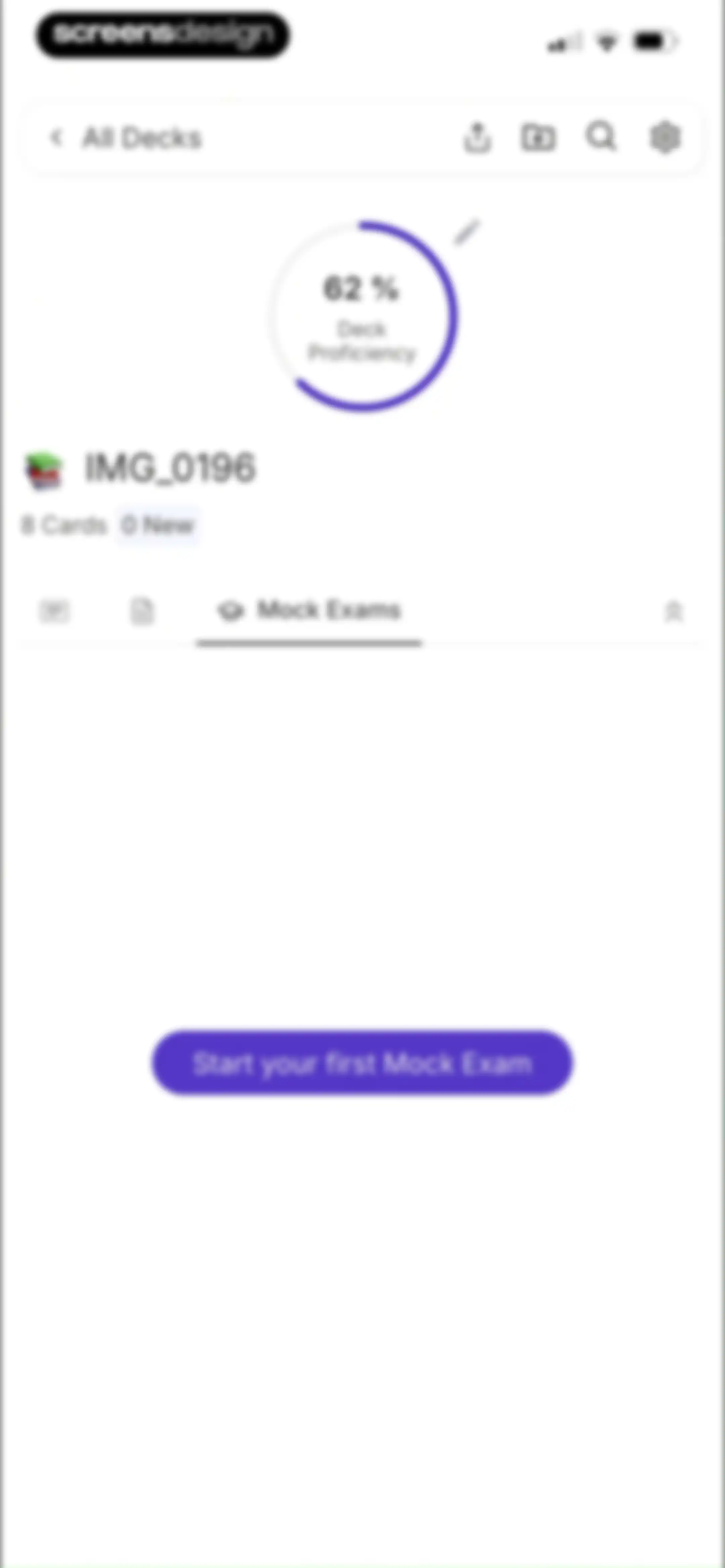
Deck dashboard showing a 62 percent proficiency chart, card stats, and a button to start your first mock exam.Unlock Pro
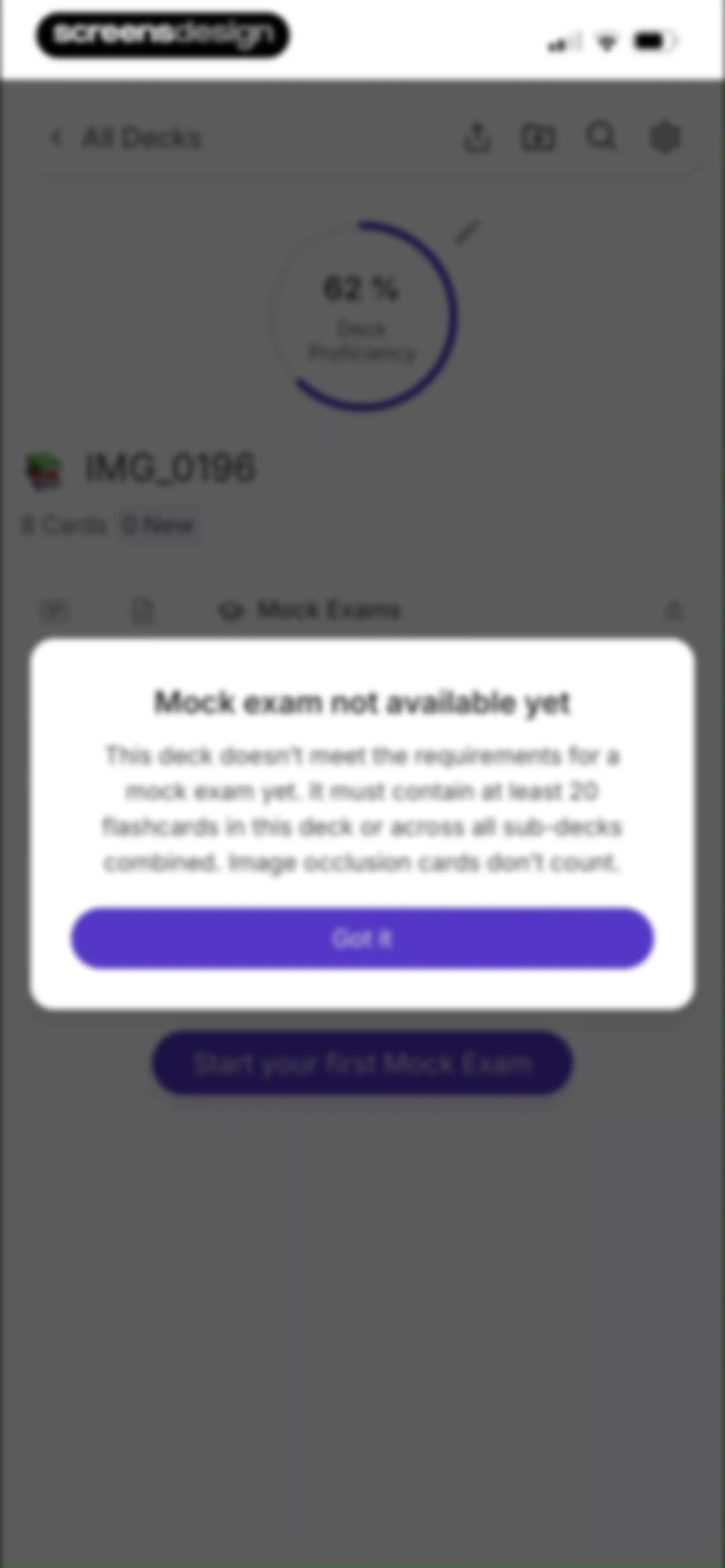
Dashboard with a deck proficiency ring and a modal stating that the mock exam is not available yet, featuring a Got it button.Unlock Pro
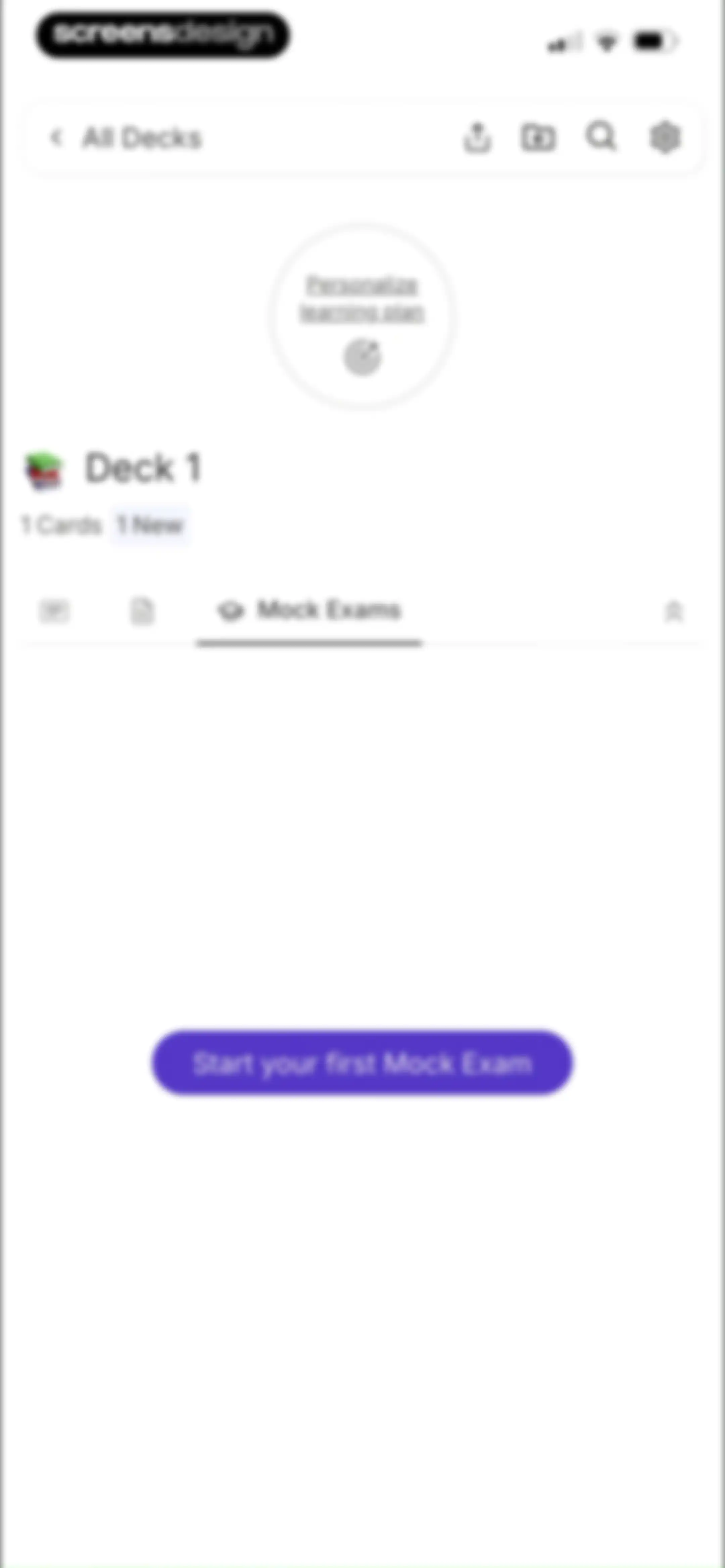
Empty state screen for mock exams featuring a centered Start your first Mock Exam button and top tab navigation.Unlock Pro
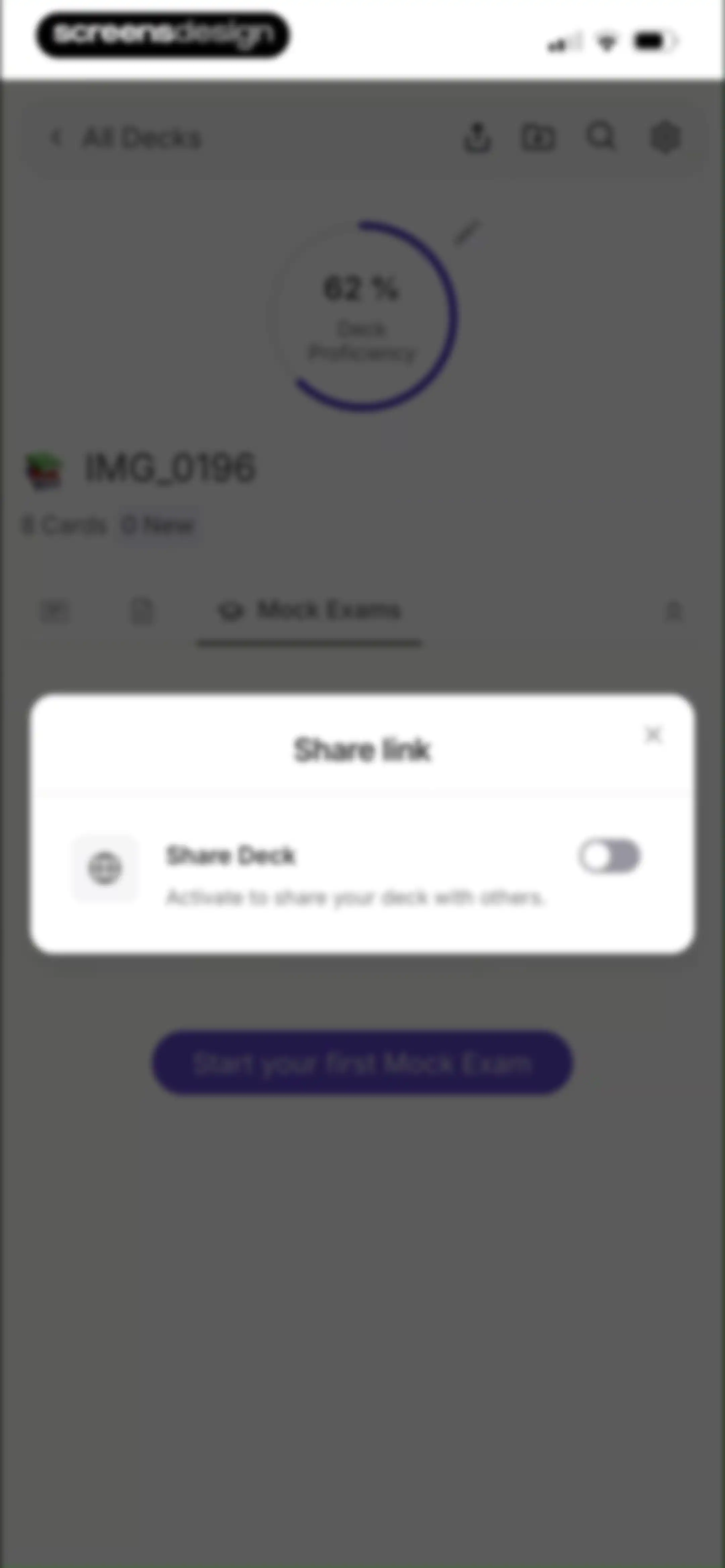
Flashcard deck management screen with a centered share link modal overlay displaying a Share Deck toggle and proficiency stats in the background.Unlock Pro
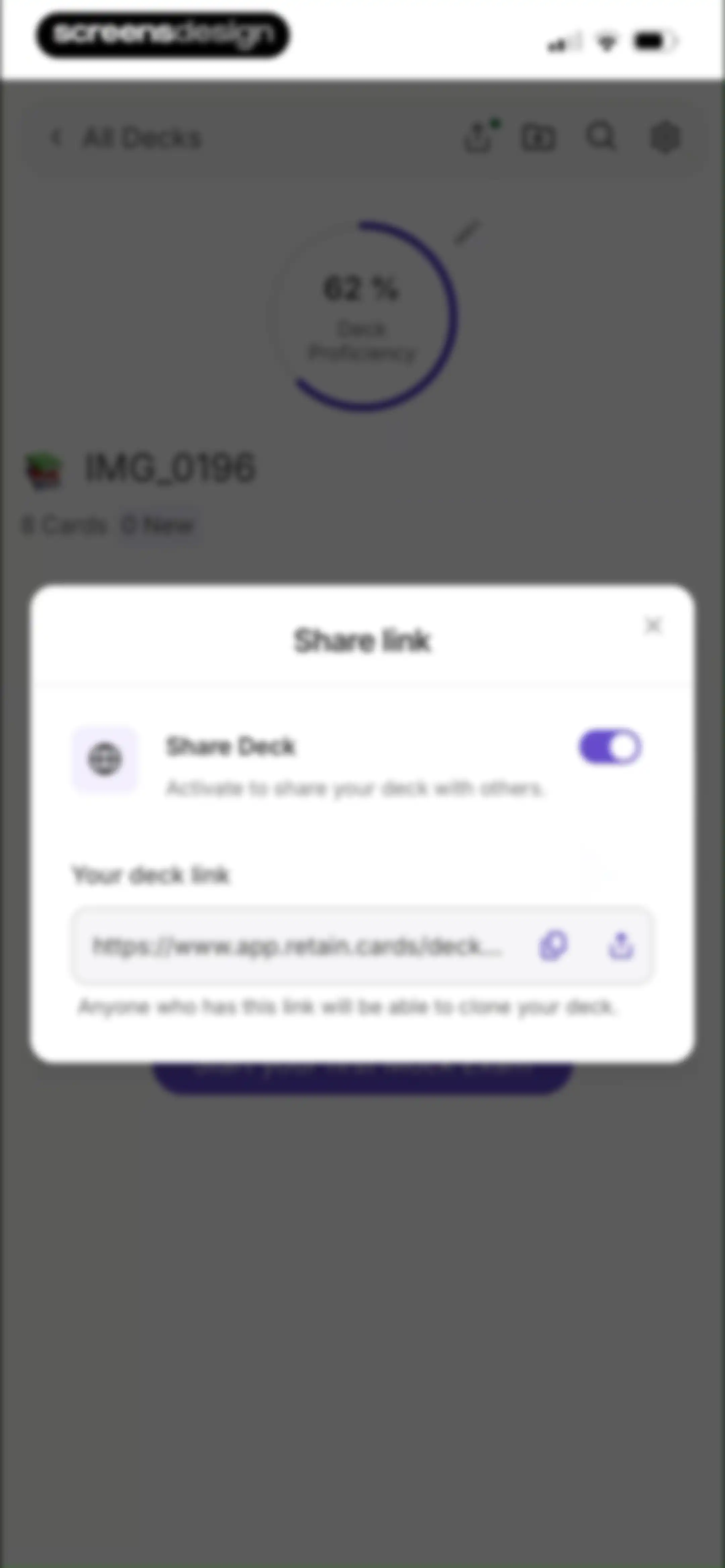
Share link modal overlay on a deck management page with a toggle for sharing and a read-only URL input field.Unlock Pro
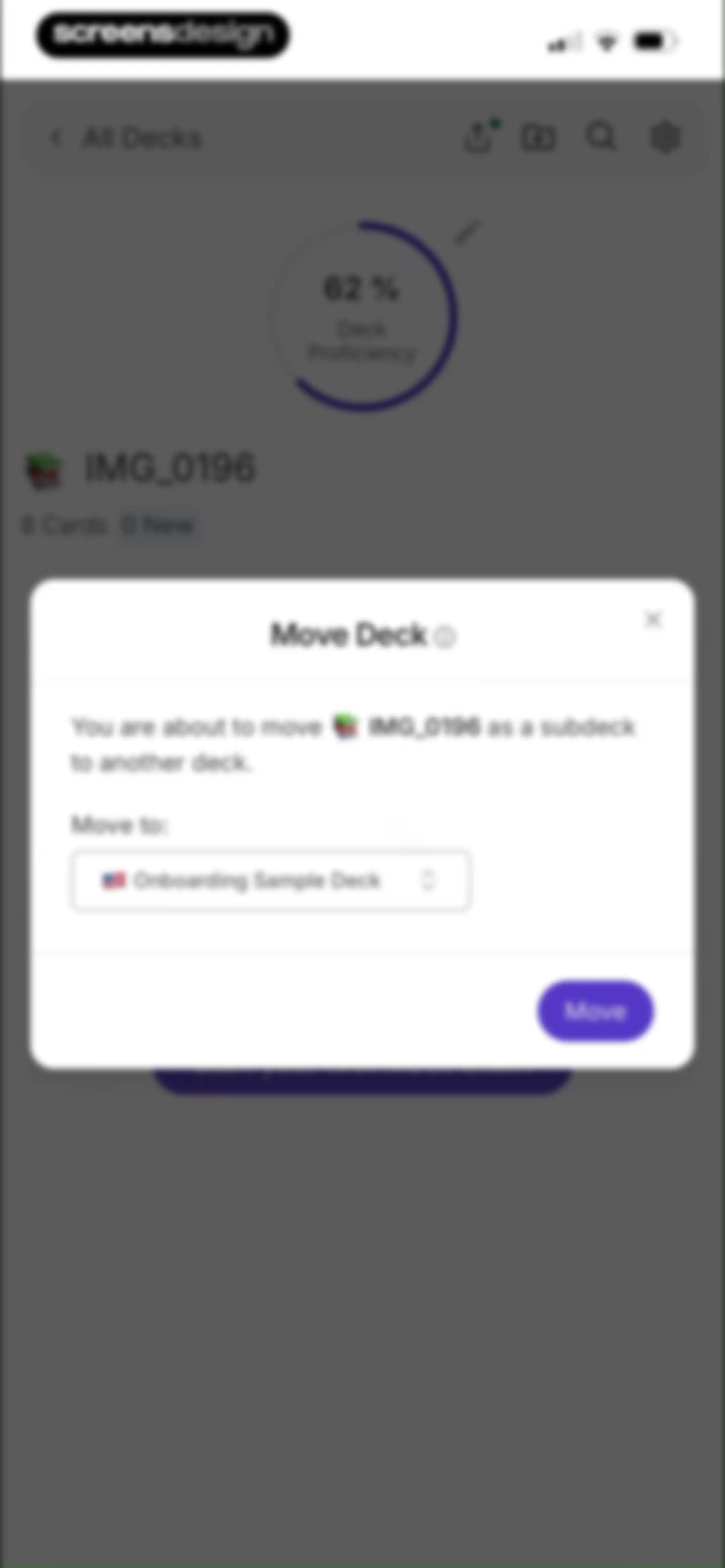
Deck management screen displaying a Move Deck modal with destination options and a Move button over background deck stats.Unlock Pro
Loading screen for an educational app with an abstract branching graphic and text stating Computing optimal learning path.Unlock Pro
Onboarding success screen confirming a personalized learning plan, featuring three feature cards and an Enjoy button at the bottom.Unlock Pro
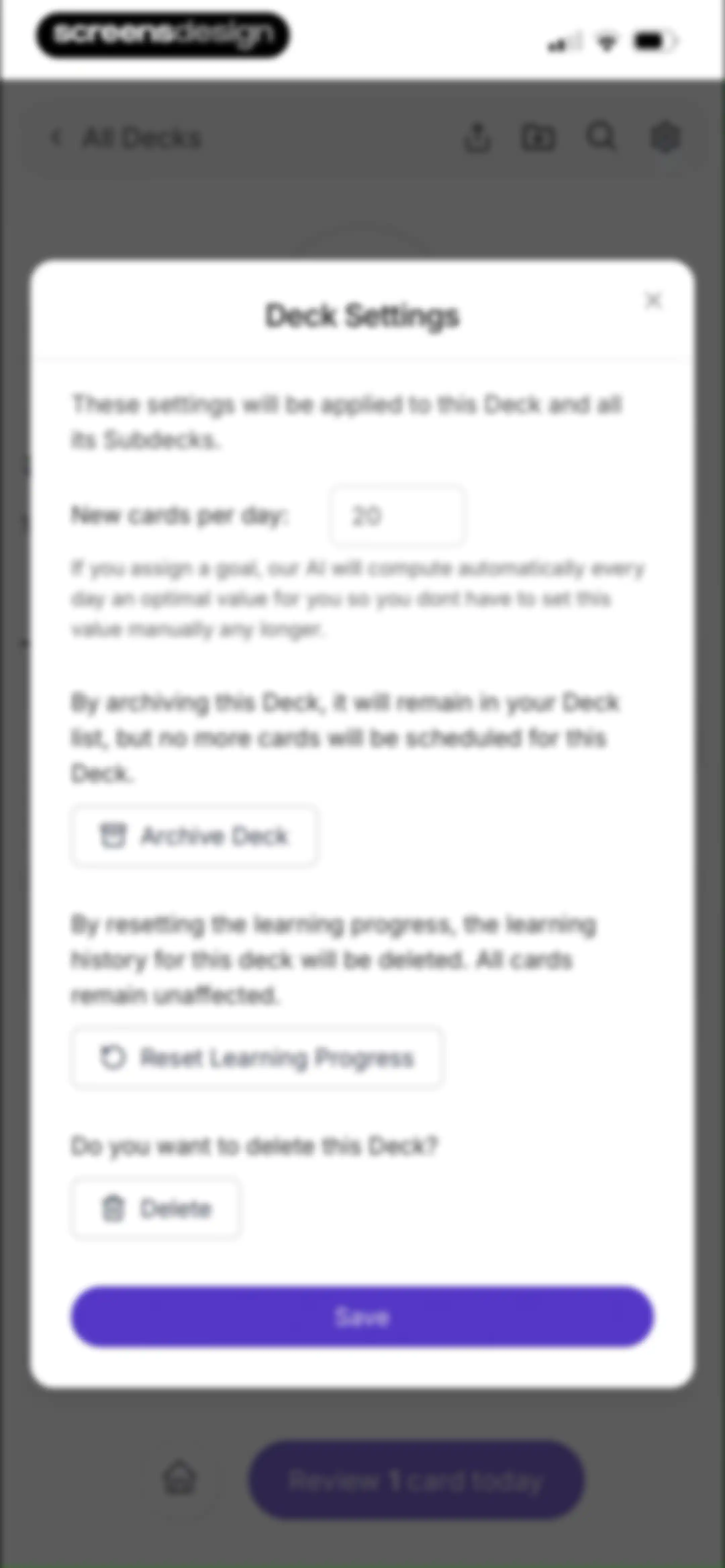
Deck settings modal with options to archive the deck, reset learning progress, or delete it.Unlock Pro
Dashboard with a proficiency progress circle and deck cards, featuring a centered modal overlay explaining digital folders and a Done button.Unlock Pro
Flashcard dashboard featuring a 32 percent progress chart, a list of study decks, and a review button.Unlock Pro
Home screen displaying an onboarding sample deck and a prominent button to review twelve cards today.Unlock Pro
Deck editor screen for an untitled study deck with an empty file upload drop zone and a YouTube link input field.Unlock Pro
Flashcard editor screen with text input fields for questions and answers, a toggle for bidirectional learning, and a Create 1 Flashcard button.Unlock Pro
Flashcard deck dashboard for Deck 1 with summary stats and a Generate with AI button.Unlock Pro
Dashboard for Deck 1 with stats, a selected Mock Exams tab, and a primary action button to start the first mock exam.Unlock Pro
Deck settings modal with options to adjust daily card limits, archive, reset progress, delete the deck, and a Save button.Unlock Pro
Deck deletion confirmation modal dialog with a red Delete button and a Cancel button over a flashcard deck screen.Unlock Pro
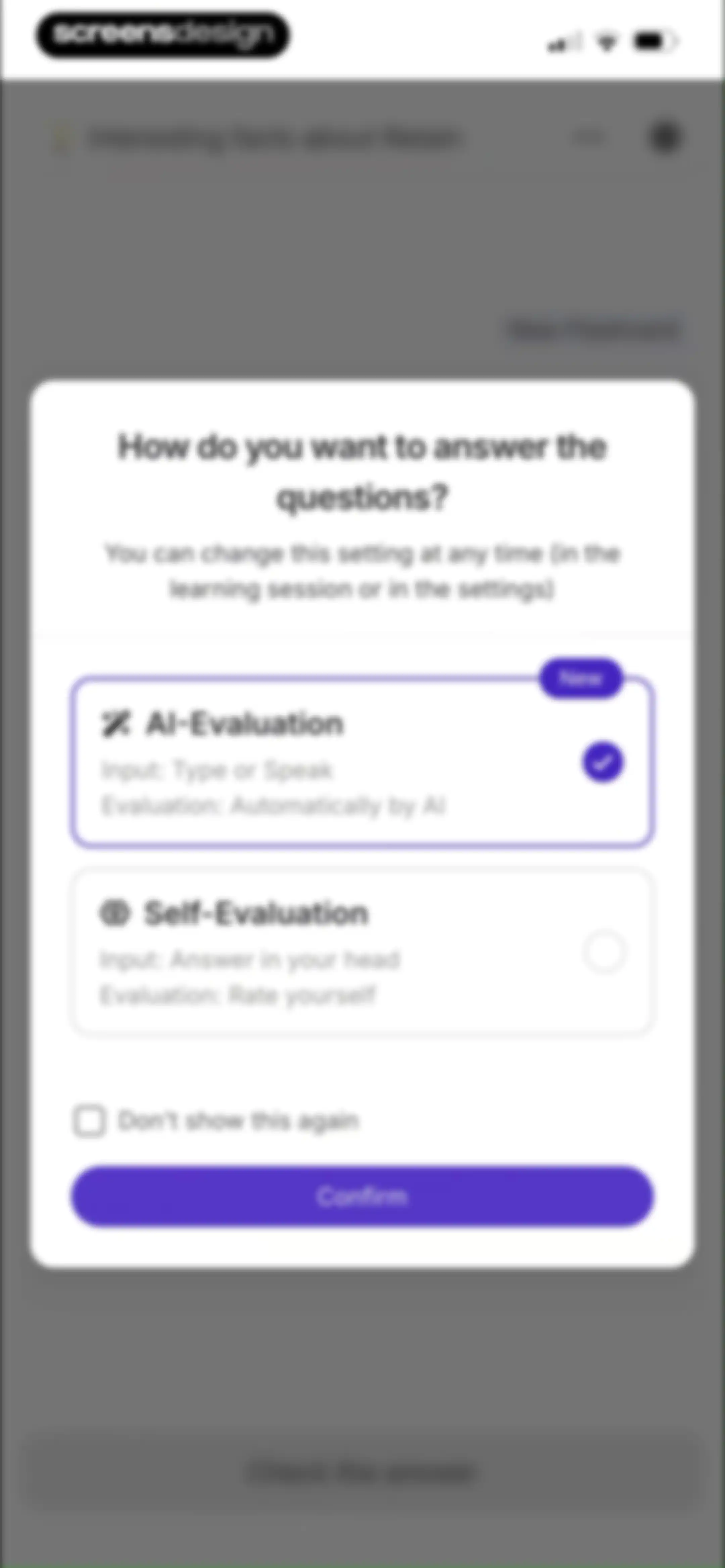
Question answering method selection modal with the AI-Evaluation option selected and a Confirm button.Unlock Pro
Flashcard study screen displaying a question card with an answer input field and voice input option.Unlock Pro
Interactive study screen displaying a central flashcard question with quick-action buttons and a bottom-anchored AI chat input.Unlock Pro
Flashcard screen displaying study material on product production requirements, with an Explain in simple terms button and a bottom AI chat input bar.Unlock Pro
Study dashboard showing a daily streak of one day, task progress for a sample deck, and an upcoming exam countdown with a bottom navigation bar.Unlock Pro
Modal dialog for selecting question answering methods with AI-Evaluation selected and a Confirm button.Unlock Pro
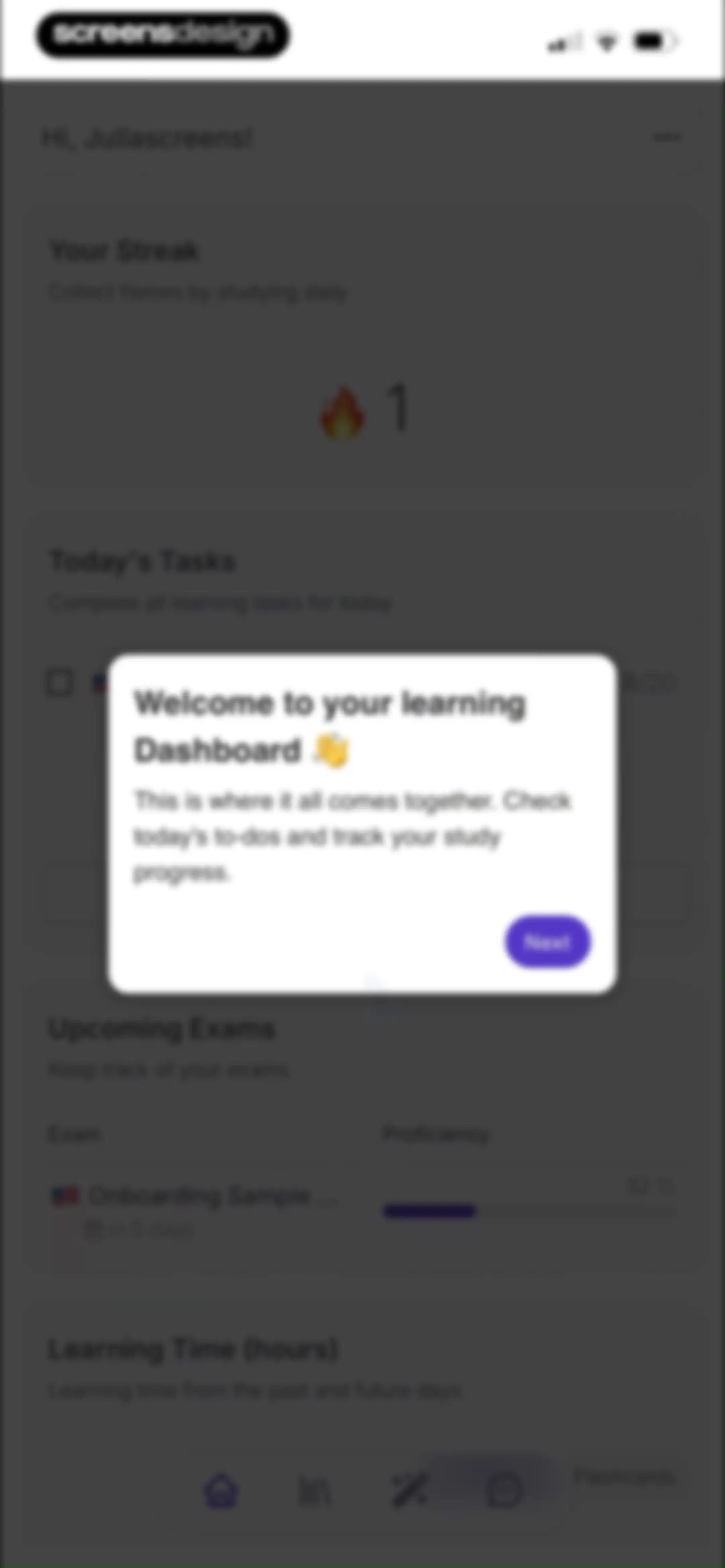
Learning dashboard with a welcome onboarding modal overlay, streak and task cards, and a Next button.Unlock Pro
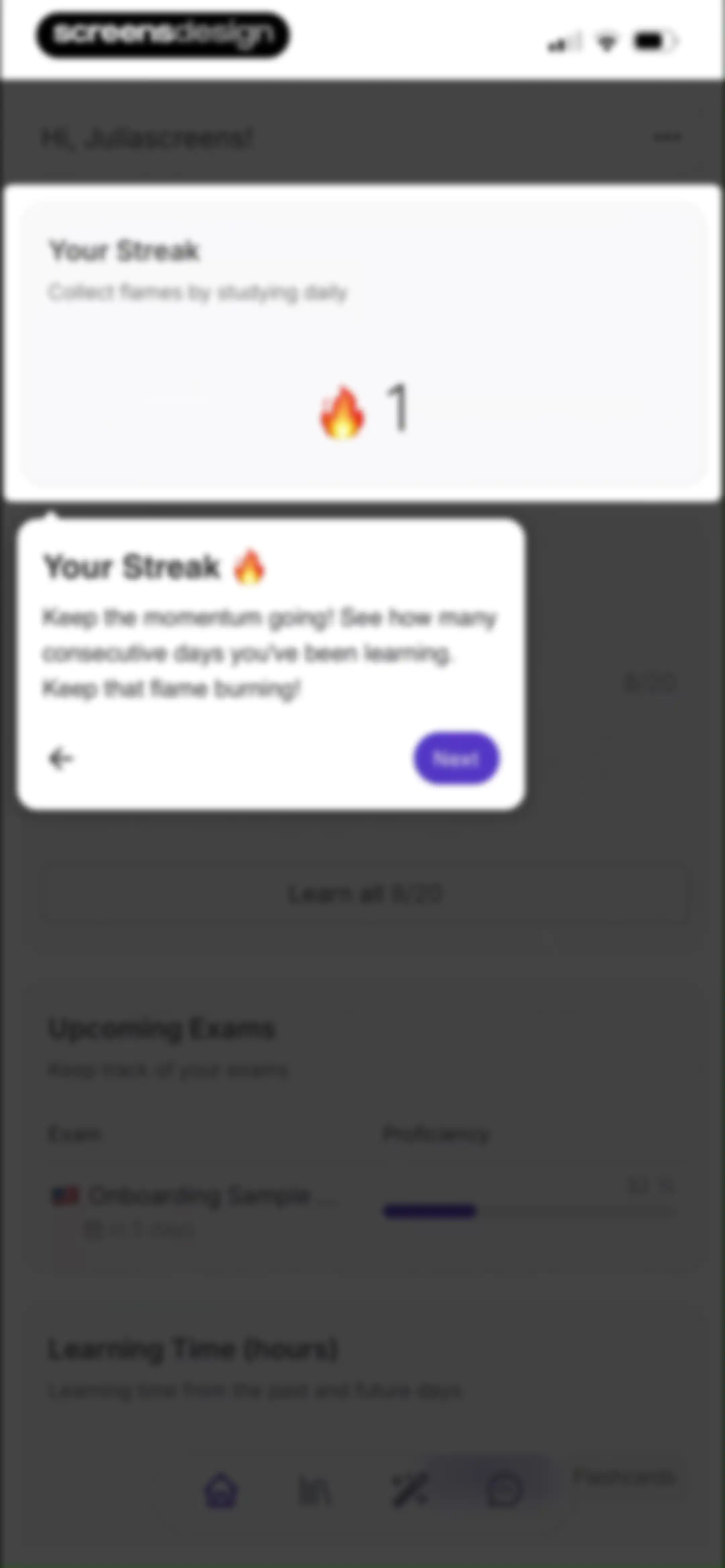
Dashboard with an educational tour modal about learning streaks, featuring a streak card, upcoming exams, and a bottom navigation bar.Unlock Pro
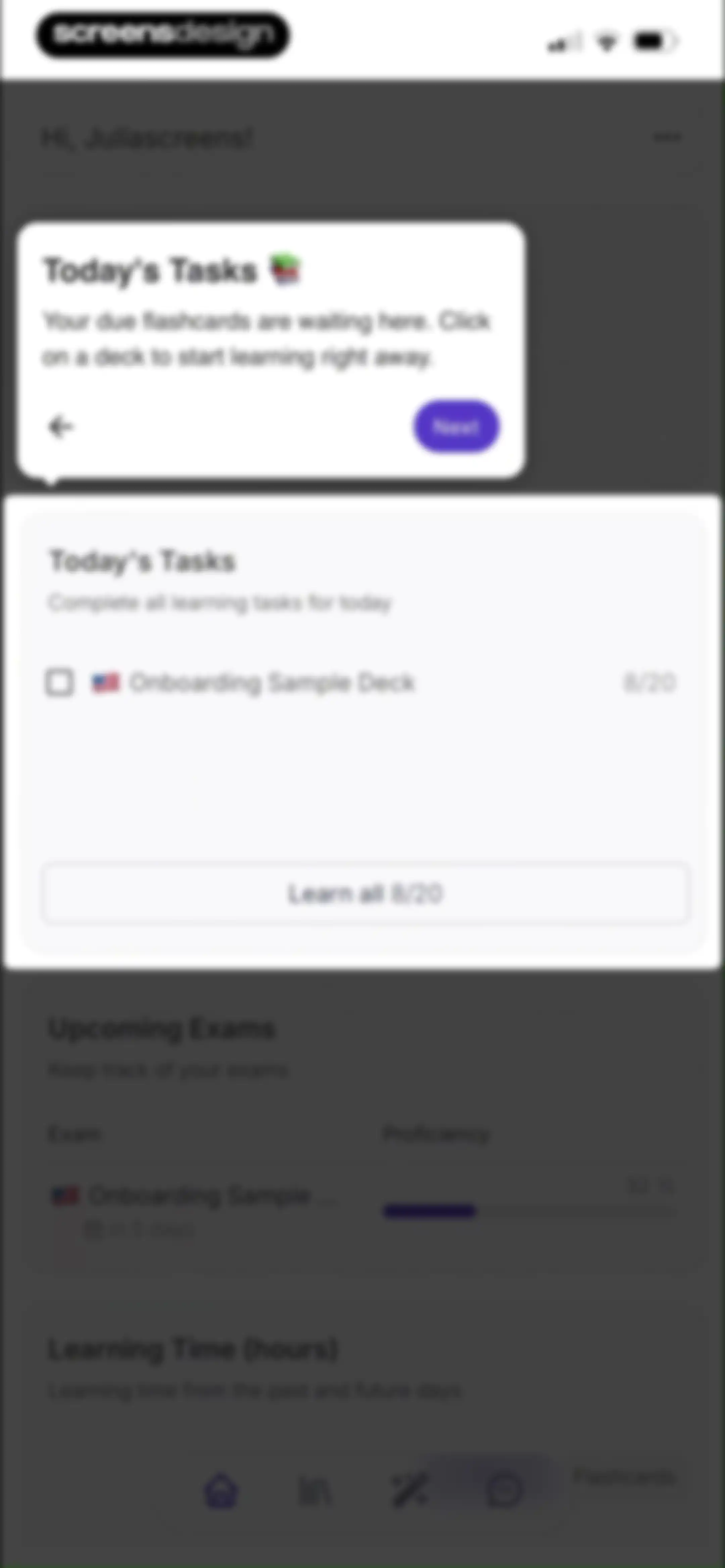
Dashboard with an onboarding tutorial modal overlay, daily task list, and a Learn all button for flashcards.Unlock Pro
Educational dashboard featuring an Upcoming Exams onboarding modal with a Next button and a bottom navigation bar.Unlock Pro
Dashboard with a learning time modal overlay showing a weekly bar chart, toggle tabs, and a Done button.Unlock Pro
Dashboard with a greeting, an upcoming exams card, a learning time chart, and a Learn all button.Unlock Pro
Dashboard with an upcoming exams card, a learning time chart with a time and flashcards toggle, and a bottom navigation bar.Unlock Pro
Flashcard dashboard listing study decks with action buttons for creating new decks, importing Anki files, and inviting friends.Unlock Pro
Deck management editor showing an untitled deck with zero cards, an upload zone for images or PDFs, and a YouTube link input field.Unlock Pro
Invite a friend modal overlay on a flashcard dashboard with a referral link and credit details.Unlock Pro
File upload form featuring a central drop zone for images and PDFs, and a bottom input field for YouTube links.Unlock Pro
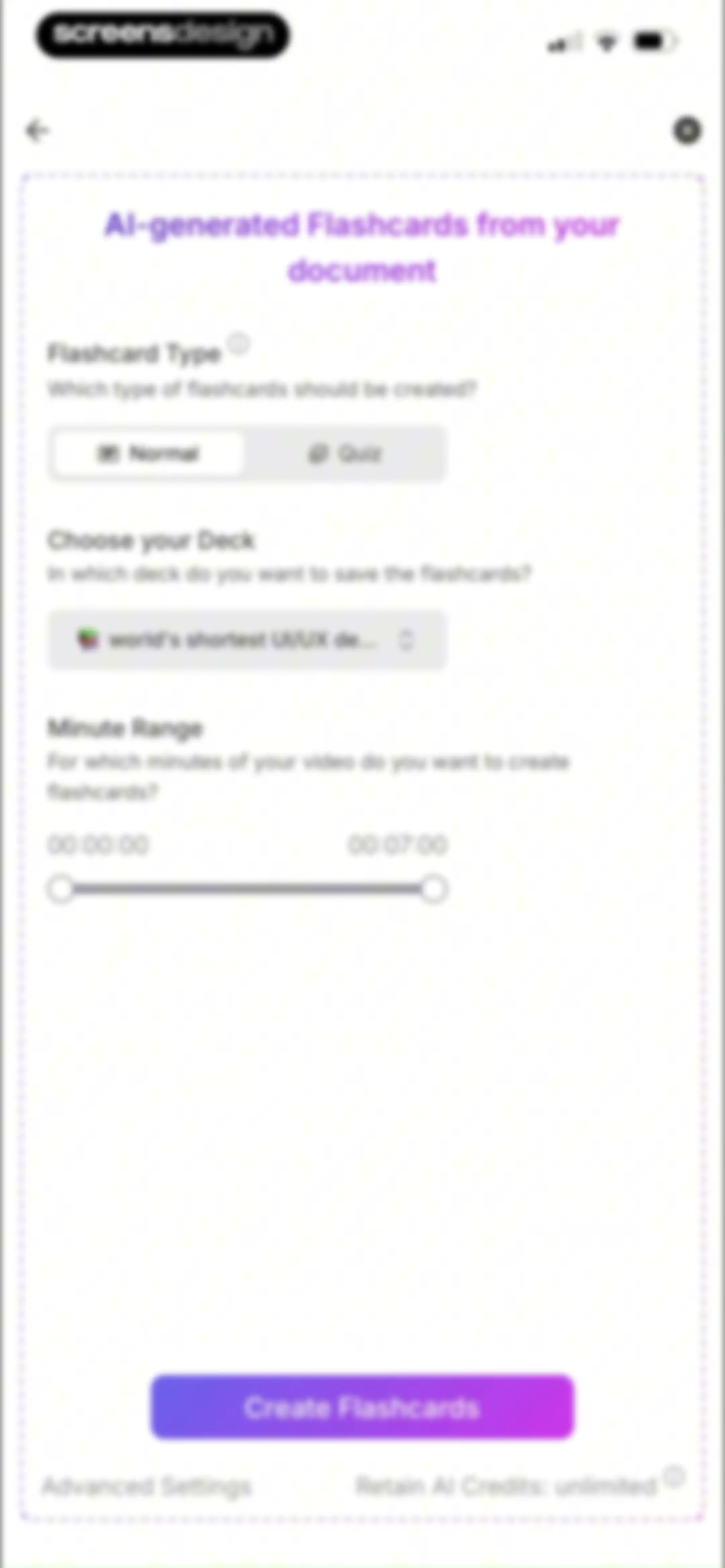
Form modal for generating AI flashcards with options for flashcard type, deck selection, minute range slider, and a Create Flashcards button.Unlock Pro
Loading screen for Retain showing an abstract graphic, the status Creating Flashcards at 100%, and a warning not to close the app.Unlock Pro
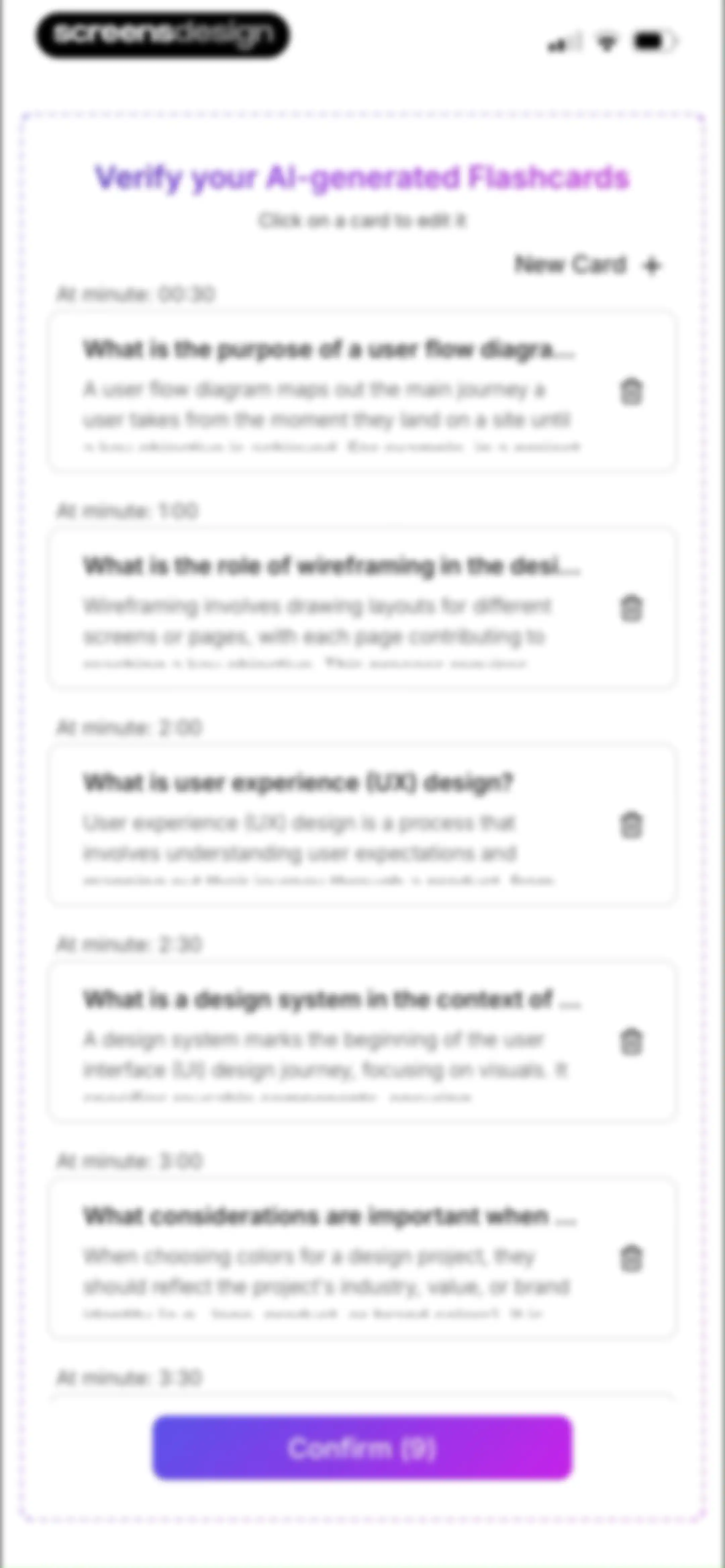
Flashcard verification editor displaying a scrollable list of AI-generated study cards with timestamps and a Confirm button at the bottom.Unlock Pro
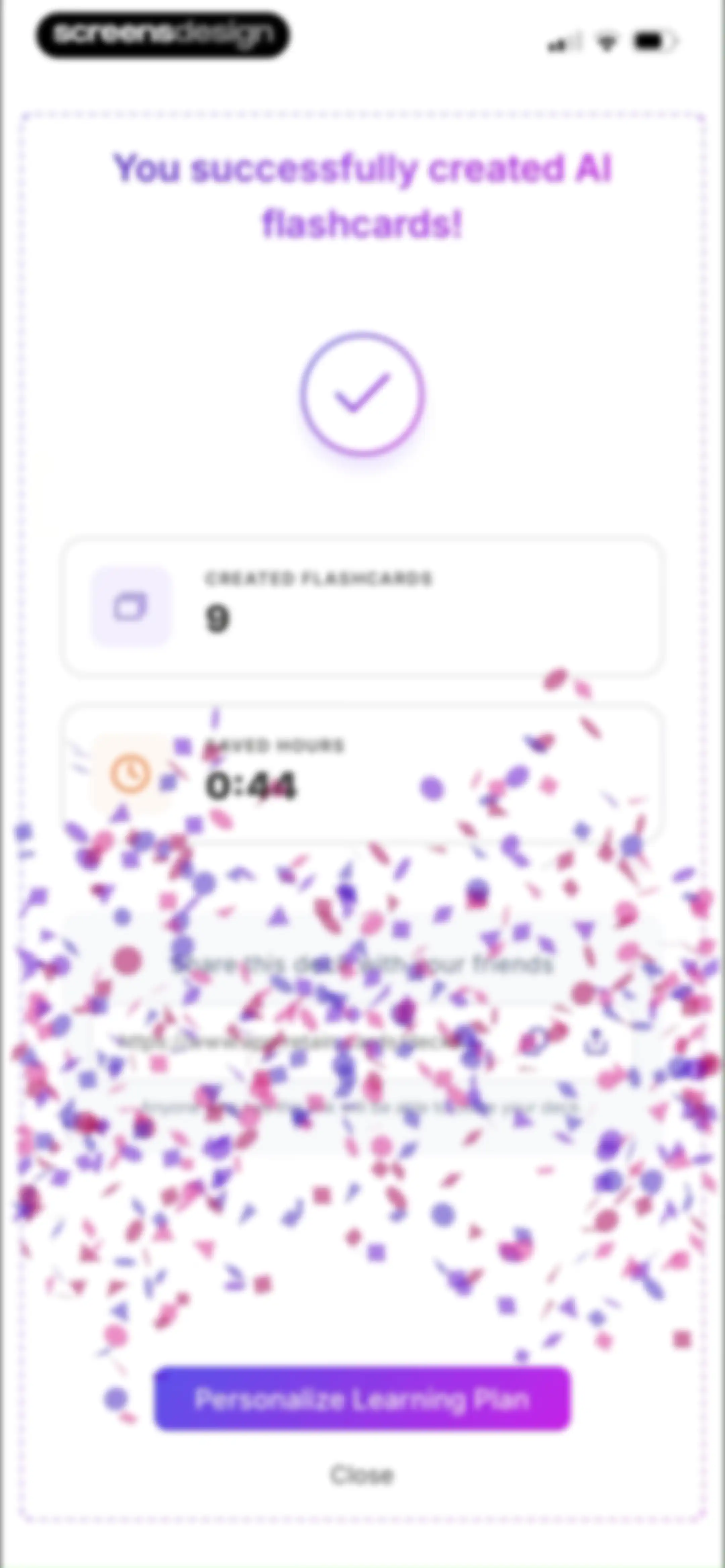
Success confirmation screen showing created flashcard metrics, a shareable link section, and a Personalize Learning Plan button.Unlock Pro
Flashcard deck dashboard displaying nine new cards, a personalization call-to-action, a scrollable list of flashcard previews, and a review action button.Unlock Pro
Onboarding modal introducing PDF chat with an illustration, descriptive text, pagination dots, and a Next button.Unlock Pro
Onboarding feature walkthrough modal explaining the snipping tool and highlighter, with a product mockup, pagination dots, and a Next button.Unlock Pro
Onboarding modal introducing AI summarization with example prompt cards and a Next button.Unlock Pro
Onboarding modal for an AI study tool displaying example prompt cards about PDF content, pagination dots, and a Next button.Unlock Pro
Onboarding modal showing example prompt cards for questions without an uploaded PDF, with pagination dots and a Next button.Unlock Pro
Modal feature walkthrough showing AI prompt examples for asking questions about specific pages, with a pagination indicator and a Next button.Unlock Pro
Onboarding modal explaining Retain AI chat limitations, displaying example prompt cards, pagination dots, and a Next button.Unlock Pro
AI chat screen featuring a prompt to ask about PDFs and a bottom input bar with attachment and send buttons.Unlock Pro
File picker screen displaying a grid of recent PDF documents with a search bar and bottom navigation tabs.Unlock Pro
AI chat interface for document analysis displaying an assistant response about mobile UI design, three suggestion cards, and a bottom input bar.Unlock Pro
Chat screen displaying an AI document summary for Screensdesign test.pdf, with suggested prompt cards and a bottom input bar.Unlock Pro
Chat screen displaying an empty AI assistant interface with a prompt to ask about PDFs and a fixed bottom input bar.Unlock Pro
Chat history sidebar overlaying a main chat interface, featuring a list of past conversations and a data retention notice.Unlock Pro
Chat interface with a sidebar overlay displaying past conversations and rename and delete options for a selected chat entry.Unlock Pro
Dashboard displaying a study streak card, today's tasks list, and upcoming exams section with an expanded top menu.Unlock Pro
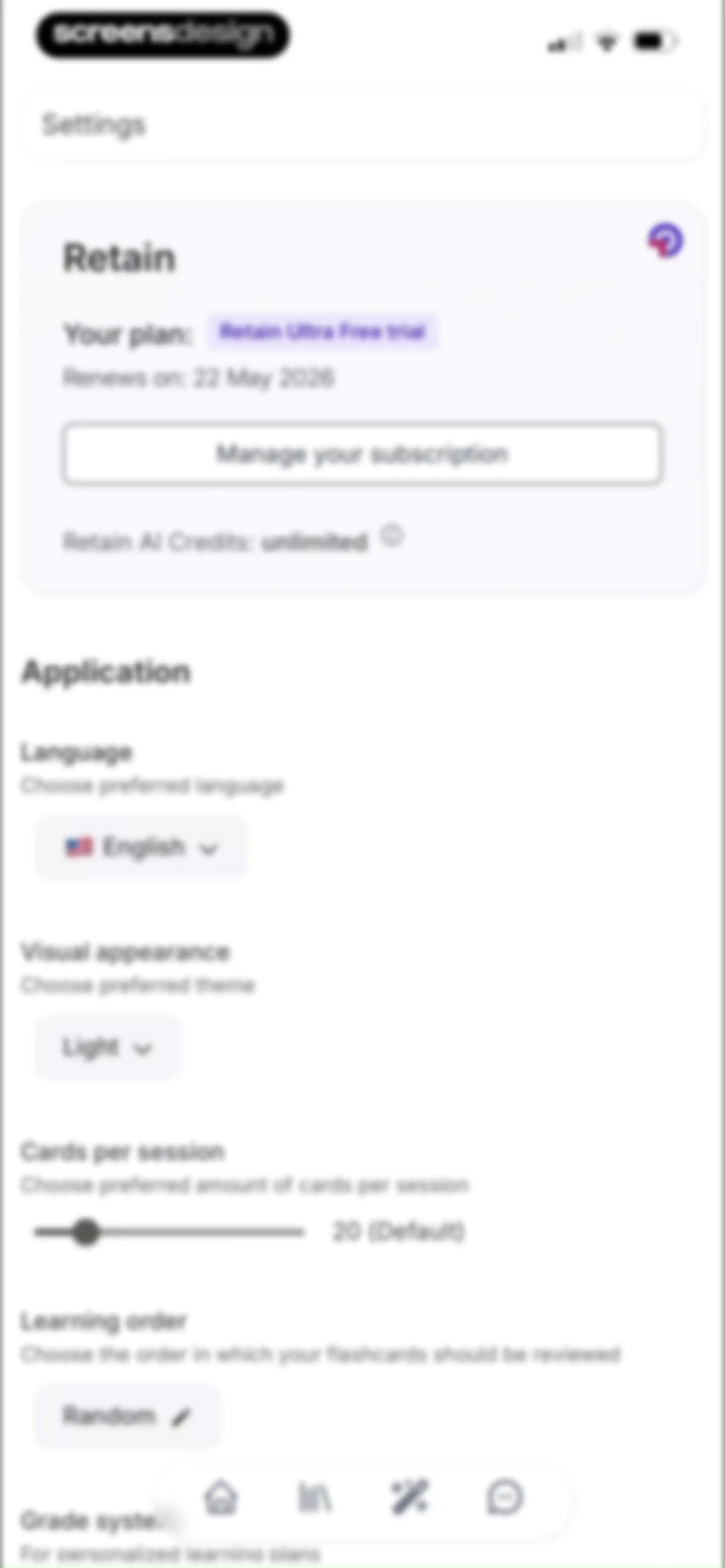
Settings screen featuring a subscription summary card at the top and a vertical list of configurable application preferences including language, theme, and learning order.Unlock Pro
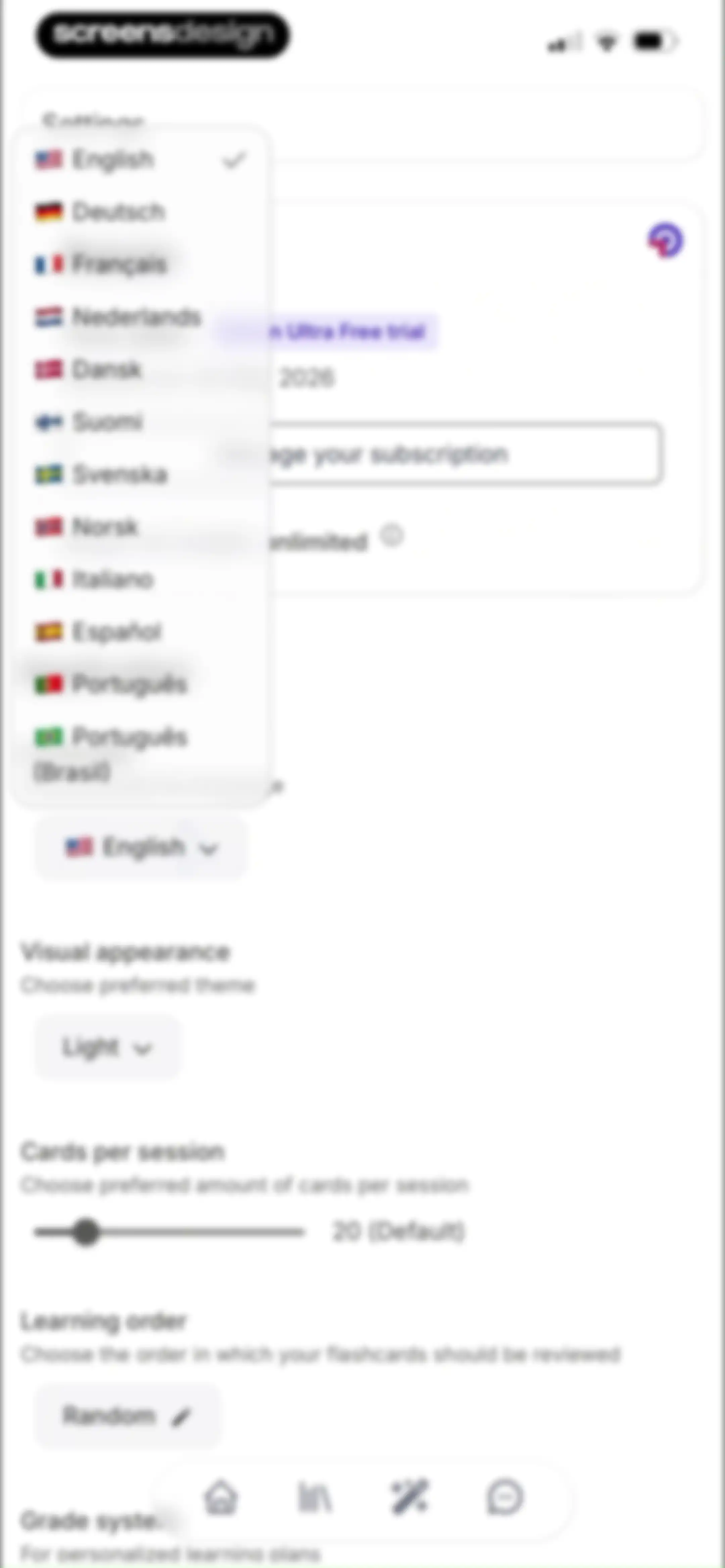
Settings screen displaying an open language selection list alongside configuration options for visual appearance, session card count, and learning order.Unlock Pro
Retain settings screen displaying subscription status and a list of application preferences including language, visual theme, and learning order options.Unlock Pro
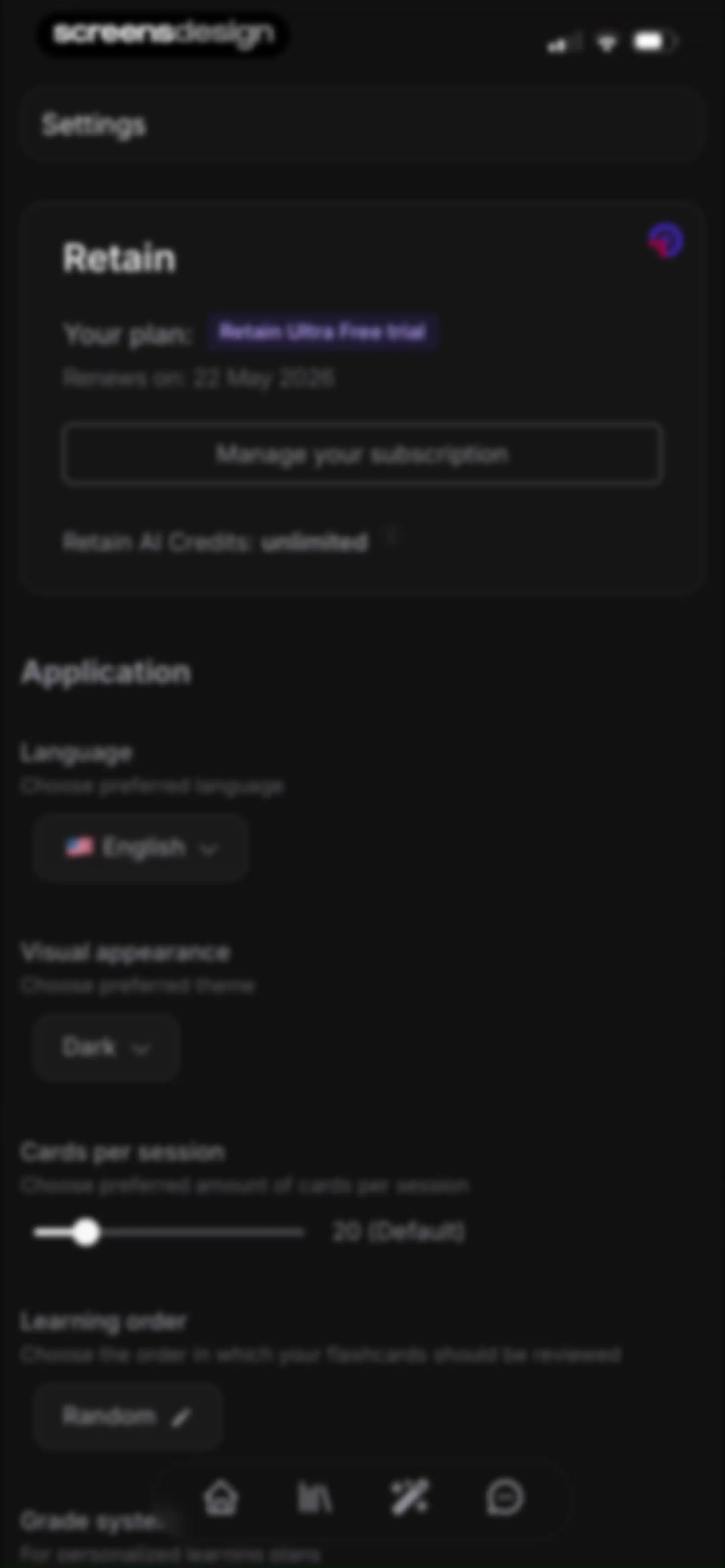
Settings screen for the Retain app in dark mode, featuring a subscription card for Retain Ultra Free trial and preference categories like language and theme.Unlock Pro
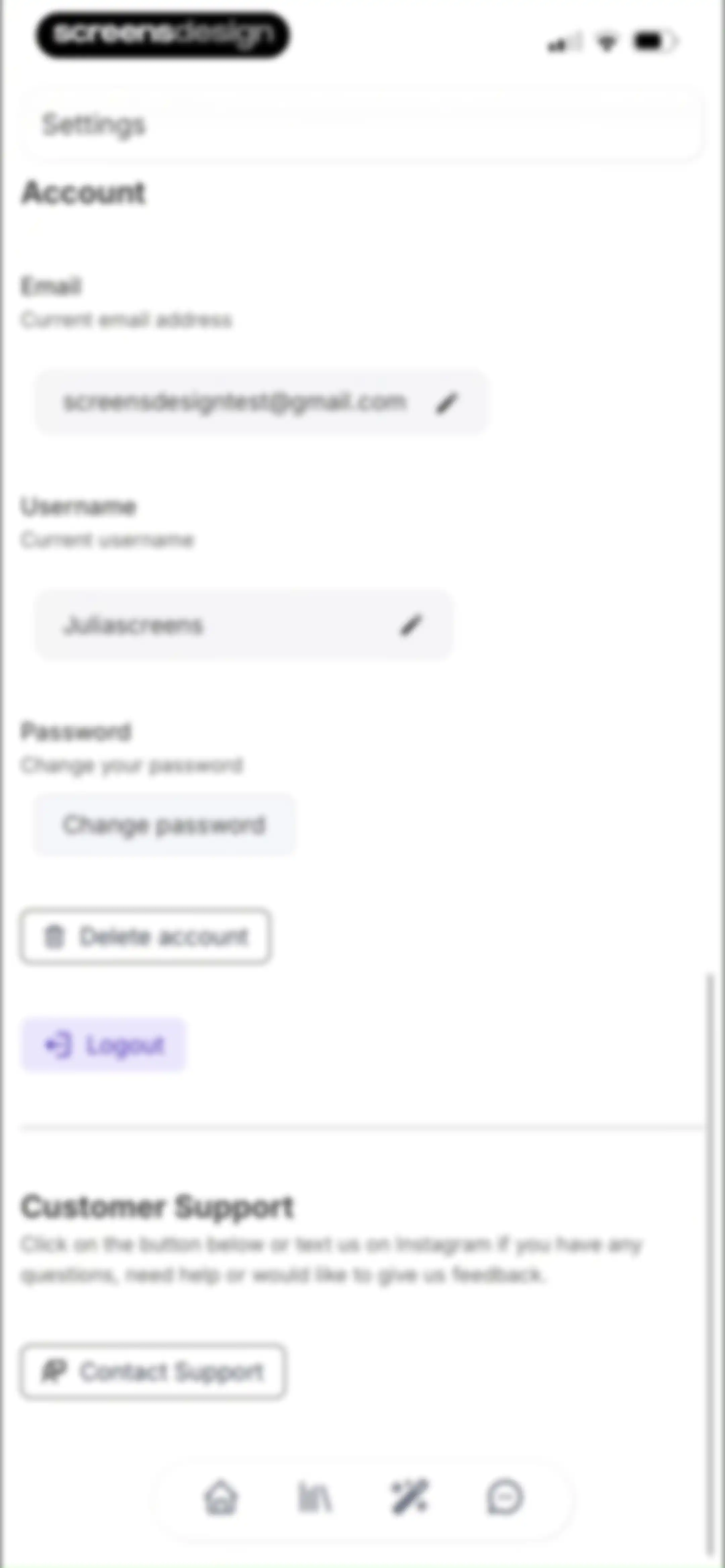
Settings screen featuring account management fields, password and account deletion options, a customer support section, and a bottom navigation bar.Unlock Pro
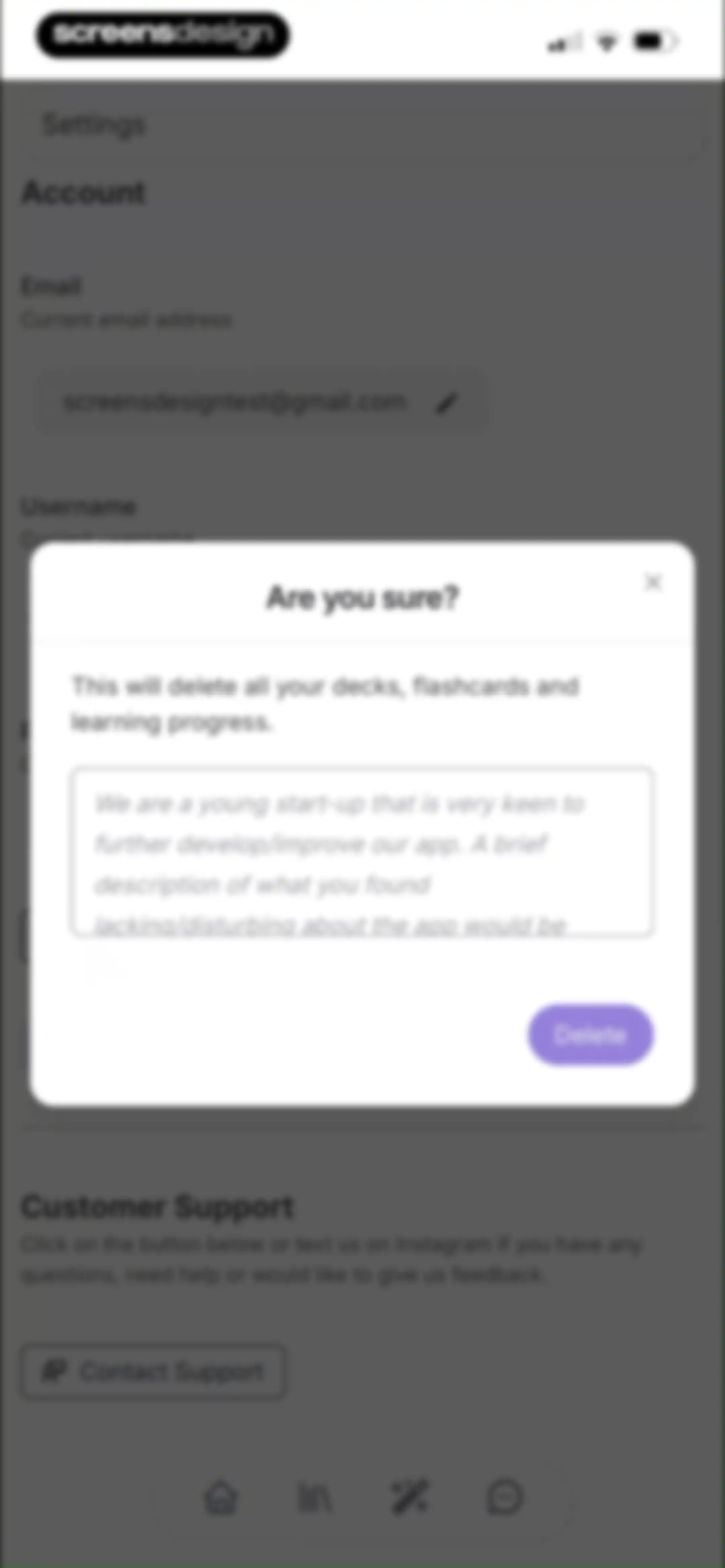
Settings screen with a confirmation modal warning that account deletion will erase all decks, flashcards, and learning progress.Unlock Pro

About Retain Cards: AI Flashcards

An AI-powered flashcard application that converts PDFs, images, and videos into personalized study decks using spaced repetition learning methods.

Explore Retain Cards: AI Flashcards across ScreensDesign

Apps similar to Retain Cards: AI Flashcards

Unlock all similar apps

See every comparable app, revenue, installs, and flows.

Unlock Pro
  • AcadAI

    4.6
    ACADAI GENERAL TRADING-L.L.C-S.P.CRevenue$20kInstalls10k
  • Brainscape - Study Flashcards

    4.8
    BrainscapeRevenue$65kInstalls<5k
  • Gizmo: AI Tutor

    4.8
    Save AllRevenue$150kInstalls200k
  • StudyFetch: Make Learning Easy

    4.8
    Study FetchRevenue$45kInstalls45k
  • Cogni: AI Flashcards & Notes

    4.7
    COGNIFLY LTDRevenue$25kInstalls40k
  • ThetaWave-AI Study Notes

    4.6
    ThetawaveRevenue$20kInstalls15k
  • Aistote : AI QUIZ

    4.5
    Romaric ChaignonRevenue$25kInstalls15k
  • Vaia: AI Flashcards. Study App

    4.7
    VaiaRevenue$70kInstalls25k
  • AlgoApp - Flashcards

    4.7
    AnkiApp IncRevenue$20kInstalls10k
  • Quizlet: More than Flashcards

    4.8
    Quizlet IncRevenue$2.3MInstalls450k
  • Jungle: AI Flashcards & Quiz

    4.6
    Mindflow IncRevenue$<5kInstalls<5k
  • NeoStudy - Learn with AI

    4.4
    Les IgnoblesRevenue$12kInstalls<5k
  • Noji - Flashcards study app

    4.6
    Vedas Apps LtdRevenue$85kInstalls25k
  • Knowunity: AI Study & Homework

    4.7
    Knowunity GmbHRevenue$300kInstalls250k
  • Chegg Study - Homework Help

    4.7
    Chegg, Inc.Revenue$200kInstalls<5k
  • Note AI: Smart Note Taker

    4.5
    HUBXRevenue$100kInstalls40k
  • CapWords: AI Language Tutor

    4.7
    HappyPlan TechRevenue$20kInstalls13k
  • Turbo AI - Learn Faster

    4.7
    TurboLearn AIRevenue$150kInstalls75k
  • Due Gooder

    3.2
    Nathan RoyalRevenue$150kInstalls150k
  • Mopiq: AI Flashcards Learning

    4.7
    Xavier Pedrals CamprubiRevenue$6kInstalls<5k
  • Coconote - AI Note Taker

    4.8
    CoconoteRevenue$250kInstalls35k
  • TLDL: AI Lecture Note Taker

    4.8
    Catch Social, Inc.Revenue$<5kInstalls<5k
  • VisualMind: AI MindMap/Chatbot

    4.5
    Asana Rebel GmbHRevenue$20kInstalls<5k
  • Solvely - AI Study Tools

    4.8
    Aignite Inc.Revenue$350kInstalls35k
  • TapNote - Flashcards & Quizzes

    4.6
    App Magic Sp zooRevenue$25kInstalls<5k
  • Kiwi AI - Notetaker

    4.7
    Blackboard Studio S.r.l.Revenue$35kInstalls35k
  • Nerd AI - Math Problem Solver

    4.7
    Codeway Dijital Hizmetler Anonim SirketiRevenue$80kInstalls<5k
  • Astra AI: Study & Exam Prep

    4.8
    Astra AI d.o.o.Revenue$300kInstalls150k
  • QANDA: AI Math & Study Helper

    3.5
    MathpressoRevenue$35kInstalls20k
  • Remember Vocabulary Flashcards

    4.2
    Remember LimitedRevenue$<5kInstalls<5k
  • HyNote: AI Note Taker, Summary

    4.8
    Tuling Network LimitedRevenue$50kInstalls45k
  • Quiz AI: Homework Helper

    4.7
    锦鹏 黄Revenue$45kInstalls<5k
  • Answer.AI - Your AI tutor

    4.7
    ANSWER AI LAB INCRevenue$55kInstalls5k
  • Ask Assist - AI Chat Bot

    4.5
    GM UniverseApps LimitedRevenue$<5kInstalls<5k
  • Socratic Homework AI

    4.7
    HOUSSAM BOUDRISSIRevenue$25kInstalls<5k
  • AI Note Taker - NotebookAI

    4.5
    APPNATION YAZILIM HIZMETLERI TICARET ANONIM SIRKETIRevenue$<5kInstalls<5k
  • Adobe Scan: PDF & OCR Scanner

    4.9
    Adobe Inc.Revenue$2.3MInstalls650k
  • Uknow.AI: Homework&Math Solver

    4.6
    Study Evolution EdTech Pte. Ltd.Revenue$<5kInstalls<5k
  • Einstein AI: Homework Helper

    4.5
    Playa Vista Labs, LLCRevenue$55kInstalls35k
  • Quiz AI: AI Homework Helper

    4.9
    INTSIG PTE. LTD.Revenue$150kInstalls15k
  • Camera Math Solver - UpStudy

    4.6
    CRAZYSLOTH PTE. LTD.Revenue$<5kInstalls<5k
  • Freenotes®: AI Notes Taking

    4.7
    Free Notes (Hangzhou) Ltd.Revenue$500kInstalls850k
  • PhotoSolve: AI Homework Helper

    4.8
    Coincircle, IncRevenue$<5kInstalls<5k
  • GradeUp: Homework Scanner

    4.7
    PIXELCELL.LIMITEDRevenue$95kInstalls10k
  • Verbi: Speak a New Language

    4.6
    Pedro Henrique MachadoRevenue$20kInstalls30k
  • Blinkist: Book Summaries Daily

    4.8
    Blinks LabsRevenue$1MInstalls100k
  • GenK: Daily Learning & Quiz

    4.6
    NOERDENRevenue$150kInstalls150k