ReLens-DSLR Beauty Focus Cam

$15k revenue, 4.7 rating

App walkthrough
0:00 / 17:36

Onboarding flow, Paywall & Inside the App

Watch the full screen-by-screen UX video of ReLens-DSLR Beauty Focus Cam with onboarding, paywall, and every core flow.

Loading screen for the ReLens app on a black background, featuring a central circular spinner and the slogan Breaking iphone Photography at the bottom.
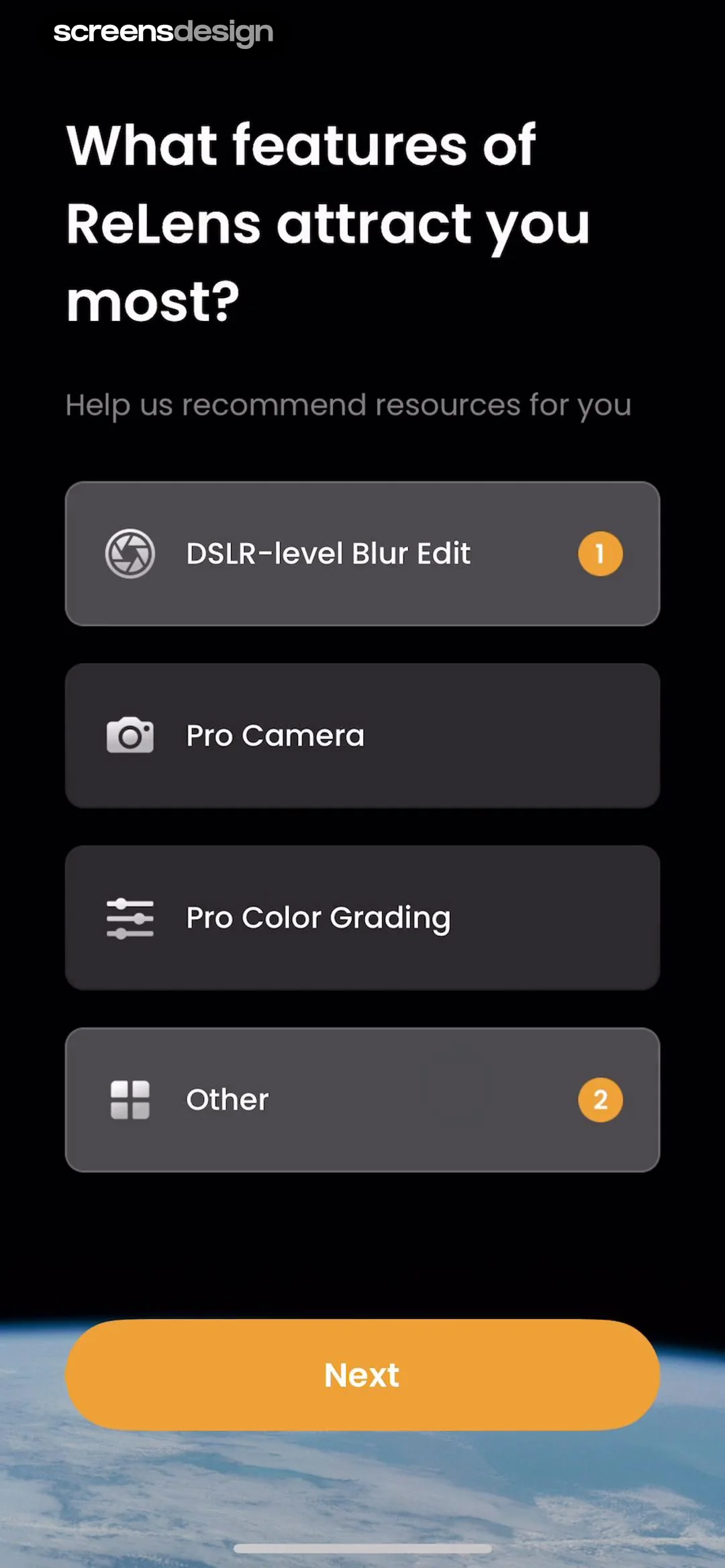
ReLens onboarding feature selection screen with a dark theme, four preference cards, and a prominent orange Next button.
Editor screen simulating DSLR blur, displaying a portrait photo preview, lens selection options, and an adjustment slider.
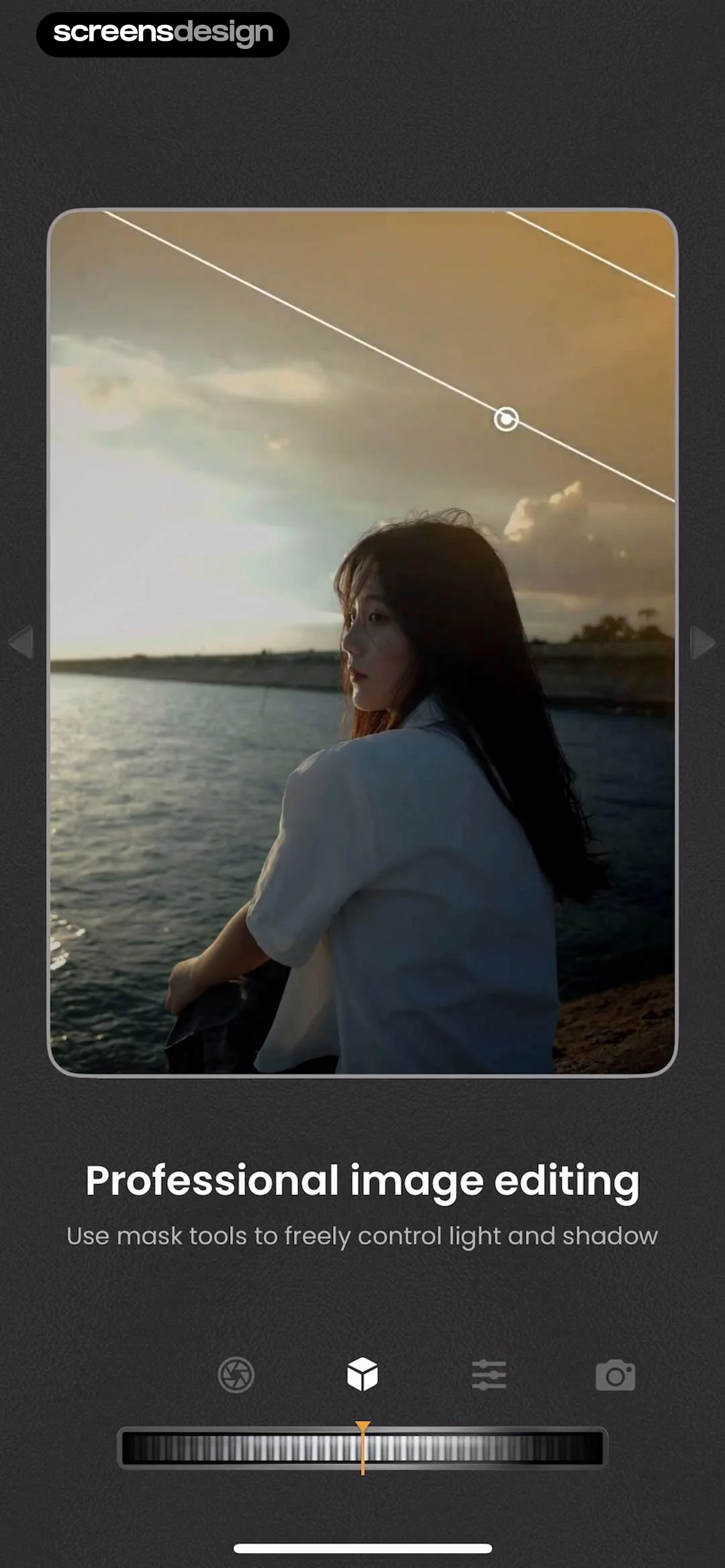
Photo editor screen showing a portrait preview, mask tool instructions, and an adjustment slider with the cube icon selected in the bottom navigation.
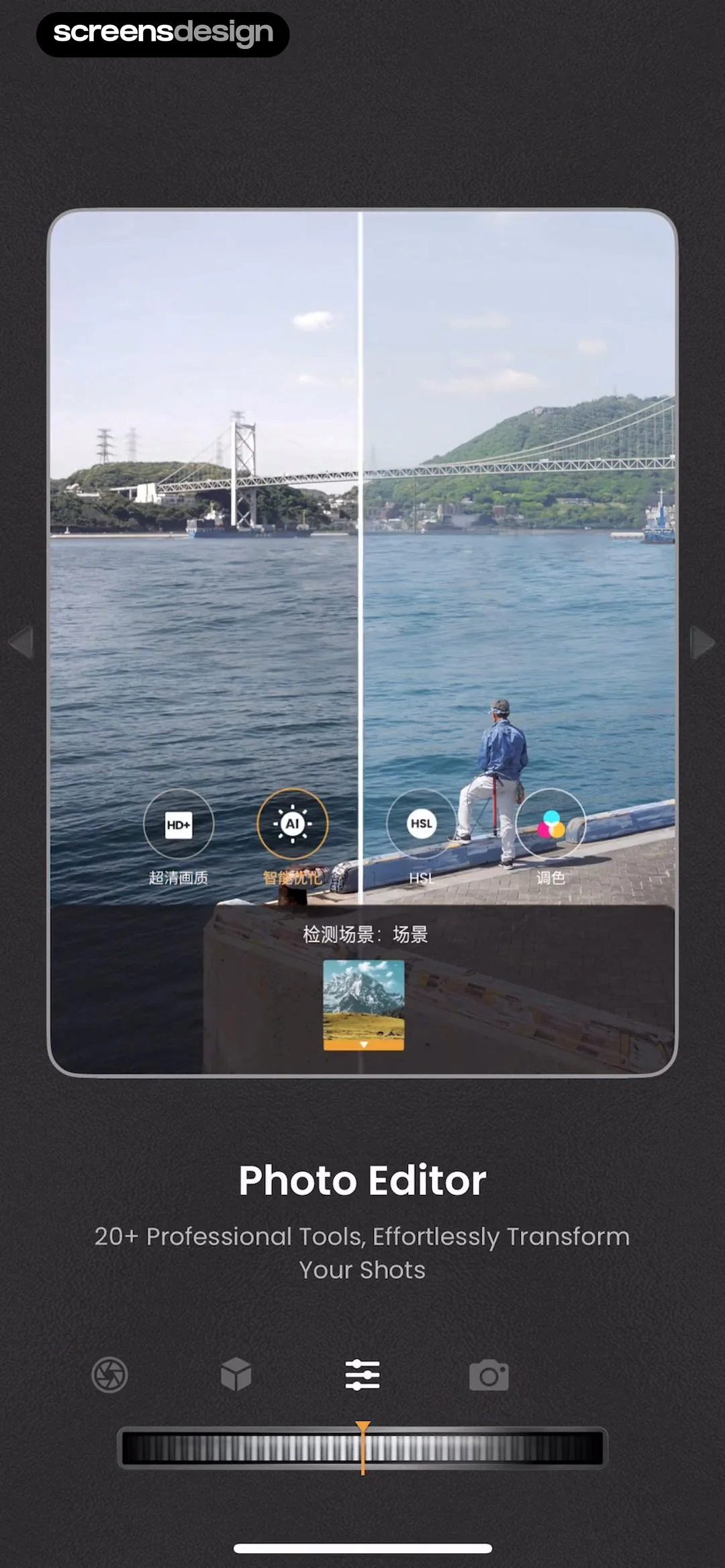
Photo editor interface with a central landscape preview, overlay tool buttons, and an adjustment slider at the bottom.
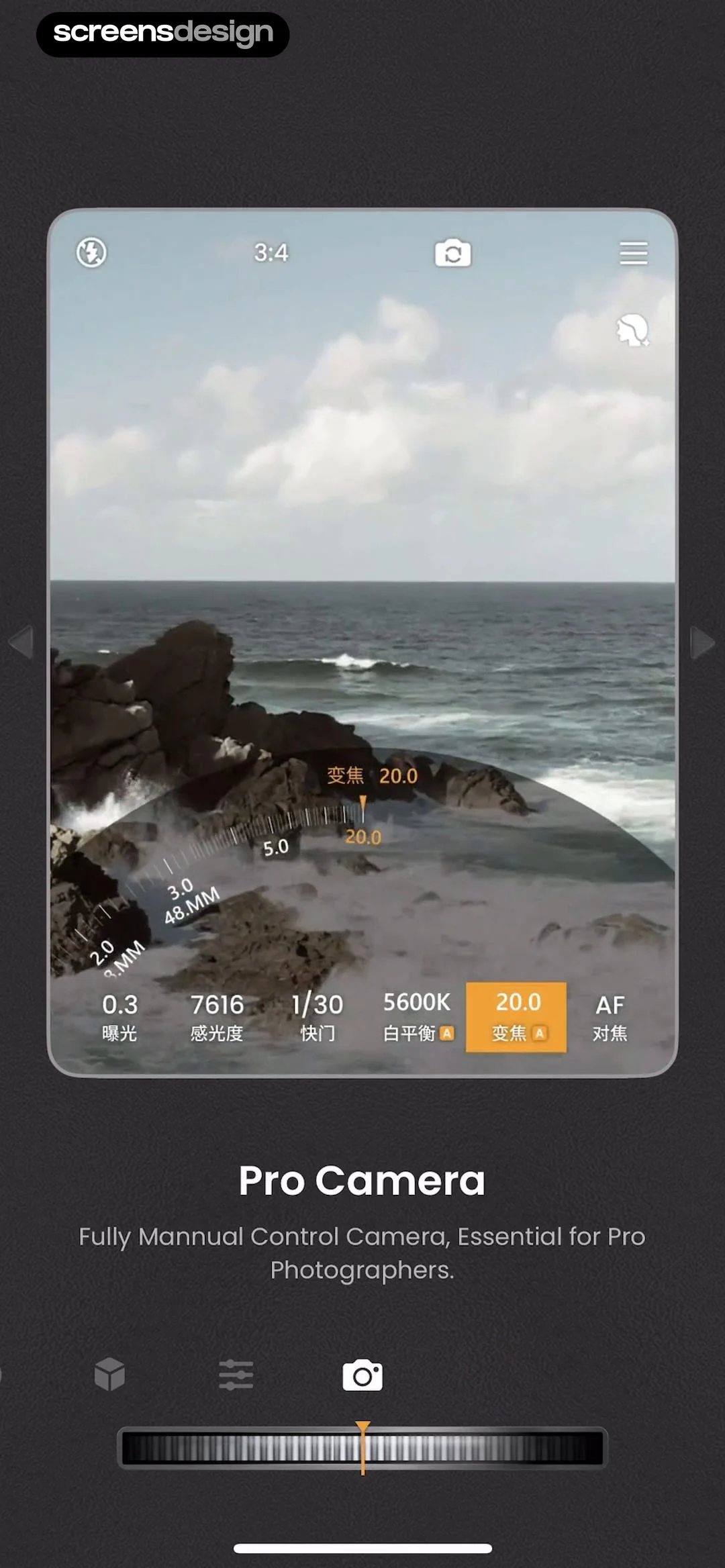
Pro camera editor showing a viewfinder of a coastal landscape with manual control overlays, zoom selected on the parameter dial, and a shutter button.
Splash screen for the ReLens app featuring a centered camera lens graphic on a solid black background.
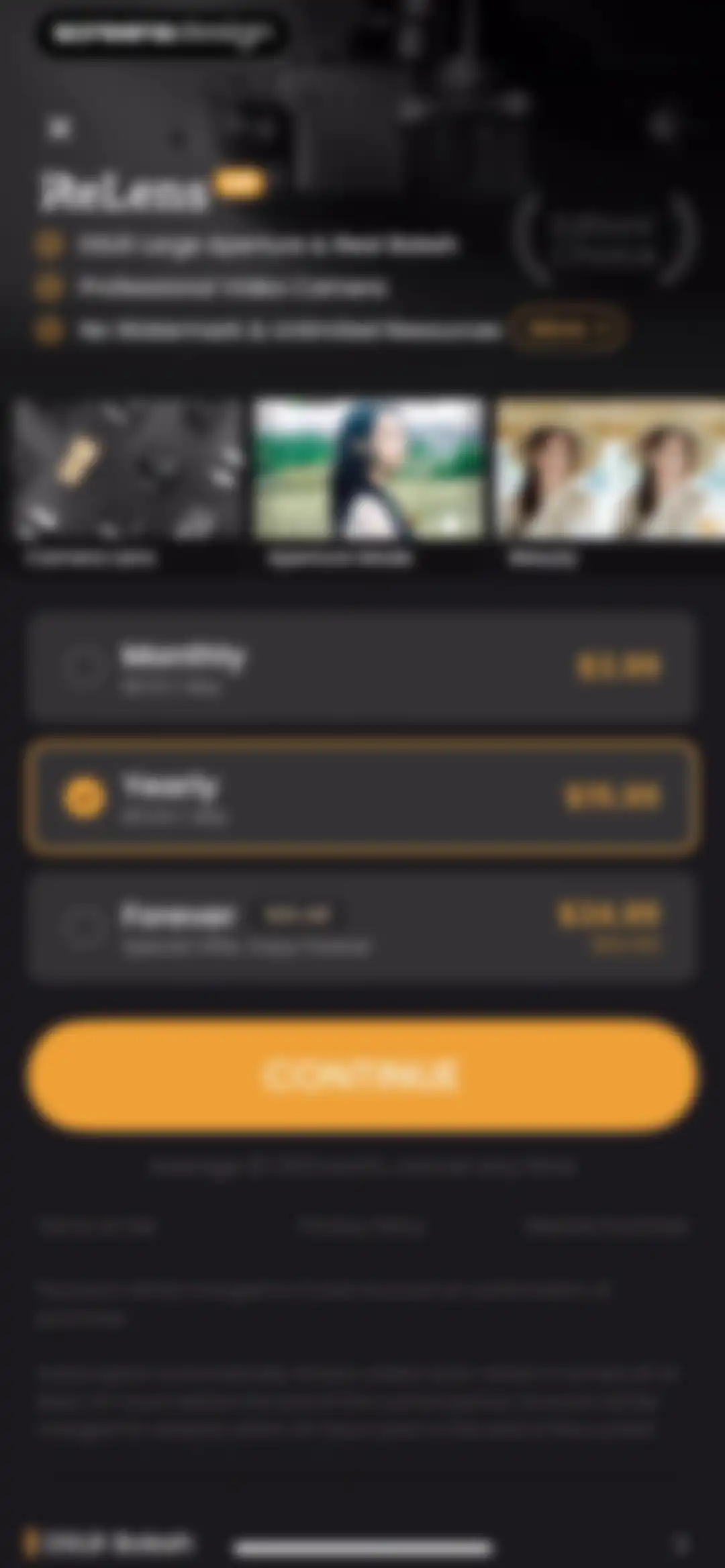
ReLens subscription screen comparing monthly, yearly, and forever plans, with the yearly plan selected and a Continue button.
Paywall screen showcasing professional photography features with a yearly subscription option and an Other Plans link.Unlock Pro
Permission request modal in the ReLens app asking to stay free with ads, featuring a Continue button.Unlock Pro
App tracking transparency permission modal asking to allow ReLens to track activity across apps, overlaid on a dark photography dashboard with Allow and Ask App Not to Track buttons.Unlock Pro
Home screen of the ReLens photography app displaying a portrait hero card, feature cards for DSLR blur and pro camera, and a grid of tool options.Unlock Pro
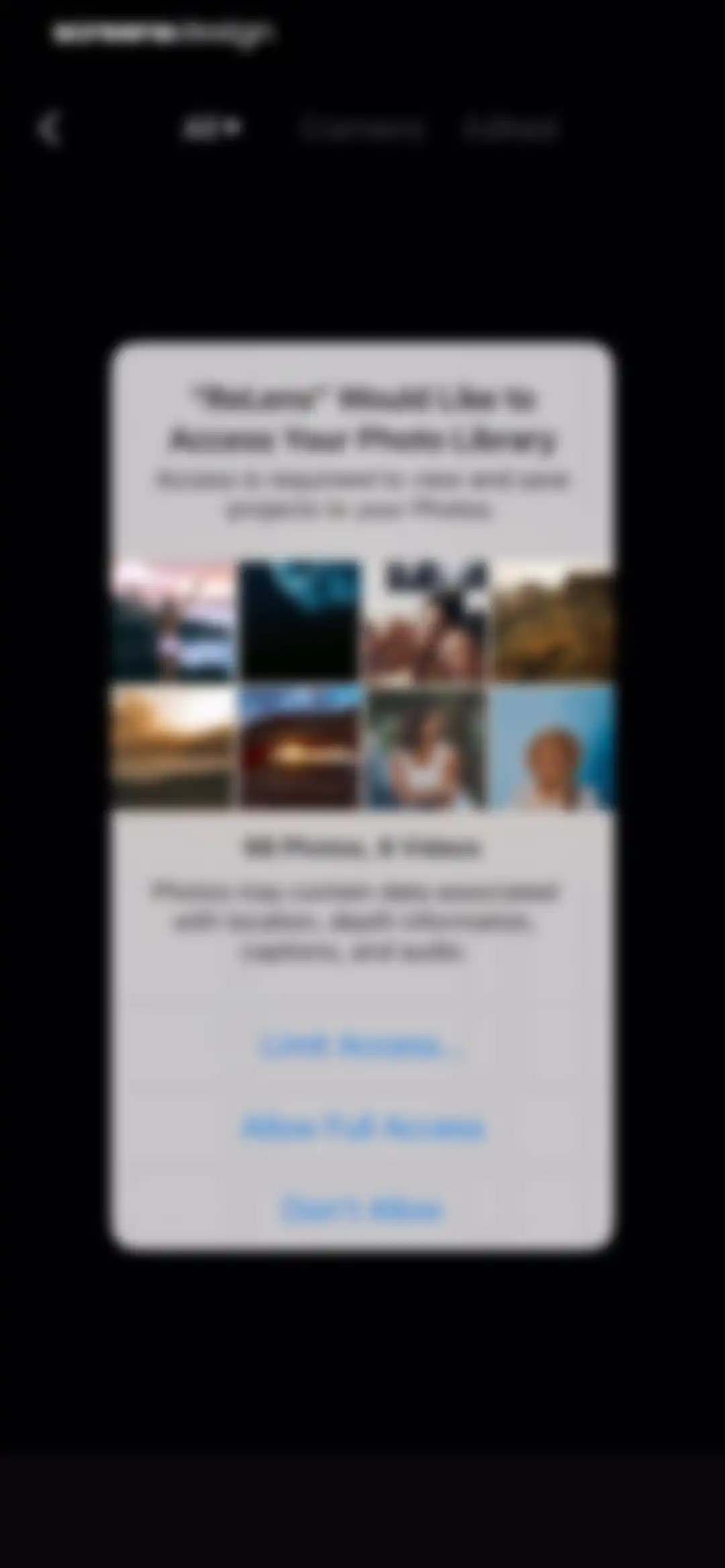
Permission request modal for ReLens to access the photo library, featuring a photo grid preview and buttons to allow or deny access.Unlock Pro
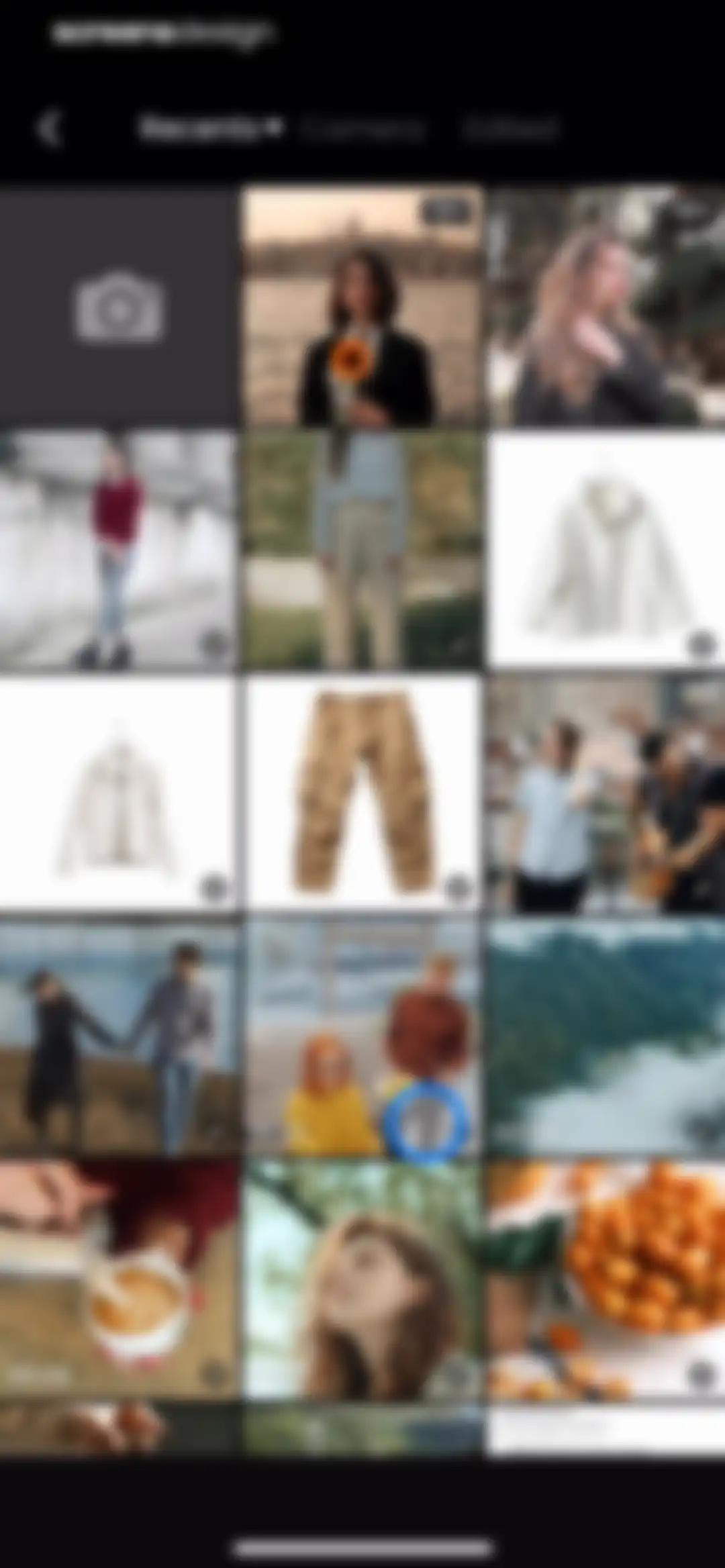
Media gallery grid displaying photo and video thumbnails with a blue-highlighted selection, a Recents dropdown, and Camera and Edited tabs.Unlock Pro
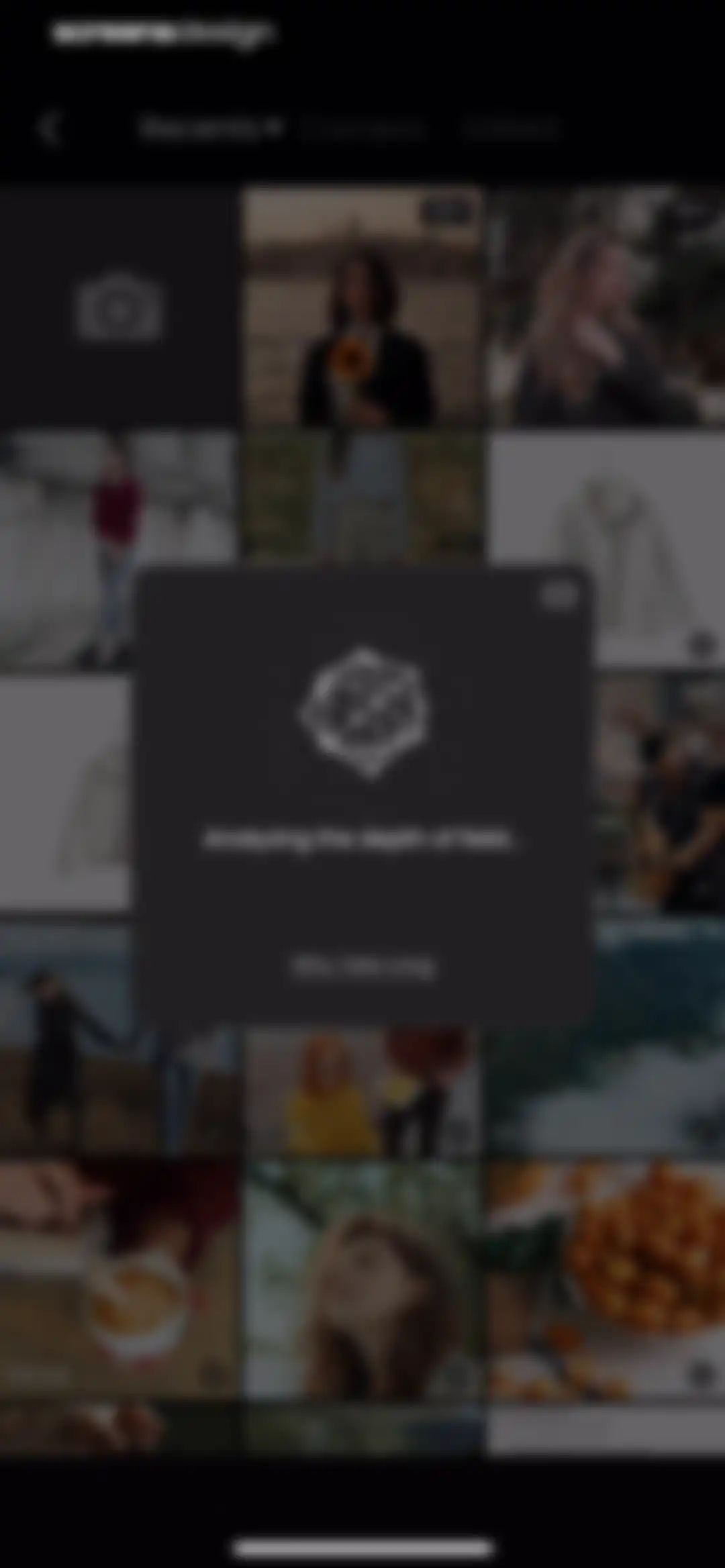
Photo gallery screen with a centered modal overlay stating Analyzing the depth of field and featuring a Why Take Long link.Unlock Pro
ReLens photo editor screen displaying an aperture adjustment tool with size settings and a subject focus tooltip overlay.Unlock Pro
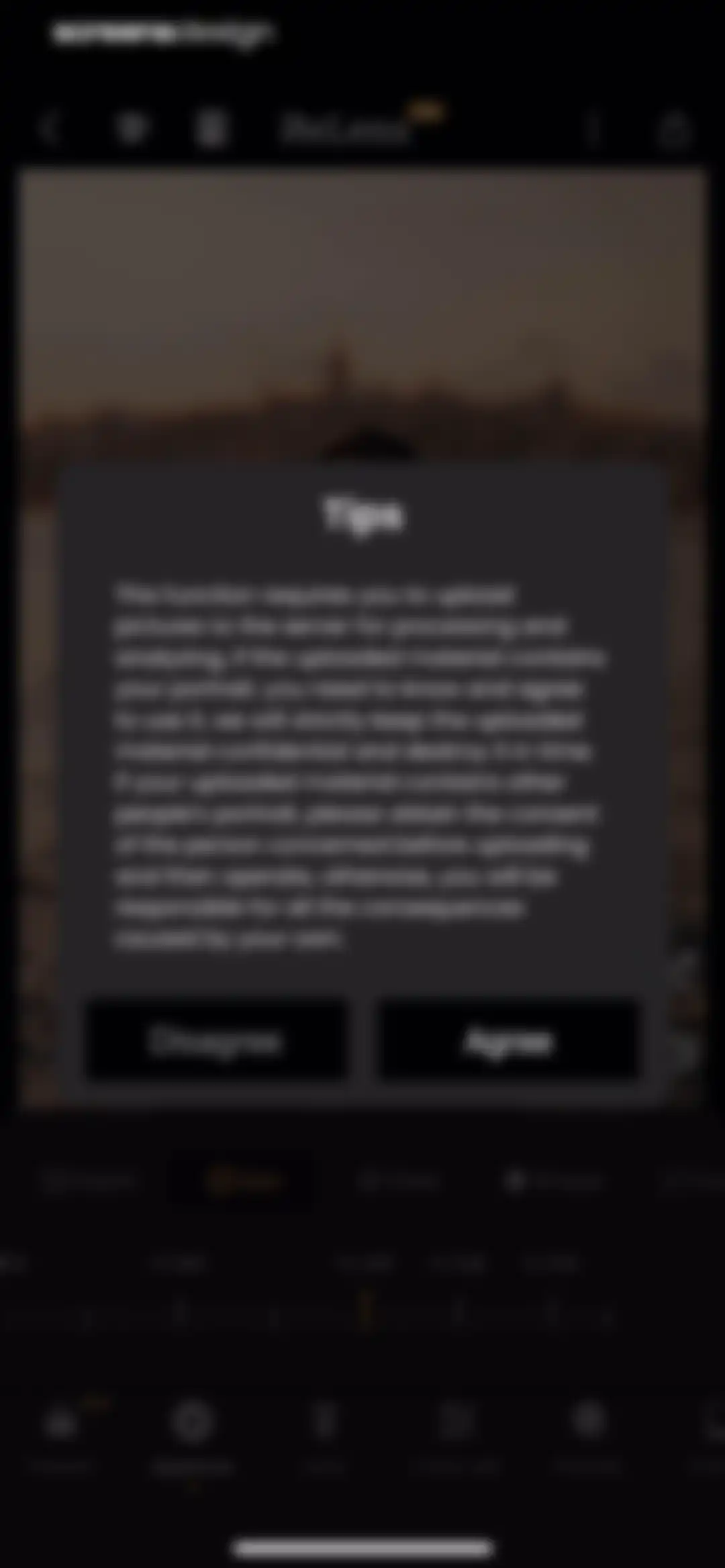
Permissions consent modal overlaying a photo editing interface with a privacy notice about uploading portrait photos for AI processing, featuring Disagree and Agree buttons.Unlock Pro
ReLens paywall screen comparing monthly, yearly, and lifetime subscription plans with the yearly plan selected and a Continue button.Unlock Pro
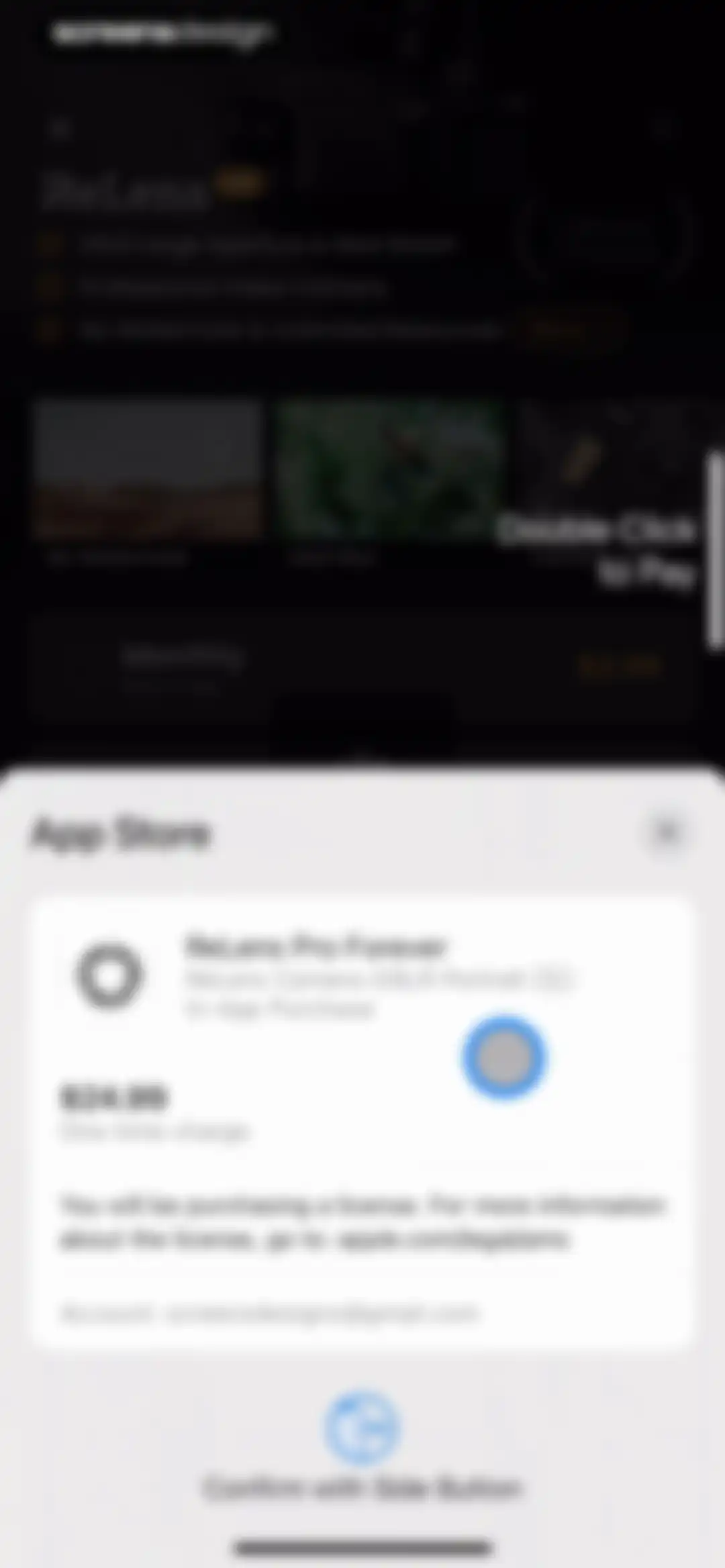
Checkout screen displaying an iOS payment modal for the ReLens Pro Forever one-time purchase over a subscription paywall.Unlock Pro
ReLens onboarding quick start screen with a centered logo, top right skip button, and bottom right next arrow.Unlock Pro
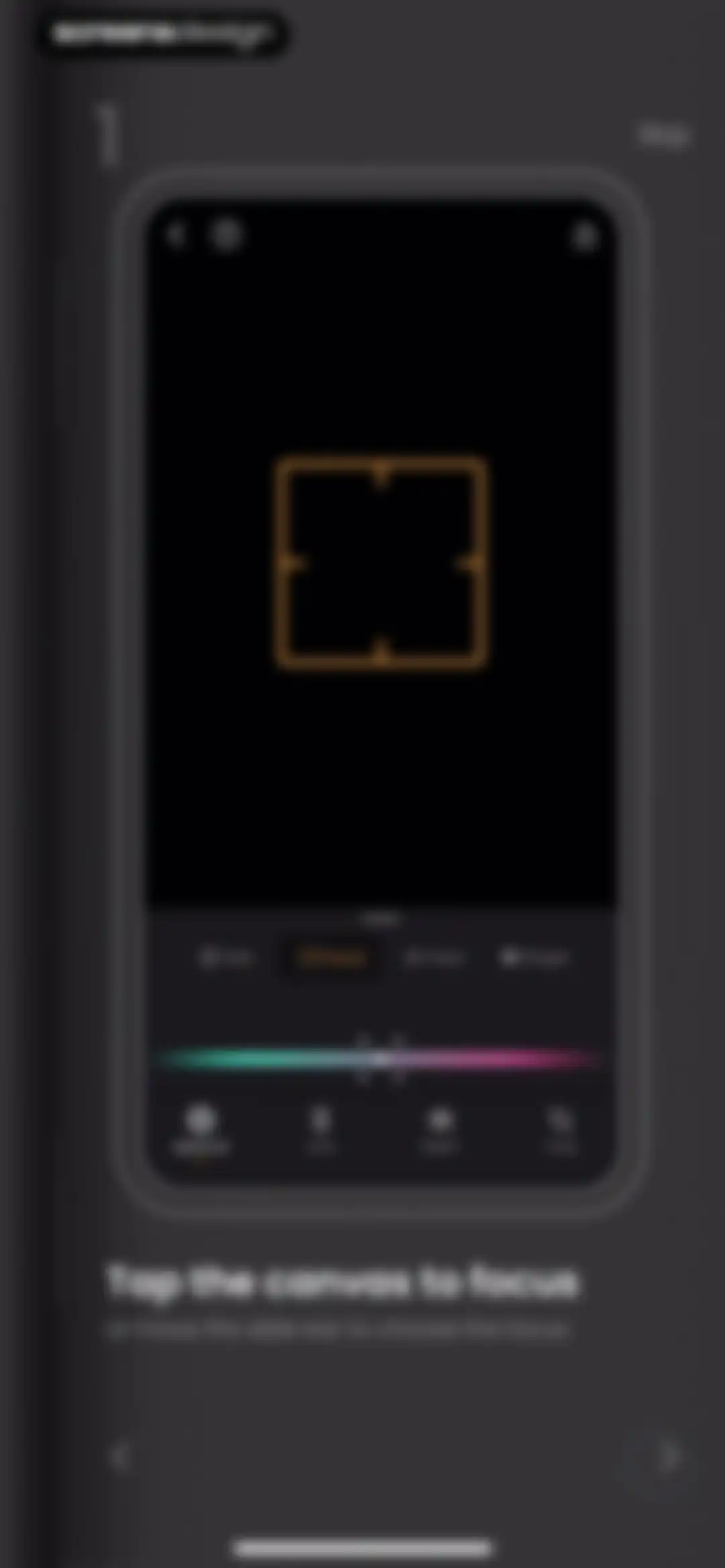
Onboarding tutorial screen explaining how to adjust focus, with a central editing interface mockup, instructions to tap the canvas, and a skip button.Unlock Pro
Onboarding tutorial instructing users to turn the aperture slider to adjust bokeh, with a skip button and a next arrow.Unlock Pro
Onboarding screen highlighting the feature to save and apply a custom edit recipe in the ReLens app, with instructional text and a phone mockup.Unlock Pro
Tutorials hub showing a vertical list of dark-themed tutorial cards with the 'All' tab selected and an Edit Quick Start card.Unlock Pro
Tutorial screen from the ReLens app displaying photo editing controls, slider settings, and a bottom lens selection carousel.Unlock Pro
Tutorials hub showing a vertical list of tutorial cards with the Basic category tab selected in the top navigation.Unlock Pro
Tutorial hub with horizontal tabs and tutorial cards for photo editing tools like AI Denoise and Easy Color Grading.Unlock Pro
ReLens editor screen displaying a depth map preview and aperture tools, with the Aperture tab selected in the bottom navigation.Unlock Pro
ReLens modal overlay titled Depth Fix featuring a demonstration image and Use it now button.Unlock Pro
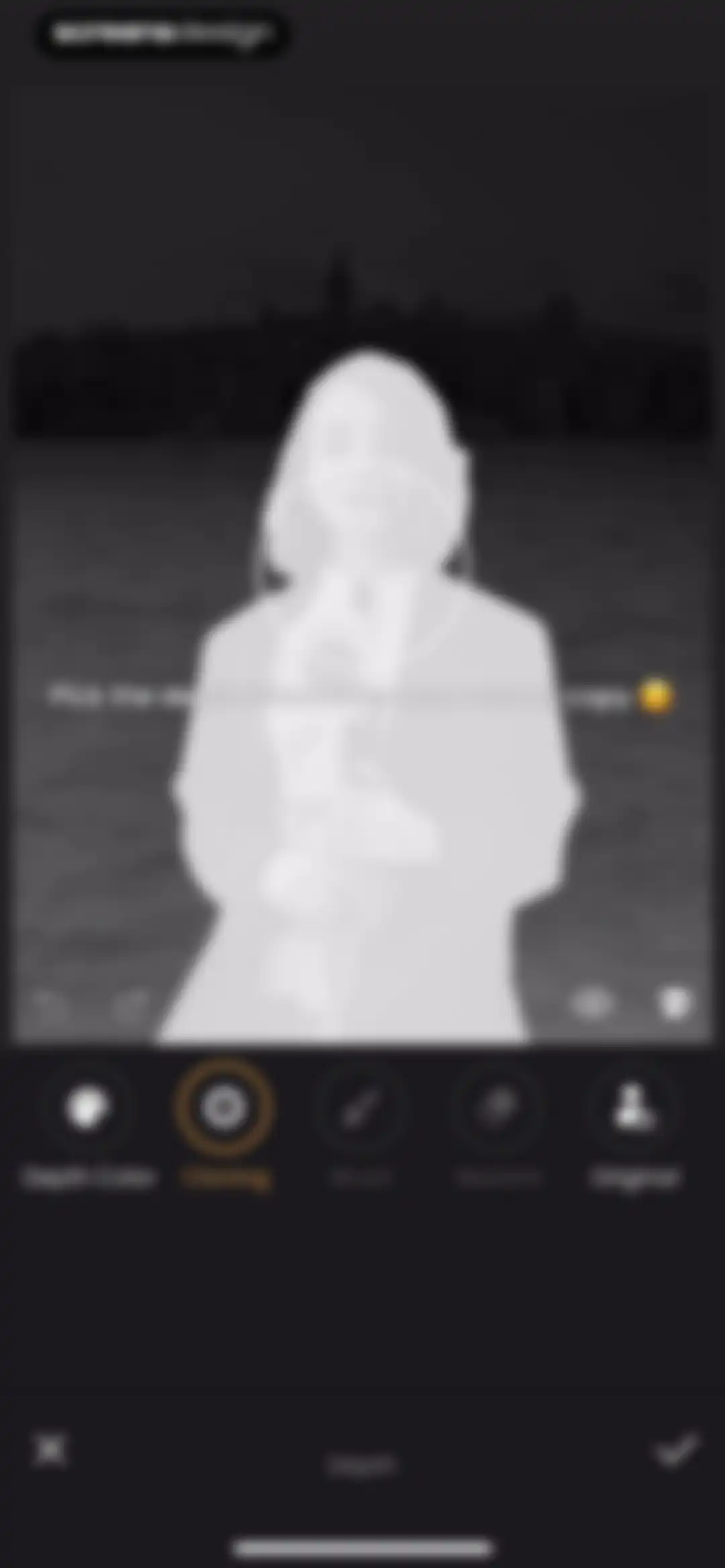
Depth editing screen with a top image preview, cloning tool selected in the bottom toolbar, and cancel and confirm buttons.Unlock Pro
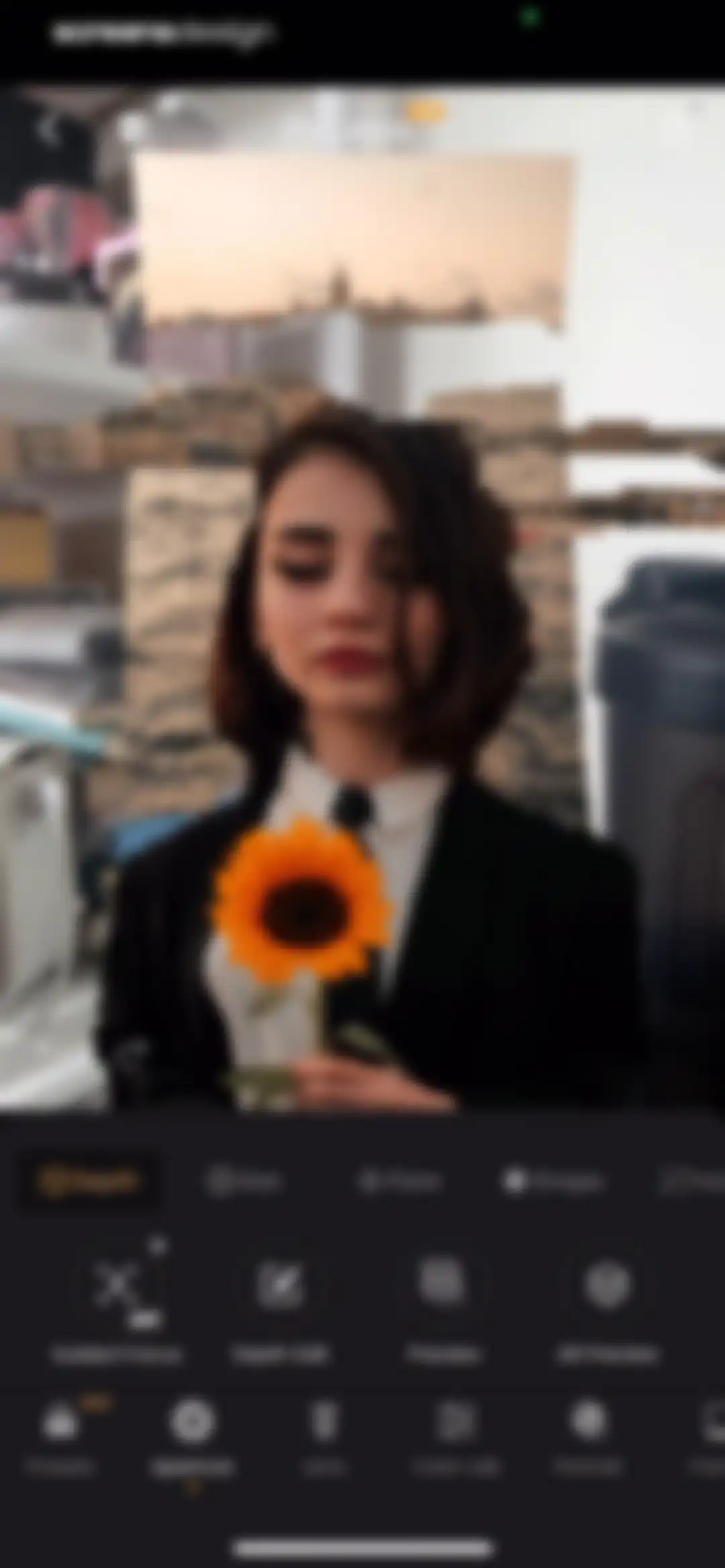
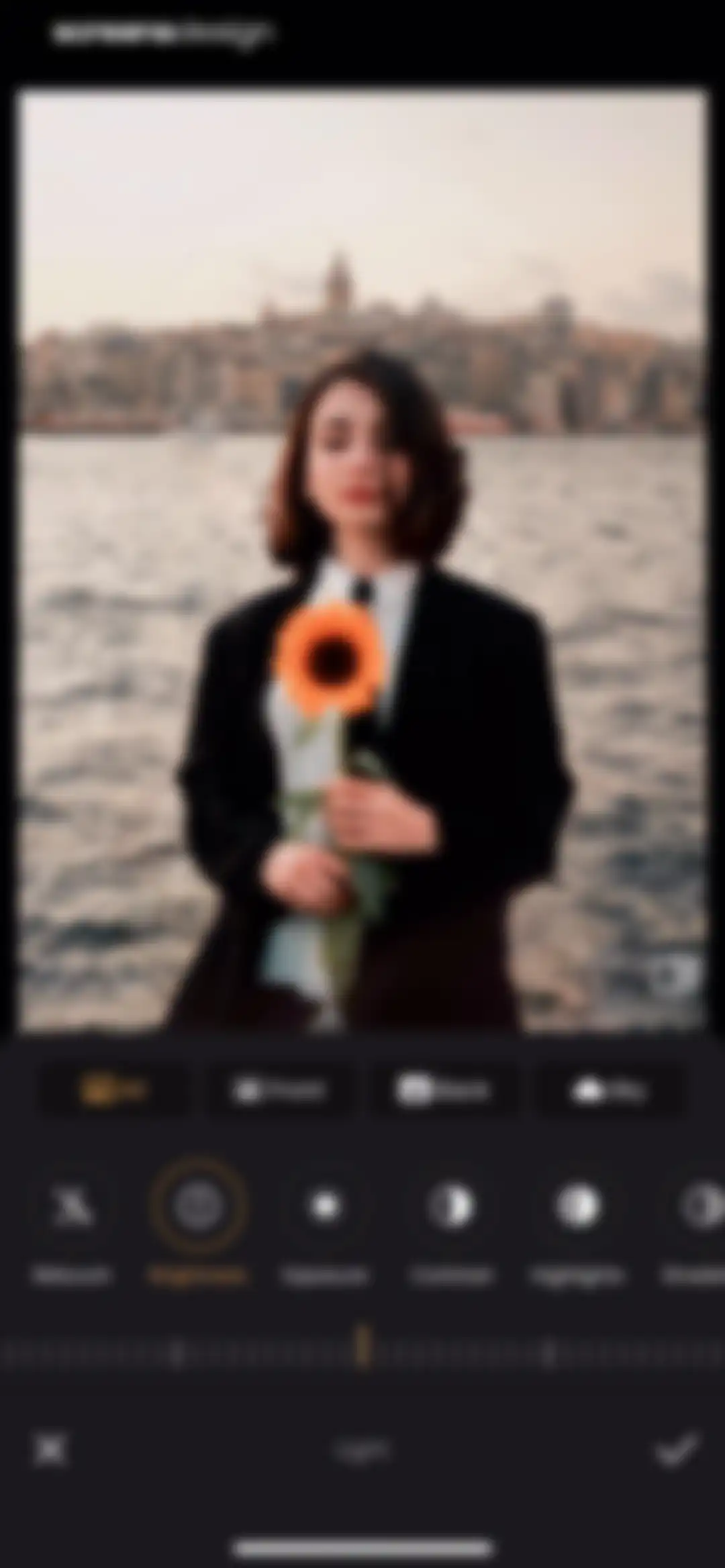
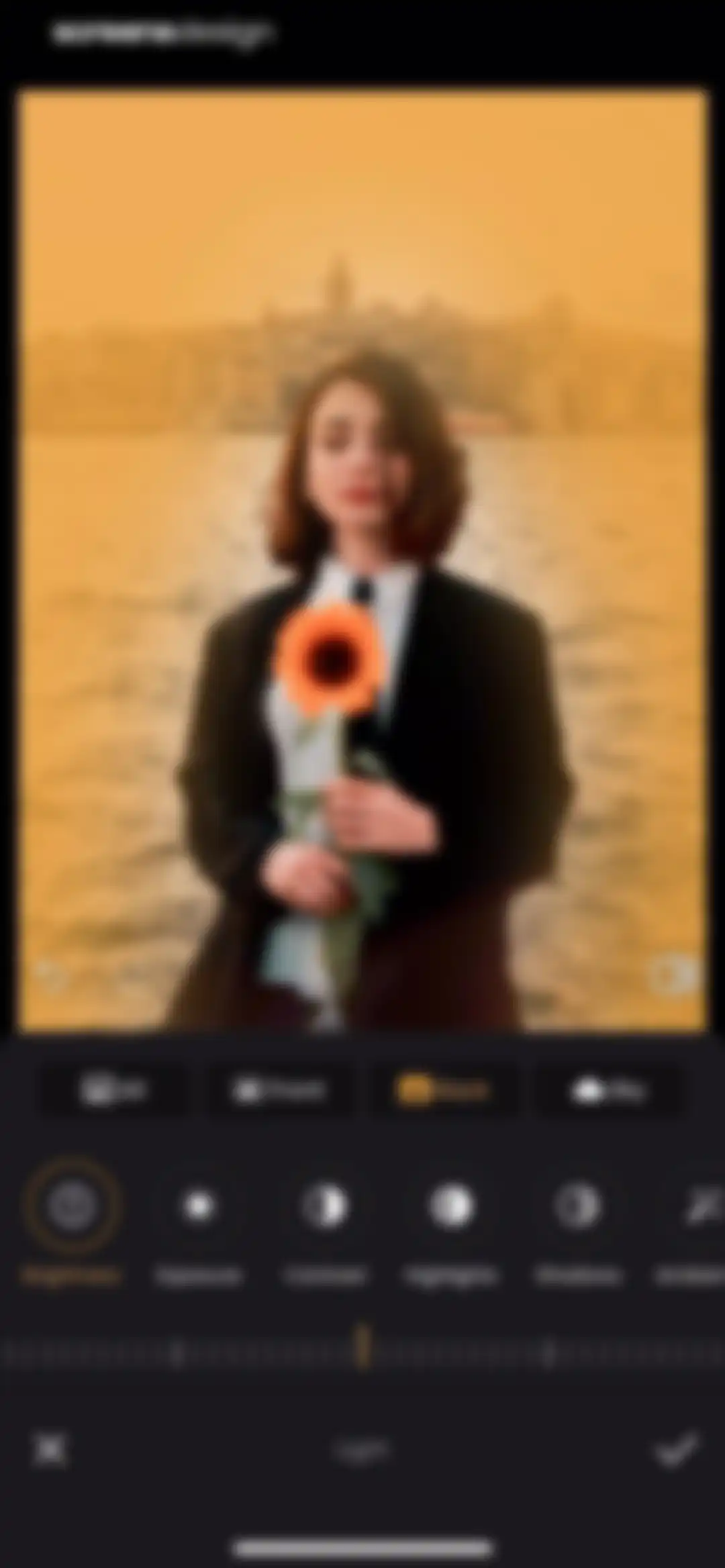
Photo editor showing a portrait of a woman with a sunflower, featuring the Aperture tool selected in the bottom navigation and a central image preview.Unlock Pro
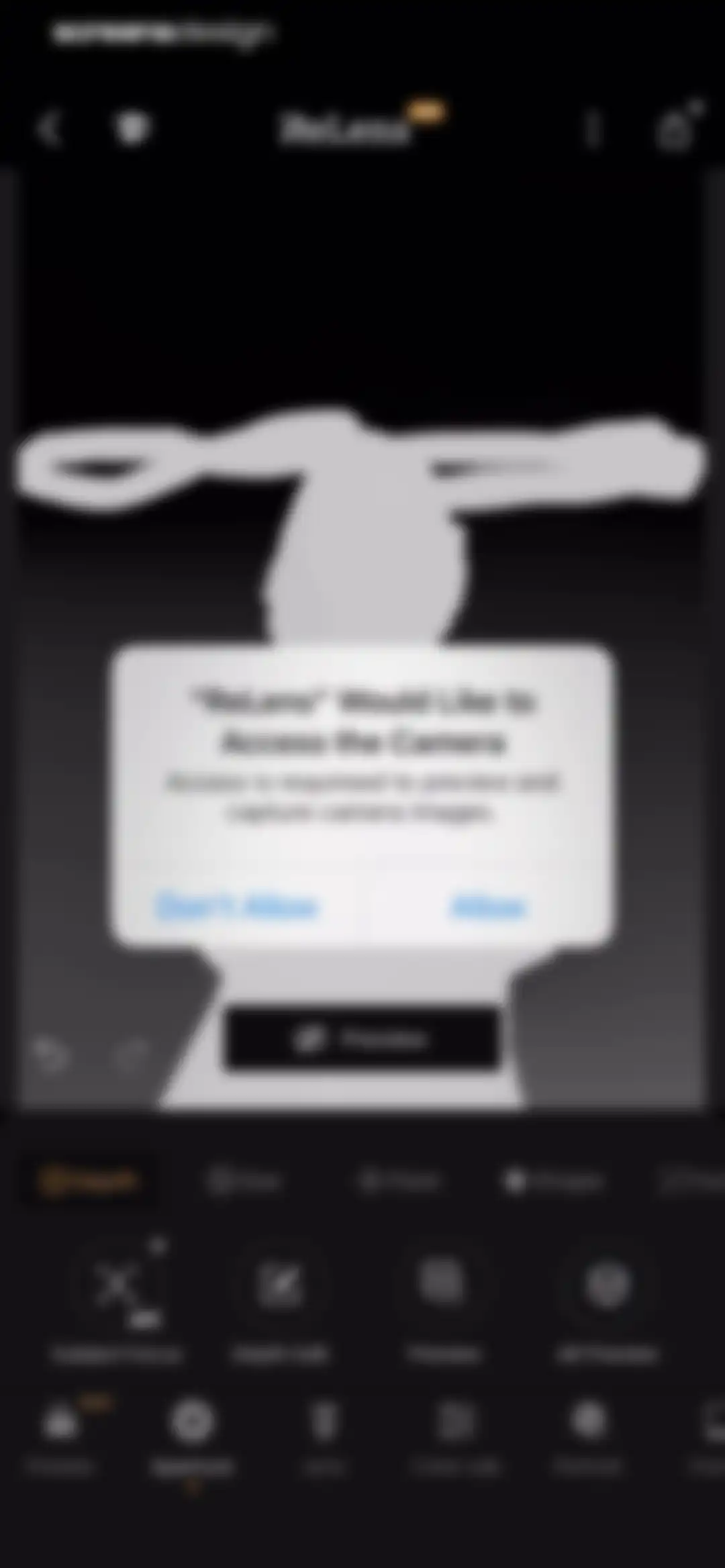
ReLens camera permission modal requesting access to preview and capture images, with Allow and Don't Allow buttons.Unlock Pro
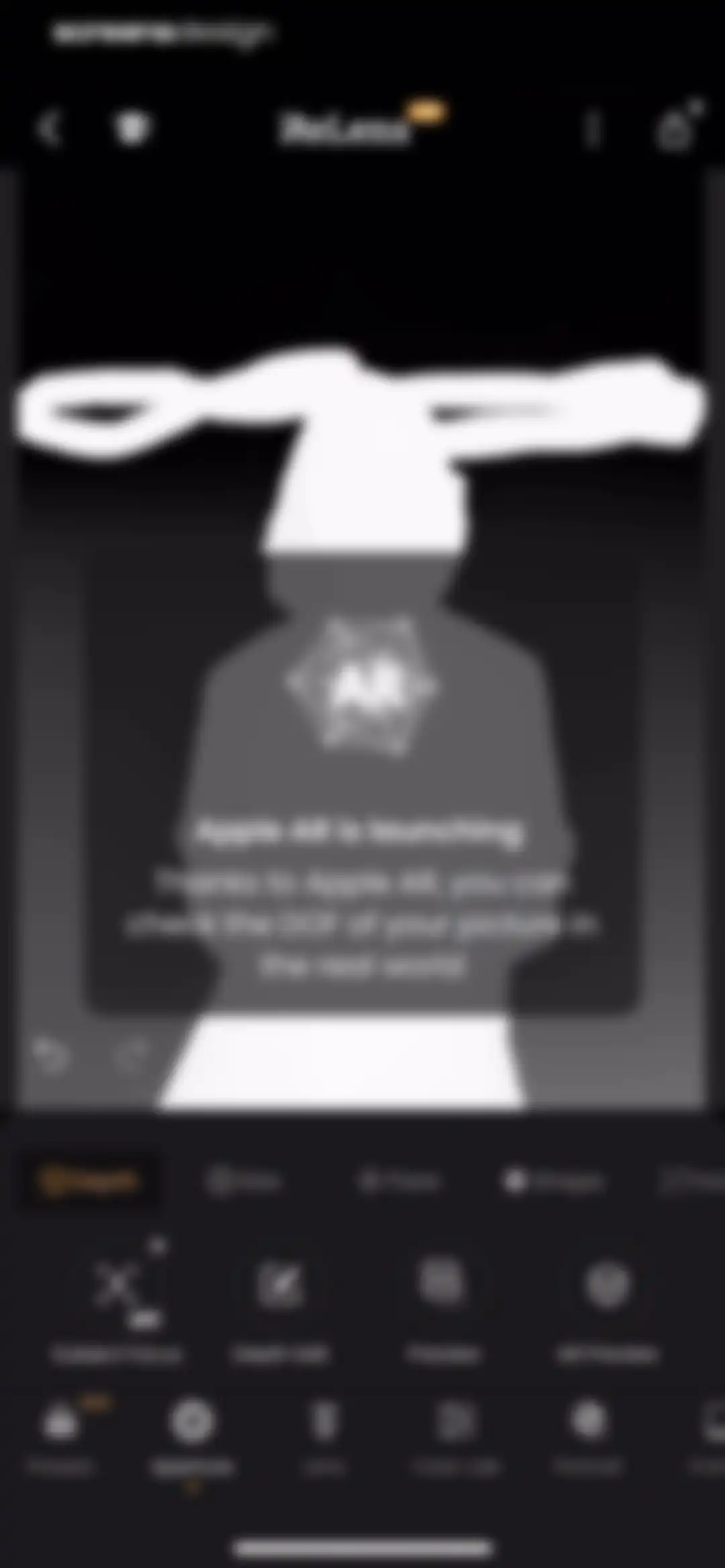
ReLens photo editor screen displaying an Apple AR modal overlay and a dark editing toolbar with Aperture selected.Unlock Pro
Photo editor screen showing a portrait of a woman with a sunflower, featuring a dark control panel with the Aperture tool selected.Unlock Pro
Photo editor screen showing an aperture slider control and an active Aperture tab with a portrait of a woman.Unlock Pro
ReLens photo editor screen displaying a portrait of a woman with slider controls active for adjusting lens flare highlights and vividness.Unlock Pro
ReLens photo editor showing a portrait of a woman with the Aperture tool and Shape option selected.Unlock Pro
ReLens photo editor showing a portrait of a woman with a depth adjustment slider and the Aperture tool selected.Unlock Pro
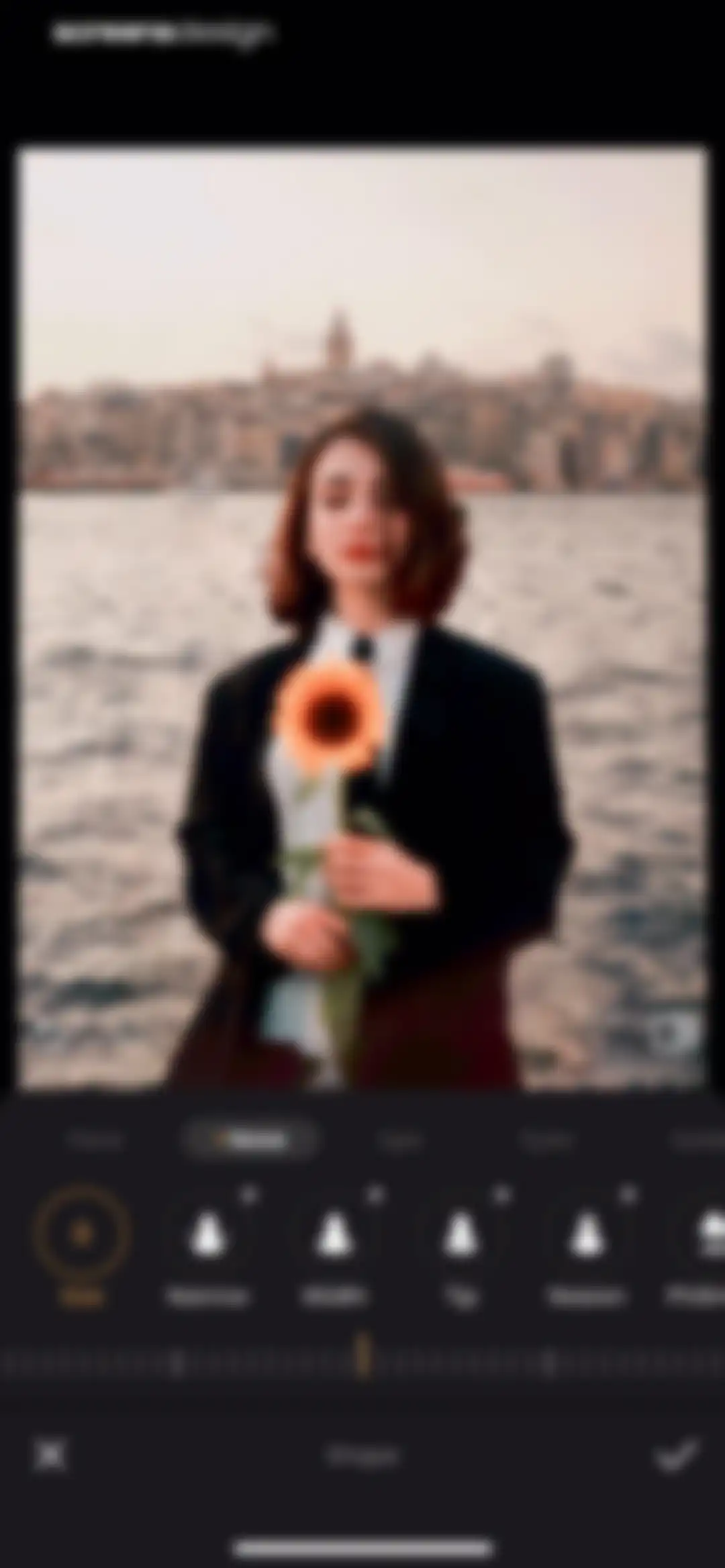
ReLens photo editor showing a portrait preview, filter category tabs, a selected Clear preset, and a bottom tool navigation bar.Unlock Pro
ReLens photo effect preview featuring a before and after portrait comparison, VIP feature details, and a Try button.Unlock Pro
ReLens photo editor showing before and after comparison of the Bright filter with a Use button at the bottom.Unlock Pro
ReLens photo editor screen displaying a central portrait preview and a lens selection carousel with the Lens tab selected.Unlock Pro
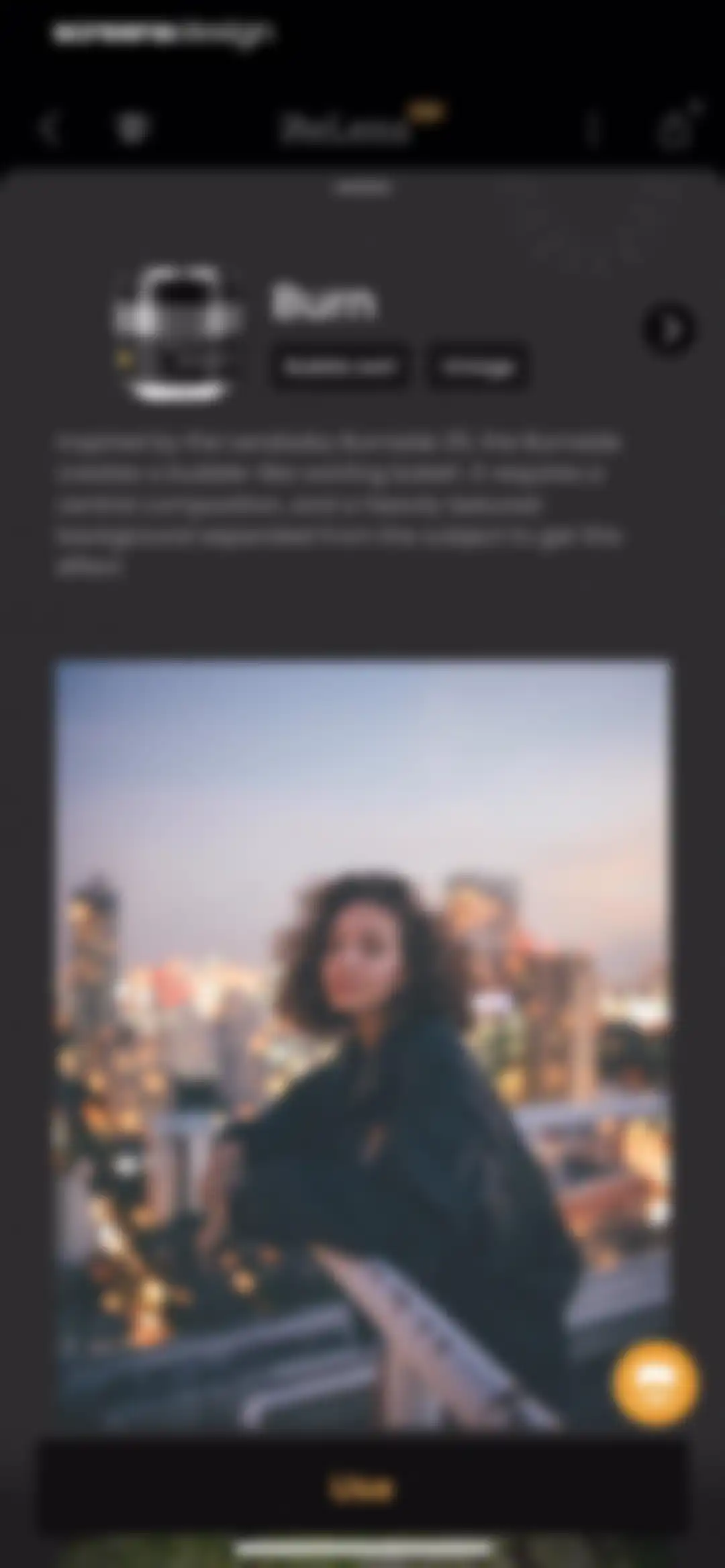
Lens detail screen in the ReLens app describing the Burn lens effect with a sample photo and a Use button.Unlock Pro
Photo editor displaying a portrait preview with a right-side layer carousel and a bottom tool control panel featuring Color Lab and Filter.Unlock Pro
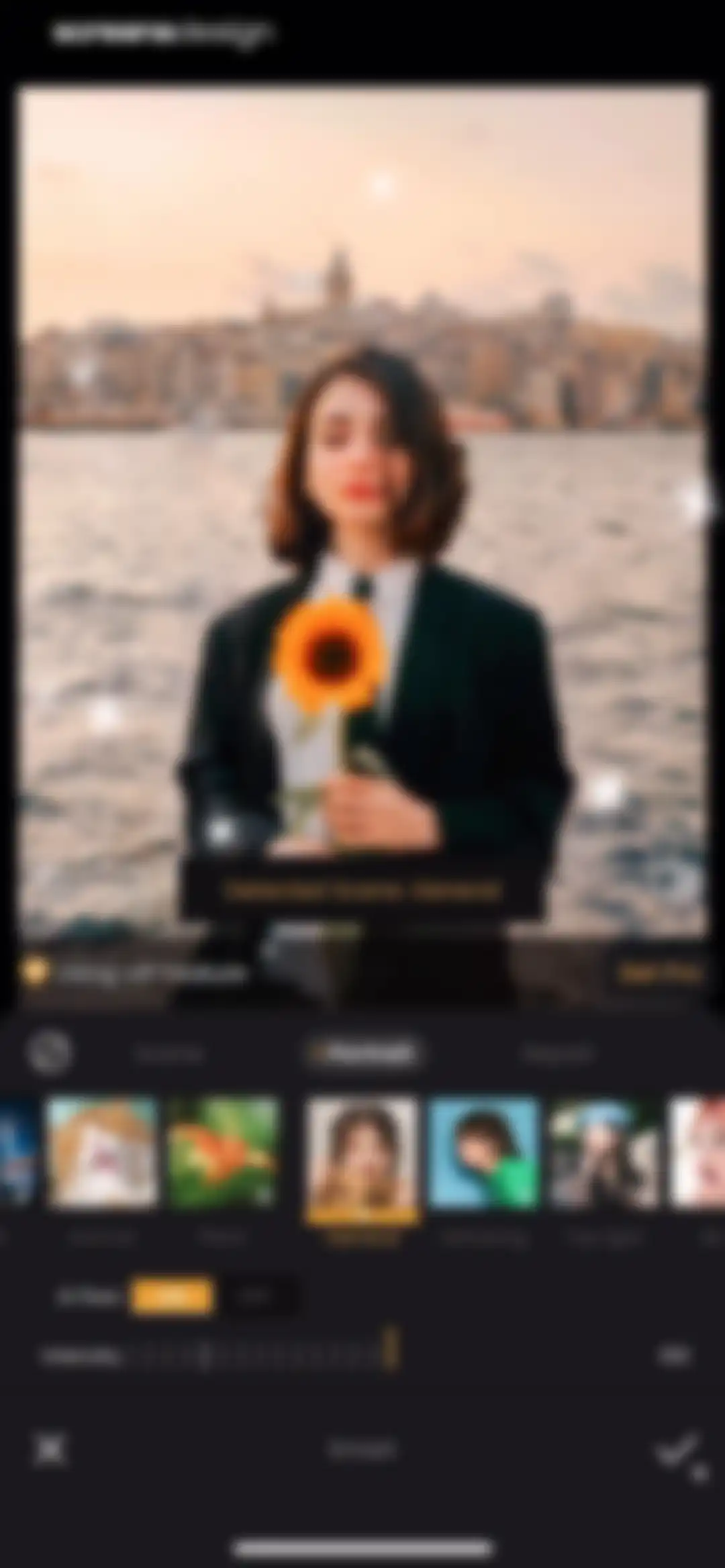
Photo editor interface showing a portrait preview with the Portrait tab selected, an AI fixes toggle turned on, and an intensity slider set to 100.Unlock Pro
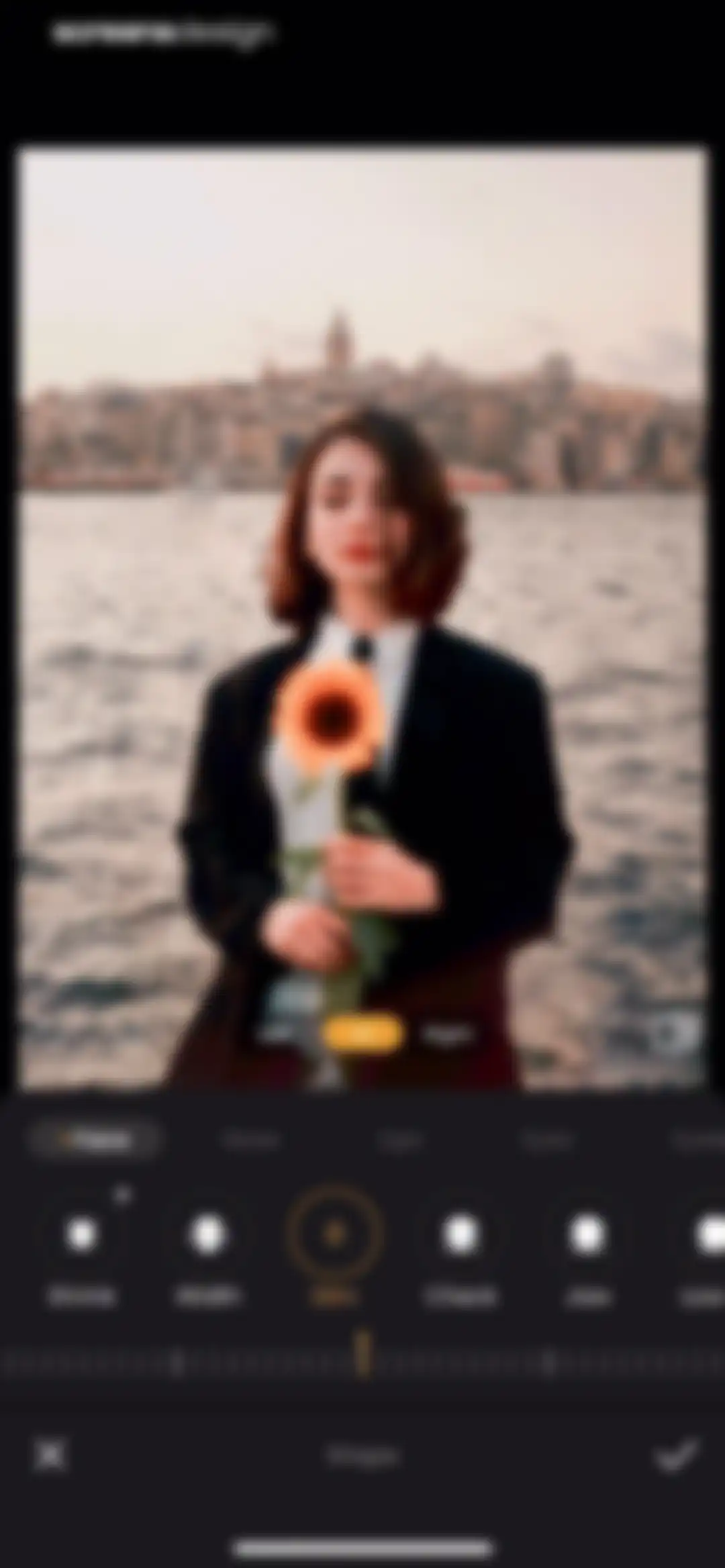
Photo editor screen showing a portrait preview with lighting presets, the Bright effect selected in yellow, category tabs, and an adjustment slider.Unlock Pro
Photo editor screen displaying a portrait preview and a grid of effect presets with category tabs and a confirm button.Unlock Pro
Photo editor screen showing a portrait of a woman with an intensity slider at 80 and the CN preset selected in the bottom carousel.Unlock Pro
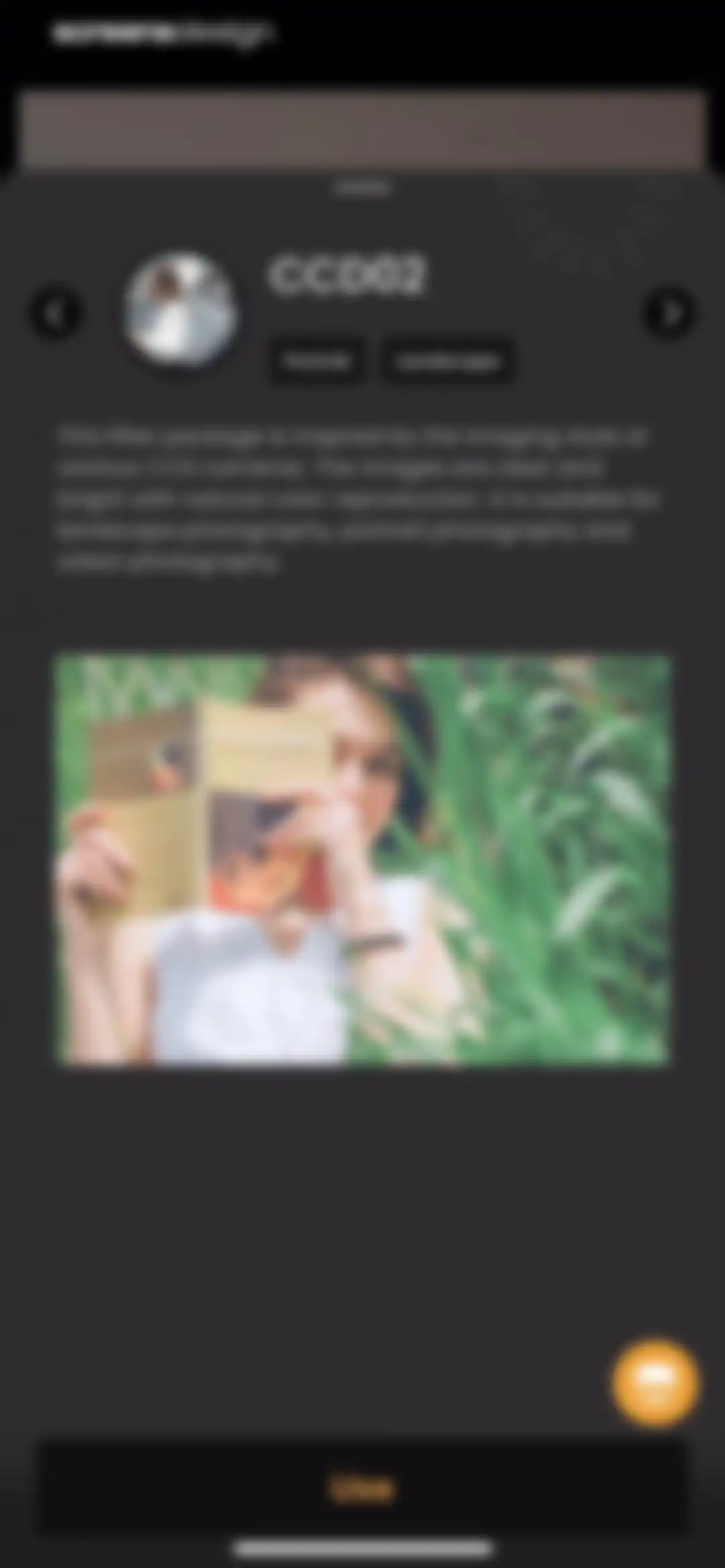
Filter detail modal for CCD02 with a sample preview image, description text, and a Use button.Unlock Pro
Photo editing screen displaying a portrait preview with the brightness tool selected, category tabs, and an adjustment slider.Unlock Pro
Photo editor screen showing lighting adjustment tools and masking layer options with a dark theme and confirmation buttons.Unlock Pro
ReLens photo editor showing a portrait preview with a selected Portrait tool and a two-tiered bottom control panel.Unlock Pro
Photo editor screen for beauty filters with the Clear Skin option selected, an intensity slider set to fifty, and a confirm button.Unlock Pro
Photo editing interface for facial feature adjustment with a portrait preview, adjustment tool icons, and cancel and confirm buttons.Unlock Pro
Facial retouching editor displaying a portrait preview with the Nose category and Size tool selected, alongside an adjustment slider and confirm button.Unlock Pro
Photo editor retouching screen with a portrait preview, tool selection carousel showing Even selected with a gold border, an intensity slider, and cancel and confirm actions.Unlock Pro
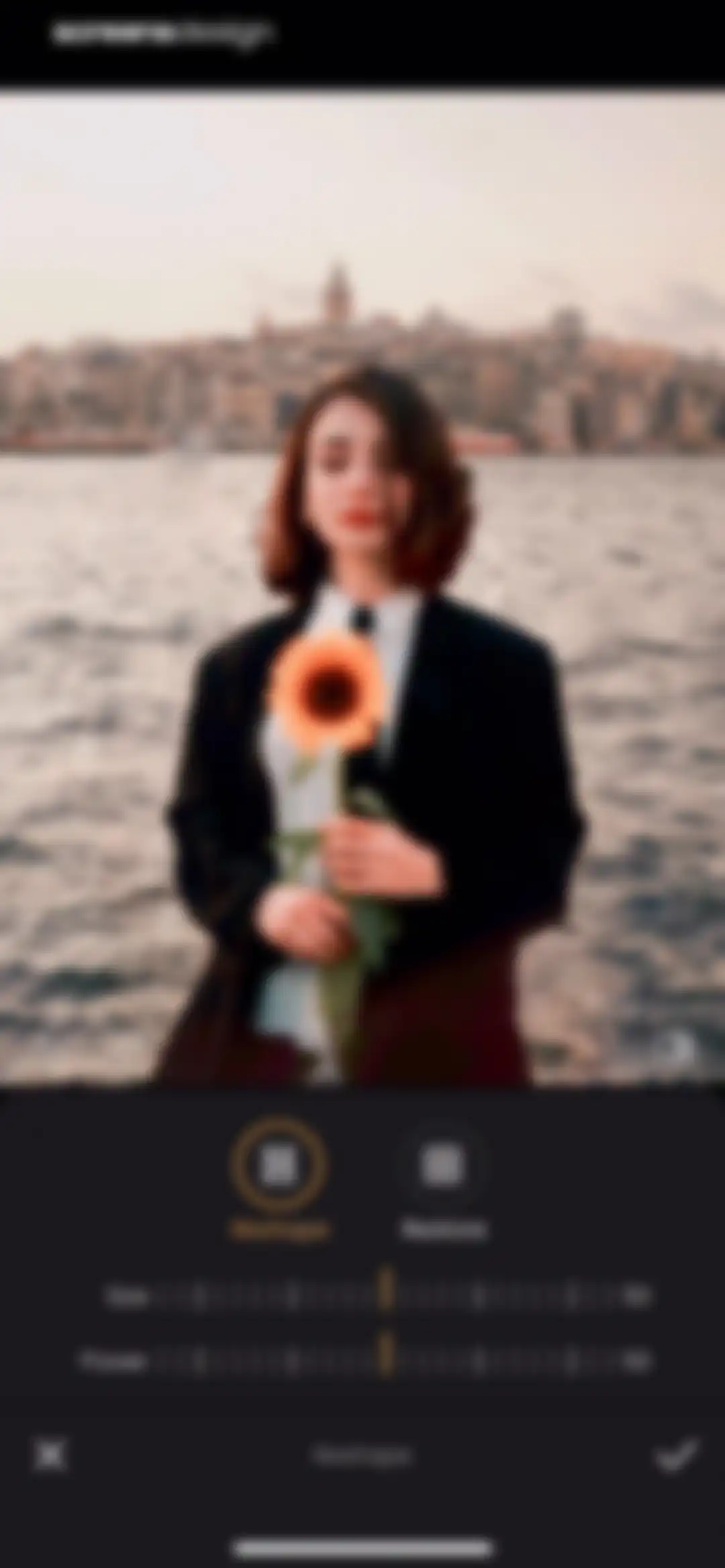
Photo editor screen showing the Reshape tool selected, with adjustment sliders for Size and Power set to 50 and confirm and cancel buttons.Unlock Pro
Photo editing screen for the ReLens app displaying a portrait and a Touch Up slider set to zero, with cancel and confirm buttons.Unlock Pro
Photo editor screen showing a portrait preview with a thick parameter slider and cancel and confirm buttons.Unlock Pro
ReLens photo editor screen displaying a portrait preview and frame selection options, with the Pro category and W1 frame style selected.Unlock Pro
ReLens photo watermark editor displaying an image preview, metadata card, toolbar options, and a confirm button.Unlock Pro
ReLens photo editor watermark screen with the Logo tab selected and a grid of logo options below an image preview and metadata card.Unlock Pro
ReLens photo metadata editor with a date tab selected, showing a scrollable date picker and a confirm button.Unlock Pro
Metadata editor in the ReLens app displaying an image preview, toggle controls for metadata elements, and author name input fields with cancel and confirm buttons.Unlock Pro
ReLens watermark editor displaying a photo preview with metadata overlay details, control toggles, and a confirm button.Unlock Pro
ReLens photo editor showing a portrait preview with the signature tool selected and watermark options displayed.Unlock Pro
Photo editor screen showing a portrait of a woman with a sunflower, a metadata card, a VIP feature banner with a Get Pro button, and a bottom drawing toolbar.Unlock Pro
Photo editor screen showing a portrait with a grid overlay, rotate and perspective tools, a rotation slider, and cancel and confirm buttons.Unlock Pro
Photo editor screen showing a portrait with a crop grid overlay, the crop and free aspect ratio options selected, and a confirmation button.Unlock Pro
Photo editor screen showing a portrait with a grid overlay, active rotate tool, adjustment slider, and confirm button.Unlock Pro
Photo editor screen showing a central image with a watermark and signature editing tools in the bottom control panel.Unlock Pro
Photo editor screen in ReLens showing an overlaid modal menu with edit utility options over a dark workspace.Unlock Pro
Recipe naming modal with a text input field and Save and Cancel buttons, displayed over an editor interface with a dropdown menu and system keyboard.Unlock Pro
ReLens paywall screen comparing monthly, yearly, and forever subscription plans with the yearly plan selected and a Continue button.Unlock Pro
Export modal overlay with resolution and format settings, showing the JPEG format selected and options to save as a new image or portrait.Unlock Pro
ReLens photo editor screen displaying a portrait preview with editing tools including the selected Signature tab and Frame tool.Unlock Pro
Photo edit confirmation screen showing a success overlay with Saved to album text over a portrait preview, an action toolbar, and an Ultra HD button.Unlock Pro
Photo gallery grid with an educational modal overlay explaining how to pinch to zoom, featuring an I know button.Unlock Pro
Photo gallery screen with a central processing modal indicating AI depth of field analysis over a background photo grid.Unlock Pro
Photo editor screen in the ReLens app displaying a portrait preview with a filter selection carousel and editing tools at the bottom.Unlock Pro
Camera viewfinder interface with manual control parameters, a central shutter button, and mode selection tabs for photo, video, and aperture.Unlock Pro
Camera viewfinder interface displaying a central ISO dial set to 1000, manual parameter readouts, a shutter button, and mode switching tabs at the bottom.Unlock Pro
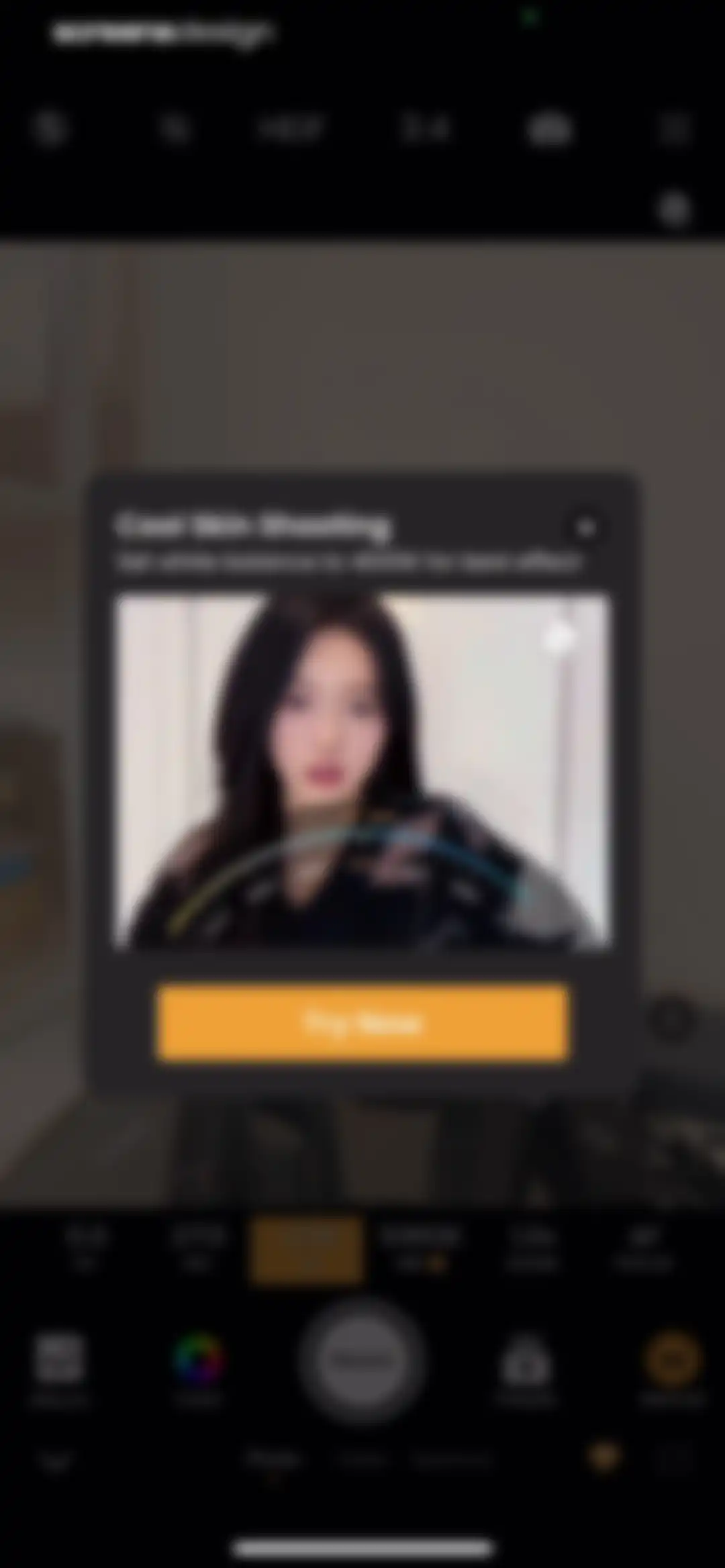
Camera viewfinder interface featuring a modal overlay for Cool Skin Shooting with a Try Now button and manual settings.Unlock Pro
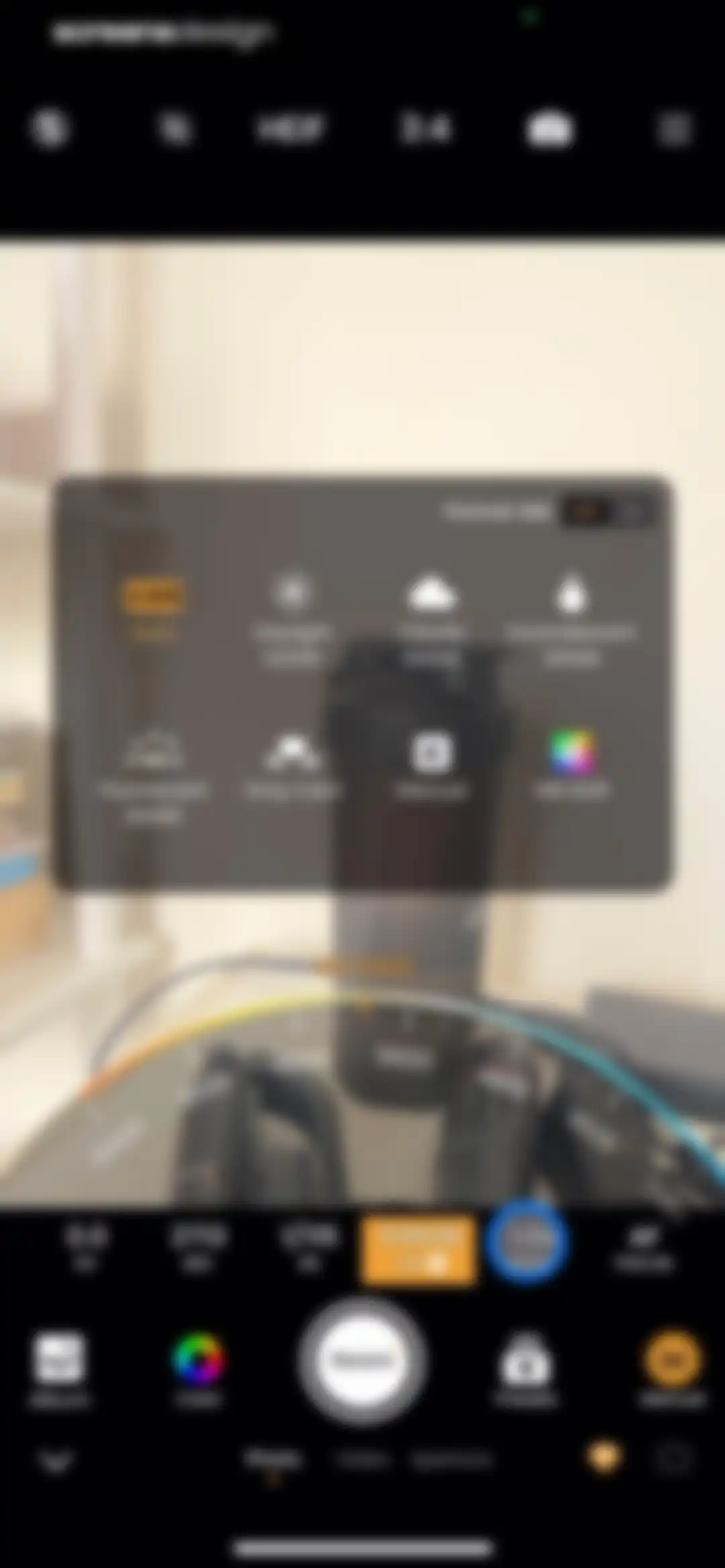
Camera white balance settings screen with a central modal displaying presets and a Kelvin color temperature adjustment slider.Unlock Pro
Camera editor interface with a live viewfinder, manual parameter readouts for ISO and shutter speed, and a bottom shutter button for ReLens.Unlock Pro
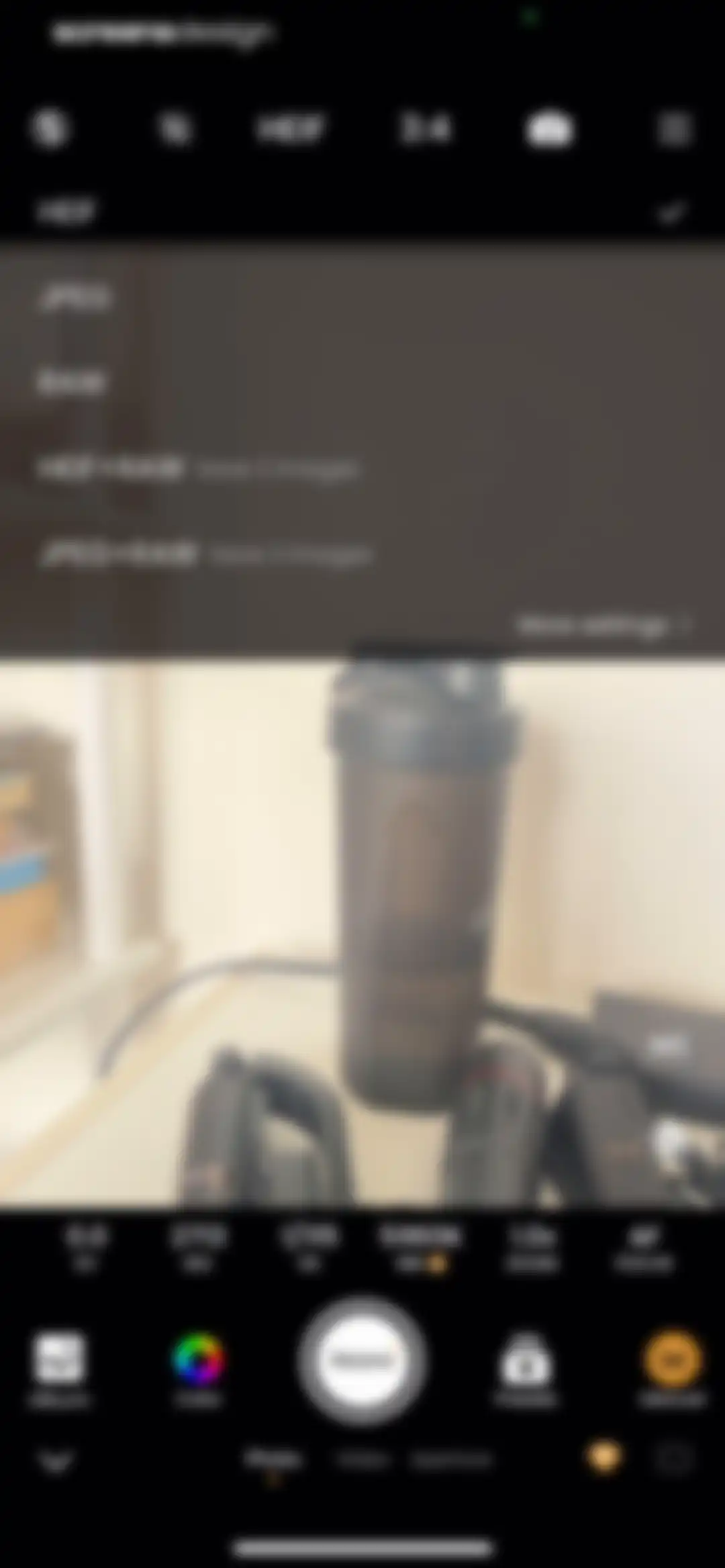
Camera viewfinder screen with manual settings, a top format selection menu, and a bottom mode switcher with Photo selected.Unlock Pro
ReLens camera viewfinder interface showing manual settings, aspect ratio options, and a central shutter button.Unlock Pro
Camera viewfinder interface displaying a central shaker bottle subject, manual parameter overlays, a bottom shutter button, and mode selection tabs.Unlock Pro
Settings screen with a user status card, general options, and image quality settings featuring Smart Adjustment.Unlock Pro
Empty media library screen with a centered camera icon and a Start shooting now button.Unlock Pro
Camera viewfinder editor screen displaying manual parameter readouts, a central grid overlay, and a ReLens shutter button with photo mode selected.Unlock Pro
ReLens camera interface showing a viewfinder, an intensity slider set to 90, a filter carousel with the Svarbova preset selected, and the main shutter button.Unlock Pro
Filter preset selection screen displaying the Svarbova style with descriptive text, sample images, and a Use button.Unlock Pro
Camera preset selection modal overlaying a viewfinder interface with options like Flourish and DCG9 and an orange Start button.Unlock Pro
Camera viewfinder screen with a filter selection carousel, the Cultural Blues filter selected, and a shutter button.Unlock Pro
Camera shooting mode selection menu for the ReLens app, with Manual mode selected and a background viewfinder.Unlock Pro
Permission request modal asking for microphone access, overlaid on the ReLens camera viewfinder with Allow and Don't Allow buttons.Unlock Pro
Camera recording interface showing a viewfinder with a grid, an active timer of two seconds, zoom selectors with 1x selected, and a stop recording button.Unlock Pro
Video export screen showing a central preview, playback controls, and stacked action buttons to save with or remove the watermark.Unlock Pro
Subscription paywall screen comparing monthly, yearly, and forever plans with a portrait photo comparison and the yearly plan selected.Unlock Pro
iOS App Store subscription confirmation modal showing a yearly plan with a three-day free trial and a side button confirmation prompt.Unlock Pro
Purchase success modal over a paywall displaying monthly, yearly, and lifetime subscription plans with an OK button.Unlock Pro
Video export preview screen featuring a playback controller, a save without watermark action button, and explanatory footer text.Unlock Pro
Export success confirmation screen featuring a Saved to album message modal over a video preview and a Save without watermark button.Unlock Pro
Camera viewfinder screen with a horizontal lens preset carousel, aperture controls, and a central shutter button.Unlock Pro
ReLens home screen featuring a dark theme, a Backlight Fix featured card, secondary tool cards, and a bottom grid of photography icons.Unlock Pro
ReLens photo editor screen displaying an image preview, top histogram, and a bottom toolbar with the Color Lab tool selected.Unlock Pro
ReLens photo editor mask coloring screen with an image preview, adjustment slider, and a bottom navigation bar featuring various masking tools.Unlock Pro
ReLens photo editor screen displaying an image preview with a central hand holding an apple, a right-side thumbnail strip, and a bottom tool grid with Color Lab selected.Unlock Pro
ReLens editor screen displaying a dark-themed grid of tool icons categorized into Adjust, Pro, and Effect sections.Unlock Pro
ReLens showcase content feed displaying professional photography preset cards with before and after comparisons and a bottom upgrade button.Unlock Pro
Media gallery grid in ReLens showing thumbnails with video duration labels and a top navigation bar with tabs.Unlock Pro
ReLens photo editor screen displaying a central portrait preview, the Scenes tab selected, a carousel of scene presets with the Light preset highlighted, and bottom editing tools.Unlock Pro
ReLens Showcase feed displaying professional photography preset cards with before and after comparisons, filter tabs, and a sticky Upgrade to Lifetime VIP button.Unlock Pro
ReLens app release notes modal showing version history details with a yellow indicator and a Rate and Comment button at the bottom.Unlock Pro
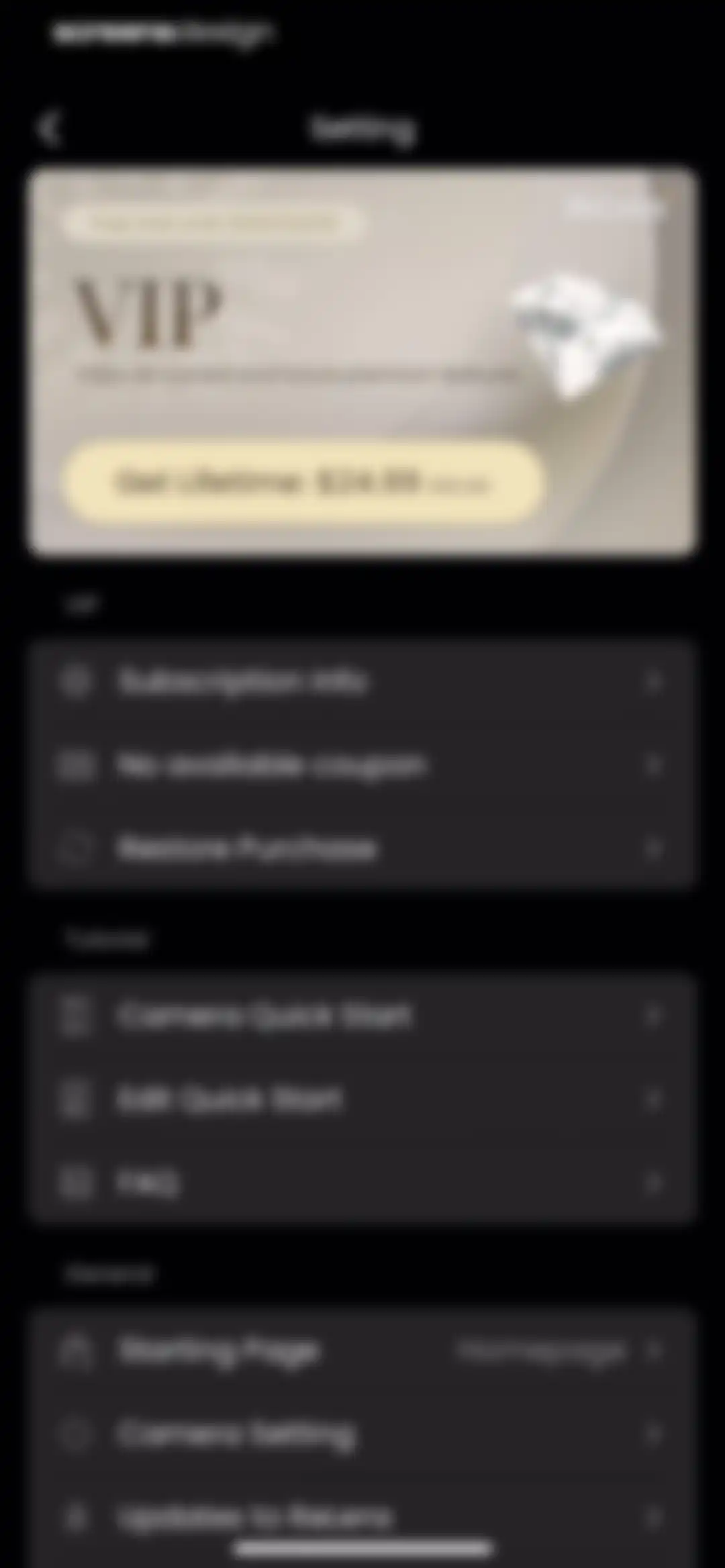
ReLens settings screen with a VIP subscription promo card and grouped list sections for VIP, Tutorial, and General options.Unlock Pro
ReLens paywall screen featuring a lifetime subscription plan card with a save 50 percent badge and a close button.Unlock Pro
Subscription settings screen with monthly, annual, and forever pricing tiers, legal terms, and a Restore Purchase link.Unlock Pro
Empty state screen titled My Coupon with a centered tickets icon, no available coupons message, and bottom links for help.Unlock Pro
ReLens onboarding screen featuring a dark minimalist design with the app logo, quick start title, a skip button, and a next arrow.Unlock Pro
FAQ screen with a vertical list of expandable question cards, showing the first subscription cancellation card expanded with a Manage Subscription link.Unlock Pro
Starting page settings screen with the Homepage option selected and a checkmark, allowing users to configure the app startup behavior.Unlock Pro
ReLens camera settings menu displaying a subscription banner, general configuration options, image quality selections with Smart Adjustment enabled, and switch controls.Unlock Pro
ReLens onboarding screen featuring a dark theme, camera quick start title, skip button, and navigation arrow.Unlock Pro
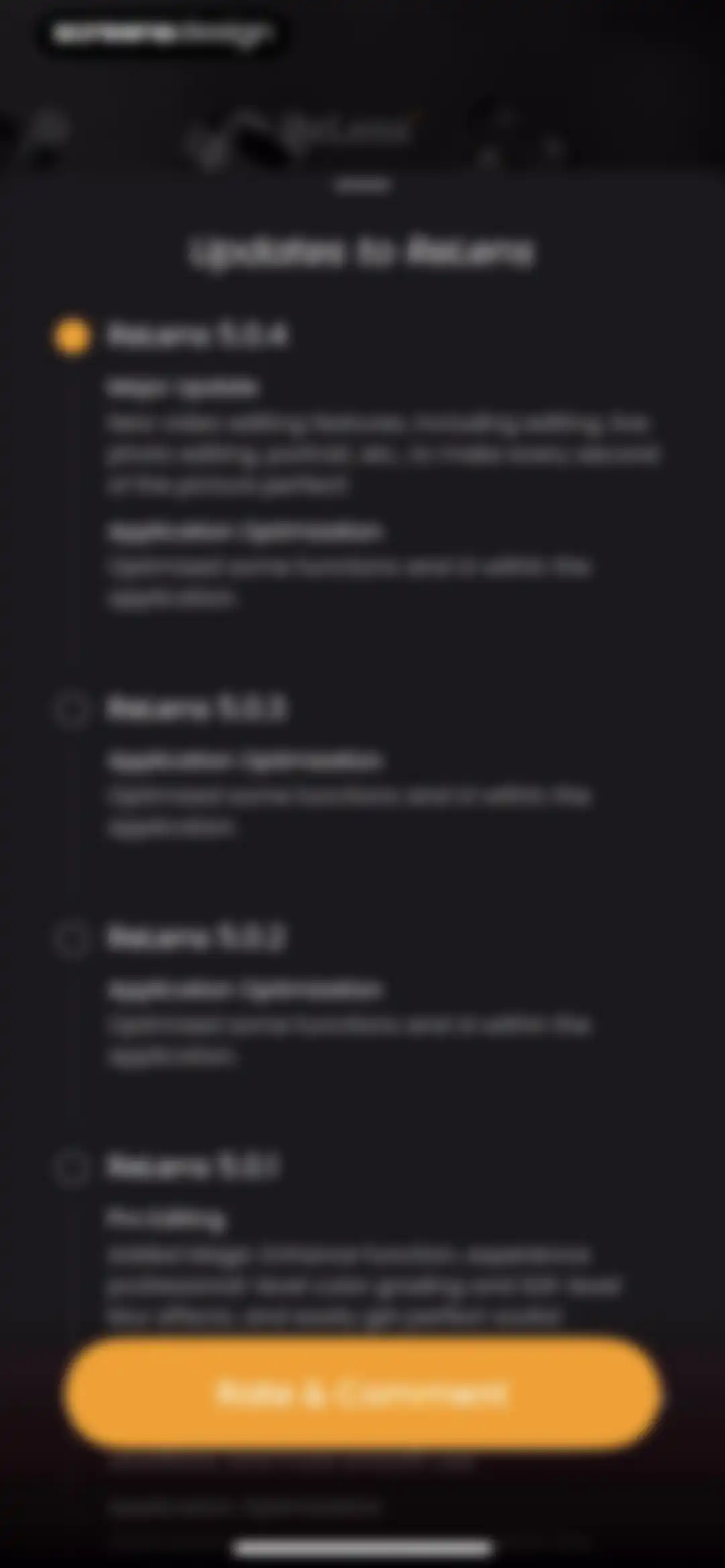
App update changelog screen displaying a vertical timeline of version releases for ReLens, with a Rate and Comment button at the bottom.Unlock Pro
Language settings screen listing multiple language options with English selected and a checkmark.Unlock Pro
Settings screen displaying a Clear Cache confirmation modal with details on unaffected data and Cancel and Yes buttons.Unlock Pro
Import Preference settings screen with selectable options for Camera and ReLens portrait imports, showing current selections and thumbnail previews.Unlock Pro
ReLens settings screen with an active modal dialog for editing the artist name and a system keyboard at the bottom.Unlock Pro
About screen featuring a letter from the ReLens team explaining their computational photography mission, accompanied by a moon photograph.Unlock Pro
ReLens settings screen featuring toggle options for app preferences and metadata, alongside support and legal navigation links in dark mode.Unlock Pro

About ReLens-DSLR Beauty Focus Cam

A professional photography app using AI to simulate DSLR-grade aperture, bokeh effects, and manual camera controls on mobile devices.

Explore ReLens-DSLR Beauty Focus Cam across ScreensDesign

Apps similar to ReLens-DSLR Beauty Focus Cam

Unlock all similar apps

See every comparable app, revenue, installs, and flows.

Unlock Pro
  • Uplens: Photo & Video Editor

    4.9
    MPGamesRevenue$200kInstalls45k
  • Lightleap by Lightricks

    4.7
    Lightricks Ltd.Revenue$100kInstalls<5k
  • Photoleap: AI Photo Generator

    4.7
    Lightricks Ltd.Revenue$350kInstalls10k
  • AI Photo Generator - Fotorama

    4.5
    APPNATION YAZILIM HIZMETLERI TICARET ANONIM SIRKETIRevenue$15kInstalls<5k
  • Halide Mark III - Pro Camera

    4.5
    Lux Optics IncorporatedRevenue$200kInstalls60k
  • Luminar: Photo Editor Pro

    4.8
    SkylumRevenue$200kInstalls45k
  • PhotoApp - AI Photo Enhancer

    4.6
    SCALEUP YAZILIM HIZMETLERIRevenue$150kInstalls45k
  • Leica LUX - Pro Manual Camera

    4.8
    Leica Camera AGRevenue$250kInstalls65k
  • Motion Blur Photo Editor

    4.5
    IDEVELOP PLUS - FZCORevenue$5kInstalls15k
  • Lensa AI: Photo Editor

    4.7
    Prisma labs, inc.Revenue$350kInstalls25k
  • Photo Editоr

    4.7
    VIDEO EDITOR PTE. LTD.Revenue$55kInstalls9k
  • PRESETS: Filters for Pictures

    4.8
    Gustas BrazaitisRevenue$25kInstalls7k
  • Wuta Camera - Nice Shot Always

    4.7
    Shanghai Benqumark Network Tech Co., Ltd.Revenue$200kInstalls150k
  • Polish - AI Photo Editor

    4.8
    SHANTANU PTE. LTD.Revenue$65kInstalls30k
  • Lumy AI - Photo Editor

    4.6
    Ocean Float MobileRevenue$55kInstalls25k
  • Darkroom: Photo & Video Editor

    4.8
    Bergen Co.Revenue$35kInstalls<5k
  • Adobe Photoshop: Photo Editor

    4.5
    Adobe Inc.Revenue$350kInstalls250k
  • AI Photo Editor: Lynsify

    4.7
    UTILITECH LTDRevenue$250kInstalls70k
  • Lightroom: AI Photo Editor

    4.8
    Adobe Inc.Revenue$4.8MInstalls750k
  • Antique Identifier - Relic

    4.7
    Sans Software, LLCRevenue$40kInstalls30k
  • YouCam Enhance: AI Photo&Video

    4.6
    PERFECT MOBILE CORP.Revenue$50kInstalls8k
  • Lens Buddy - Self Timer Camera

    4.9
    Lens Buddy Selfie Timer Photo Video Filter Camera LLCRevenue$100kInstalls45k
  • Hype AI - AI Photo & Video

    4.8
    POLYVERSE ENTERTAINMENT INC.Revenue$65kInstalls60k
  • Wink: Video Enhancer & Editor

    4.7
    Xiamen Meitu Technology Co., Ltd.Revenue$2MInstalls2M
  • Persona: Beauty Camera

    4.8
    Ticket To The Moon, Inc.Revenue$1MInstalls650k
  • Fotor AI Photo Editor & Video

    4.7
    Chengdu Everimaging Science and Technology Co., LtdRevenue$250kInstalls50k
  • TopzAI: Photo Video Enhancer

    4.6
    Ramy MalikRevenue$65kInstalls10k
  • Remini - AI Photo Enhancer

    4.6
    Bending Spoons Apps ApSRevenue$3.3MInstalls650k
  • Camera+ I Pro Camera & Editor

    4.5
    Heavy Plumb Apps, SOCIEDAD LIMITADARevenue$8kInstalls<5k
  • Phlow: Pro Camera Photo Editor

    4.9
    Phlow, Inc.Revenue$55kInstalls<5k
  • Shots: Photo & Video Generator

    4.5
    DeePix AIRevenue$150kInstalls5k
  • Topaz for Mobile

    4.6
    Topaz Labs, LLCRevenue$65kInstalls<5k
  • AI Photo Editor - BgMaster™

    4.6
    COOL SUMMER LIMITEDRevenue$300kInstalls100k
  • Facetune: Photo & Video Editor

    4.6
    Lightricks Ltd.Revenue$11MInstalls850k
  • Artisse - Realistic AI Photos

    4.5
    MUMU LABSRevenue$<5kInstalls<5k
  • Photoroom: AI Photo Editor

    4.8
    ARTIZANS OF PHOTO VIDEO BACKGROUND EDITOR APPRevenue$2MInstalls450k
  • MalibooMake

    4.8
    ANASTASIYA KALINOUSKAYARevenue$85kInstalls40k
  • ReShoot: AI Face Photo Editor

    4.6
    HUBXRevenue$450kInstalls250k
  • Vivid - AI Photo Enhancer

    4.5
    Winroad Holdings LimitedRevenue$<5kInstalls<5k
  • EPIK - AI Photo & Video Editor

    4.7
    SNOW CorporationRevenue$1MInstalls500k
  • Collage Maker - LiveCollage

    4.8
    VIDEO EDITOR PTE. LTD.Revenue$250kInstalls250k
  • BlurBuster - AI Photo Enhancer

    4.6
    KallosSoft.comRevenue$25kInstalls8k
  • SnapEdit: Photo Editor AI

    4.8
    SilverAI Joint Stock CompanyRevenue$150kInstalls200k
  • Meitu AI Photo & Video Editor

    4.8
    Xiamen Meitu Technology Co., Ltd.Revenue$15MInstalls3M
  • YouCam Perfect:AI Photo Editor

    4.8
    PERFECT MOBILE CORP.Revenue$800kInstalls250k
  • Photo Up! Picture Editor App

    4.5
    Video editor & maker appRevenue$50kInstalls12k
  • Filmic Pro-Video Camera

    3.7
    Bending Spoons Apps ApSRevenue$150kInstalls8k