OffScreen: Screen Time Control

$<5k revenue, 4.4 rating

App walkthrough
0:00 / 13:50

Onboarding flow, Paywall & Inside the App

Watch the full screen-by-screen UX video of OffScreen: Screen Time Control with onboarding, paywall, and every core flow.
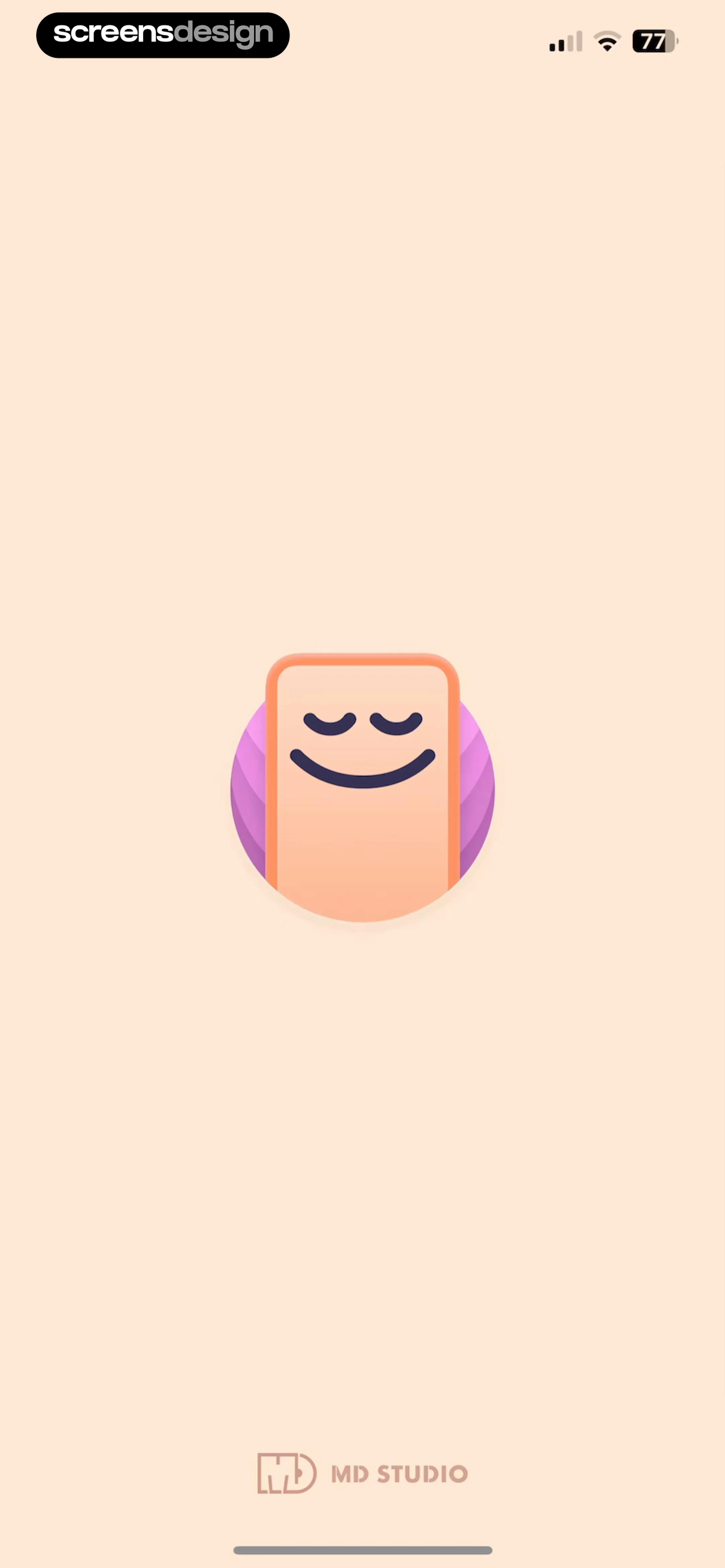
Splash screen for the OffScreen app with a centered peaceful phone mascot and MD STUDIO branding at the bottom.
OffScreen onboarding welcome screen with an app icon, welcoming text, a Get Started button, and a legal disclaimer.
Onboarding goal selection screen with three options, two selected, and a Continue button.
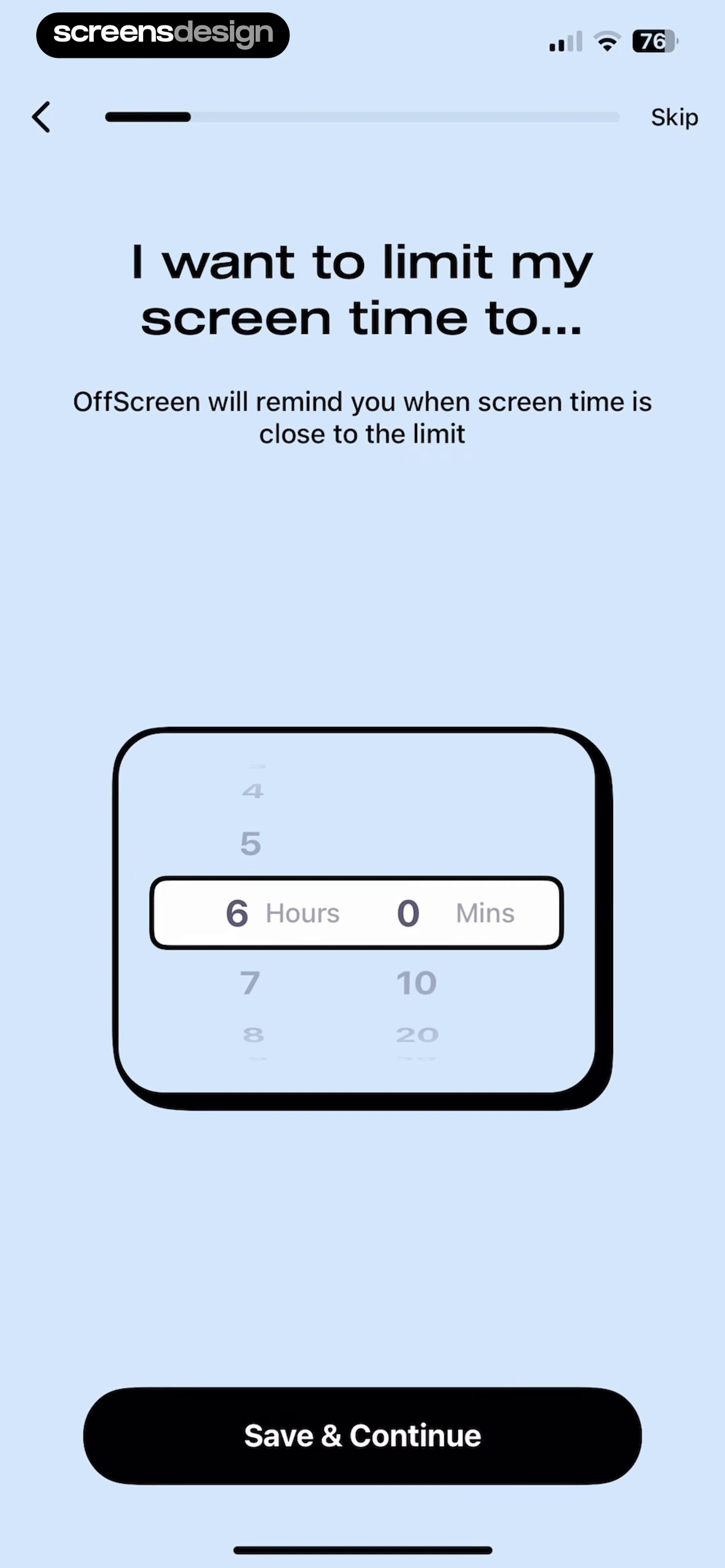
OffScreen onboarding screen with a time picker set to six hours and a Save and Continue button.
OffScreen notification permission onboarding screen with a central mock notification illustration and a Continue button.
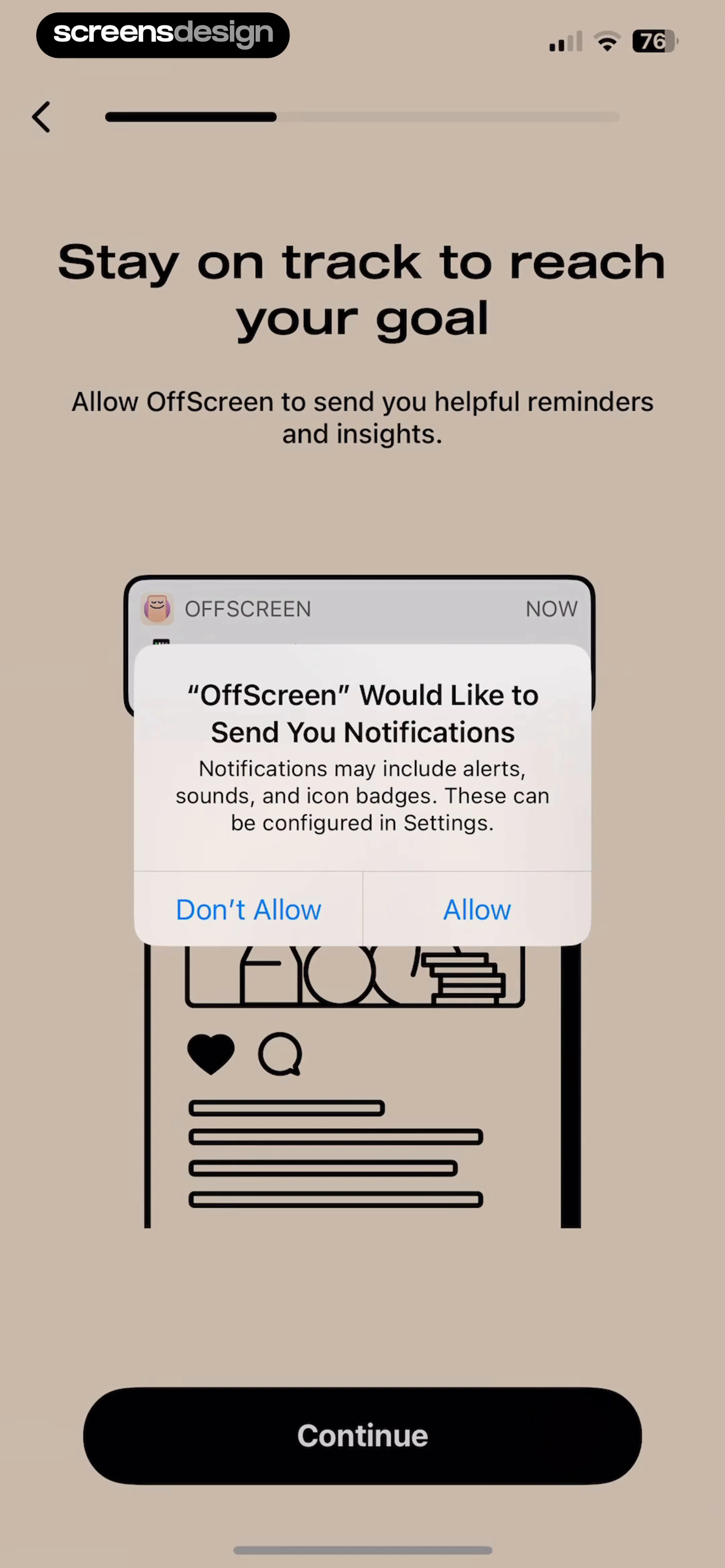
OffScreen onboarding permission screen displaying a system notification request modal and a Continue button.
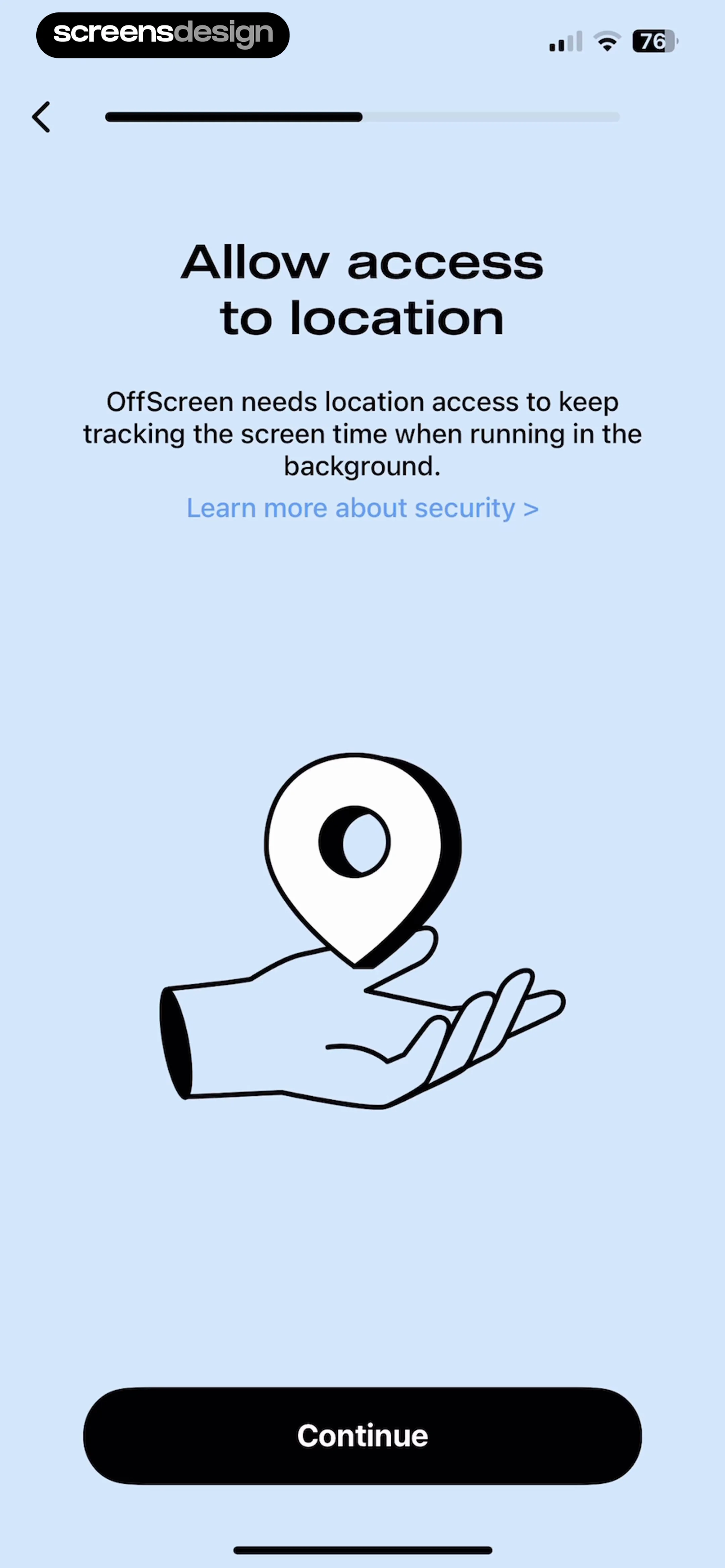
Permission request screen asking to allow access to location, featuring an illustration of a hand holding a location pin and a Continue button.
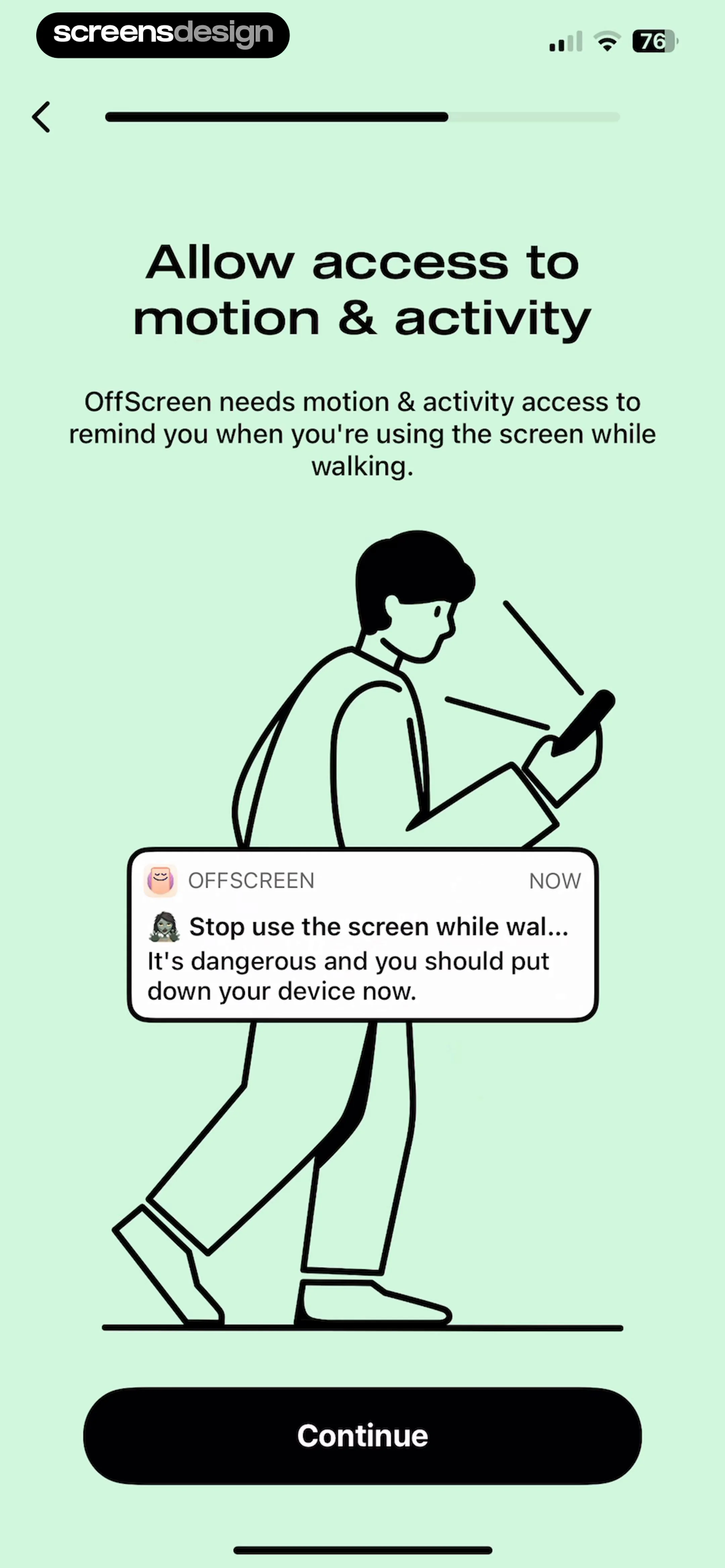
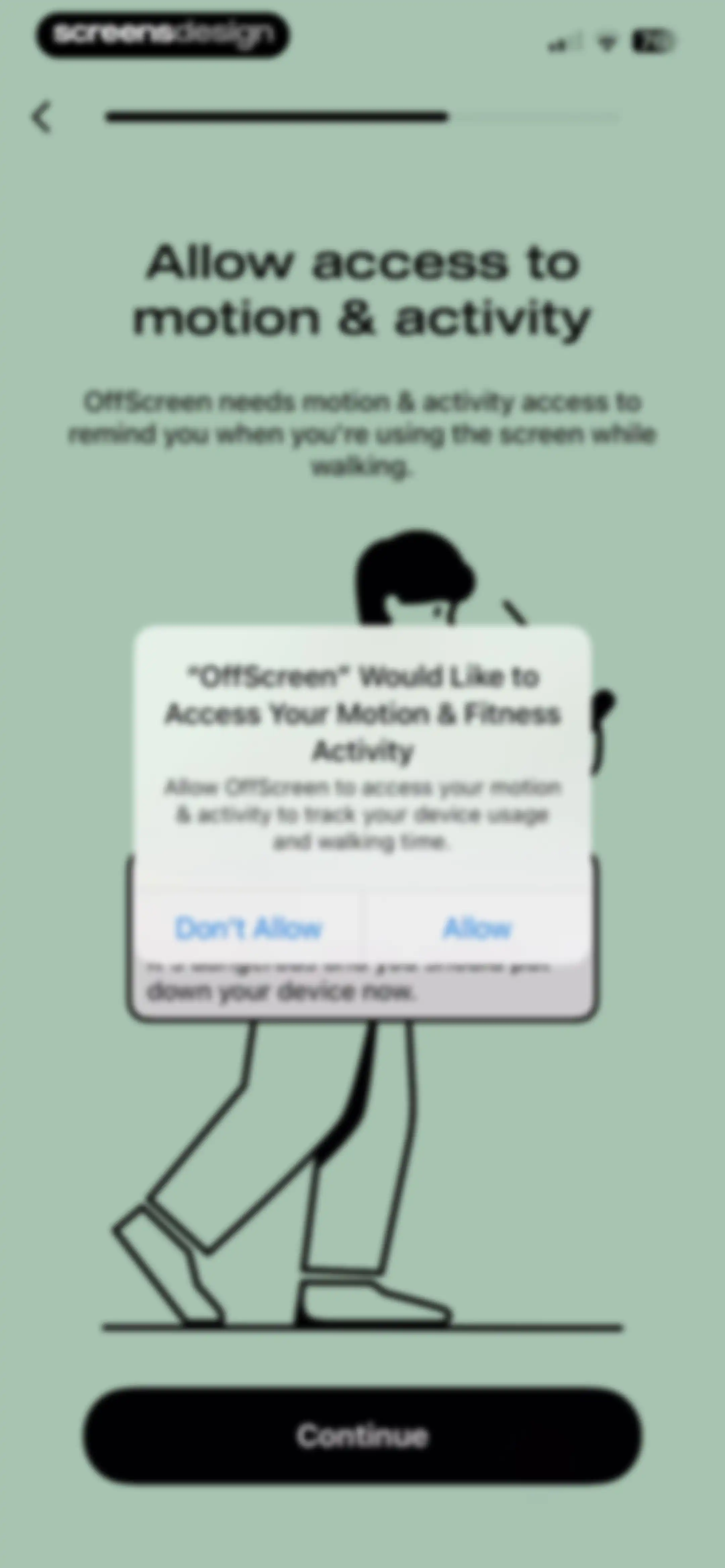
Permission request screen in the OffScreen app asking to allow access to motion and activity, featuring a central safety illustration and a Continue button.
Motion and fitness permission request screen during onboarding, featuring a system modal with Allow and Don't Allow buttons and a Continue button.Unlock Pro
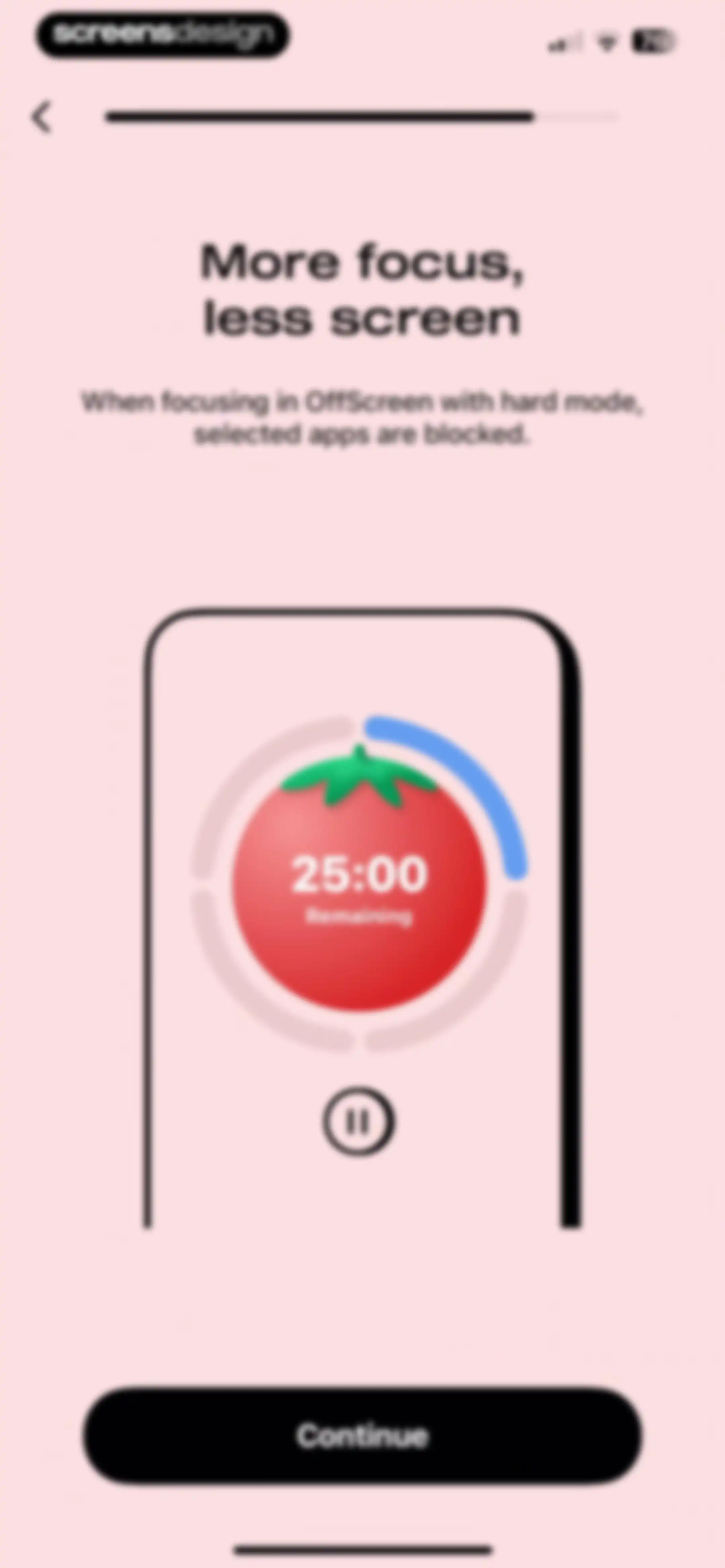
Onboarding screen explaining the hard mode focus feature with a timer illustration and a Continue button.Unlock Pro
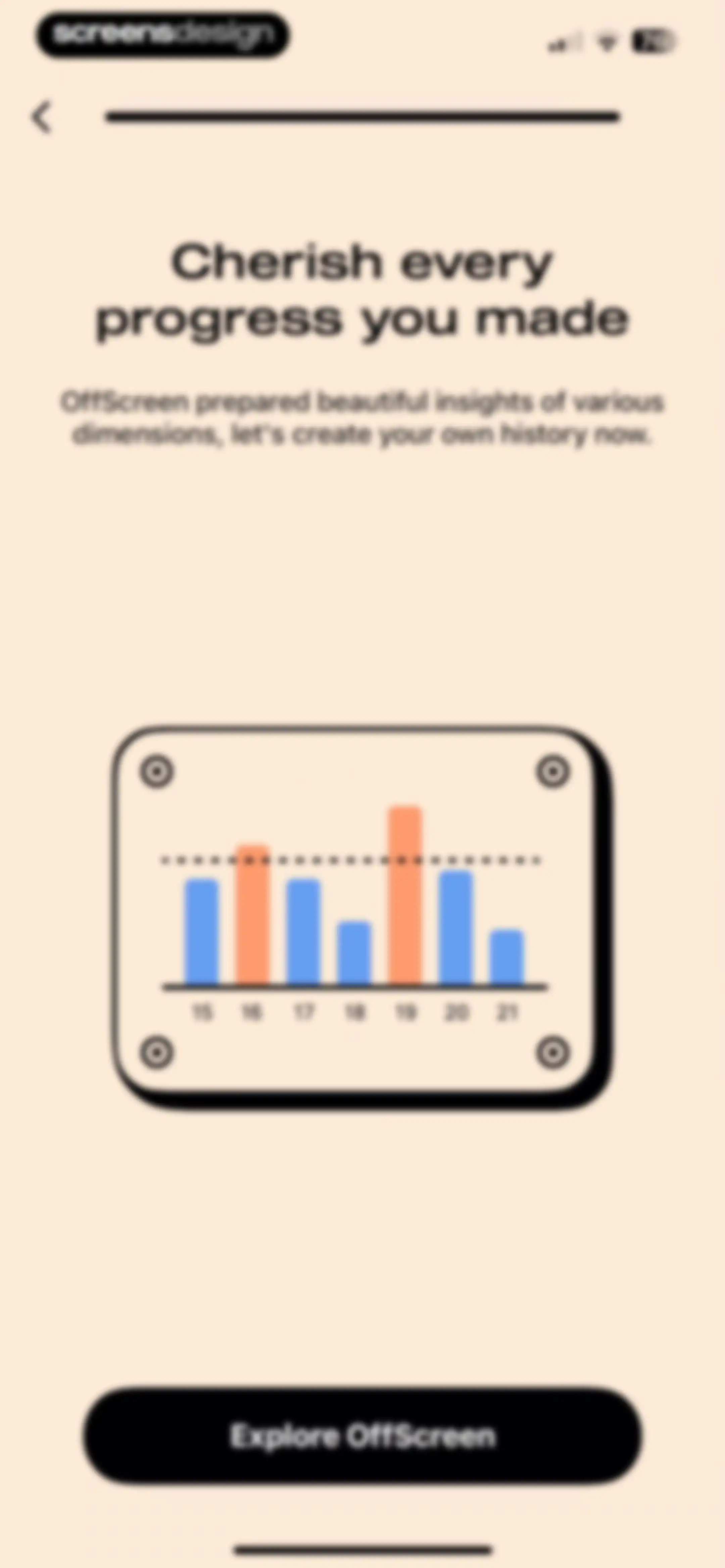
OffScreen onboarding screen with a progress chart, welcome message, and an Explore OffScreen button.Unlock Pro
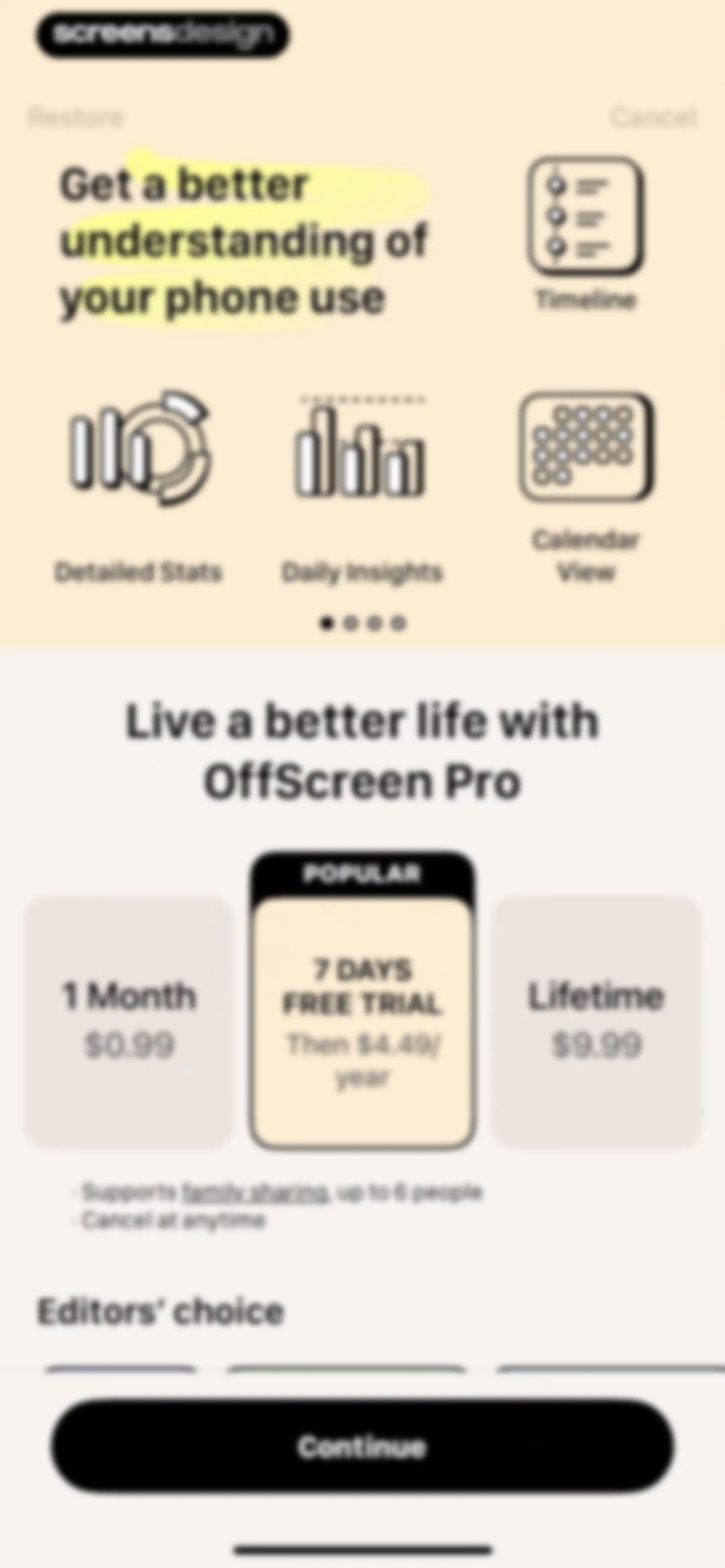
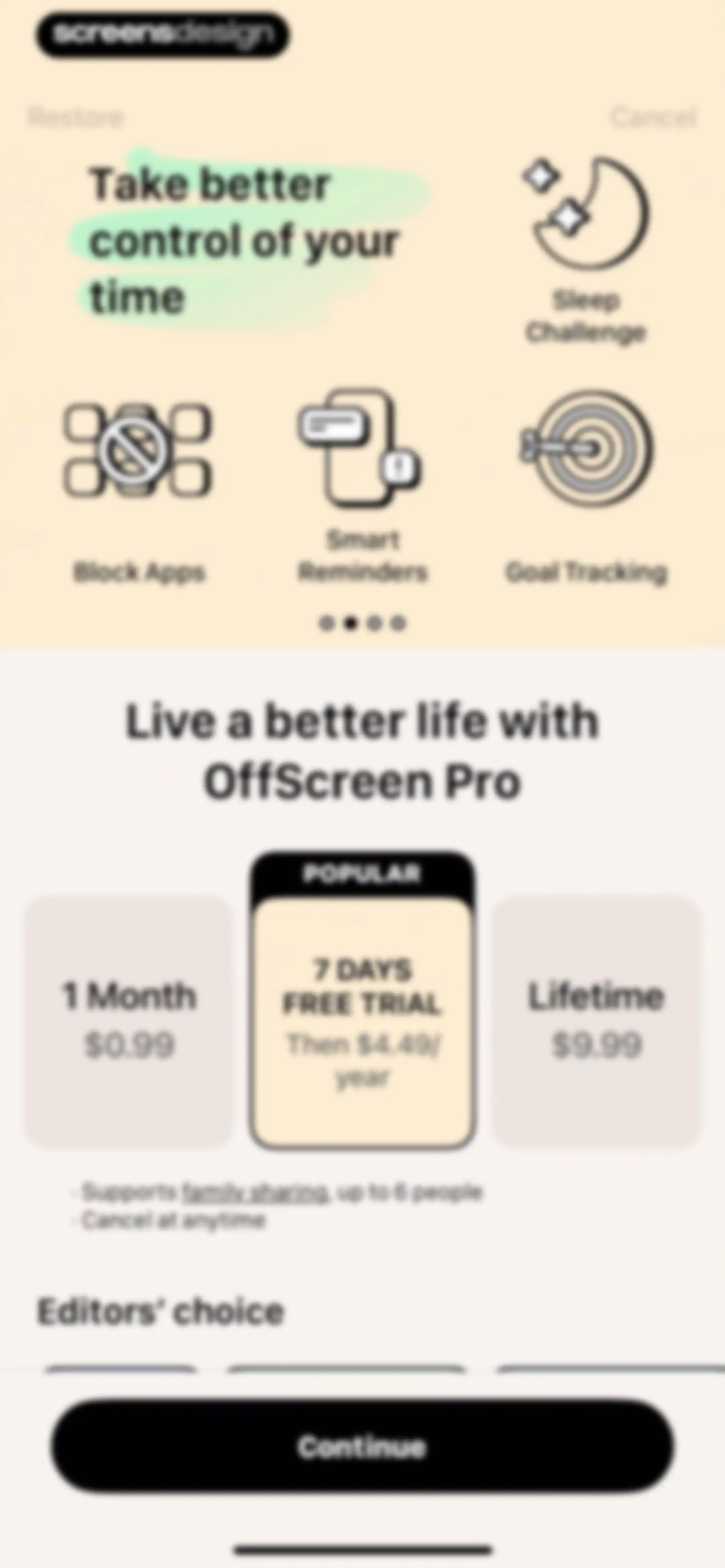
Subscription paywall screen comparing monthly, annual, and lifetime plans with the popular annual free trial selected and a Continue button.Unlock Pro
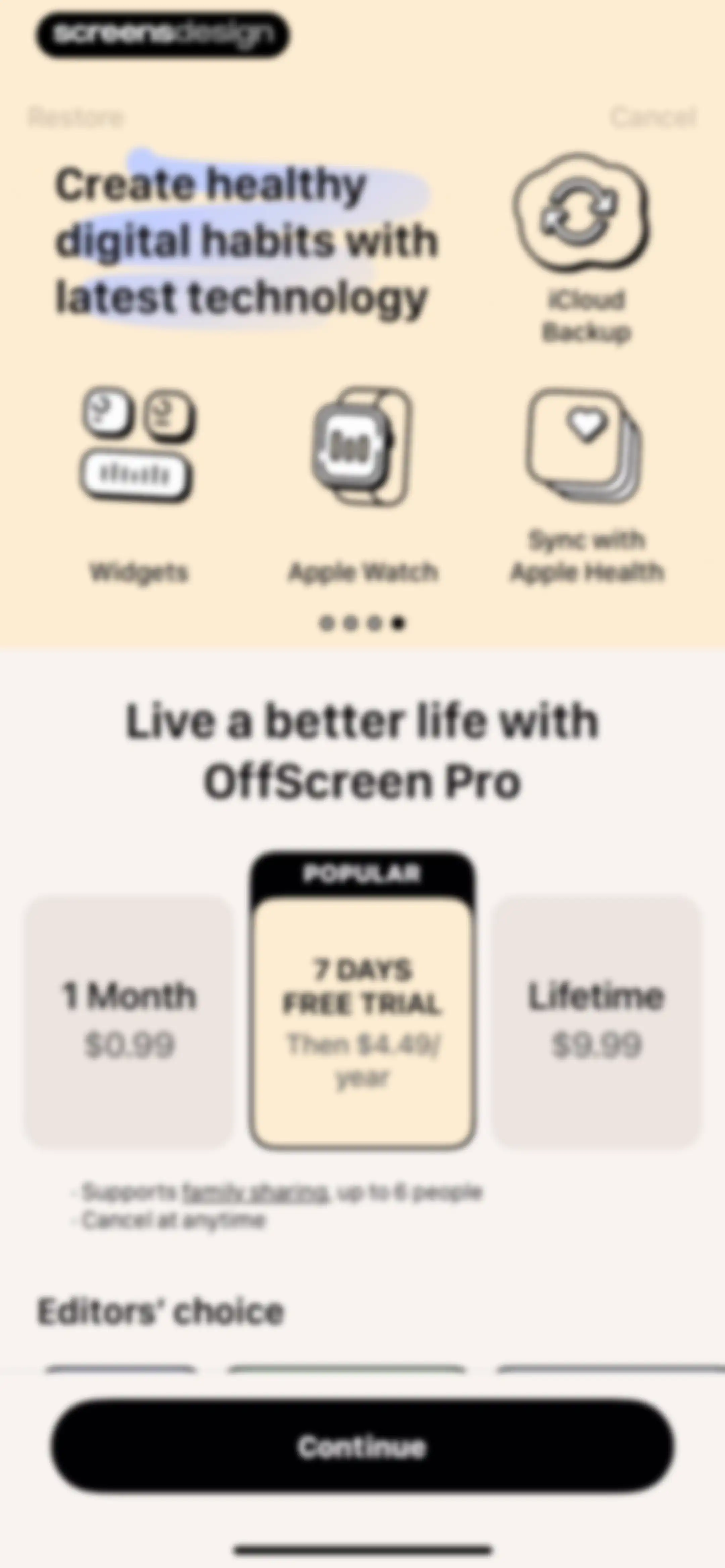
OffScreen Pro paywall screen comparing monthly, annual trial, and lifetime plans, with the annual trial selected and a Continue button.Unlock Pro
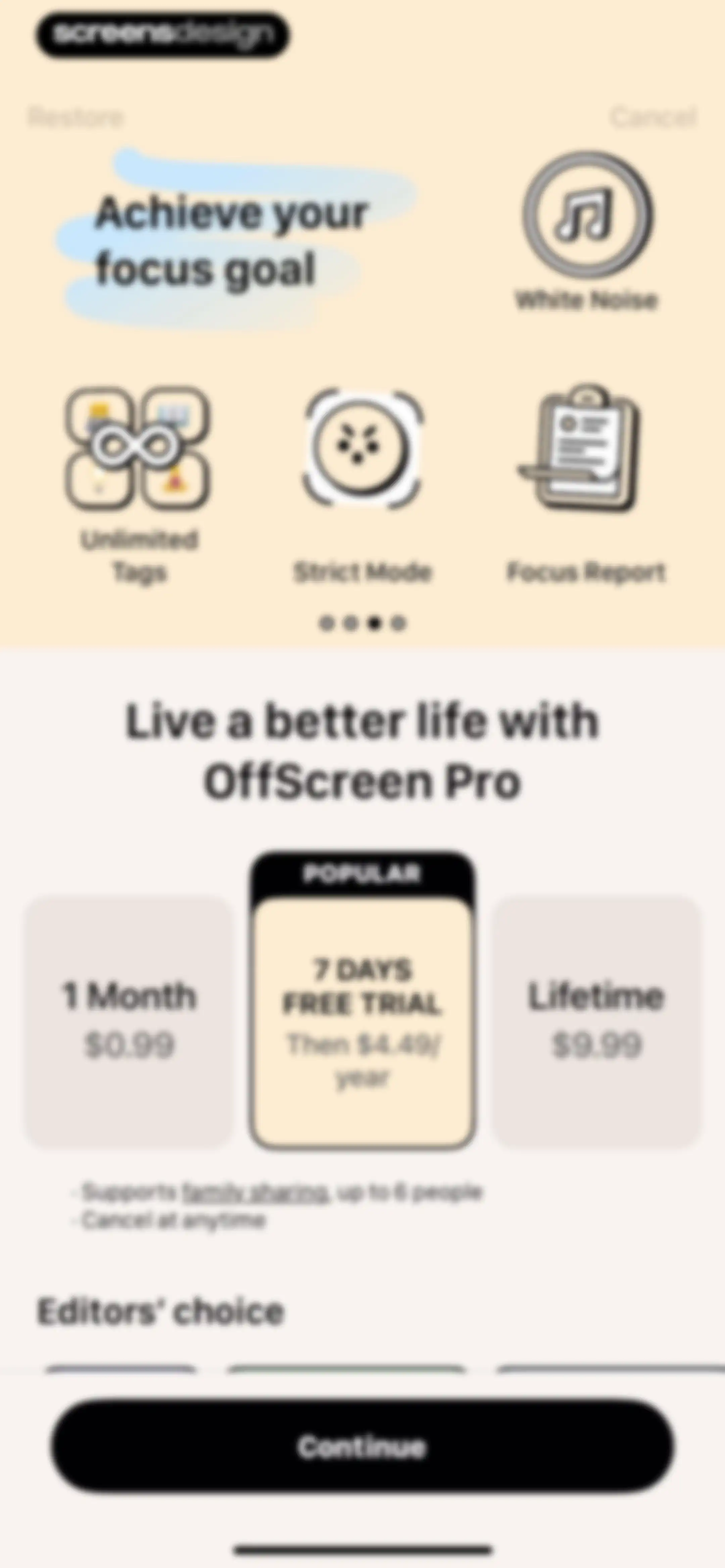
OffScreen paywall subscription screen comparing monthly, annual trial, and lifetime plans with the annual plan selected and a Continue button.Unlock Pro
Subscription paywall screen comparing monthly, annual trial, and lifetime plans, with the annual plan selected and a Continue button.Unlock Pro
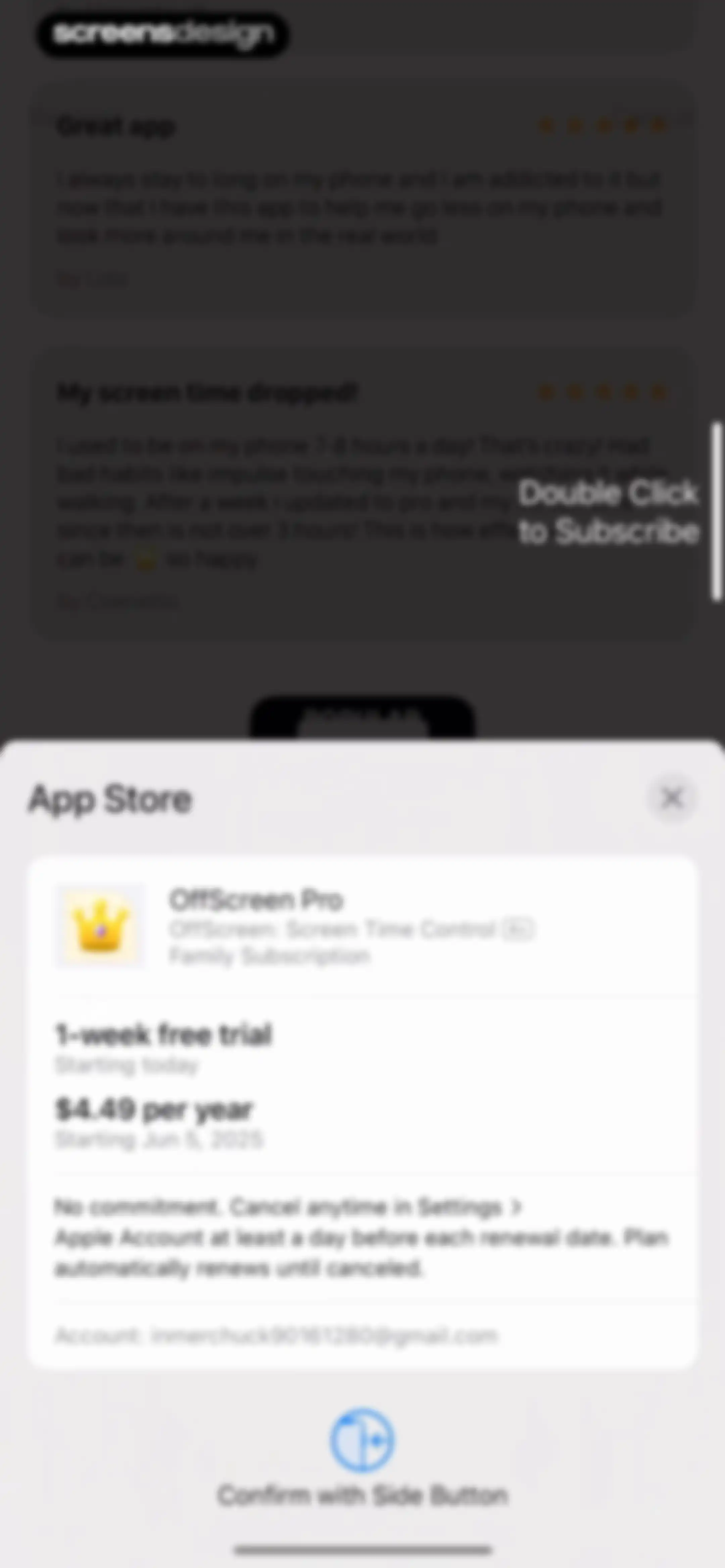
Checkout modal for OffScreen Pro displaying annual subscription terms with a free trial and a confirm with side button instruction.Unlock Pro
Subscription confirmation modal with a successful purchase message and an OK button, overlaid on a paywall featuring user testimonials and pricing cards.Unlock Pro
Home screen of the OffScreen app with a daily screen time progress circle, a setup card, and two bottom metric cards for pickups and average usage.Unlock Pro
Daily screen time limit settings modal with a dynamic limit toggle, hours and minutes pickers, and a confirm button.Unlock Pro
Daily screen time limit modal with an active dynamic limit toggle, a time picker set to 5 hours, and a confirmation button.Unlock Pro
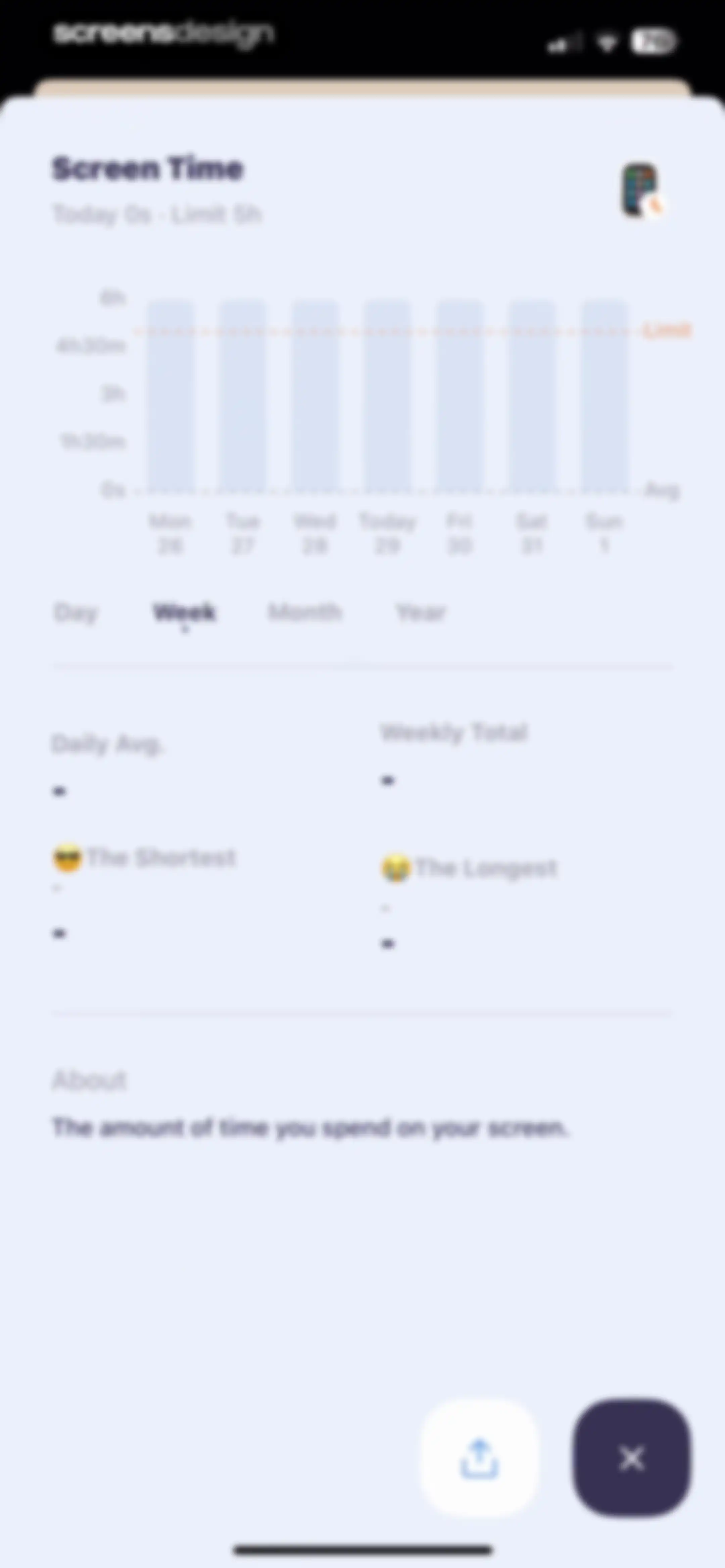
Screen Time dashboard displaying a weekly usage bar chart, summary statistics grid, and a time period selector with the week view selected.Unlock Pro
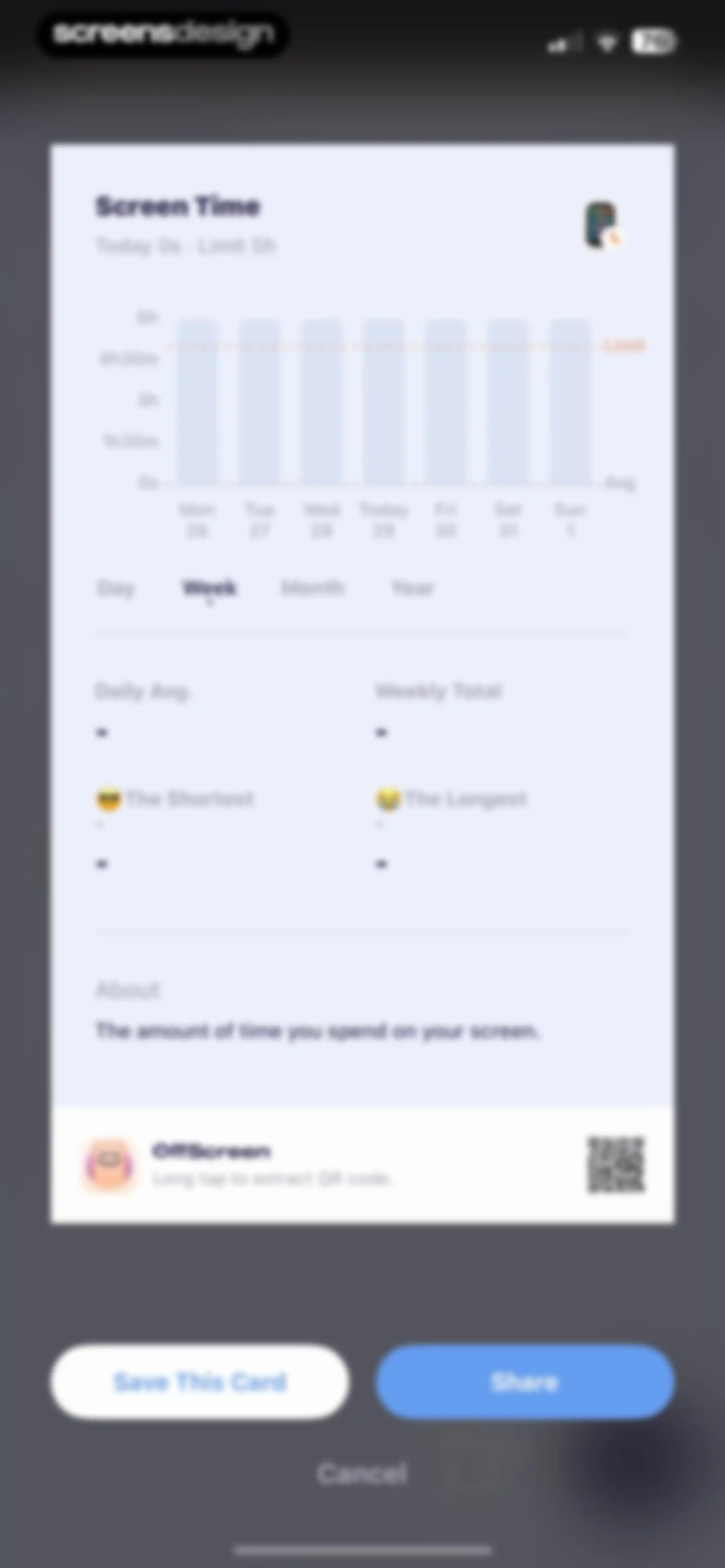
Screen time summary report card showing a weekly bar chart, usage statistics, and options to save, share, or cancel.Unlock Pro
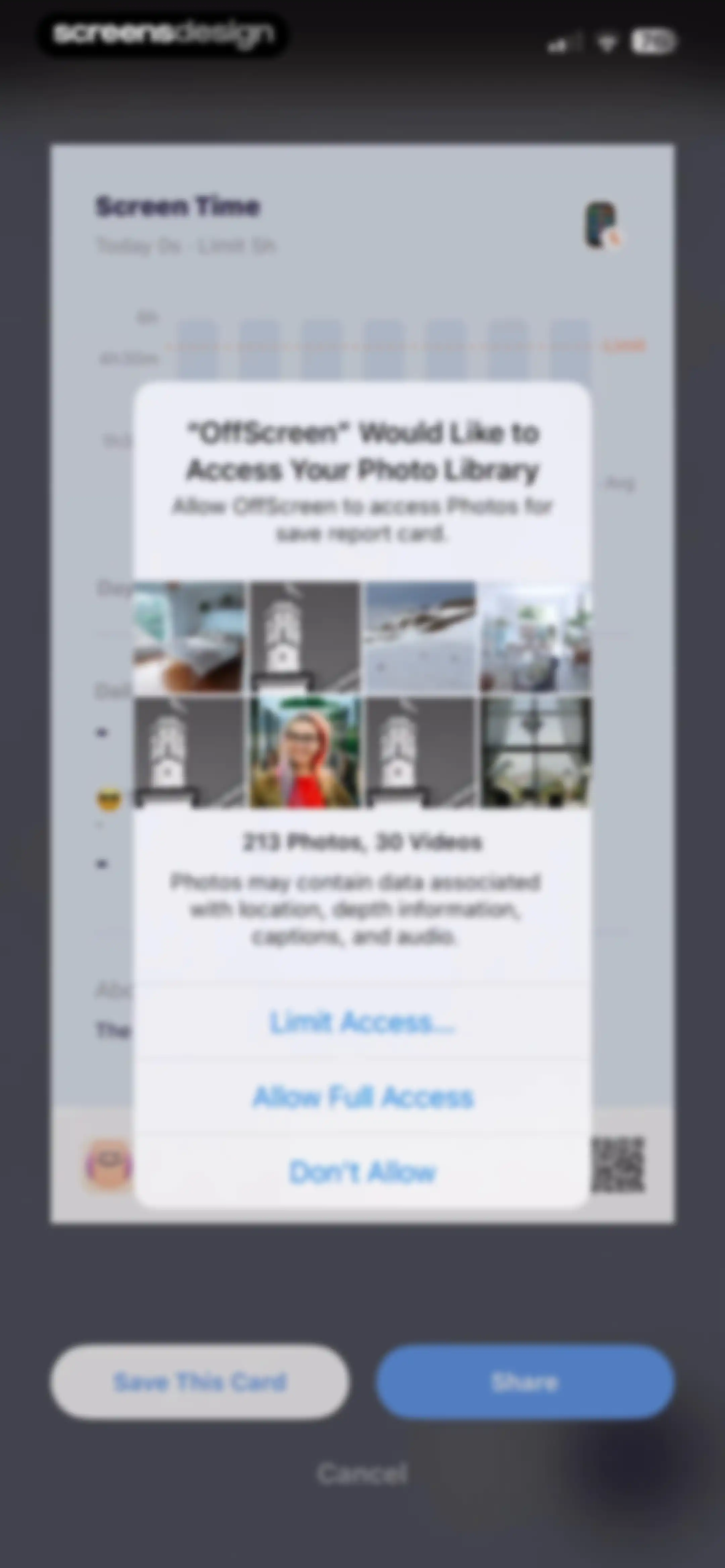
System permission modal requesting photo library access to save a report card, overlaid on a screen time dashboard with three choice buttons.Unlock Pro
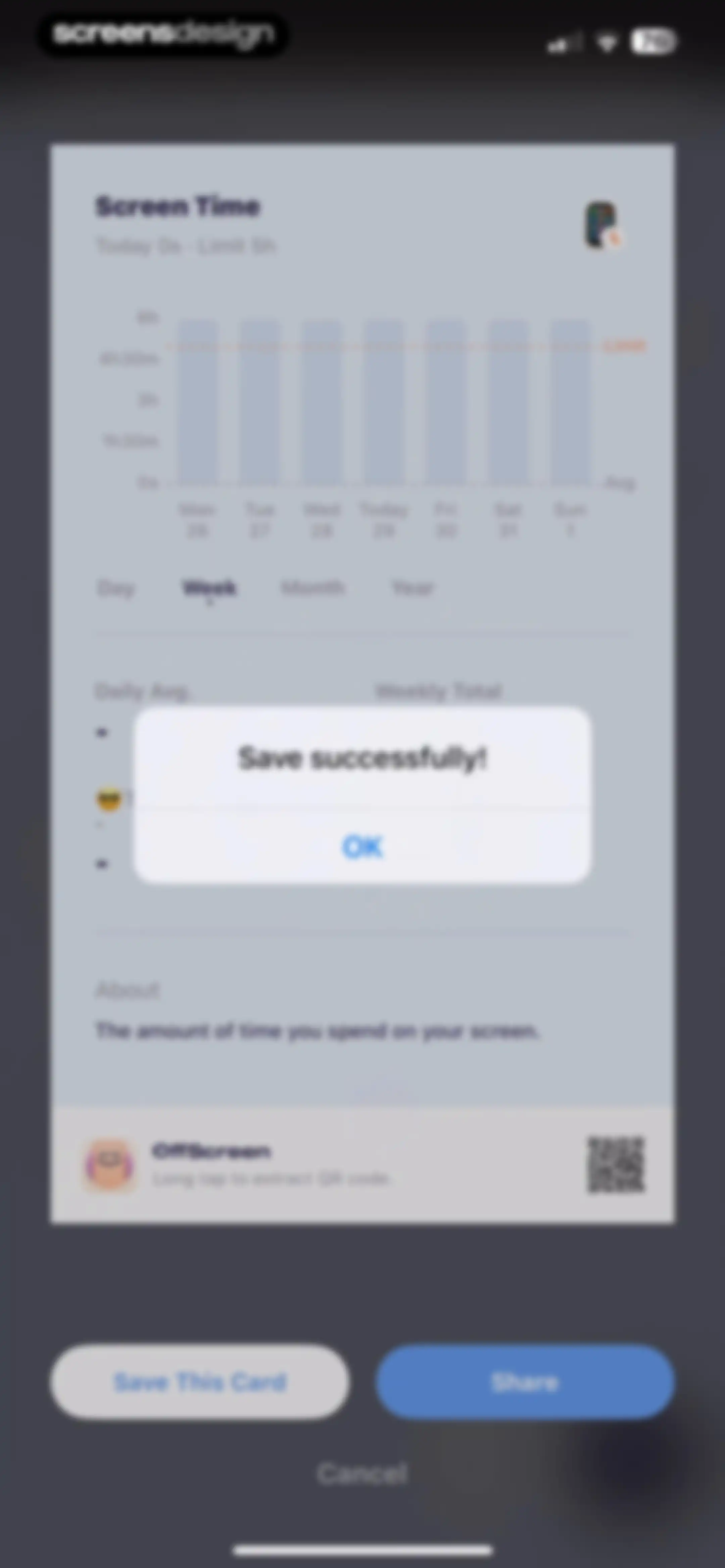
Screen time dashboard showing a weekly chart with a success modal overlay and an OK button confirming the card was saved.Unlock Pro
Share sheet overlaying a blurred screen time dashboard, with app sharing options and a vertical list of actions.Unlock Pro
Activity screen showing a date header and an empty state placeholder indicating no screen time data is available for the selected day.Unlock Pro
OffScreen home screen showing daily screen time progress, a central timer, a setup card for off time, and metric cards for pickups and average usage.Unlock Pro
OFF Time empty state with a suggested bedtime schedule card and a Setup Now button.Unlock Pro
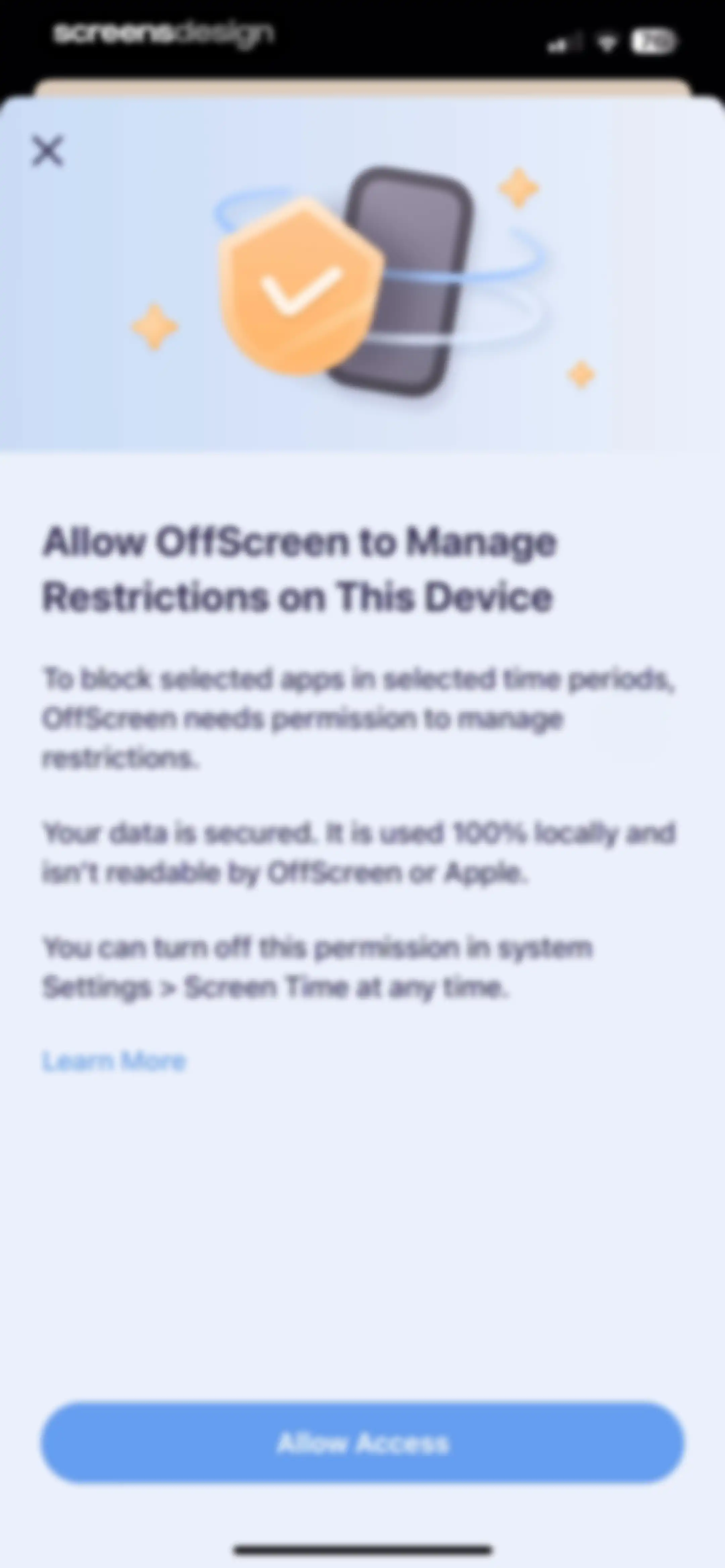
Permission request screen in the OffScreen app explaining restriction management, with an Allow Access button and a security illustration.Unlock Pro
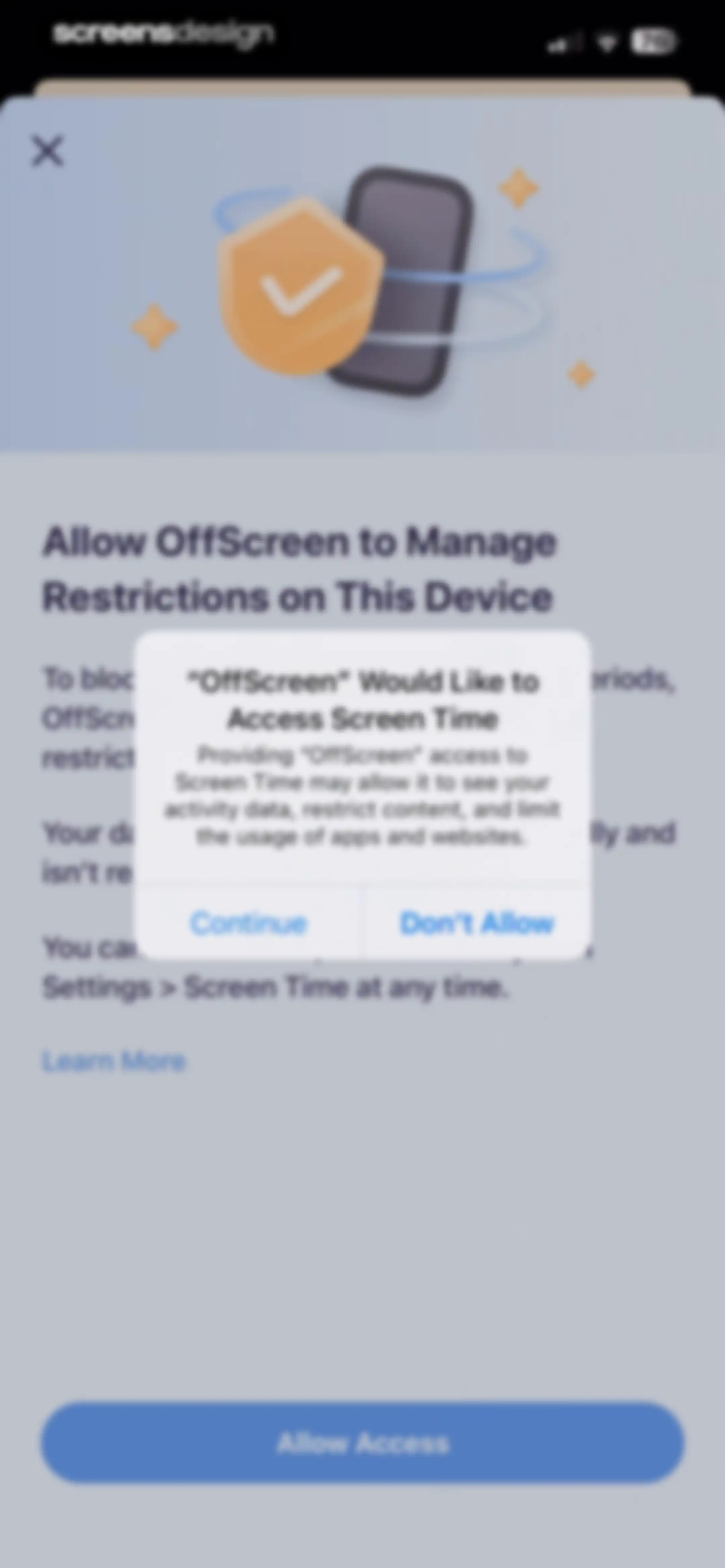
Permissions screen with a system modal requesting Screen Time access, featuring Allow Access and Don't Allow buttons.Unlock Pro
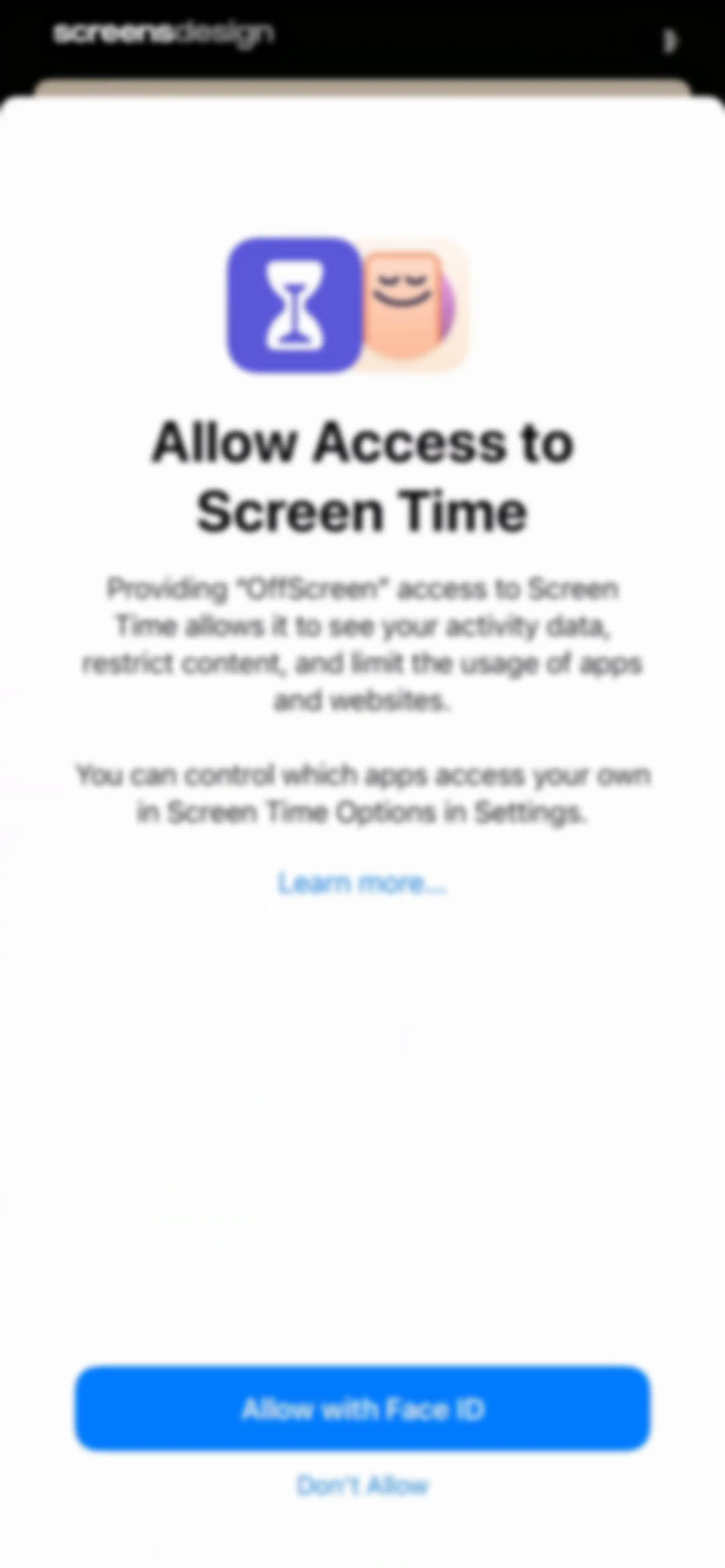
Permissions request screen asking to allow OffScreen access to Screen Time, with an Allow with Face ID button and a Don't Allow option.Unlock Pro
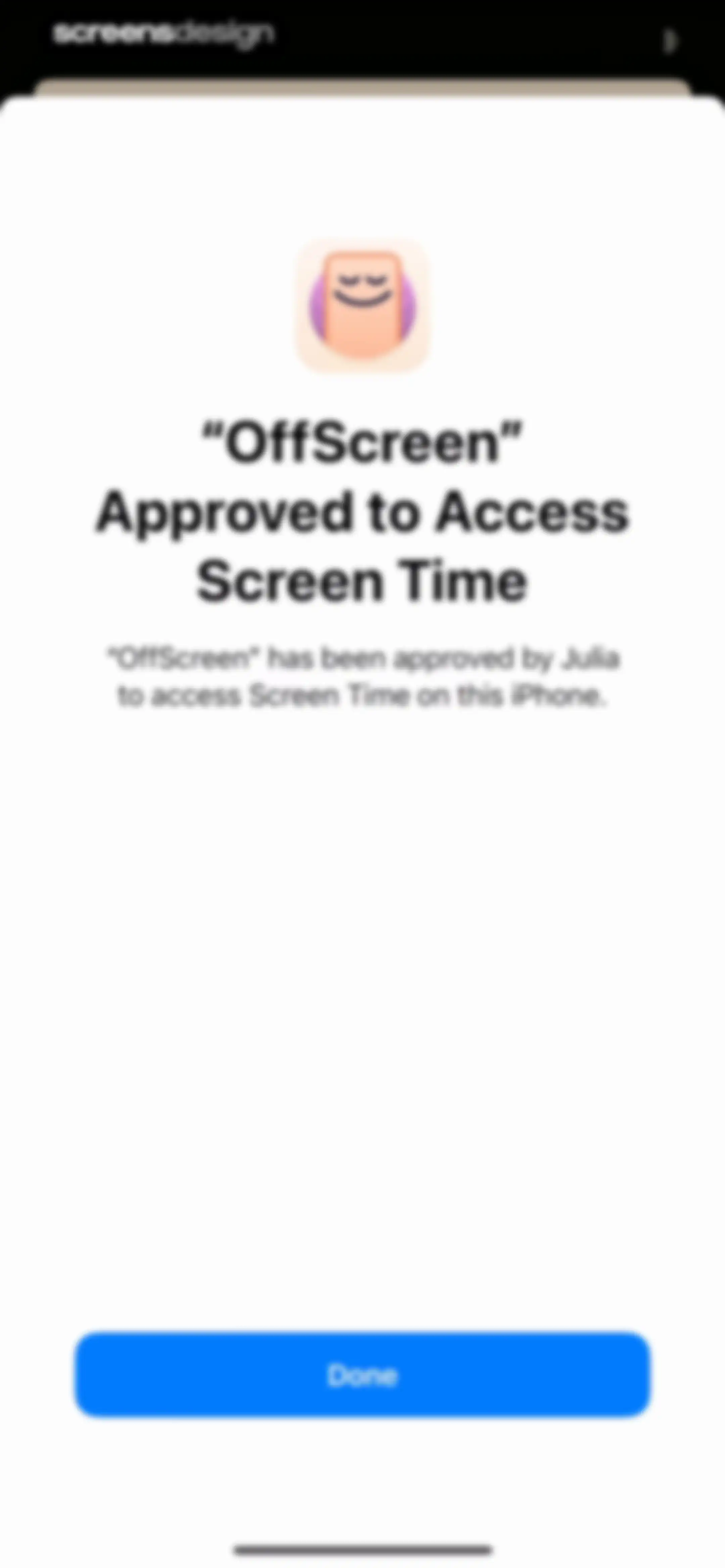
OffScreen permission confirmation screen stating the app has been approved by Julia to access Screen Time, with a Done button.Unlock Pro
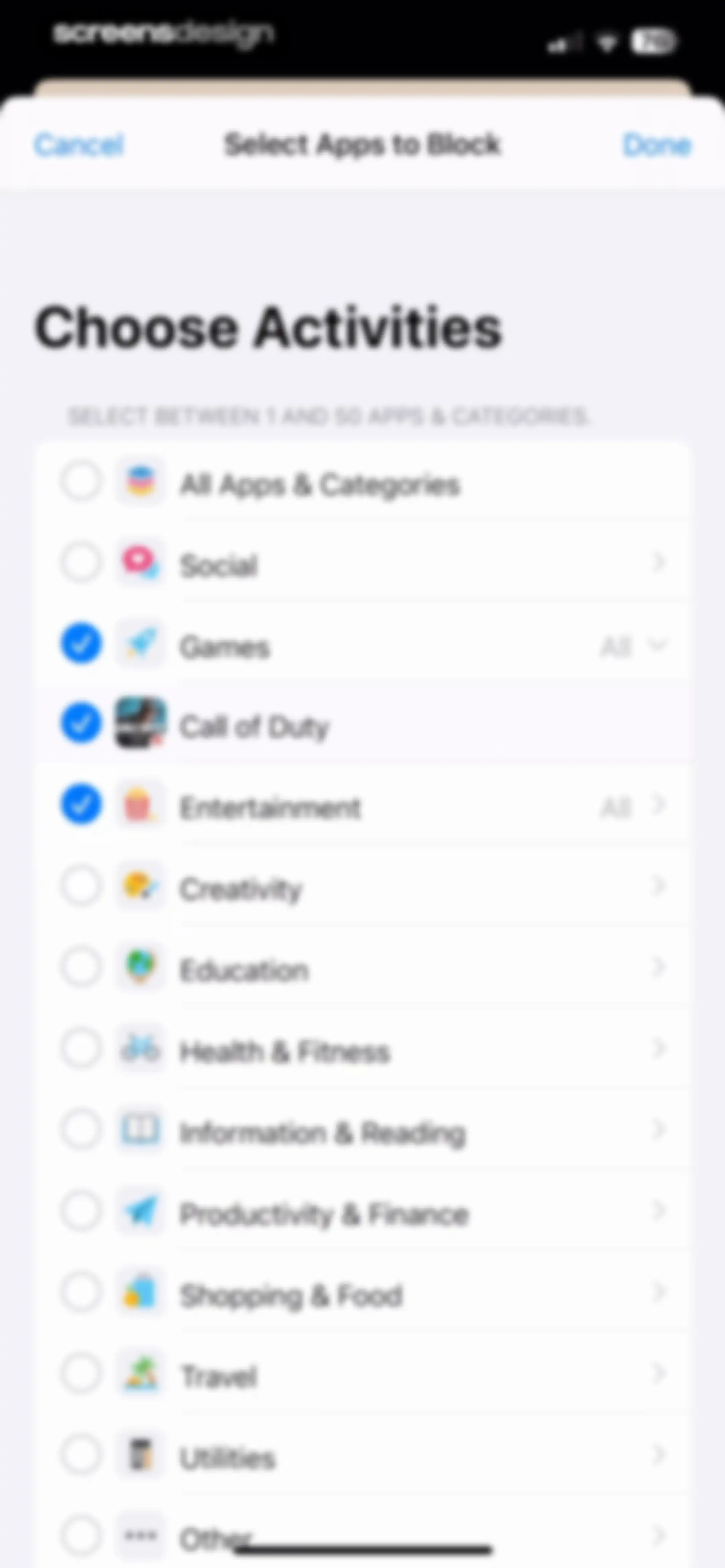
App selection form for blocking activities, featuring a vertical list with Games and Call of Duty selected and a Done button.Unlock Pro
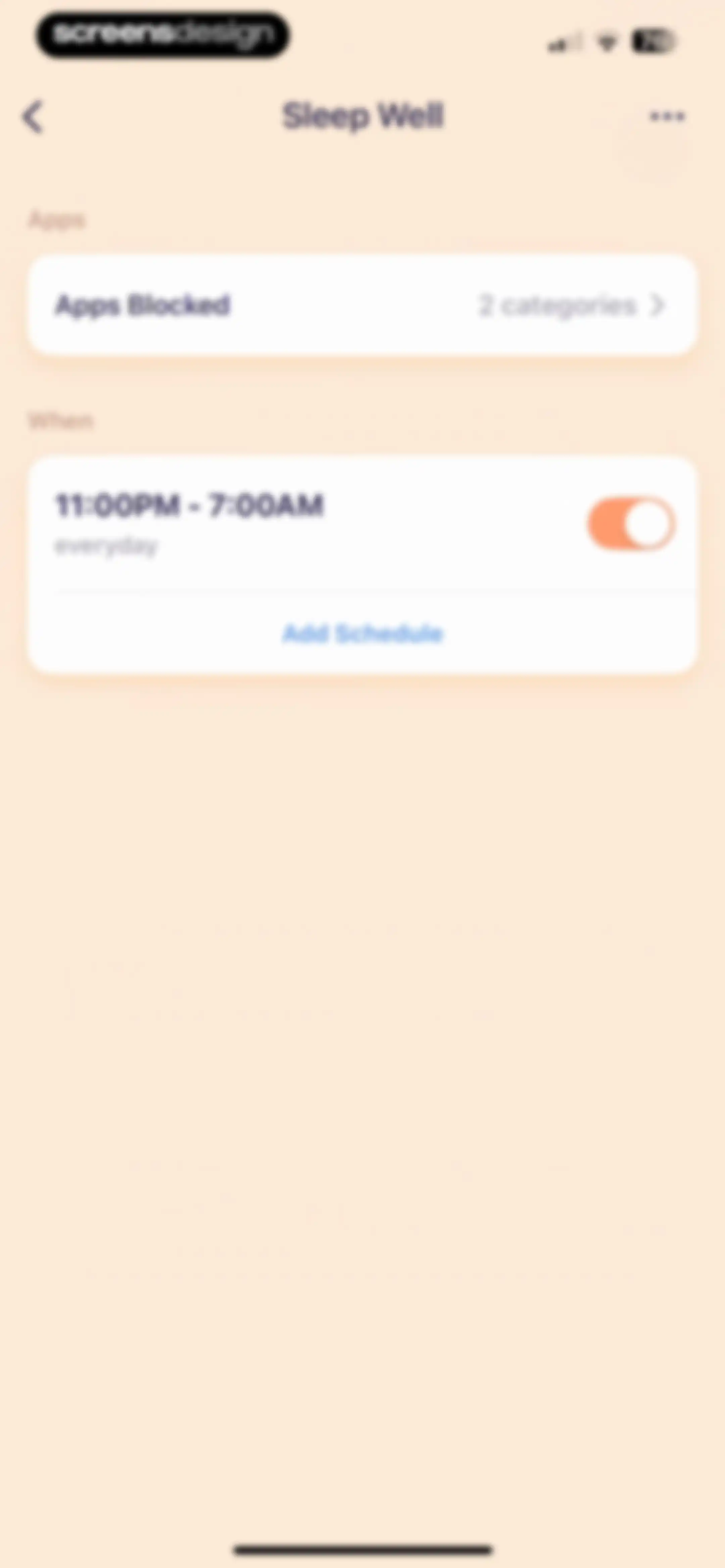
Sleep Well settings screen with cards for blocked apps and an active everyday schedule from 11:00PM to 7:00AM.Unlock Pro
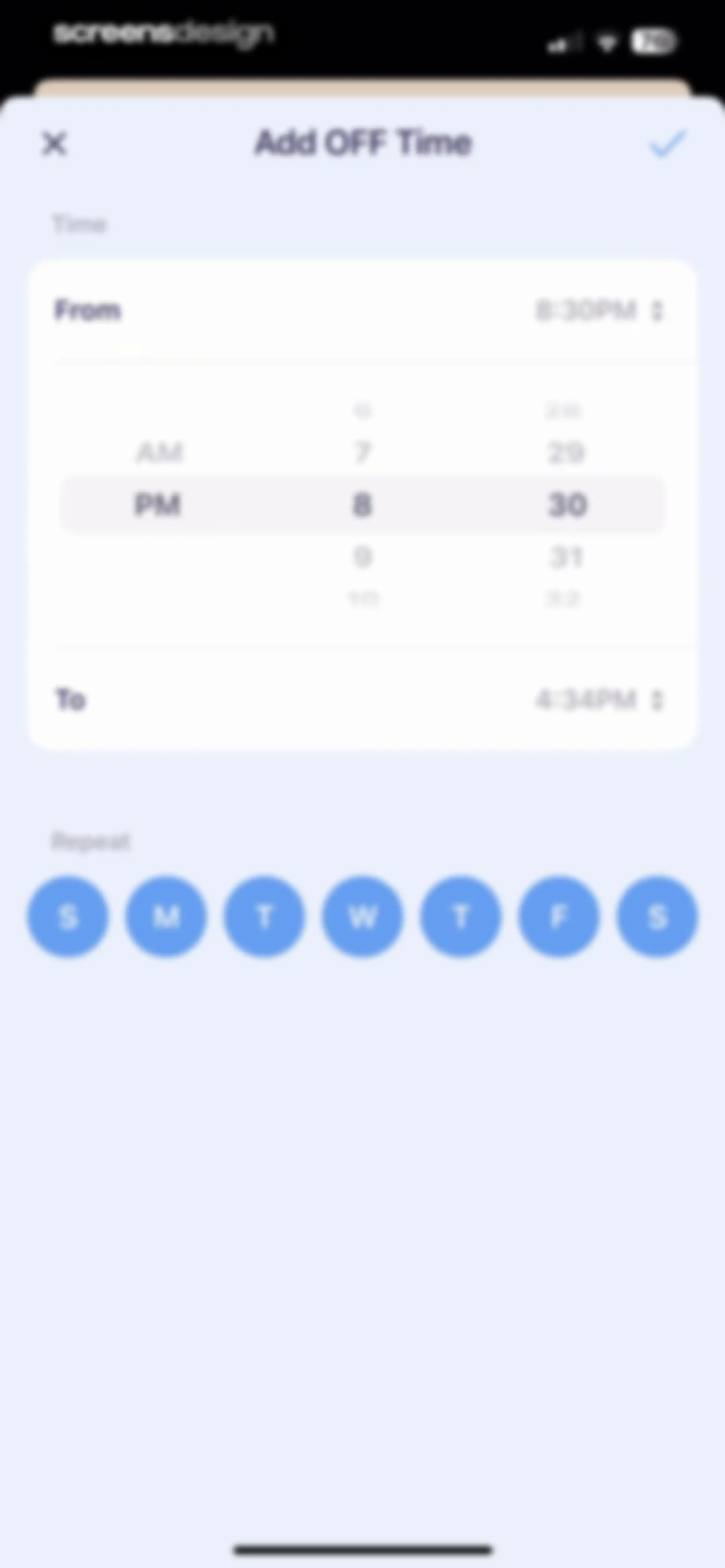
Add OFF Time form with a time picker set from 8:30 PM to 4:34 PM, a repeat day selector, and close and save buttons.Unlock Pro
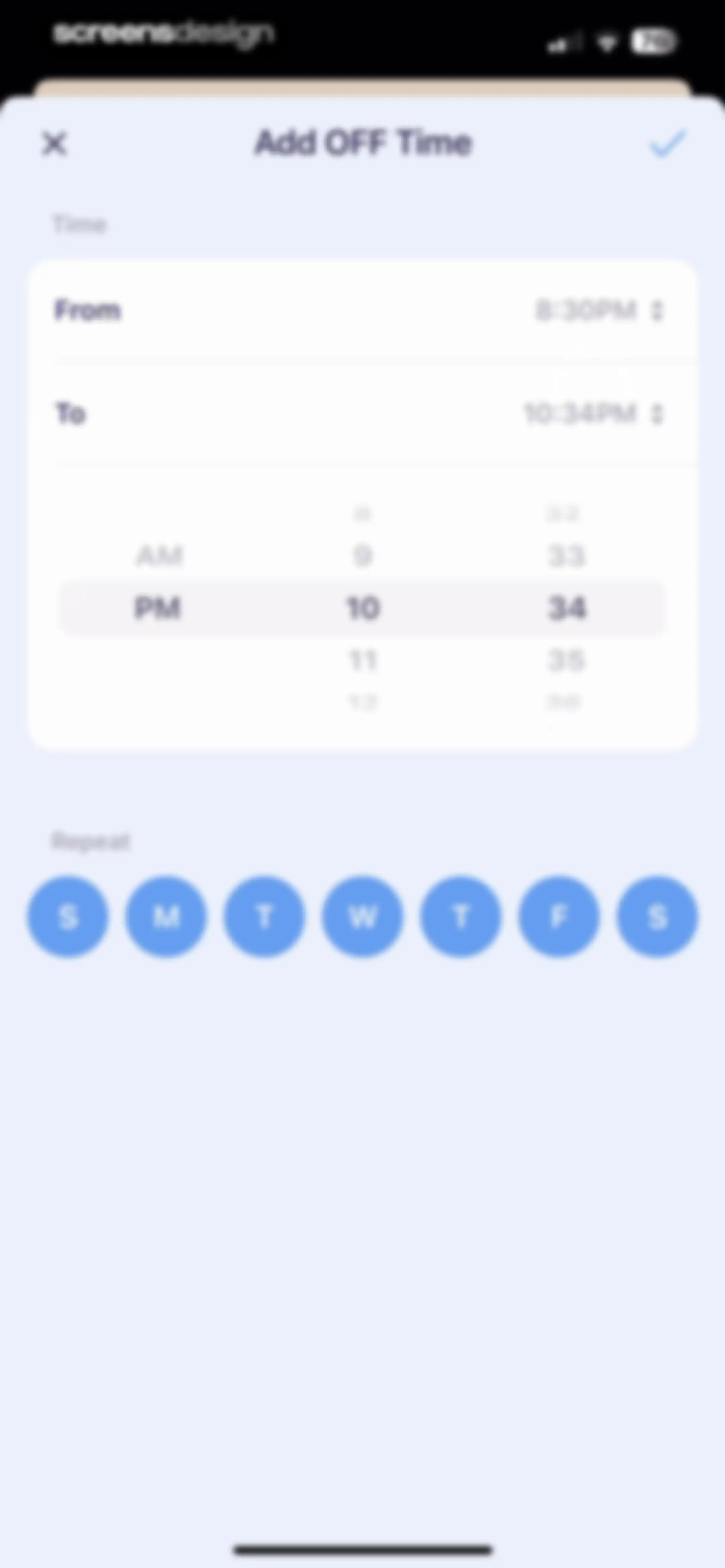
Scheduling form titled Add OFF Time with a time picker set to 10:34 PM, day-of-the-week toggles, and a confirm button.Unlock Pro
Time configuration form for adding an off-time schedule, featuring start and end time pickers and a day-of-the-week selection row.Unlock Pro
Settings screen for Sleep Well with blocked apps configuration and a list of schedules including an Add Schedule button.Unlock Pro
Settings screen for OFF Time featuring interactive cards for Sleep Well, Break Time, and Quotes with a top add button.Unlock Pro
Focus mode settings screen for Sleep Well with blocked apps and two active schedules, plus an Add Schedule button.Unlock Pro
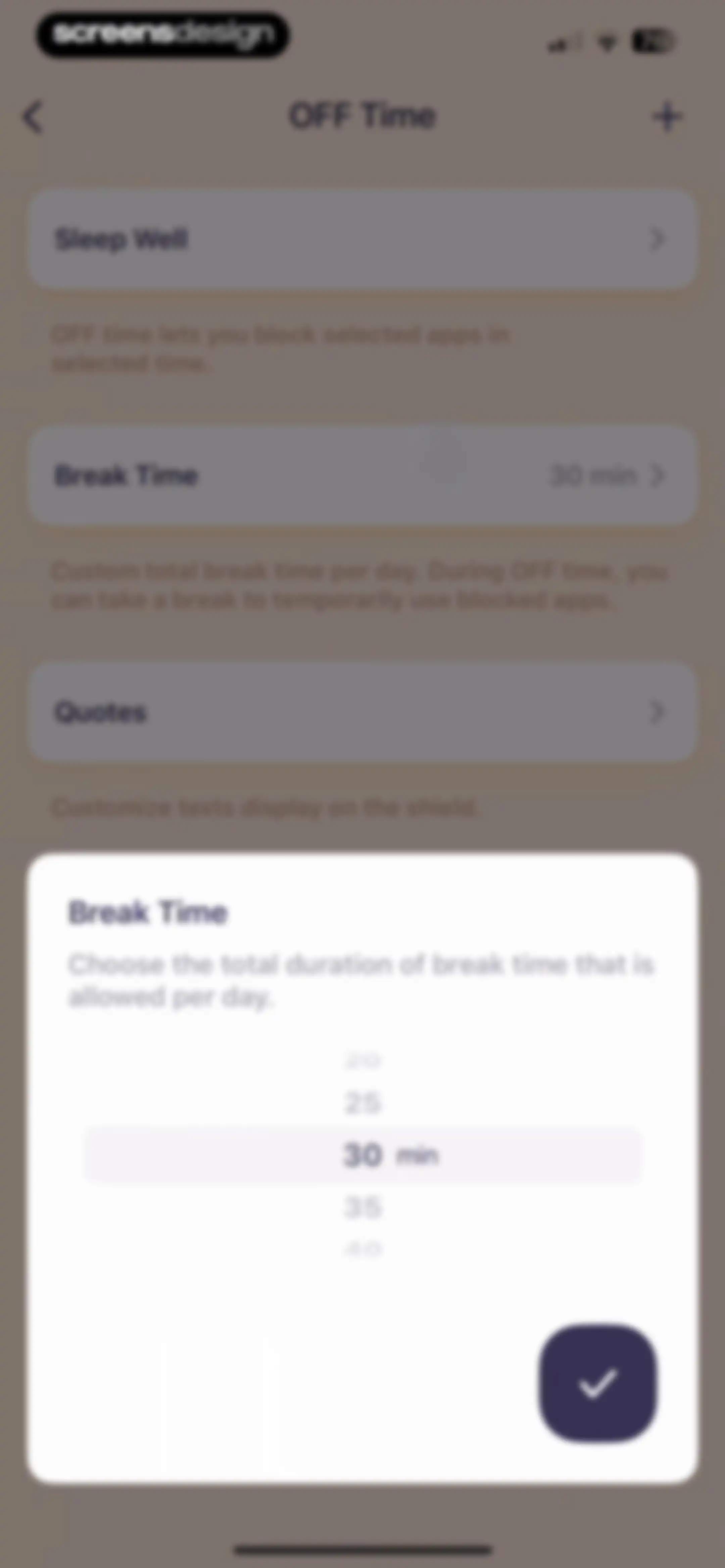
Settings screen with a break time duration picker modal open, showing thirty minutes selected and a checkmark confirmation button.Unlock Pro
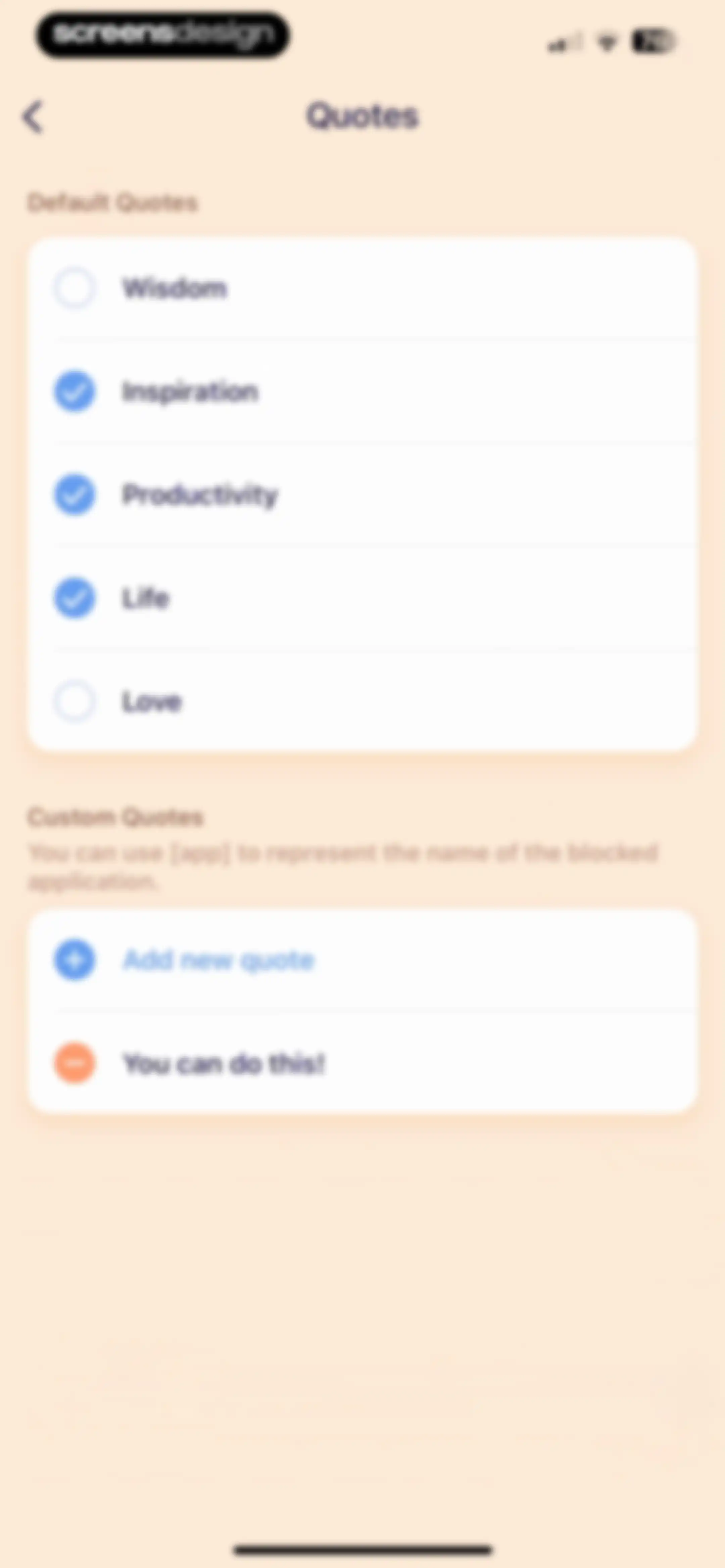
Quote settings screen with default categories, custom quotes list, and an Add new quote button.Unlock Pro
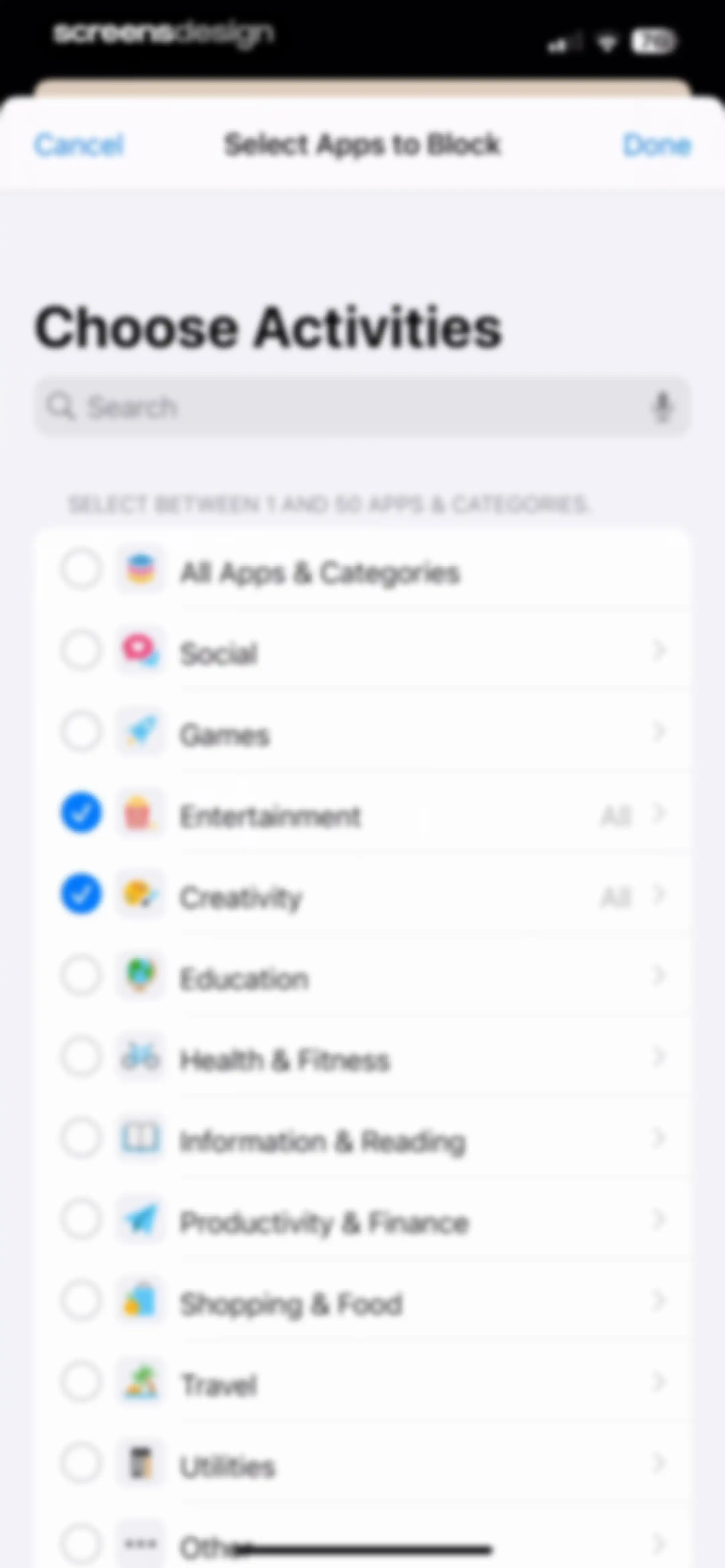
Category selection form titled Choose Activities with a search bar and a list of app categories including selected Entertainment and Creativity options.Unlock Pro
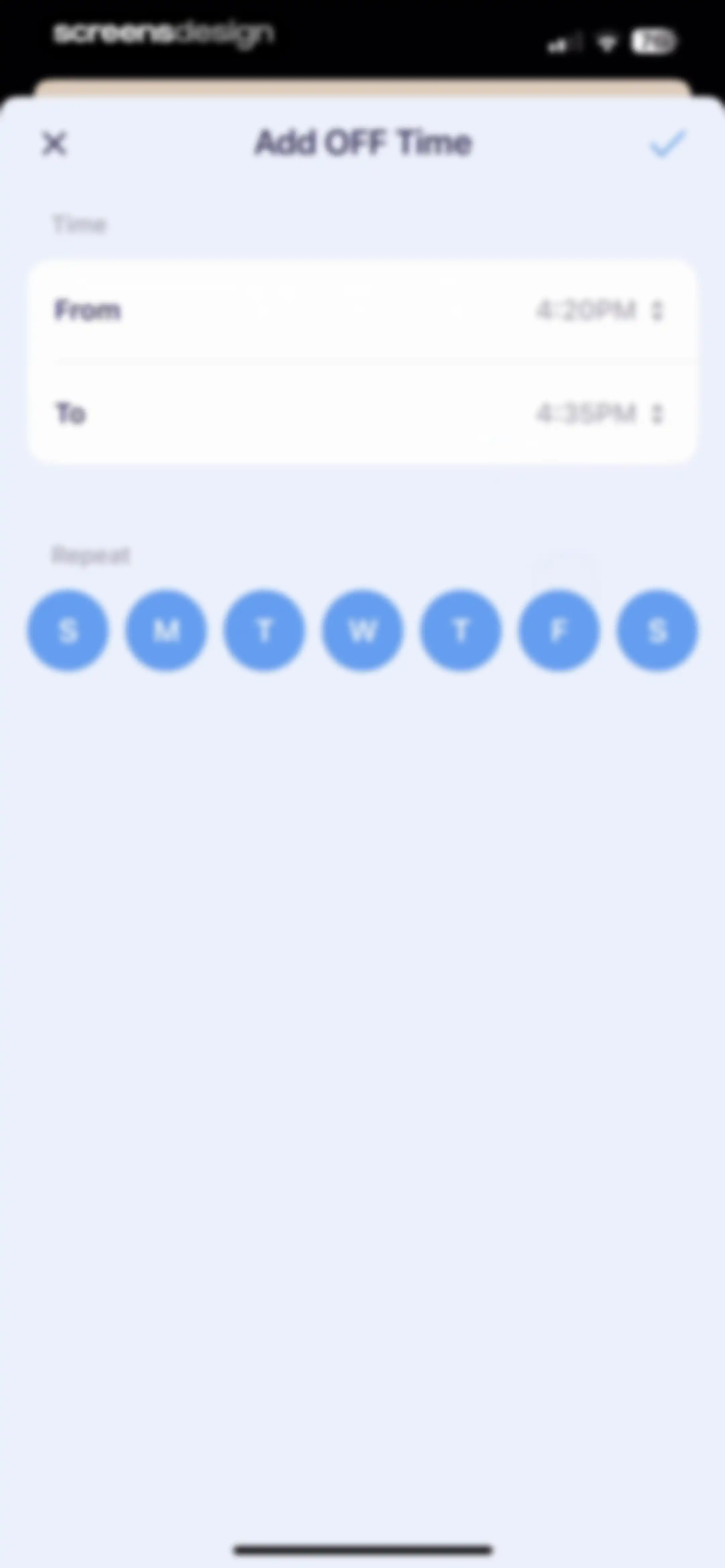
Form to add an OFF Time with start and end time inputs set to 4:20PM and 4:35PM, plus a daily repeat selector.Unlock Pro
Digital detox settings screen titled My OFF Time with blocked apps and schedule details, plus an Add Schedule button.Unlock Pro
Settings screen for managing an OFF Time schedule, featuring blocked apps, a daily time slot, and an Add Schedule button.Unlock Pro
Settings screen for My OFF Time with a centered delete confirmation modal asking Sure to delete this OFF Time and Cancel and Delete buttons.Unlock Pro
Dashboard displaying OffScreen digital wellness statistics in a grid of cards with a five-hour limit selector.Unlock Pro
Sleep analytics screen displaying a weekly bar chart, summary statistics, and data source settings with a close button.Unlock Pro
Sleep analytics dashboard displaying a weekly bar chart, summary statistics grid with empty data, and an explanatory about section.Unlock Pro
Permissions screen for the OffScreen app requesting read and write access to Apple Health sleep data, featuring Allow and Don't Allow buttons.Unlock Pro
Settings screen for sleep data source selection featuring the selected OffScreen card with a checkmark and an Allow Access link.Unlock Pro
Analytics screen displaying sleep time data with a weekly bar chart, selected Week time range, and summary statistics.Unlock Pro
Sleep time analytics card displaying a weekly bar chart with no records, time-range tabs with Week selected, statistics, and save and share buttons.Unlock Pro
Sleep time data card with a success modal overlay and an OK button, displaying weekly sleep metrics and share options.Unlock Pro
OffScreen daily summary dashboard featuring a circular progress timer, four metric cards, and share options.Unlock Pro
Settings screen listing selectable metric cards with toggles for customization, including a top navigation bar and save action.Unlock Pro
Focus dashboard featuring a countdown timer set to zero, a tag selector, daily summary cards, and a Start to Focus button.Unlock Pro
Focus timer interface with a modal promoting MD Clock, featuring a Download for Free button.Unlock Pro
Focus timer home screen displaying a central circular countdown timer, a tag selector, two summary cards, and a Start to Focus button.Unlock Pro
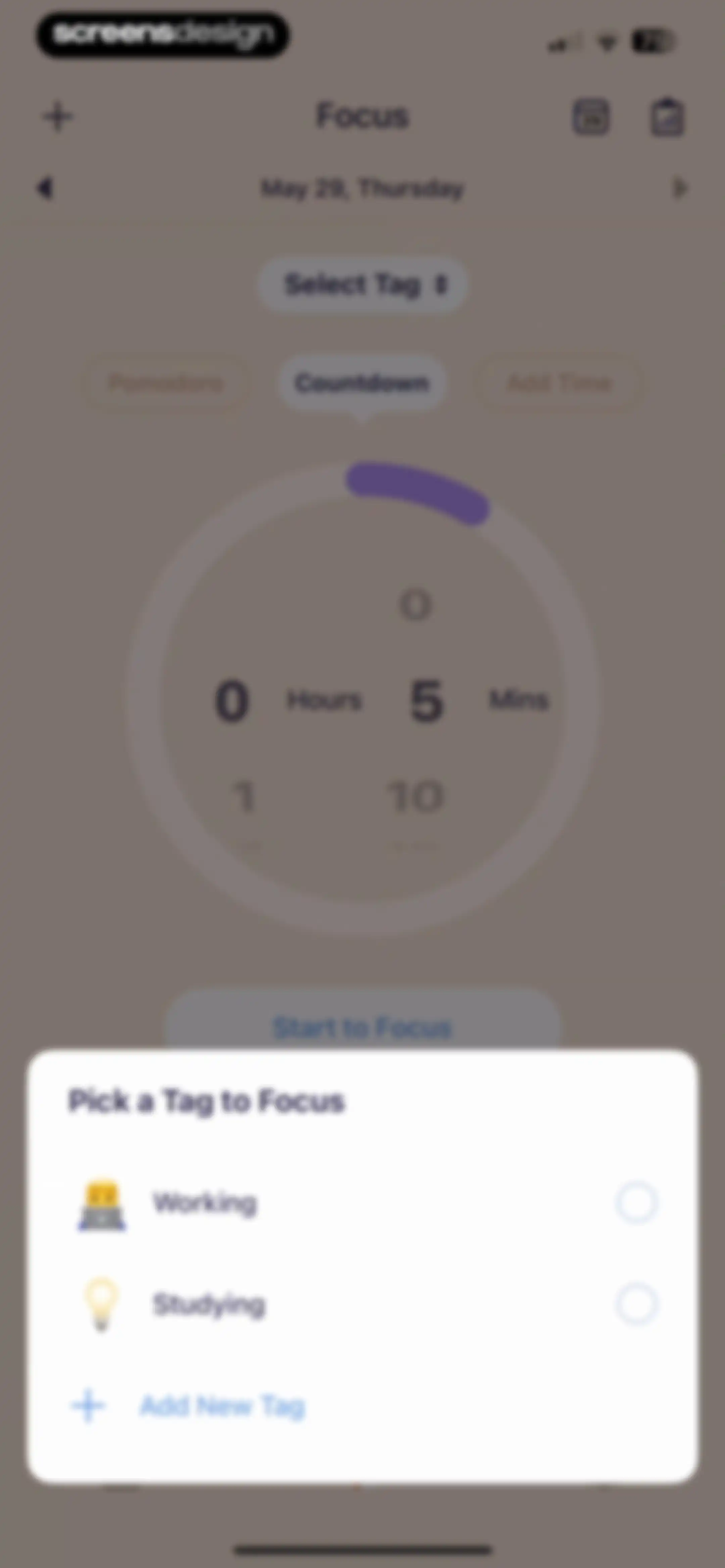
Focus timer home screen with a modal overlay open to select a tag, displaying options for working, studying, and adding a new tag.Unlock Pro
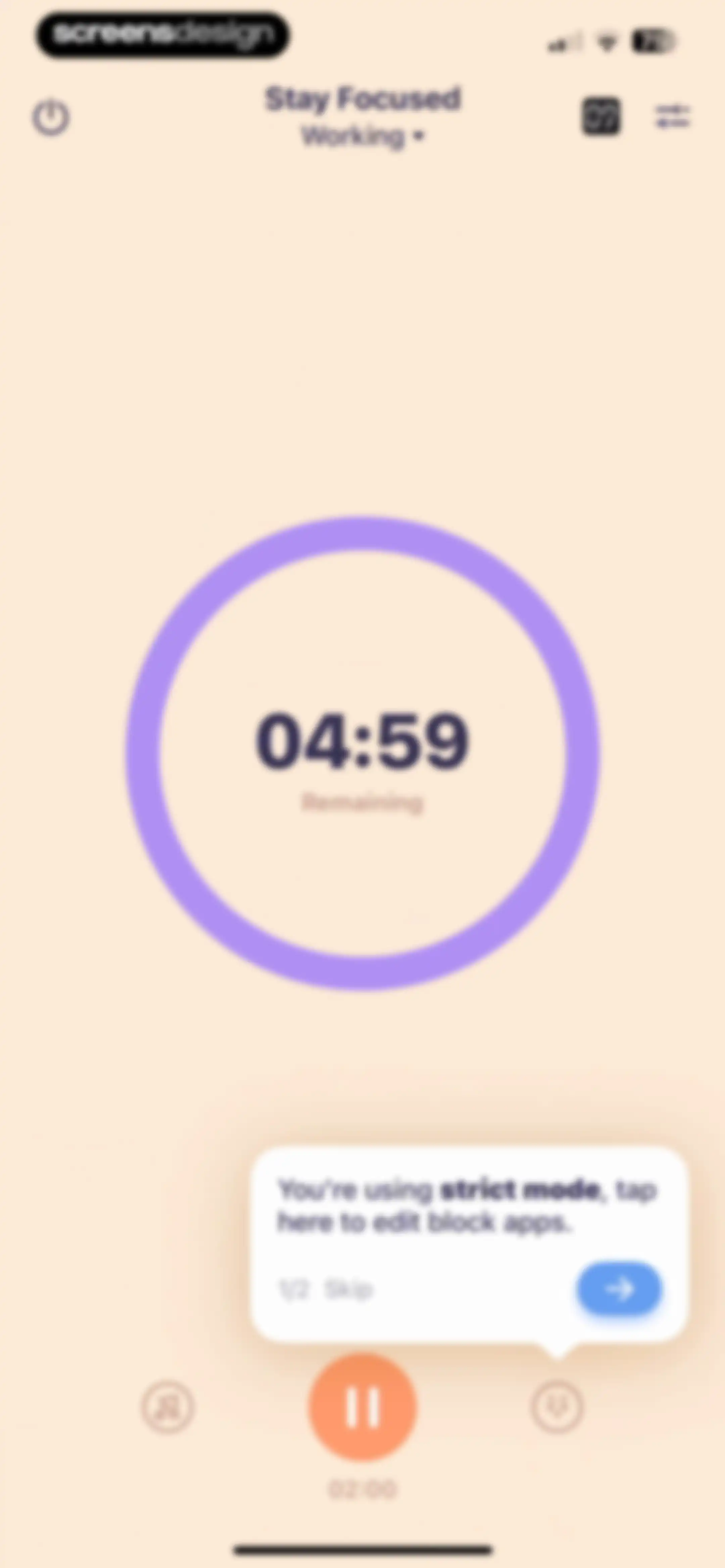
Focus session dashboard displaying a 04:59 countdown timer ring, a strict mode tooltip, and a bottom pause control.Unlock Pro
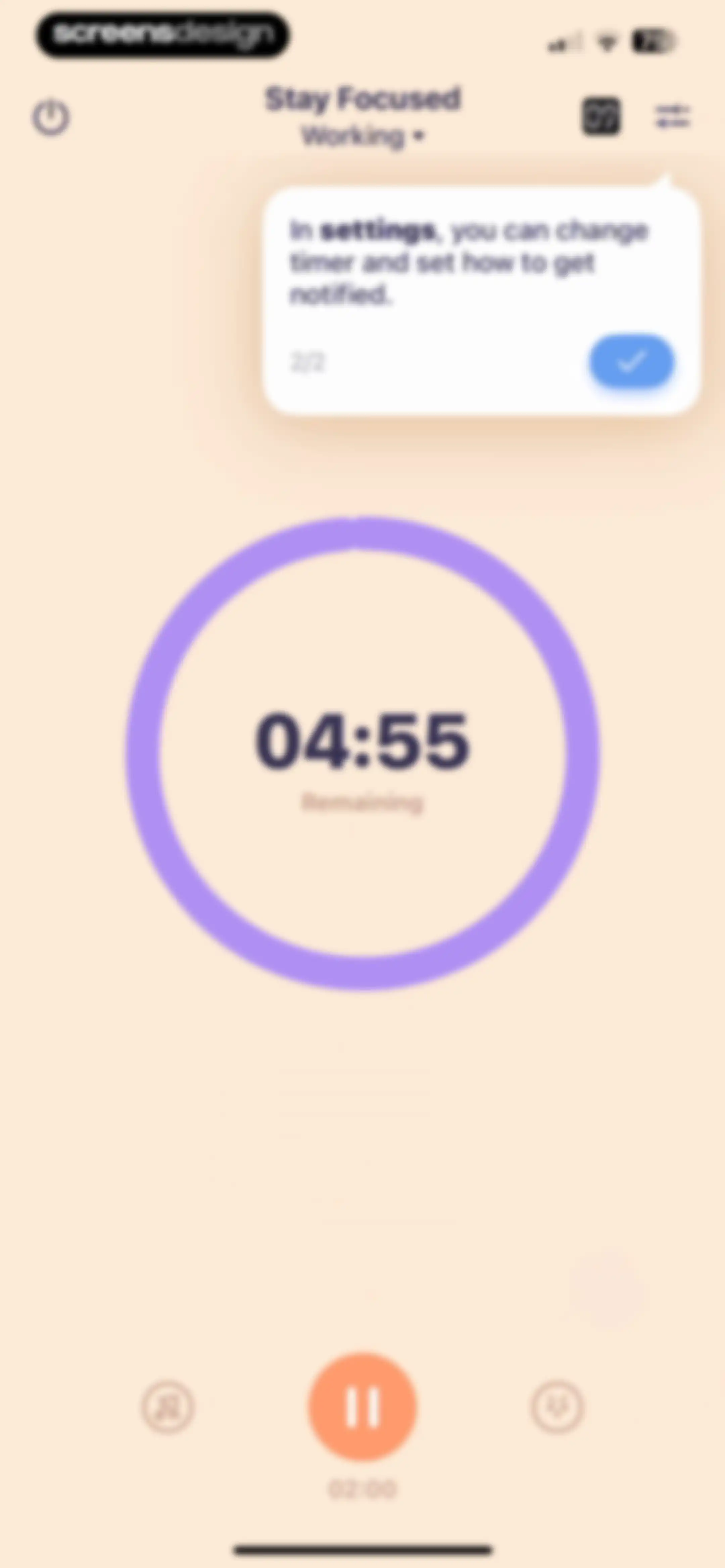
Focus timer dashboard showing a countdown of 04:55 remaining, a central pause button, and a tooltip with instructions.Unlock Pro
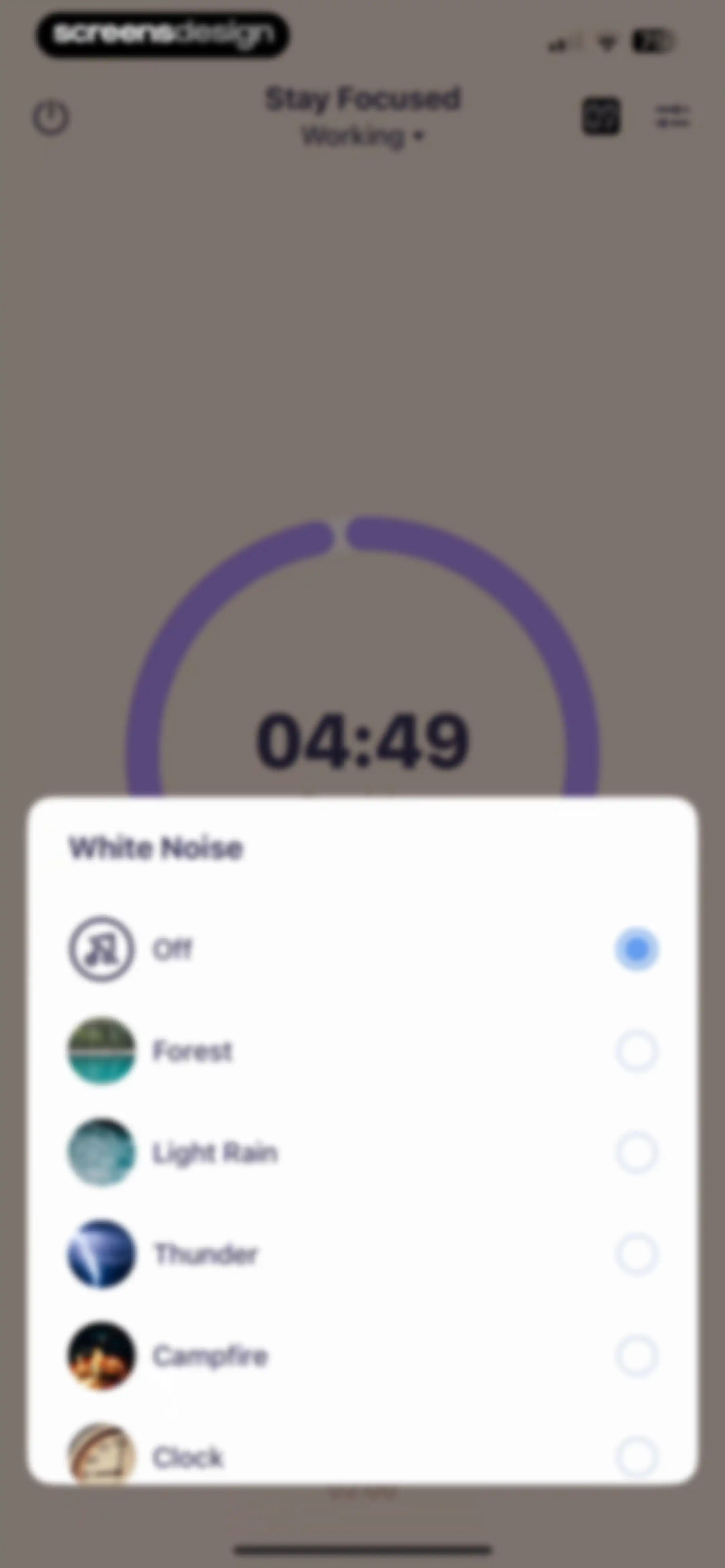
White noise selection modal overlaying a focus timer screen, with the Off option selected.Unlock Pro
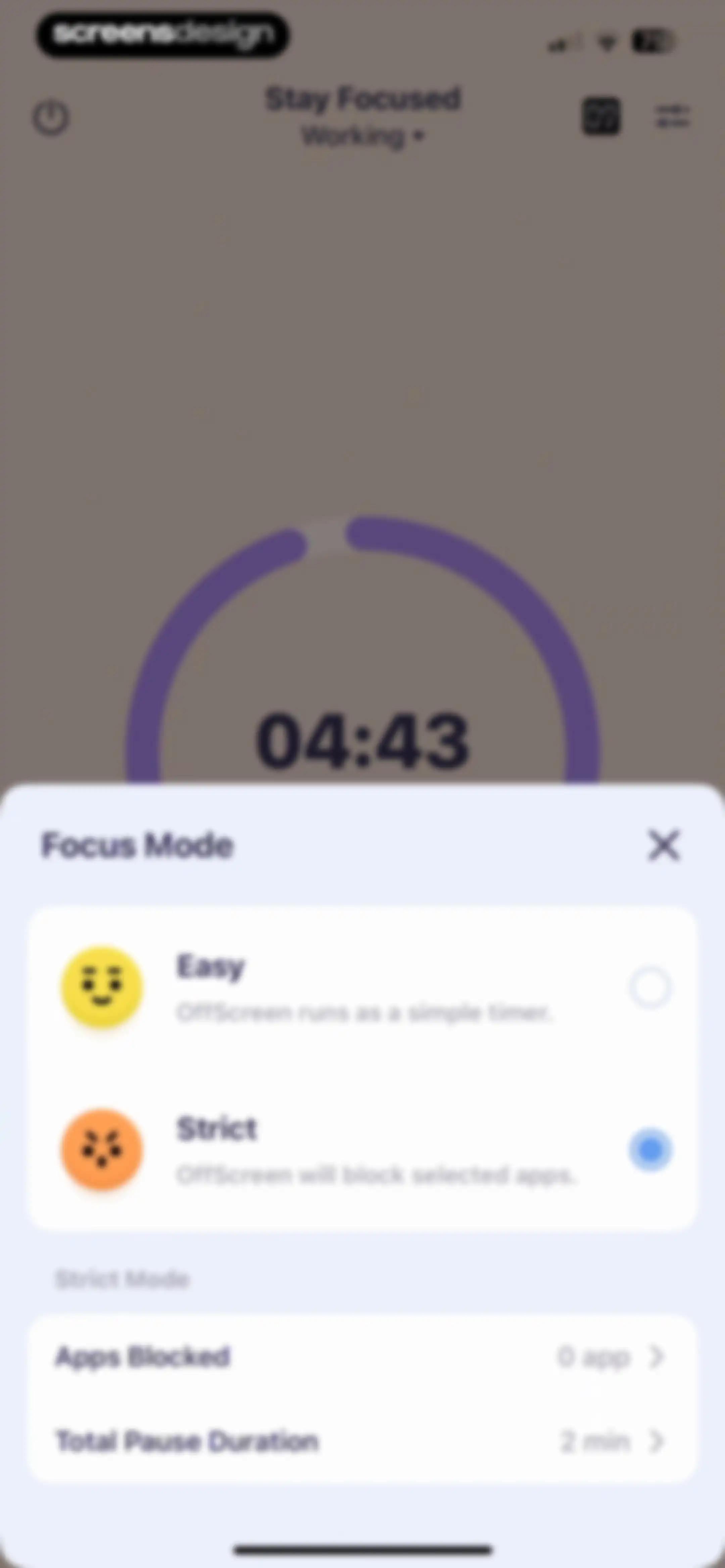
Focus mode selection modal showing Easy and Strict options with the Strict mode selected, alongside strict mode settings for blocked apps and pause duration.Unlock Pro
Focus timer screen displaying a circular progress indicator with 04:37 remaining against a plain background.Unlock Pro
Focus session timer displaying 04:22 in a minimalist dark-themed interface with a close button in the bottom right corner.Unlock Pro
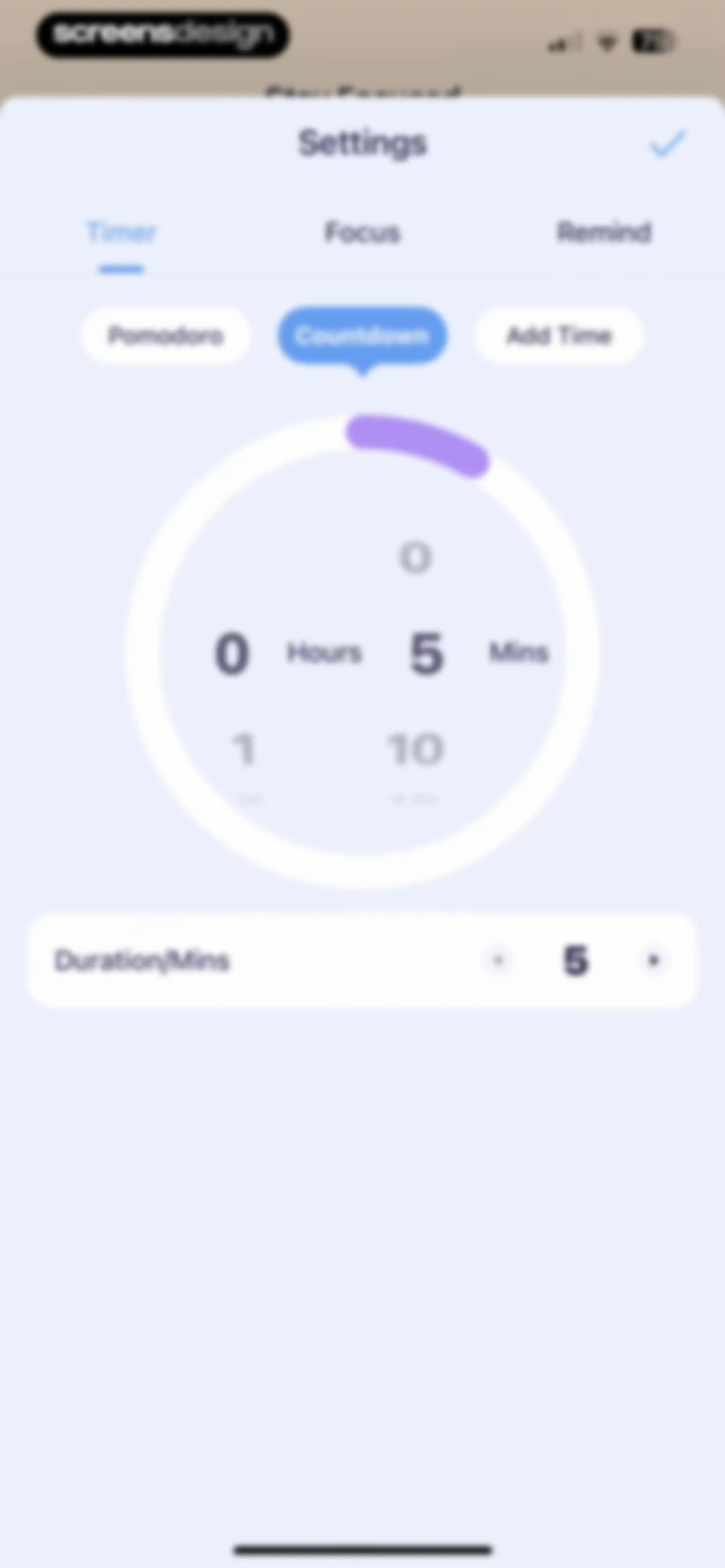
Timer settings modal with a central circular time picker and mode selection buttons, featuring a save checkmark at the top.Unlock Pro
Focus timer dashboard showing a paused session at 04:16 with Resume and Finish buttons.Unlock Pro
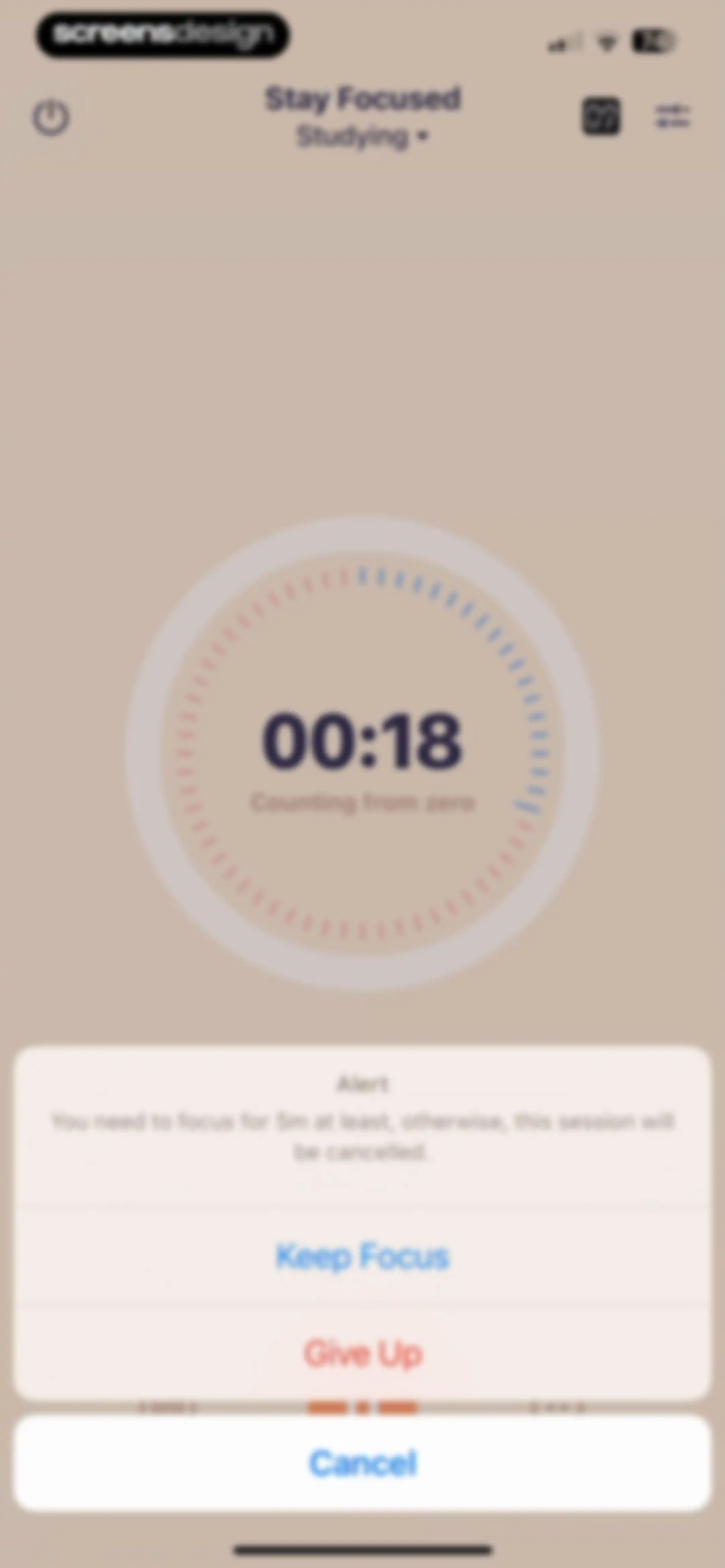
Focus session pause screen displaying a central timer and an alert modal with Keep Focus, Give Up, and Cancel buttons.Unlock Pro
Focus session failure screen from the OffScreen app showing a sad 3D emoji and failure counts, with a Finish button at the bottom.Unlock Pro
Analytics screen displaying a weekly focus time bar chart with summary statistics and the Week time range selected.Unlock Pro
Activity modal displaying a list of focus session logs for May 29, including a short working session entry with details.Unlock Pro
Analytics screen showing a weekly focus time bar chart and summary statistics, with the week view selected and bottom action buttons.Unlock Pro
Analytics screen for studying activity displaying a bar chart, weekly view selected, and summary statistics with a close button.Unlock Pro
Focus timer dashboard showing a 25:00 Pomodoro countdown, summary cards at the bottom, and a Start to Focus button.Unlock Pro
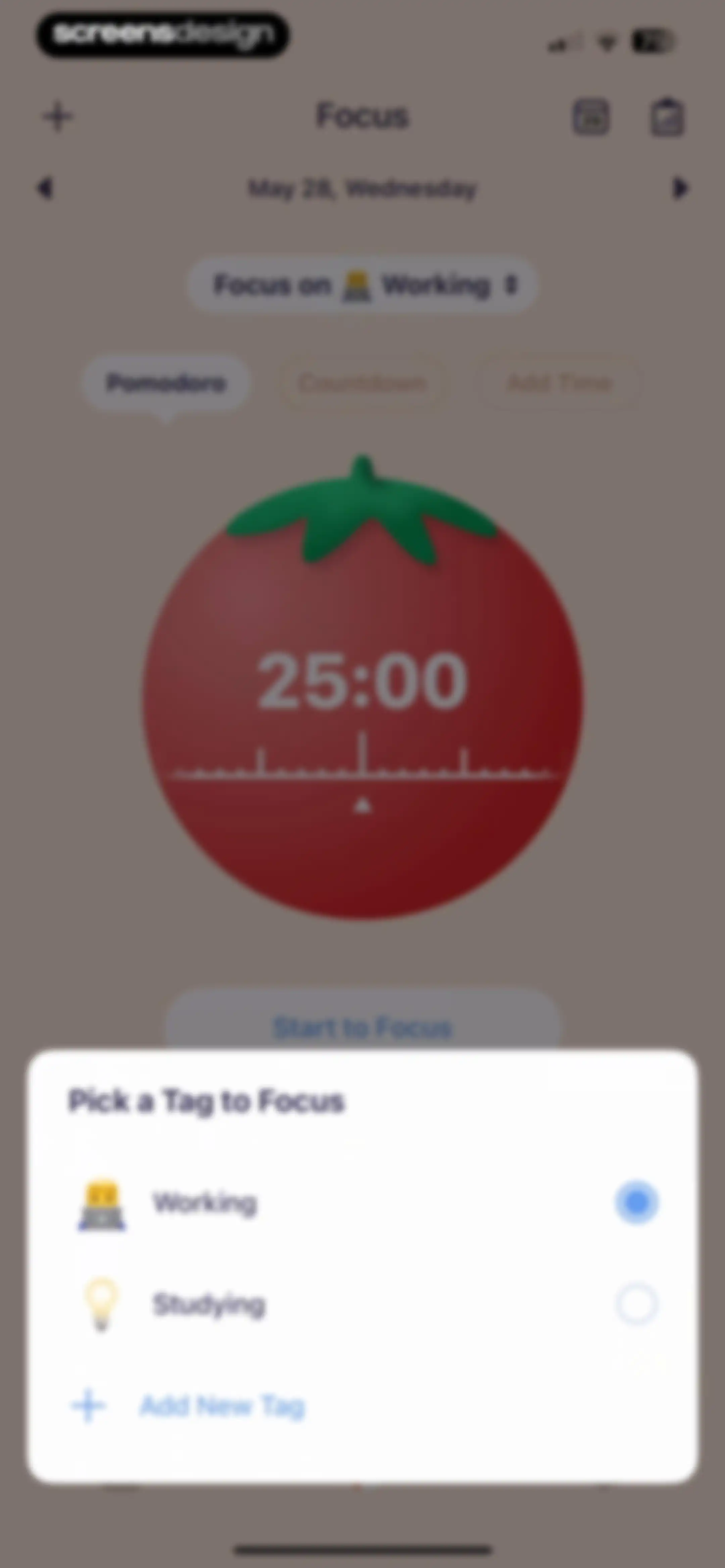
Focus timer dashboard displaying a 25:00 Pomodoro session with a modal overlay for picking a tag and a start button.Unlock Pro
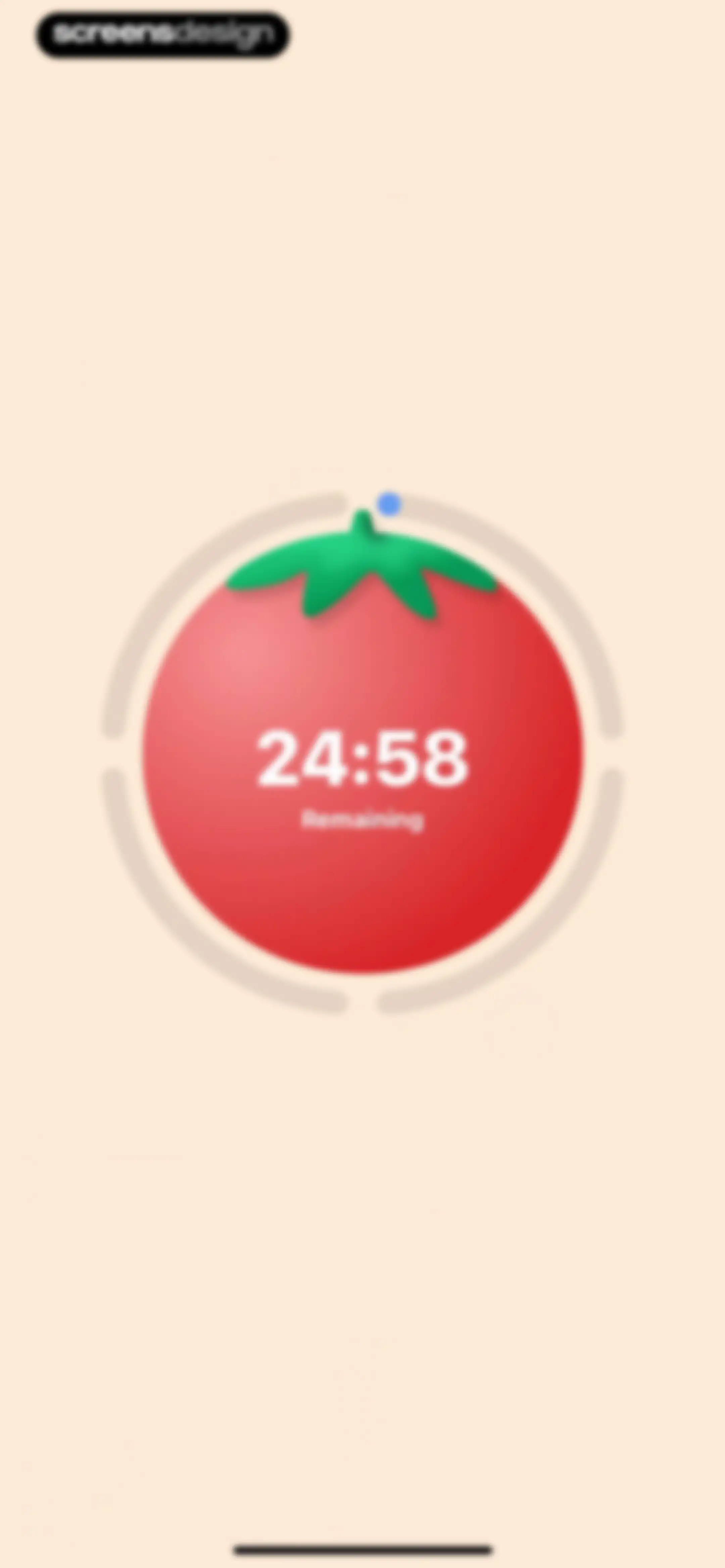
Pomodoro timer screen displaying a large red tomato graphic with a digital clock showing 24:58 remaining inside a circular progress track.Unlock Pro
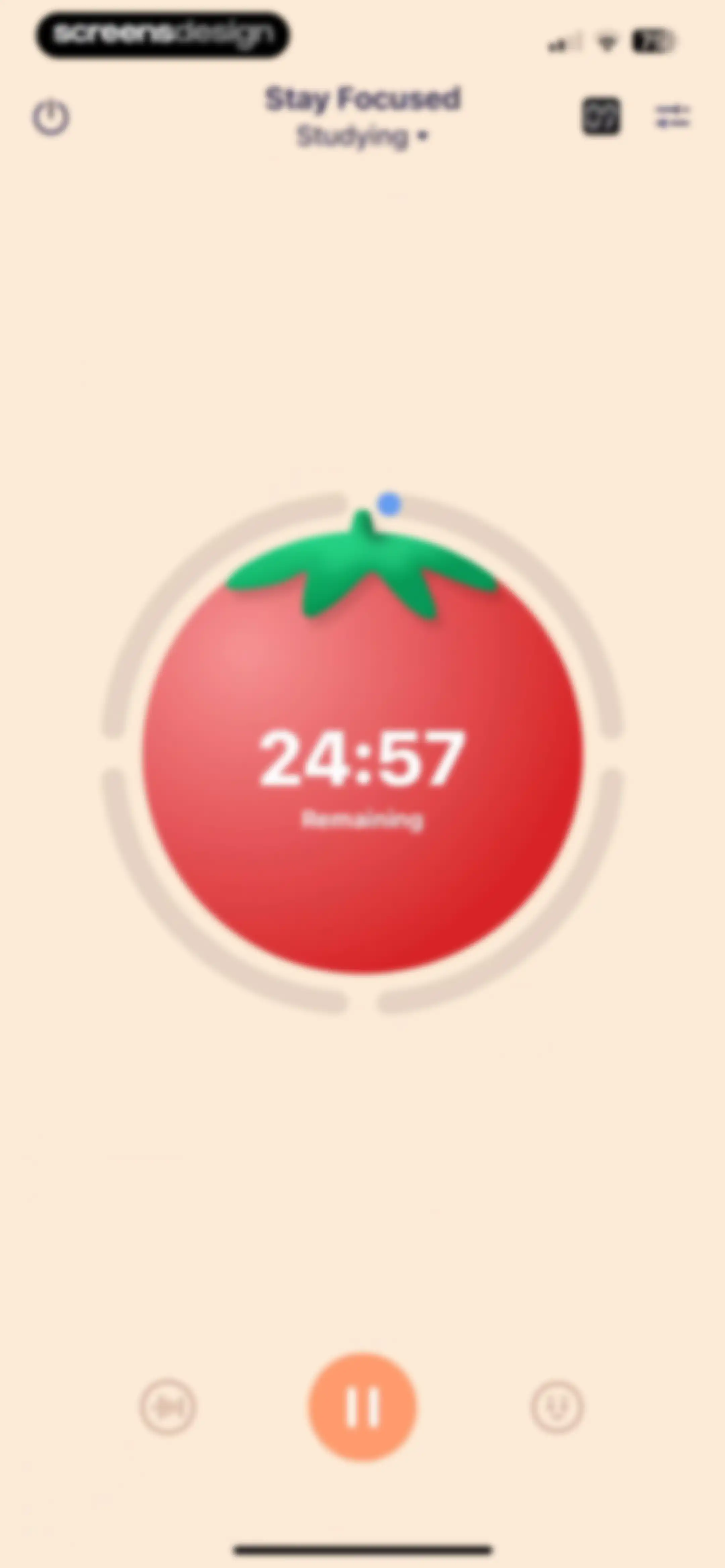
Dashboard with an active focus timer showing 24:57 remaining for studying, a central red tomato graphic, and a pause button.Unlock Pro
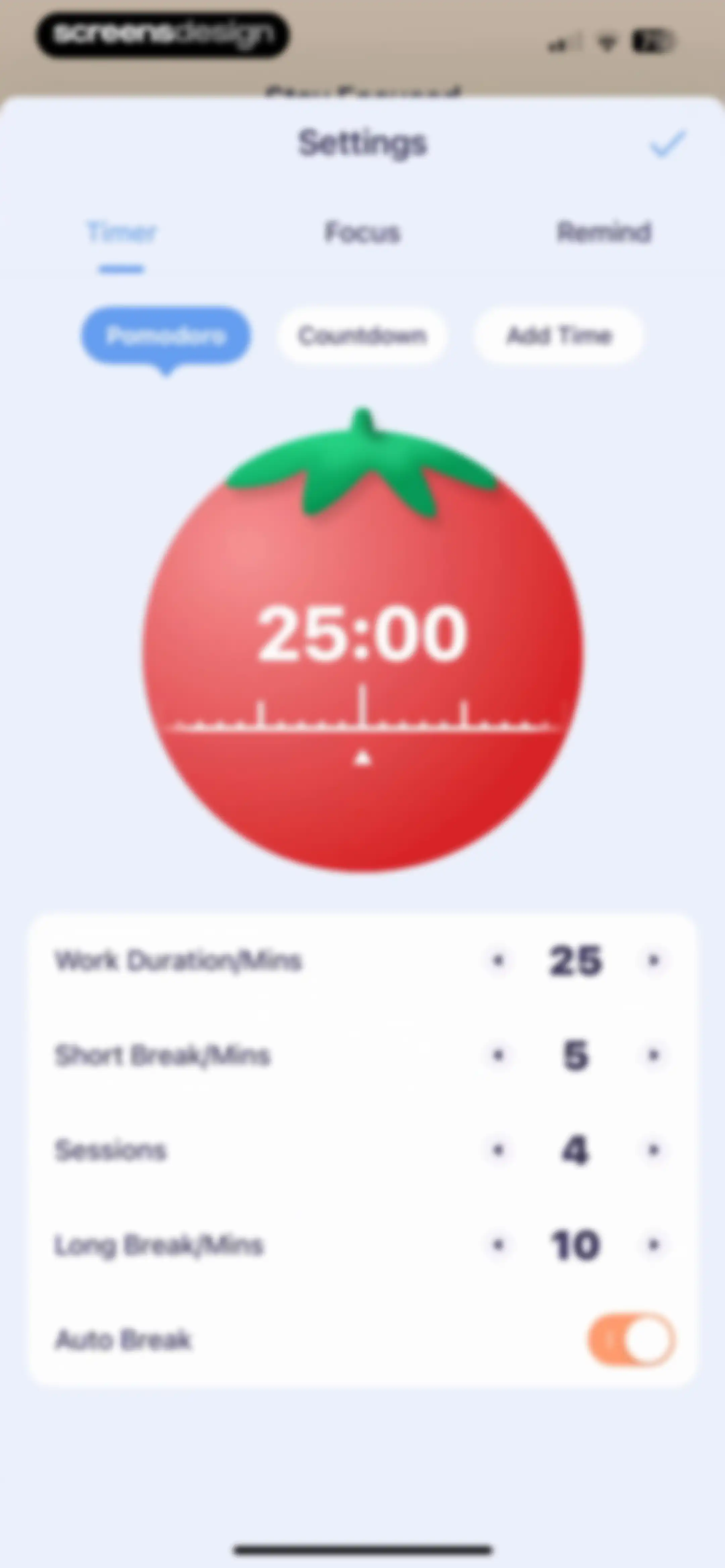
Pomodoro timer settings screen with a red tomato graphic, work duration controls, and a save checkmark.Unlock Pro
Timer dashboard showing a paused studying session at 04:29, with Resume and Finish buttons at the bottom.Unlock Pro
Focus session screen with a paused timer and a modal warning alert offering Keep Focus, Give Up, and Cancel buttons.Unlock Pro
Focus session failure screen with a sad emoji graphic, failure statistics, and a Finish button.Unlock Pro
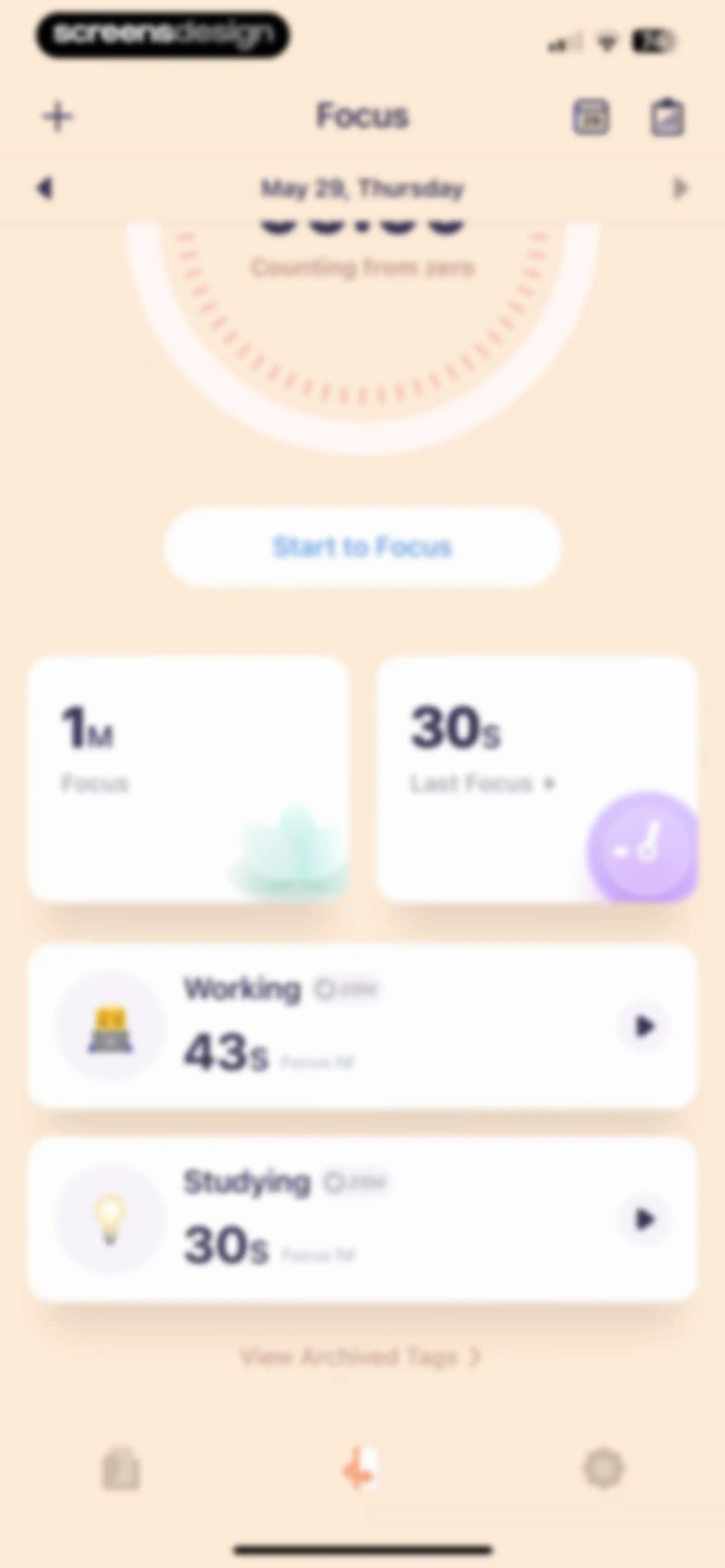
Focus dashboard displaying a large gauge graphic, summary cards, and a Start to Focus button alongside list items for Working and Studying modes.Unlock Pro
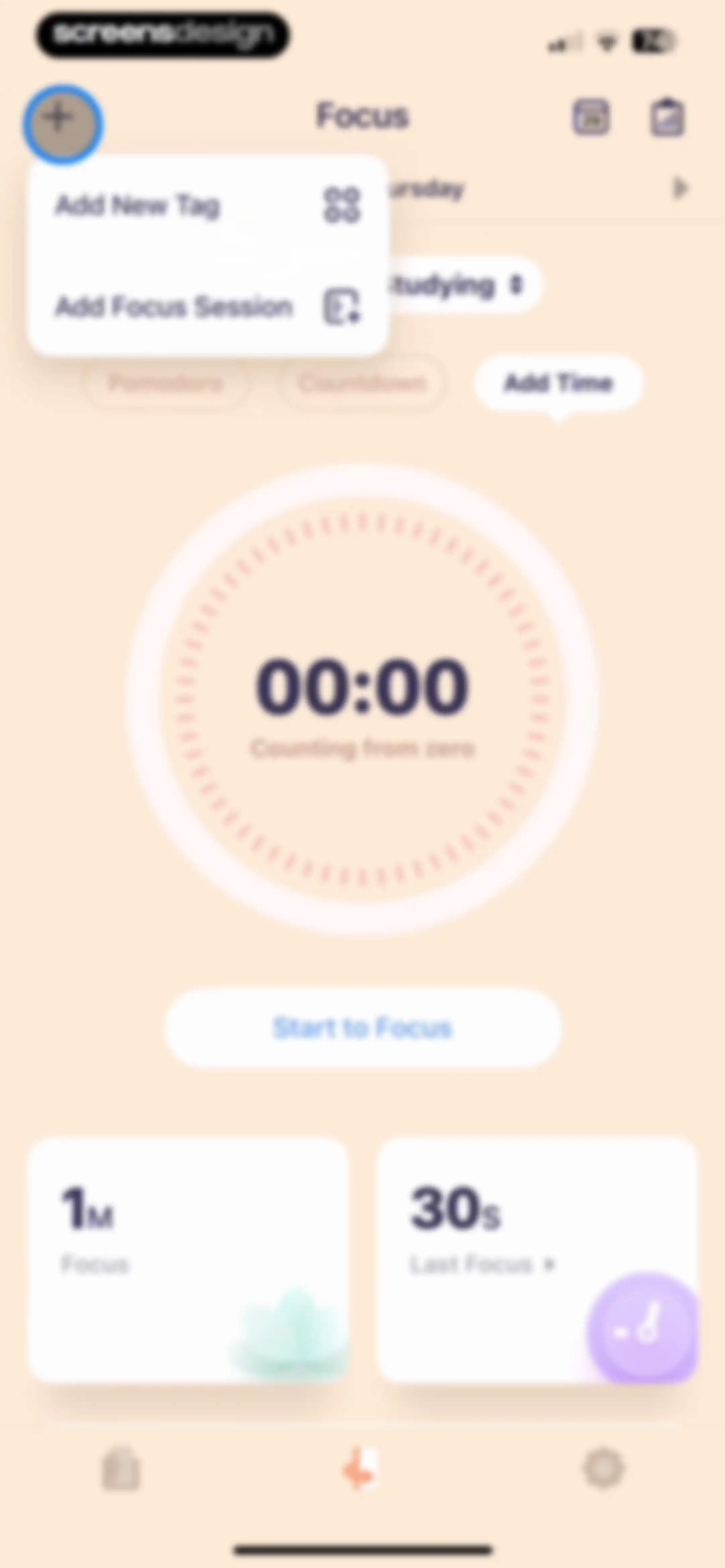
Focus dashboard with a central zero timer, Add Time mode selected, Start to Focus button, and summary cards at the bottom.Unlock Pro
Focus timer dashboard showing the studying activity, a large circular timer at zero, and a bottom control bar with a pause button.Unlock Pro
Focus timer dashboard showing a study session with a central digital clock displaying 00:10 and pause controls at the bottom.Unlock Pro
Focus timer settings screen with a large circular timer display set to zero, mode selection buttons, and a save checkmark.Unlock Pro
Focus session interruption alert modal displaying a minimum time warning with Keep Focus and Give Up buttons.Unlock Pro
Focus dashboard with a central timer area, summary cards, and a list of categories including Working and Studying with resume buttons.Unlock Pro
Empty state screen for the Archive section, featuring an illustration of an open box and explanatory text stating that the list is empty.Unlock Pro
Focus timer home screen displaying a 00:00 timer, a Start to Focus button, and bottom summary cards for focus statistics.Unlock Pro
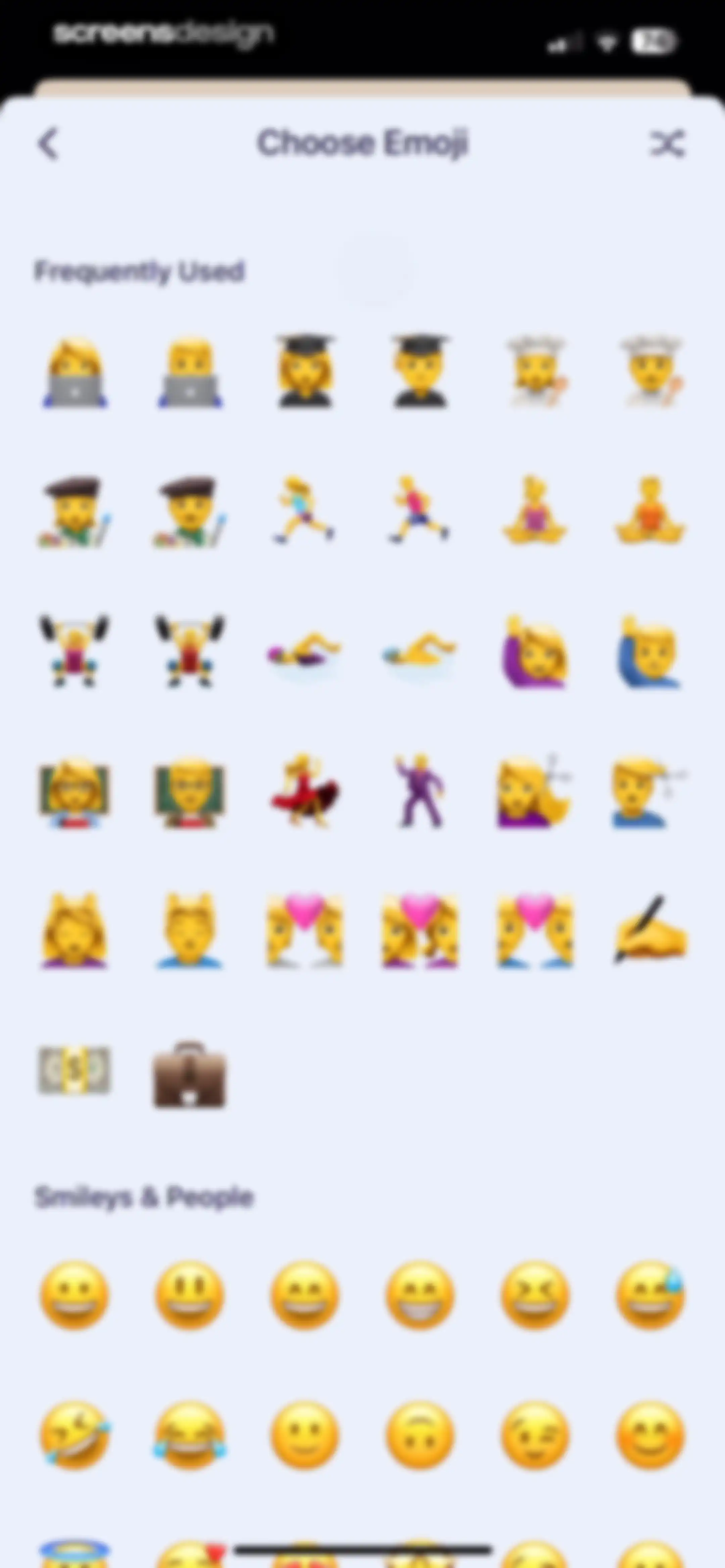
Emoji picker screen with Frequently Used and Smileys and People categories, featuring a back button and a shuffle icon in the top navigation bar.Unlock Pro
Color selection screen displaying stacked Recommend and Morandi color grid cards with a currently selected swatch.Unlock Pro
Timer selection screen with a circular dial and Countdown mode selected, featuring a duration input field set to 25 minutes.Unlock Pro
Goal settings form with a daily goal toggle, condition selector, and a time picker wheel showing one hour thirty minutes.Unlock Pro
Reminder settings screen featuring an active toggle, day of the week selector, and a time picker set to 9:05 AM with a save checkmark.Unlock Pro
Permission request modal prompting the user to allow Apple Health access for logging state of mind, featuring an Allow Access button.Unlock Pro
Health access permission request screen with options to allow or deny OffScreen write access for health data.Unlock Pro
Permission request modal in the OffScreen app to sync focus sessions with Apple Health, featuring an Allow Access button.Unlock Pro
Health permission request screen for OffScreen with toggles for data access and Allow and Don't Allow buttons.Unlock Pro
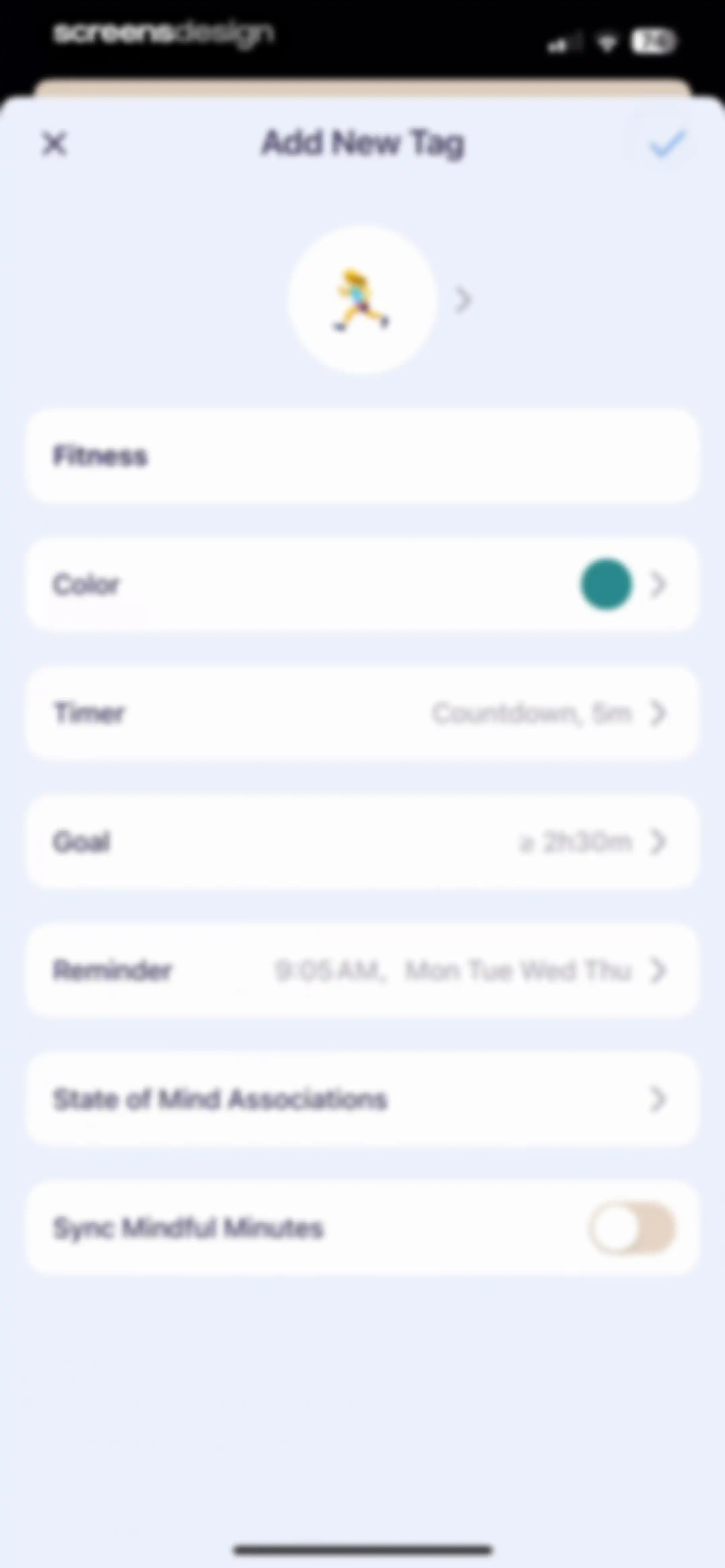
Tag creation form with configuration rows for timer, goal, and reminders, featuring a Fitness tag name and a save button.Unlock Pro
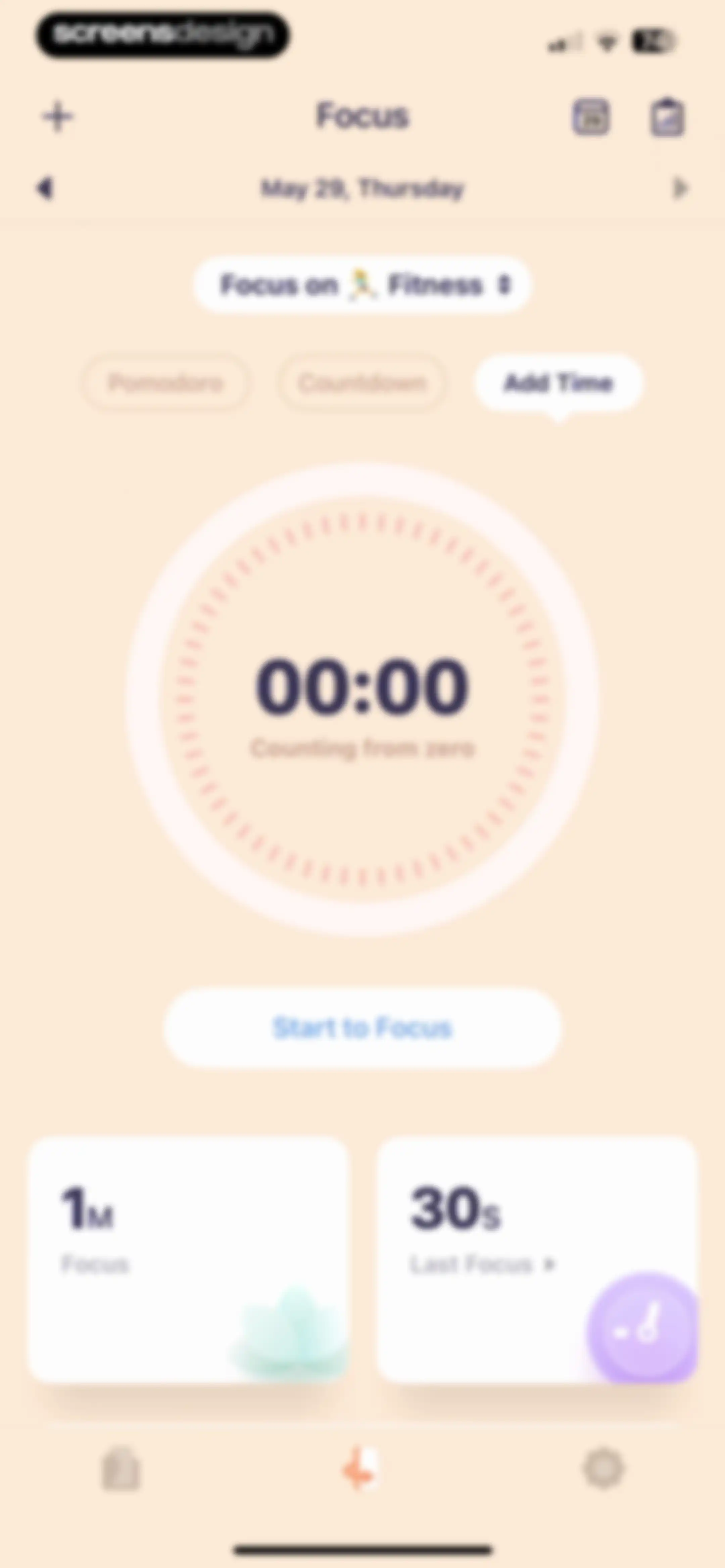
Focus dashboard displaying a central timer set to zero, mode tabs, and summary cards with a Start to Focus button.Unlock Pro
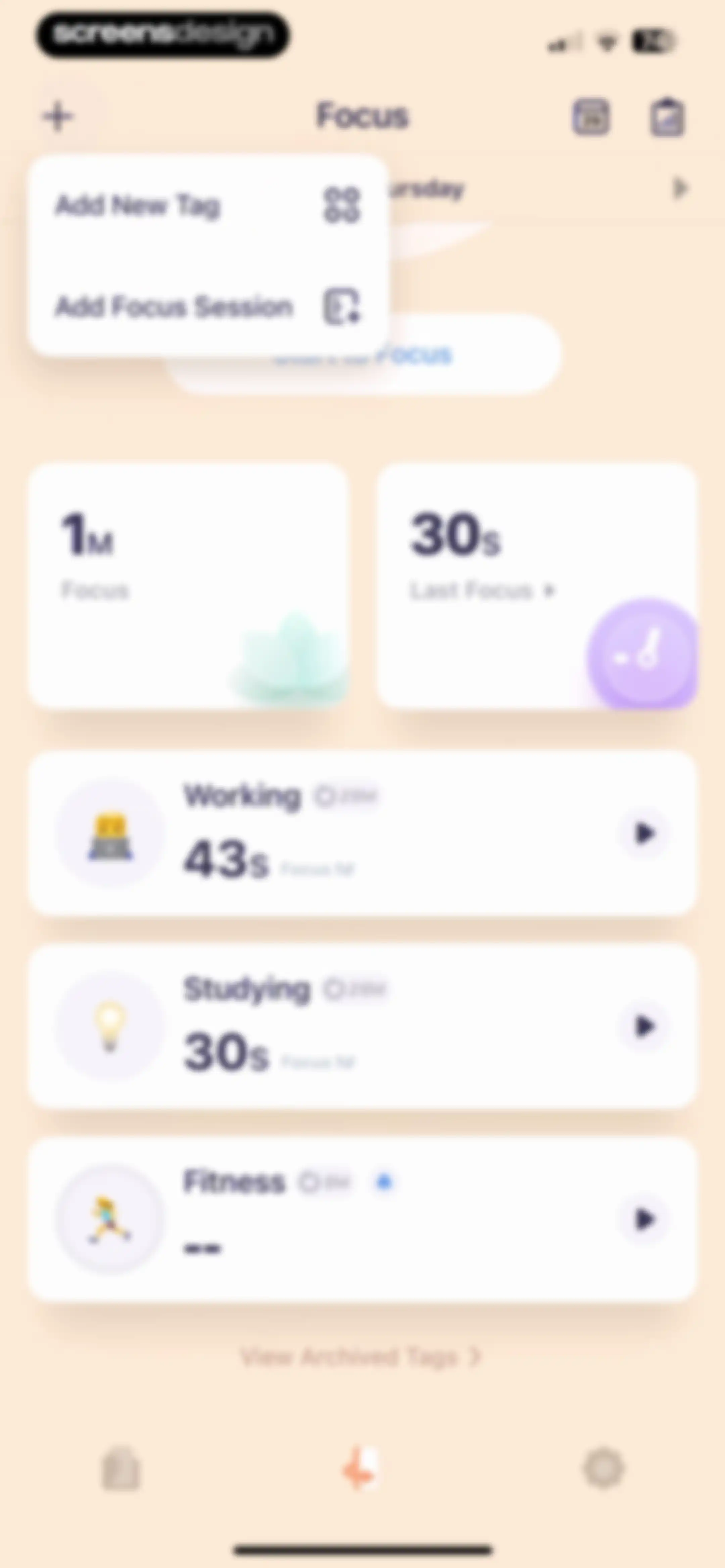
Focus dashboard showing summary cards, a Start to Focus button, and a category list with working, studying, and fitness options.Unlock Pro
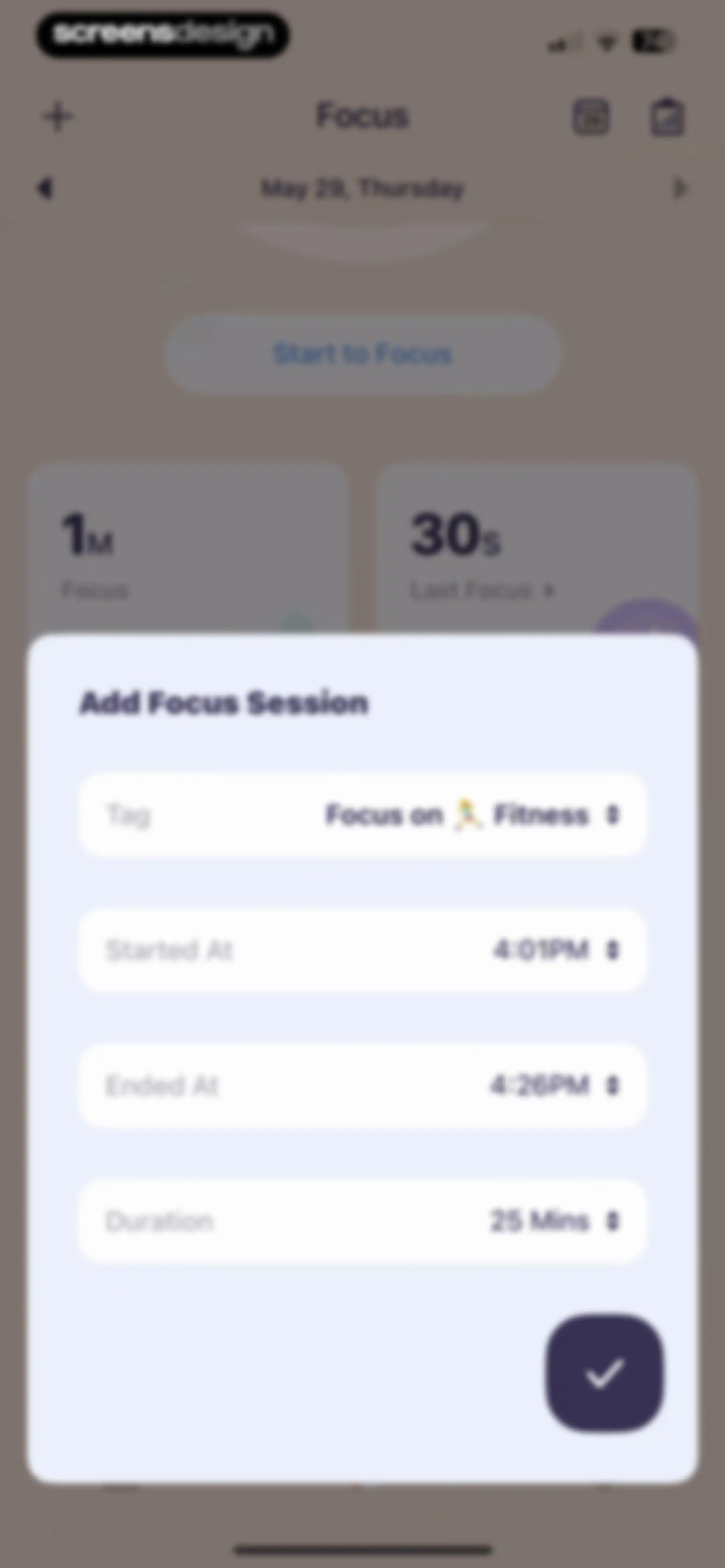
Form modal for adding a focus session with pre-filled fitness tag, start and end times, and a duration of 25 minutes.Unlock Pro
Focus session tag selection modal featuring a list of options including Working, Studying, and Fitness with Fitness selected.Unlock Pro
Form modal for adding a focus session with a fitness tag and a date and time picker.Unlock Pro
Focus detail editor displaying session metrics like duration, start and end times, tag, and options for additional settings.Unlock Pro
OffScreen session summary screen displaying a congratulatory message, a focus session results card with statistics, and a bottom row of action buttons.Unlock Pro
Focus session summary screen in the OffScreen app showing a completed 25-minute workout card with a color selection row and share buttons.Unlock Pro
Mood-tracking check-in form featuring a slider with a smiling emoji, selectable descriptor and activity tags, and a confirm button.Unlock Pro
Mood tracking form with emotion and activity selection grids, featuring selected tags like Passionate and Fitness and a confirm button.Unlock Pro
Focus session summary screen displaying a 25-minute achievement card with an iOS share sheet modal overlay.Unlock Pro
Focus tracking dashboard with summary cards and a centered modal calendar overlay for May 2025 highlighting May 29.Unlock Pro
Analytics screen displaying daily focus session statistics and summary metrics for May 28 with an empty state for focus details.Unlock Pro
Analytics report displaying daily focus duration metrics and a category breakdown donut chart for Fitness, Working, and Studying.Unlock Pro
Focus report summary modal displaying metrics, a time grid visualization, and action buttons to save or share the card.Unlock Pro
Success modal displaying Save successfully! over a focus report summary card with an OK button.Unlock Pro
Focus session report dashboard with summary cards and a date range selection modal overlay open.Unlock Pro
Analytics screen displaying a yearly focus report with summary statistics and a donut chart breaking down time spent across categories.Unlock Pro
Analytics screen displaying a yearly focus report with a summary statistics card, a donut chart, and a category breakdown list.Unlock Pro
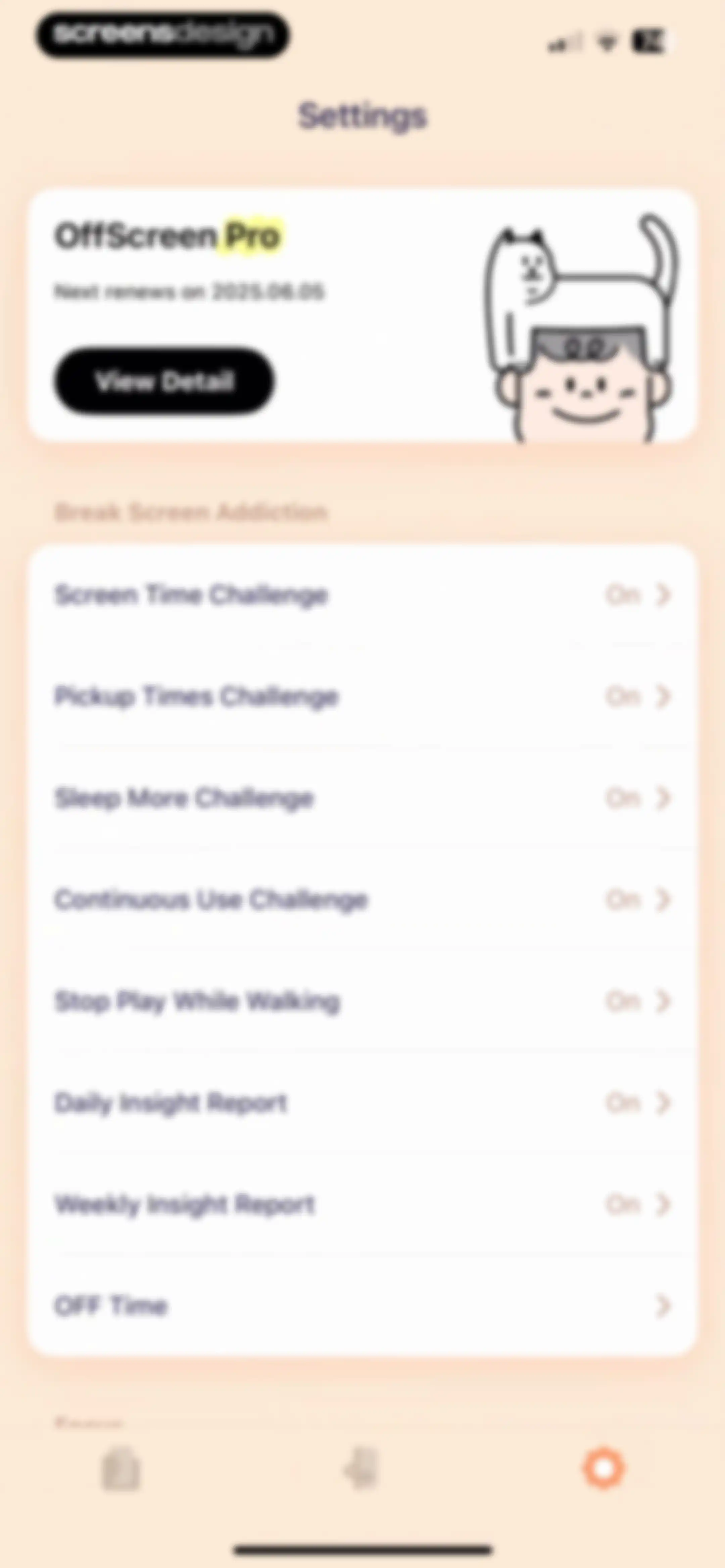
Settings screen featuring an OffScreen Pro subscription card and a vertical list of challenge and report options.Unlock Pro
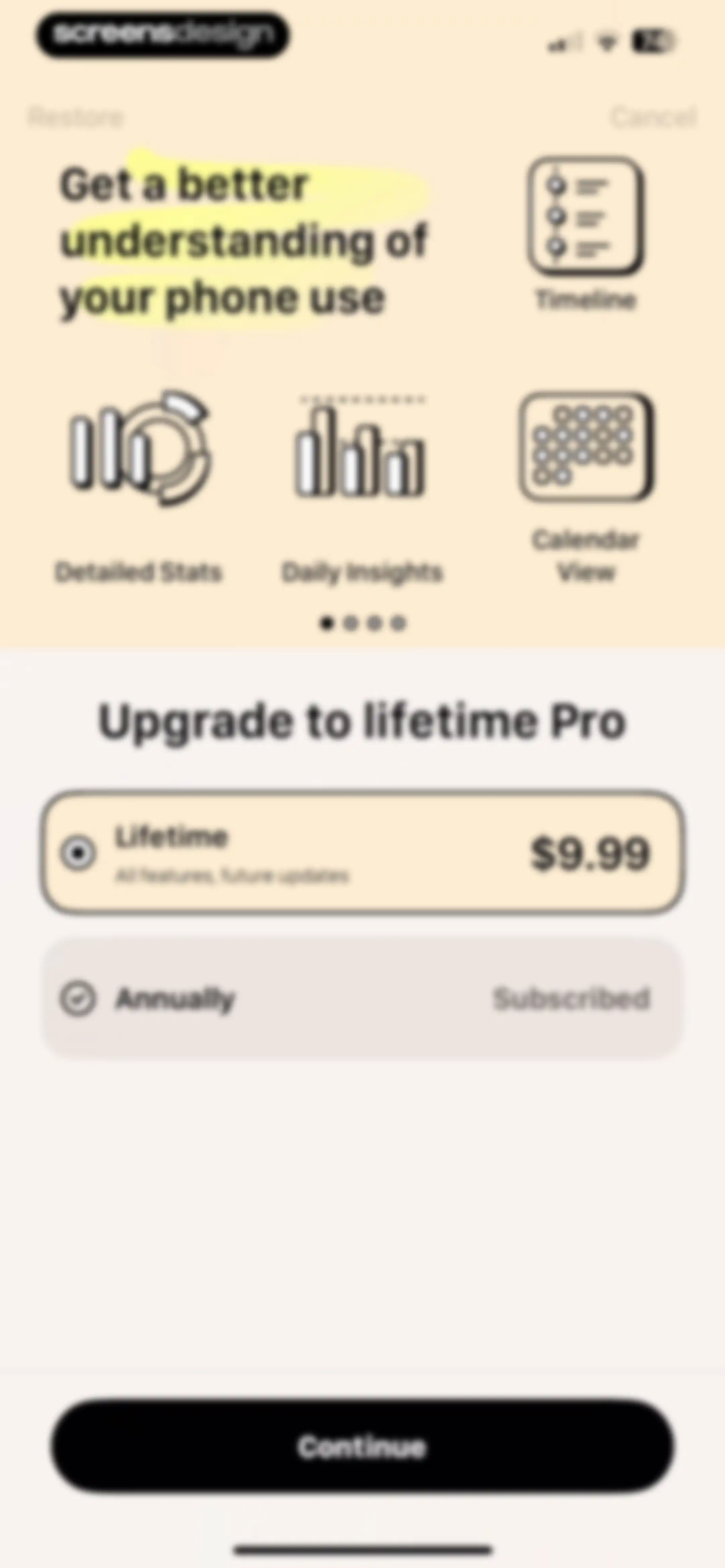
Paywall screen comparing lifetime and annual subscription plans, with the lifetime plan selected and a Continue button.Unlock Pro
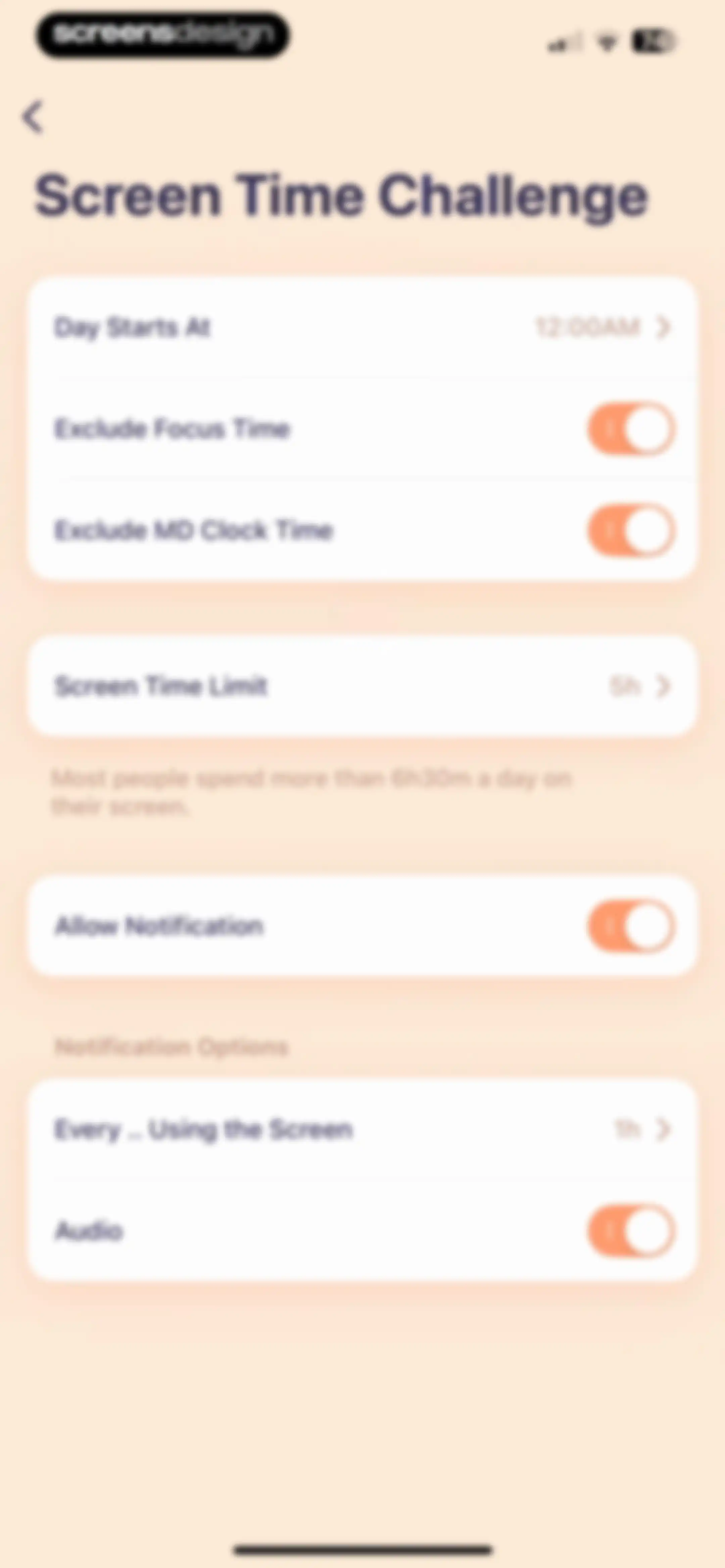
Screen Time Challenge settings screen with configuration options for daily limits, start times, exclusions, and notifications.Unlock Pro
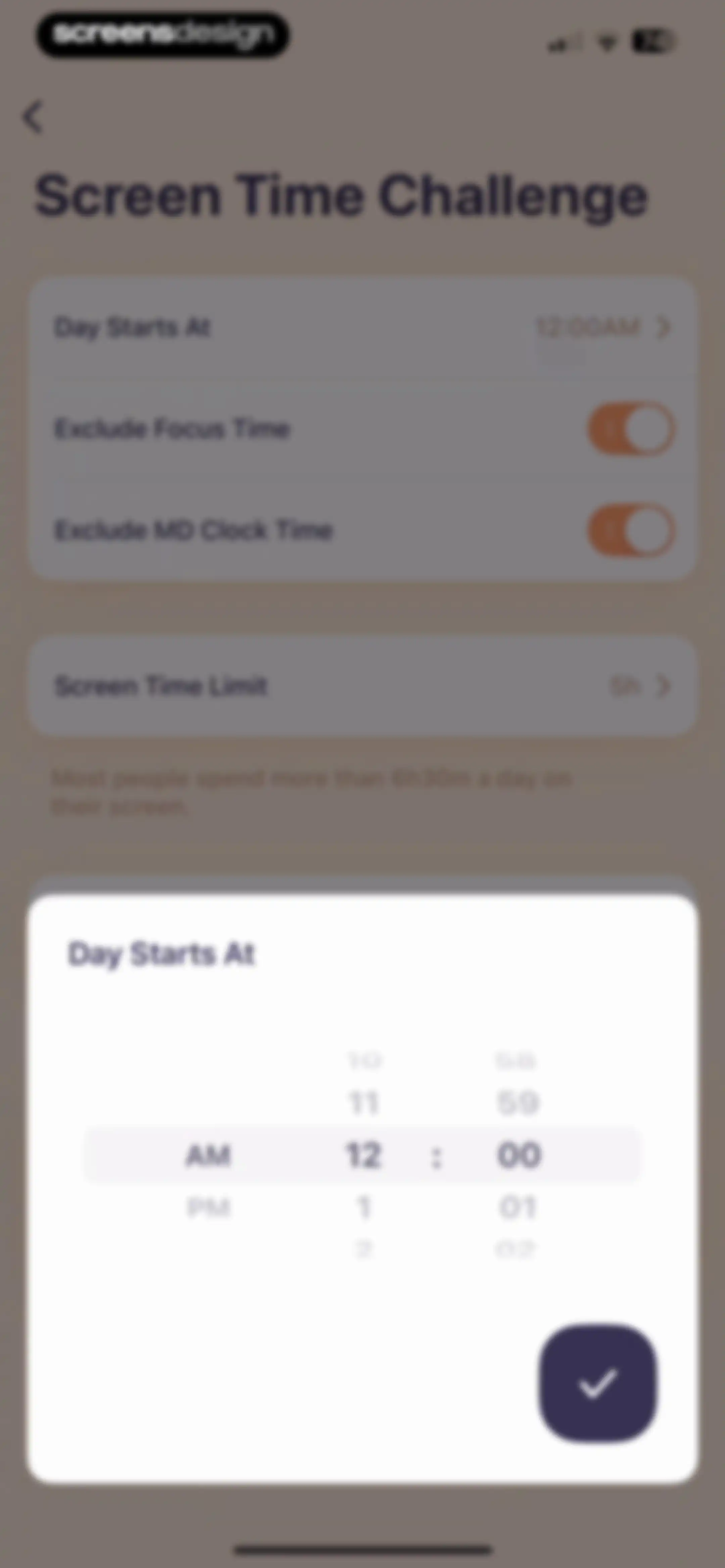
Screen Time Challenge settings with a time picker modal open at the bottom to adjust the day start time.Unlock Pro
Pickup Times Challenge settings screen with configurable pickup limit and notification options cards.Unlock Pro
Sleep challenge settings screen displaying goal inputs, notification toggles, and content options inside grouped cards on a light background.Unlock Pro
Settings screen featuring grouped sections for focus, add-ons, and Apple Health integrations with a bottom navigation bar.Unlock Pro
Settings screen with a centered selection modal for focus style, displaying the selected At Top option among other focus and add-on configurations.Unlock Pro
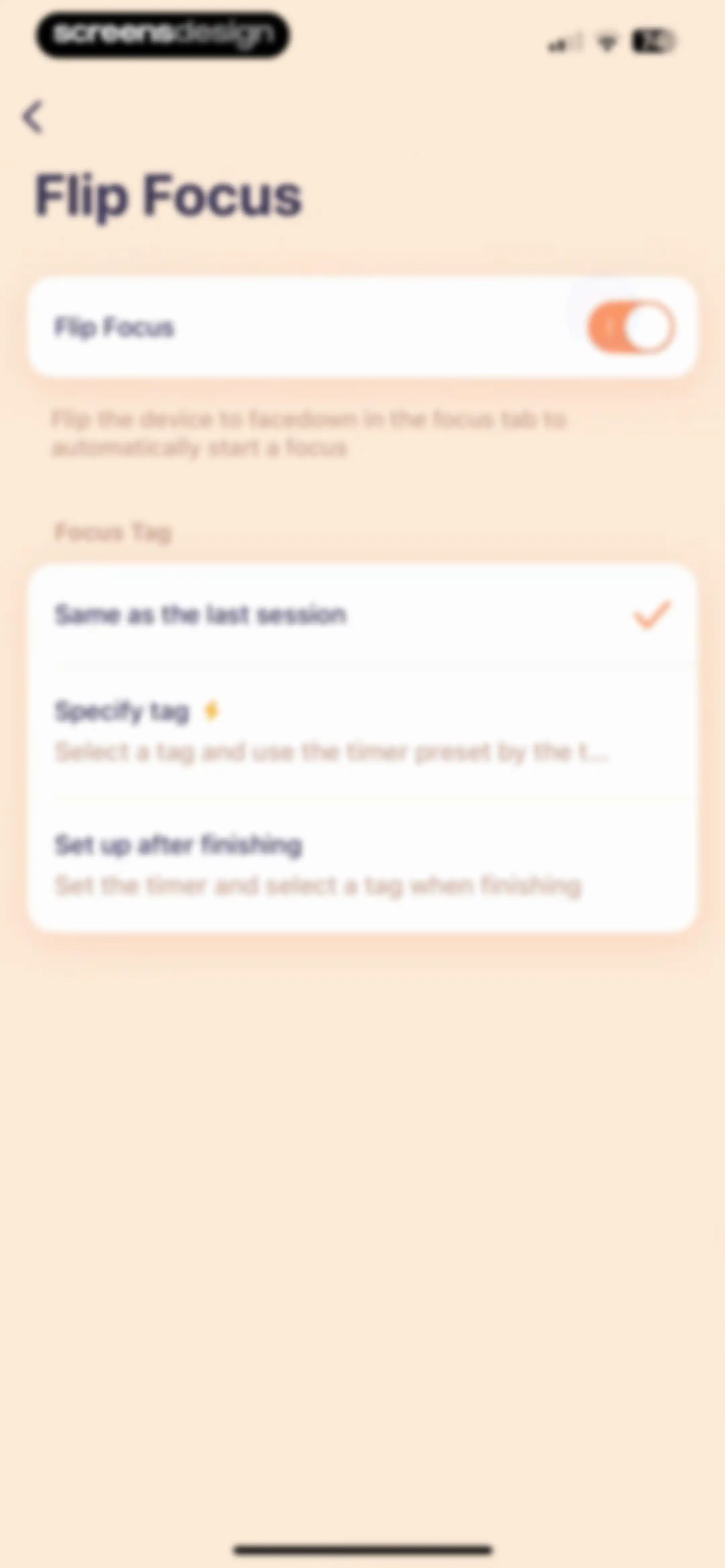
Settings screen for Flip Focus with an active toggle and three selectable tag options, with the first option selected.Unlock Pro
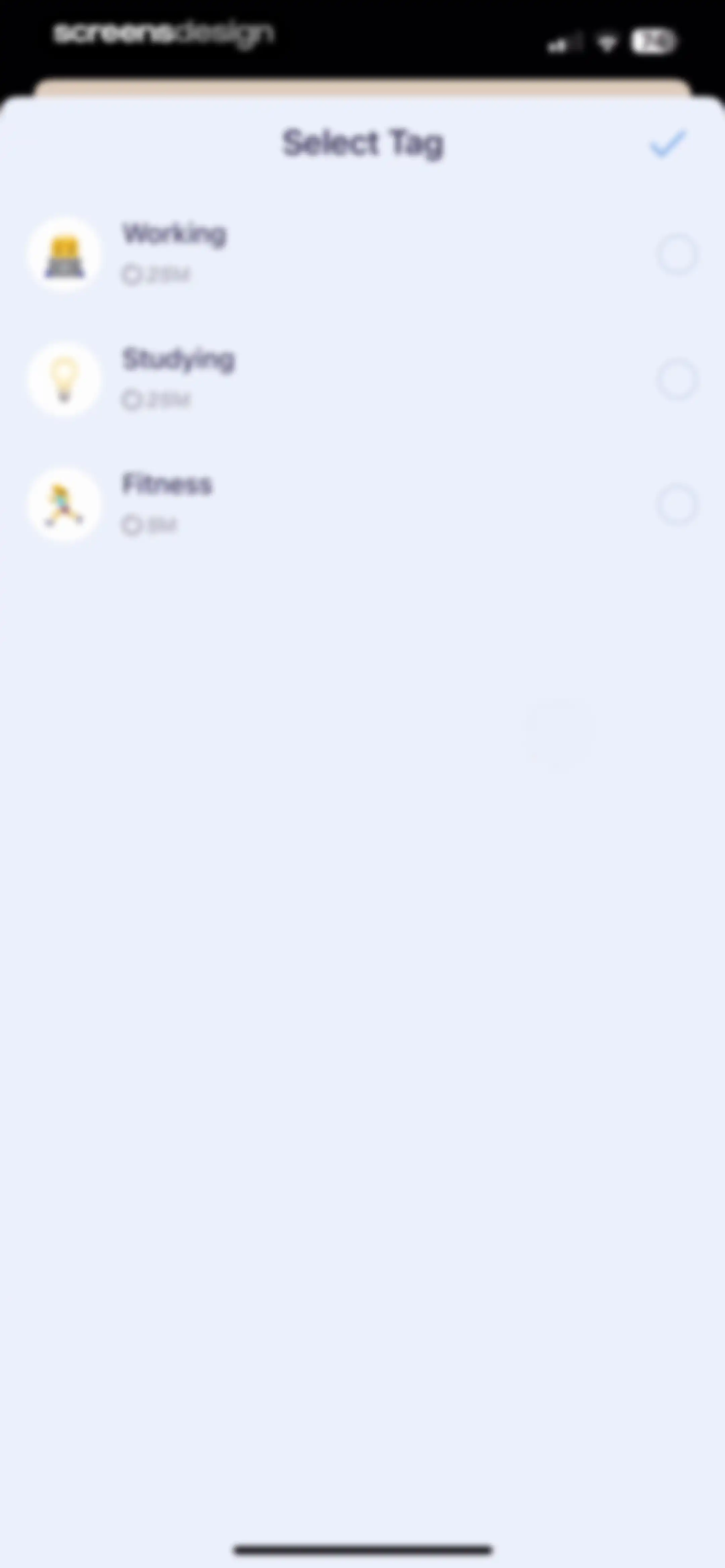
Tag selection modal listing Working, Studying, and Fitness options with a confirmation checkmark in the top right.Unlock Pro
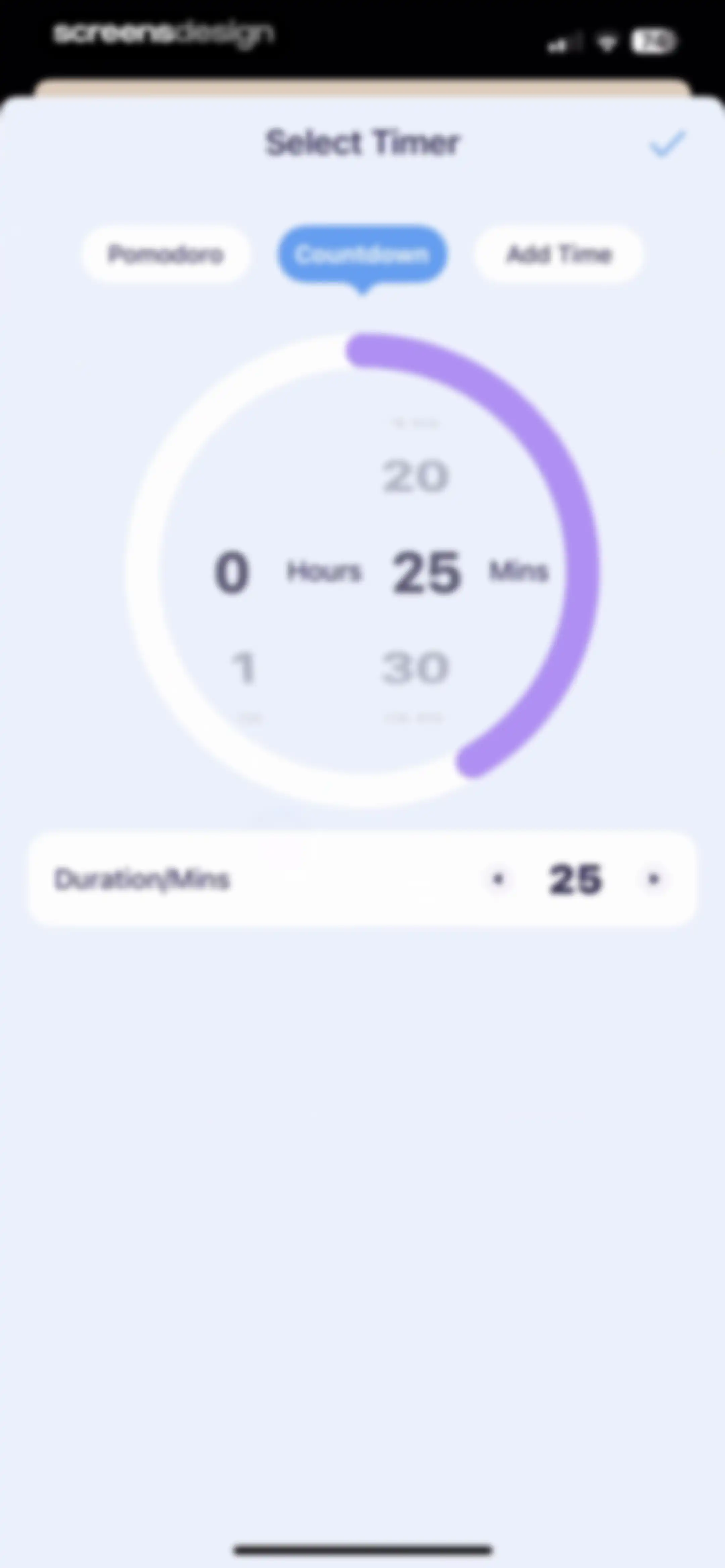
OffScreen timer selection screen displaying the selected Countdown mode with a circular dial set to twenty-five minutes and a confirmation checkmark.Unlock Pro
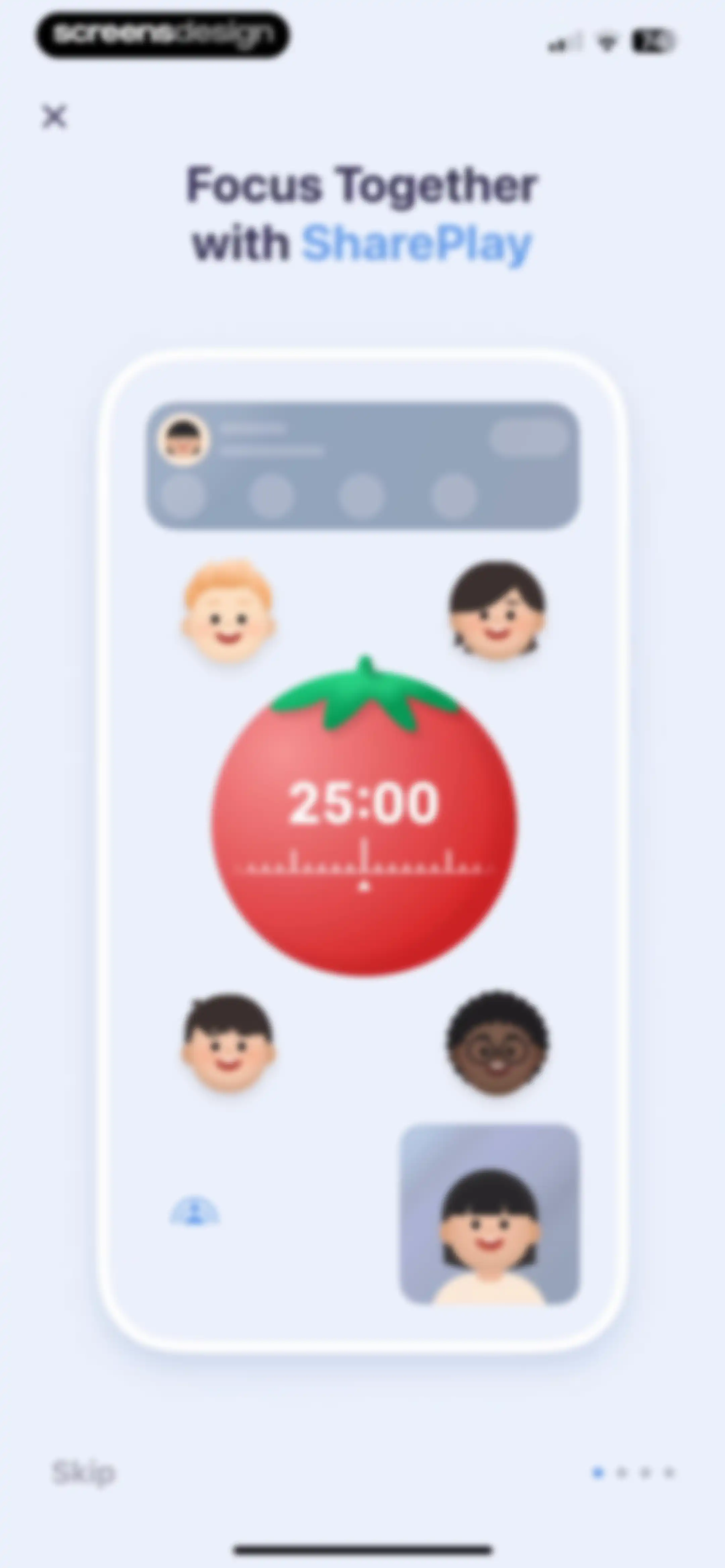
OffScreen app onboarding screen introducing the Focus Together with SharePlay feature, showing a central illustration of a group focus timer and a Skip button.Unlock Pro
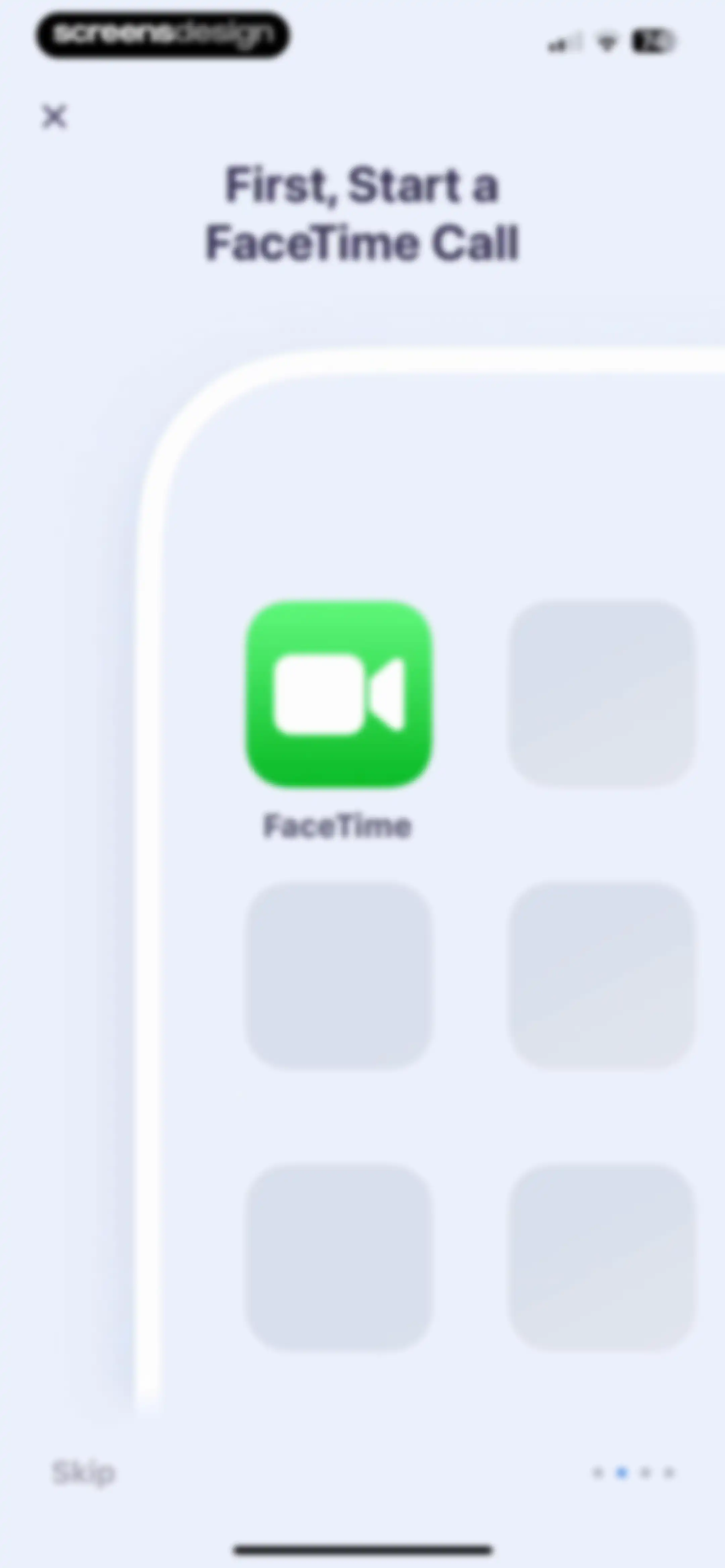
Onboarding screen instructing the user to start a FaceTime call, featuring the FaceTime app icon and a Skip button.Unlock Pro
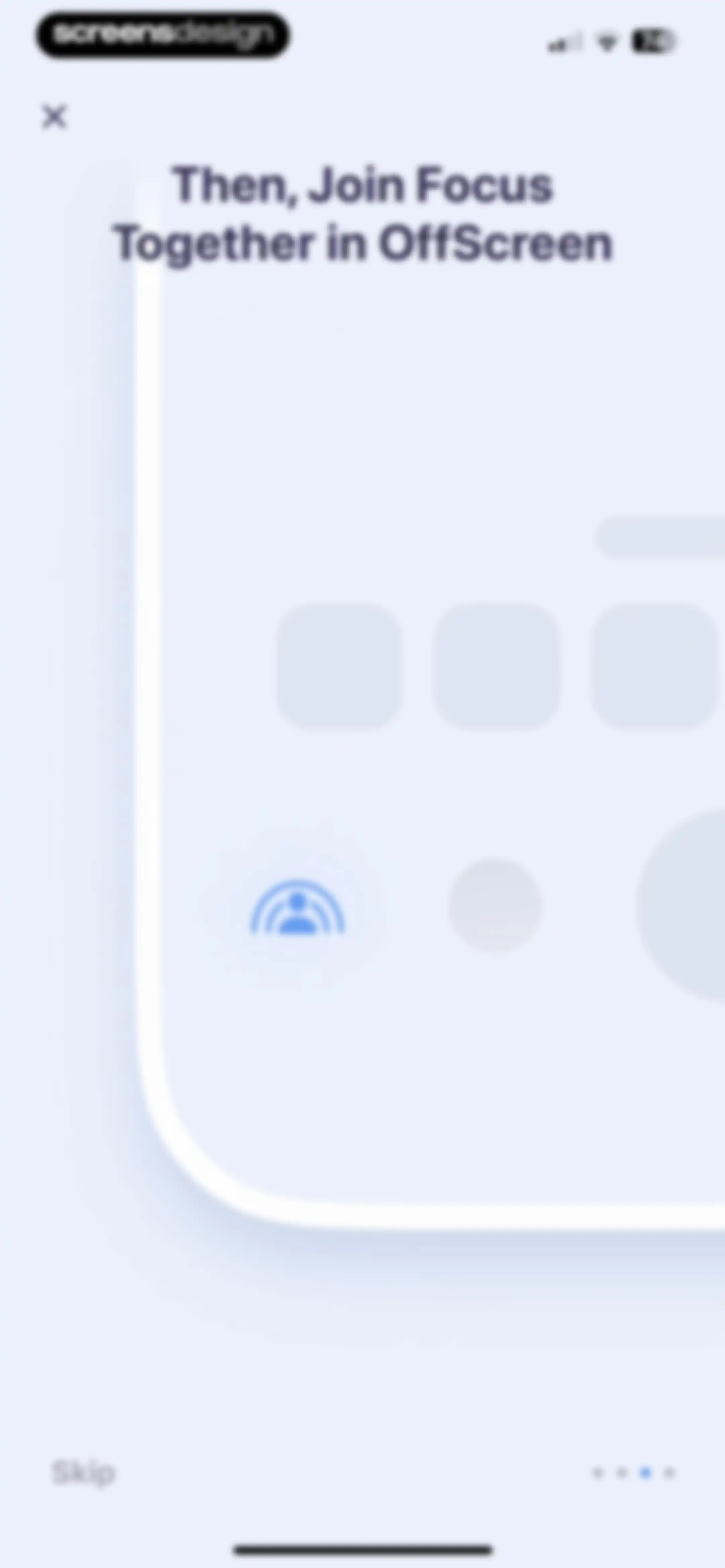
Onboarding screen introducing the Focus Together feature with a central app mockup, skip button, and progress dots.Unlock Pro
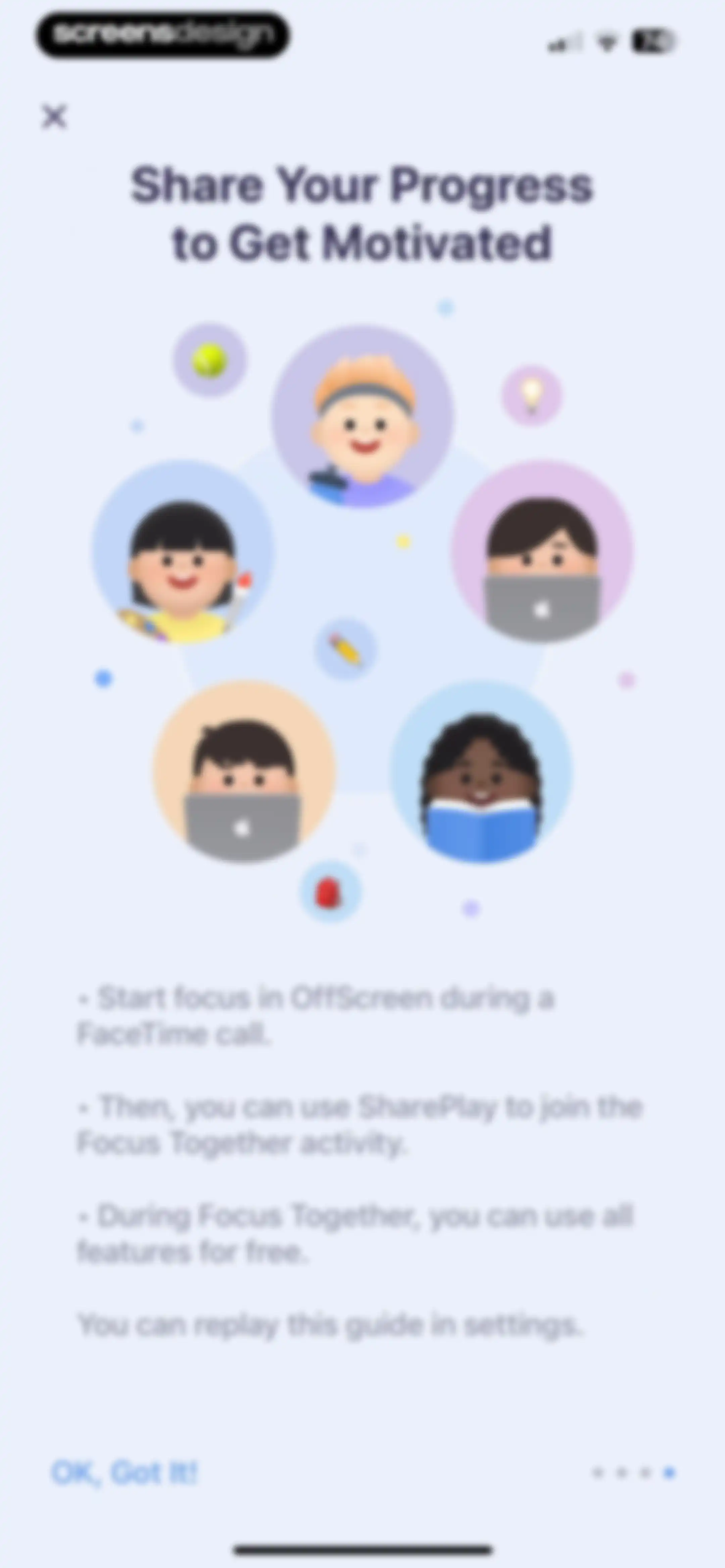
Onboarding screen explaining the Focus Together feature with an instruction list, central avatar illustration, and an OK, Got It! button.Unlock Pro
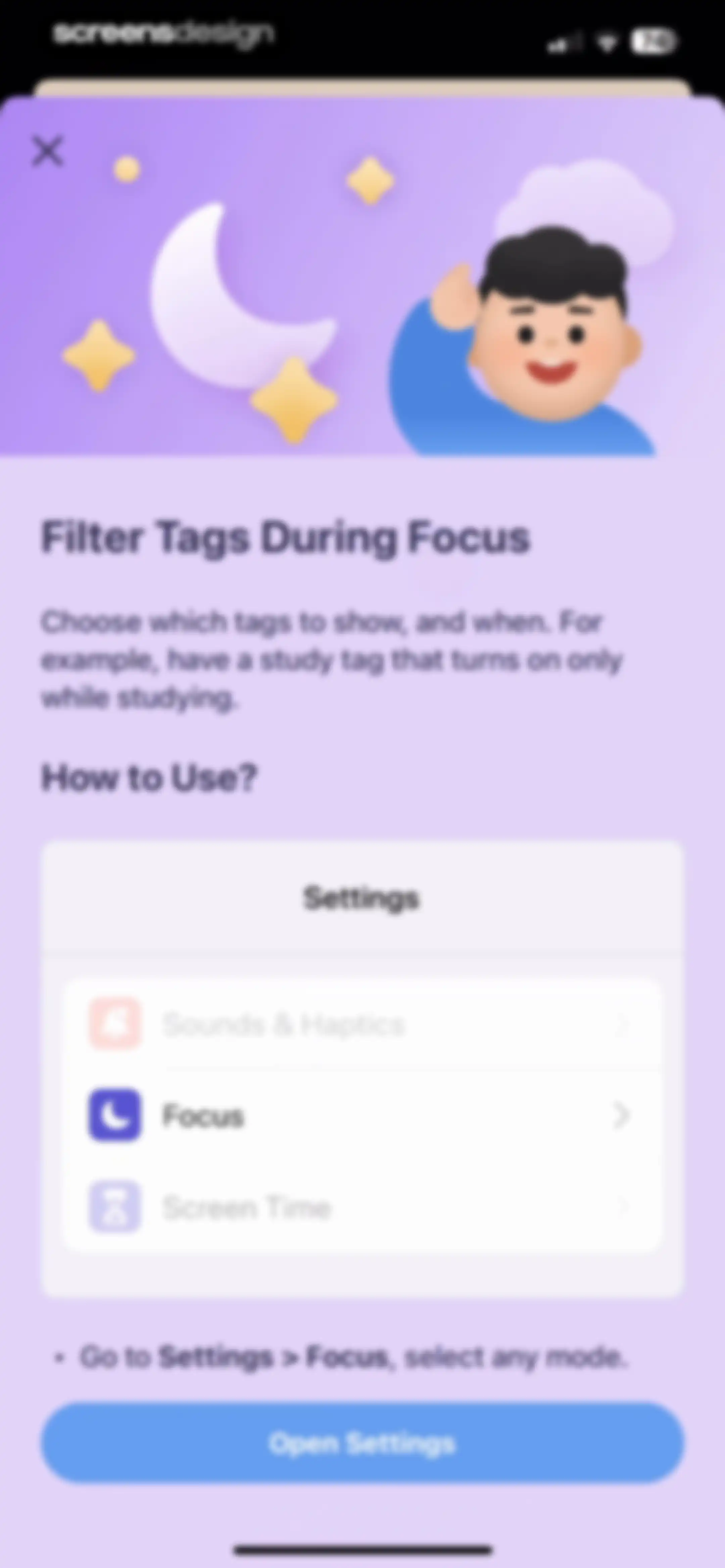
OffScreen app onboarding modal explaining how to filter tags during focus, featuring a settings preview card and an Open Settings button.Unlock Pro
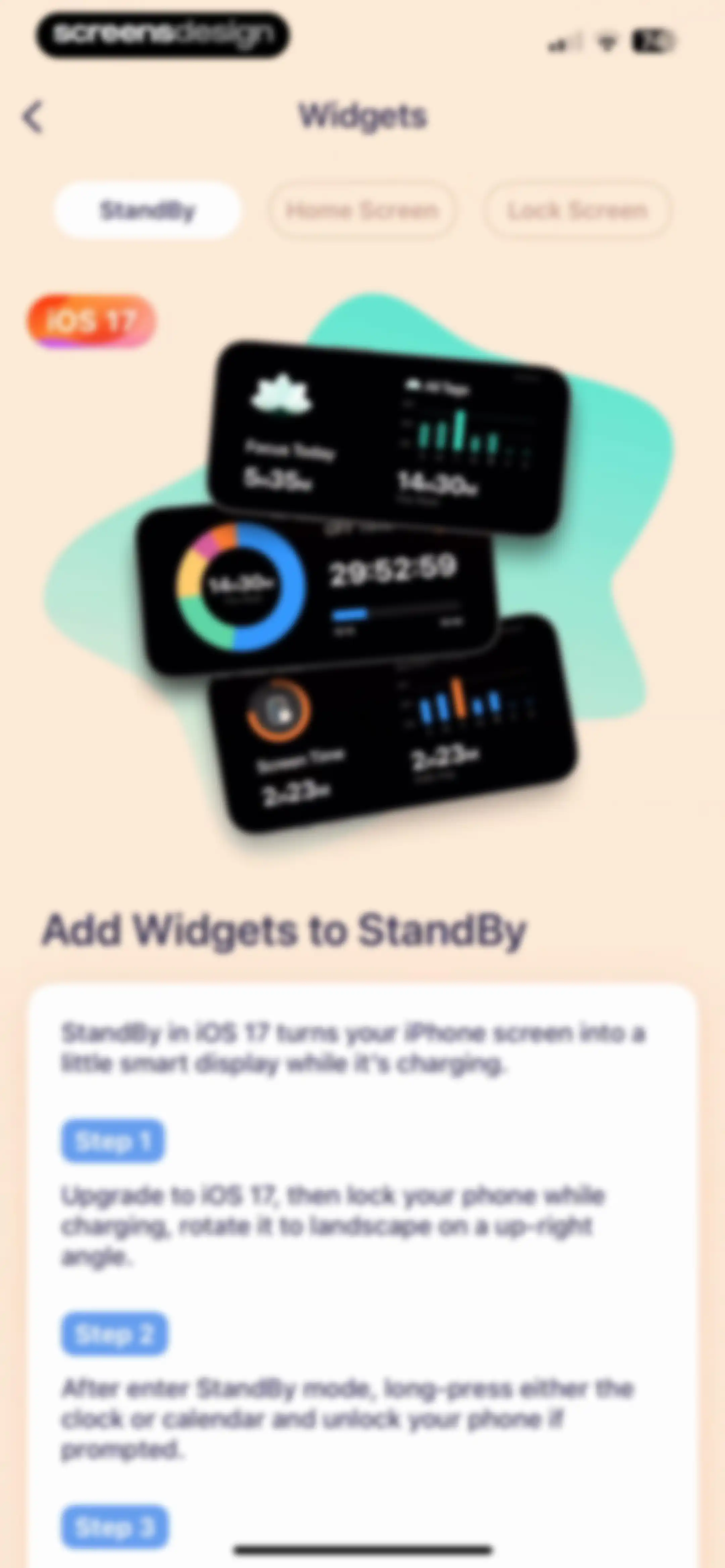
Instructional guide for adding iOS 17 StandBy widgets, featuring a central product illustration and step-by-step setup instructions on a white card.Unlock Pro
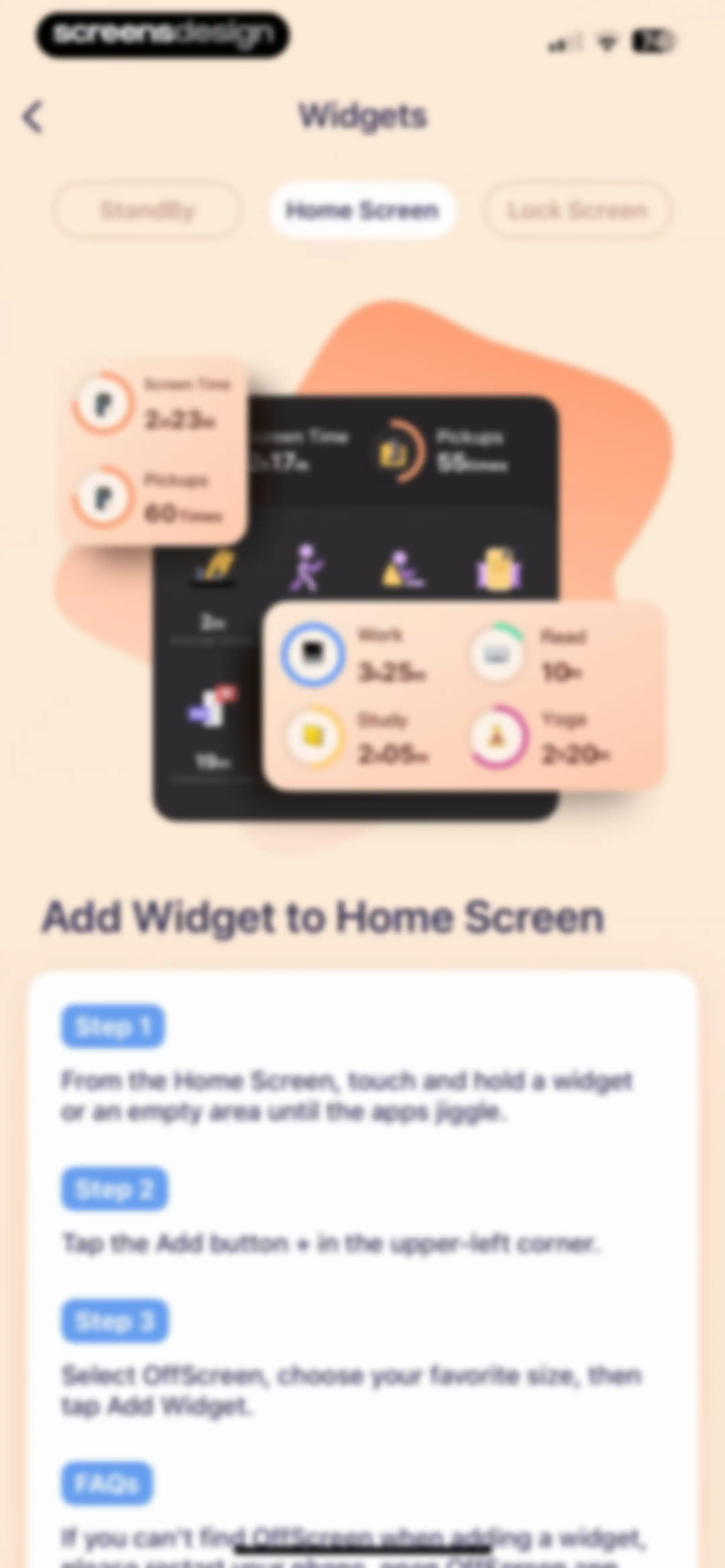
Instructional screen in the OffScreen app detailing how to add home screen widgets with a product mockup and a three-step guide.Unlock Pro
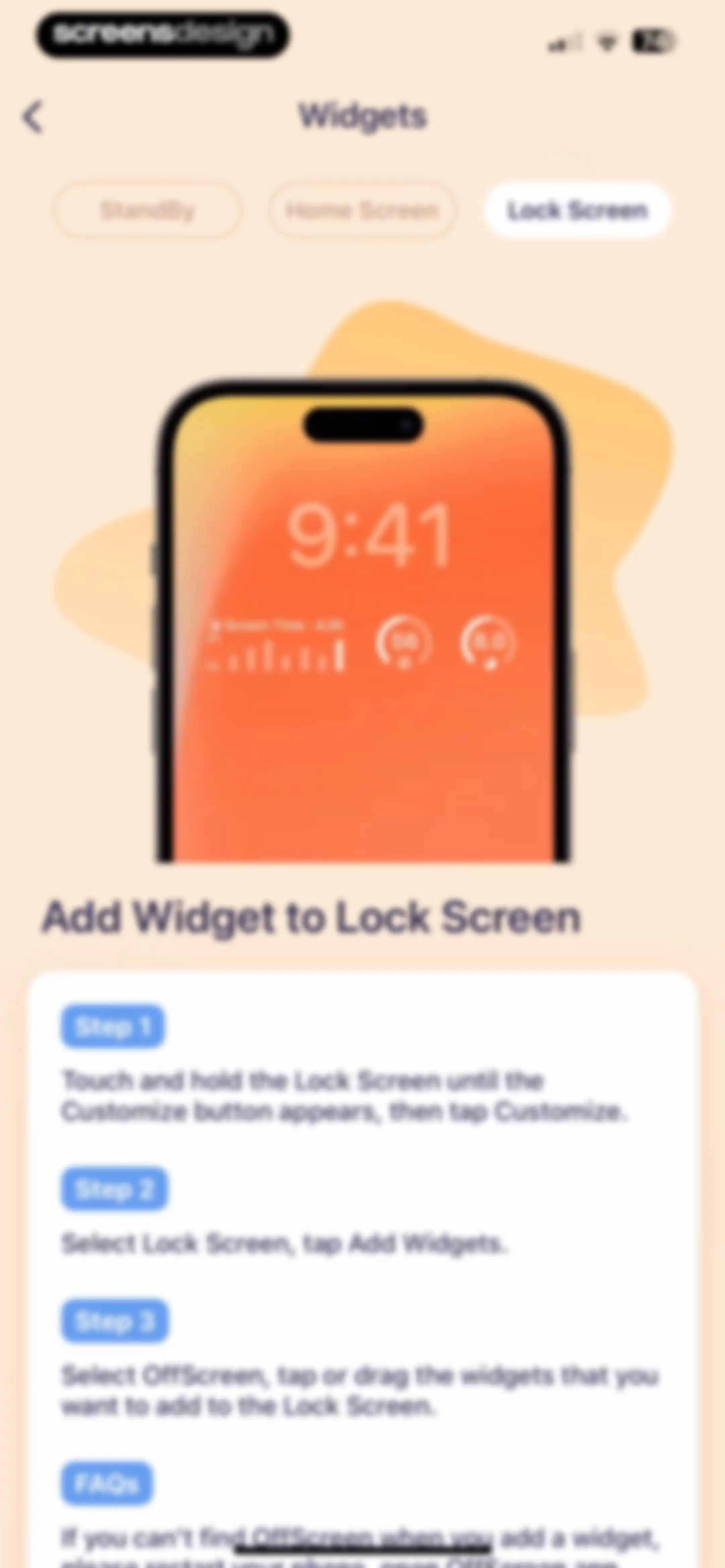
Instructional screen for adding a Lock Screen widget with a segmented control, iPhone mockup, and a three-step guide.Unlock Pro
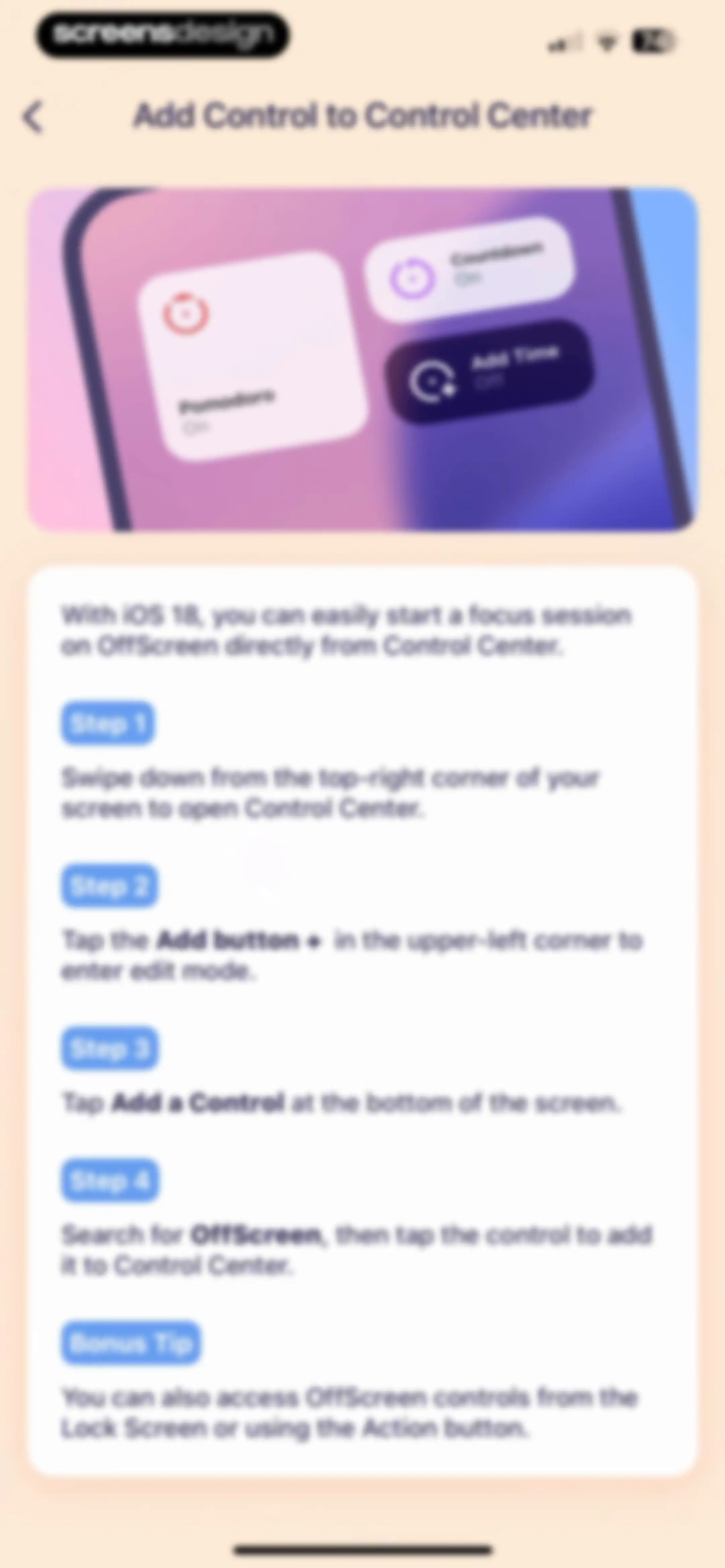
Step-by-step tutorial screen explaining how to add OffScreen widgets to the iOS Control Center, featuring a hero illustration and numbered instructions.Unlock Pro
Apple Watch settings screen displaying connection status, a watchOS 10 promotional card, watch face previews, and a Reload Watch Data button.Unlock Pro
Share sheet modal for an Apple Watch face with options for SharePlay, AirDrop, Messages, and other system actions.Unlock Pro
Settings screen for sleep data source in the OffScreen app, showing the OffScreen card selected and an Allow Access link for Apple Health.Unlock Pro
Settings screen with grouped list sections for Apple Health, Data, and Date & Time options in the OffScreen app.Unlock Pro
Tag selection modal for categorizing focus sessions, with the Self-Care tag selected and a close button in the top left corner.Unlock Pro
Settings screen for syncing focus session categories to Apple Health, featuring toggle switches for Working, Studying, and Fitness.Unlock Pro
Settings screen with grouped sections for Apple Health, Data, and Date & Time containing various configuration options and toggles.Unlock Pro
Settings screen with grouped sections for Apple Health, Data, and Date and Time options, featuring toggle switches and navigation rows.Unlock Pro
OffScreen app settings screen with grouped sections for Apple Health, Data, and Date & Time.Unlock Pro
Settings screen with grouped list sections for general options, date and time, and appearance, over a soft peach background.Unlock Pro
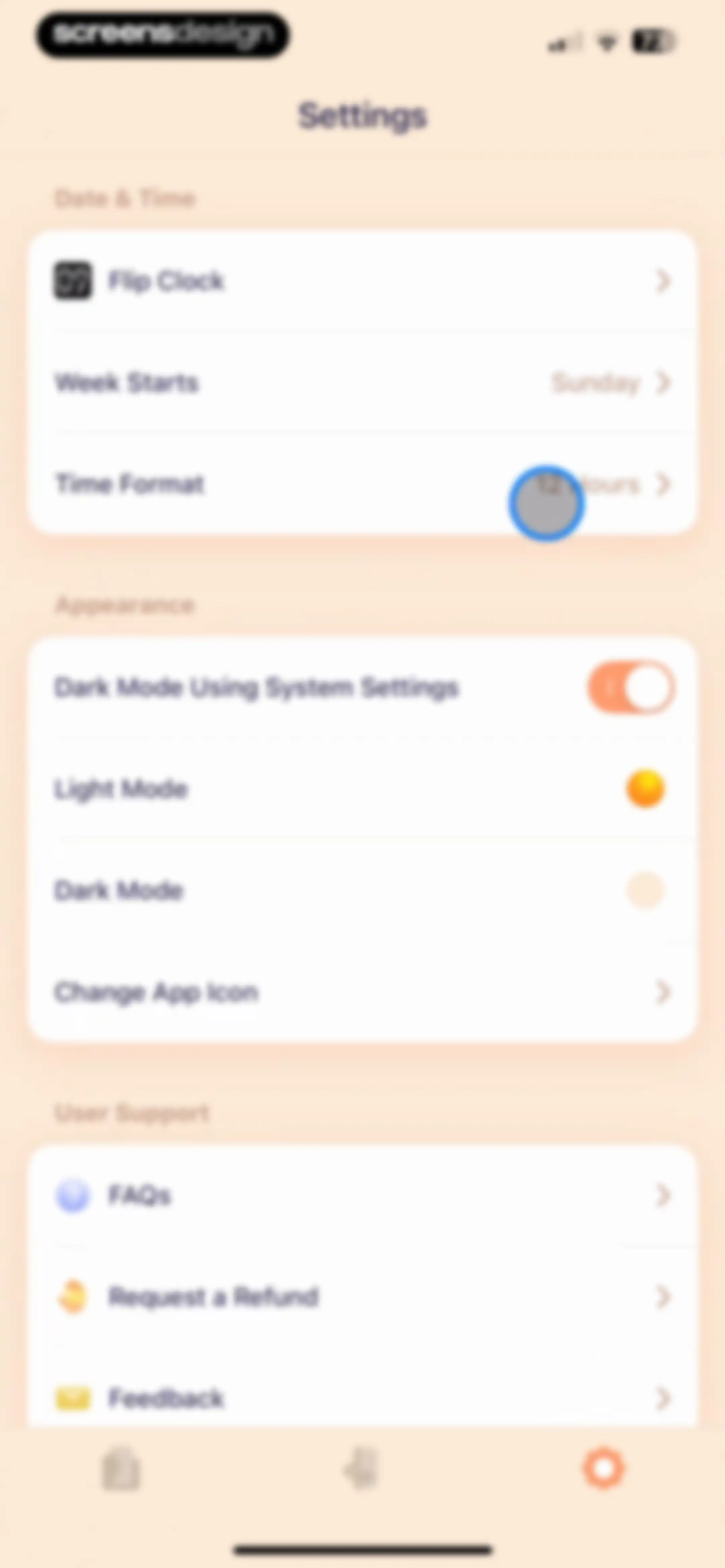
Settings screen with grouped sections for date and time, appearance controls, and user support options.Unlock Pro
Settings screen with Date & Time, Appearance, and User Support sections, displaying an open modal overlay to select the week start day.Unlock Pro
Settings screen with grouped list sections for Date and Time, Appearance, and User Support options.Unlock Pro
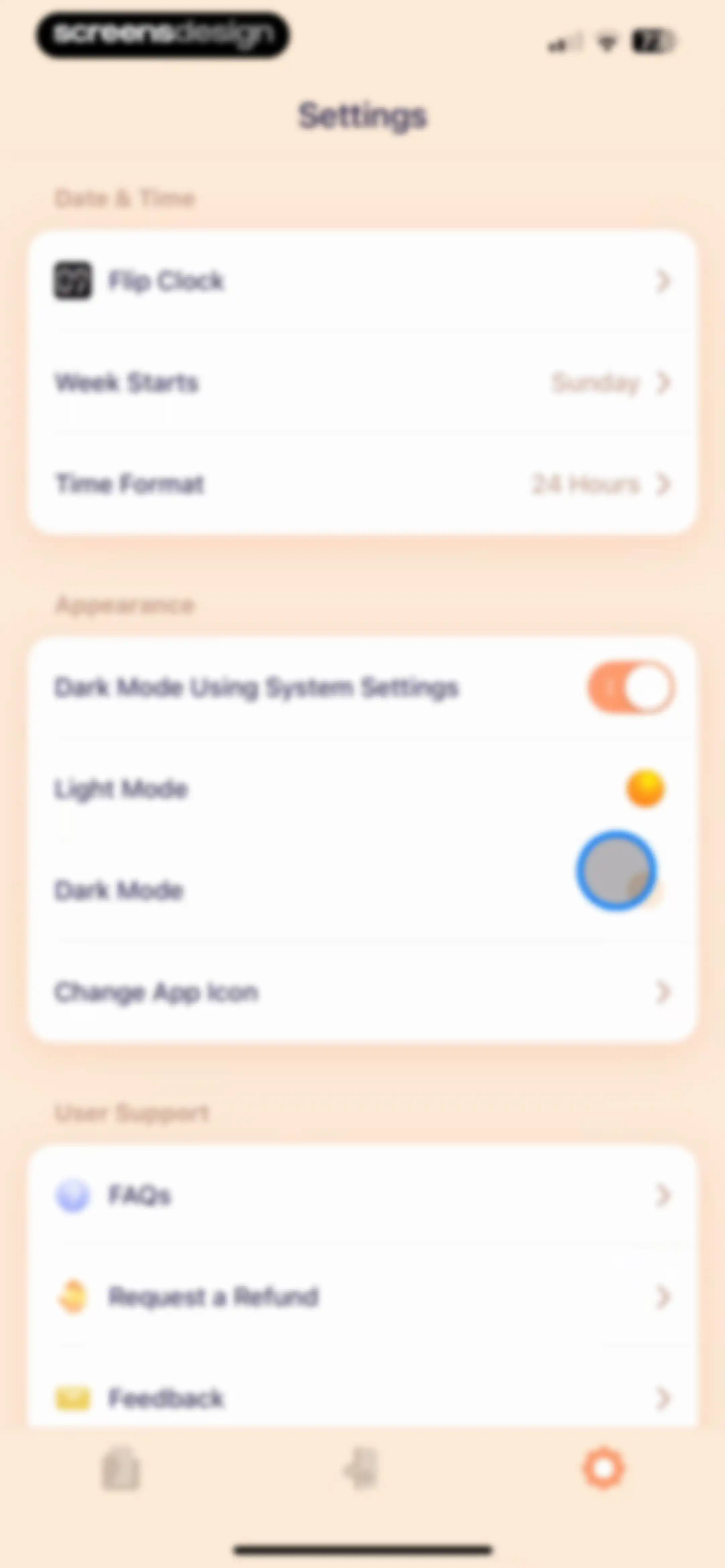
Settings screen featuring grouped sections for Date and Time, Appearance, and User Support, with Dark Mode selected and a bottom navigation bar.Unlock Pro
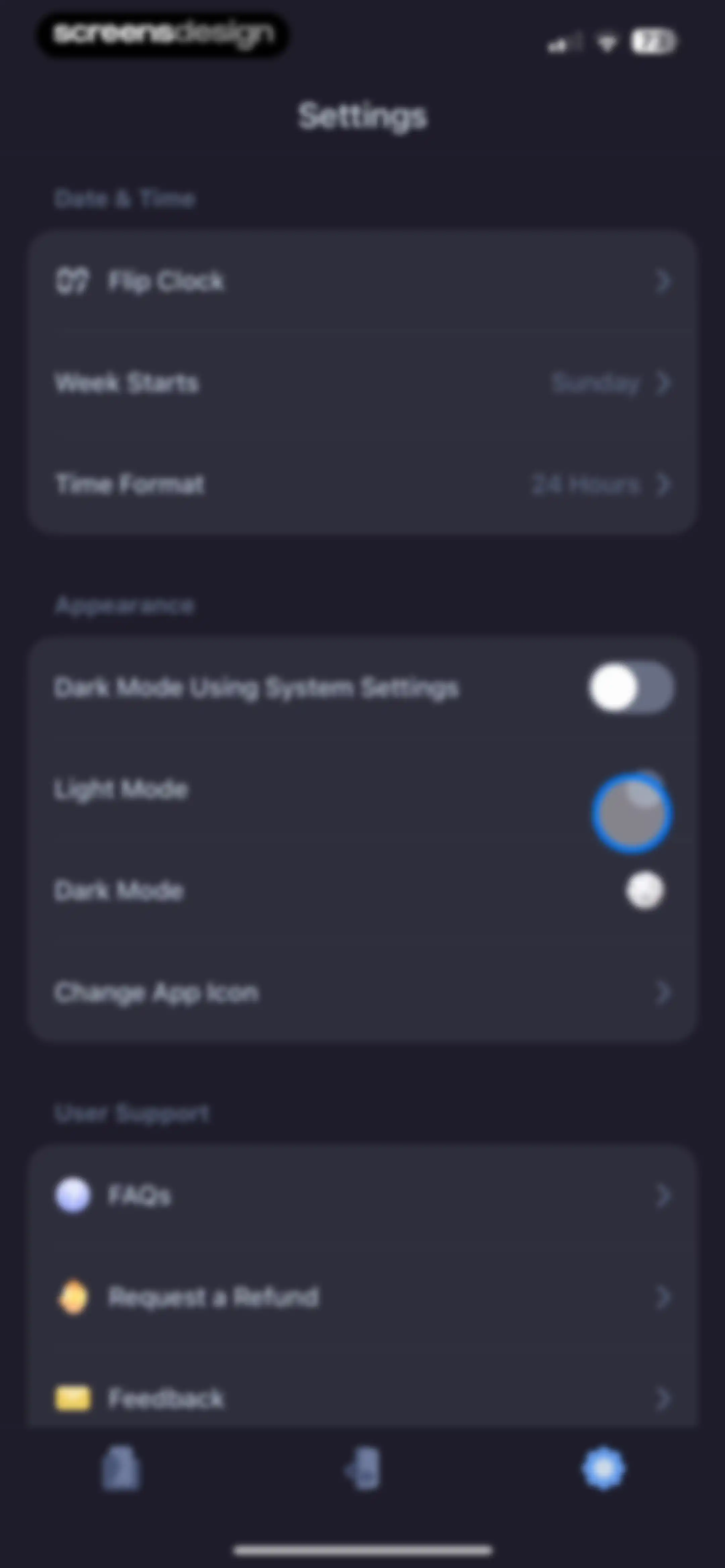
Settings screen with grouped sections for Date and Time, Appearance, and User Support in a dark theme.Unlock Pro
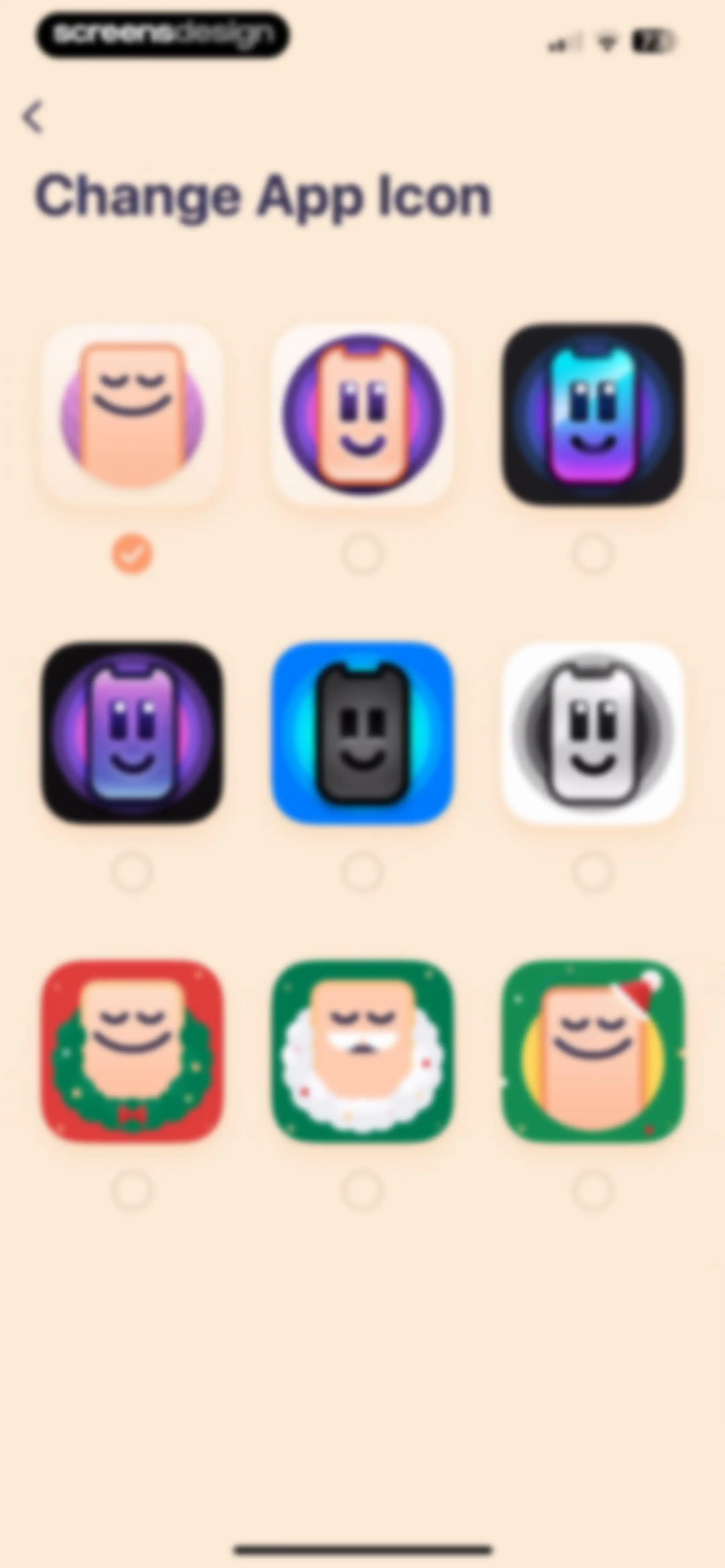
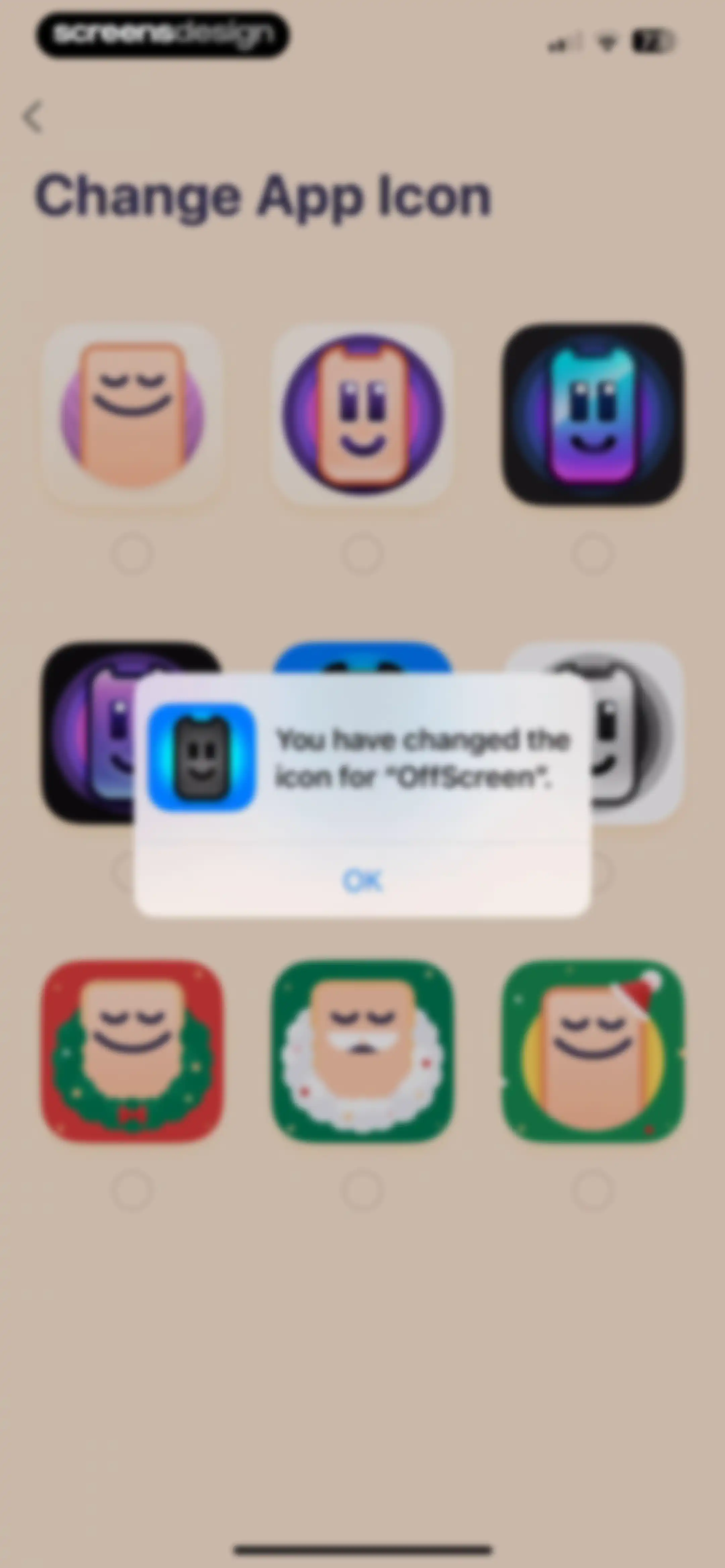
App icon settings screen featuring a grid of nine icon options with the first icon selected by an orange checkmark.Unlock Pro
App icon settings screen in OffScreen with a confirmation modal overlay stating that the icon has been changed, and an OK button.Unlock Pro
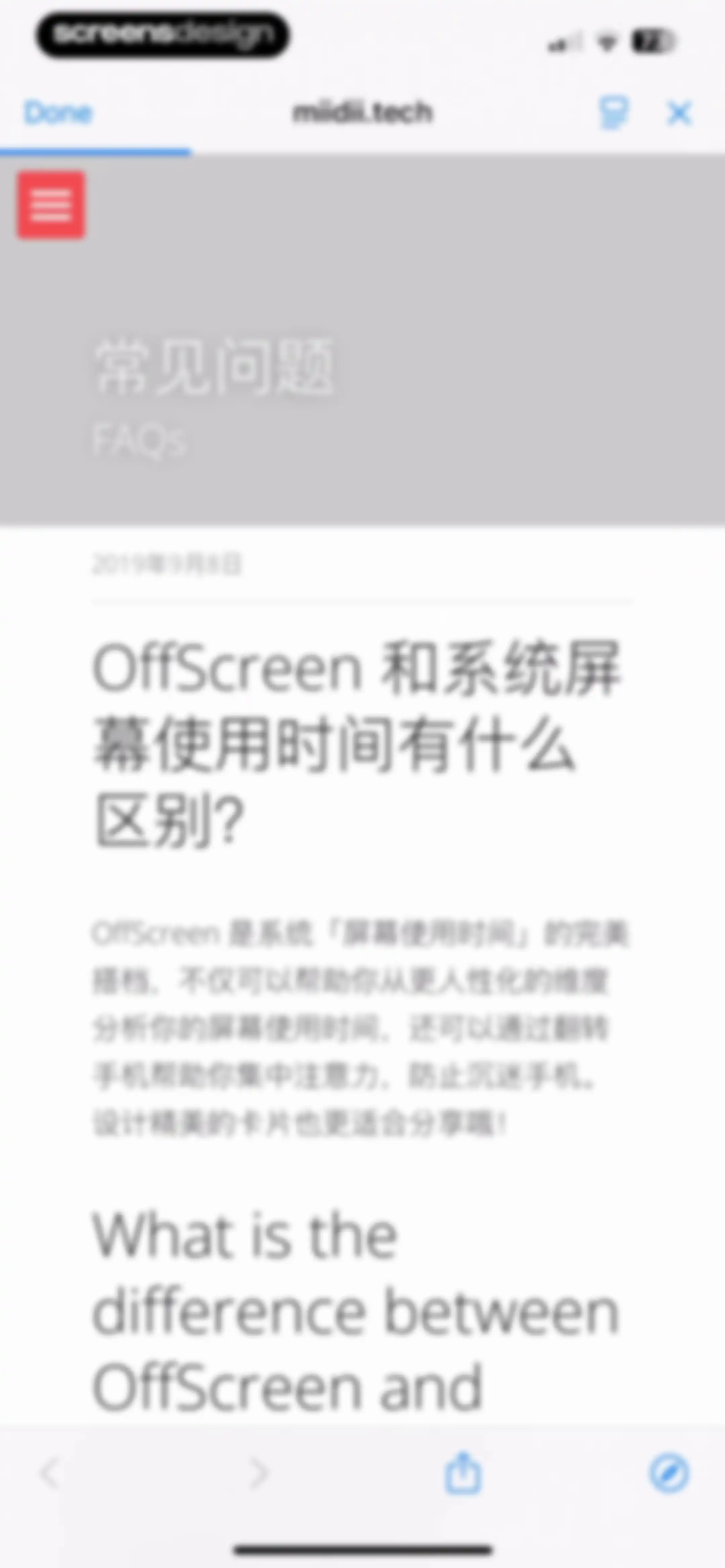
In-app browser displaying an FAQ page with bilingual text about OffScreen and system screen time differences, featuring a Done button.Unlock Pro
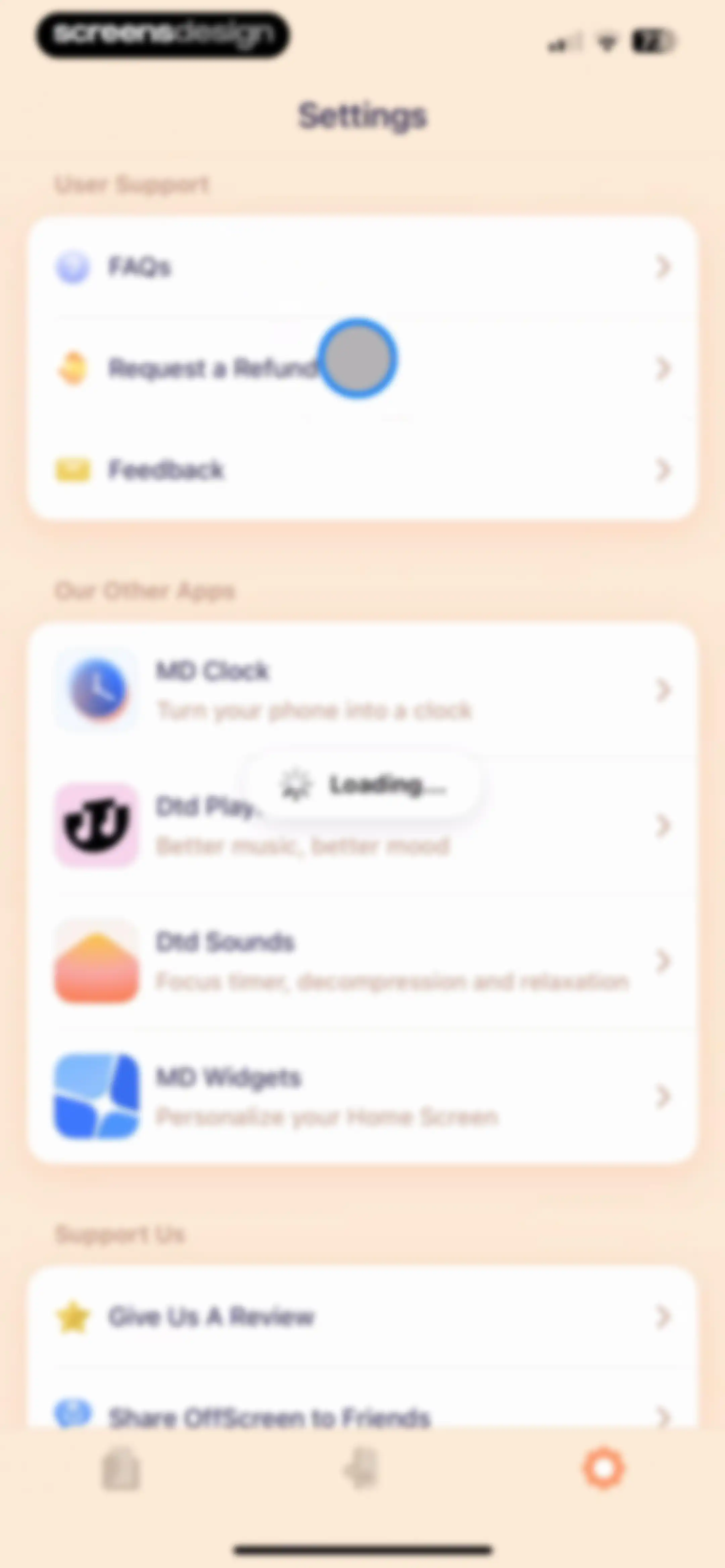
OffScreen app settings screen featuring grouped lists for user support, other apps with a loading indicator, and support options.Unlock Pro
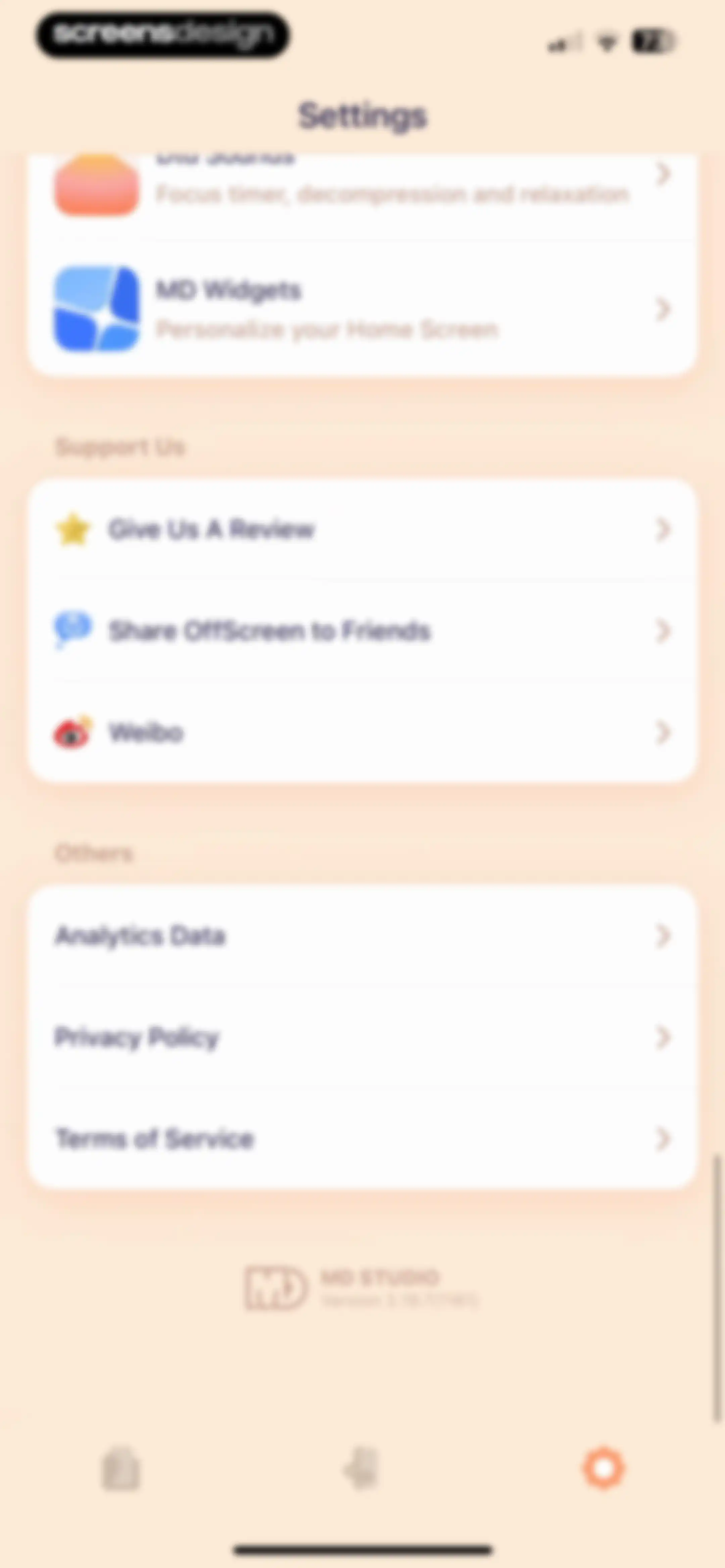
Settings screen featuring grouped list sections for app recommendations, support options, and legal policies, with version details at the bottom.Unlock Pro
Settings screen featuring an open system share sheet modal with a link preview and standard sharing actions.Unlock Pro
Settings screen with a grouped list of options and a bottom modal overlay for exporting analytics data, featuring a cancel button.Unlock Pro
Settings screen featuring promotional cards, support options, and legal links for the OffScreen app.Unlock Pro
In-app browser view showing a blank white page for the URL miidii.super.site with top and bottom navigation bars.Unlock Pro

About OffScreen: Screen Time Control

A digital wellness tool that tracks screen time, enforces focus sessions, and provides challenges to reduce phone usage habits.

Explore OffScreen: Screen Time Control across ScreensDesign

Apps similar to OffScreen: Screen Time Control

Unlock all similar apps

See every comparable app, revenue, installs, and flows.

Unlock Pro
  • AppBlock: Block Apps & Website

    4.6
    MobileSoft s.r.o.Revenue$100kInstalls35k
  • FocusFlight - Deepfocus Timer

    4.9
    Cement Planet LTDRevenue$45kInstalls100k
  • ClearSpace: Reduce Screen Time

    4.7
    clearspaceRevenue$7kInstalls<5k
  • Flow: Focus & Pomodoro Timer

    4.8
    Yugen GmbHRevenue$<5kInstalls<5k
  • Critique AI: Habit Tracker

    4.7
    With BytesRevenue$10kInstalls45k
  • Brainrot: Screen Time Control

    4.5
    Yonatan SmolyarRevenue$55kInstalls150k
  • Blockin -Screen Time for Focus

    4.6
    Noova Inc.Revenue$15kInstalls15k
  • Focus To-Do: Focus Timer&Tasks

    4.8
    Shenzhen Tomato Software Technology Co., Ltd.Revenue$8kInstalls25k
  • Forest: Focus for Productivity

    4.8
    SEEKRTECH CO., LTD.Revenue$50kInstalls150k
  • one sec | screen time + focus

    4.8
    riedel.wtf apps S.L.Revenue$80kInstalls45k
  • Pushscroll: Exercise To Scroll

    4.7
    Mario Ortiz ManeroRevenue$13kInstalls20k
  • Freedom: Screen Time Control

    4.4
    Eighty Percent SolutionsRevenue$100kInstalls13k
  • OtterLife: AI Health Tracker

    4.5
    If TechRevenue$150kInstalls150k
  • Focus Tree: Timer & Flashcards

    4.7
    Focus LabsRevenue$<5kInstalls10k
  • Habit Tracker

    4.8
    Davetech Co., Ltd.Revenue$150kInstalls250k
  • Opal: Screen Time Control

    4.7
    Opal OSRevenue$500kInstalls200k
  • BePresent: Screen Time Control

    4.8
    Screen Detox IncRevenue$400kInstalls250k
  • PulseTrackr:Heart Rate & HRV

    4.7
    SINGATOPRevenue$50kInstalls15k
  • Focus Friend, by Hank Green

    4.8
    B-Tech Consulting Group LLCRevenue$150kInstalls15k
  • Focus Keeper - Pomodoro Timer

    4.8
    PIXO IncorporationRevenue$<5kInstalls<5k
  • Blank Spaces Launcher

    4.6
    Ecstasis LLCRevenue$200kInstalls35k
  • Grit: Daily Habit Tracker

    4.8
    Stepan KurennykhRevenue$55kInstalls100k
  • HelloHabit - Habit Tracker

    4.9
    RightLife, Inc.Revenue$30kInstalls20k
  • SleepWatch - Top Sleep Tracker

    4.7
    Bodymatter, Inc.Revenue$150kInstalls25k
  • TIDE: Sleep, Focus, Meditation

    4.8
    Moreless, Inc.Revenue$55kInstalls50k
  • Productive - Habit Tracker

    4.6
    Easy Tiger Apps, LLC.Revenue$20kInstalls<5k
  • Habitify: Habit Tracker

    4.6
    Unstatic Ltd CoRevenue$20kInstalls<5k
  • HabitMinder • Habit Tracker

    4.6
    Reflective Technologies ApSRevenue$<5kInstalls20k
  • Bento: The Do Less Timer

    4.1
    Keep Productive LtdRevenue$<5kInstalls<5k
  • Do Habits: Get It Done

    4.0
    Reflective Technologies ApSRevenue$<5kInstalls<5k
  • Pacer Pedometer Step Counter

    4.9
    Pacer Health, IncRevenue$250kInstalls150k
  • Pulse Checker. Calorie Manager

    4.5
    BOYARD-INVEST, TOVRevenue$10kInstalls<5k
  • Tally: The Anything Tracker

    4.4
    Reflective Technologies ApSRevenue$<5kInstalls<5k
  • Photo Organizer: FocusClean

    4.3
    Ultra Logic LimitedRevenue$35kInstalls<5k
  • Lock In - Reset Your Life

    4.7
    Omega Labs, LLCRevenue$85kInstalls45k
  • Running Tracker App – FITAPP

    4.8
    FITAPP GmbHRevenue$35kInstalls55k
  • Gentler Streak Workout Tracker

    4.7
    Gentler Stories LLCRevenue$30kInstalls<5k
  • Pedometer++

    4.8
    Cross Forward Consulting, LLCRevenue$200kInstalls250k
  • iHeart-Pulse Rate Monitor App.

    4.7
    [email protected]Revenue$40kInstalls<5k
  • Interval Timer □ HIIT Timer

    4.8
    Float Tech, LLCRevenue$55kInstalls30k
  • Endel: Focus & Sleep Sounds

    4.6
    EndelRevenue$550kInstalls100k
  • To Do List MinimaList & Widget

    4.8
    Davetech Co., Ltd.Revenue$5kInstalls95k
  • Friend Controls: Screen Time

    4.7
    Ryan Moazzami
  • StressWatch: AI Stress Monitor

    4.7
    One Hundred Bad Ideas LimitedRevenue$850kInstalls350k
  • Meditate - Mindfulness app

    4.4
    RhythmicWorksRevenue$<5kInstalls<5k
  • Water tracker Waterllama

    4.9
    Llama Luna AppsRevenue$85kInstalls90k
  • Tangerine: Self-care & Goals

    4.7
    Bitdreams OURevenue$<5kInstalls<5k