MacroFactor - Macro Tracker

$3.3M revenue, 4.8 rating

App walkthrough
0:00 / 24:21

Onboarding flow, Paywall & Inside the App

Watch the full screen-by-screen UX video of MacroFactor - Macro Tracker with onboarding, paywall, and every core flow.
Onboarding screen for MacroFactor with a central logo, greeting text, a progress indicator, and a Next button.
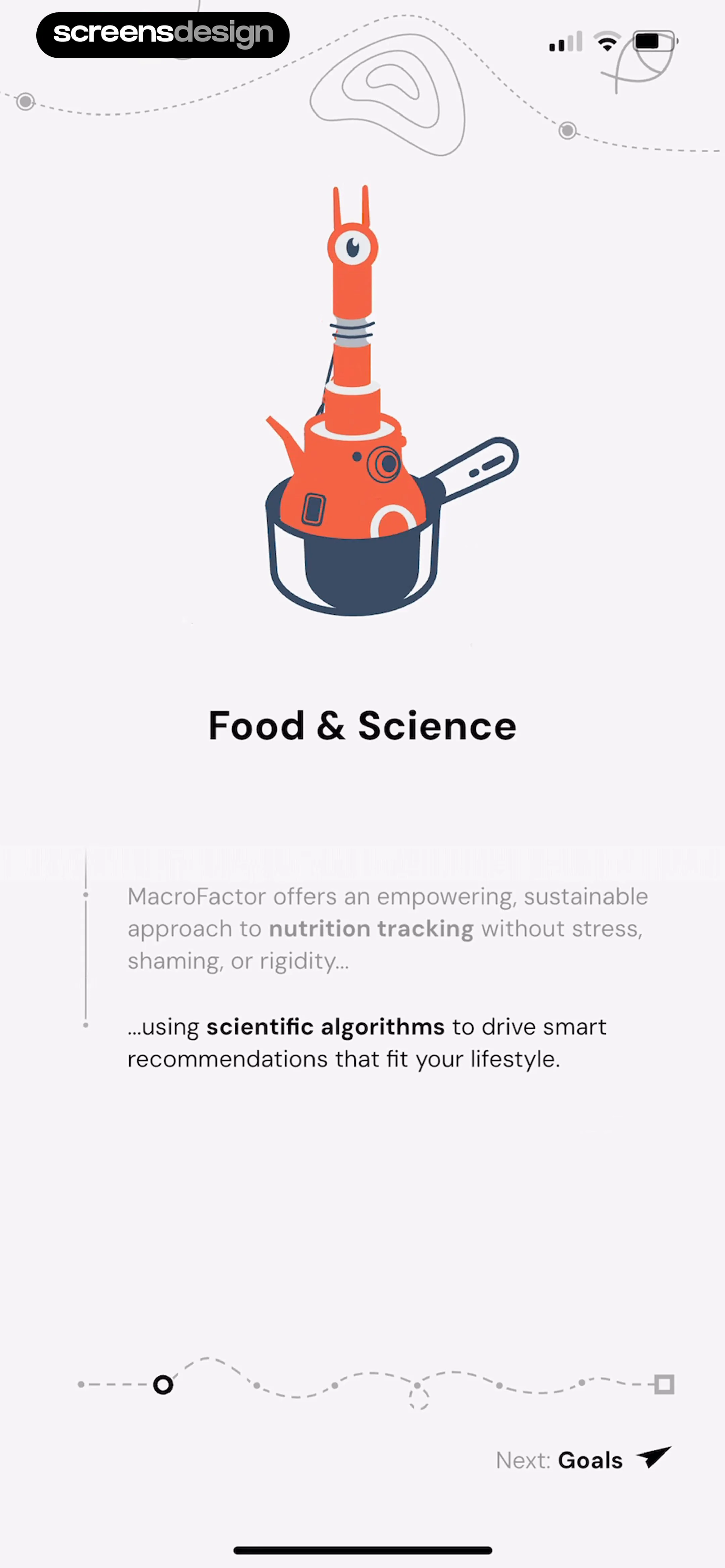
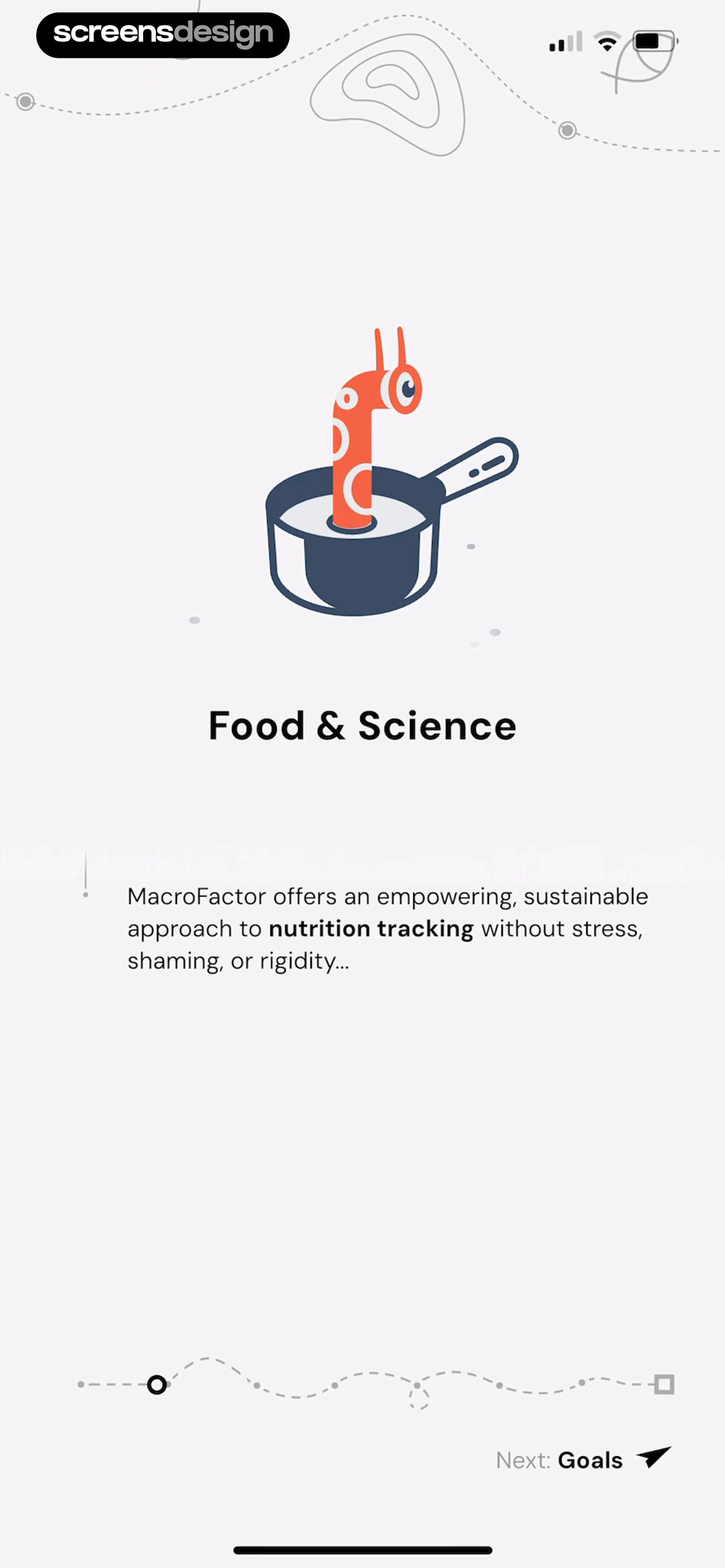
Onboarding screen introducing Food and Science with an illustration, descriptive text, a progress indicator, and a Next: Goals button.
MacroFactor onboarding screen titled Food and Science with an illustration of a creature in a pot and a Next Goals button.
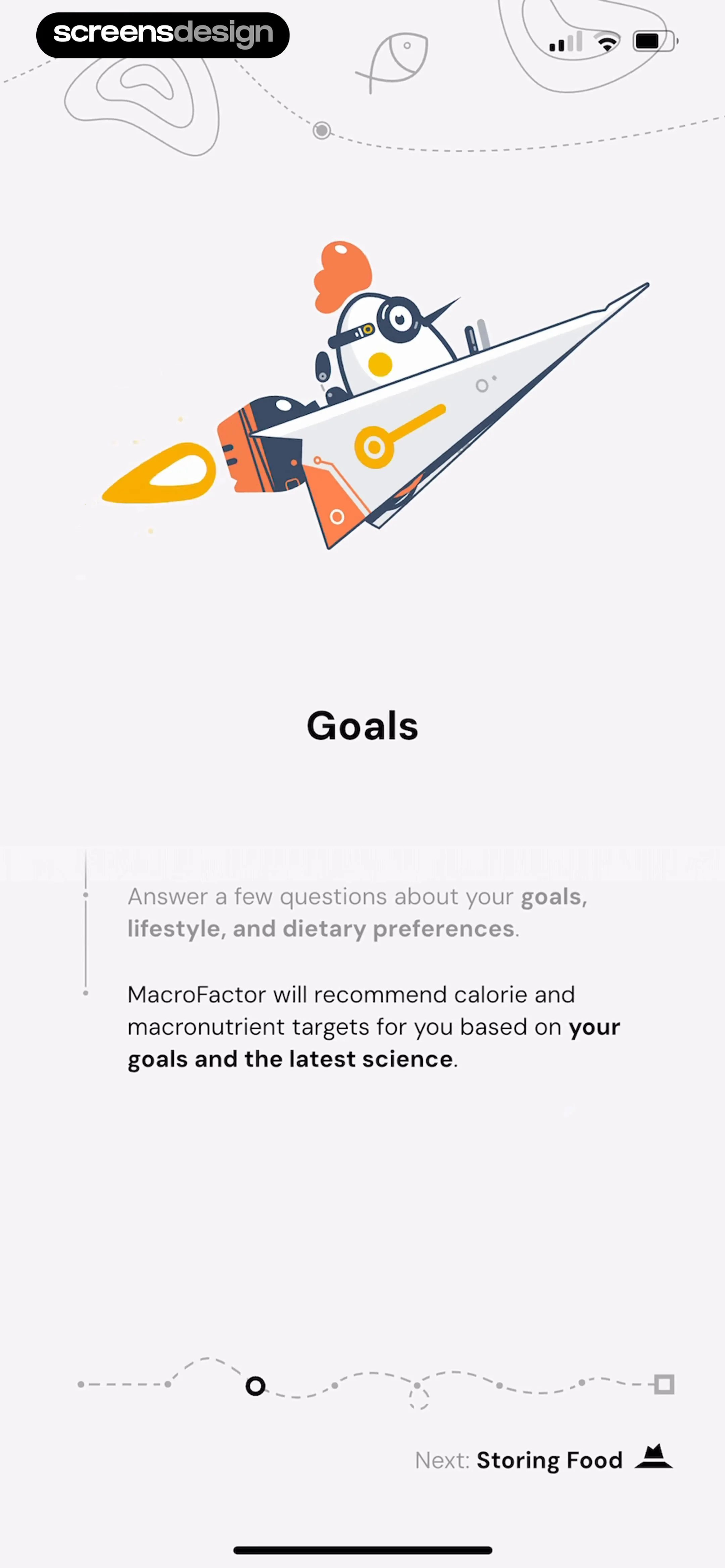
Onboarding screen titled Goals with a description of preference questions and a Next Storing Food button.
MacroFactor onboarding screen featuring a rocket illustration and an explanation of goal setting, with a progress indicator and a Next: Storing Food link.
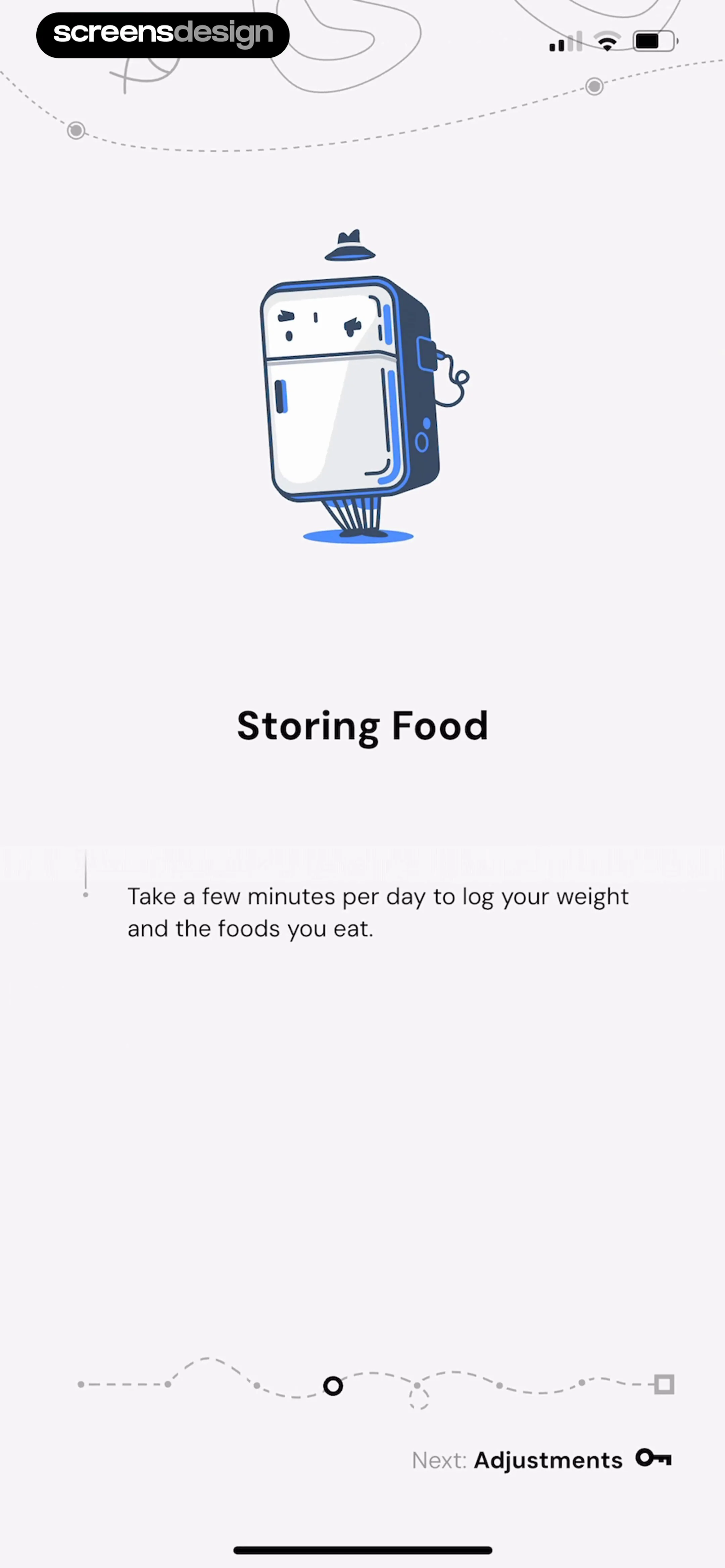
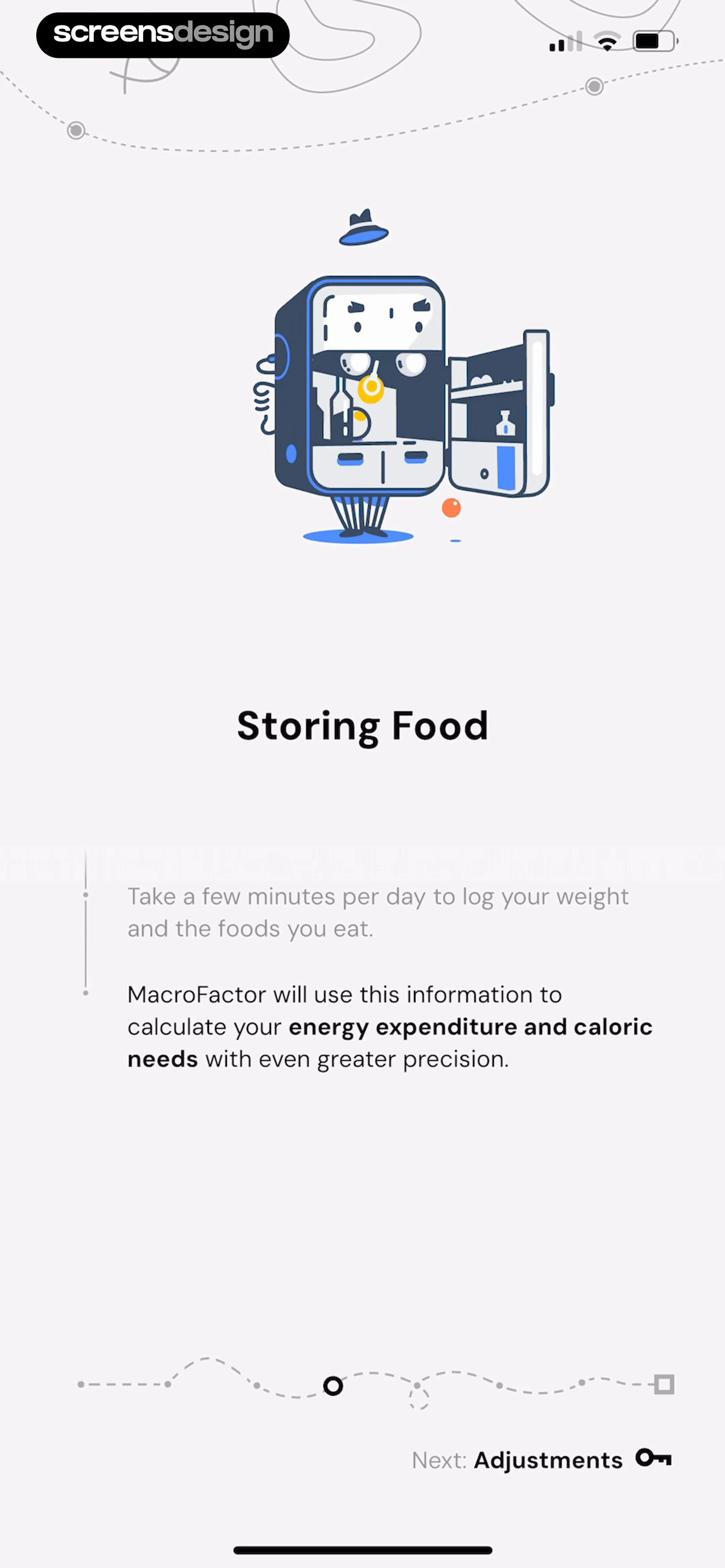
MacroFactor onboarding screen titled Storing Food, explaining daily logging with an illustration and a Next button.
Onboarding screen titled Storing Food explaining daily weight and food logging, with a top illustration and a Next button.
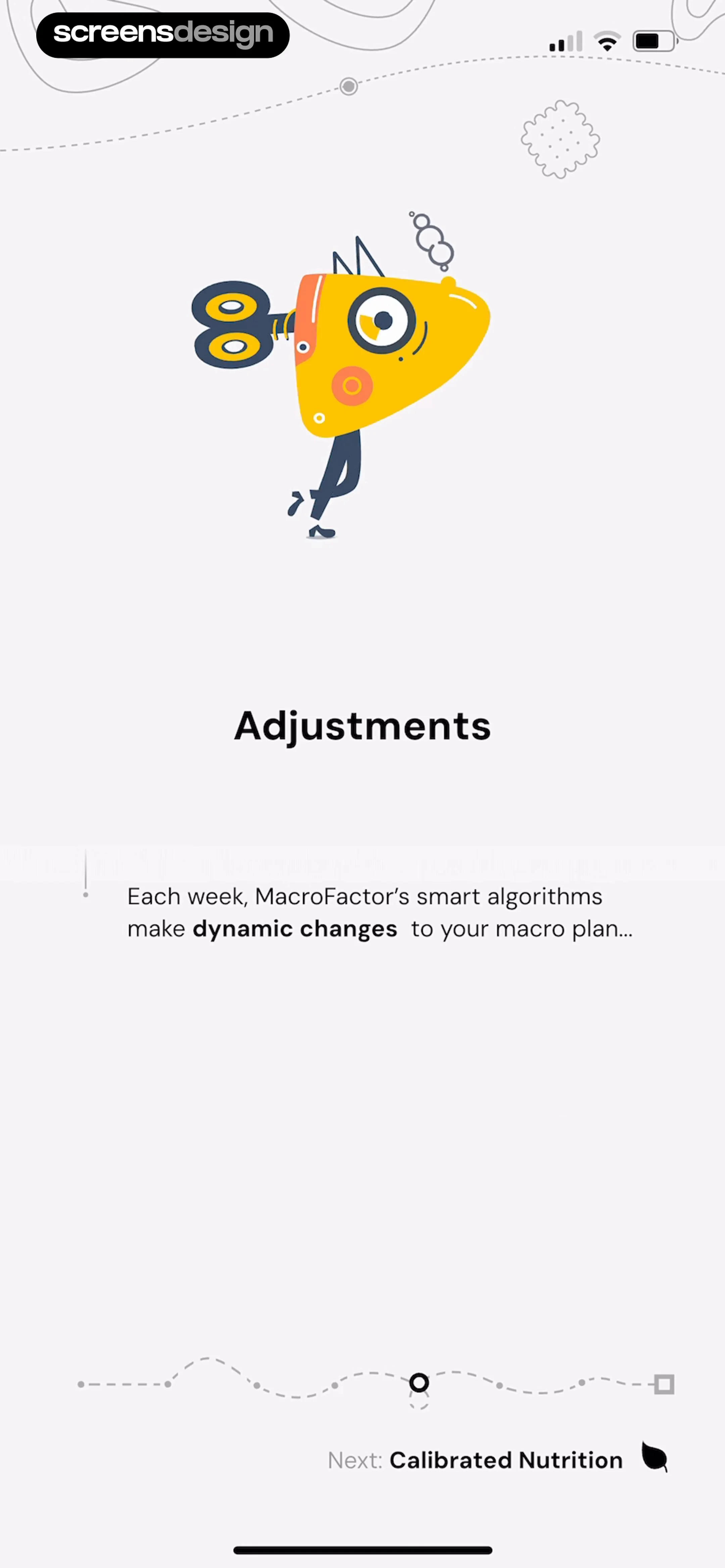
MacroFactor onboarding screen titled Adjustments explaining weekly macro plan updates, with a playful illustration and a Next navigation link.
Onboarding screen explaining dynamic macro adjustments with a top illustration, centered explanatory text, progress indicator, and a Next button.Unlock Pro
Onboarding screen titled Calibrated Nutrition with a playful character illustration and a Next Hooray button.Unlock Pro
MacroFactor onboarding screen titled Calibrated Nutrition, featuring an illustration of a character on a skateboard and a Next: Hooray button.Unlock Pro
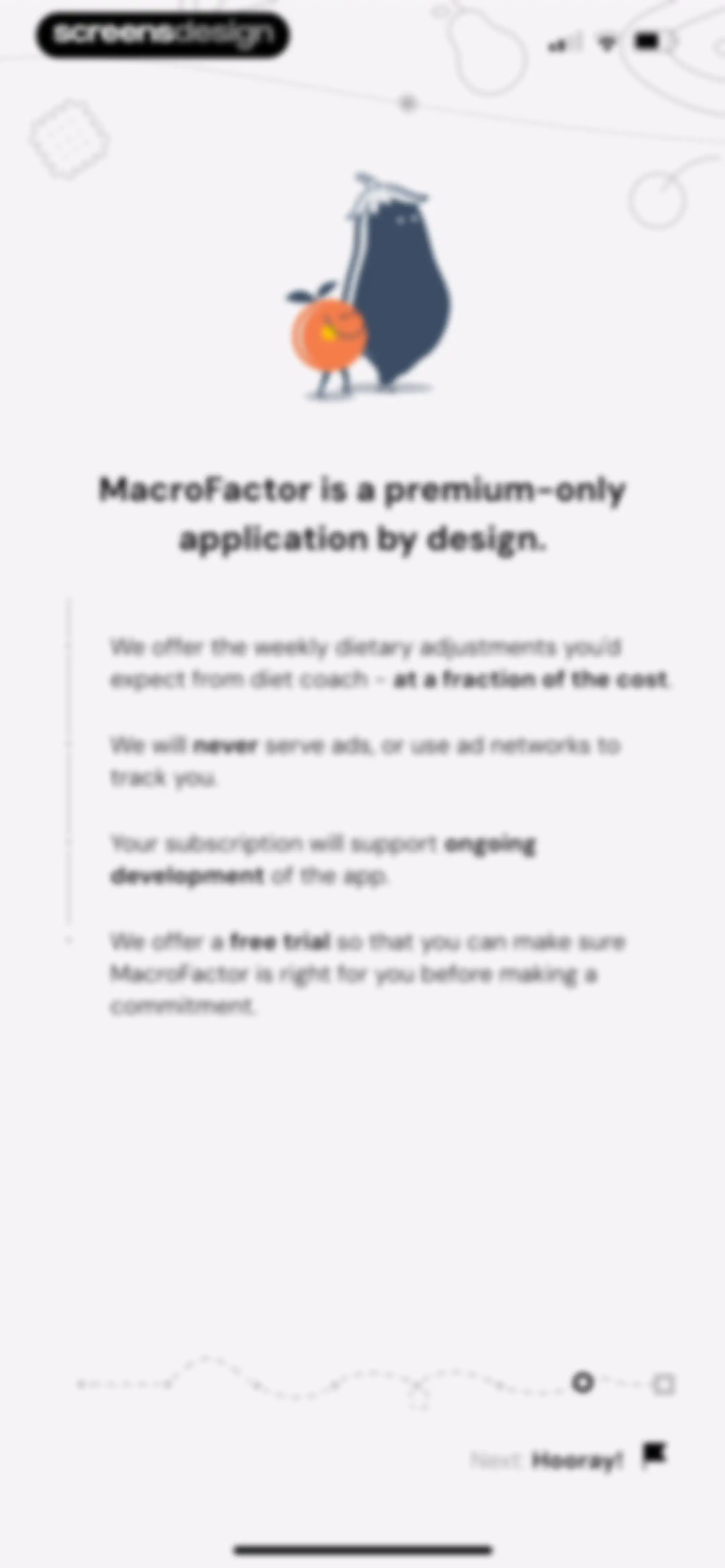
Onboarding screen explaining the app's premium subscription model with a top illustration, bullet points about ad-free benefits, and a Next button.Unlock Pro
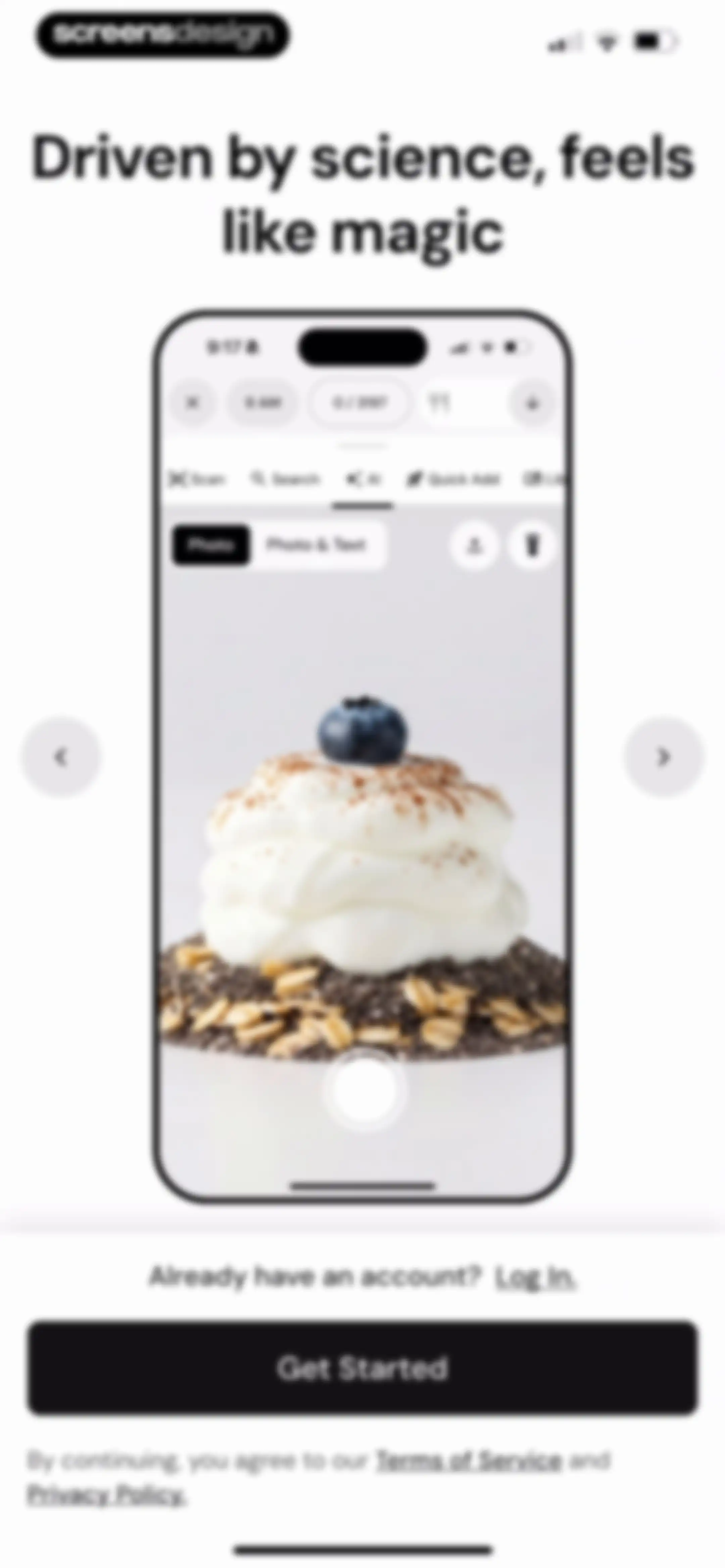
MacroFactor onboarding screen featuring a centered food scanner mockup, Get Started button, and a Log In link.Unlock Pro
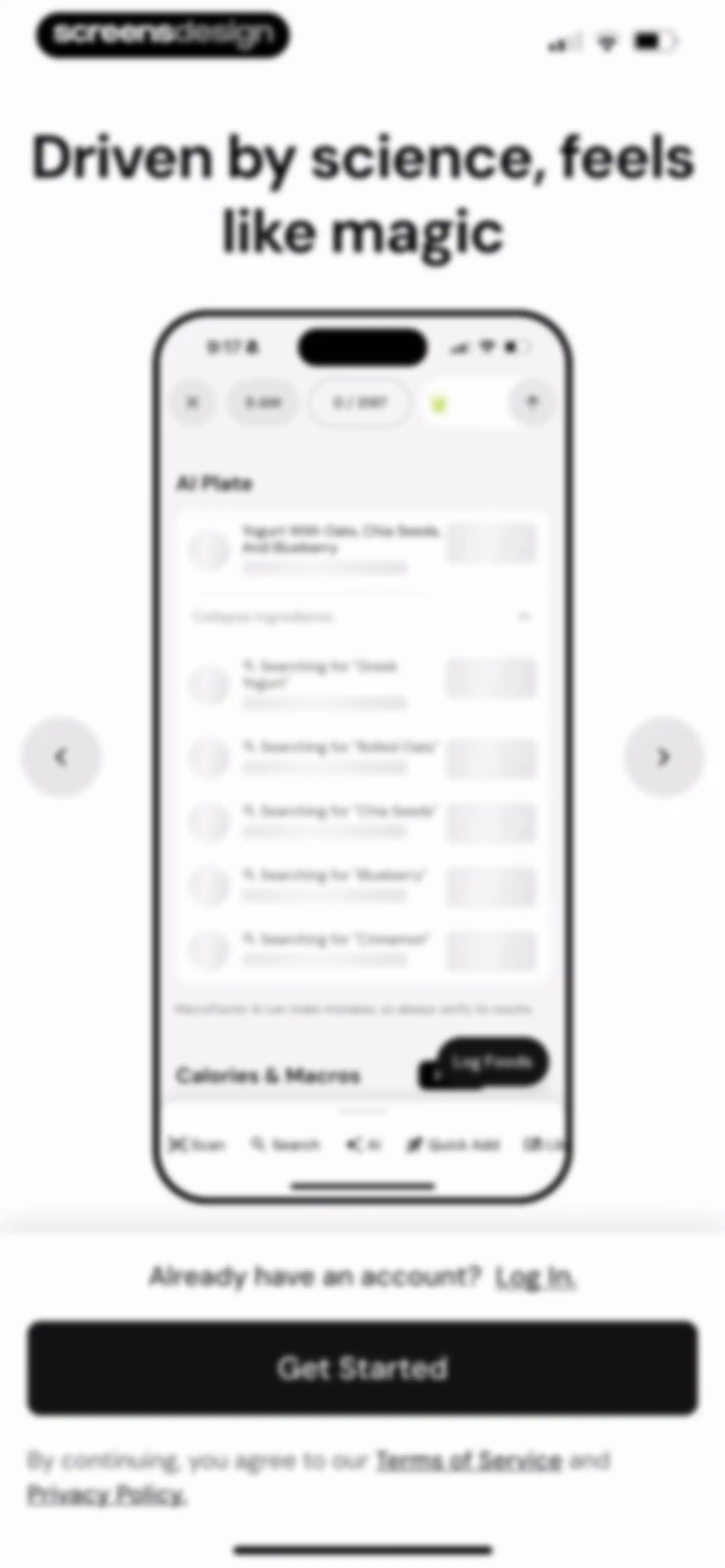
Onboarding screen featuring a product mockup of an AI food logging interface with a Get Started button.Unlock Pro
Onboarding screen featuring a product mockup of an AI food logging interface, with a Get Started button and a Log In link.Unlock Pro
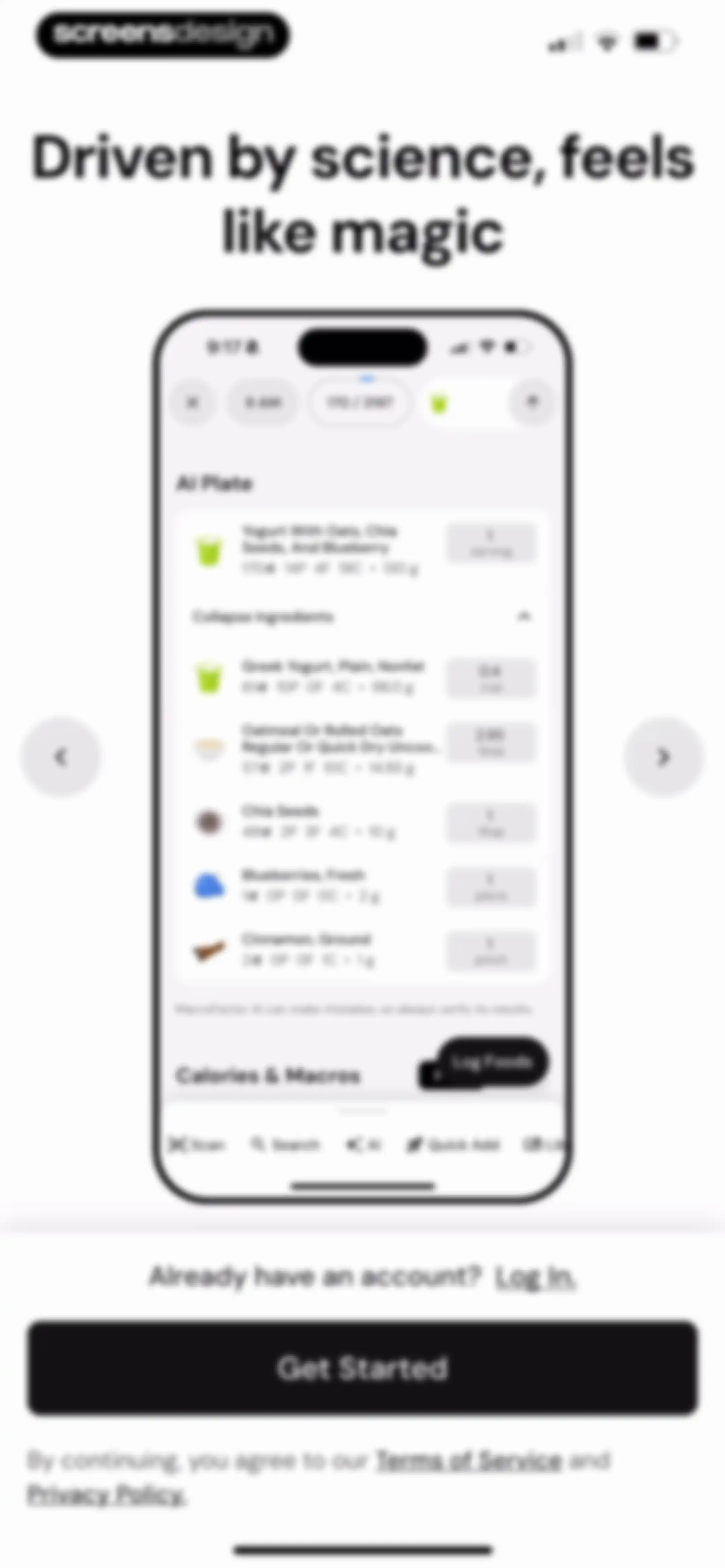
Onboarding screen for a nutrition app featuring a product mockup, a Get Started button, and a Log In link.Unlock Pro
Onboarding screen displaying a three-step progress list with Basics highlighted and a Go to Basics button.Unlock Pro
MacroFactor health permission request screen displaying a list of dietary and body metric toggles with an Allow action.Unlock Pro
Onboarding screen for Apple Health synchronization with a descriptive card, a toggle switch, and a Next button.Unlock Pro
Onboarding screen asking for sex with Female selected and a Next button.Unlock Pro
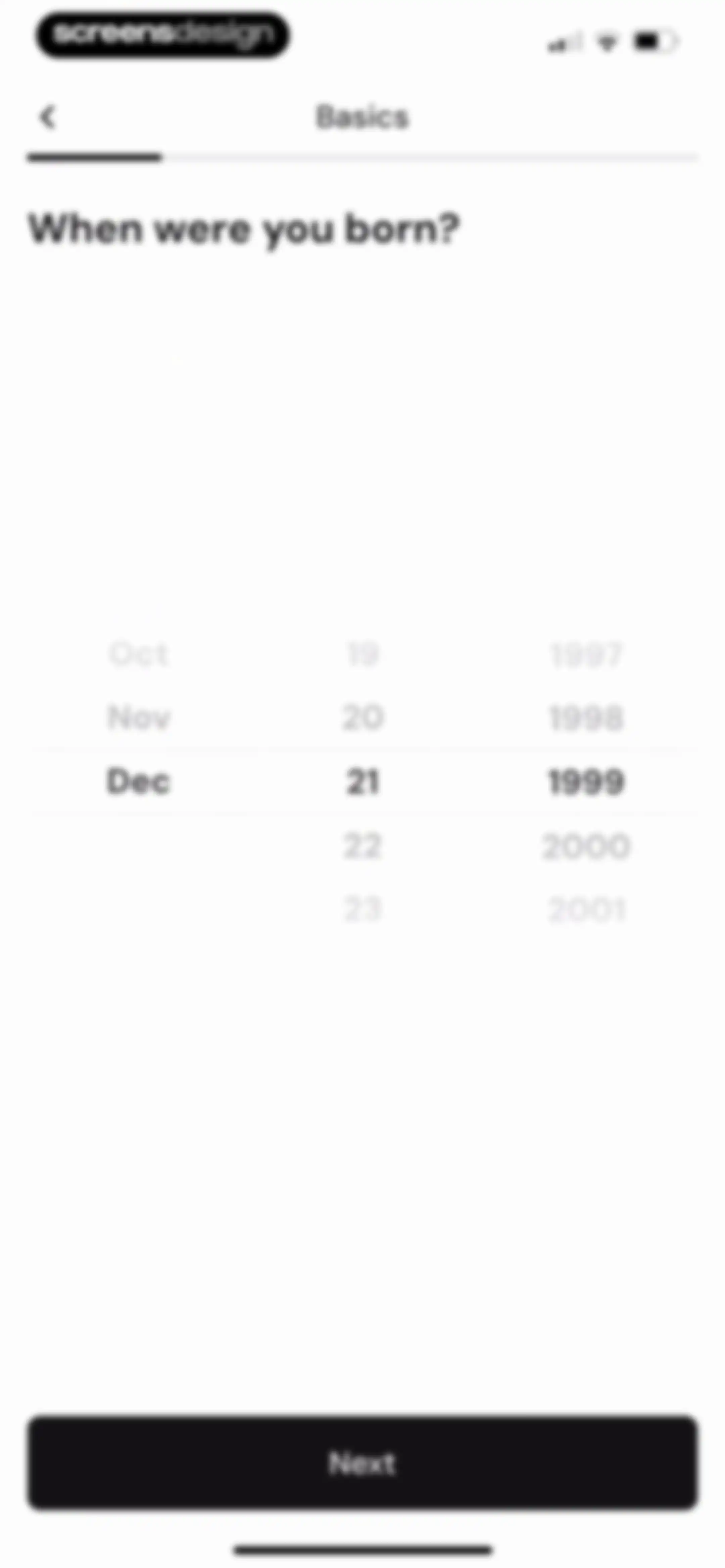
Onboarding date of birth screen with a central date picker set to Dec 21 1999 and a Next button.Unlock Pro
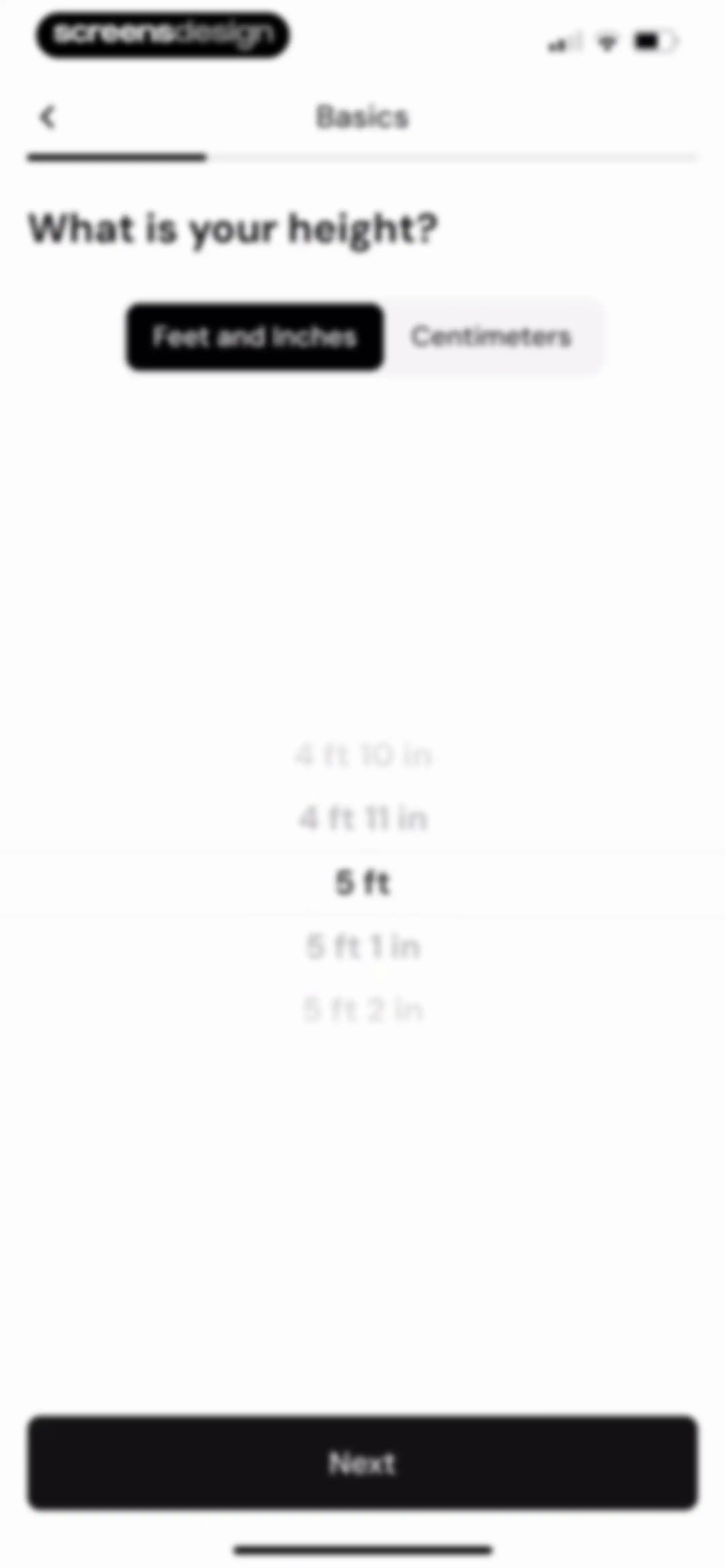
Onboarding screen asking for height with a feet and inches picker wheel, the Feet and Inches tab selected, and a Next button.Unlock Pro
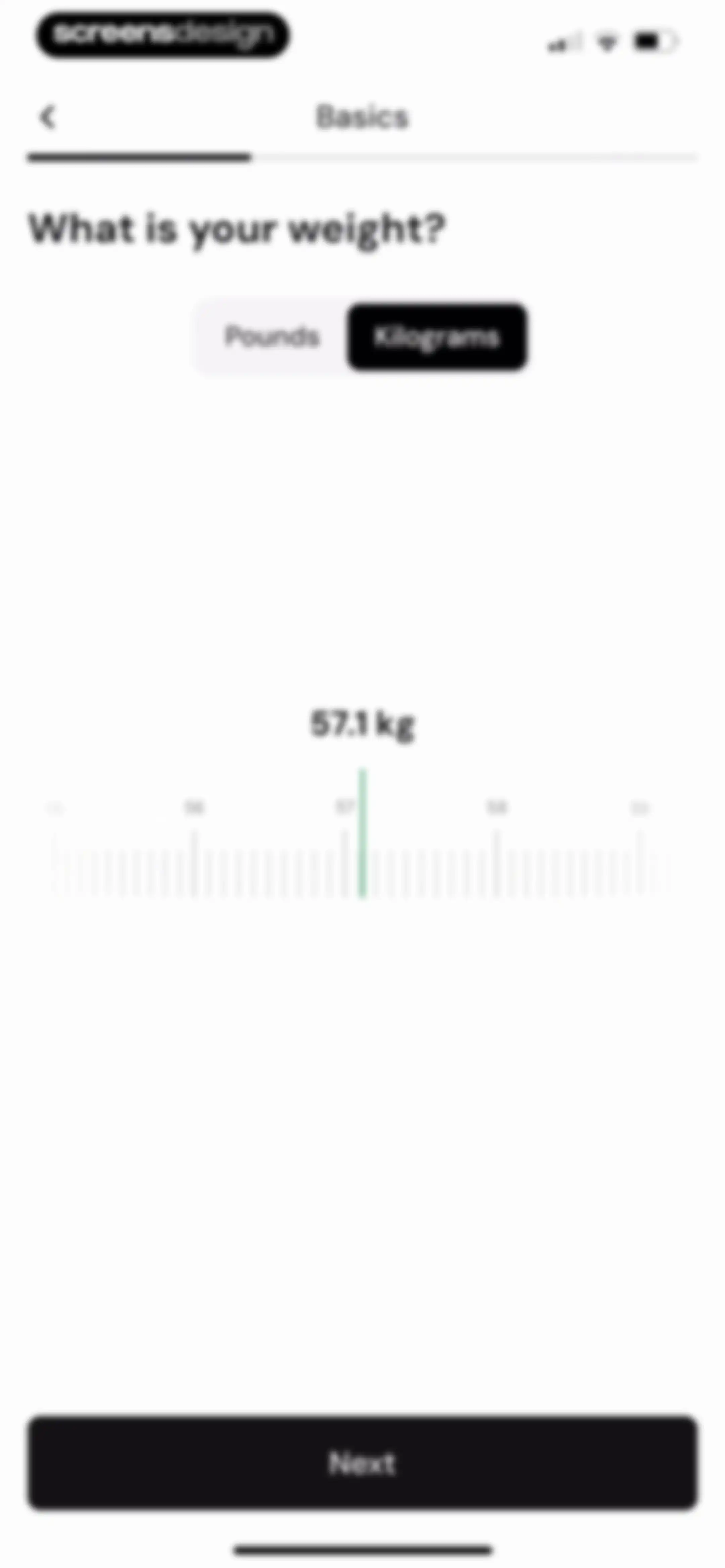
Onboarding weight input screen with a kilograms picker set to 57.1 kg, a unit toggle, and a Next button.Unlock Pro
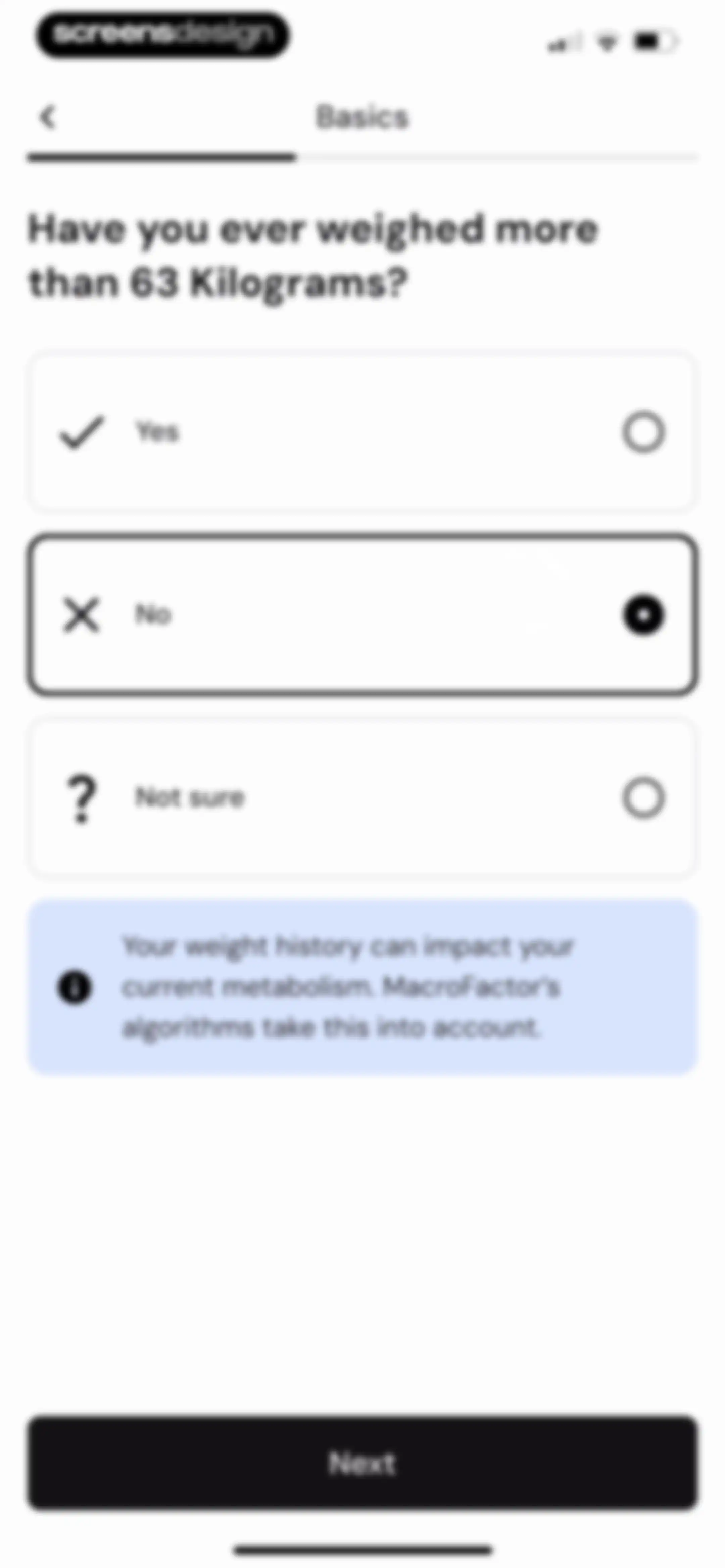
Onboarding screen asking about weight history with three selectable option cards, the No option selected, an informational box, and a Next button.Unlock Pro
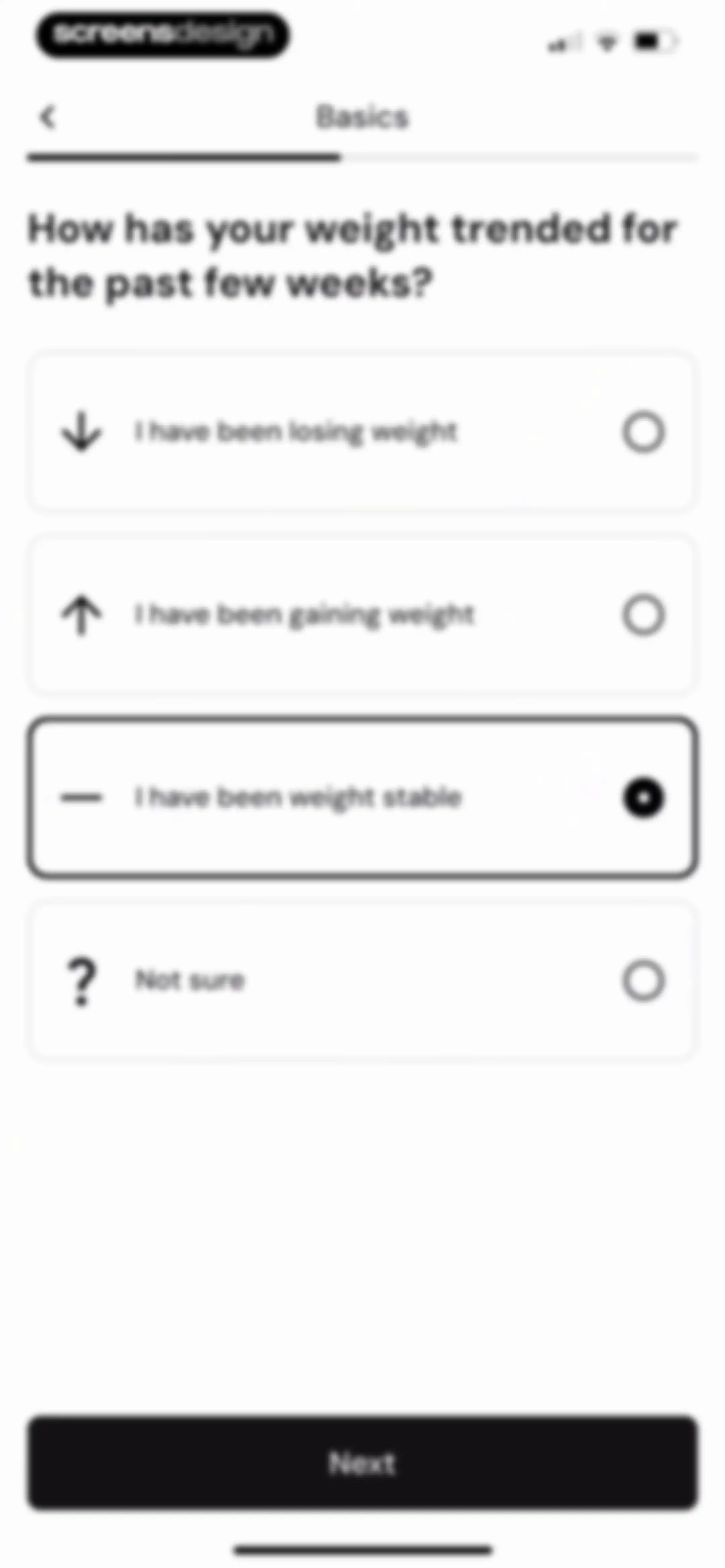
Onboarding weight trend question screen with four selectable options, the weight stable option selected, and a Next button.Unlock Pro
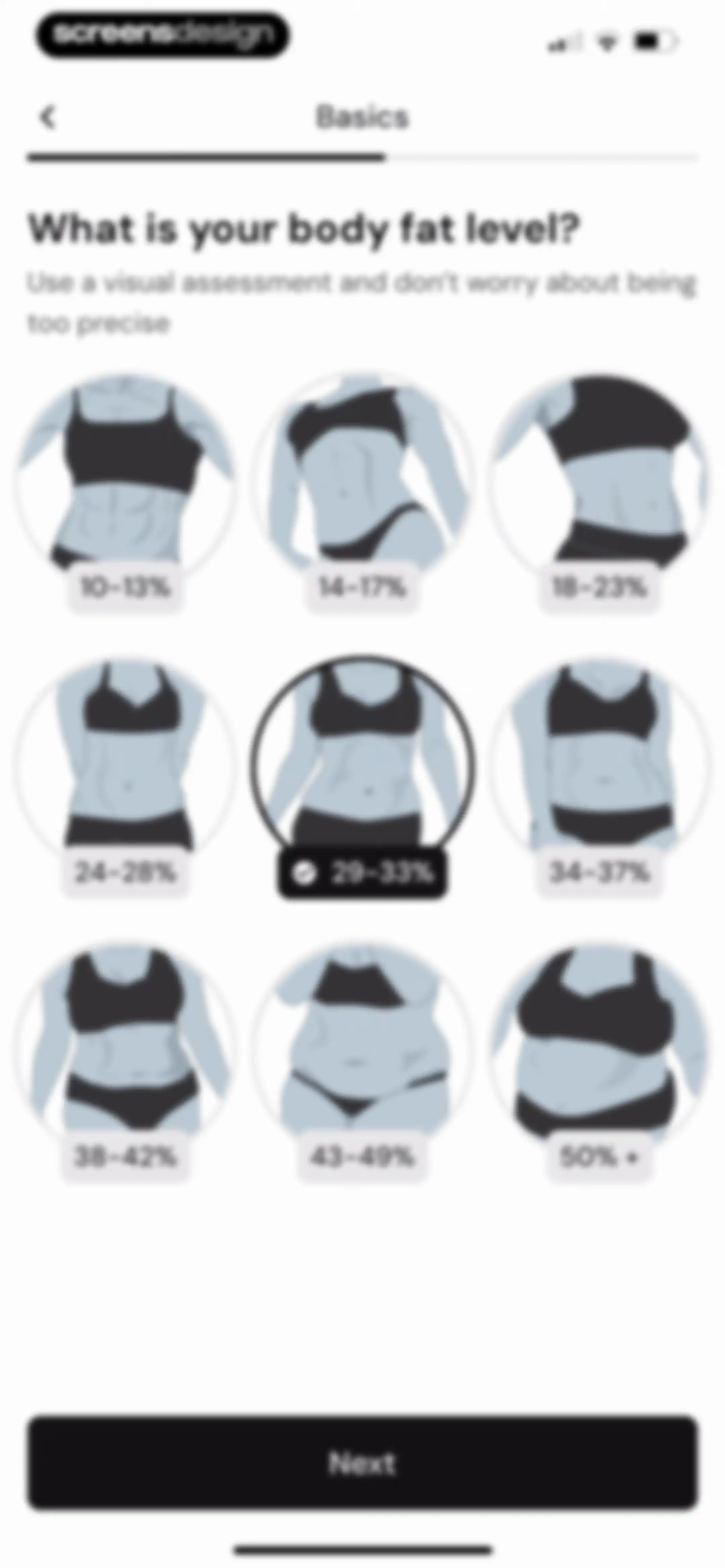
Onboarding screen asking for body fat level with a 3x3 grid of selectable illustrations, the 29-33% option selected, and a Next button.Unlock Pro
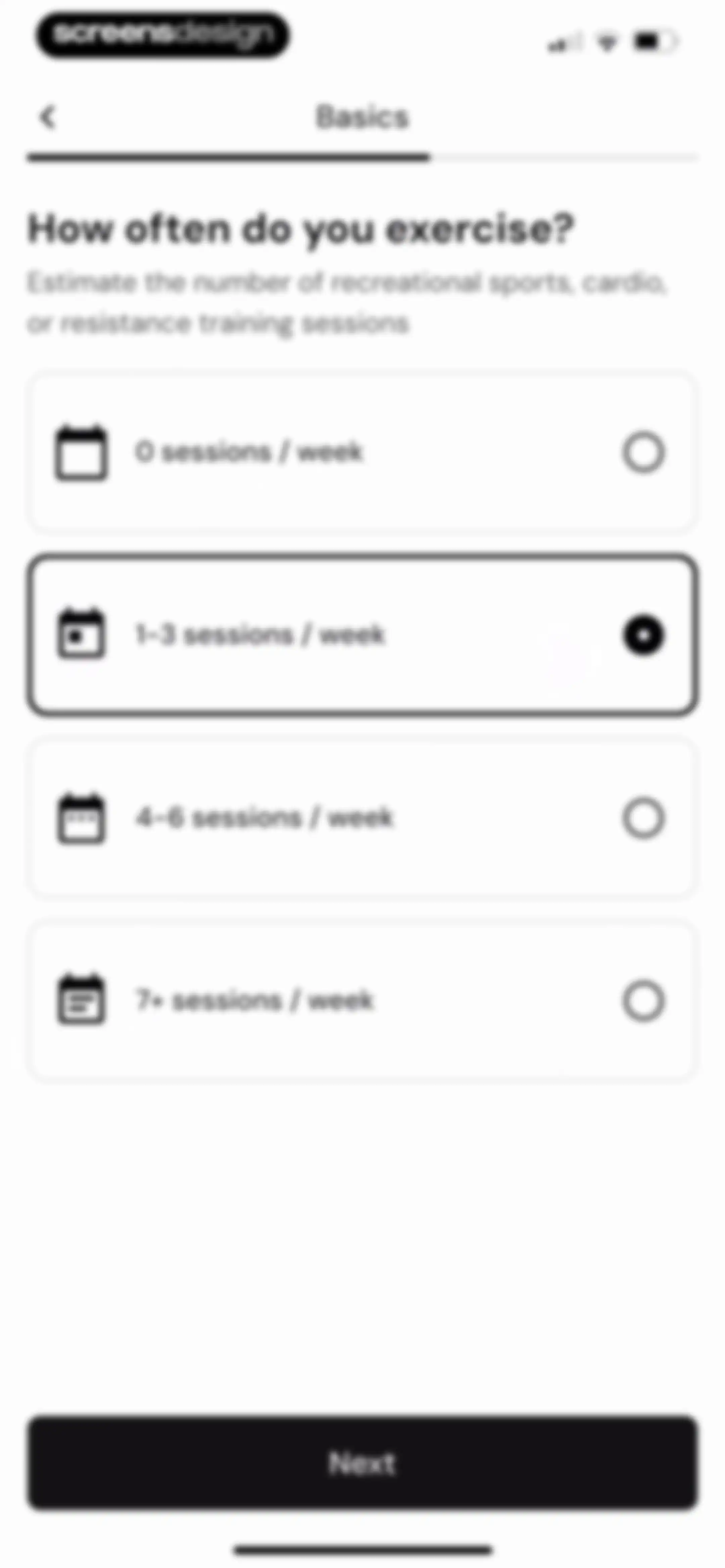
Onboarding screen asking for weekly exercise frequency, with the 1-3 sessions per week card selected and a Next button.Unlock Pro
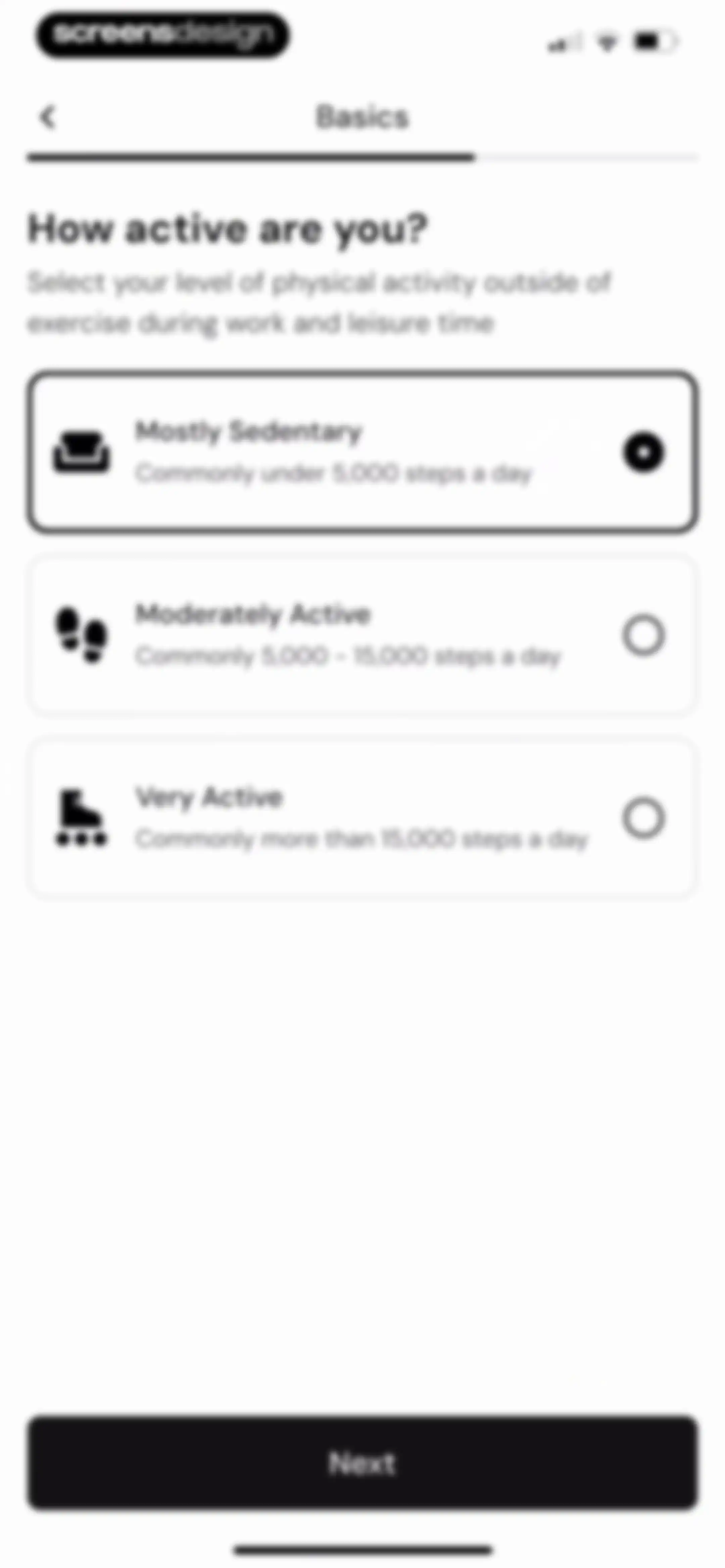
Onboarding activity level selection screen with three selectable cards, Mostly Sedentary selected, and a Next button.Unlock Pro
Onboarding screen asking for lifting experience level, with the None card selected and a Next button at the bottom.Unlock Pro
Onboarding screen asking for cardio experience level, with the Beginner option selected and a Next button.Unlock Pro
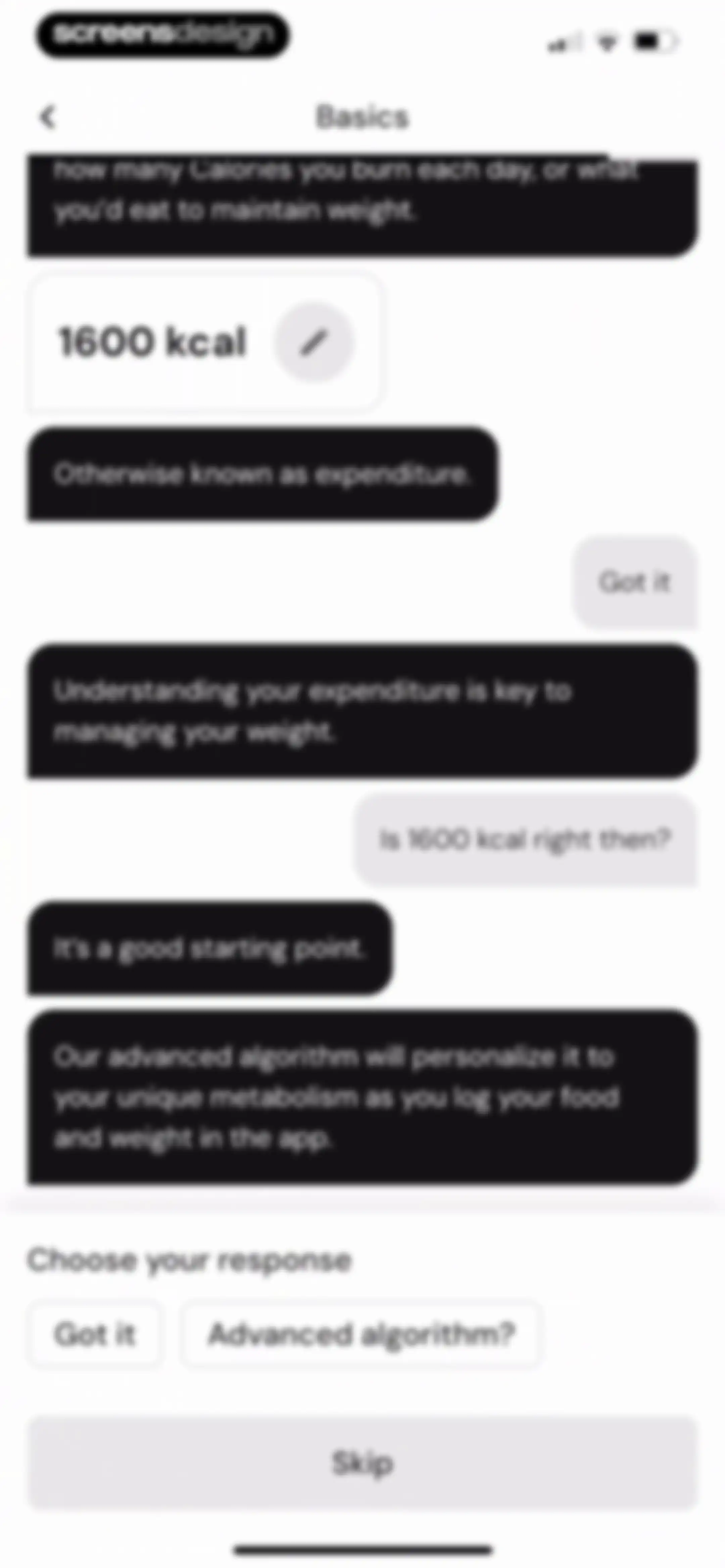
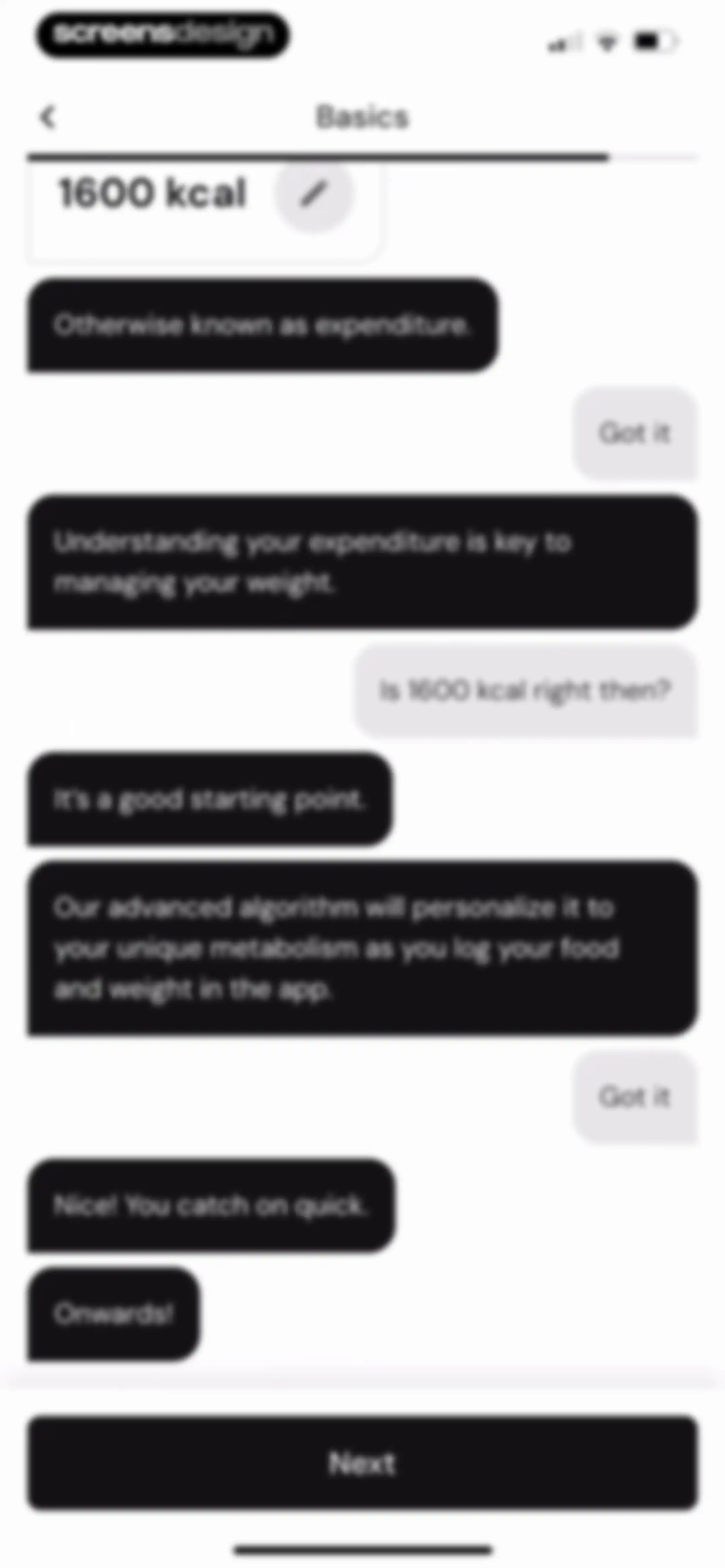
Onboarding screen displaying a daily calorie burn estimate of 1600 kcal with response buttons and a skip option.Unlock Pro
Onboarding chat screen presenting a 1600 kcal daily expenditure estimate card with a prompt to confirm or question the value.Unlock Pro
Conversational onboarding chat explaining daily calorie expenditure with a 1600 kcal starting value and response options.Unlock Pro
Onboarding chat screen explaining metabolic expenditure with a 1600 kcal target card at the top and a Next button.Unlock Pro
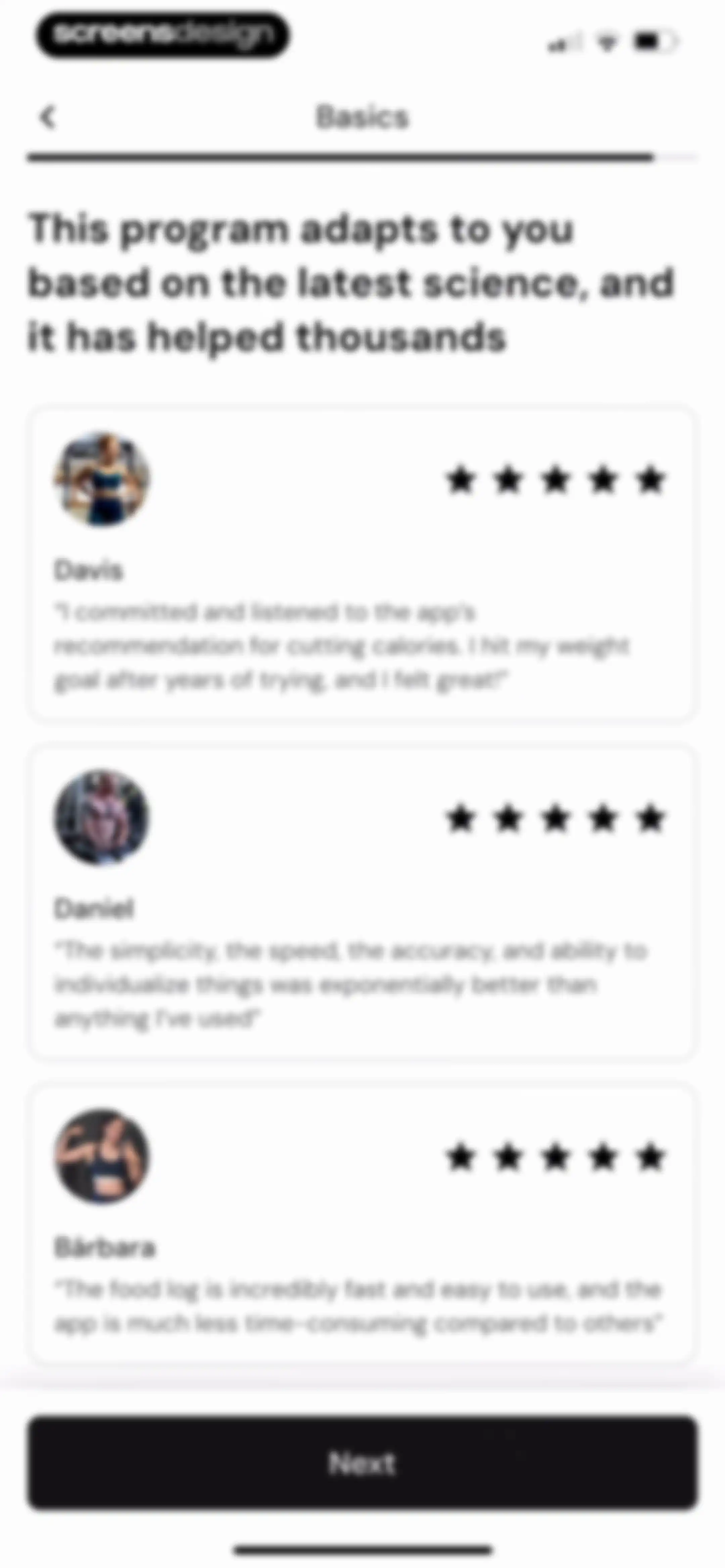
Onboarding screen titled Basics displaying three user testimonial cards with star ratings and a bottom Next button.Unlock Pro
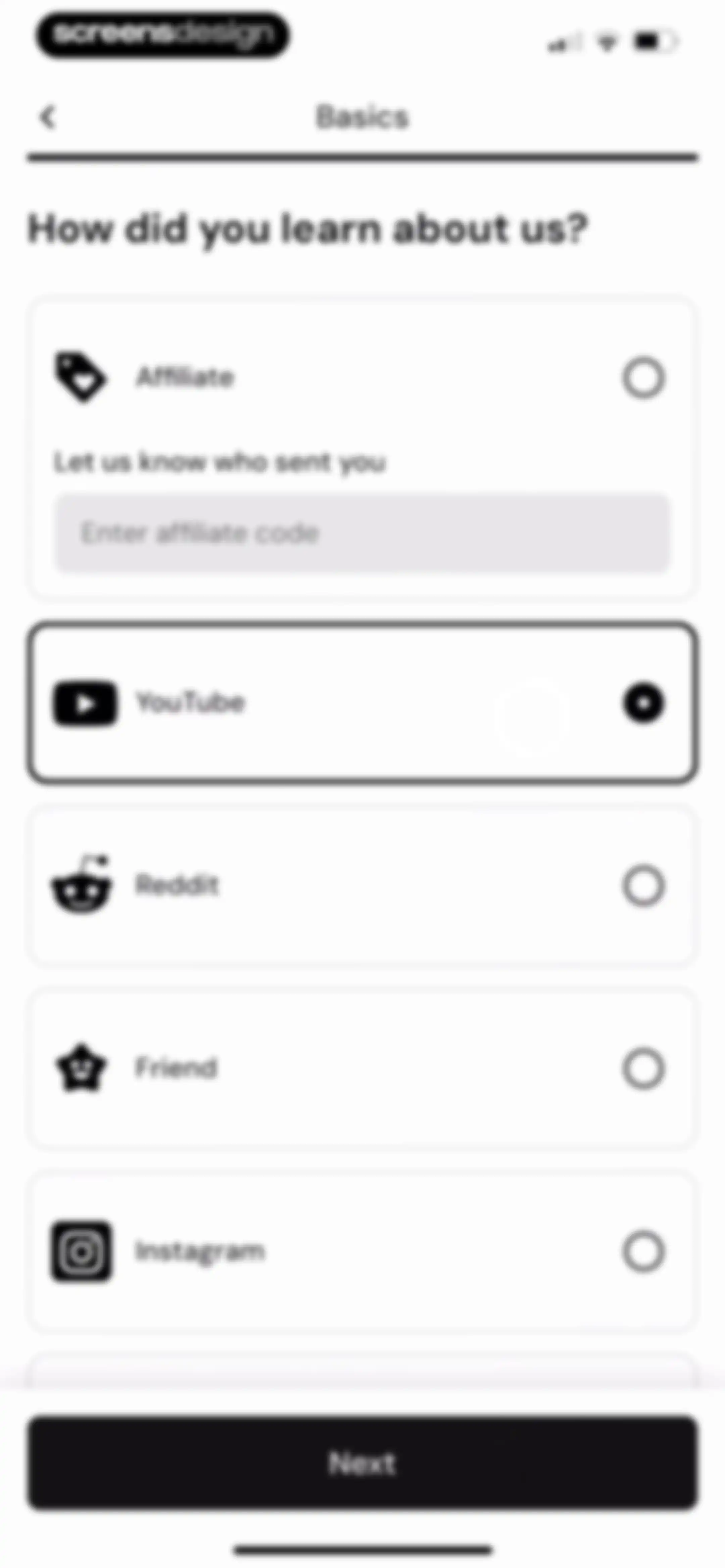
Onboarding survey screen asking how the user learned about the app, with the YouTube option selected and a Next button.Unlock Pro
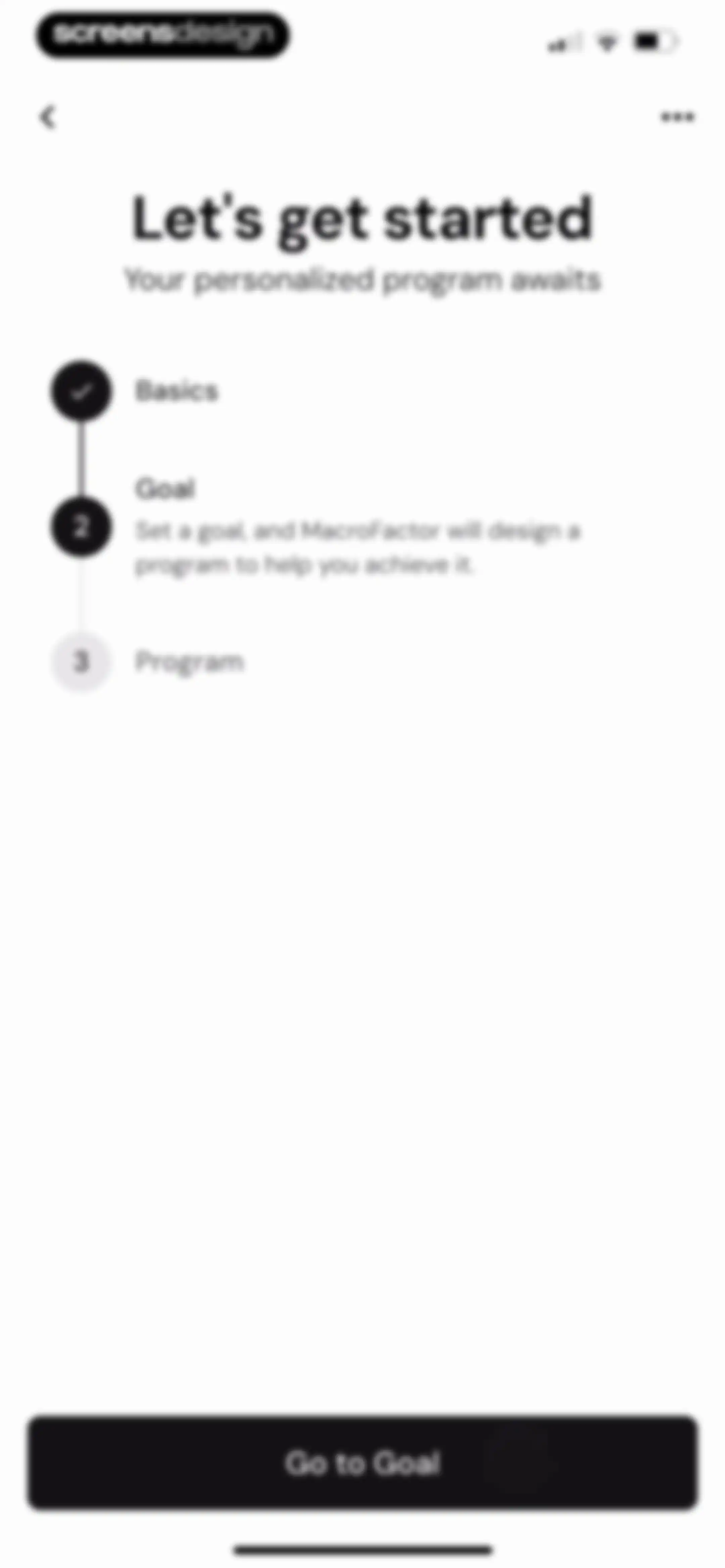
MacroFactor onboarding progress screen displaying a completed basics step, active goal step, and a Go to Goal button.Unlock Pro
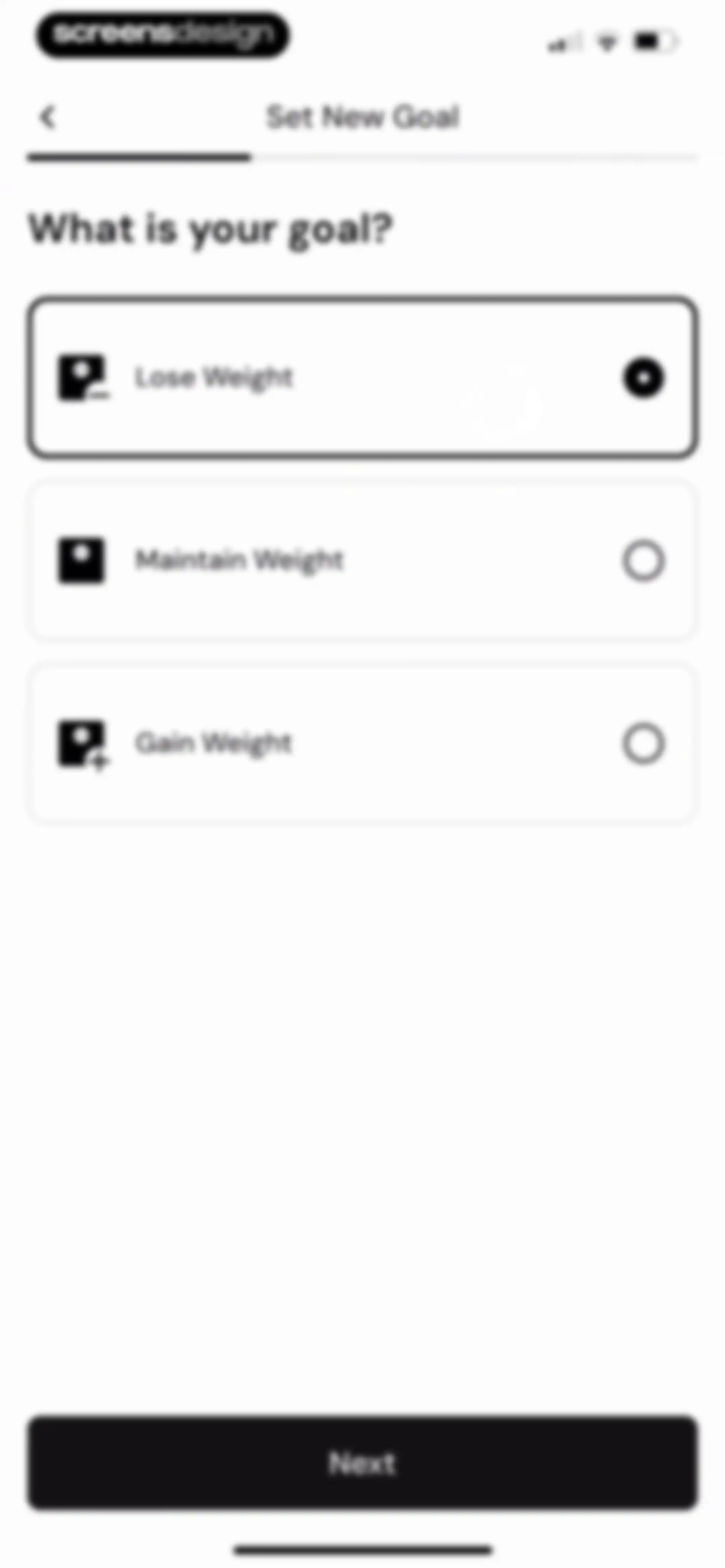
Goal selection screen with three options including Lose Weight, with the Lose Weight option selected and a Next button at the bottom.Unlock Pro
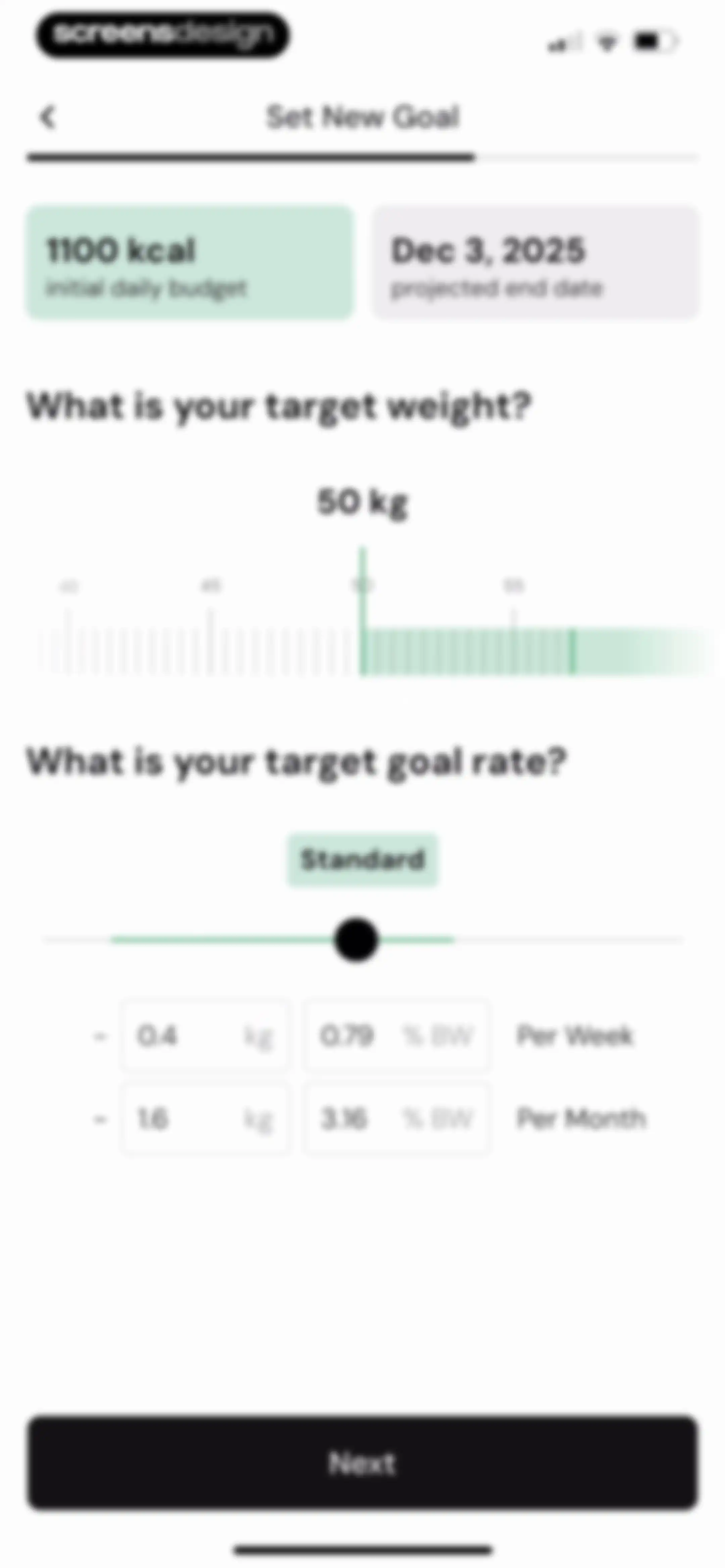
Goal-setting form featuring a target weight of 50 kg, a standard goal rate slider, daily calorie budget summary cards, and a Next button.Unlock Pro
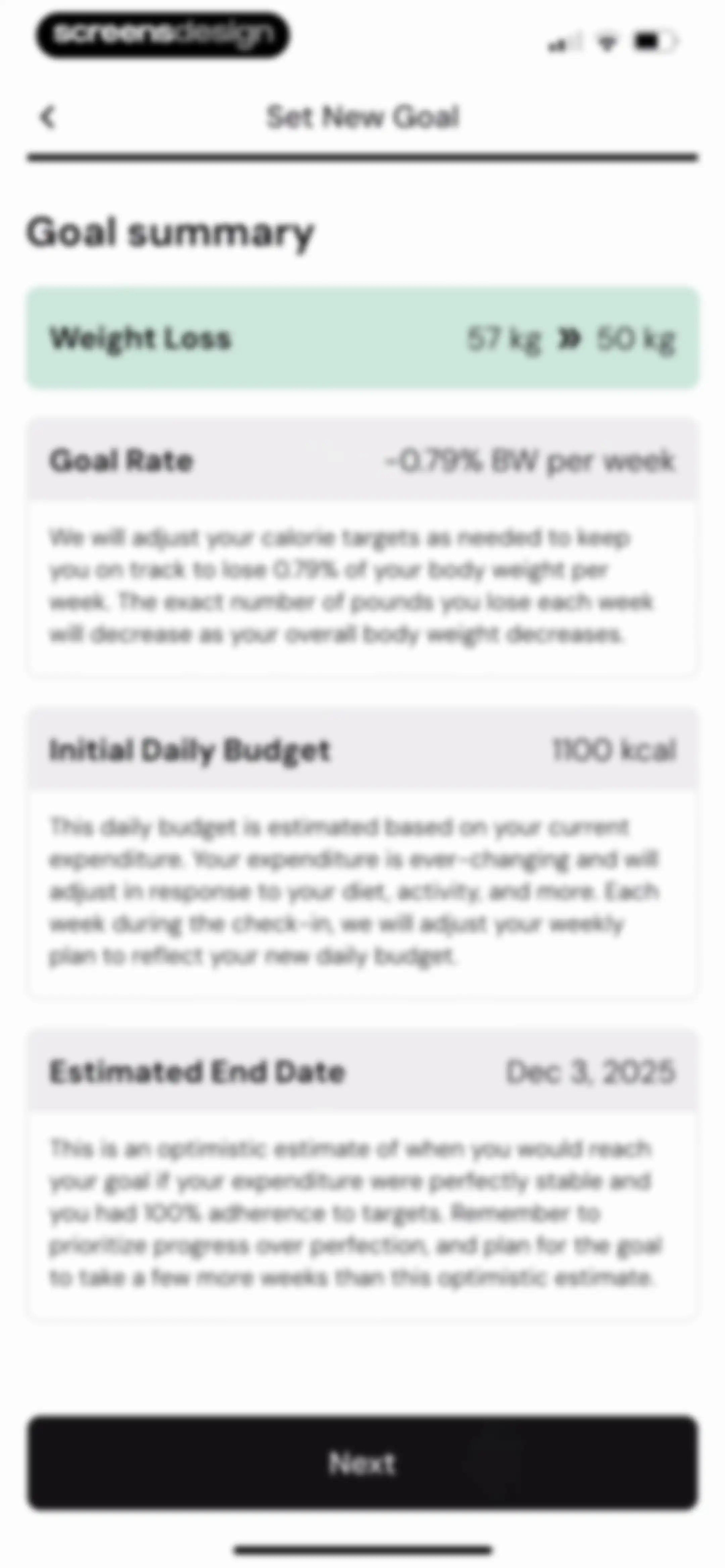
Goal summary screen displaying weight loss parameters, daily calorie budget, and estimated end date with a Next button.Unlock Pro
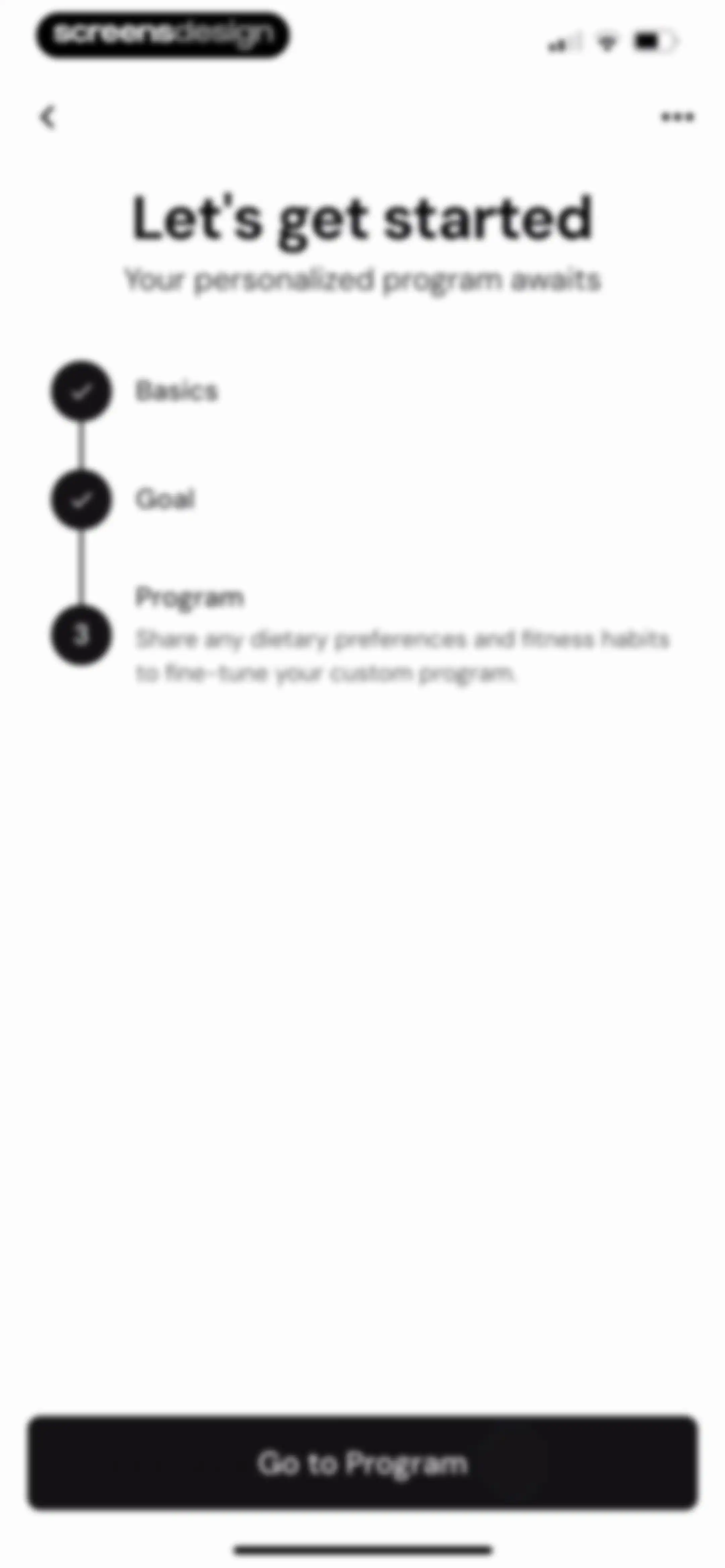
Onboarding progress screen for MacroFactor with completed steps and a Go to Program button.Unlock Pro
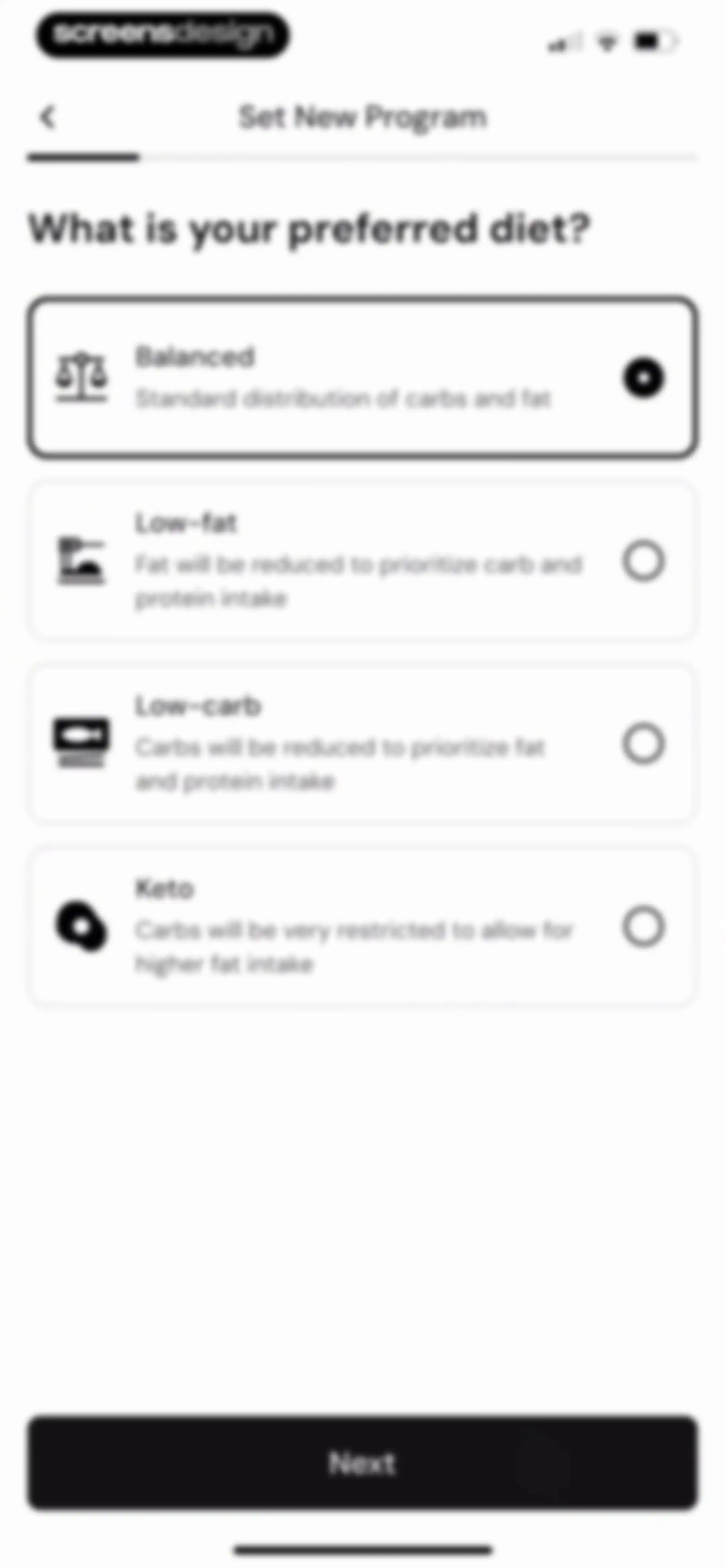
Diet preference onboarding screen listing four options with the Balanced card selected and a Next button.Unlock Pro
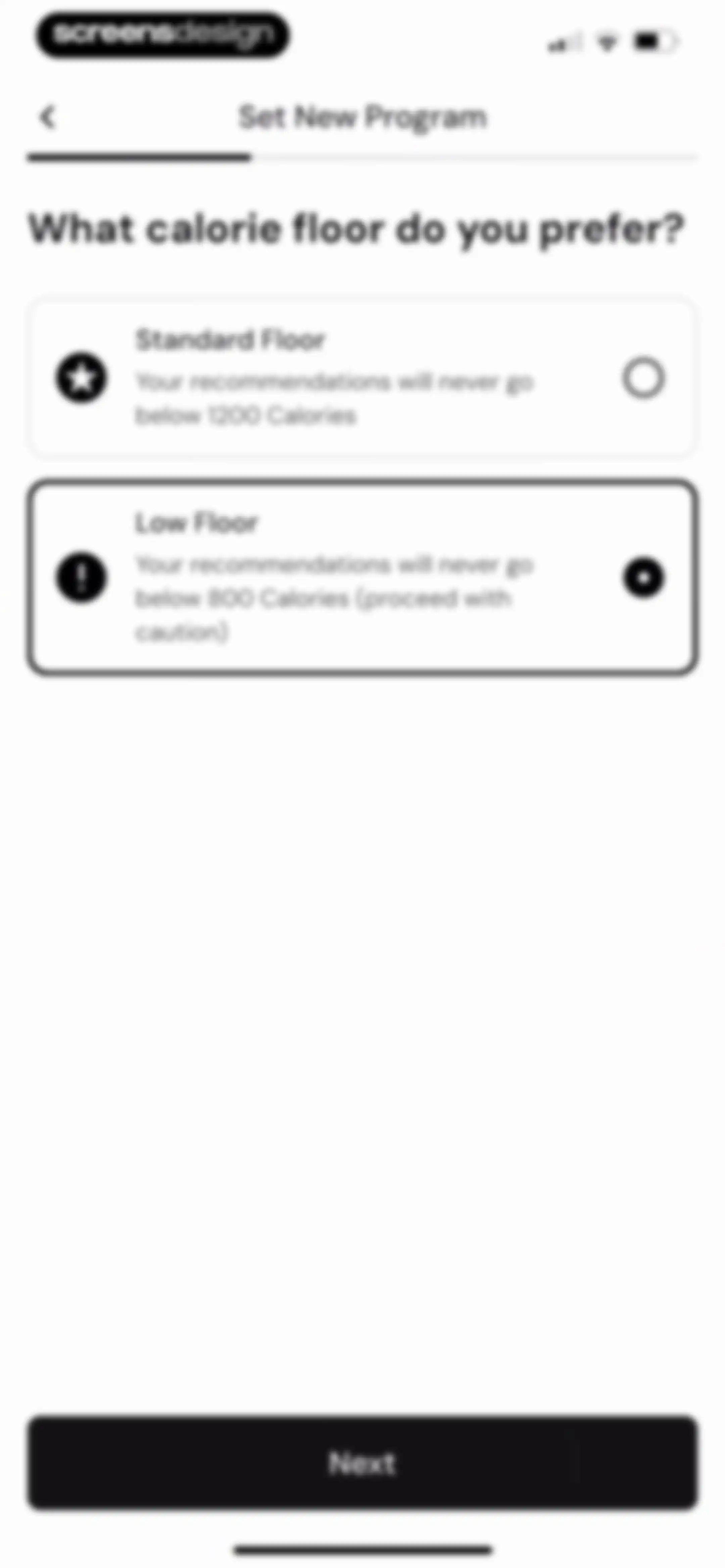
Calorie floor selection screen showing two options with the Low Floor card selected and a Next button.Unlock Pro
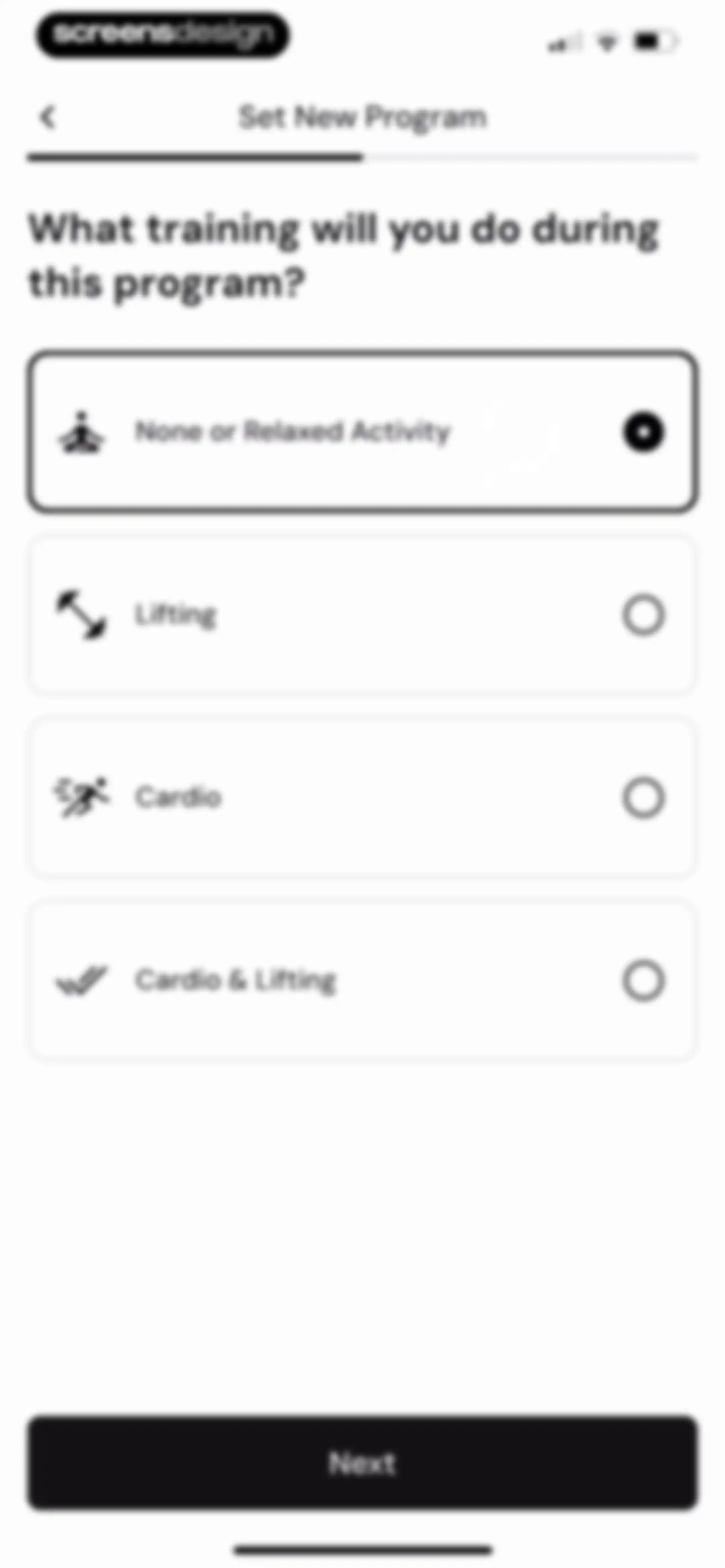
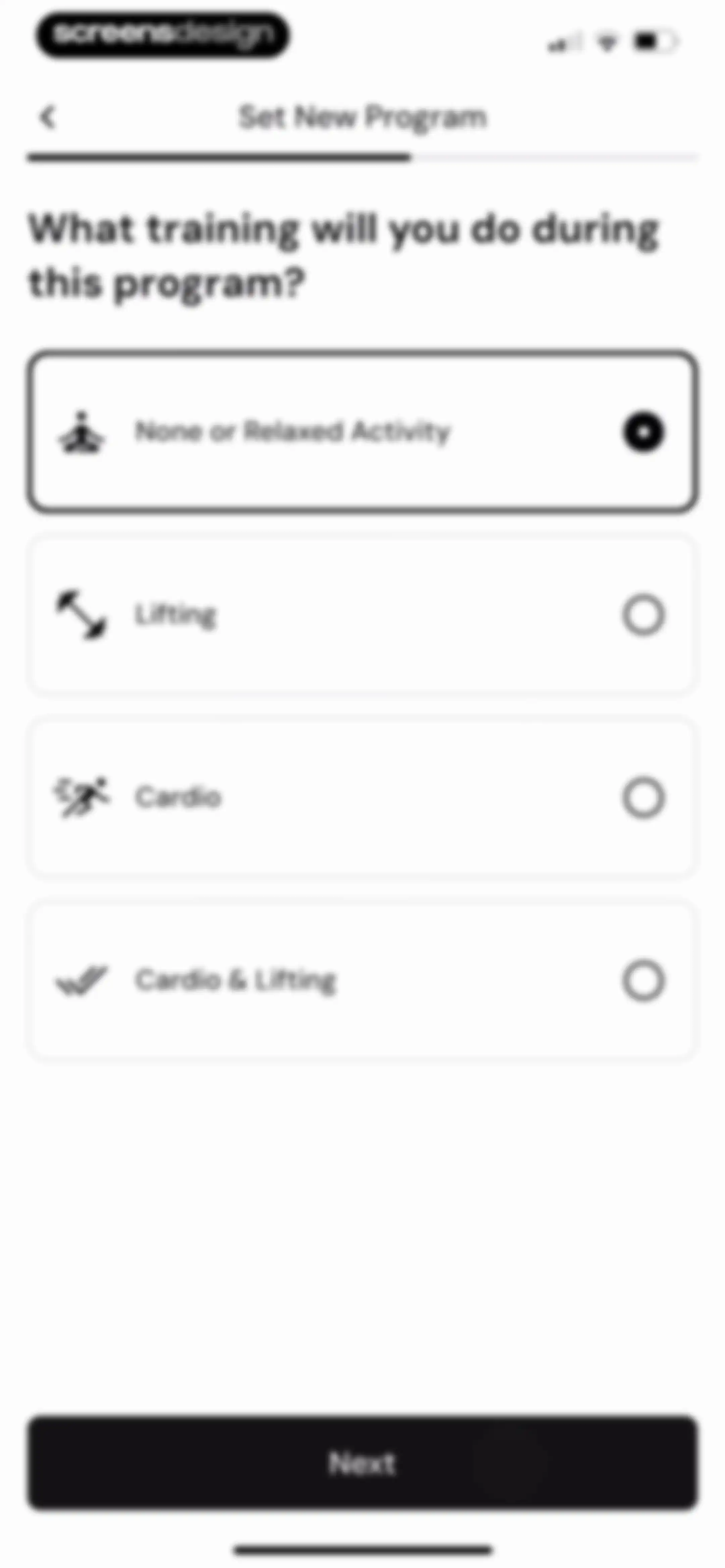
Program setup screen asking for training type, with the None or Relaxed Activity option selected and a Next button.Unlock Pro
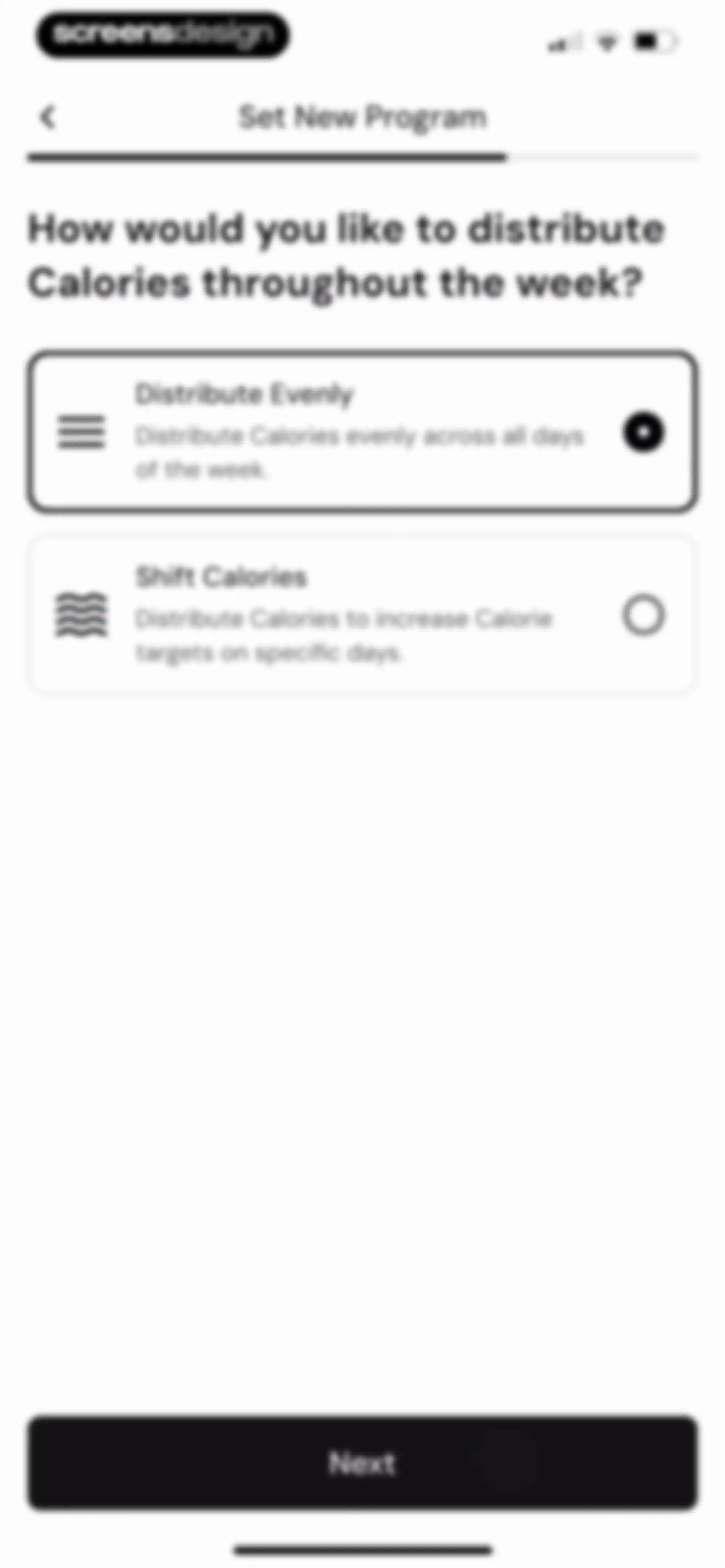
Calorie distribution setup screen with options to distribute evenly or shift calories, showing the Distribute Evenly card selected and a Next button.Unlock Pro
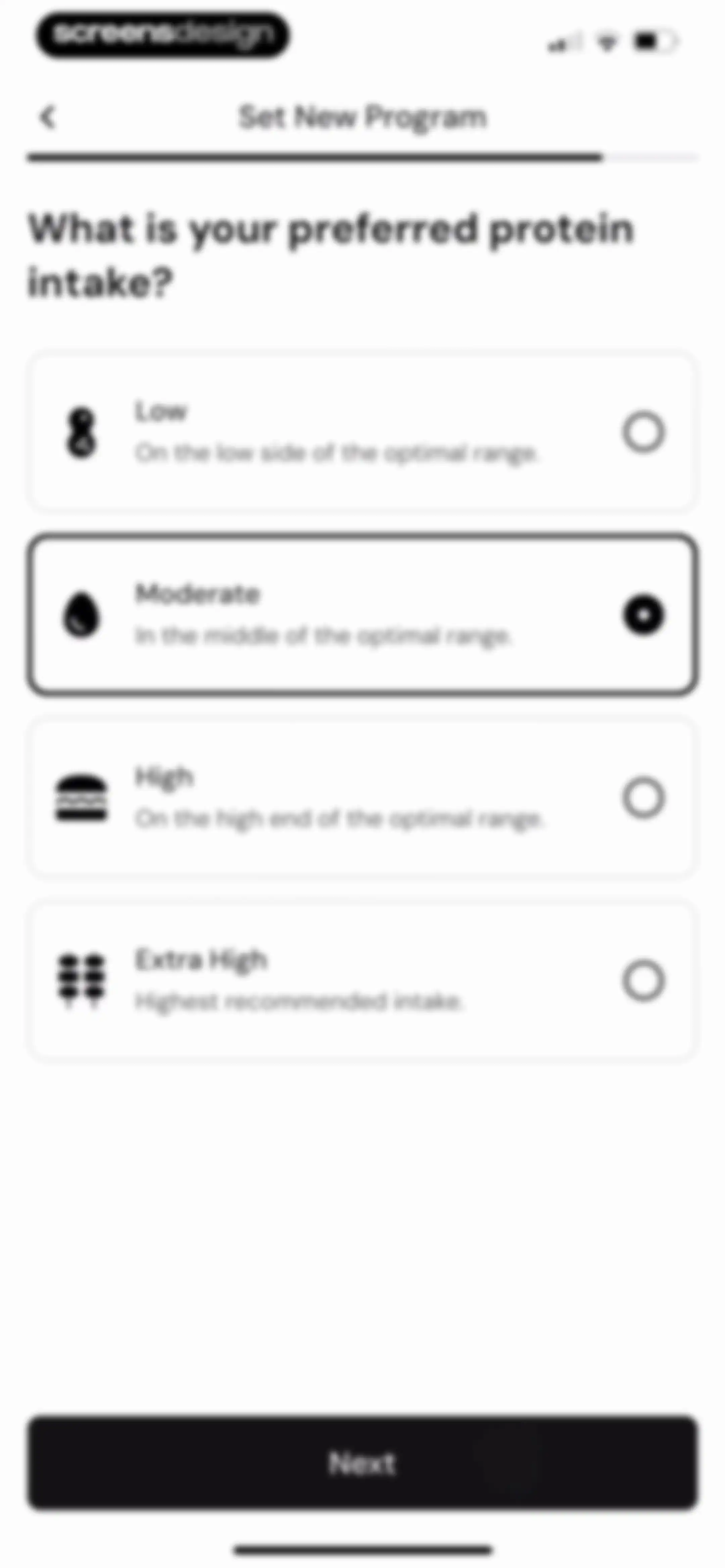
Onboarding screen asking for preferred protein intake, with four selection cards and the Moderate option selected alongside a Next button.Unlock Pro
Loading screen titled Set New Program with a central animation, descriptive text, and a disabled Done button.Unlock Pro
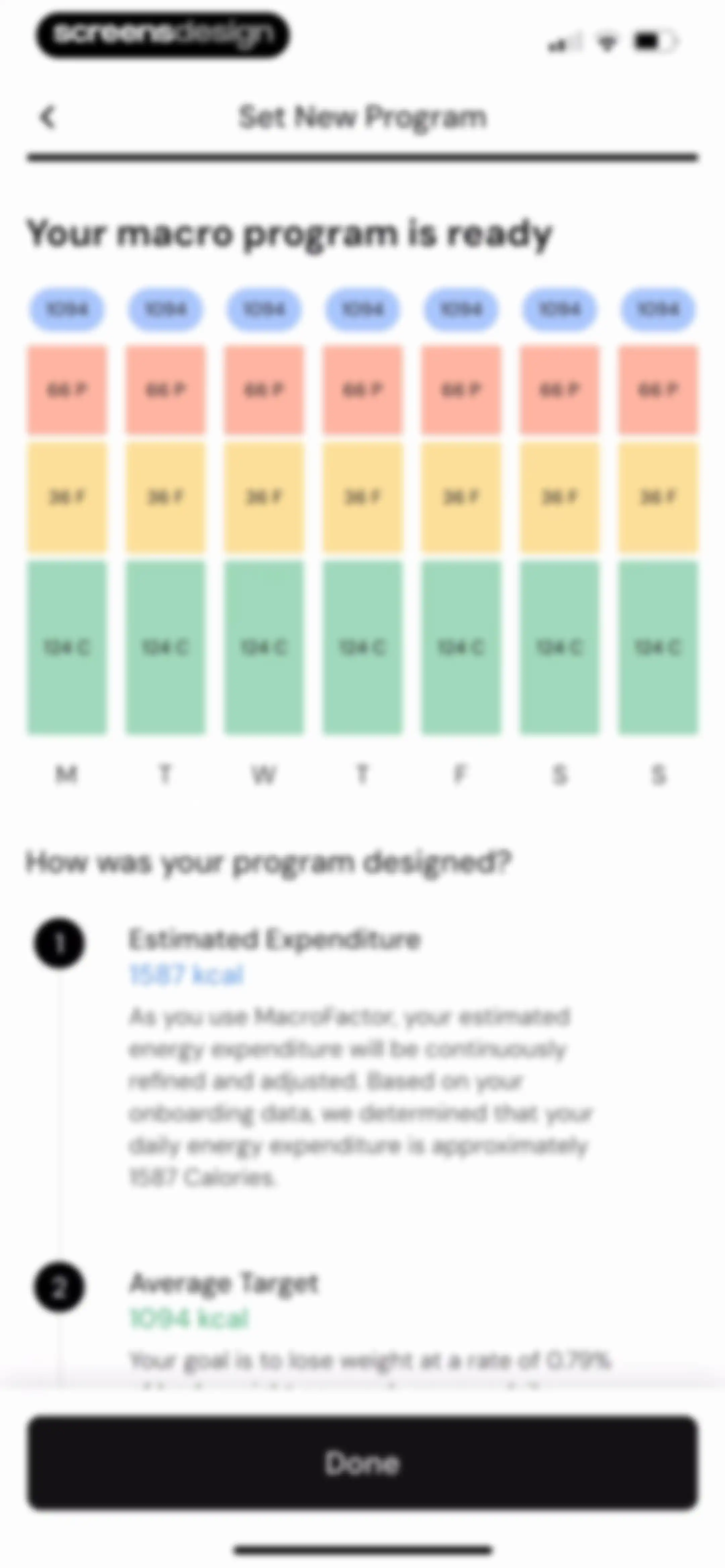
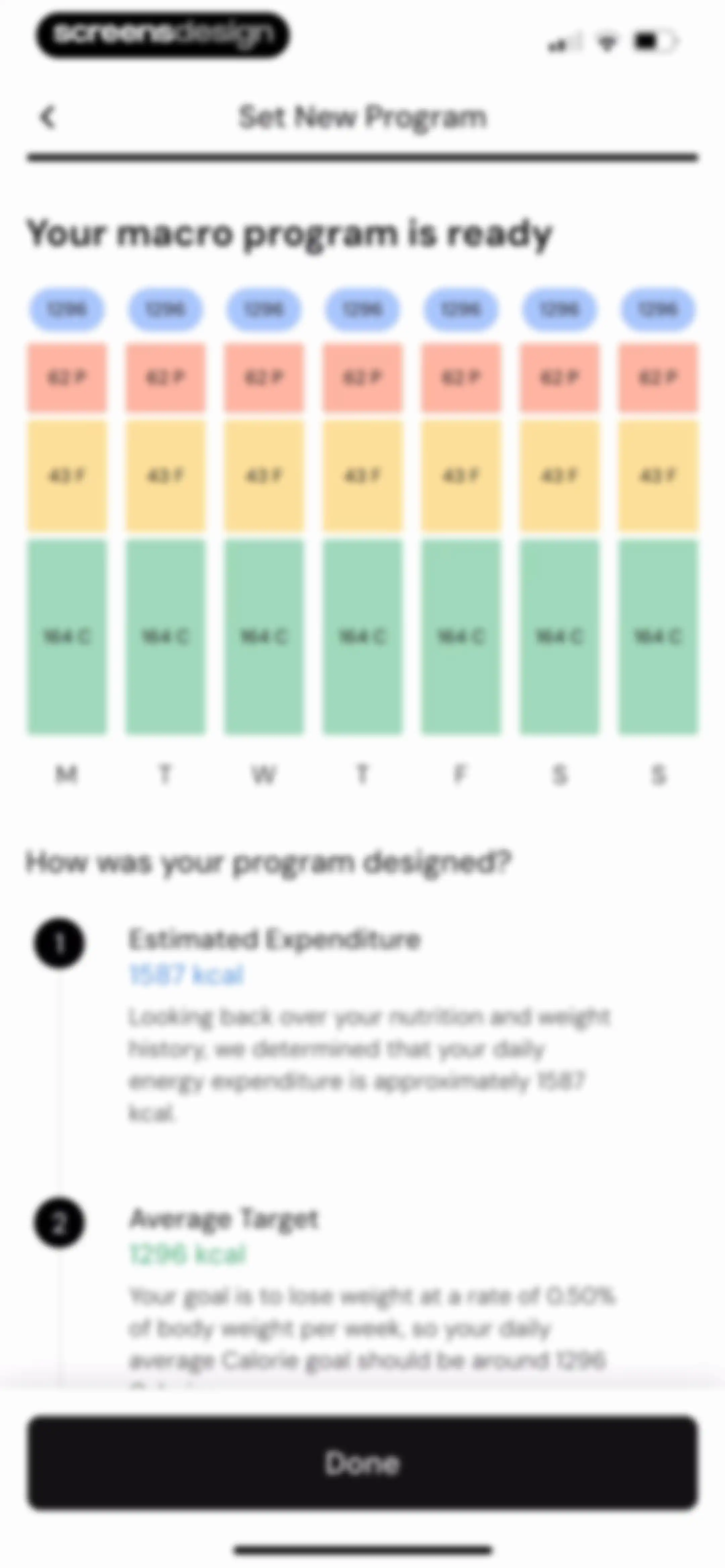
Program setup summary screen displaying weekly macro targets and a two-step explanation of calorie calculations, with a Done button.Unlock Pro
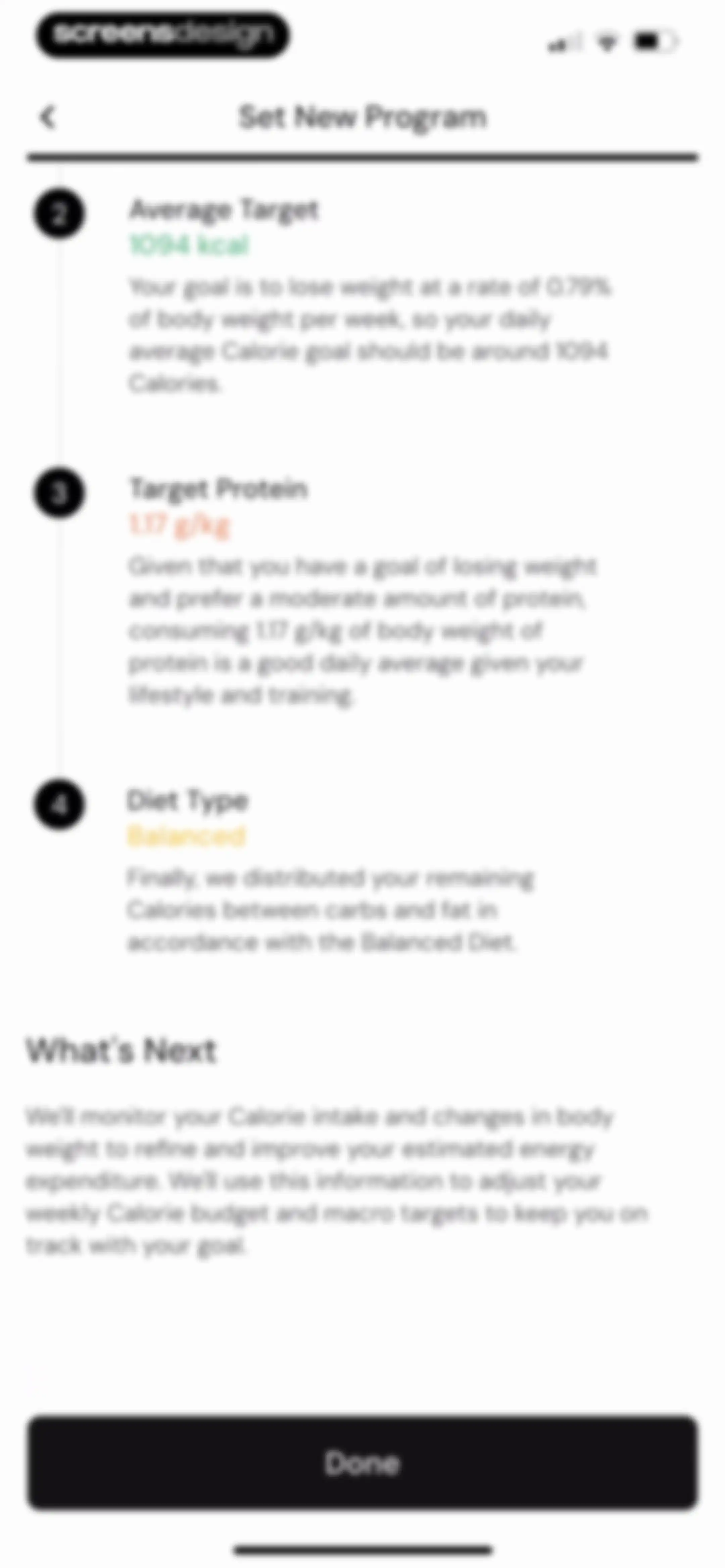
Nutrition program summary screen displaying calorie and protein targets, diet type, and a Done button.Unlock Pro
Onboarding screen featuring a central phone mockup with strategy features, carousel arrows, and a Continue button.Unlock Pro
Onboarding screen showcasing AI food logging with a device mockup, carousel navigation arrows, and a Continue button.Unlock Pro
Onboarding screen showcasing a nutrition dashboard mockup with a weekly nutrition chart and a Continue button.Unlock Pro
Onboarding screen highlighting weight trend tracking features with a product mockup chart, data insights, and a Continue button.Unlock Pro
Onboarding feature list detailing app benefits such as custom diet plans and AI calorie tracking, with a Continue button.Unlock Pro
Onboarding feature highlight screen showing an expenditure chart mockup with a continue button and the tagline lose weight gain muscle maintain resultsUnlock Pro
Onboarding screen displaying a nutrition overview dashboard mockup with a vitamin intake list and a Continue button.Unlock Pro
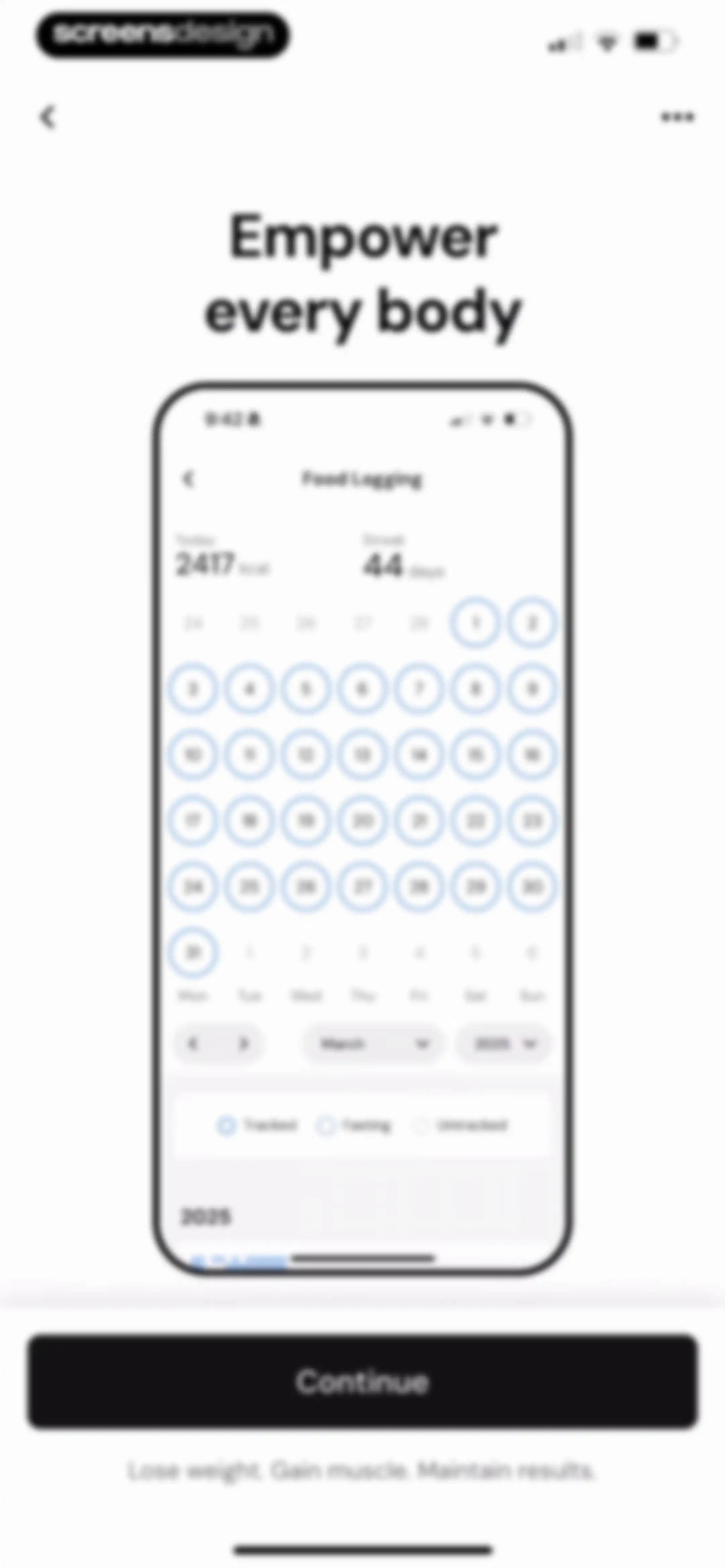
Onboarding screen displaying a food logging calendar product mockup with a 44-day streak, daily calorie count, and a Continue button.Unlock Pro
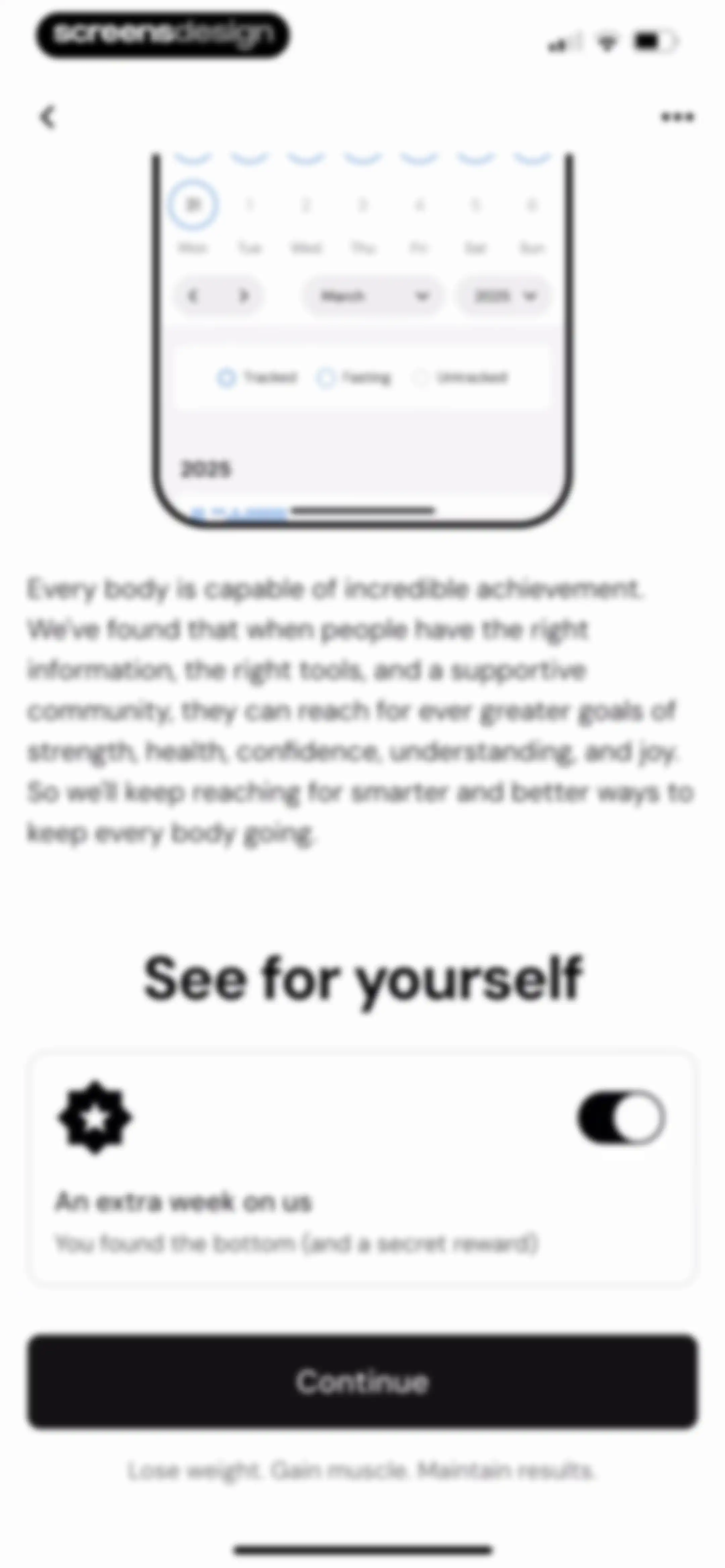
Onboarding screen featuring a calendar graphic, motivational text, a reward card for an extra week, and a Continue button.Unlock Pro
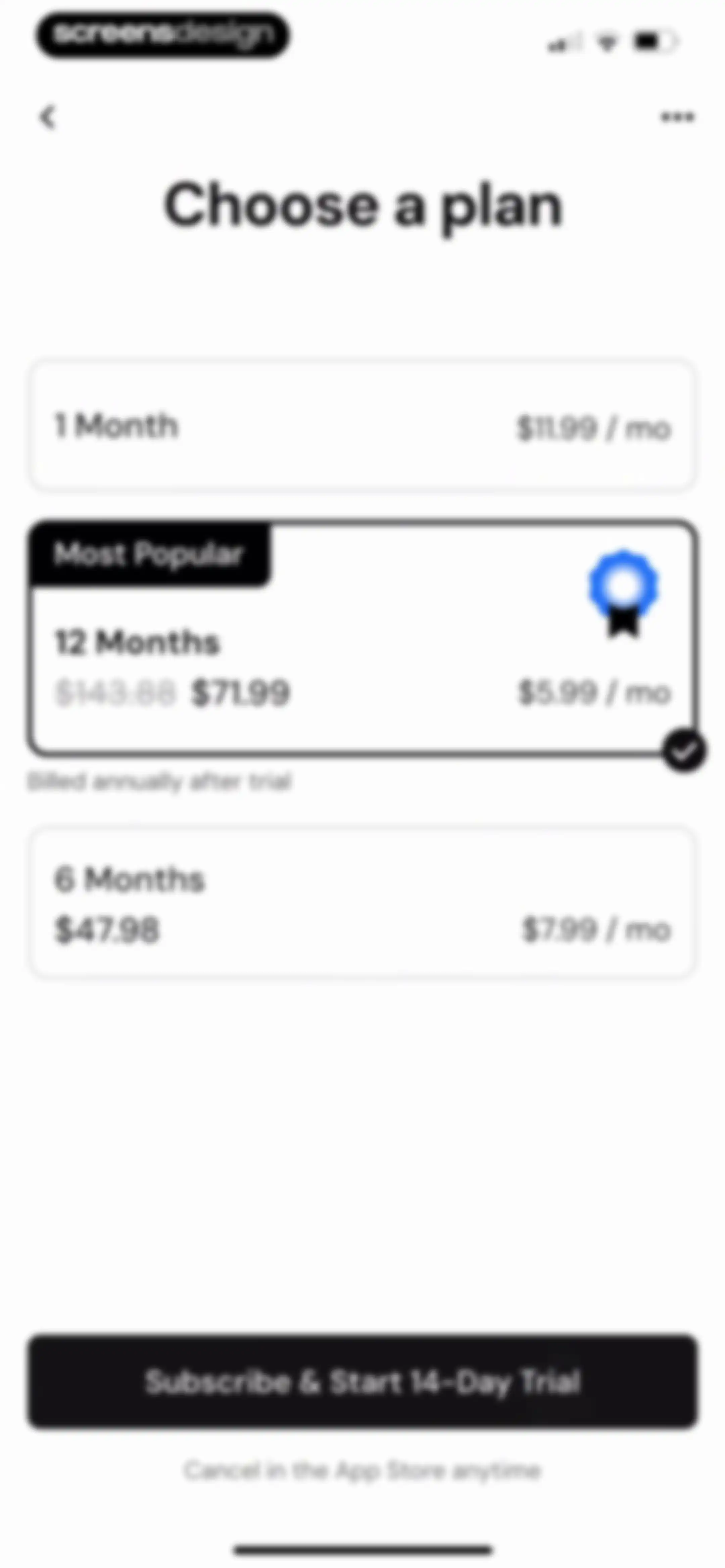
Subscription screen comparing three plans with the 12-month plan selected as most popular and a trial button.Unlock Pro
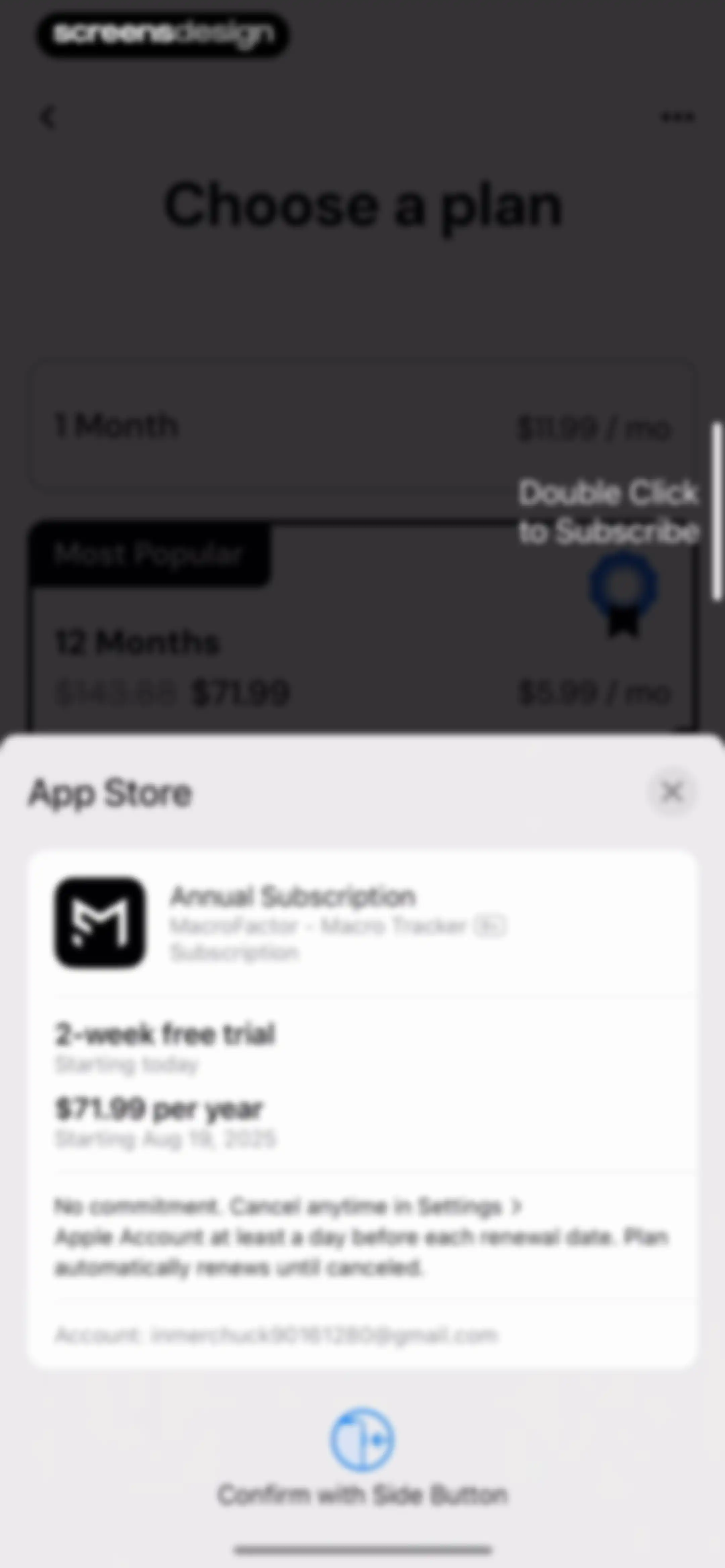
App Store subscription confirmation modal for the MacroFactor app with annual plan details and a side button prompt.Unlock Pro
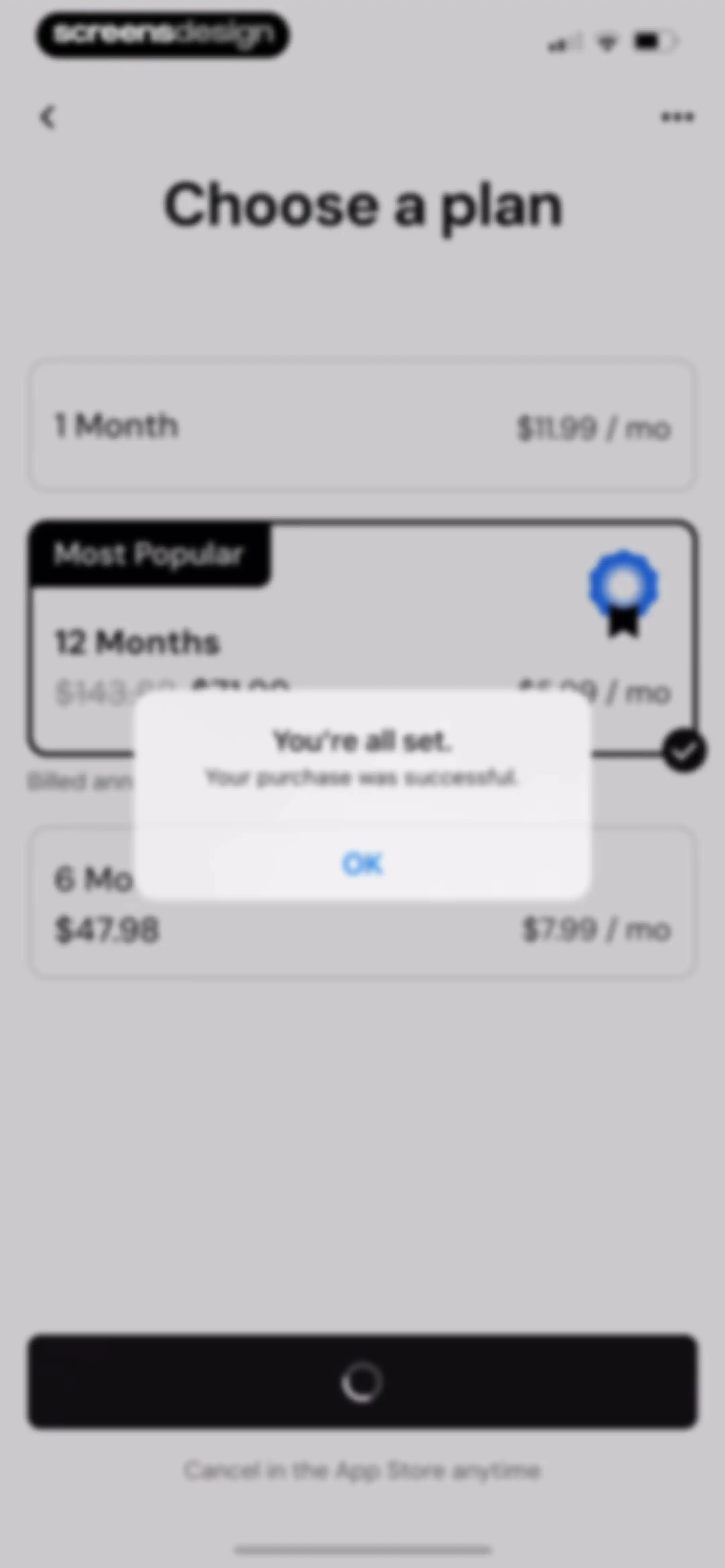
Subscription paywall screen overlaid with a success confirmation modal stating your purchase was successful, with an OK button.Unlock Pro
Account creation onboarding screen for the MacroFactor app with social sign-in buttons and legal links.Unlock Pro
MacroFactor account creation onboarding screen featuring a headline, stacked sign-up buttons for Apple, Google, and Email, and a legal footer.Unlock Pro
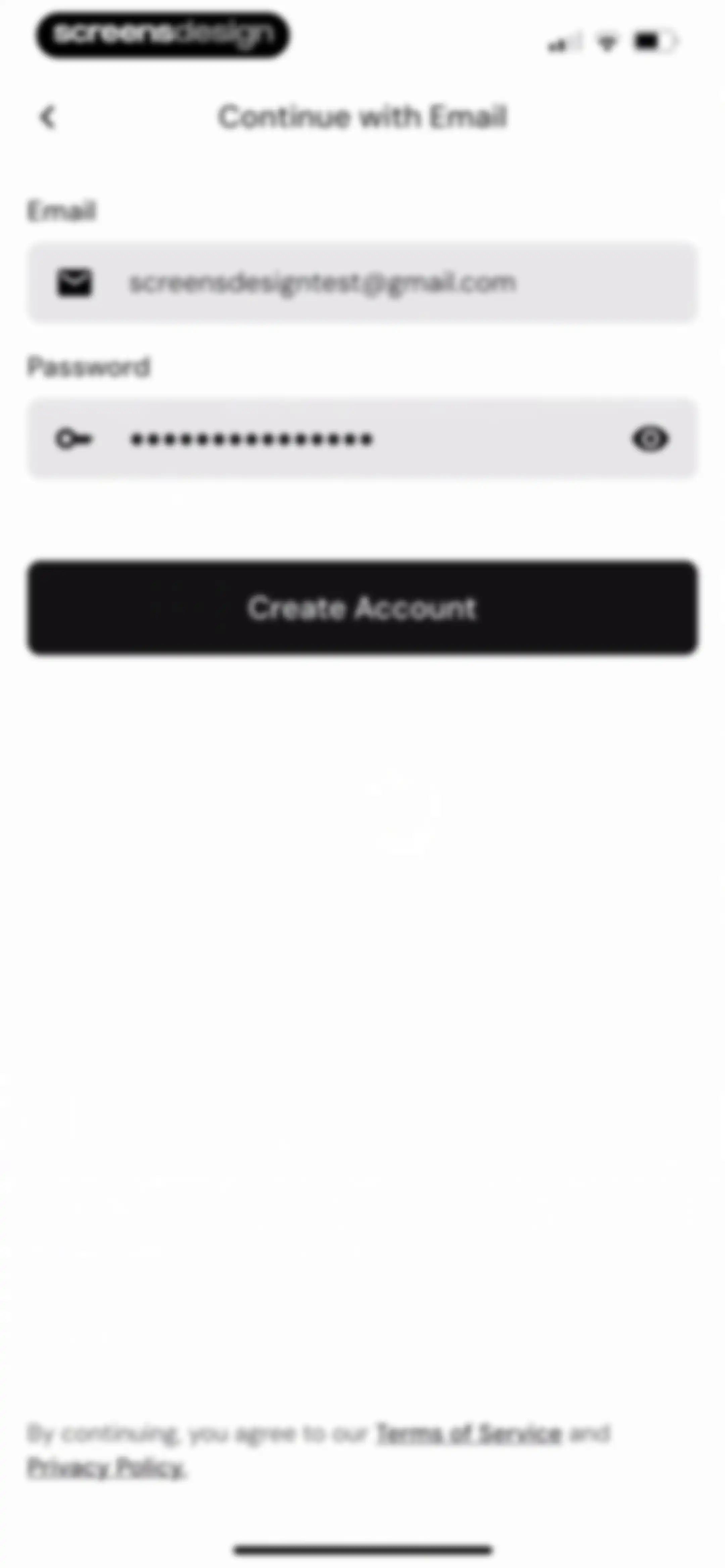
Account creation form for MacroFactor with filled email and password fields, a Create Account button, and legal disclaimers.Unlock Pro
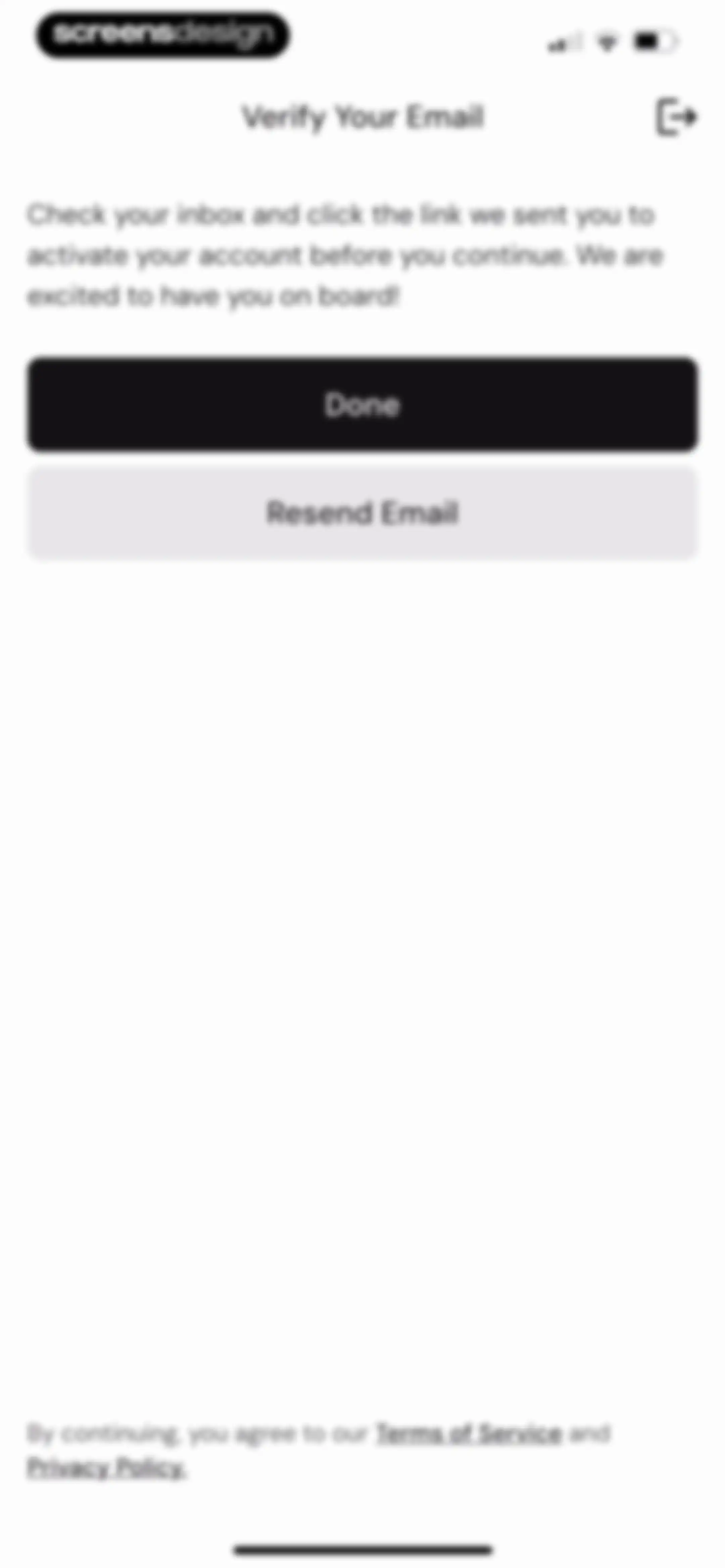
Email verification screen instructing users to check their inbox, featuring Done and Resend Email buttons.Unlock Pro
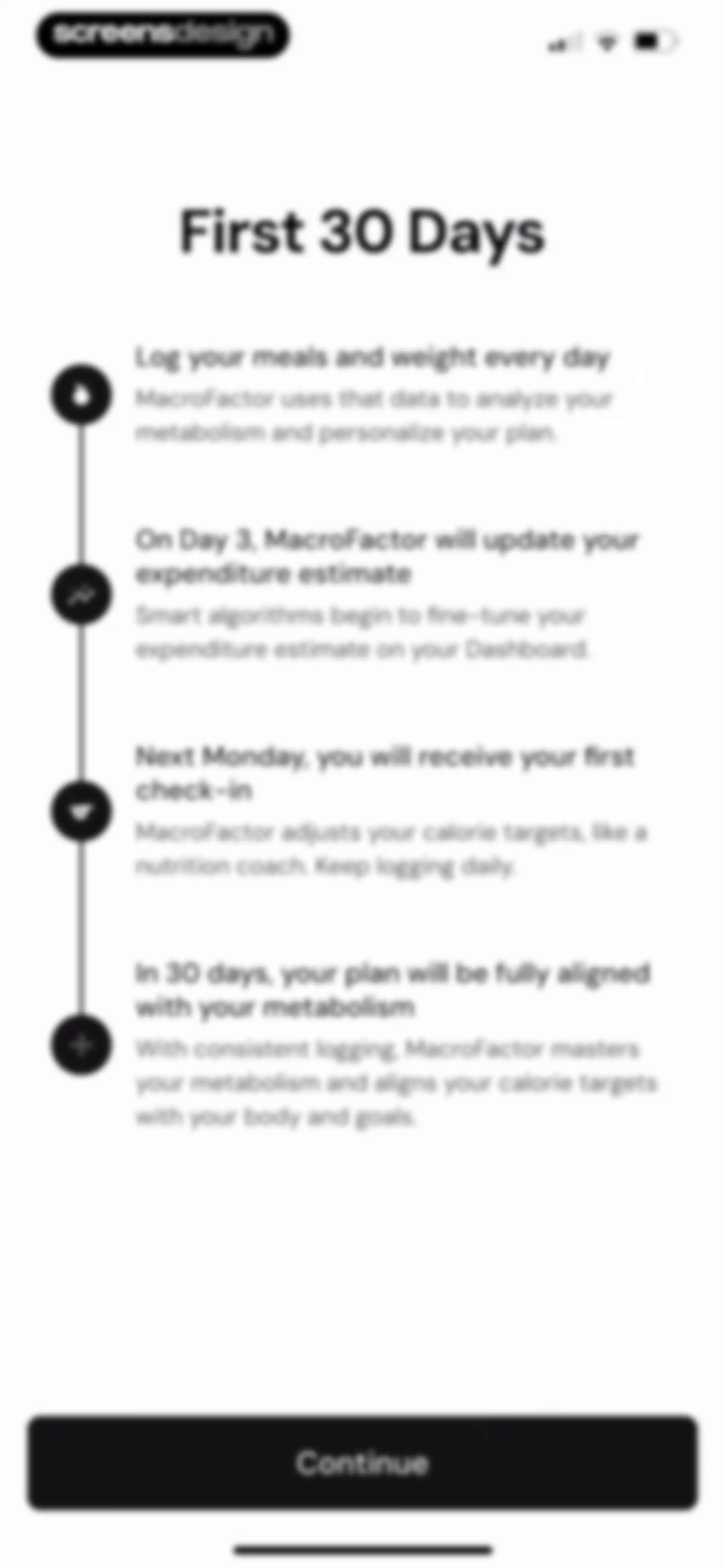
Onboarding timeline for the first 30 days detailing the user journey with a Continue button.Unlock Pro
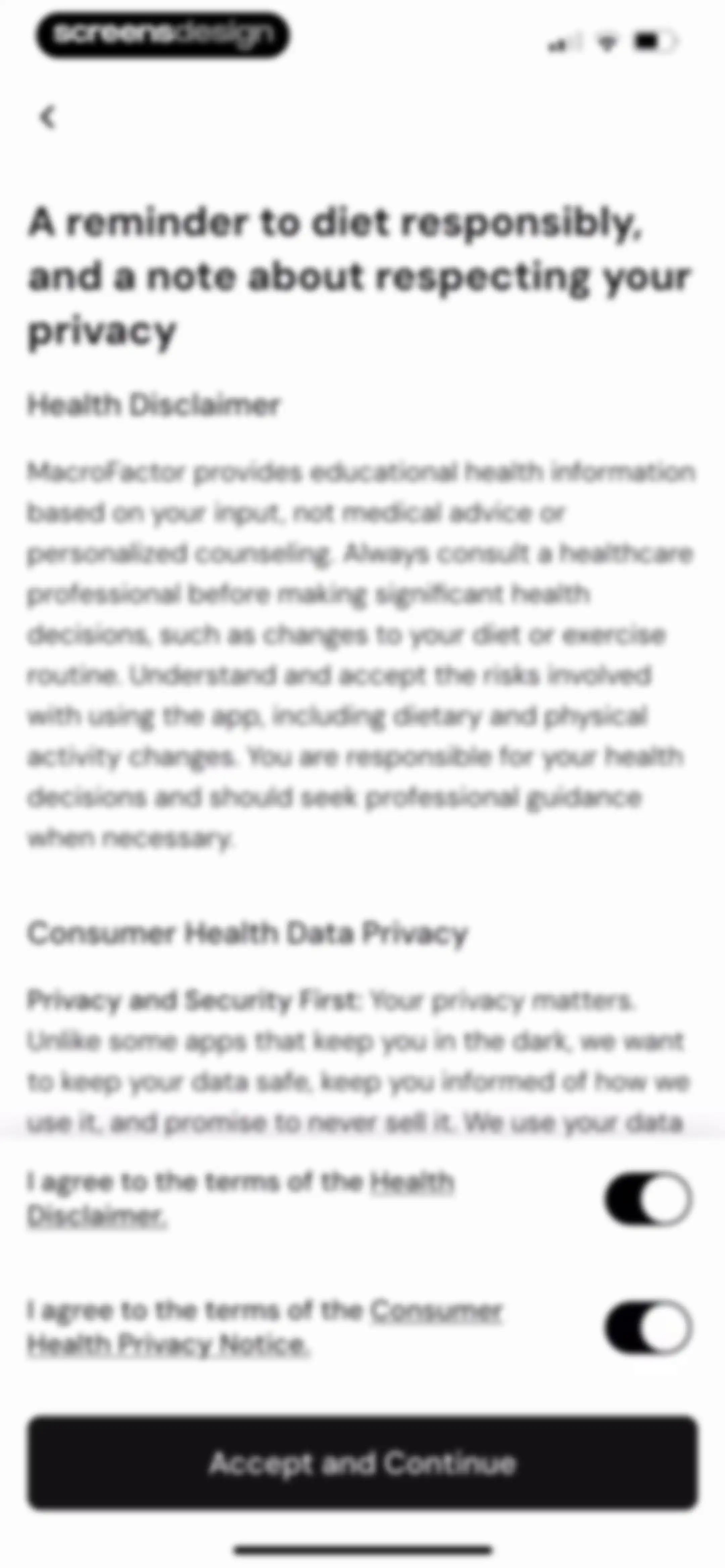
Legal consent screen featuring a health disclaimer, privacy notice, two unselected agreement toggles, and a disabled Accept and Continue button.Unlock Pro
Legal consent screen displaying health disclaimer and privacy notice terms with two agreement toggles and an Accept and Continue button.Unlock Pro
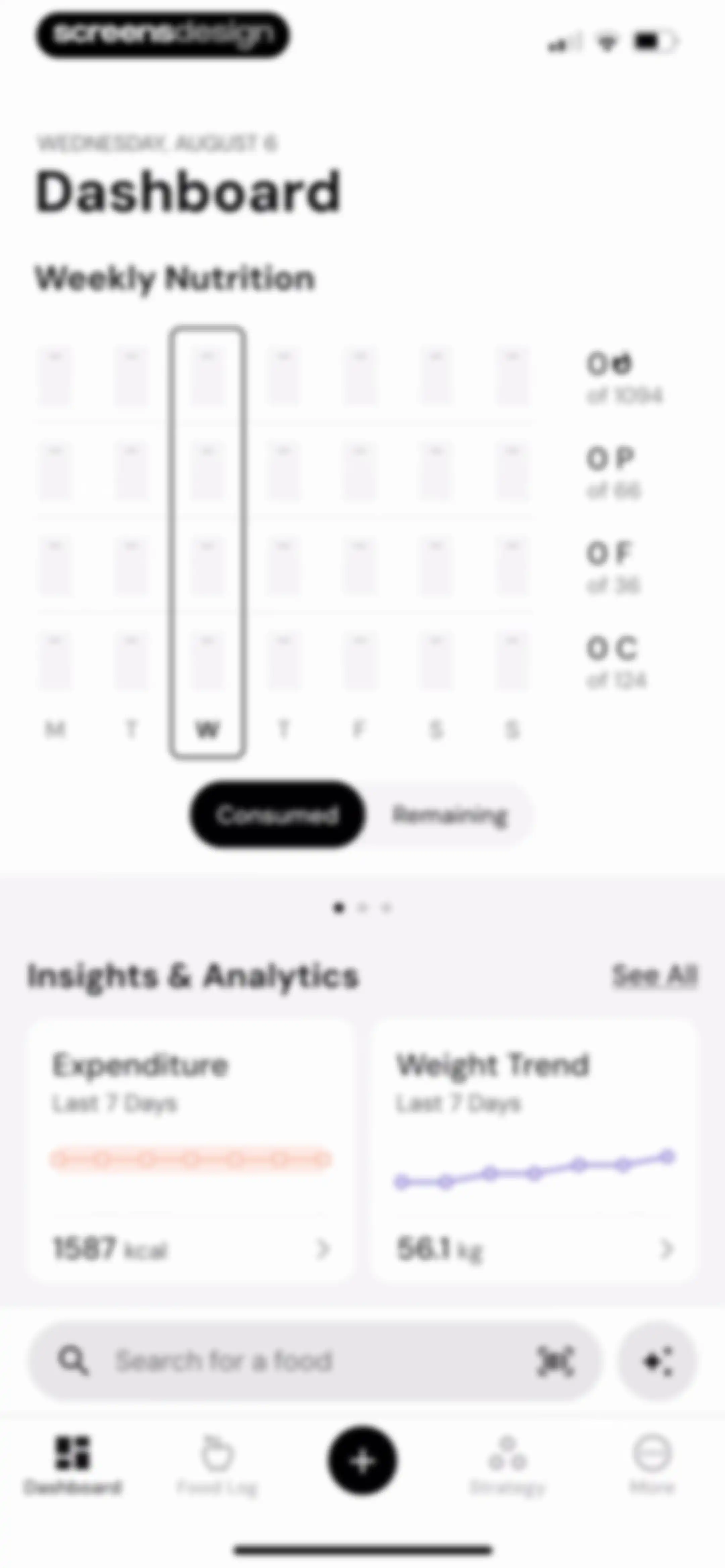
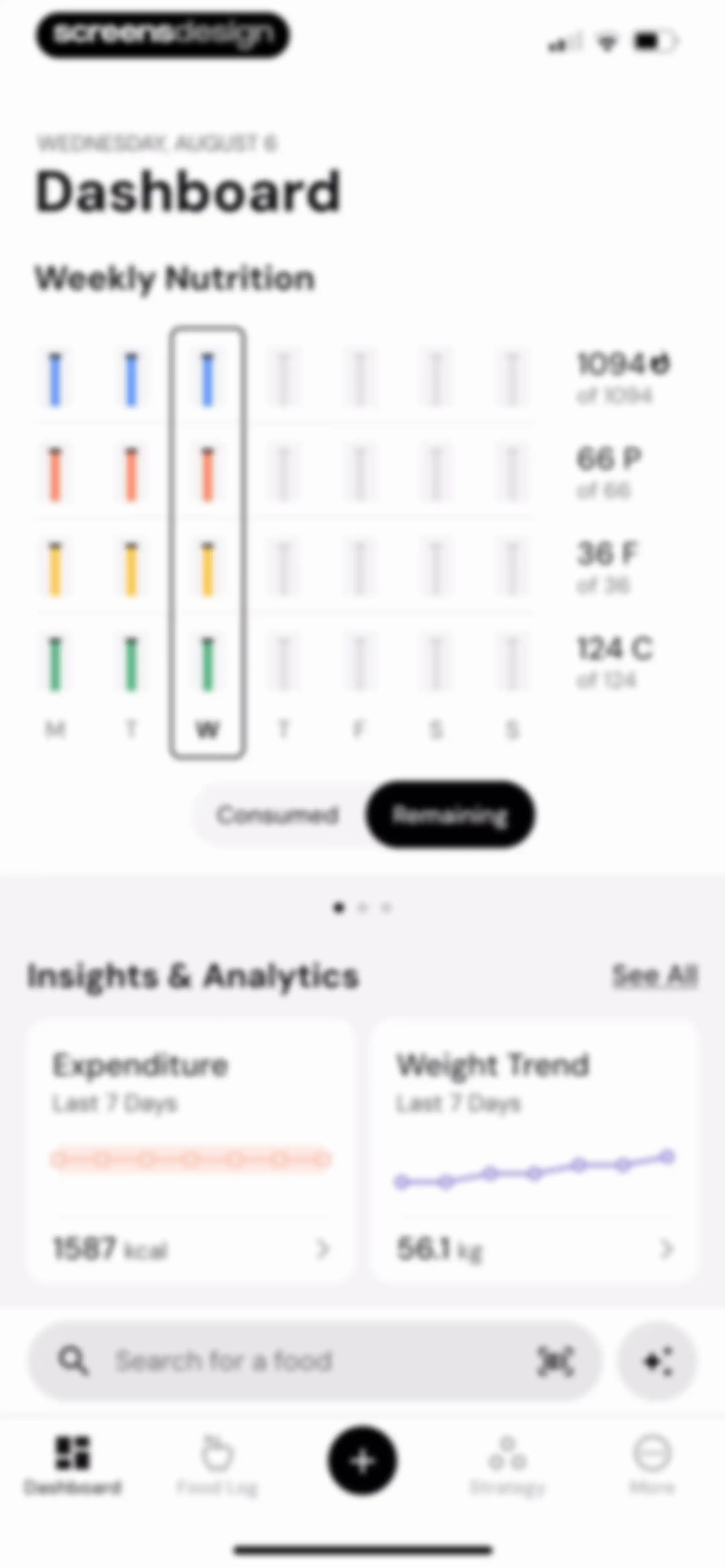
MacroFactor dashboard displaying a weekly nutrition grid, calorie and weight trend cards, and a food search bar.Unlock Pro
Nutrition dashboard displaying a weekly macro chart, expenditure and weight trend cards, and a food search bar.Unlock Pro
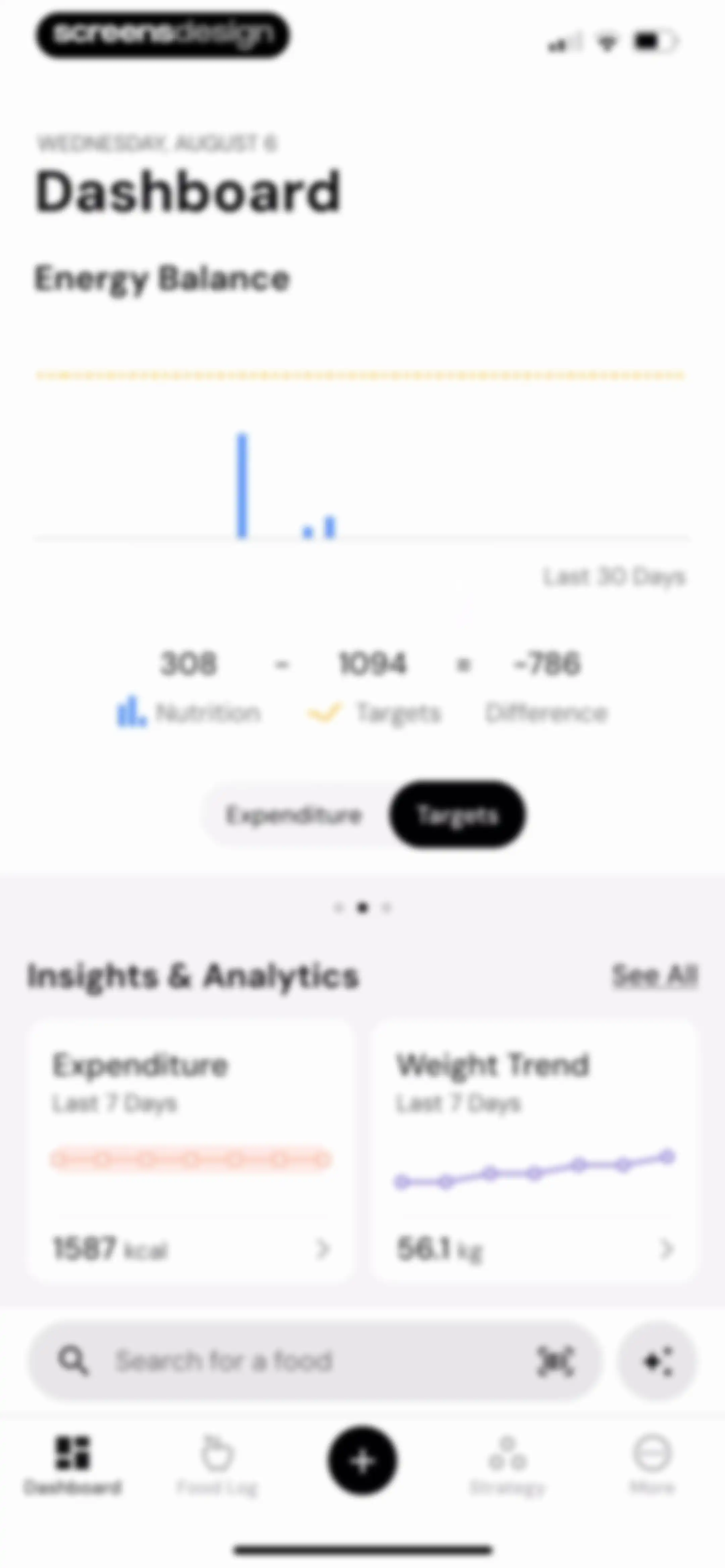
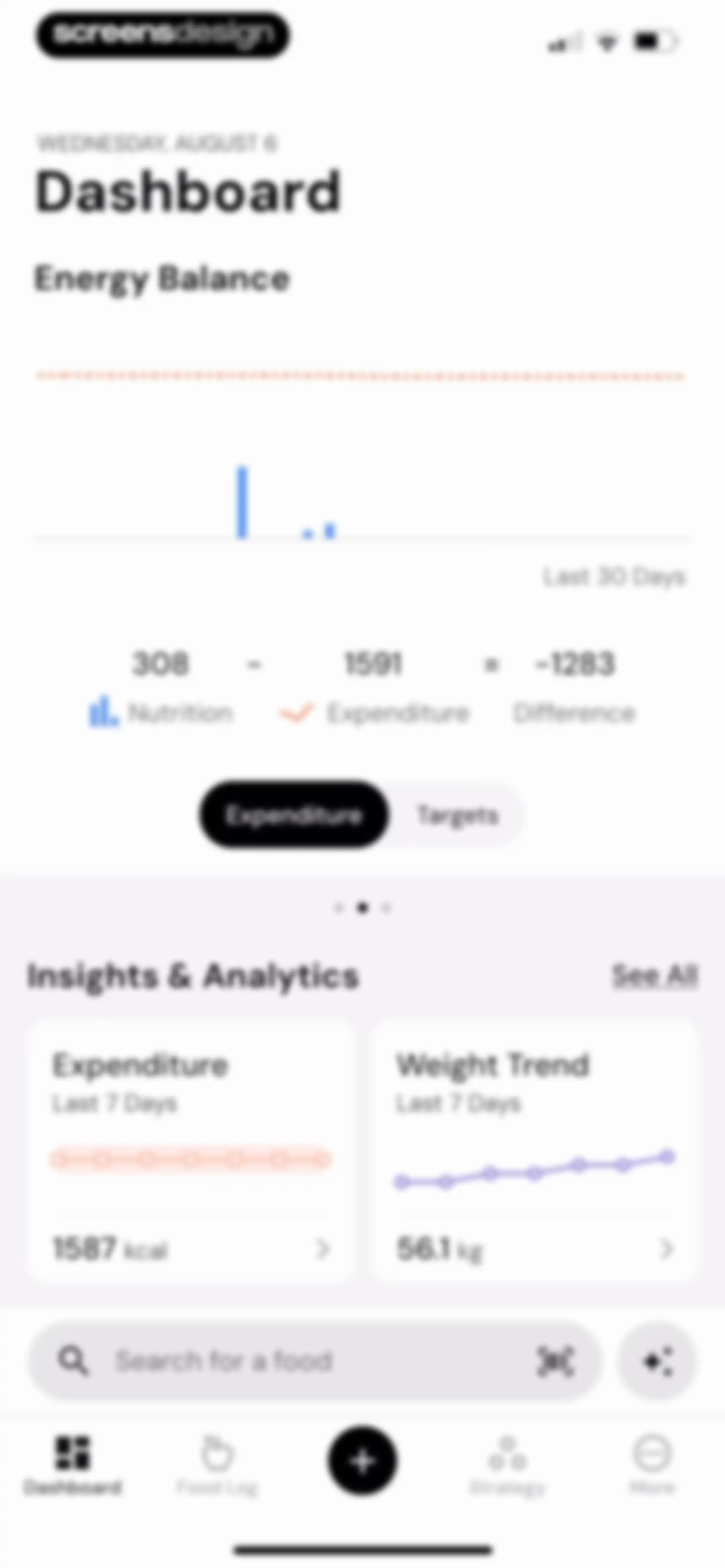
Nutrition app dashboard showing an energy balance chart, weight trend card, and a bottom search bar.Unlock Pro
Health app dashboard featuring an energy balance chart, insight cards for weight and expenditure, and a bottom food search bar.Unlock Pro
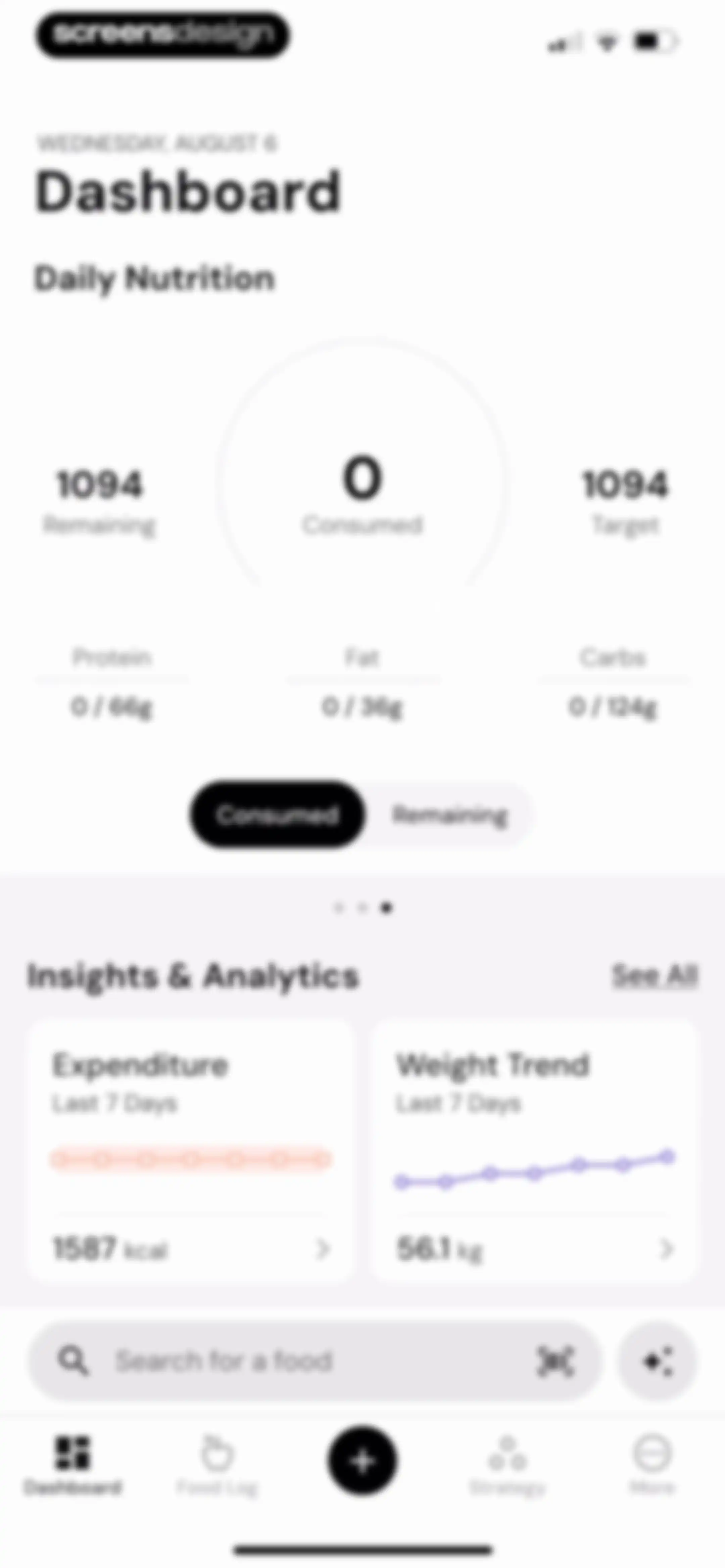
Nutrition dashboard displaying daily calorie and macro summaries, analytics cards for expenditure and weight trends, and a food search bar.Unlock Pro
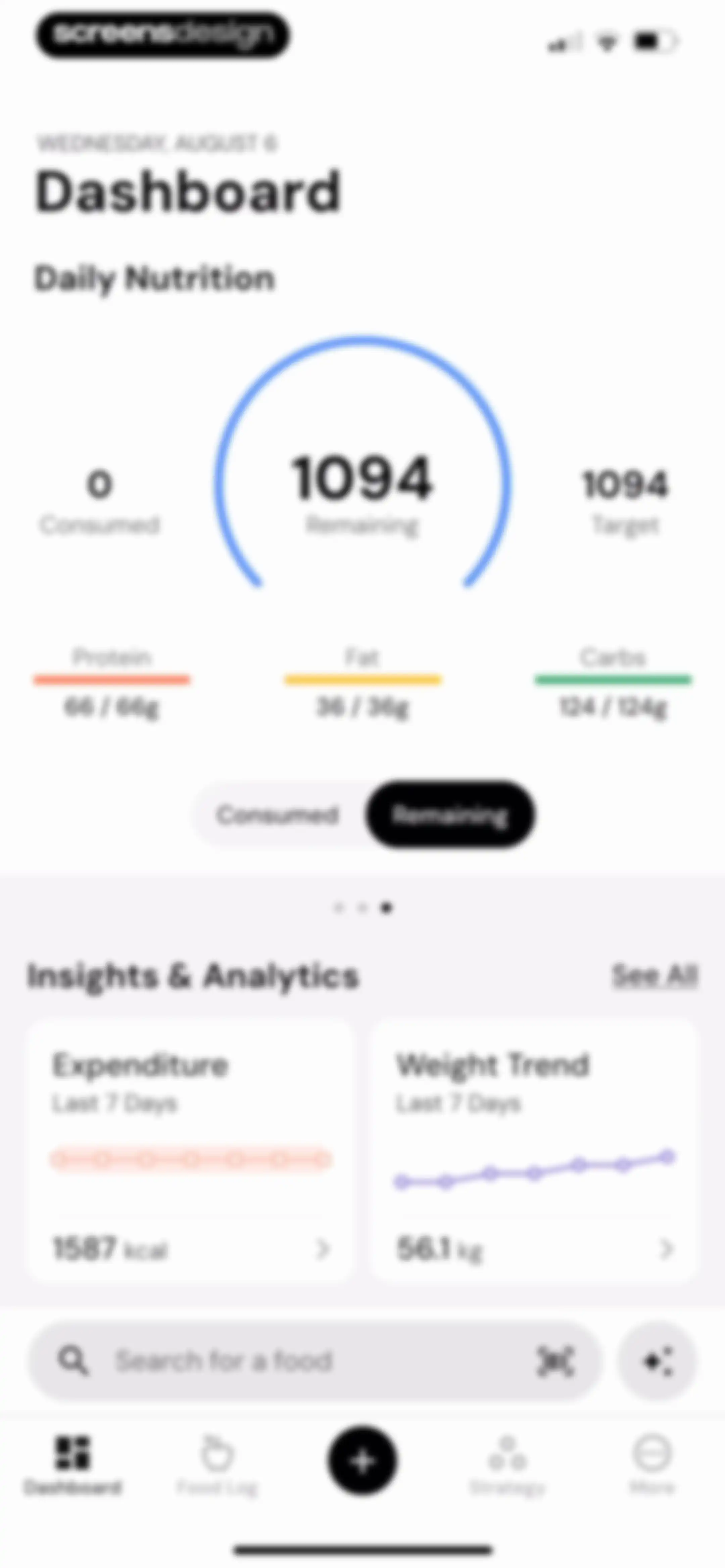
Nutrition dashboard displaying a calorie progress circle, macro nutrient bars, insight cards for expenditure and weight trend, and a food search bar.Unlock Pro
Analytics screen displaying an expenditure line chart and summary metrics with a bottom educational card and Next button.Unlock Pro
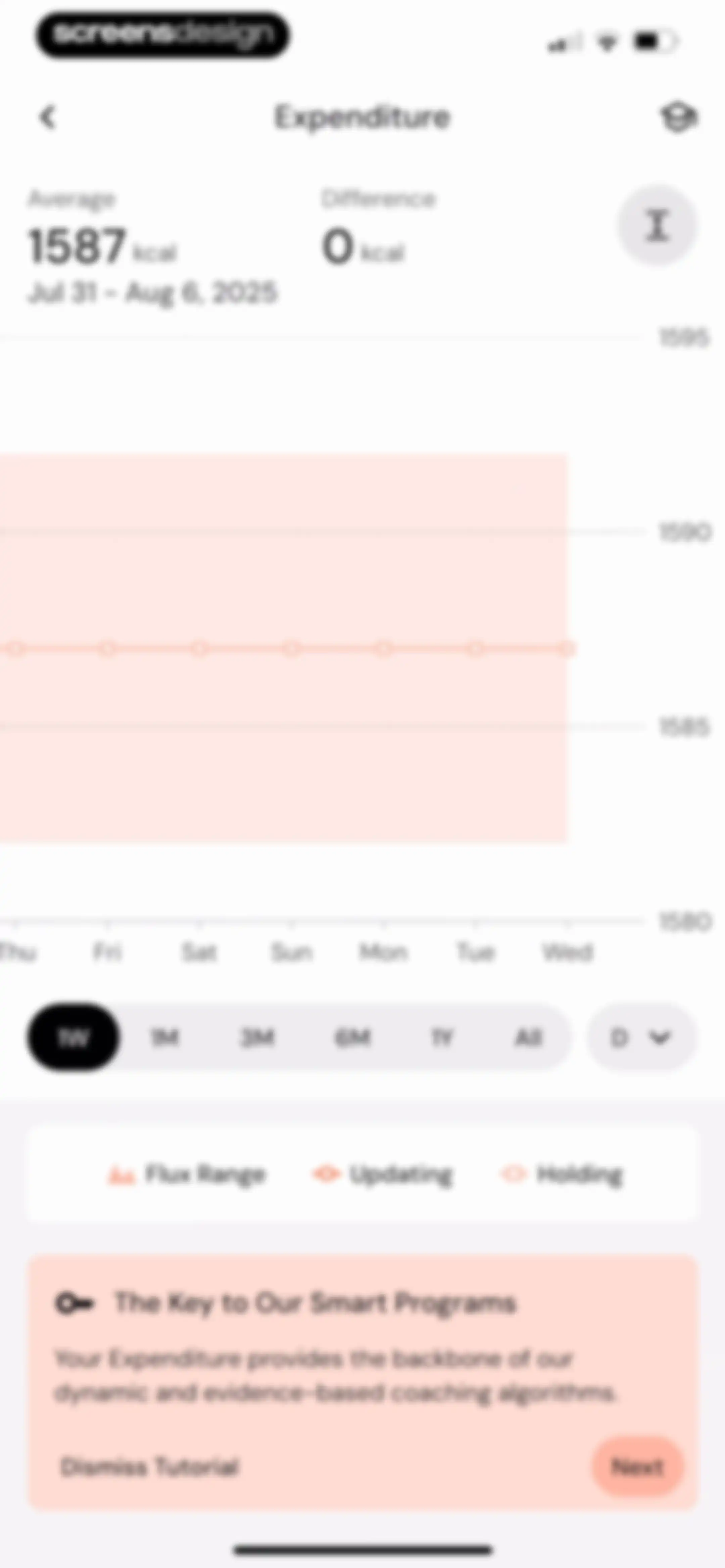
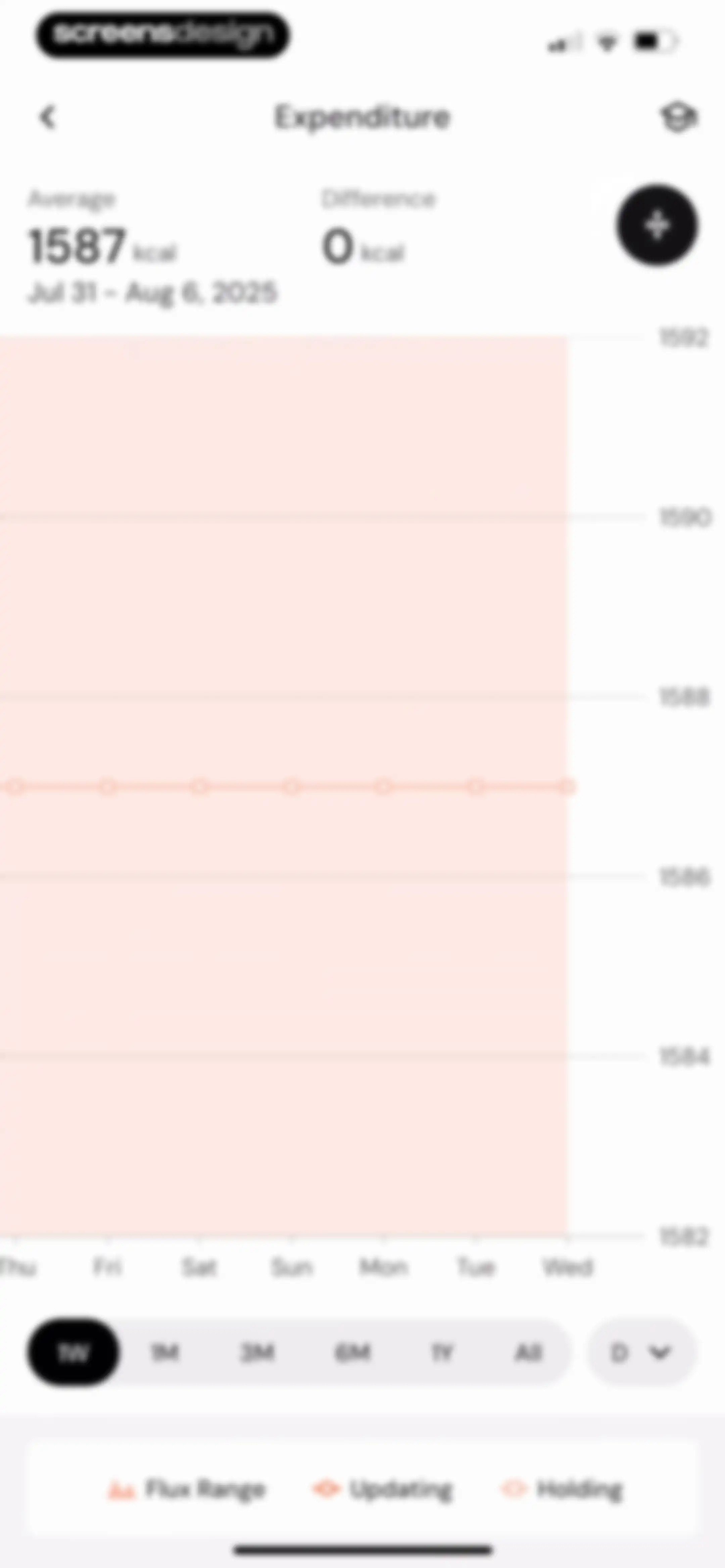
Expenditure analytics screen displaying a weekly line chart with summary statistics, the 1W time range selected, and a bottom legend.Unlock Pro
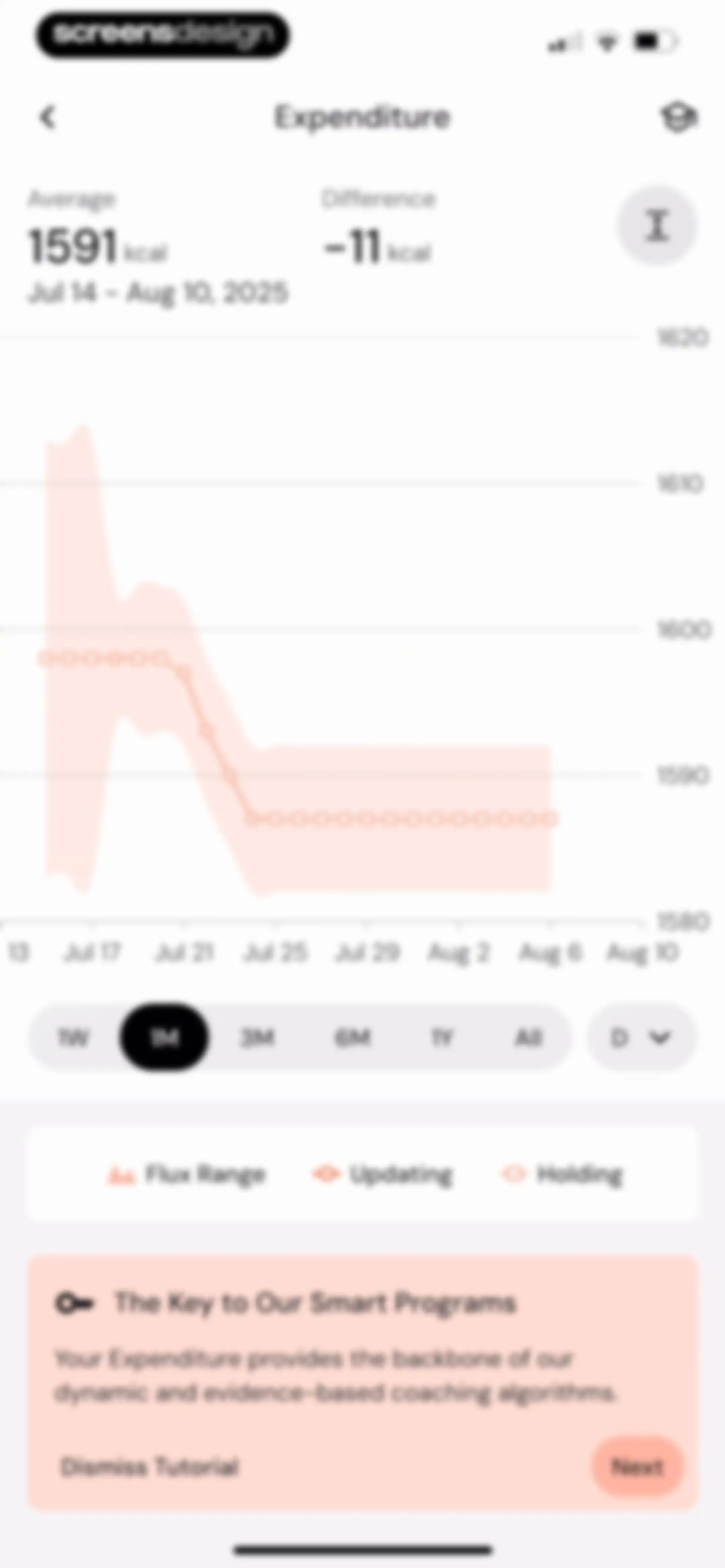
Expenditure analytics dashboard featuring a line chart with a selected 1M time range, summary metrics, and a bottom educational card with a Next button.Unlock Pro
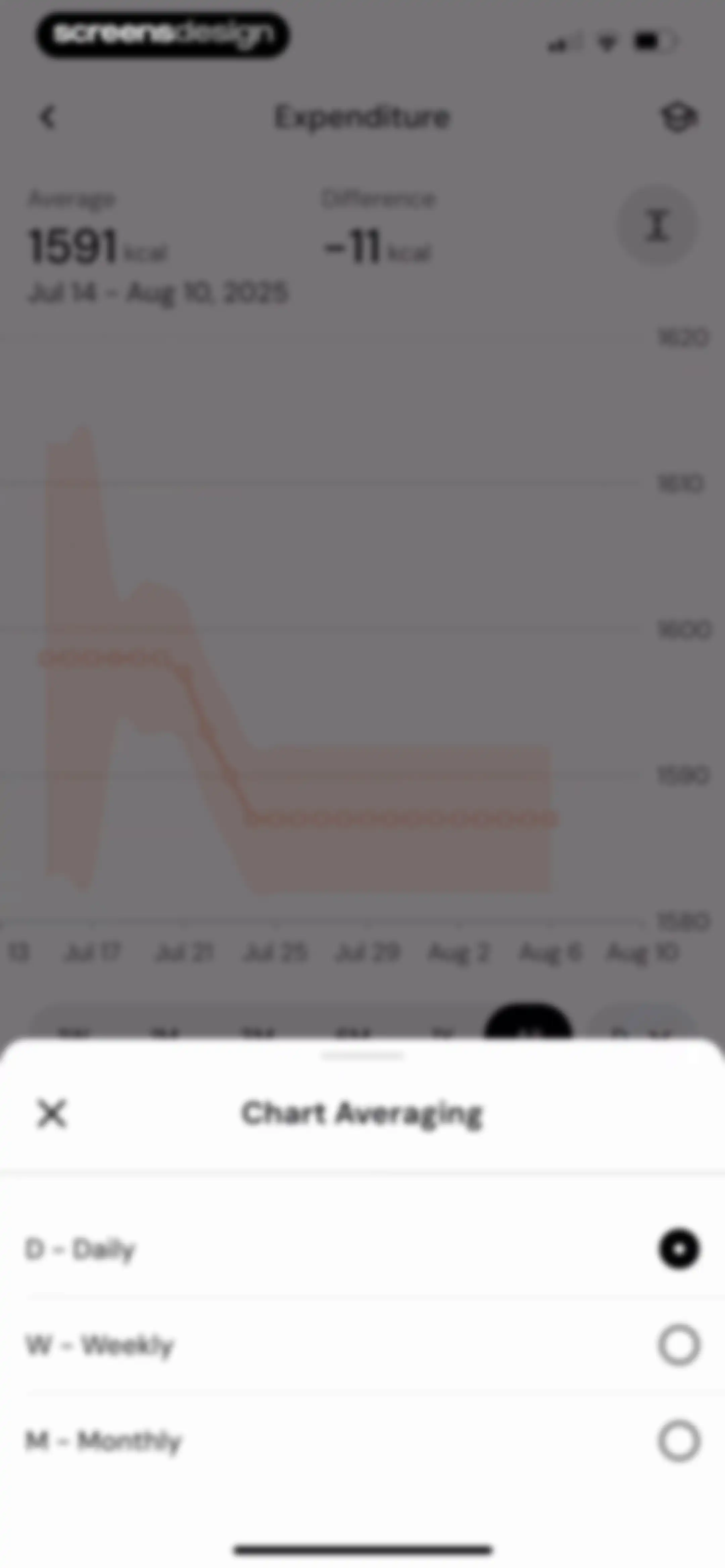
Chart averaging modal overlaying an expenditure line chart with daily, weekly, and monthly options, showing daily selected.Unlock Pro
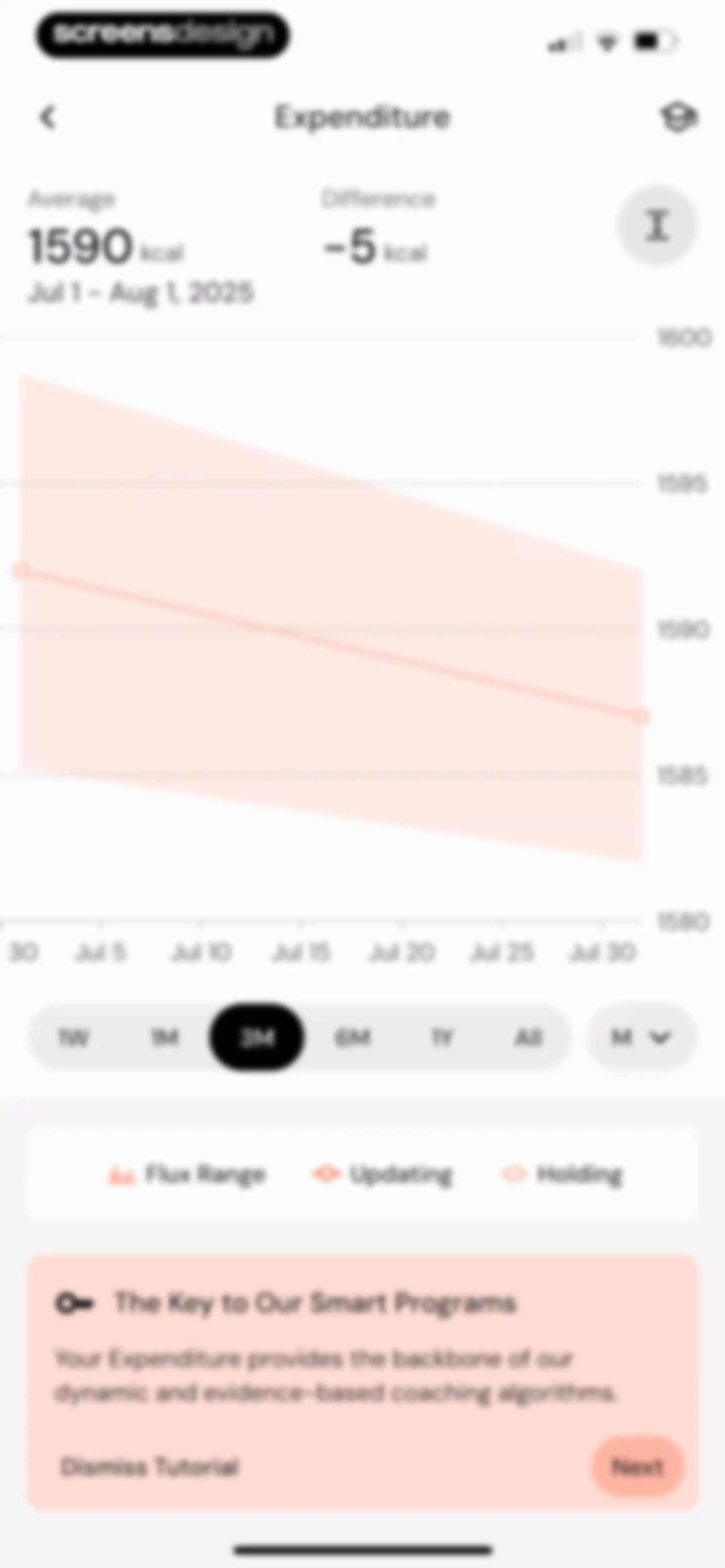
Analytics screen displaying an expenditure line chart with summary statistics, a selected 3M time range, and a bottom tutorial card.Unlock Pro
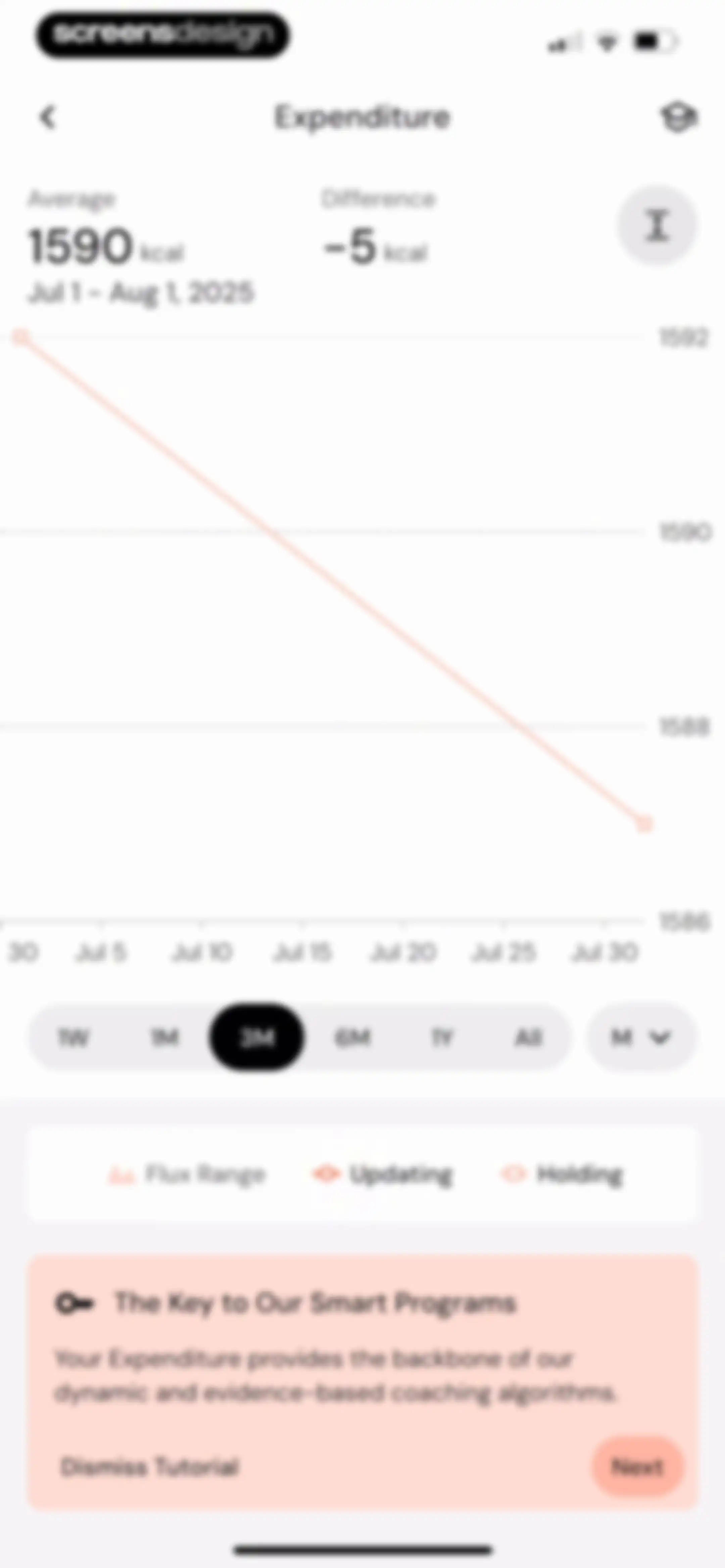
Analytics screen showing an expenditure line chart with summary statistics, time range options, and a bottom tutorial card with Next and Dismiss buttons.Unlock Pro
Dashboard showing expenditure insights and data with an educational tutorial card, time period options, and a Next button.Unlock Pro
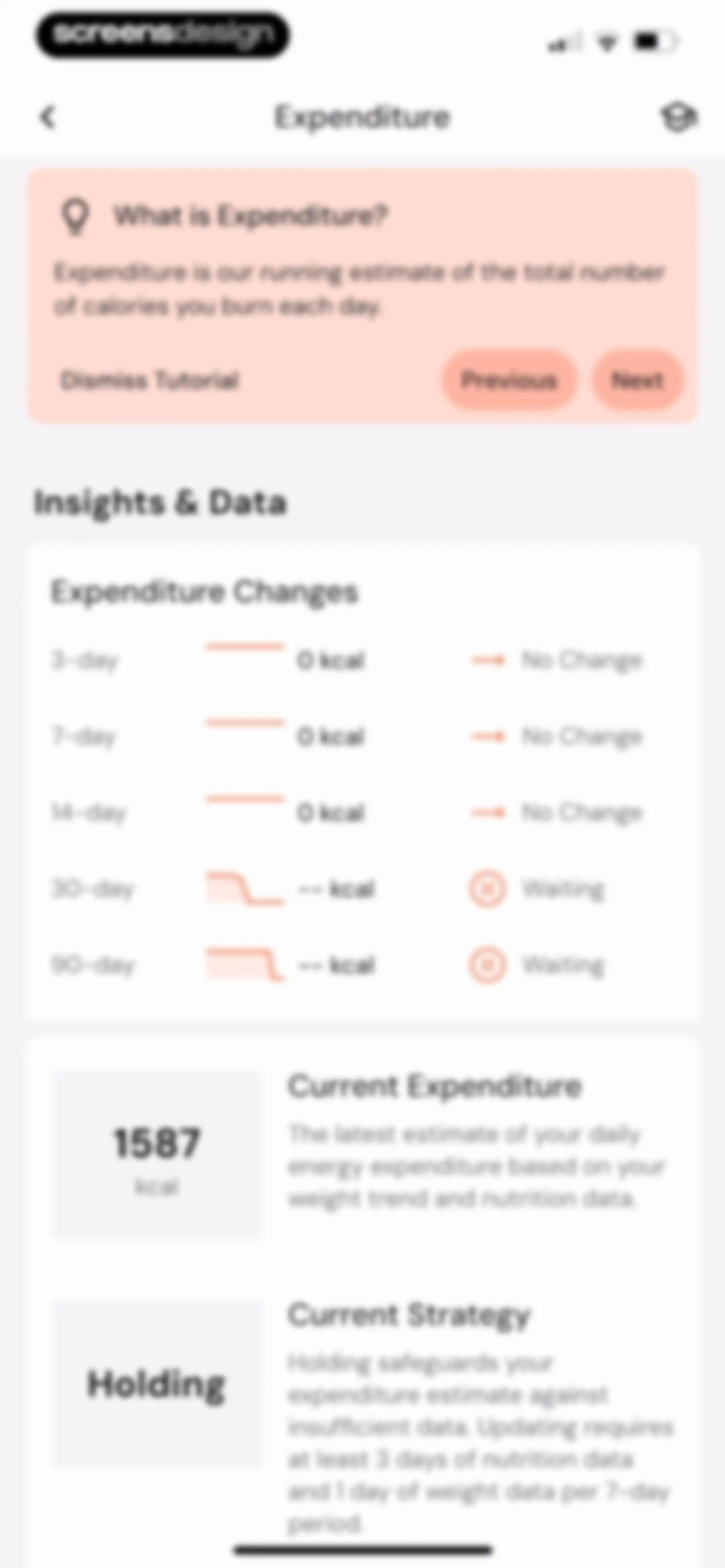
Expenditure dashboard displaying an educational tutorial card at the top, a data table with time-based metrics, and summary cards showing current expenditure and holding strategy.Unlock Pro
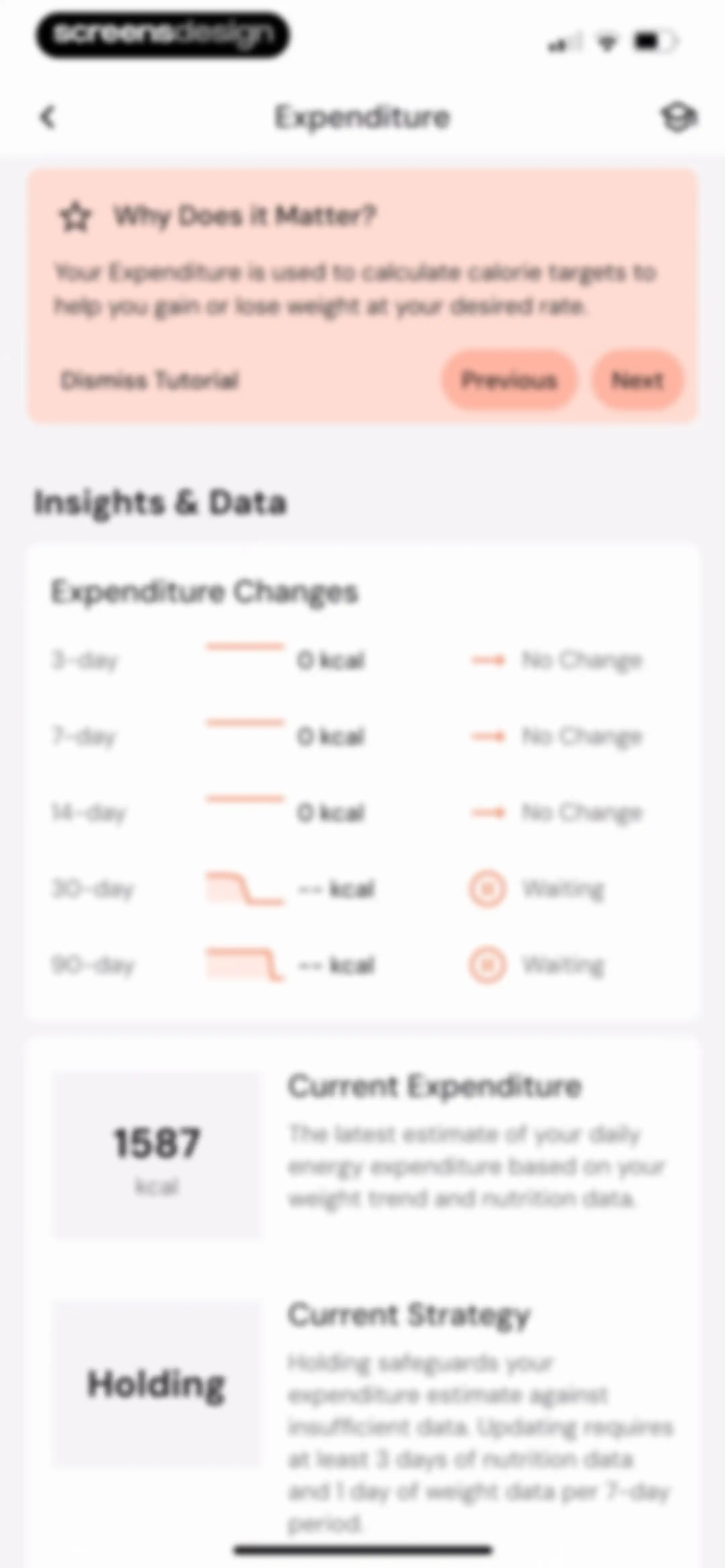
Expenditure dashboard showing an educational tutorial card, expenditure trends, and summary cards for current expenditure and strategy with a Next button.Unlock Pro
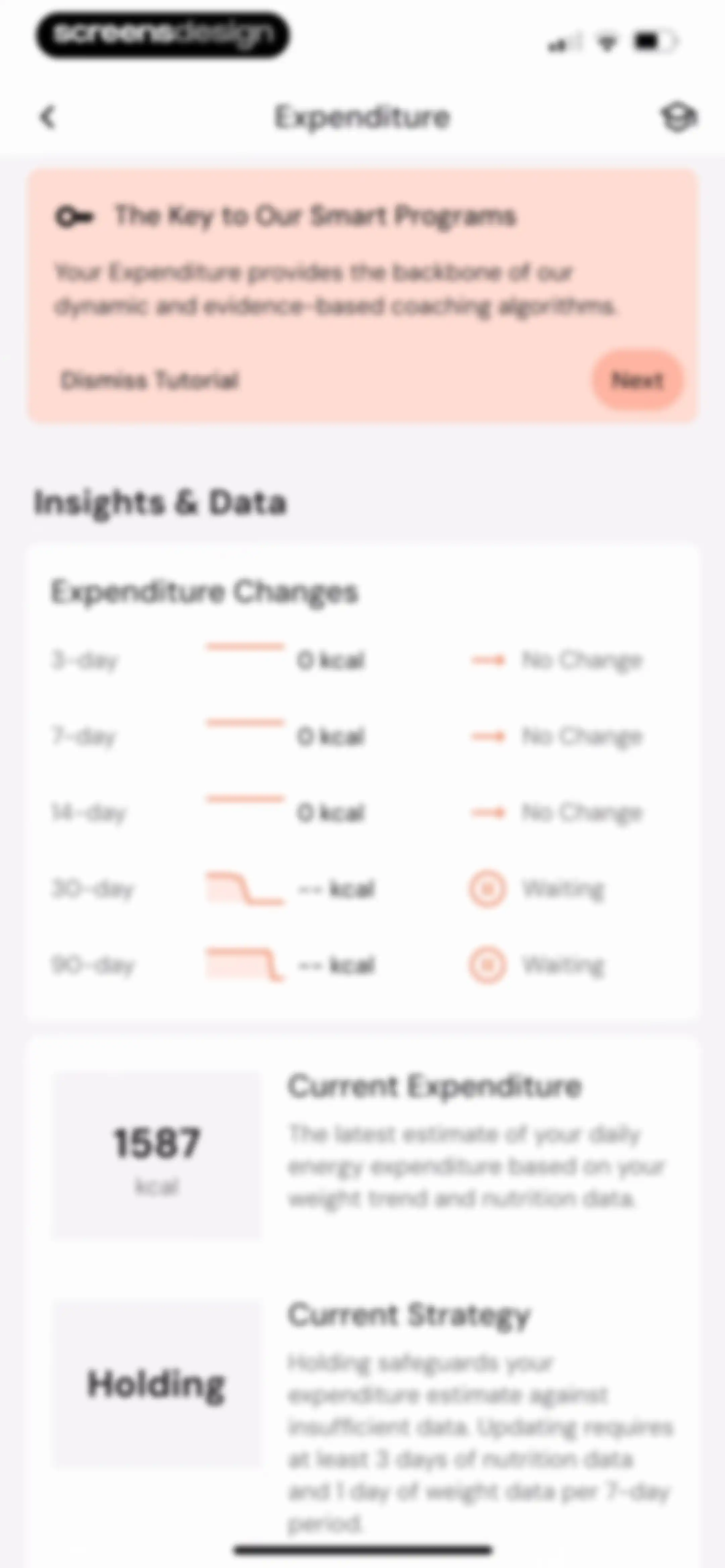
Metabolic expenditure dashboard with an educational tutorial card at the top, a list of expenditure changes, and summary cards at the bottom showing current expenditure and strategy.Unlock Pro
Expenditure dashboard showing a tutorial card, a list of expenditure changes, and summary cards for current expenditure and strategy.Unlock Pro
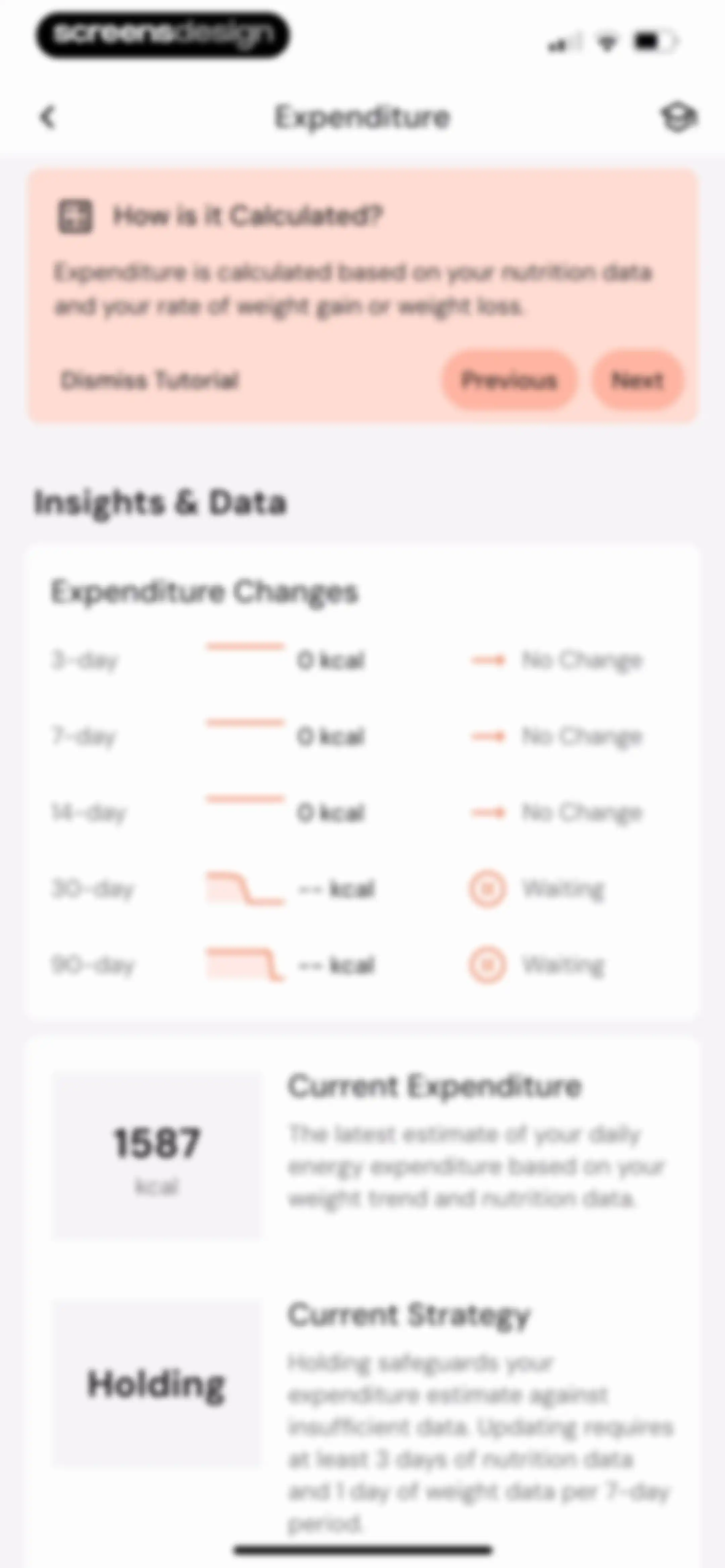
Expenditure dashboard showing a tutorial card for data gathering, expenditure changes by time period, and current strategy set to holding.Unlock Pro
Expenditure dashboard featuring an onboarding tutorial card, a list of energy expenditure changes across multiple timeframes, and summary cards for current expenditure and strategy.Unlock Pro
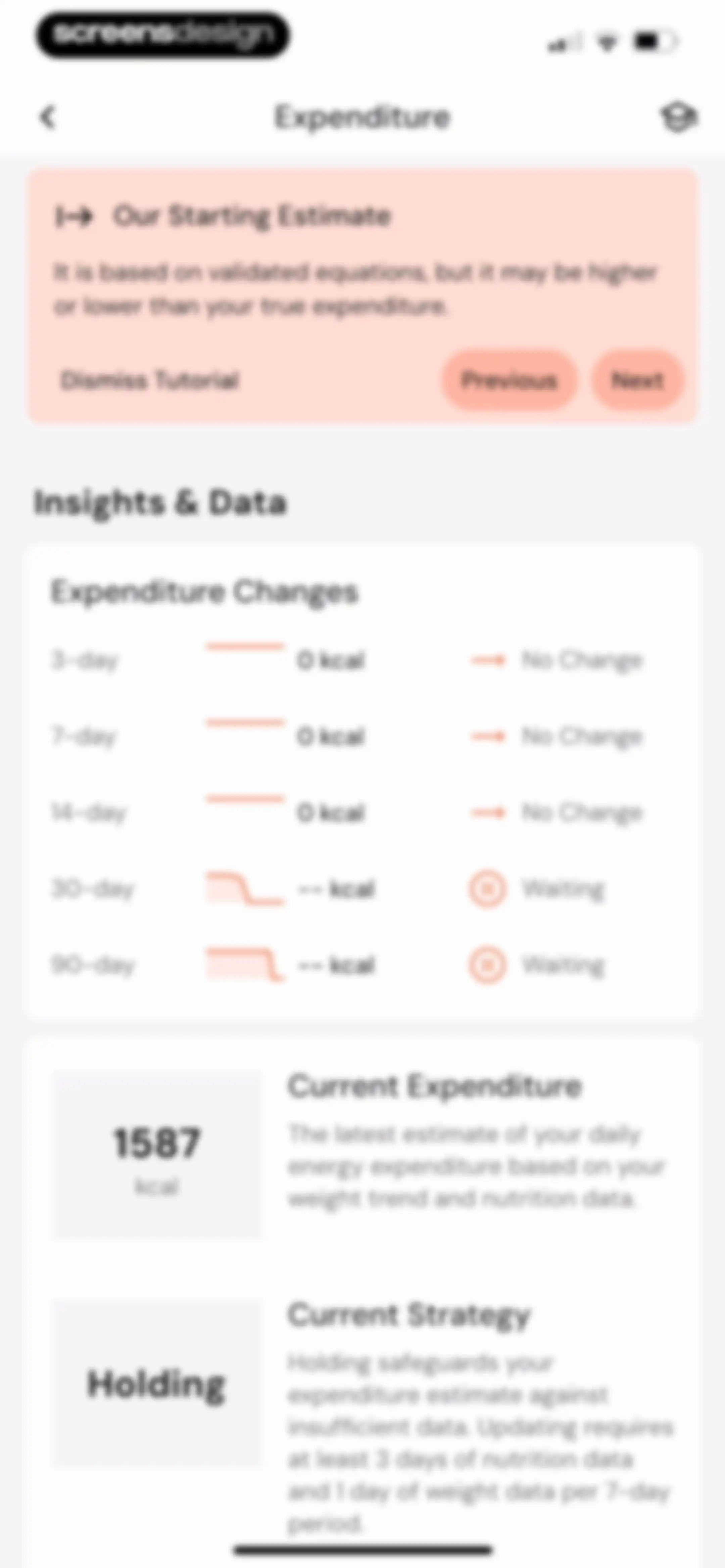
Expenditure dashboard showing a tutorial card, energy change metrics across time periods, and current expenditure and strategy cards.Unlock Pro
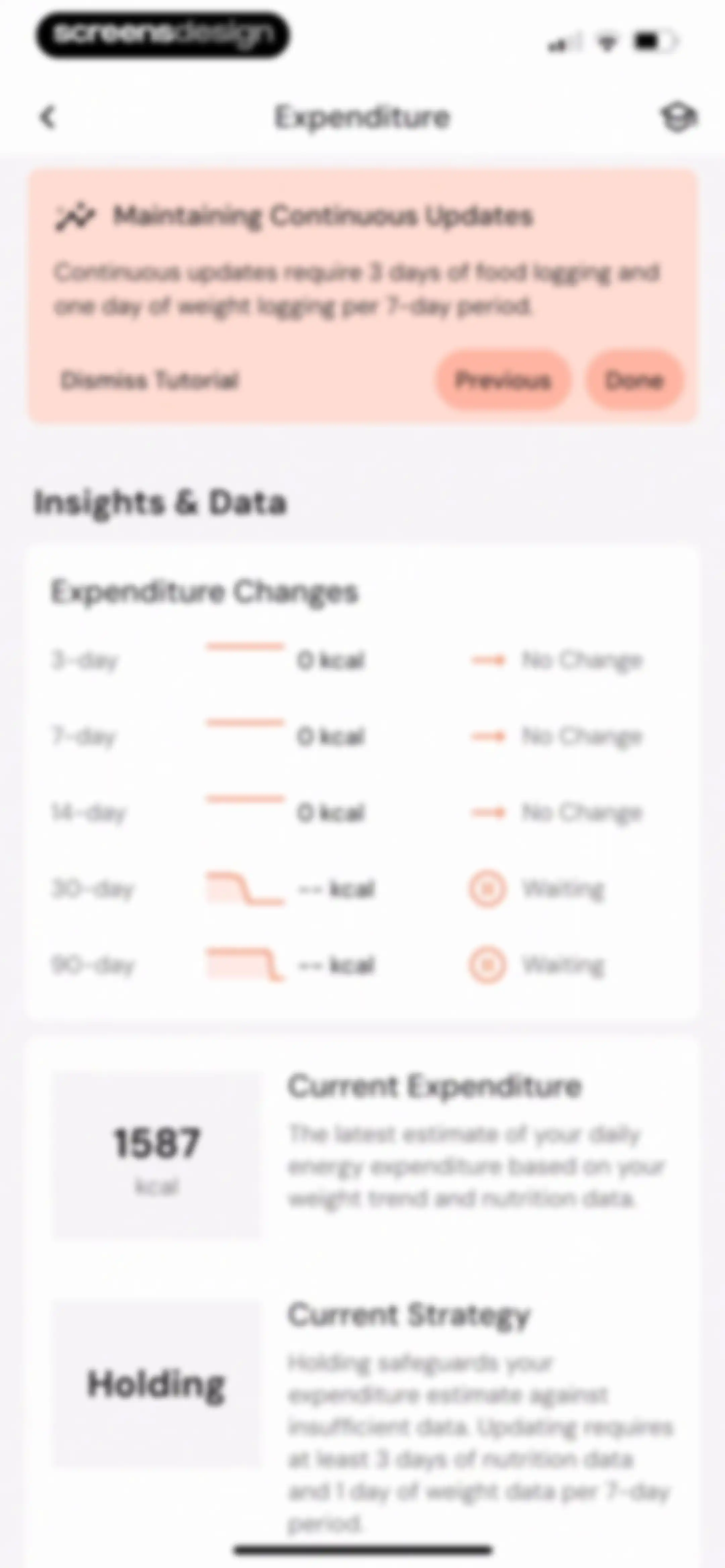
Expenditure dashboard from the MacroFactor app displaying an educational tutorial card, expenditure changes data, and current expenditure and strategy summary cards.Unlock Pro
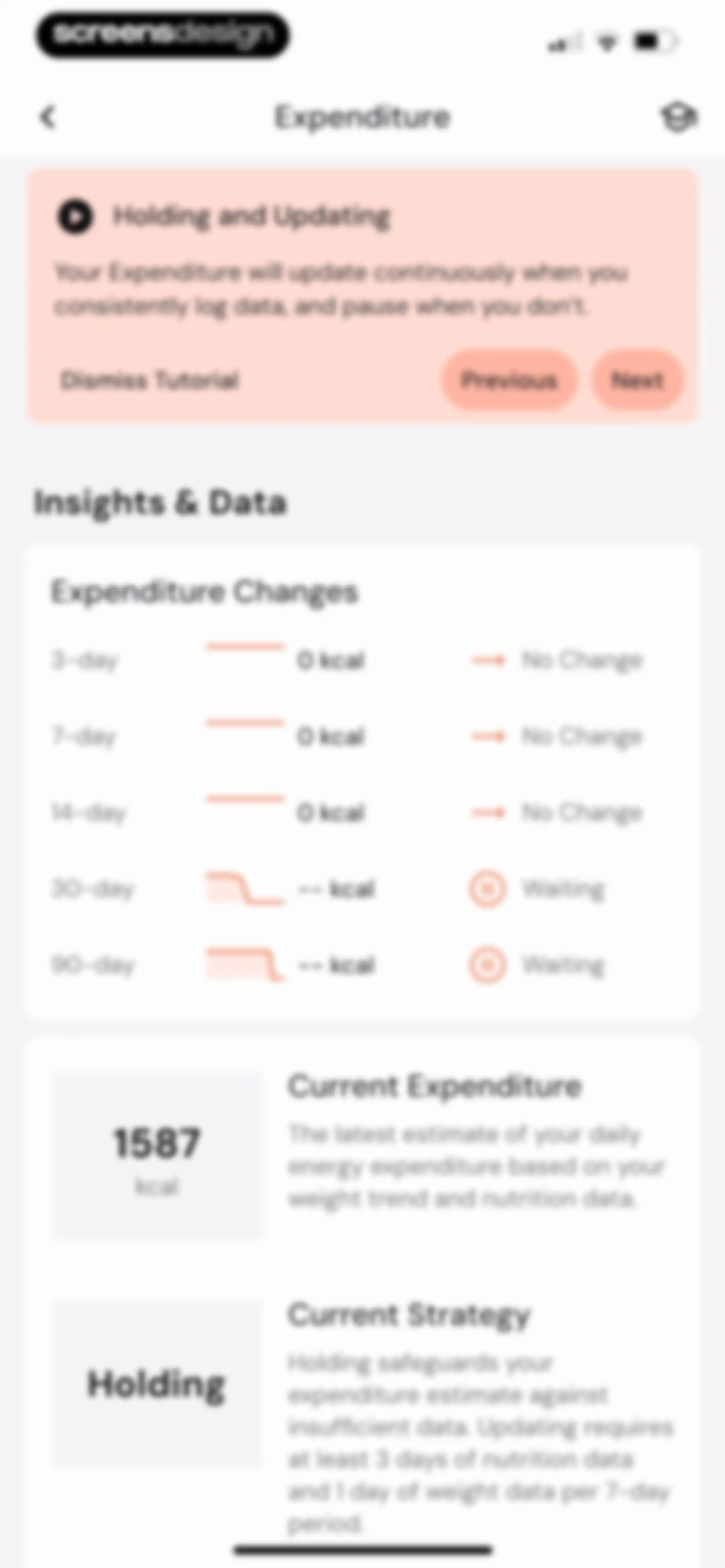
Expenditure dashboard featuring a tutorial card about holding and updating data, an expenditure changes list, and summary cards showing current expenditure and strategy.Unlock Pro
Dashboard showing expenditure data and insights, featuring a tutorial card at the top and summary cards for current expenditure and strategy.Unlock Pro
Expenditure dashboard displaying metabolic insights, a list of expenditure changes by time period, and summary cards for current expenditure and strategy.Unlock Pro
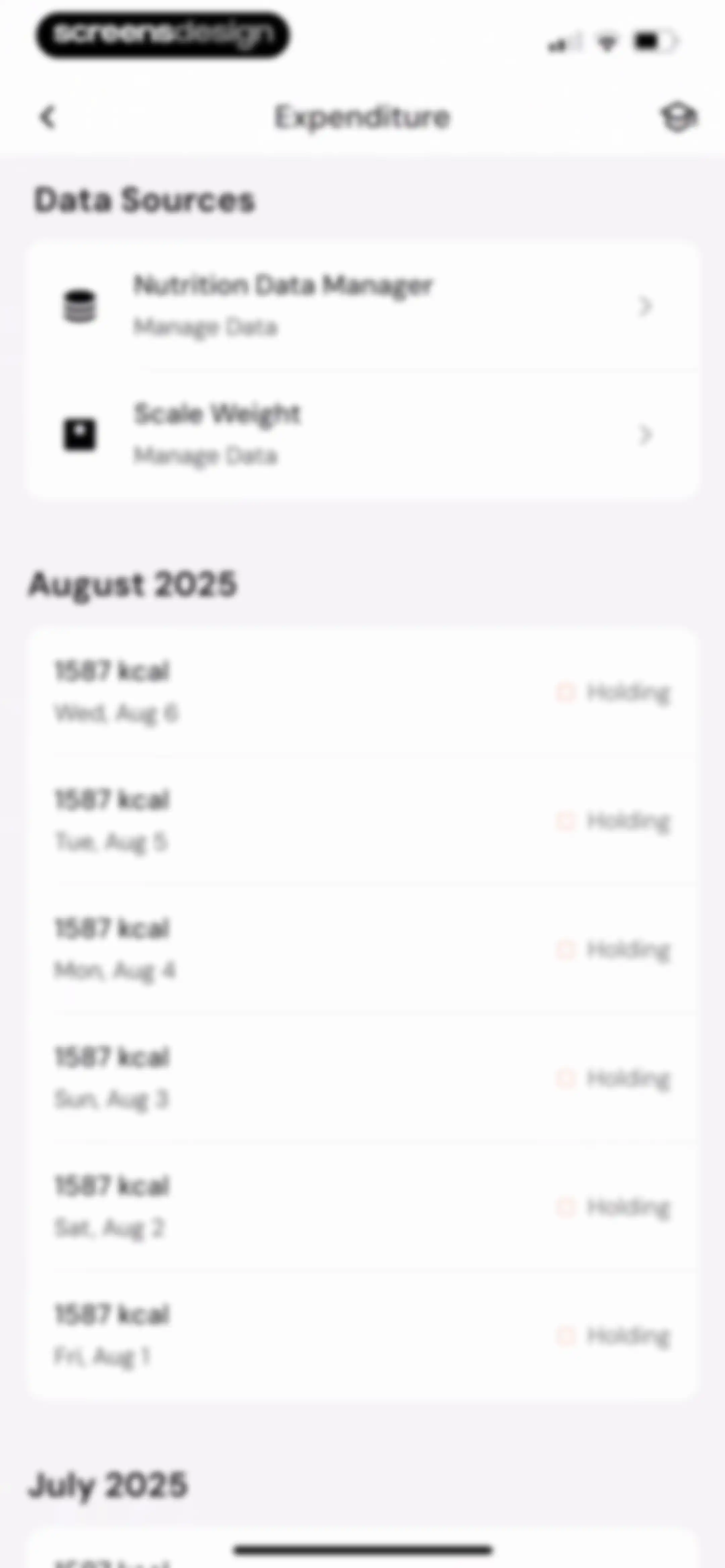
Expenditure dashboard displaying data sources and a chronological list of daily caloric expenditure entries grouped by month.Unlock Pro
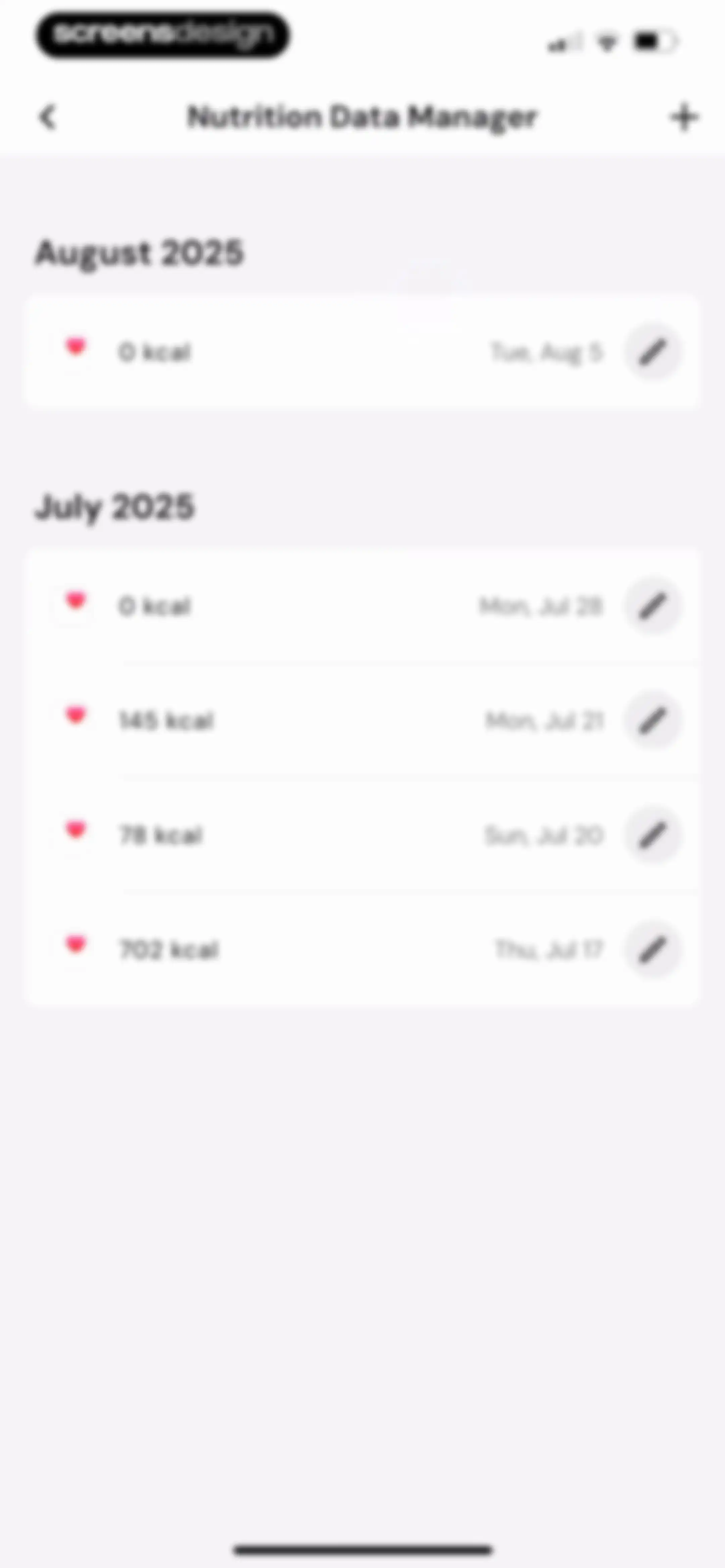
Nutrition Data Manager dashboard with a chronological list of dated calorie log entries and an add button.Unlock Pro
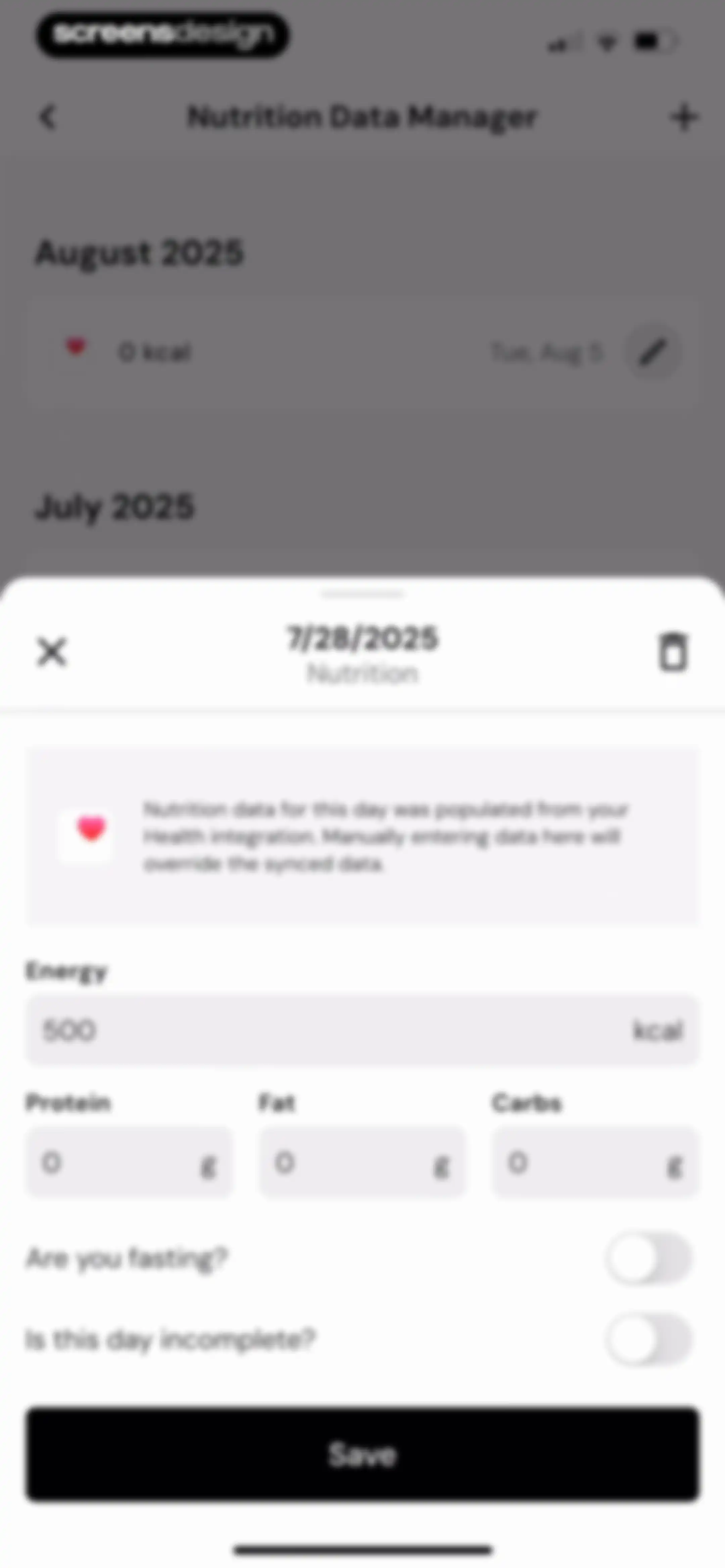
Nutrition data entry form inside a modal overlay, featuring macro input fields and a Save button over a date list.Unlock Pro
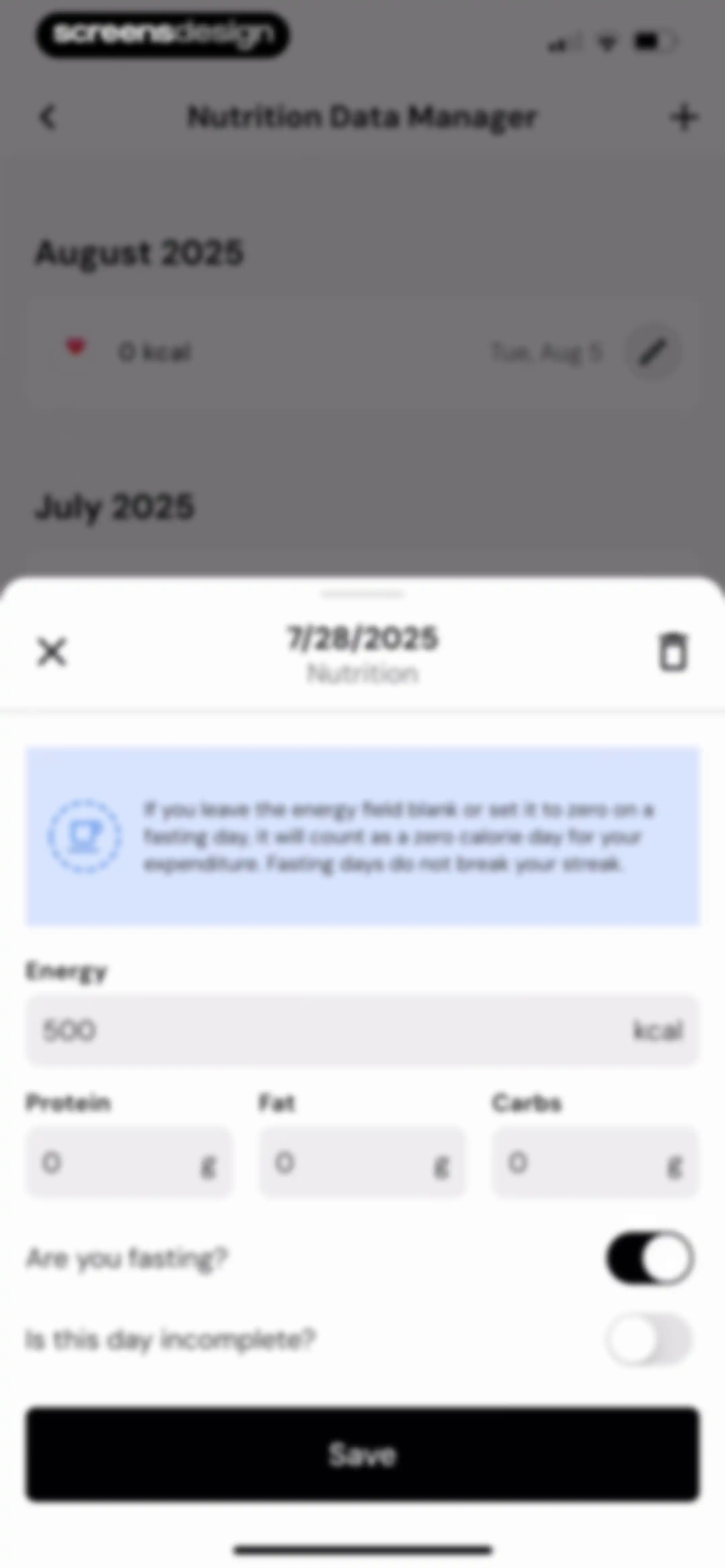
Nutrition data manager modal form displaying input fields for energy, macros, fasting and incomplete day toggles, and a Save button.Unlock Pro
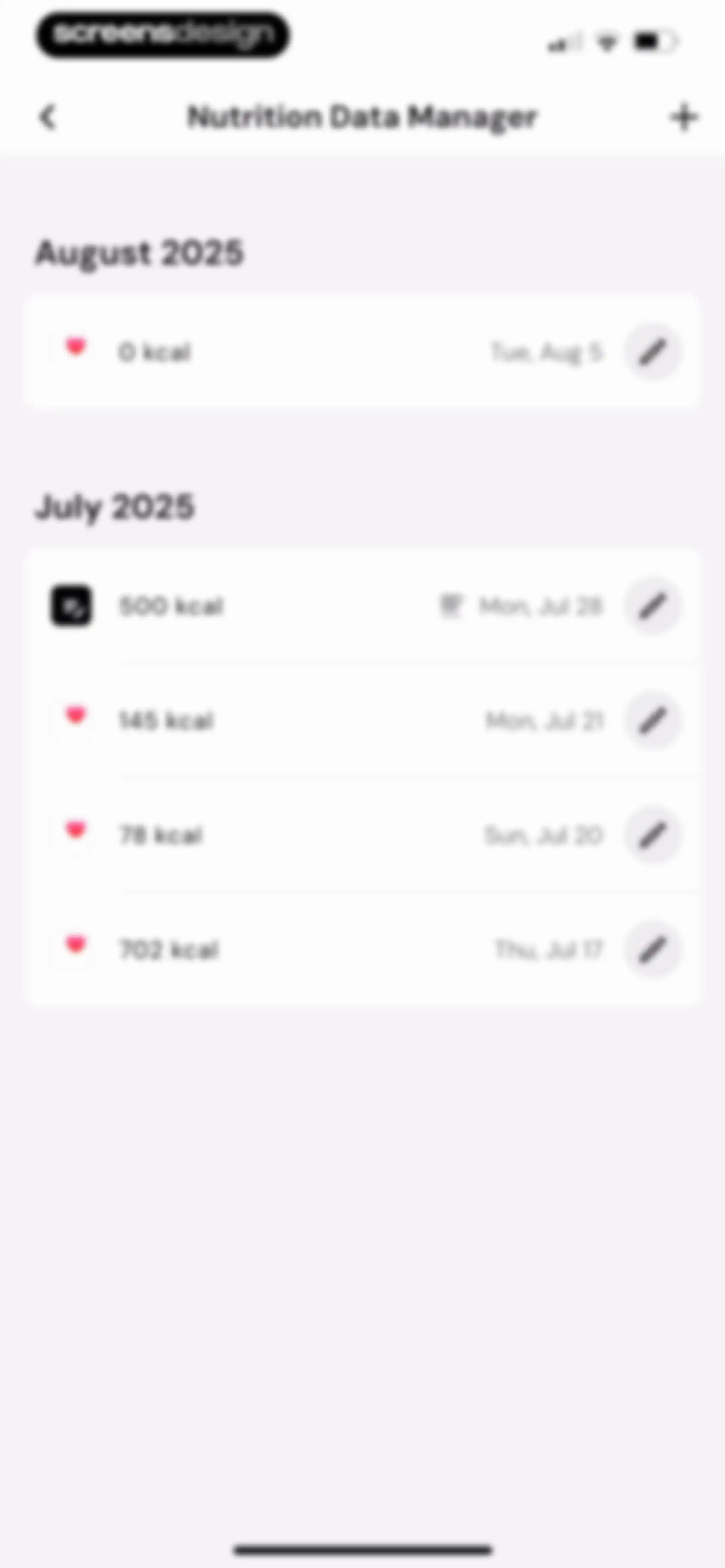
Nutrition Data Manager dashboard displaying a chronological list of logged nutrition entries grouped by month, with options to add and edit records.Unlock Pro
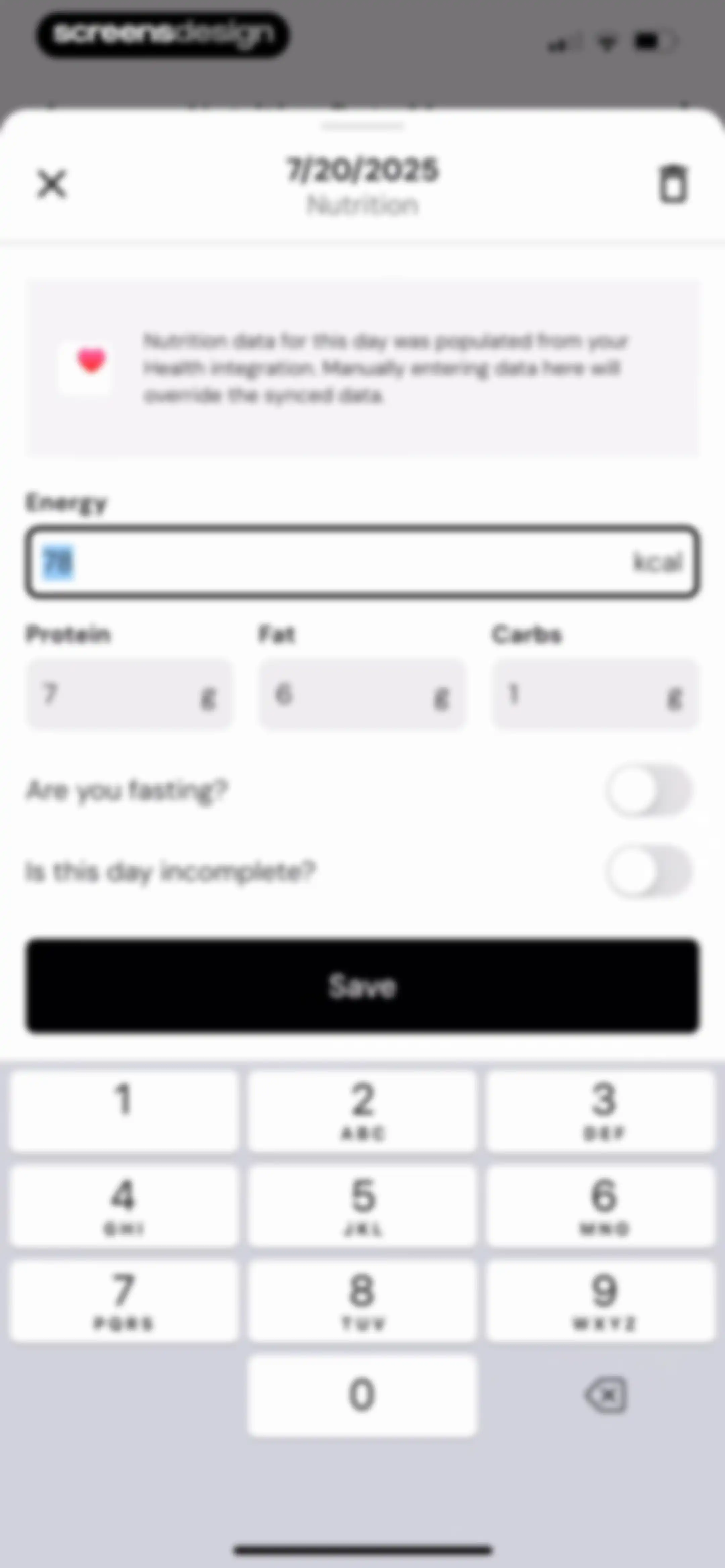
Nutrition entry form with an informational sync warning, macro input fields, toggle switches, and a numeric keypad, with a Save button.Unlock Pro
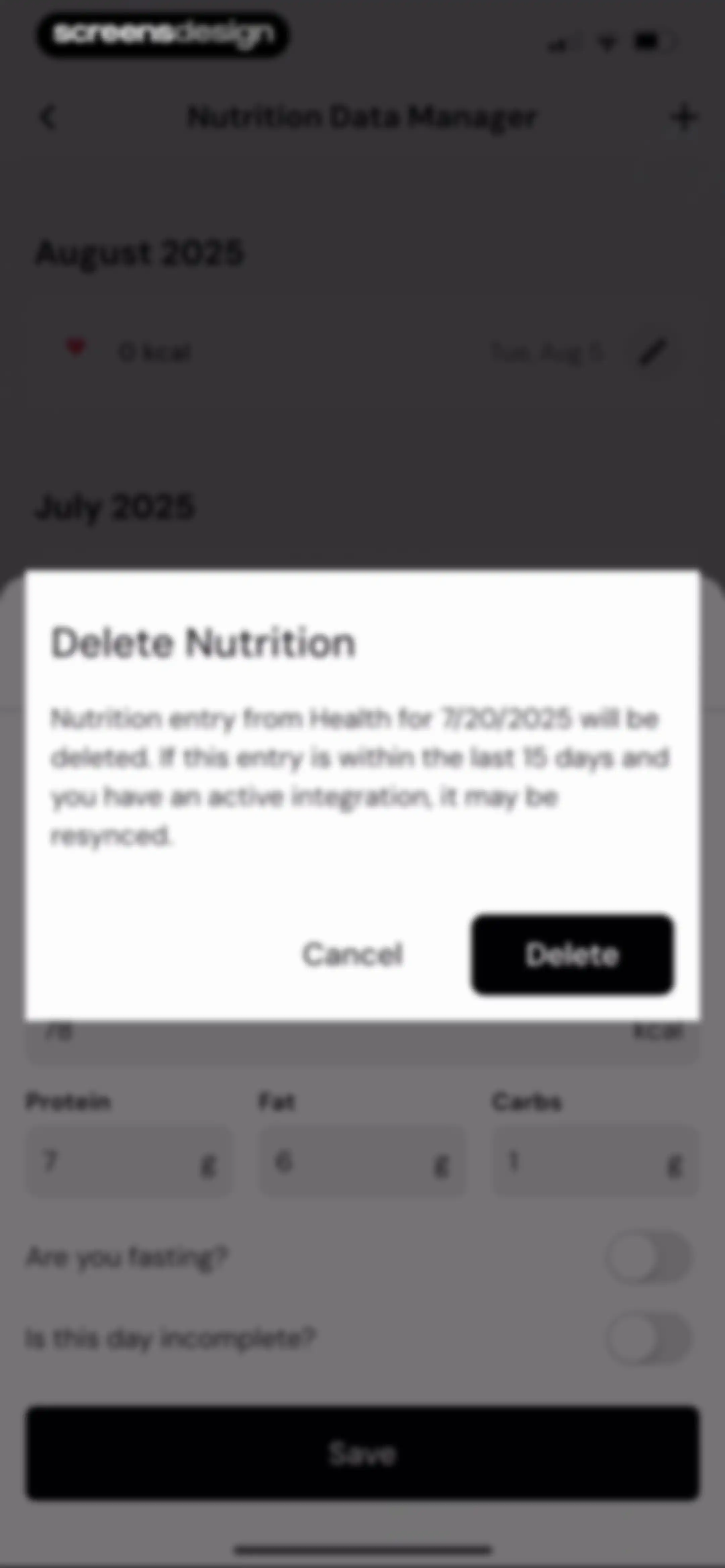
Nutrition data manager screen displaying a delete confirmation modal over a list of health entries with Cancel and Delete buttons.Unlock Pro
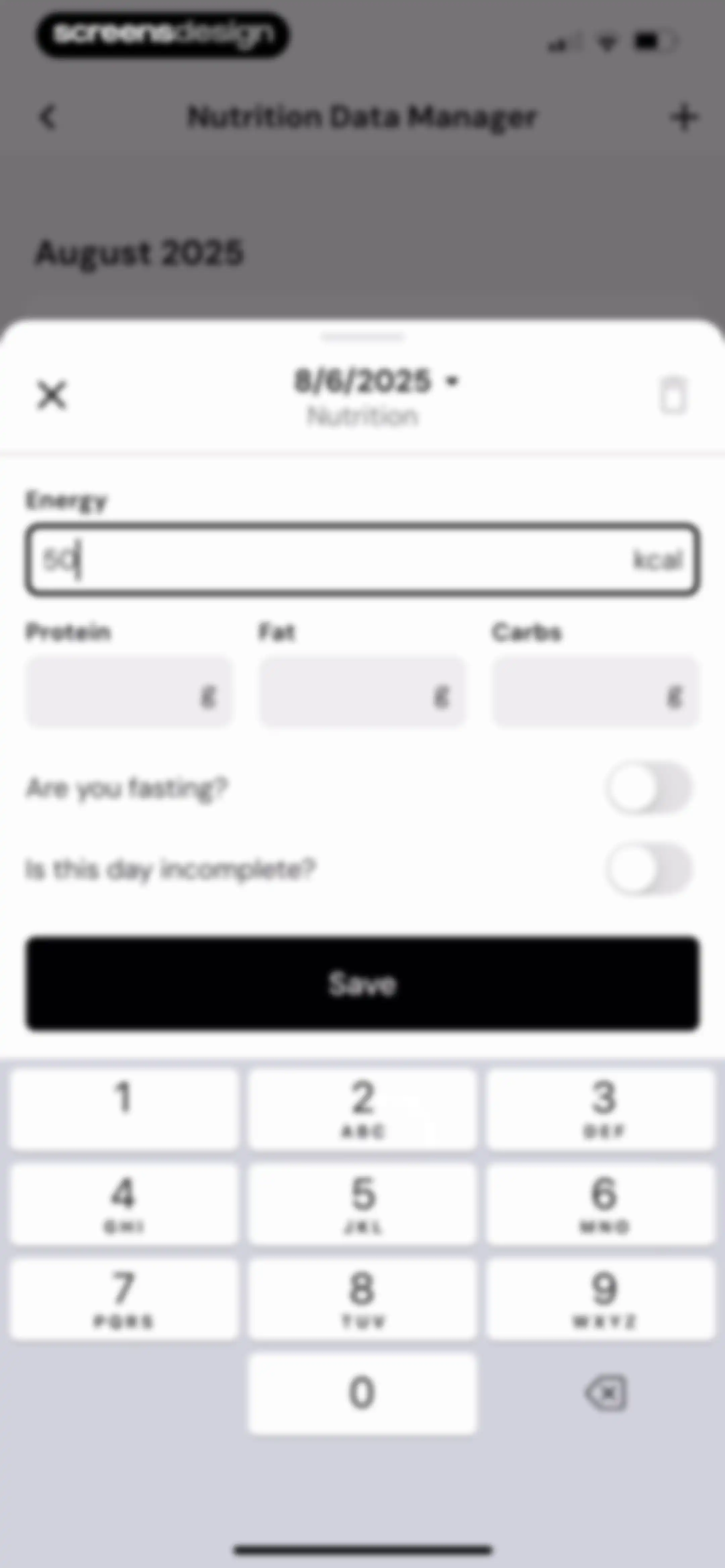
Nutrition entry form modal with input fields for energy and macros, toggles for fasting and incomplete status, a numeric keypad, and a save button.Unlock Pro
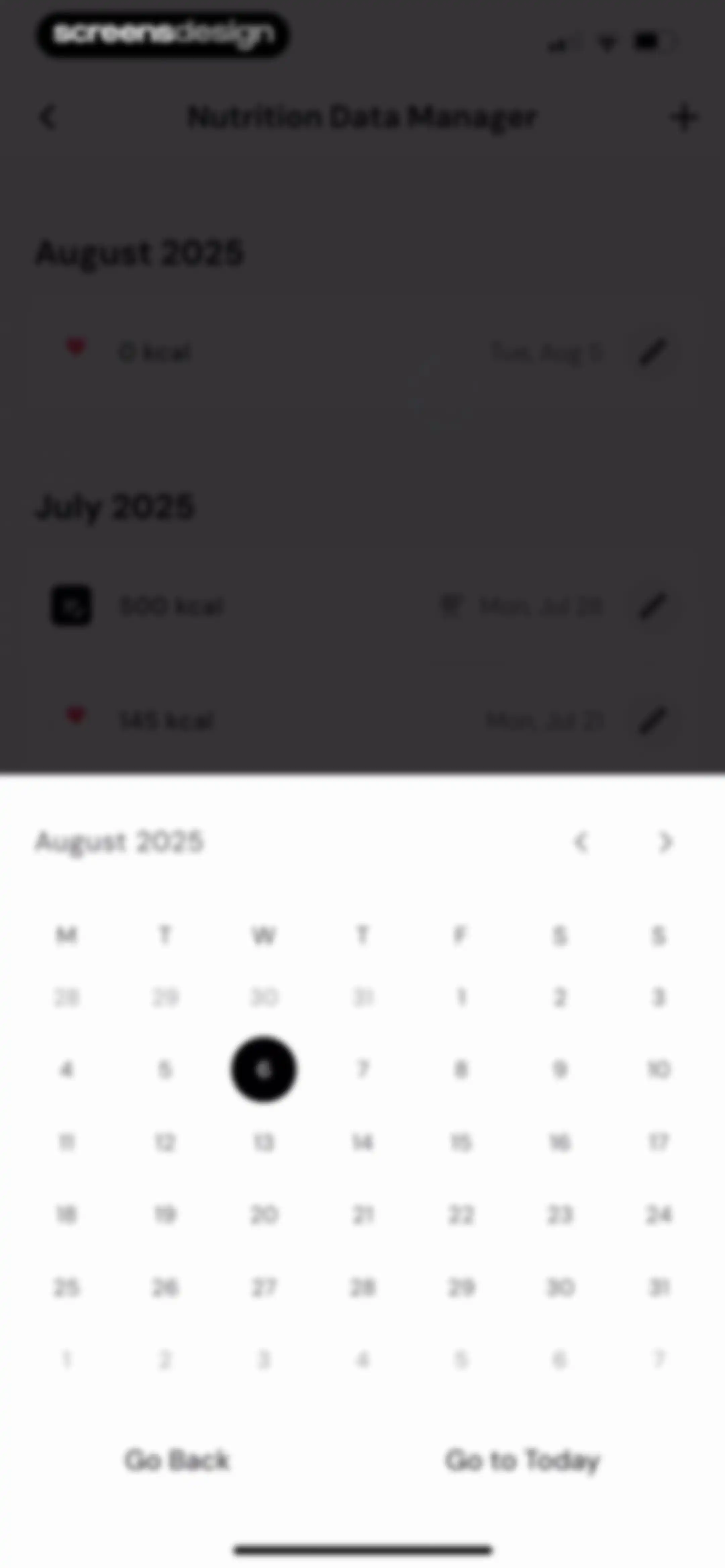
Nutrition history list with an August 2025 calendar modal overlay, displaying Go Back and Go to Today buttons at the bottom.Unlock Pro
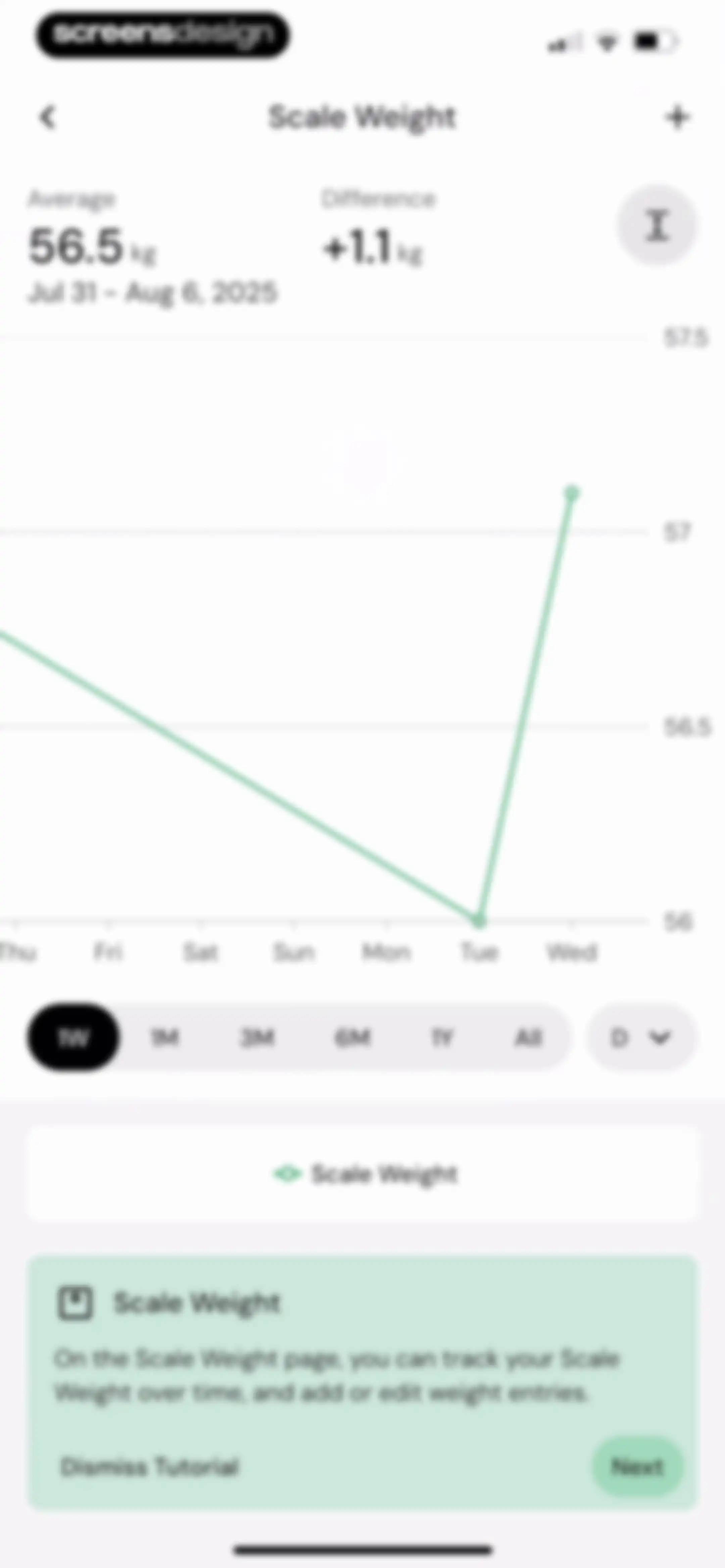
Weight tracking dashboard featuring a line chart and summary statistics, overlaid with a tutorial card containing Next and Dismiss Tutorial buttons.Unlock Pro
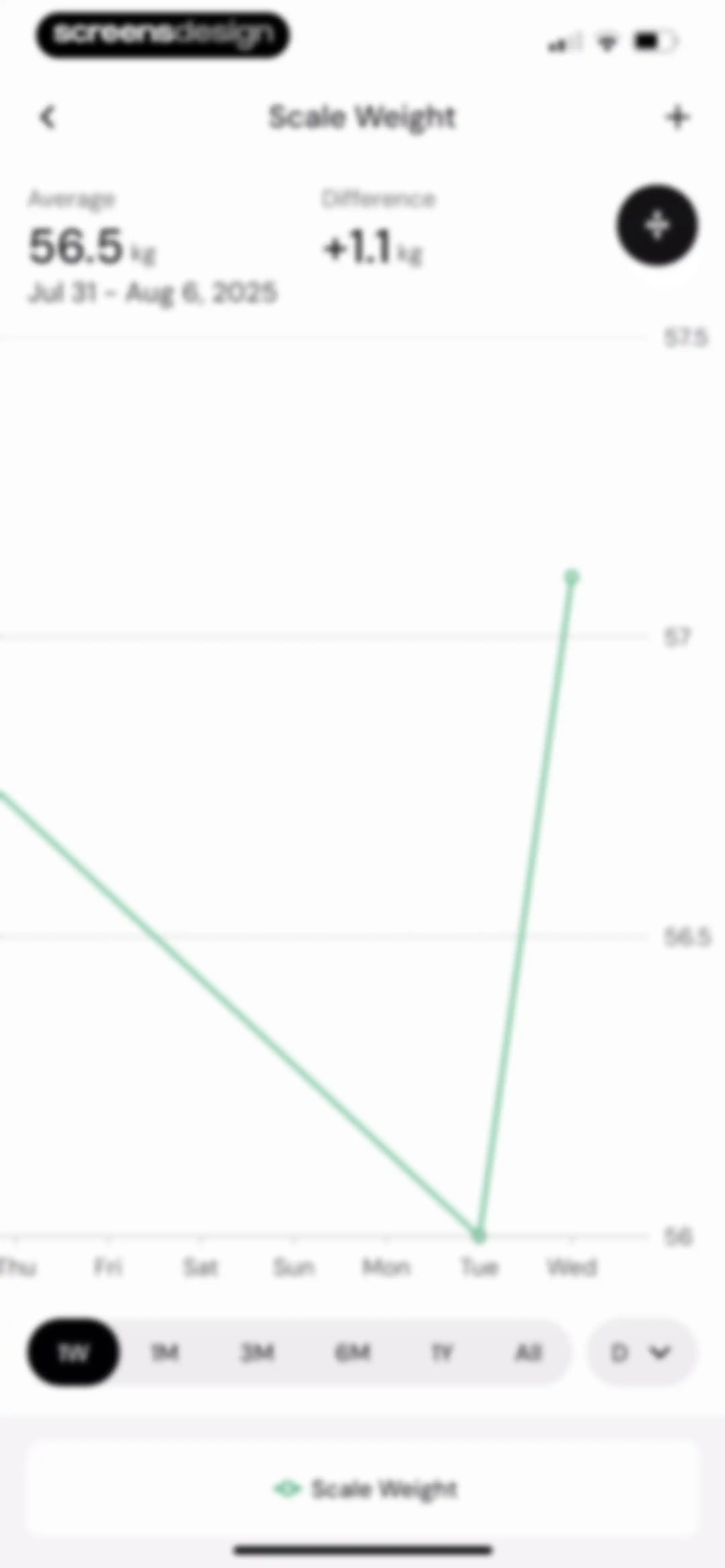
Weight tracking dashboard featuring a summary of average and difference stats, a central line chart, and a time-range selector.Unlock Pro
Scale Weight tracking dashboard with a line chart, summary statistics, and an onboarding tutorial modal featuring a Next button.Unlock Pro
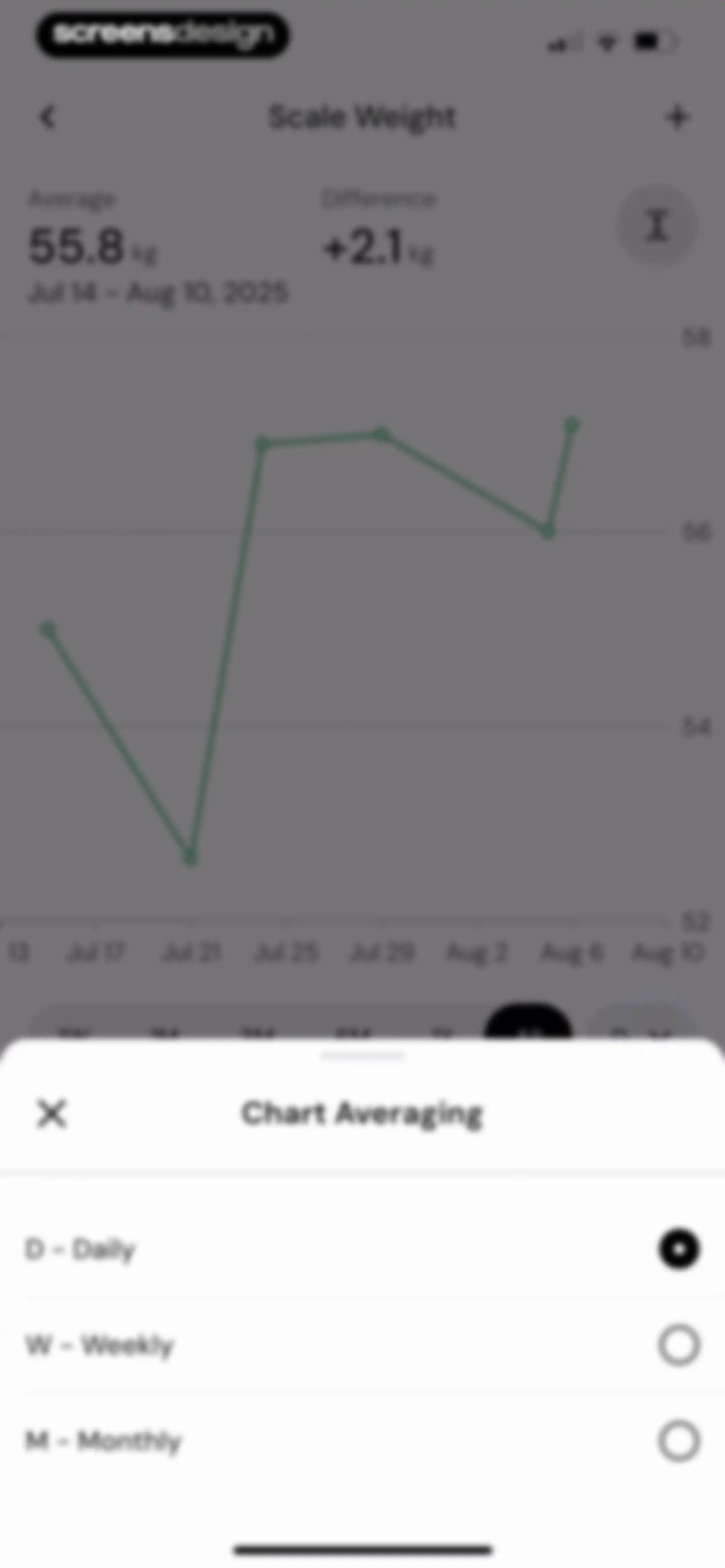
Dashboard weight tracking chart with an open averaging modal displaying daily, weekly, and monthly options.Unlock Pro
Scale Weight dashboard displaying summary statistics, a line chart with the 3M time range selected, and a bottom tutorial card with a Next button.Unlock Pro
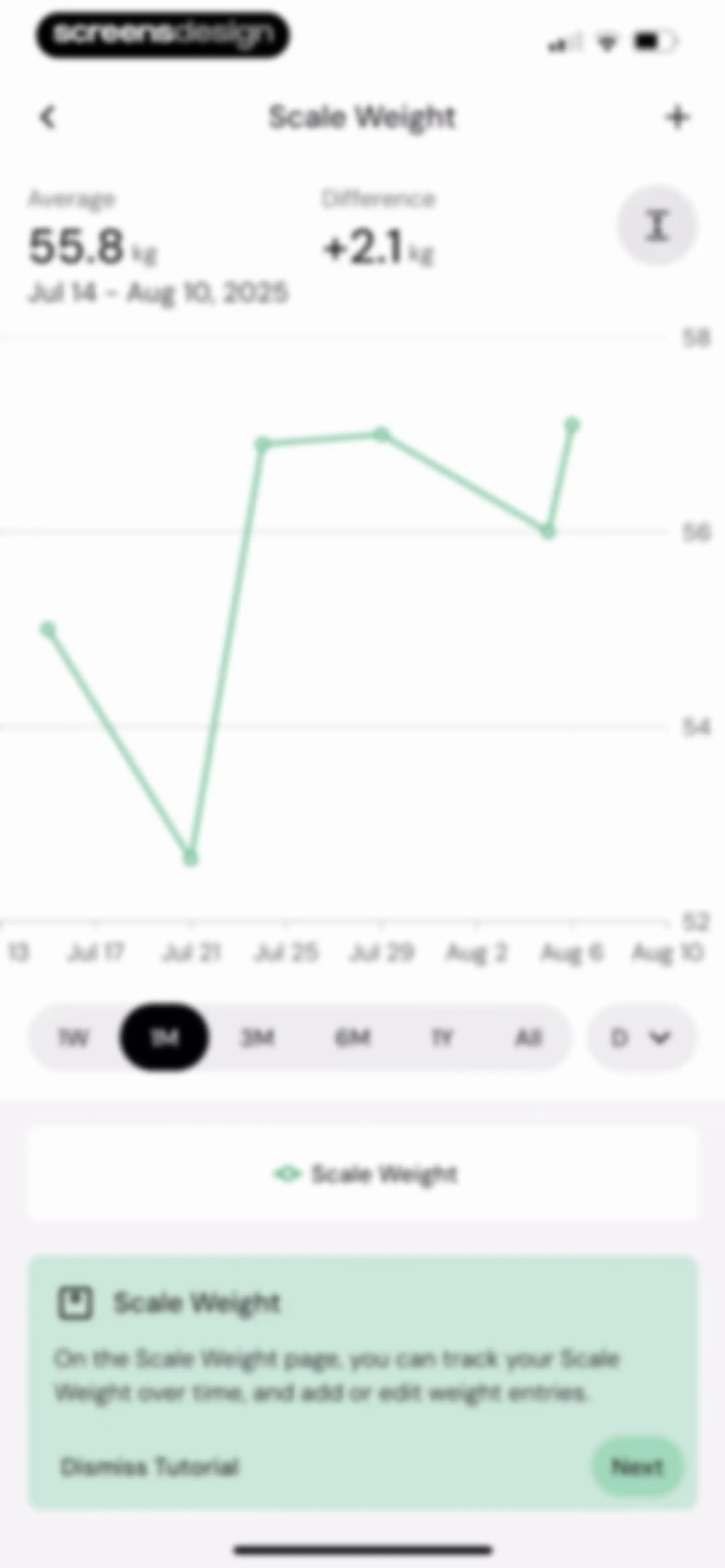
Scale weight tracking dashboard with a line chart showing weight trends over time, a time-range selector, and an educational tutorial card at the bottom.Unlock Pro
Scale Weight dashboard featuring a line chart with average and difference statistics, a 3M time range selected, and a tutorial card at the bottom.Unlock Pro
Dashboard displaying a weight tracking line chart, summary statistics, time range options, and a tutorial card for smart scale integration.Unlock Pro
Weight tracking dashboard displaying a line chart, summary statistics, and time-range selector with an average weight of 56.0 kg.Unlock Pro
Scale Weight dashboard displaying a chronological list of weight entries grouped by month, with the 3-month time filter selected and an add button.Unlock Pro
Weight log entry form modal with a health integration warning, weight and body fat input fields, and a numeric keypad.Unlock Pro
Weight tracking entry form with a Health integration warning, input fields for weight and body fat, and a Save button.Unlock Pro
Scale weight data entry form with input fields for weight and body fat, a save button, and a numeric keypad over a background chart.Unlock Pro
Weight trend dashboard displaying an average weight of 55.7 kg and a line chart with an educational bottom card about scale weight.Unlock Pro
Analytics screen showing a weight trend chart with summary stats and an educational tutorial card at the bottom with a Next button.Unlock Pro
Analytics screen displaying weight trend statistics and a line chart with a bottom modal to select daily, weekly, or monthly chart averaging.Unlock Pro
Analytics screen displaying a weight trend line chart with summary statistics, a time range selector, and an educational tutorial card at the bottom.Unlock Pro
Analytics screen showing a weight trend line chart with summary statistics and an educational card explaining weight fluctuations at the bottom.Unlock Pro
Weight trend dashboard displaying a line chart, summary metrics, time-range selector, and an educational bottom card with tutorial buttons.Unlock Pro
Weight trend analytics screen showing a line chart, summary statistics, and time range options for July to August 2025.Unlock Pro
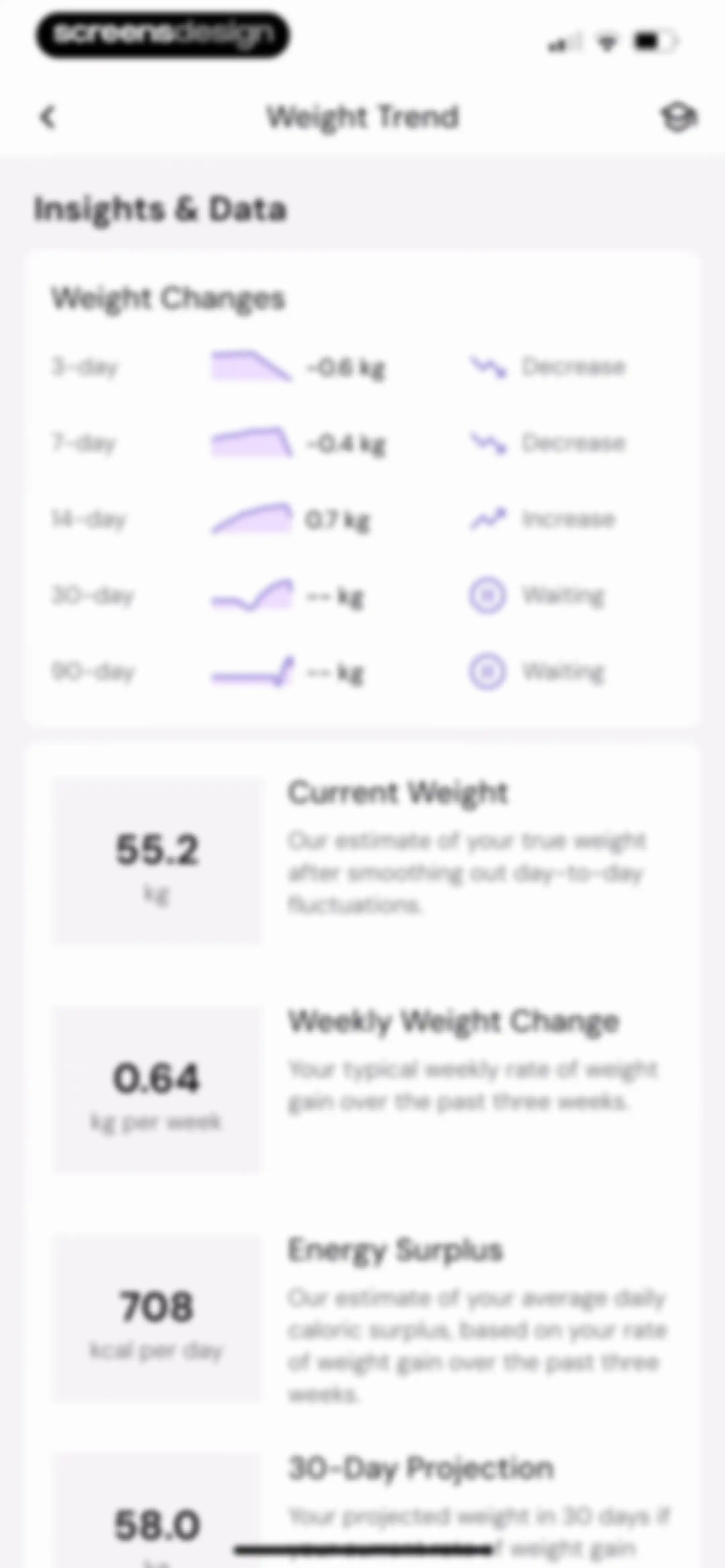
Weight trend dashboard displaying a summary card for weight changes across multiple timeframes and four metric cards detailing current weight, weekly change, energy surplus, and a 30-day projection.Unlock Pro
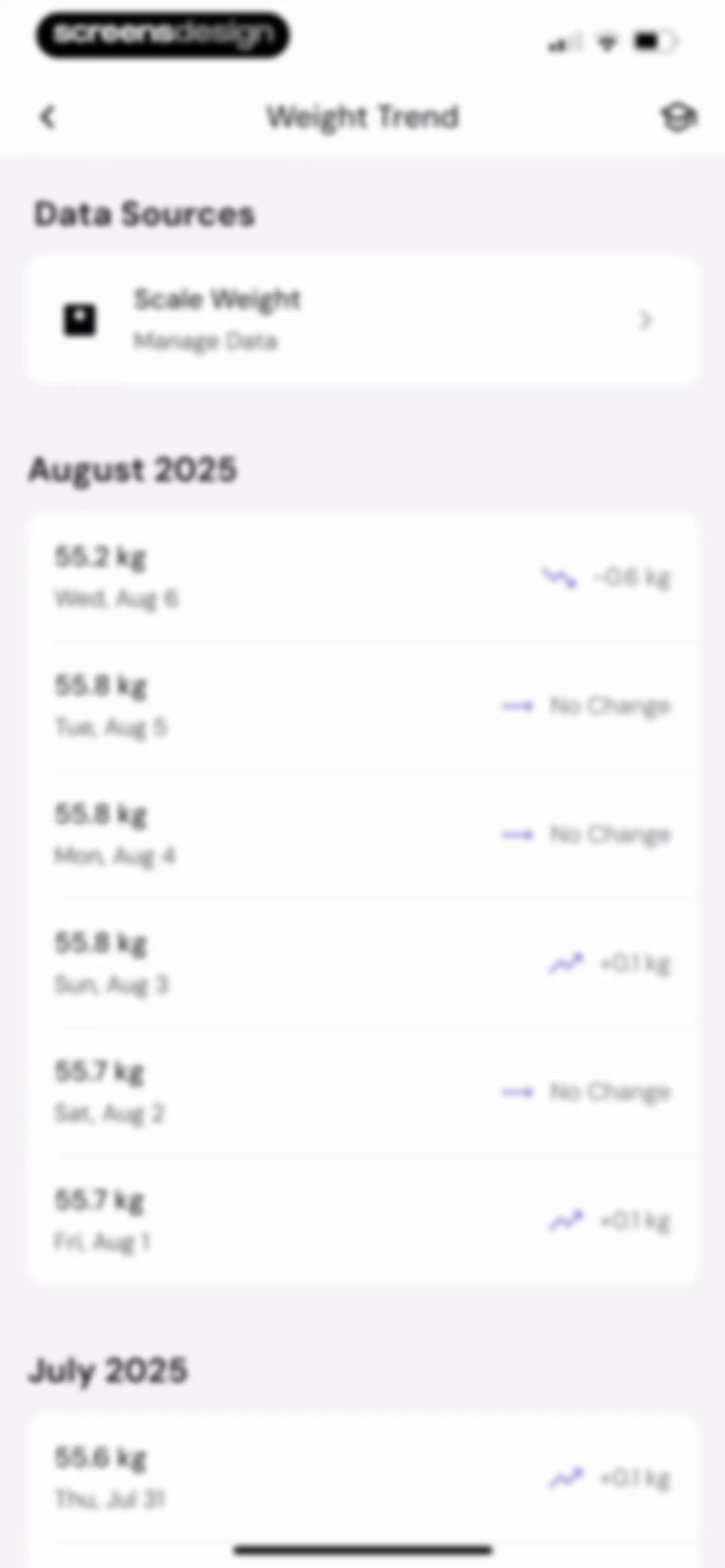
Weight trend dashboard displaying a data sources card and a chronological list of daily weight entries grouped by month.Unlock Pro
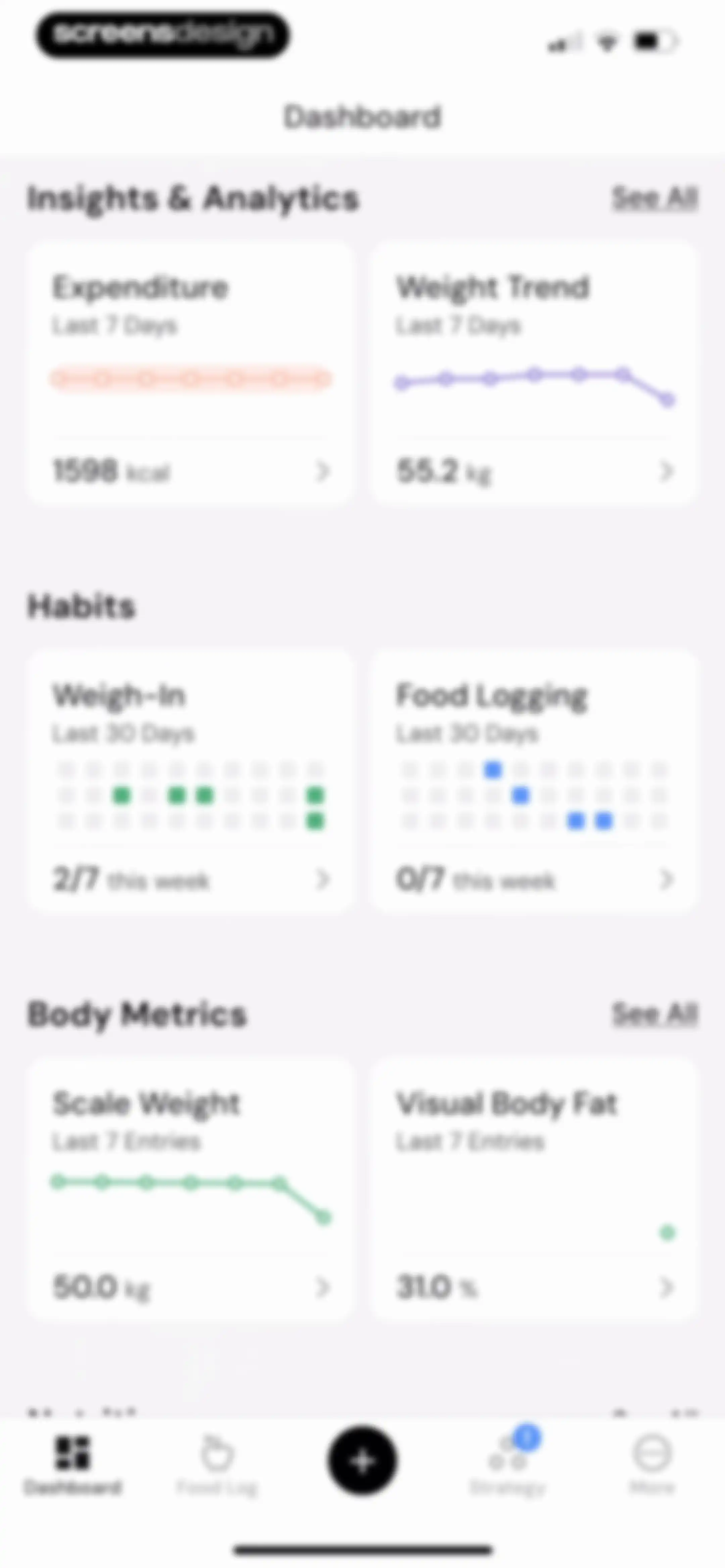
Health app dashboard featuring cards for insights, habits, and body metrics with a bottom navigation bar.Unlock Pro
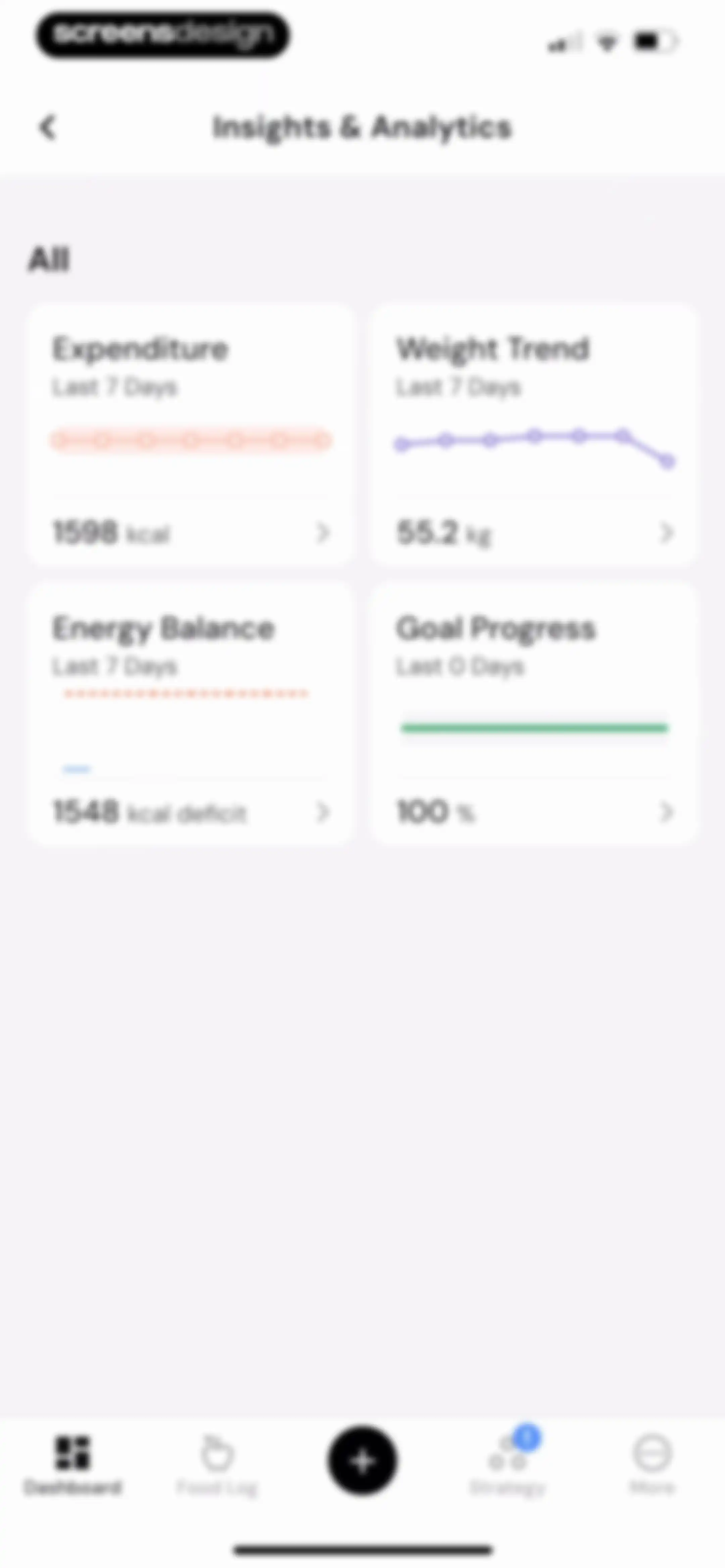
Analytics dashboard featuring a two-by-two grid of health metrics including expenditure, weight trend, energy balance, and goal progress.Unlock Pro
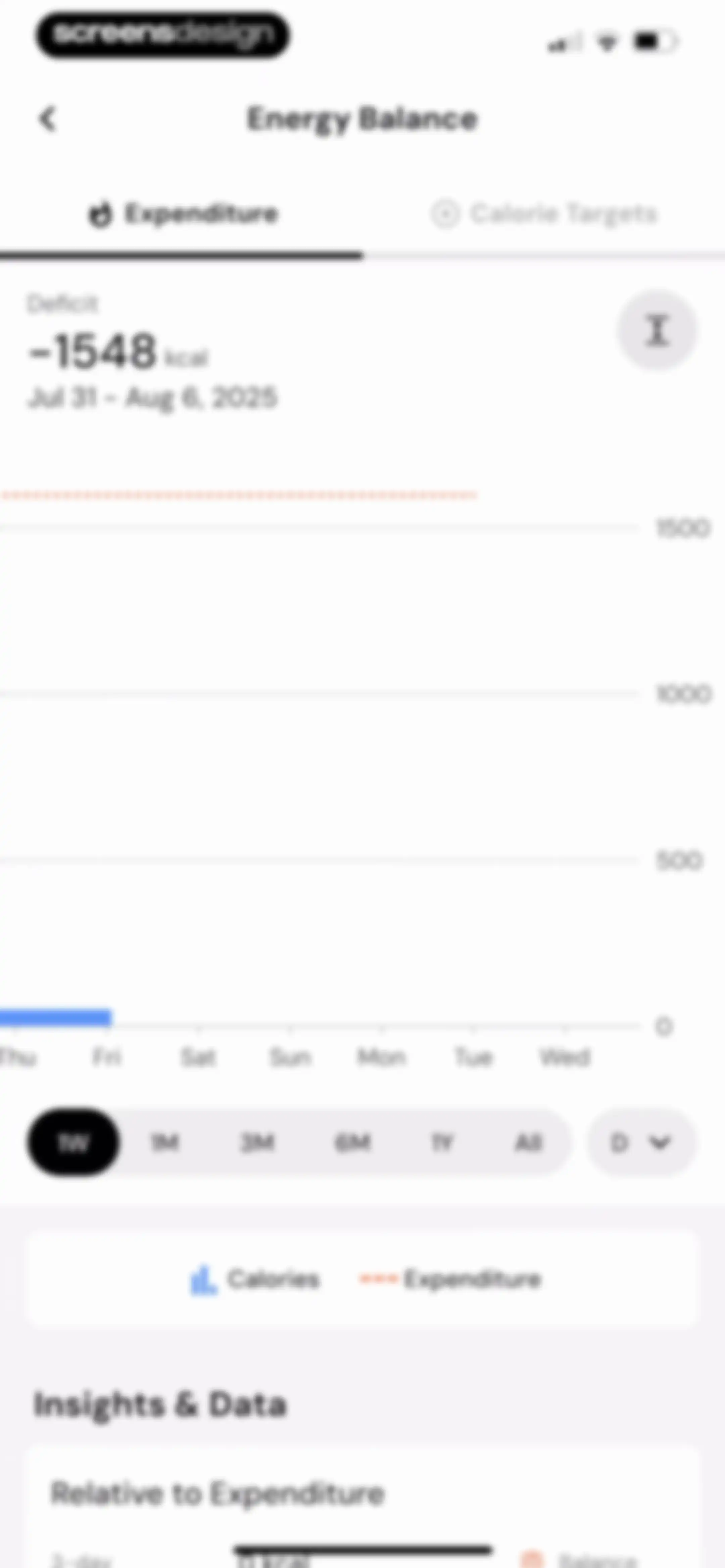
Energy Balance dashboard displaying a line chart of metabolic expenditure with a selected one-week time range and an insights section.Unlock Pro
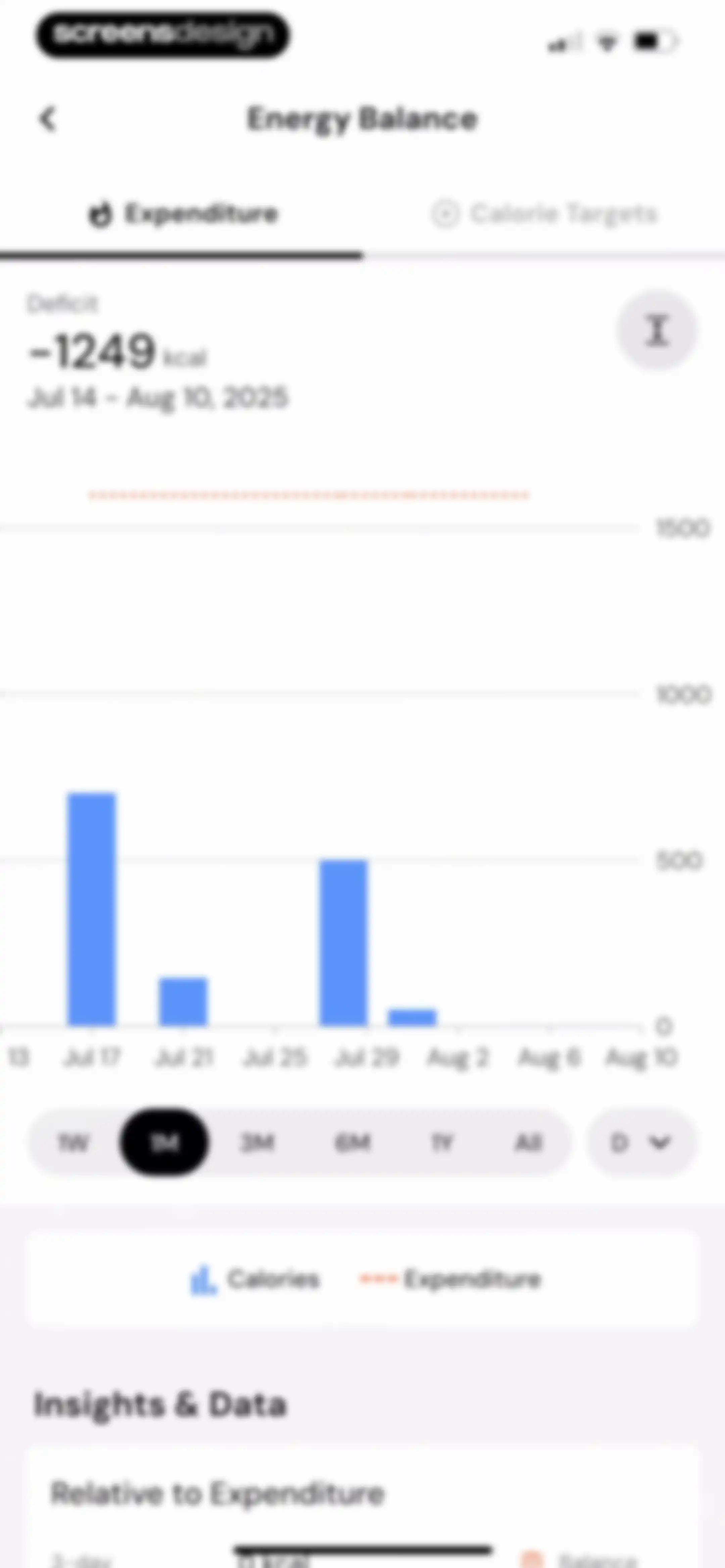
Energy balance dashboard displaying a calorie expenditure bar chart with a one-month time range selected and an insights section below.Unlock Pro
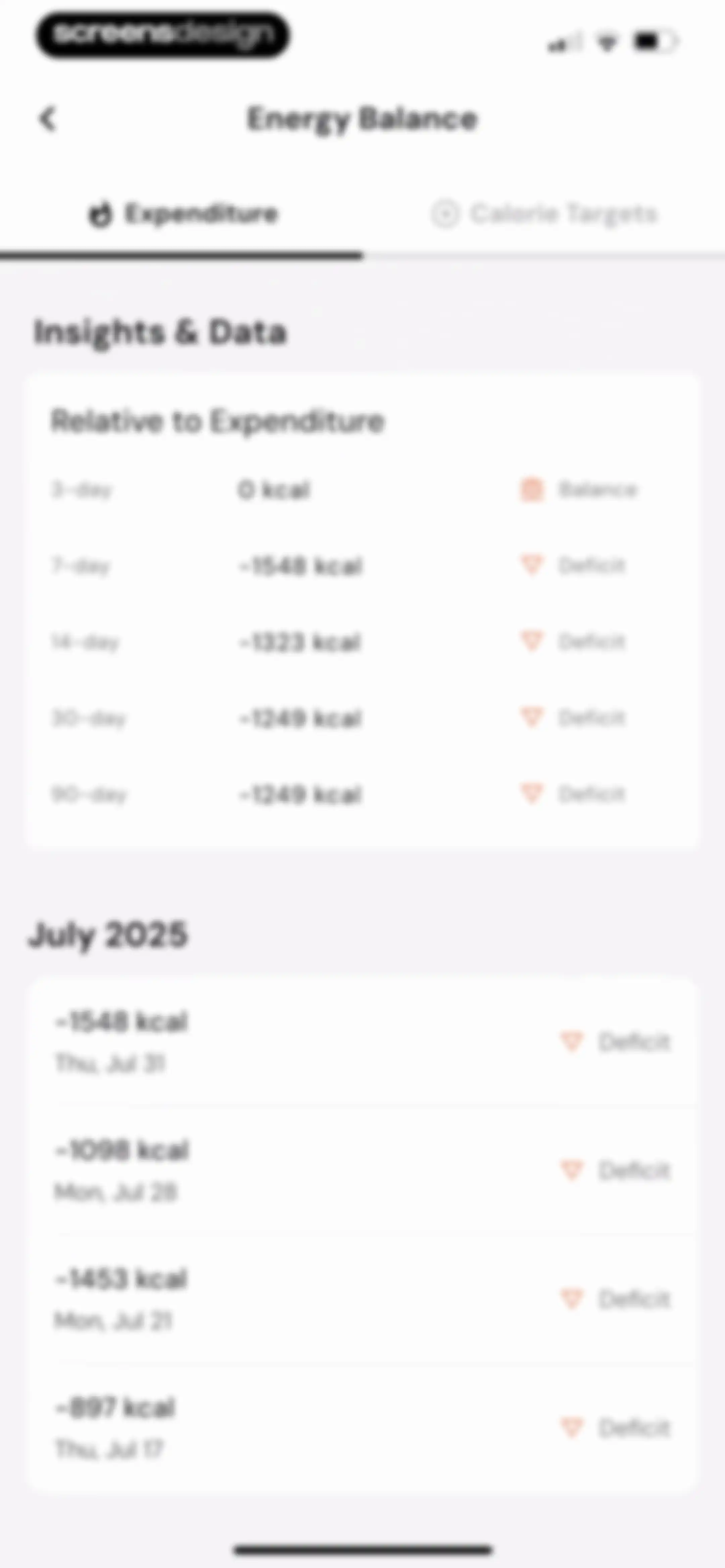
Analytics screen displaying energy balance insights and a chronological list of daily caloric deficit data with tabbed navigation.Unlock Pro
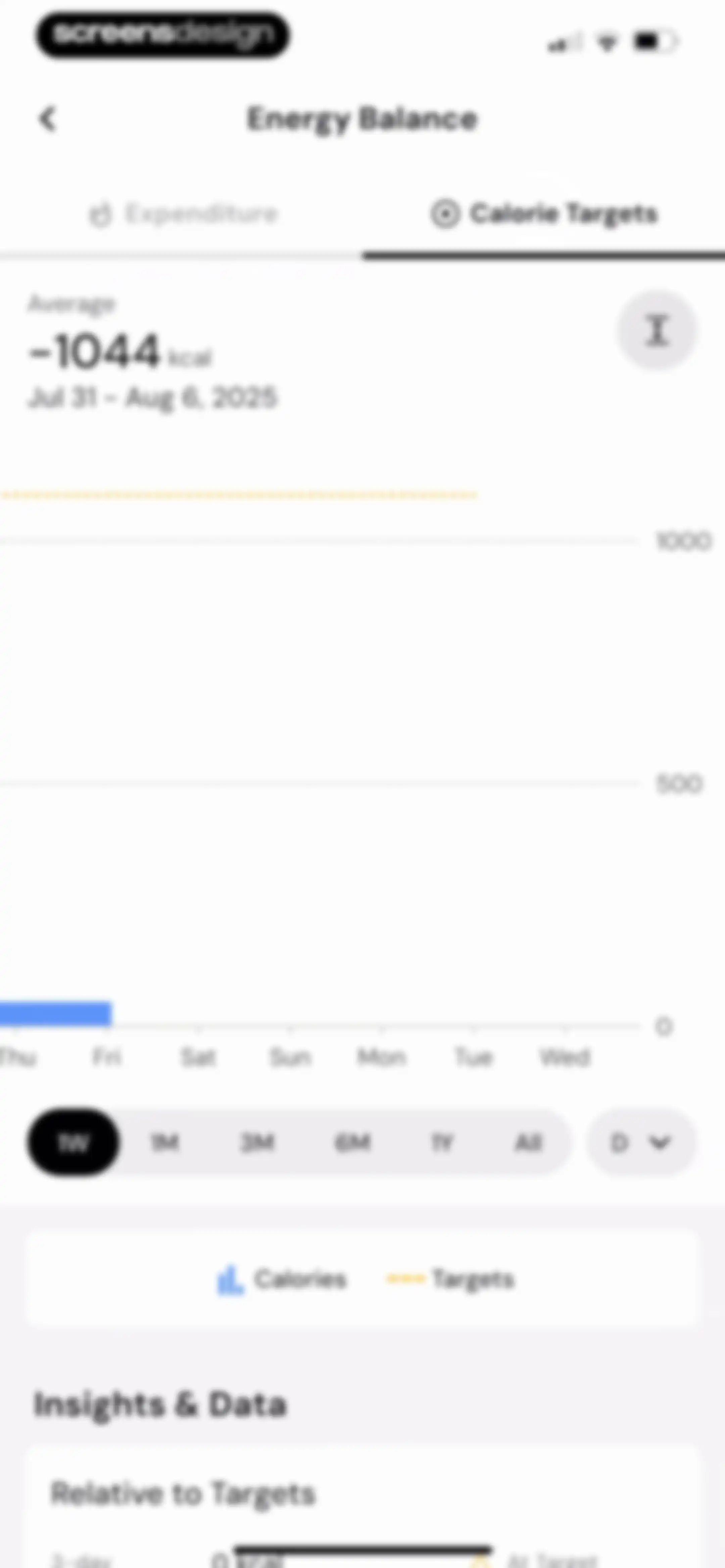
Analytics screen showing an energy balance chart with calorie targets and a one-week time range selected.Unlock Pro
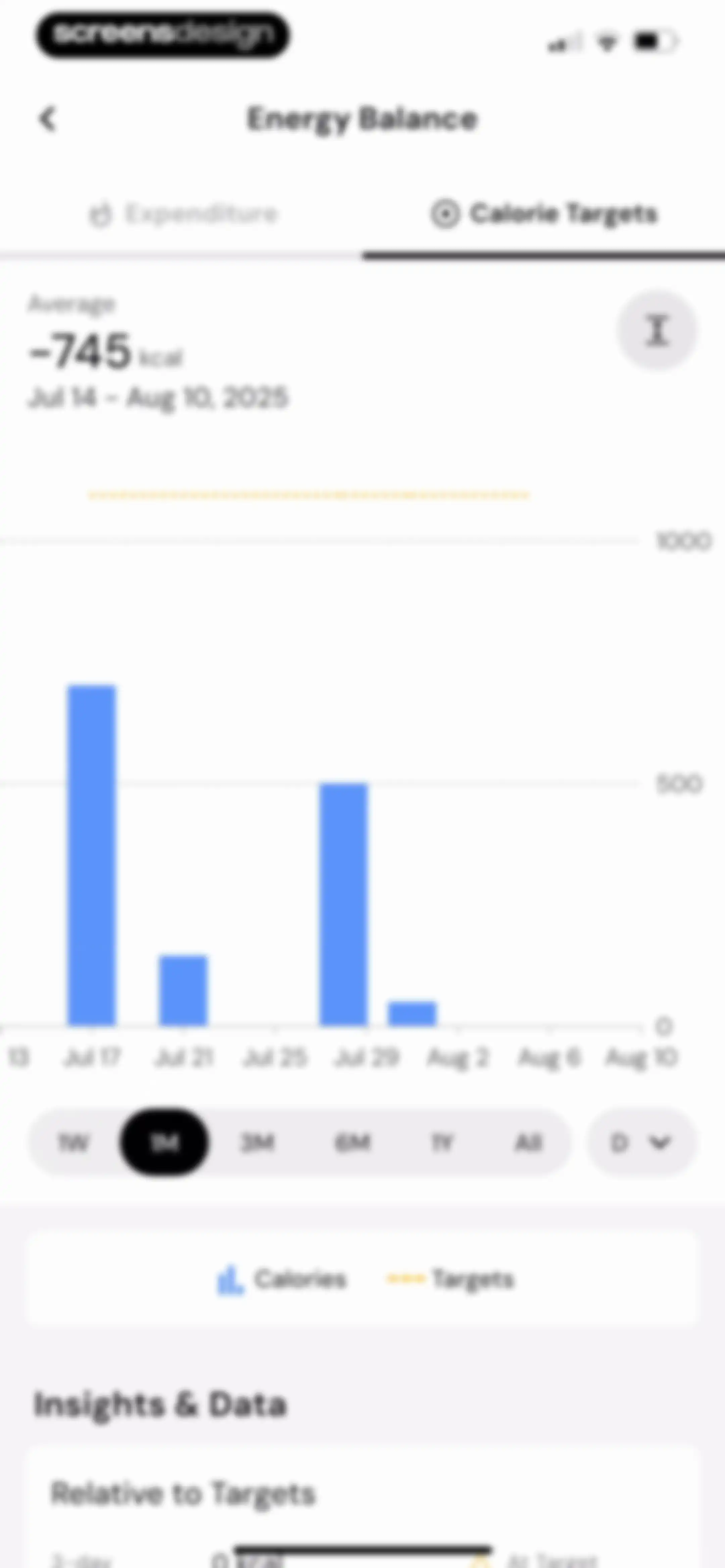
Energy balance analytics screen displaying a calorie targets bar chart, time range filters, and a relative to targets insights section.Unlock Pro
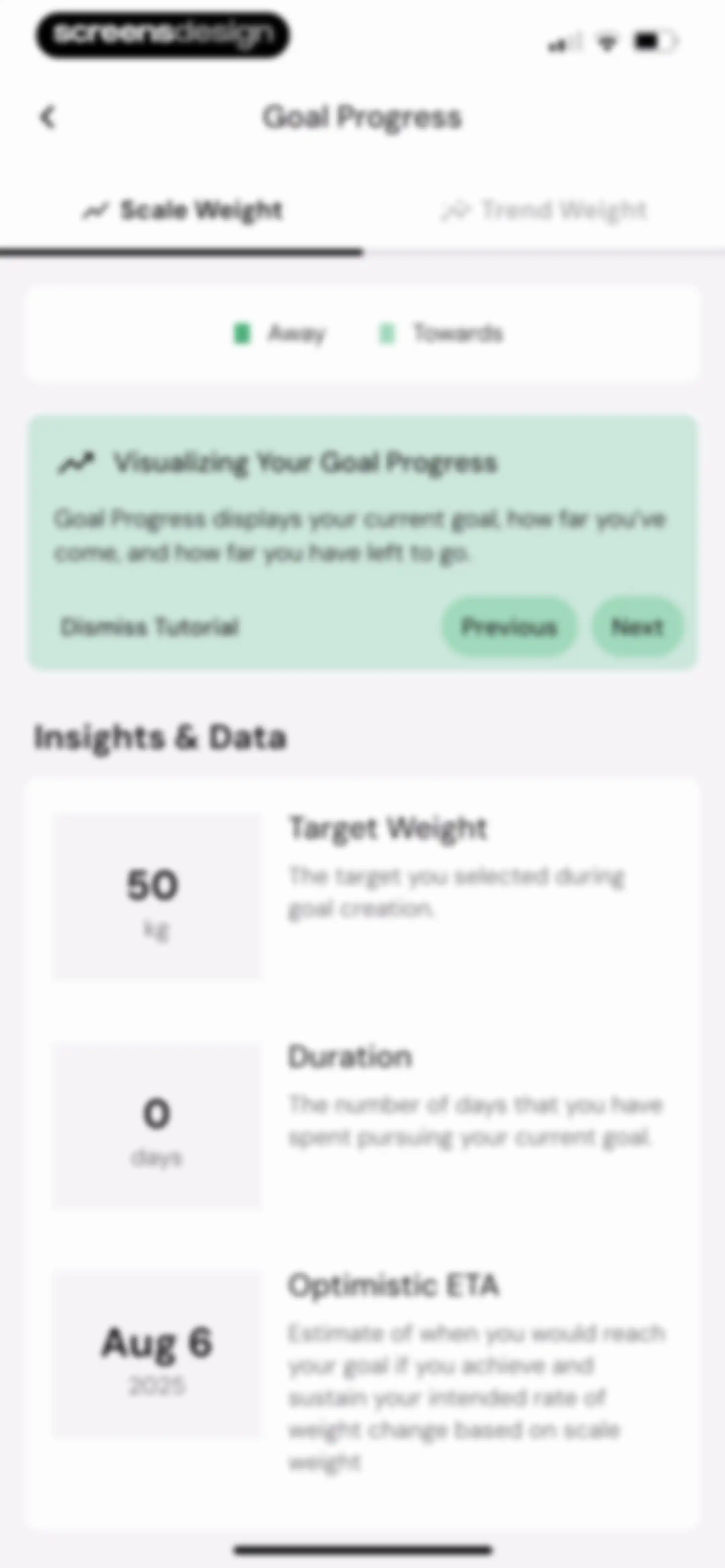
Goal progress dashboard with a weight chart and a tutorial card explaining goal support, featuring a Next button.Unlock Pro
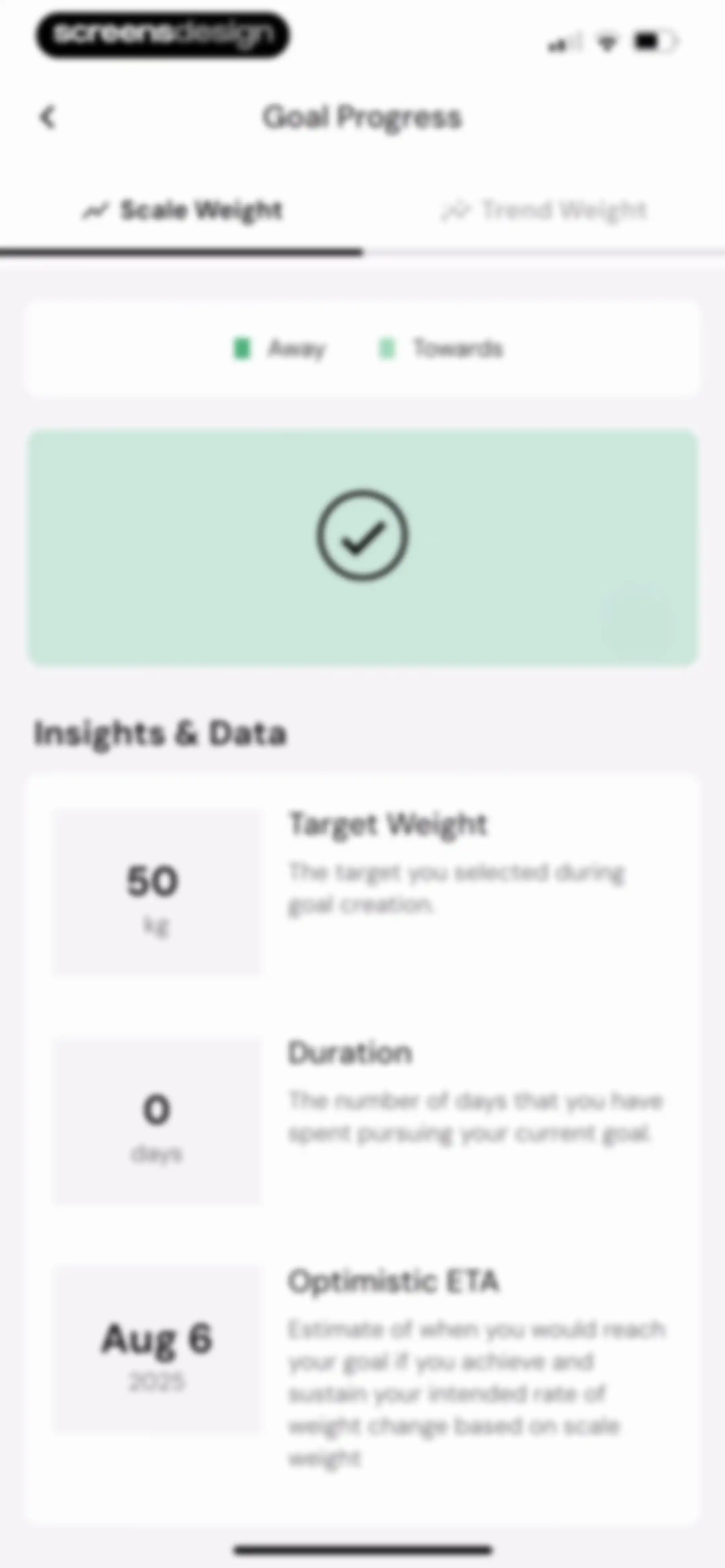
Goal Progress analytics screen displaying a Scale Weight chart with a zero distance summary, date range, and a status legend.Unlock Pro
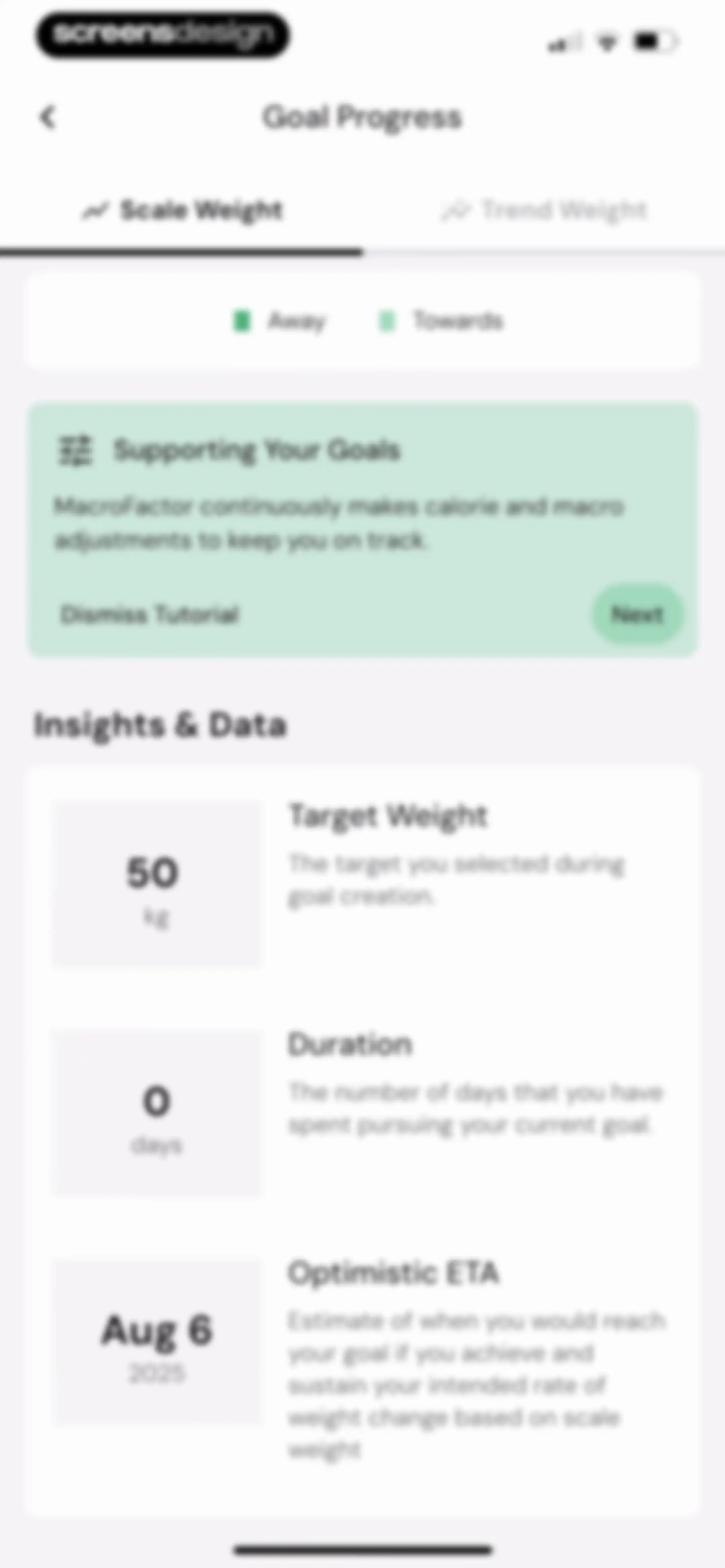
Goal progress dashboard displaying scale weight data, a tutorial card for supporting goals, and data insight cards including target weight, duration, and optimistic ETA.Unlock Pro
Goal progress dashboard showing a tutorial card above a list of data insight cards including target weight, duration, and optimistic ETA.Unlock Pro
Goal progress dashboard displaying scale weight metrics with target weight, duration, and optimistic ETA data cards.Unlock Pro
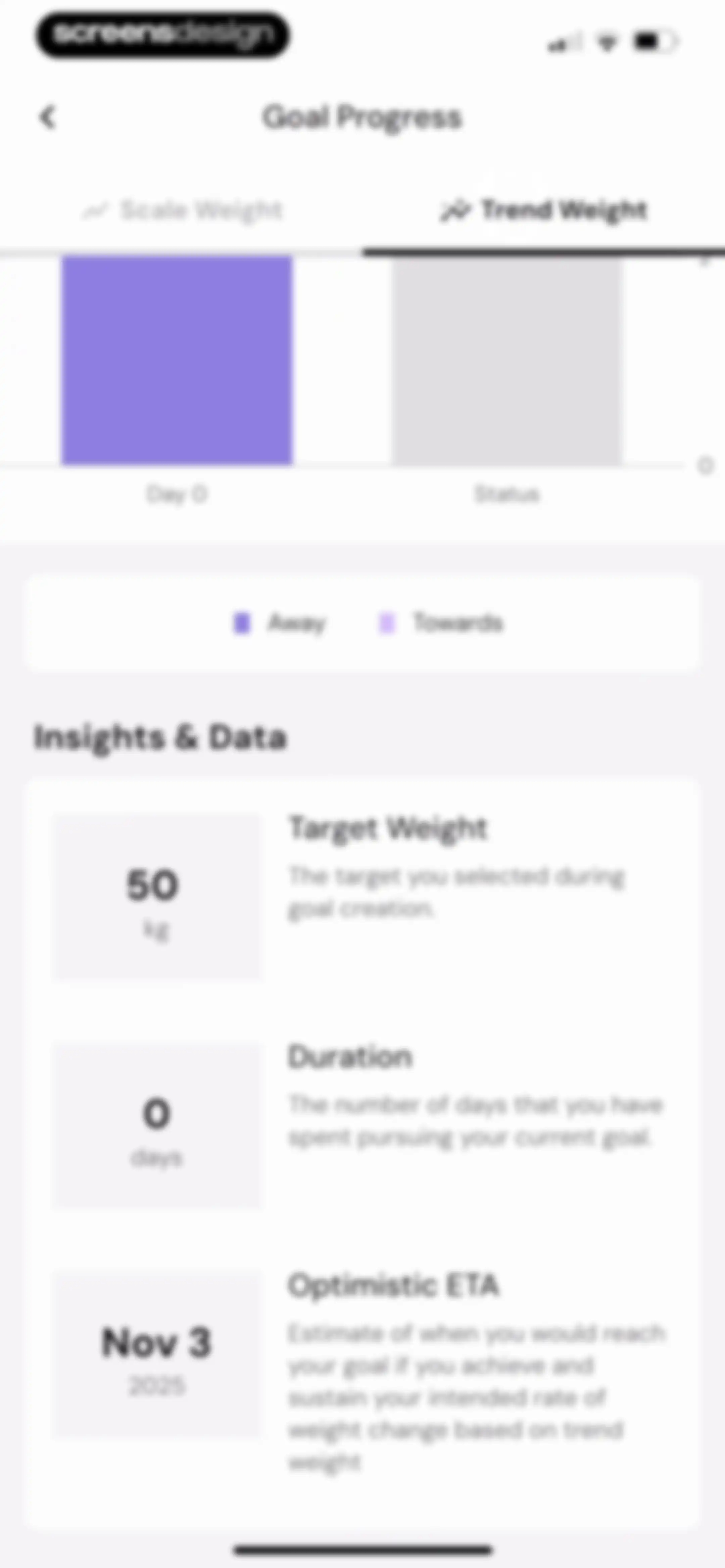
Goal progress dashboard showing trend weight data with metric cards for target weight, duration, and estimated completion date.Unlock Pro
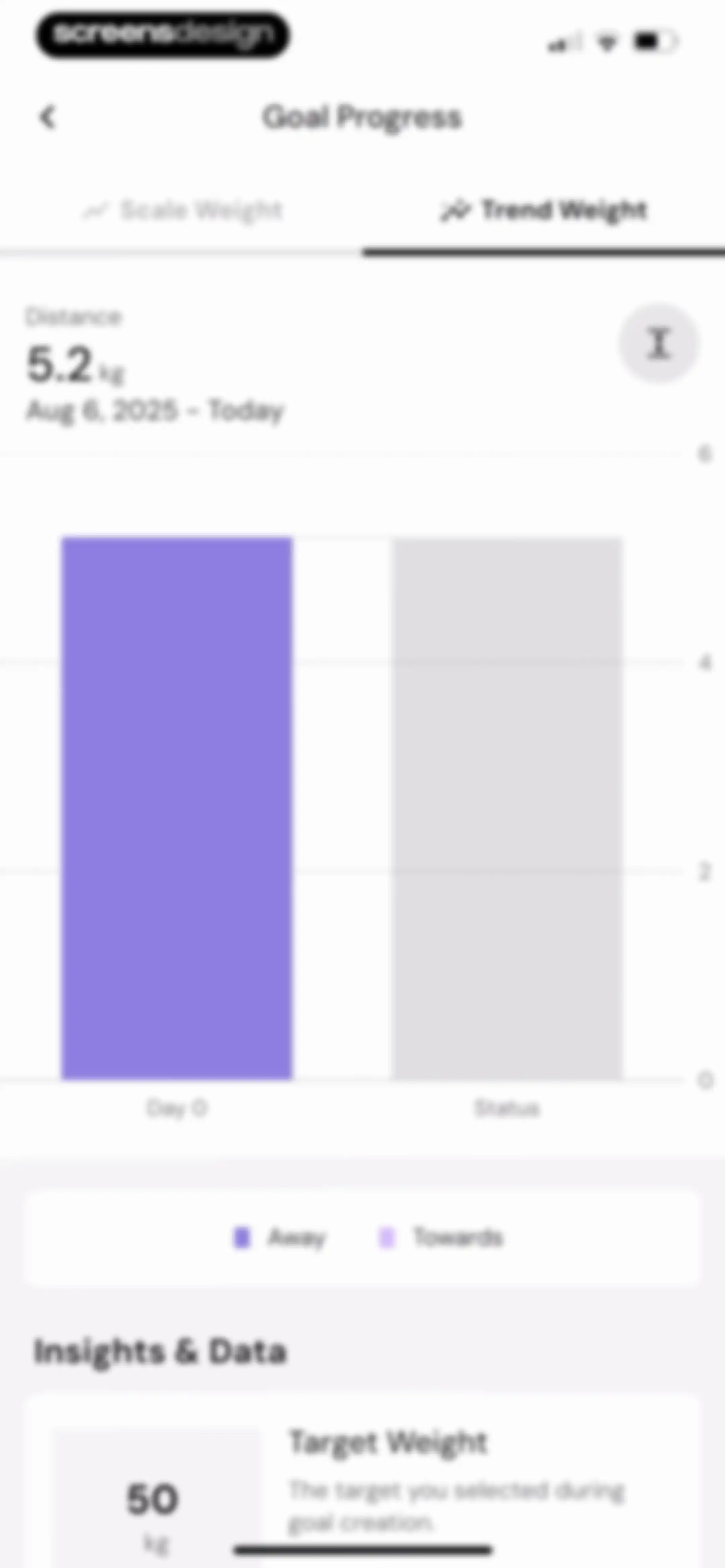
Goal progress dashboard displaying a trend weight bar chart with a 5.2 kg distance metric and target weight insights.Unlock Pro
Goal Progress analytics screen displaying a Trend Weight bar chart and a metric summary of 5.2 kg.Unlock Pro
Weigh-in calendar dashboard displaying current stats, a monthly tracking grid for August 2025, and a yearly summary view.Unlock Pro
Weigh-in logging modal with a pre-filled weight input of 50.0 kg, an empty body fat field, a numeric keypad, and a Save button.Unlock Pro
Weigh-in calendar and month selection screen for a nutrition app, showing August selected with Go Back and Go to Today buttons.Unlock Pro
Date selection interface displaying a calendar grid, a year selection grid with 2025 selected, and Go Back and Go to Today action buttons.Unlock Pro
Weigh-in calendar interface with a monthly date grid, navigation controls, status legend, and a yearly activity overview at the bottom.Unlock Pro
Food logging calendar dashboard showing summary statistics, a monthly calendar grid with a legend, and month navigation controls.Unlock Pro
Food logging calendar screen displaying an August 2025 monthly grid with a legend and a yearly overview at the bottom.Unlock Pro
Health and nutrition dashboard displaying body metrics and daily calorie and macro intake cards with a bottom navigation bar.Unlock Pro
Weight tracking dashboard displaying a line chart, summary statistics, and a chronological list of recent weight entries.Unlock Pro
Weight tracking dashboard featuring a trend chart, time range controls, a Scale Weight button, and a list of historical entries.Unlock Pro
Scale weight tracking dashboard with an average weight of 55.5 kg, a central line chart, time-range tabs with the 1W view selected, and a Scale Weight button.Unlock Pro
Weight tracking dashboard showing a trend chart, time range filters, and a chronological list of dated weight entries grouped by month.Unlock Pro
Analytics screen displaying a body fat percentage trend chart, summary stats averaging 31.0%, and a list of historical entries.Unlock Pro
Nutrition dashboard displaying daily and weekly calorie and macro metric cards set to zero, with a carb breakdown section.Unlock Pro
Nutrition dashboard displaying a grid of cards for tracking metrics like caffeine, cholesterol, and water intake.Unlock Pro
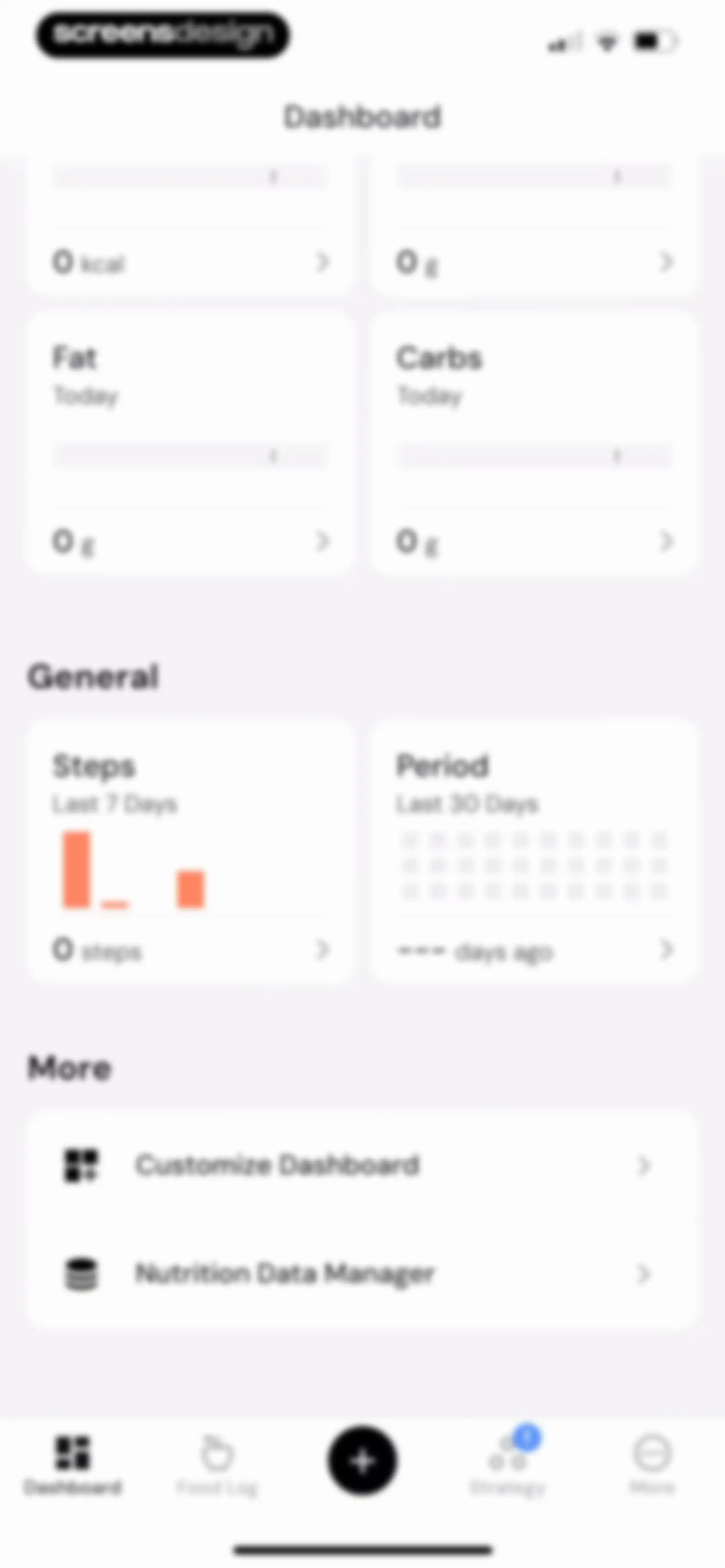
Health and nutrition dashboard displaying daily metrics for calories, macros, steps, and cycle tracking with a bottom navigation bar.Unlock Pro
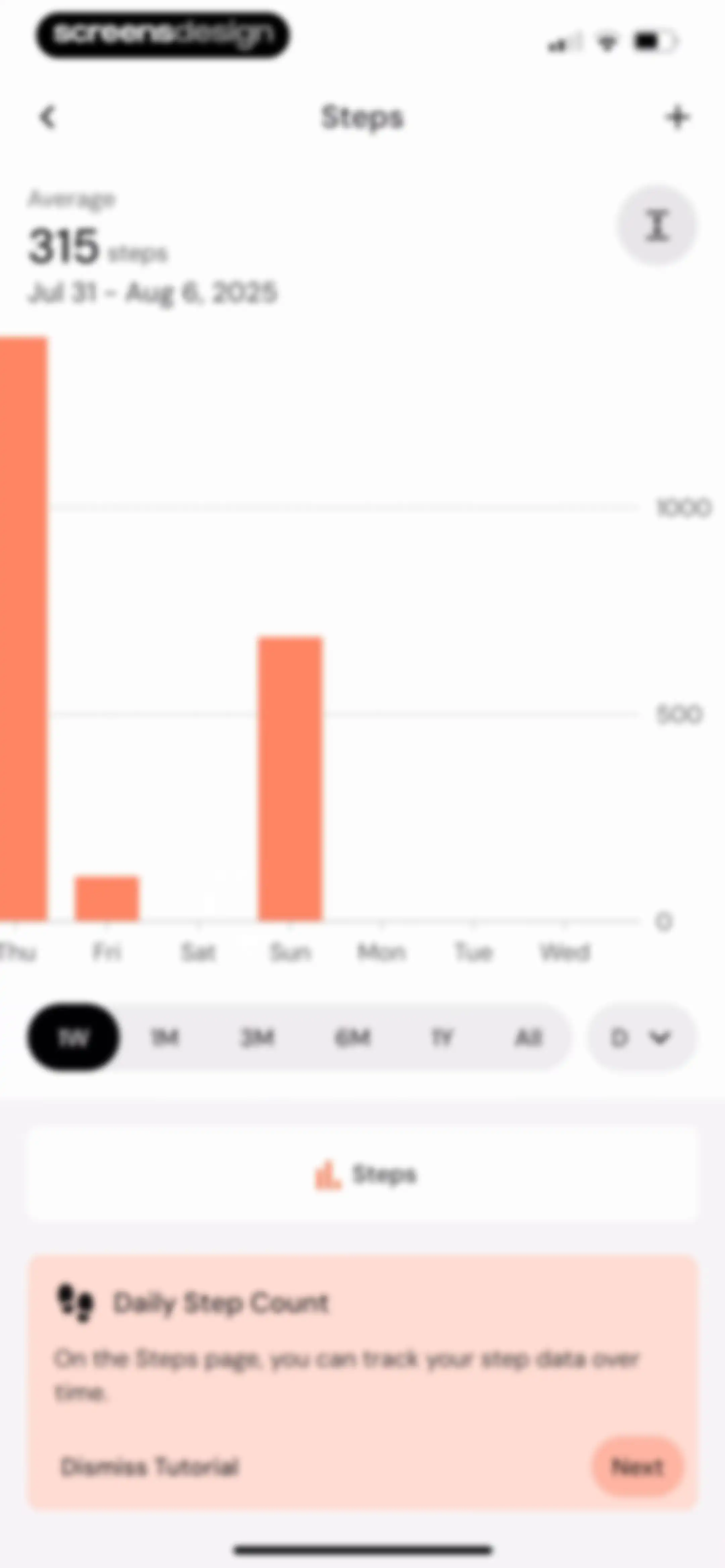
Analytics screen displaying a weekly step count bar chart and time range filters, overlaid with a tutorial card and Next button.Unlock Pro
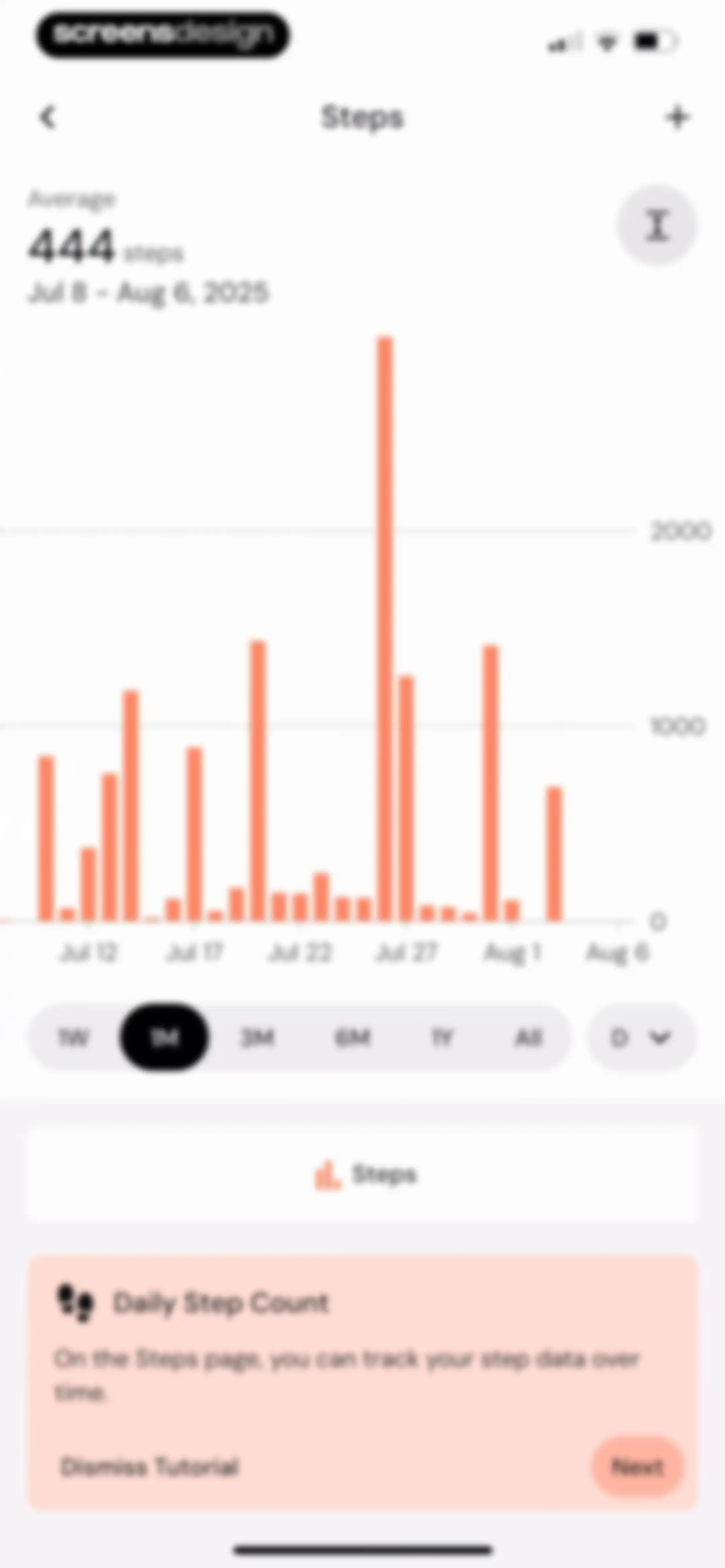
Fitness app dashboard displaying a step count bar chart with a monthly time range selected and an onboarding tutorial card at the bottom.Unlock Pro
Analytics screen showing a daily step count bar chart with a summary average and a bottom tutorial card featuring a Next button.Unlock Pro
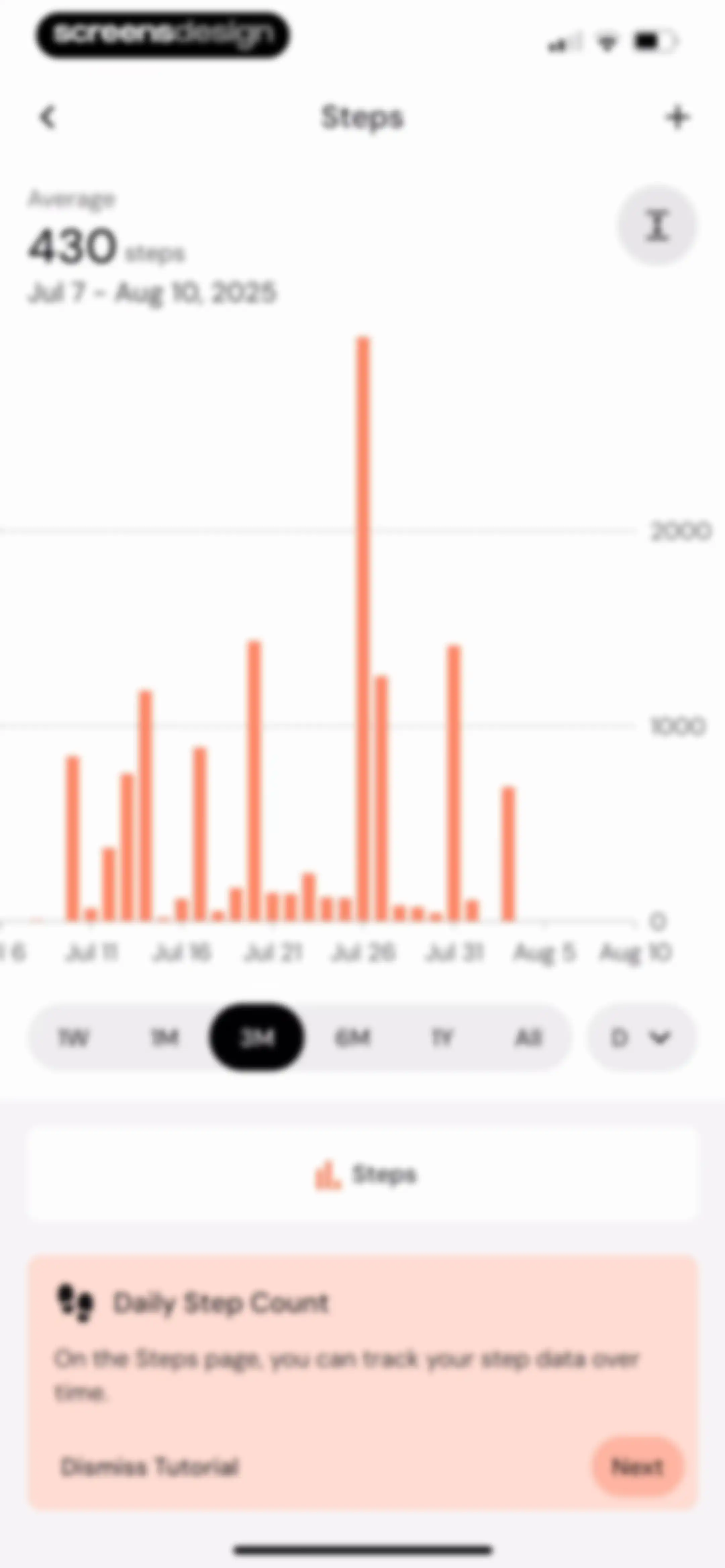
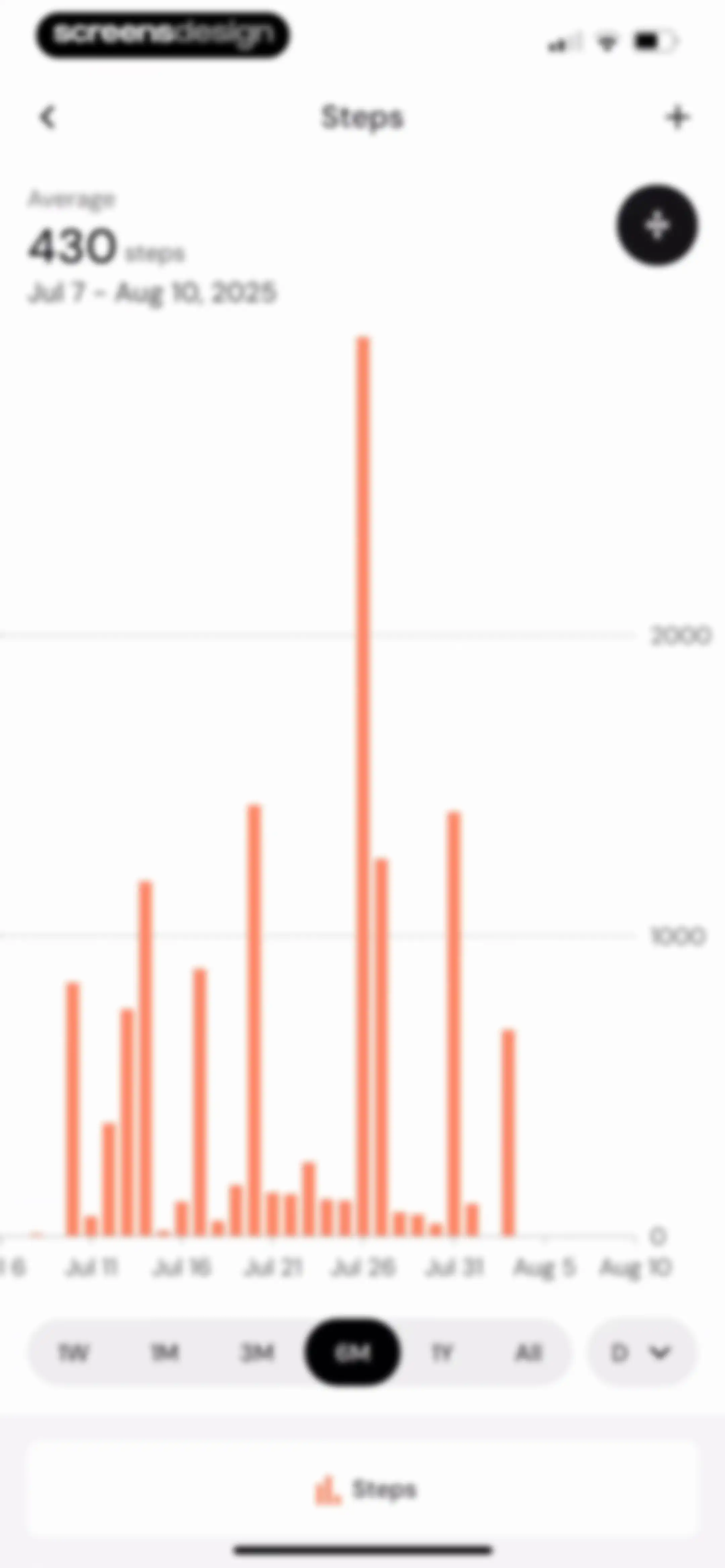
Analytics screen displaying a step count bar chart with a 6-month time range selected and an average of 430 steps.Unlock Pro
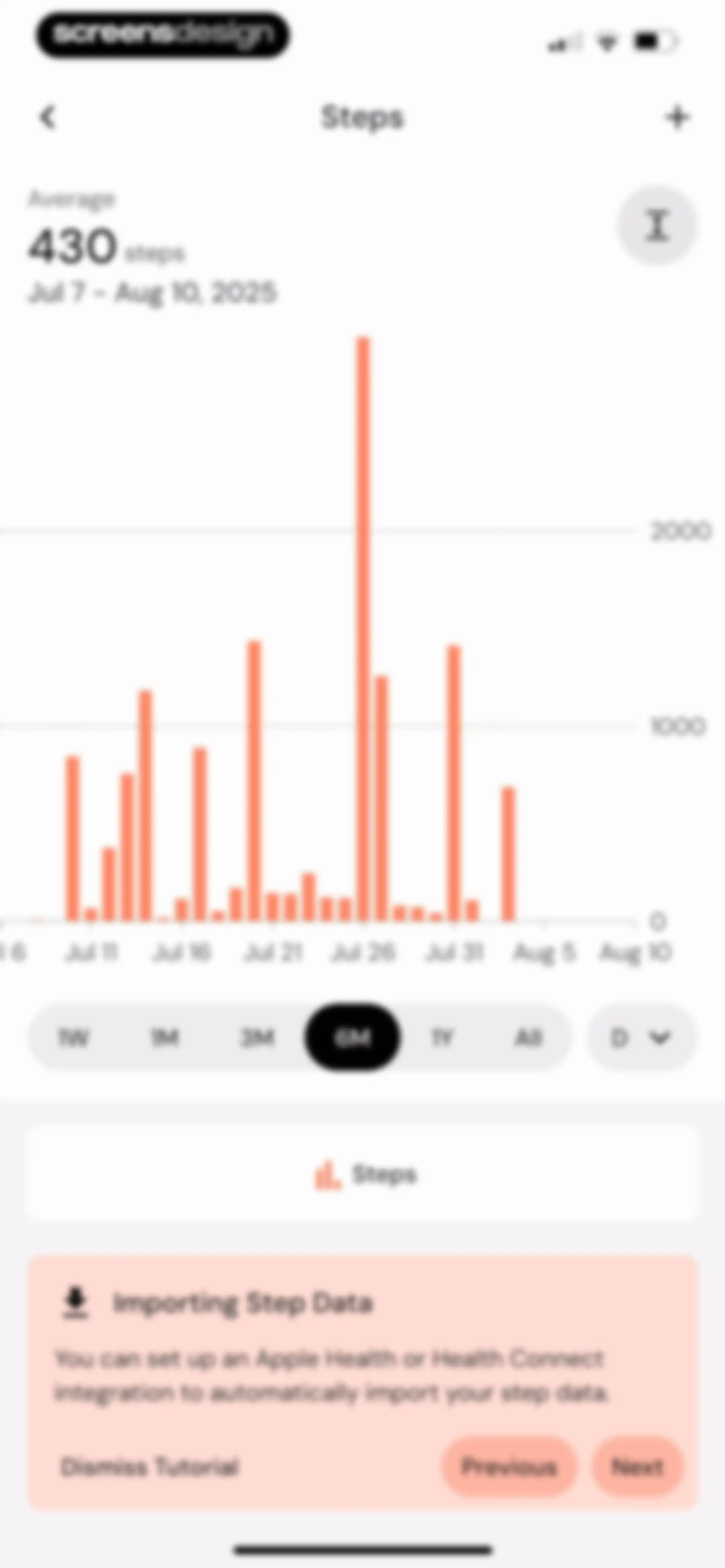
Step-tracking dashboard with a bar chart, time range filters, and a tutorial card for importing health data.Unlock Pro
Step count analytics screen showing a bar chart, a summary statistic of 430 steps, time-range filters, and bottom content cards.Unlock Pro
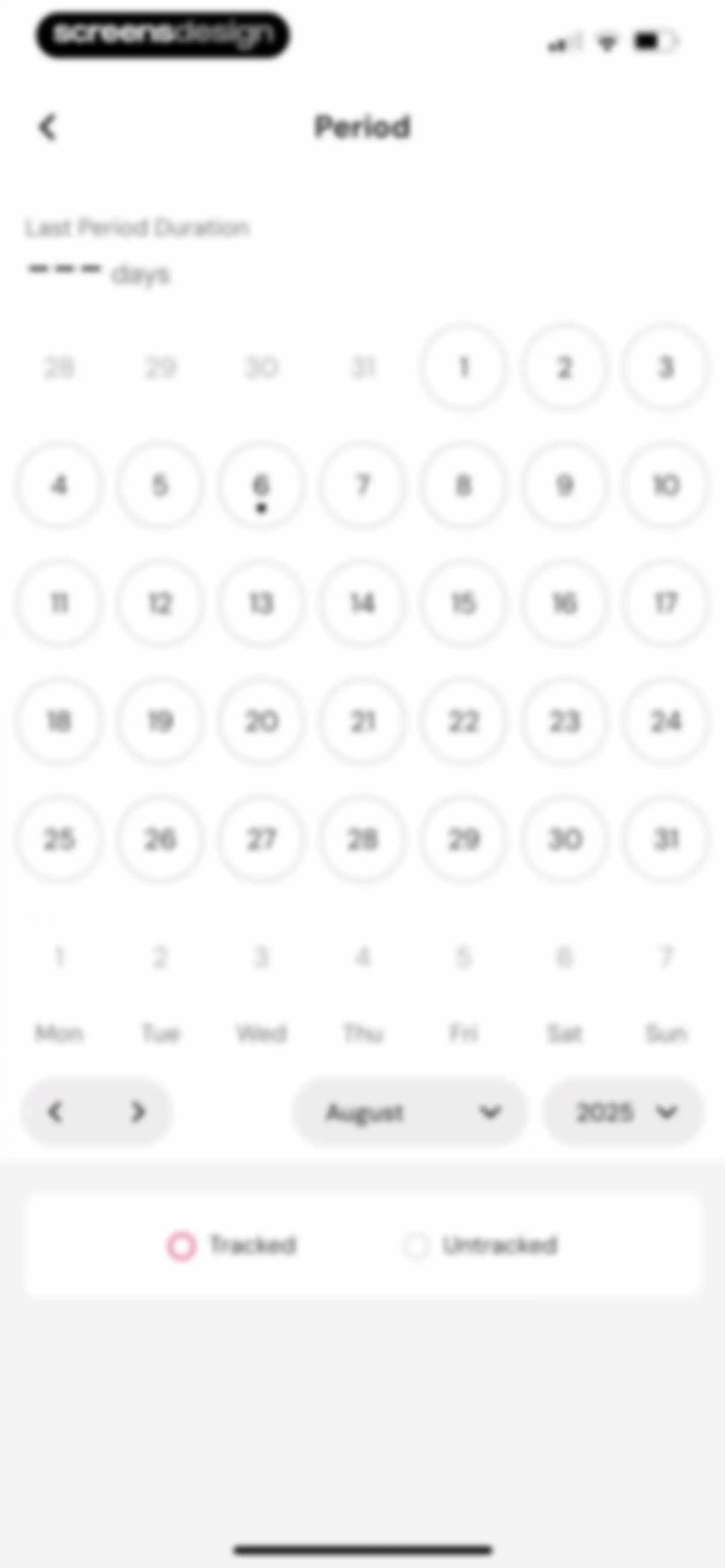
Period tracking calendar interface displaying August 2025 with a large calendar grid, duration display, and a legend for tracked and untracked dates.Unlock Pro
Period logging modal with a calendar background, period status toggle, and a Save button.Unlock Pro
Period tracking calendar interface displaying an August 2025 calendar grid, a legend, and a summary card for August 7.Unlock Pro
Dashboard customization screen displaying Primary Focus cards, Insights, and Habits sections with a Save button in the top bar.Unlock Pro
Dashboard customization settings with a modal overlay for managing habits and a Save button.Unlock Pro
Customize dashboard settings screen with primary focus and habits sections, displaying an analytics customization modal and a save button.Unlock Pro
Customize Dashboard settings screen with Nutrition and General sections for managing metrics, featuring a save action and a reset button.Unlock Pro
Nutrition Data Manager dashboard displaying a chronological, grouped list of past calorie entries with edit buttons and an add button.Unlock Pro
Food log dashboard showing a daily macro summary and an hourly timeline from 7 AM to 5 PM with a bottom search bar.Unlock Pro
Food search screen with an active Search tab, an empty history message, and a search input field above the keyboard.Unlock Pro
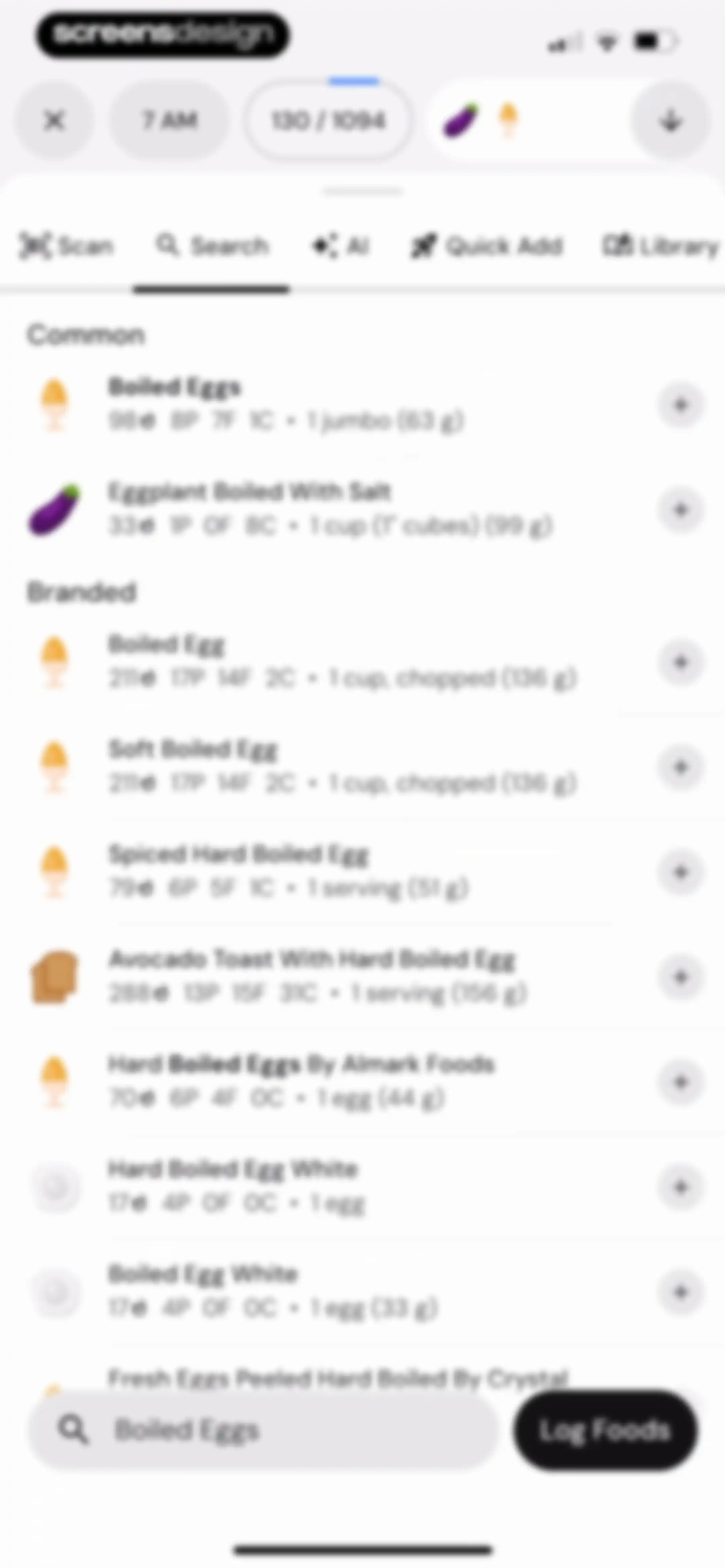
Food search screen displaying a list of boiled egg items, a search input for Boiled Eggs, and a Log Foods button.Unlock Pro
Food logging screen displaying Boiled Eggs nutritional values and impact charts, with a bottom numeric keypad and an Add button.Unlock Pro
Food detail modal for Boiled Eggs with a nickname field, serving size, and an Add To Favorites button.Unlock Pro
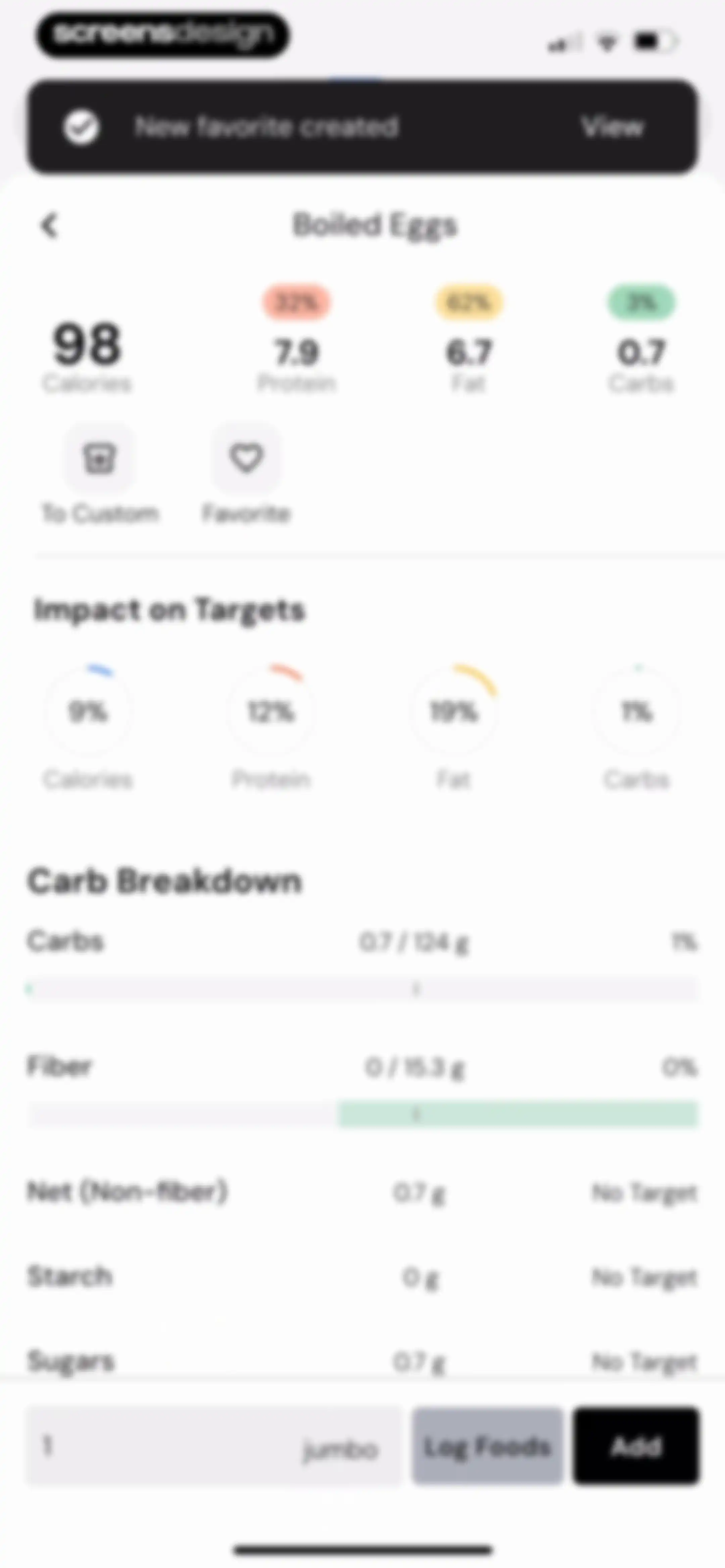
Nutrition details screen for Boiled Eggs displaying macro summaries, target impact rings, a carb breakdown list, and an Add button.Unlock Pro
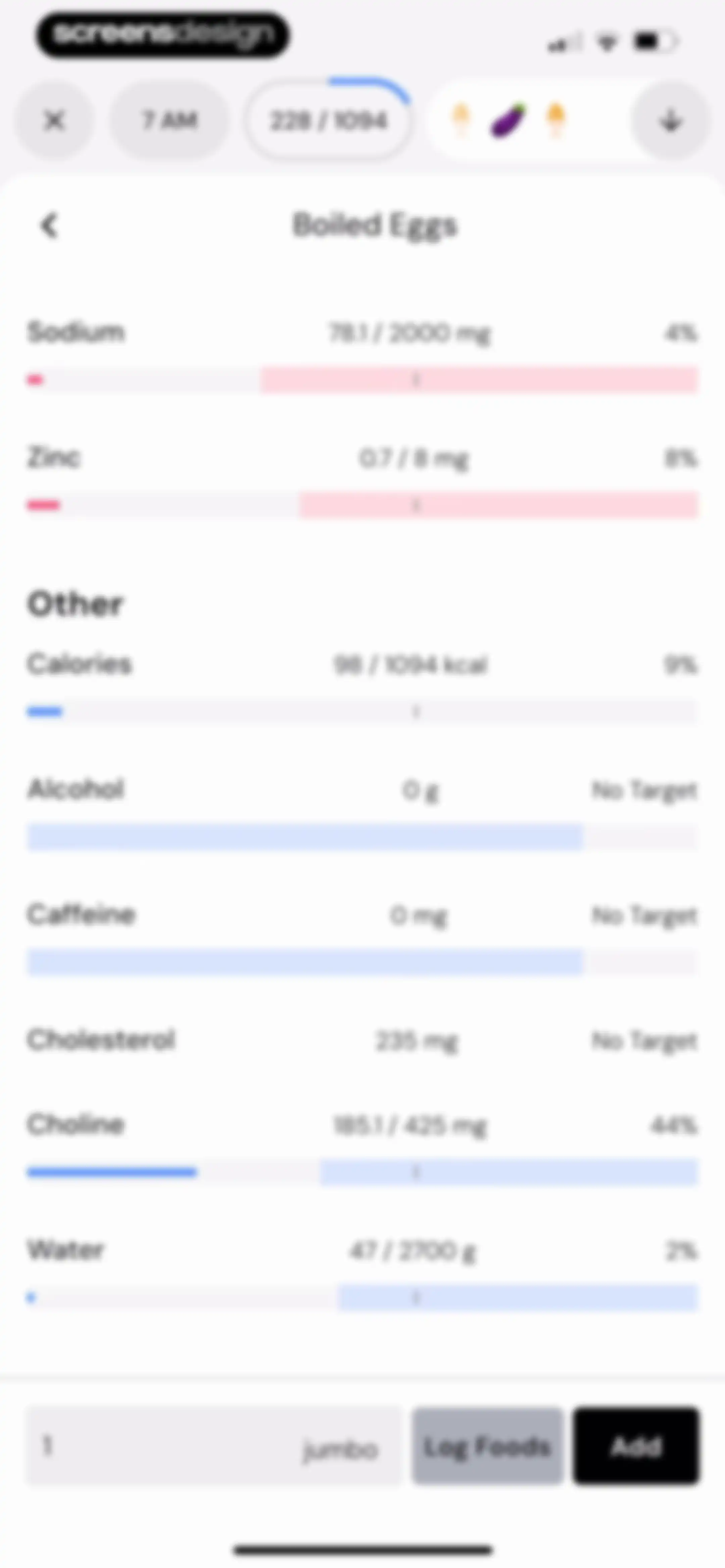
Nutrition breakdown screen for Boiled Eggs showing a list of nutrient progress bars, a quantity input for one jumbo serving, and an Add button.Unlock Pro
Food search and logging screen displaying a list of boiled egg items, a top meal time selector, and a Log Foods action button.Unlock Pro
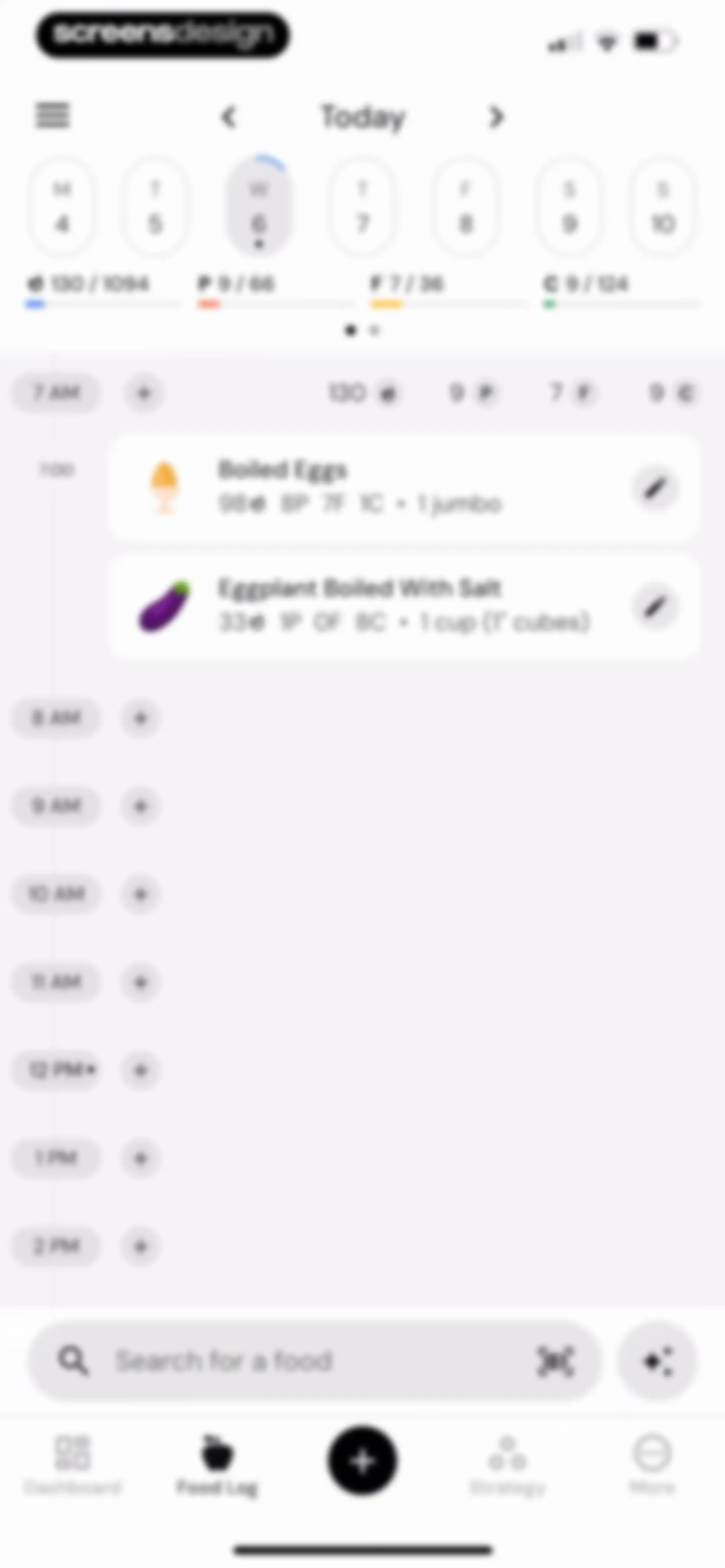
Food log dashboard with a top calendar, progress summary, and an hourly timeline displaying logged meals and a search bar.Unlock Pro
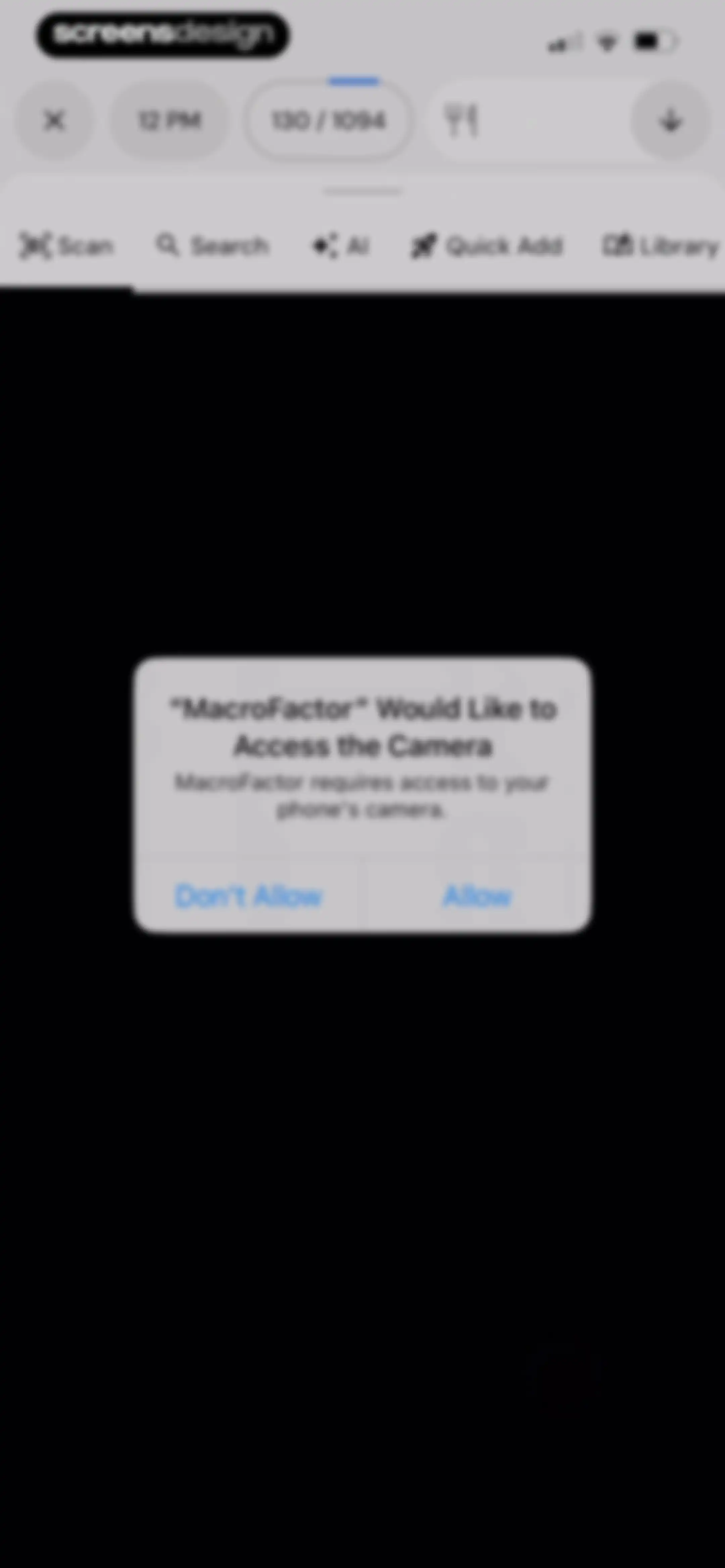
Permission modal in the MacroFactor nutrition app requesting access to the device camera, with Don't Allow and Allow buttons.Unlock Pro
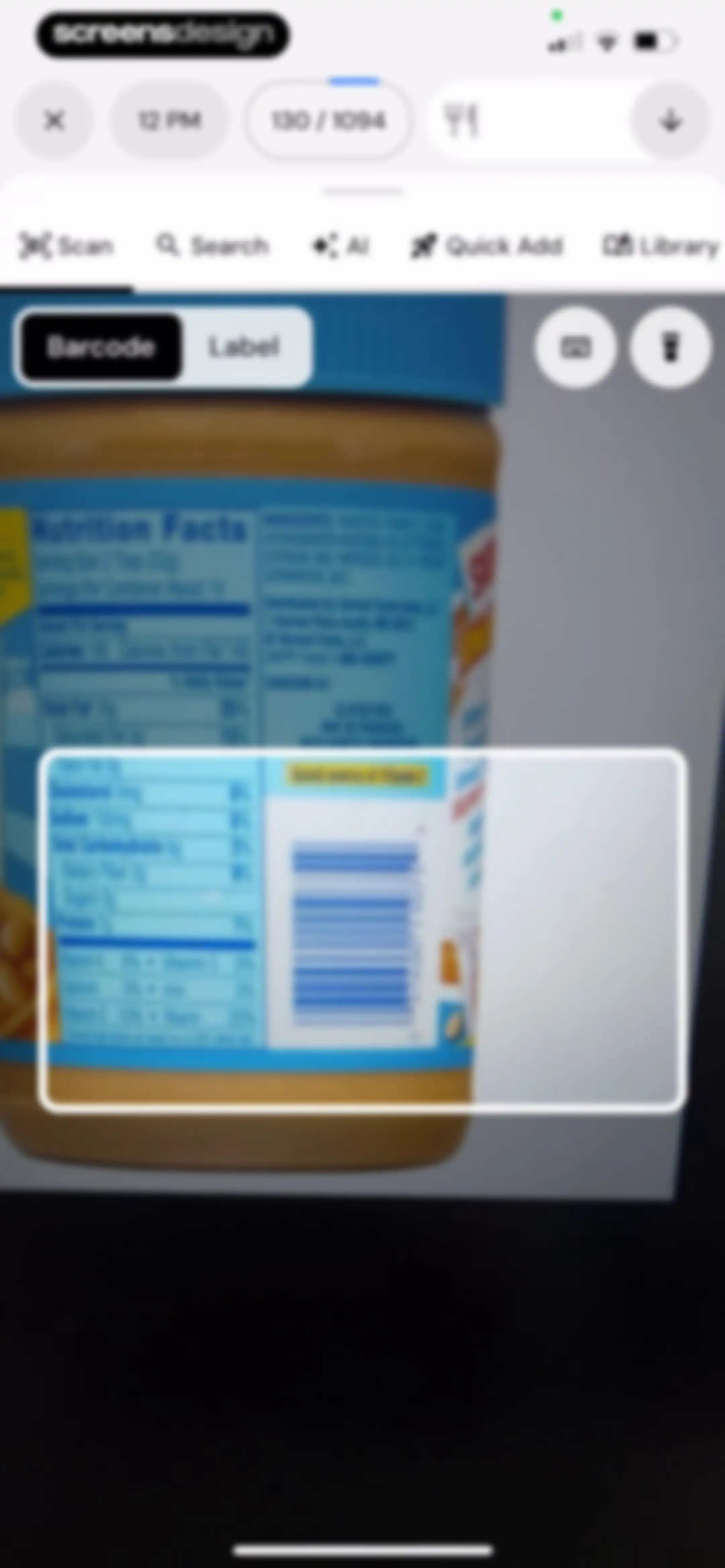
Camera viewfinder interface for scanning barcodes, with mode tabs at the top and a peanut butter jar visible in the frame.Unlock Pro
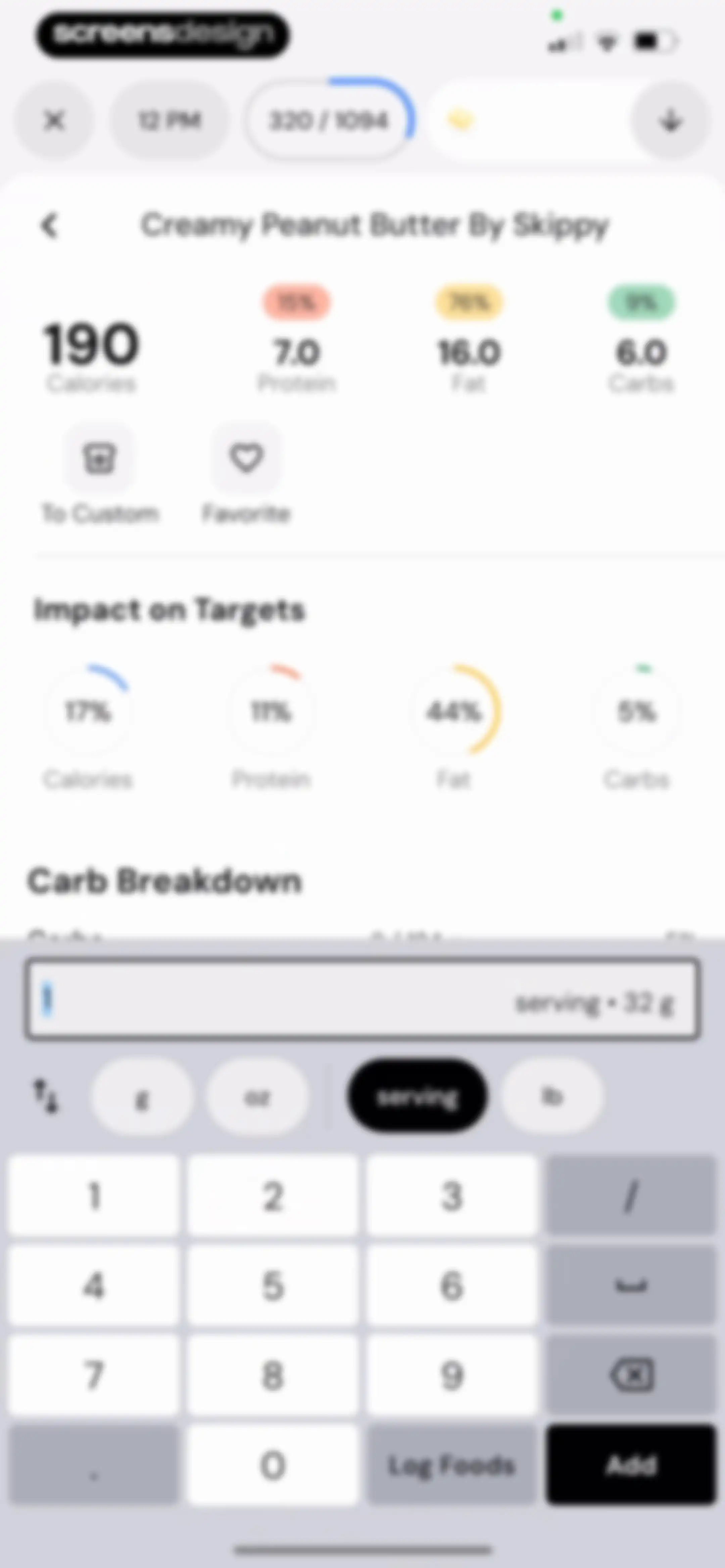
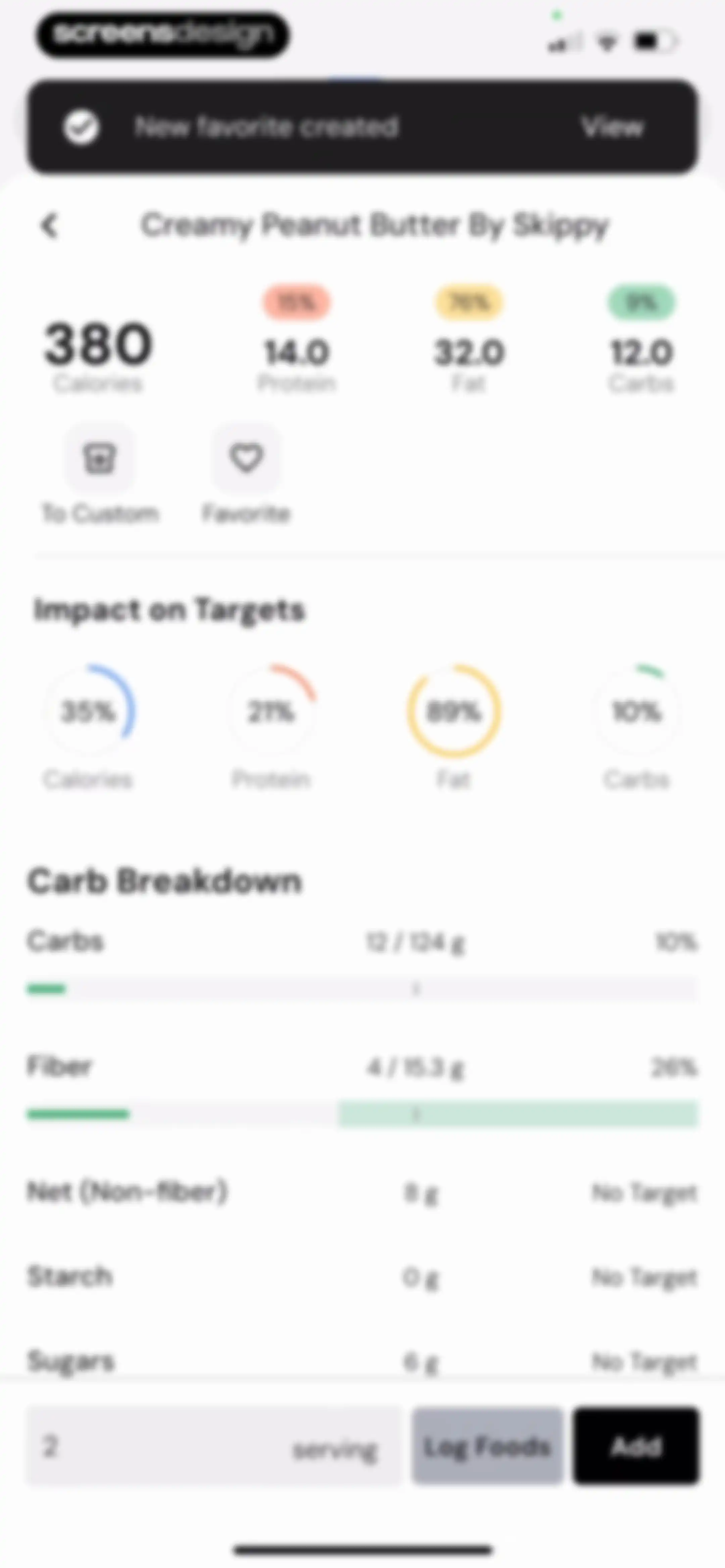
Food logging screen displaying nutritional stats for creamy peanut butter, an impact visualization section, a quantity input with serving selected, and an Add button.Unlock Pro
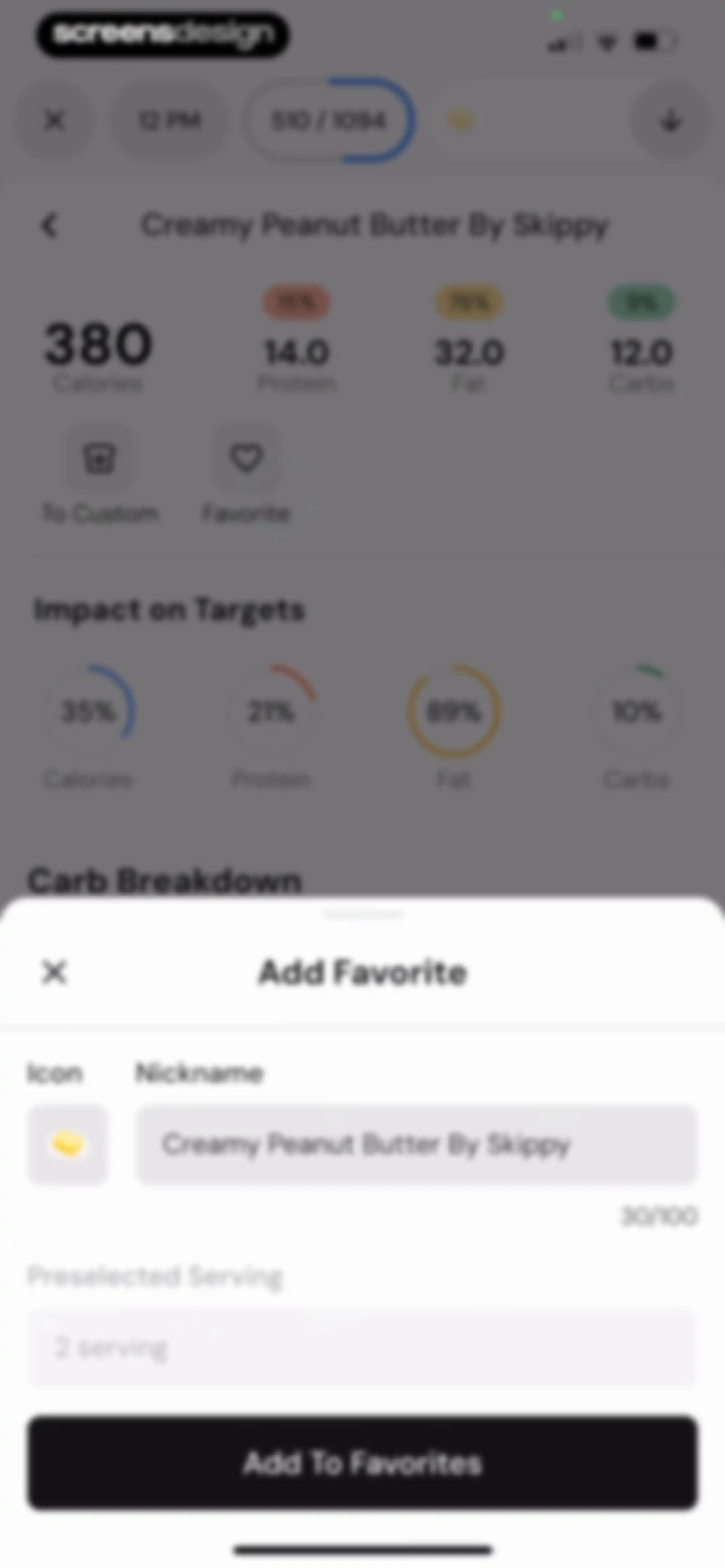
Food item detail screen with an Add Favorite modal overlay, showing nutritional metrics and an Add To Favorites button.Unlock Pro
Nutrition detail screen for Creamy Peanut Butter By Skippy with macro summary cards, carb breakdown, and an Add button.Unlock Pro
Nutritional details form for Creamy Peanut Butter by Skippy with a serving size input and an Add button.Unlock Pro
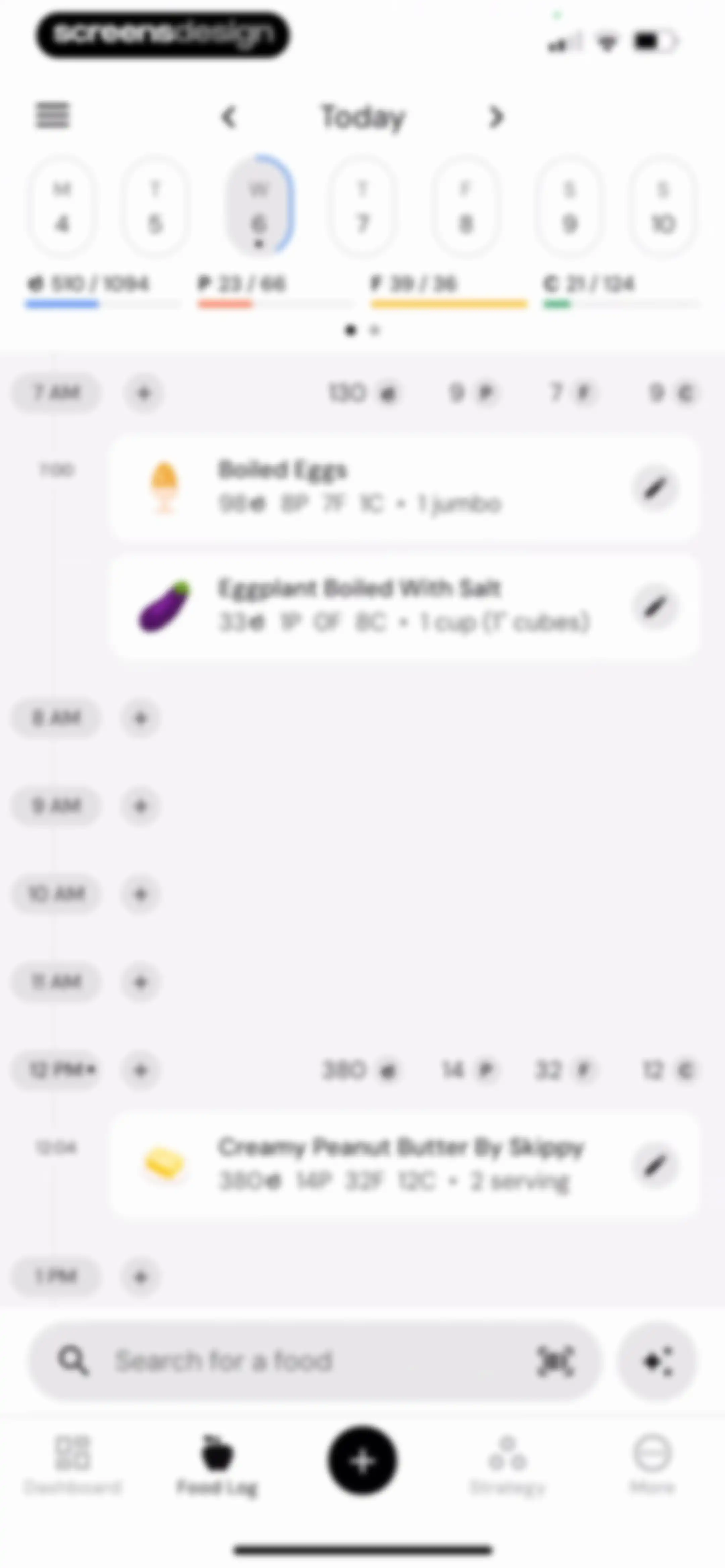
Nutrition tracking dashboard with a daily macro summary, an hourly food log timeline showing logged meals, a search bar, and a bottom navigation menu.Unlock Pro
Barcode scanner interface with a dark camera viewfinder, mode toggles for barcode and label, and a selected barcode tab.Unlock Pro
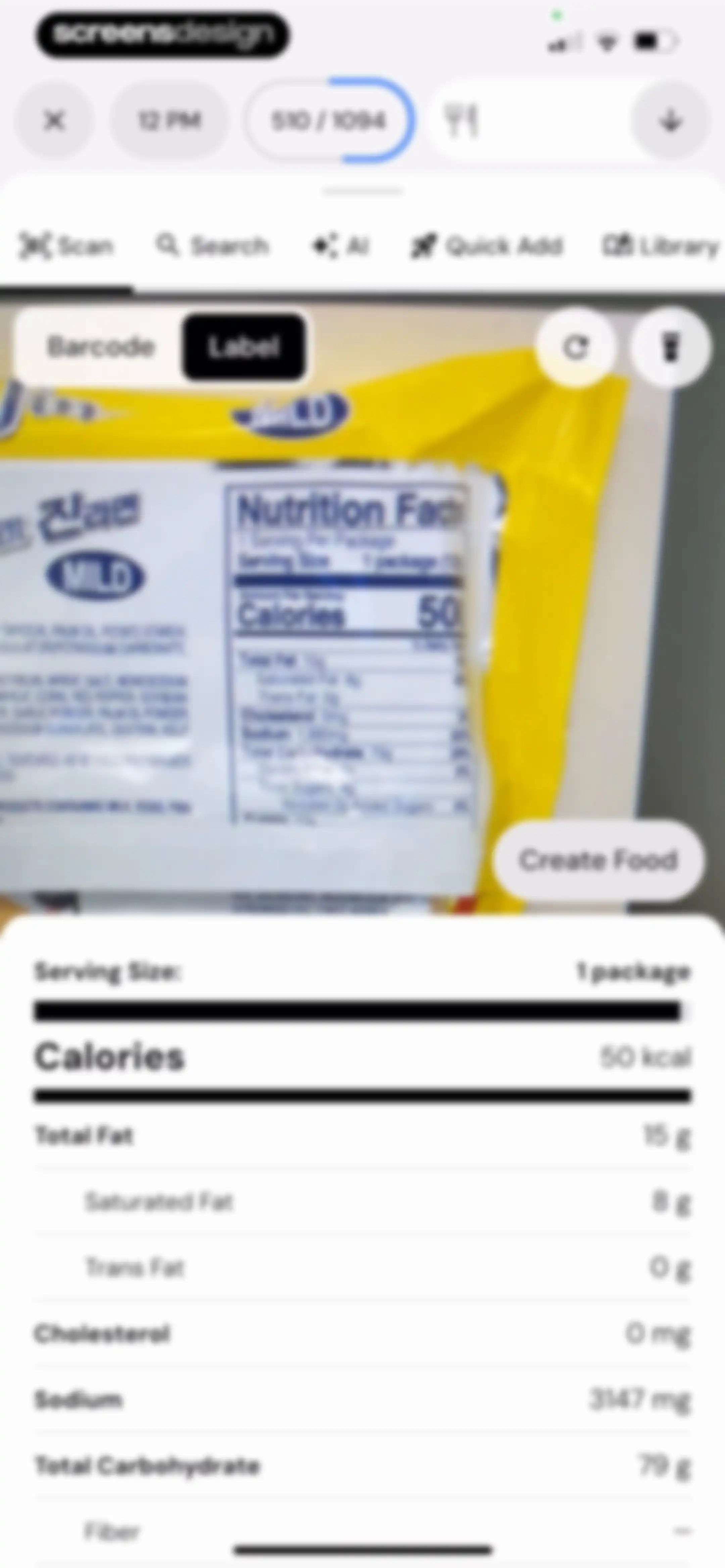
Nutrition label scanner with a camera viewfinder and a bottom list displaying parsed nutritional data.Unlock Pro
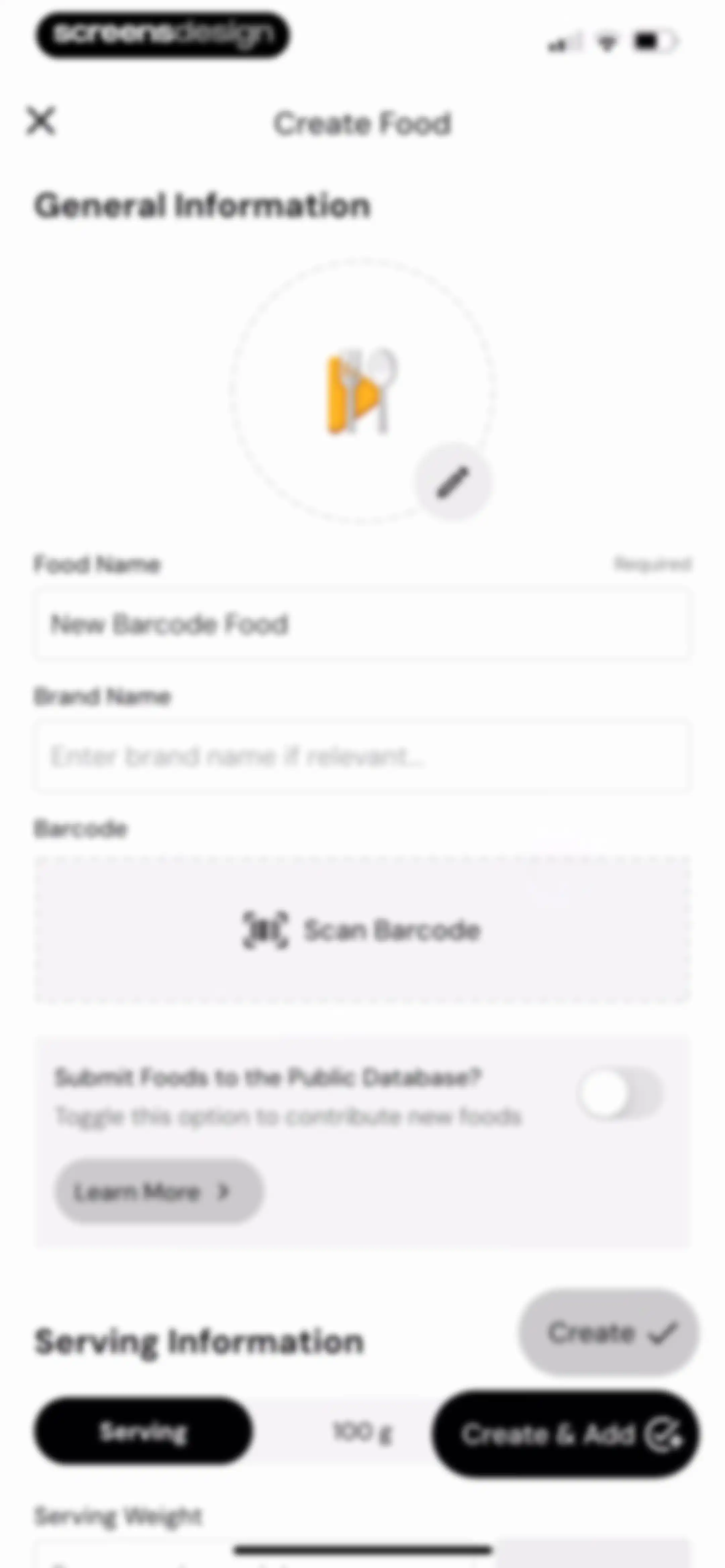
Create Food form with input fields for food name and brand, a barcode scanner, public database toggle, and serving information options.Unlock Pro
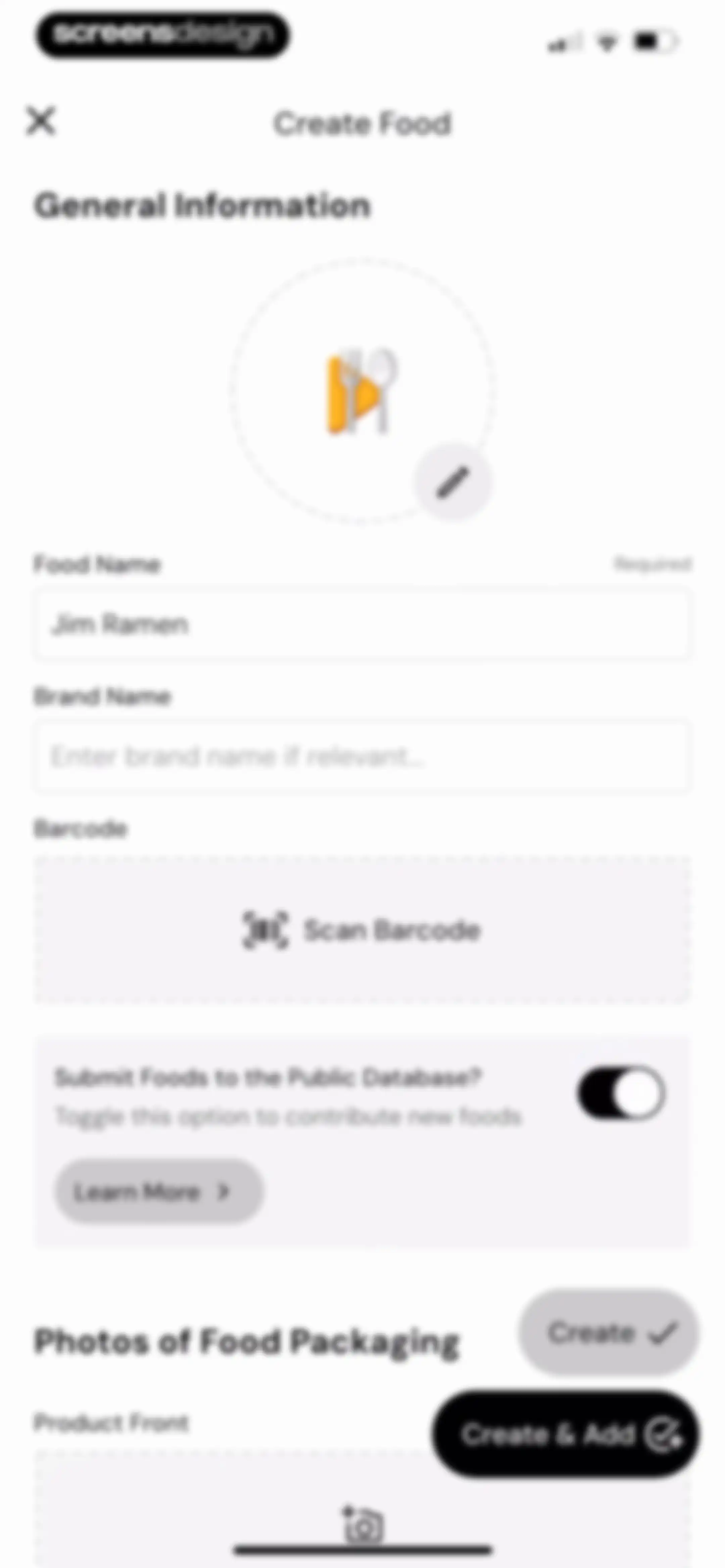
Create Food form with input fields for food name and brand, a barcode scanner, public database toggle, and a Create and Add button.Unlock Pro
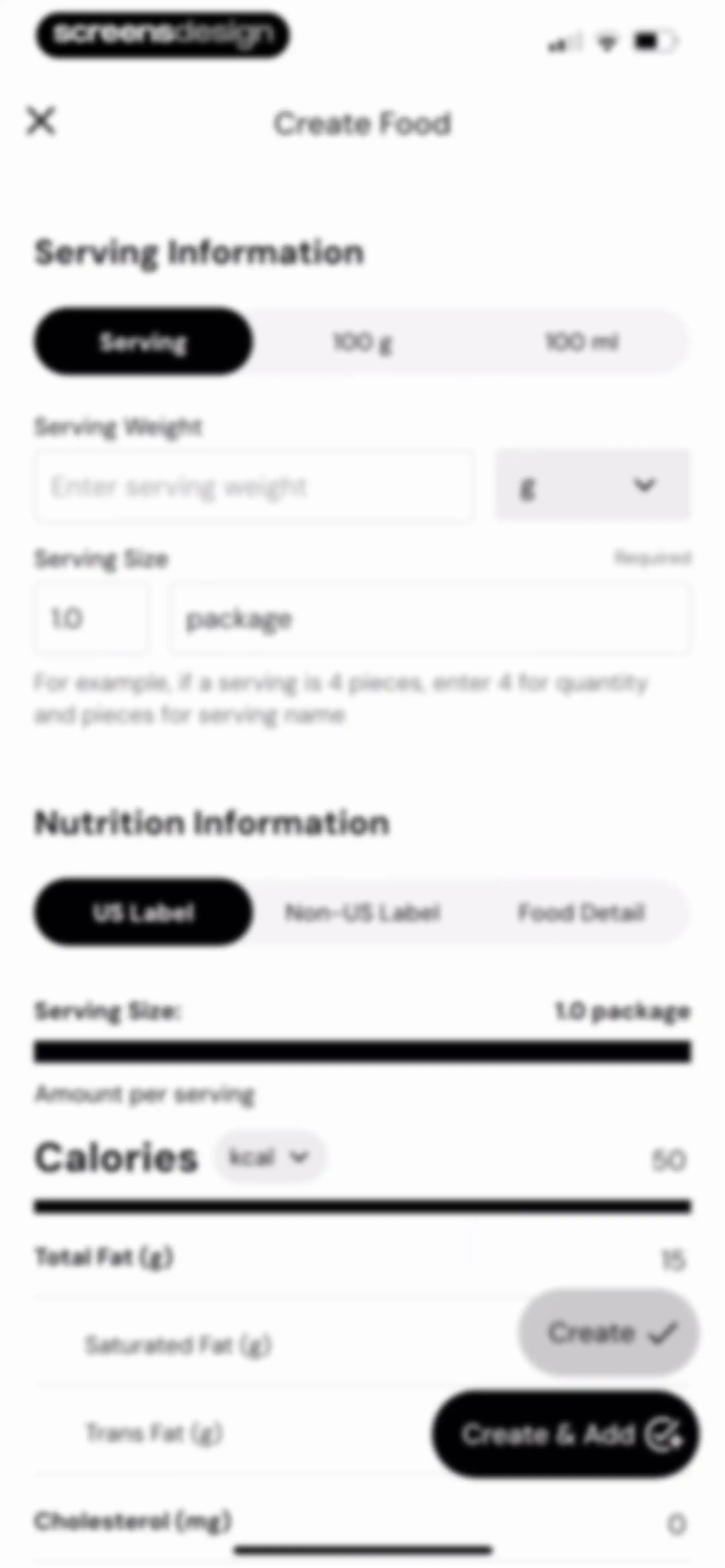
Create Food form with serving and nutrition information sections, nutrient input fields, and Create and Create & Add action buttons.Unlock Pro
Food library screen displaying the food item Jim Ramen with its nutritional details and a Log Foods button.Unlock Pro
Food logging camera interface with the scan tab and barcode scanner mode selected, plus a calorie progress indicator at the top.Unlock Pro
Food search and logging screen with tabbed feature navigation, a vertical list of food items, and a bottom search bar.Unlock Pro
MacroFactor AI welcome modal over a food logging camera interface, with photography tips and an OK button.Unlock Pro
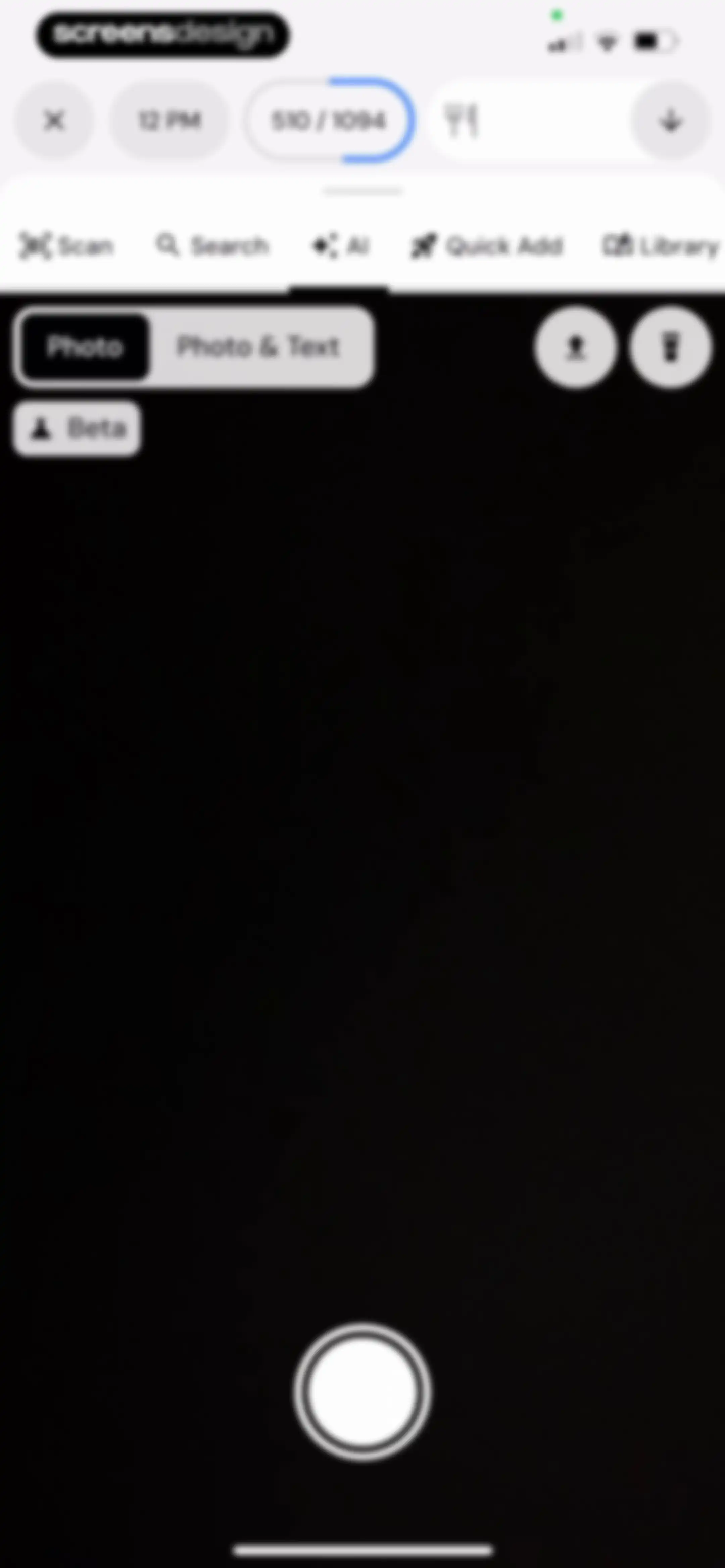
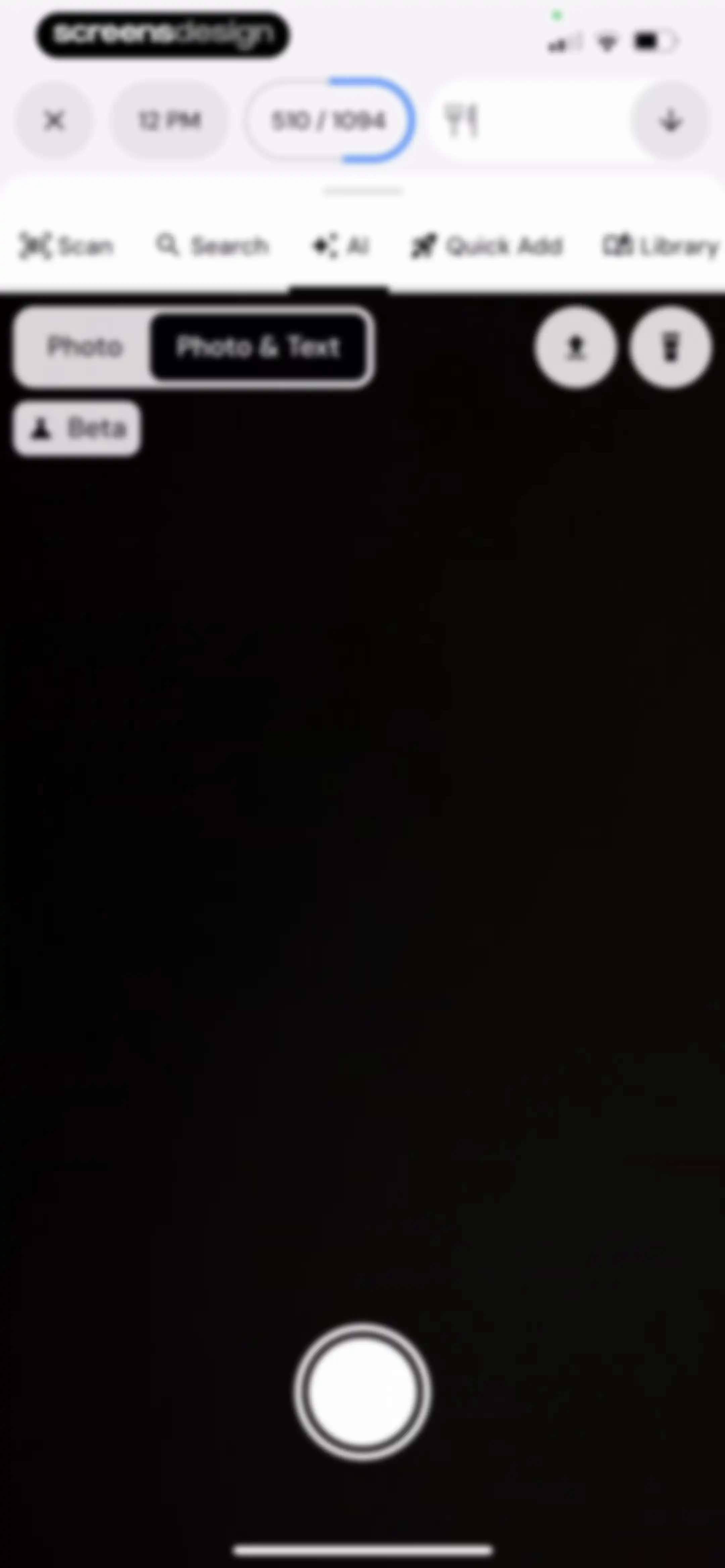
Camera capture interface with a viewfinder, feature tabs for scanning and AI, and a bottom shutter button.Unlock Pro
Camera capture screen with a dark theme, feature tabs, and a shutter button for food logging.Unlock Pro
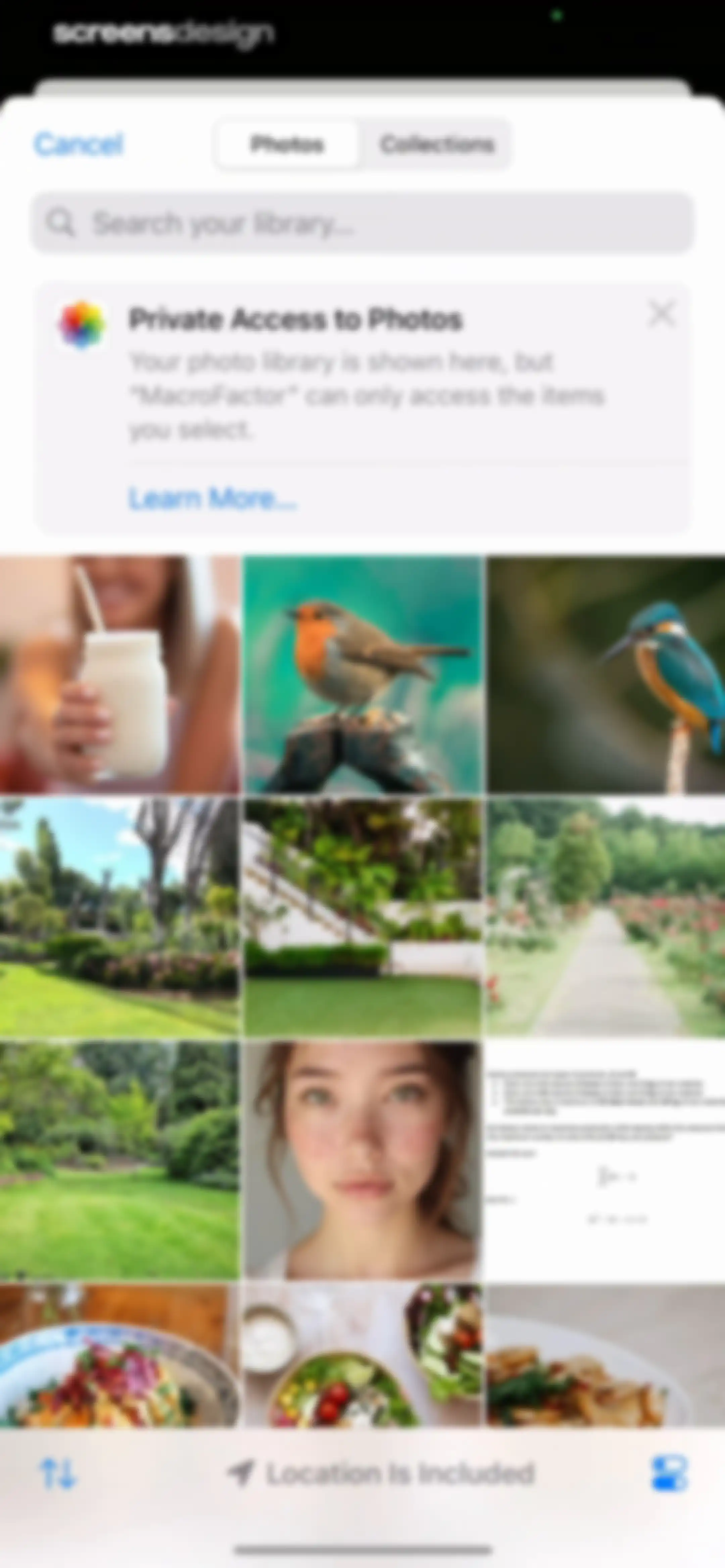
System photo picker permission screen in MacroFactor with a search bar, a private access notice card, a grid of photo thumbnails, and a bottom toolbar.Unlock Pro
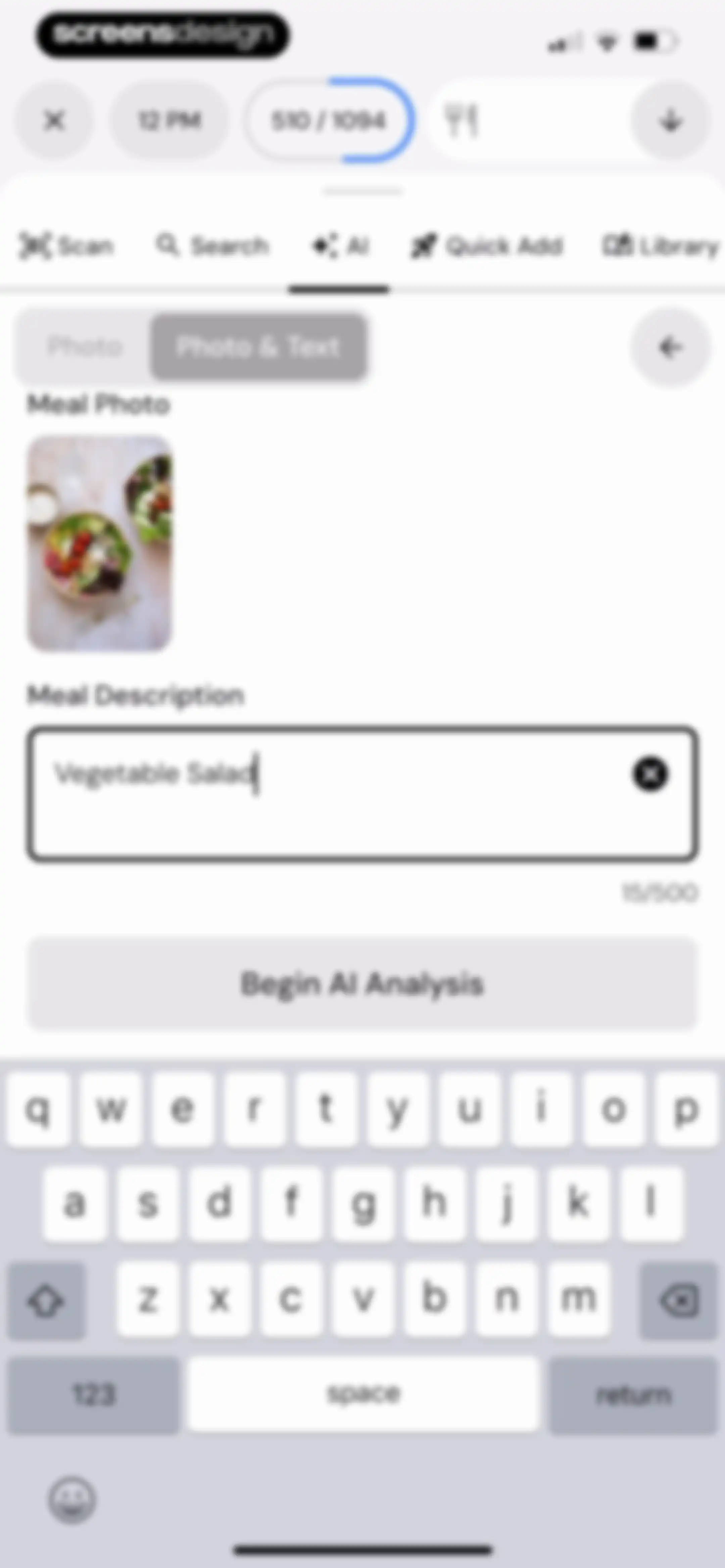
Meal entry editor featuring a vegetable salad photo, text description field, and a Begin AI Analysis button.Unlock Pro
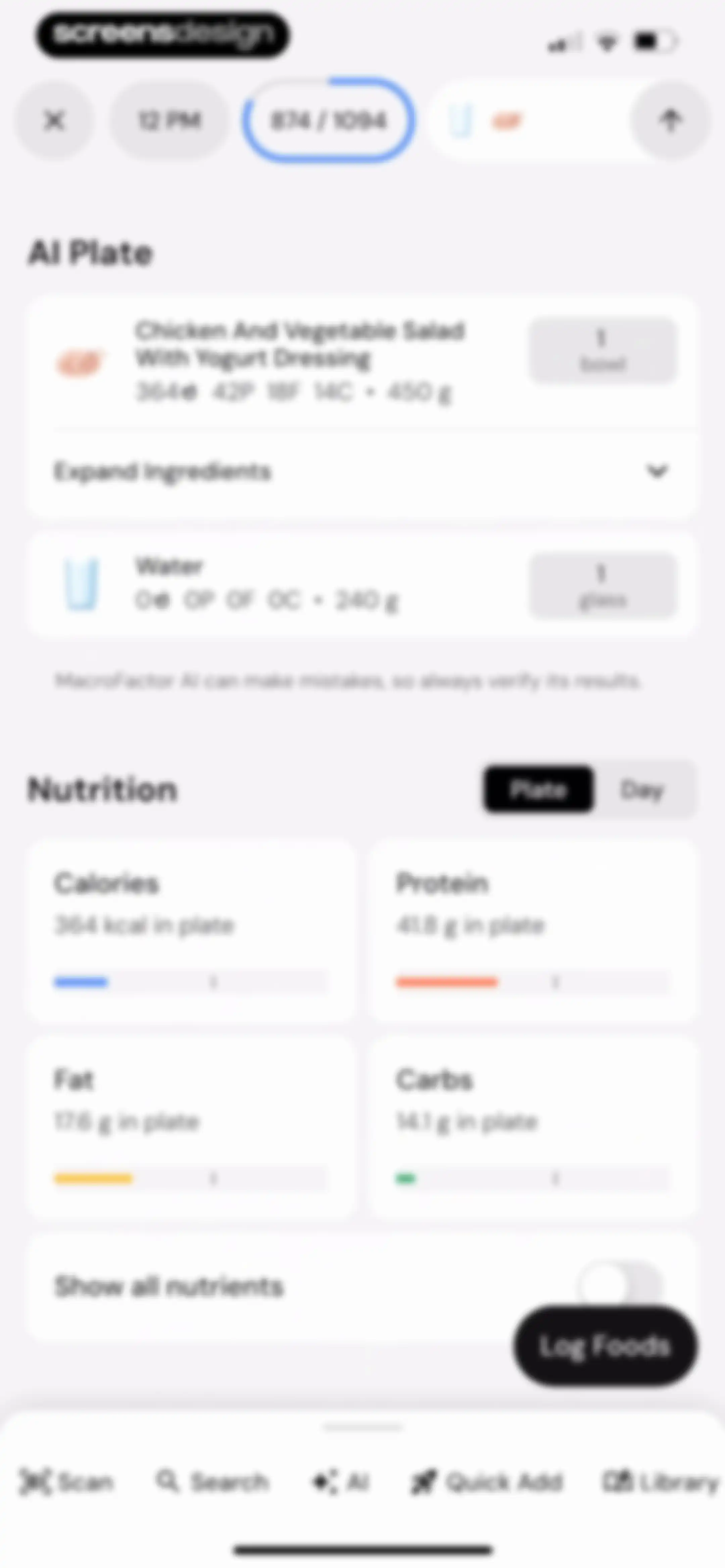
Nutrition dashboard displaying an AI Plate summary with meal details, macro breakdowns, and a Log Foods button.Unlock Pro
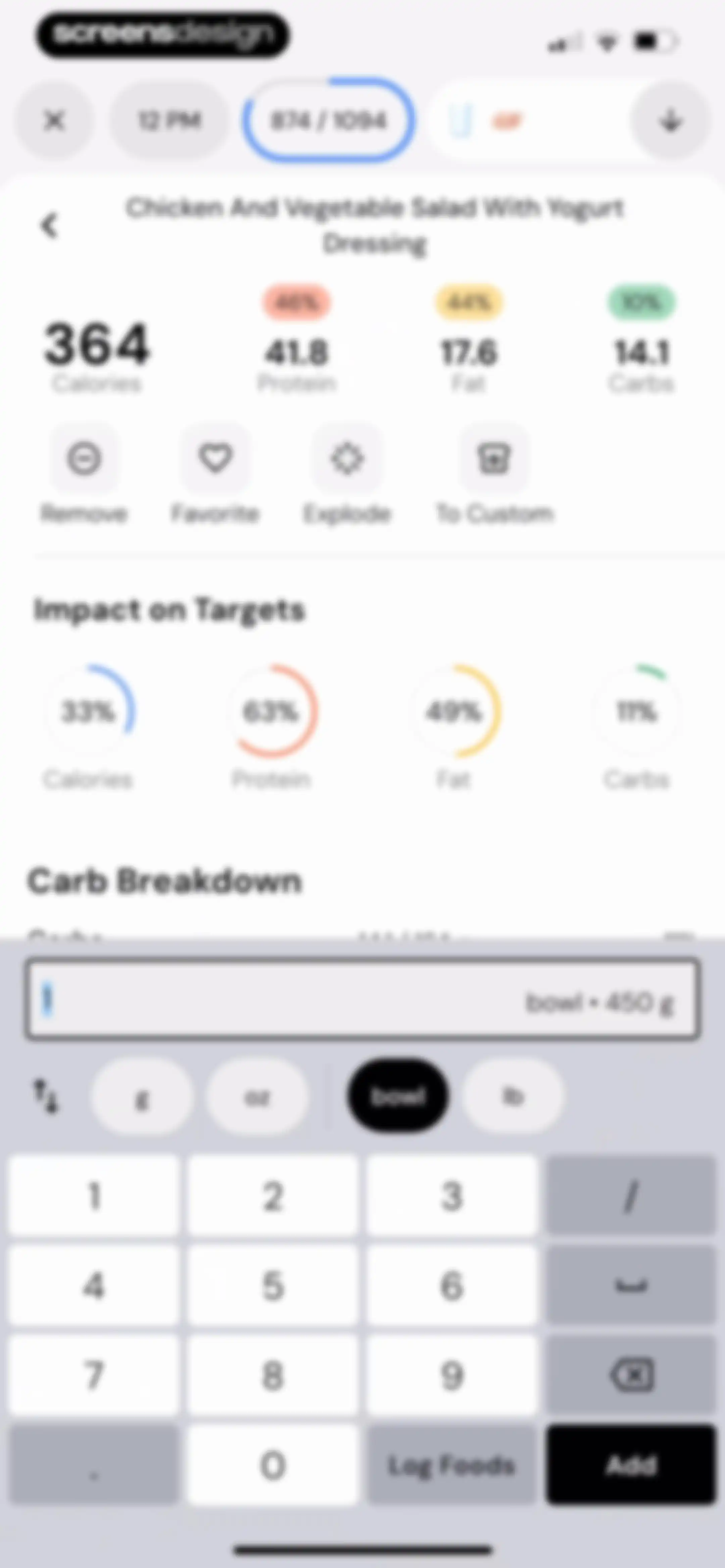
Nutrition detail editor screen displaying the chicken and vegetable salad food item, nutritional summary, impact charts, and a bottom keypad with unit selection and an Add button.Unlock Pro
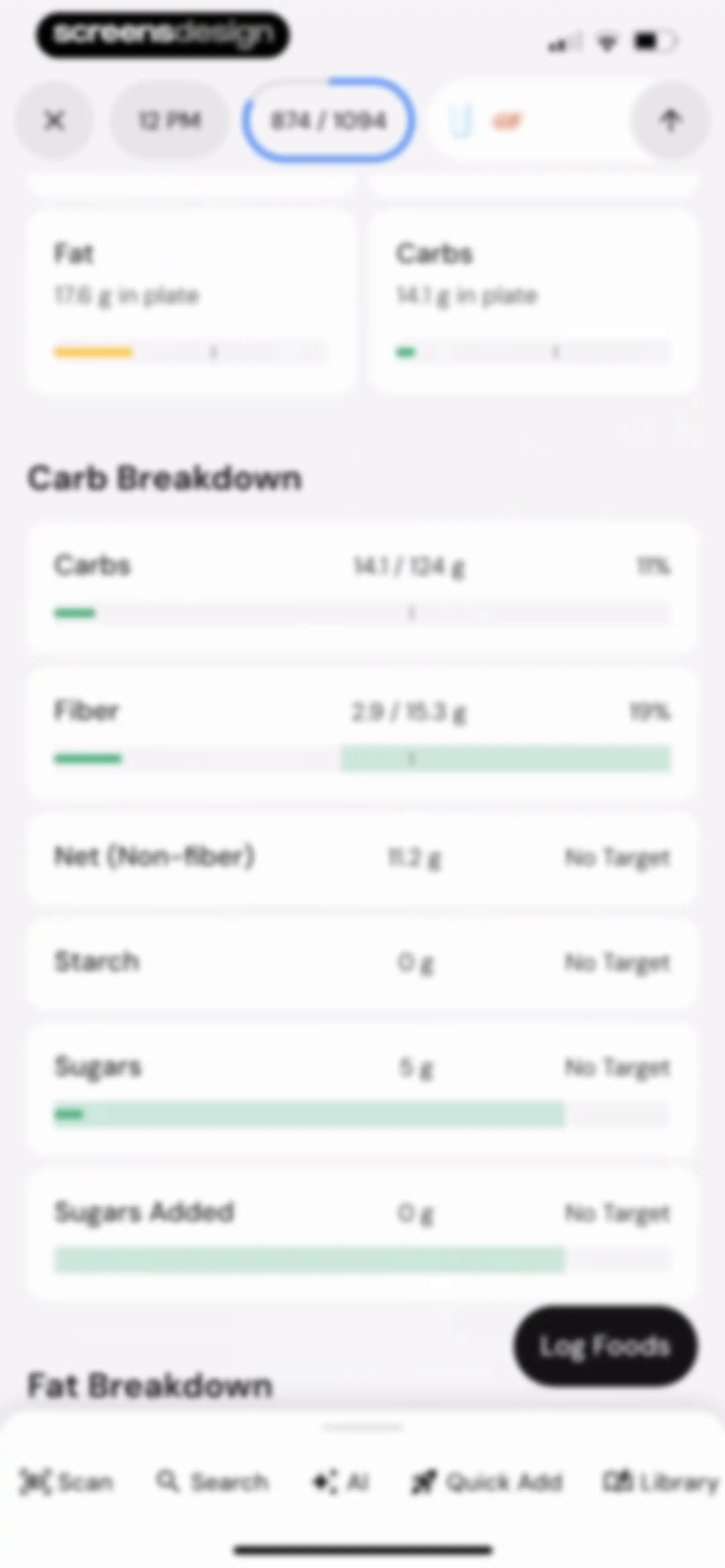
Nutrition tracker dashboard displaying fat and carb summary cards, a detailed carb breakdown list, and a Log Foods button.Unlock Pro
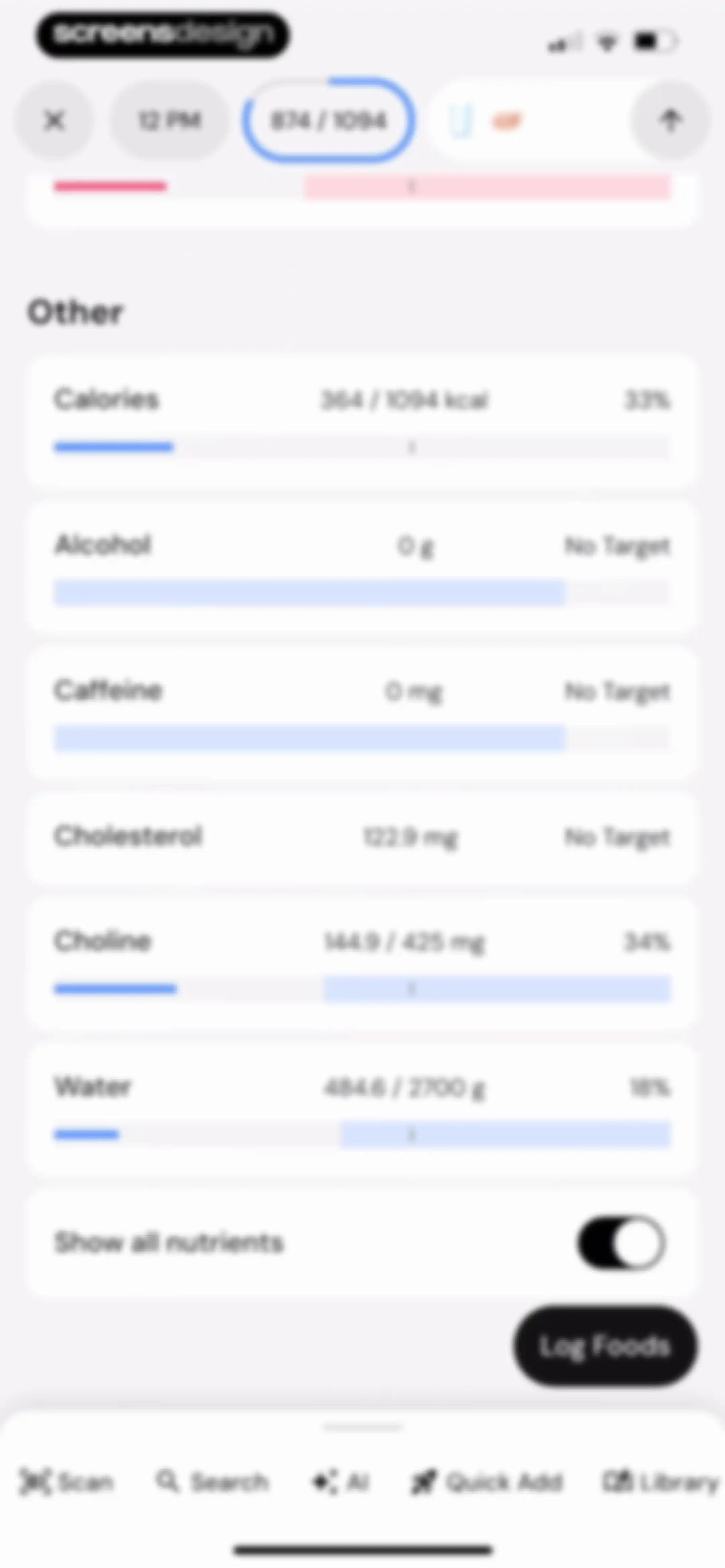
Nutrition tracking dashboard showing a list of nutrient progress cards, a calorie summary, and a Log Foods button.Unlock Pro
Food log home screen with daily macro progress summaries, an hourly timeline, a notes section, and a bottom search bar.Unlock Pro
Nutrition overview dashboard showing daily calorie and macronutrient progress bars with the Today time range selected.Unlock Pro
Nutrition overview dashboard displaying daily calorie and macro progress with top food contributors for today.Unlock Pro
Calorie tracking dashboard displaying daily, weekly, and monthly progress bars alongside an active goal card and a list of food contributors.Unlock Pro
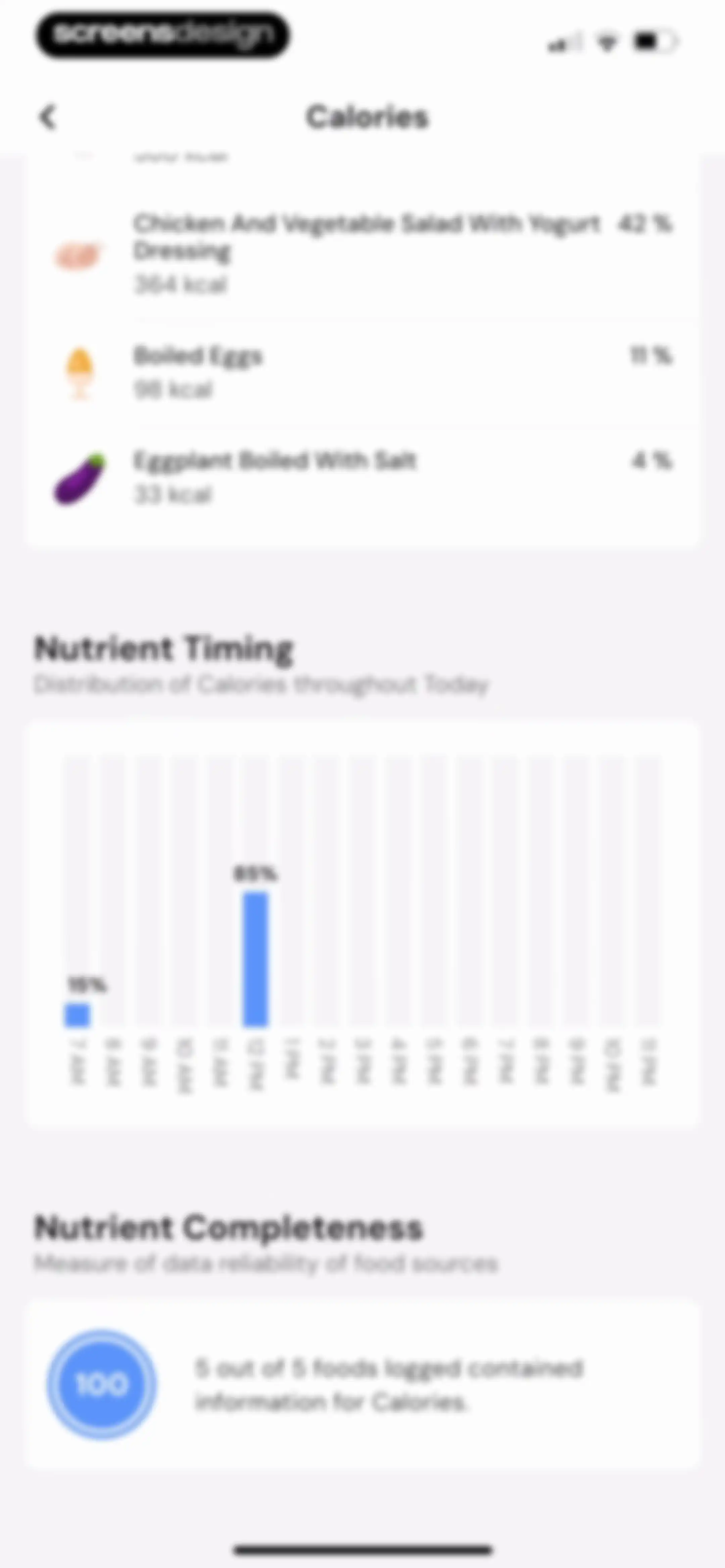
Nutrition dashboard displaying a logged food list, a calorie timing bar chart, and a nutrient completeness summary card.Unlock Pro
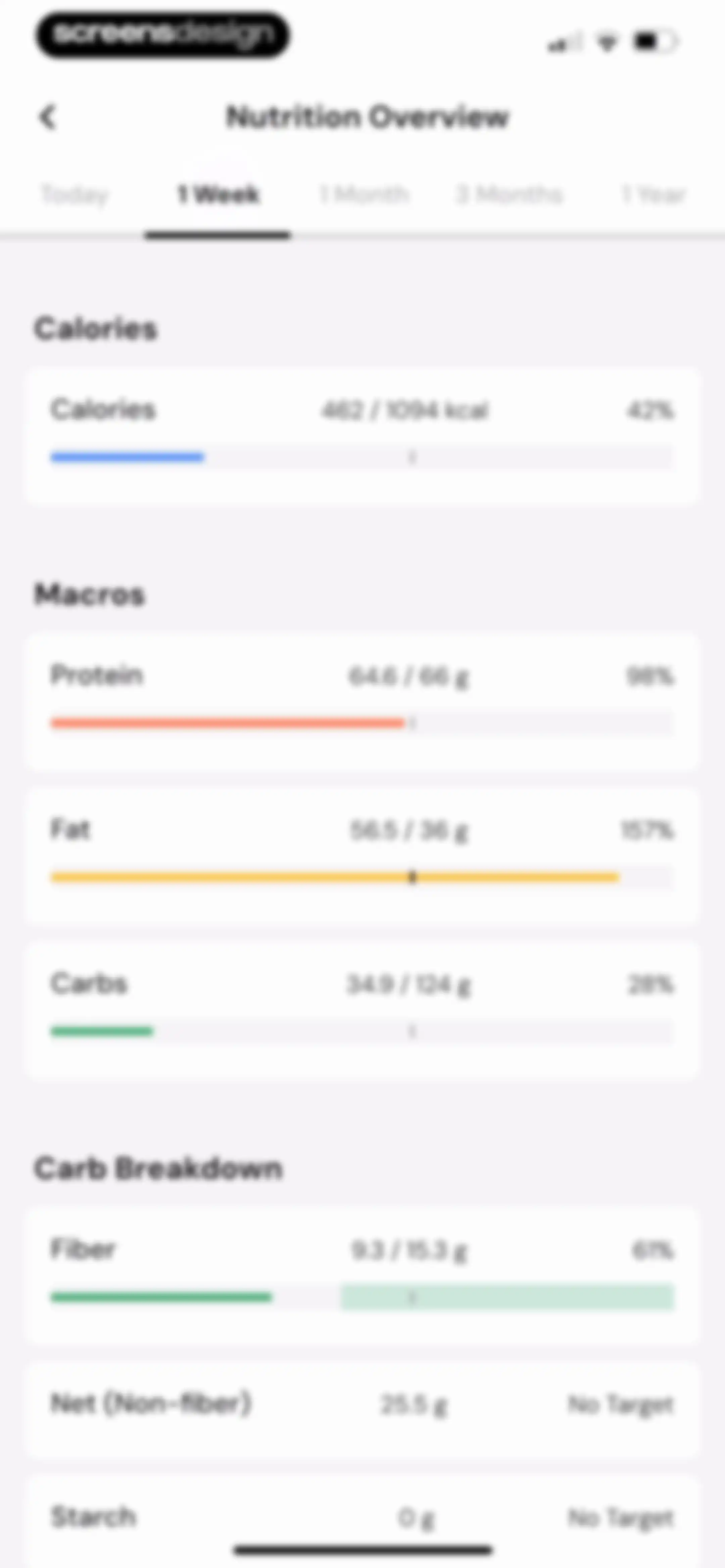
Nutrition overview dashboard displaying calorie and macro progress bars with a weekly time range selected.Unlock Pro
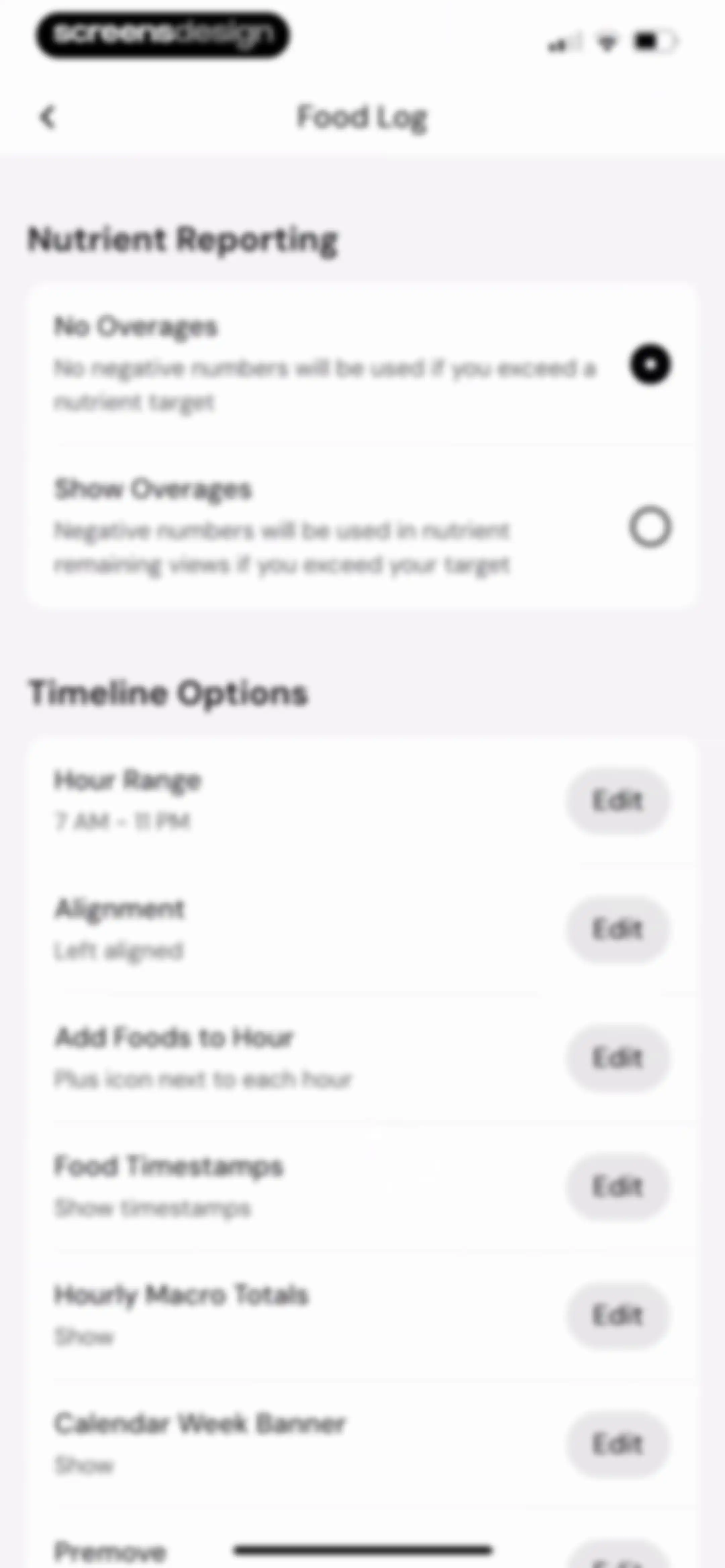
Food log settings screen with nutrient reporting options and timeline customization preferences, including an active No Overages toggle.Unlock Pro
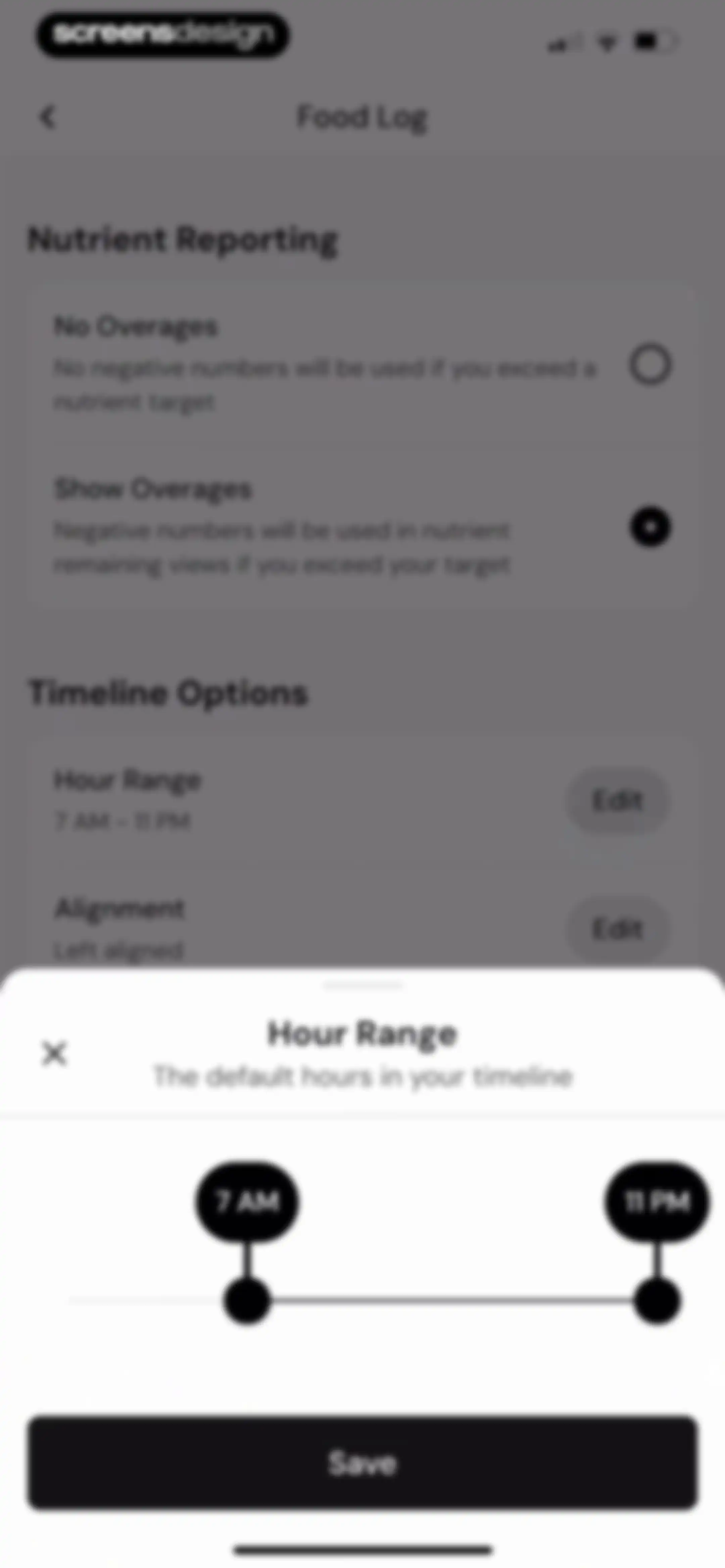
Food log settings screen with an active Hour Range modal displaying a time slider set from 7 AM to 11 PM and a Save button.Unlock Pro
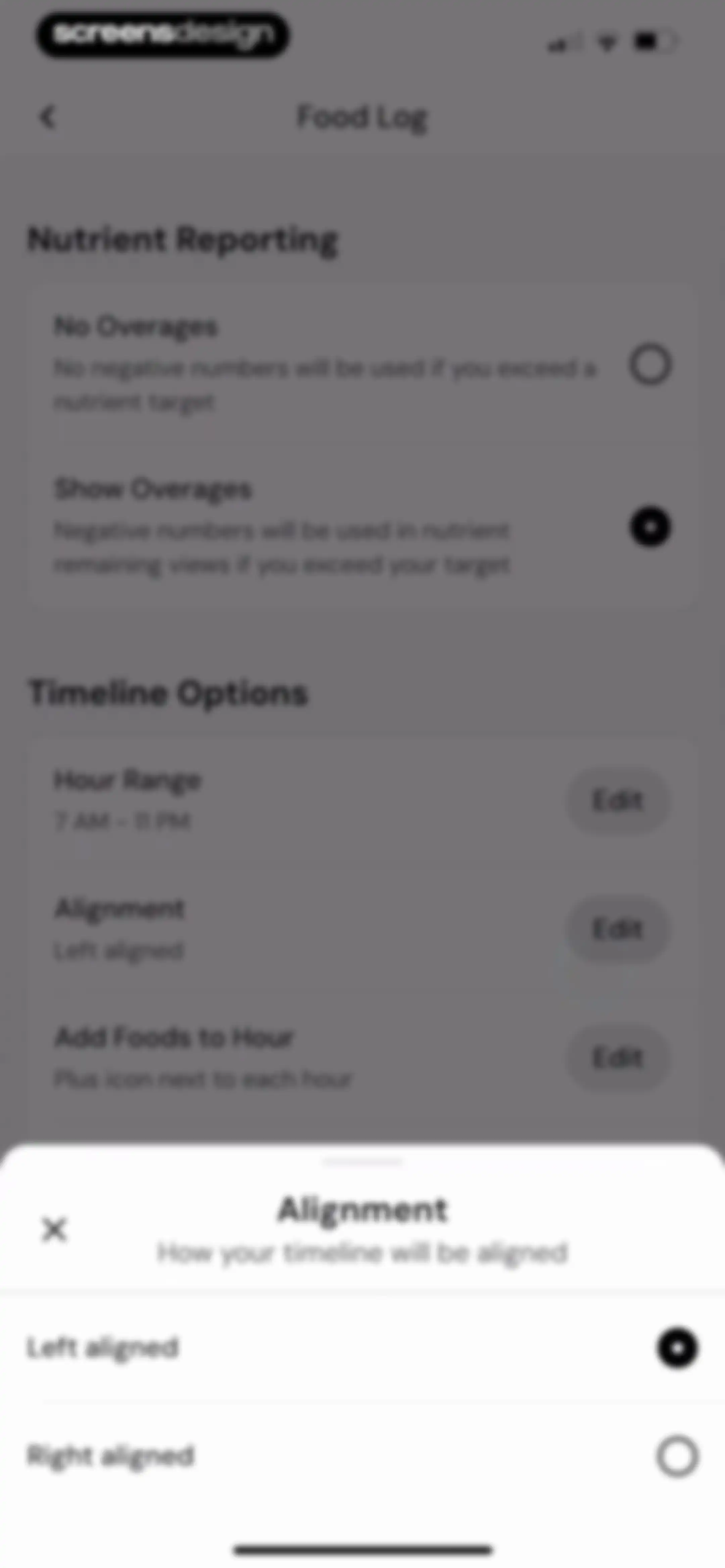
Food log settings screen with a bottom modal overlay for timeline alignment options, displaying Left aligned as the selected option.Unlock Pro
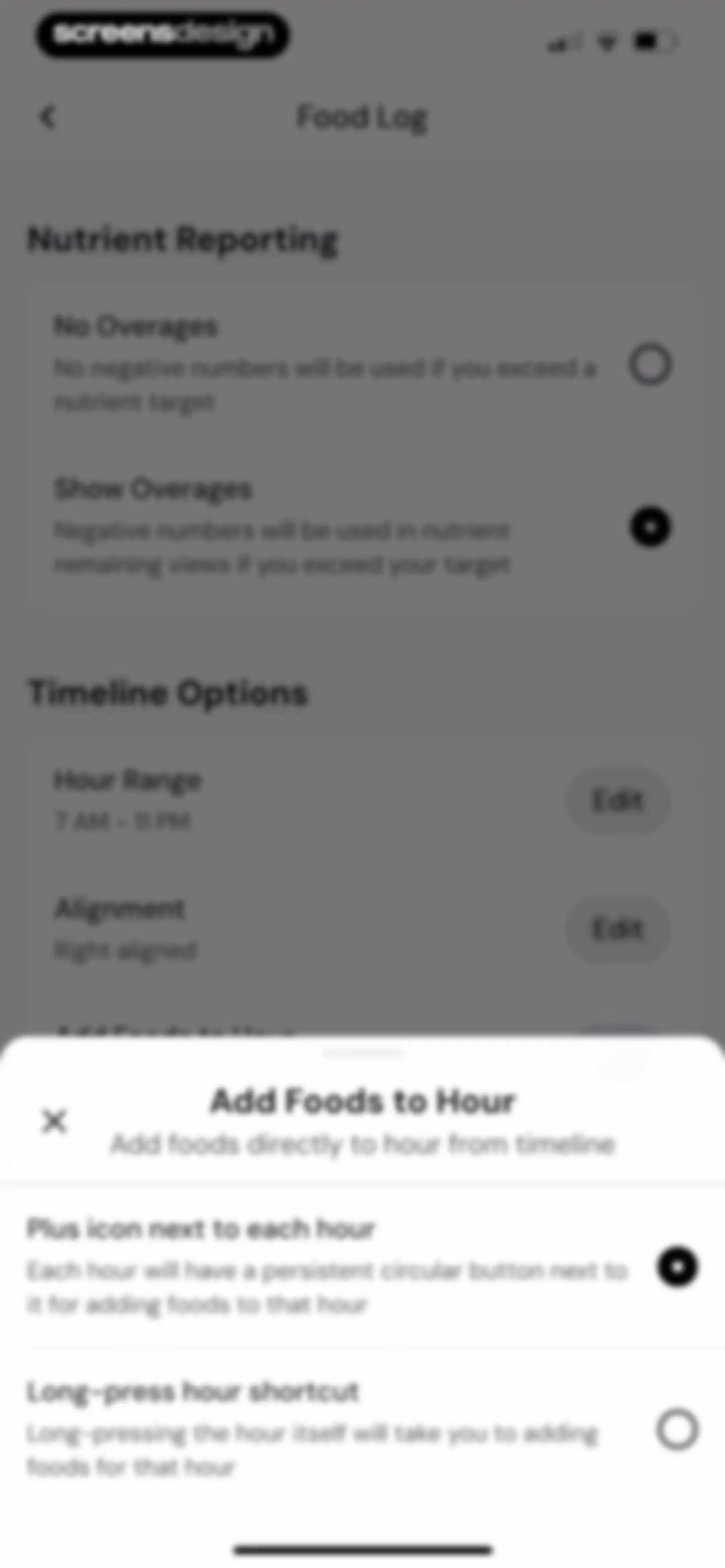
Food log settings screen with a bottom modal overlay for configuring how to add foods to specific hours.Unlock Pro
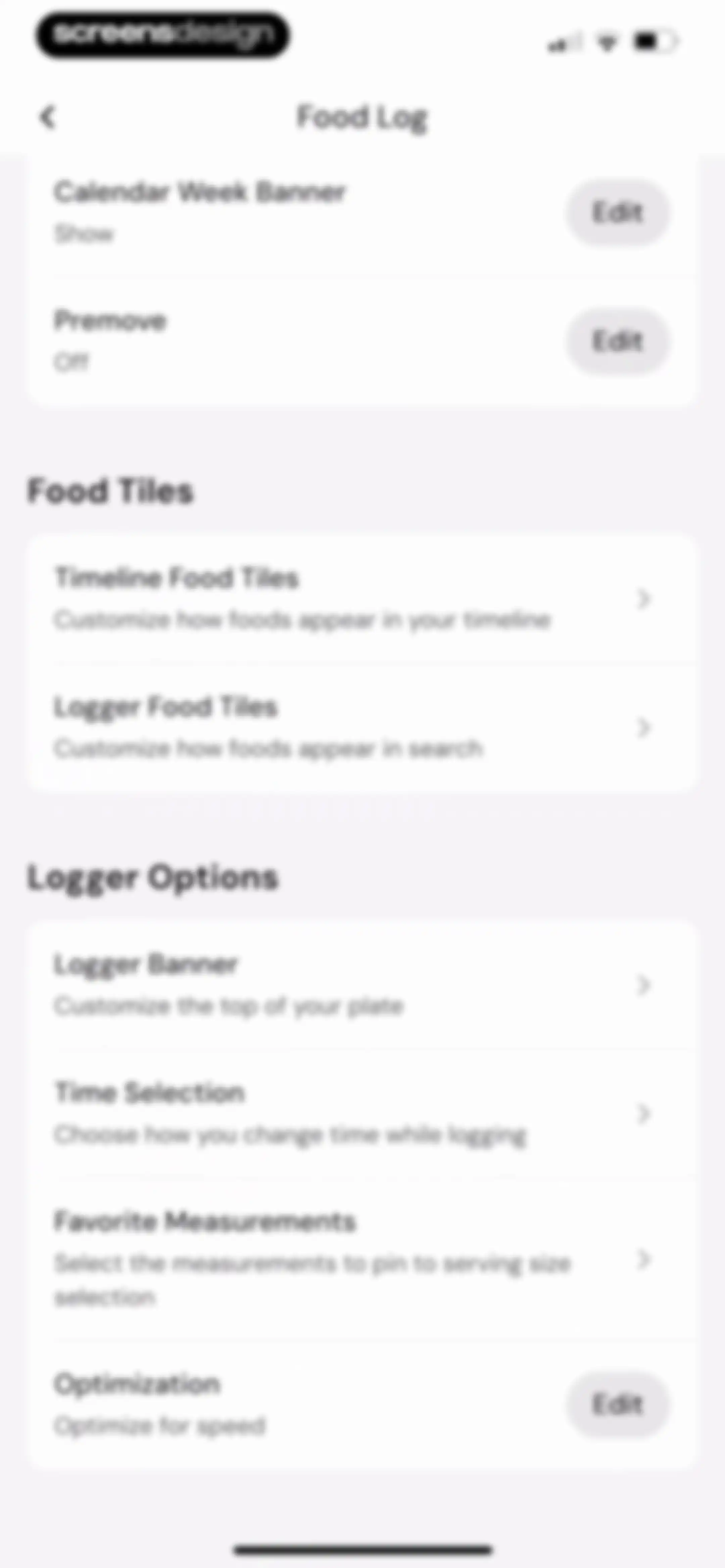
Food log settings menu with grouped options for food tiles, logger preferences, and customization controls.Unlock Pro
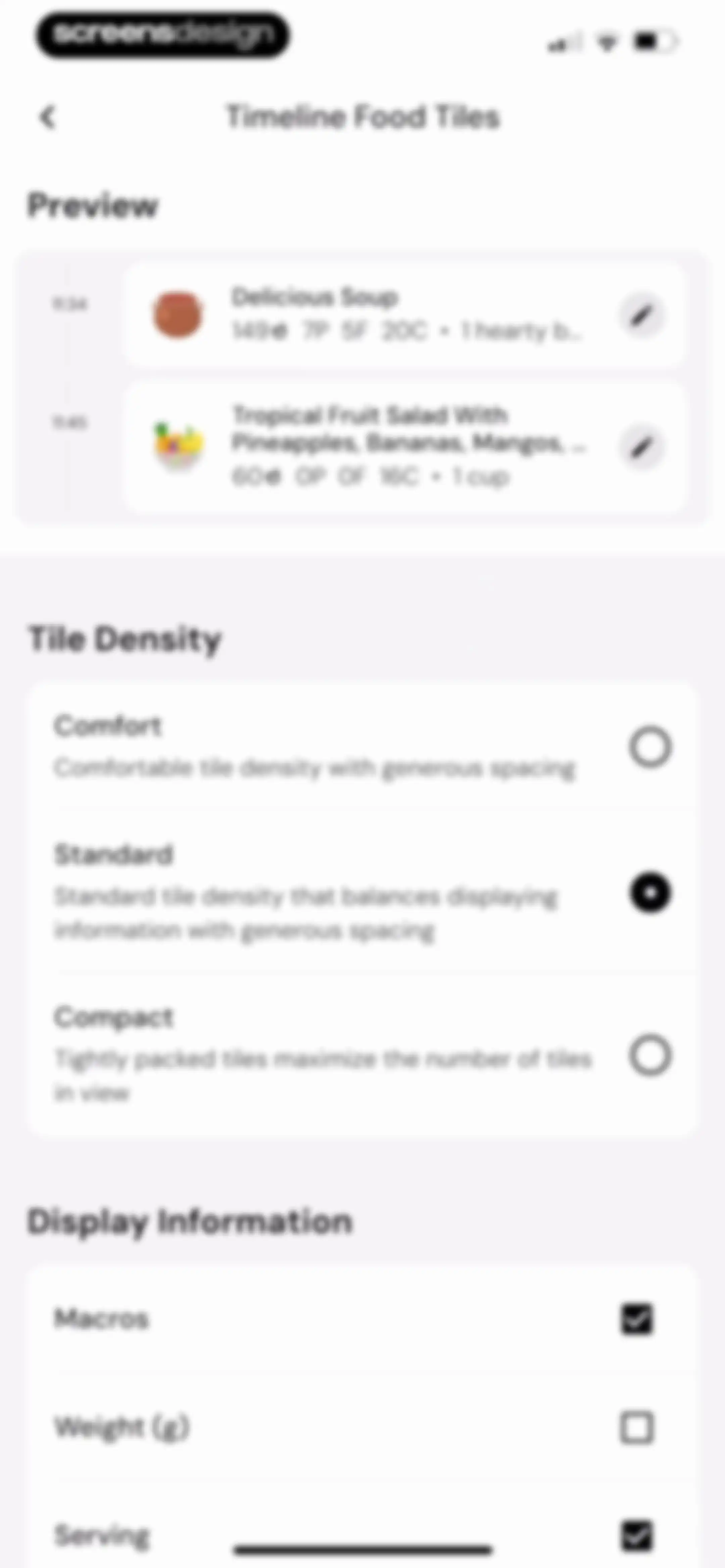
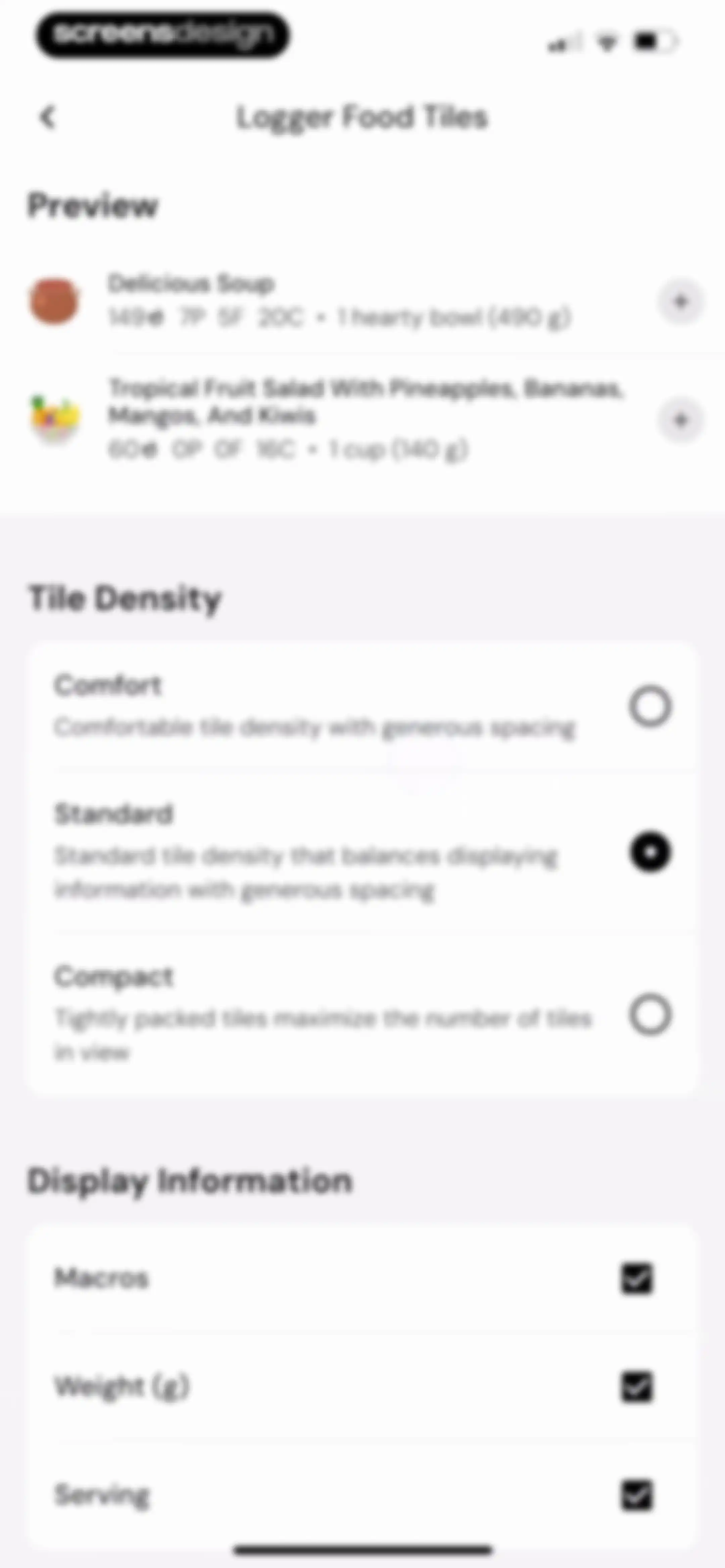
Settings screen for food tile display with a preview card, Tile Density options set to Standard, and Display Information toggles.Unlock Pro
Food tile settings screen with a preview section, Standard density selected via radio button, and toggles for Macros, Weight, and Serving display information.Unlock Pro
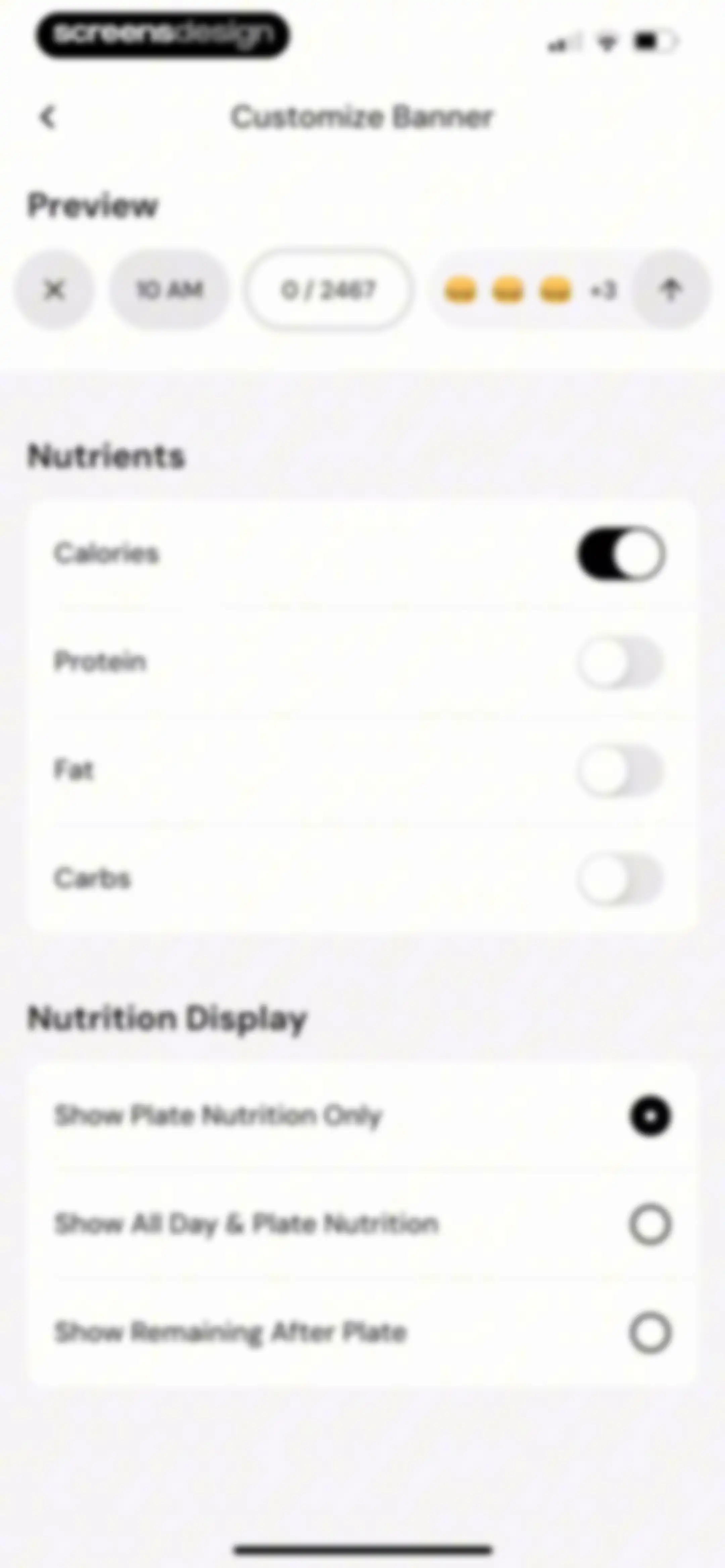
Customize banner settings screen featuring a preview area, nutrient toggles with calories enabled, and nutrition display options with plate nutrition selected.Unlock Pro
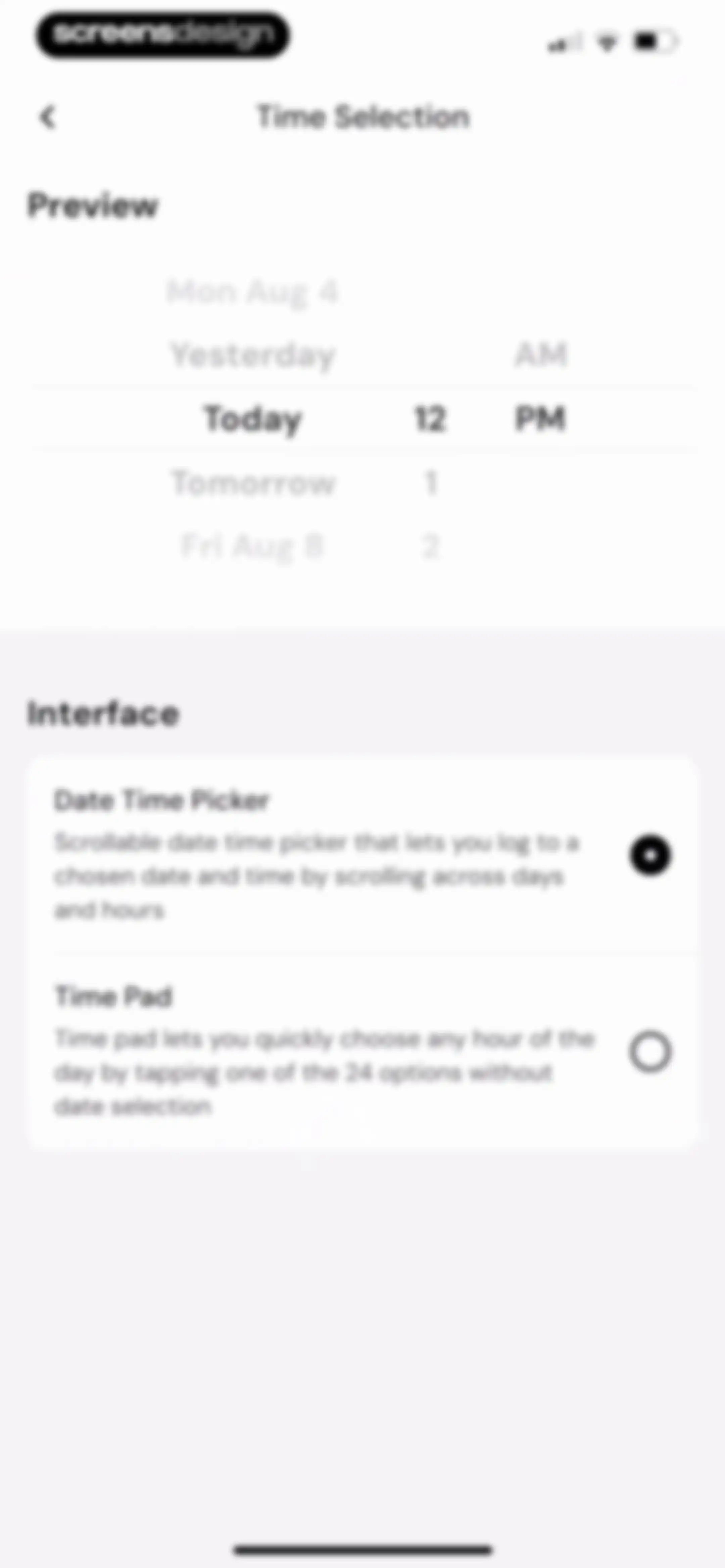
Time selection settings screen with a preview area and two interface options, with Date Time Picker selected.Unlock Pro
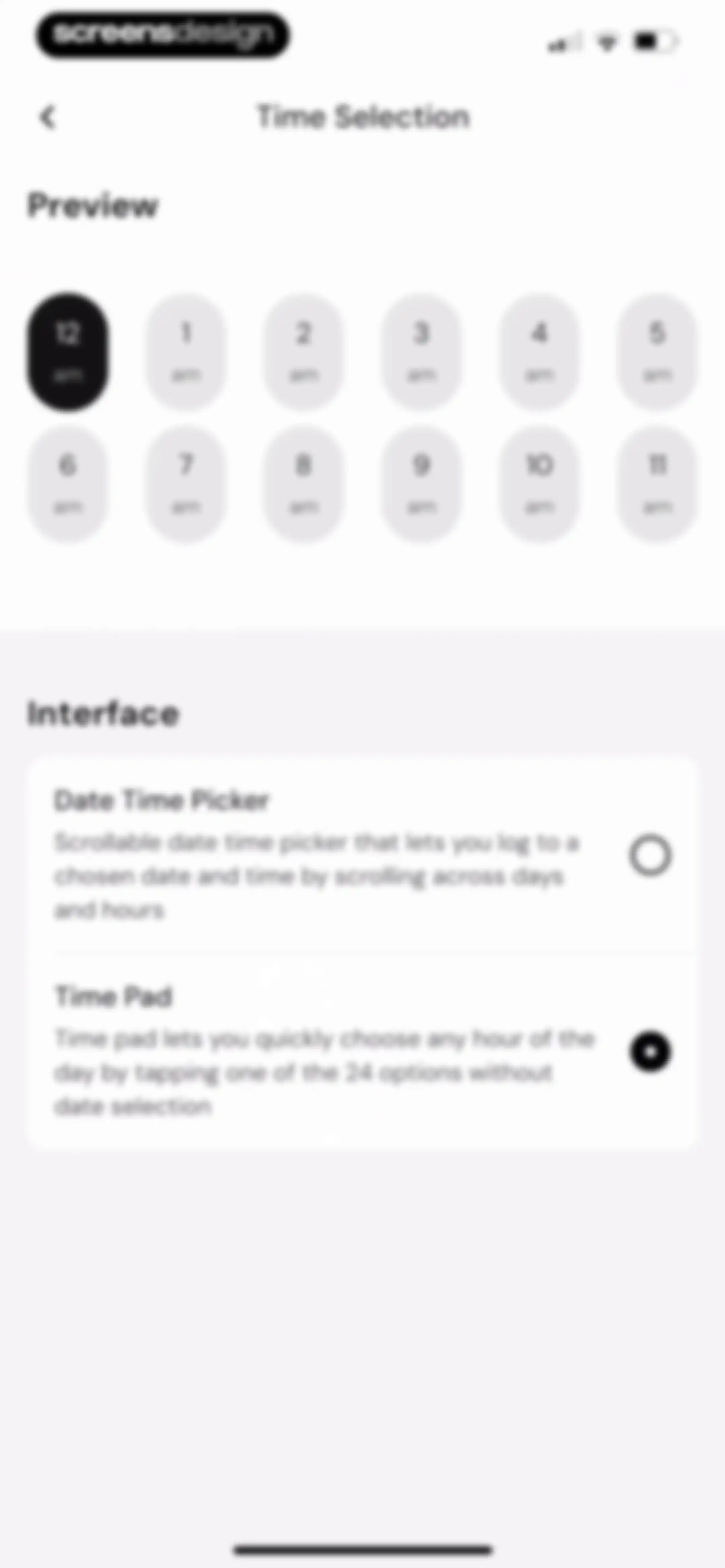
Time selection settings screen with a preview grid and an interface selection list, featuring the Time Pad option selected and a back button.Unlock Pro
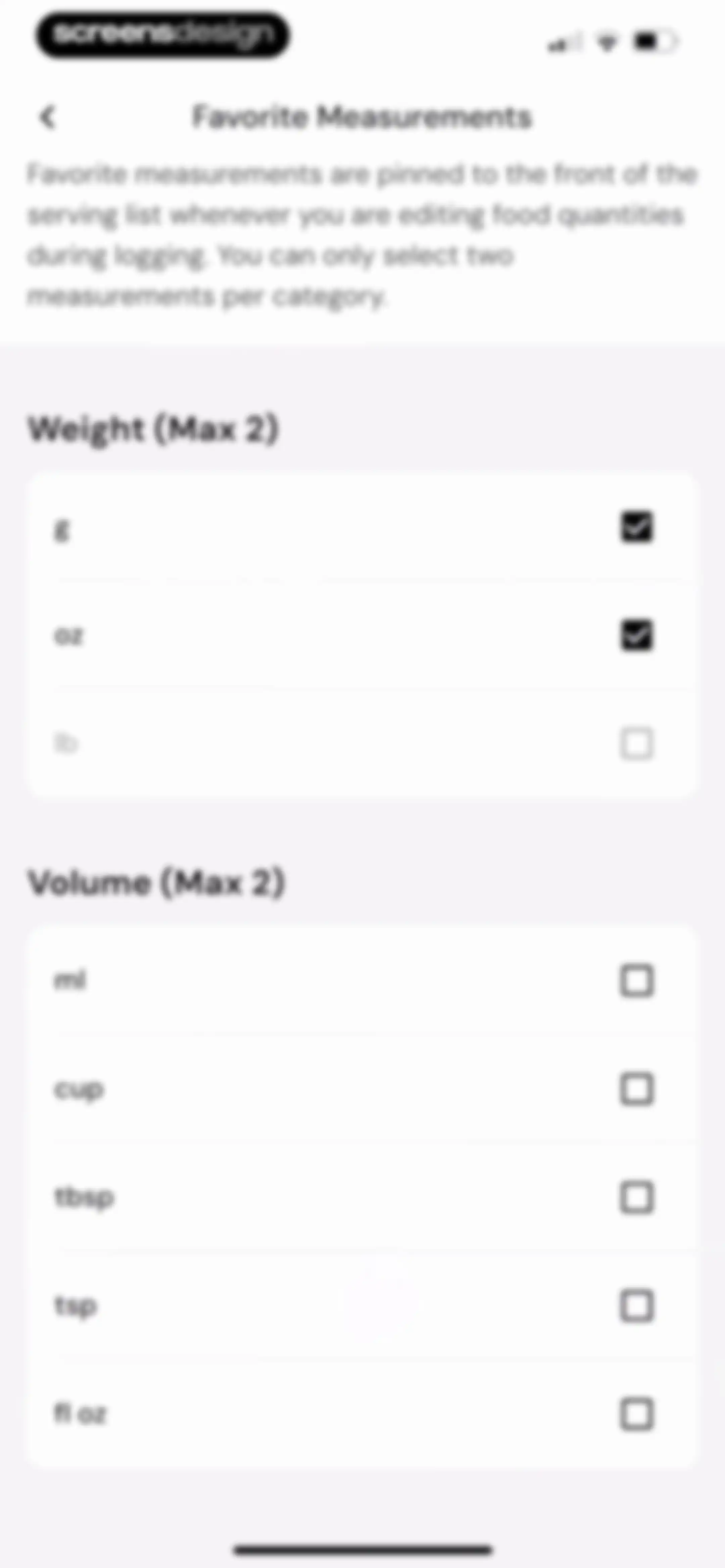
Settings screen for favorite measurements with weight and volume unit options, featuring selected gram and ounce units.Unlock Pro
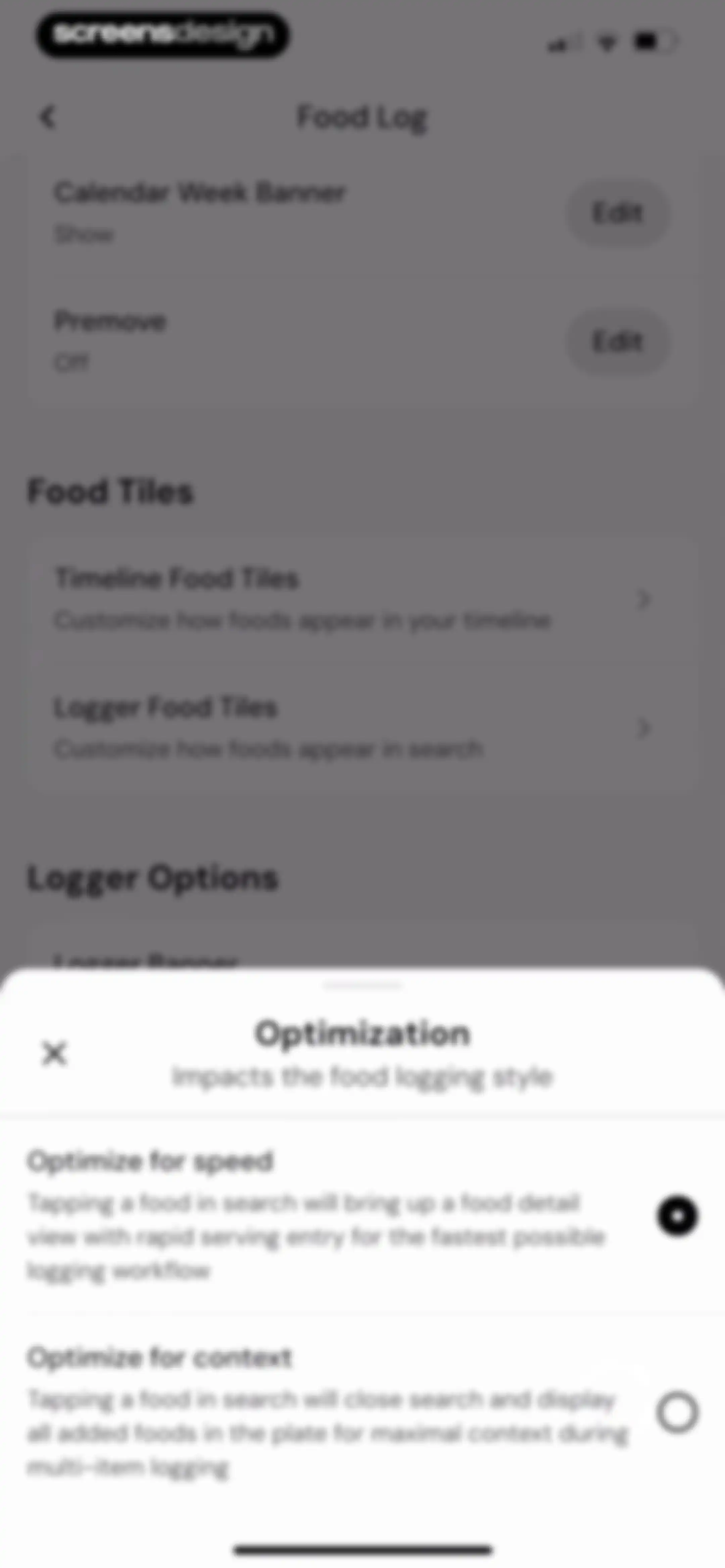
Food log settings menu with an optimization modal overlay showing speed and context options, with the speed option selected.Unlock Pro
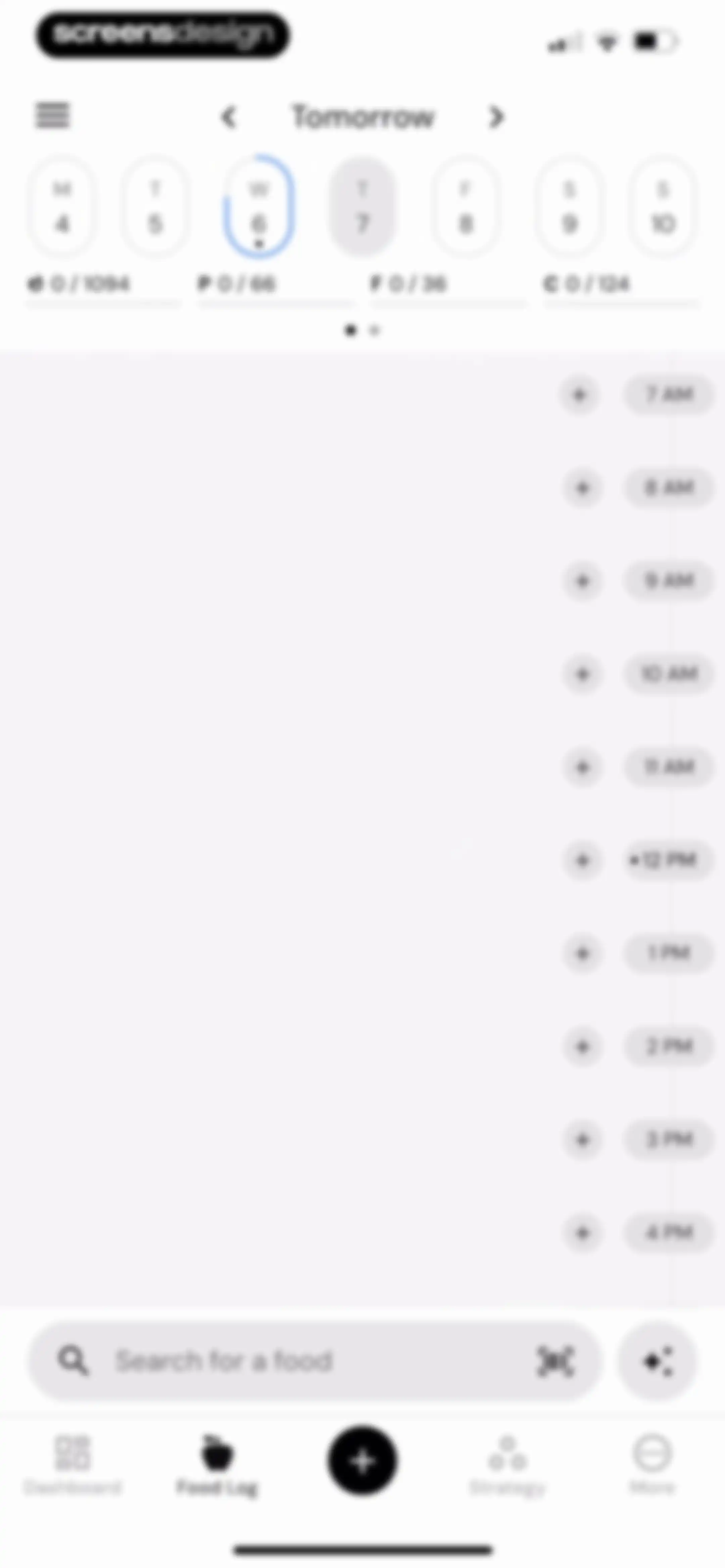
Food log editor with a horizontal date selector, hourly timeline for adding entries, and a bottom search bar with the Food Log tab selected.Unlock Pro
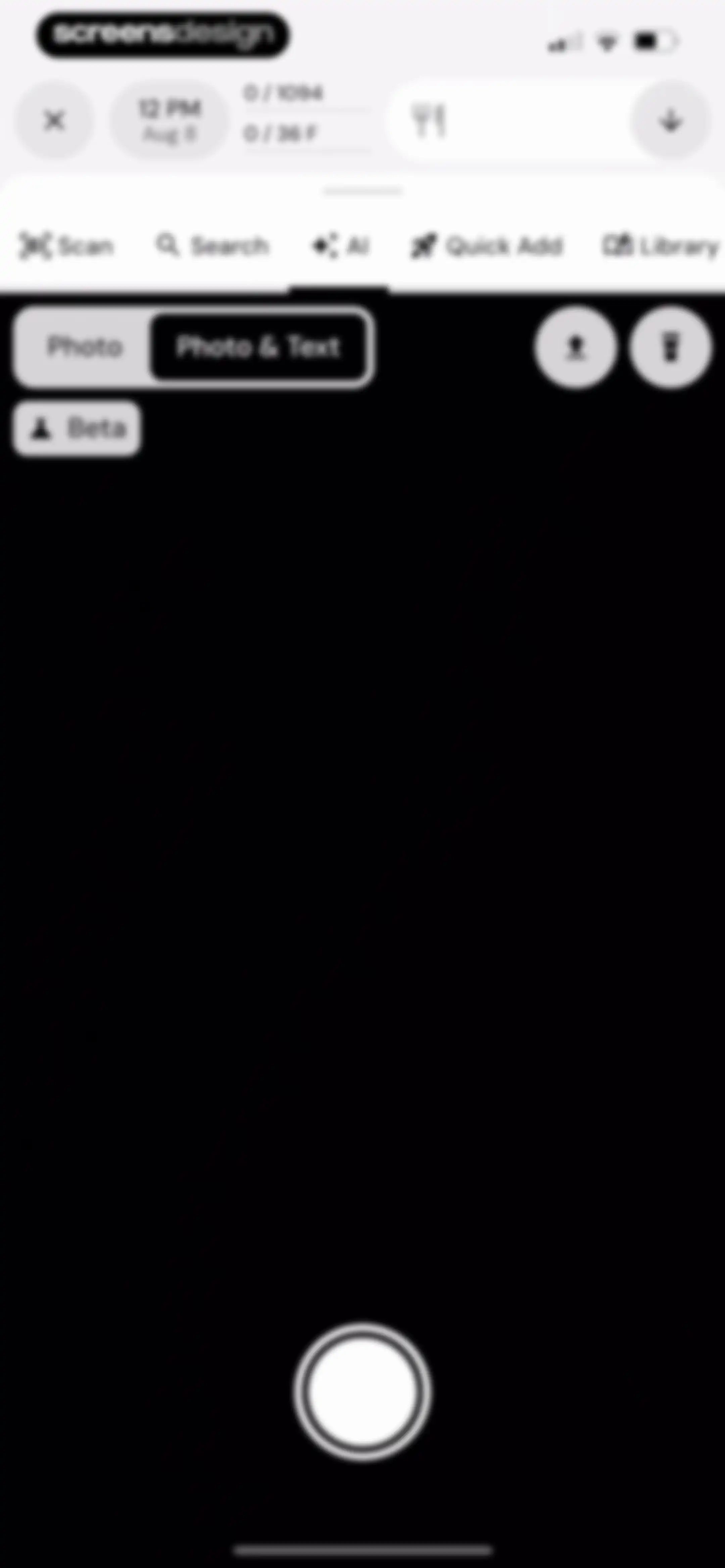
Camera interface for logging food with a large viewfinder, top navigation tabs, a mode toggle, and a bottom shutter button.Unlock Pro
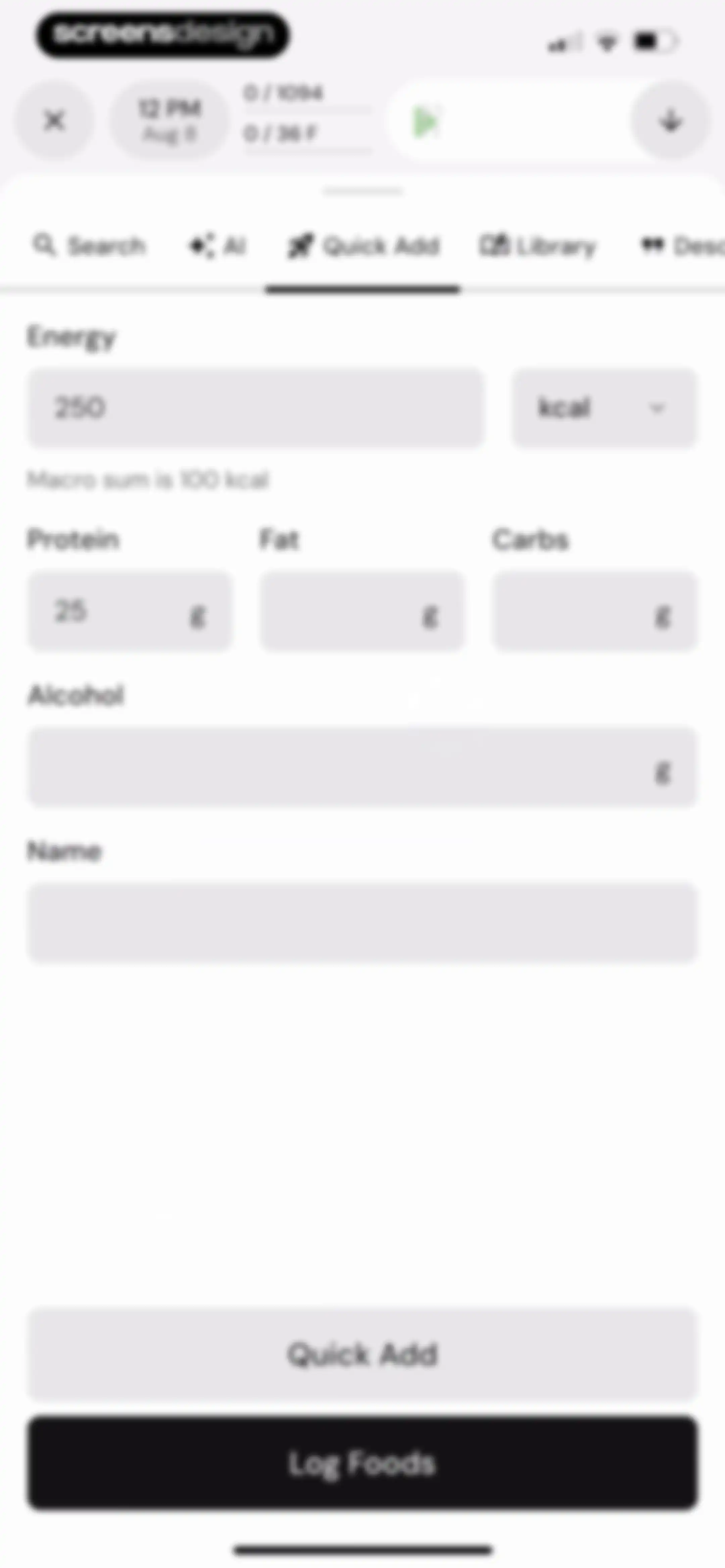
Nutrition logging form with Quick Add tab selected, energy and macro input fields, and a Log Foods button at the bottom.Unlock Pro
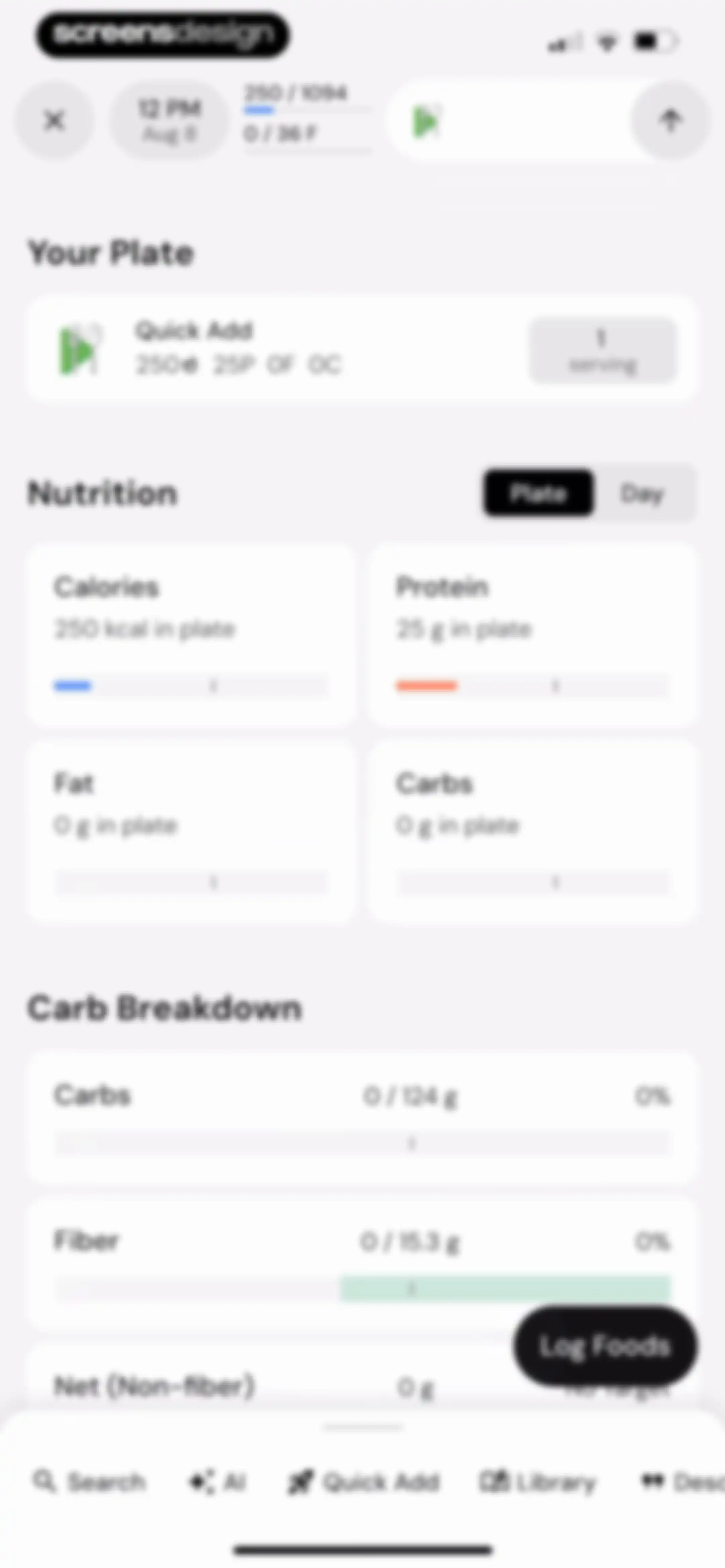
Nutrition tracking dashboard with a Quick Add card, a grid of four macro cards, and a Log Foods button.Unlock Pro
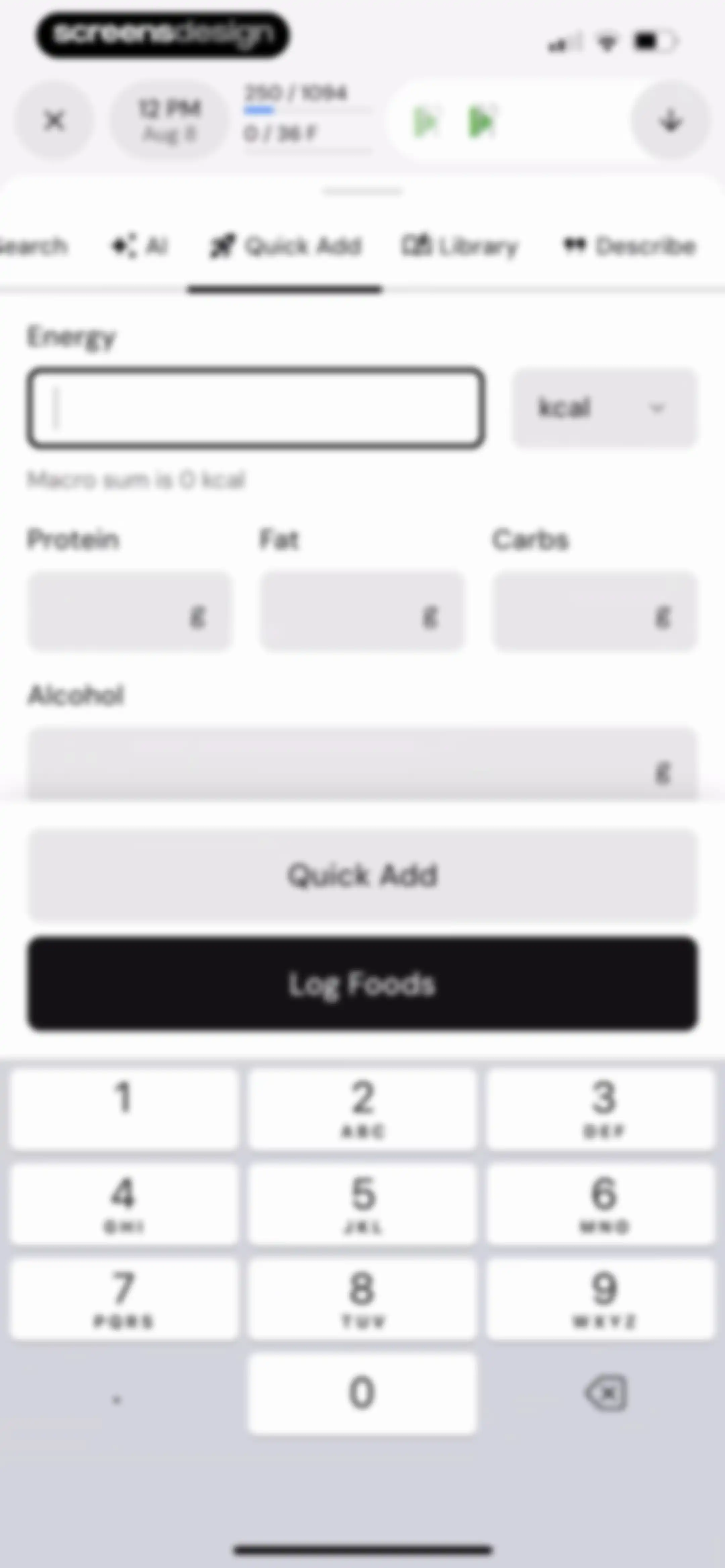
Nutrition logging form with empty energy and macro input fields, a numeric keypad, and a Log Foods button.Unlock Pro
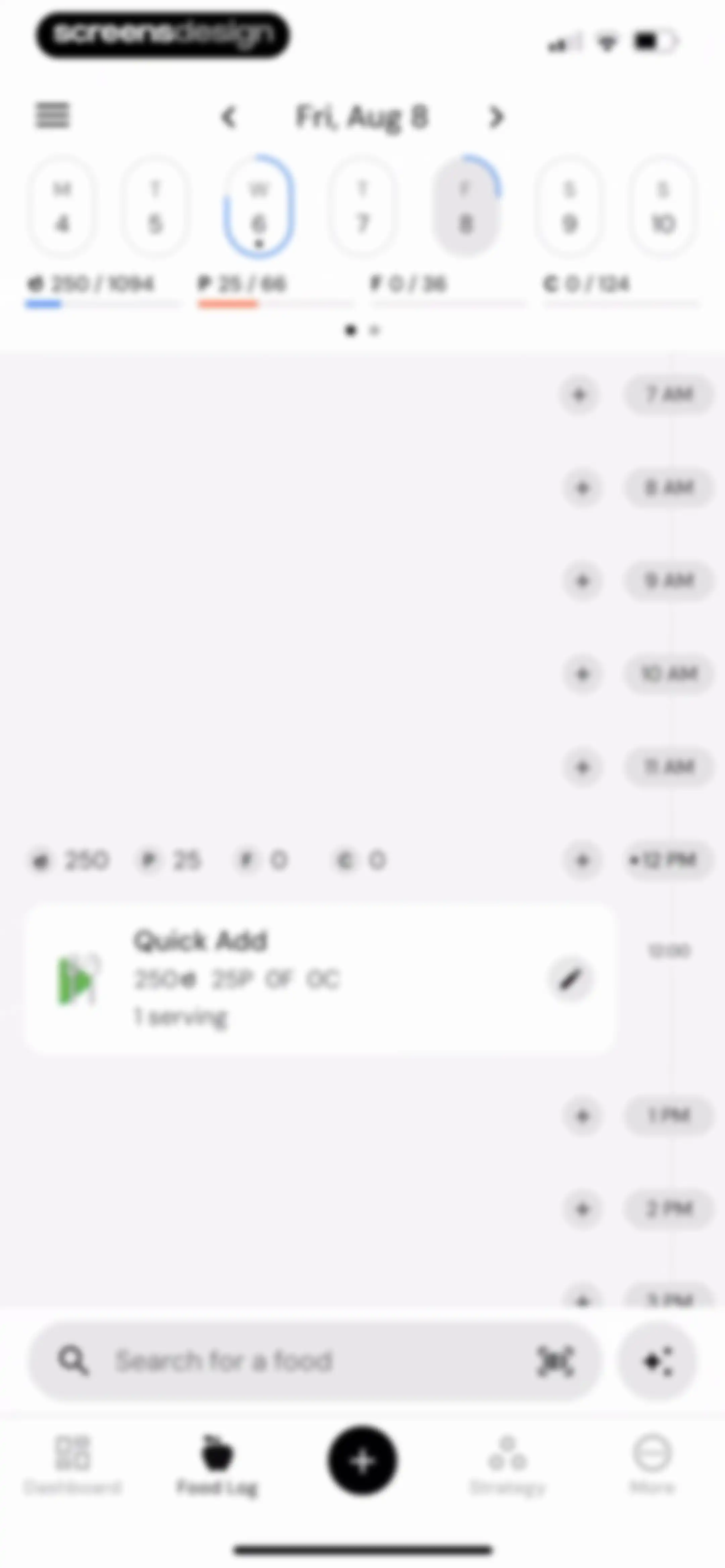
Food log dashboard showing a daily macro summary, an hourly timeline with add buttons, a quick add card, and a bottom search bar.Unlock Pro
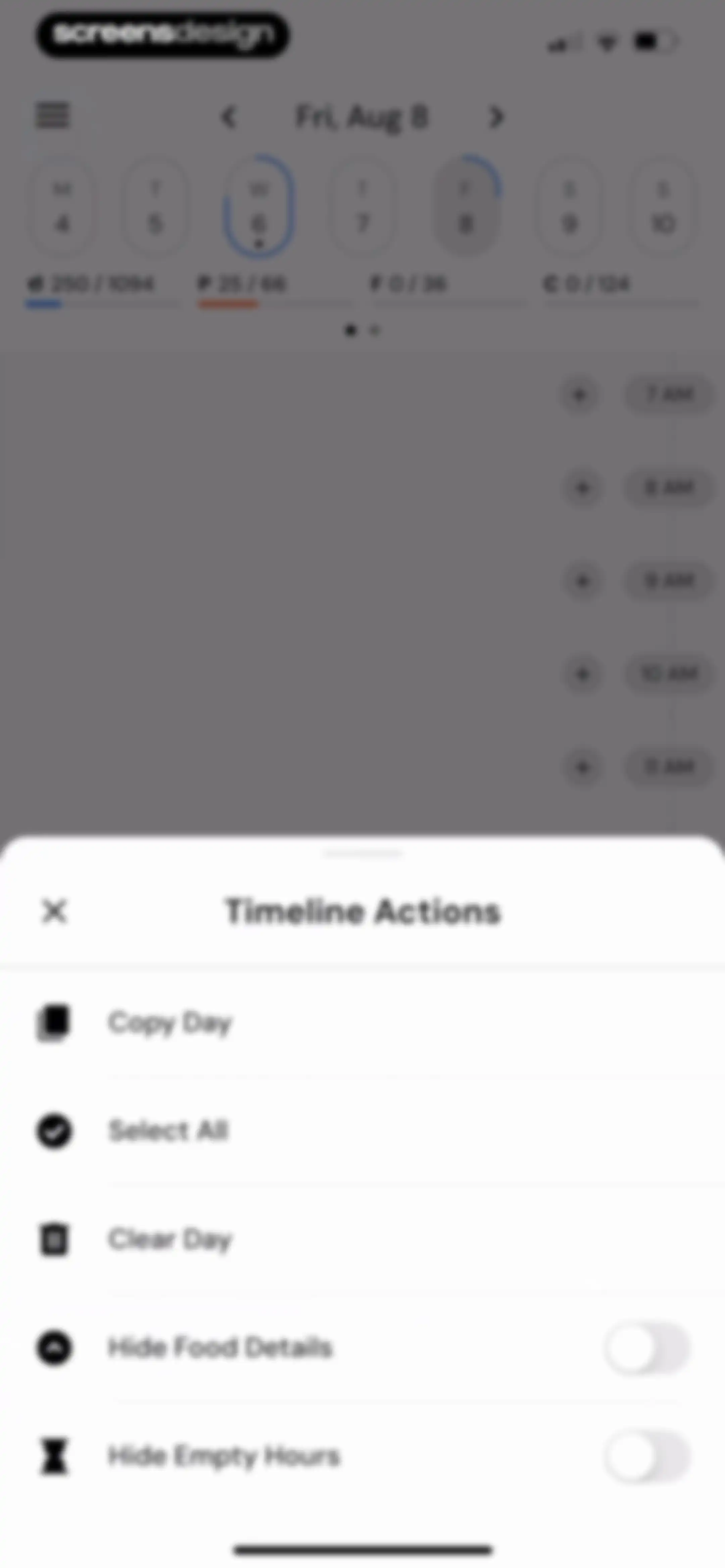
Bottom sheet modal showing timeline actions for a daily food log, including options to copy, select all, clear, and toggle view details.Unlock Pro
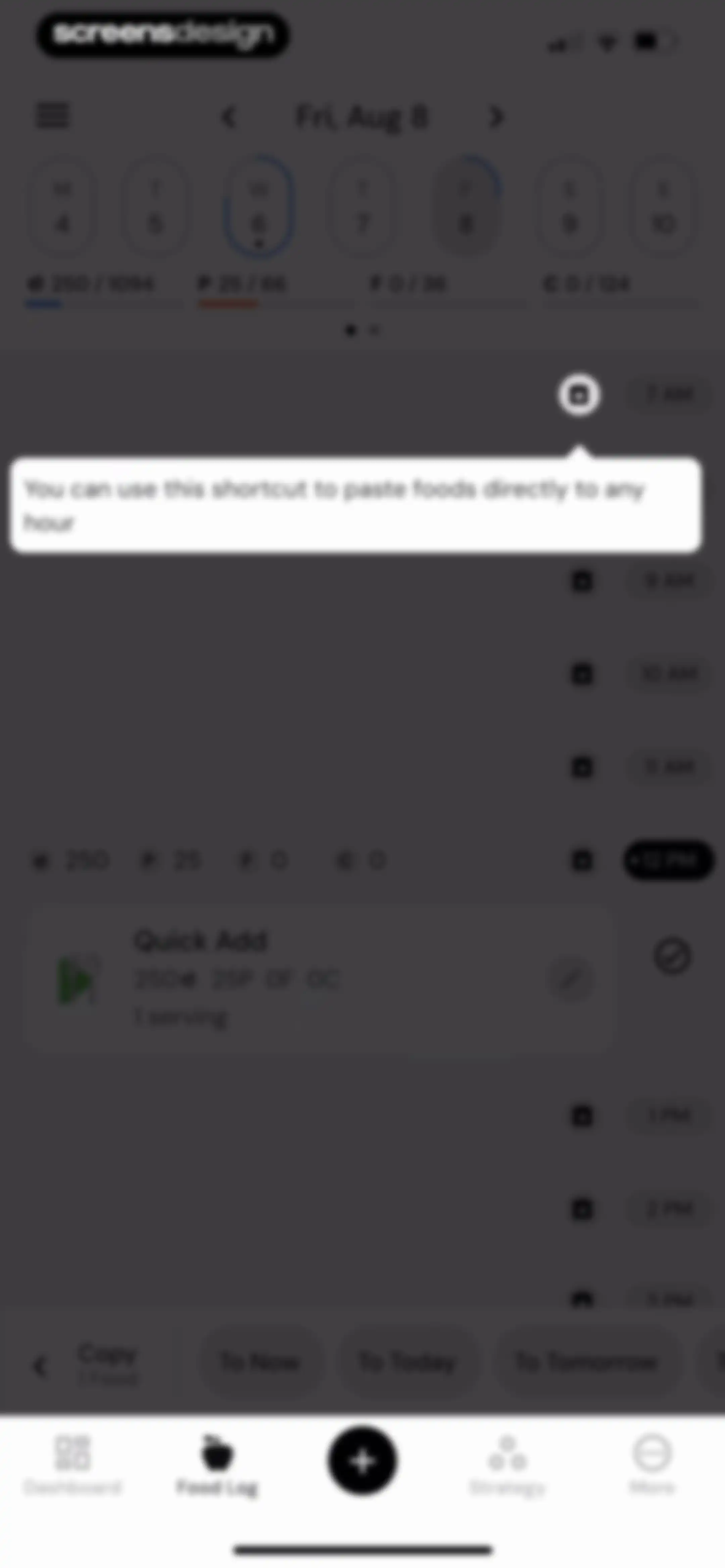
Food log dashboard with an hourly timeline, a Quick Add entry at midday, a paste shortcut tooltip, and a bottom action bar for copying items.Unlock Pro
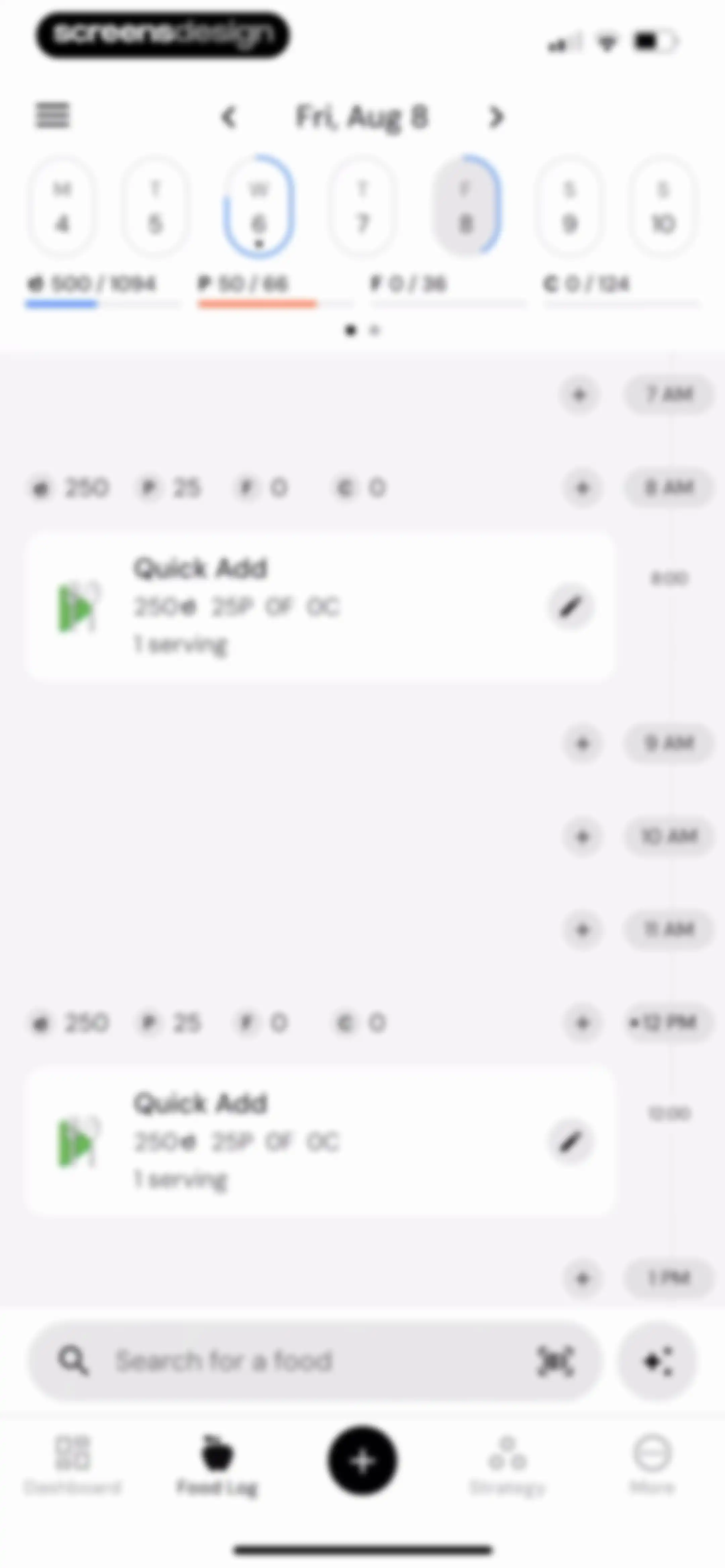
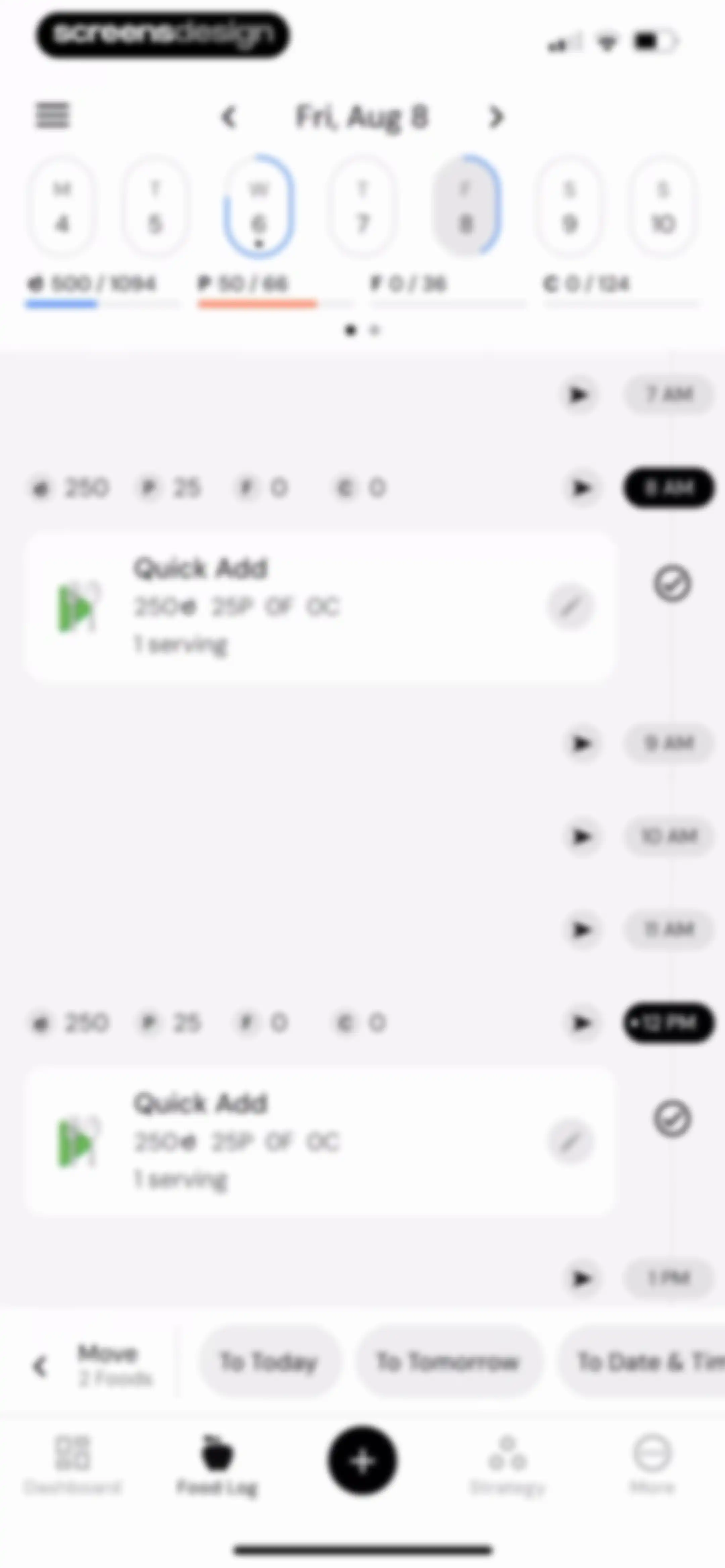
Food log dashboard showing a top calendar strip with Friday, Aug 8 selected, daily macro summaries, and an hourly timeline with quick add food entries.Unlock Pro
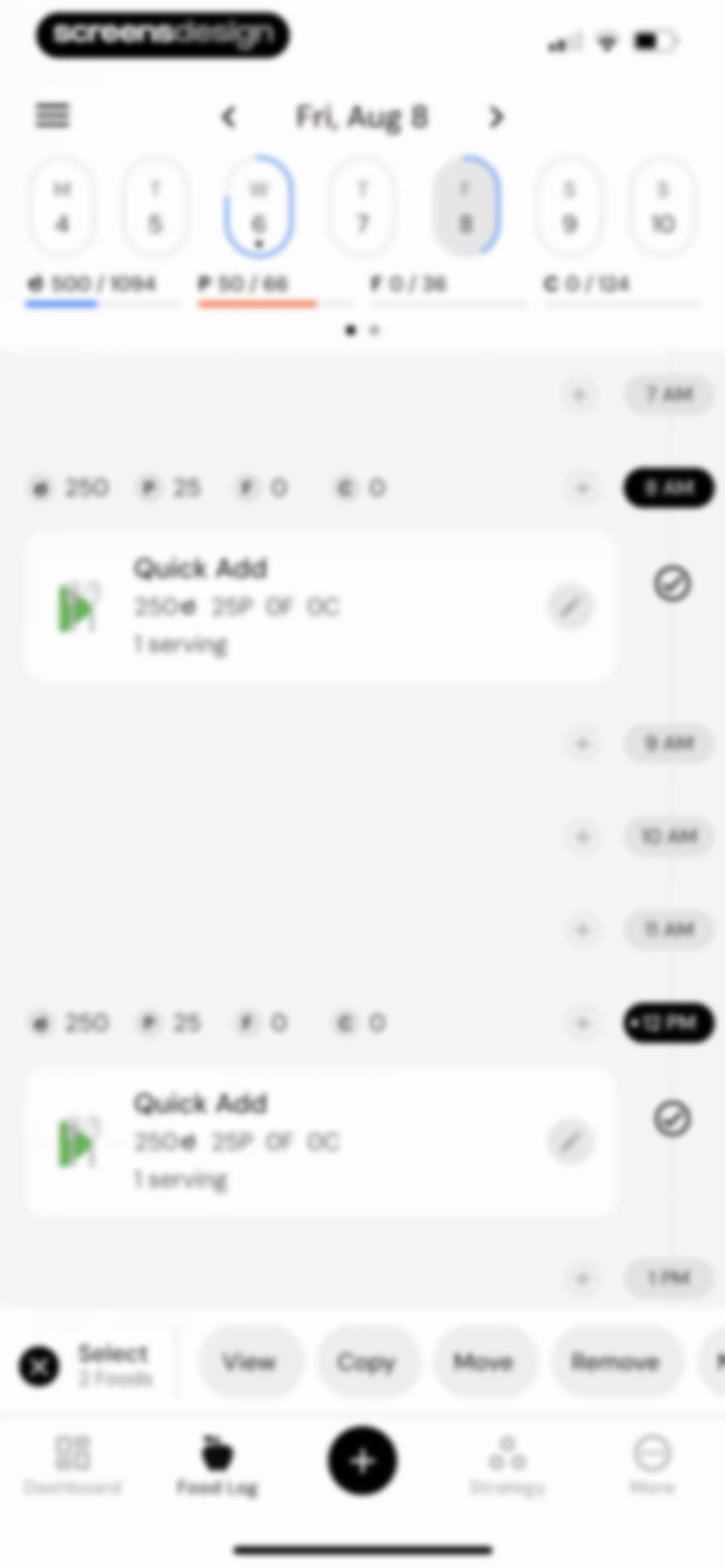
Food log dashboard displaying a daily hourly timeline with macro progress, quick add food entries, and a bottom selection toolbar.Unlock Pro
Food logging dashboard with a daily macro summary, hourly timeline featuring food cards, and a bottom move action bar.Unlock Pro
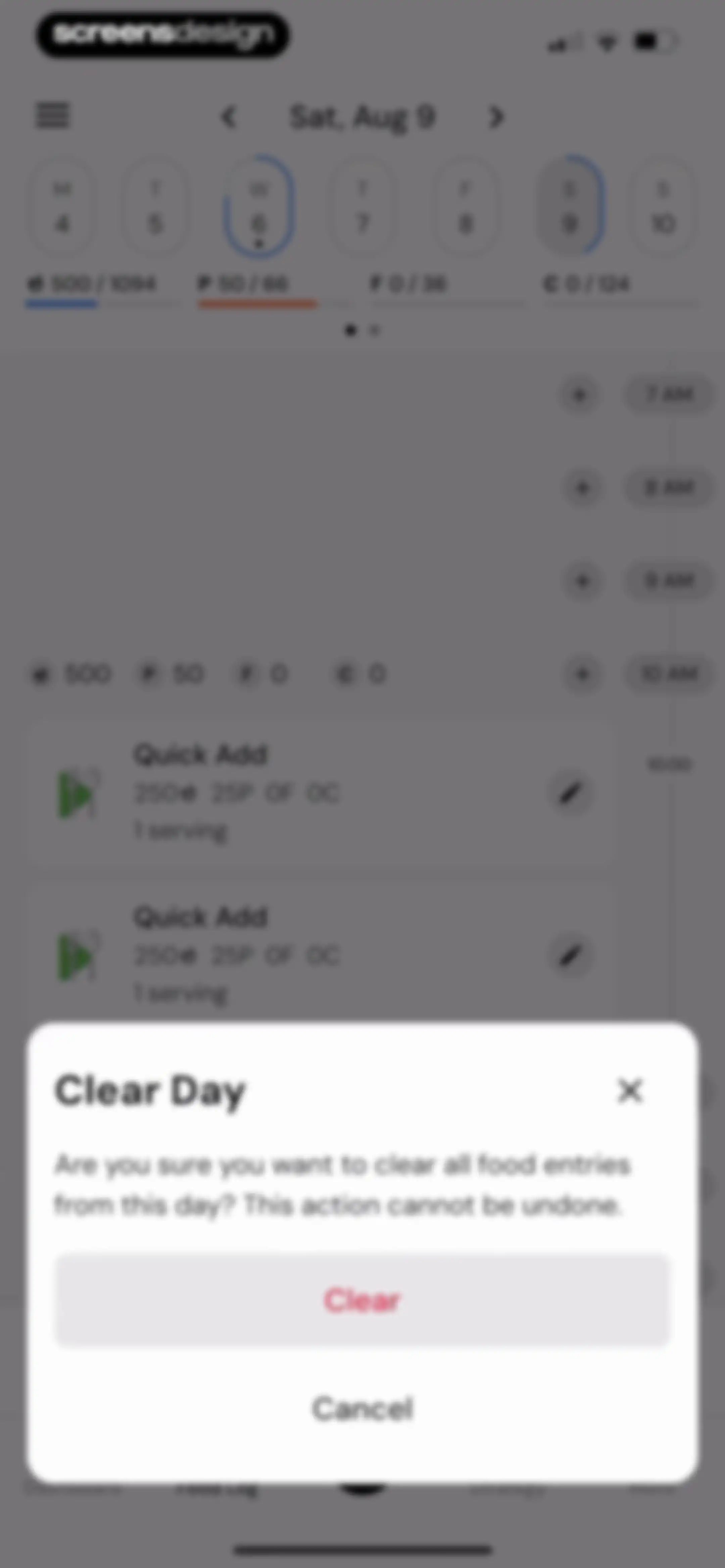
Food log interface with a confirmation modal asking if the user wants to clear all food entries from the day, featuring a red Clear button.Unlock Pro
Dashboard food log with a calendar strip, macro summary, hourly timeline, and a bottom search bar.Unlock Pro
Nutrition app dashboard showing an empty food log with a top calendar strip, notes section, and bottom search bar.Unlock Pro
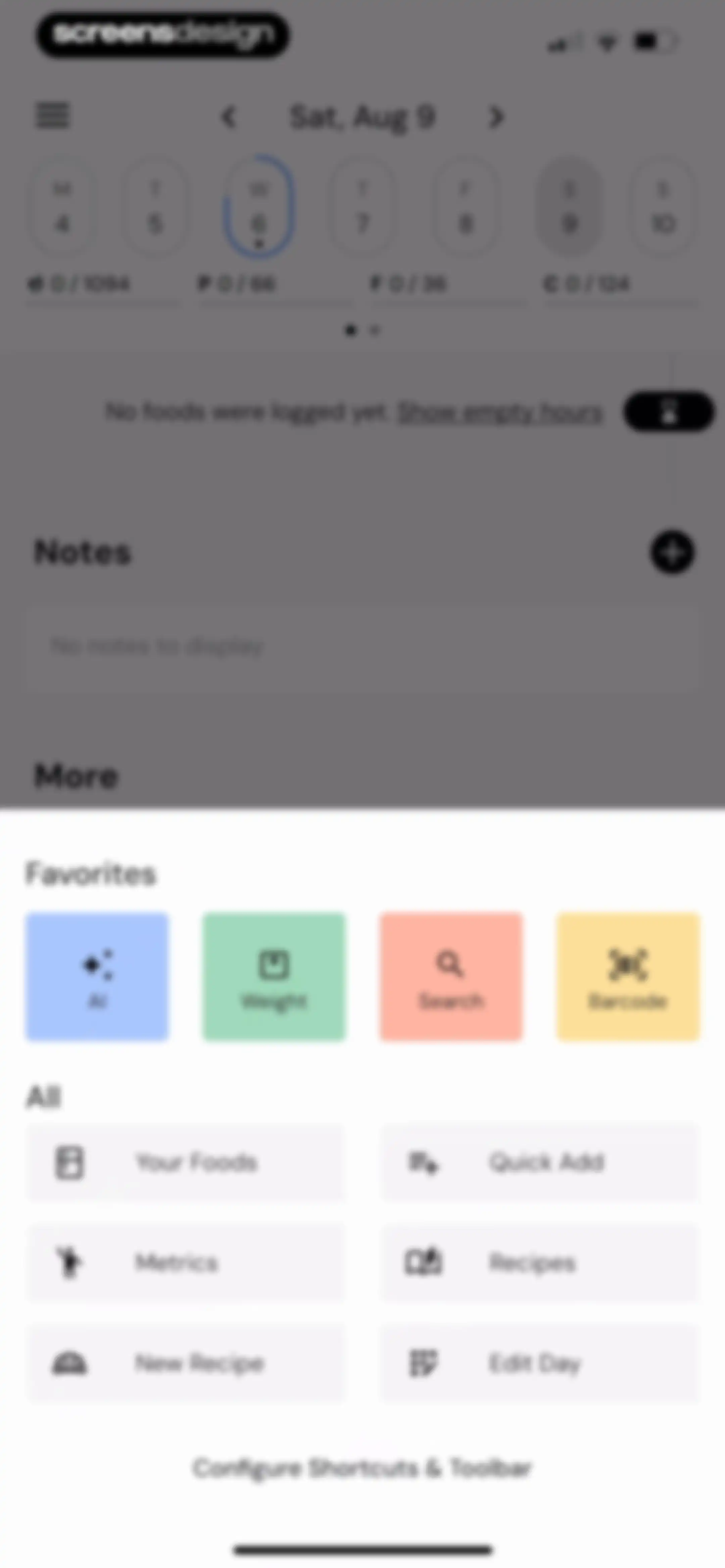
Nutrition tracking dashboard featuring a top calendar strip, an empty daily log, and a bottom overlay panel with a grid of action buttons including AI and Barcode.Unlock Pro
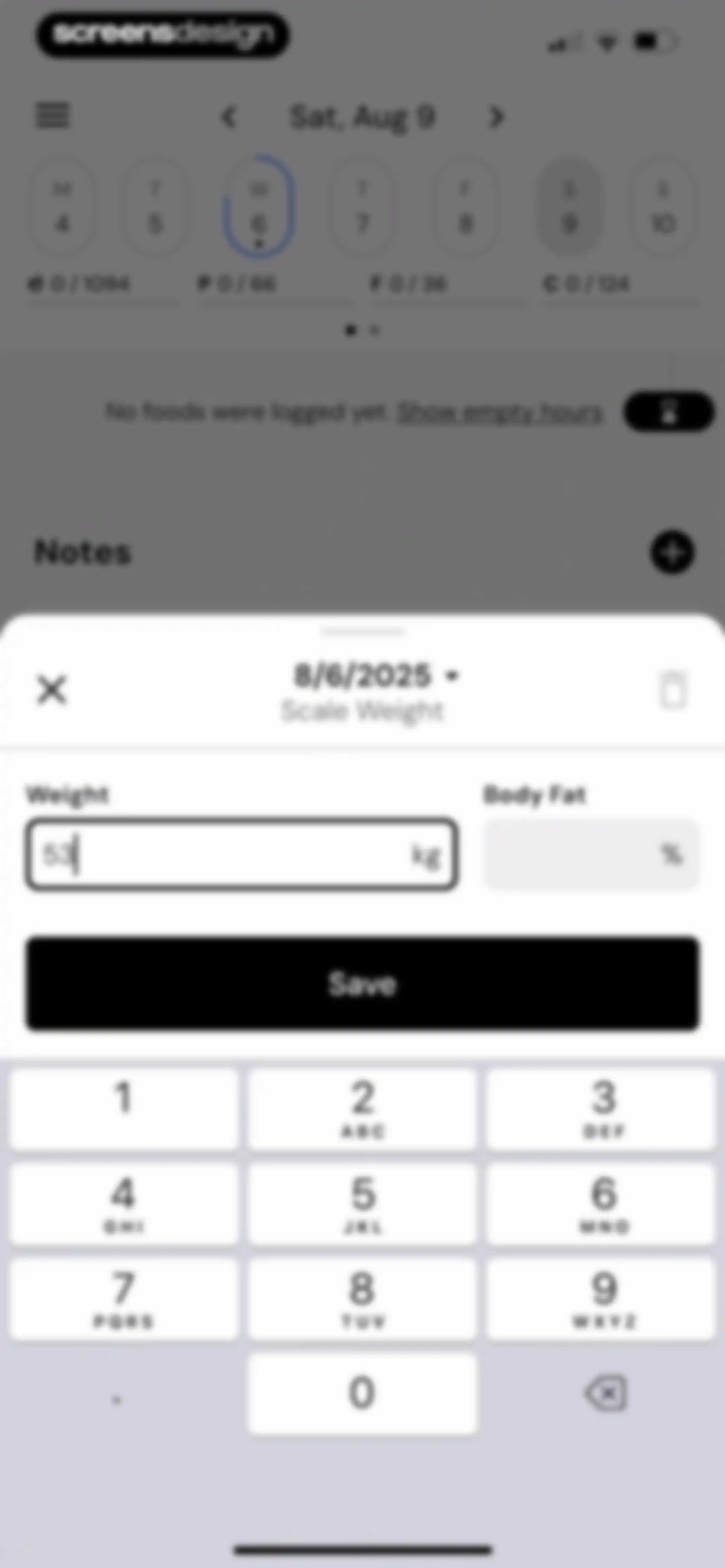
Weight entry form modal displaying a scale weight of 53 kg, a date selector, and a bottom numeric keypad with a Save button.Unlock Pro
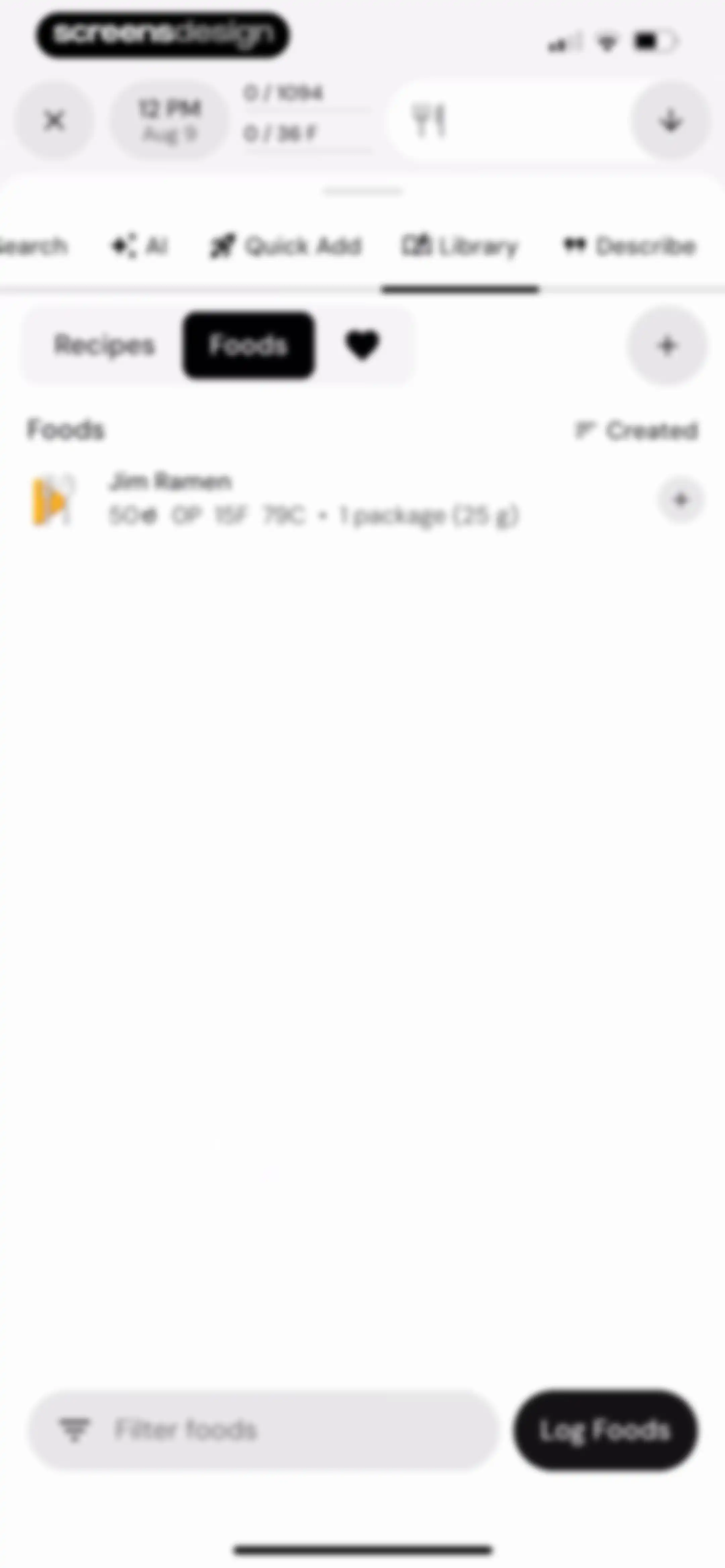
Food library interface displaying saved items like Jim Ramen with a nutritional breakdown, search options, and a Log Foods button.Unlock Pro
Nutrition library recipe screen showing an empty state with no recipes yet, top navigation tabs, and a Log Foods action button at the bottom.Unlock Pro
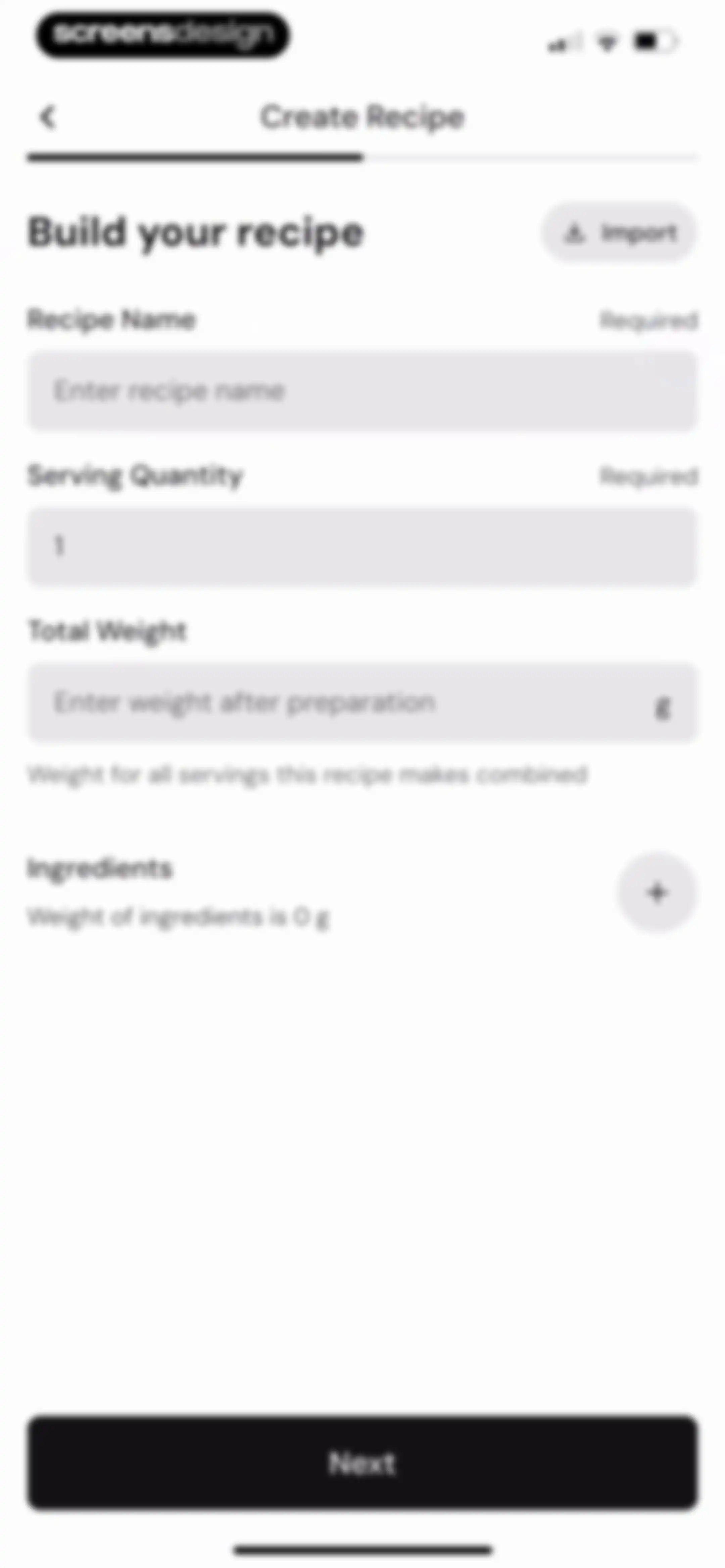
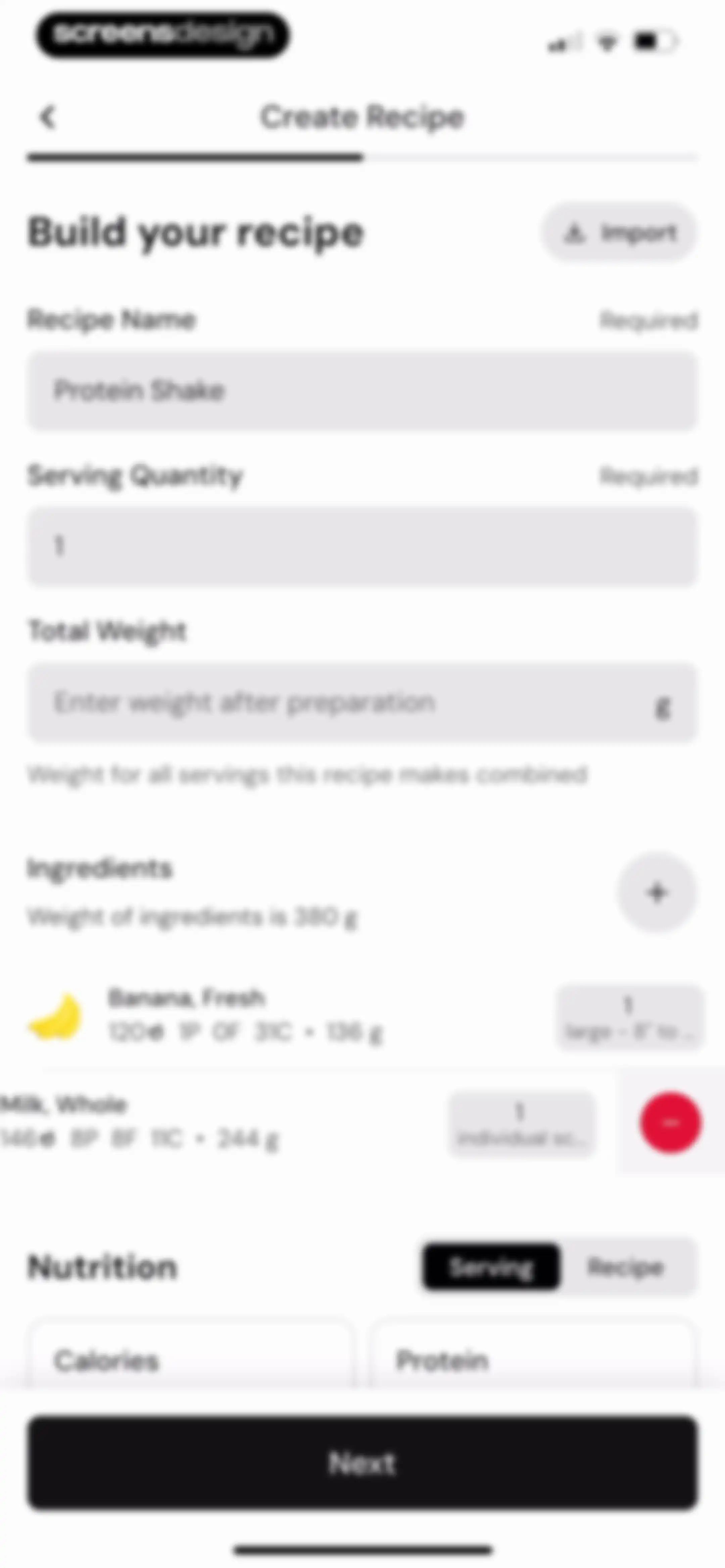
Recipe creation form with input fields for recipe name, serving quantity, and total weight, featuring a Next button.Unlock Pro
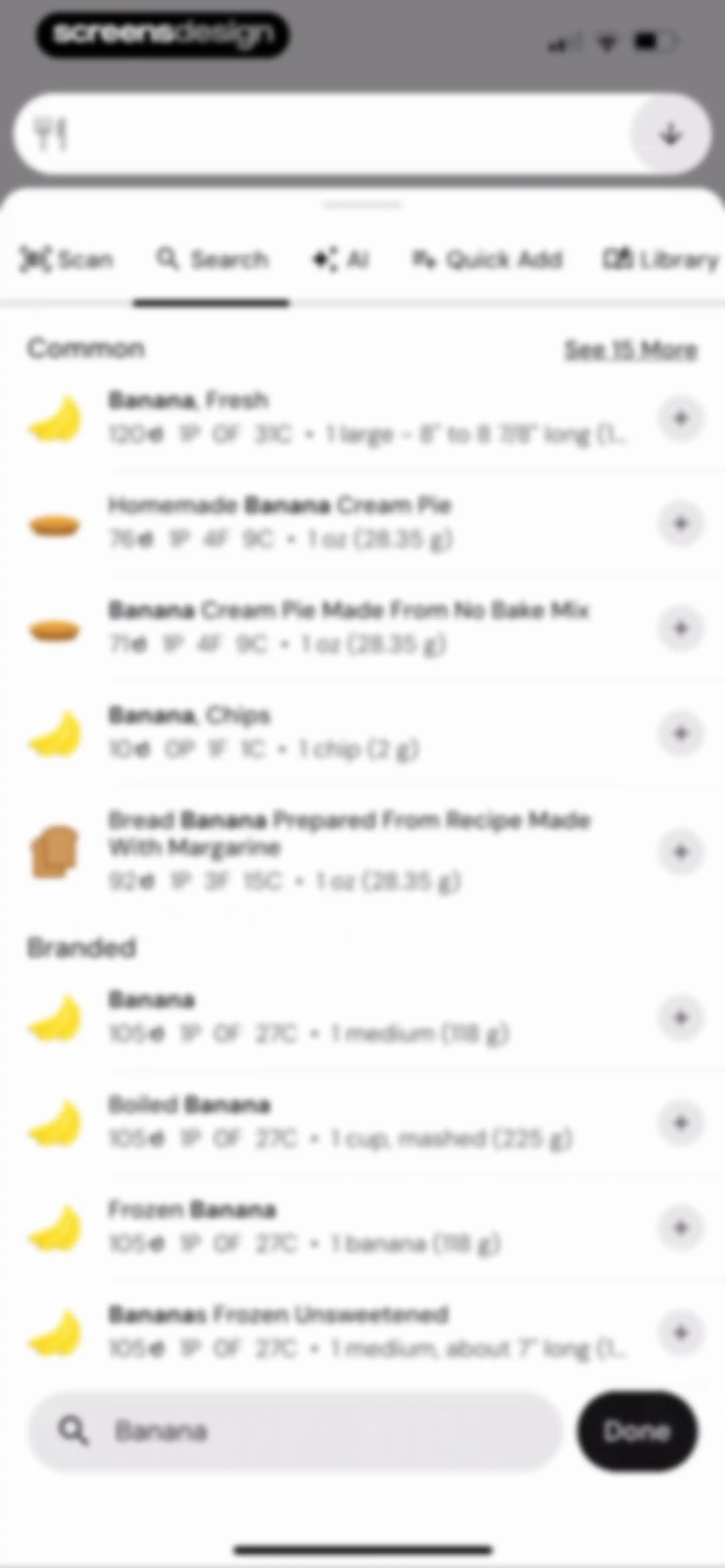
Food search results screen listing common and branded banana options with a search bar and a Done button.Unlock Pro
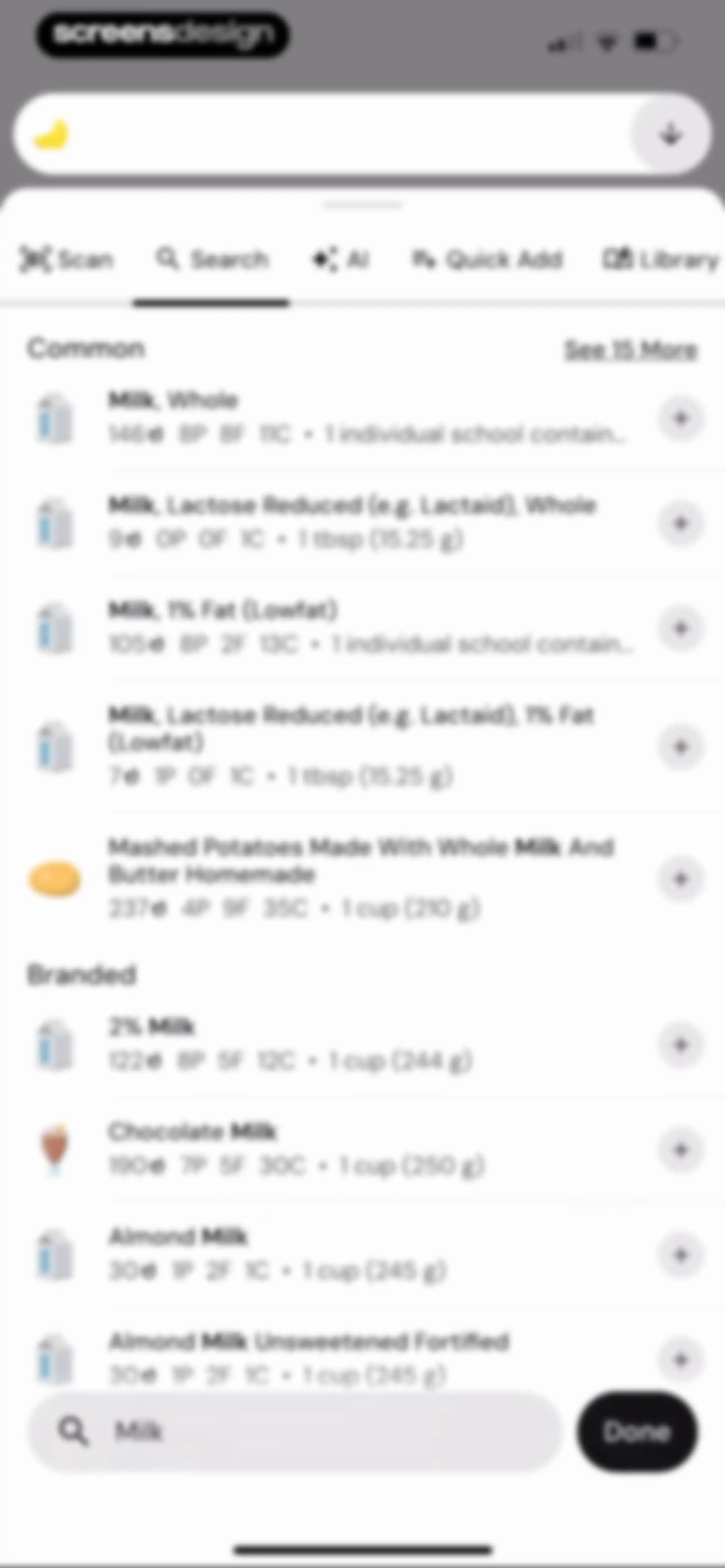
Food search screen with a categorized list of milk items, horizontal mode tabs, and a bottom search bar with a Done button.Unlock Pro
Create recipe form displaying input fields for recipe details, an ingredients list including banana and milk, a nutrition summary, and a Next button.Unlock Pro
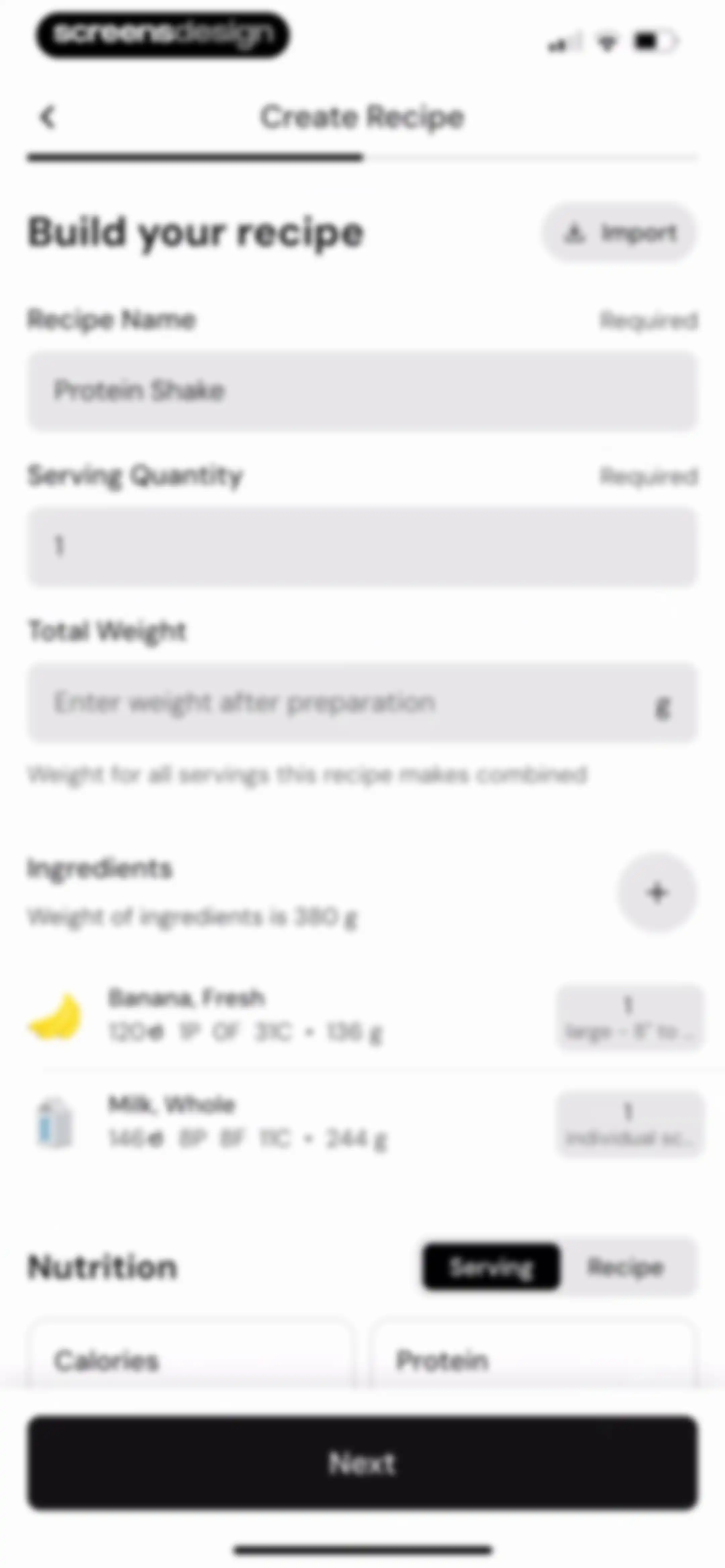
Recipe editor form showing input fields for a Protein Shake, an ingredient list with banana and milk, a nutrition summary, and a Next button.Unlock Pro
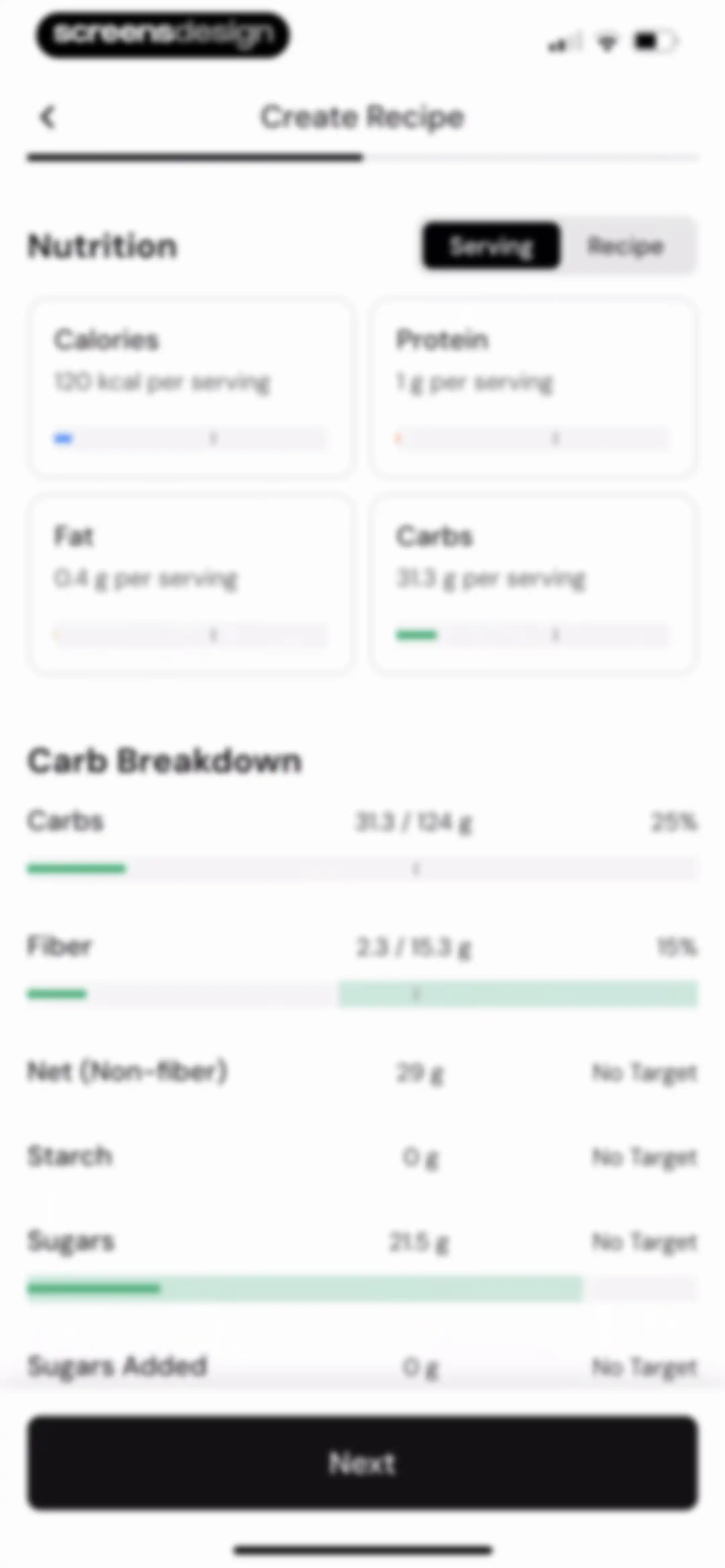
Create Recipe nutrition editor displaying calorie and macro summary cards, a detailed carb breakdown list, and a Next button.Unlock Pro
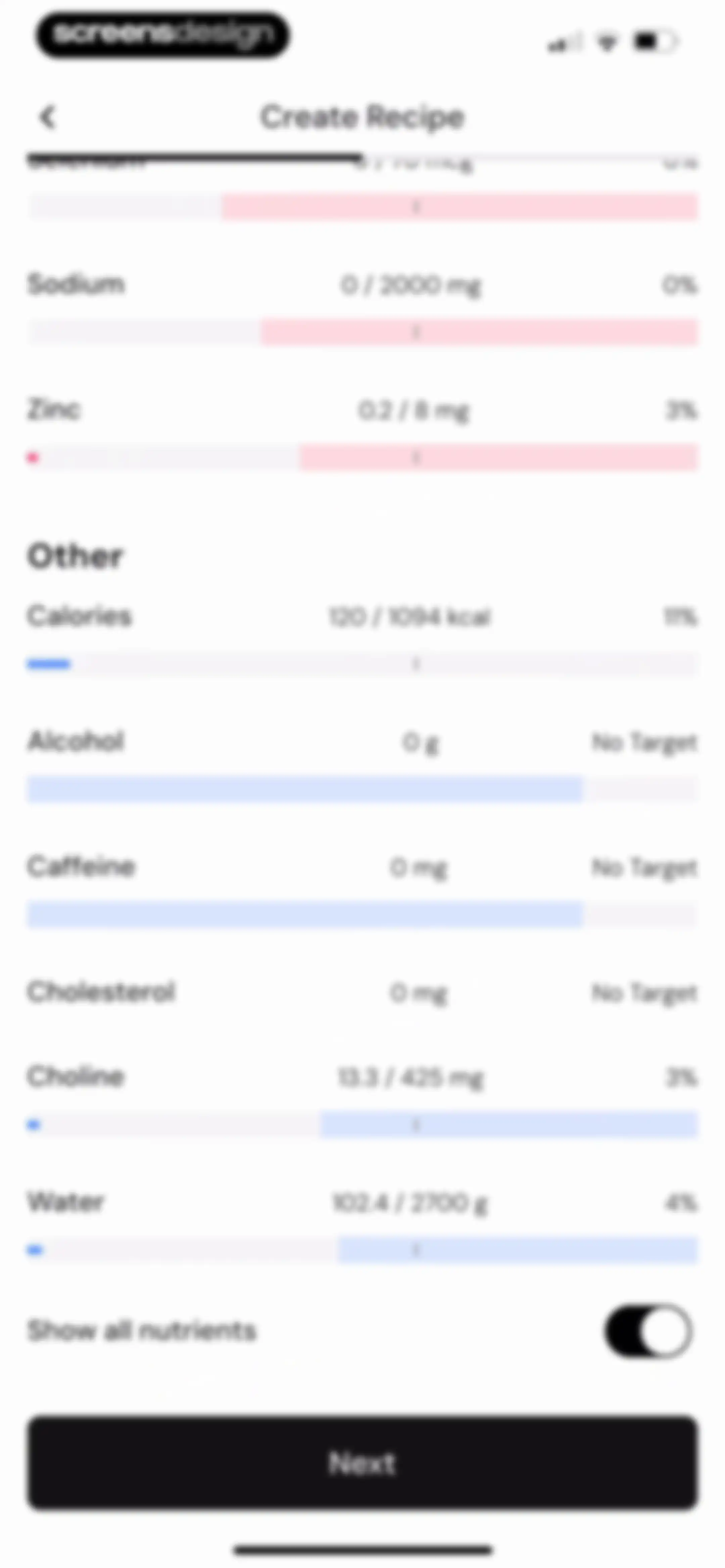
Recipe creation screen displaying a list of nutrient progress bars, a show all nutrients toggle, and a Next button.Unlock Pro
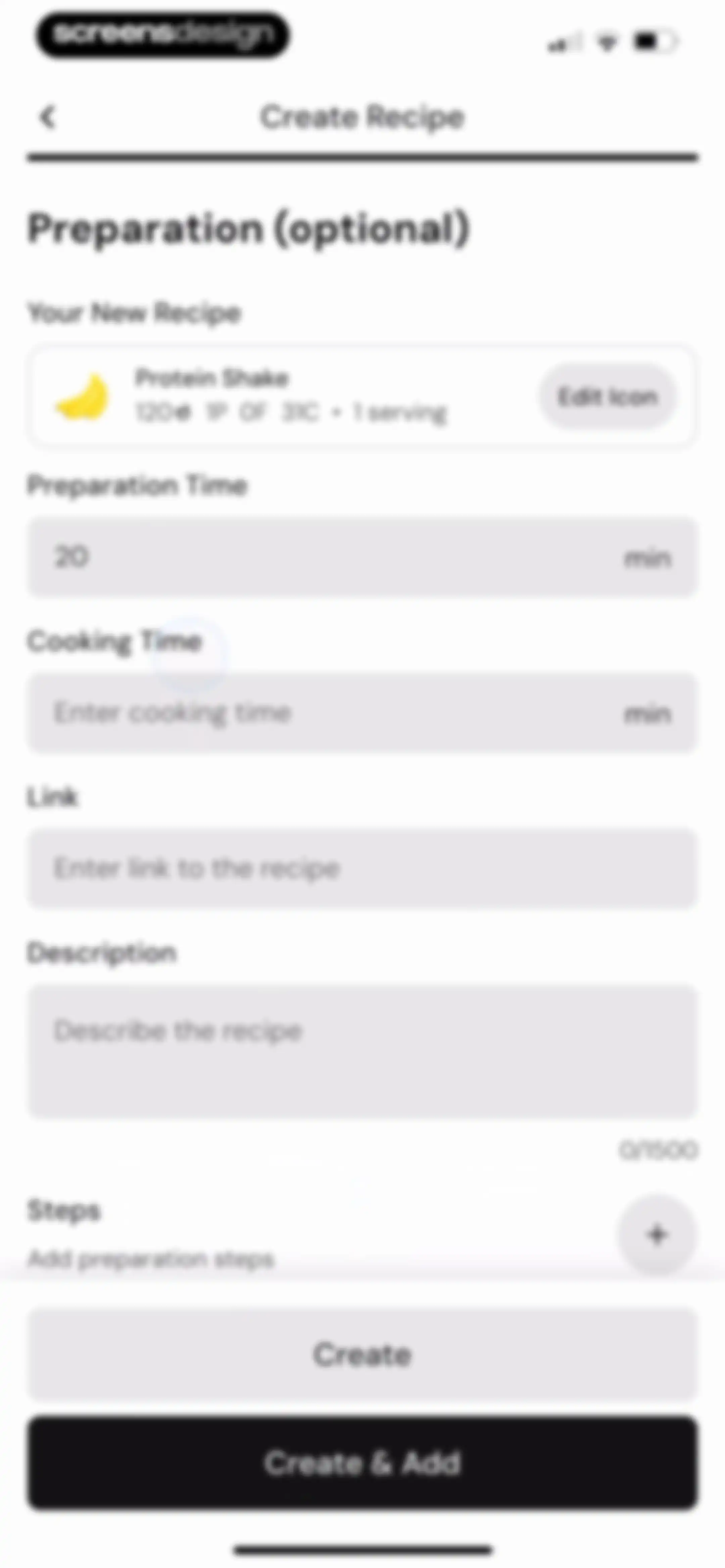
Recipe creation form displaying a Protein Shake summary card, optional preparation fields, and Create and Create & Add buttons at the bottom.Unlock Pro
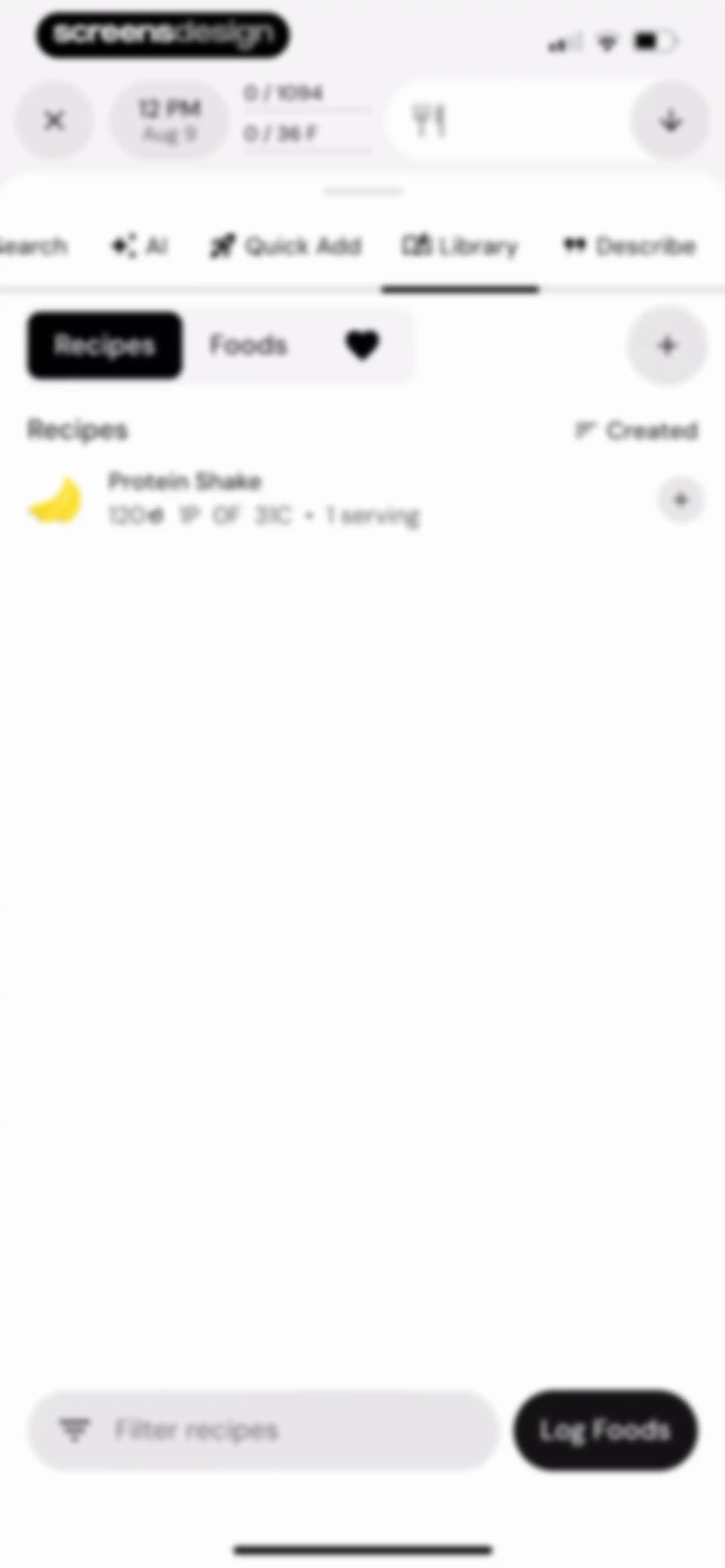
Recipe library screen showing a list of saved recipes including a Protein Shake with nutrition details and a Log Foods action button.Unlock Pro
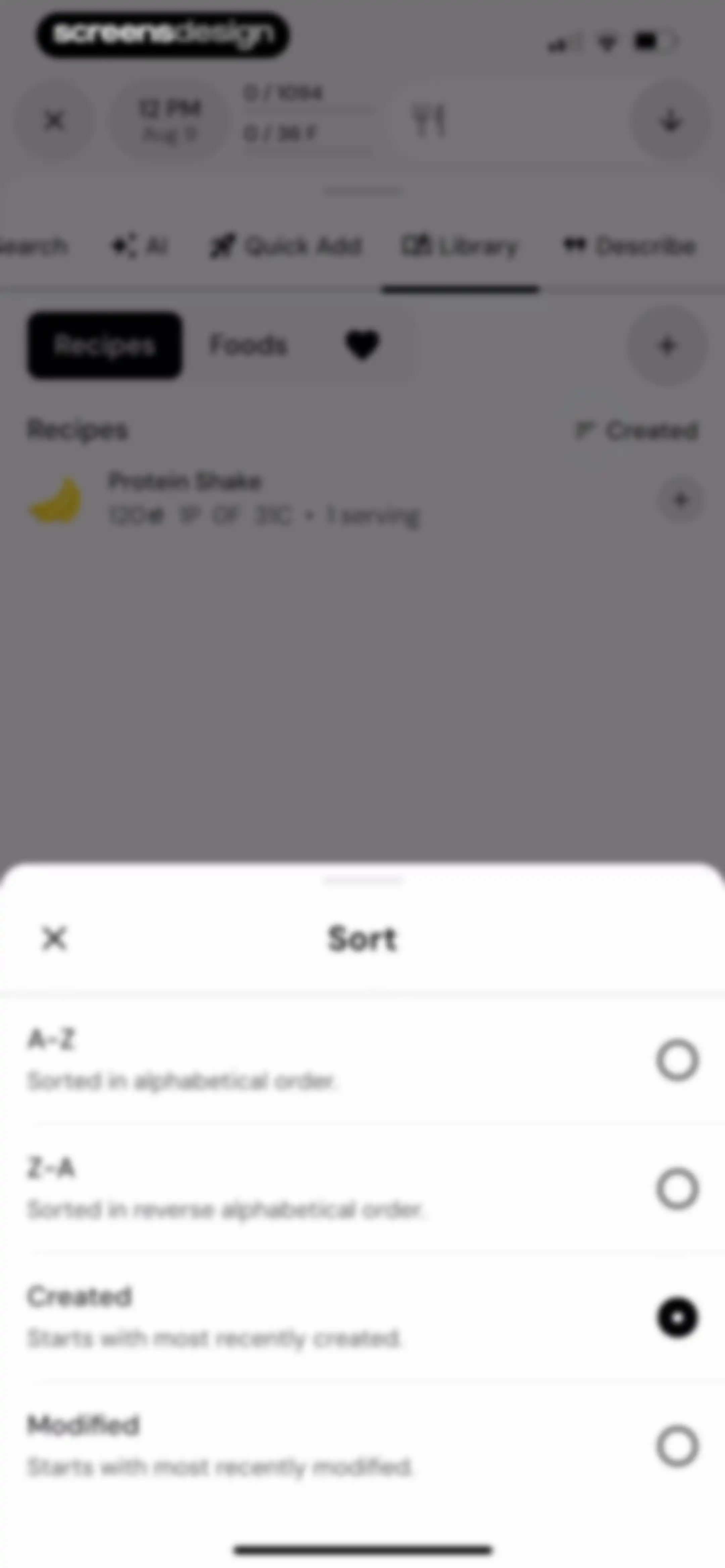
Sort modal overlaying a library view, with the Created option selected and a close button in the top-left corner.Unlock Pro
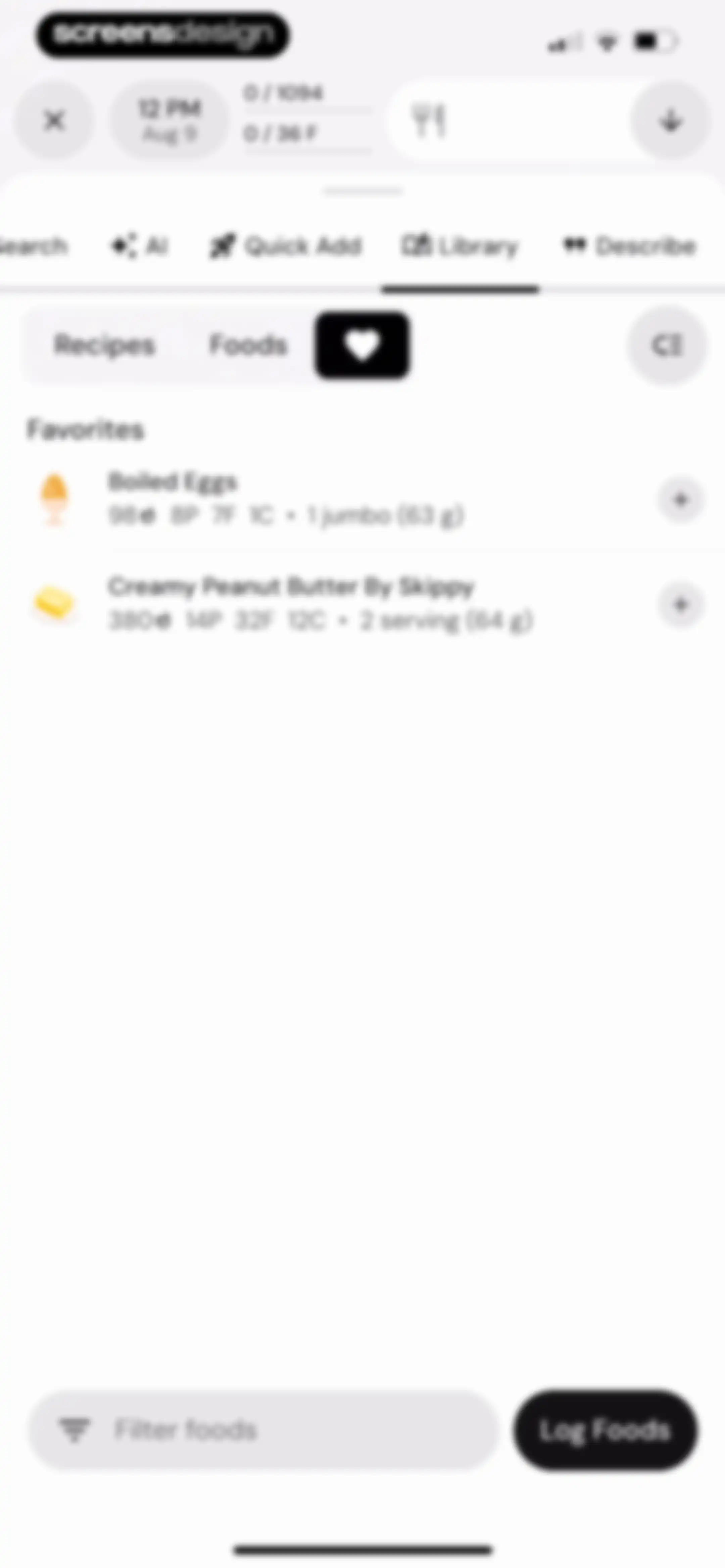
Nutrition app library screen displaying a list of favorite foods with macro details and a Log Foods button.Unlock Pro
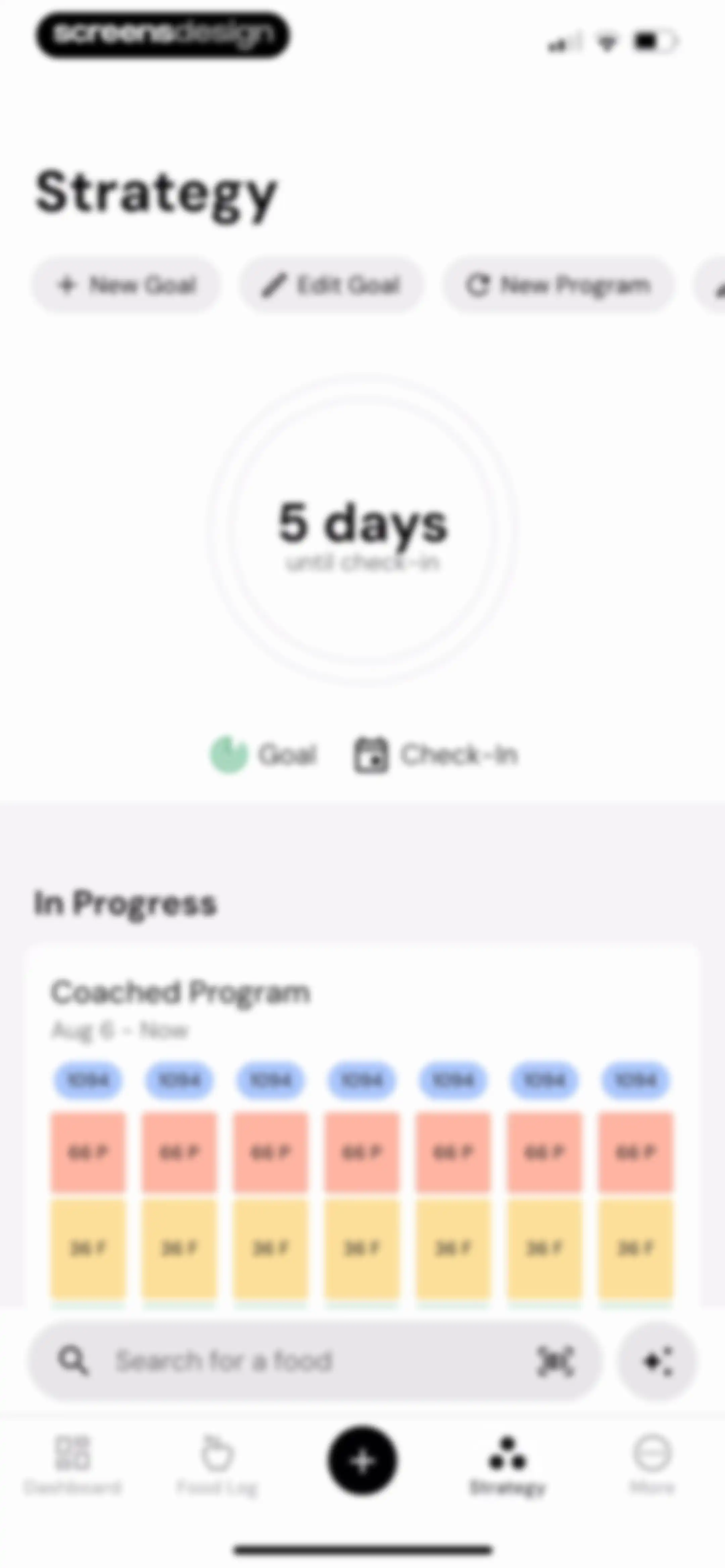
Strategy dashboard displaying a check-in countdown, coached program details with calorie and macro targets, and a food search bar.Unlock Pro
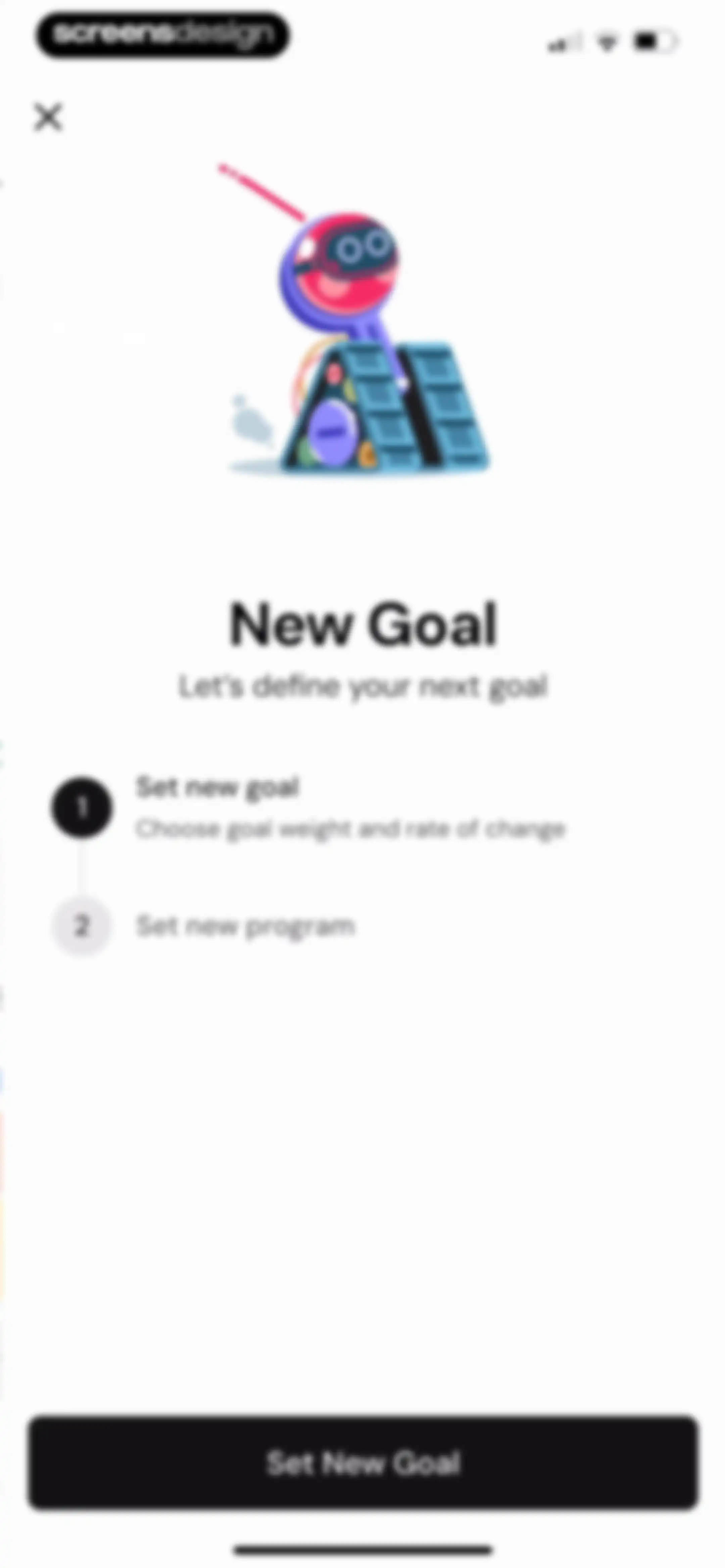
Onboarding screen outlining a two-step goal-setting process with a playful robot illustration, a highlighted first step, and a Set New Goal button.Unlock Pro
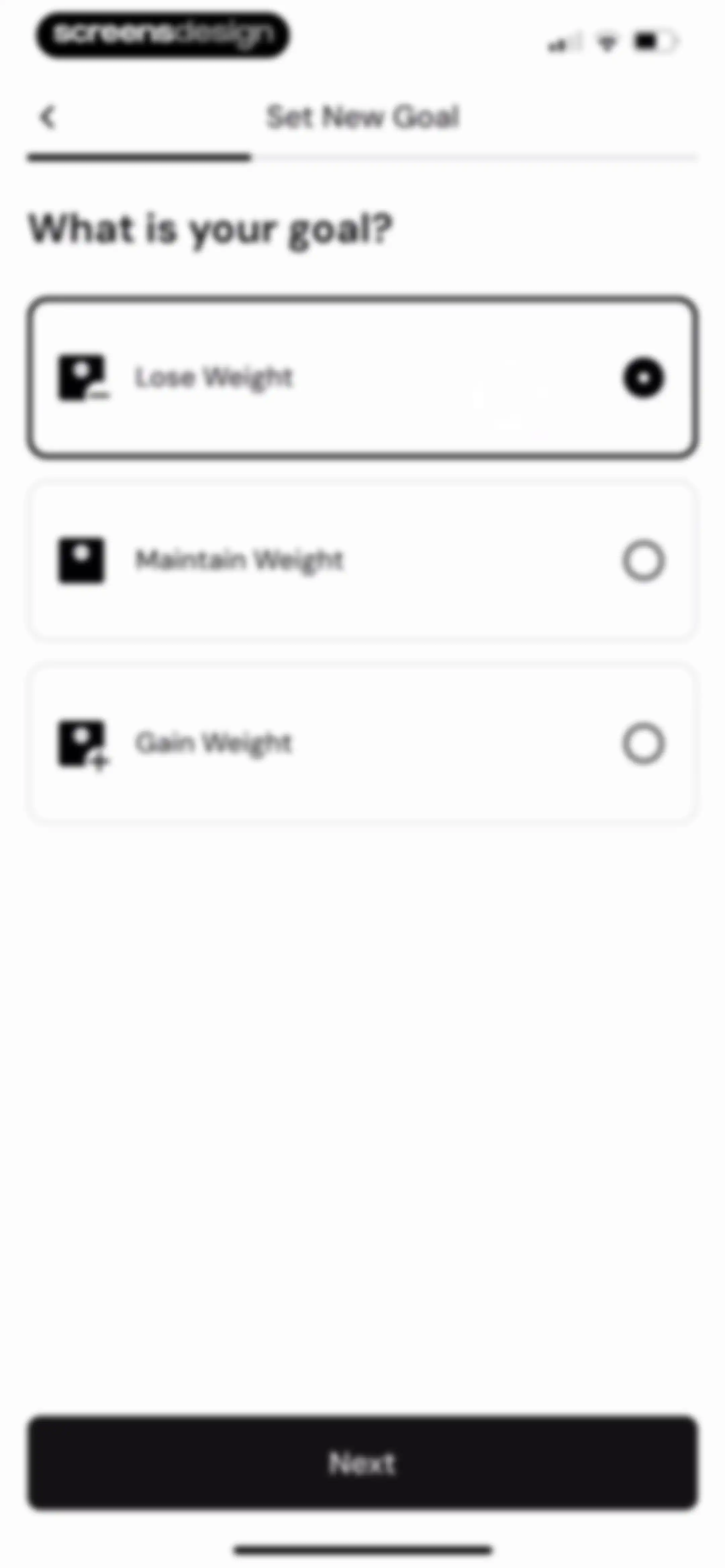
Goal selection screen asking what is your goal, with three selectable cards for Lose Weight, Maintain Weight, and Gain Weight, and a Next button.Unlock Pro
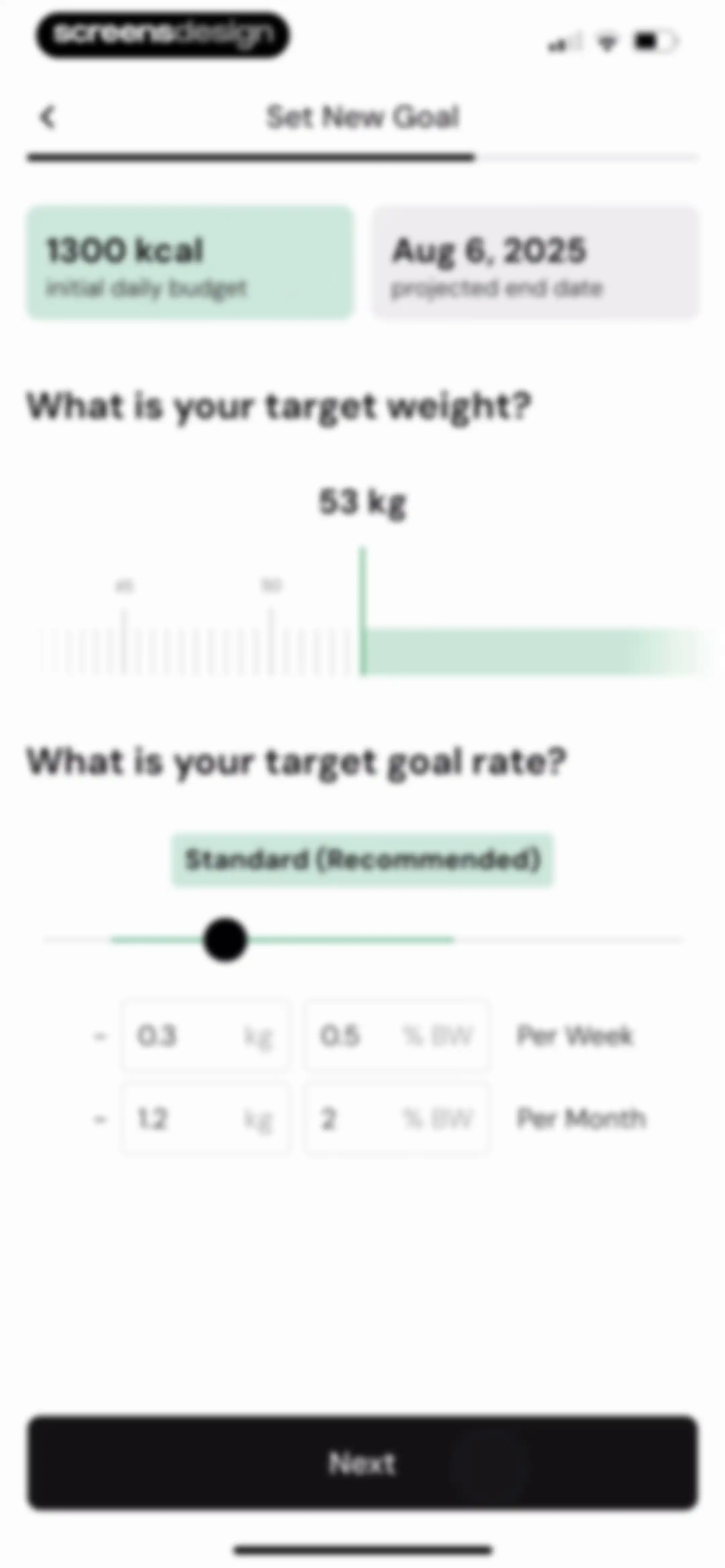
Goal-setting form with summary cards, target weight and goal rate sliders, and a Next button.Unlock Pro
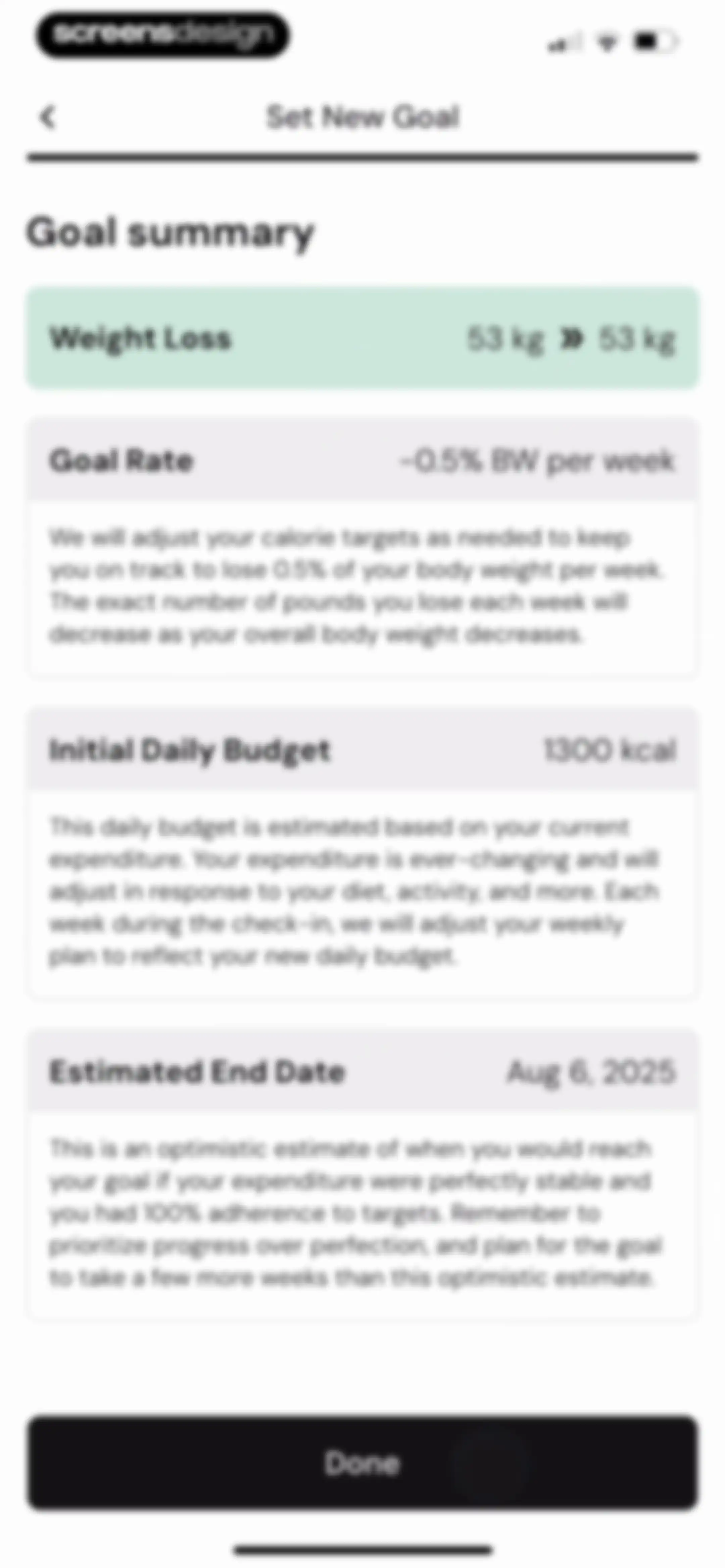
Goal summary screen displaying weight loss targets, daily calorie budget, and estimated end date, with a Done button.Unlock Pro
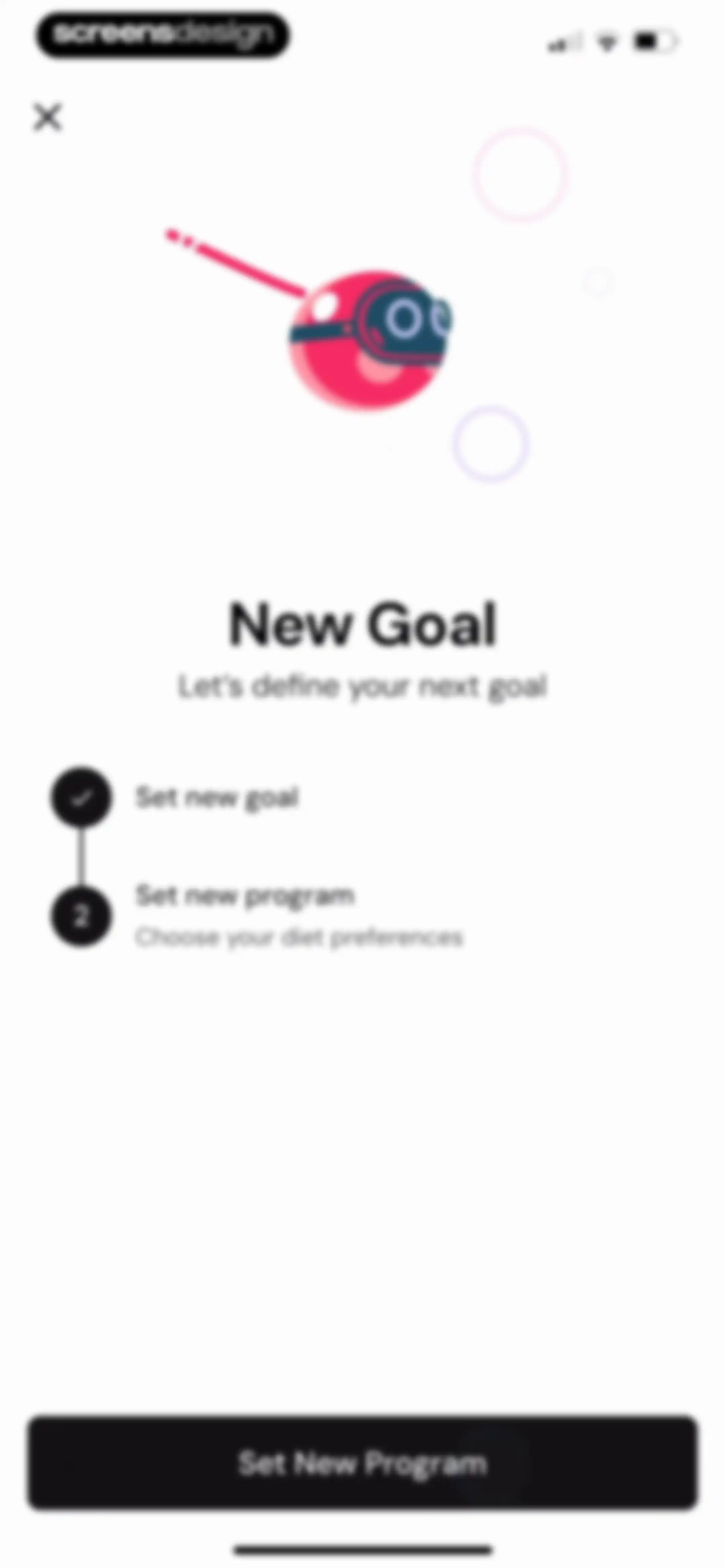
MacroFactor onboarding progress screen with a completed goal step, an upcoming program step, and a Set New Program button.Unlock Pro
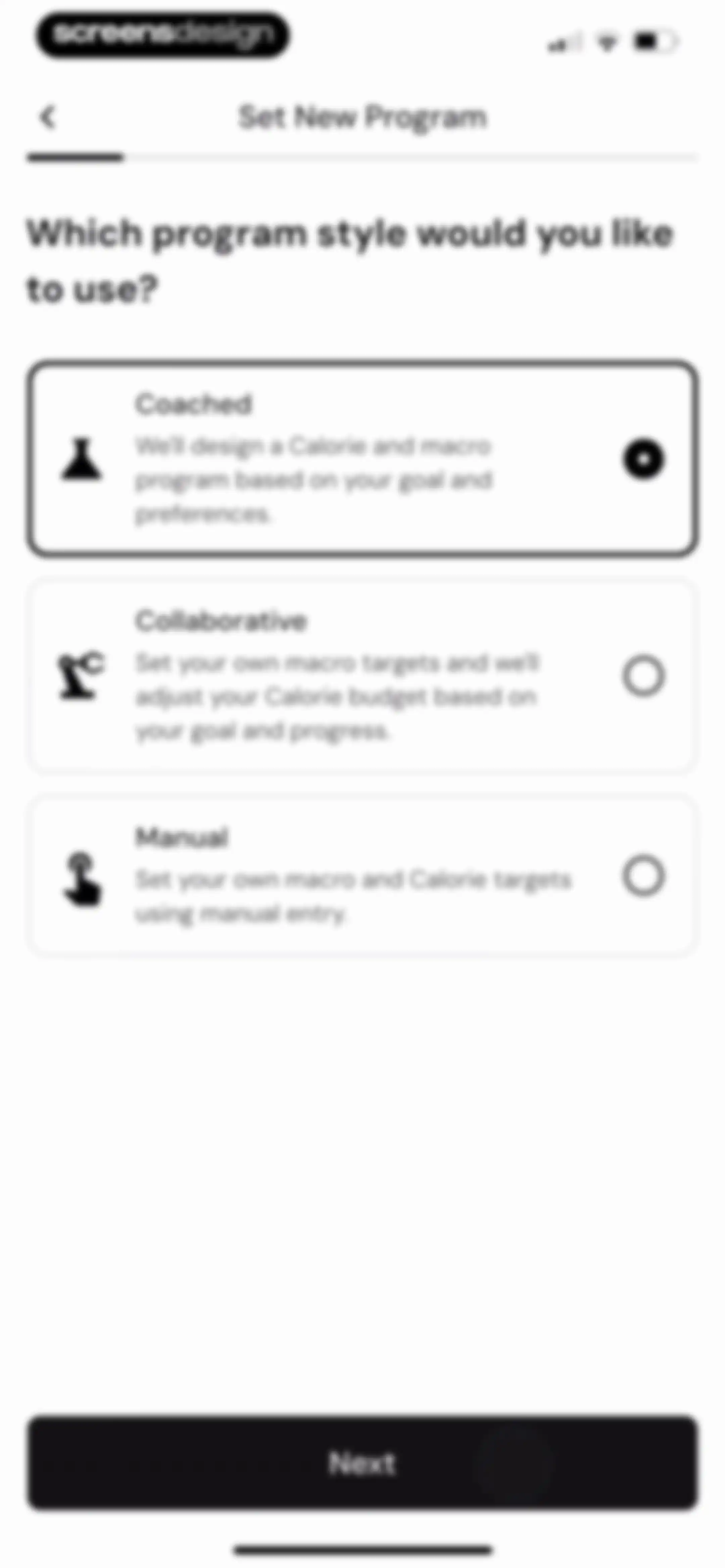
Program style selection screen with Coached, Collaborative, and Manual cards, featuring the Coached option selected and a Next button.Unlock Pro
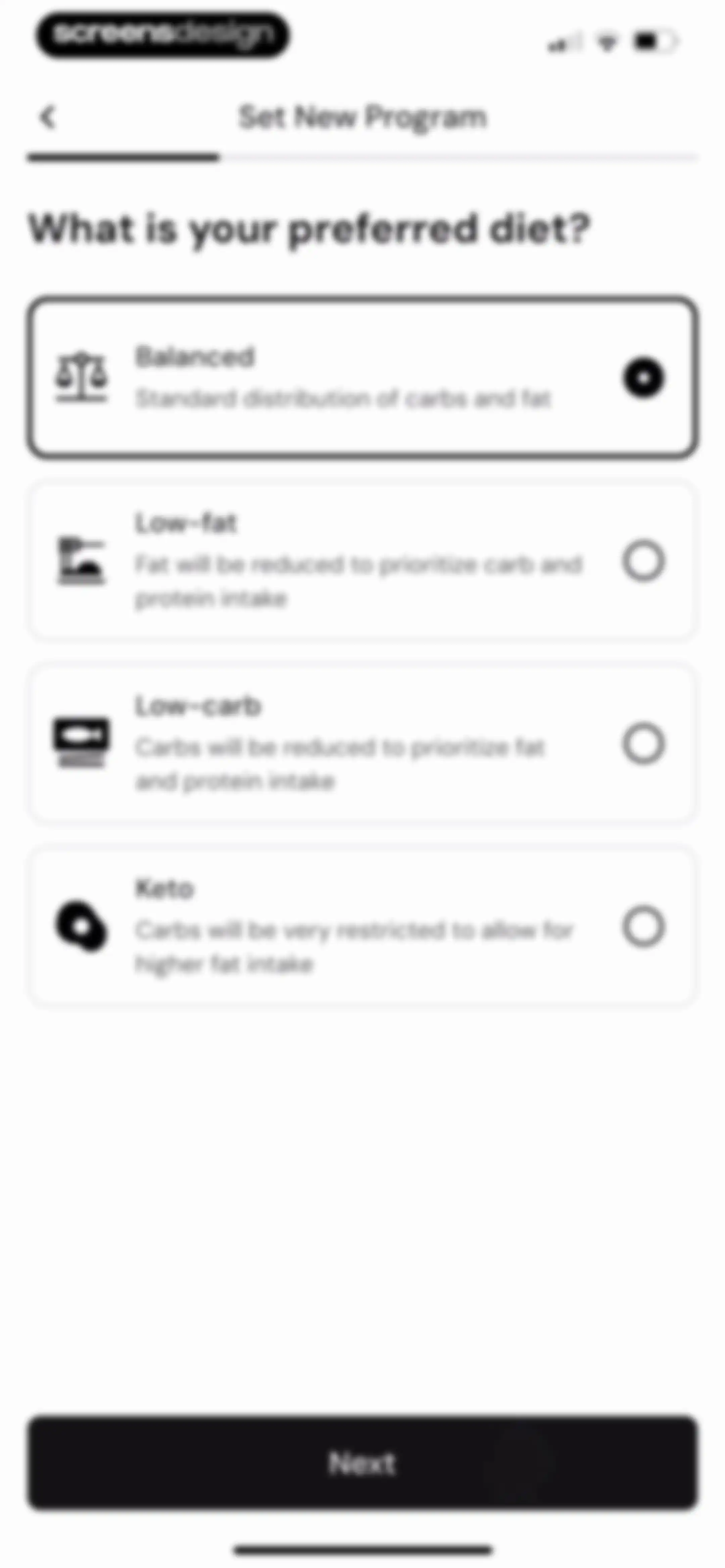
Diet preference onboarding screen listing four options with the Balanced plan selected and a Next button.Unlock Pro
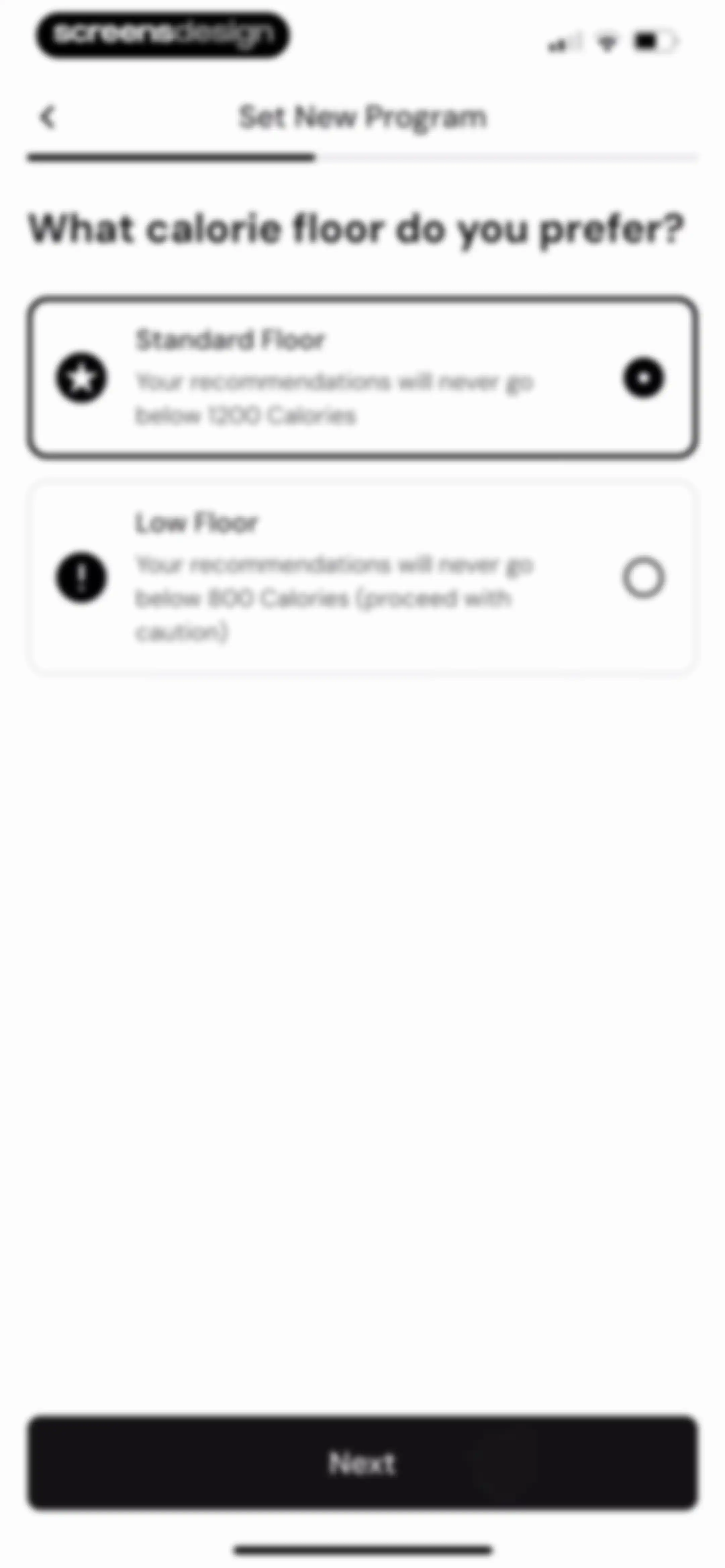
Calorie floor configuration screen with two option cards, showing Standard Floor selected and a Next button.Unlock Pro
Training program setup form asking about workout type, with the None or Relaxed Activity card selected and a Next button.Unlock Pro
Nutrition program onboarding screen asking how to distribute calories throughout the week, with the Distribute Evenly card selected and a Next button.Unlock Pro
Onboarding screen asking for preferred protein intake with four selectable cards, the Moderate option selected, and a Next button.Unlock Pro
MacroFactor loading screen with an abstract animation, text indicating plan adjustment, and a disabled Done button.Unlock Pro
MacroFactor app program summary showing a weekly macro chart, expenditure and target explanations, and a Done button.Unlock Pro
Onboarding screen for a new goal with a playful ice cream illustration, a progress list of completed steps, and a Get Started button.Unlock Pro
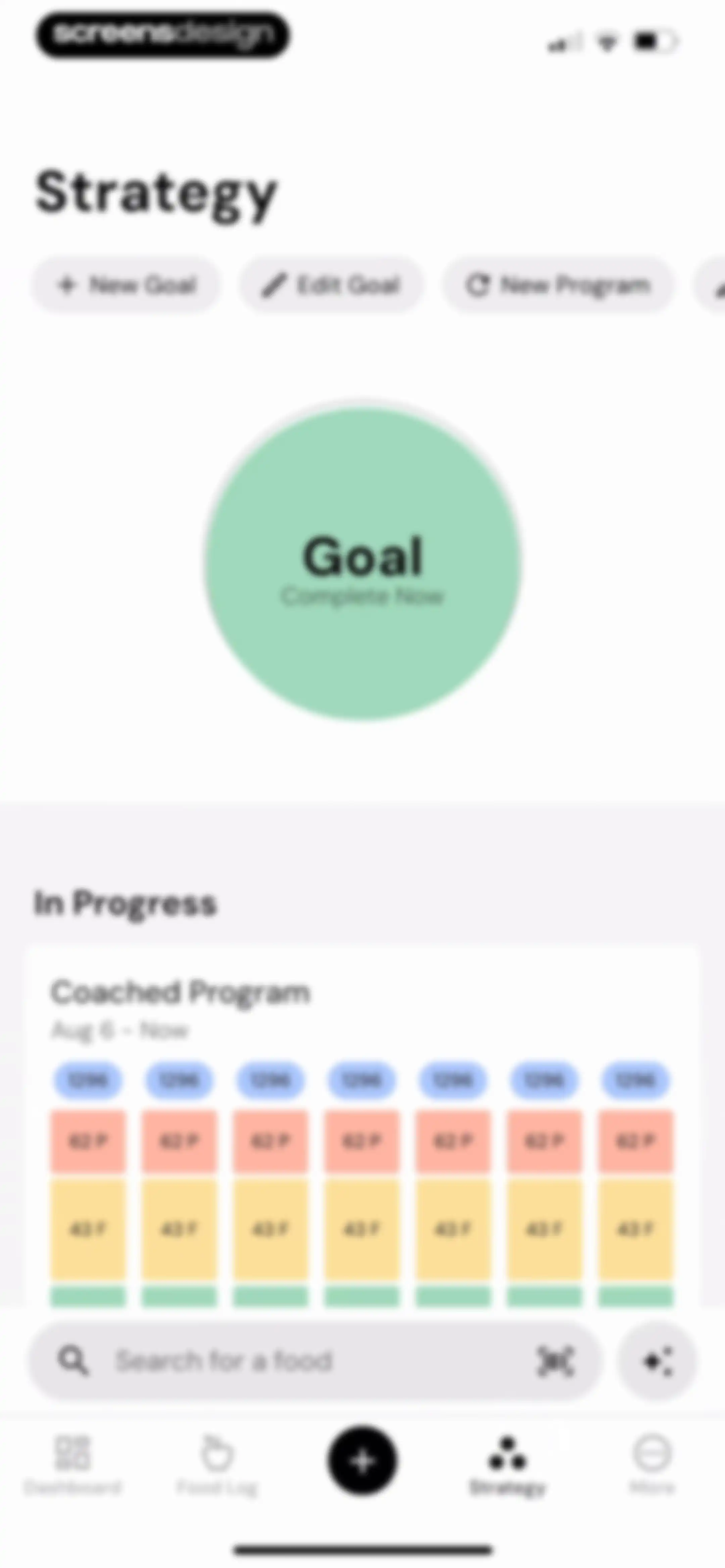
Strategy screen displaying a goal graphic, an in-progress coached program card with calorie and macro targets, top action buttons, and a bottom search bar.Unlock Pro
Onboarding screen featuring a playful rocket bottle illustration against a blue sky, with close and skip buttons at the top corners.Unlock Pro
Onboarding illustration featuring whimsical food-themed vessels in a bright sky, with close and skip controls in the top corners.Unlock Pro
Onboarding illustration with a playful fruit character and floating grapes, featuring close and skip buttons at the top corners.Unlock Pro
MacroFactor onboarding illustration showing a playful character in a balloon with close and forward navigation buttons.Unlock Pro
Onboarding tutorial featuring a playful illustration of a milk-carton kiosk against a deep purple background, with close and skip buttons at the top corners.Unlock Pro
Onboarding completion screen with a central illustration and two stacked action buttons for Wait For Trend Weight and Set New Goal.Unlock Pro
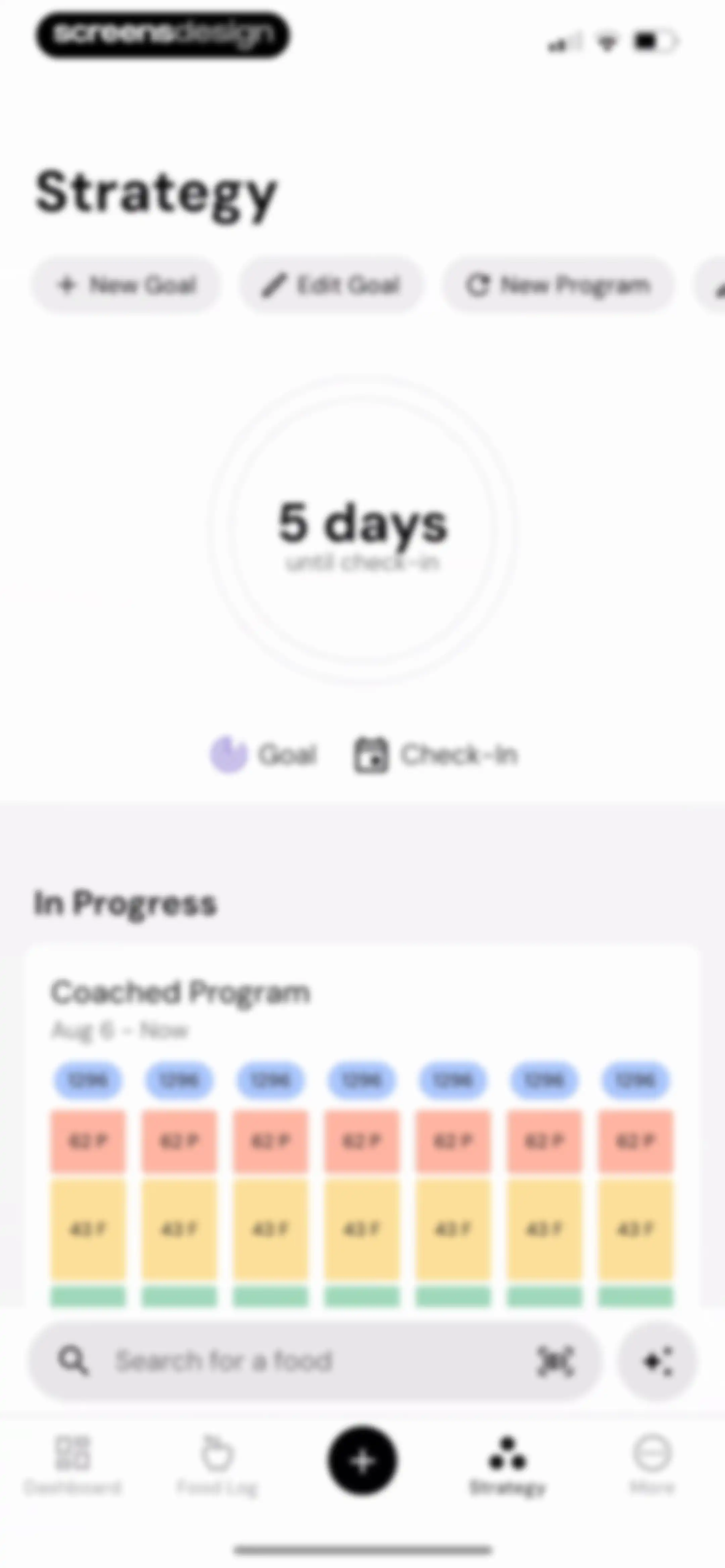
Strategy dashboard displaying a progress indicator with five days until check-in, an in-progress coached program card, and a food search bar.Unlock Pro
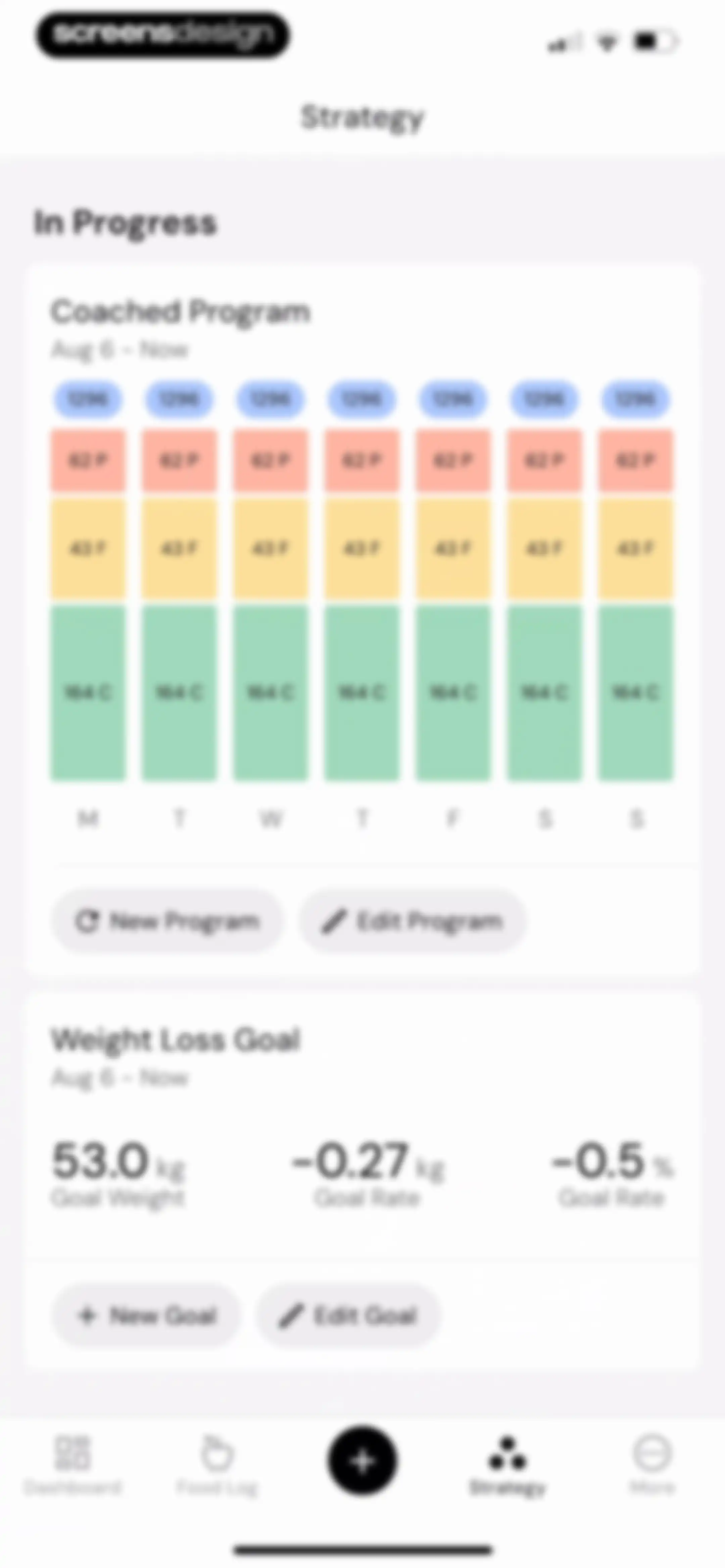
Nutrition strategy dashboard displaying a coached program card with macro targets and a weight loss goal card with edit options.Unlock Pro
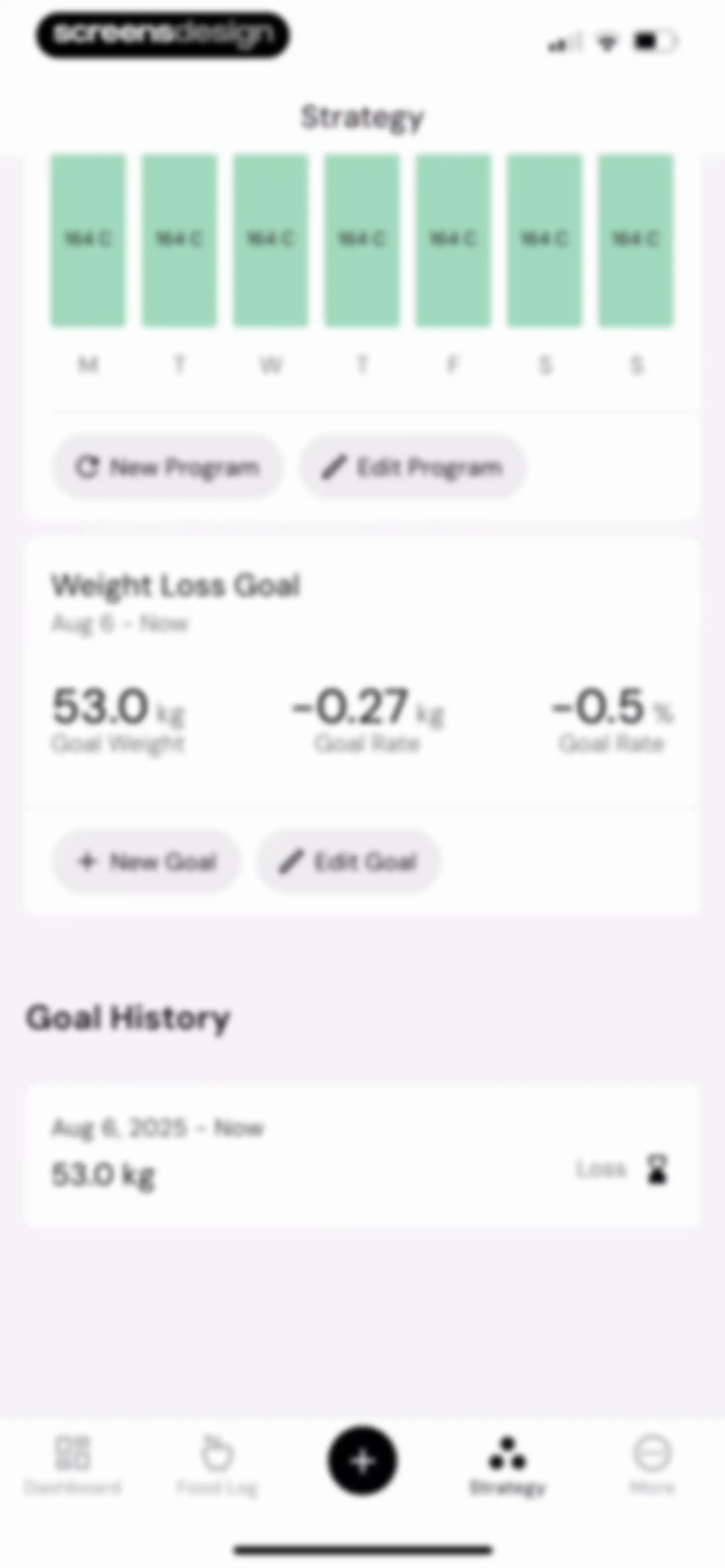
Nutrition strategy dashboard displaying a weekly calendar, program action buttons, a weight loss goal summary card, and goal history.Unlock Pro
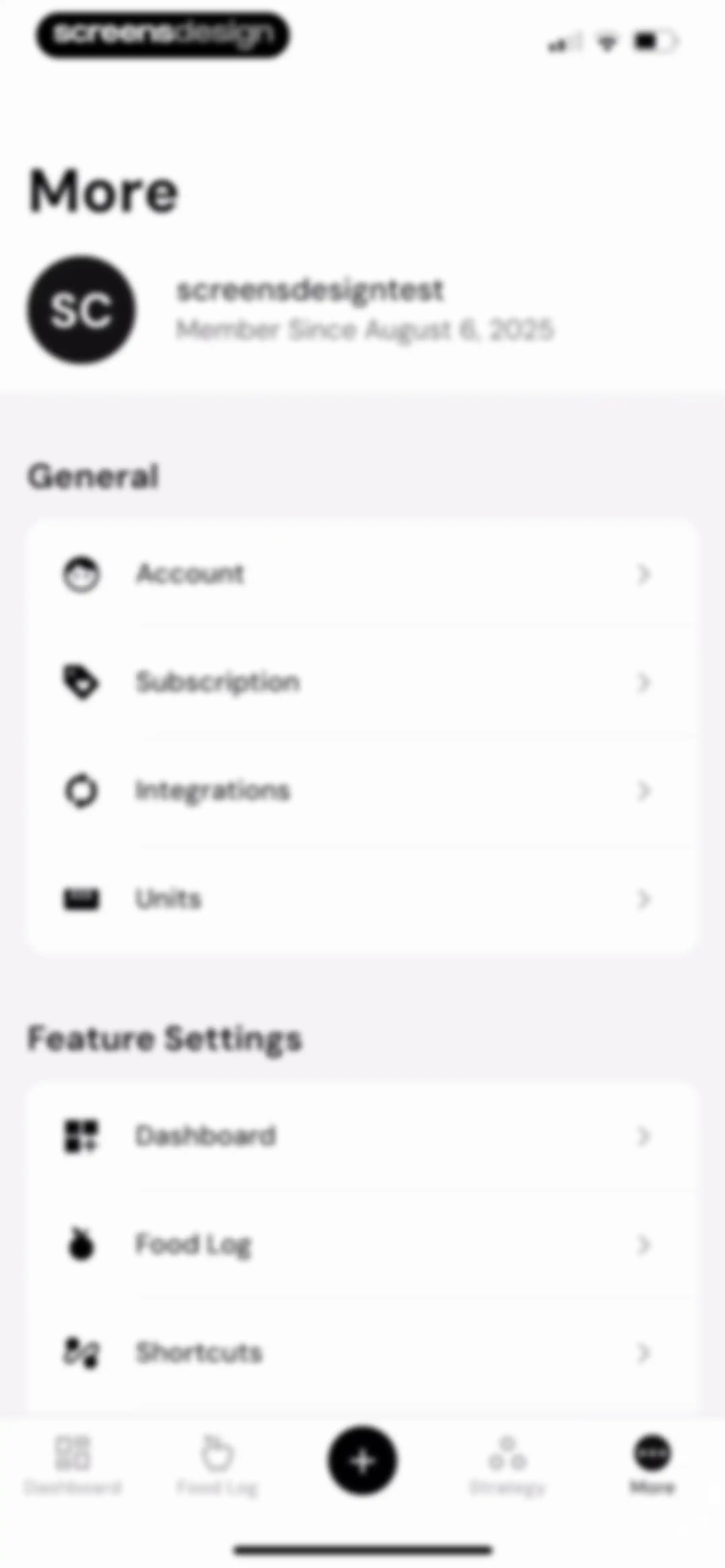
Settings screen with a user profile header, General and Feature Settings grouped lists, and a bottom navigation bar with the More tab selected.Unlock Pro
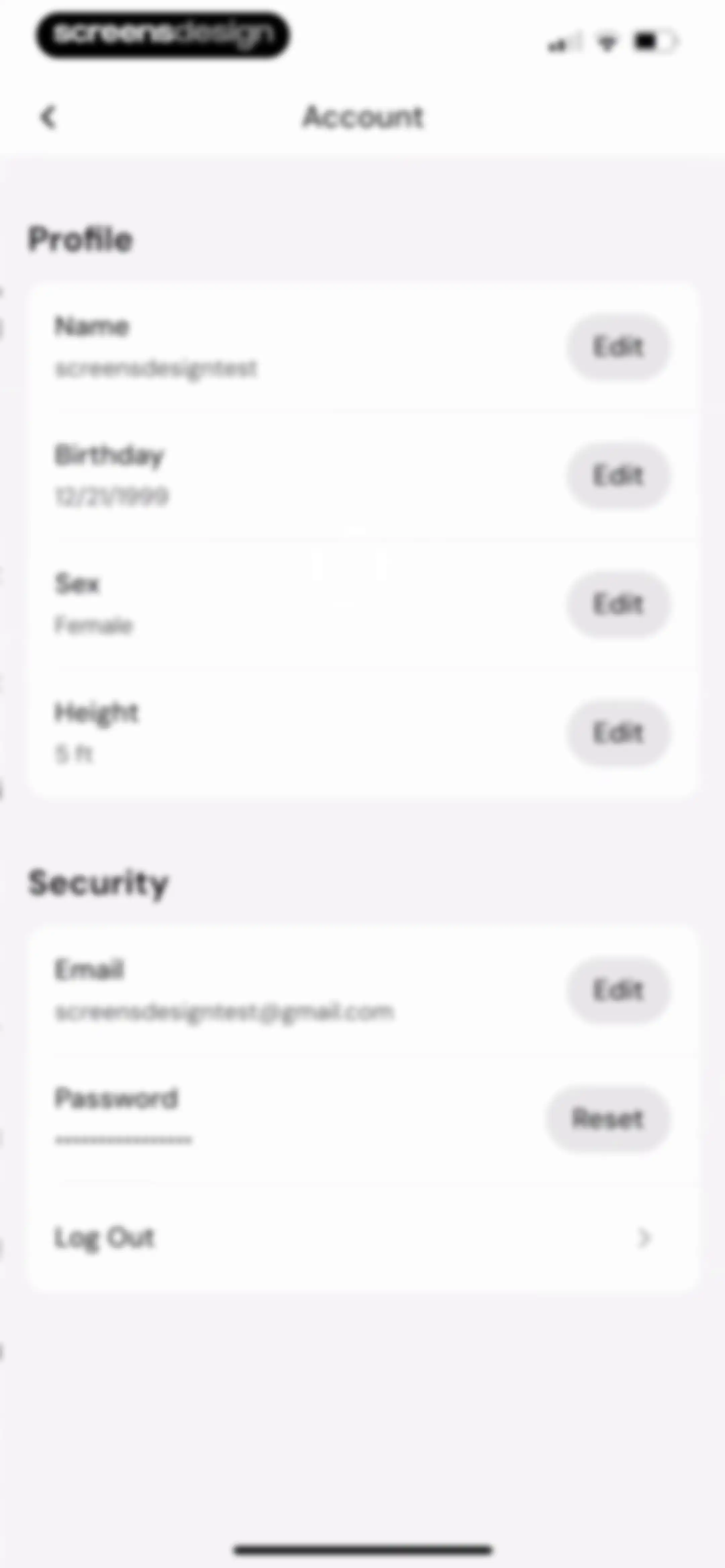
Account settings screen organized into Profile and Security sections, displaying user details with edit buttons and a password reset option.Unlock Pro
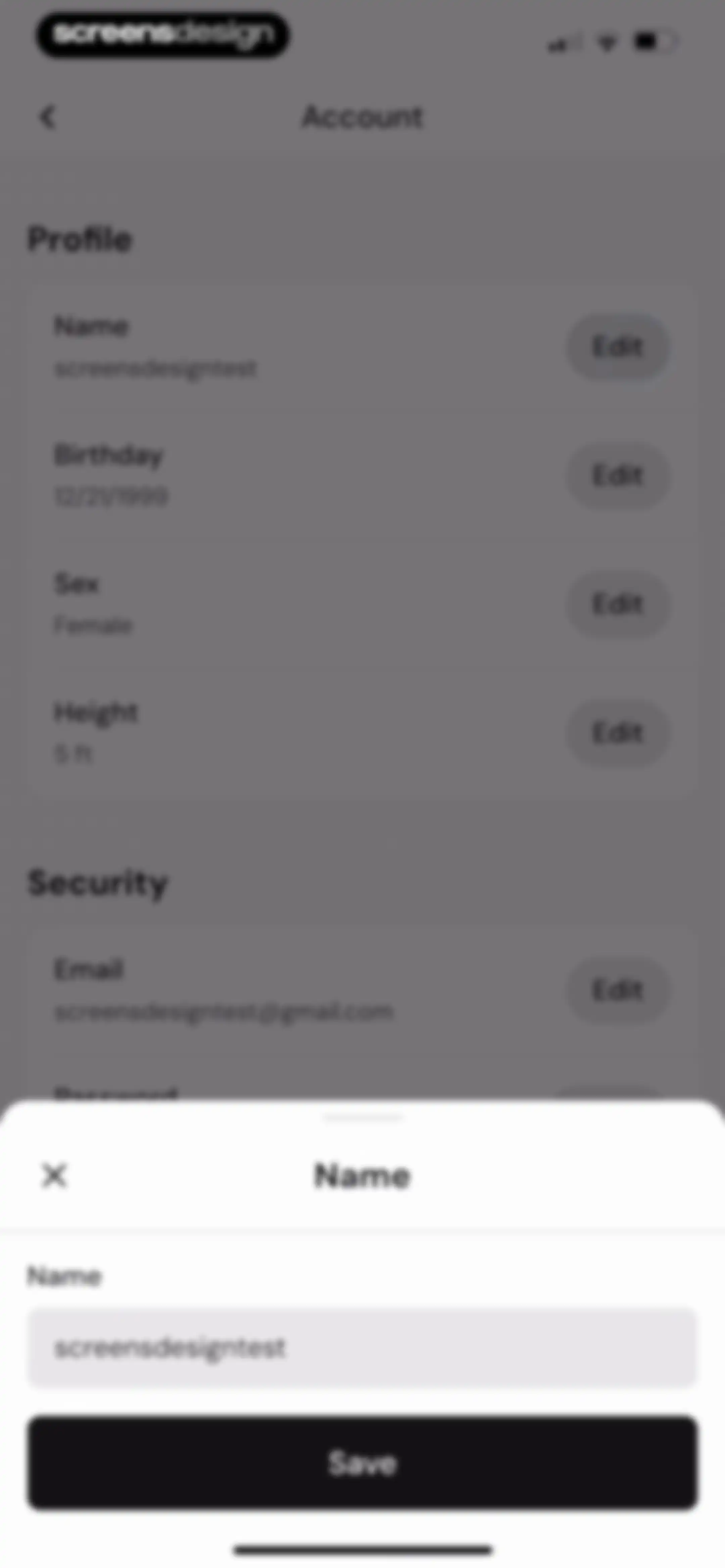
Account settings screen with an active name edit modal overlay displaying a pre-filled text input and a Save button.Unlock Pro
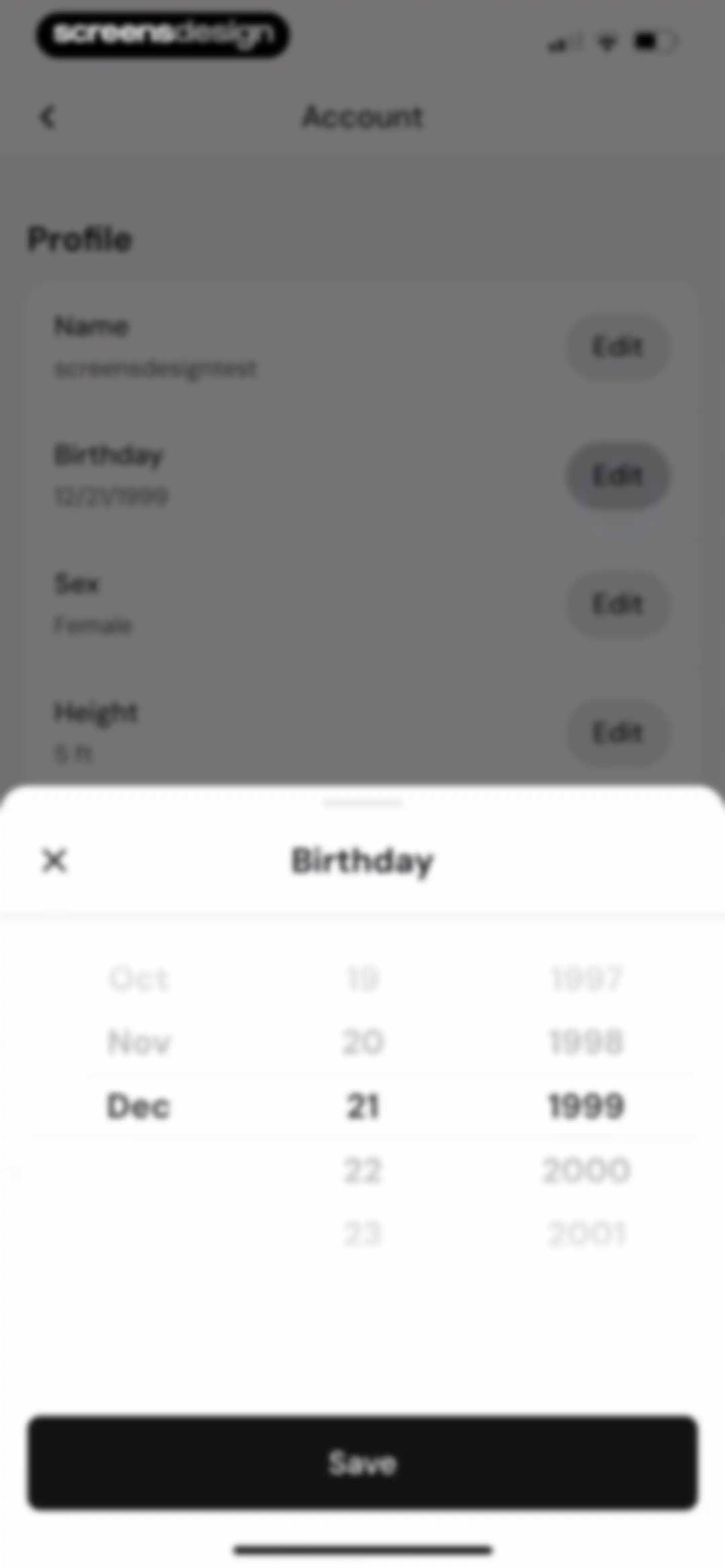
Profile settings page with an open birthday date picker modal set to December 21, 1999, and a Save button.Unlock Pro
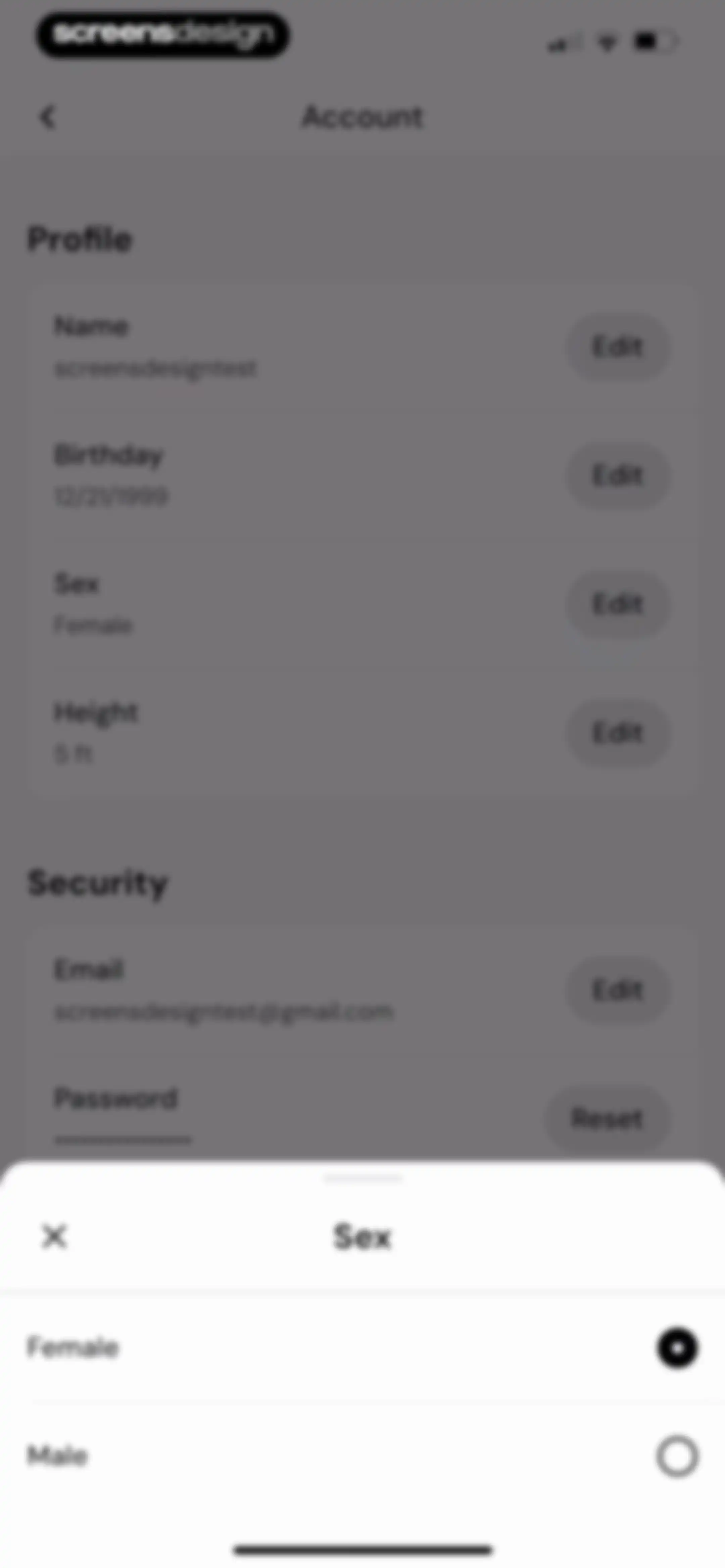
Account settings screen showing profile and security options with a sex selection modal open at the bottom and Female selected.Unlock Pro
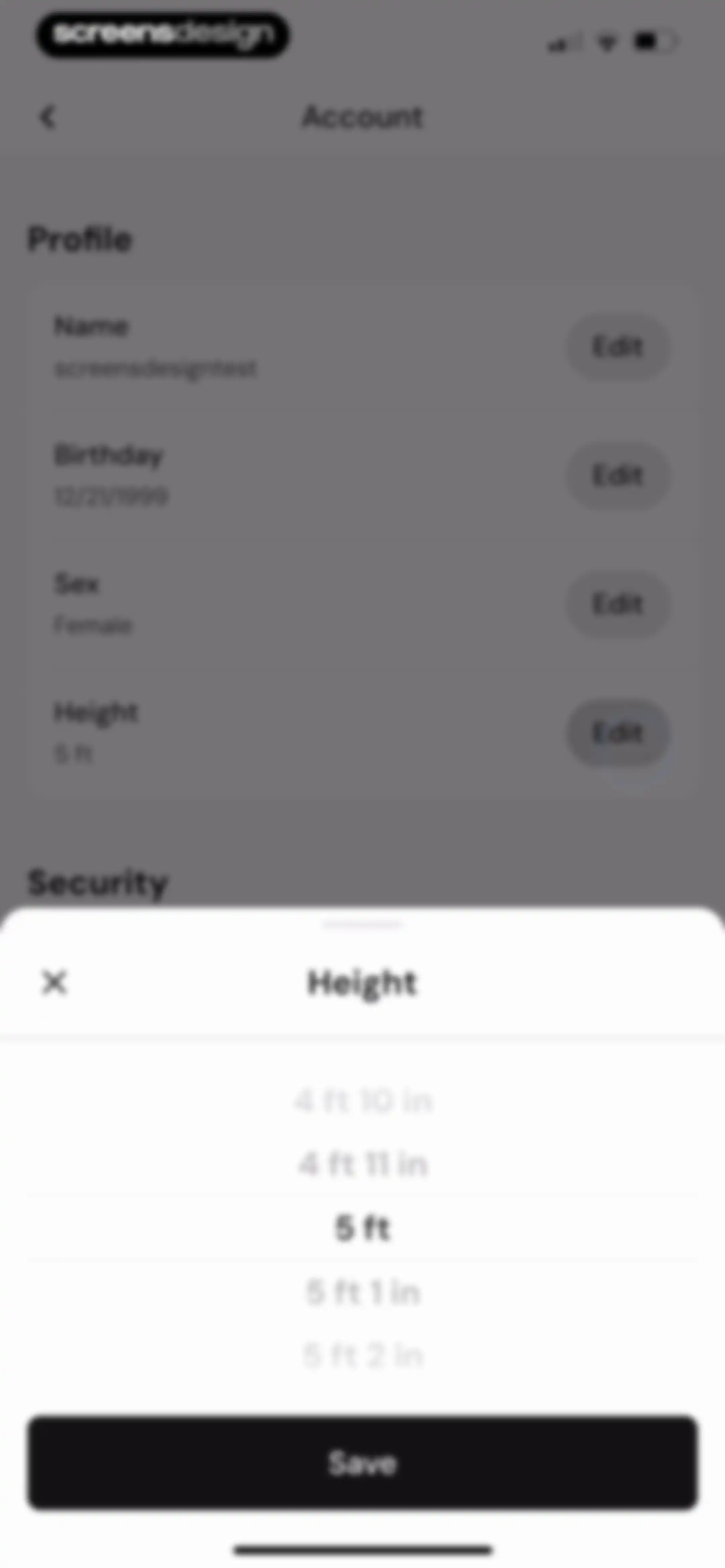
Account profile settings screen with a modal overlay for editing height, featuring a scrollable picker and a Save button.Unlock Pro
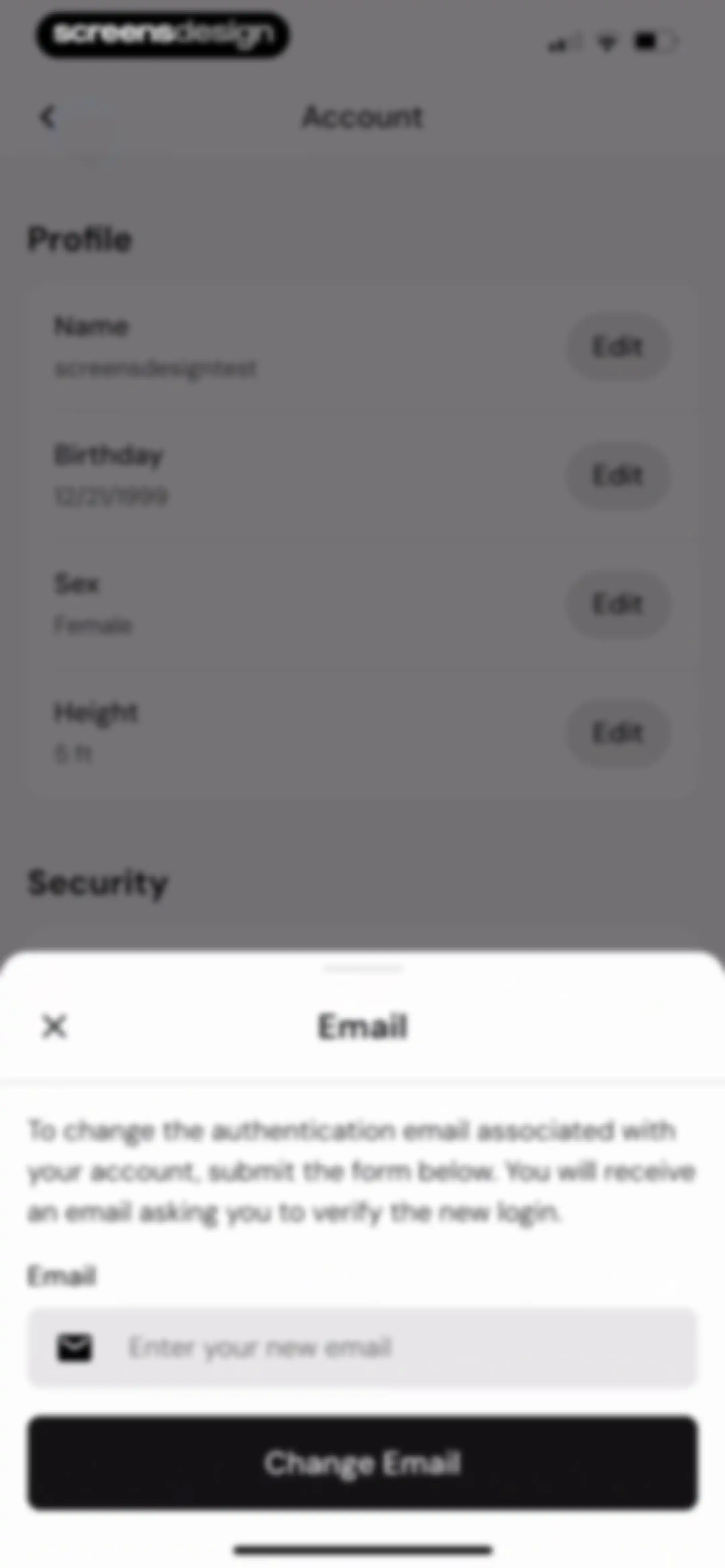
Account settings screen featuring a profile list and a centered email change modal with an input field and a Change Email button.Unlock Pro
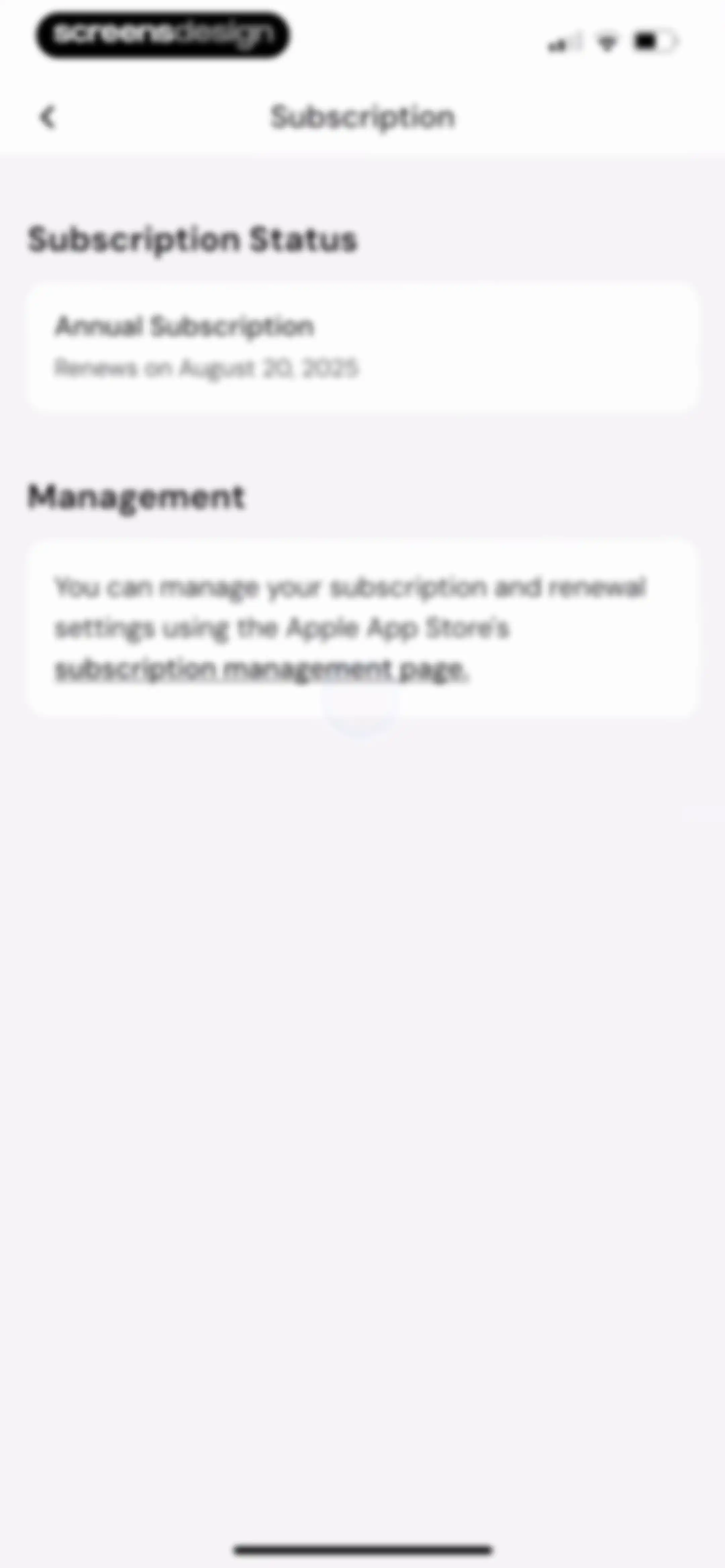
MacroFactor subscription settings screen displaying an active annual plan renewal date and management instructions.Unlock Pro
Integrations settings screen listing an enabled Health card in the Available section and a disabled Fitbit card in the Deprecated section.Unlock Pro
Units settings screen with sections for weight, height, and clock measurements, showing kilograms, feet and inches, and 12-hour options selected.Unlock Pro
Customize Dashboard settings screen with a primary focus carousel and reorderable lists for insights and habits, featuring a save button.Unlock Pro
Food Log settings screen with Nutrient Reporting and Timeline Options sections, showing the Show Overages option selected and a list of editable timeline configurations.Unlock Pro
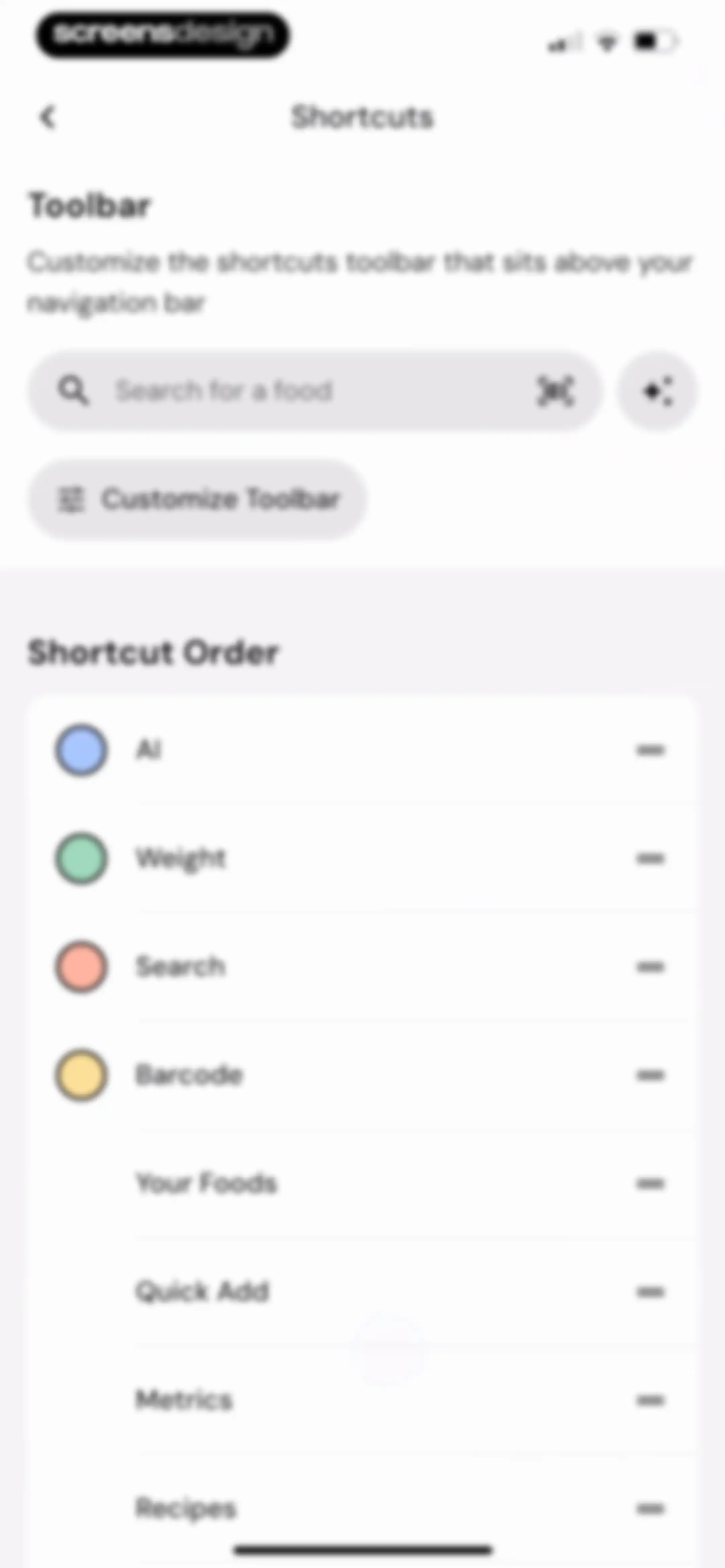
Settings screen for customizing toolbar shortcuts, featuring a preview and a reorderable list of shortcut items.Unlock Pro
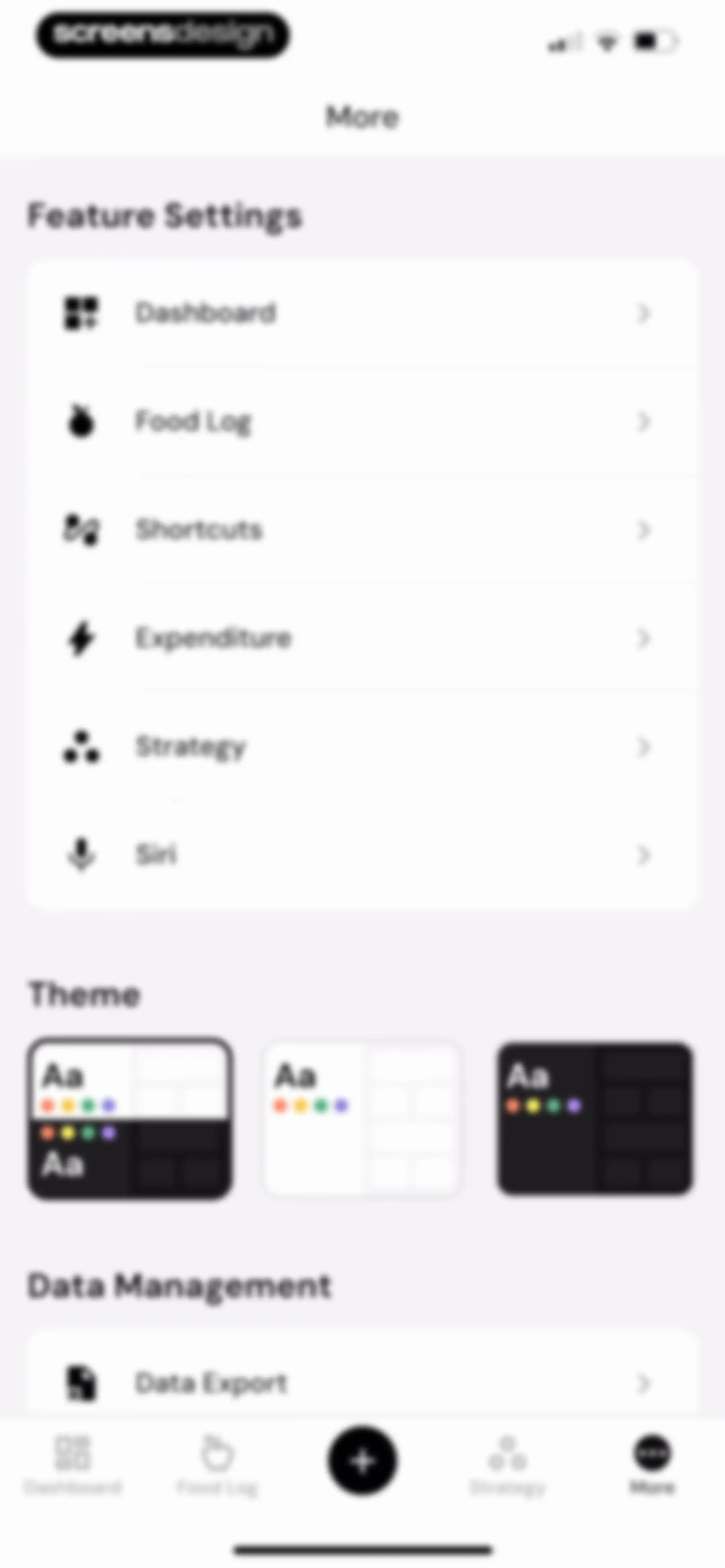
Settings menu featuring grouped feature options, theme selection cards, and a data export option with a bottom navigation bar.Unlock Pro
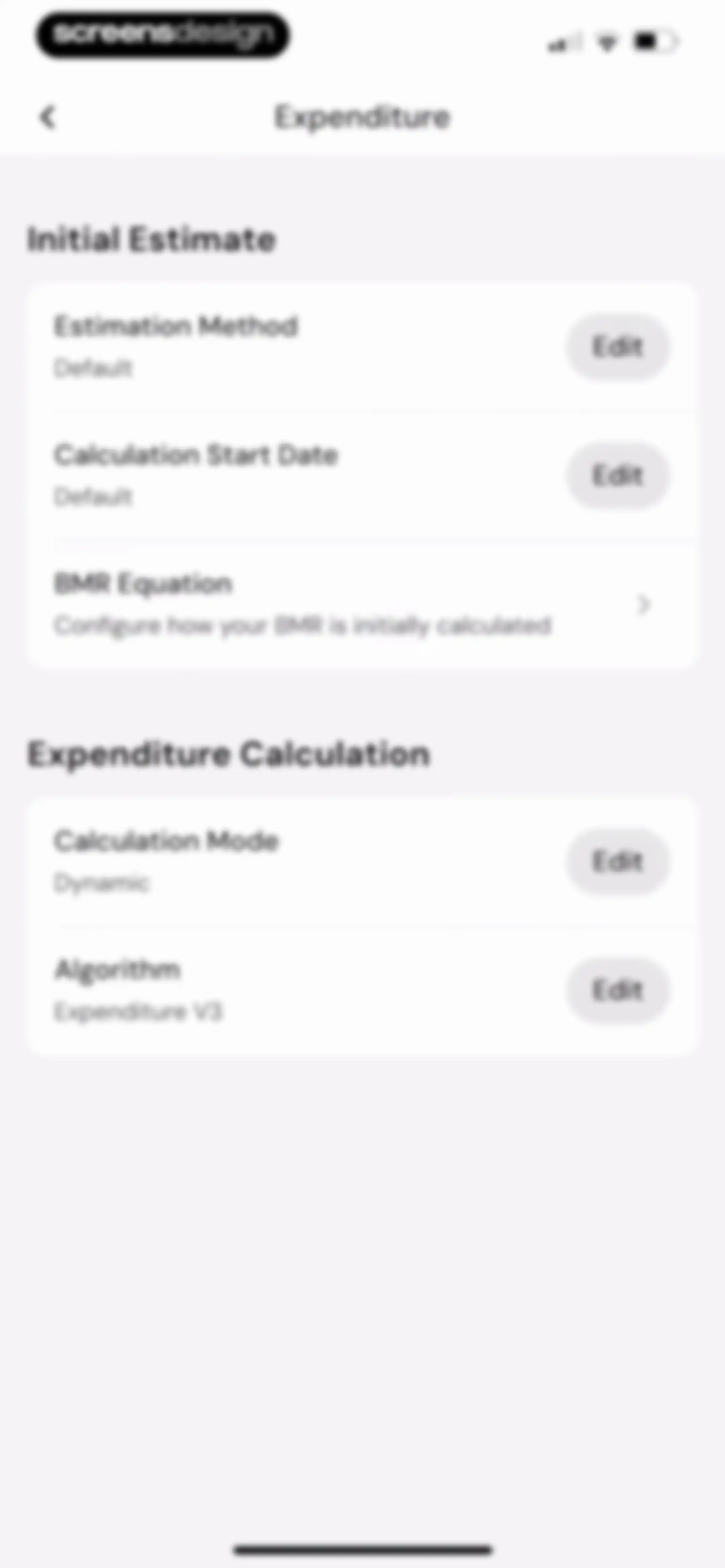
Expenditure settings screen displaying Initial Estimate and Expenditure Calculation sections with configurable options and edit buttons.Unlock Pro
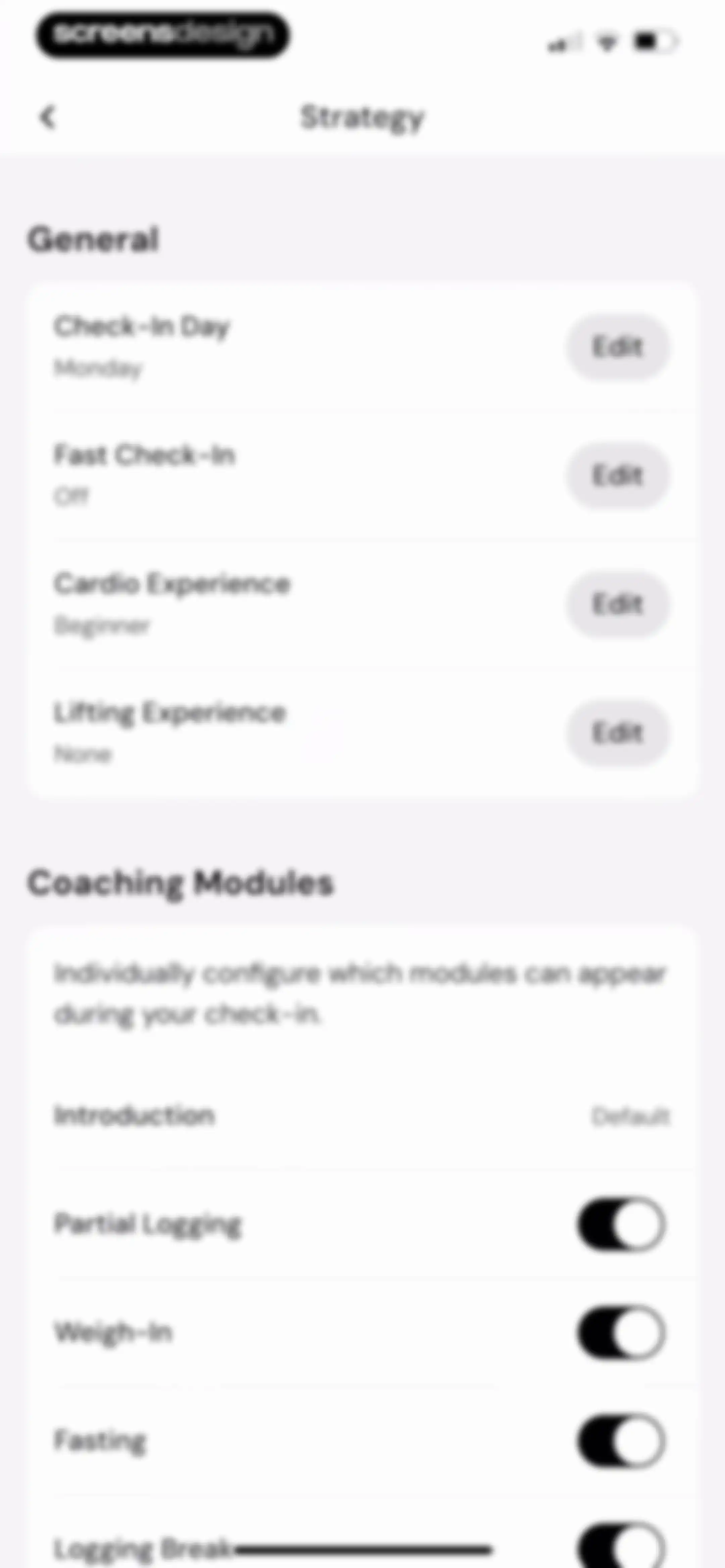
Strategy settings screen with general options like check-in day and experience levels, alongside configurable coaching module toggles.Unlock Pro
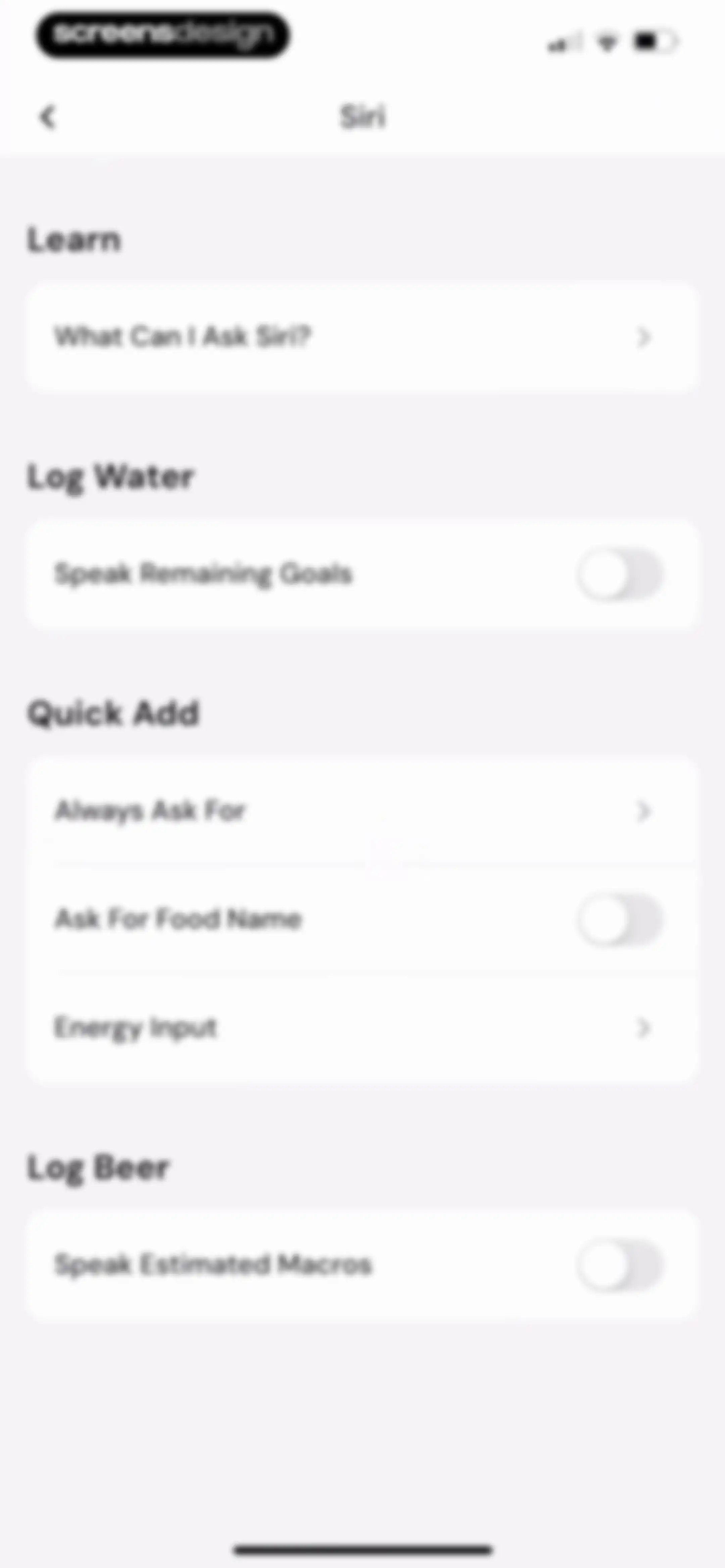
Settings screen for configuring Siri shortcuts and voice commands, featuring toggle switches and navigation links organized into sections.Unlock Pro
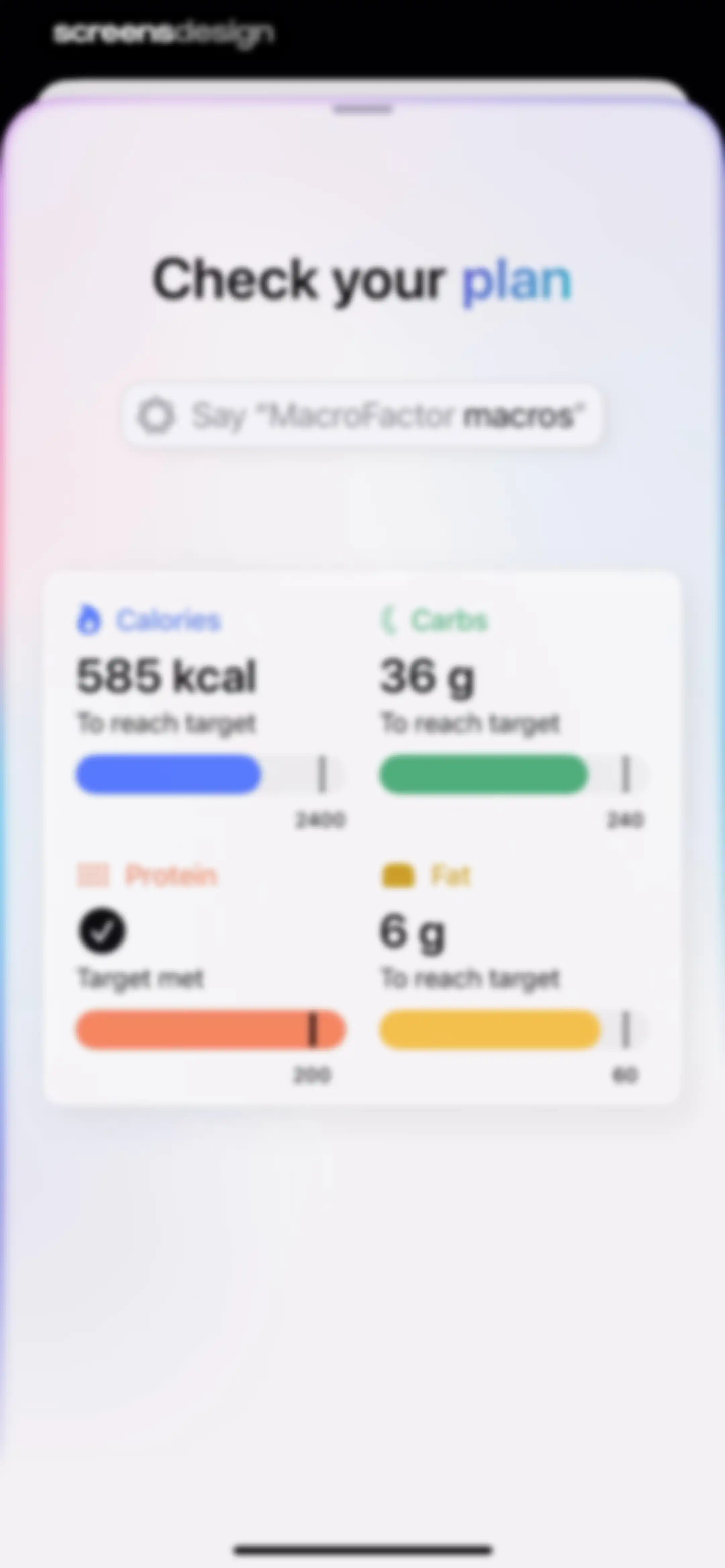
Nutrition dashboard displaying a daily summary card with calorie and macro metrics, progress indicators, and a voice command prompt.Unlock Pro
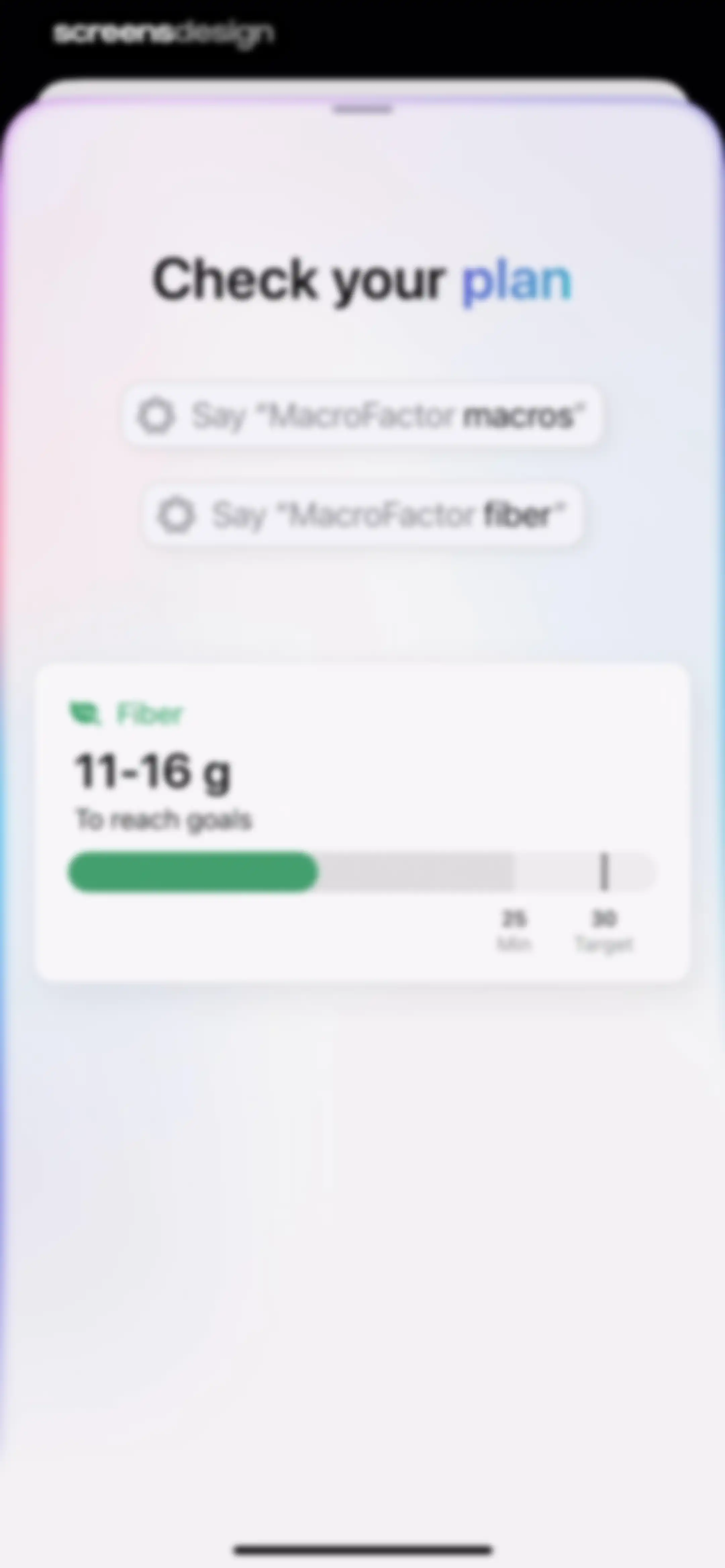
MacroFactor widget featuring voice command suggestions and a fiber progress card displaying current intake and targets.Unlock Pro
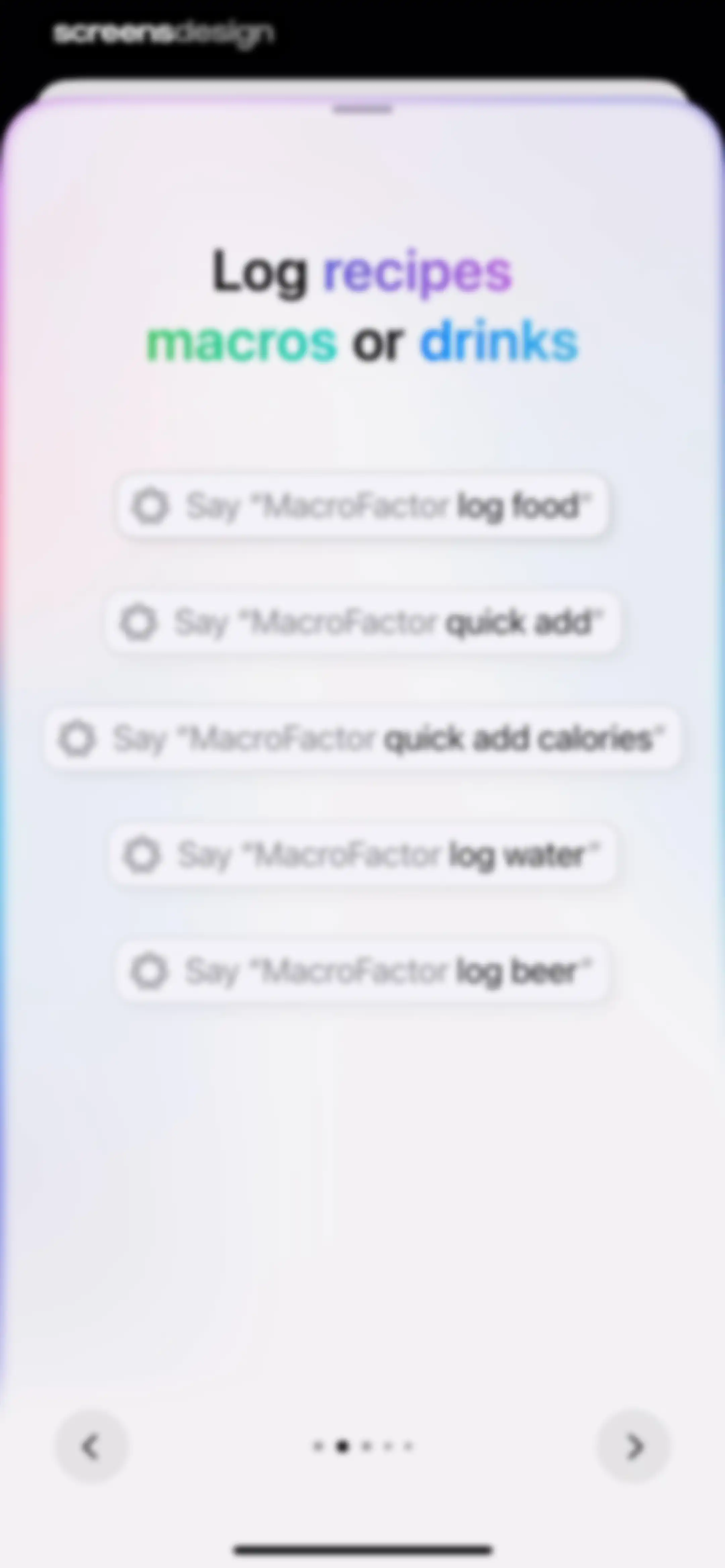
Voice command tutorial screen listing example phrases for logging food, drinks, and macros in MacroFactor.Unlock Pro
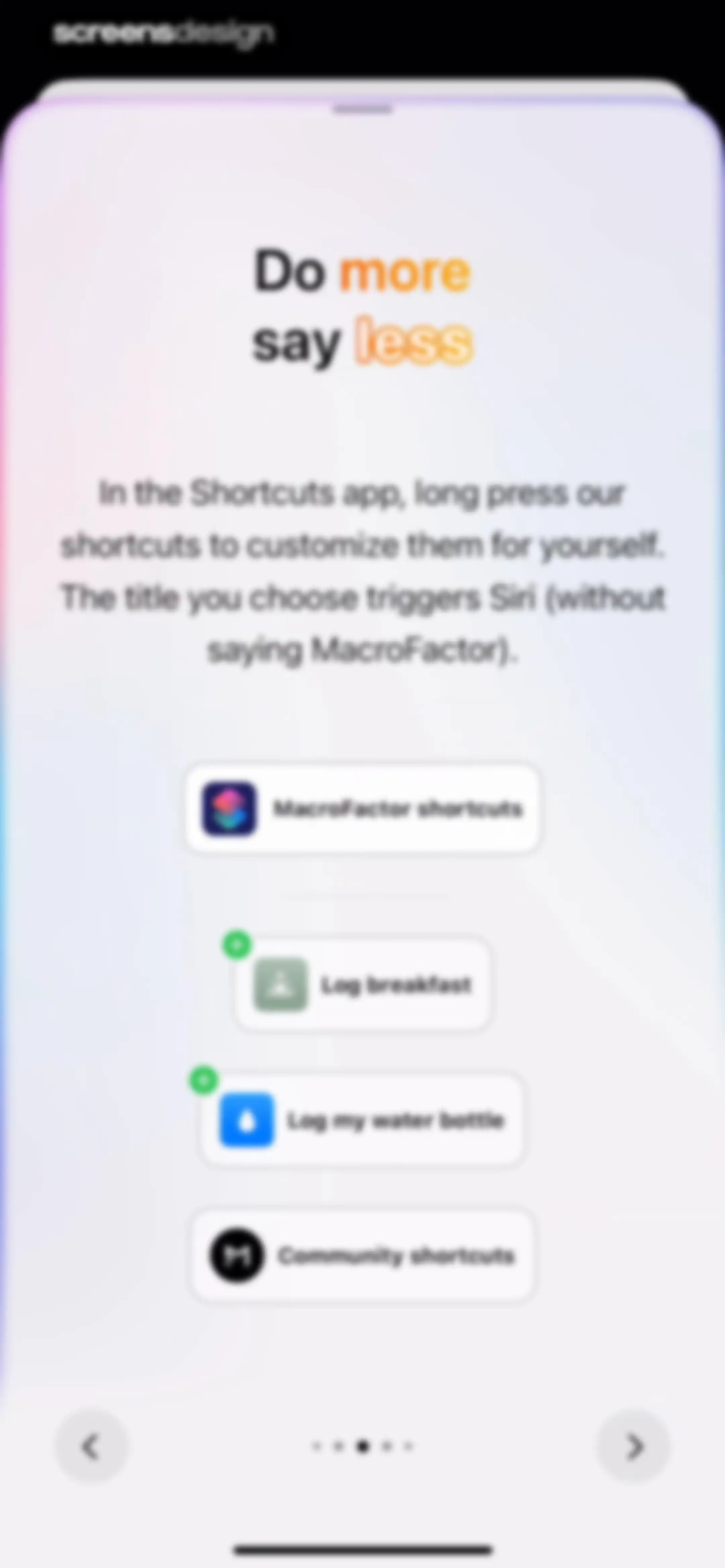
Onboarding screen explaining Siri shortcuts with instructional text, a vertical list of shortcut cards, and bottom pagination.Unlock Pro
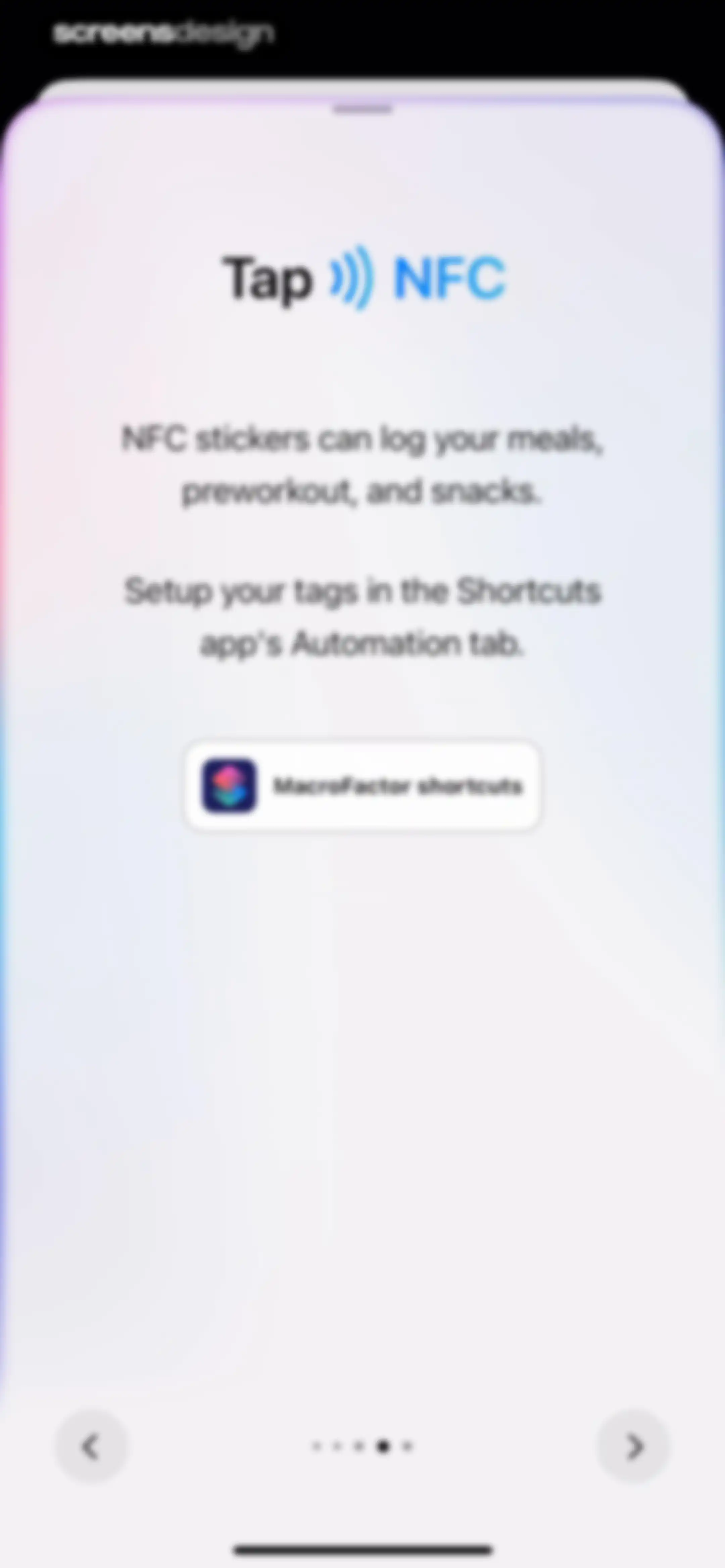
MacroFactor onboarding screen explaining NFC sticker setup for logging meals with instructions and a feature card.Unlock Pro
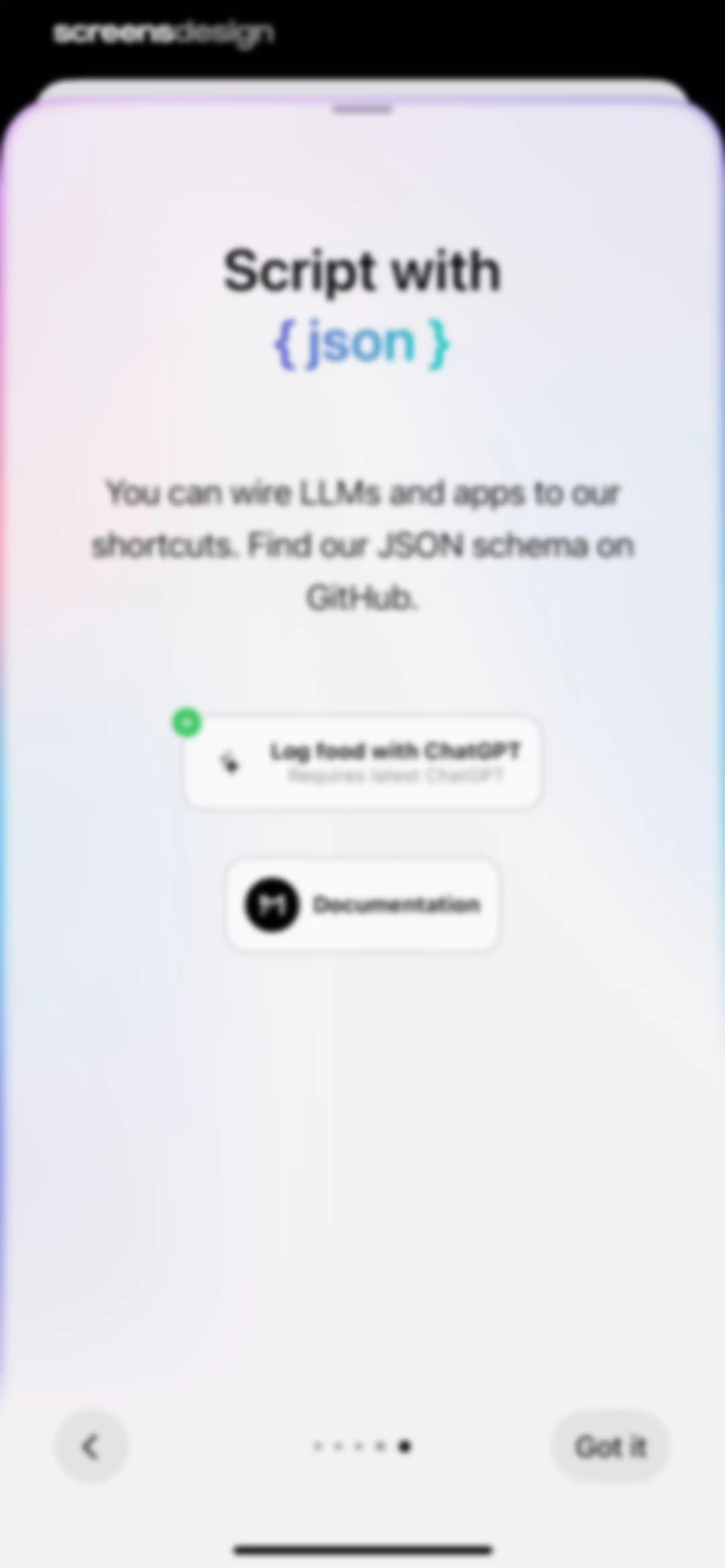
Onboarding screen introducing JSON integration and ChatGPT shortcuts, featuring two action cards and a Got it button.Unlock Pro
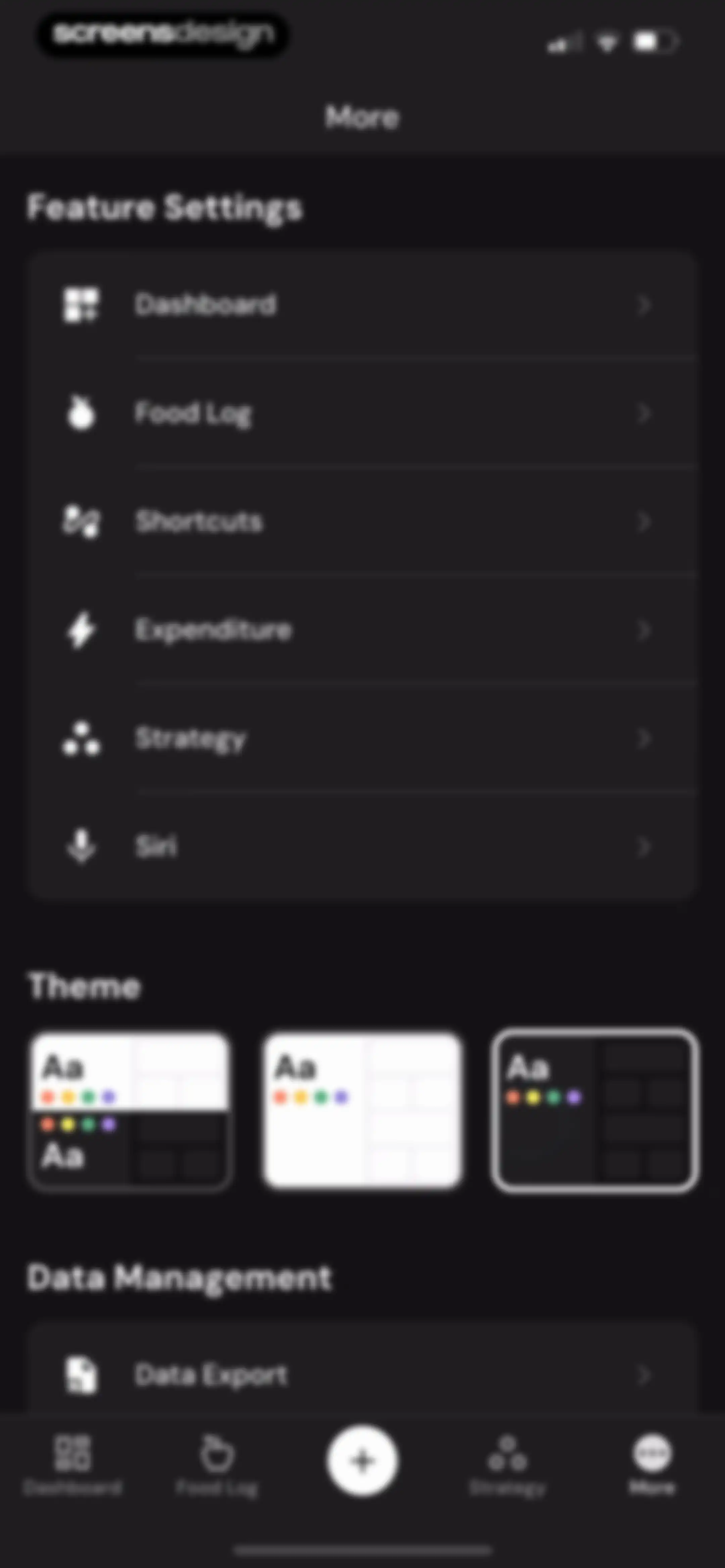
Settings screen with sections for feature settings, theme selection cards, and data management in dark mode.Unlock Pro
Settings screen with grouped sections for data management, community support, and legal information, alongside a bottom navigation bar.Unlock Pro
Data export screen featuring a quick export card with a time frame dropdown and a metrics and analytics list with an export button.Unlock Pro
Data export screen in MacroFactor displaying a spreadsheet table of nutrition and weight history with a Food Log tab selected and a share action.Unlock Pro
Feature request board showing a list of requests with vote counts, filter options, and a Request a feature button.Unlock Pro
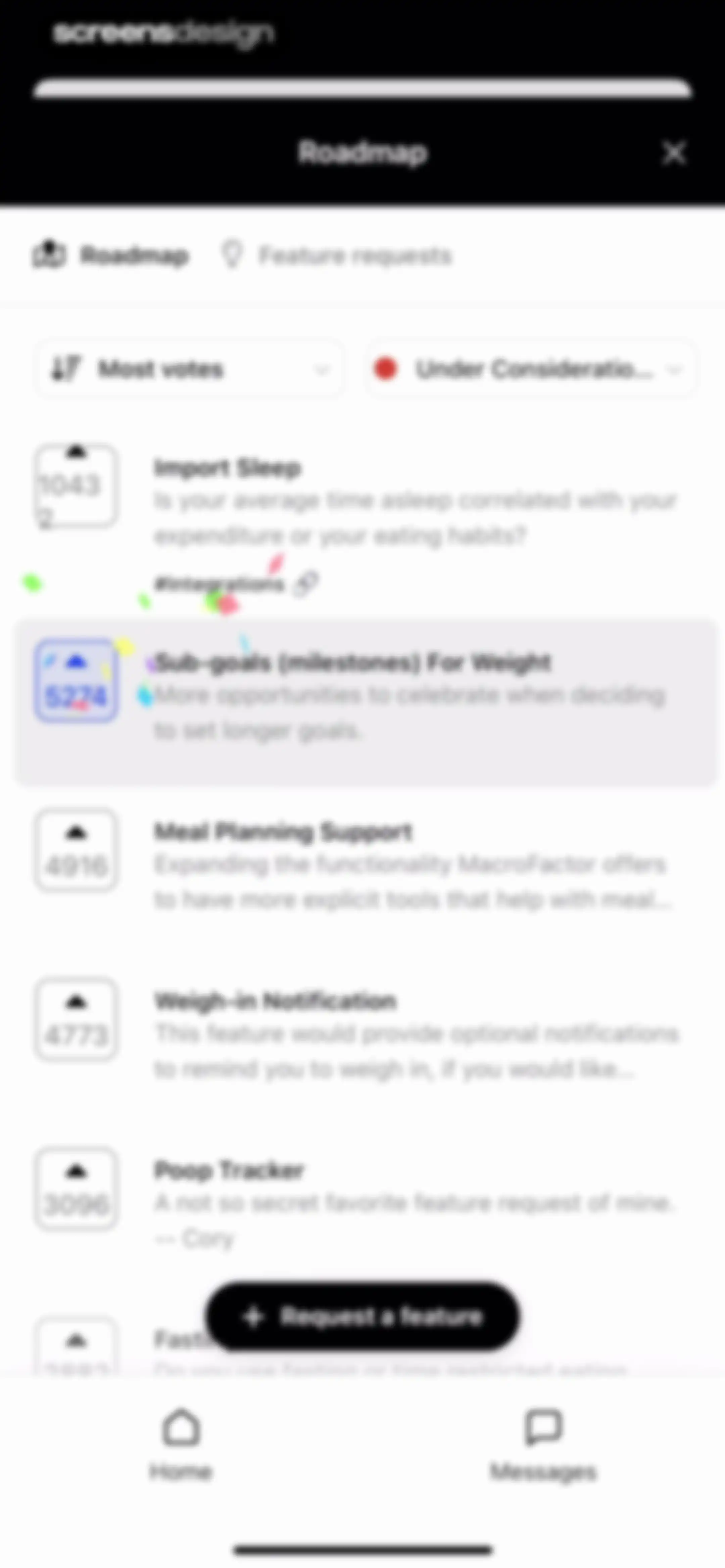
Roadmap screen displaying a scrollable list of feature requests with vote counts, filter dropdowns, and a Request a feature button.Unlock Pro
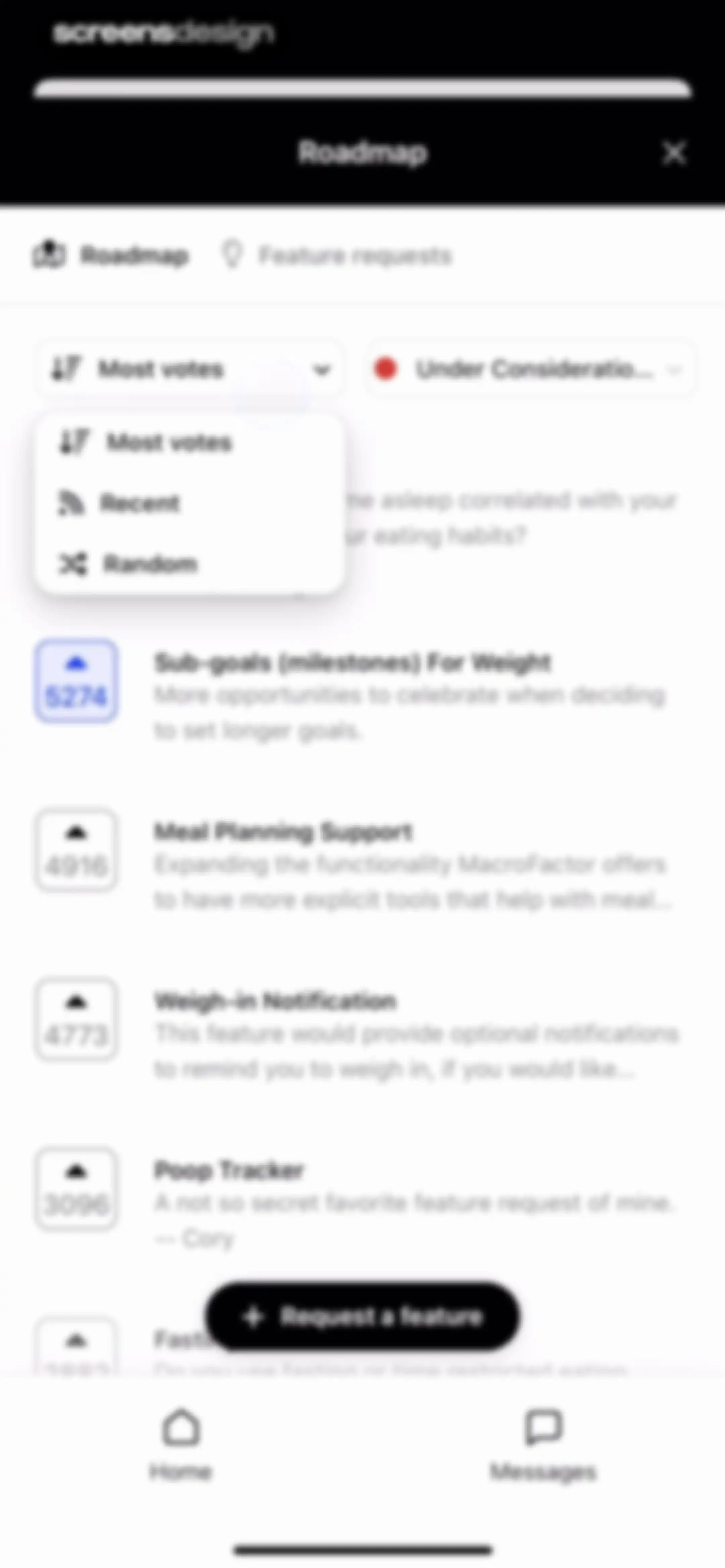
Feature requests screen displaying a scrollable list of community suggestions with voting counts, filter dropdowns, and a Request a feature button.Unlock Pro
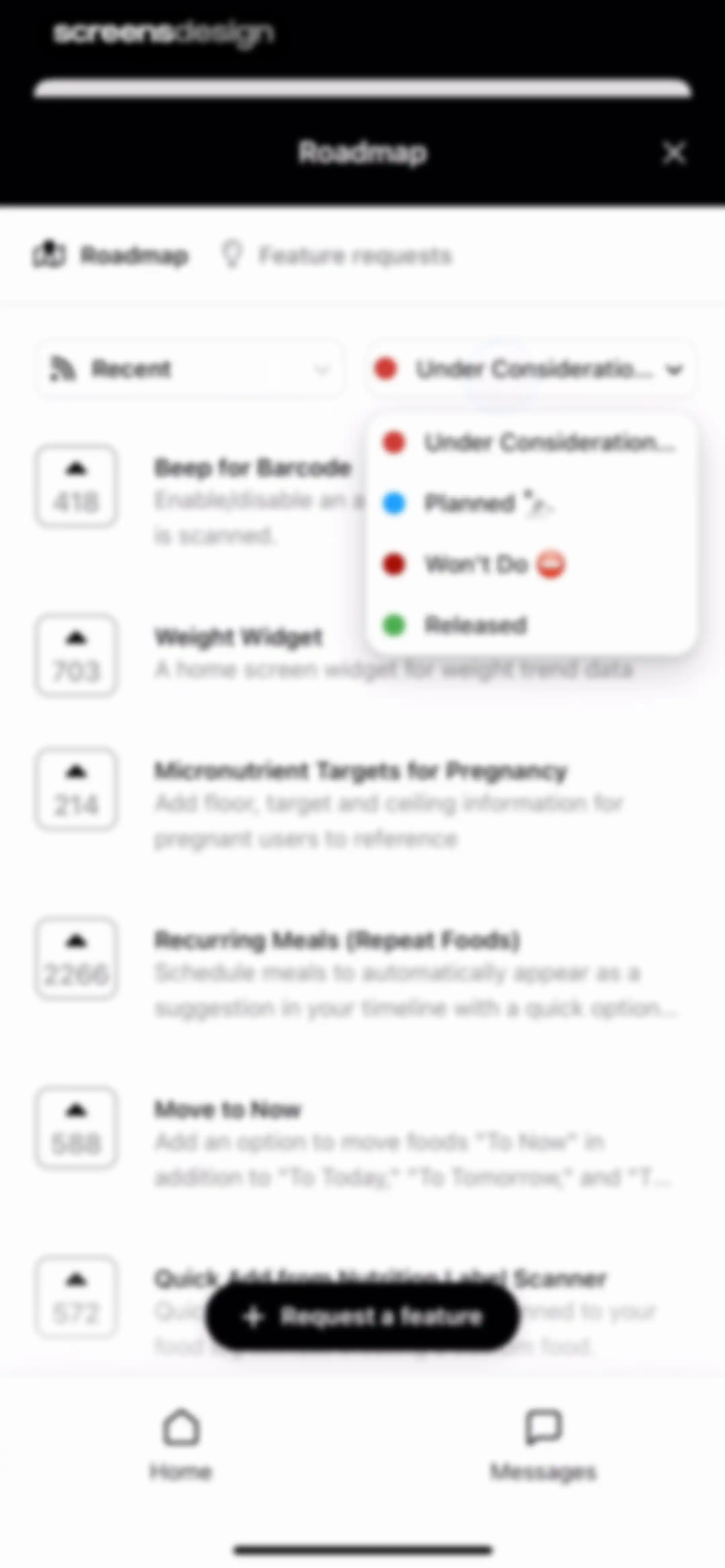
Roadmap dashboard featuring a list of proposed features, filter dropdowns, and a Request a feature button.Unlock Pro
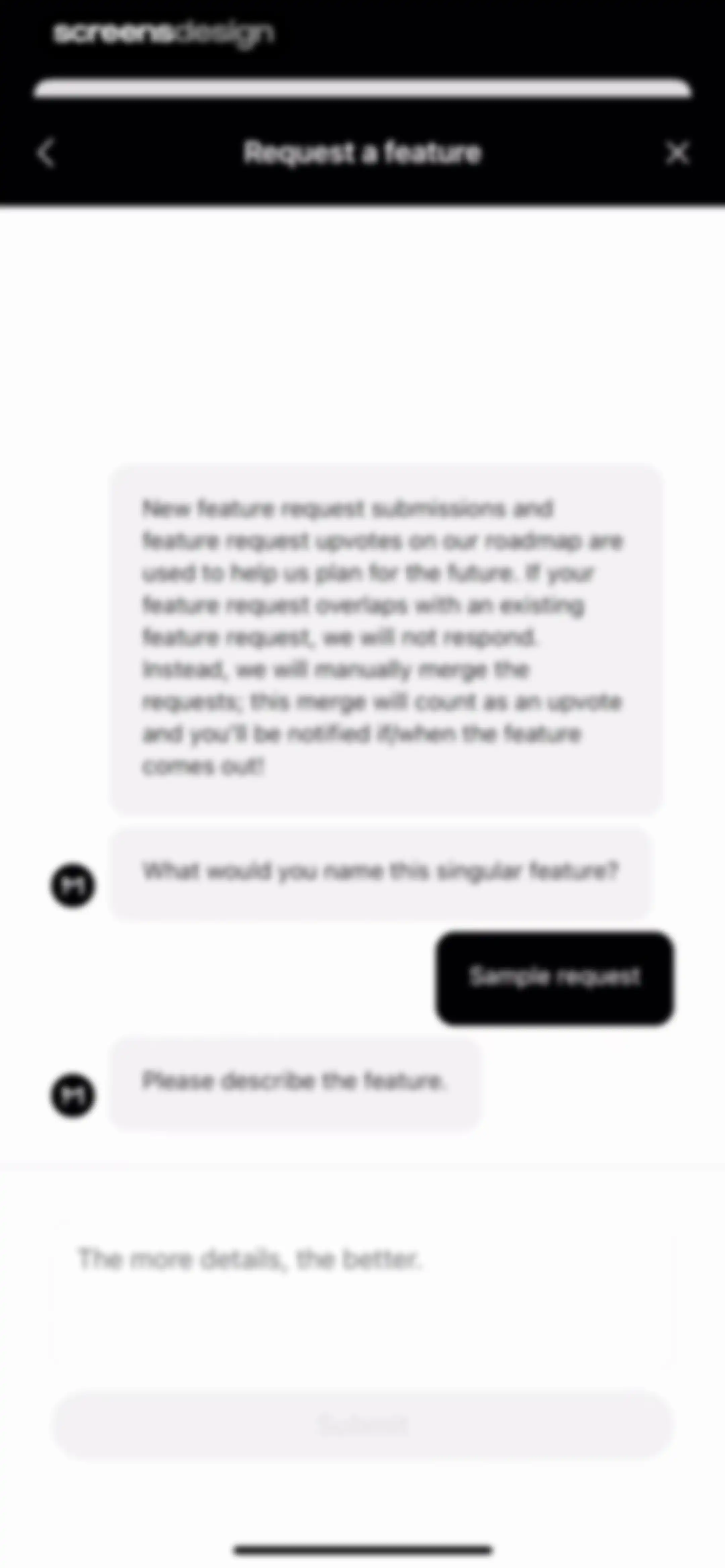
Feature request form modal with informational instructions, input fields for the feature name and description, and a disabled Submit button.Unlock Pro
Feature request form with input prompts, sample requests, and a list of existing suggestions with upvote counts and a submit button.Unlock Pro
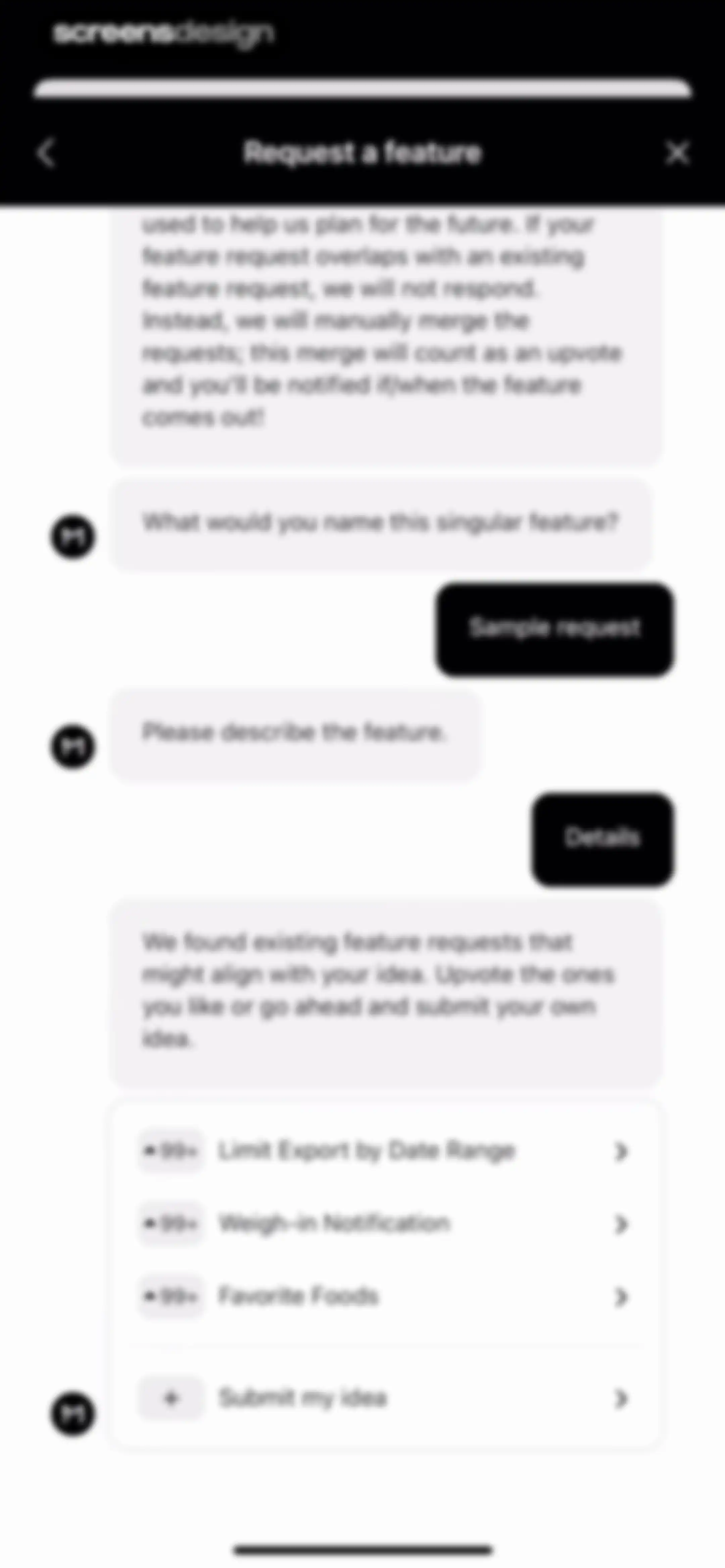
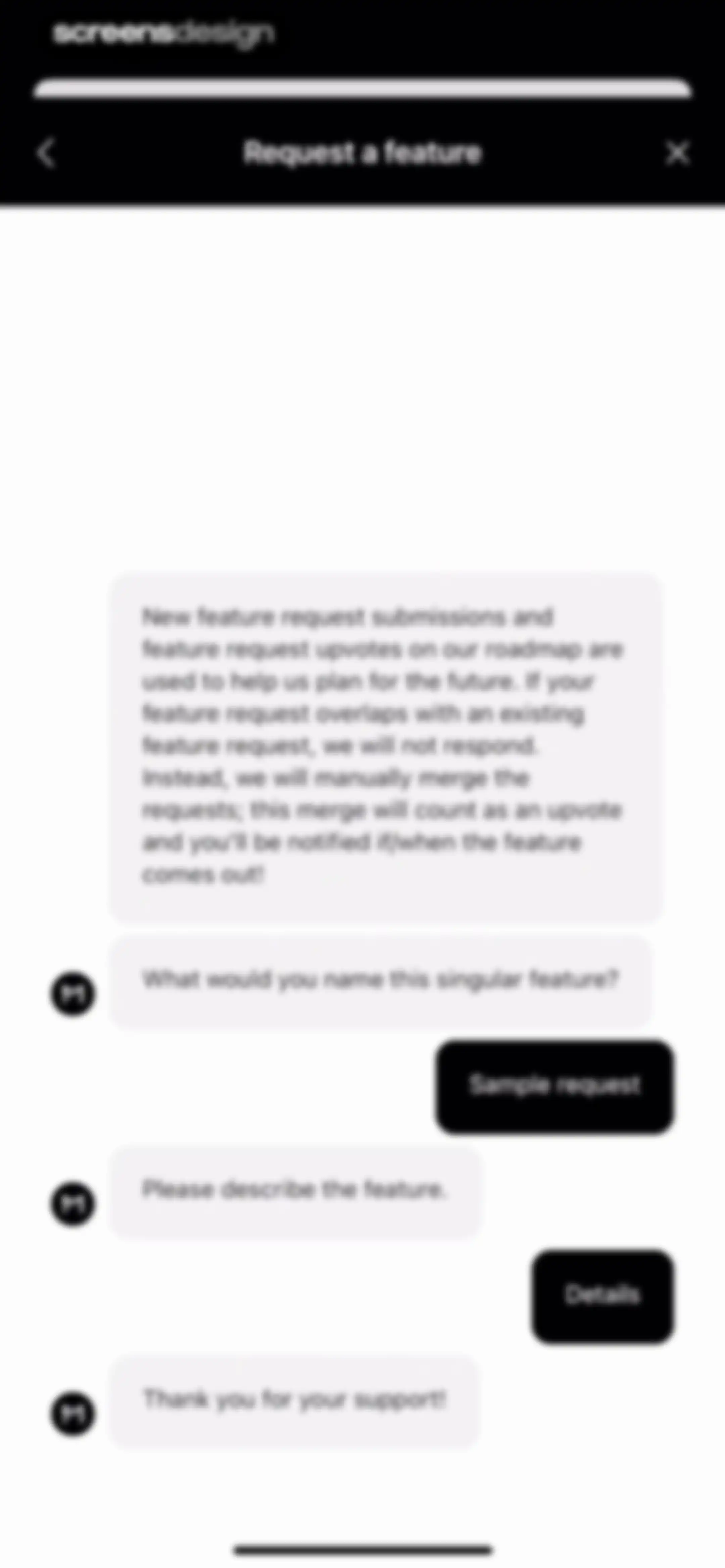
Feature request form modal in MacroFactor with informational guidelines, conversational prompt fields for the feature name and details, and a close button.Unlock Pro
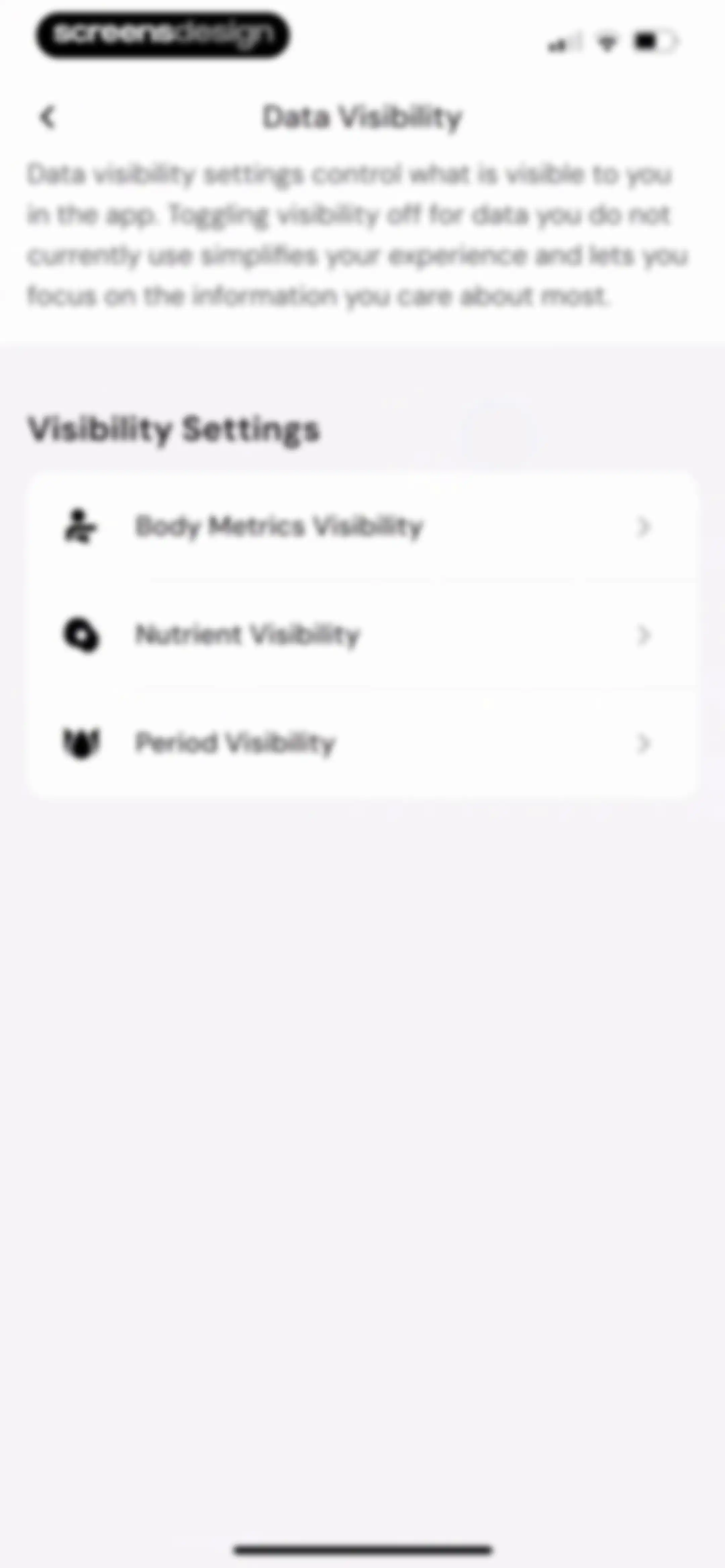
Data visibility settings screen with a list of three options for body metrics, nutrients, and period visibility.Unlock Pro
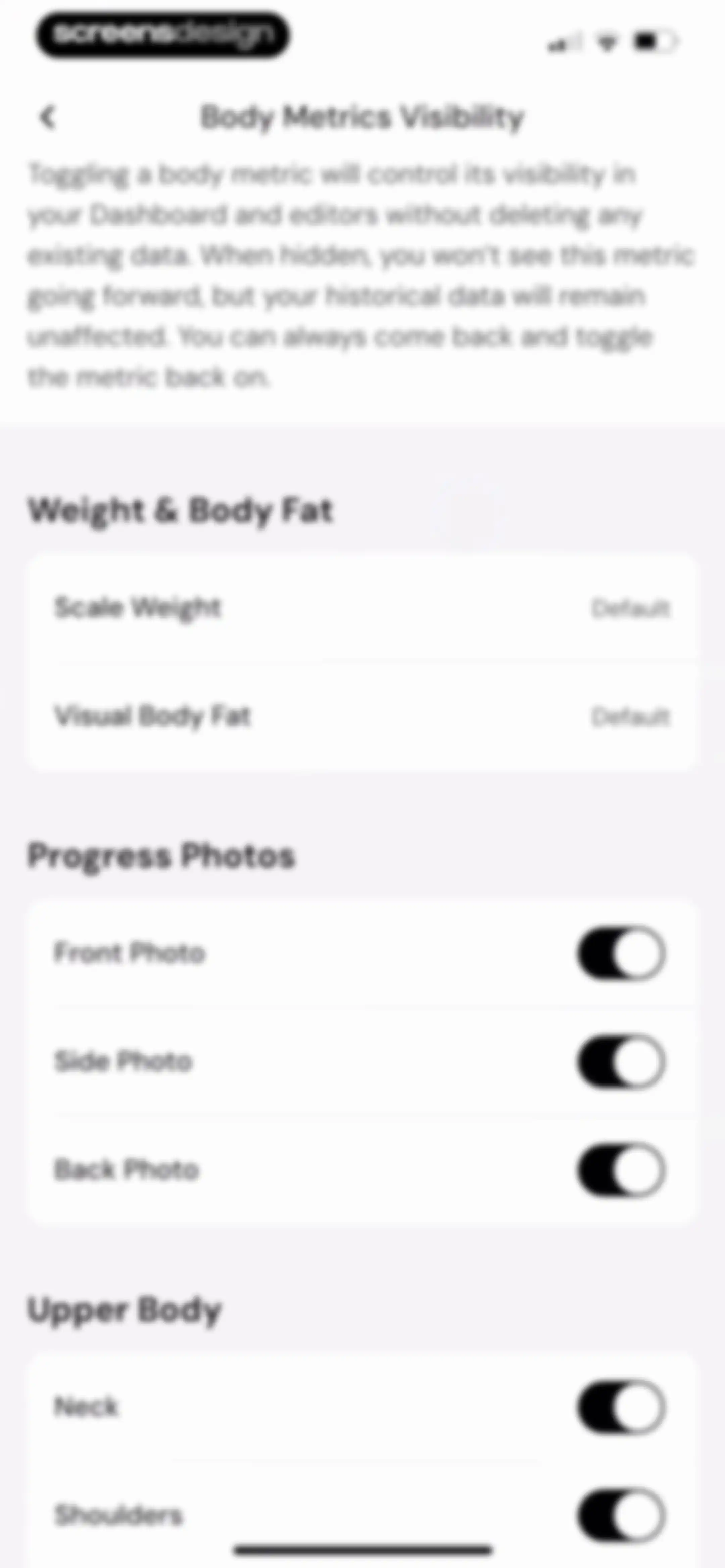
Body metrics visibility settings screen with instructional text and grouped toggle lists for weight, progress photos, and upper body measurements.Unlock Pro
Settings screen with grouped list options including account deletion, community links, and support resources, with a bottom navigation bar.Unlock Pro
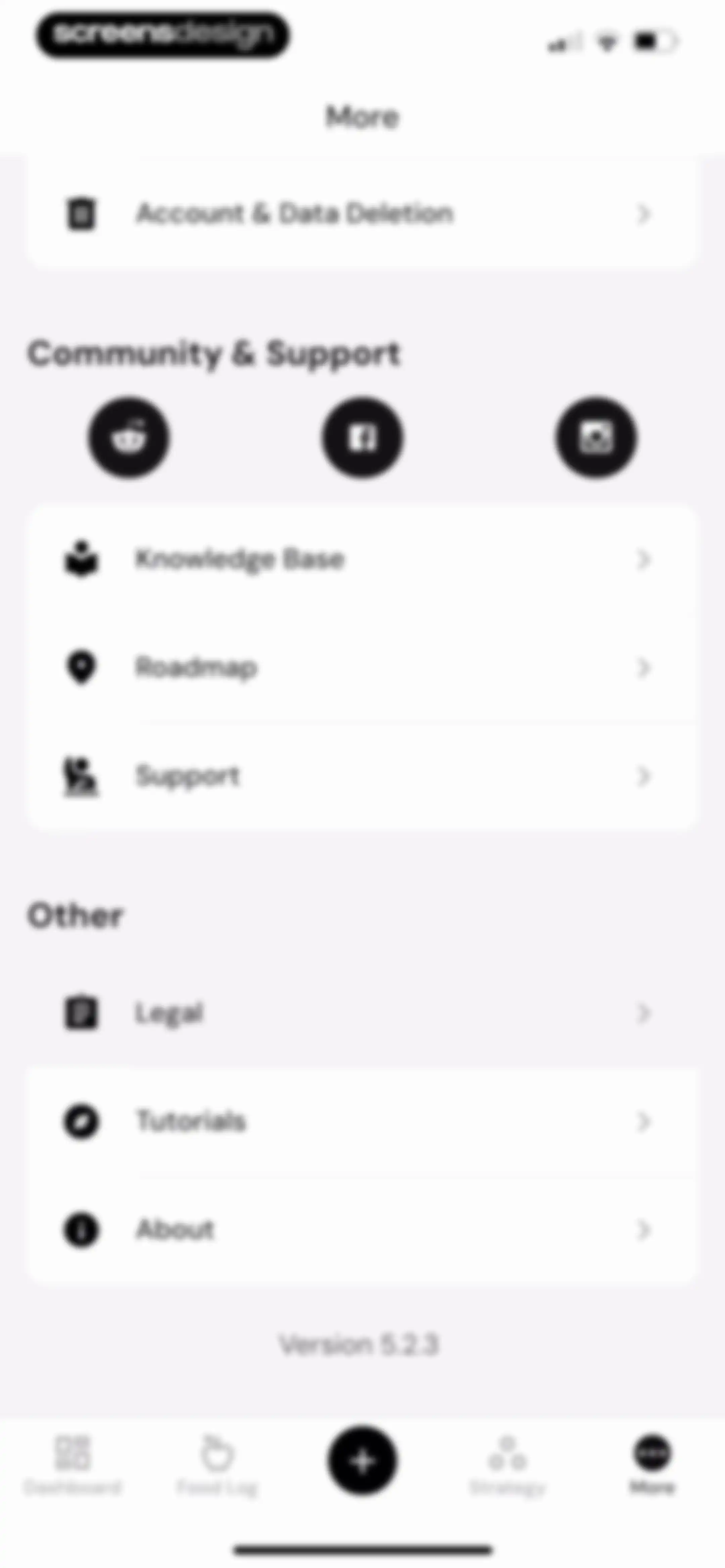
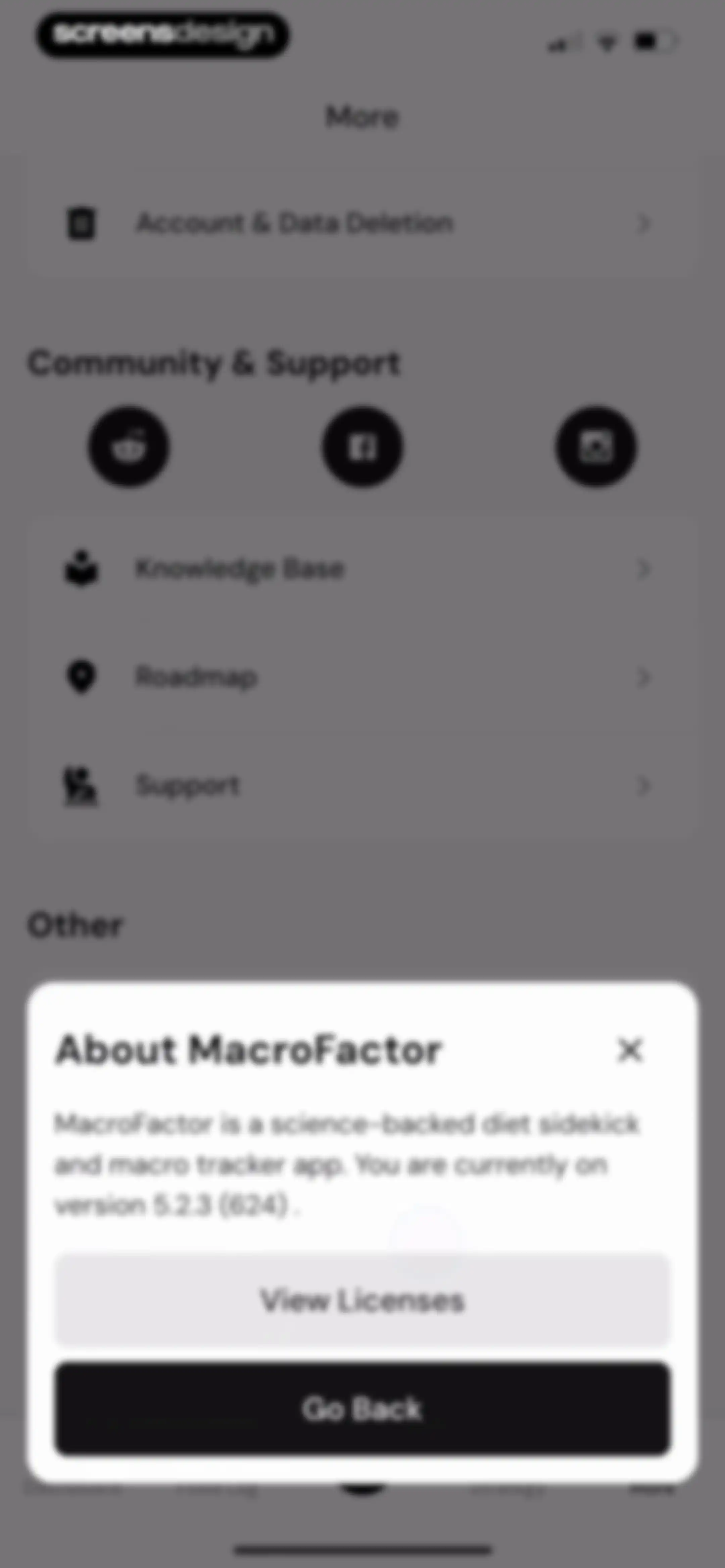
MacroFactor settings screen displaying an About modal overlay with version details and a Go Back button.Unlock Pro

About MacroFactor - Macro Tracker

A premium nutrition coaching app using dynamic algorithms to adjust calorie and macro targets based on metabolic expenditure data.

Explore MacroFactor - Macro Tracker across ScreensDesign

Apps similar to MacroFactor - Macro Tracker

Unlock all similar apps

See every comparable app, revenue, installs, and flows.

Unlock Pro
  • Keto diet app-Low carb manager

    4.6
    Zinaida DavydovaRevenue$<5kInstalls<5k
  • Keto Diet App - Carb Tracker

    4.7
    FJOR NUTRITION, INC.Revenue$14kInstalls<5k
  • Calo: AI Food Calorie Counter

    4.7
    Next Vision LimitedRevenue$800kInstalls250k
  • Carbon - Macro Coach & Tracker

    4.8
    Reform LLCRevenue$250kInstalls<5k
  • Calorie Counter - MyNetDiary

    4.8
    MyNetDiary Inc.Revenue$1.3MInstalls50k
  • Cal Scanner AI Calorie Tracker

    4.7
    Arcane Miracle LimitedRevenue$<5kInstalls10k
  • Calorie Counter PRO MyNetDiary

    4.8
    MyNetDiary Inc.Revenue$60kInstalls<5k
  • RP Diet Coach & Planner

    4.4
    RP Strength, LLCRevenue$50kInstalls<5k
  • FitHub - AI Calorie Tracker

    4.8
    Slash Workman, Inc.Revenue$<5kInstalls35k
  • Calorie Counter +

    4.8
    NutraTech LtdRevenue$1.3MInstalls45k
  • MyFitnessPal: Calorie Counter

    4.7
    MyFitnessPal, Inc.Revenue$12MInstalls550k
  • Calorie Counter by Numify

    4.7
    MunicornRevenue$850kInstalls200k
  • Lean: AI Macro Tracker

    4.7
    HUBXRevenue$<5kInstalls<5k
  • Kalguroo: AI Calorie Tracker

    4.6
    KALGUROORevenue$85kInstalls85k
  • Carb Manager: Keto & Macro Log

    4.8
    Wombat Apps LLCRevenue$150kInstalls14k
  • Diet & Food Tracker: EatWell

    4.8
    MWMRevenue$<5kInstalls<5k
  • Micron – Calories & Nutrients

    4.8
    Micron SASRevenue$55kInstalls15k
  • AI Calorie Counter - Appediet

    4.8
    Appediet Information PTE. LTDRevenue$150kInstalls75k
  • Welling AI Food & Health Coach

    4.8
    Q RIVER GROUP LIMITEDRevenue$10kInstalls<5k
  • AI Calorie Counter & Meal Plan

    4.6
    Cacao MobileRevenue$10kInstalls30k
  • MyCal: AI Food Scanner

    4.8
    App Rover
  • ‎Calorie Counter: Food Tracker

    4.4
    Hashtag inovatsii EOODRevenue$10kInstalls15k
  • AI Calorie Counter: GoodCal

    4.6
    Zappit AIRevenue$<5kInstalls<5k
  • SnapCal: AI Calorie Counter

    4.8
    Scan AppRevenue$150kInstalls60k
  • Calorie Counter: Kalee

    4.6
    HARAKAT ALTIQNIAH COMPANYRevenue$150kInstalls80k
  • AI Calorie Tracker:FoodPilot

    4.7
    Hong Kong Radiant LimitedRevenue$250kInstalls250k
  • CalScan - AI Calorie Tracker

    4.8
    Shanghai Mimi Pig Network Technology Co., LtdRevenue$30kInstalls45k
  • Eat This Much - Meal Planner

    4.7
    Eat This Much Inc.Revenue$30kInstalls7k
  • Unimeal: Fasting and Diet

    4.4
    Amoapps LimitedRevenue$<5kInstalls<5k
  • Fastic Weight Loss & Fasting

    4.8
    HealthVida GmbH & Co. KG.Revenue$100kInstalls25k
  • Fooducate: Nutrition Coach

    4.6
    Maple Media Apps, LLCRevenue$<5kInstalls<5k
  • Nutrition Tracker: Foodnoms

    4.7
    Algebraic Labs, LLCRevenue$<5kInstalls<5k
  • CaloCare: AI Calorie Counter

    4.8
    OSENGORevenue$50kInstalls45k
  • AI Calorie Tracker by Eatwise

    4.7
    Vision WizardRevenue$15kInstalls<5k
  • Xeela: Weight Loss & Fitness

    4.7
    XEELA LLCRevenue$<5kInstalls<5k
  • DietAI: Calorie Counter & Diet

    4.8
    WeFit, IncorporatedRevenue$<5kInstalls<5k
  • CalCountAI: Calorie Tracking

    4.6
    Asana Rebel GmbHRevenue$<5kInstalls<5k
  • GymStreak: AI Personal Trainer

    4.7
    GymStreak LtdRevenue$<5kInstalls<5k
  • Fast & Fit: IF Fasting Counter

    4.4
    M2R TEKNOLOJI ANONIM SIRKETIRevenue$<5kInstalls<5k
  • Kalo - AI Calorie Tracking

    4.8
    Kalo Health LimitedRevenue$10kInstalls<5k
  • EatBetter: AI Food Journal

    4.5
    AI SPARKS LABSRevenue$60kInstalls20k
  • Omo: Healthy Weight Loss App

    4.5
    WELLTECH APPS LIMITEDRevenue$7kInstalls<5k
  • Foodvisor - AI Calorie Counter

    4.6
    FoodvisorRevenue$1.8MInstalls350k
  • 1st Phorm

    4.6
    First PhormRevenue$200kInstalls<5k
  • AI Calorie Tracker - Fit AI

    4.6
    HEYOSRevenue$<5kInstalls<5k
  • CALANO — Calorie Tracker

    4.7
    CAYDEN JAMESRevenue$<5kInstalls<5k
  • CalBot: AI Calorie Tracker

    4.7
    StepsApp GmbHRevenue$35kInstalls55k