LooseLoop - Craft Companion

$20k revenue, 4.4 rating

App walkthrough
0:00 / 18:03

Onboarding flow, Paywall & Inside the App

Watch the full screen-by-screen UX video of LooseLoop - Craft Companion with onboarding, paywall, and every core flow.
Splash screen for the LooseLoop app featuring the brand name in dark maroon and a running yarn ball mascot on a light blue background.
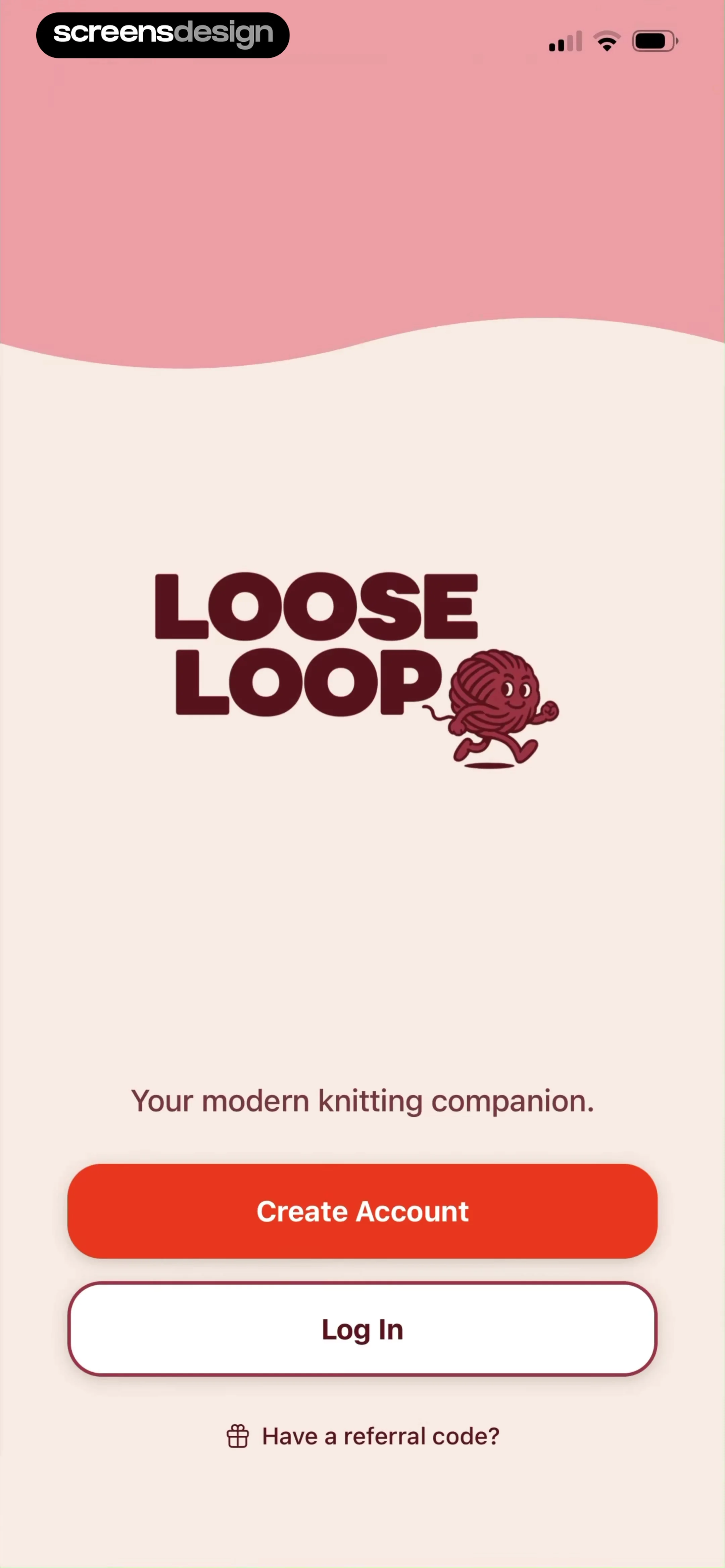
Welcome screen for LooseLoop featuring a yarn character illustration, Create Account and Log In buttons, and a referral code link.
Account creation screen featuring a yarn character illustration and three authentication buttons to continue with Apple, Google, or email.
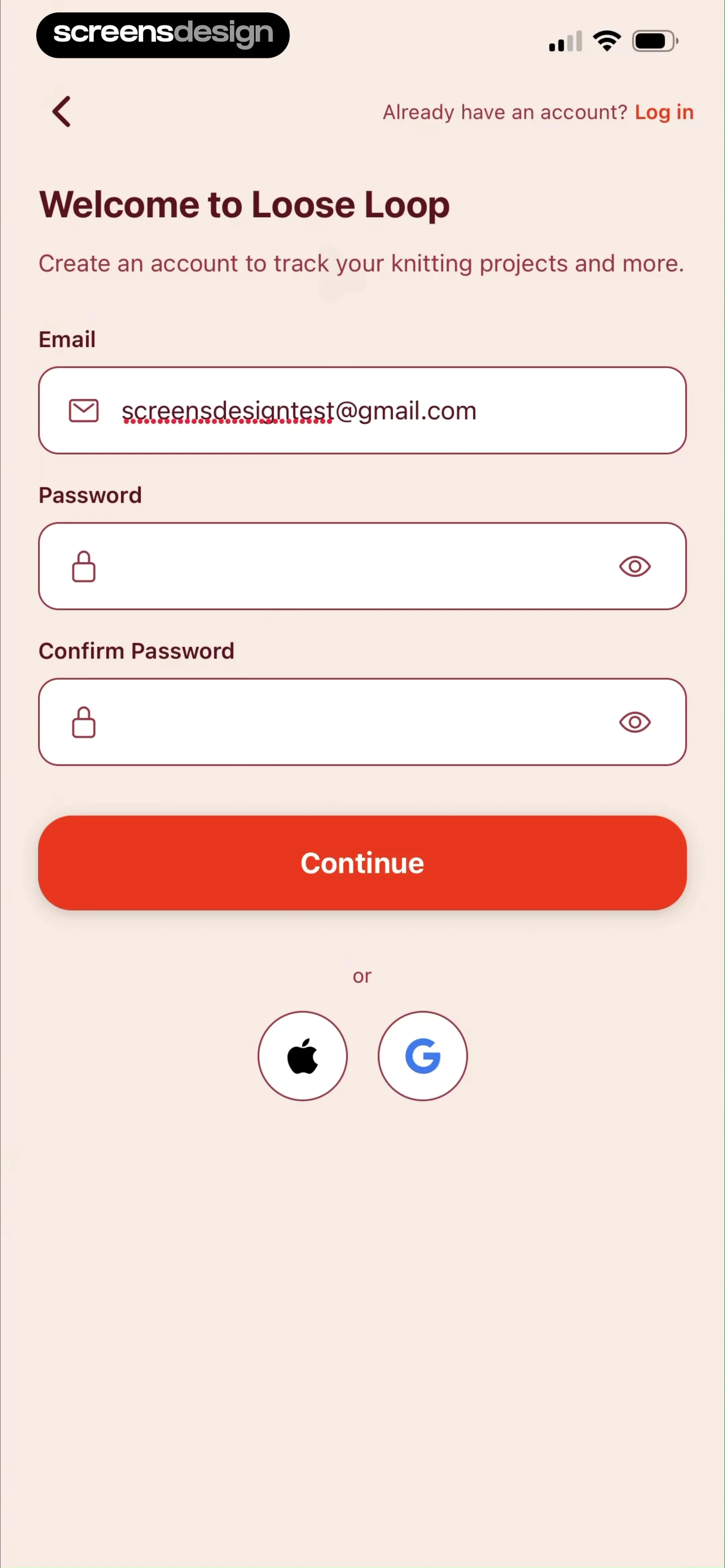
Loose Loop sign-up form with email and password fields, social login options, and a Continue button.
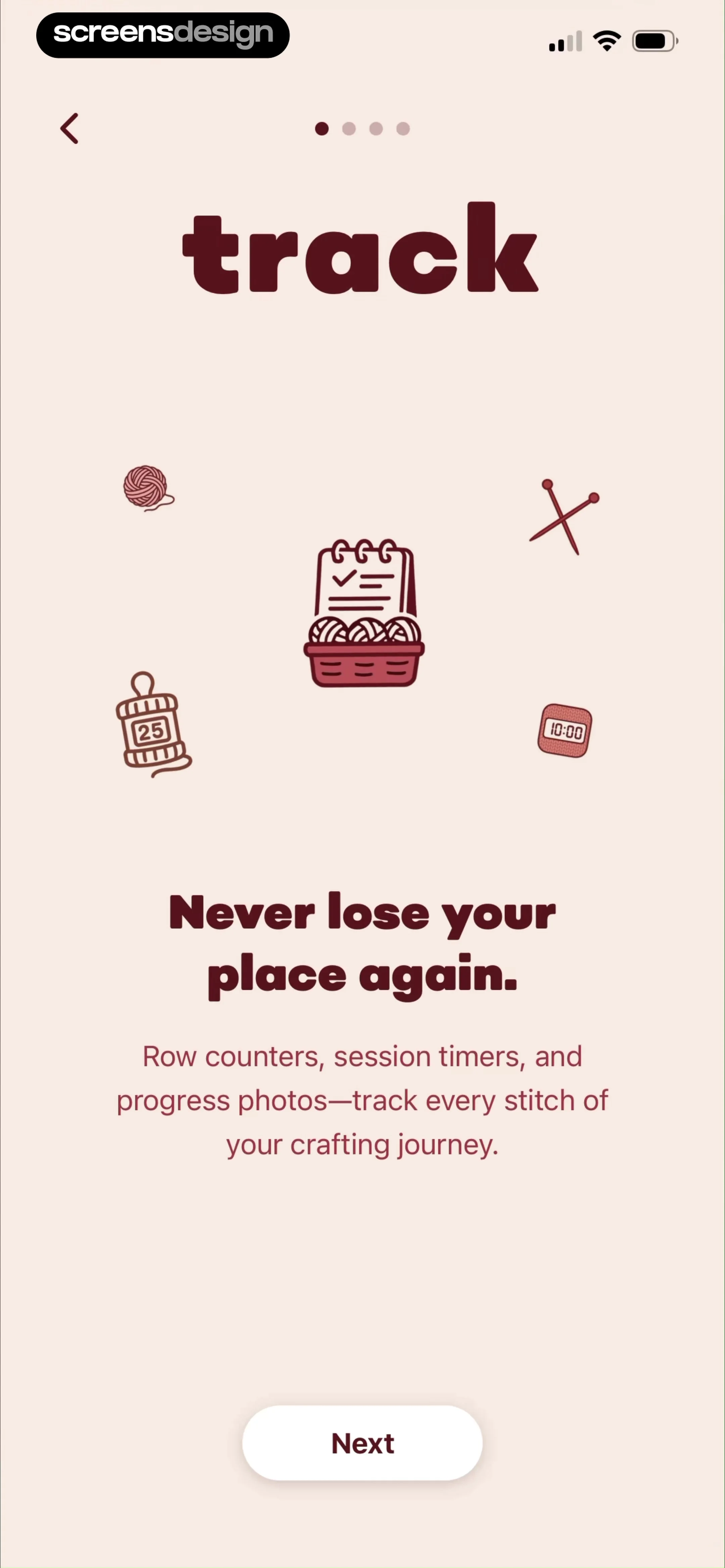
Onboarding screen introducing crafting tracking features with an illustration, descriptive text about row counters and timers, and a Next button.
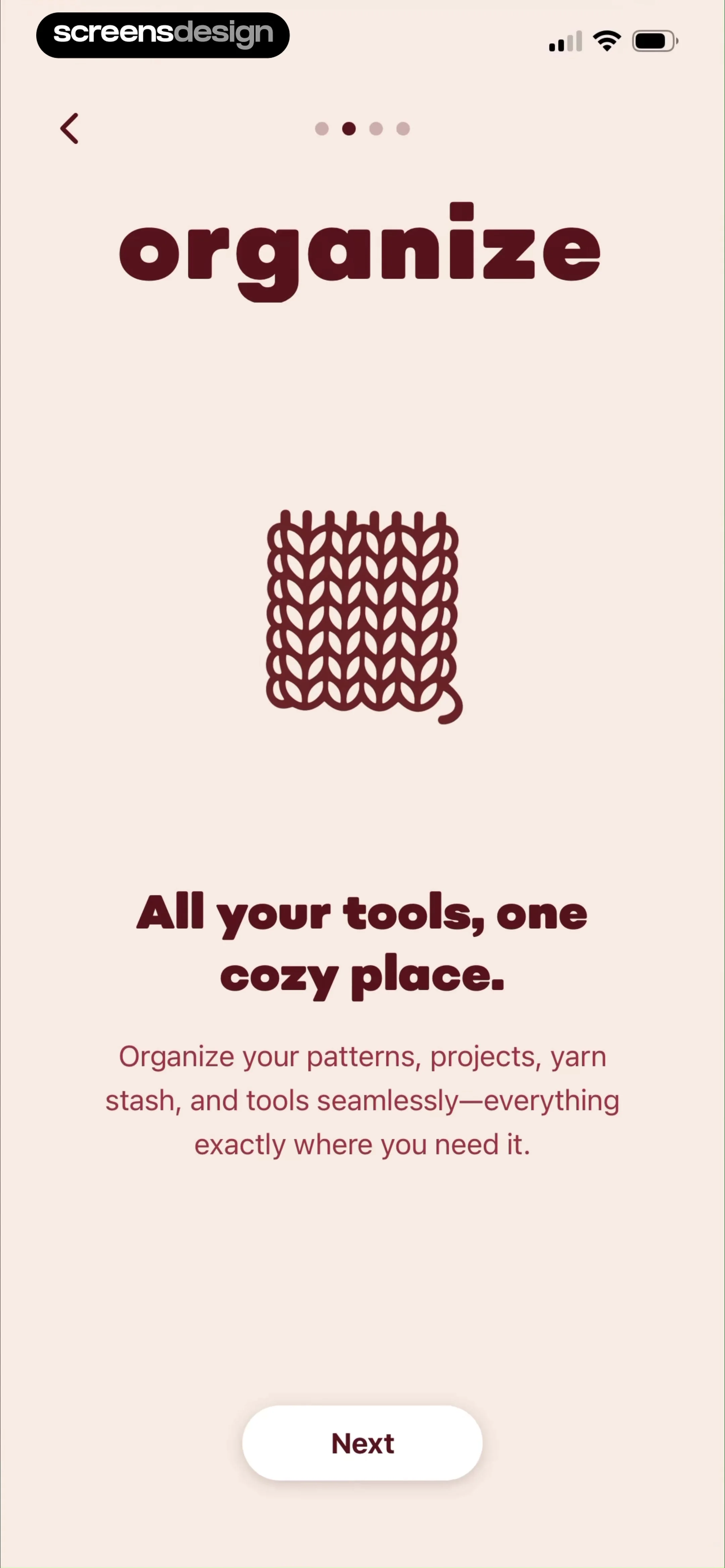
Onboarding screen featuring an illustration of a knitted swatch, descriptive text about organizing tools, and a Next button.
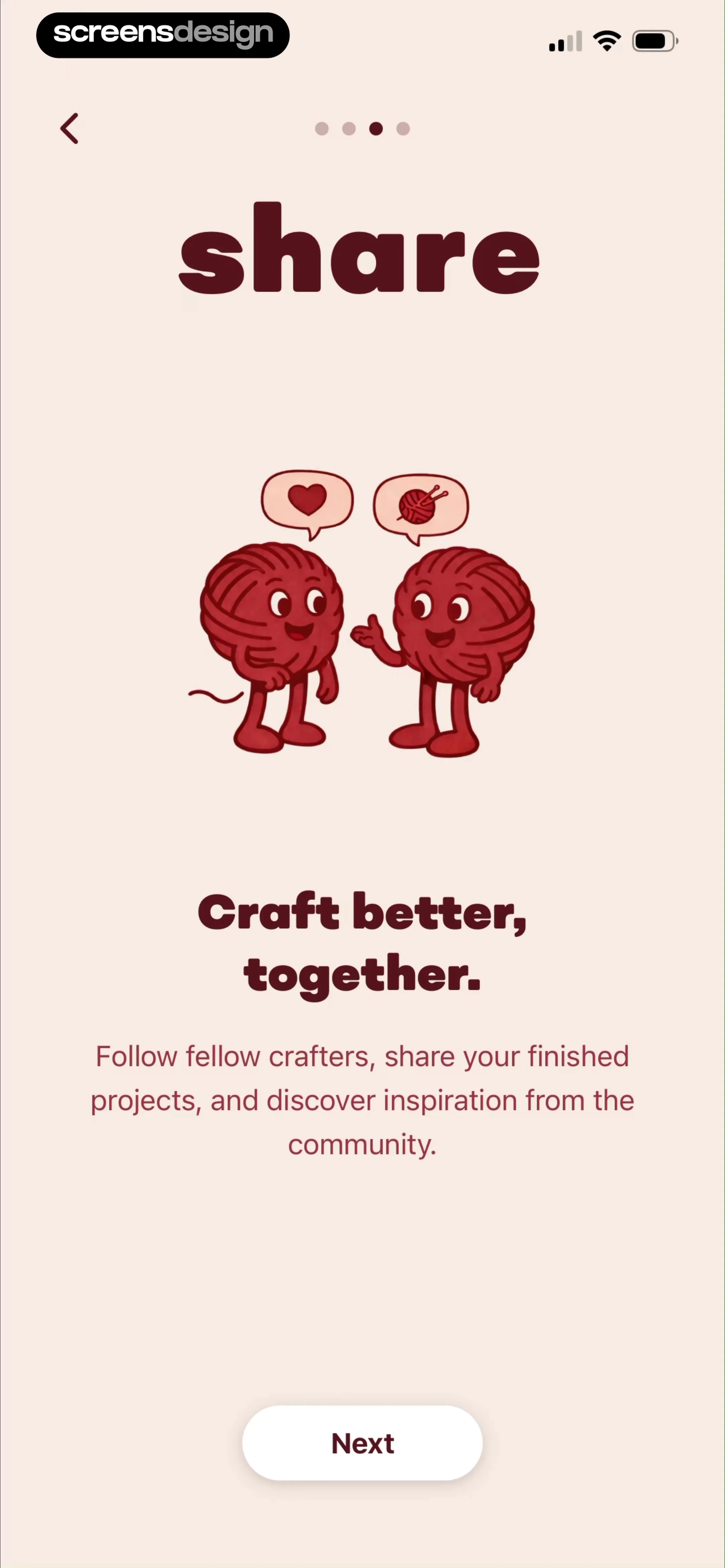
Onboarding screen introducing community sharing features, with an illustration, descriptive text about connecting with crafters, and a Next button.
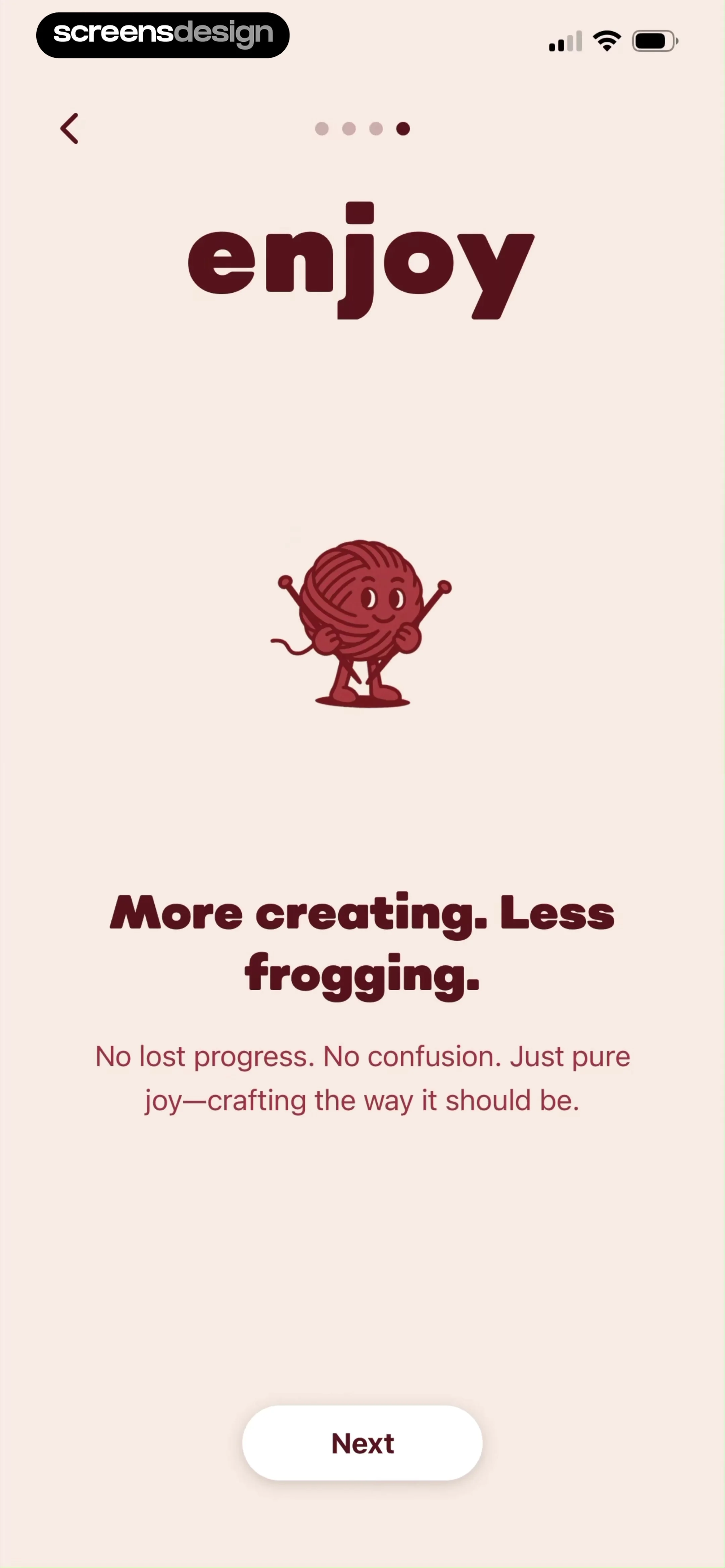
LooseLoop onboarding screen featuring a yarn illustration, introductory text about crafting, progress dots, and a Next button.
Onboarding survey screen asking how the user found the app, with the App Store option selected and a Continue button.Unlock Pro
Onboarding screen asking for the user's name with a pre-filled input field, central yarn ball illustration, and a Continue button.Unlock Pro
Onboarding interest selection screen with multiple selectable cards and a Continue button.Unlock Pro
Onboarding skill level selection screen with four cards, the Getting back into it card selected, and a Continue button.Unlock Pro
Onboarding question asking about completed projects, with the None option selected and a Continue button.Unlock Pro
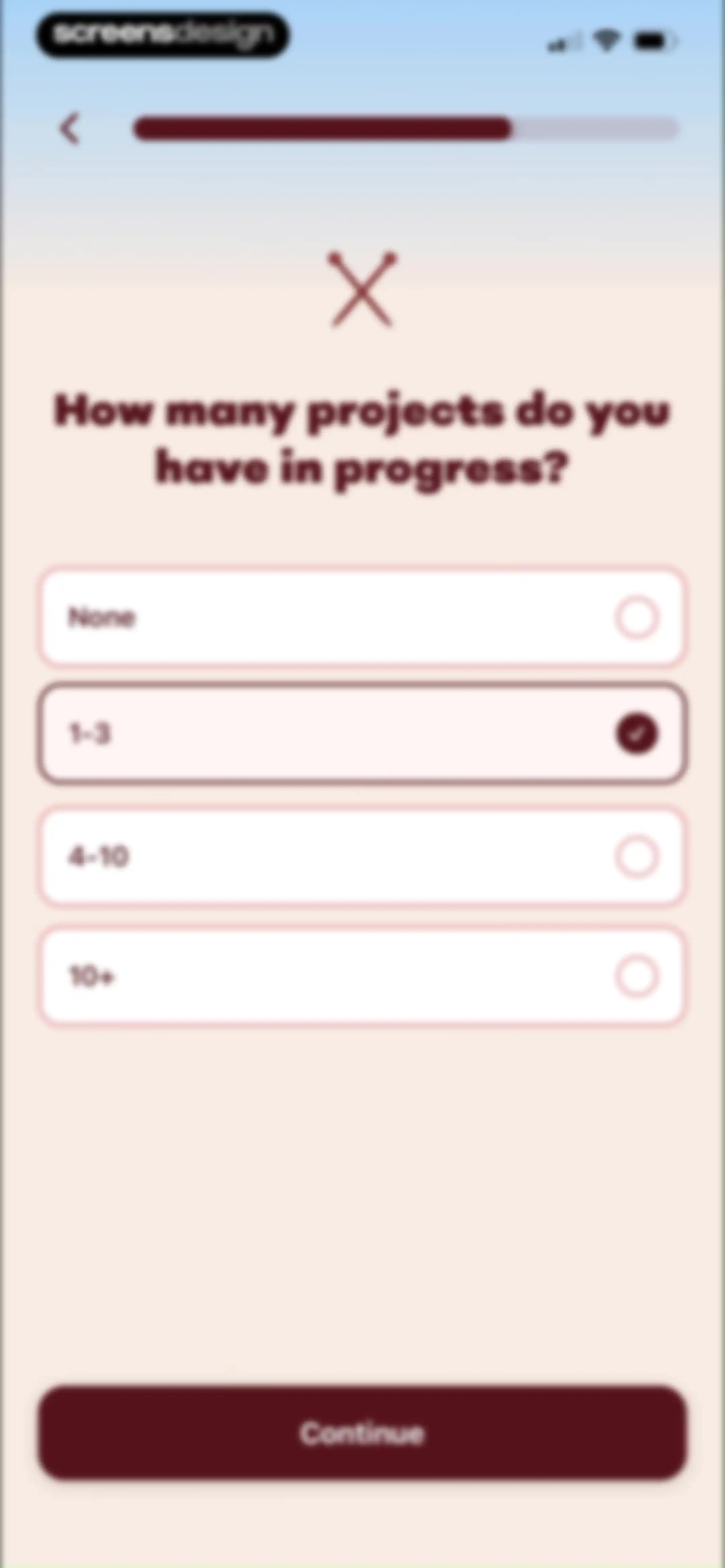
Onboarding screen asking how many projects are planned, with the 1-3 option selected and a Continue button.Unlock Pro
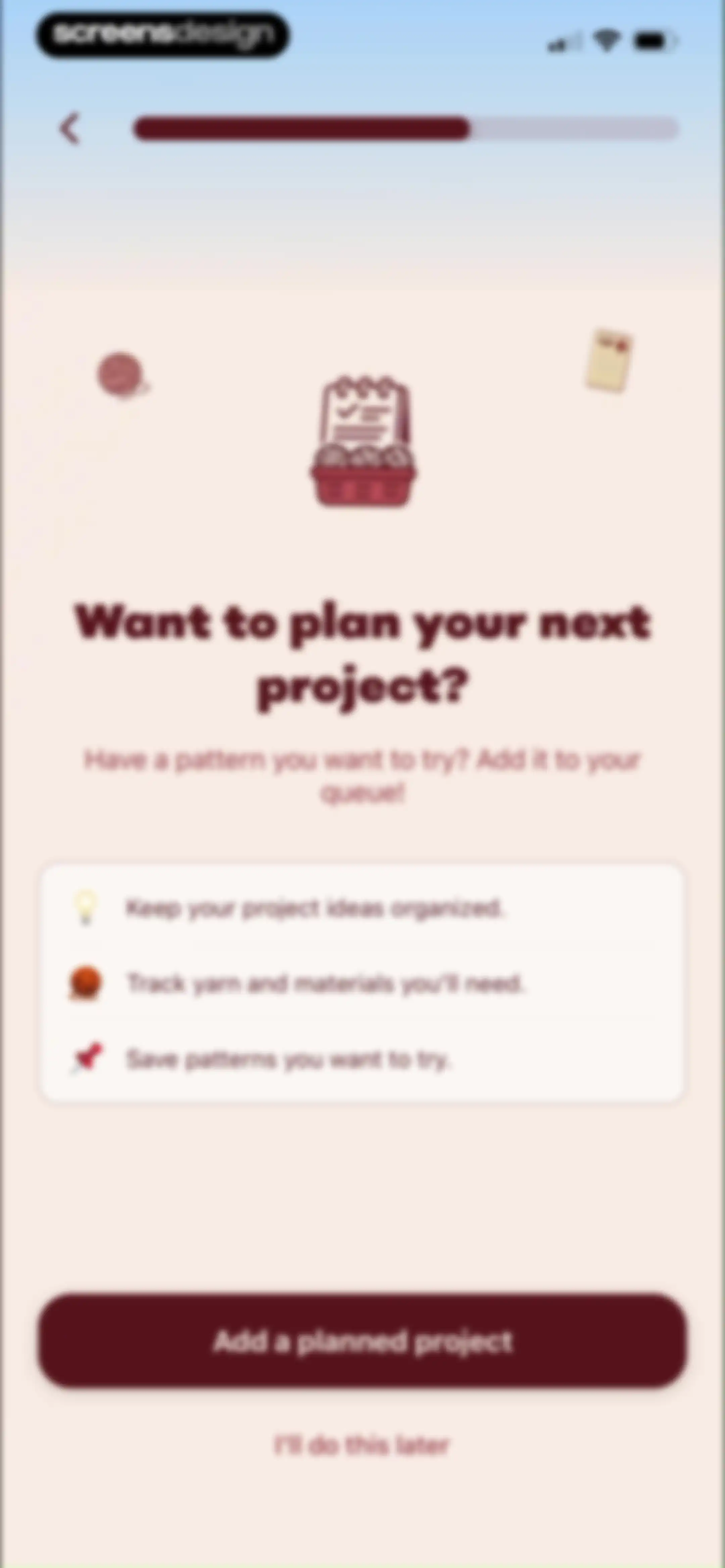
Onboarding screen introducing project planning features with a central illustration, feature list card, and an Add a planned project button.Unlock Pro
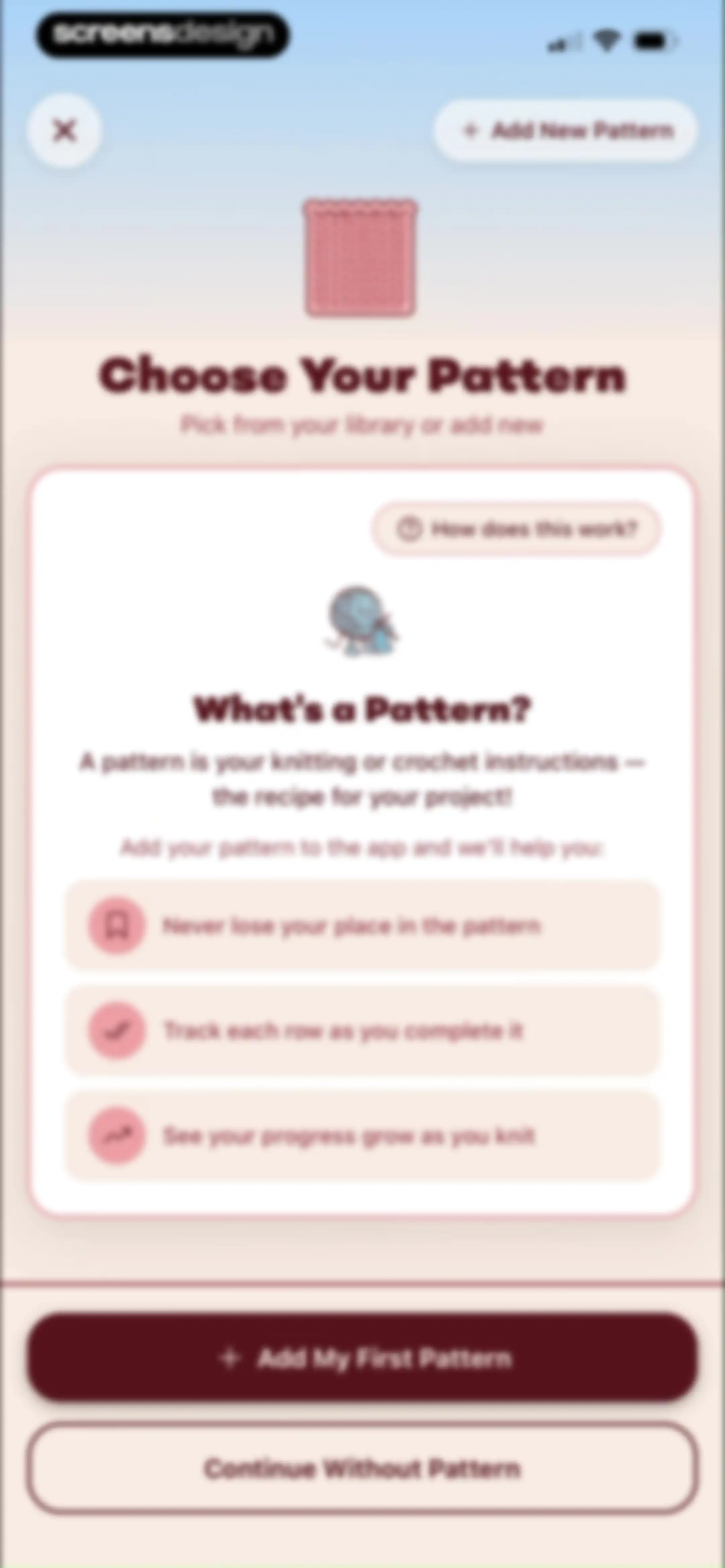
Onboarding screen explaining the benefits of adding a knitting or crochet pattern, with an Add My First Pattern button and a continue option.Unlock Pro
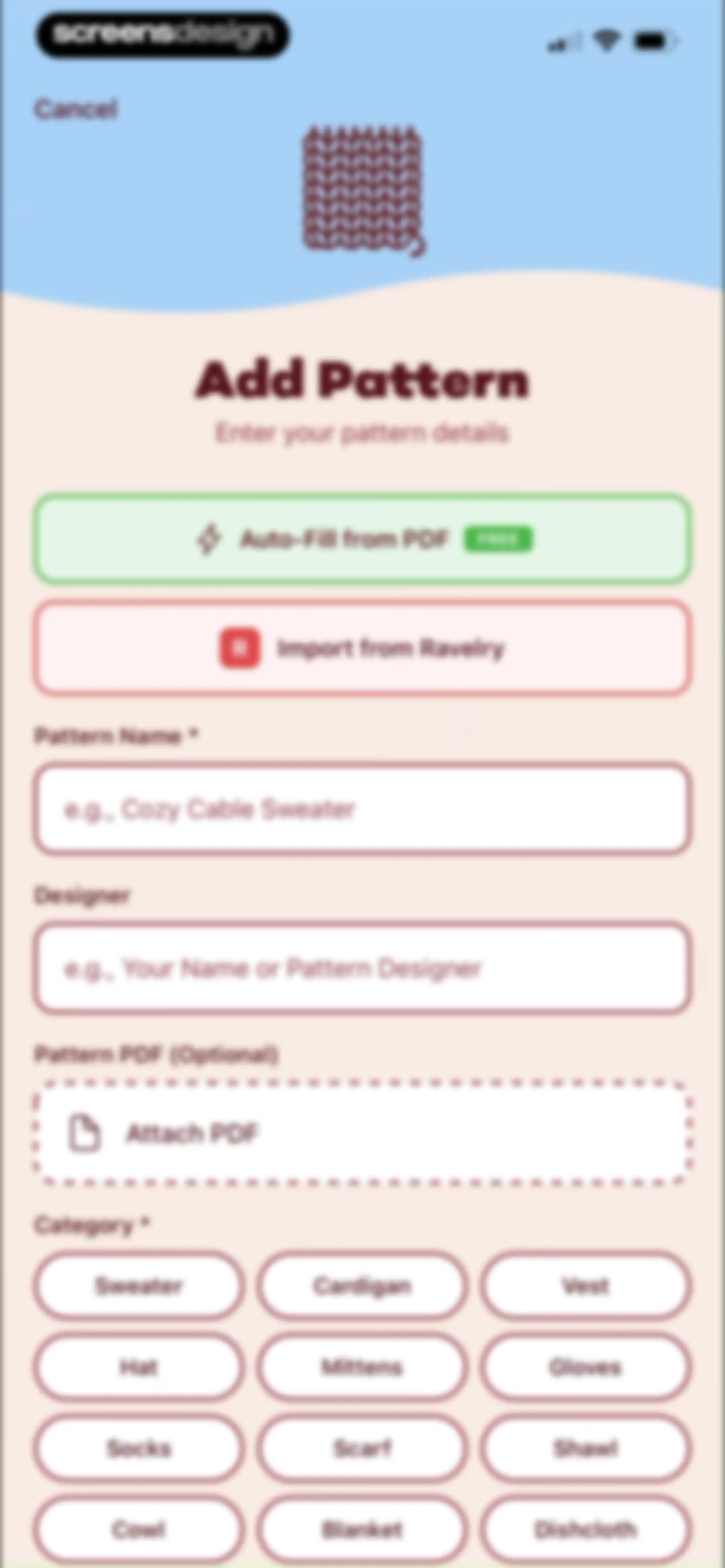
Add Pattern form with options to auto-fill from a PDF or import from Ravelry, followed by text inputs and category selection chips.Unlock Pro
File browser screen showing a grid of recent documents with a search bar and a bottom navigation bar.Unlock Pro
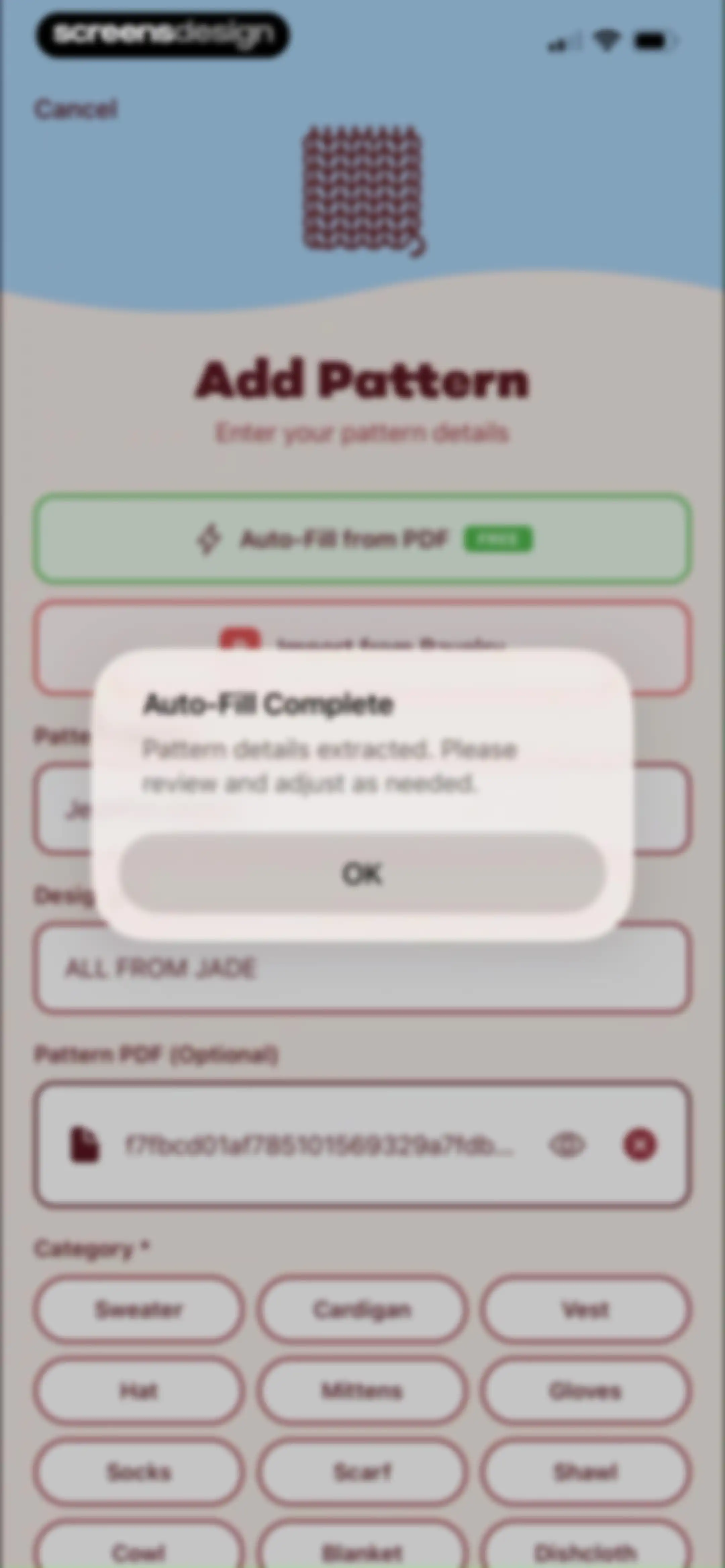
Add pattern form displaying an auto-fill complete confirmation modal over category selection tags and input fields.Unlock Pro
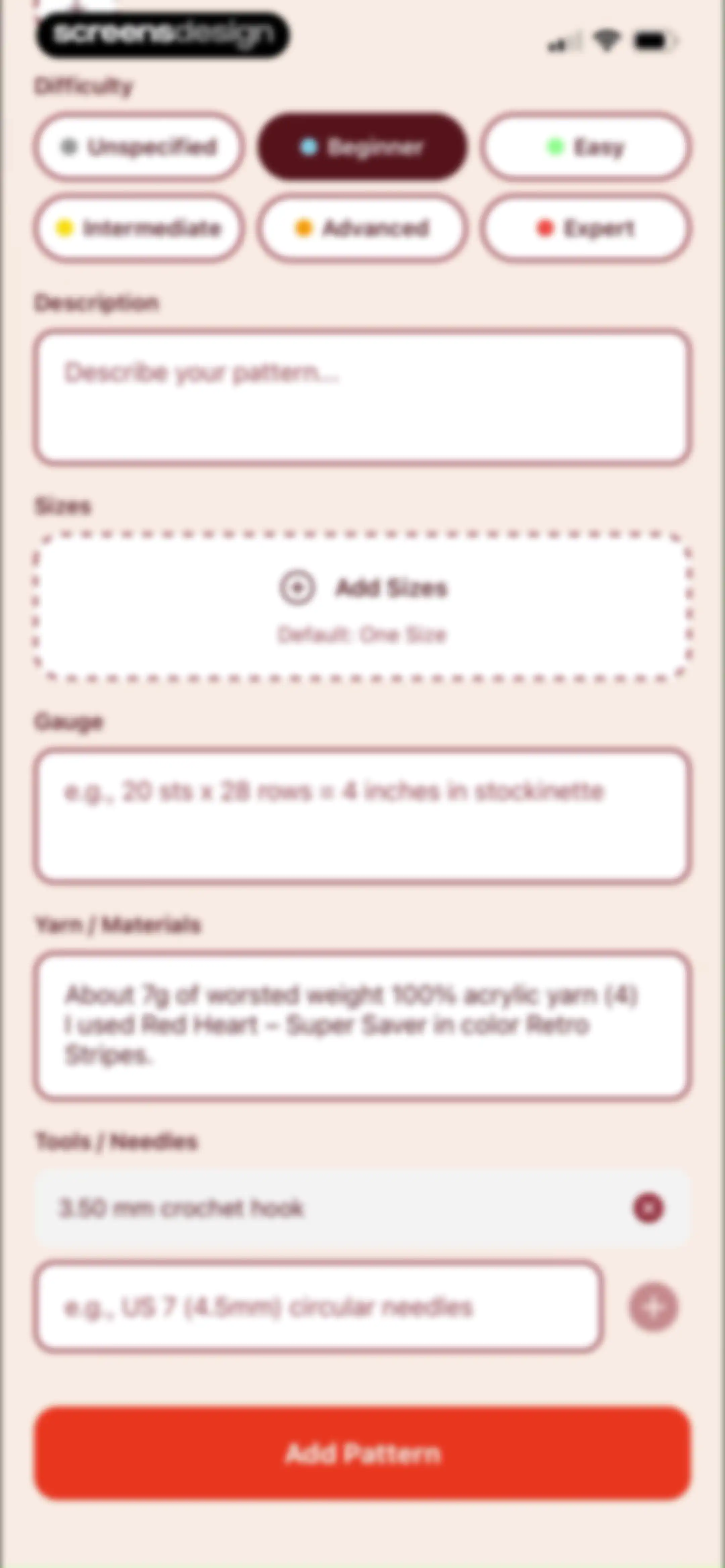
Pattern creation form with difficulty selection chips, input fields for description, gauge, and materials, a tools list, and an Add Pattern button.Unlock Pro
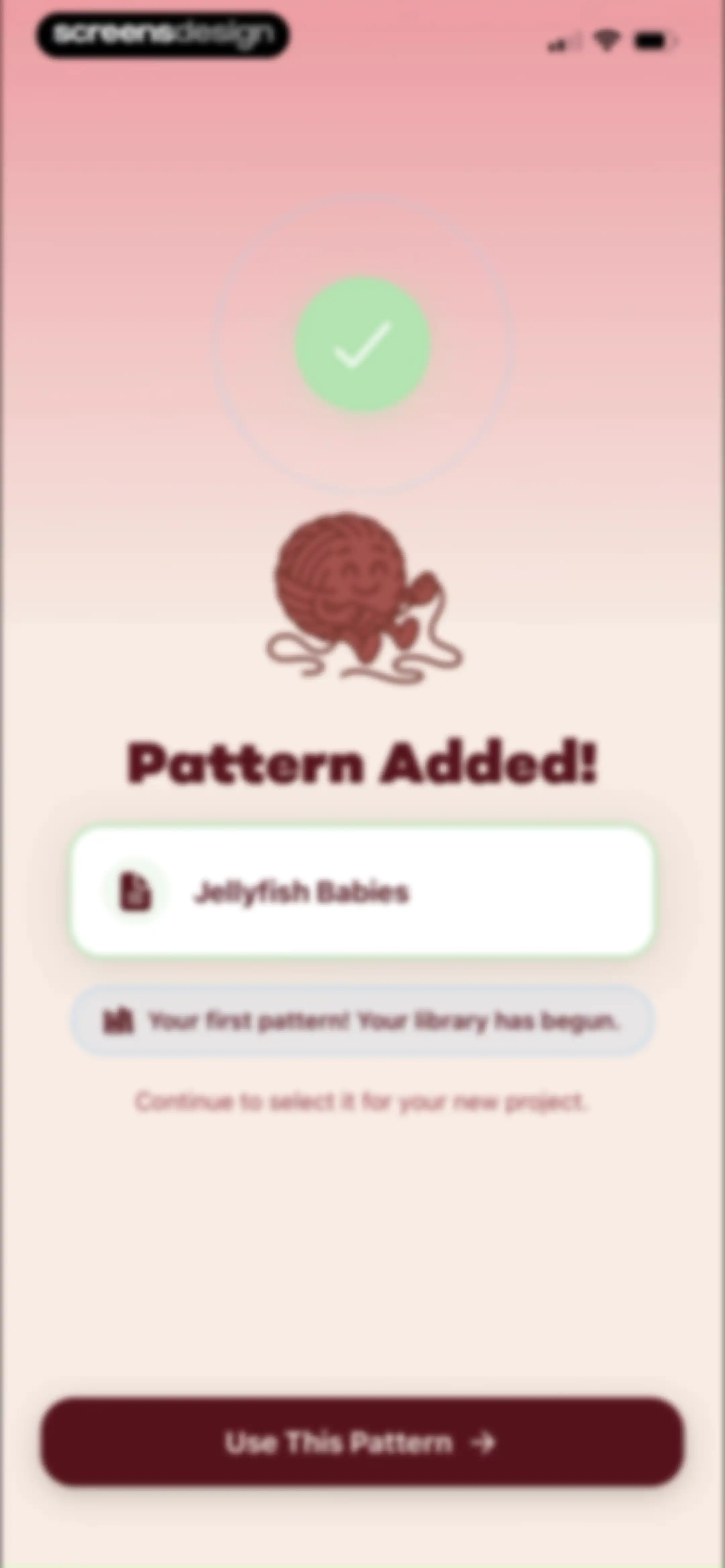
LooseLoop success confirmation screen for adding the Jellyfish Babies pattern, featuring a pattern card and a Use This Pattern button.Unlock Pro
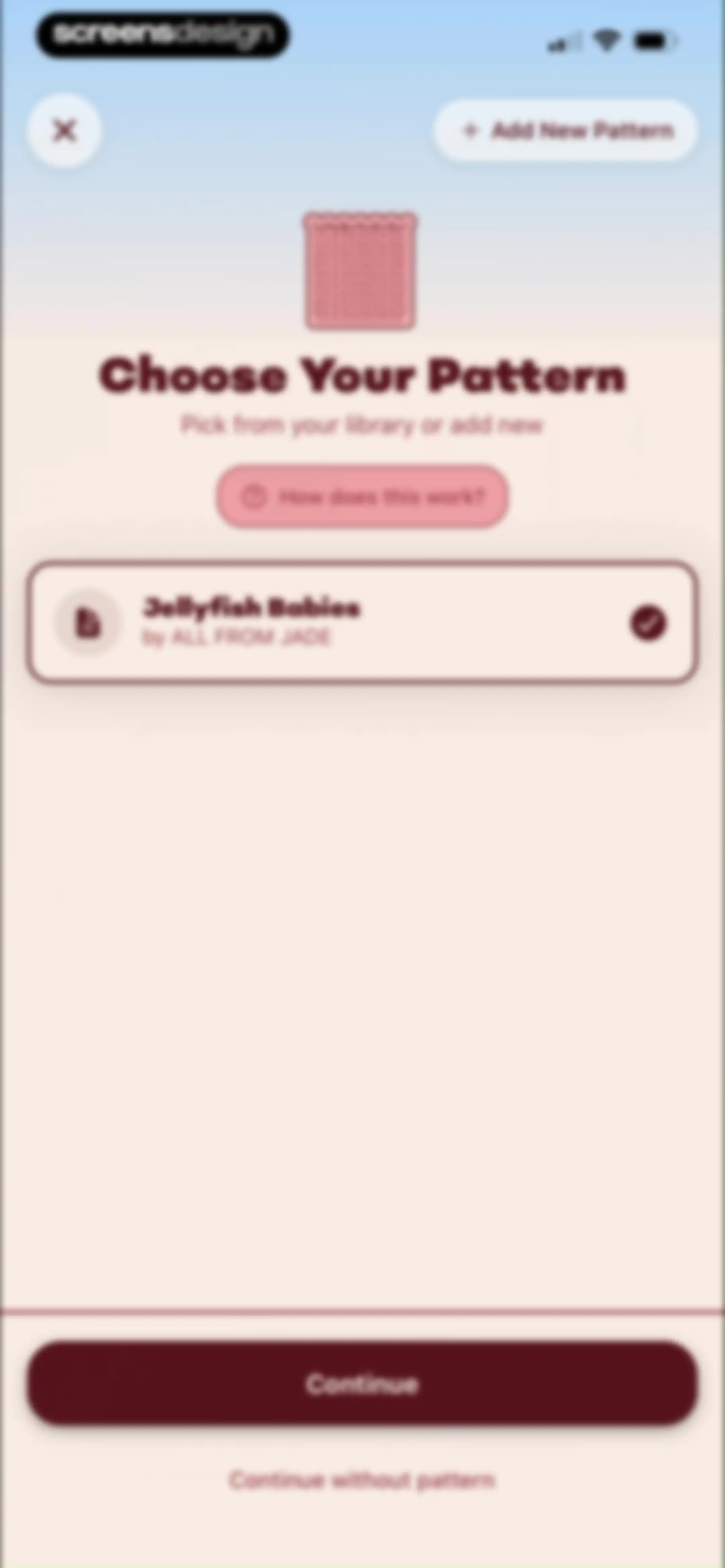
Pattern selection screen displaying the selected Jellyfish Babies card with a Continue button and a Continue without pattern link.Unlock Pro
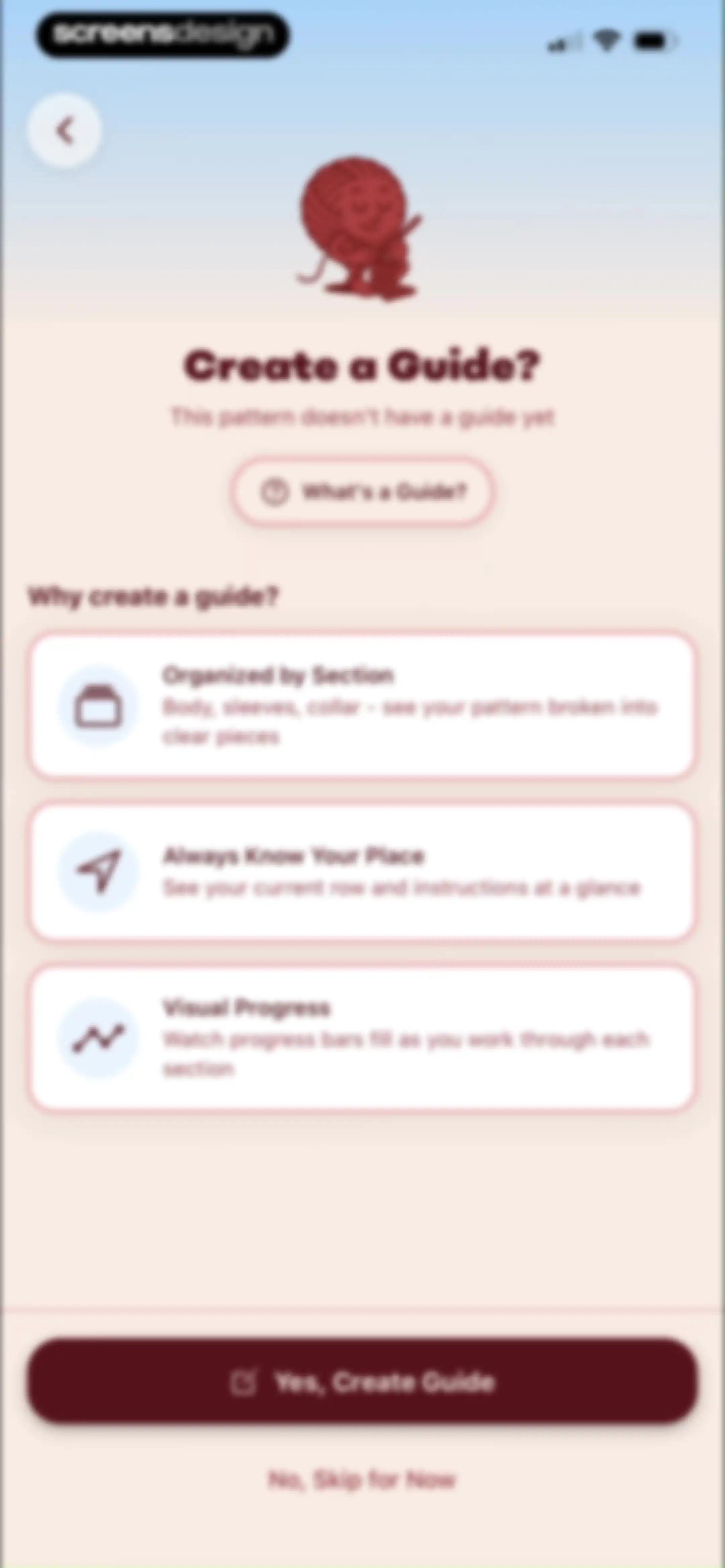
Educational prompt to create a pattern guide with three benefit cards and Yes, Create Guide and No, Skip for Now buttons.Unlock Pro
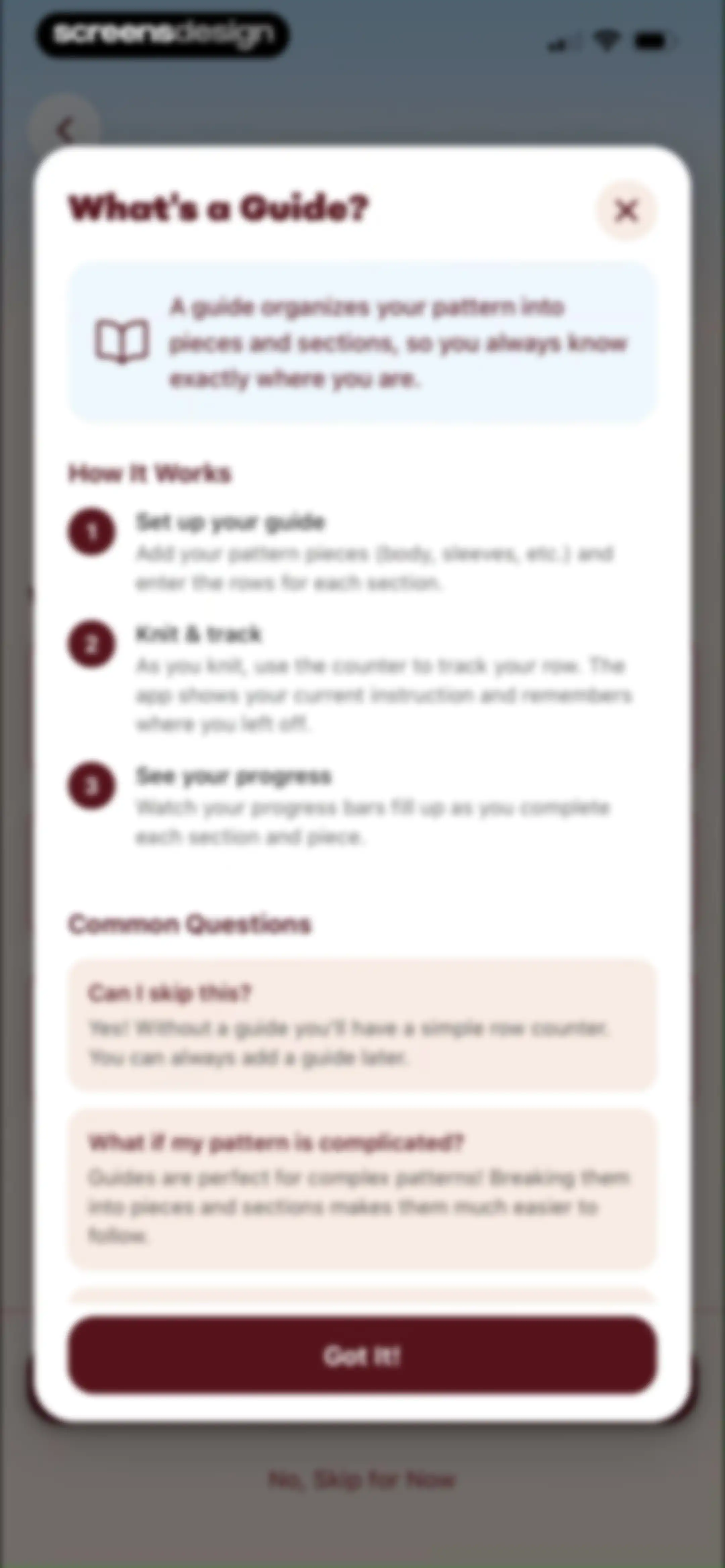
Educational modal explaining the guide feature with a three-step workflow, FAQ section, Got It button, and skip link.Unlock Pro
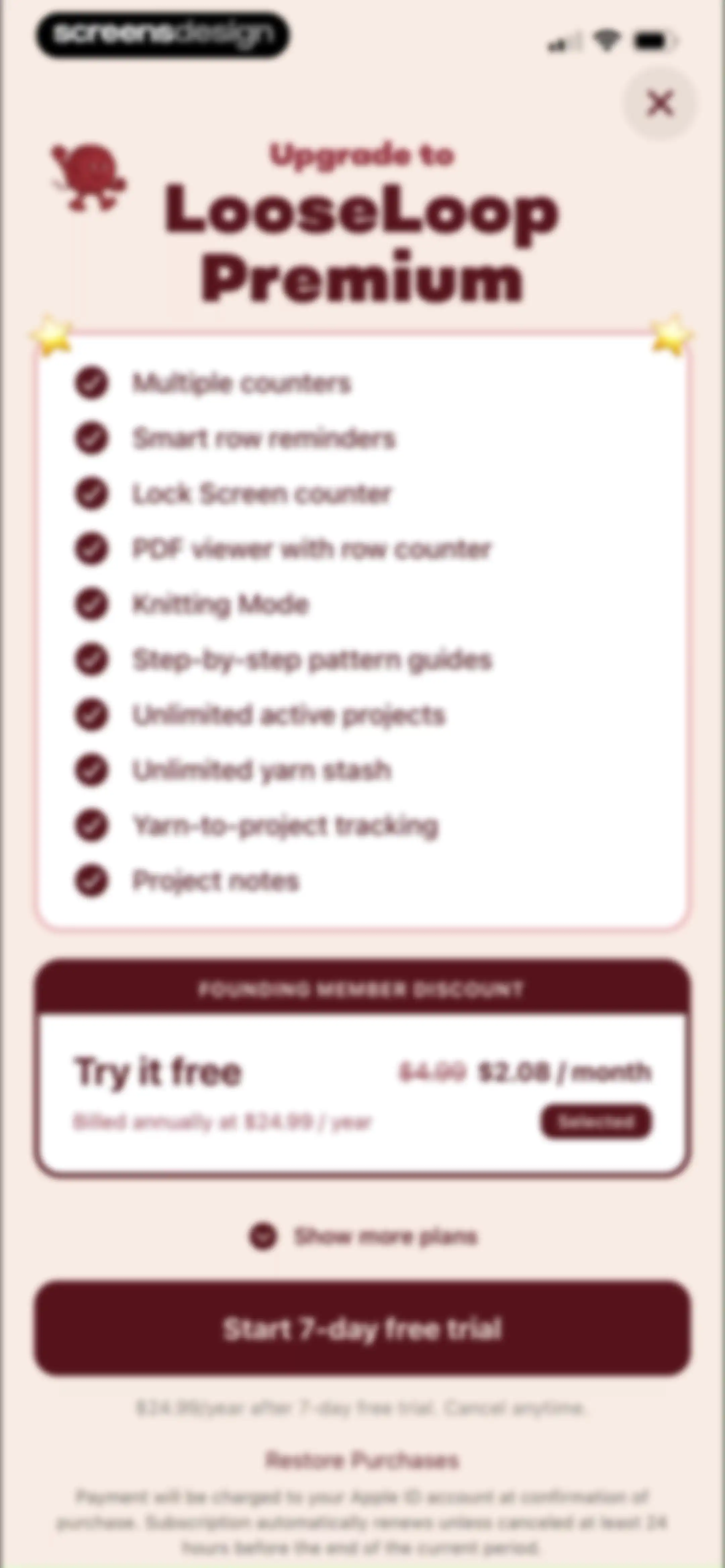
Paywall screen for LooseLoop Premium listing features, a selected annual pricing plan with a discount, and a start free trial button.Unlock Pro
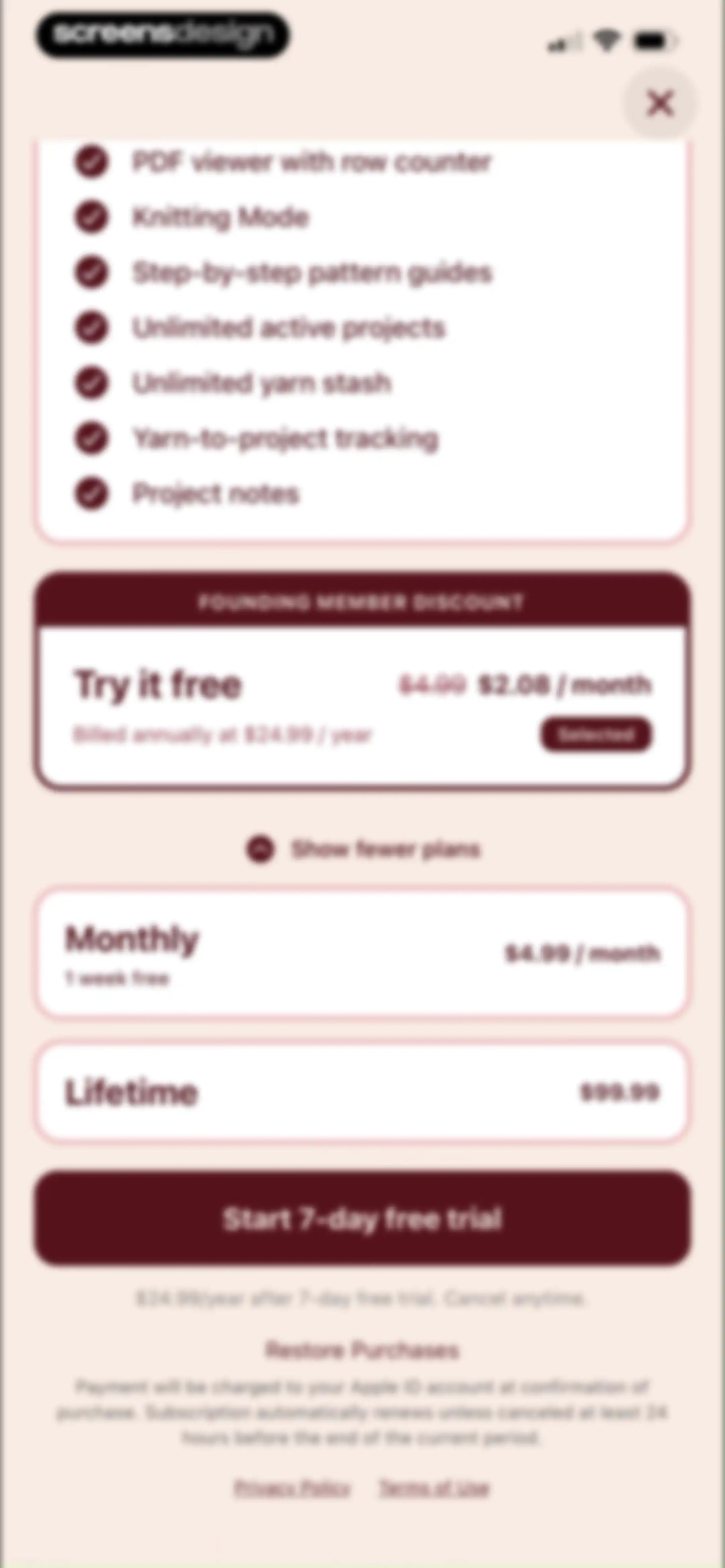
Paywall screen listing premium knitting features and subscription plans with the annual plan selected and a Start 7-day free trial button.Unlock Pro
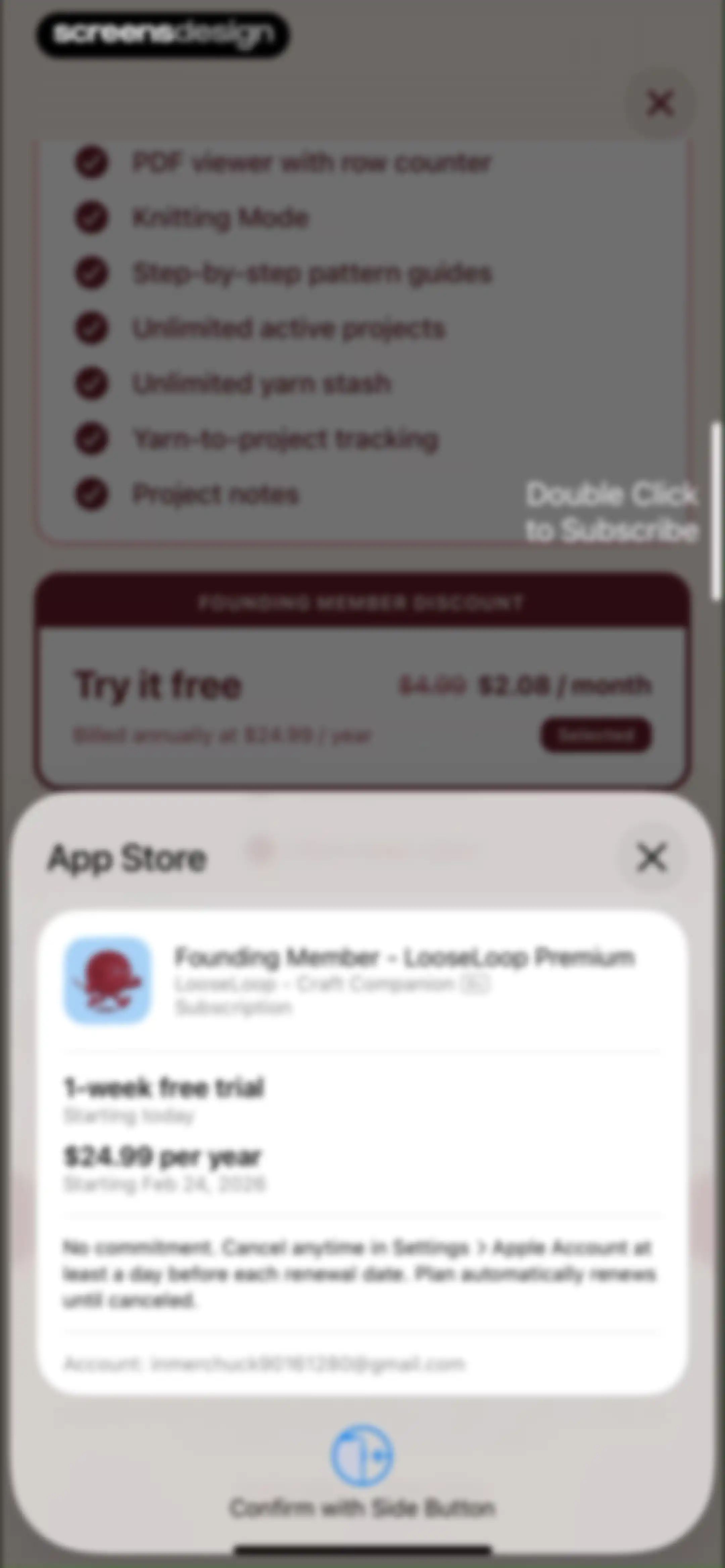
Subscription confirmation modal for LooseLoop Premium detailing a one-week free trial and annual pricing, with a prompt to confirm using the side button.Unlock Pro
Subscription paywall with a successful purchase confirmation modal centered over feature lists and pricing cards.Unlock Pro
Subscription success modal overlaid on a paywall featuring a feature list, pricing options, and an OK button.Unlock Pro
Onboarding screen prompting the user to create a guide, featuring three benefit cards and Yes, Create Guide and Skip buttons.Unlock Pro
Pattern creation selection modal featuring Build Manually and Smart Parser cards, with the manual option selected and a Create Pattern Guide button.Unlock Pro
Pattern upload screen displaying an attached PDF file with options to use the file or choose a different one.Unlock Pro
Loading screen showing progress steps for importing a PDF knitting pattern, featuring a central task list and a fun fact card at the bottom.Unlock Pro
Project editor for Jellyfish Babies showing a hierarchical list of pattern pieces, sections, and blocks with add buttons.Unlock Pro
Project editor displaying a list of pattern components with a centered Piece Options modal overlay offering edit, duplicate, and delete actions.Unlock Pro
Project editor with a delete confirmation modal for a piece named Tentacles, displaying a hierarchical list of pattern components.Unlock Pro
Editor screen with a hierarchical list of pattern components, add buttons, and a Continue to Review action button.Unlock Pro
Review guide form showing validation success and a preview of pattern details, with a Save Guide button at the bottom.Unlock Pro
Review Guide screen displaying expandable validation and preview cards, an info box, and a Save Guide button.Unlock Pro
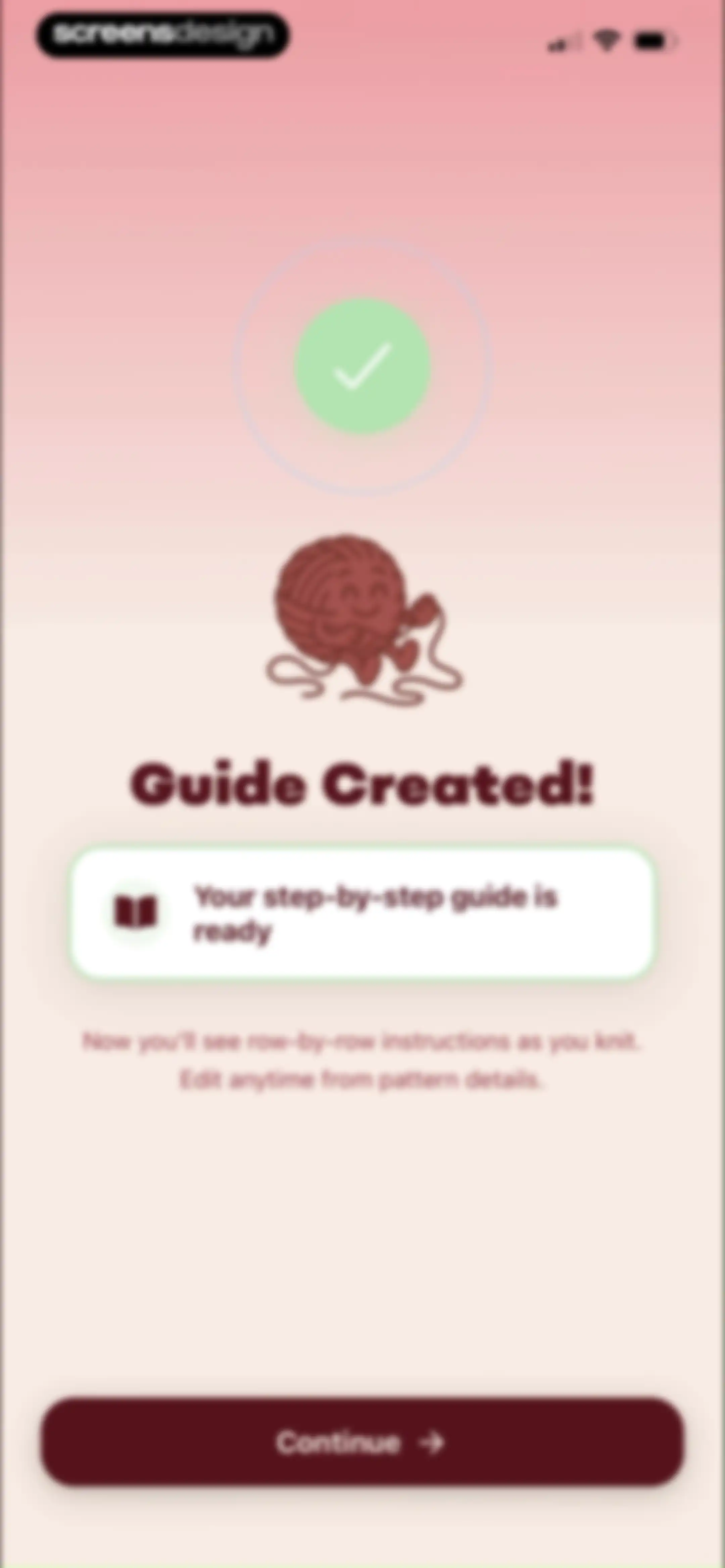
Guide creation success screen in the LooseLoop app with a smiling yarn illustration, confirmation details, and a Continue button.Unlock Pro
Onboarding screen highlighting project planning features with a feature list card and an Add a planned project button.Unlock Pro
Onboarding question asking for the number of active projects, with the 1-3 option selected and a Continue button.Unlock Pro
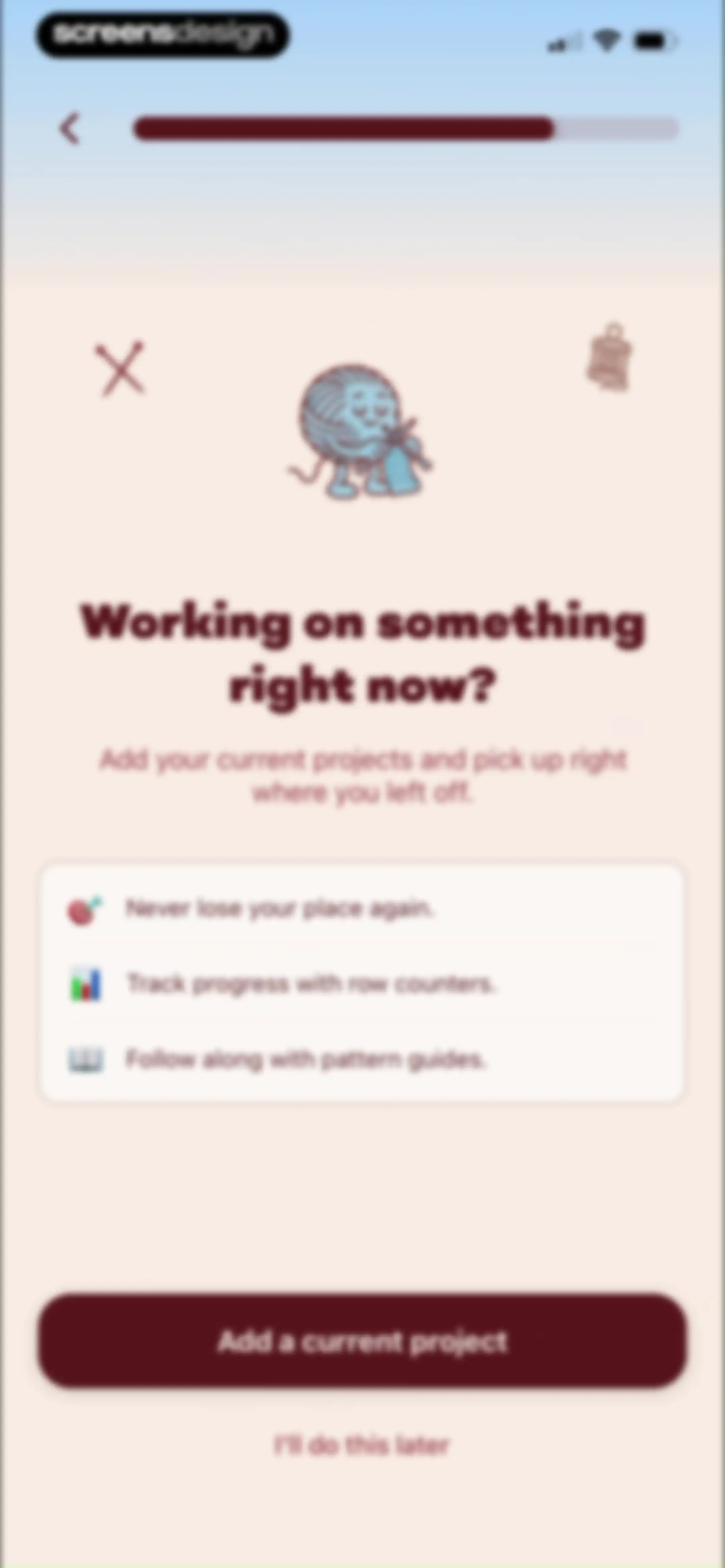
Onboarding screen prompting users to add their current project, featuring a feature list card and an Add a current project button.Unlock Pro
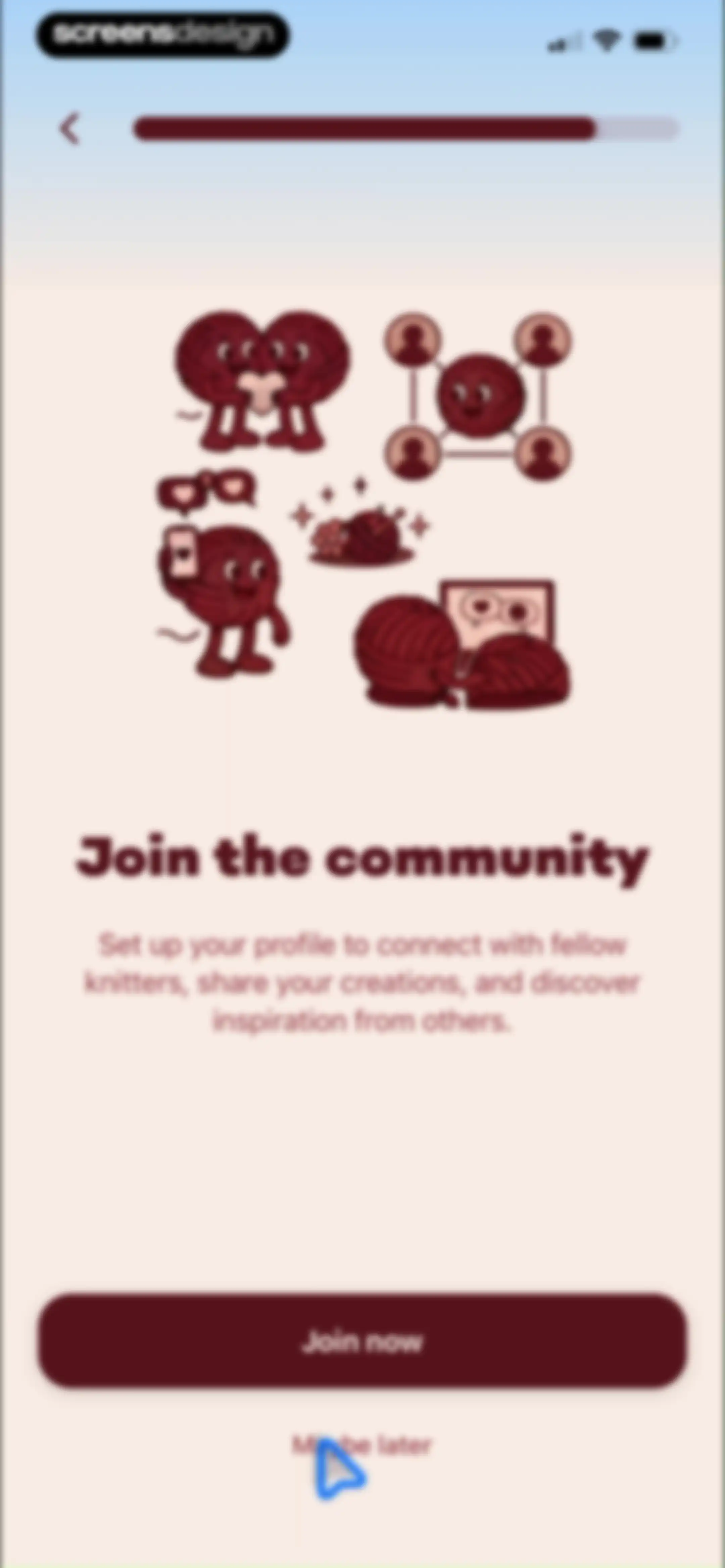
Onboarding screen for joining a knitting community with a central illustration, Join now button, and Maybe later skip option.Unlock Pro
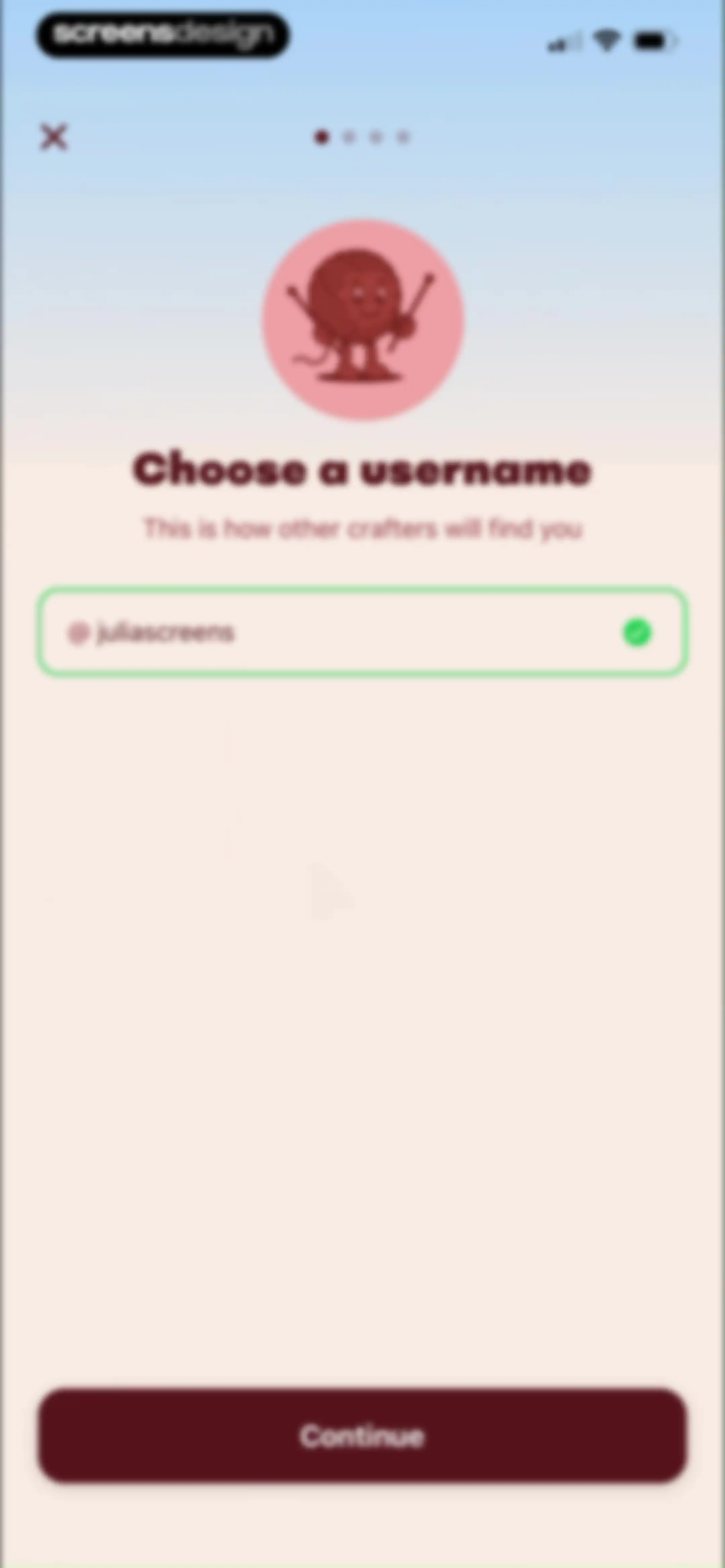
Username setup onboarding screen with a filled availability-checked input field and a Continue button.Unlock Pro
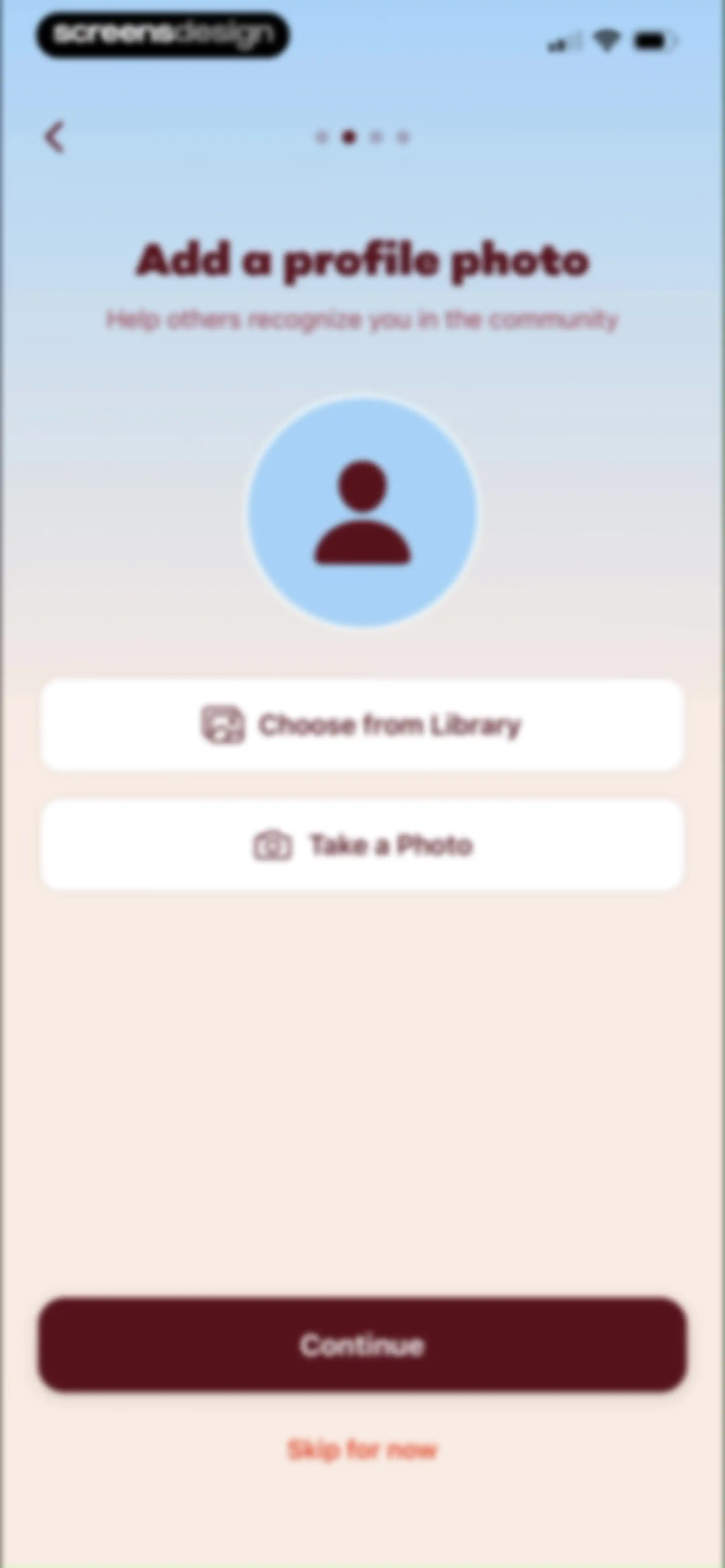
Onboarding profile photo setup screen with options to choose from library or take a photo, a continue button, and a skip link.Unlock Pro
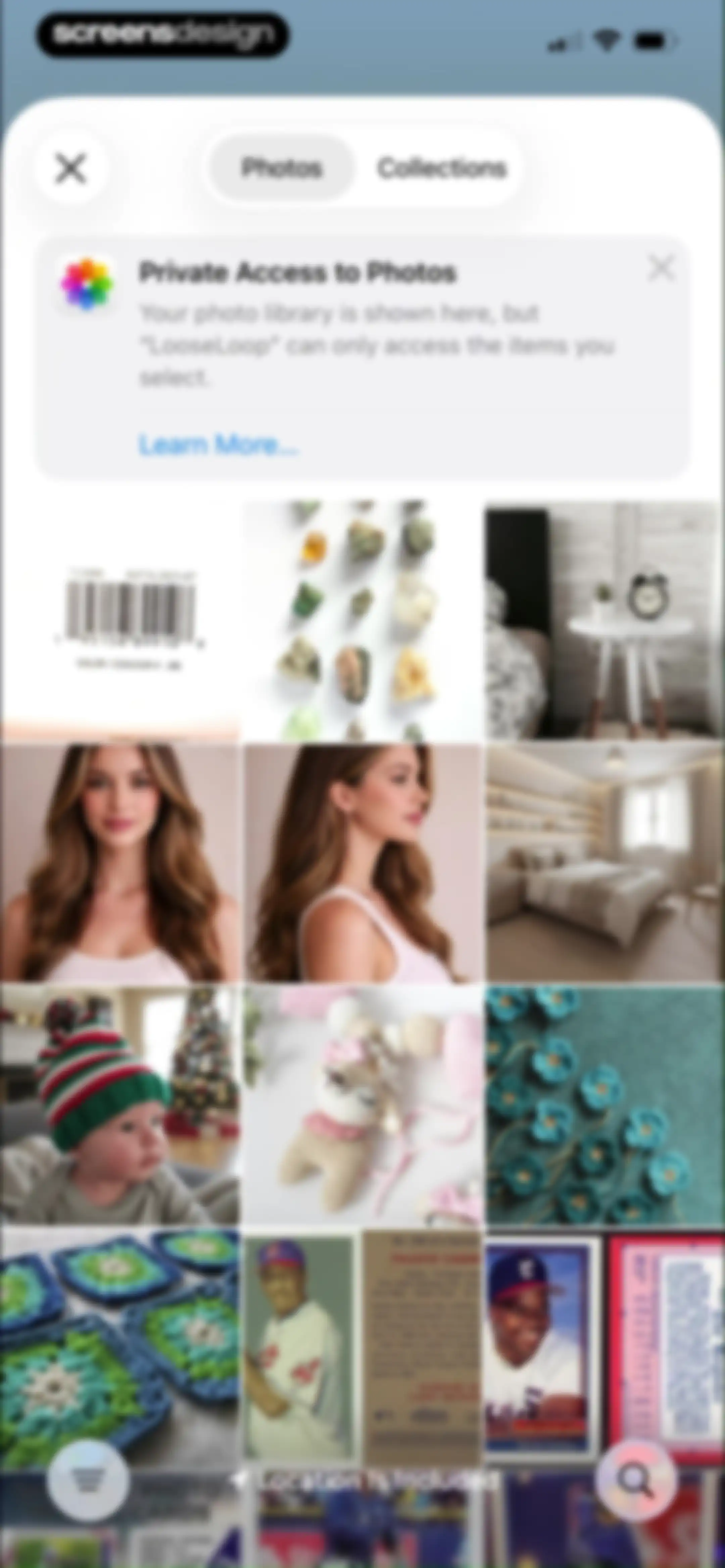
Photo picker permission screen in LooseLoop with a privacy notice, a grid of photo thumbnails, and a Photos tab selected.Unlock Pro
Image picker screen displaying a portrait of a woman with Cancel and Choose buttons at the bottom.Unlock Pro
Onboarding profile setup screen with a filled text input about crafting interests, character counter, and a Continue button.Unlock Pro
Privacy settings onboarding screen listing profile sections with a Finish button at the bottom.Unlock Pro
Privacy settings screen with a bottom modal to select statistics visibility, showing Everyone selected among other options.Unlock Pro
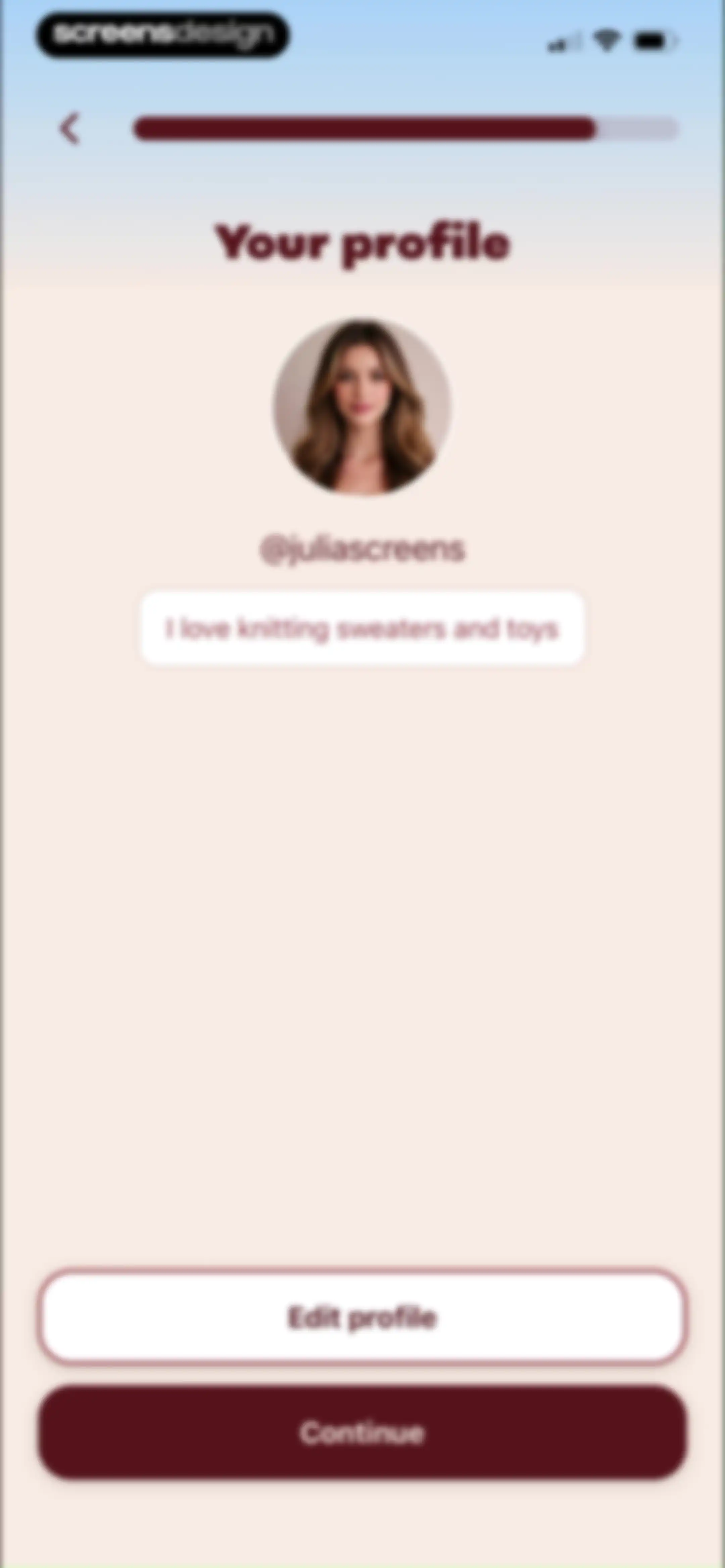
User profile setup screen displaying a profile picture, username, bio, and Edit profile and Continue buttons.Unlock Pro
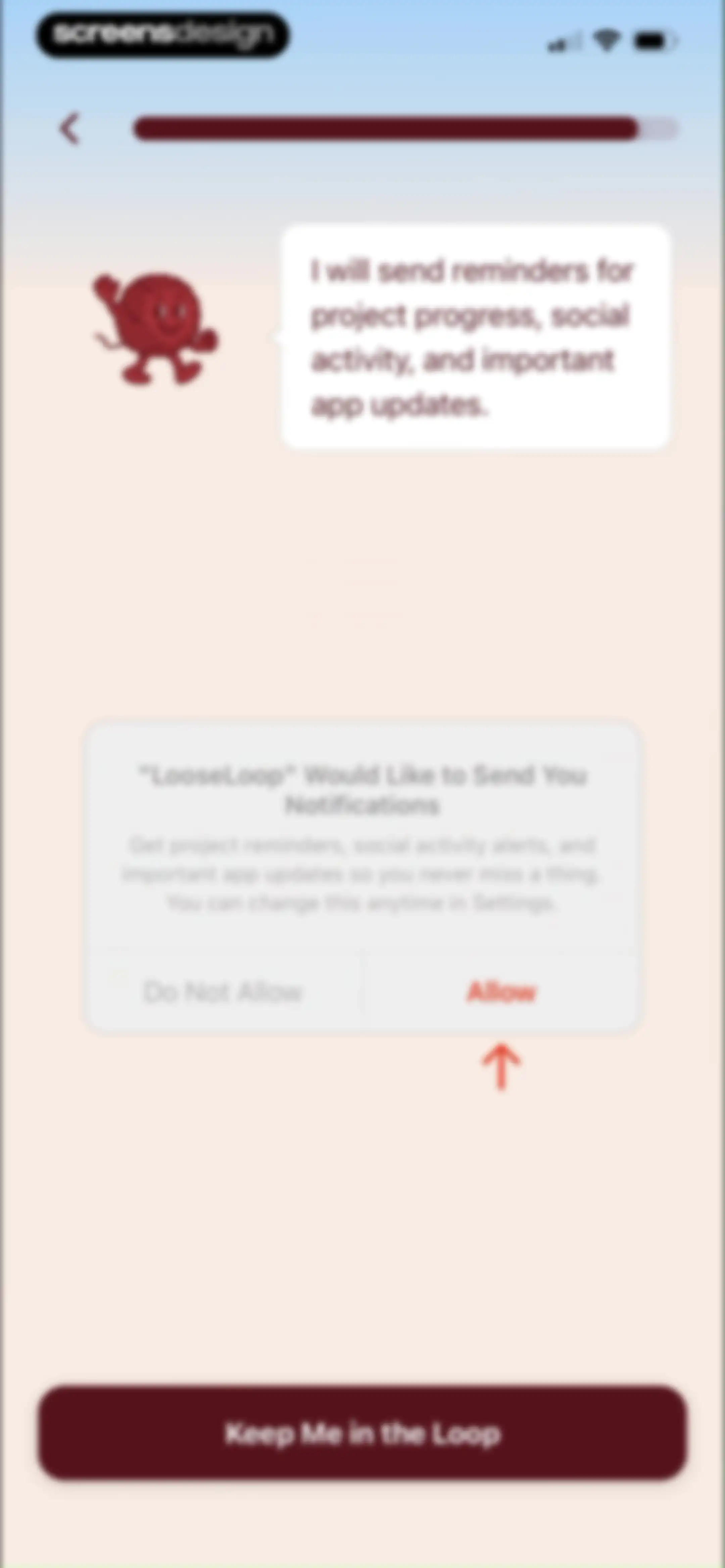
Notification permission screen featuring a yarn ball mascot character, a system dialog requesting alert access, and a primary action button.Unlock Pro
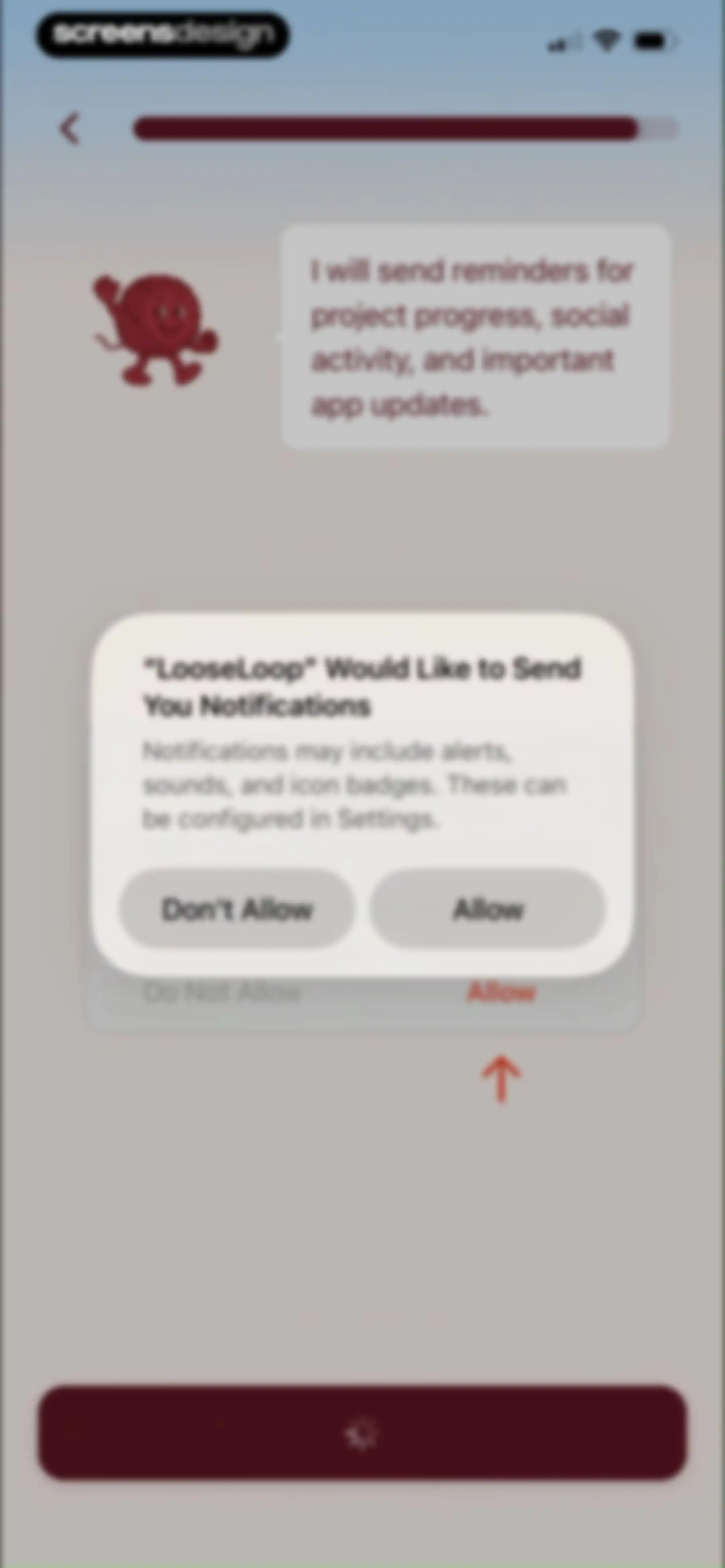
LooseLoop notification permission onboarding screen displaying a system modal with Allow and Don't Allow buttons alongside a character speech bubble.Unlock Pro
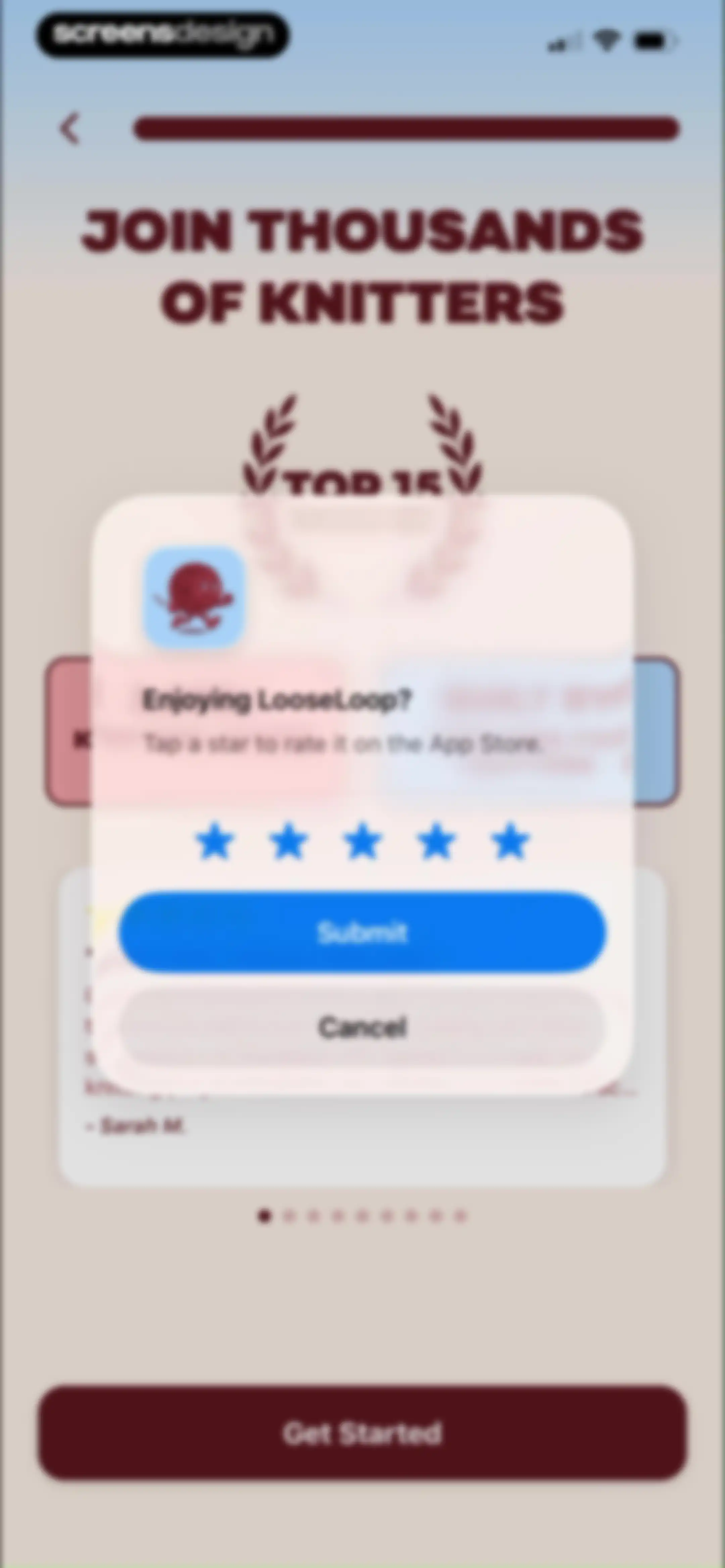
App rating modal for LooseLoop asking if you are enjoying the app, with star rating options, Submit, and Cancel buttons.Unlock Pro
Feedback confirmation modal with a yarn ball mascot and five star icons, overlaying a testimonial carousel with a Get Started button at the bottom.Unlock Pro
Onboarding screen featuring social proof metrics, a user testimonial card with five stars, and a Get Started button.Unlock Pro
Subscription paywall for LooseLoop Premium featuring a feature list, the selected annual plan with a founding member discount, and a Subscribe button.Unlock Pro
Paywall subscription screen featuring a list of premium benefits, the selected annual plan with a founding member discount, and a subscribe button.Unlock Pro
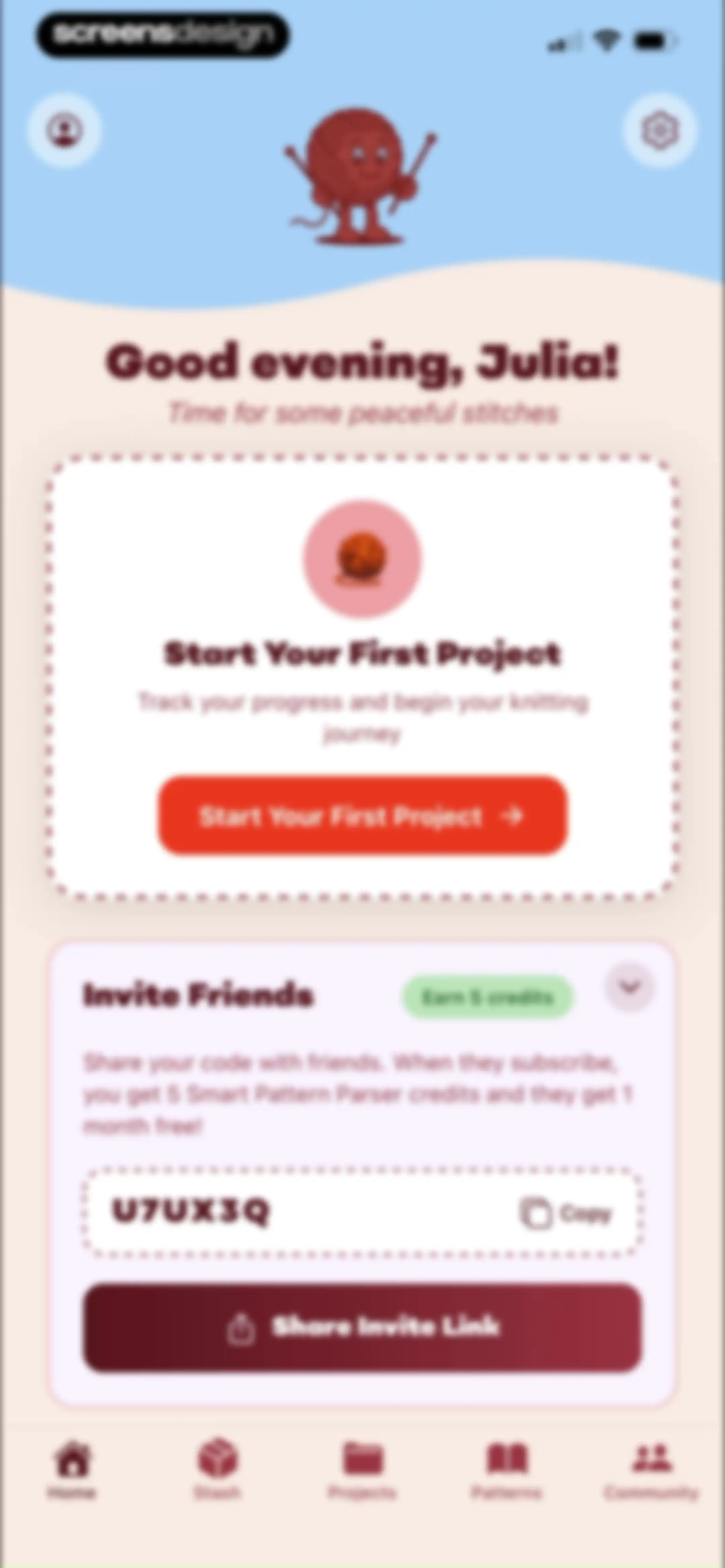
Home screen featuring a personalized greeting, a prompt to start your first project, a referral card with a unique code, and a bottom navigation bar.Unlock Pro
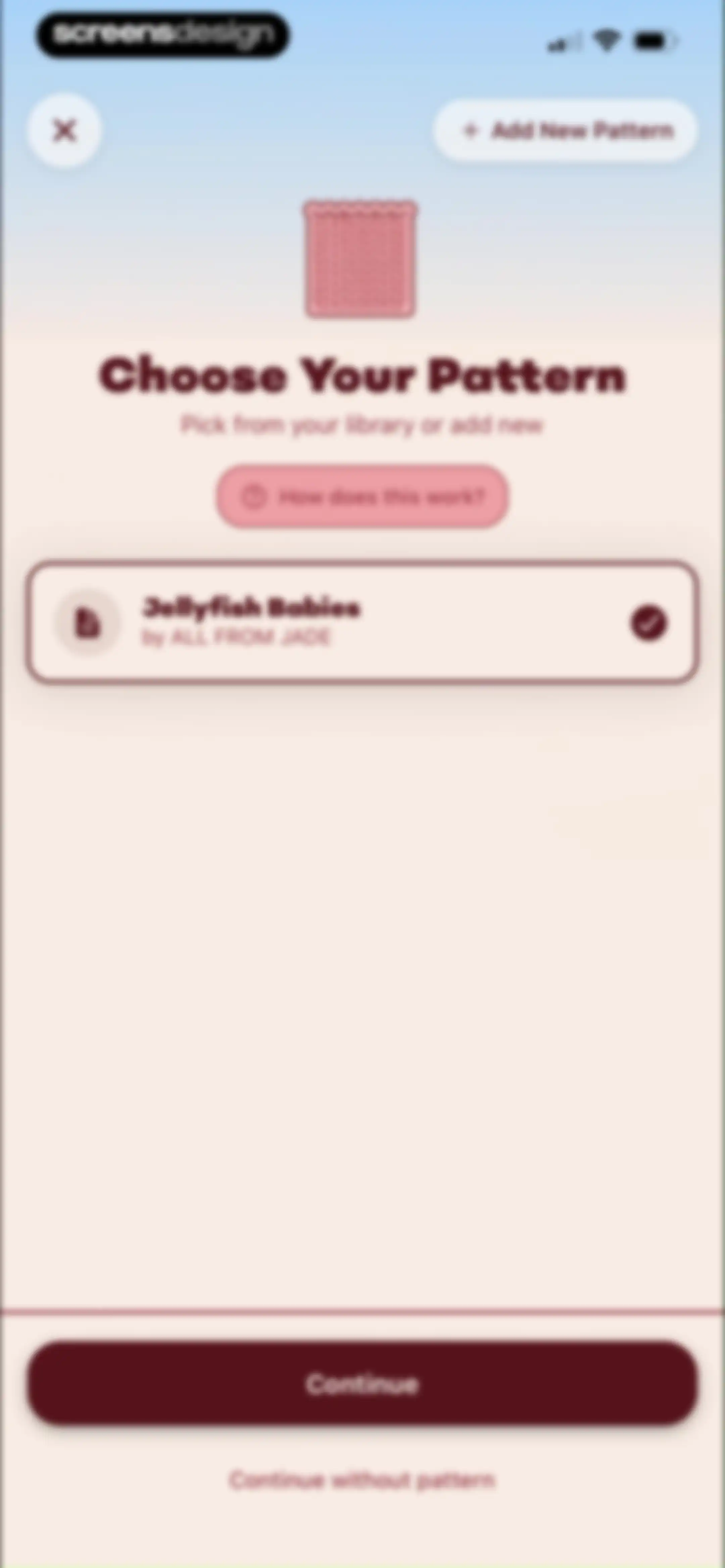
Pattern selection screen showing the selected Jellyfish Babies card with a checkmark, an Add New Pattern button, and a Continue button.Unlock Pro
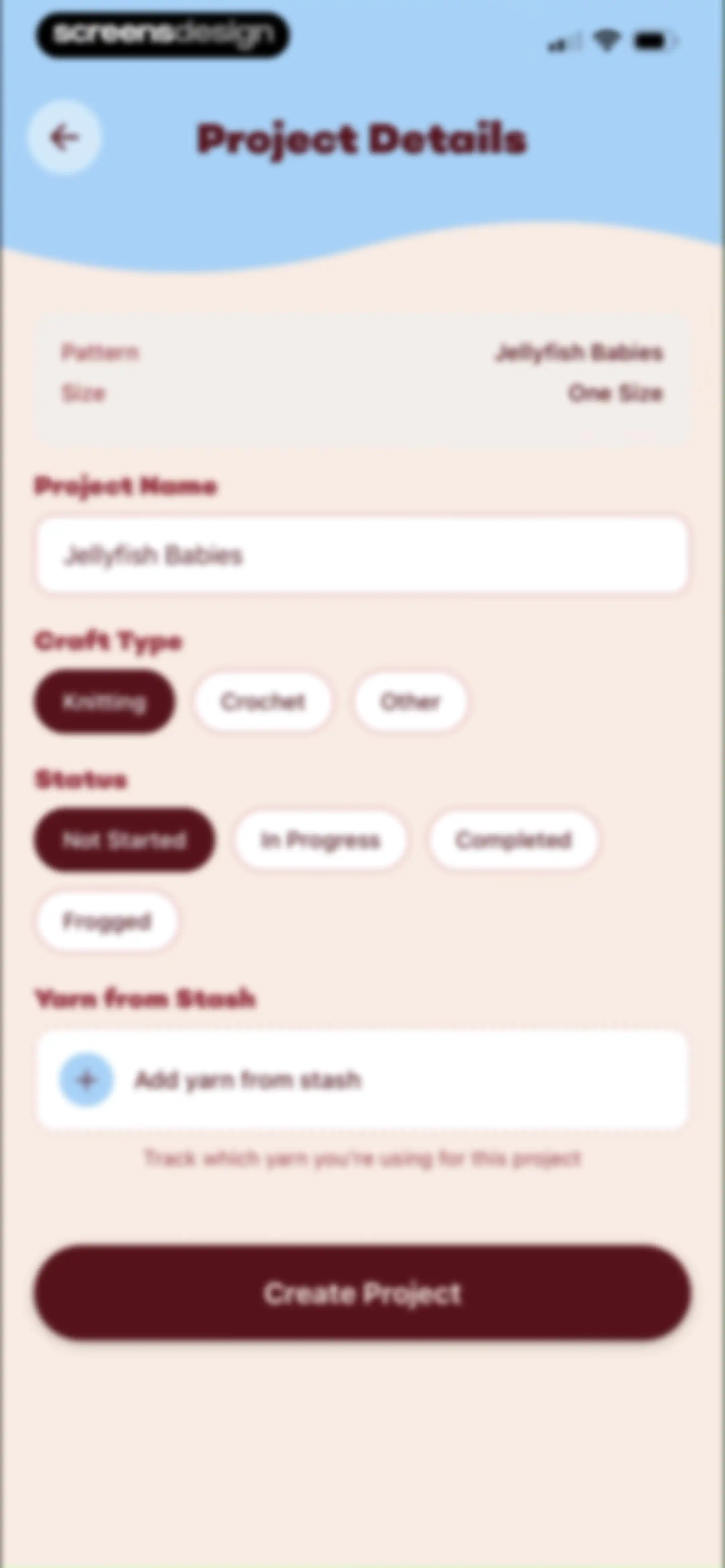
Project details form for LooseLoop with fields for project name, craft type, status, and a Create Project button.Unlock Pro
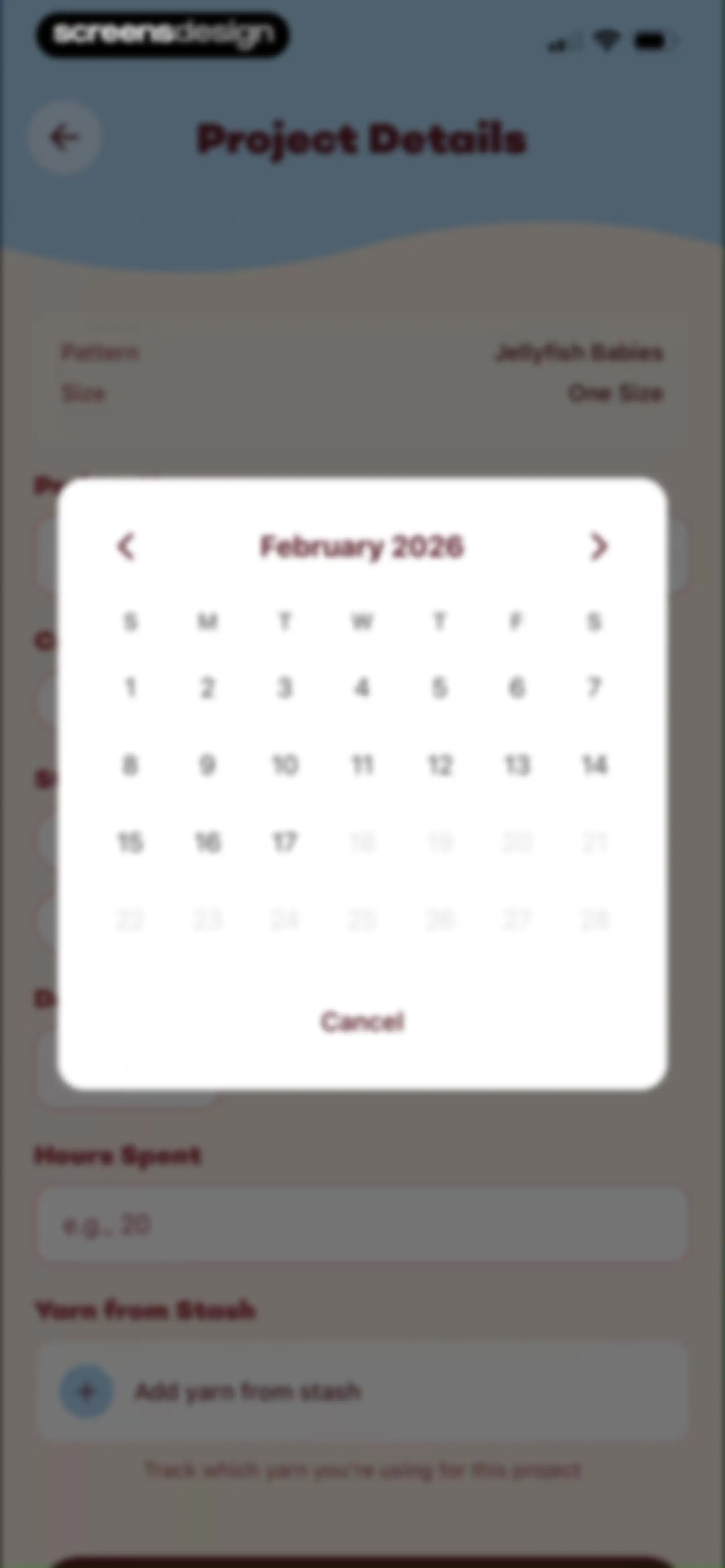
Project details form overlaid with a February 2026 calendar modal for date selection and a Cancel button.Unlock Pro
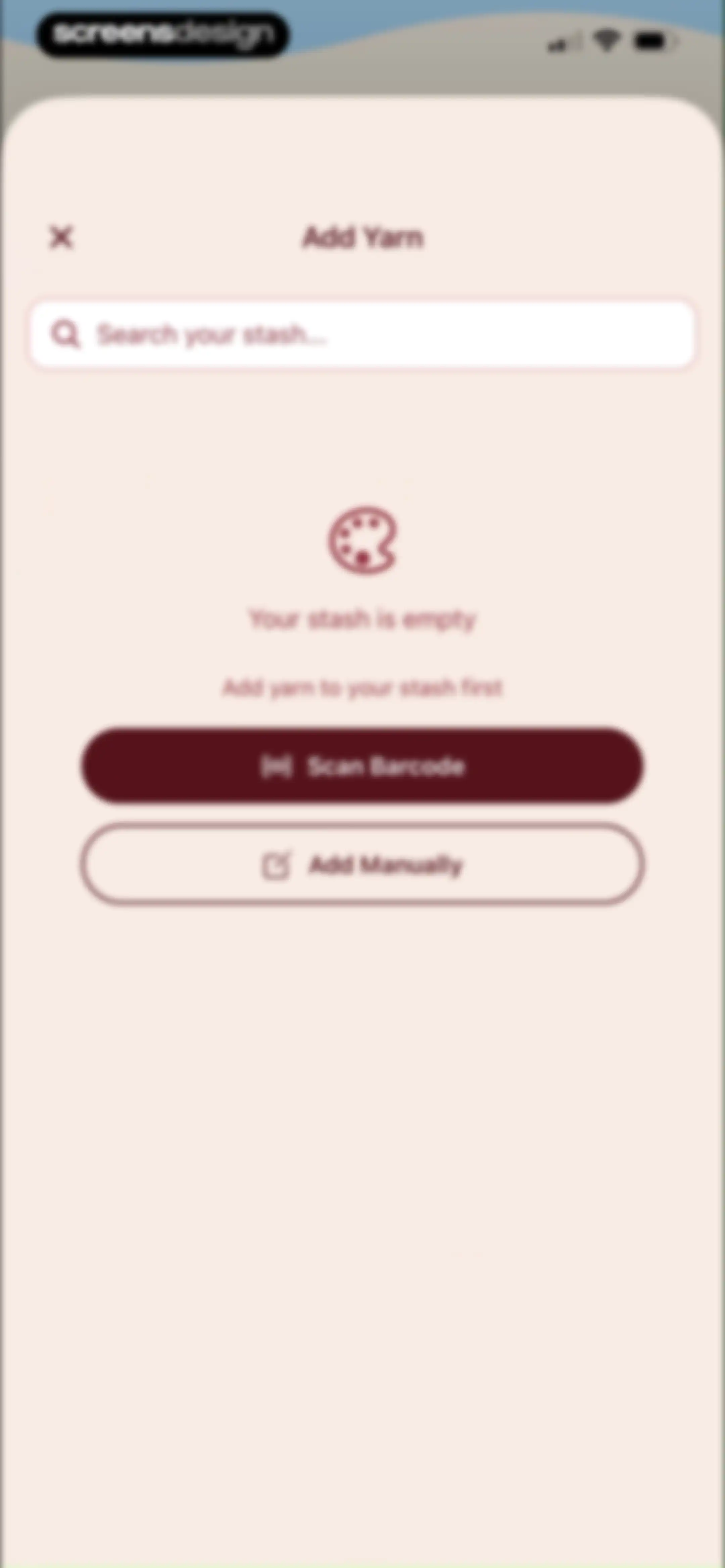
Empty state screen for adding yarn to a stash, featuring an illustration, search bar, and stacked Scan Barcode and Add Manually buttons.Unlock Pro
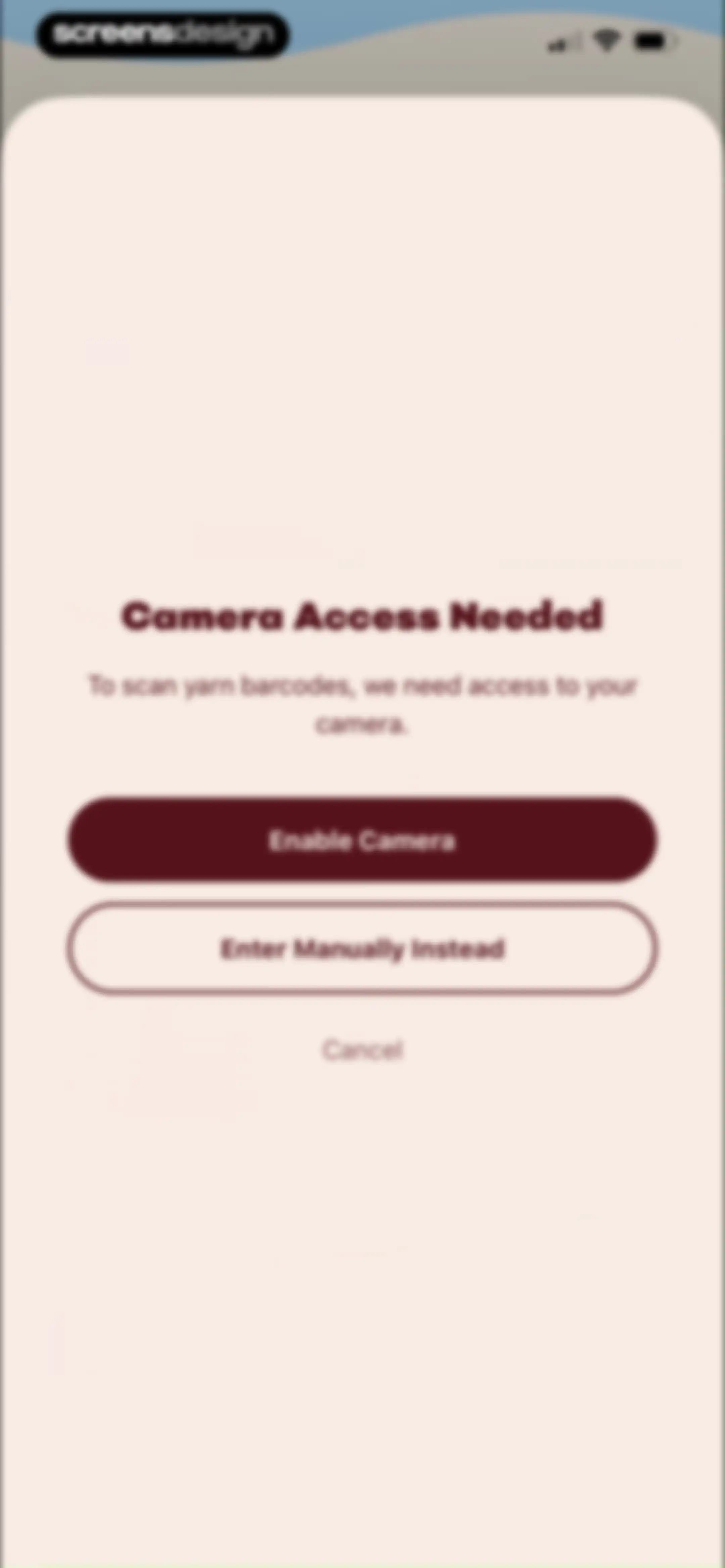
Camera permission request screen asking to enable access for scanning yarn barcodes, with options to enable the camera or enter manually.Unlock Pro
Permission modal requesting LooseLoop camera access to scan yarn barcodes, with Allow and Don't Allow buttons.Unlock Pro
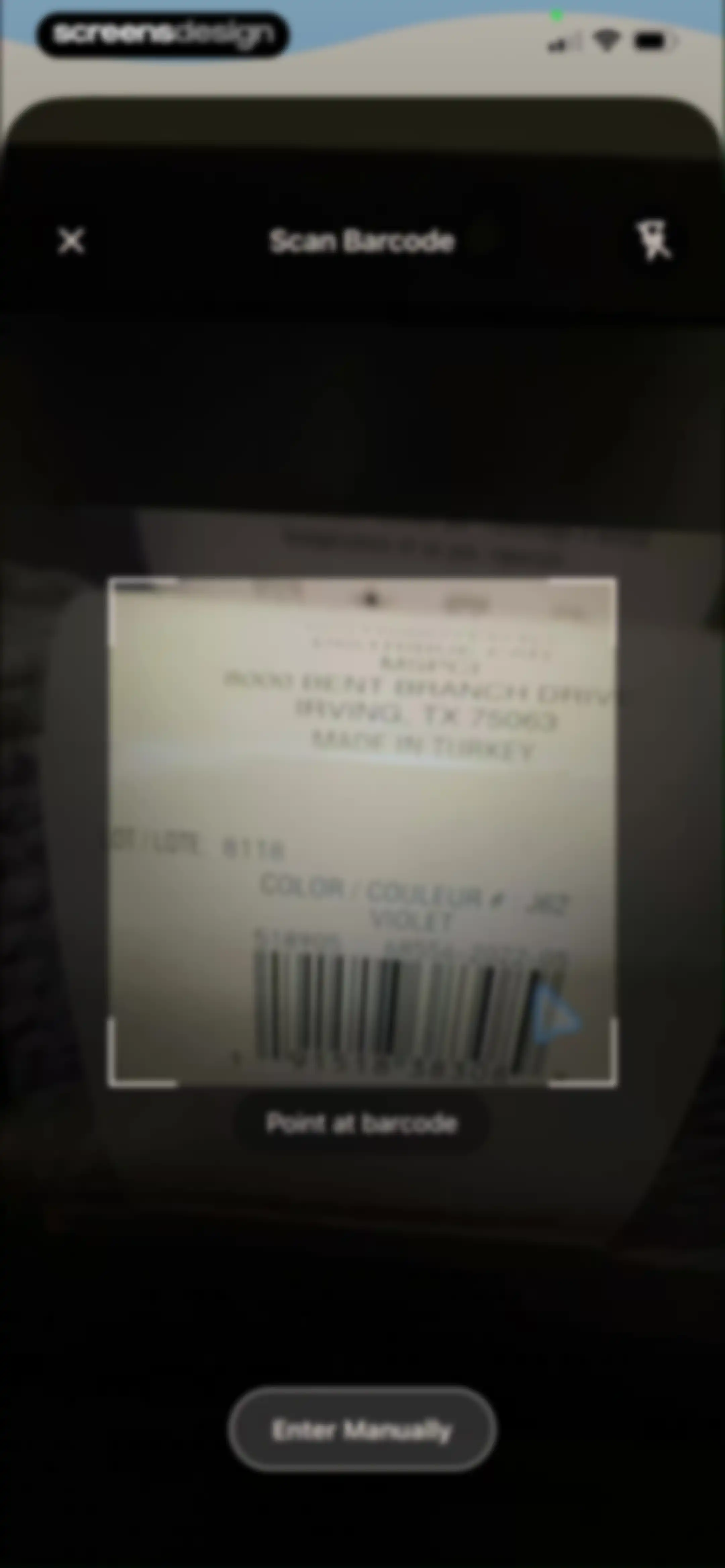
Barcode scanner interface with a camera viewfinder framing a yarn label, instructional text, and a manual entry button.Unlock Pro
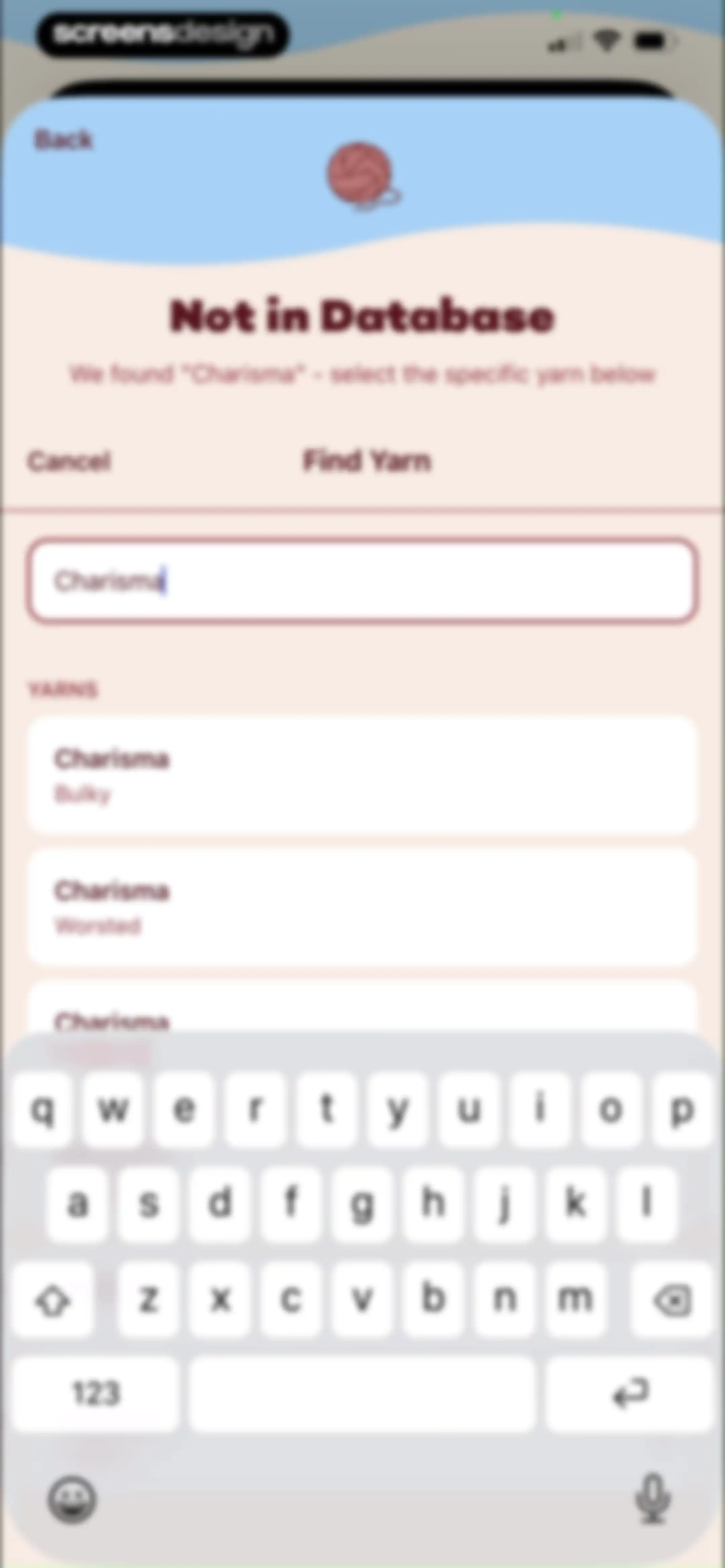
Yarn search results screen showing options for Charisma Bulky and Charisma Worsted below a search input field with the system keyboard active.Unlock Pro
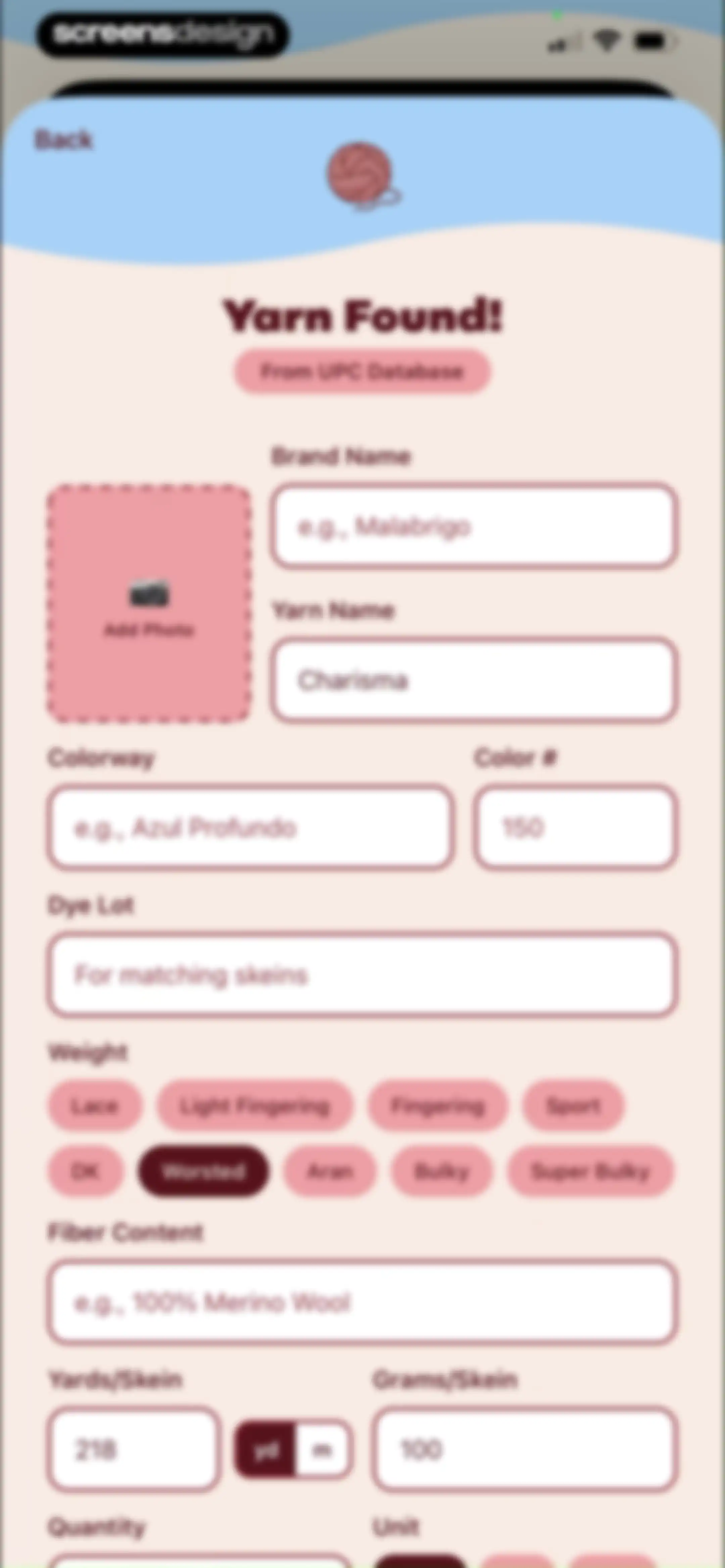
Yarn details form for adding items to inventory with labeled input fields, a photo upload area, and weight selection buttons.Unlock Pro
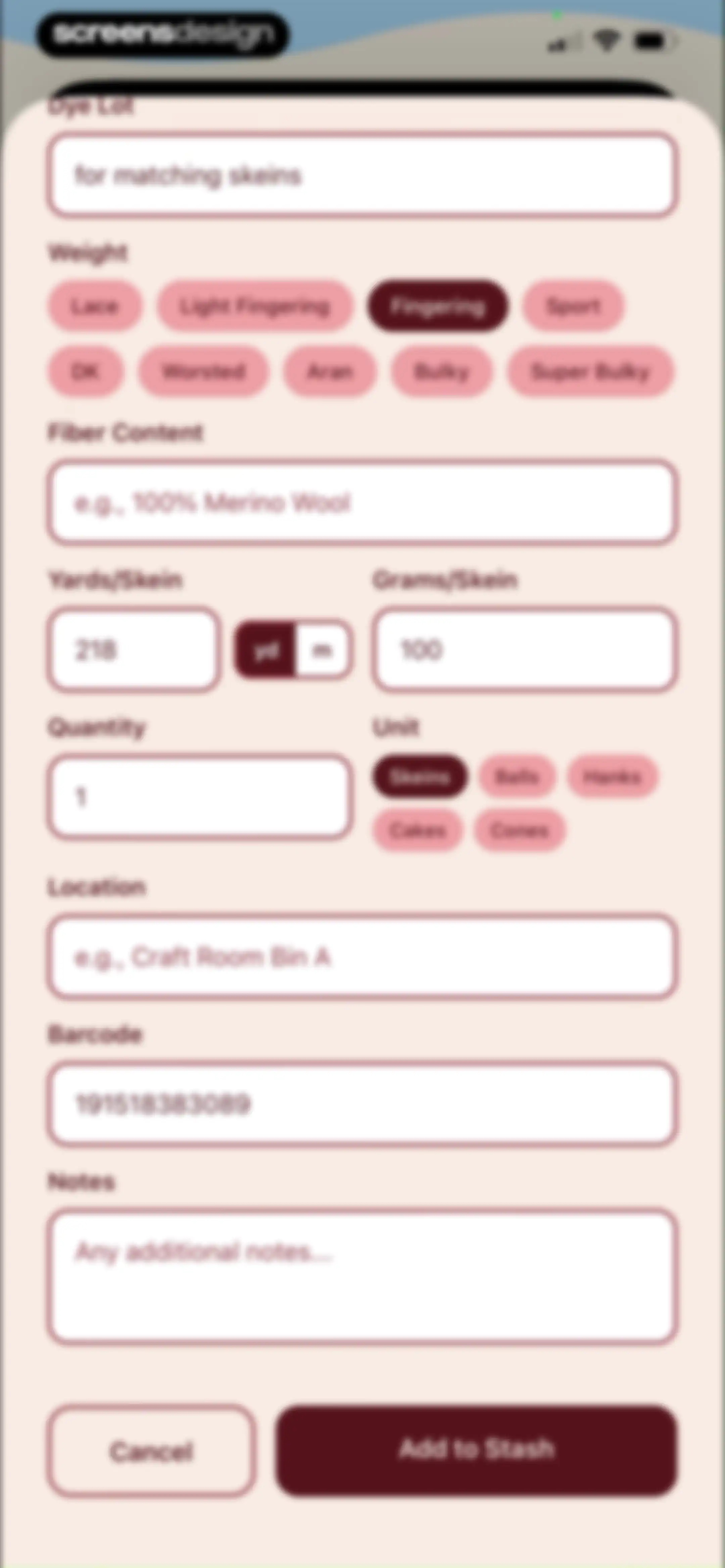
Form for adding yarn to a digital stash in the LooseLoop app, featuring input fields, weight selection chips, and an Add to Stash button.Unlock Pro
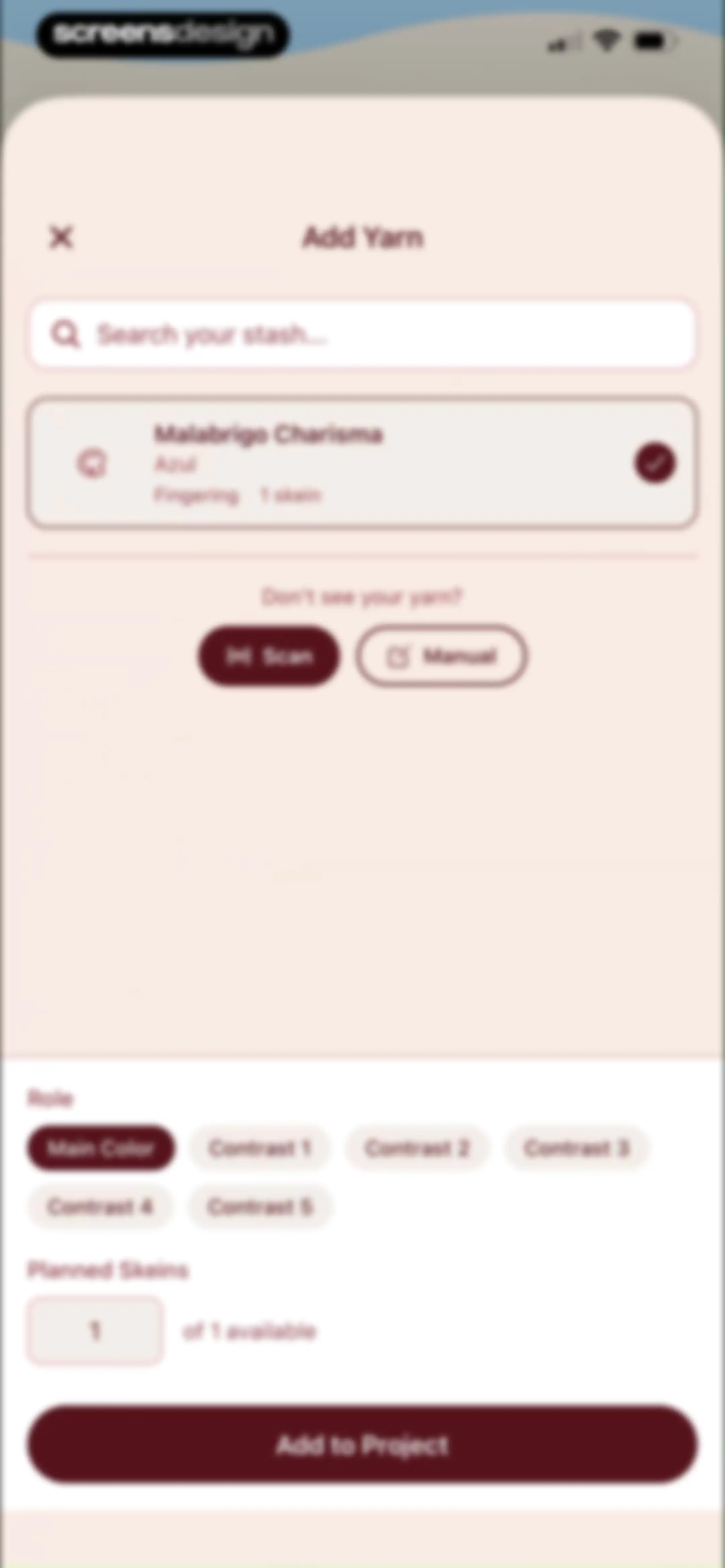
Yarn addition form modal displaying the selected Malabrigo Charisma yarn, role selection chips, planned skein count, and an Add to Project button.Unlock Pro
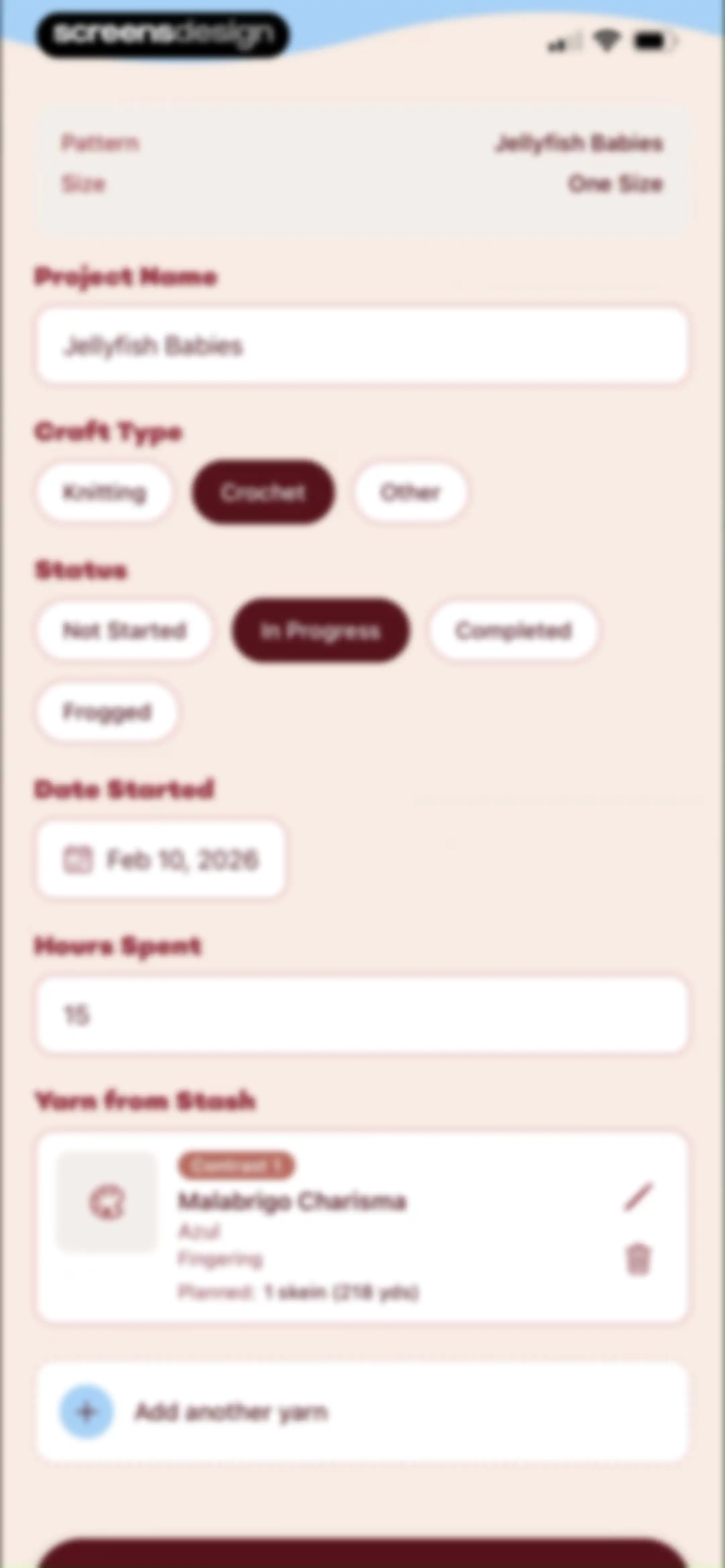
Craft project form with input fields and selection options for pattern details, project status, and yarn management.Unlock Pro
Onboarding completion screen for a knitting app featuring a playful yarn illustration, celebratory text, and a Let's Go! button.Unlock Pro
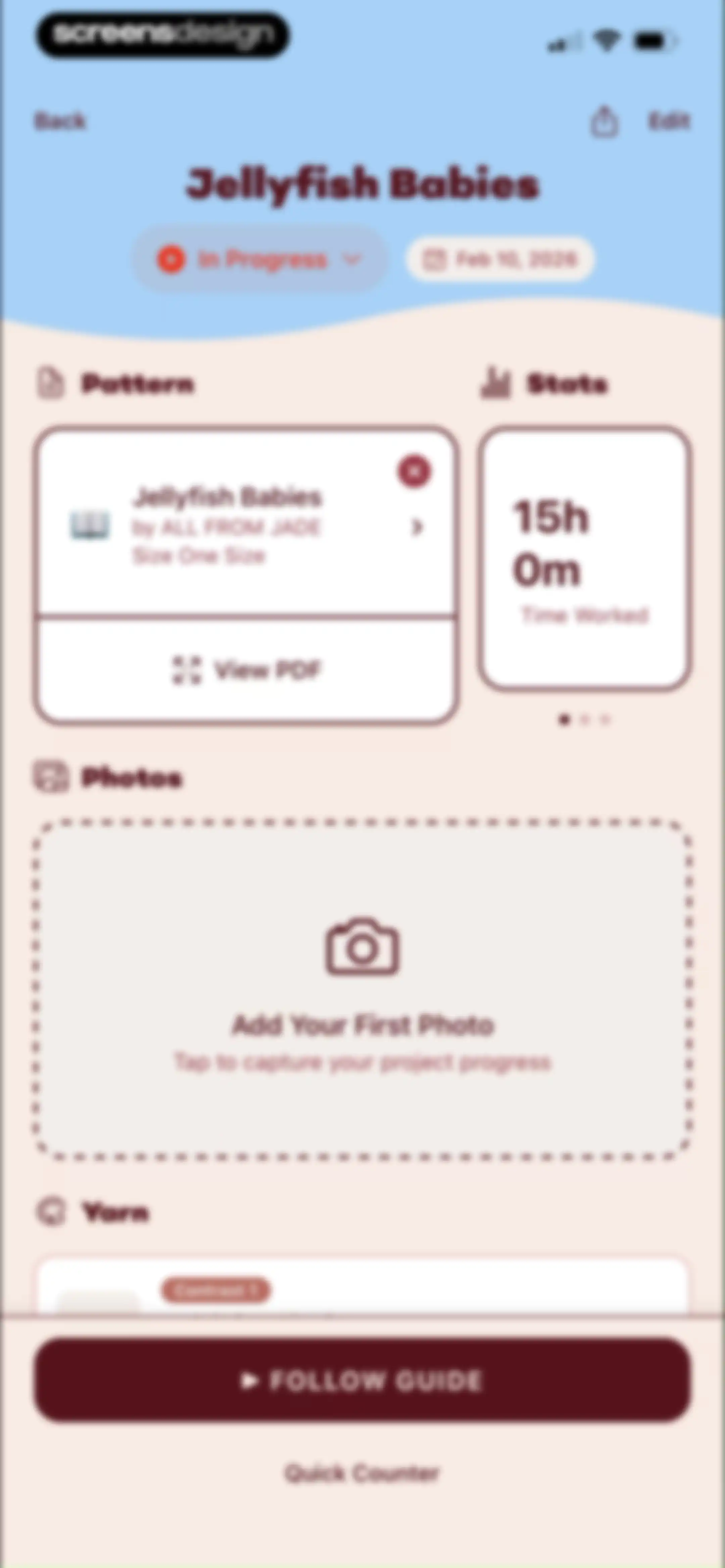
Project detail dashboard for an in-progress Jellyfish Babies craft project with pattern and stats cards, a photo upload prompt, and a Follow Guide button.Unlock Pro
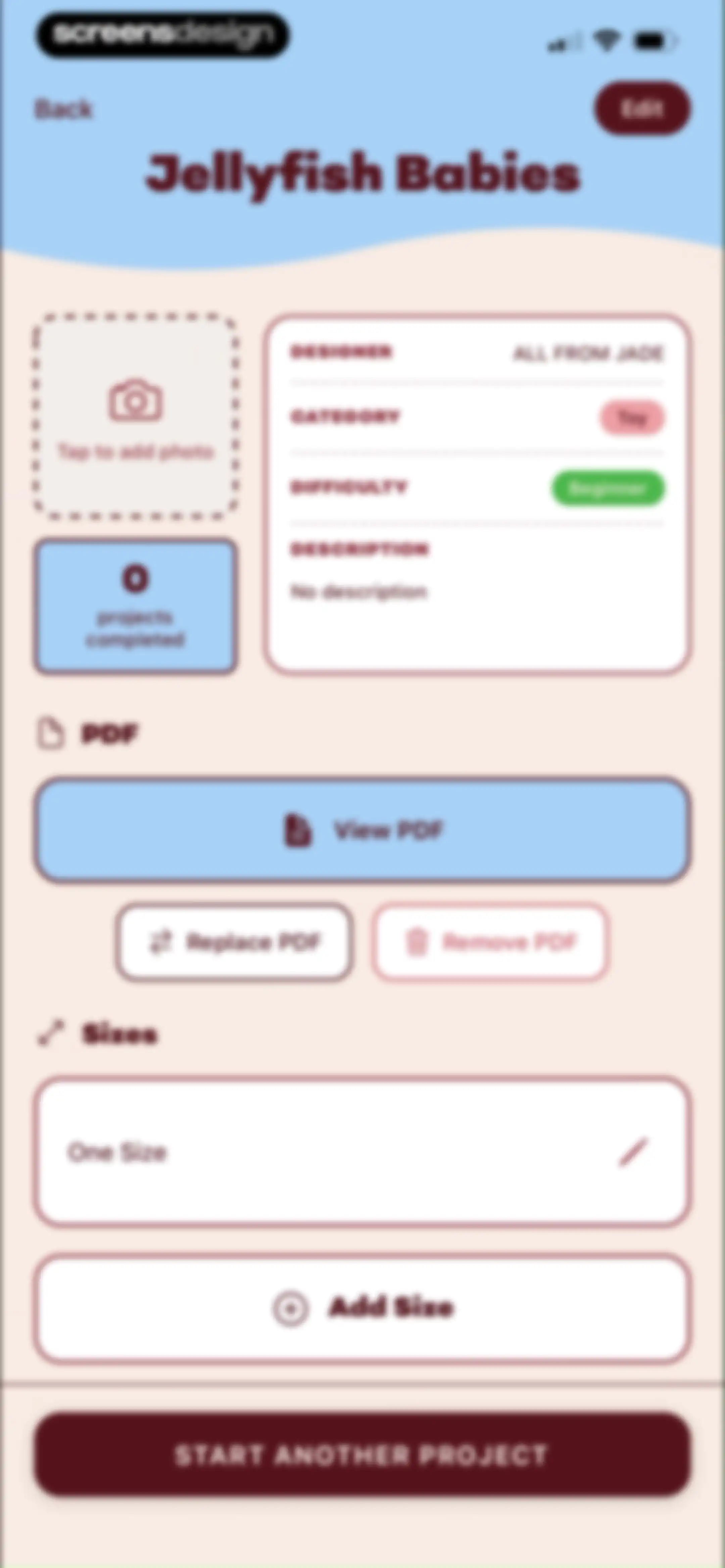
Pattern details dashboard displaying Jellyfish Babies metadata, PDF management options, One Size listing, and a start project button.Unlock Pro
Document viewer showing the first page of a crochet pattern titled Jellyfish Babies, with a photo of handmade jellyfish and a close button at the top.Unlock Pro
Project editor screen with an Add Size modal containing a filled XL size input field, Cancel and Add buttons, and a bottom action button.Unlock Pro
Add Gauge modal dialog with a filled measurement field and Save and Cancel buttons over a project page.Unlock Pro
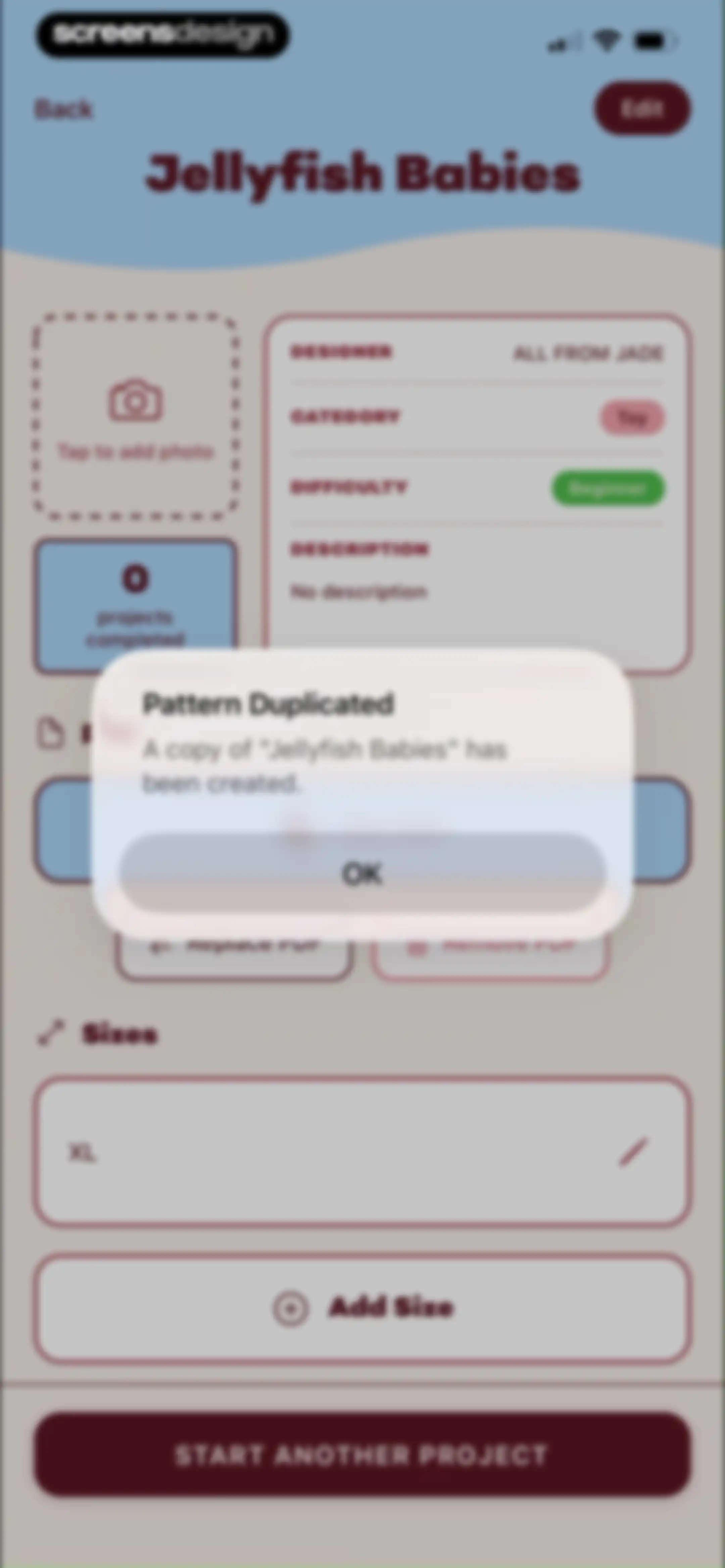
Pattern detail screen displaying crochet hook size, a pattern guide summary, linked projects, and action buttons to edit, duplicate, or delete the pattern.Unlock Pro
Pattern detail page with a modal confirmation stating Pattern Duplicated and a copy of Jellyfish Babies has been created, featuring an OK button.Unlock Pro
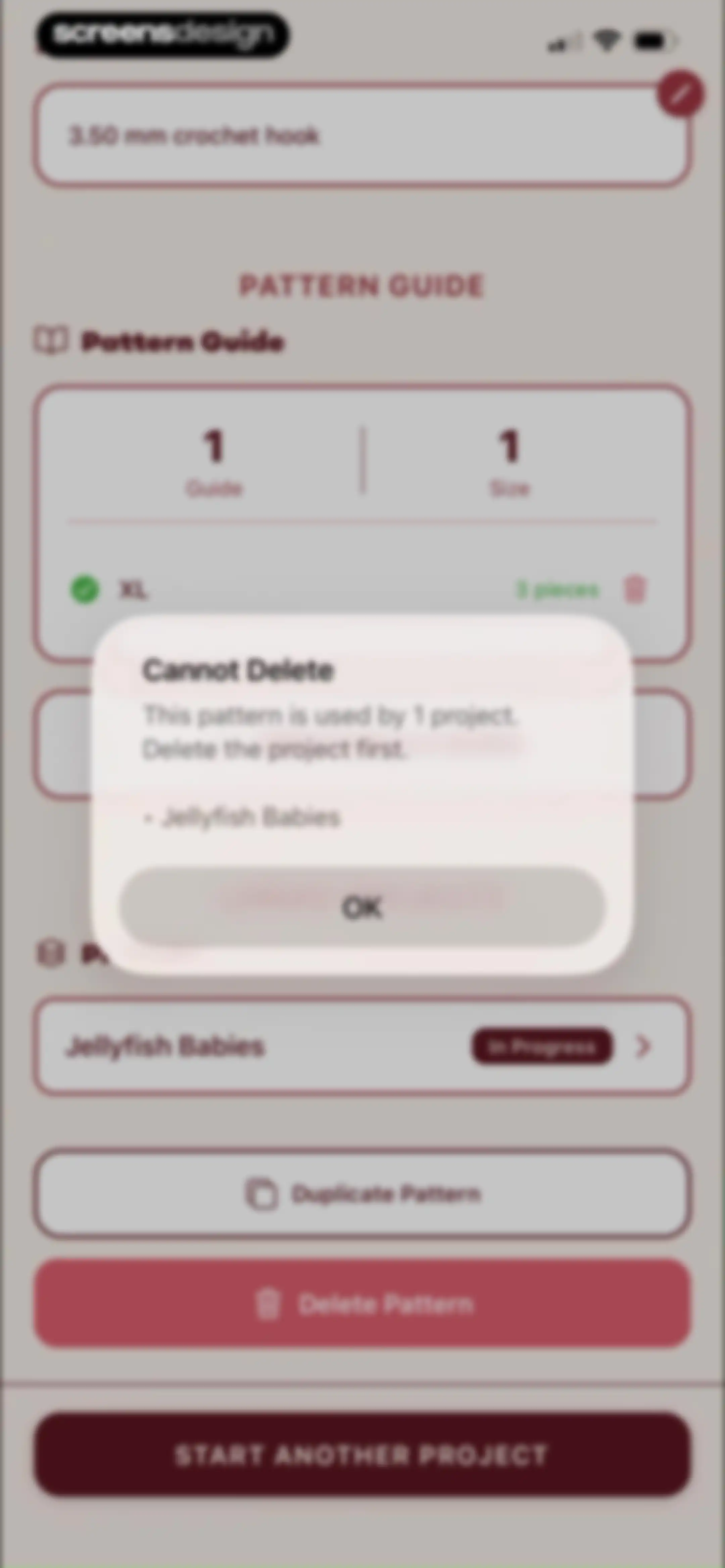
Pattern management interface with a centered modal alert stating that the pattern cannot be deleted because it is used by a project.Unlock Pro
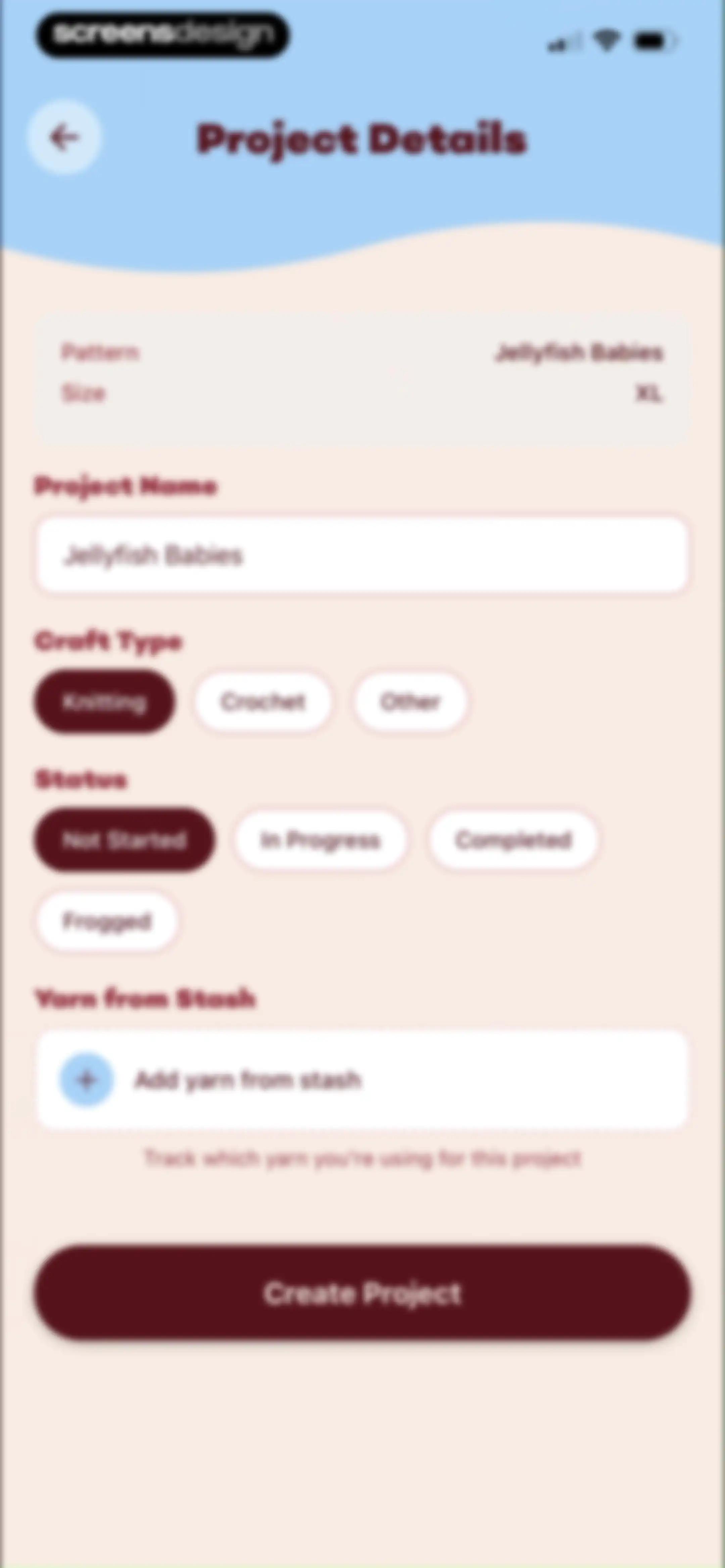
Project details form for creating a new knitting or crochet project, with fields for project name, craft type, status, and a Create Project button.Unlock Pro
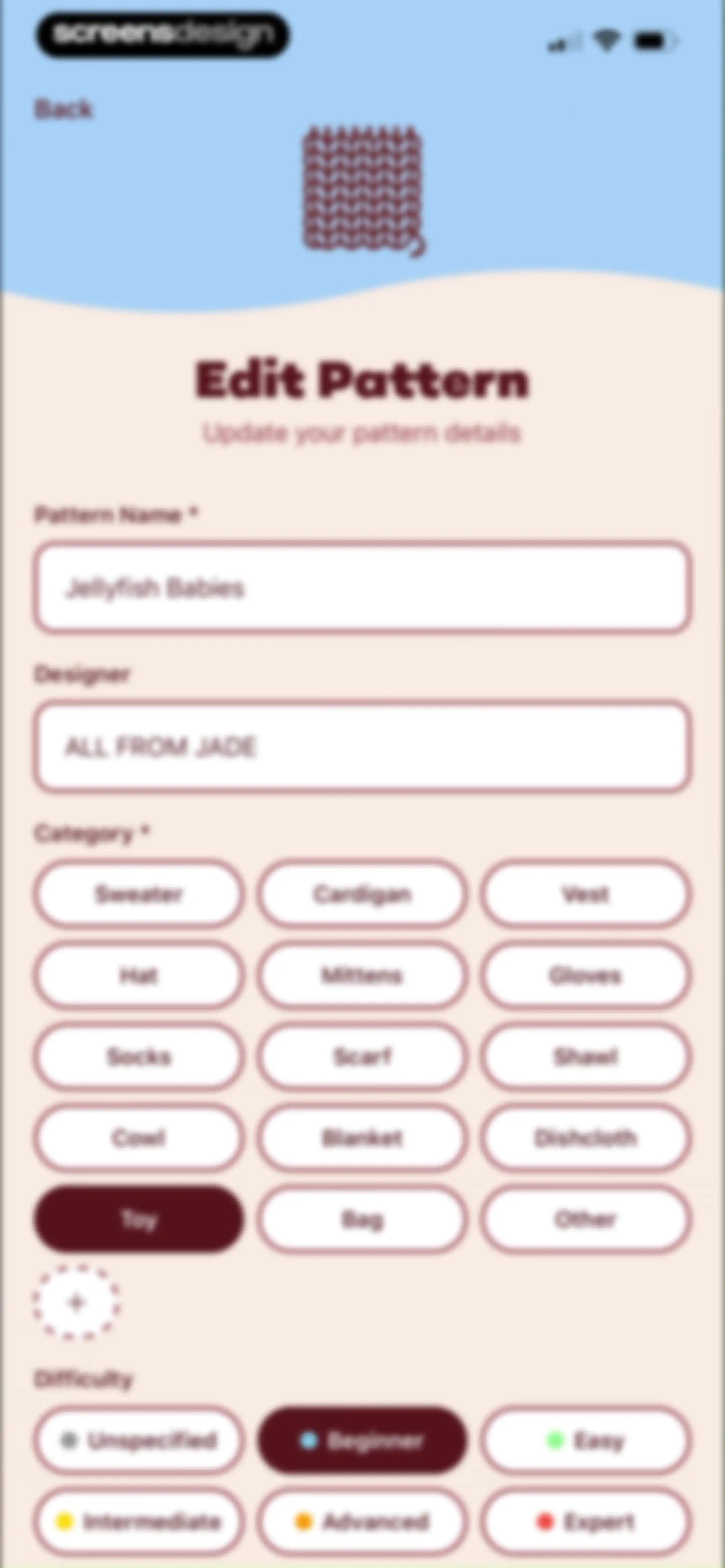
Edit pattern form displaying text fields for name and designer, a selected Toy category, and a selected Beginner difficulty level.Unlock Pro
Project detail dashboard for an in-progress Jellyfish Babies crafting project, featuring pattern cards, time stats, a photo upload area, and a bottom Follow Guide action.Unlock Pro
Project tracker for Jellyfish Babies showing a paused progress bar, instruction card for Jellyfish Head, and a Next Row button.Unlock Pro
Add note form modal over a project view, featuring category selection, a text field, and a Save button.Unlock Pro
Project tracking screen for Jellyfish Babies showing row instructions with a bottom photo selection modal containing Take Photo and Choose from Gallery buttons.Unlock Pro
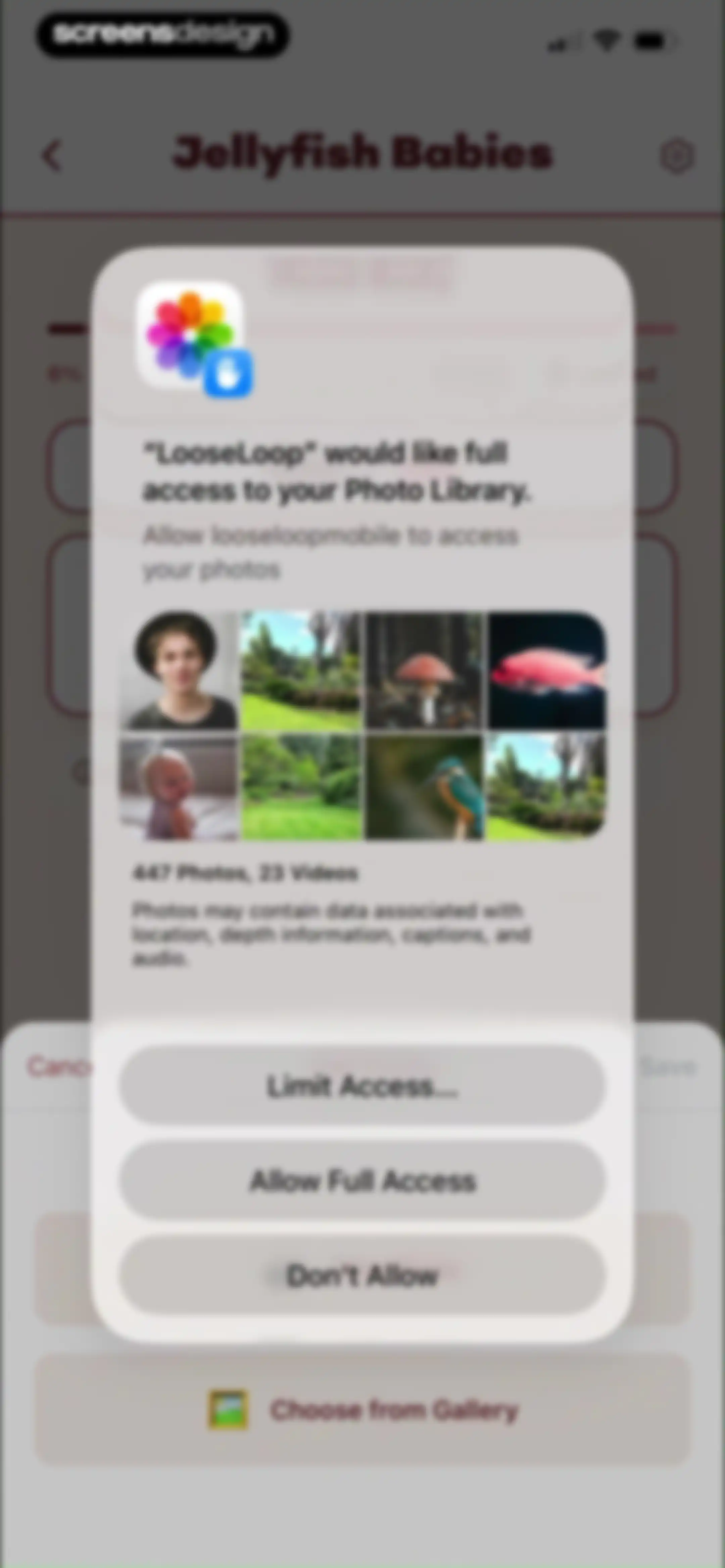
Permission request modal from LooseLoop asking for full access to the photo library, with options for full access, limited access, or denial.Unlock Pro
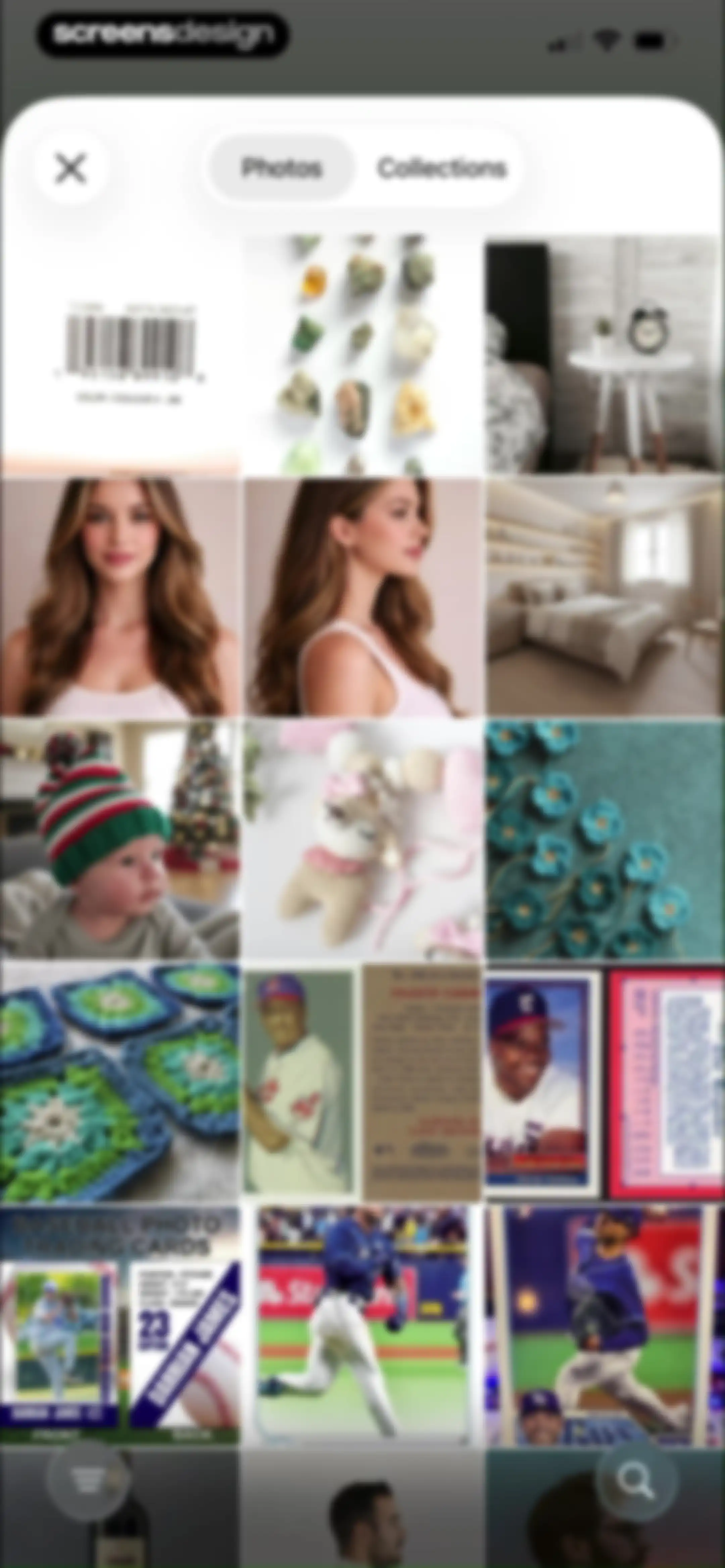
Photo gallery grid with Photos and Collections tabs displaying craft and trading card thumbnails, and a bottom navigation bar.Unlock Pro
Image cropping interface displaying a photo of crocheted flowers, with Cancel and Choose buttons at the bottom.Unlock Pro
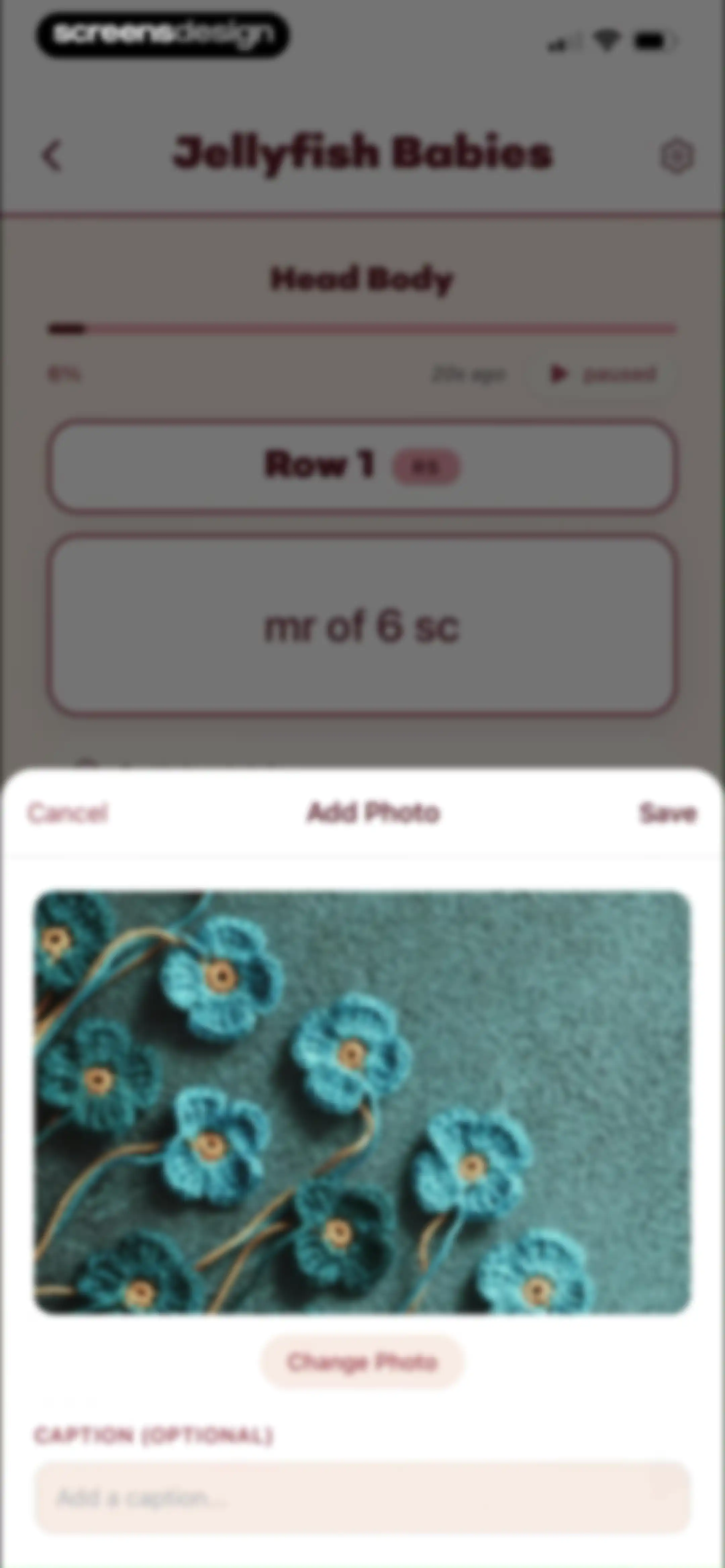
Add Photo modal overlaying a craft project tracking screen, featuring an image preview, a caption input field, and Cancel and Save buttons.Unlock Pro
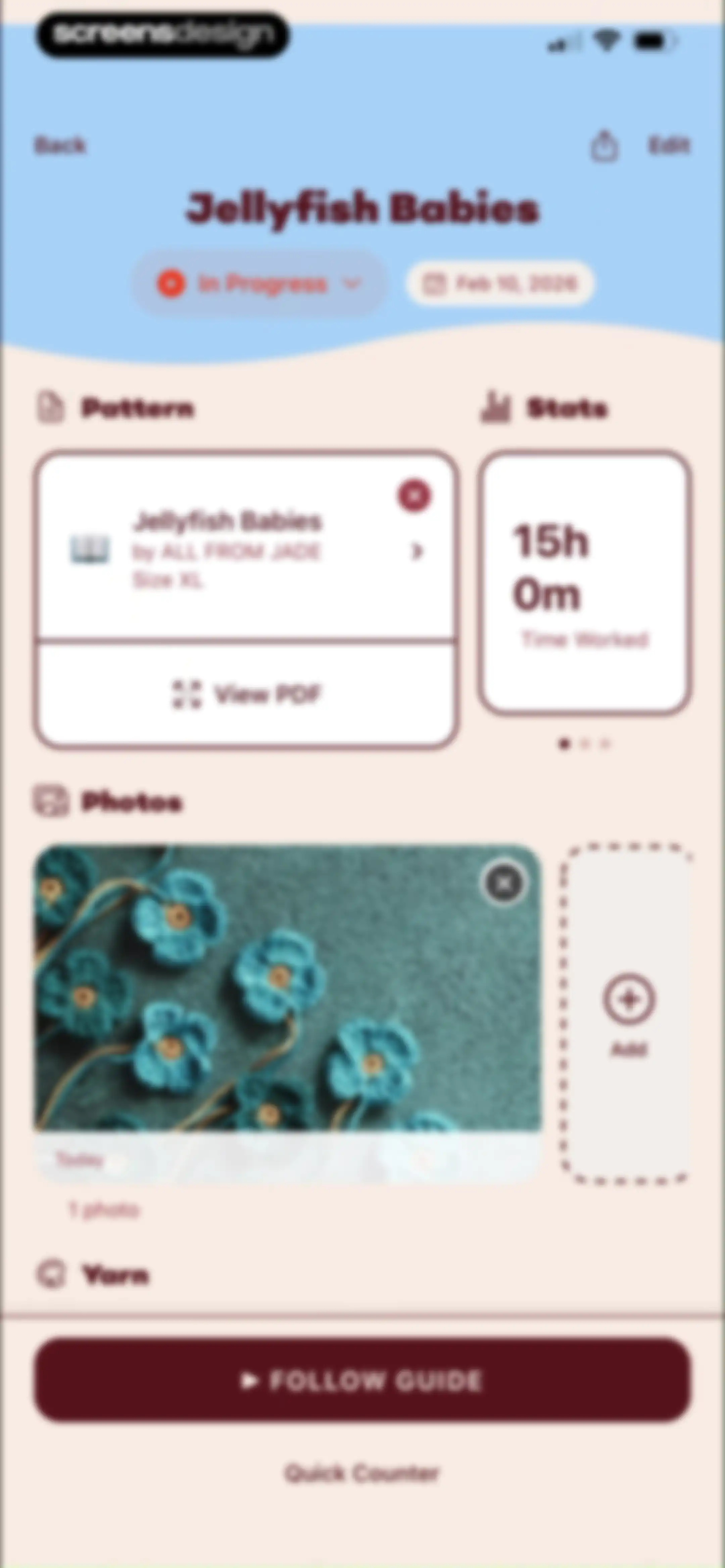
Project dashboard for Jellyfish Babies showing pattern details, time worked, photo gallery, and a Follow Guide button.Unlock Pro
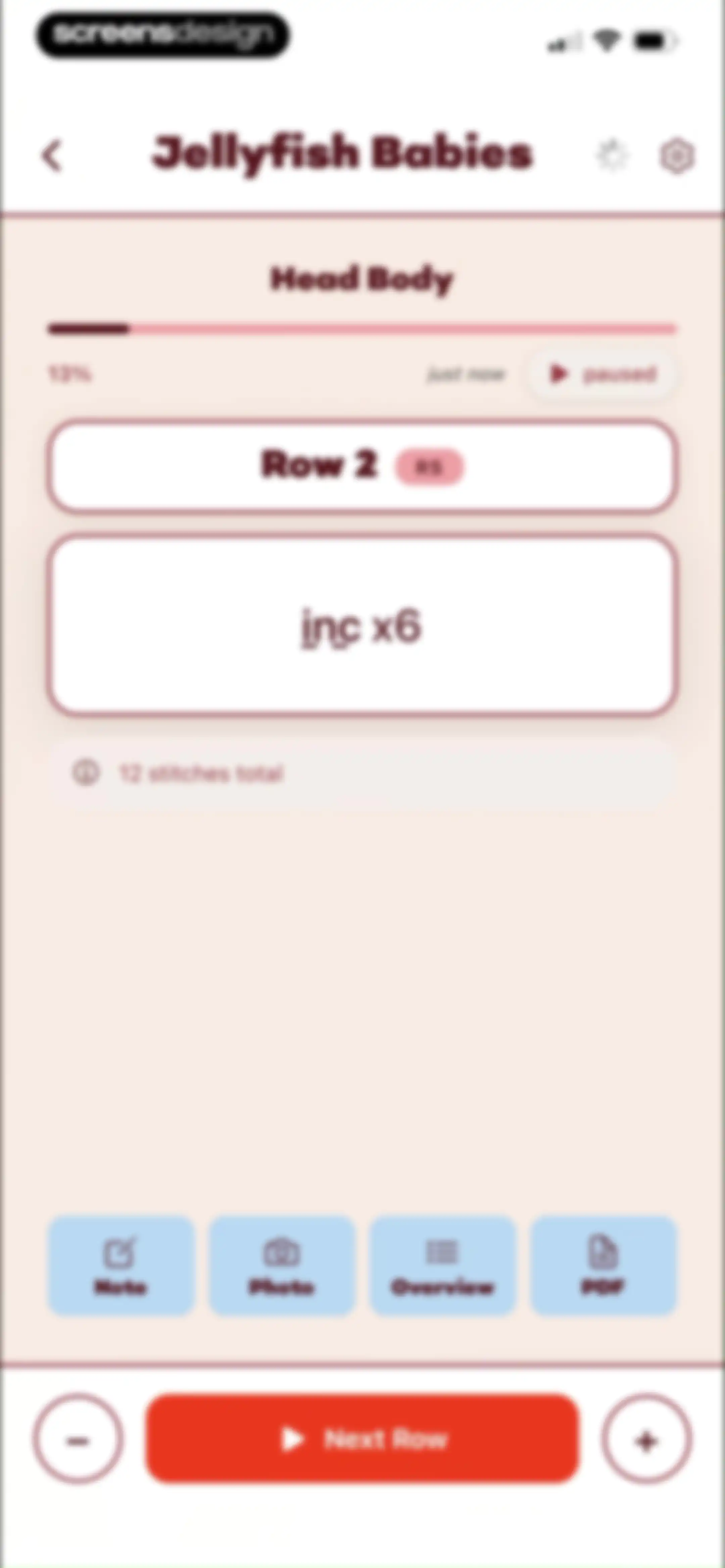
Project progress screen for Jellyfish Babies showing Row 2 instructions, a progress bar at 13%, and a Next Row button.Unlock Pro
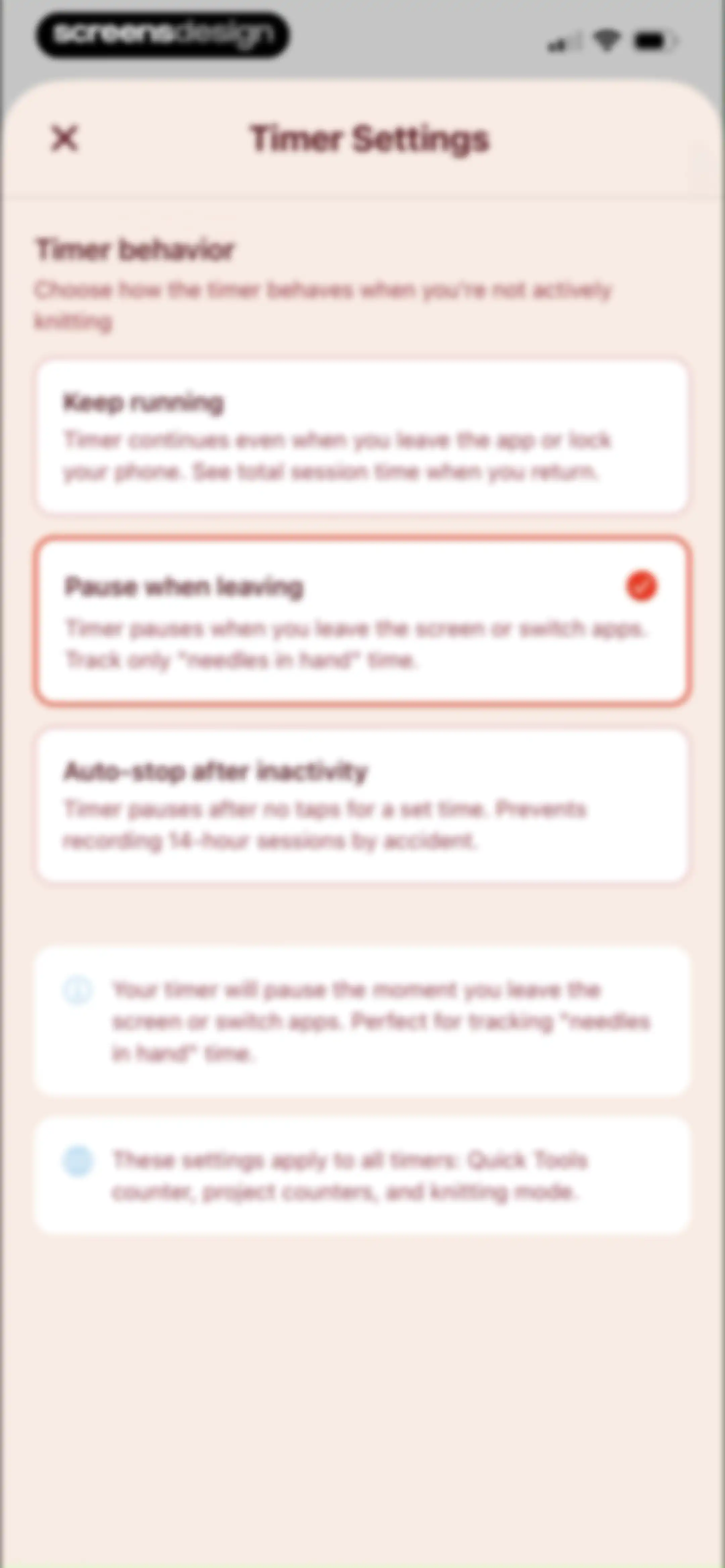
Timer settings screen listing three behavior options, with Pause when leaving selected and explanatory footer text.Unlock Pro
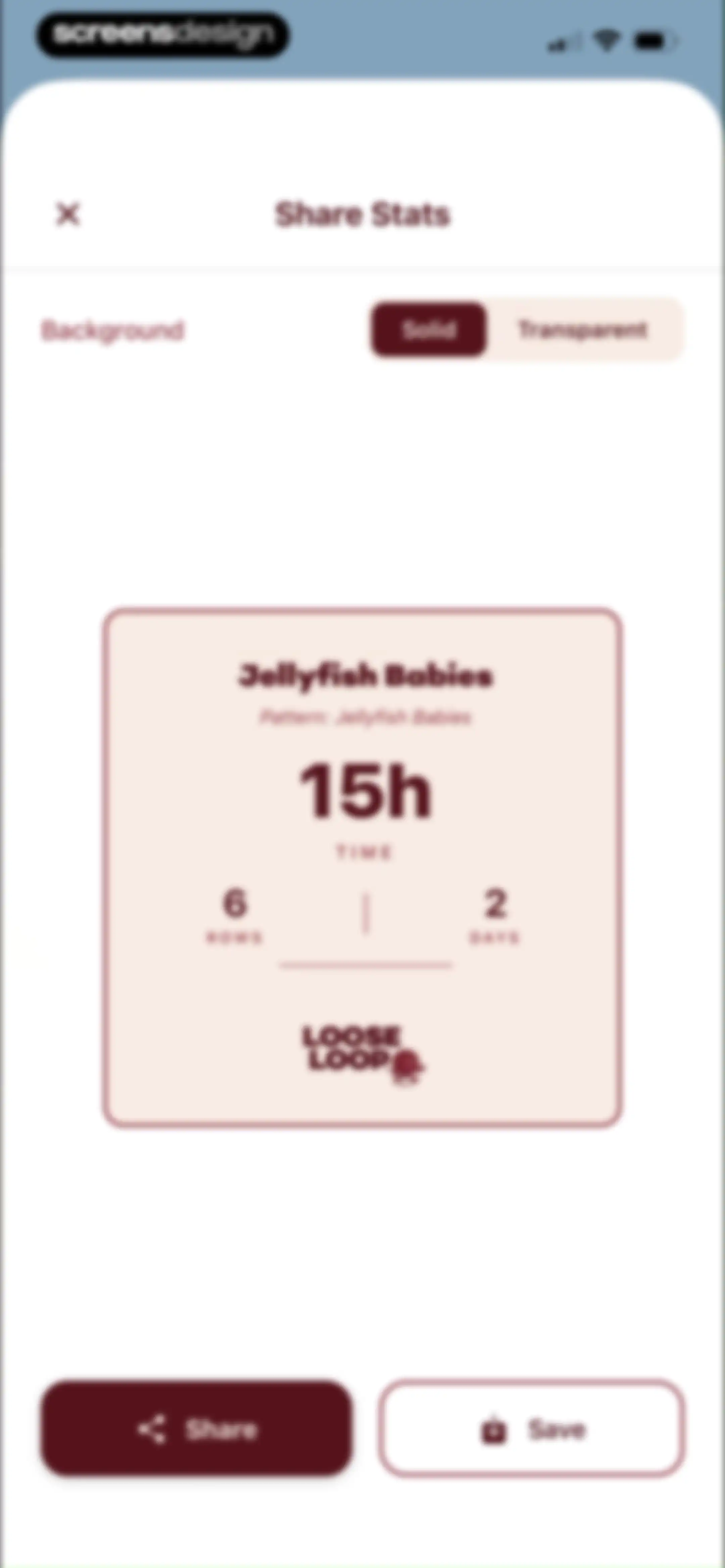
Share Stats modal showing project statistics for Jellyfish Babies with background toggle options and Share and Save action buttons.Unlock Pro
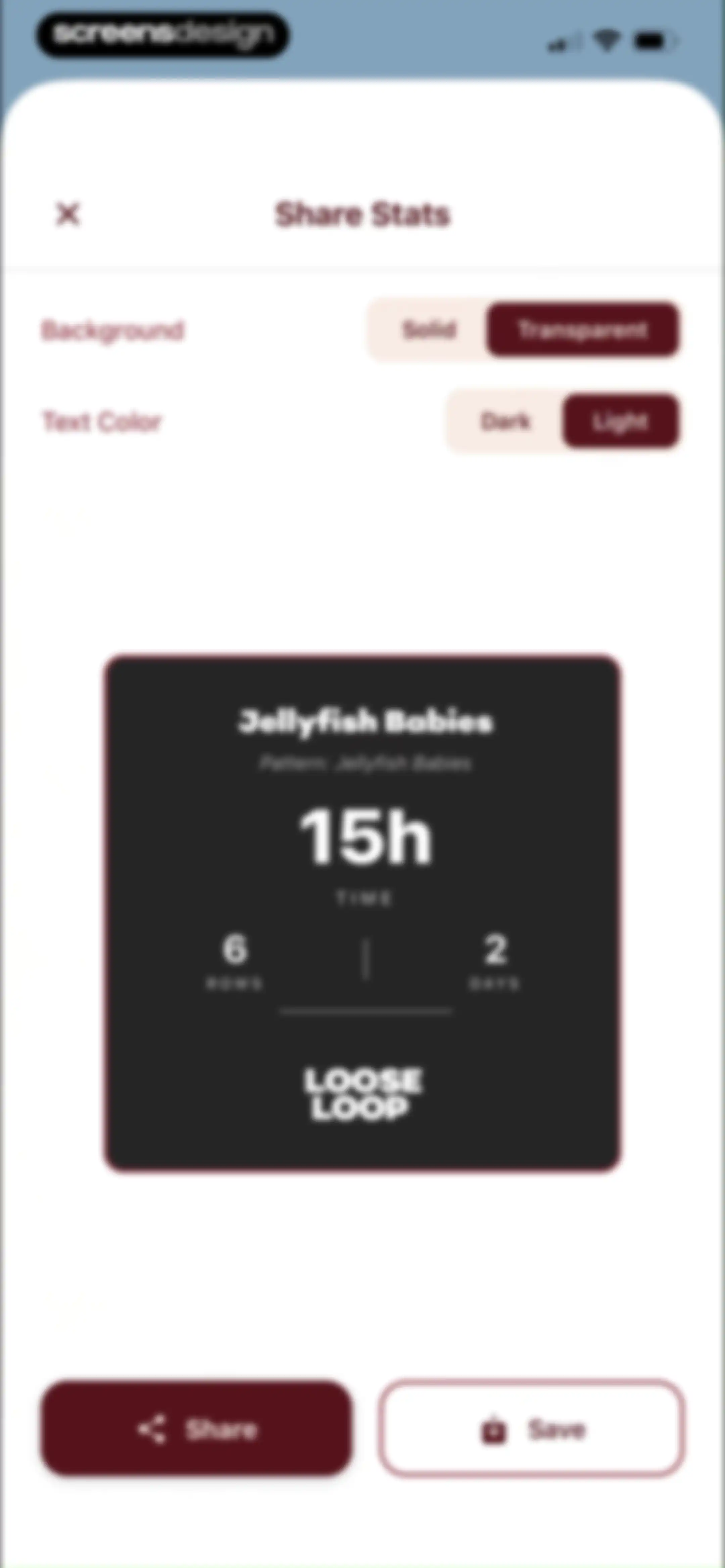
Share stats screen displaying a knitting project preview card with customization toggles for background and text color, plus share and save buttons.Unlock Pro
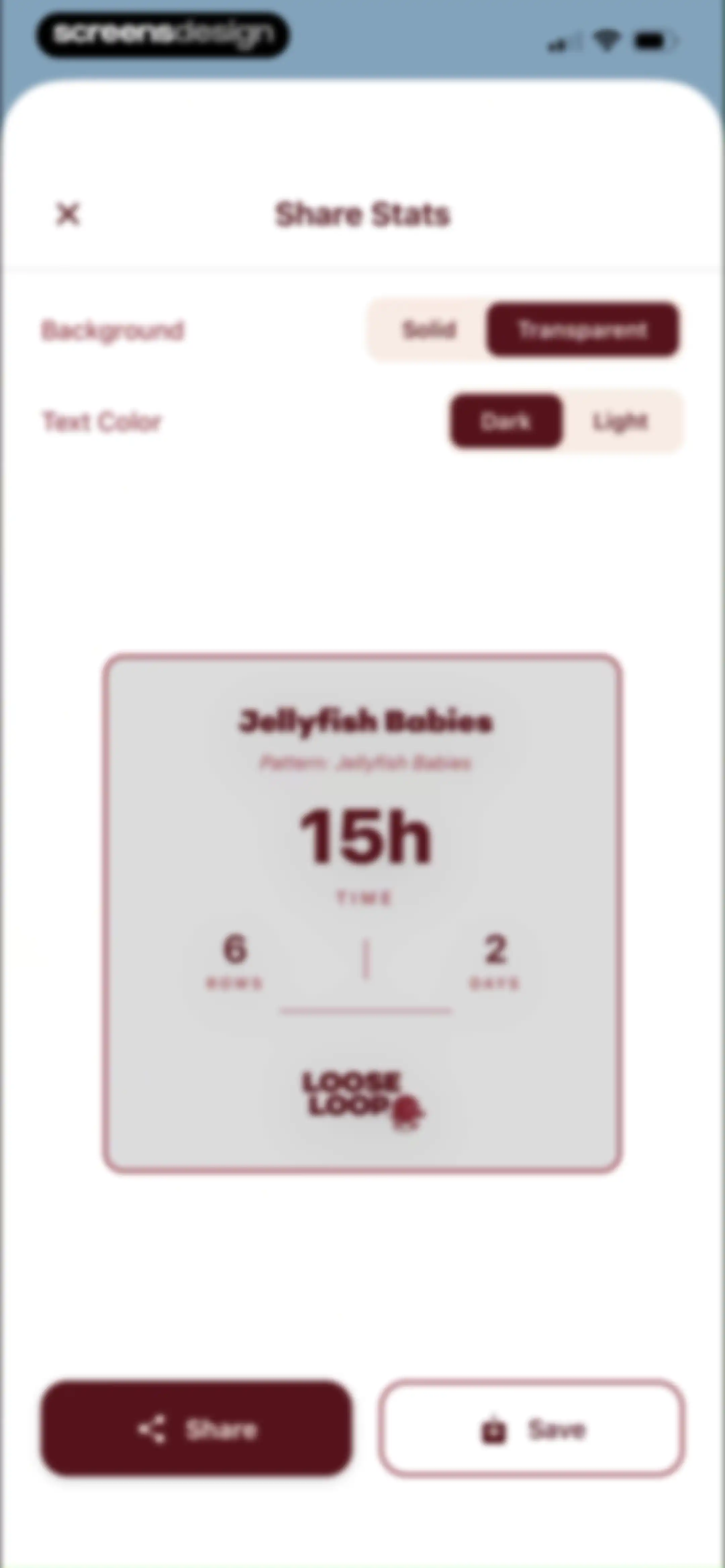
LooseLoop share stats modal displaying project statistics, configuration toggles, and Share and Save action buttons.Unlock Pro
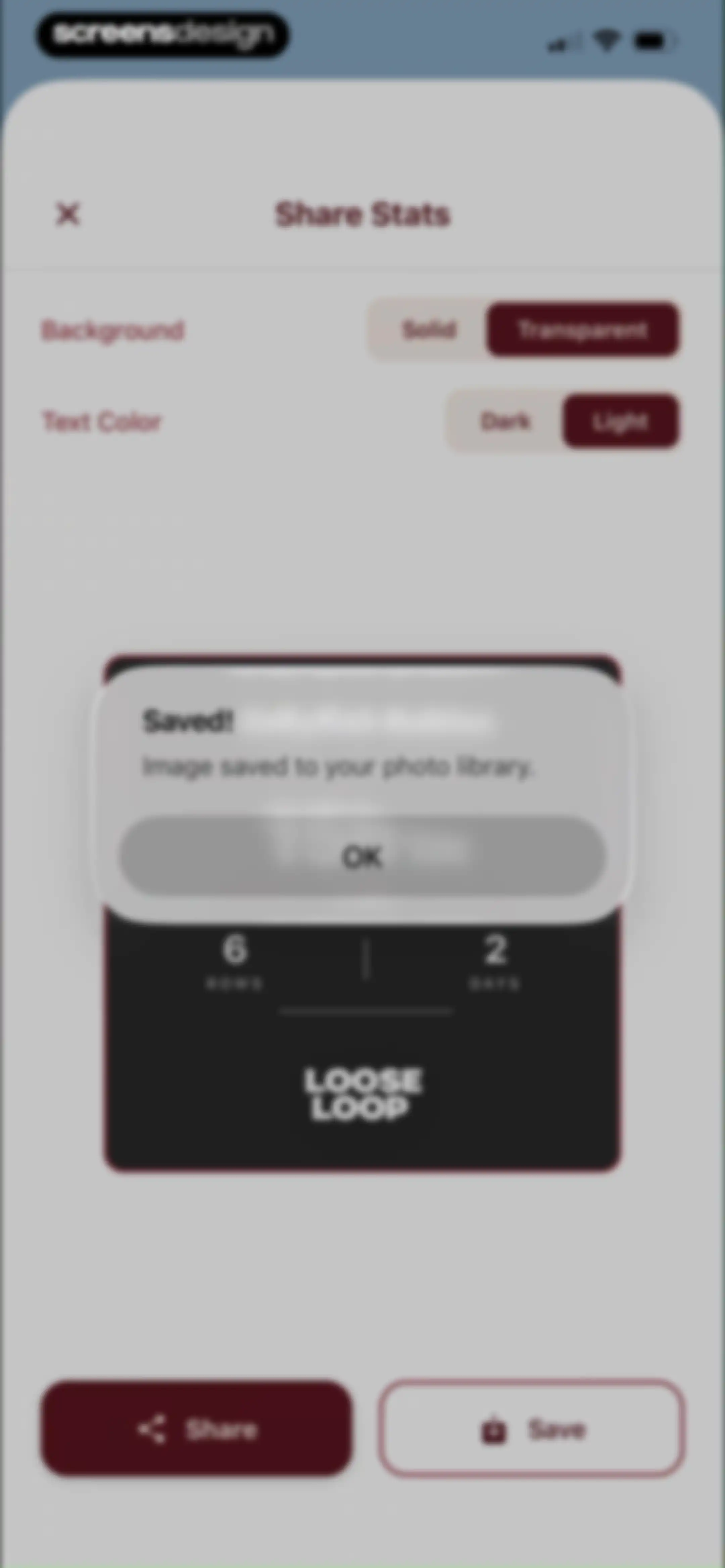
Share stats screen with a confirmation modal stating Image saved to your photo library and an OK button over a project preview card.Unlock Pro
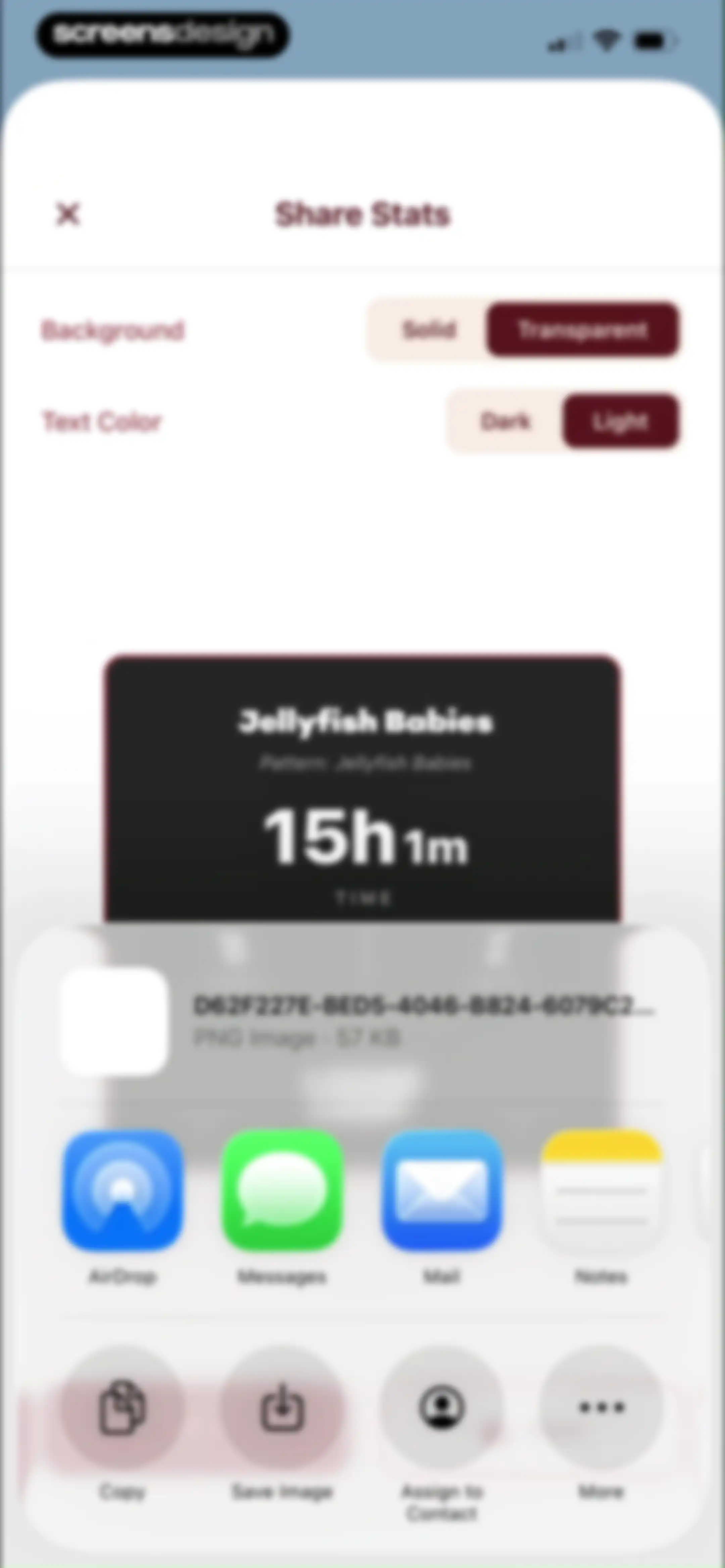
Share stats modal showing project customization settings, a preview card, and a system share sheet.Unlock Pro
Project detail dashboard for an in-progress Jellyfish Babies knitting project, displaying pattern info, time worked stats, a photo gallery, and a Follow Guide action button.Unlock Pro
Home screen dashboard displaying user progress statistics, quick tools like a row counter, knowledge hub resources, and a daily inspiration tip.Unlock Pro
Row counter dashboard with a central count of zero, increment controls, a promotional banner to view pattern PDFs, and bottom navigation.Unlock Pro
Row notes modal with an input area for adding a reminder and an empty state showing No reminders yet.Unlock Pro
Row Notes modal in the LooseLoop app with fields to add a reminder and a completed reminders list showing Row 5.Unlock Pro
Row counter dashboard displaying a main counter with increment buttons, a timer, secondary counters, and a bottom navigation bar.Unlock Pro
Row counter dashboard featuring a centered confirmation modal to delete a counter, with a secondary counter list and bottom navigation bar.Unlock Pro
Row counter editor with a reset confirmation modal overlay and a top banner promoting project creation.Unlock Pro
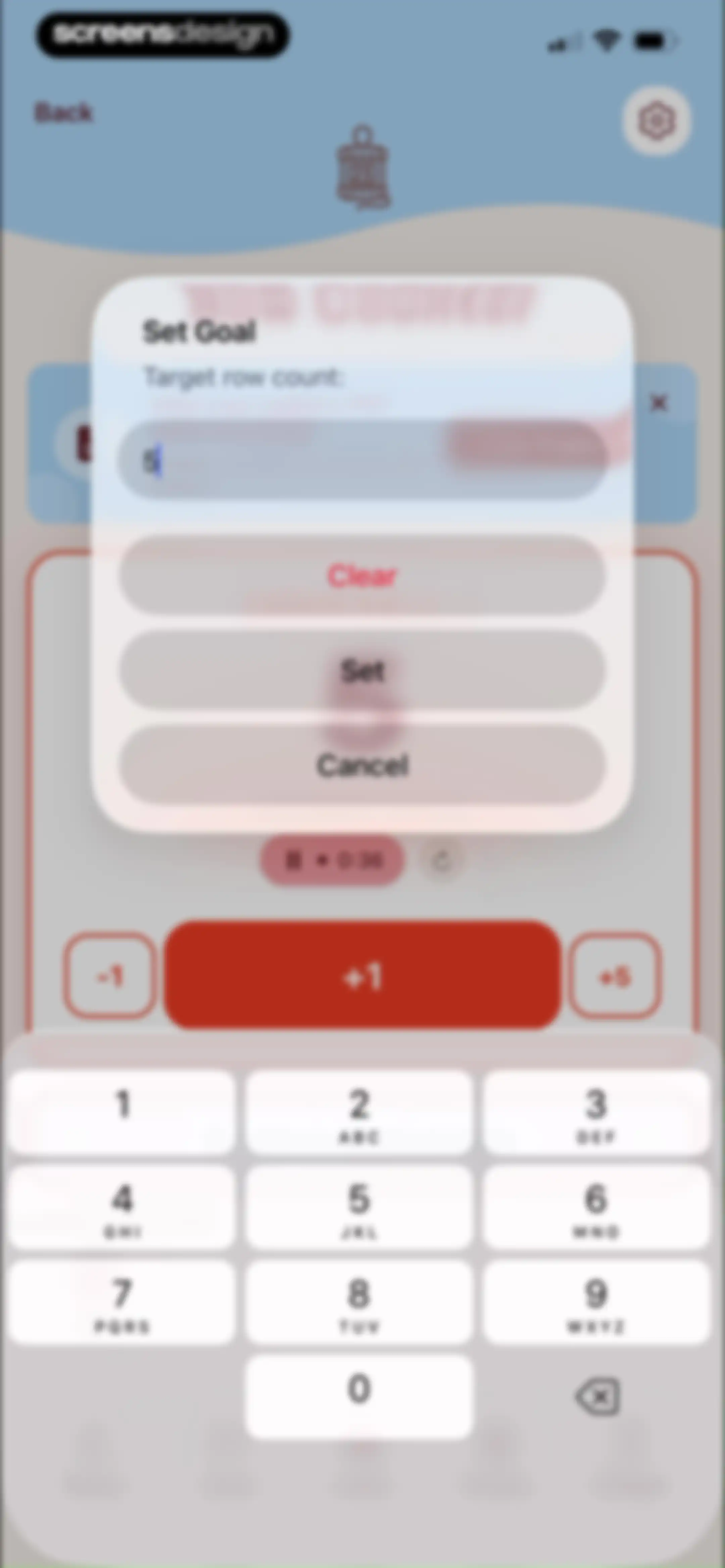
Goal setting modal displaying a target row count input of 5 with Clear, Set, and Cancel buttons over a counter interface.Unlock Pro
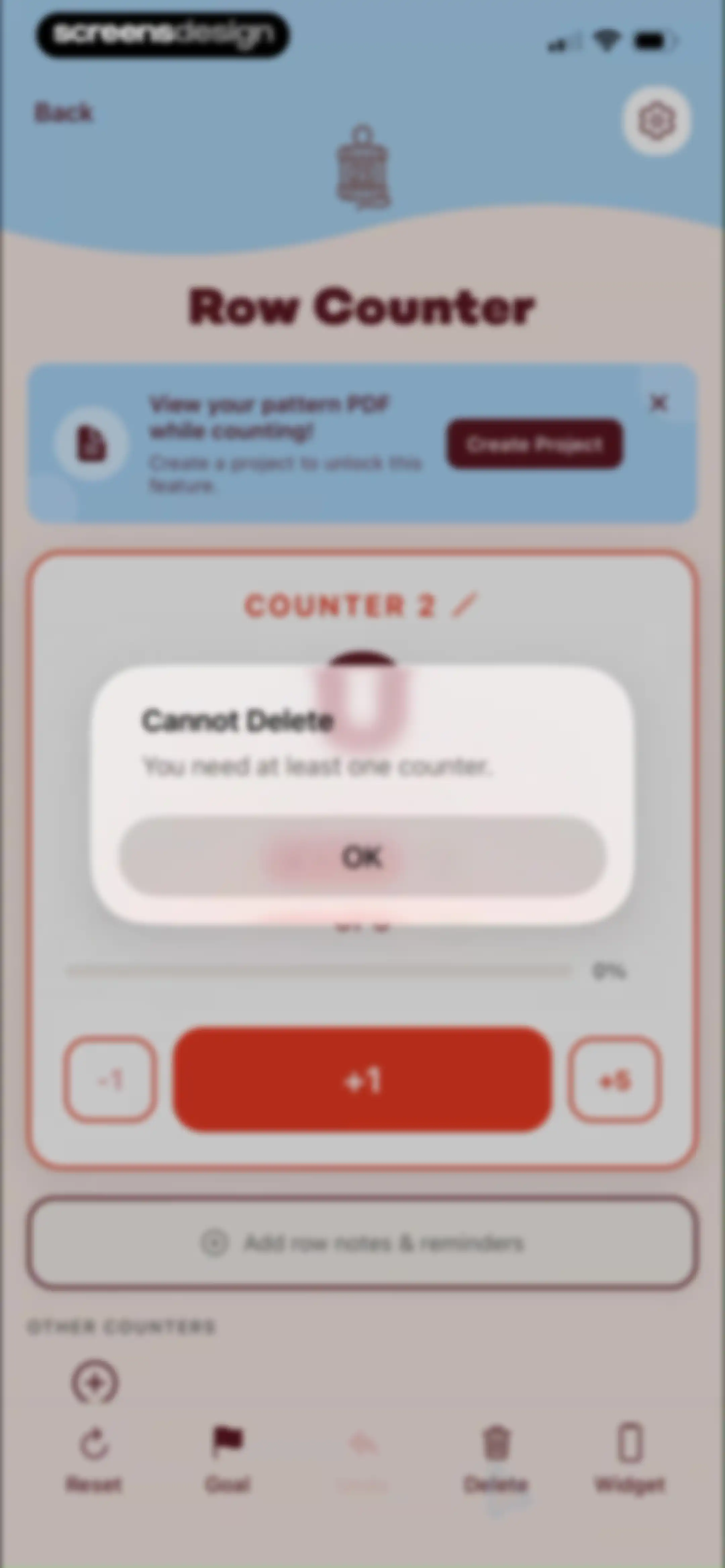
Row counter screen with a modal error dialog stating Cannot Delete because you need at least one counter, featuring an OK button.Unlock Pro
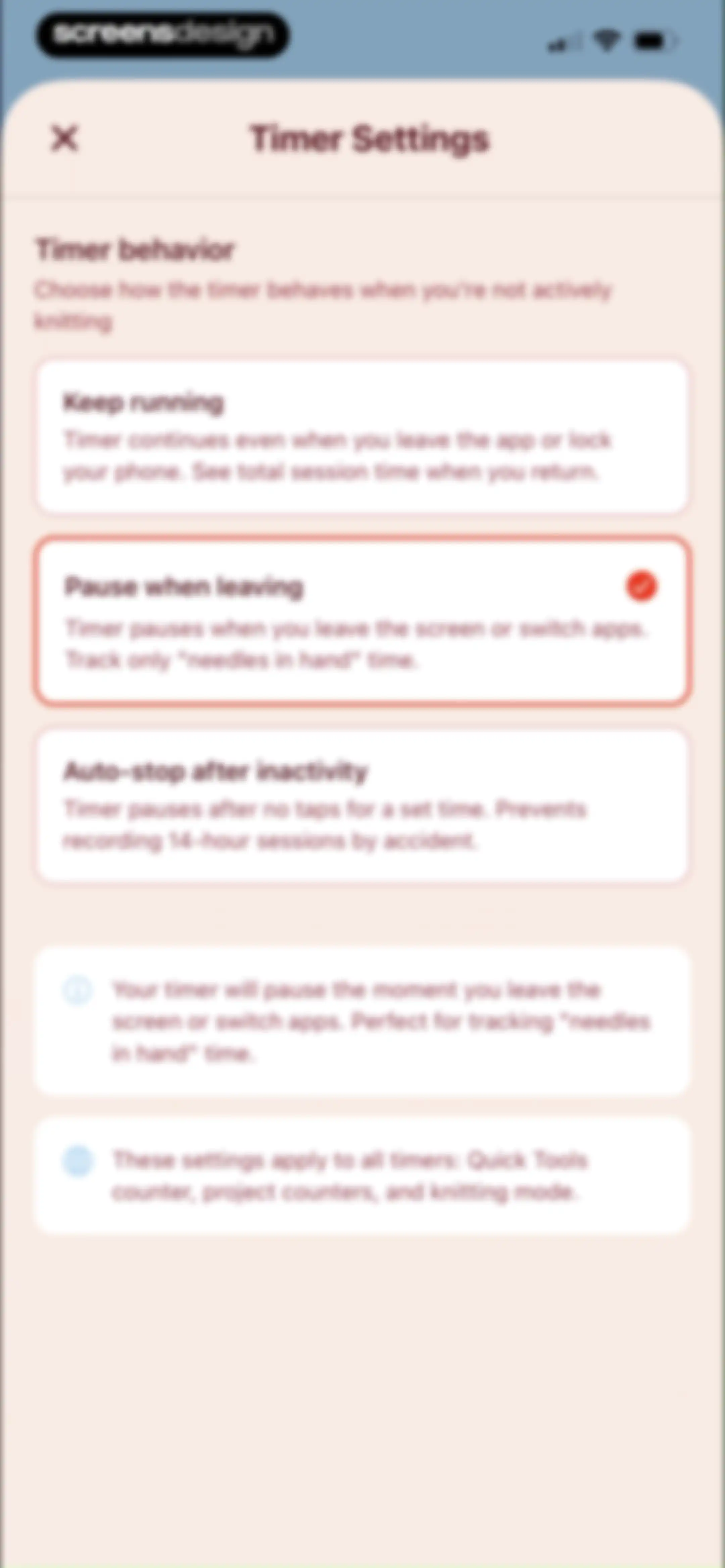
Timer settings screen displaying three behavior options with the Pause when leaving option selected and explanatory footer cards.Unlock Pro
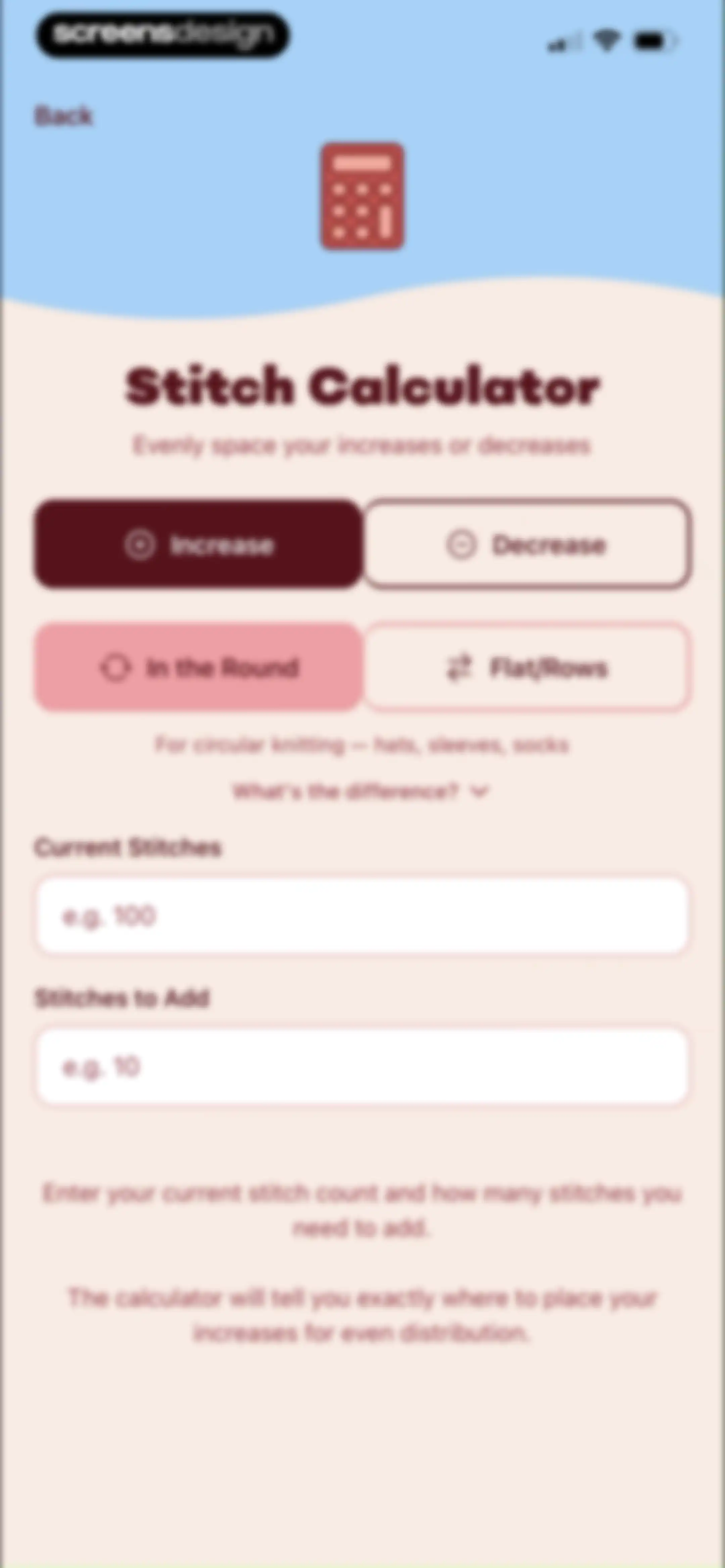
Stitch calculator tool featuring toggle buttons for operation and knitting method alongside input fields for current stitches and stitches to add.Unlock Pro
Knowledge hub feed displaying a search bar, horizontal filter tabs, and a list of knitting technique articles with difficulty tags.Unlock Pro
Knowledge Hub content feed with a search bar, filter chips, and categorized reference cards for knitting guides and conversion charts.Unlock Pro
Content feed for a knowledge hub featuring a search bar, category tabs, and troubleshooting article cards for craft techniques.Unlock Pro
Knowledge Hub content feed displaying a search bar, horizontal category tabs with Glossary selected, and a vertical list of knitting reference cards.Unlock Pro
Glossary screen displaying standard knitting abbreviations and definitions for beginners, with a back button and article metadata.Unlock Pro
Glossary screen listing crafting abbreviations with definitions, a tip card, related articles, and category tags.Unlock Pro
Educational article explaining knitting pattern notation with bulleted examples for beginners.Unlock Pro
Search results screen displaying four article cards for the query gauge under the Knowledge Hub title, with category filter tabs above.Unlock Pro
Home dashboard displaying progress metrics, quick tools like a row counter, a knowledge hub, and a daily inspiration tip.Unlock Pro
Yarn stash dashboard displaying inventory stats, action buttons, filter chips, and a list item for Malabrigo Charisma yarn.Unlock Pro
Add to Stash form with input fields for brand and yarn name, a grid of weight tags, and an Add to Stash button.Unlock Pro
Yarn stash form with pre-filled brand and colorway fields, a photo upload area, and an active photo selection modal with a keyboard.Unlock Pro
Photo picker screen displaying a multi-column image grid of craft projects and baseball cards with a top tab switcher and bottom menu icons.Unlock Pro
Image selection screen previewing a crochet project photo against a black background, with Cancel and Choose buttons.Unlock Pro
Yarn inventory form in LooseLoop with weight and unit selection chips, ending with Cancel and Add to Stash buttons.Unlock Pro
Yarn stash dashboard displaying inventory summary stats, action buttons, filter tabs, and a list of yarn cards with details.Unlock Pro
Dashboard inventory screen showing zero tools and zero brands, with scan barcode and manual add buttons, and an empty state prompt.Unlock Pro
Yarn details screen displaying Malabrigo Rios bulky yarn in a red colorway, with a stash counter showing one skein and a delete button.Unlock Pro
Yarn details screen with a deletion confirmation modal asking to delete Rios yarn, featuring Cancel and Delete buttons.Unlock Pro
Onboarding modal welcoming users to the personal knitting journal feature, featuring an illustration, a Next button, and a Skip option.Unlock Pro
Onboarding modal explaining two ways to start a project, with a Next button and Skip option.Unlock Pro
Onboarding modal explaining the Manual Projects feature with a Next button and a skip option at the top right.Unlock Pro
Onboarding modal explaining the project row counter feature, with a Next button and a skip option.Unlock Pro
Onboarding modal highlighting pattern-based projects with a cute yarn illustration and a Next button.Unlock Pro
Onboarding screen featuring a modal with a yarn illustration, a descriptive tip about projects, a Got It button, and a Skip option.Unlock Pro
Projects dashboard with a filter bar and a card for the Jellyfish Babies project.Unlock Pro
Pattern selection screen with a list of library cards, the Jellyfish Babies pattern selected, and a Continue button at the bottom.Unlock Pro
Project details form for creating a knitting project, with the project name Jellyfish Babies, craft type set to Knitting, status set to Not Started, and a Create Project button.Unlock Pro
Onboarding completion screen with a yarn ball illustration, celebratory text, and a Let's Go! button.Unlock Pro
Knitting project tracker dashboard with Jellyfish Babies details, a Not Started status dropdown, pattern and stats cards, and a Start Knitting button.Unlock Pro
Project status update modal displaying options for Completed, In Progress, Not Started, and Frogged, with Not Started selected and a Cancel button.Unlock Pro
Onboarding completion screen for the Jellyfish Babies project featuring a celebratory illustration and a Next button.Unlock Pro
Onboarding photo upload screen with a central placeholder card, Take Photo and Gallery buttons, and a Next button at the bottom.Unlock Pro
Onboarding screen displaying a finished craft photo preview card, dual photo options, an optional caption input, and a Next button.Unlock Pro
Dashboard for a craft project named Jellyfish Babies showing time invested, metric cards, timeline status, and a Next button.Unlock Pro
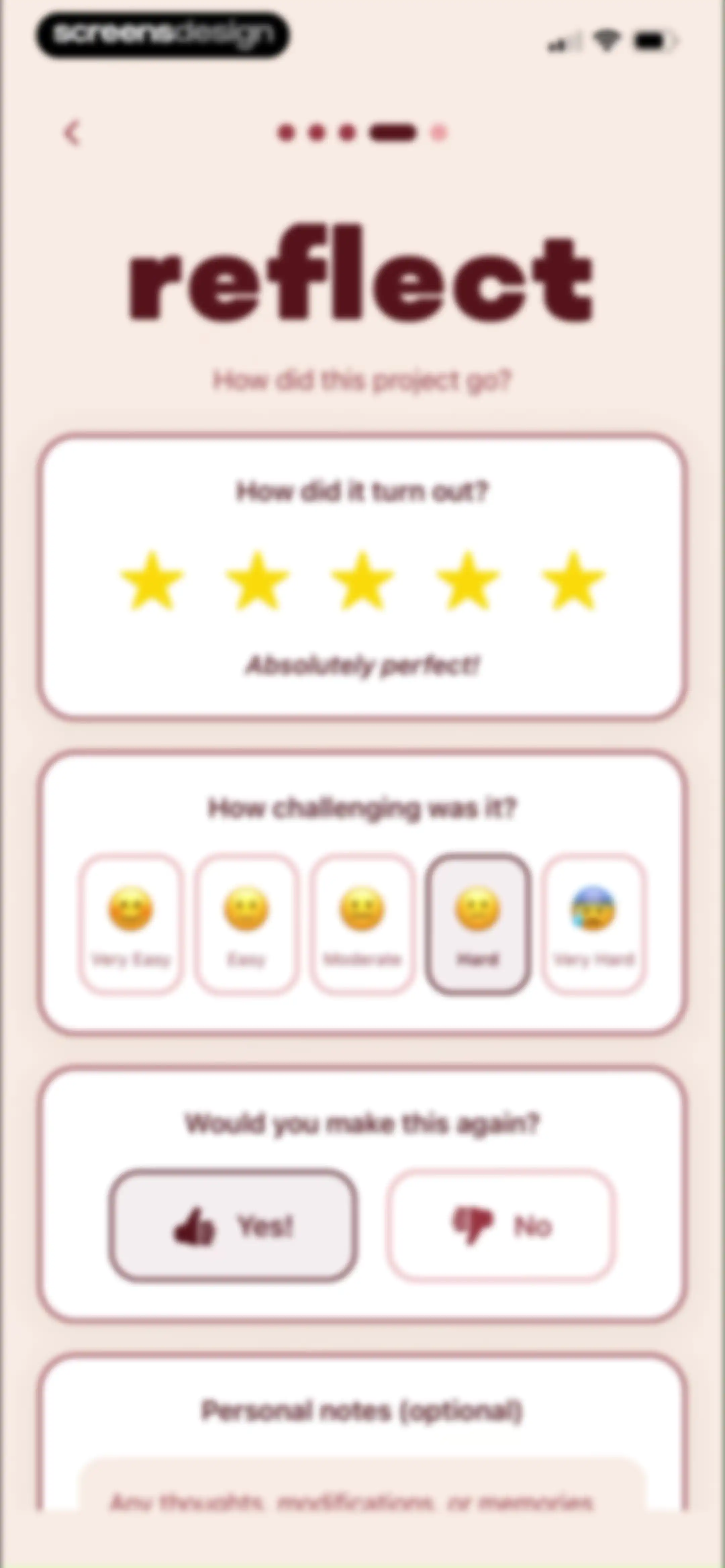
Project reflection form with cards for rating, difficulty selection, repeatability, and notes, with the Moderate difficulty option selected.Unlock Pro
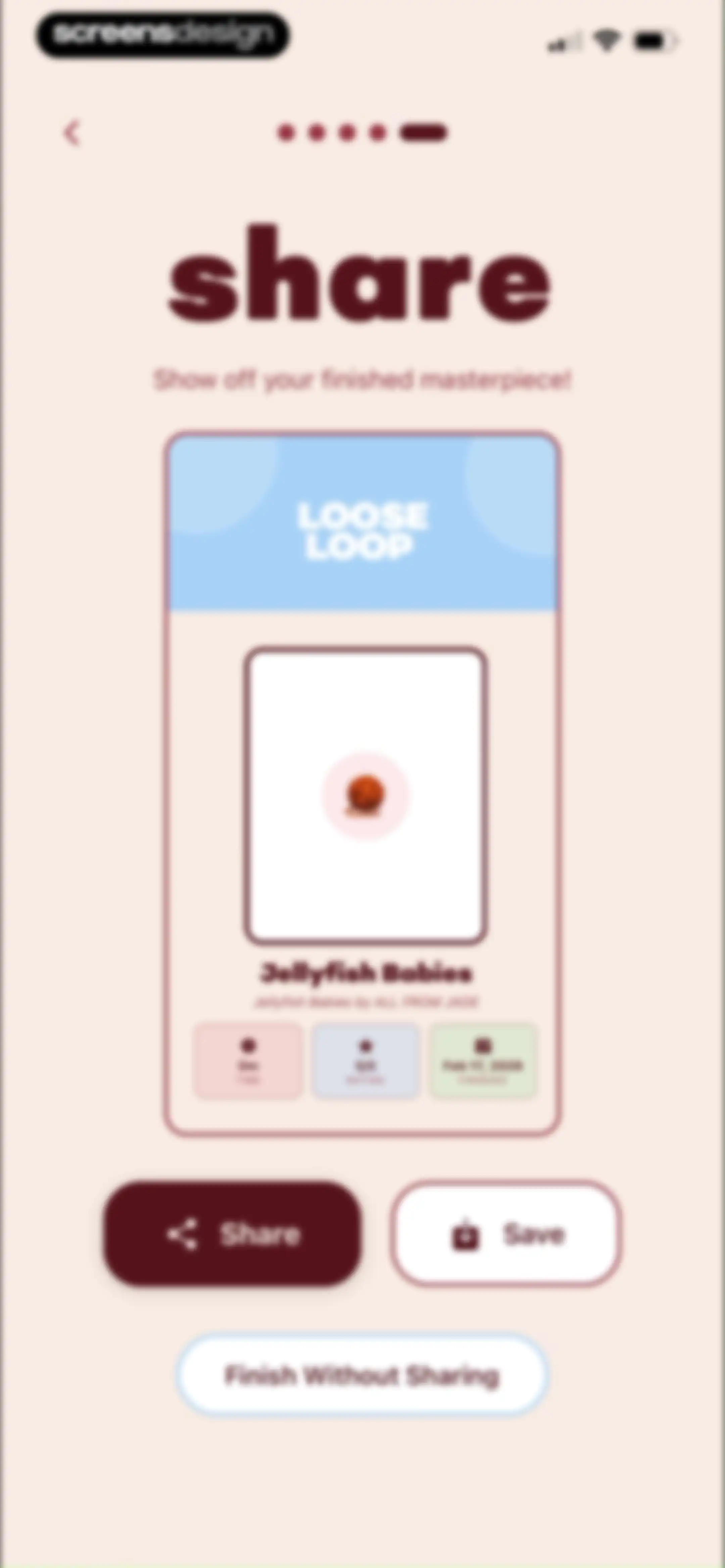
Project completion screen displaying a summary card for Jellyfish Babies with completion stats, photo, and Share and Save action buttons.Unlock Pro
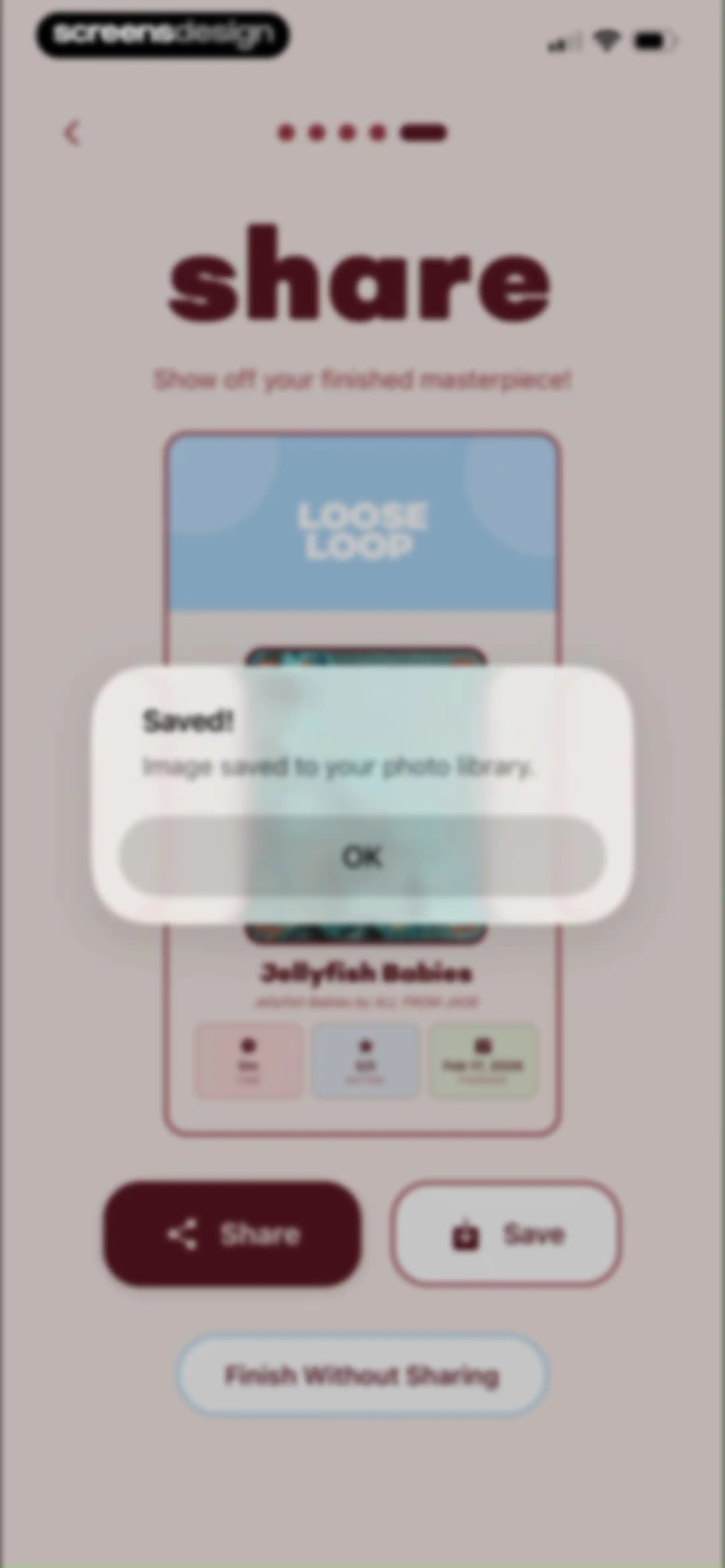
Project completion sharing screen with a modal confirming the image was saved to your photo library and an OK button.Unlock Pro
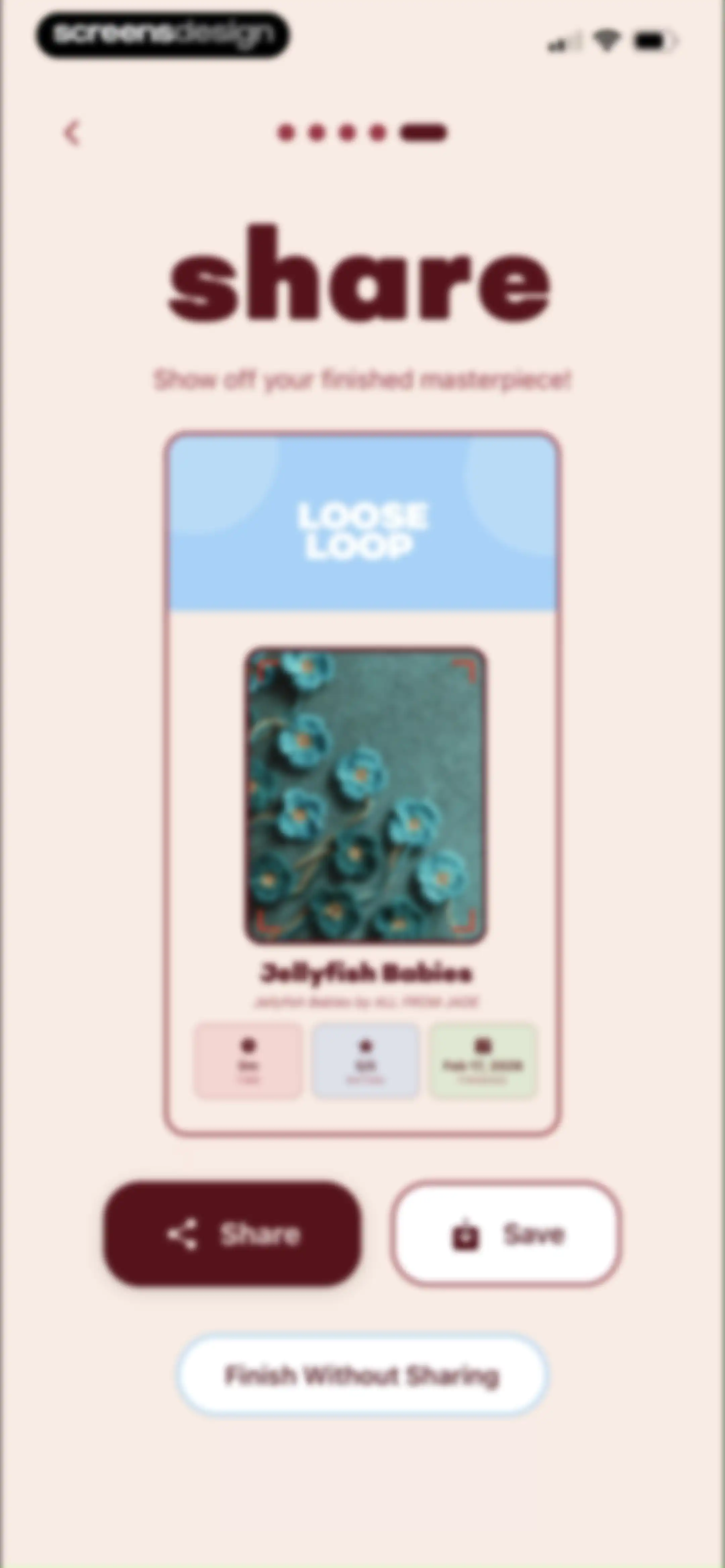
Project completion screen with a summary card for Jellyfish Babies, share and save options, and a Finish Without Sharing button.Unlock Pro
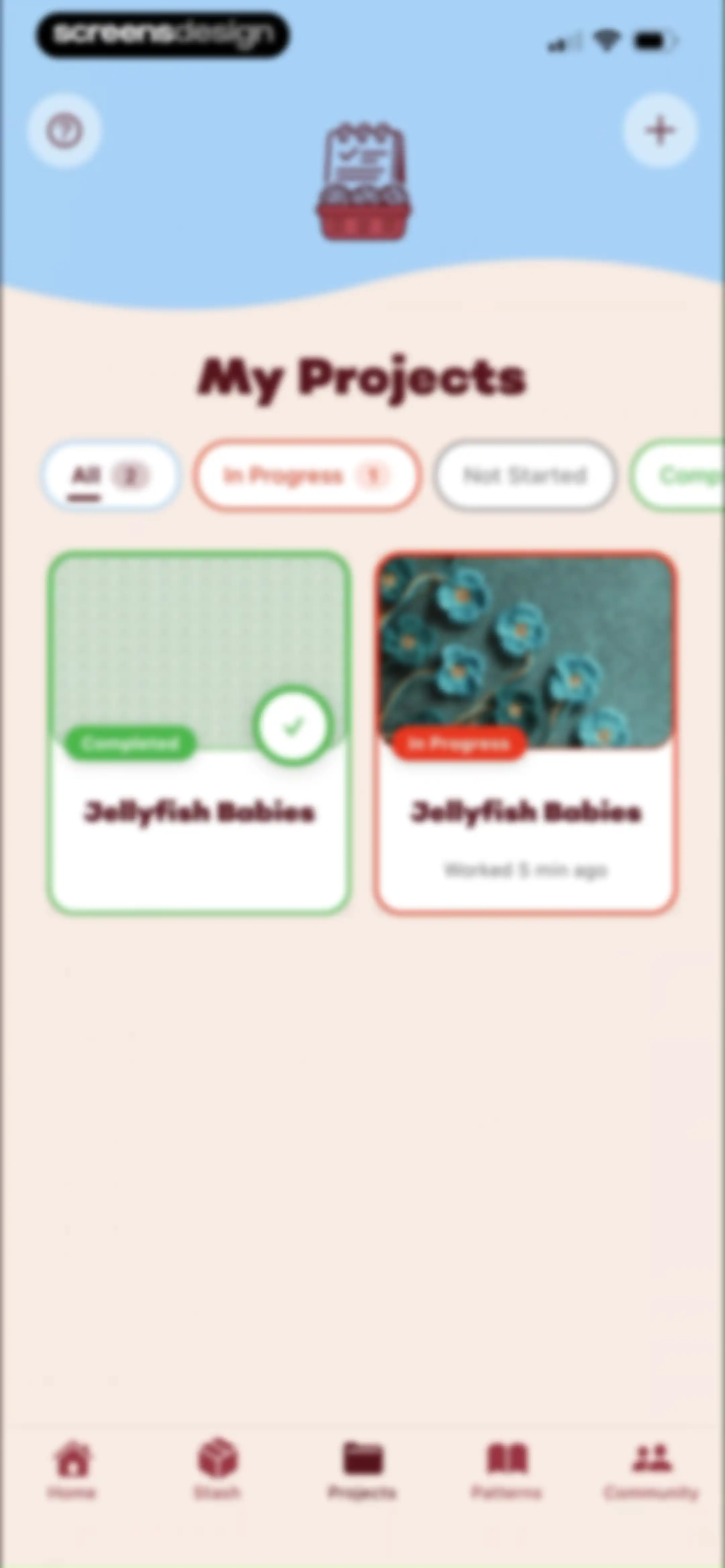
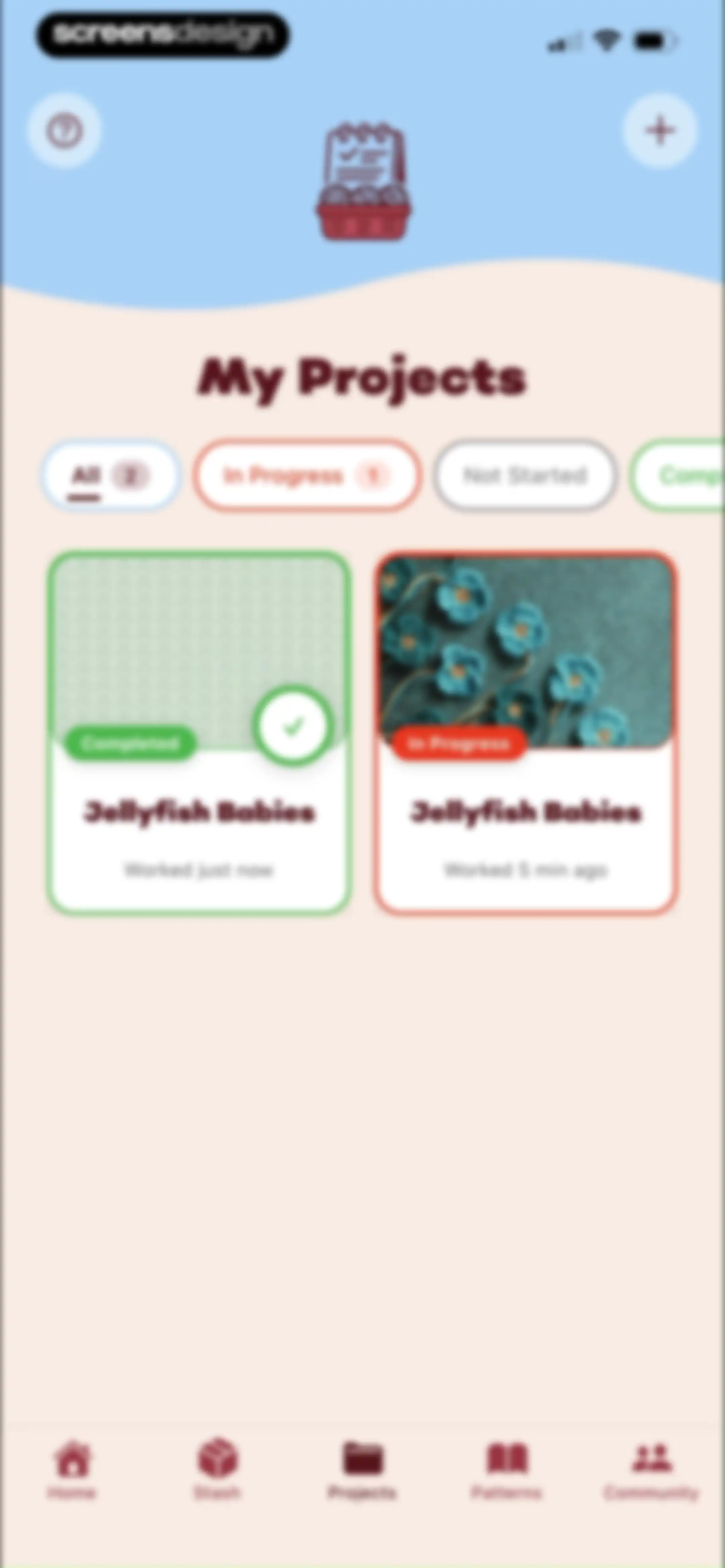
Projects dashboard displaying filter tabs with All selected, a grid of project cards, and a bottom navigation bar.Unlock Pro
Project detail screen displaying completed status, pattern information for Jellyfish Babies, time worked, and placeholders for adding photos and linking yarn.Unlock Pro
Project dashboard showing a photo placeholder, unlinked yarn and notes cards, and a pattern guide list with active steps.Unlock Pro
Project editor screen displaying a pattern guide with a modal overlay for the Cast On step and a Start Setup button.Unlock Pro
Project instruction screen showing 44% progress, the instruction to make a magic ring, and a Next Row button.Unlock Pro
Editor screen displaying pattern instructions for Jellyfish Babies with a timer, row progress indicator, and a Complete action button.Unlock Pro
Project completion screen for LooseLoop celebrating finishing Jellyfish Babies, featuring a playful yarn illustration, congratulations message, and a Next button.Unlock Pro
Onboarding screen prompting the user to capture a finished masterpiece photo, featuring Take Photo and Gallery buttons with a Next action.Unlock Pro
Onboarding screen displaying a project progress card for Jellyfish Babies with zero minutes invested, top navigation, and a Next button.Unlock Pro
Project reflection survey form with stacked cards asking about project rating, difficulty, repeat preference, and personal notes.Unlock Pro
Project completion summary screen displaying project details, completion stats, and share, save, and finish options.Unlock Pro
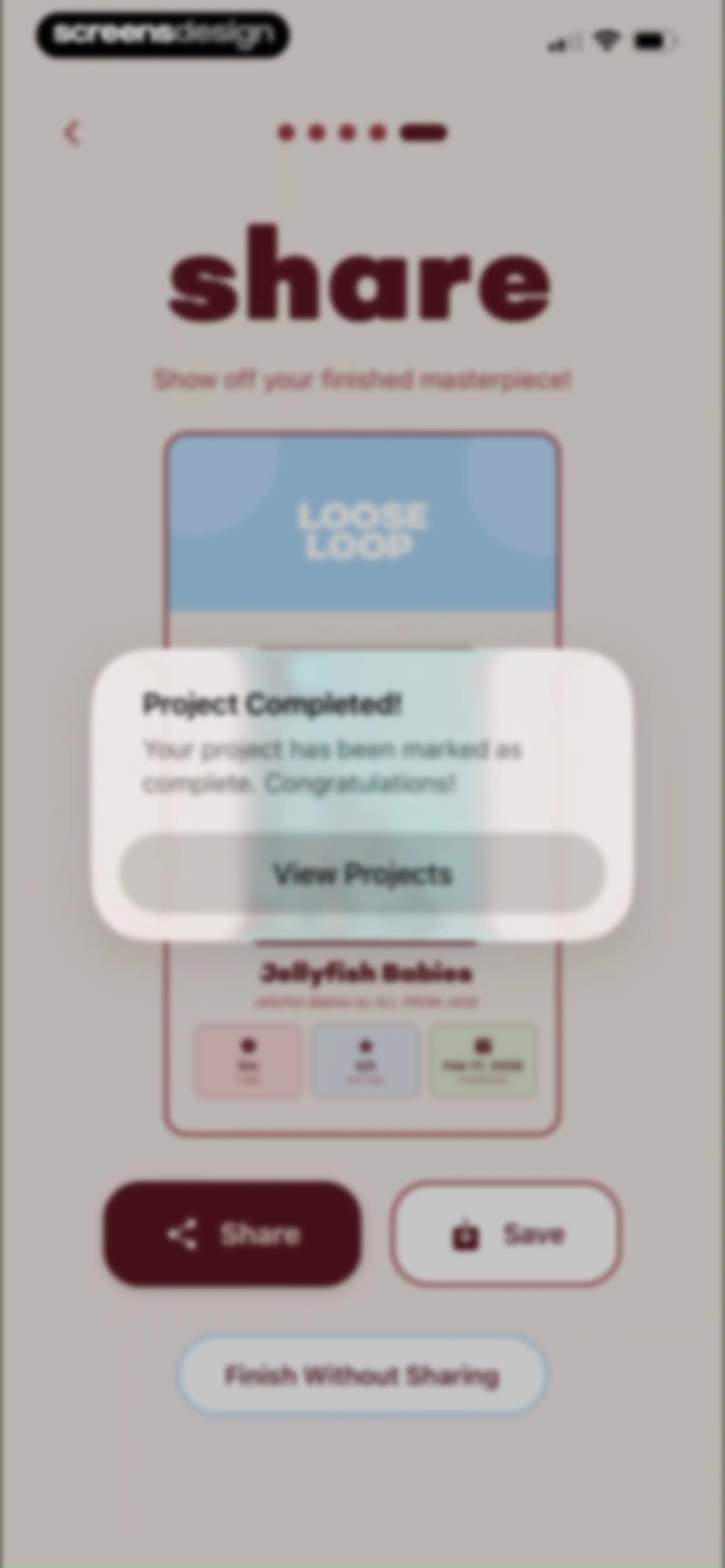
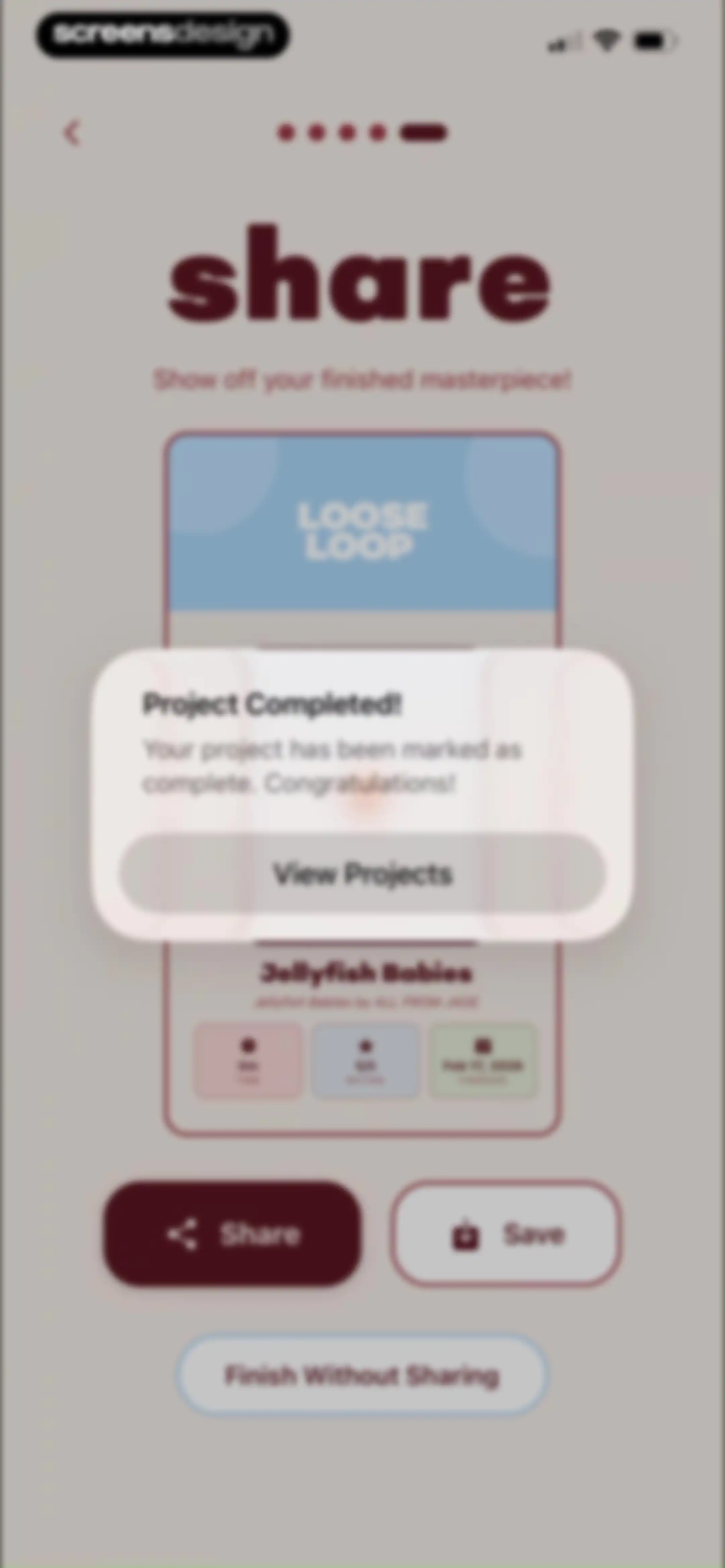
Project completion summary screen displaying a congratulatory modal for Jellyfish Babies with share, save, and finish options.Unlock Pro
Projects dashboard with a filter bar showing All selected and a grid of project cards with Jellyfish Babies titles.Unlock Pro
Onboarding modal welcoming users to the digital pattern library with a Next button and a Skip option.Unlock Pro
Onboarding screen for saving pattern details, featuring a central illustration, a Next button, and pagination dots.Unlock Pro
Onboarding modal with pattern guide instructions, a knitting swatch illustration, a Next button, and a Skip option.Unlock Pro
Onboarding feature introduction modal with an illustrated yarn character, a descriptive text about turning patterns into active projects, and a Got It! button.Unlock Pro
Pattern dashboard displaying a list of pattern cards with the All filter tab selected and the Patterns tab active in the bottom navigation.Unlock Pro
Pattern editor showing metadata for Jellyfish Babies with PDF management options, an XL size entry, and a Start Project button.Unlock Pro
Pattern detail dashboard displaying tools, an empty linked projects section, and a Start Project button.Unlock Pro
Add Pattern form with fields for pattern details, import options, and a grid of category selection chips.Unlock Pro
Pattern creation form with difficulty selection buttons, input fields for description, gauge, yarn, and tools, and an Add Pattern button.Unlock Pro
Connected Accounts settings screen displaying a Ravelry integration card with a Connect button and explanatory text below.Unlock Pro
Community feed screen featuring an invite friends referral card, search bar, and filter chips, with the Community tab selected in the bottom navigation.Unlock Pro
Community feed empty state with a Following tab selected, an invite friends card, and a Find People button.Unlock Pro
Community feed screen displaying user activity cards, search bar, invite banner, and filter tabs with Discover selected.Unlock Pro
Activity feed showing knitting project updates with a bottom-anchored modal displaying project details and status chips for a selected item.Unlock Pro
User profile screen displaying Marte's knitting stats grid, a follow button, and an empty recent activity state.Unlock Pro
User profile screen displaying knitting statistics, project counts, a Following button, and a bottom modal with a Block option.Unlock Pro
Profile screen displaying user statistics and an overlay modal to confirm blocking the user, with Cancel and Block buttons.Unlock Pro
Empty notifications screen with a close button and text stating that no notifications have arrived yet.Unlock Pro
User profile screen displaying personal stats, a knitting stats grid, and an edit profile button.Unlock Pro
Edit profile modal containing photo management options, filled input fields for display name, username, and bio, with Cancel and Save actions.Unlock Pro
Profile screen displaying recent activity, projects, and yarn stash sections with a bottom navigation bar.Unlock Pro
Activity dashboard displaying a chronological list of crafting sessions with time durations and row counts, featuring a top back button and a bottom navigation bar.Unlock Pro
Edit session form containing input fields for session duration, rows completed, project selection, and notes, with a Save button.Unlock Pro
Privacy settings screen with a profile privacy toggle and grouped lists for controlling section visibility, blocked users, and connected accounts.Unlock Pro
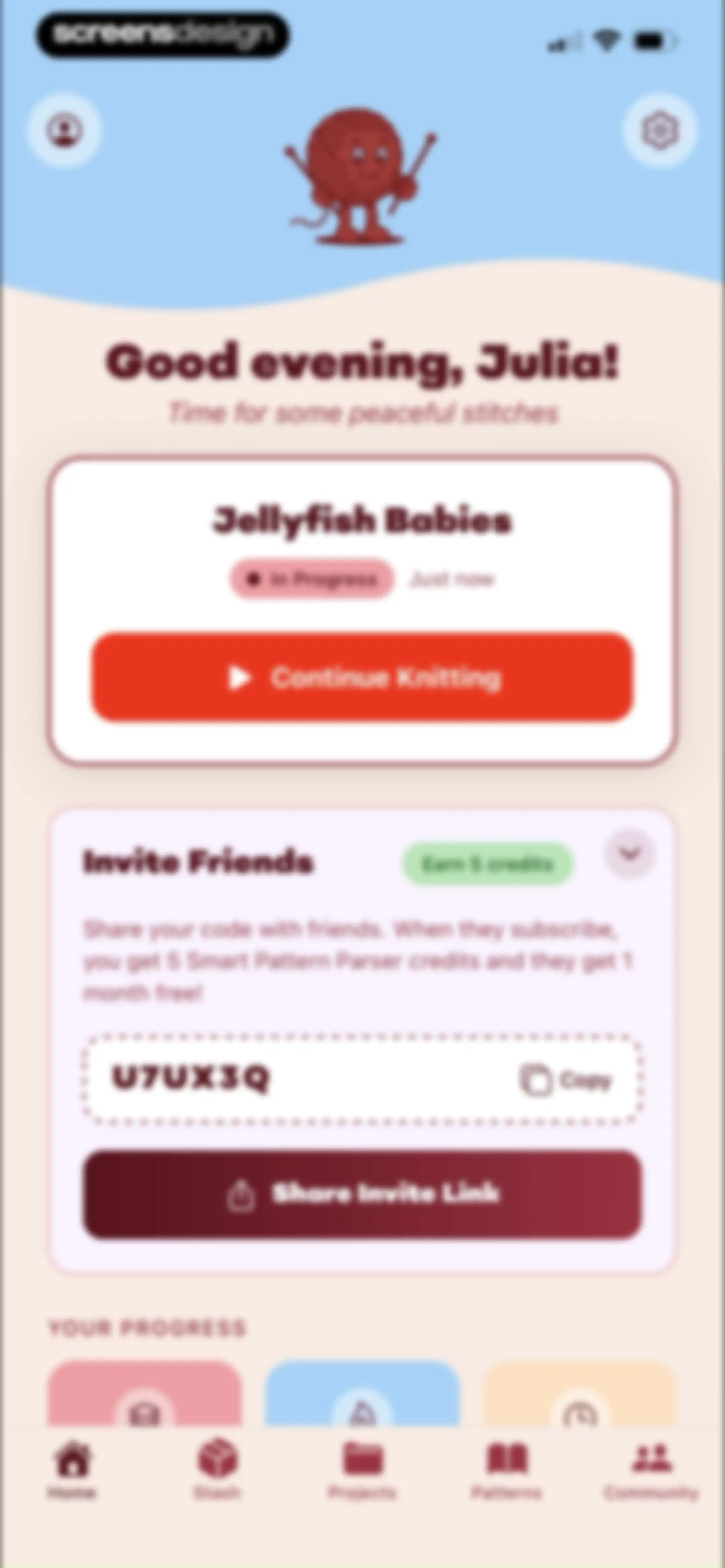
Home screen displaying a personalized greeting, an active project card with a continue button, and a referral program card.Unlock Pro
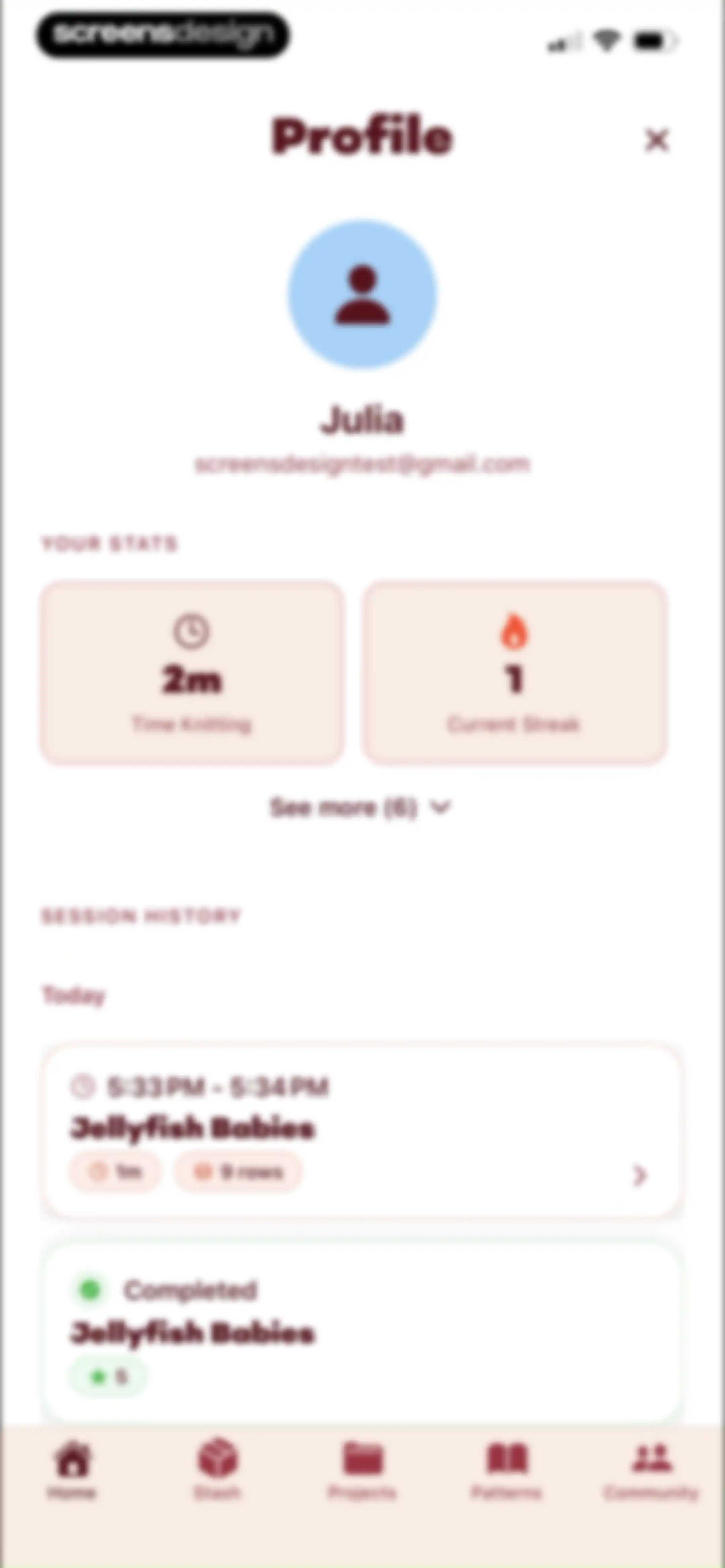
User profile screen displaying knitting statistics, session history, and user details with bottom navigation.Unlock Pro
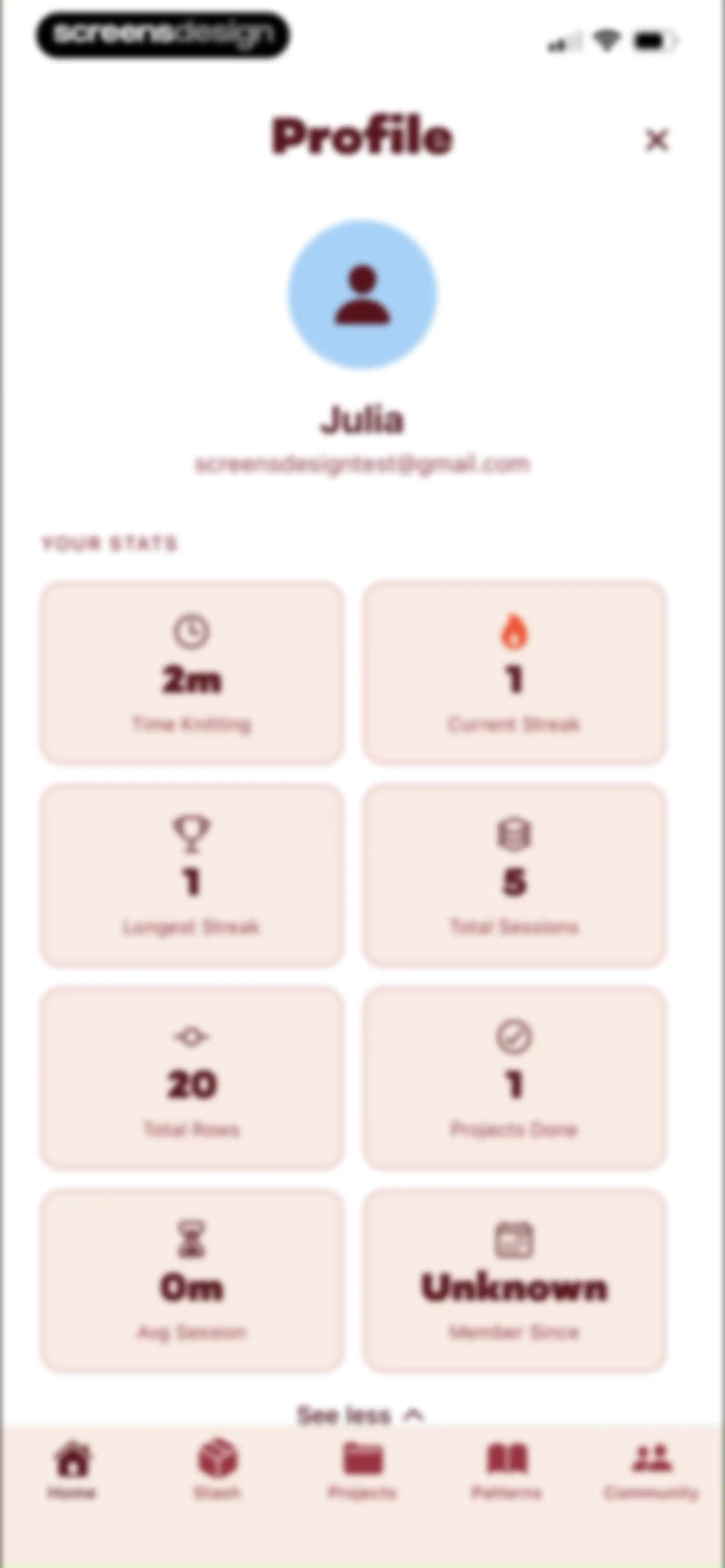
Profile screen displaying user information, an eight-card grid of crafting statistics, a See less toggle, and a bottom navigation bar.Unlock Pro
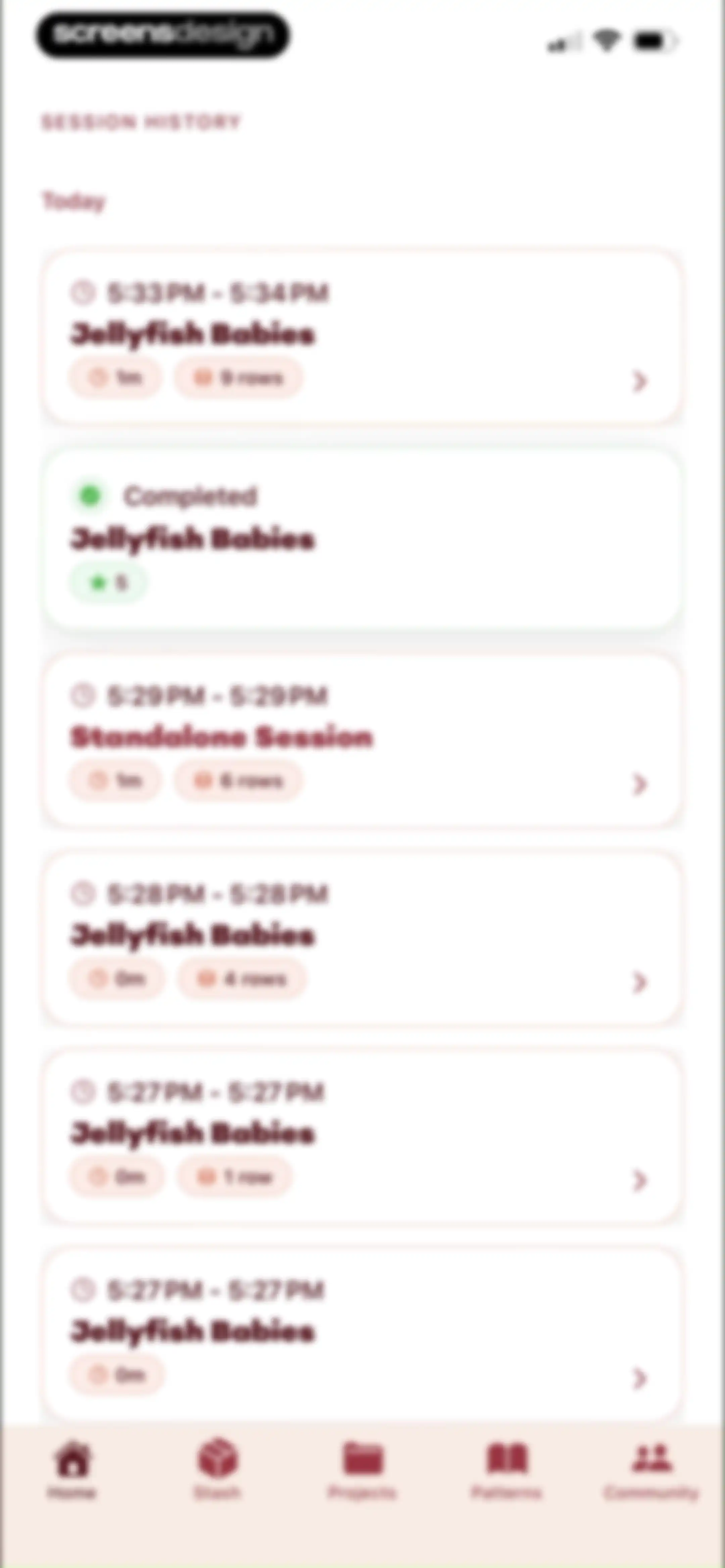
Dashboard displaying a session history list of past knitting sessions under a Today header, with a bottom navigation bar.Unlock Pro
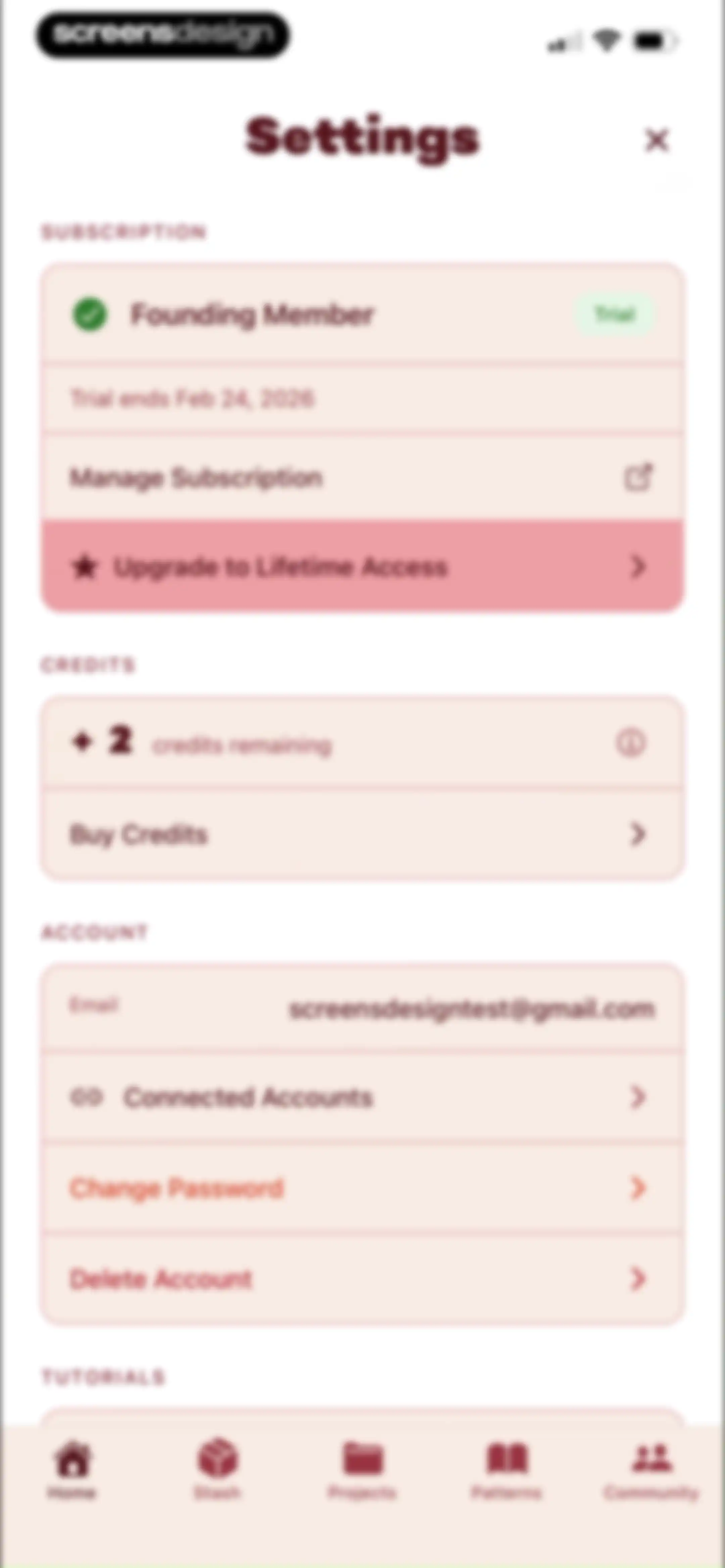
Settings screen featuring subscription status, remaining credits, and account management options with a bottom navigation bar.Unlock Pro
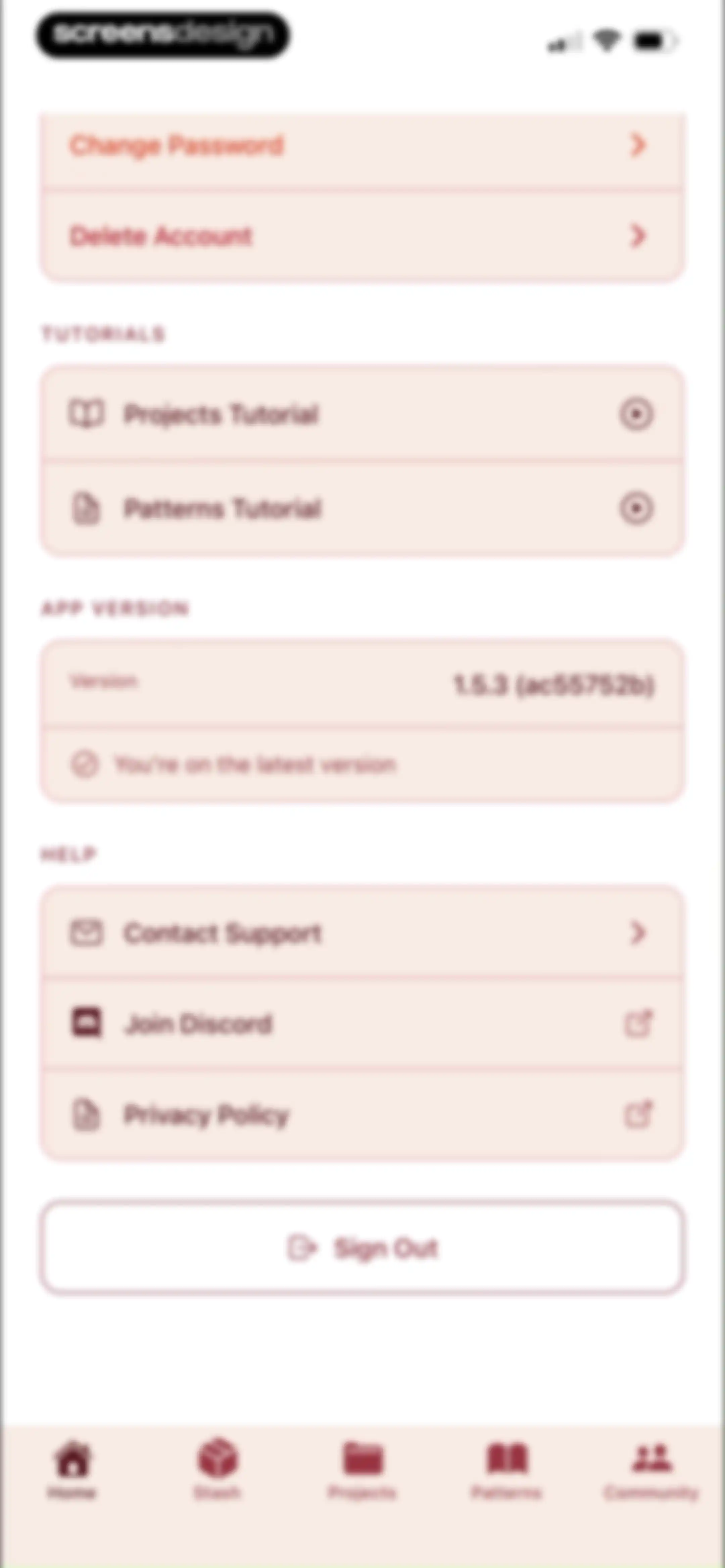
Settings screen featuring grouped account options, tutorials, help links, and a sign out button above a five-tab bottom navigation bar.Unlock Pro

About LooseLoop - Craft Companion

A comprehensive digital companion for knitters and crocheters to organize patterns, track yarn stashes, manage projects, and count rows.

Explore LooseLoop - Craft Companion across ScreensDesign

Apps similar to LooseLoop - Craft Companion

Unlock all similar apps

See every comparable app, revenue, installs, and flows.

Unlock Pro
  • Tally: The Anything Tracker

    4.4
    Reflective Technologies ApSRevenue$<5kInstalls<5k
  • Planner & Journal - Zinnia

    4.6
    Pixite Inc.Revenue$200kInstalls45k
  • Stashcook: Recipe Keeper

    4.7
    Stashbox LtdRevenue$15kInstalls6k
  • [untitled]

    4.9
    sin titulo, incRevenue$200kInstalls60k
  • Craft: Notes, Documents, AI

    4.8
    Craft Docs LimitedRevenue$25kInstalls<5k
  • Countdown

    4.8
    Find Appiness LLCRevenue$15kInstalls300k
  • LOOMY: Story Font & Templates

    4.6
    Anton HavrylenkoRevenue$65kInstalls25k
  • StrengthLog – Workout Tracker

    4.9
    Styrkelabbet ABRevenue$45kInstalls<5k
  • HelloHabit - Habit Tracker

    4.9
    RightLife, Inc.Revenue$30kInstalls20k
  • Carb Manager: Keto & Macro Log

    4.8
    Wombat Apps LLCRevenue$150kInstalls14k
  • FamilyWall: Family Organizer

    4.8
    Family & CoRevenue$250kInstalls50k
  • Keto diet app-Low carb manager

    4.6
    Zinaida DavydovaRevenue$<5kInstalls<5k
  • Up Ahead: Countdown Widgets

    4.9
    Daniel GauthierRevenue$<5kInstalls<5k
  • TimeBloc - Daily Planner

    4.3
    Reflective Technologies ApSRevenue$<5kInstalls<5k
  • Lose It! – Calorie Counter

    4.8
    FitNowRevenue$1MInstalls150k
  • Indyx: Wardrobe & Outfit App

    4.8
    Indyx Inc.Revenue$10kInstalls45k
  • TickTick:To-Do List & Calendar

    4.9
    Appest LimitedRevenue$450kInstalls200k
  • Calorie Counter by fatsecret

    4.7
    fatsecretRevenue$50kInstalls350k
  • Trello: Daily Task Tracker

    4.3
    Trello, Inc.Revenue$<5kInstalls150k
  • Interval Timer □ HIIT Timer

    4.8
    Float Tech, LLCRevenue$55kInstalls30k
  • Lyfta: Gym Workout Tracker Log

    4.8
    Lindberg Development ASRevenue$250kInstalls250k
  • Setgraph: Gym Workout Tracker

    4.7
    Setgraph LLCRevenue$5kInstalls10k
  • Planner Pro - Daily Planner

    4.5
    Beesoft AppsRevenue$10kInstalls<5k
  • Hours Tracker: Time Tracking

    4.8
    Cribasoft, LLCRevenue$70kInstalls<5k
  • Calorie Counter +

    4.8
    NutraTech LtdRevenue$1.3MInstalls45k
  • Weekly Planner - Diary, Notes

    4.7
    Digital Legal TechRevenue$40kInstalls40k
  • Liftoff - Ranked Gym Workouts

    4.8
    GymBros Inc.Revenue$750kInstalls350k
  • Hevy - Workout Tracker Gym Log

    4.9
    Hevy Studios S.L.Revenue$1MInstalls450k
  • ReciMe: Recipes & Meal Planner

    4.8
    ReciMe Pty LtdRevenue$1.8MInstalls500k
  • WhatSticker - Sticker Maker

    4.6
    Immobiliare Lamanna SRLRevenue$250kInstalls250k
  • Queue - Find Movies & Shows

    4.7
    Watch Queue, Inc.Revenue$<5kInstalls<5k
  • Private Photo Vault - Pic Safe

    4.8
    Legendary Software Labs LLCRevenue$950kInstalls40k
  • EveryDollar: Budget Management

    4.7
    The Lampo Group IncorporatedRevenue$100kInstalls50k
  • Focused Work - Pomodoro Timer

    4.7
    Michael TigasRevenue$<5kInstalls<5k
  • Todoist: To Do List & Calendar

    4.8
    Doist Inc.Revenue$300kInstalls50k
  • GymStreak: AI Personal Trainer

    4.7
    GymStreak LtdRevenue$<5kInstalls<5k
  • Collect by WeTransfer

    4.4
    WeTransfer BVRevenue$200kInstalls<5k
  • Eat This Much - Meal Planner

    4.7
    Eat This Much Inc.Revenue$30kInstalls7k
  • Today Habit tracker

    4.7
    Neybox Digital Ltd.
  • Crouton: Recipe Manager

    4.8
    Devin DaviesRevenue$5kInstalls<5k
  • Period Tracker Period Calendar

    4.9
    ABISHKKING LIMITED.Revenue$150kInstalls600k
  • Wikiloc - Trails of the World

    4.8
    Wikiloc Outdoor SLRevenue$550kInstalls150k
  • Recipe Keeper

    4.8
    Tudorspan LimitedRevenue$45kInstalls15k
  • Planoly: Social Media Planner

    4.7
    Planogram, IncRevenue$35kInstalls<5k
  • Deezer: Music Player, Podcast

    4.7
    DEEZER SARevenue$8MInstalls150k
  • Habitify: Habit Tracker

    4.6
    Unstatic Ltd CoRevenue$20kInstalls<5k
  • Precious - Baby Photo Art

    4.8
    Curious Creators Co.Revenue$400kInstalls250k