Learn English Easily - iStoria

$30k revenue, 4.6 rating

App Tracking Transparency Prompt
0:00 / 18:00

Onboarding flow, Paywall & Inside the App

Watch the full screen-by-screen UX video of Learn English Easily - iStoria with onboarding, paywall, and every core flow.
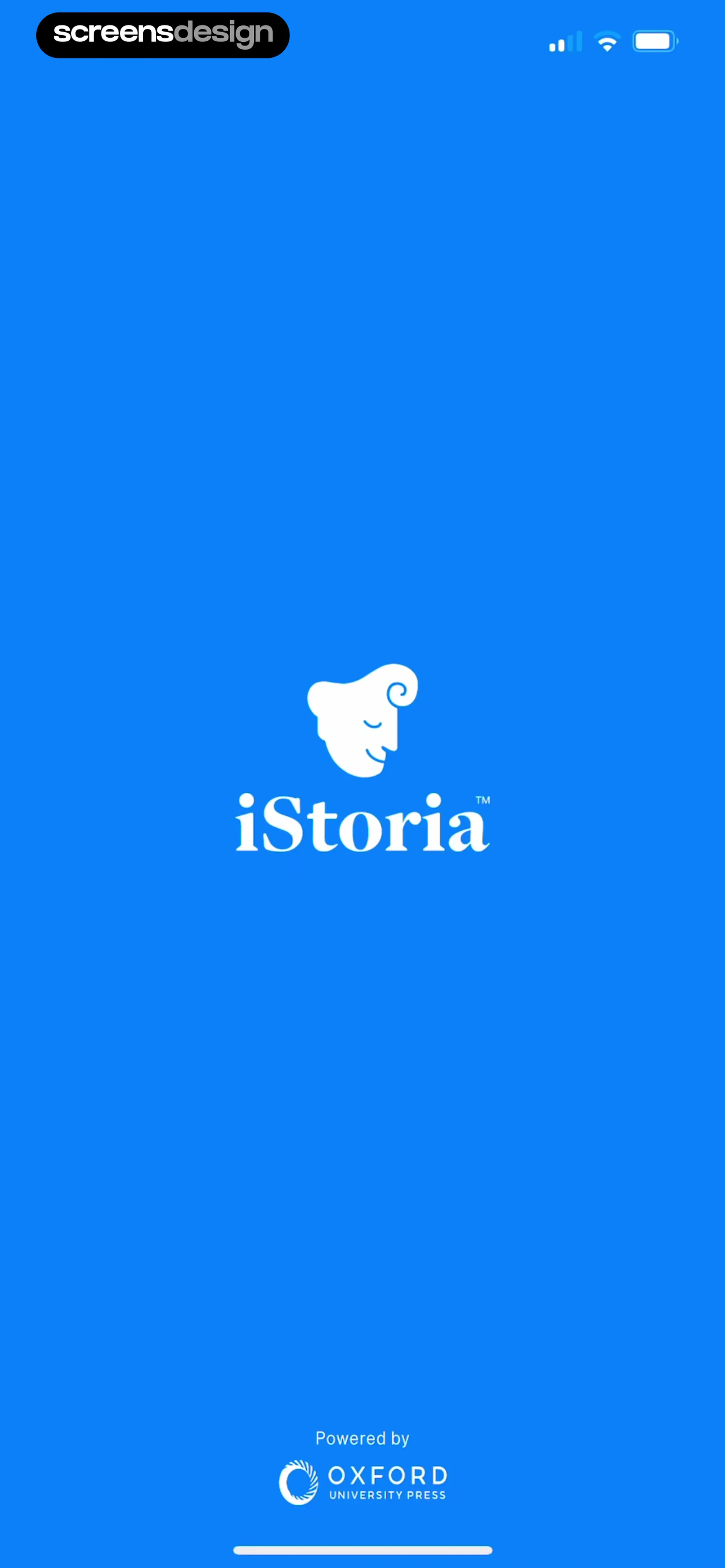
Splash screen for the iStoria app featuring the central brand logo on a blue background and an Oxford University Press footer.
Native language selection screen with an overlapping iOS tracking permission modal and a Continue button at the bottom.
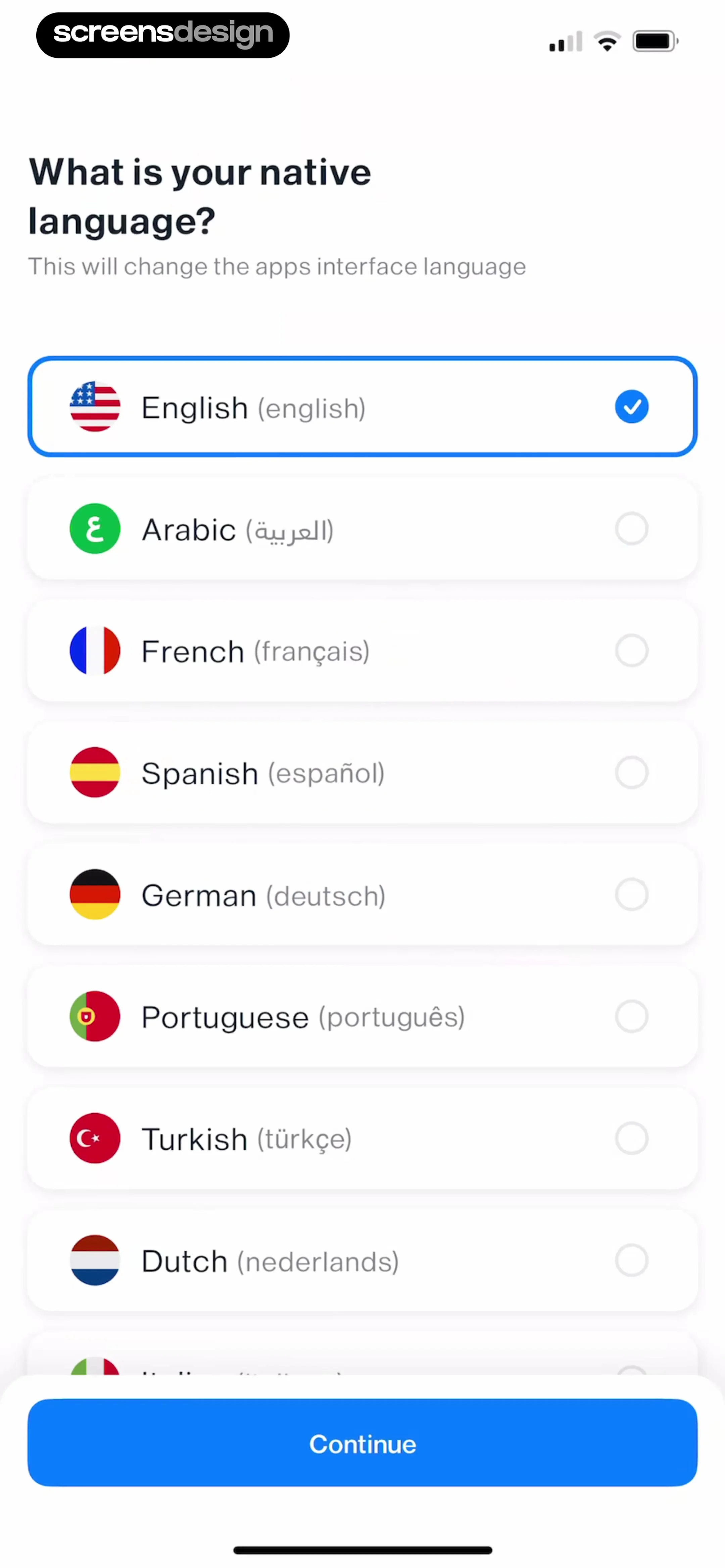
Onboarding screen asking for the native language, with English selected from a list and a Continue button at the bottom.
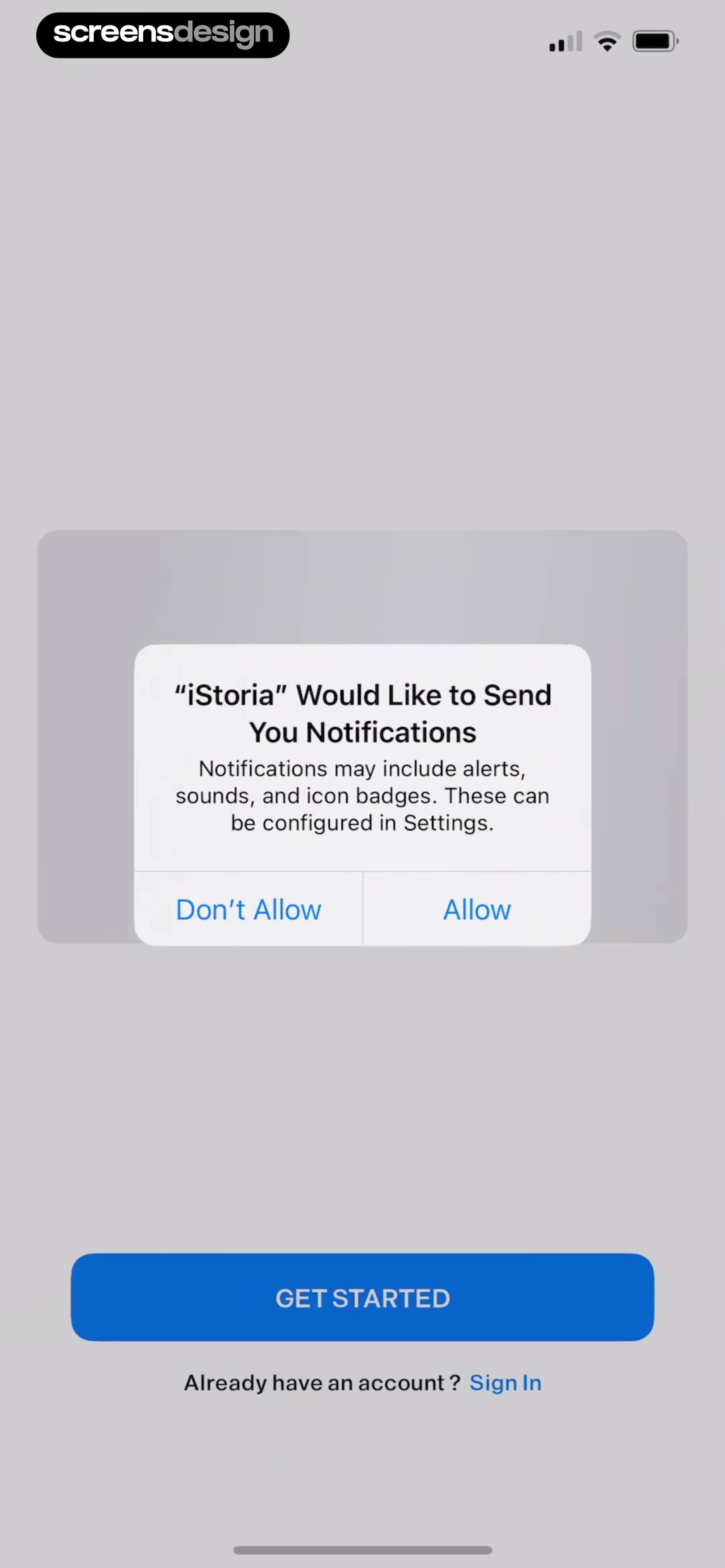
Permissions screen with a system notification request modal from iStoria, featuring Allow and Don't Allow options.
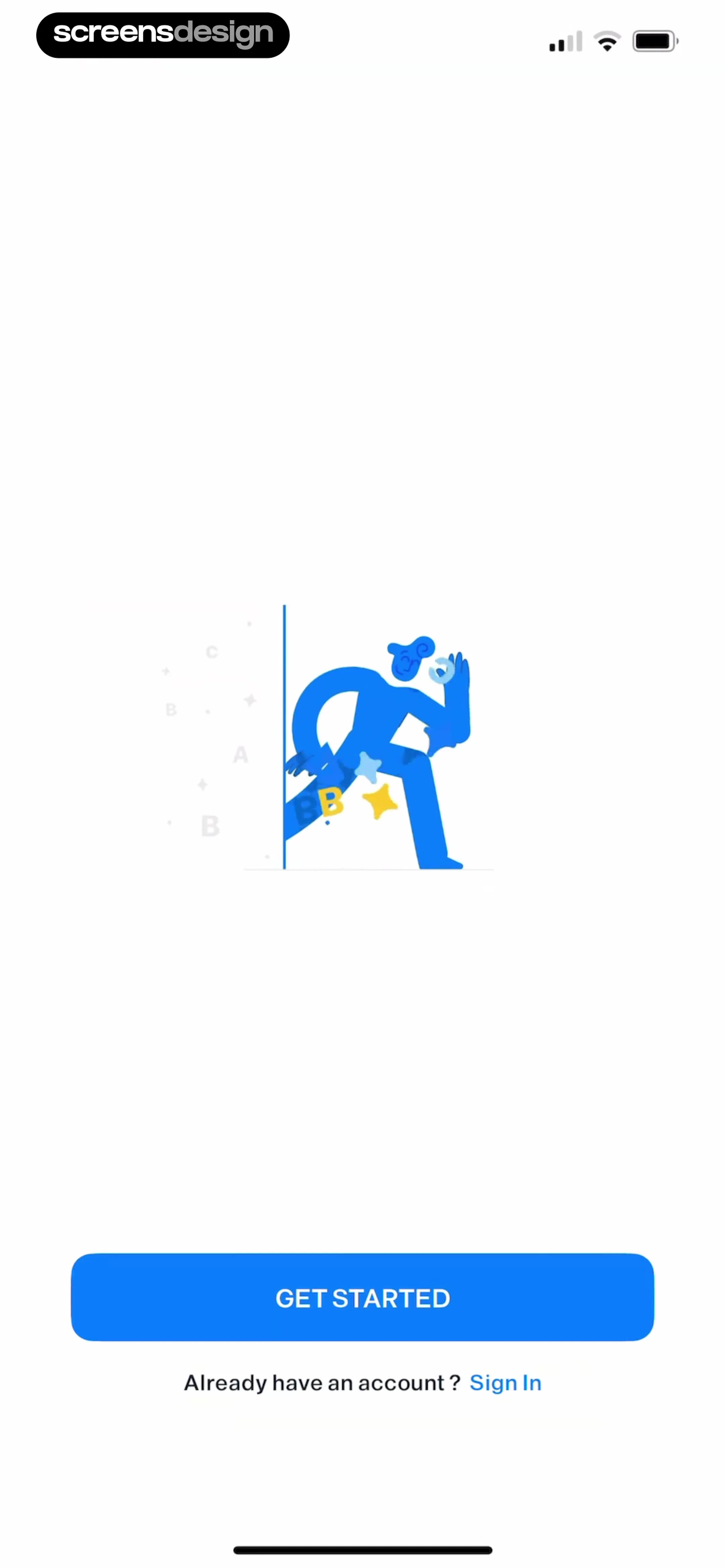
Onboarding welcome screen featuring a central illustration of a figure stepping through a doorway, a blue Get Started button, and a Sign In link.
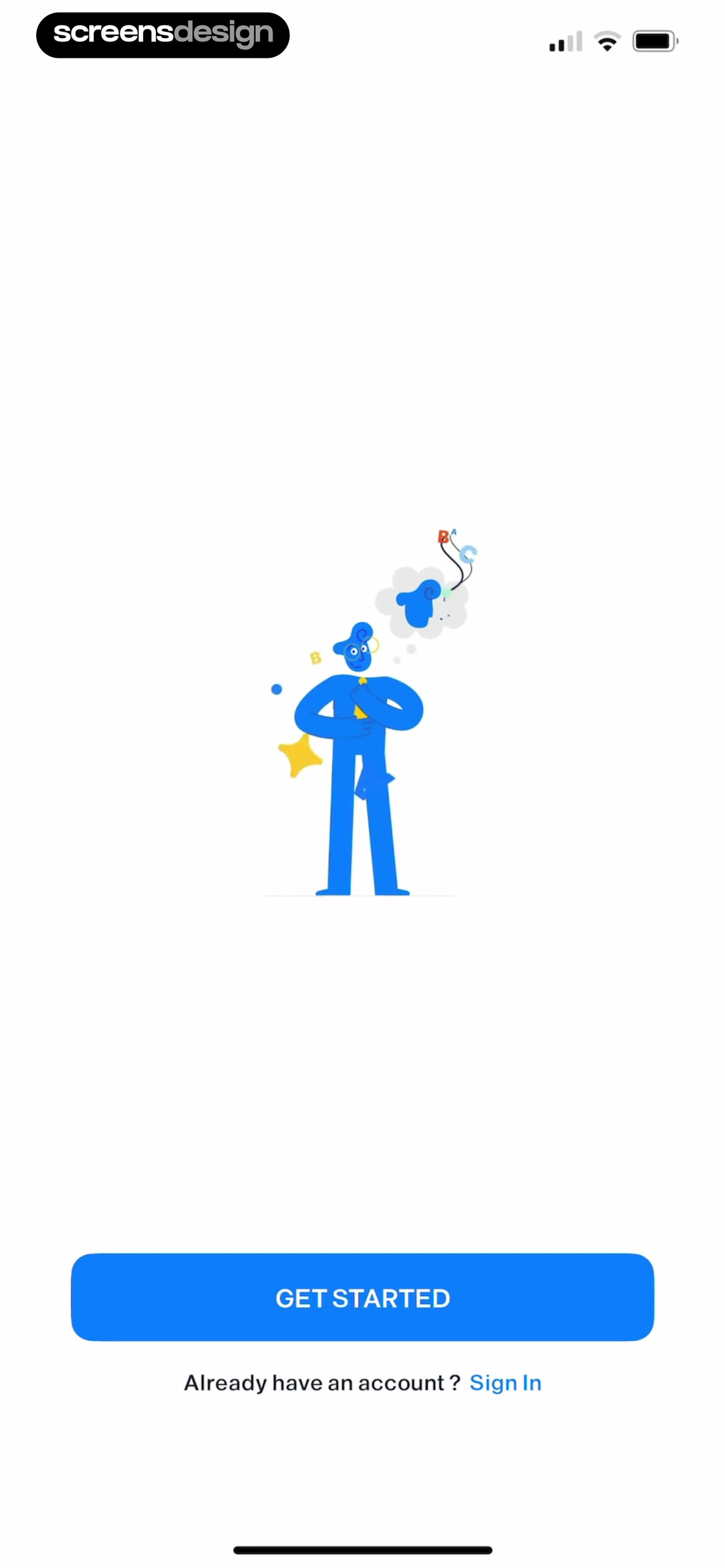
Onboarding screen featuring a central illustration of a person thinking about letters, a Get Started button, and a Sign In link.
Onboarding screen with a central character illustration, a Get Started button, and a Sign In link at the bottom.
Onboarding screen featuring a central interactive text illustration, a blue GET STARTED button, and a sign-in link at the bottom.
Onboarding welcome screen featuring a character reading on books with a progress ladder illustration, a Get Started button, and a Sign In link.Unlock Pro
Language learning app onboarding screen featuring a central illustration of books and a desk lamp, a progress bar with a flag icon, a GET STARTED button, and a Sign In link.Unlock Pro
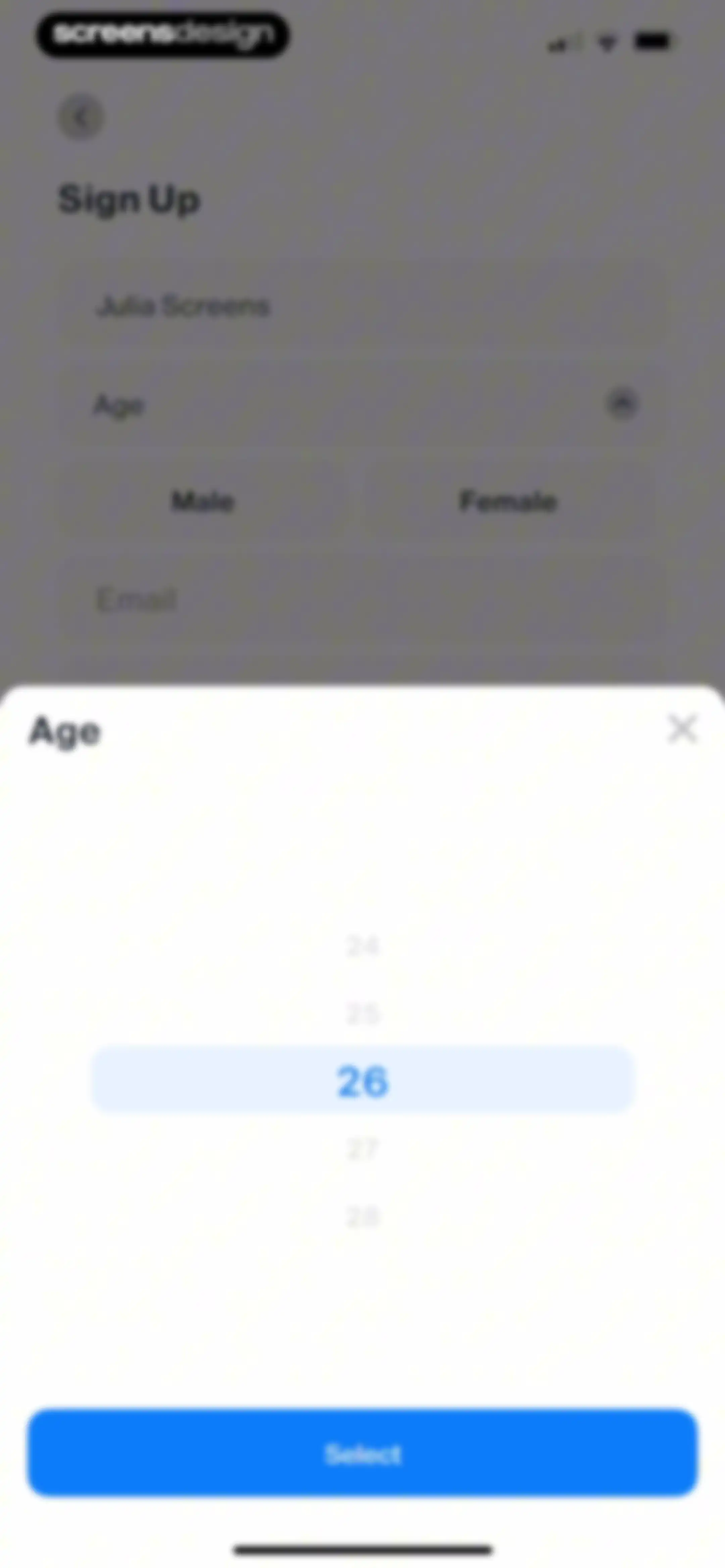
Sign-up form with an age selection modal overlay displaying a picker with age 26 highlighted and a Select button.Unlock Pro
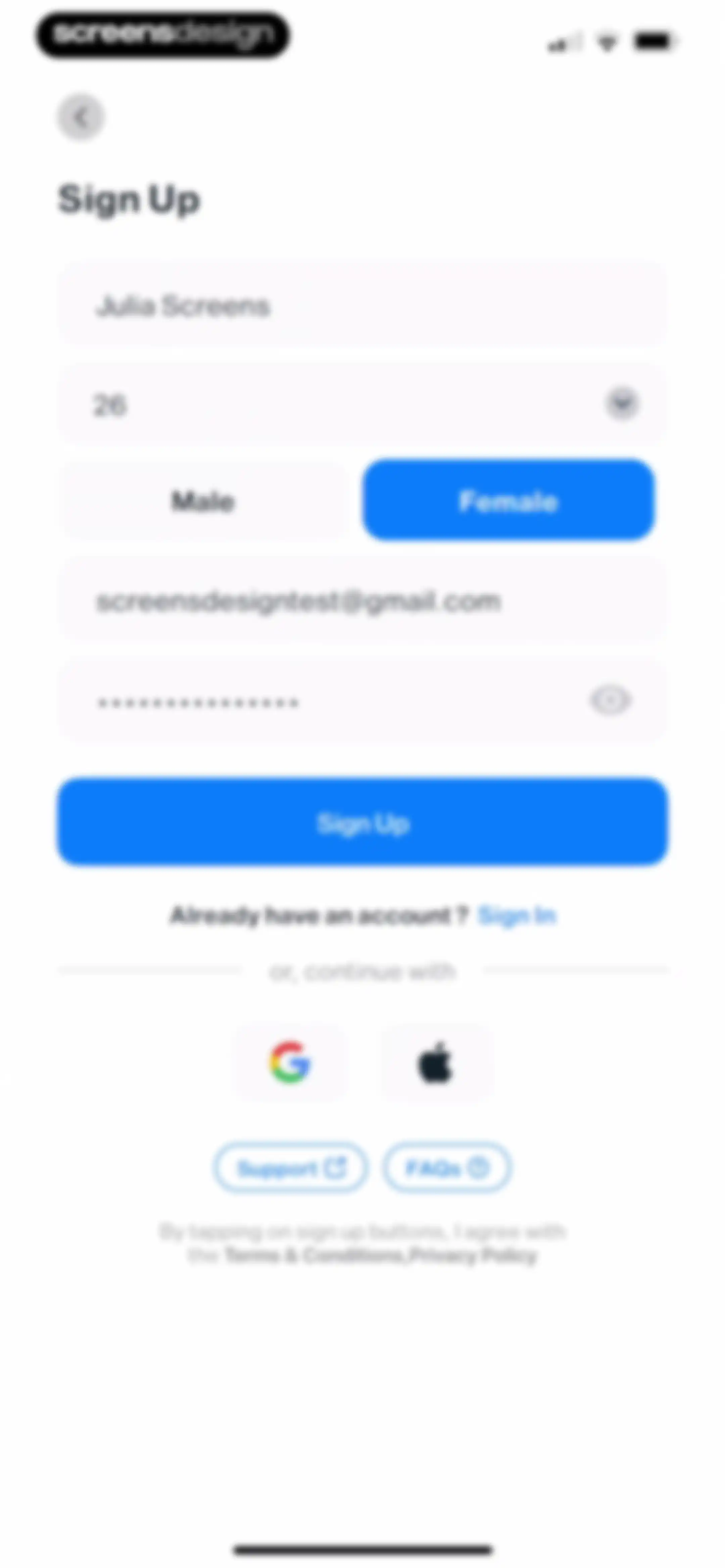
Sign-up form with filled input fields, a selected female gender toggle, social login buttons, and a Sign Up button.Unlock Pro
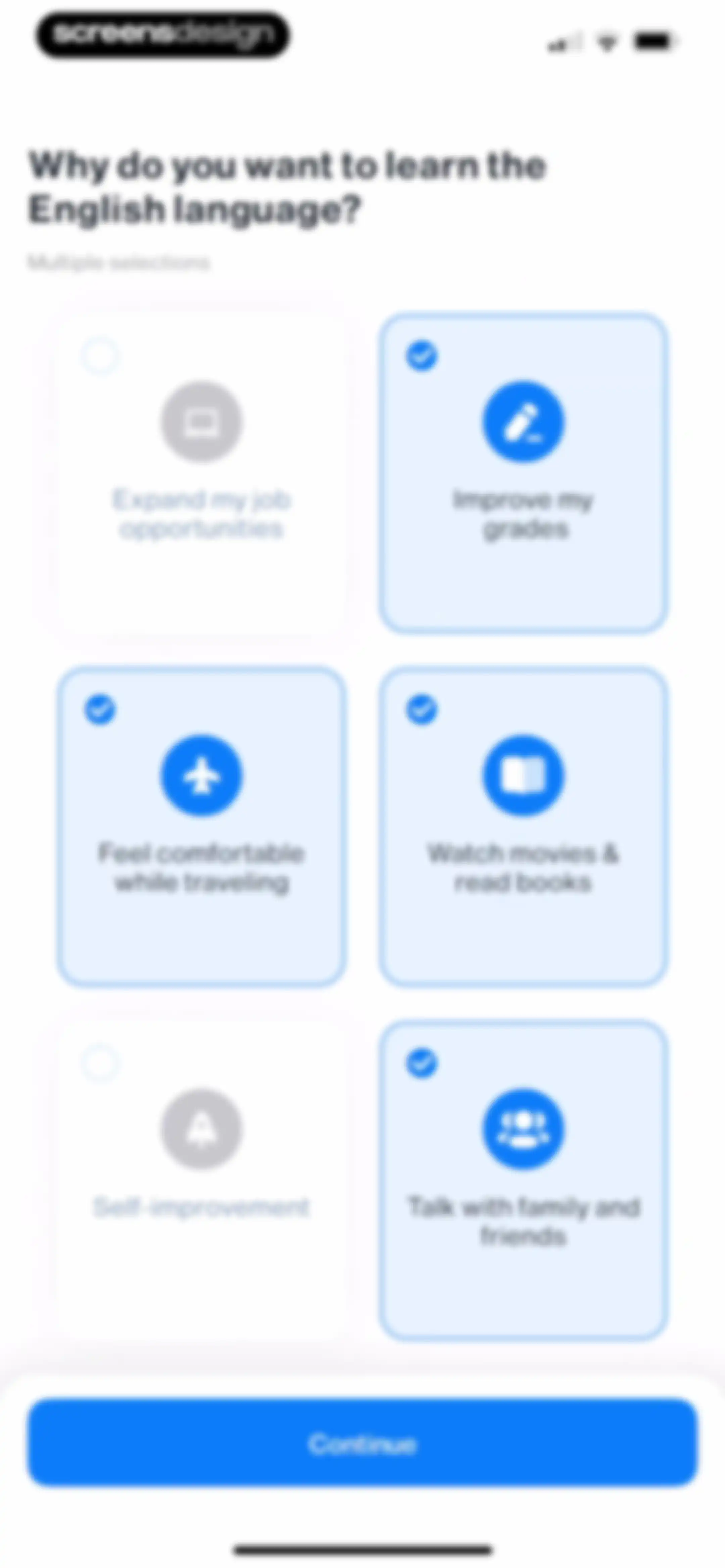
Onboarding screen asking why the user wants to learn English, featuring a grid of selection cards with several options selected and a Continue button.Unlock Pro
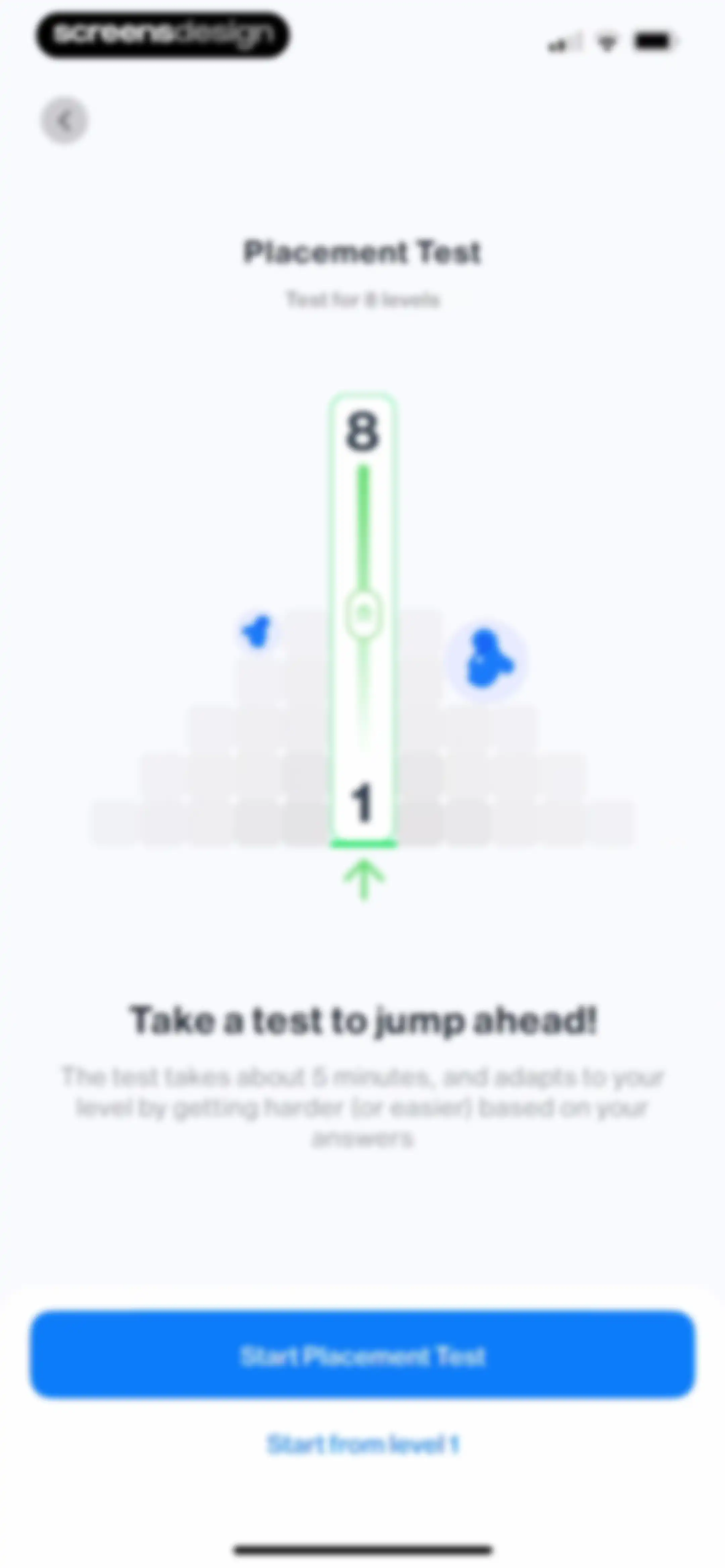
Placement test onboarding screen with a central level progression graphic, a five-minute test description, and buttons to start the test or begin from level 1.Unlock Pro
Language learning quiz screen with a fill-in-the-blank sentence, multiple-choice options with not enough selected in blue, and a Next button.Unlock Pro
Language learning listening exercise with a multiple-choice question, an audio play icon, an option selected, and a Next button.Unlock Pro
Language learning exercise screen displaying a fill-in-the-blank dialogue, a vertical list of multiple-choice answer options, and a bottom Next button.Unlock Pro
Reading comprehension quiz screen showing a text passage, a multiple-choice question with one answer selected, and a Next button.Unlock Pro
Language learning exercise with a fill-in-the-blank dialogue, four selectable answer options with one selected, and a Next button.Unlock Pro
Onboarding completion screen announcing placement at level 6 with a celebratory illustration and a Continue button.Unlock Pro
Onboarding screen for setting daily learning and practice test goals, featuring interactive selection cards and a Set Goal button.Unlock Pro
Loading screen displayingPreparing your plan with a bar chart icon and text about setting up a learning plan based on daily goals.Unlock Pro
Onboarding success screen featuring a green checkmark icon inside a circular graphic and the text Your plan is ready.Unlock Pro
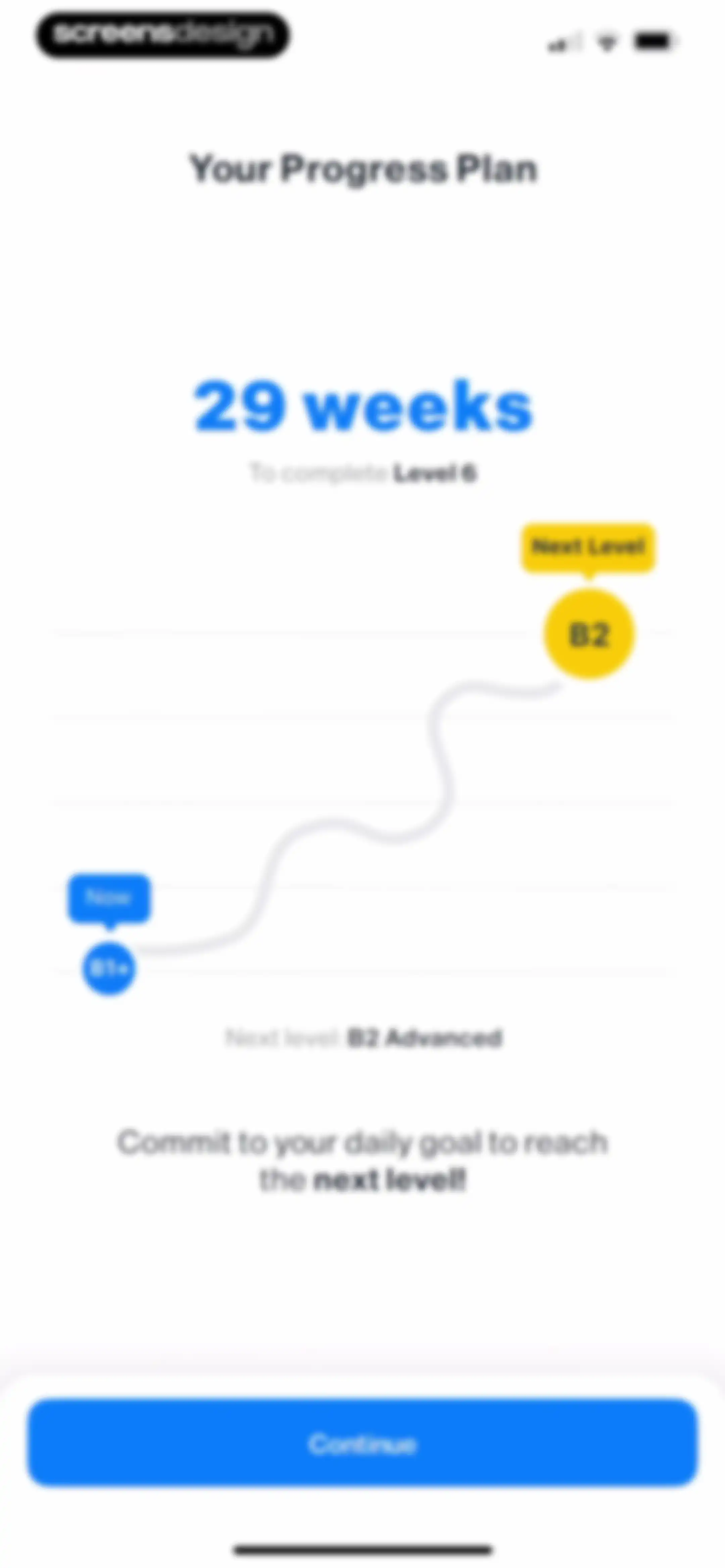
Onboarding progress plan screen for iStoria showing a 29-week duration estimate, proficiency levels from B1+ to B2, and a Continue button.Unlock Pro
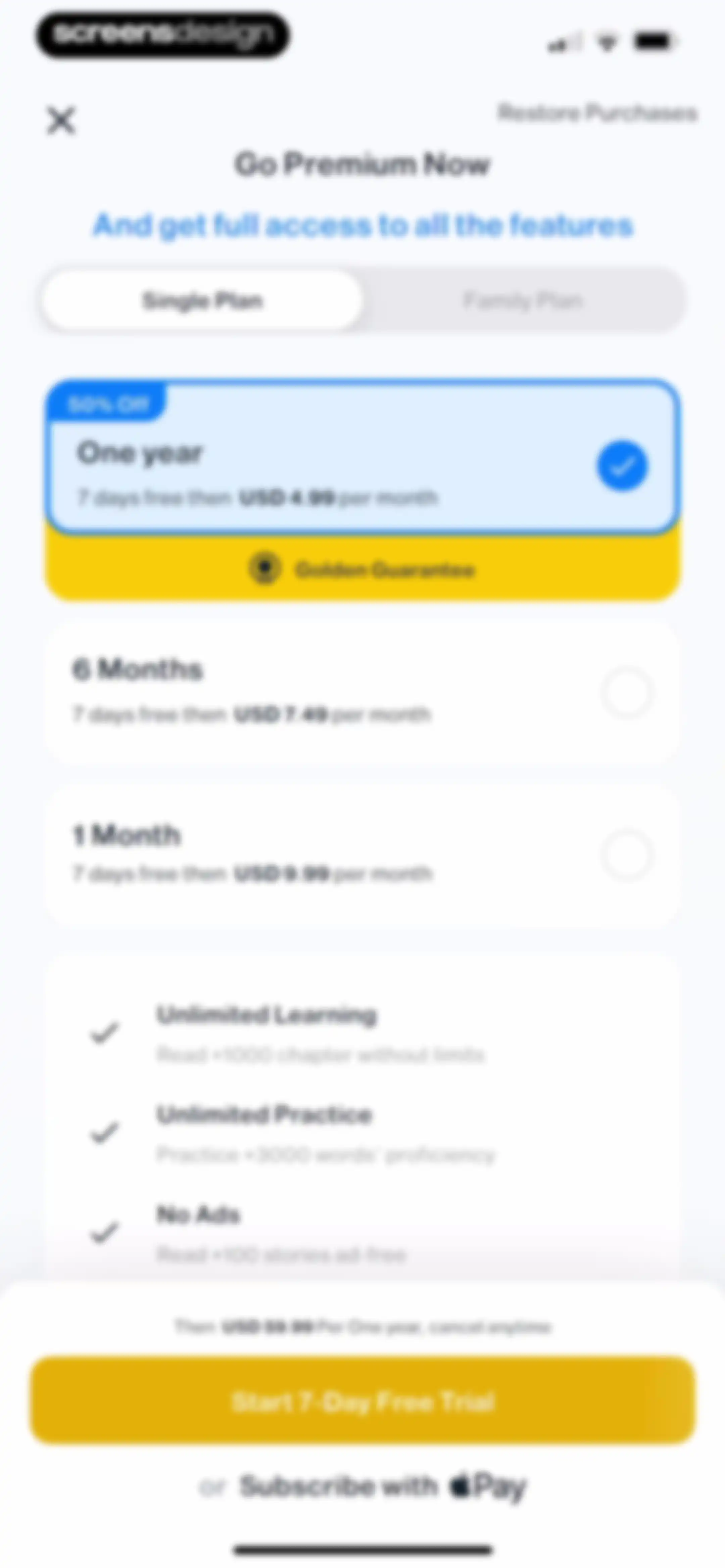
Paywall subscription screen comparing annual, 6-month, and monthly plans with a selected annual plan, benefit list, and a free trial button.Unlock Pro
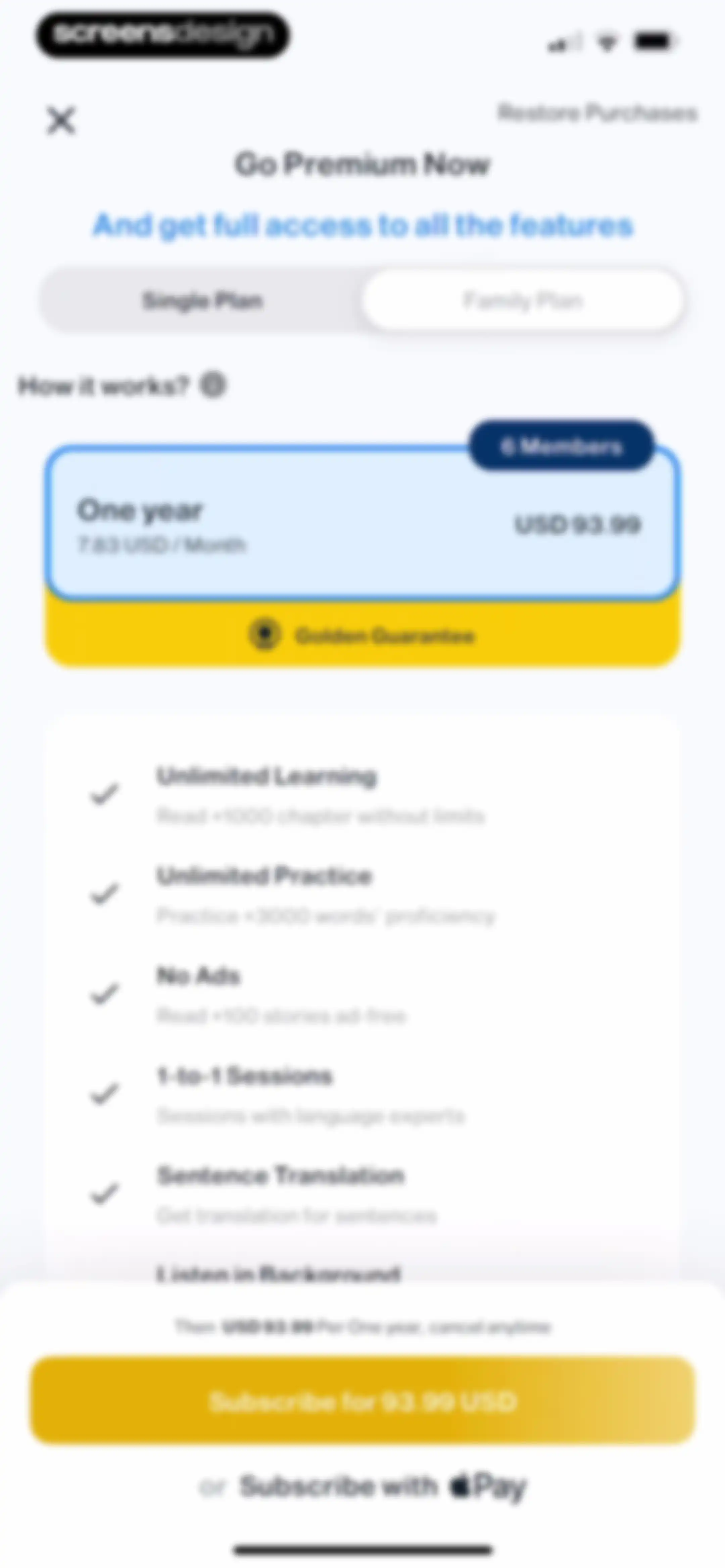
Paywall screen offering annual subscription plans with a list of premium benefits and a subscribe button.Unlock Pro
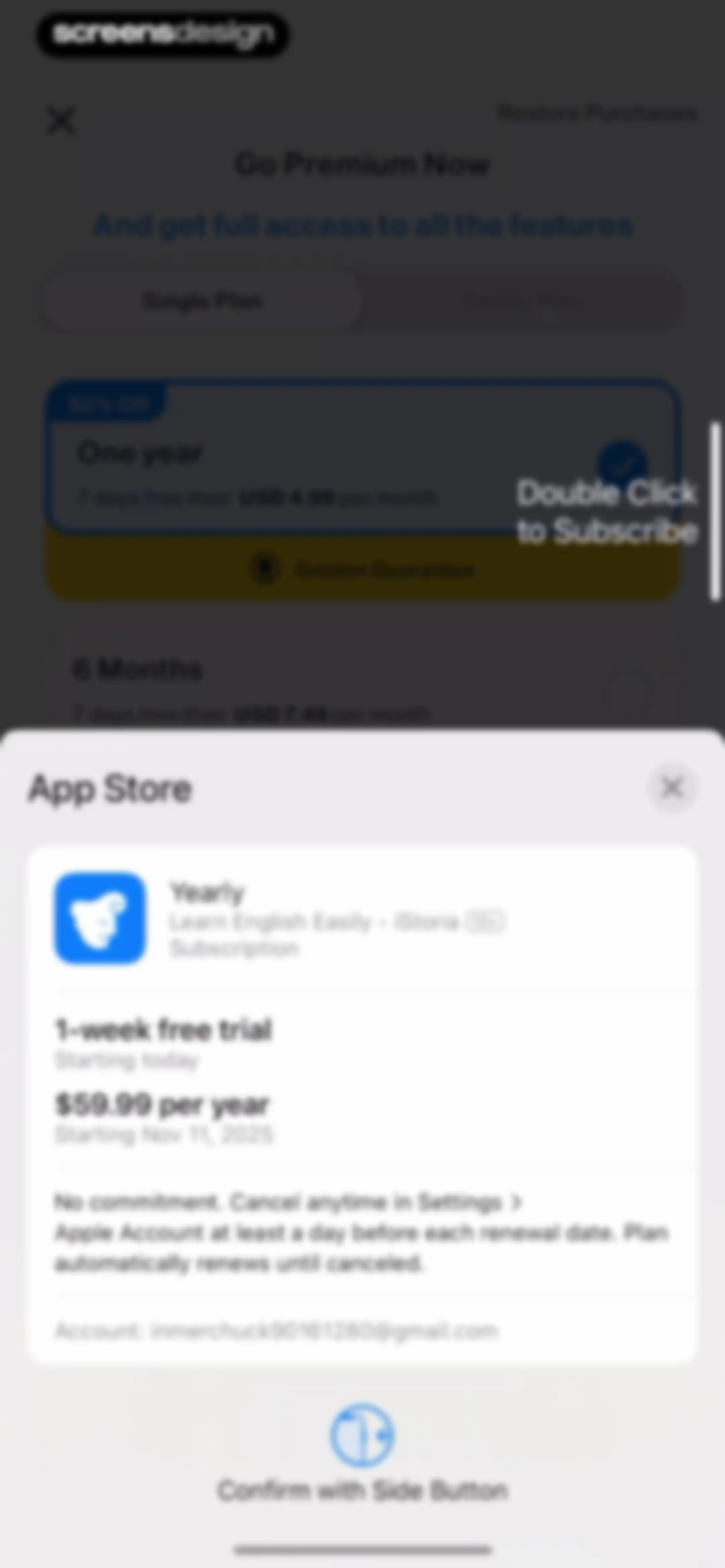
App Store subscription confirmation modal overlaid on a language learning app paywall with yearly plan pricing and a side button confirmation instruction.Unlock Pro
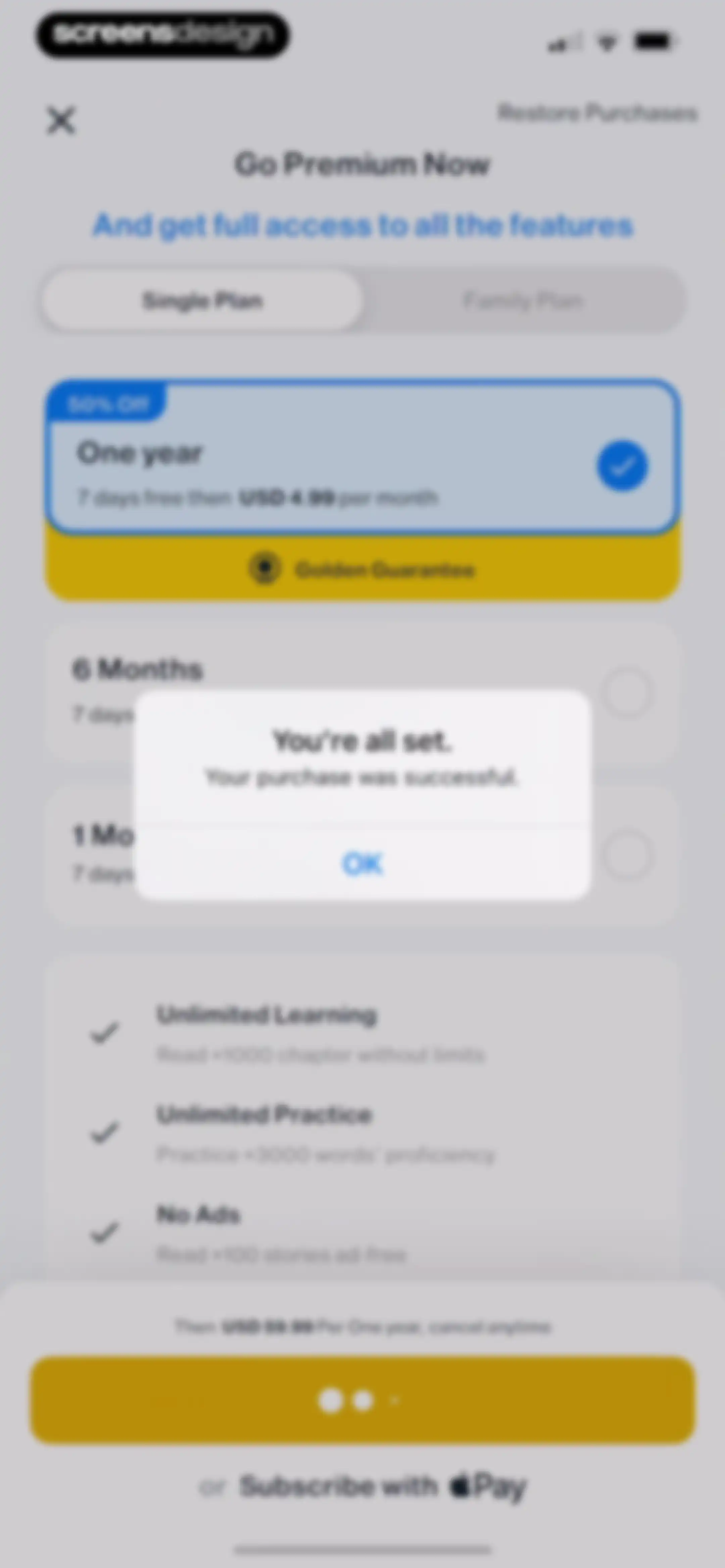
Subscription success modal centered over a paywall screen with plan options, a benefits list, and an OK button.Unlock Pro
Onboarding welcome screen for the iStoria app featuring a person reading a book illustration and a Start Learning button.Unlock Pro
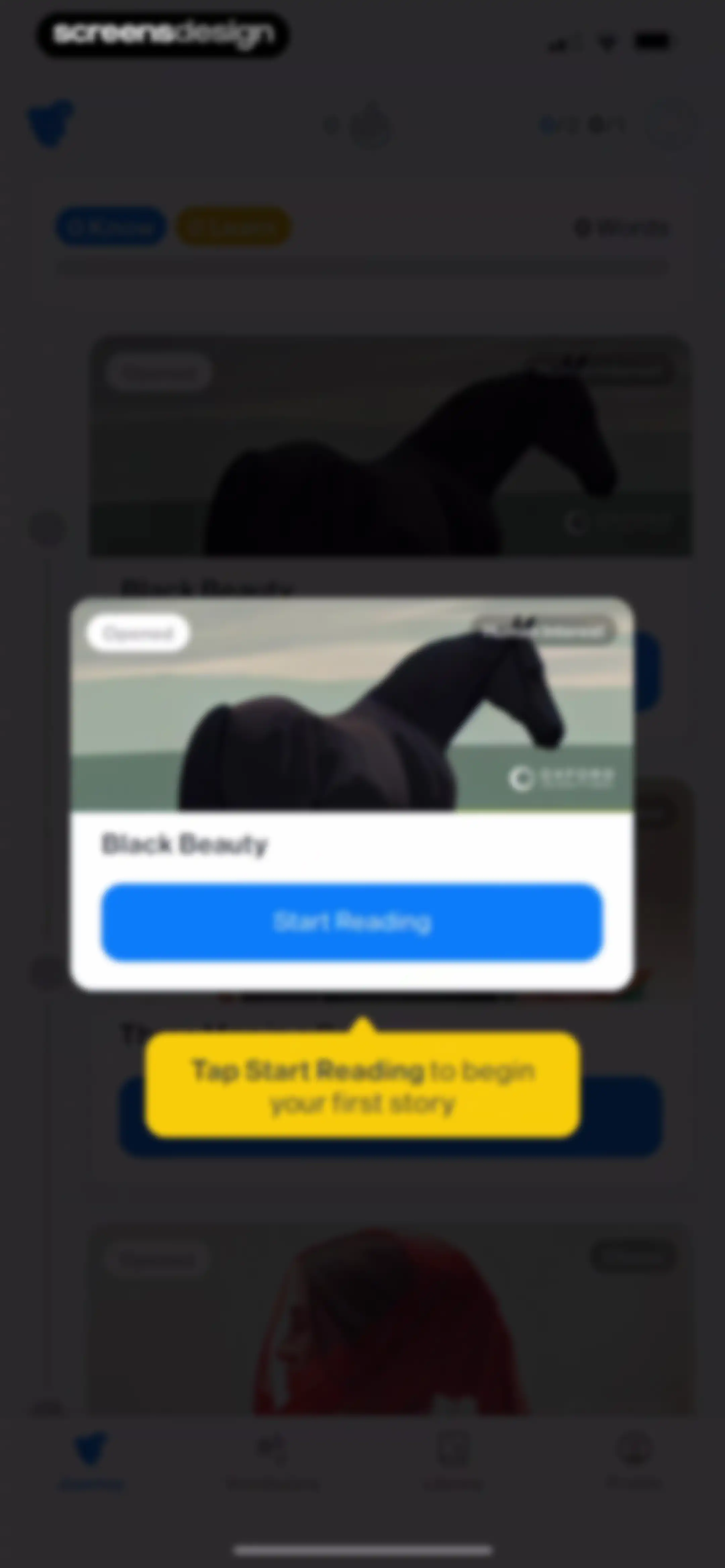
Onboarding screen displaying a story card with a tooltip instructing the user to tap Start Reading.Unlock Pro
Book details screen for Black Beauty with an overview, chapter list, and a modal on Chapter 1 featuring a Start learning button.Unlock Pro
Vocabulary learning modal displaying the word Willing with its translation and Learning and I know action buttons.Unlock Pro
Vocabulary review screen in the iStoria app showing the word Feeding with its Arabic translation and Learning and I know buttons.Unlock Pro
Onboarding progress summary screen with a success message, word count statistics, and a bottom modal featuring three learning method selection buttons.Unlock Pro
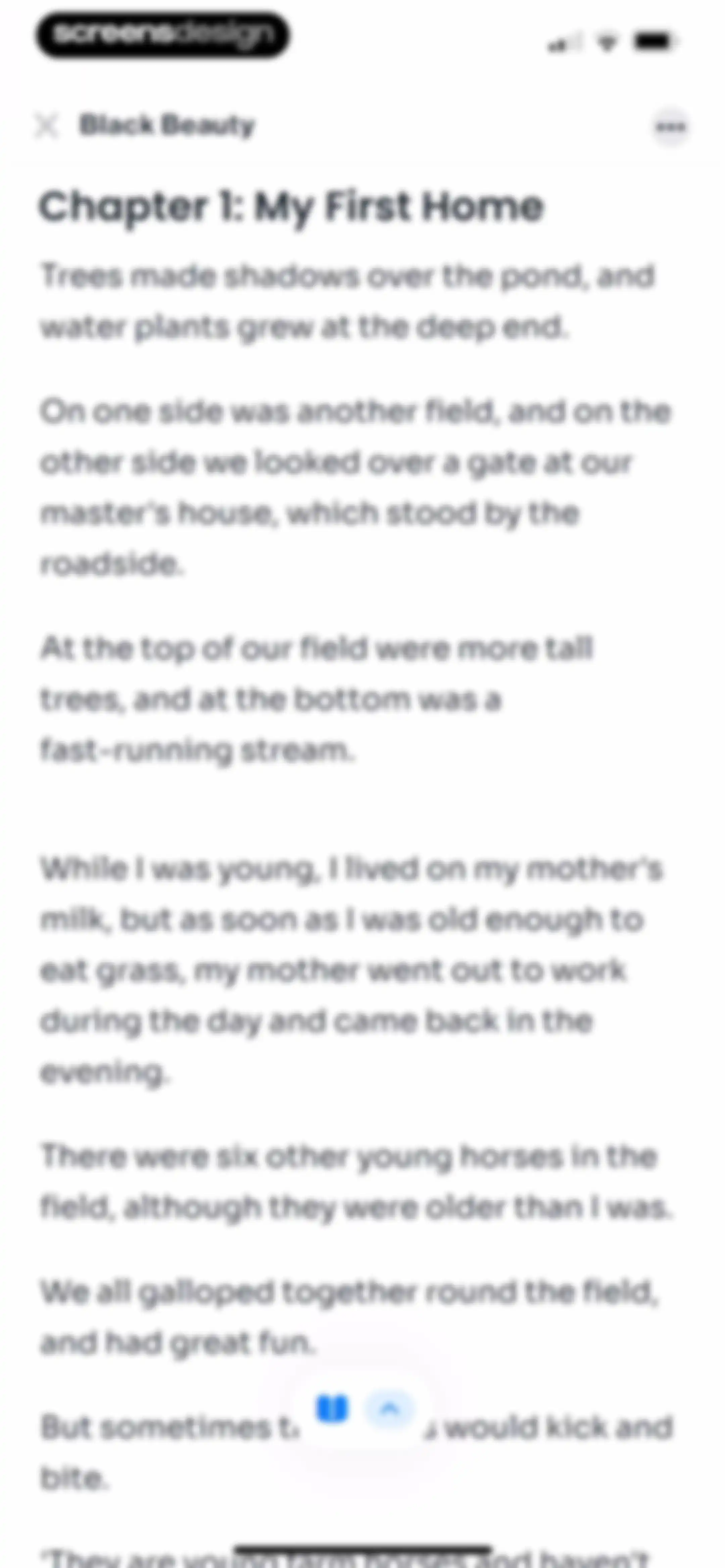
Reading screen displaying Chapter 1 of Black Beauty with narrative text, a top navigation bar, and floating bottom controls.Unlock Pro
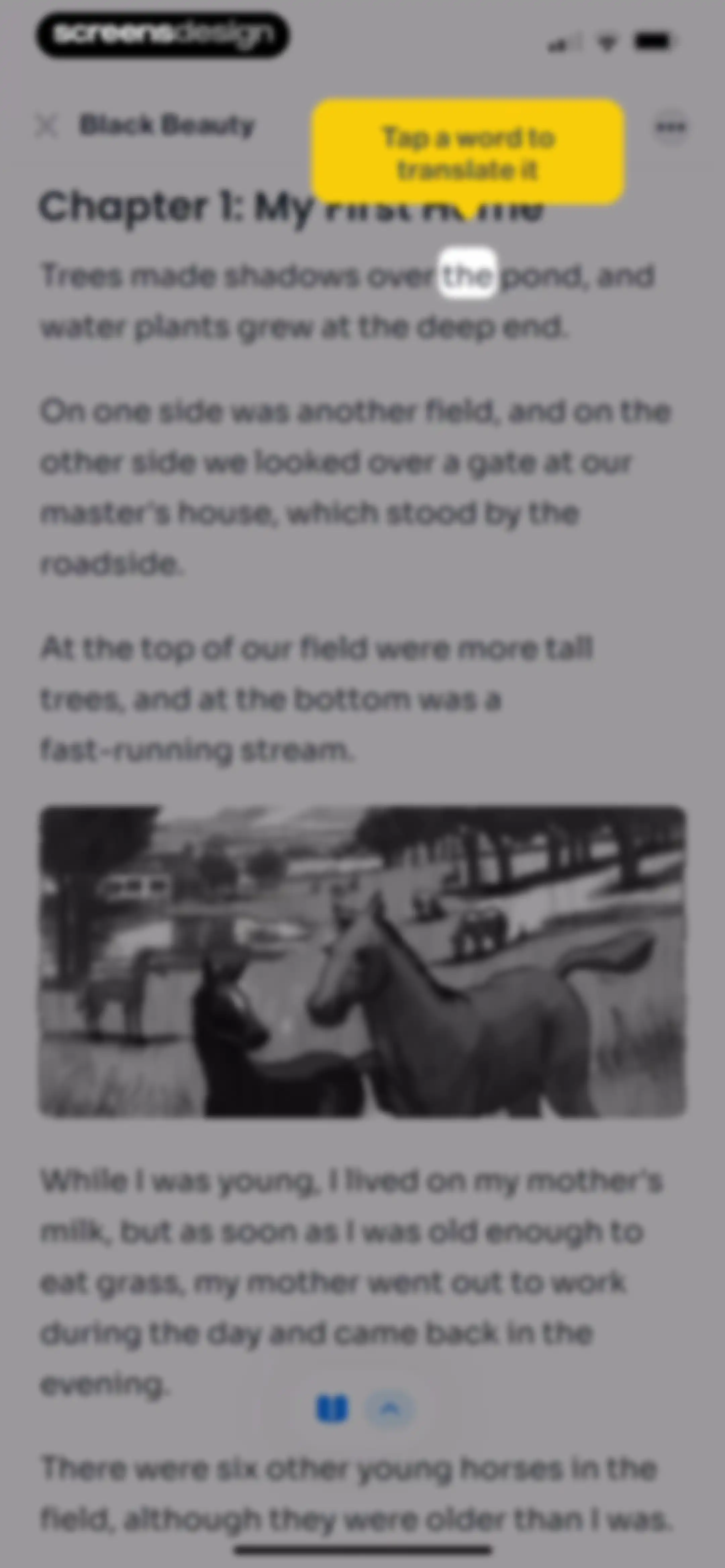
Reading screen displaying a chapter of Black Beauty with an instructional yellow tooltip and floating bottom controls.Unlock Pro
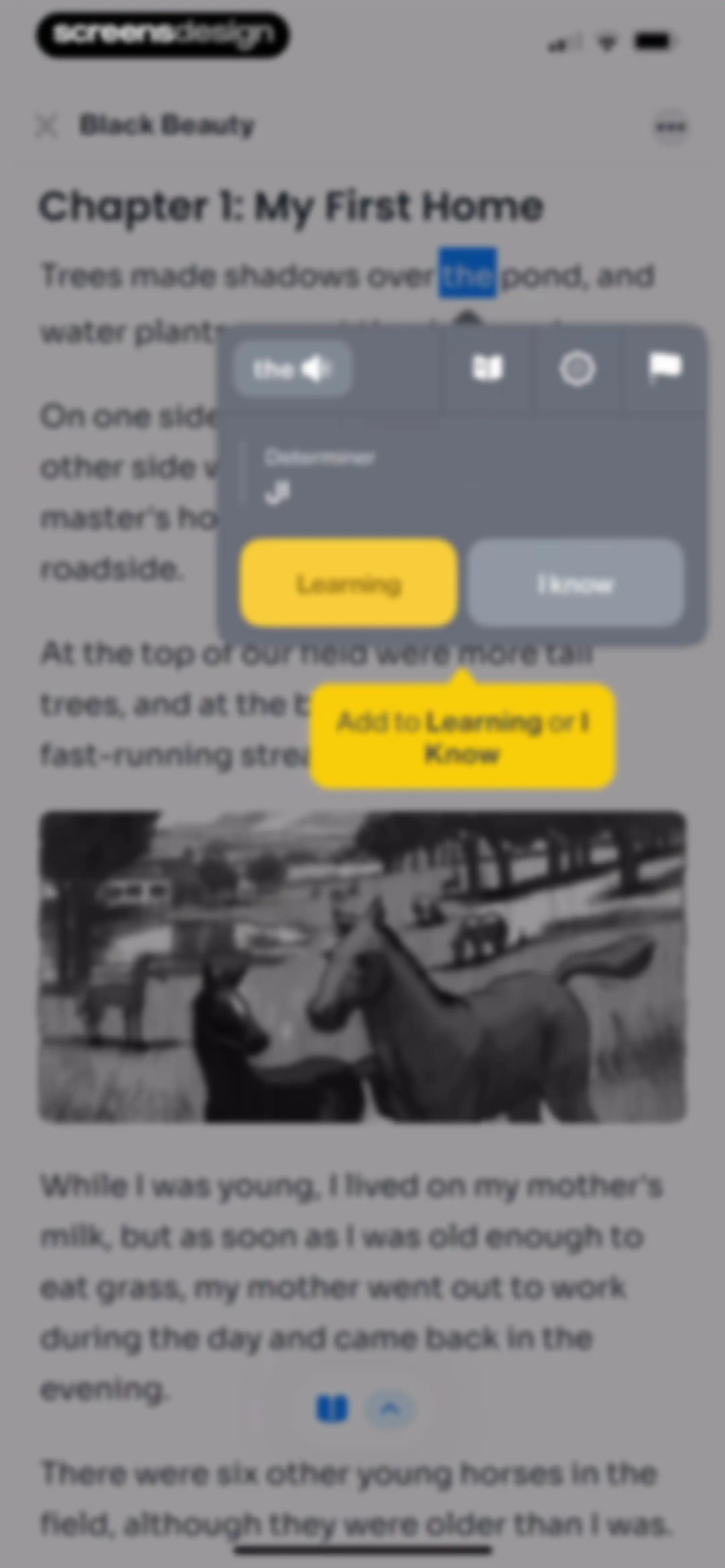
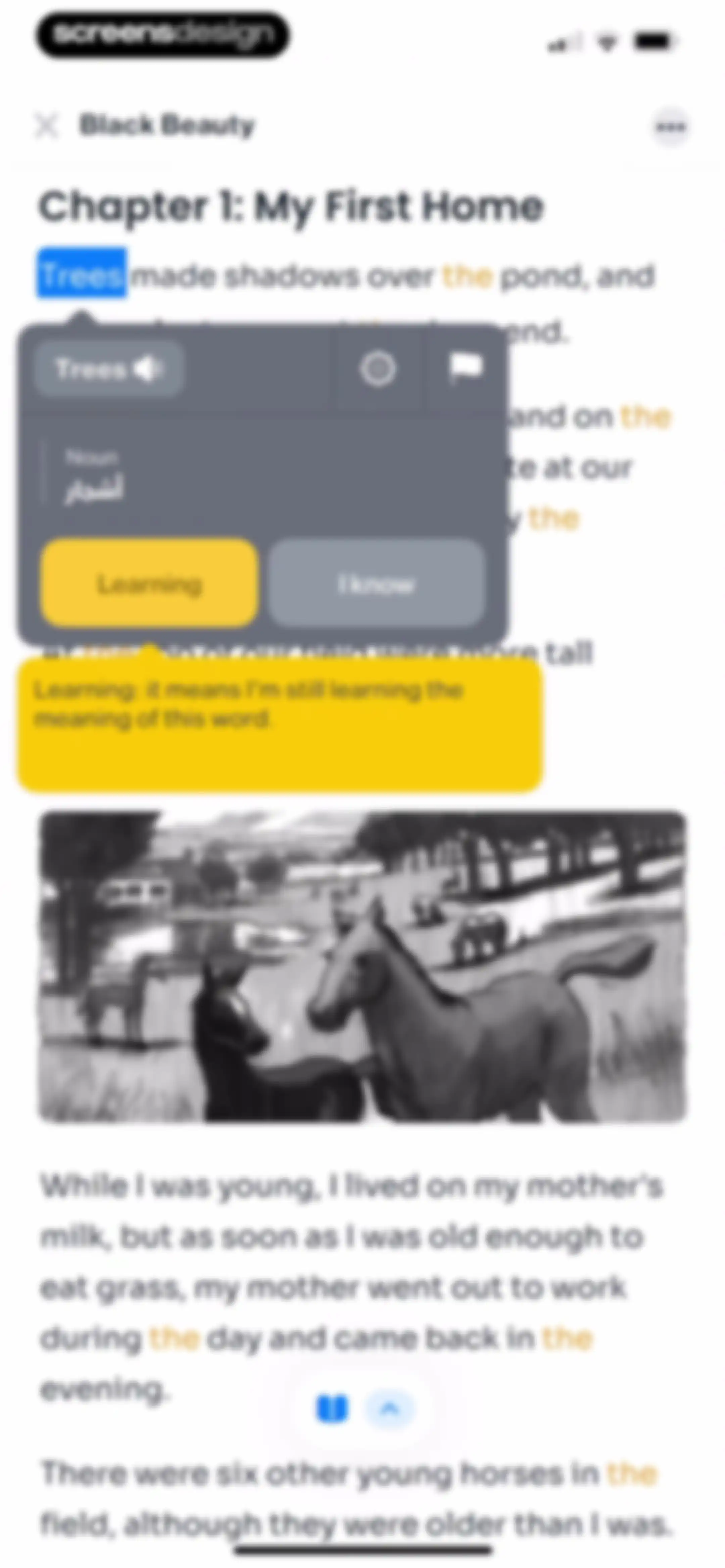
Interactive reading screen displaying a vocabulary definition modal for a selected word with options to add it to learning or mark it as known.Unlock Pro
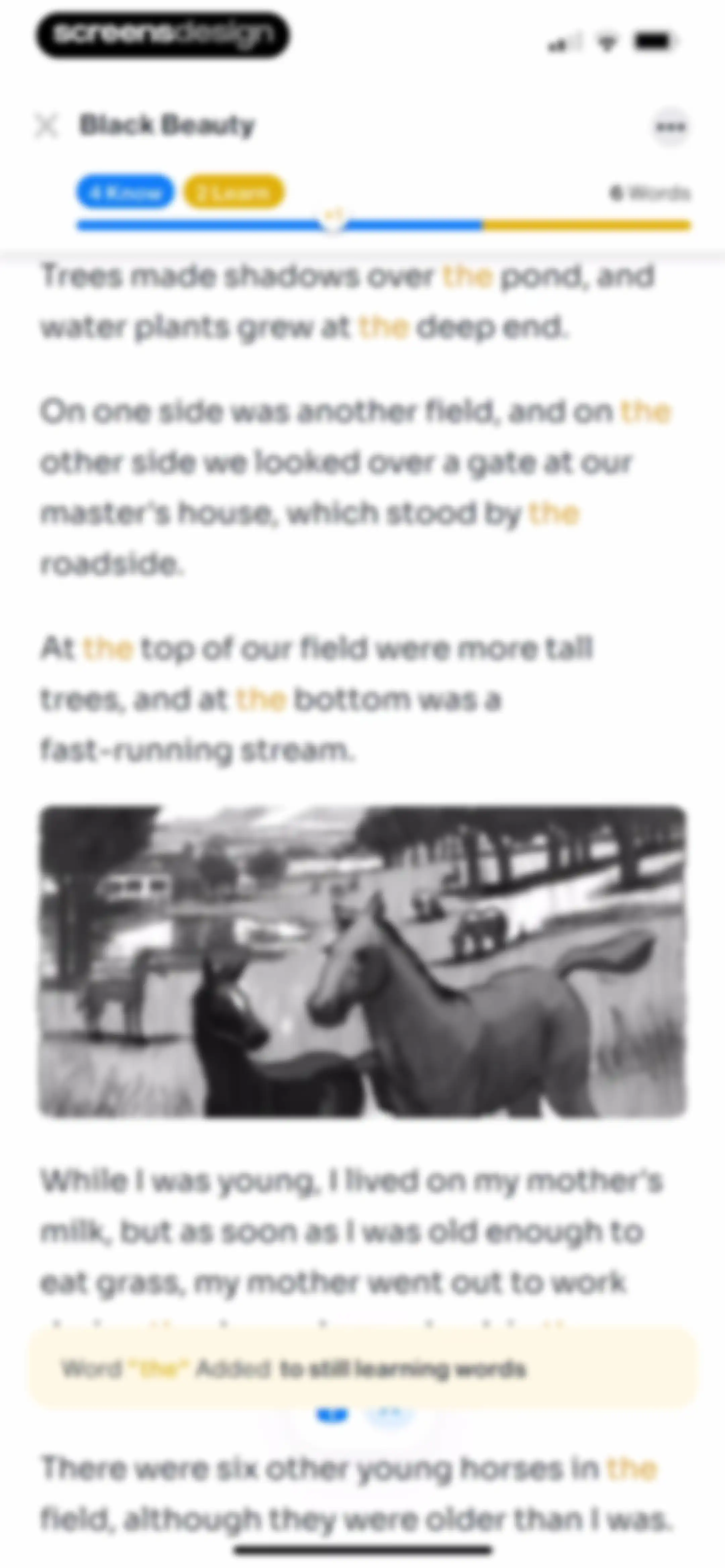
Interactive reading lesson for Black Beauty with story text, an embedded illustration, and a notification toast confirming a new vocabulary word.Unlock Pro
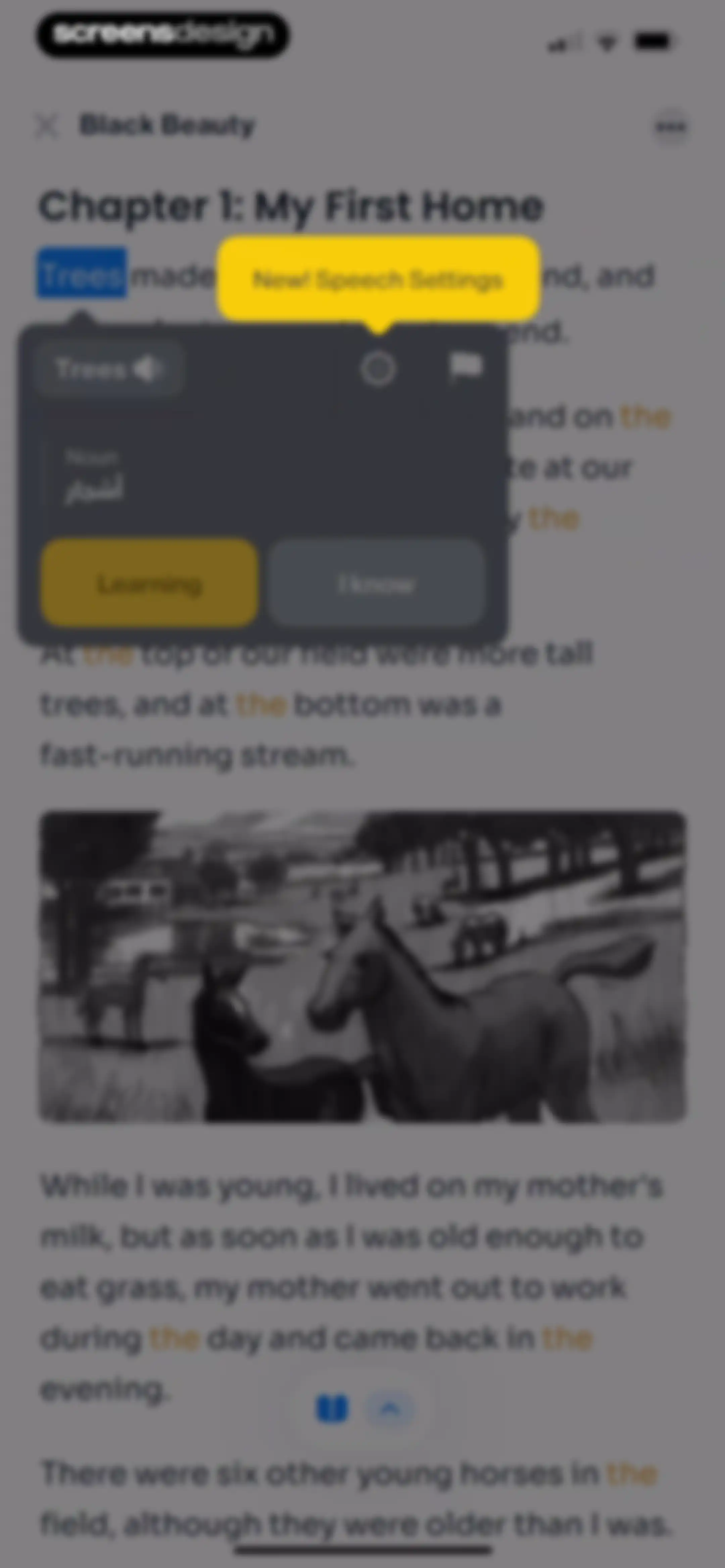
iStoria reading screen displaying a Black Beauty story passage with a word definition modal for Trees, featuring pronunciation and learning buttons.Unlock Pro
Reading screen showing a story chapter with an active word definition modal for trees, with the learning option selected and an illustration below.Unlock Pro
Reading screen for Black Beauty with a vocabulary modal overlay defining the word Trees, including audio pronunciation and learning status buttons.Unlock Pro
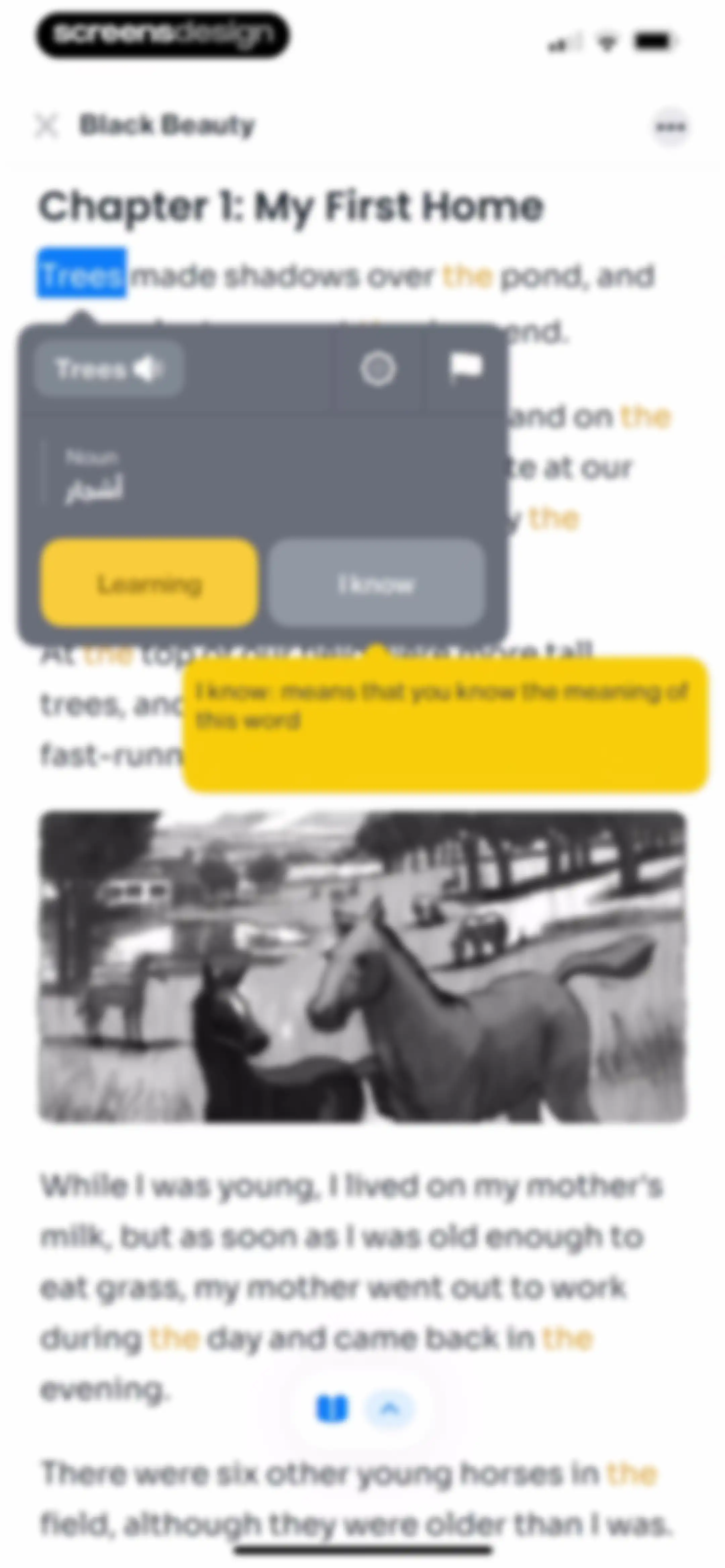
Reading screen displaying a story text passage with an open vocabulary definition modal, featuring Learning and I know buttons.Unlock Pro
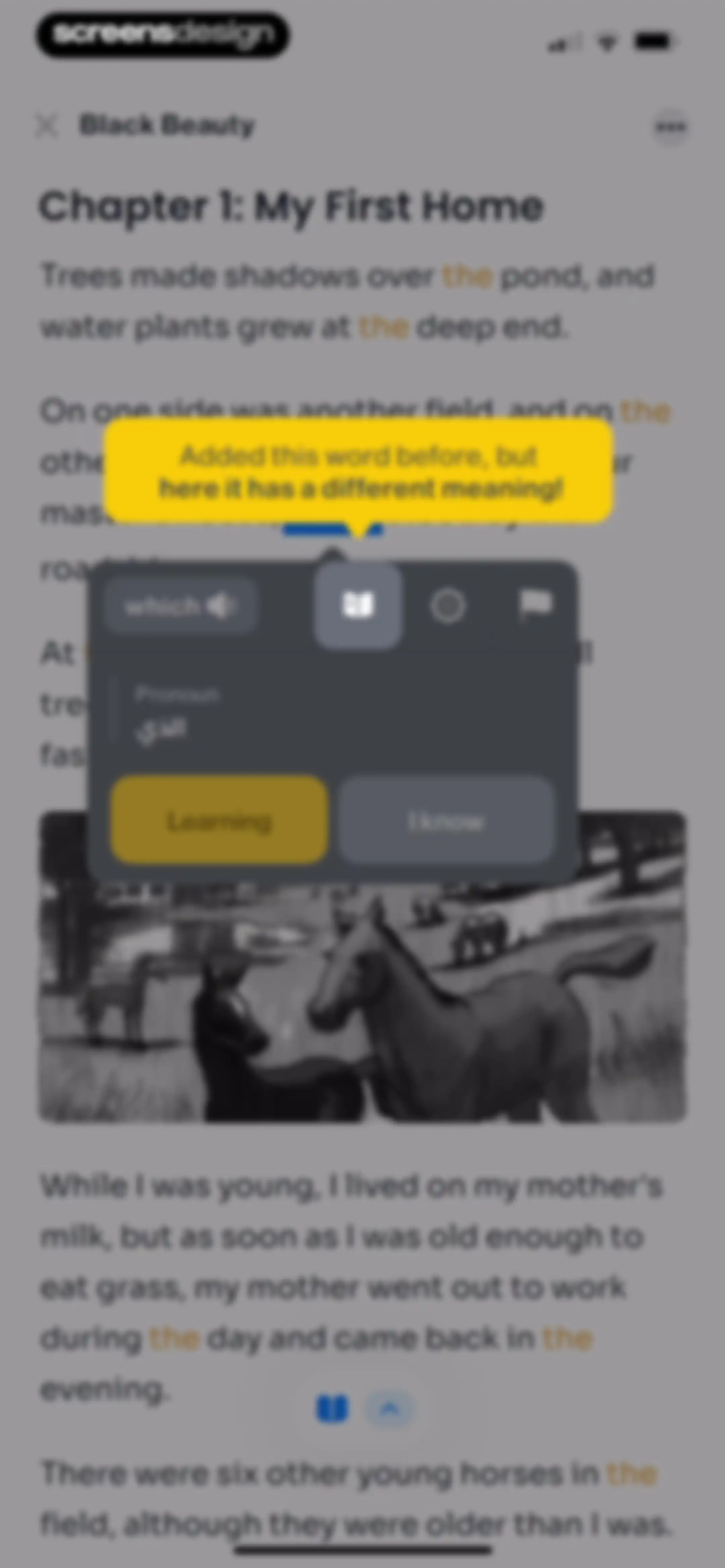
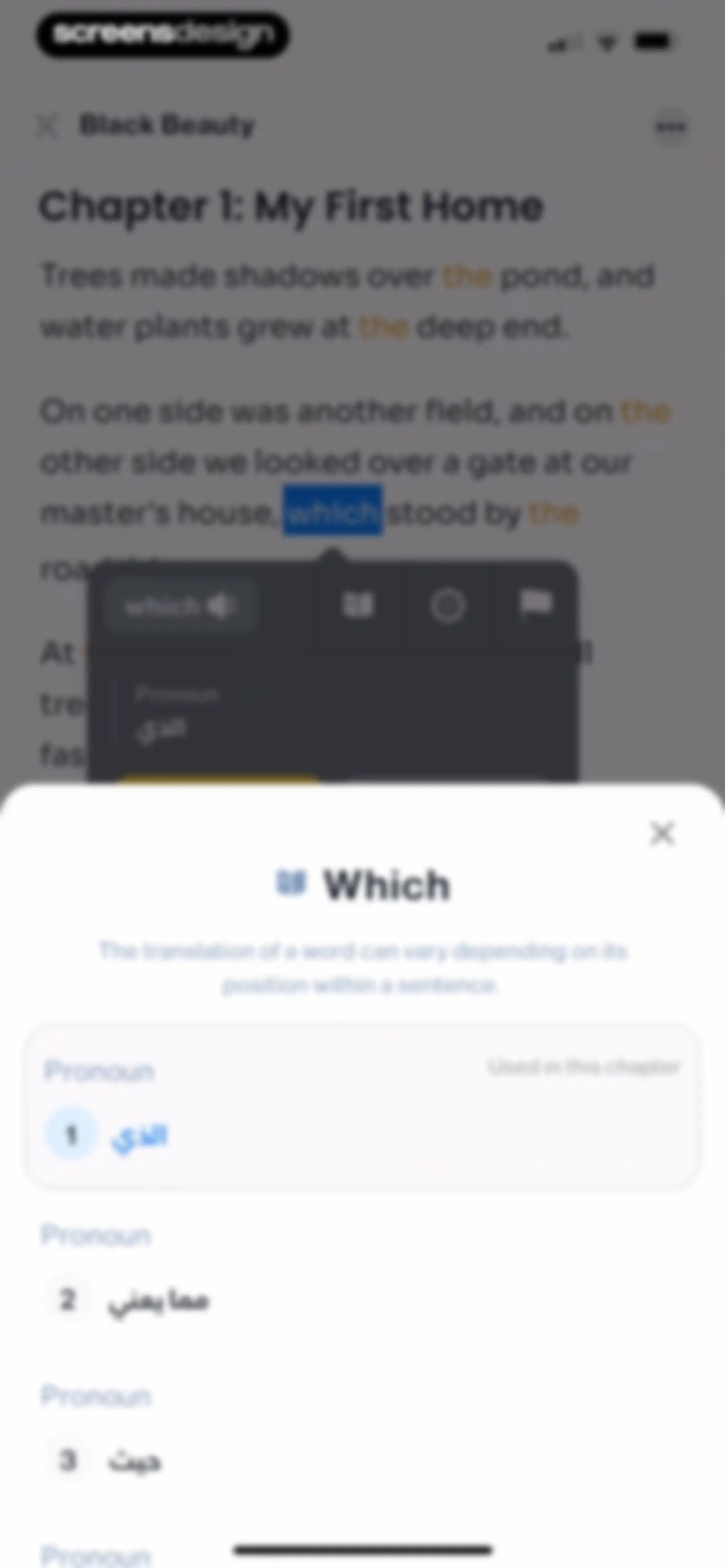
Word definition modal over a reading text displaying the translation and grammatical classification of the word Which.Unlock Pro
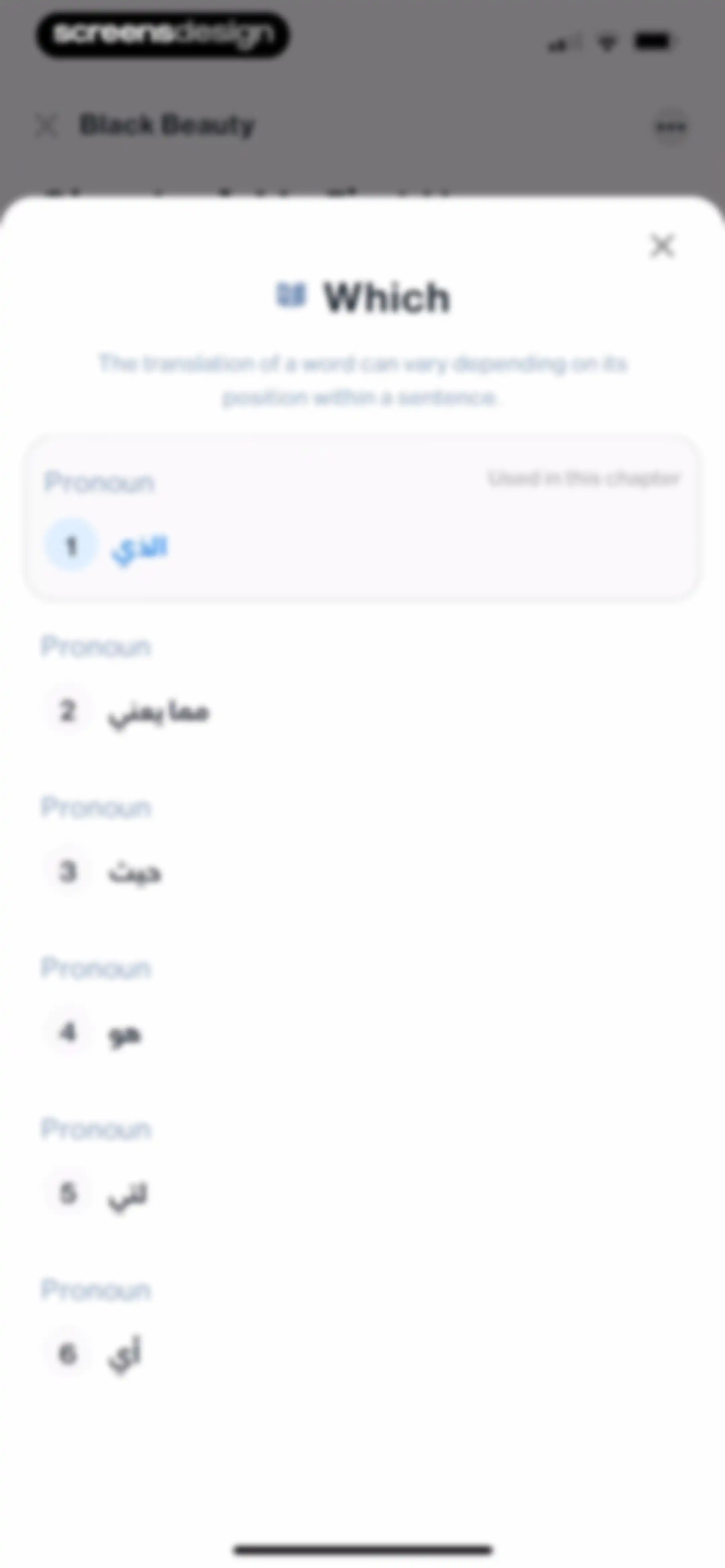
Pronoun translation modal listing numbered options with the first item selected and a close button.Unlock Pro
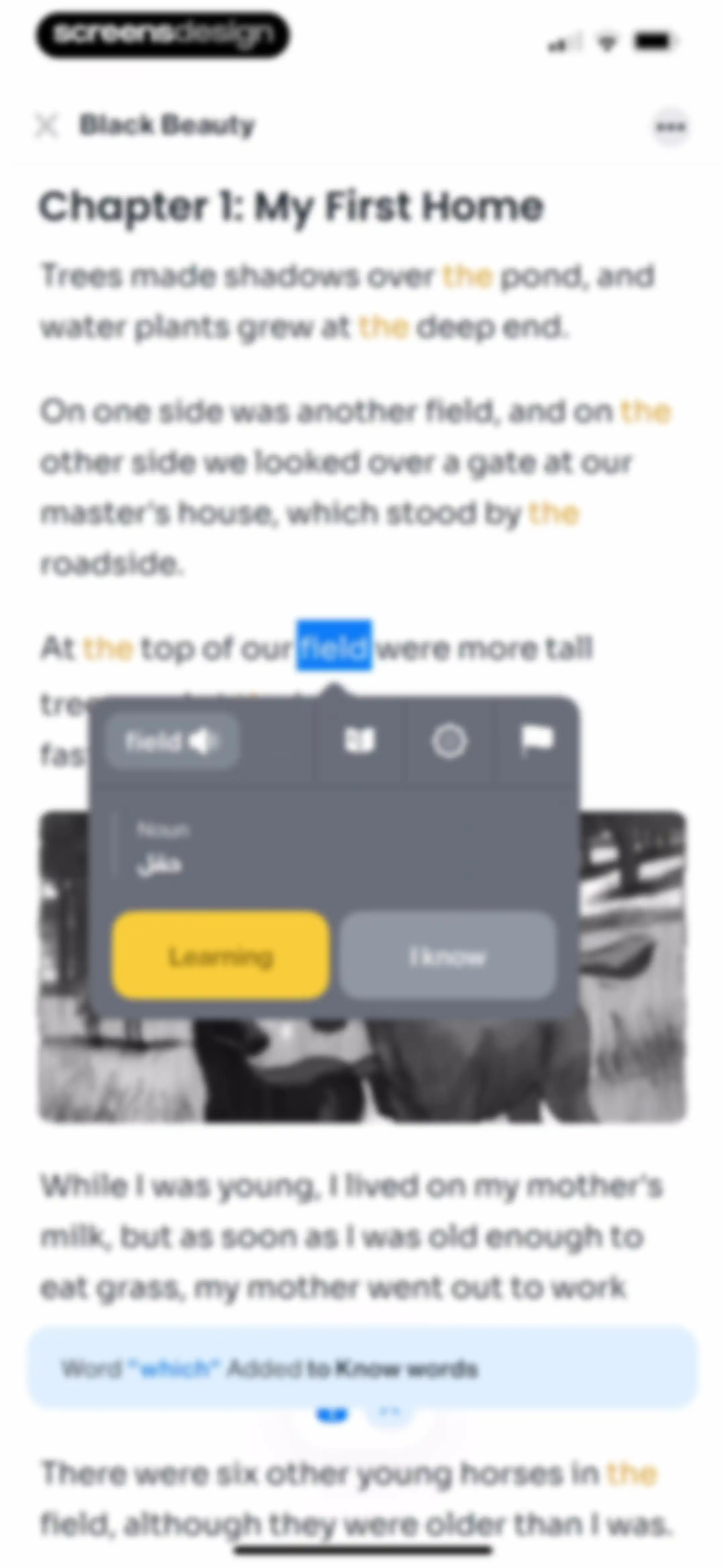
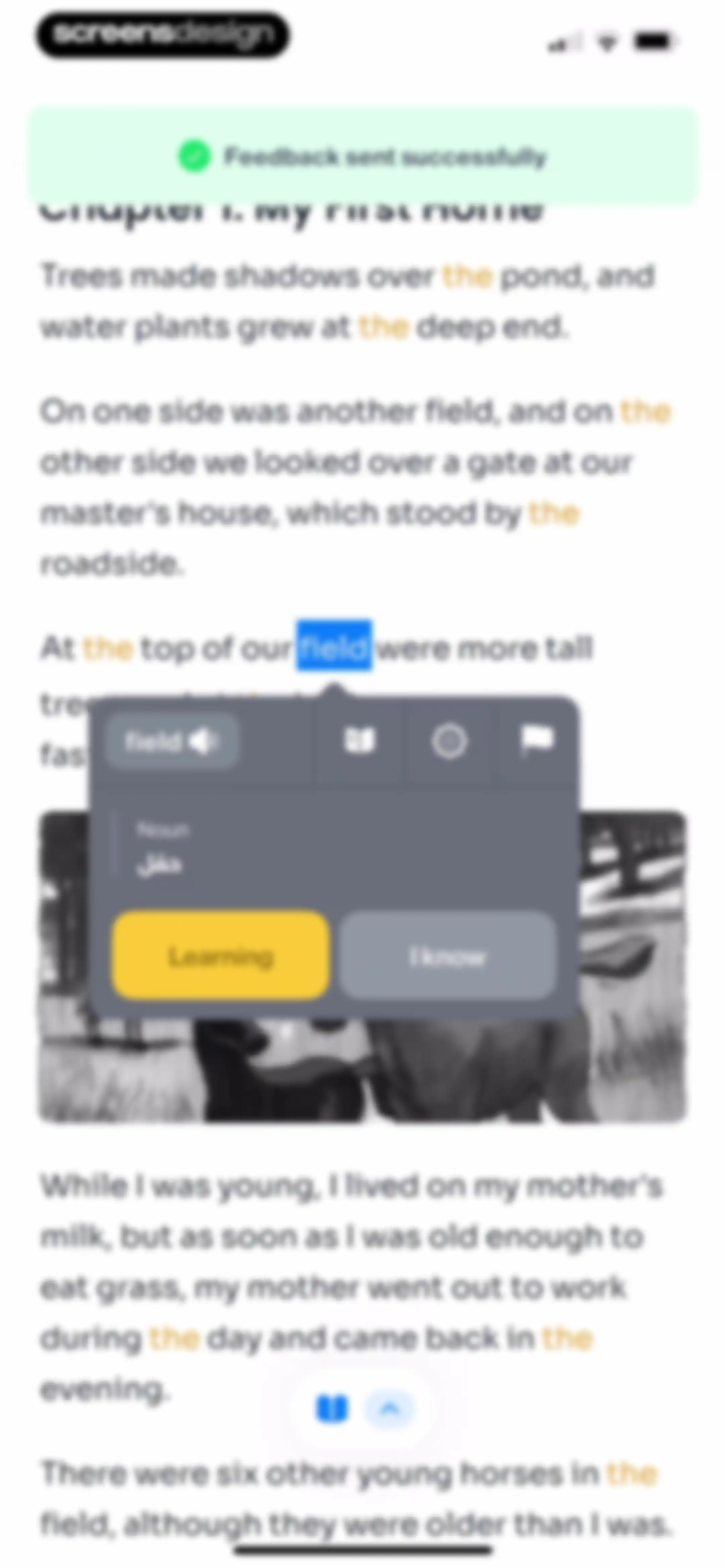
Reading screen displaying a story passage and a vocabulary modal for the word field, with a toast notification confirming a word was added.Unlock Pro
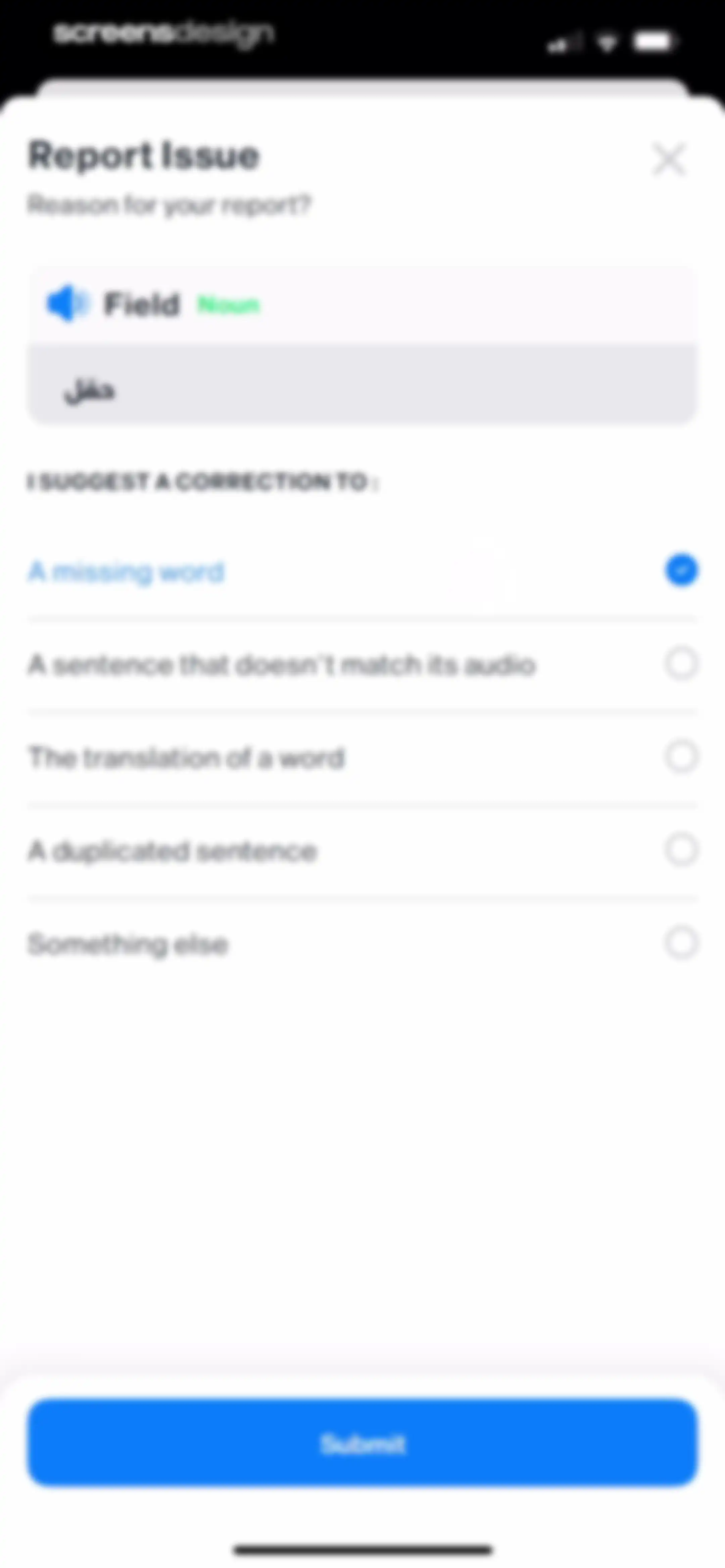
Issue reporting form with a vocabulary preview card, the selected option for a missing word, and a Submit button.Unlock Pro
Interactive reading interface showing a word definition modal for field with learning buttons and a success toast notification.Unlock Pro
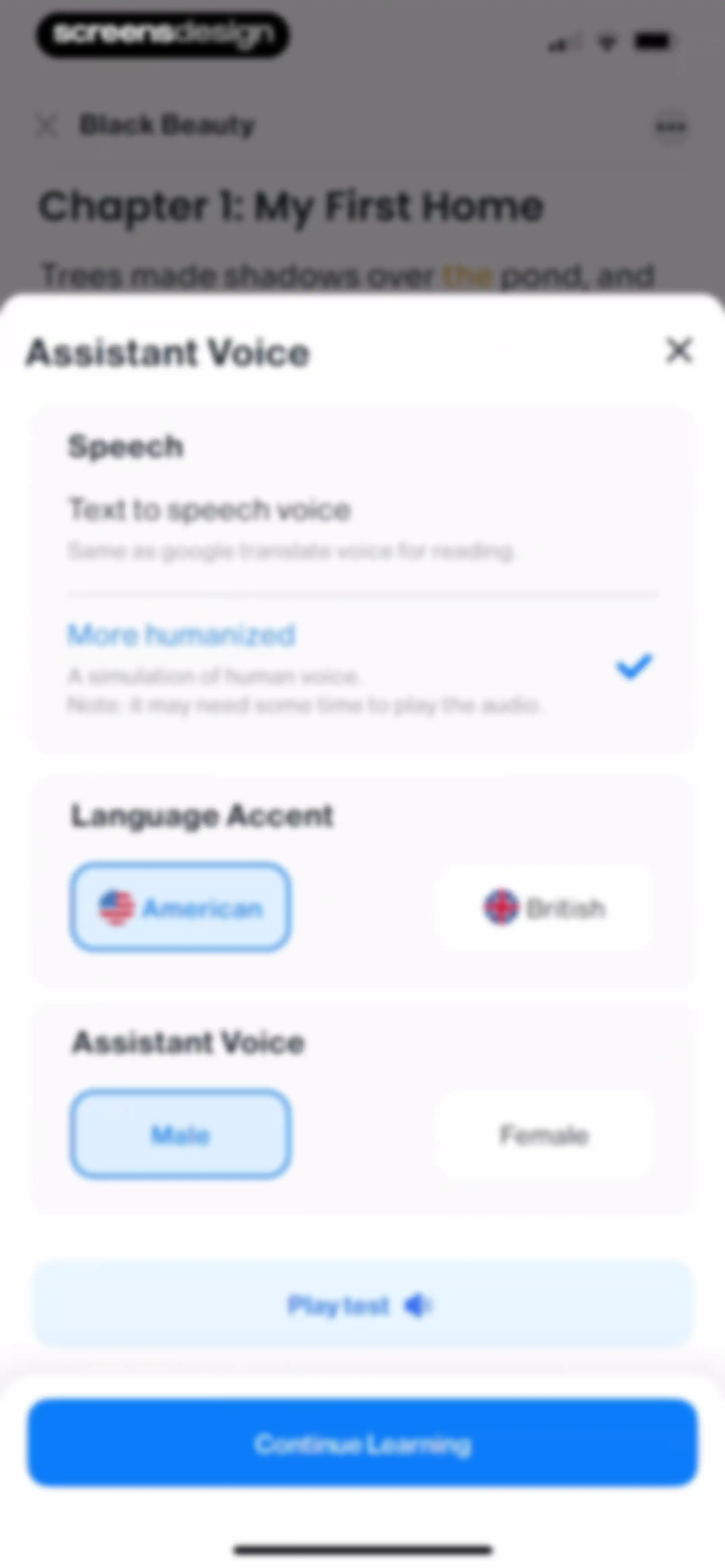
Assistant Voice settings modal with American accent and Male voice selected, a Play test button, and a Continue Learning action.Unlock Pro
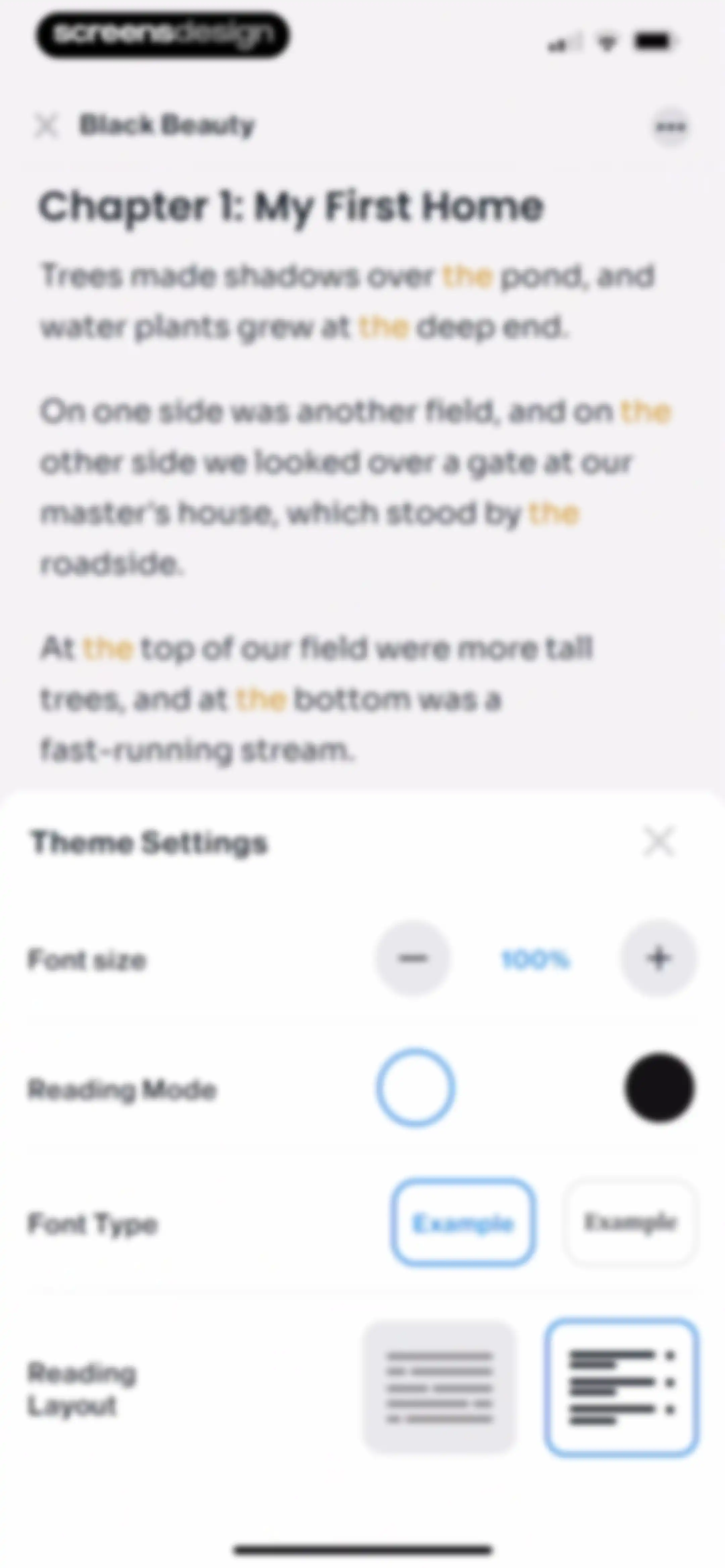
Reading screen displaying Black Beauty with a theme settings modal overlay at the bottom for adjusting font size and layout.Unlock Pro
Reading interface showing a story text area overlaid with a theme settings modal for adjusting font size, font type, and layout options.Unlock Pro
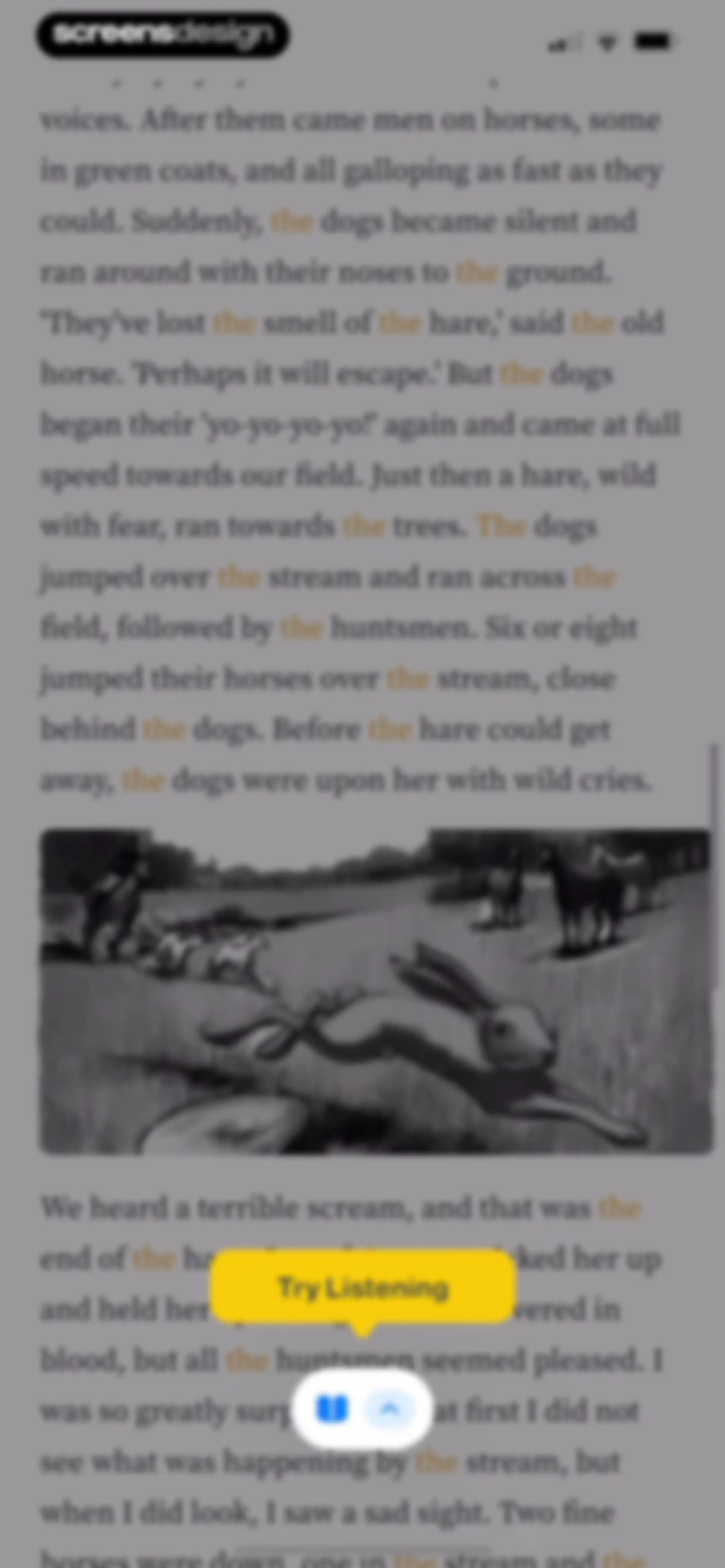
Interactive reading screen showing story text with a hunting illustration, a yellow Try Listening button, and a bottom control bar.Unlock Pro
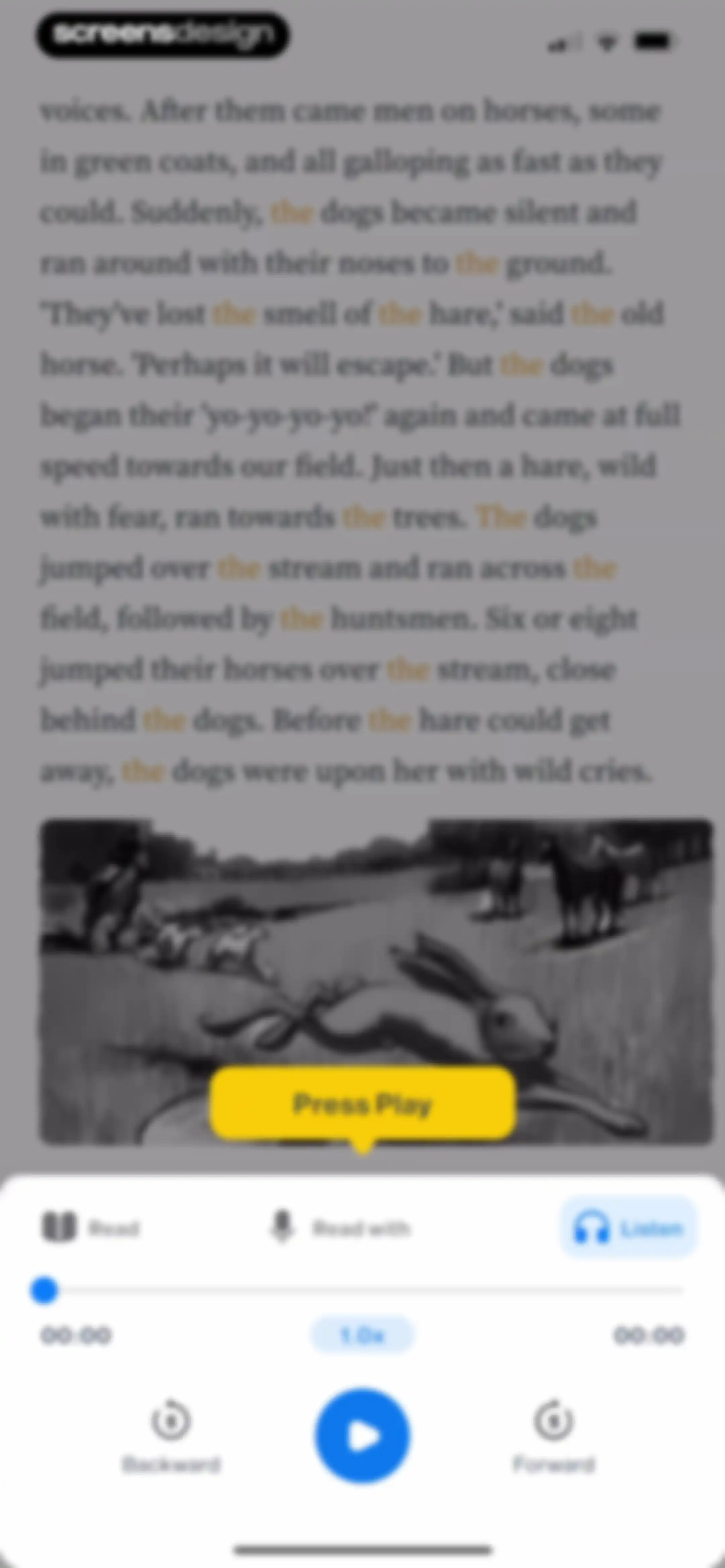
Interactive story reader displaying a text passage, a center illustration with a Press Play button, and media player controls at the bottom.Unlock Pro
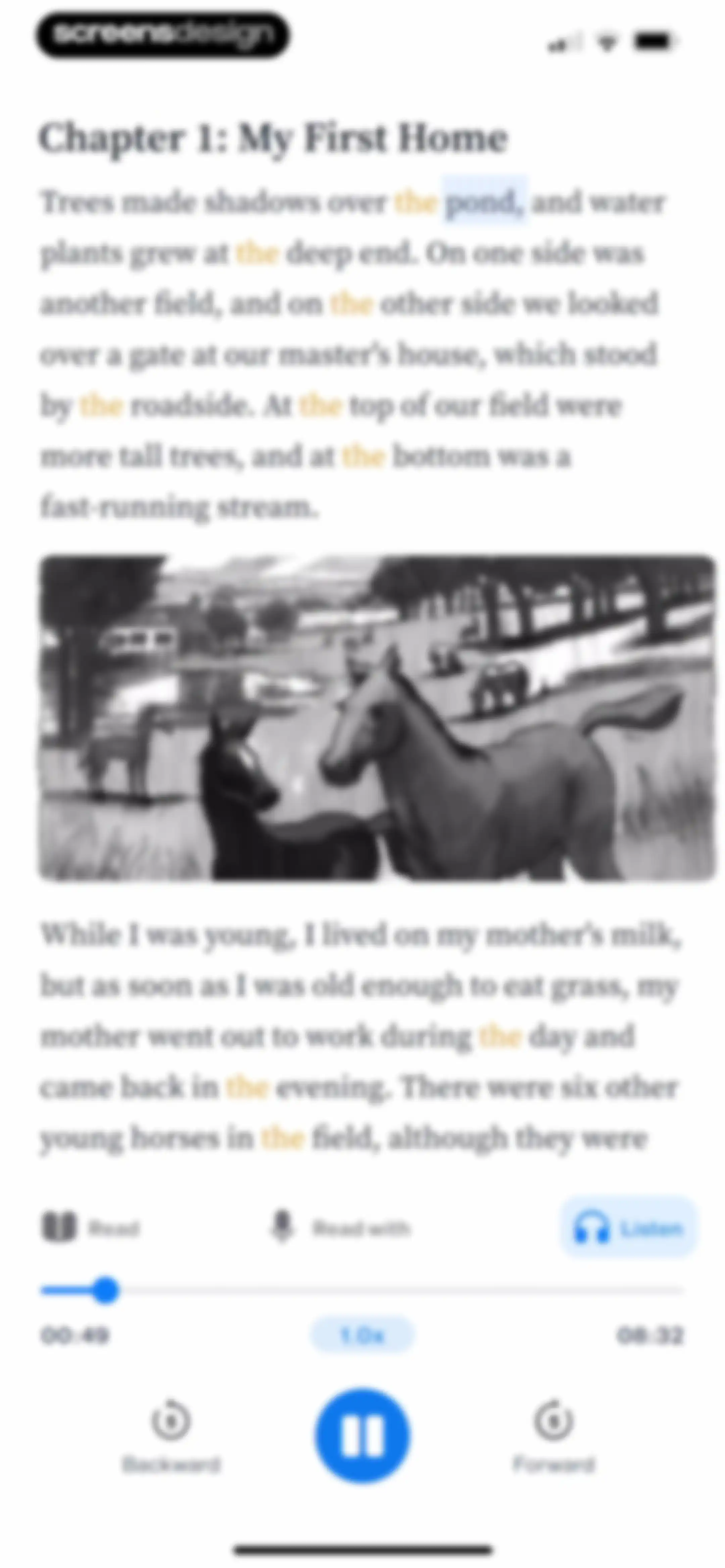
Interactive story reader screen displaying chapter text, an illustration of horses in a field, and bottom audio player controls with a pause button.Unlock Pro
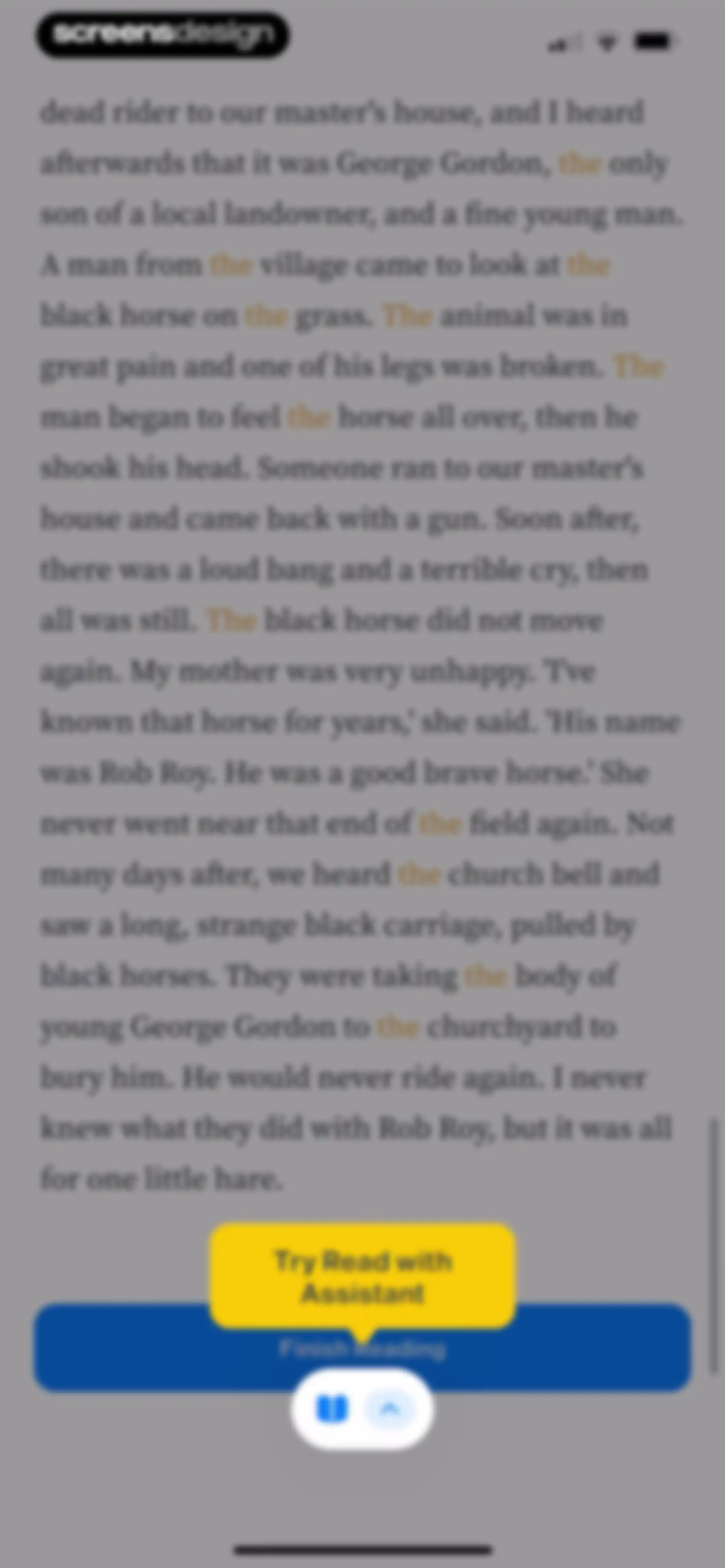
Reading screen displaying a story passage about George Gordon, with a Finish Reading button and a tooltip for Read with Assistant.Unlock Pro
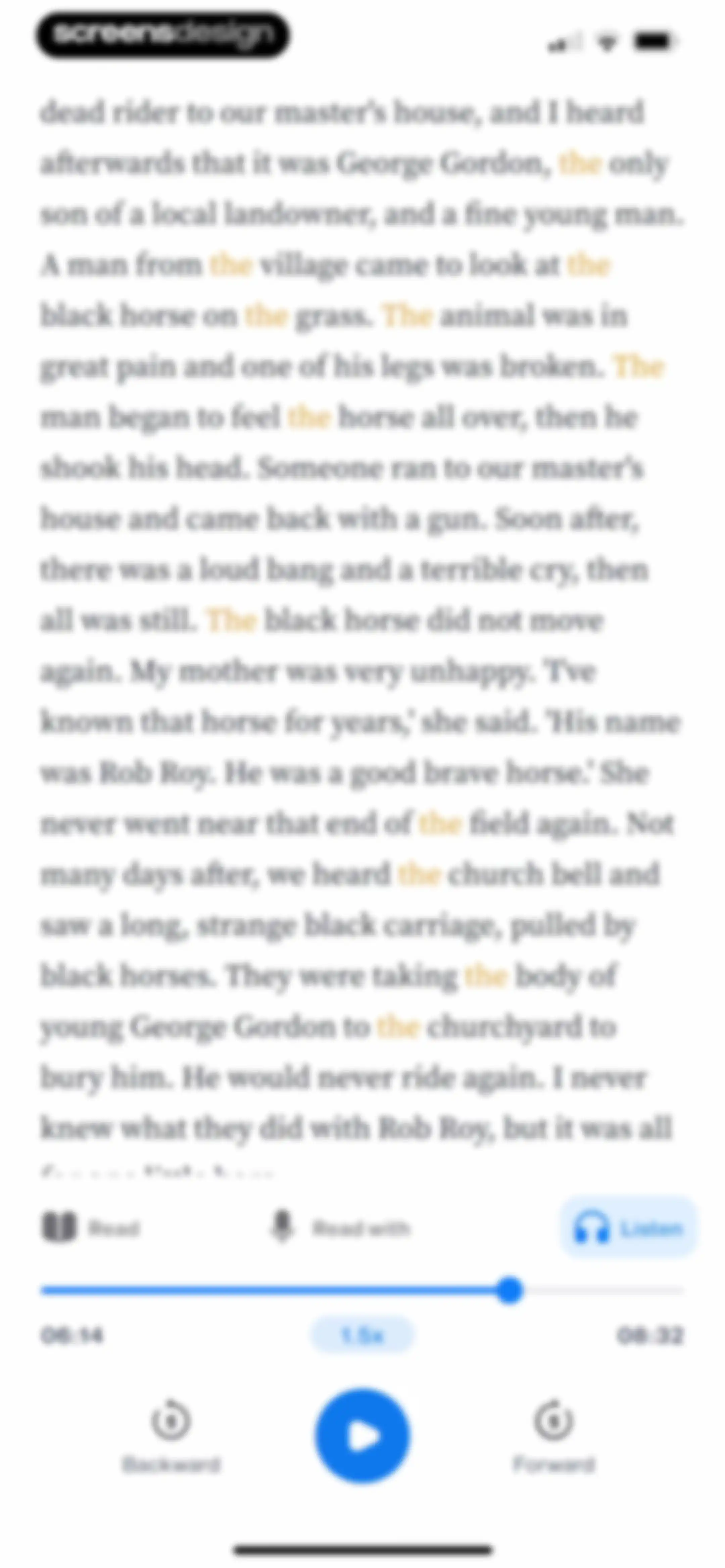
Audio player screen displaying story text with a progress bar, media controls, and a speed selector set to 1.5x.Unlock Pro
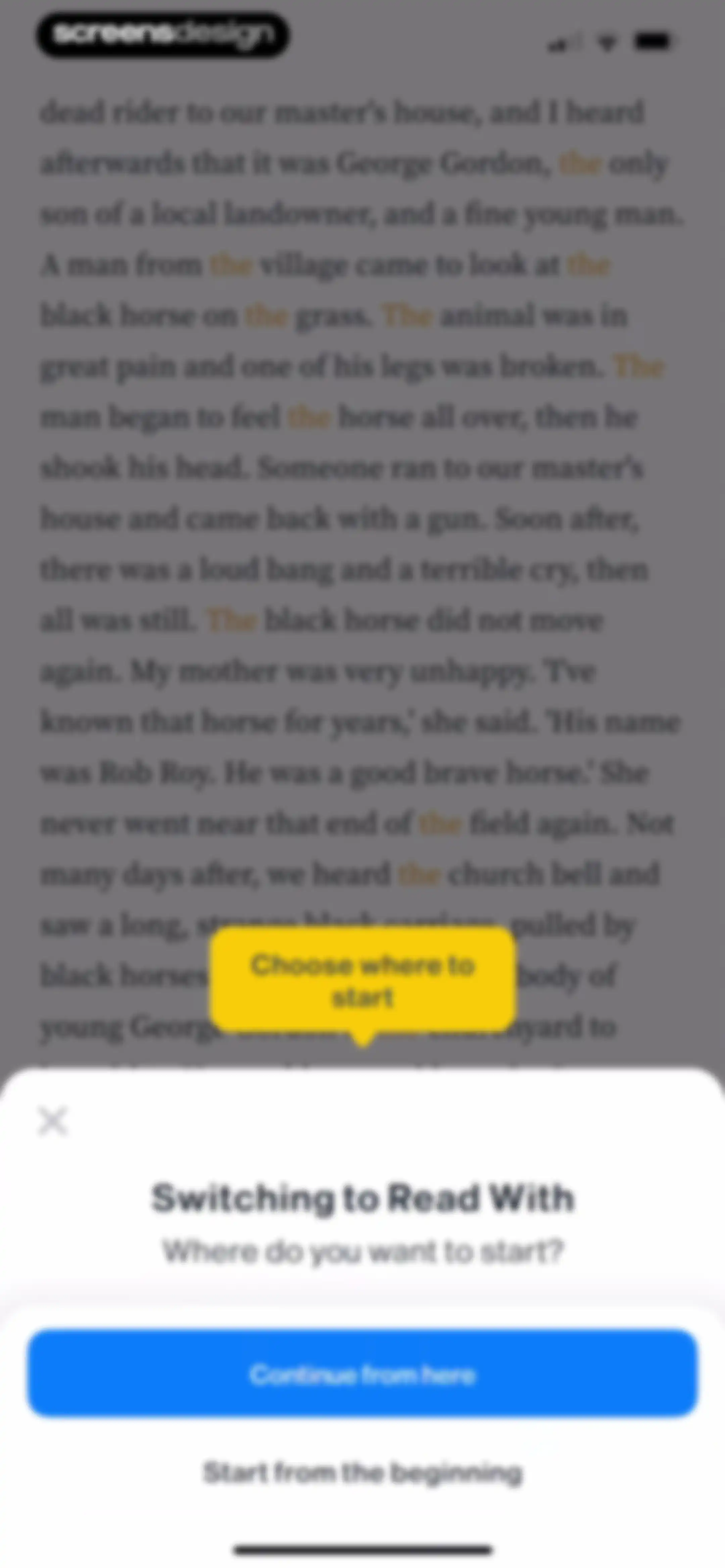
Reading prompt modal asking where to start, featuring a Continue from here button and a Start from the beginning button over a story text background.Unlock Pro
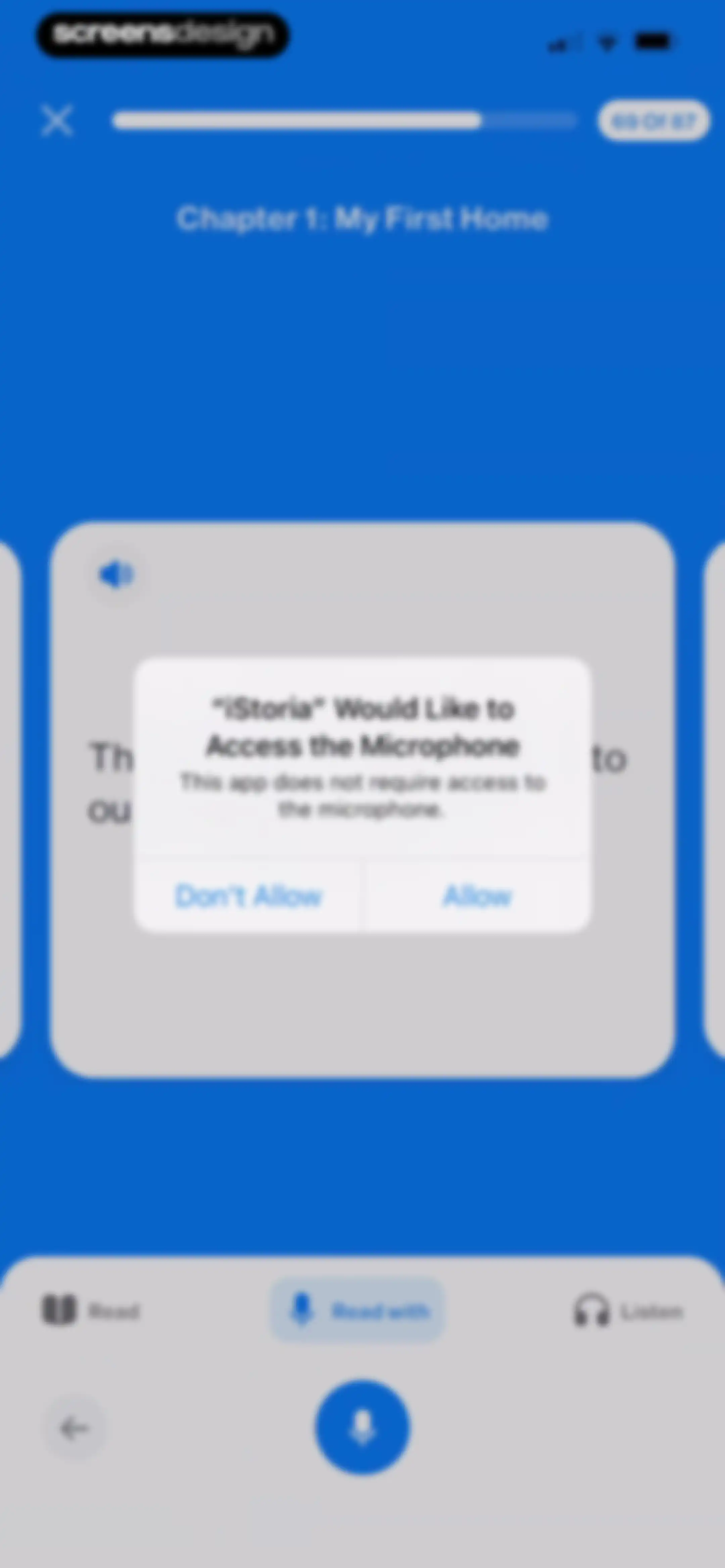
Microphone permission modal in the iStoria app asking to access the microphone, with Allow and Don't Allow buttons.Unlock Pro
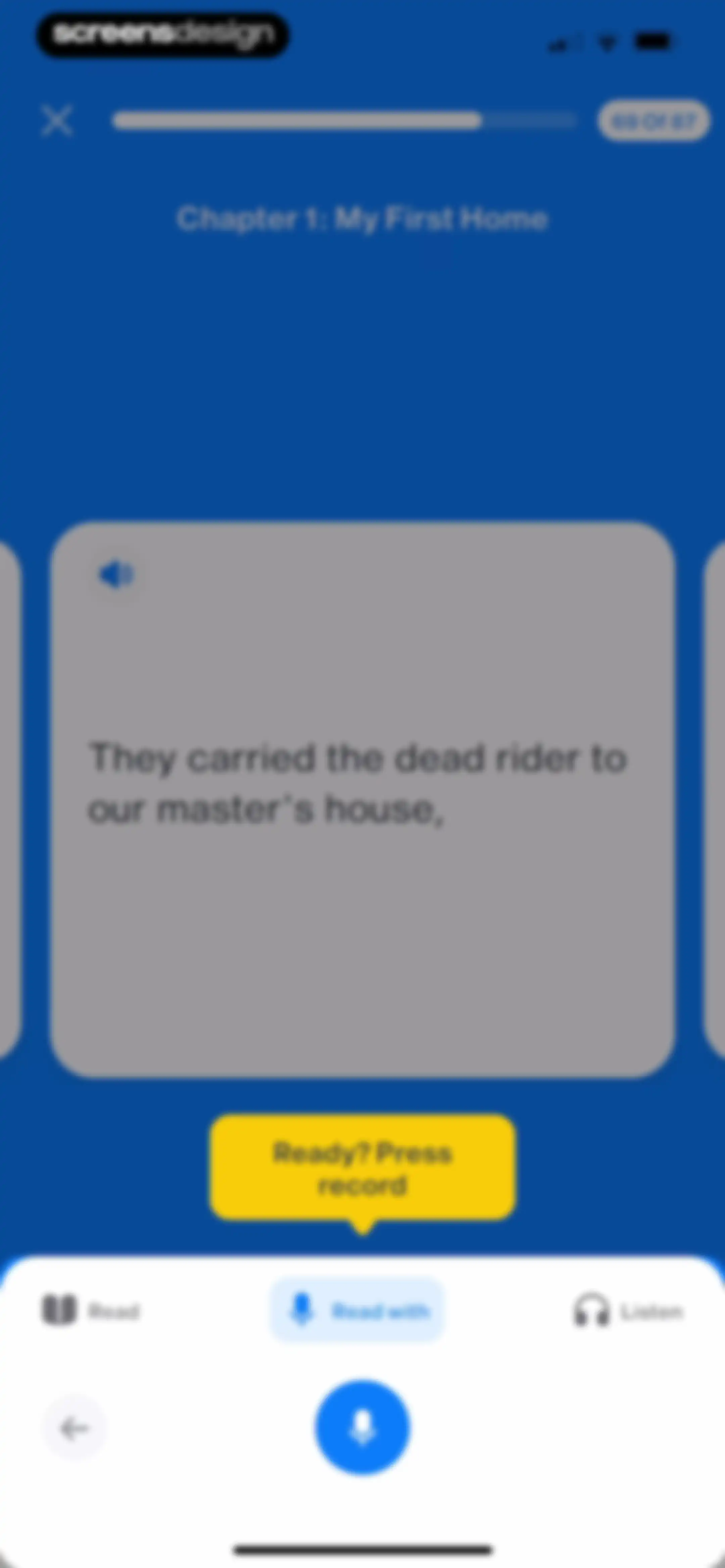
Language learning reading and speaking practice screen with a prompt to press record and the Read with mode selected.Unlock Pro
Interactive language learning editor displaying a sentence card with the Read with mode selected and a voice interaction button.Unlock Pro
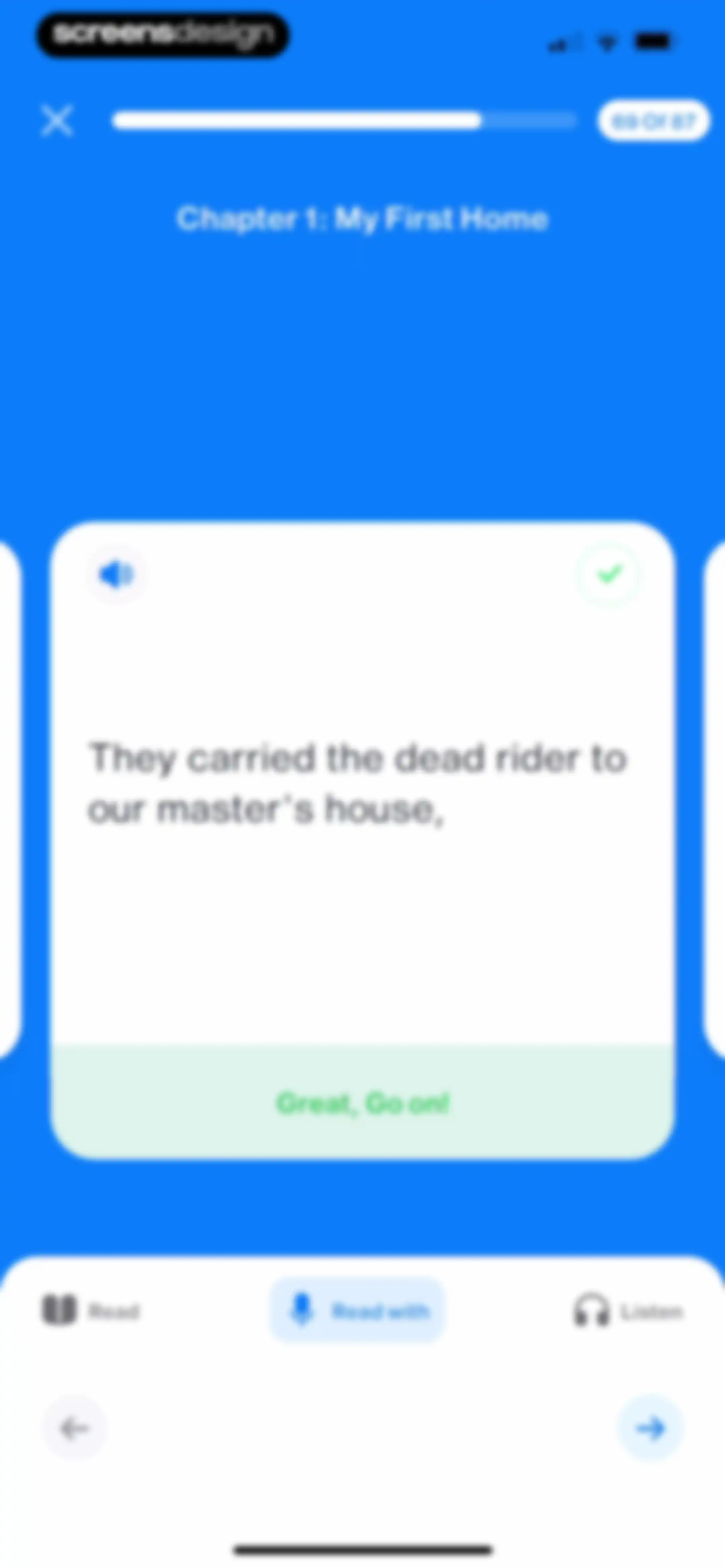
Language learning app reading exercise showing story text on a central card, with the Read with mode selected and navigation controls at the bottom.Unlock Pro
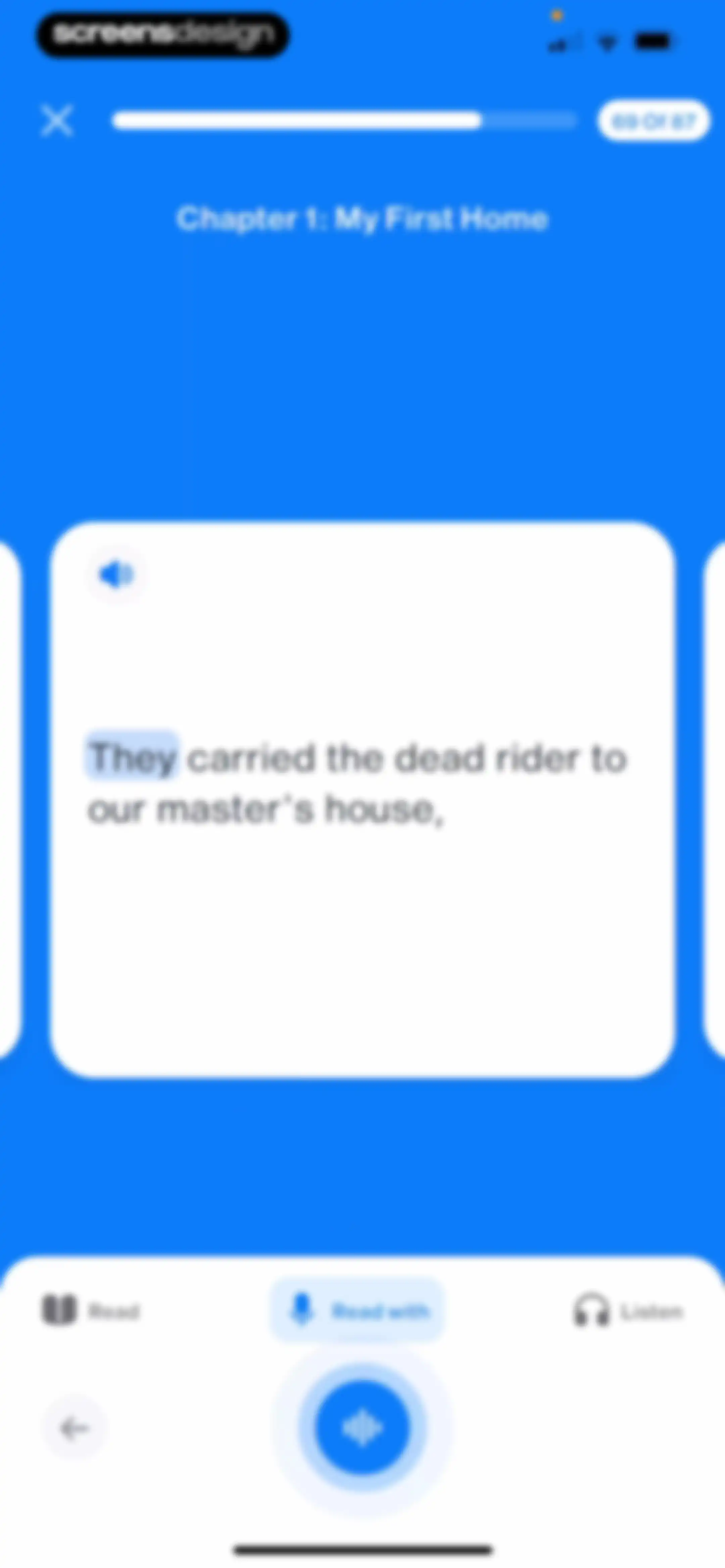
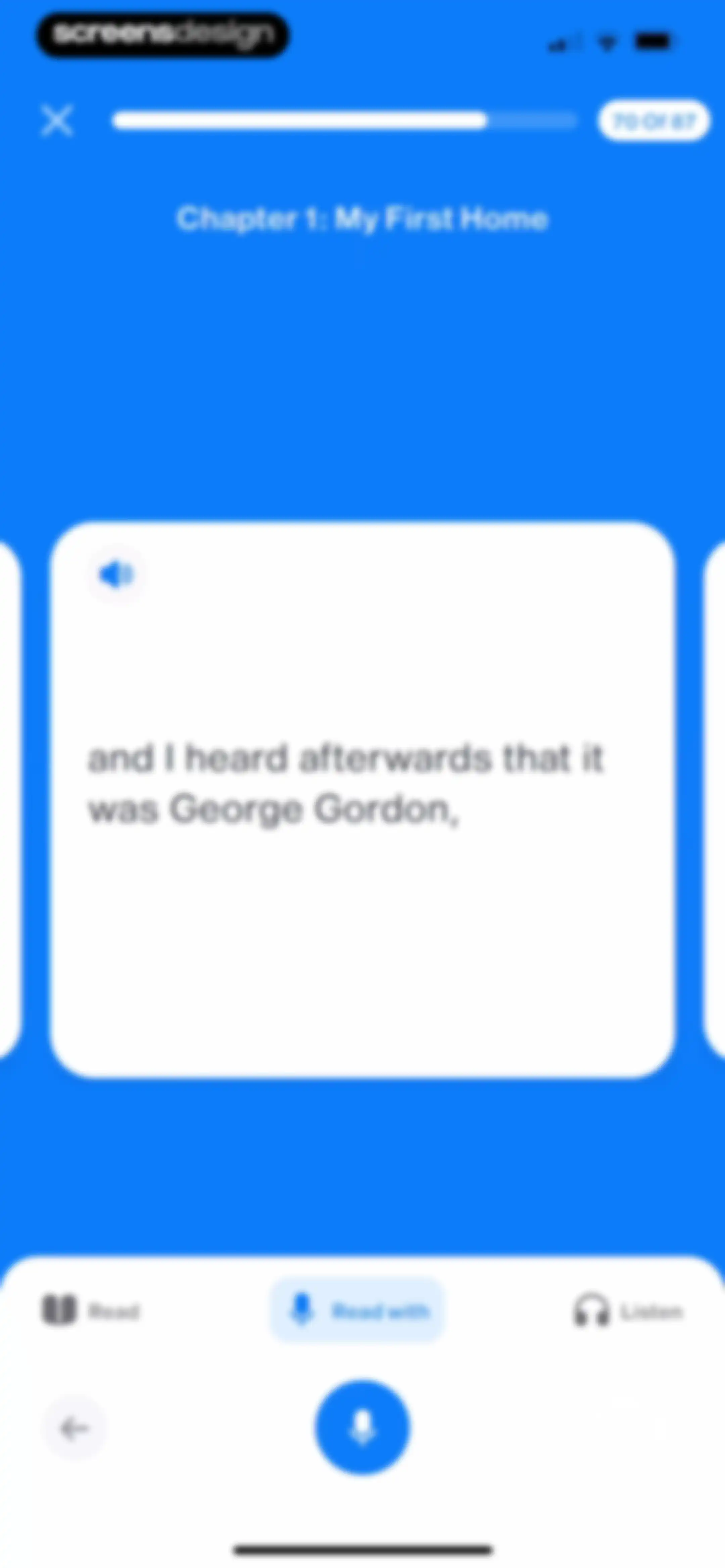
Language learning reading screen showing Chapter 1 text, progress at 70 of 87, with the Read with mode selected and a microphone button.Unlock Pro
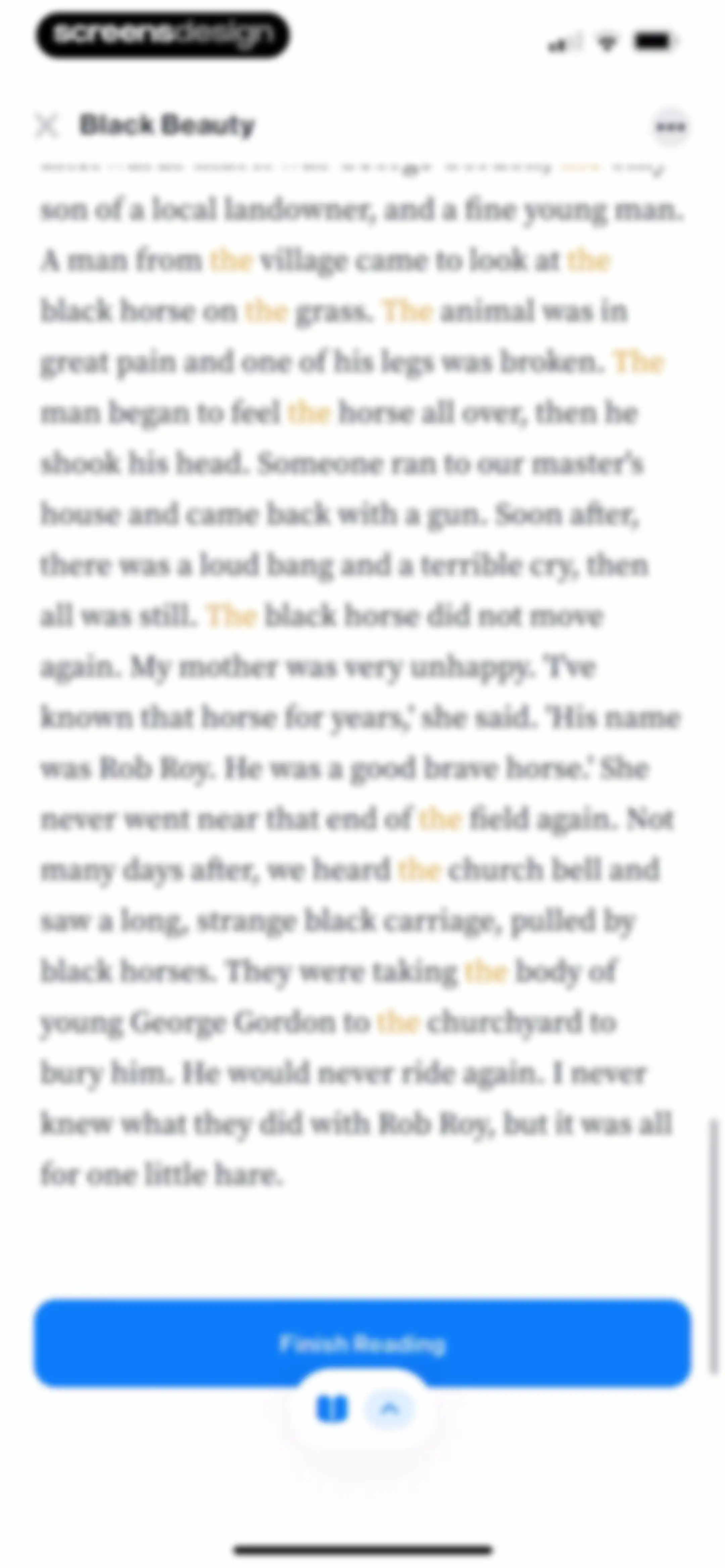
Reading screen showing a Black Beauty story passage with highlighted vocabulary, a Finish Reading button, and bottom reading tools.Unlock Pro
Vocabulary review screen showing a progress summary, tabbed filter, word list with translations, and a Start your test button.Unlock Pro
Vocabulary review dashboard listing words with translations, a progress summary, and a Start your test button.Unlock Pro
Quiz screen showing a reading comprehension question with multiple-choice answer options, one option selected, and a Check answer button.Unlock Pro
Quiz screen showing a reading comprehension question with a selected incorrect answer, a wrong answer feedback modal, and a Next button.Unlock Pro
Quiz screen displaying a multiple-choice reading comprehension question with one option selected and a Check answer button.Unlock Pro
Quiz question screen showing a selected correct answer with a green confirmation banner and a Next button.Unlock Pro
Quiz summary screen displaying correct and wrong answer metrics, a Review Q&A button, and a Next action button.Unlock Pro
iStoria review screen displaying a list of reading comprehension questions with correct answers and a Next button.Unlock Pro
Language learning quiz screen showing the English word feeding, three translation choices with one selected, and a Check answer button.Unlock Pro
Language learning quiz screen showing Question 2 of 7 with a wrong answer feedback modal and a Next button.Unlock Pro
Language learning quiz screen with an audio prompt, a 2x2 grid of Arabic answer cards with one selected, and a Check answer button.Unlock Pro
Language learning quiz question displaying an audio prompt, a 2x2 grid of Arabic answer cards, and a wrong answer feedback modal with a Next button.Unlock Pro
Quiz summary screen displaying zero correct answers, seven wrong answers, a Review Q&A option, and a Next button.Unlock Pro
Onboarding progress screen celebrating the first step, with a motivational goal to complete Level 6 in 14 weeks and a Continue button.Unlock Pro
Milestone celebration screen displaying a one-day streak with a flame icon, a congratulatory message, a share button, and a Continue button.Unlock Pro
Streak sharing modal displaying a one-day streak card with an illustration and bottom share options including Instagram.Unlock Pro
Share sheet modal displaying a PNG file preview, horizontal app sharing options, and a vertical list of actions including Save Image.Unlock Pro
Permission request screen for iStoria asking to add to photos, featuring a system modal with allow and don't allow options.Unlock Pro
Chapter completion summary screen for a language learning app, displaying vocabulary stats and a modal prompt to start practice.Unlock Pro
Vocabulary dashboard showing saved words, progress counts, and a practice button.Unlock Pro
Vocabulary dashboard showing a list of words, progress stats, and an open modal overlay with options for Flash Cards, Multiple choice, and Challenge practice modes.Unlock Pro
Vocabulary test question showing the word "the" with a progress indicator and a Show answer button.Unlock Pro
Vocabulary test screen displaying a word card with pronunciation audio, progress indicator, and Wrong and Correct action buttons.Unlock Pro
Quiz summary screen showing performance metrics with one correct and one wrong answer, a review link, and a Next button.Unlock Pro
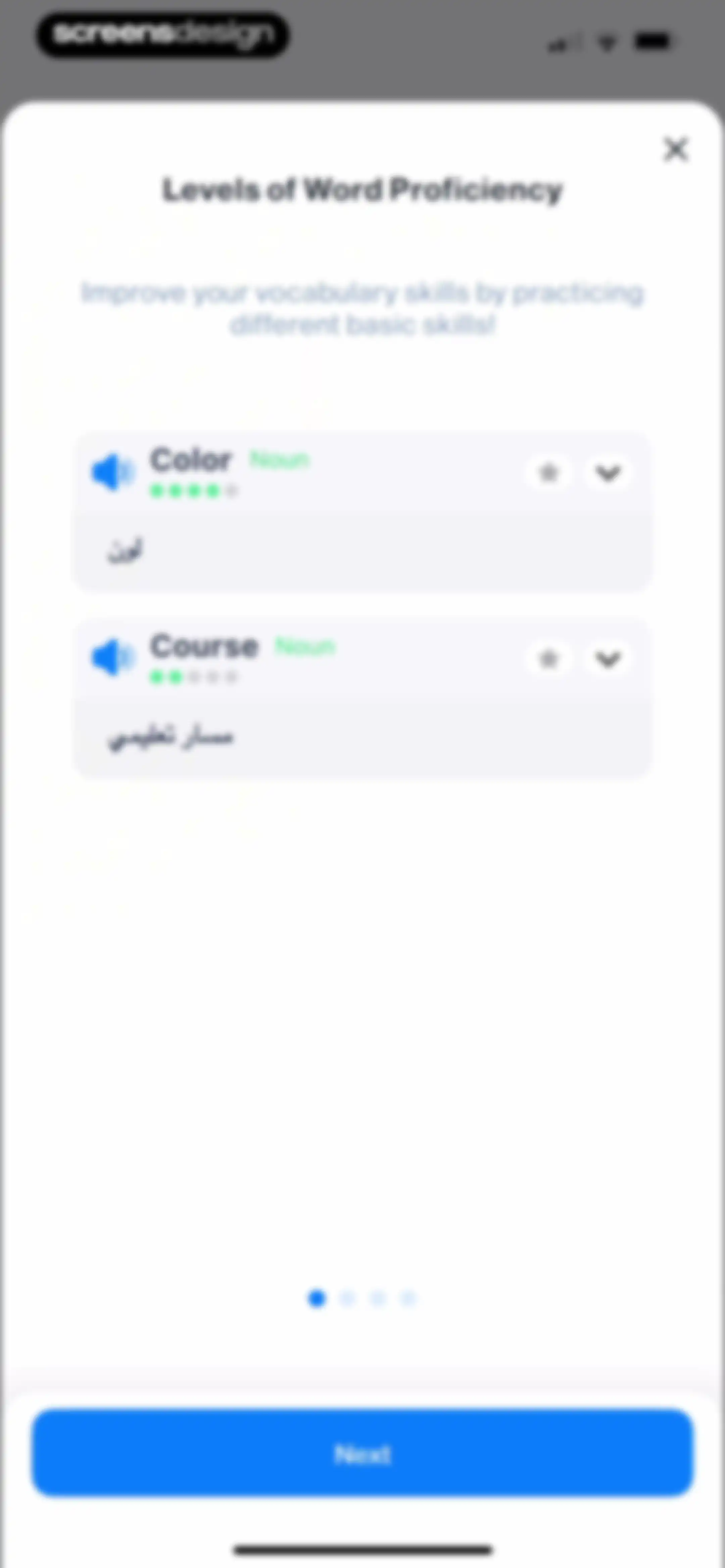
Onboarding modal explaining word proficiency levels with vocabulary cards, translation, audio buttons, and a Next button.Unlock Pro
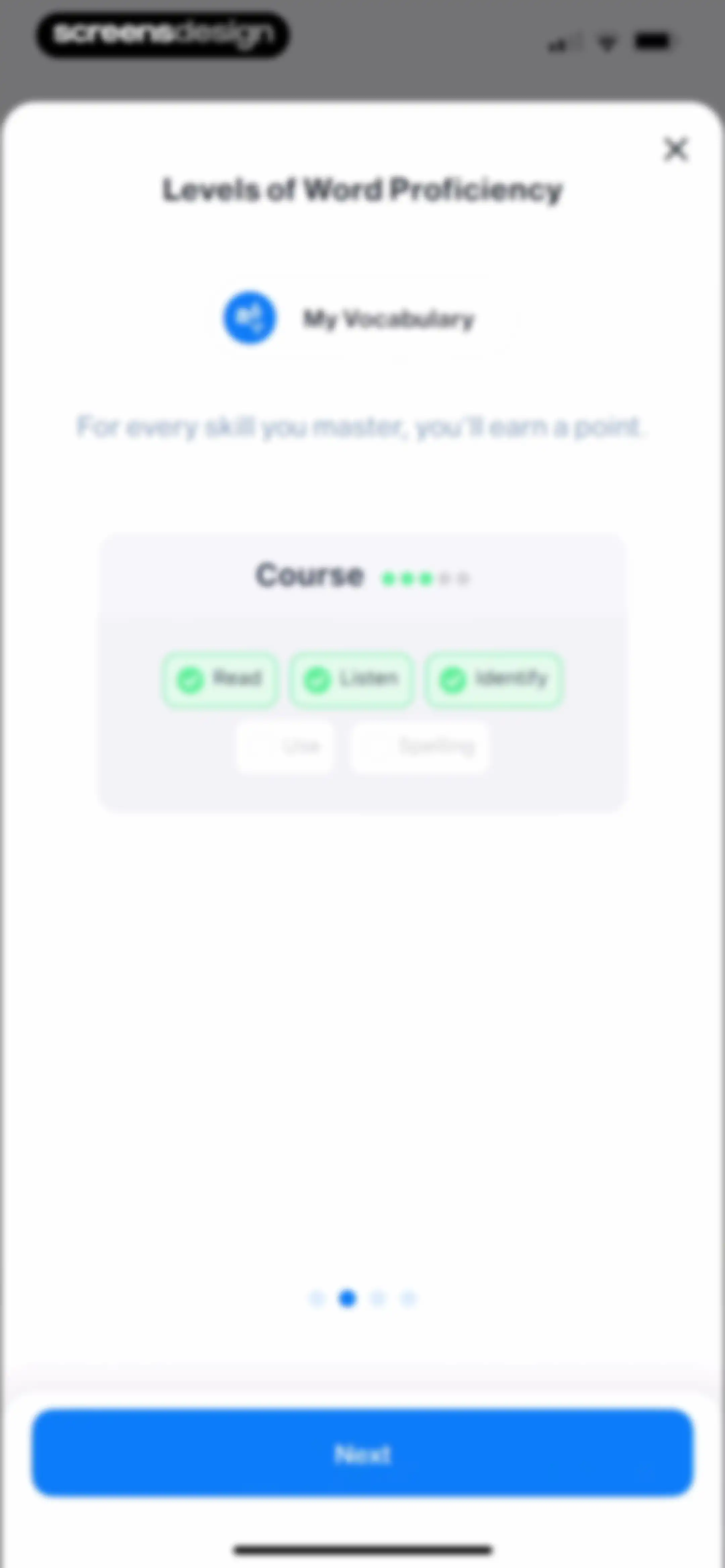
Onboarding screen explaining word proficiency levels with a central progress card, skill tags, pagination dots, and a Next button.Unlock Pro
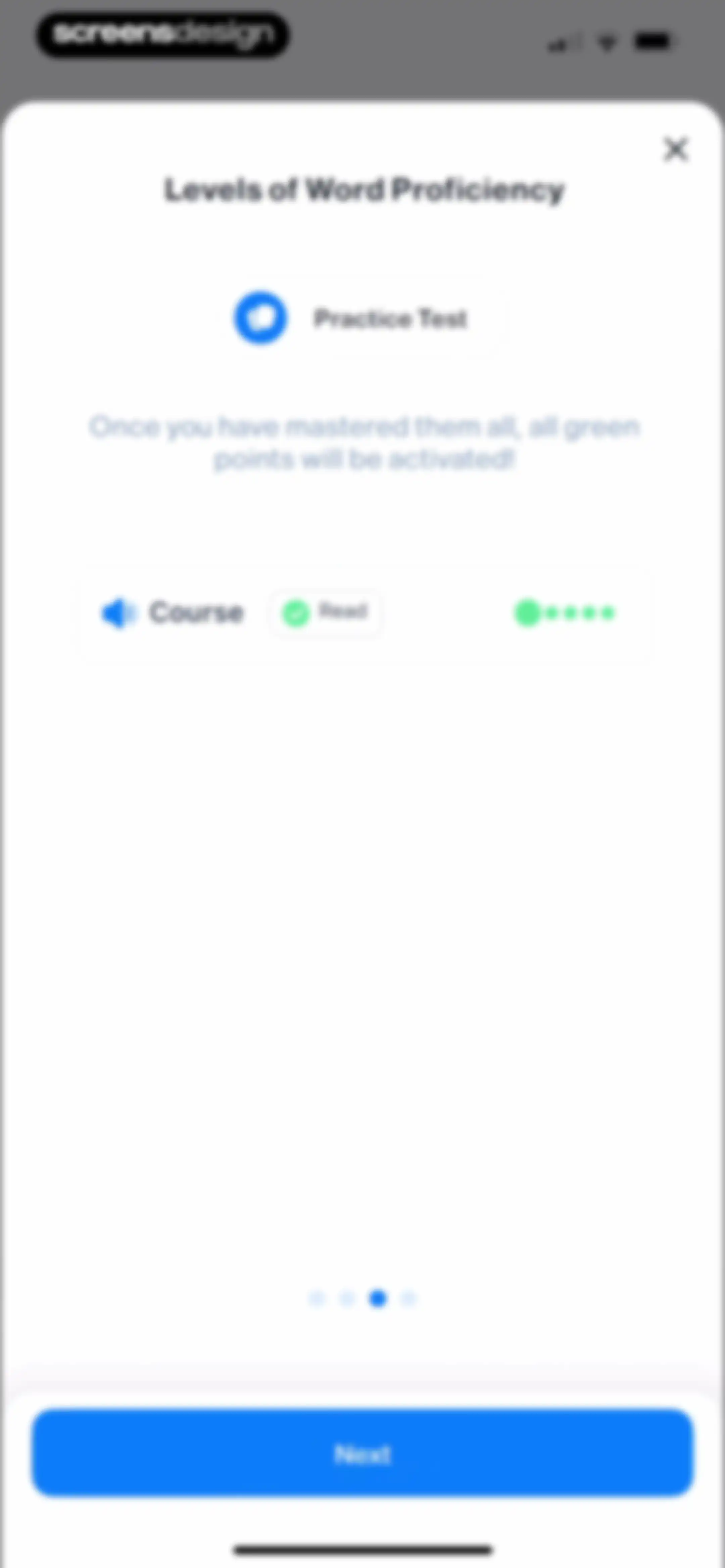
Word proficiency modal displaying a course progress card, instructional text, pagination dots, a Practice Test button, and a Next button.Unlock Pro
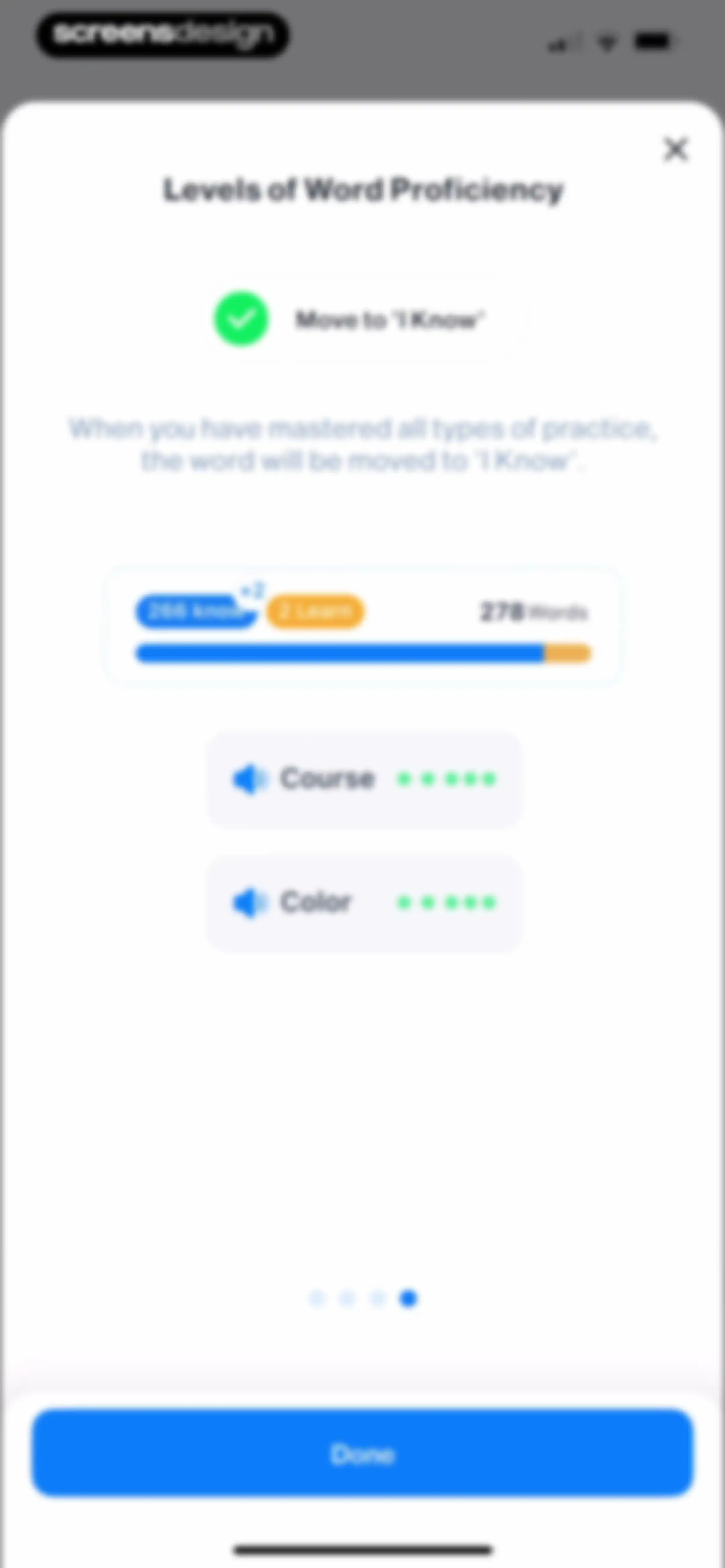
Word proficiency modal explaining mastery levels with a progress summary of 278 words, a vocabulary list, and a Done button.Unlock Pro
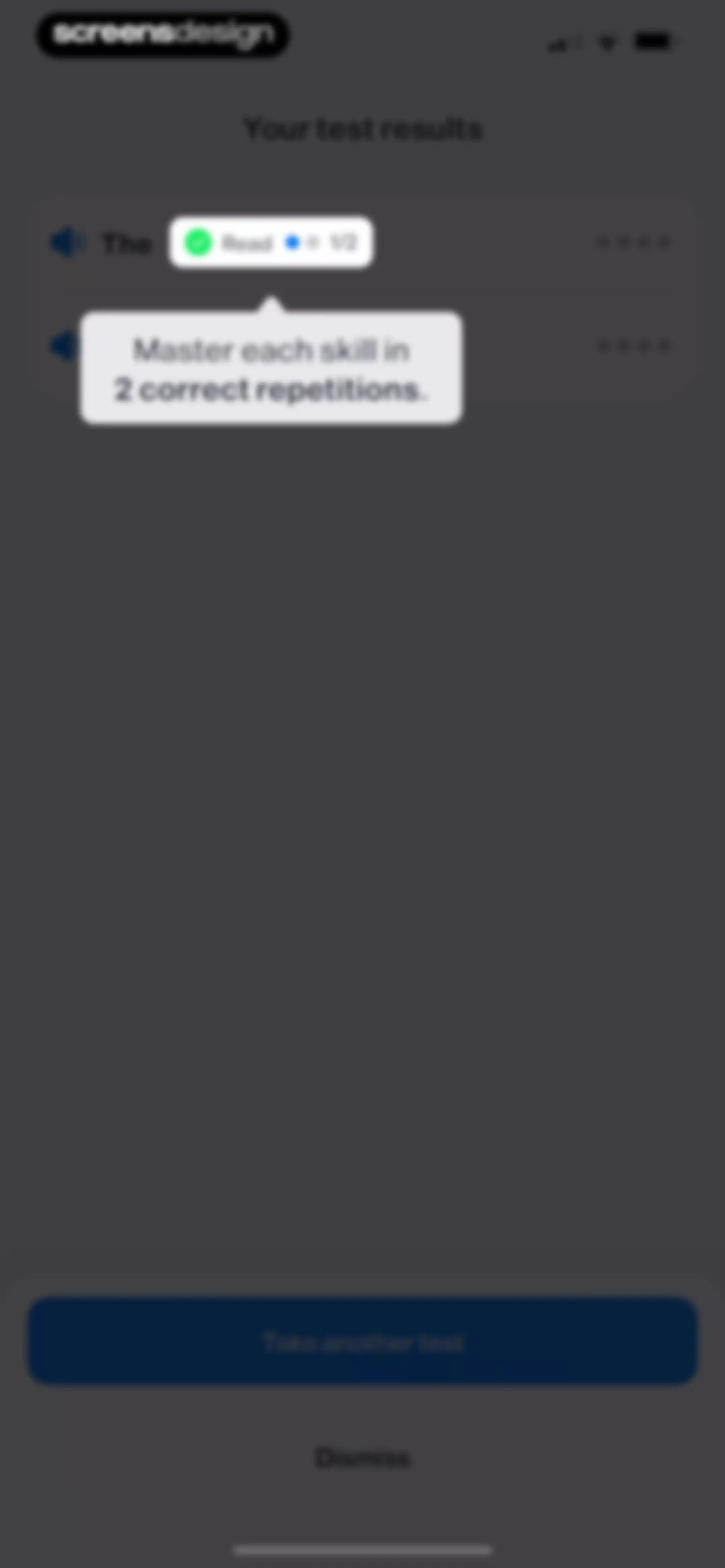
Test results screen in the iStoria app displaying skill mastery feedback with a tooltip and buttons to take another test or dismiss.Unlock Pro
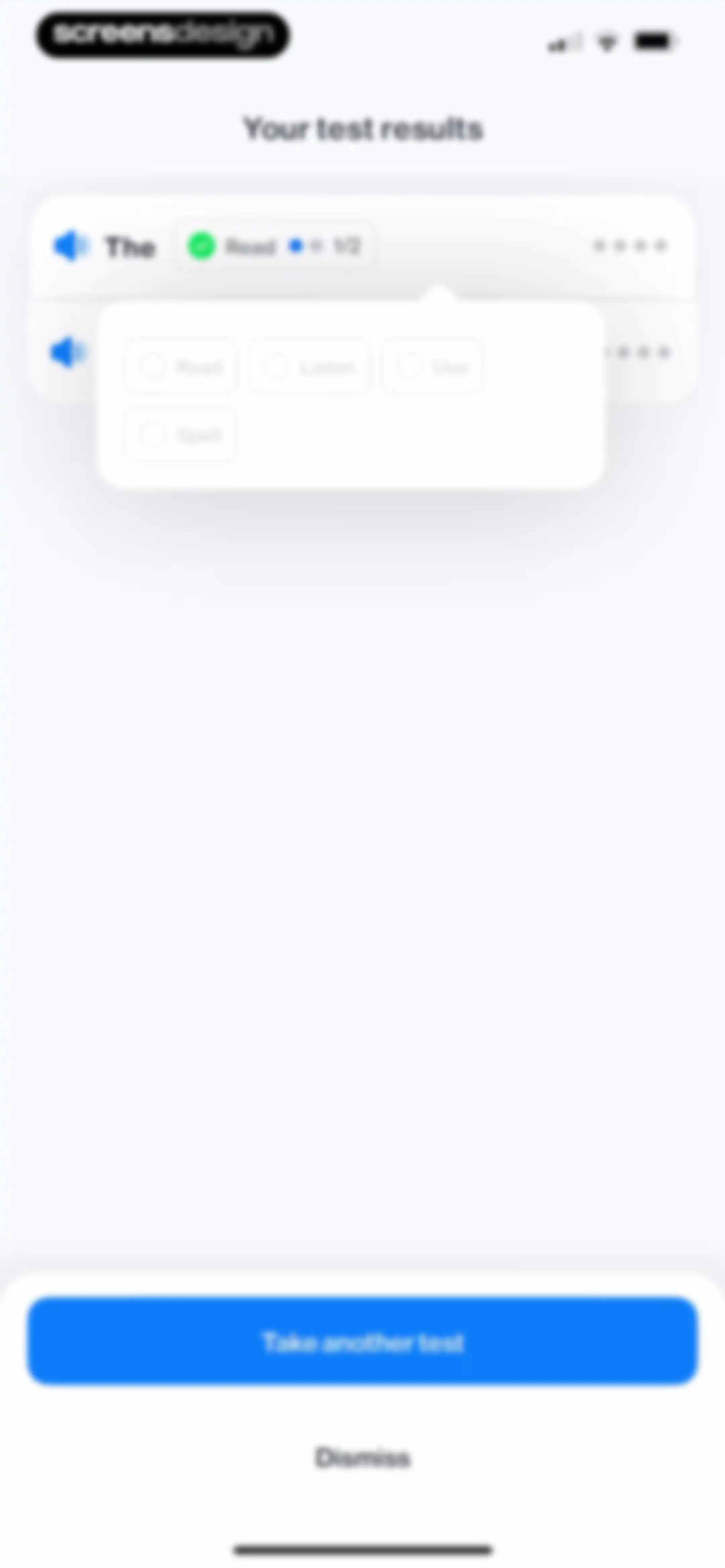
Dashboard showing language test results within the iStoria app, featuring a test item list with an overlaying skill category popover menu and a Take another test button.Unlock Pro
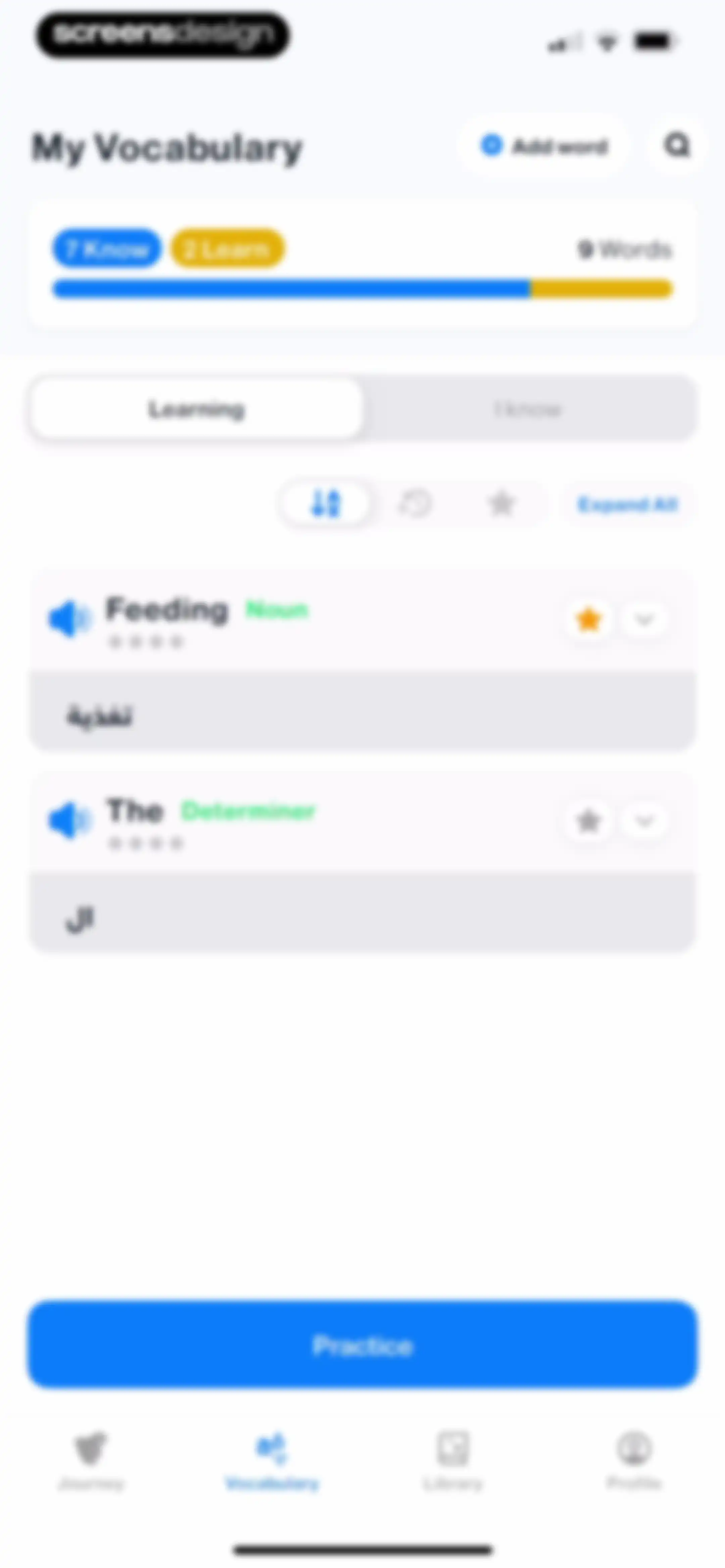
Vocabulary dashboard showing saved words, learning progress, and a Practice button, with the Vocabulary tab and Learning list selected.Unlock Pro
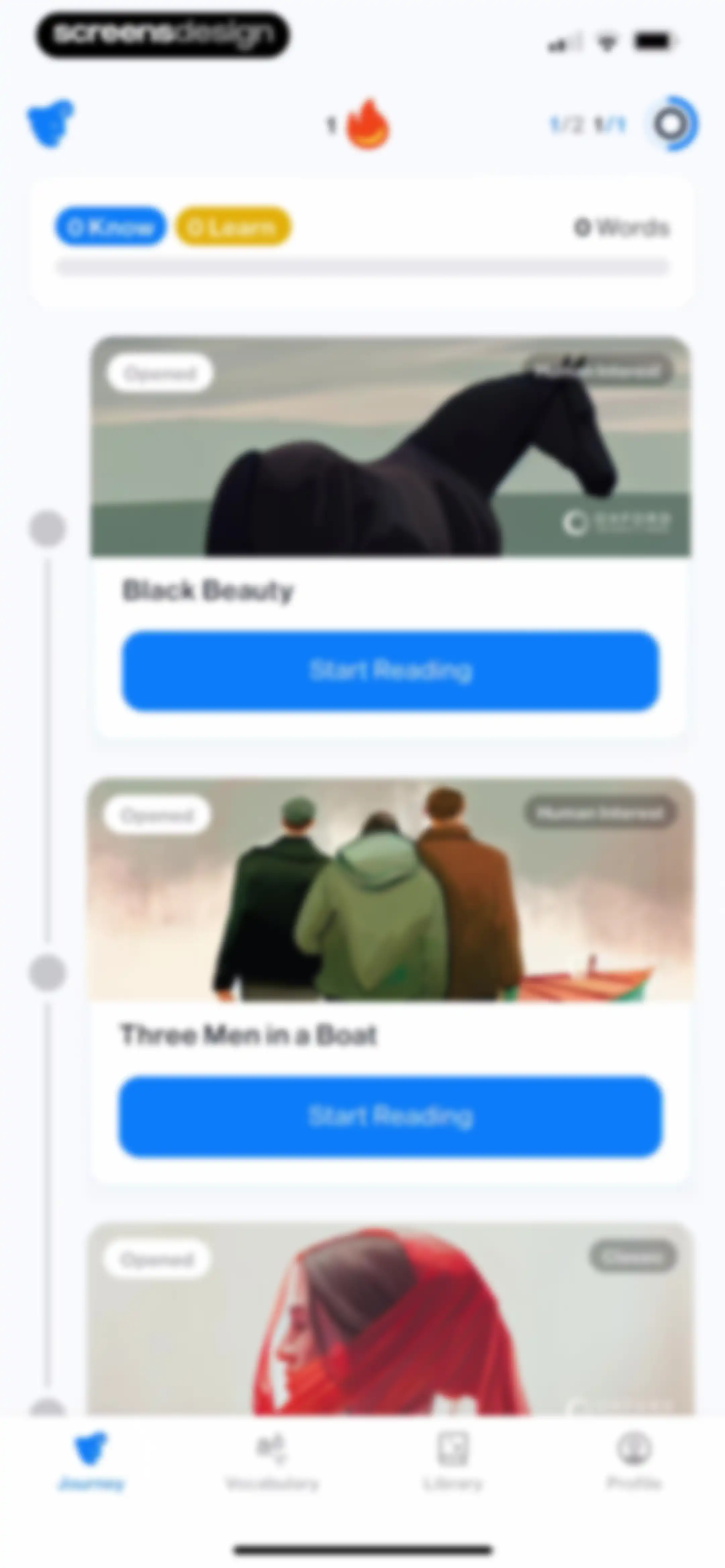
Home screen showing a reading progress summary and a vertical list of story cards with a Start Reading button.Unlock Pro
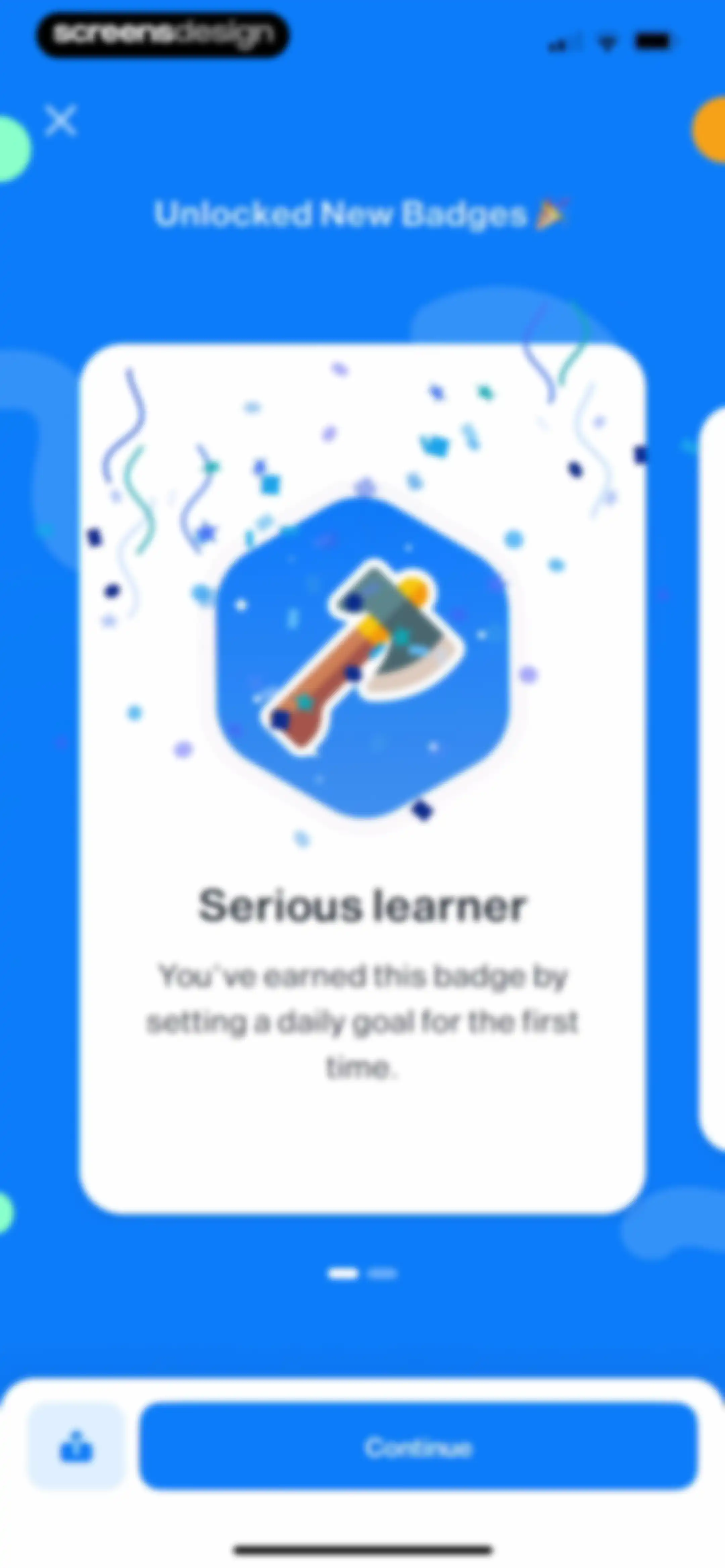
Achievement modal celebrating an unlocked Serious learner badge with an explanation, pagination dots, share option, and a Continue button.Unlock Pro
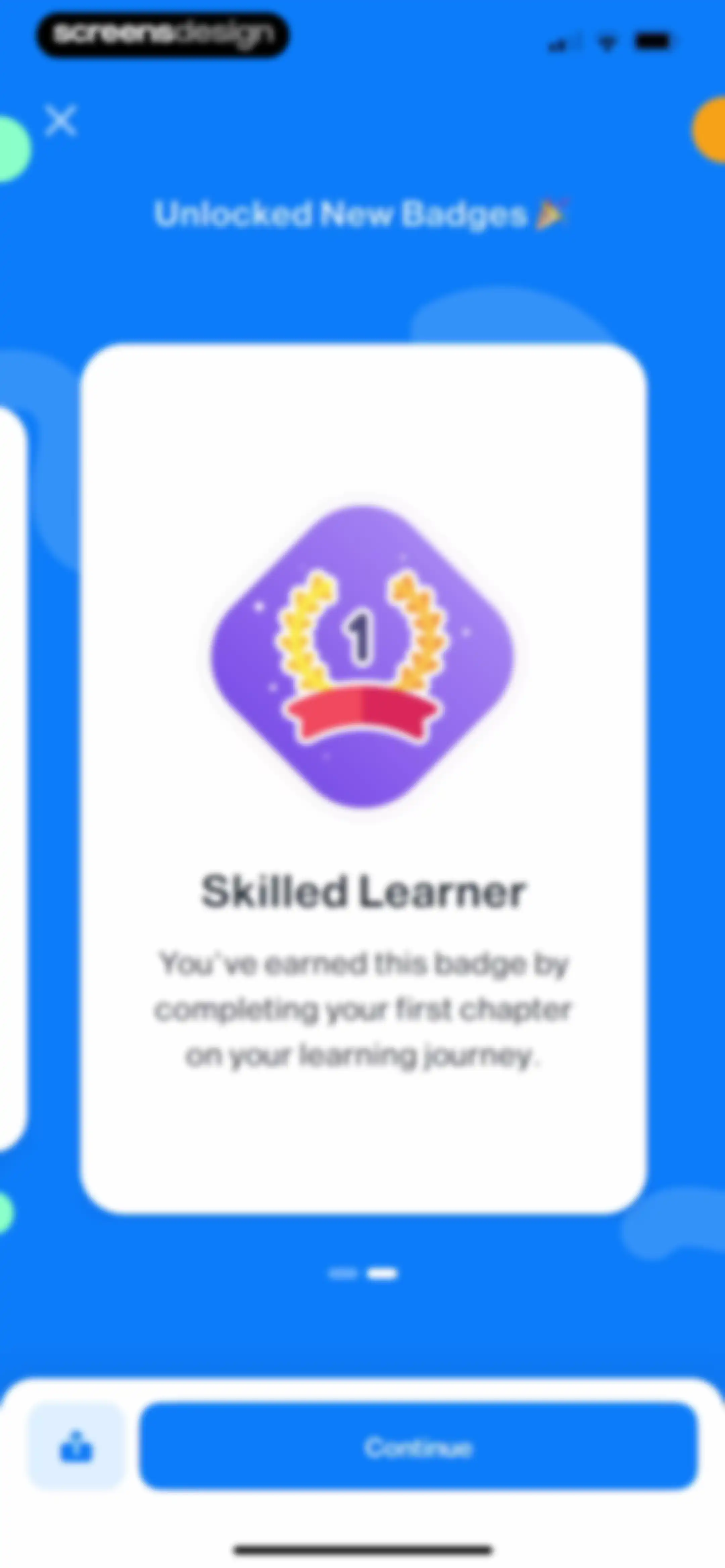
Achievement modal displaying the Unlocked New Badges screen with a Skilled Learner badge card, pagination dots, and a Continue button.Unlock Pro
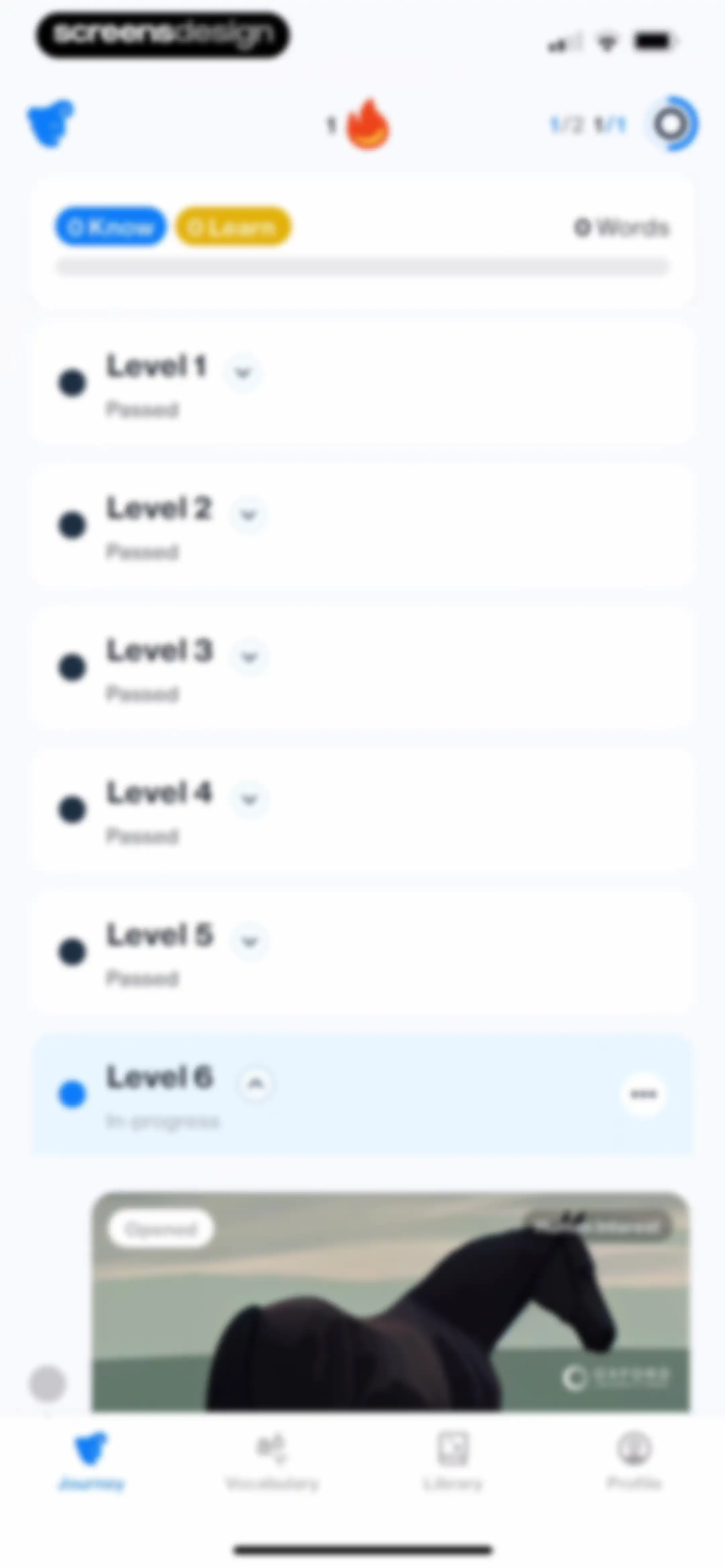
Language learning journey dashboard displaying a vocabulary progress summary and a vertical list of levels, with Level 6 in-progress and expanded.Unlock Pro
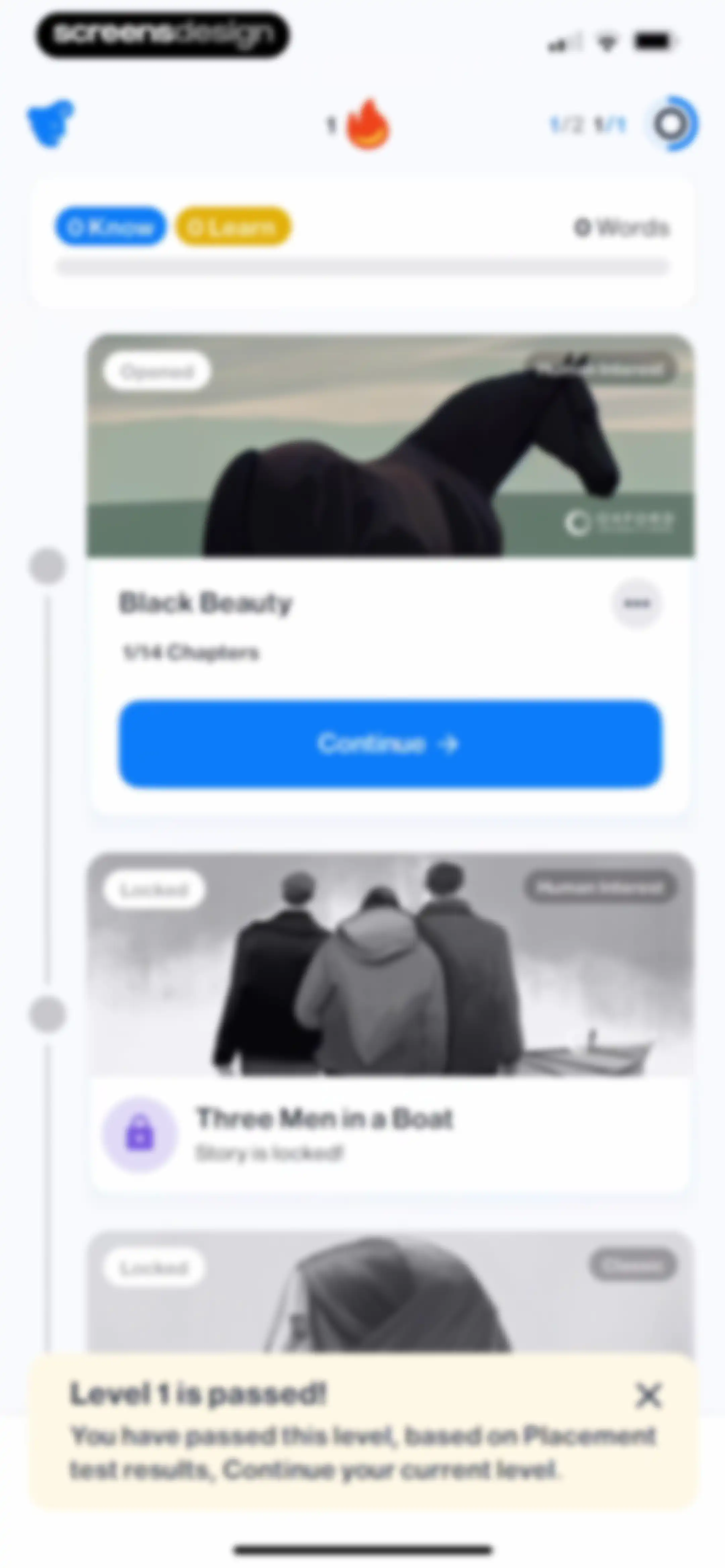
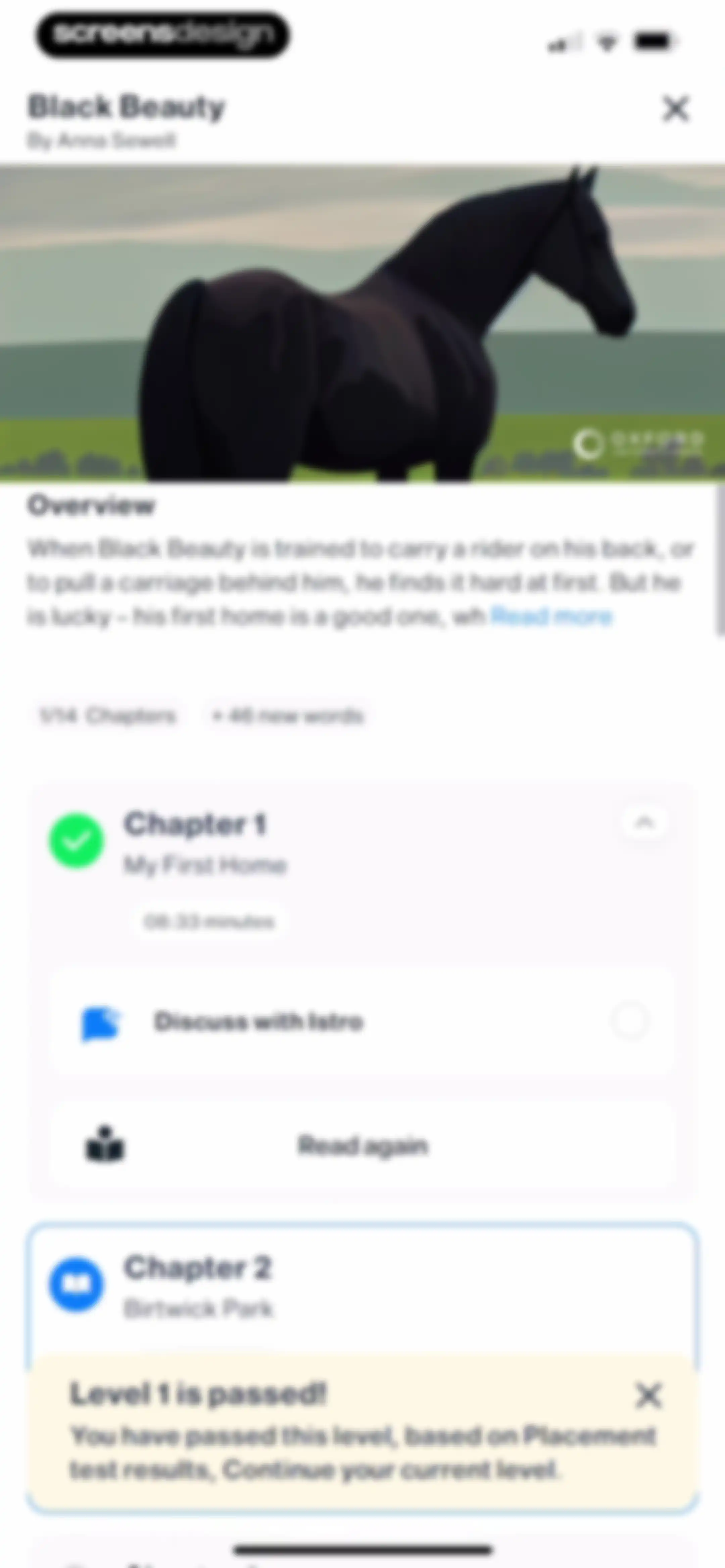
Content feed displaying language learning story cards with progress stats at the top and a level passed notification modal at the bottom.Unlock Pro
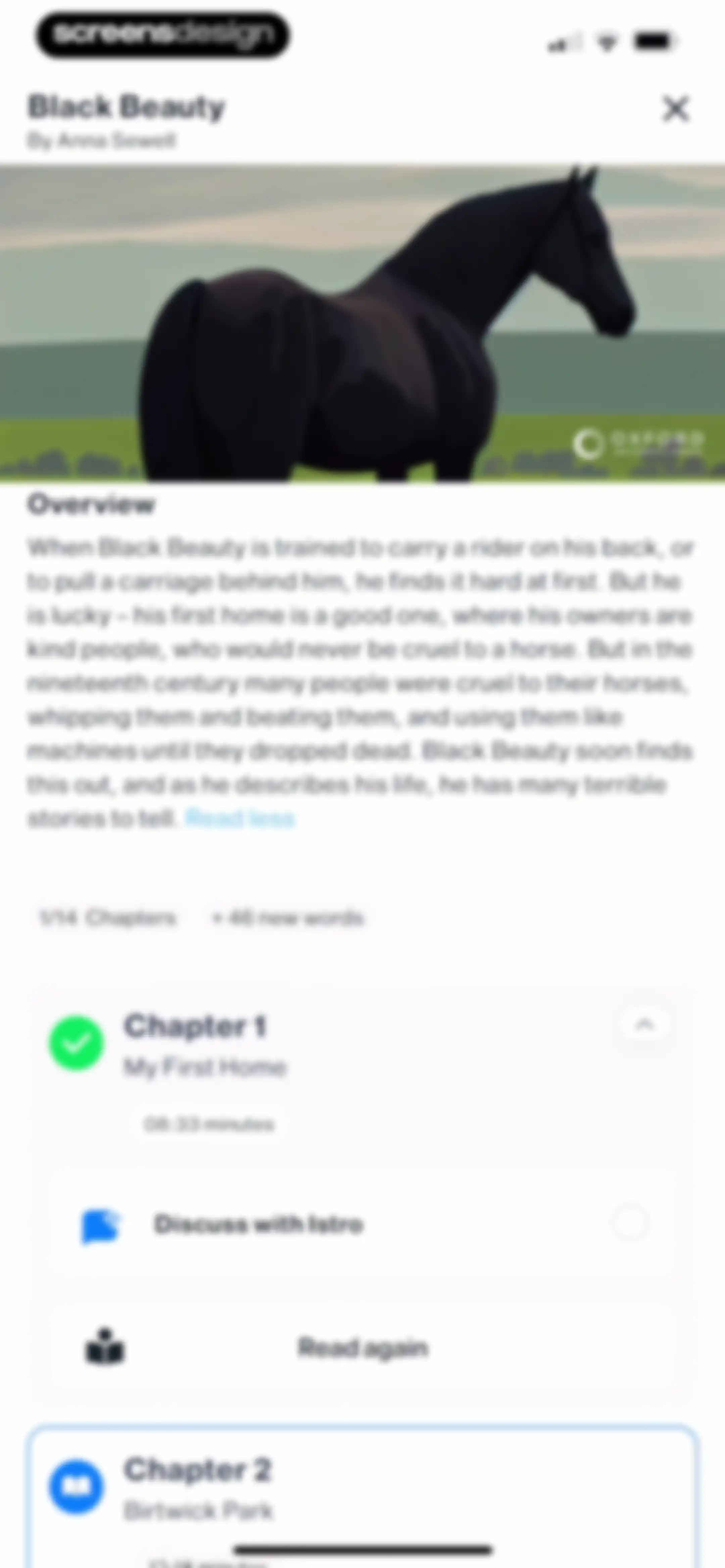
Story overview screen for Black Beauty displaying chapter progress, an overview summary, and a completed chapter with read and discussion options.Unlock Pro
Book details screen for Black Beauty showing chapter progress, a chapter summary, and a completed first chapter with options to read again.Unlock Pro
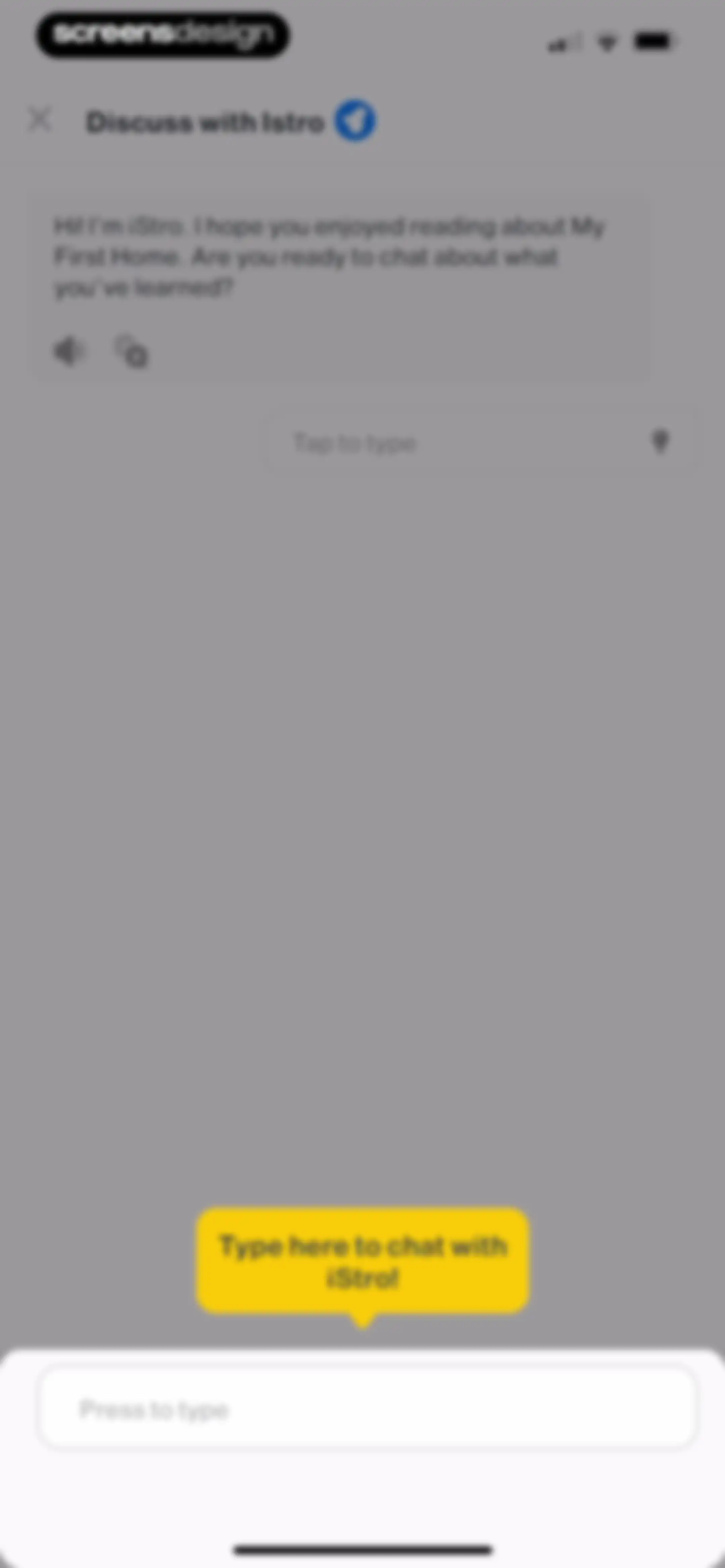
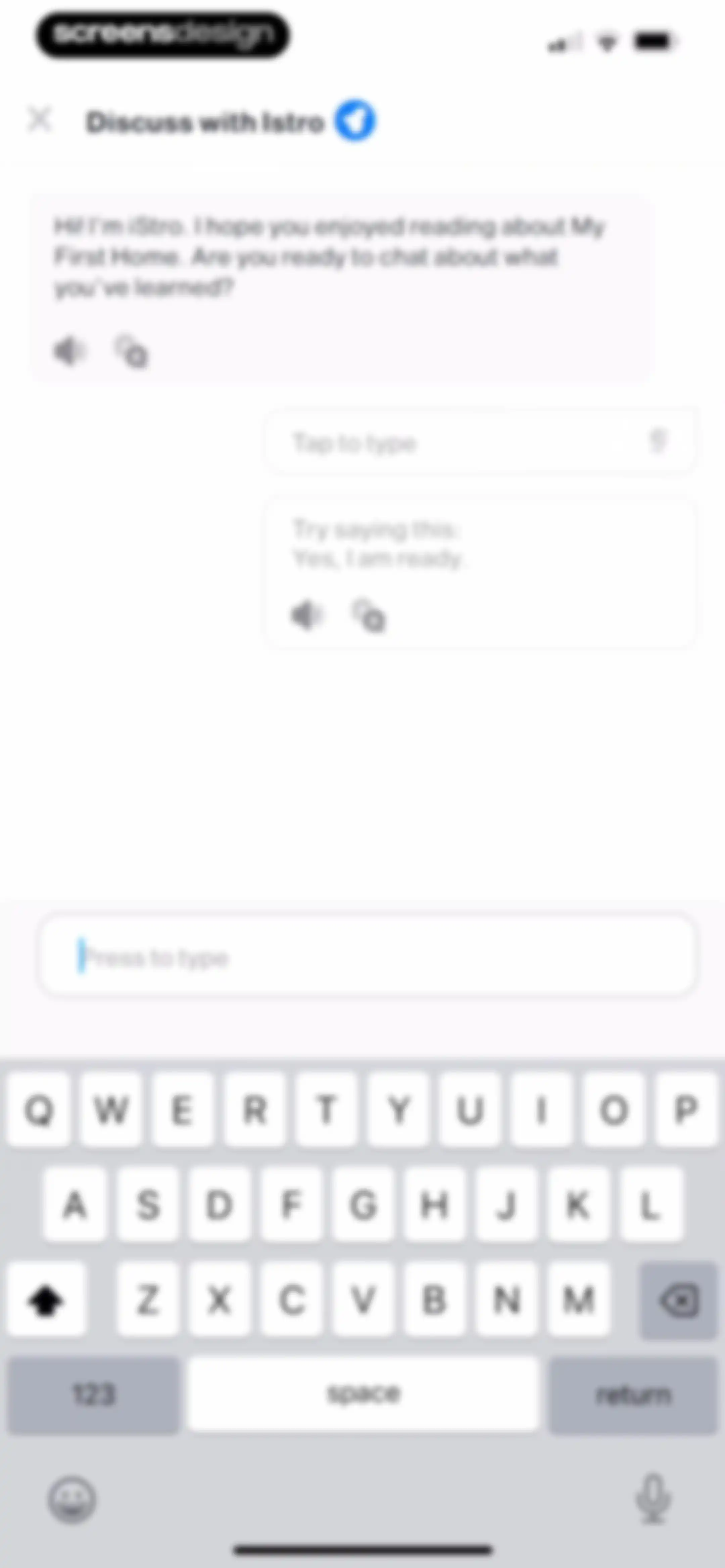
Chat screen for discussing a story with AI character iStro, featuring a conversation starter bubble and a bottom text input field.Unlock Pro
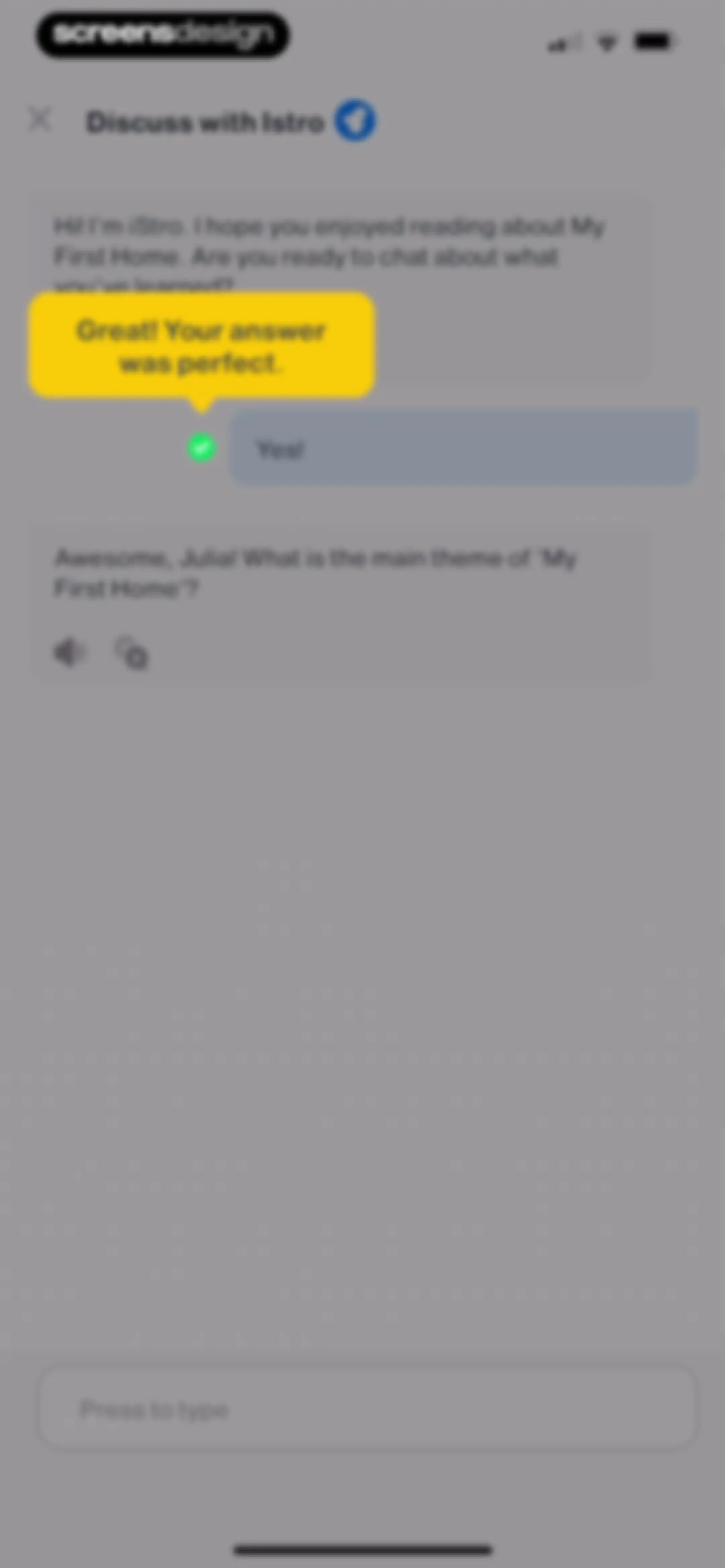
Chat screen with an AI assistant greeting the user about a story, accompanied by a yellow instructional tooltip and an active text input field.Unlock Pro
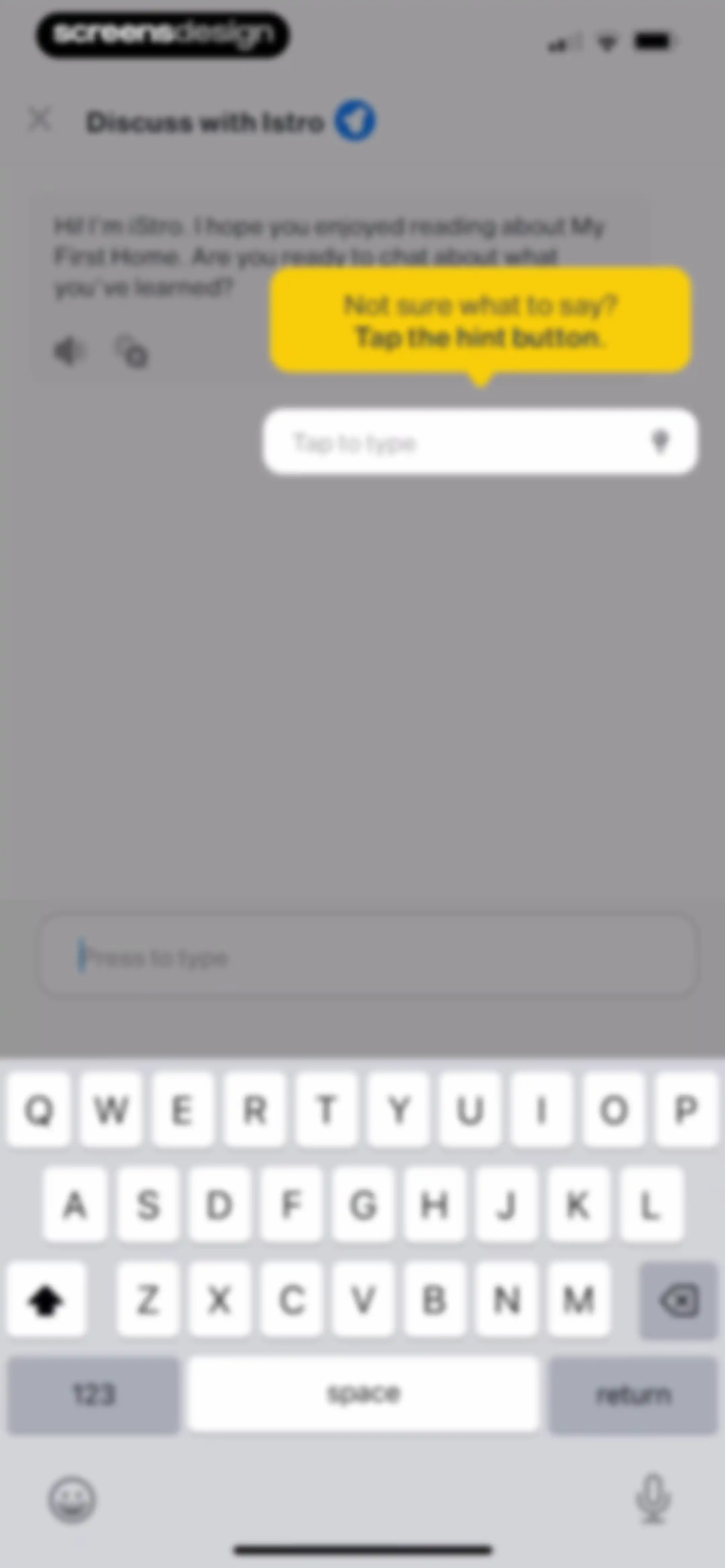
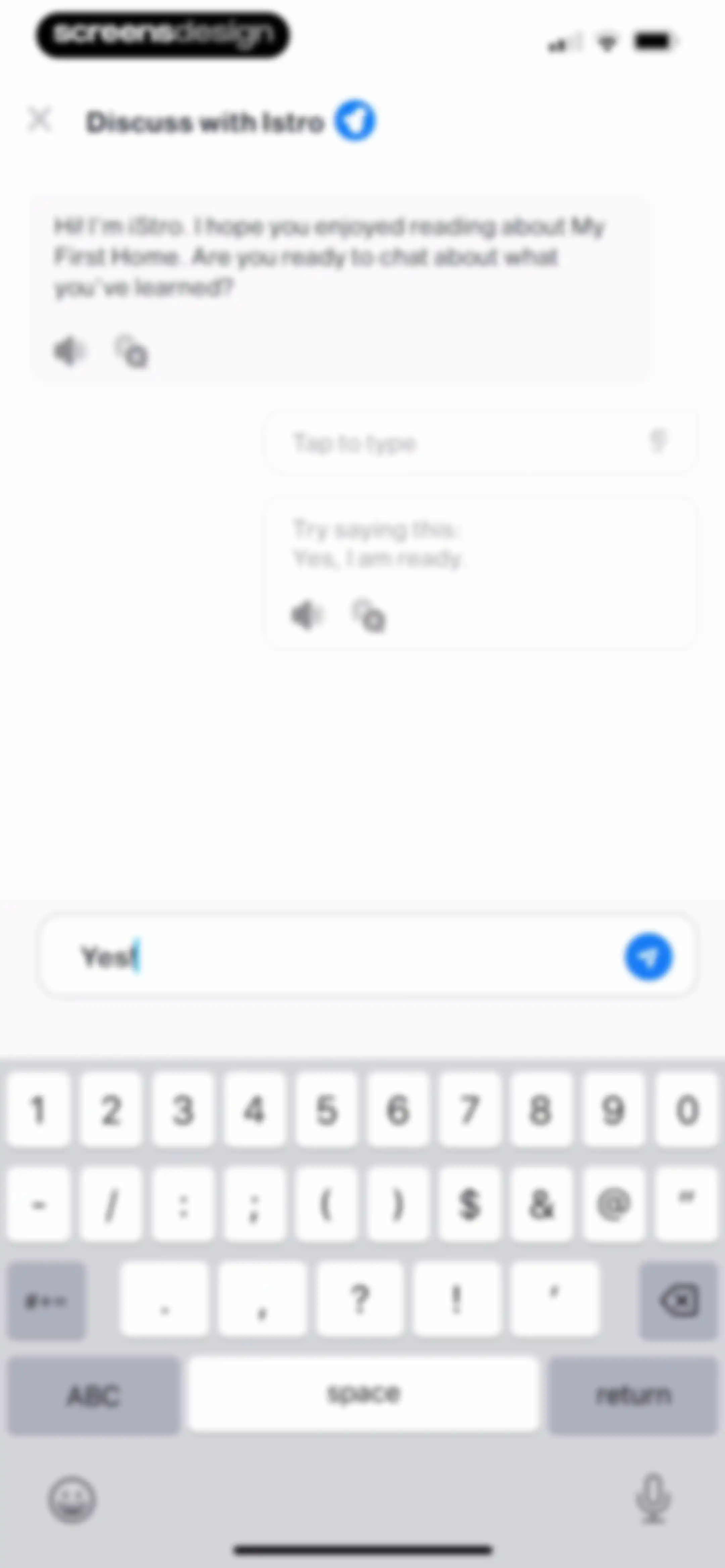
Chat screen for discussing a story with an AI assistant, featuring a greeting message, a suggested response, and a text input field with the system keyboard.Unlock Pro
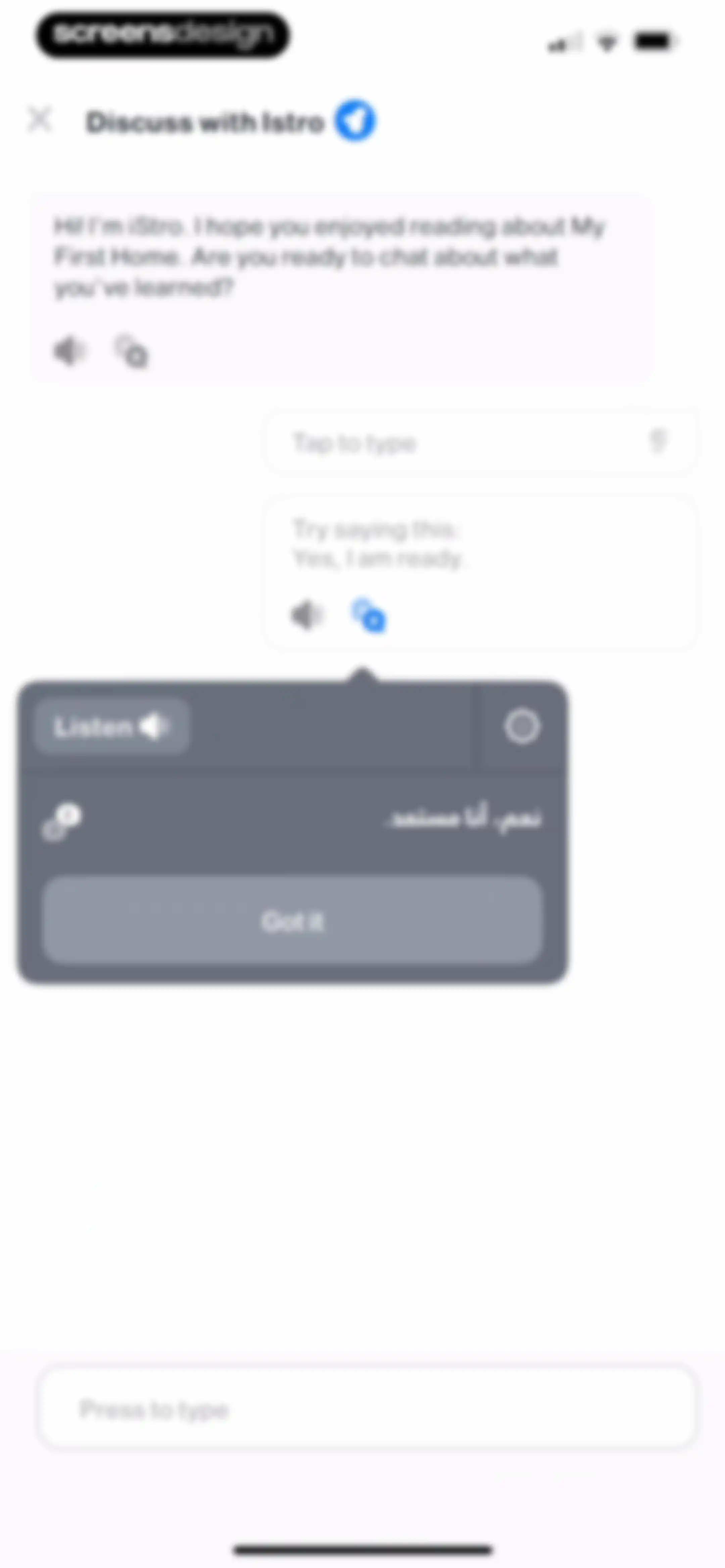
Chat interface with an AI tutor greeting, a central modal containing an Arabic translation and a Got it button, and a bottom text input field.Unlock Pro
Chat screen in the iStoria app with an AI assistant greeting the user about a story, featuring a text input field and a suggested reply.Unlock Pro
Chat screen displaying an ongoing conversation with an AI tutor about a reading topic, featuring message bubbles and a bottom text input field.Unlock Pro
Chat screen in the iStoria app showing a conversation between the user and AI tutor iStro about a story, with a text input field at the bottom.Unlock Pro
Promotional modal offering a free English tutoring session with Join and Dismiss buttons, overlaid on a language learning dashboard.Unlock Pro
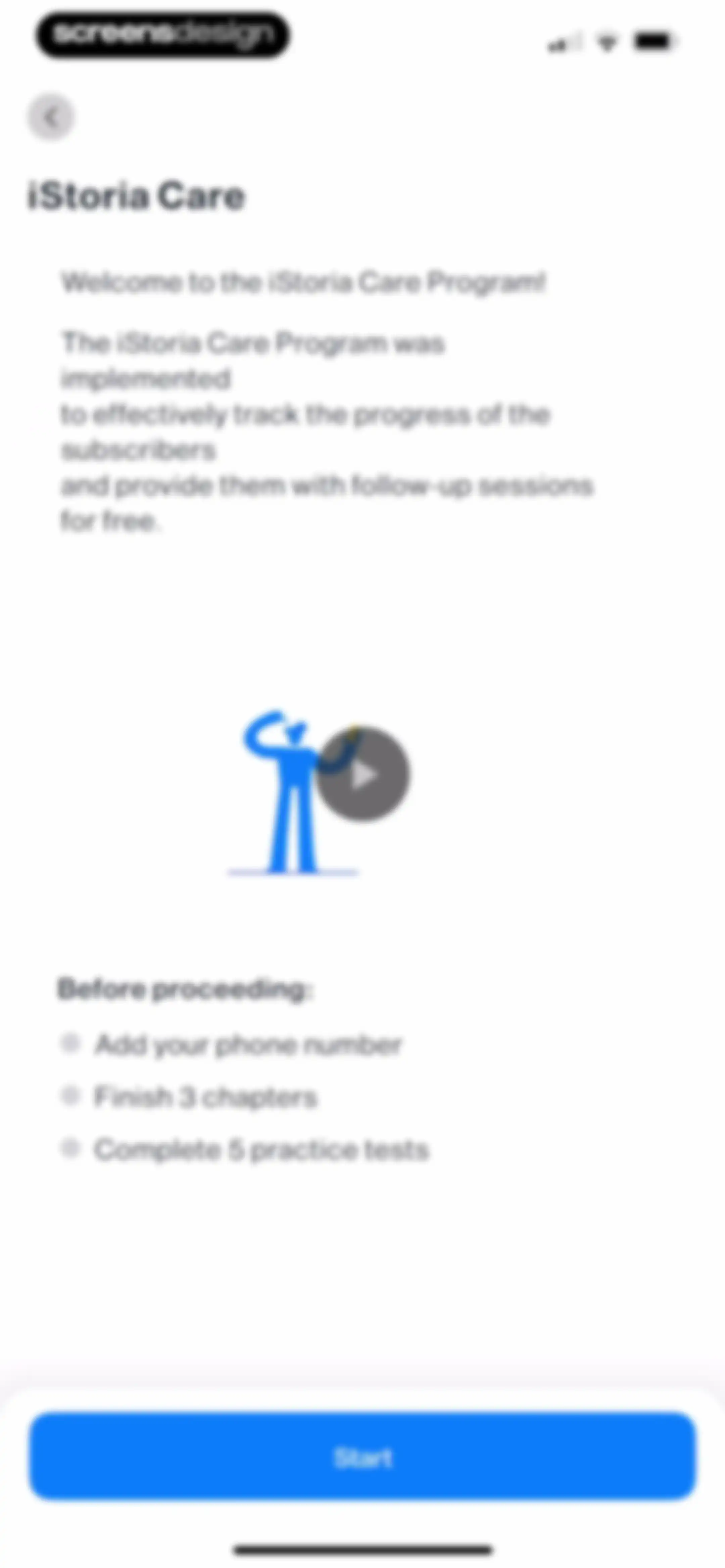
iStoria Care onboarding screen introducing the program with a checklist of requirements and a Start button.Unlock Pro
Home screen showing a vertical list of story cards with vocabulary progress, featuring an opened story with a Continue button and a locked story modal below.Unlock Pro
Confirmation modal for skipping a story, with a Skip Story button and a message about resuming reading anytime.Unlock Pro
Book details screen for Three Men in a Boat with a locked status notification and a vertical list of disabled chapters.Unlock Pro
Home journey screen displaying a vertical list of locked story cards and level headers with a bottom navigation bar.Unlock Pro
Home screen displaying a Daily Goal progress modal overlay above a vertical list of locked story cards and level sections.Unlock Pro
Dashboard displaying a one-day streak, a November 2025 calendar widget, and a bottom navigation bar with the Journey tab selected.Unlock Pro
Onboarding tutorial modal explaining how to add a widget to the home screen, featuring an instructional illustration and a Next button.Unlock Pro
Onboarding modal with a widget tutorial illustration, instructional text, progress dots, and a Next button.Unlock Pro
Onboarding modal instructing users to add the app widget to their home screen, featuring a product mockup and a Done button.Unlock Pro
Vocabulary dashboard listing saved words with translation and progress, featuring a Practice button and tabs for learning and mastered terms.Unlock Pro
Vocabulary dashboard showing a progress summary, learning word cards, and a practice button.Unlock Pro
Vocabulary dashboard showing a progress summary with seven known and two learning words, a word list, and a Practice button.Unlock Pro
Vocabulary dashboard displaying saved words, progress stats, and a practice button with a prompt tooltip.Unlock Pro
Vocabulary dashboard displaying progress stats, word lists, practice mode options, and a bottom navigation bar.Unlock Pro
Language learning quiz screen displaying the word feeding with three translation options, the second option selected, and a Check answer button.Unlock Pro
Vocabulary quiz screen showing a wrong answer error modal with a red error icon and a blue Next button below the question.Unlock Pro
Quiz summary screen displaying zero correct and one wrong answers, with options to review questions and a Next button.Unlock Pro
Language learning test results screen in the iStoria app displaying a Feeding vocabulary test summary, with a Take another test button and a Dismiss link.Unlock Pro
Vocabulary dashboard showing word progress, a list of saved words, filter controls, and a practice button.Unlock Pro
Vocabulary dashboard displaying saved word cards, progress counts, and a practice modal with mode options and a Practice button.Unlock Pro
Challenge screen featuring a head-to-head competition display with user and opponent avatars separated by a VS badge and a descriptive subtitle.Unlock Pro
Language learning quiz question screen showing a vocabulary word, a scoreboard with two players, a timer, and three multiple-choice answer buttons.Unlock Pro
Language learning quiz question screen displaying the word 'field' with three selectable Arabic answer buttons and a head-to-head scoreboard.Unlock Pro
Game victory screen displaying a final score summary of five to zero against an opponent, with a Play Again button.Unlock Pro
Vocabulary search screen showing English and Arabic word cards for the search term design, with Add buttons and a Load more button.Unlock Pro
Vocabulary search screen displaying results for design with Arabic translations, one item marked as added and others with an add button.Unlock Pro
Achievement modal celebrating unlocked badges, featuring a High Achiever badge earned for taking practice tests, with a continue button.Unlock Pro
Library home screen displaying a progress summary, category filters, and a vertical list of book cards including Atomic Habits and Can't Hurt Me.Unlock Pro
Library screen listing book summaries and fun break categories with descriptive text and icons inside a white card.Unlock Pro
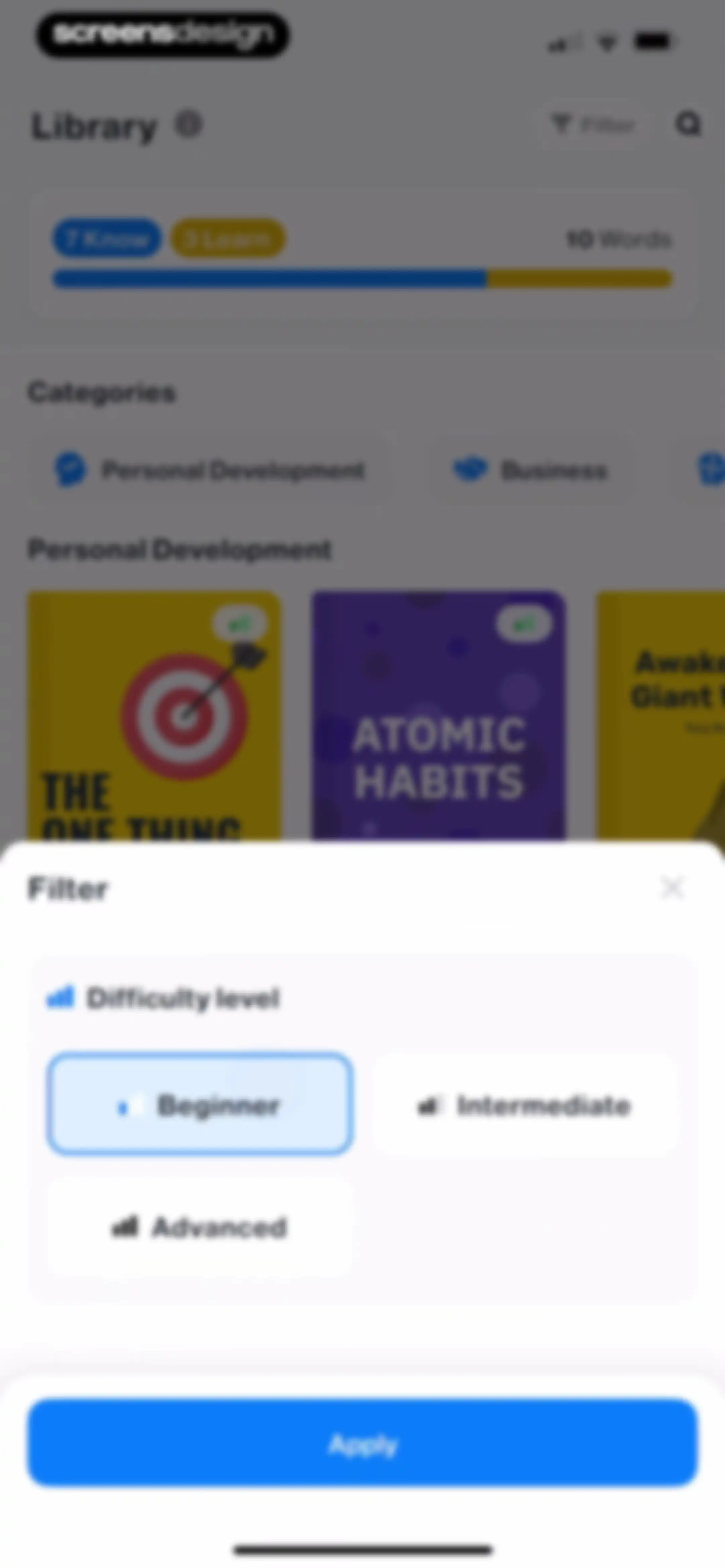
Filter modal overlay with difficulty level selection, featuring the Beginner option selected and an Apply button.Unlock Pro
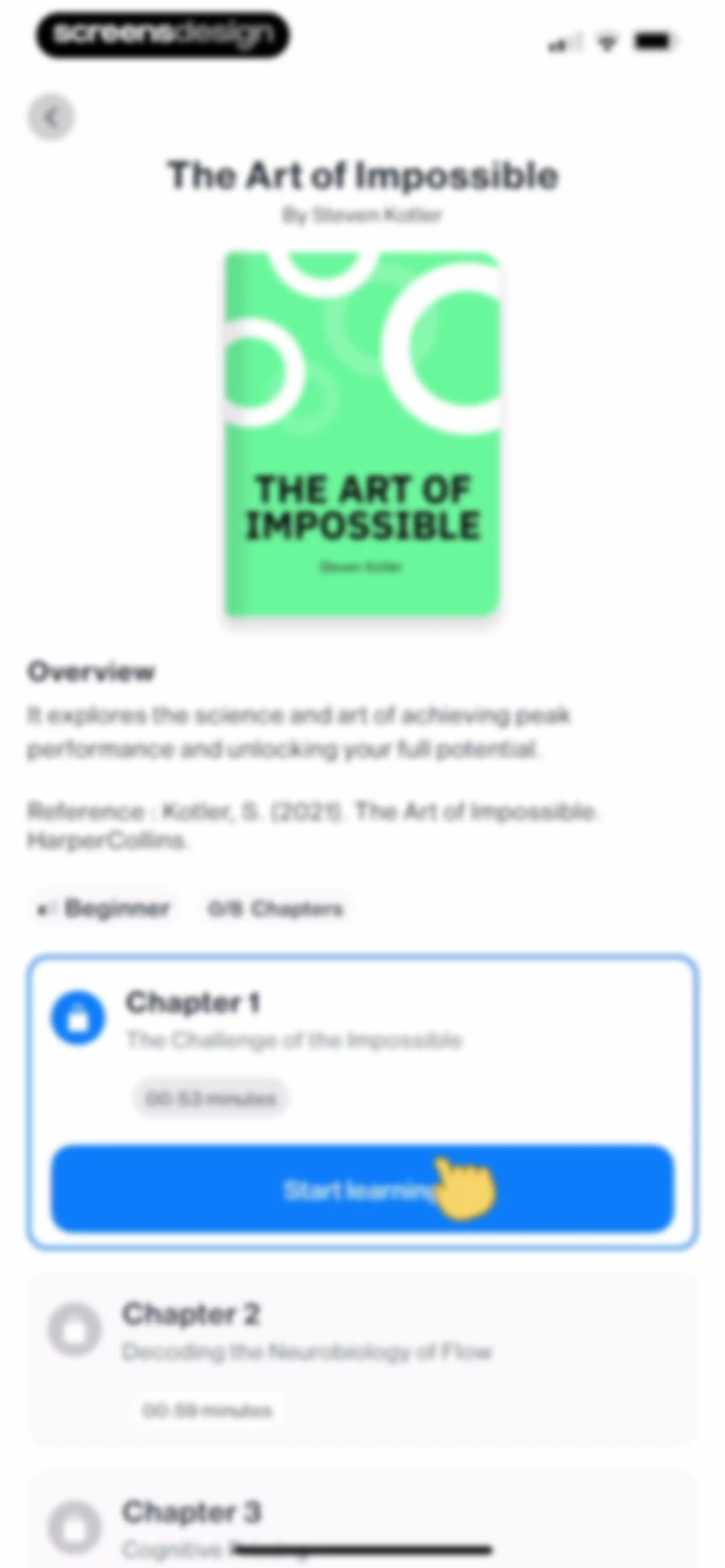
Book detail screen for The Art of Impossible showing an overview, beginner difficulty tag, chapter progress, and a list of chapters with a Start learning button.Unlock Pro
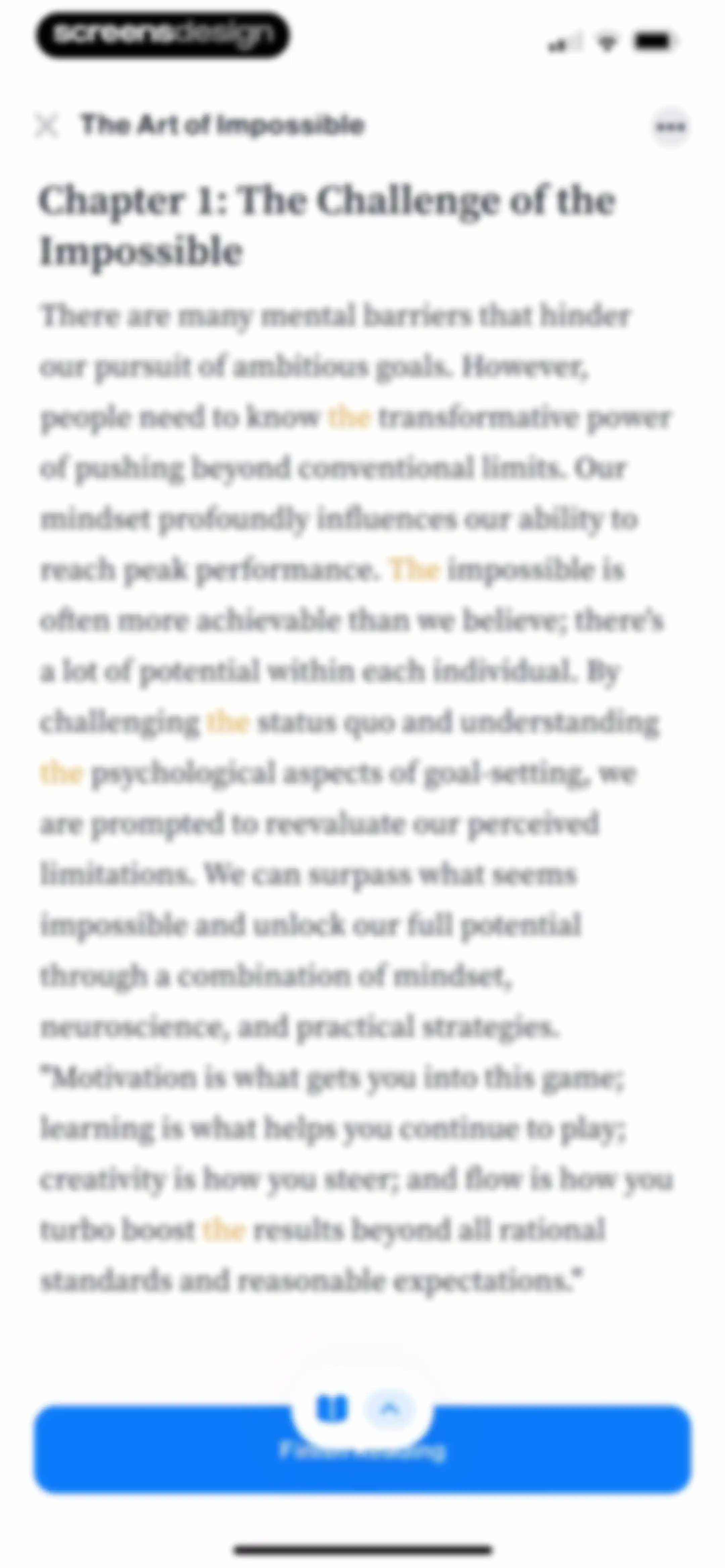
Reading screen displaying Chapter 1 titled The Challenge of the Impossible, with a highlighted text passage and a Finish reading button at the bottom.Unlock Pro
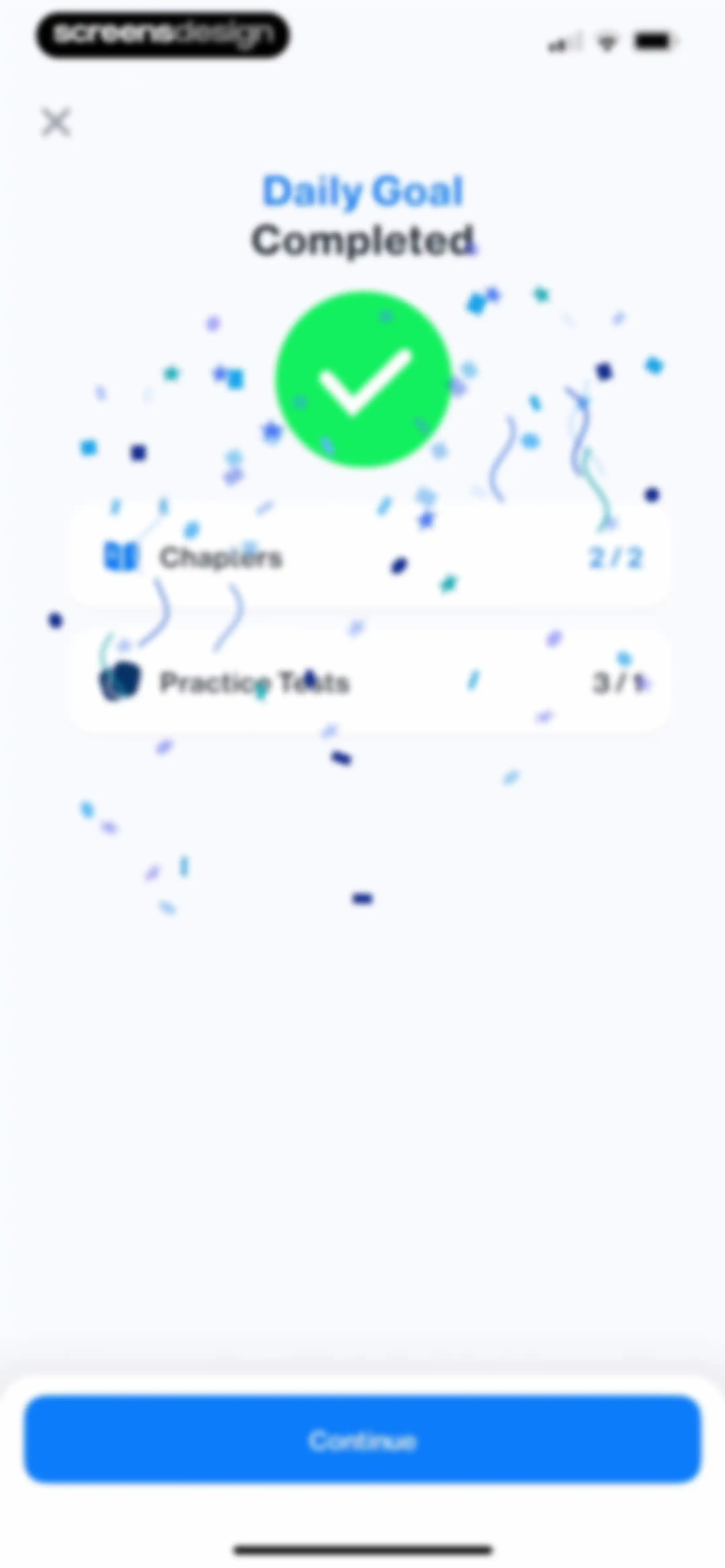
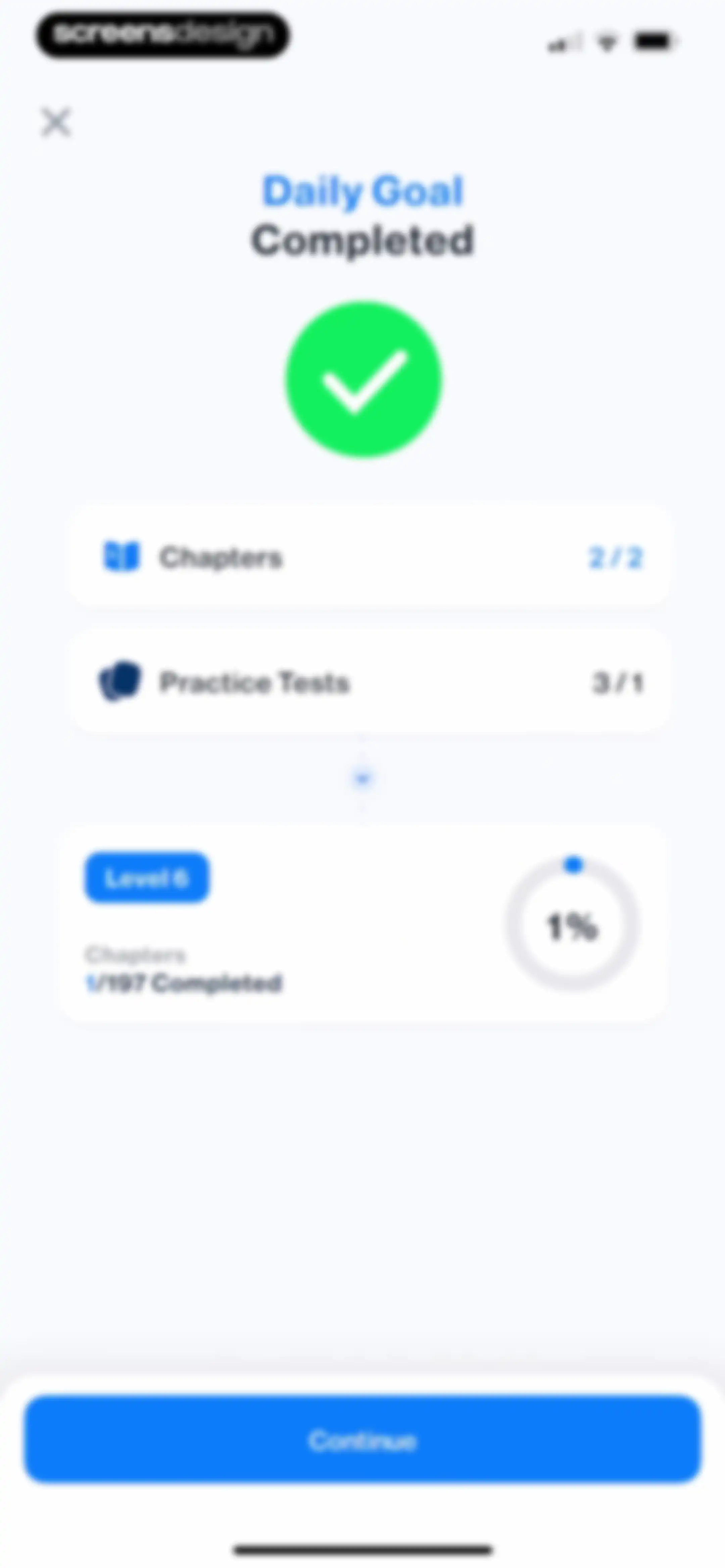
Daily goal completion screen with a success icon, progress summary for chapters and practice tests, and a Continue button.Unlock Pro
Daily goal completed screen with a success icon, progress summaries, a level progress card, and a continue button.Unlock Pro
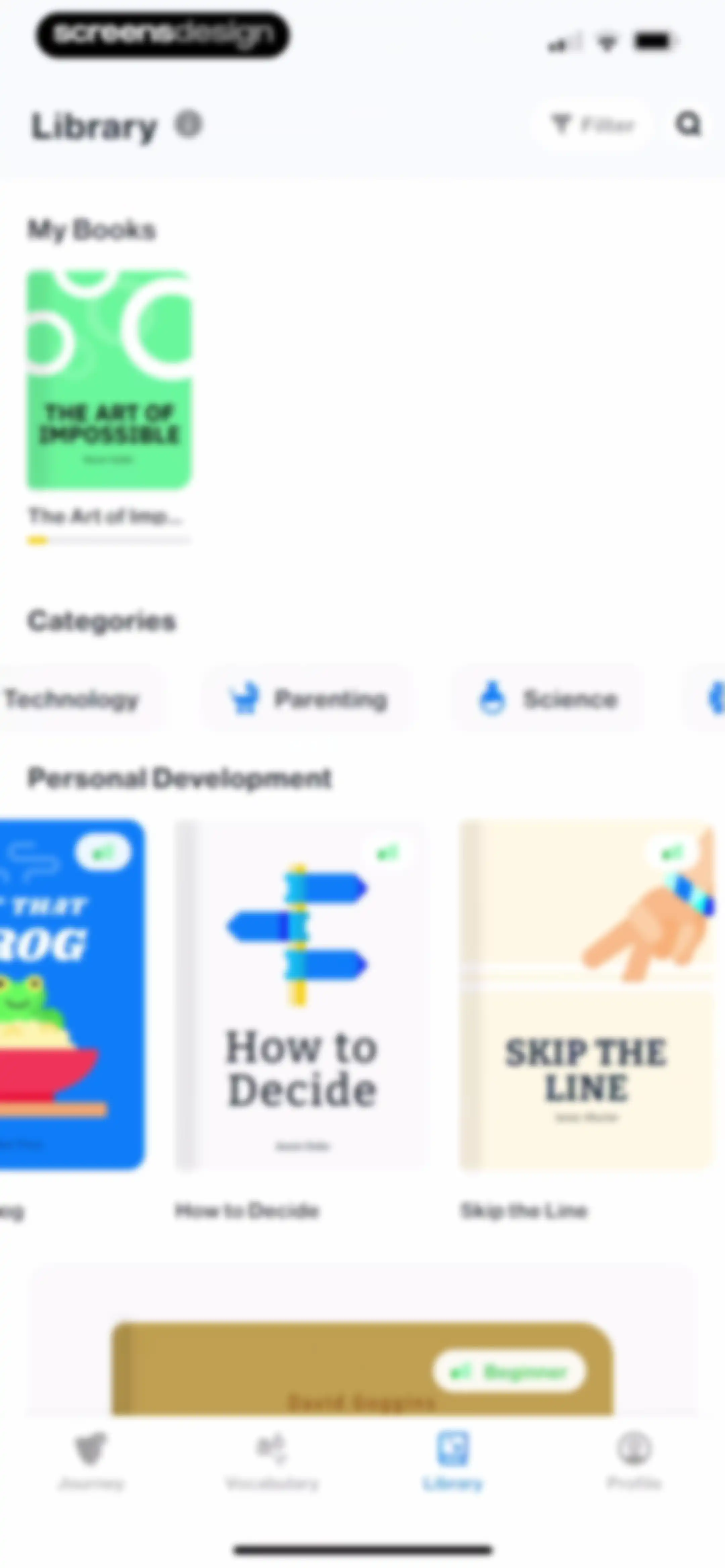
Library screen displaying a My Books section, category filters, and a grid of personal development books with a bottom navigation bar.Unlock Pro
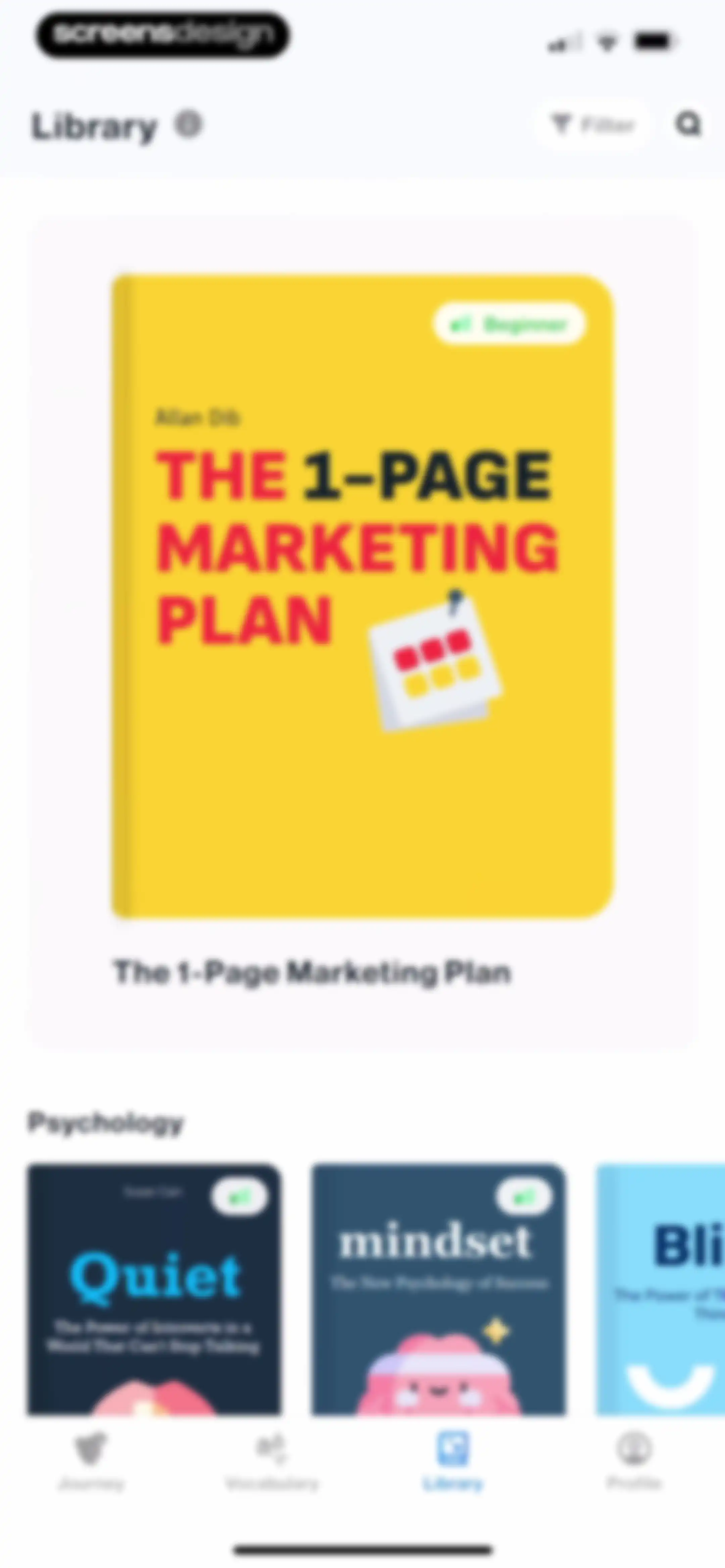
Library screen displaying a featured book card for The 1-Page Marketing Plan and a category section with a horizontal list of book covers.Unlock Pro
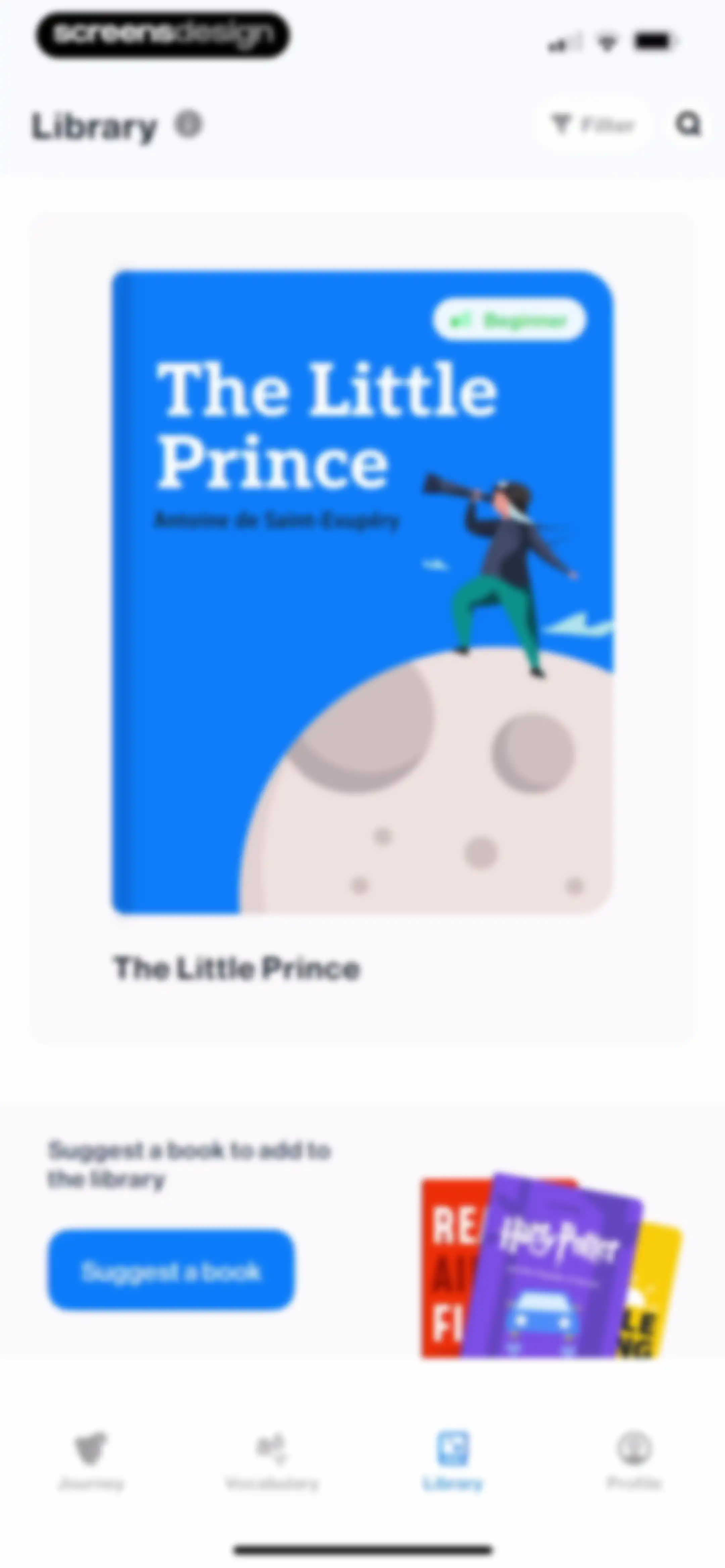
Library screen featuring a featured book card for The Little Prince and a book suggestion prompt with a Suggest a book button.Unlock Pro
Book title suggestion form modal with a filled input field, a Send button, and a notification banner stating that the book is already in the library.Unlock Pro
User profile screen featuring a modal overlay with a phone number input field, a disabled Send button, and a bottom numeric keypad.Unlock Pro
Profile screen displaying user progress metrics, daily goal status, level details, and a bottom navigation bar.Unlock Pro
Achievement modal displaying an unlocked Motivated learner badge for achieving a daily goal, with a Continue button.Unlock Pro
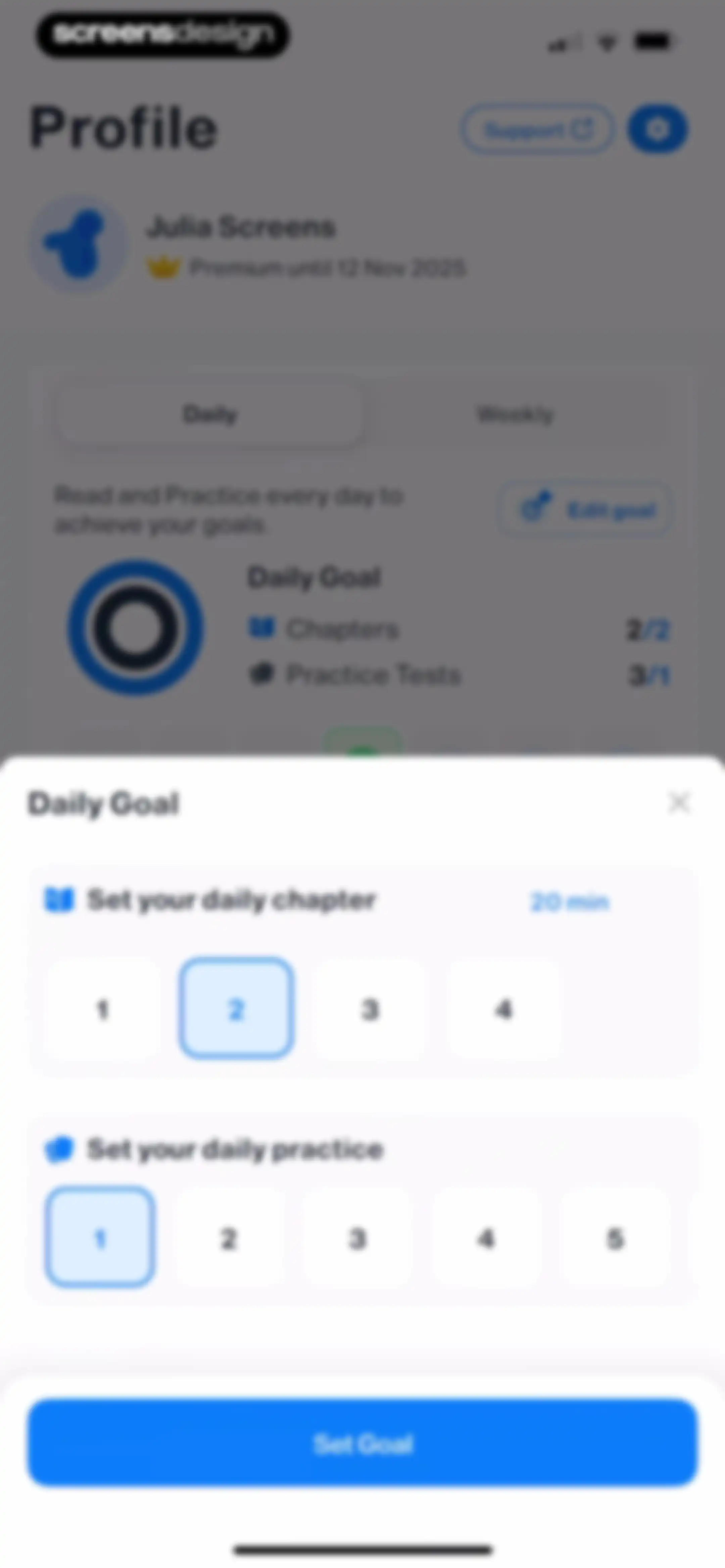
Profile screen with a daily goal configuration modal overlay displaying options to set chapters and practice tests, featuring a Set Goal button.Unlock Pro
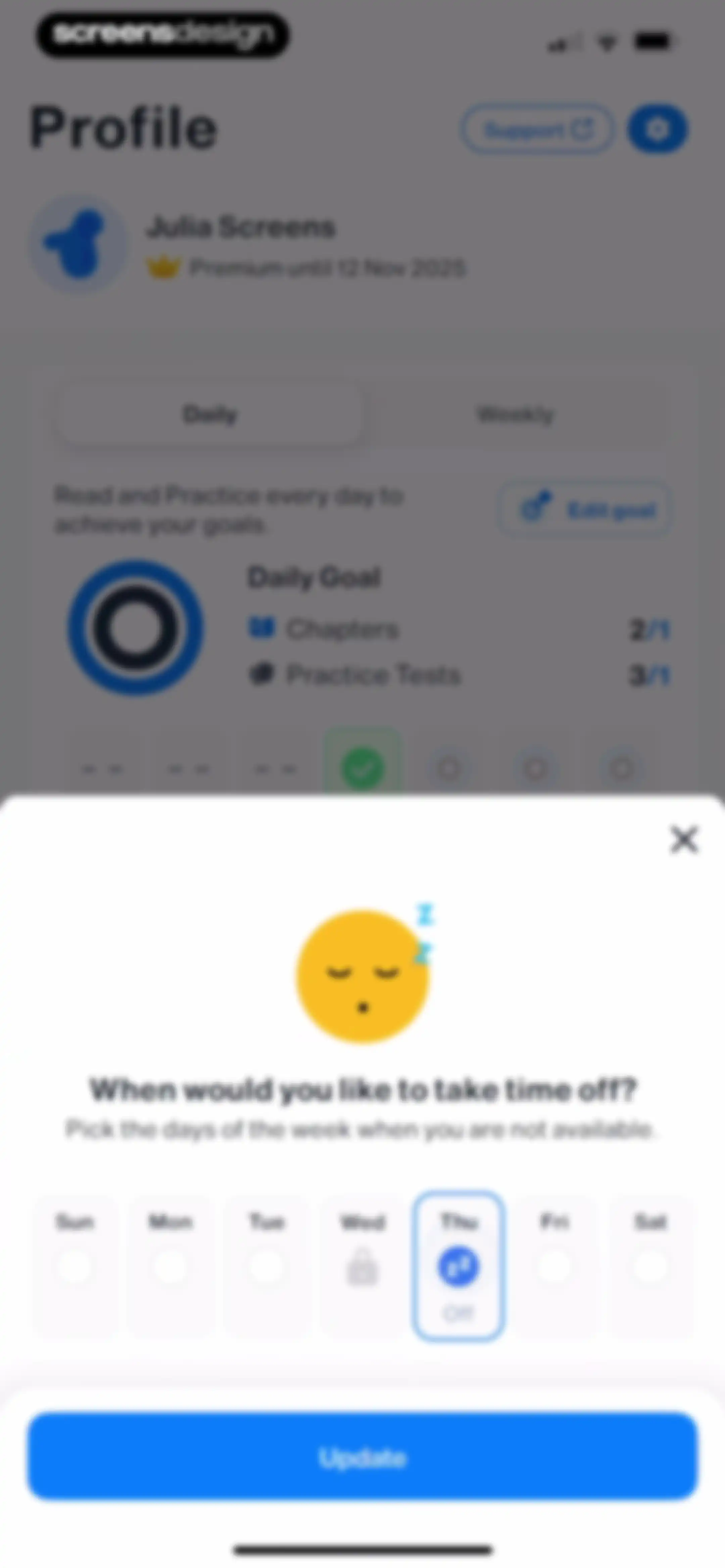
Profile screen with a time off selection modal, showing days of the week, Thursday selected as off, and an Update button.Unlock Pro
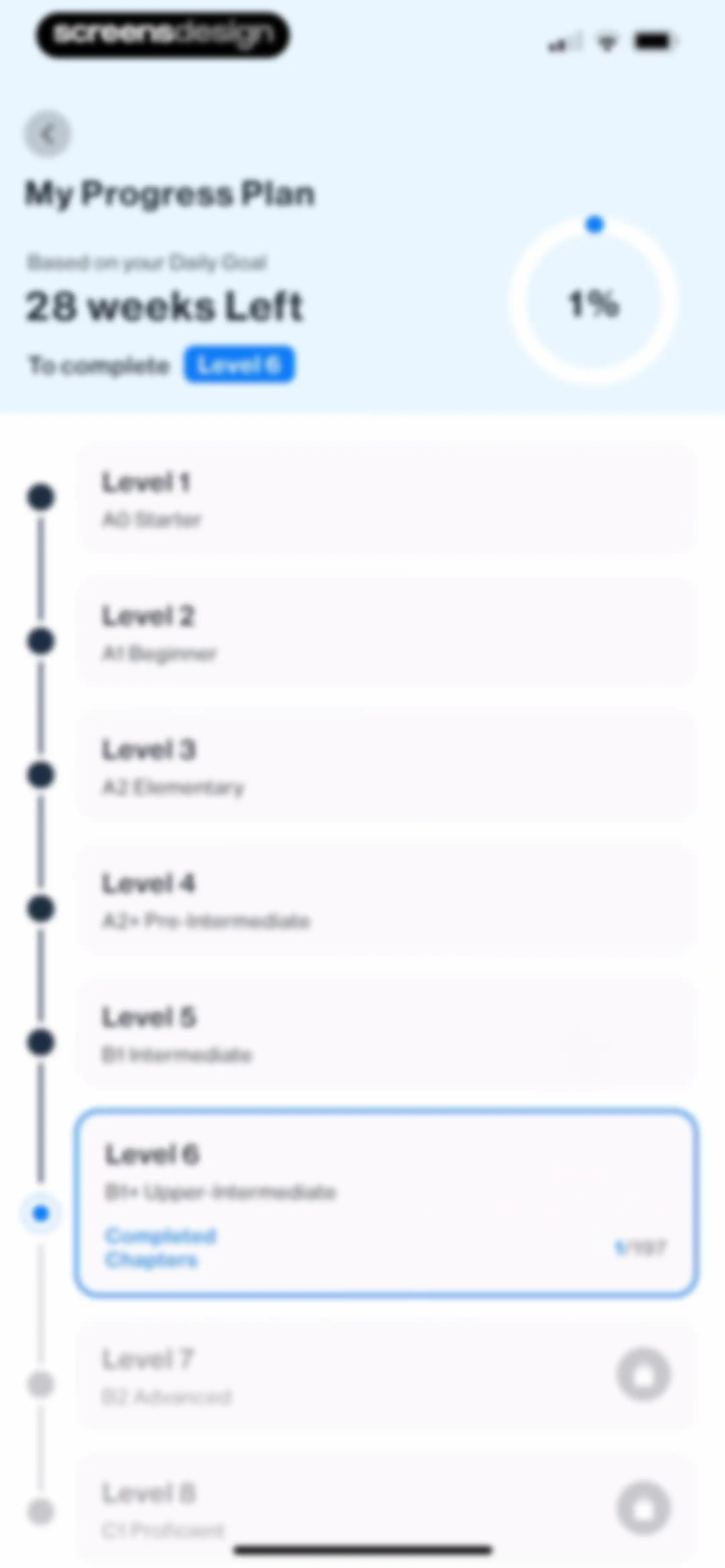
Language learning progress dashboard displaying a timeline of proficiency levels from Level 1 to Level 8, with Level 6 highlighted as current and later levels locked.Unlock Pro
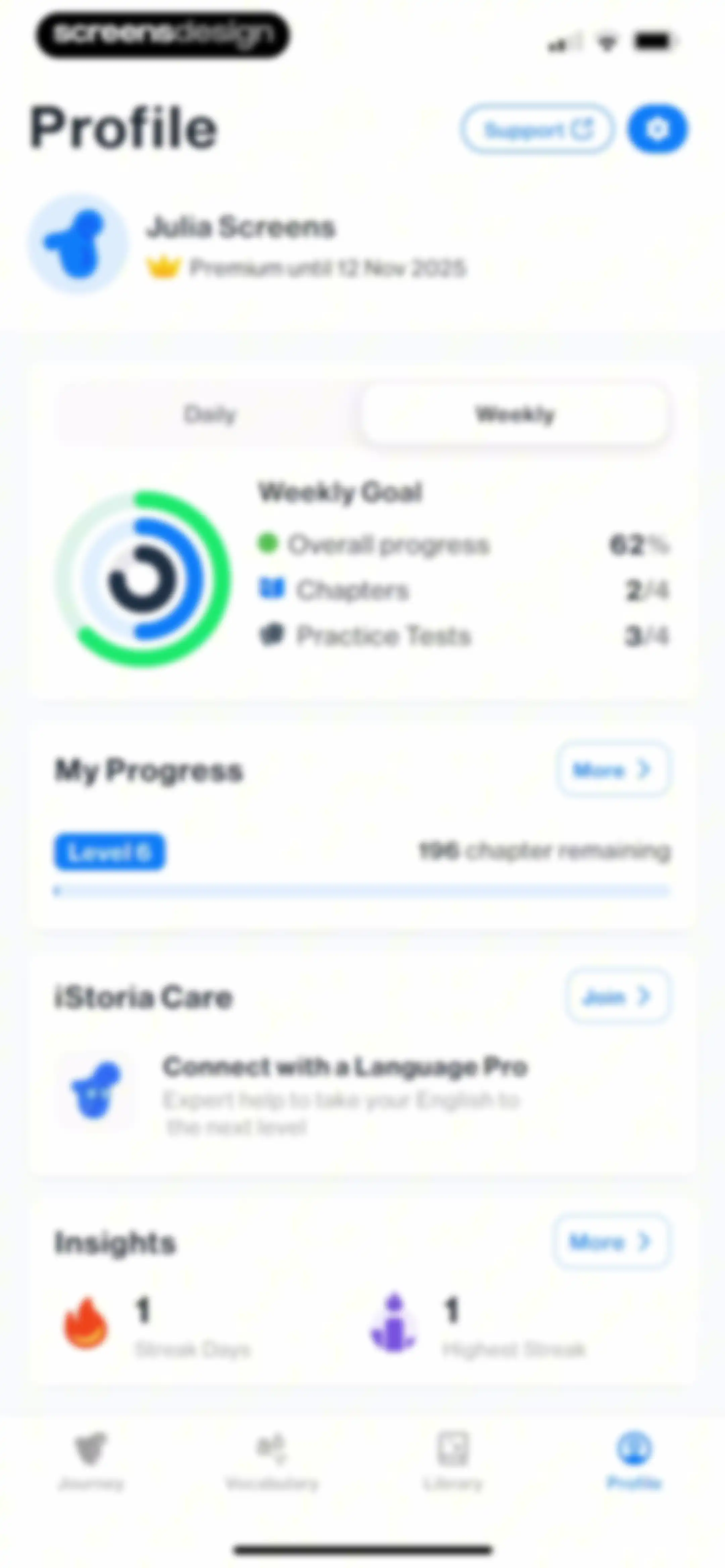
Profile screen displaying user learning progress, streak statistics, and subscription status with a circular progress chart and bottom navigation.Unlock Pro
Onboarding screen outlining the iStoria Care program requirements with a central illustration, checklist, and a Start button.Unlock Pro
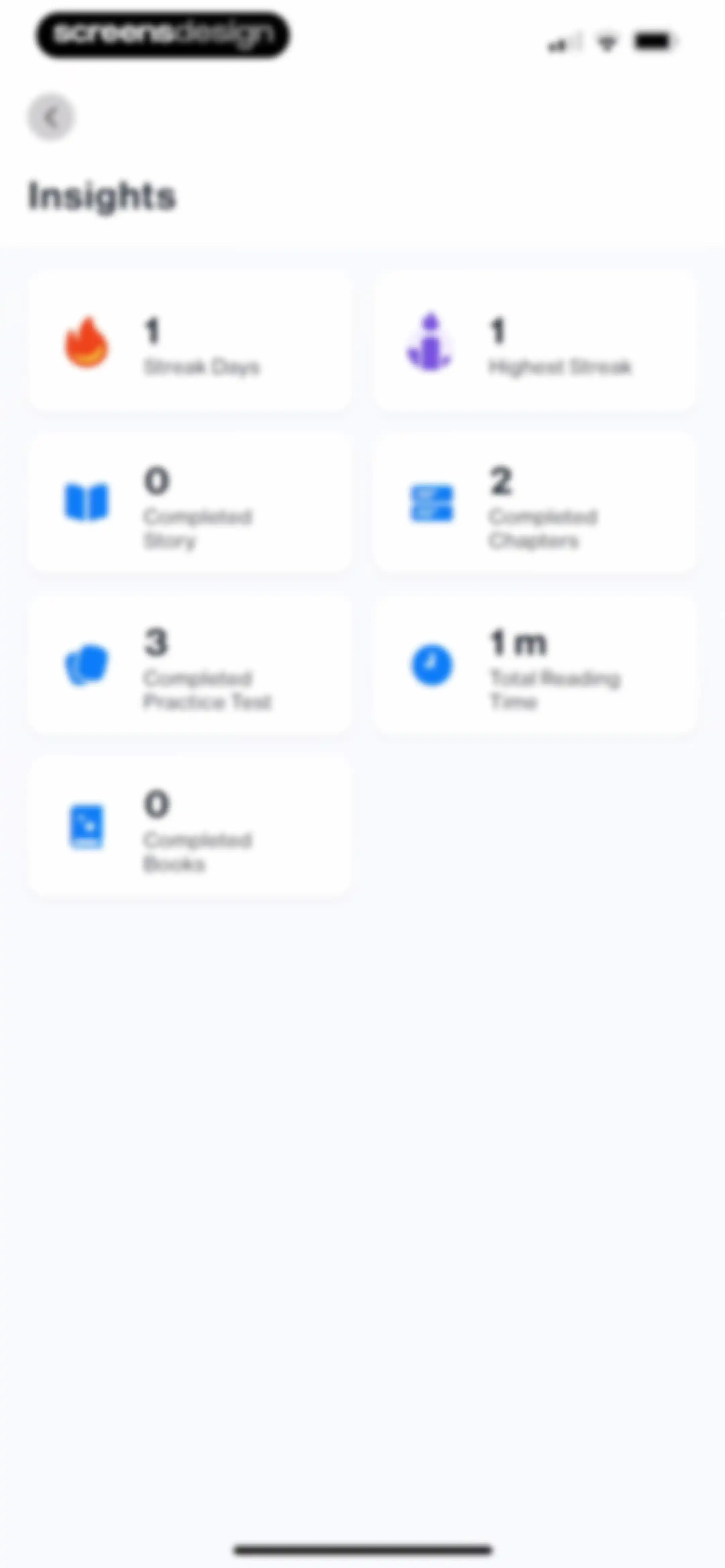
Analytics dashboard titled Insights, displaying a grid of seven cards with progress metrics including streak days, reading time, and completed practice tests.Unlock Pro
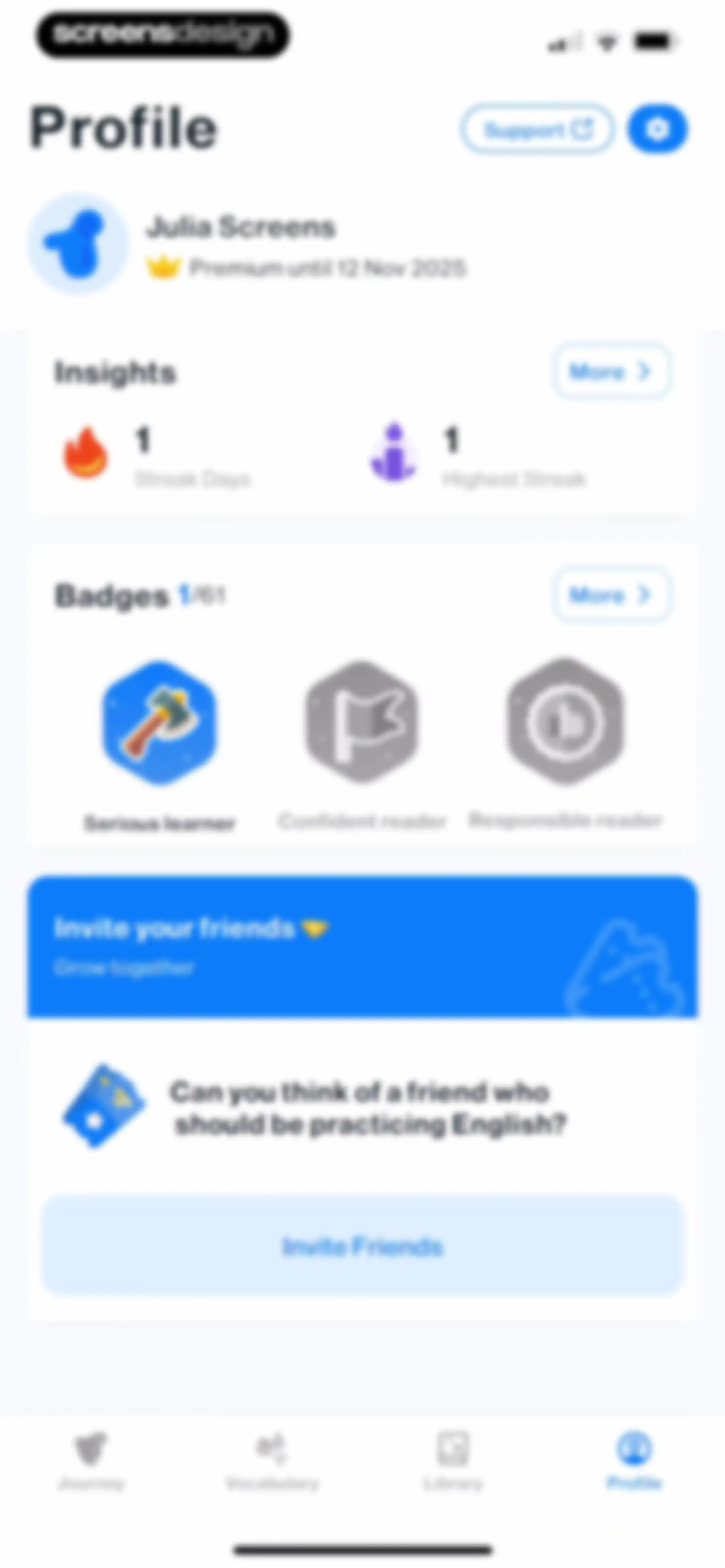
Profile screen showing user progress insights, achievement badges, and an invite friends promotional card with a bottom navigation bar.Unlock Pro
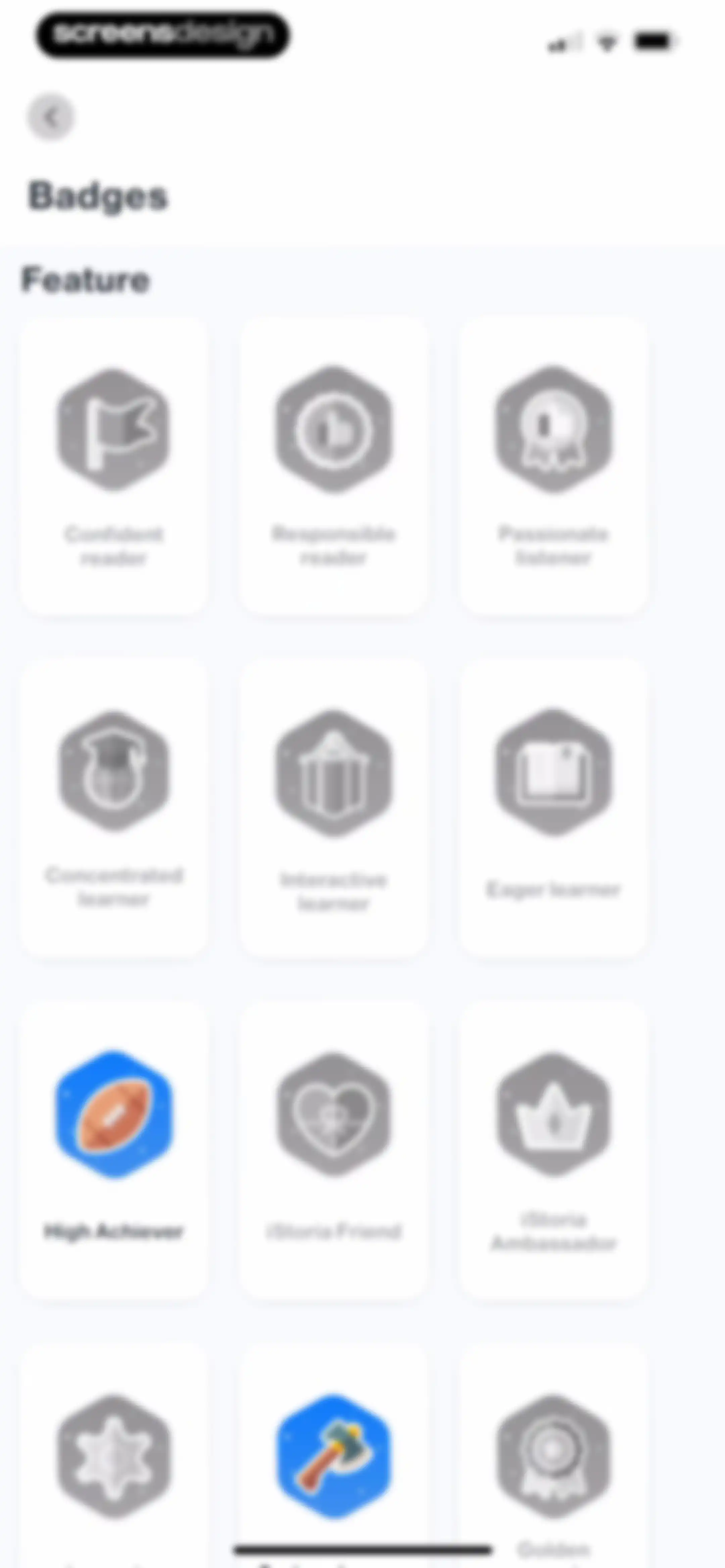
Badges profile screen displaying a grid of achievement cards including Confident reader and High Achiever with a back button.Unlock Pro
Achievement badge detail modal displaying a locked Confident reader badge with instructions to unlock it and a Done button.Unlock Pro
Badge detail modal overlay showing an earned High Achiever achievement badge with a description and a Share button.Unlock Pro
Referral modal in the iStoria app with a share link card, a Send Invite button, and zero invites sent or accepted.Unlock Pro
Invite friends screen with an active iOS share sheet overlay displaying an invitation link and a toast notification confirming the invite was copied.Unlock Pro
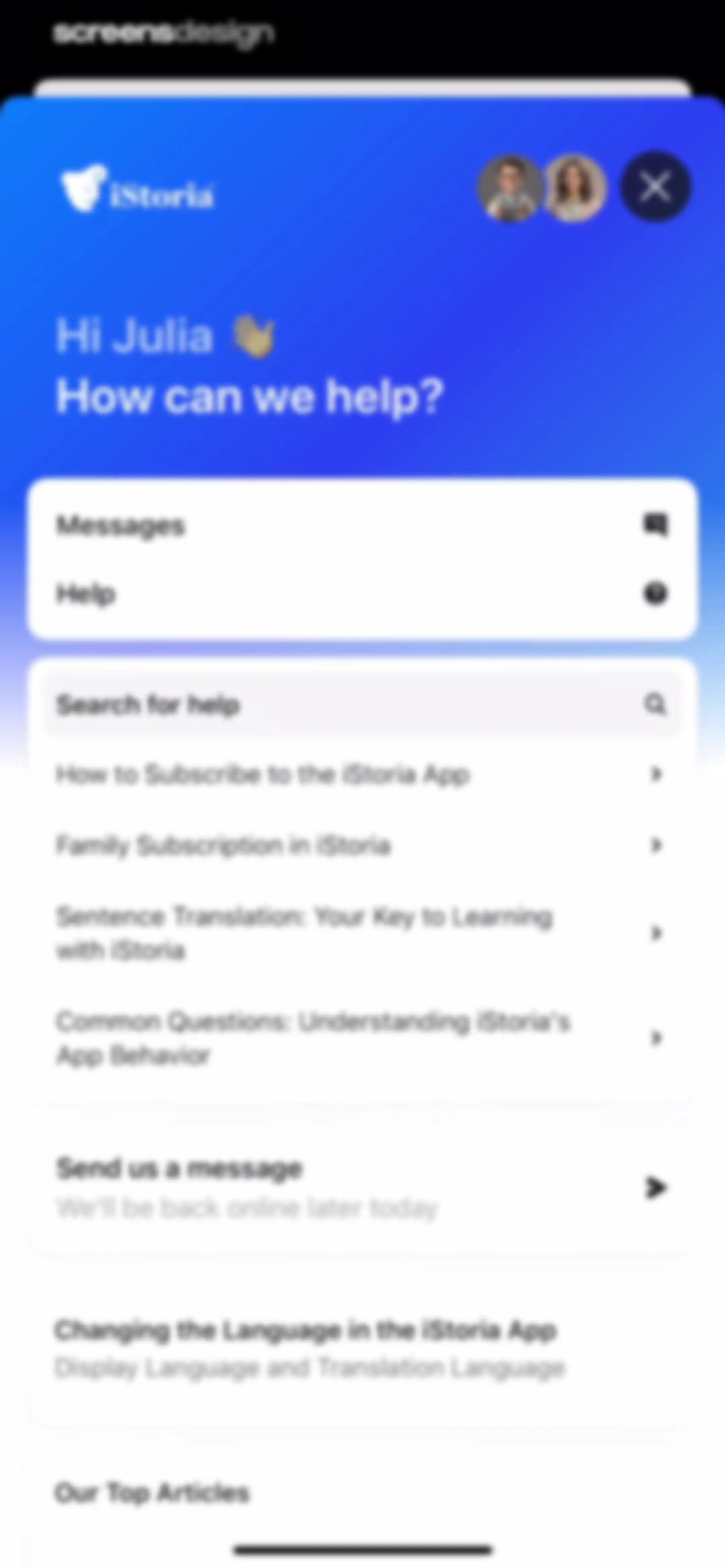
iStoria support screen displaying a personalized greeting, search bar, contact option, and a list of help articles.Unlock Pro
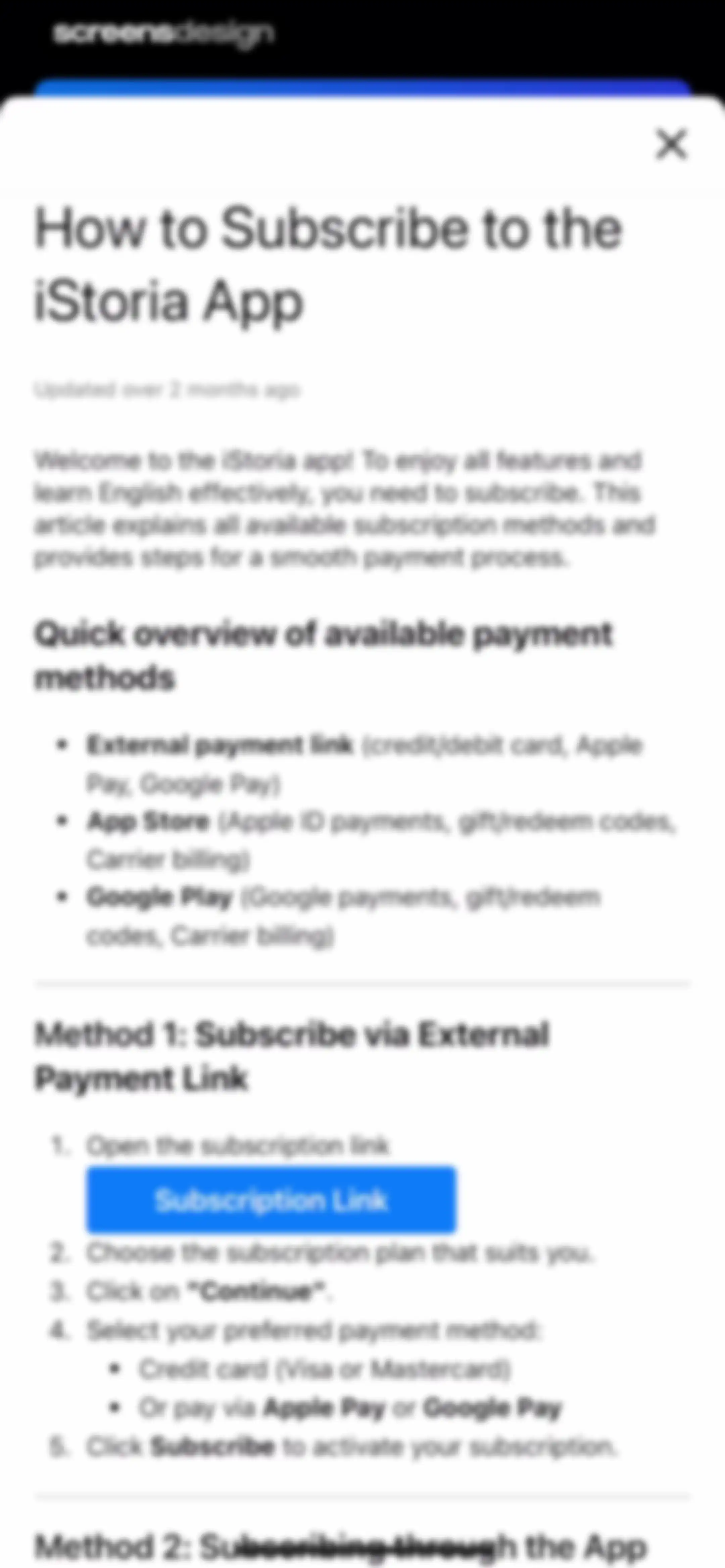
Informational modal guiding users on how to subscribe to the iStoria app, featuring payment options and a Subscription Link button.Unlock Pro
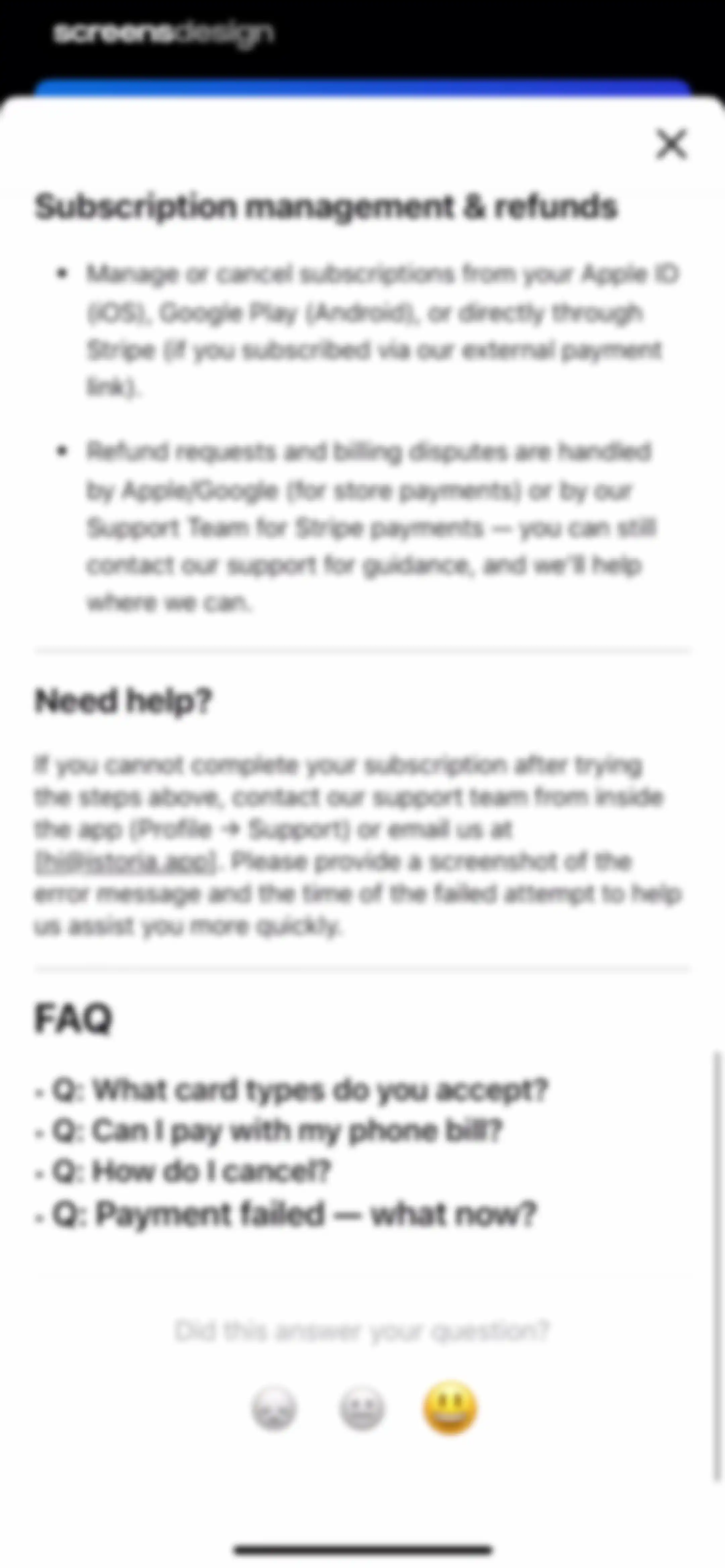
Subscription help modal with management instructions, support contact details, a frequently asked questions list, and sentiment feedback buttons.Unlock Pro
Empty state messaging screen displaying no messages with a send message button and top navigation controls.Unlock Pro
Customer support chat screen in the iStoria app with a welcome message, an active text input containing a greeting, and an open keyboard.Unlock Pro
Customer support chat screen with an iStoria header, a support availability message card, a user message bubble, and a message input bar.Unlock Pro
Gamification achievement modal celebrating the iStoria Ambassador badge with a crown illustration, share button, and Continue button.Unlock Pro
Settings screen with grouped list sections for personal settings, learning preferences, and sound options.Unlock Pro
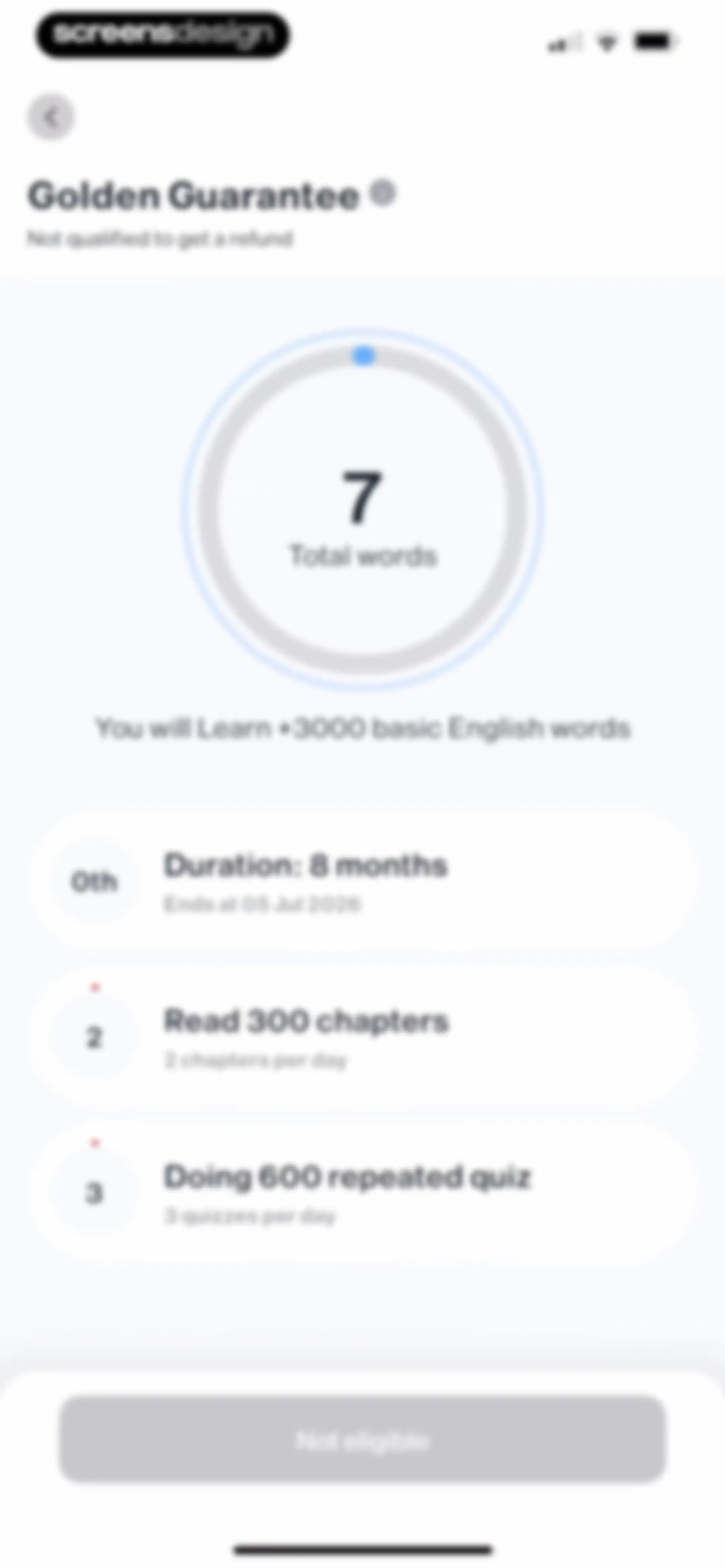
Golden Guarantee status screen displaying a central progress circle, three requirement cards, and a disabled Not eligible button.Unlock Pro
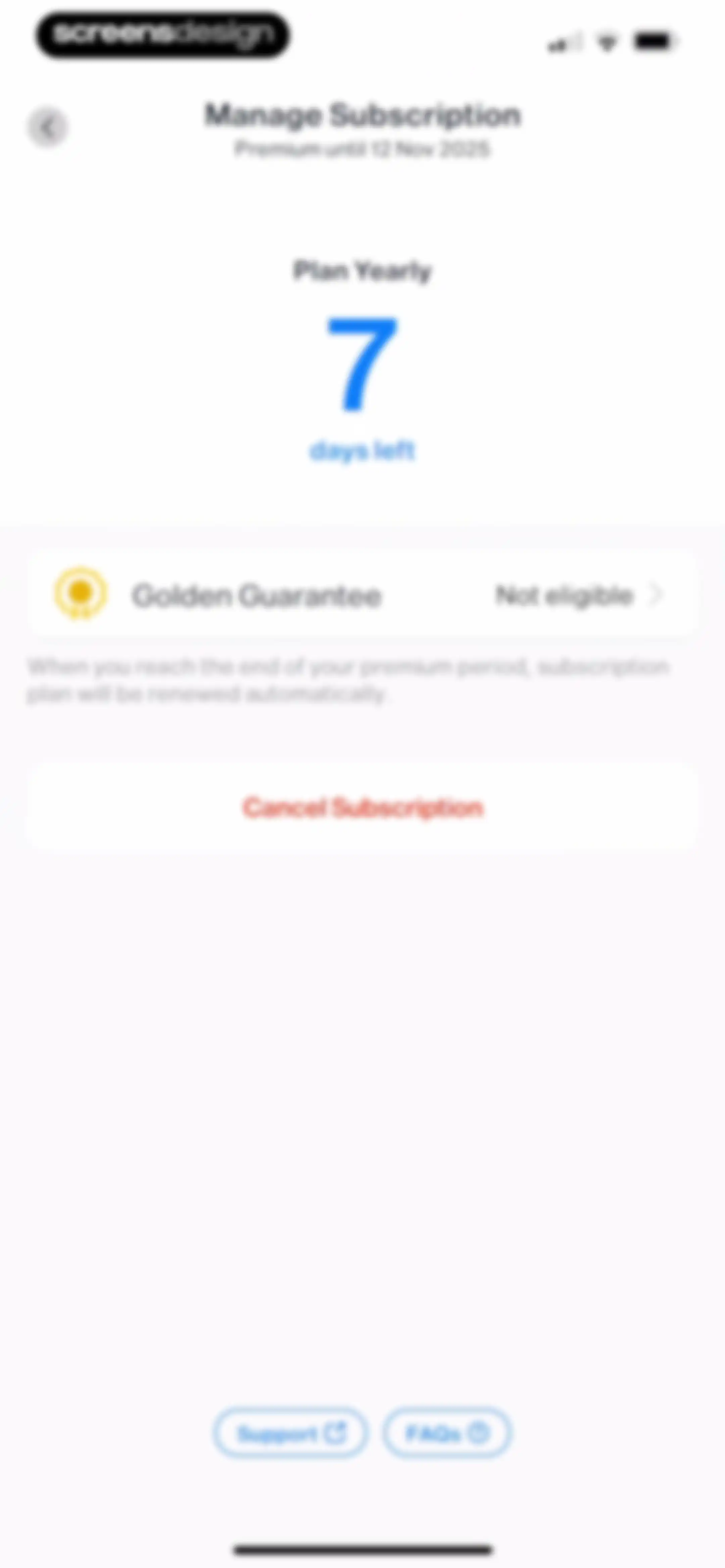
Subscription management screen showing a yearly premium plan valid until November 2025 with a countdown, a guarantee card, and a cancel button.Unlock Pro
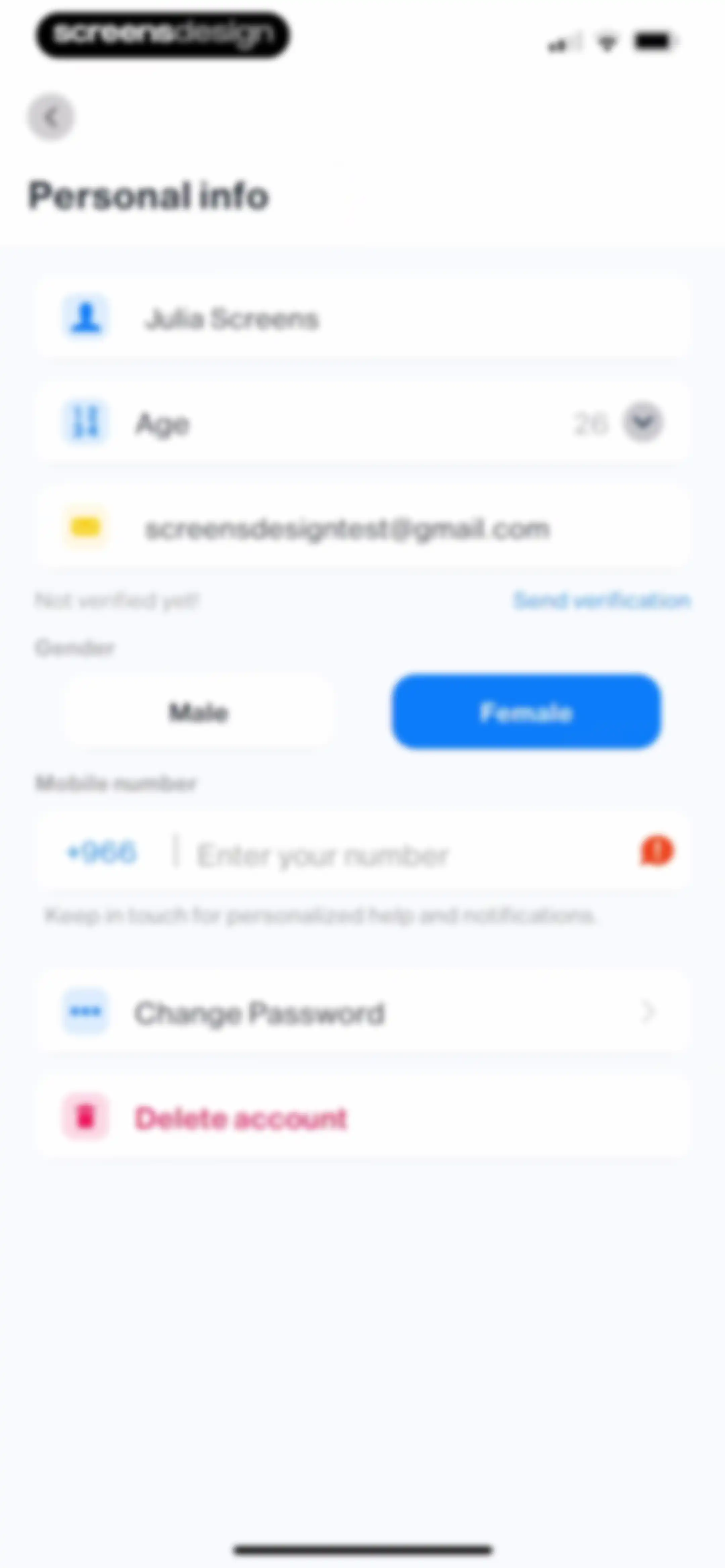
Settings screen for personal info with profile input fields, a selected female gender option, and account management actions.Unlock Pro
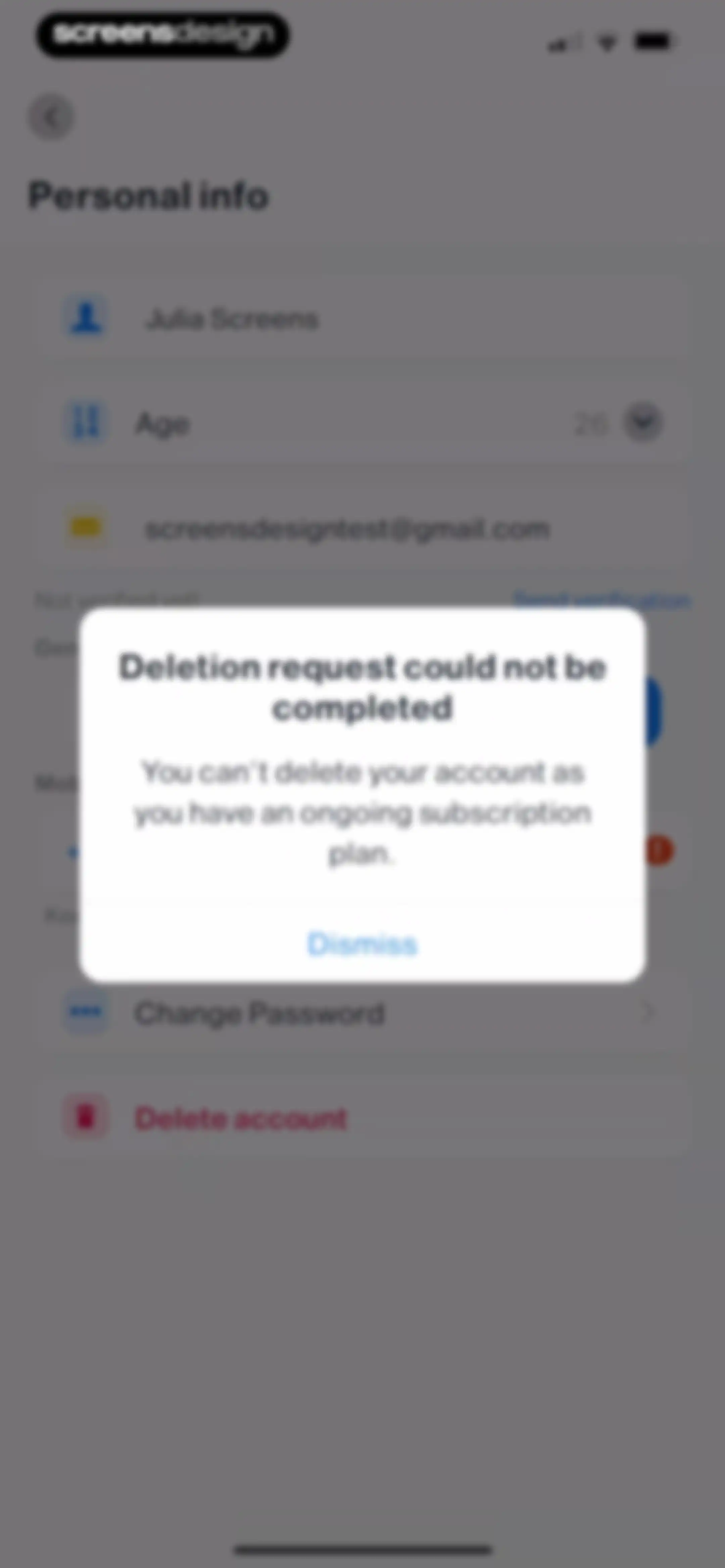
Settings screen displaying a personal info form with an error modal stating the account cannot be deleted due to an ongoing subscription.Unlock Pro
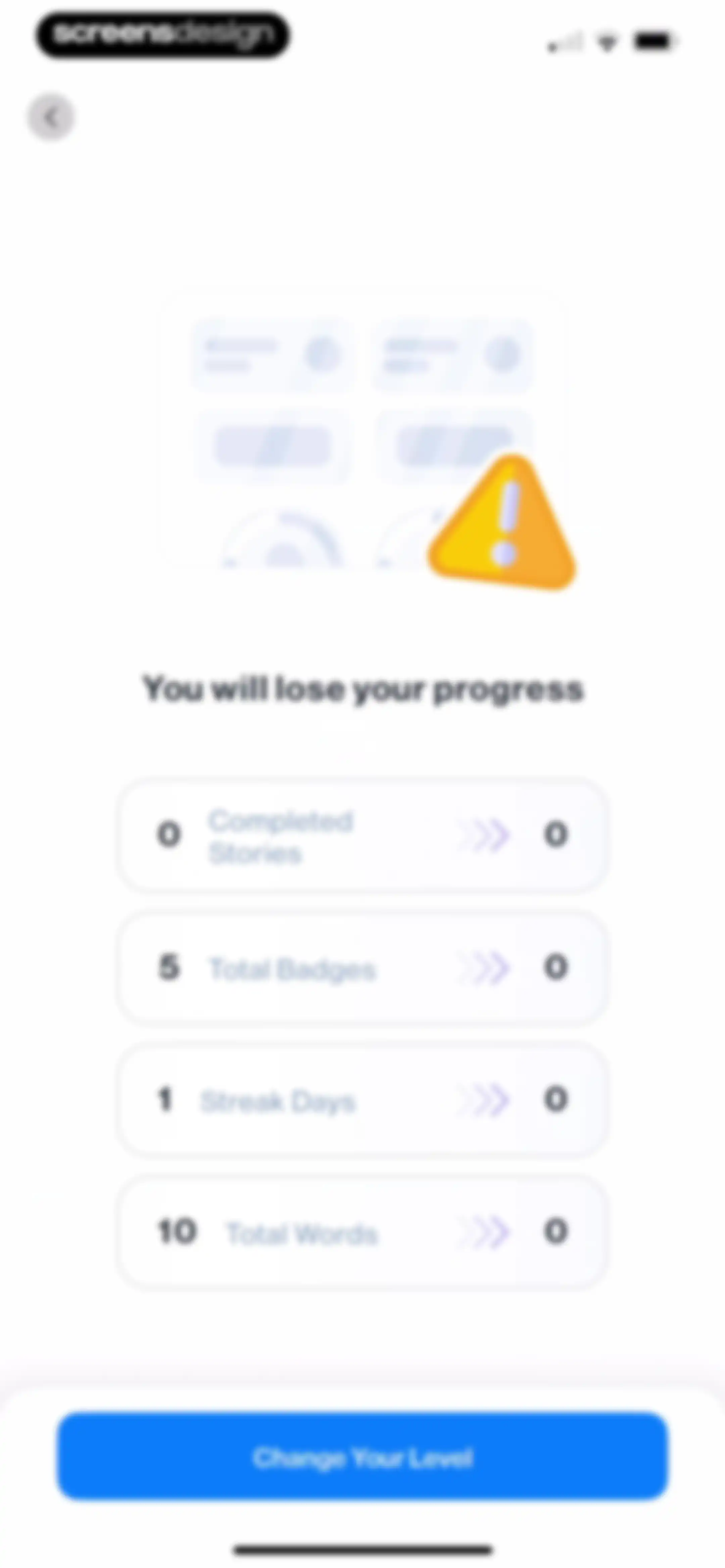
Level change warning screen displaying a progress reset list with four metrics, a warning illustration, and a Change Your Level button.Unlock Pro
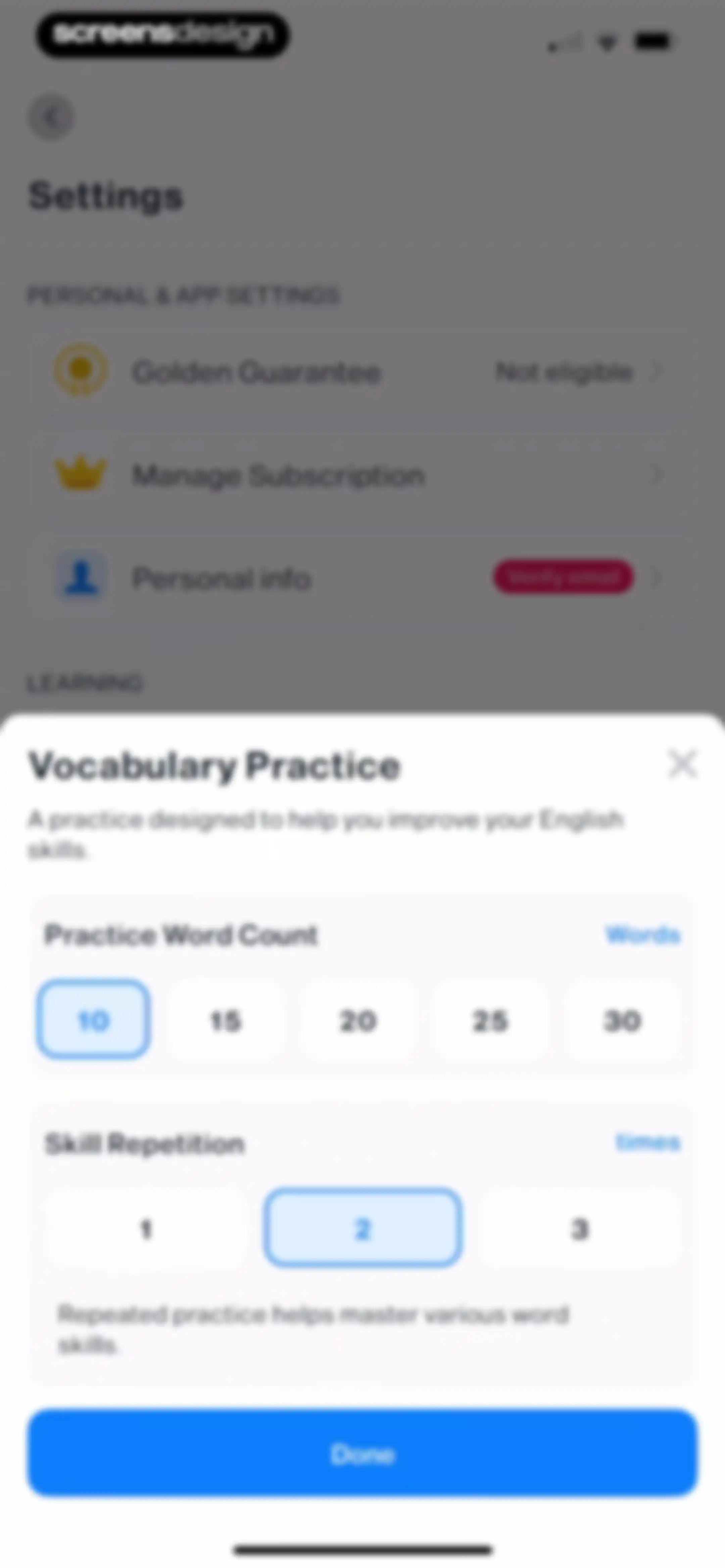
Vocabulary Practice modal overlay on a settings screen with options for word count and skill repetition, featuring a Done button.Unlock Pro
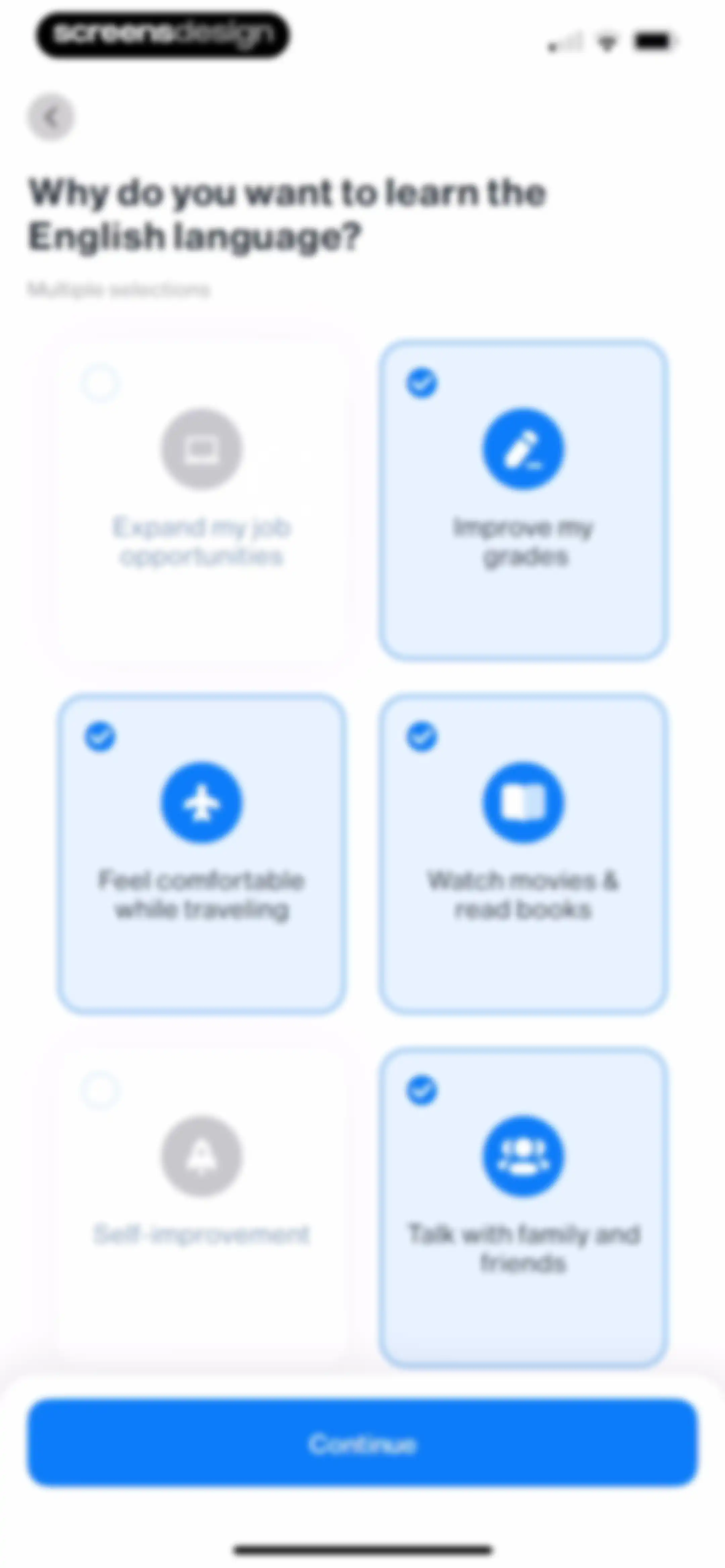
Onboarding motivation selection screen with a grid of six cards, four selected, and a Continue button at the bottom.Unlock Pro
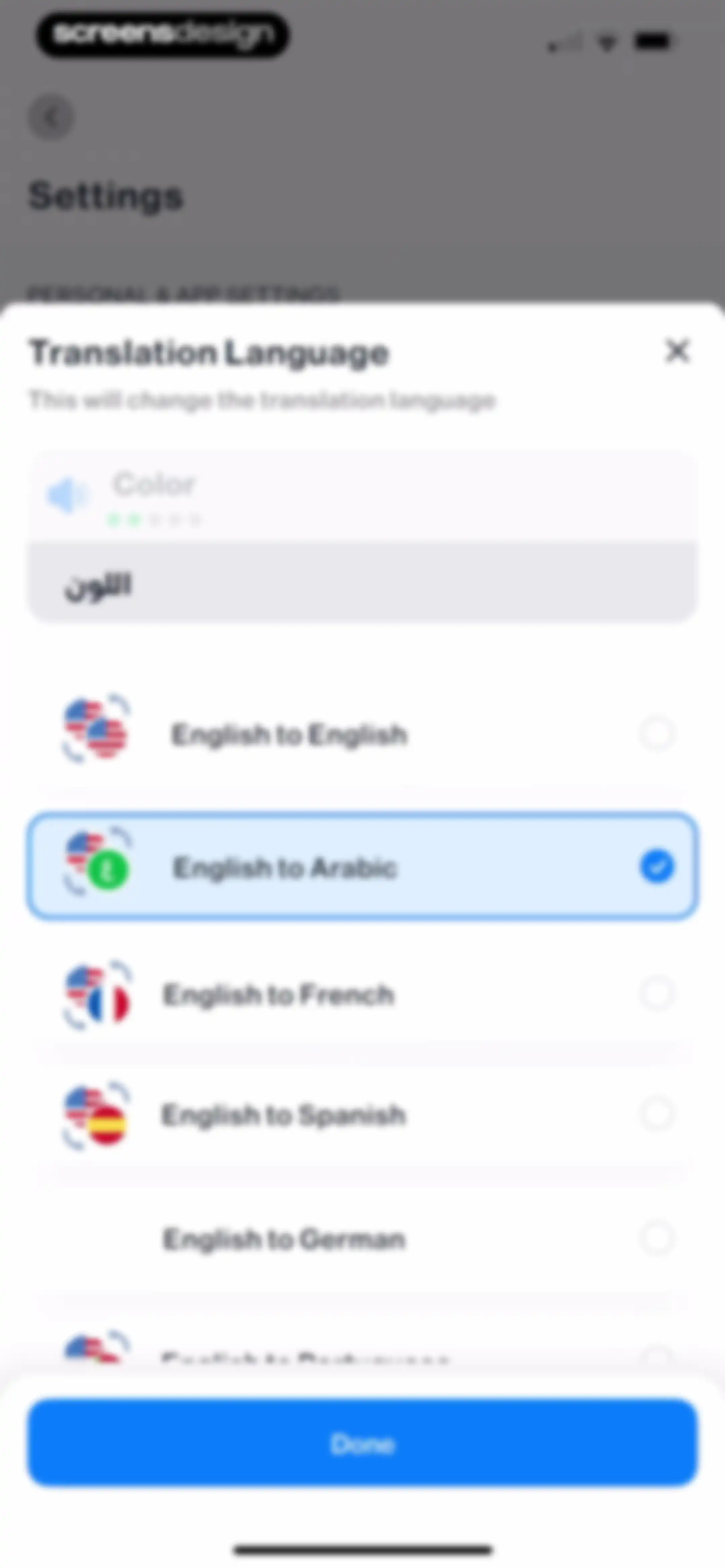
Settings modal for selecting a translation language pair with English to Arabic selected and a Done button.Unlock Pro
Assistant Voice settings screen with stacked cards for speech, accent, and gender configurations, featuring a Play test button.Unlock Pro
Settings screen organized into sections for notifications, general preferences, organizations, and about links with a back button.Unlock Pro
Settings screen with a centered time picker modal displaying a reminder time of 8:30 PM and a Done button.Unlock Pro
Onboarding screen asking for native language, with English selected from the list and a Continue button at the bottom.Unlock Pro
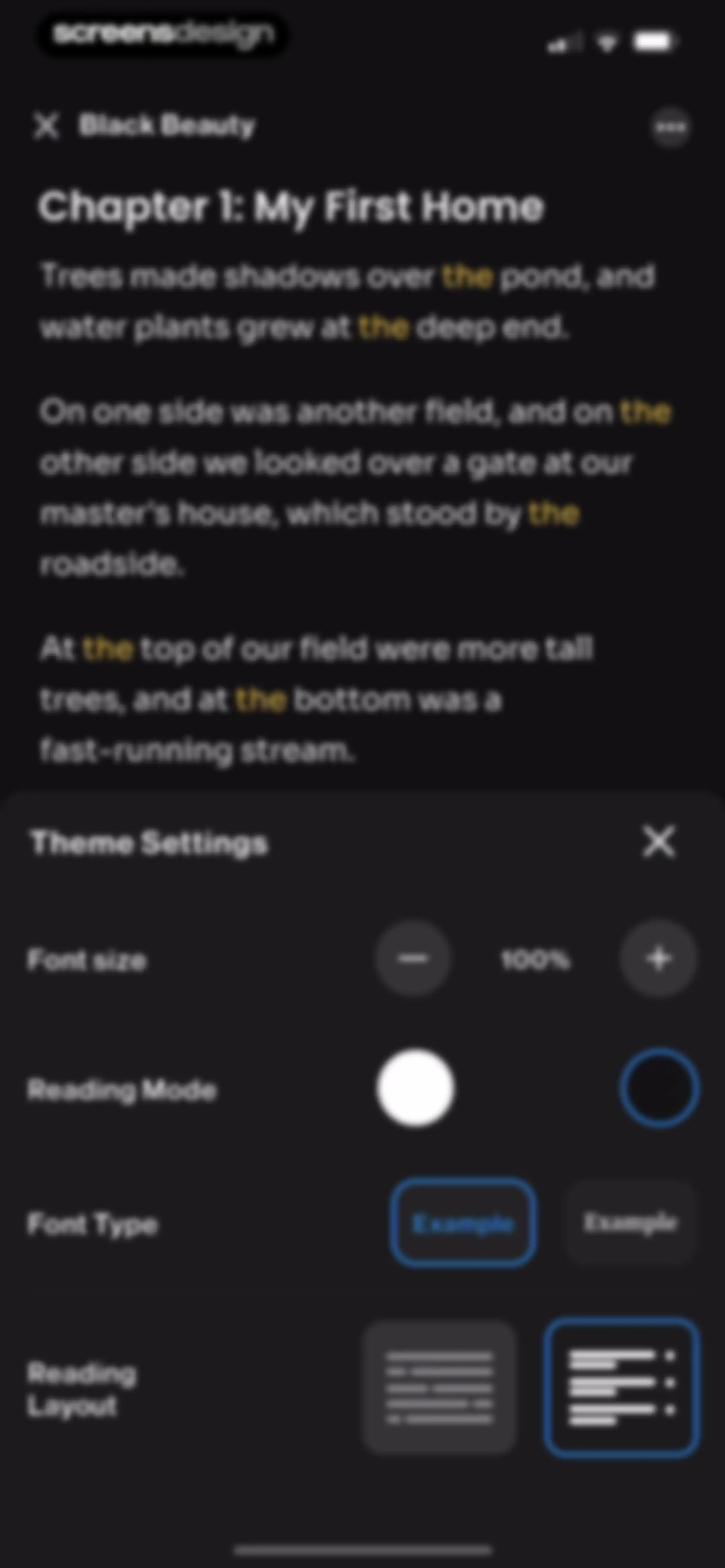
Theme settings screen with a vertical list of Light, Dark, and System options, with the System option currently selected.Unlock Pro
Theme settings screen comparing Light, Dark, and System options, with the Dark option selected.Unlock Pro
Settings screen with a system share sheet modal overlay displaying a text preview and sharing options.Unlock Pro
Settings screen with categorized preference options and a centered modal dialog asking for confirmation to open Telegram.Unlock Pro
Settings screen with a logout confirmation modal displayed in the center, featuring Log Out and Cancel buttons.Unlock Pro

About Learn English Easily - iStoria

An interactive English language learning platform using graded storytelling, vocabulary exercises, and progress tracking to improve reading and listening skills.

Explore Learn English Easily - iStoria across ScreensDesign

Apps similar to Learn English Easily - iStoria
Unlock all similar apps

See every comparable app, revenue, installs, and flows.

Unlock Pro
  • Speak English with Loora AI

    4.9
    Loora A.I LTDRevenue$1MInstalls50k
  • Speakly: Learn Languages Fast

    4.4
    Creative Intelligence Group OUeRevenue$25kInstalls<5k
  • ELSA Speak - English Learning

    4.8
    Elsa CorpRevenue$500kInstalls150k
  • Vocabulary - Learn words daily

    4.8
    Monkey TapsRevenue$800kInstalls350k
  • LookUp: English Dictionary App

    4.7
    Squircle Apps LLPRevenue$<5kInstalls<5k
  • Oxford Dictionary & Thesaurus

    4.6
    MobiSystems, Inc.Revenue$75kInstalls80k
  • Eppika: Read & Learn Languages

    4.8
    Tessirion, s.r.o.Revenue$50kInstalls6k
  • ABA English - Learn English

    4.7
    ABA EnglishRevenue$35kInstalls12k
  • Lingvist: Learn Languages Fast

    4.6
    Lingvist Technologies OURevenue$35kInstalls<5k
  • LingQ | Learn Languages

    4.7
    LingQ Languages LtdRevenue$200kInstalls35k
  • Fluently: AI Language Learning

    4.8
    Fluently, Inc.Revenue$150kInstalls55k
  • Verbi: Speak a New Language

    4.6
    Pedro Henrique MachadoRevenue$20kInstalls30k
  • Stella: Learn Spanish AI

    4.5
    HONG KONG BETENSH LIMITEDRevenue$10kInstalls<5k
  • Remember Vocabulary Flashcards

    4.2
    Remember LimitedRevenue$<5kInstalls<5k
  • Langua: AI language learning

    4.6
    Don PottingerRevenue$200kInstalls14k
  • EWA: Learn Languages

    4.7
    Lithium Lab Pte LtdRevenue$350kInstalls80k
  • BeeSpeaker Learn English

    4.8
    BEESPEAKER ABRevenue$200kInstalls60k
  • Hablo: Speak & Learn English

    4.7
    PIXELCELL.LIMITEDRevenue$11kInstalls<5k
  • JustSpeak – AI English Tutor

    4.7
    Igor FurmanenkoRevenue$<5kInstalls<5k
  • LangLearn: AI English Tutor

    4.6
    AIFLAME TECHNOLOGY PTE. LTD.Revenue$600kInstalls150k
  • Musora: The Music Lessons App

    4.7
    Musora Media Inc.Revenue$50kInstalls<5k
  • Falou - Fast language learning

    4.8
    MoymerRevenue$350kInstalls150k
  • Babbel - Language Learning

    4.7
    Babbel GmbHRevenue$3MInstalls250k
  • Word of the Day・Vocabulary

    4.7
    Vocabulous US Inc.Revenue$10kInstalls25k
  • YayTalk: Learn & Speak English

    4.7
    IdeaLabsRevenue$550kInstalls350k
  • Vaia: AI Flashcards. Study App

    4.7
    VaiaRevenue$70kInstalls25k
  • Rosetta Stone Classic (2024)

    4.8
    Rosetta Stone, Ltd.Revenue$150kInstalls25k
  • Stimuler- English Speaking App

    4.8
    Stimuler Private LimitedRevenue$200kInstalls350k
  • Duolingo: Language Lessons

    4.7
    DuolingoRevenue$53MInstalls6M
  • BoldVoice: Accent Training

    4.8
    Wellocution Inc.Revenue$250kInstalls30k
  • Reverso Context Translator

    4.7
    Theo HoffenbergRevenue$150kInstalls45k
  • Learn Languages - Lingo Play

    4.7
    Lingo Play LtdRevenue$50kInstalls5k
  • Speak: Language Learning

    4.8
    Speakeasy LabsRevenue$3.3MInstalls350k
  • SpanishDictionary.com Learning

    4.8
    Curiosity MediaRevenue$65kInstalls20k
  • Praktika – AI Language Tutor

    4.7
    Praktika.ai CompanyRevenue$750kInstalls350k
  • Pimsleur | Language Learning

    4.7
    Simon & SchusterRevenue$1.8MInstalls50k
  • Drops: Language Learning Games

    4.7
    PLANB LABS OURevenue$150kInstalls45k
  • BetterSpeak: AI Language Tutor

    4.6
    HUBXRevenue$350kInstalls300k
  • Learn to Read - Duolingo ABC

    4.2
    DuolingoRevenue$<5kInstalls150k
  • LyricFluent: Learn Spanish

    4.9
    LyricFluent LtdRevenue$15kInstalls10k
  • Learn Languages - Lucida AI

    4.7
    Lucida AI Teknoloji Anonim SirketiRevenue$85kInstalls15k
  • Talkpal - AI Language Learning

    4.7
    TalkPal, Inc.Revenue$300kInstalls80k
  • Ling – Learn Languages Easily

    4.6
    SIMYA LABS COMPANY LIMITEDRevenue$450kInstalls95k
  • Busuu: Language Learning App

    4.7
    Busuu LimitedRevenue$850kInstalls350k
  • SuperChinese - Learn Chinese

    4.9
    Shanghai Yuxuan Information Technology Co. , LtdRevenue$200kInstalls65k
  • Storytel - Audiobooks Library

    4.7
    Storytel Sweden ABRevenue$1.3MInstalls90k
  • Mondly: Learn 41 Languages

    4.7
    ATi StudiosRevenue$350kInstalls30k