Freenotes®: AI Notes Taking

$500k revenue, 4.7 rating

App walkthrough
0:00 / 15:31

Onboarding flow, Paywall & Inside the App

Watch the full screen-by-screen UX video of Freenotes®: AI Notes Taking with onboarding, paywall, and every core flow.
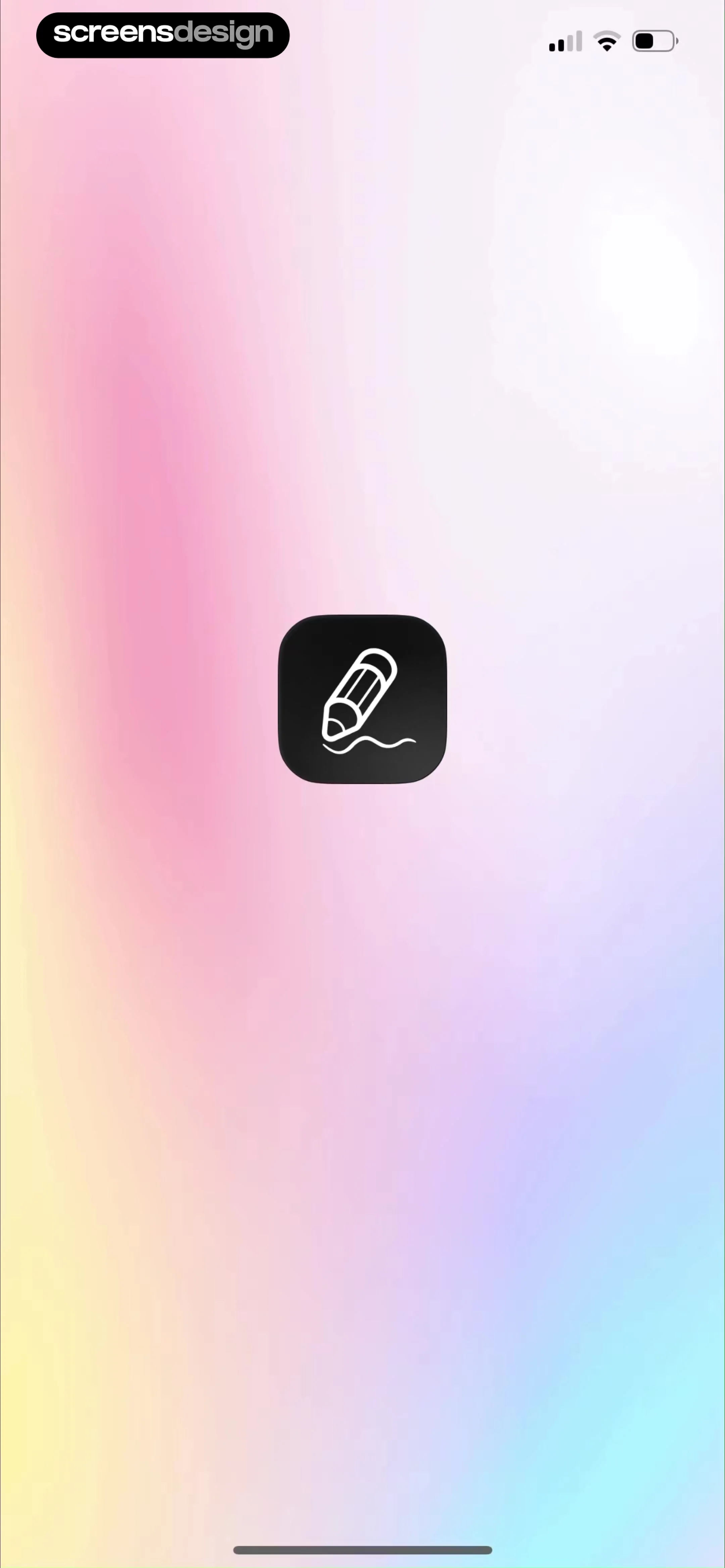
Splash screen for the Freenotes app displaying a centered pencil icon on a multi-colored gradient background.
Onboarding screen welcoming users to a note-taking app with global download statistics, university trust signals, and a Start your freedom button.
Freenotes onboarding screen highlighting rich note tools with a carousel of note mockups and a Continue button.
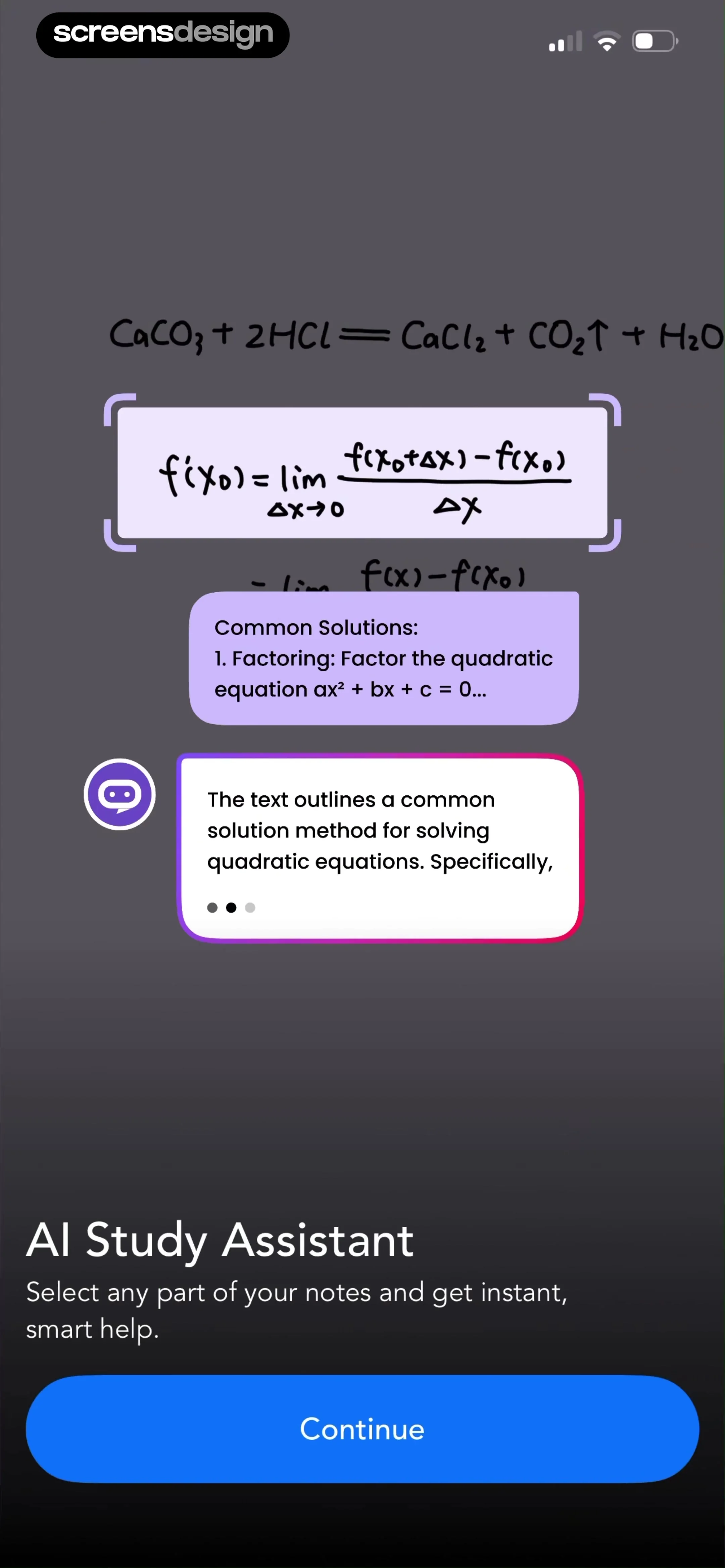
Onboarding screen introducing the AI study assistant feature with a description, chat bubbles over notes, and a Continue button.
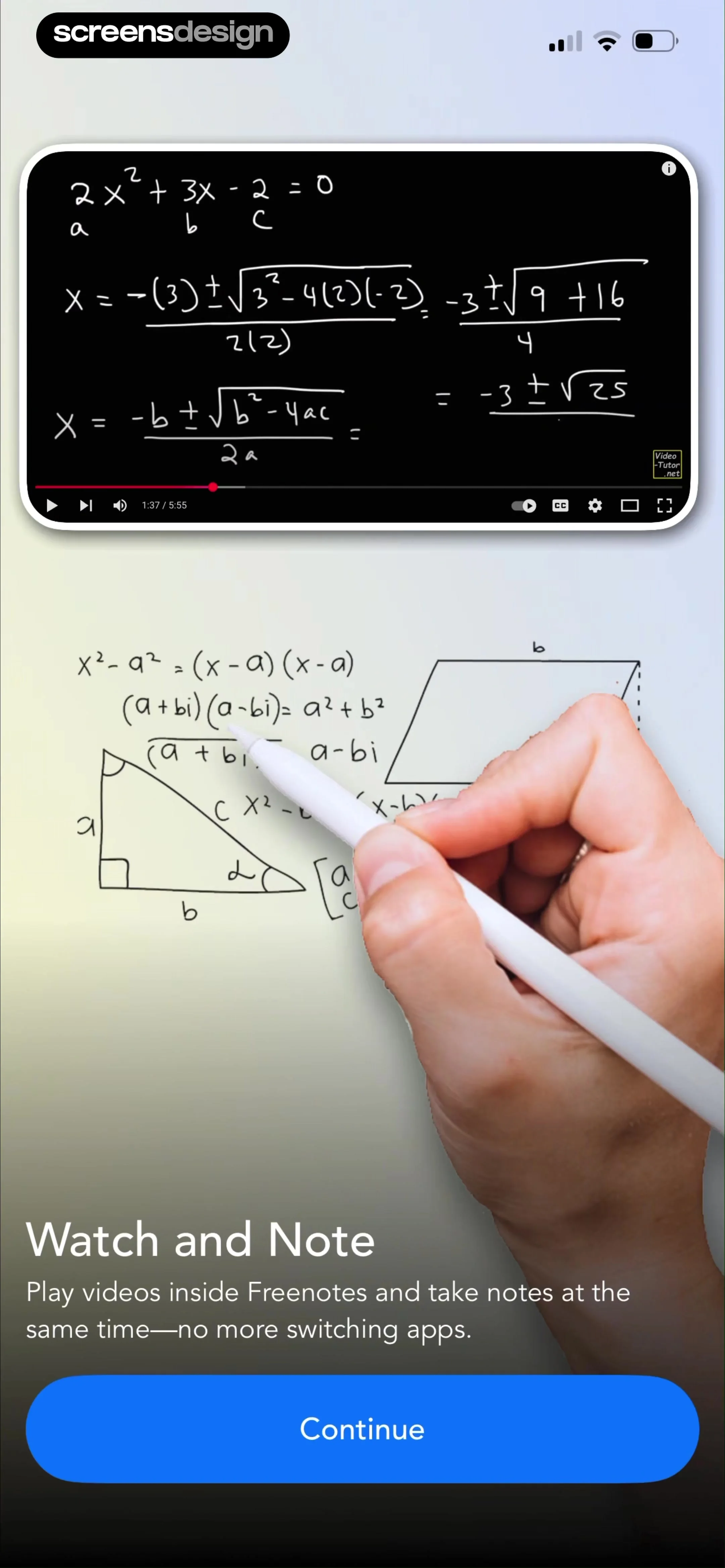
Freenotes onboarding screen featuring a math video player and a Continue button to highlight the watch and note feature.
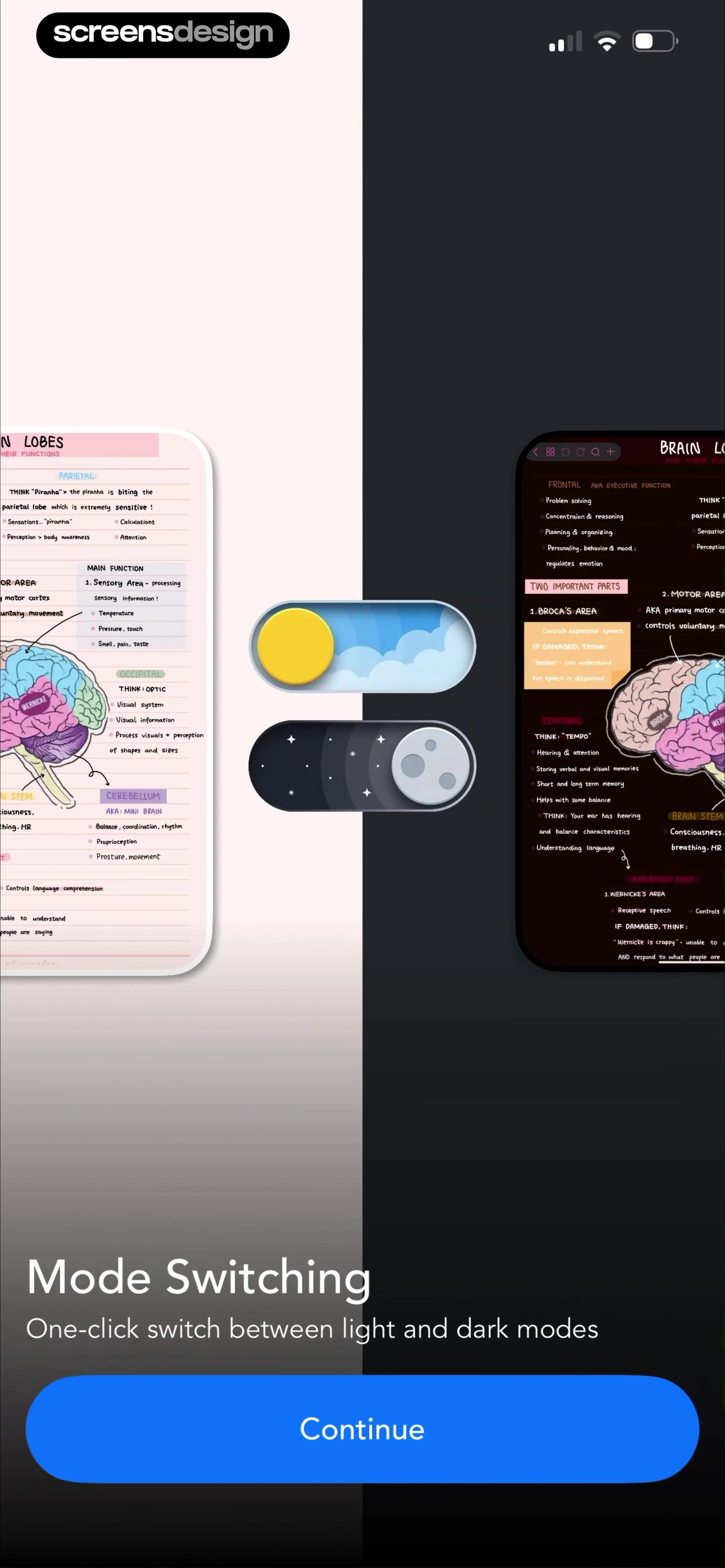
Onboarding screen demonstrating mode switching with light and dark mode toggles, a split-background feature preview, and a Continue button.
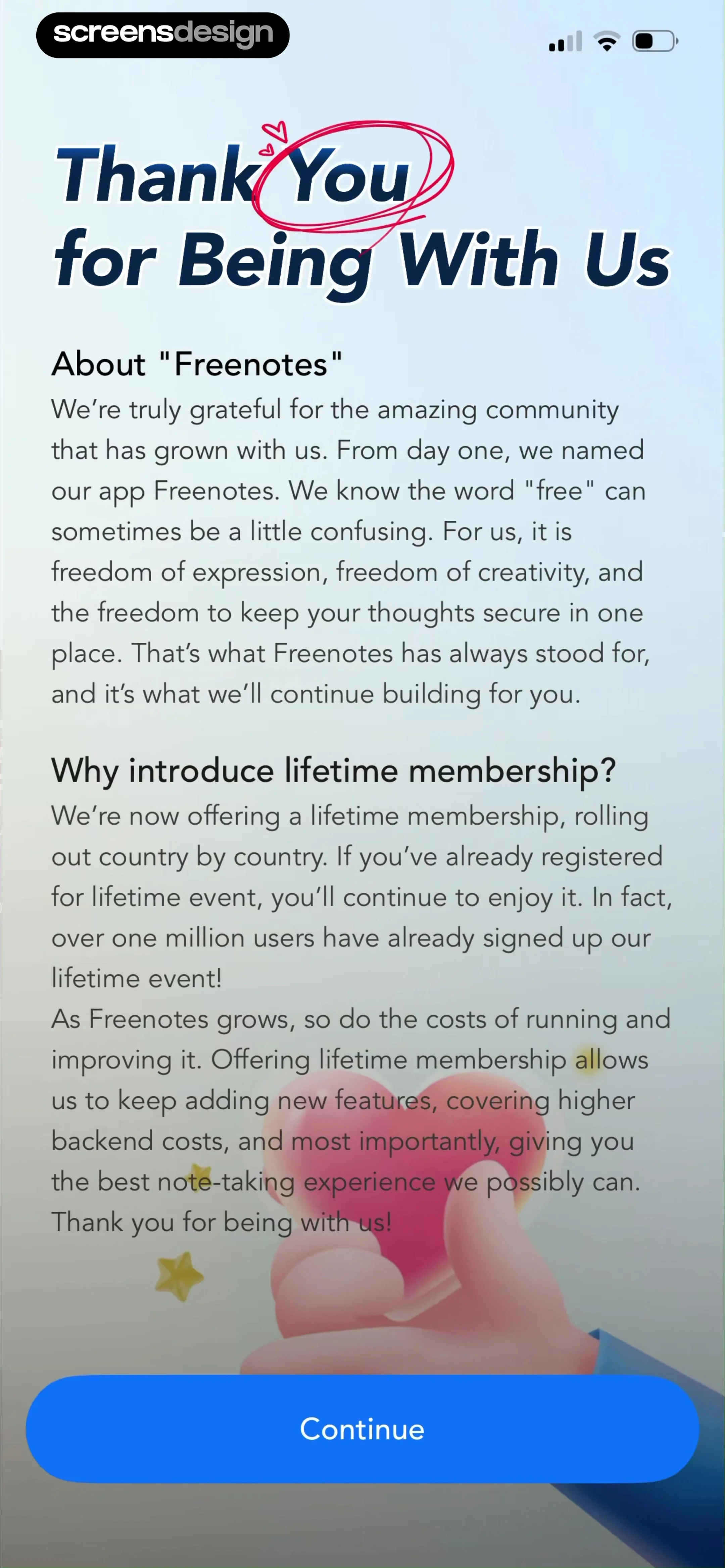
Informational screen explaining the Freenotes app branding philosophy and introduction of lifetime membership, with a Continue button.
Paywall screen offering subscription plans with a feature comparison table and a prominent Continue button.
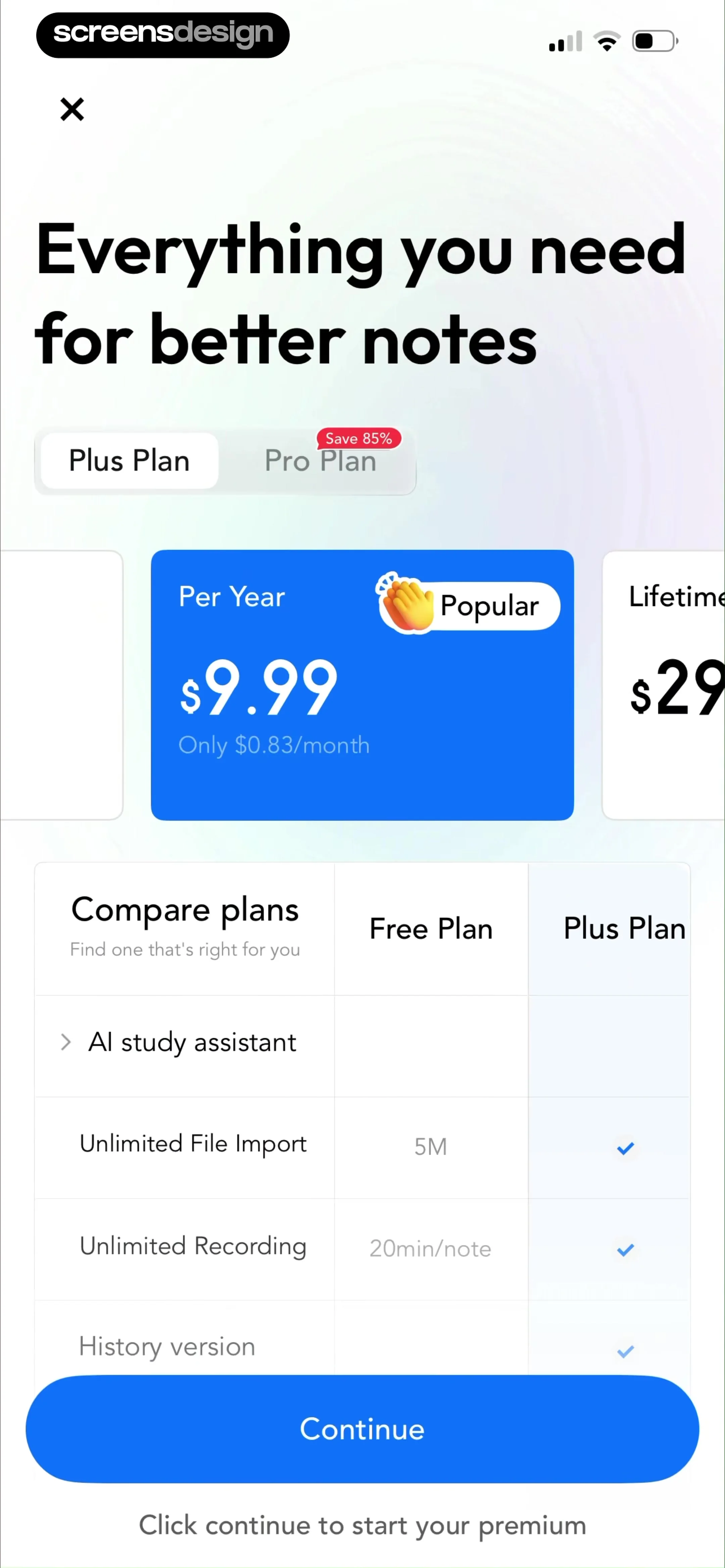
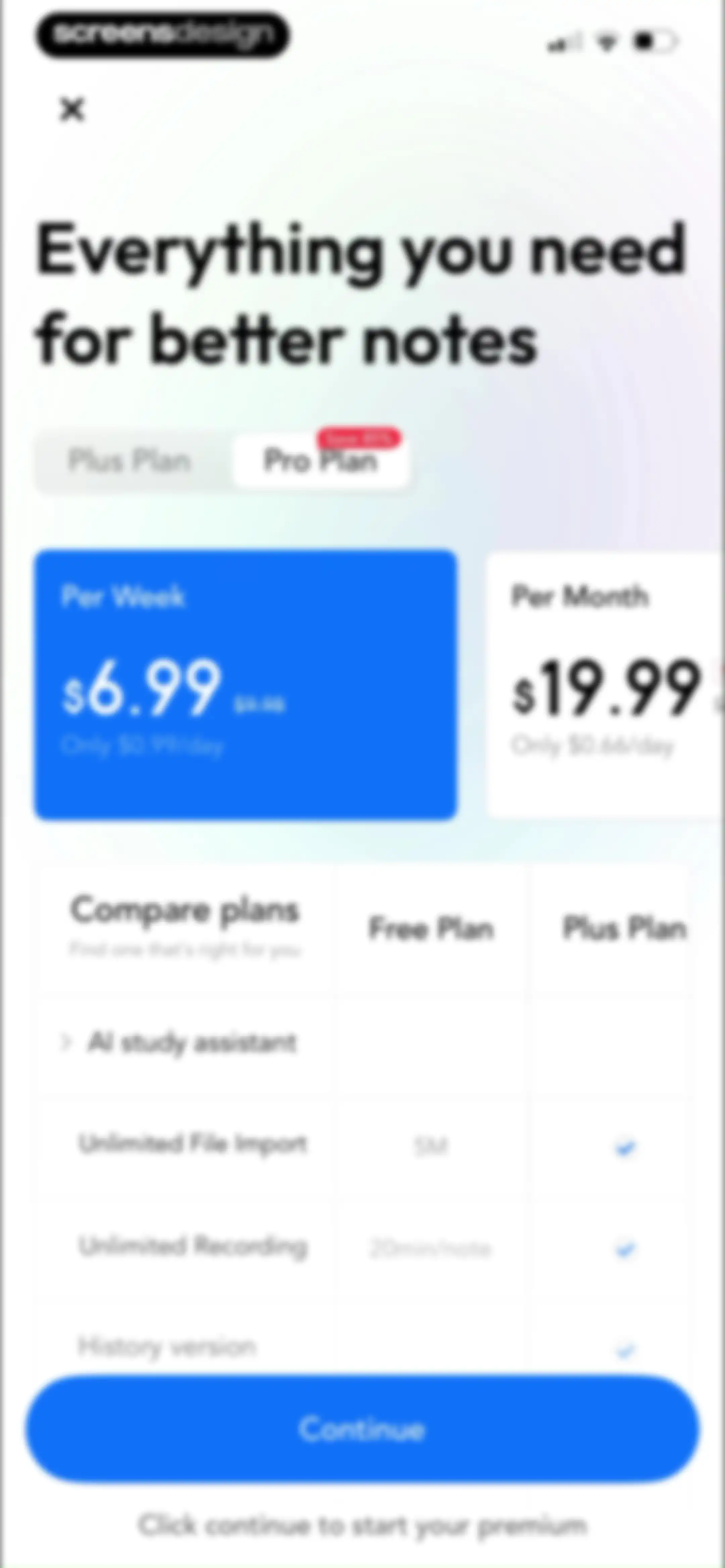
Paywall subscription screen comparing Plus and Pro plans with pricing cards, a feature comparison table, and a Continue button.Unlock Pro
Paywall screen offering a lifetime subscription plan with a comparison table and a Continue button.Unlock Pro
Paywall screen comparing Plus and Pro subscription plans with a feature comparison table and a Continue button.Unlock Pro
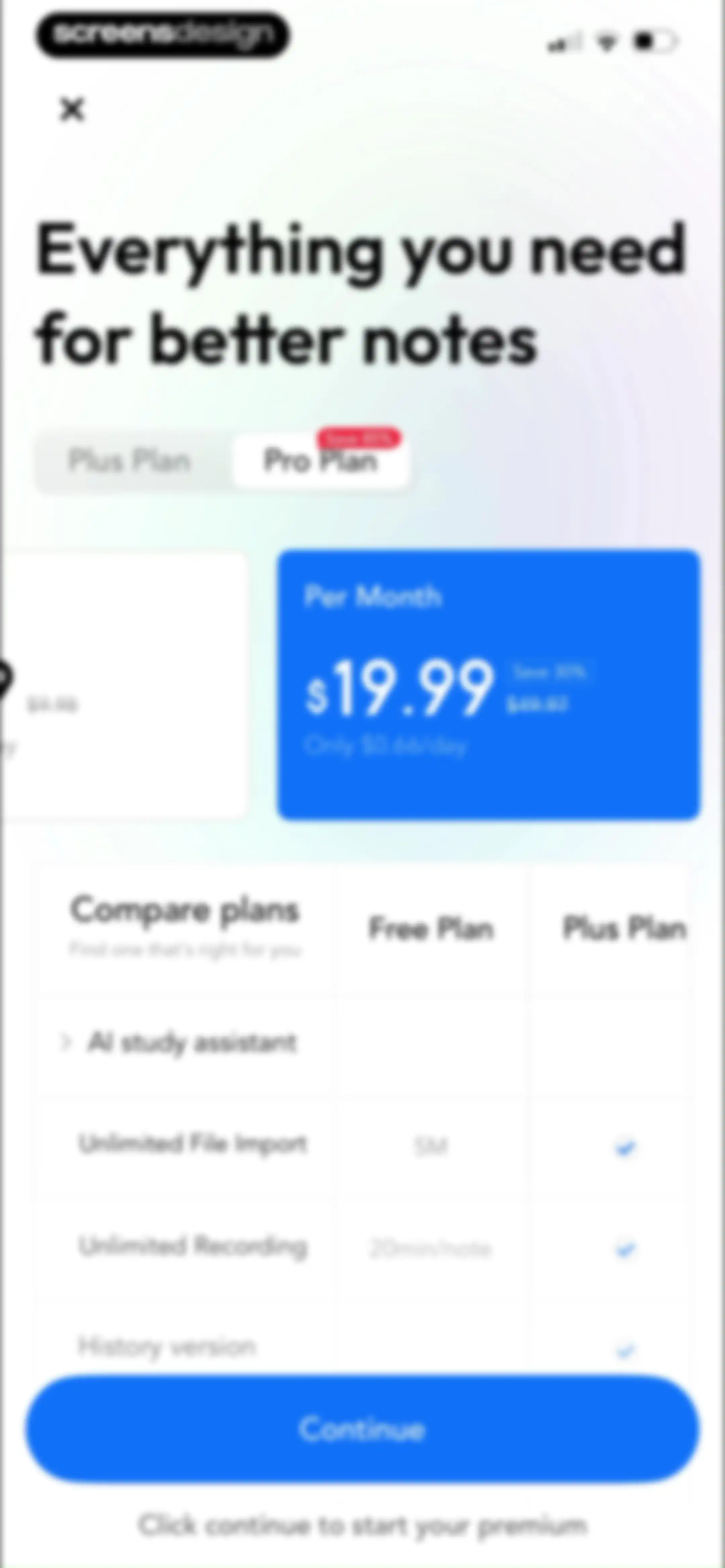
Paywall screen comparing subscription plans with the Pro Plan selected, featuring a pricing card, comparison table, and a Continue button.Unlock Pro
Paywall screen comparing subscription plans with pricing cards, a feature comparison table, and a Continue button.Unlock Pro
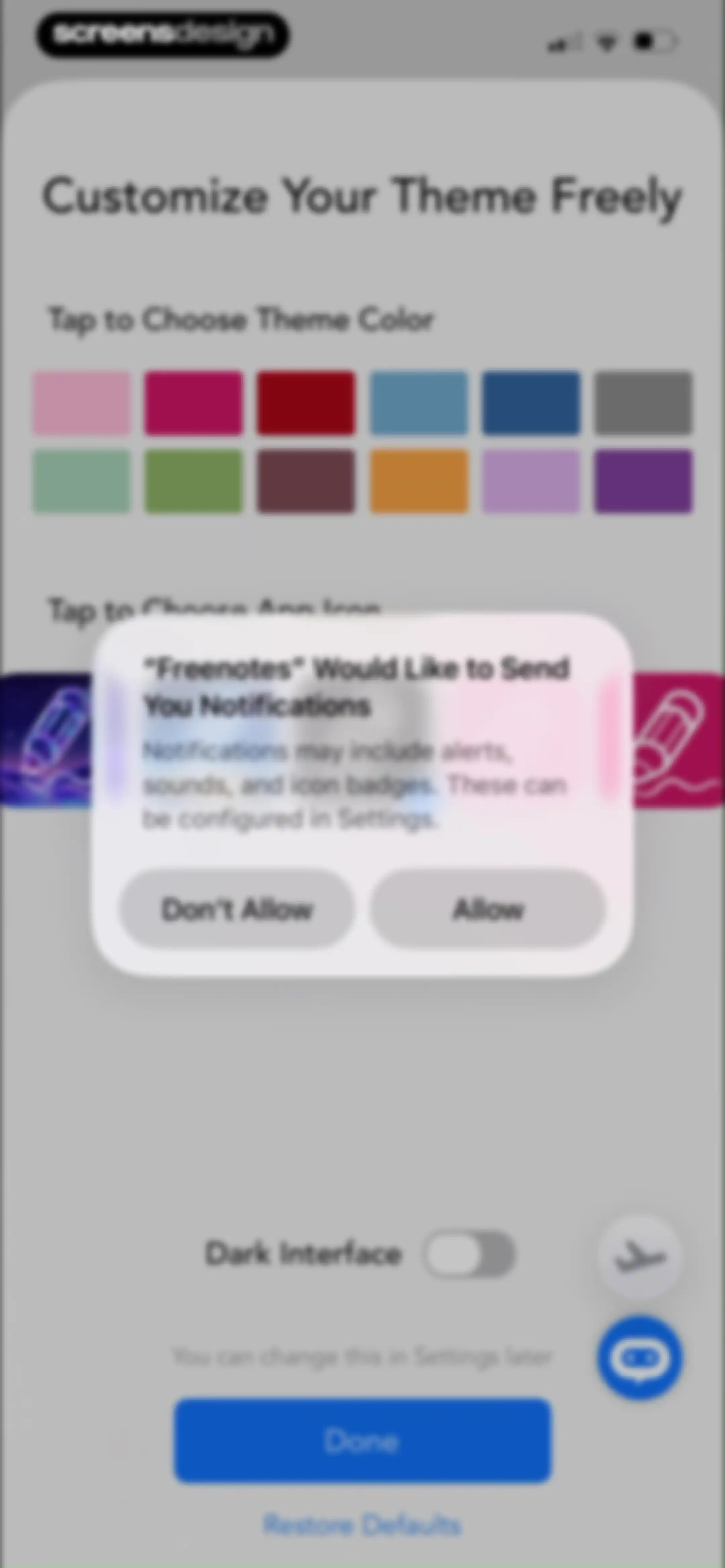
Freenotes customization settings screen with a central system modal requesting notification permissions and Allow and Don't Allow buttons.Unlock Pro
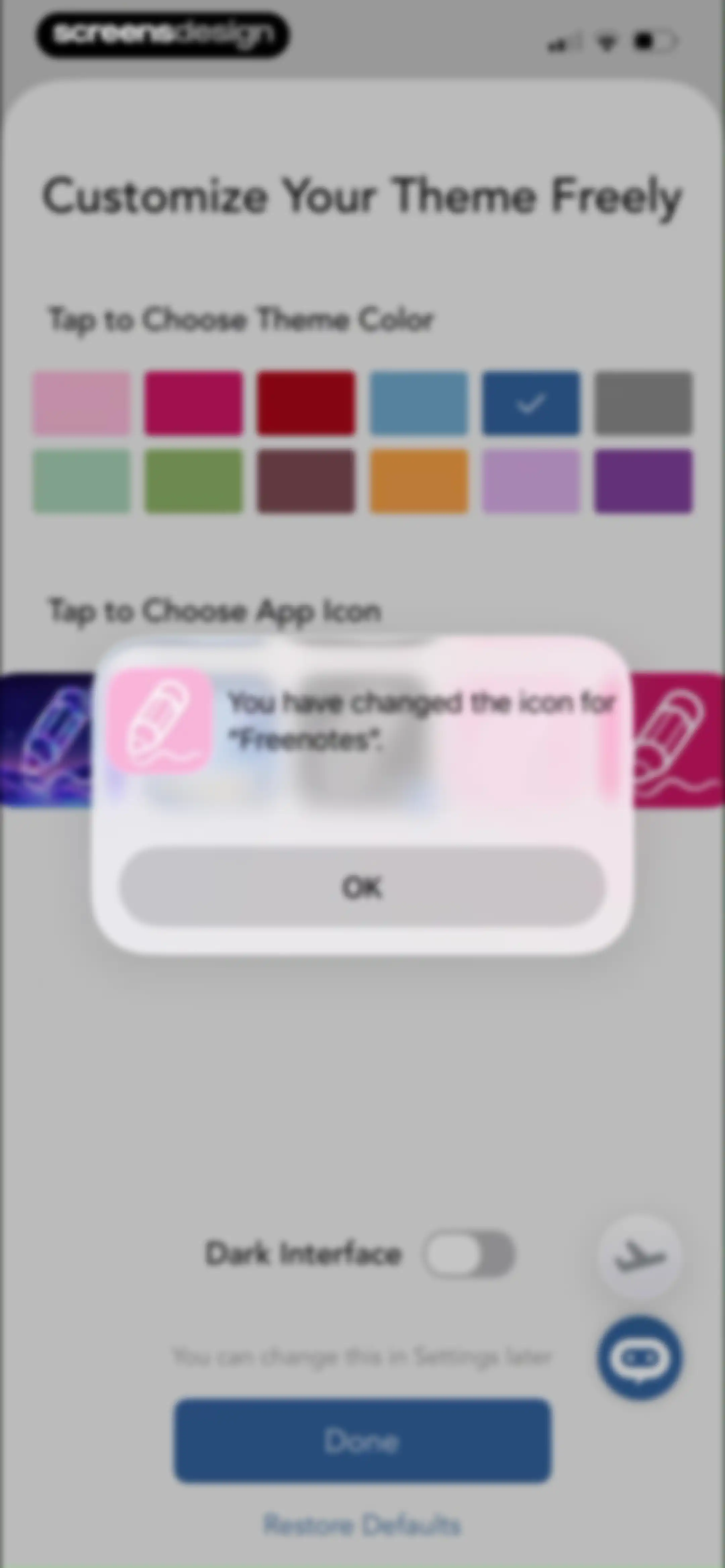
Freenotes customization settings screen with a color grid, dark mode toggle, and a confirmation modal for the new app icon.Unlock Pro
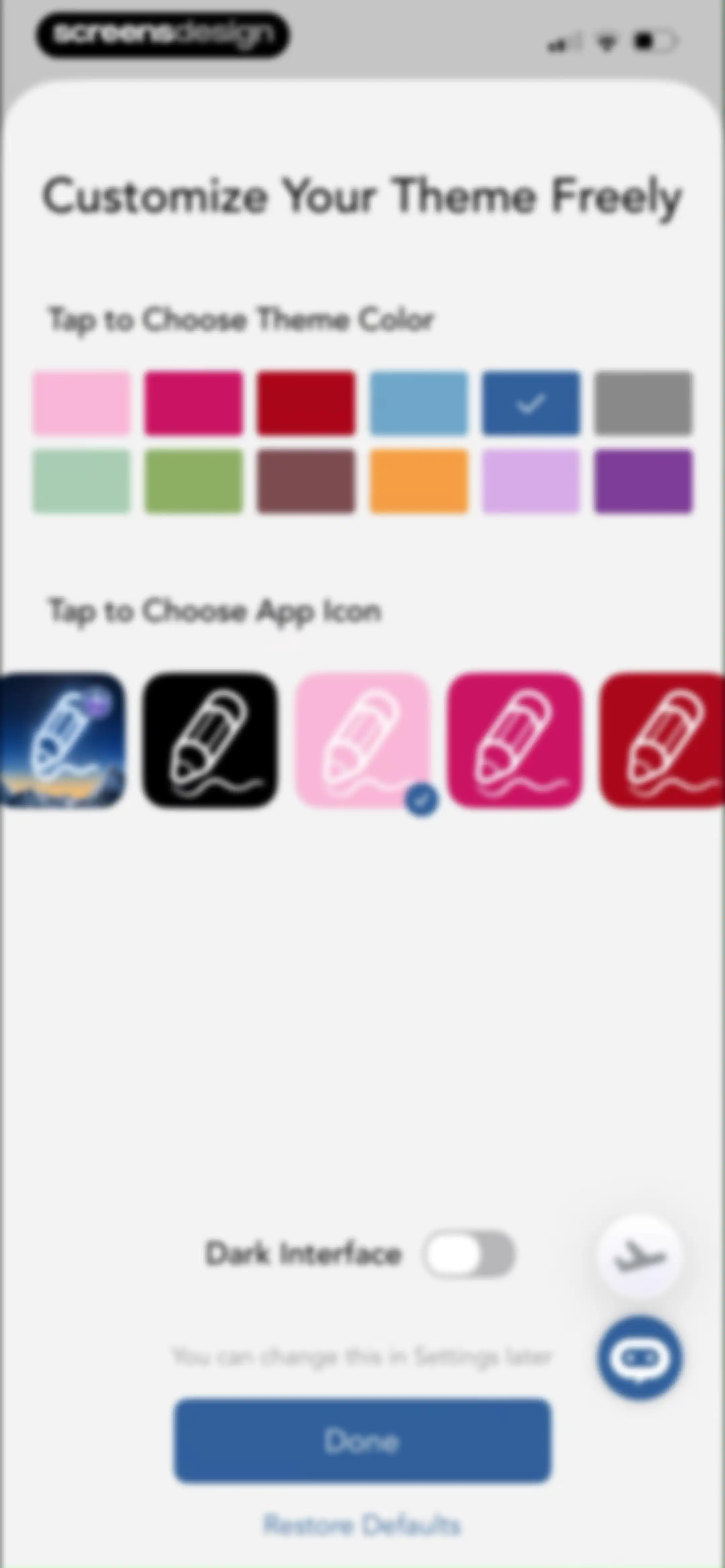
Settings screen for customizing theme colors, app icons, and dark mode, with a Done button at the bottom.Unlock Pro
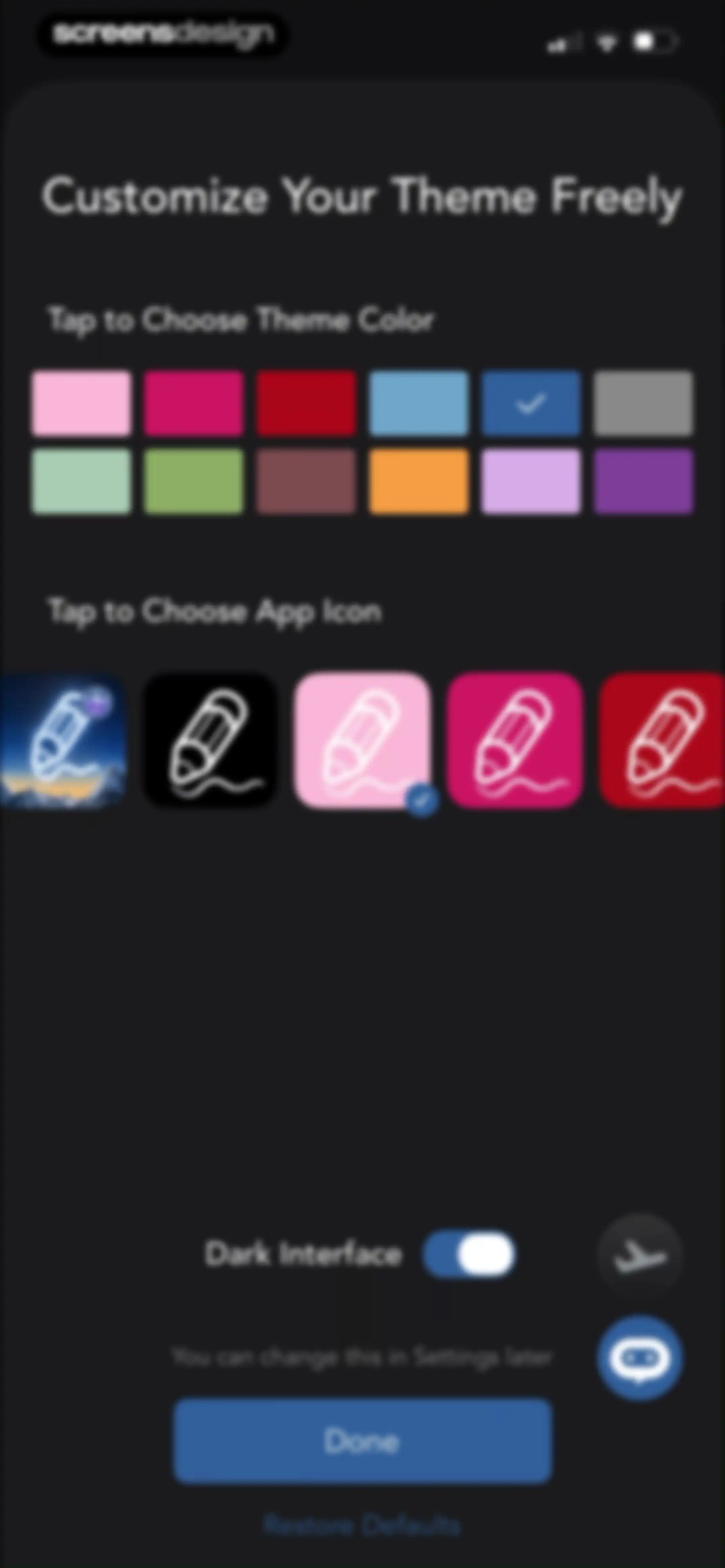
Customization settings screen for Freenotes with theme color swatches, app icon options, a dark interface toggle, and a Done button.Unlock Pro
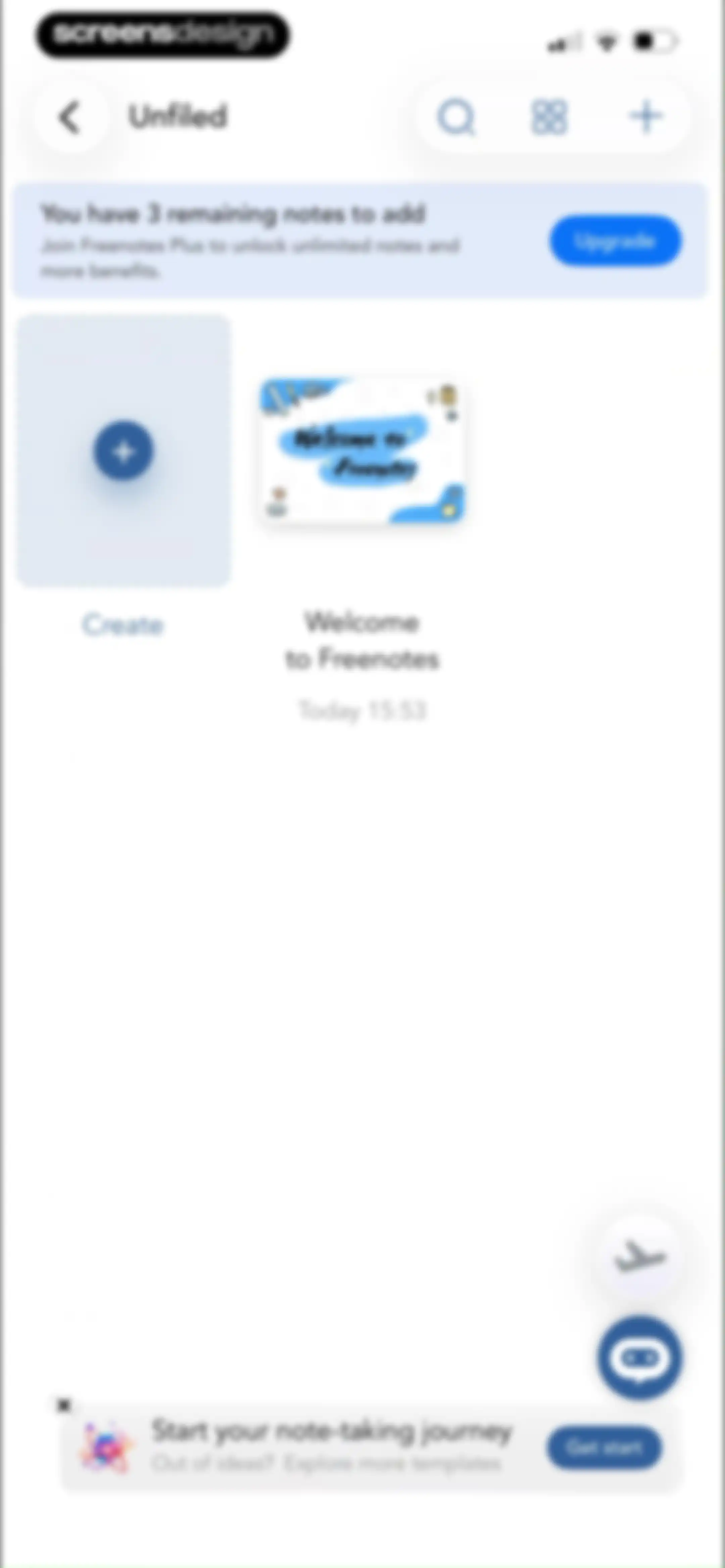
Note-taking app home screen displaying a grid of notes and a subscription upgrade banner with a remaining notes warning.Unlock Pro
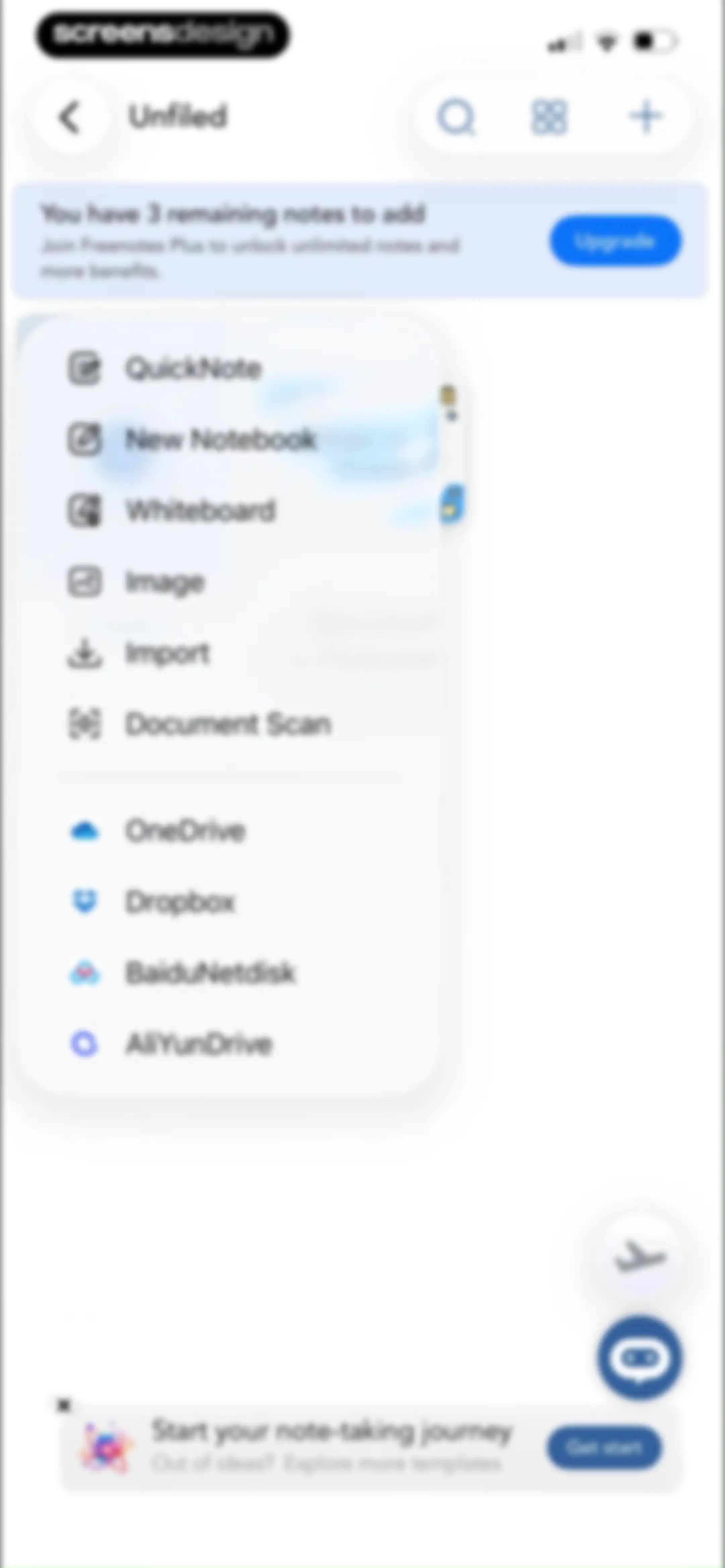
Home screen featuring a central creation modal menu for notes and documents, a subscription upgrade banner, and top navigation controls.Unlock Pro
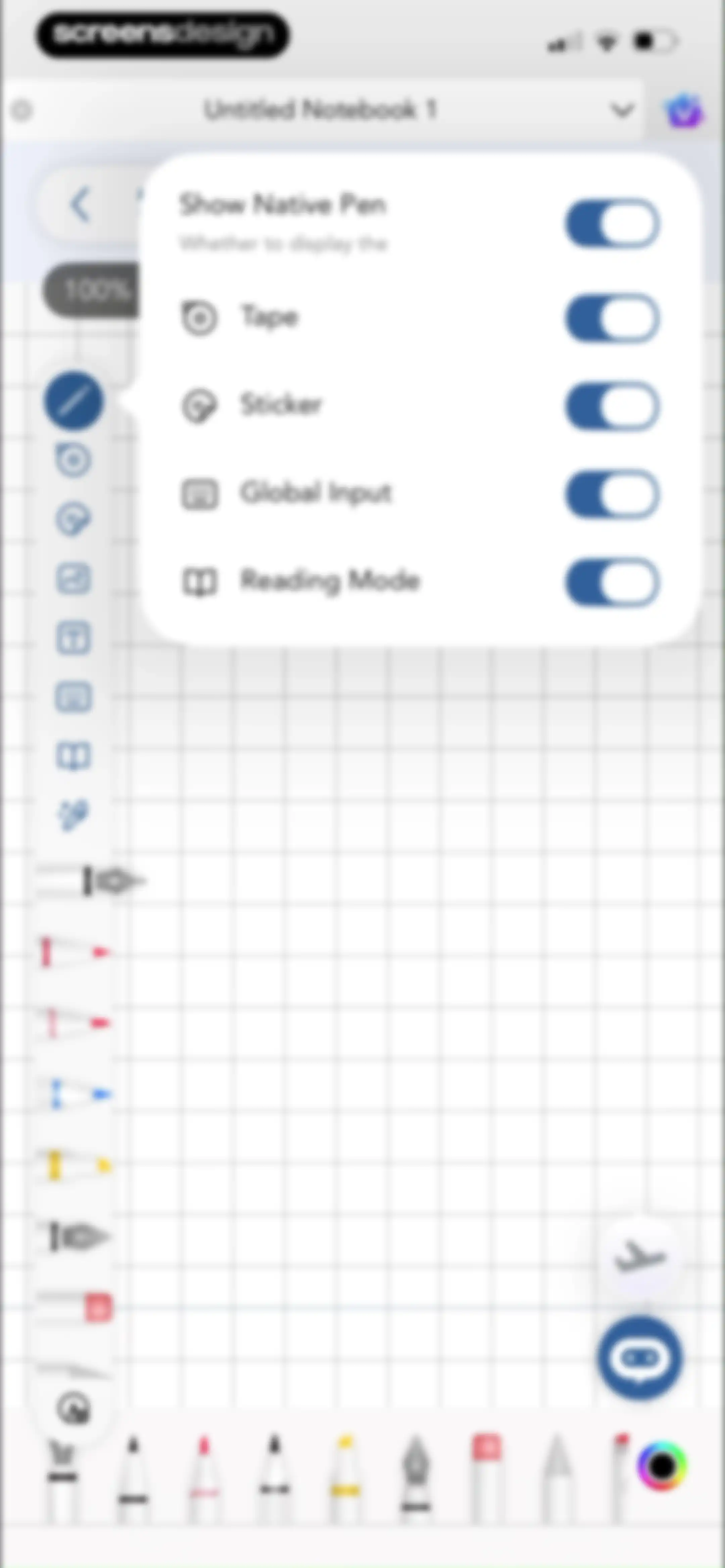
Note-taking editor showing an open popover menu with toggle switches for customizing tool visibility alongside a grid canvas and vertical toolbar.Unlock Pro
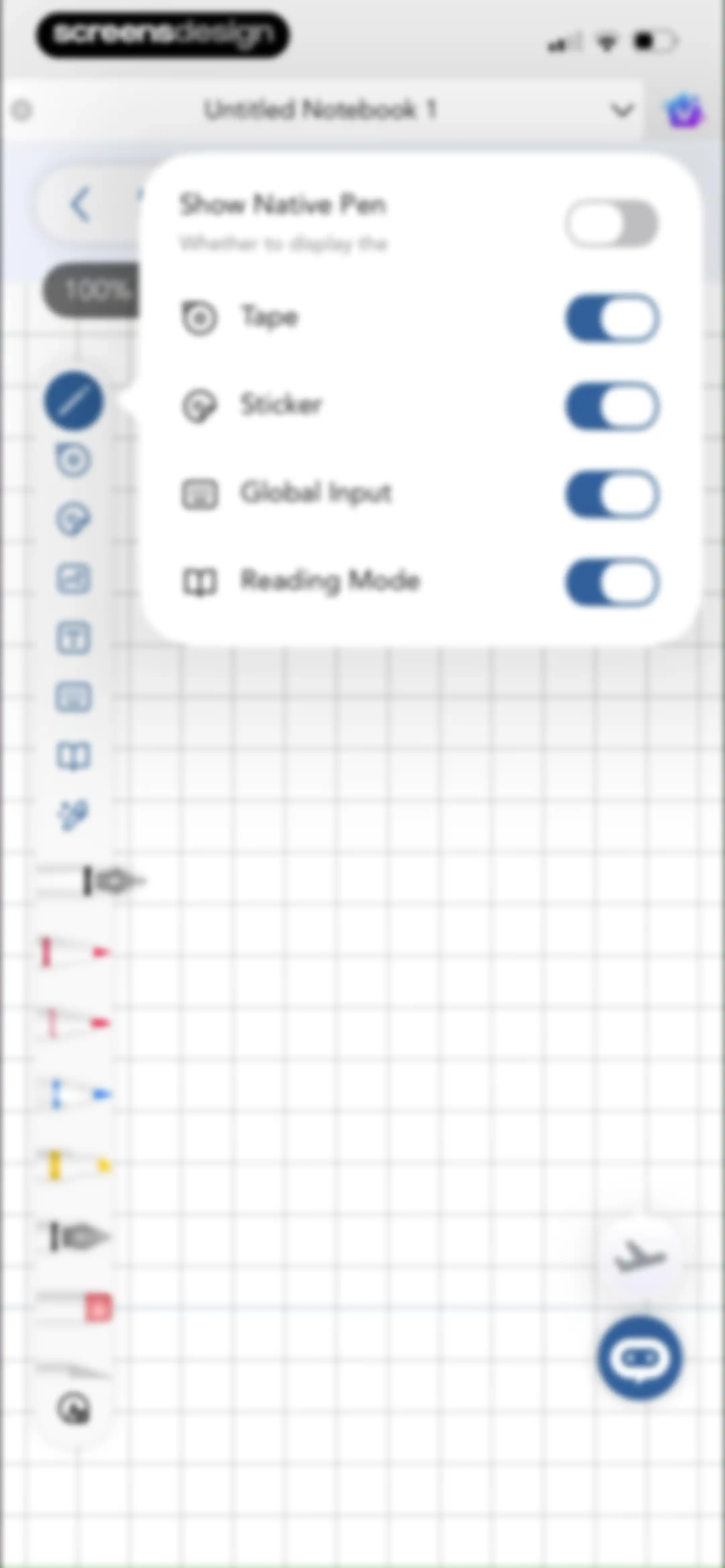
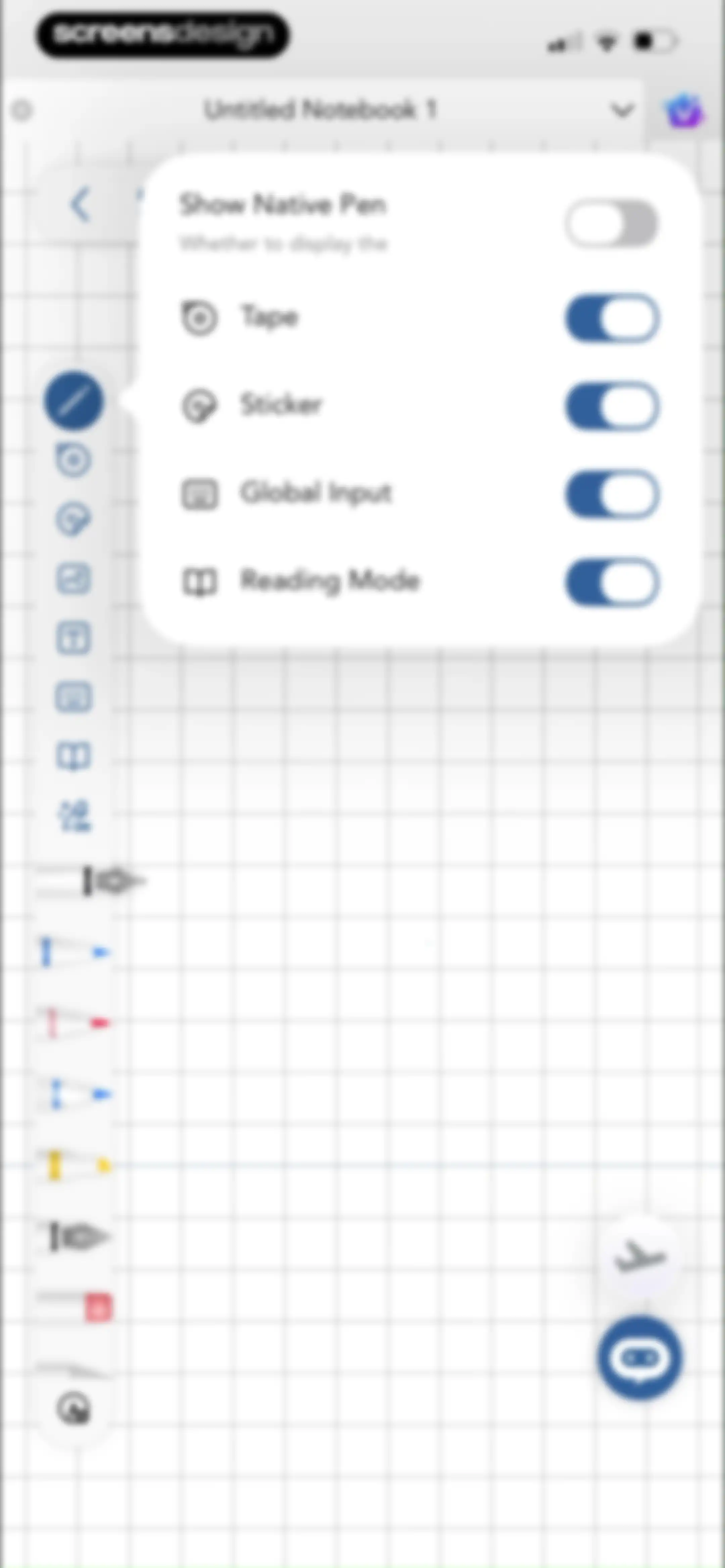
Settings popover menu on a note-taking interface with toggles for tools like Show Native Pen and Reading Mode.Unlock Pro
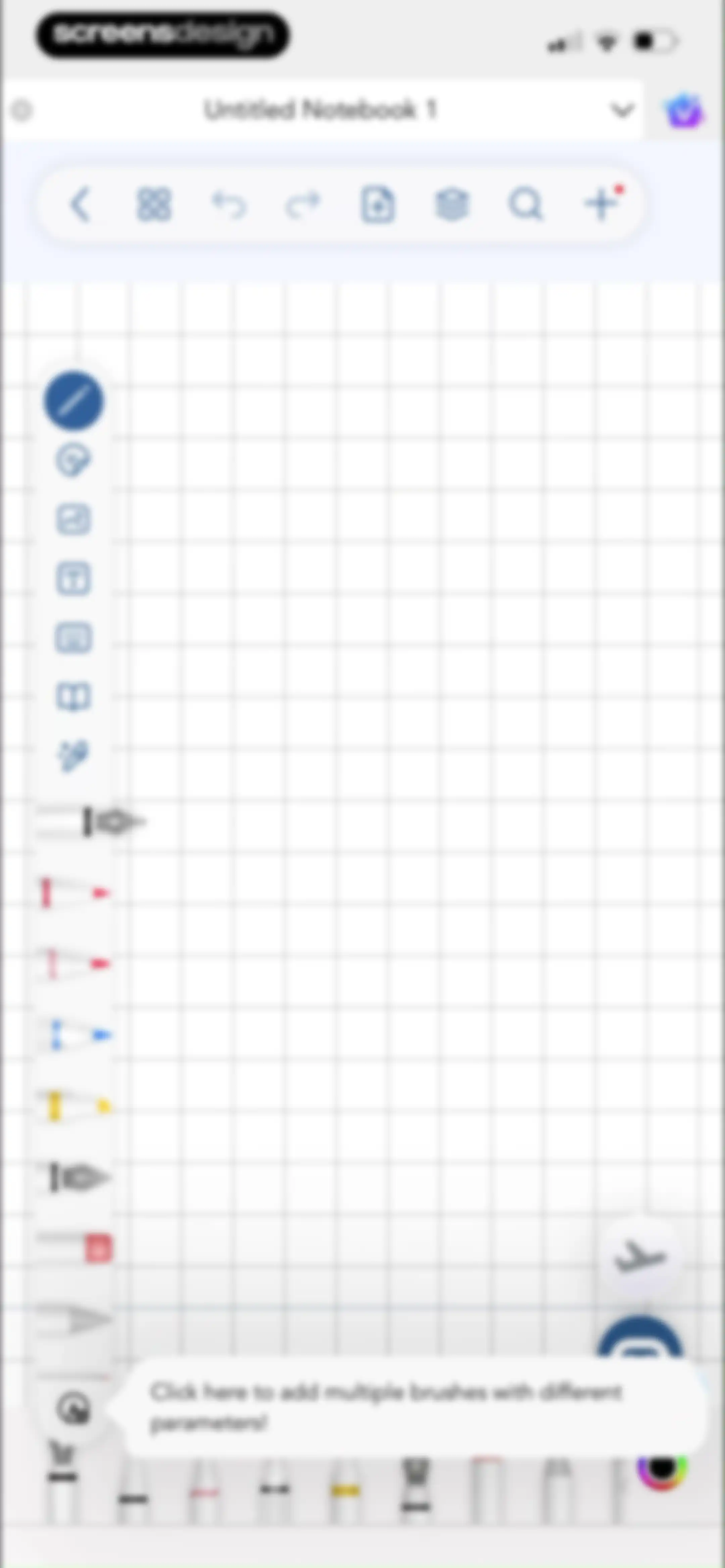
Editor screen with a grid canvas, top navigation, left drawing tools, and a tooltip guiding brush selection.Unlock Pro
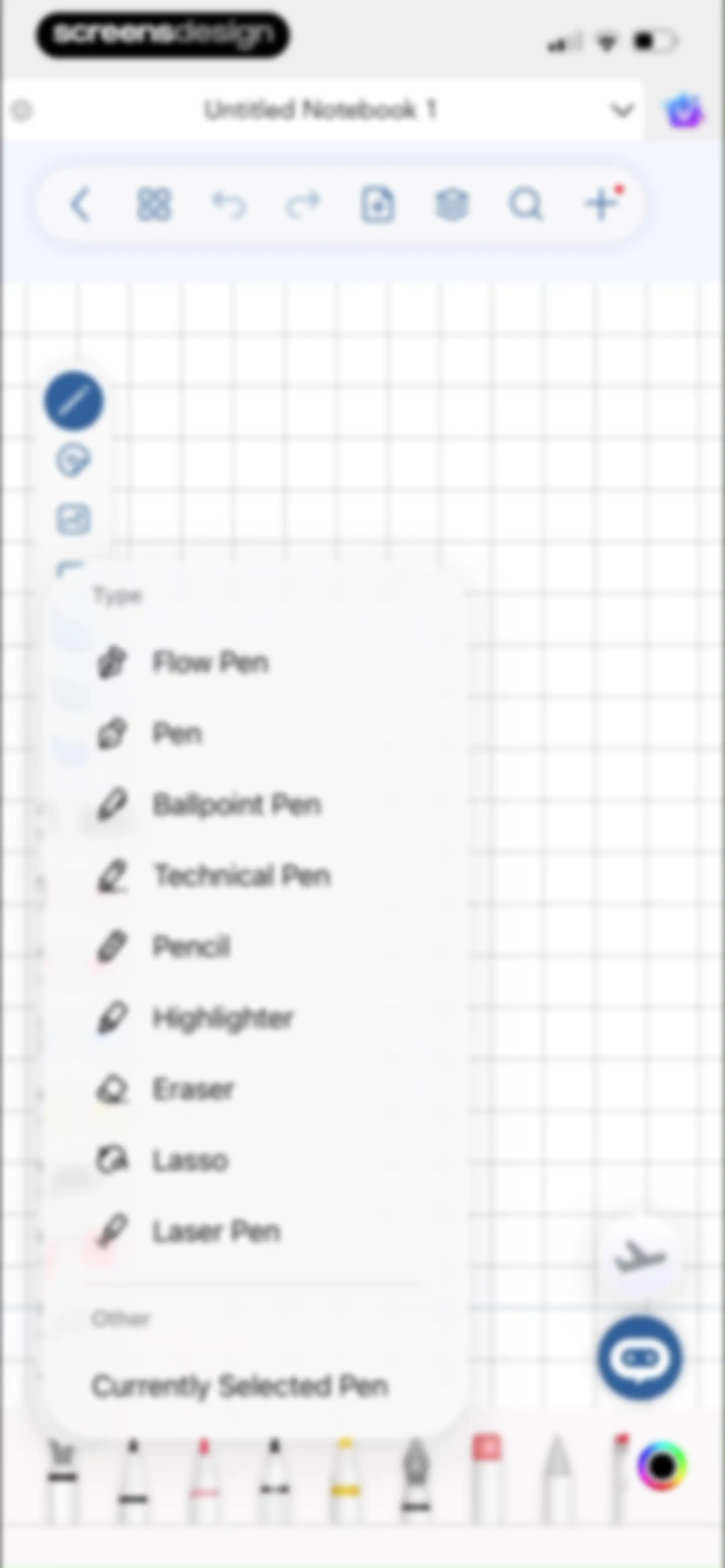
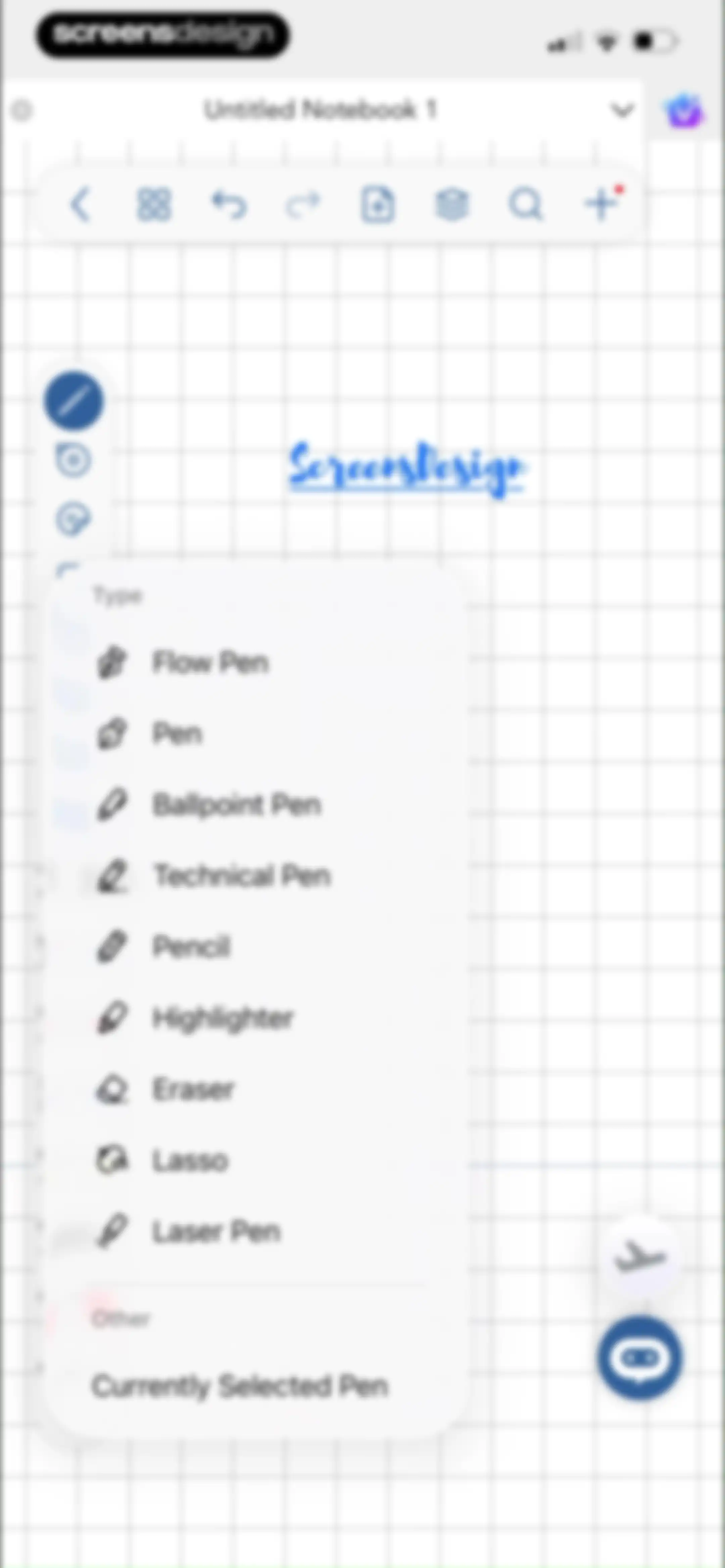
Editor screen displaying an open pen selection menu with options like Flow Pen, Ballpoint Pen, and Pencil over a grid canvas.Unlock Pro
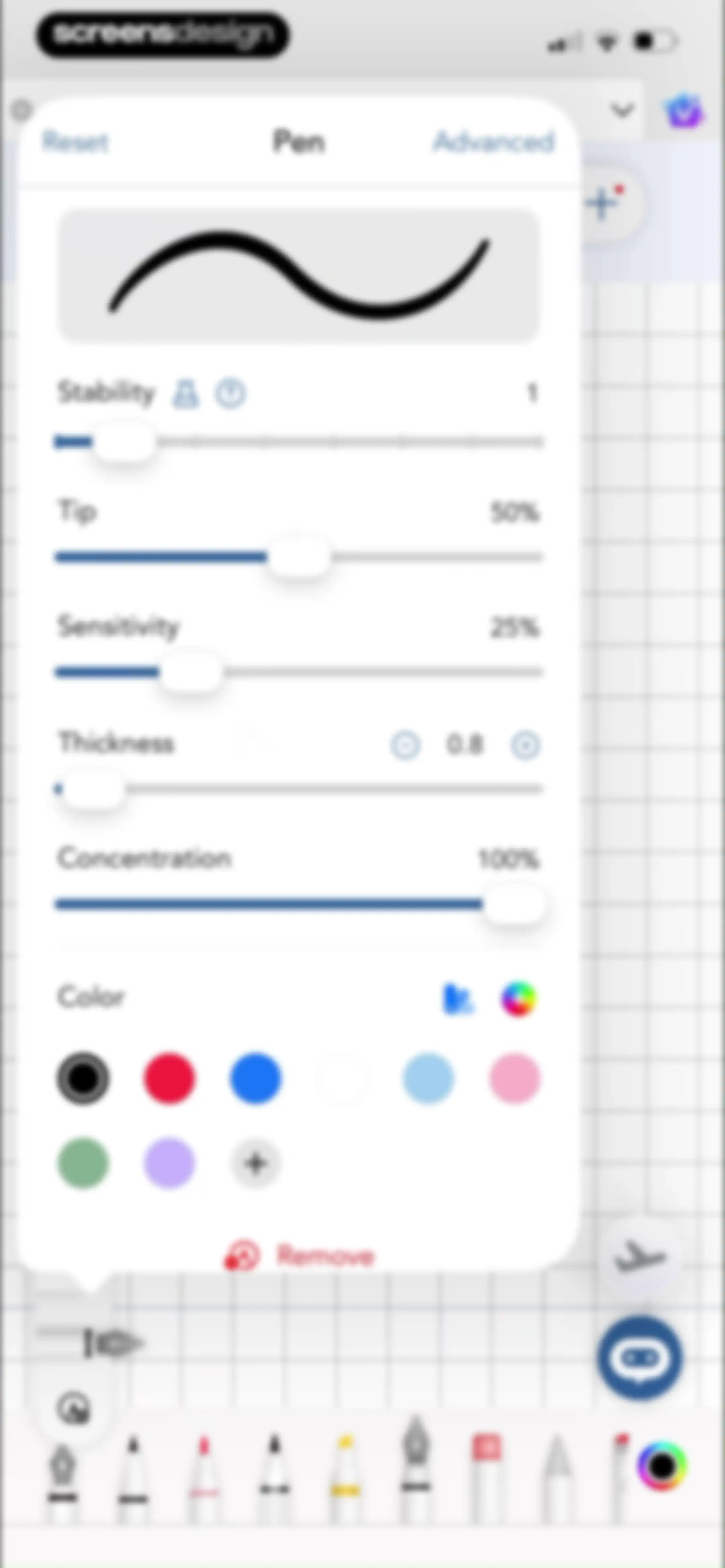
Pen settings modal with sliders for thickness, sensitivity, and color swatches over a grid workspace.Unlock Pro
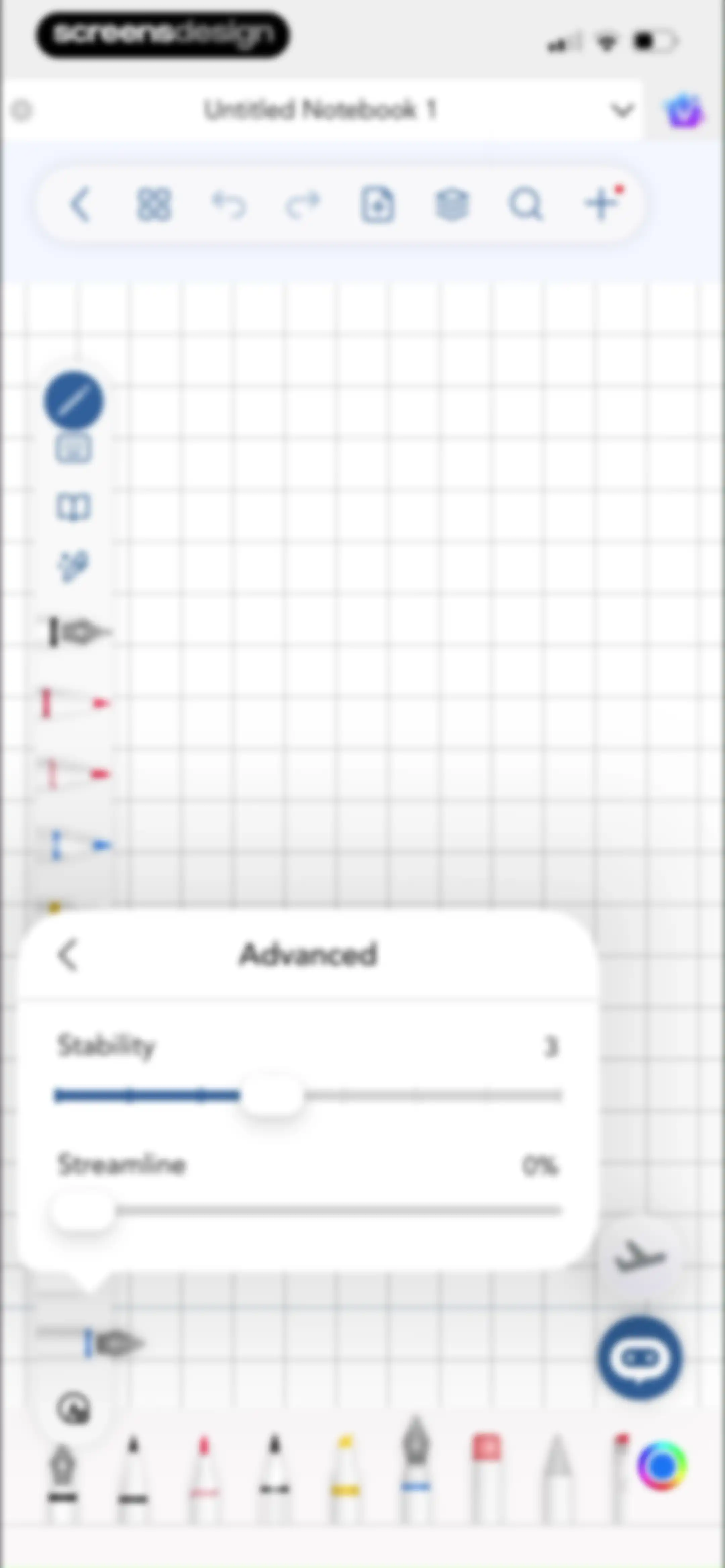
Editor screen for a digital notebook with an advanced settings modal open to adjust pen stability and streamline sliders.Unlock Pro
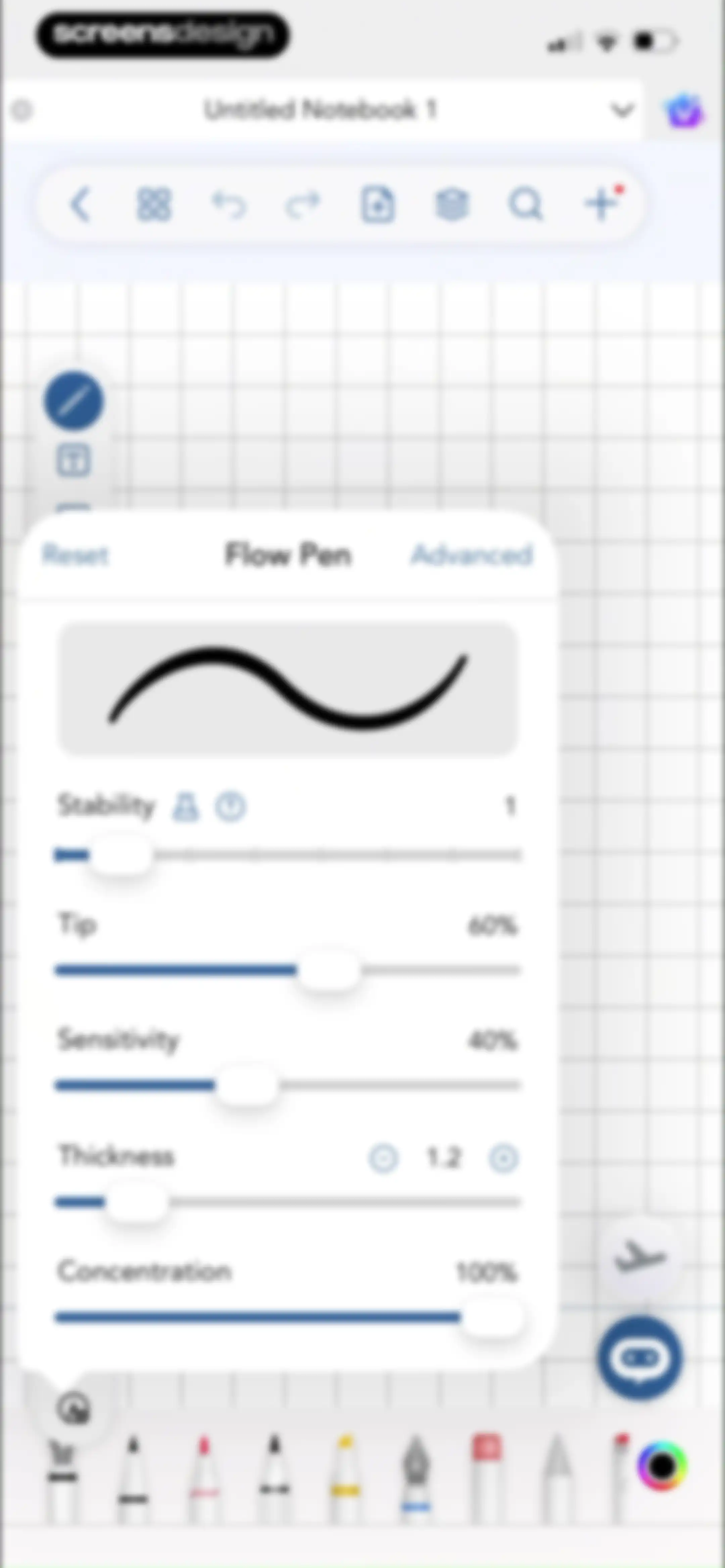
Editor screen displaying the Flow Pen settings modal with sliders for stability, tip, sensitivity, thickness, and concentration.Unlock Pro
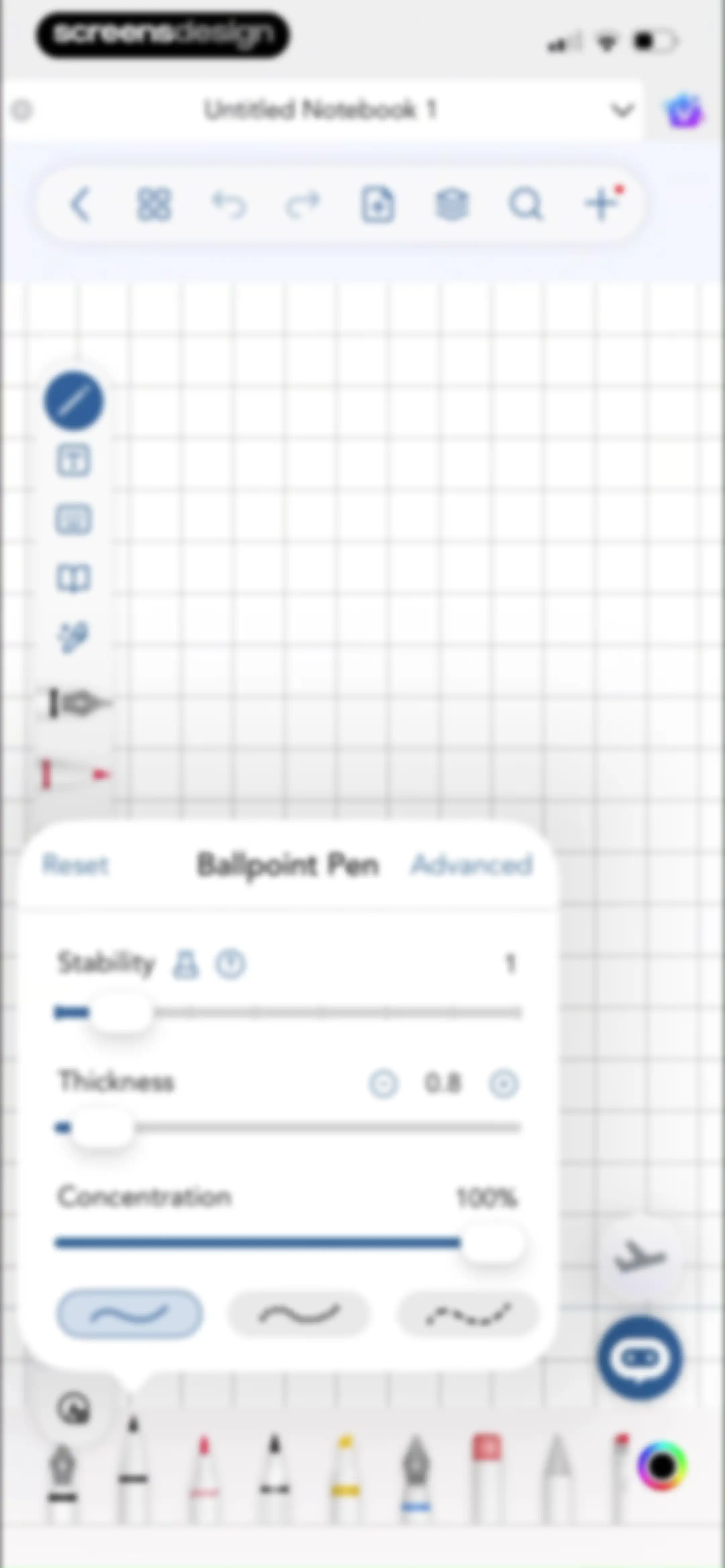
Note-taking editor showing a central modal for adjusting ballpoint pen thickness, stability, and concentration with sliders.Unlock Pro
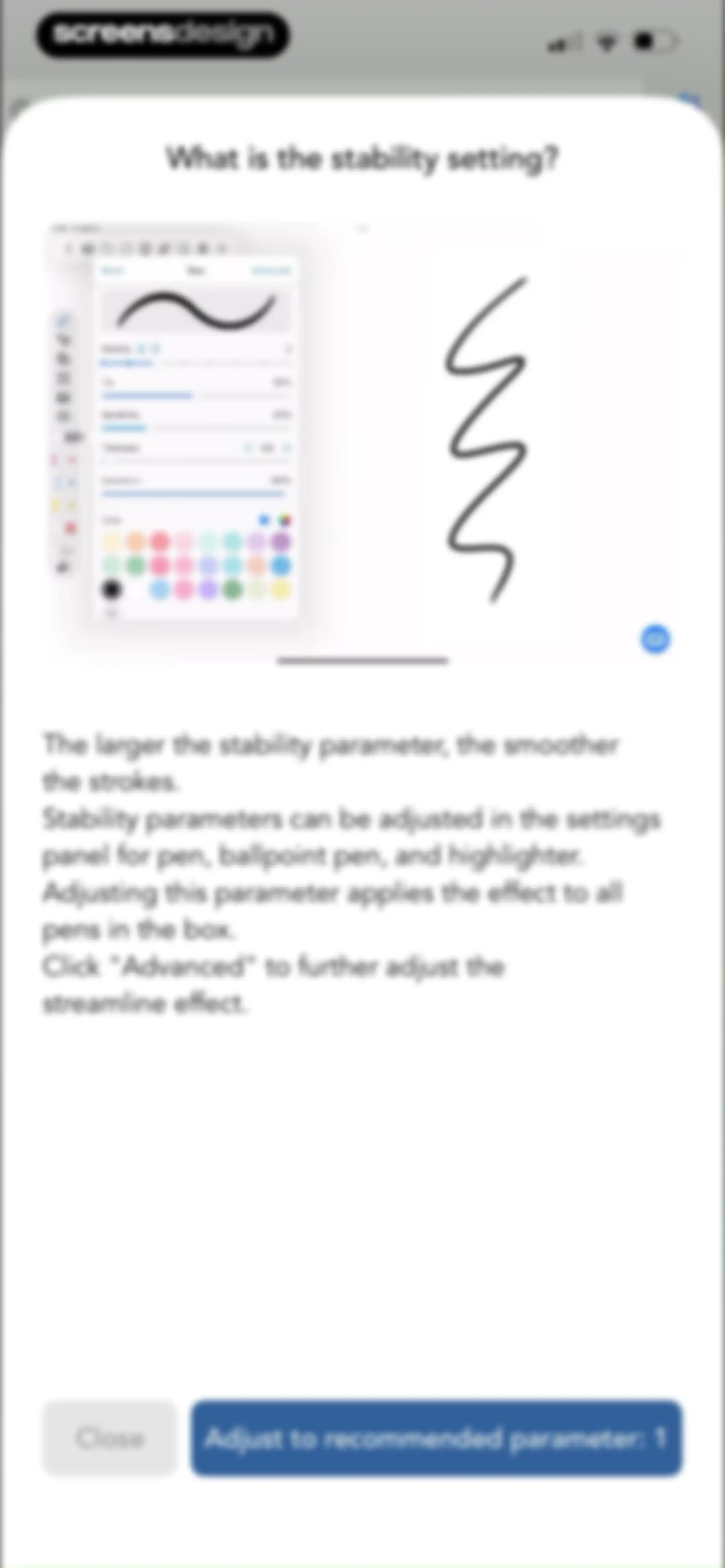
Educational modal explaining the stability setting for handwriting tools, featuring explanatory text, a visual demo, and a button to adjust to the recommended parameter.Unlock Pro
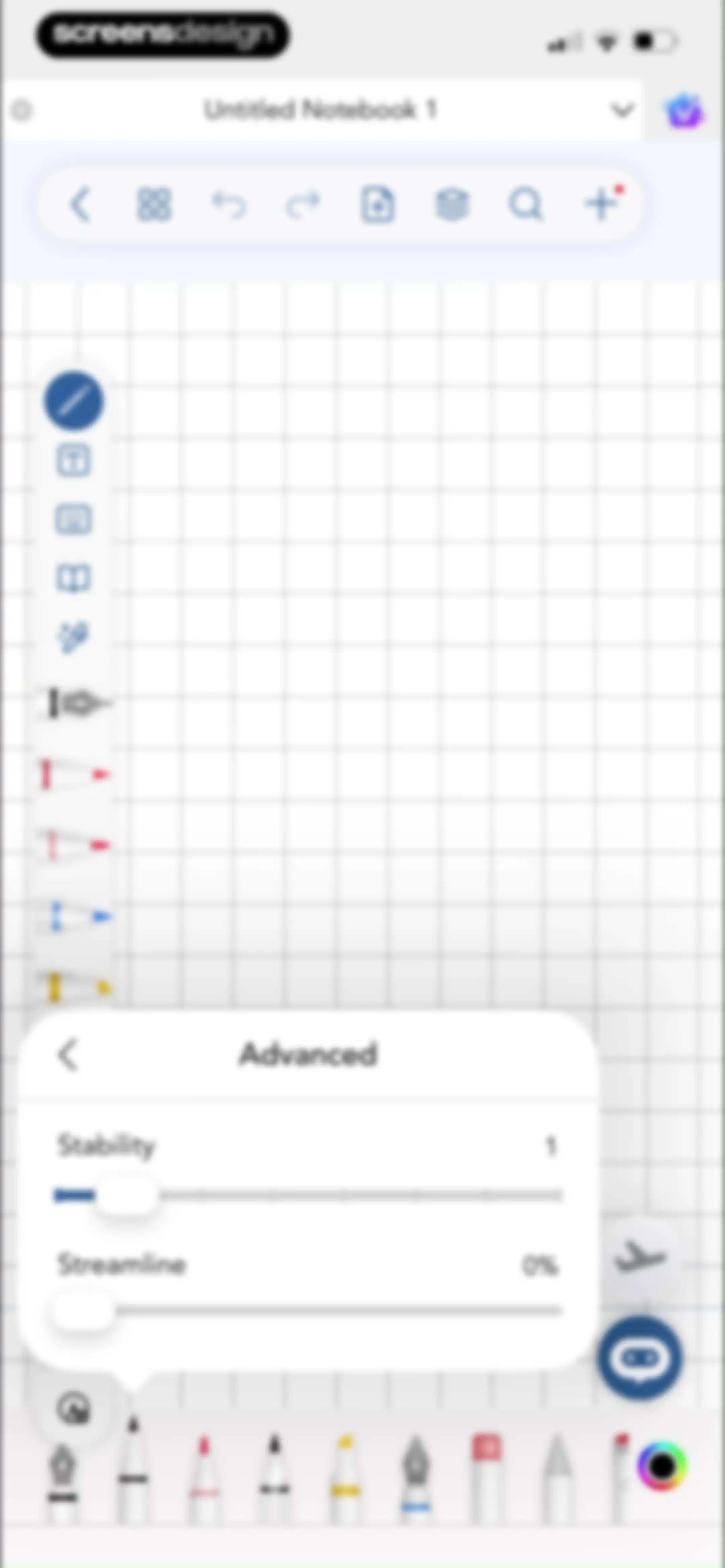
Editor screen featuring an advanced settings modal with stability and streamline sliders over a notebook canvas.Unlock Pro
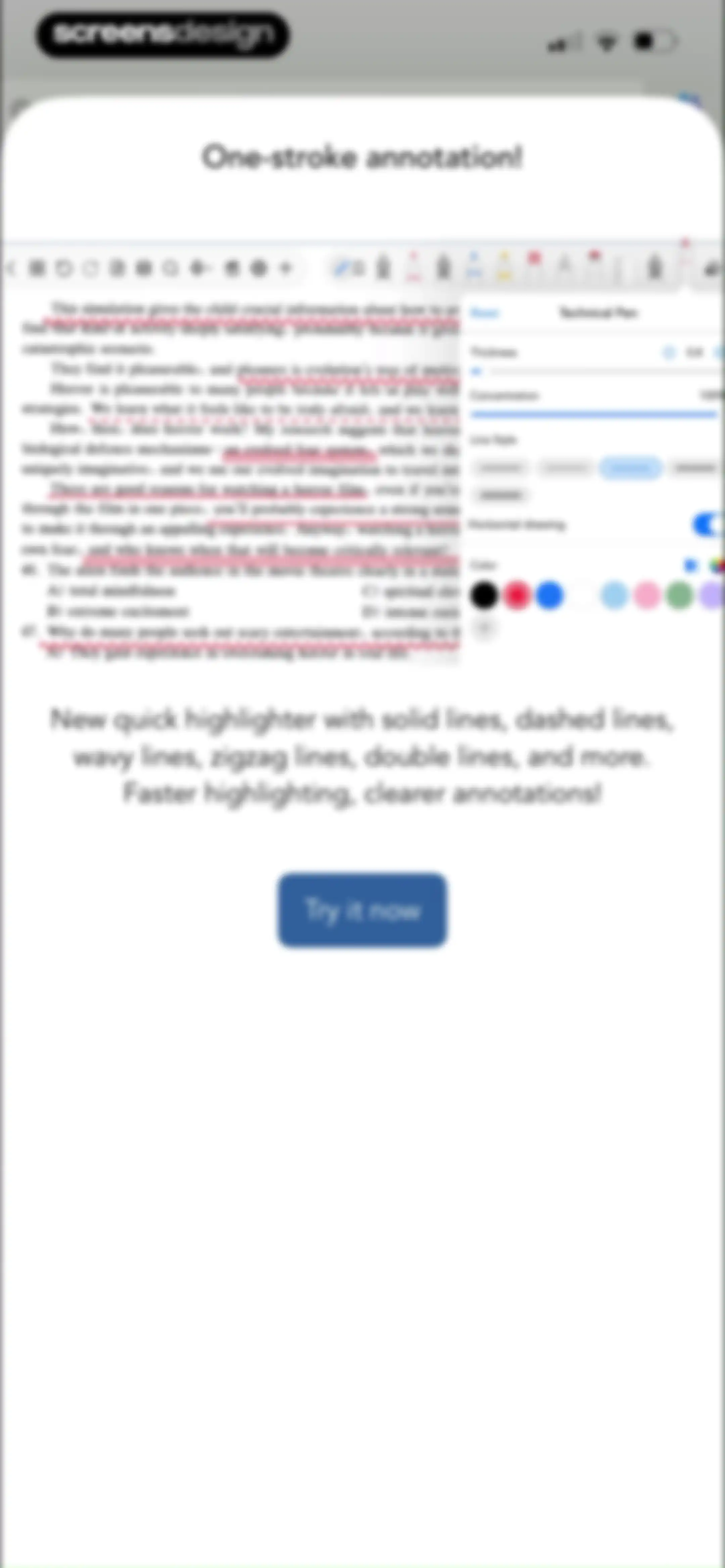
Feature announcement modal for Freenotes showcasing one-stroke annotation tools, with a document preview, tool configuration panel, and a Try it now button.Unlock Pro
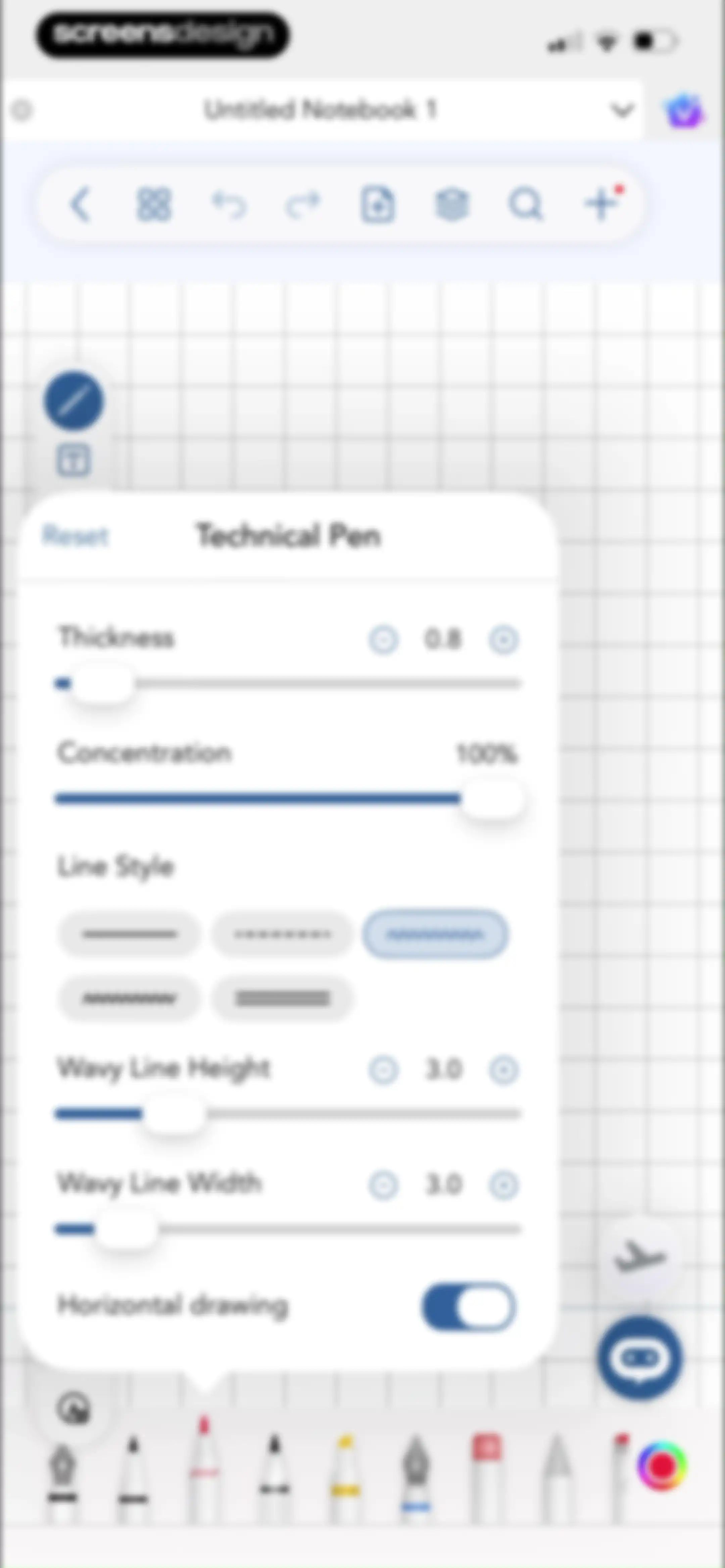
Editor screen featuring a technical pen settings modal with thickness and concentration sliders over a grid notebook background.Unlock Pro
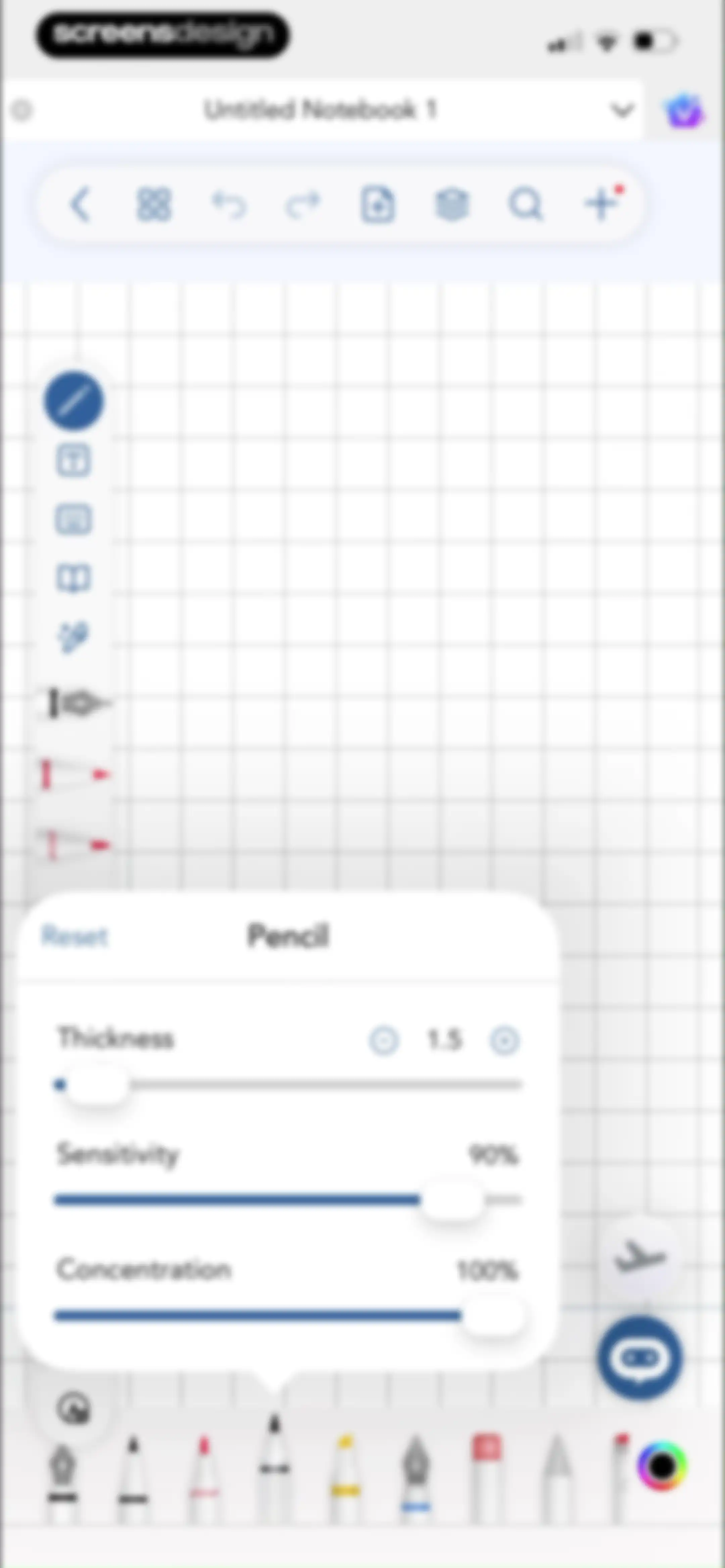
Notebook editor with a bottom settings modal for adjusting pencil thickness, sensitivity, and concentration.Unlock Pro
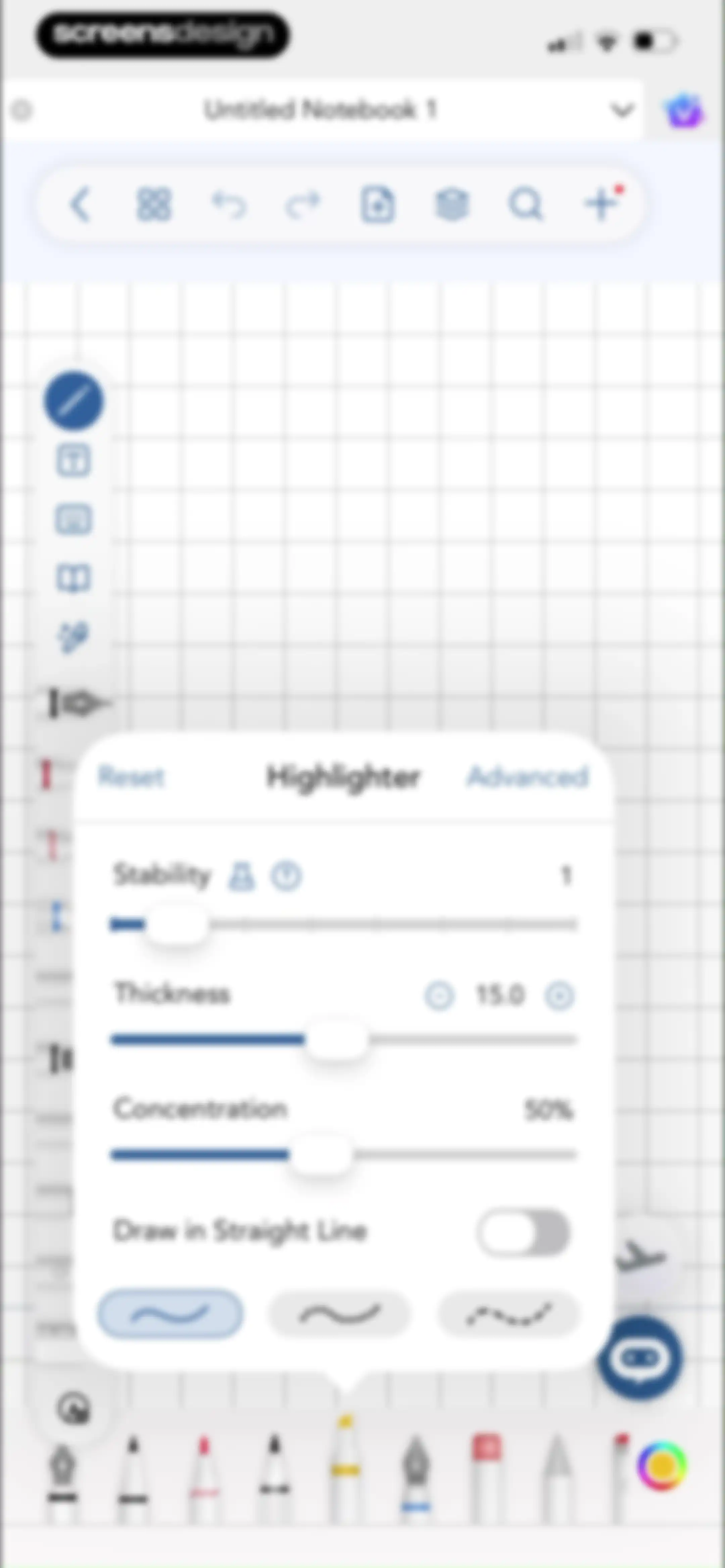
Editor screen showing a floating highlighter settings modal with sliders for thickness and concentration over a notebook canvas.Unlock Pro
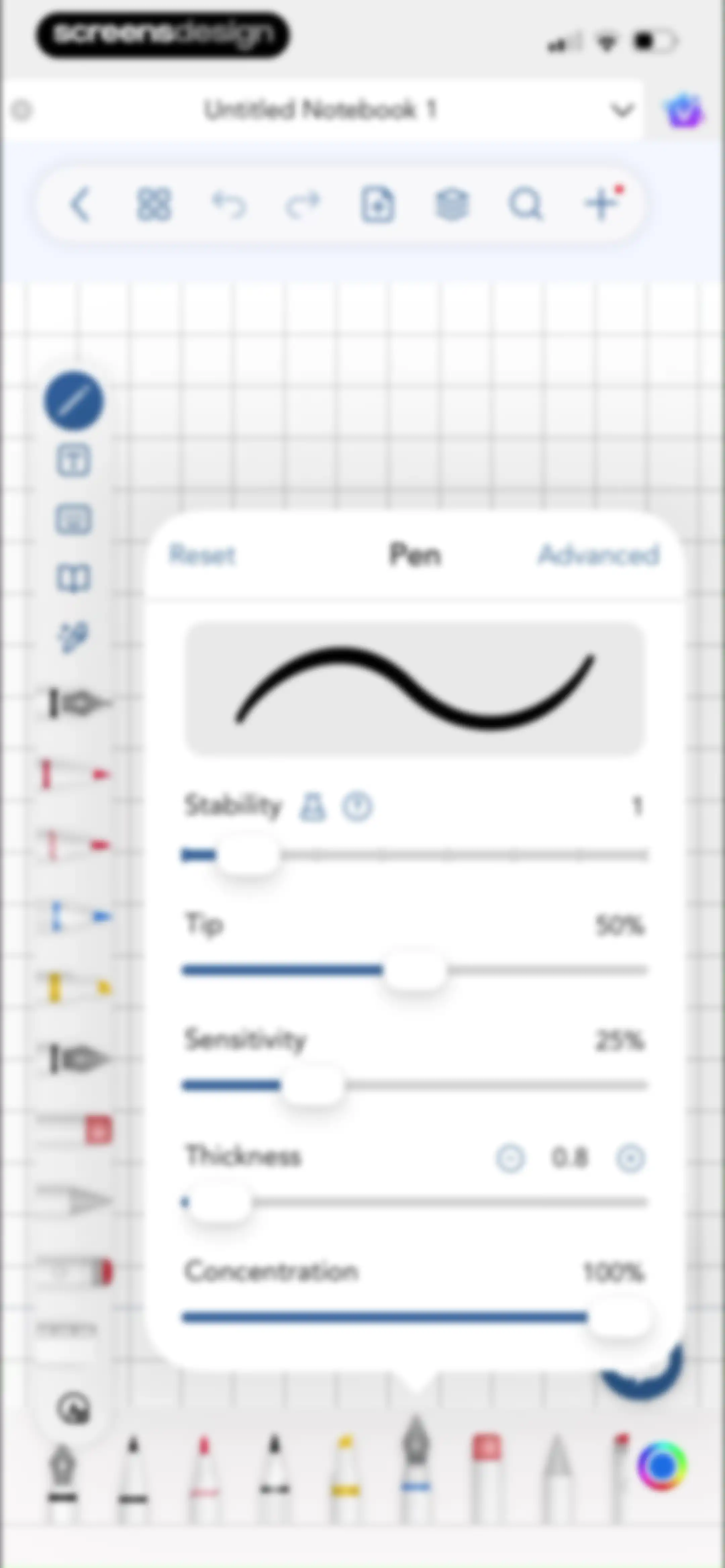
Note editor with a central pen settings modal displaying sliders for stability, tip, sensitivity, thickness, and concentration.Unlock Pro
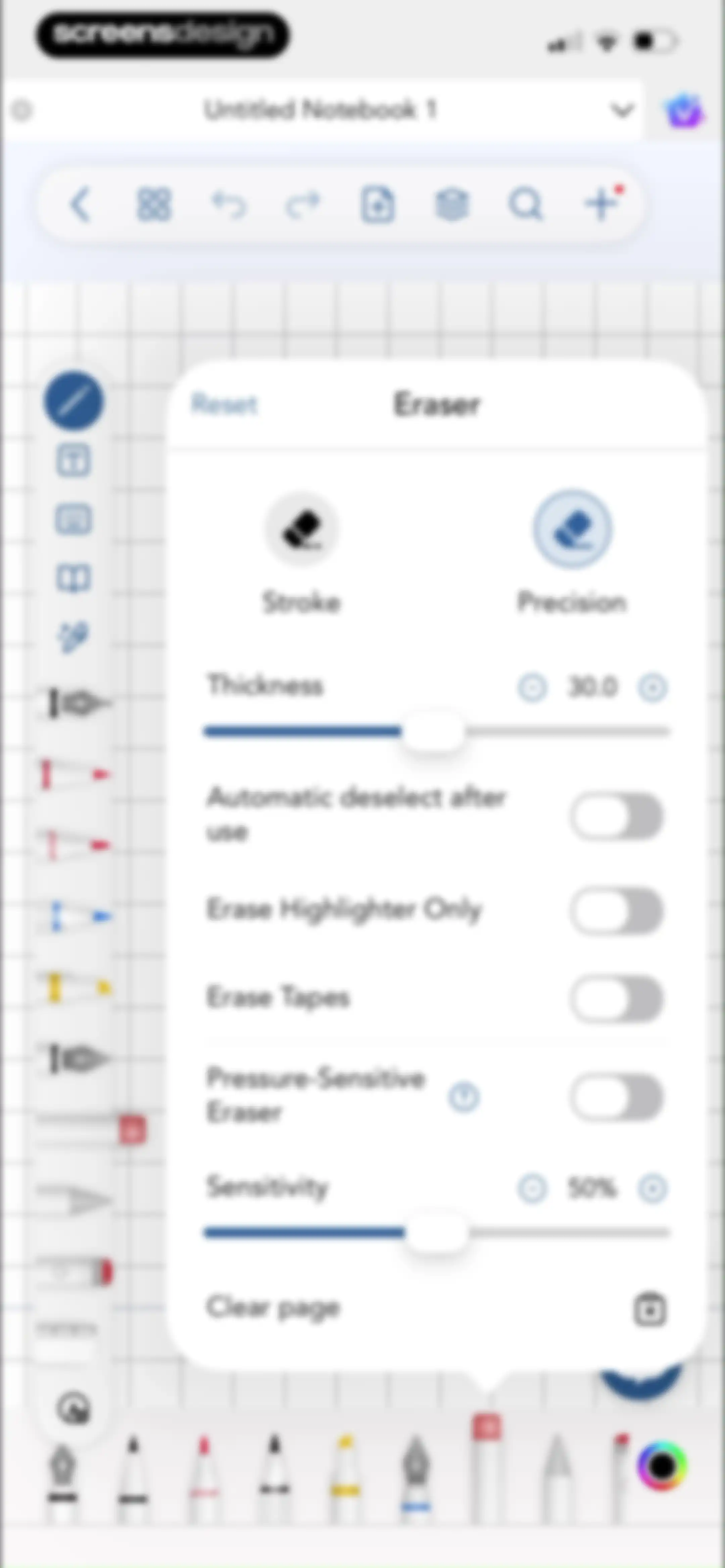
Notebook editor featuring a centered eraser settings modal with thickness controls, toggles, and a Clear page button.Unlock Pro
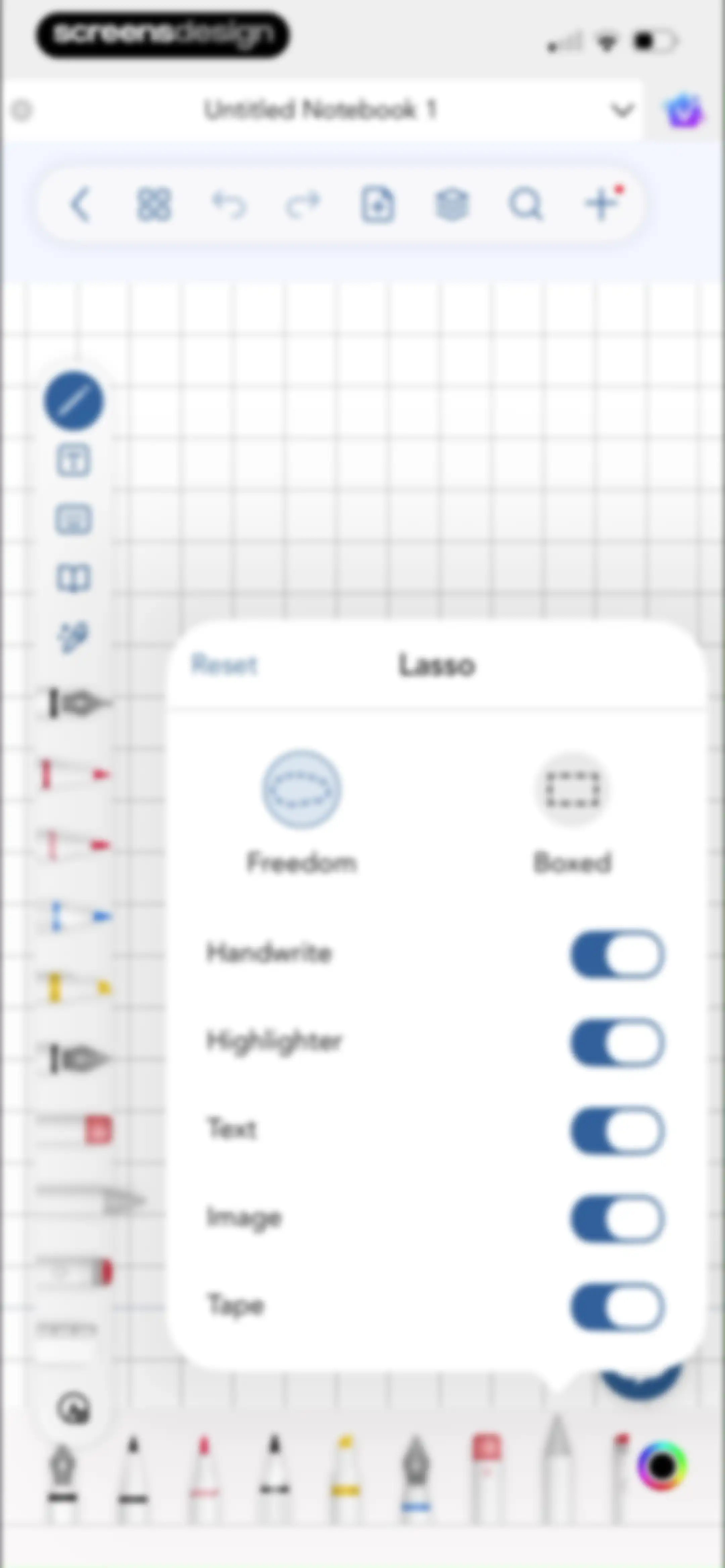
Lasso configuration modal in a note-taking app, displaying Freedom and Boxed mode options with content toggles and a Reset button.Unlock Pro
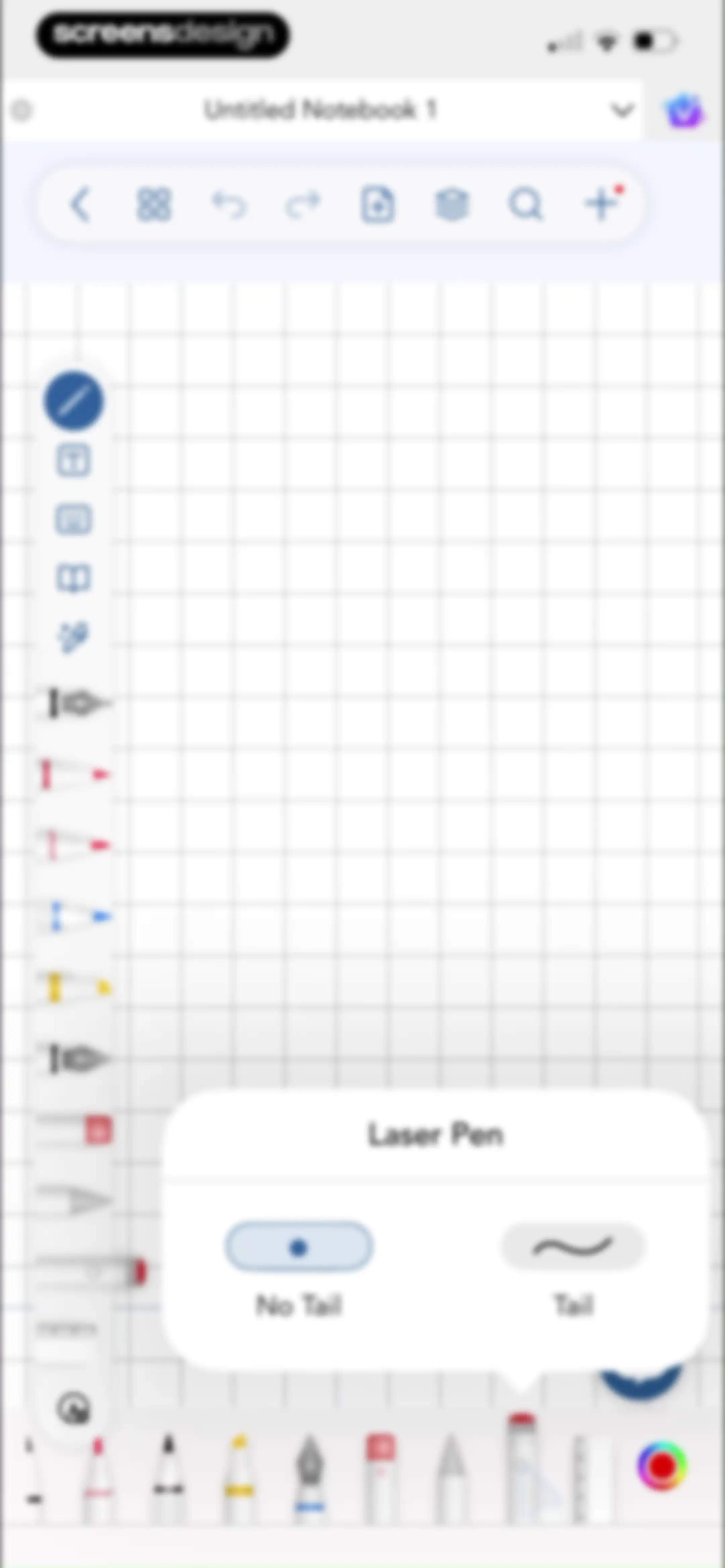
Editor screen for a notebook displaying a grid canvas with an open Laser Pen popover menu showing No Tail and Tail options.Unlock Pro
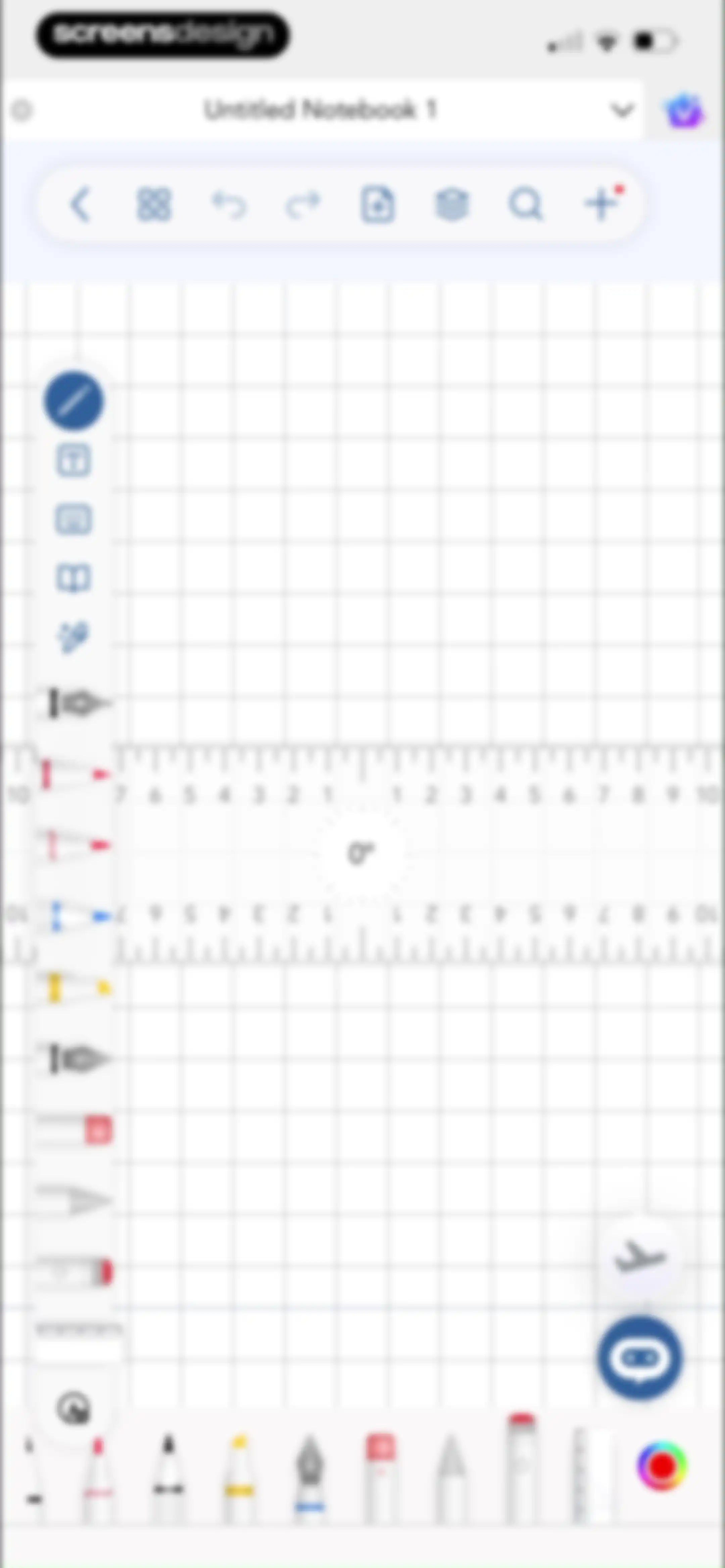
Digital notebook editor showing a grid canvas with a digital ruler and a top navigation bar titled Untitled Notebook 1.Unlock Pro
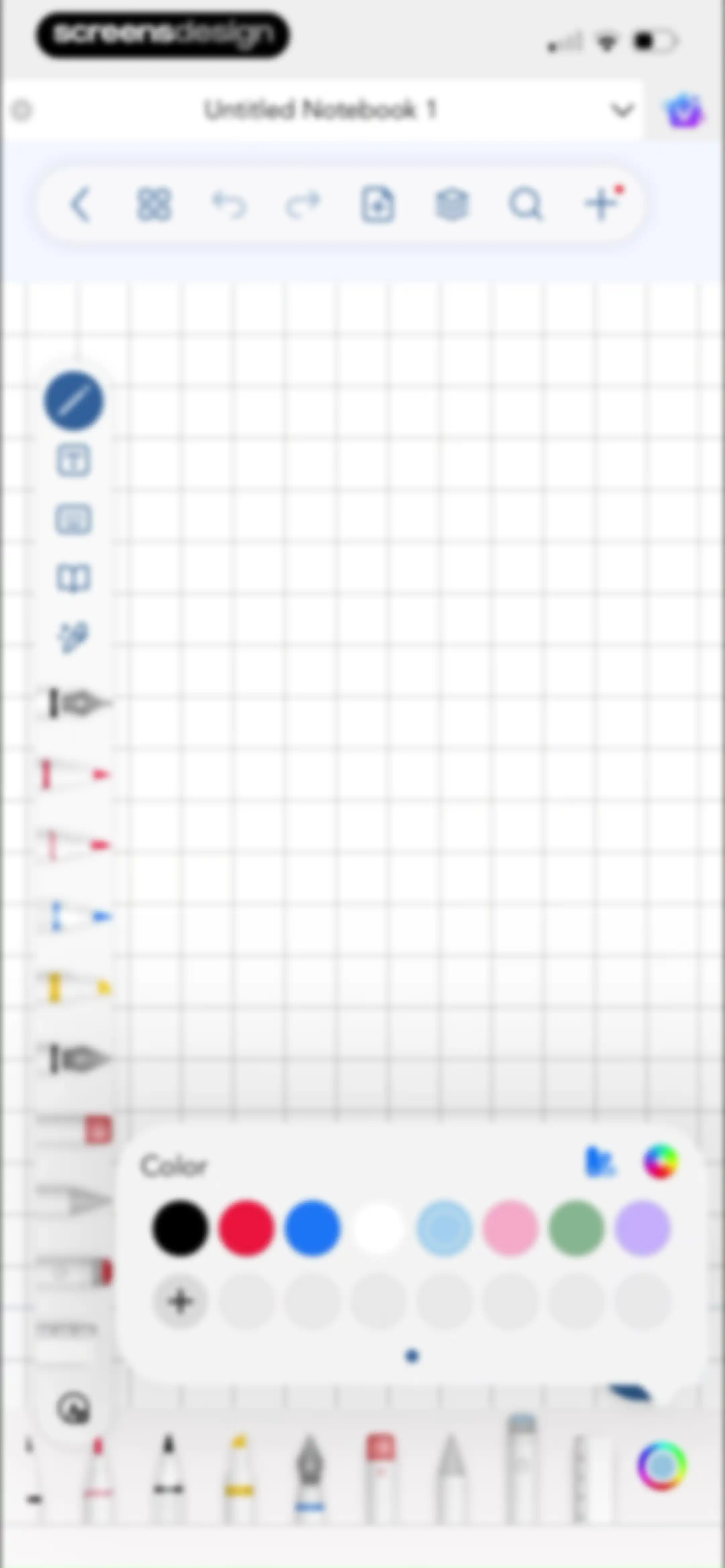
Digital notebook editor displaying a grid canvas, a vertical tool palette with the pen tool selected, and an open color selection popover.Unlock Pro
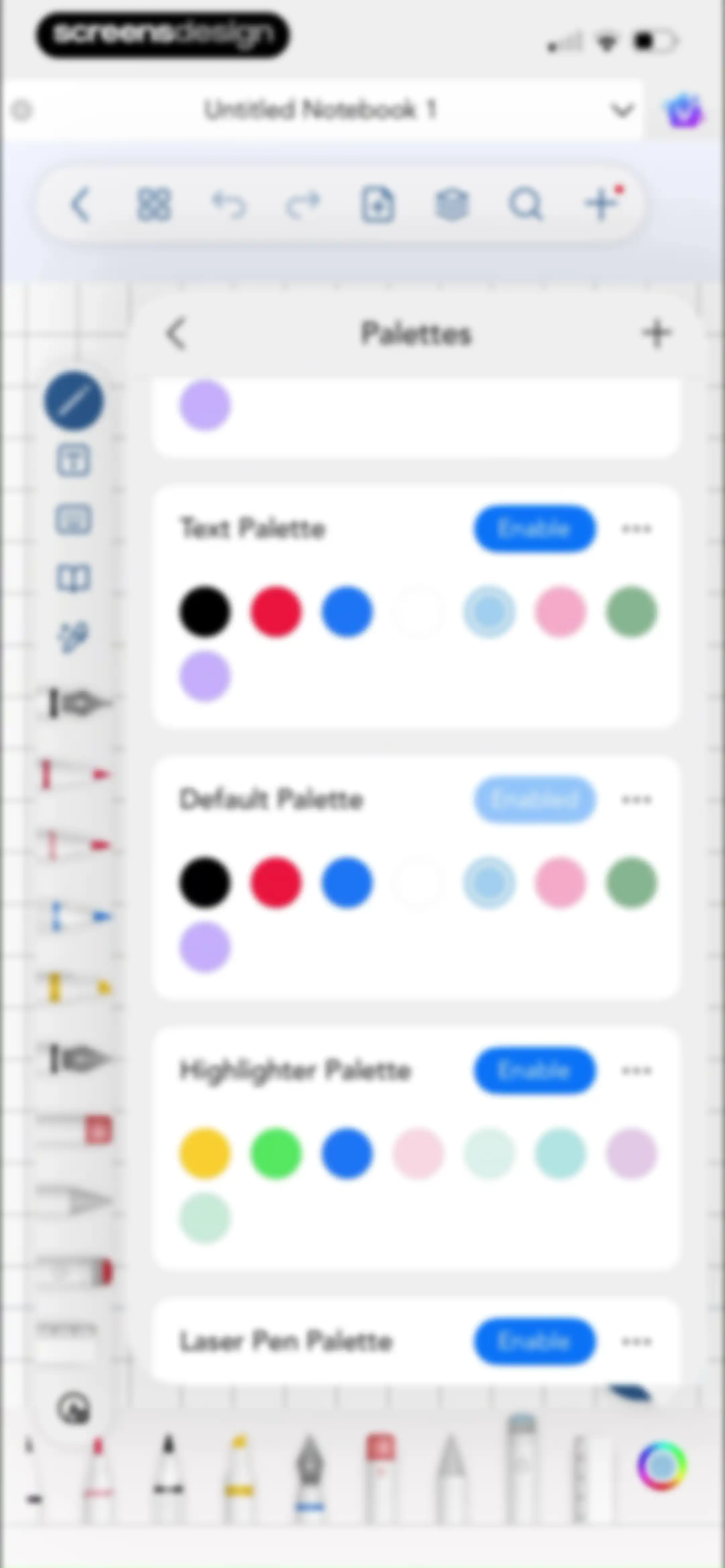
Note-taking editor showing a central Palettes modal window with a list of color sets and enable buttons over a grid-lined workspace.Unlock Pro
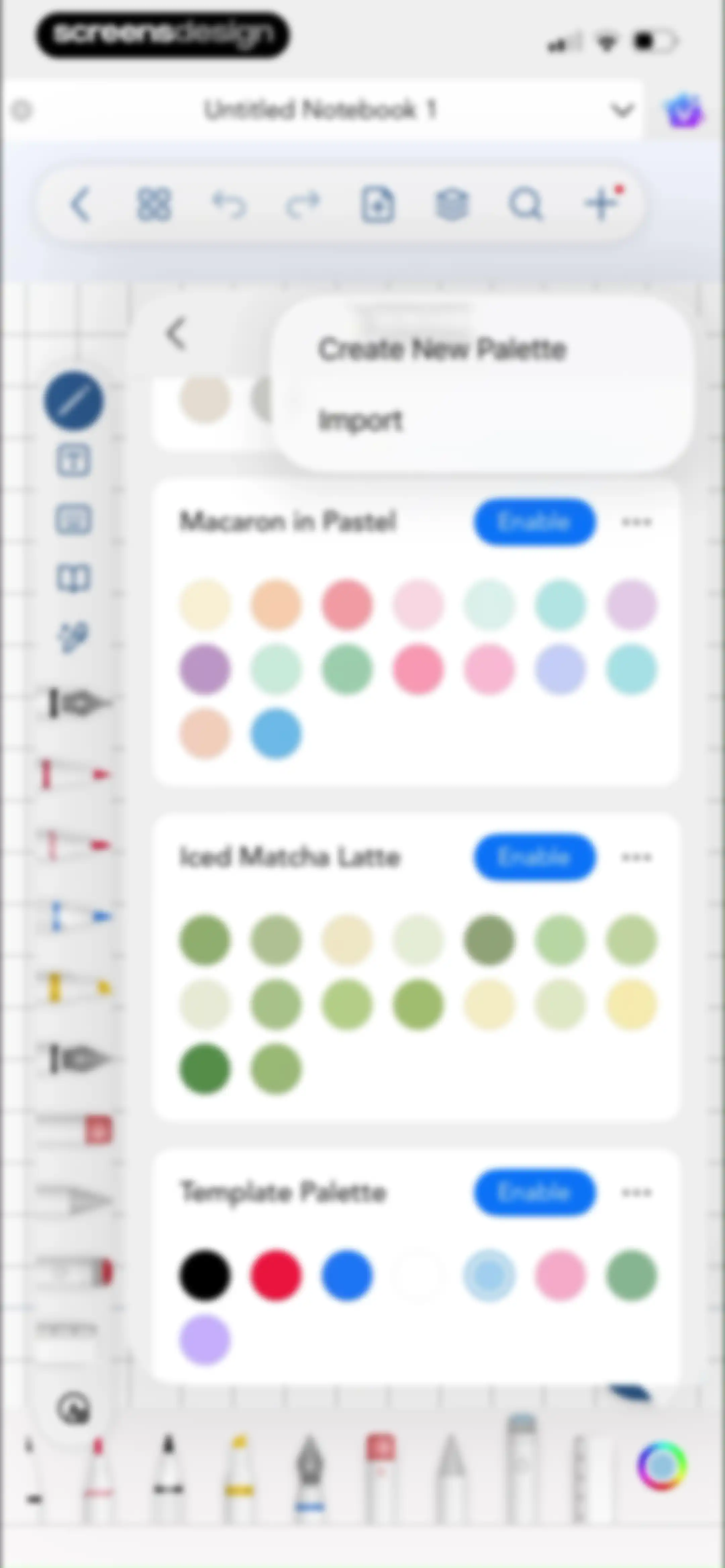
Color palette management modal featuring cards for Macaron in Pastel and Iced Matcha Latte, with Enable buttons and import options.Unlock Pro
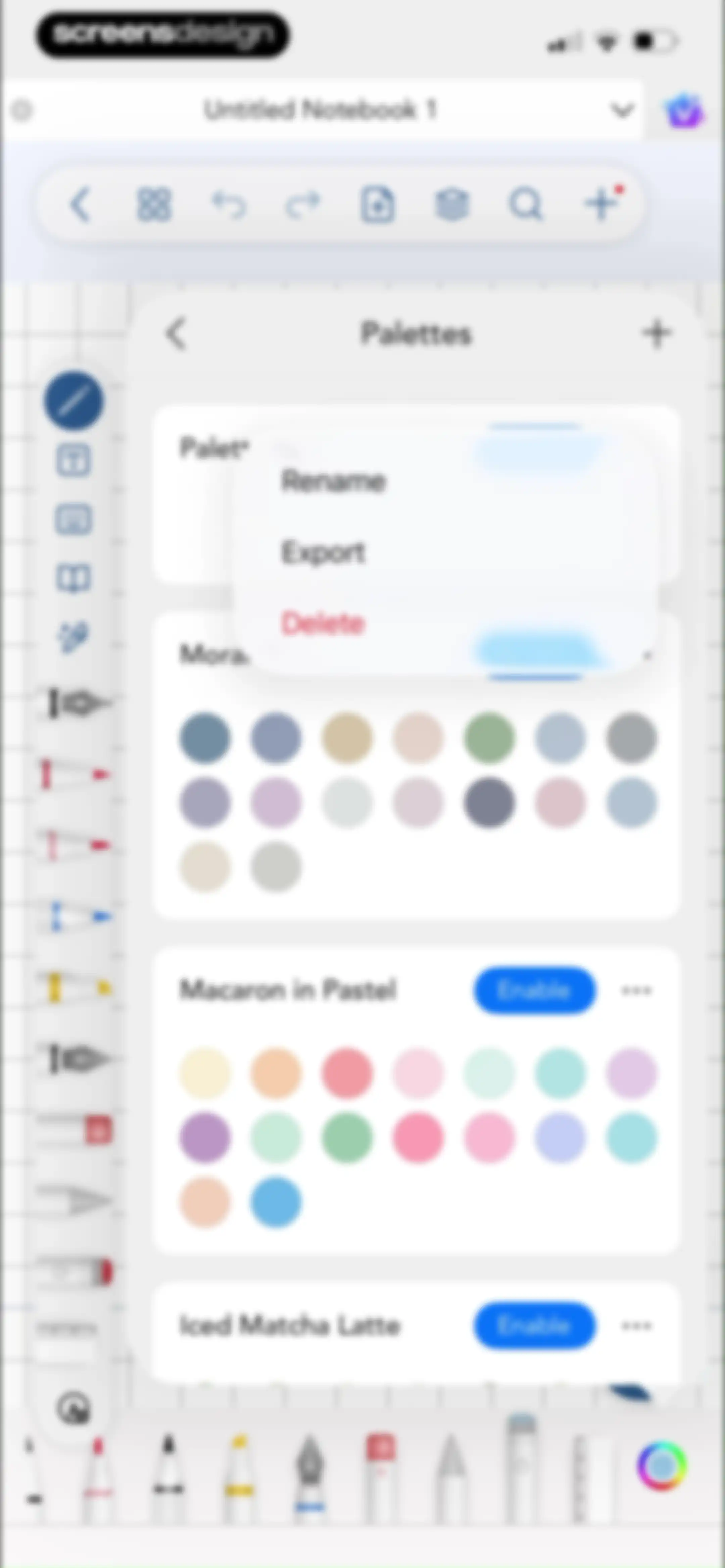
Palettes settings modal displaying a list of color palette cards with an open context menu showing rename, export, and delete options.Unlock Pro
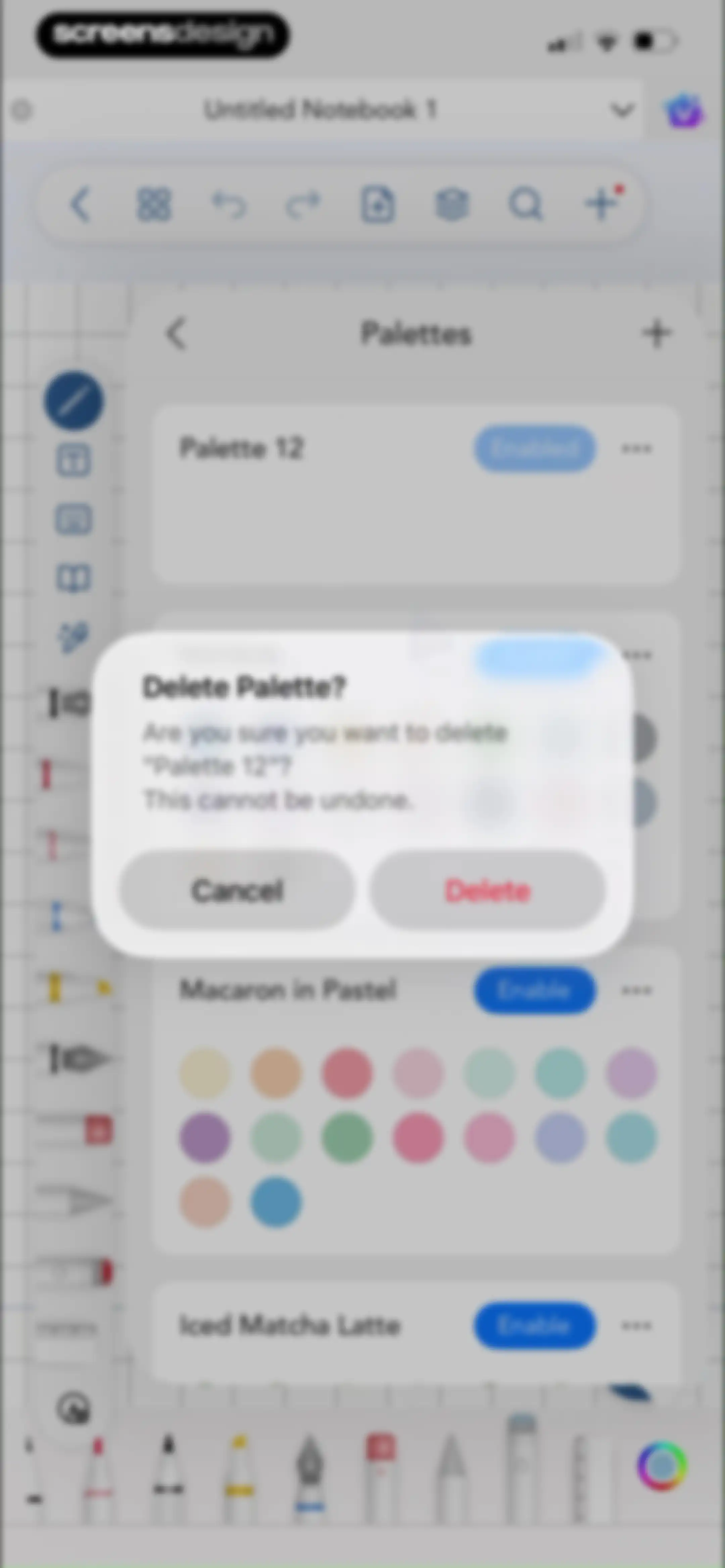
Palette management menu with a delete confirmation modal asking if you want to delete Palette 12.Unlock Pro
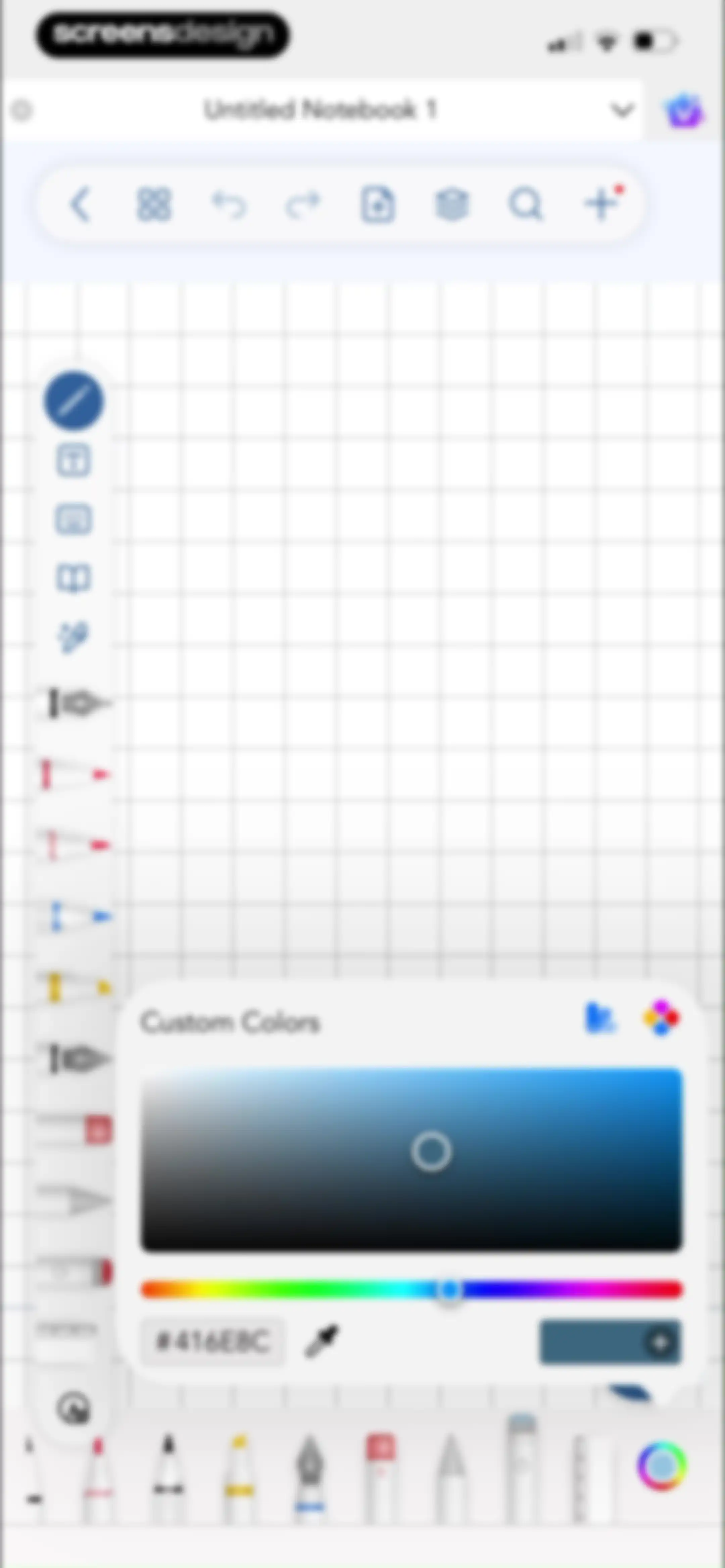
Note-taking editor with a central custom colors modal displaying a color gradient, hex code, and an Add Color button.Unlock Pro
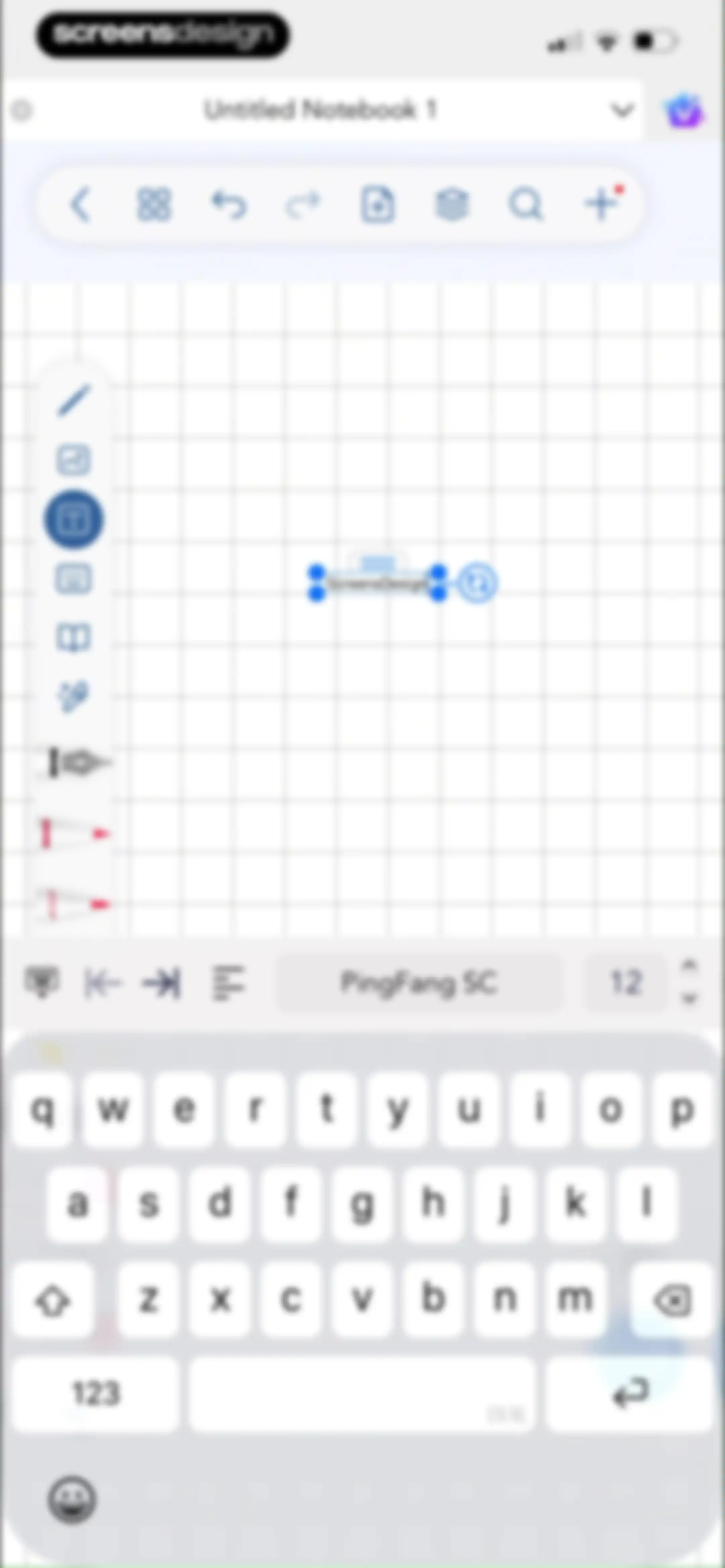
Note-taking editor displaying a grid canvas with a selected text box, formatting tools, and an on-screen keyboard.Unlock Pro
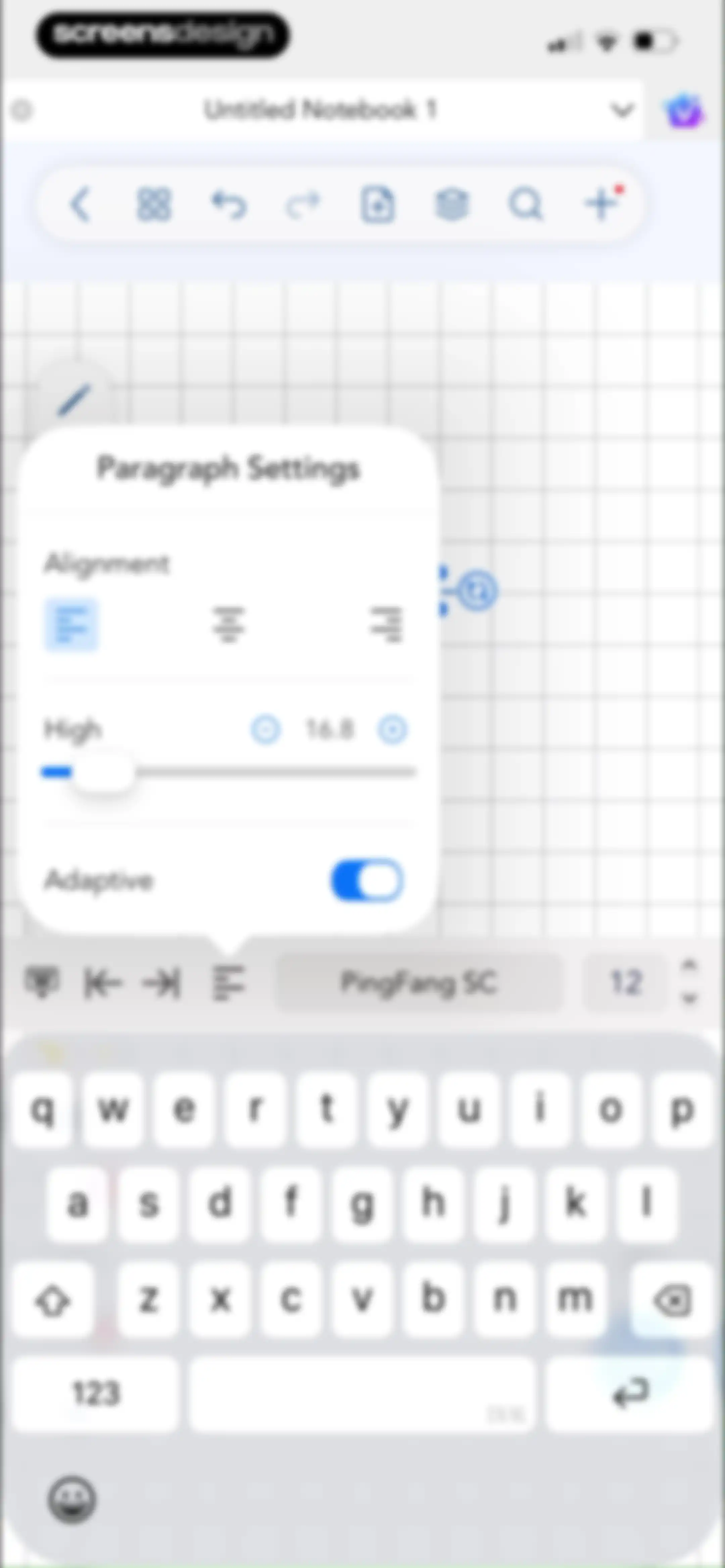
Note-taking editor with an active Paragraph Settings popover for adjusting text alignment and line height, featuring a bottom formatting toolbar and software keyboard.Unlock Pro
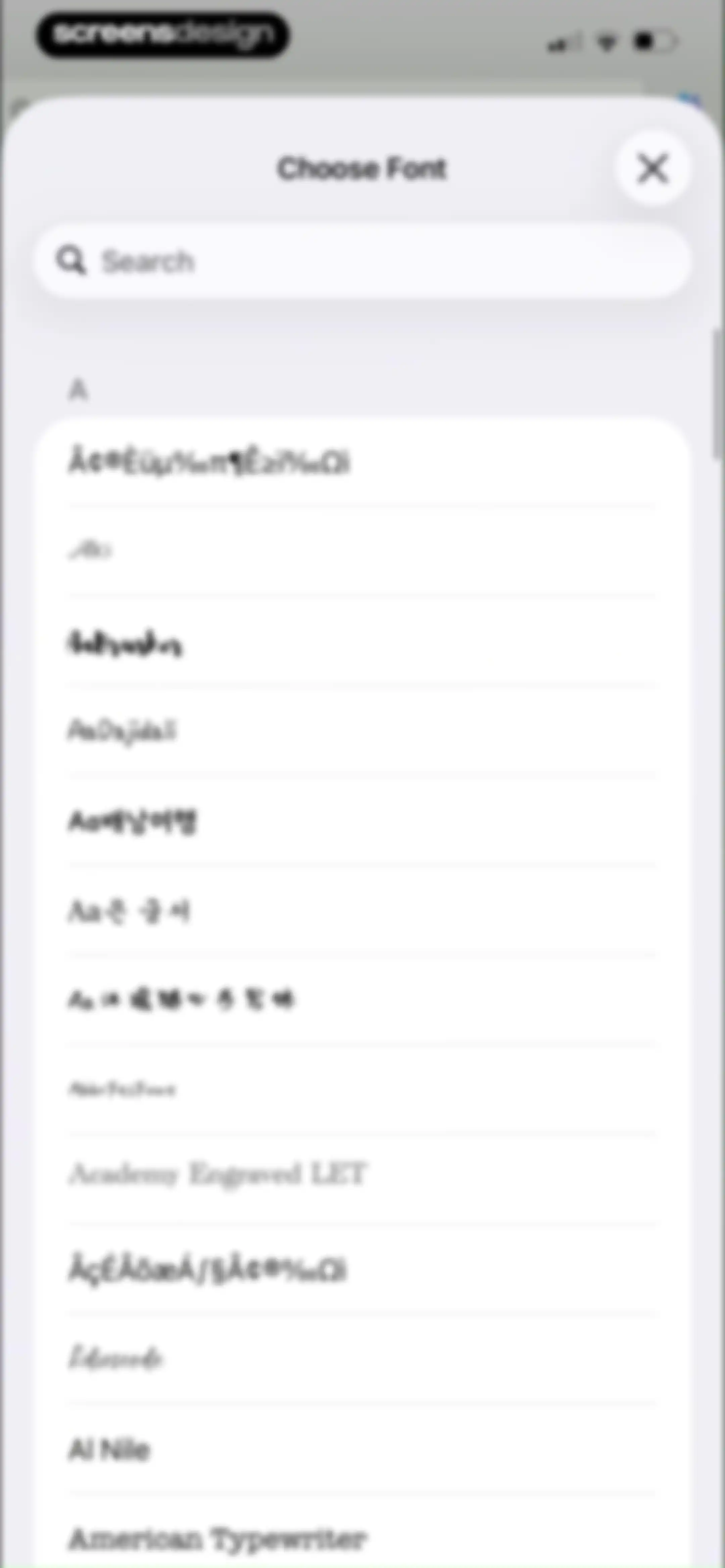
Font selection modal featuring a search bar and a scrollable list of various typeface options.Unlock Pro
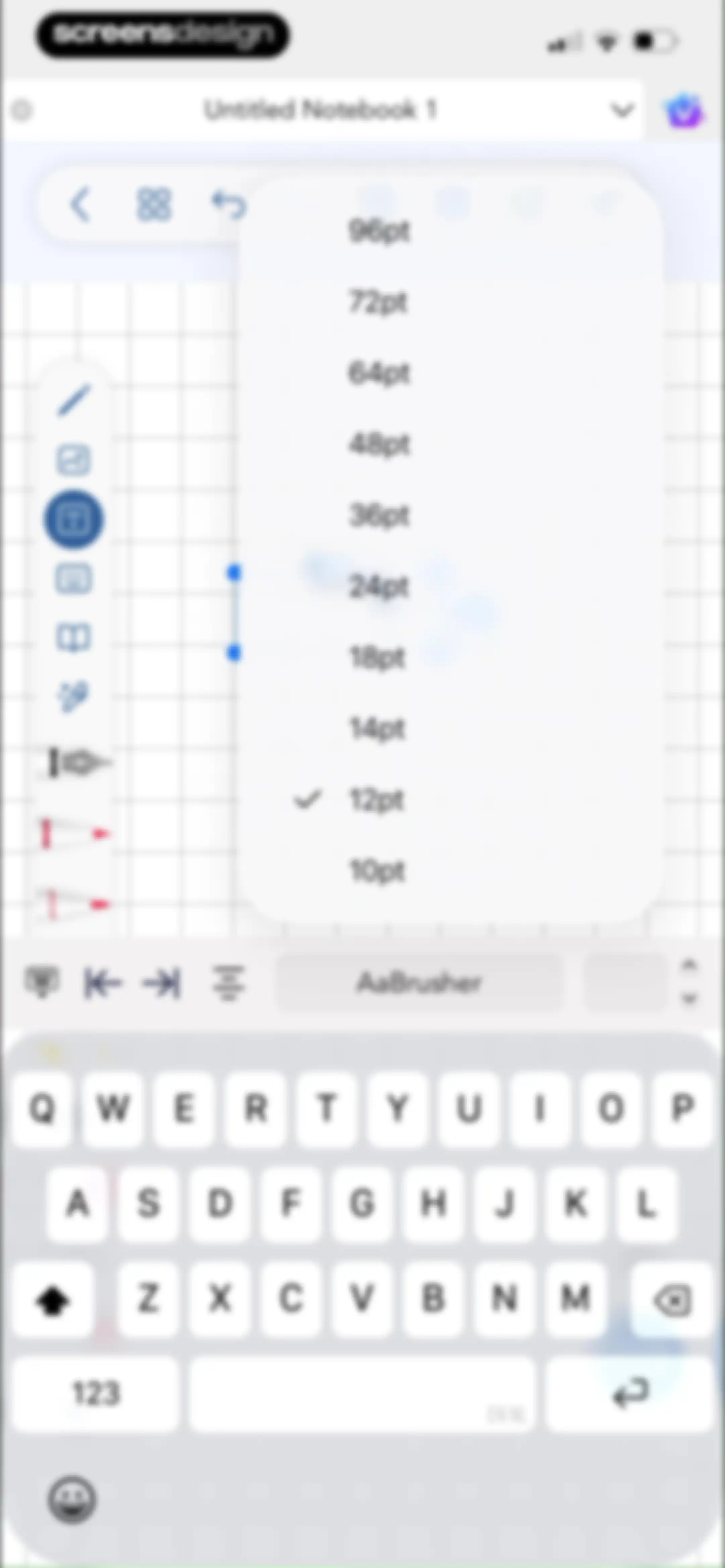
Note-taking editor showing a font size menu with 12pt selected, a left vertical toolbar, bottom text formatting bar, and a system keyboard.Unlock Pro
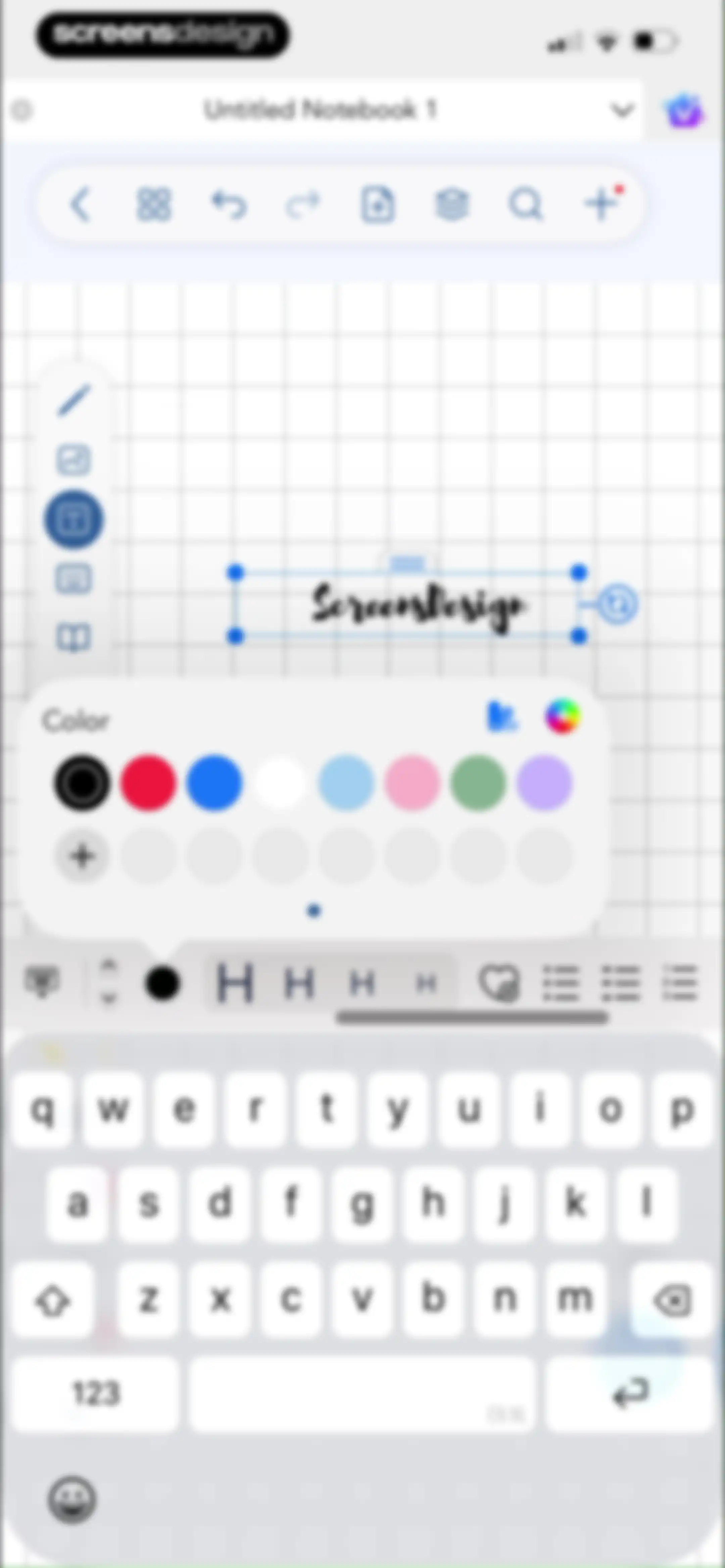
Digital notebook editor showing a selected text box with the text Screensdesign, an open color palette, a bottom formatting toolbar, and the system keyboard.Unlock Pro
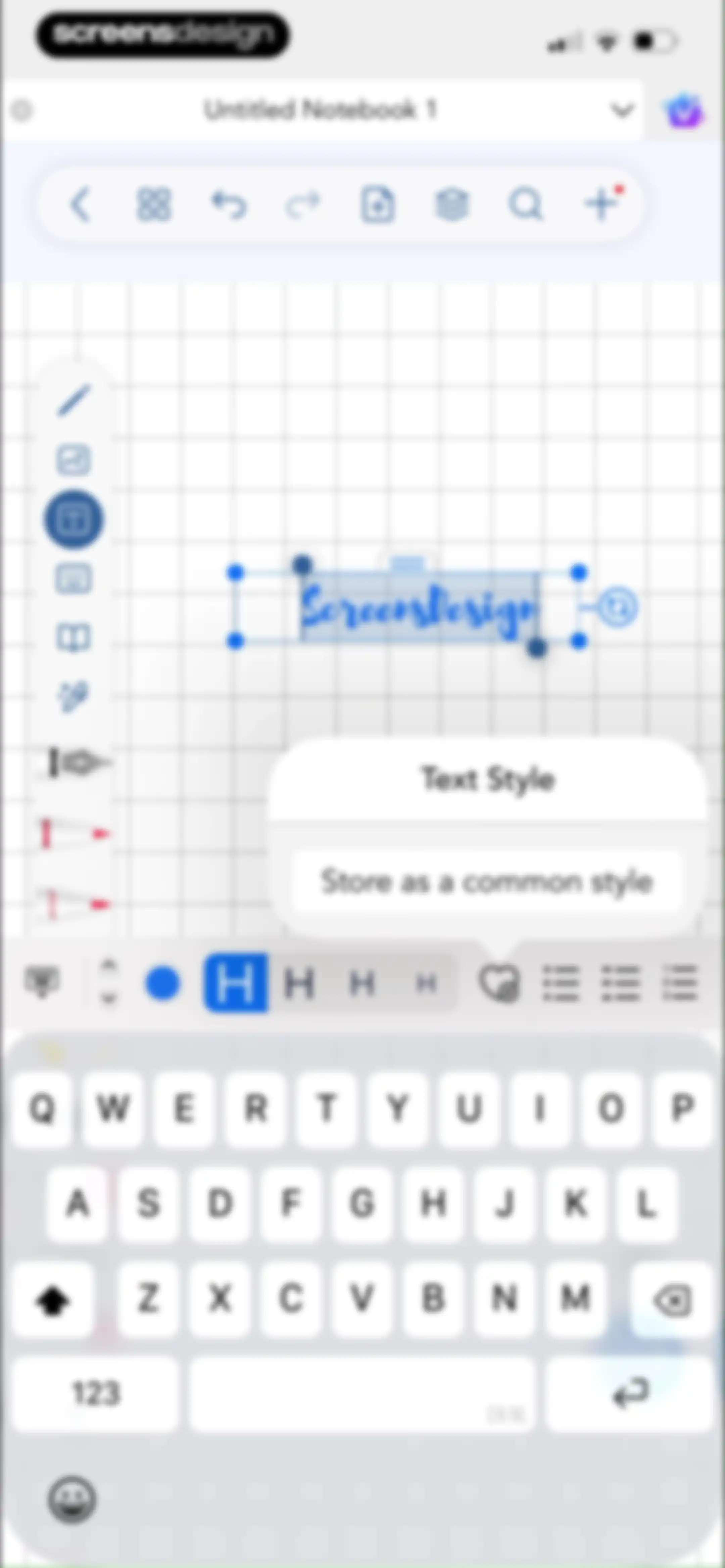
Notebook text editor with a selected text box containing Screensdesign, a Text Style pop-up menu, formatting toolbars, and the system keyboard.Unlock Pro
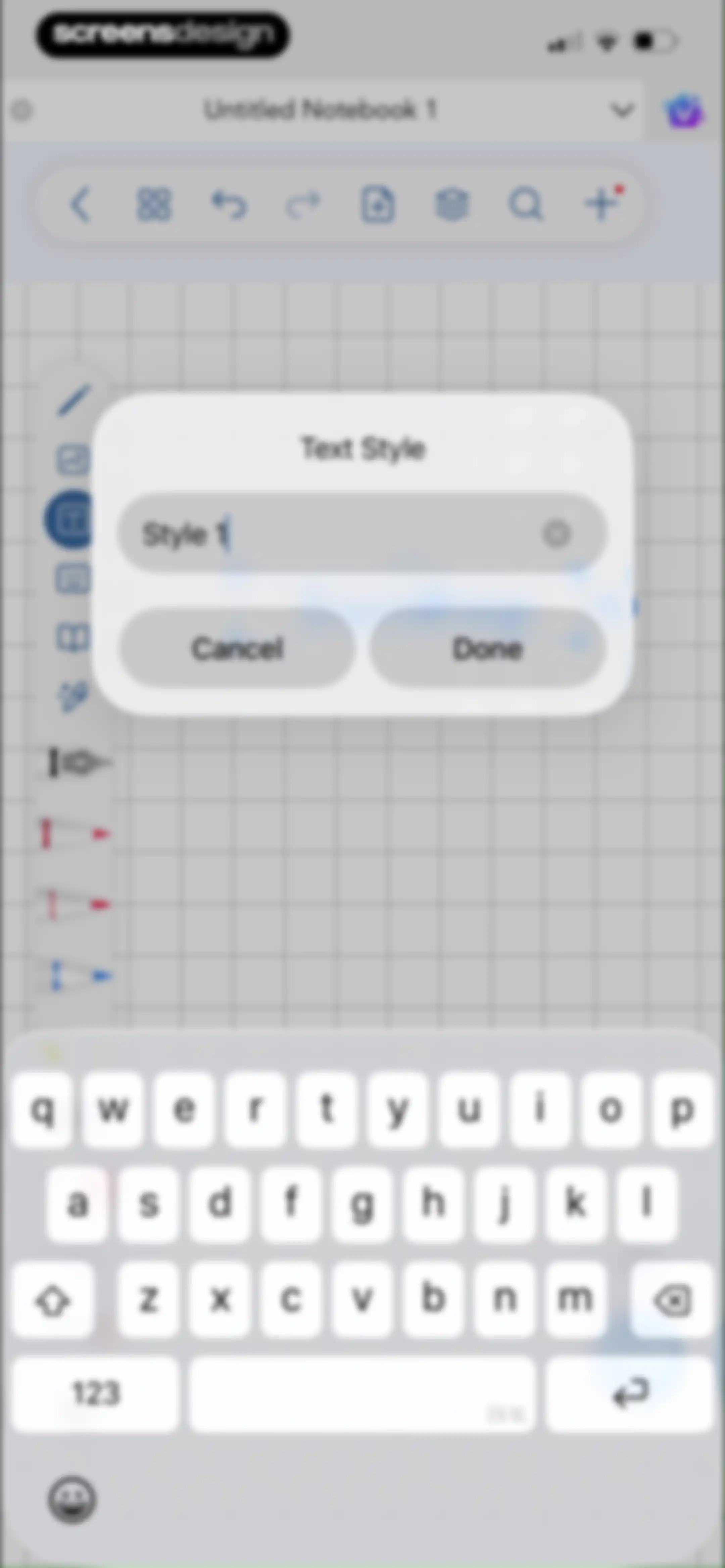
Text style editor modal with an input field containing Style 1, Cancel and Done buttons, and a bottom system keyboard.Unlock Pro
Digital note-taking editor showing a grid canvas with handwritten blue text, a top toolbar, and floating action buttons.Unlock Pro
Digital note-taking editor showing a grid canvas with handwritten text in blue ink and a toast notification about handwriting beautification.Unlock Pro
Notebook editor with an open popover menu showing tool visibility settings, a vertical toolbar on the left, and a grid canvas.Unlock Pro
Modal overlay showing a thumbnail grid of document pages with the grid view selected and page one highlighted.Unlock Pro
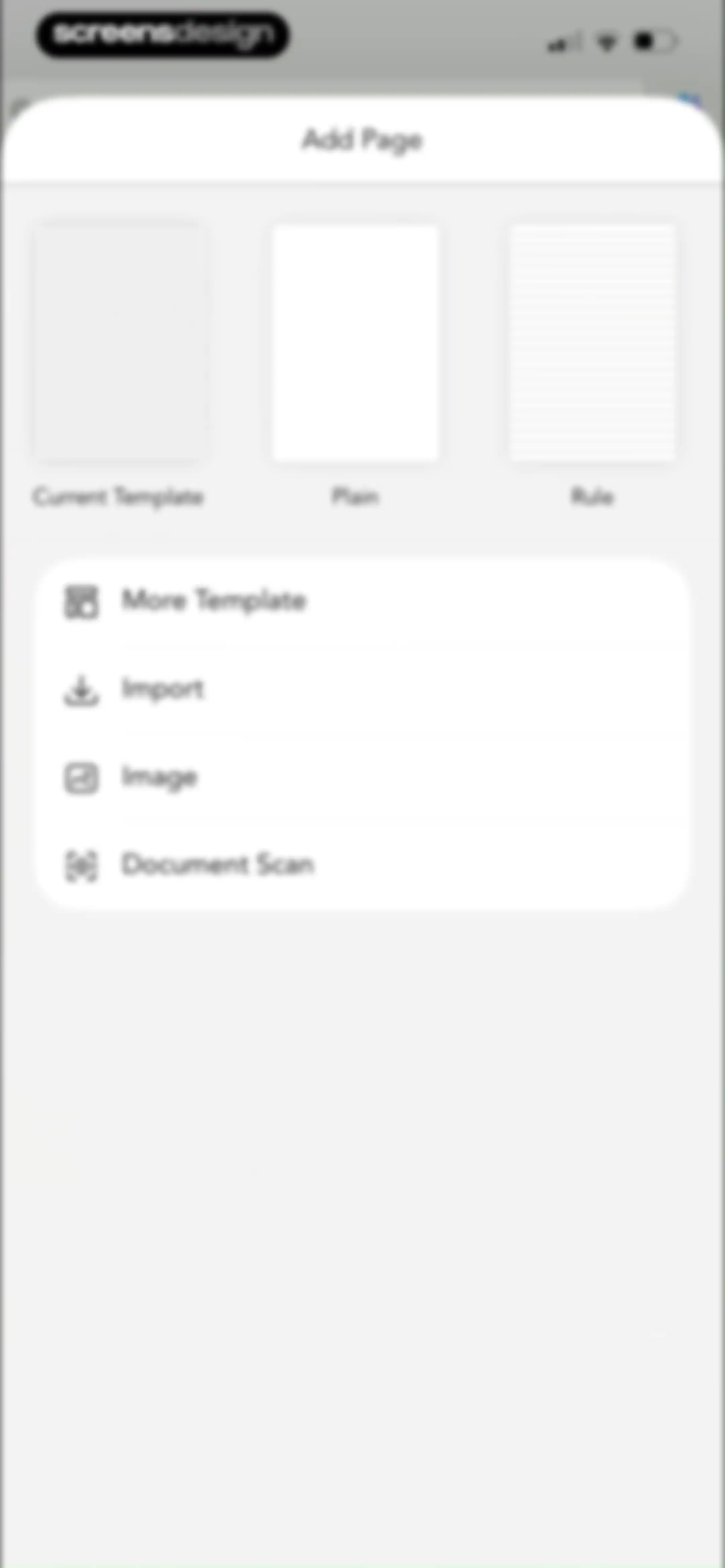
Add Page modal with three template previews and action buttons for importing, inserting images, and scanning documents.Unlock Pro
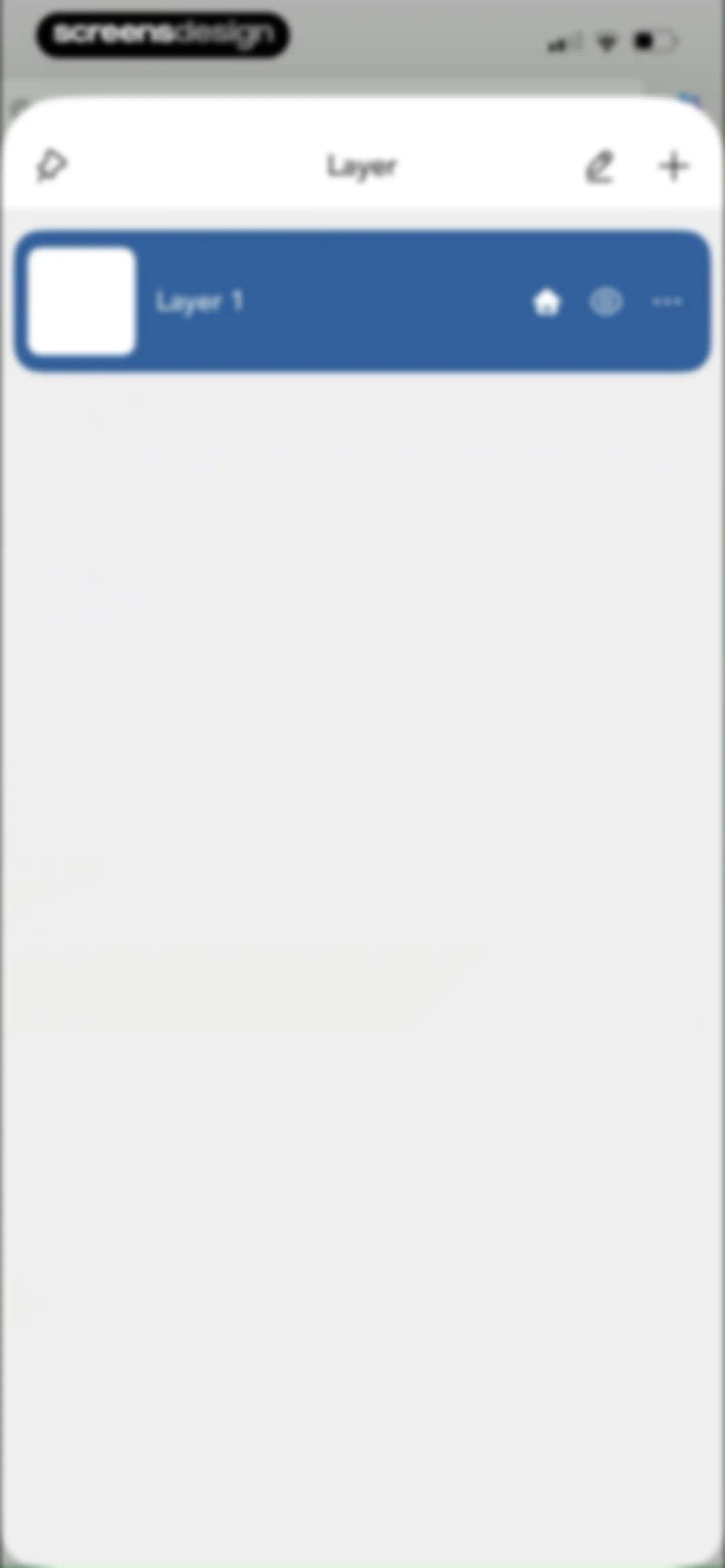
Layer management modal showing a highlighted Layer 1 card, action icons in the header, and an option to add a new layer.Unlock Pro
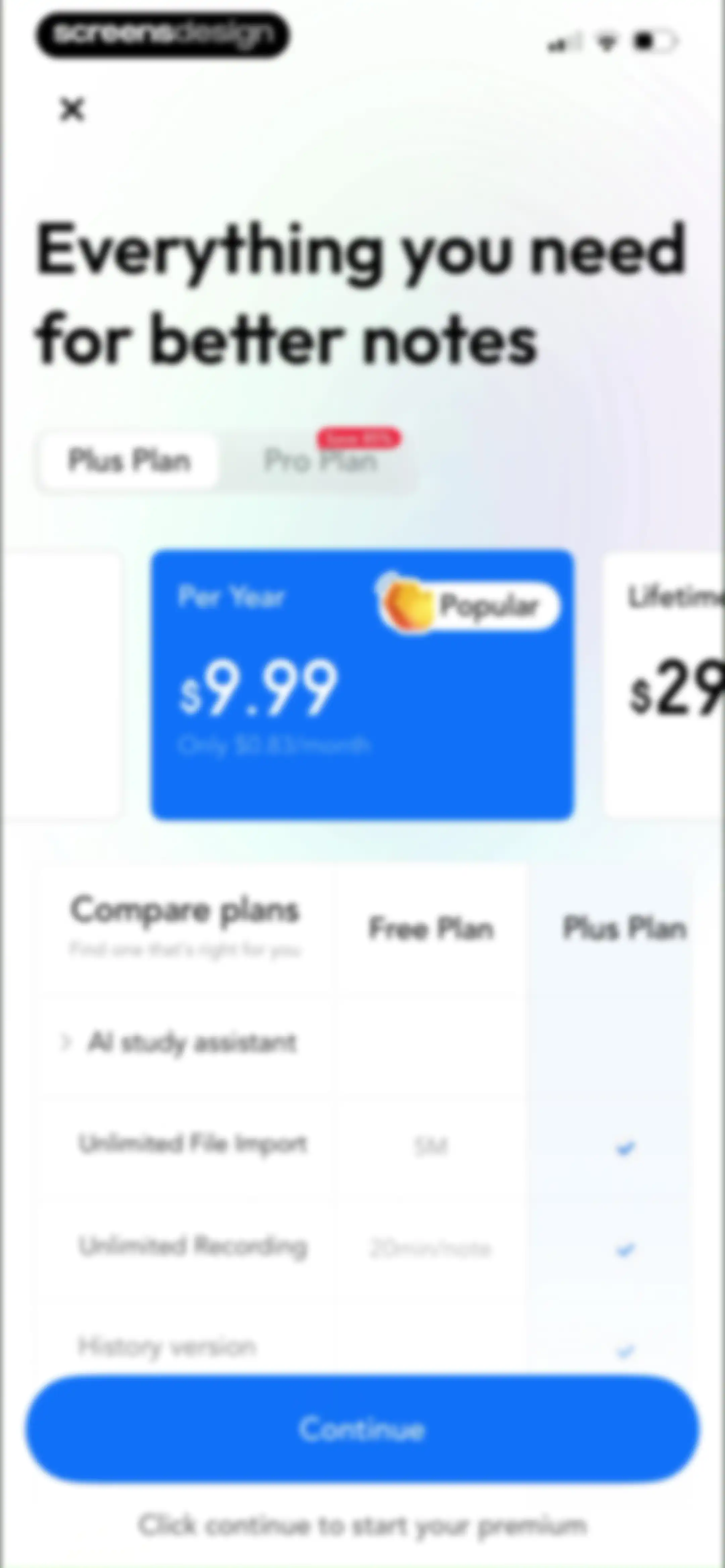
Paywall subscription screen comparing Plus and Pro plans with a feature comparison table and a Continue button.Unlock Pro
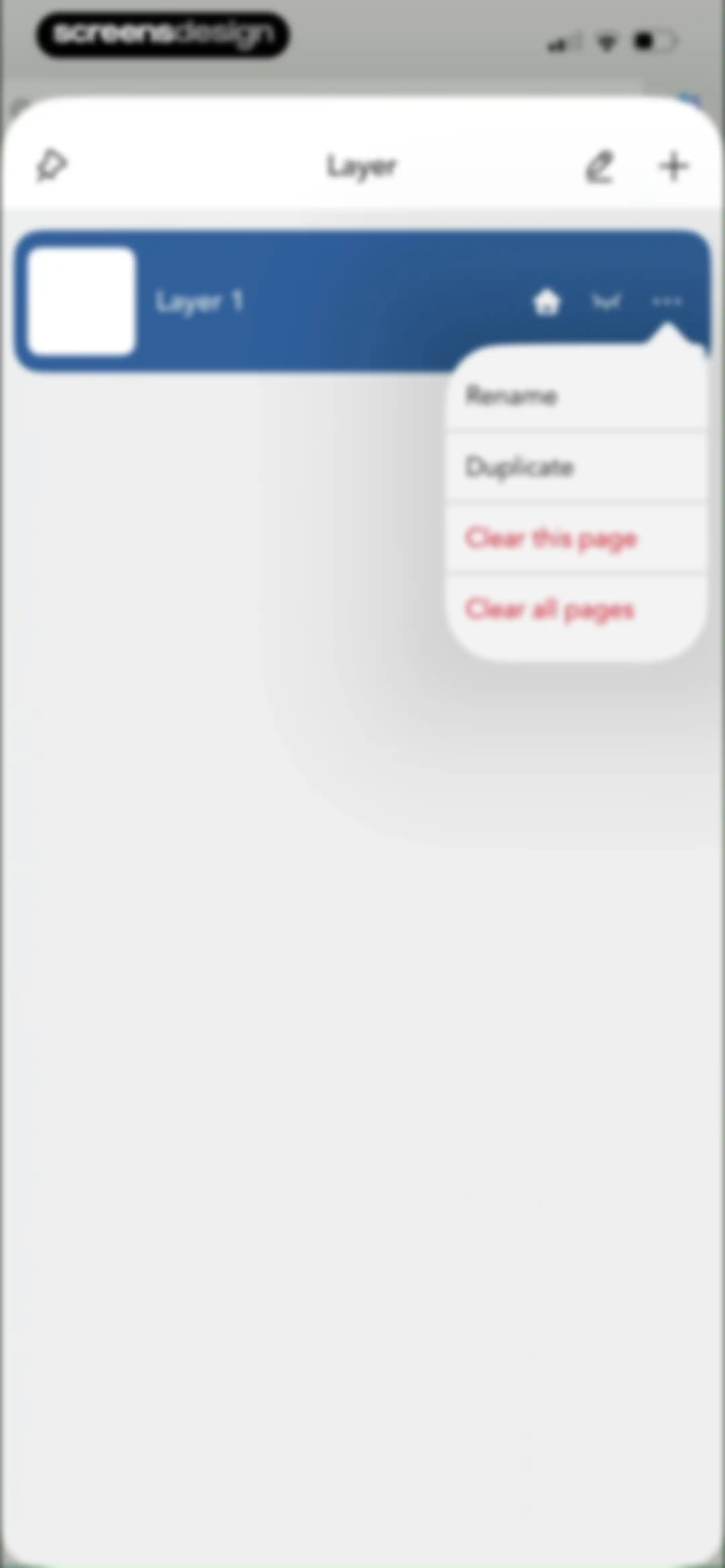
Layer management modal with a list of layers and an open popover menu showing options to rename, duplicate, or clear pages.Unlock Pro
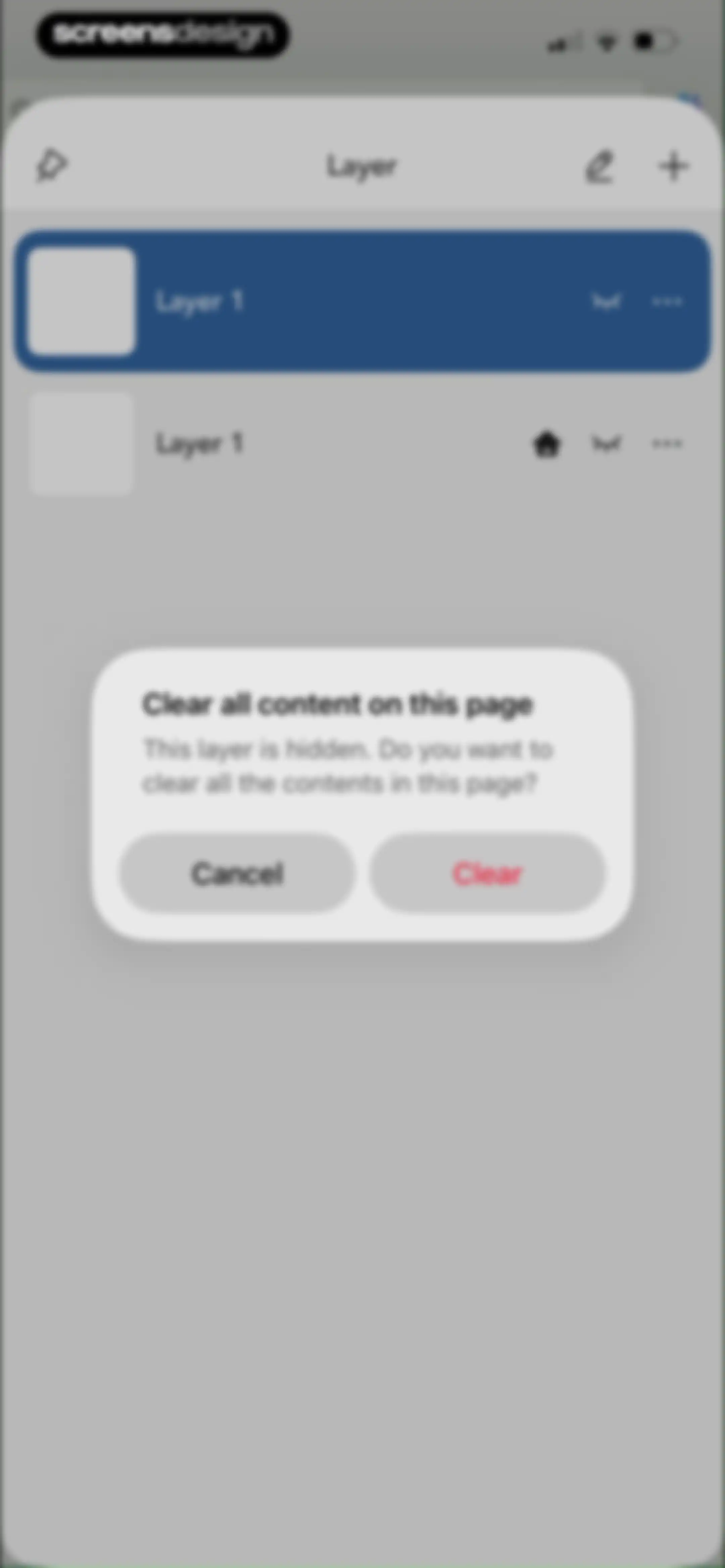
Layer management list with a centered confirmation modal asking to clear content, featuring Cancel and Clear buttons.Unlock Pro
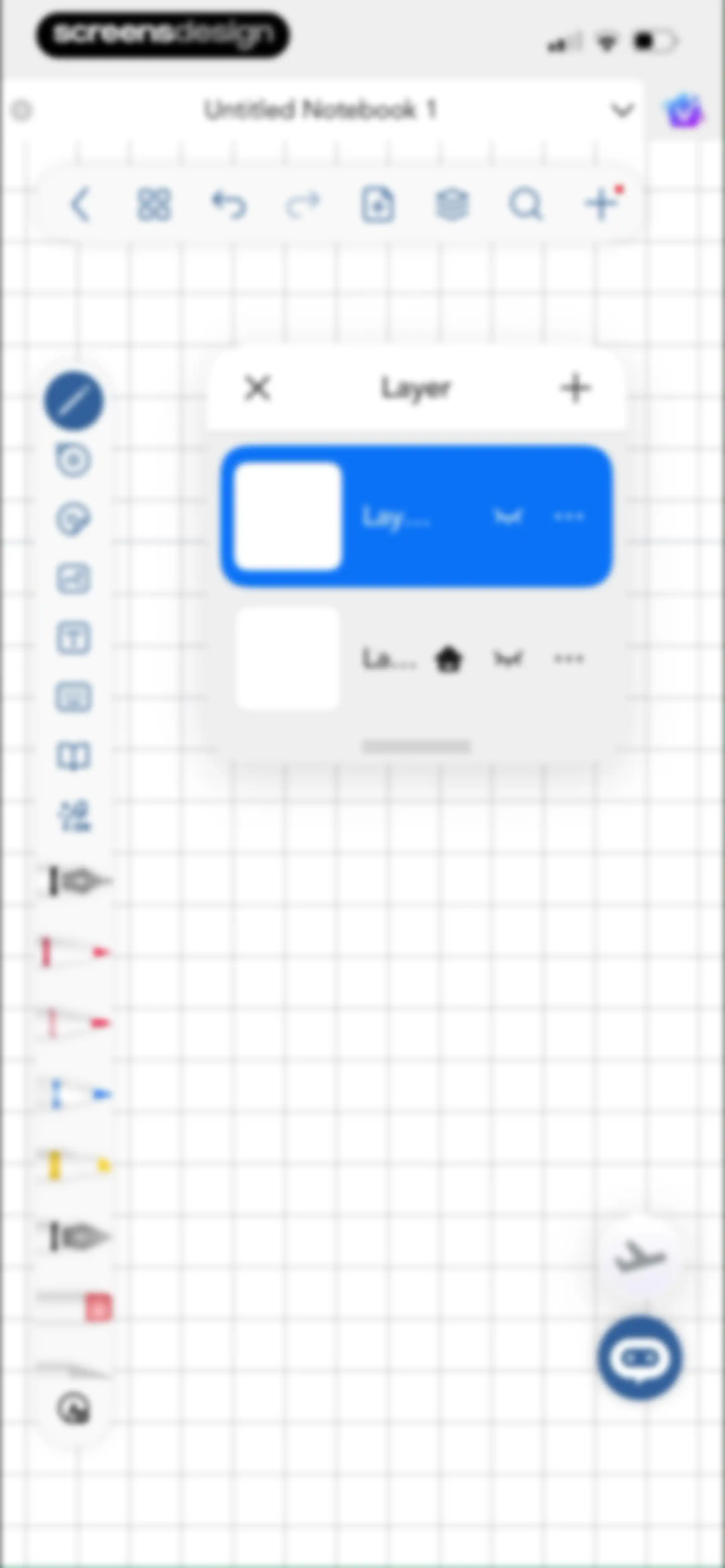
Editor screen featuring a centered layer management modal with two layers, a grid background, and a vertical toolbar.Unlock Pro
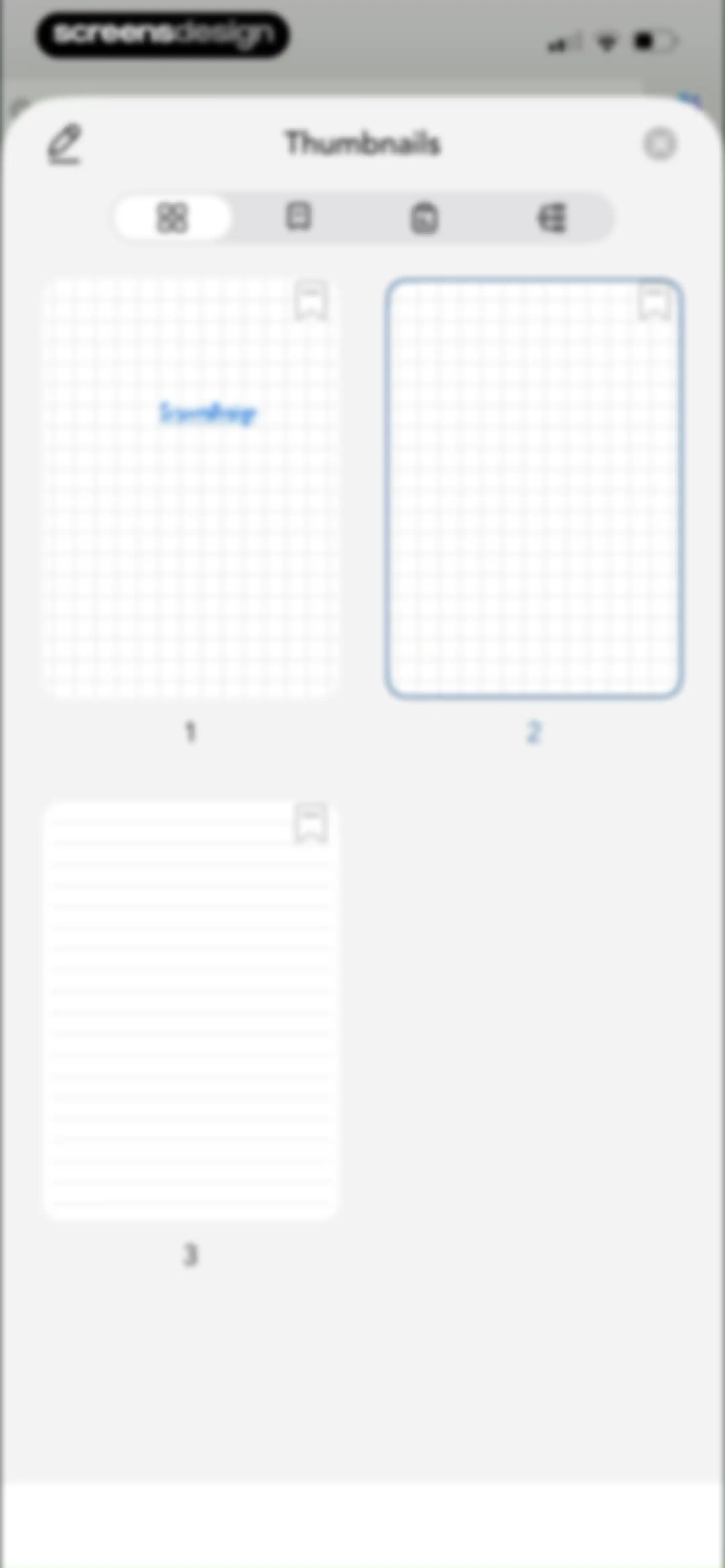
Modal overlay showing a grid of page thumbnails with the grid view selected and page 2 highlighted.Unlock Pro
Search screen displaying one result card for the query ScreensDesign, filter menus, and a language selector at the bottom.Unlock Pro
Search screen with a search bar, a filter dropdown menu showing All Page selected, and a page preview card.Unlock Pro
Search results screen showing zero results for the query ScreensDesign, with a central empty state illustration and a Bookmarks filter menu.Unlock Pro
Search screen with a filled search bar, an All Page filter, a floating layer visibility popover, and a document thumbnail.Unlock Pro
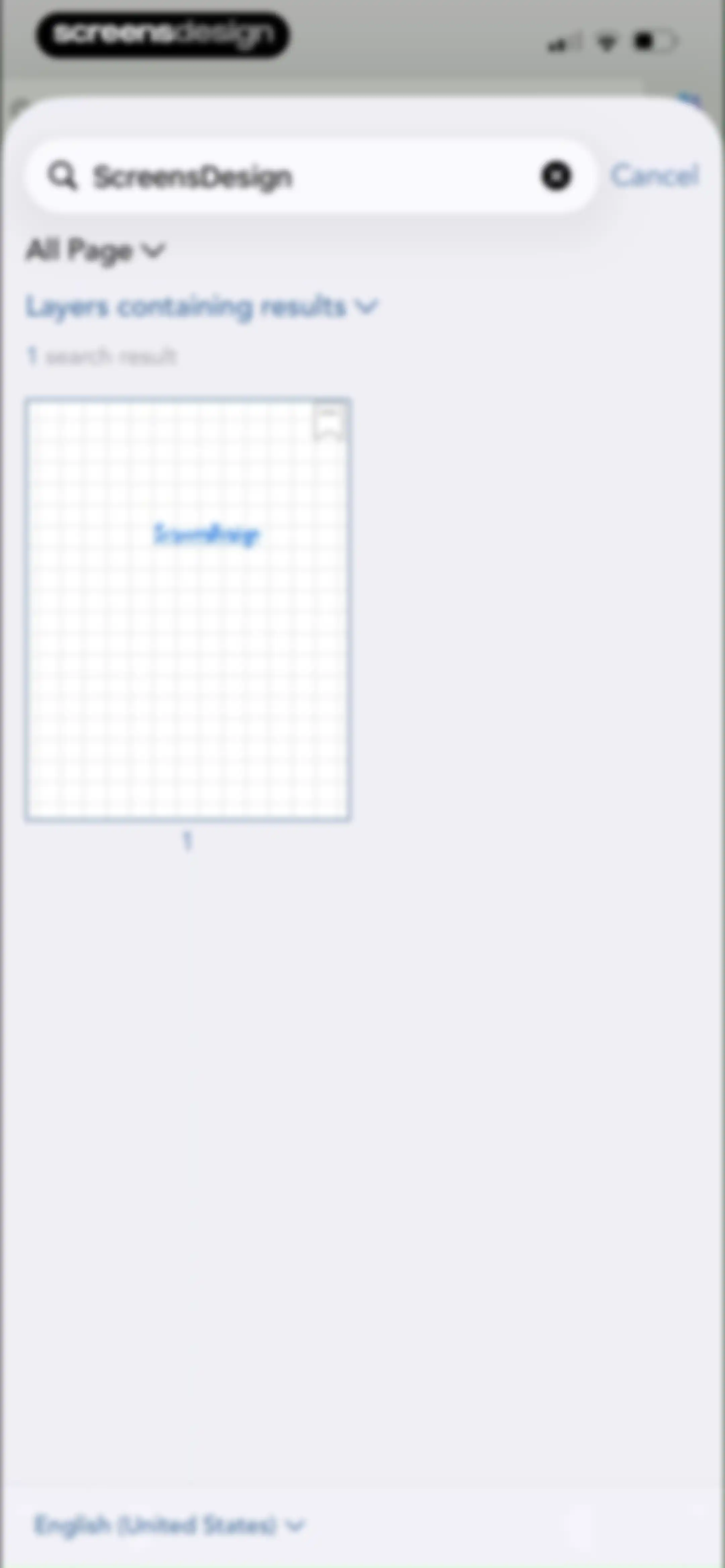
Search screen showing one result for ScreensDesign and a language selection modal with English (United States) selected.Unlock Pro
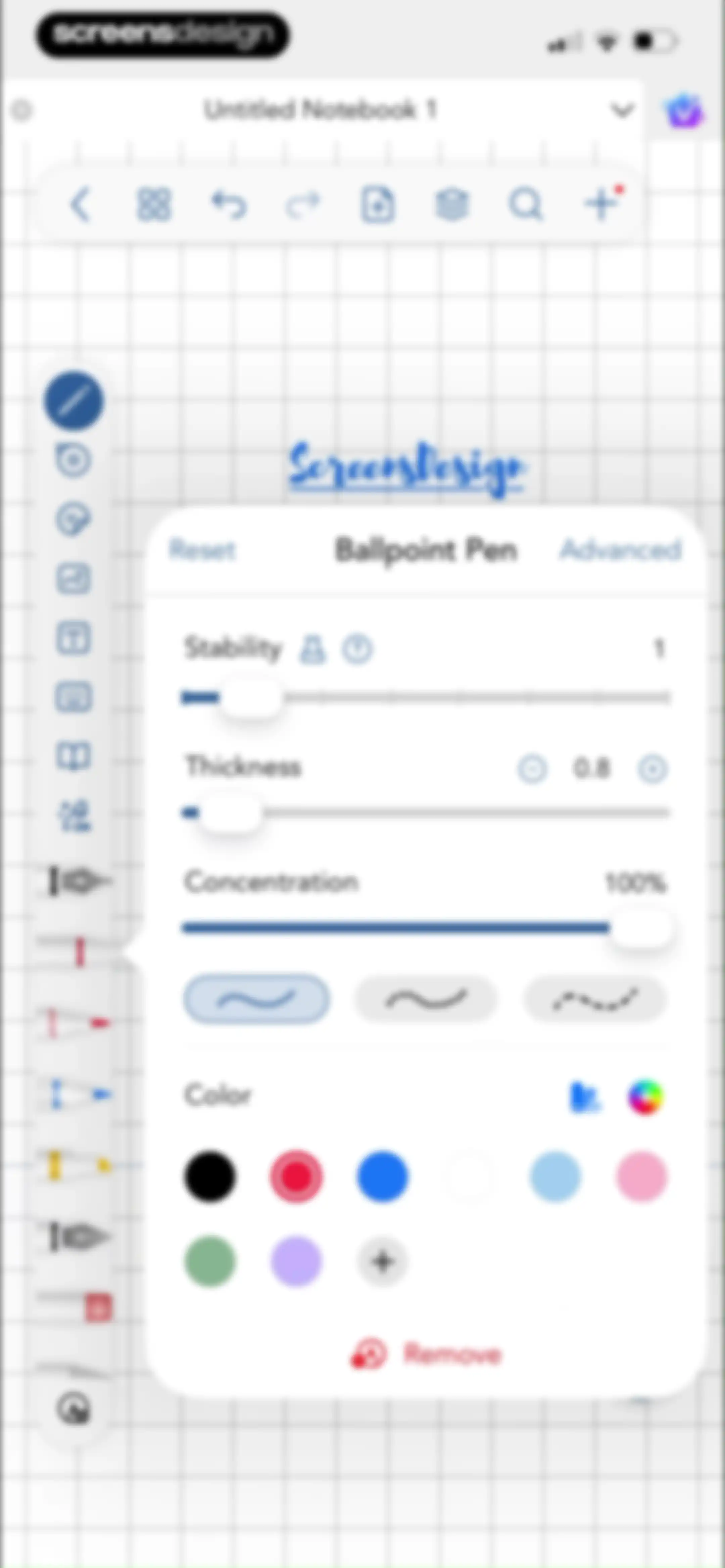
Editor screen featuring a Ballpoint Pen customization modal with sliders and color options overlaid on a grid notebook canvas.Unlock Pro
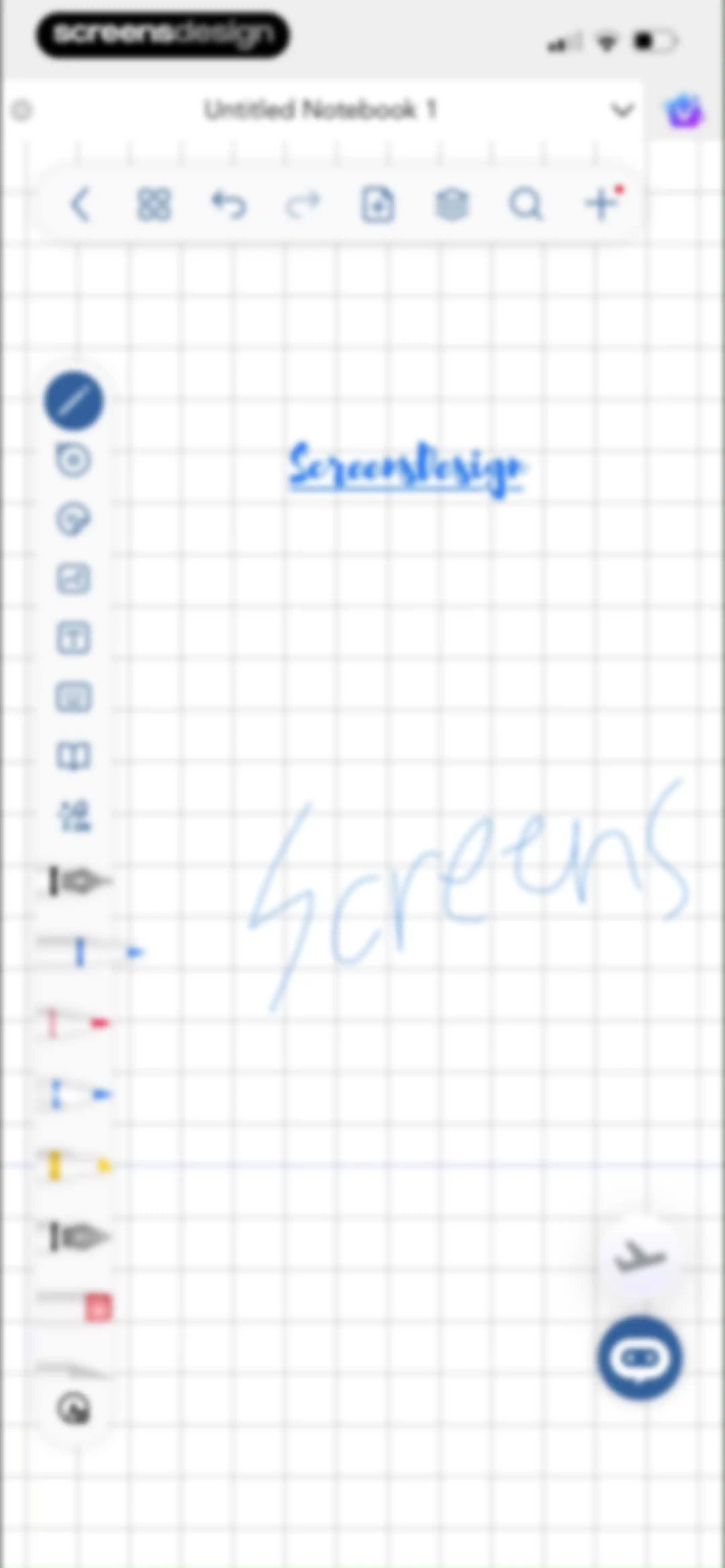
Digital notebook editor displaying handwritten text on a grid canvas, a top toolbar, a left tool palette, and floating action buttons.Unlock Pro
Modal overlay displaying a grid of document page thumbnails with a selected grid view tab and a close button.Unlock Pro
Page management thumbnail view with a grid of document pages and an open floating action menu displaying page editing options.Unlock Pro
Confirmation modal asking if you want to delete a selected document page, with Cancel and Done buttons over a page thumbnail view.Unlock Pro
Bookmarks modal displaying a single bookmarked document page with a yellow bookmark icon and page number one.Unlock Pro
Notes dashboard showing a single note card with layer organization and a bottom floating tooltip explaining layer navigation.Unlock Pro
Empty state screen for the Outlines tab showing a centered illustration with the text No Outlines and top navigation options.Unlock Pro
Note editor showing a floating popover menu with tool visibility toggles, a vertical toolbar on the left, and a grid background.Unlock Pro
Note-taking editor with an expanded pen type menu showing writing tools like Flow Pen, Ballpoint Pen, and Highlighter.Unlock Pro
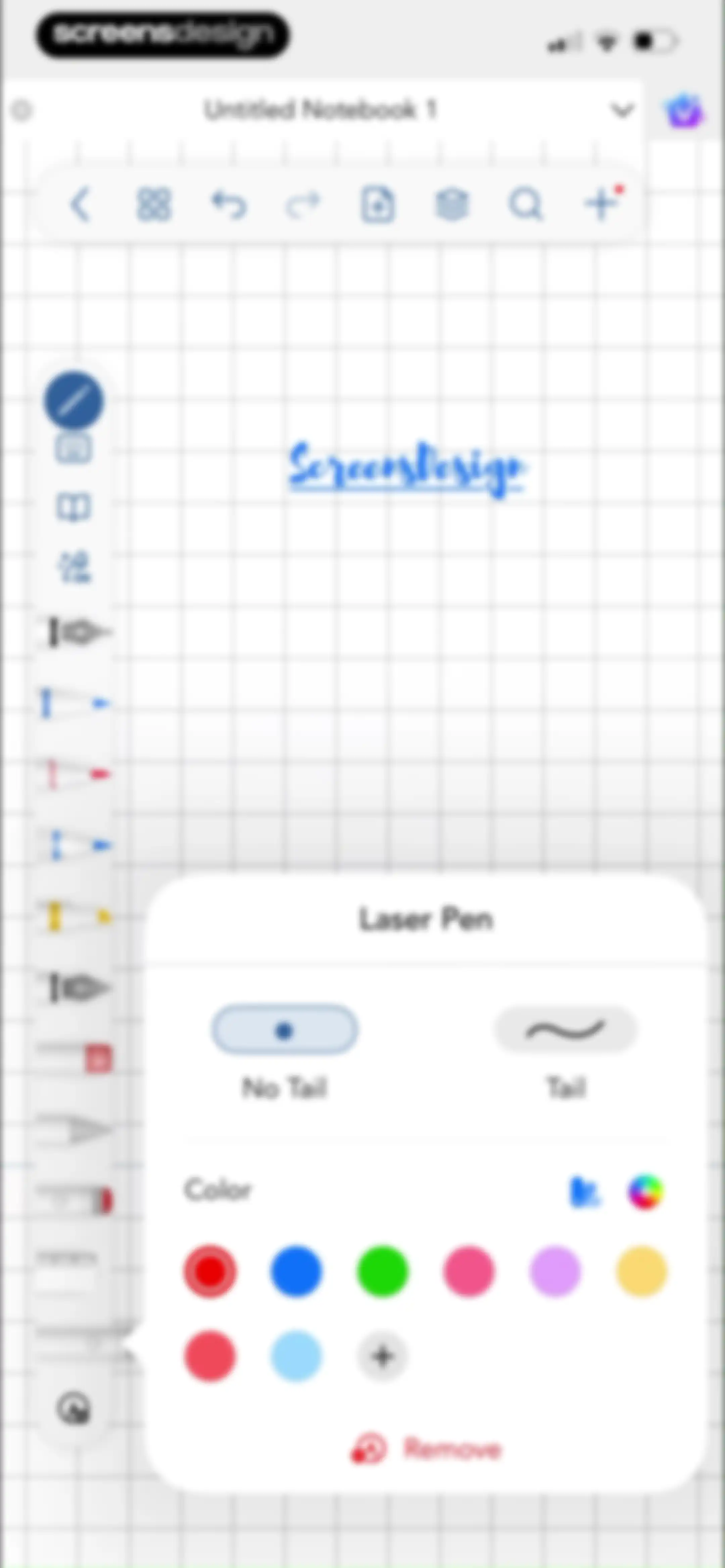
Laser Pen settings popover with tail style options, color palette, and remove button over a grid background notebook canvas.Unlock Pro
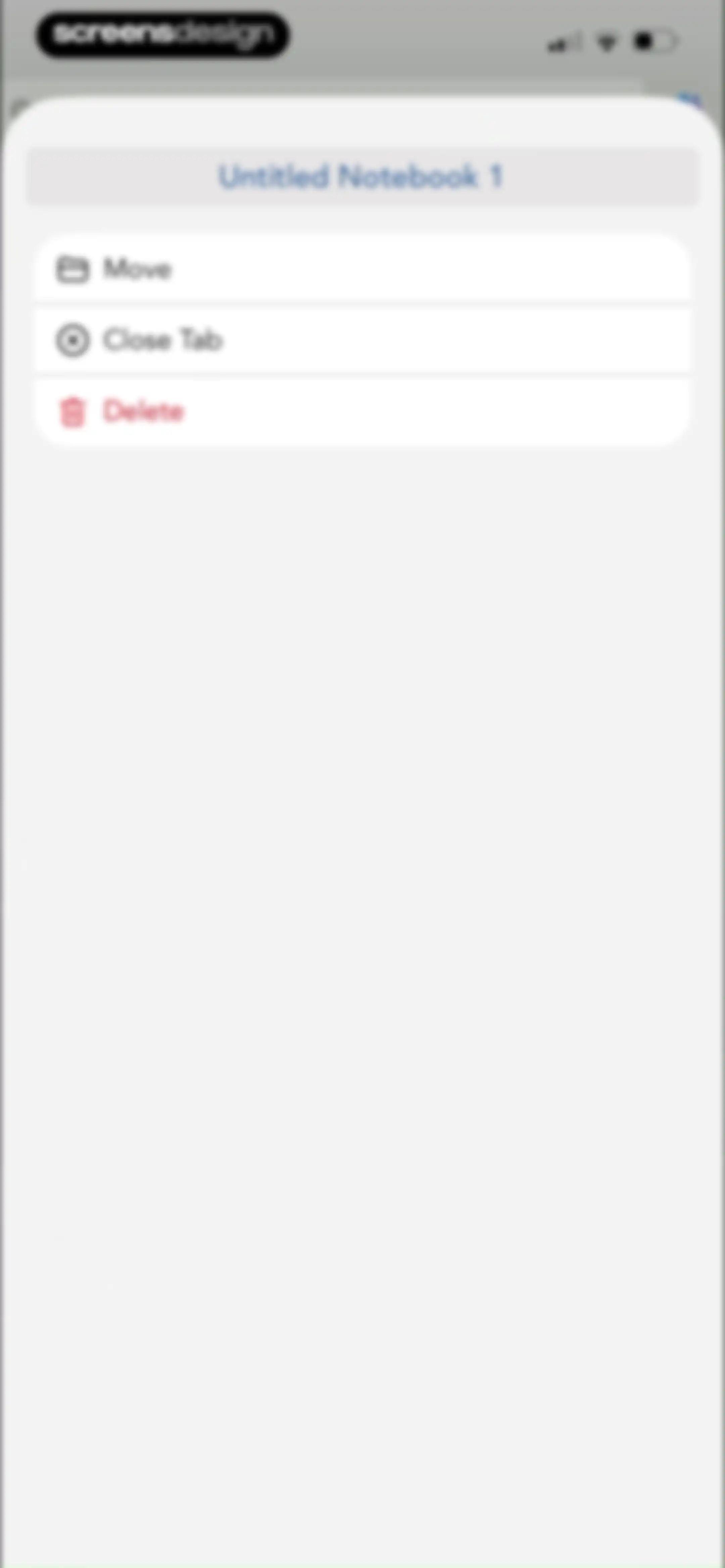
Context menu modal for a notebook titled Untitled Notebook 1, displaying Move, Close Tab, and Delete action buttons.Unlock Pro
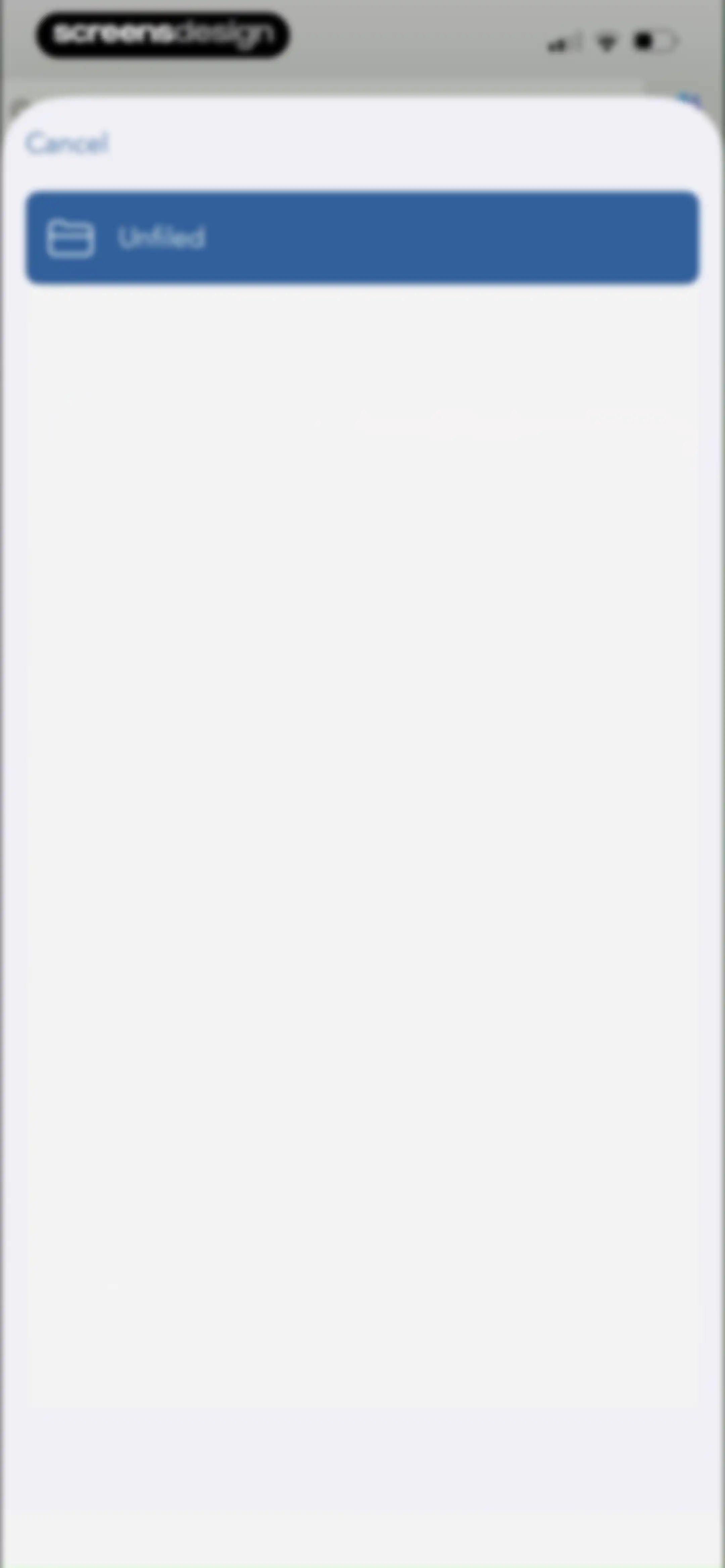
Folder selection modal showing the unfiled option selected and a cancel button.Unlock Pro
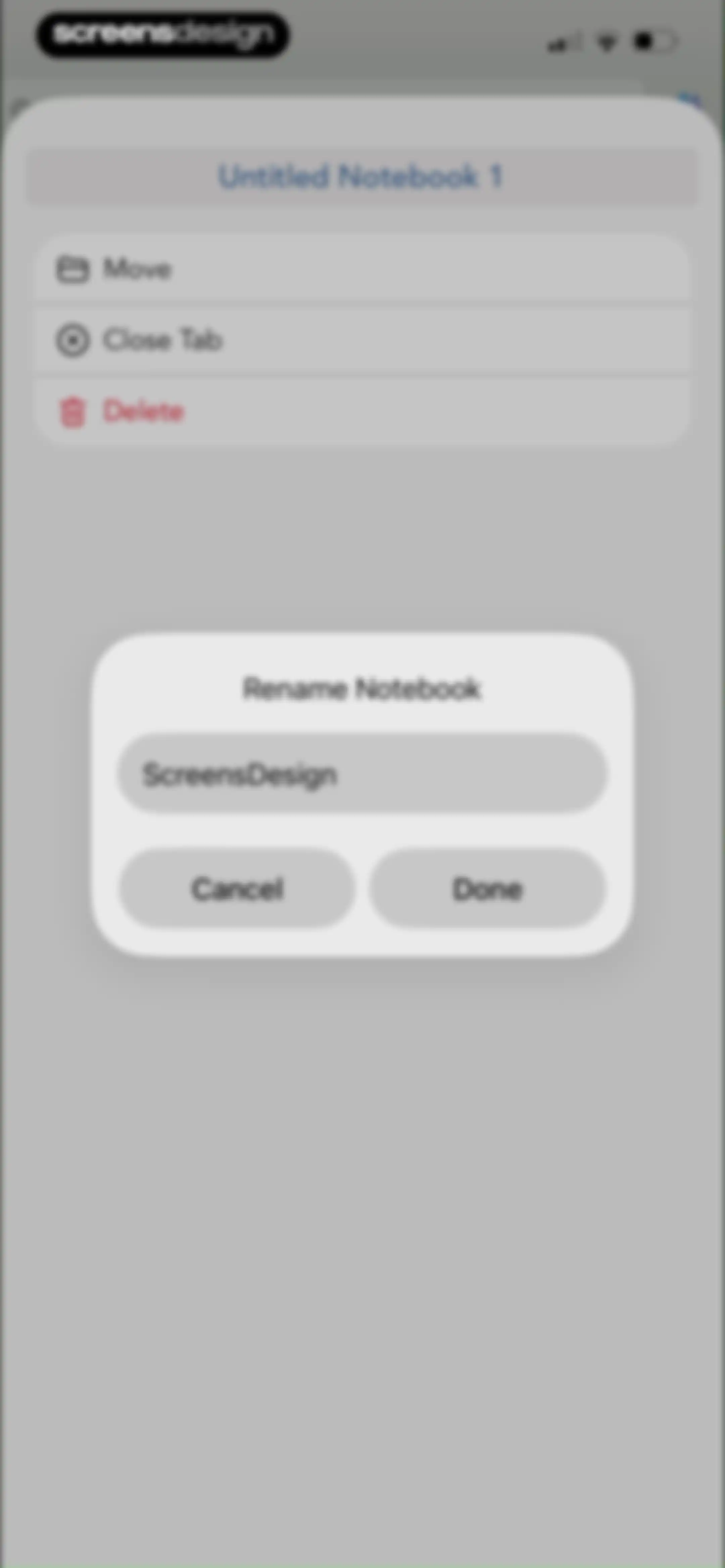
Rename notebook modal dialog with a text input field containing ScreensDesign, Cancel and Done buttons, and a notebook actions list behind it.Unlock Pro
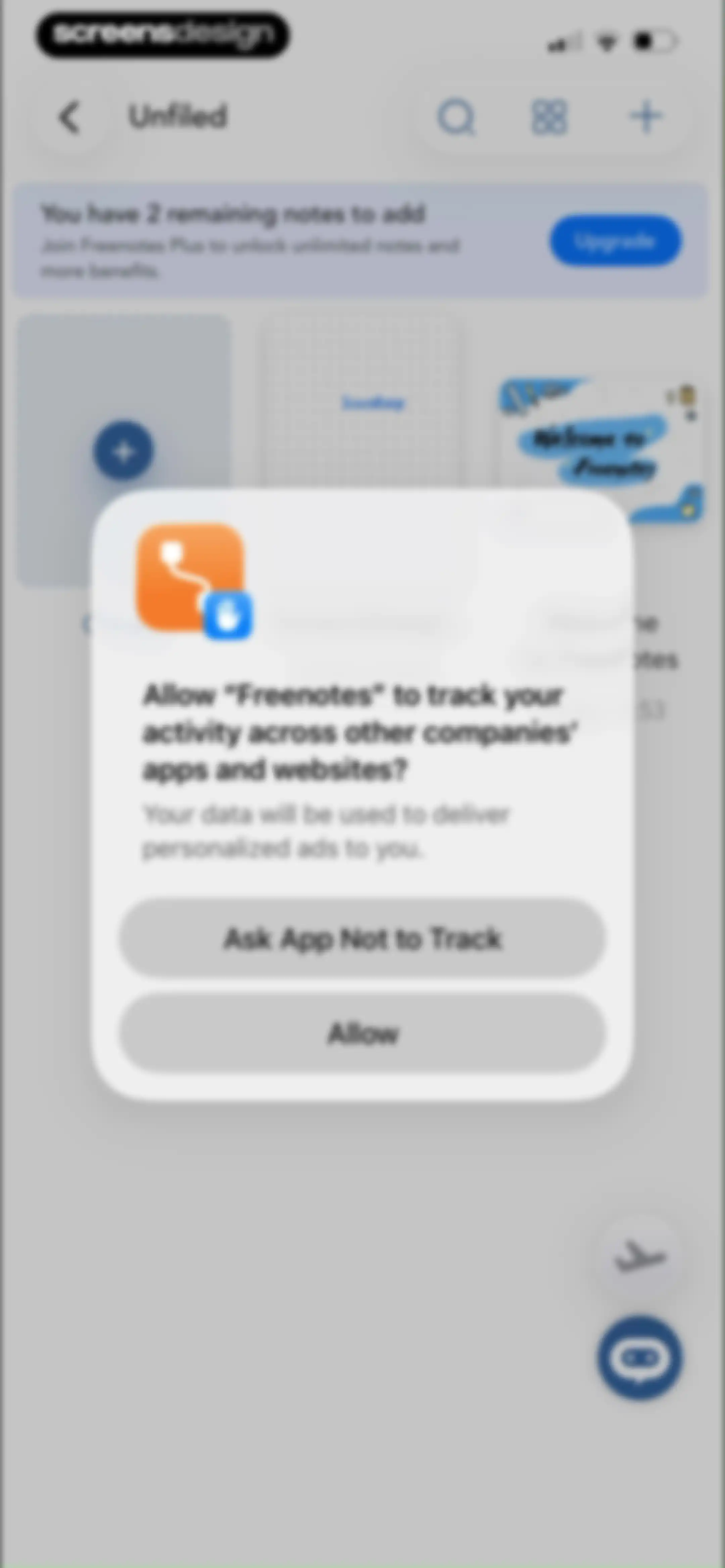
Permission request modal overlaying a note dashboard with a subscription banner and a grid of note cards.Unlock Pro
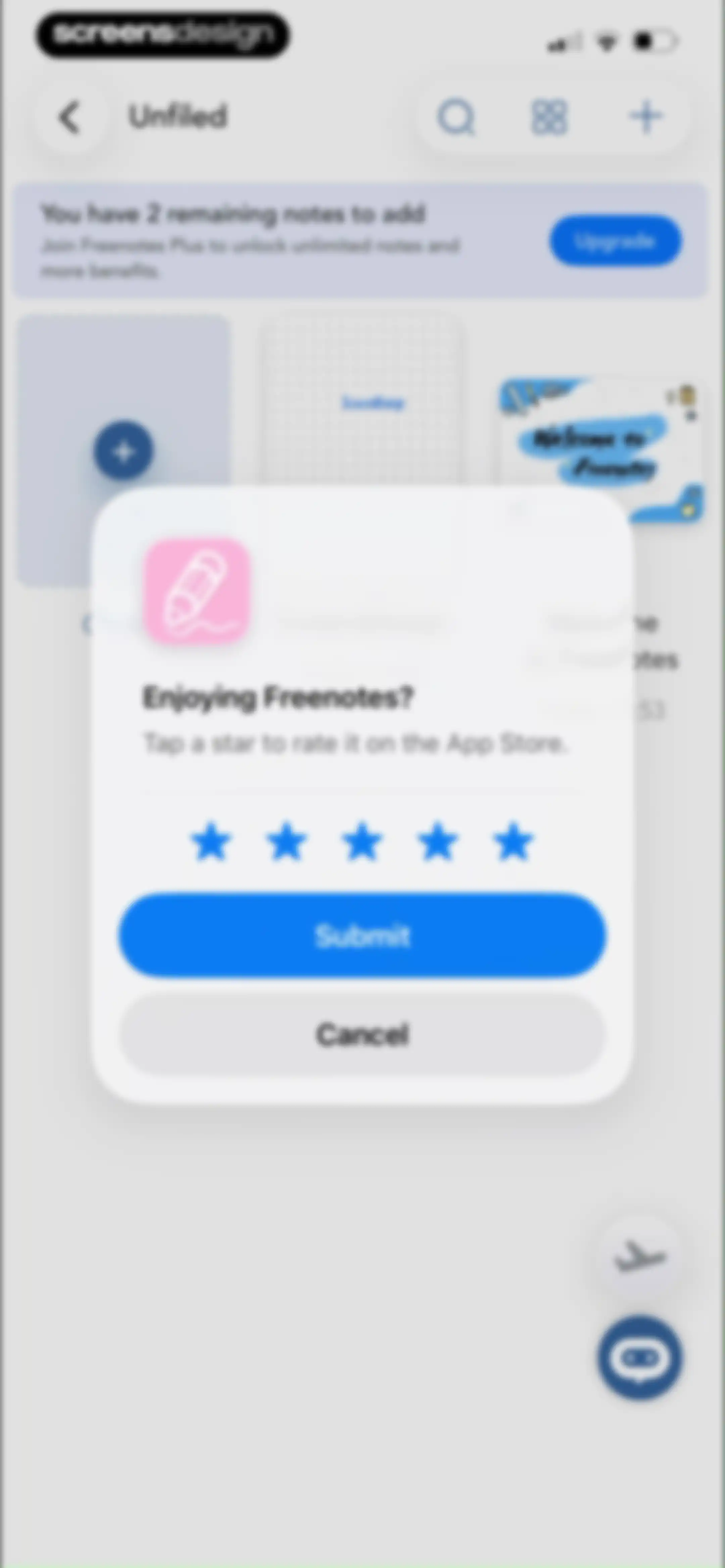
Freenotes rating modal overlay with a star rating prompt, Submit and Cancel buttons, displayed over a note management screen.Unlock Pro
Feedback modal overlaying a note-taking app dashboard, with a rating prompt, Write a Review button, and OK button.Unlock Pro
Note management screen displaying a grid of notes and an upgrade subscription banner with an Upgrade button.Unlock Pro
Freenotes onboarding screen featuring a Stationery Center grid of digital planners and an AI Assistant section for document summarization.Unlock Pro
Settings screen with grouped feature lists and a top tab navigation displaying Common, Canvas, Writing, and More categories.Unlock Pro
Microphone permission modal in the Freenotes app requesting access to record and sync audio notes, with Allow and Don't Allow buttons.Unlock Pro
Audio playback interface displaying an upgrade banner, a no transcription available message, and bottom media controls.Unlock Pro
Audio modal listing a recorded file named Audio 1 with duration, timestamp, and playback controls.Unlock Pro
Audio file management modal with a list including Audio 1 and an open context menu showing Edit, Export, and Delete options.Unlock Pro
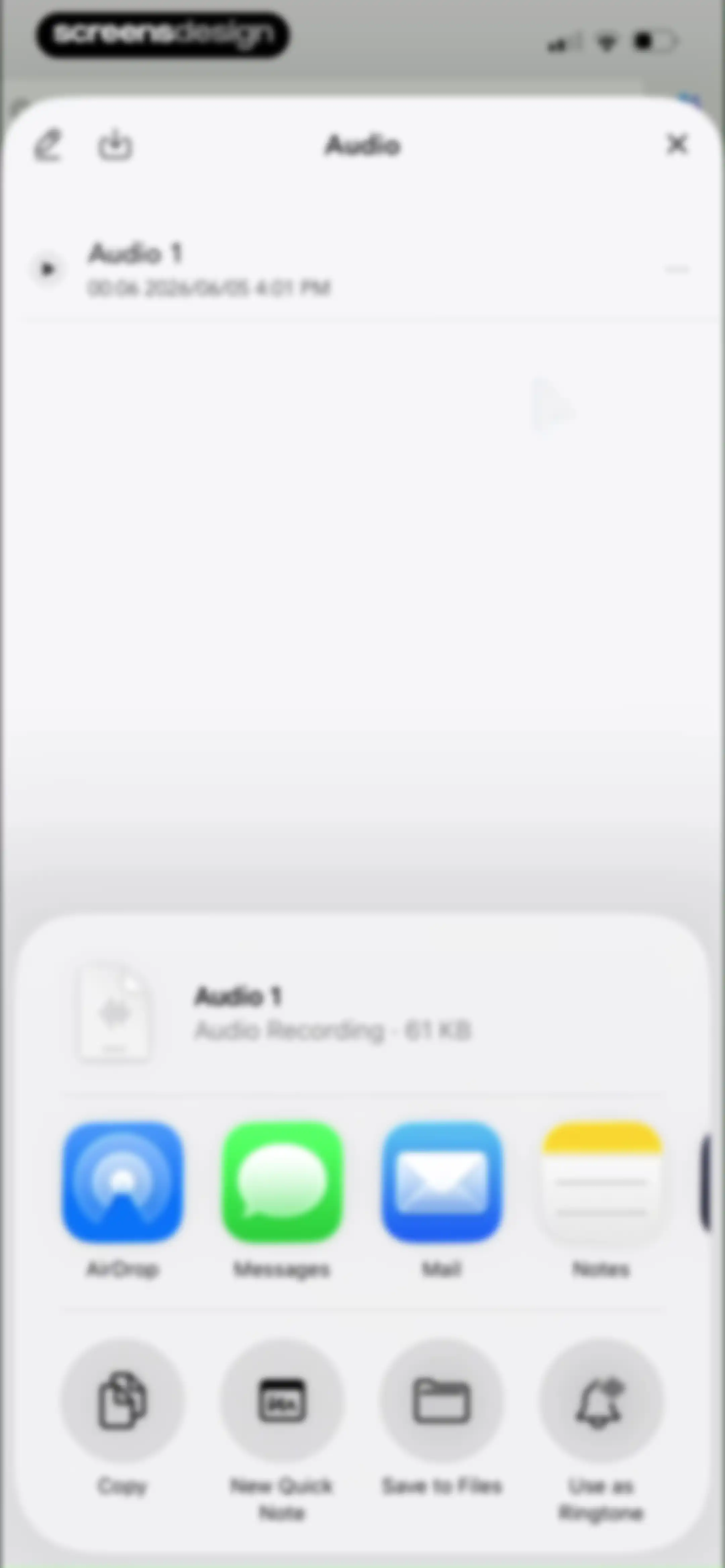
Audio file details screen with an iOS share sheet overlay displaying sharing options and action buttons.Unlock Pro
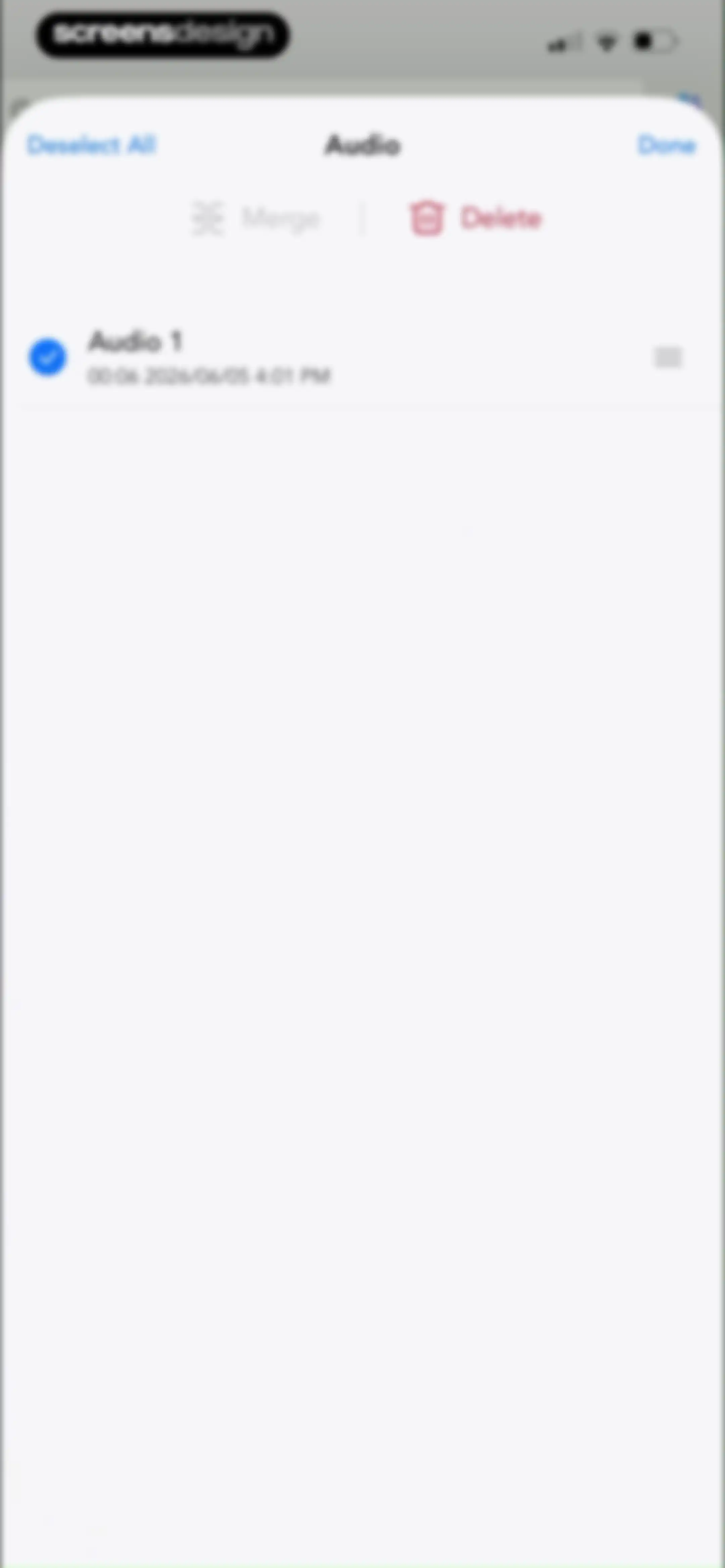
Audio file management modal listing a selected recording with options to merge, delete, or finish.Unlock Pro
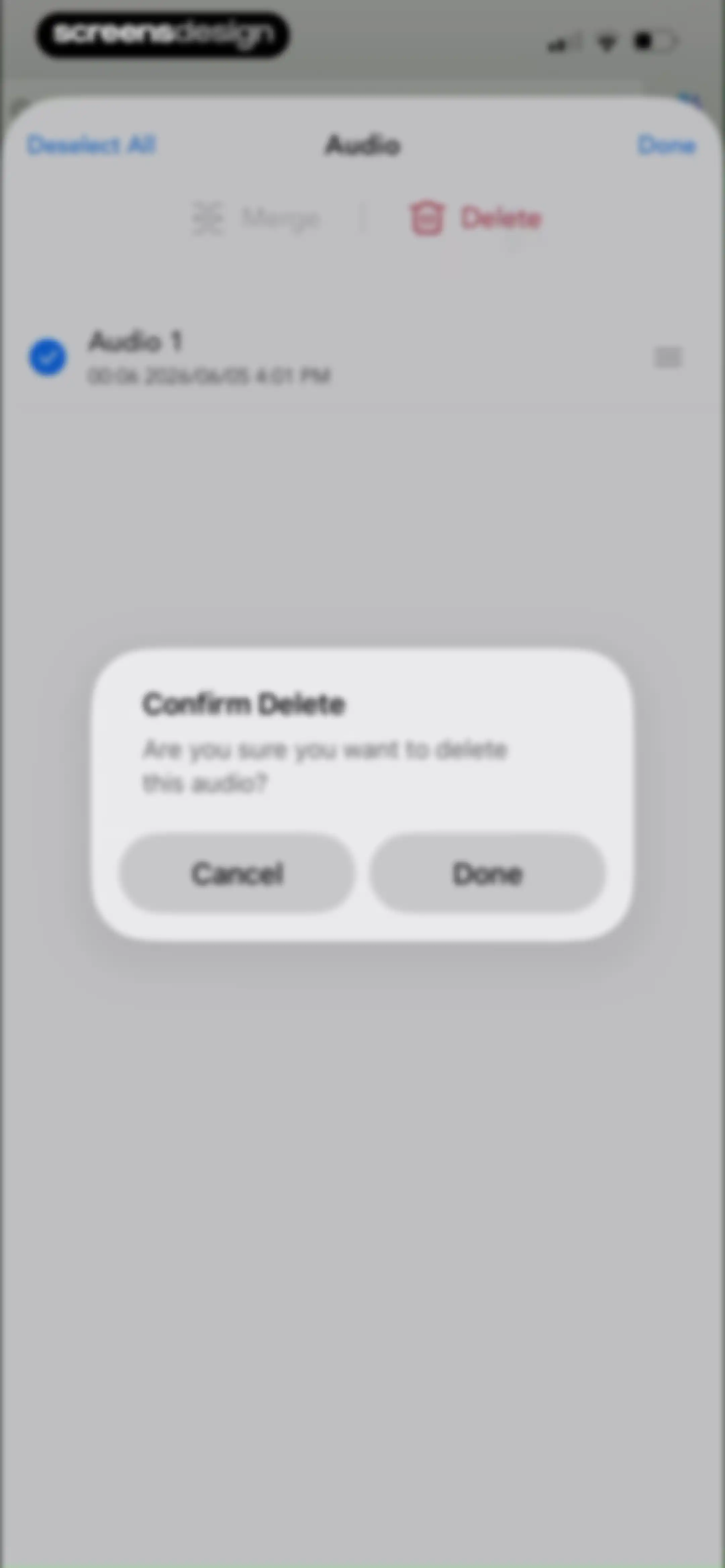
Audio file management list with a confirmation modal asking if you are sure you want to delete this audio, featuring Cancel and Done buttons.Unlock Pro
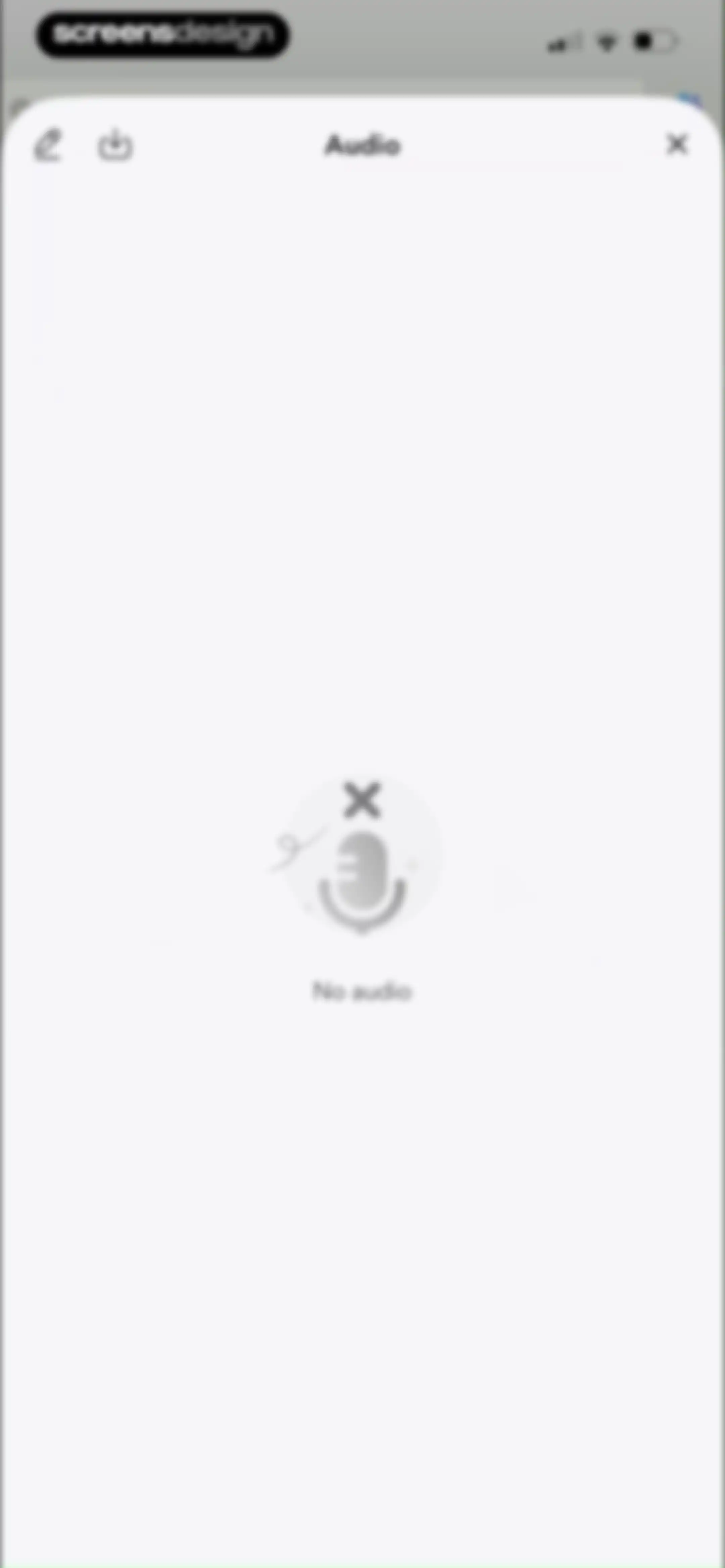
Modal empty state screen with an audio title, a No audio message with a microphone illustration, and top navigation icons.Unlock Pro
Modal overlay in Freenotes instructing the user to click the plus icon in the top left to add a video.Unlock Pro
Modal menu listing video sources like Online Video, YouTube, Coursera, and Udemy, with a close button and background instructions.Unlock Pro
Paywall screen featuring a plan carousel with the popular annual subscription selected, a feature comparison table, and a Continue button.Unlock Pro
Settings screen with categorized feature lists and an open export popover menu displaying page export options.Unlock Pro
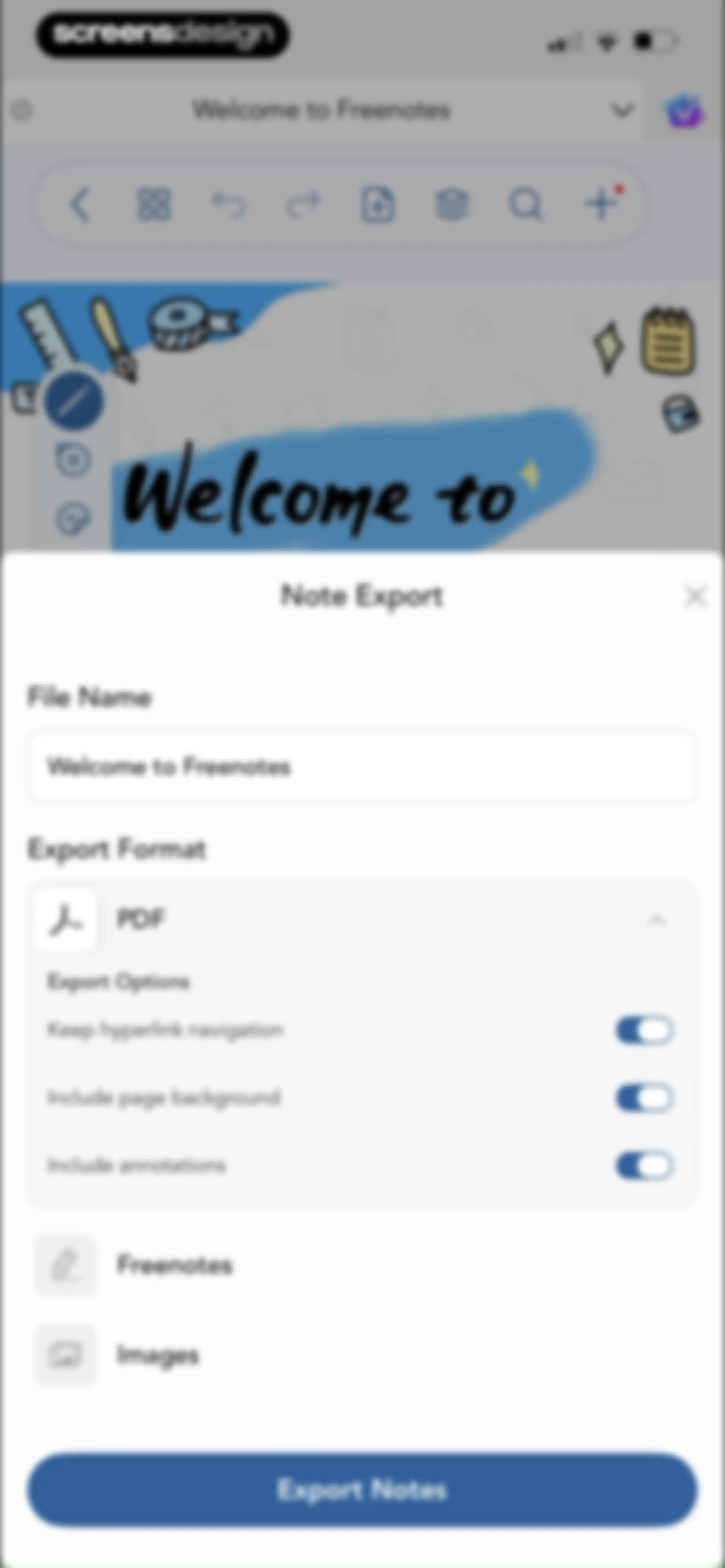
Note export modal with file name input, PDF format selection, export options toggles, and an Export Notes button.Unlock Pro
Freenotes onboarding screen welcoming users with a grid of featured planner templates and an AI assistant feature description.Unlock Pro
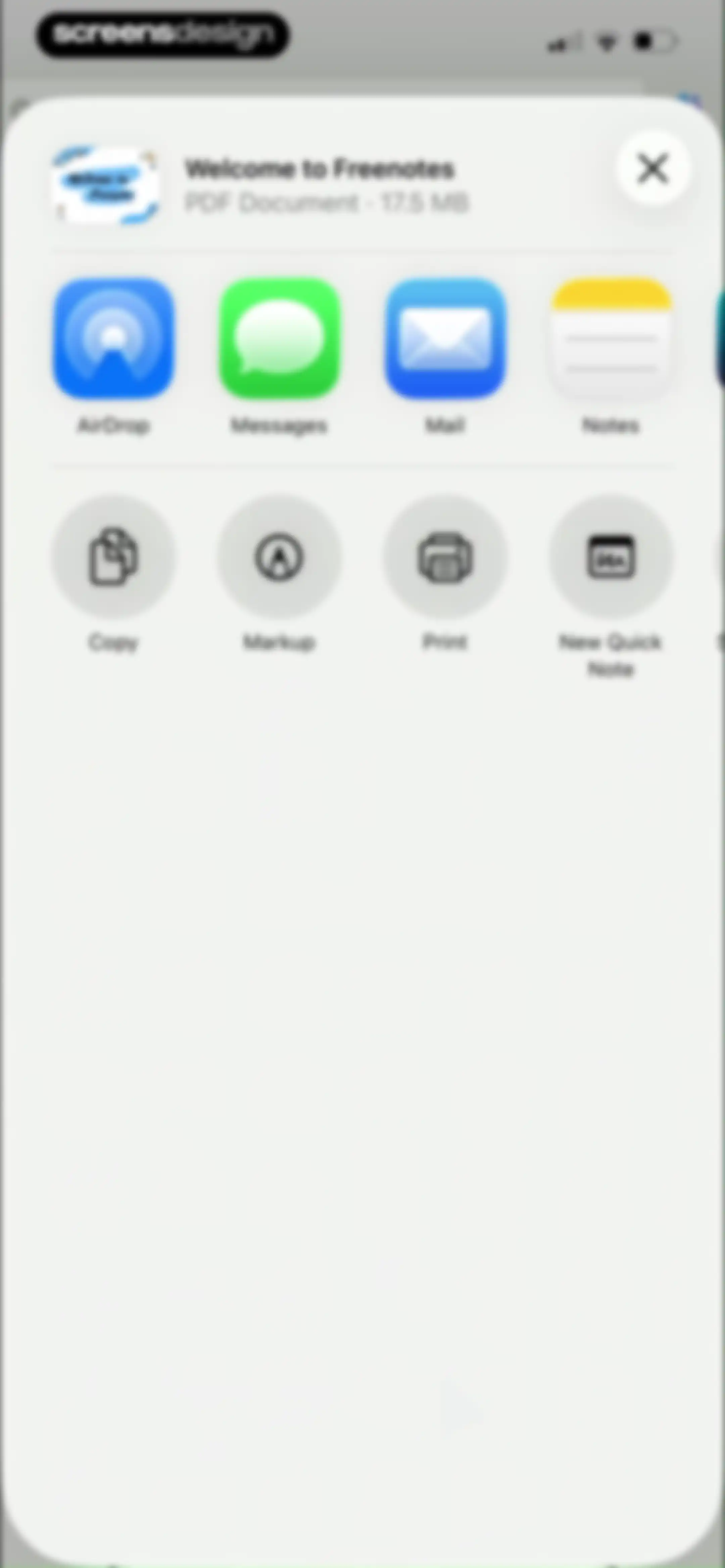
Share sheet modal for the PDF document Welcome to Freenotes, displaying file info and rows of sharing and action buttons.Unlock Pro
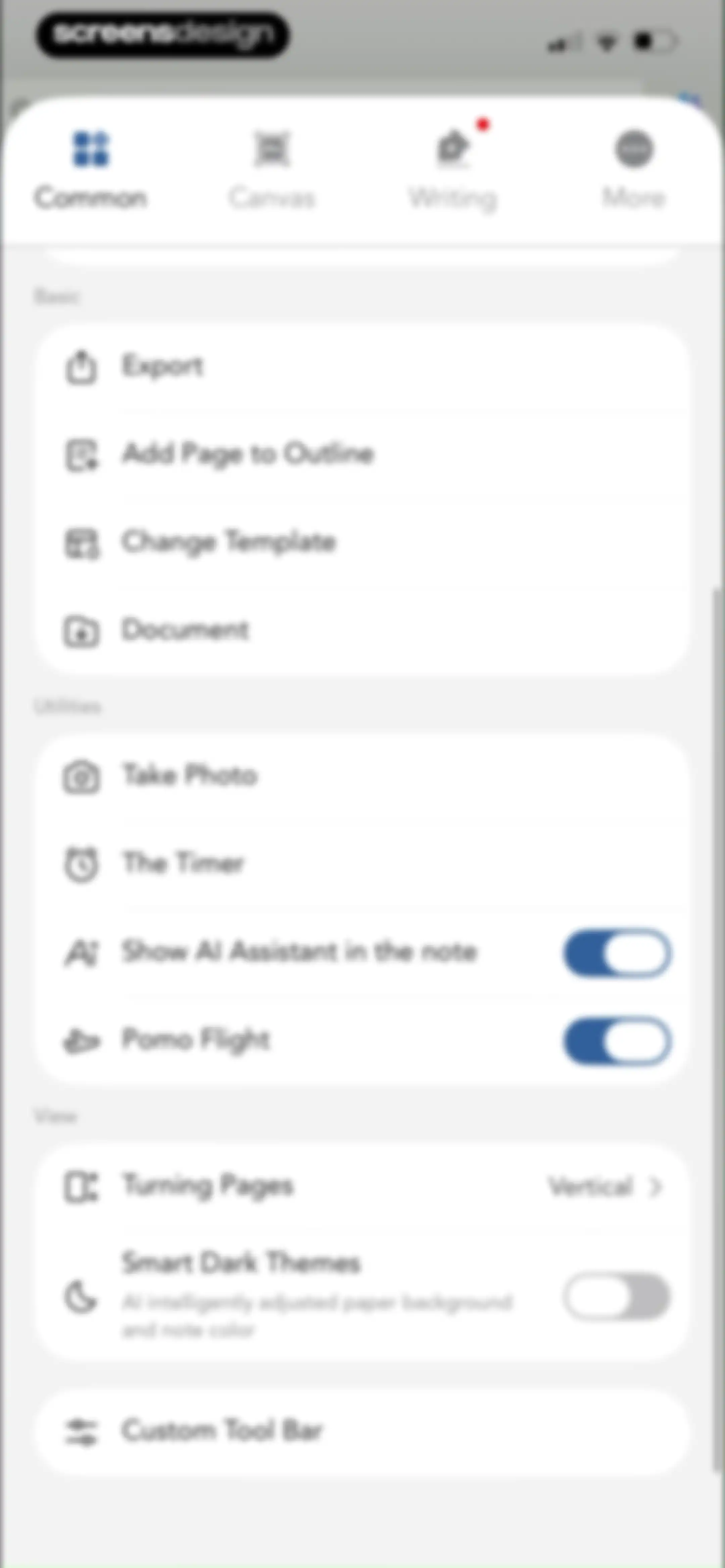
Settings screen with top tabs and grouped sections for Basic, Utilities, and View options including toggles and list items.Unlock Pro
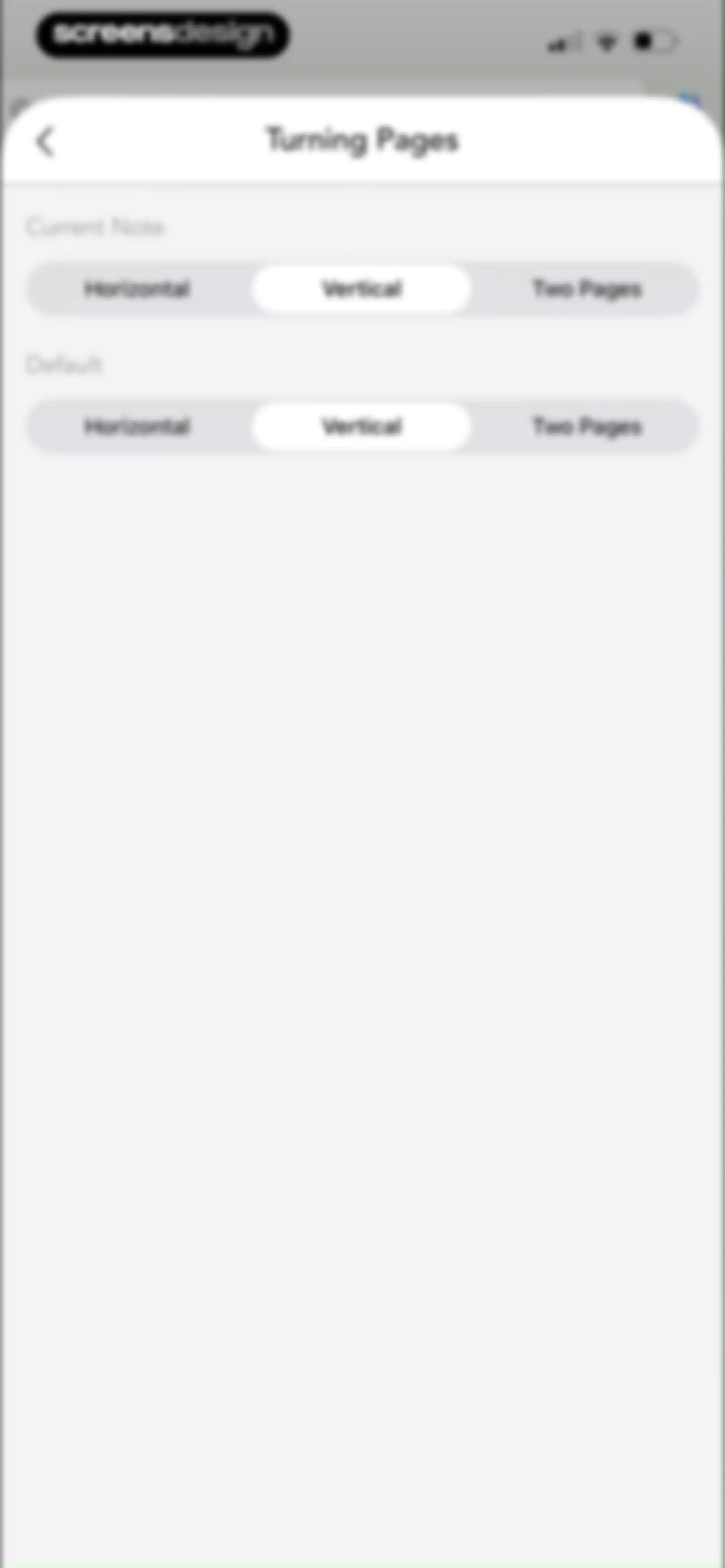
Settings modal for turning pages with Current Note and Default sections, each showing Vertical selected among horizontal and two-page options.Unlock Pro
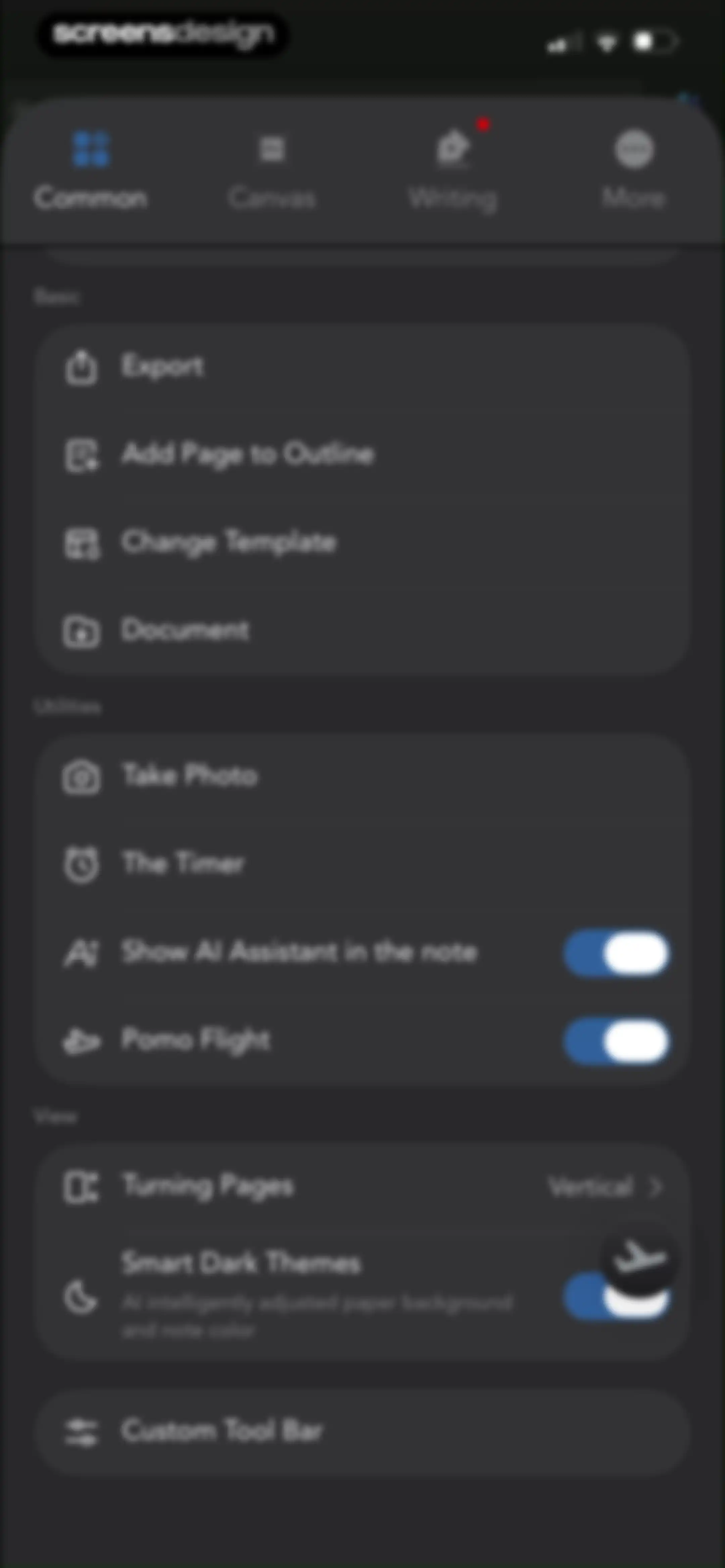
Settings screen with top navigation tabs and grouped list sections for basic, utility, and view options in a dark theme.Unlock Pro
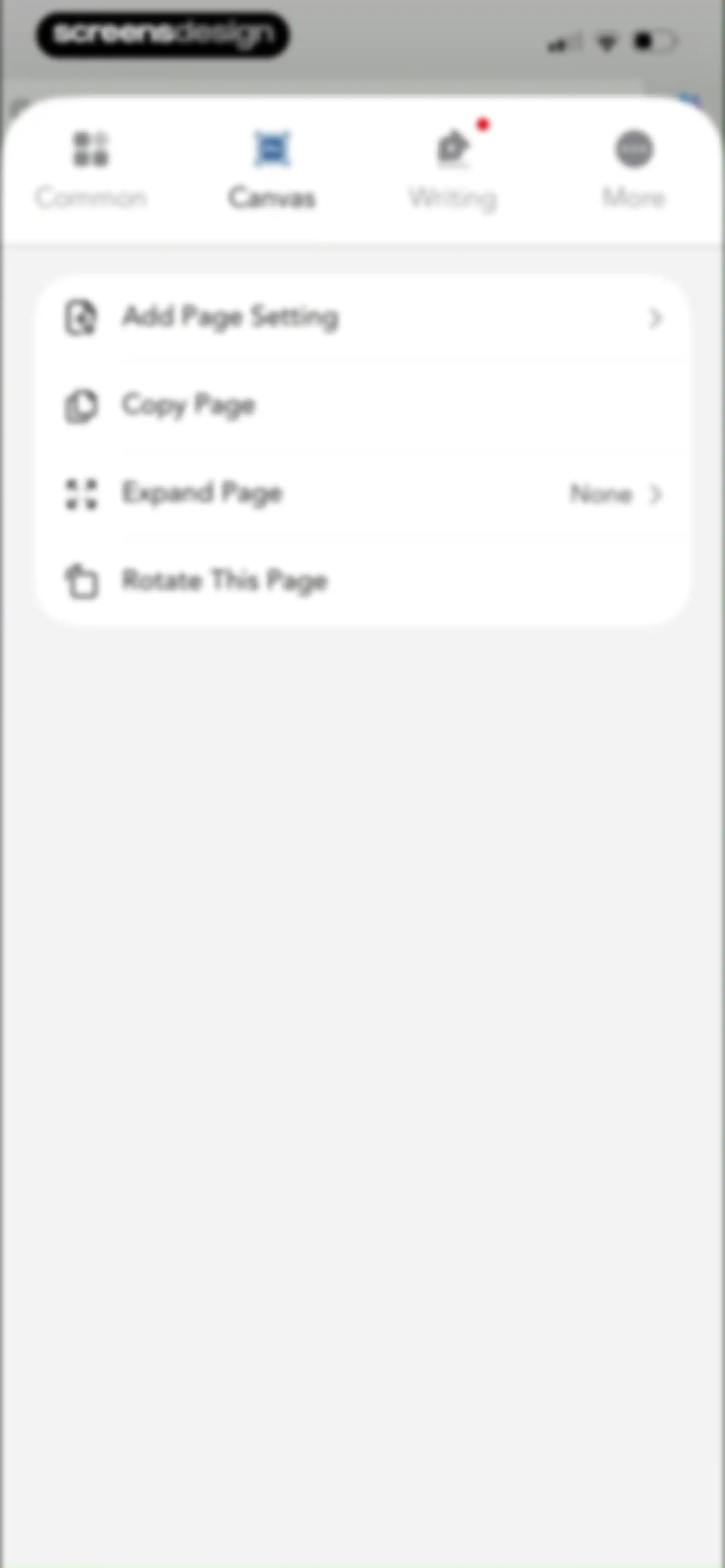
Canvas settings modal displaying a vertical list of page-related actions including adding page settings, copying, expanding, and rotating the page.Unlock Pro
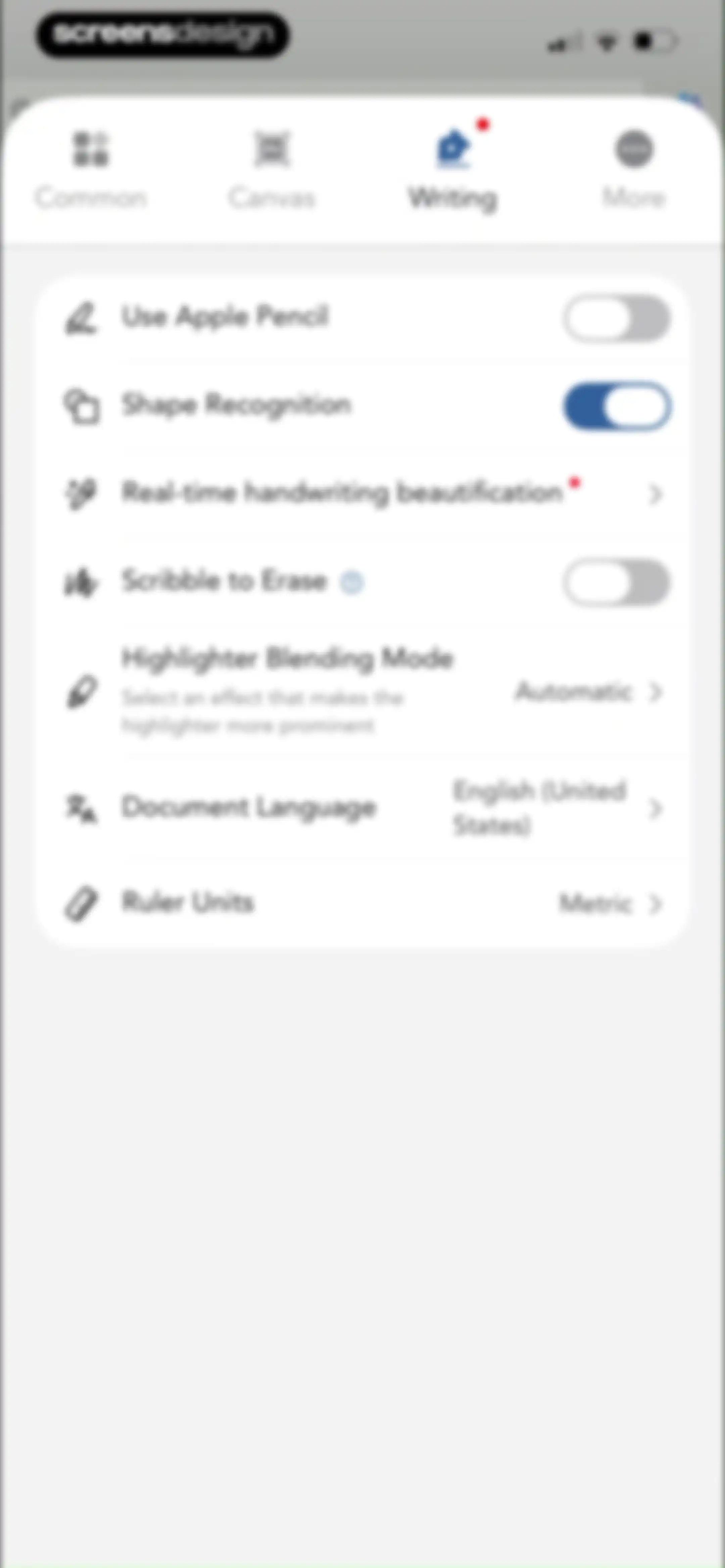
Settings screen with the Writing tab selected, displaying options for Apple Pencil, shape recognition, and document language.Unlock Pro
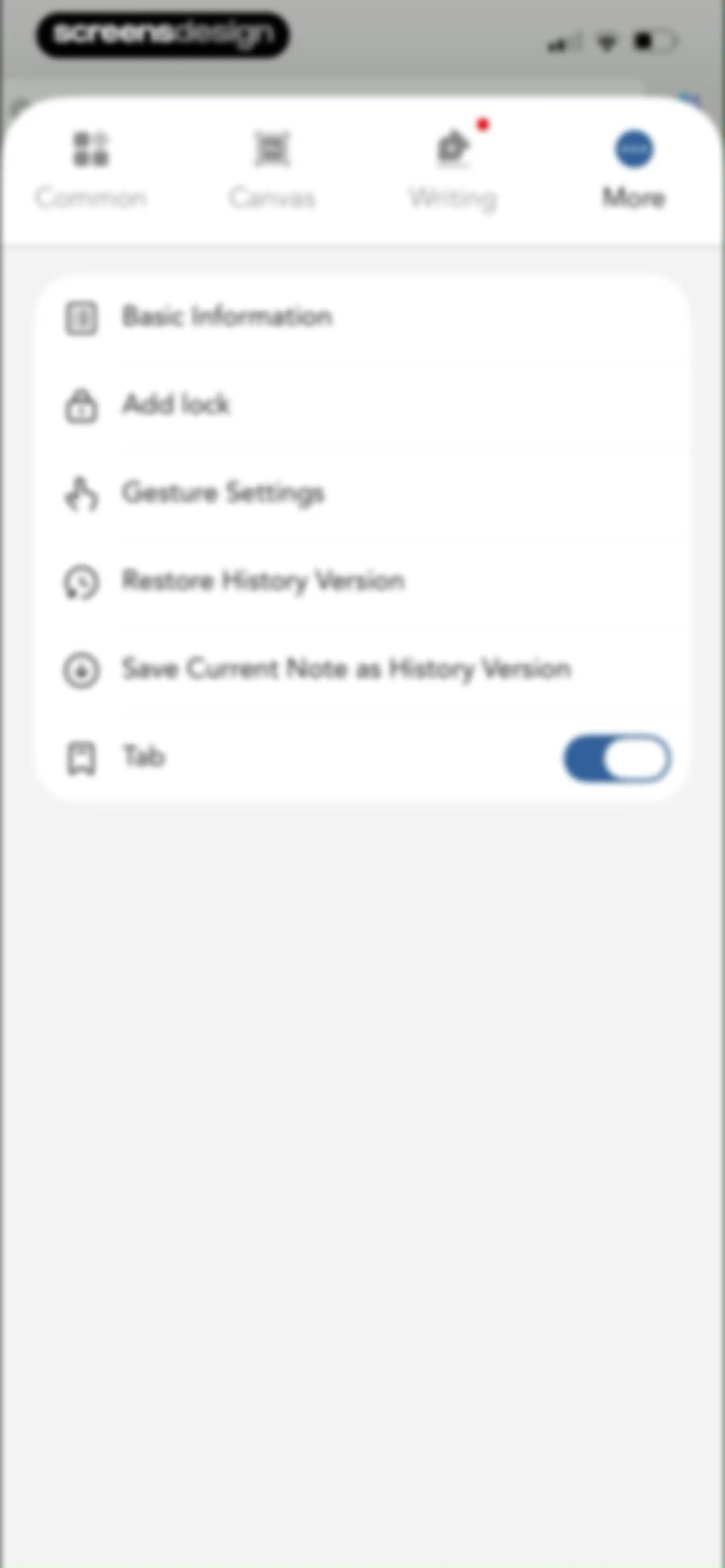
Settings screen featuring a top navigation tab bar and a vertical list of configuration options including lock and history settings.Unlock Pro
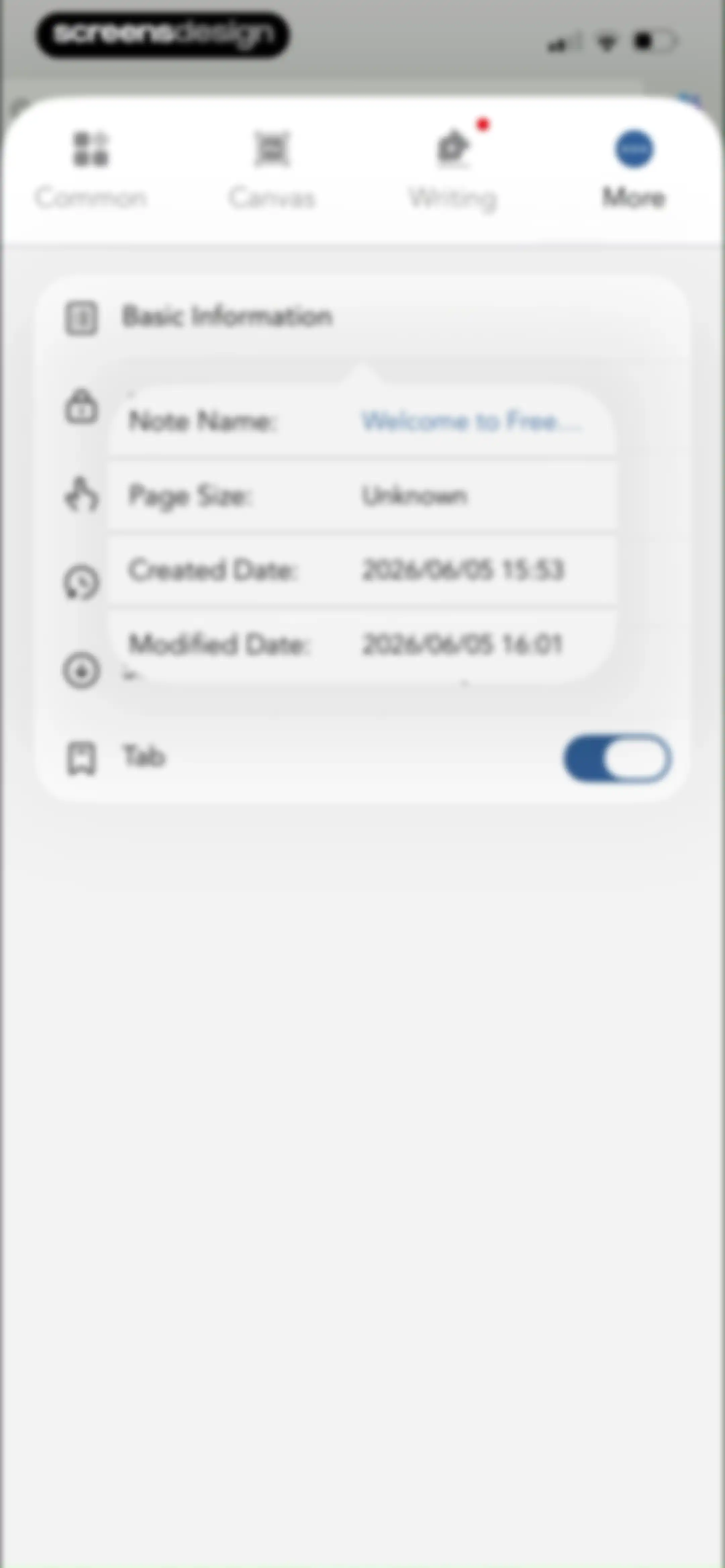
Settings modal displaying document metadata including note name, creation date, and a tab toggle switch with the More tab selected.Unlock Pro
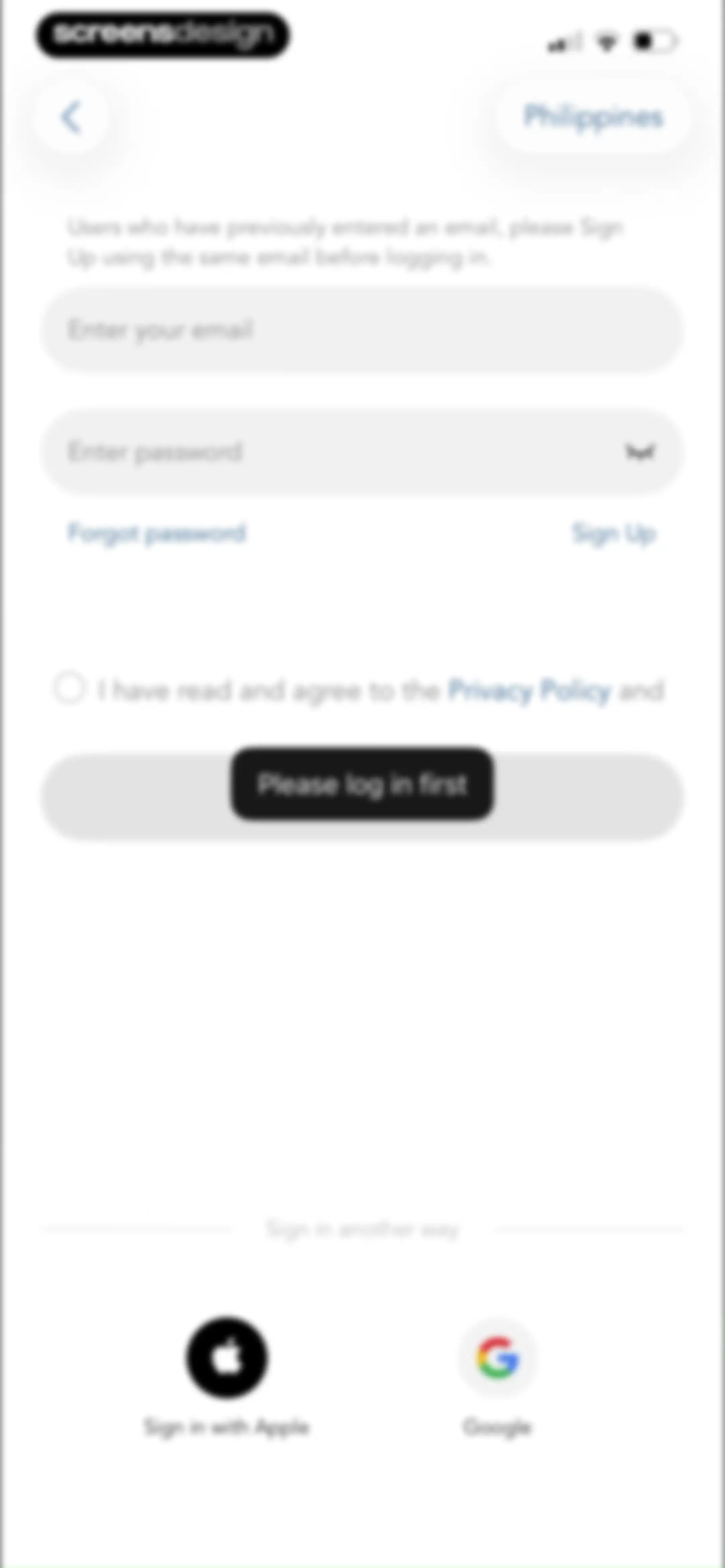
Login form with email and password fields, a disabled login button, and social sign-in options for Apple and Google.Unlock Pro
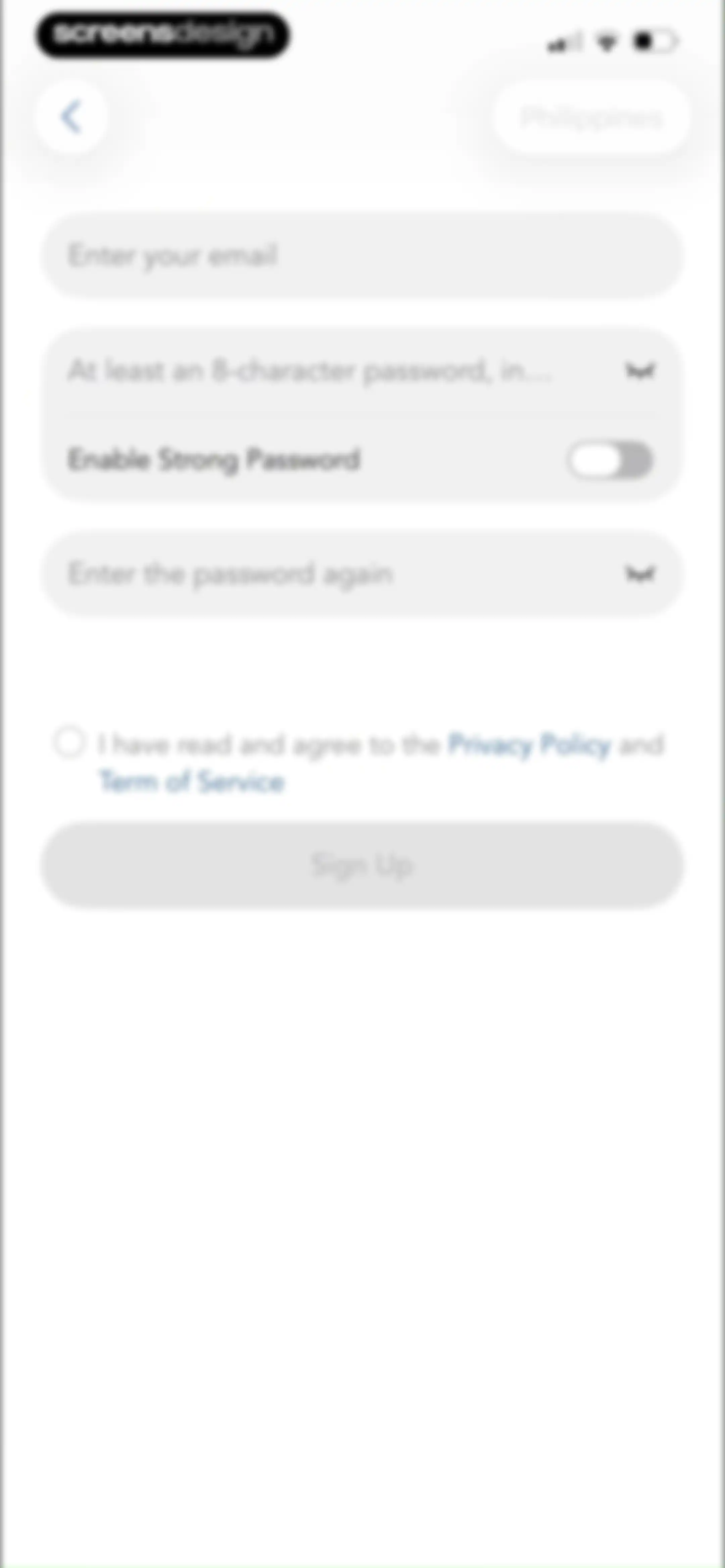
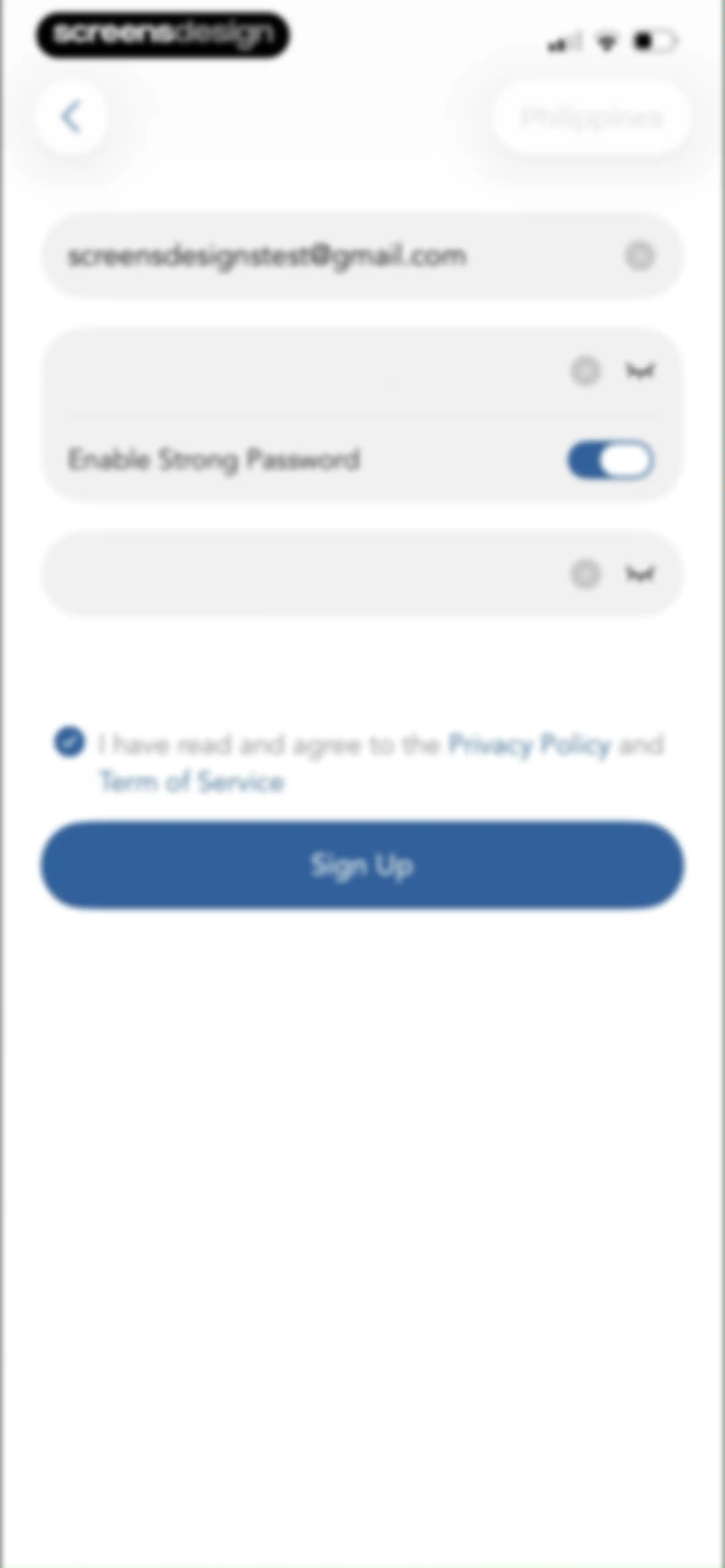
Sign-up form featuring email and password input fields, a terms and conditions checkbox, and a disabled Sign Up button.Unlock Pro
Sign-up form with email and password input fields, terms agreement, and a Sign Up button.Unlock Pro
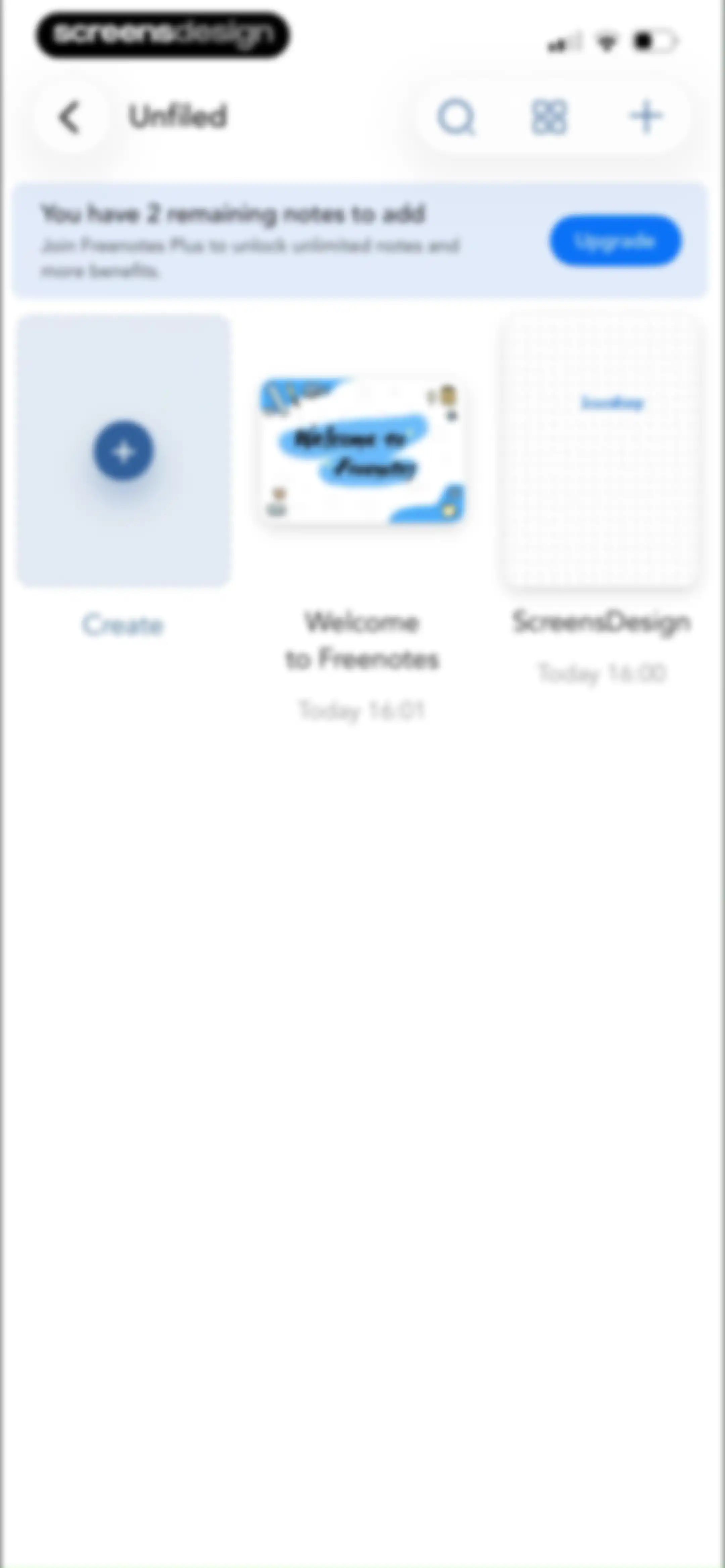
Freenotes home screen displaying an unfiled note grid, a subscription upgrade banner for unlimited notes, and a create note button.Unlock Pro
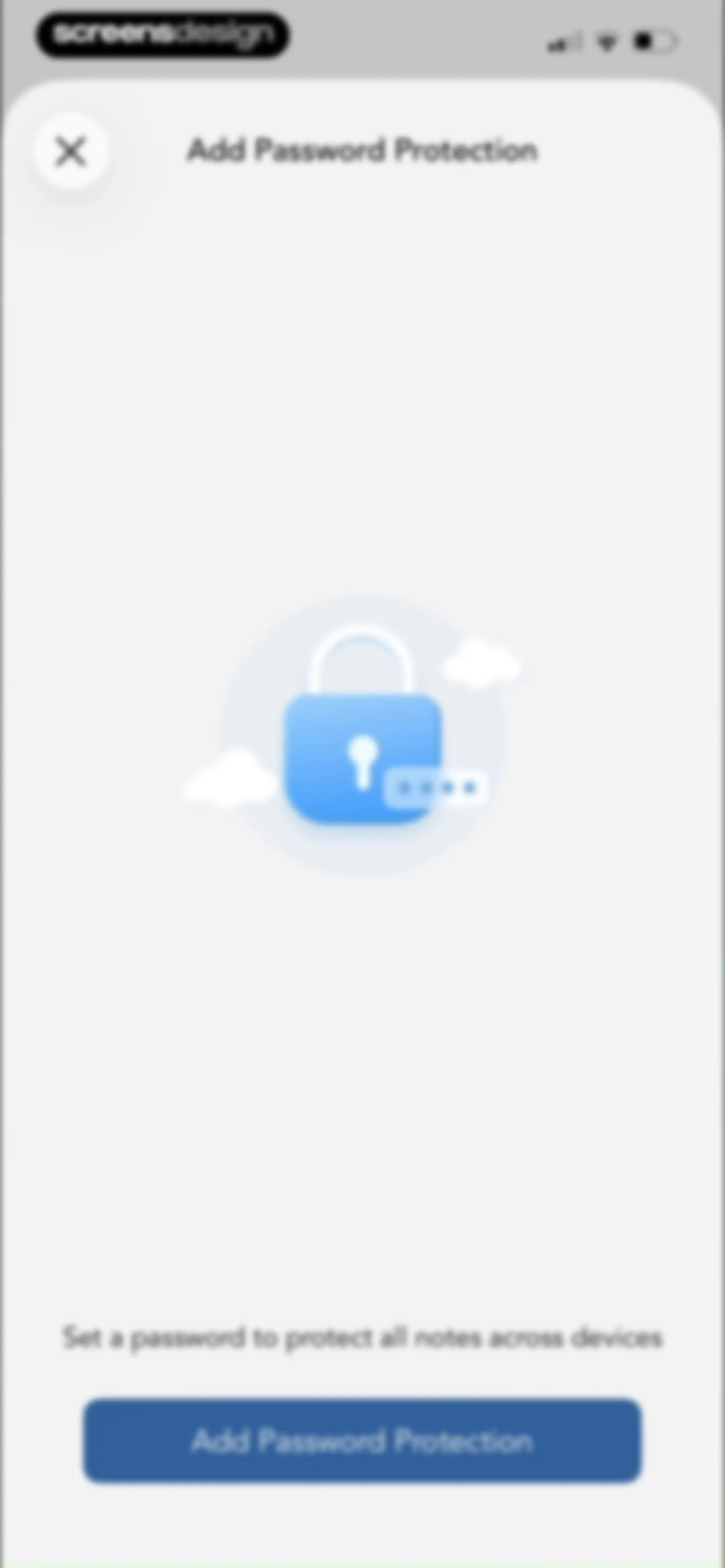
Password protection modal in Freenotes with an Add Password Protection button and a description to secure all notes across devices.Unlock Pro
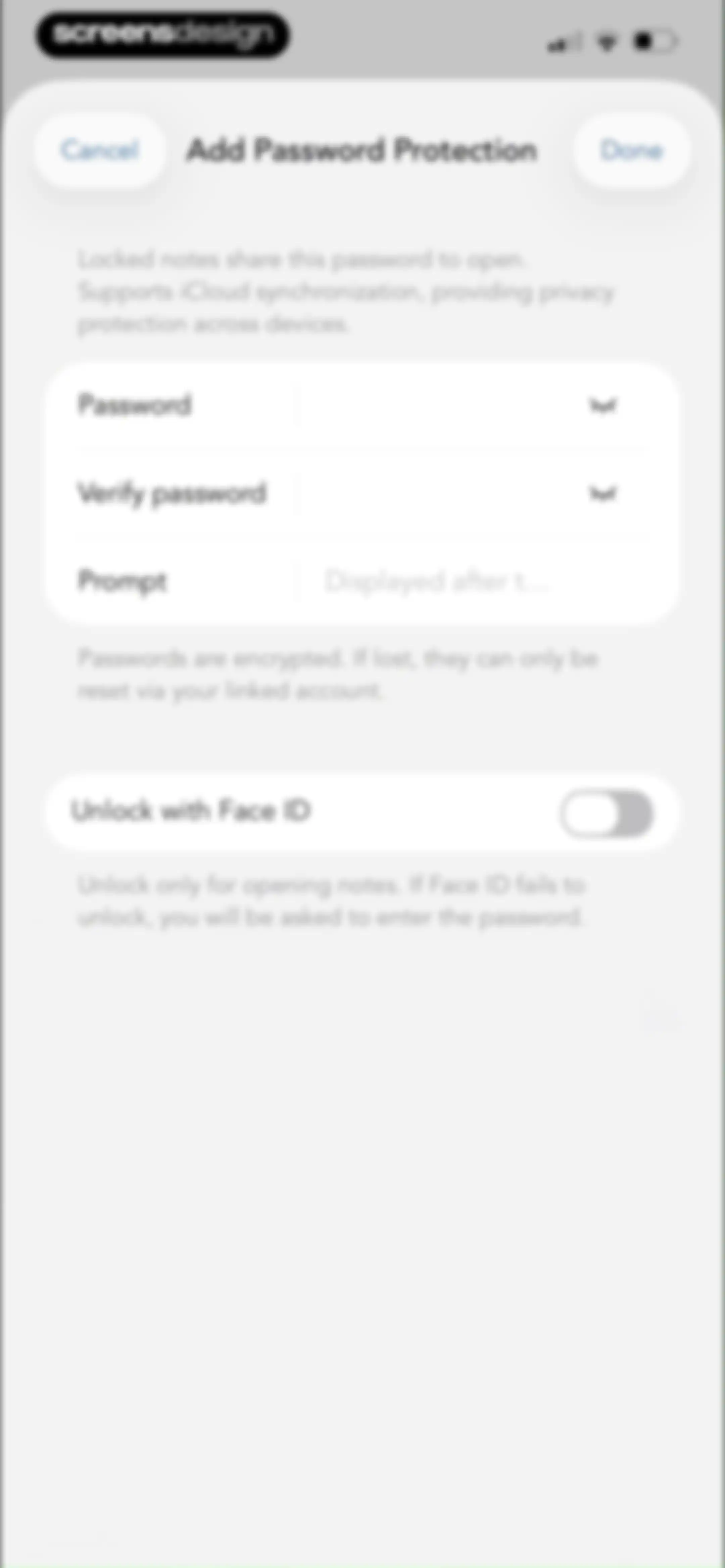
Password protection settings screen with empty input fields for password verification and a Face ID toggle switch.Unlock Pro
Permission request modal asking to allow Freenotes to use Face ID, displayed over password protection settings.Unlock Pro
Password protection settings form with a confirmation modal, password fields, and a FaceID toggle.Unlock Pro
Success confirmation modal stating password creation is successful, with instructions on locking notes and a Done button.Unlock Pro
Privacy Protection settings modal with Face ID, auto-lock duration, password management options, and a Done button.Unlock Pro
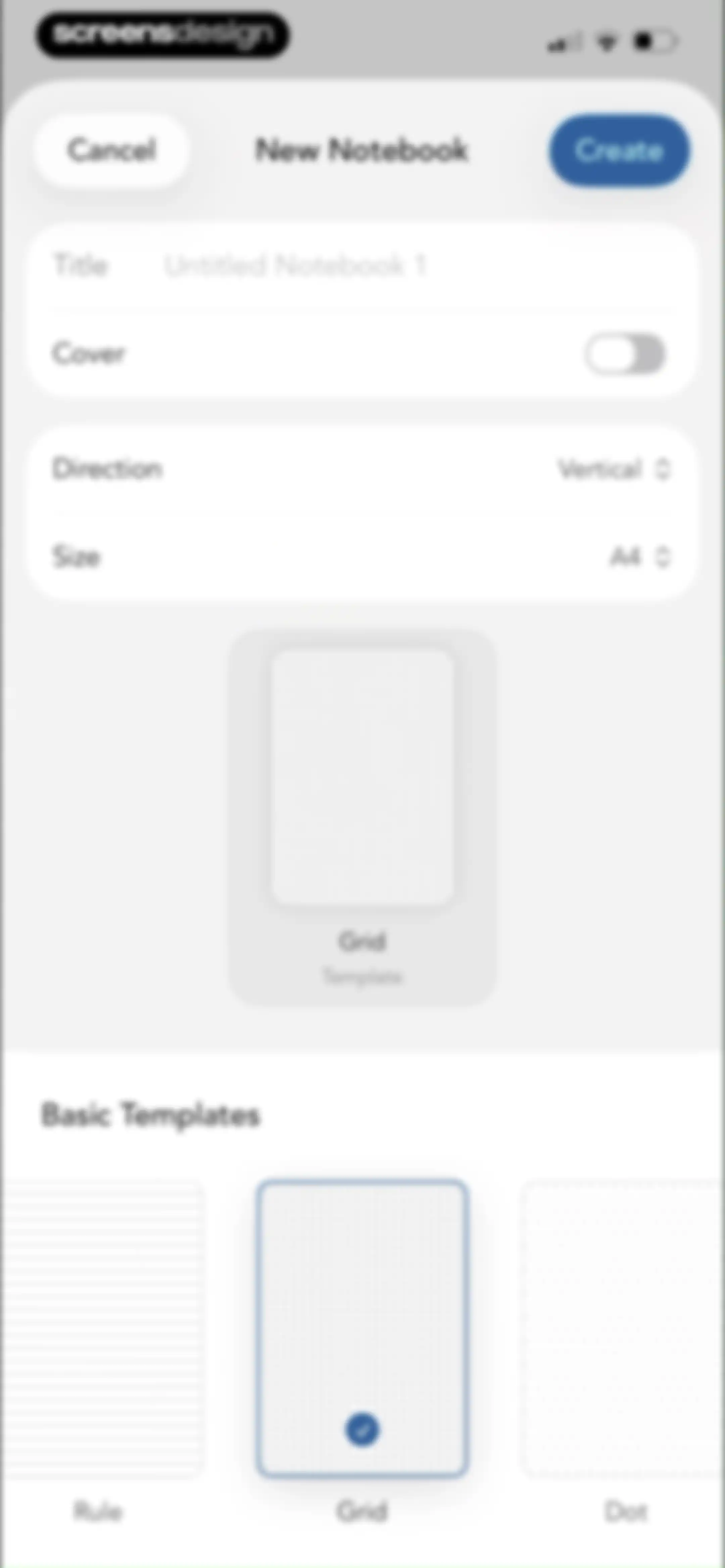
Notebook creation form with configuration options, a central preview, and the grid template selected with a checkmark.Unlock Pro
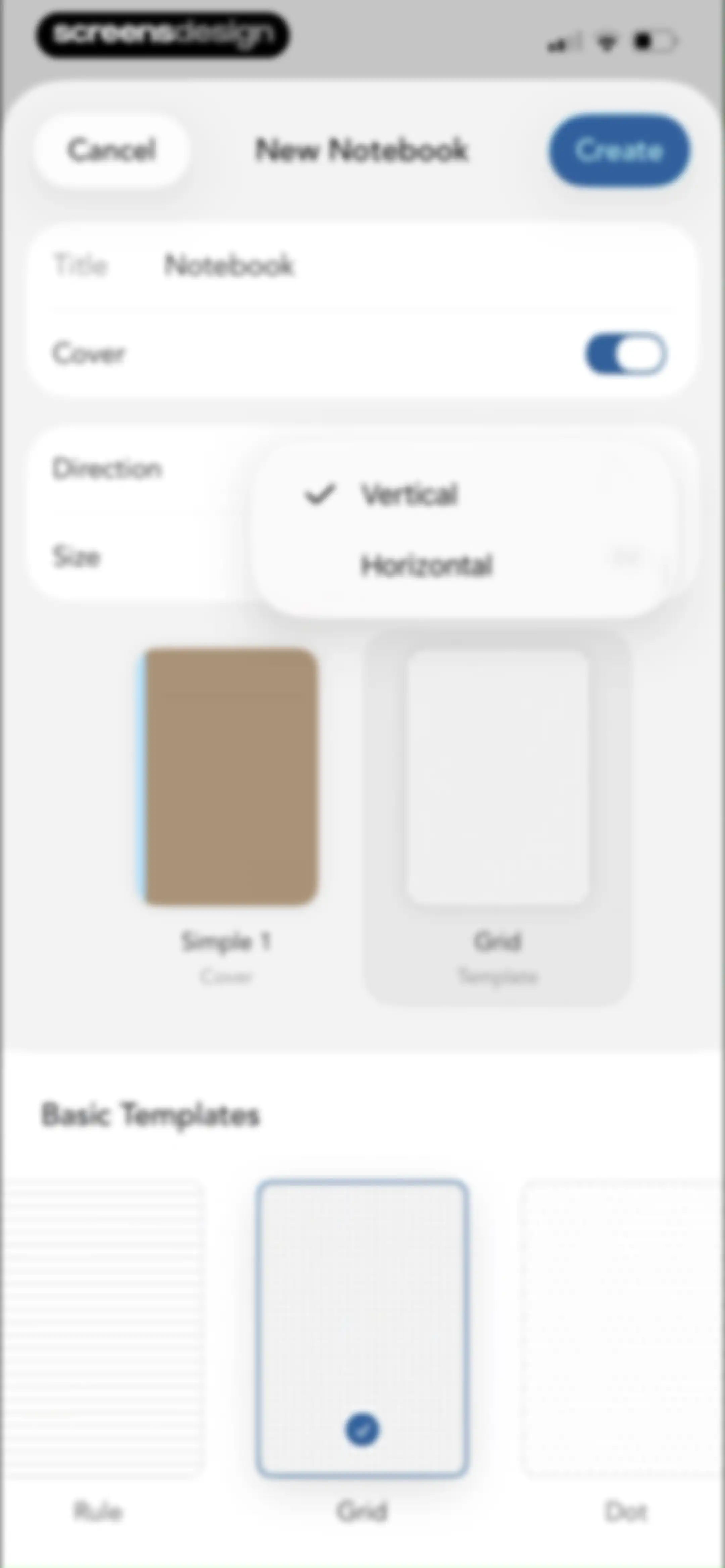
New notebook creation form with settings for title, cover, vertical orientation, and a selected grid template.Unlock Pro
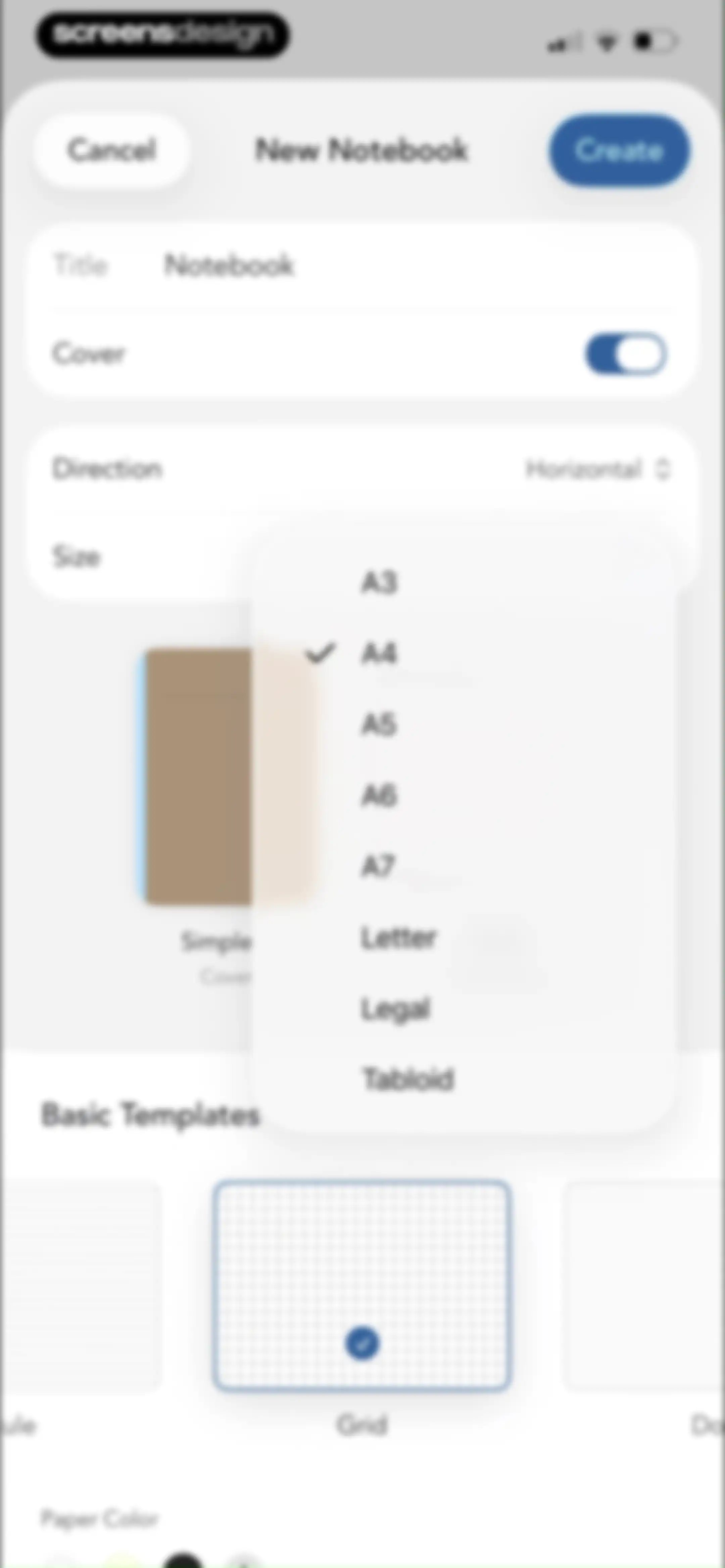
New notebook creation form with title, cover toggle, expanded size dropdown showing paper formats, and a template selection carousel.Unlock Pro
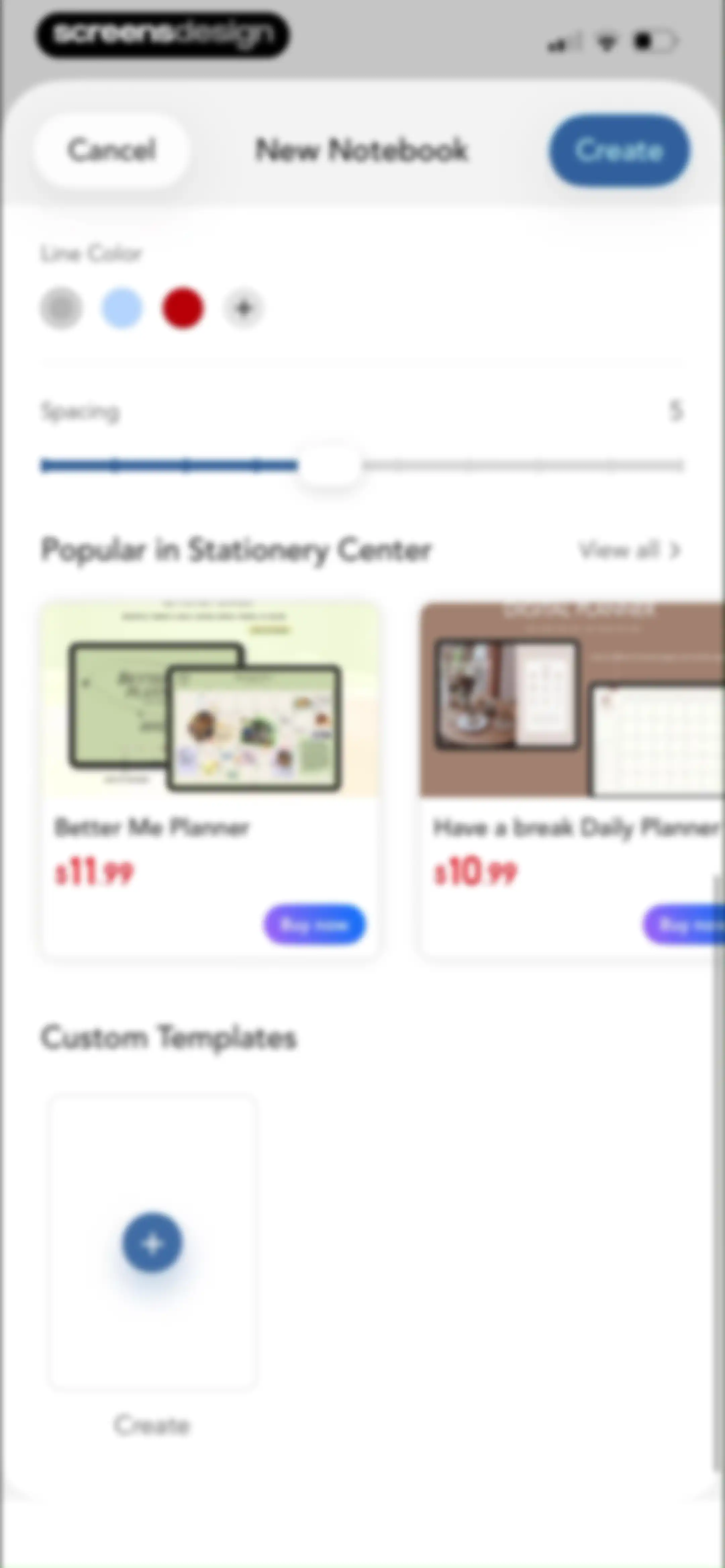
Notebook creation form with line color and spacing settings, featured stationery store items, and a custom template option, with Cancel and Create buttons.Unlock Pro
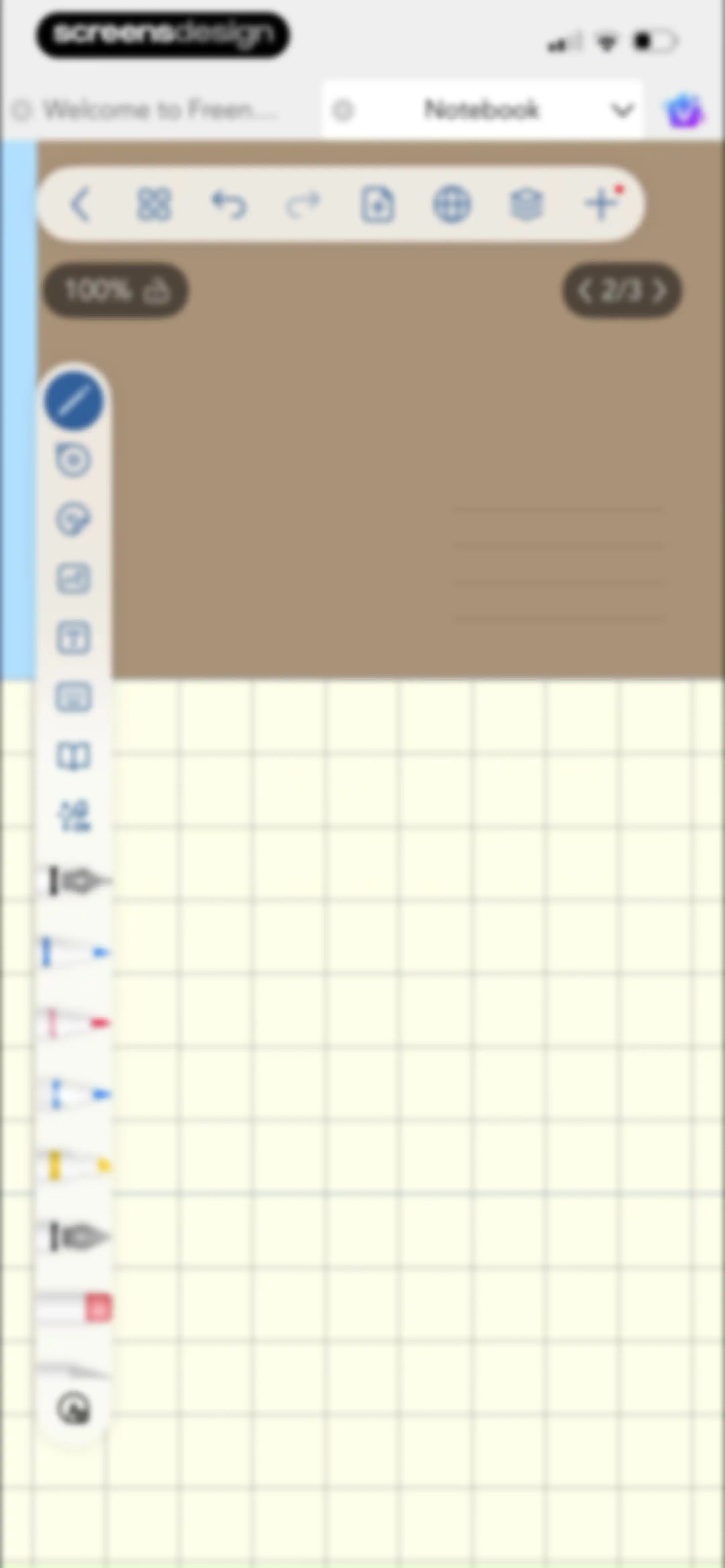
Note editor screen with a grid-lined workspace, a top navigation bar, and a left vertical tool palette for drawing and annotation.Unlock Pro
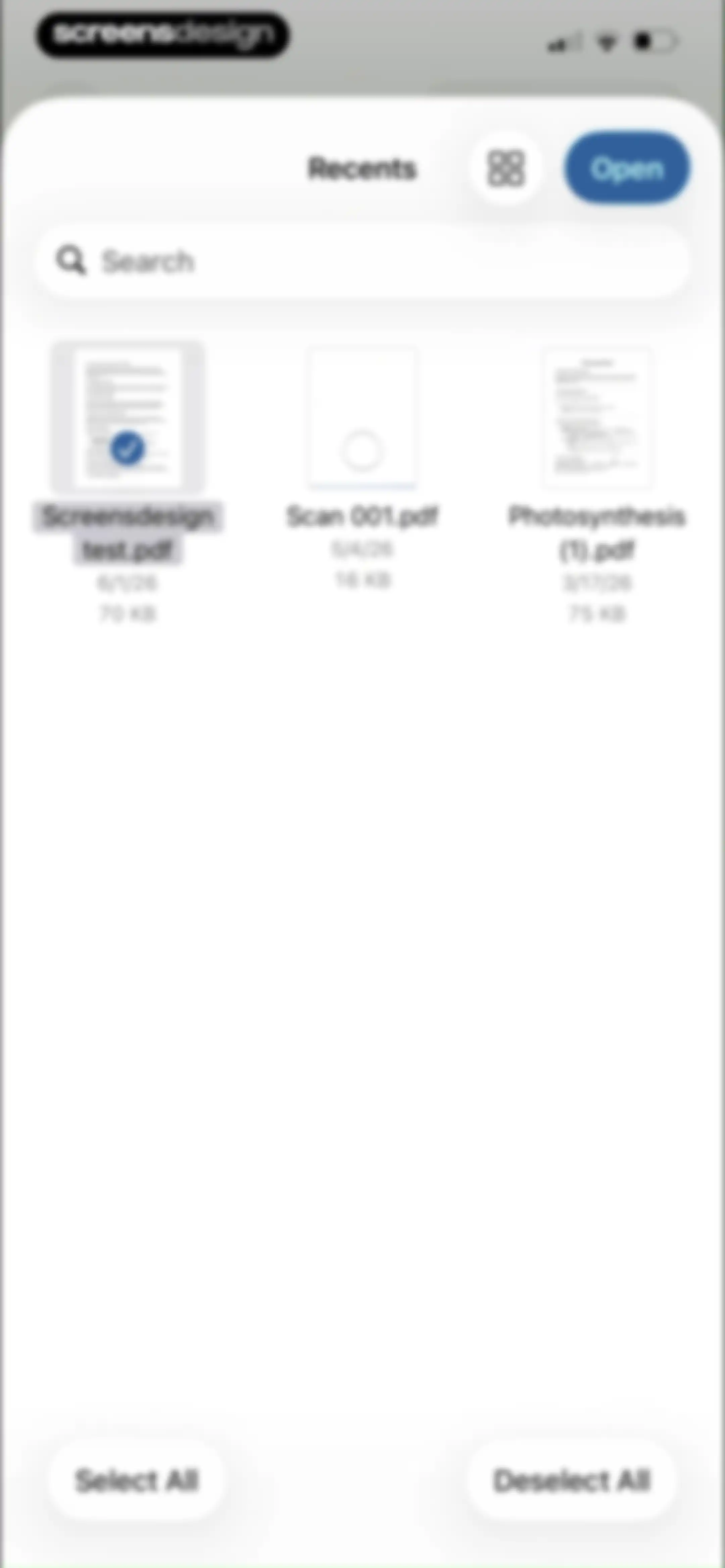
Document management home screen displaying a grid of recent PDF files with a search bar and an Open button.Unlock Pro
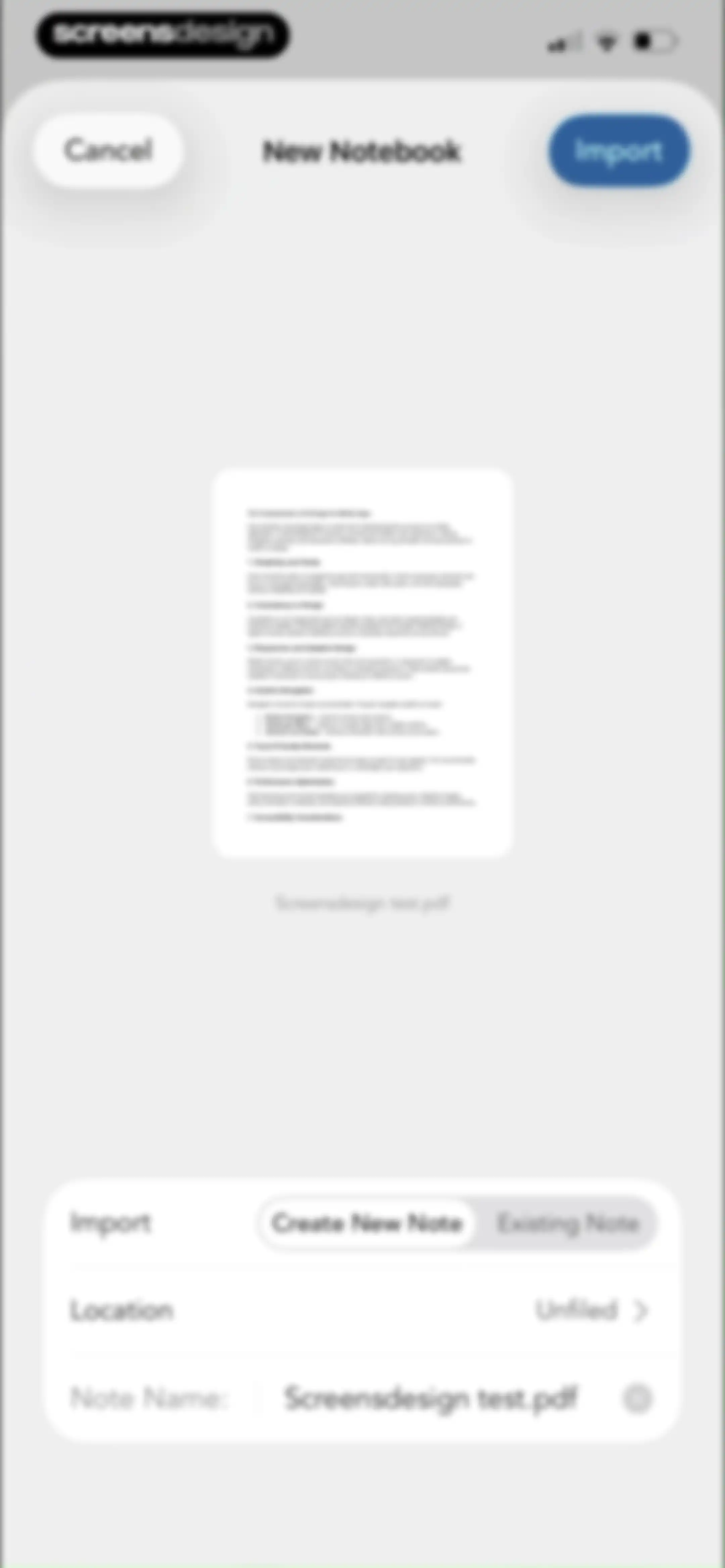
Document import form displaying a PDF preview, a Create New Note tab selection, and a note name input field with an Import button.Unlock Pro
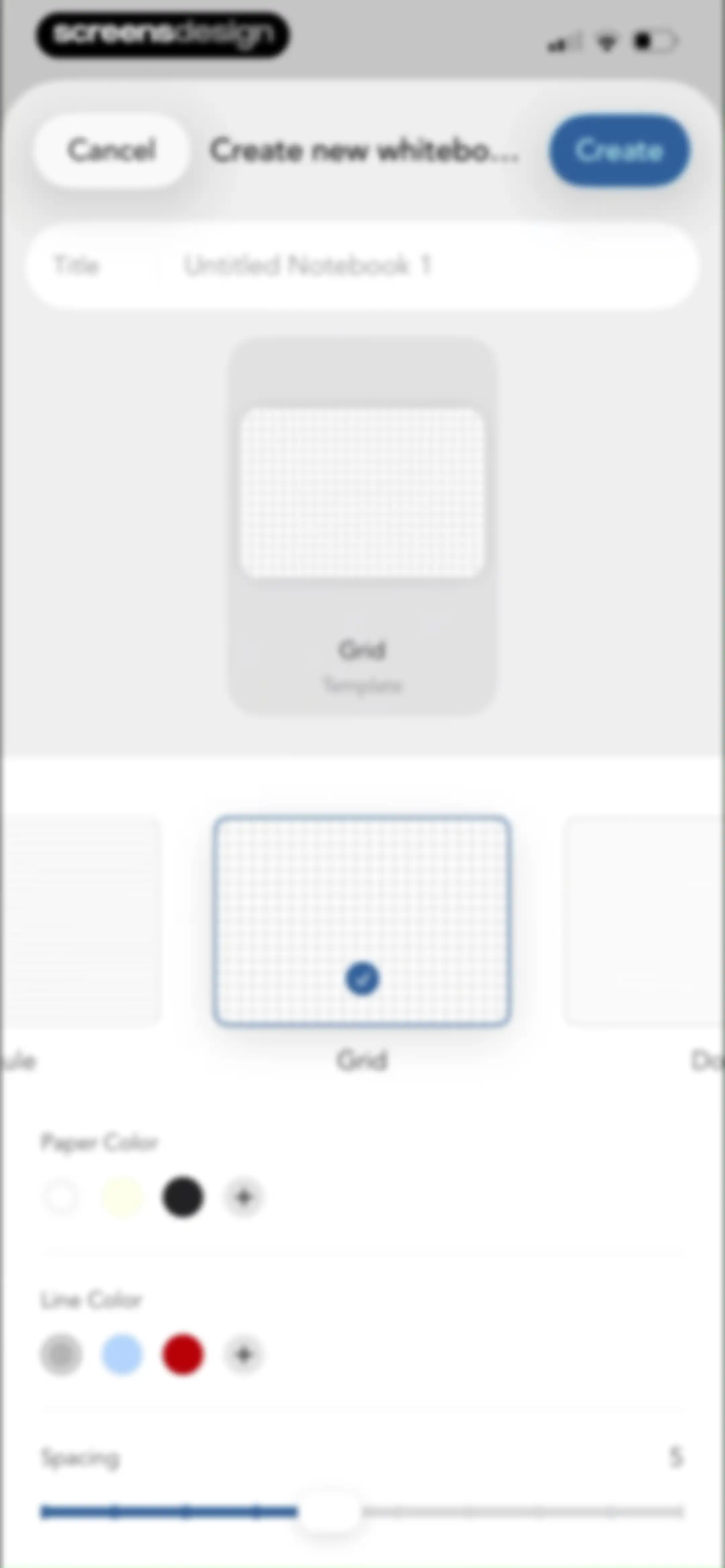
Form for creating a new notebook with a title input, grid template selected, color customization options, and a spacing slider.Unlock Pro
Freenotes home screen displaying an upgrade banner for Freenotes Plus and a list of existing notes with a create button.Unlock Pro
Search results screen with a filled query, filter tabs, and categorized document and note cards.Unlock Pro
Search results screen displaying note previews and a PDF document matching the query Screensdesign under categorized sections.Unlock Pro
Document management screen with a modal menu open, displaying file actions such as Rename, Duplicate, Move, Export, and Delete.Unlock Pro
Document list screen with an upgrade banner and a confirmation modal to move a document to the trash.Unlock Pro
Folder management dashboard listing system folders like Unfiled and Trash, with a Stationery Center header and a new folder button.Unlock Pro
Content feed featuring a search bar, category carousel, and New Arrivals product cards with prices for digital stationery templates.Unlock Pro
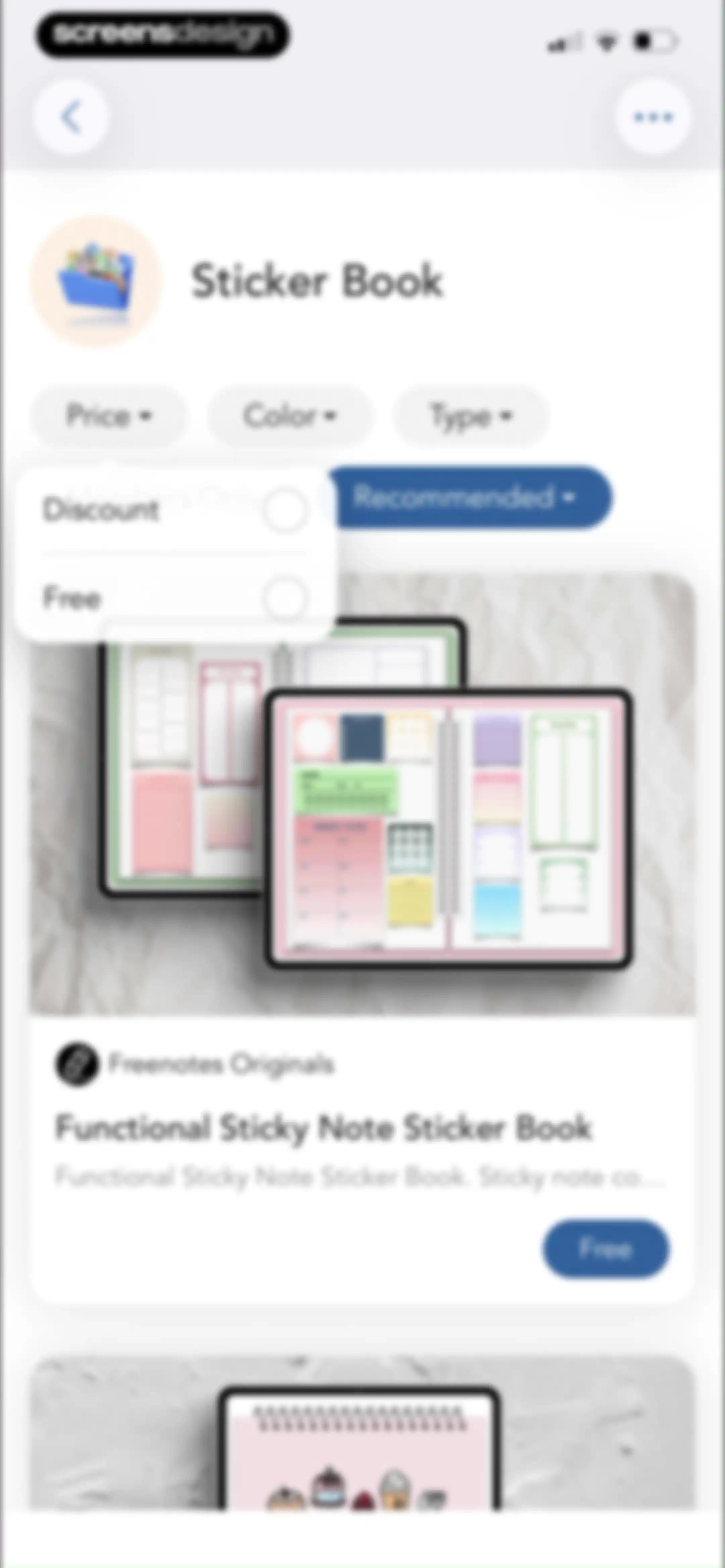
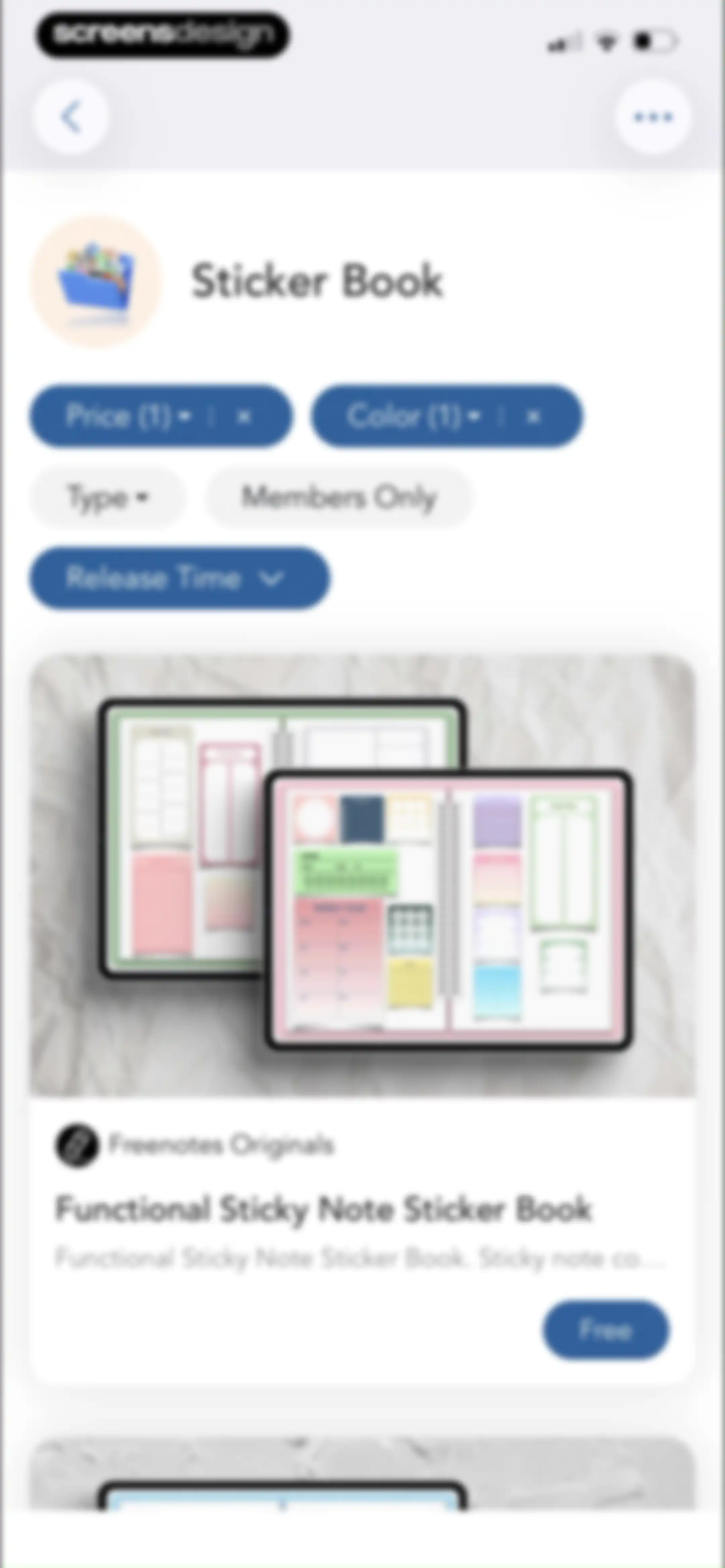
Sticker book library feed in Freenotes displaying filter controls and a card for the Functional Sticky Note Sticker Book with a Free button.Unlock Pro
Sticker book marketplace feed displaying filter options and product cards for digital note-taking assets with a free download button.Unlock Pro
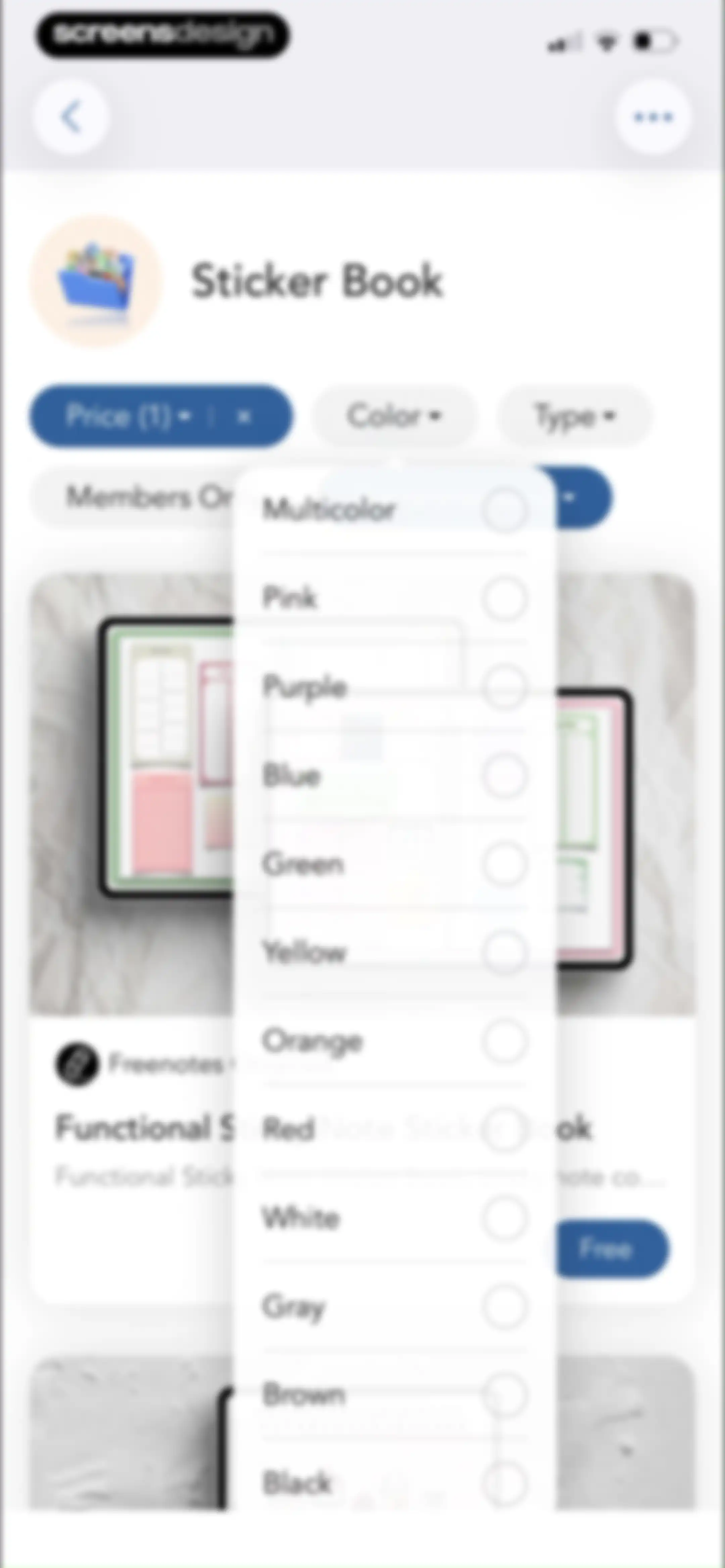
Content feed for sticker books with an active color filter modal overlay displaying various color options.Unlock Pro
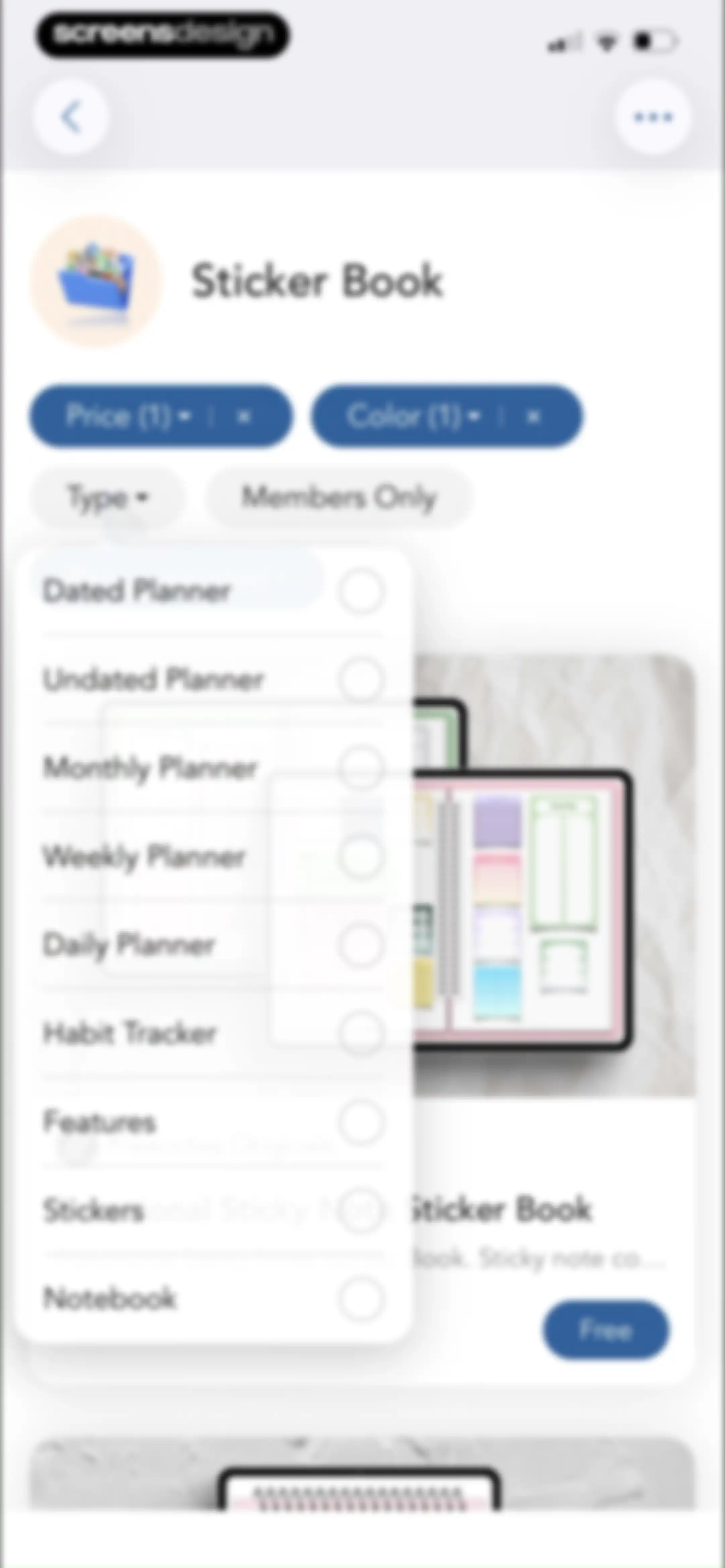
Sticker book marketplace with an open type filter dropdown menu displaying various planner and sticker categories over a product list.Unlock Pro
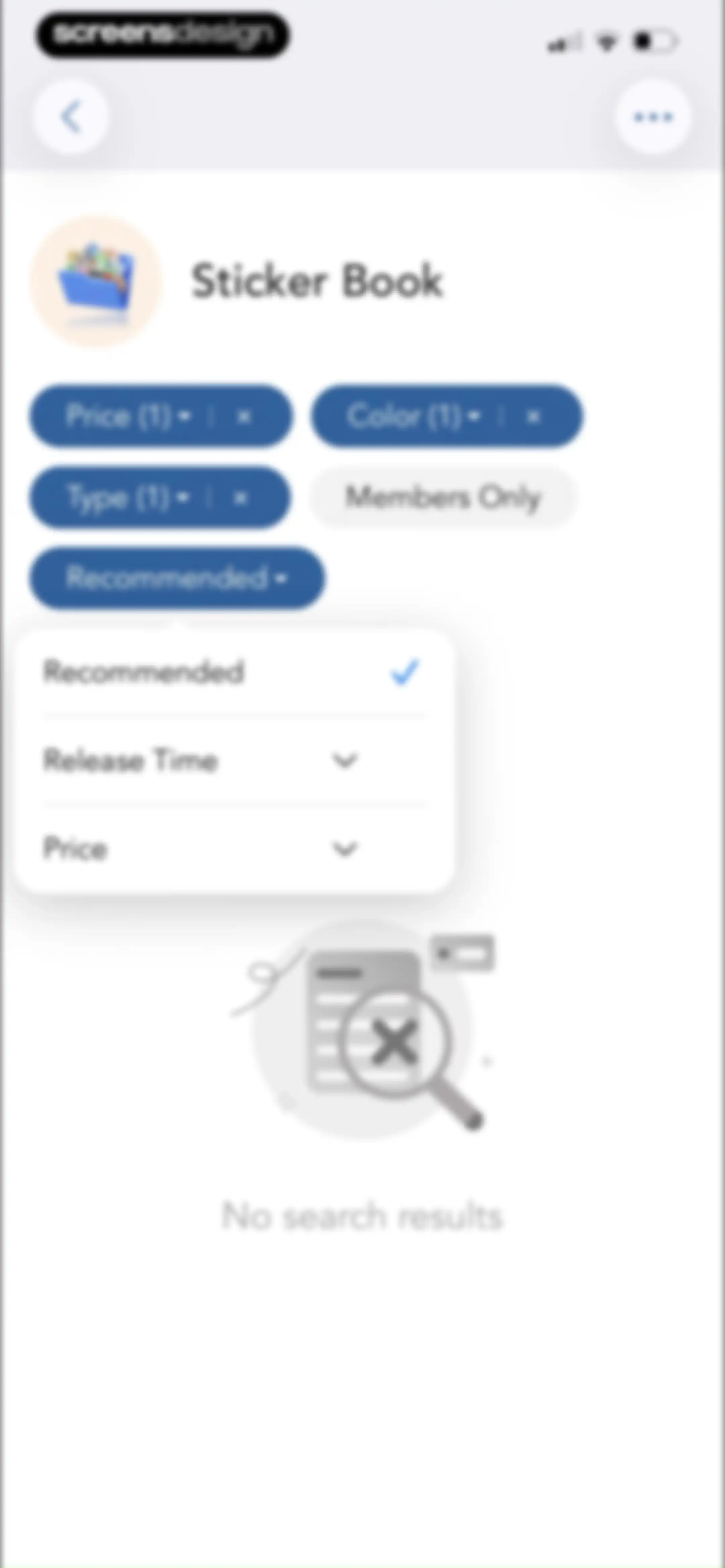
Sticker Book empty state screen with active filter chips and a no search results message below an expanded sort menu.Unlock Pro
Content feed featuring a Sticker Book marketplace with horizontal filter chips and a product card for a free functional sticky note book.Unlock Pro
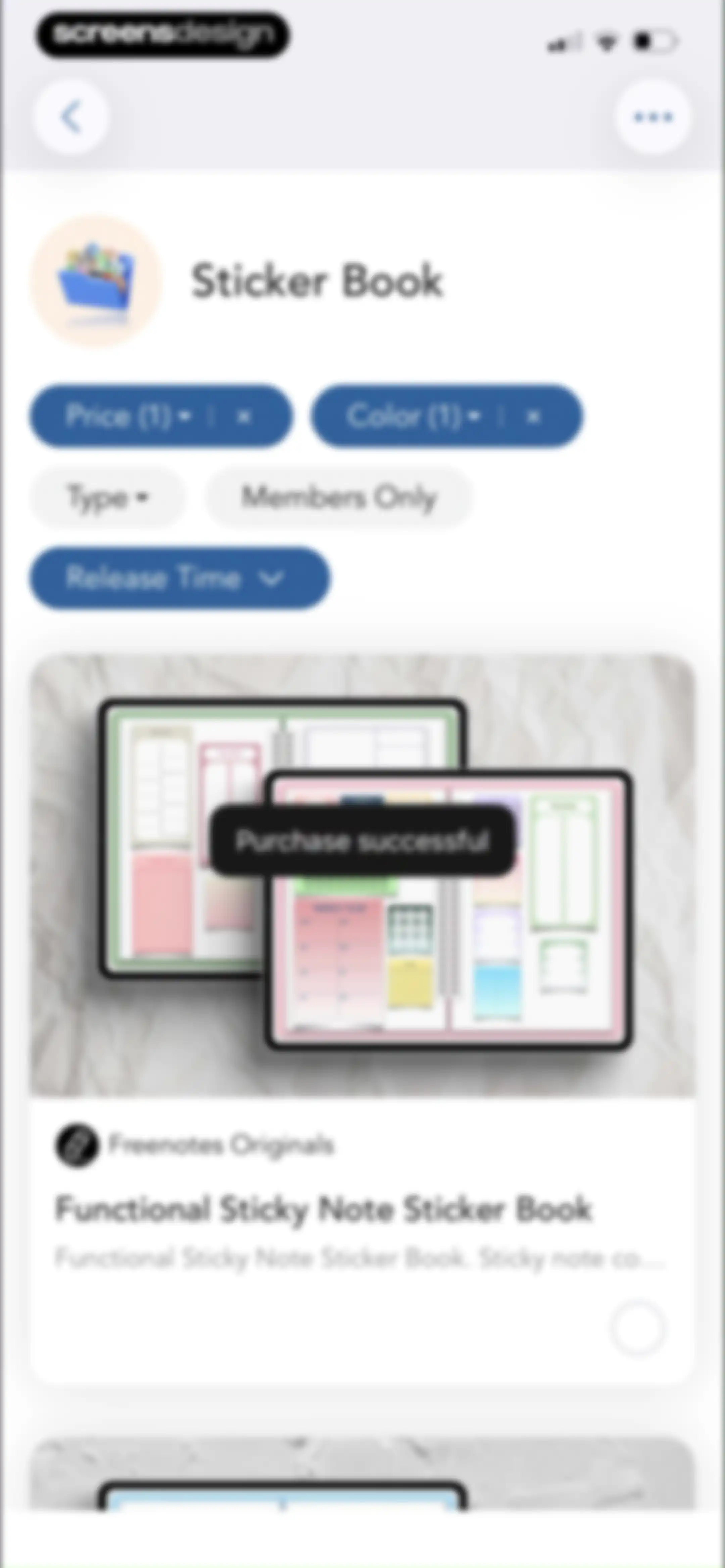
Sticker book product feed with active filter chips and a purchase successful notification over a product card.Unlock Pro
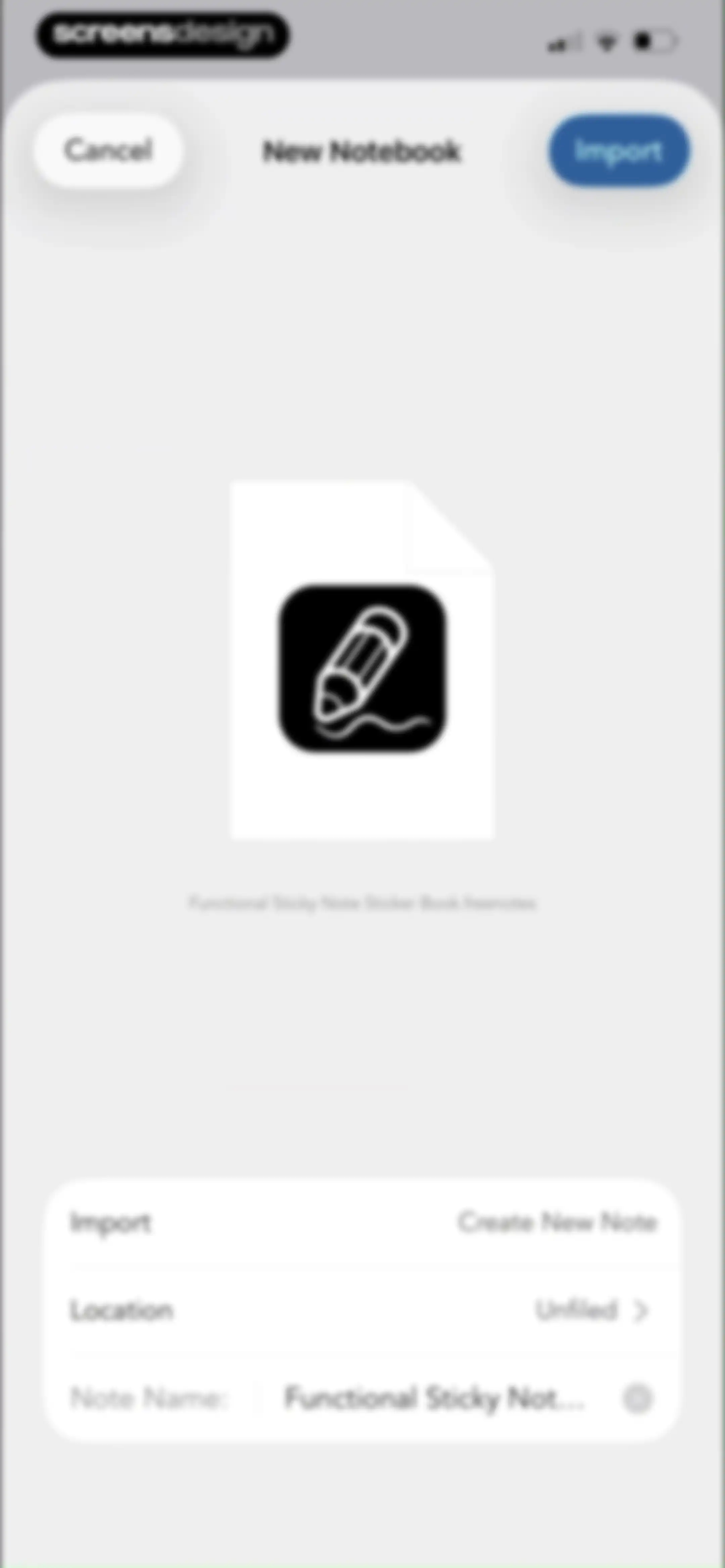
Notebook creation form displaying a file preview and configuration options including location and note name inputs with cancel and import actions.Unlock Pro
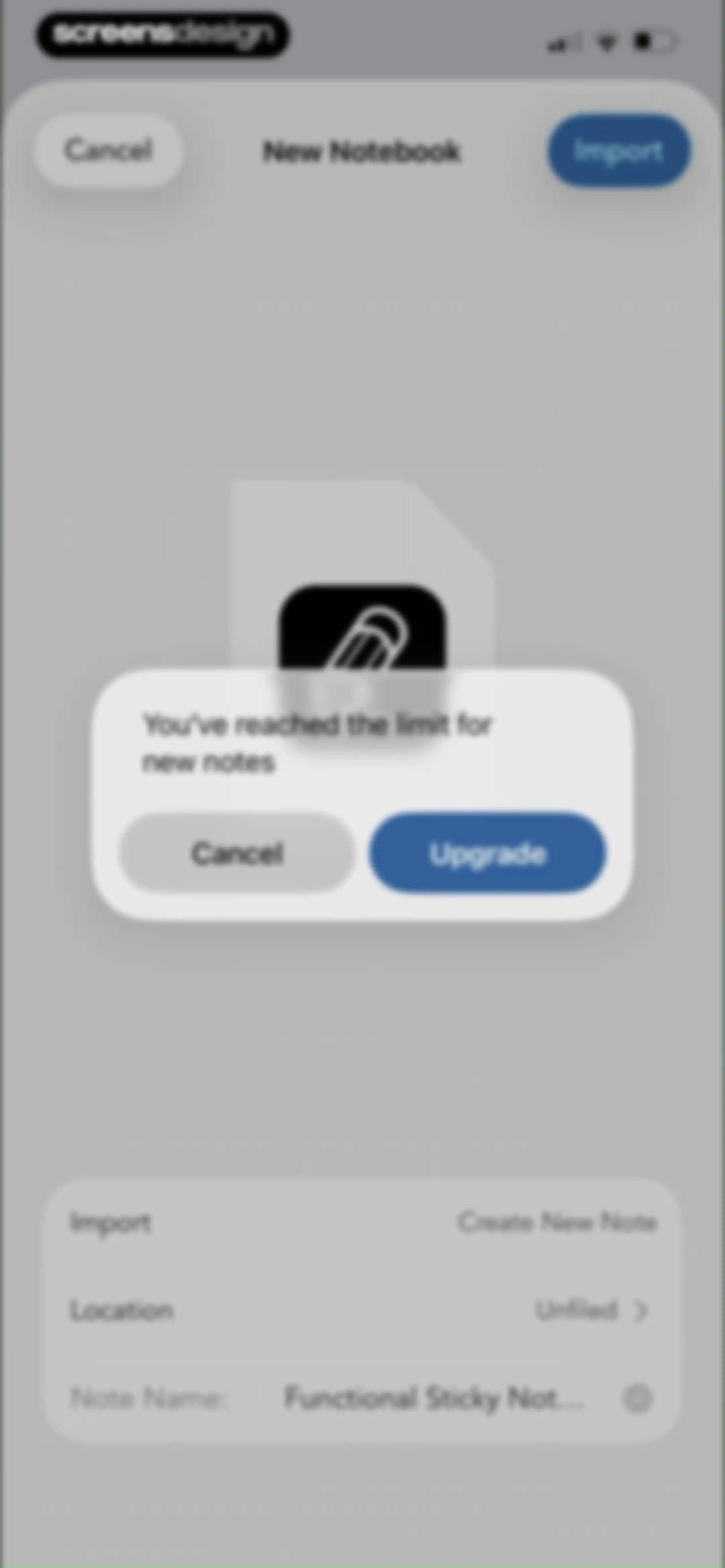
Paywall modal notifying that the limit for new notes is reached, featuring an Upgrade button and a Cancel option.Unlock Pro
Subscription paywall comparing Free, Plus, and Pro plans with a feature comparison table and a Continue button.Unlock Pro
Content feed featuring New Arrivals digital stationery products with filter options and product cards displaying prices.Unlock Pro
Educational modal explaining font usage tips with a three-step guide and a grid of font selection cards featuring download buttons.Unlock Pro
Font selection screen displaying a search bar, featured filter chip, and a vertical list of font cards with install buttons.Unlock Pro
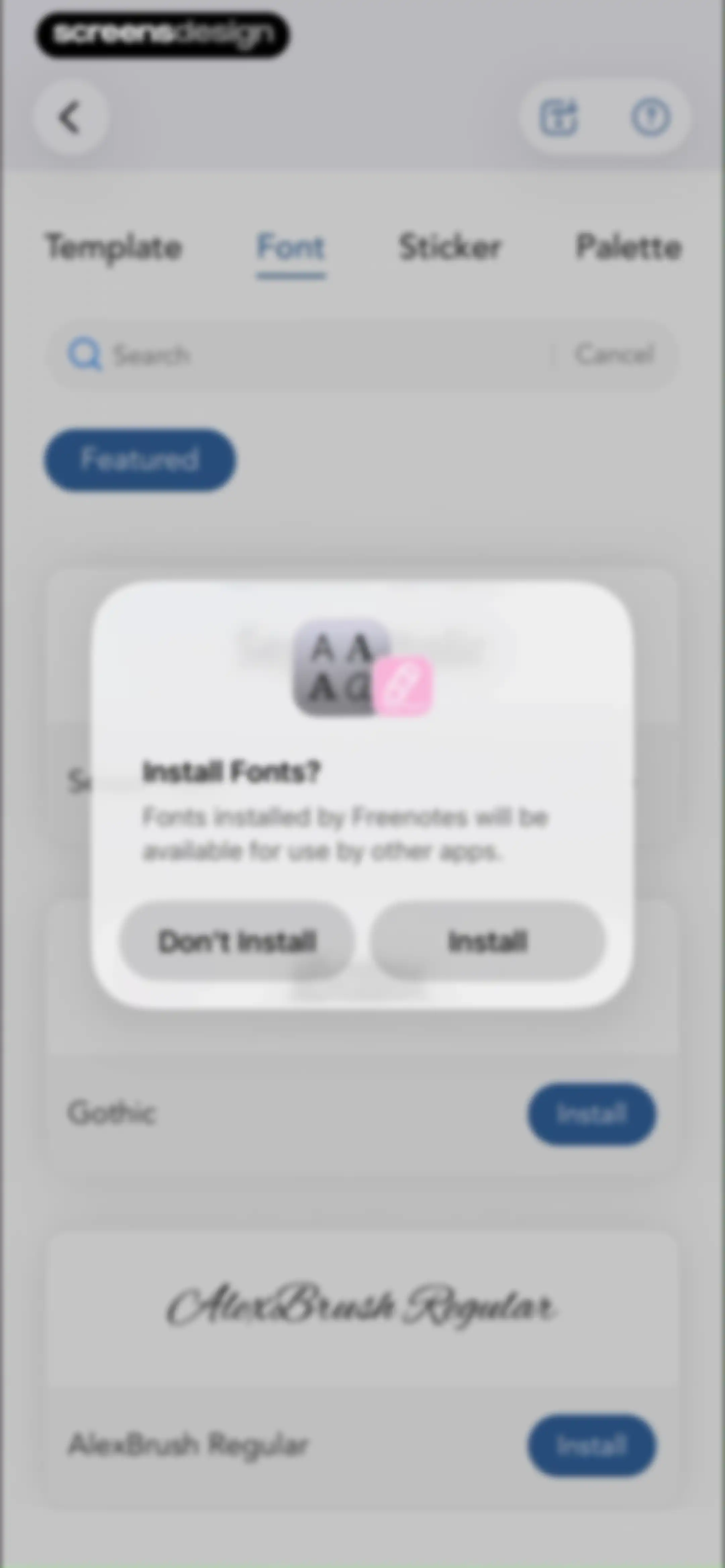
Font selection screen with a list of fonts and a centered Install Fonts modal overlay asking for confirmation.Unlock Pro
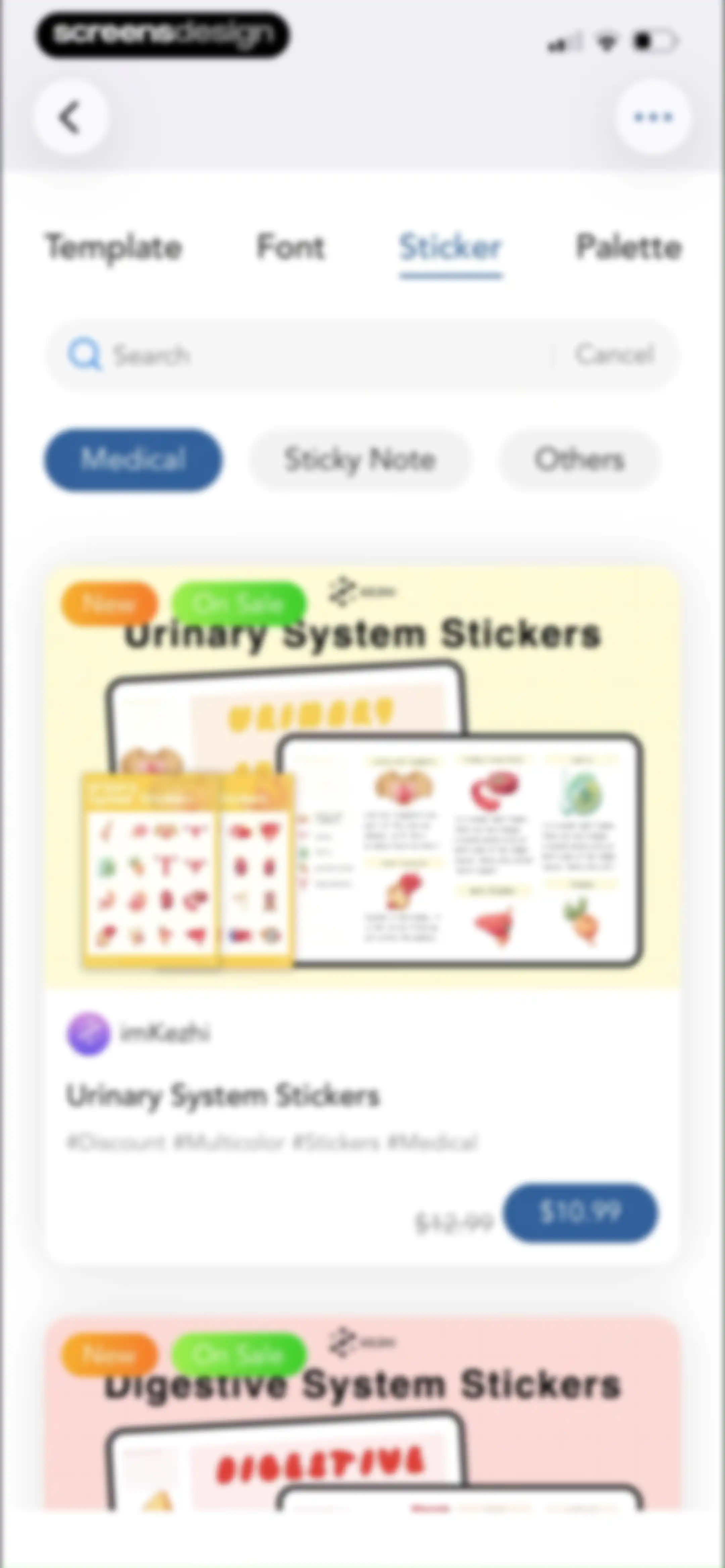
Sticker marketplace feed with the sticker tab and medical filter selected, displaying a list of priced sticker pack cards.Unlock Pro
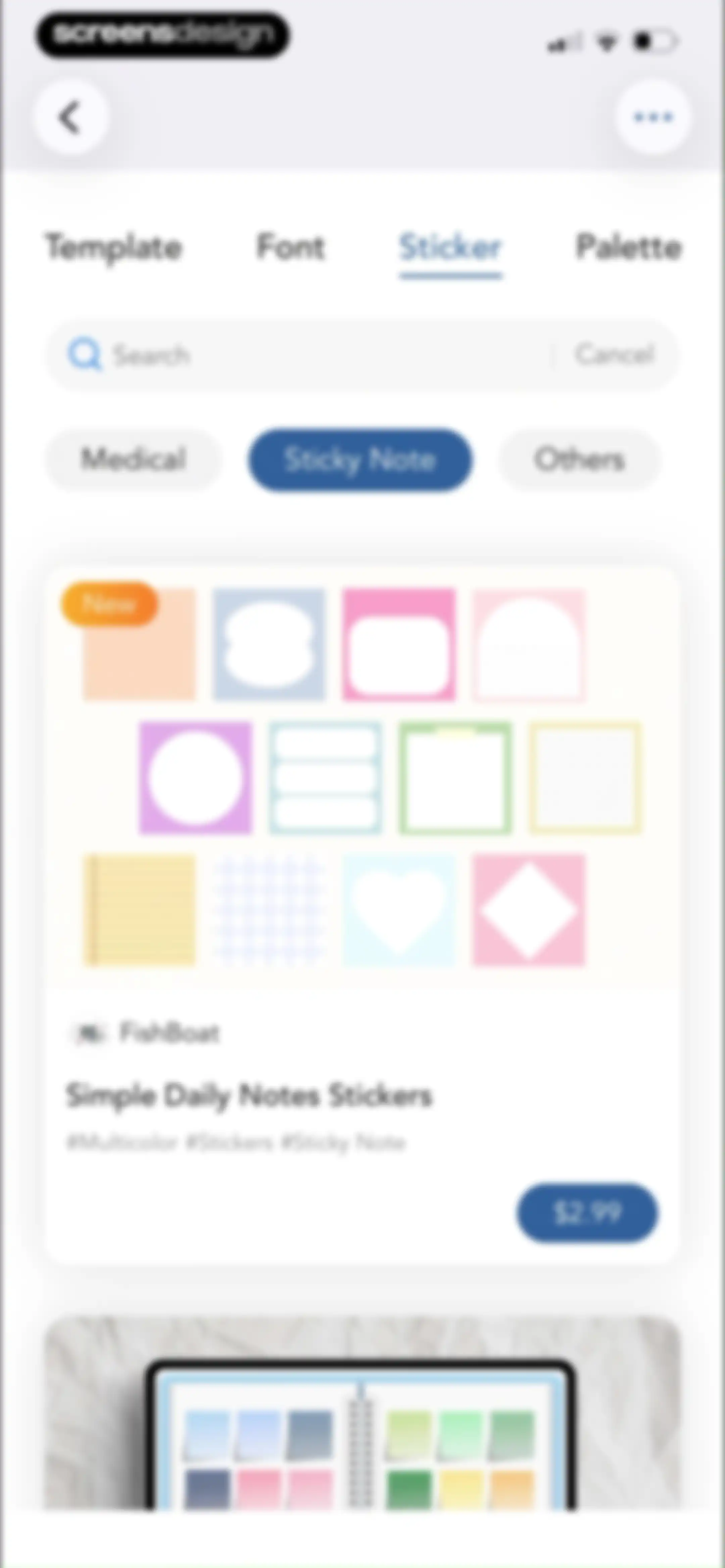
Sticker store screen displaying Simple Daily Notes Stickers by FishBoat with a price of $2.99 and a preview area below.Unlock Pro
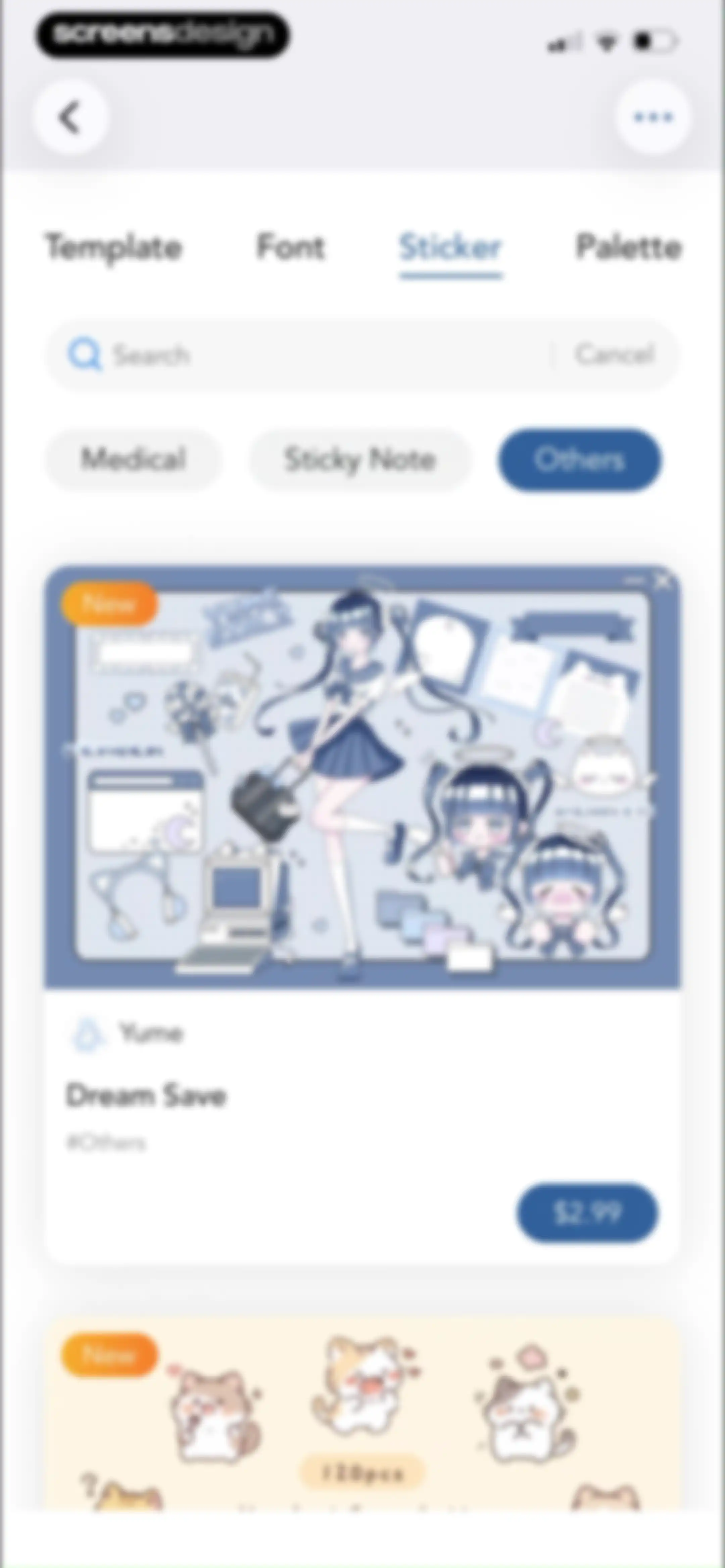
Sticker marketplace feed displaying a vertical list of sticker packs with category tabs, search, and a price button.Unlock Pro
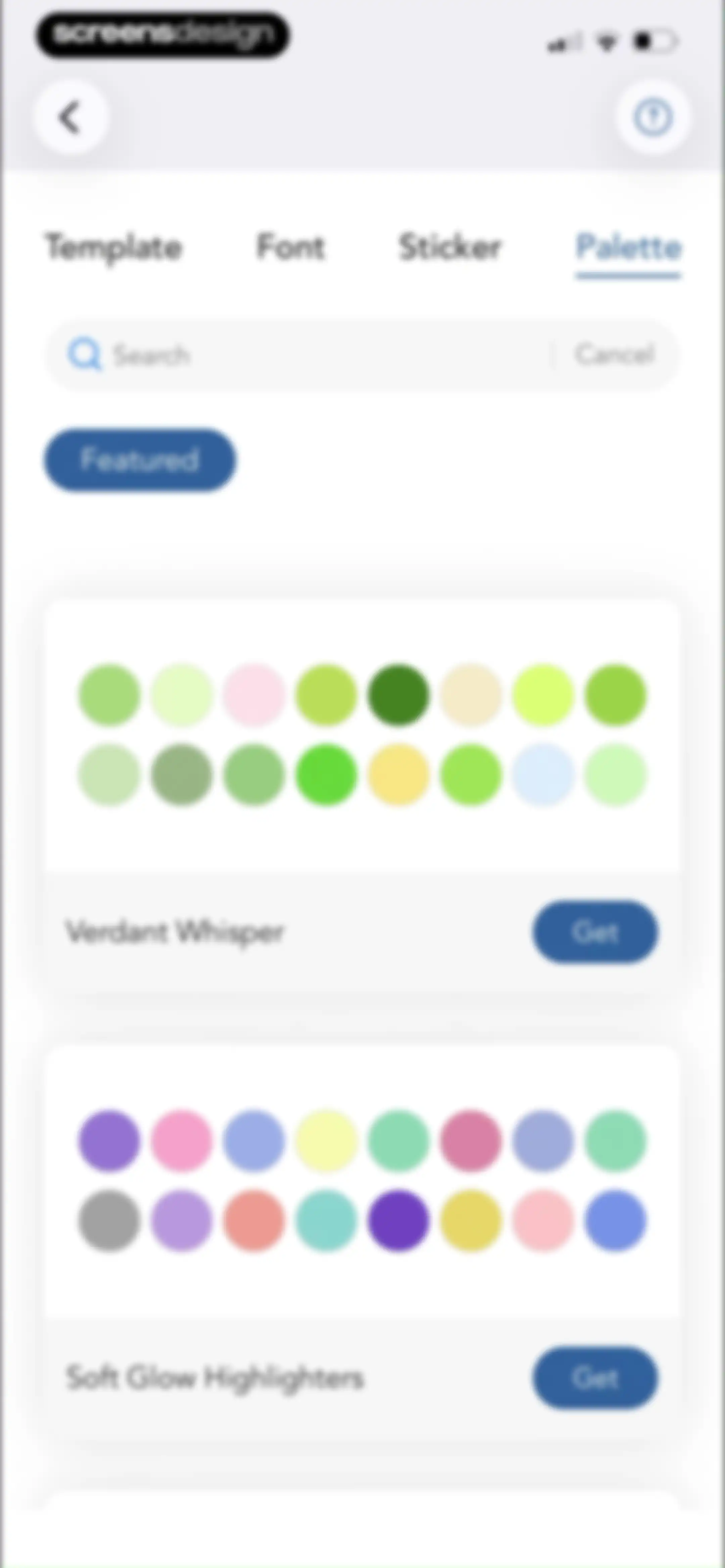
Palette selection screen with a search bar and a vertical list of color palette cards including Verdant Whisper and Soft Glow Highlighters.Unlock Pro
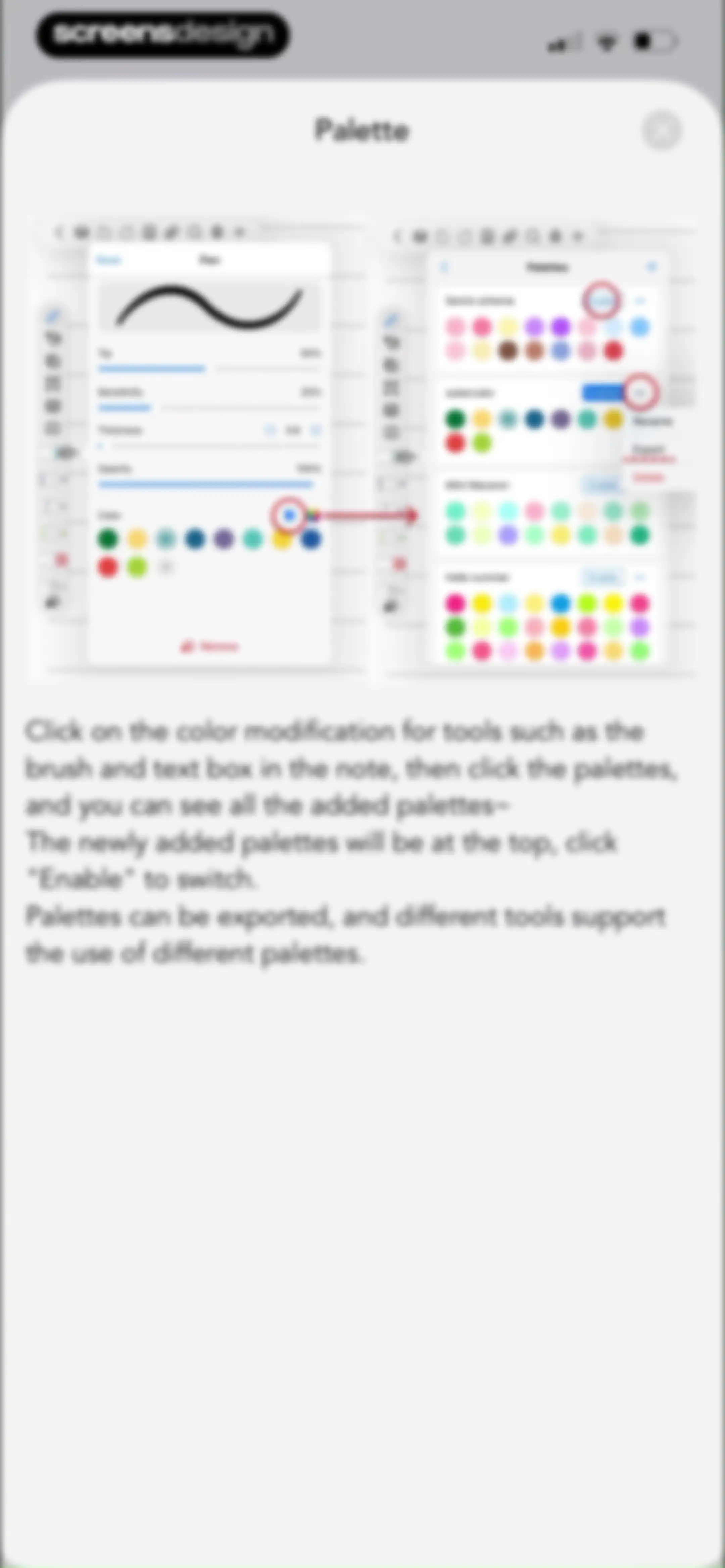
Tutorial modal with two side-by-side screenshots and instructional text explaining how to manage and switch color palettes.Unlock Pro
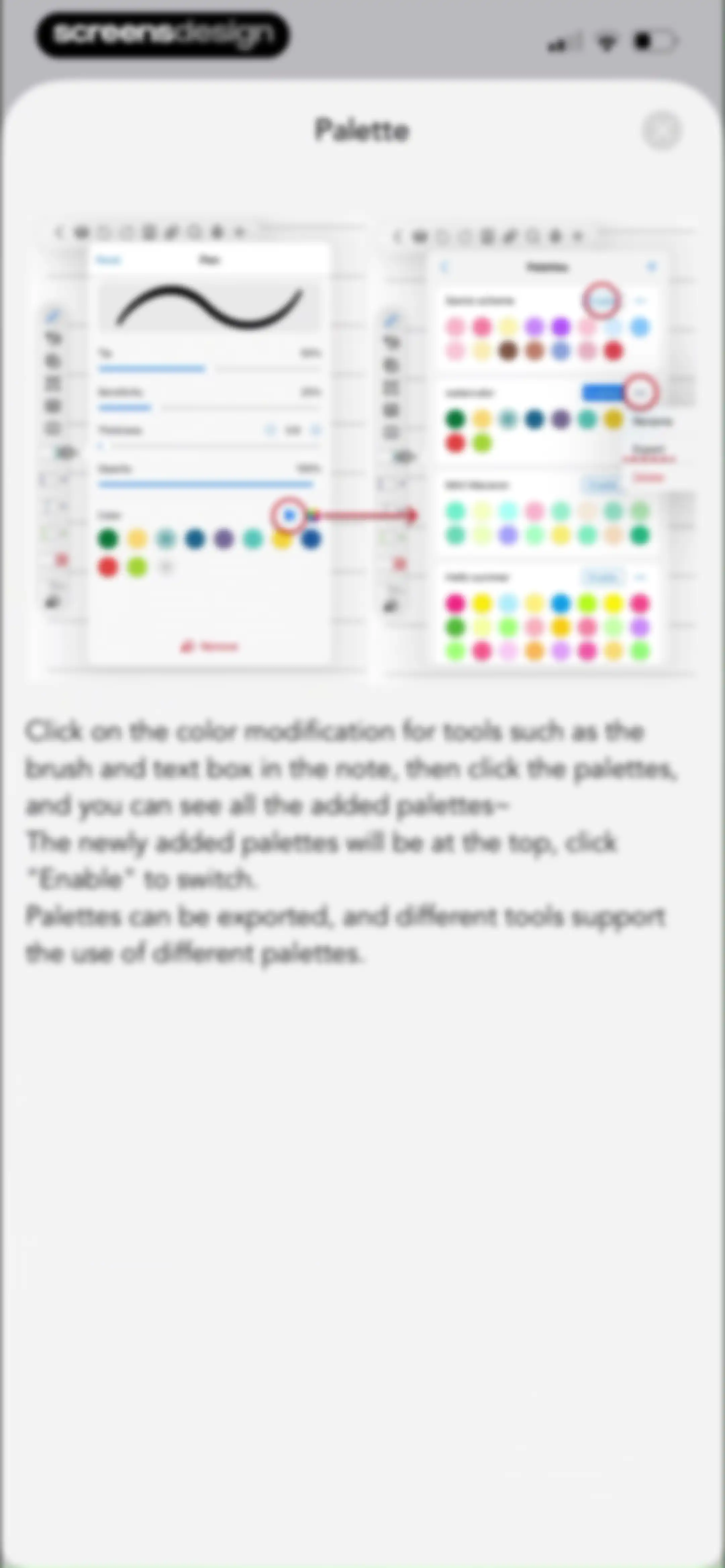
Educational modal explaining how to manage and switch color palettes with two side-by-side screenshots and instructional text.Unlock Pro
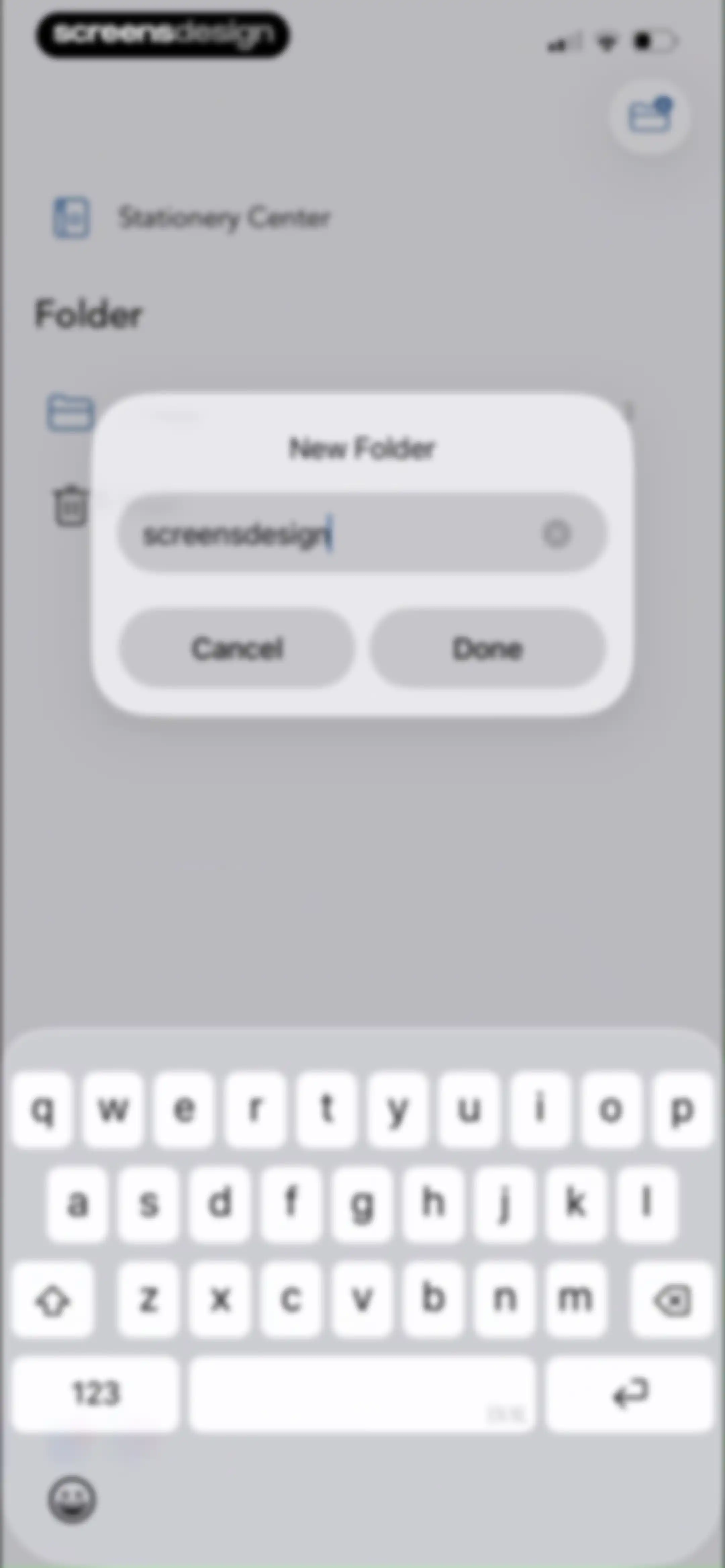
Folder creation modal dialog with a text input field containing 'screensdesign', Cancel and Done buttons, and a system keyboard.Unlock Pro
Note list in Freenotes showing an unfiled folder with a subscription upgrade banner and three note cards.Unlock Pro
Note management dashboard showing a PDF file card and an active context menu with rename, export, and delete options below an upgrade subscription banner.Unlock Pro
Folder selection modal for a note-taking app, listing Unfiled and screensdesign with the Unfiled folder selected.Unlock Pro
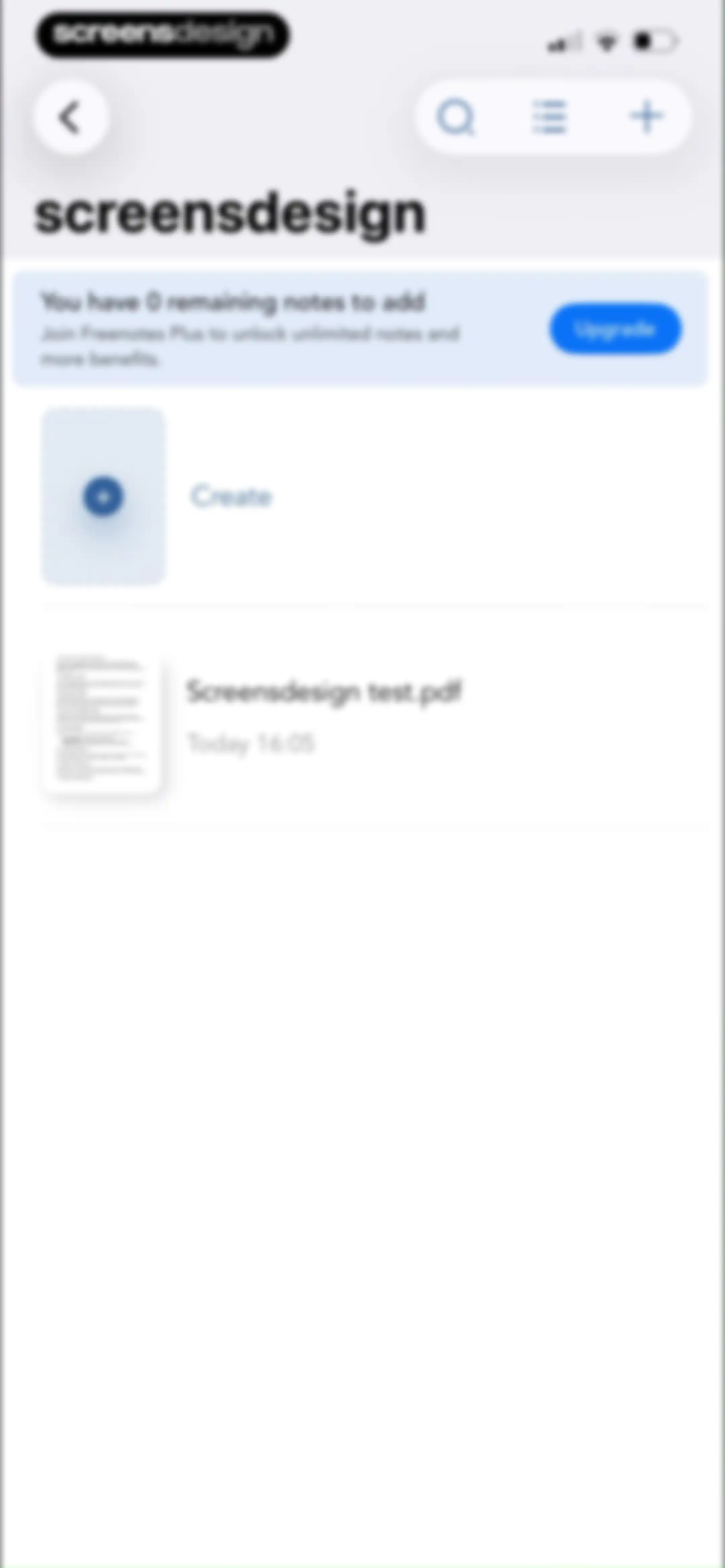
Empty state screen for a folder named screensdesign with an illustration, search bar, and Folder is Empty text.Unlock Pro
Content feed displaying a monetization banner stating zero remaining notes, an Upgrade button, and existing document cards.Unlock Pro
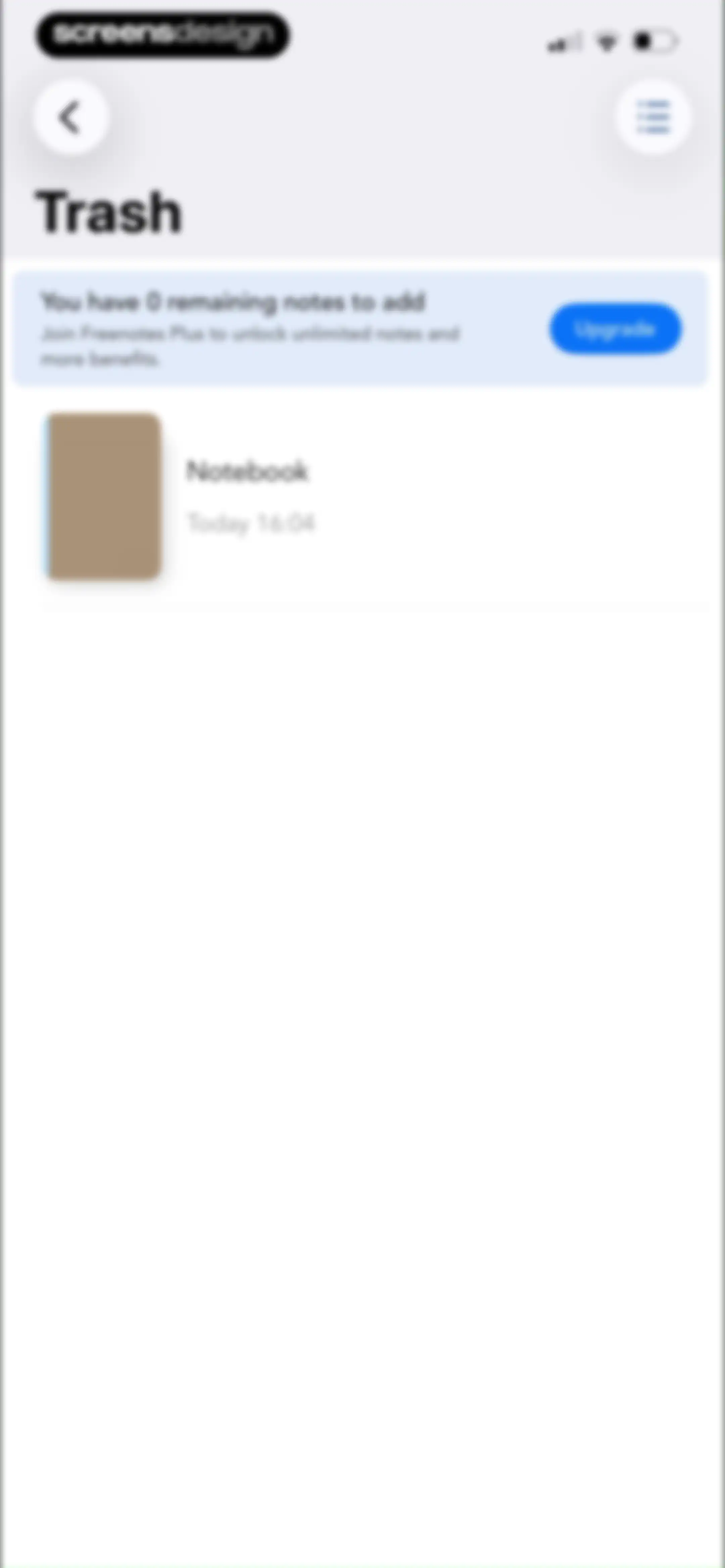
Trash screen showing a promotional upgrade banner and a list of one deleted notebook.Unlock Pro
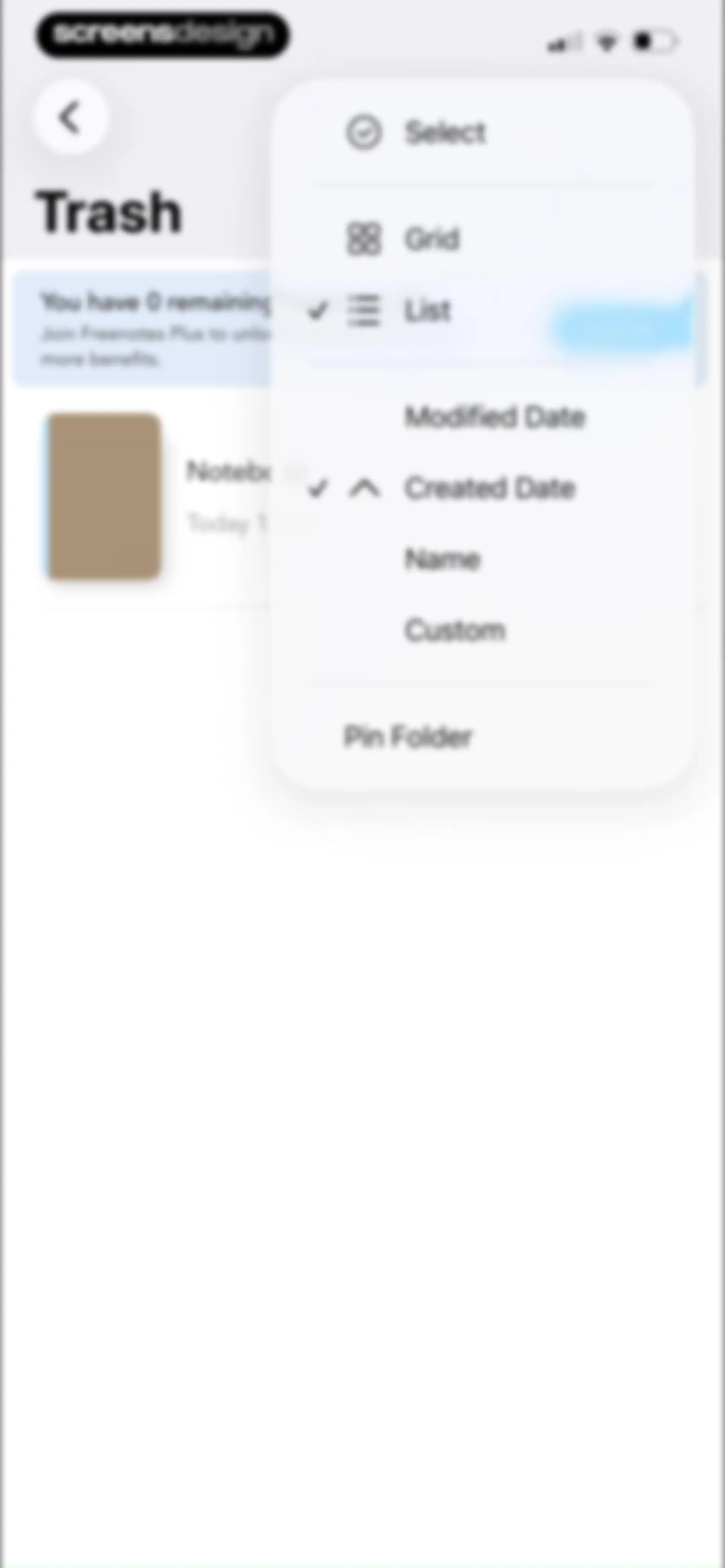
Trash folder view displaying a pop-up menu with sorting criteria, view options, and file management controls.Unlock Pro
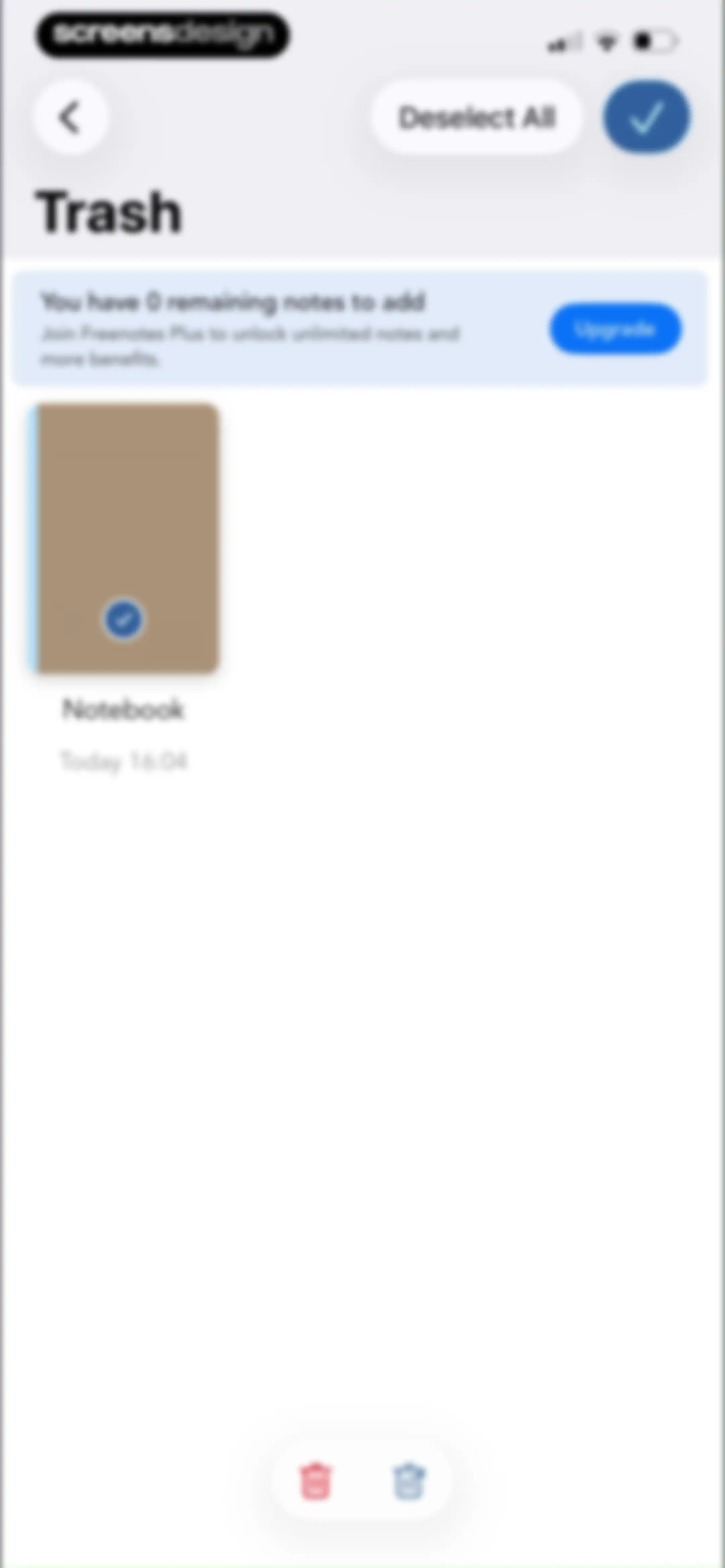
Trash folder containing a deleted notebook item, an upgrade banner for Freenotes Plus, and action buttons for managing deleted notes.Unlock Pro
Empty trash screen in Freenotes showing an upgrade banner for unlimited notes, an empty state illustration, and a promotional card.Unlock Pro
Tutorials content feed displaying a grid of video cards for app features with view and like counts, filter chips, and top navigation tabs.Unlock Pro
Content feed displaying a two-column grid of community tutorial cards with tabs, filter chips, and view and like counts.Unlock Pro
Content feed displaying a two-column grid of video cards with view counts, titles, and creator usernames under filter tabs.Unlock Pro
Content feed displaying community videos and tutorials in a two-column grid, with navigation tabs and filter buttons.Unlock Pro
Collection feed in Freenotes displaying a shape recognition tutorial card with view and like counts.Unlock Pro
Freenotes settings screen featuring a promotional upgrade card, grouped configuration options, and utility links in a light modal overlay.Unlock Pro
Paywall screen comparing subscription plans with a feature comparison table, popular per year option selected, and a Continue button.Unlock Pro
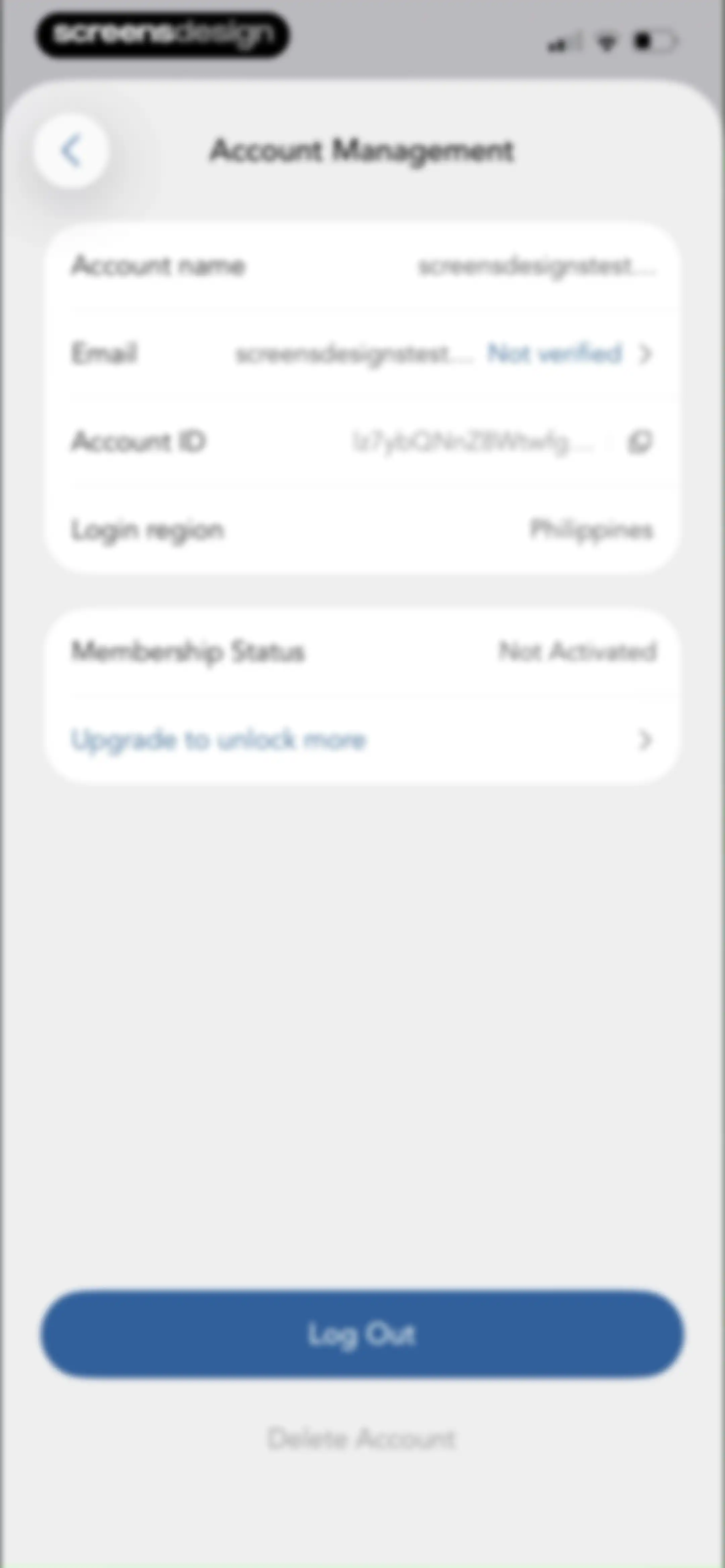
Account management settings screen displaying unverified email status, non-activated membership details, and Log Out and Delete Account buttons.Unlock Pro
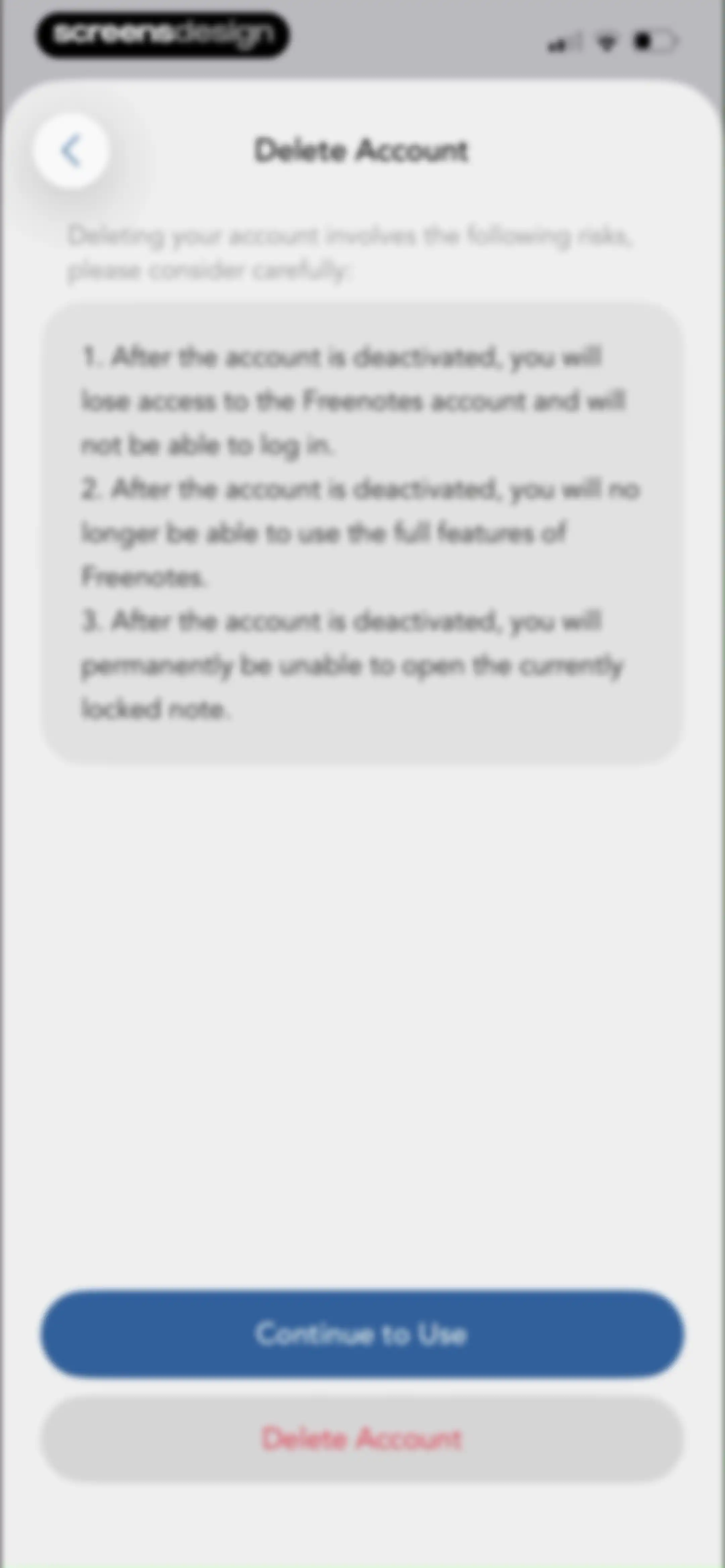
Account deletion warning screen detailing risks of data loss, with options to continue using the app or proceed with deletion in Freenotes.Unlock Pro
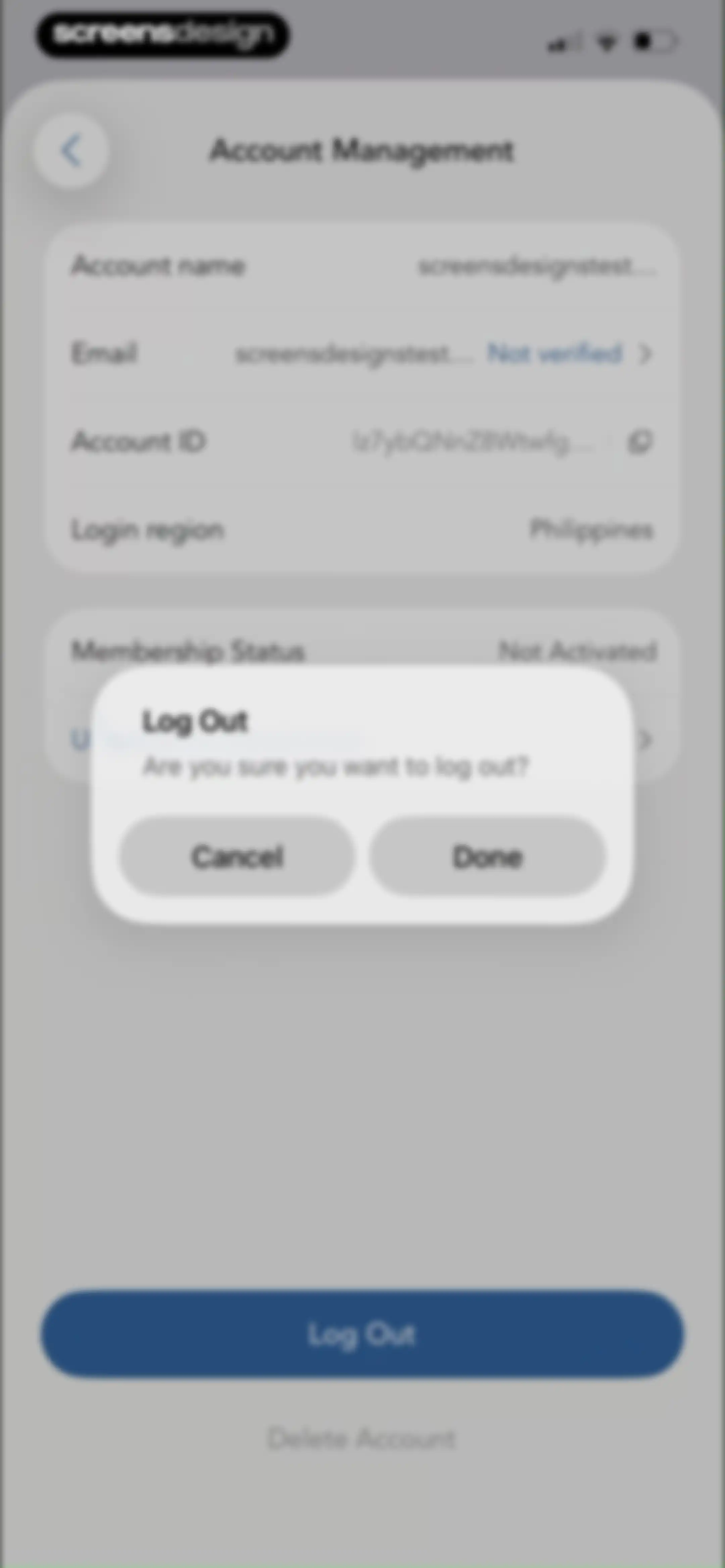
Account management settings screen with a logout confirmation modal overlay, Cancel and Done buttons, and account details in the background.Unlock Pro
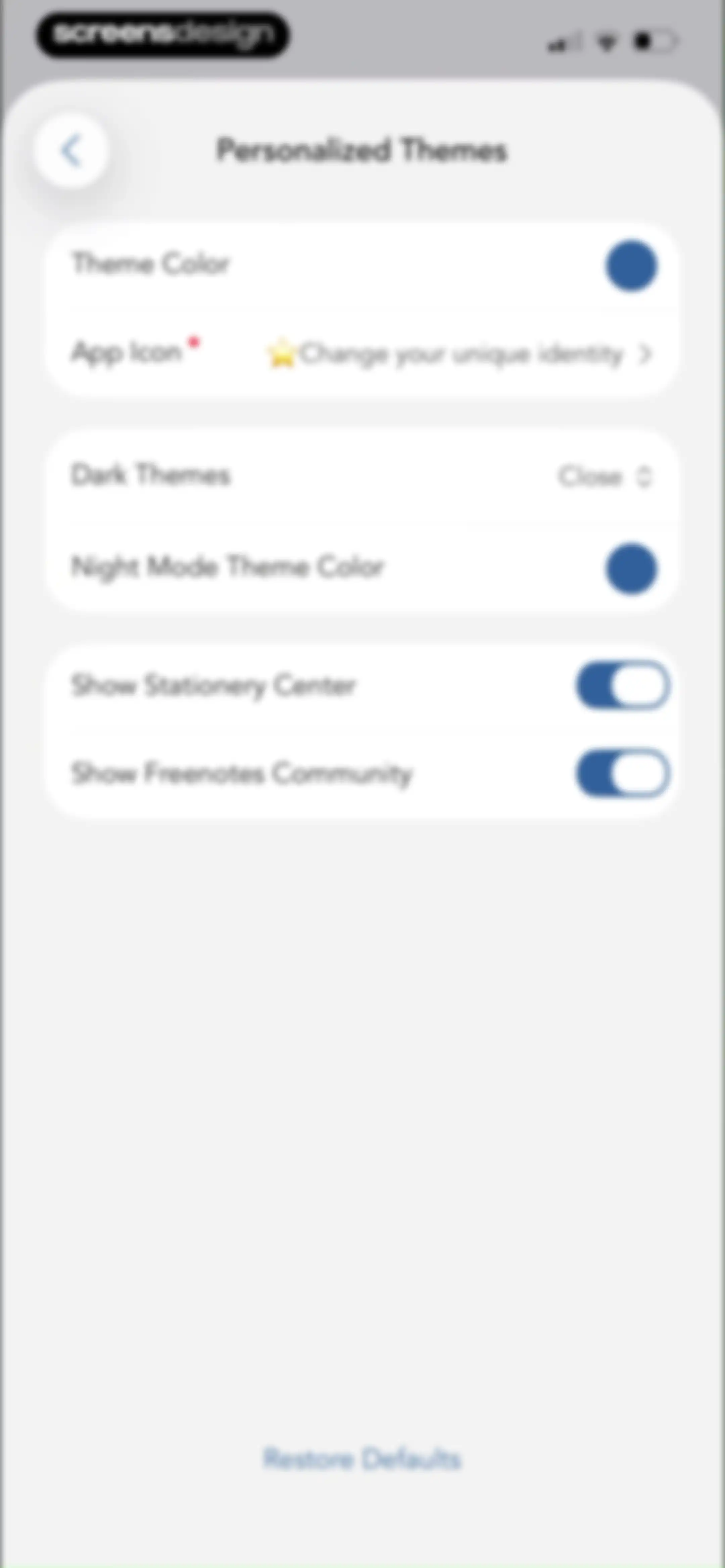
Personalized Themes settings screen with customization cards for theme colors, app icons, dark modes, and a Restore Defaults button.Unlock Pro
Personalized Themes settings screen with a theme selection modal overlay and a Restore Defaults button at the bottom.Unlock Pro
Personalized Themes settings screen with grouped customization options including theme color, app icon, dark themes, and a Restore Defaults link.Unlock Pro
App icon customization settings with circular solid color swatches and a grid of special icons featuring Pro badges.Unlock Pro
Cloud and backup settings screen with options for iCloud, auto backup, manual backup, and backup history.Unlock Pro
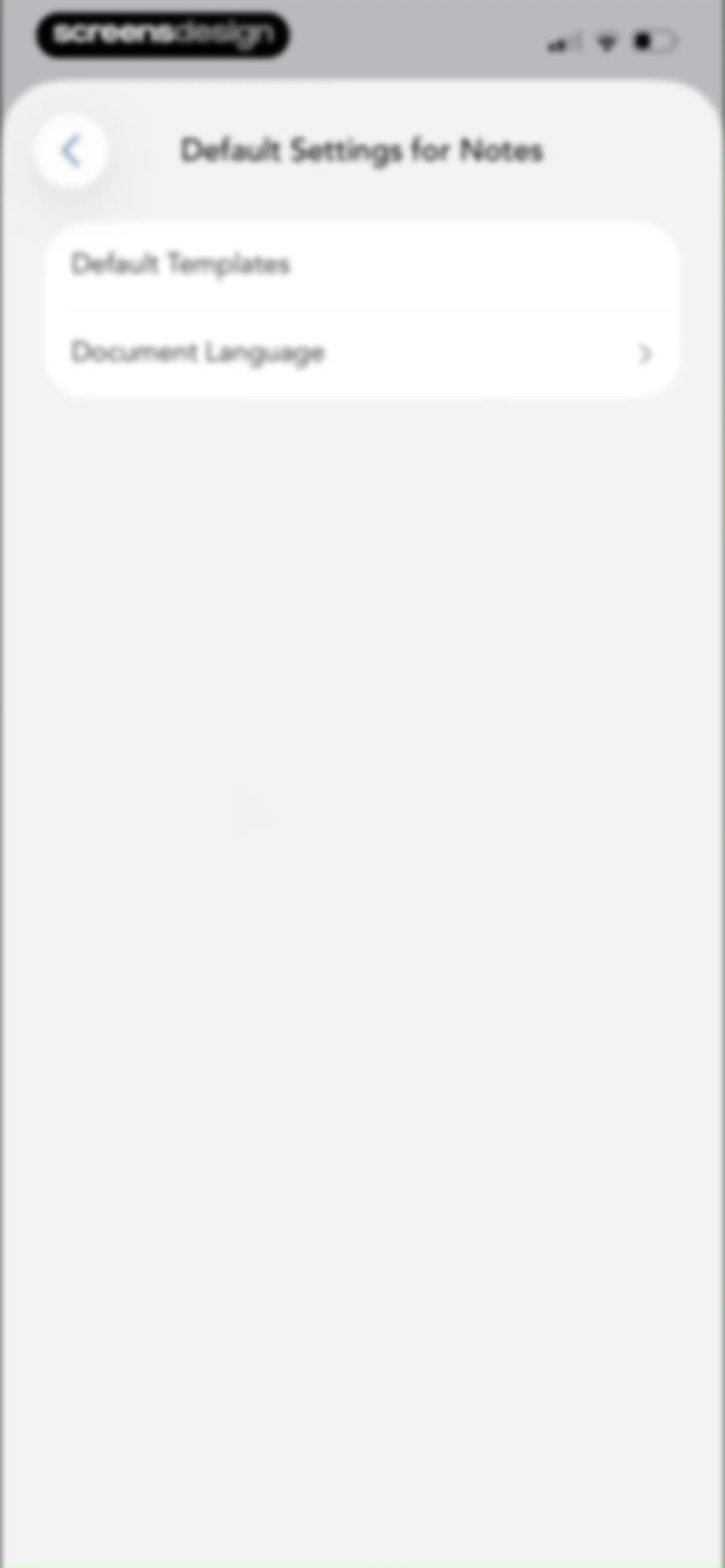
Settings screen for notes displaying default options for templates and document language with a back button.Unlock Pro
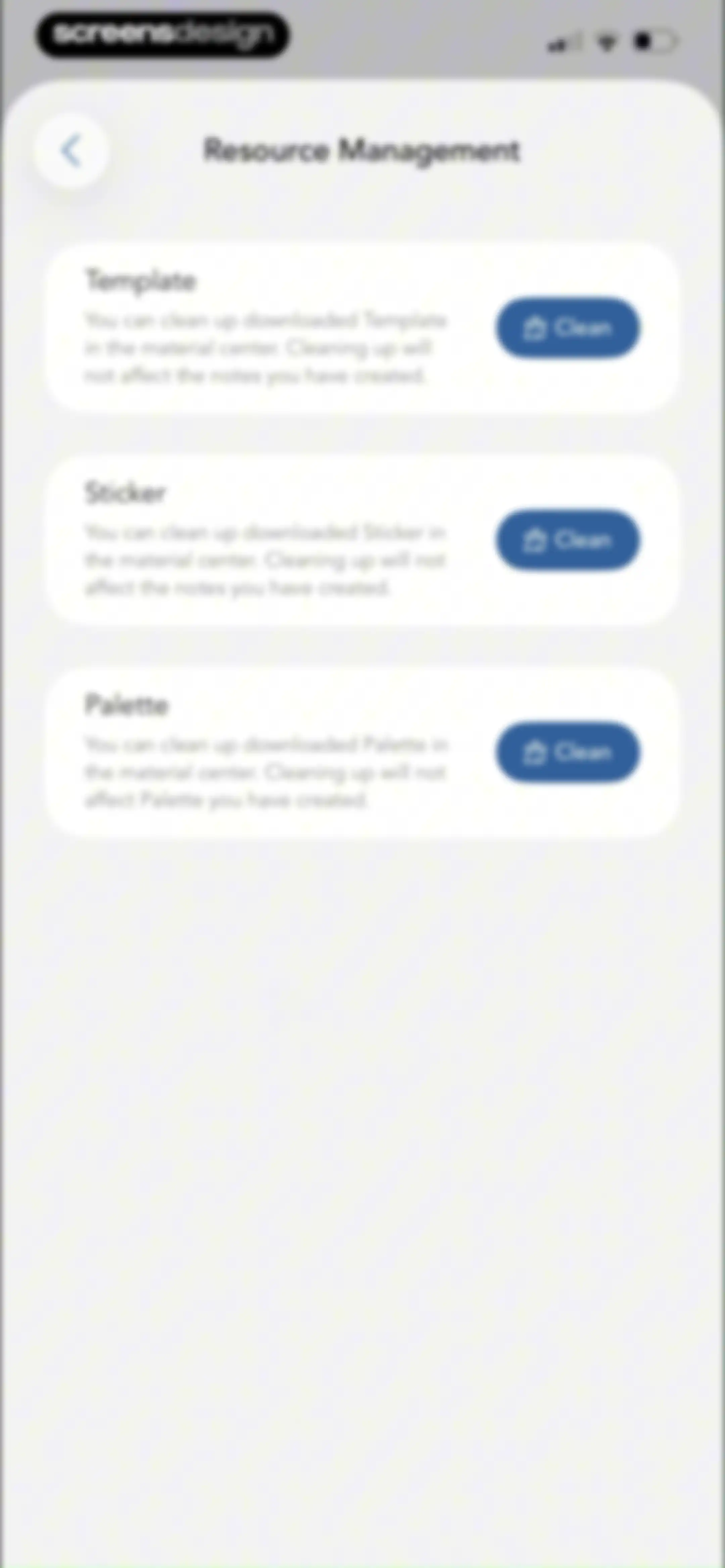
Resource management settings screen listing cards for templates, stickers, and palettes with clean storage buttons.Unlock Pro
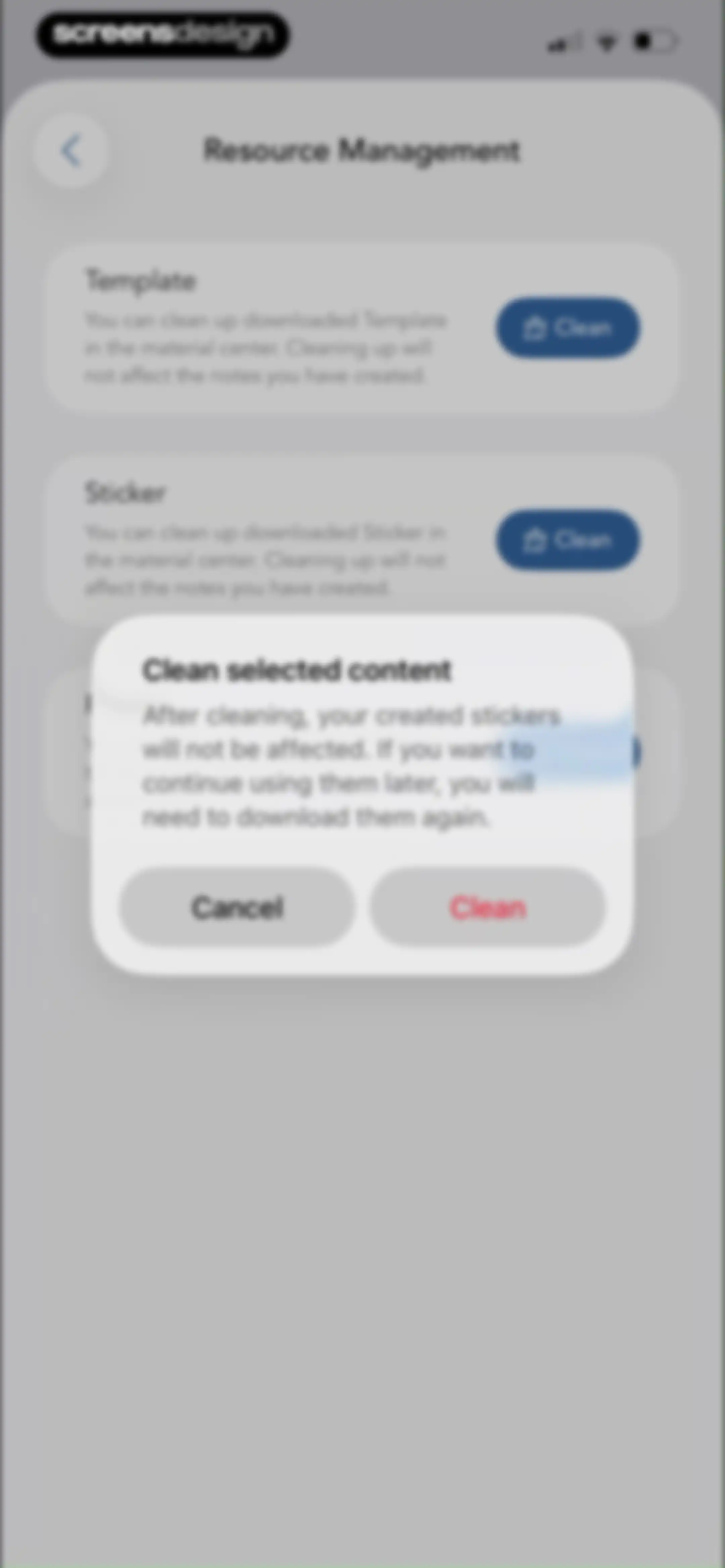
Resource management settings screen featuring a confirmation modal to clean downloaded stickers, with cancel and clean buttons.Unlock Pro
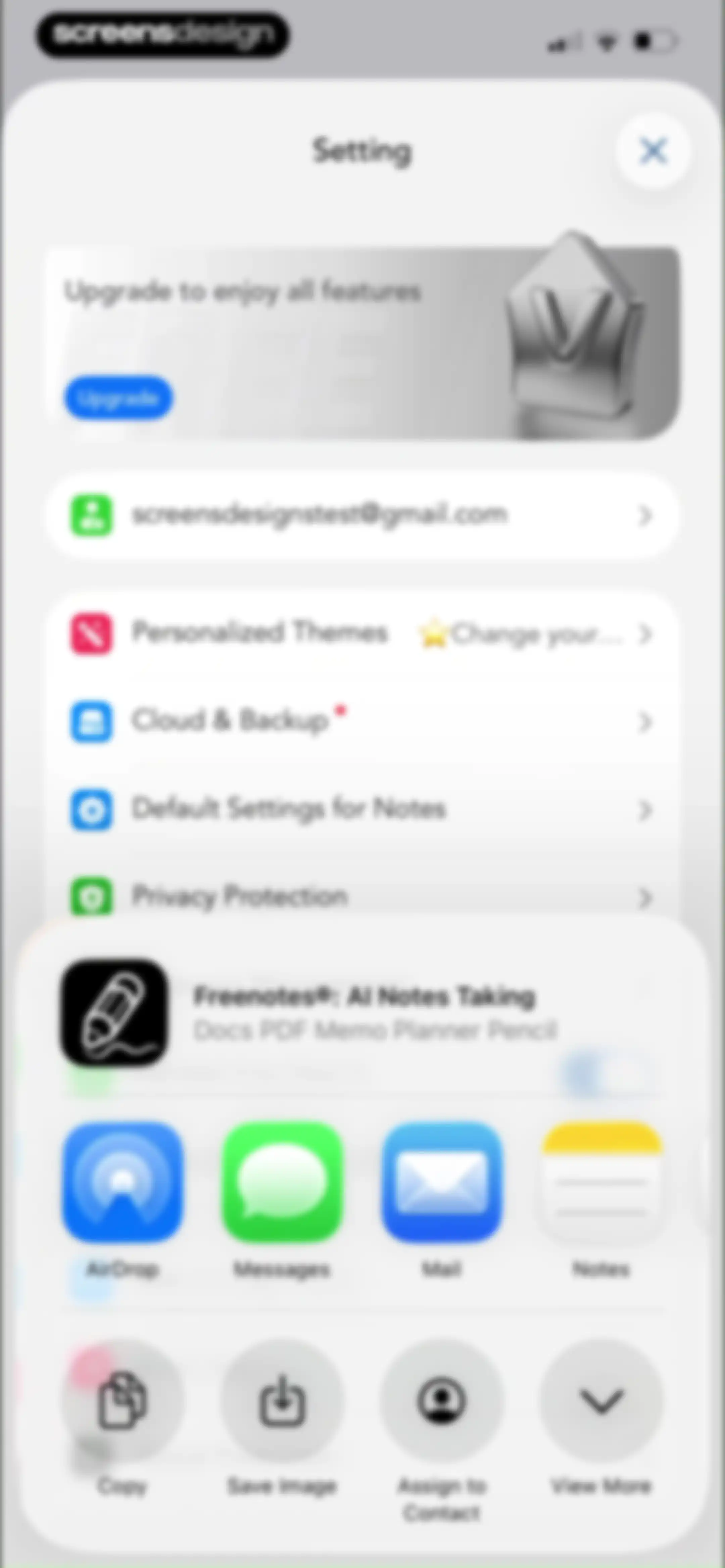
Freenotes settings page featuring an upgrade card and configuration list, overlaid with a system share sheet at the bottom.Unlock Pro
About Freenotes settings screen displaying legal links, support diagnostics, and app version 3.36.0.Unlock Pro

About Freenotes®: AI Notes Taking

A digital note-taking workspace for iPad that integrates AI-powered summarization, PDF annotation, handwriting recognition, and study-focused organizational tools.

Explore Freenotes®: AI Notes Taking across ScreensDesign

Apps similar to Freenotes®: AI Notes Taking
Unlock all similar apps

See every comparable app, revenue, installs, and flows.

Unlock Pro
  • Noteshelf 3: AI Digital Notes

    4.6
    Fluid Touch Pte. Ltd.Revenue$50kInstalls150k
  • MyScript Notes: AI Handwriting

    4.7
    MyScriptRevenue$35kInstalls35k
  • WriteSwift AI - Note Taking

    4.5
    Stilwell LimitedRevenue$150kInstalls35k
  • CollaNote: Notes & PDF Markup

    4.7
    Zauberberg Lab Company LimitedRevenue$100kInstalls200k
  • Note AI: Smart Note Taker

    4.5
    HUBXRevenue$100kInstalls40k
  • Smart Noter - AI Note Taker

    4.6
    DEEP FLOW SOFTWARE SERVICESRevenue$150kInstalls12k
  • HyNote: AI Note Taker, Summary

    4.8
    Tuling Network LimitedRevenue$50kInstalls45k
  • FoxNote - AI Note Taker

    4.5
    Faliane Ltd.Revenue$<5kInstalls<5k
  • Kiwi AI - Notetaker

    4.7
    Blackboard Studio S.r.l.Revenue$35kInstalls35k
  • Gizmo: AI Tutor

    4.8
    Save AllRevenue$150kInstalls200k
  • Noted: Record & AI Transcribe

    4.5
    Digital Workroom LtdRevenue$7kInstalls<5k
  • ThetaWave-AI Study Notes

    4.6
    ThetawaveRevenue$20kInstalls15k
  • Evernote: AI Notes & Notebook

    4.4
    Evernote CorporationRevenue$750kInstalls25k
  • TLDL: AI Lecture Note Taker

    4.8
    Catch Social, Inc.Revenue$<5kInstalls<5k
  • AI Note Taker - NotebookAI

    4.5
    APPNATION YAZILIM HIZMETLERI TICARET ANONIM SIRKETIRevenue$<5kInstalls<5k
  • Owll: AI Note Taker&Assistant

    4.8
    RAMBUTANAI PTE. LTD.Revenue$300kInstalls55k
  • Noteflow: AI Notes Taking

    4.6
    DIGITAL LIONS APPSRevenue$<5kInstalls<5k
  • Knowt: AI Flashcards & Notes

    4.7
    Knowt Inc.Revenue$100kInstalls65k
  • TapNote - Flashcards & Quizzes

    4.6
    App Magic Sp zooRevenue$25kInstalls<5k
  • Turbo AI - Learn Faster

    4.7
    TurboLearn AIRevenue$150kInstalls75k
  • Flashka - AI Flashcards Maker

    4.8
    Flashka OÜRevenue$30kInstalls20k
  • Voice Recorder & Notes Pro

    4.6
    Linfei Ltd.Revenue$25kInstalls<5k
  • AI Note Taker - Voice to Notes

    4.7
    EVOLLY.APPRevenue$45kInstalls<5k
  • My Scanner: Scan to PDF & Edit

    4.7
    Dream App Studio UABRevenue$450kInstalls25k
  • CraftNote: Smart AI Note Taker

    4.7
    Joyolabs Dijital Hizmetler Anonim SirketiRevenue$200kInstalls35k
  • NeoStudy - Learn with AI

    4.4
    Les IgnoblesRevenue$12kInstalls<5k
  • VoiceNotes: Audio Recordings

    4.4
    MobileTech OURevenue$50kInstalls12k
  • Coconote - AI Note Taker

    4.8
    CoconoteRevenue$250kInstalls35k
  • Paper: Sketch, Draw & Create

    4.6
    WeTransfer BVRevenue$150kInstalls100k
  • Notee: AI Note Taker

    4.8
    GM UniverseApps LimitedRevenue$250kInstalls<5k
  • Voice Recorder: AI Note Taker

    4.7
    Voice Inc.Revenue$65kInstalls6k
  • Voicenotes AI Notes & Meetings

    4.8
    Coping Hard IncRevenue$200kInstalls<5k
  • PDF Expert: Editor & Reader

    4.7
    Readdle Technologies LimitedRevenue$1.3MInstalls50k
  • AI ChatBot Assistant: AskEasy

    4.7
    Zilingial LimitedRevenue$150kInstalls<5k
  • GradeUp: Homework Scanner

    4.7
    PIXELCELL.LIMITEDRevenue$95kInstalls10k
  • Scanner PDF – scan document

    4.6
    NeosusRevenue$25kInstalls<5k
  • Otter Transcribe Voice Notes

    4.8
    Otter.ai, Inc.Revenue$1MInstalls150k
  • Scanner App - Scan PDF & Docs

    4.6
    xStudios MobileRevenue$2.8MInstalls850k
  • Nerd AI - Math Problem Solver

    4.7
    Codeway Dijital Hizmetler Anonim SirketiRevenue$80kInstalls<5k
  • PDF Converter - PDF Editor・

    4.4
    Techgear IncRevenue$15kInstalls30k
  • Flownote - AI Note Taker

    4.8
    Dent Labs, LLCRevenue$35kInstalls<5k
  • Aistote : AI QUIZ

    4.5
    Romaric ChaignonRevenue$25kInstalls15k
  • Vaia: AI Flashcards. Study App

    4.7
    VaiaRevenue$70kInstalls25k
  • Transkriptor - Speech to Text

    4.7
    TorappRevenue$100kInstalls25k
  • iLovePDF - PDF Editor & Scan

    4.8
    iLovePDFRevenue$200kInstalls250k
  • Solvely - AI Study Tools

    4.8
    Aignite Inc.Revenue$350kInstalls35k
  • Cue: AI Note Taker & Recorder

    4.5
    44pixelsRevenue$350kInstalls15k