Foodvisor - AI Calorie Counter

$1.8M revenue, 4.6 rating

App walkthrough
0:00 / 17:43

Onboarding flow, Paywall & Inside the App

Watch the full screen-by-screen UX video of Foodvisor - AI Calorie Counter with onboarding, paywall, and every core flow.
Foodvisor app loading screen featuring a centered avocado mascot on a solid light blue background.
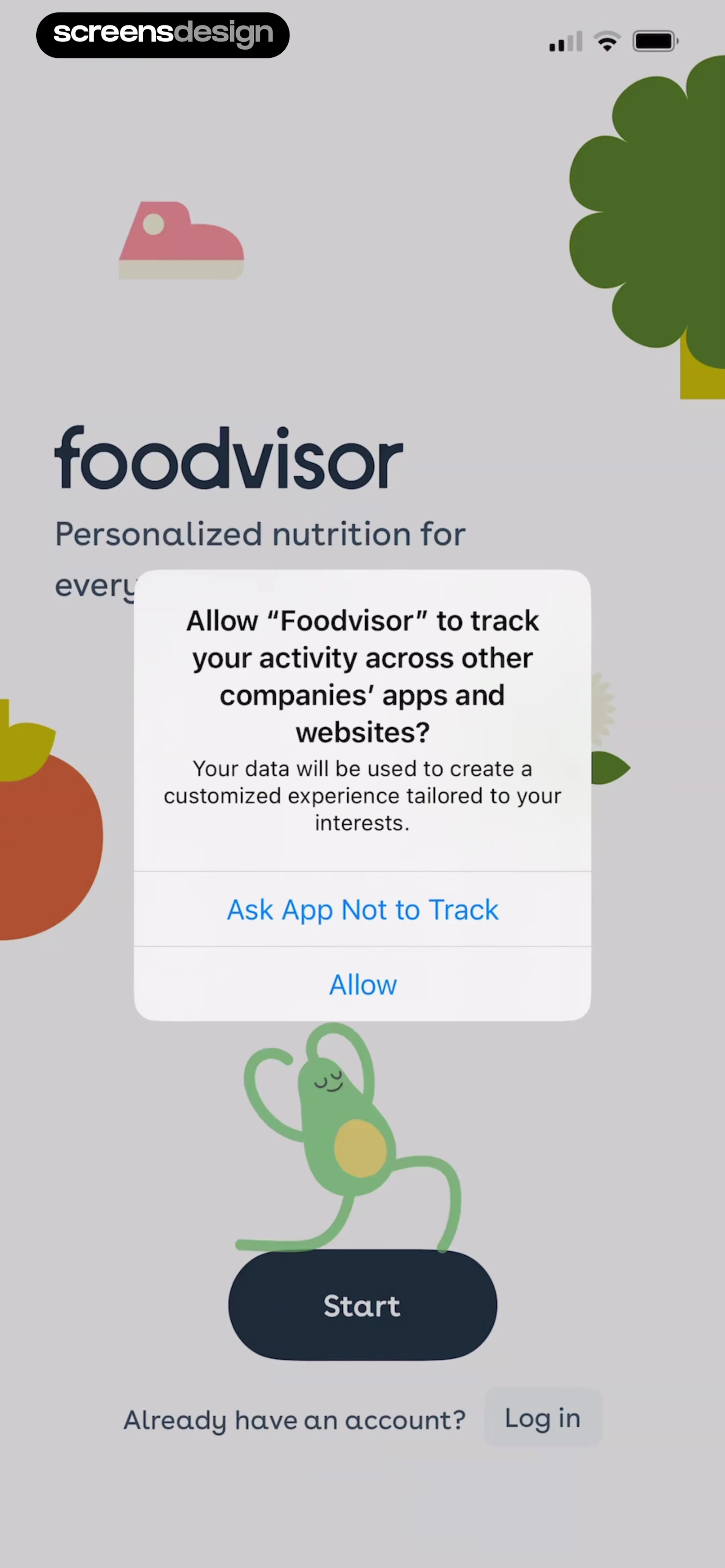
Foodvisor permission request screen featuring an iOS tracking transparency modal overlaid on an onboarding background with an Allow button.
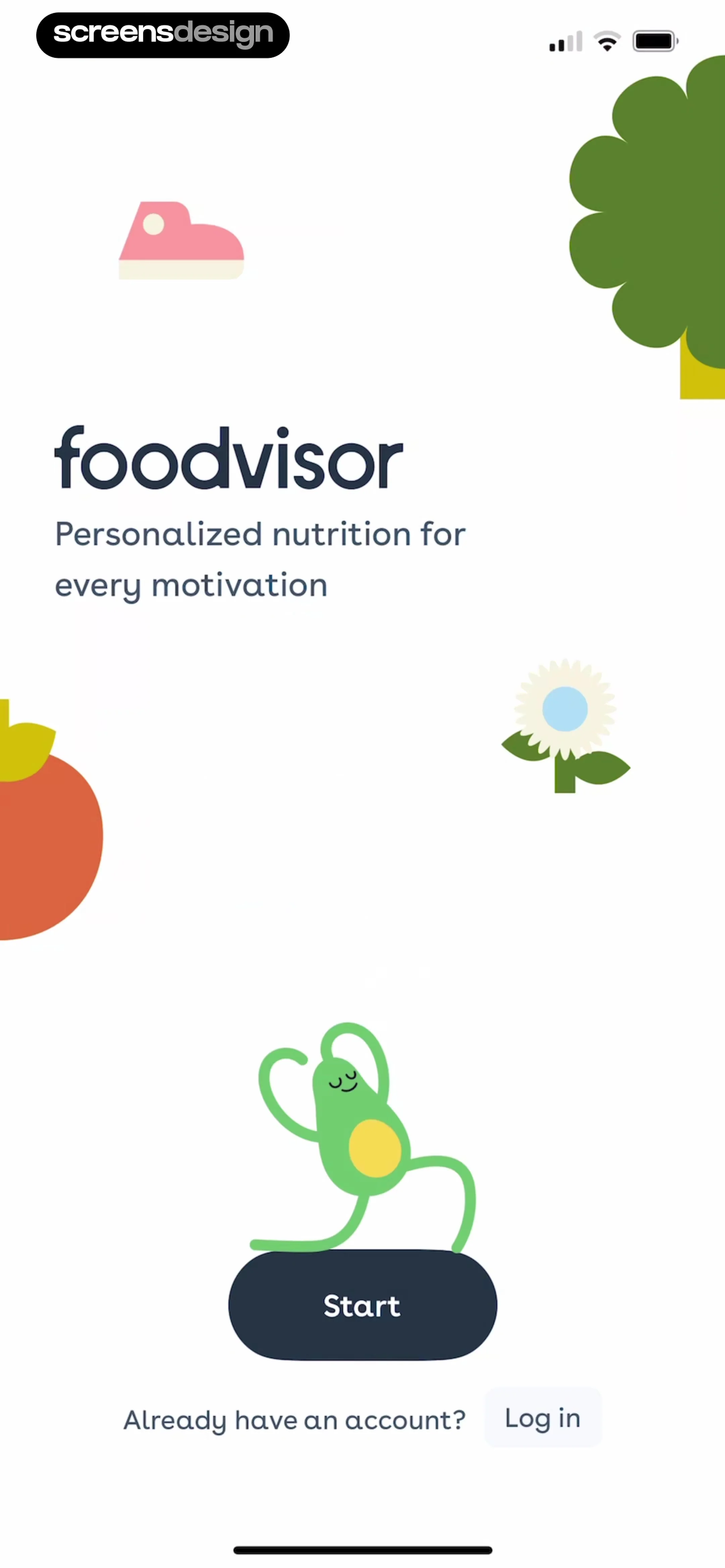
Foodvisor onboarding screen featuring a dancing avocado illustration, a Start button, and a login link.
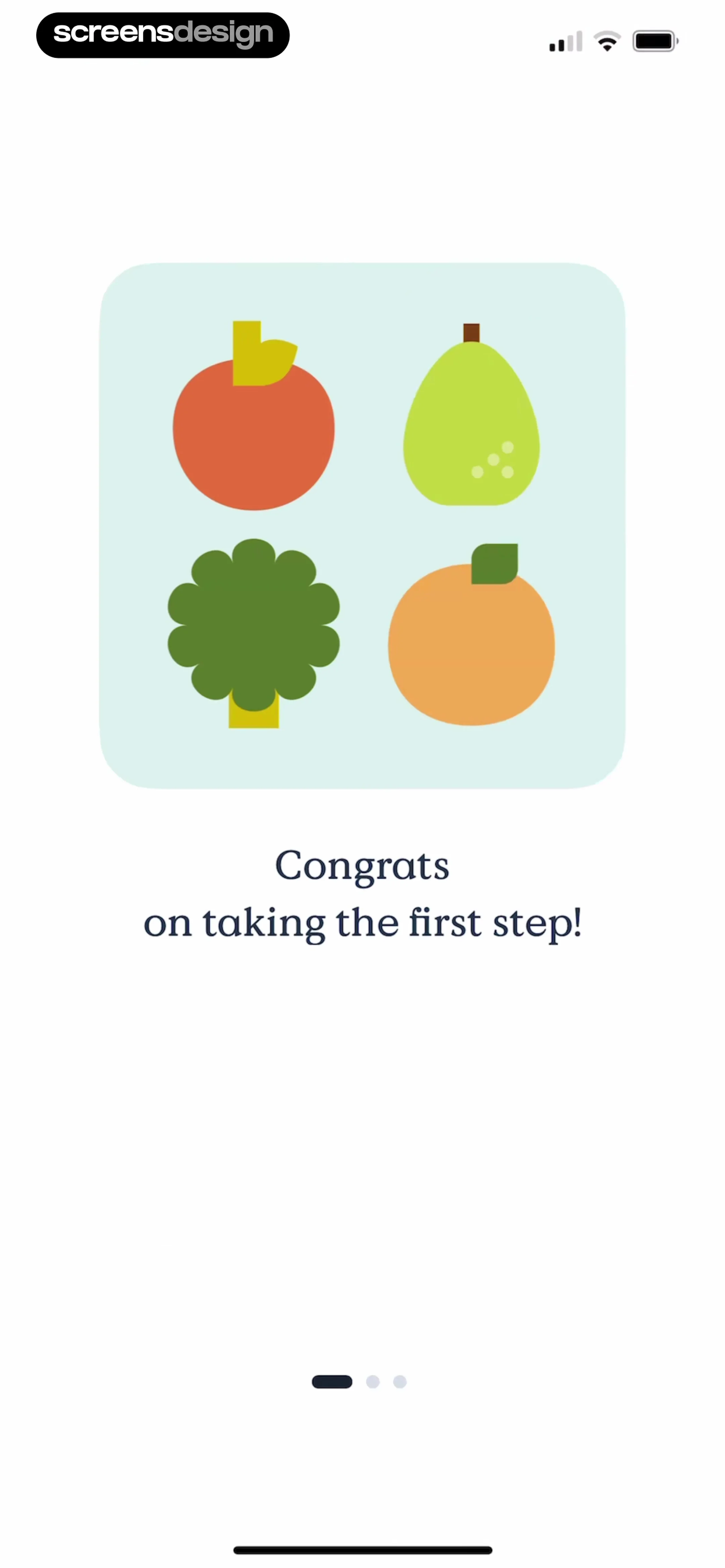
Foodvisor onboarding screen featuring a centered illustration card with fruits and vegetables, a congratulatory message, and a bottom pagination indicator.
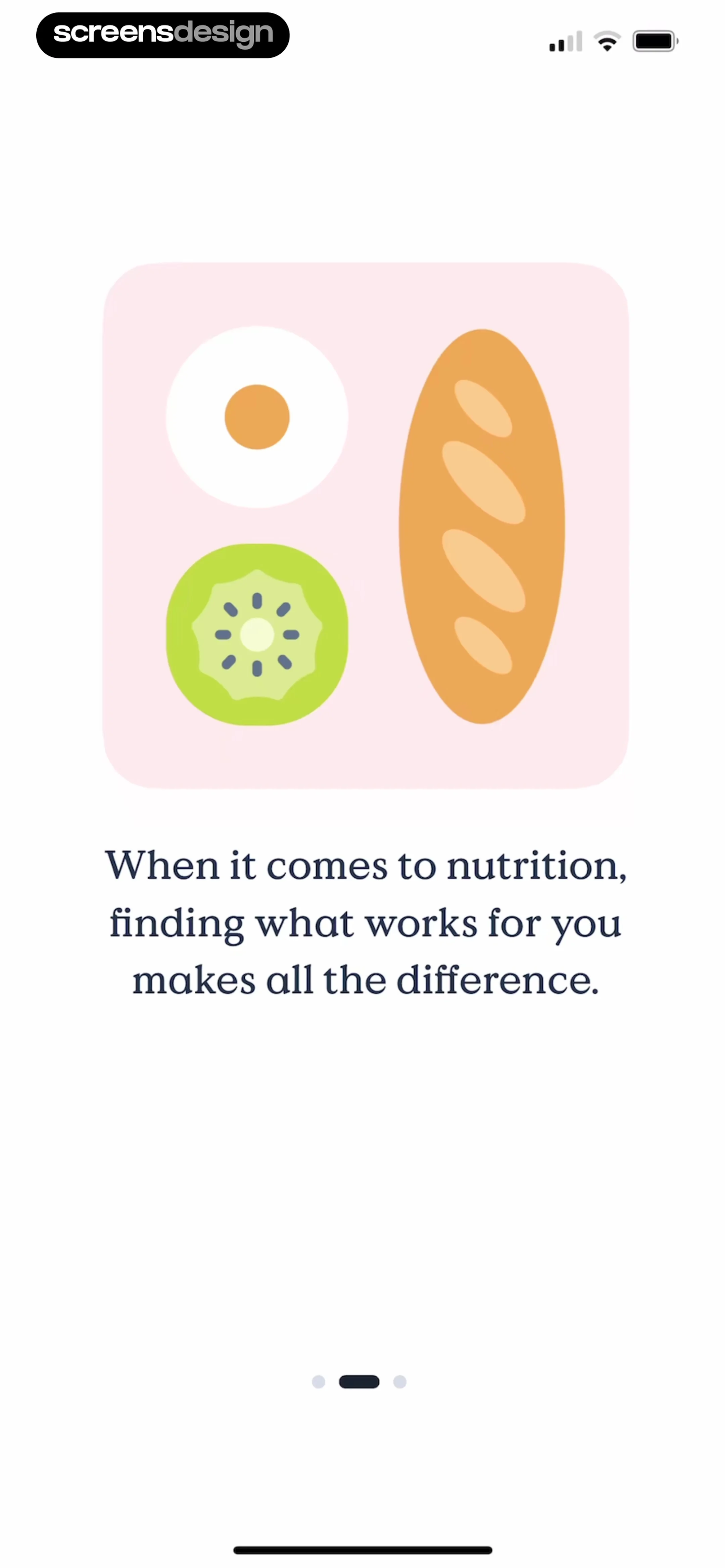
Onboarding screen featuring a food illustration card, text about nutrition, and a pagination indicator with the middle dot selected.
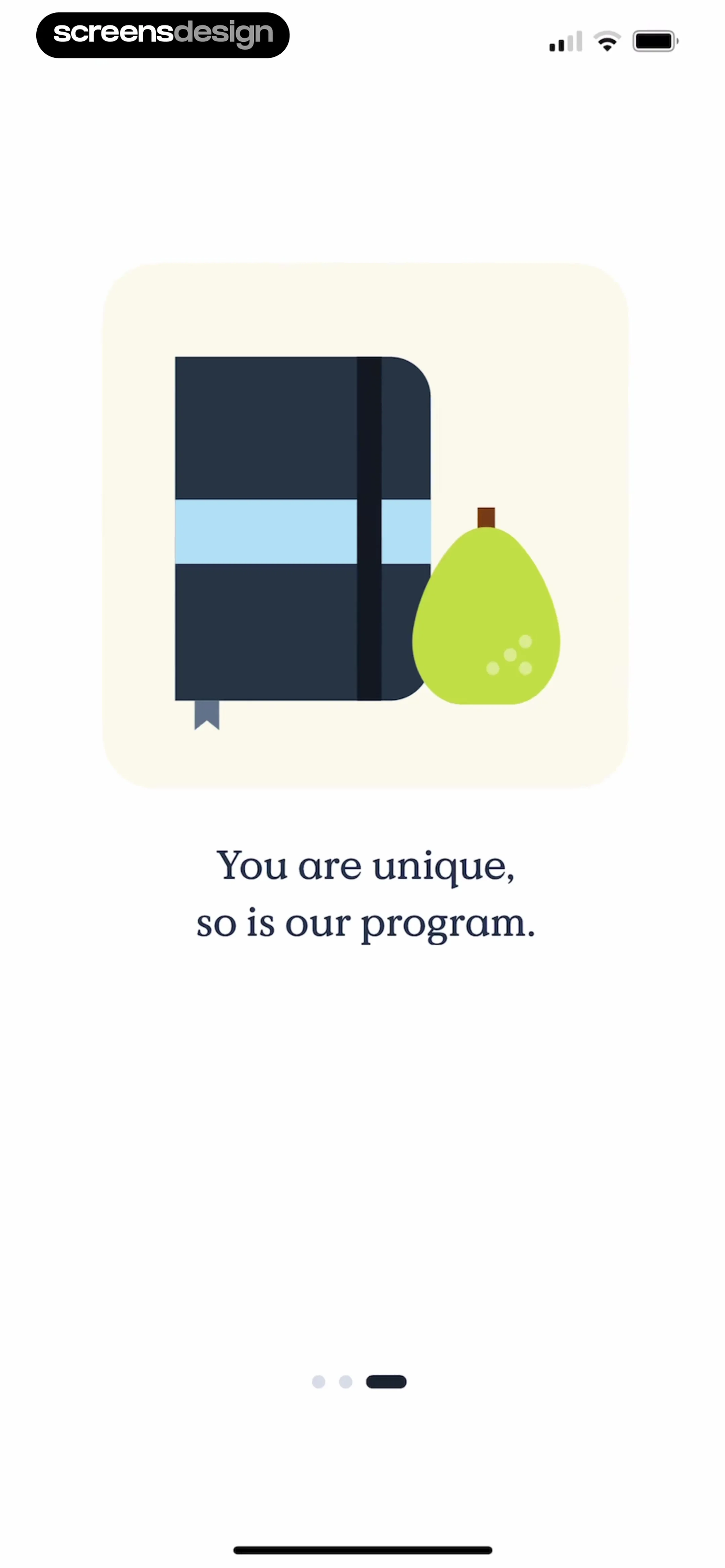
Onboarding screen featuring an illustration of a notebook and pear, the text You are unique, so is our program, and a pagination indicator.
Onboarding name entry screen with a top illustration, the name julia entered in the input field, and a Next button.
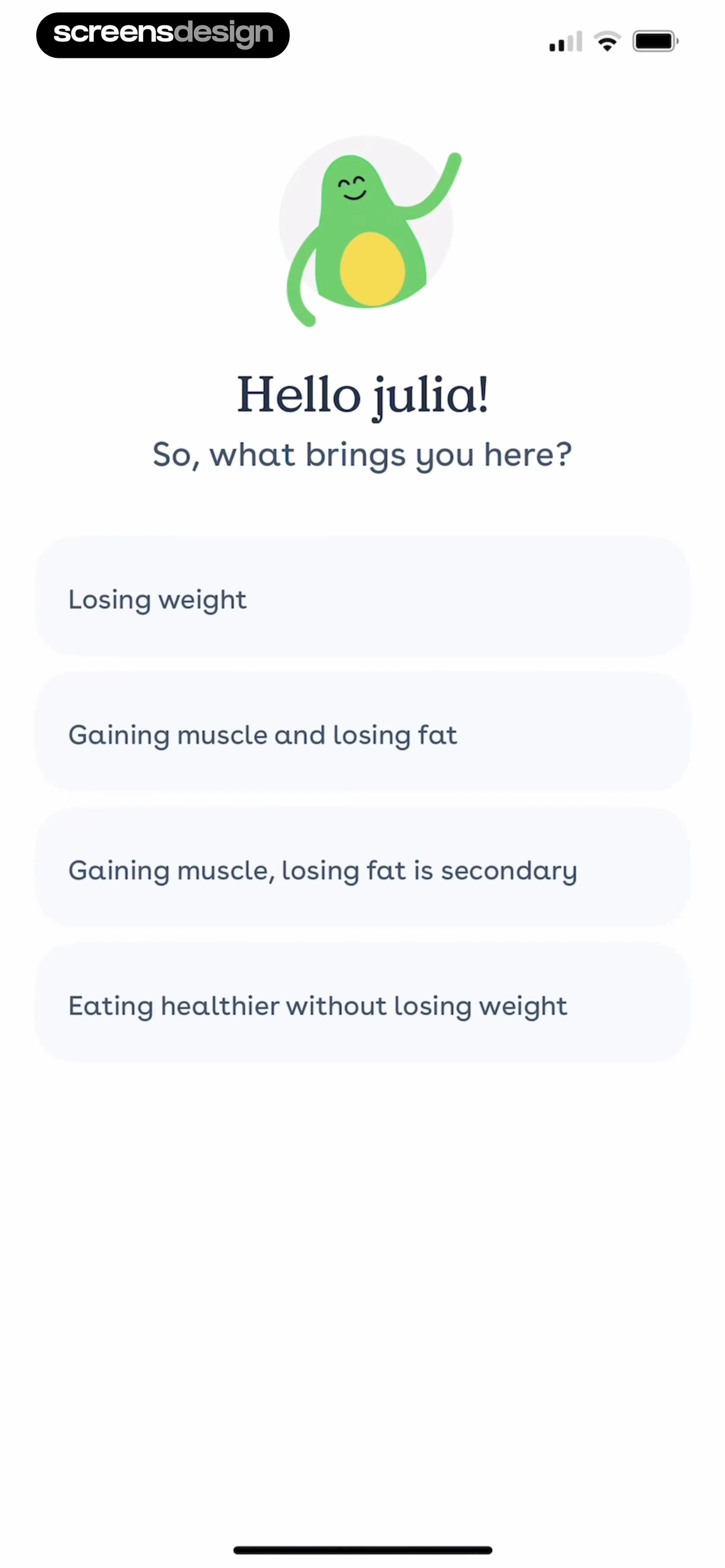
Foodvisor onboarding screen greeting the user with an avocado illustration and a vertical list of four fitness goal selection buttons.
Foodvisor onboarding survey asking how the user heard about the app, with a vertical list of acquisition sources and a progress bar at the top.Unlock Pro
Foodvisor onboarding screen for weight loss motivations with Be healthier and Get in shape selected and a Next button.Unlock Pro
Foodvisor onboarding screen with a character illustration, welcoming text for profile setup, and a Next button.Unlock Pro
Onboarding screen asking for gender selection with options for Male, Female, and Non binary, accompanied by a top progress bar.Unlock Pro
Onboarding height input screen with a progress bar, height question, a '5'0 ft' entry field, and a numeric keypad with a Next button.Unlock Pro
Onboarding profile setup screen with height and weight input fields, a numeric keypad, and a Next button.Unlock Pro
Foodvisor onboarding screen for entering ideal weight with a filled 50 kg input field, numeric keypad, and Next button.Unlock Pro
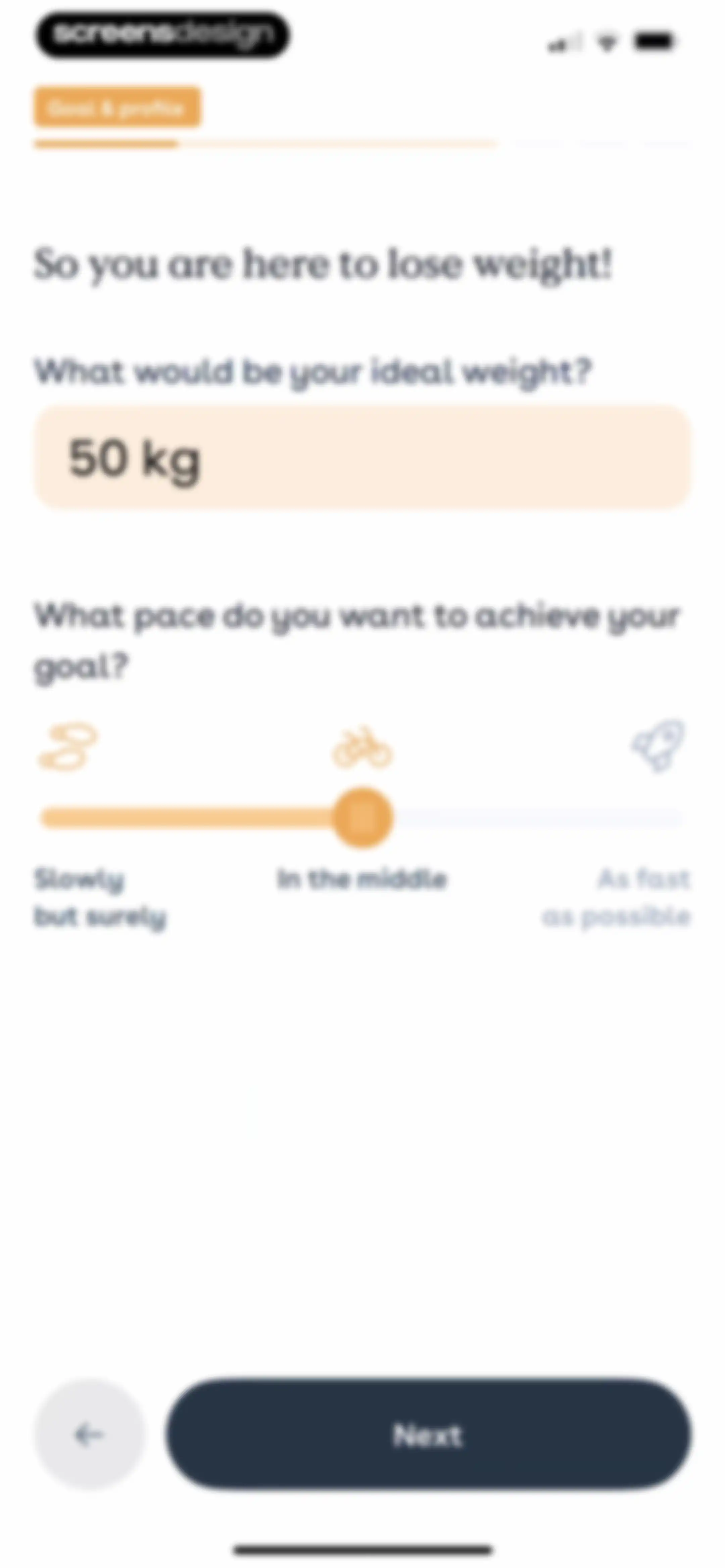
Onboarding screen displaying an ideal weight input field set to 50 kg, a pace slider, and a Next button.Unlock Pro
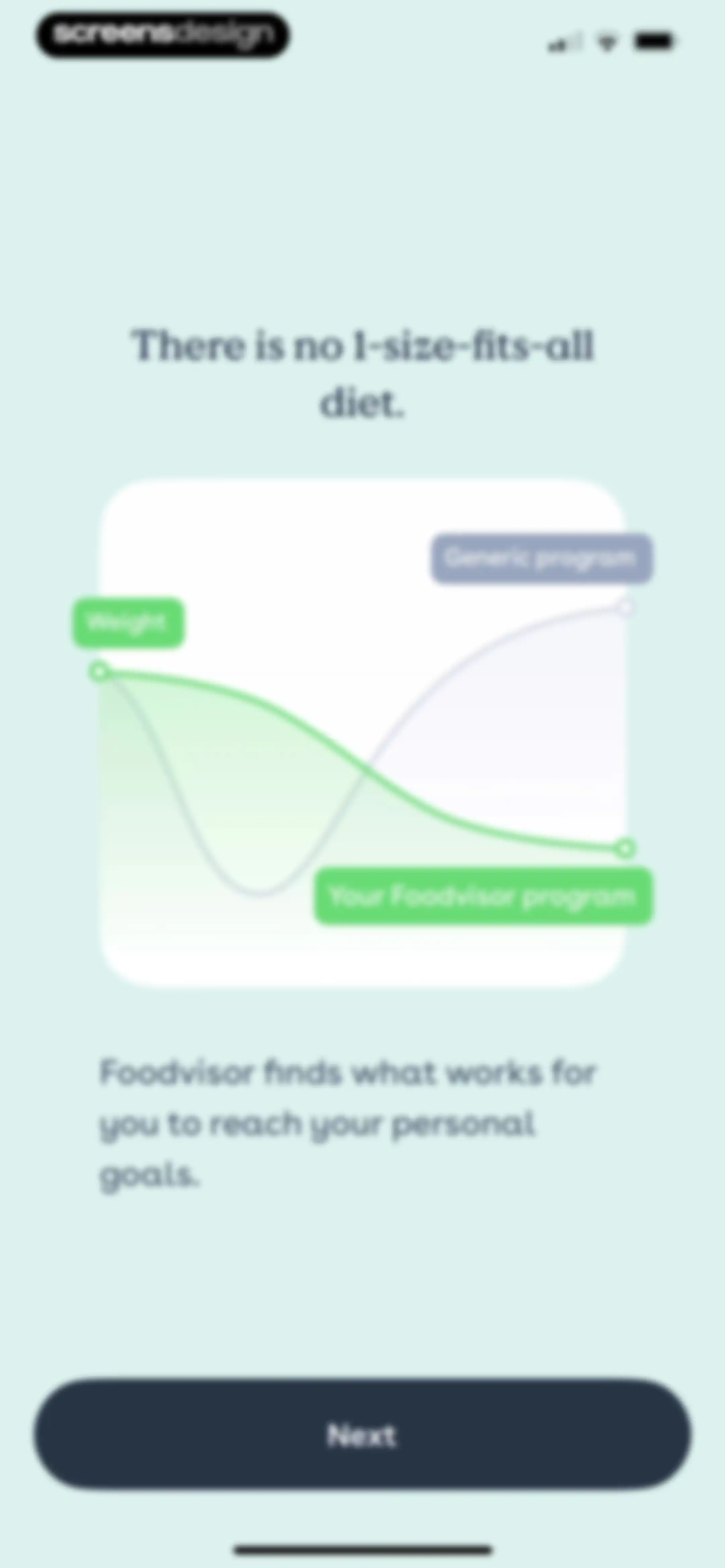
Foodvisor onboarding screen comparing generic and personalized diet programs with a chart graphic and a Next button.Unlock Pro
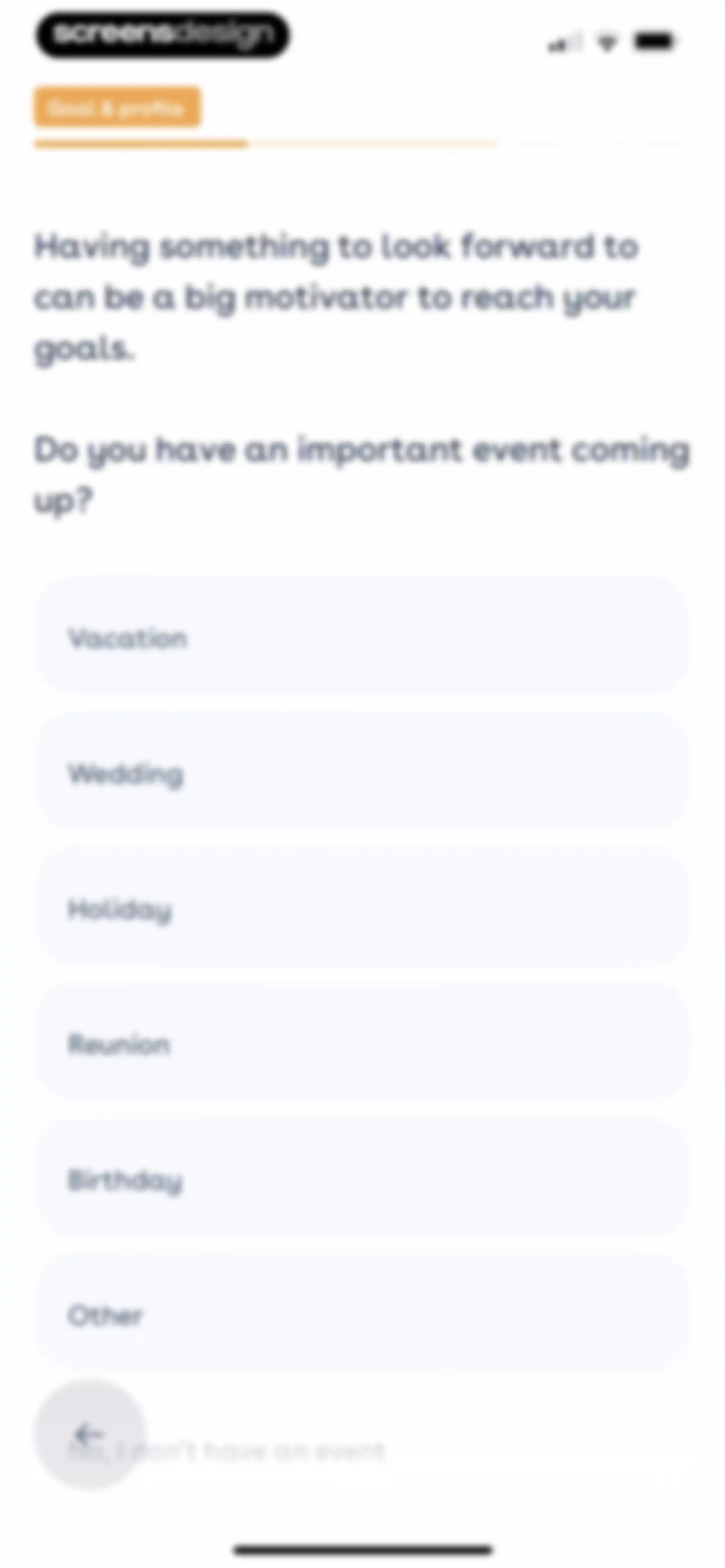
Onboarding screen asking about upcoming events with a vertical list of six selection buttons and a skip option.Unlock Pro
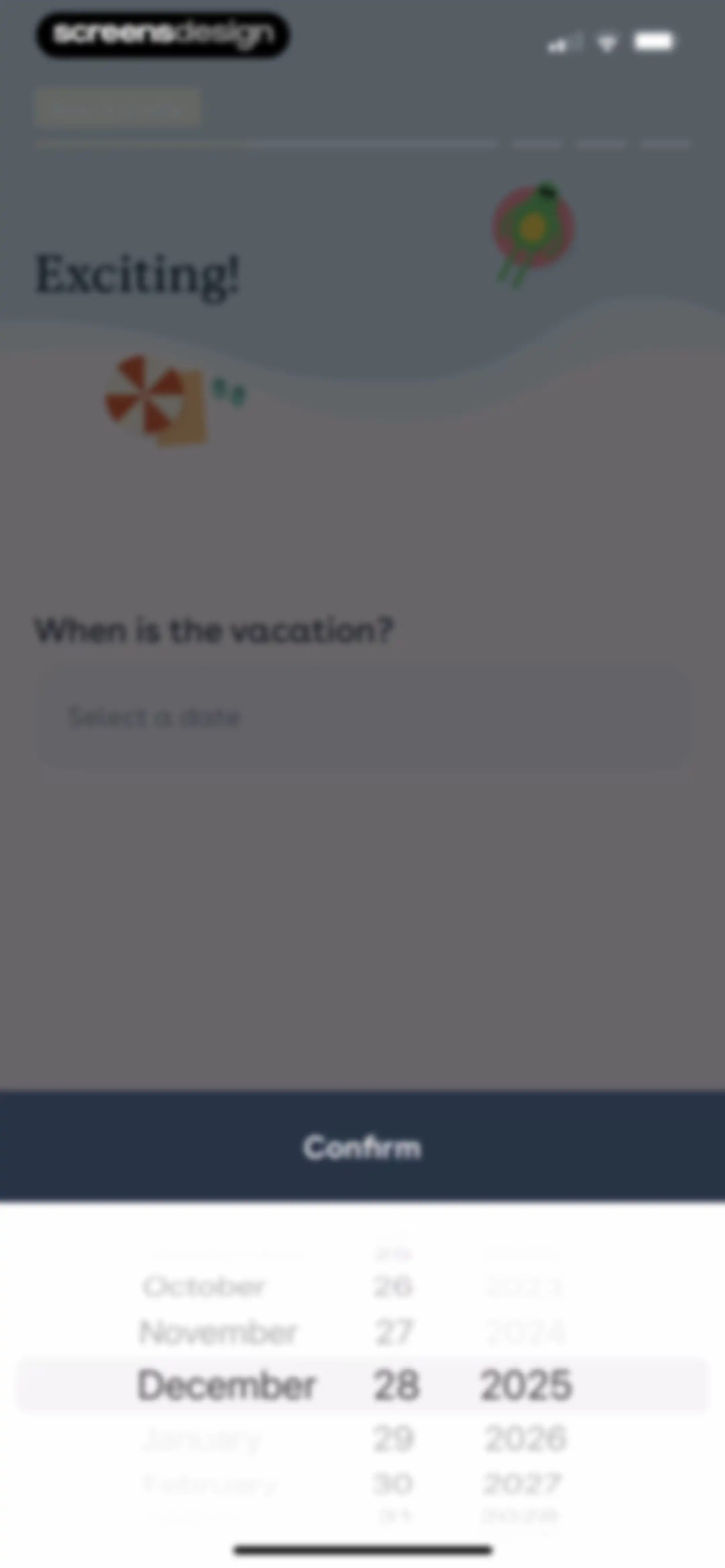
Foodvisor onboarding date selection screen featuring an active date picker overlay set to December 28, 2025, and a Confirm button.Unlock Pro
Foodvisor onboarding screen asking when the vacation is, with the date set to December 28, 2025, and a Next button.Unlock Pro
Onboarding screen asking how to describe your lifestyle, featuring a list of five options including Student and Employed full-time.Unlock Pro
Onboarding screen asking how much time the user wants to spend per day, with three duration options and a progress bar.Unlock Pro
Foodvisor onboarding success modal confirming the personalized program update with a Next button.Unlock Pro
Foodvisor onboarding screen asking about dietary restrictions or food allergies, featuring an illustration and Yes and No buttons.Unlock Pro
Onboarding health screening questionnaire asking about medical conditions, with the None option selected and a Next button.Unlock Pro
Privacy consent screen in the Foodvisor app with data protection bullet points, a terms acceptance checkbox, and an Apply button.Unlock Pro
Account creation onboarding screen featuring a top illustration, four social login options, and a privacy disclaimer at the bottom.Unlock Pro
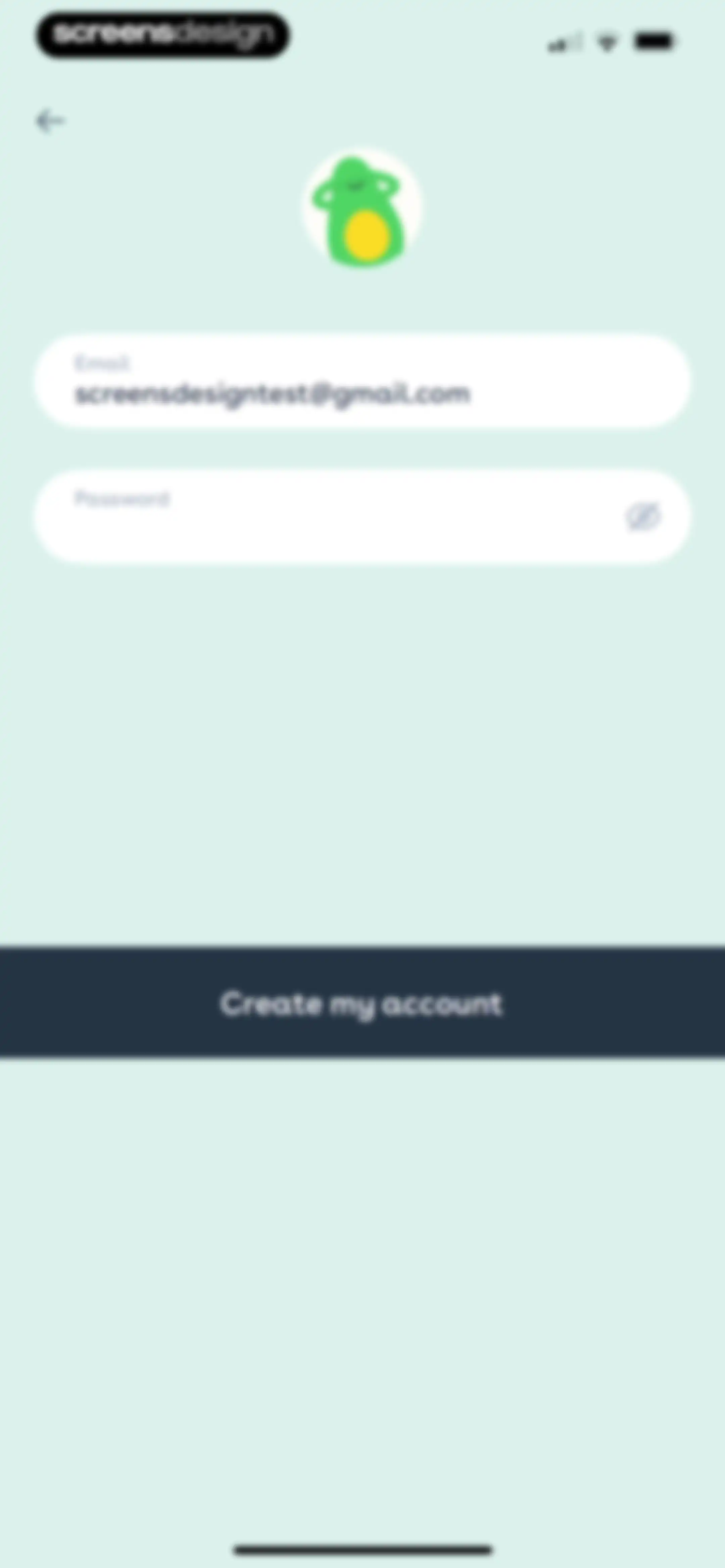
Account creation form with an email input field and a Create my account button.Unlock Pro
Loading screen featuring an avocado character illustration, a partially filled progress bar, and the text Loading...Unlock Pro
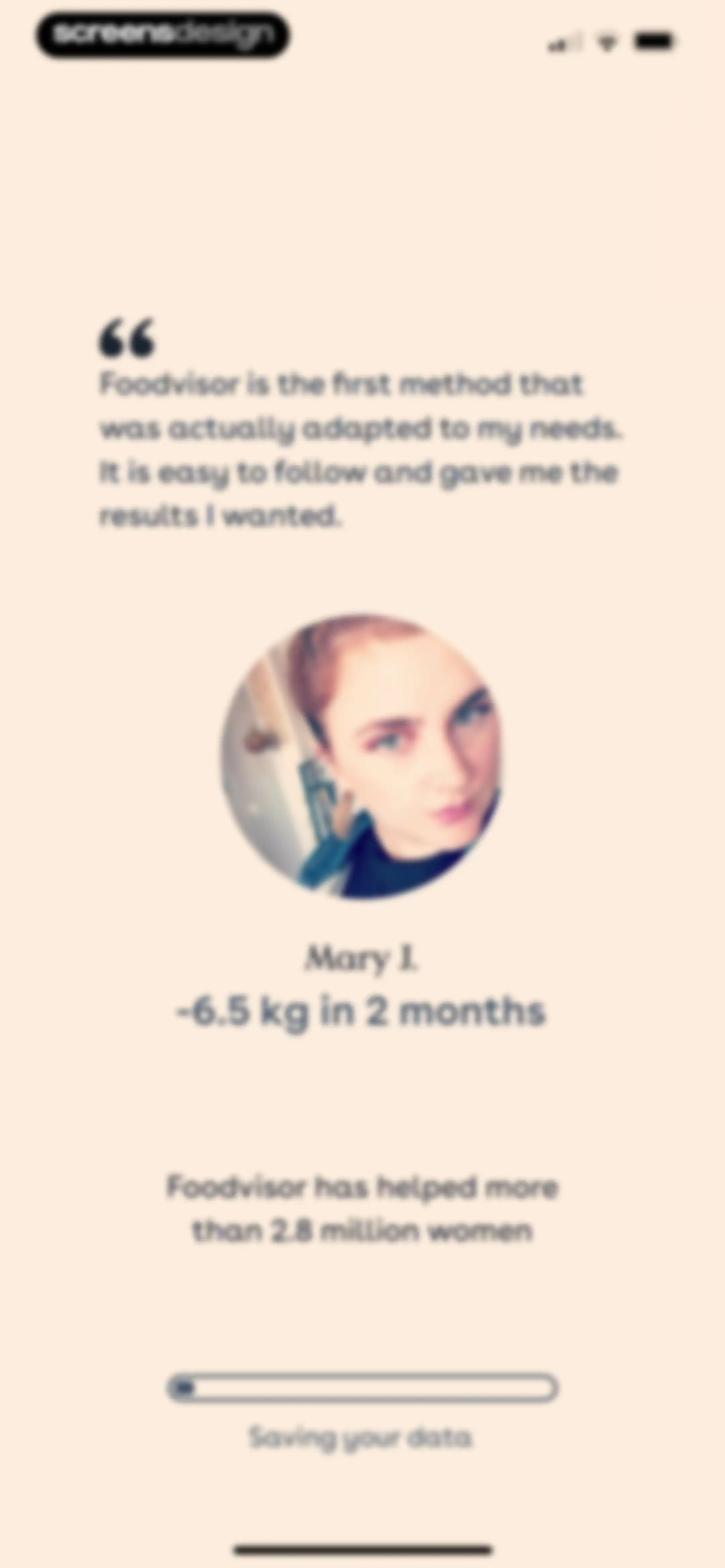
Foodvisor onboarding loading screen featuring a user testimonial, social proof, and a progress bar indicating data is being saved.Unlock Pro
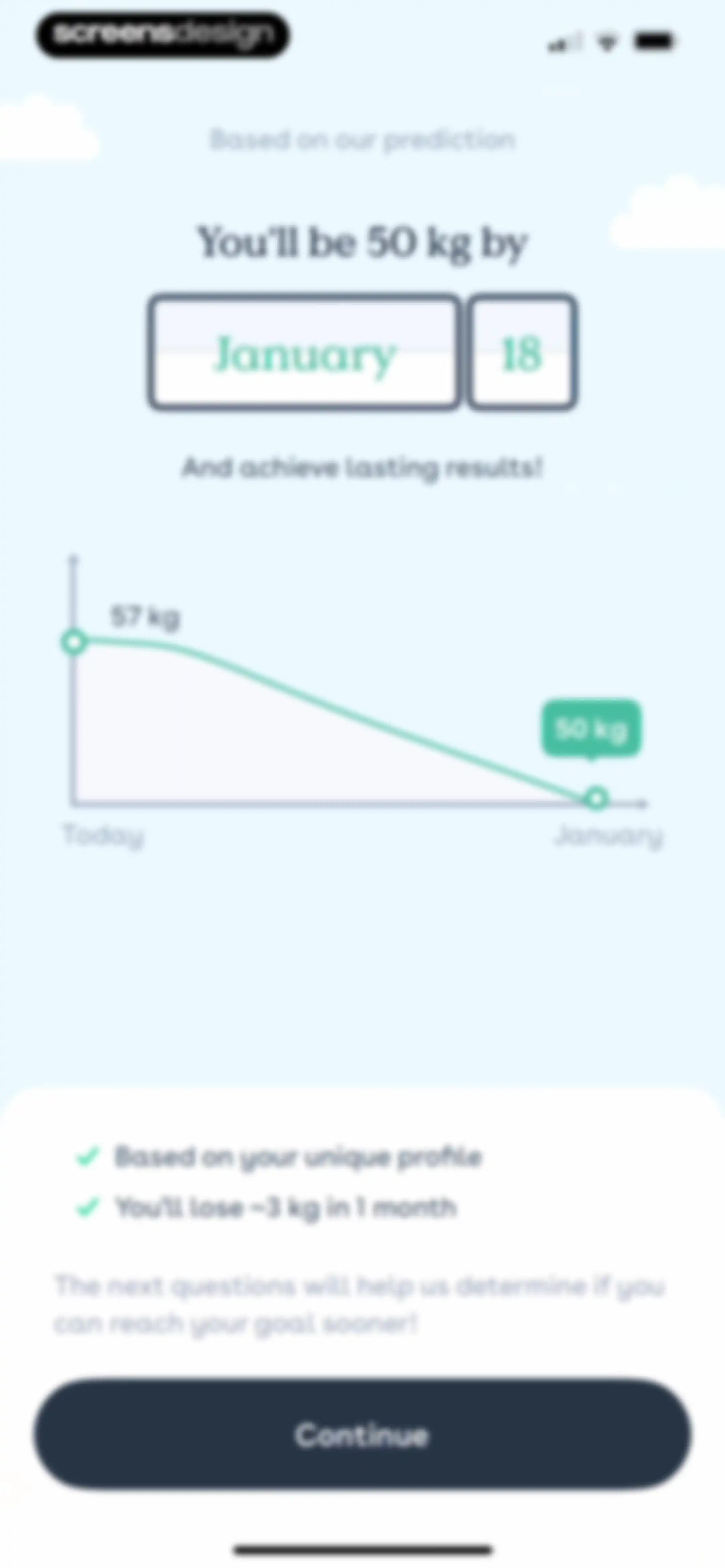
Onboarding prediction screen displaying a weight loss graph from 57 kg to 50 kg, two benefit points, and a Continue button.Unlock Pro
Foodvisor onboarding screen featuring a food and water illustration, environment assessment text, and a Next button.Unlock Pro
Onboarding screen asking where the user lives with four selection buttons for city, suburbs, country, and other.Unlock Pro
Foodvisor onboarding questionnaire asking about parental status with Yes and No buttons and a central baby bottle and cookie illustration.Unlock Pro
Foodvisor onboarding lifestyle questionnaire asking if the user has free time, with Yes and No buttons.Unlock Pro
Onboarding screen asking about daily activity level with options for Active or Seated, a top progress bar, and a back button.Unlock Pro
Onboarding modal confirming that the nutritional goal has been updated, with a target icon and a Next button.Unlock Pro
Foodvisor onboarding screen featuring an illustration of a piggy bank with cutlery, a money-related health question, and Yes and No selection buttons.Unlock Pro
Foodvisor onboarding screen asking about social support from loved ones, with Yes and No selection buttons and a central illustration.Unlock Pro
Foodvisor onboarding screen asking if the user wants to be matched with others, featuring an avocado illustration and Yes and No buttons.Unlock Pro
Onboarding confirmation screen showing that a support feature has been added to the custom program, with a Next button.Unlock Pro
Foodvisor onboarding screen featuring social proof about helping other users reach their goals, with a Next button at the bottom.Unlock Pro
Onboarding screen asking about life events leading to weight gain, featuring a vertical list of selectable options including menopause, pregnancy, and stress.Unlock Pro
Onboarding screen asking about environment and personal factors, with the None of the above option selected and a Next button.Unlock Pro
Foodvisor onboarding screen asking if you have tried to lose weight before, featuring a calendar and orange illustration with Yes and No buttons.Unlock Pro
Onboarding questionnaire asking about past weight loss methods, with Eat balanced and Calorie Counting selected and a Next button.Unlock Pro
Onboarding question screen asking if the last attempt was successful, with three selection buttons and a progress bar.Unlock Pro
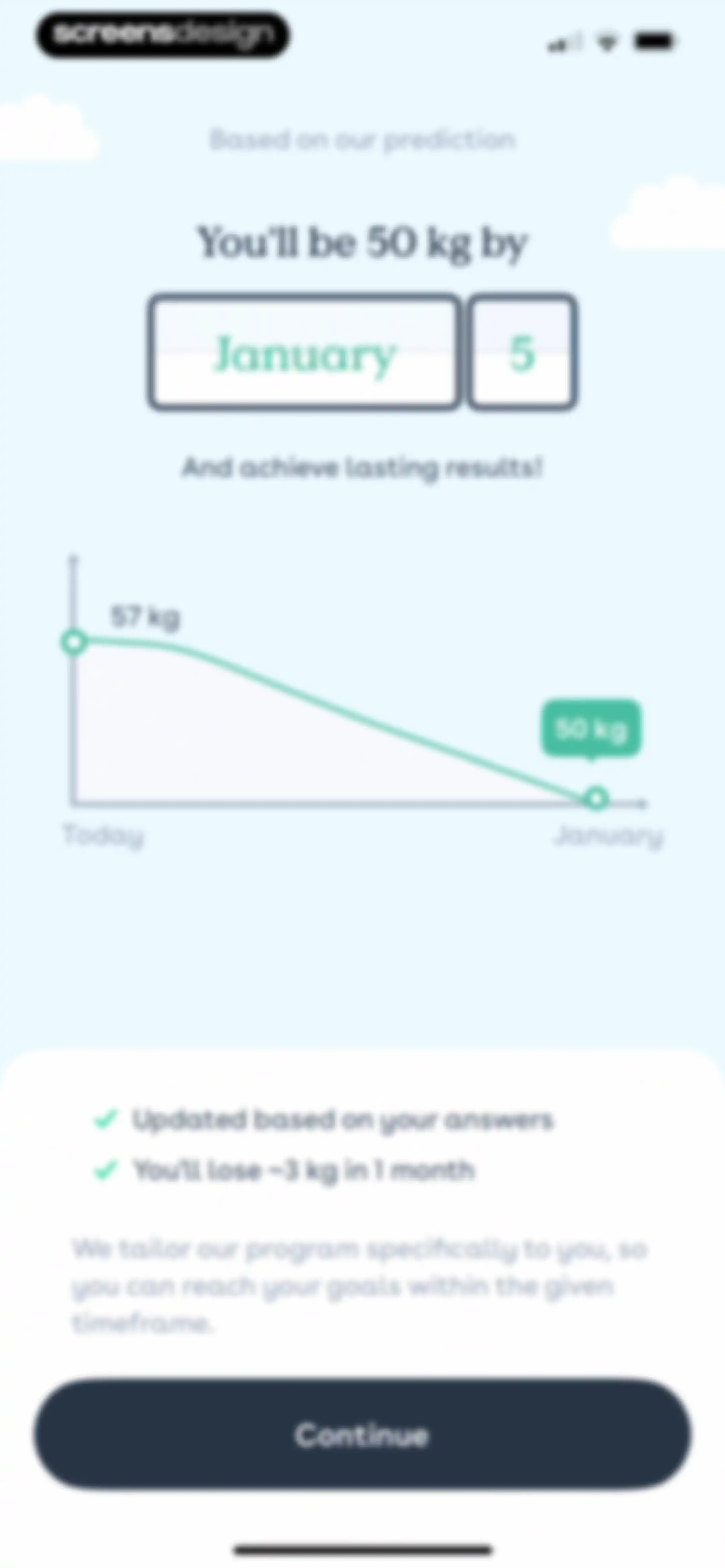
Weight loss prediction onboarding screen displaying a projection graph, summary details, and a Continue button.Unlock Pro
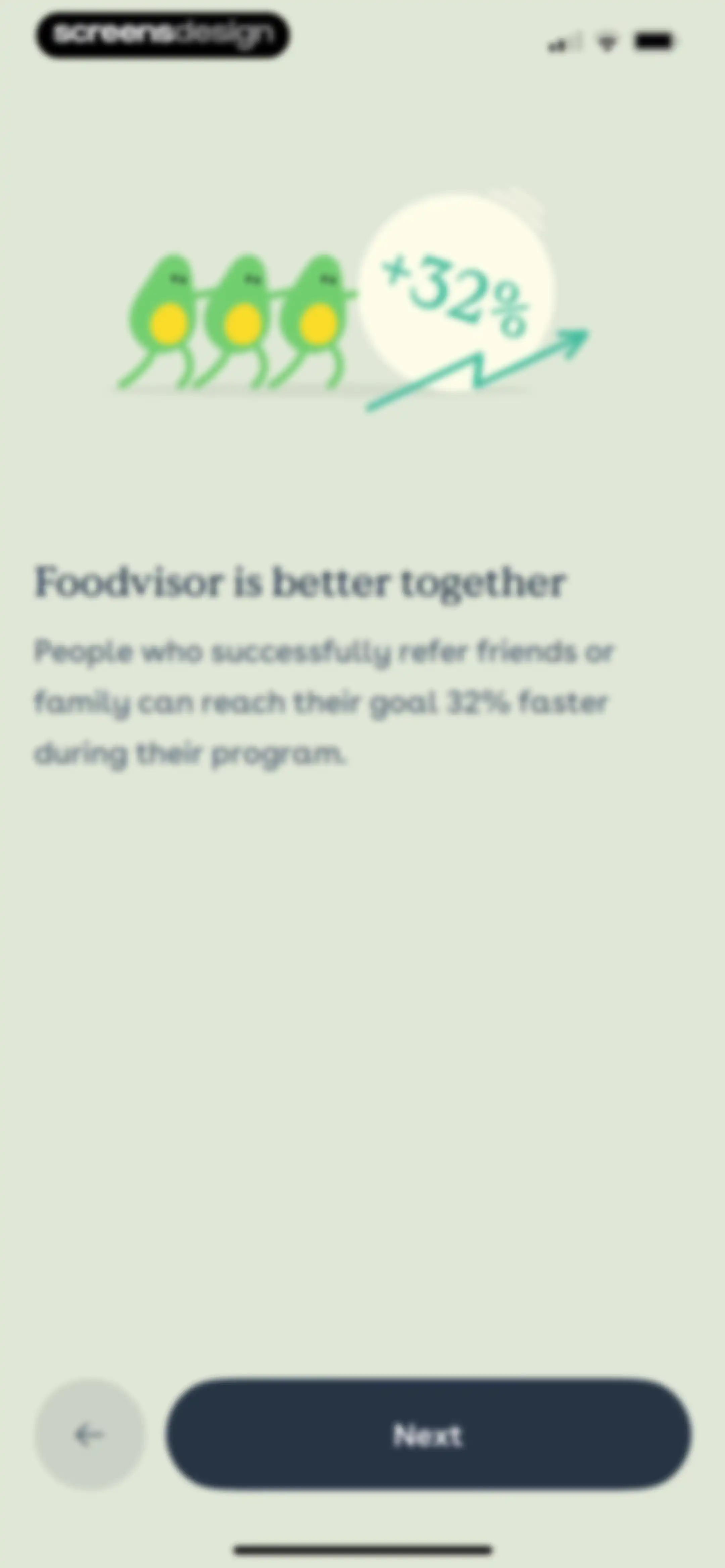
Foodvisor onboarding screen explaining the referral program benefits, featuring an avocado illustration and a Next button.Unlock Pro
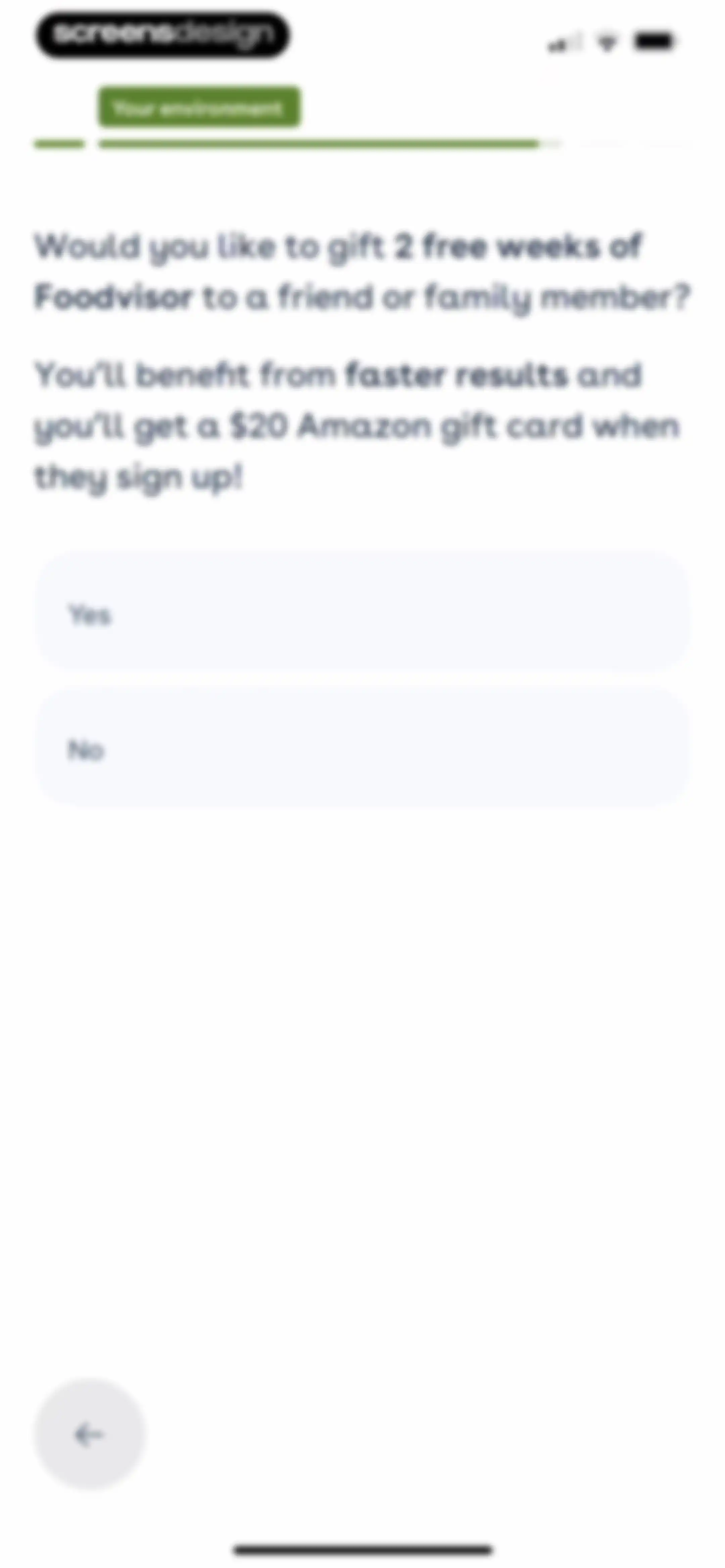
Foodvisor onboarding referral screen asking if you want to gift two free weeks to a friend for an Amazon gift card, with Yes and No buttons.Unlock Pro
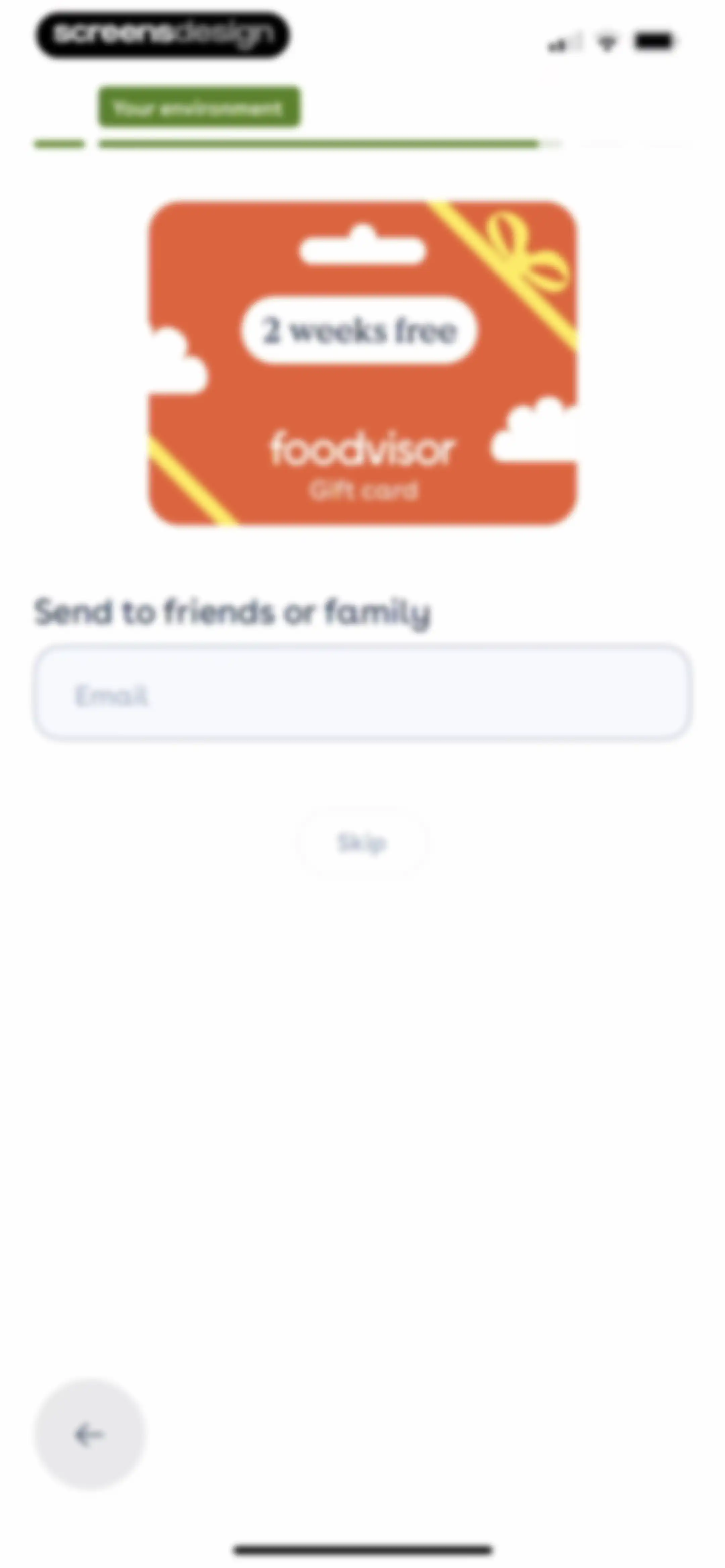
Foodvisor onboarding referral screen featuring a gift card graphic, an email input field, and a skip button.Unlock Pro
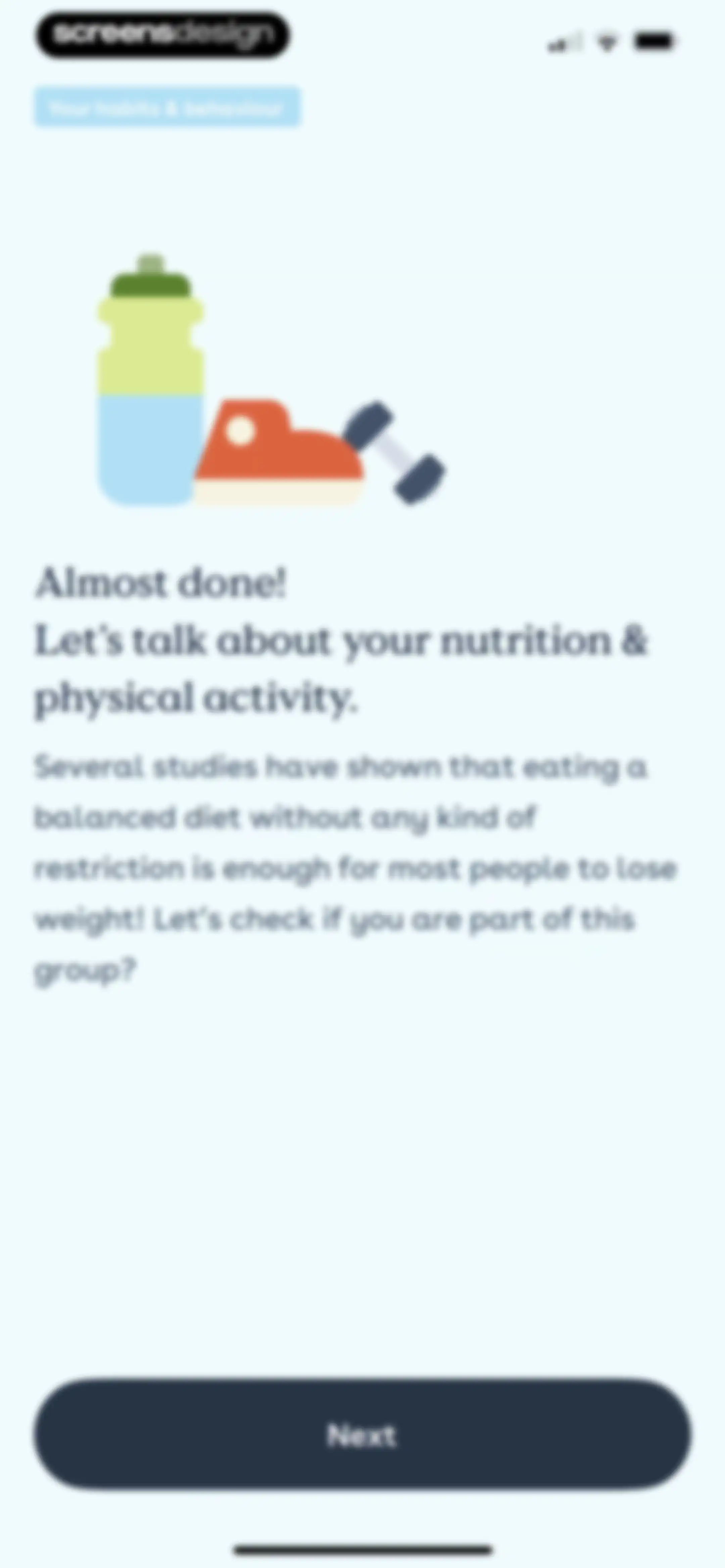
Foodvisor onboarding screen about nutrition and physical activity, featuring a central fitness illustration and a Next button.Unlock Pro
Onboarding screen asking if snacking is an issue, with a central illustration of a popsicle and cookie, and Yes and No buttons.Unlock Pro
Onboarding screen asking about snack triggers with Boredom and Seeing food selected, and a Next button.Unlock Pro
Onboarding screen offering advice on mindful snacking with a top illustration, supportive text, a back button, and a Next button.Unlock Pro
Foodvisor onboarding questionnaire asking about dietary habits with two selectable response cards and a top progress bar.Unlock Pro
Onboarding screen asking when it is hardest to eat healthy, with a progress bar and three selection cards for breakfast, lunch, and dinner.Unlock Pro
Onboarding question about dietary challenges with two options selected and a Next button.Unlock Pro
Onboarding questionnaire screen asking about soda consumption habits with a list of five frequency options and a progress bar.Unlock Pro
Onboarding weight loss prediction screen displaying a trajectory graph from 57 kg to 50 kg by December 22, with a Continue button.Unlock Pro
Onboarding screen asking what habits the user is willing to adopt, with restrictive diet and physical activity selected and a Next button.Unlock Pro
Foodvisor onboarding screen asking about workout frequency with a list of five selection options and a progress bar.Unlock Pro
Foodvisor onboarding screen asking if users want a customized workout program, with Yes and No selection buttons.Unlock Pro
Foodvisor onboarding modal confirming a customized workout program has been added to the plan, featuring a dumbbell icon and a Next button.Unlock Pro
Onboarding screen asking for fitness level with a vertical list of four options: Beginner, Intermediate, Advanced, and Expert.Unlock Pro
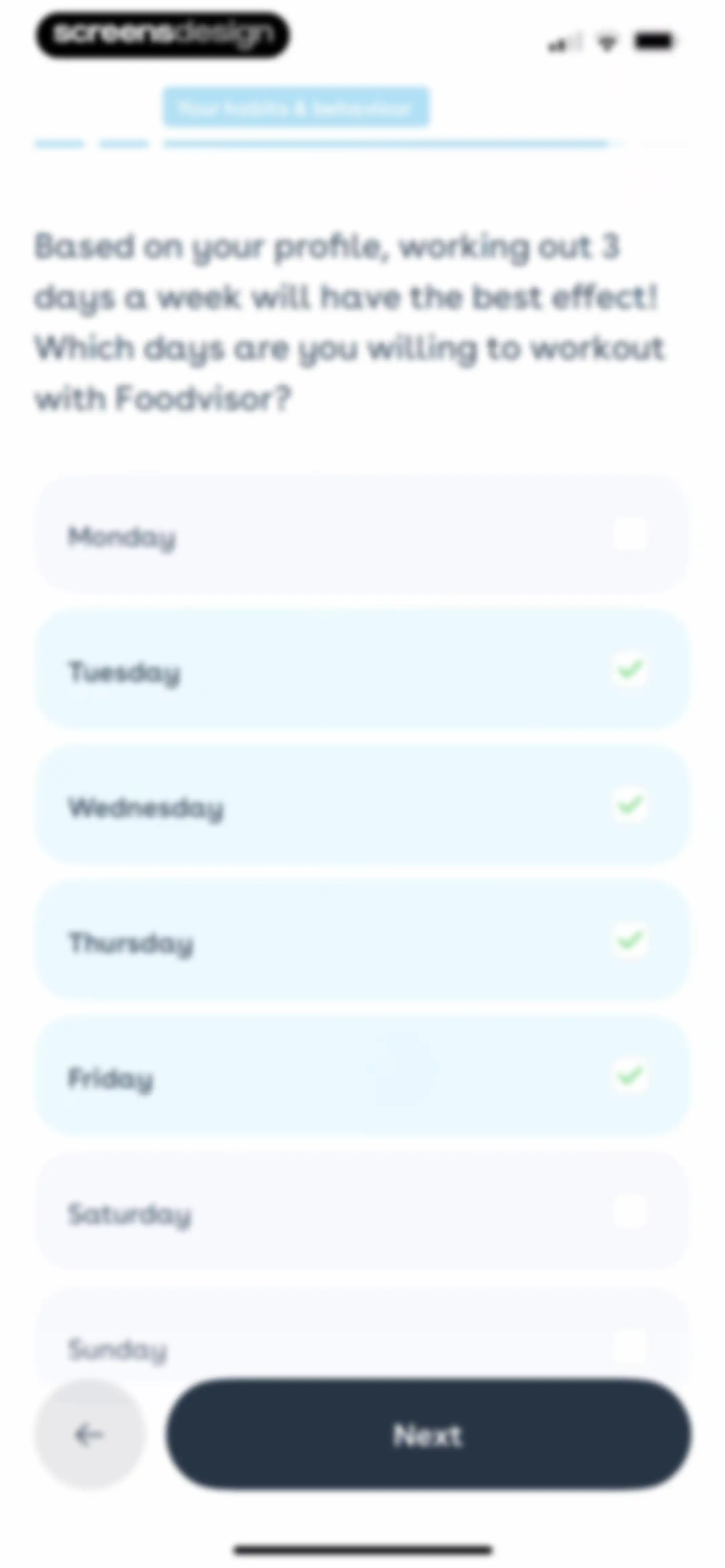
Foodvisor onboarding screen for selecting workout days, with Tuesday through Friday selected and a Next button.Unlock Pro
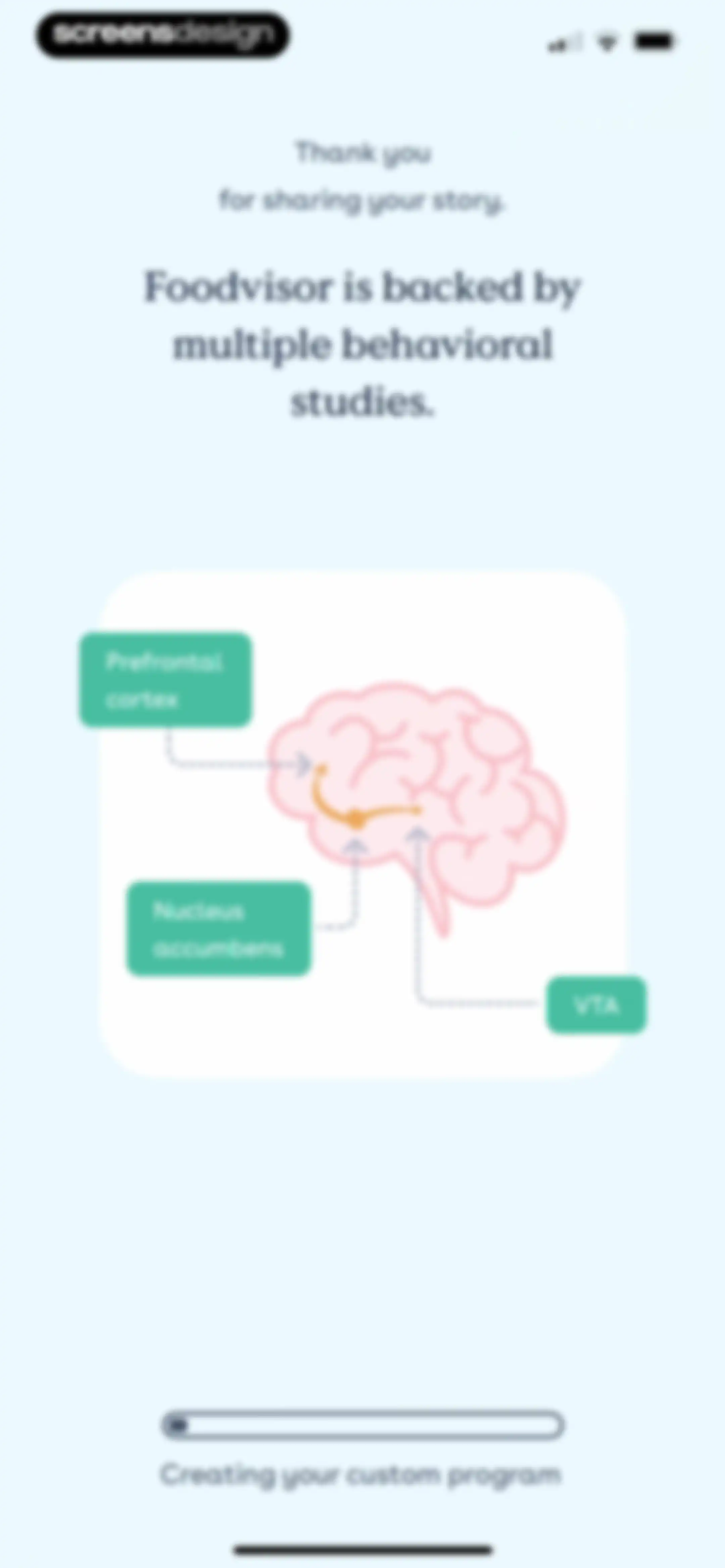
Foodvisor onboarding loading screen showing a brain illustration with regional callouts and a progress bar stating Creating your custom program.Unlock Pro
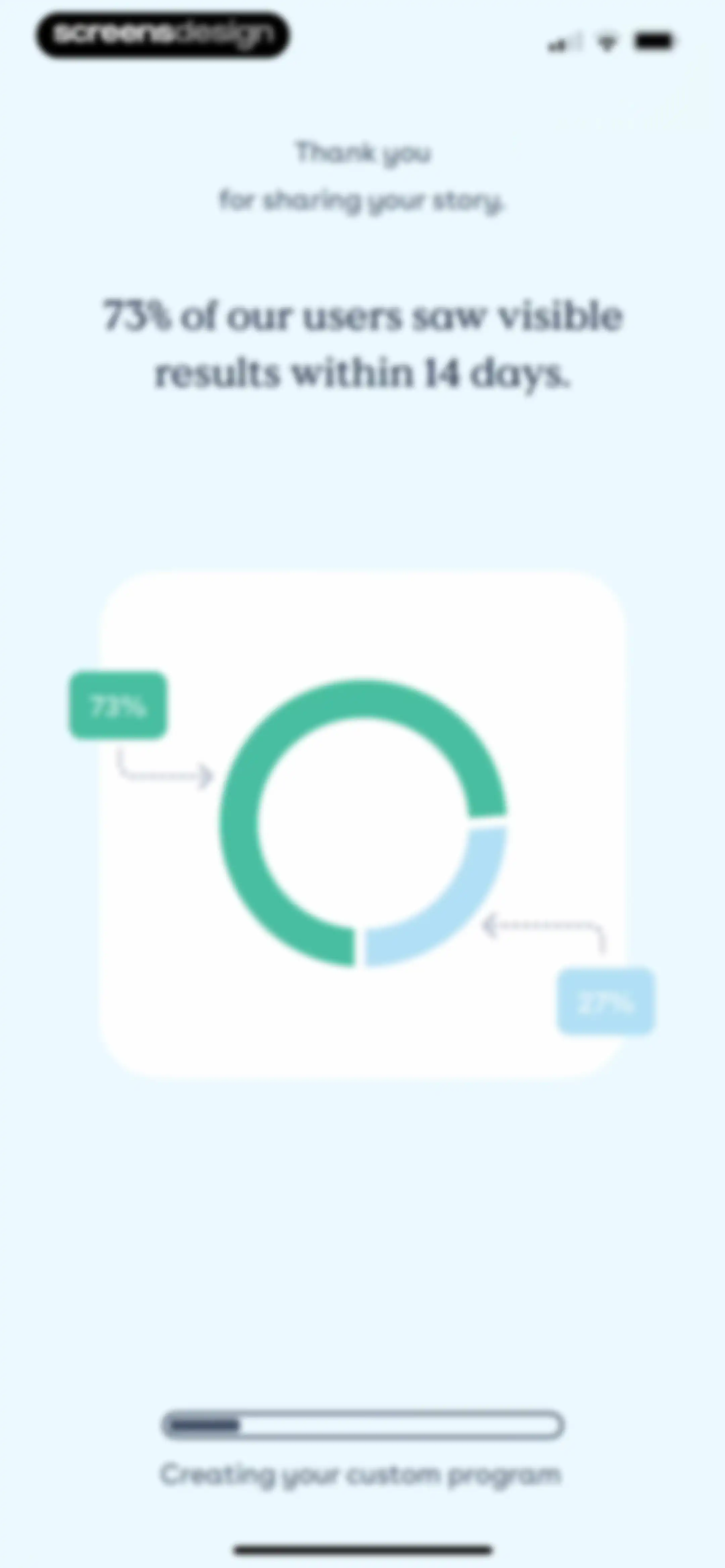
Onboarding progress screen displaying a success statistic with a donut chart and a progress bar stating Creating your custom program.Unlock Pro
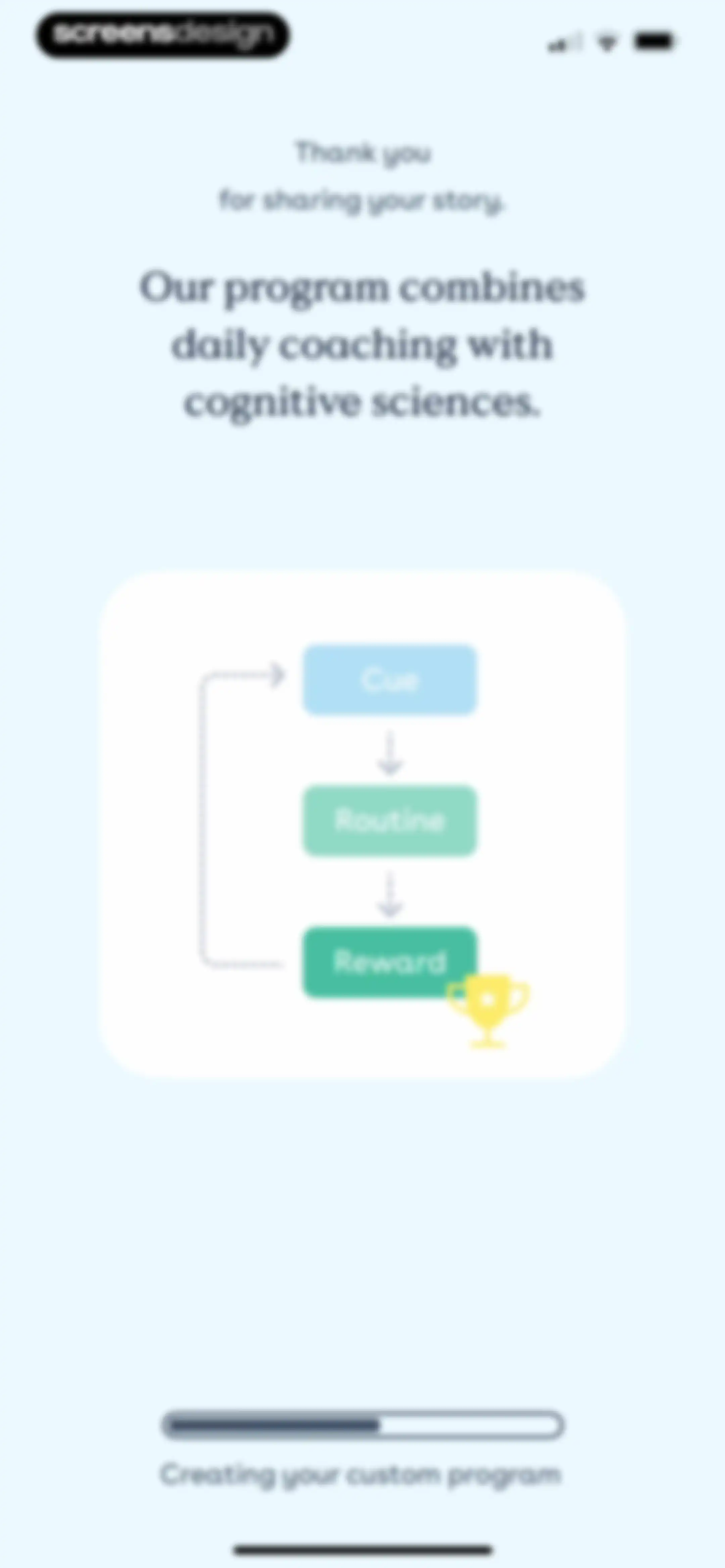
Onboarding progress screen explaining the habit loop methodology with a diagram showing cue, routine, and reward, accompanied by a custom program creation message.Unlock Pro
Onboarding loading screen showing a yo-yo effect weight graph and a progress bar with text for creating a custom program.Unlock Pro
Onboarding weight loss prediction screen displaying a progress graph, a target of 50 kg by December 11, and a Continue button.Unlock Pro
Onboarding screen asking about learning interests with multiple selectable cards, where Habit creation and Stress management are selected alongside a Next button.Unlock Pro
Onboarding feature selection screen with the first two program options selected and a Next button.Unlock Pro
Foodvisor onboarding questionnaire asking about the most important factor for a custom program, with a list of four selection cards and a top progress bar.Unlock Pro
Foodvisor onboarding screen asking what success looks like in two weeks, with a list of selectable goal cards and a progress bar.Unlock Pro
Onboarding screen introducing a personalized nutrition program with an advice carousel and a Continue button.Unlock Pro
Onboarding screen introducing a personalized program to reach a weight goal, featuring an advice carousel and a Continue button.Unlock Pro
Onboarding screen displaying a personalized weight loss program with an advice carousel and a Continue button.Unlock Pro
Onboarding screen introducing a personalized program to reach 50 kg, featuring a central advice card and a Continue button.Unlock Pro
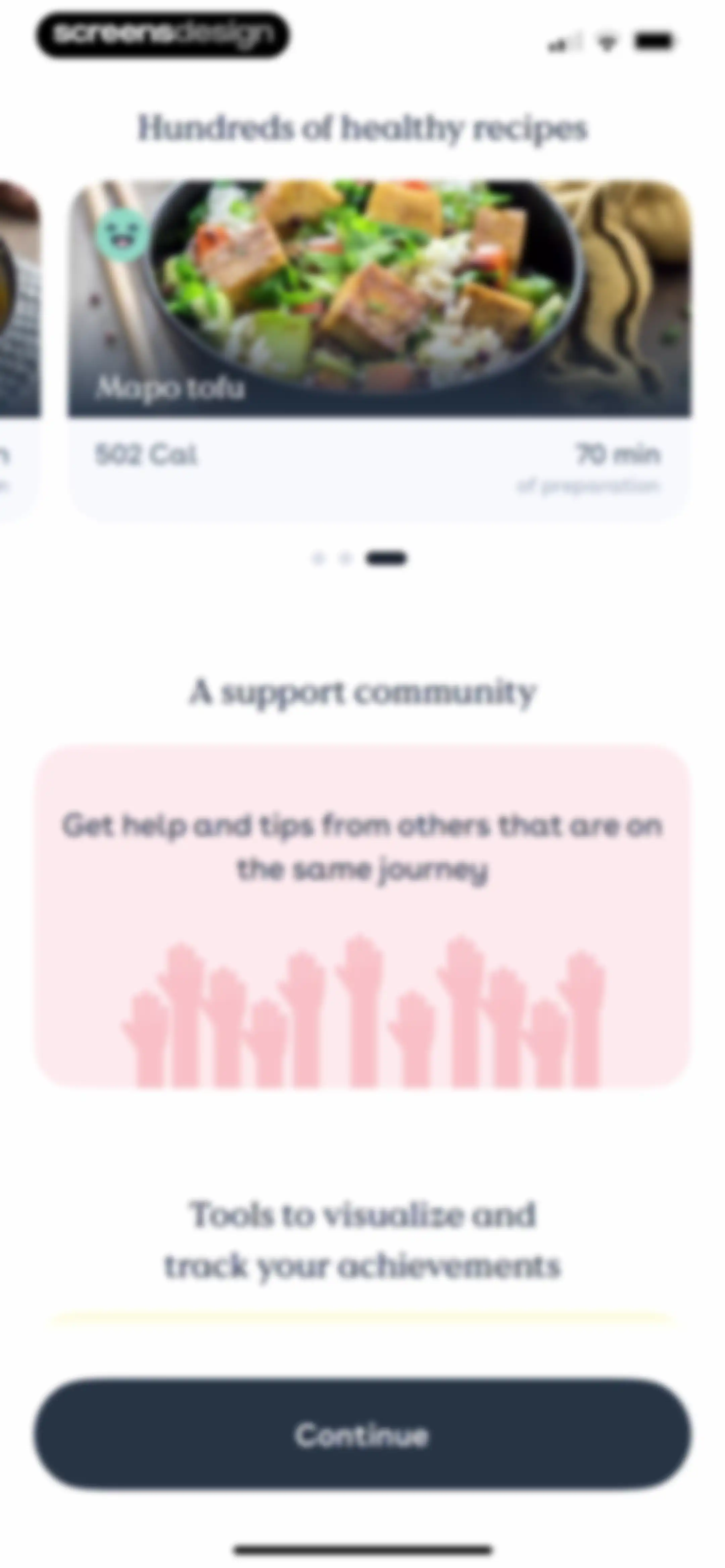
Onboarding screen highlighting healthy recipes, community features, and tracking tools, with a Continue button at the bottom.Unlock Pro
Onboarding screen highlighting healthy recipes, a support community, and tracking tools, with a Continue button at the bottom.Unlock Pro
Onboarding screen highlighting healthy recipes, community features, and tracking tools with a Continue button.Unlock Pro
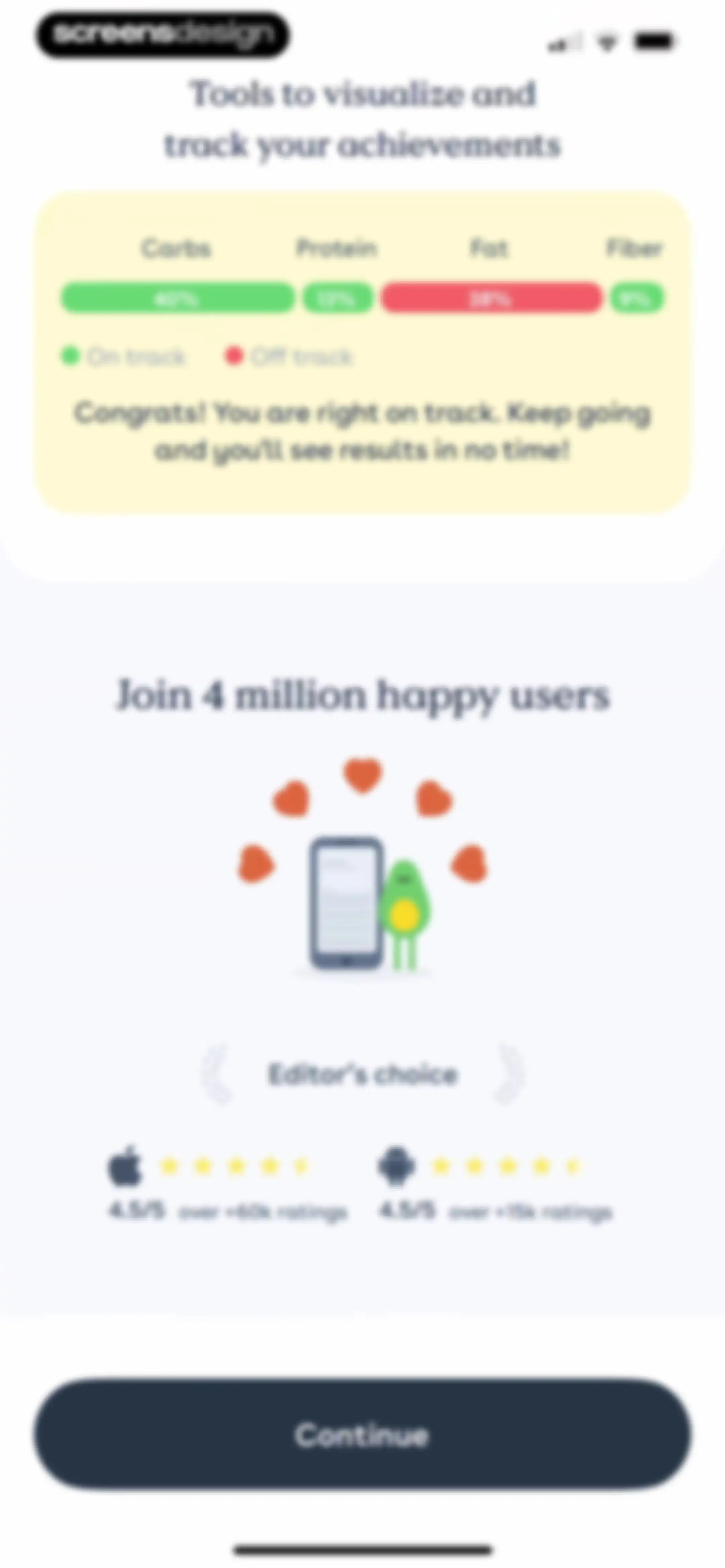
Onboarding screen highlighting macronutrient tracking tools and social proof ratings, featuring a Continue button at the bottom.Unlock Pro
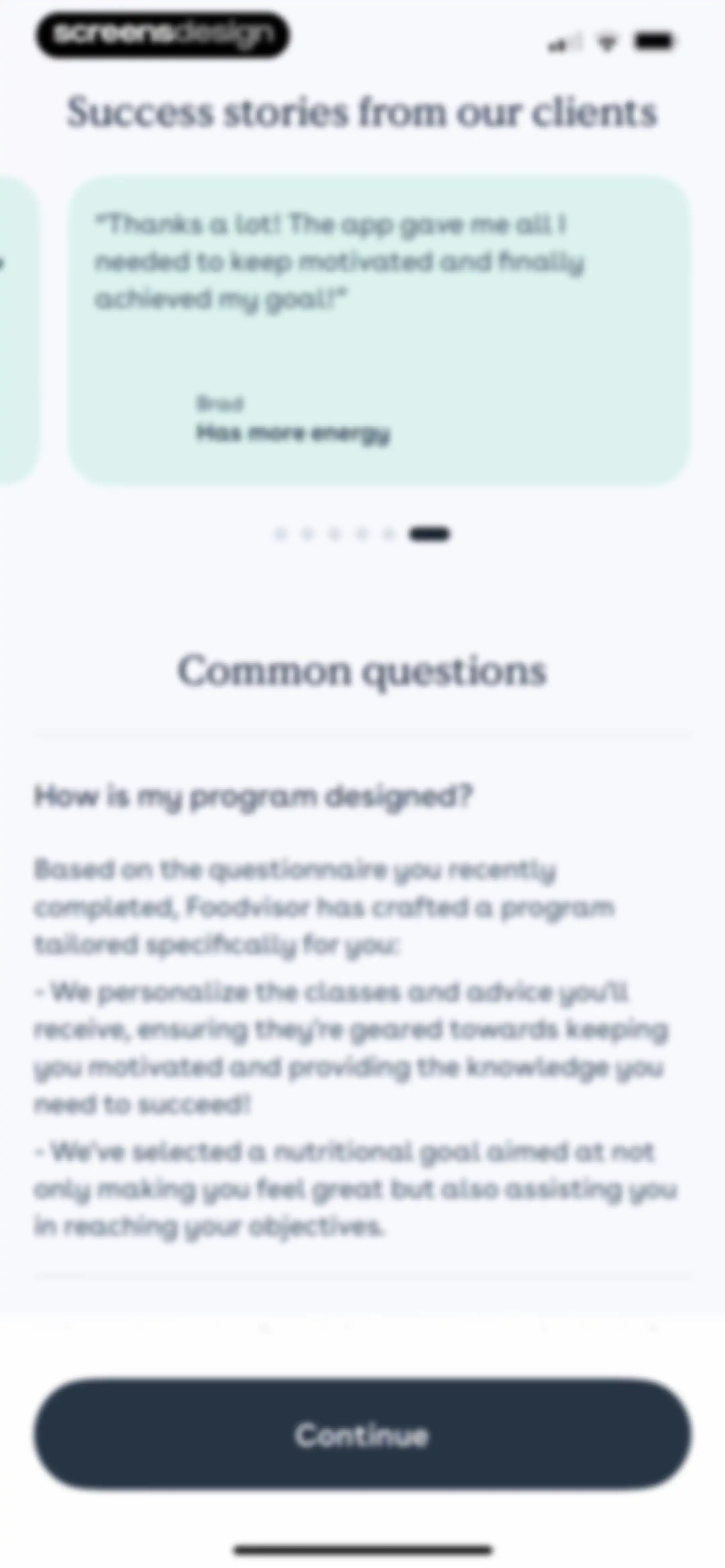
Foodvisor onboarding screen featuring client testimonials and program details, with a bottom Continue button.Unlock Pro
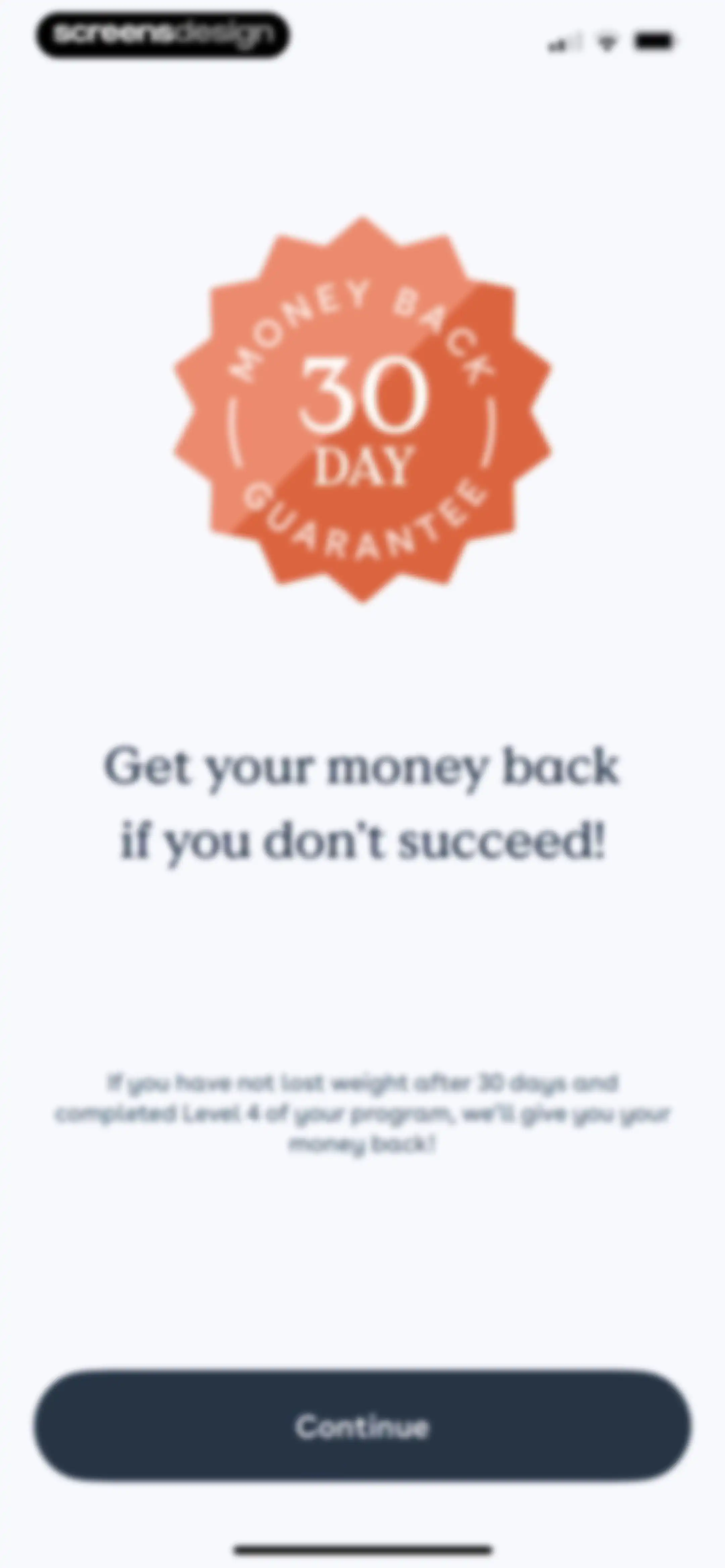
Money-back guarantee screen detailing policy terms with an orange badge at the top and a Continue button at the bottom.Unlock Pro
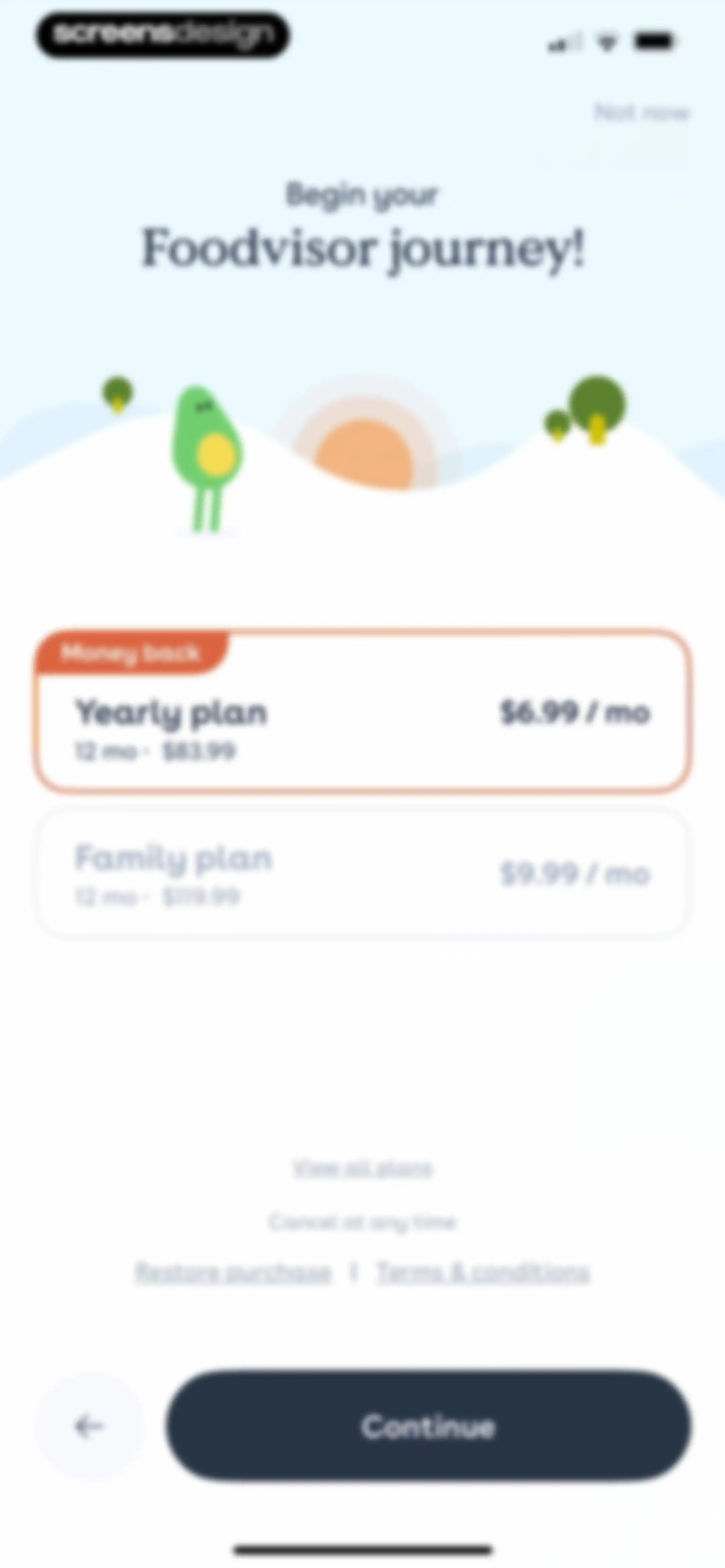
Subscription paywall comparing yearly and family plans with a money back badge, featuring a Continue button.Unlock Pro
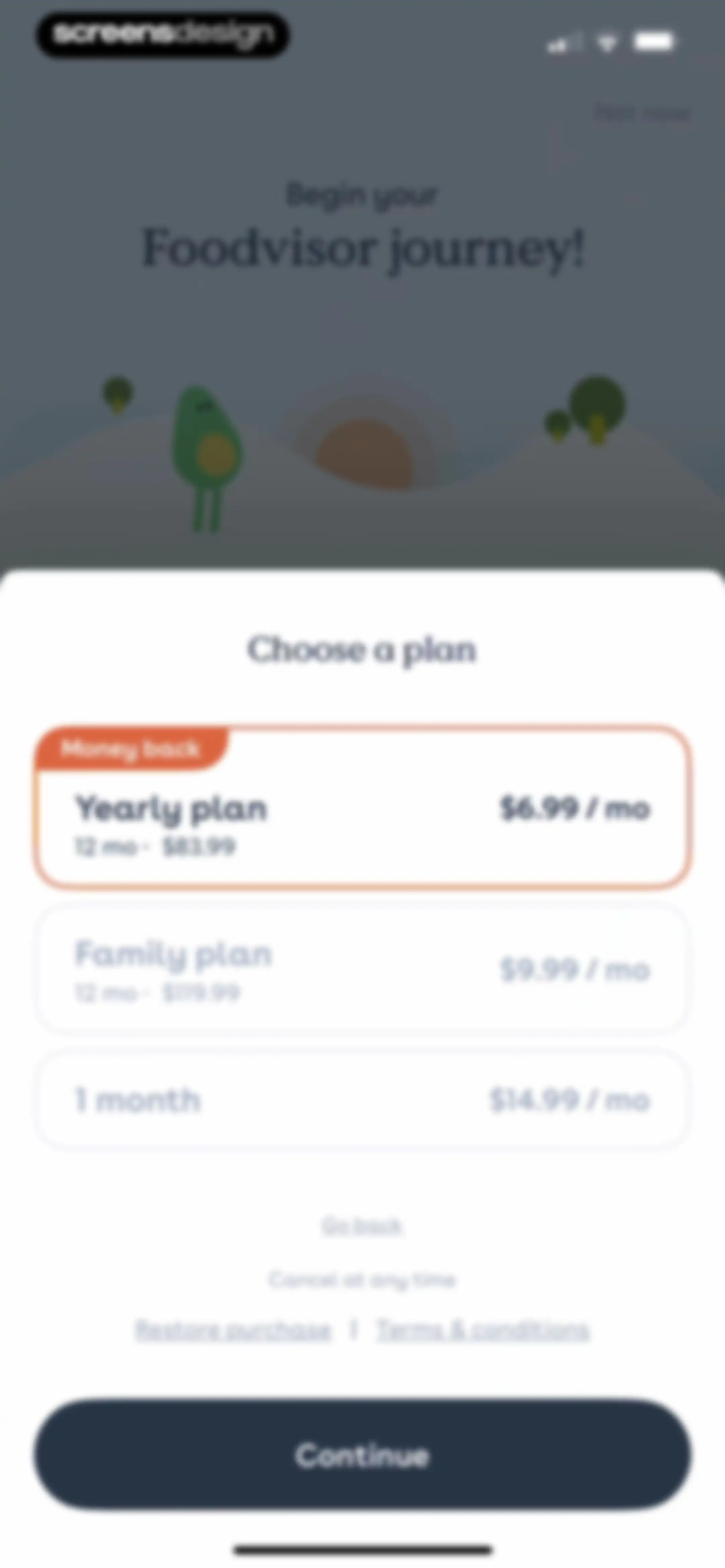
Foodvisor subscription paywall comparing yearly, family, and monthly plans with the yearly plan selected and a Continue button.Unlock Pro
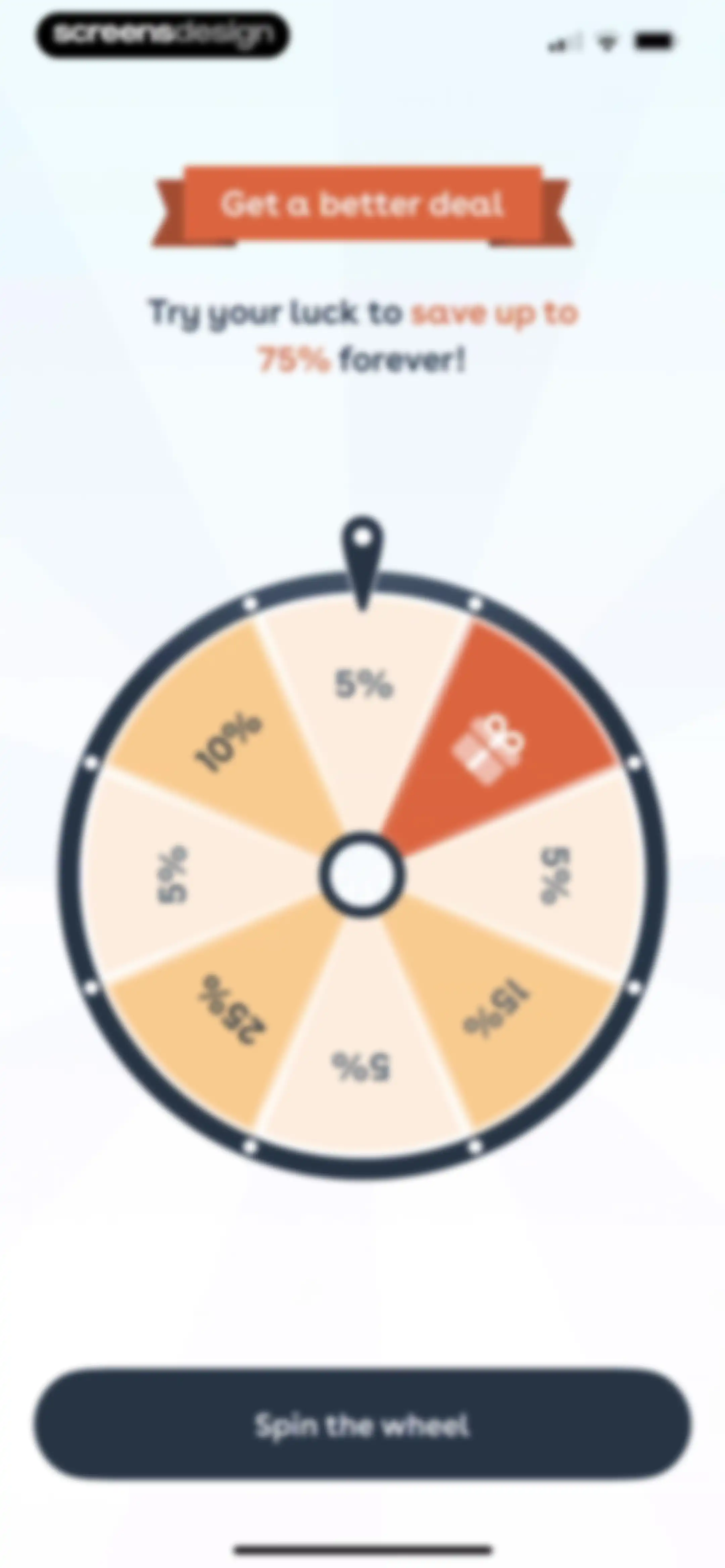
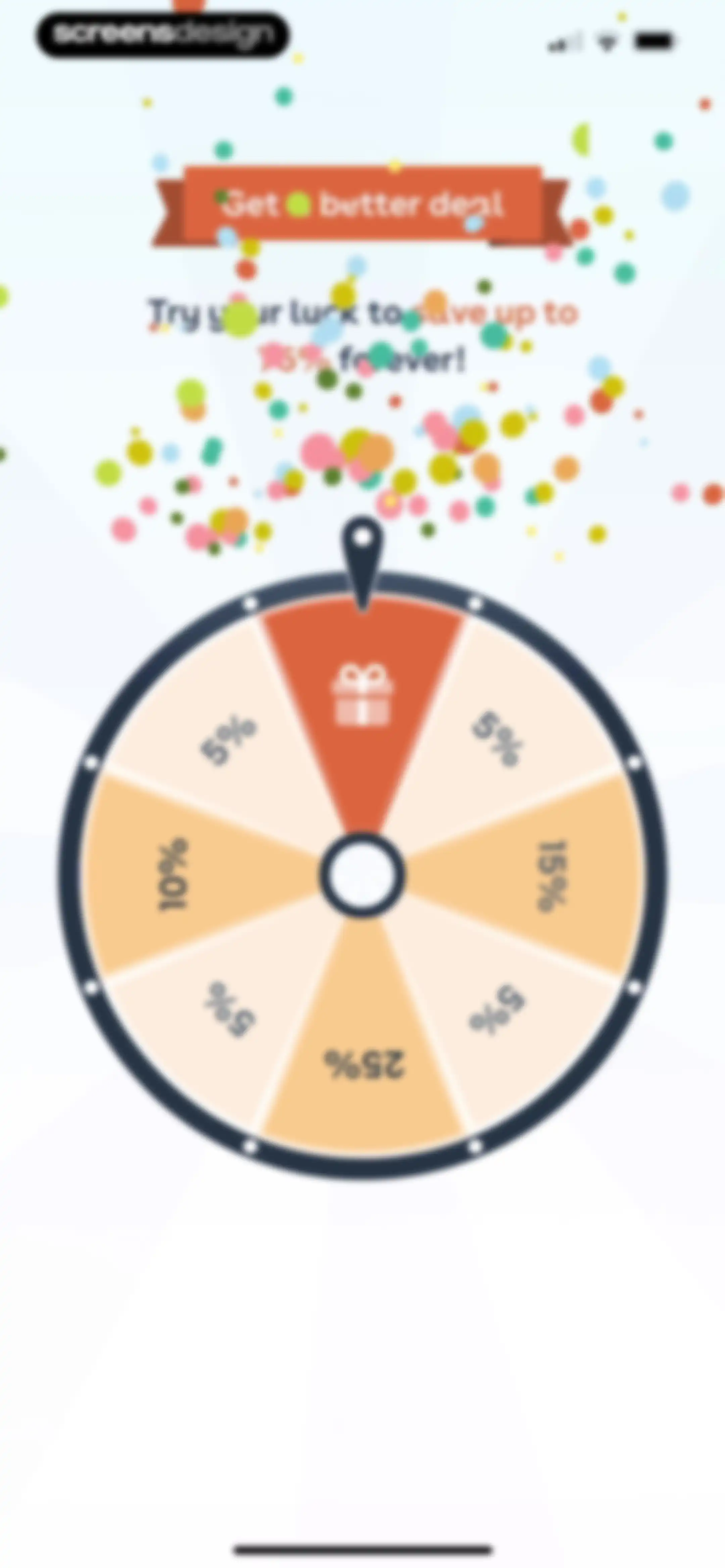
Paywall screen with a gamified prize wheel offering up to 75% savings and a Spin the wheel button.Unlock Pro
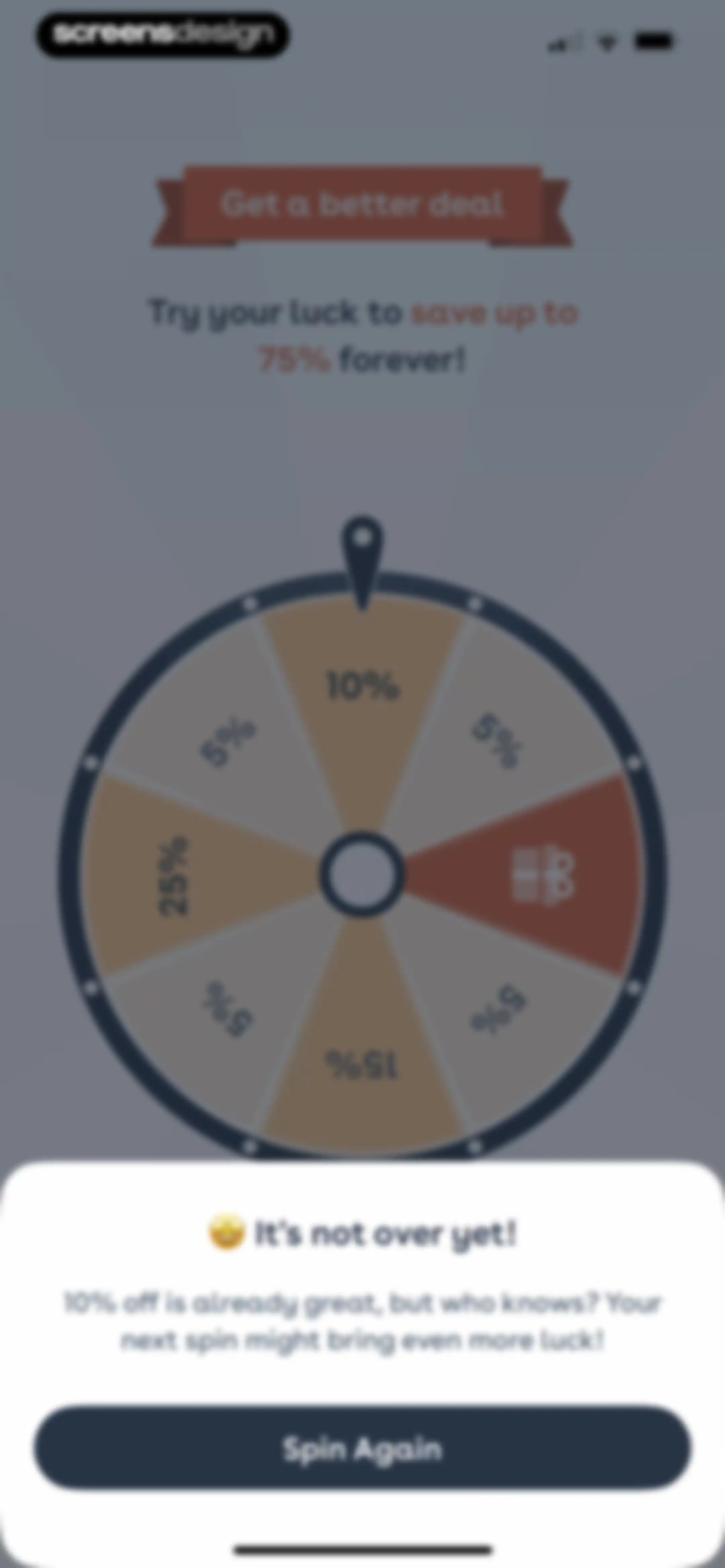
Foodvisor paywall featuring a gamified prize wheel to win up to 75 percent off, with a Spin Again button at the bottom.Unlock Pro
Promotional spin-the-wheel discount screen with a colorful prize graphic and an active Spin the wheel button to save on a subscription.Unlock Pro
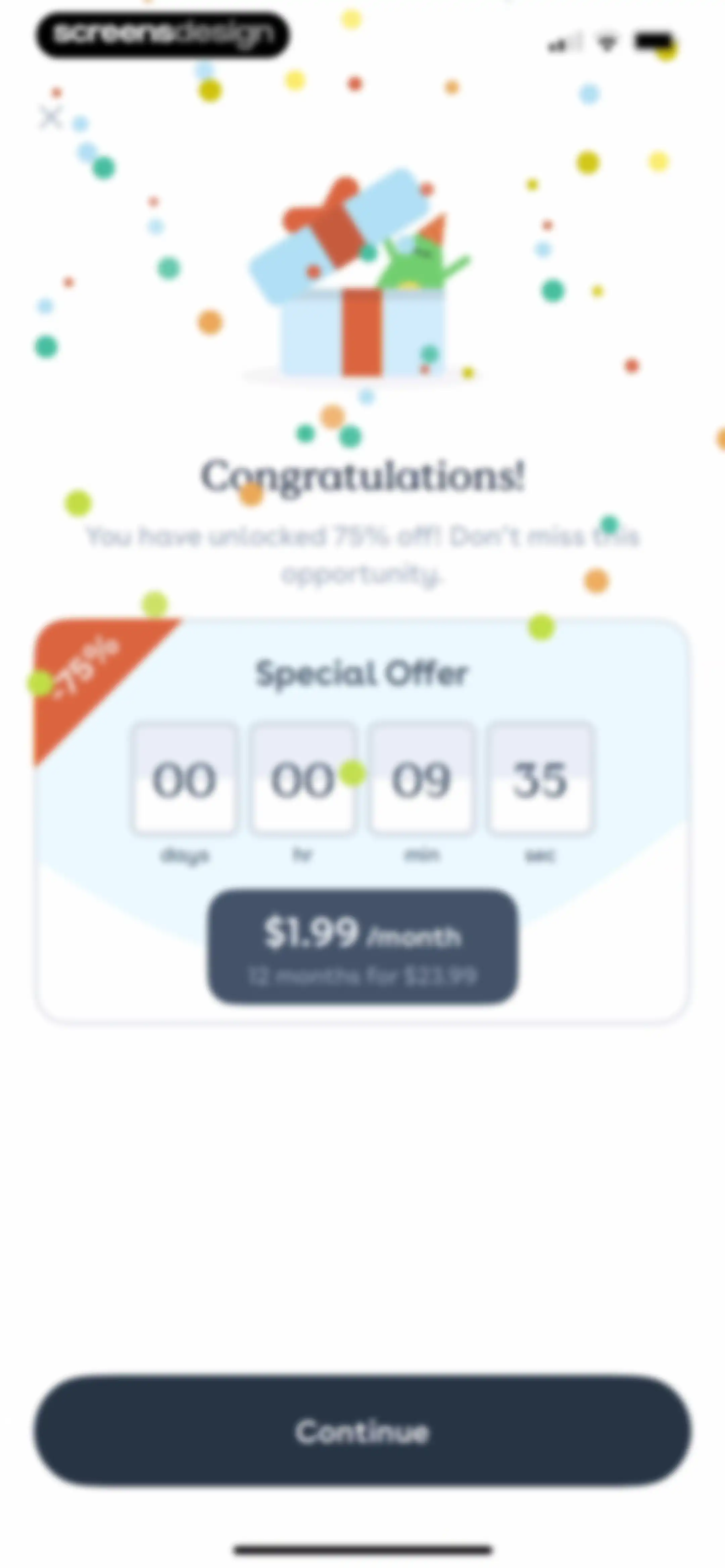
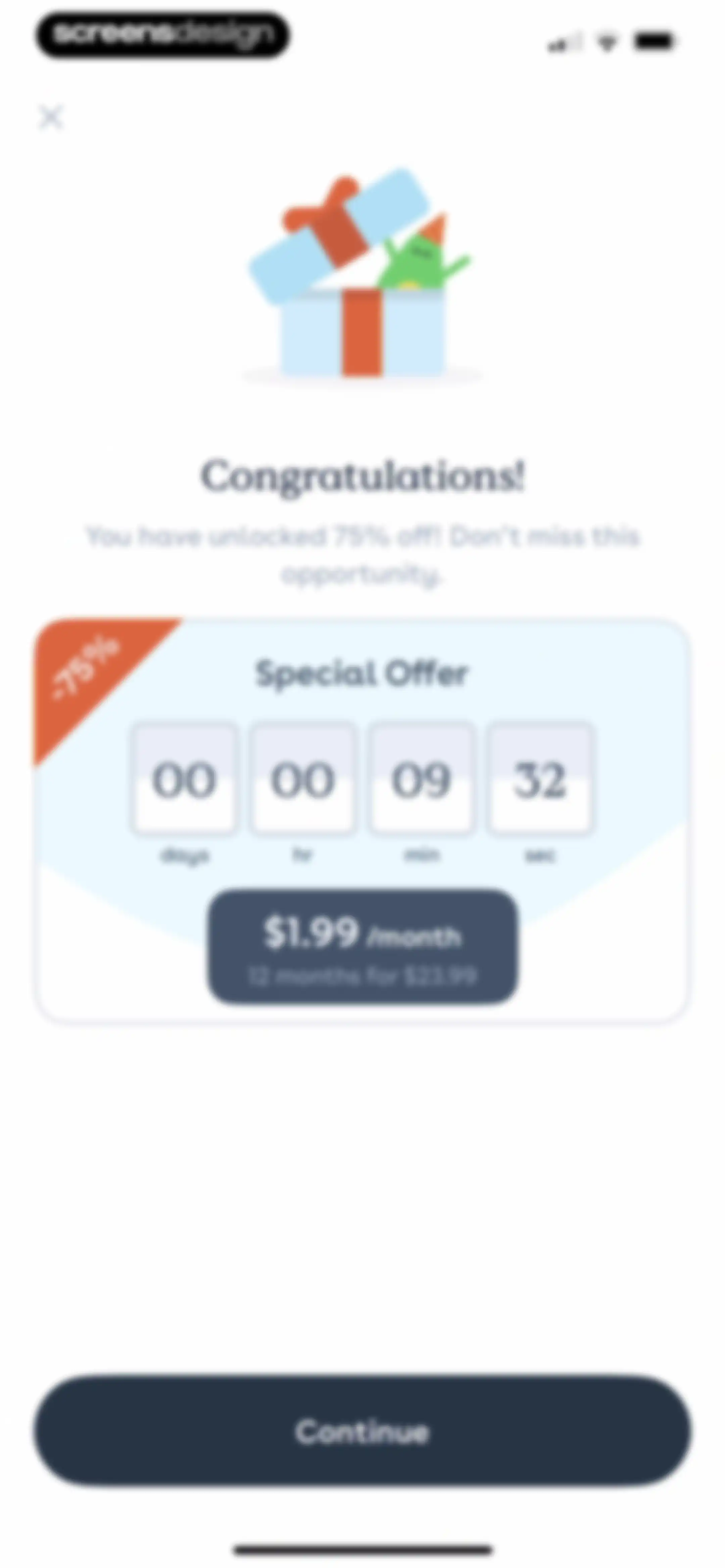
Foodvisor promotional paywall offering a 75 percent discount with a countdown timer and a Continue button.Unlock Pro
Paywall screen offering a limited-time 75% discount with a countdown timer, pricing details, and a Continue button.Unlock Pro
Notification permission prompt encouraging users to allow push notifications, with Later and Ok buttons.Unlock Pro
Permission request modal asking if Foodvisor would like to send notifications, with Don't Allow and Allow buttons.Unlock Pro
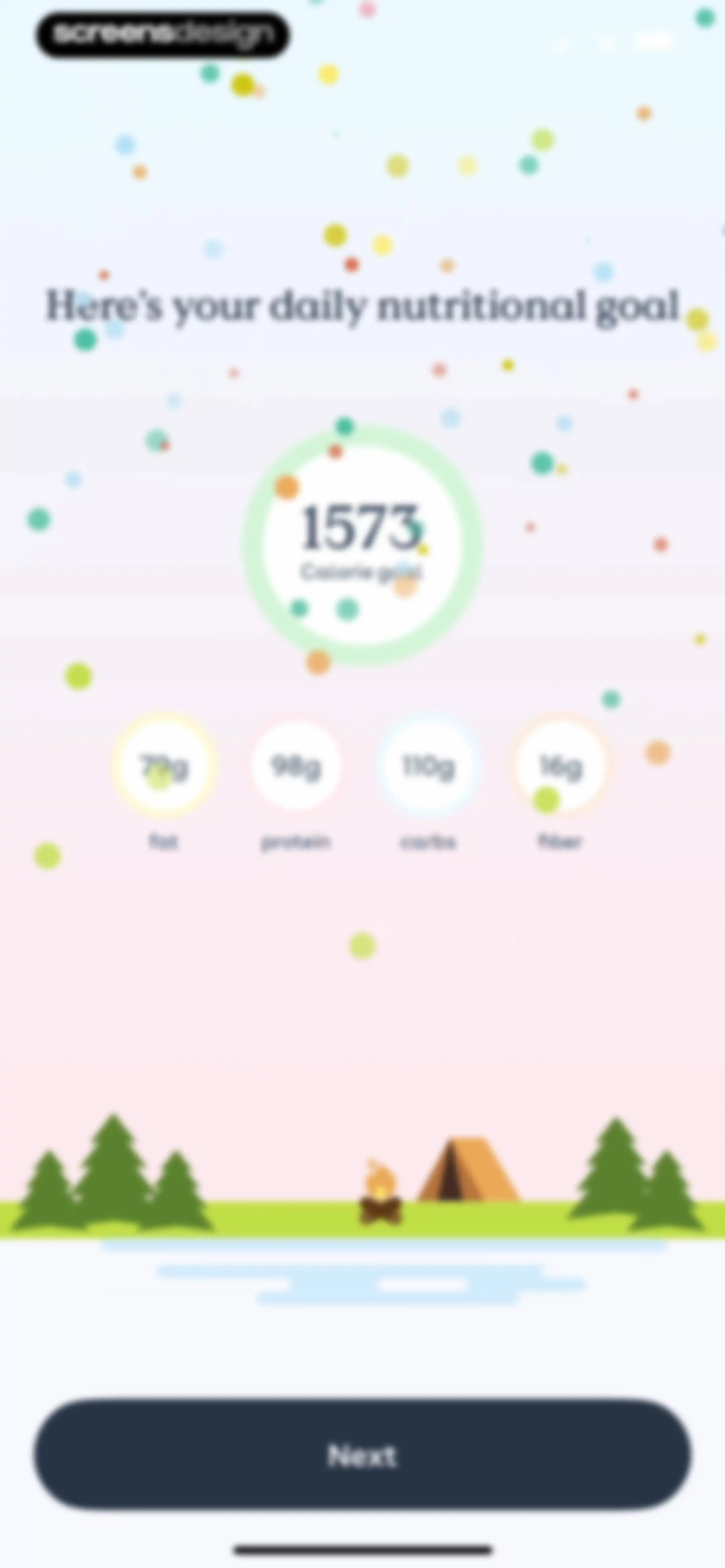
Foodvisor onboarding screen displaying a daily nutritional goal of 1573 calories with macronutrient targets and a Next button.Unlock Pro
Nutrition app onboarding screen displaying a calorie goal indicator, food icons with checkmarks, and a Next button.Unlock Pro
Foodvisor onboarding screen featuring a calorie goal progress ring, a campsite illustration, and a Next button.Unlock Pro
Onboarding screen prompting the user to log their most recent meal, with options for breakfast, lunch, dinner, and a skip link.Unlock Pro
Food search screen with a breakfast header, active search tab, and an educational tooltip overlay featuring a Got it button.Unlock Pro
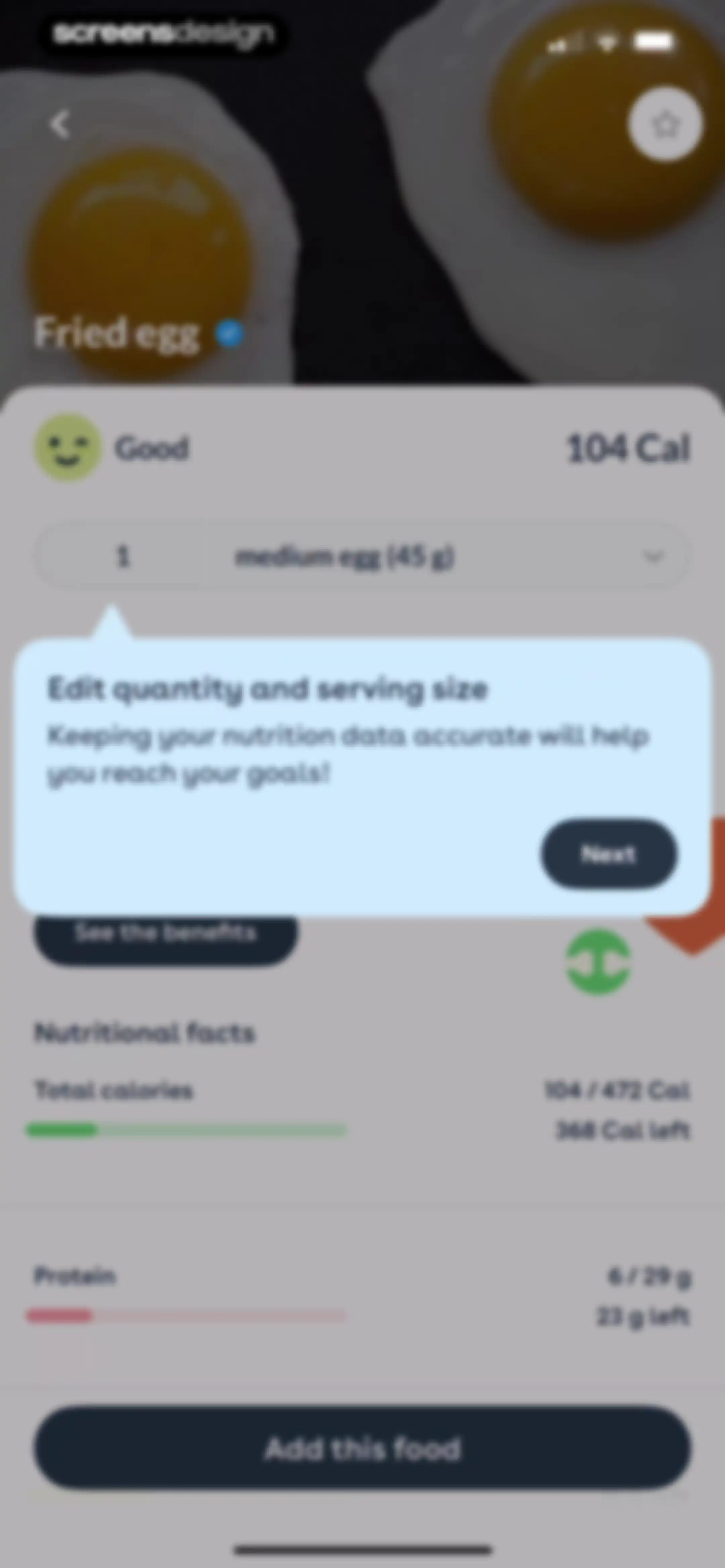
Food search results for egg with an instructional modal overlay and a Next button.Unlock Pro
Food search results list for breakfast with an active search query for egg and options to add items.Unlock Pro
Food logging screen for a fried egg with an instructional modal overlay and an Add this food button.Unlock Pro
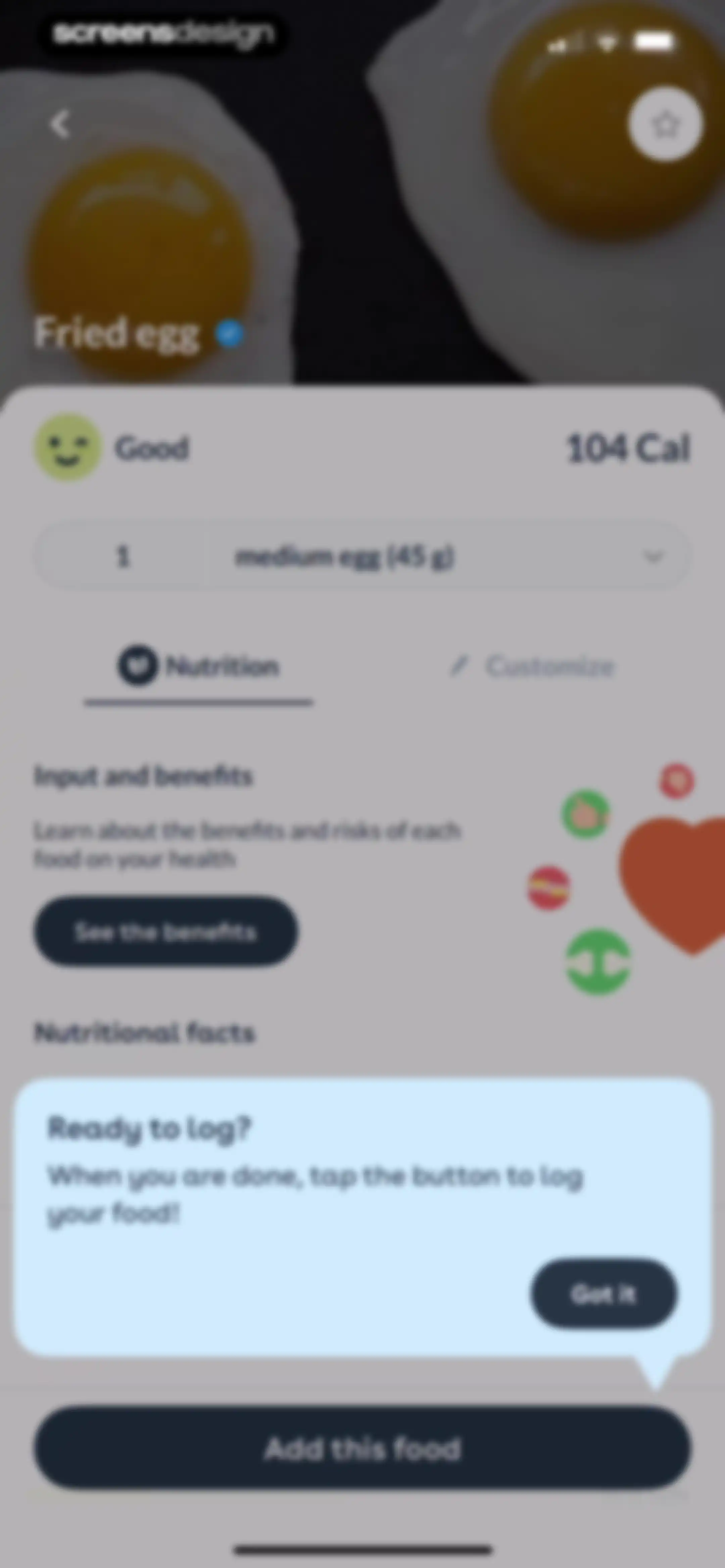
Food logging confirmation screen for a fried egg displaying nutritional details, a tooltip overlay, and an Add this food button.Unlock Pro
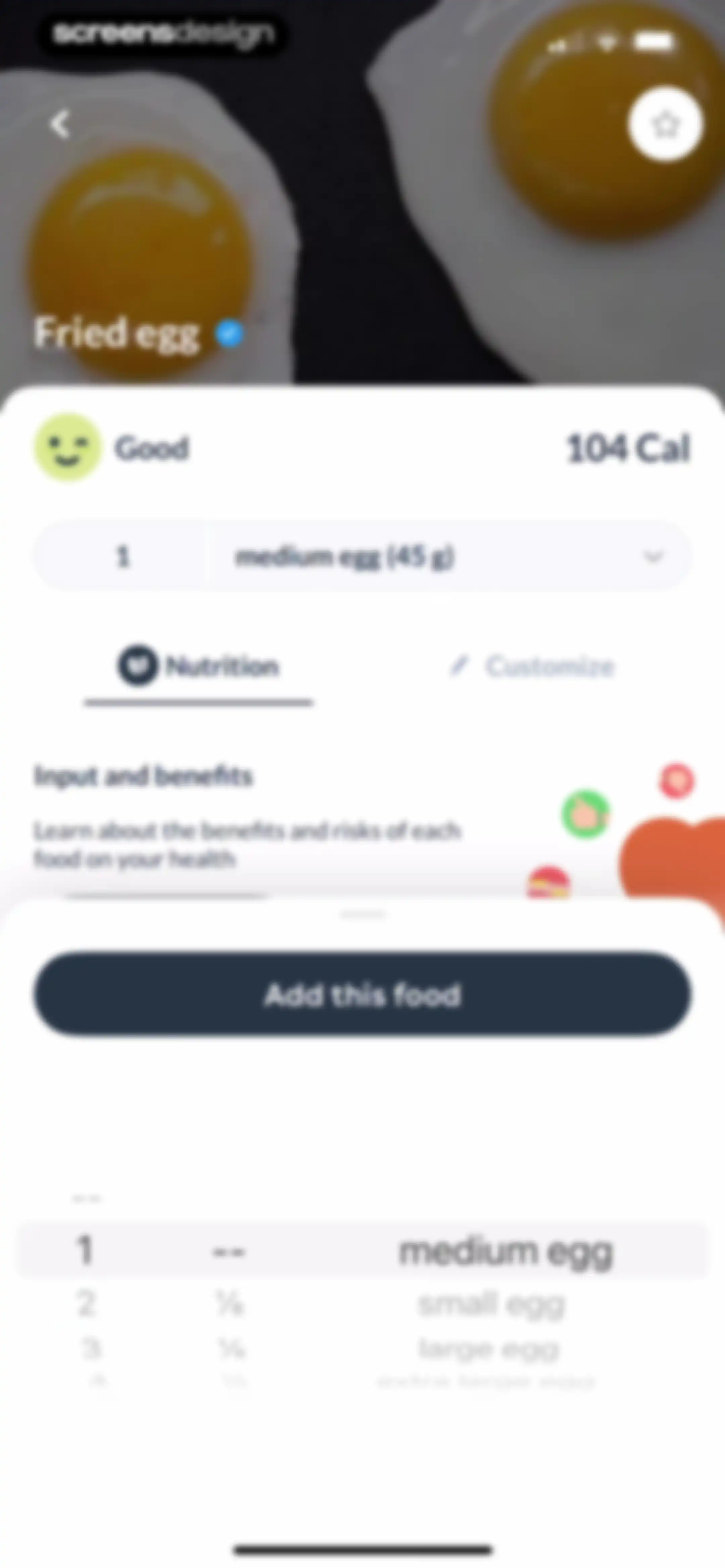
Food detail screen for a fried egg displaying a nutrition summary and portion size picker overlay with an Add this food button.Unlock Pro
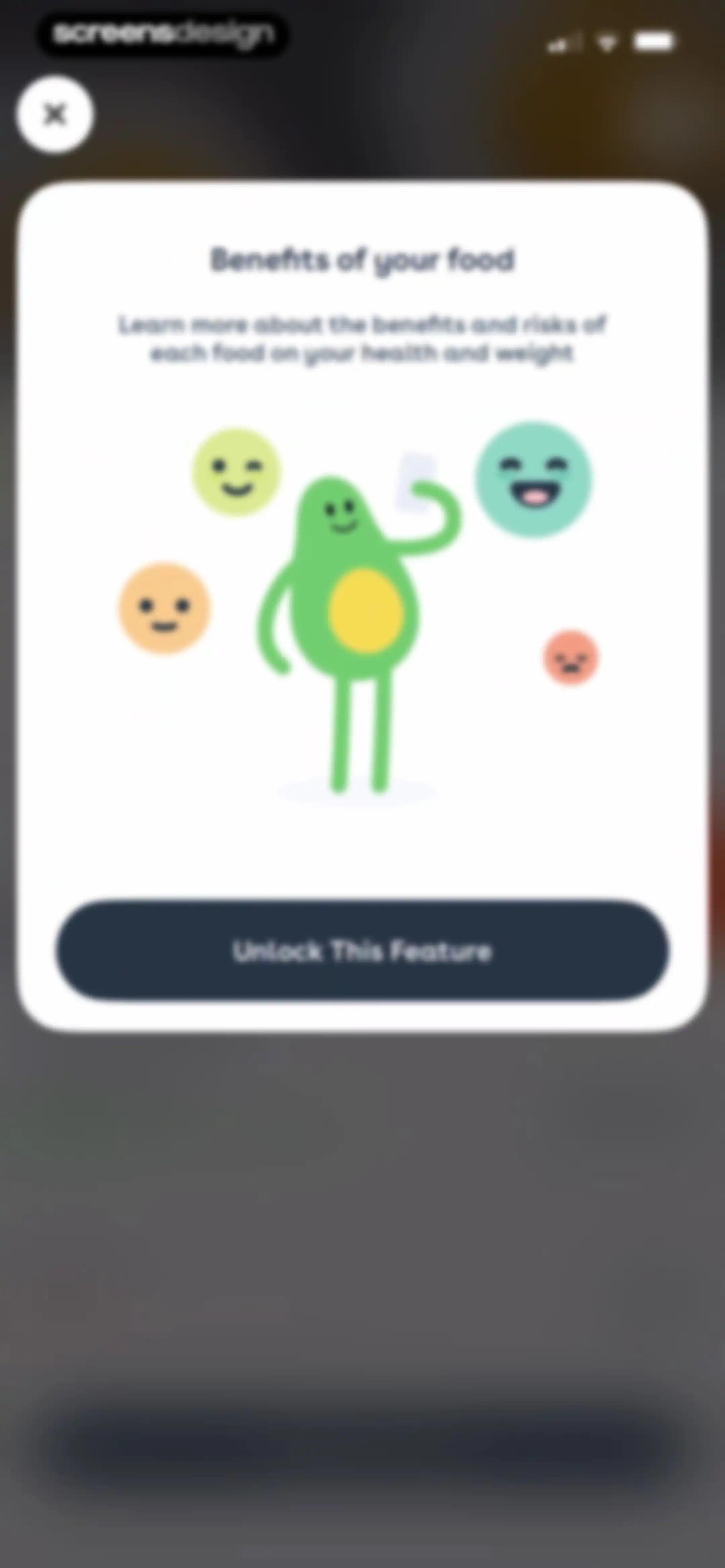
Paywall modal in Foodvisor highlighting food benefits with an avocado illustration and an Unlock This Feature button.Unlock Pro
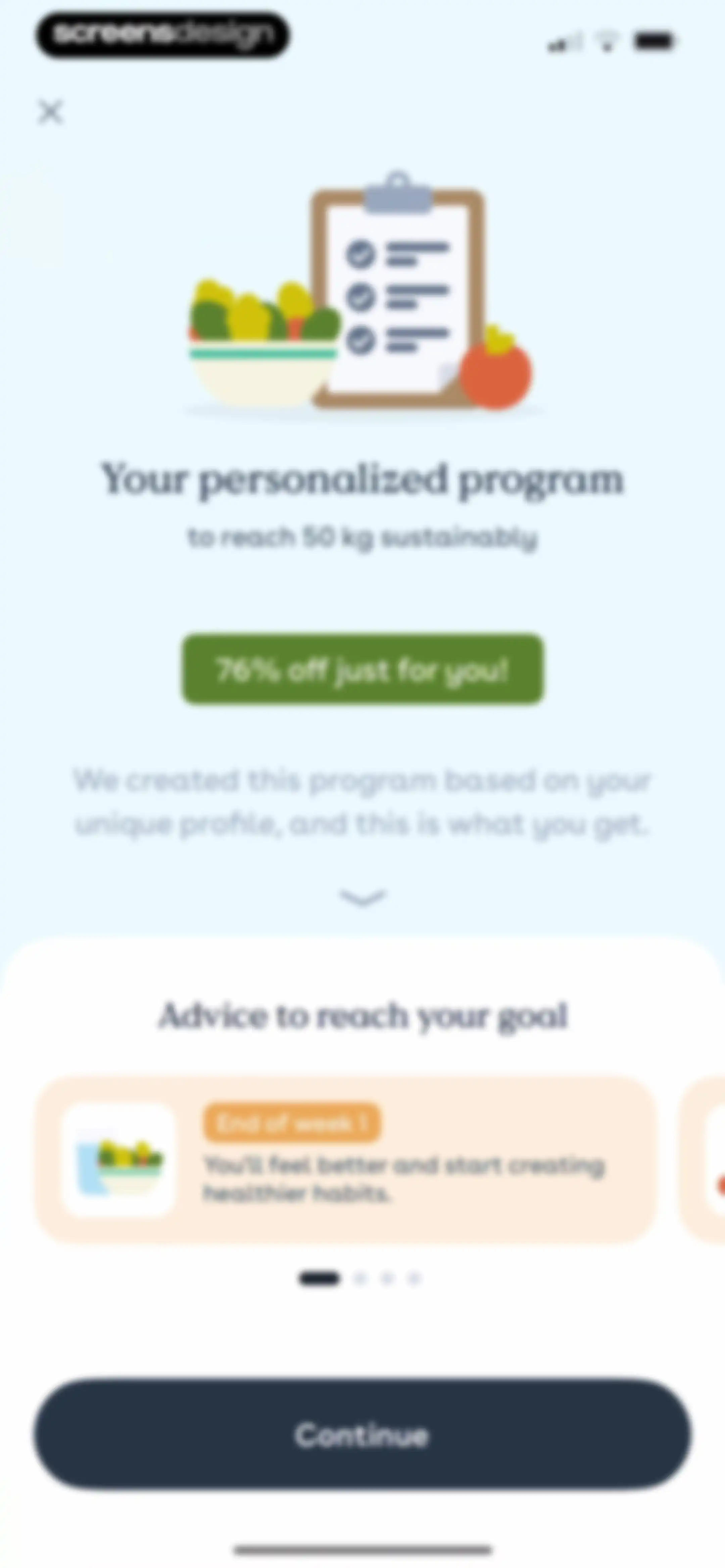
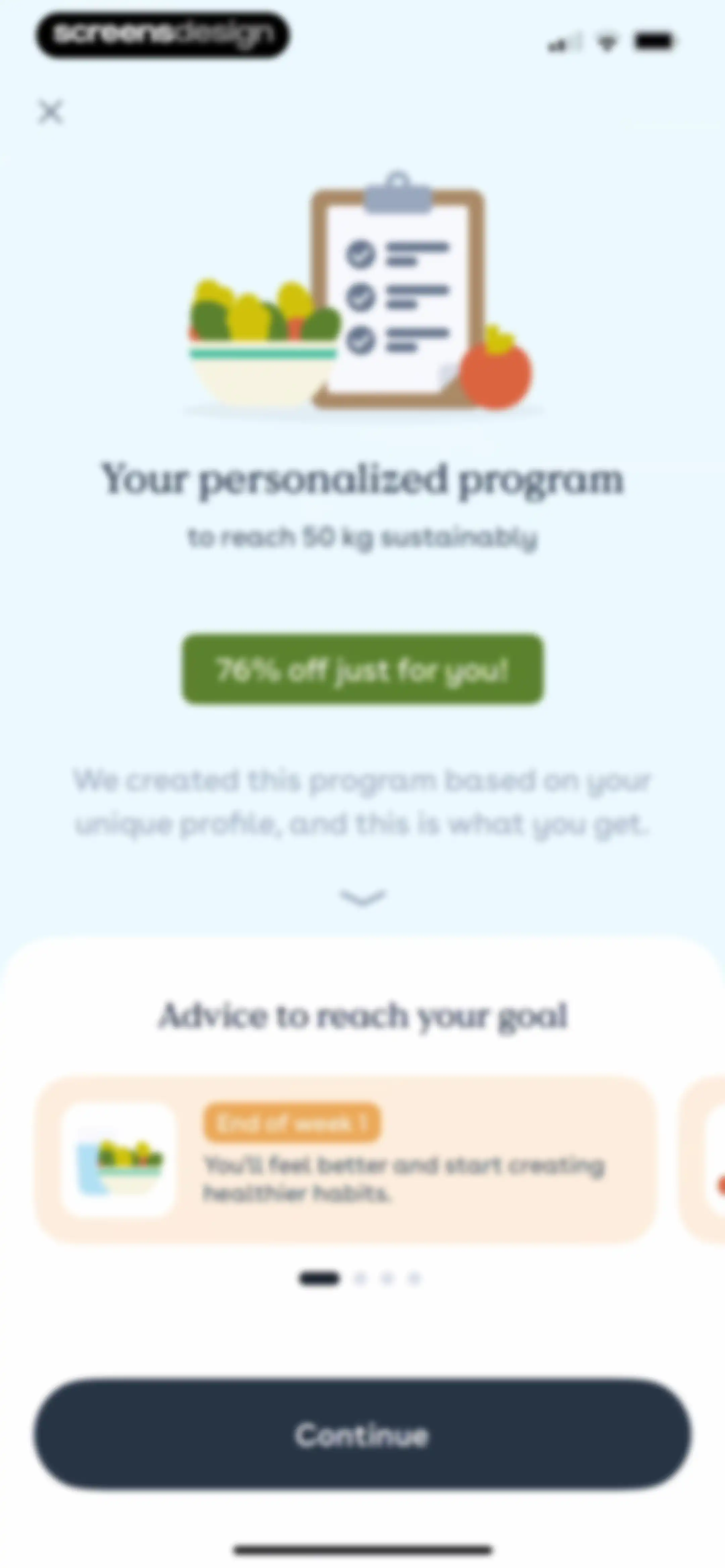
Onboarding screen featuring a personalized nutrition program summary, a 76% off promotional badge, an advice carousel, and a Continue button.Unlock Pro
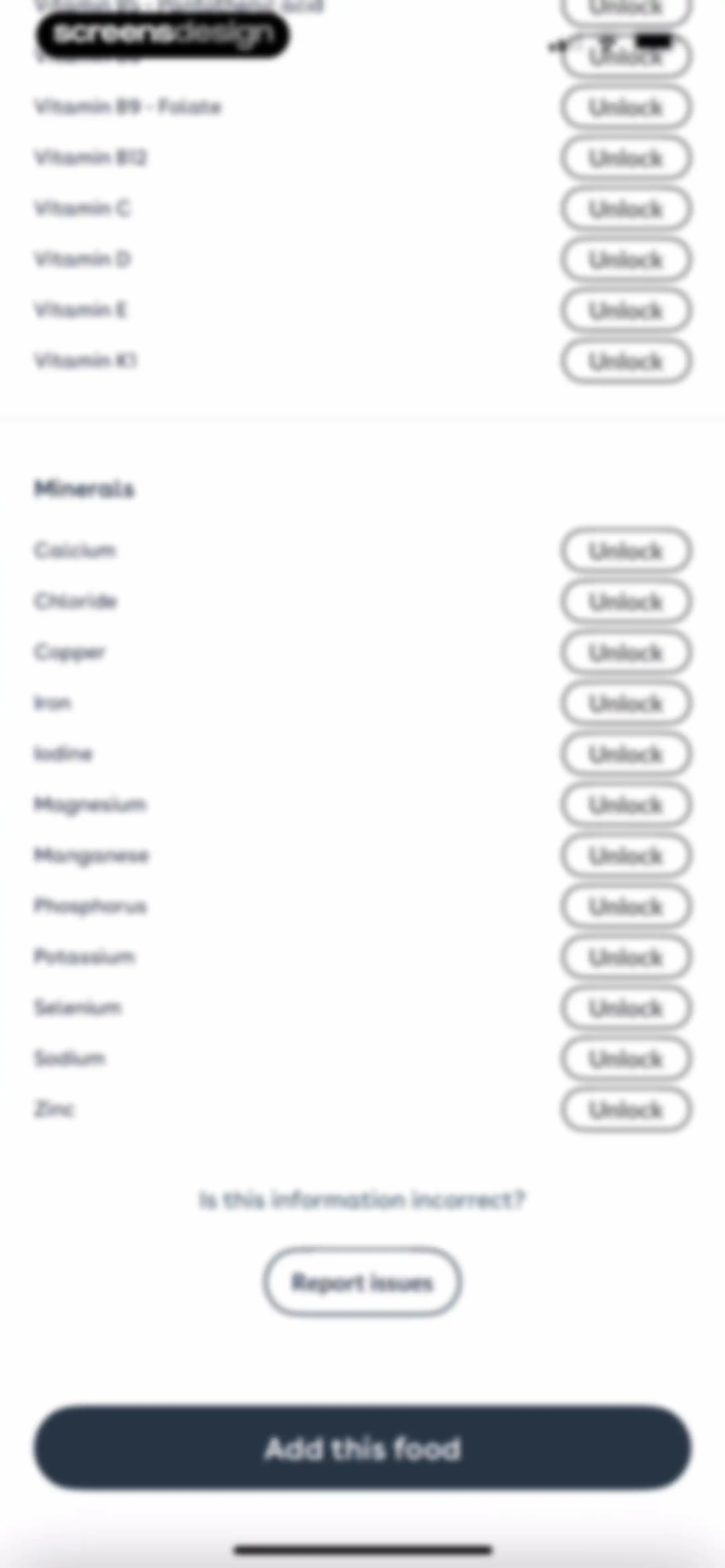
Foodvisor paywall screen displaying a gated list of vitamins and minerals with Unlock buttons, a report issue option, and an Add this food button.Unlock Pro
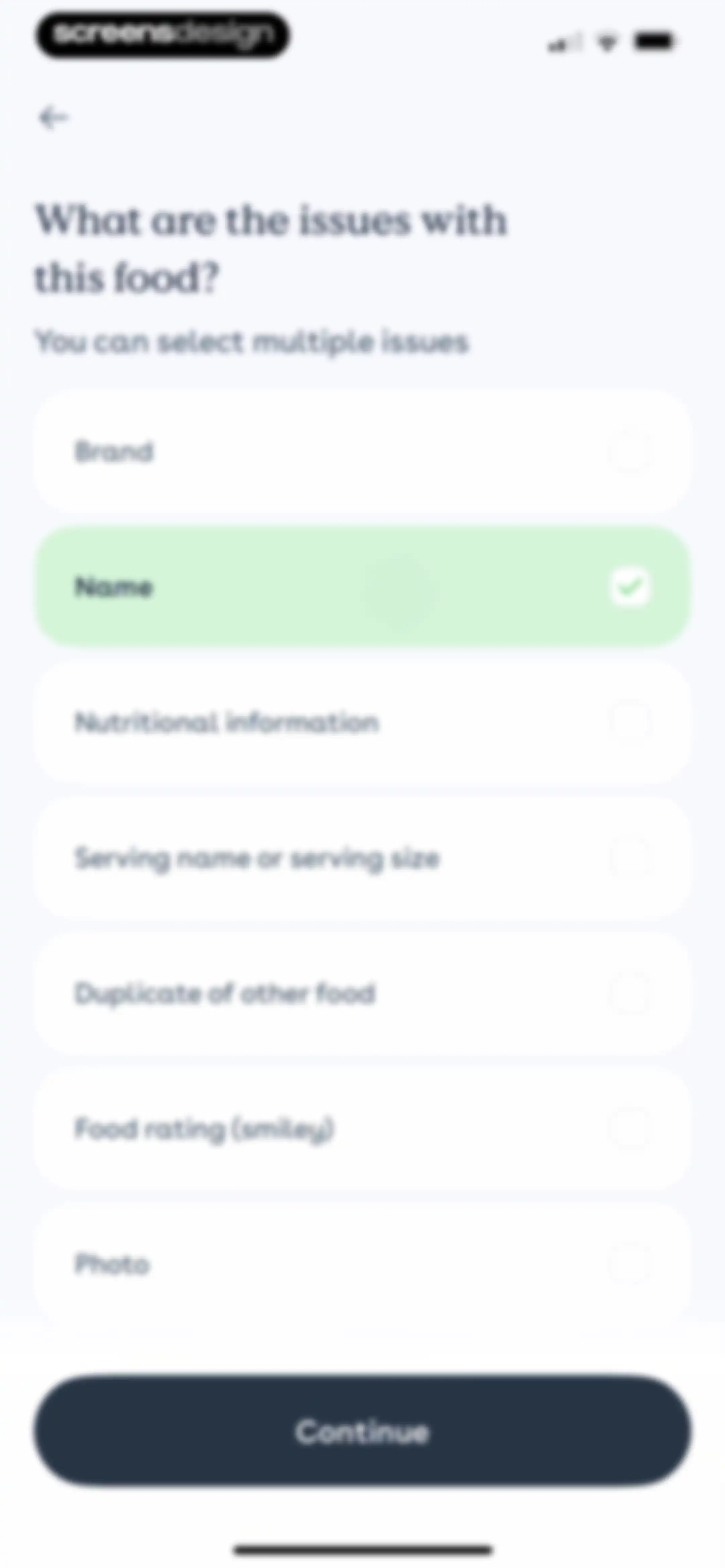
Food issue reporting form with a list of selectable problems, the Name option selected, and a Continue button.Unlock Pro
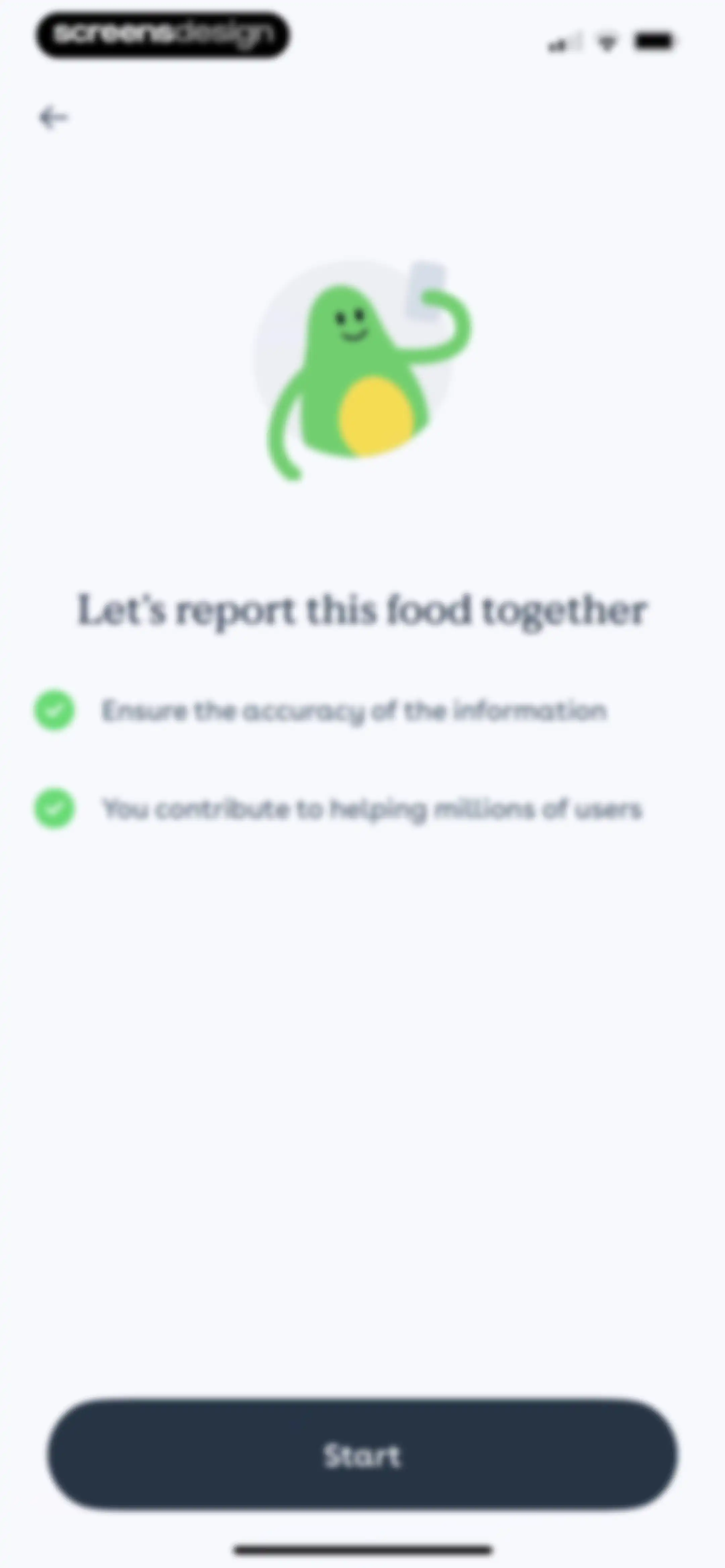
Onboarding screen introducing food reporting with an avocado illustration, two benefit points, and a Start button.Unlock Pro
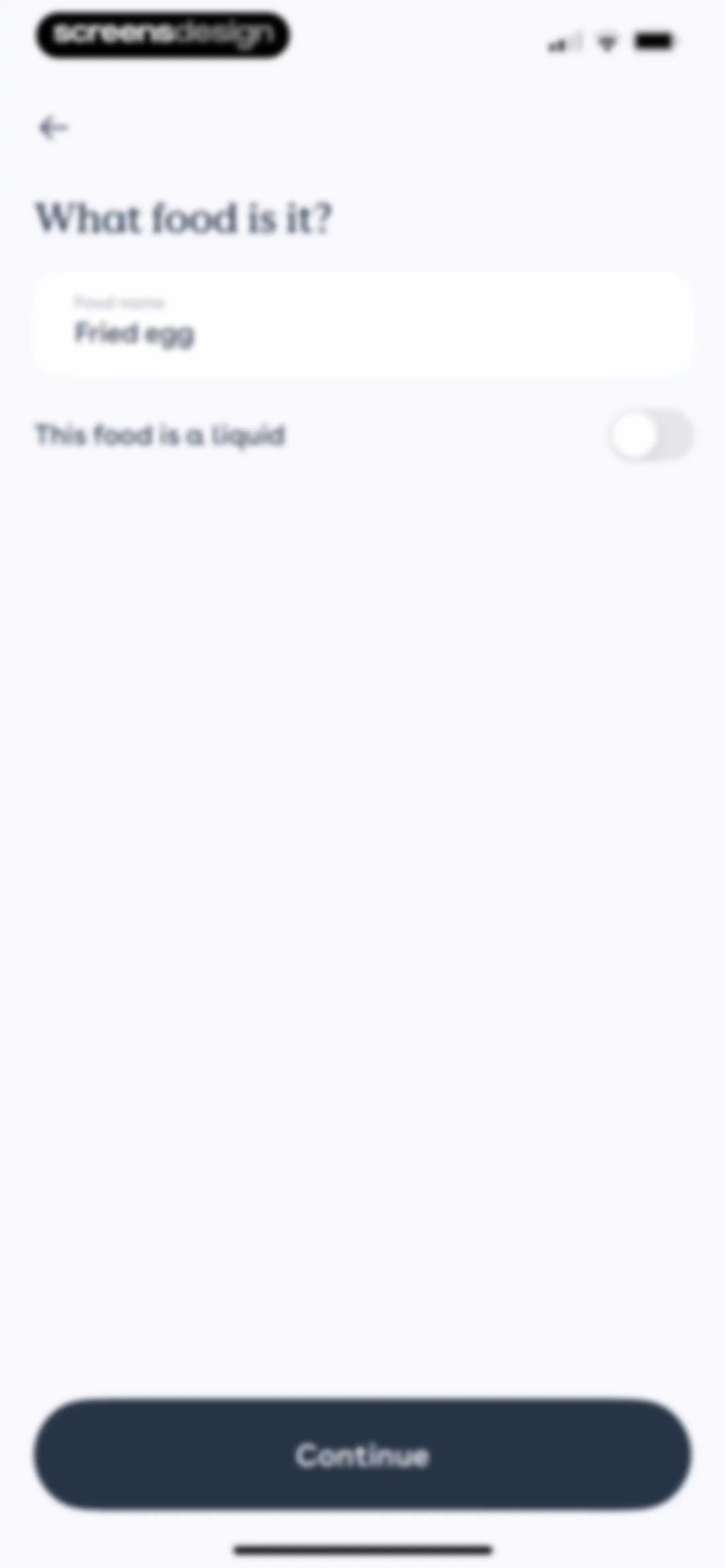
Food name entry form pre-filled with Fried egg, featuring a liquid toggle and Continue button.Unlock Pro
Loading screen displaying an avocado illustration with the text Analyzing your food and a progress indicator.Unlock Pro
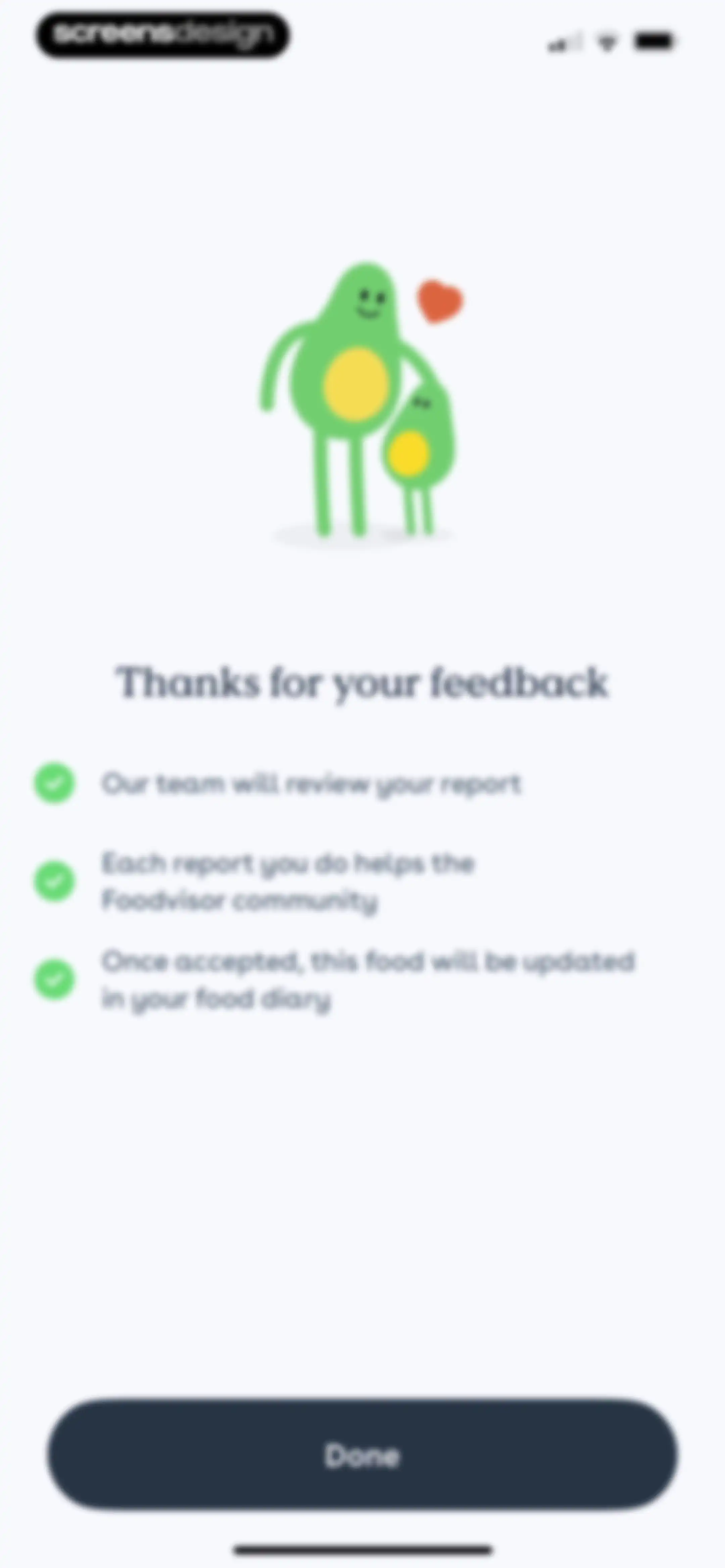
Foodvisor feedback confirmation screen featuring an avocado mascot illustration, three bullet points about the review process, and a Done button.Unlock Pro
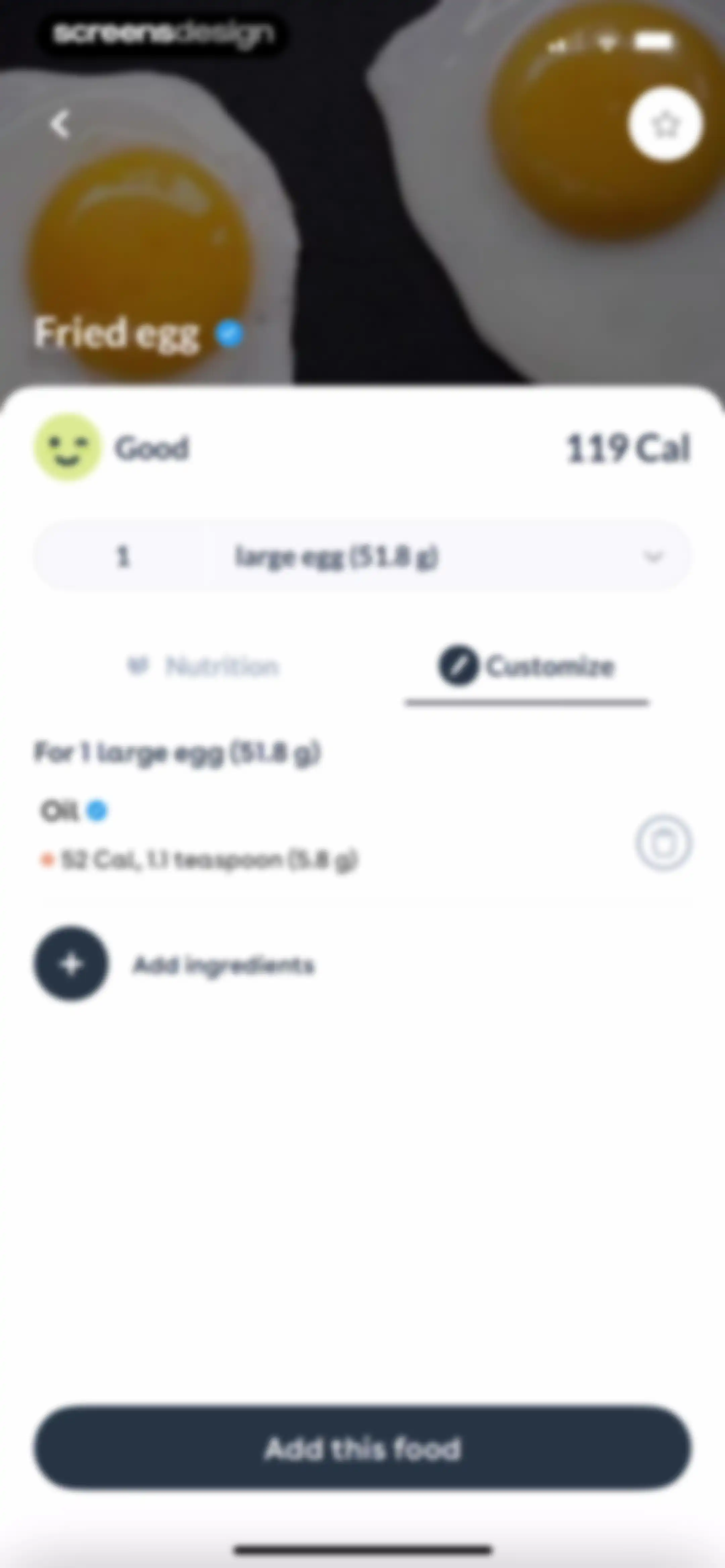
Food detail view for a fried egg with the customize tab selected, listing ingredients, and an Add this food button at the bottom.Unlock Pro
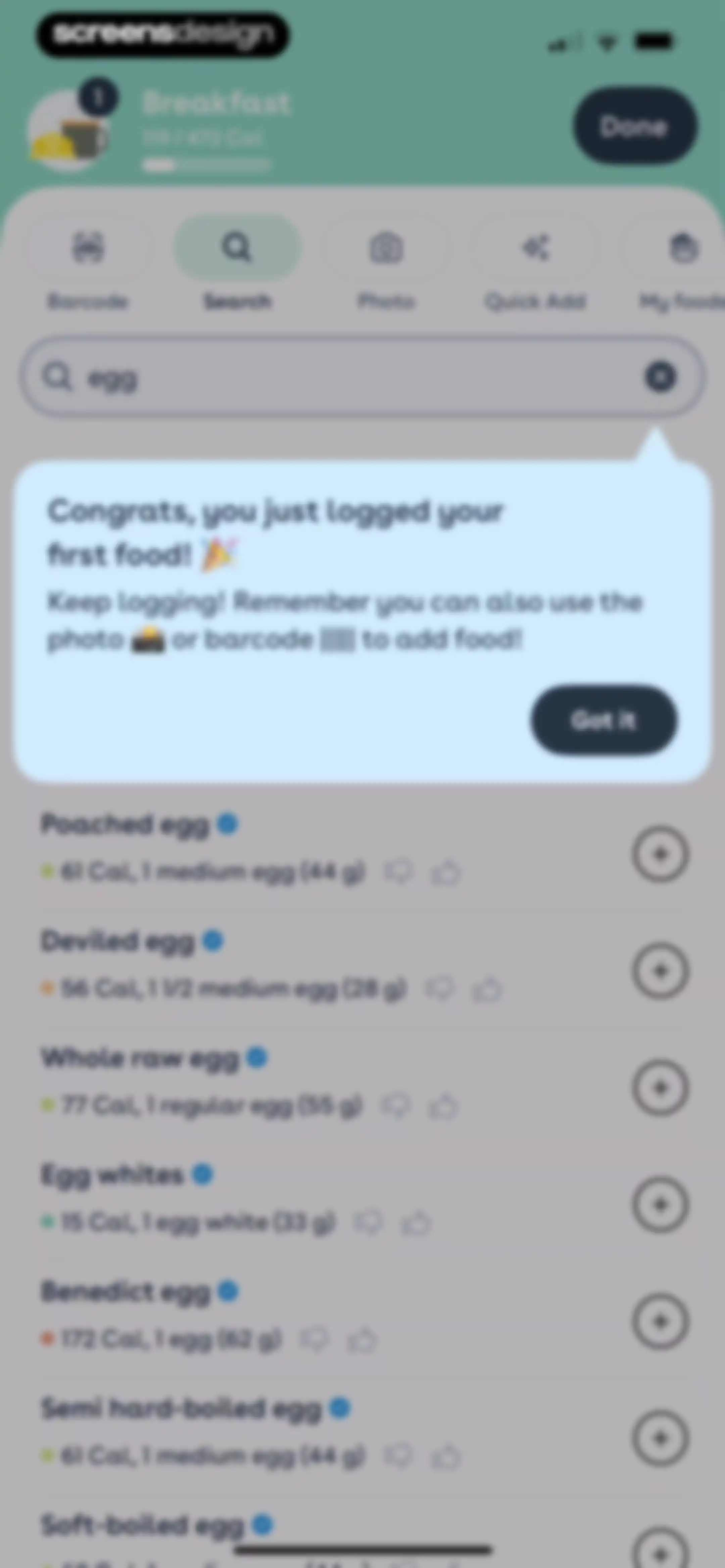
Food search results screen for breakfast with an egg query, a congratulatory logging tooltip overlay, and a list of matching food items.Unlock Pro
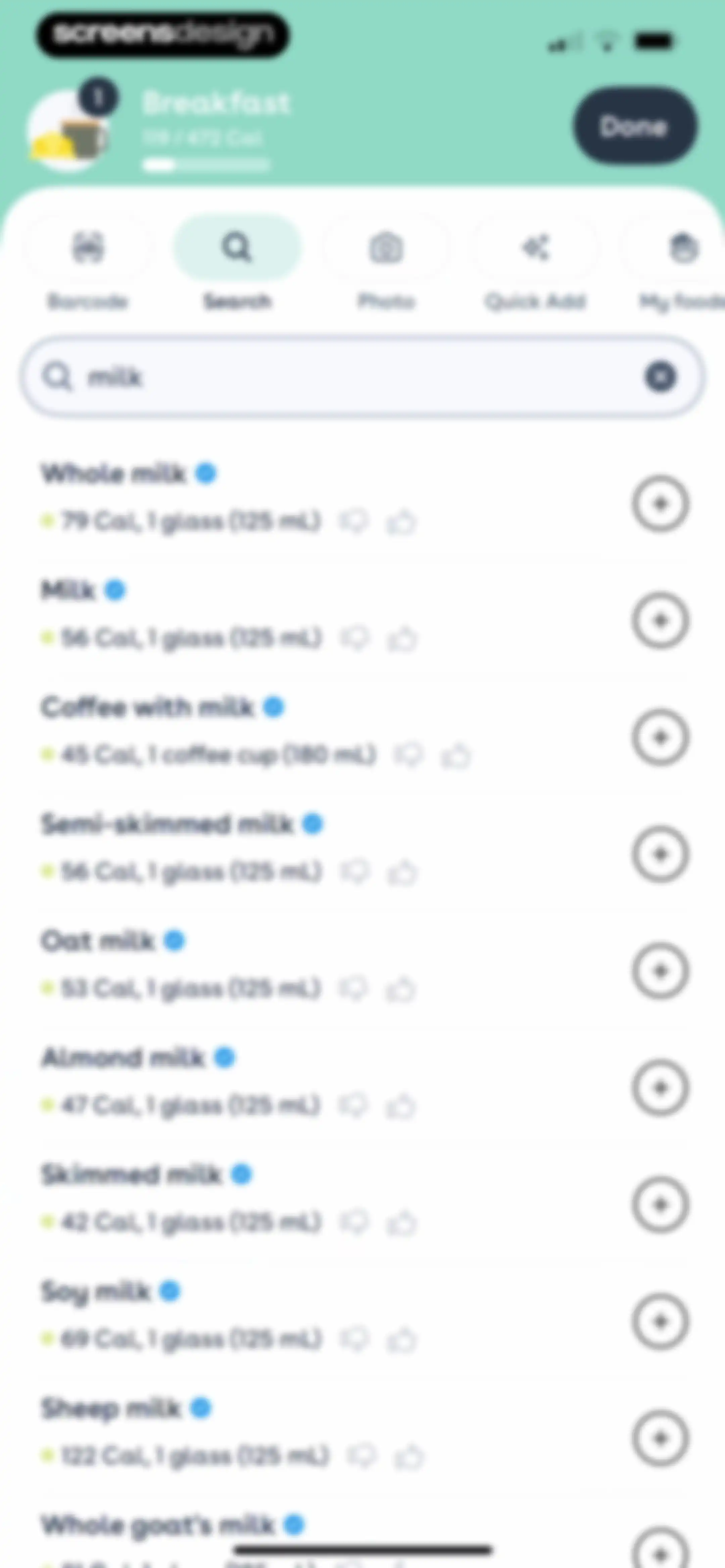
Food search results for milk within a breakfast meal log, displaying a list of dairy options and calorie counts.Unlock Pro
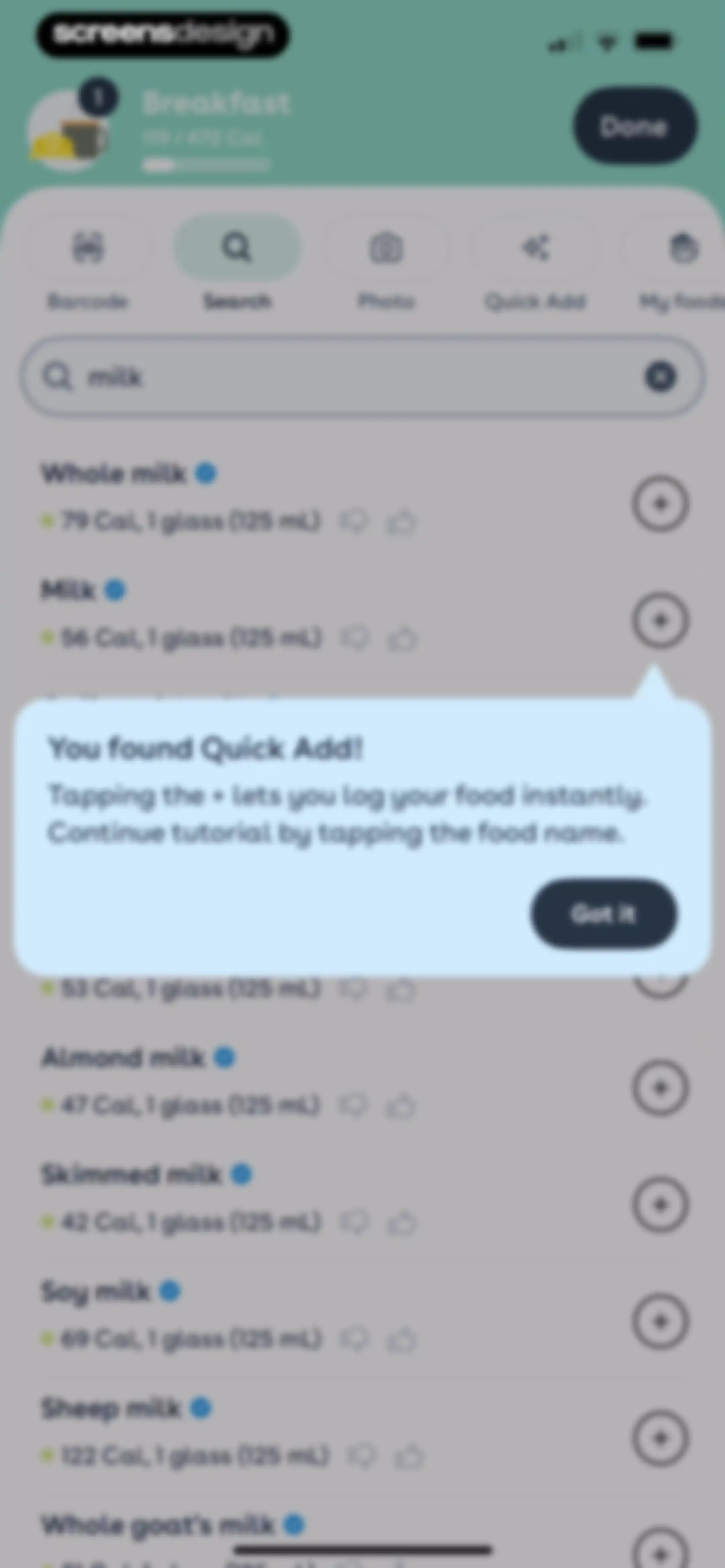
Food search results list for milk with a tutorial modal overlay explaining the quick add feature and a Got it button.Unlock Pro
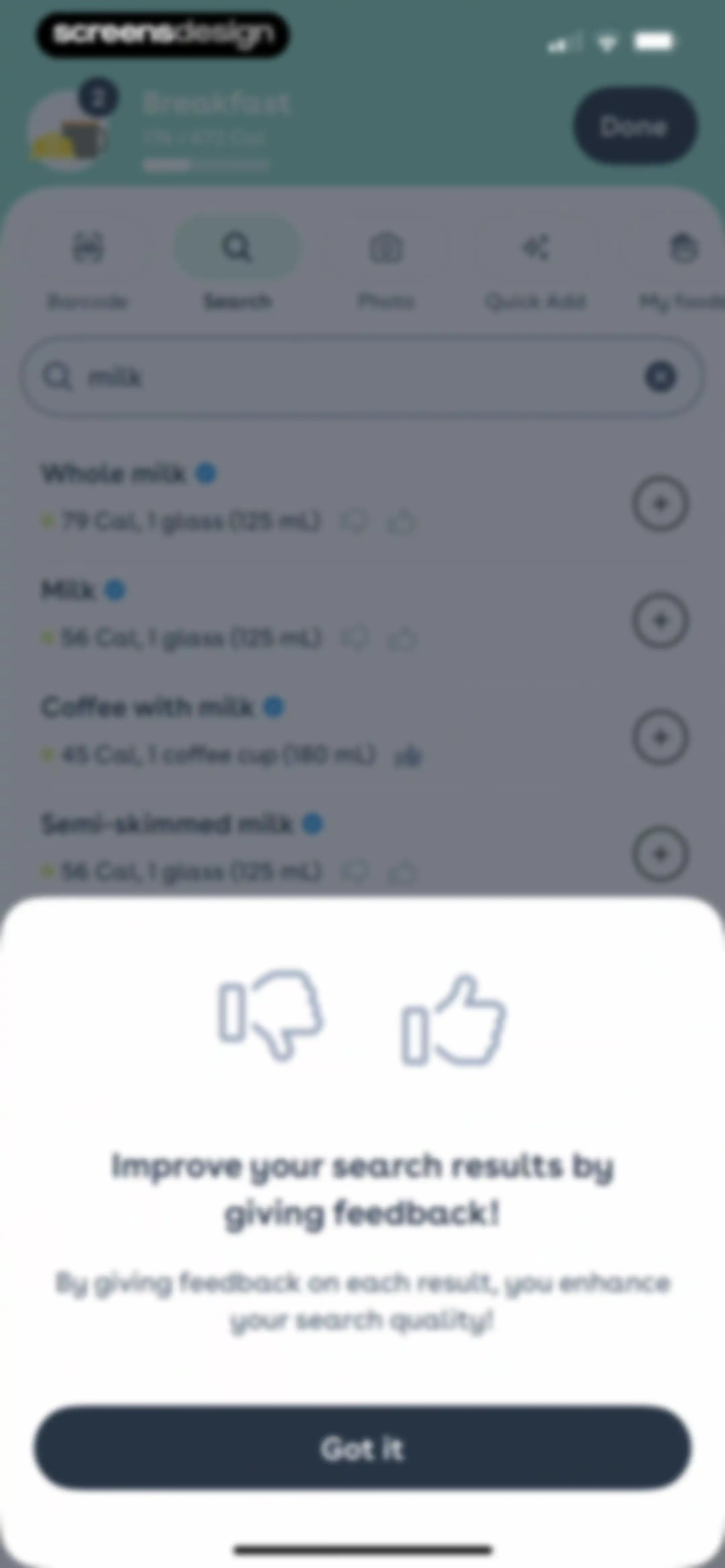
Food search results list for milk with an educational modal overlay about providing feedback and a Got it button.Unlock Pro
Food search results screen displaying a list of milk products with calorie counts and a feedback modal at the bottom.Unlock Pro
Foodvisor meal logging success screen displaying a summary grid of calories, quality, and items, with a Continue button.Unlock Pro
Streak milestone screen displaying a one-day streak card with an orange flame icon and a Continue button.Unlock Pro
Fitness app onboarding screen featuring a 5-day streak progress tracker, motivational text about weight loss, and a Let's go button.Unlock Pro
Reward screen in the Foodvisor app announcing two earned streak freezes, with an explanatory illustration and a Continue button.Unlock Pro
Widget promotion onboarding screen featuring a headline about streak retention, a preview illustration, and Add widget and Not now buttons.Unlock Pro
Nutrition tracking dashboard with a daily calorie summary, a special offer promotional banner, and a meal log listing breakfast items.Unlock Pro
Health app dashboard displaying a calorie summary, macronutrient progress, day rating card, and a special offer card with a countdown timer.Unlock Pro
Paywall modal in the Foodvisor app with an avocado illustration, prompting the user to unlock daily ratings with an Unlock My Rating button.Unlock Pro
Paywall screen for a personalized weight loss program featuring a 76% discount badge, weekly advice carousel, and a Continue button.Unlock Pro
Nutrition dashboard displaying a daily calorie summary, a promotional discount card, and meal logging categories with a bottom navigation bar.Unlock Pro
Breakfast insights dashboard displaying an AI nutritional analysis report with stacked informational cards and feedback buttons.Unlock Pro
Informational modal explaining the overall nutritional analysis feature, with a title, explanatory paragraphs, and a bottom Close button.Unlock Pro
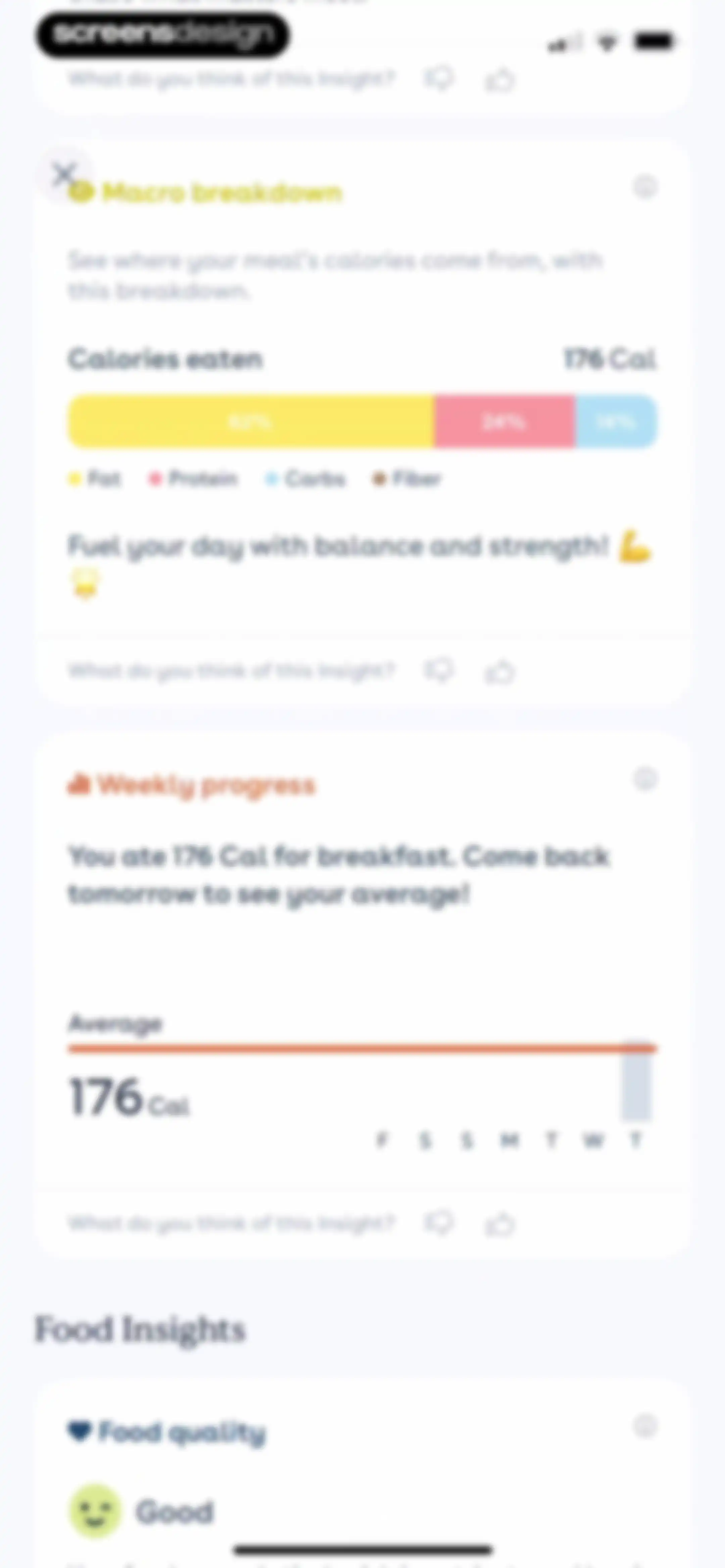
Nutrition dashboard displaying insight cards for macro breakdown, weekly progress, and food quality with feedback controls.Unlock Pro
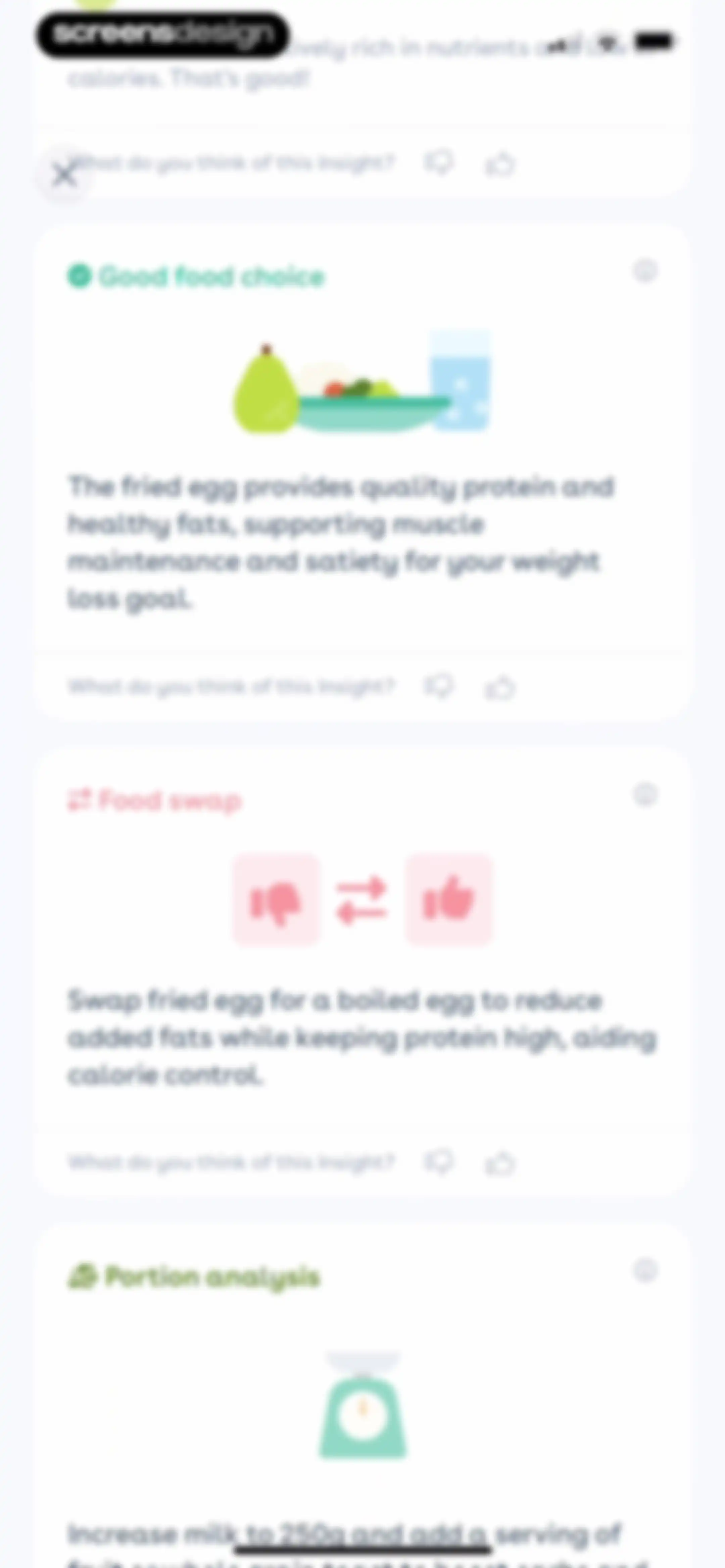
Foodvisor nutritional feedback dashboard displaying a vertical list of cards with dietary insights and feedback buttons.Unlock Pro
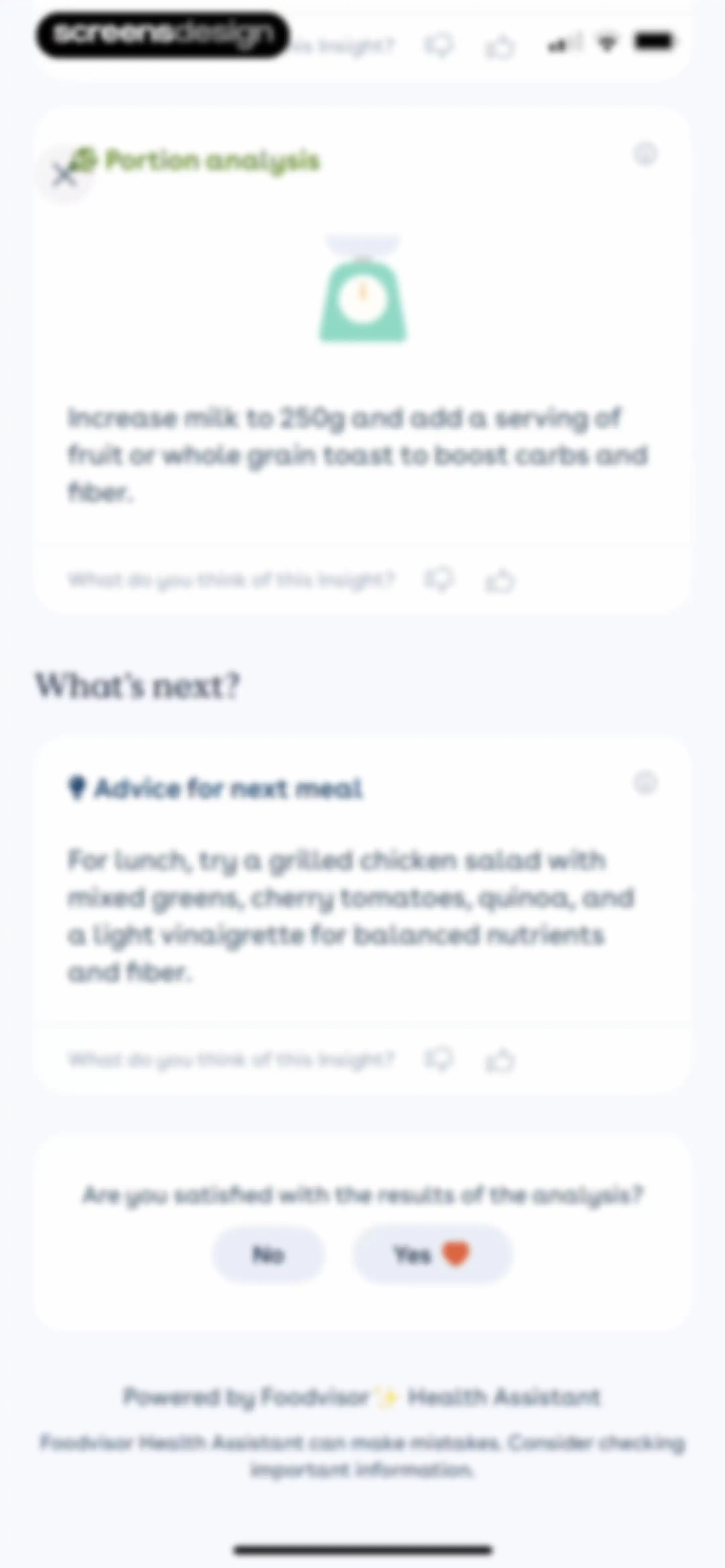
Nutritional insight cards displaying portion analysis and meal advice, with a satisfaction survey and a close button.Unlock Pro
Feedback form with a prompt about an insight, a text input field containing user text, and a Send button.Unlock Pro
Nutrition insight screen displaying personalized portion analysis and meal advice cards with feedback options and an AI assistant disclaimer.Unlock Pro
Food search screen with a search bar, food suggestions including milk and fried eggs, and an on-screen keyboard.Unlock Pro
Nutrition logging screen with the Barcode tab selected, instructions to hover the camera over a barcode, and a Get started button.Unlock Pro
Foodvisor permission request modal asking for camera access to take pictures of food, with Allow and Don't Allow buttons.Unlock Pro
Barcode scanner screen for logging lunch with a central camera viewfinder and a horizontal tab navigation bar.Unlock Pro
Barcode scanner screen displaying a detected food item card with an Add button and top input method tabs.Unlock Pro
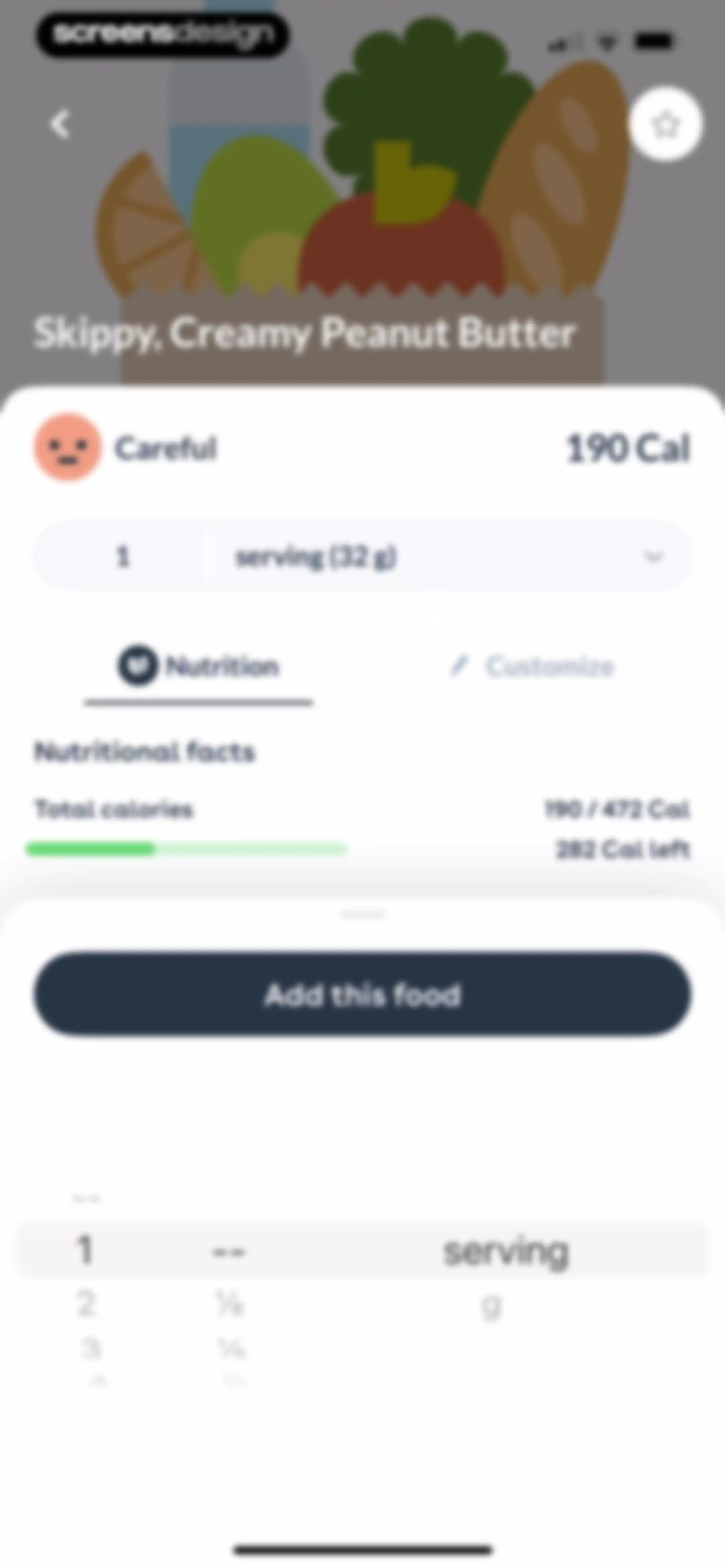
Food details screen for Skippy Creamy Peanut Butter showing nutritional progress bars, serving size, and an Add this food button.Unlock Pro
Food logging screen displaying nutrition details for Skippy Creamy Peanut Butter with an Add this food button.Unlock Pro
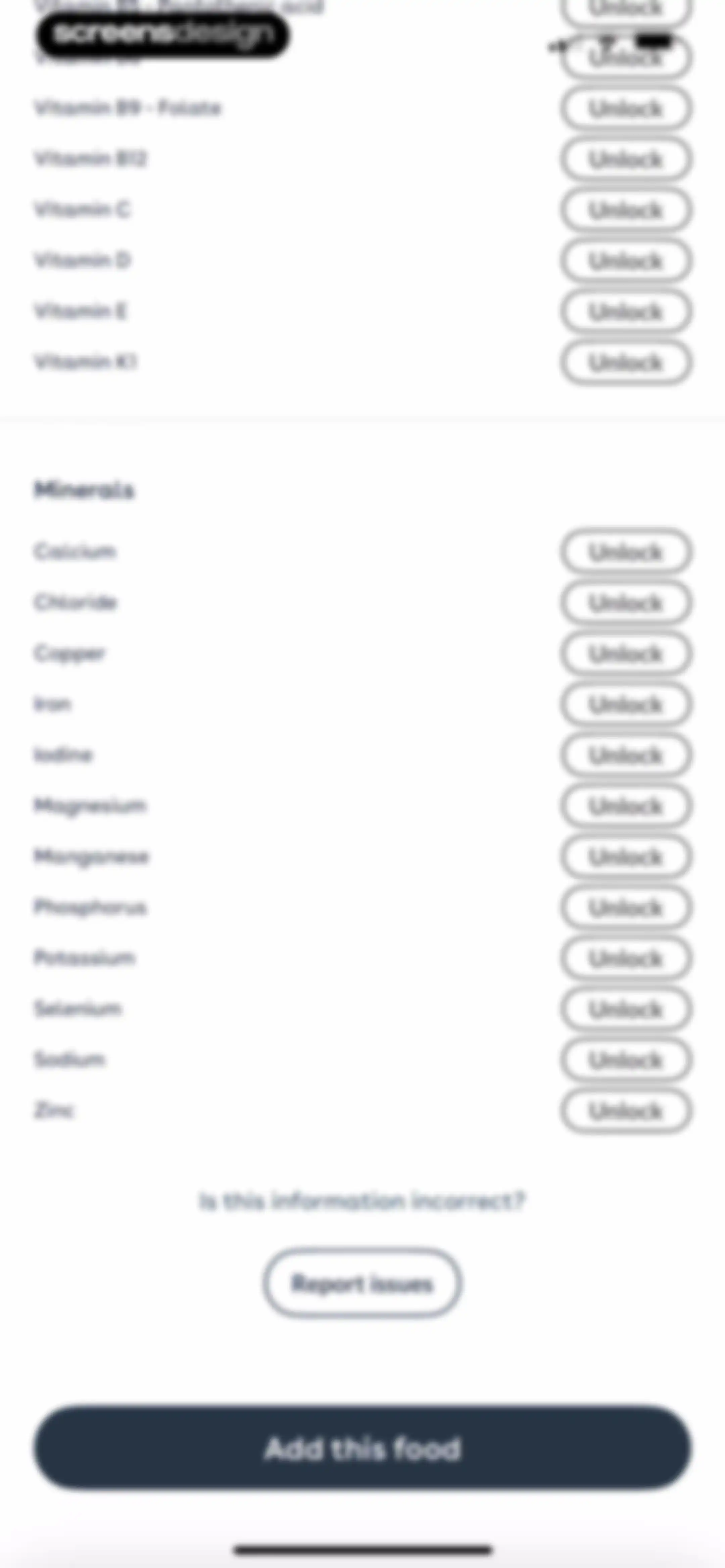
Foodvisor nutritional analysis paywall listing vitamins and minerals with unlock buttons, a report link, and an Add this food button.Unlock Pro
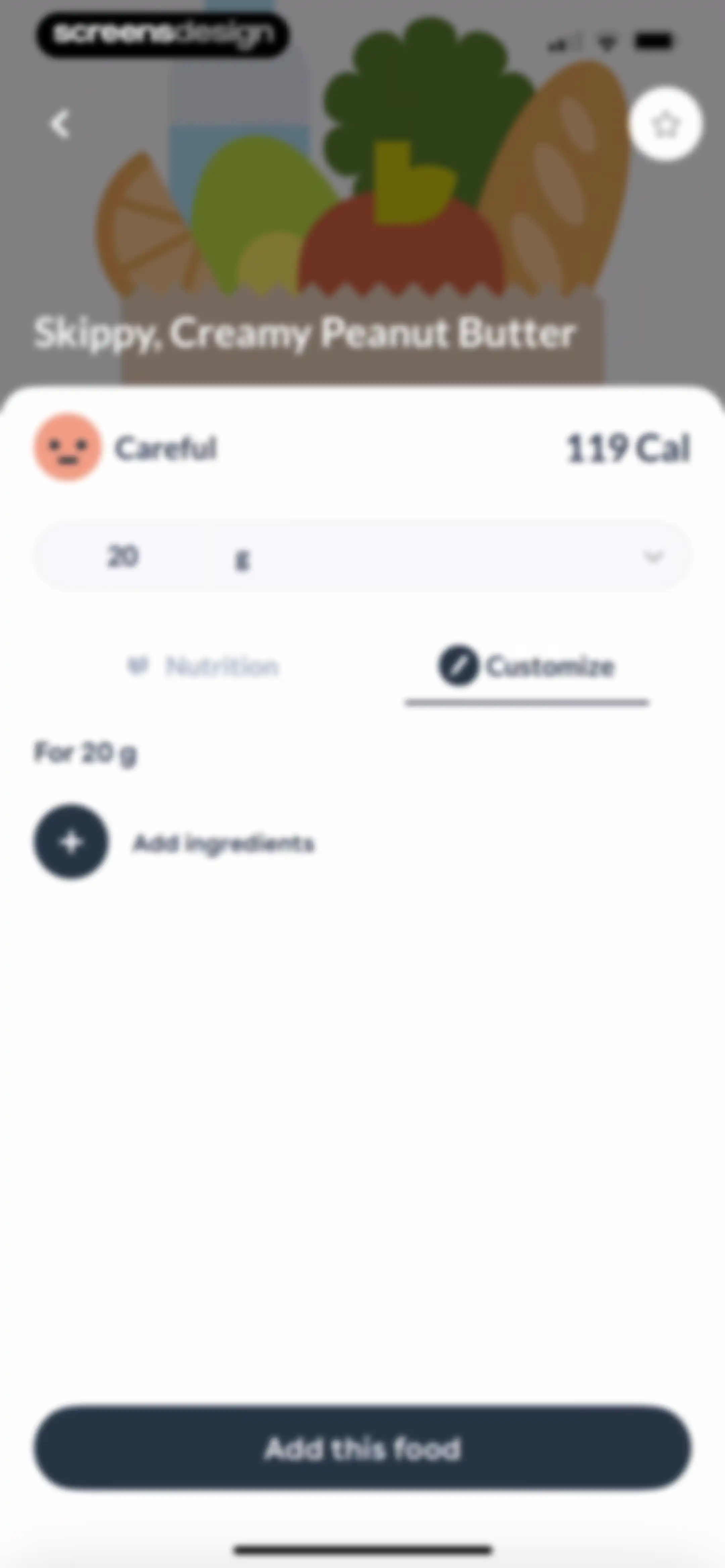
Food logging detail screen for Skippy Creamy Peanut Butter showing 119 Cal, a quantity of 20 grams, and an Add this food button.Unlock Pro
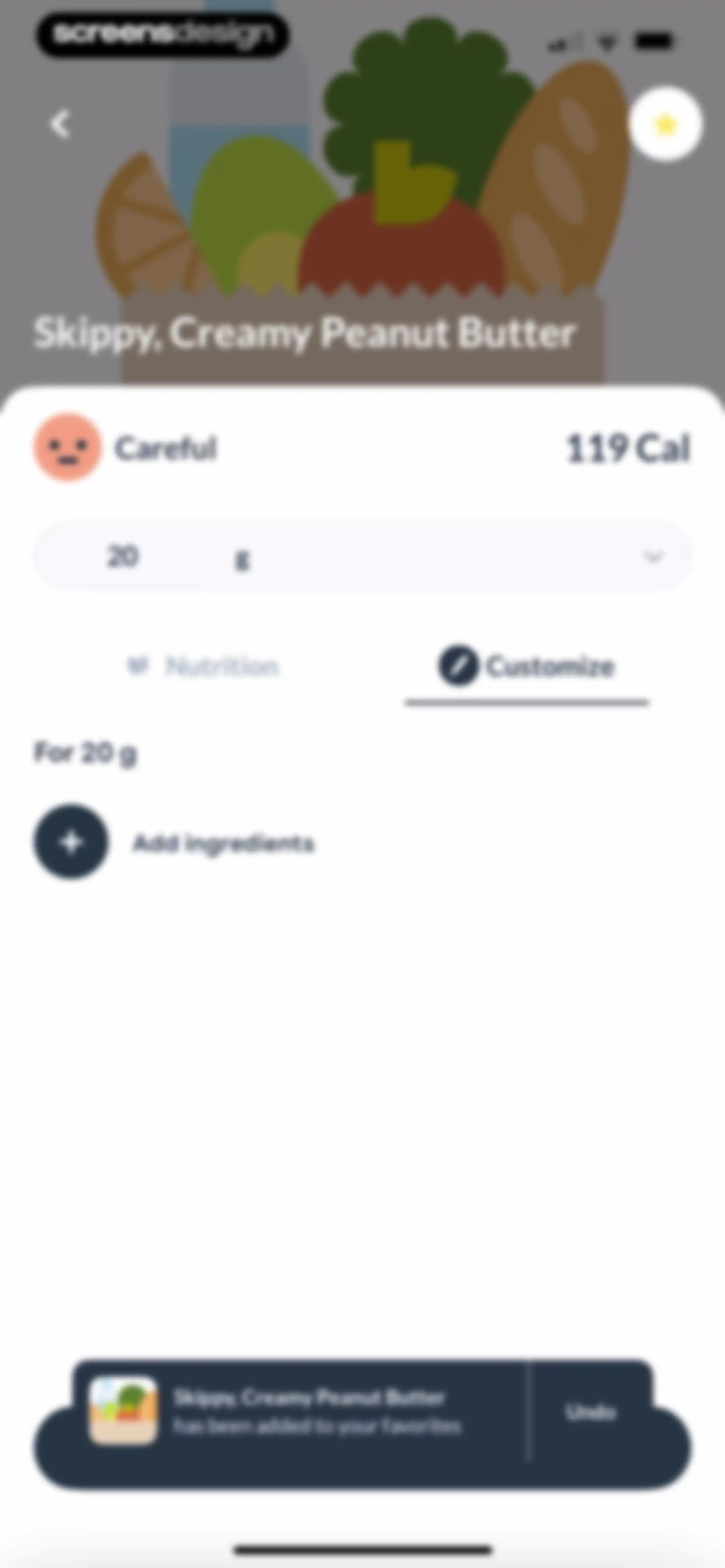
Food item detail screen for Skippy, Creamy Peanut Butter with a selected Customize tab, serving size input, and a favorites confirmation snackbar.Unlock Pro
Barcode scanner screen for logging lunch, with the barcode tab selected and a camera viewfinder area to scan food items.Unlock Pro
Food search screen with a lunch meal header, search input field, and a list of food results showing milk and fried egg.Unlock Pro
Onboarding screen explaining the AI meal photo analysis feature, with the Photo tab selected and a Get started button.Unlock Pro
Meal logging camera screen with the Photo mode selected, displaying a central viewfinder and bottom shutter controls.Unlock Pro
Foodvisor analysis screen showing a salad photo and an analyzing message with a character illustration.Unlock Pro
Paywall screen offering premium upgrade for AI photo analysis, featuring a blurred meal preview and an Unlock with Premium button.Unlock Pro
AI meal logging editor with Quick Add tab selected, calorie progress at the top, and a Get started button below instructional text.Unlock Pro
Meal logging editor showing lunch calorie progress, suggested text cards, and a text input field with a keyboard.Unlock Pro
Food logging editor displaying an AI-generated nutrition card for Quinoa and Avocado Mix with an Add to meal button.Unlock Pro
Meal logging editor showing saved foods with a search bar, a custom entry option, and a Done button.Unlock Pro
Food creation selection screen displaying four options to log items with barcodes, without barcodes, from restaurants, or as custom recipes.Unlock Pro
Recipe creation form with a top illustration, filled inputs for recipe name and servings, and a Next button.Unlock Pro
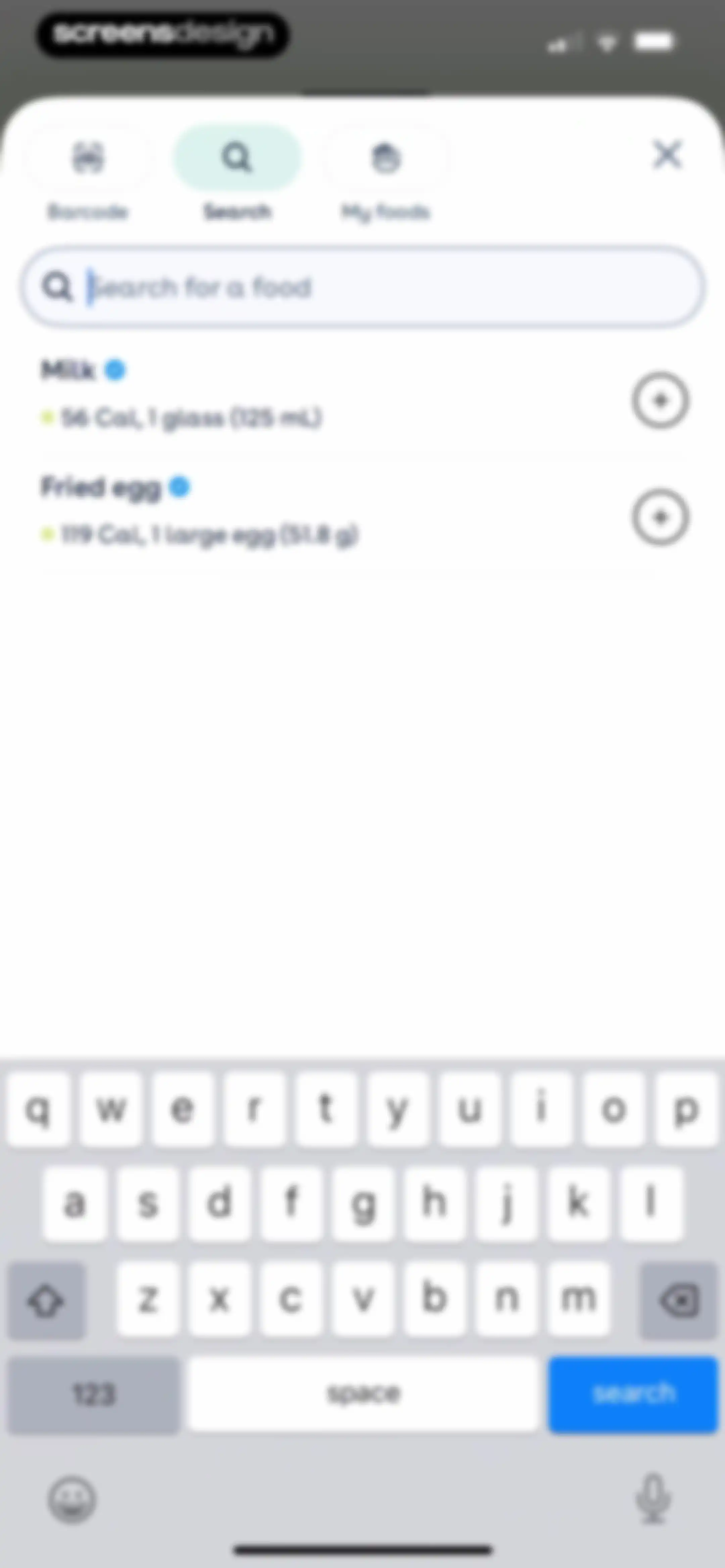
Food search screen with a selected search tab, active input field, and a list of food results showing Milk and Fried egg.Unlock Pro
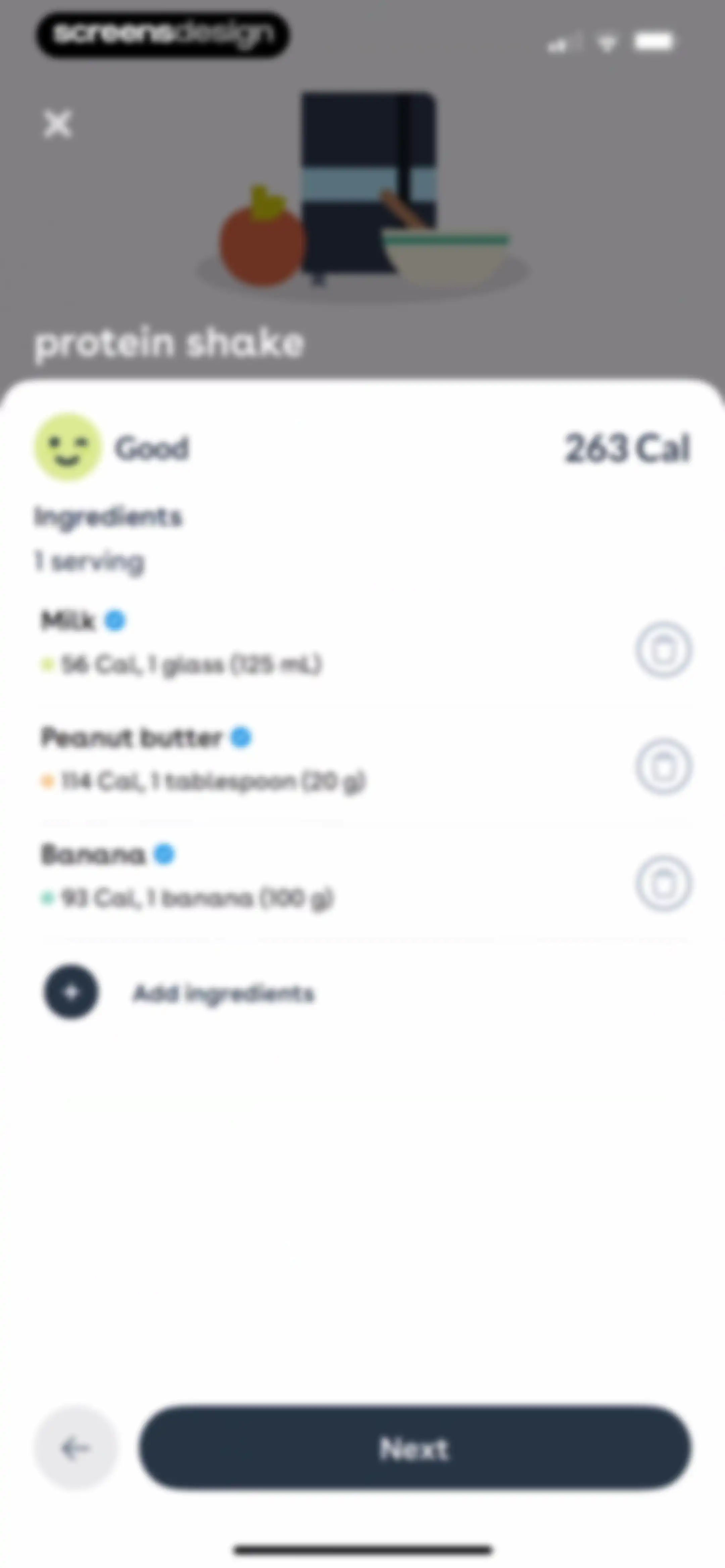
Nutrition app ingredient list for a protein shake showing 263 calories, three ingredients with individual calorie counts, and a Next button.Unlock Pro
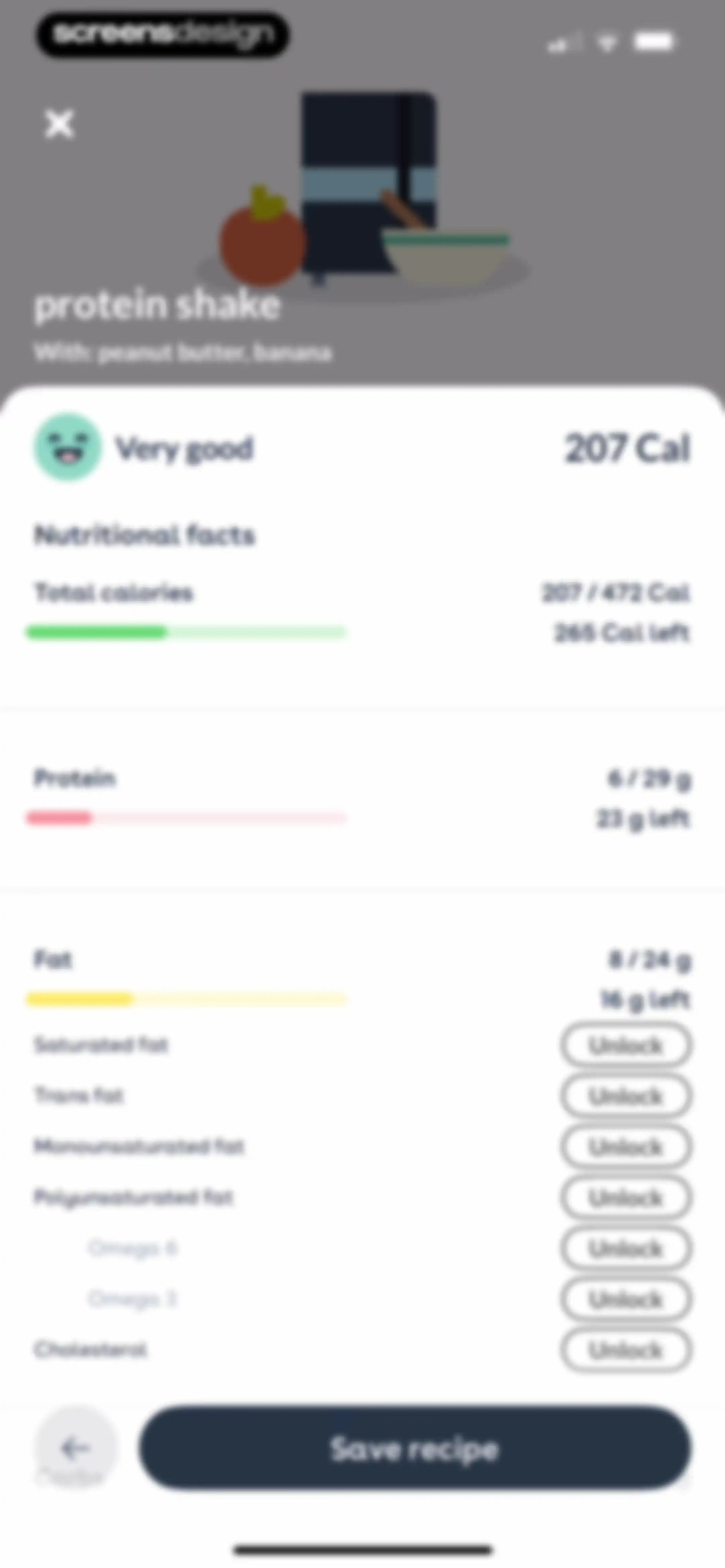
Nutritional facts screen for a protein shake recipe showing calorie and macro progress bars, locked detailed fat categories, and a Save recipe button.Unlock Pro
Saved foods list for logging lunch with a search input, custom creation button, and a Done button.Unlock Pro
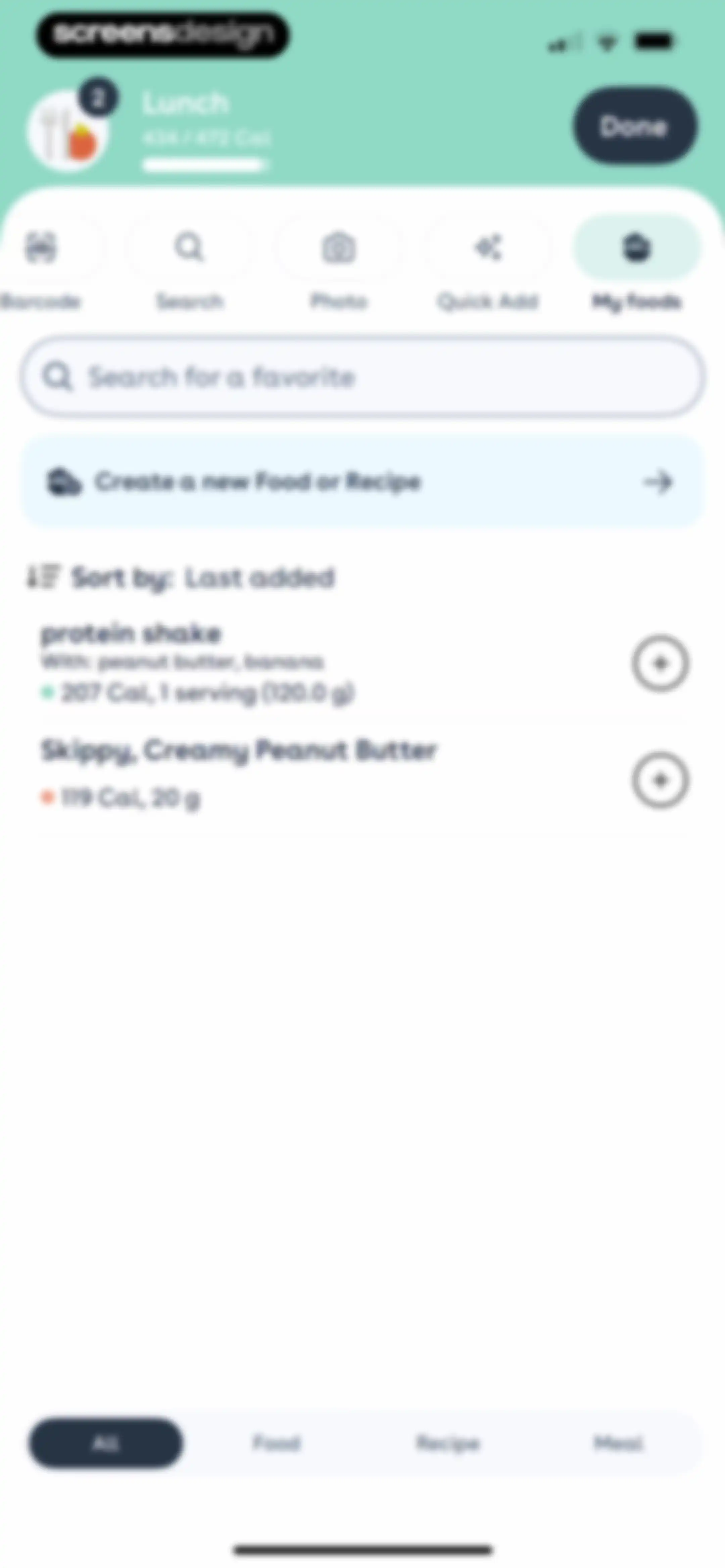
Lunch food logging screen displaying the My foods tab with a saved food list and a Done button.Unlock Pro
Meal logging screen displaying an empty state for saved favorite foods with a create button and a calorie progress indicator.Unlock Pro
Meal summary screen displaying a 2x2 grid of metrics including calories and food quality, accompanied by a Continue button.Unlock Pro
Health app dashboard displaying calorie metrics, a special offer promotional banner, and breakfast meal logs with a bottom navigation bar.Unlock Pro
Paywall screen for a personalized nutrition program featuring a 76% off promotional badge, weekly advice carousel card, and a Continue button.Unlock Pro
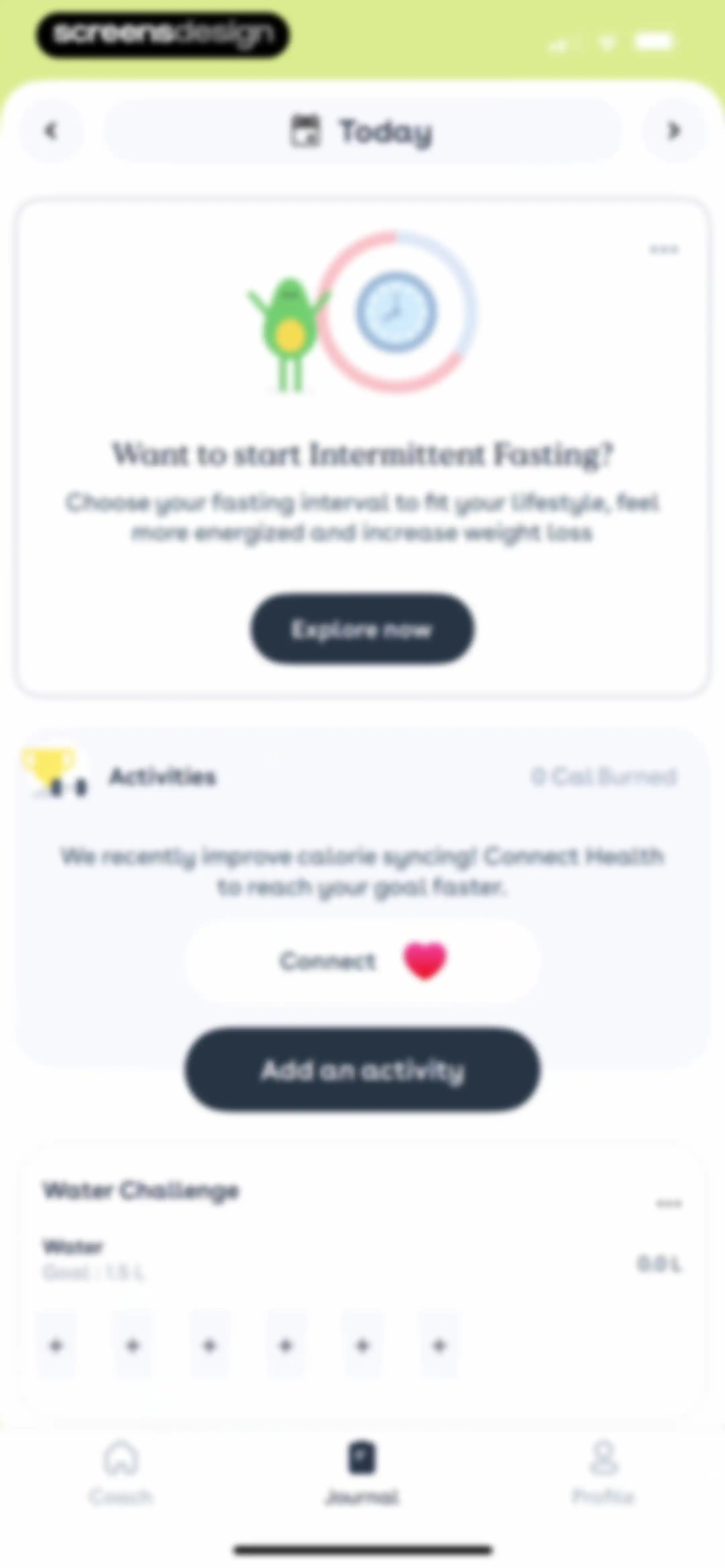
Health tracking dashboard featuring cards for intermittent fasting, activities, and water intake with the Journal tab selected.Unlock Pro
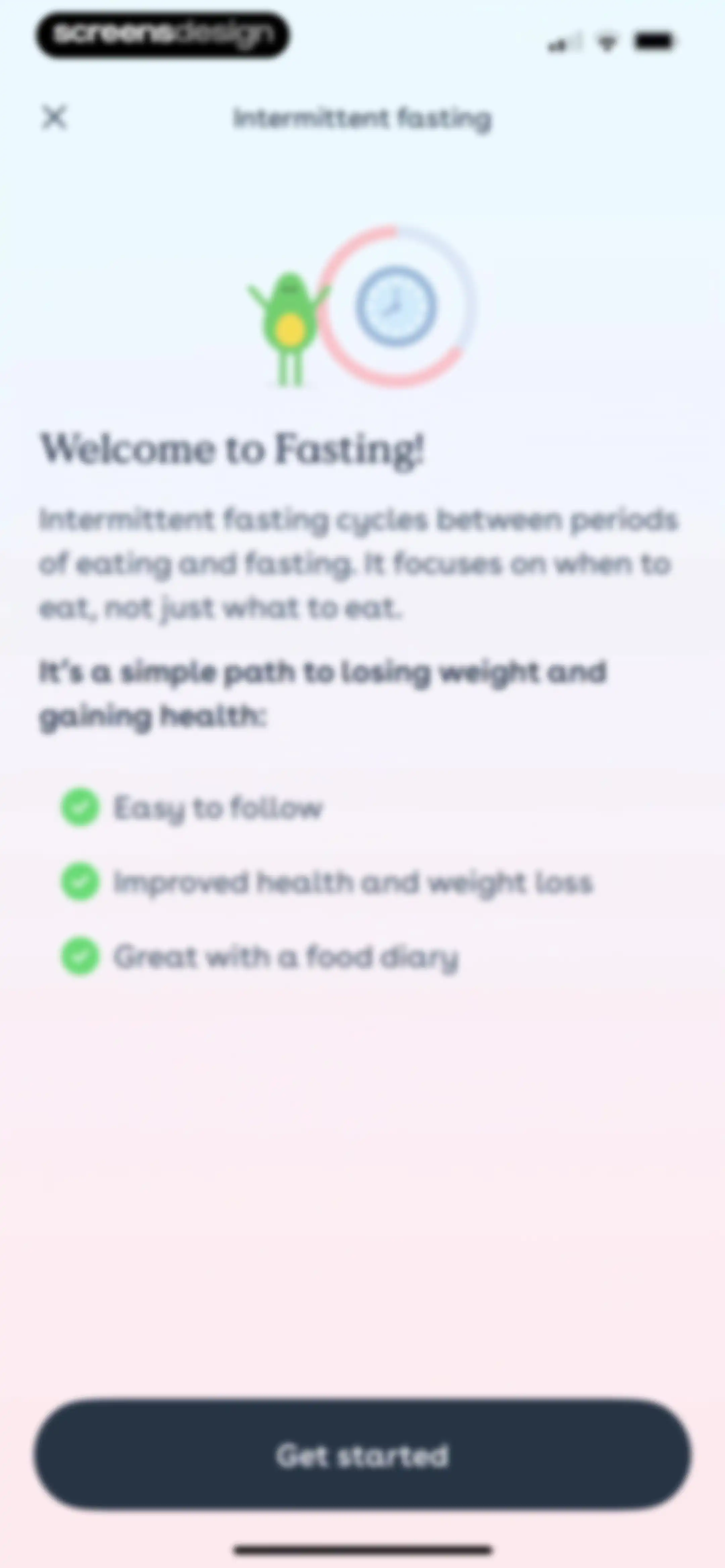
Onboarding screen introducing intermittent fasting with an avocado illustration, benefit list, and Get started button.Unlock Pro
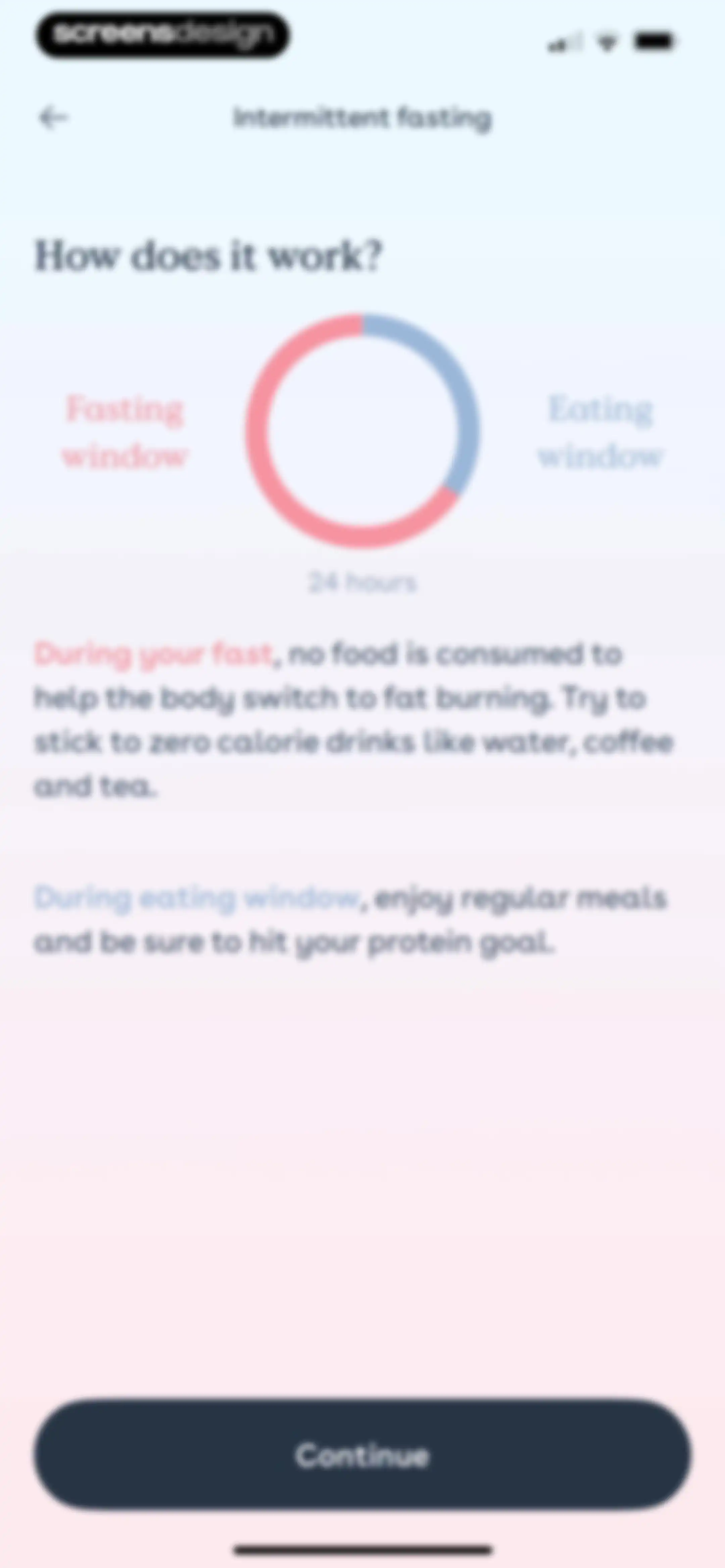
Intermittent fasting onboarding screen featuring a 24-hour circular chart of fasting and eating windows, educational text, and a Continue button.Unlock Pro
Intermittent fasting onboarding screen with time selection cards for start and stop eating times and a Set time button.Unlock Pro
Intermittent fasting setup form with two eating time input fields and a bottom modal overlay displaying a time picker and a Set time button.Unlock Pro
Intermittent fasting onboarding form featuring a bottom modal overlay with a time picker and a Set time confirmation button.Unlock Pro
Onboarding screen explaining intermittent fasting and fat burning, featuring an illustration of flame characters and a Next button.Unlock Pro
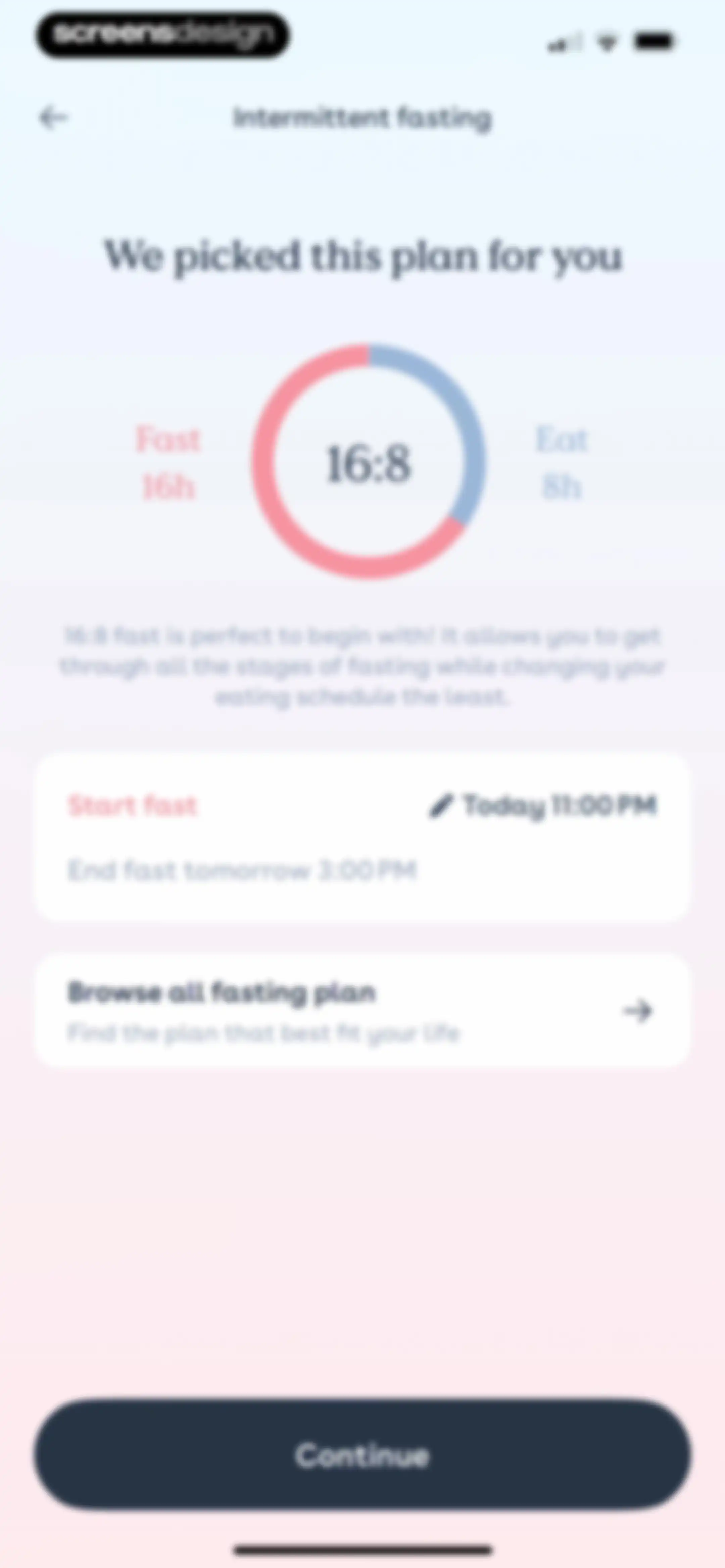
Onboarding screen recommending the 16:8 intermittent fasting plan with a circular progress graphic, schedule cards, and a Continue button.Unlock Pro
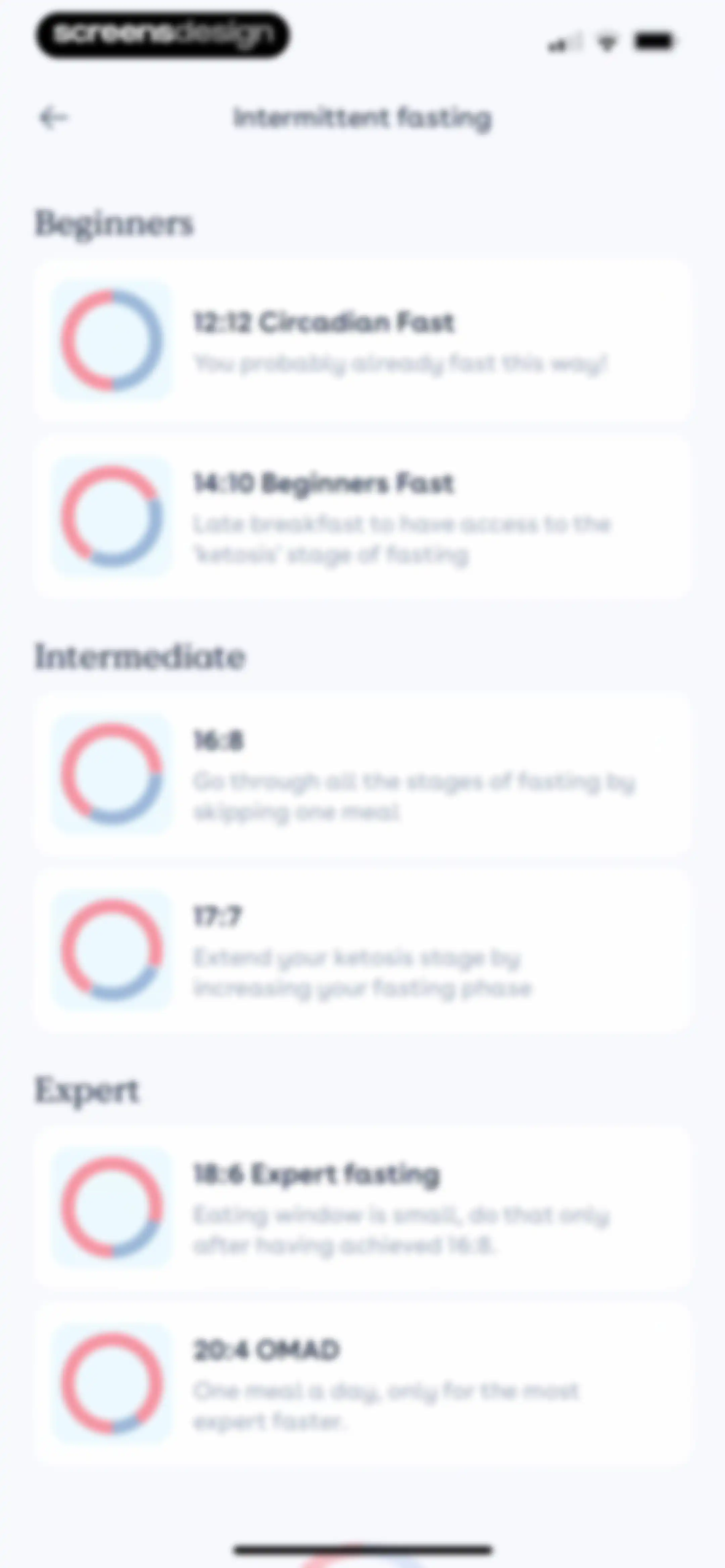
Intermittent fasting plan selection screen displaying categorized options for beginners, intermediate, and expert levels across multiple cards.Unlock Pro
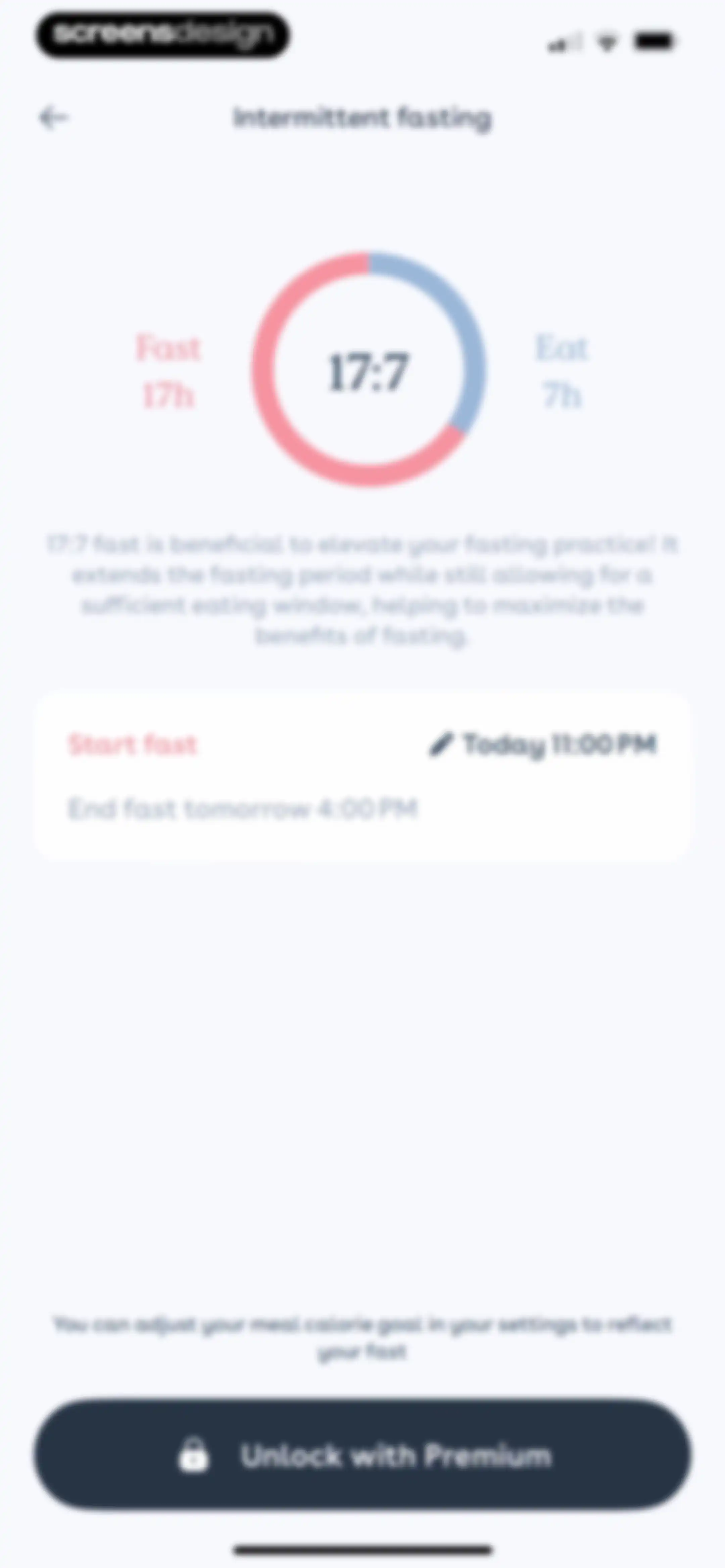
Intermittent fasting configuration screen for a 17:7 plan, featuring a circular progress visualization and an Unlock with Premium button.Unlock Pro
Foodvisor success confirmation screen for intermittent fasting setup, with a checkmark icon, completion message, and a Start fast button.Unlock Pro
Fasting tracker dashboard showing an active timer at 11:31:57, a progress bar, start and goal timestamps, and an End fasting button.Unlock Pro
Fasting tracker dashboard with a date and time picker modal to set the start time, featuring a Set time button.Unlock Pro
Fasting timer confirmation modal asking whether to end the fast early, with Yes and No, thanks buttons.Unlock Pro
Permission prompt to connect the app to Apple Health for automatic calorie tracking, featuring an illustration and an I want to do it button.Unlock Pro
Health permission screen for the Foodvisor app with a list of nutrition categories and toggles, plus Allow and Don't Allow buttons.Unlock Pro
Activity selection list with a search bar, tab switcher, alphabetical index, and items ranging from Archery to Baseball.Unlock Pro
Fitness activity logging form for hiking with type and duration inputs, estimated calorie burn, and an Add this activity button.Unlock Pro
Fitness activity form for hiking showing an activity summary, the selected with backpack option, and an Apply button.Unlock Pro
Fitness activity logging form showing a hiking summary card with calorie burn, a type dropdown, a 140-minute duration picker, and an Apply button.Unlock Pro
Health dashboard displaying cards for Eating Window, Activities, and a completed Water Challenge with a success message.Unlock Pro
Water goal setting modal displaying a daily intake of 1.5 Liters, a reminder toggle, and a Validate button.Unlock Pro
Diary settings screen in Foodvisor with locked meal customization cards and an Intermittent Fasting toggle switch.Unlock Pro
Paywall screen offering a 50 percent discount for a personalized coaching program, with an Unlock my offer button.Unlock Pro
Foodvisor paywall screen promoting a personalized program with a fifty percent discount, recipe access, and an Unlock my offer button.Unlock Pro
Paywall screen promoting a 50% discount for a personalized fitness program, featuring a central illustration and an Unlock my offer button.Unlock Pro
Weight tracking dashboard displaying a start weight of 57 kg, a goal weight of 50 kg, a progress chart, and an Add a weight entry button.Unlock Pro
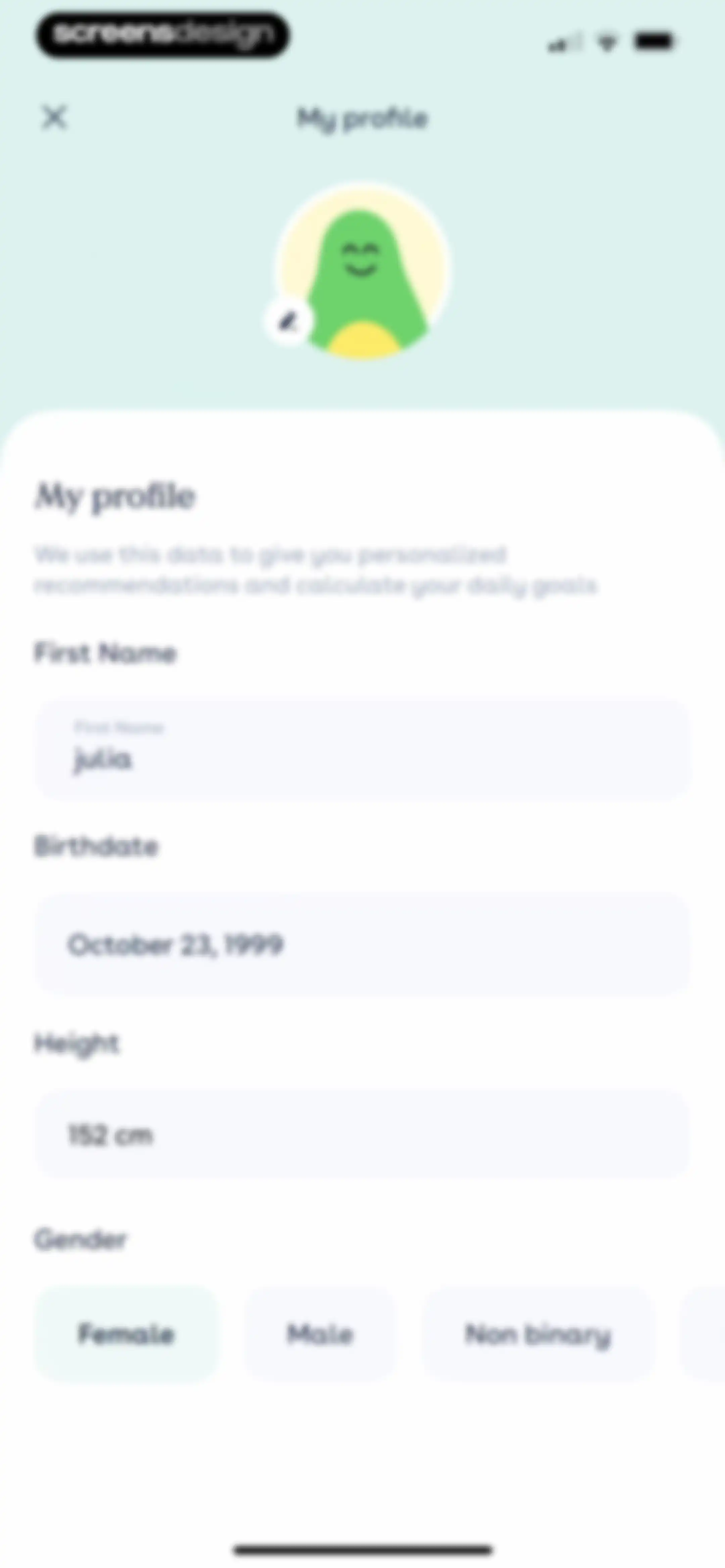
User profile settings form populated with personal information and the Female gender option selected.Unlock Pro
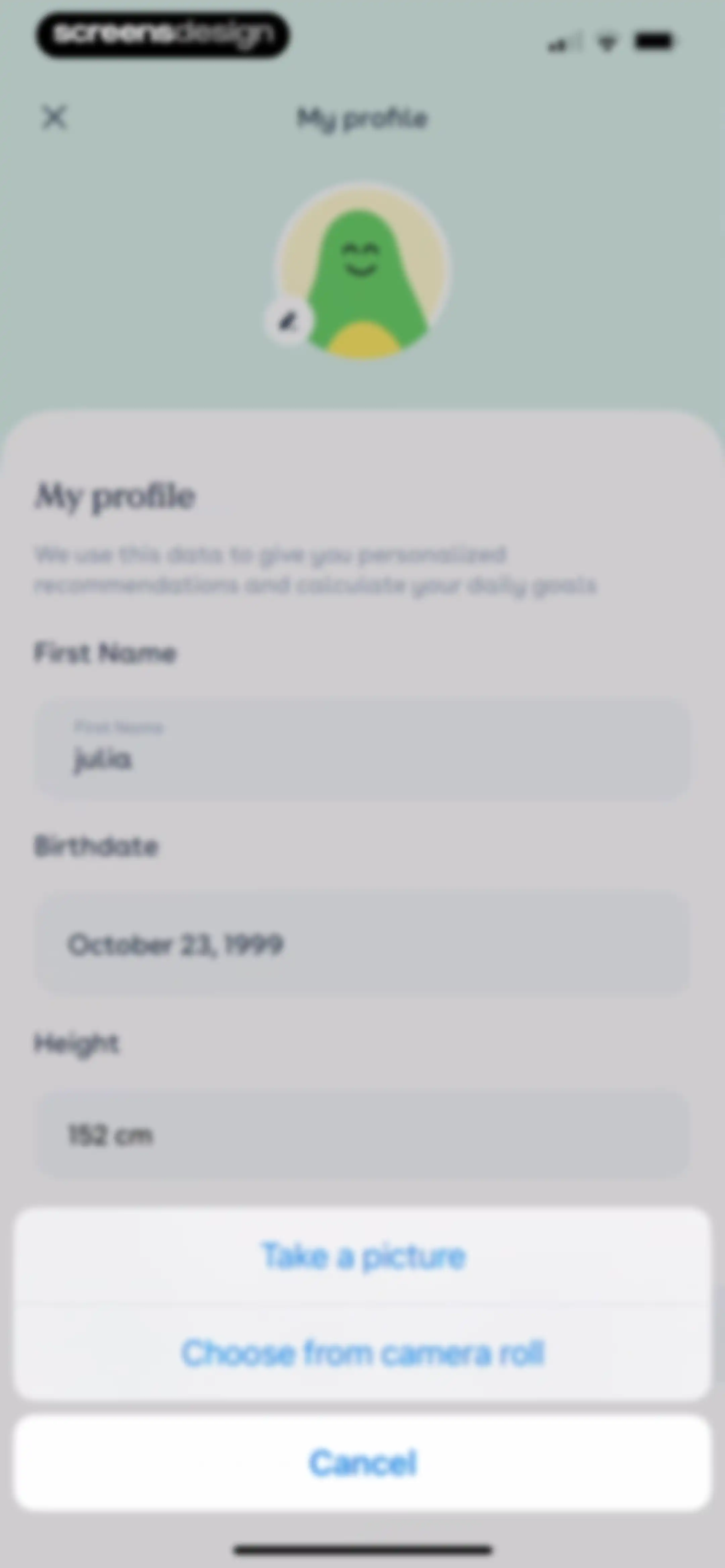
User profile editing screen with filled personal data fields and an active bottom action sheet for photo selection.Unlock Pro
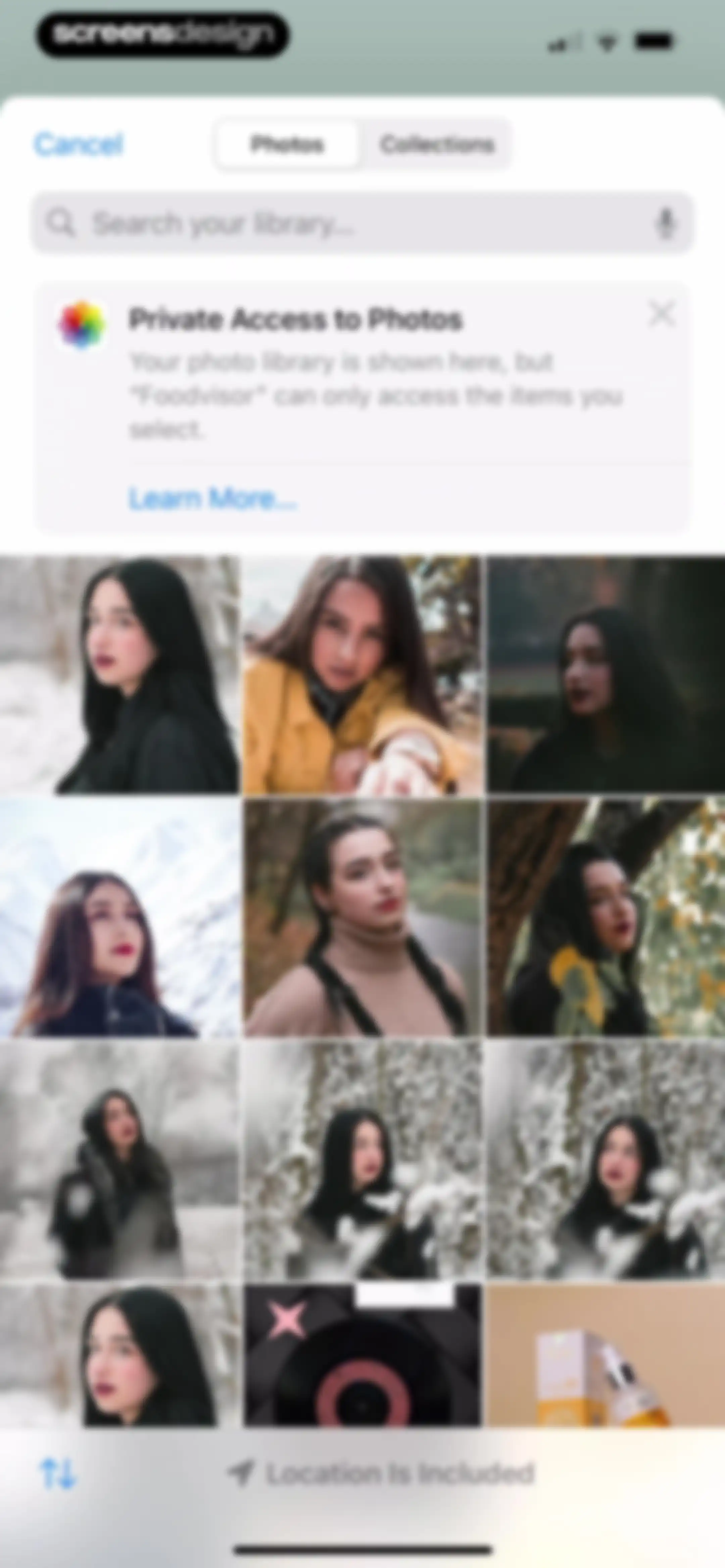
Foodvisor photo selection screen displaying a privacy notification card and a grid of photo thumbnails with a search field at the top.Unlock Pro
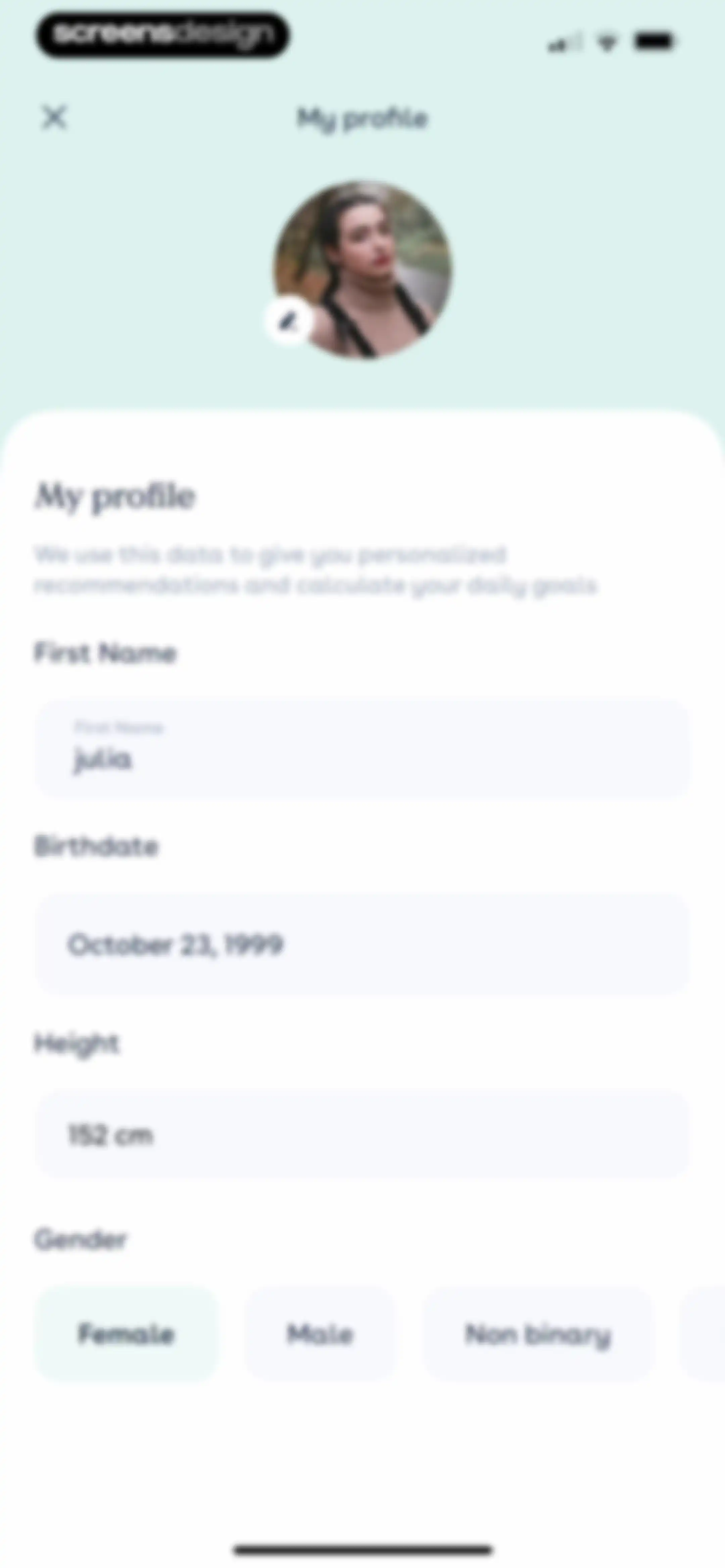
Profile settings form with pre-filled personal data fields and the Female gender option selected.Unlock Pro
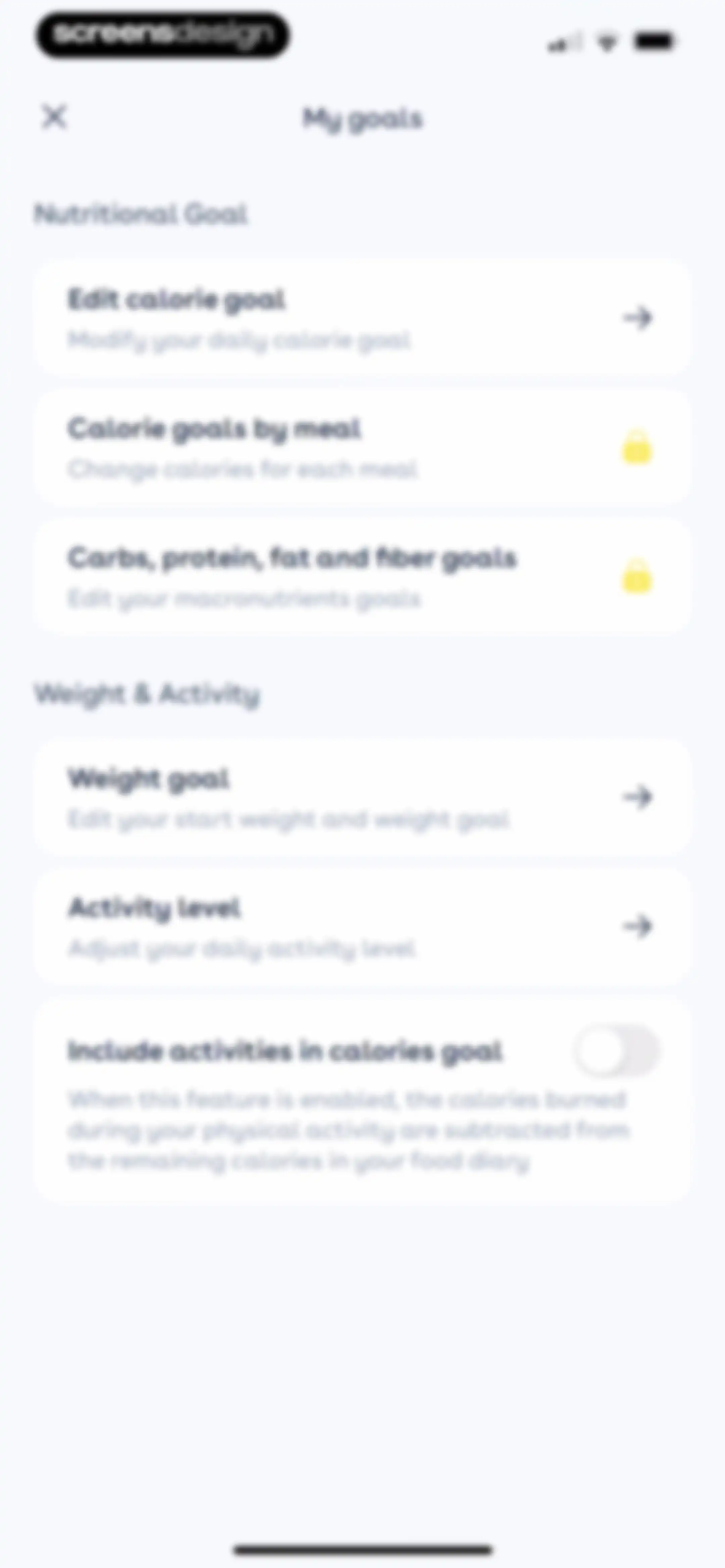
Settings screen titled My goals displaying grouped options for nutritional goals, weight goals, activity levels, and activity toggles.Unlock Pro
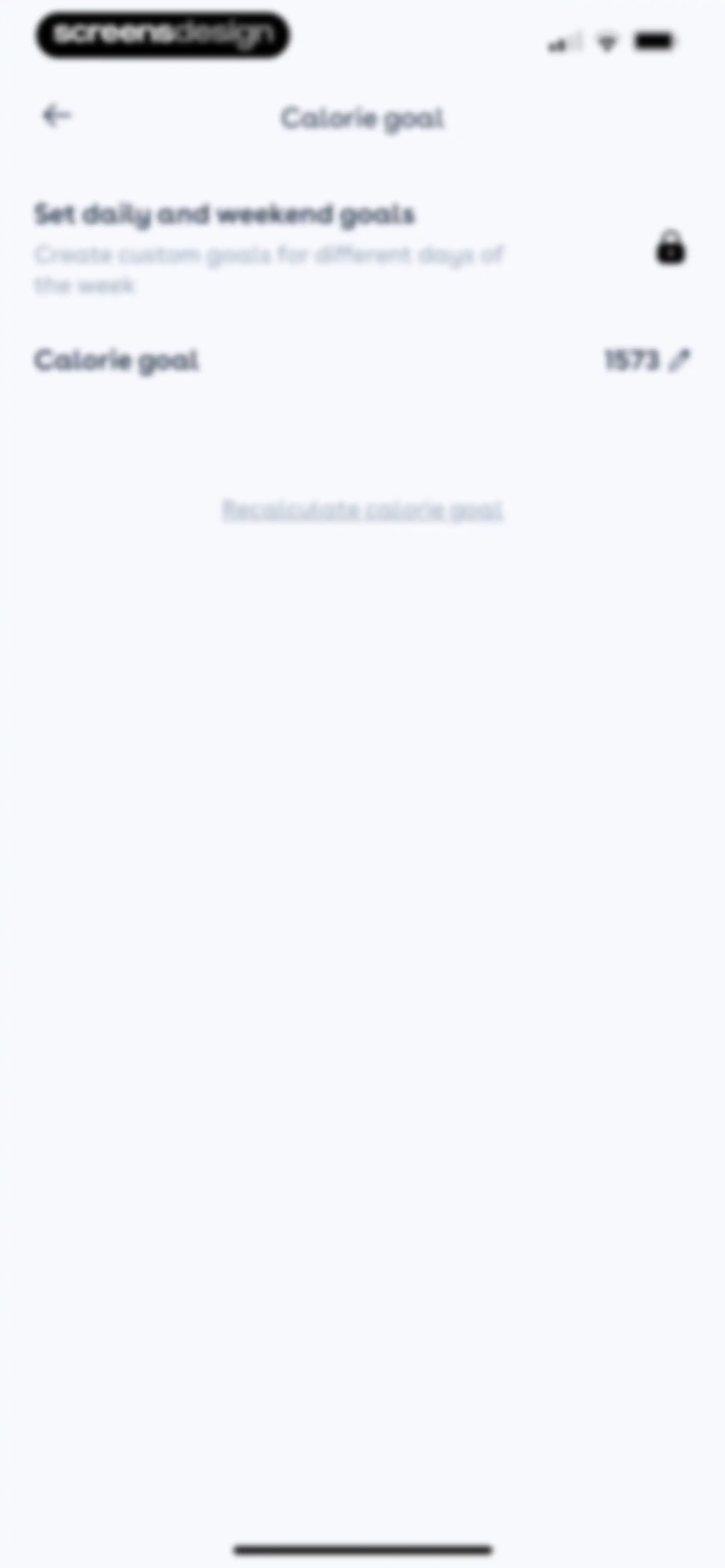
Calorie goal settings screen displaying the current goal of 1573, a locked custom goals option, and a recalculate goal link.Unlock Pro
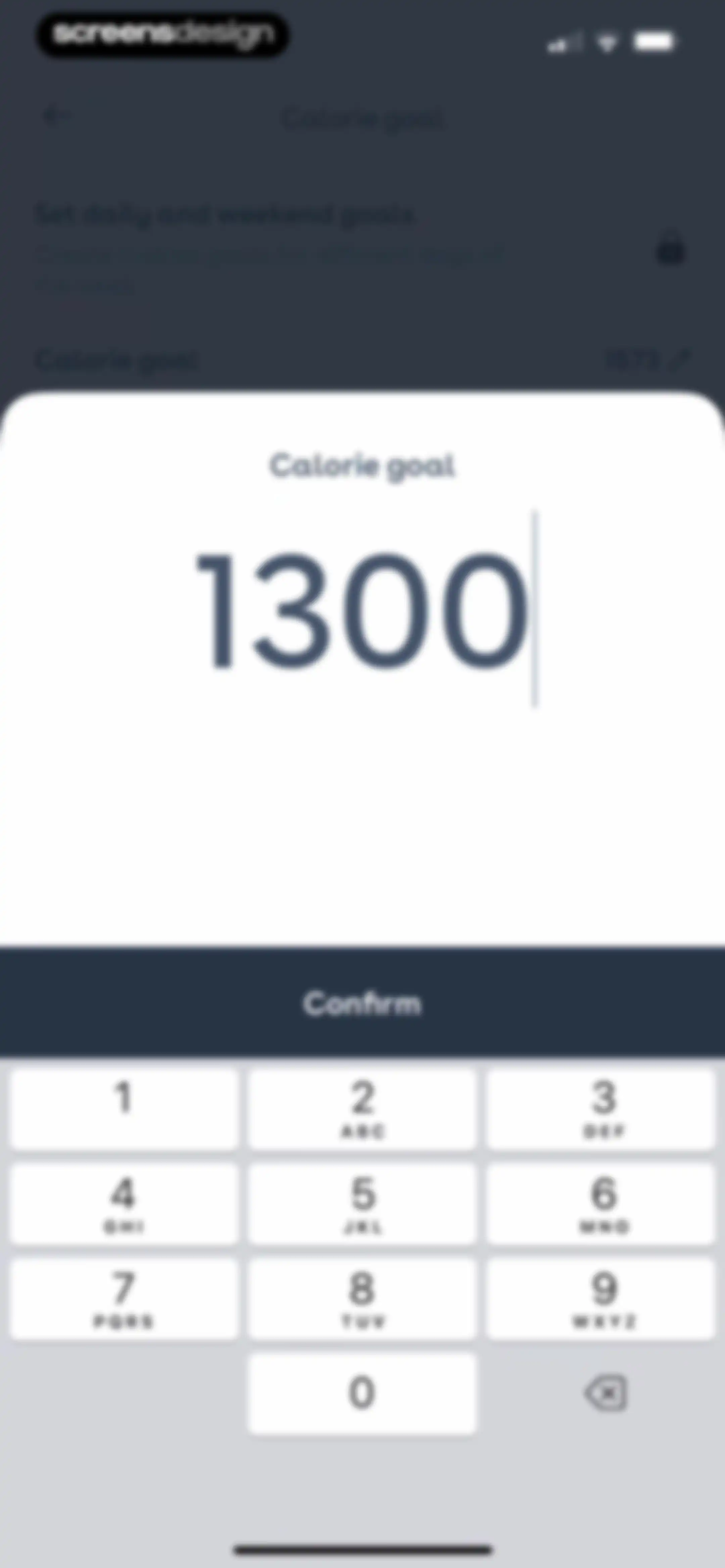
Calorie goal input modal displaying a numeric keypad and a Confirm button with the value 1300 entered.Unlock Pro
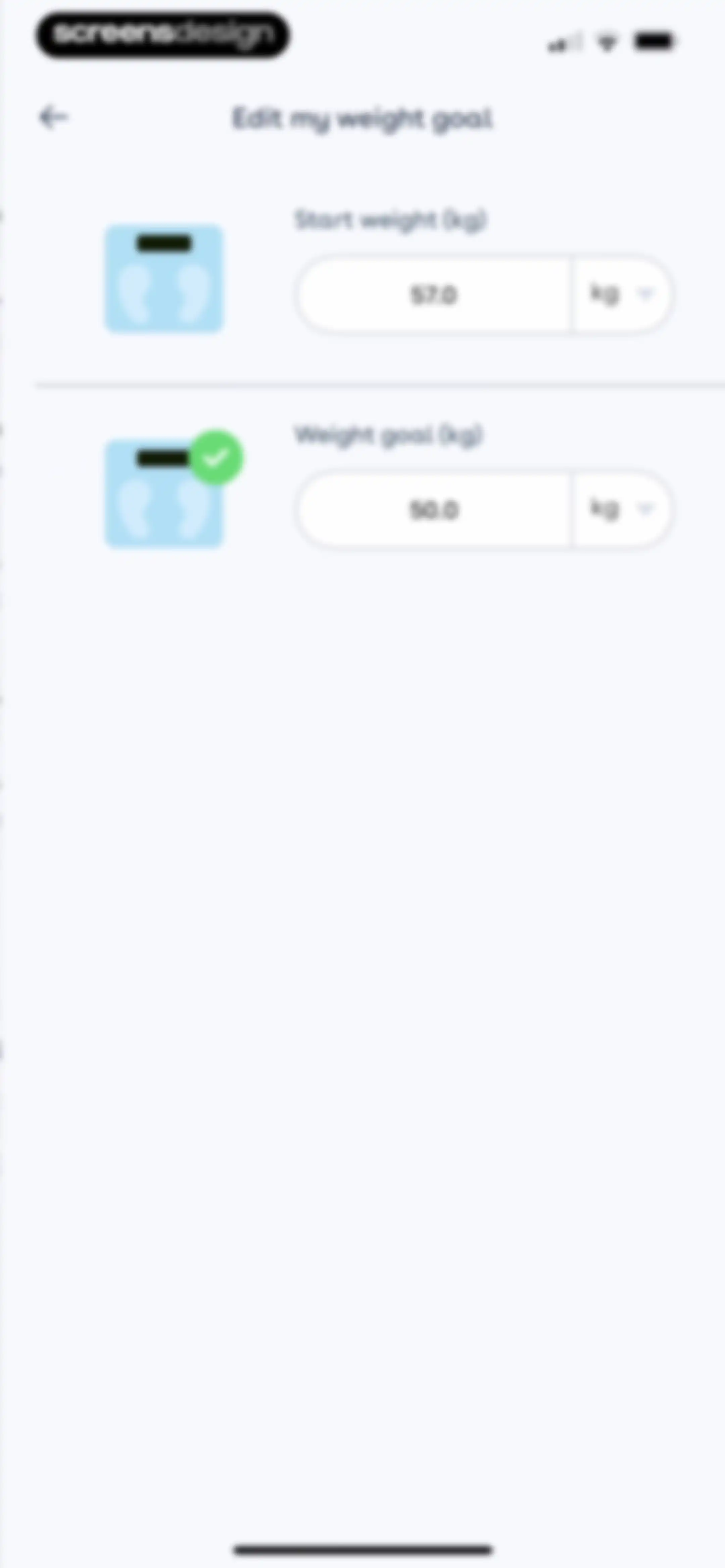
Weight goal settings screen with input fields for start weight at 57.0 kg and target weight at 50.0 kg.Unlock Pro
Onboarding screen displaying activity level options with the Active card selected.Unlock Pro
Weight entry form displaying the value 56 kg with a date selector set to Today and an Add button above a numeric keypad.Unlock Pro
Weight entry form displaying a filled weight of 56 kg, a date selector set to today, and an Apply confirmation button.Unlock Pro
Profile screen with a weight tracking dashboard, weight progress chart, and an Add a weight entry button.Unlock Pro
Weight tracking dashboard showing a summary card, progress chart, saved weight list, and an Add a weight entry button.Unlock Pro
Health app dashboard displaying a profile header, premium promo banner, and a 1300 calorie goal chart with a 7-day time range selected.Unlock Pro
Nutrition analytics dashboard displaying a calorie goal, meal grade bar chart, and macronutrient breakdown donut chart with a selected seven-day time range.Unlock Pro
Nutrition dashboard displaying a macronutrient breakdown donut chart with a thirty day time range selected and a calorie goal of 1300 calories per day.Unlock Pro
Settings screen with grouped list sections for profile, parameters, and other options, featuring a close button in the top left.Unlock Pro
User profile form with personal details filled in, including the name julia, birthdate, height, and the female gender option selected.Unlock Pro
Settings screen titled My goals with options for nutritional goals, weight targets, and activity levels, featuring locked and editable items.Unlock Pro
Diary settings screen with locked meal customization options and an active Intermittent Fasting toggle switch.Unlock Pro
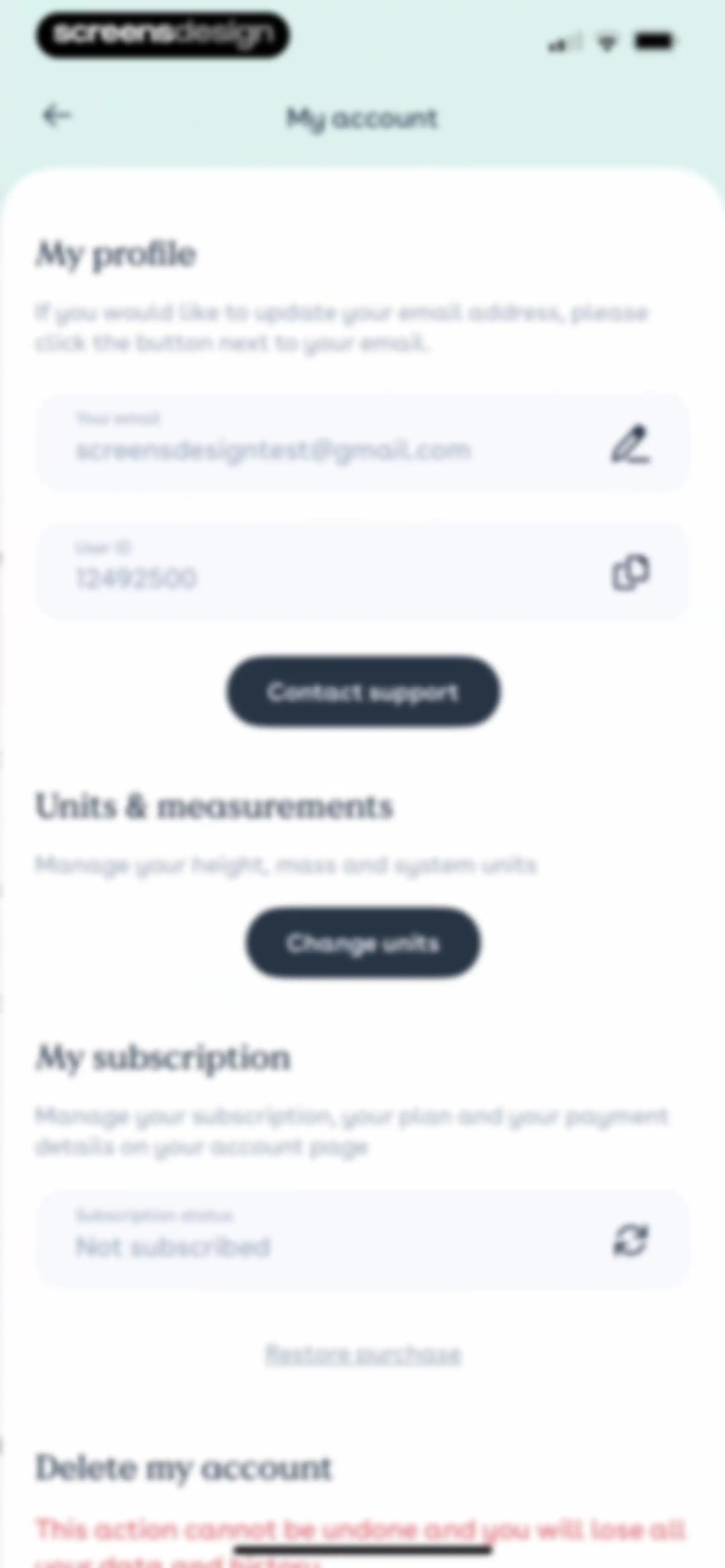
Account settings screen displaying profile details, subscription status as not subscribed, and options to change units and delete the account.Unlock Pro
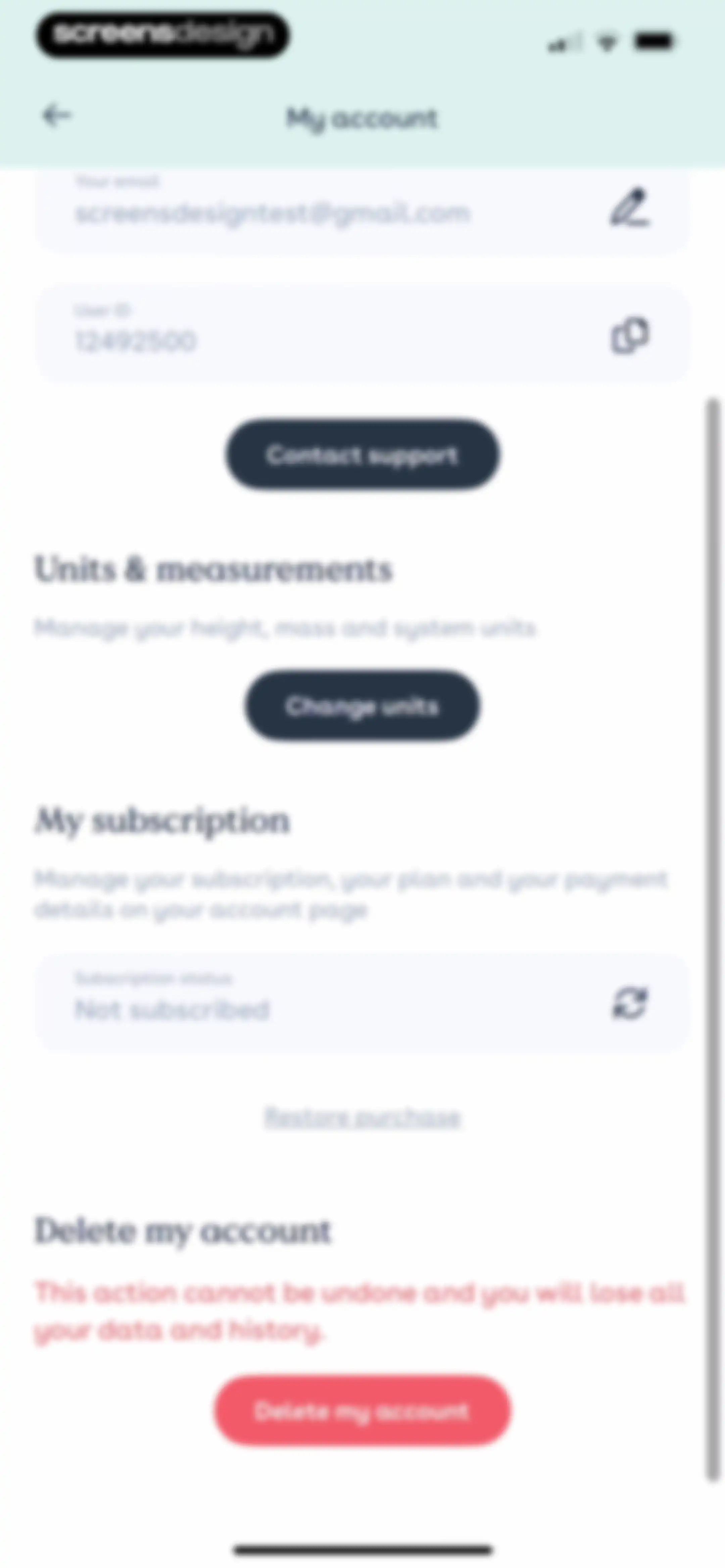
Account settings screen displaying email, user ID, subscription status as not subscribed, and a red delete account button.Unlock Pro
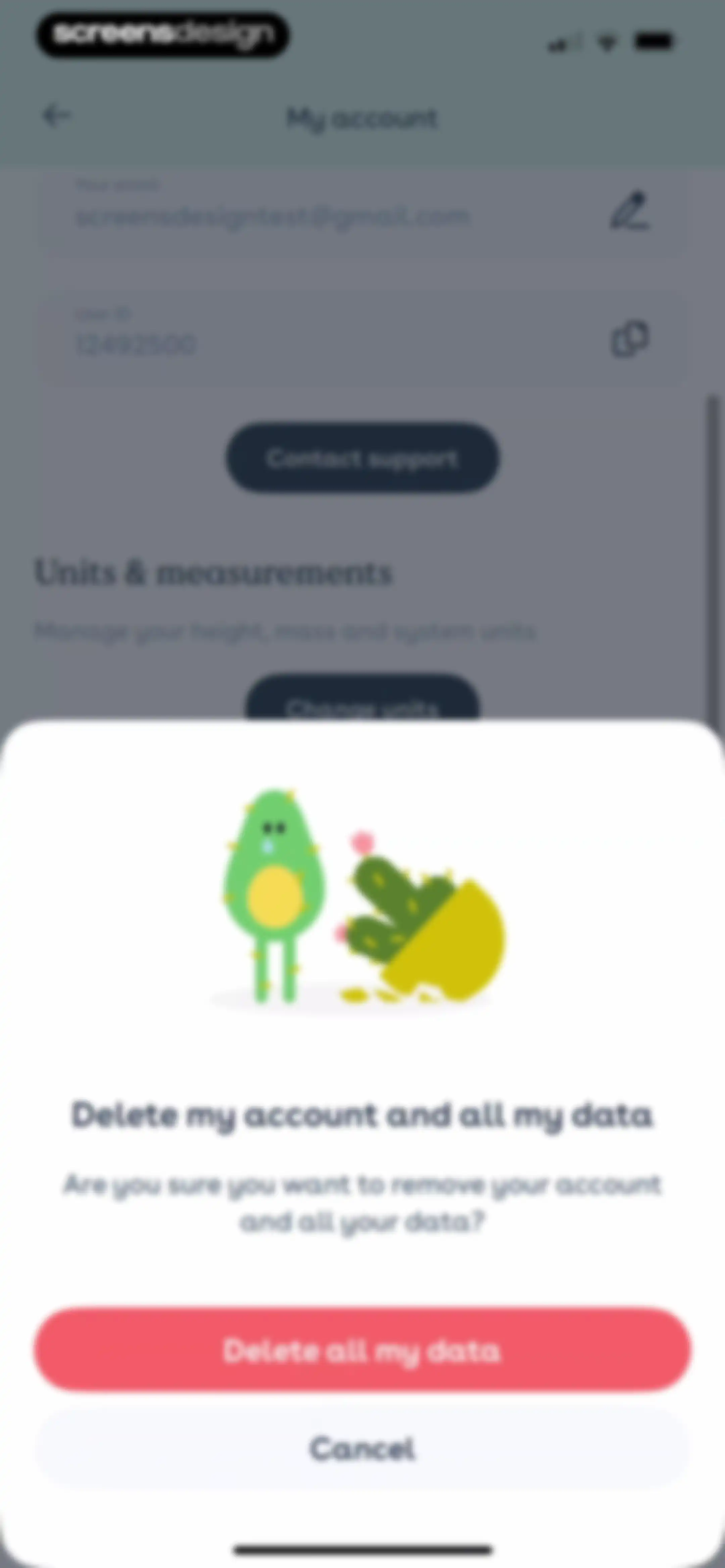
Settings screen with an account deletion confirmation modal displaying a sad cactus illustration, warning text, and Cancel and Delete all my data buttons.Unlock Pro
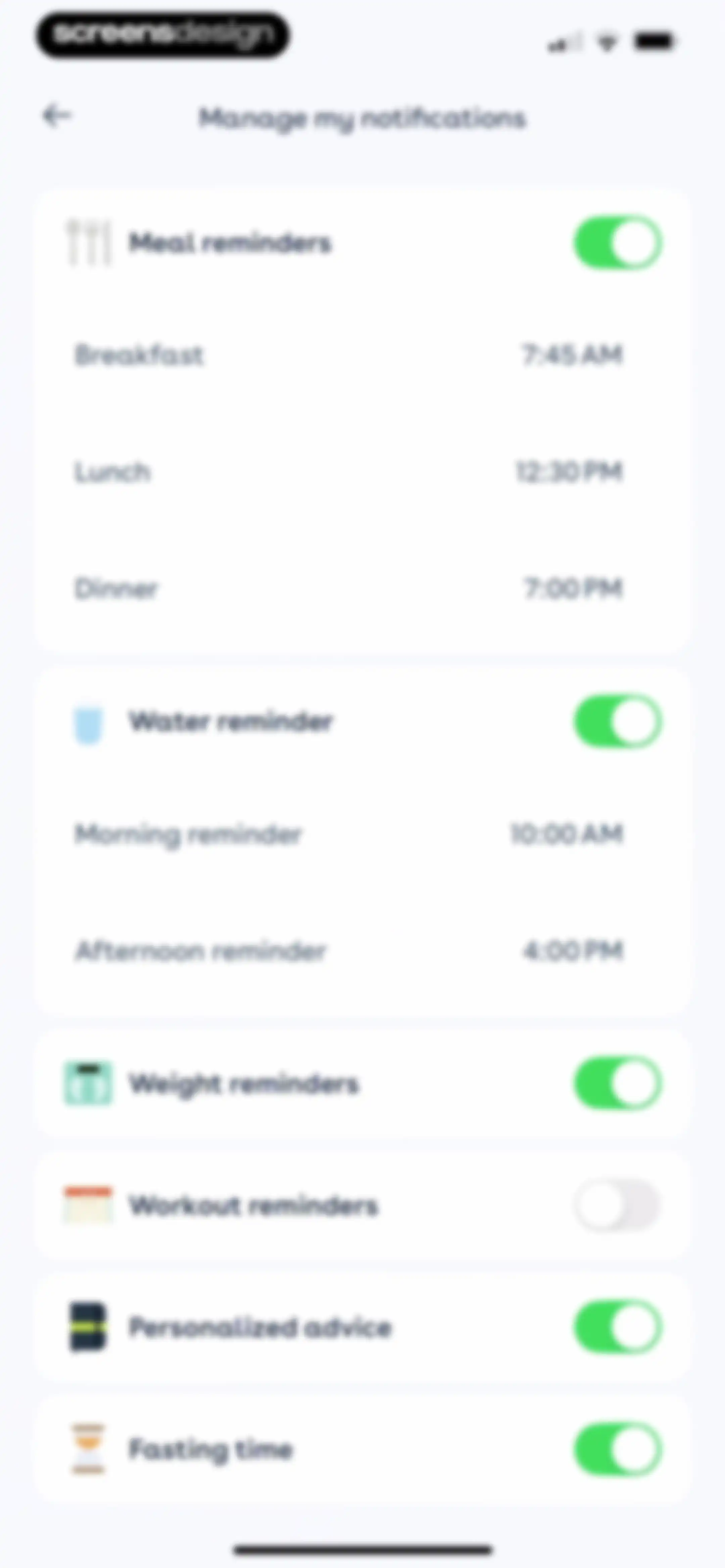
Notification settings screen with grouped cards for managing meal, water, weight, workout, and fasting reminder preferences.Unlock Pro
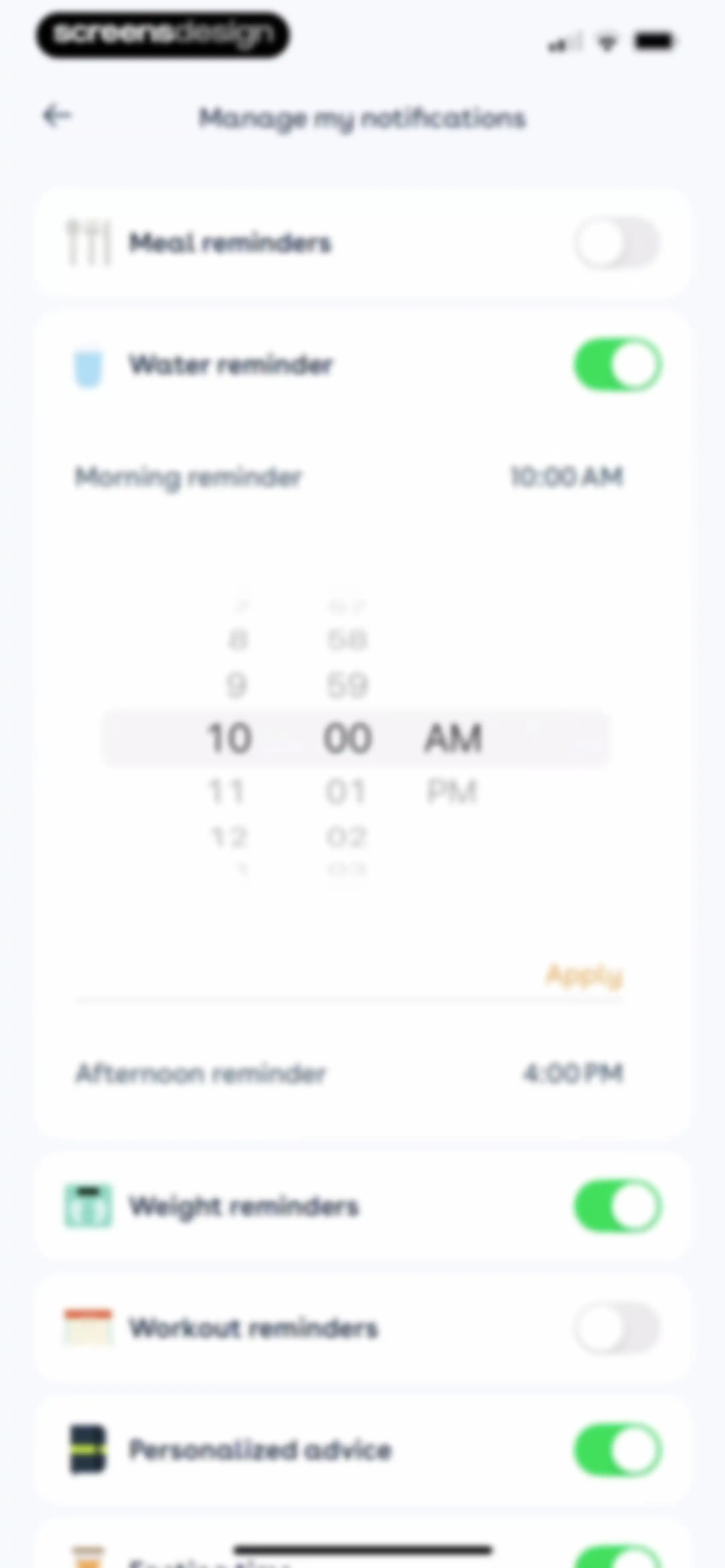
Notification settings screen displaying a list of health reminders with an expanded time picker set to 10:00 AM and an Apply button.Unlock Pro
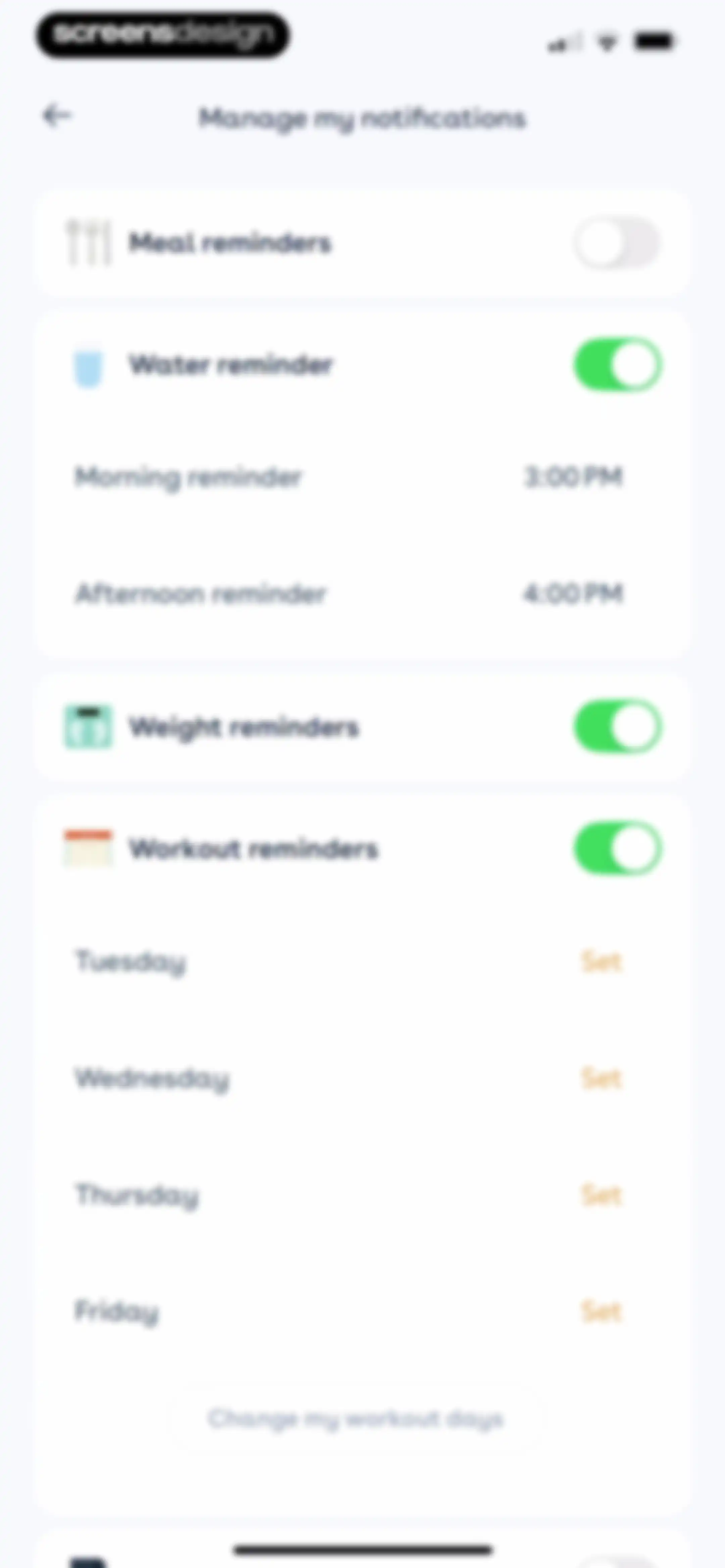
Notification settings screen with toggle switches for meals, water, weight, and workout reminders, featuring a button to change workout days.Unlock Pro
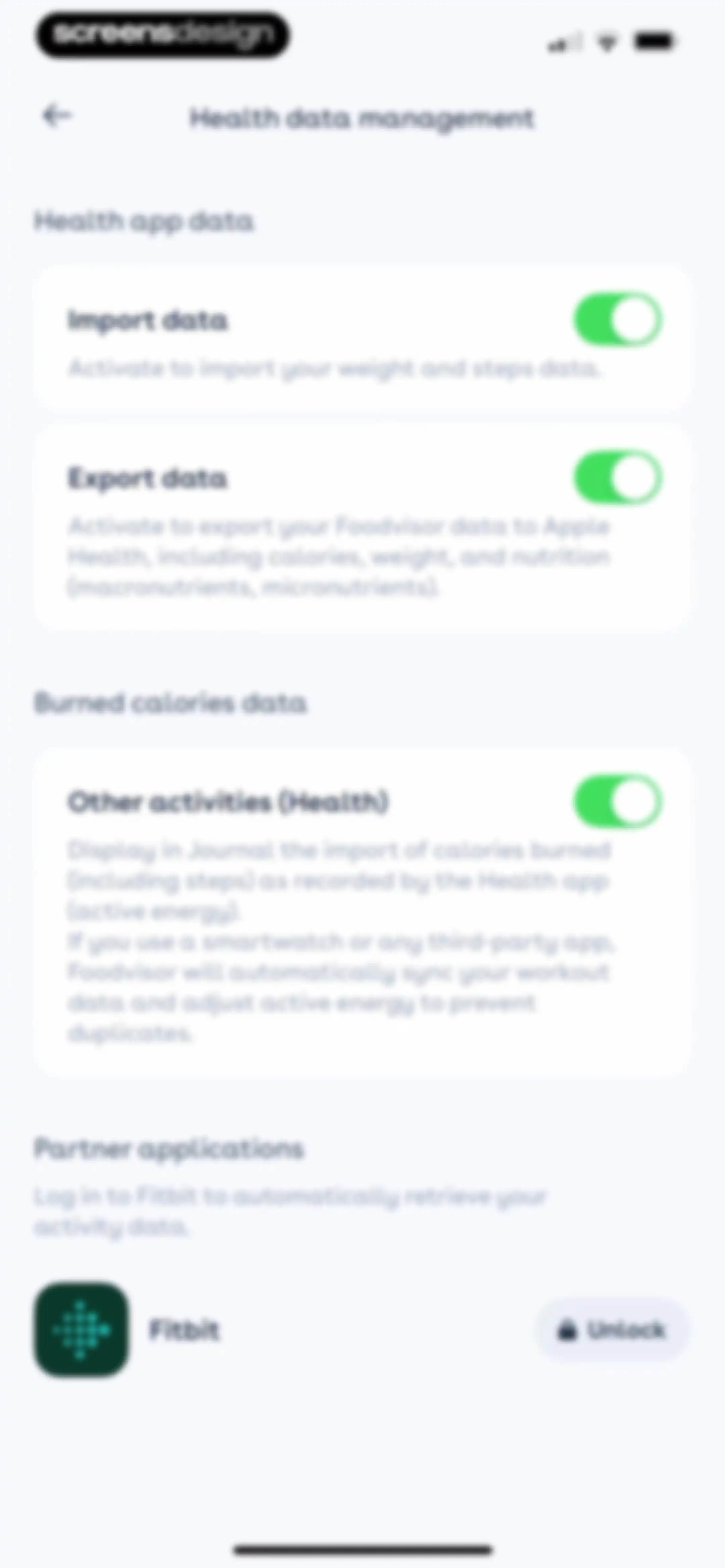
Health data management settings screen with toggles for importing, exporting, and syncing activity data, plus a locked Fitbit integration option.Unlock Pro
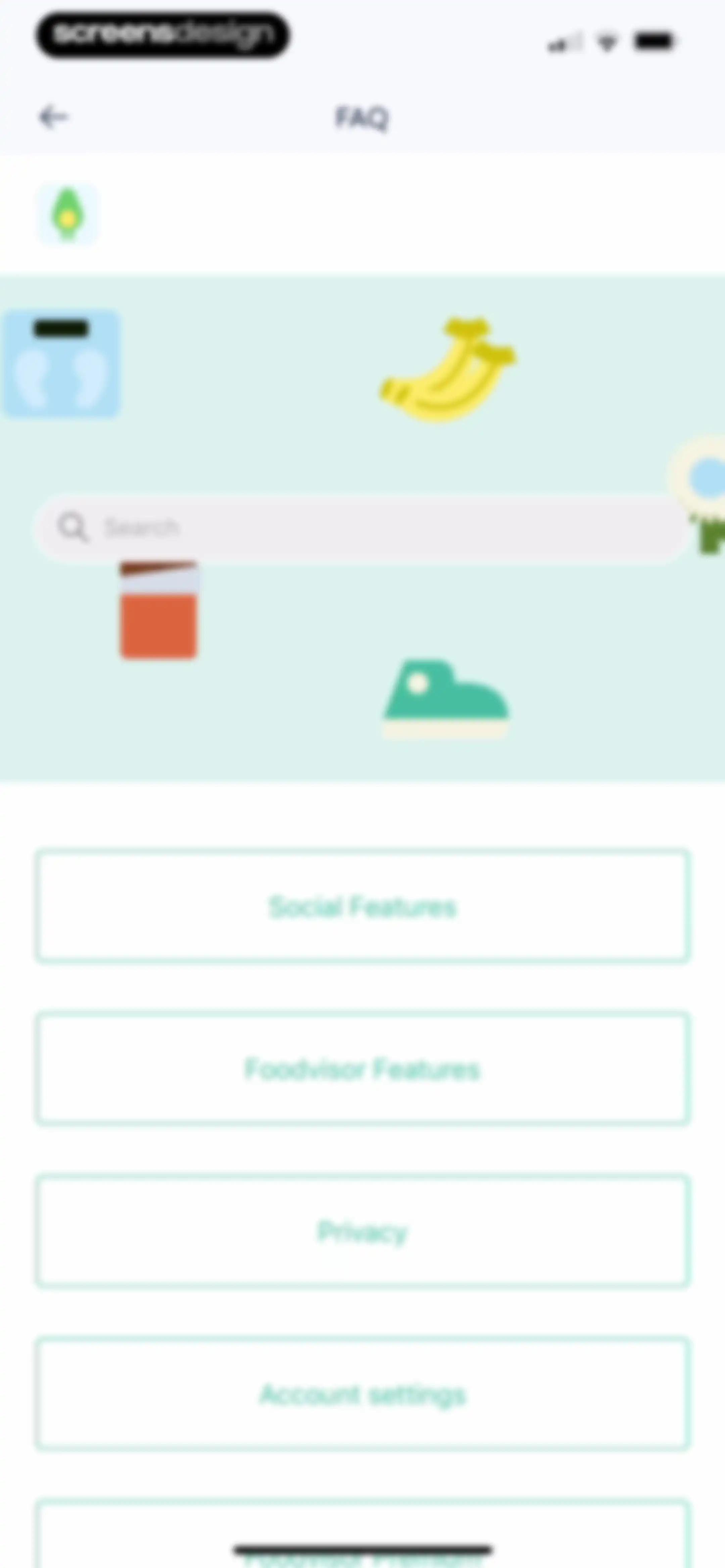
Foodvisor FAQ hub with a search bar and a vertical list of category buttons including Social Features, Privacy, and Account settings.Unlock Pro
FAQ screen for Foodvisor social features with a search bar and a list of help links including group and blog resources.Unlock Pro
FAQ article in the Foodvisor app explaining how to join the support group with a direct Facebook group link.Unlock Pro
Foodvisor FAQ support screen with a welcome illustration, related help articles, and a language selector.Unlock Pro
Foodvisor support chat screen with an empty message history and a bottom input bar featuring an attachment icon.Unlock Pro
Referral prompt offering a gift card for signing up a friend, with Yes and No buttons.Unlock Pro
Foodvisor gift card sharing screen with a hero image offering two weeks free, an email input field, and a skip button.Unlock Pro
Foodvisor settings screen listing options like notifications, health data, FAQ, and account actions with a close button at the top left.Unlock Pro
Settings screen with a logout confirmation modal overlay featuring a sad avocado illustration and Yes, log out and Cancel buttons.Unlock Pro
Terms and conditions document for the Foodvisor app with an update date and a close button in the top left corner.Unlock Pro

About Foodvisor - AI Calorie Counter

An AI-powered nutrition and diet tracking app that simplifies meal logging through photo recognition, voice input, and barcode scanning.

Explore Foodvisor - AI Calorie Counter across ScreensDesign

Apps similar to Foodvisor - AI Calorie Counter

Unlock all similar apps

See every comparable app, revenue, installs, and flows.

Unlock Pro
  • AI Calorie Counter: GoodCal

    4.6
    Zappit AIRevenue$<5kInstalls<5k
  • AI Calorie Counter & Meal Plan

    4.6
    Cacao MobileRevenue$10kInstalls30k
  • MyFitnessPal: Calorie Counter

    4.7
    MyFitnessPal, Inc.Revenue$12MInstalls550k
  • Fitia: Calorie Counter & Diet

    4.9
    Nutrition TechnologiesRevenue$400kInstalls250k
  • Cal Scanner AI Calorie Tracker

    4.7
    Arcane Miracle LimitedRevenue$<5kInstalls10k
  • CalScan - AI Calorie Tracker

    4.8
    Shanghai Mimi Pig Network Technology Co., LtdRevenue$30kInstalls45k
  • Fooducate: Nutrition Coach

    4.6
    Maple Media Apps, LLCRevenue$<5kInstalls<5k
  • Calo: AI Food Calorie Counter

    4.7
    Next Vision LimitedRevenue$800kInstalls250k
  • AI Calorie Tracker by Eatwise

    4.7
    Vision WizardRevenue$15kInstalls<5k
  • Kalguroo: AI Calorie Tracker

    4.6
    KALGUROORevenue$85kInstalls85k
  • Calorie Tracker・Diet: Food AI

    4.7
    FUTURE SOFT YAZILIM BILISIM DANISMANLIK HIZMETLERI TICARET ANONIM SIRKETIRevenue$10kInstalls<5k
  • CaloCare: AI Calorie Counter

    4.8
    OSENGORevenue$50kInstalls45k
  • Calorie Counter by Numify

    4.7
    MunicornRevenue$850kInstalls200k
  • Keto diet app-Low carb manager

    4.6
    Zinaida DavydovaRevenue$<5kInstalls<5k
  • SnapCal: AI Calorie Counter

    4.8
    Scan AppRevenue$150kInstalls60k
  • CalBot: AI Calorie Tracker

    4.7
    StepsApp GmbHRevenue$35kInstalls55k
  • Nutrition Tracker: Foodnoms

    4.7
    Algebraic Labs, LLCRevenue$<5kInstalls<5k
  • EatBetter: AI Food Journal

    4.5
    AI SPARKS LABSRevenue$60kInstalls20k
  • Virtuafood: AI Calorie Tracker

    4.7
    Virtuagym B.V.Revenue$65kInstalls25k
  • Welmi - Calorie Counter & Diet

    4.8
    T-SHAPED APPS LTDRevenue$250kInstalls300k
  • AI Calorie Counter - Appediet

    4.8
    Appediet Information PTE. LTDRevenue$150kInstalls75k
  • Calorie Counter: Kalee

    4.6
    HARAKAT ALTIQNIAH COMPANYRevenue$150kInstalls80k
  • 1st Phorm

    4.6
    First PhormRevenue$200kInstalls<5k
  • Calorie Counter by fatsecret

    4.7
    fatsecretRevenue$50kInstalls350k
  • Keto Diet App - Carb Tracker

    4.7
    FJOR NUTRITION, INC.Revenue$14kInstalls<5k
  • My Macros+ | Macro Tracker

    4.7
    My Macros LLCRevenue$30kInstalls<5k
  • Lifesum: AI Calorie Counter

    4.6
    Lifesum ABRevenue$850kInstalls85k
  • FitHub - AI Calorie Tracker

    4.8
    Slash Workman, Inc.Revenue$<5kInstalls35k
  • MyCal: AI Food Scanner

    4.8
    App Rover
  • Cronometer: Calorie Counter

    4.8
    Cronometer Software IncRevenue$1.3MInstalls350k
  • Eat This Much - Meal Planner

    4.7
    Eat This Much Inc.Revenue$30kInstalls7k
  • Eato®: Calorie Tracker

    4.8
    Enerjoy Pte. Ltd.Revenue$85kInstalls<5k
  • Calyra - AI Calorie Tracker

    4.7
    Nutria SASRevenue$65kInstalls50k
  • CalCountAI: Calorie Tracking

    4.6
    Asana Rebel GmbHRevenue$<5kInstalls<5k
  • Calz - Calorie Counter AI

    4.7
    Wachanga LTDRevenue$150kInstalls75k
  • Micron – Calories & Nutrients

    4.8
    Micron SASRevenue$55kInstalls15k
  • NubCal: AI Calorie Counter

    4.7
    Central Content Co.,Ltd.Revenue$<5kInstalls10k
  • Diet & Food Tracker: EatWell

    4.8
    MWMRevenue$<5kInstalls<5k
  • Calorie Counter - MyNetDiary

    4.8
    MyNetDiary Inc.Revenue$1.3MInstalls50k
  • Meshitora: Track My Calories

    5.0
    GrownApps OURevenue$8kInstalls<5k
  • CalDiet - Food Analysis Pal

    4.8
    HAPPY AI INC.Revenue$30kInstalls<5k
  • Fastie: Calorie & Food Tracker

    4.7
    Vision WizardRevenue$<5kInstalls<5k
  • Calorie Counter PRO MyNetDiary

    4.8
    MyNetDiary Inc.Revenue$60kInstalls<5k
  • Simple: AI Weight Loss Coach

    4.7
    AM APPSRevenue$250kInstalls100k
  • Fitself: Fitness and Fasting

    4.9
    FitselfRevenue$<5kInstalls<5k
  • AI Calorie Tracker - Fit AI

    4.6
    HEYOSRevenue$<5kInstalls<5k