Focused Work - Pomodoro Timer

$<5k revenue, 4.7 rating

Value Proposition
0:00 / 12:32

Onboarding flow, Paywall & Inside the App

Watch the full screen-by-screen UX video of Focused Work - Pomodoro Timer with onboarding, paywall, and every core flow.

Focused Work onboarding screen displaying a five-step productivity workflow list and a Get Started button.
Onboarding screen asking what you will use Focused Work for, with a vertical list of five use case options.
Paywall modal explaining a three-day free trial timeline, pricing details, cancellation instructions, and a Start my free trial now button.
Paywall screen comparing yearly, monthly, and lifetime subscription plans with a list of productivity benefits and a close button.
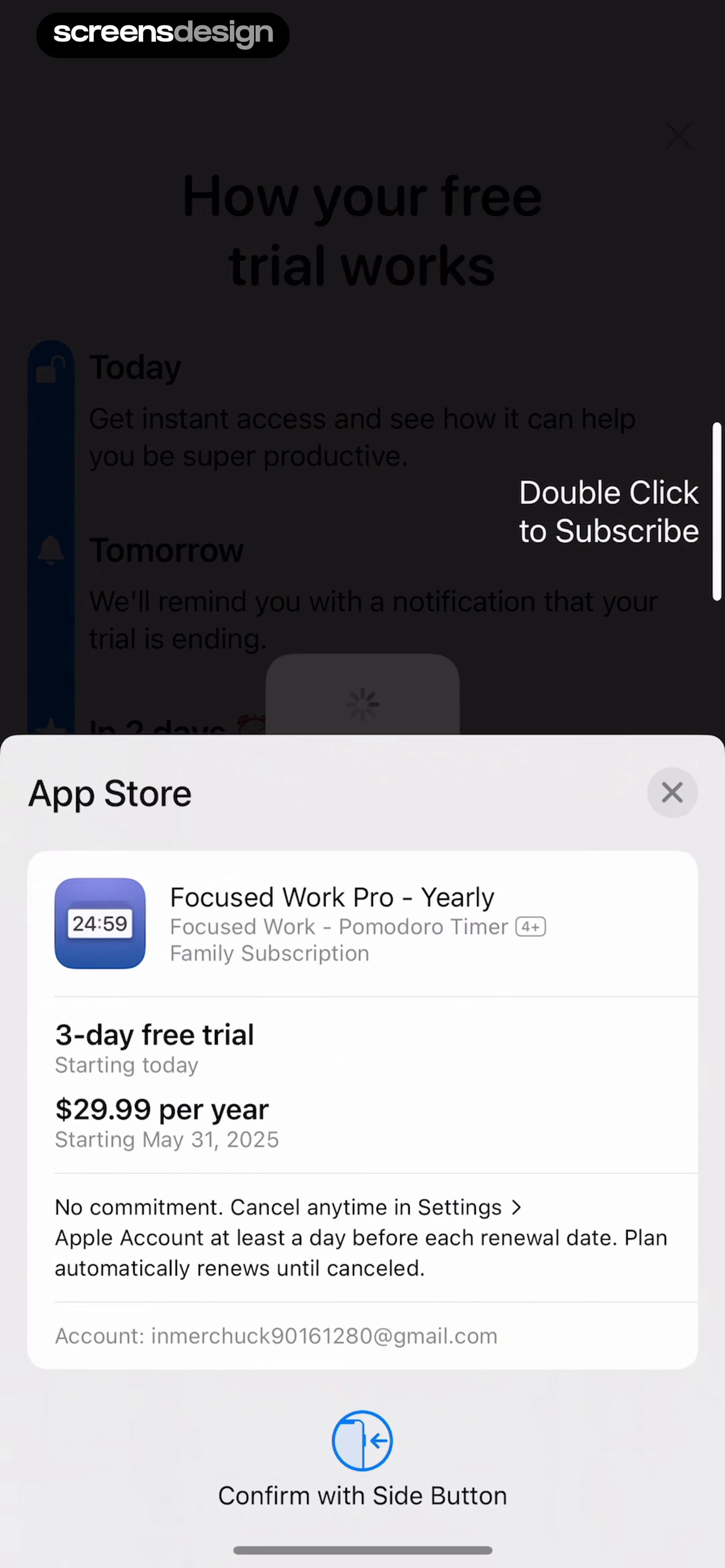
Subscription checkout screen displaying the Focused Work Pro Yearly plan with a three-day free trial and a system confirmation prompt.
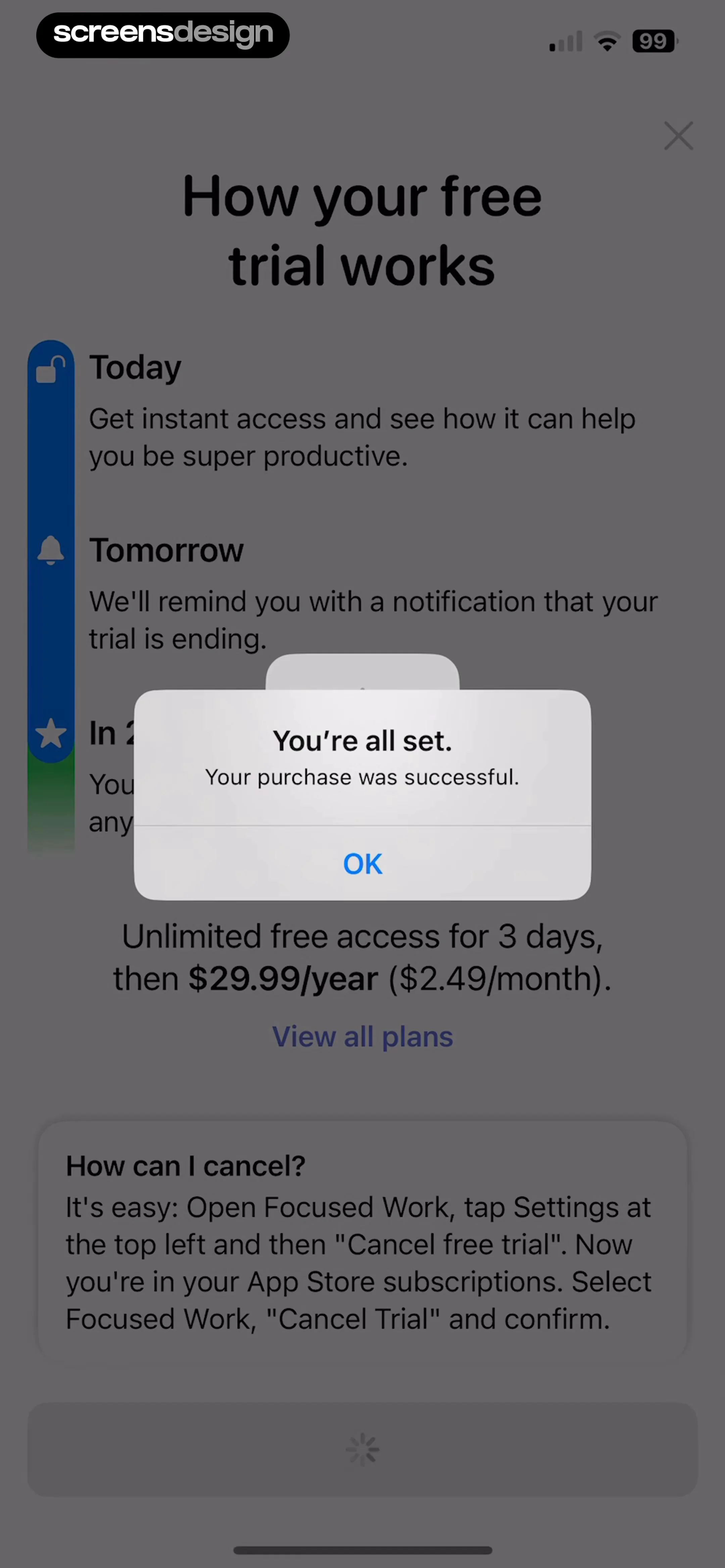
Subscription purchase confirmation modal stating your purchase was successful, with an OK button and a trial details background.
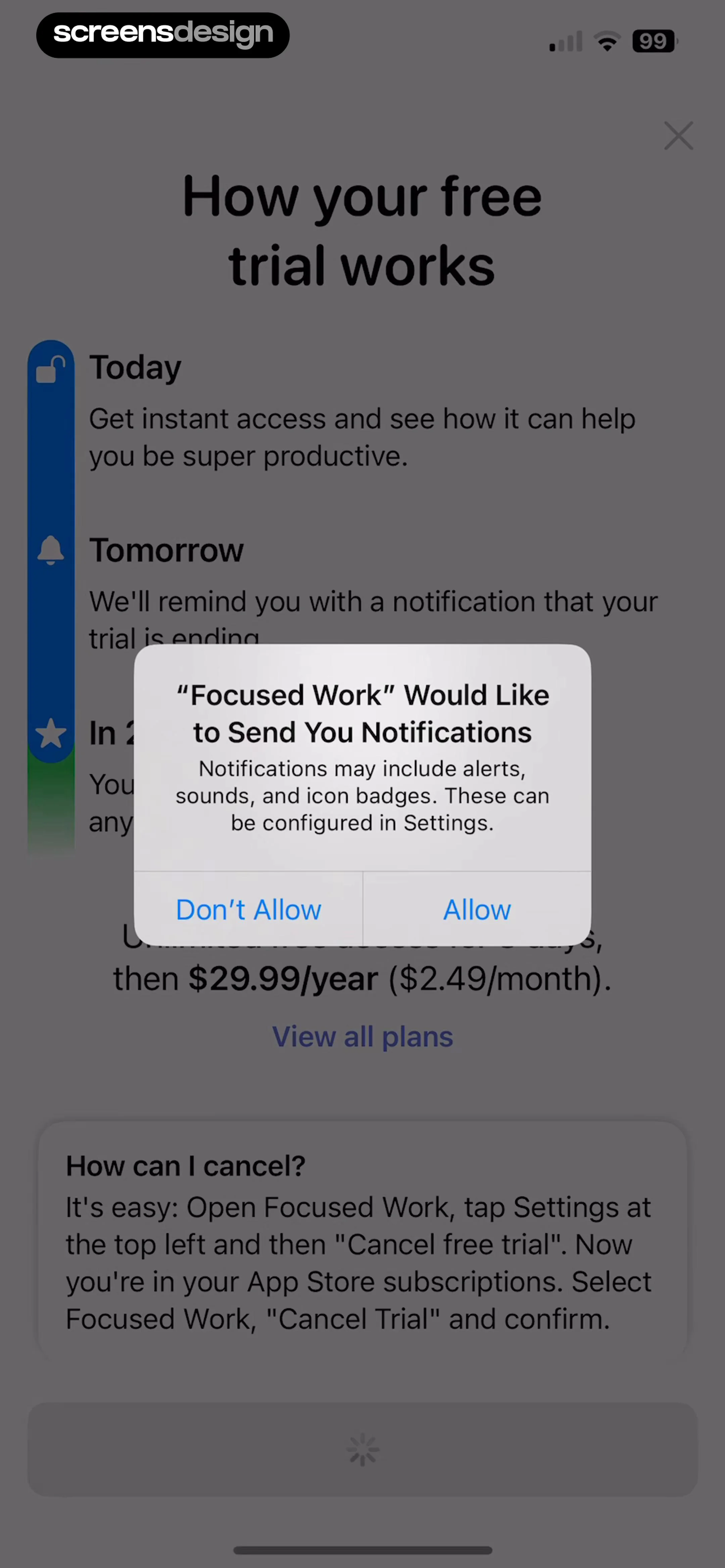
Permission request screen overlaying a free trial timeline with pricing details and an Allow button.
Loading screen displaying an hourglass icon and the text Preparing your session with a purple indicator.
Pomodoro timer screen displaying a break and focus reminders modal overlay with an OK button and playback controls.Unlock Pro
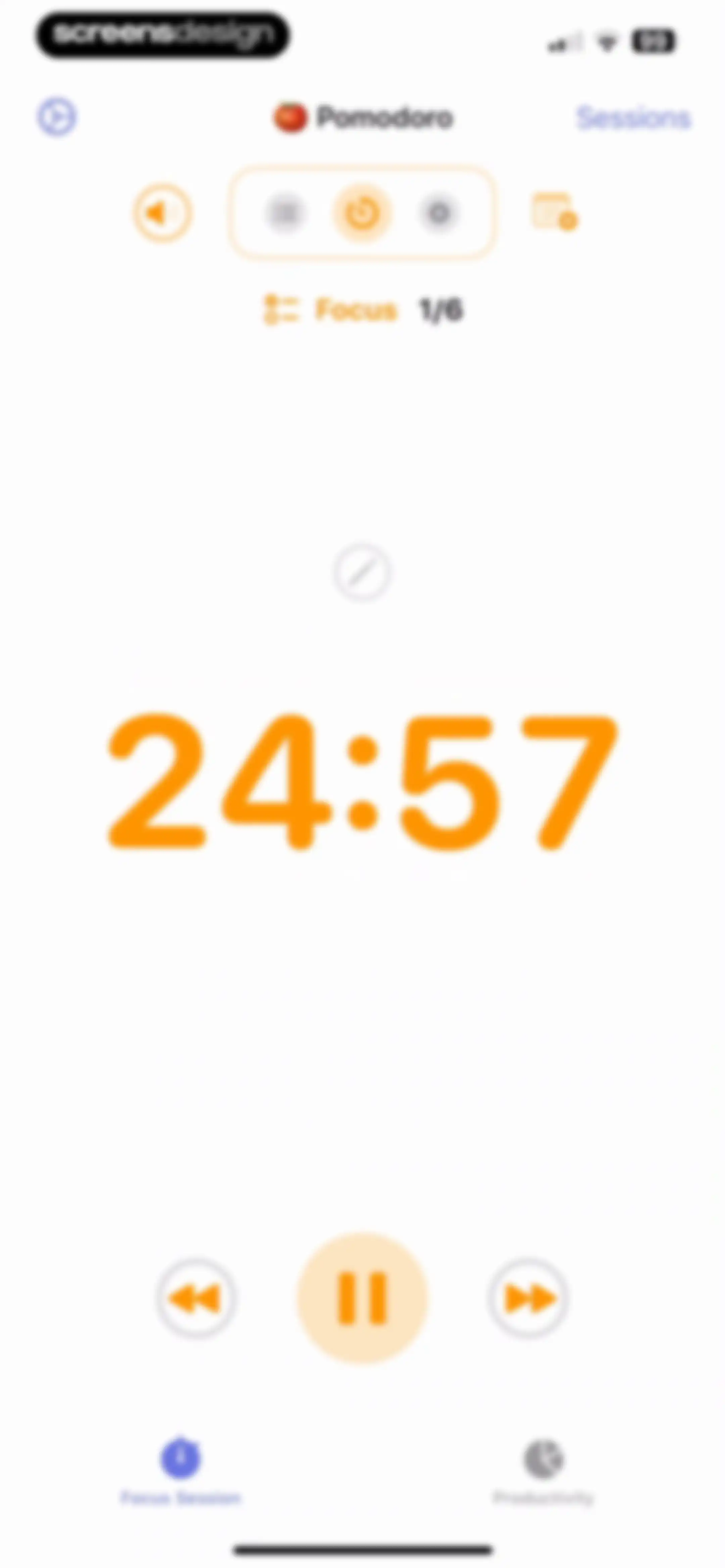
Pomodoro timer home screen showing a 24:57 countdown, focus session progress, and bottom playback controls.Unlock Pro
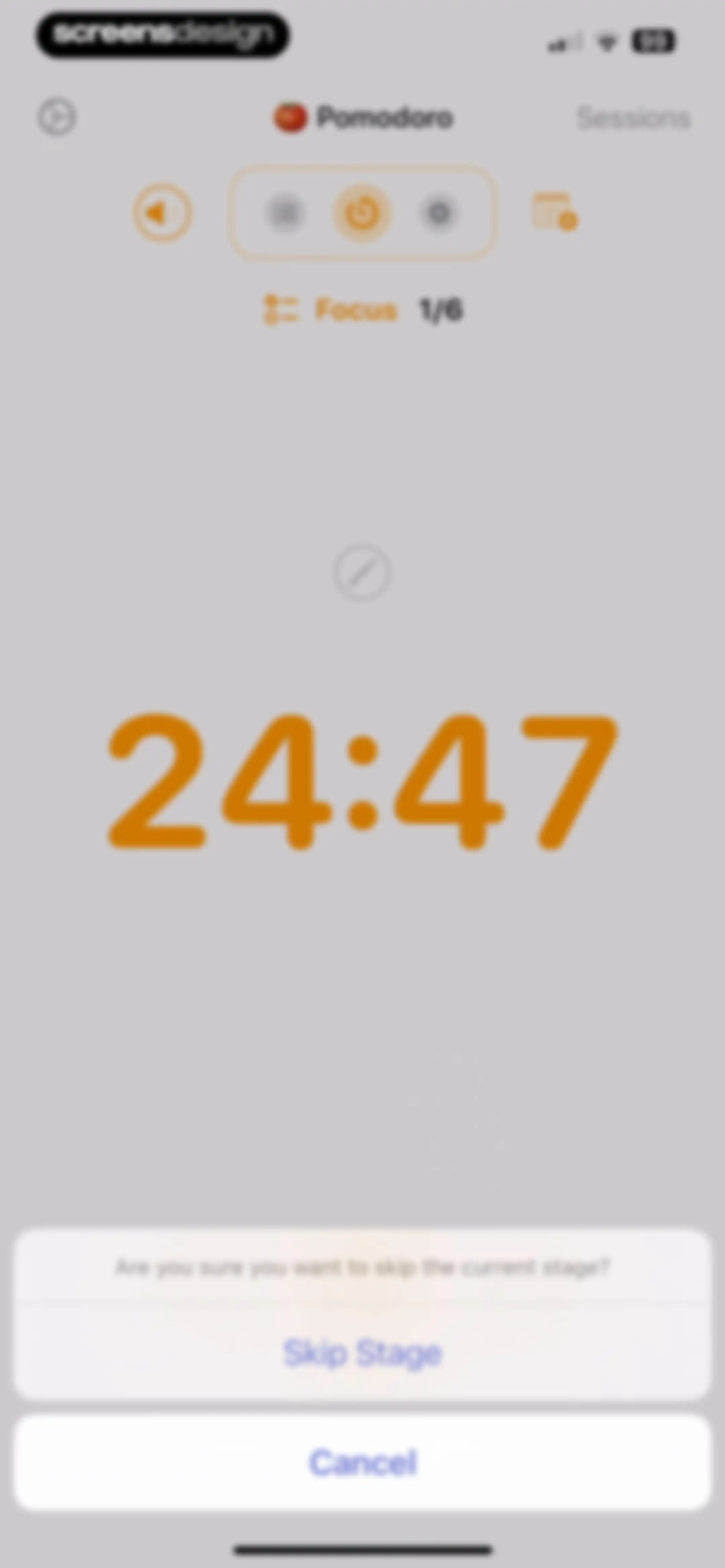
Pomodoro timer screen displaying an active 24:47 focus session and a confirmation modal with Skip Stage and Cancel buttons.Unlock Pro
Dashboard showing a minimalist countdown timer at 4:59 with a break session indicator below.Unlock Pro
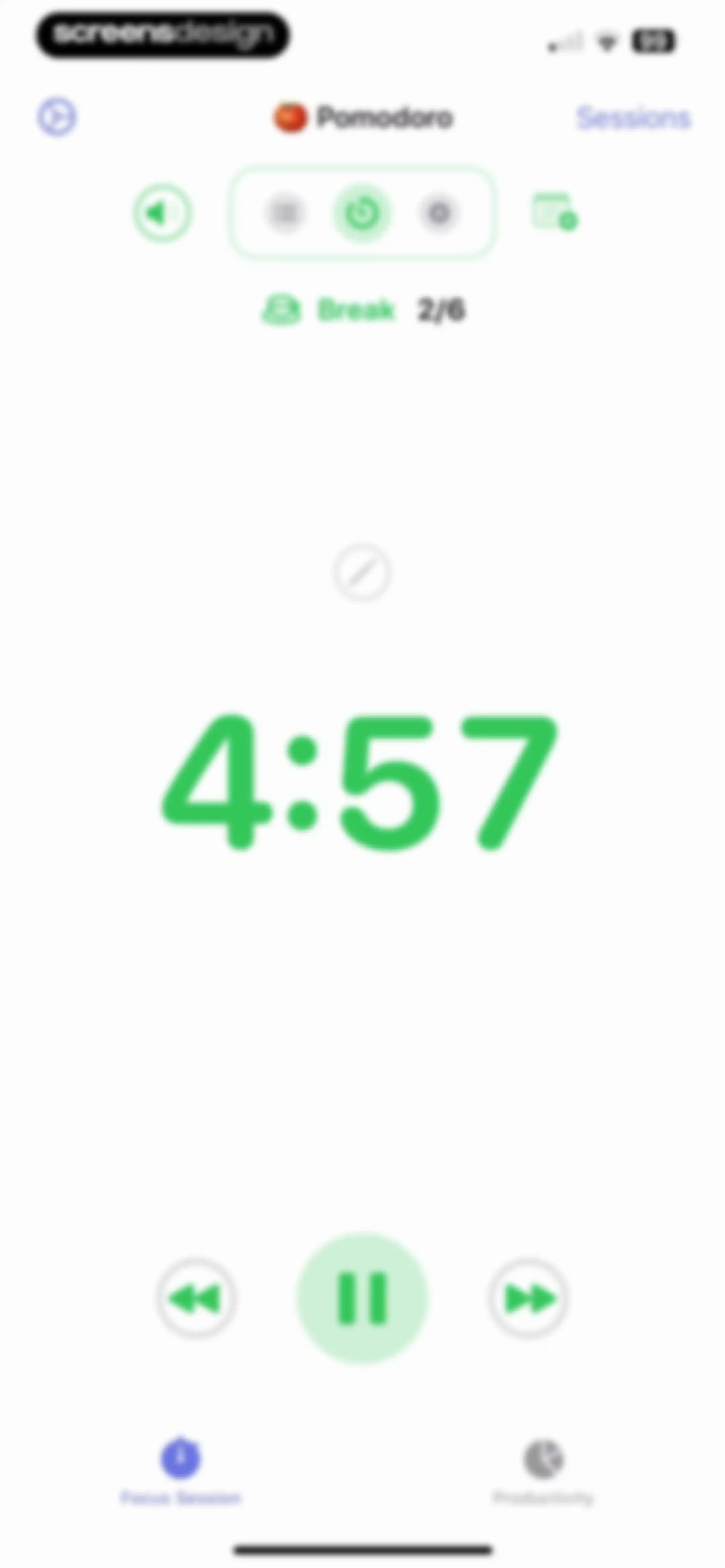
Pomodoro timer dashboard showing a break countdown of 4:57, session progress status, playback controls with a pause button, and bottom navigation.Unlock Pro
Pomodoro timer app interface featuring a confirmation modal asking to skip the current stage, with Skip Stage and Cancel buttons.Unlock Pro
Home screen showing an active Pomodoro focus timer set to 24:55 with playback controls and the Focus Session tab selected.Unlock Pro
Pomodoro timer home screen showing a 5:00 countdown with playback controls, session progress, and the Focus Session tab selected.Unlock Pro
Pomodoro timer home screen showing a 4:53 countdown and a complete session action card.Unlock Pro
Post-session summary screen displaying session duration, a productivity rating scale with Somewhat selected, a reflection text area, and Repeat and Done buttons.Unlock Pro
Post-session summary screen showing a completed pomodoro timer, productivity rating scale with Somewhat selected, reflection input, and Repeat and Done buttons.Unlock Pro
Session completion screen featuring a session summary, productivity rating scale with Somewhat selected, a reflection text area, and Done and Repeat buttons.Unlock Pro
Pomodoro session completion screen with a productivity rating scale, reflection text area, and Done button.Unlock Pro
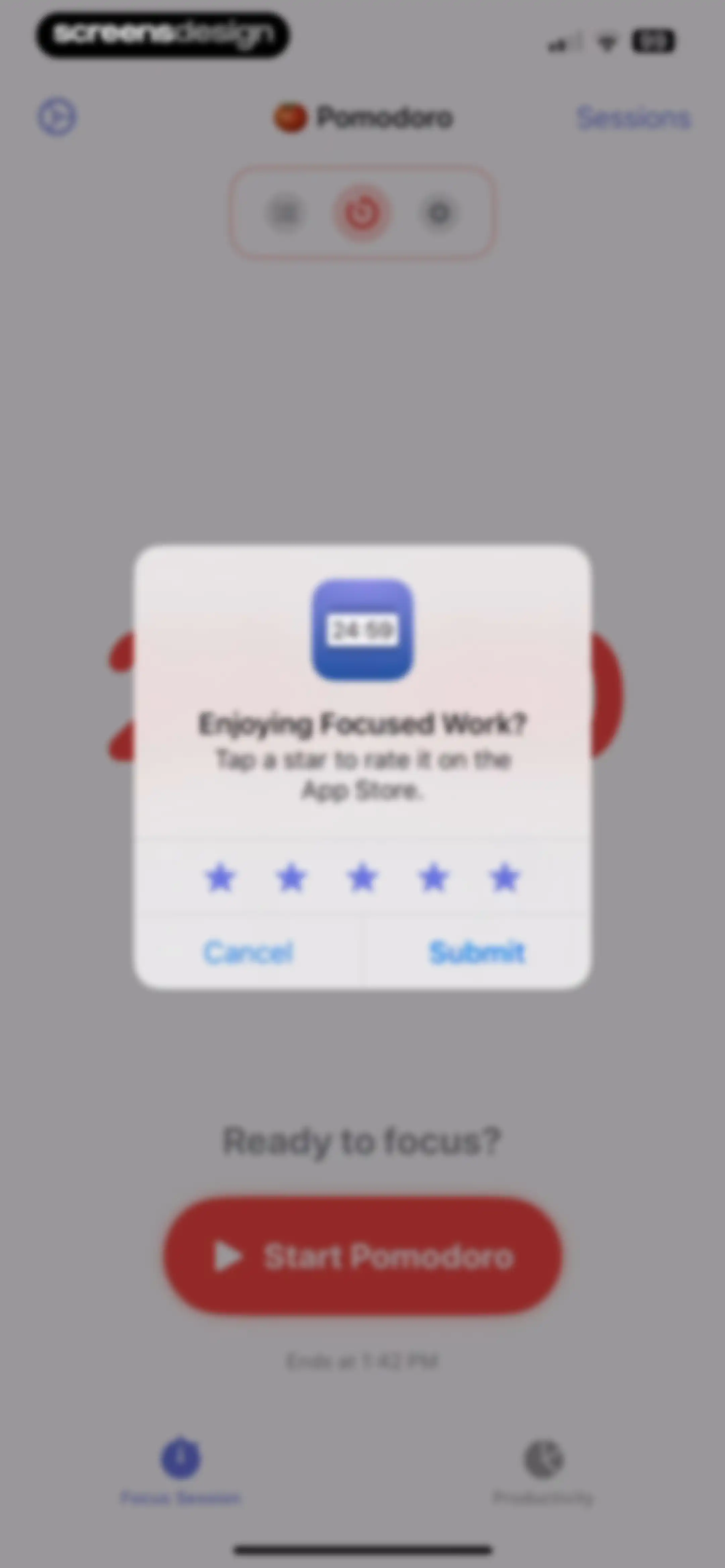
App rating prompt modal centered over a productivity dashboard with star icons, Cancel and Submit buttons, and a bottom navigation bar.Unlock Pro
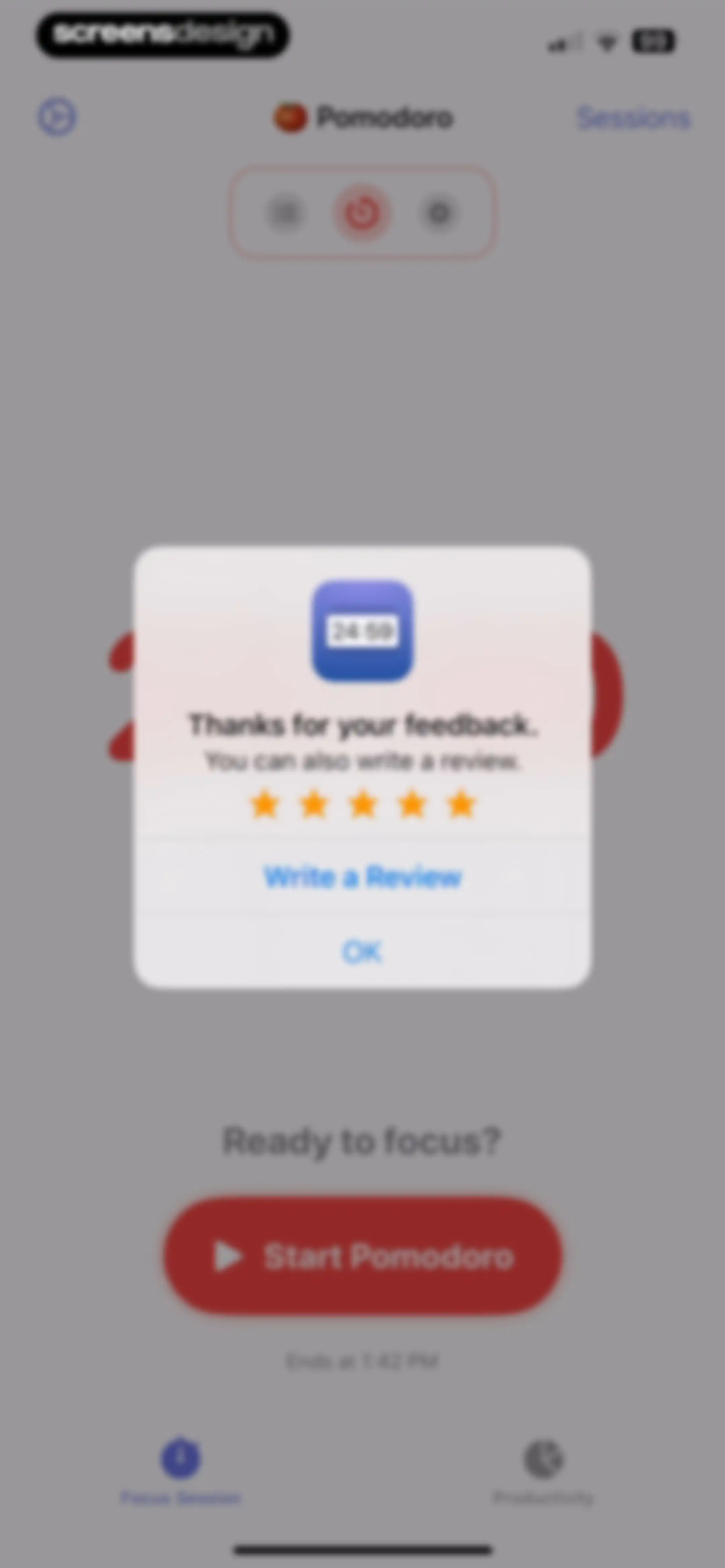
Feedback modal overlay on a productivity timer dashboard with a rating prompt, Write a Review button, and OK button.Unlock Pro
Home timer screen displaying 25:00 with a Start Pomodoro button and the Focus Session tab selected.Unlock Pro
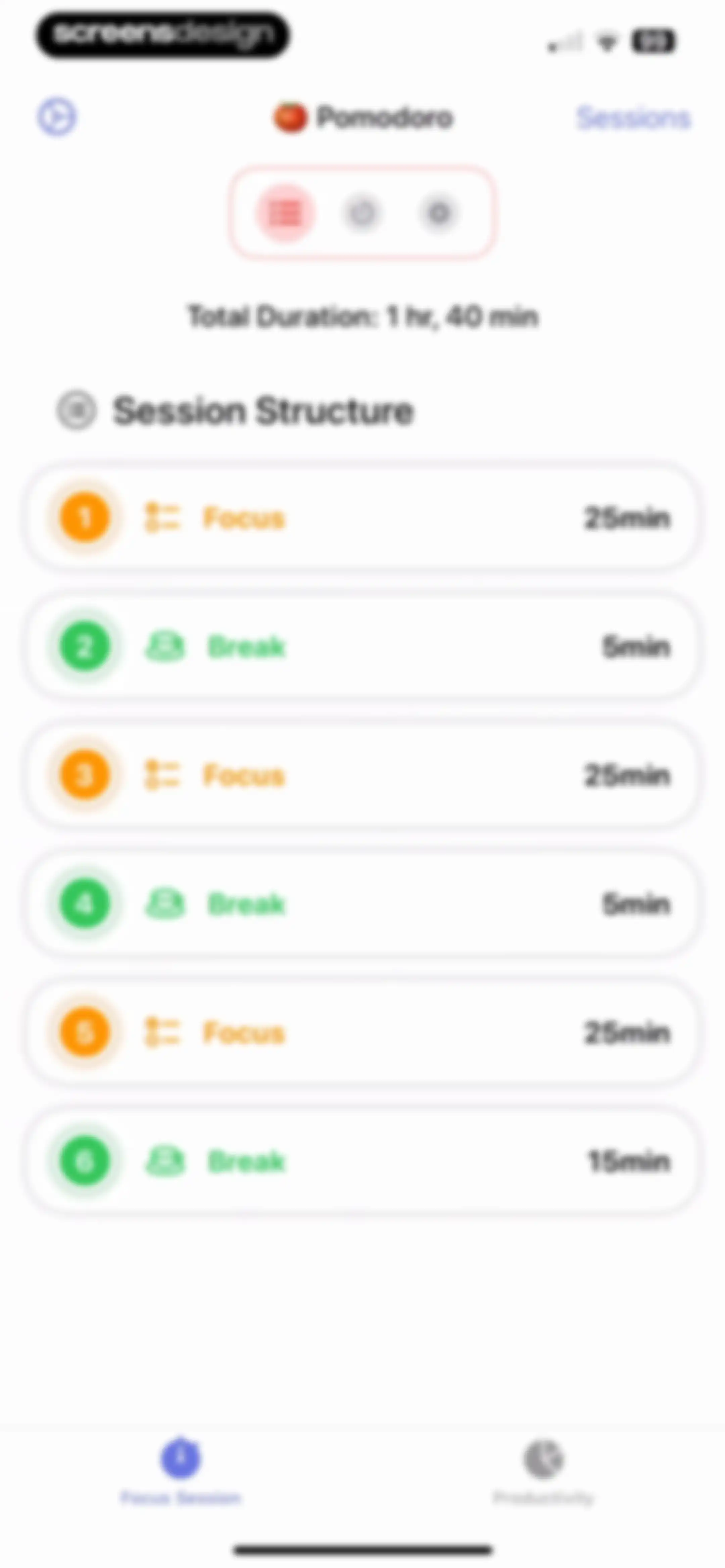
Pomodoro timer session structure dashboard displaying a total duration of one hour and forty minutes with a vertical list of focus and break steps.Unlock Pro
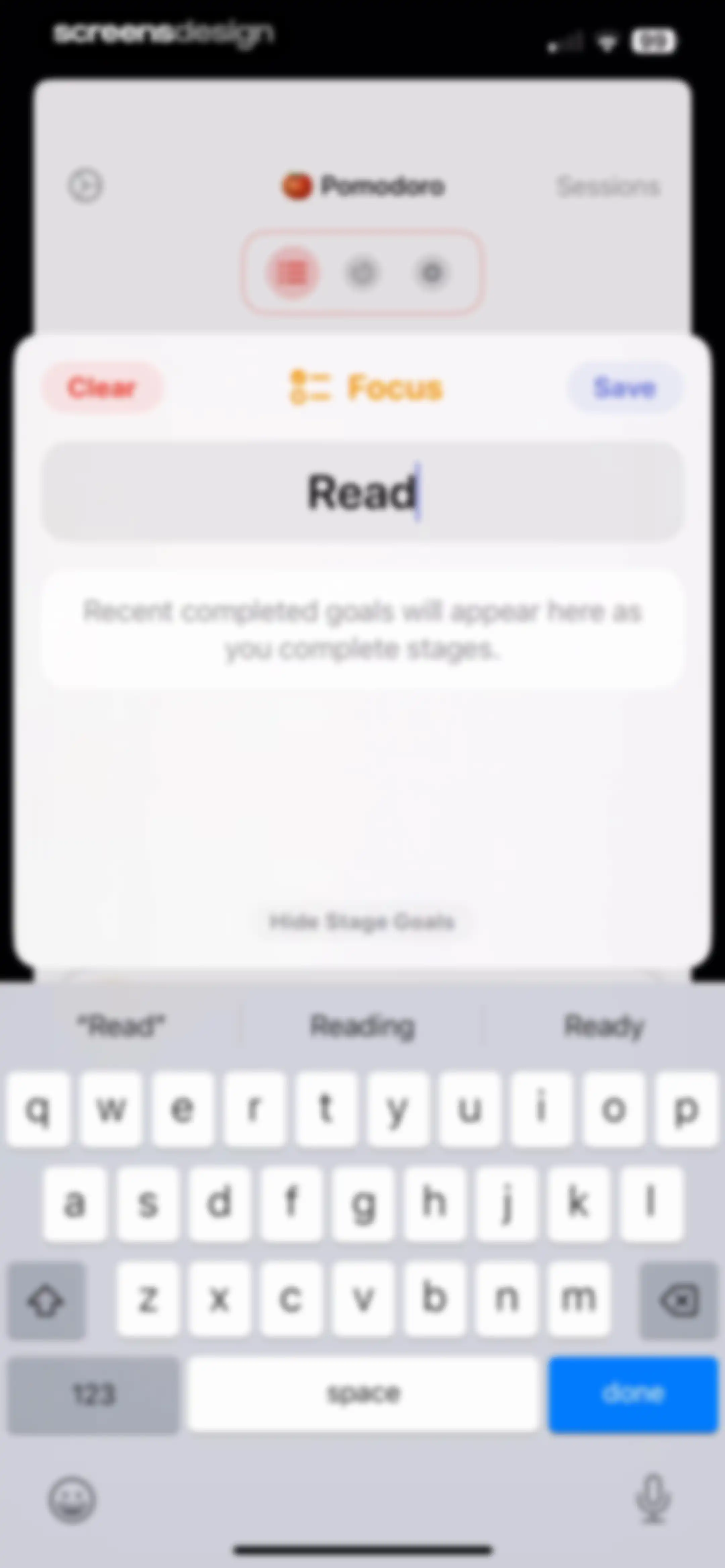
Focus goal input modal with a text field containing the entry Read, action buttons Clear and Save, and a system keyboard.Unlock Pro
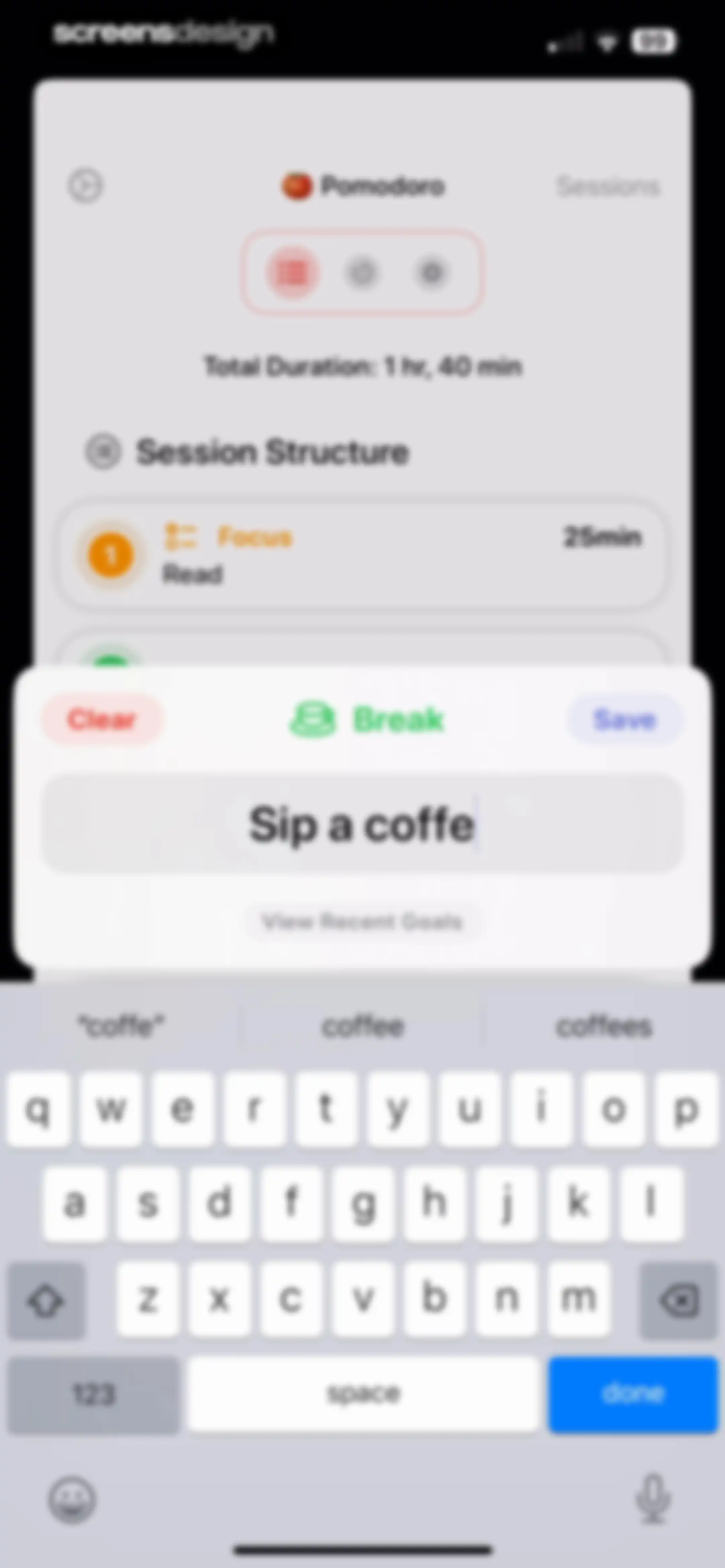
Pomodoro session input form with a break activity text field, Clear and Save buttons, and a system keyboard.Unlock Pro
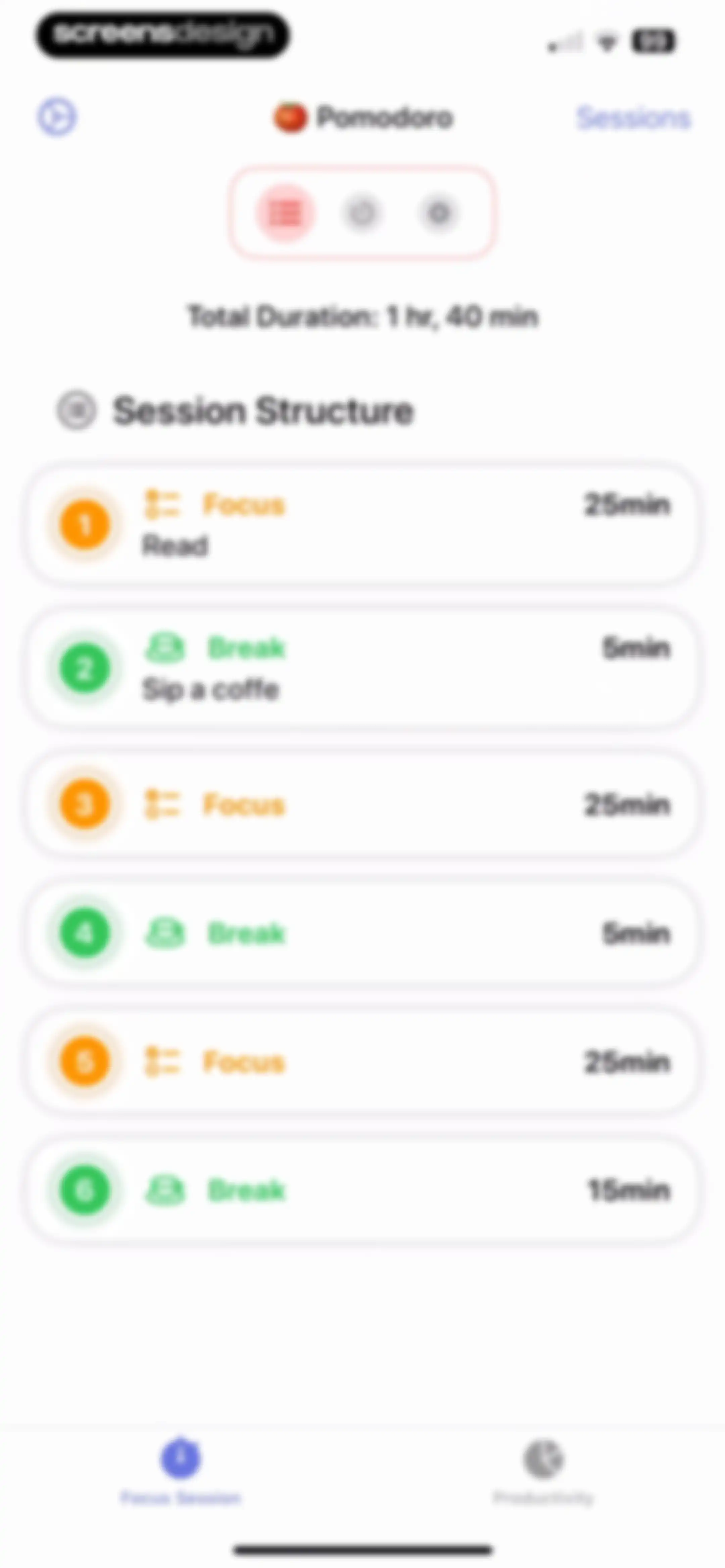
Dashboard showing a session structure list of alternating focus and break intervals with a total duration of 1 hour and 40 minutes.Unlock Pro
Pomodoro home screen displaying a twenty-five minute timer and a Start Pomodoro button.Unlock Pro
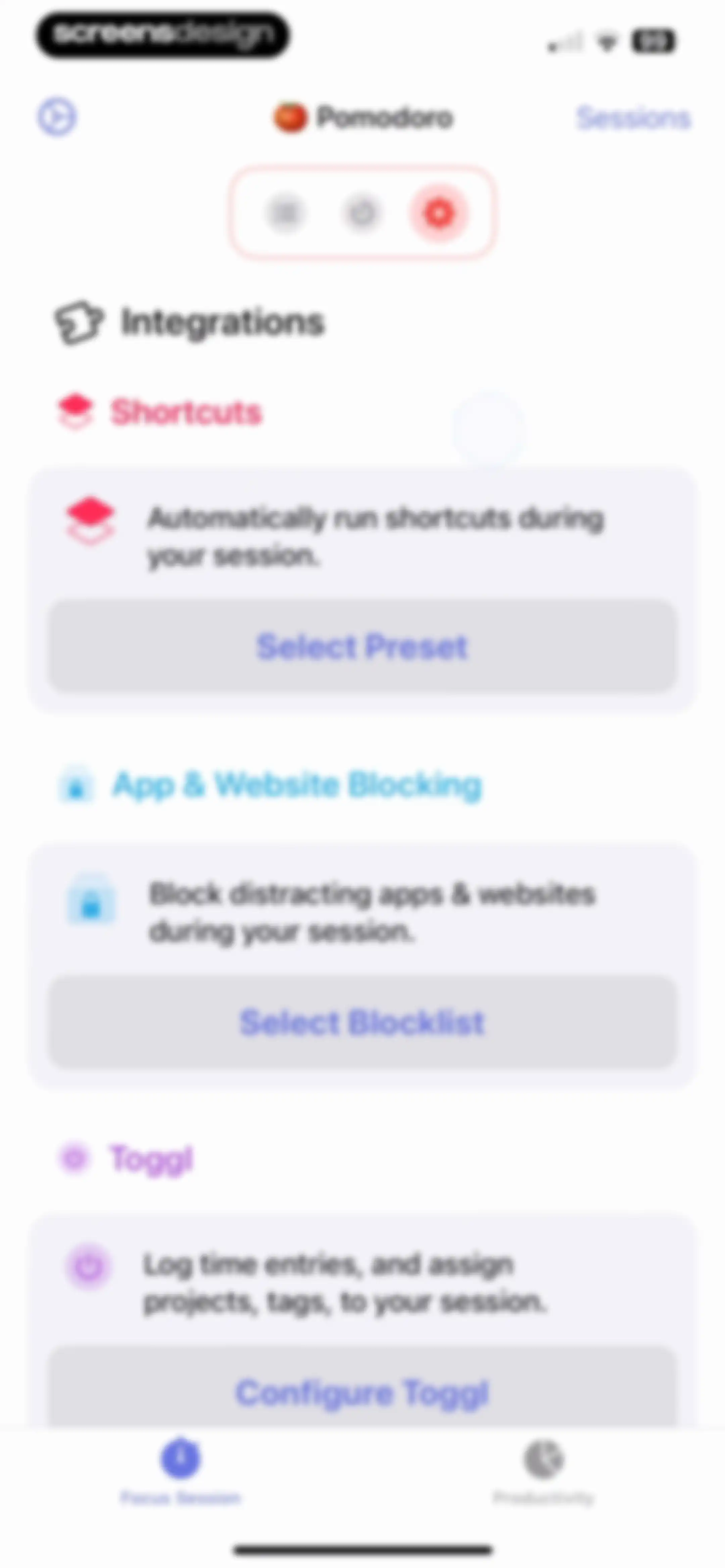
Settings screen featuring integration cards for Shortcuts, website blocking, and Toggl, with a bottom navigation bar.Unlock Pro
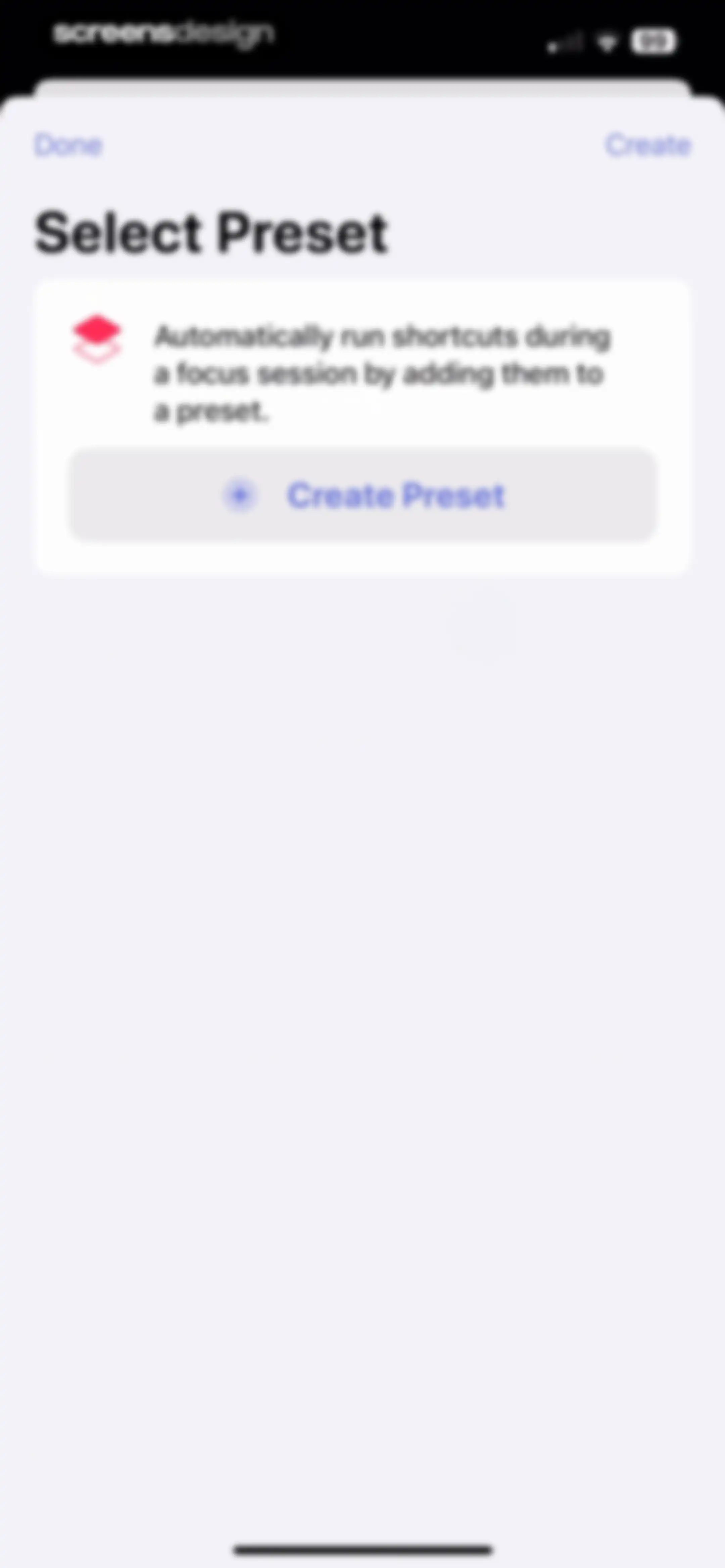
Select Preset screen with an instructional card and a Create Preset button to automate shortcuts during focus sessions.Unlock Pro
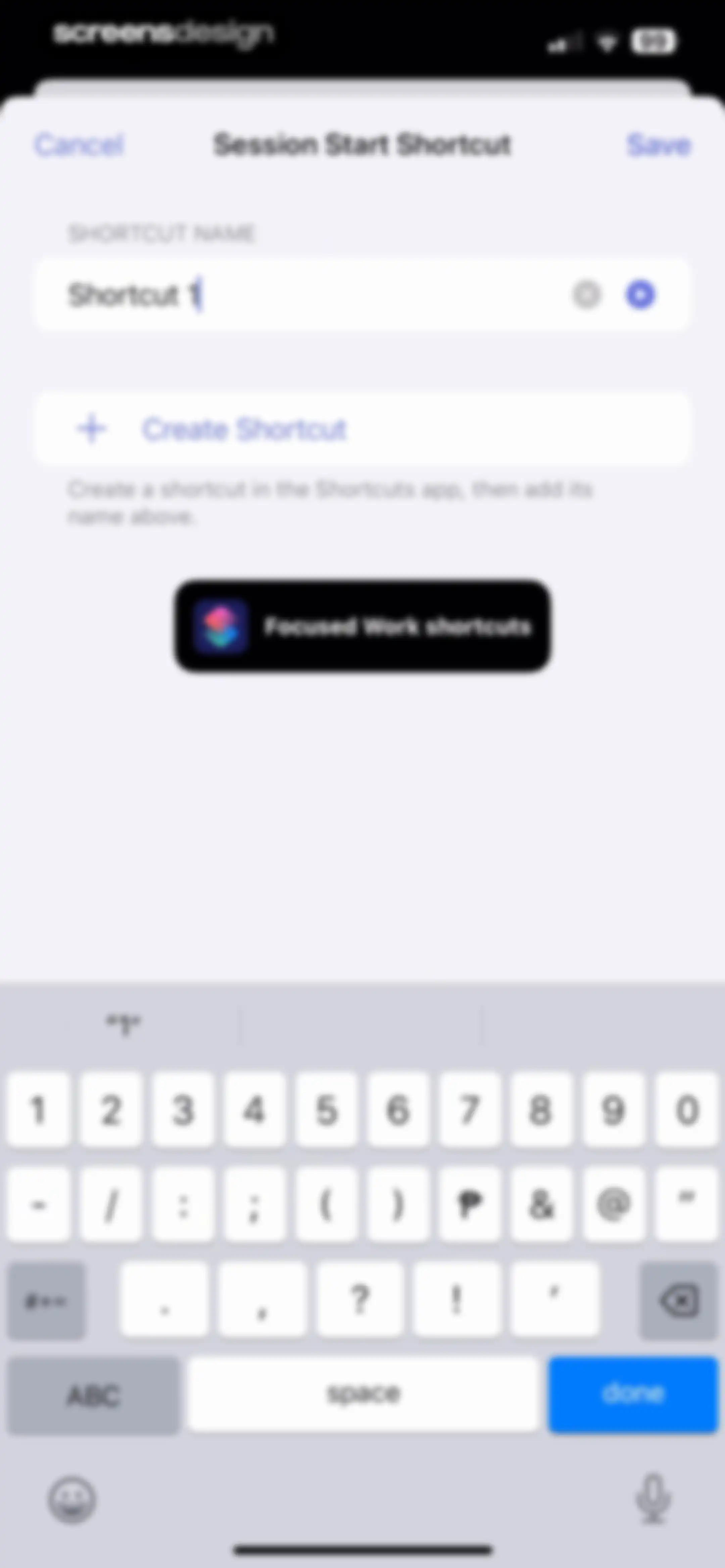
Shortcut configuration form with a text input field filled as Shortcut 1, instructional text, and Cancel and Save buttons.Unlock Pro
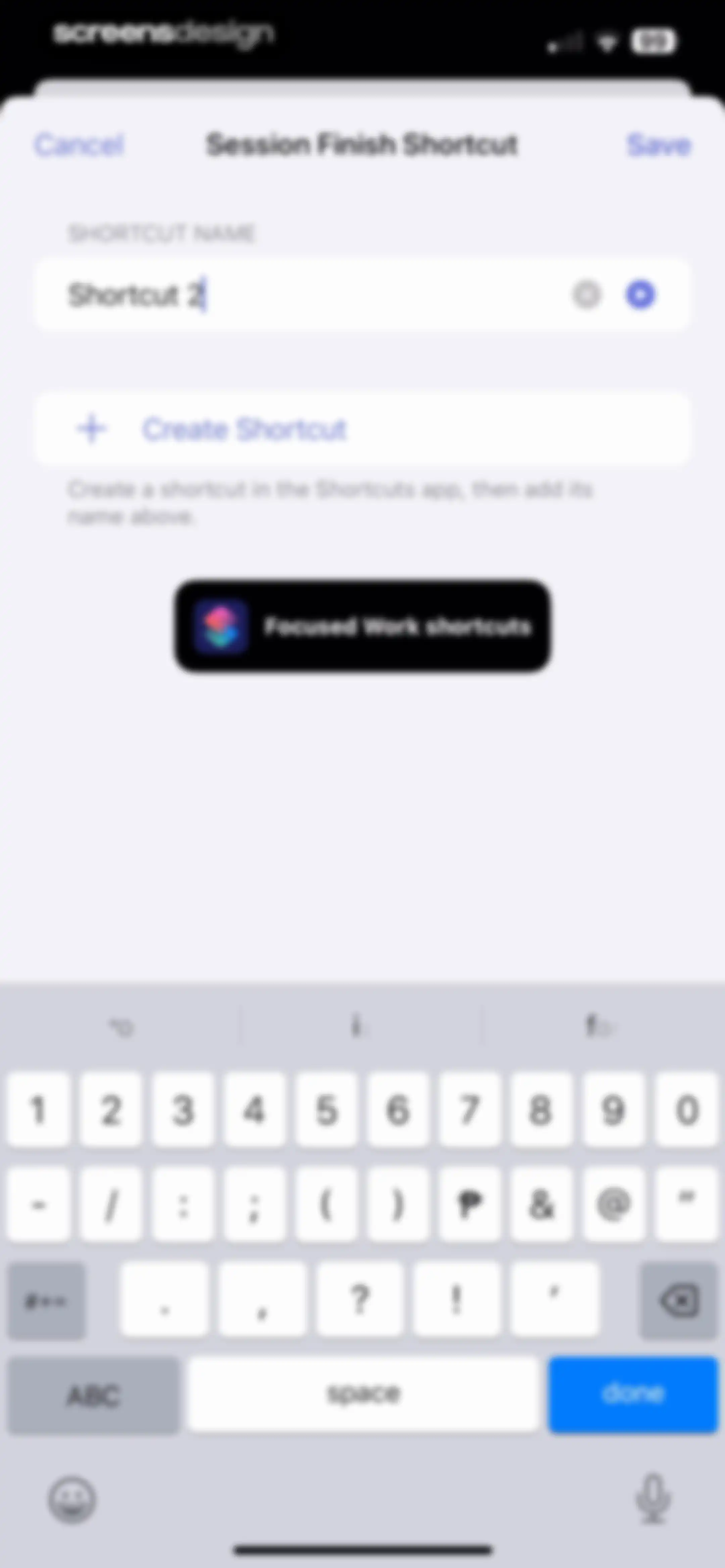
Form modal for configuring a session finish shortcut with a text input field, instructional text, and a Save button.Unlock Pro
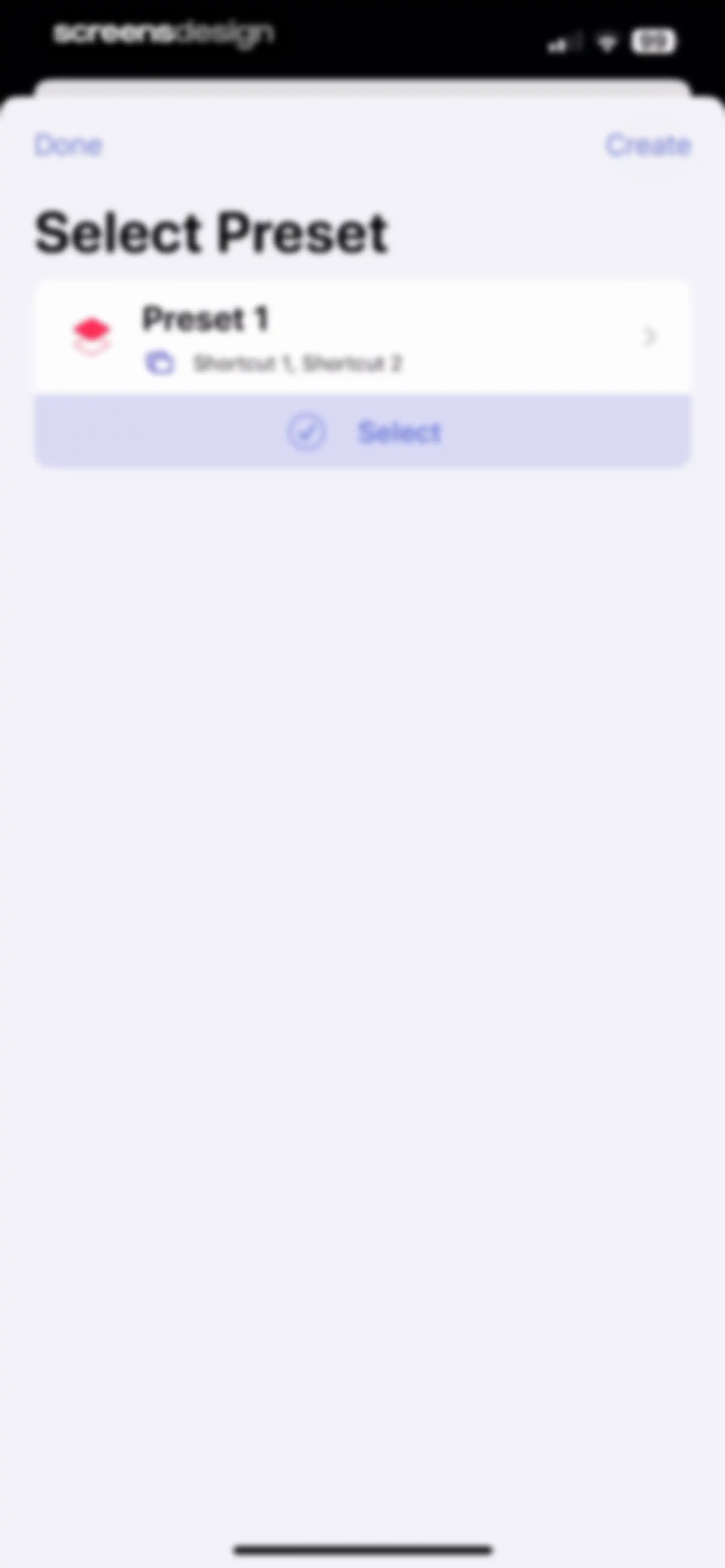
Preset selection modal featuring a card for Preset 1 with associated shortcuts and a Select button, alongside Done and Create actions.Unlock Pro
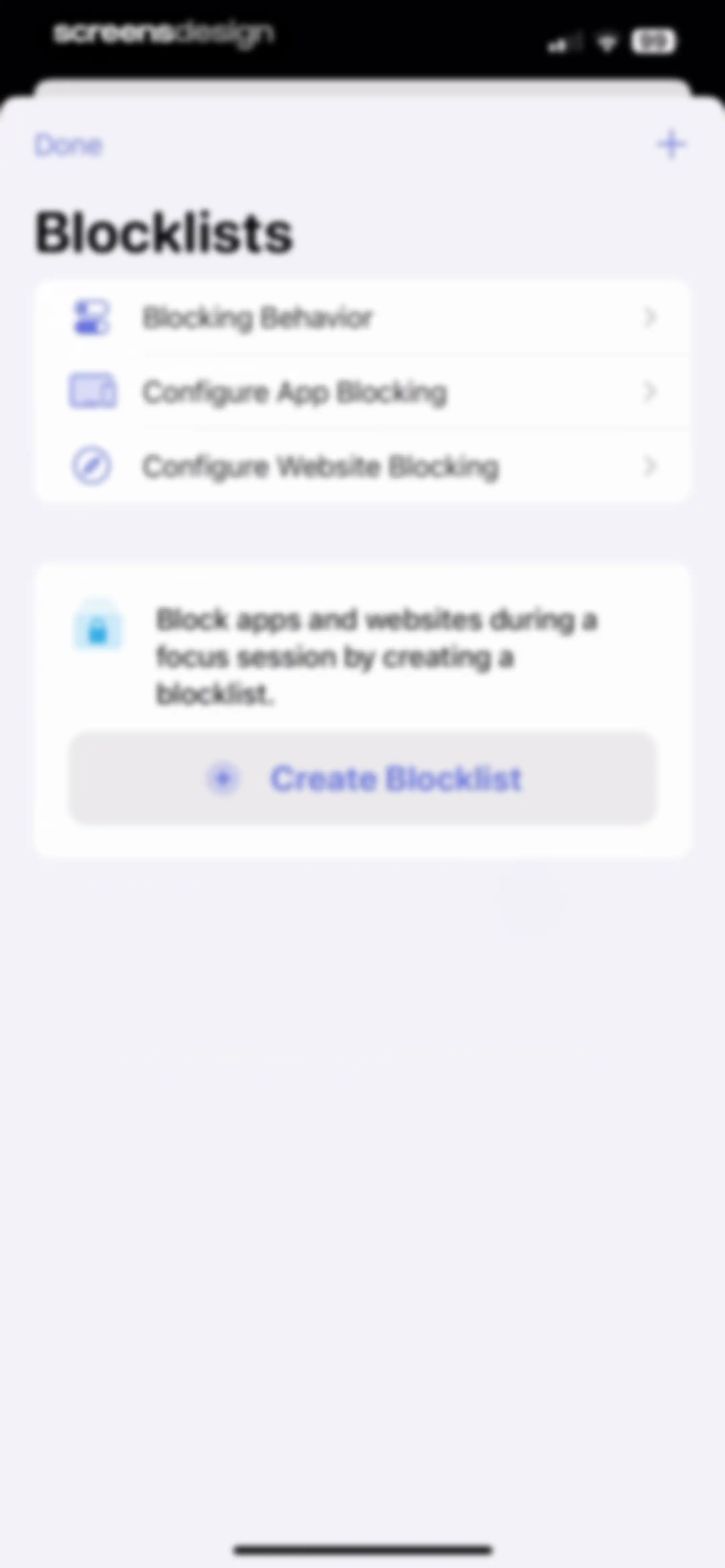
Blocklists settings screen with a list of configuration options and a central card featuring a Create Blocklist button.Unlock Pro
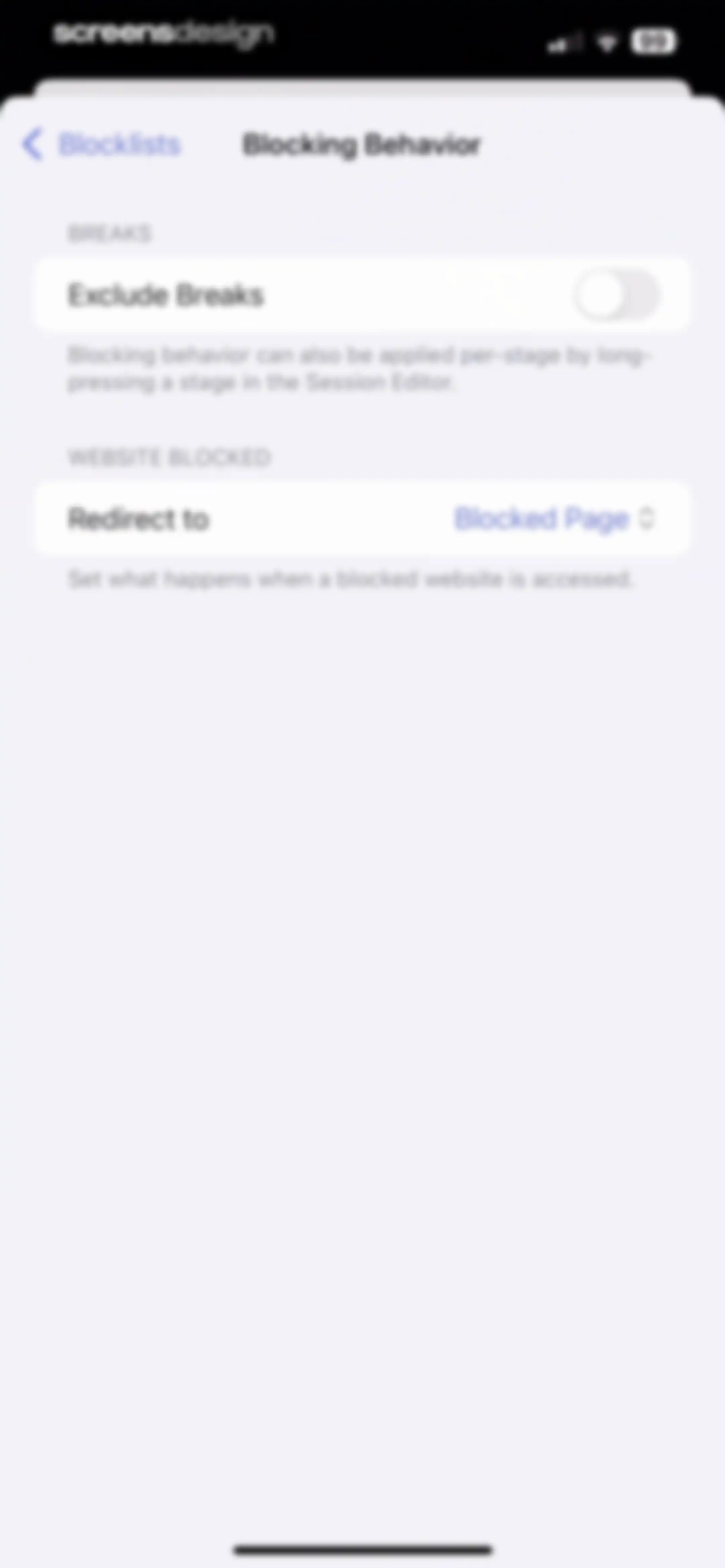
Settings screen for website blocking preferences in Focused Work, featuring an Exclude Breaks toggle and a Redirect to option.Unlock Pro
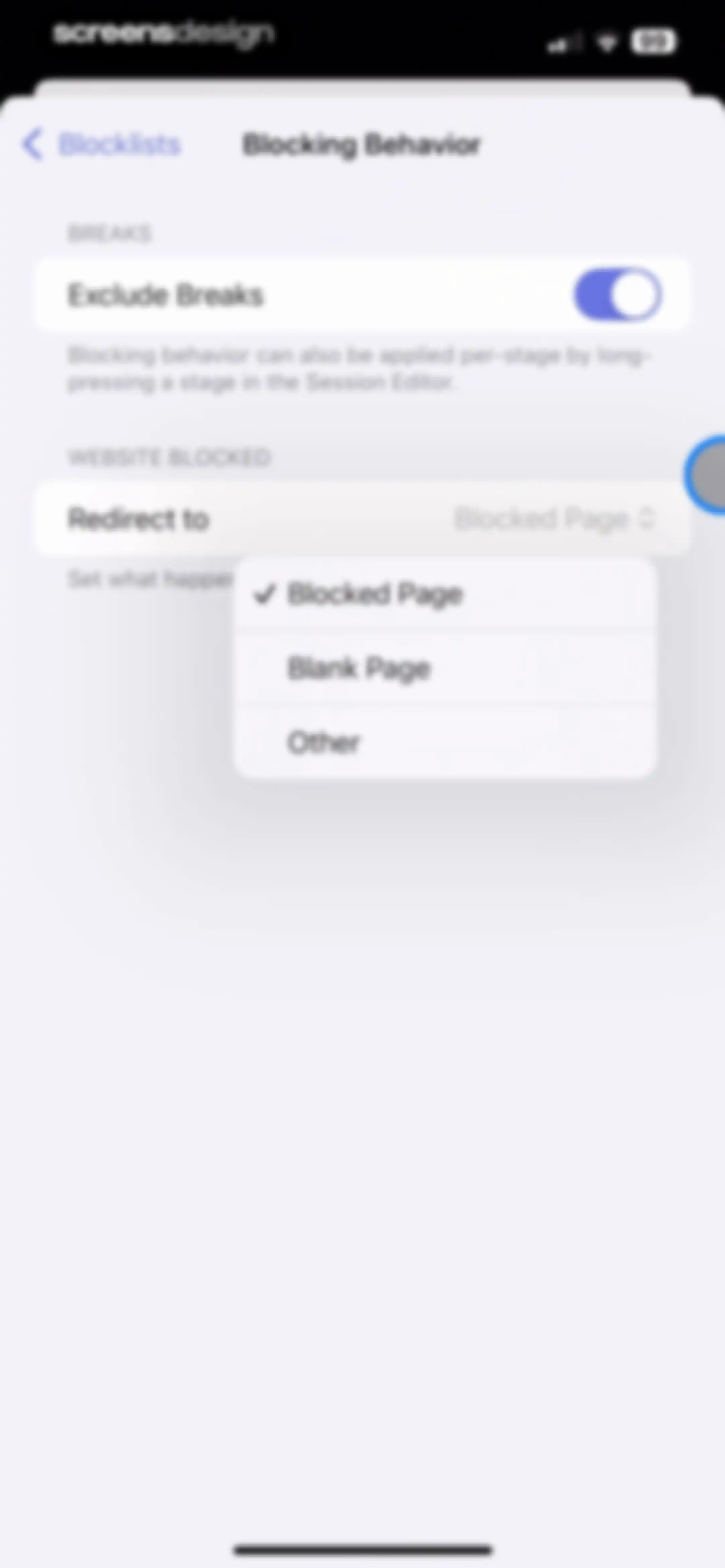
Blocking behavior settings screen displaying a website redirect dropdown menu with Blocked Page selected and an Exclude Breaks toggle.Unlock Pro
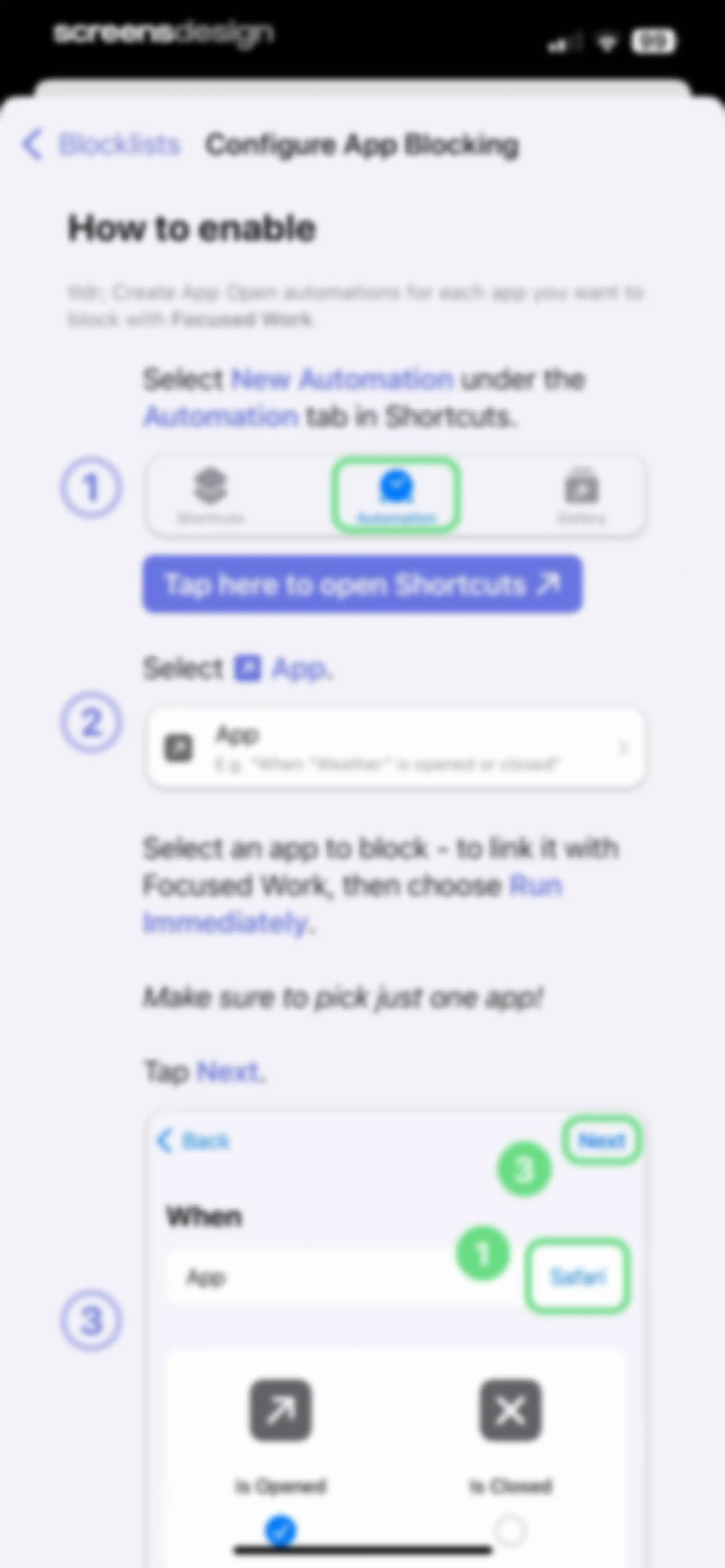
Instructional guide explaining how to enable app blocking with numbered steps and embedded Shortcuts app mockups.Unlock Pro
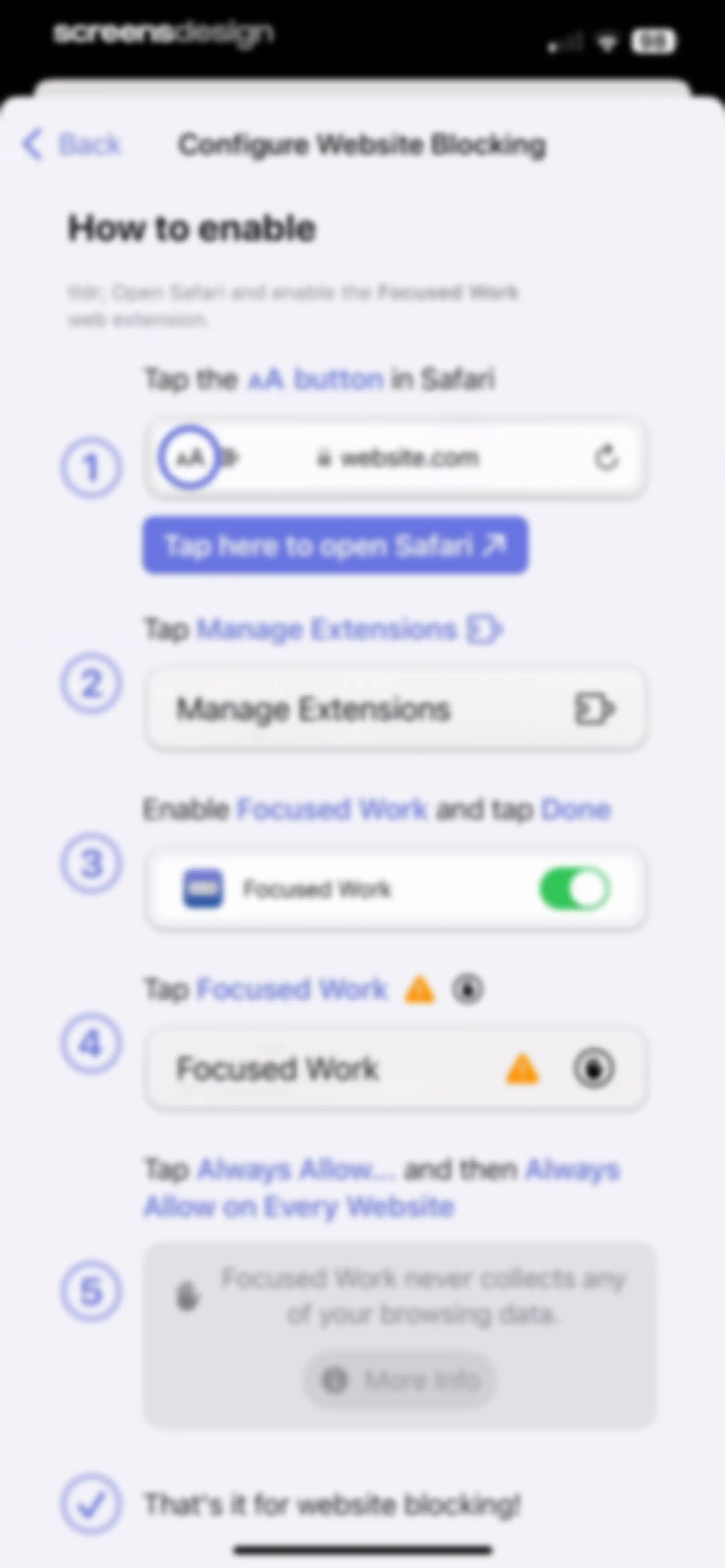
Onboarding instructions for configuring website blocking with a numbered list of five steps and a button to open Safari.Unlock Pro
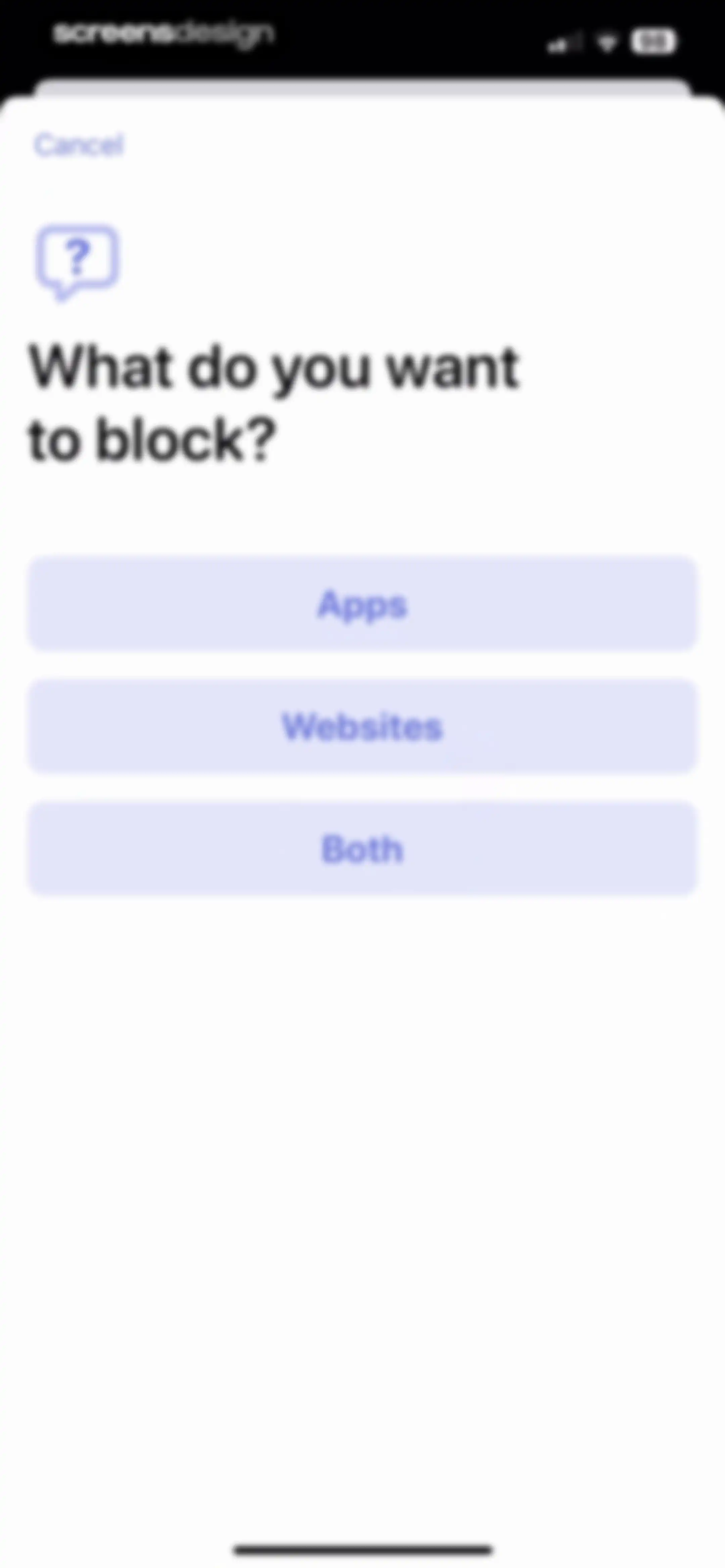
Blocking configuration modal asking what to block, with stacked buttons for Apps, Websites, and Both and a cancel button.Unlock Pro
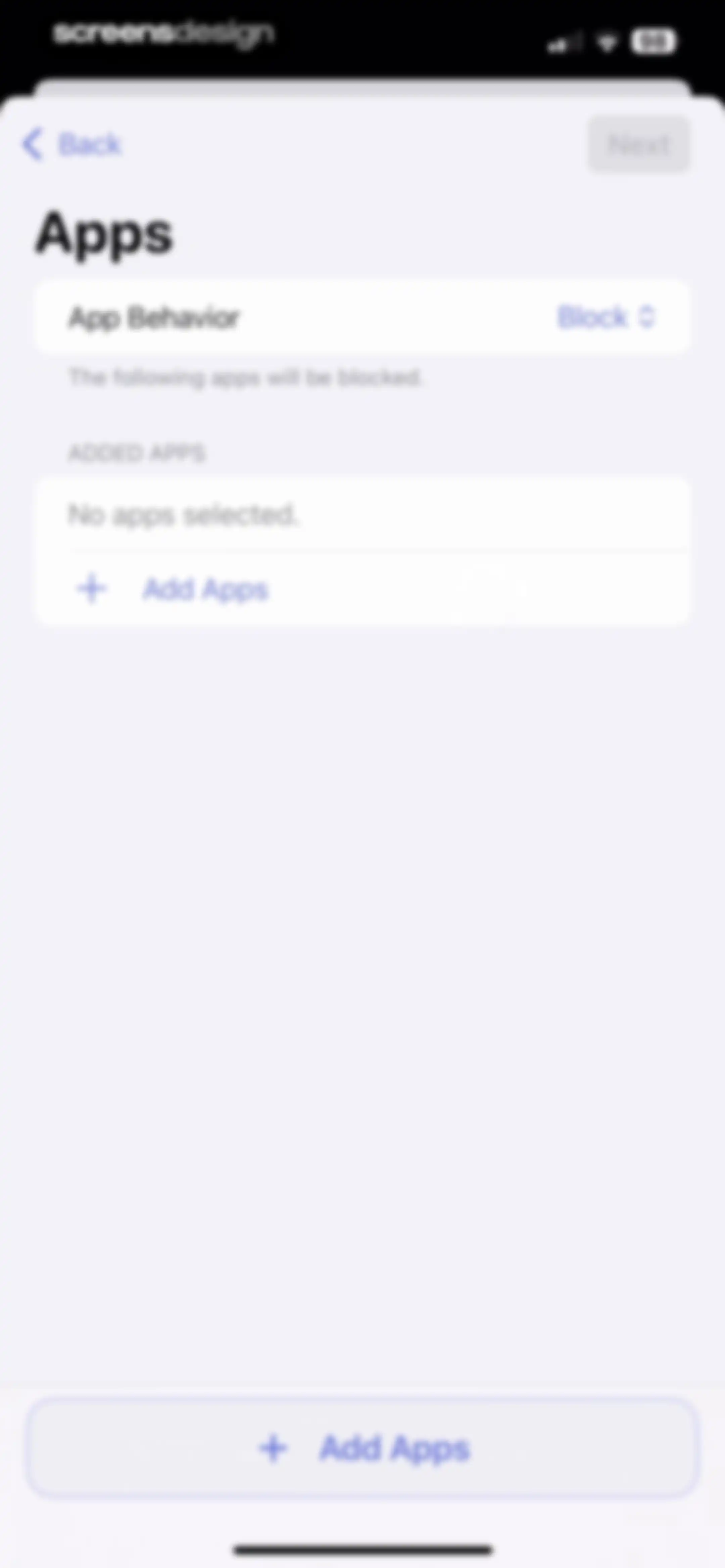
App blocking configuration screen with an empty added apps list, an Add Apps button, and a disabled Next button.Unlock Pro
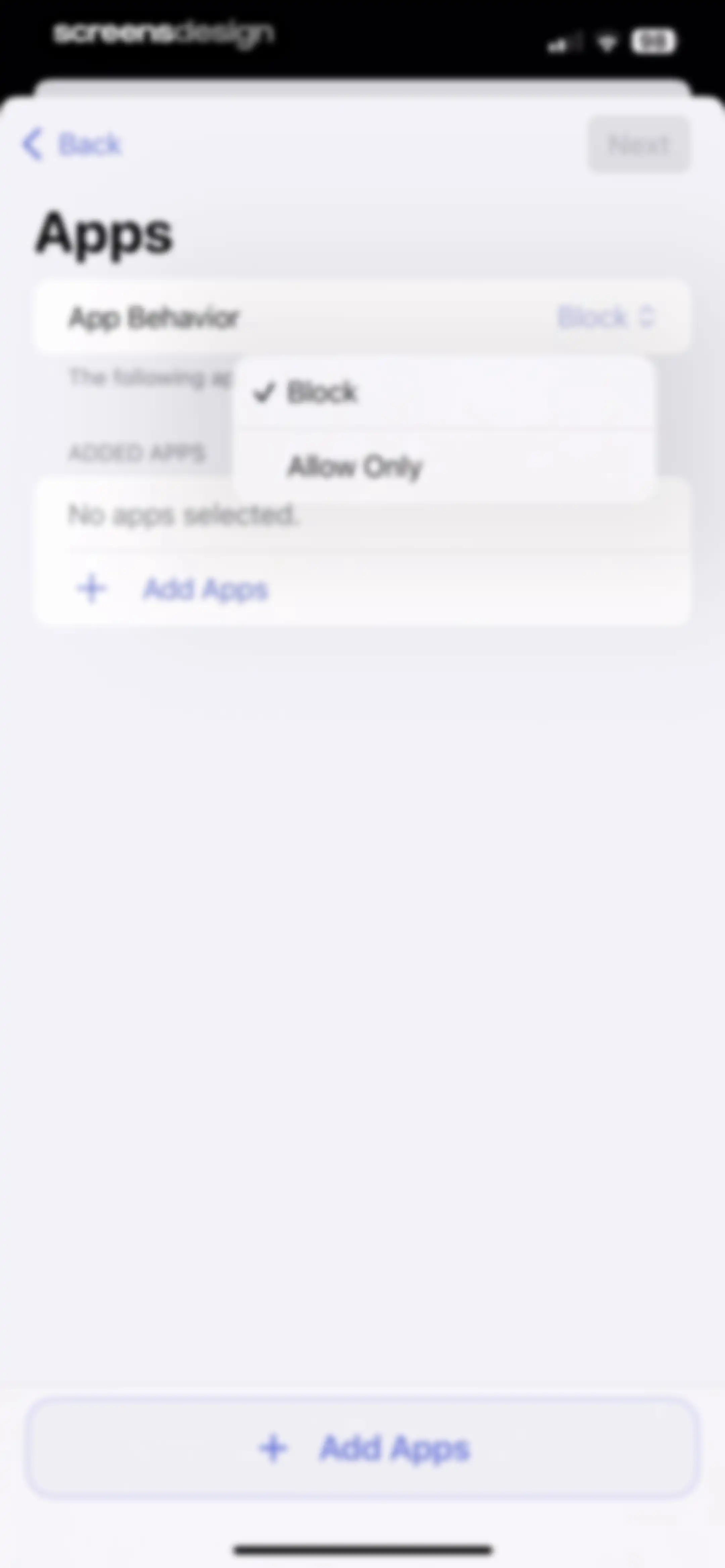
App blocking settings screen displaying an empty added apps list, with the Block behavior selected and an Add Apps button.Unlock Pro
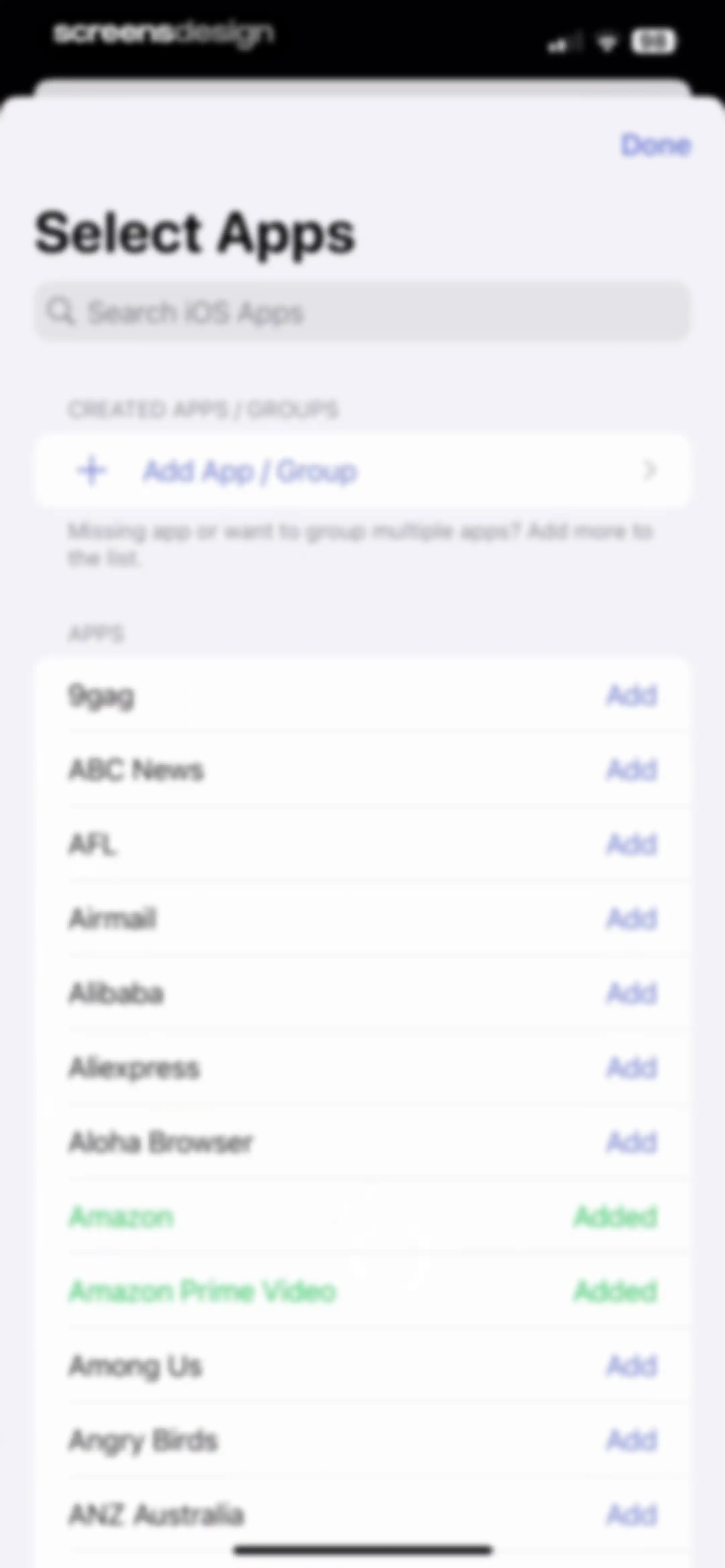
App selection modal with a search bar, a group creation option, and a vertical list of apps with individual add buttons.Unlock Pro
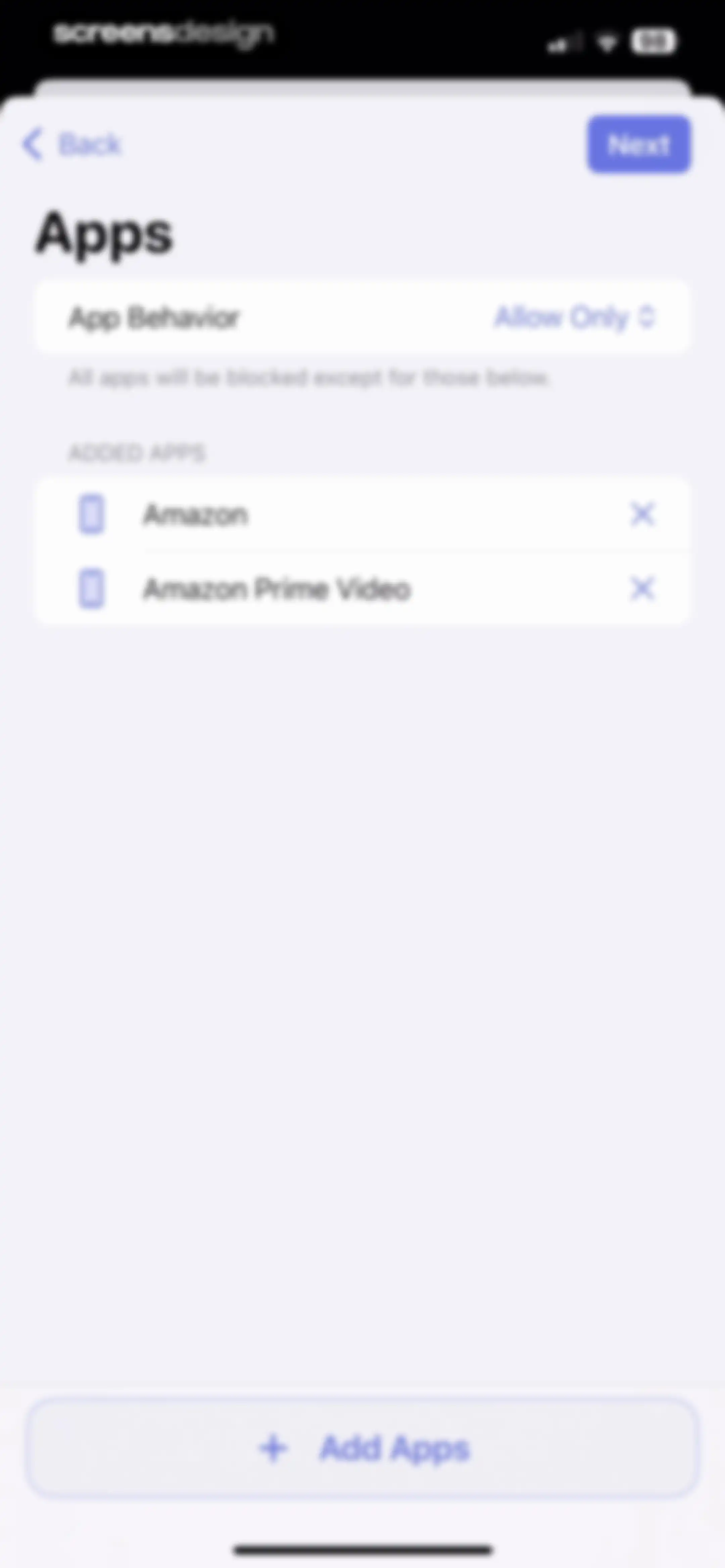
App blocking settings screen displaying an allow-list with Amazon and Amazon Prime Video and an Add Apps button.Unlock Pro
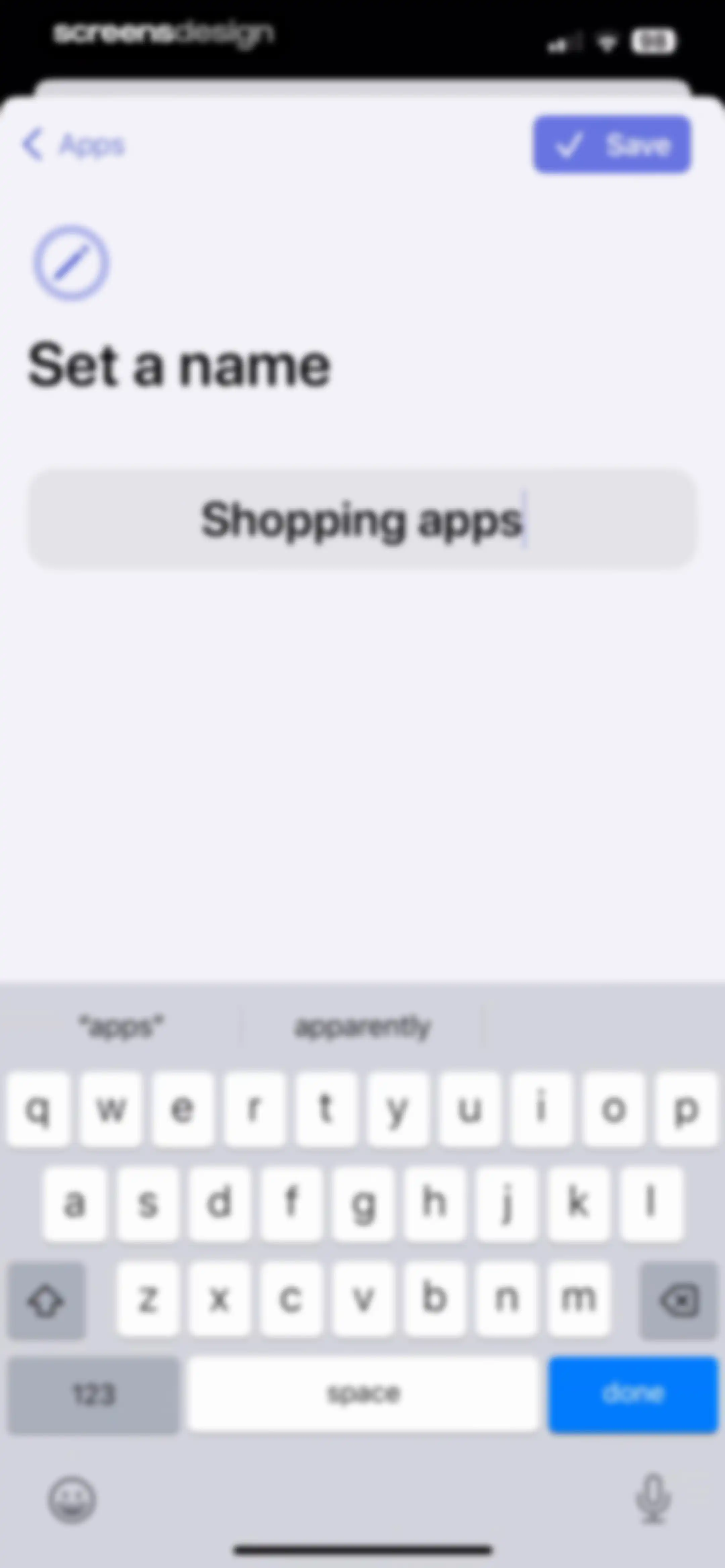
Form for naming a category of apps with a text input field containing 'Shopping apps', a pencil icon above the heading, and a Save button.Unlock Pro
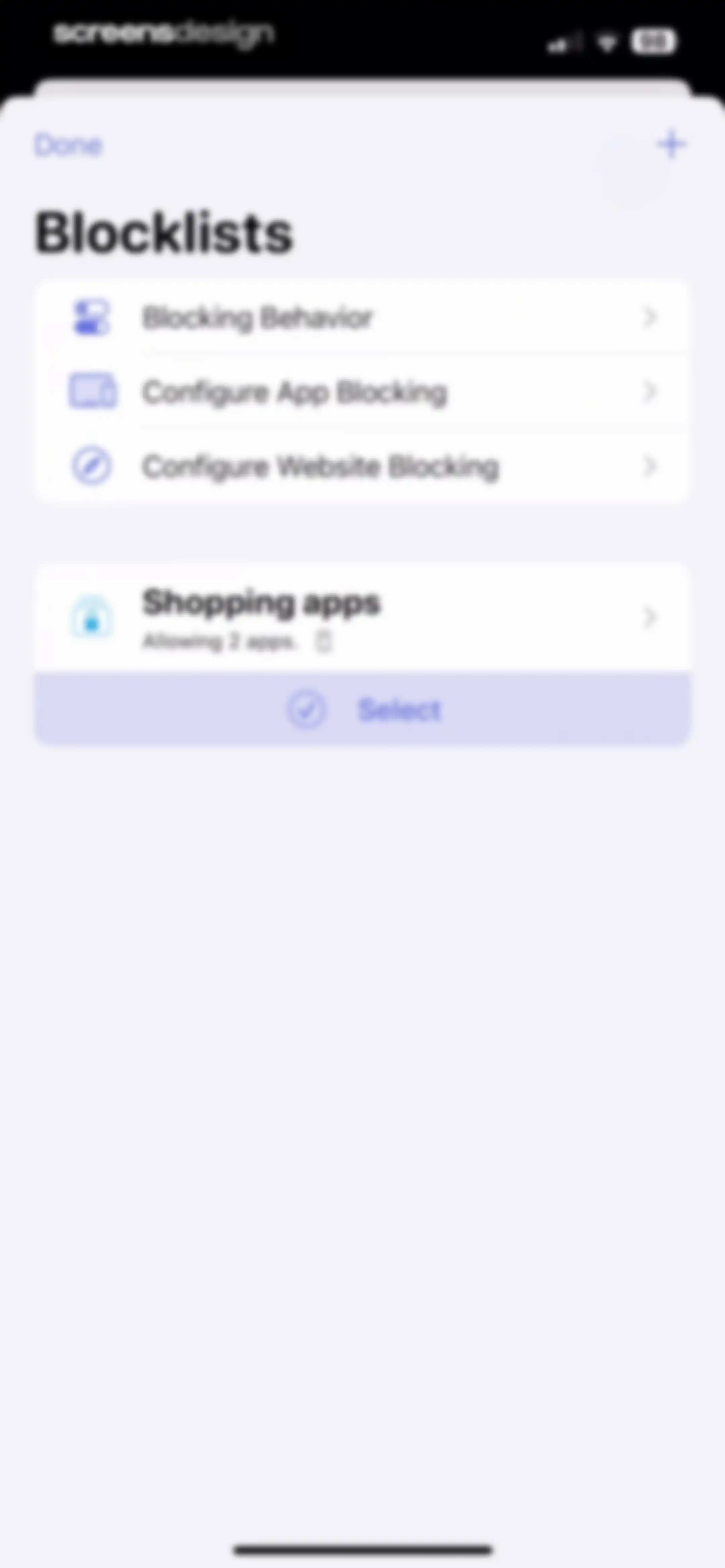
Settings screen for blocklists with three configuration links and a shopping apps card featuring a Select button.Unlock Pro
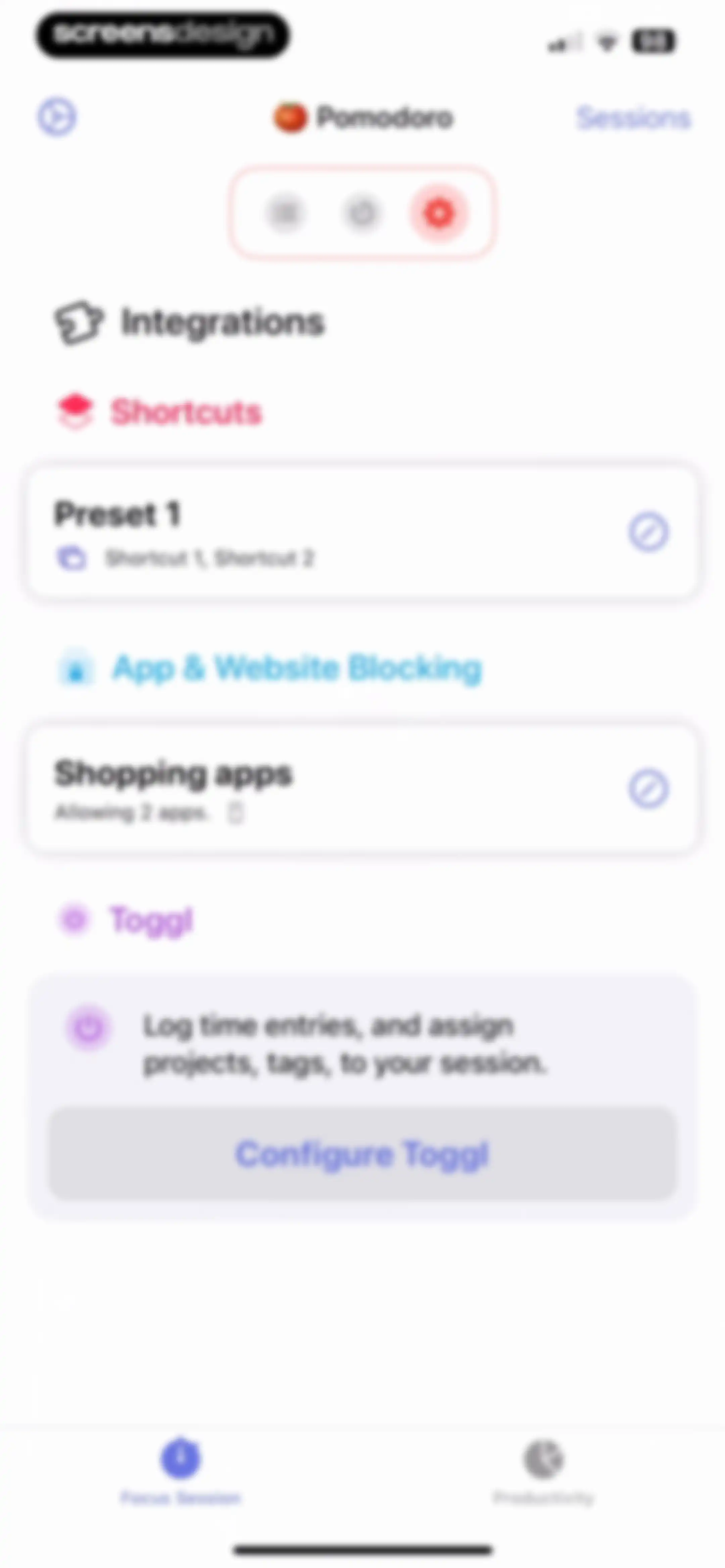
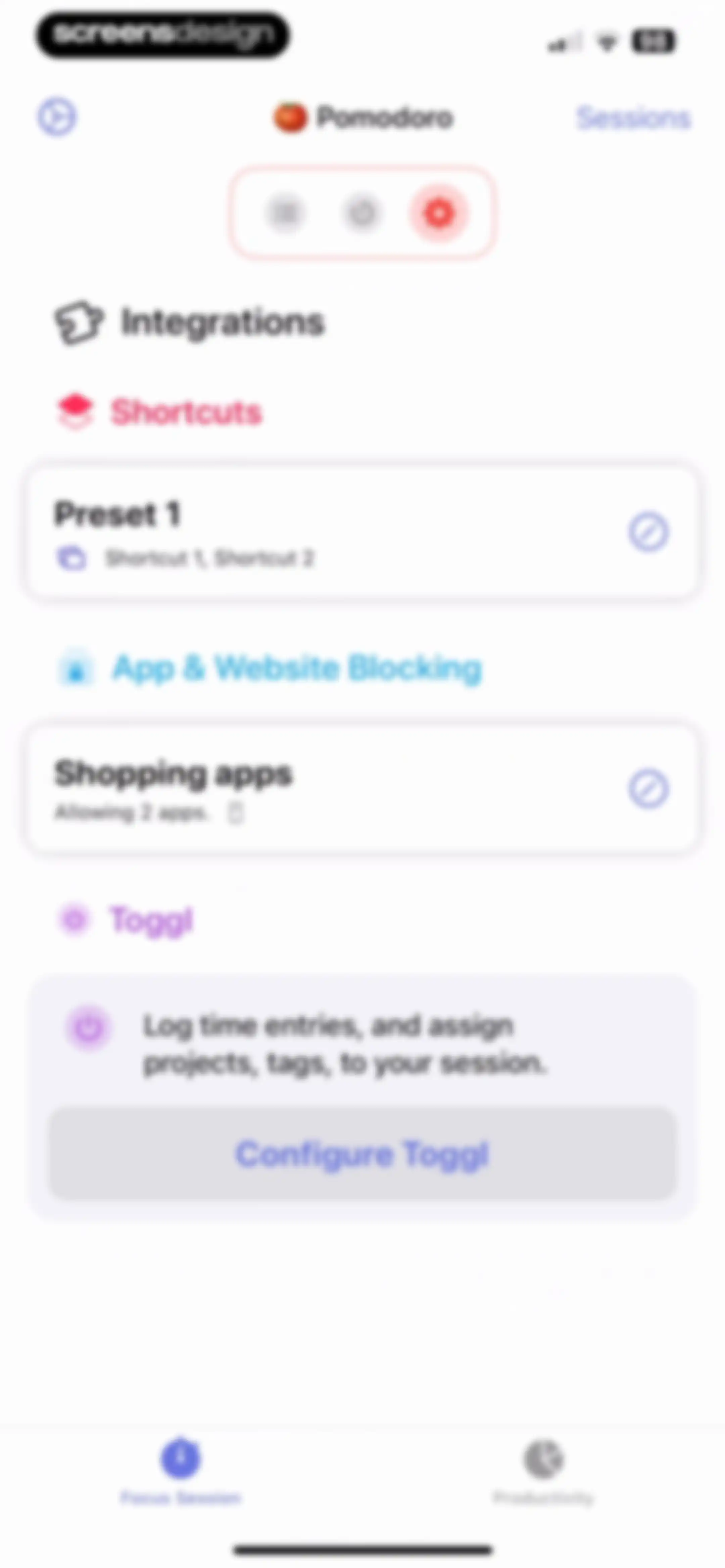
Settings screen with sections for integrations, shortcuts, and app blocking, featuring a Toggl configuration card and bottom navigation tabs.Unlock Pro
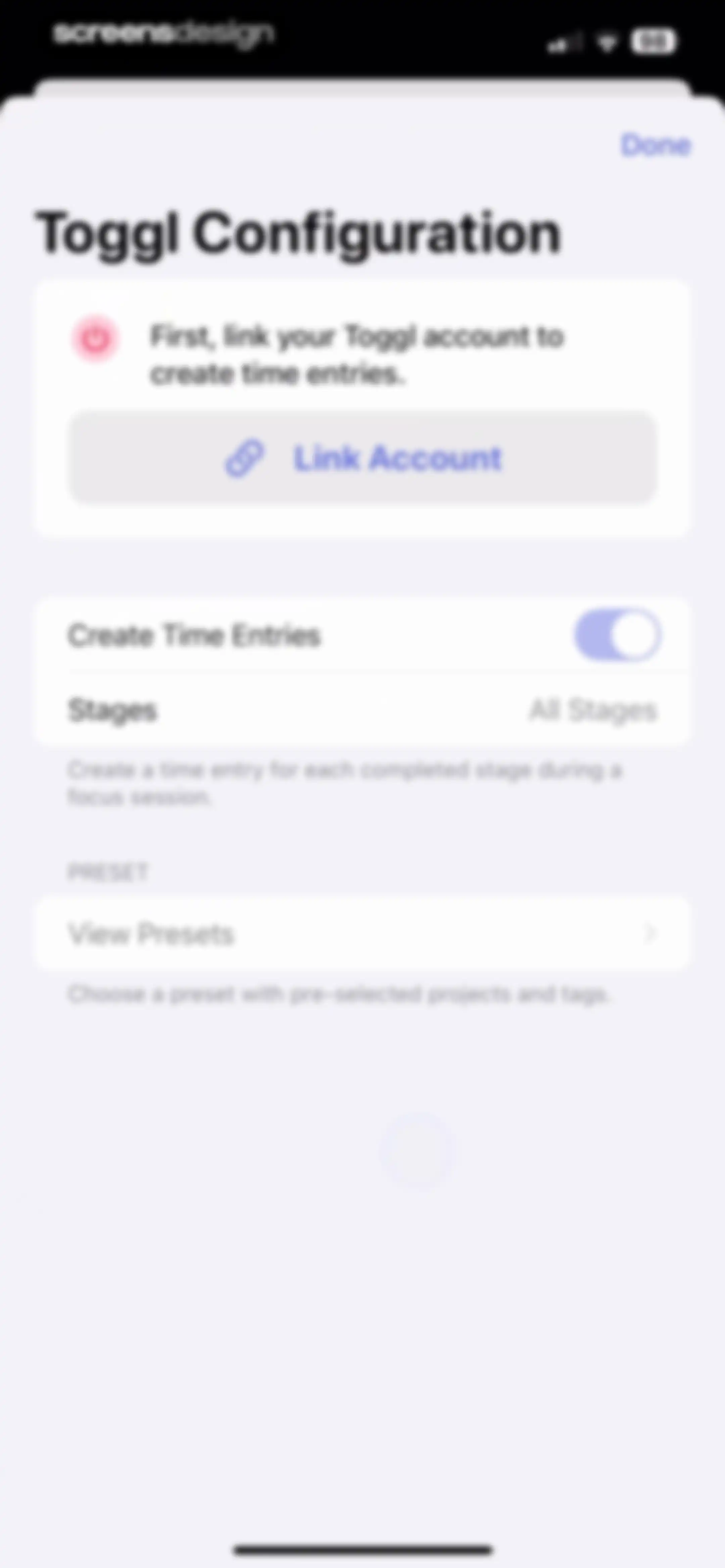
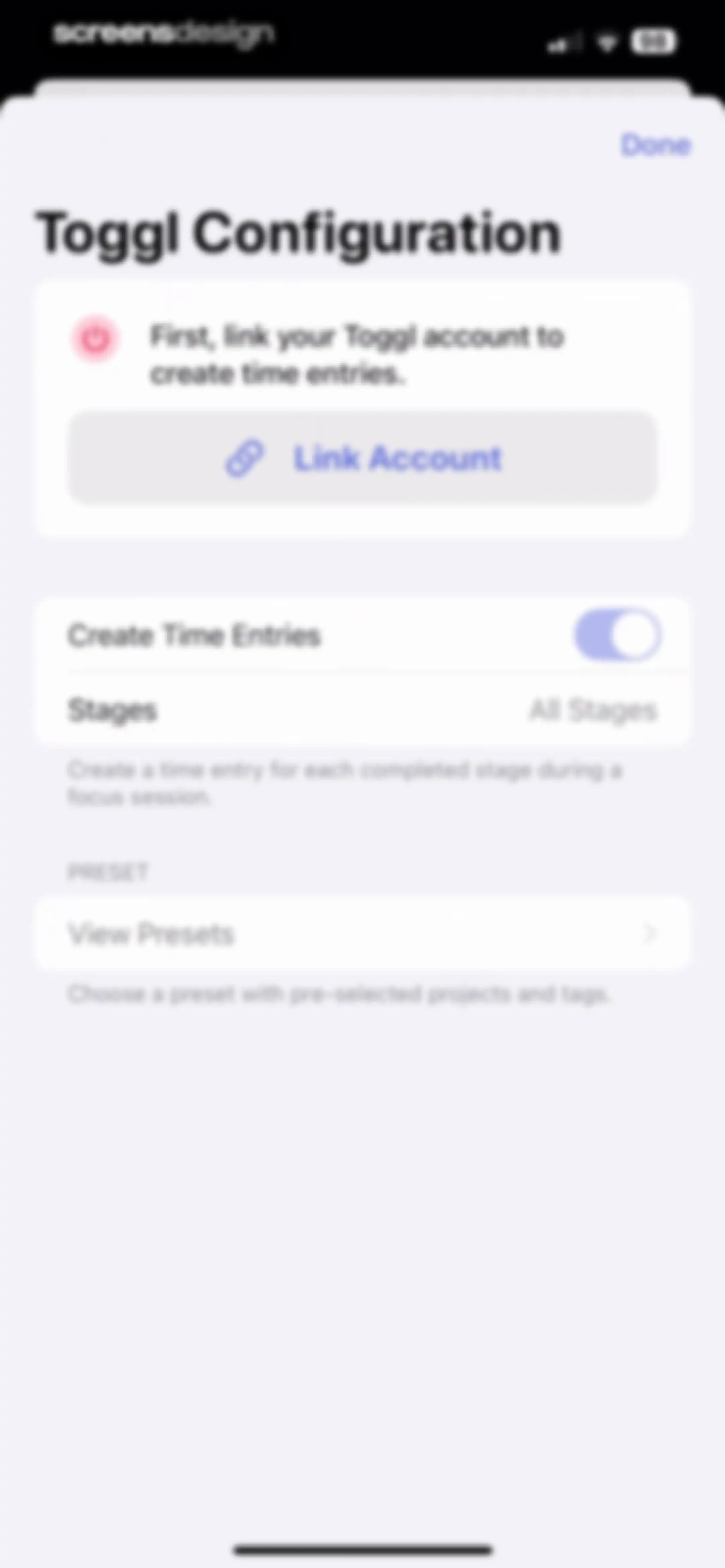
Toggl configuration settings modal with a link account card, time entry toggle, and preset navigation.Unlock Pro
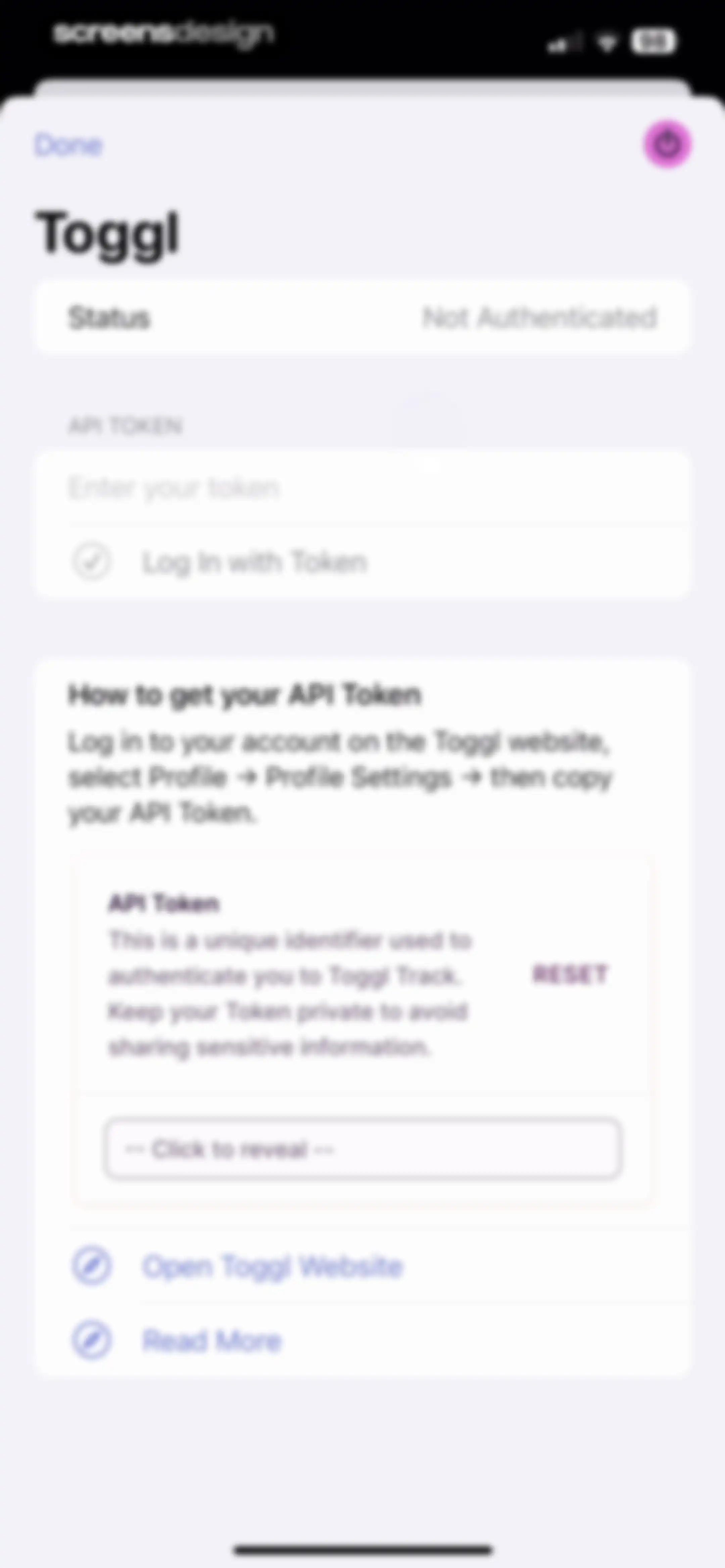
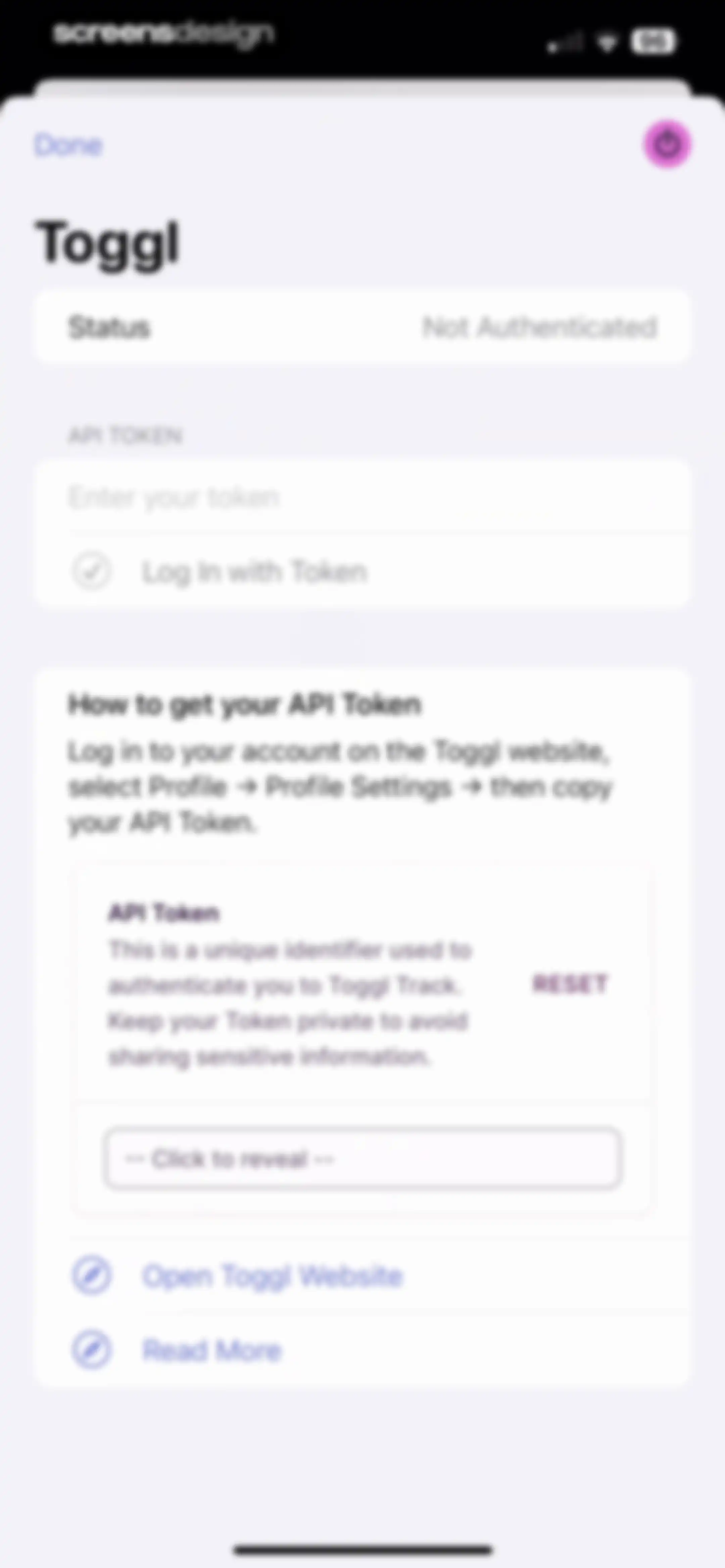
Toggl integration settings screen with an API token input field, a Log In with Token button, and instructions for retrieving the token.Unlock Pro
Toggl configuration settings modal with a Link Account button, a time entries toggle, and a Done button.Unlock Pro
Settings screen with sections for integrations, shortcuts, and app blocking, featuring a Toggl configuration button.Unlock Pro
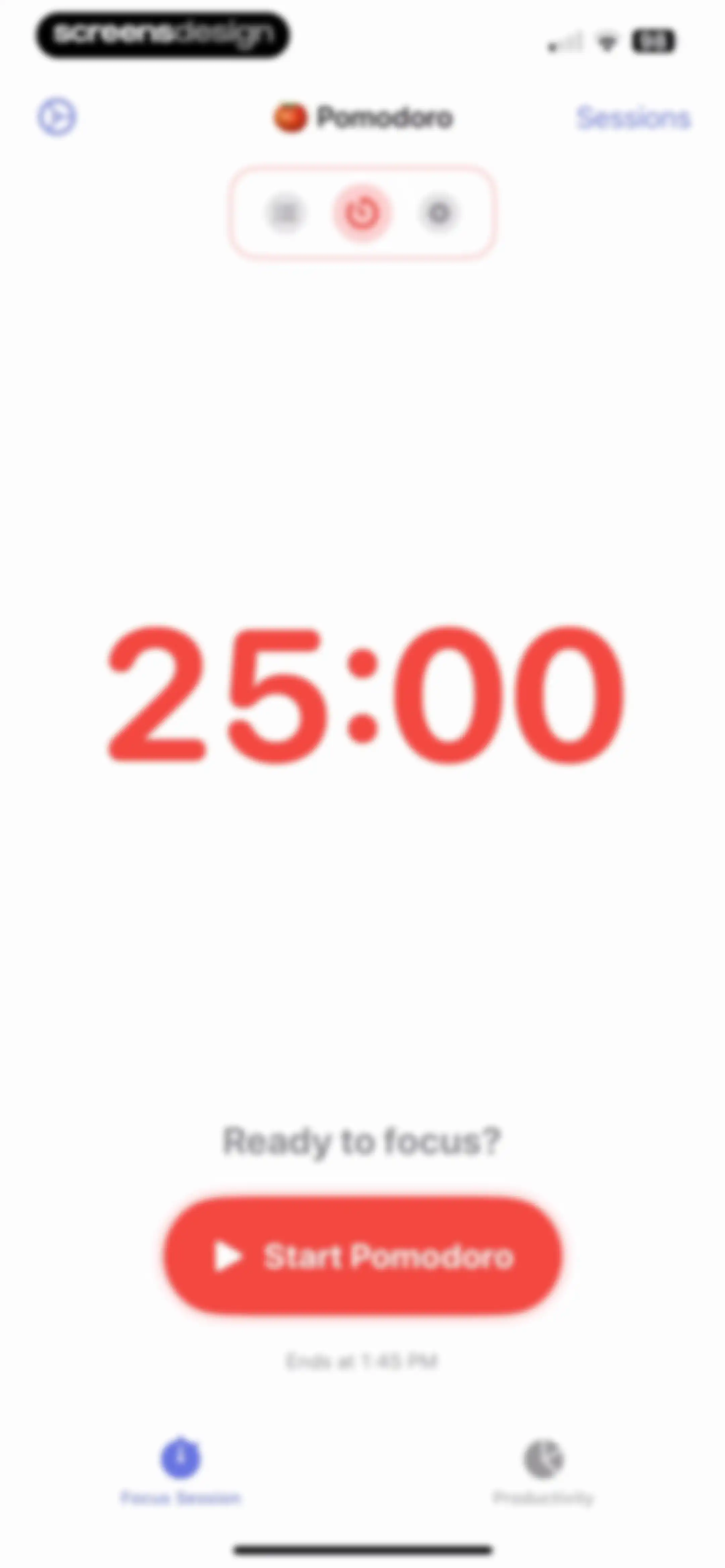
Pomodoro timer home screen displaying twenty-five minutes, a Ready to focus prompt, and a Start Pomodoro button.Unlock Pro
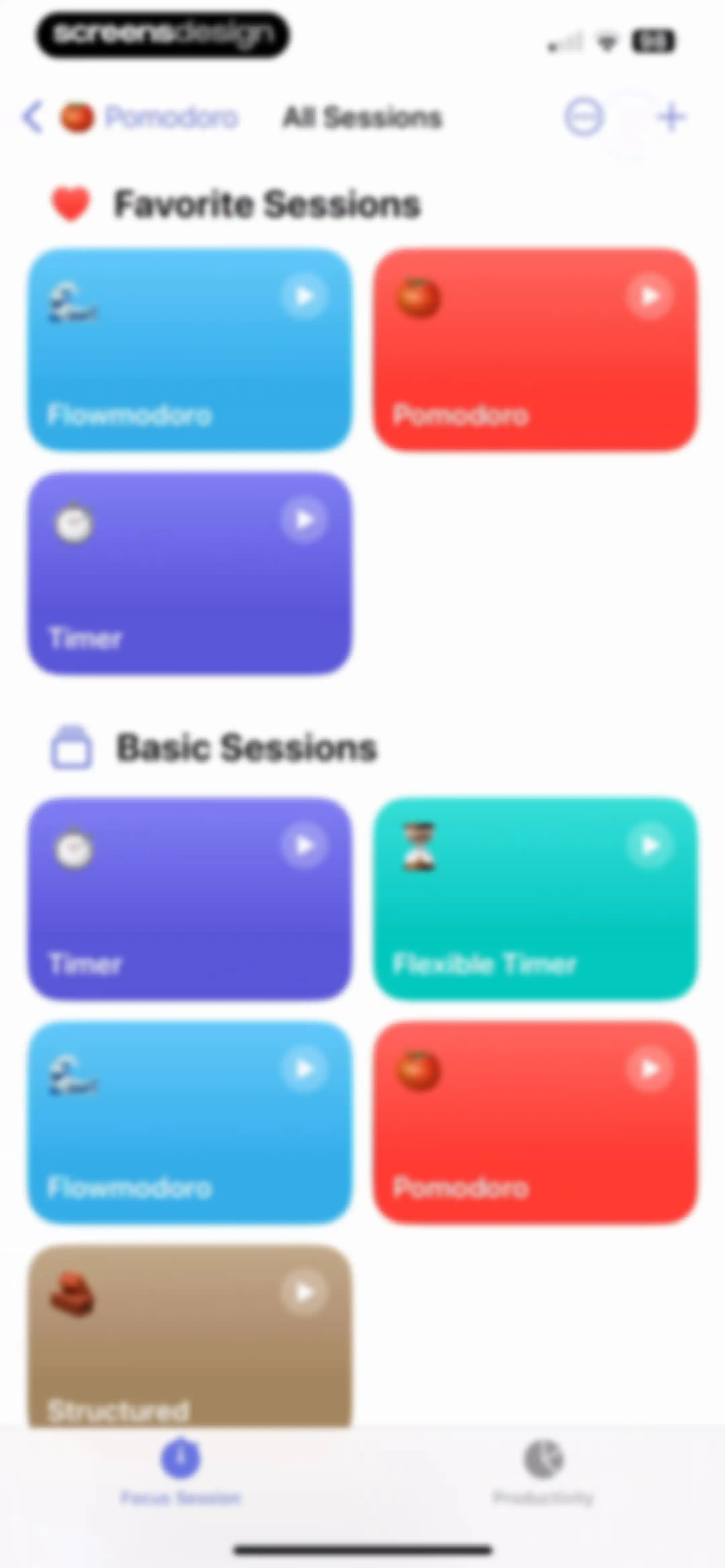
Home screen displaying categorized favorite and basic session cards with play buttons and a bottom tab bar.Unlock Pro
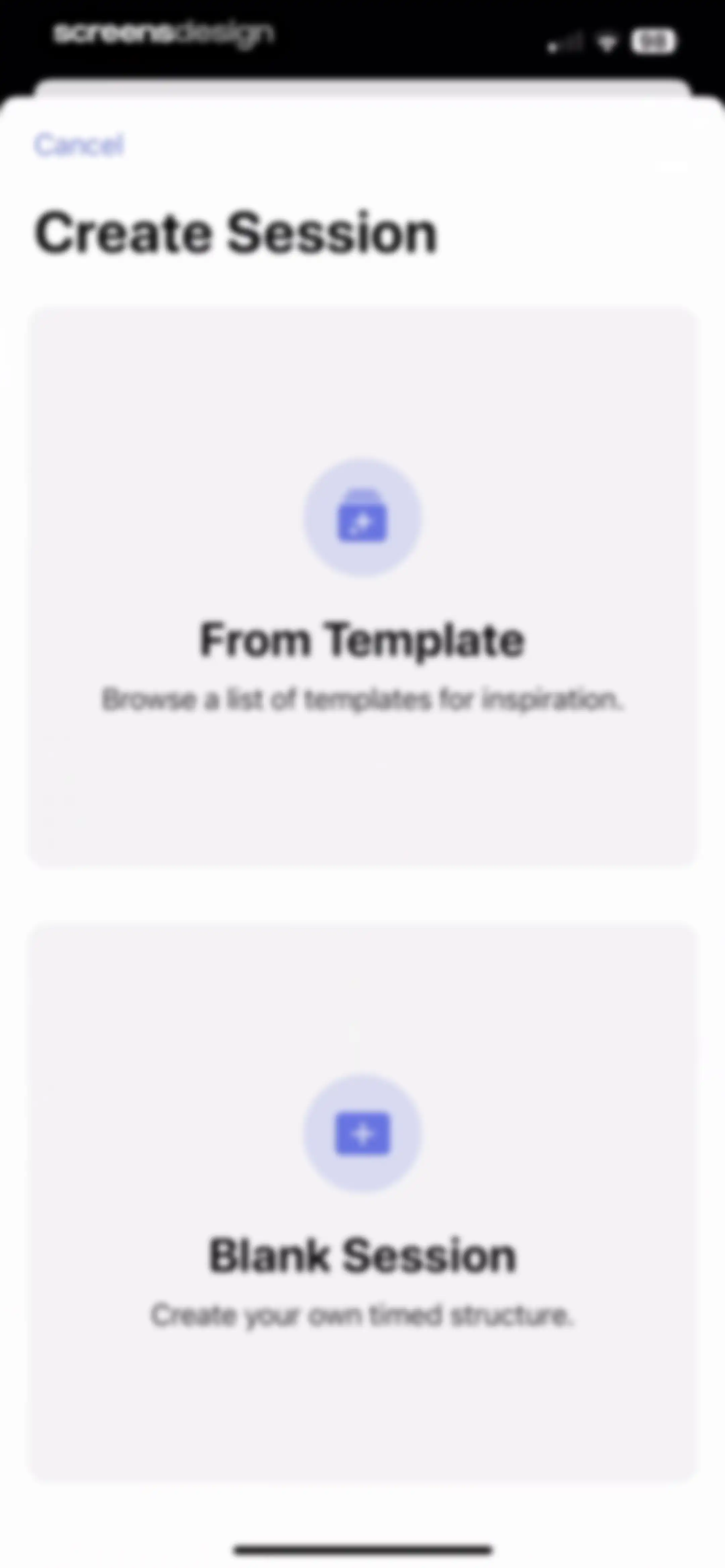
Create Session modal with two cards for selecting From Template or Blank Session and a Cancel button.Unlock Pro
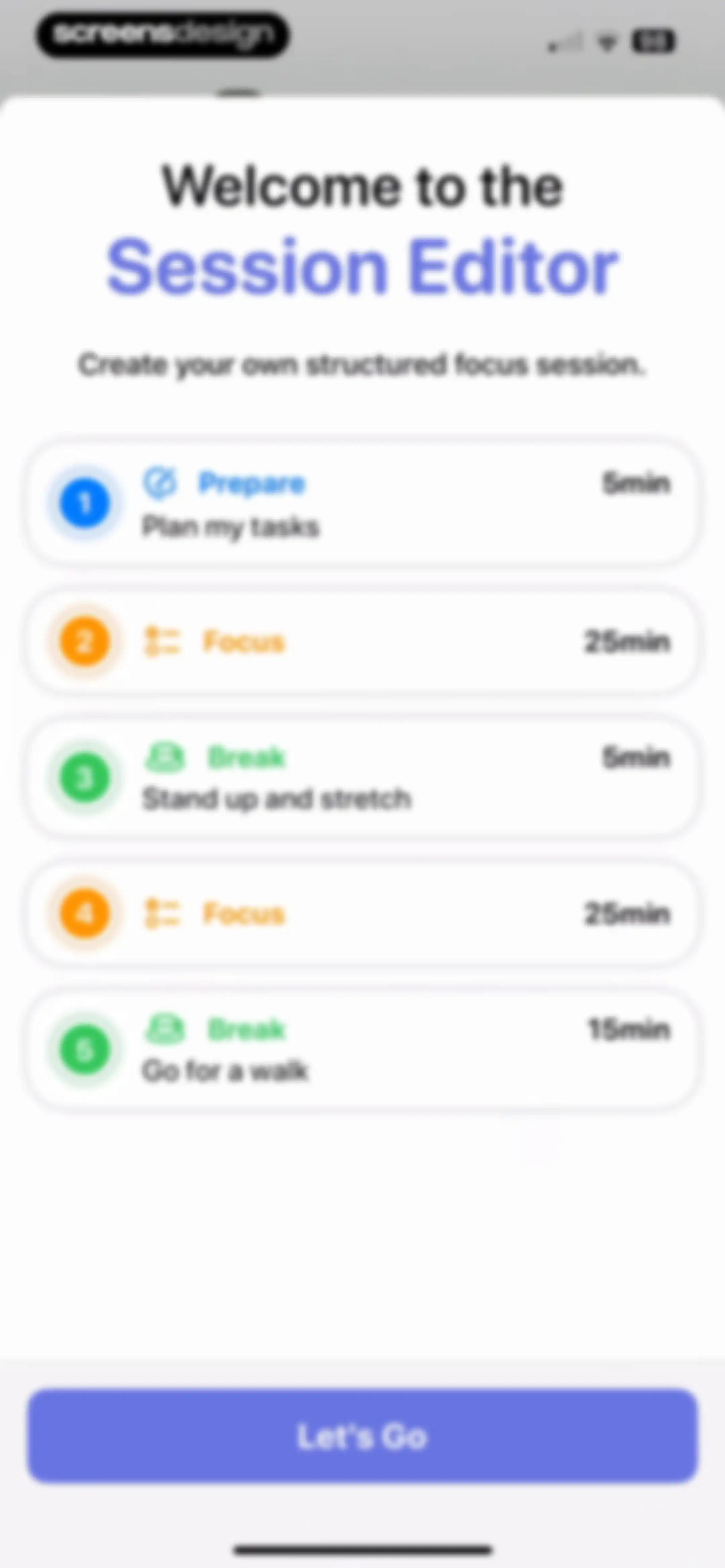
Onboarding screen for the session editor featuring a sample workflow of five activity cards and a Let's Go button at the bottom.Unlock Pro
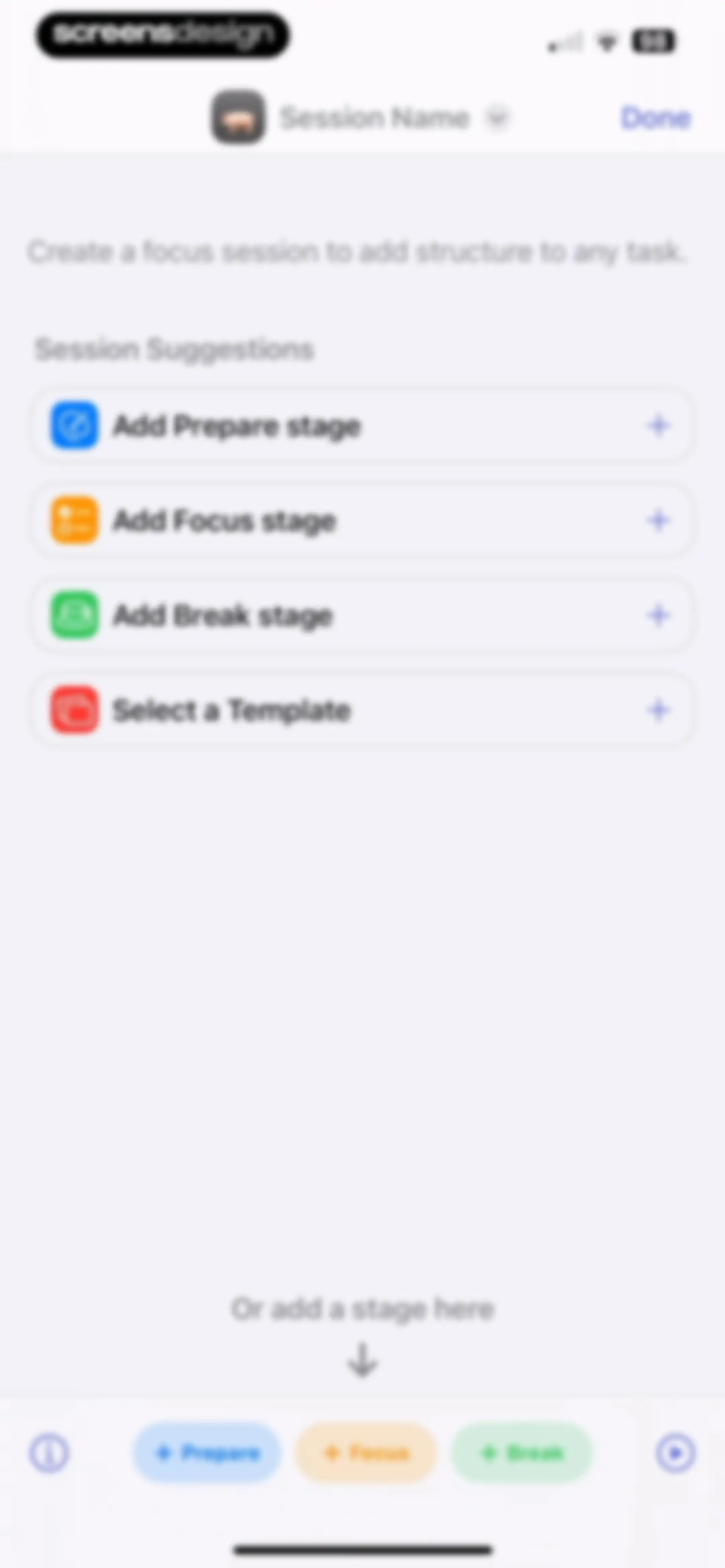
Focus session editor with a list of suggestions, quick-add stage buttons, and a Done button.Unlock Pro
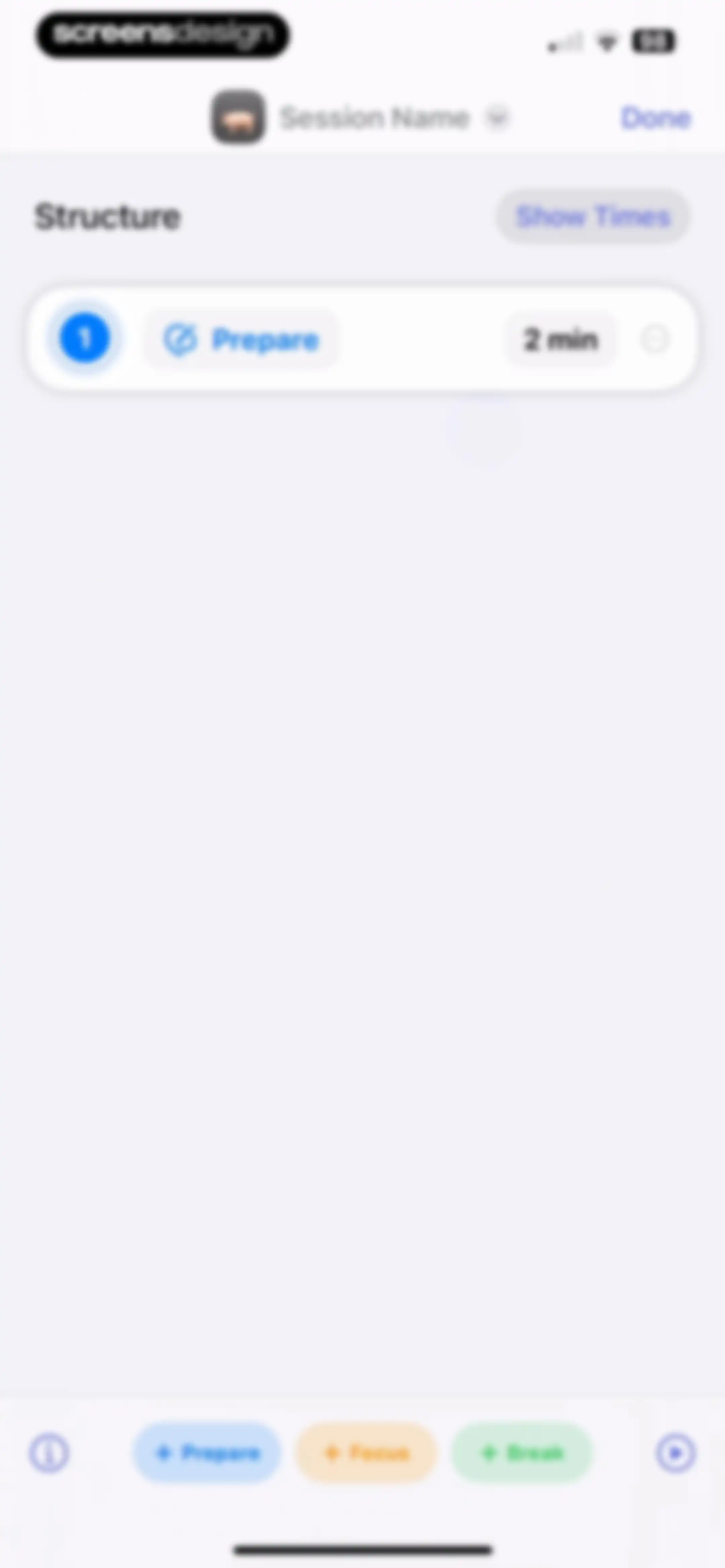
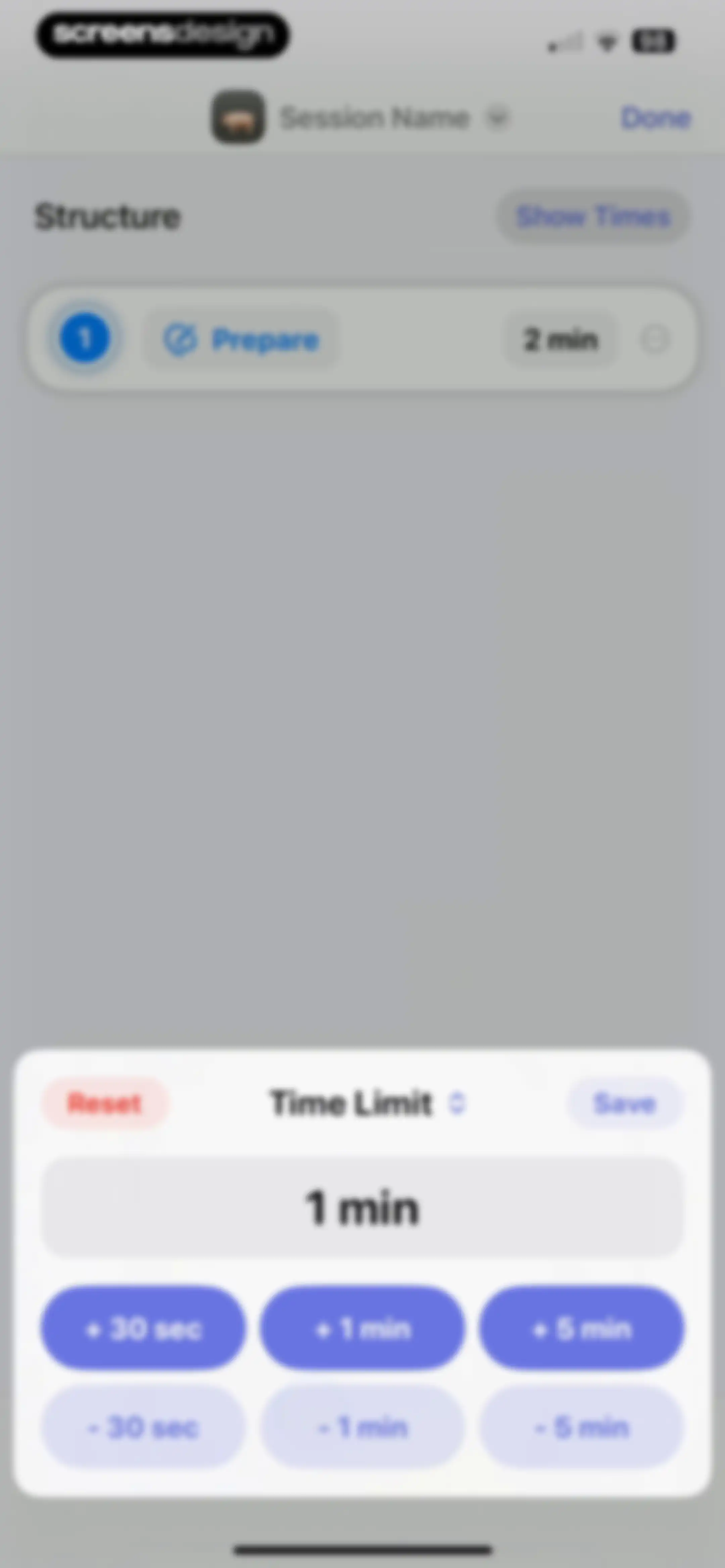
Session structure editor displaying a prepare phase with a two minute duration, a show times toggle, and a bottom toolbar for adding new phases.Unlock Pro
Time limit modal overlay with increment and decrement buttons, a Reset option, and a Save button.Unlock Pro
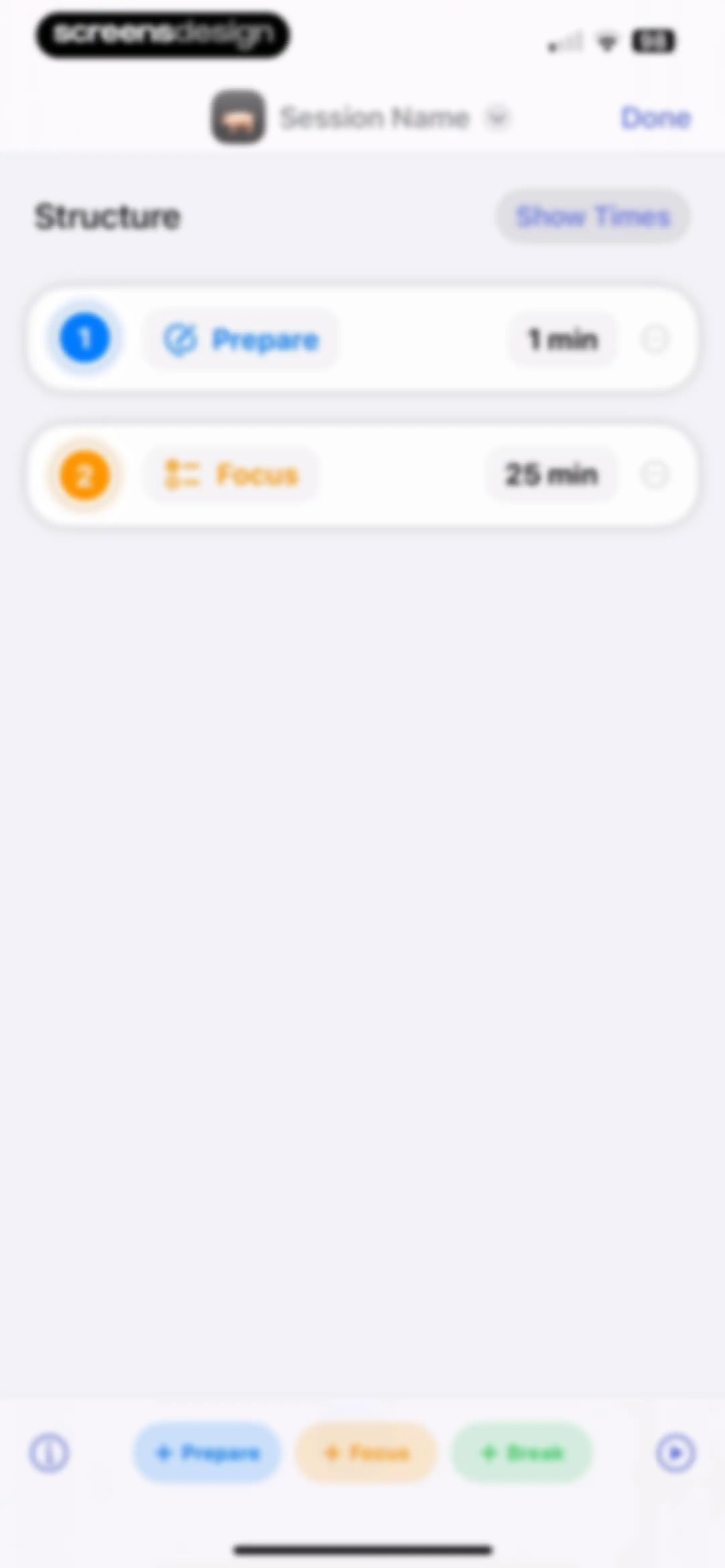
Session structure editor listing Prepare and Focus steps with a Done button and quick-add step buttons at the bottom.Unlock Pro
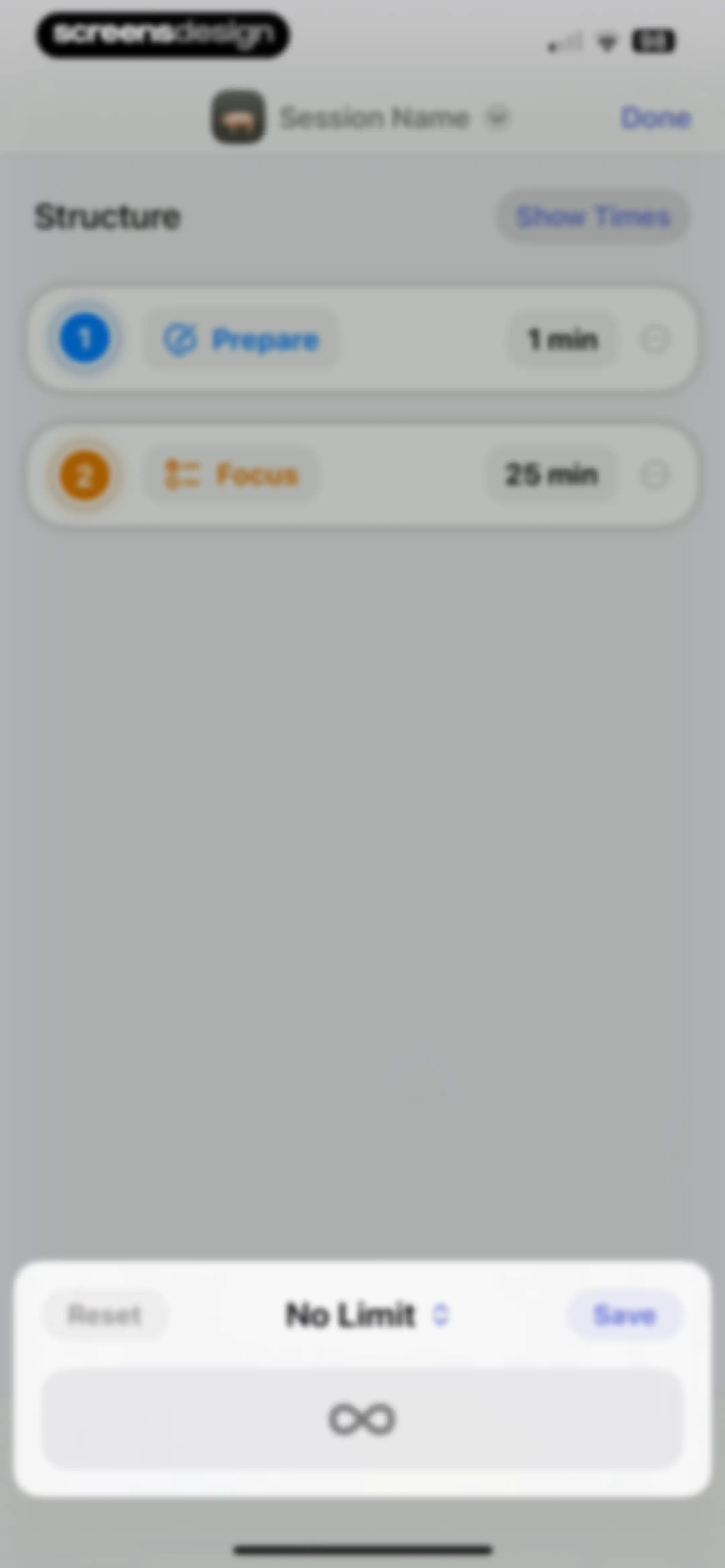
Timer session editor displaying a list of steps including Prepare and Focus, with a bottom configuration sheet containing a Save button.Unlock Pro
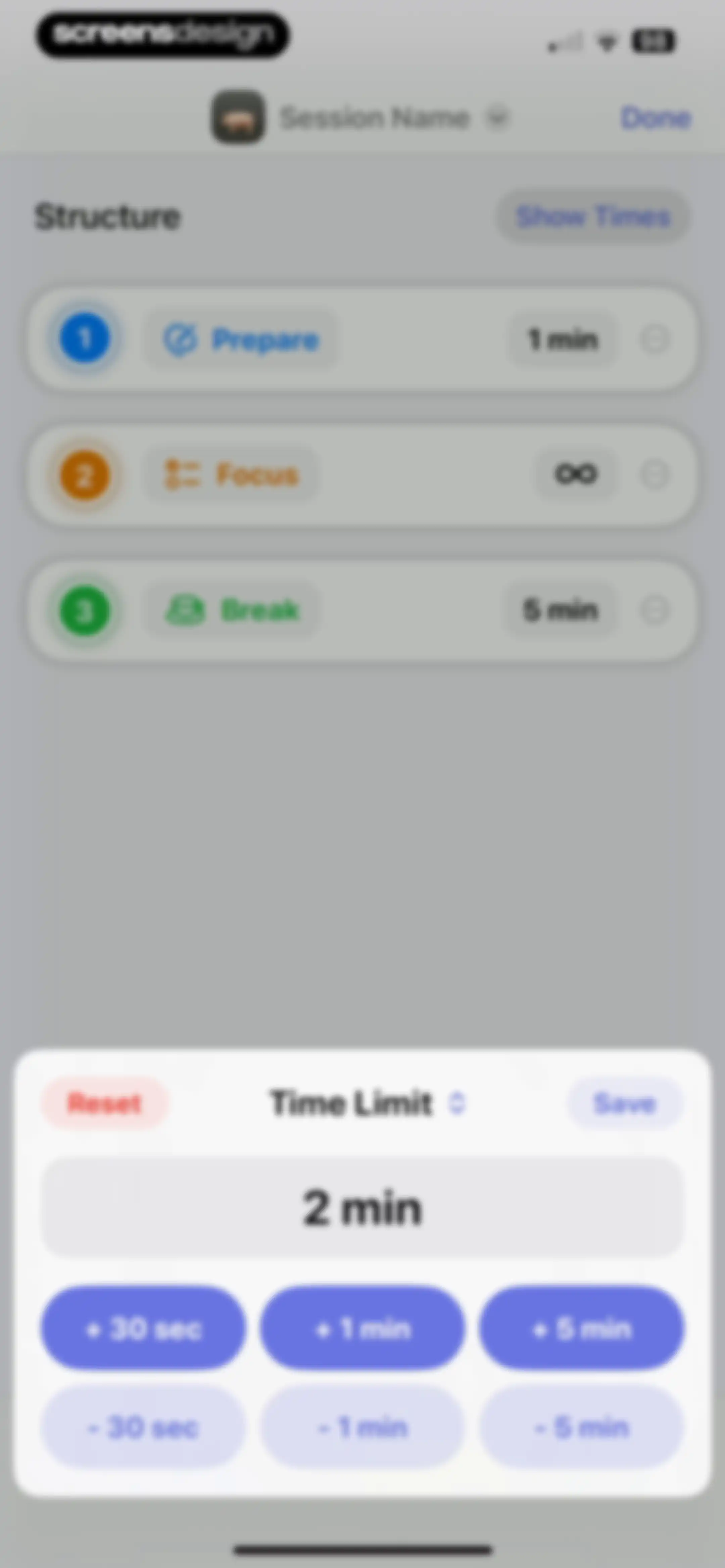
Timer step configuration screen displaying a session structure list and a bottom sheet overlay for adjusting time limits.Unlock Pro
Session editor showing a list of step cards including Prepare, Focus, and Break, with a Done button and add step buttons at the bottom.Unlock Pro
Session structure editor displaying a list of timed steps including Prepare and Focus, with a Done button and bottom toolbar.Unlock Pro
Session editor screen with a list of sequential task blocks and an active time picker modal for configuring start times.Unlock Pro
Session editor screen displaying a vertical list of stage cards with an open action menu and a bottom toolbar for adding new stages.Unlock Pro
Session editor modal overlay with a Break label, a text input populated with Drink a coffee, a Save button, and a system keyboard.Unlock Pro
Session structure editor listing stages like Prepare, Focus, and Break with a context menu and a Done button.Unlock Pro
Session structure editor displaying a vertical list of timed activity cards and a modal with options to set a goal or duplicate.Unlock Pro
Timer session editor displaying a list of numbered steps with an open modal menu for blocking behavior and configuration options.Unlock Pro
Session editor showing a vertical list of timed steps including Prepare, Focus, and Break, with a Done button and a bottom toolbar for adding new steps.Unlock Pro
Productivity session settings modal with grouped sections for session style, summary, start options, default goal, and stages, featuring a Done button.Unlock Pro
Productivity timer settings modal showing a session style dropdown menu, summary list, goal options, and a Done button.Unlock Pro
Focus session settings modal with grouped options for review structure, default goal, stages, reminders, and a Done button.Unlock Pro
Session selection menu listing basic and created timer options including Pomodoro, Flowmodoro, and Structured sessions.Unlock Pro
Create reminder form with an active time picker overlay, a focus session section, and weekday toggle options.Unlock Pro
Reminder creation form with a focus session configuration, a time picker set to 7:00 AM, day of the week toggles, and Cancel and Save buttons.Unlock Pro
Focus session settings screen with options for goals, auto-continue, count style, and reminders, with a Done button.Unlock Pro
Settings modal displaying an integrations list with Toggl, Shortcuts, and Blocking options, plus a Done button.Unlock Pro
Toggl configuration settings modal with a Link Account card, a Create Time Entries toggle, and a Done button.Unlock Pro
Productivity session editor listing a sequence of activity cards for Prepare, Focus, and Break phases, with a Done button and bottom toolbar.Unlock Pro
Session editor showing a modal overlay with a text input field for renaming a work session, Save and Clear buttons, and a system keyboard.Unlock Pro
Session editor showing a vertical list of steps including Prepare, Focus, and Break, with a Done button at the top and add-step buttons at the bottom.Unlock Pro
Session editor showing a structured sequence of prepare, focus, and break tasks with a top Done button and bottom toolbar.Unlock Pro
Customization modal with a preview box, color swatches, a search bar for symbols, and an emoji selection grid, plus a Done button.Unlock Pro
Session editor showing a vertical list of timed steps including Prepare, Focus, and Break, with a Done button and a bottom toolbar.Unlock Pro
Productivity app home screen featuring a search bar and card-based lists of favorite and basic focus session timers.Unlock Pro
Productivity dashboard featuring favorite and basic session cards with timer presets like Pomodoro and a search bar.Unlock Pro
Groups modal sheet in Focused Work with a Create Group option and an informational card explaining Focus Filters.Unlock Pro
Create Group modal form with a name input field and lists of basic and created sessions, featuring selected items and Cancel and Save buttons.Unlock Pro
Settings screen for editing a timer group, displaying the group name input, basic and created session lists with selections, and a Save button.Unlock Pro
Session groups management screen listing Group 1 and Group 2, with a Create Group button and an informational card about Focus Filter.Unlock Pro
Group edit settings screen with a name input, selectable basic and created session lists, and a delete group button.Unlock Pro
Group settings screen displaying editable session options and a confirmation modal overlay for deleting the group.Unlock Pro
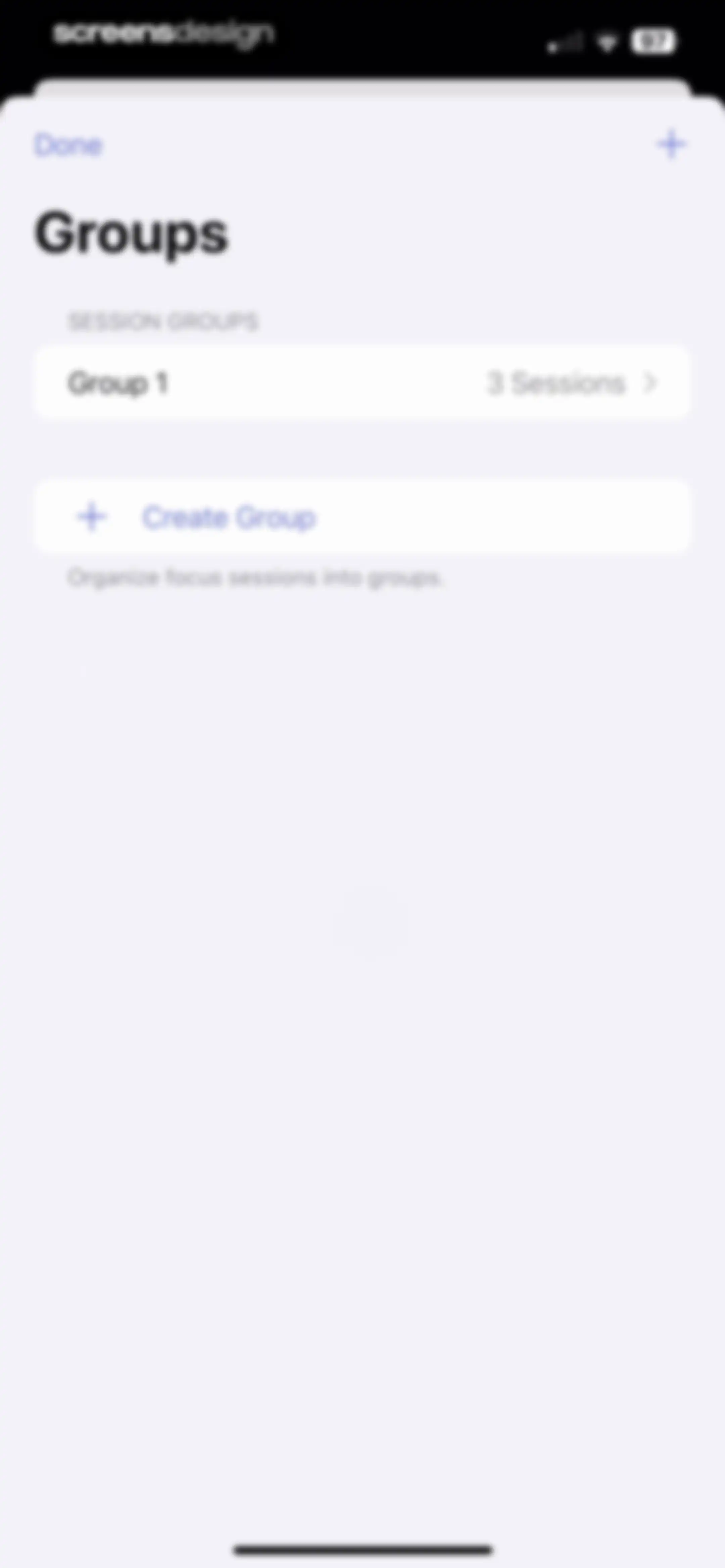
Groups management screen listing Group 1 with three sessions and a create group button.Unlock Pro
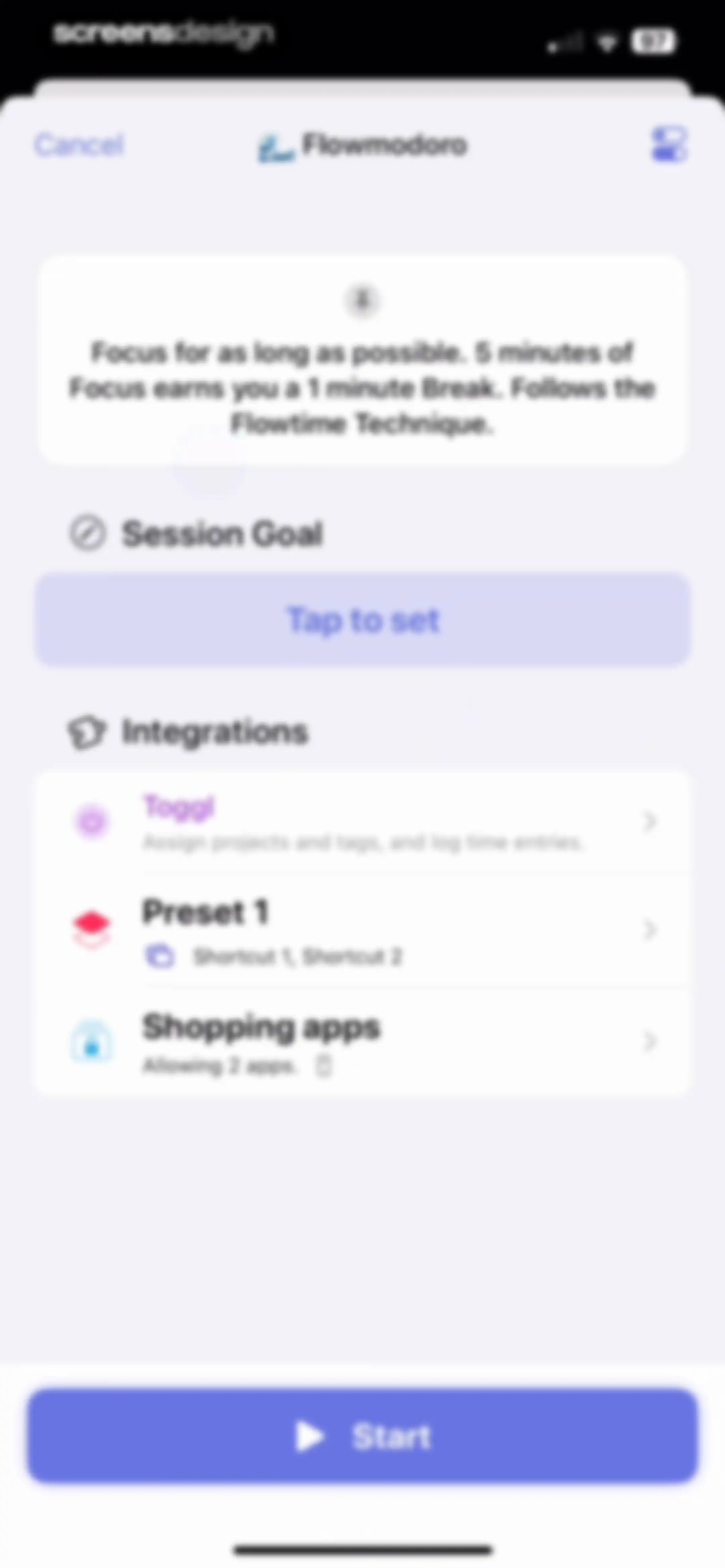
Flowmodoro focus session setup form with an instructional card, goal setting, integration list, and a Start button.Unlock Pro
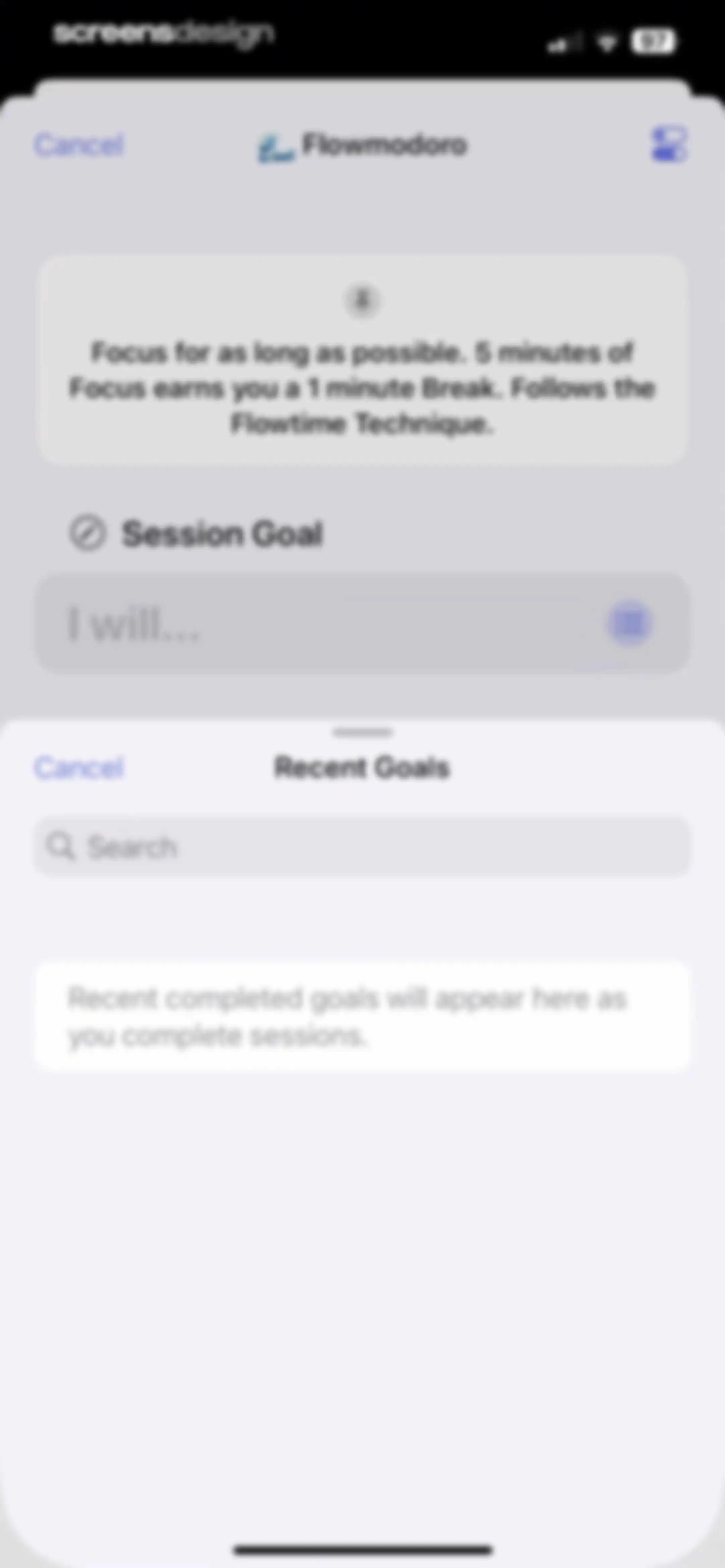
Flowmodoro goal setting form with an empty session goal input field and an empty recent goals list below.Unlock Pro
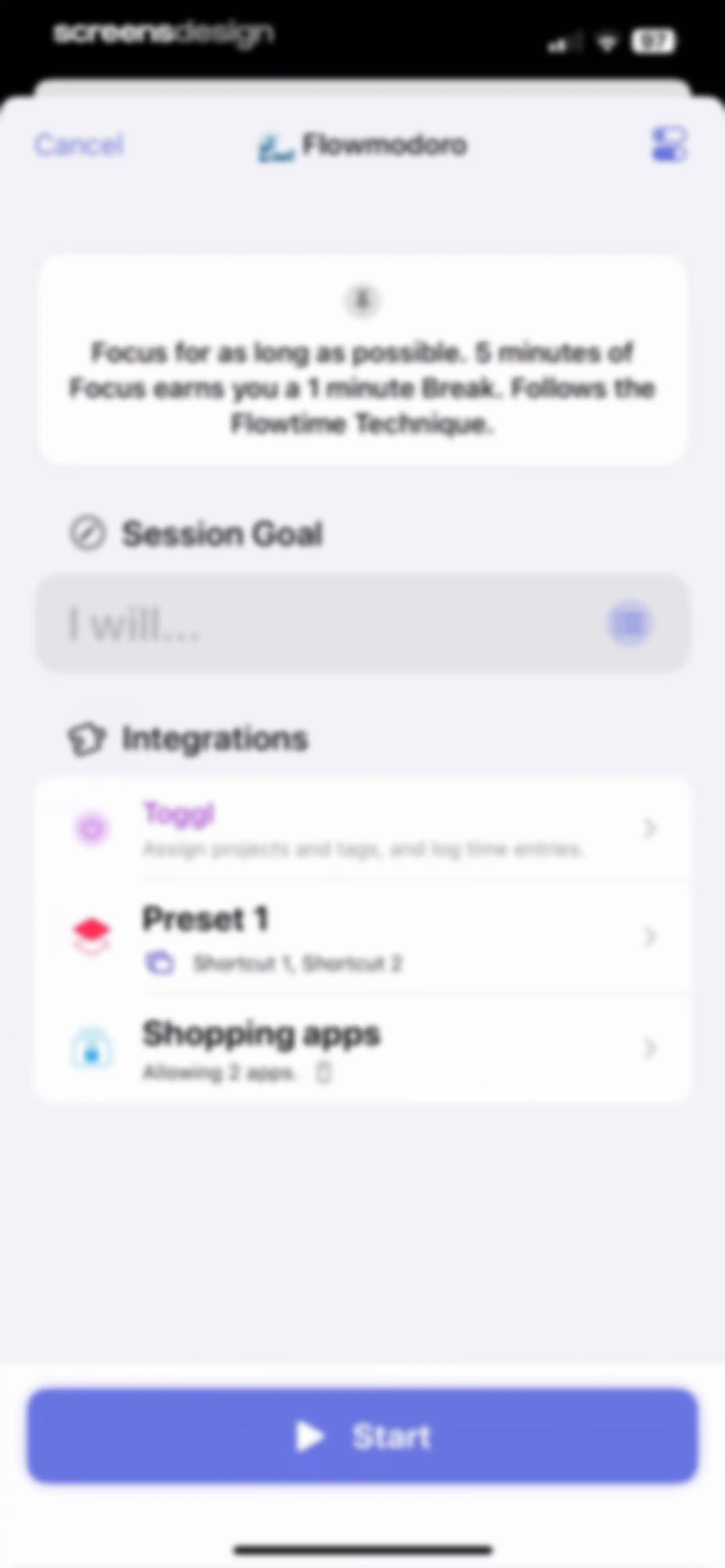
Focused Work app session configuration form for Flowmodoro mode, featuring an informational card, goal input, integration settings, and a Start button.Unlock Pro
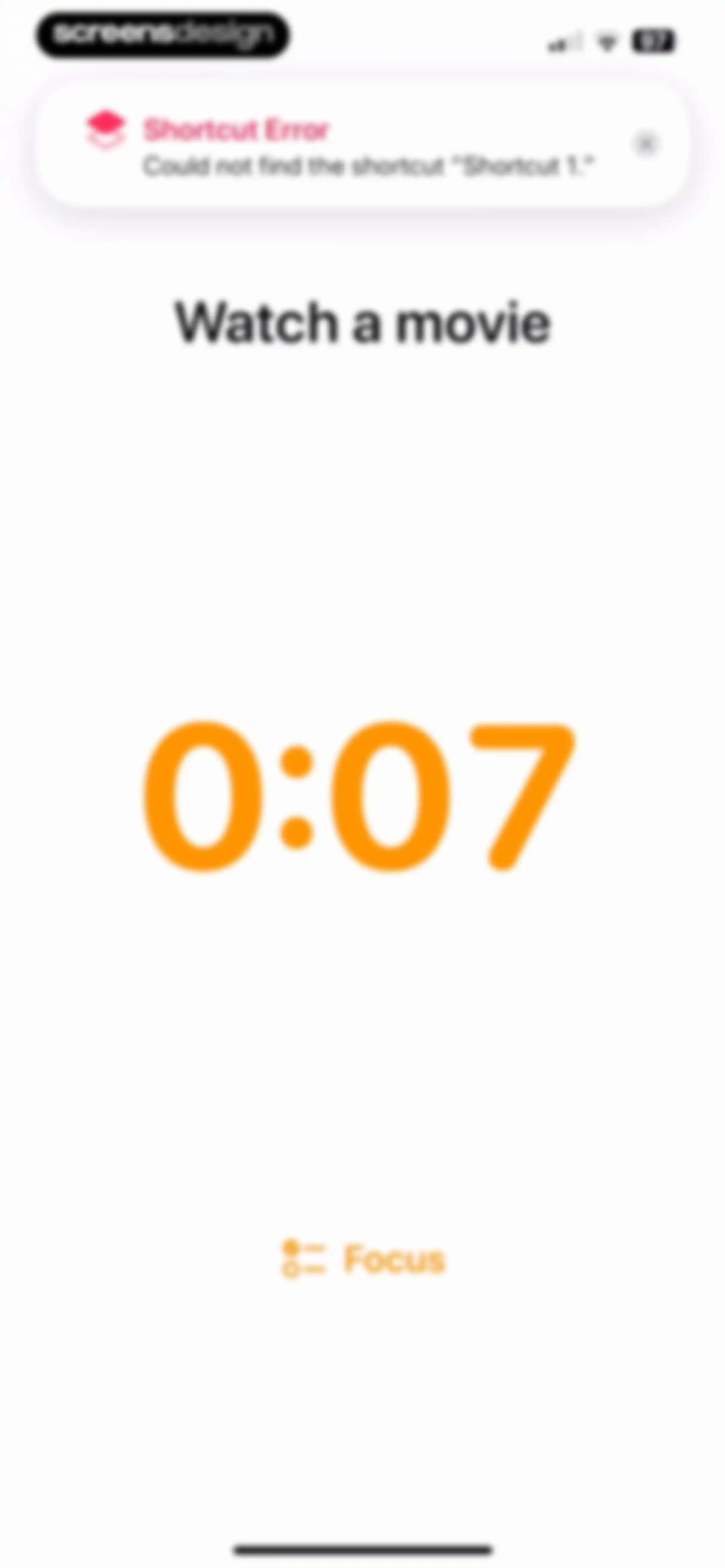
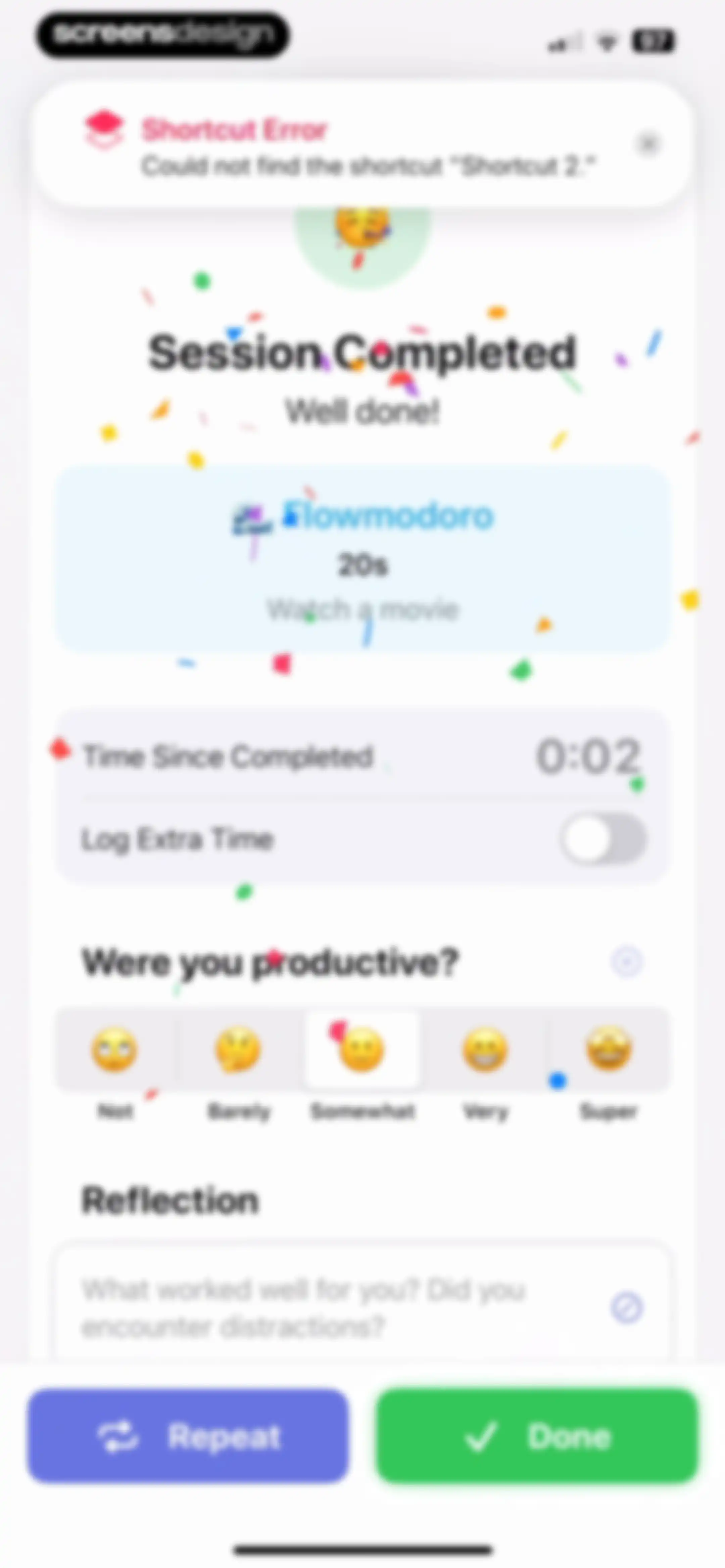
Focused Work home screen showing a shortcut error notification, the active task Watch a movie, a large 0:07 timer, and a bottom focus label.Unlock Pro
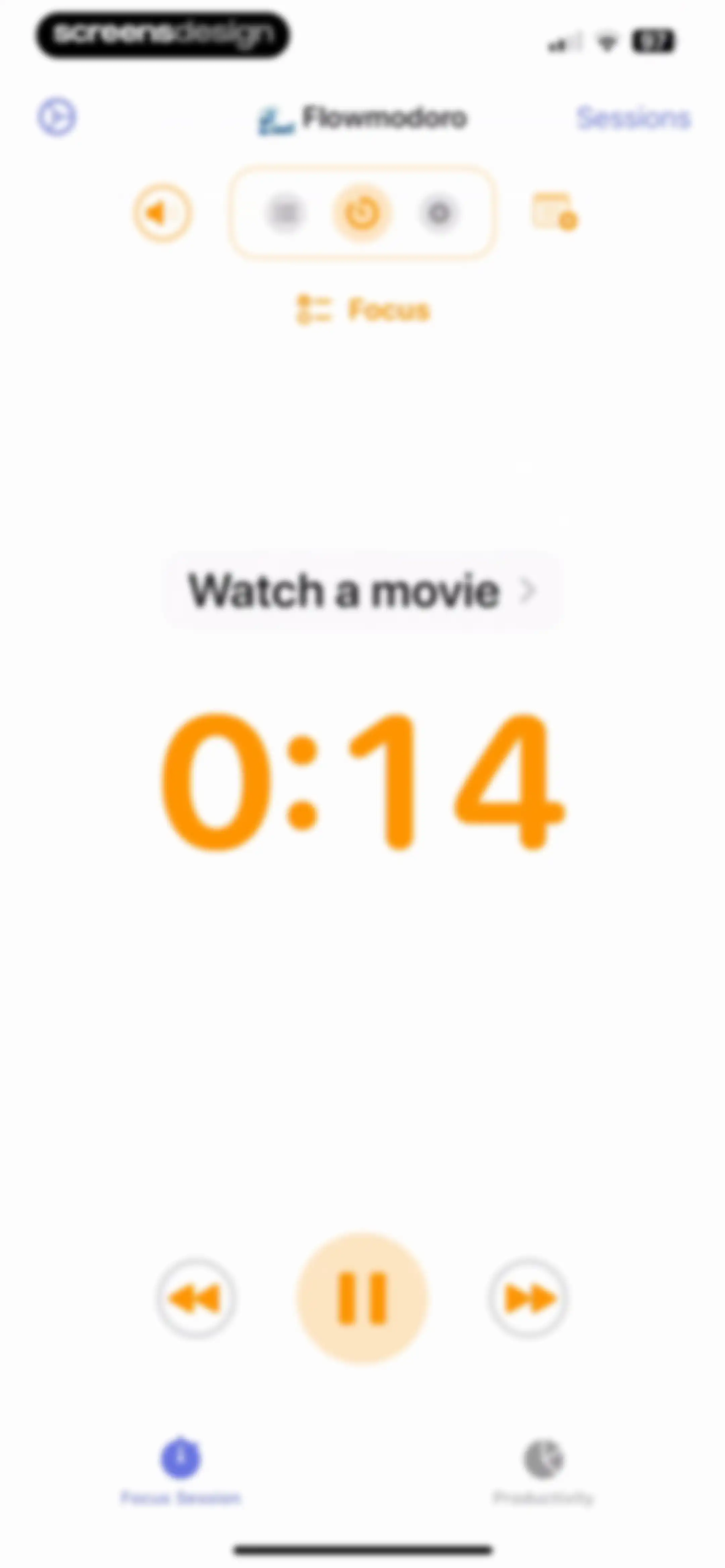
Home screen showing a focus timer at 0:14 with the task Watch a movie, playback controls, and a pause button.Unlock Pro
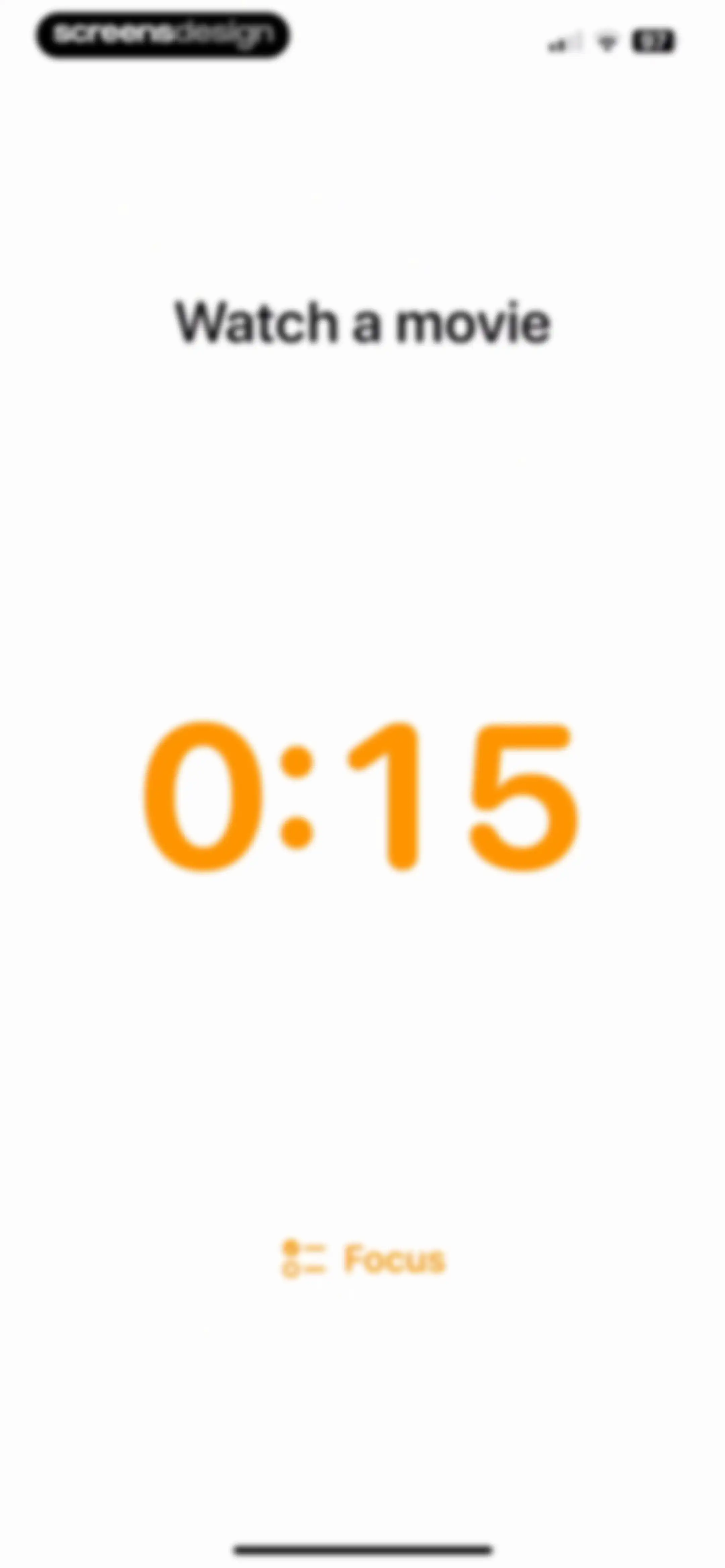
Minimalist focus timer screen displaying the task Watch a movie, an active orange timer at 0:15, and a Focus action button.Unlock Pro
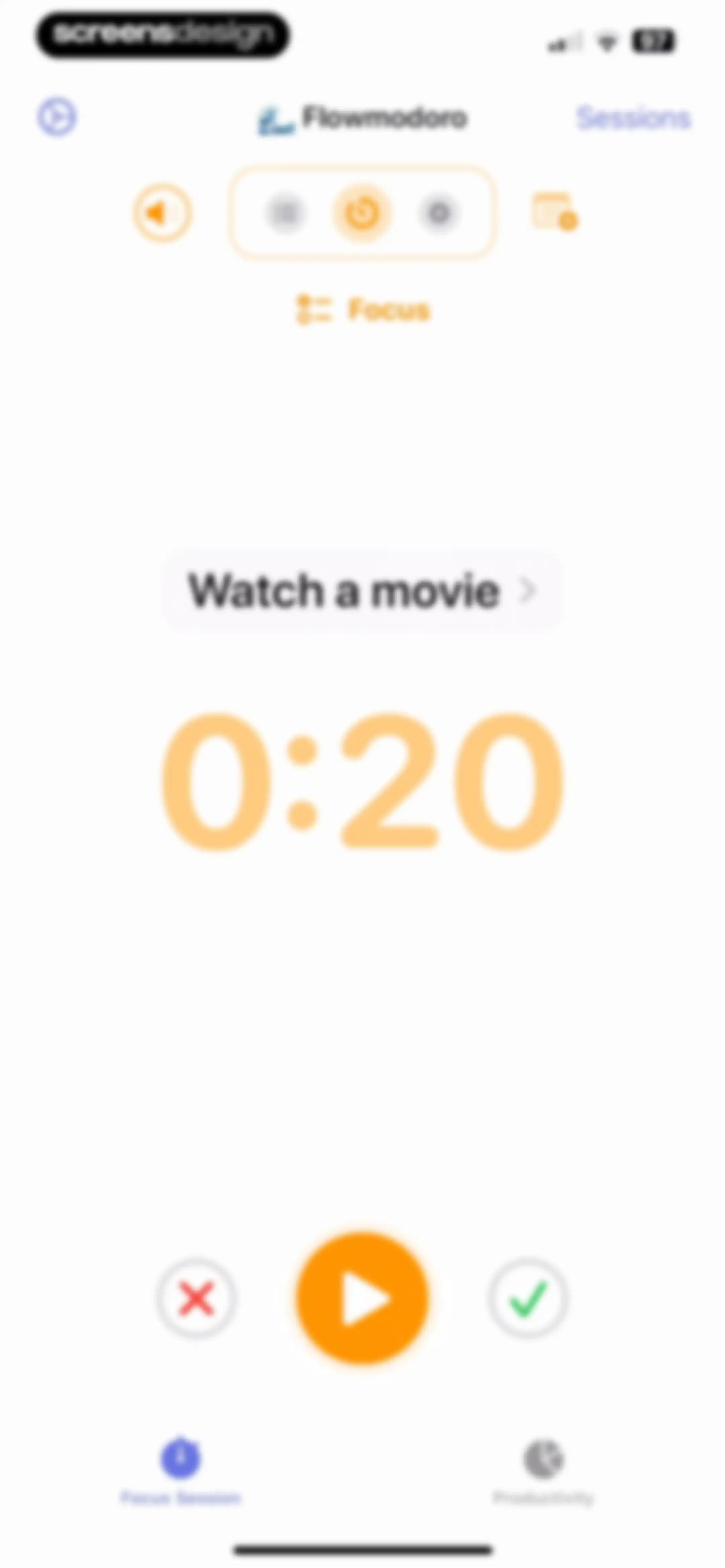
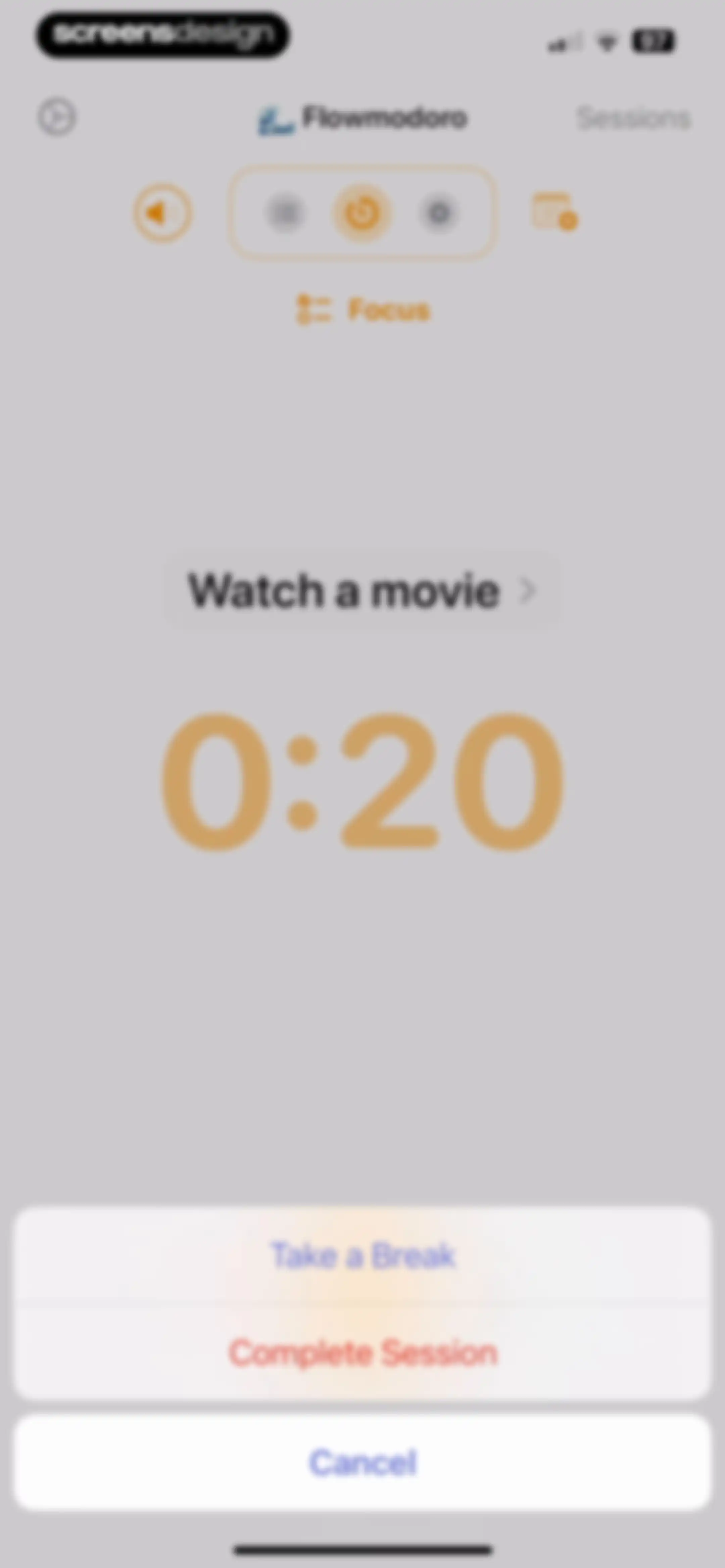
Home screen showing a focus timer set to 0:20 for the task Watch a movie, with play, cancel, and complete controls.Unlock Pro
Flowmodoro dashboard showing a central timer and task name with a bottom action sheet for session control.Unlock Pro
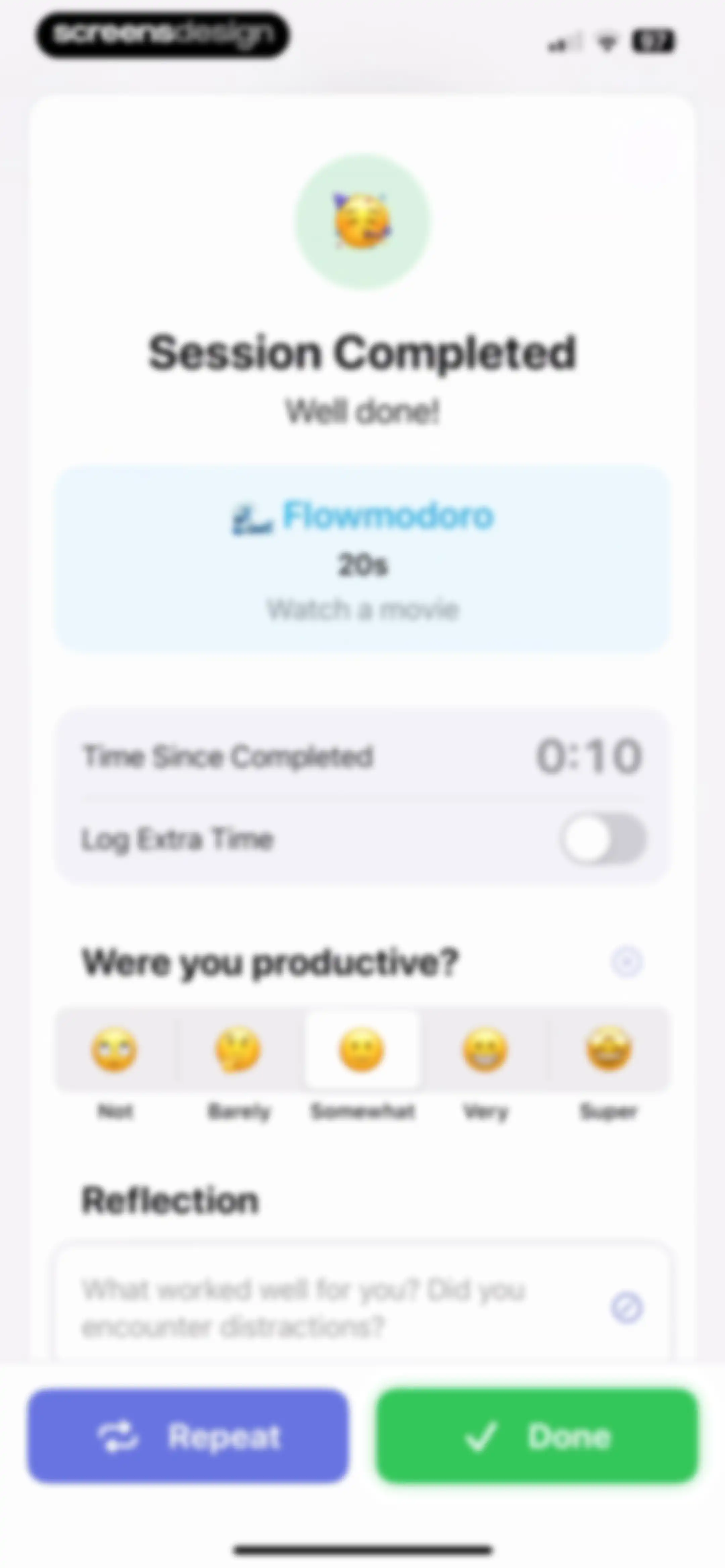
Session completion summary screen displaying a productivity rating scale with Somewhat selected, session details, a reflection text area, and Repeat and Done buttons.Unlock Pro
Session completion summary screen displaying a productivity rating scale with Somewhat selected, a reflection text area, and Repeat and Done buttons.Unlock Pro
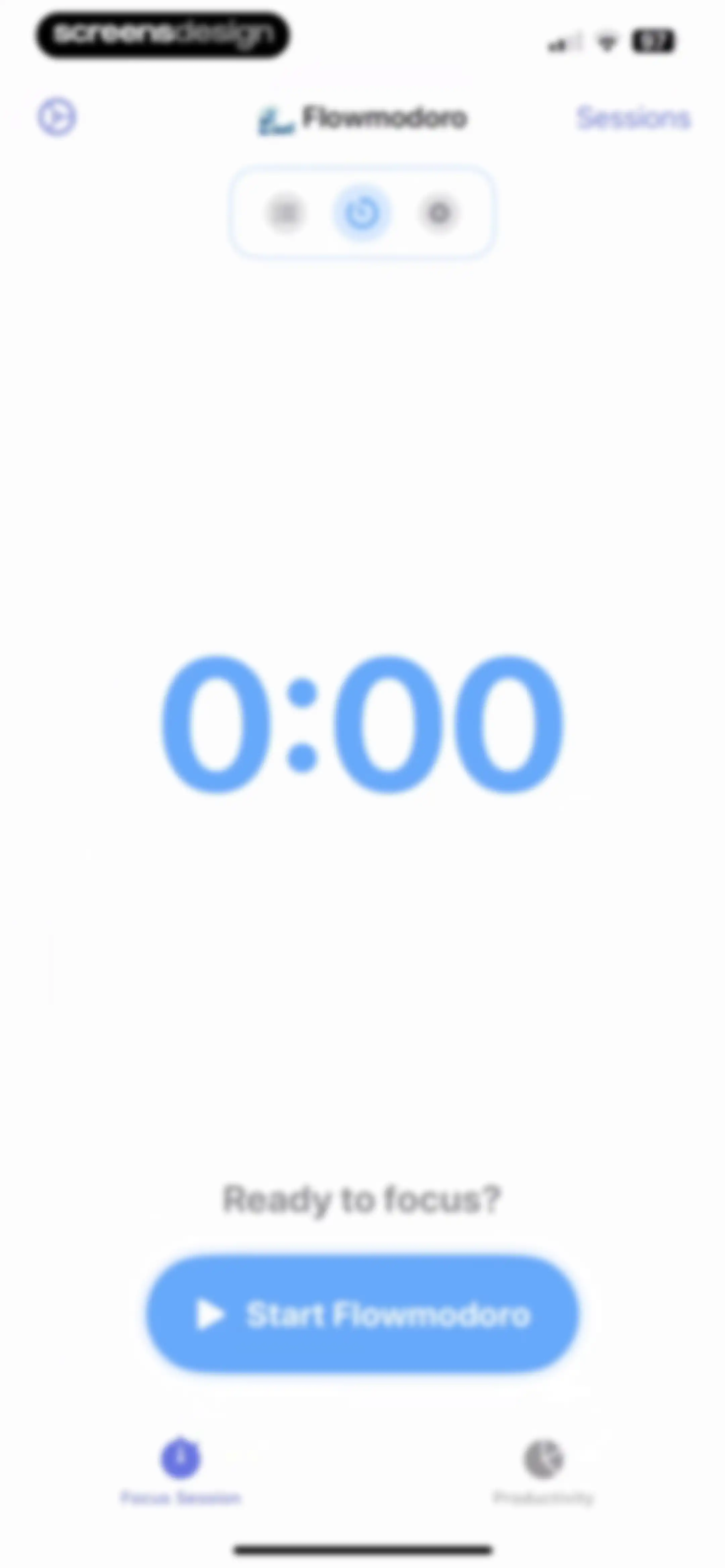
Focus timer home screen displaying 0:00, a Ready to focus? prompt, and a Start Flowmodoro button.Unlock Pro
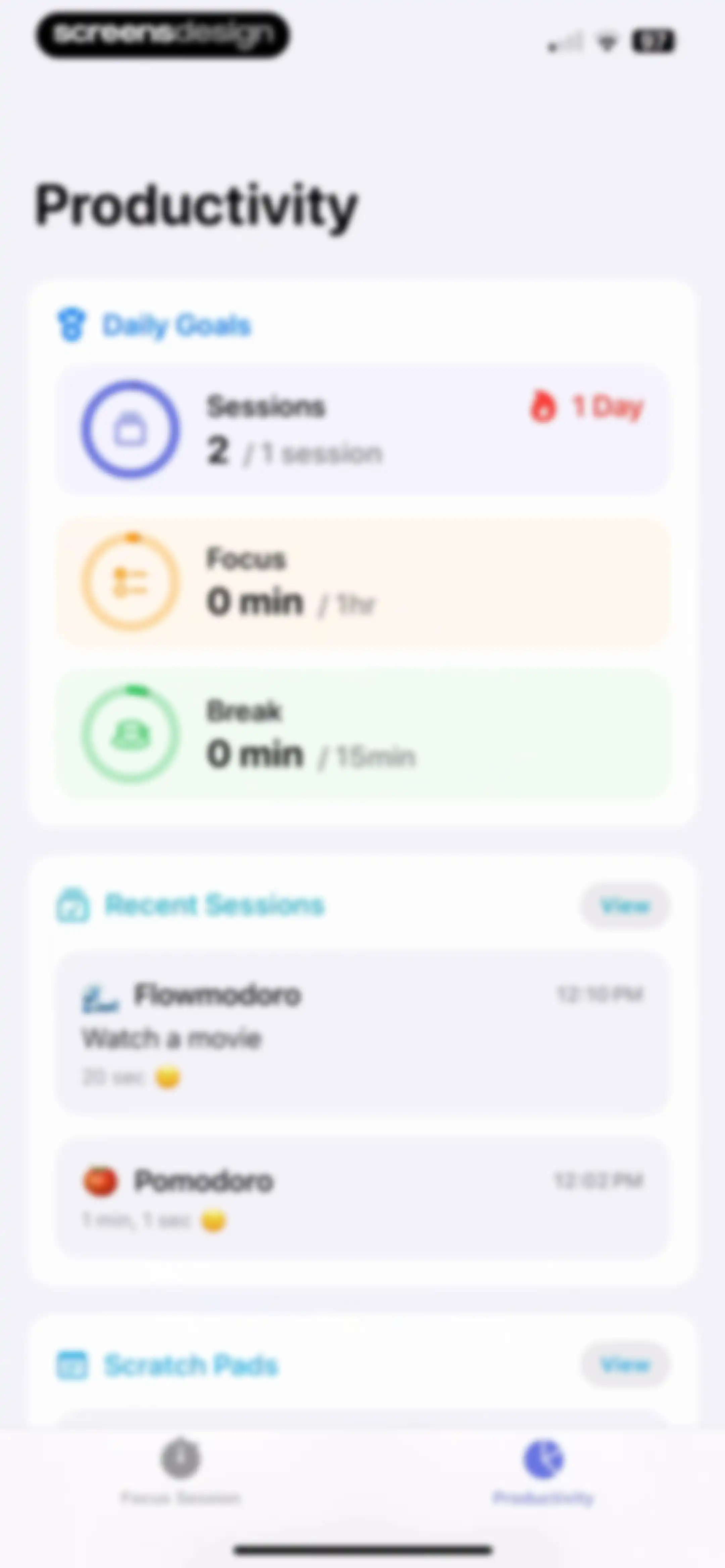
Productivity dashboard featuring a Daily Goals card, recent session history, and a bottom navigation bar with the Productivity tab selected.Unlock Pro
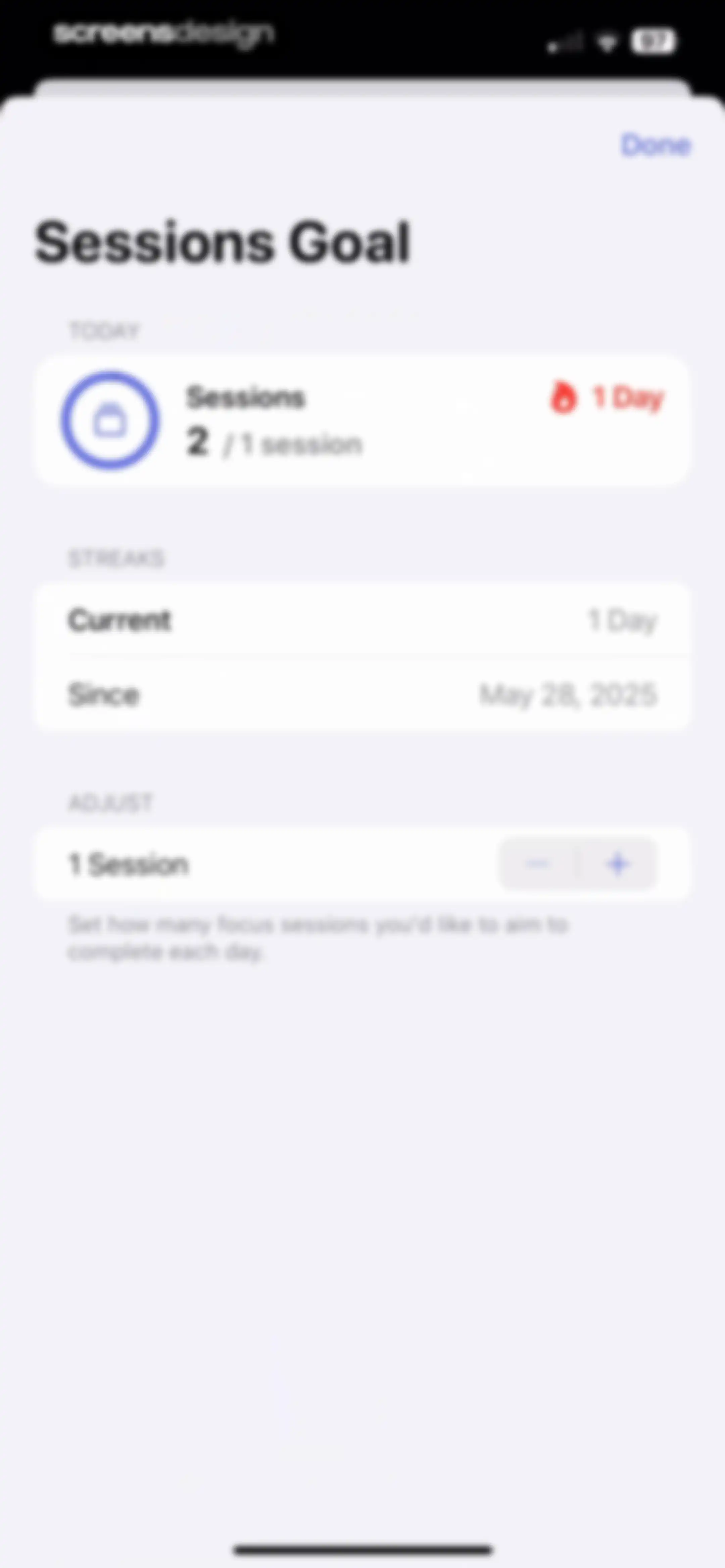
Goal adjustment settings modal showing today's progress, a one-day streak, and a stepper to set daily focus sessions.Unlock Pro
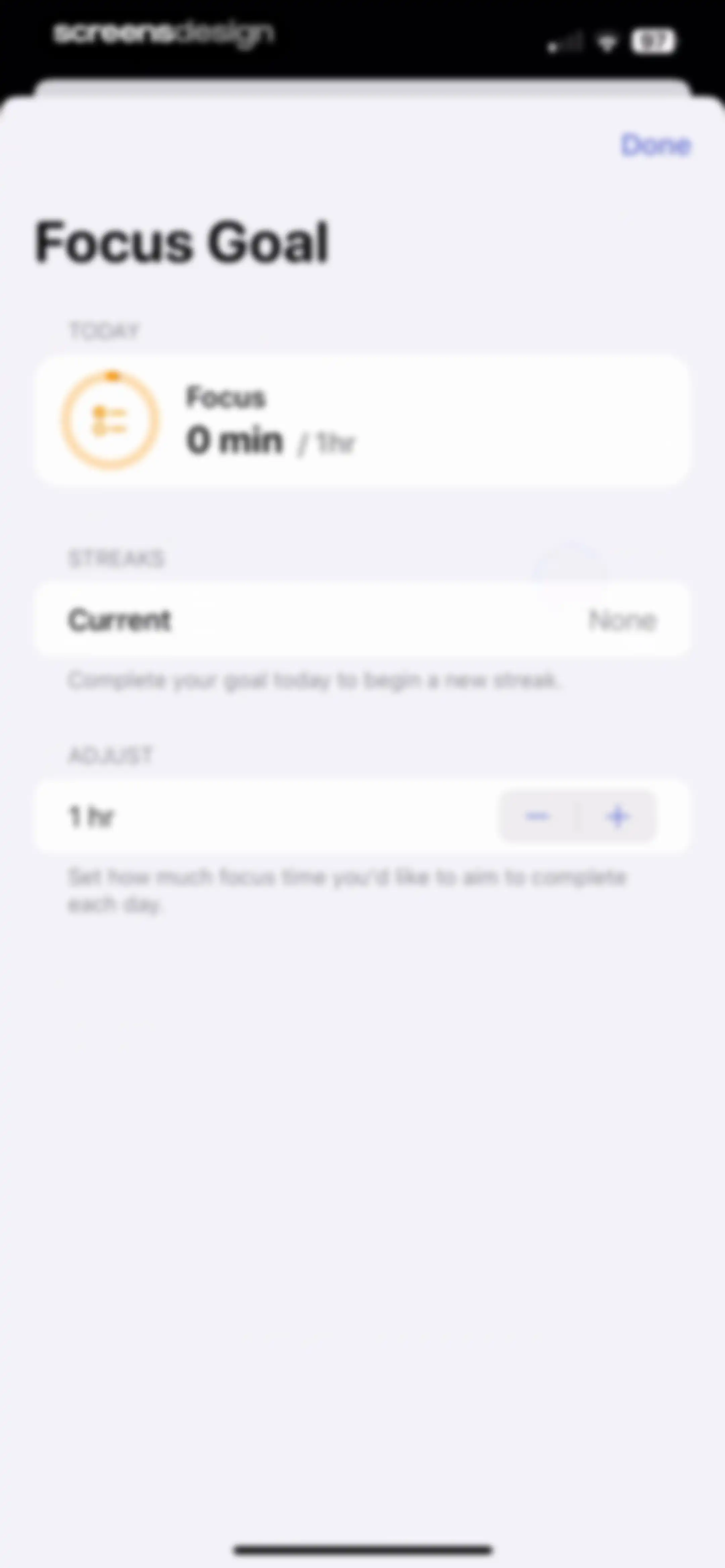
Focus goal settings modal showing today's progress, current streak status, and a stepper control to adjust daily goal duration.Unlock Pro
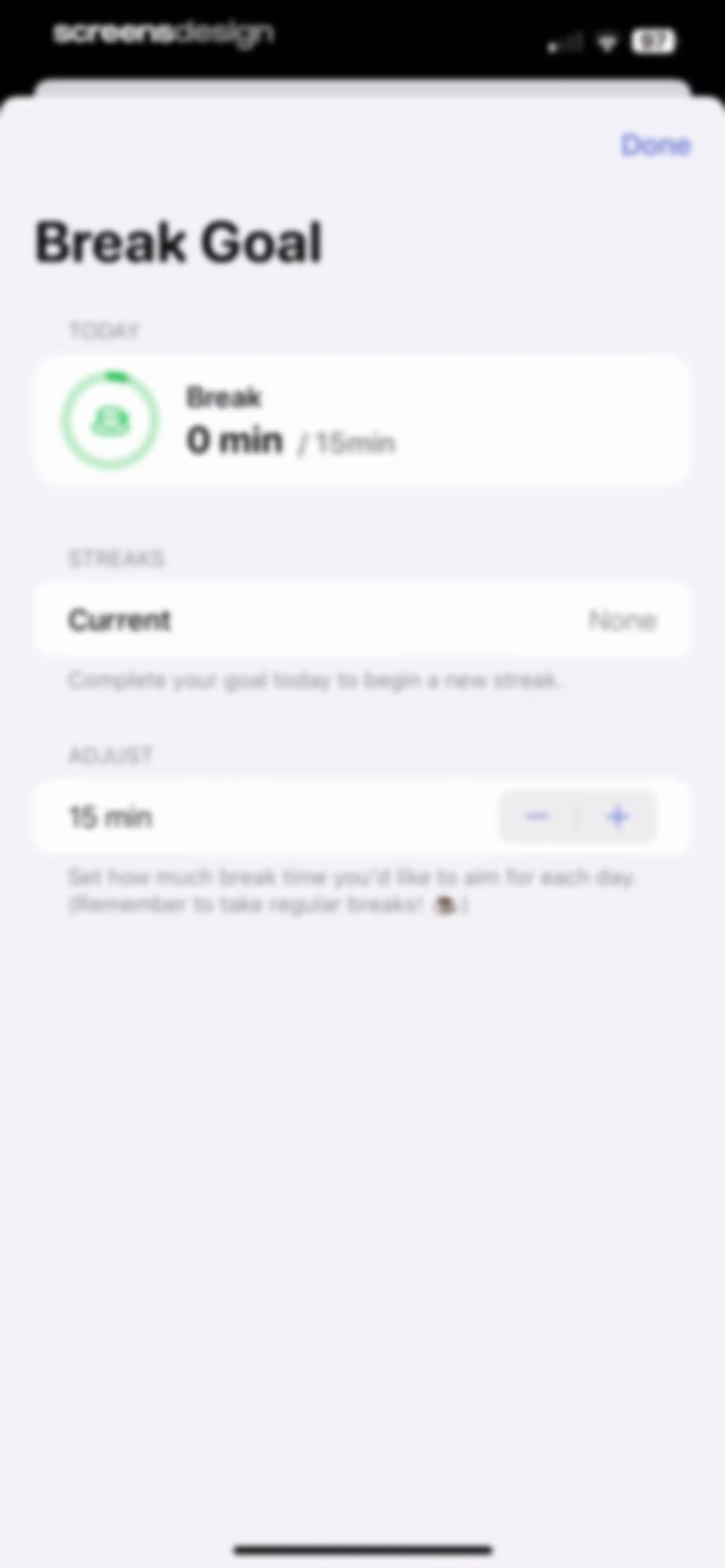
Break goal settings modal with a progress card showing zero out of fifteen minutes, a current streak status, and a stepper control.Unlock Pro
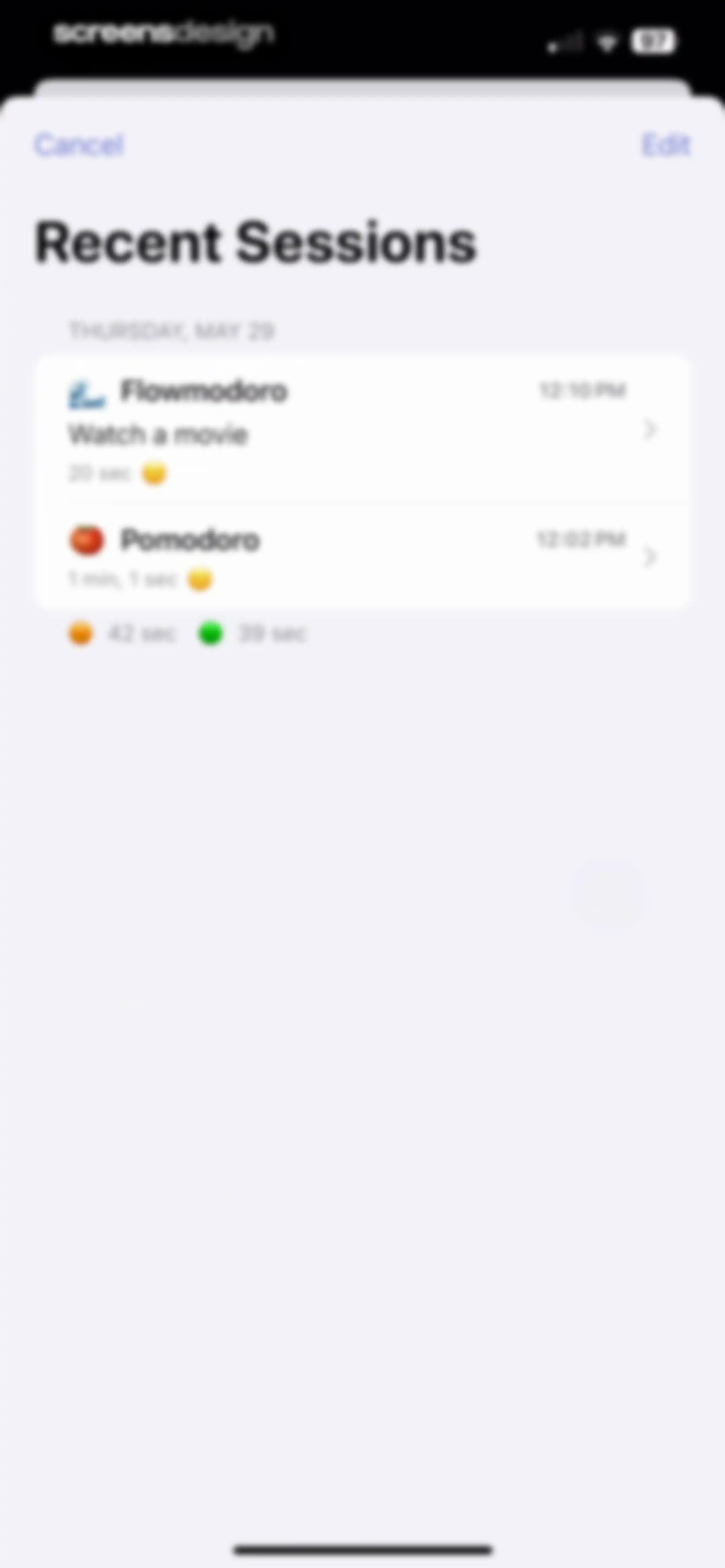
Dashboard displaying recent productivity sessions with a date header and a list of session cards showing session types and durations.Unlock Pro
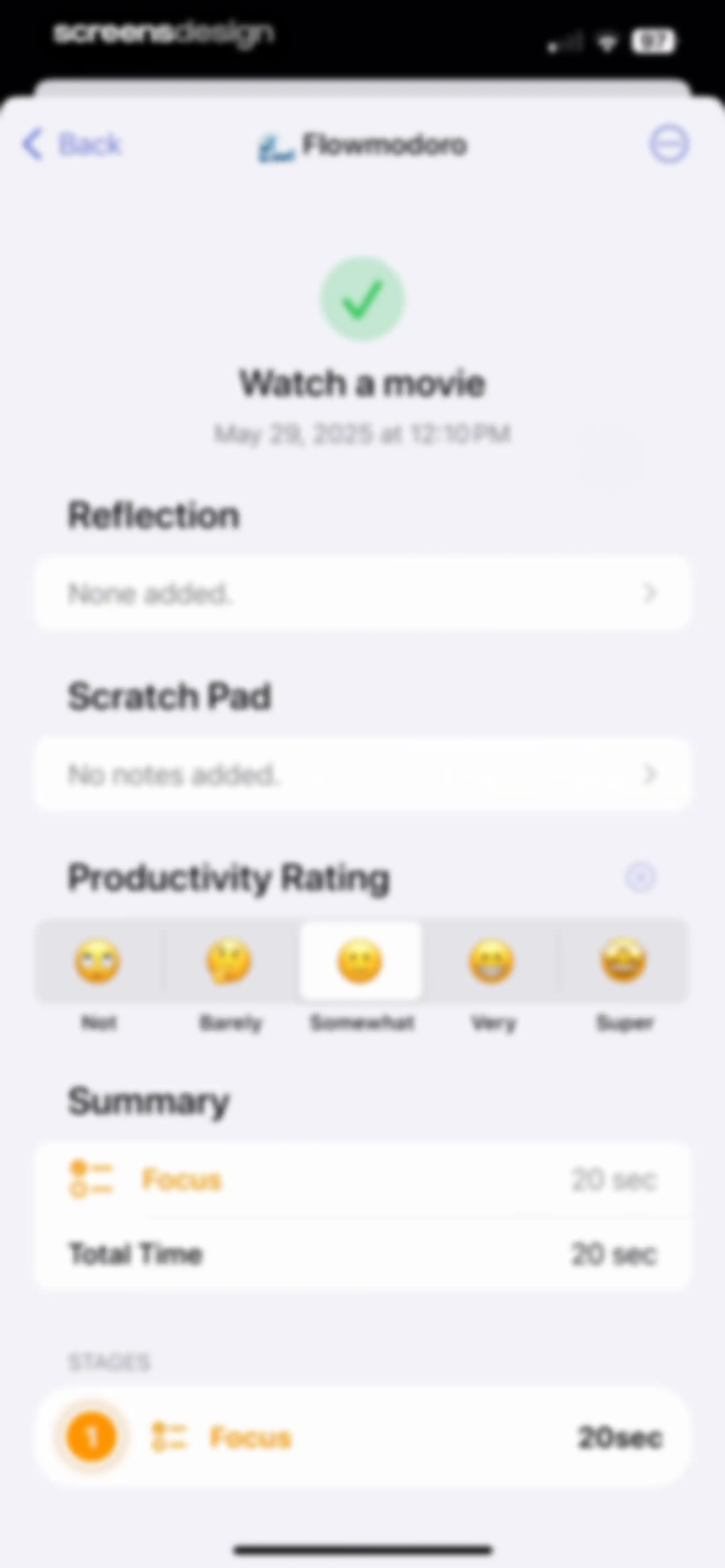
Flowmodoro post-session summary screen displaying task details, empty reflection and scratch pad fields, a productivity rating selector with Somewhat selected, and a summary card.Unlock Pro
Focus session summary screen displaying session details, an emoji productivity rating with somewhat selected, and timer statistics.Unlock Pro
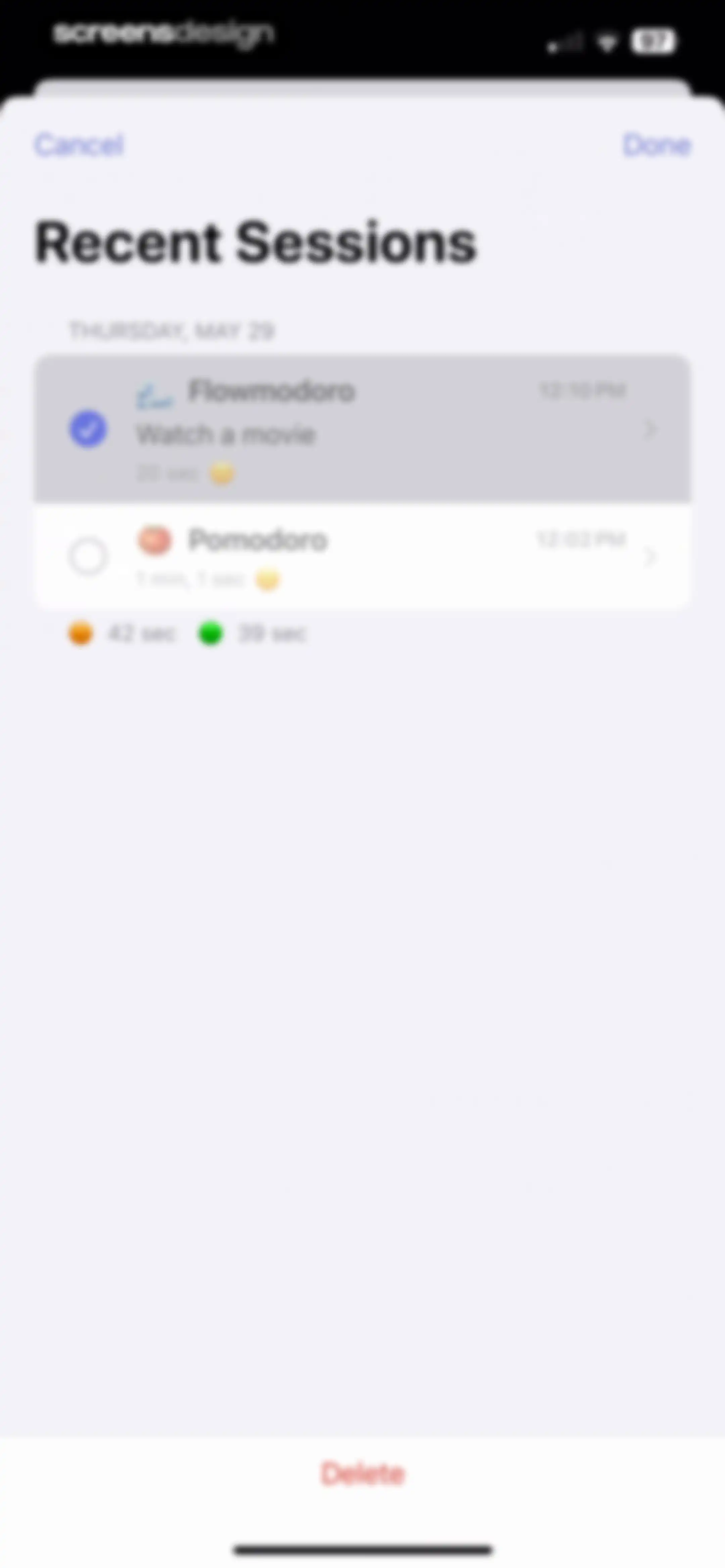
Modal session management screen listing recent productivity sessions with date grouping, selection indicators, and a red Delete button at the bottom.Unlock Pro
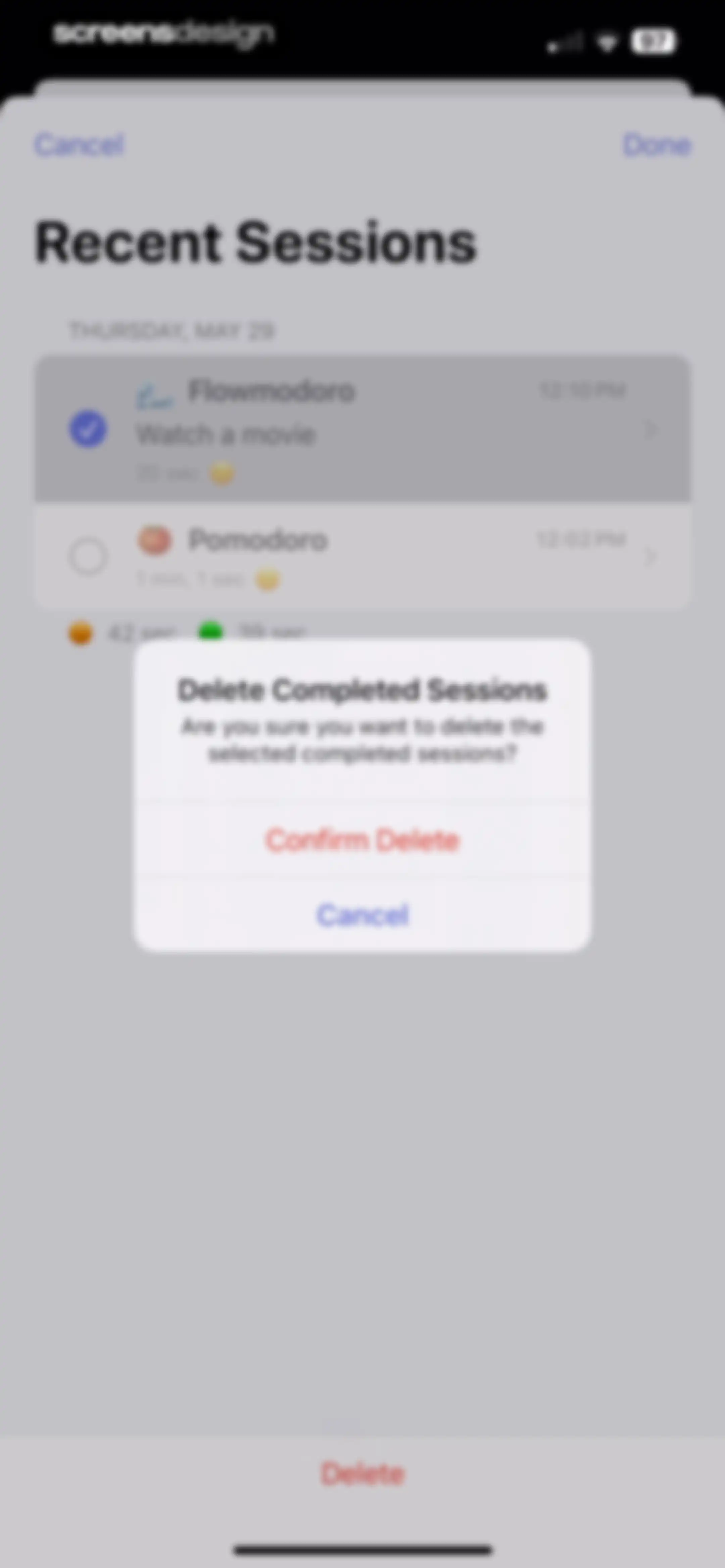
Recent Sessions screen displaying a session list overlaid with a confirmation modal to delete completed sessions.Unlock Pro
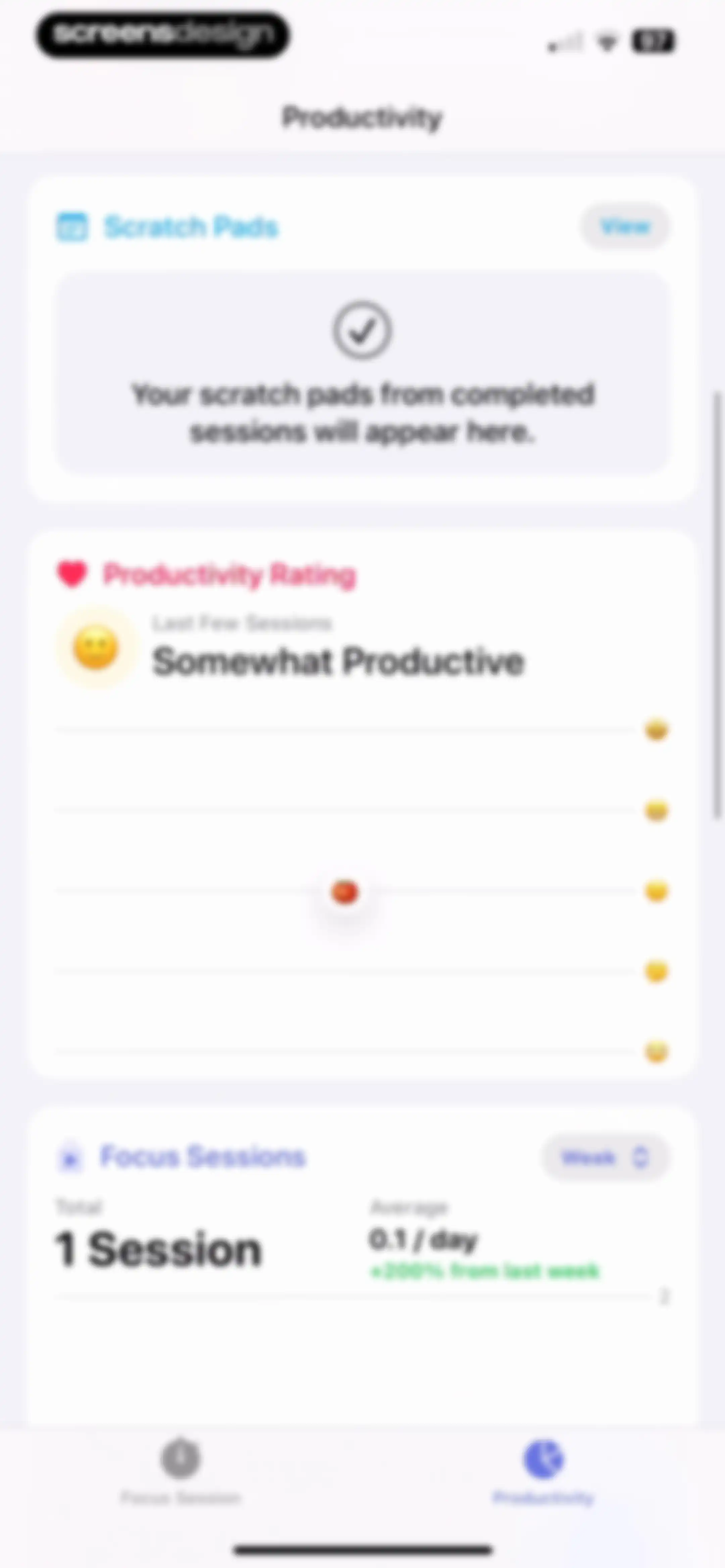
Productivity dashboard displaying scratch pads, a productivity rating of somewhat productive, and focus session statistics for the week.Unlock Pro
Empty state modal for Scratch Pads explaining that notes from focus sessions will appear here, with a Done button.Unlock Pro
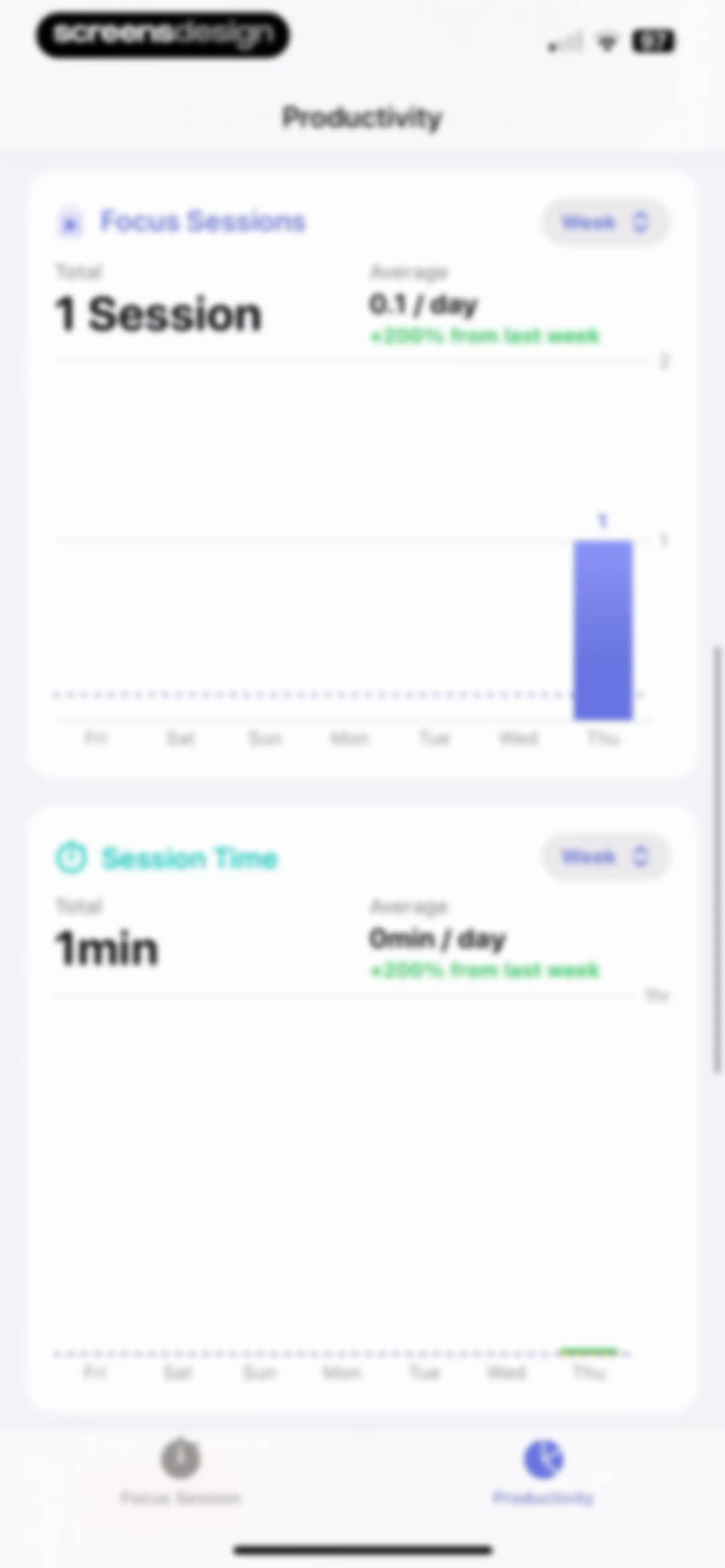
Productivity analytics dashboard displaying weekly focus sessions and session time charts with summary statistics.Unlock Pro
Analytics screen displaying productivity statistics and bar charts for focus sessions and session time, with a month filter and active productivity tab.Unlock Pro
Productivity analytics screen displaying two cards with Focus Sessions and Session Time bar charts and a Year filter.Unlock Pro
Settings screen with a top promotional card and grouped list options for sound, notifications, focus sessions, and appearance.Unlock Pro
App Store product page for Dumb Phone by Michael Tigas, featuring ratings, a Get button, and a screenshot carousel showcasing a minimalist interface.Unlock Pro
Sound settings screen with volume sliders for adjusting timer ticking and general alerts.Unlock Pro
Notifications settings screen with grouped toggle options for focus sessions, blocking alerts, and other reminders.Unlock Pro
Reminders settings screen with daily reminder configuration, day toggles, an advanced timer reminder, and a Create Reminder button.Unlock Pro
Reminders settings screen with a daily reminder time picker, day toggles, an advanced reminders card, and a Create Reminder button.Unlock Pro
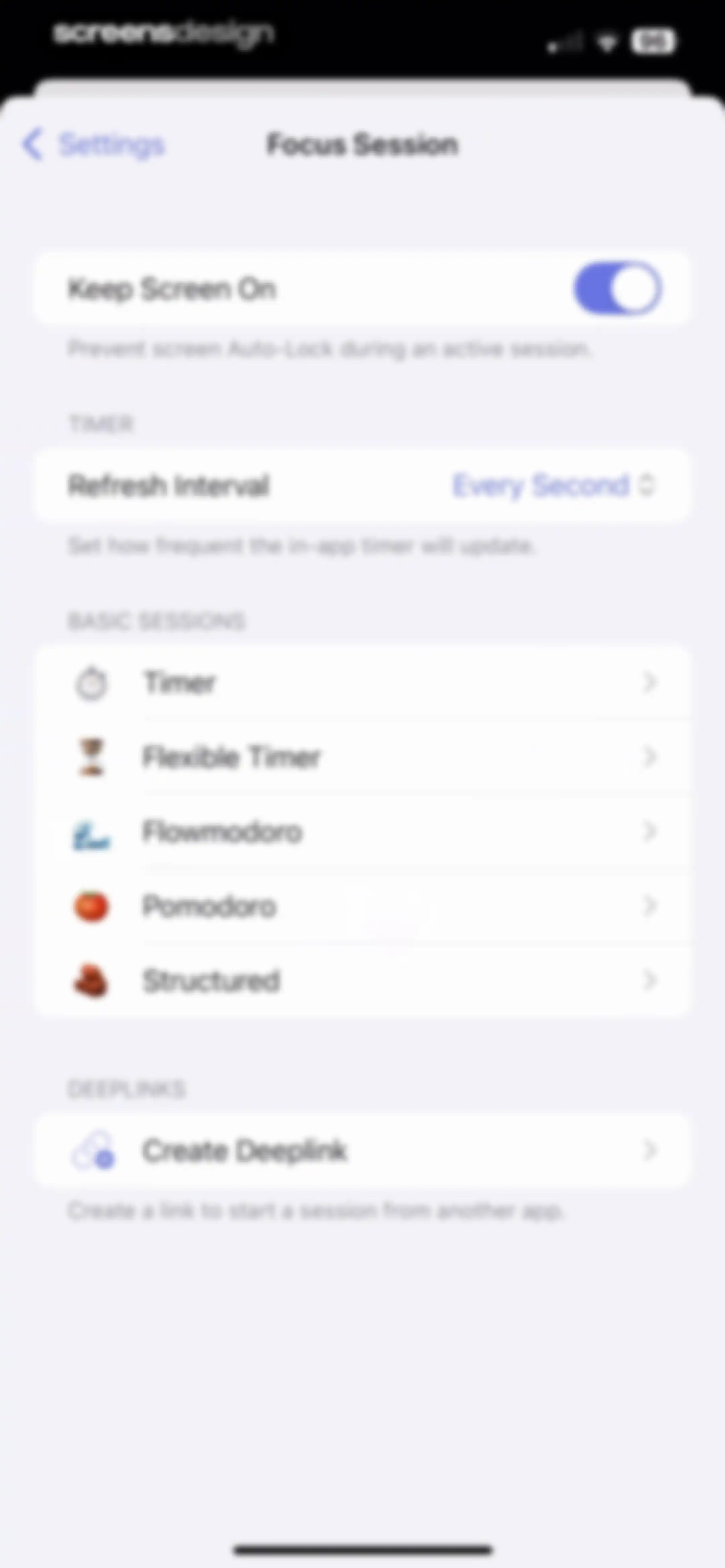
Focus session settings screen with a Keep Screen On toggle, timer configuration options, and basic session types.Unlock Pro
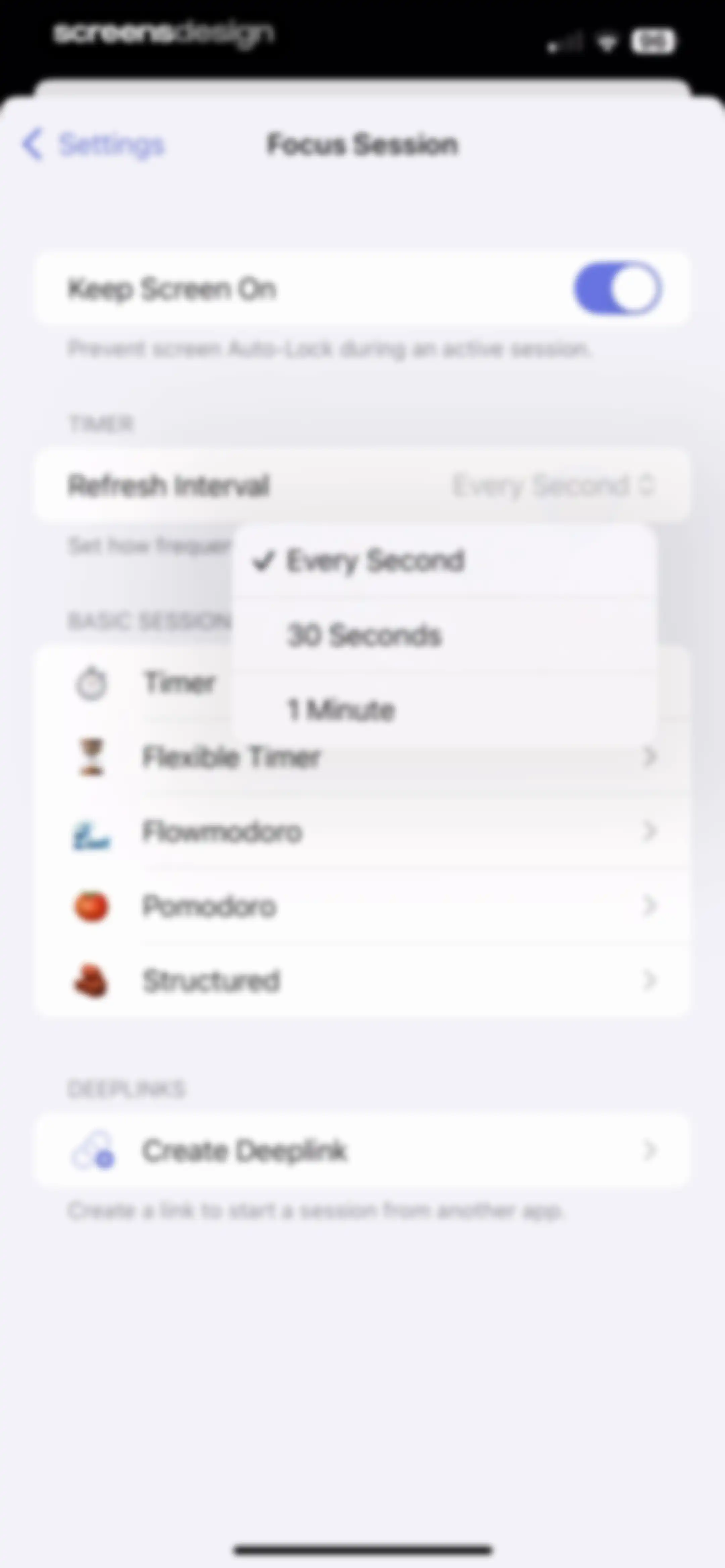
Focus Session settings screen displaying a Keep Screen On toggle, timer refresh interval options, a list of session modes, and a deeplink creation option.Unlock Pro
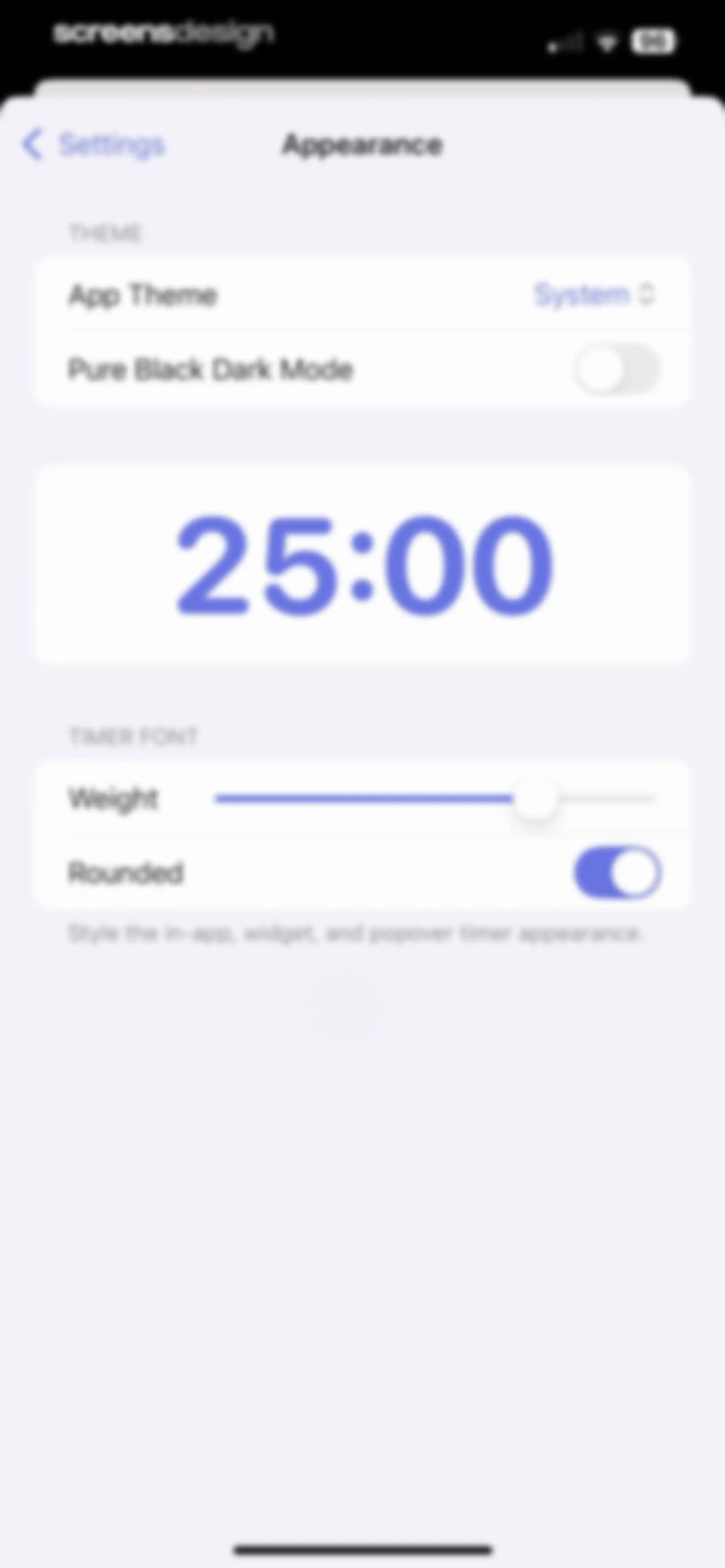
Appearance settings screen with theme and font customization options, featuring a central 25:00 timer preview card and a rounded font toggle.Unlock Pro
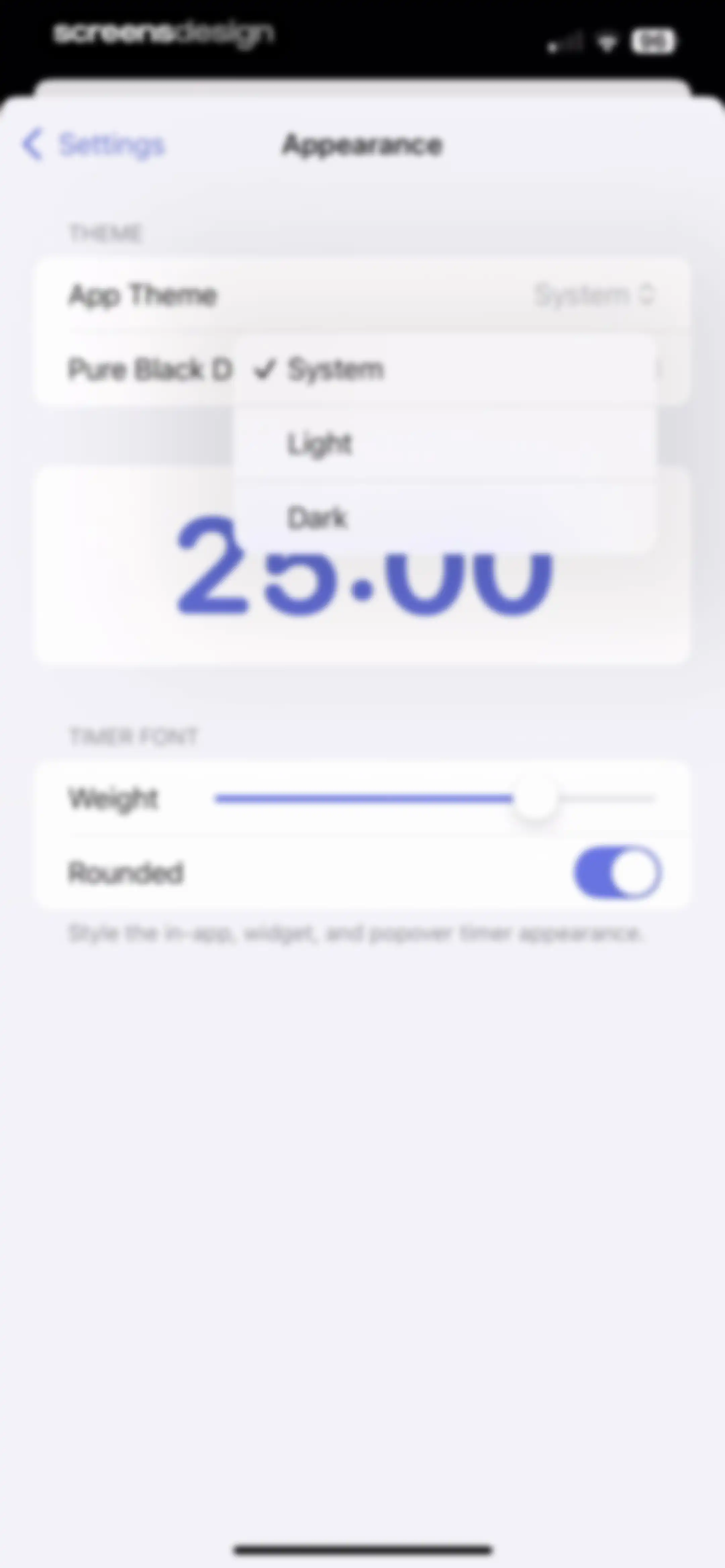
Appearance settings screen with a theme selection dropdown, timer preview card, and font customization controls including a slider and toggle.Unlock Pro
Appearance settings screen with theme and timer font options, featuring a central preview card displaying a 25:00 timer.Unlock Pro
Session editor settings screen listing configurable stages including Prepare, Focus, and Break with duration adjustment controls.Unlock Pro
Live Activities settings screen with an enabled toggle, a timer preview widget, and a centered informational card with an OK button.Unlock Pro
Widget settings screen displaying a timer widget preview, instructions for adding widgets to the home screen, and a list of other available widgets.Unlock Pro
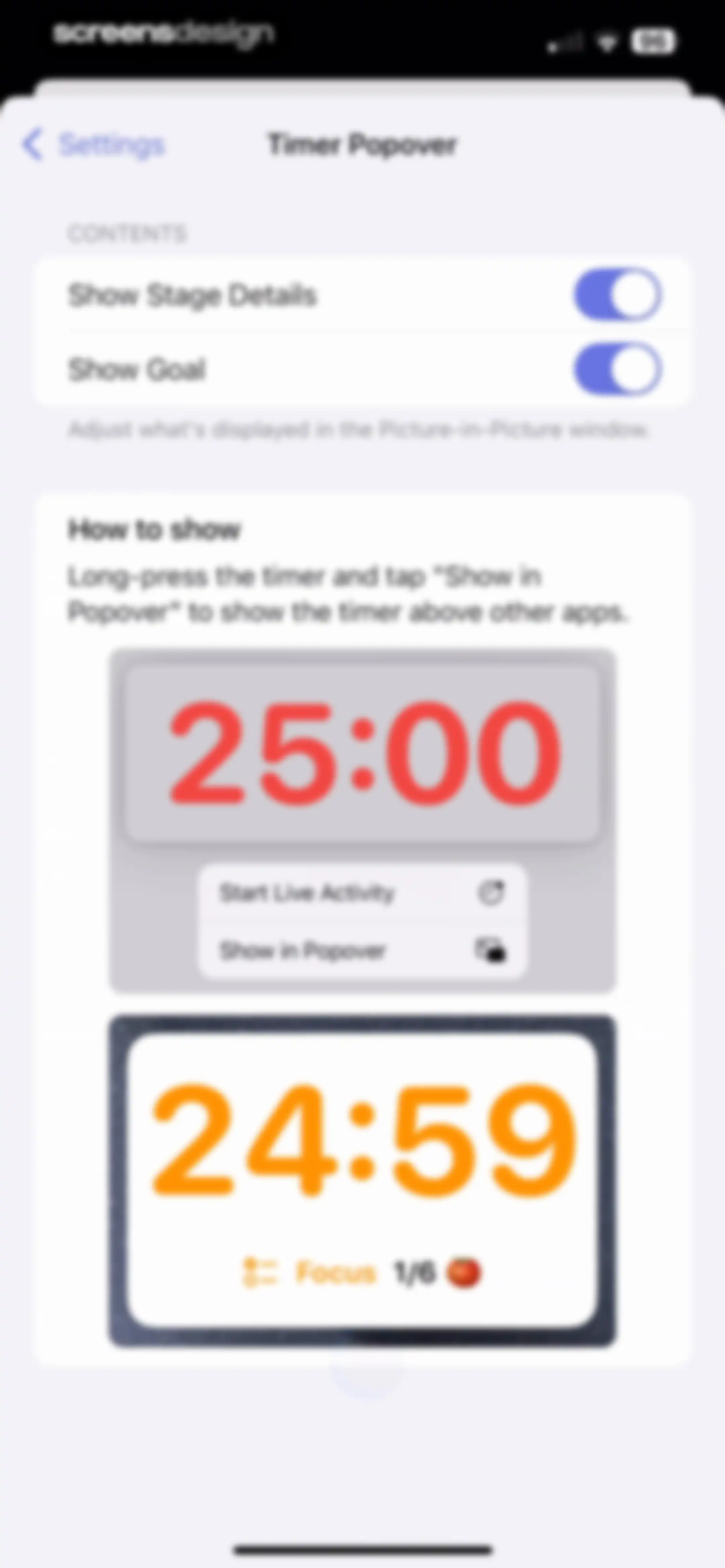
Timer Popover settings screen with toggles for stage details and goals, instructional text, and two visual timer interface examples.Unlock Pro
App icons settings screen with a confirmation modal overlay stating that the icon for Focused Work has been changed, featuring an OK button.Unlock Pro
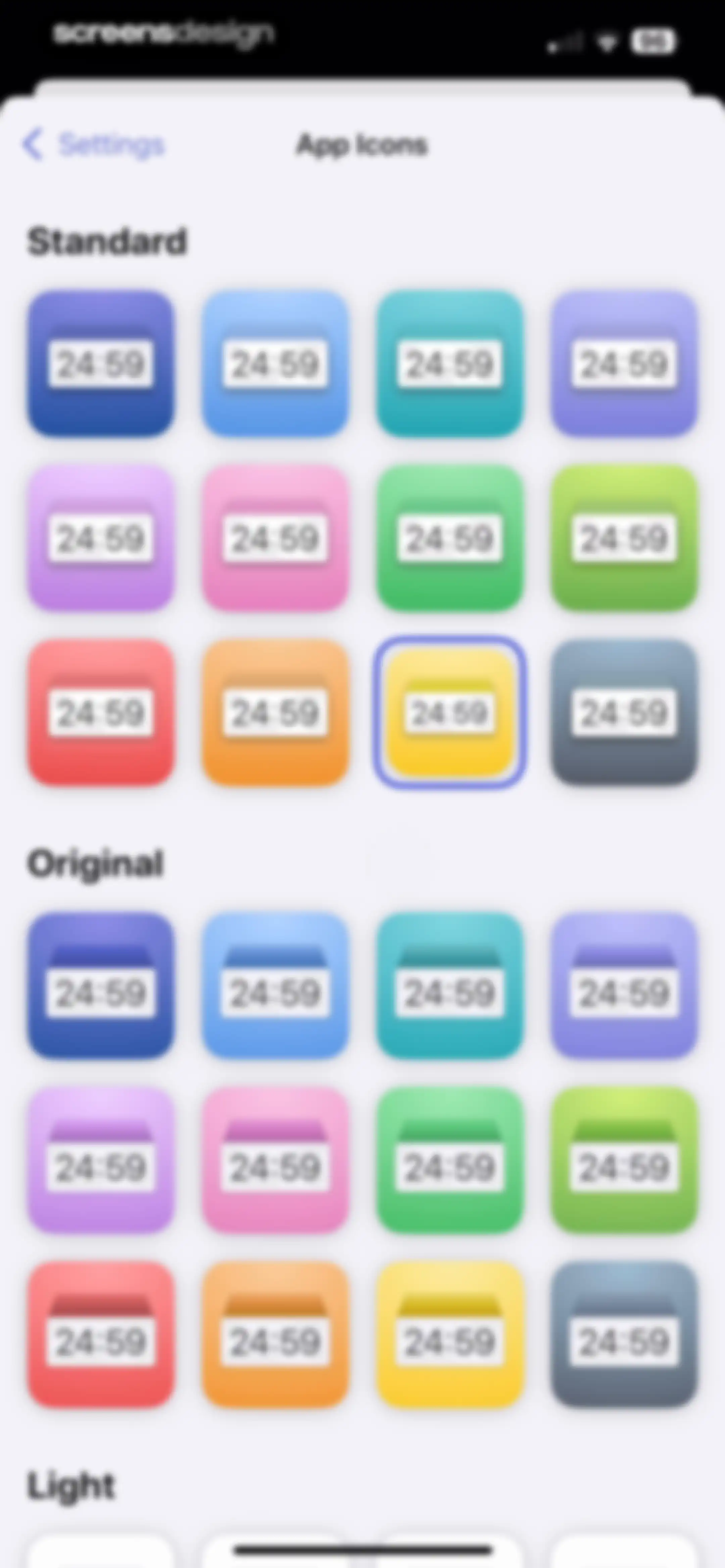
App icons settings screen displaying categorized icon grids with stylized timer previews, including Standard, Original, and Light options.Unlock Pro
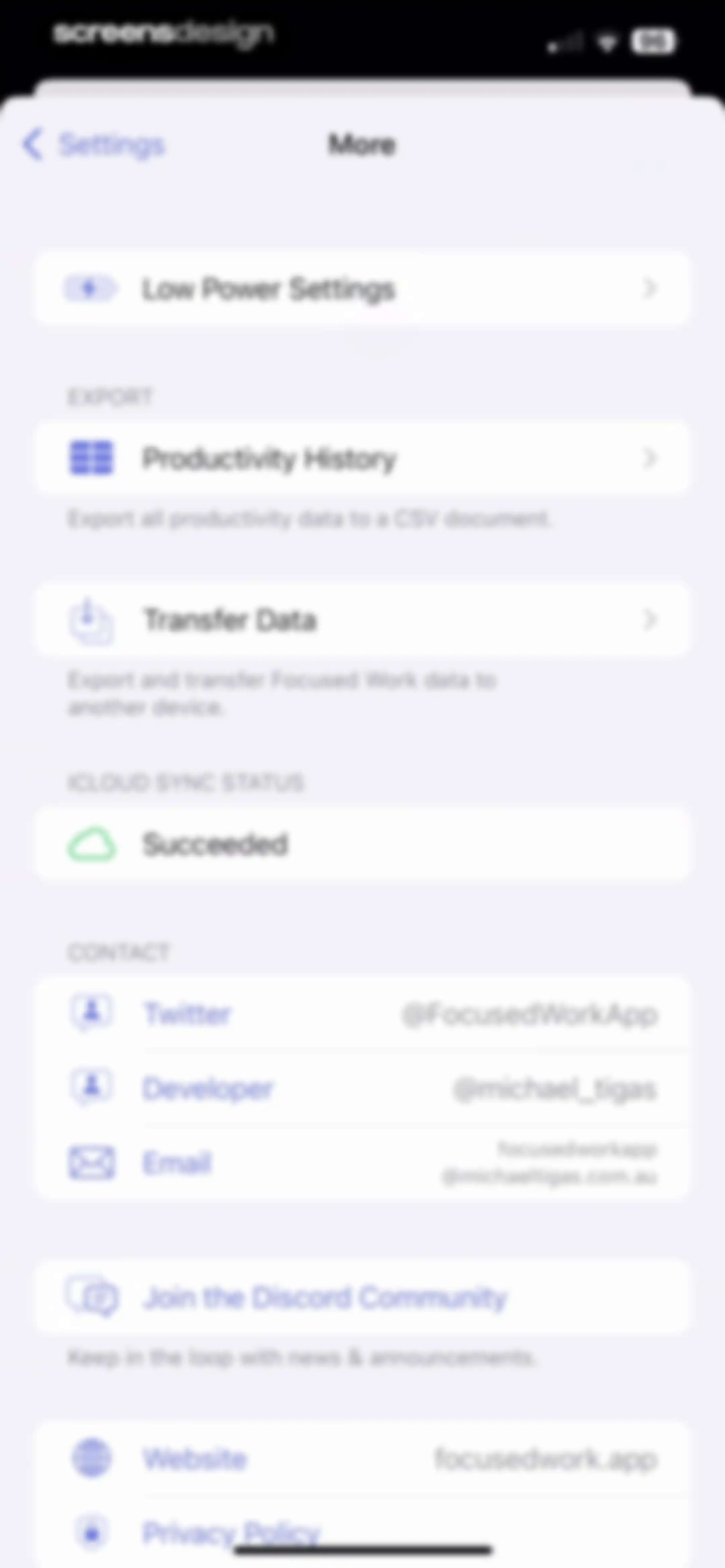
Focused Work app settings screen titled More, featuring export options, iCloud sync status, developer contact links, and community resources in a grouped list.Unlock Pro
Low Power Settings screen in Focused Work with toggle options for Always Enabled and Observe Low Power Mode.Unlock Pro
Productivity History export screen with a centered informational modal overlay explaining CSV data import instructions and an OK button.Unlock Pro
Settings screen for managing shortcuts with a list of links, a presets section including Preset 1, and a Create Preset button.Unlock Pro
Blocking settings screen with options for behavior, app and website configuration, and a shopping apps blocklist card.Unlock Pro
Toggl integration settings screen with an API token input field, an unauthenticated status indicator, and instructions on retrieving a token.Unlock Pro
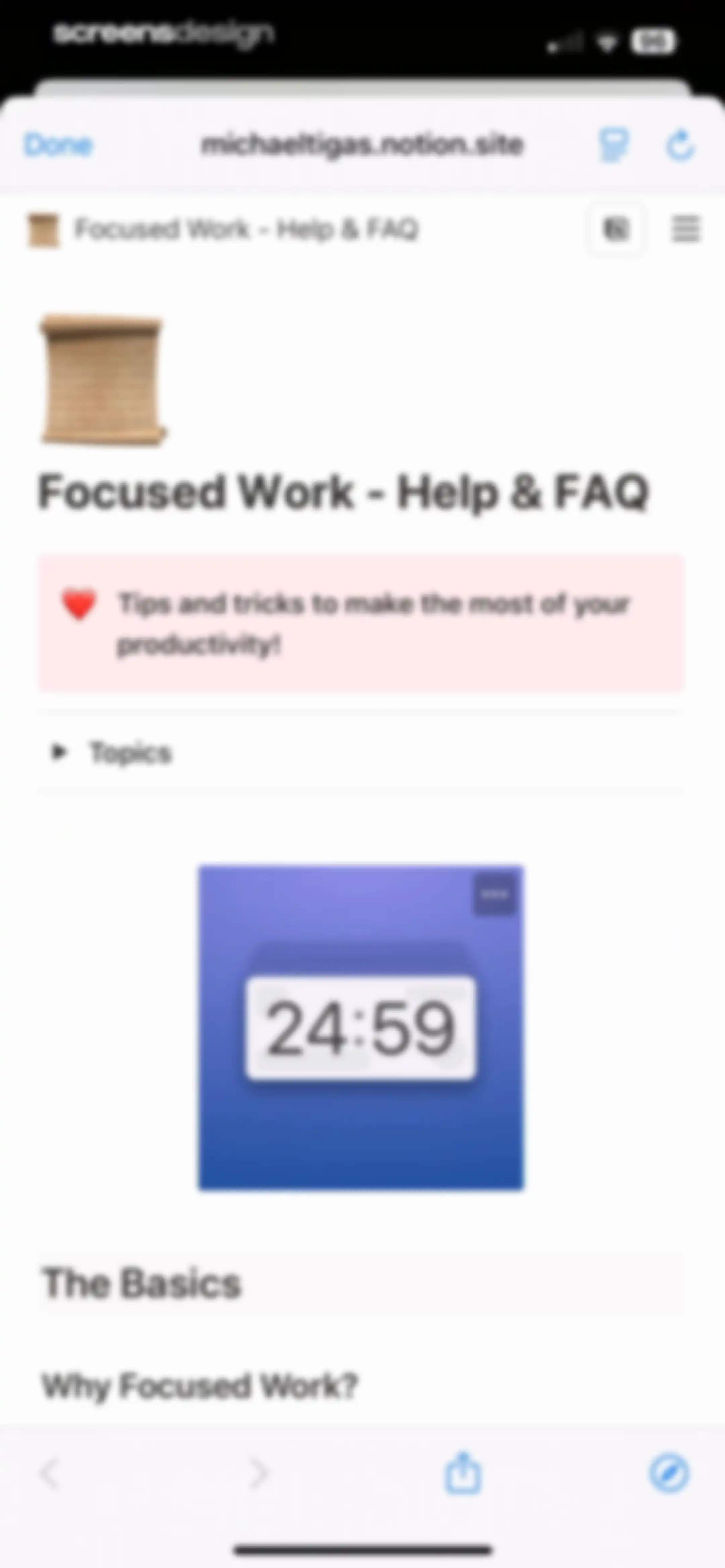
Help and FAQ web page for the Focused Work app featuring a timer widget mockup and collapsible topics.Unlock Pro
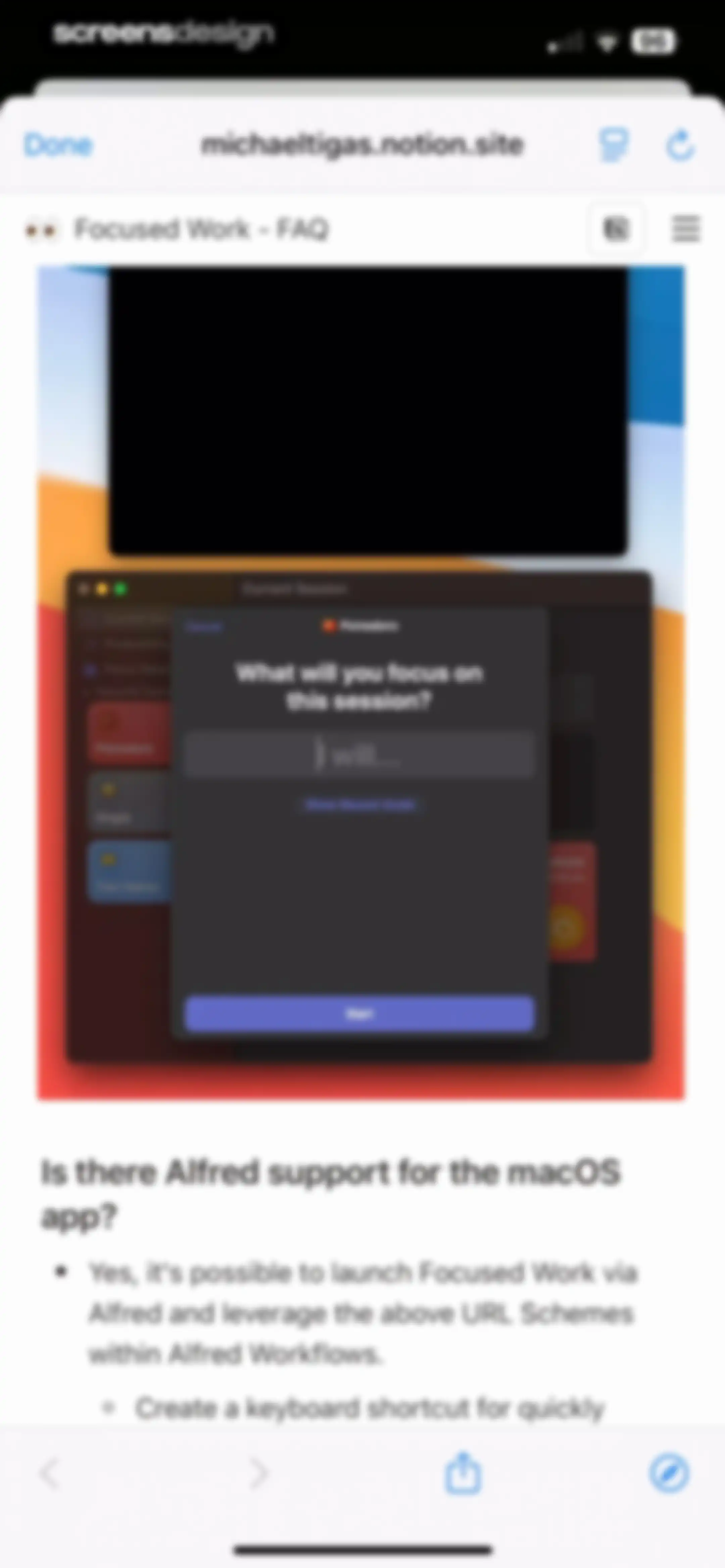
Notion page web view displaying a Focused Work app FAQ and an embedded Pomodoro timer session modal.Unlock Pro
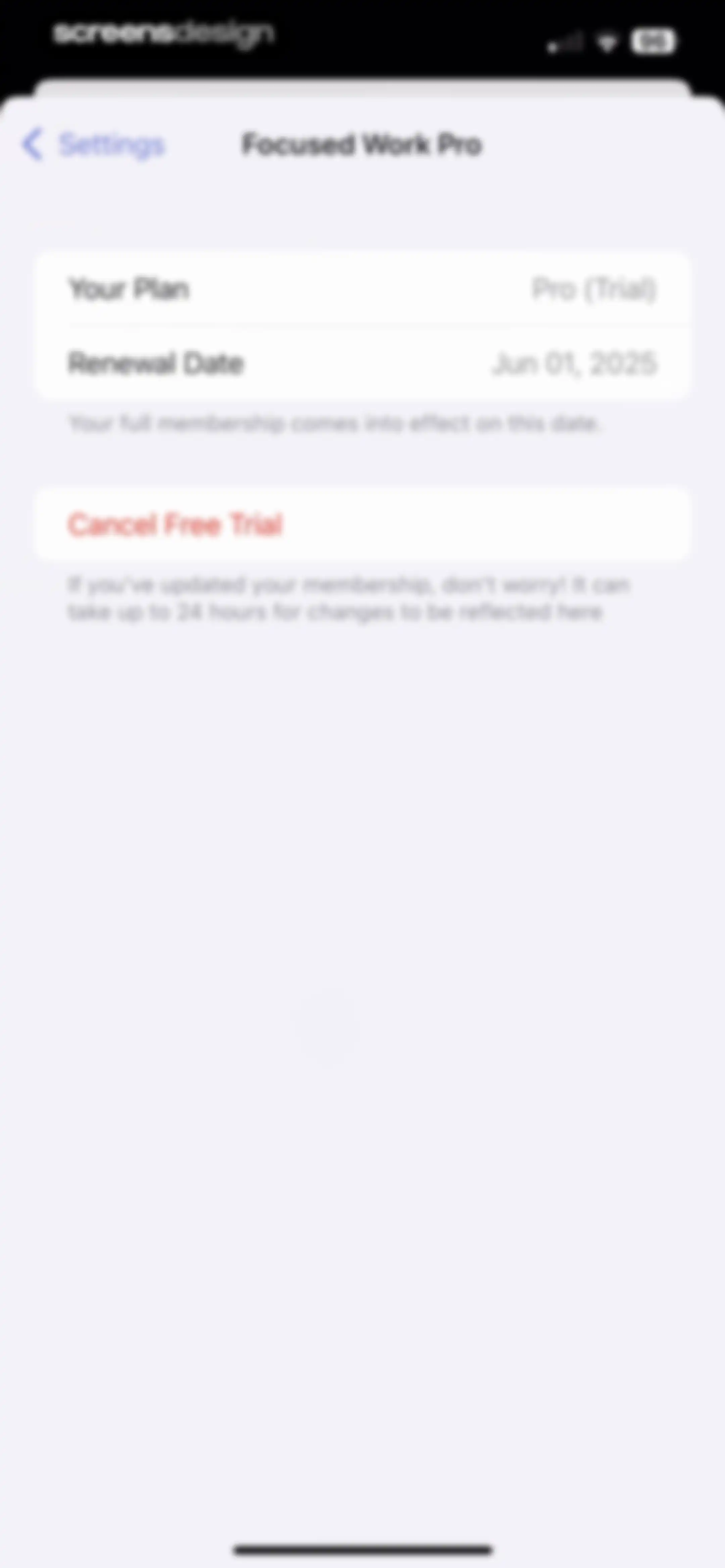
Subscription management screen showing a Pro trial plan with a June renewal date and a red Cancel Free Trial button.Unlock Pro
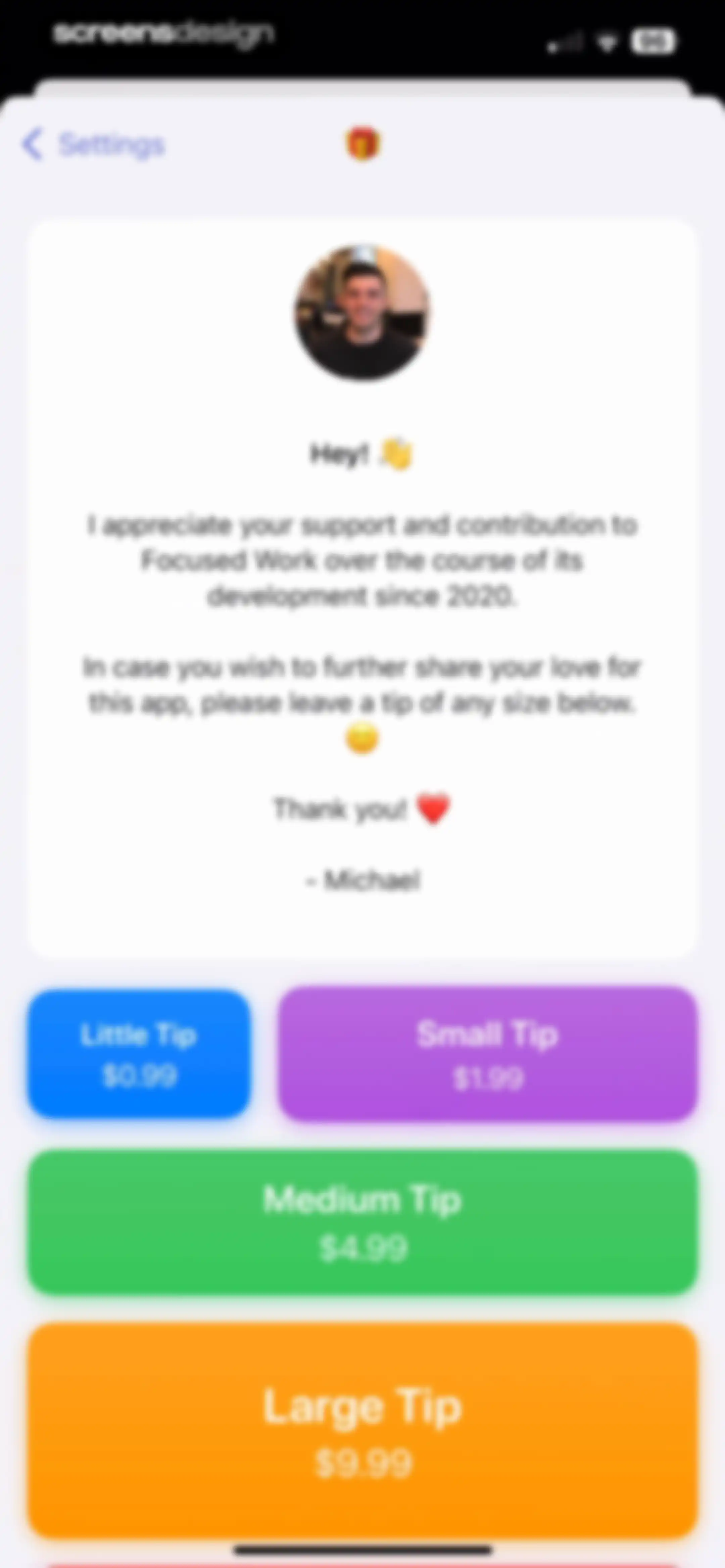
Focused Work donation screen featuring a developer message card and a grid of four tip buttons ranging from $0.99 to $9.99.Unlock Pro
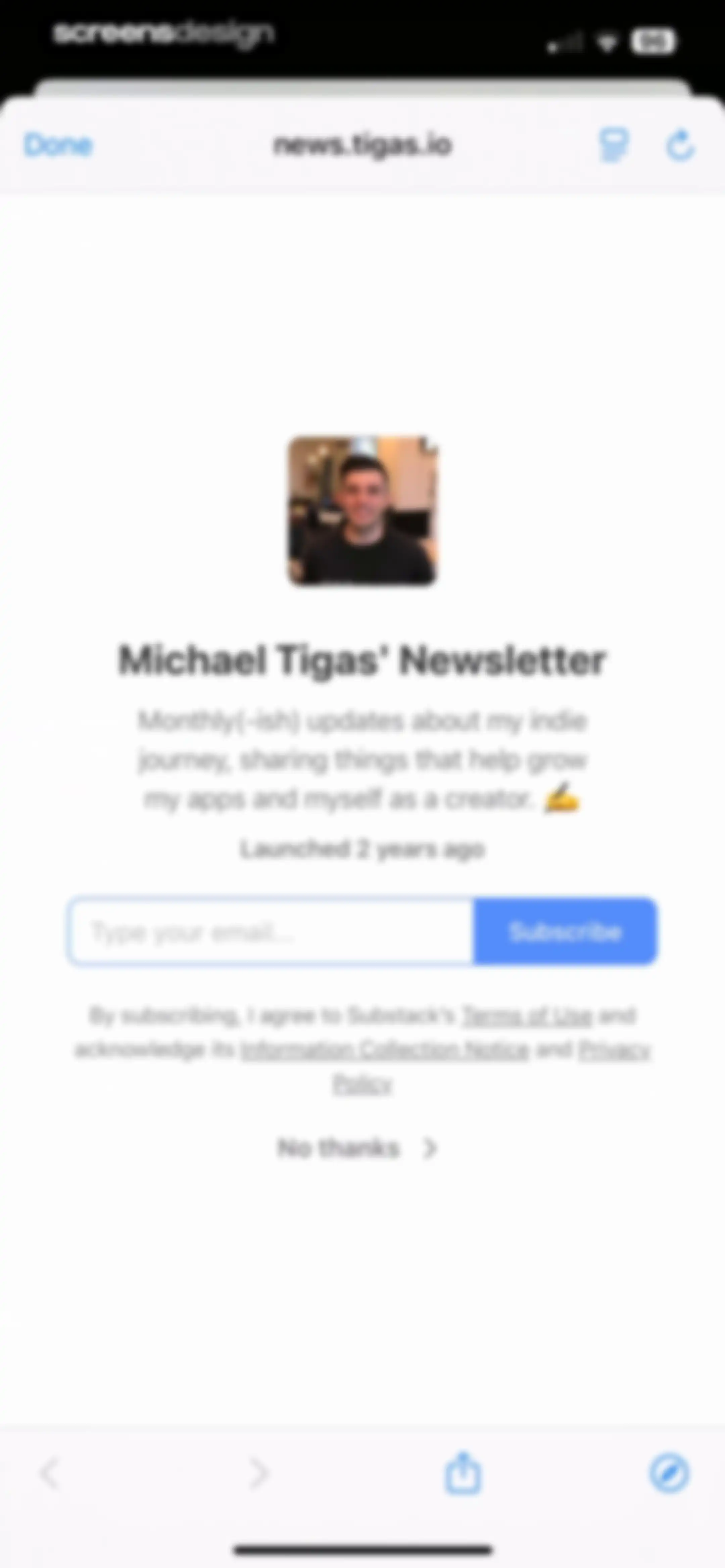
Newsletter subscription form featuring a creator profile, email input field, Subscribe button, and legal disclaimers.Unlock Pro
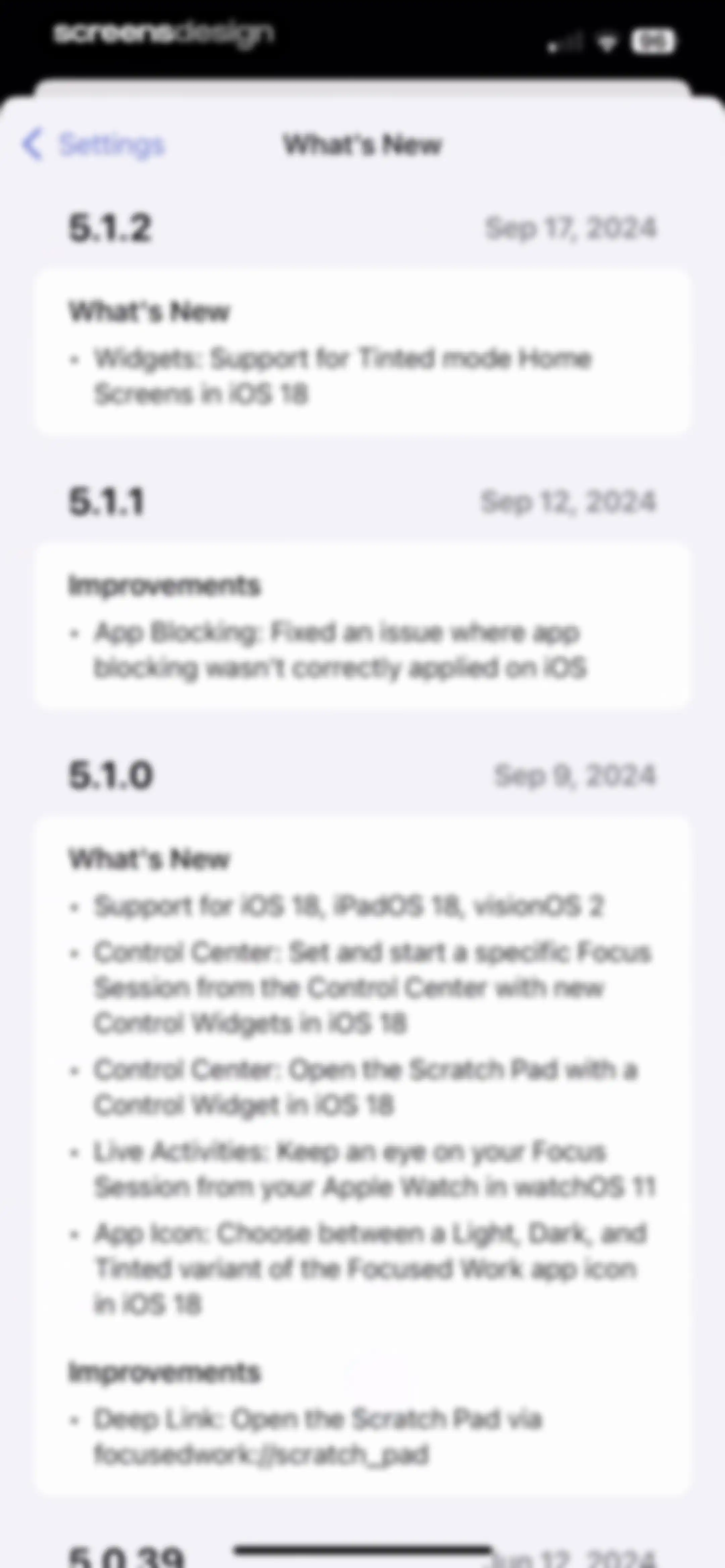
Version history screen displaying app changelog cards with version numbers, release dates, and bulleted lists of updates.Unlock Pro
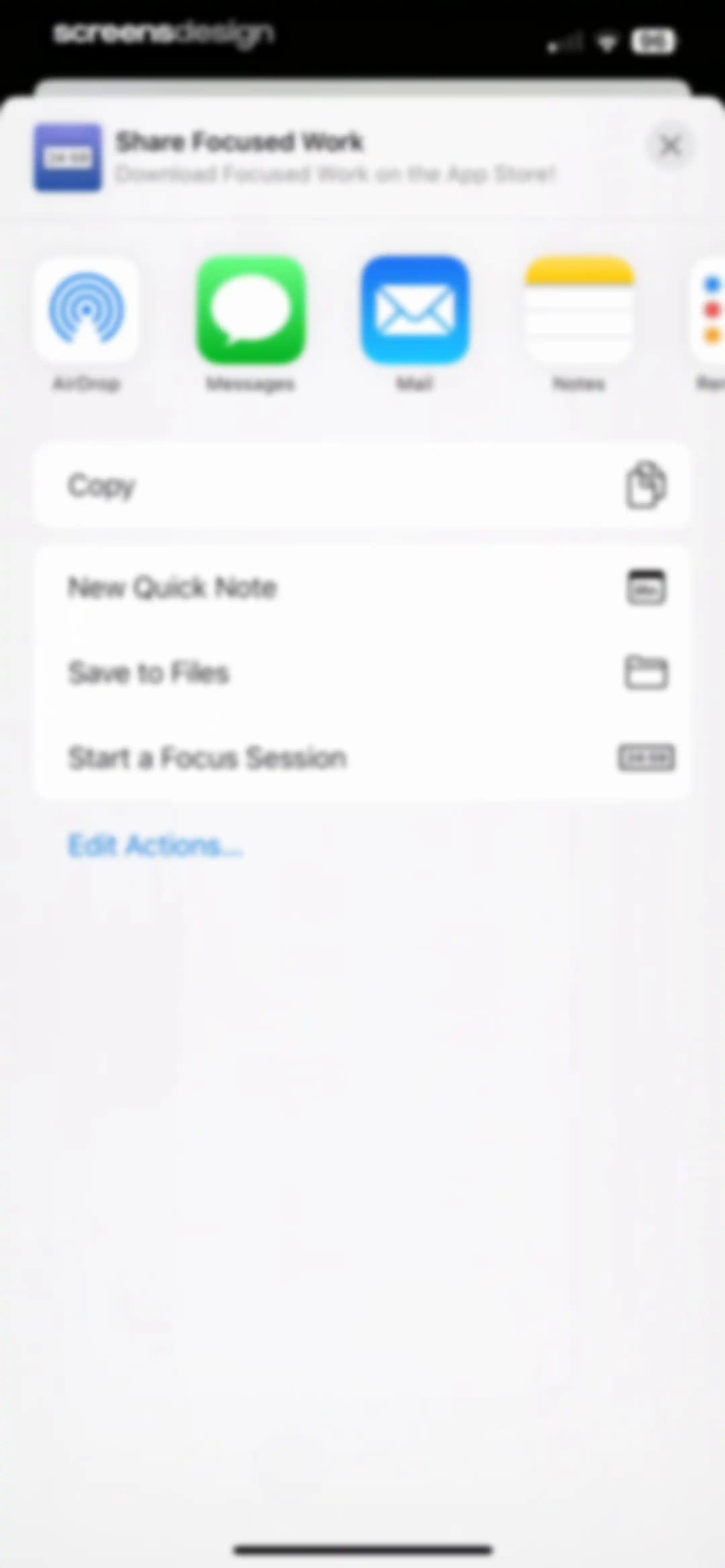
Share sheet for Focused Work with a horizontal app icon row, a list of actions including Start a Focus Session, and an Edit Actions link.Unlock Pro

About Focused Work - Pomodoro Timer

A highly customizable productivity timer app helping users manage focus sessions, track goals, and build healthy work habits.

Explore Focused Work - Pomodoro Timer across ScreensDesign

Apps similar to Focused Work - Pomodoro Timer
Unlock all similar apps

See every comparable app, revenue, installs, and flows.

Unlock Pro
  • Bento: The Do Less Timer

    4.1
    Keep Productive LtdRevenue$<5kInstalls<5k
  • Focus Keeper - Pomodoro Timer

    4.8
    PIXO IncorporationRevenue$<5kInstalls<5k
  • FocusFlight - Deepfocus Timer

    4.9
    Cement Planet LTDRevenue$45kInstalls100k
  • Forest: Focus for Productivity

    4.8
    SEEKRTECH CO., LTD.Revenue$50kInstalls150k
  • OffScreen: Screen Time Control

    4.4
    MD StudioRevenue$<5kInstalls15k
  • Focus Traveller - Flow Timer

    4.9
    WEI JEN CHENRevenue$5kInstalls25k
  • To Do List MinimaList & Widget

    4.8
    Davetech Co., Ltd.Revenue$5kInstalls95k
  • Focus Friend, by Hank Green

    4.8
    B-Tech Consulting Group LLCRevenue$150kInstalls15k
  • TimeBloc - Daily Planner

    4.3
    Reflective Technologies ApSRevenue$<5kInstalls<5k
  • Focustown: Pomodoro Timer

    4.8
    Second Round Inc.Revenue$45kInstalls50k
  • Focus Tree: Timer & Flashcards

    4.7
    Focus LabsRevenue$<5kInstalls10k
  • Freedom: Screen Time Control

    4.4
    Eighty Percent SolutionsRevenue$100kInstalls13k
  • Planner Pro - Daily Planner

    4.5
    Beesoft AppsRevenue$10kInstalls<5k
  • AppBlock: Block Apps & Website

    4.6
    MobileSoft s.r.o.Revenue$100kInstalls35k
  • Habit Tracker

    4.8
    Davetech Co., Ltd.Revenue$150kInstalls250k
  • Productive - Habit Tracker

    4.6
    Easy Tiger Apps, LLC.Revenue$20kInstalls<5k
  • Hours Tracker: Time Tracking

    4.8
    Cribasoft, LLCRevenue$70kInstalls<5k
  • OmniFocus 4

    4.0
    The Omni GroupRevenue$<5kInstalls<5k
  • Interval Timer □ HIIT Timer

    4.8
    Float Tech, LLCRevenue$55kInstalls30k
  • Reset - Reset Your Life

    3.5
    Alex Slater
  • Opal: Screen Time Control

    4.7
    Opal OSRevenue$500kInstalls200k
  • TickTick:To-Do List & Calendar

    4.9
    Appest LimitedRevenue$450kInstalls200k
  • Todoist: To Do List & Calendar

    4.8
    Doist Inc.Revenue$300kInstalls50k
  • Structured: Daily Planner Todo

    4.8
    unorderly GmbHRevenue$300kInstalls350k
  • Brainrot: Screen Time Control

    4.5
    Yonatan SmolyarRevenue$55kInstalls150k
  • My Timetable: Class Schedule

    4.6
    Kodeon, Inc.Revenue$<5kInstalls15k
  • Lock In - Reset Your Life

    4.7
    Omega Labs, LLCRevenue$85kInstalls45k
  • Photo Organizer: FocusClean

    4.3
    Ultra Logic LimitedRevenue$35kInstalls<5k
  • Countdown

    4.8
    Find Appiness LLCRevenue$15kInstalls300k
  • minimalist phone ® Block Apps

    4.6
    Focus ExpertsRevenue$50kInstalls70k
  • Weekly Planner - Diary, Notes

    4.7
    Digital Legal TechRevenue$40kInstalls40k
  • Tiimo: To-Do List Planner

    4.6
    tiimoRevenue$250kInstalls65k
  • Calendars: Schedule Planner

    4.7
    Readdle Technologies LimitedRevenue$250kInstalls150k
  • Fantastical Calendar

    4.2
    Flexibits Inc.Revenue$150kInstalls<5k
  • Onrise: Habit Tracker & Focus

    4.8
    Maximilian MunkerRevenue$<5kInstalls<5k
  • (Not Boring) Vibes

    4.8
    Not Boring Software LLCRevenue$<5kInstalls<5k
  • Inflow - Manage Your ADHD

    4.4
    Get Inflow Ltd.Revenue$15kInstalls<5k
  • Evernote: AI Notes & Notebook

    4.4
    Evernote CorporationRevenue$750kInstalls25k
  • Grow: Health & Fitness

    4.7
    Learn For Fun LimitedRevenue$150kInstalls200k
  • Photoroom: AI Photo Editor

    4.8
    ARTIZANS OF PHOTO VIDEO BACKGROUND EDITOR APPRevenue$2MInstalls450k
  • Clarify: Focus & Task Manager

    4.3
    FabulousRevenue$<5kInstalls<5k
  • (Not Boring) Timer

    4.8
    Not Boring Software LLCRevenue$<5kInstalls<5k
  • Routine Planner, Habit Tracker

    4.7
    Routinery Corp.Revenue$35kInstalls<5k
  • Do Habits: Get It Done

    4.0
    Reflective Technologies ApSRevenue$<5kInstalls<5k
  • Blockin -Screen Time for Focus

    4.6
    Noova Inc.Revenue$15kInstalls15k
  • Critique AI: Habit Tracker

    4.7
    With BytesRevenue$10kInstalls45k
  • TIDE: Sleep, Focus, Meditation

    4.8
    Moreless, Inc.Revenue$55kInstalls50k