Comet - AI Browser & Assistant

$<5k revenue, 4.8 rating

App Intro Animation
0:00 / 11:44

Onboarding flow, Paywall & Inside the App

Watch the full screen-by-screen UX video of Comet - AI Browser & Assistant with onboarding, paywall, and every core flow.

Splash screen for the Comet app featuring a centered logo on a dark, star-patterned background.
Splash screen with a dark, abstract cosmic background featuring glowing red, orange, and teal light spheres in a black void.
Splash screen for the Comet app featuring a centered white logo against a dark starry background.
Onboarding screen for the Comet browser with a centered logo, tagline, and a teal Continue button at the bottom.
Dark mode onboarding screen introducing AI video summarization with a preview card and a Continue button.
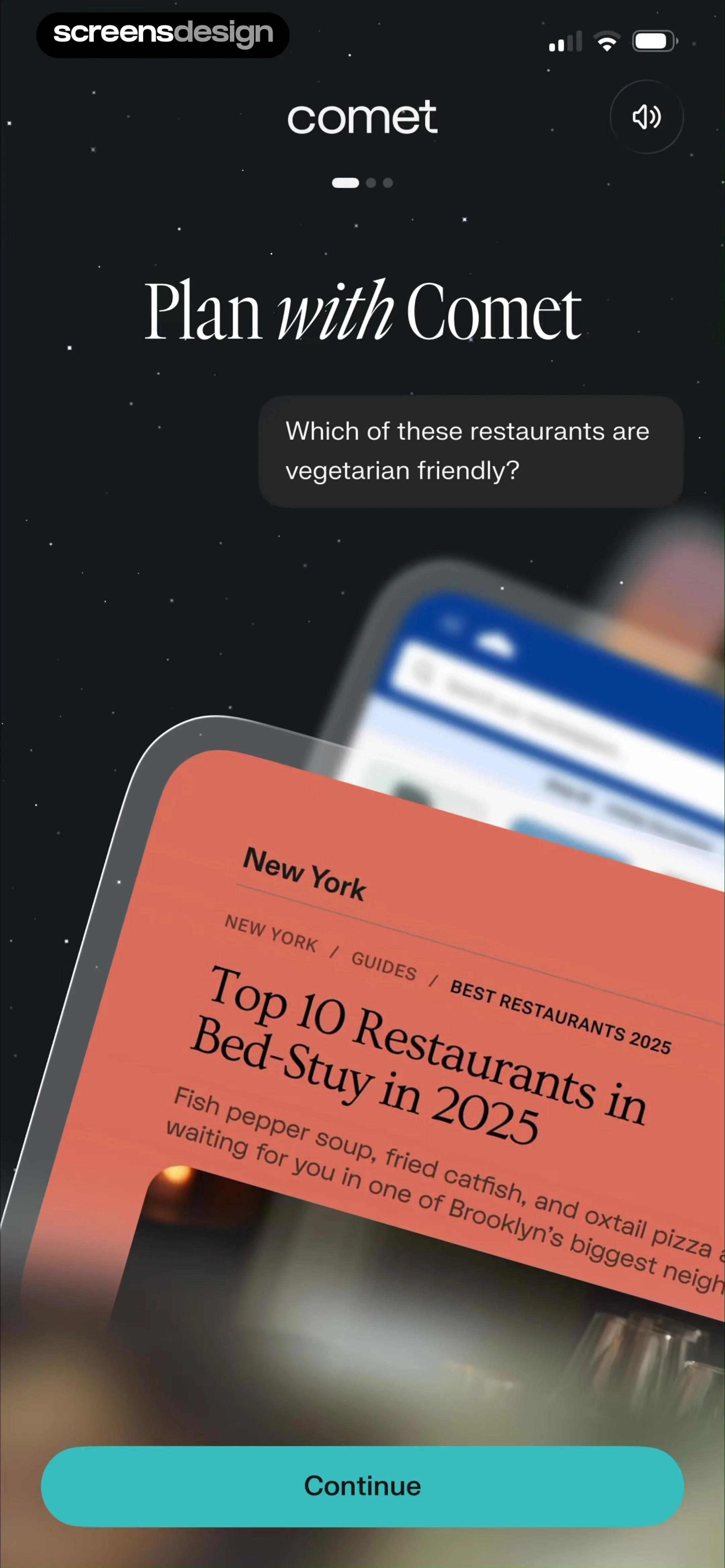
Comet app onboarding screen featuring an AI planning prompt, a tilted restaurant guide card, and a Continue button.
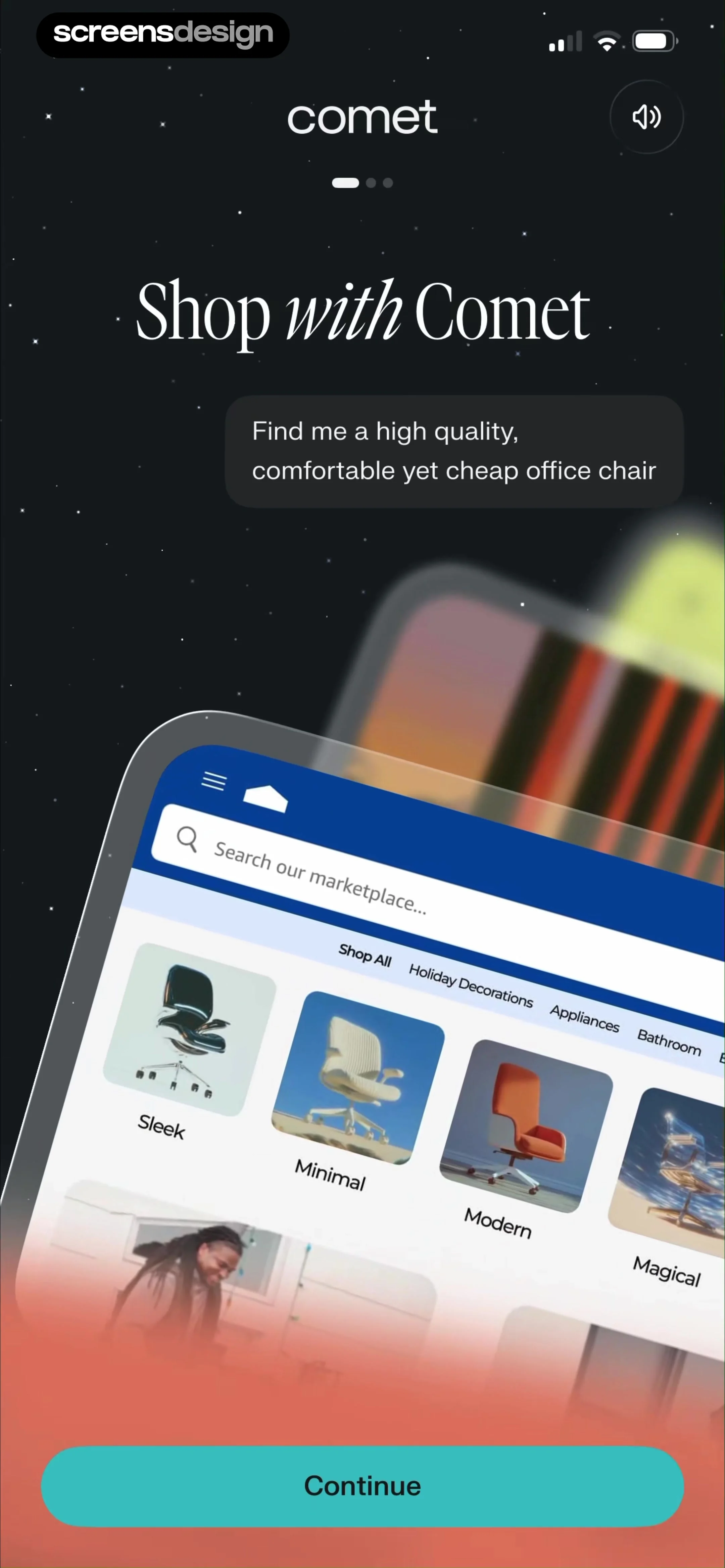
Comet app onboarding screen introducing AI shopping capabilities, featuring a product mockup and a Continue button.
Comet sign-up screen featuring Perplexity integration, authentication options, and a sign-in later link at the bottom.
Email sign-in form for the Comet app showing a filled email address and a Continue button in dark mode.Unlock Pro
Email verification screen with instructions sent to screensdesigntest@gmail.com and an Enter code manually link.Unlock Pro
Email verification form with the code 2399 entered, a disabled Continue button, and a numeric keypad at the bottom.Unlock Pro
Browser onboarding screen promoting ad-free browsing with a Try as default button and a Later option.Unlock Pro
Permissions prompt from the Comet app to switch the default browser, featuring a dark theme and an Open settings button.Unlock Pro
Onboarding screen for the Comet app in dark mode, displaying the value proposition Browse with intelligence and pagination dots.Unlock Pro
Home screen featuring a dark theme with a central new tab card and a floating bottom navigation dock.Unlock Pro
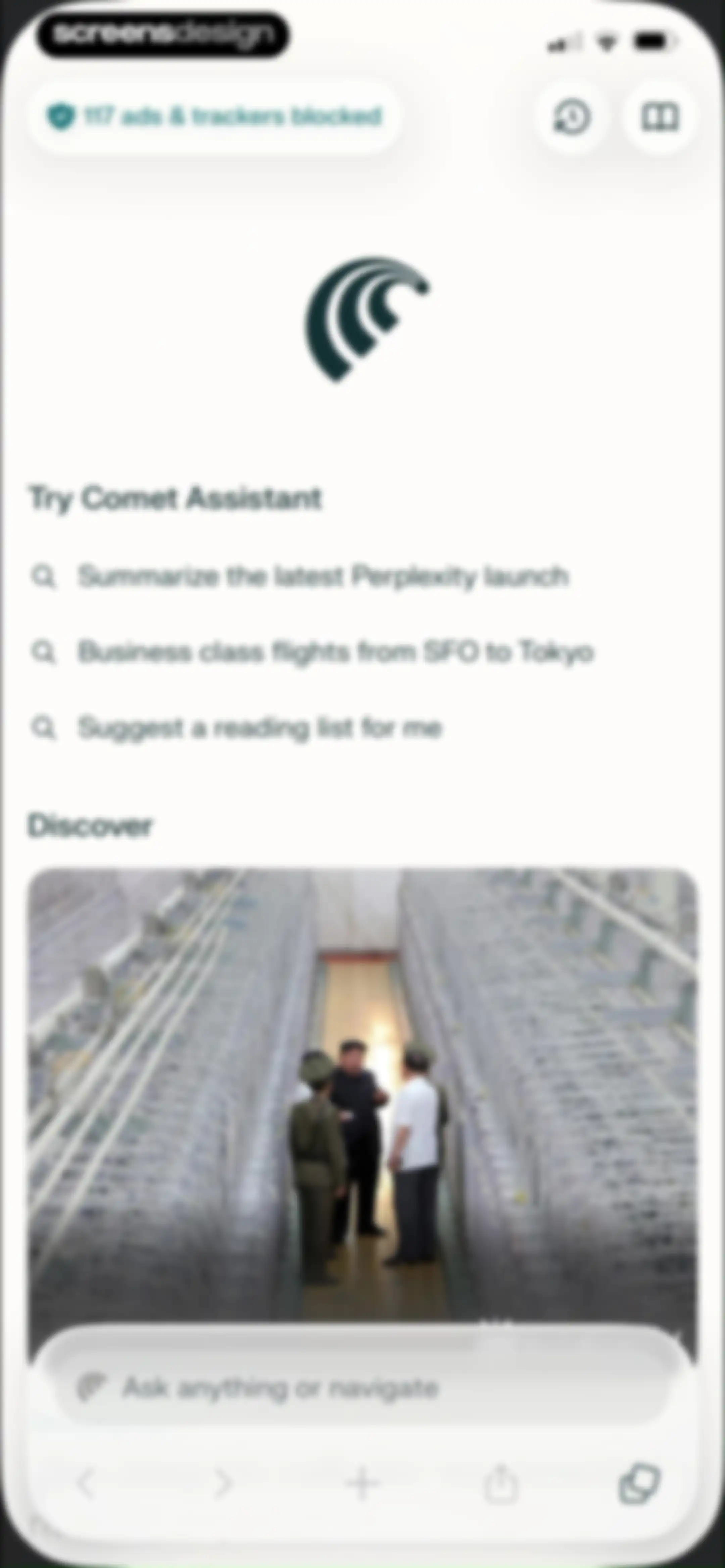
Browser home screen featuring suggested search queries, a discover image, a bottom search bar, and a navigation dock.Unlock Pro
Search screen with an active text input for Screensdesign, an Ask AI option, a list of search suggestions, and a system keyboard.Unlock Pro
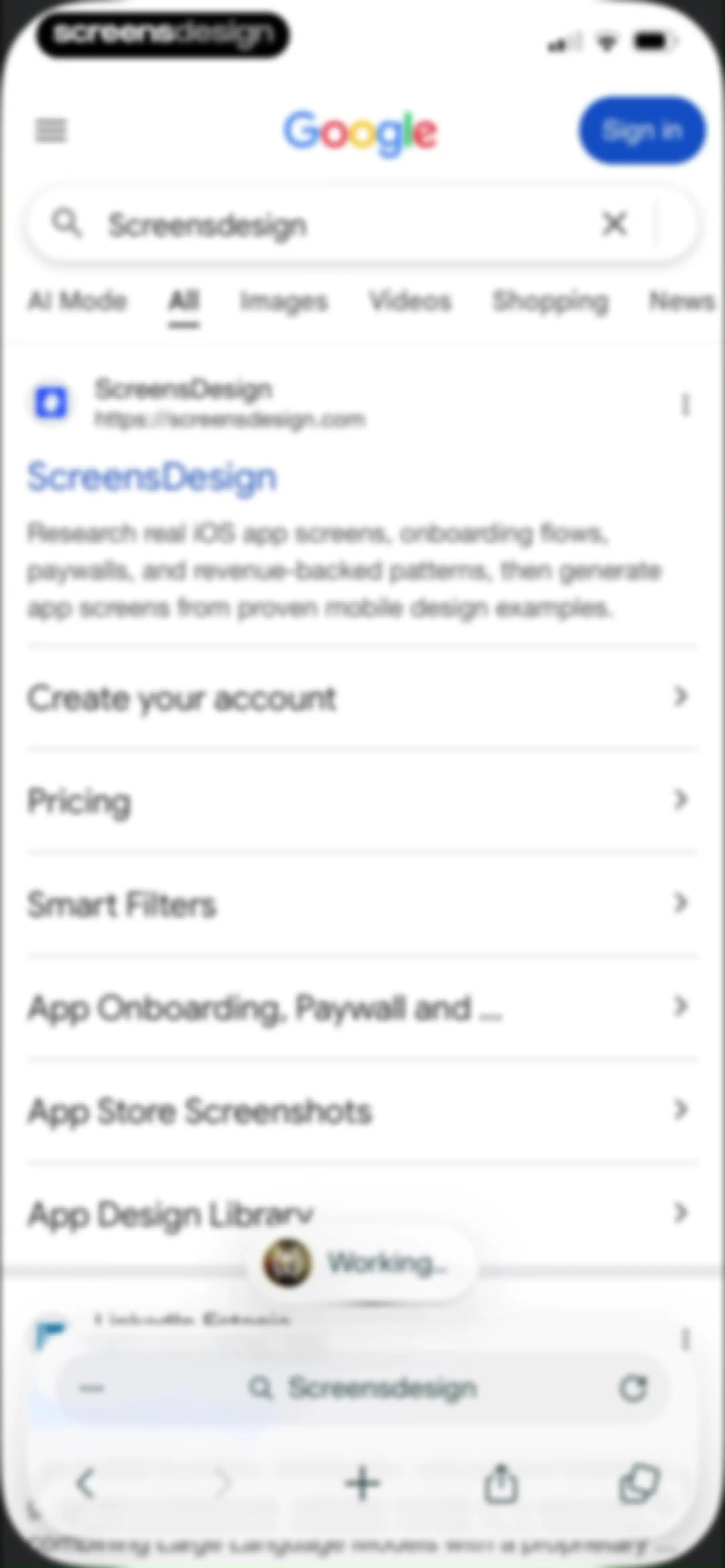
Mobile browser search results page for Screensdesign with a floating AI working indicator and a bottom browser navigation bar.Unlock Pro
Search results page for Screensdesign with a feature table and a bottom-anchored AI follow-up input field.Unlock Pro
AI browser search results screen displaying information about Screensdesign, a promotional card with a Learn more button, and a bottom follow-up input field.Unlock Pro
Chat interface showing a response about screensdesign.com features with a bottom input bar and keyboard overlay.Unlock Pro
AI chat interface showing a conversation with citations about app platform focus, a top floating mode switcher, and a bottom browser navigation bar.Unlock Pro
AI chat screen displaying a search response about UI design patterns, an action toolbar, suggested follow-up questions, and a bottom input field.Unlock Pro
AI chat screen displaying a detailed text response about mobile onboarding patterns, with a query bubble and a bottom input bar.Unlock Pro
Search results screen displaying web results for Screensdesign with a top category control and bottom search bar.Unlock Pro
Mobile browser search results displaying a grid of images for the query Screensdesign with a top segmented control and a bottom navigation bar.Unlock Pro
Browser search screen with a top sites grid, a floating search bar containing text, and the system keyboard.Unlock Pro
Mobile browser search results screen displaying a list of links for ScreensDesign and a bottom navigation toolbar.Unlock Pro
Mobile browser search results page with a bottom sheet overlay displaying action options including Summarize and Ask about this page.Unlock Pro
New bookmark form showing the page details, a location selector set to Mobile bookmarks, and a system keyboard.Unlock Pro
Folder selection modal for bookmarks with Mobile bookmarks selected and a confirm button.Unlock Pro
Mobile browser search results screen with an active system share sheet modal overlay at the bottom displaying various sharing and utility options.Unlock Pro
Chat screen displaying an AI-generated summary of a webpage with a bottom follow-up input field and source attribution.Unlock Pro
Chat interface displaying an AI assistant response with source attributions and a bottom input field for follow-up questions.Unlock Pro
AI assistant response screen showing a search summary, a text copied confirmation toast, and a bottom input bar for follow-up questions.Unlock Pro
Chat screen showing an AI assistant modal with a Summarize this page button, a text input field, and an active system keyboard.Unlock Pro
AI model selection modal with a vertical list of available models, with the Best option selected.Unlock Pro
Subscription paywall comparing Pro and Max plans with a feature comparison table, yearly discount badge, and Get Pro button.Unlock Pro
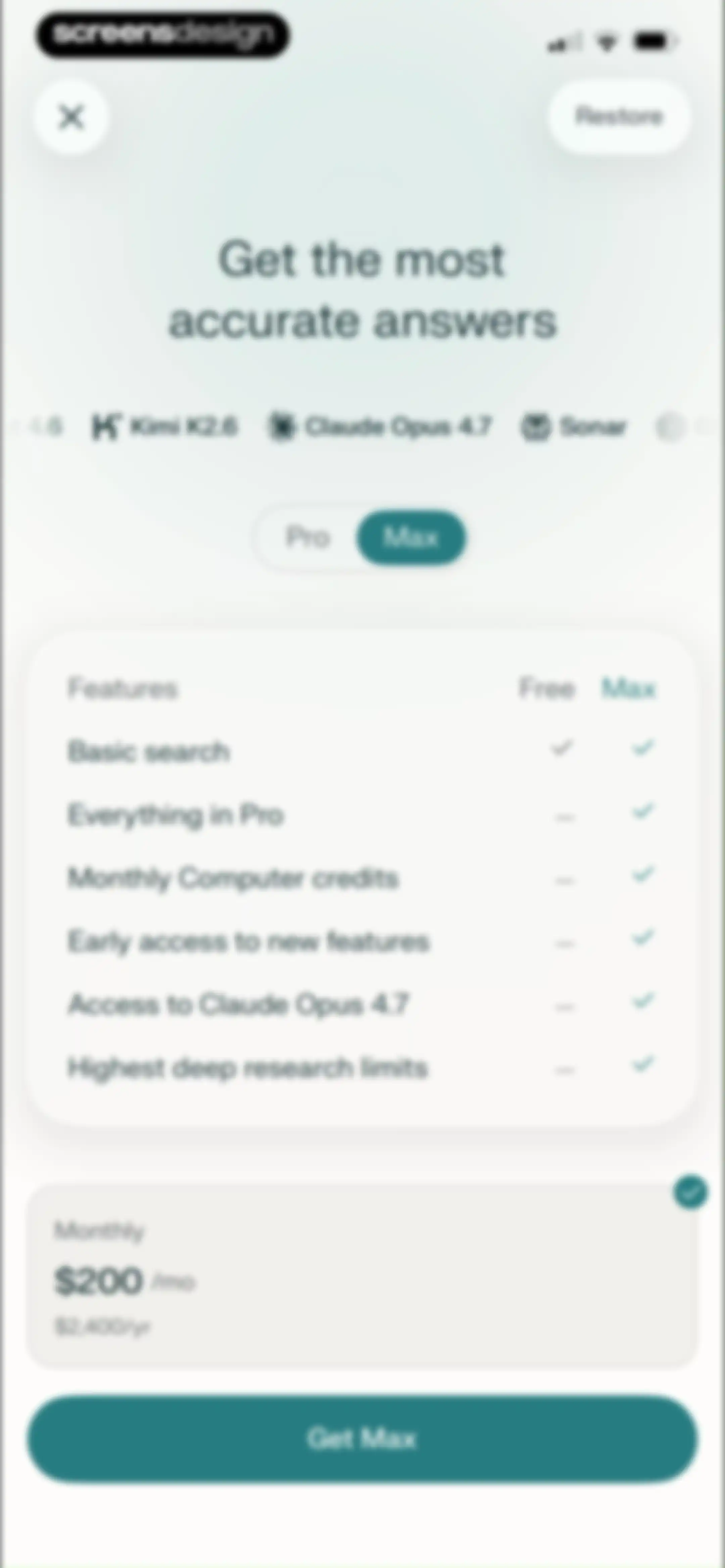
Paywall screen comparing Pro and Max subscription tiers with a feature table, monthly pricing card showing $200 per month, and a Get Max button.Unlock Pro
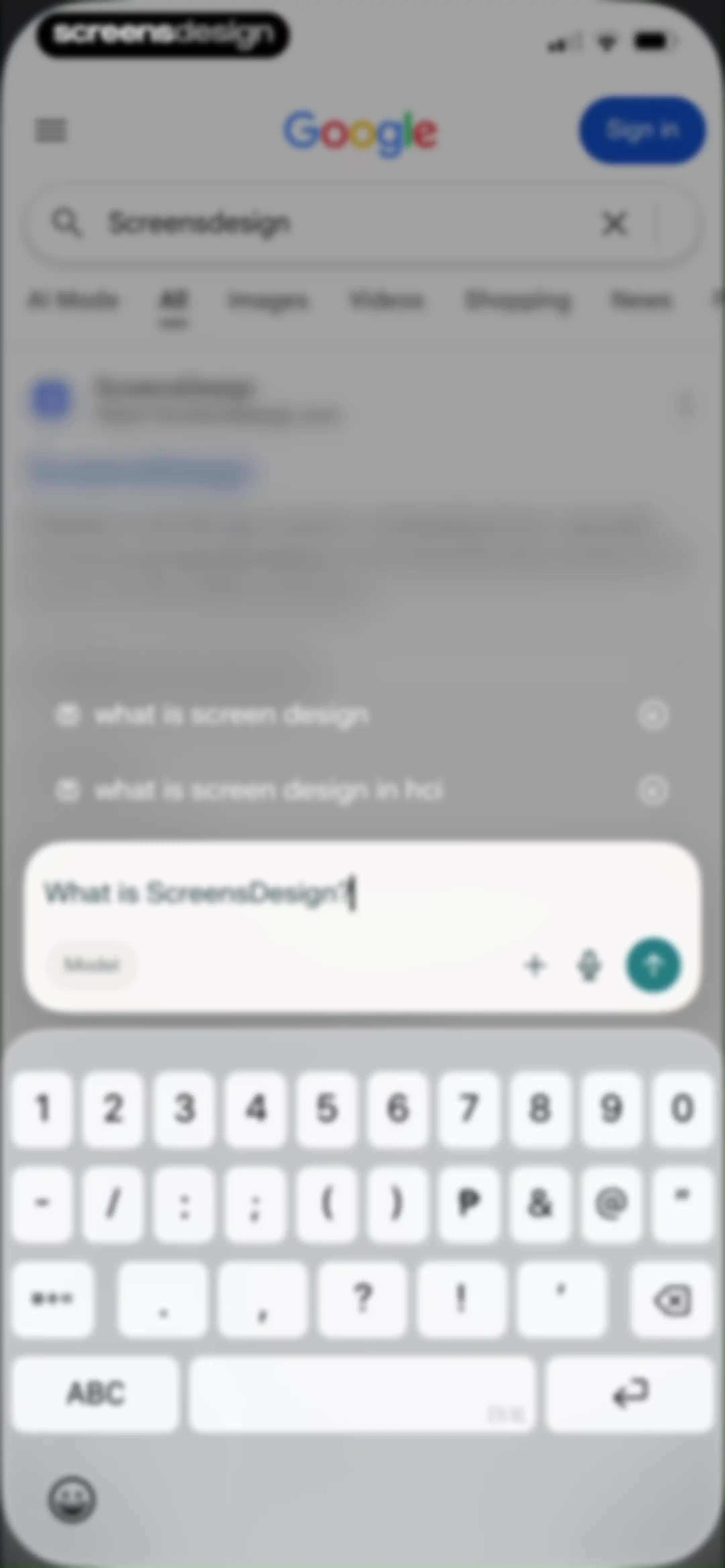
Mobile search screen displaying search results, a floating AI chat modal with an input query, and a bottom keyboard.Unlock Pro
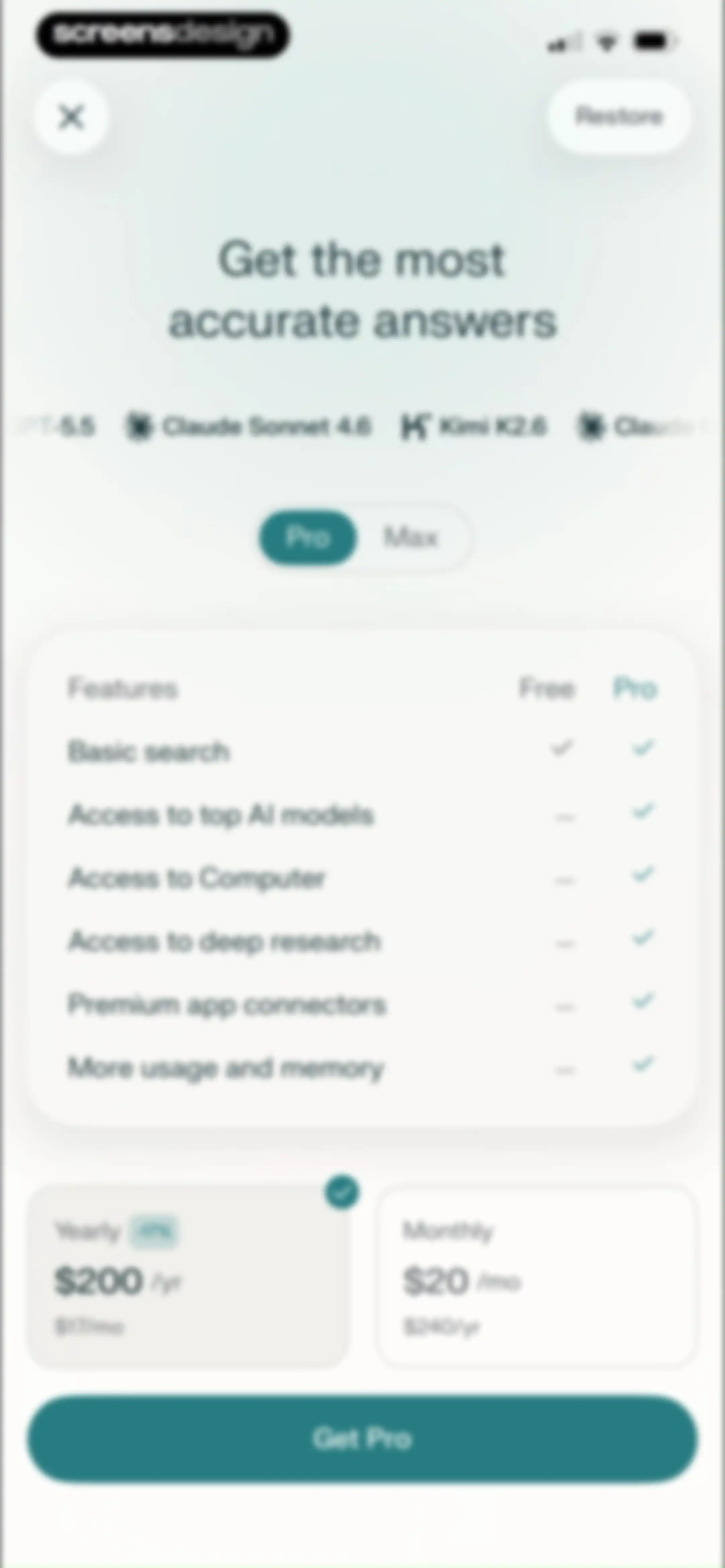
Paywall screen comparing monthly and annual plans with a feature comparison table, yearly plan selected, and a Get Pro button.Unlock Pro
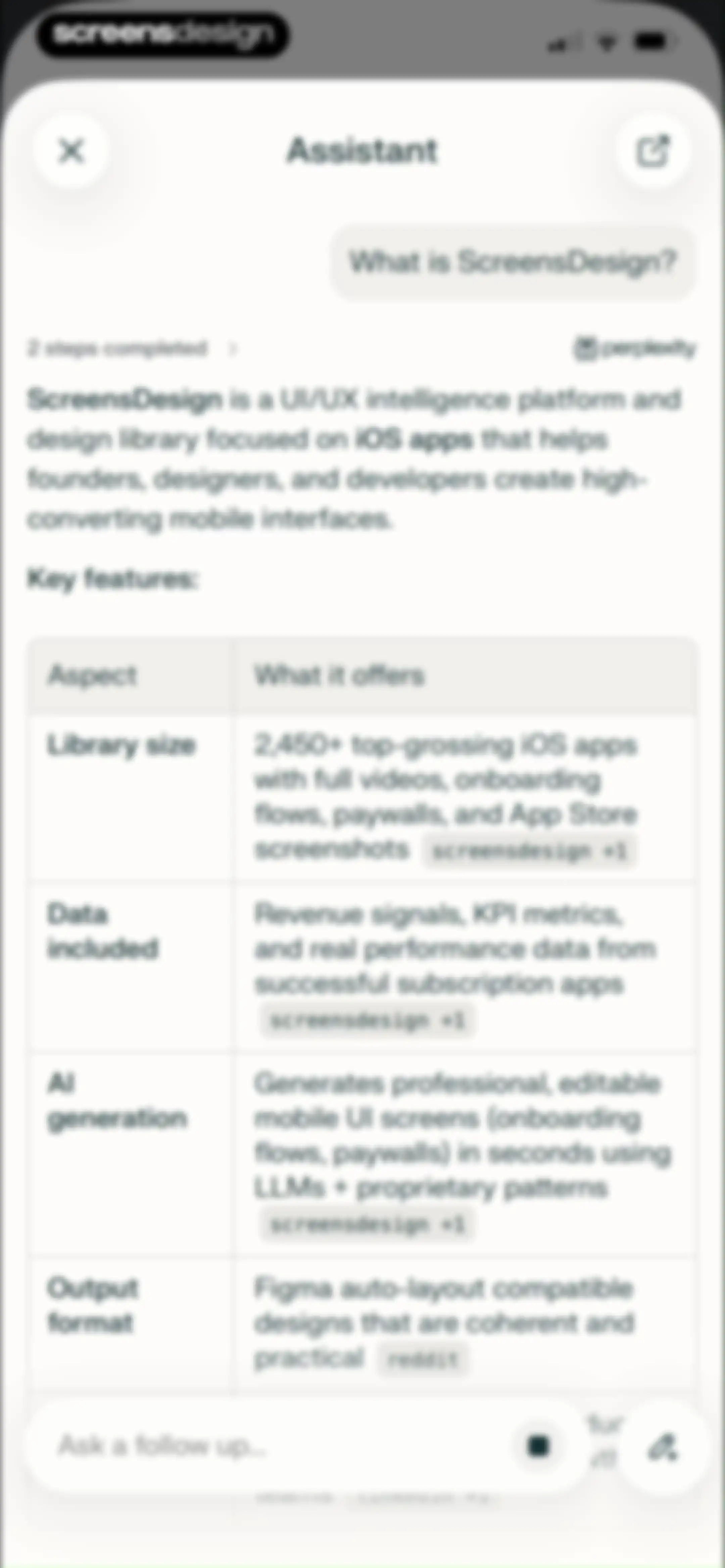
Chat assistant interface displaying an AI-generated response about ScreensDesign with a key features table and a bottom input field.Unlock Pro
Mobile browser search results page displaying web links and image previews for the query Screensdesign.Unlock Pro
Mobile browser search results page with a bottom zoom text control modal set to 100 percent.Unlock Pro
Mobile browser search results list with a find-in-page overlay showing the query UI and a system keyboard.Unlock Pro
Mobile browser search interface with a find-in-page overlay, whole words and match case toggles, and an active system keyboard.Unlock Pro
Browser home screen displaying a privacy indicator, AI prompt suggestions, a search bar, and a Discover content card.Unlock Pro
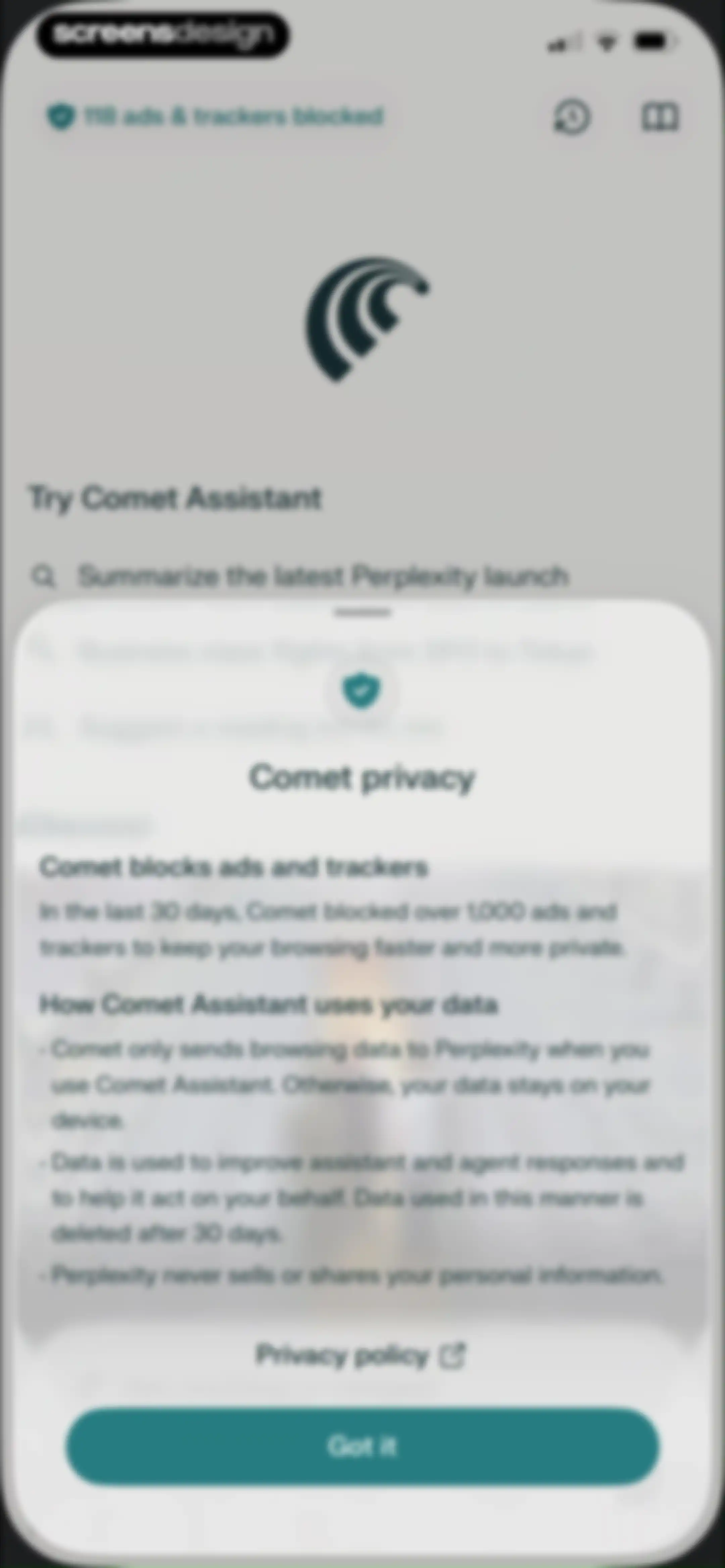
Privacy disclosure modal explaining ad blocking and data usage for Comet Assistant, with a Got it button.Unlock Pro
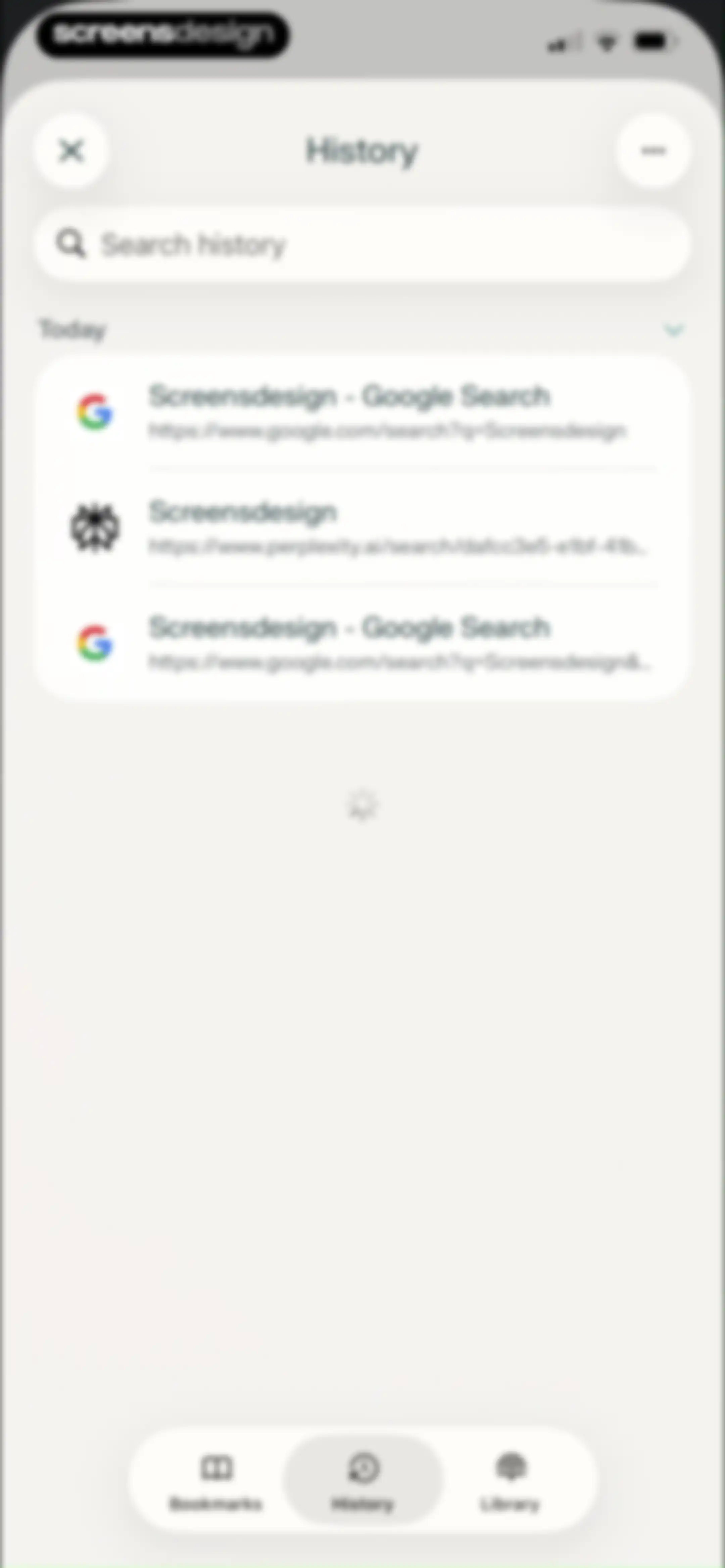
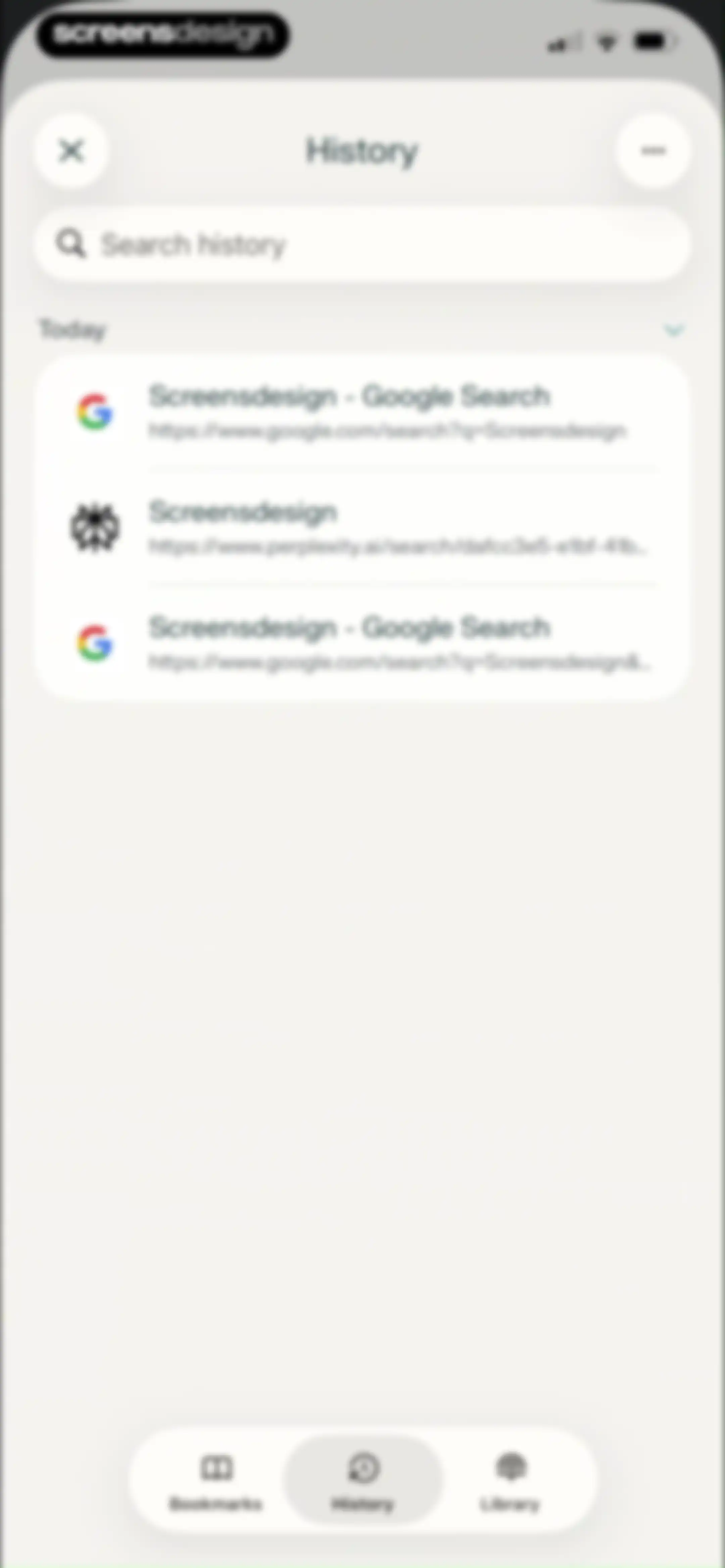
History screen with a search bar, a list of today's browsing records, and a bottom navigation bar.Unlock Pro
Mobile browser search results page displaying a search card for ScreensDesign and a vertical list of site navigation links.Unlock Pro
Mobile bookmarks screen displaying a search bar, a saved search bookmark card, and a bottom navigation bar.Unlock Pro
Mobile browser search results page overlaid with a system share sheet showing sharing options like AirDrop and Copy link.Unlock Pro
Browser tab management screen displaying a grid of open tabs in dark mode with a bottom navigation bar and a new tab button.Unlock Pro
Browser tab management menu overlaying a tab preview grid with options to copy links, duplicate, and close tabs.Unlock Pro
Browser tab management interface with a dark grid of four open tab previews and a bottom search bar.Unlock Pro
Microphone permission modal in the Comet app with Don't Allow and Allow buttons, overlaid on a background grid of browser tab previews.Unlock Pro
Perplexity chat screen displaying a Google attachment card, suggested queries about green design, and a bottom input bar.Unlock Pro
Browser tab management menu with options to copy, duplicate, or close tabs over a dark grid of open tabs and a bottom search bar.Unlock Pro
Dashboard displaying a dark mode browser tab preview grid with three active sessions and a bottom AI assistant panel.Unlock Pro
Browser tab switcher displaying three open tabs in a grid, an AI assistant overlay at the bottom, and a bottom navigation bar.Unlock Pro
Permissions settings screen featuring a modal to lock private tabs with passcode or biometrics, alongside Enable and No thanks buttons.Unlock Pro
Permission modal in the Comet browser asking to use Face ID for private tabs, with Allow and Don't Allow buttons.Unlock Pro
Dark-themed browser interface featuring a central Face ID authentication modal with a checkmark and the text Face ID.Unlock Pro
Home screen of a dark mode browser featuring a central new tab card and a bottom floating navigation dock.Unlock Pro
Browser home screen in dark mode with a central illustration and text stating Stay curious, incognito, and a bottom search bar.Unlock Pro
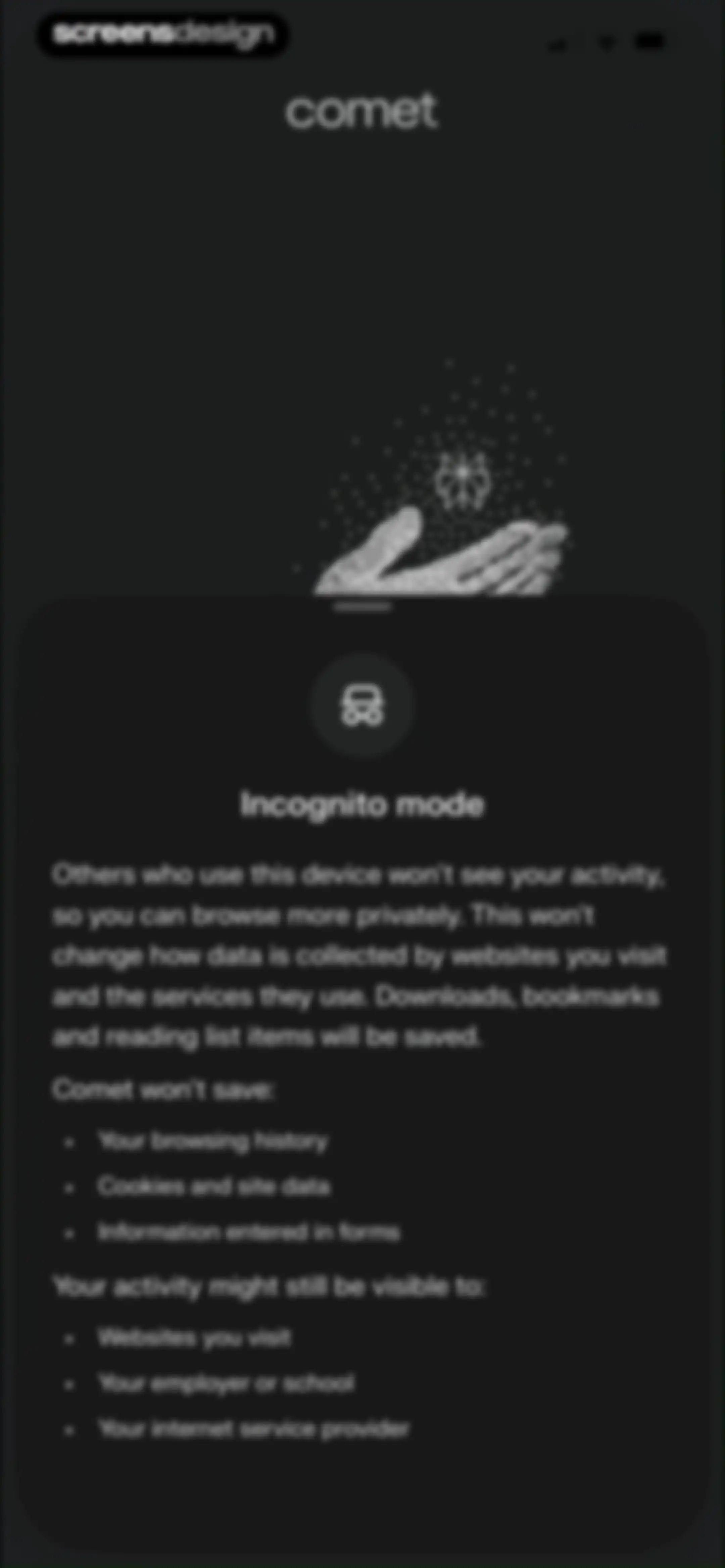
Comet browser Incognito mode informational modal explaining privacy implications, what data is saved, and who can still see activity.Unlock Pro
Dark-themed search screen displaying search suggestions, an AI ask prompt, history items, and a bottom input field with a keyboard.Unlock Pro
Mobile browser search results screen displaying Google search results for Screensdesign with category tabs and a bottom navigation toolbar.Unlock Pro
Home screen for Comet in dark mode with a central incognito illustration, Stay curious text, a Learn more button, and a bottom search bar.Unlock Pro
Dark mode browser tab management screen displaying open tab cards in a grid and a bottom navigation bar.Unlock Pro
Browser tab switcher featuring a grid of open tab previews and a bottom navigation bar on a dark background.Unlock Pro
Home screen prompting cross-device browsing synchronization with a Set up button and a floating bottom navigation dock.Unlock Pro
Browser sync setup modal displaying user account details and a Start new sync button.Unlock Pro
Browser sync settings screen displaying user account information, device options, a sync toggle, and red action buttons to leave or delete sync.Unlock Pro
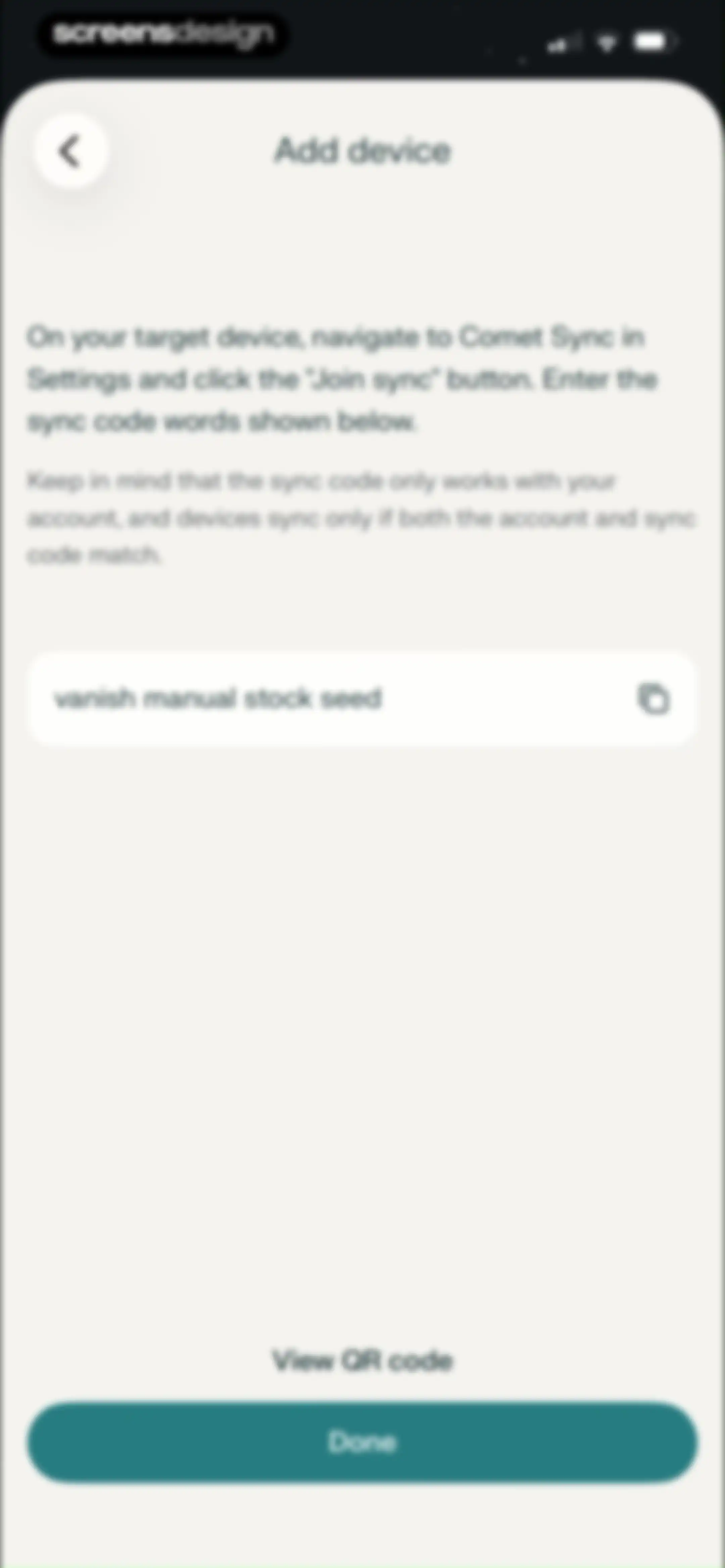
Add device screen displaying instructions and a four-word sync code card with a copy button and a Done action.Unlock Pro
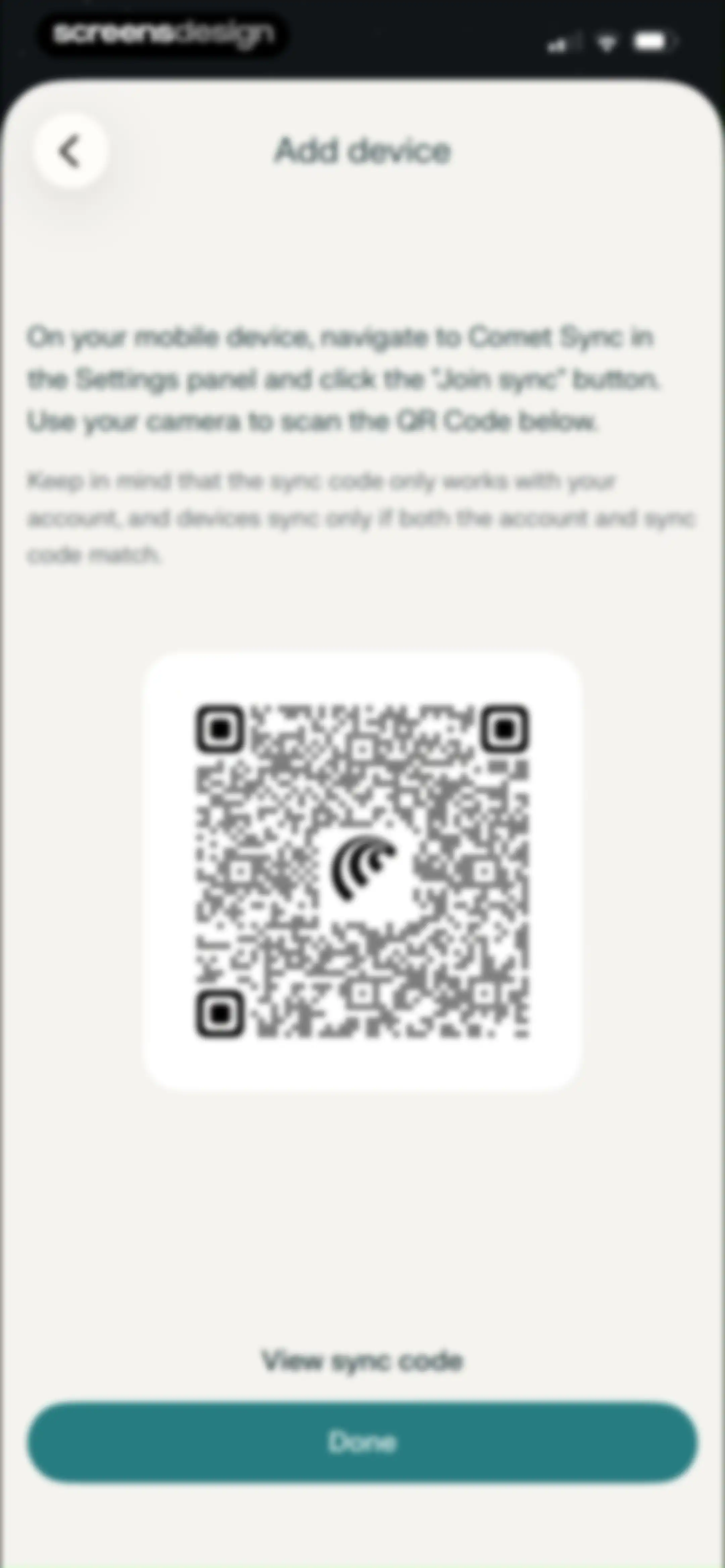
Add device screen displaying a large centered QR code with instructions to scan it for syncing, along with a View sync code link and a Done button.Unlock Pro
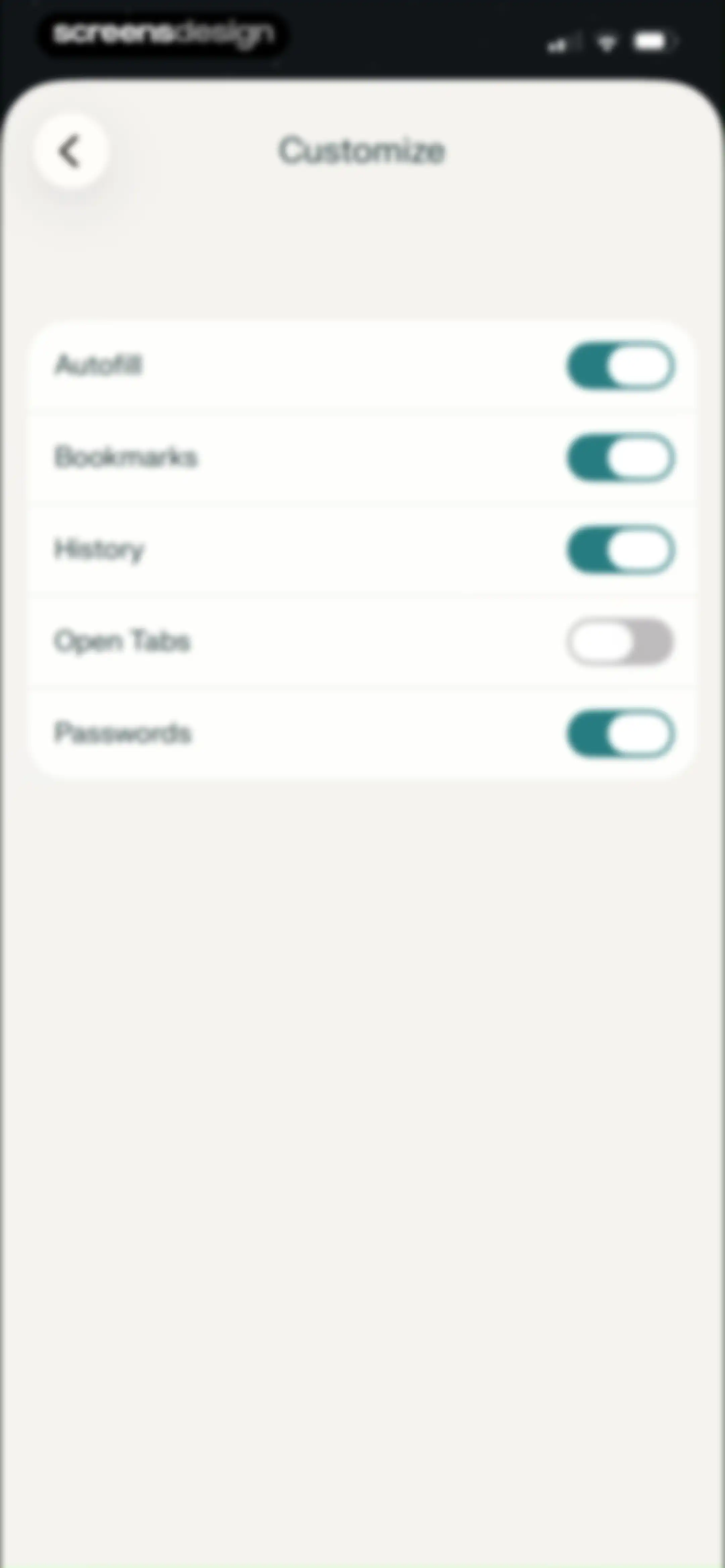
Customize settings modal displaying a vertical list of toggle switches for browser features including Autofill, Bookmarks, and Passwords.Unlock Pro
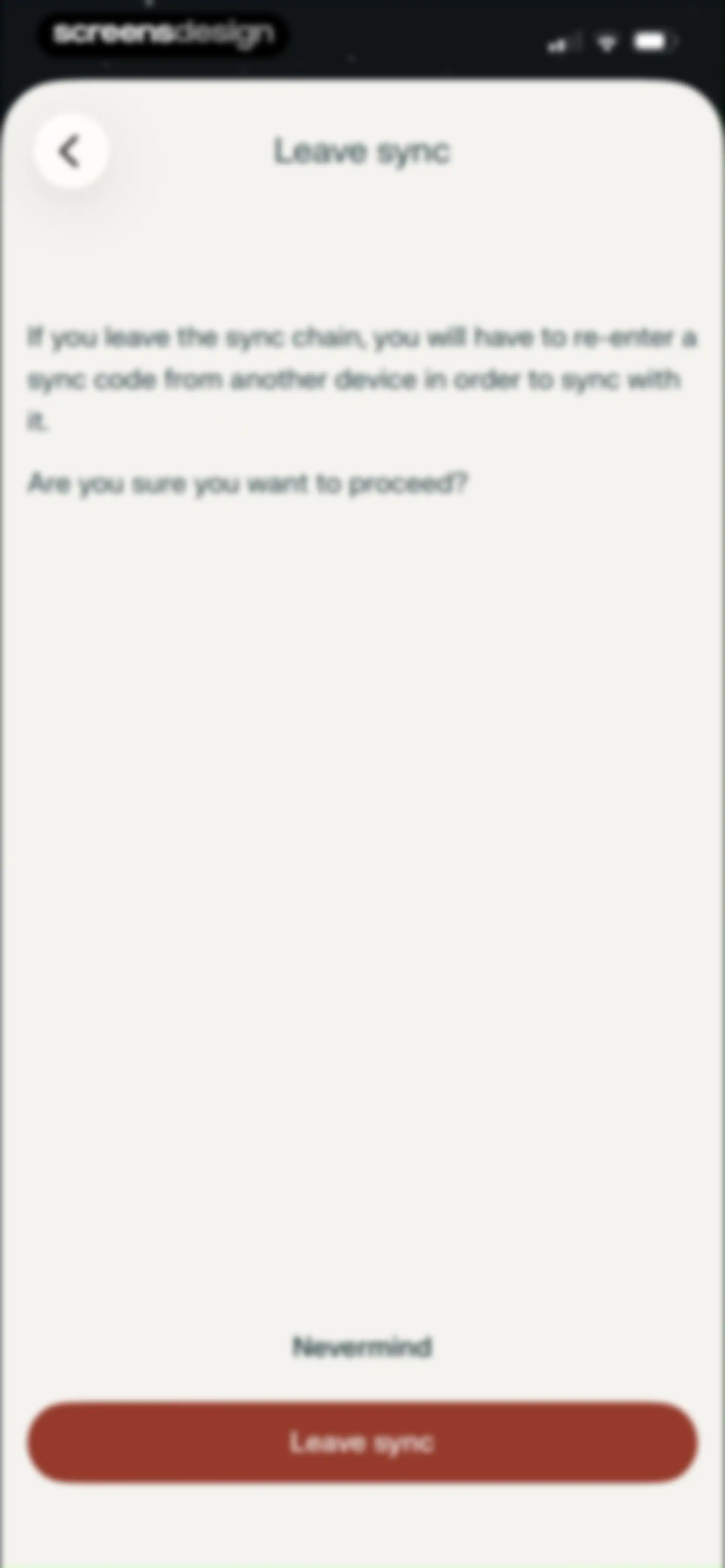
Confirmation modal warning about leaving a sync chain, featuring a descriptive message, a Nevermind button, and a Leave sync button.Unlock Pro
Permission screen displaying a system camera access request modal with Allow and Don't Allow buttons over a device syncing page.Unlock Pro
Device synchronization screen for Comet with the Scan QR option selected, instructional text, a large central placeholder, and a bottom link.Unlock Pro
Device synchronization screen titled Add device with the Add sync code option selected, an empty sync code input field, and a disabled Done button.Unlock Pro
Browser home screen displaying a recently closed tabs section, suggested AI search queries, and a floating search bar with privacy statistics at the top.Unlock Pro
History screen displaying a search bar and a list of browsing records grouped by date, with the History tab selected in the bottom navigation bar.Unlock Pro
History screen listing recent browsing activity under today's date, with a search bar and a bottom navigation bar.Unlock Pro
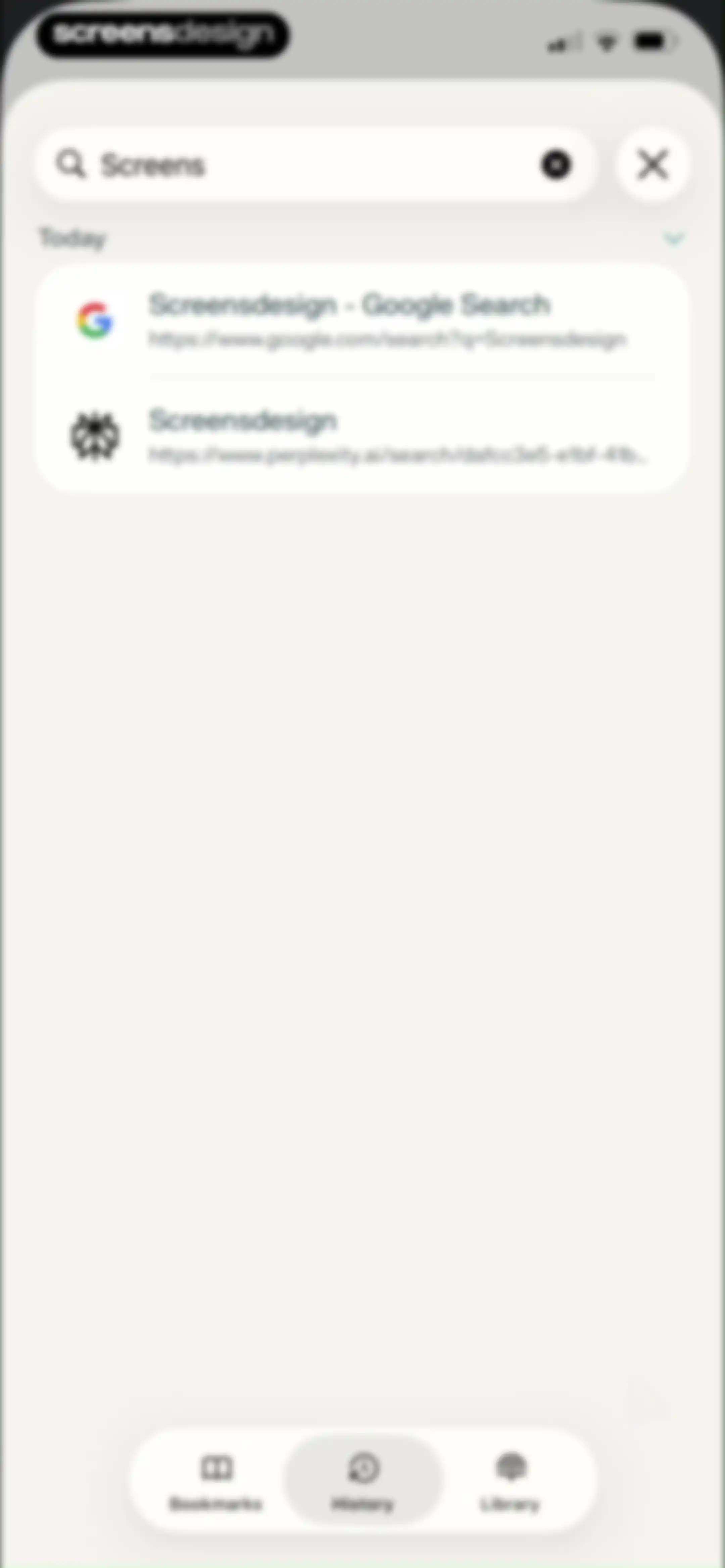
Search and history screen displaying a list of today's browsing items with the History tab selected in the bottom navigation bar.Unlock Pro
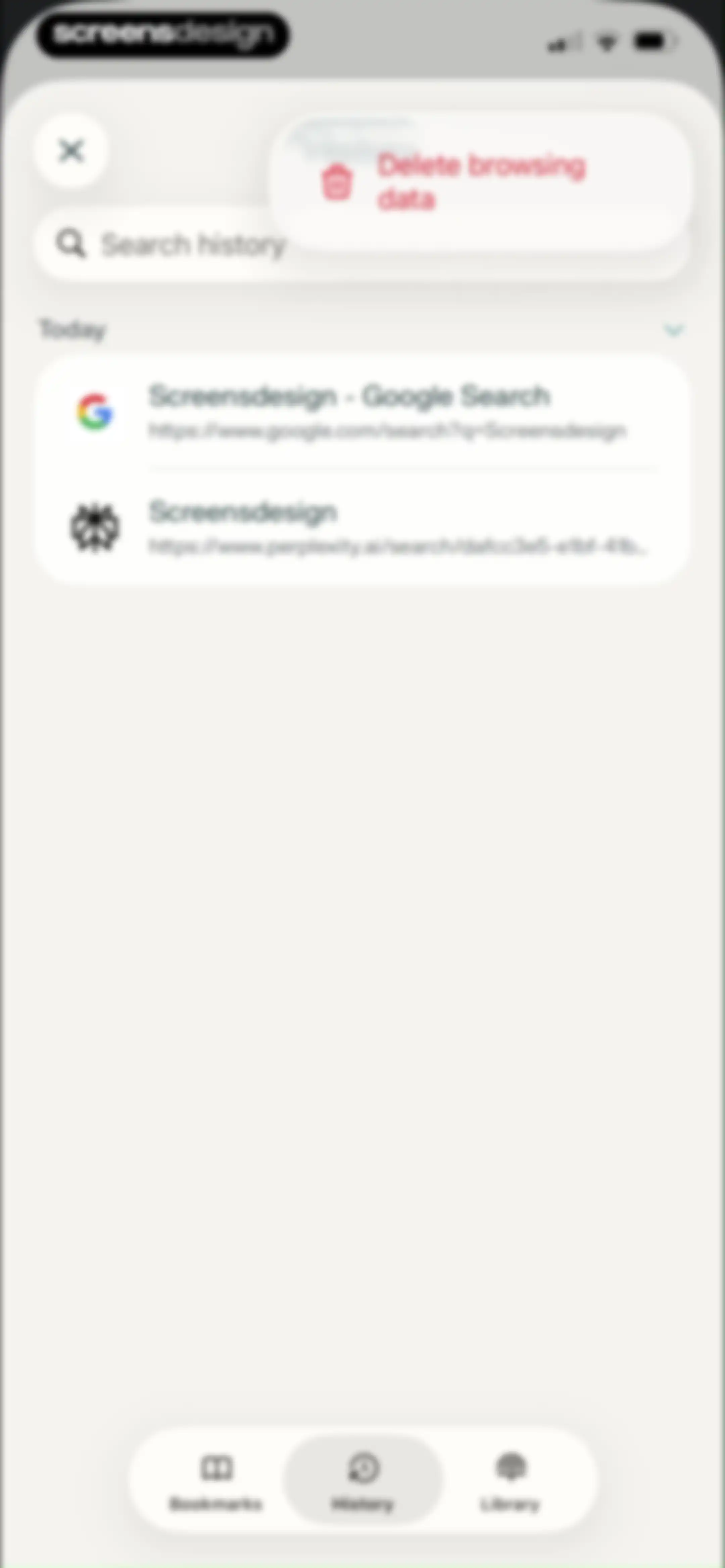
Browsing history screen displaying a list of recent items grouped by date, with a search bar and a Delete browsing data button.Unlock Pro
Settings screen with a bottom sheet overlay for deleting browsing data, featuring a time period selector and a Delete browsing data button.Unlock Pro
Browser history screen displaying a time period selection modal with Last 15 minutes currently selected.Unlock Pro
Mobile bookmarks list with a search input field, a saved Google Search bookmark, and a bottom navigation bar.Unlock Pro
Bookmarks screen displaying a search bar, a saved link entry for Screensdesign, and a bottom navigation bar.Unlock Pro
Folder creation form with a prefilled name field and a location selector for mobile bookmarks.Unlock Pro
Mobile browser bookmark list with an active context menu overlay displaying options including copy, edit, and delete.Unlock Pro
Search results page for Screensdesign with a top search bar, category tabs, list of results, and a floating AI assistant panel.Unlock Pro
Content feed displaying a scrollable list of past AI chat threads, a search bar at the top, and a bottom navigation bar with the Library tab selected.Unlock Pro
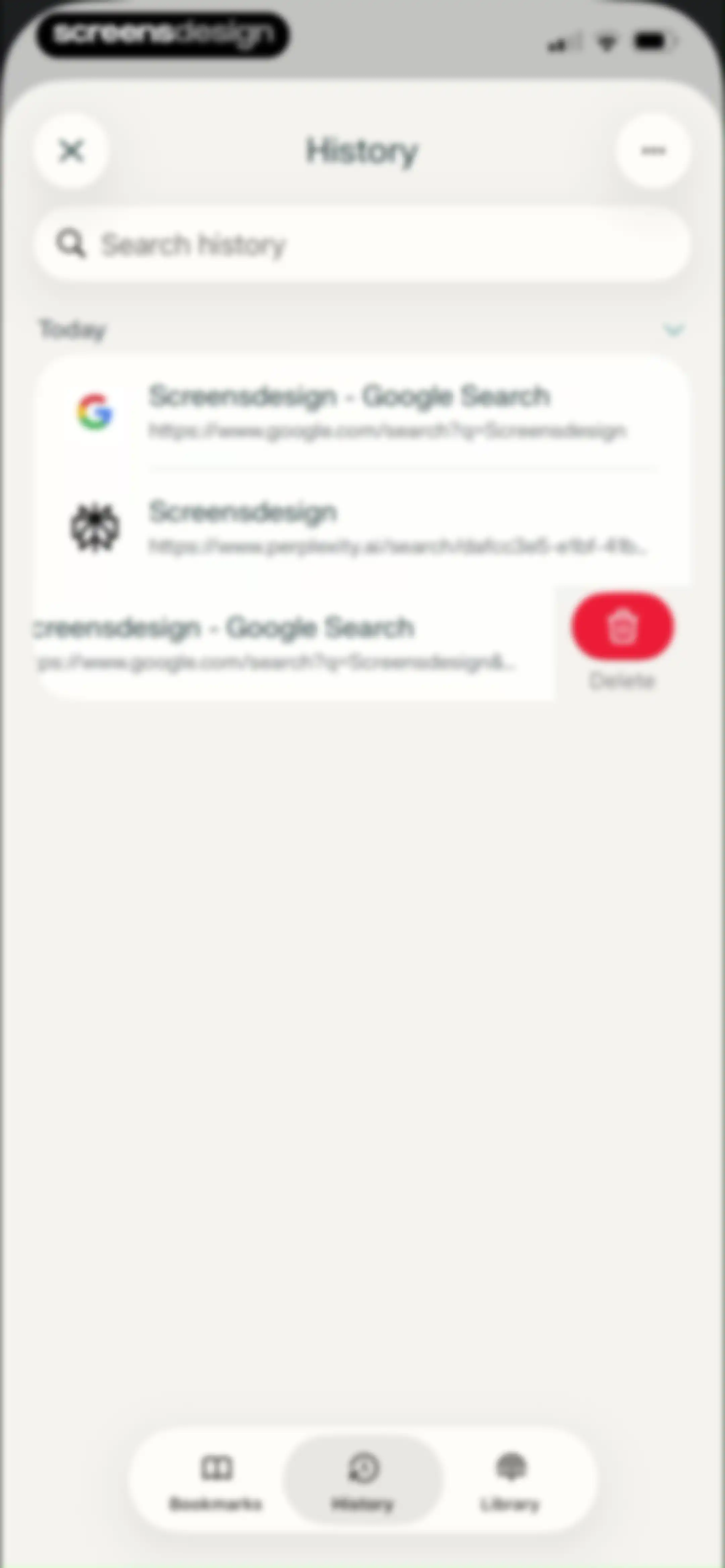
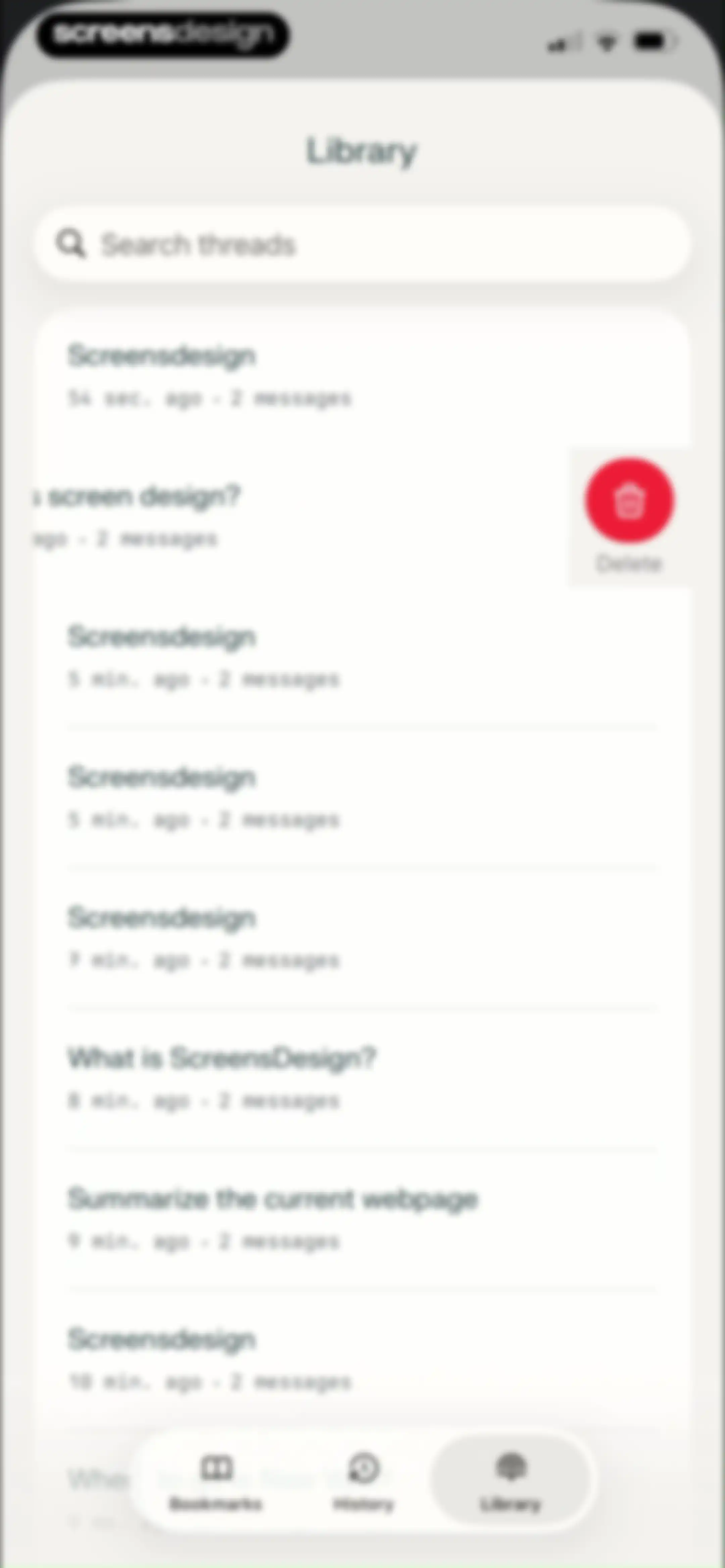
Library content feed displaying a searchable list of past chat threads, with one thread showing a red Delete button and the Library tab selected in the bottom navigation bar.Unlock Pro
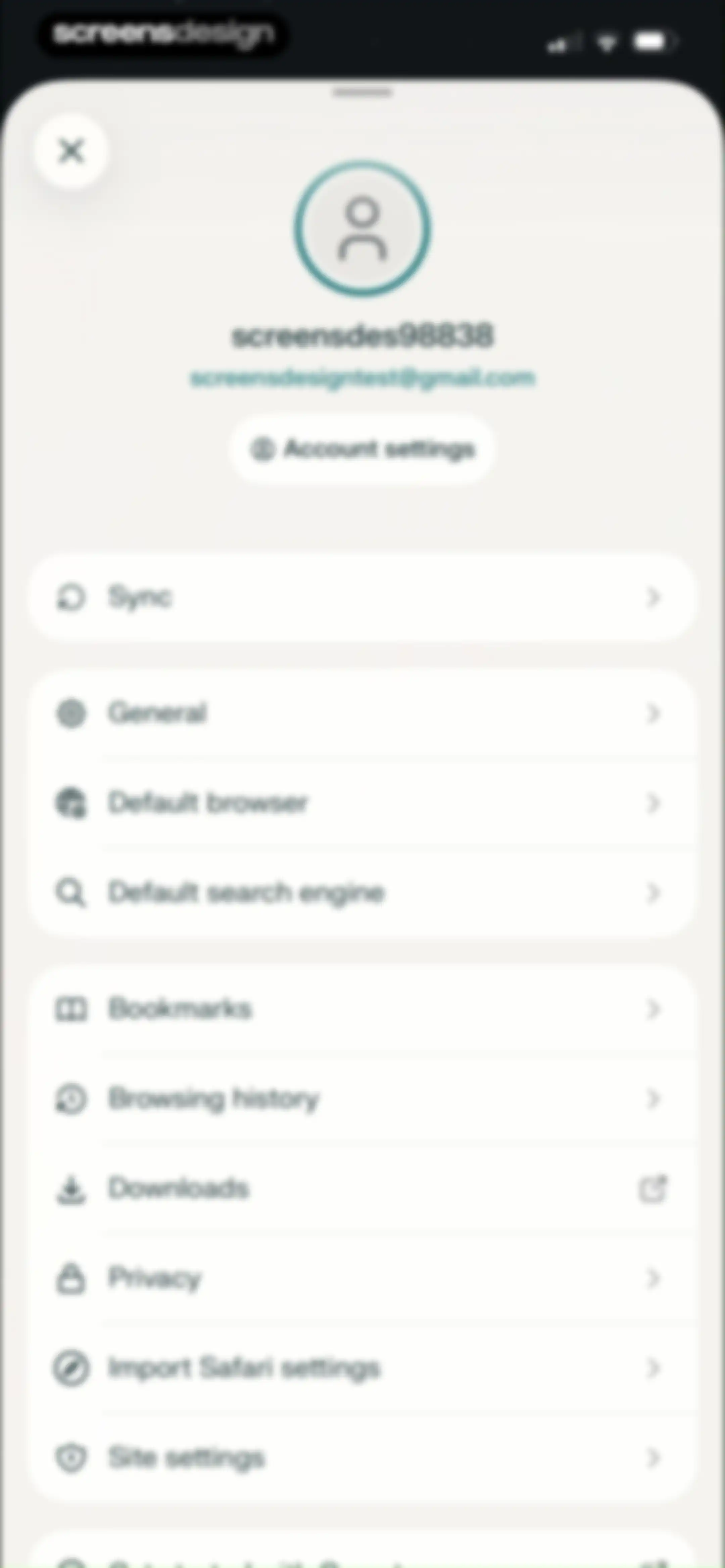
Settings screen with user profile information at the top and grouped list sections for account, sync, and browser preferences.Unlock Pro
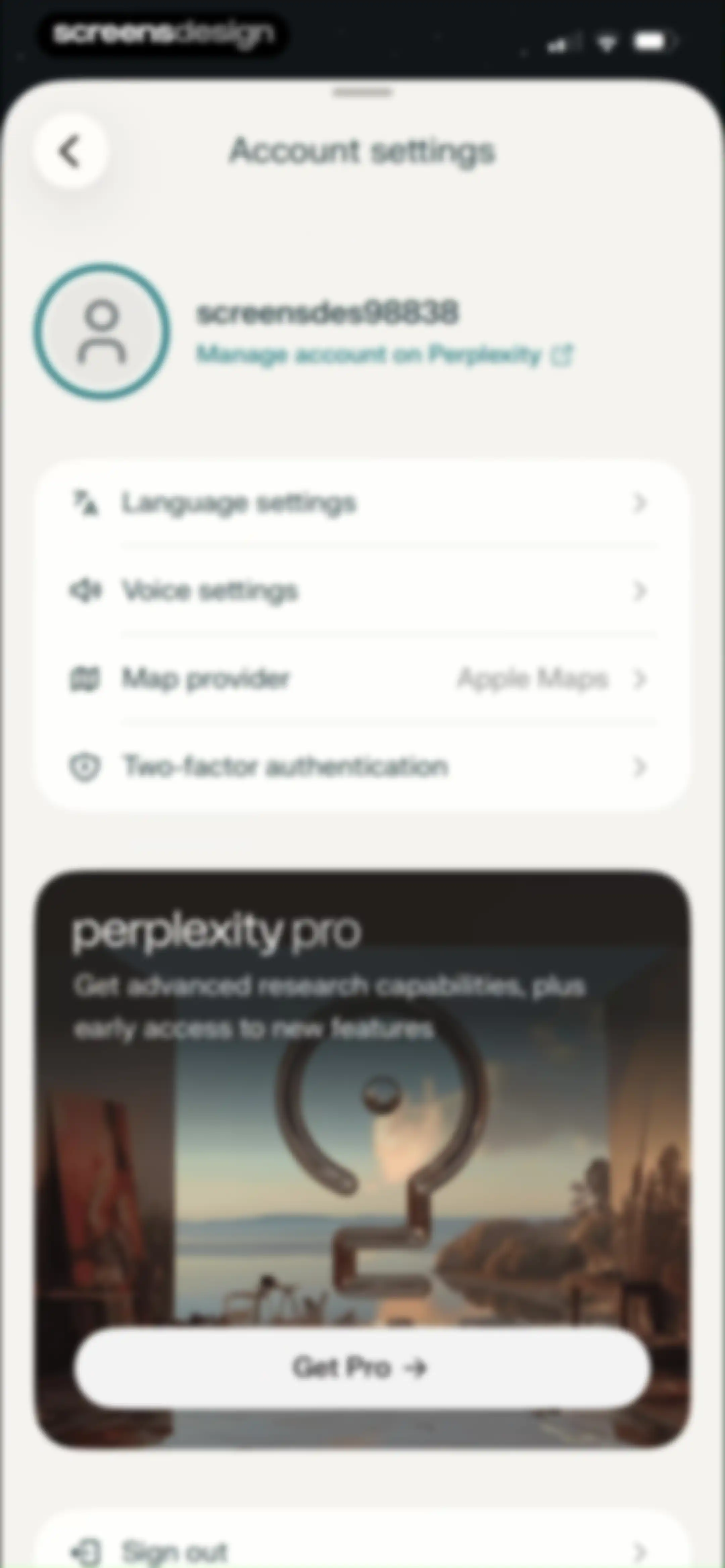
Perplexity account settings screen displaying user profile details, configuration options, a promotional card for Perplexity Pro, and a sign-out button.Unlock Pro
Language settings screen with options for App Language and AI language, showing English as the selected AI language.Unlock Pro
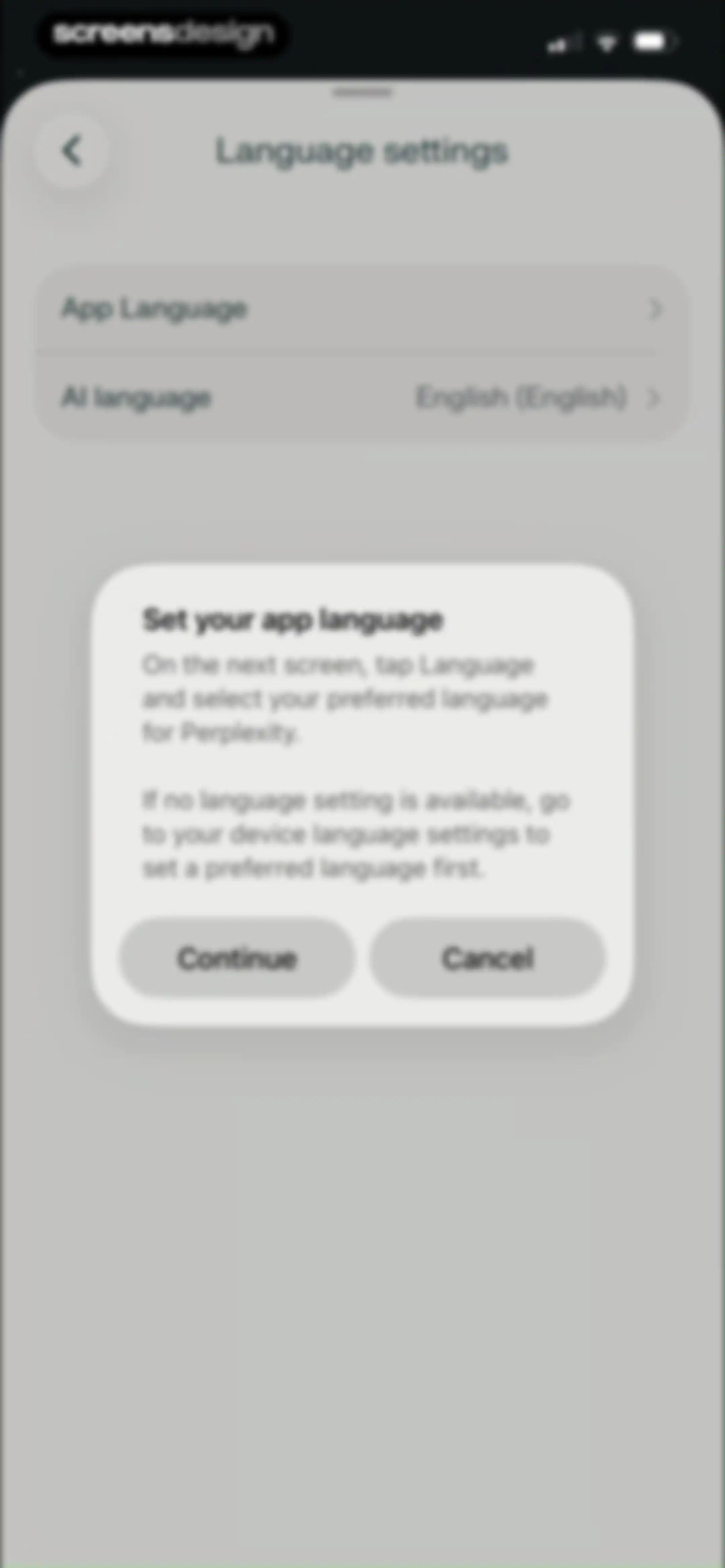
Perplexity language settings screen featuring a modal dialog with instructions and Continue and Cancel buttons.Unlock Pro
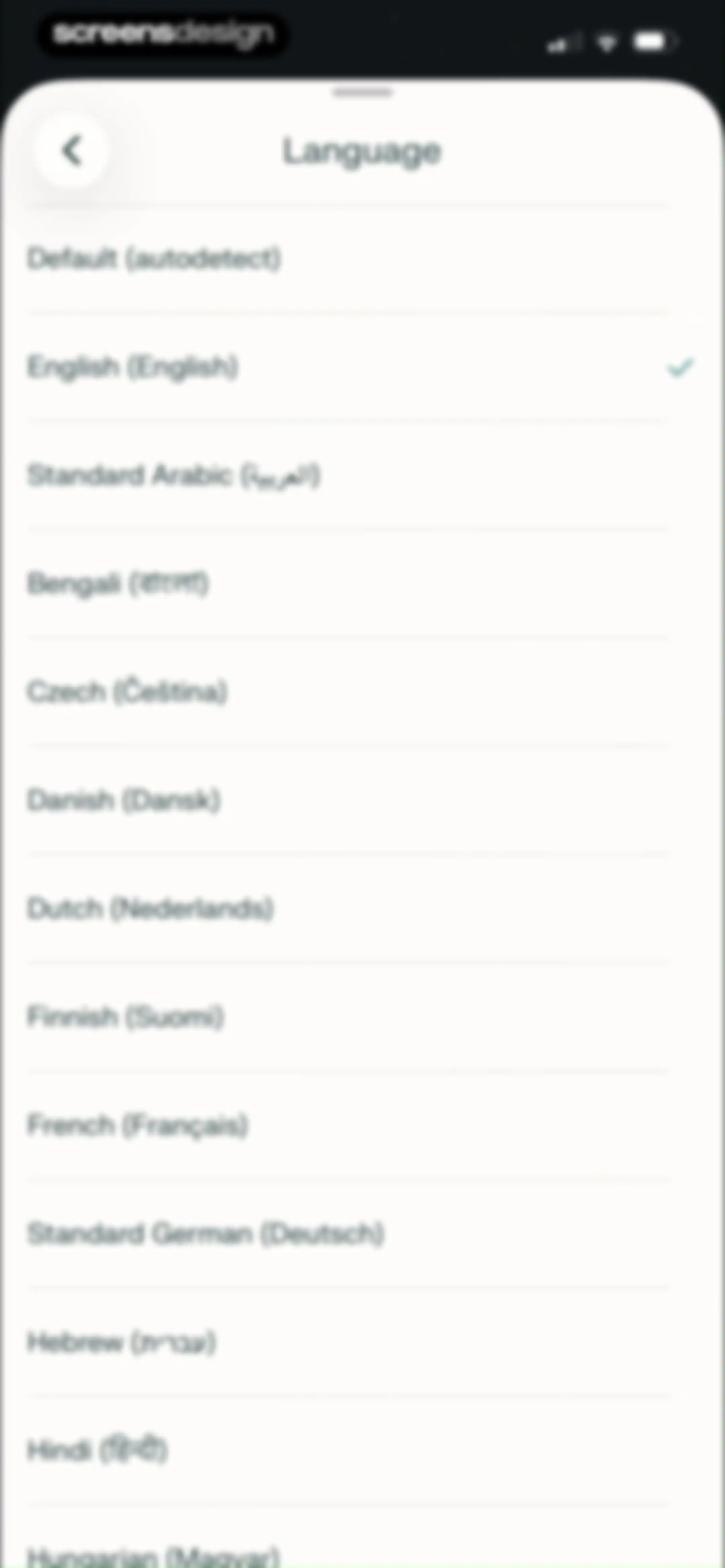
Language selection settings screen displaying a vertical list of languages with English selected and marked by a teal checkmark.Unlock Pro
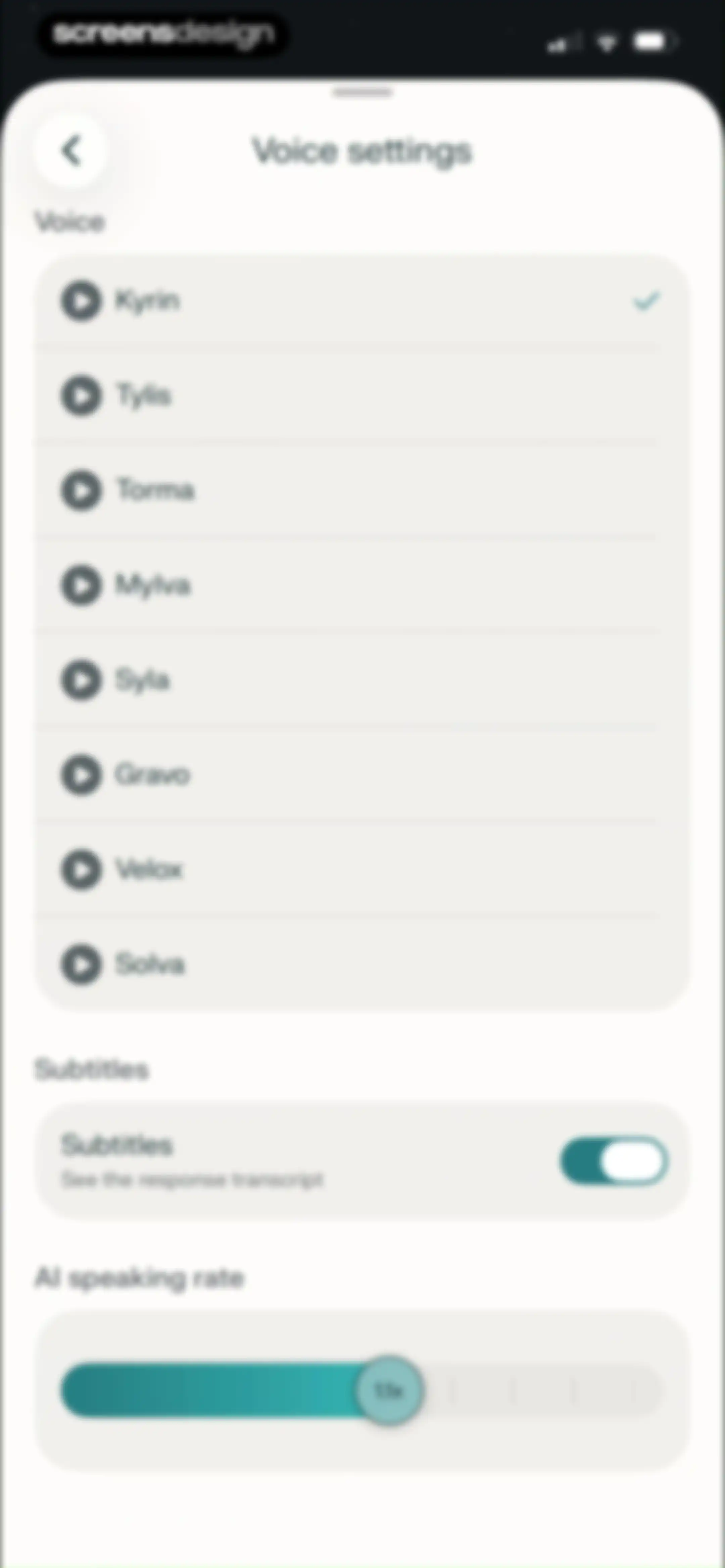
Voice settings screen with a list of voice options, a subtitles toggle, and an AI speaking rate slider set to 1.1x.Unlock Pro
Map provider settings screen displaying Apple Maps as the selected option with a checkmark.Unlock Pro
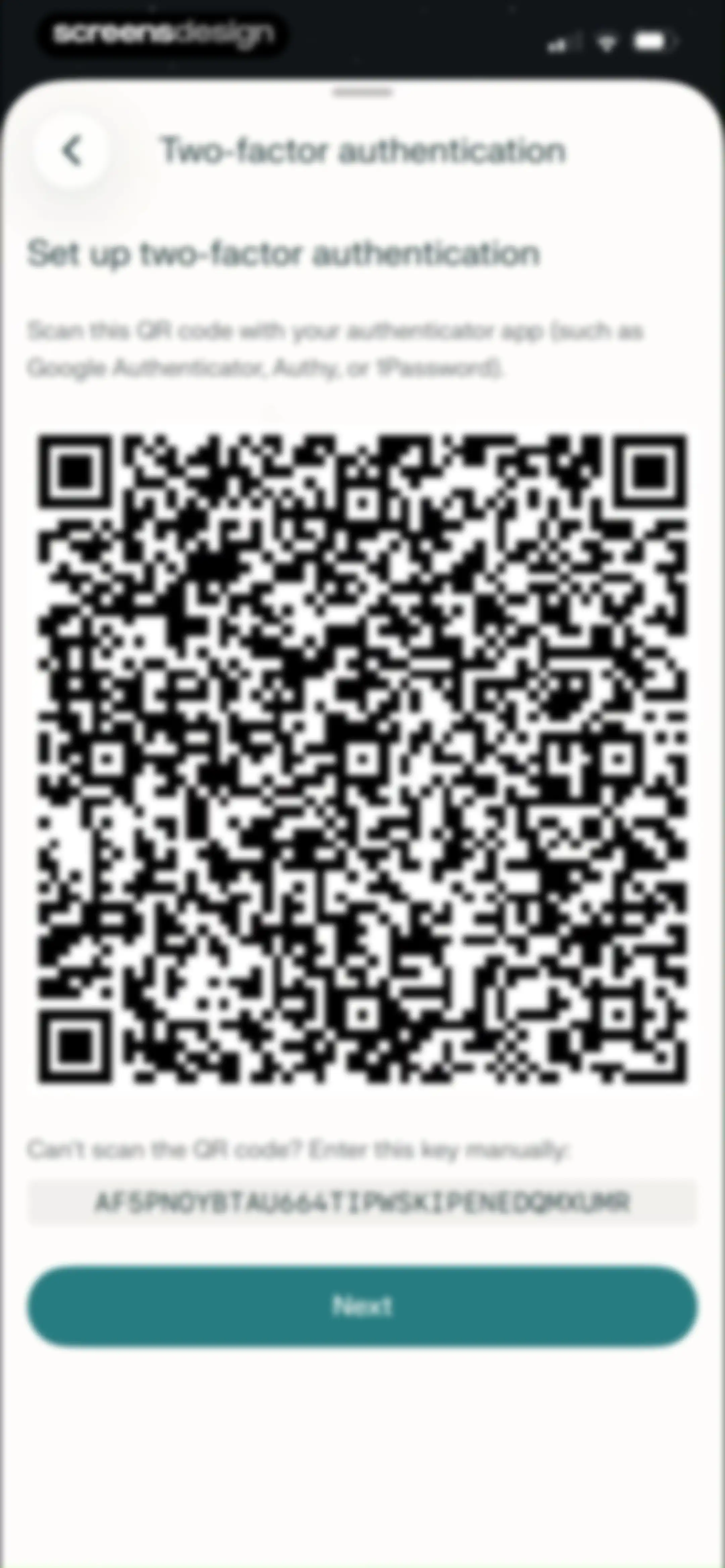
Two-factor authentication setup screen displaying a central QR code, a manual entry key, and a Next button.Unlock Pro
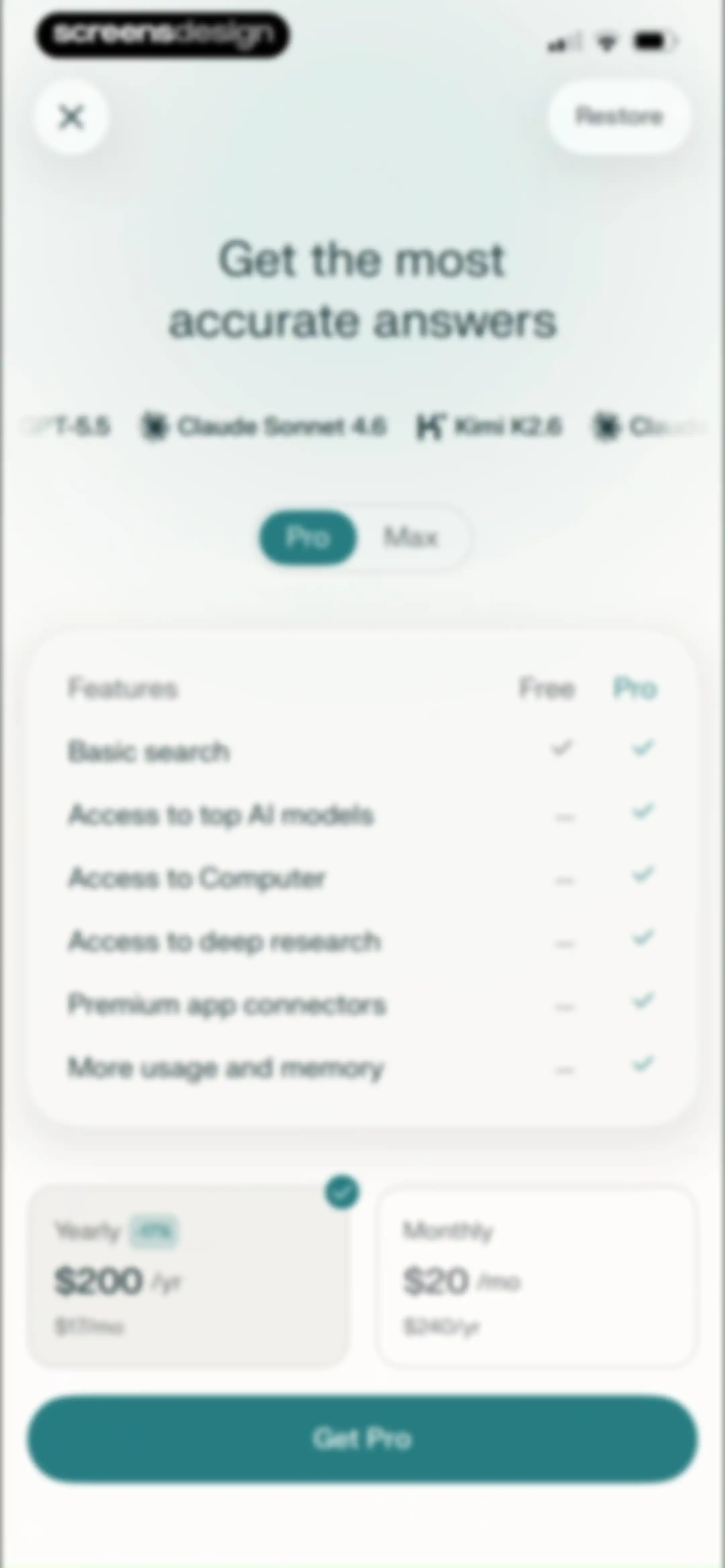
Paywall screen comparing yearly and monthly subscription plans with a feature table and a Get Pro button.Unlock Pro
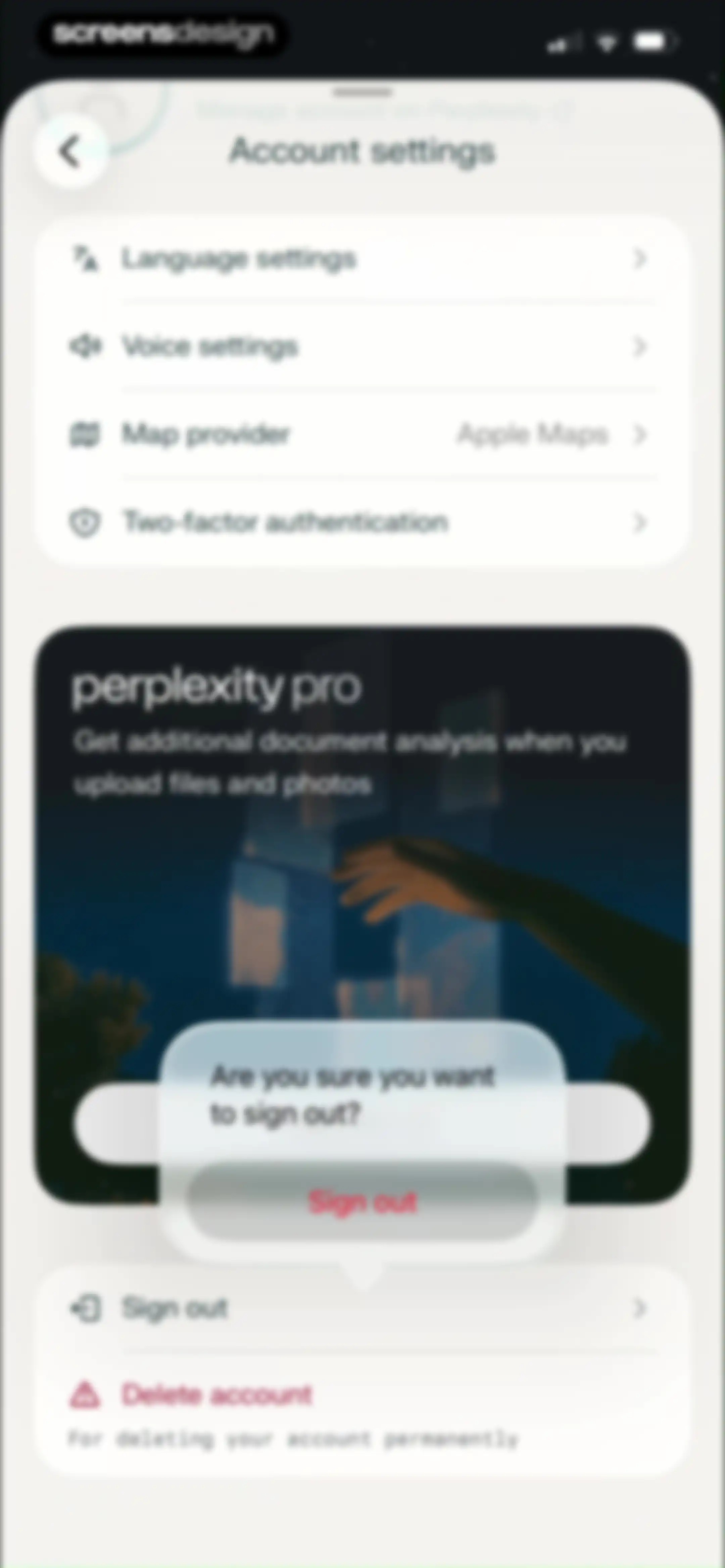
Account settings screen featuring a Perplexity Pro promotional card, language and security options, and a sign-out confirmation modal.Unlock Pro
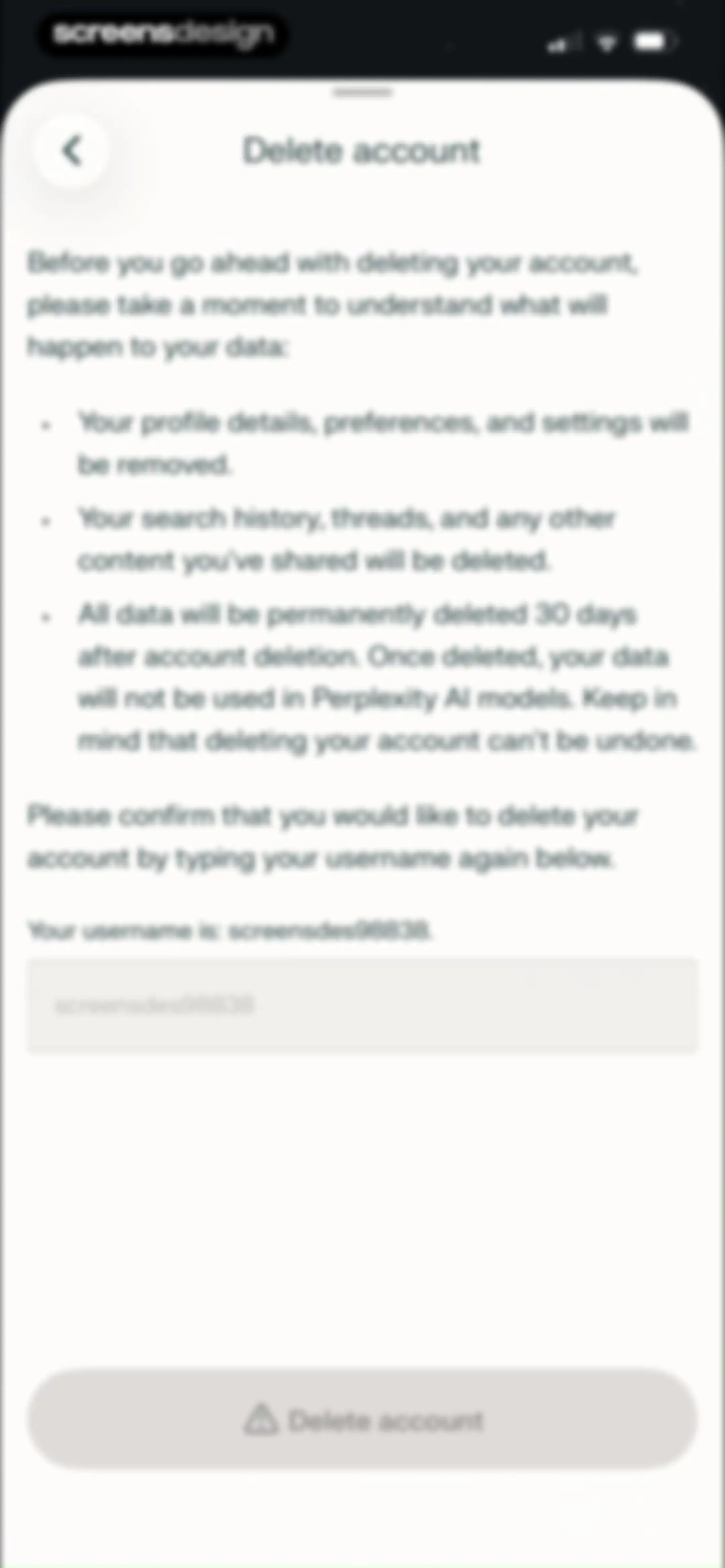
Account deletion confirmation screen listing data removal consequences and a username input field with a disabled Delete account button.Unlock Pro
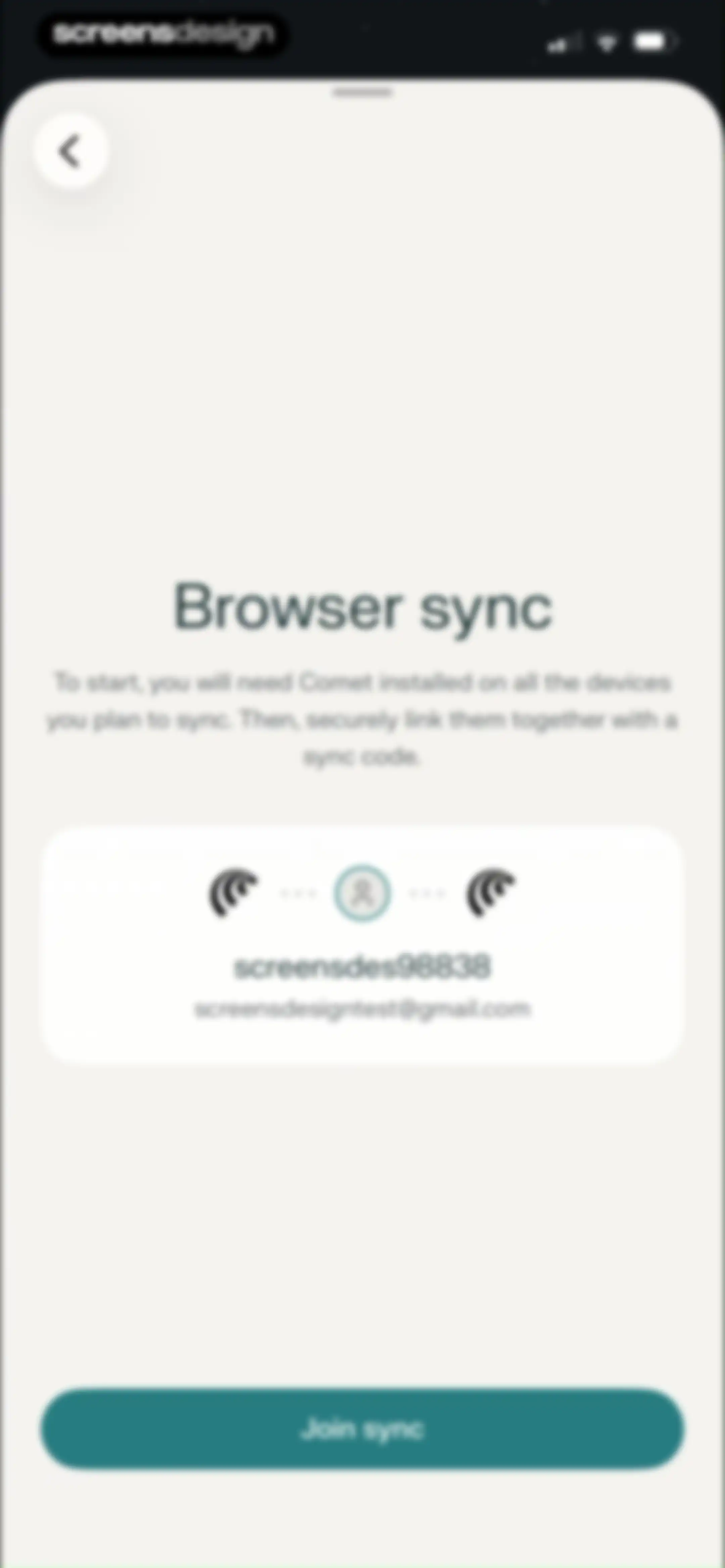
Browser sync setup screen displaying account information for screensdes98838, connected device icons, and a Join sync button.Unlock Pro
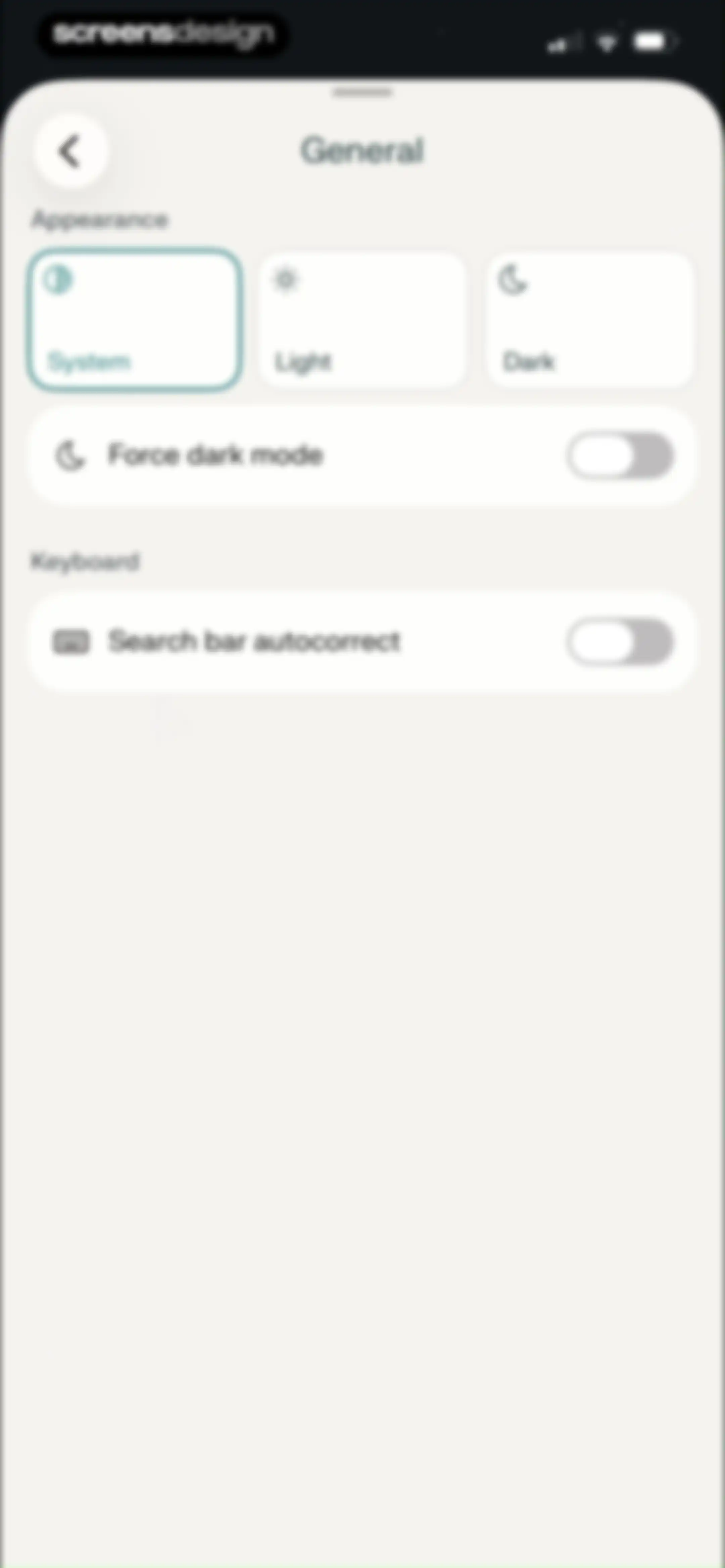
General settings screen featuring an appearance section with theme selection cards and keyboard preference toggles.Unlock Pro
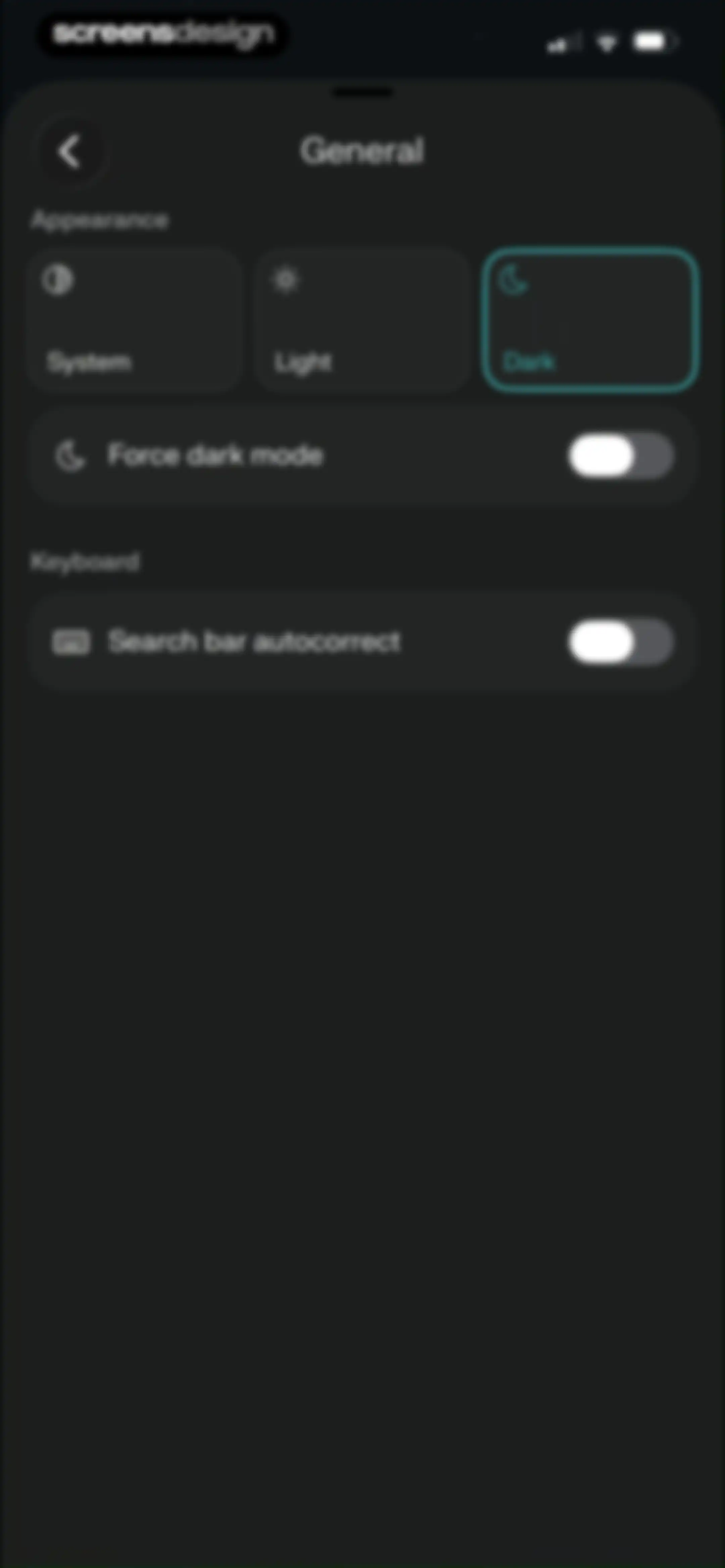
General settings screen with theme appearance cards, including the Dark option selected, and toggles for dark mode and autocorrect.Unlock Pro
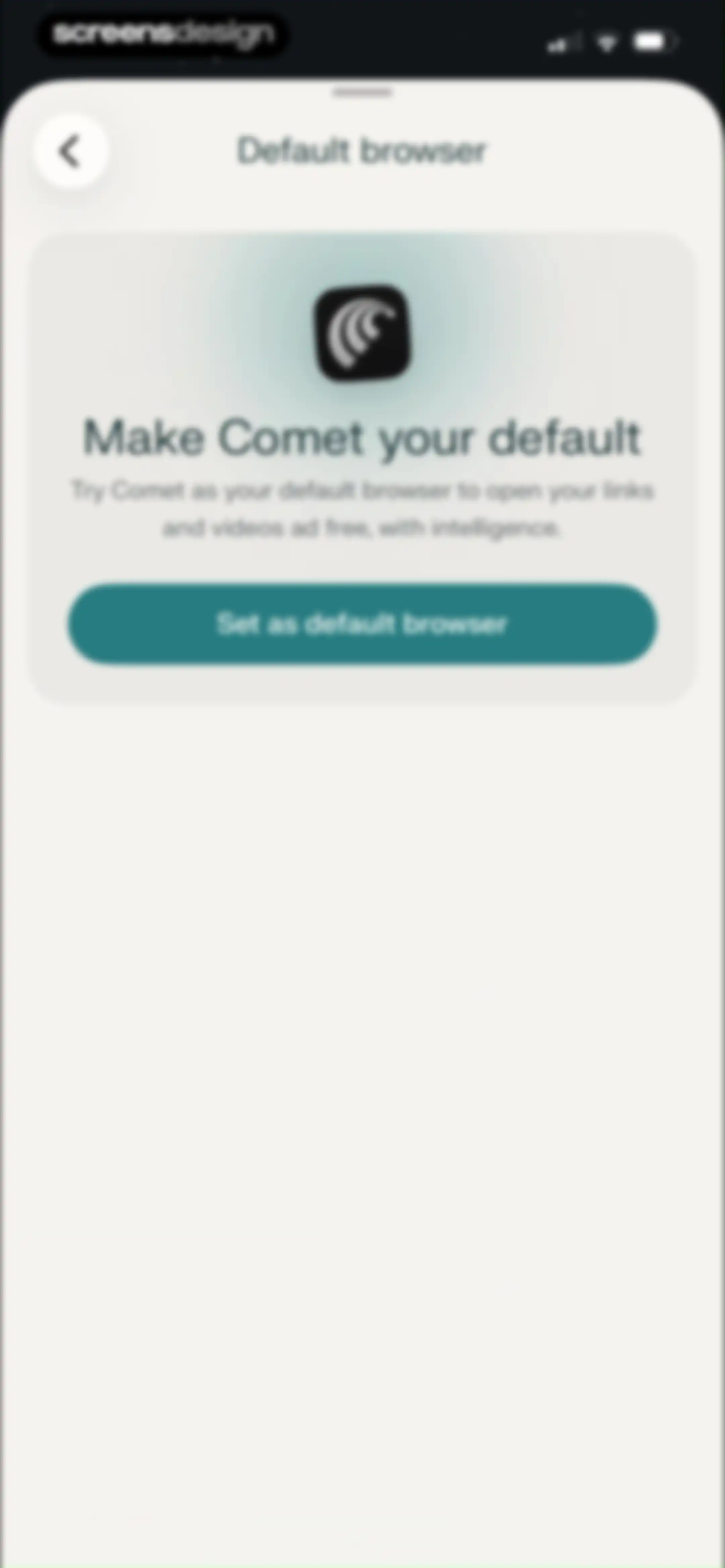
Permissions modal for the Comet browser prompting the user to make it their default browser, featuring a Set as default browser button.Unlock Pro
Default search engine settings screen with Google selected in the list and an extend search toggle at the bottom.Unlock Pro
Mobile bookmarks modal list displaying a saved Google search link and a UI Design folder.Unlock Pro
Browsing history screen displaying a vertical list of recent web activity and search queries within a white rounded card.Unlock Pro
Comet browser privacy settings screen featuring a toggle to enable authentication for private tabs.Unlock Pro
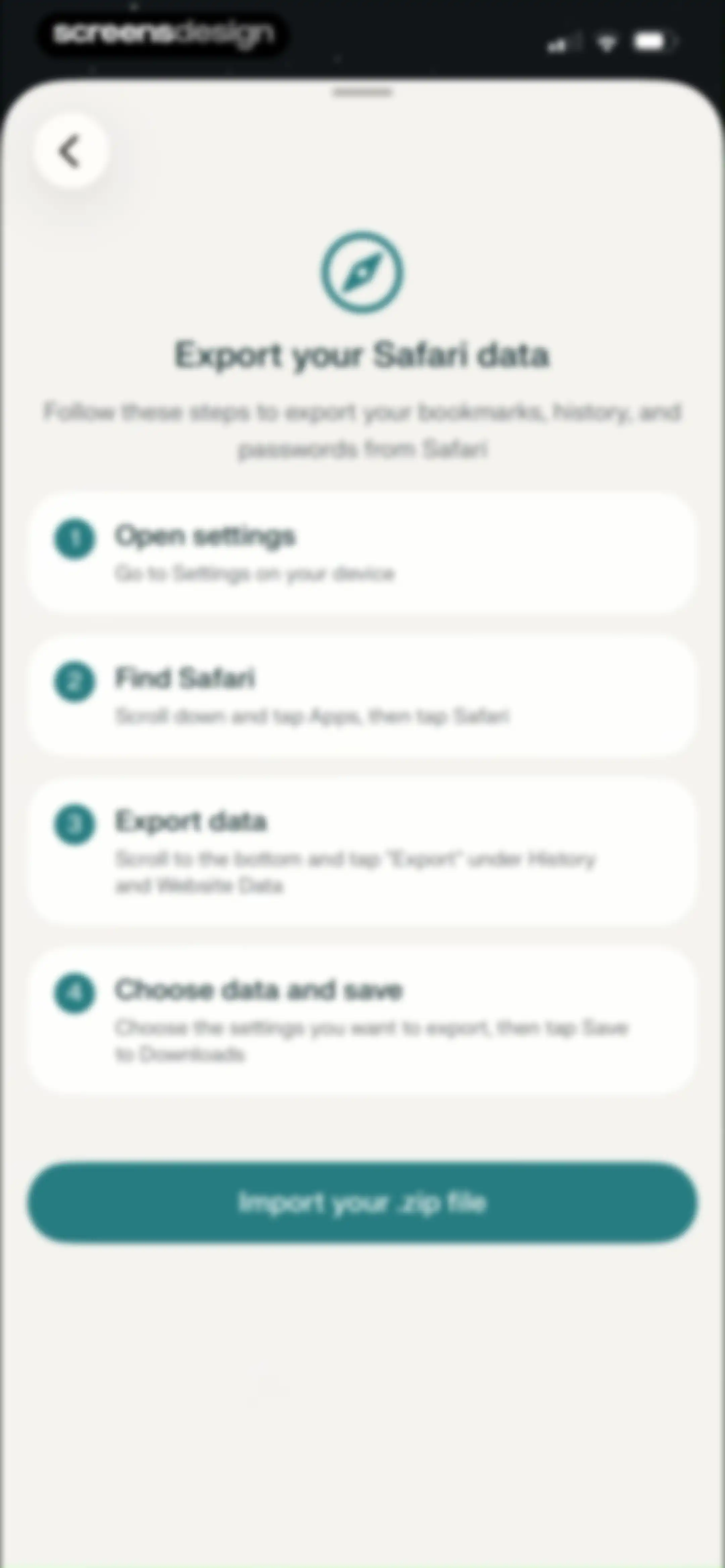
Onboarding instruction guide detailing four steps to export Safari data, with a bottom button to import the zip file.Unlock Pro
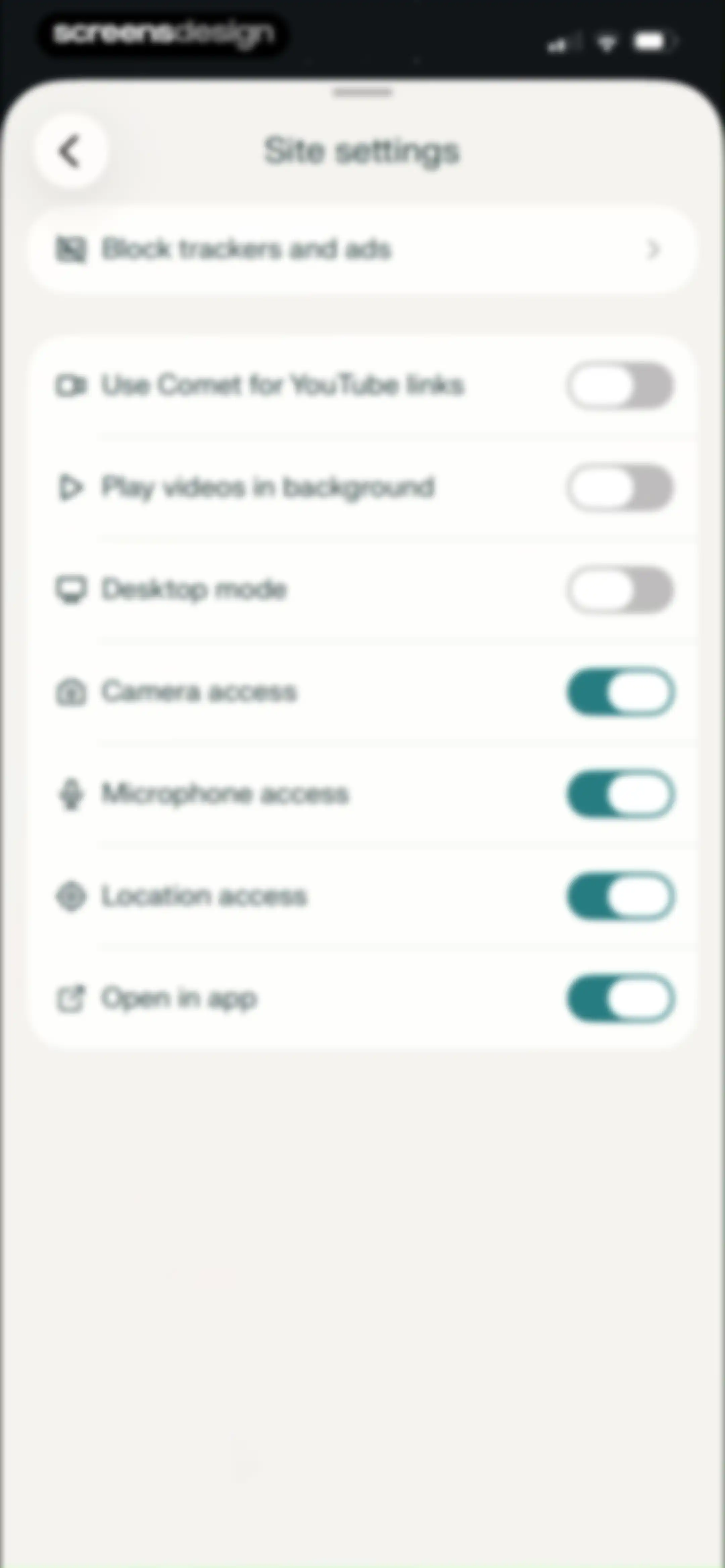
Site settings modal sheet with a list of preferences and toggles for privacy, media, and device permissions.Unlock Pro
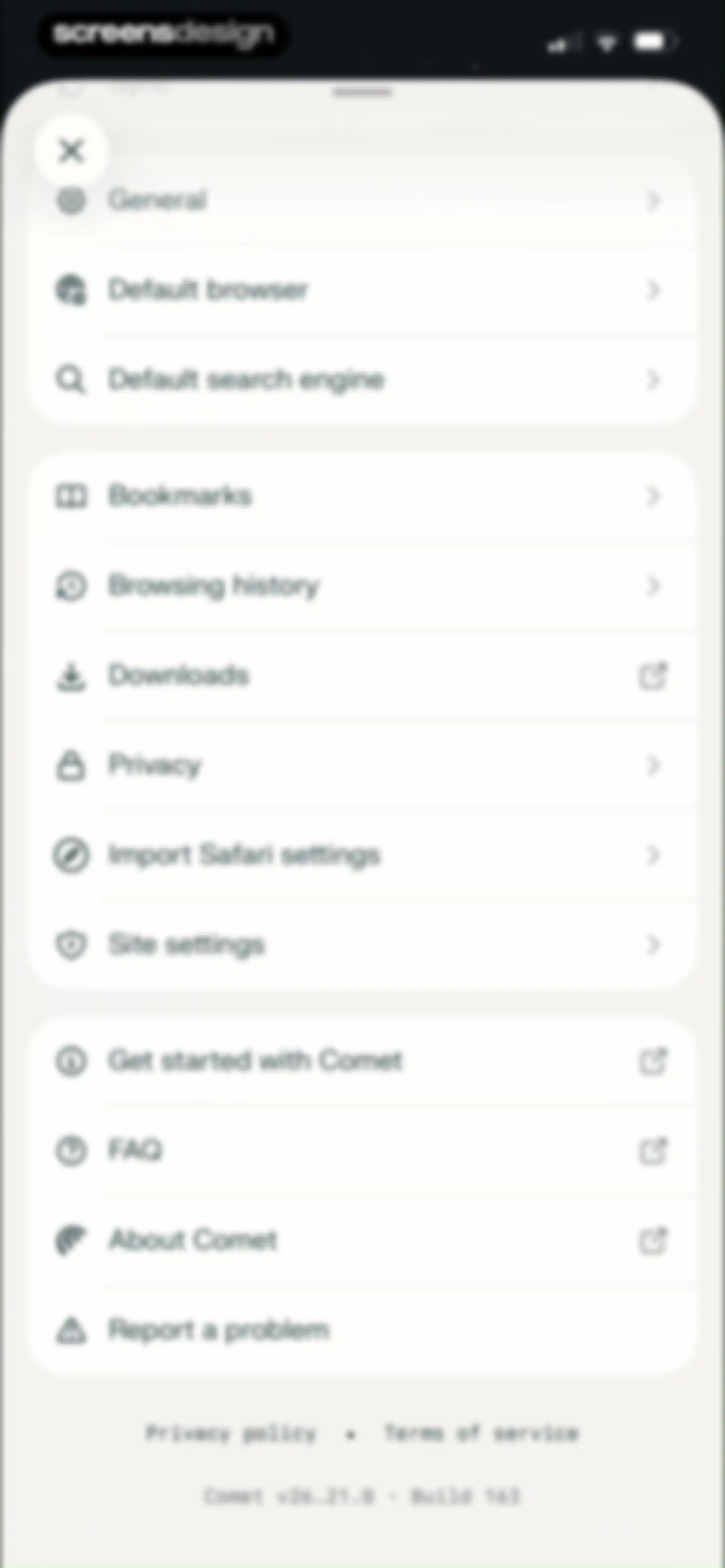
Comet browser settings menu with grouped options for general preferences, browsing data, and support.Unlock Pro

About Comet - AI Browser & Assistant

An AI-powered mobile browser that integrates search, task automation, and personal assistance to streamline web research and daily workflows.

Explore Comet - AI Browser & Assistant across ScreensDesign

Apps similar to Comet - AI Browser & Assistant
Unlock all similar apps

See every comparable app, revenue, installs, and flows.

Unlock Pro
  • Perplexity - AI Search & Chat

    4.8
    Perplexity AI, Inc.Revenue$7MInstalls750k
  • AI Chat - Instant Chatbot

    4.6
    Appfluo LtdRevenue$<5kInstalls<5k
  • Gamma AI -Ask AI Chat Anything

    4.6
    Amritpal SinghRevenue$5kInstalls11k
  • Genora AI – Chat Bot Assistant

    4.4
    MOBIWAYS LTDRevenue$250kInstalls100k
  • AI Chat Assistant - Chatomic

    4.8
    BrainMount LtdRevenue$35kInstalls12k
  • Super AI Chat - AI Chatbot

    4.6
    Labhouse MobileRevenue$<5kInstalls<5k
  • Brave Browser & Search Engine

    4.8
    Brave SoftwareRevenue$250kInstalls750k
  • Openchat: AI Chatbot Copilot

    4.7
    JARVISY LTDRevenue$60kInstalls30k
  • AI Chat Assistant – ChatNow

    4.8
    tappzRevenue$550kInstalls150k
  • AI+ Chat & Al Video Generator

    4.8
    Curious Creators Co.Revenue$15kInstalls<5k
  • Al Chat - Chatbot by PocketAI

    4.6
    Social Media Apps & Games GmbHRevenue$750kInstalls950k
  • Poe – Fast AI Chat

    4.7
    Quora, Inc.Revenue$450kInstalls15k
  • Motion: Tasks & AI Scheduling

    4.1
    NexusBird, IncRevenue$25kInstalls<5k
  • AI Chat Assistant: ChatBoost

    4.3
    One Eighty Ltd.Revenue$35kInstalls8k
  • Cosmos: Search & Discover

    4.7
    Cosmos EntityRevenue$<5kInstalls100k
  • Chatbot AI: AI Chat Assistant

    4.6
    Appsolut LimitedRevenue$45kInstalls15k
  • AI Chatbot & Design Assistant

    4.5
    SevenSeas AI StudioRevenue$450kInstalls50k
  • v0

    4.8
    Vercel, IncRevenue$75kInstalls5k
  • Chatbot App: AI Assistant

    4.2
    xStudios MobileRevenue$250kInstalls150k
  • Astro AI: Life Advice

    4.6
    Easy Fasting Inc.Revenue$<5kInstalls15k
  • NextGen AI Chat Assistant

    3.9
    Belair Mobile, Inc.Revenue$<5kInstalls<5k
  • Chat Smith: AI Chatbot & Agent

    4.6
    Vulcan Labs Company LimitedRevenue$550kInstalls250k
  • Genspark AI Workspace

    4.7
    GENSPARK INCRevenue$800kInstalls45k
  • Chat AI: Ask Agent Anything

    4.8
    Codeway Dijital Hizmetler Anonim SirketiRevenue$600kInstalls85k
  • Natural - Search Perfected

    3.0
    brain.ai
  • Google Gemini

    4.7
    GoogleRevenue$200kInstalls12M
  • AI ChatBot Assistant: AskEasy

    4.7
    Zilingial LimitedRevenue$150kInstalls<5k
  • HyNote: AI Note Taker, Summary

    4.8
    Tuling Network LimitedRevenue$50kInstalls45k
  • AI Chat -Ask Chatbot Assistant

    4.6
    MLink StudioRevenue$1MInstalls500k
  • Chatbot AI - Smart Search Bot

    4.7
    Codespace Dijital Hizmetler Anonim ŞirketiRevenue$100kInstalls14k
  • EcoGPT - AI for Humanity

    4.8
    Spill The TeaRevenue$75kInstalls150k
  • Monica AI: Ultimate AI Assist

    4.7
    Butterfly Effect LimitedRevenue$70kInstalls10k
  • AI Assistant: Images & Writing

    4.7
    Bickster LLCRevenue$<5kInstalls<5k
  • ChatBox - AI Chat with Chatbot

    4.6
    FLORATE LIMITEDRevenue$750kInstalls45k
  • Echo – AI Meeting Note Taker

    4.5
    Tappz LabsRevenue$100kInstalls<5k
  • AI Chat Bot - My Assistant

    4.5
    Appenvision LtdRevenue$65kInstalls15k
  • AI Keyboard - Smart Writing

    4.7
    Faliane Ltd.Revenue$50kInstalls<5k
  • NinjaChat AI

    4.2
    Helium TechnologiesRevenue$15kInstalls6k
  • Proactor – Note Taking

    4.5
    proactorRevenue$25kInstalls25k
  • CraftNote: Smart AI Note Taker

    4.7
    Joyolabs Dijital Hizmetler Anonim SirketiRevenue$200kInstalls35k
  • Chat AI 5: AI Agent & Video

    4.5
    Alzor Labs Company LimitedRevenue$45kInstalls<5k
  • Claude by Anthropic

    4.7
    Anthropic PBCRevenue$69MInstalls8M
  • Question.AI-Math Calculator

    4.7
    3HOUSERevenue$250kInstalls20k
  • Otter Transcribe Voice Notes

    4.8
    Otter.ai, Inc.Revenue$1MInstalls150k
  • Pi, your personal AI

    4.4
    Inflection AIRevenue$<5kInstalls<5k
  • ThetaWave-AI Study Notes

    4.6
    ThetawaveRevenue$20kInstalls15k
  • Spark Mail: AI Email Assistant

    4.6
    Readdle Technologies LimitedRevenue$200kInstalls<5k