Bark - Parental Controls

$150k revenue, 4.2 rating

Notification Permission Prompt
0:00 / 13:08

Onboarding flow, Paywall & Inside the App

Watch the full screen-by-screen UX video of Bark - Parental Controls with onboarding, paywall, and every core flow.
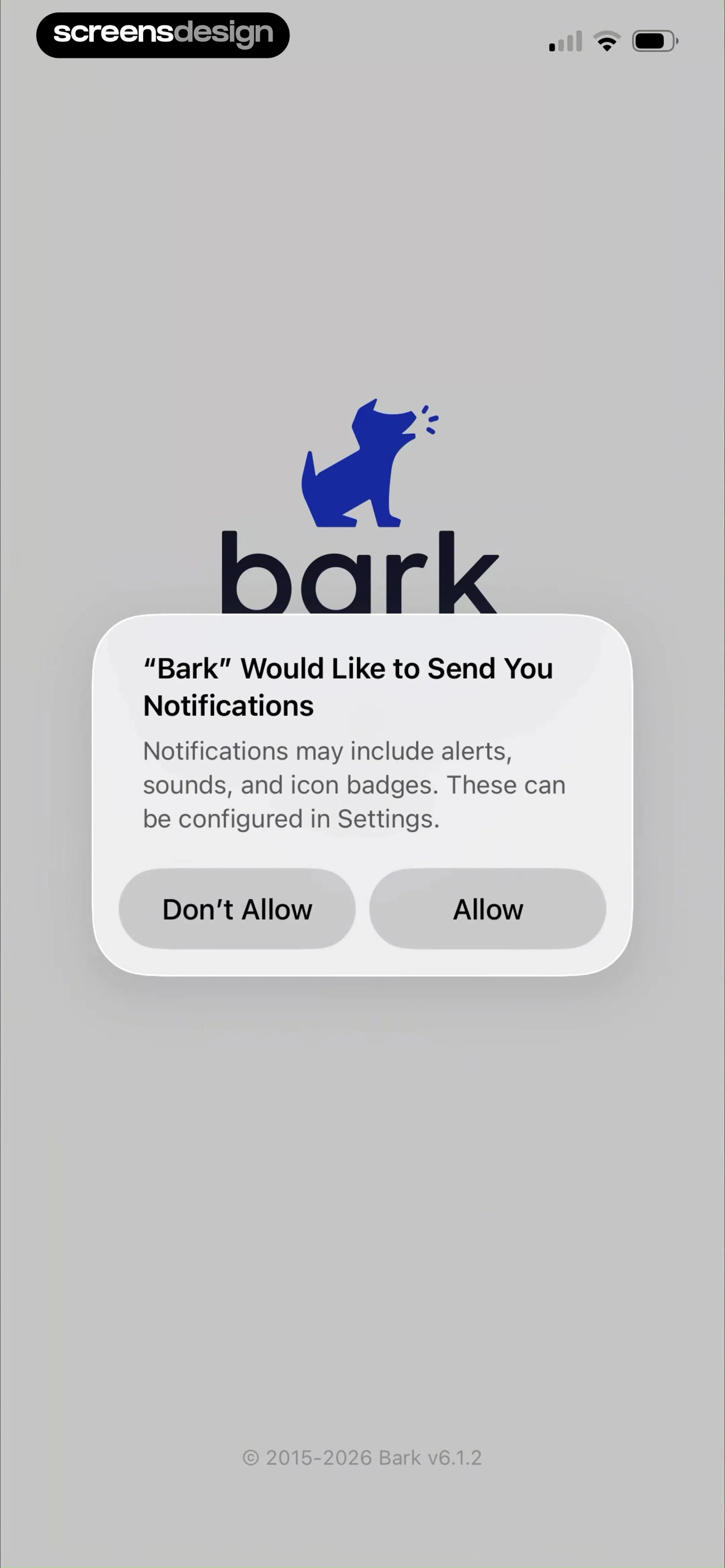
Notification permission request modal for the Bark app with Don't Allow and Allow buttons.
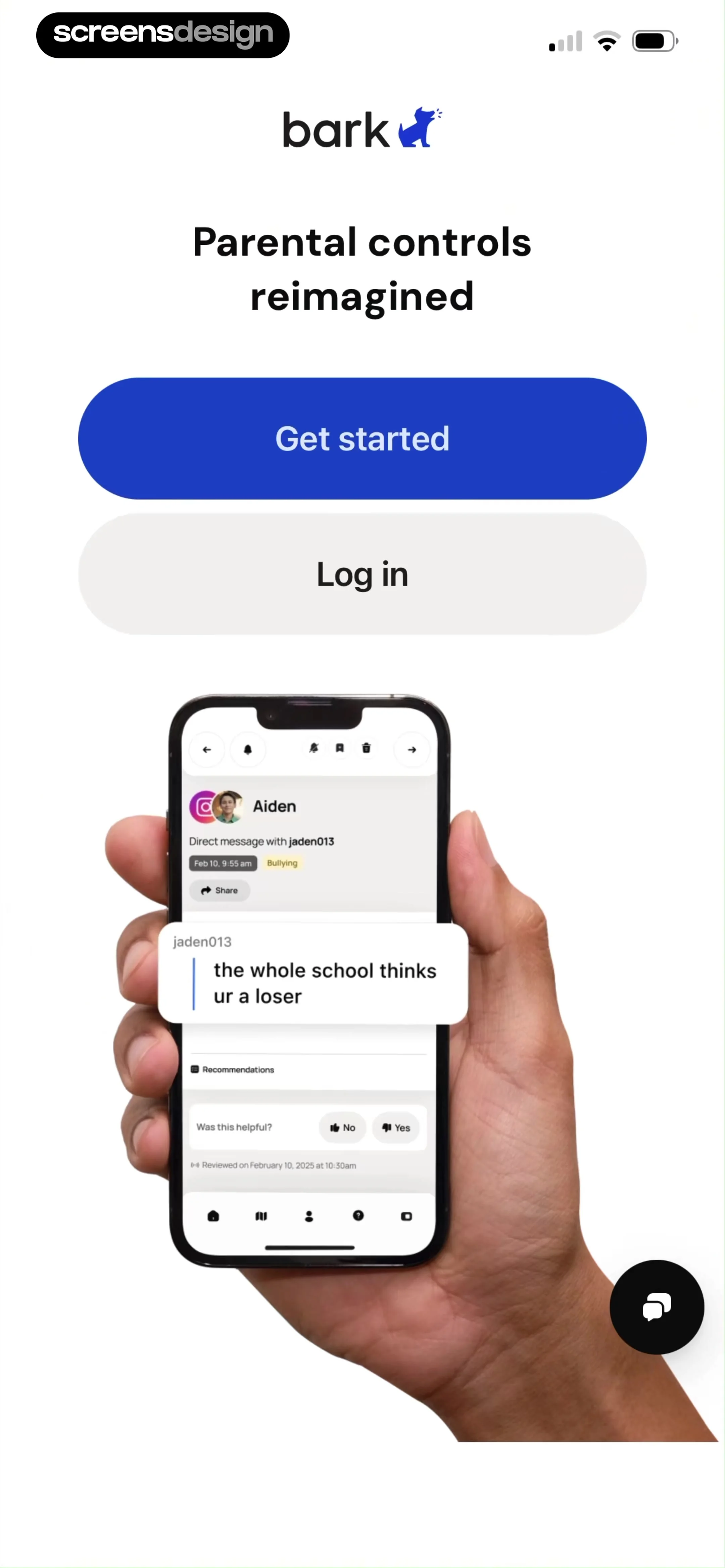
Bark parental control app onboarding screen featuring the headline Parental controls reimagined, Get started and Log in buttons, and a smartphone mockup displaying a cyberbullying message alert.
Permission modal asking to allow Bark to track activity across other apps, overlaid on a registration form with Allow and Ask App Not to Track buttons.
Bark app sign-up screen with email and password fields, legal consent checkboxes, and a Sign up button.
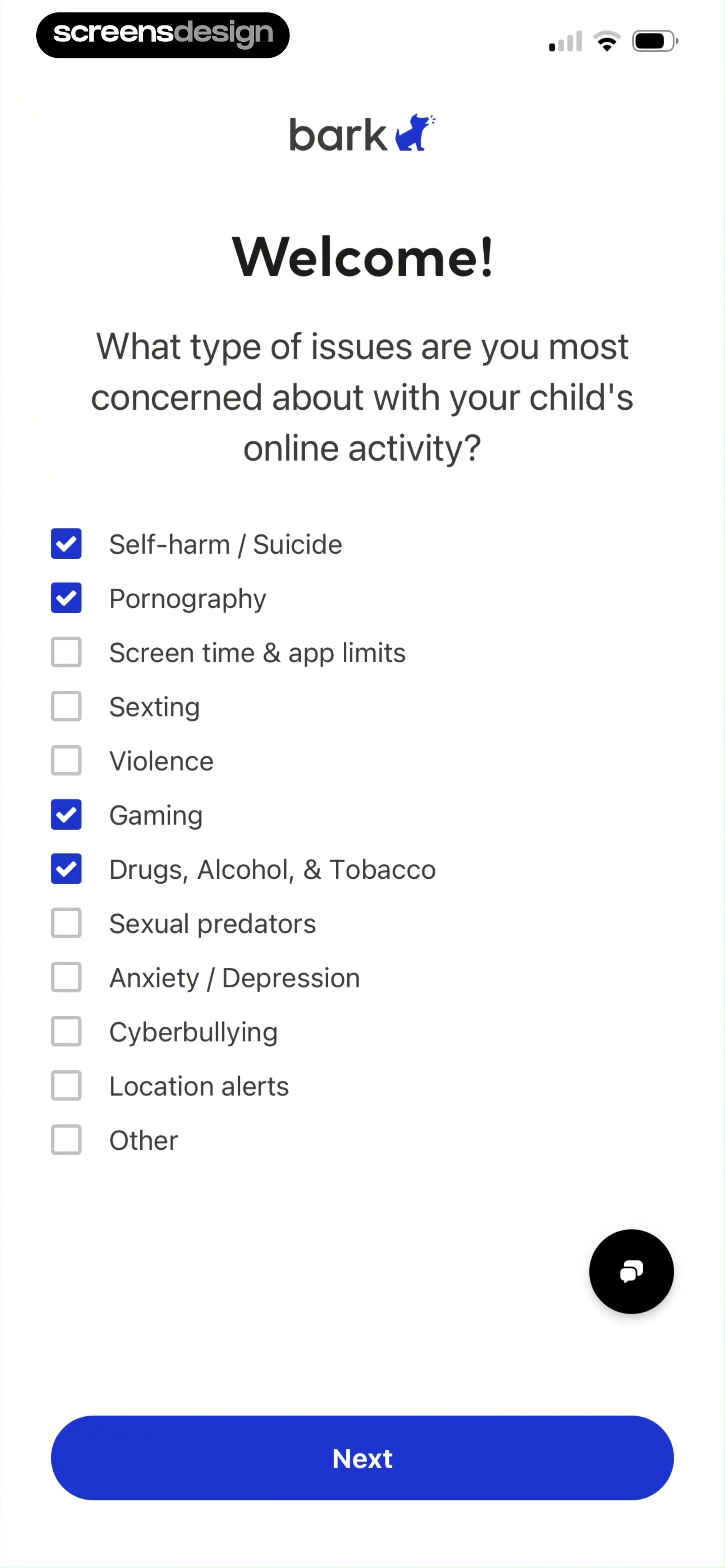
Bark onboarding screen asking users to select online activity concerns for their child, featuring a checklist of safety topics and a Next button.
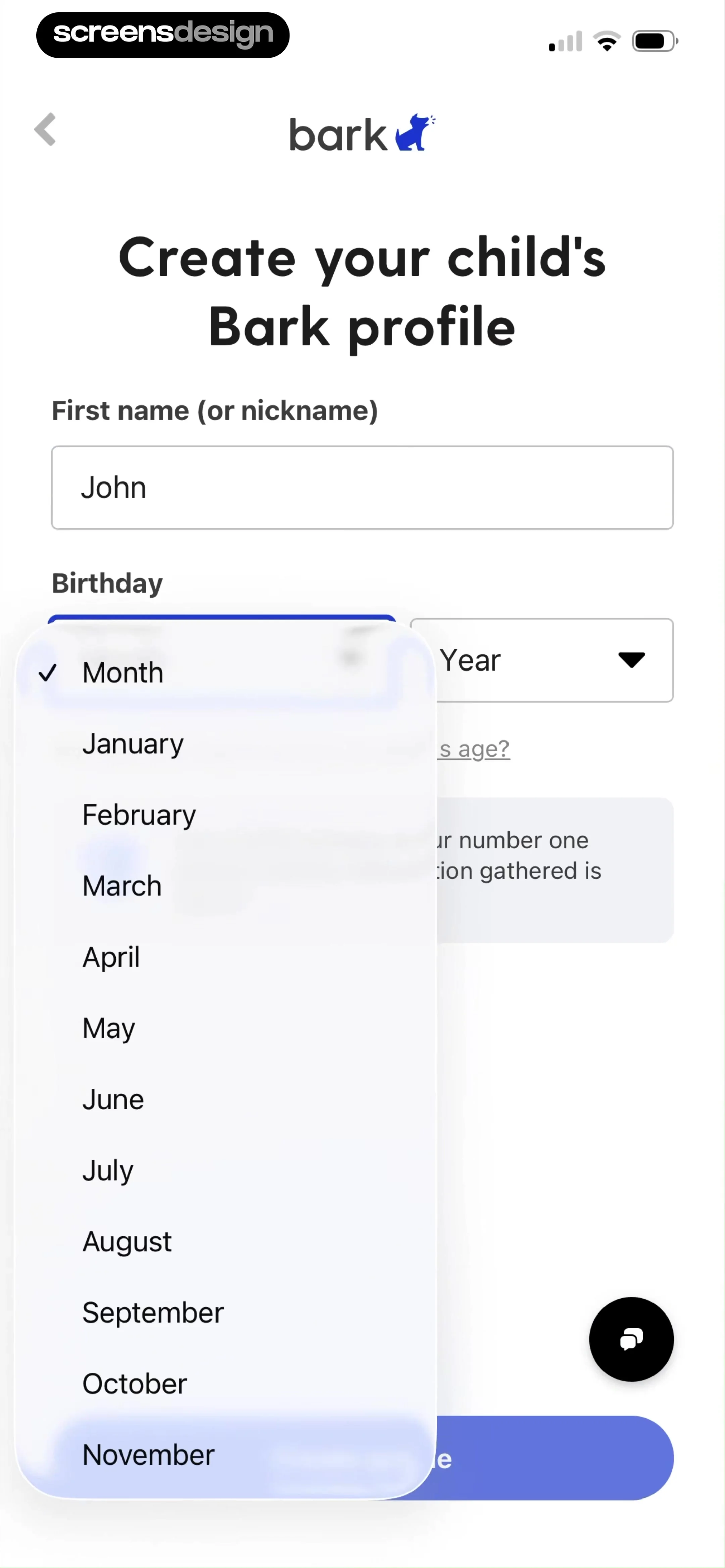
Onboarding form to create a child's Bark profile with name and birthday input fields and a Continue button.
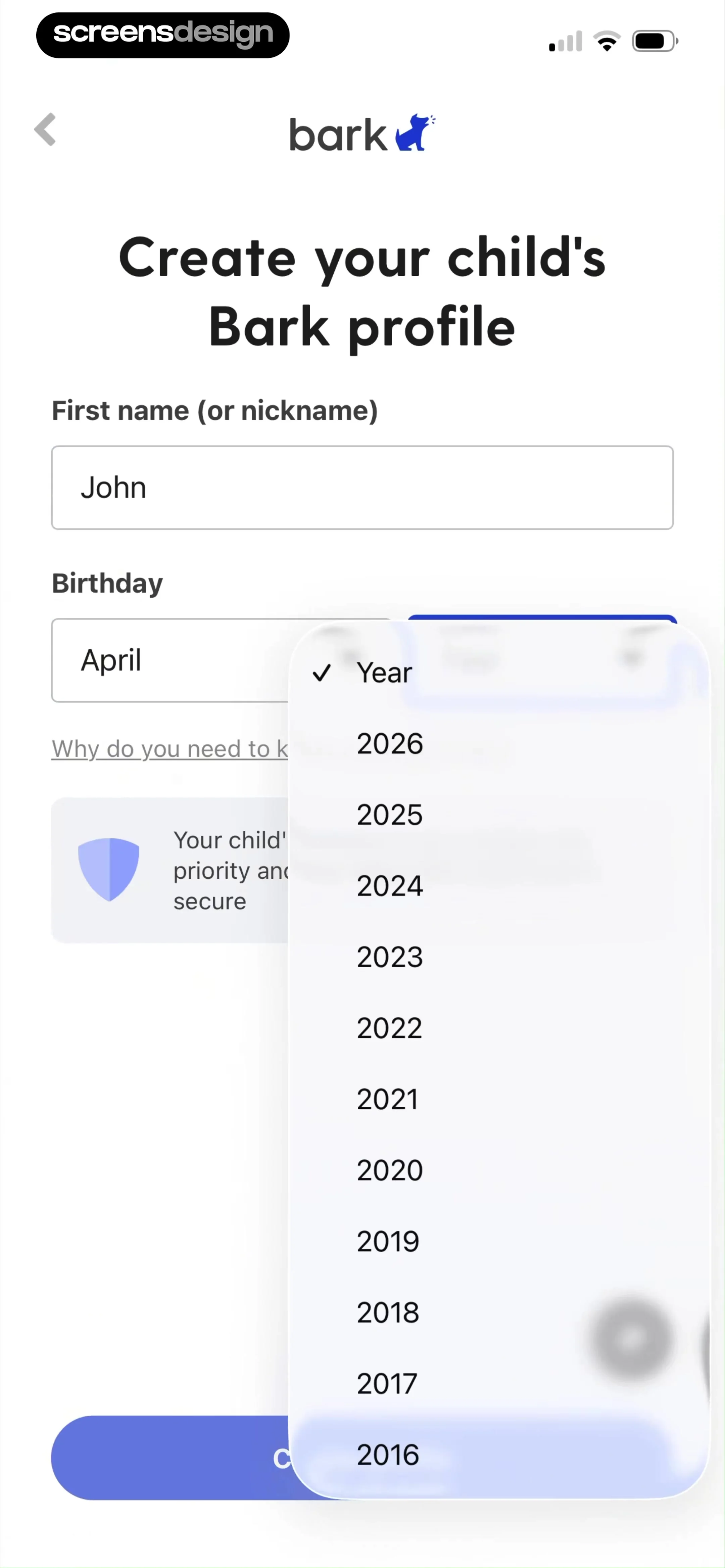
Bark child profile creation form with a name field, birthday picker, privacy notice, and Continue button.
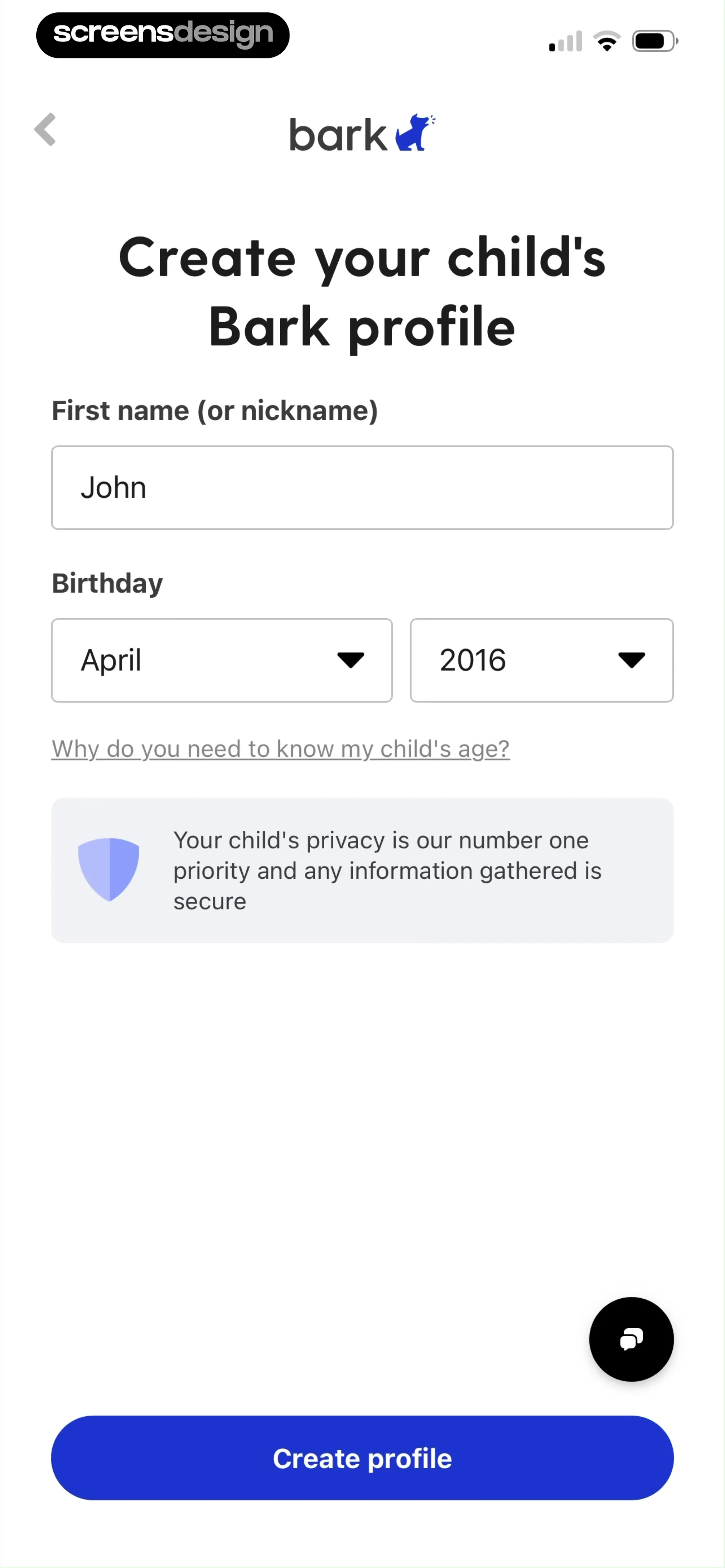
Bark onboarding profile creation form with name and birthday inputs, a privacy notice card, and a Create profile button.
Onboarding confirmation screen showing that John has been added, with options to add another child or finish setup.Unlock Pro
Device selection form in the Bark app listing options like iPhone, Android, and Chromebook, with several options selected and a Next button.Unlock Pro
Bark onboarding screen asking if a child has an email account, with Gmail selected in a list of email providers and a Next button.Unlock Pro
App selection form asking what apps John uses, featuring a list of selectable social media and communication apps with some options selected.Unlock Pro
Onboarding screen asking if a child uses a web browser, with Chrome selected from a list and a Next button.Unlock Pro
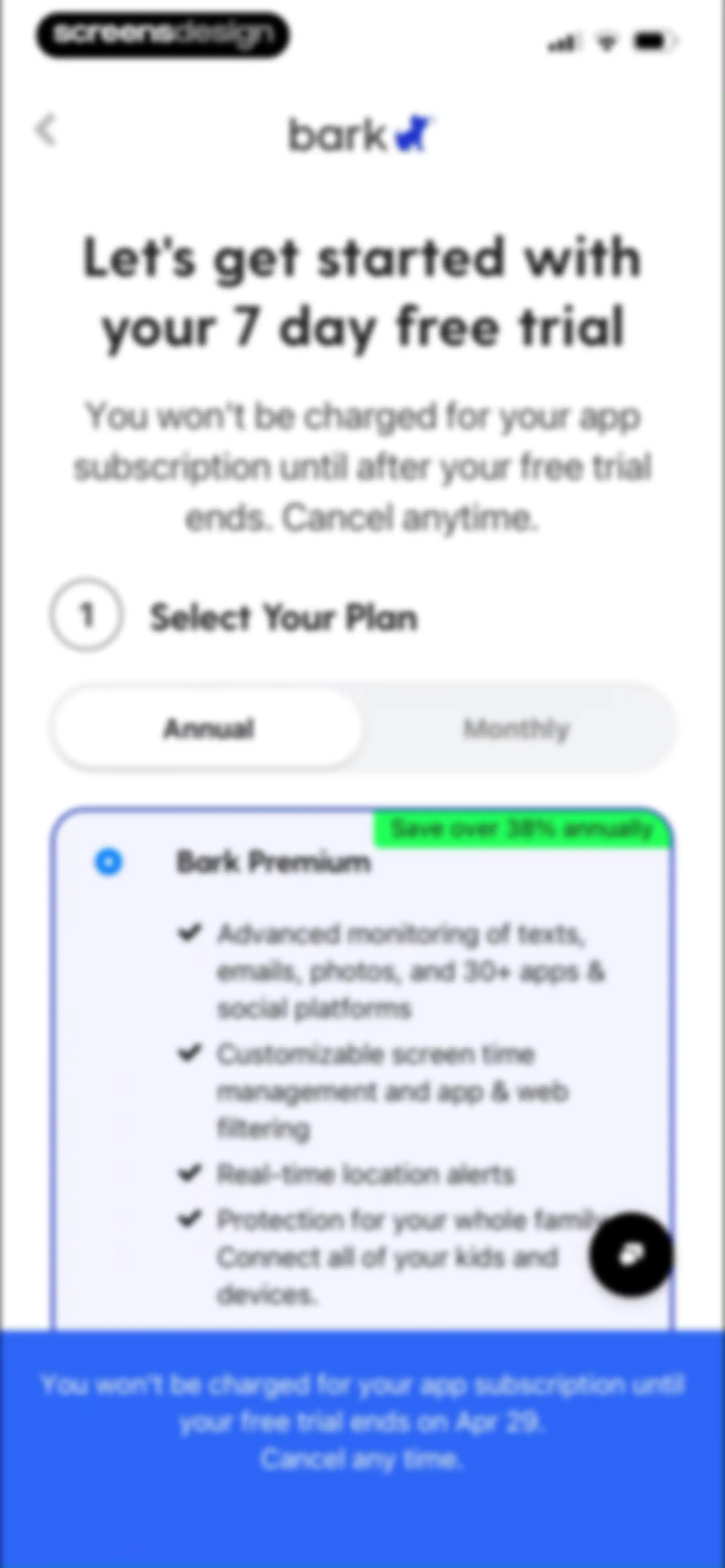
Paywall screen comparing annual and monthly plans for a seven-day free trial, featuring Bark Premium details and trial terms.Unlock Pro
Checkout screen for Bark Sync subscription and cable selection, featuring a free trial summary and a support chat icon.Unlock Pro
Shipping address form for the Bark Sync device with fields for name, address, and a top cable warning banner.Unlock Pro
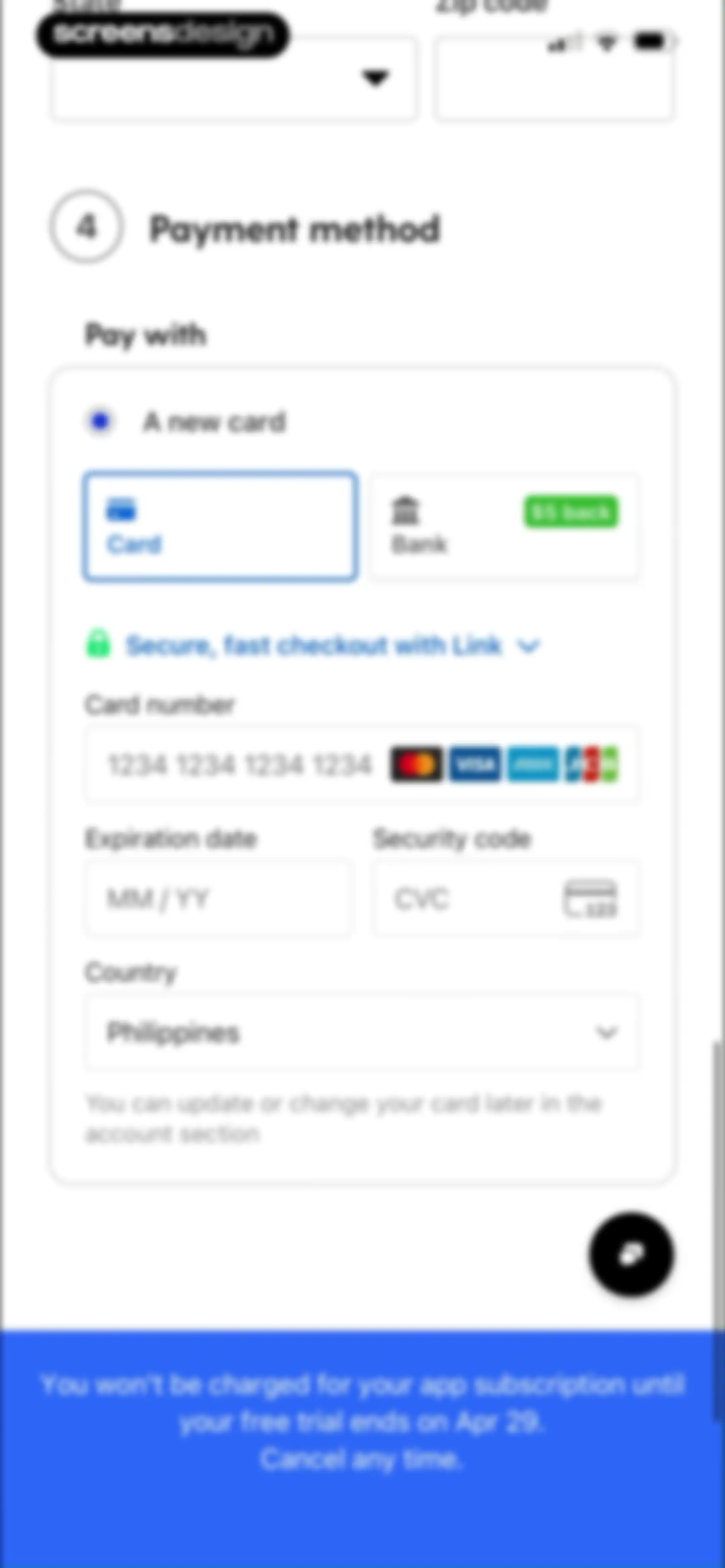
Checkout payment form with fields for card details, country set to Philippines, and a free trial subscription disclaimer.Unlock Pro
Bark subscription paywall offering a seven-day free trial with annual and monthly billing toggles and premium feature list.Unlock Pro
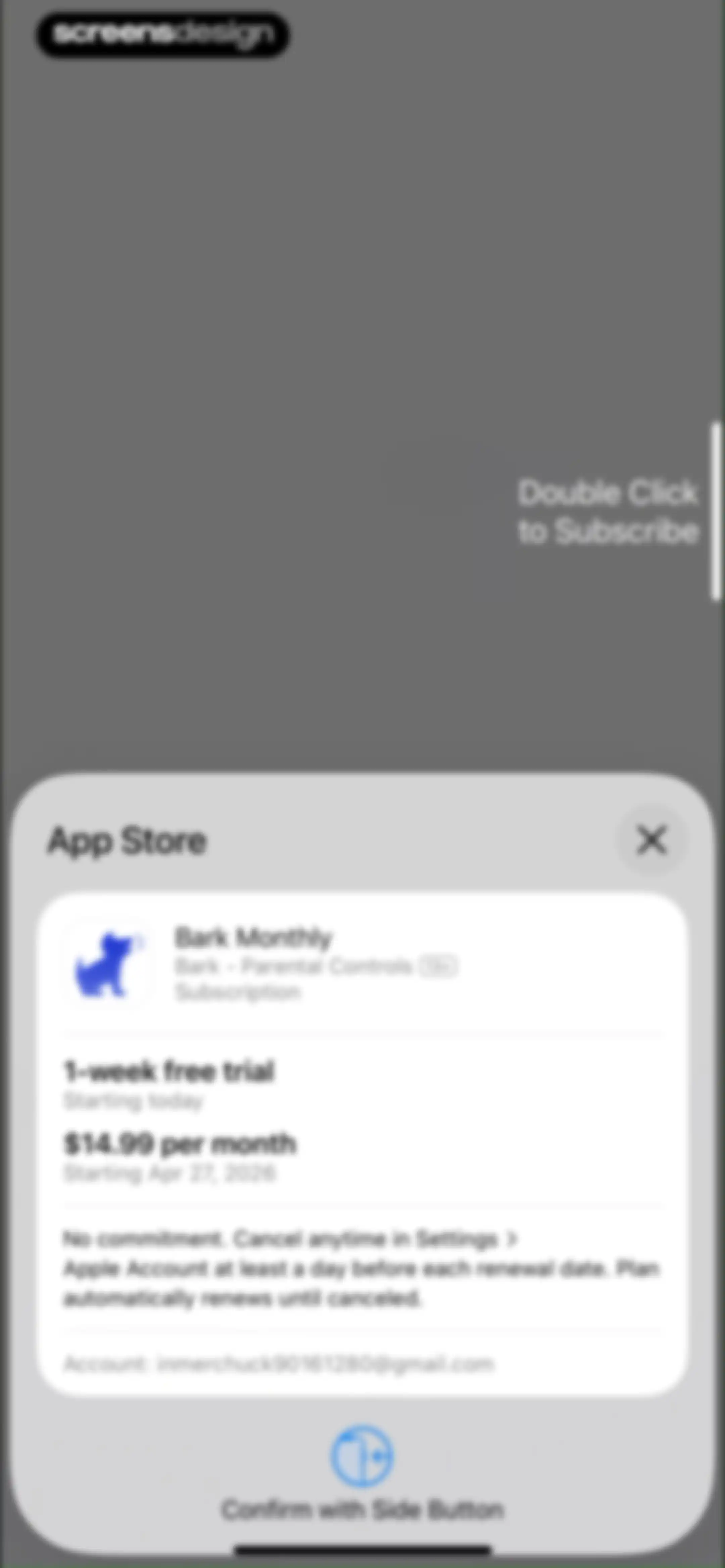
App Store subscription confirmation modal for Bark Monthly showing pricing, a one-week free trial, and a side-button confirmation instruction.Unlock Pro
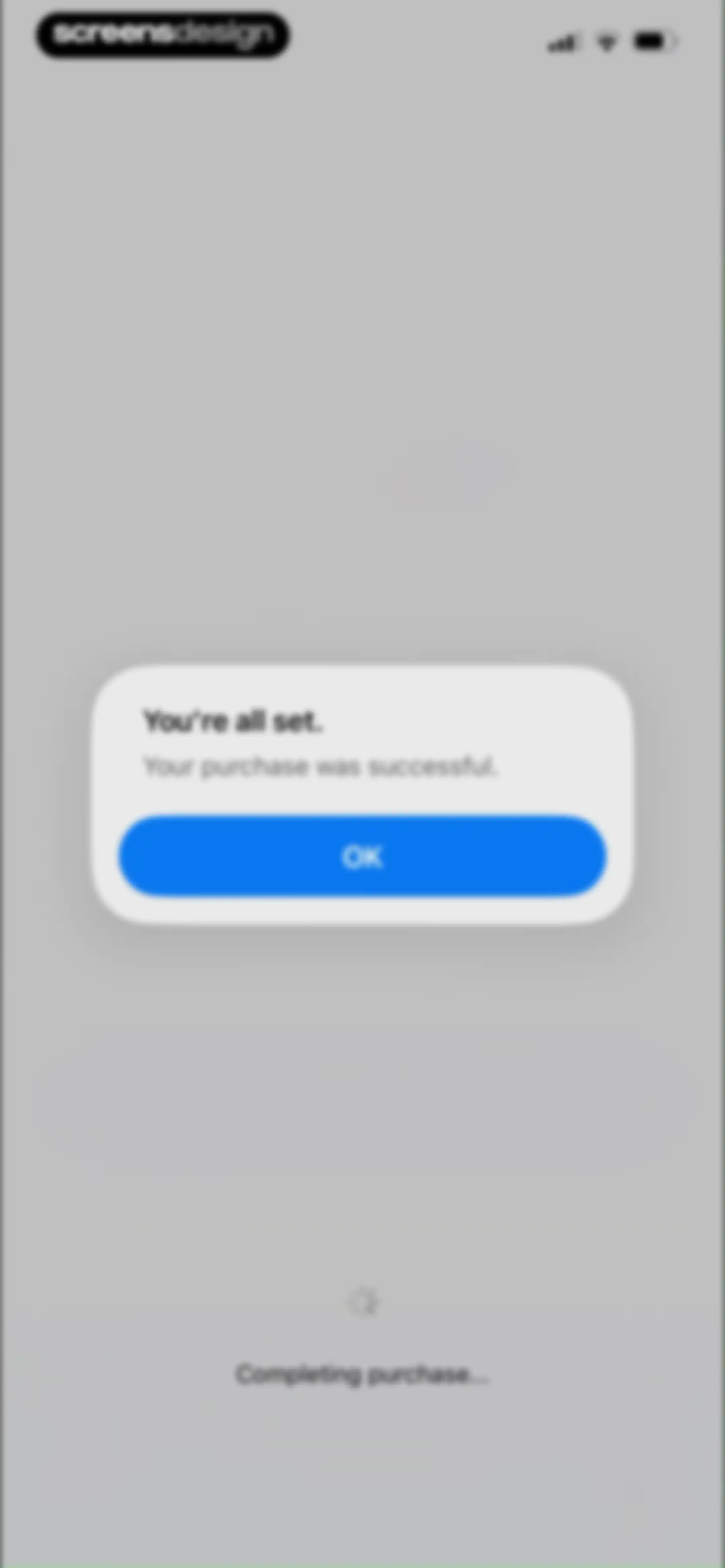
Purchase confirmation modal displaying a success message, an OK button, and a loading indicator at the bottom.Unlock Pro
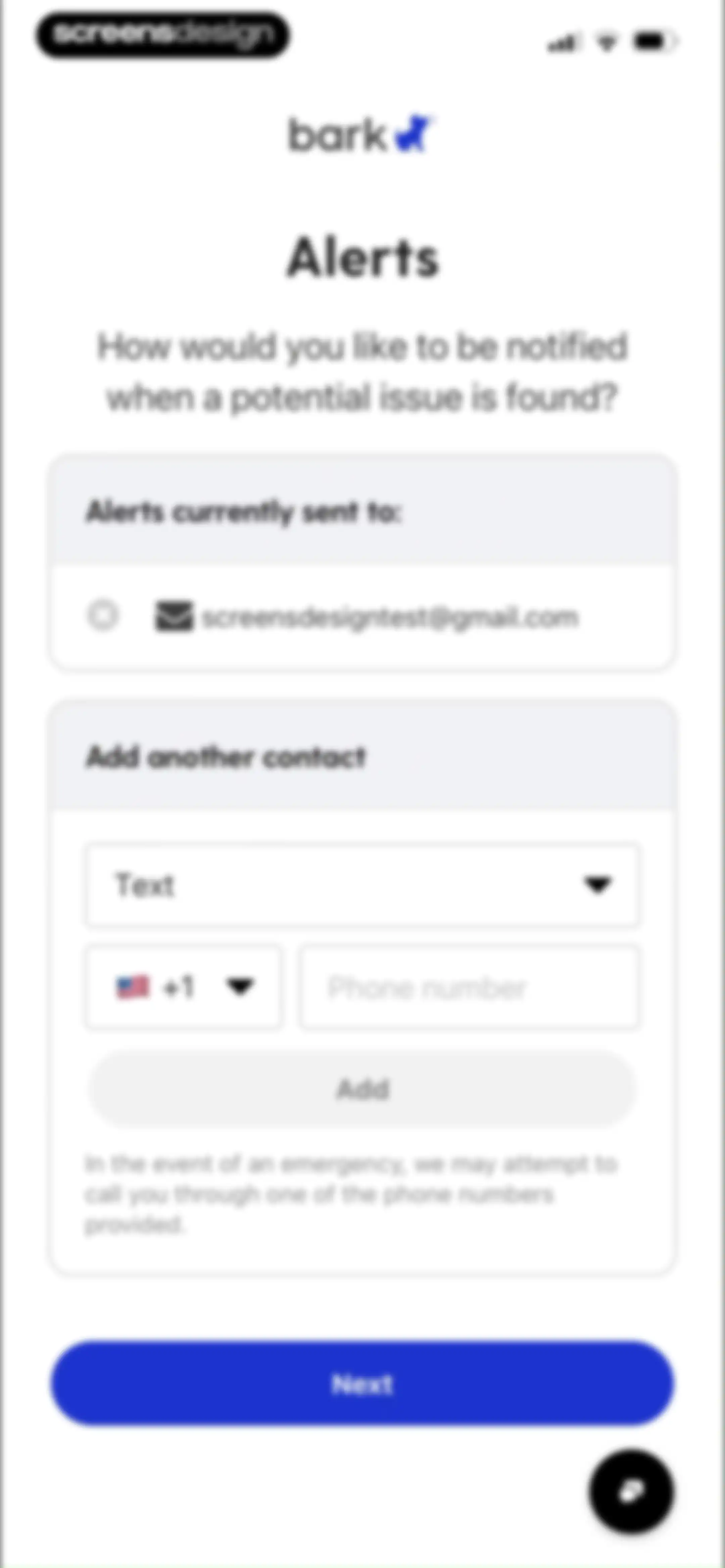
Bark onboarding notification settings screen displaying current alert contacts and an option to add a phone number with a Next button.Unlock Pro
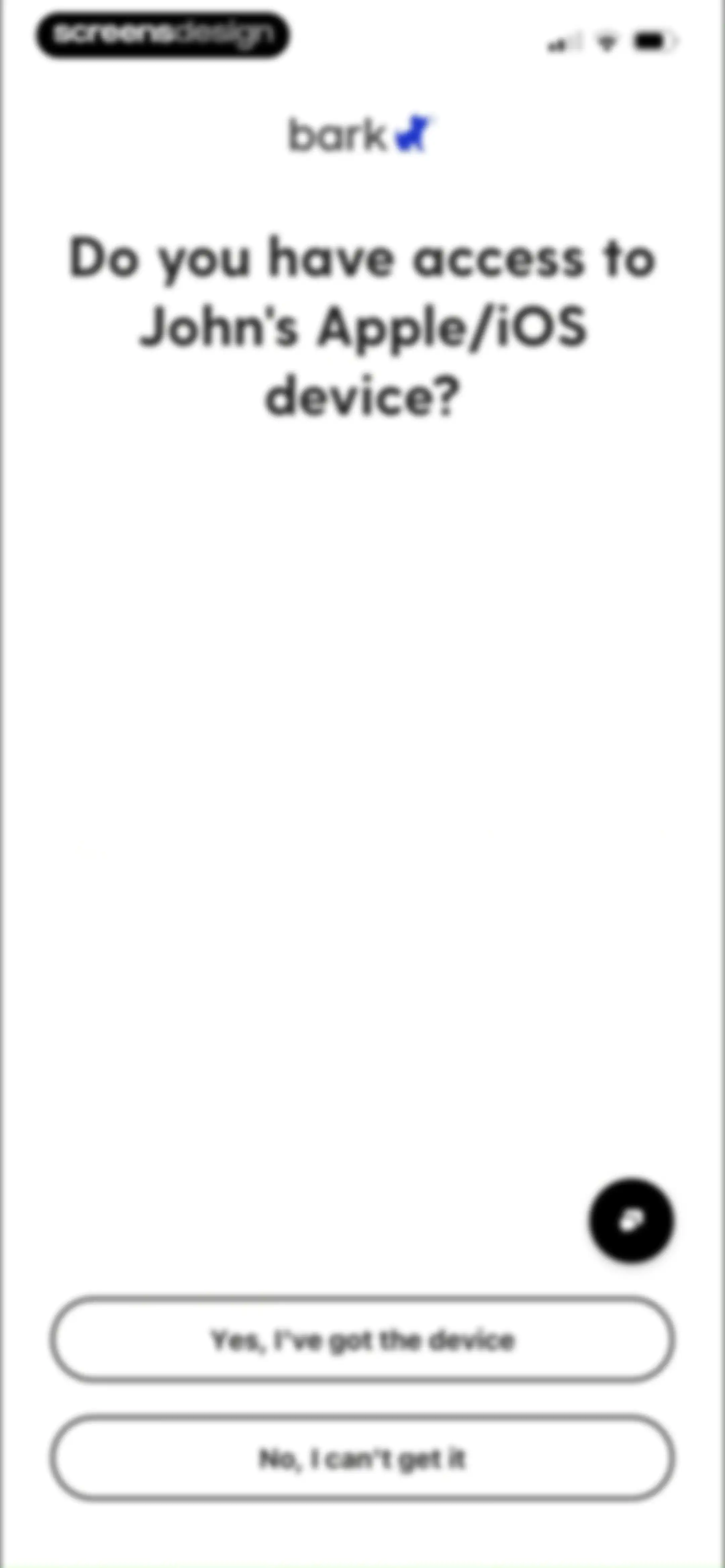
Bark onboarding screen asking whether the user has access to an iOS device, with two response buttons.Unlock Pro
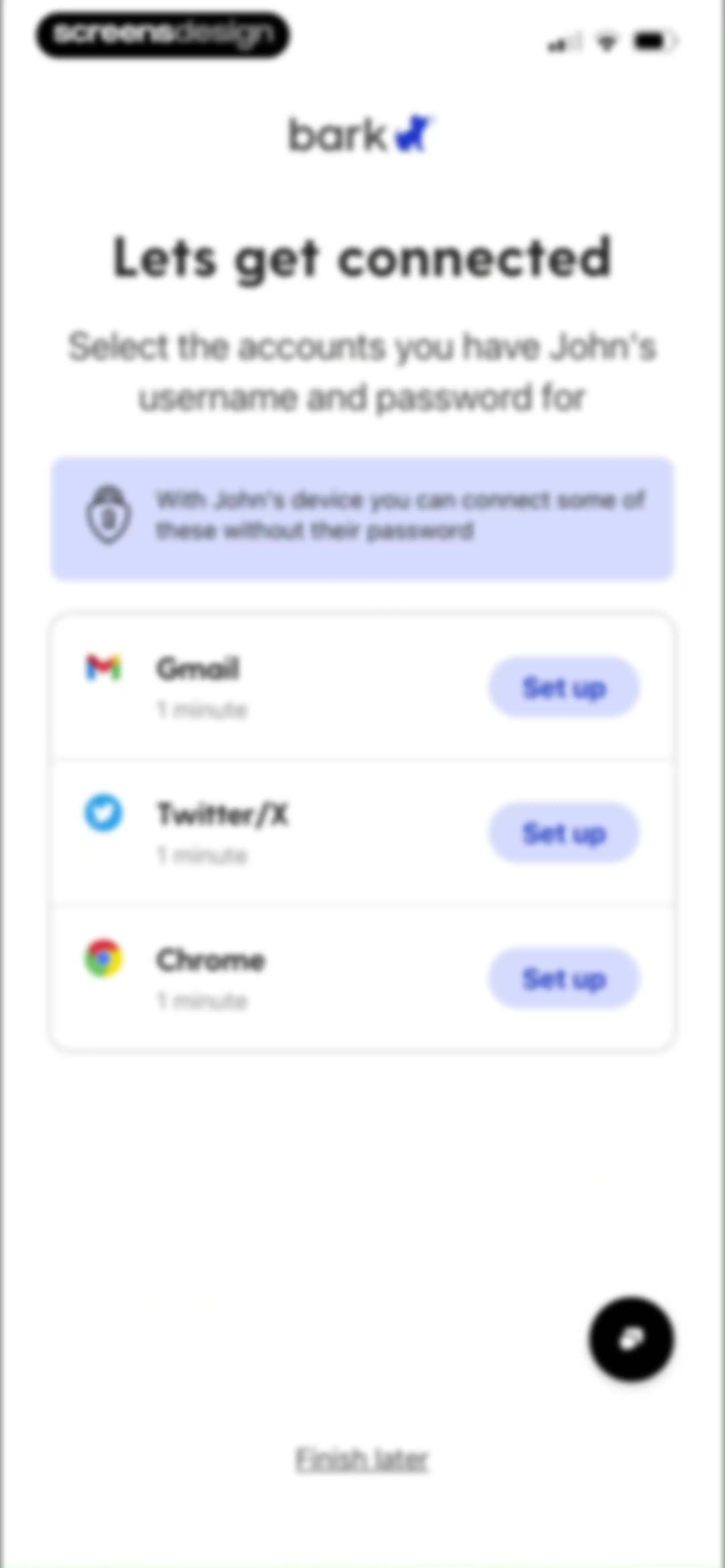
Bark onboarding screen listing service accounts to connect, featuring a security info banner and Set up buttons for each item.Unlock Pro
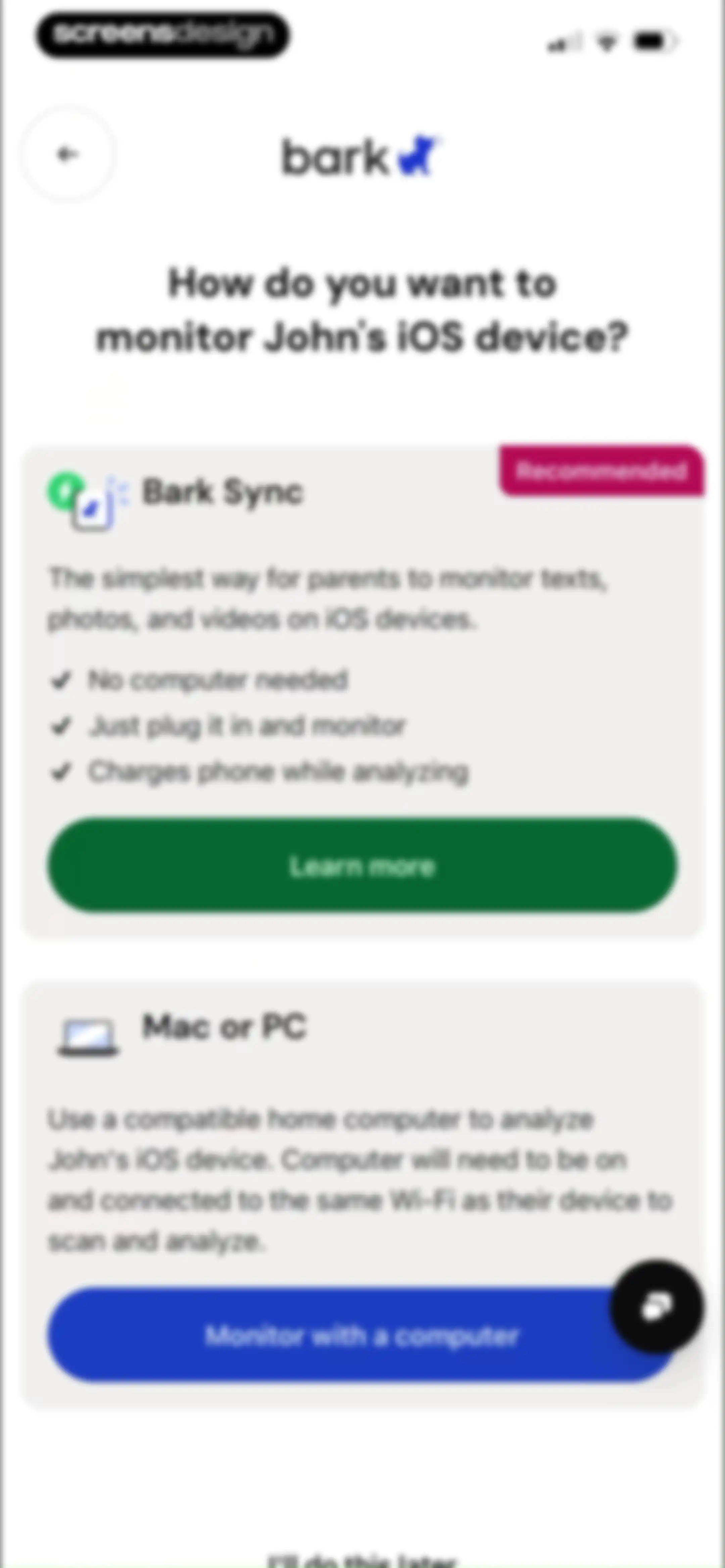
Onboarding screen asking how to monitor an iOS device, featuring Bark Sync and Mac or PC selection cards with a skip link.Unlock Pro
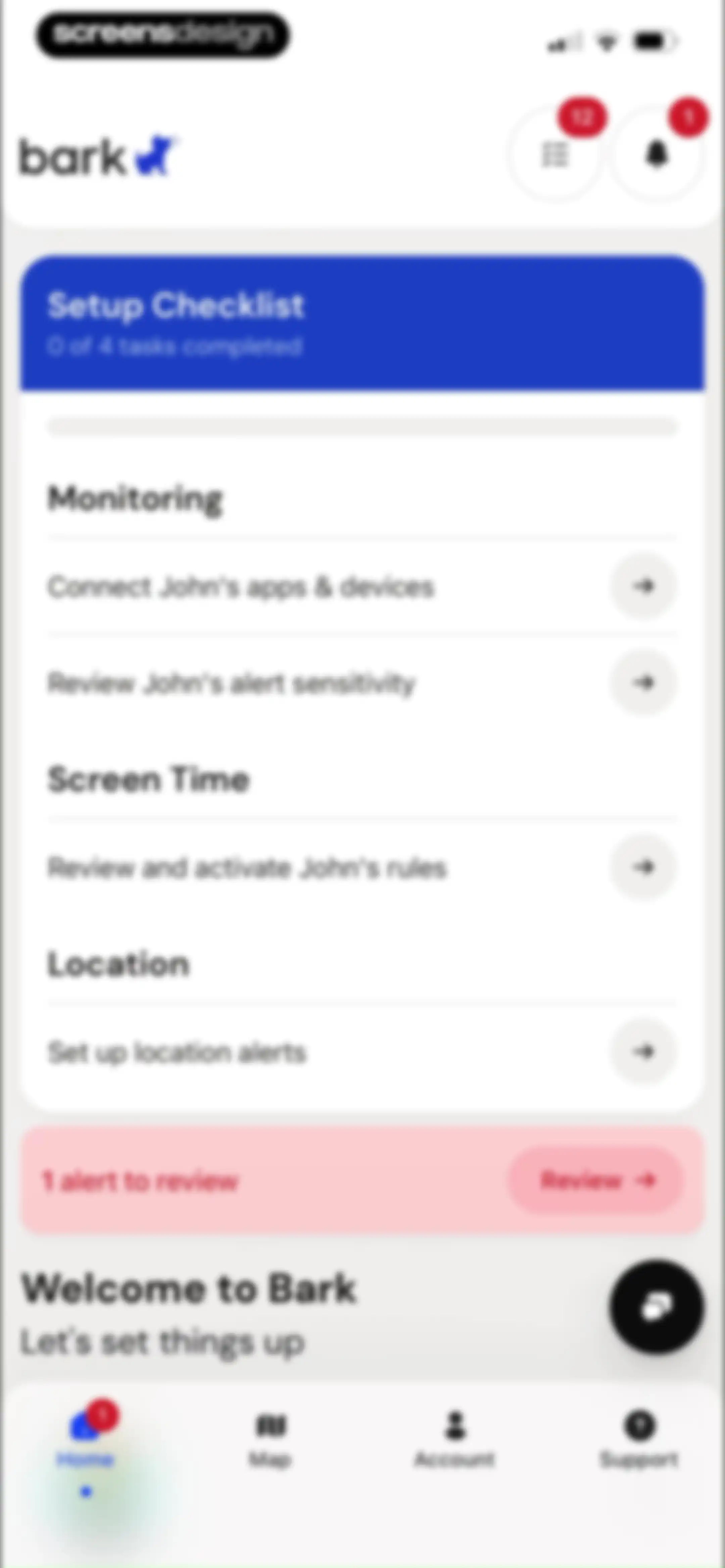
Dashboard with a setup checklist showing zero of four tasks completed, an alert banner, and a bottom navigation bar.Unlock Pro
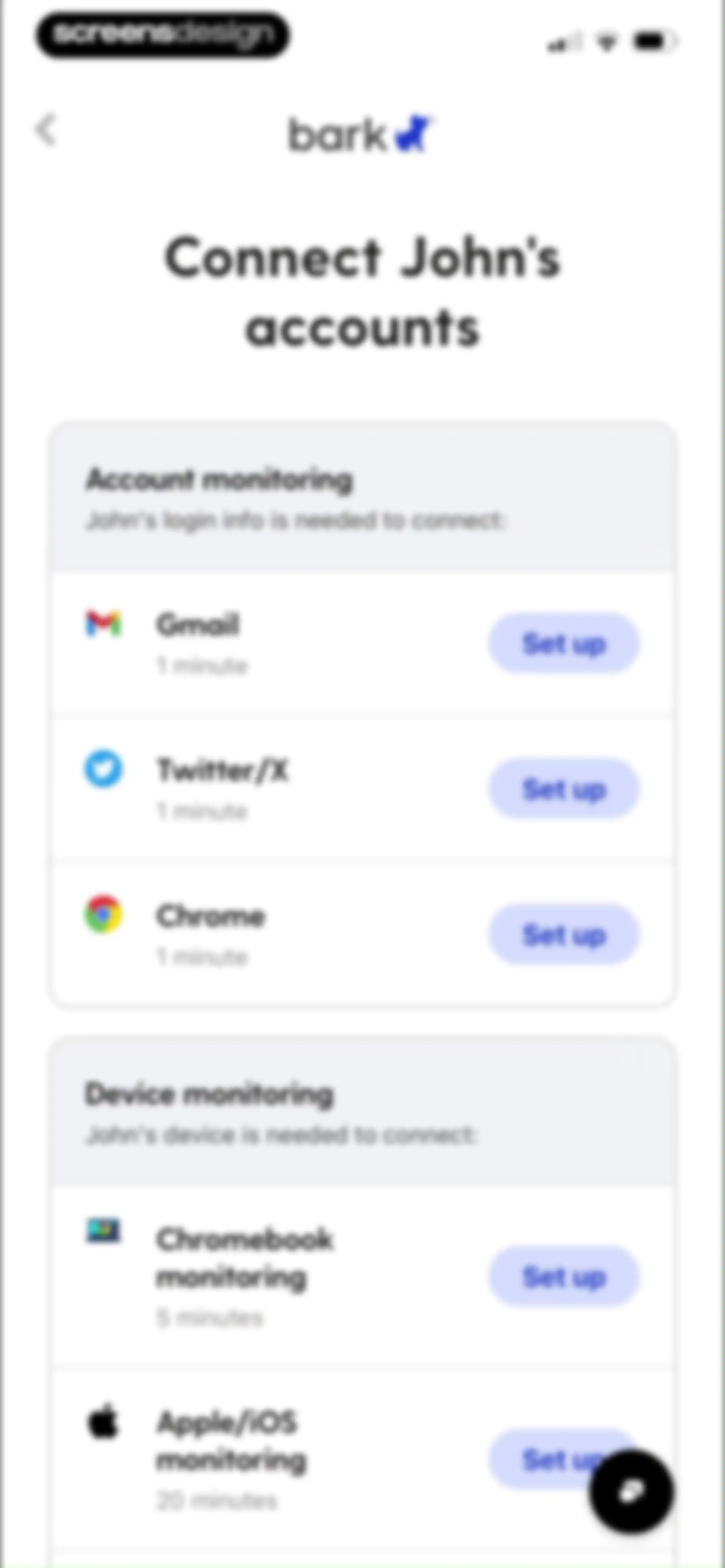
Bark onboarding screen with account and device monitoring cards, featuring setup buttons for Gmail, Twitter, and other services.Unlock Pro
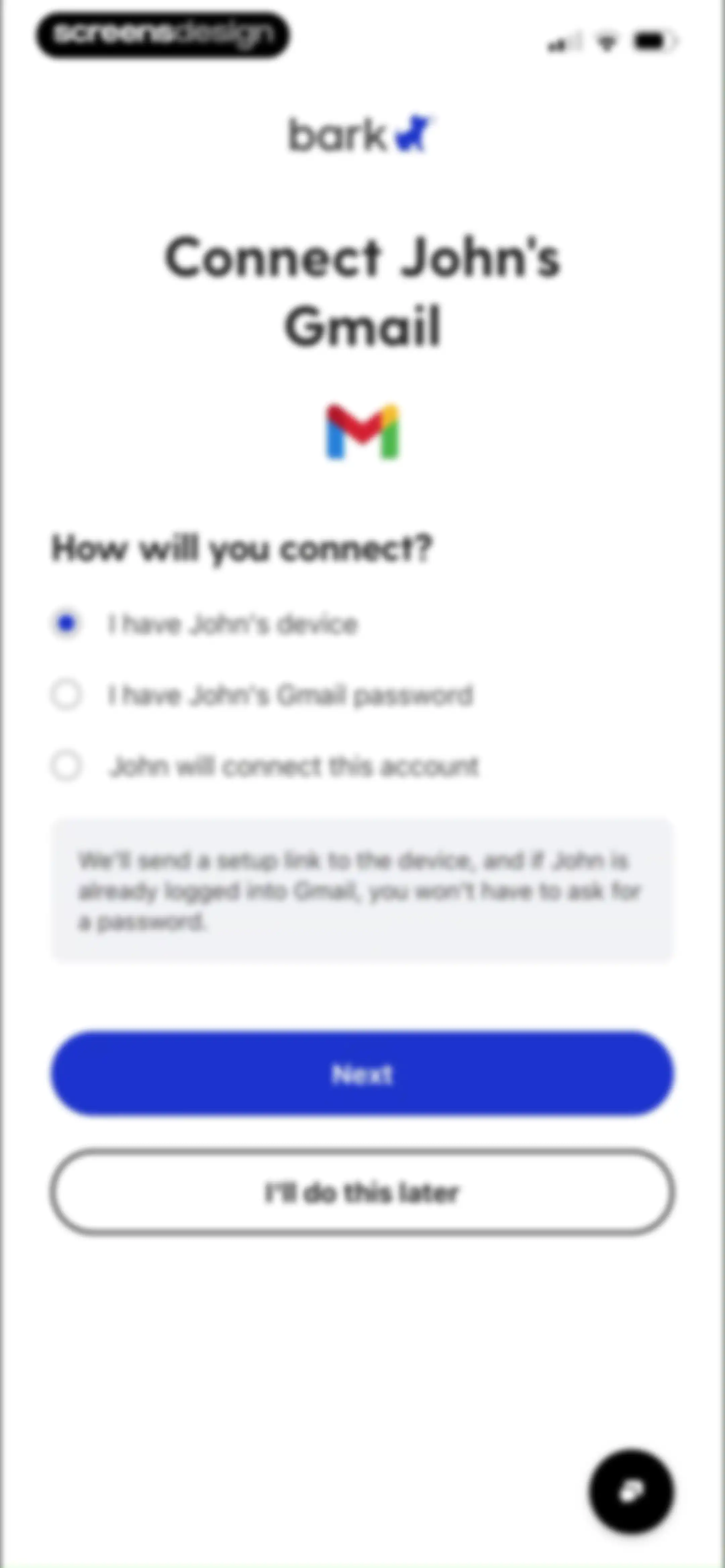
Bark onboarding screen to connect a child's Gmail account, featuring three connection method options with the first selected and a Next button.Unlock Pro
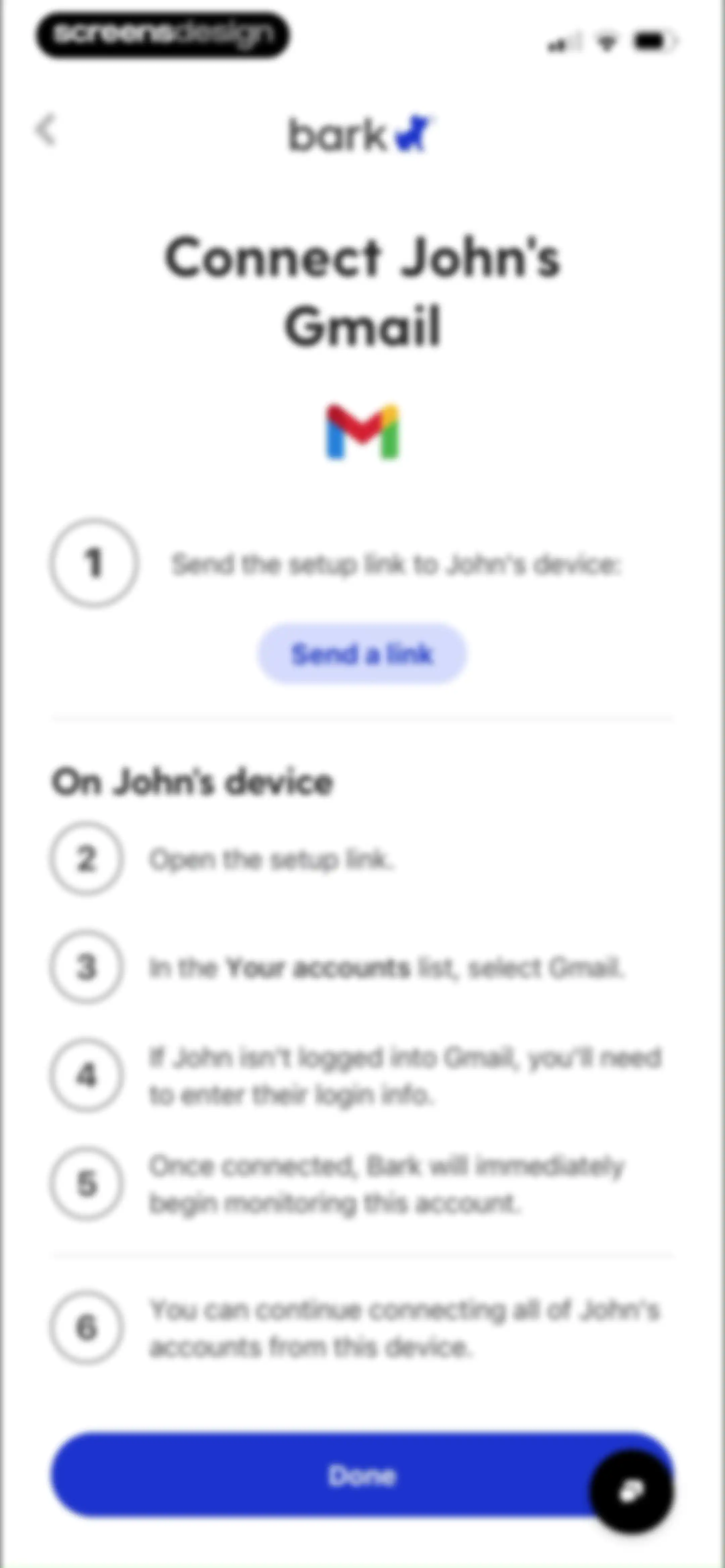
Onboarding instructions for connecting John's Gmail to Bark, with a numbered guide and a Done button.Unlock Pro
Onboarding setup screen displaying a status card for sending a Gmail setup link and an open iOS share sheet modal.Unlock Pro
Onboarding screen with account and device monitoring cards to connect accounts and devices with setup buttons.Unlock Pro
Monitoring sensitivity settings screen for a child profile, listing categories like anxiety and body image with dropdown menus set to all.Unlock Pro
Monitoring sensitivity settings screen for John with dropdown menus for categories like anxiety and body image set to all.Unlock Pro
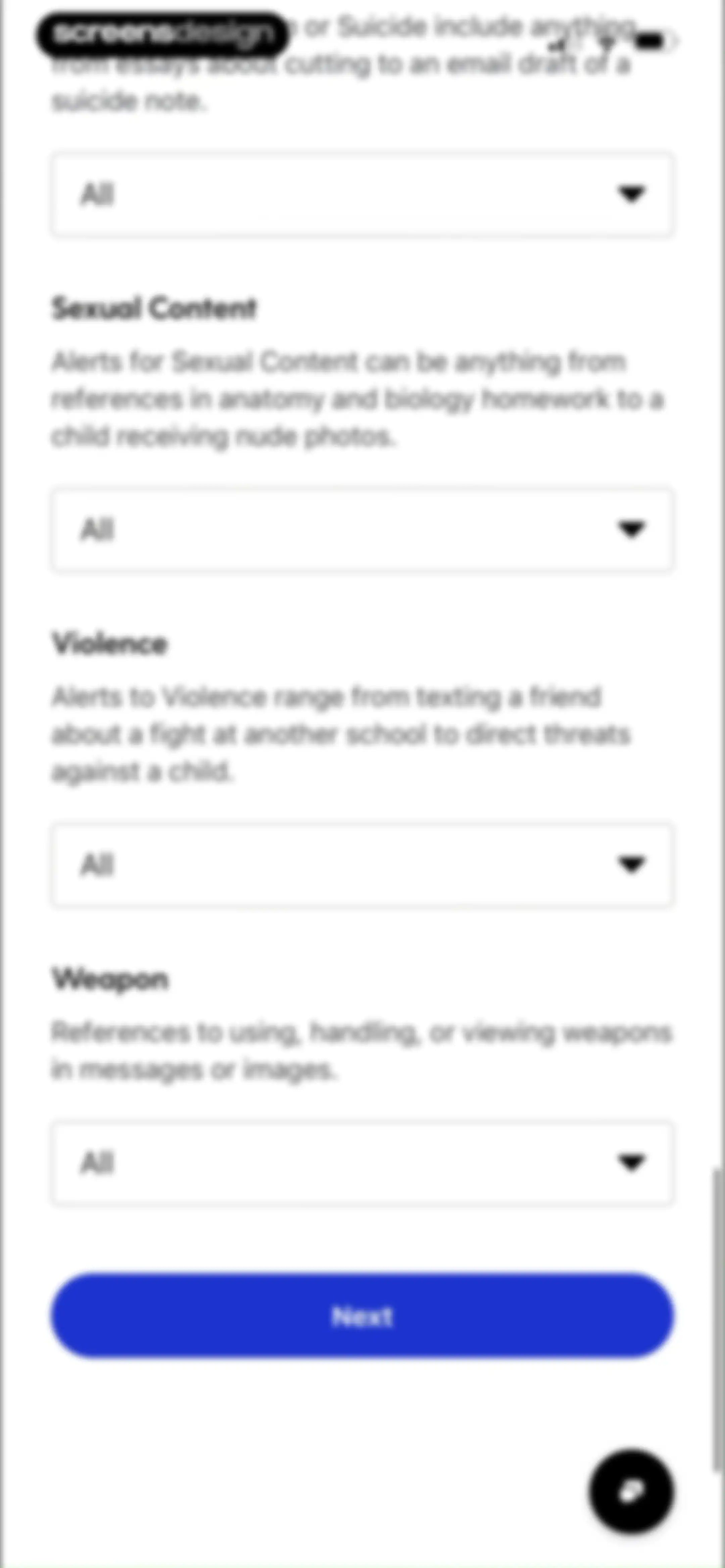
Parental control configuration form listing four content monitoring categories with dropdown selectors and a Next button.Unlock Pro
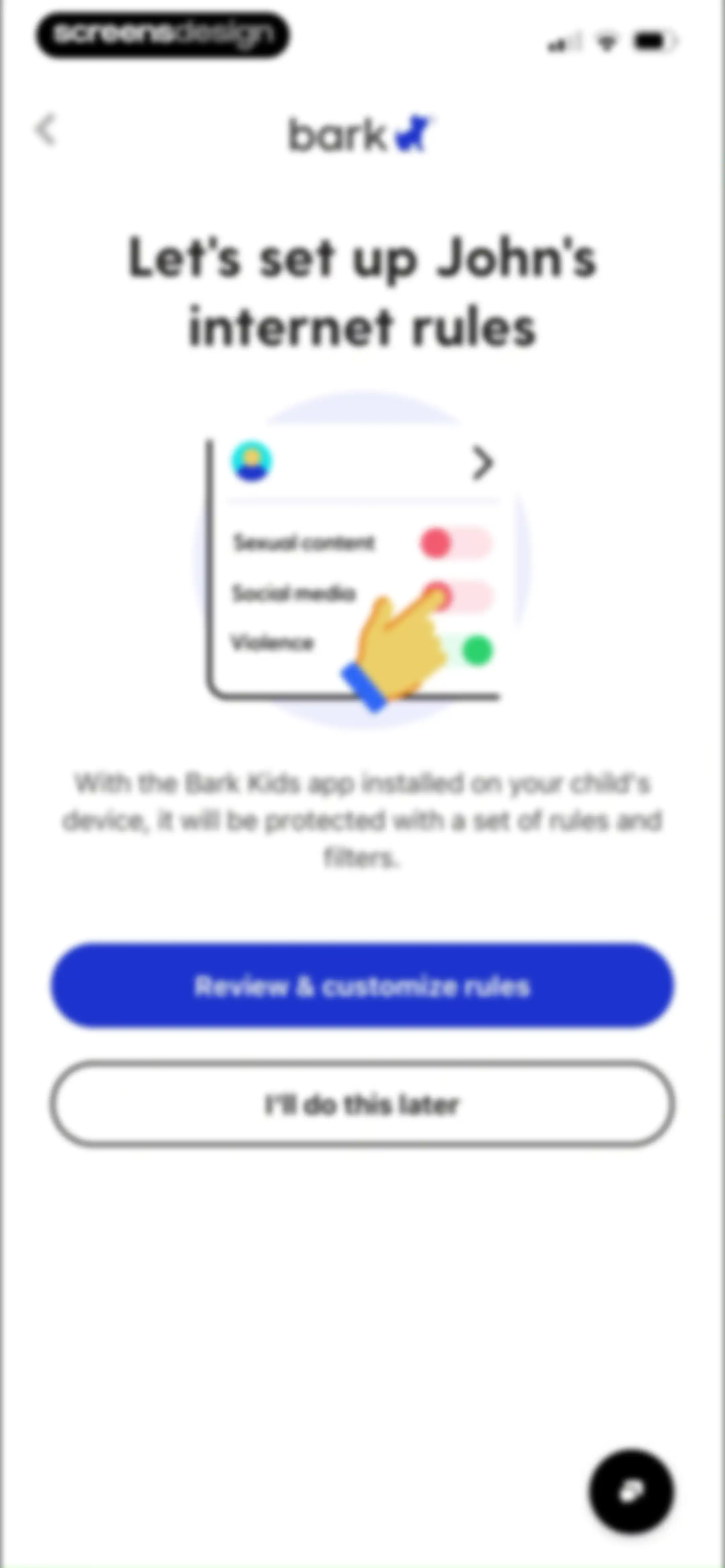
Bark onboarding screen guiding the setup of internet rules for a child, featuring a central illustration, a review button, and a skip option.Unlock Pro
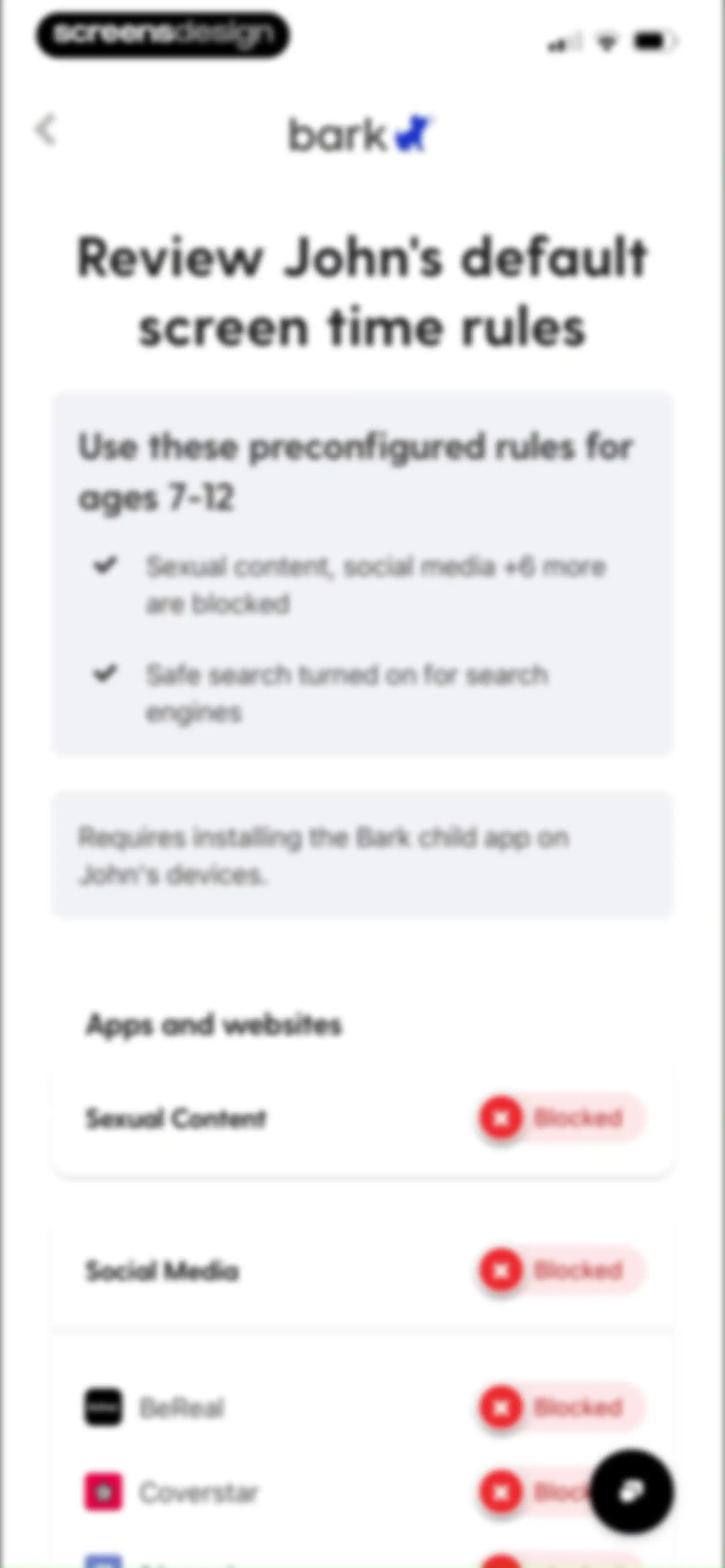
Bark parental control settings screen for reviewing preconfigured screen time rules and managing blocked app and website categories for a child.Unlock Pro
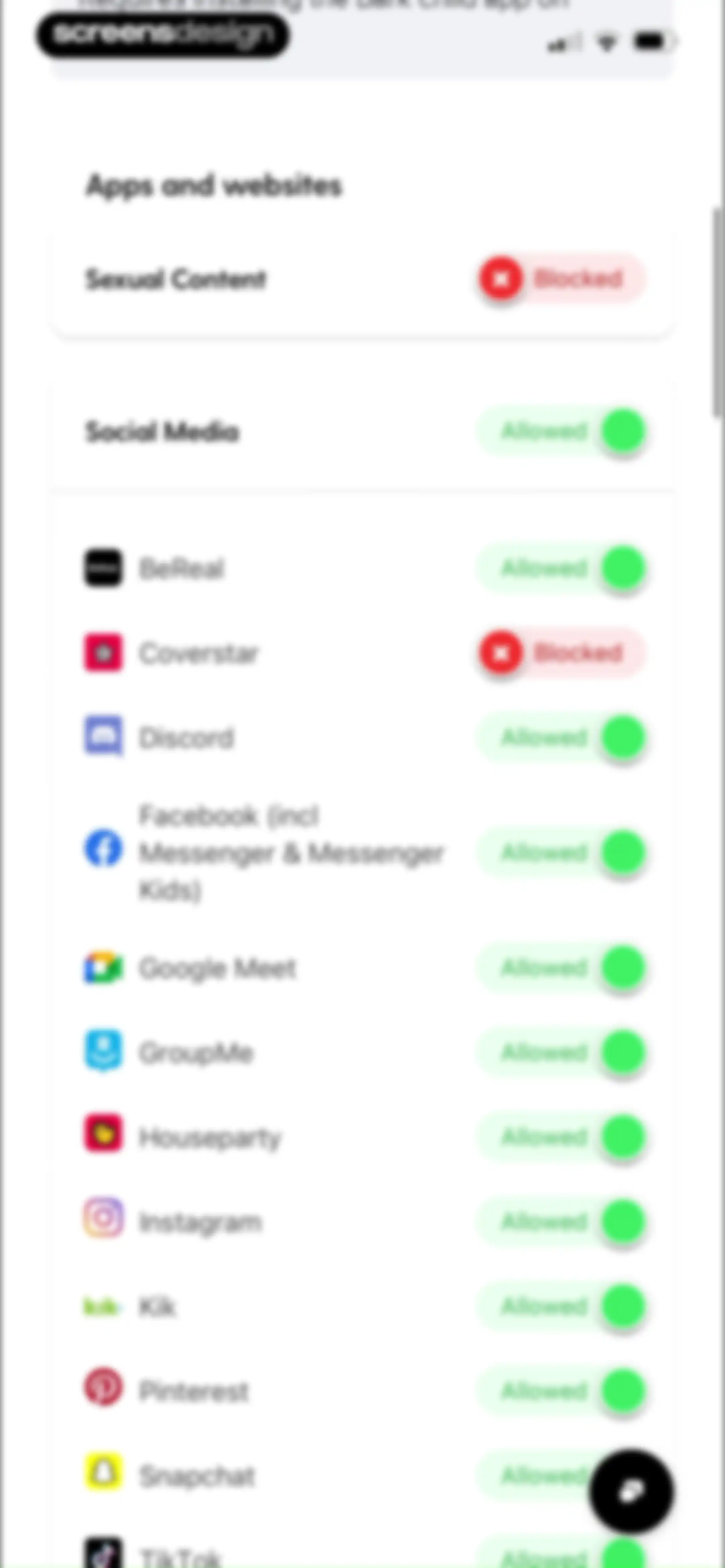
Bark parental control settings screen displaying a list of apps and websites with individual toggle switches for allowed or blocked access.Unlock Pro
Settings screen listing streaming services with individual access toggles, showing Amazon Music blocked and a chat button in the corner.Unlock Pro
Web filtering settings screen with toggles for safe search, YouTube restricted mode, and a Next button.Unlock Pro
Onboarding screen for the Bark app inviting the user to customize John's screen time schedule, featuring an illustration of schedule modes and a Set up schedule button.Unlock Pro
Onboarding screen time setup form listing school, free time, and bedtime options with the bedtime schedule enabled and a set up button.Unlock Pro
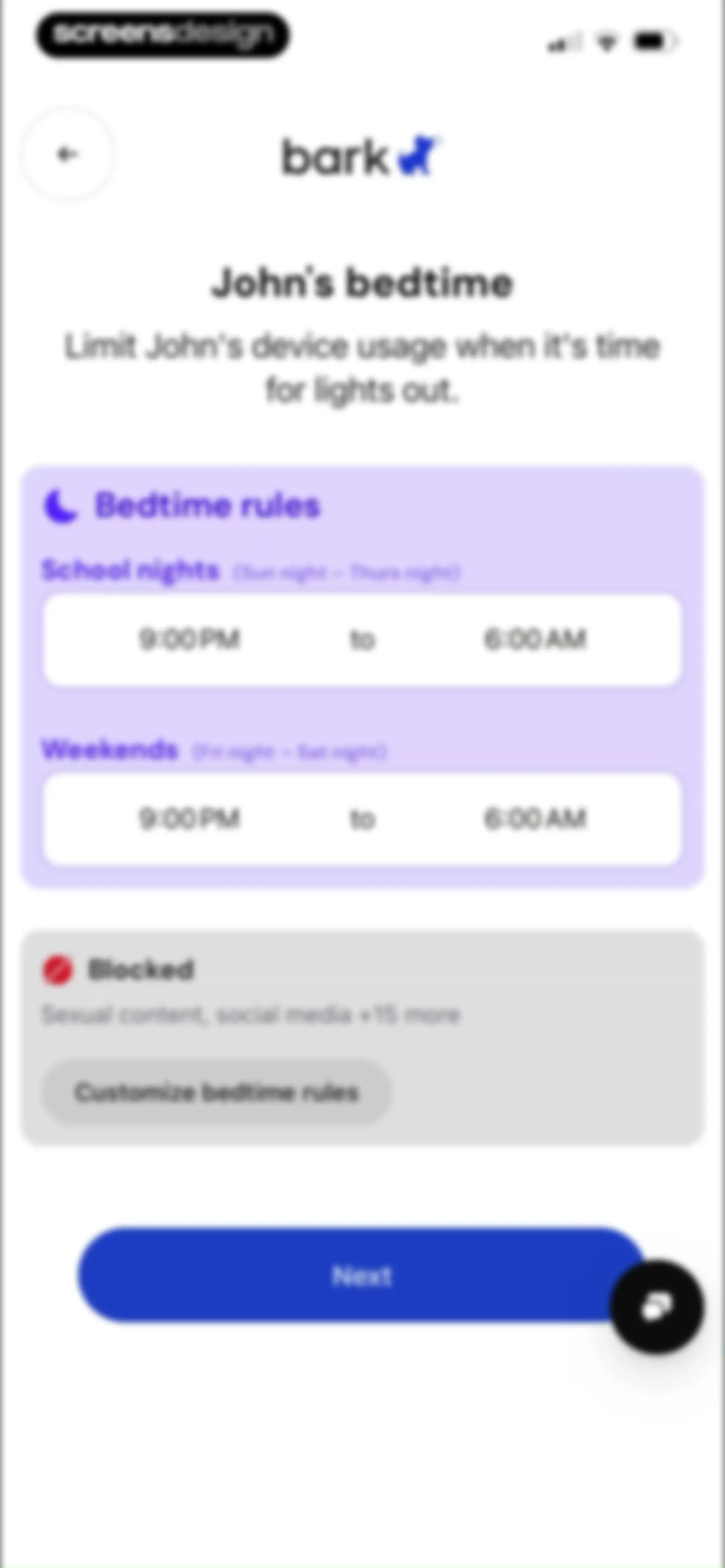
Onboarding bedtime configuration screen displaying school night and weekend schedule rules, a blocked content status card, and a Next button.Unlock Pro
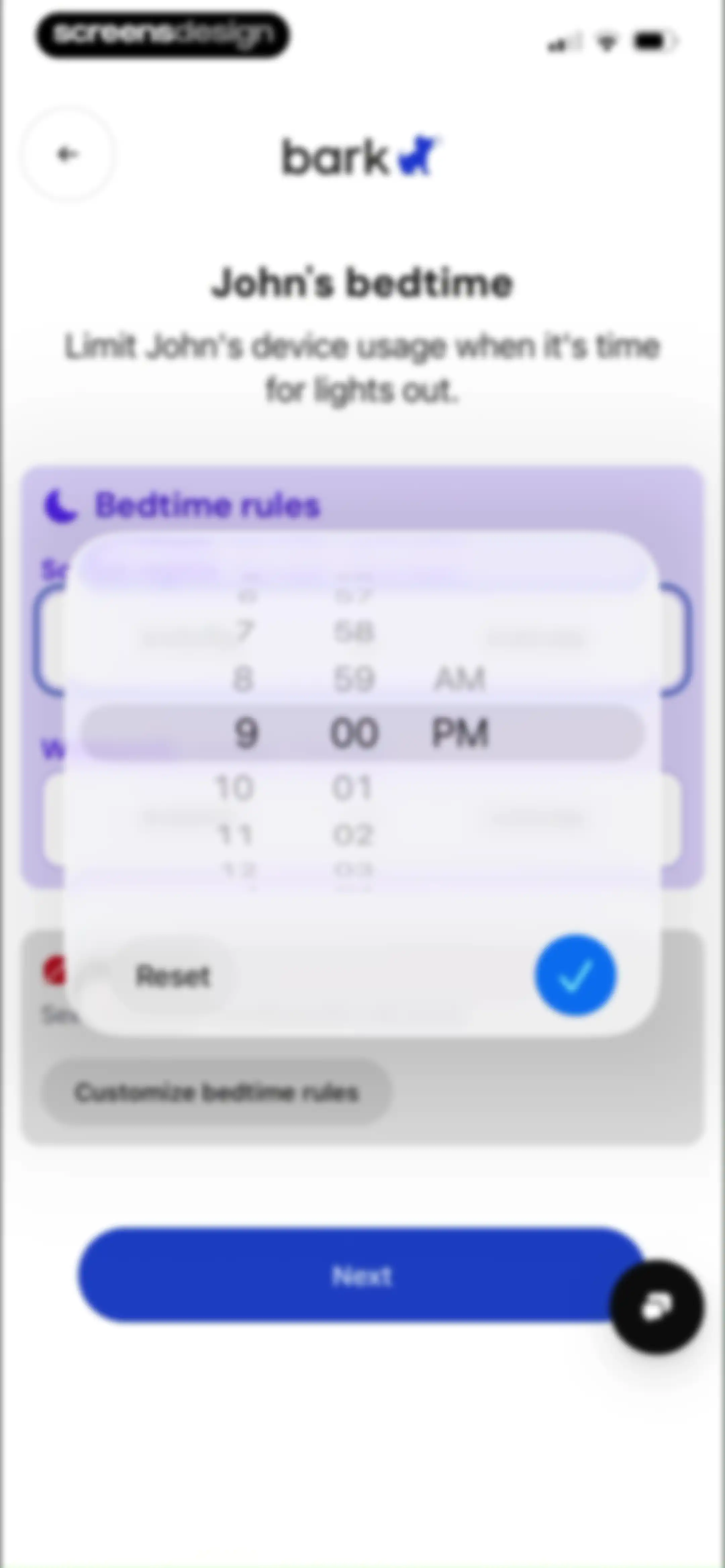
Bedtime settings screen in the Bark app displaying a time-picker modal set to 9:00 PM with a Next button.Unlock Pro
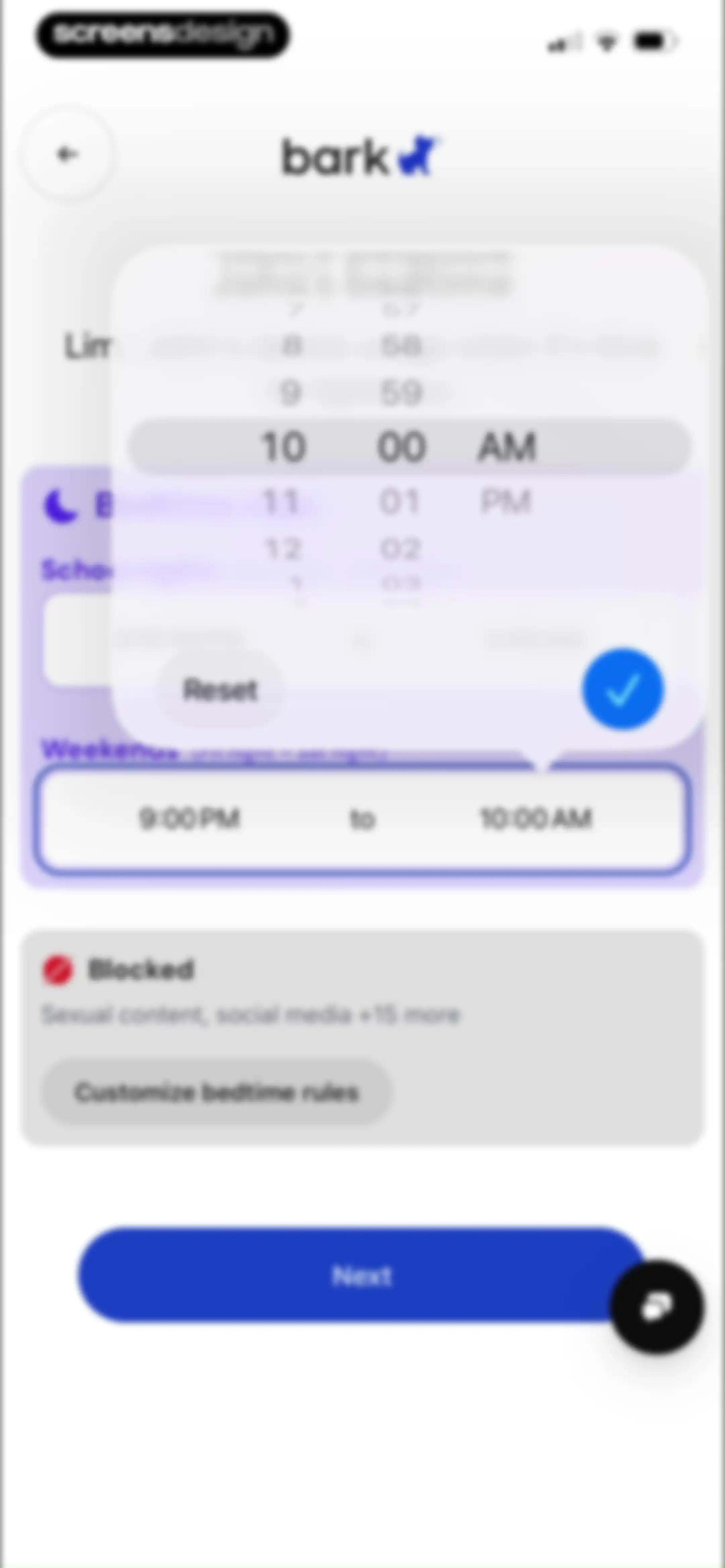
Bedtime configuration form in the Bark app displaying a time picker modal, weekend schedule settings, and a Next button.Unlock Pro
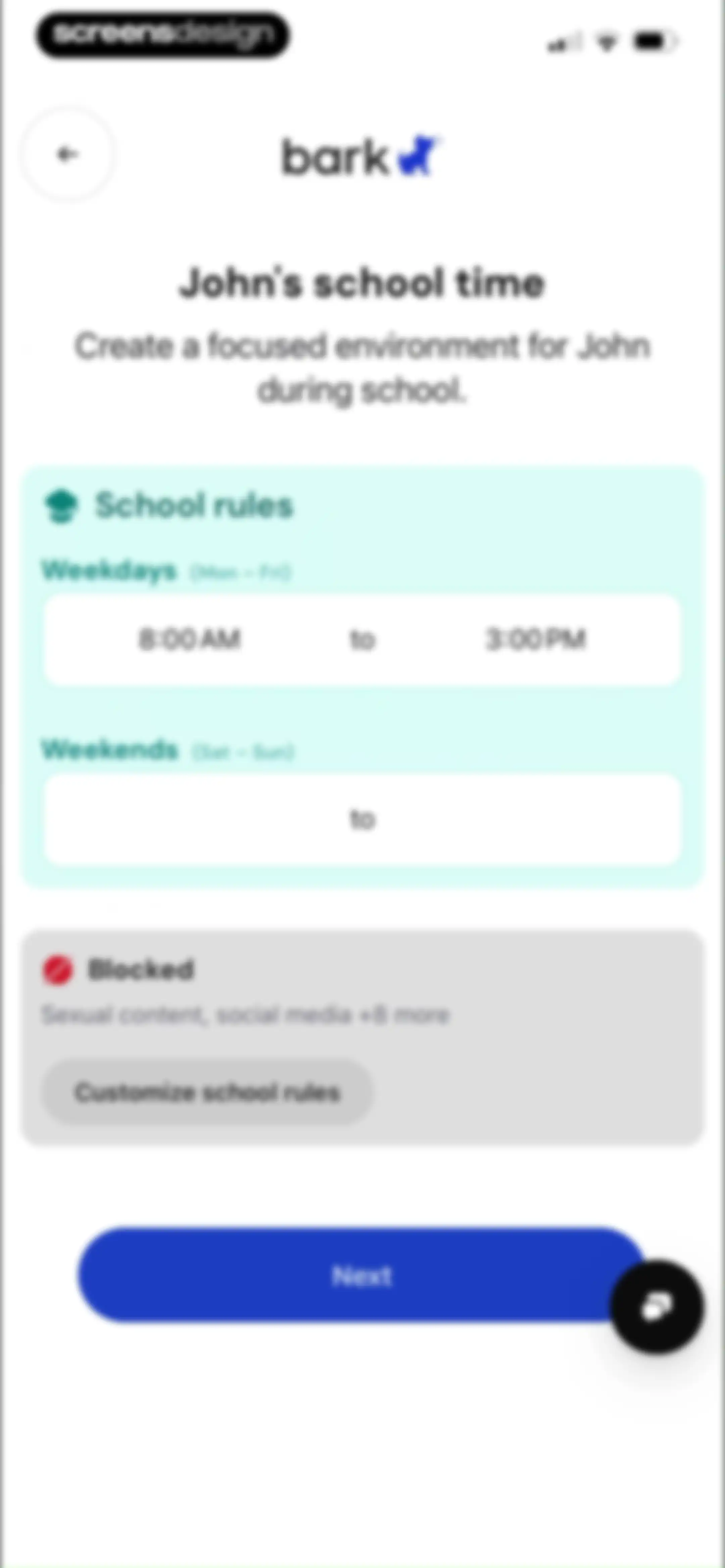
School time setup form with weekday schedule from 8:00 AM to 3:00 PM, blocked content summary, and a Next button.Unlock Pro
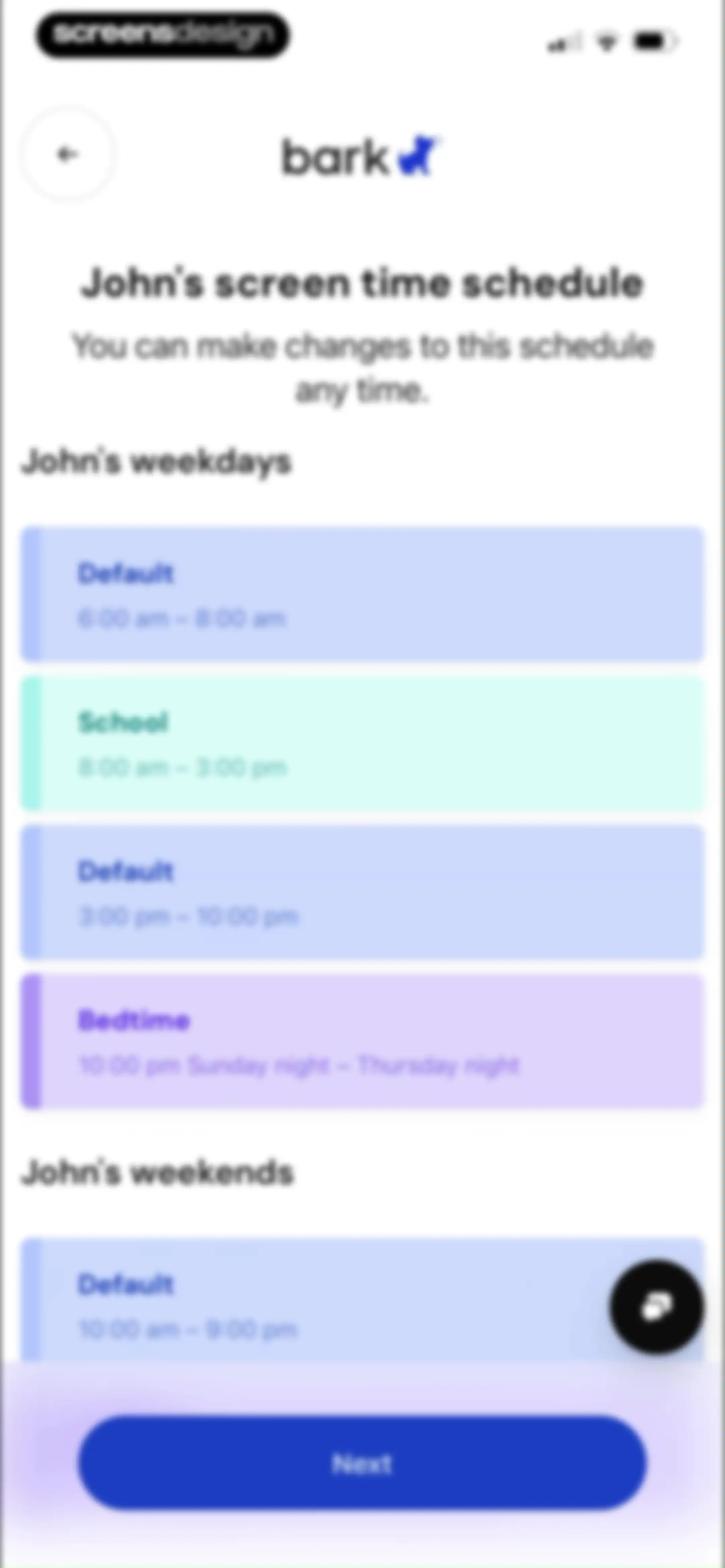
Bark screen time schedule settings for a child, displaying weekday and weekend time-block cards with a Next button.Unlock Pro
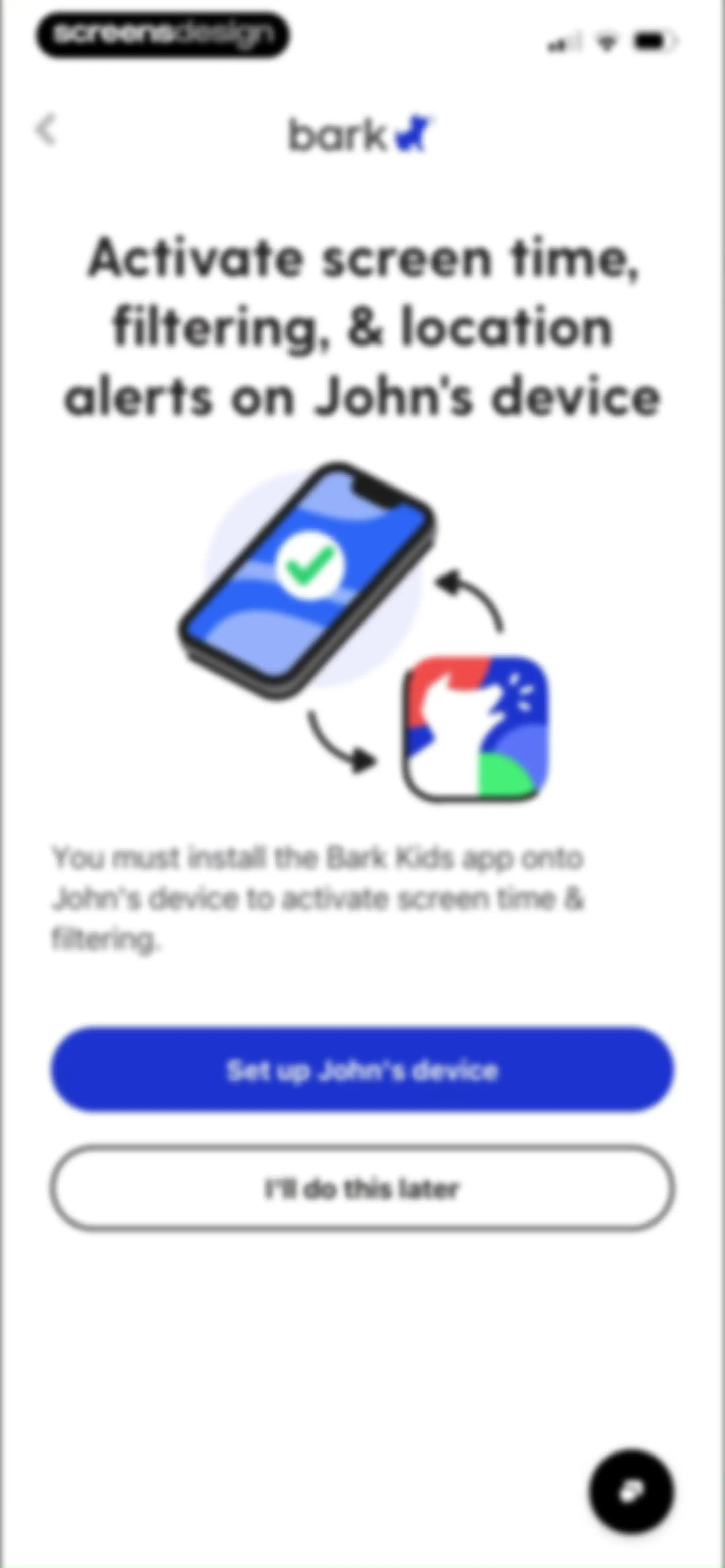
Bark onboarding screen prompting the setup of John's device with an illustration and a Set up John's device button.Unlock Pro
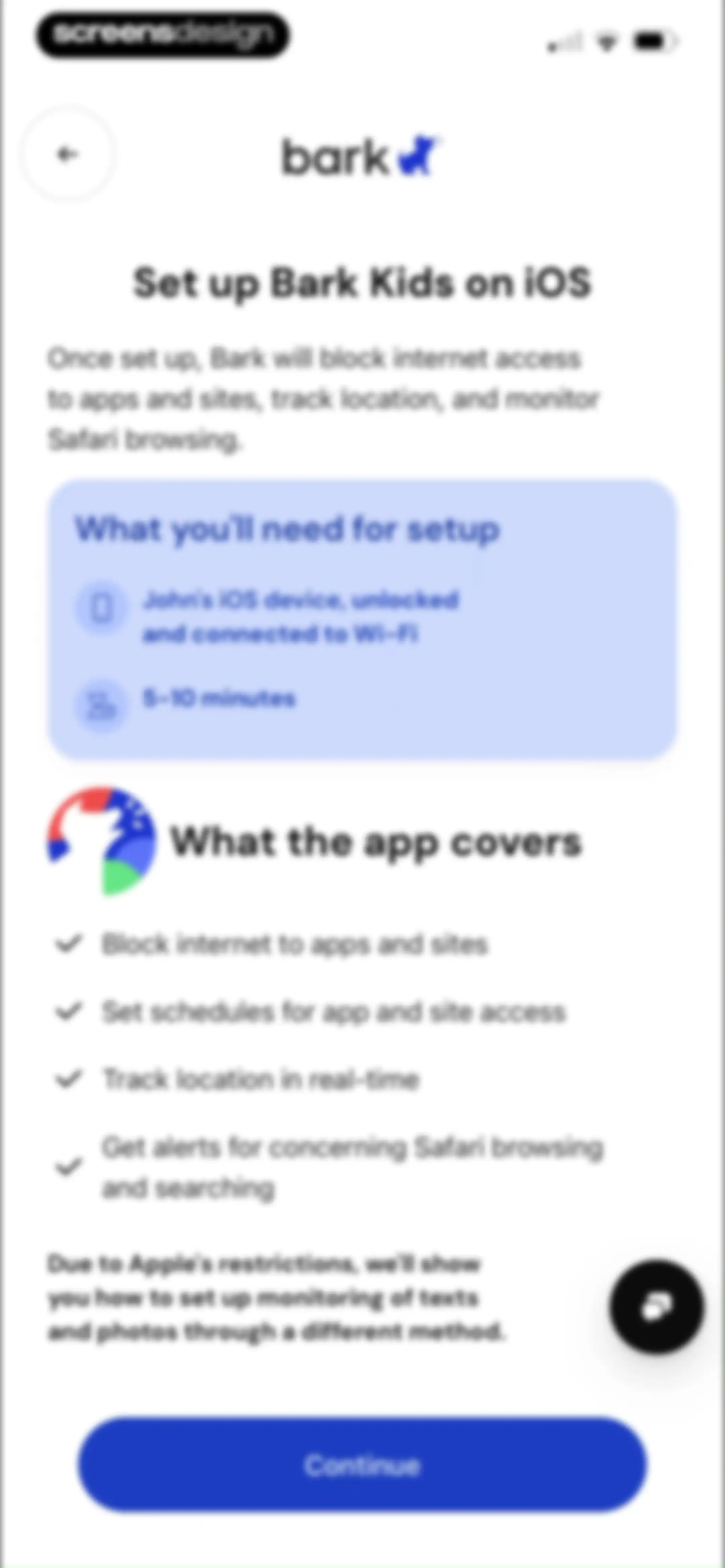
Bark app onboarding setup guide for iOS detailing requirements and features, with a Continue button.Unlock Pro
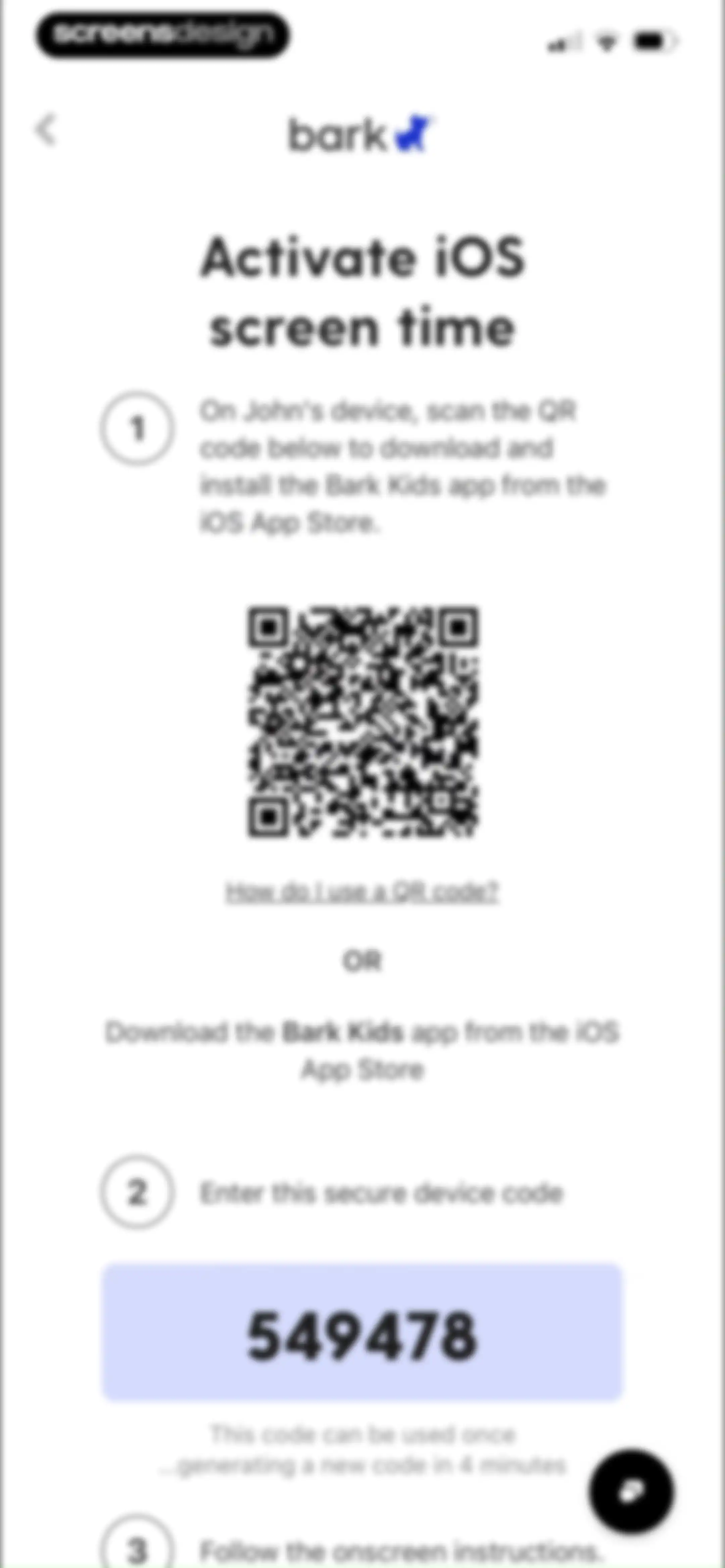
Bark onboarding screen with numbered instructions to activate iOS screen time, featuring a QR code and secure device code 549478.Unlock Pro
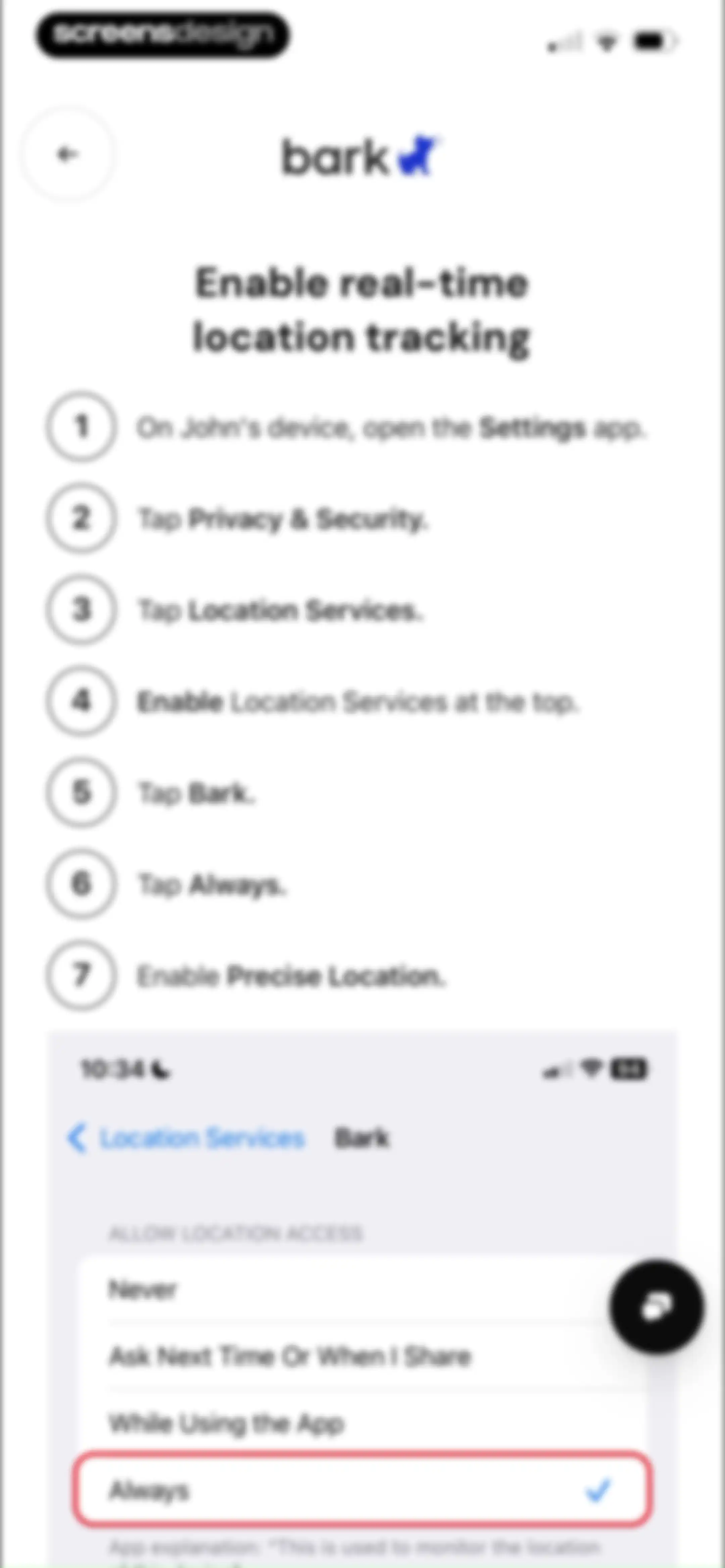
Permission setup guide for enabling real-time location tracking, featuring numbered instructions and an iOS settings menu mockup with Always selected.Unlock Pro
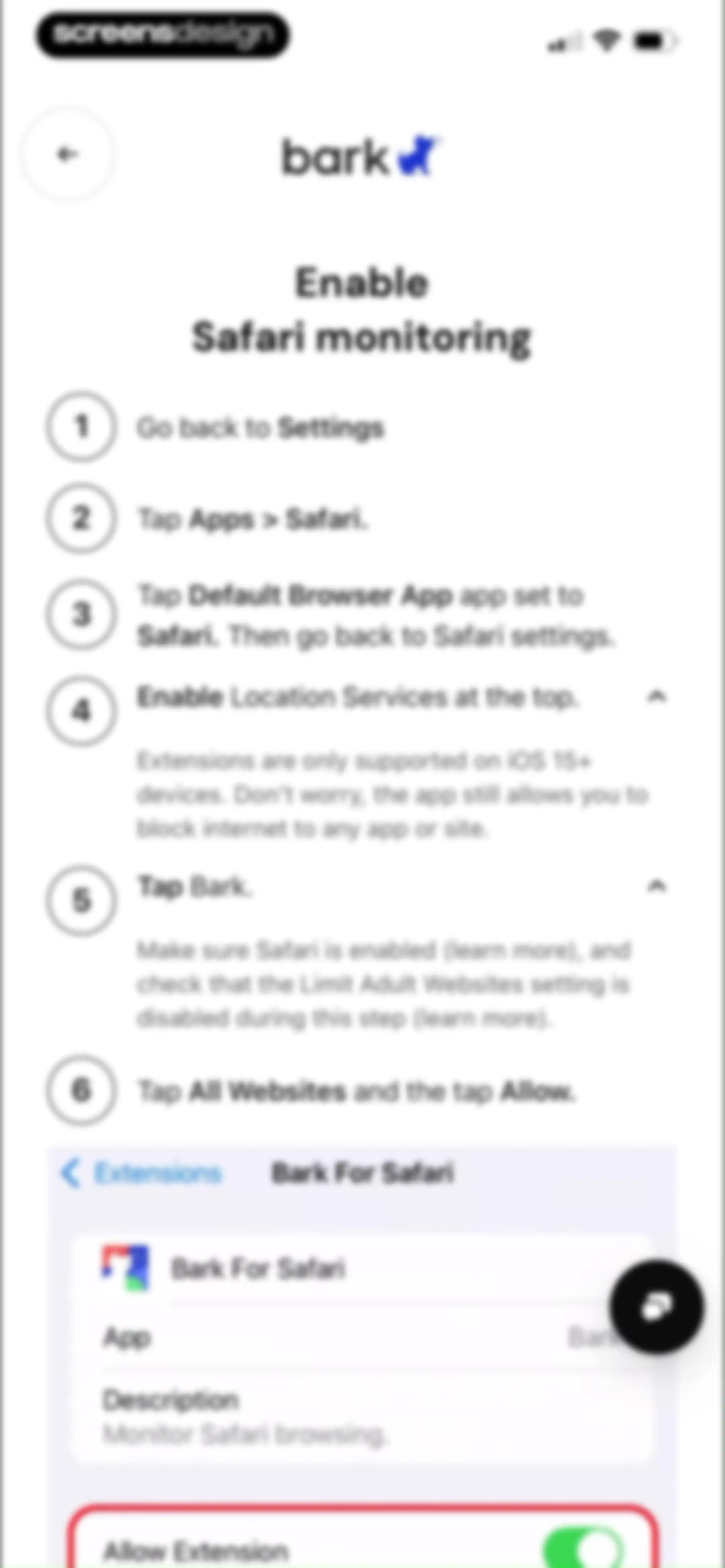
Onboarding instructions screen detailing steps to enable Safari monitoring, featuring a numbered guide and a settings interface mockup at the bottom.Unlock Pro
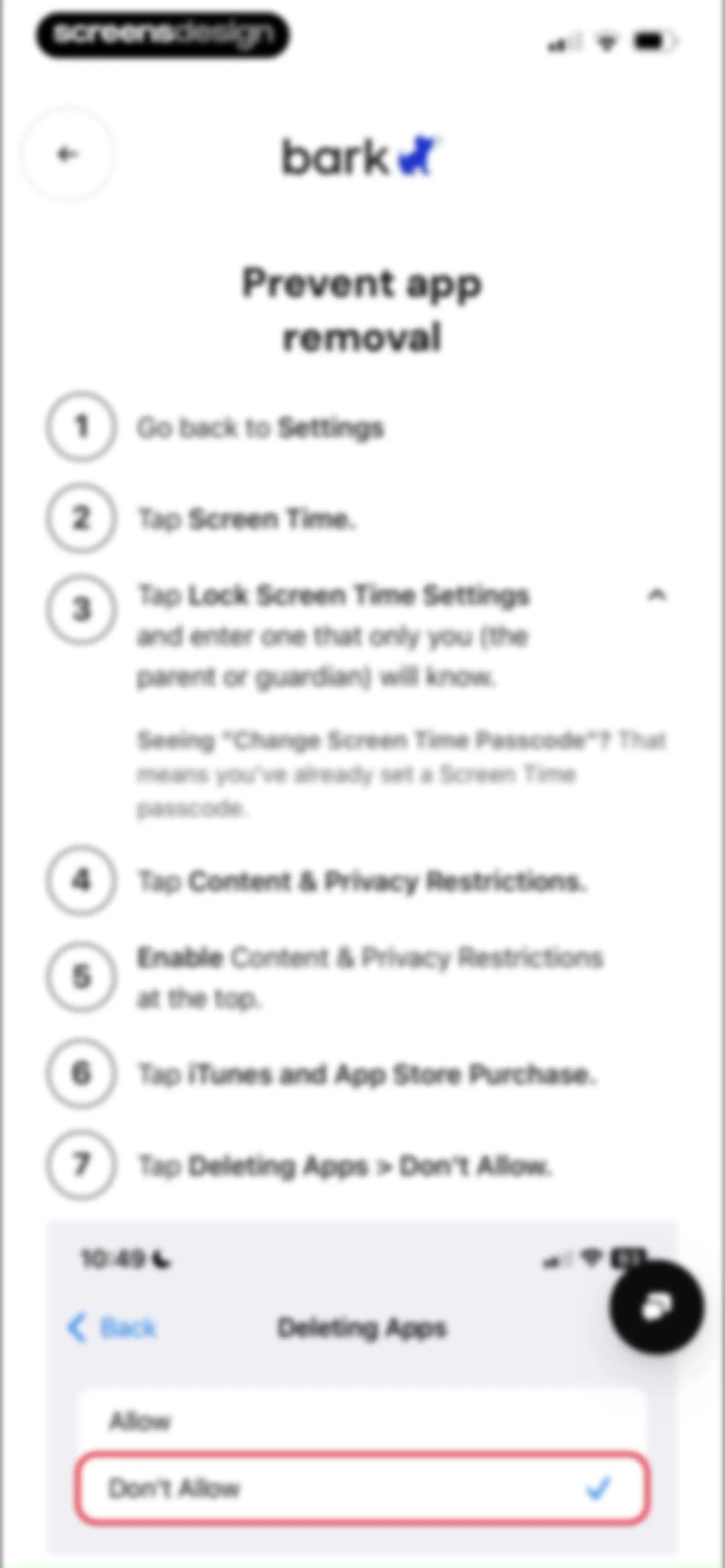
Instructional walkthrough listing seven steps to prevent app removal using iOS Screen Time settings, with a visual mockup at the bottom.Unlock Pro
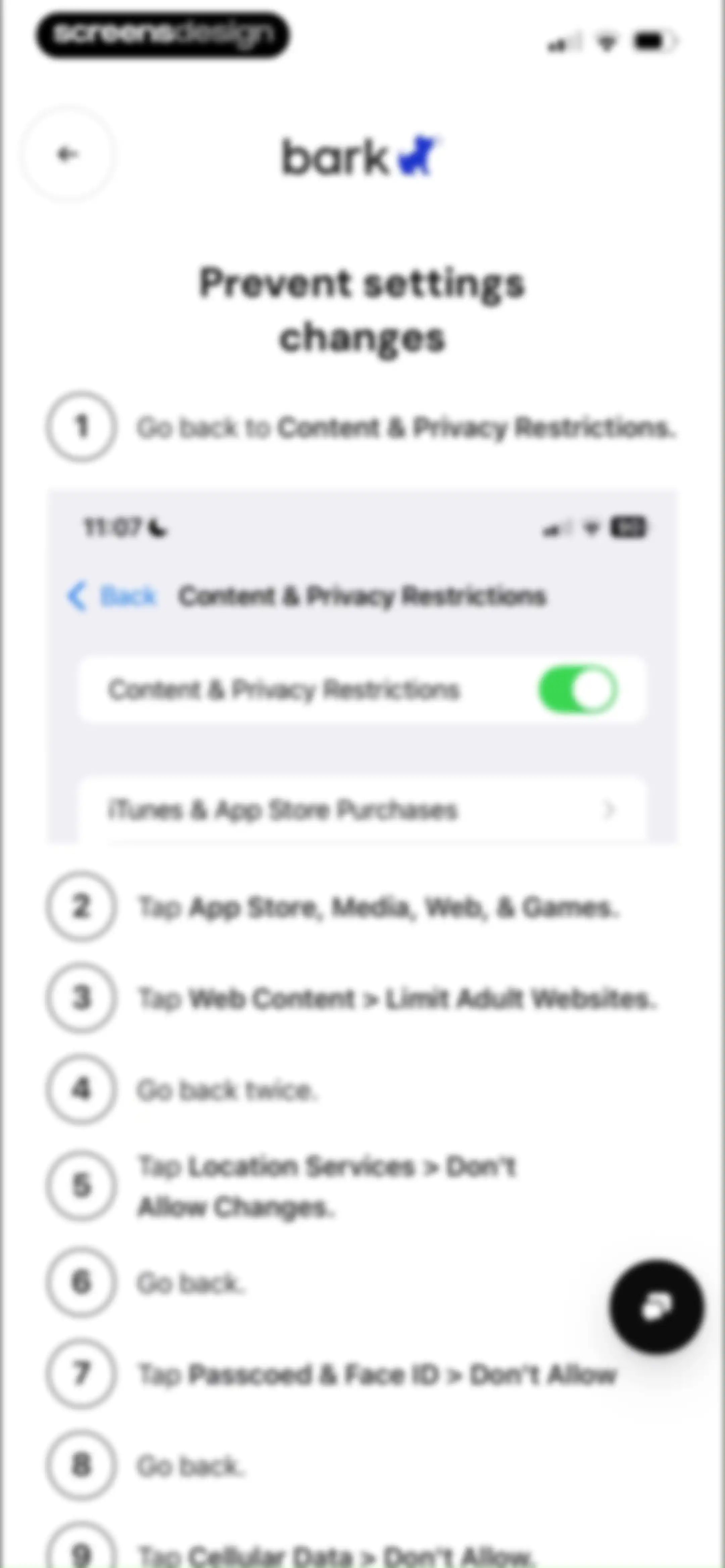
Instructional guide titled Prevent settings changes with a numbered list of nine steps and a settings mockup.Unlock Pro
Onboarding success screen for the Bark Kids app confirming device setup, with a Set up iOS monitoring button.Unlock Pro
Onboarding screen asking how to monitor a child's iOS device, offering Bark Sync and Mac or PC selection cards with a skip link.Unlock Pro
Bark onboarding success screen confirming the app setup on John's iOS device, with a button to set up iOS monitoring.Unlock Pro
Onboarding screen guiding the user to connect a child's Chromebook, with a list of monitoring features and a Let's Go button.Unlock Pro
Bark onboarding screen prompting device setup for a child, with instructions to install the Bark Kids app and two action buttons.Unlock Pro
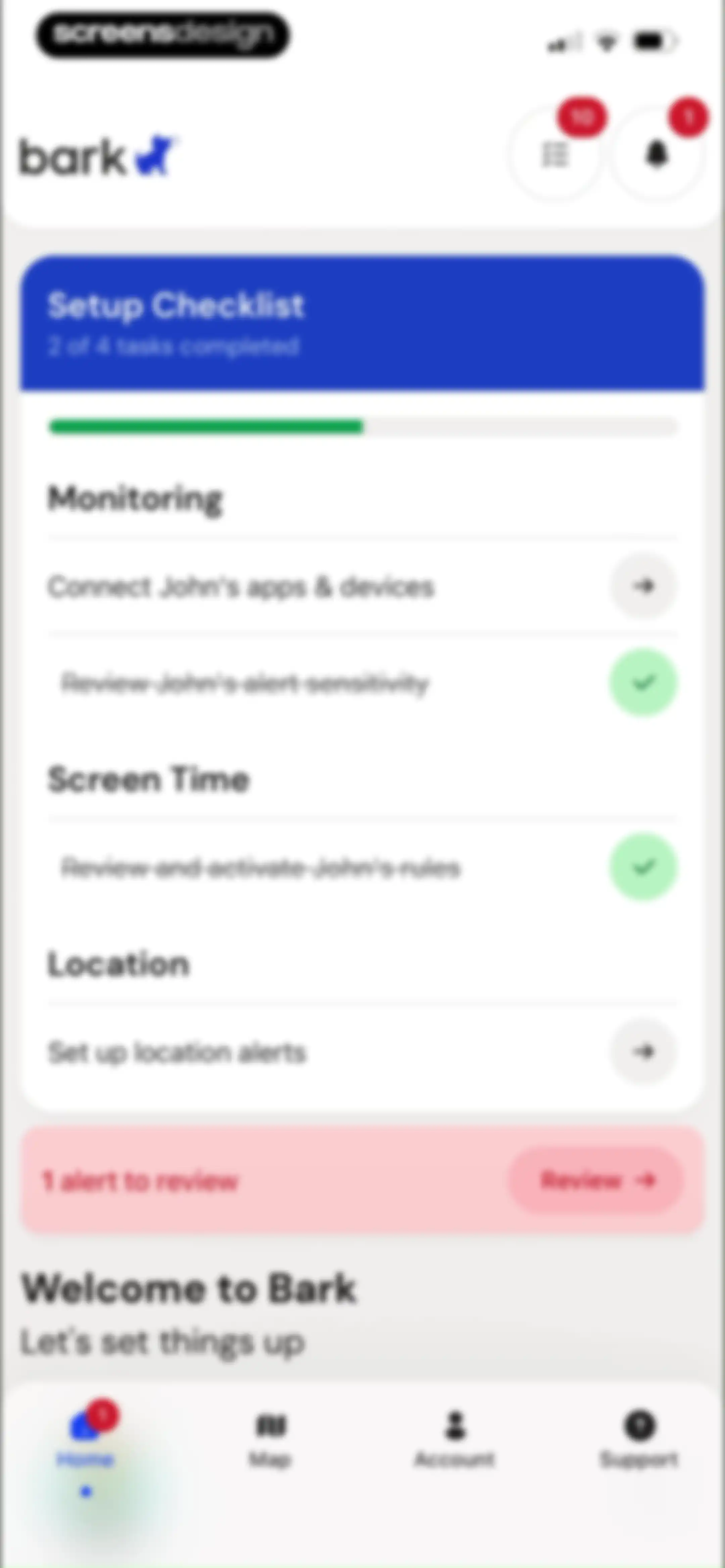
Dashboard screen showing a setup checklist with two of four tasks completed and a pink alert banner with one review action.Unlock Pro
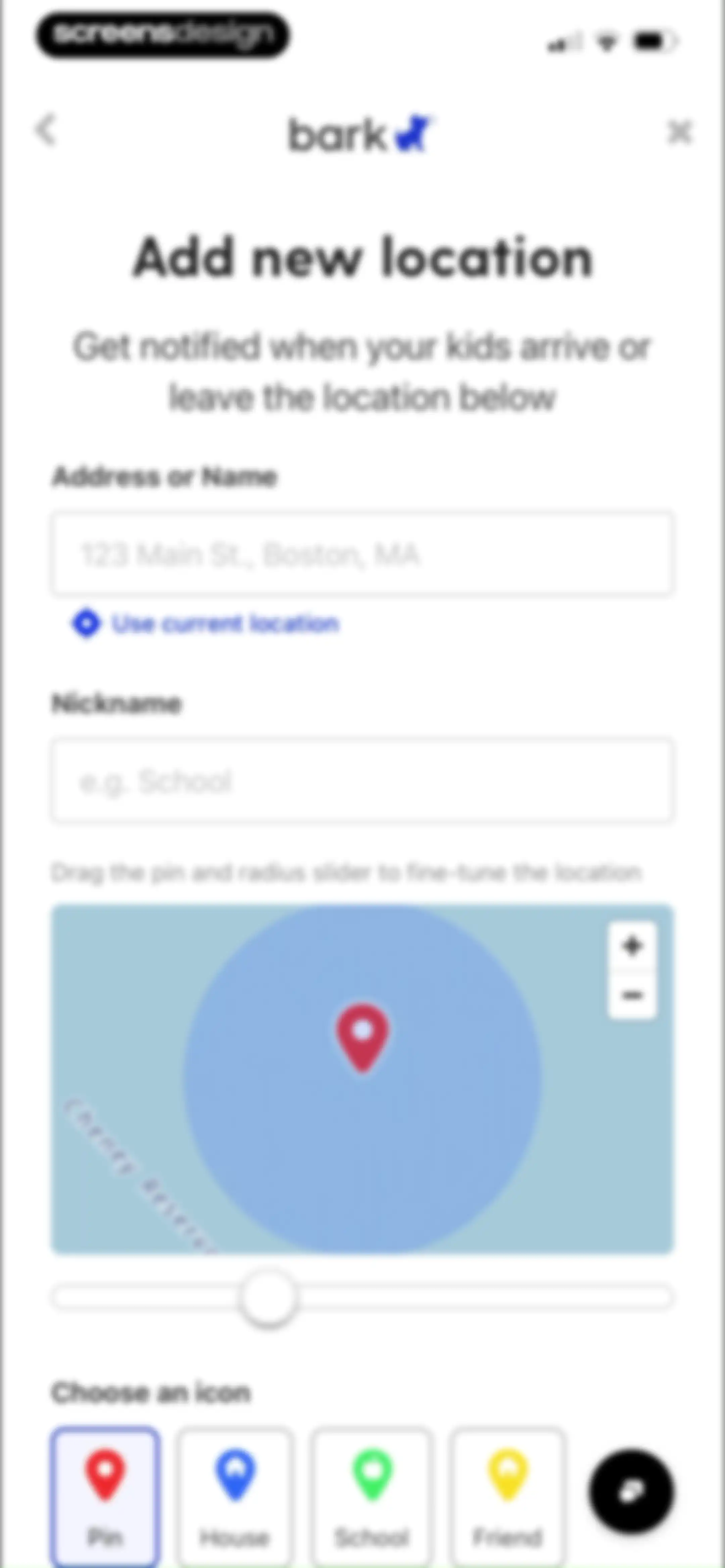
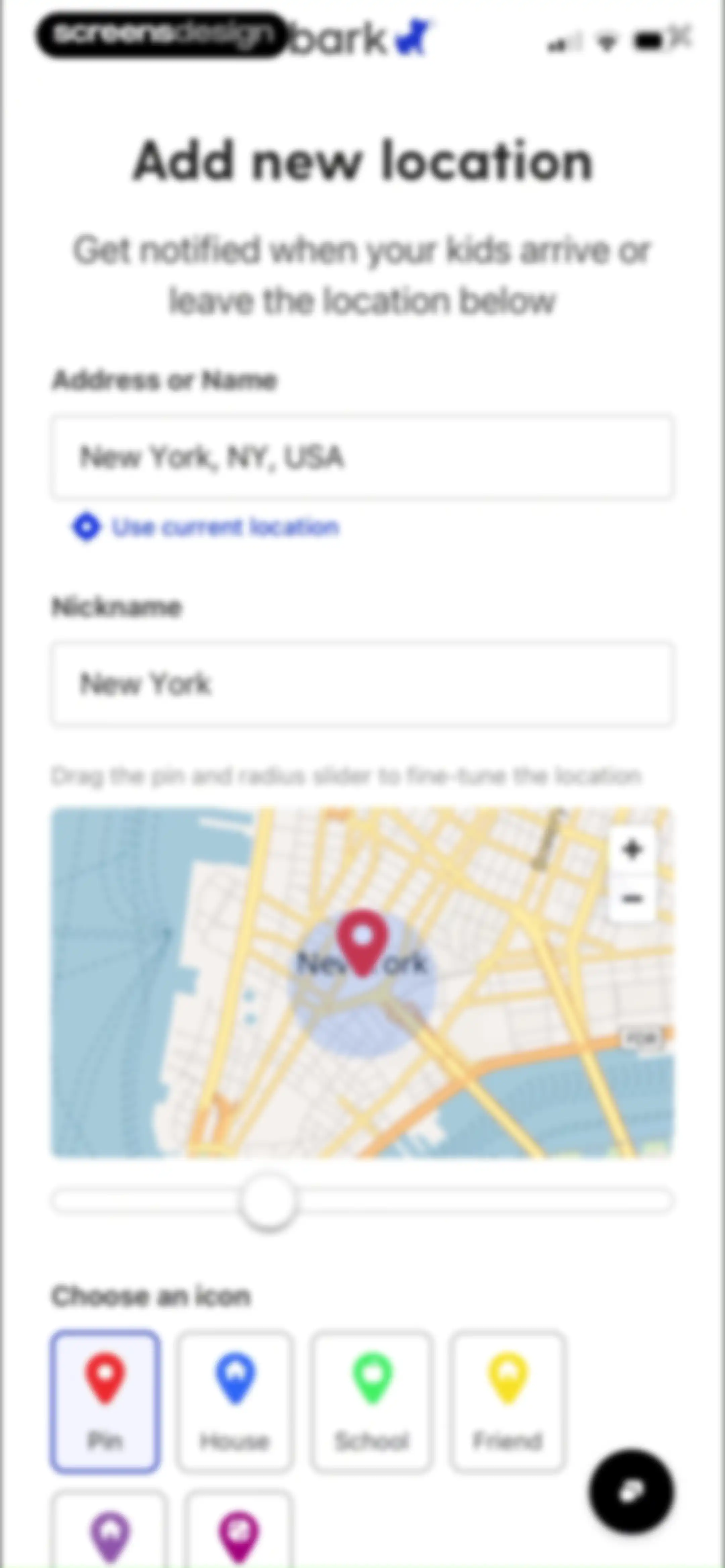
Location addition form in Bark with address and nickname inputs, a map with a radius slider, and icon selection options.Unlock Pro
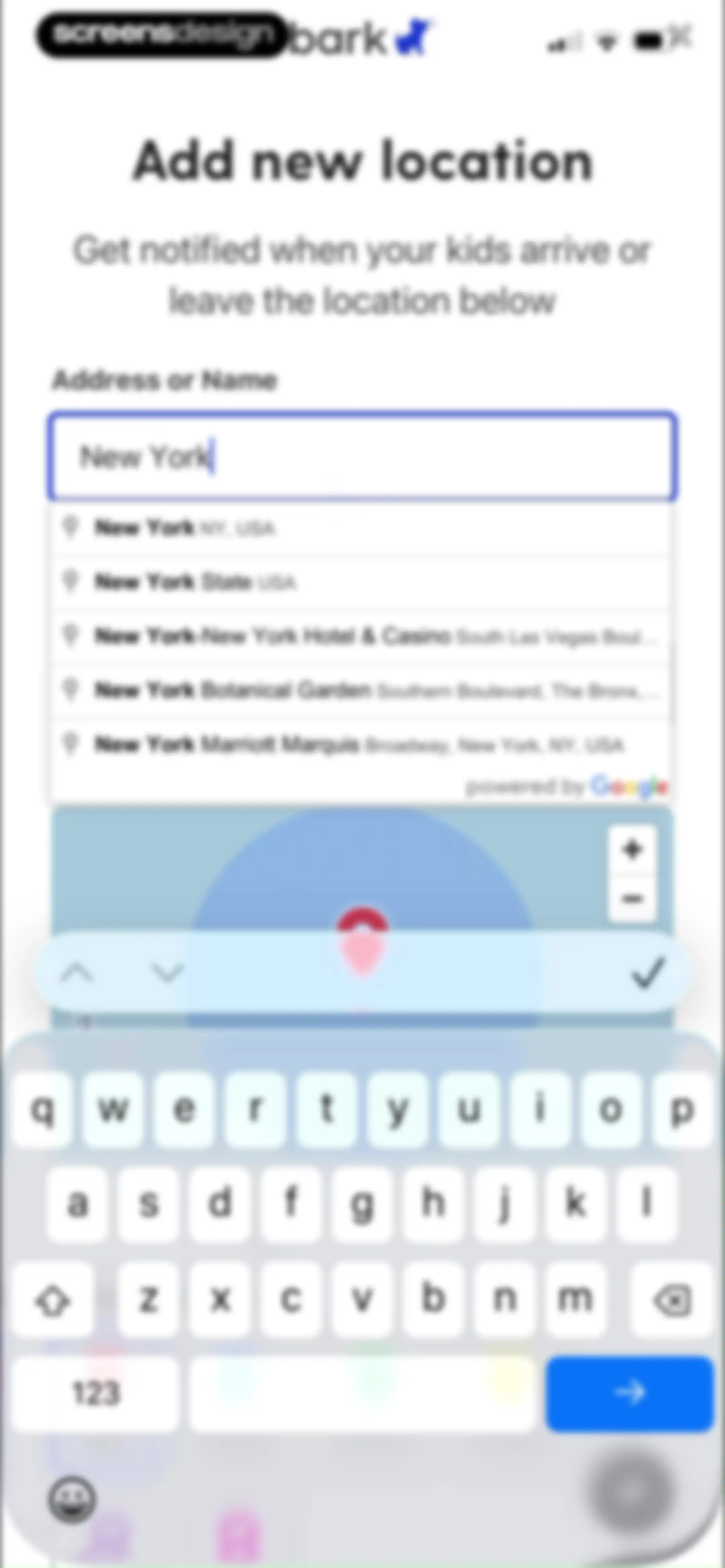
Location search form with an active text input for New York, a dropdown list of address suggestions, and a map view.Unlock Pro
Form to add a new location with address and nickname inputs, a map with a radius slider, and icon selection buttons.Unlock Pro
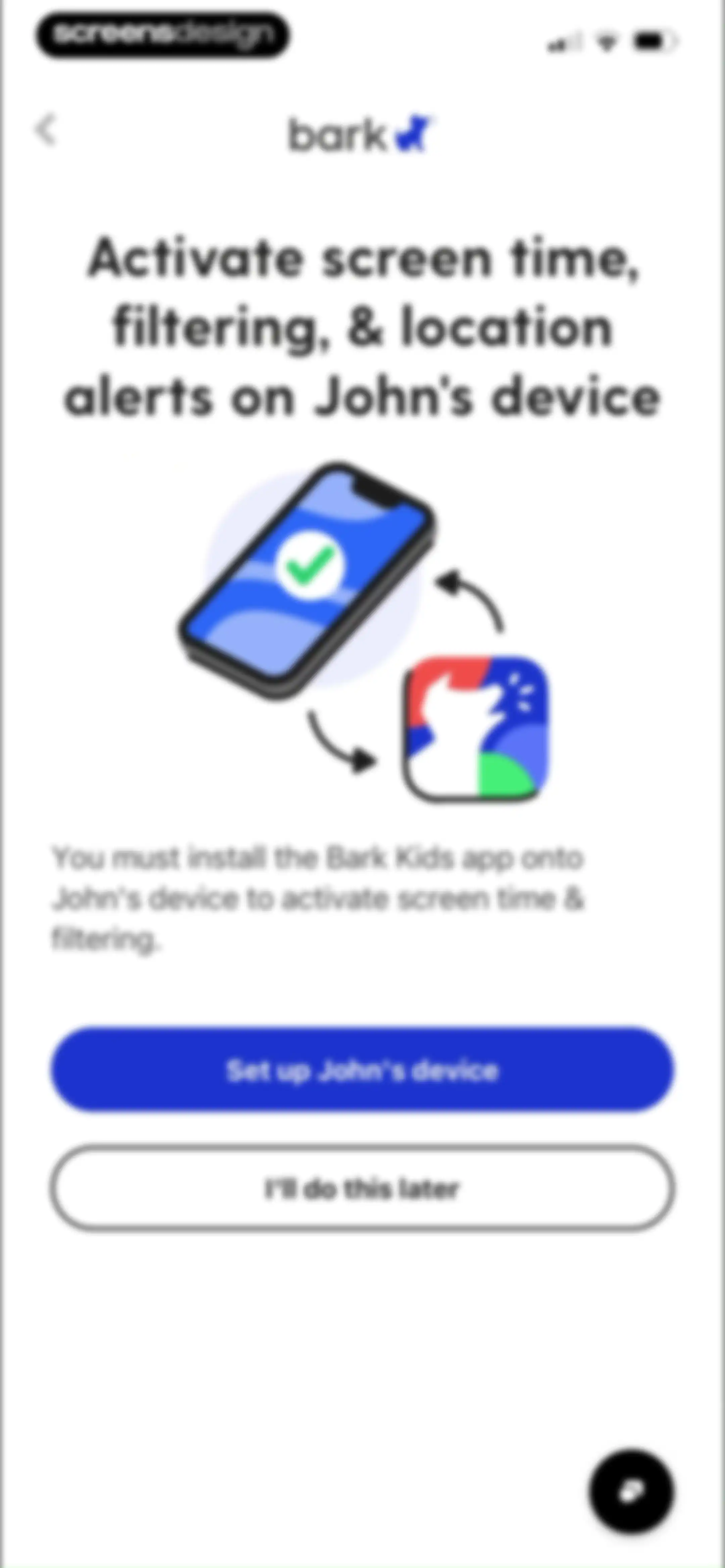
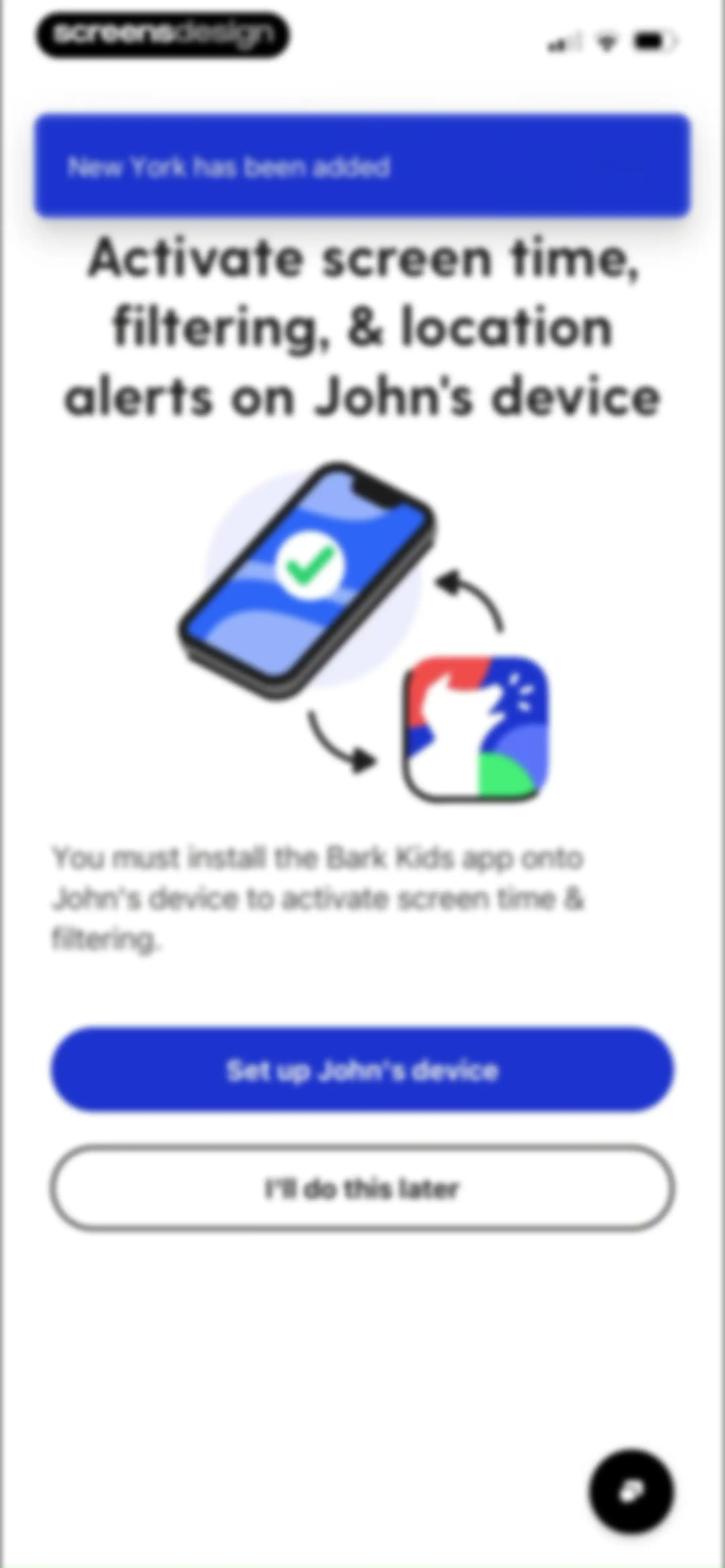
Onboarding screen prompting to set up a child's device, featuring an illustration, a top success notification, and two action buttons.Unlock Pro
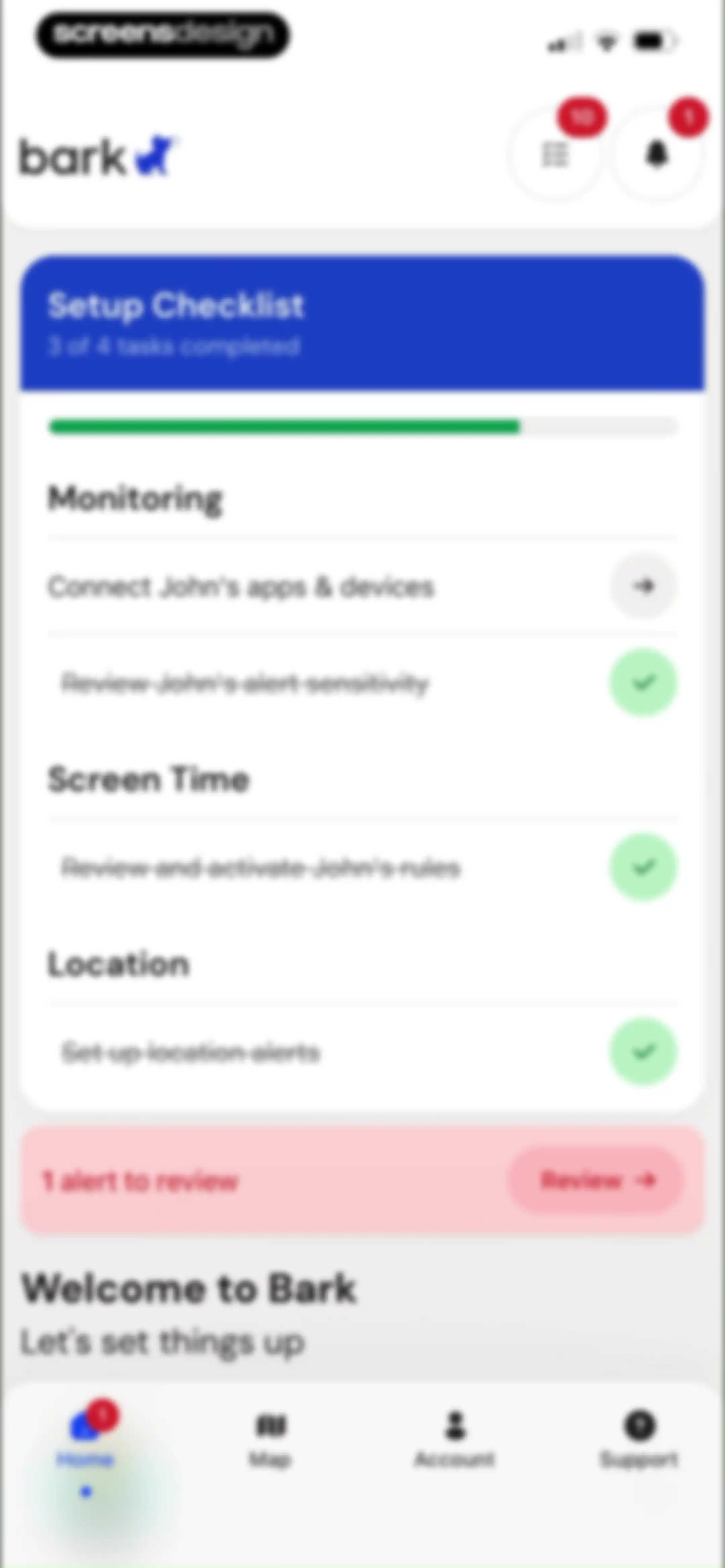
Bark parental control dashboard with an onboarding setup checklist showing three of four tasks completed and a pending task to connect devices.Unlock Pro
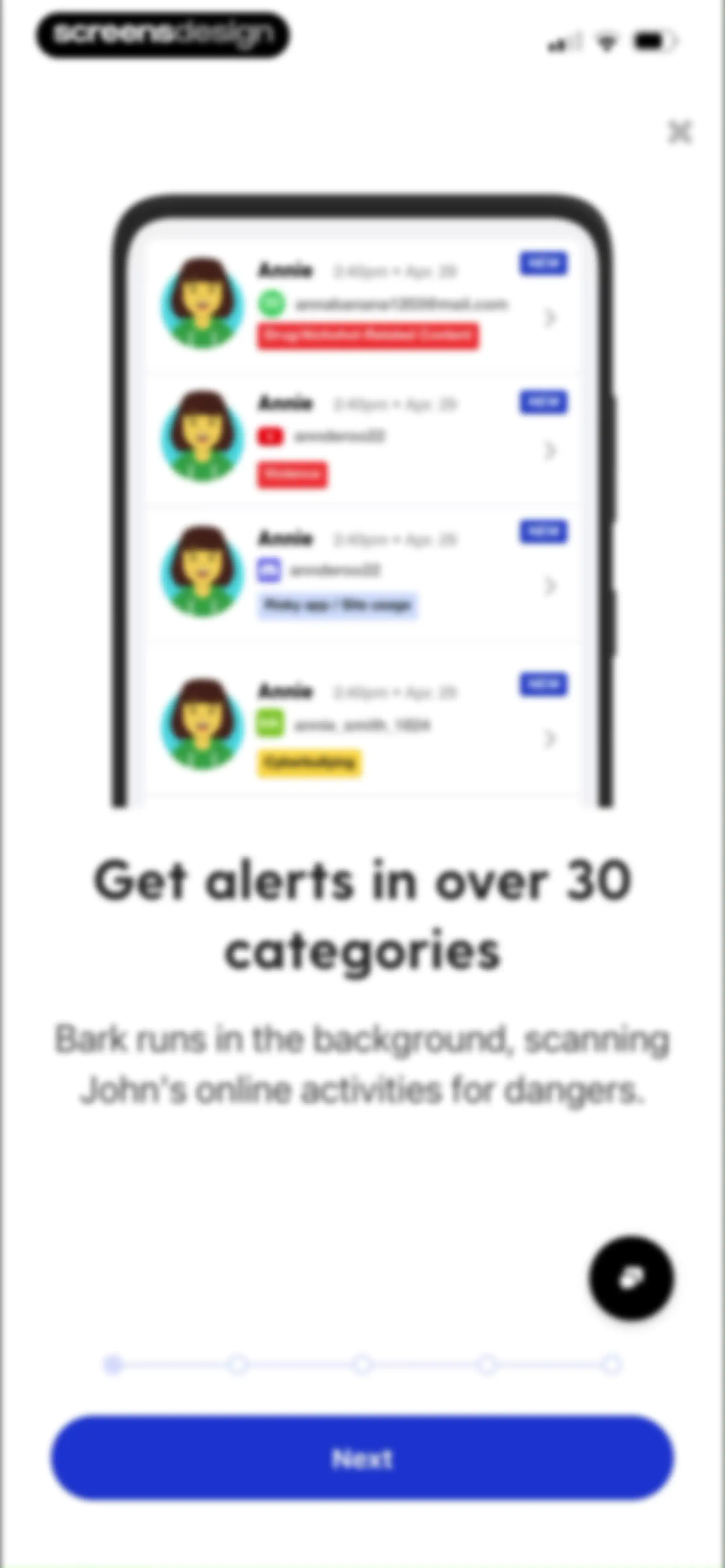
Bark parental control onboarding screen highlighting monitoring alerts with a product mockup, feature description, progress dots, and a Next button.Unlock Pro
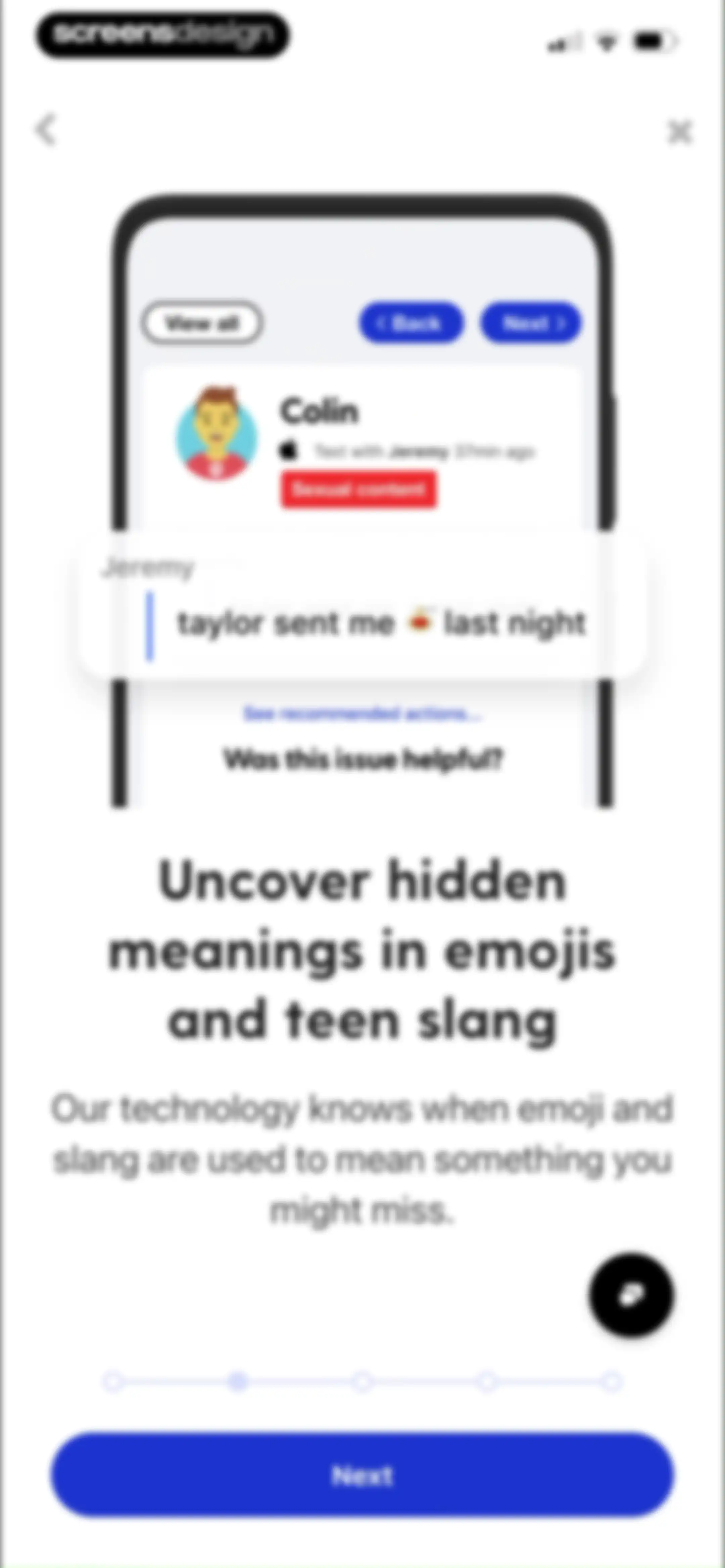
Onboarding screen highlighting emoji and teen slang detection features, with a central phone mockup showing a text alert and a Next button.Unlock Pro
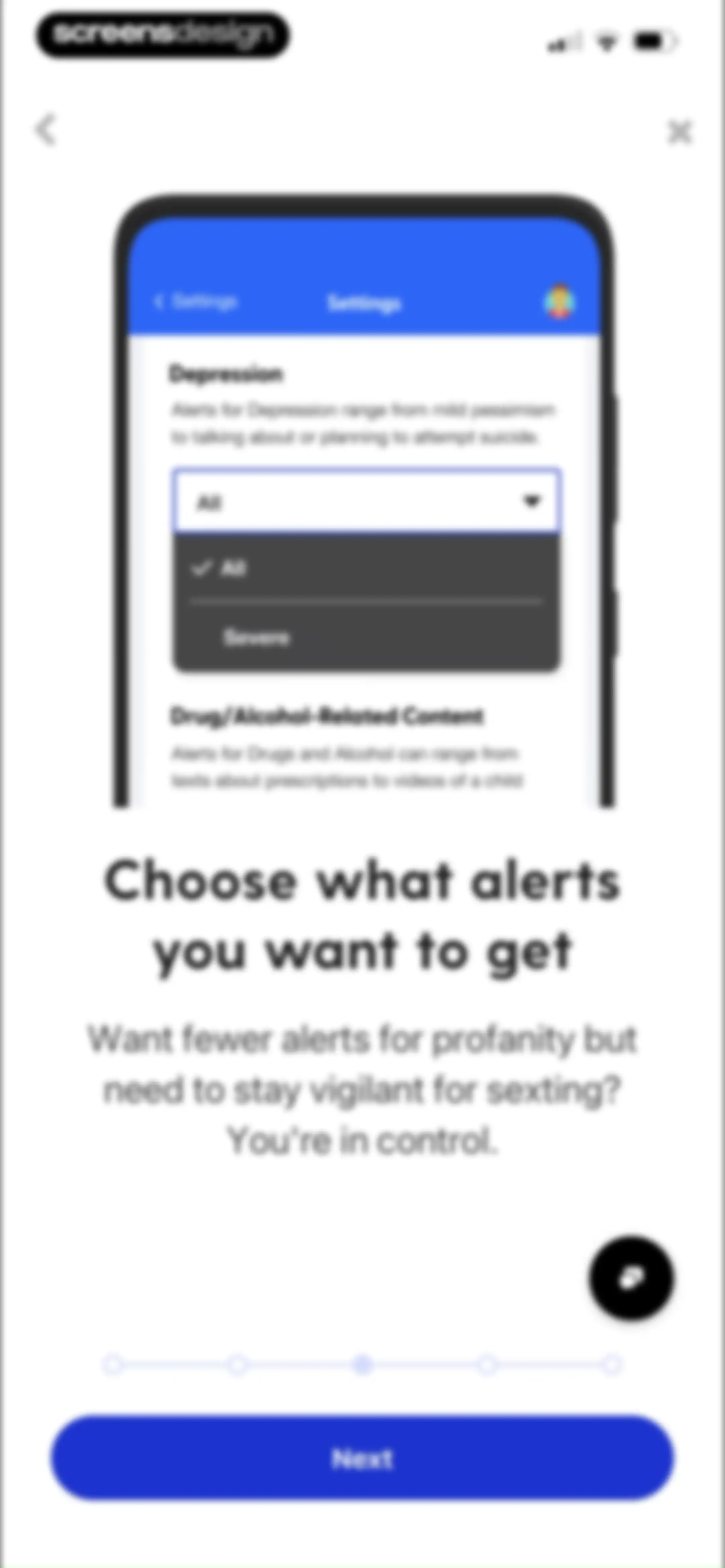
Onboarding screen guiding users to configure alert sensitivity settings, featuring a product mockup and a Next button.Unlock Pro
Onboarding screen explaining alert responses with a bulleted list of topics and a Next button.Unlock Pro
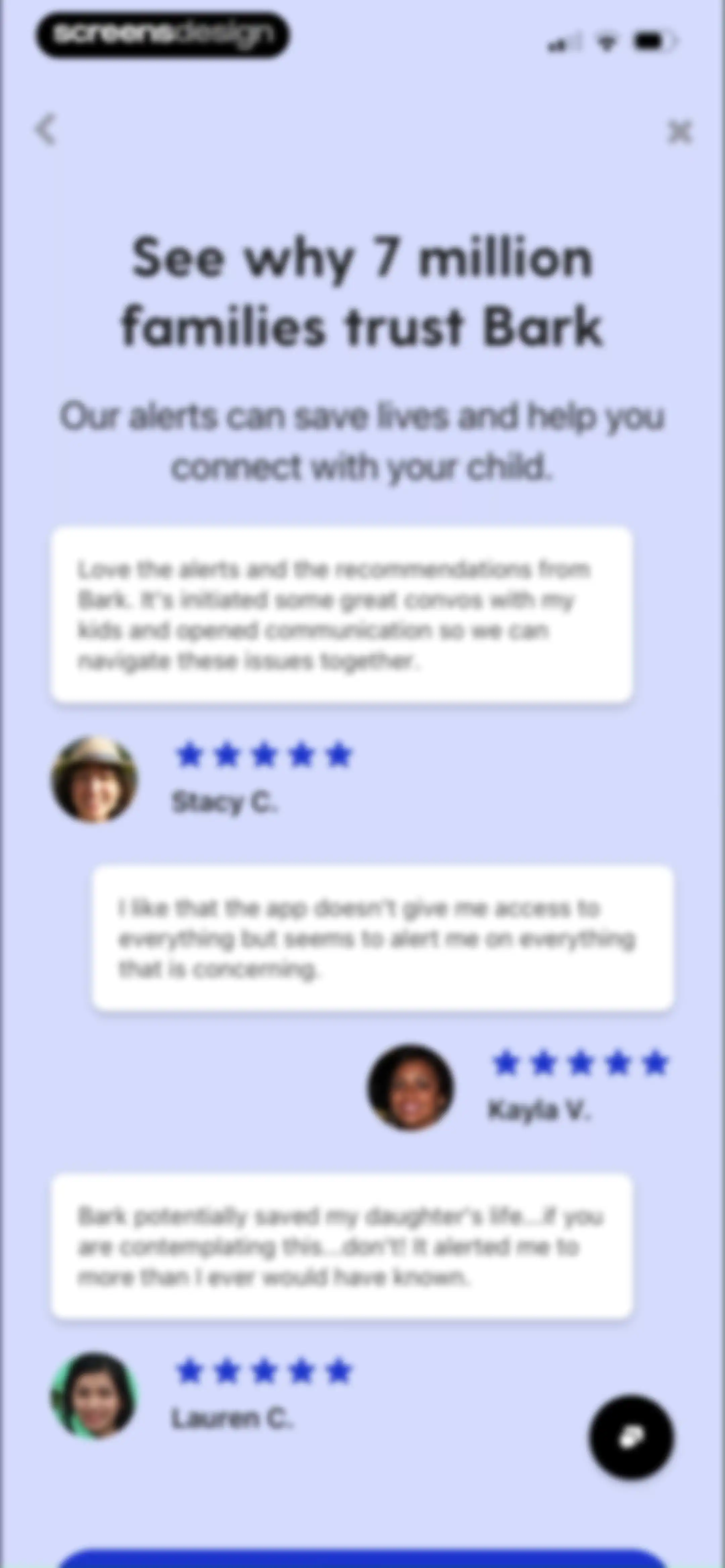
Testimonial screen featuring user reviews and star ratings from families trusting Bark, with a support chat button.Unlock Pro
Family alerts dashboard showing an unread social trend alert from YouTube and a filter bar with Unread selected.Unlock Pro
Family alerts screen showing an empty state with no alerts to review and a horizontal filter bar.Unlock Pro
Filter alerts modal showing categories like concern, device, and severity, with a clear filters button at the bottom.Unlock Pro
Filter alerts modal showing collapsible sections with an expanded source or app list and a search bar.Unlock Pro
Empty state screen for family alerts displaying no more alerts to review, horizontal filter chips, and navigation buttons for saved and all alerts.Unlock Pro
Family alerts dashboard showing an unread social trend alert on YouTube, with filters and a bottom navigation bar.Unlock Pro
Article view detailing a social trend on YouTube regarding big tech liability for addictive harms to kids, with top action icons and bottom navigation.Unlock Pro
Article view about digital safety and kids' screen time, featuring a feedback section asking if the content was helpful and a bottom navigation bar.Unlock Pro
Bark app alert detail view displaying an article about a social trend, overlaid with an iOS share sheet.Unlock Pro
User profile selection bottom sheet listing John with a Needs setup badge and Other, with an Apply button.Unlock Pro
App dashboard with a setup checklist in the background and a rating prompt modal overlay featuring star icons and a Submit button.Unlock Pro
Bark app feedback modal overlaying a setup checklist dashboard with a Write a Review button and a five-star rating display.Unlock Pro
Bark parental control app dashboard displaying a child profile card for John with setup tasks and a bottom navigation bar.Unlock Pro
Bark app dashboard displaying a quick action input field, setup cards for apps and devices, and schedule lists with Start and Delay buttons.Unlock Pro
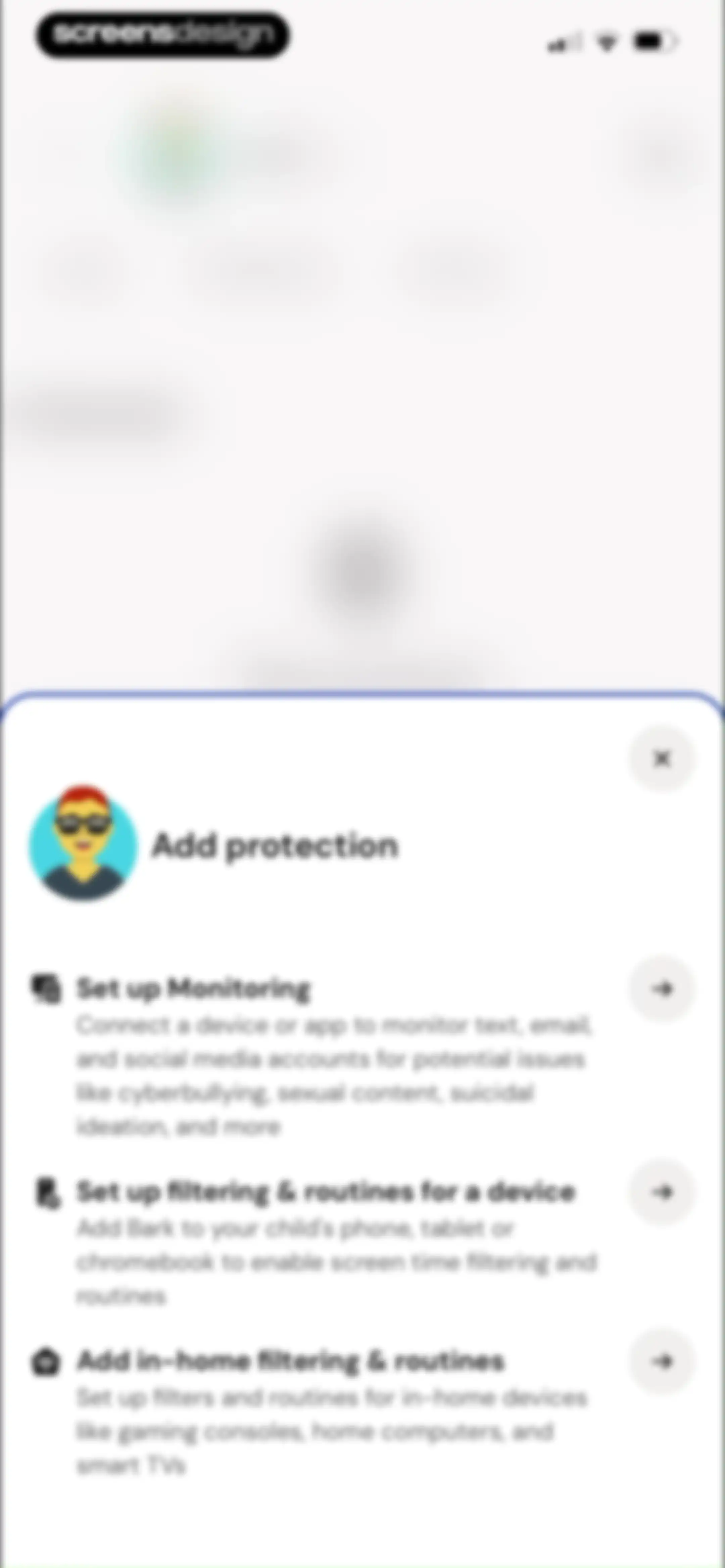
Protection setup modal listing options to configure monitoring, device filtering, and in-home routines with an illustrated avatar.Unlock Pro
Dashboard with a quick command input and a grid of four schedule cards showing the active School schedule.Unlock Pro
Dashboard with a pause confirmation modal for blocking internet access on a child's devices, featuring schedule and setup cards.Unlock Pro
Dashboard screen showing a profile for John, setup cards, a command input field, and a schedule section with a confirmation banner.Unlock Pro
Dashboard featuring a grid of schedule cards for managing a child's screen time, including an active School mode and profile settings.Unlock Pro
Routine configuration modal with the Bedtime category and Tuesday selected, time range inputs, and an Add routine button.Unlock Pro
Routine scheduling modal with a conflict warning banner, time picker, and an Add routine button.Unlock Pro
Time-picker modal overlaying a routine scheduling screen with a time range input and an Add routine button.Unlock Pro
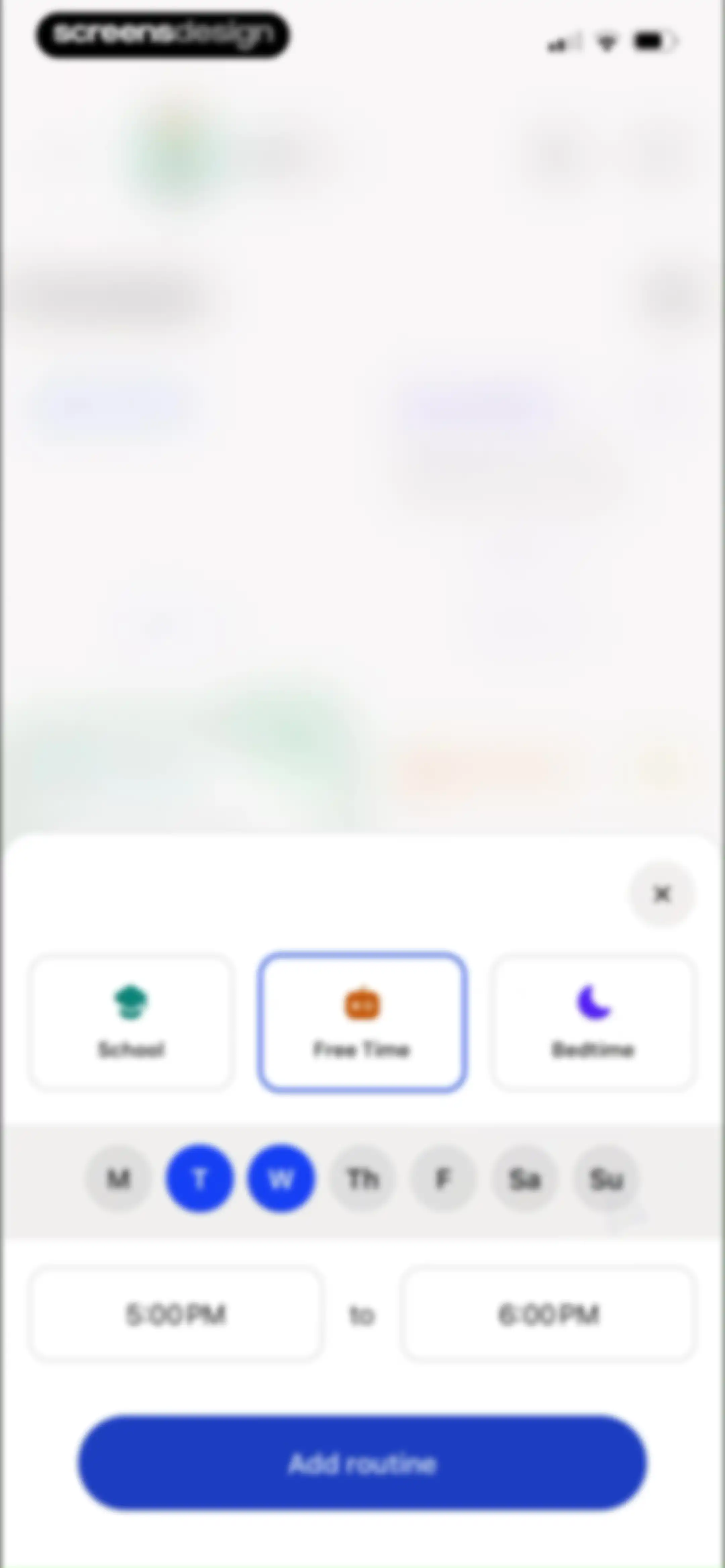
Routine creation form with category cards, day selectors, time range inputs, and an Add routine button.Unlock Pro
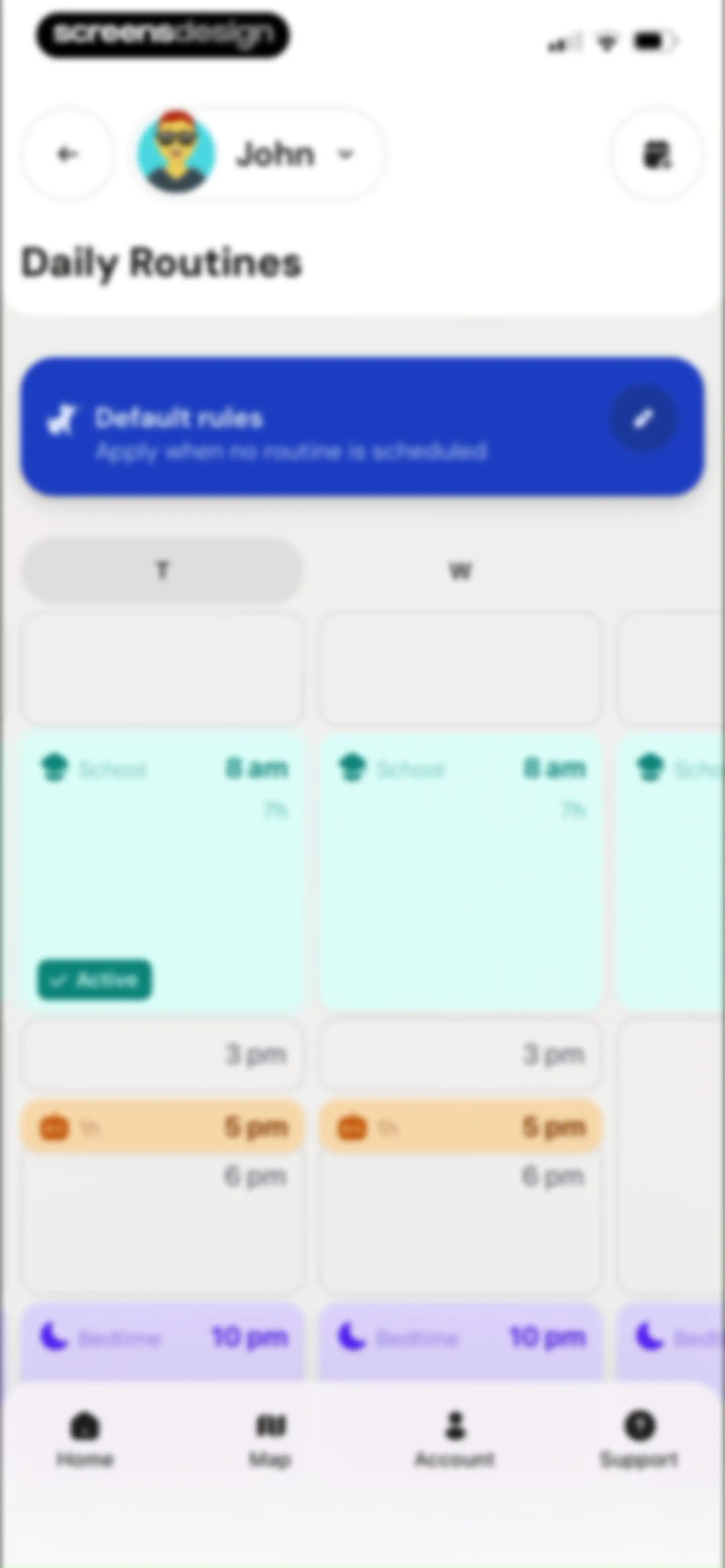
Dashboard displaying daily routines and a schedule grid for John with a default rules card and routine blocks for activities like school and bedtime.Unlock Pro
Default Rules modal in the Bark app displaying a dog icon and a Done button on a blurred background.Unlock Pro
Dashboard with schedule cards for a child profile, settings list items, and a bottom navigation bar.Unlock Pro
Profile management settings form for a child named John with an Update button and a profile removal section below.Unlock Pro
Content sensitivity settings screen with expandable category cards for adjusting monitoring severity levels and a profile selector for John.Unlock Pro
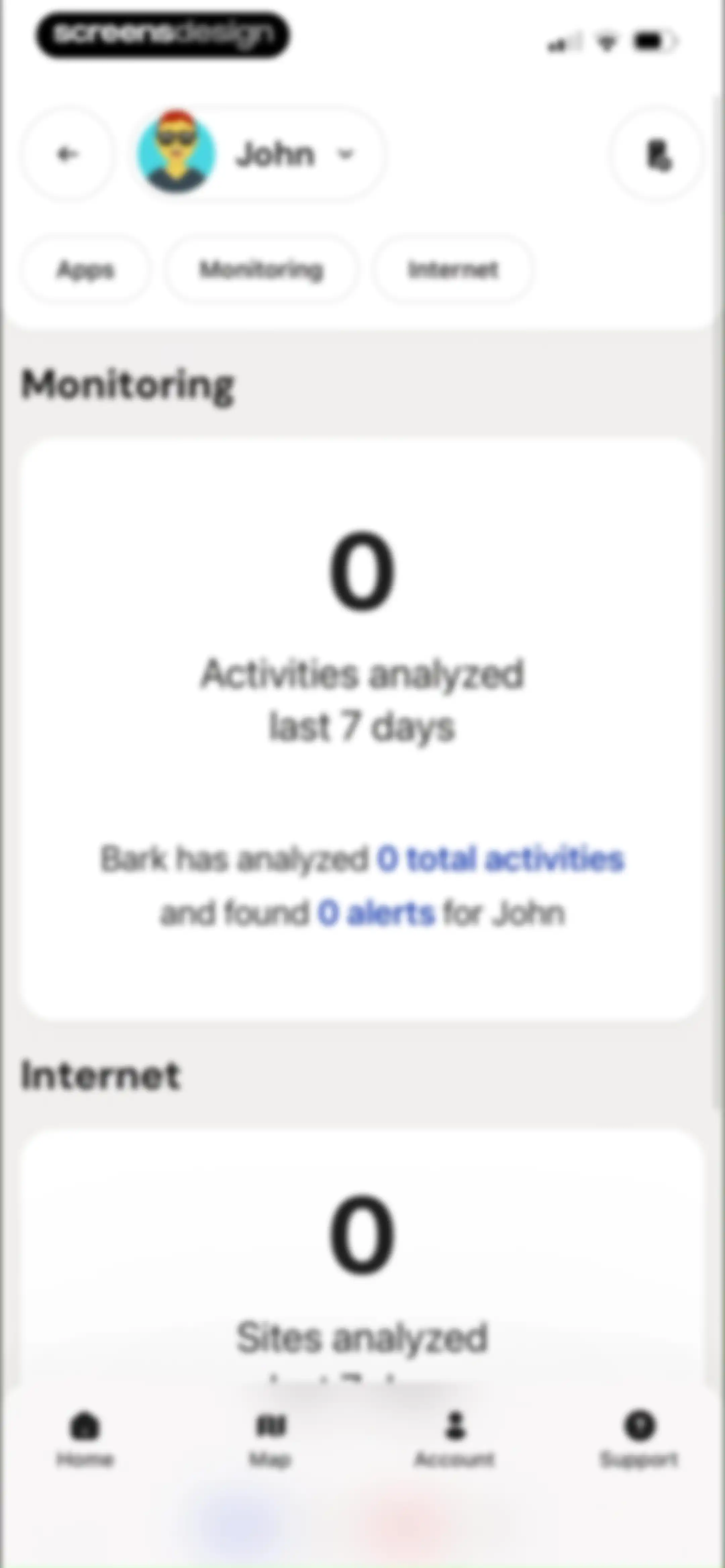
Parental control dashboard showing zero activities analyzed and zero alerts for John, with summary cards and filter chips.Unlock Pro
Protection options modal with three action items for setting up monitoring, device filtering, and in-home routines.Unlock Pro
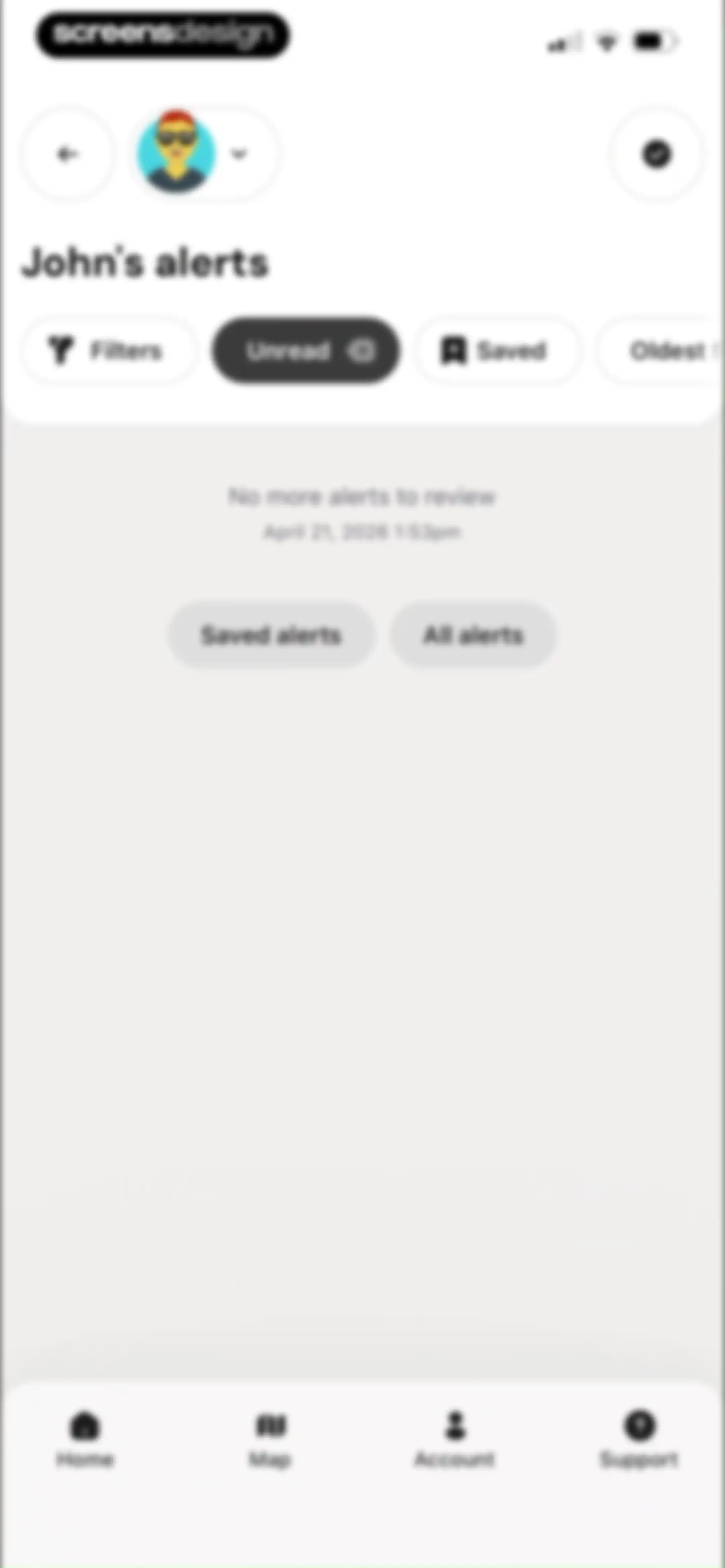
Alert list empty state displaying no more alerts to review, with filter options and a profile selector.Unlock Pro
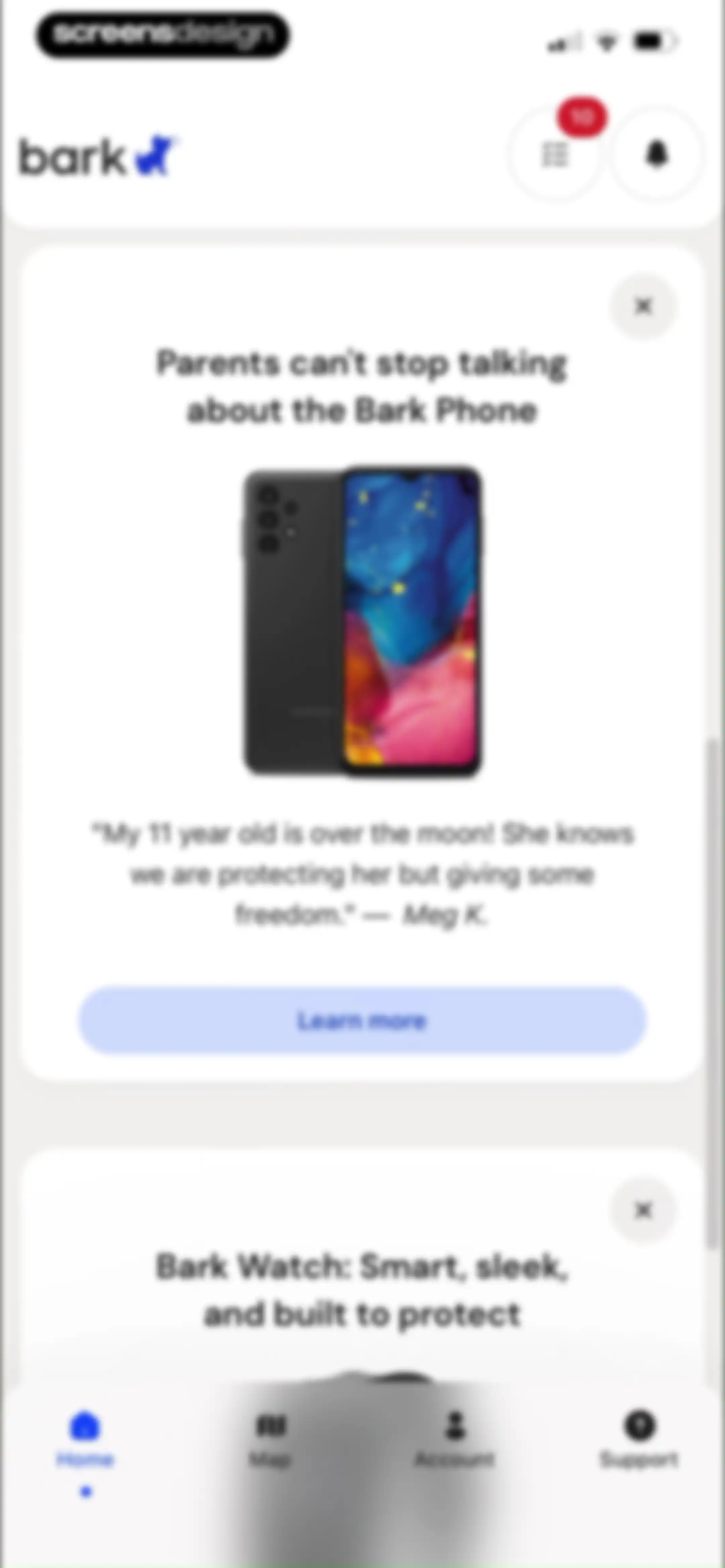
Home screen featuring promotional cards for the Bark Phone and Bark Watch with a Learn more button and bottom navigation tabs.Unlock Pro
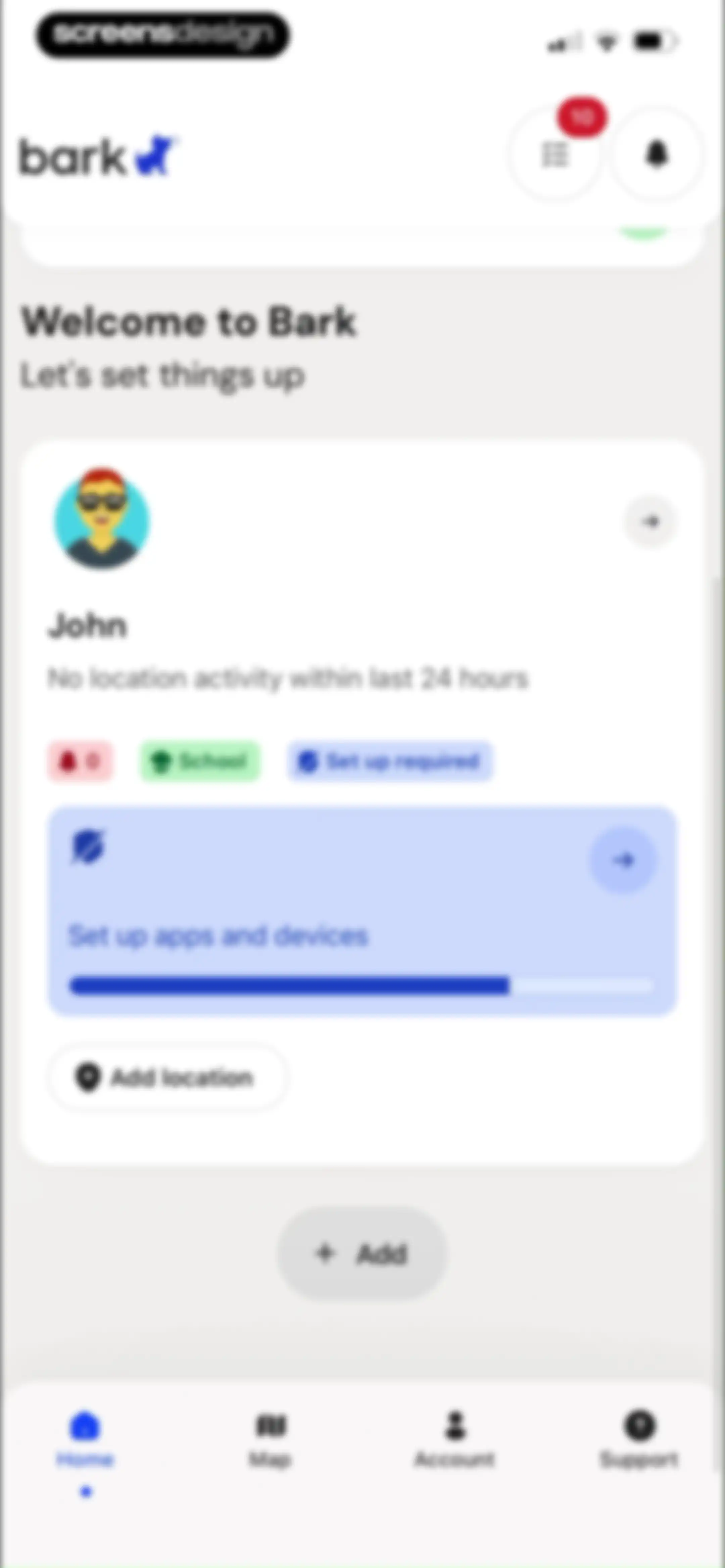
Bark dashboard showing a child profile card for John, an incomplete setup progress card, an Add location button, and bottom navigation.Unlock Pro
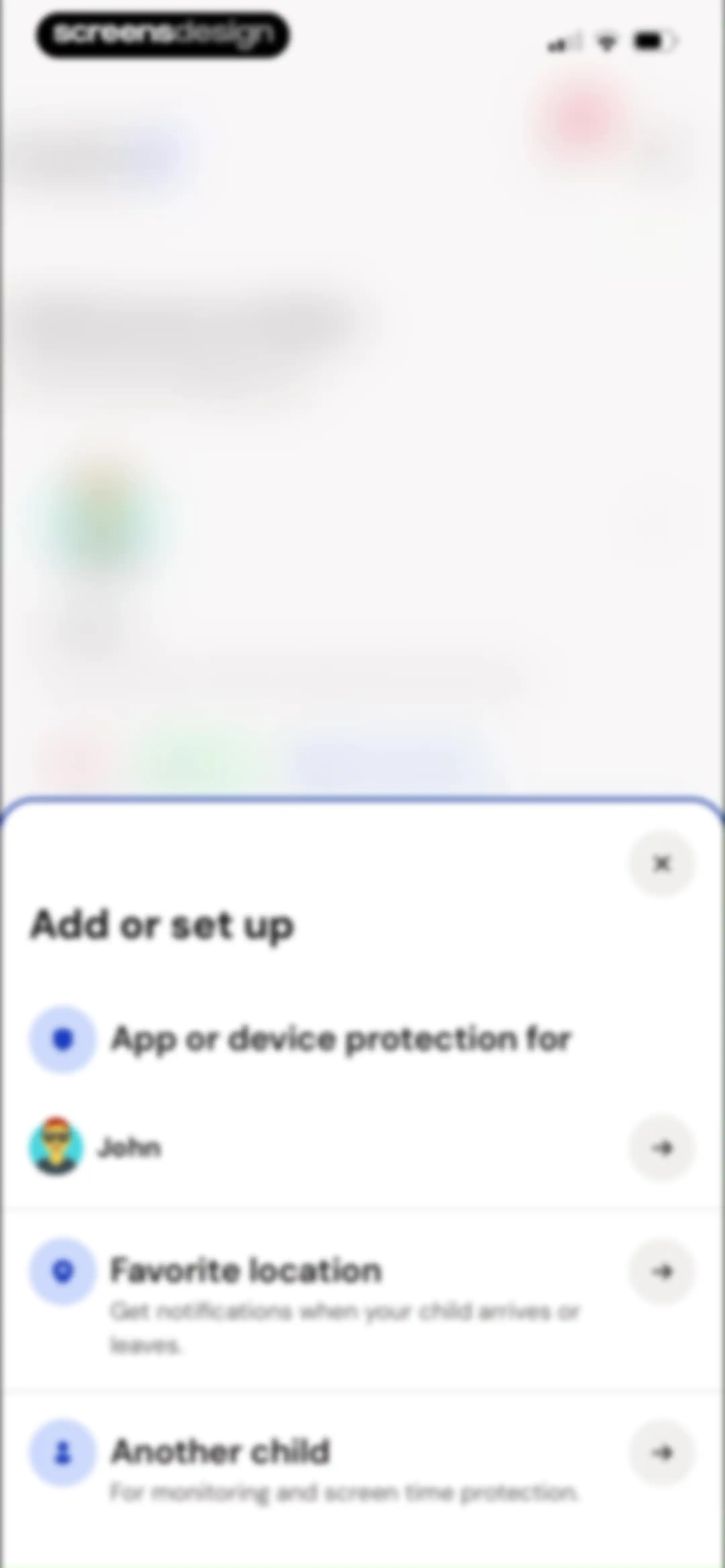
Bottom-sheet setup modal listing options to add device protection, location alerts, or another child profile.Unlock Pro
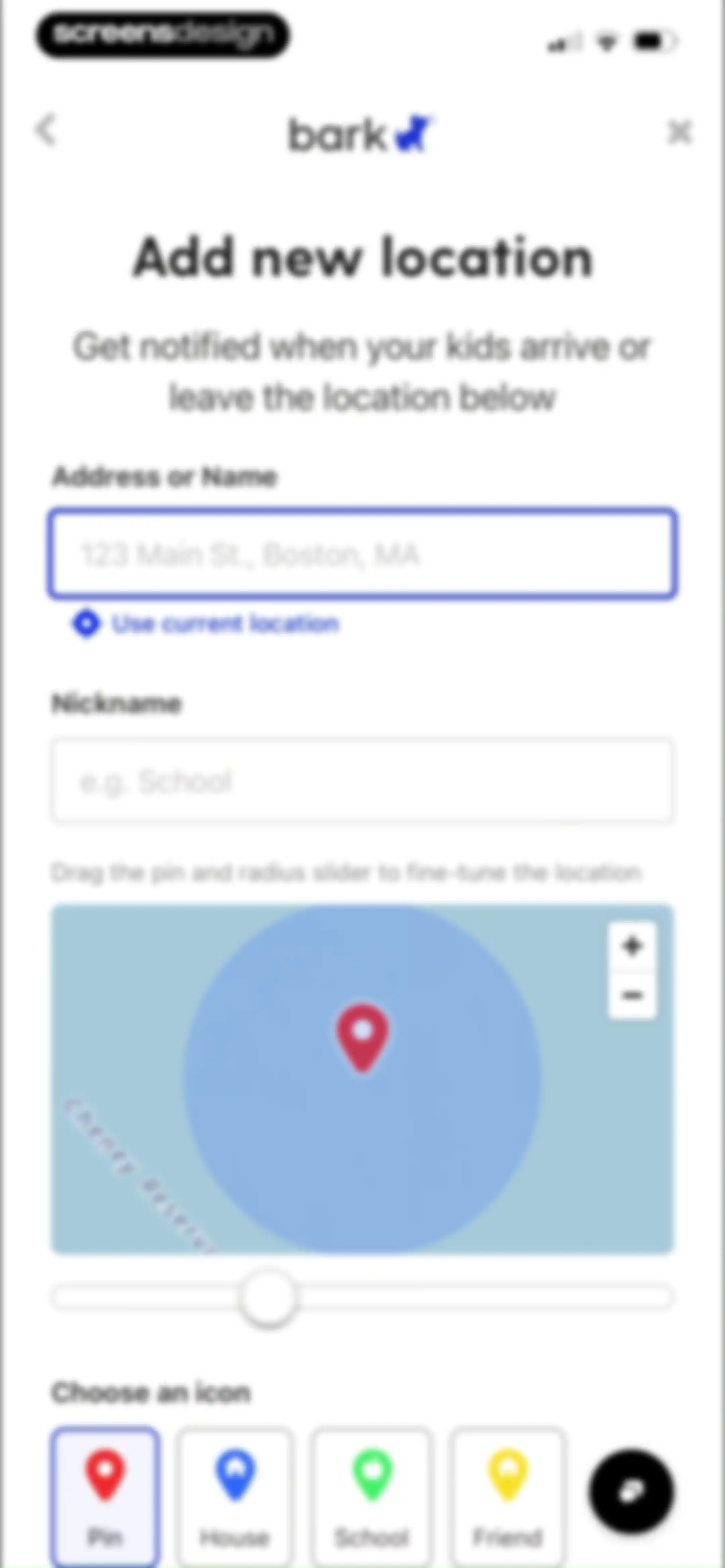
Add new location form with address inputs, an interactive map view with a radius slider, and selectable icon categories.Unlock Pro
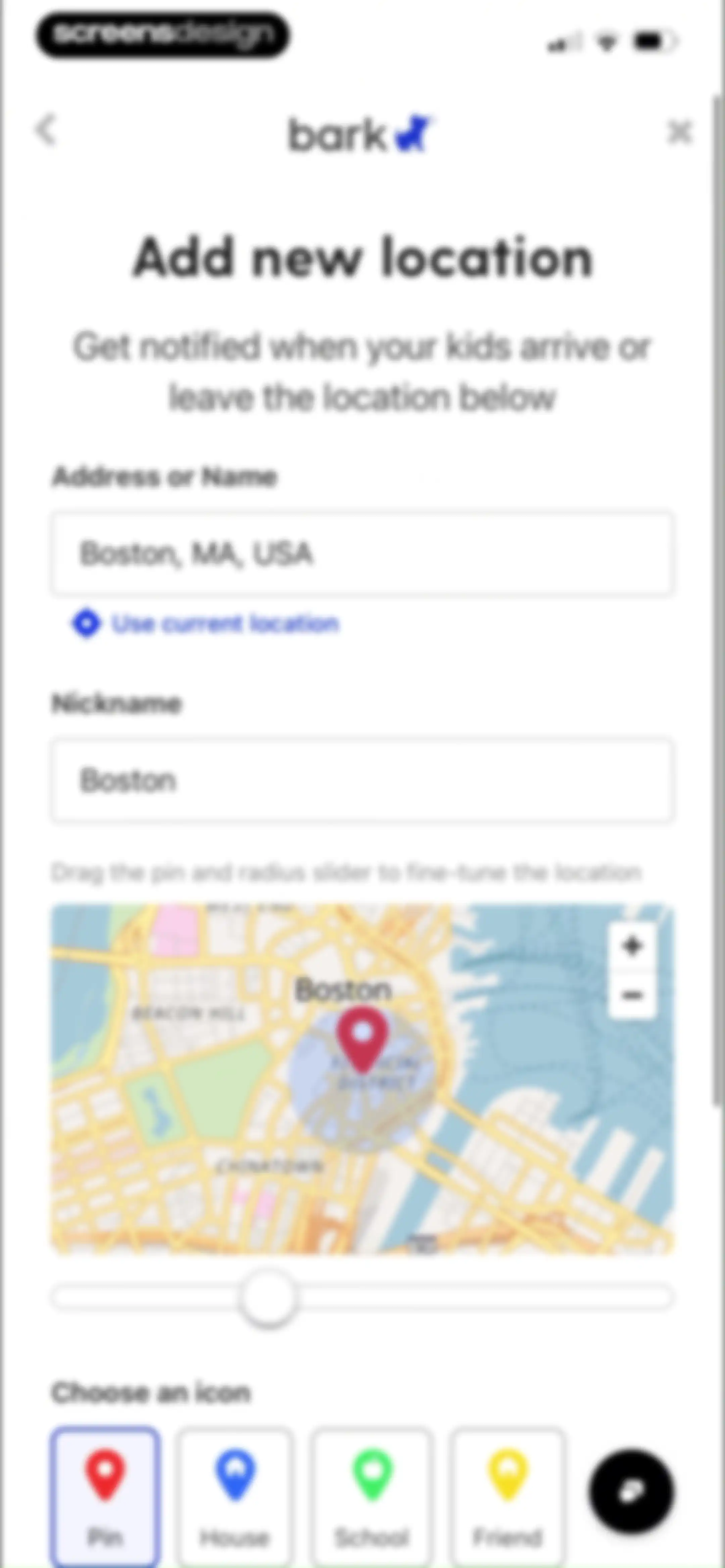
Bark location setup form with address and nickname fields, an interactive map of Boston, a radius slider, and icon selection options.Unlock Pro
Family alerts empty state showing no more alerts to review with a filter bar and secondary navigation options.Unlock Pro
Setup checklist showing four of five tasks completed, with a progress card and a pending task to connect John's apps and devices.Unlock Pro
Dashboard displaying a to-do list of pending monitoring tasks with cards for Gmail, Apple/iOS, Chrome, and other services.Unlock Pro
Confirmation modal asking whether to remove an Apple/iOS monitoring task, with Remove task and No, I'll keep it buttons.Unlock Pro
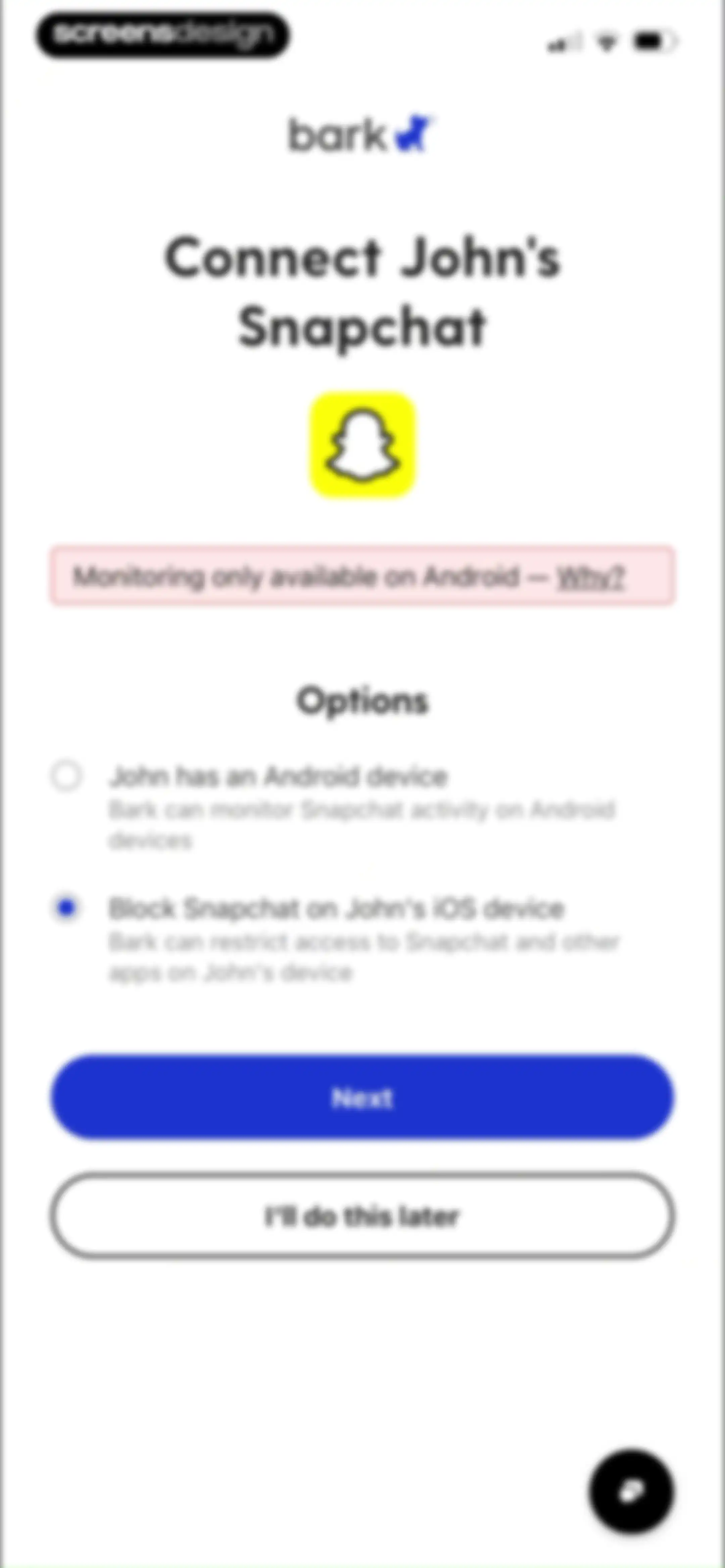
Device setup screen for connecting Snapchat with the iOS blocking option selected and a Next button.Unlock Pro
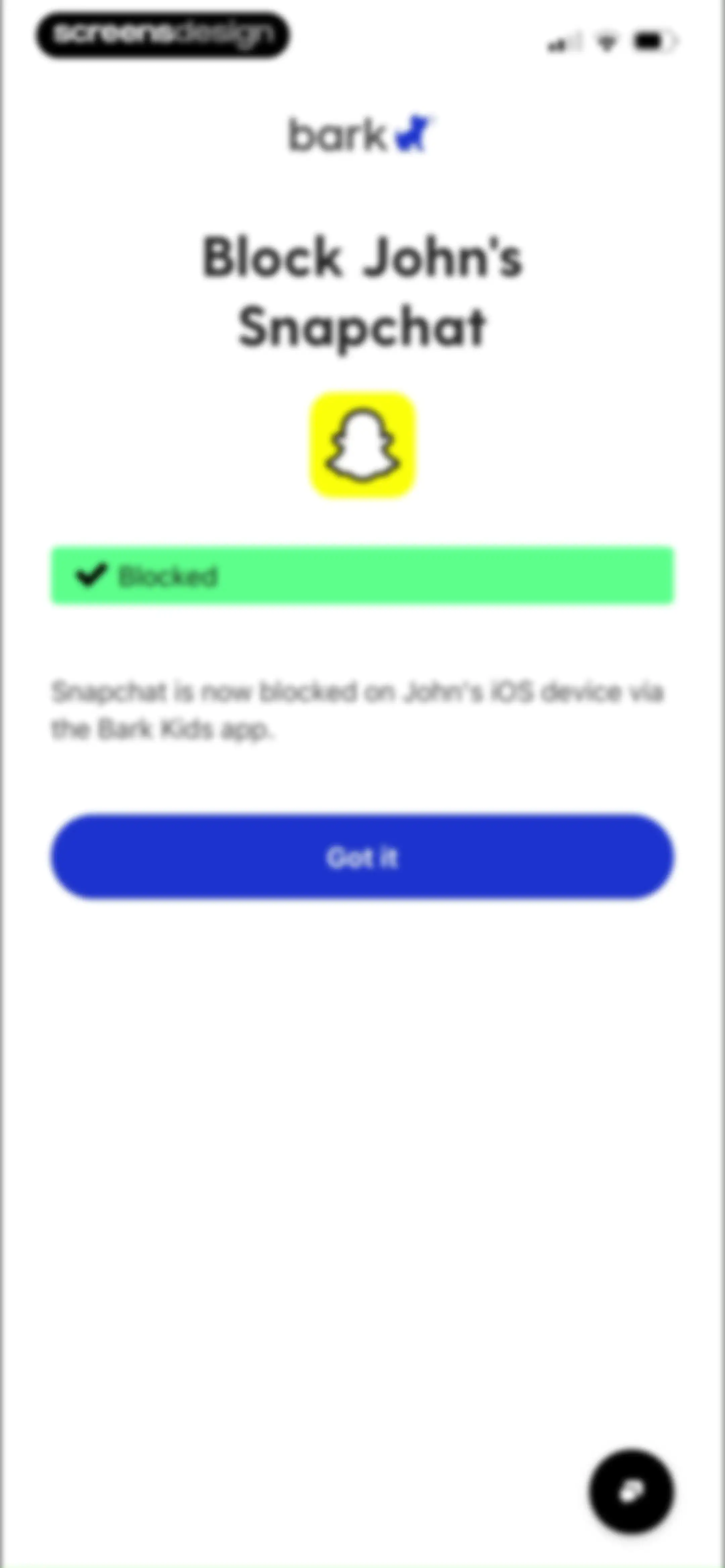
App blocking confirmation screen stating Snapchat is successfully blocked on John's device, with a Got it button.Unlock Pro
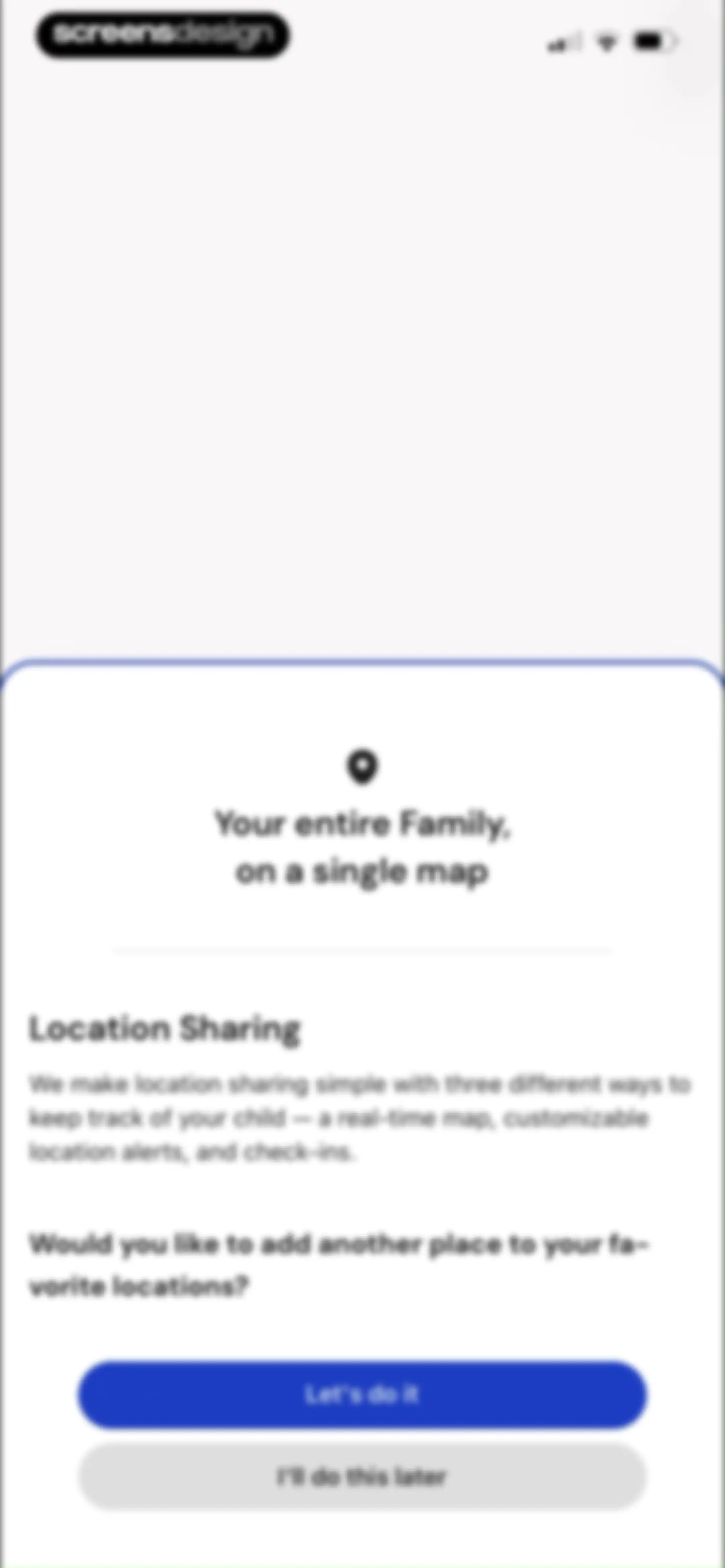
Parental control onboarding modal asking to add a favorite location, with a location pin icon and two stacked action buttons.Unlock Pro
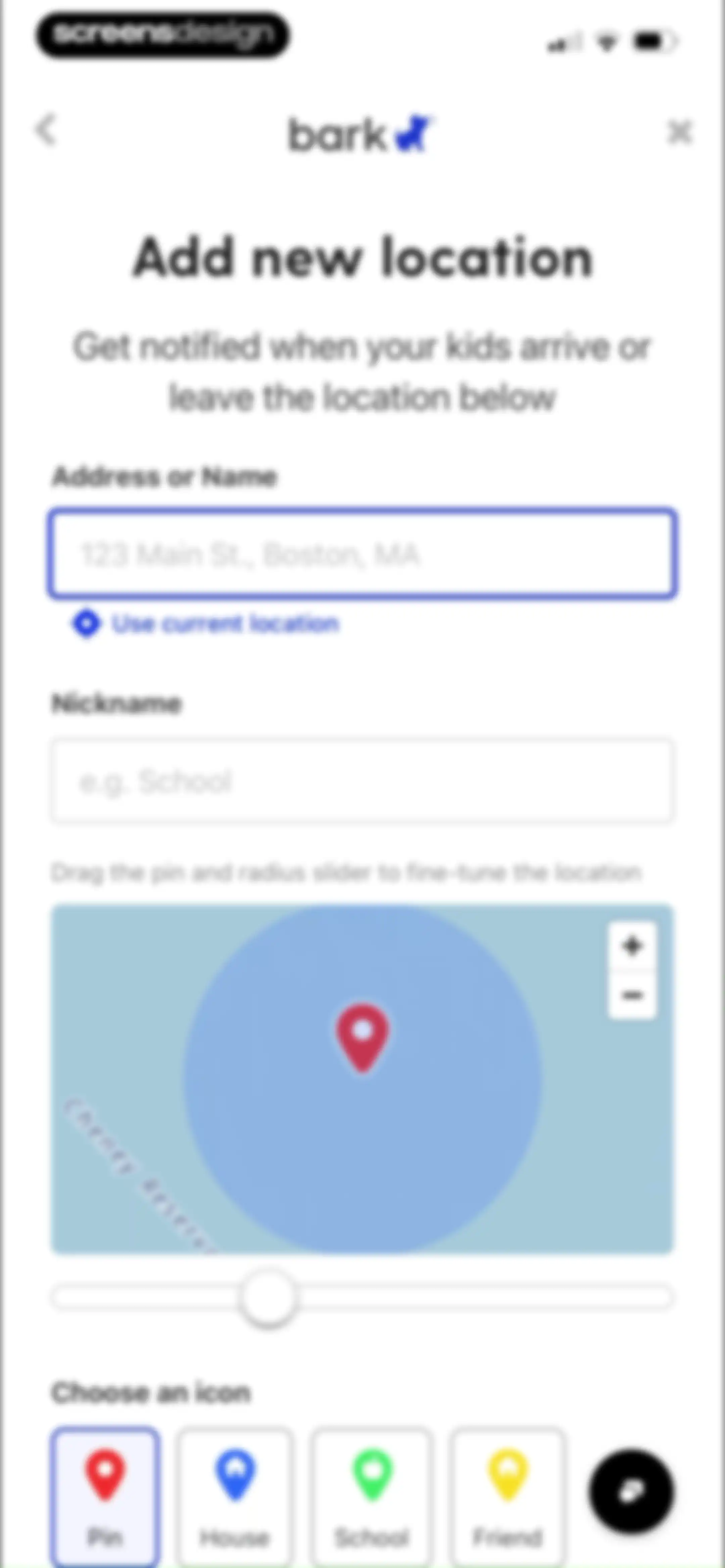
Form to add a new location with address and nickname inputs, a map with a radius slider, and icon selection options.Unlock Pro
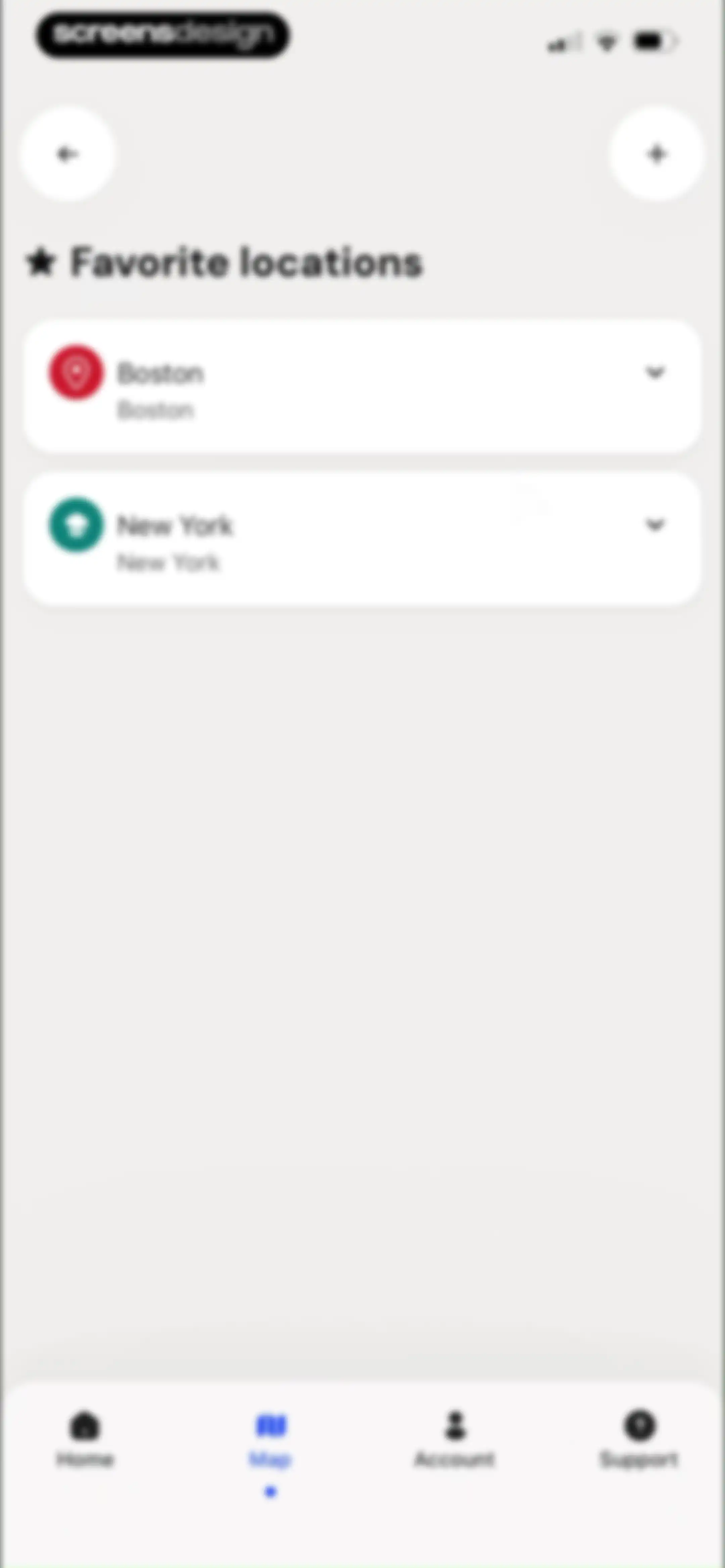
Dashboard listing favorite locations including Boston and New York, with an add button and bottom navigation bar.Unlock Pro
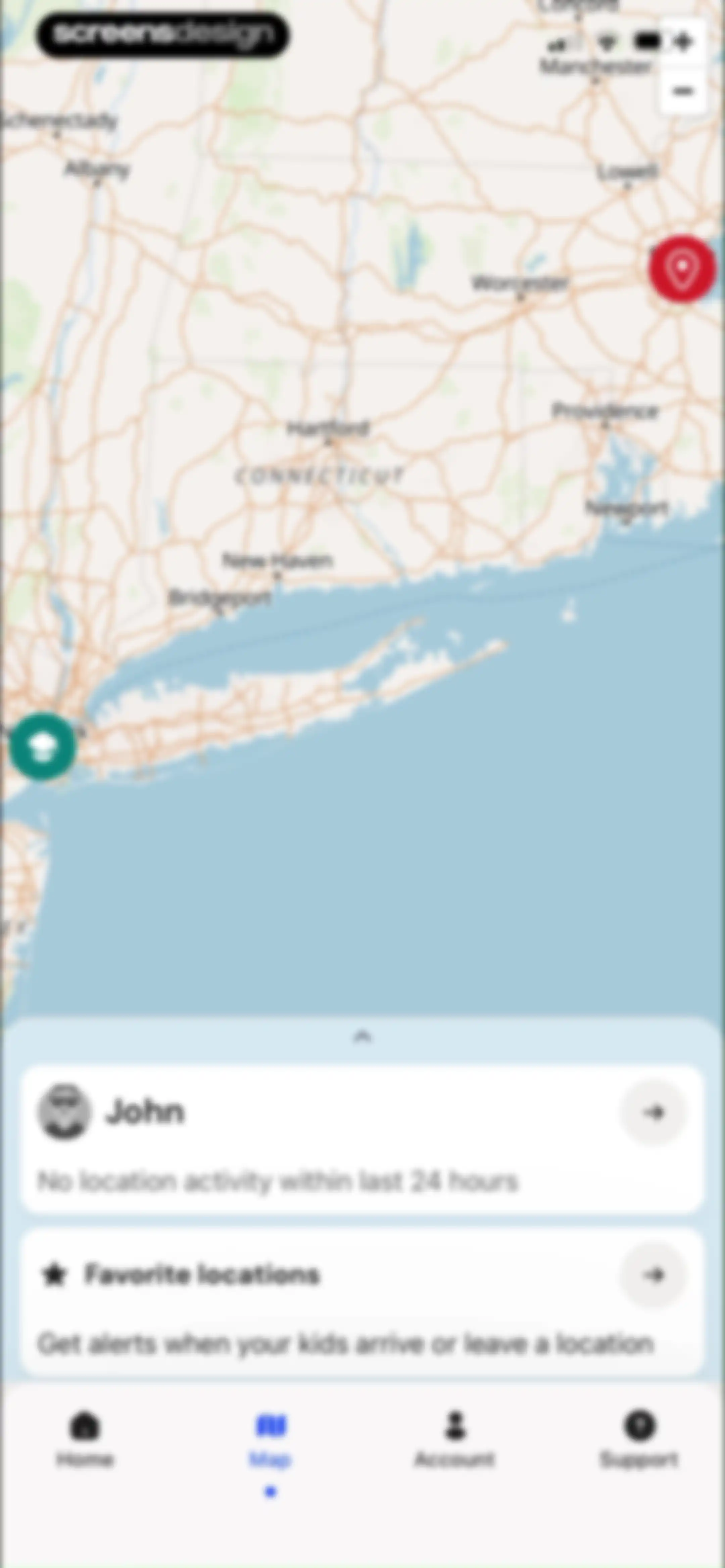
Home screen displaying a top map view and a bottom sheet with John's location status and favorite locations.Unlock Pro
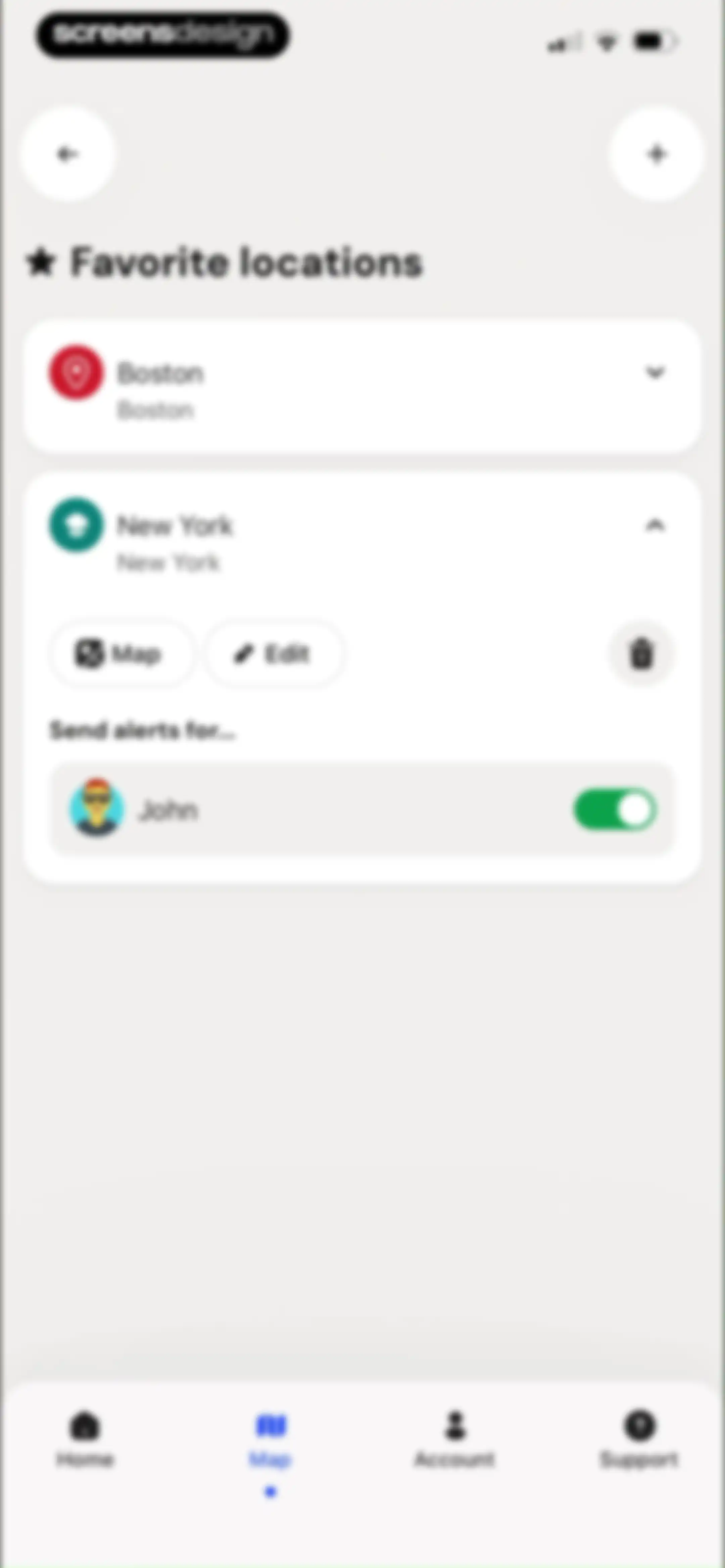
Dashboard displaying a list of favorite locations with cards for Boston and New York, including an expanded view of New York with alert controls and map options.Unlock Pro
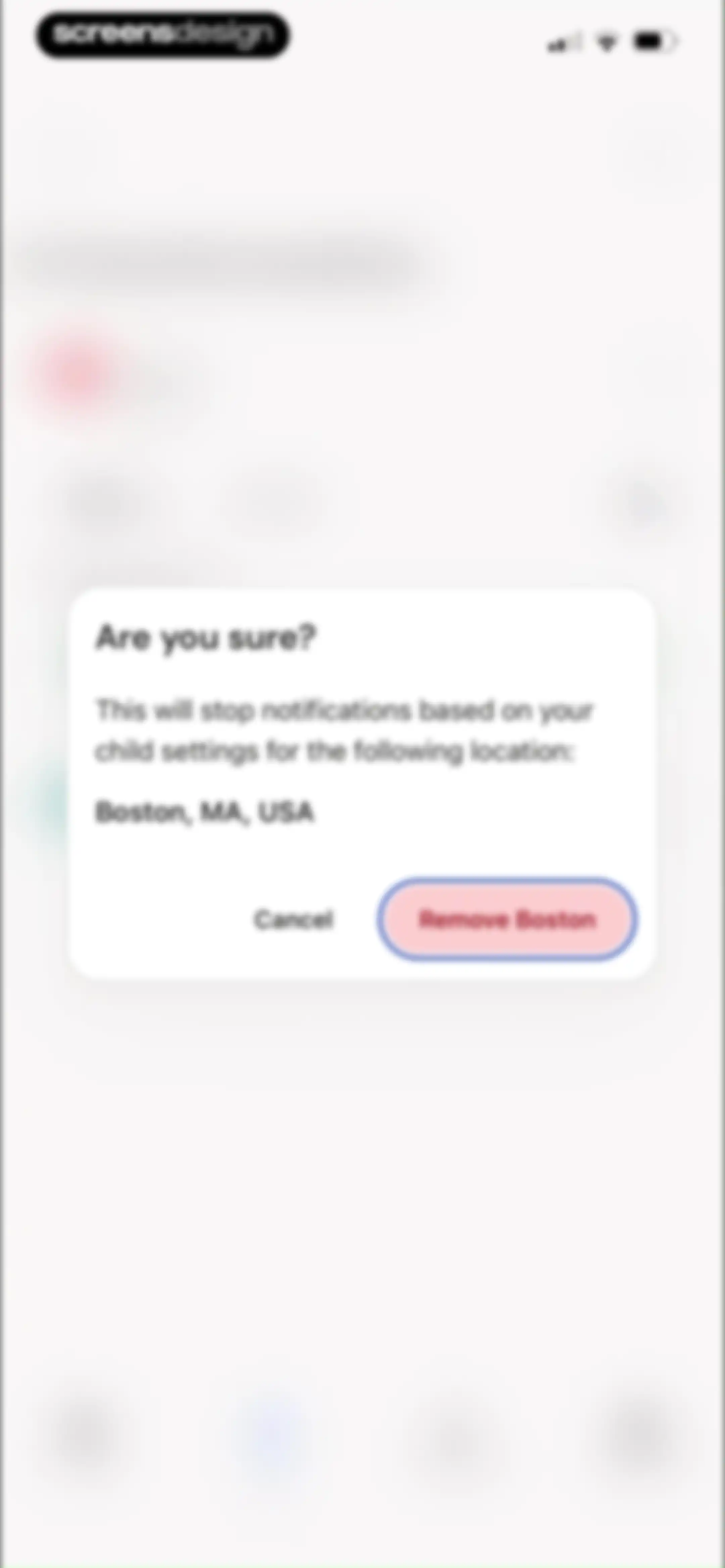
Confirmation modal asking if the user is sure about removing Boston, MA, USA, with Cancel and Remove Boston buttons.Unlock Pro
Favorite locations list displaying a saved New York location and a snackbar notification confirming a family location was successfully deleted.Unlock Pro
Profile screen displaying user account details and recent Bark Updates cards with a bottom navigation bar.Unlock Pro
Support screen with a list of five options including chat, articles, and videos, plus a bottom navigation bar.Unlock Pro
Customer support chat interface featuring a welcome message from the support assistant Lucy and a bottom message input field.Unlock Pro
Customer support chat interface featuring an active conversation with an AI assistant named Lucy and a message input field at the bottom.Unlock Pro
Support chat interface with a settings modal overlay displaying options to turn on sound, change language, and email transcript.Unlock Pro
Profile and account management screen featuring user details, a log out button, and a device code card with a Get a device code button.Unlock Pro
Settings screen featuring sections for device codes, account lock, and password management, with a top tab bar and bottom navigation.Unlock Pro
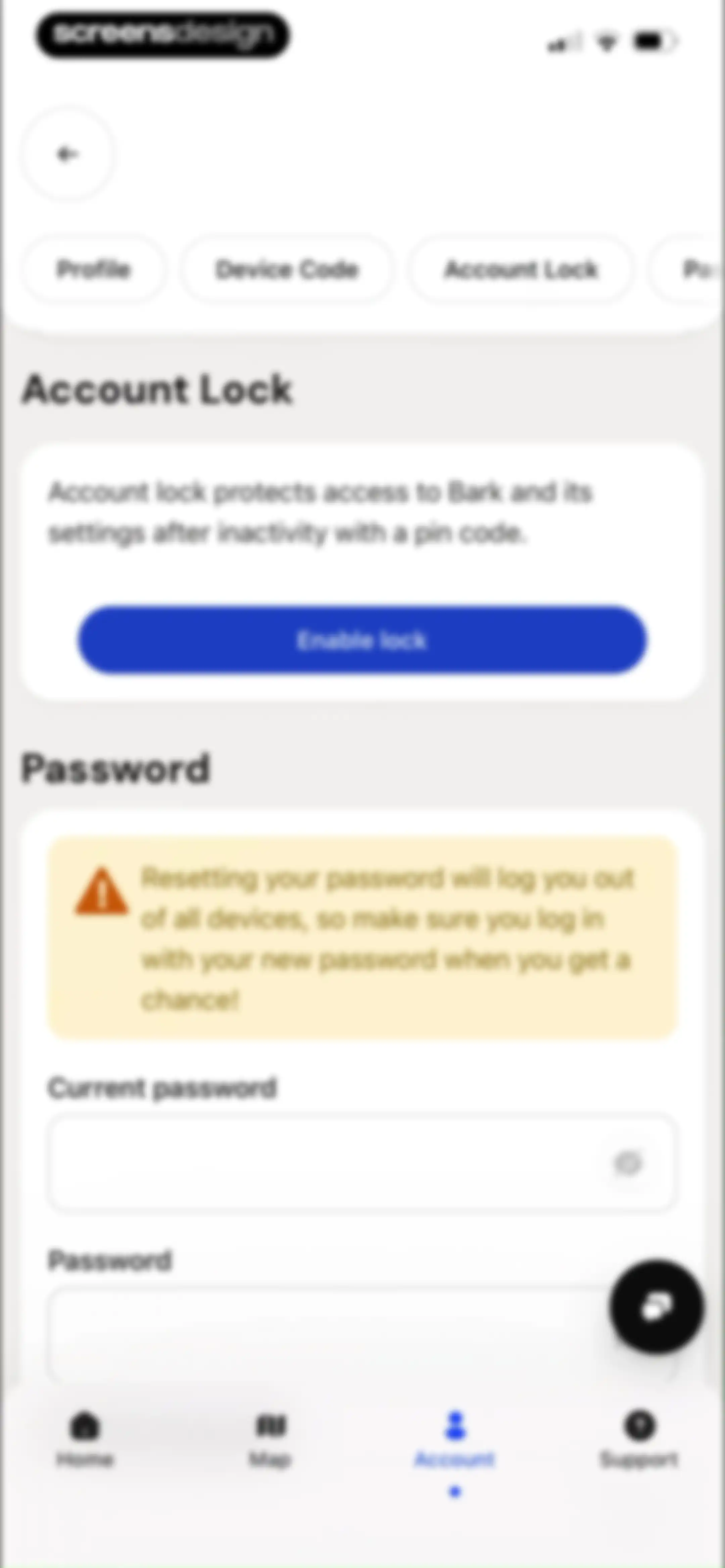
Security settings screen with an account lock card, a password change section, and an Enable lock button.Unlock Pro
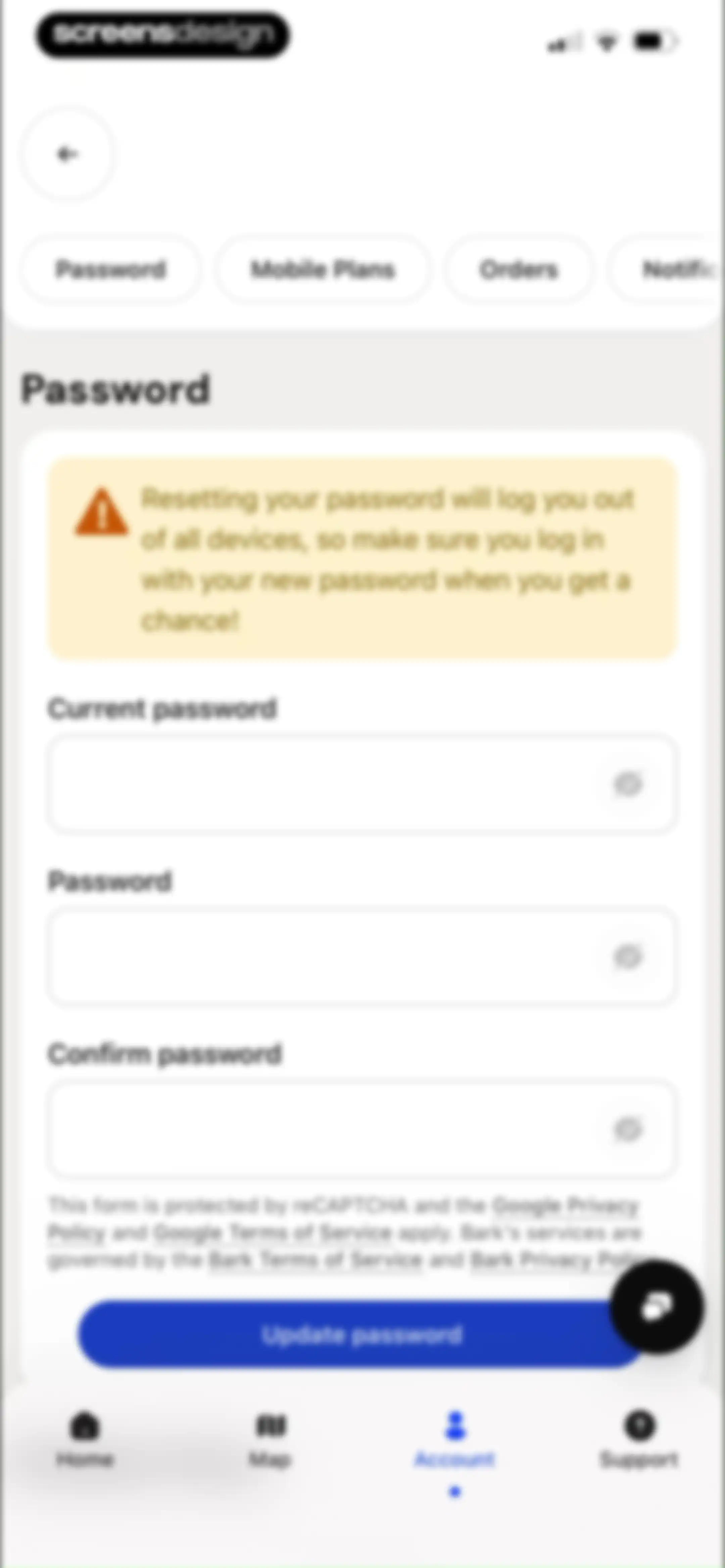
Password update form in the Bark app with a security warning banner, three password fields, and an Update password button.Unlock Pro
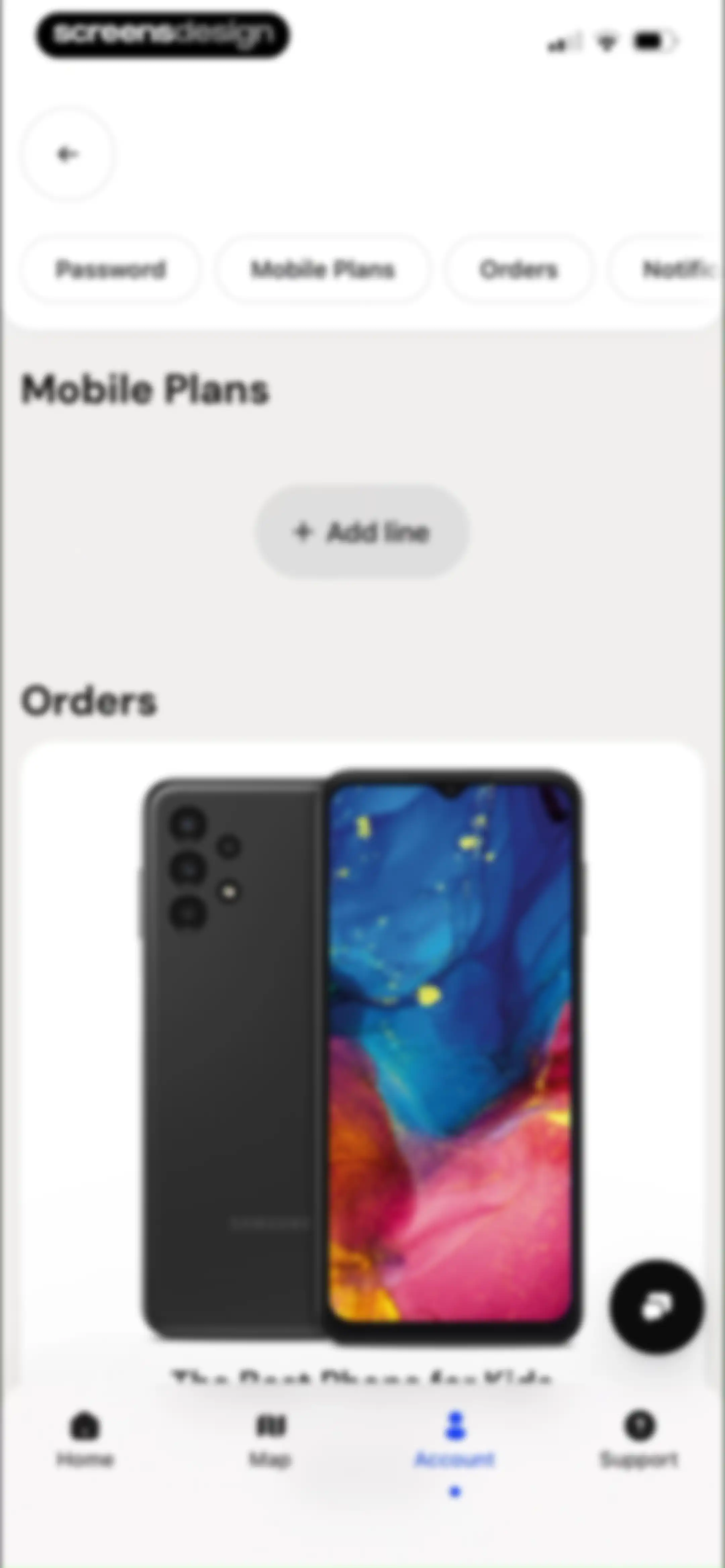
Settings screen with mobile plans and orders sections, featuring an Add line button and a product card for a phone.Unlock Pro
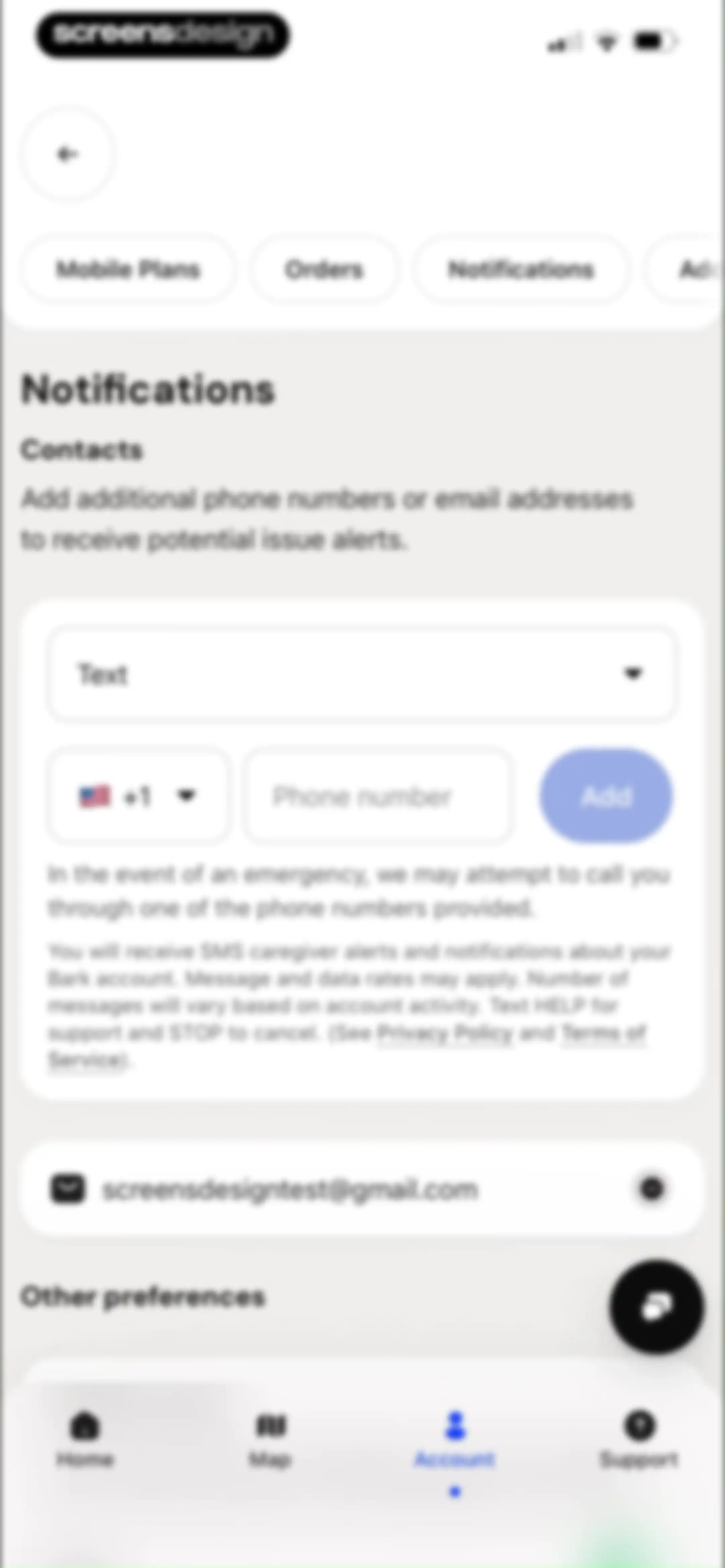
Notification settings screen displaying a contact input form, an existing email contact with a remove button, and an Add button.Unlock Pro
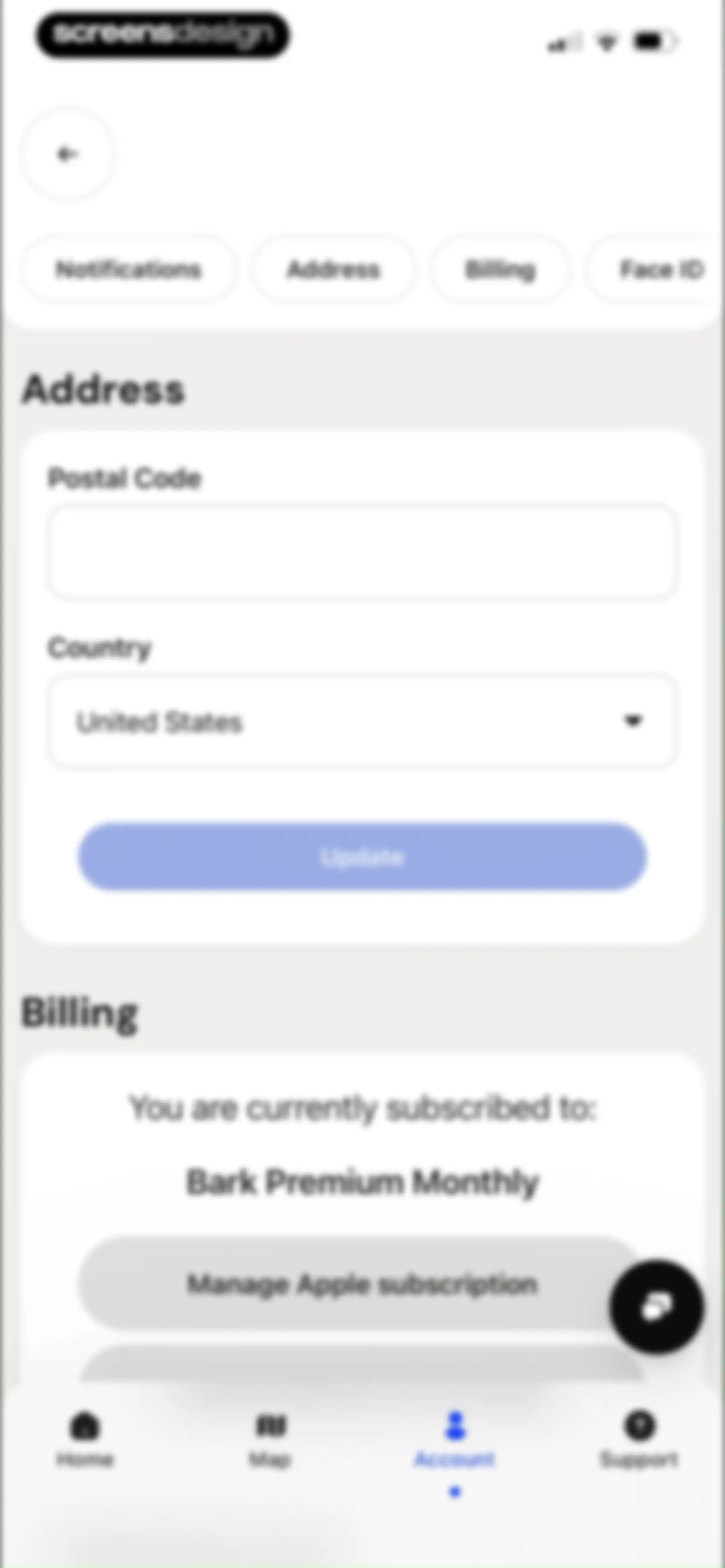
Settings screen featuring address update form and billing subscription details with an Update button.Unlock Pro
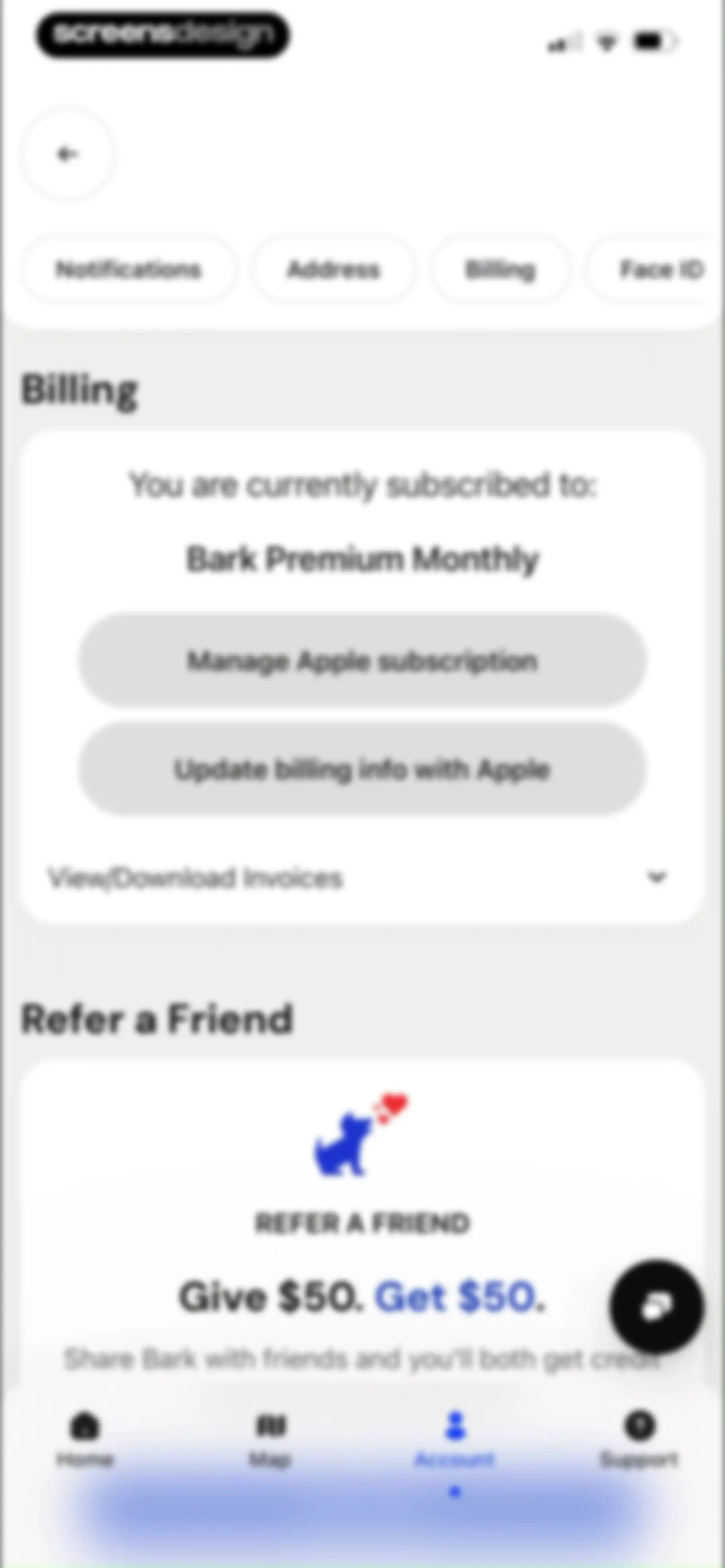
Account settings billing screen showing current subscription details, management options, and a referral promotion card.Unlock Pro
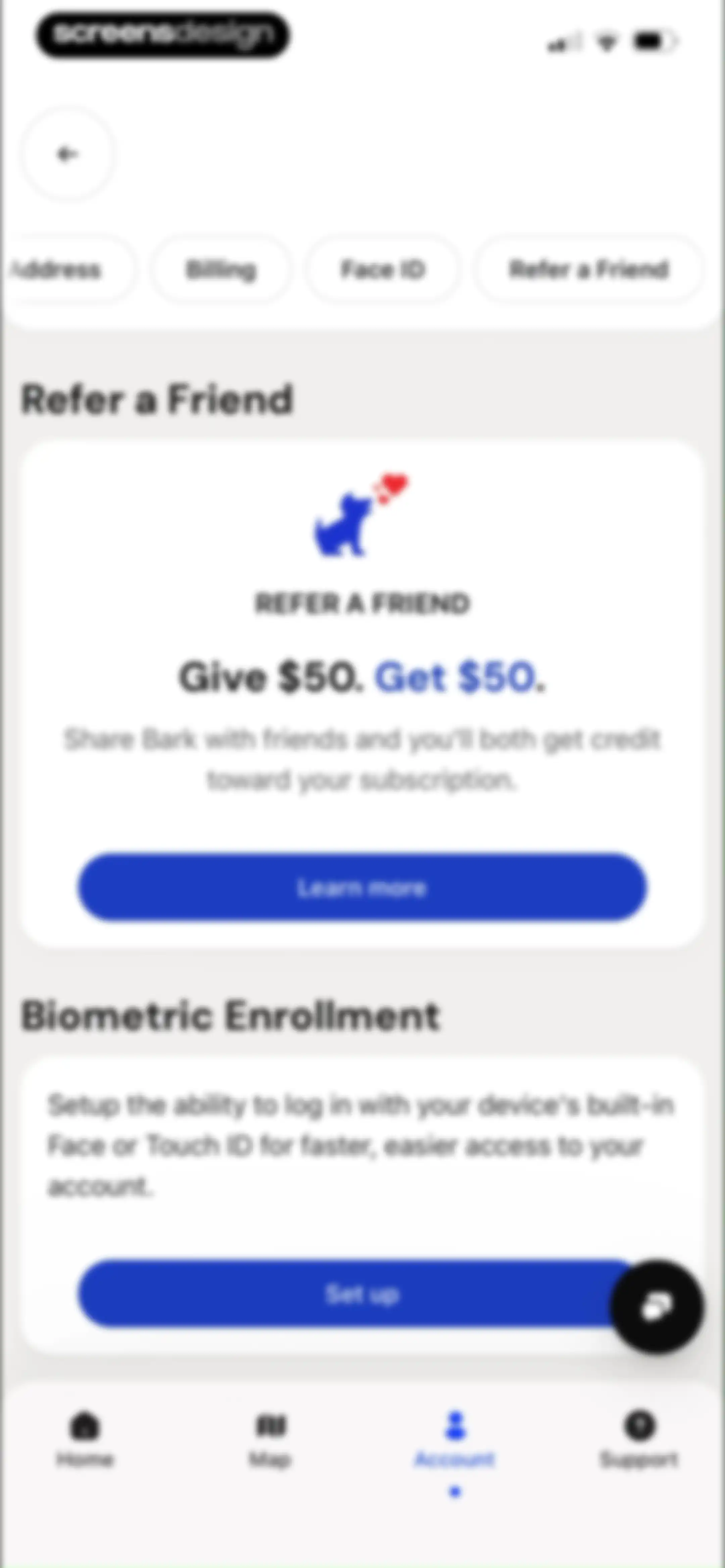
Settings screen featuring a referral program card with a Learn more button and a biometric enrollment card with a Set up button.Unlock Pro

About Bark - Parental Controls

A comprehensive parental control service that monitors digital content, manages screen time, and filters websites to protect children online.

Explore Bark - Parental Controls across ScreensDesign

Apps similar to Bark - Parental Controls

Unlock all similar apps

See every comparable app, revenue, installs, and flows.

Unlock Pro
  • TimeHut - Baby Album

    4.6
    Bithouse, Inc.Revenue$150kInstalls35k
  • BabySparks - Development App

    4.7
    BabySparks IncRevenue$5kInstalls<5k
  • Norton VPN – Fast & Secure

    4.4
    Gen Digital Inc.Revenue$550kInstalls30k
  • Huckleberry: Baby Tracker

    4.9
    Huckleberry Labs Inc.Revenue$800kInstalls100k
  • PawChamp-Dog & Puppy Training

    4.2
    FONTADELLA LIMITEDRevenue$11kInstalls<5k
  • ClearSpace: Reduce Screen Time

    4.7
    clearspaceRevenue$7kInstalls<5k
  • Epic - Kids' Books & Reading

    4.7
    VOIZZIT TECHNOLOGY PRIVATE LIMITEDRevenue$800kInstalls100k
  • Good Inside: Parenting

    4.9
    Good InsideRevenue$90kInstalls10k
  • Brainrot: Screen Time Control

    4.5
    Yonatan SmolyarRevenue$55kInstalls150k
  • Dogo - Dog Training & Clicker

    4.8
    Dogo App GmbHRevenue$85kInstalls25k
  • BePresent: Screen Time Control

    4.8
    Screen Detox IncRevenue$400kInstalls250k
  • Yik Yak

    3.9
    Yik Yak, Inc.Revenue$<5kInstalls400k
  • FamilyWall: Family Organizer

    4.8
    Family & CoRevenue$250kInstalls50k
  • AI Security Shield

    4.4
    APPSOUL LIMITEDRevenue$90kInstalls75k
  • Friend Controls: Screen Time

    4.7
    Ryan Moazzami
  • TinyTap: Kids' Learning Games

    4.4
    TinyTap Ltd.Revenue$45kInstalls<5k
  • McAfee: Stay Secure & Private

    4.7
    McAfee, LLC.Revenue$1.3MInstalls200k
  • Dashlane Password Manager

    4.8
    DashlaneRevenue$550kInstalls<5k
  • Hearty App: Everyday Bonding

    4.7
    Pathfinder DMCCRevenue$200kInstalls20k
  • Bebememo - Smart Baby Journal

    4.8
    Bebememo, Inc.Revenue$100kInstalls13k
  • Opal: Screen Time Control

    4.7
    Opal OSRevenue$500kInstalls200k
  • minimalist phone ® Block Apps

    4.6
    Focus ExpertsRevenue$50kInstalls70k
  • Joon: Kids ADHD Chore Tracker

    4.7
    Joon App, IncRevenue$6kInstalls<5k
  • Glow Baby Tracker & Growth App

    4.7
    GlowRevenue$30kInstalls<5k
  • Woofz - Puppy and Dog Training

    4.6
    nove8Revenue$350kInstalls95k
  • QR Code Scanner & AI Generator

    4.6
    Nova Apps Group LLCRevenue$<5kInstalls<5k
  • ClassDojo

    4.8
    ClassDojo, Inc.Revenue$5.3MInstalls1M
  • TimeBloc - Daily Planner

    4.3
    Reflective Technologies ApSRevenue$<5kInstalls<5k
  • Surfshark VPN: Fast & Secure

    4.7
    SurfsharkRevenue$2MInstalls450k
  • Ever Accountable - Full Safety

    4.1
    Ever AccountableRevenue$40kInstalls<5k
  • Baby Leap: Milestone Tracker

    4.6
    Omega Solutions, Inc.Revenue$13kInstalls<5k
  • Our Groceries Shopping List

    4.8
    OurGroceries, Inc.Revenue$10kInstalls15k
  • Planes Live - Flight Tracker

    4.6
    Easy Tiger Apps, LLC.Revenue$200kInstalls25k
  • Strong Cleaner: Free up space

    4.5
    Motivity AppsRevenue$100kInstalls<5k
  • Blockin -Screen Time for Focus

    4.6
    Noova Inc.Revenue$15kInstalls15k
  • Inoreader: News & RSS reader

    4.7
    InnologicaRevenue$15kInstalls7k
  • Focus Tree: Timer & Flashcards

    4.7
    Focus LabsRevenue$<5kInstalls10k
  • LocFam : Family Locator

    2.5
    Linh NguyenRevenue$250kInstalls250k
  • Shop: Track, Pay, Discover

    4.8
    Shopify Inc.Revenue$<5kInstalls2.8M
  • Blossom - Plant Care Guide

    4.6
    Easy Tiger Apps, LLC.Revenue$80kInstalls<5k
  • Breethe: Sleep & Meditation

    4.7
    OMG. I Can Meditate! Inc.Revenue$150kInstalls<5k
  • Useless - Screen Time Control

    4.5
    DaDaMa Ug (haftungsbeschränkt)
  • Napper: Baby Sleep Tracker

    4.9
    Napper ABRevenue$750kInstalls95k
  • Feenko: Cancel Subscriptions

    4.1
    GotYourBack Technologies LTDRevenue$80kInstalls<5k
  • Speech Blubs: Language Therapy

    4.6
    Blub Blub Inc.Revenue$450kInstalls35k
  • Bear - Markdown Notes

    4.7
    Shiny Frog Ltd.Revenue$45kInstalls<5k