AnyList: Grocery Shopping List

$55k revenue, 4.9 rating

Feature Showcase Carousel
0:00 / 11:05

Onboarding flow, Paywall & Inside the App

Watch the full screen-by-screen UX video of AnyList: Grocery Shopping List with onboarding, paywall, and every core flow.

AnyList onboarding welcome screen with a bright blue background, centered app logo, descriptive text, a Learn more link, and a Get Started button.
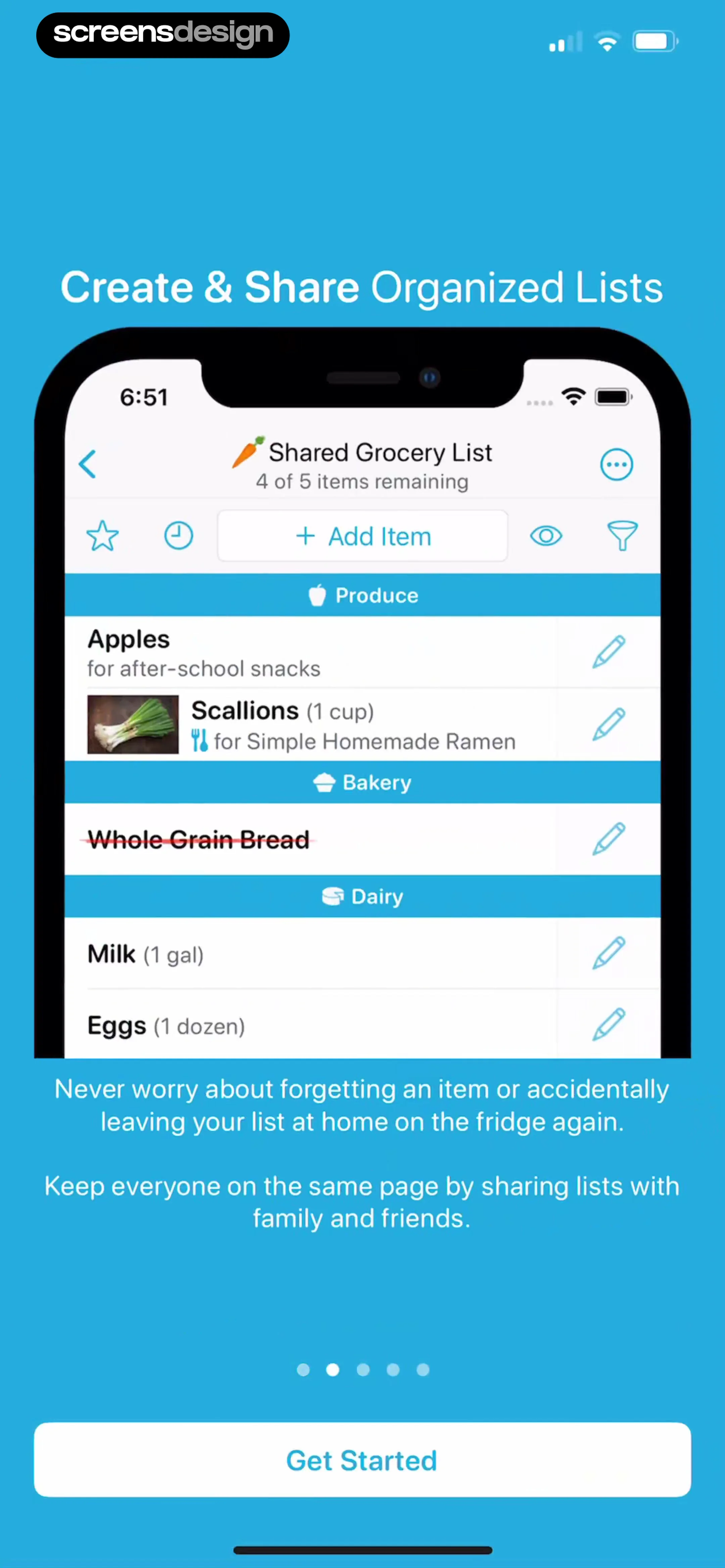
Onboarding screen displaying a shared grocery list mockup, descriptive text about organizing lists, and a Get Started button at the bottom.
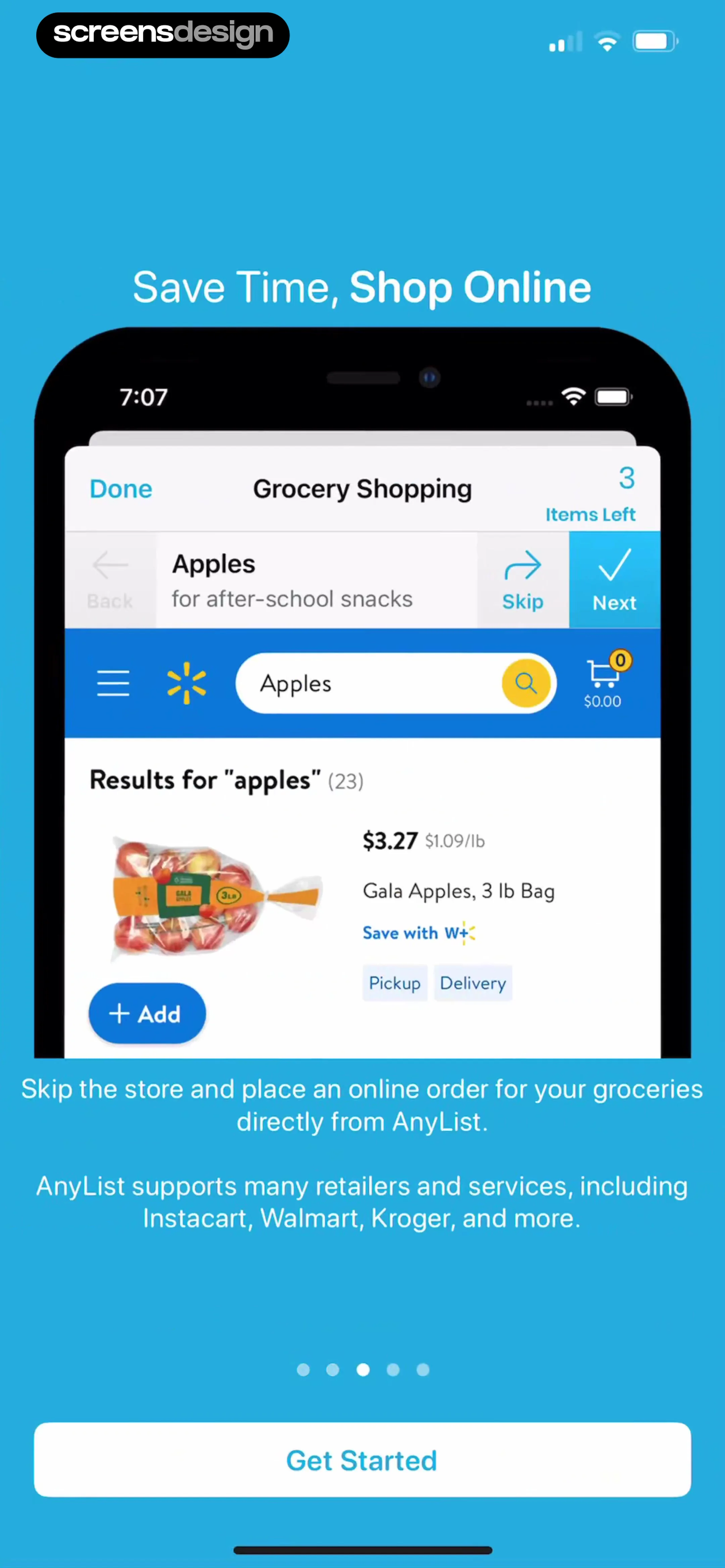
Onboarding screen highlighting online grocery shopping integration with a product mockup and a Get Started button.
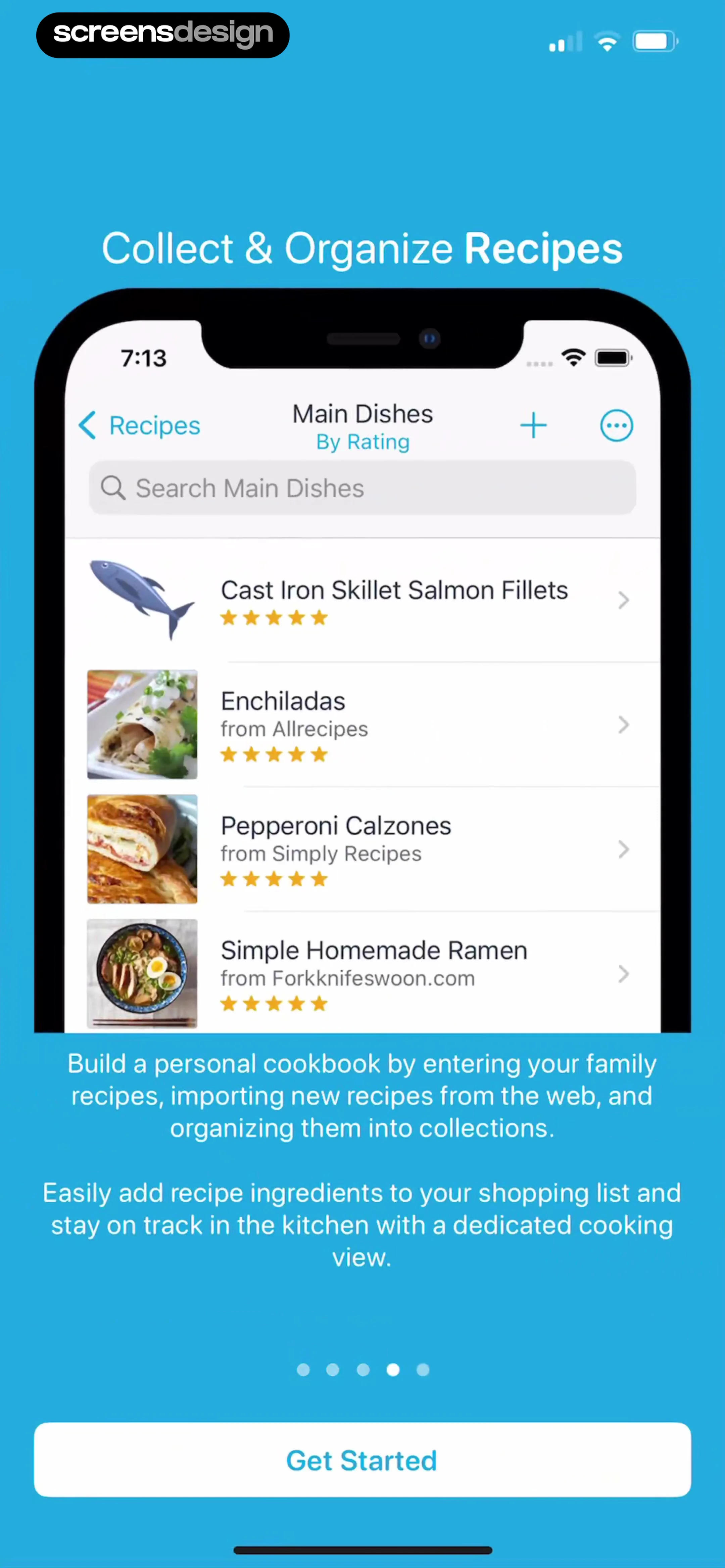
Onboarding screen featuring a recipe collection mockup, explanatory text about cookbook features, pagination dots, and a Get Started button.
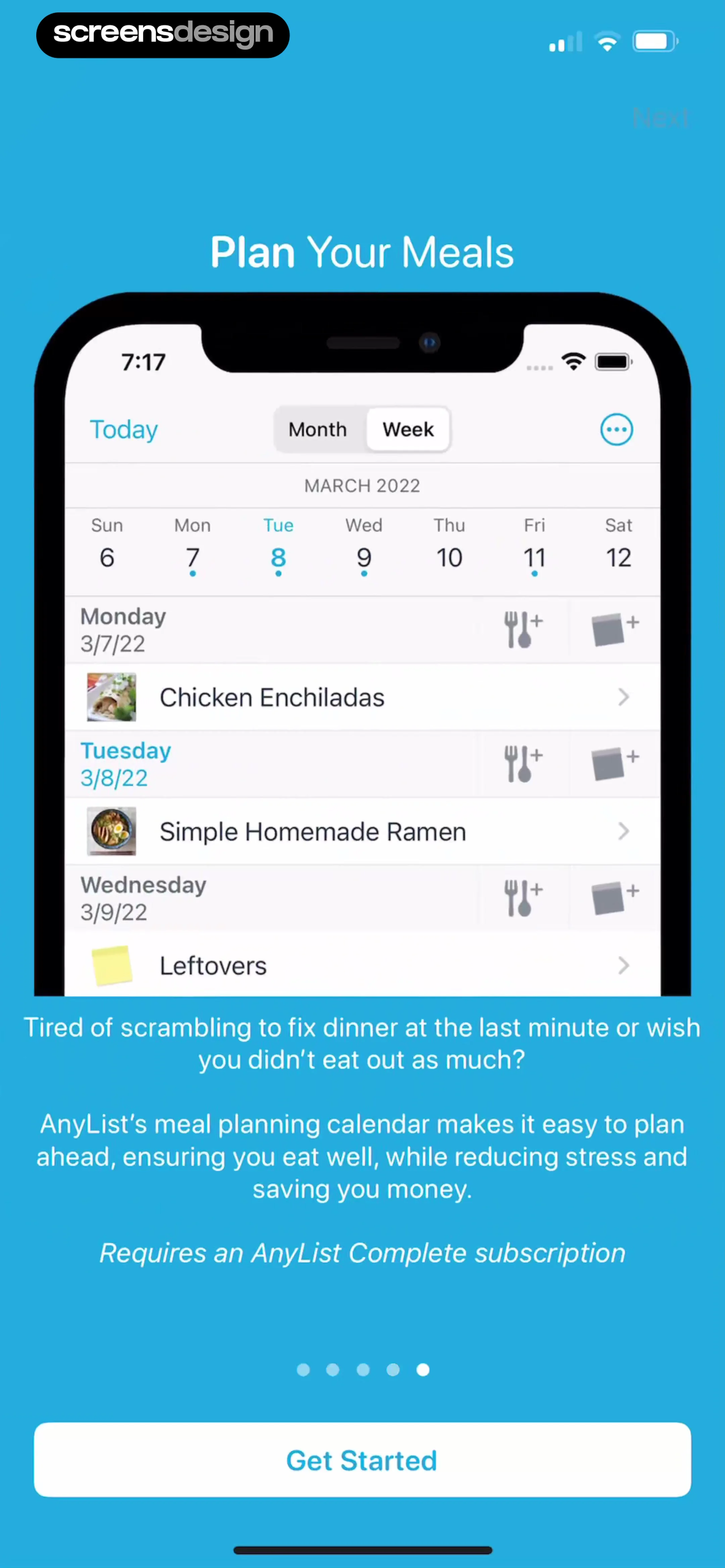
AnyList onboarding screen introducing the meal planning calendar feature, with a product mockup, descriptive text, and a Get Started button.
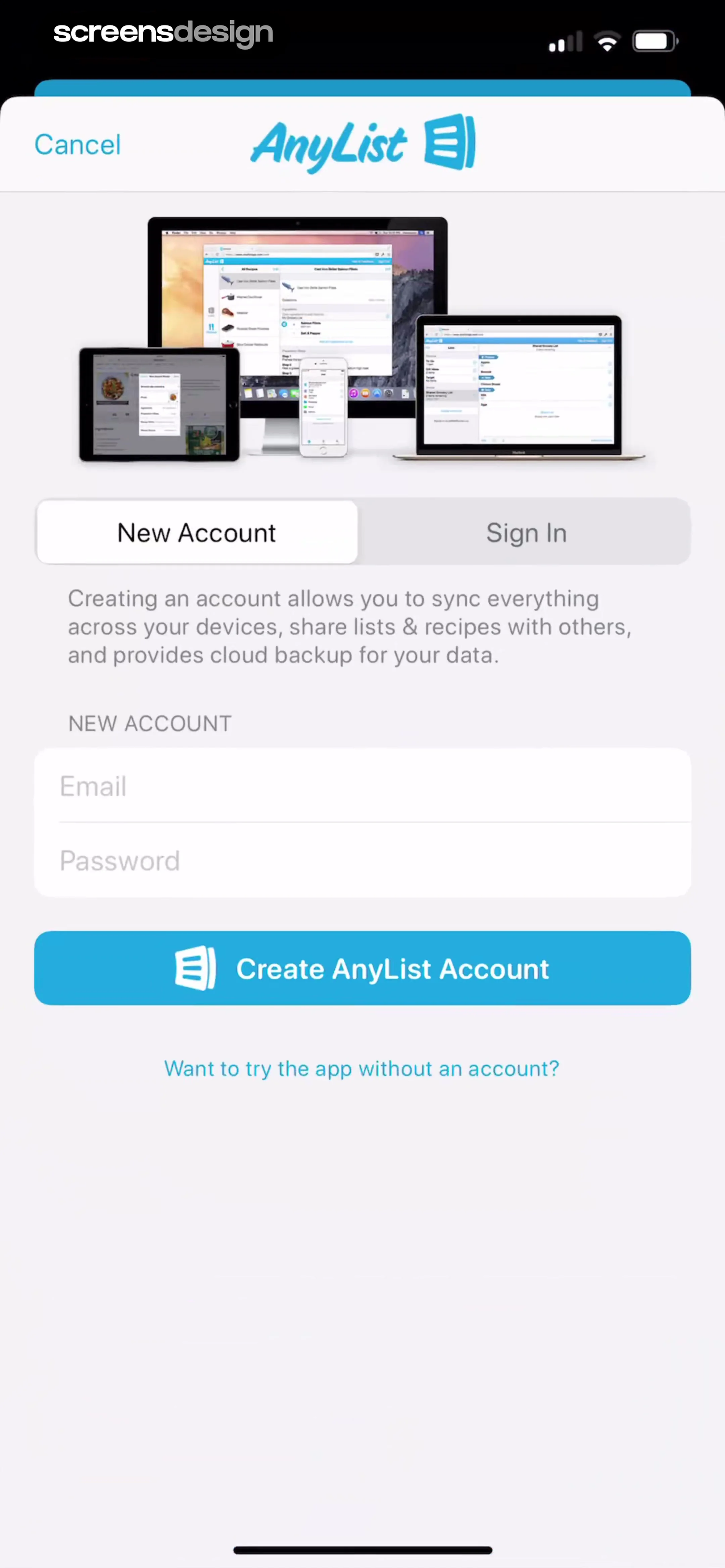
AnyList account creation screen with a multi-device sync illustration, email and password input fields, and a Create AnyList Account button.
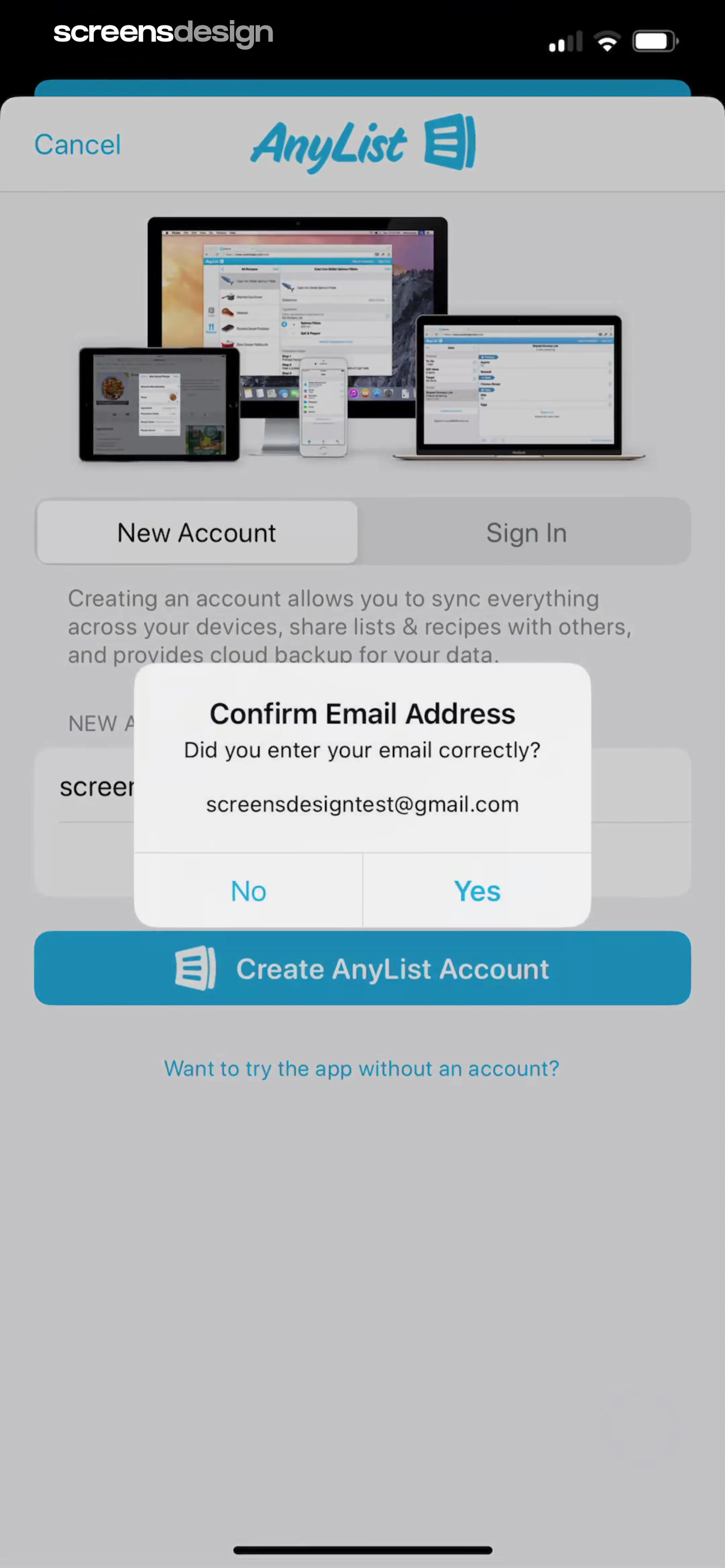
AnyList account registration screen with a confirmation modal asking to verify the entered email address.
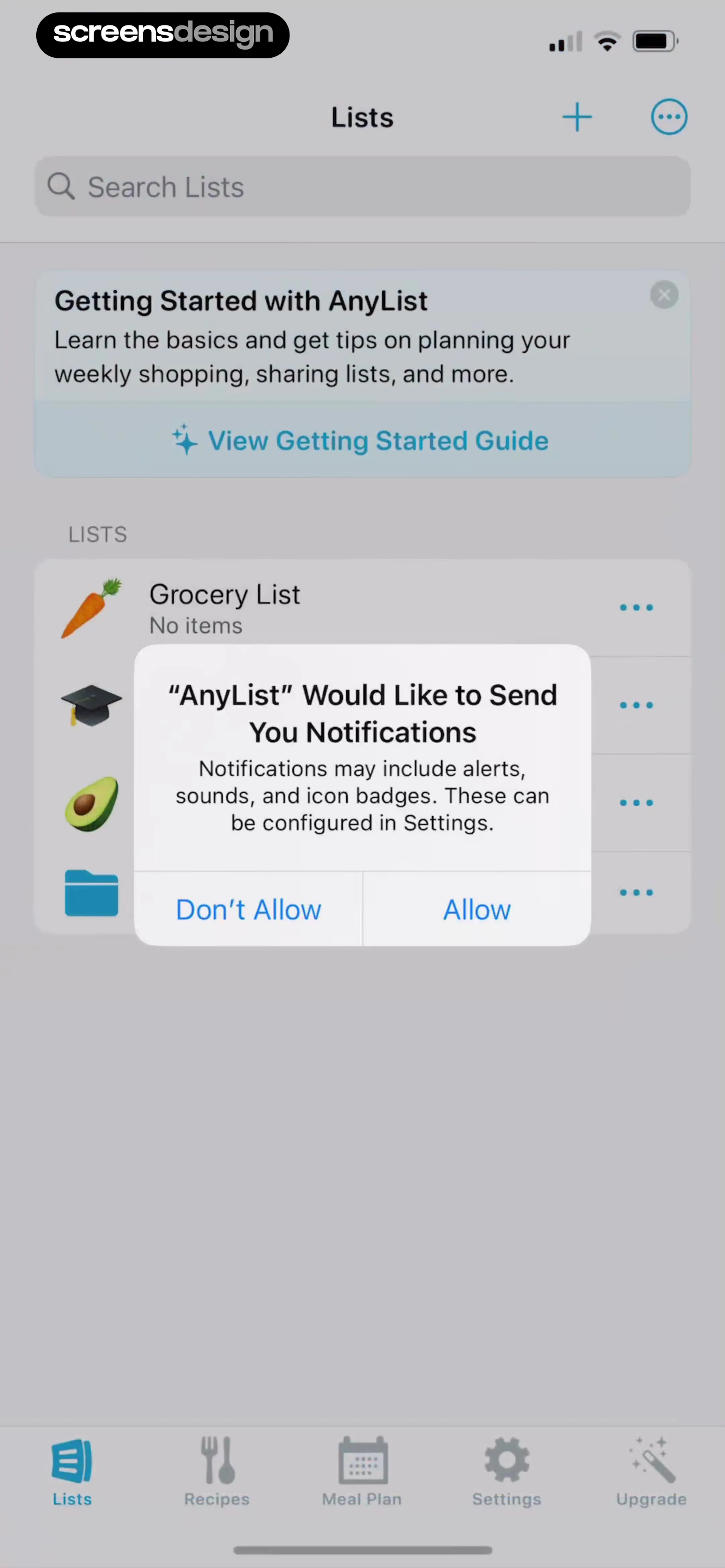
Lists dashboard with a system notification permission modal overlay showing Allow and Don't Allow buttons.
AnyList home screen displaying a search bar, onboarding card, and a list of shopping lists with the Lists tab selected.Unlock Pro
Onboarding guide for getting started with lists, featuring a testimonial card and browser navigation bar with a Done button.Unlock Pro
AnyList home screen displaying an onboarding tip dismissal modal overlay with Cancel and Dismiss buttons.Unlock Pro
Tutorial onboarding screen displaying a vertical list of eleven instructional items with action steps and a bottom navigation bar.Unlock Pro
Onboarding tutorial screen displaying a list of instructional cards with a progress indicator and an Add Item input field.Unlock Pro
Grocery search screen displaying the query milk with a suggestions list and system keyboard.Unlock Pro
Form modal for editing a grocery item name and note, with Milk entered in the name field and a Done button.Unlock Pro
AnyList instructional modal explaining how to add items, with a help link and an active keyboard.Unlock Pro
Item details form showing configurable attributes like category and quantity with an upgrade upsell footer at the bottom.Unlock Pro
Item Details editor modal with a tutorial card, info fields, a bottom upgrade prompt, and a centered Added to Favorites confirmation overlay.Unlock Pro
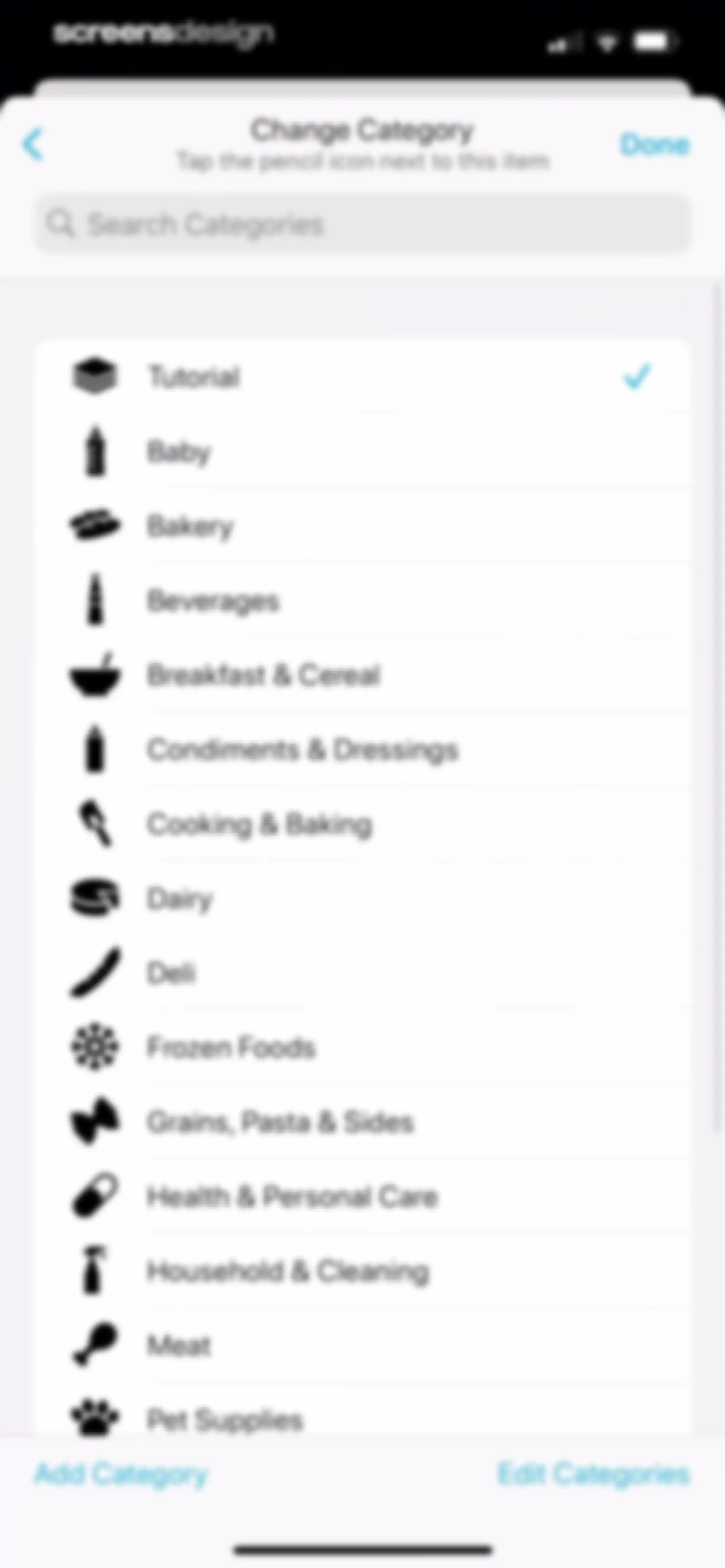
Category selection list featuring a search bar, common grocery categories with the Tutorial option selected, and add or edit action buttons.Unlock Pro
Tutorial screen featuring a progress indicator, instructional list items, an Add Item field, and a bottom navigation bar.Unlock Pro
AnyList app onboarding tutorial screen with a list of instructions on how to manage items, featuring a Done button.Unlock Pro
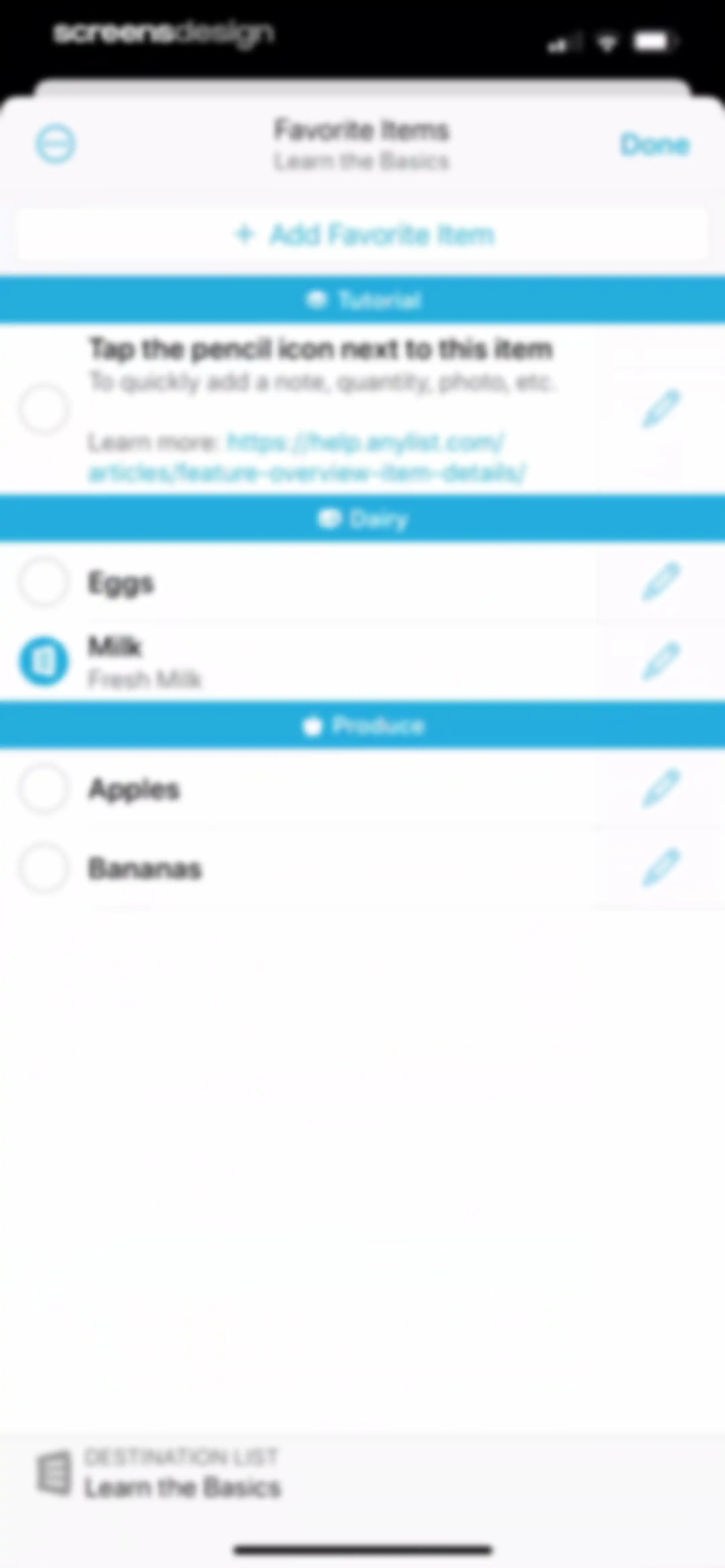
Favorite Items management screen organized by categories with an Add Favorite Item button, item selection checkboxes, and a Destination List footer.Unlock Pro
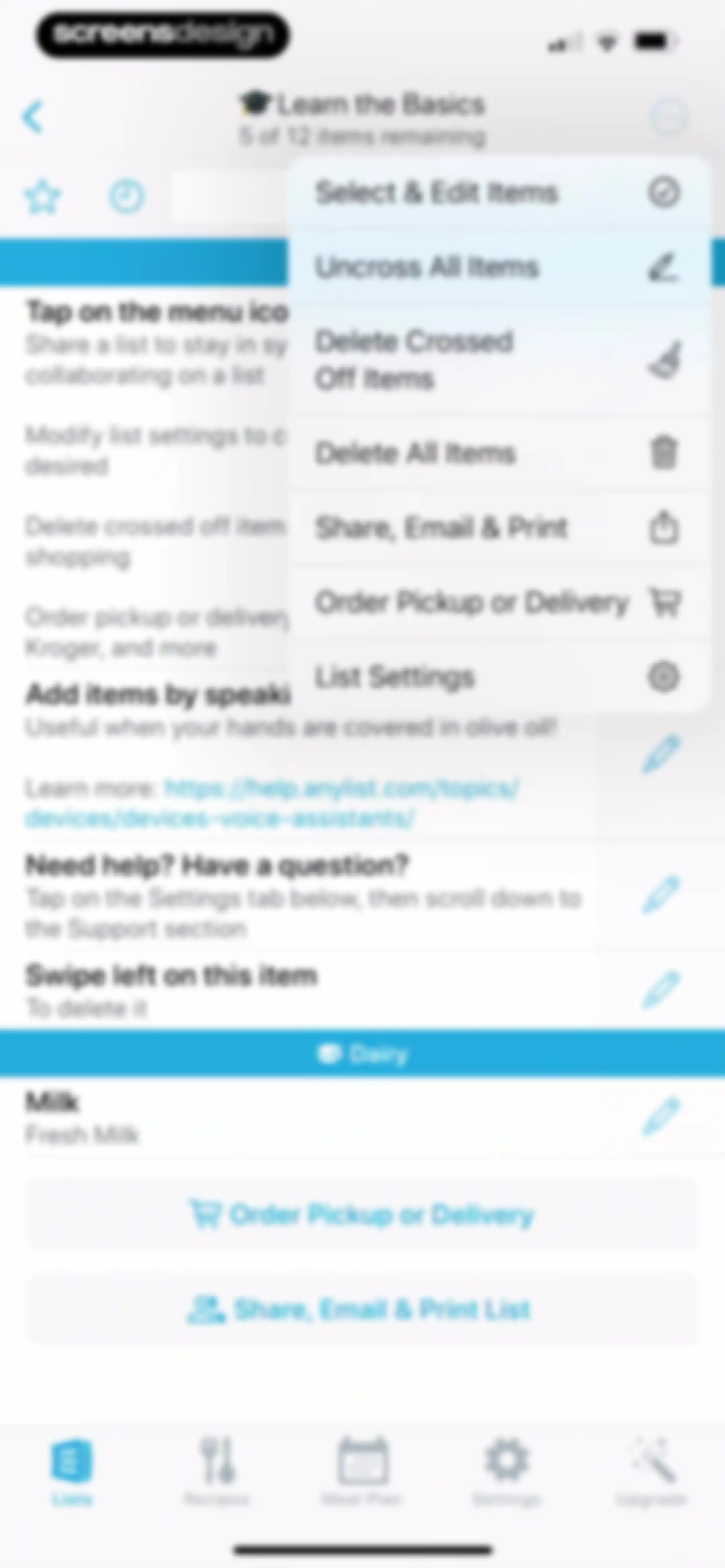
Home screen showing an interactive tutorial list with a modal menu overlay displaying list management options.Unlock Pro
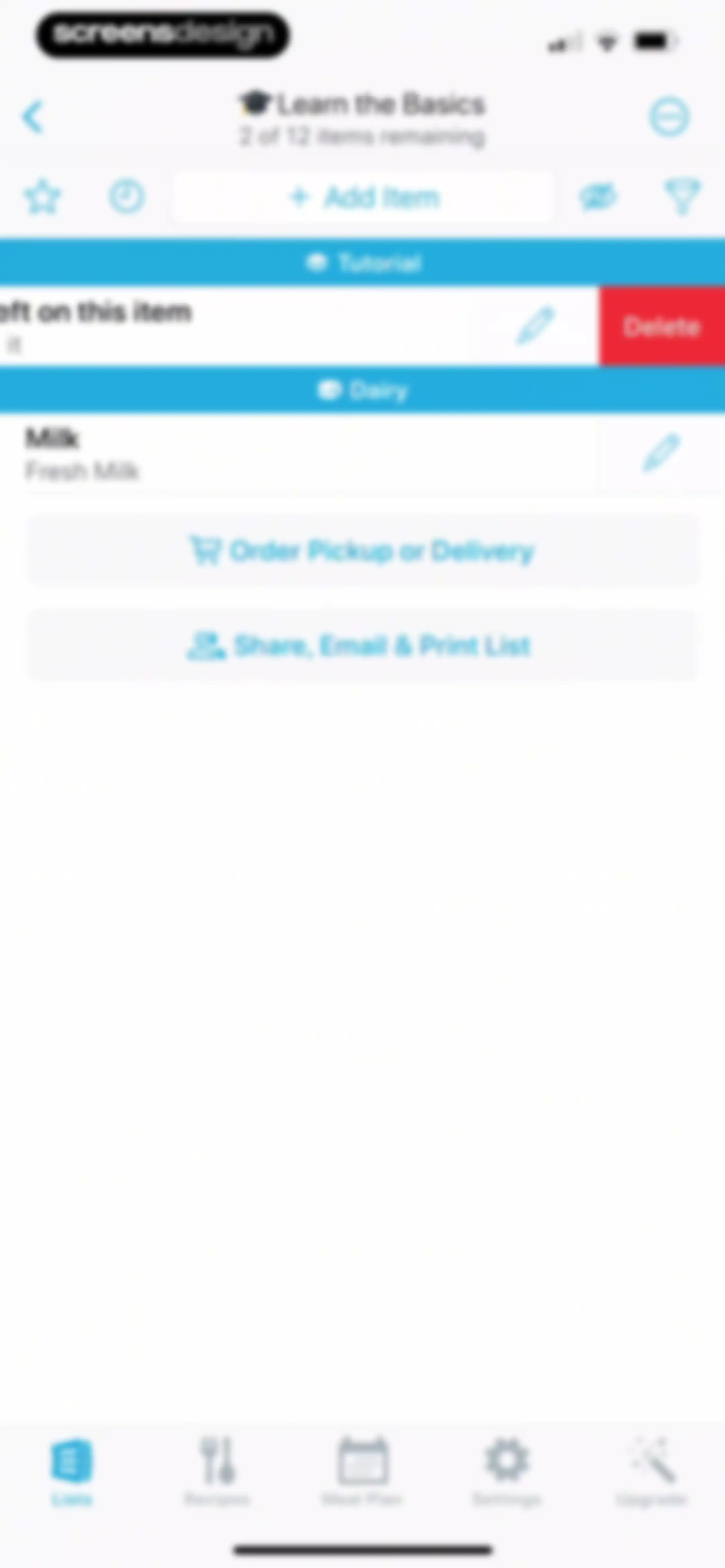
AnyList home screen displaying a tutorial grocery list with milk and options to order or share.Unlock Pro
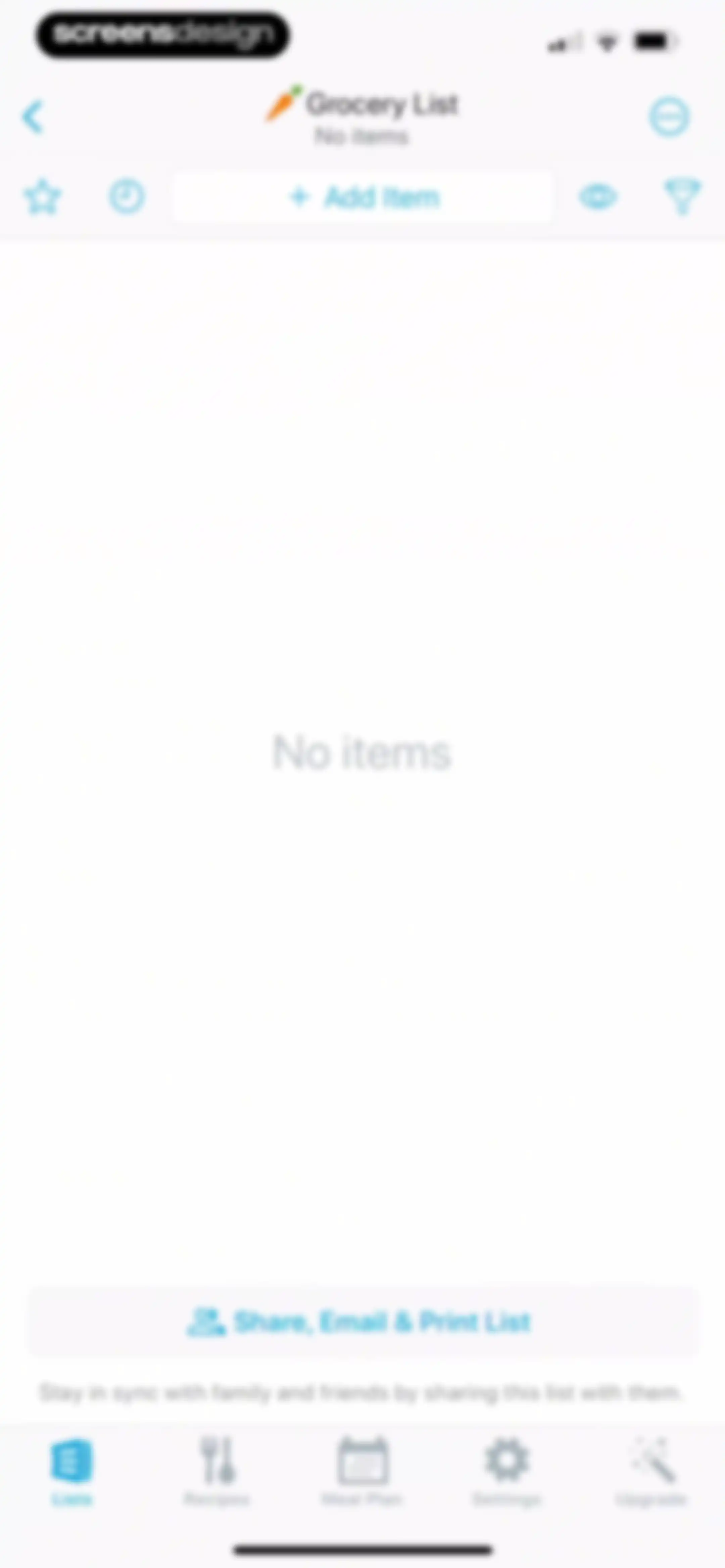
Grocery list empty state displaying an Add Item button, sharing options, and a bottom navigation bar with the Lists tab selected.Unlock Pro
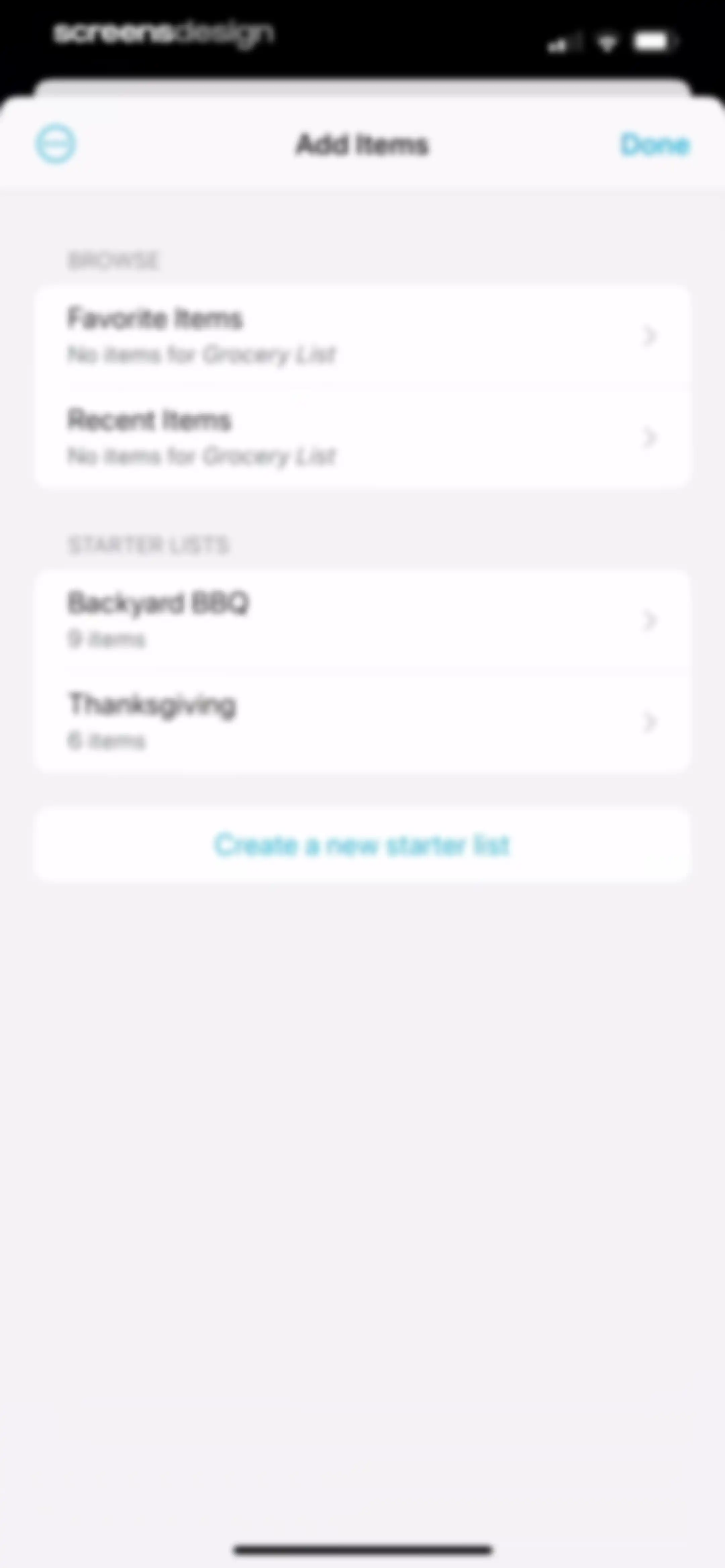
Add Items modal window featuring browse and starter lists sections with a Done button.Unlock Pro
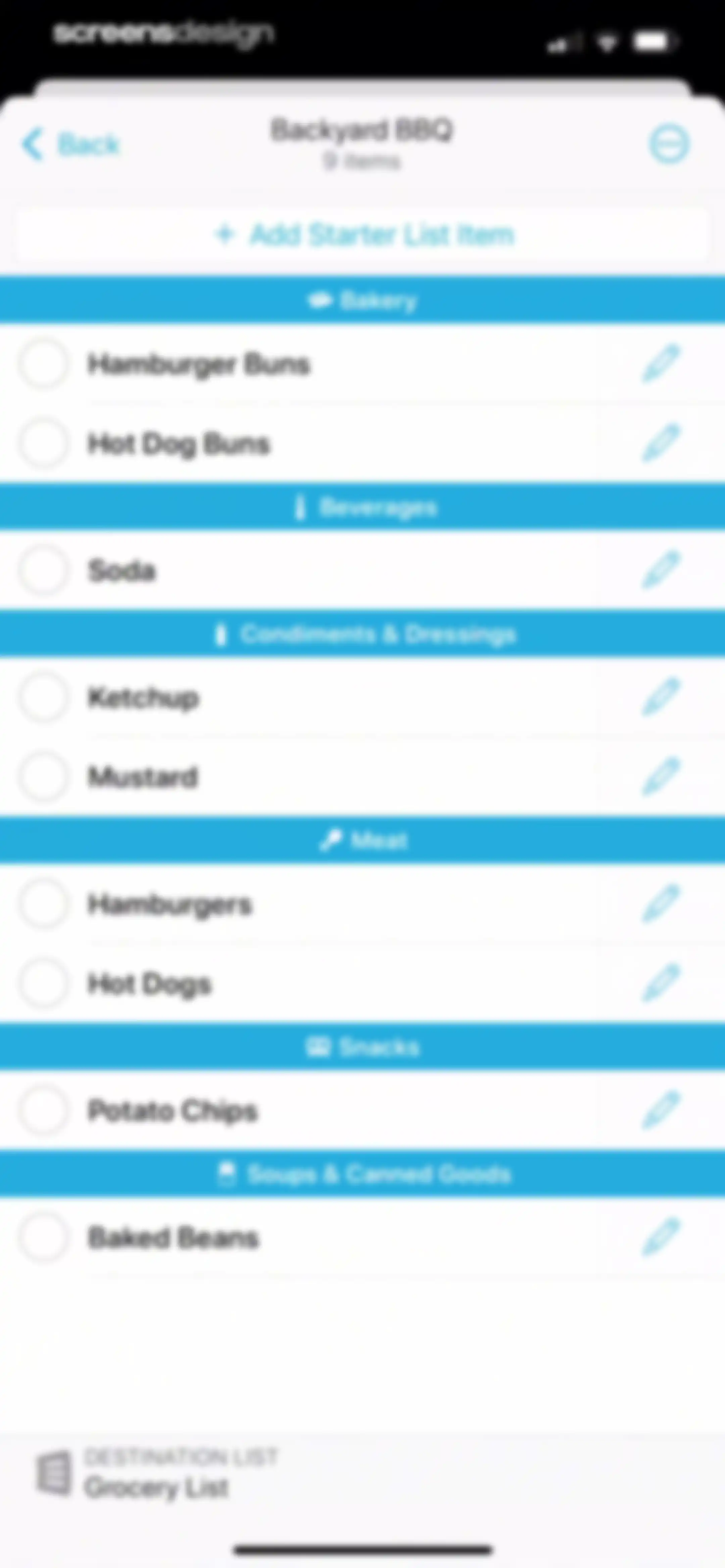
Categorized grocery shopping list for Backyard BBQ with nine items and an option to add starter list items.Unlock Pro
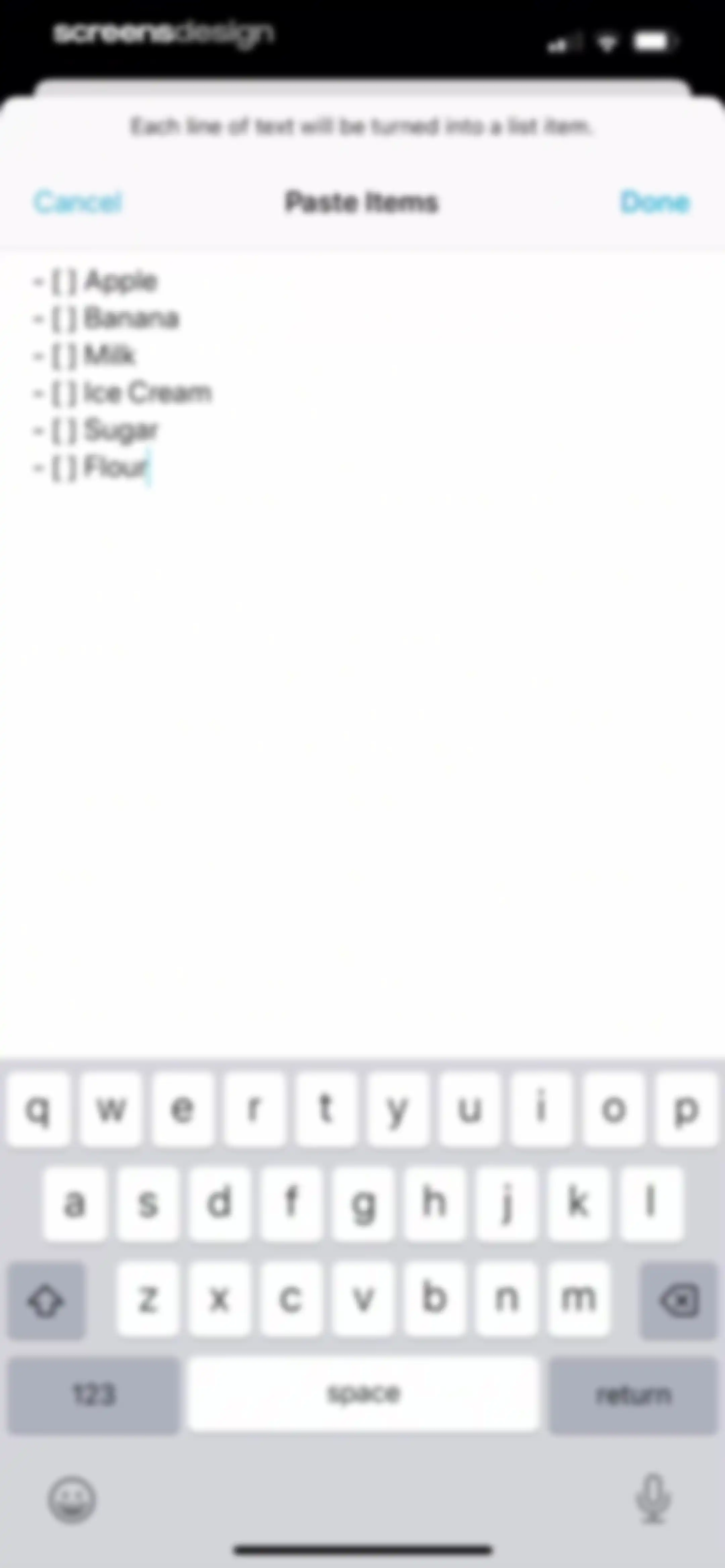
AnyList bulk-add screen with a text input area populated by multiple list items and a Done button.Unlock Pro
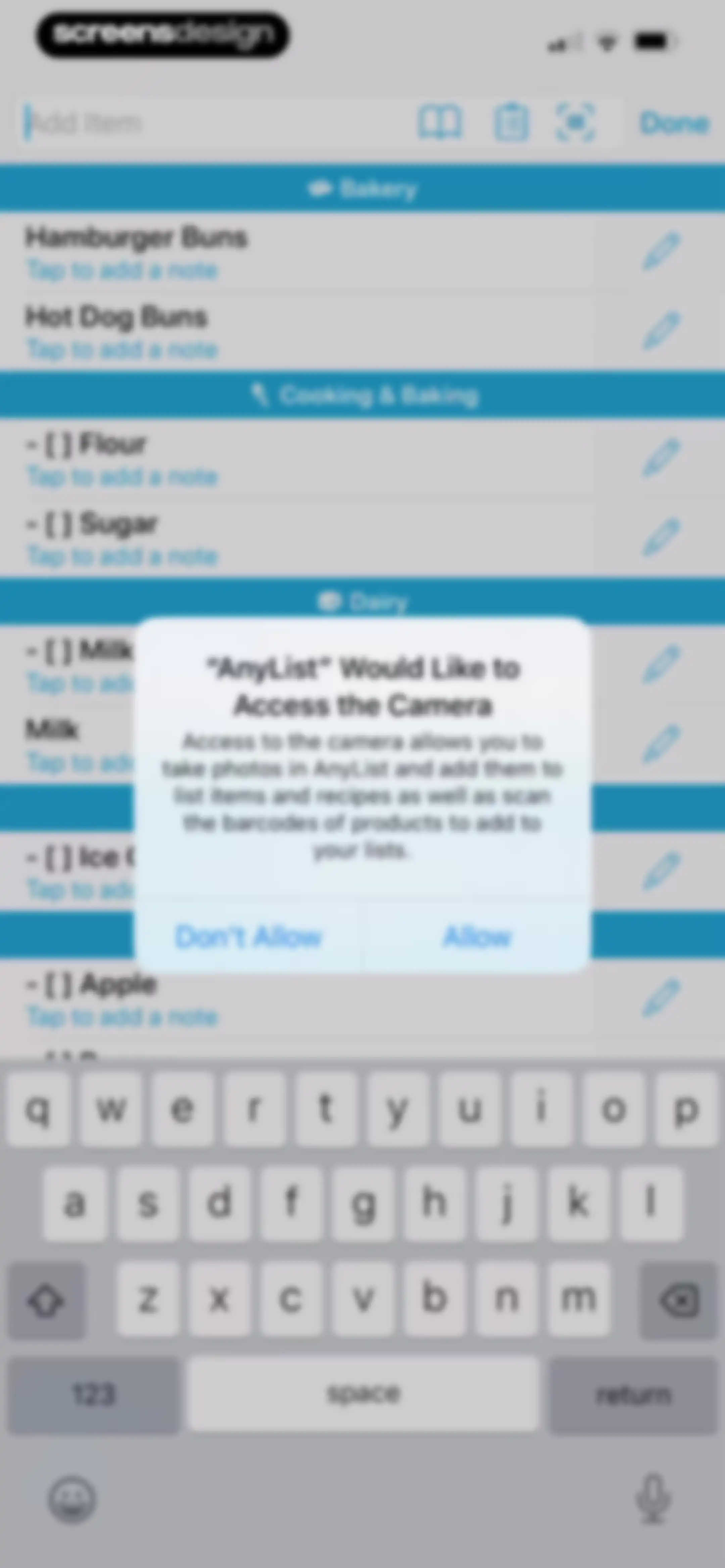
Permission request screen in the AnyList app with a modal asking to access the camera, overlaying a categorized grocery list and a keyboard.Unlock Pro
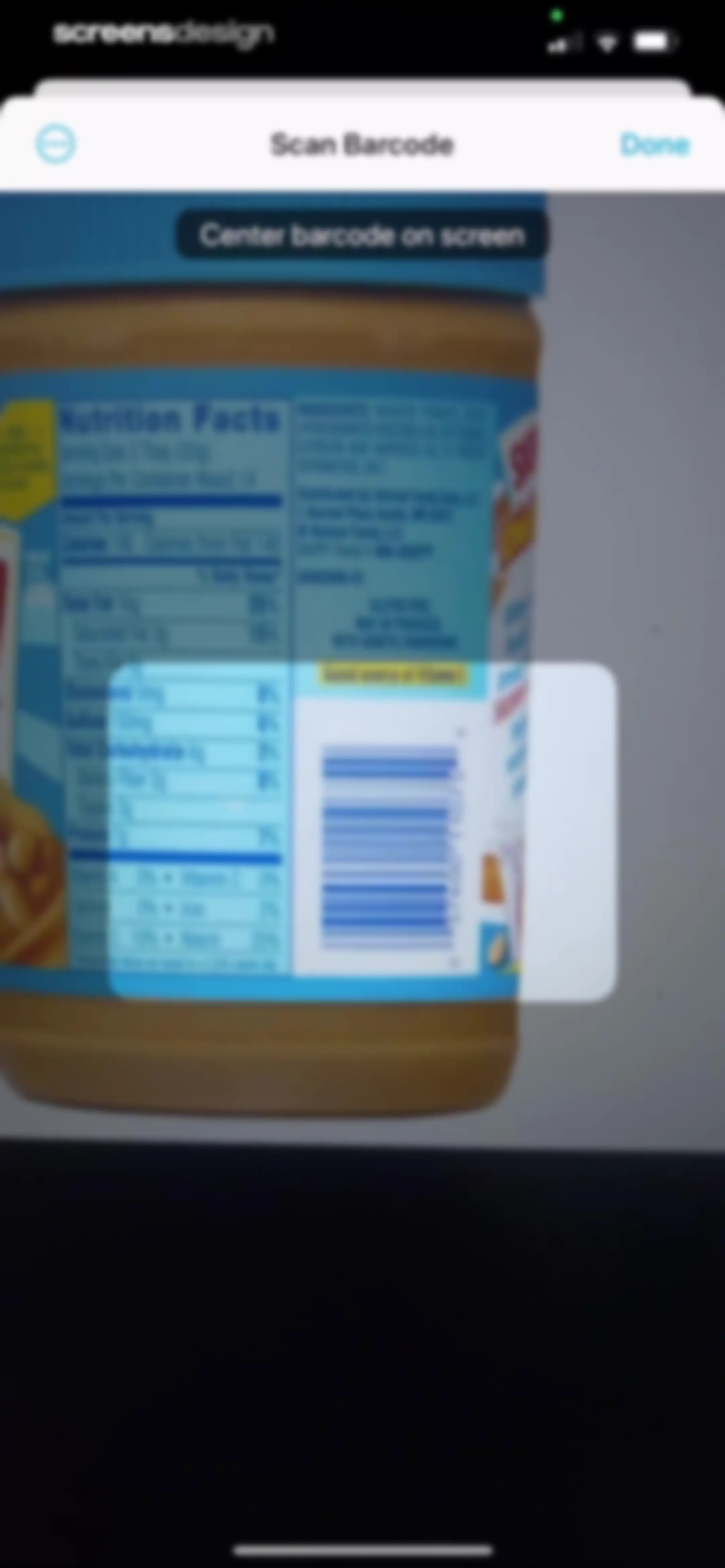
Barcode scanner screen displaying a camera viewfinder with a central scanning overlay and a Done button.Unlock Pro
Barcode scanner interface displaying a scanned product card for Skippy Creamy Peanut Butter with Add Item and Edit Item buttons.Unlock Pro
Item details editor for Hot Dog Buns in AnyList, showing an Added to Favorites toast notification and an upgrade prompt.Unlock Pro
Package size editing form for Hot Dog Buns displaying a current value of 5 gal and a custom numeric keyboard.Unlock Pro
AnyList price editing screen for Hot Dog Buns featuring an upgrade promotion card, price input form, and a Learn More button.Unlock Pro
Form for editing a grocery item quantity with an alternate quantity toggle and a custom numeric keypad.Unlock Pro
AnyList item details editor for flour showing editable metadata fields and a promotional footer to upgrade for complete features.Unlock Pro
Paywall modal promoting the AnyList Complete subscription to unlock store filtering, featuring an upgrade card and a Learn More button.Unlock Pro
Grocery list in the AnyList app showing categorized items, progress of nine of ten items remaining, and an Order Pickup or Delivery button.Unlock Pro
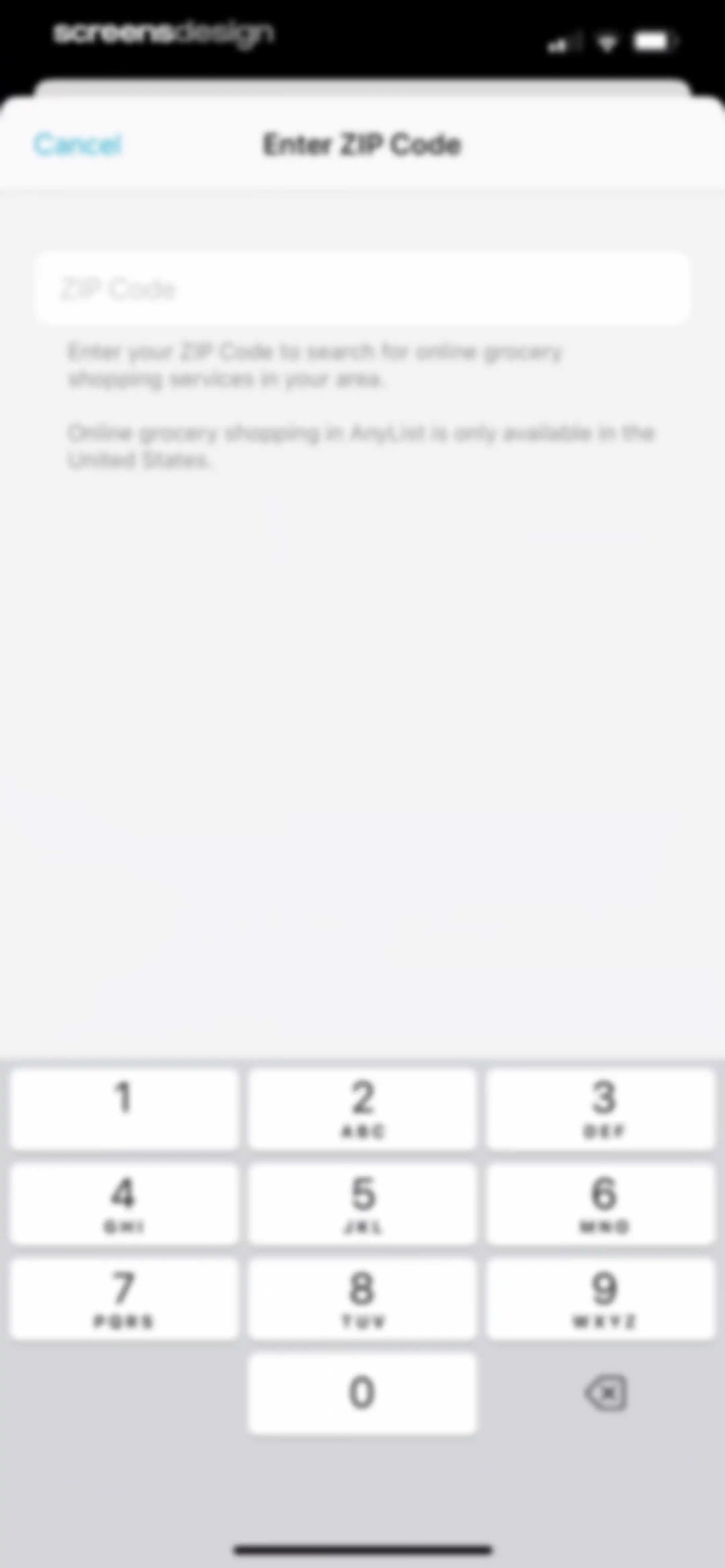
ZIP Code entry form with an empty text field, instructional text about availability in the United States, and a numeric keypad at the bottom.Unlock Pro
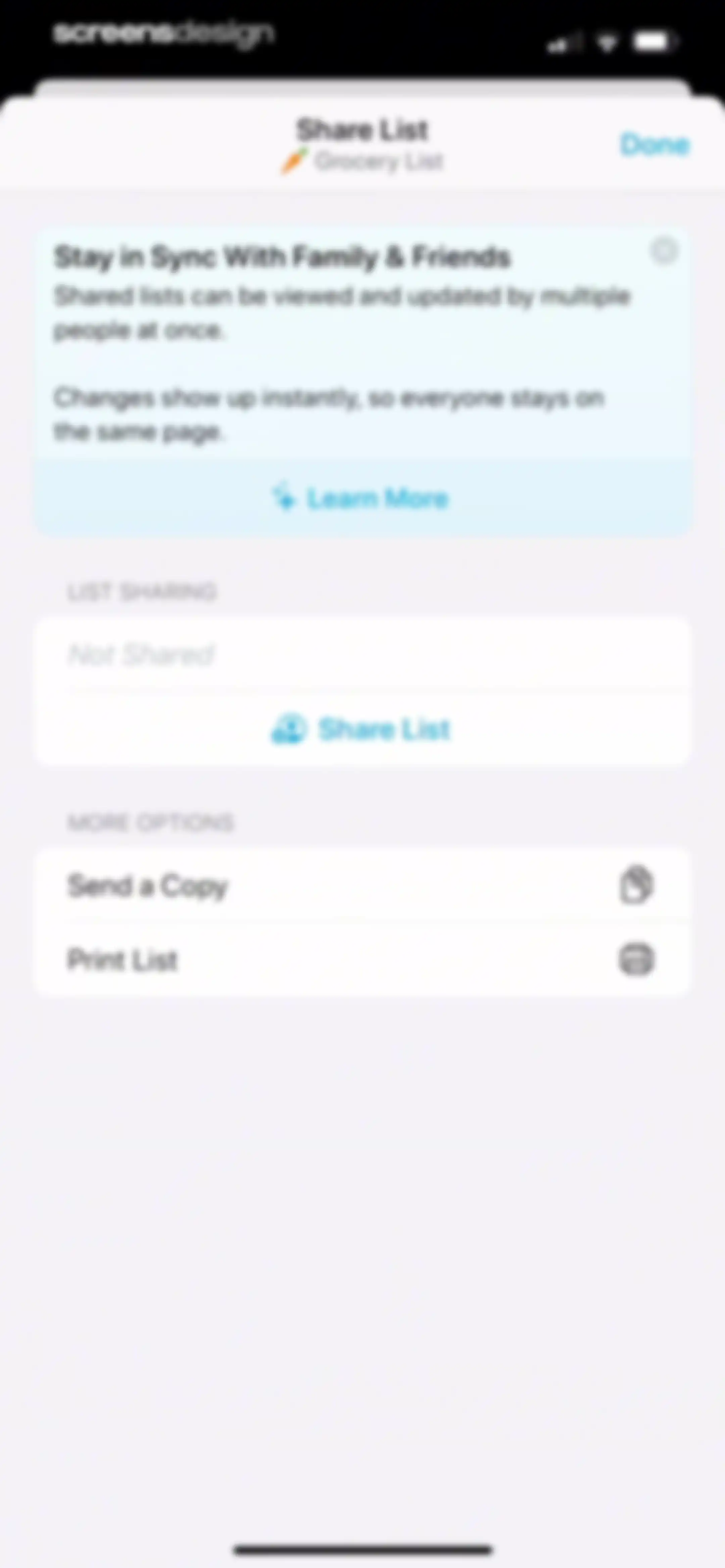
Share List modal for a grocery list displaying sharing status as not shared, an informational card, and options to send a copy or print.Unlock Pro
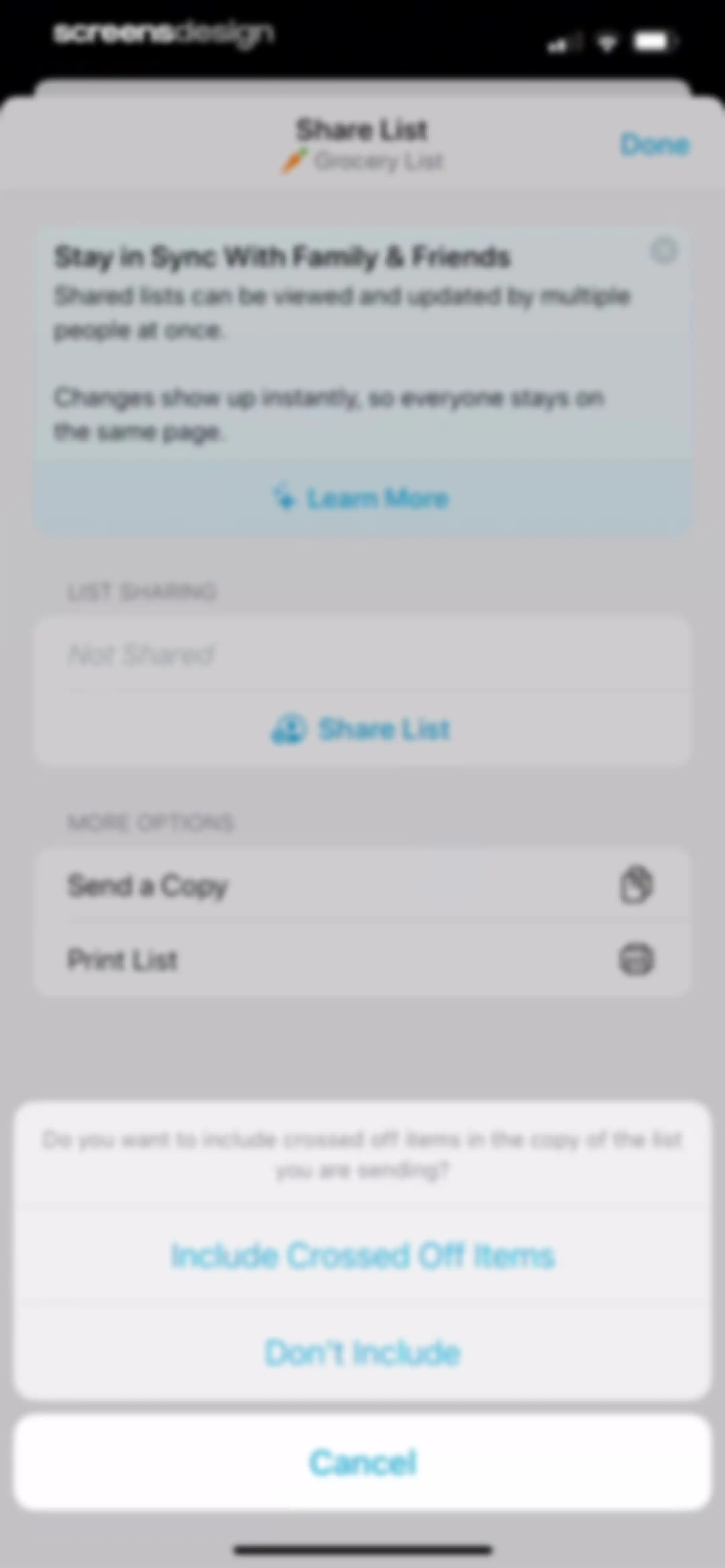
Grocery list sharing modal with list options and a bottom action sheet asking whether to include crossed off items.Unlock Pro
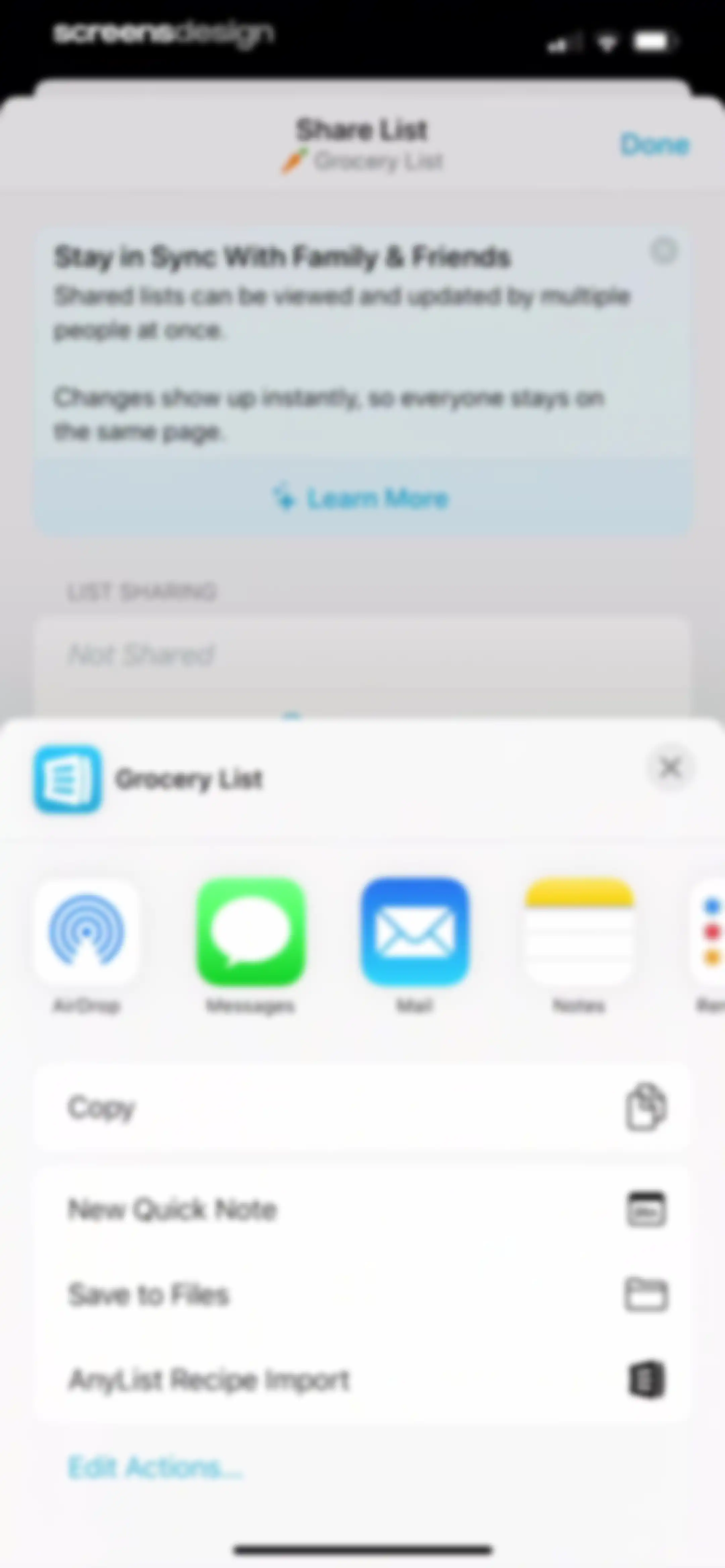
Share configuration screen displaying a system iOS share sheet modal overlay with sharing options and actions.Unlock Pro
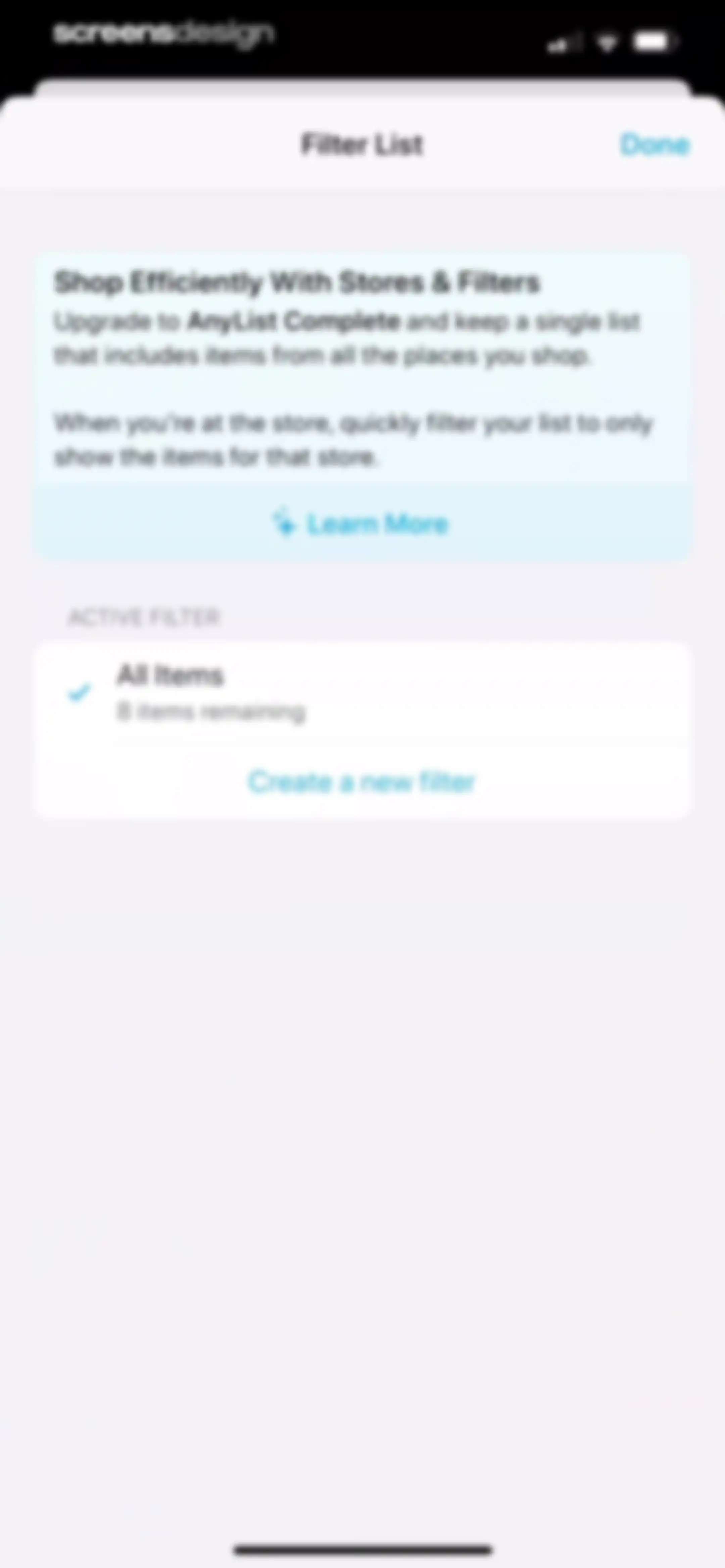
Filter list settings screen displaying an upgrade promotion for AnyList Complete and an active All Items filter with a Done button.Unlock Pro
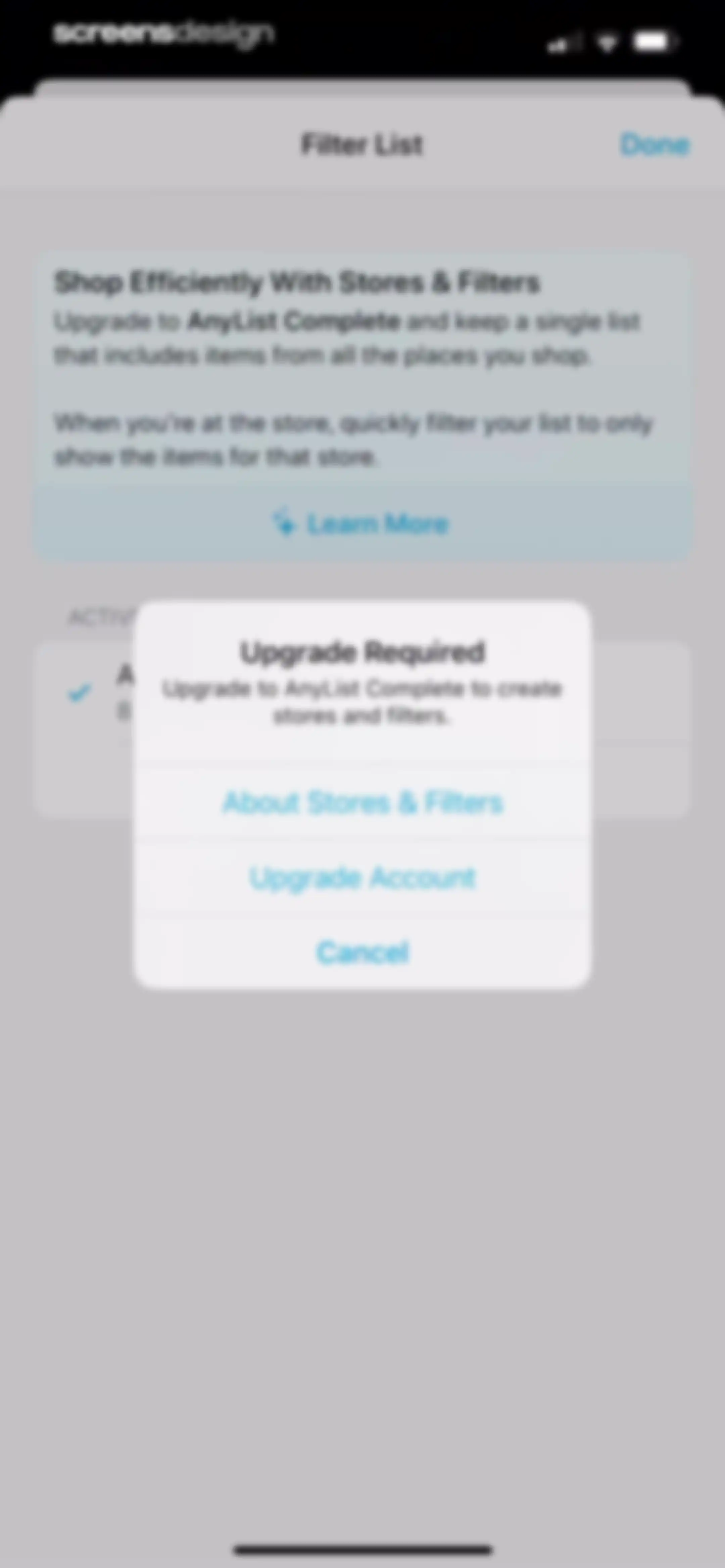
Paywall screen displaying an upgrade required modal centered over the AnyList Complete promotion, featuring an Upgrade Account button.Unlock Pro
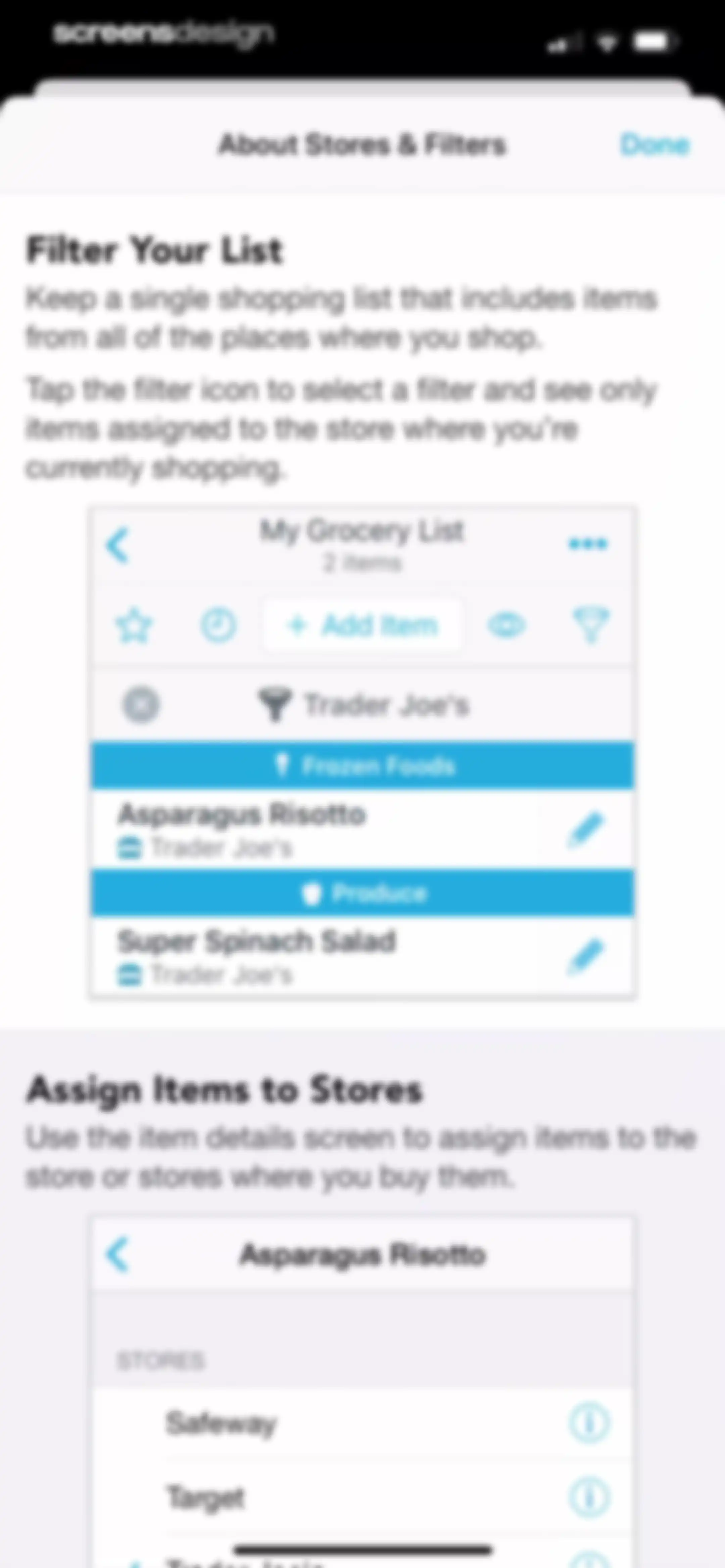
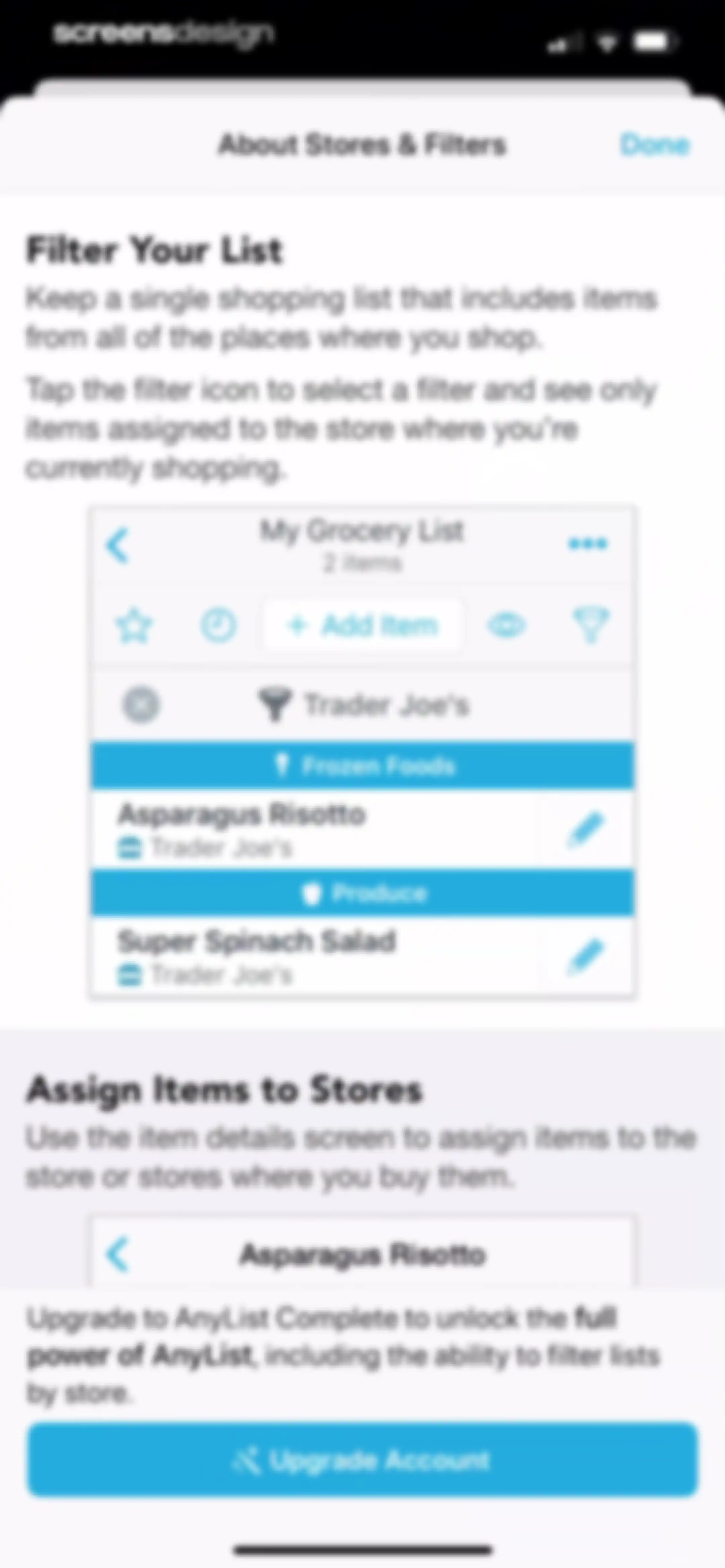
Help modal titled About Stores and Filters explaining how to filter lists and assign items to stores, with a Done button.Unlock Pro
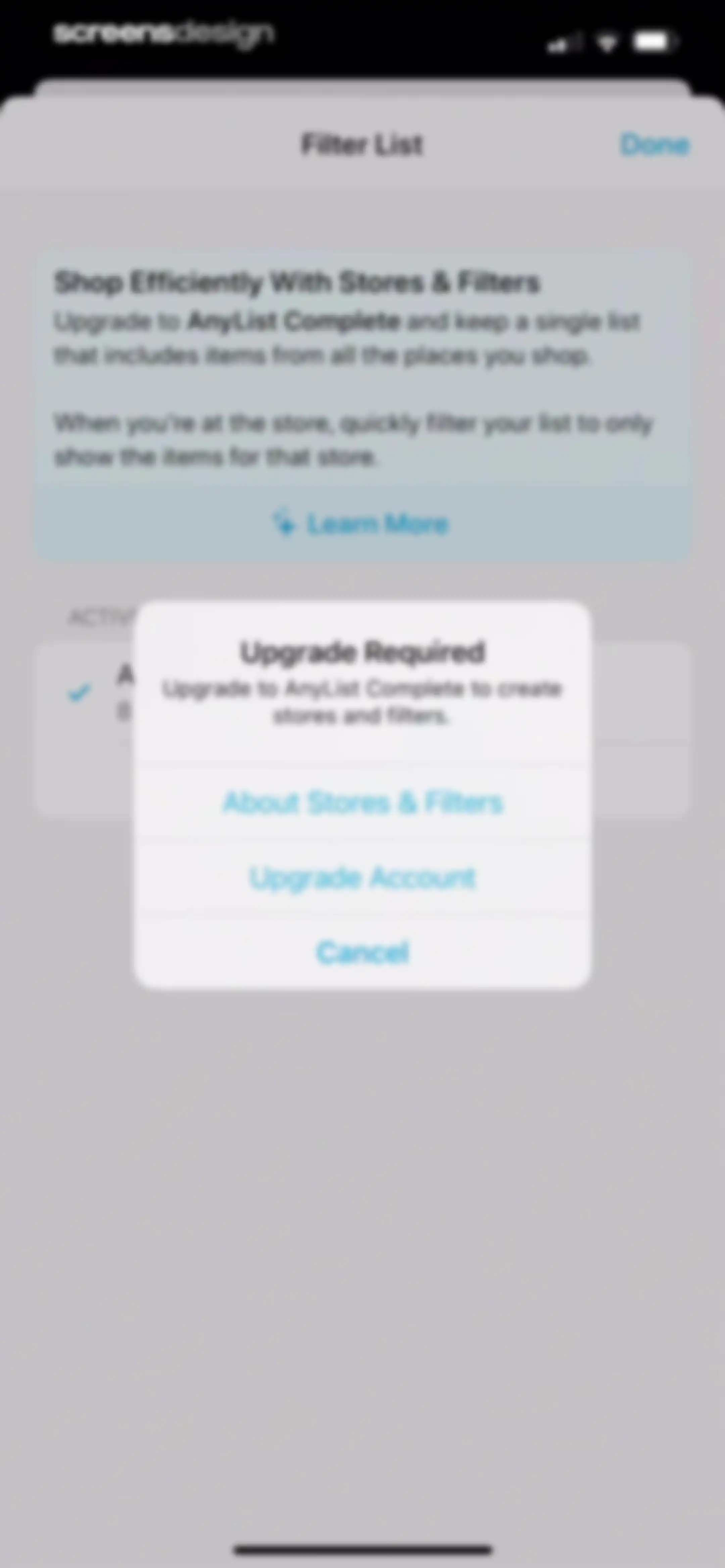
Paywall modal requiring an AnyList Complete upgrade to access stores and filters, featuring upgrade and cancel buttons.Unlock Pro
Subscription upgrade screen for AnyList comparing individual and household annual plans above a list of premium features.Unlock Pro
Informational screen about AnyList for Mac and PC, featuring descriptions and product mockups for desktop and web access.Unlock Pro
AnyList subscription upgrade modal offering individual and household annual plans alongside feature details and a founder note.Unlock Pro
Filter selection modal with an upgrade promotion at the top, the All Items filter selected, and a create filter button.Unlock Pro
Informational modal explaining store filters in AnyList, with feature mockups and an Upgrade Account button at the bottom.Unlock Pro
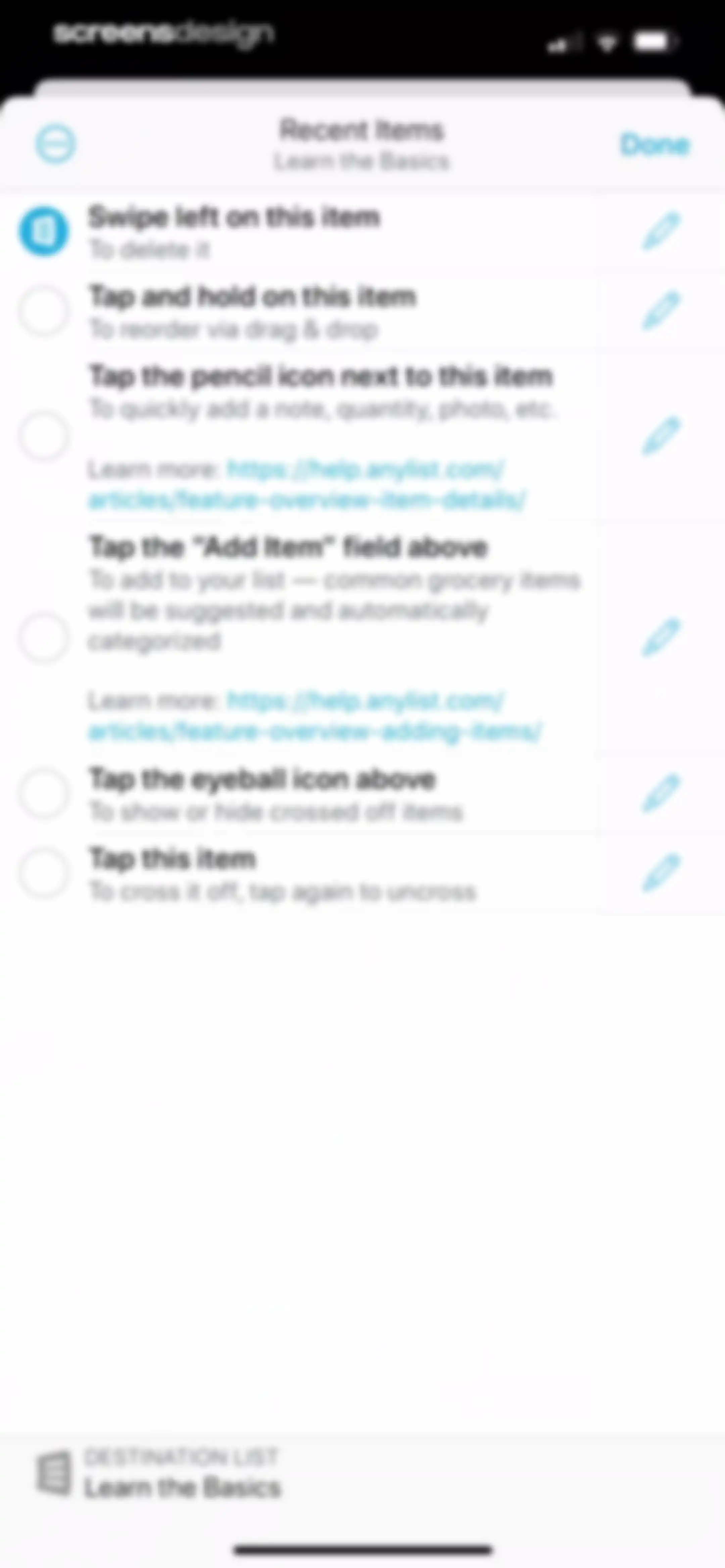
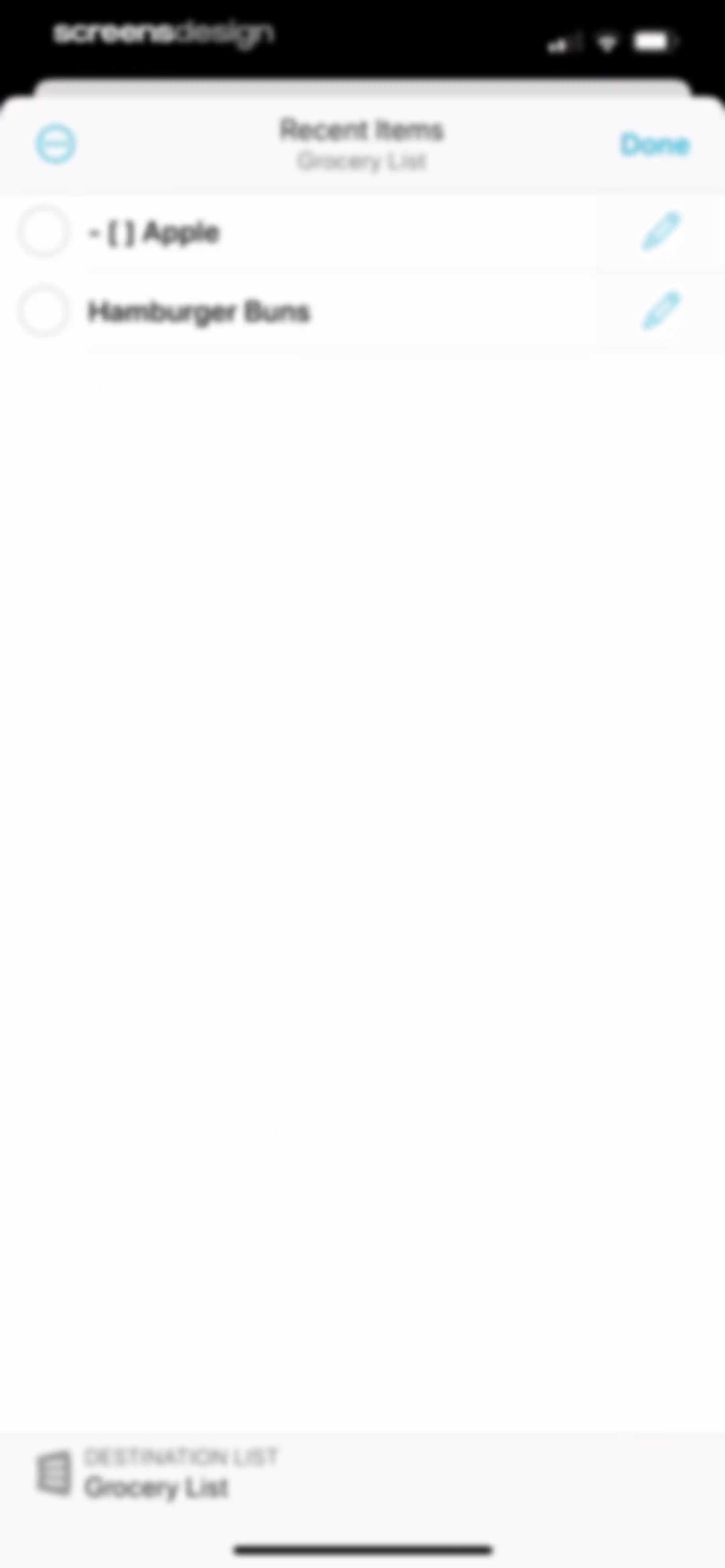
Modal screen in AnyList showing recent grocery items with checkboxes and a destination list section.Unlock Pro
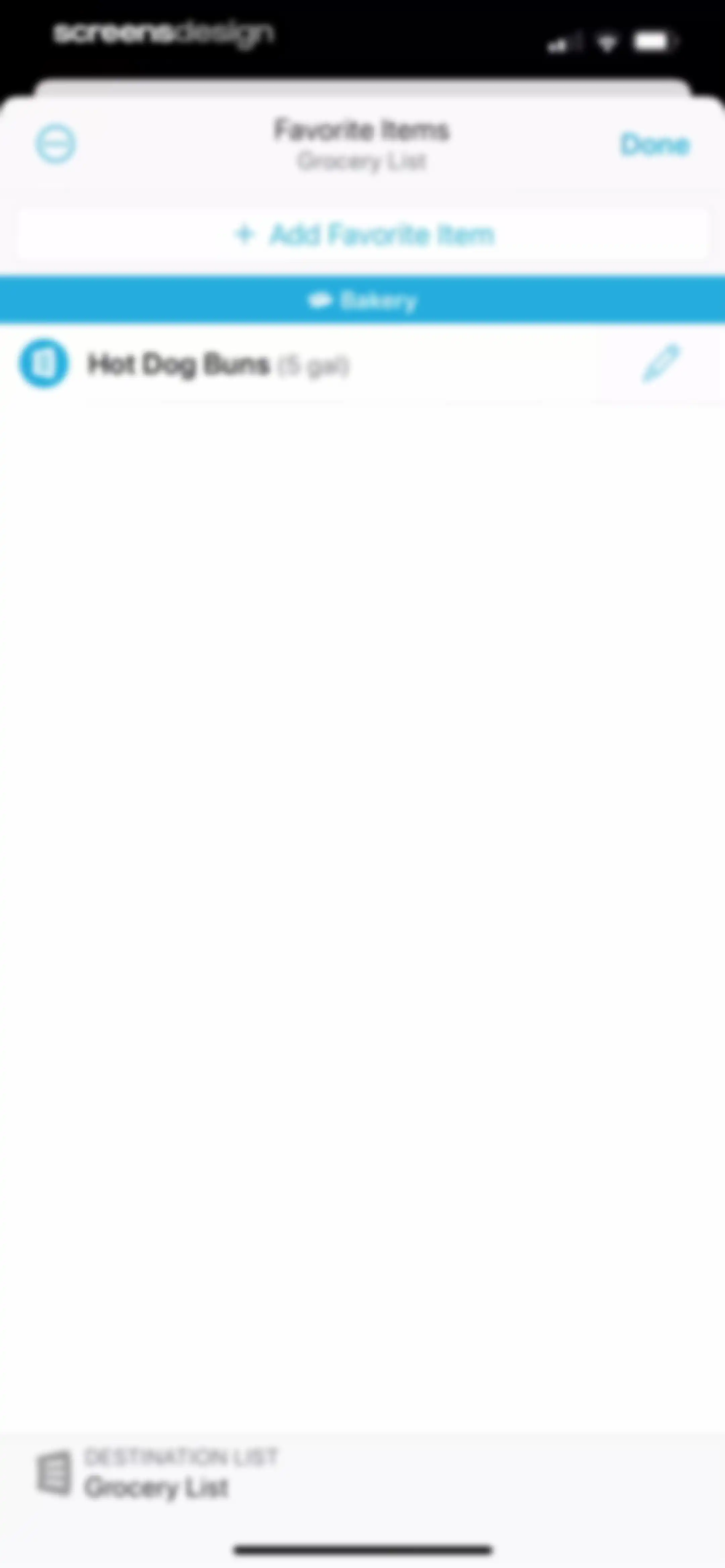
AnyList favorite items modal displaying a grocery category with Hot Dog Buns, an add button, and a destination list selector.Unlock Pro
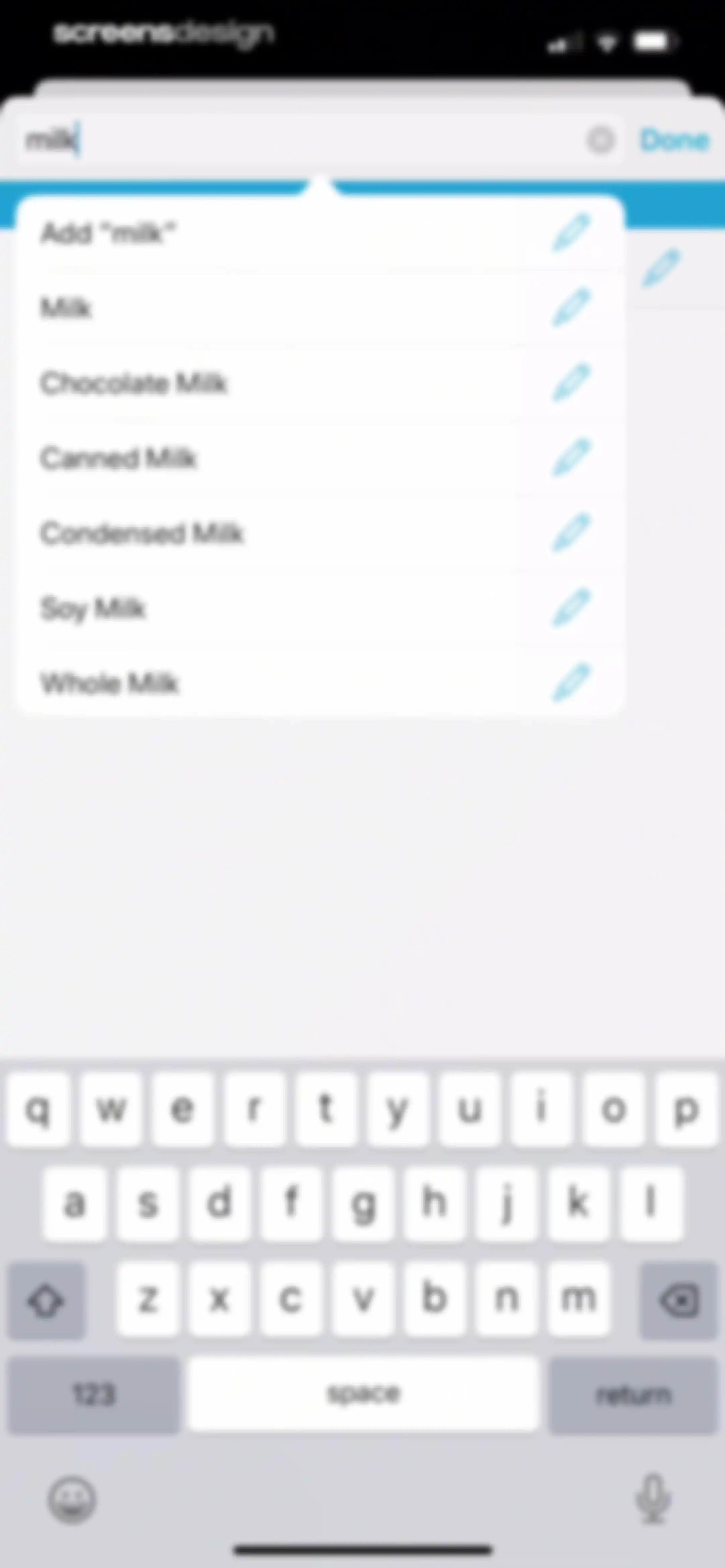
Grocery search screen displaying the query milk with a suggestion list of milk varieties and the system keyboard.Unlock Pro
Grocery list home screen with an open modal menu displaying various list management options and a bottom navigation bar.Unlock Pro
Grocery list item selection screen showing nine items across six categories, with one selected item and action buttons for ordering or sharing.Unlock Pro
Grocery list with an active bulk action menu displaying options like delete, move, and assign stores for one selected item.Unlock Pro
Category selection form for an item with a search bar, a scrollable list of grocery departments with icons, and action buttons to add or edit categories.Unlock Pro
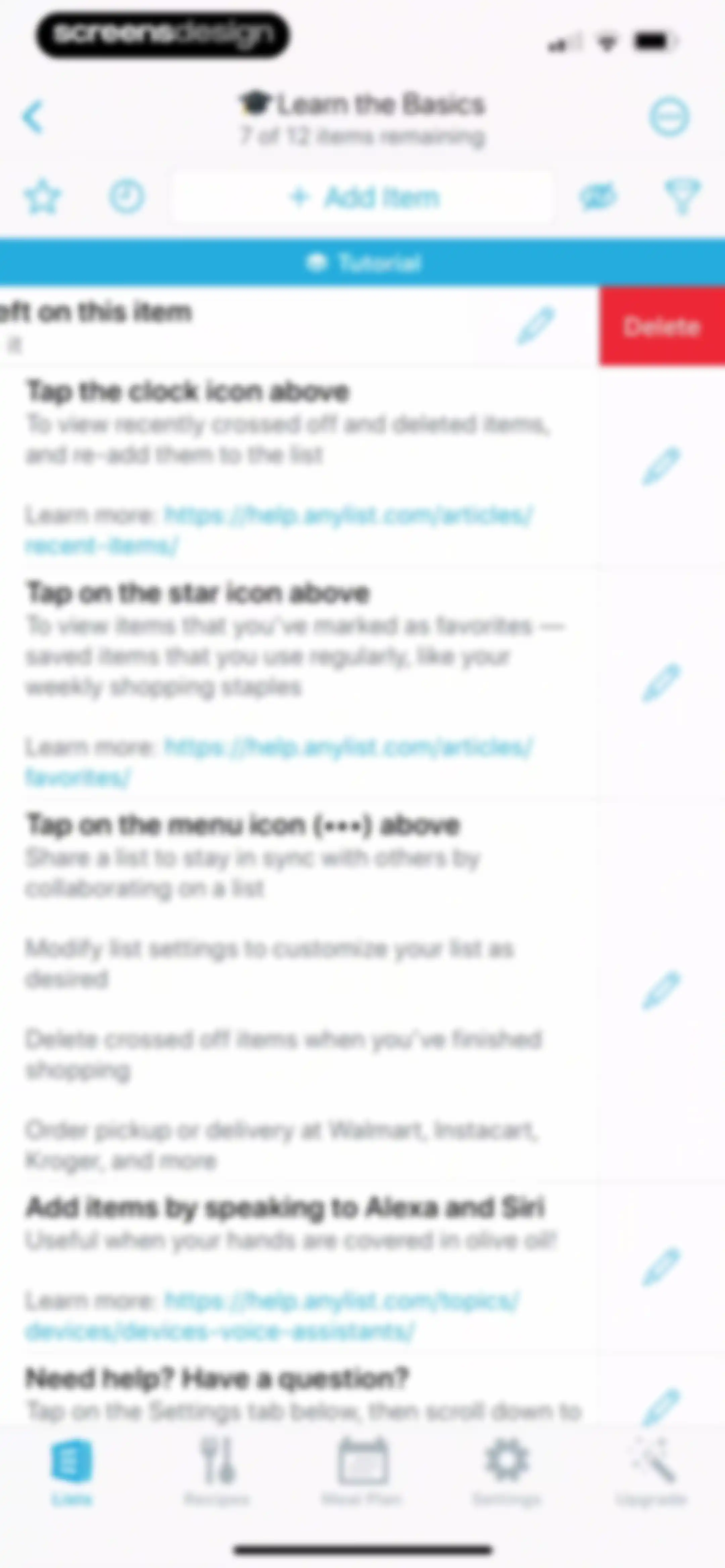
Grocery list item deletion confirmation modal over a categorized shopping list with one selected item and a red Delete button.Unlock Pro
Grocery list home screen displaying categorized items and a modal alert stating that the list does not contain any crossed off items, with an OK button.Unlock Pro
List settings screen displaying grouped configuration options, sharing status, and a Done button.Unlock Pro
AnyList icon selection screen featuring a search bar and a categorized grid of custom icons and emojis.Unlock Pro
List settings modal in AnyList with grouped configuration options for autocomplete, items, stores and prices, and a Done button.Unlock Pro
Home screen showing a list of shopping items with a centered modal overlay offering list management options and a bottom navigation bar.Unlock Pro
Modal dialog for duplicating a list with a pre-filled name and Cancel and Duplicate buttons over a list view.Unlock Pro
Folder selection modal to move a list, showing available folders like Sample Lists and a Cancel button.Unlock Pro
AnyList app home screen displaying a vertical list of shopping categories with a center toast notification confirming a list move.Unlock Pro
Home screen showing a list of user shopping lists and a centered modal menu with options to edit, duplicate, or move lists.Unlock Pro
New list form filled with Groceries and list settings for type, icon, and theme, with an Add to Siri button and system keyboard.Unlock Pro
Home screen showing a list management interface with an overlay modal displaying list and folder options over a vertical list of items.Unlock Pro
Paywall screen displaying an upgrade required modal over a list management view, with Cancel and Learn More buttons.Unlock Pro
Home screen displaying user-created lists with an open creation menu and bottom navigation tabs.Unlock Pro
Home screen of the AnyList app displaying a list of shopping and task lists with an open options menu and bottom navigation.Unlock Pro
Sort Options settings modal with Manually sorting and After Lists subfolder display selected, and a Done button.Unlock Pro
List selection screen with two items checked and a bottom action bar containing Move and Delete buttons.Unlock Pro
List management screen with two items selected and a confirmation modal to delete two lists.Unlock Pro
AnyList recipes home screen featuring a search bar, feature spotlight card for importing web recipes, and recipe collections.Unlock Pro
AnyList recipe collection screen with a modal overlay offering a feature spotlight on web recipe imports and a Dismiss button.Unlock Pro
Recipe feed listing saved dishes with a search bar, an instructional banner, and bottom navigation.Unlock Pro
Recipe list dashboard featuring a modal sort menu with By Date Created selected over a background of saved recipes.Unlock Pro
Recipe detail screen for Cast Iron Skillet Salmon Fillets with ingredients, a View Full Recipe button, and an option to add ingredients to a grocery list.Unlock Pro
AnyList recipe rating modal with a row of five empty star icons overlaying a blurred recipe detail page.Unlock Pro
Collection selection modal for organizing recipes, with Main Dishes selected and a Done button.Unlock Pro
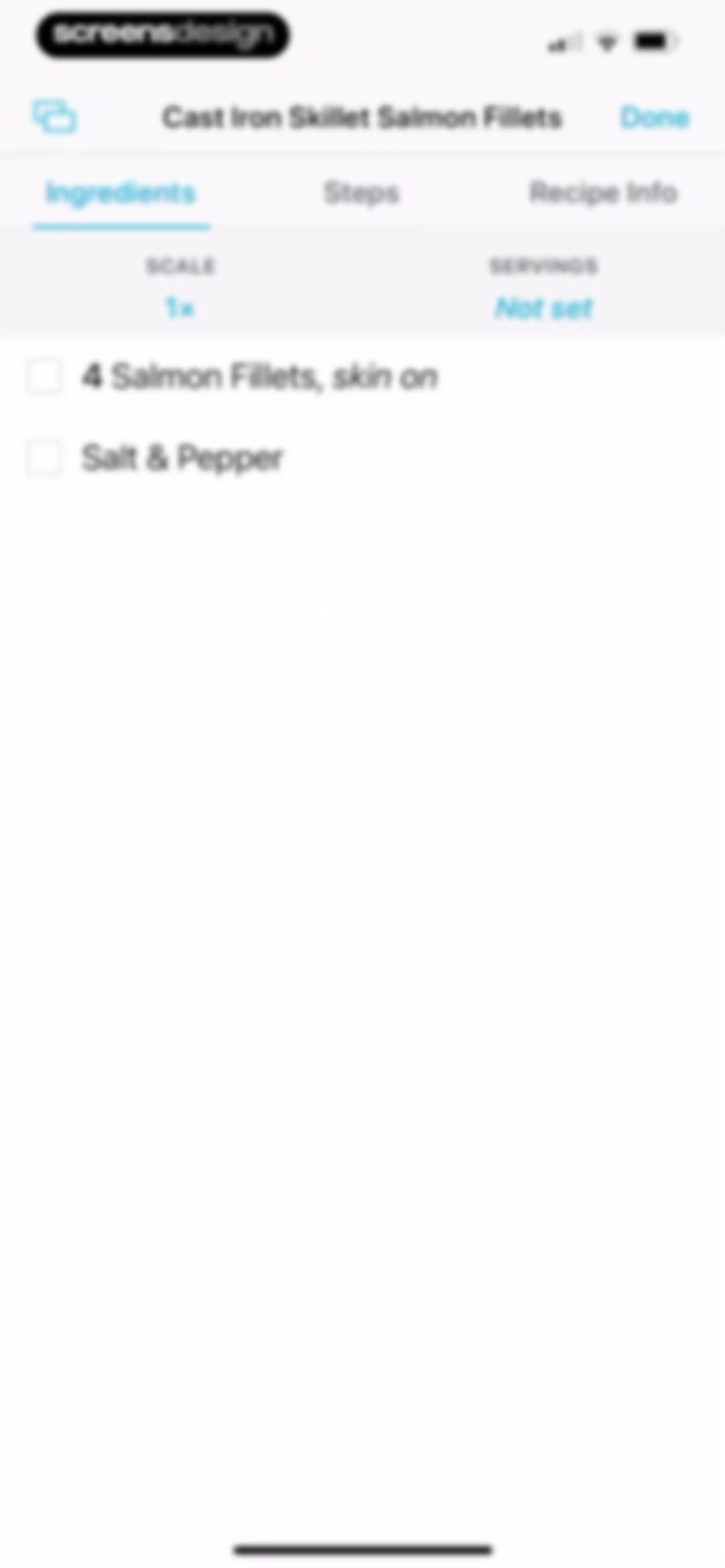
Recipe ingredient editor showing Cast Iron Skillet Salmon Fillets with scale and servings controls and a checklist of ingredients.Unlock Pro
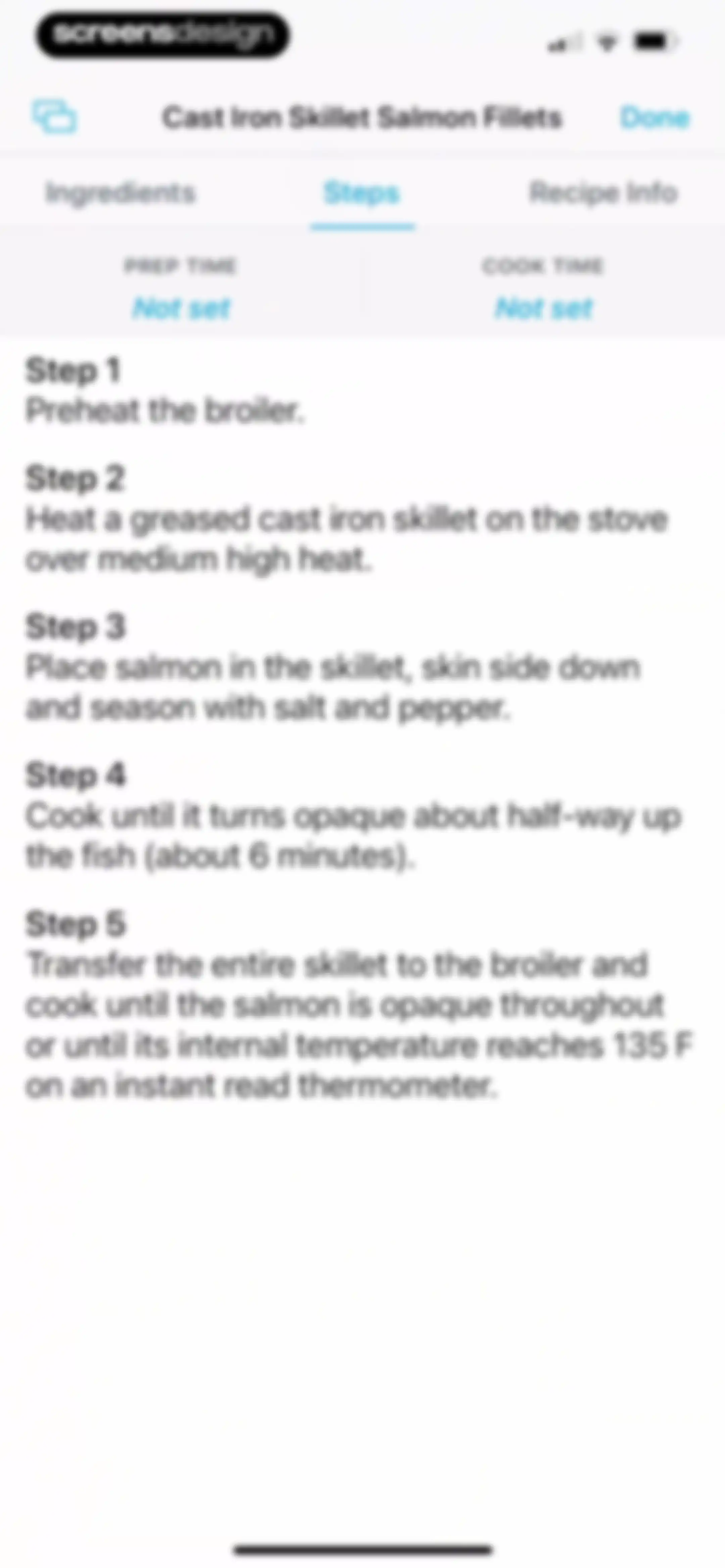
Recipe editor screen displaying the Steps tab for Cast Iron Skillet Salmon Fillets with five numbered cooking instructions and a Done button.Unlock Pro
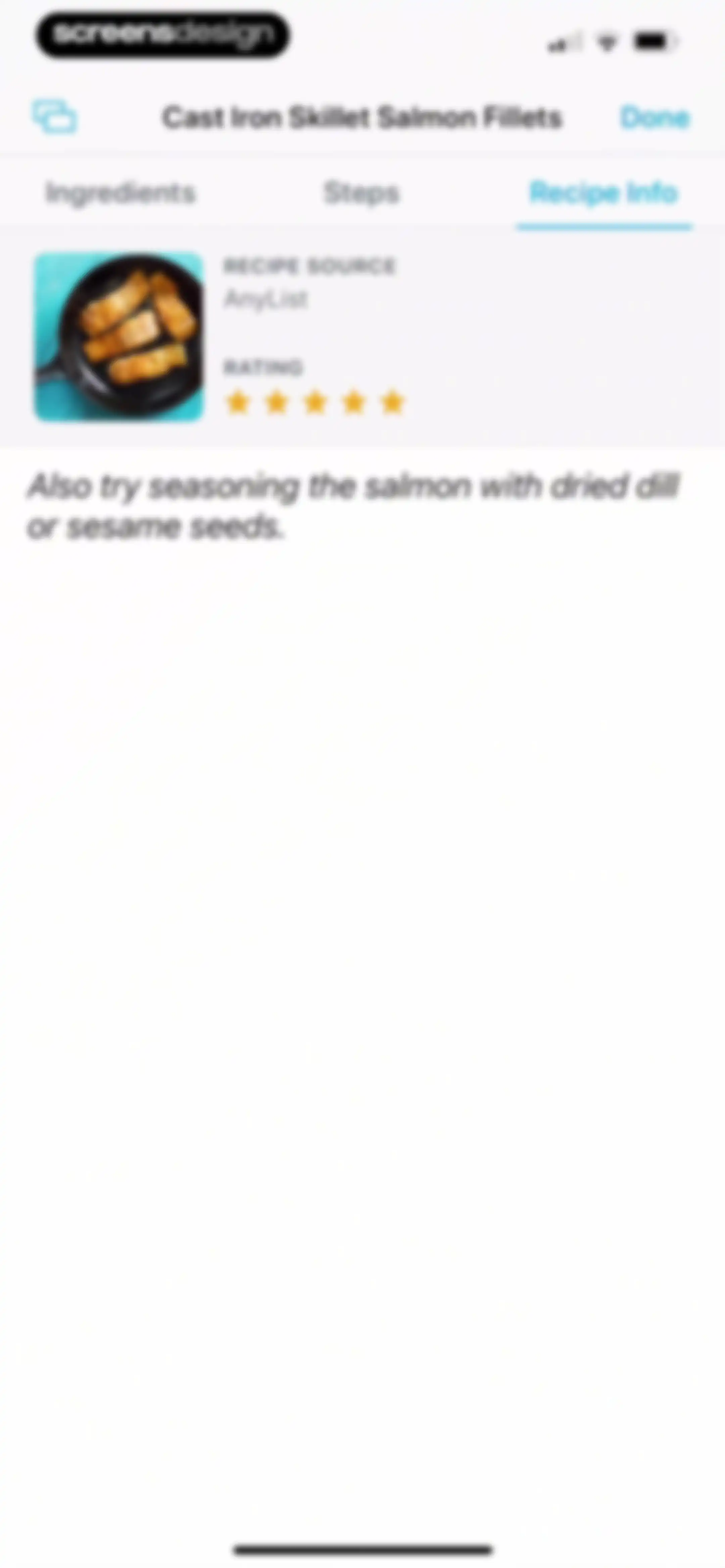
Recipe info screen showing metadata and notes for Cast Iron Skillet Salmon Fillets with the Recipe Info tab selected and a Done button.Unlock Pro
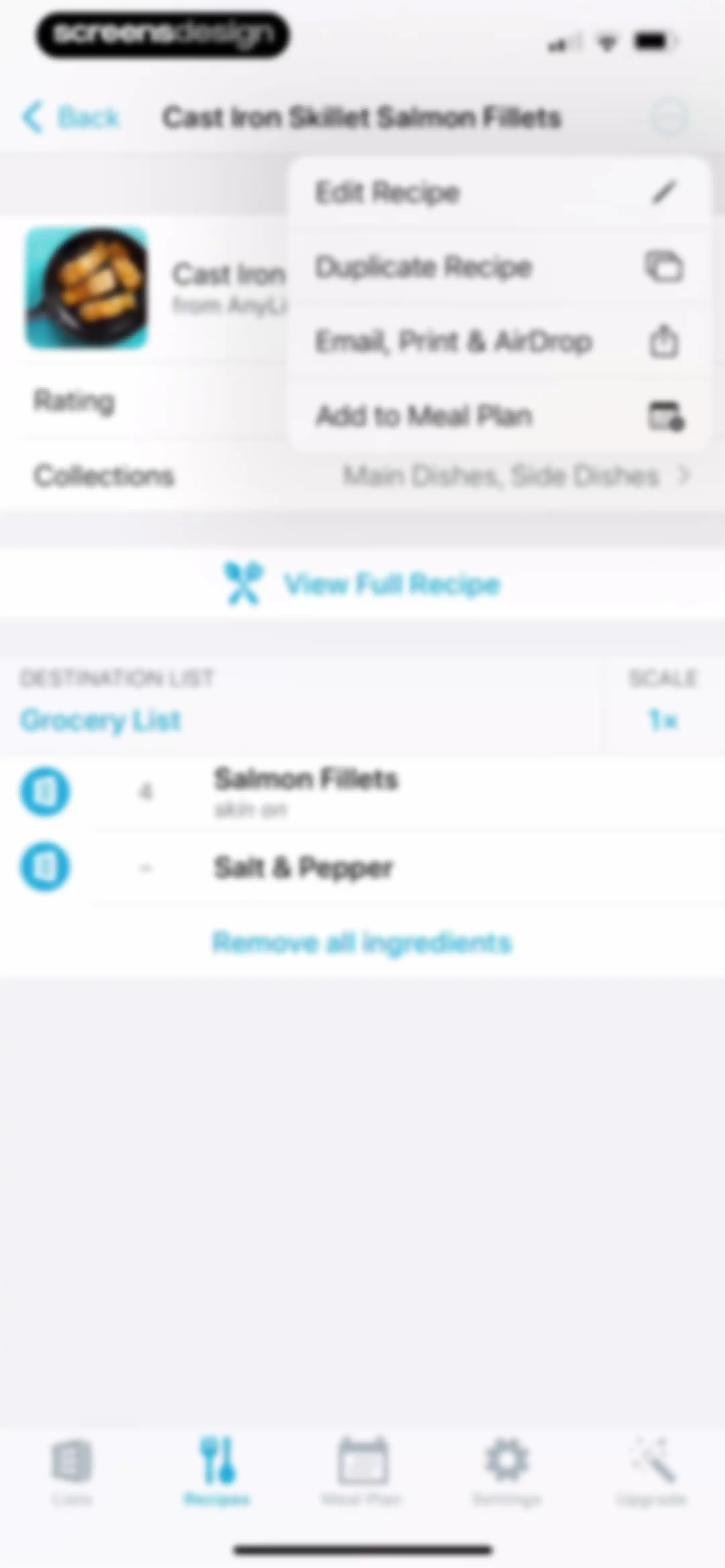
Recipe detail screen for Cast Iron Skillet Salmon Fillets displaying an ingredient list, a View Full Recipe button, and an open overflow menu with edit and share options.Unlock Pro
Subscription modal overlay on a recipe detail screen, with an upgrade required message and an Upgrade Account button.Unlock Pro
Recipe list screen displaying saved recipes, a search bar, an informational sorting banner, and a bottom navigation bar.Unlock Pro
Recipe list with a delete confirmation modal for Meatloaf and Cancel and Delete buttons.Unlock Pro
Recipe list screen with a modal overlay for sorting tips, featuring cancel and dismiss buttons and a bottom navigation bar.Unlock Pro
Recipe list feed with a search bar and an open pop-up menu showing sort and delete options.Unlock Pro
Recipe dashboard showing an open sort menu with By Prep Time selected alongside a bottom navigation bar.Unlock Pro
Recipe home screen with a search bar, sections for recipes and collections, and an open floating menu to create a new collection.Unlock Pro
Recipe home screen with a search bar, recipe and collection lists, and an open modal for creating a new collection.Unlock Pro
Form for creating a new collection in the AnyList app, with the collection name entered as Breakfast and a Done button.Unlock Pro
Empty recipe collection screen for Breakfast with an Add Recipe button and instructional text.Unlock Pro
Recipe selection modal with a search bar and grouped sections for recipes and collections to add items to a breakfast collection.Unlock Pro
Recipe selection modal listing items to add to a breakfast collection, with Mashed Cauliflower selected and an Add Recipes button.Unlock Pro
Recipe list screen showing the Breakfast category with a search bar and the Mashed Cauliflower recipe card.Unlock Pro
AnyList recipe search results screen showing a search bar with the query mashed and a result card for Mashed Cauliflower.Unlock Pro
Meal plan dashboard showing a November 2025 calendar view with no entries, Add Recipe and Add Note buttons, and the Meal Plan tab selected.Unlock Pro
Subscription modal overlay on a meal planning calendar prompting users to upgrade to AnyList Complete, with Upgrade Account and Cancel buttons.Unlock Pro
Paywall screen with an Upgrade Required modal overlaying a meal planning calendar, featuring Upgrade Account and Cancel buttons.Unlock Pro
Meal plan dashboard displaying a weekly calendar list with options to add meals and notes for each day.Unlock Pro
Paywall modal dialog over a meal planning calendar, stating that an account upgrade is required to use the feature, with an Upgrade Account button.Unlock Pro
Paywall screen with an Upgrade Required modal over a meal planning calendar, featuring an Upgrade Account button and bottom navigation.Unlock Pro
Meal planning dashboard showing a vertical calendar view with an open options menu and a bottom navigation bar.Unlock Pro
Onboarding screen introducing meal planning with a calendar illustration, descriptive text about adding recipes, and Next and Done buttons.Unlock Pro
Onboarding screen explaining the meal planning calendar feature with descriptive text, a calendar illustration, and a Next button.Unlock Pro
Onboarding screen explaining how to add recipe ingredients to a shopping list, featuring a central product mockup and bottom pagination dots.Unlock Pro
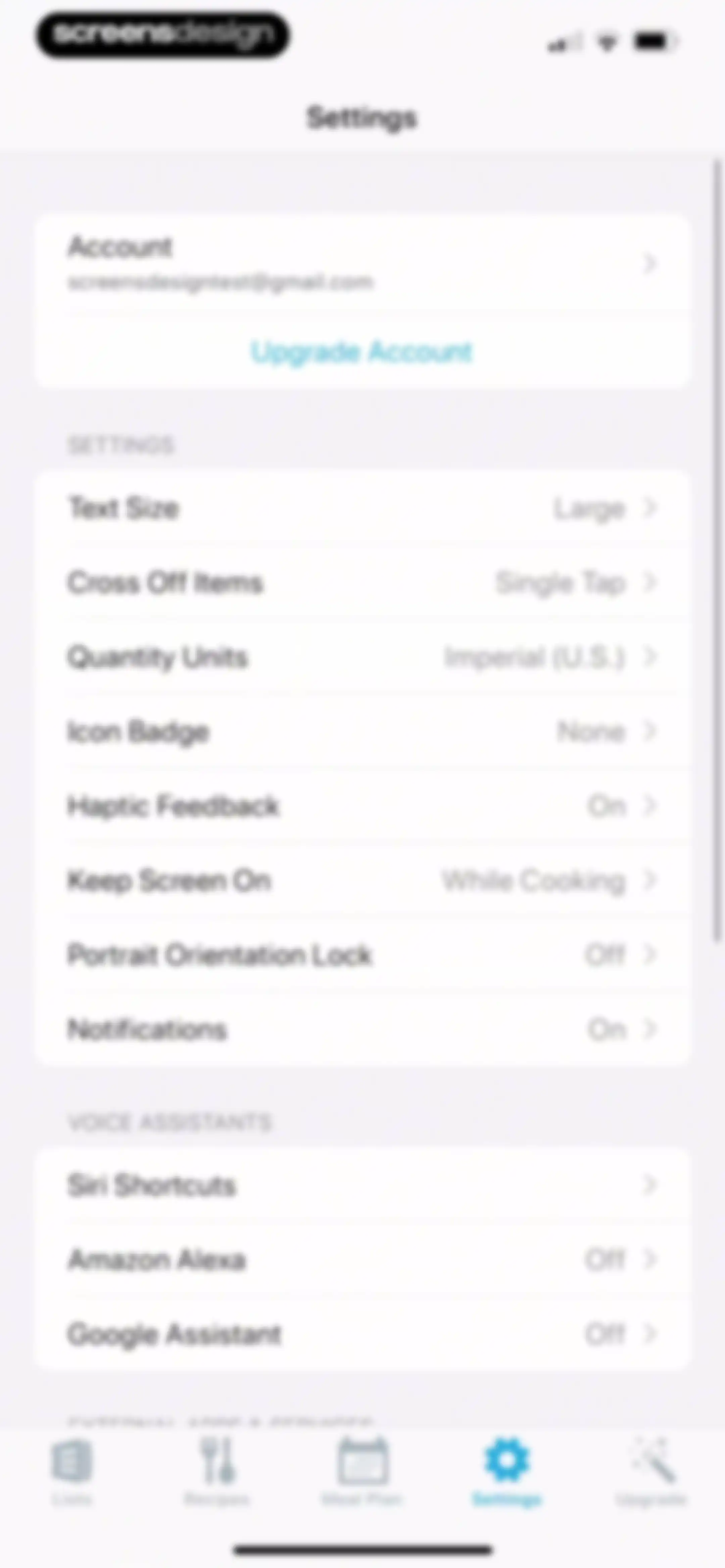
Settings screen with an account section, grouped preference options, and a bottom navigation bar with the Settings tab selected.Unlock Pro
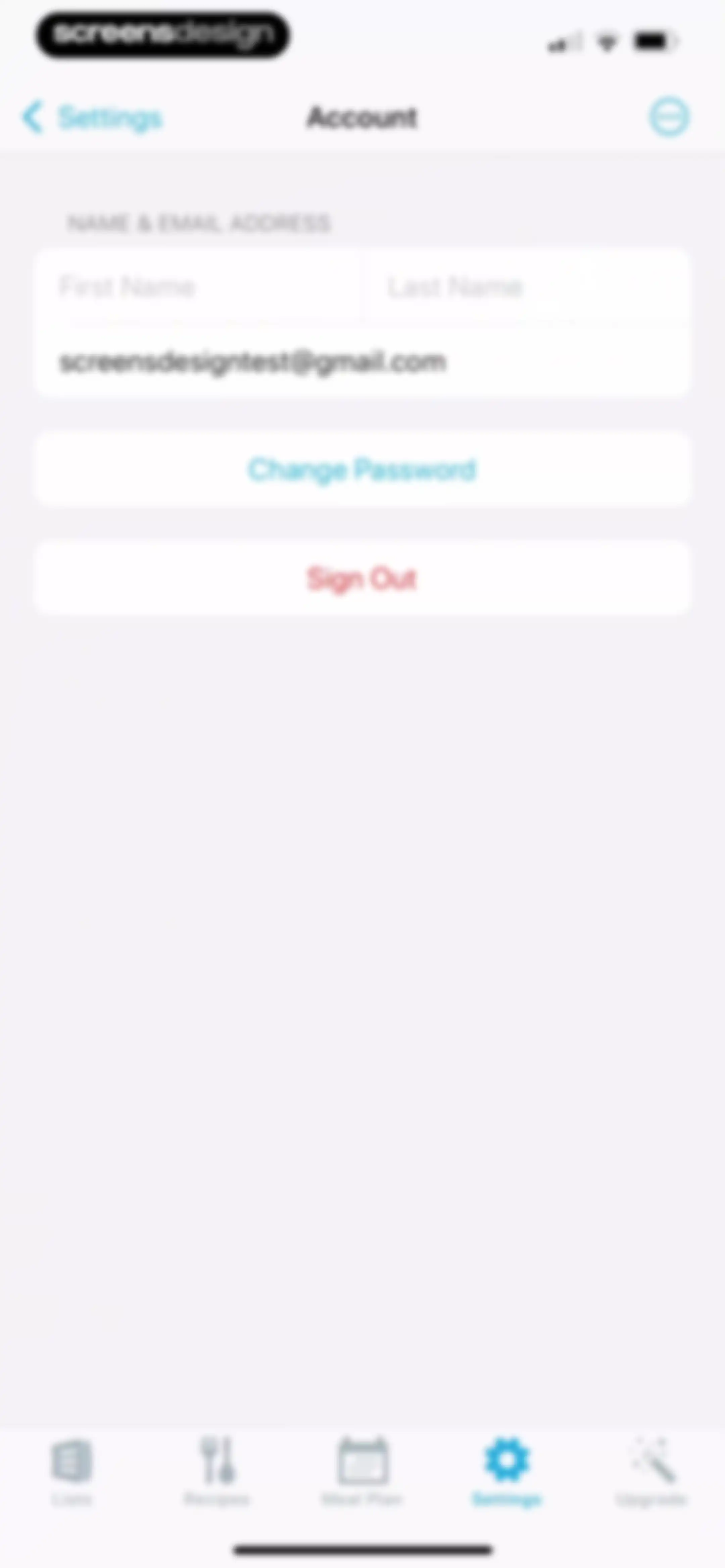
Account settings screen displaying user name and email input fields with Change Password and Sign Out buttons.Unlock Pro
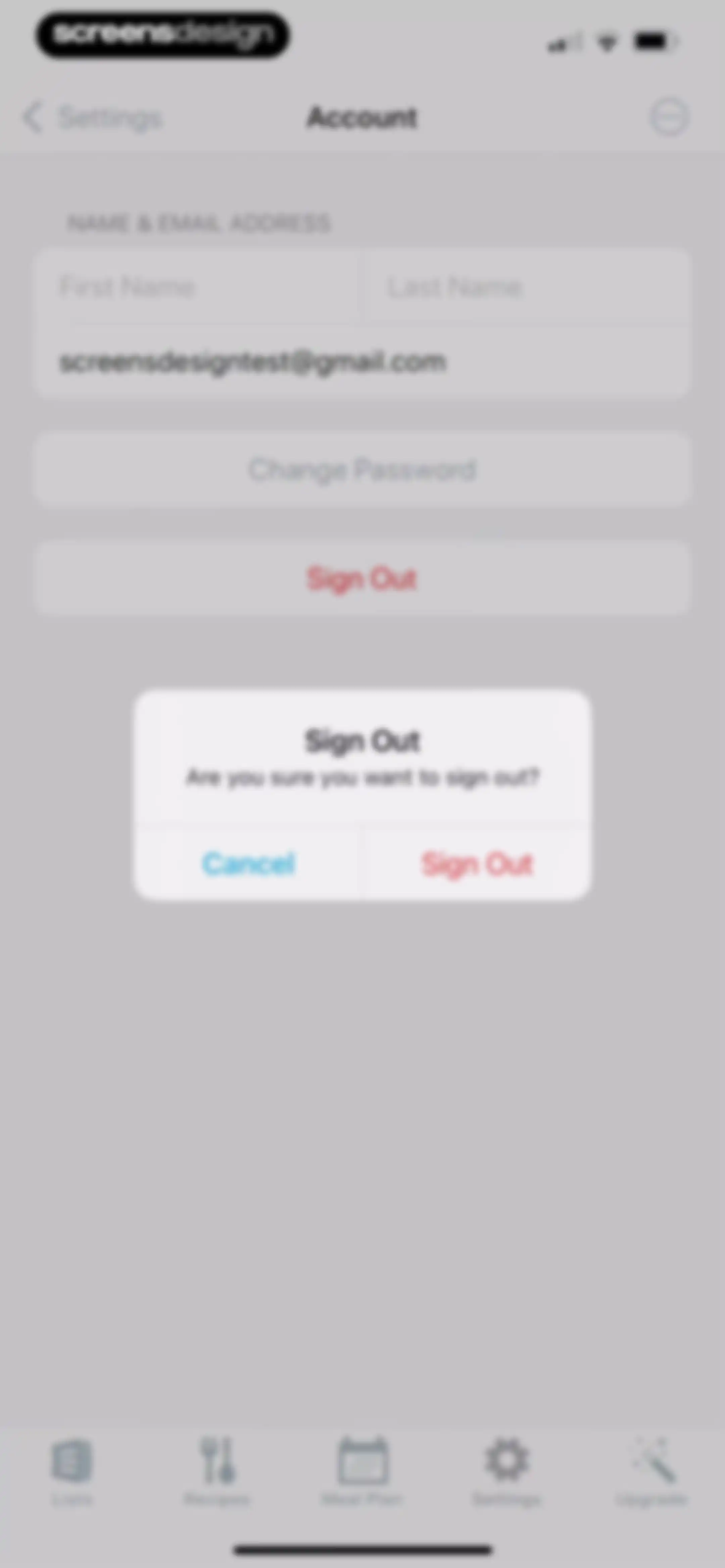
Account settings screen displaying a centered sign out confirmation modal with Cancel and Sign Out buttons.Unlock Pro
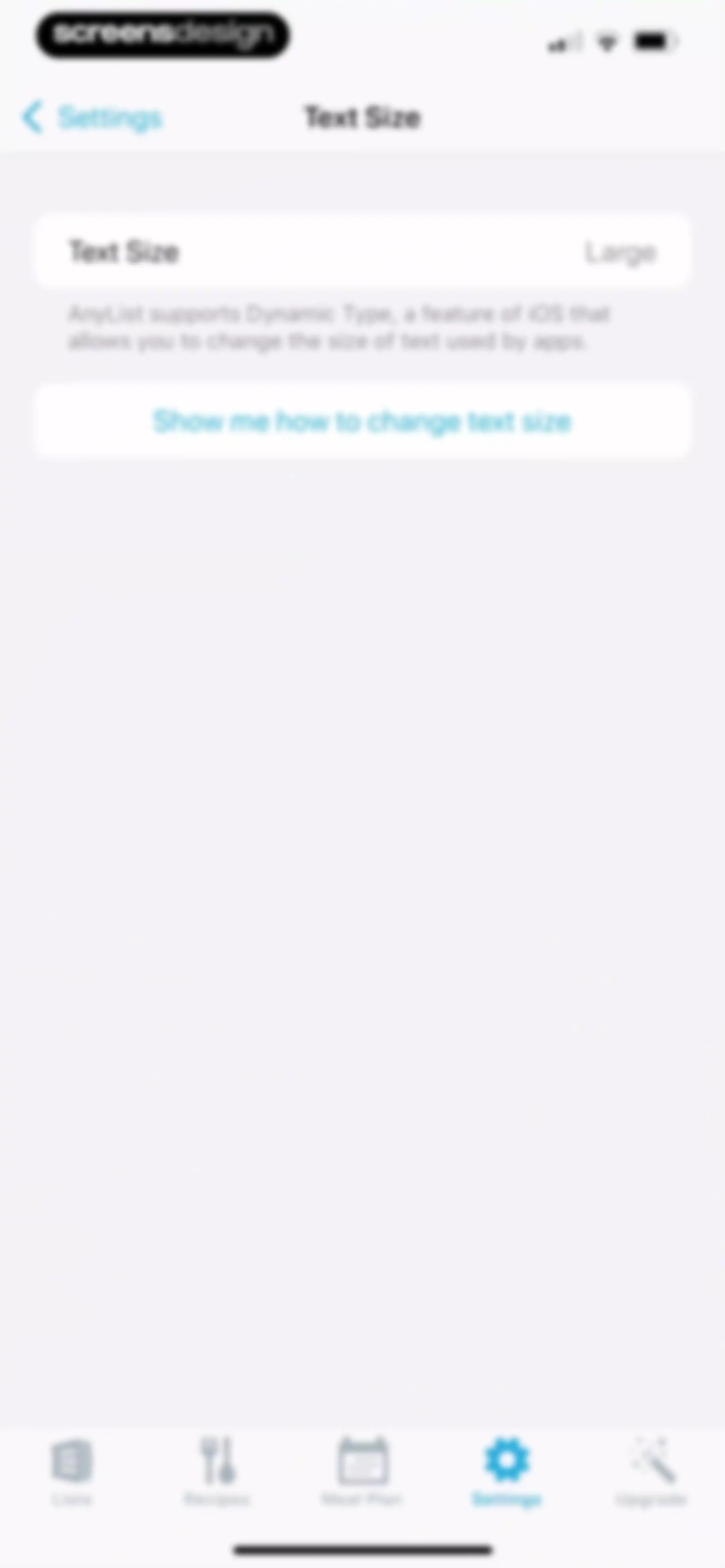
Text Size settings screen with an explanatory card and a button to view instructions on changing text size.Unlock Pro
Instructional onboarding screen featuring a visual mockup of iOS app icons and a Next button to proceed.Unlock Pro
Onboarding tutorial instructing users to select Display and Brightness and then Text Size from a simulated settings menu.Unlock Pro
Accessibility onboarding screen with a text size adjustment slider card, instructional text, and a Next button.Unlock Pro
Settings screen for cross off items with Single Tap selected and descriptive text below.Unlock Pro
Quantity Units settings screen with Imperial (United States) selected and descriptive text explaining keyboard unit display.Unlock Pro
Settings screen for configuring Haptic Feedback with a toggle switch and explanatory text.Unlock Pro
Settings screen for Keep Screen On preferences in AnyList, with While Cooking selected and explanatory text below the options.Unlock Pro
Settings screen for Portrait Orientation Lock with a toggle and explanatory description.Unlock Pro
AnyList notifications settings screen displaying current status as On, an explanatory description, and a Change Notification Settings button.Unlock Pro
Siri Shortcuts settings screen listing user lists with Add to Siri buttons, a descriptive header, and a bottom navigation bar.Unlock Pro
Siri shortcut confirmation screen displaying the added voice phrase, with a Done button and options to edit or remove the shortcut.Unlock Pro
Settings screen displaying a list of Siri shortcuts with a centered confirmation modal for a successfully created voice command.Unlock Pro
Amazon Alexa settings screen showing the integration turned off with instructions to enable the skill and a Show me how button.Unlock Pro
AnyList settings screen with grouped configuration options, support links, and app information, with the Settings tab selected in the bottom navigation bar.Unlock Pro
AnyList settings screen for online grocery shopping with a toggle switch, service description, and a Choose a Service button.Unlock Pro
AnyList settings screen for external calendar app integration with a toggle switch and explanatory description.Unlock Pro
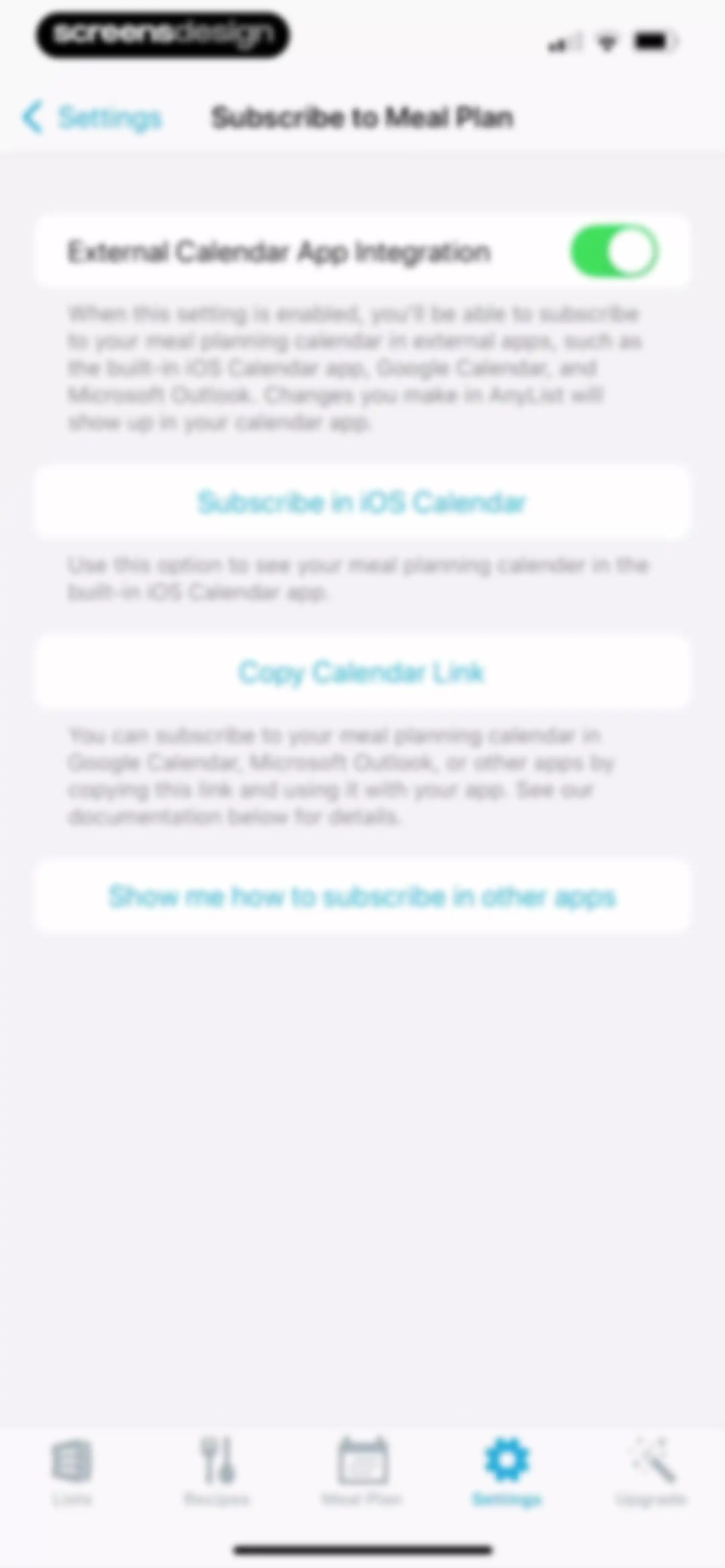
AnyList settings screen for subscribing to the meal plan calendar, with an external calendar integration toggle and buttons to subscribe in iOS Calendar or copy the link.Unlock Pro
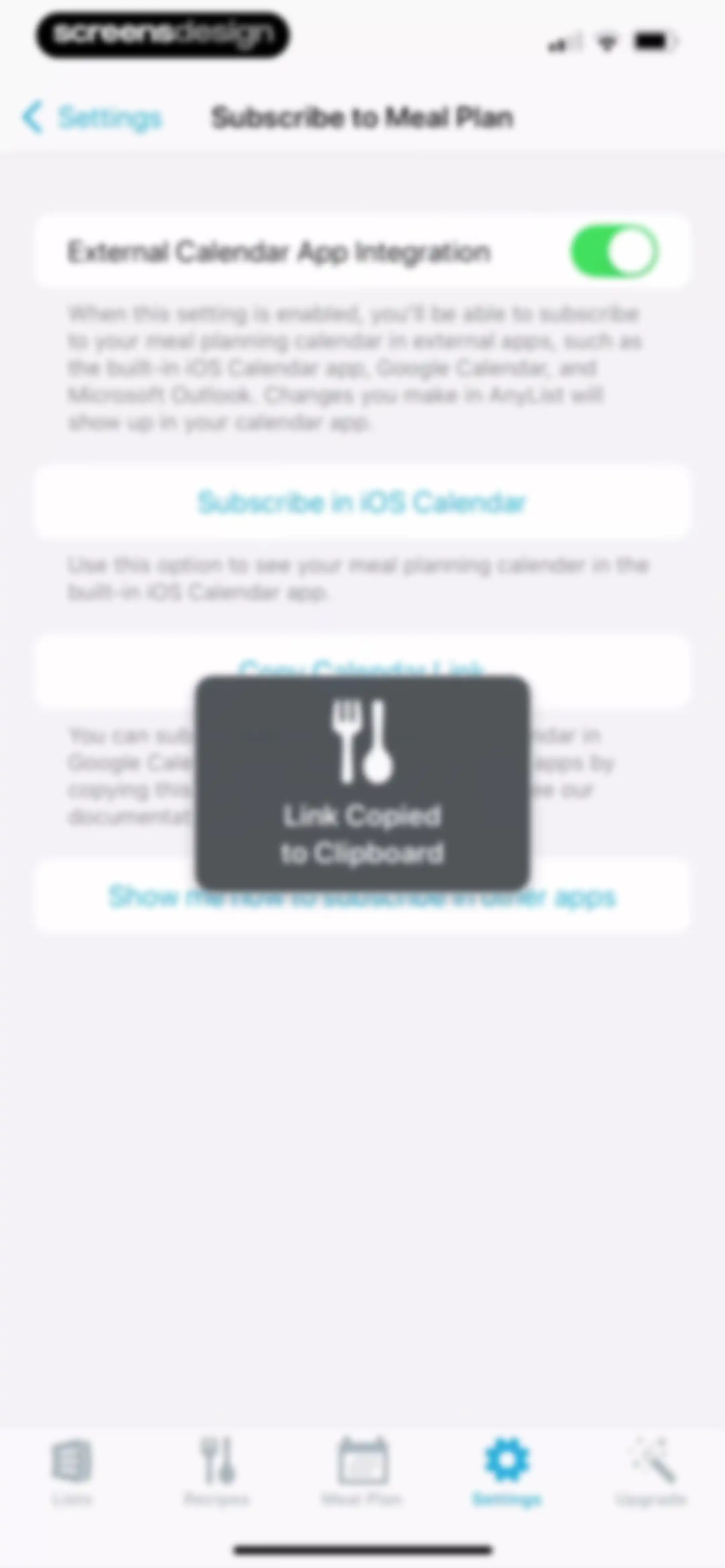
AnyList settings screen for external calendar app integration with a link copied to clipboard confirmation message displayed.Unlock Pro
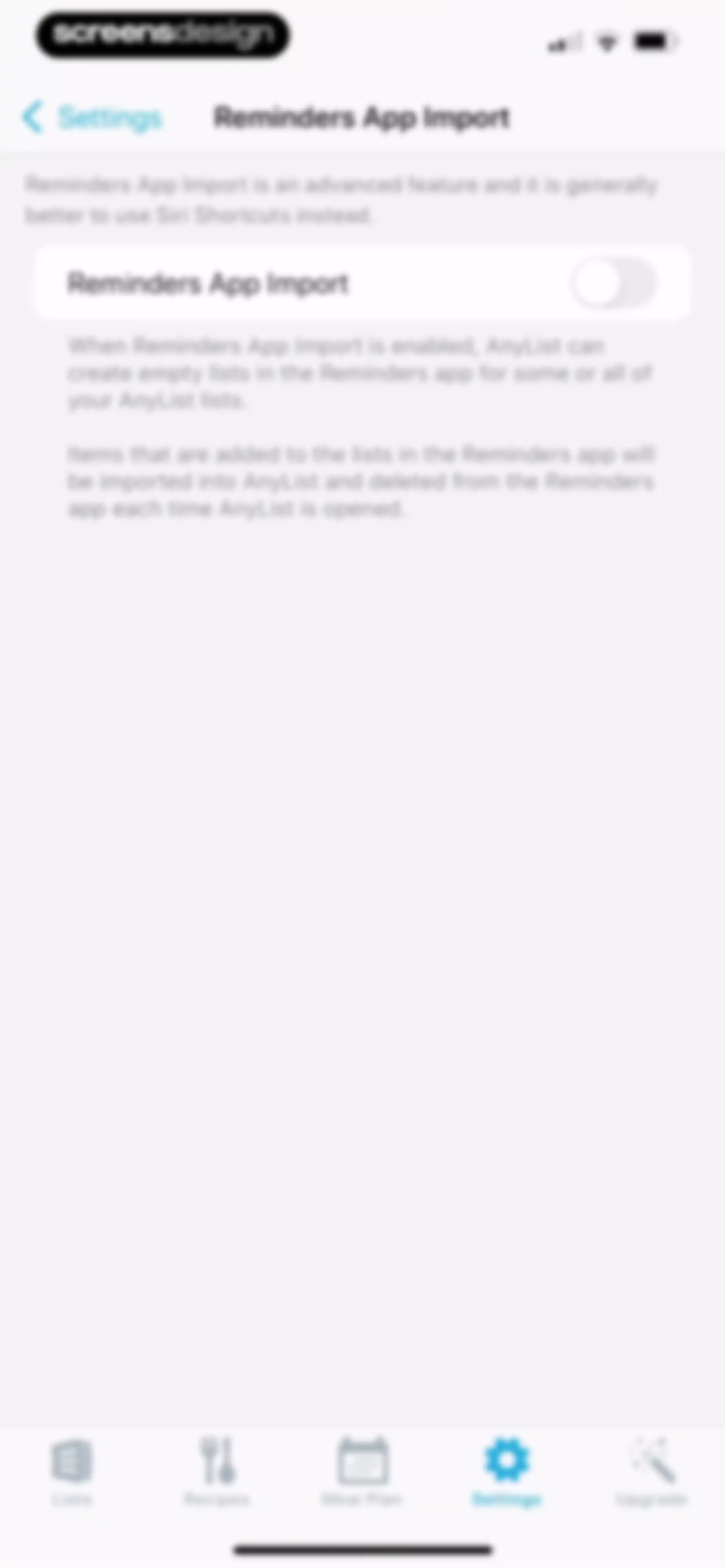
Settings screen for Reminders App Import with a toggle switch and descriptive text explaining the advanced integration feature.Unlock Pro
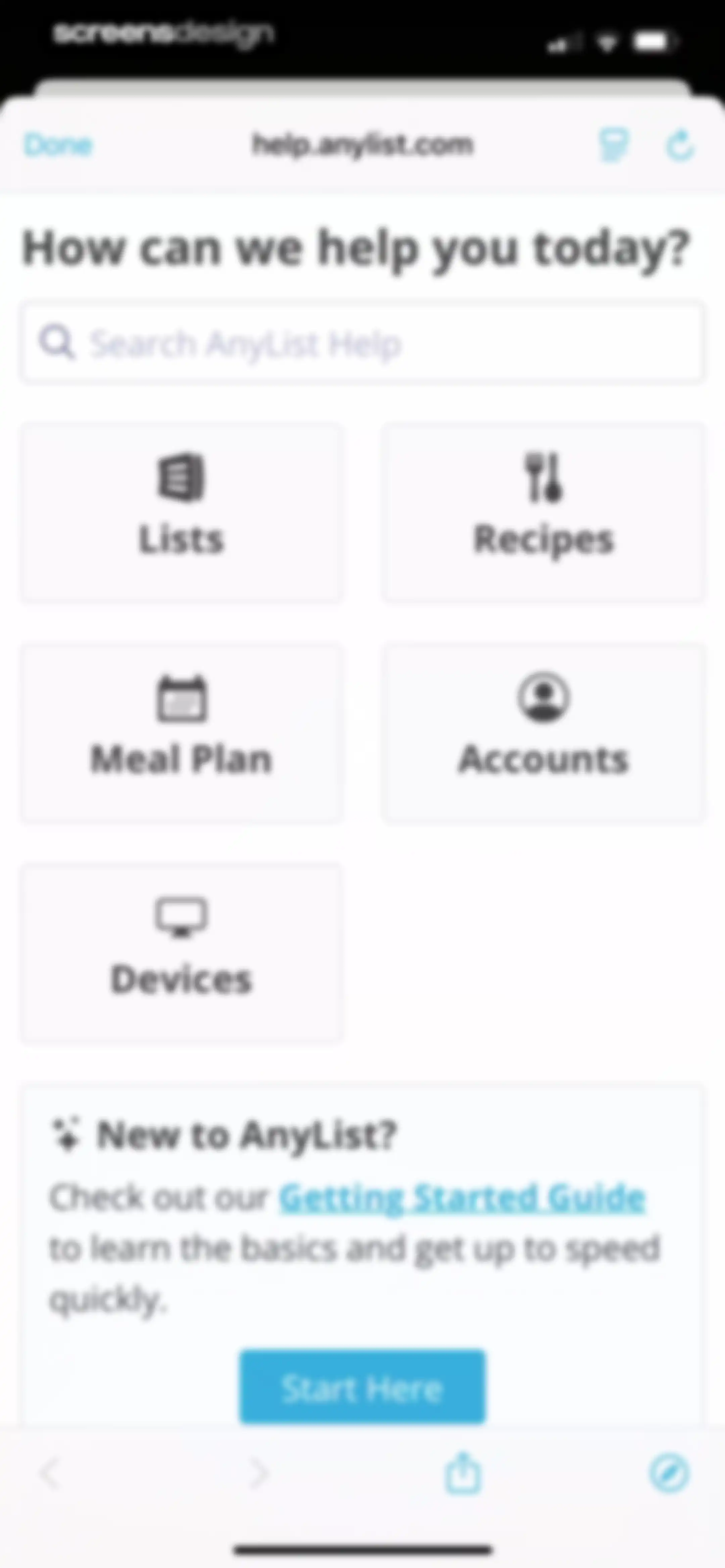
AnyList help center screen with a search bar, category cards for topics like recipes and lists, and a getting started section at the bottom.Unlock Pro
AnyList getting started guide featuring a centered testimonial card from the App Store and introductory body text with a Done button.Unlock Pro
What's New feature announcement screen in AnyList highlighting German language support, with a product preview card and a Next button.Unlock Pro
AnyList feature announcement screen introducing barcode scanning updates, with a product mockup card, subscription upsell, and Learn More button.Unlock Pro
What's new feature announcement screen detailing Alexa skill improvements, featuring a product mockup and a View Alexa Skill Commands button.Unlock Pro

About AnyList: Grocery Shopping List

A collaborative grocery shopping list and meal planning app that syncs lists, organizes recipes, and simplifies household food management.

Explore AnyList: Grocery Shopping List across ScreensDesign

Apps similar to AnyList: Grocery Shopping List
Unlock all similar apps

See every comparable app, revenue, installs, and flows.

Unlock Pro
  • Recipe Keeper

    4.8
    Tudorspan LimitedRevenue$45kInstalls15k
  • Cooklist: Pantry Meals Recipes

    4.7
    Cooklist, IncRevenue$25kInstalls6k
  • Cozi Family Organizer

    4.8
    CoziRevenue$350kInstalls55k
  • Deglaze: Cooking, Simplified

    4.9
    Deglazed LLCRevenue$35kInstalls<5k
  • Stashcook: Recipe Keeper

    4.7
    Stashbox LtdRevenue$15kInstalls6k
  • ReciMe: Recipes & Meal Planner

    4.8
    ReciMe Pty LtdRevenue$1.8MInstalls500k
  • Mealime Meal Plans & Recipes

    4.8
    Mealime Meal Plans IncRevenue$55kInstalls30k
  • Crouton: Recipe Manager

    4.8
    Devin DaviesRevenue$5kInstalls<5k
  • eMeals - Healthy Meal Plans

    4.6
    eMeals, Inc.Revenue$75kInstalls13k
  • Pestle: Recipe Manager

    4.7
    Will BishopRevenue$<5kInstalls<5k
  • Mob: Meal Planner and Recipes

    4.2
    Mouth Group LimitedRevenue$250kInstalls65k
  • Intent - Meal Planner

    4.8
    Excipient, Inc.Revenue$<5kInstalls<5k
  • Fitia: Calorie Counter & Diet

    4.9
    Nutrition TechnologiesRevenue$400kInstalls250k
  • Kitchen Stories Easy Recipes

    4.8
    AJNS New MediaRevenue$12kInstalls<5k
  • NYT Cooking: Quick Tasty Meals

    4.9
    The New York Times CompanyRevenue$250kInstalls60k
  • FamilyWall: Family Organizer

    4.8
    Family & CoRevenue$250kInstalls50k
  • Herbi: Meal Planner + Recipes

    4.5
    Tempo Labs Creative LtdRevenue$40kInstalls80k
  • Potto: Meal Planner & Recipes

    4.7
    Anete ZiedinaRevenue$100kInstalls40k
  • SideСhef: Easy Cooking Recipes

    4.7
    SideChef Group Limited
  • Shared Family Calendar: FamCal

    4.9
    Beesoft AppsRevenue$100kInstalls<5k
  • Sidekick by Sorted Food

    4.5
    Sorted FoodRevenue$15kInstalls<5k
  • Todoist: To Do List & Calendar

    4.8
    Doist Inc.Revenue$300kInstalls50k
  • Osta: Save & Share Recipes

    4.8
    GENERAL DIGITAL CONNOISSEURS LTD.Revenue$75kInstalls150k
  • mise - meal planner

    4.7
    TEGS LABS LTDRevenue$300kInstalls300k
  • Little Lunches: Kids Meals

    4.7
    Little Lunches Corp.Revenue$<5kInstalls<5k
  • Weekly Planner - Diary, Notes

    4.7
    Digital Legal TechRevenue$40kInstalls40k
  • All My Meals - Save Recipes

    4.8
    NatiMate GmbHRevenue$15kInstalls15k
  • To Do List MinimaList & Widget

    4.8
    Davetech Co., Ltd.Revenue$5kInstalls95k
  • Evernote: AI Notes & Notebook

    4.4
    Evernote CorporationRevenue$750kInstalls25k
  • Yoomla・Recipe Keeper & Planner

    4.6
    Faliane Ltd.Revenue$10kInstalls<5k
  • Tripsy: Travel Planner

    4.7
    Tripsy LLCRevenue$45kInstalls<5k
  • Eat This Much - Meal Planner

    4.7
    Eat This Much Inc.Revenue$30kInstalls7k
  • TickTick:To-Do List & Calendar

    4.9
    Appest LimitedRevenue$450kInstalls200k
  • CookShelf: Search Cookbooks

    4.6
    CookShelf IncRevenue$40kInstalls<5k
  • Fooducate: Nutrition Coach

    4.6
    Maple Media Apps, LLCRevenue$<5kInstalls<5k
  • Trello: Daily Task Tracker

    4.3
    Trello, Inc.Revenue$<5kInstalls150k
  • Eatr: Tasty Cooking Recipes

    4.6
    EatrRevenue$85kInstalls55k
  • Fig: Food Scanner & Guide

    4.7
    Food is Good, Inc.Revenue$80kInstalls25k
  • Structured: Daily Planner Todo

    4.8
    unorderly GmbHRevenue$300kInstalls350k
  • Calorie Counter - MyNetDiary

    4.8
    MyNetDiary Inc.Revenue$1.3MInstalls50k
  • MyCal: AI Food Scanner

    4.8
    App Rover
  • 1Password: Password Manager

    4.7
    AgileBits Inc.Revenue$750kInstalls50k
  • Calorie Counter PRO MyNetDiary

    4.8
    MyNetDiary Inc.Revenue$60kInstalls<5k
  • Shop: Track, Pay, Discover

    4.8
    Shopify Inc.Revenue$<5kInstalls2.8M
  • Epicurious

    4.7
    Condé Nast DigitalRevenue$75kInstalls<5k
  • TripIt: Travel Planner

    4.8
    TripItRevenue$150kInstalls45k
  • Tally: The Anything Tracker

    4.4
    Reflective Technologies ApSRevenue$<5kInstalls<5k