Wink: Video Enhancer & Editor

$2M revenue, 4.7 rating

Welcome & Terms Agreement
0:00 / 13:17

Onboarding flow, Paywall & Inside the App

Watch the full screen-by-screen UX video of Wink: Video Enhancer & Editor with onboarding, paywall, and every core flow.

Splash screen for the Wink app featuring a minimalist dark theme with the centered brand logo and star icon.
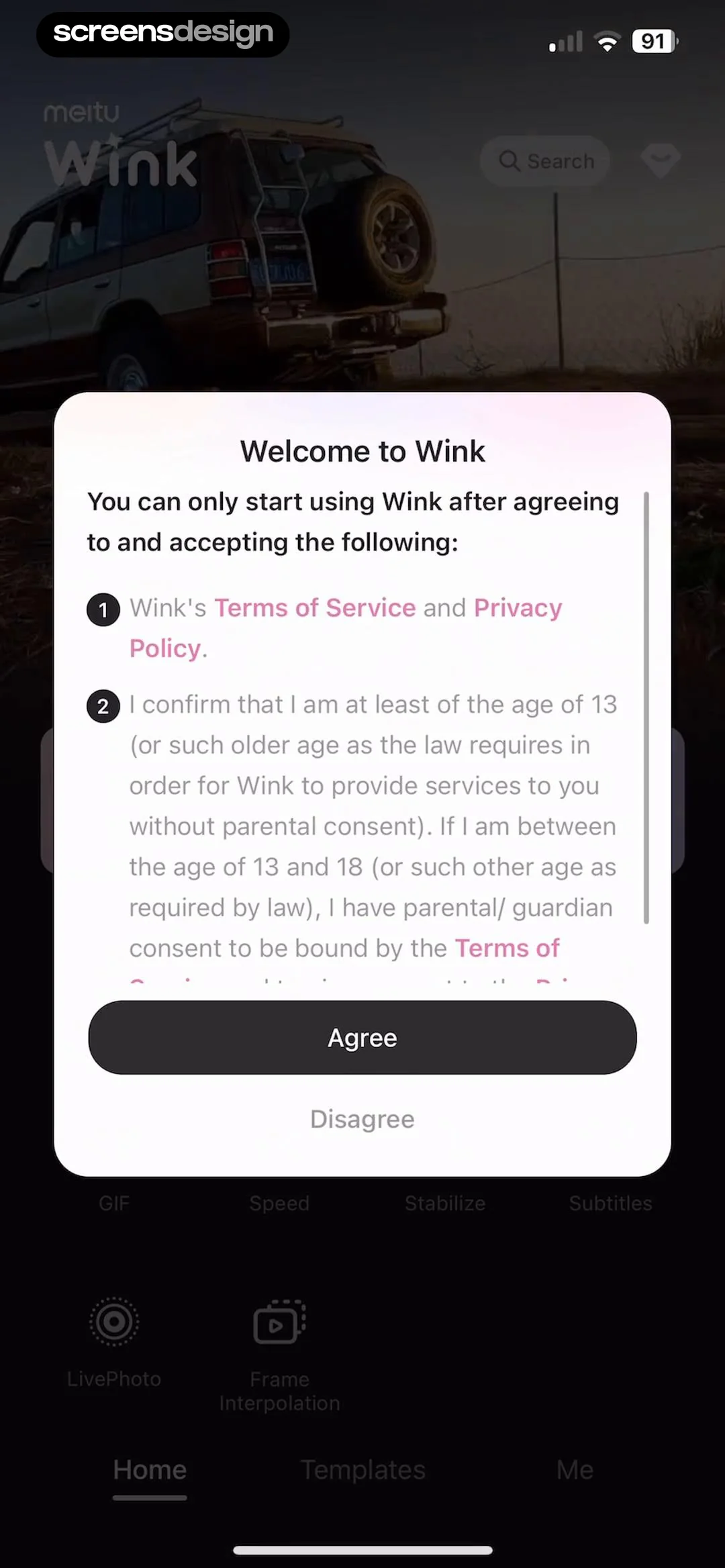
Wink terms of service and age verification modal with Agree and Disagree options overlaid on a dark-themed home screen.
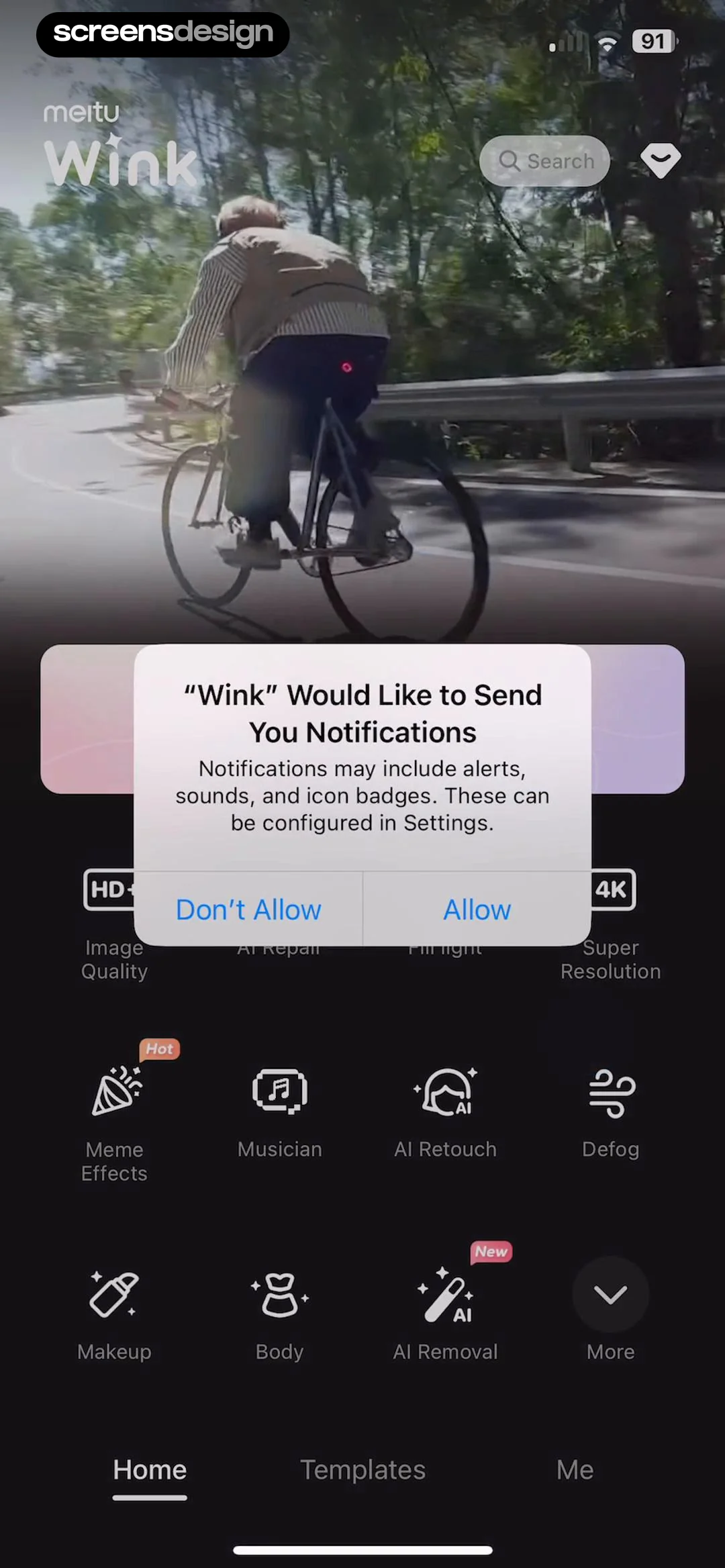
Notification permission prompt overlaying a dark-themed video editing app dashboard with a grid of AI feature icons and bottom navigation.
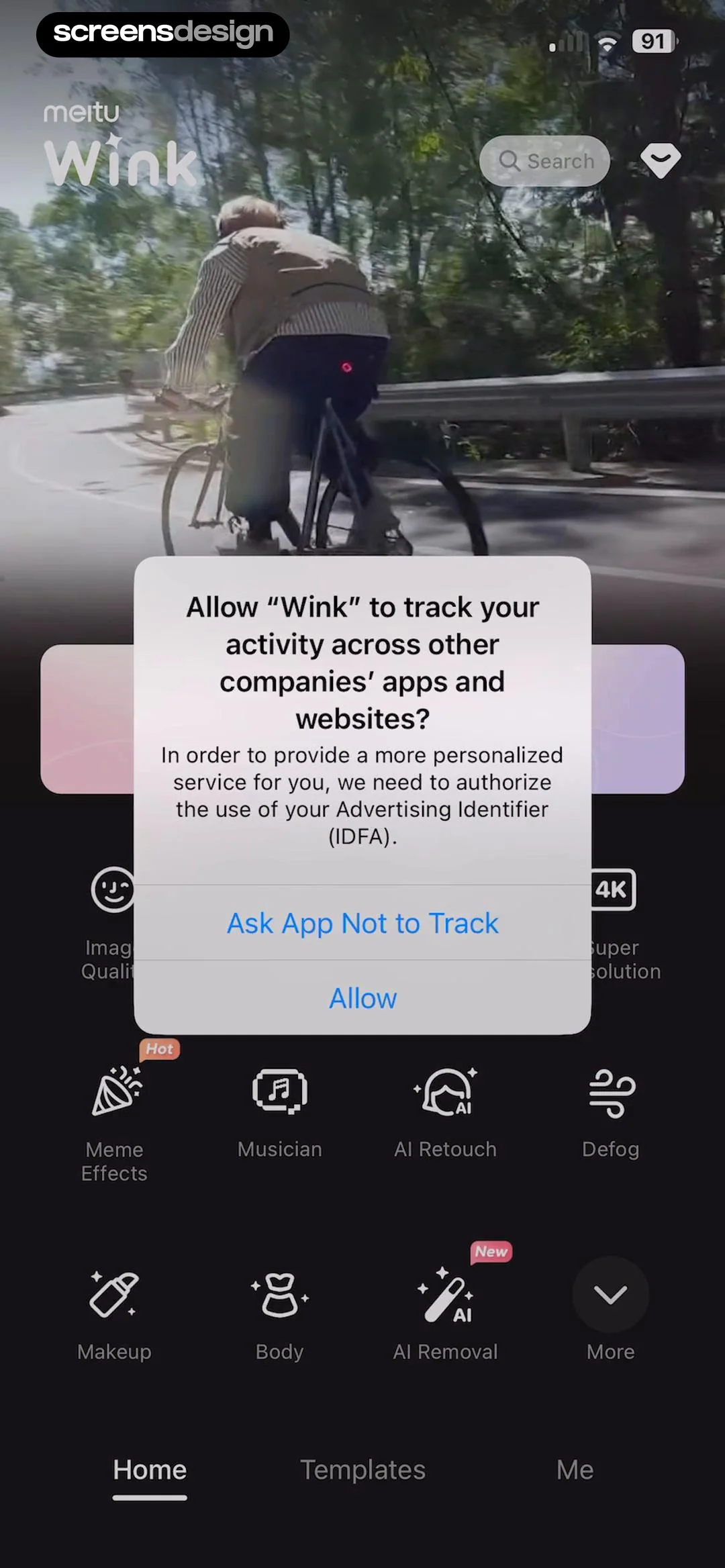
Wink app home dashboard with a centered system permission modal asking to allow activity tracking across apps.
Paywall screen for Wink VIP featuring a before and after video comparison, a list of premium features, and a 7-day free trial button.
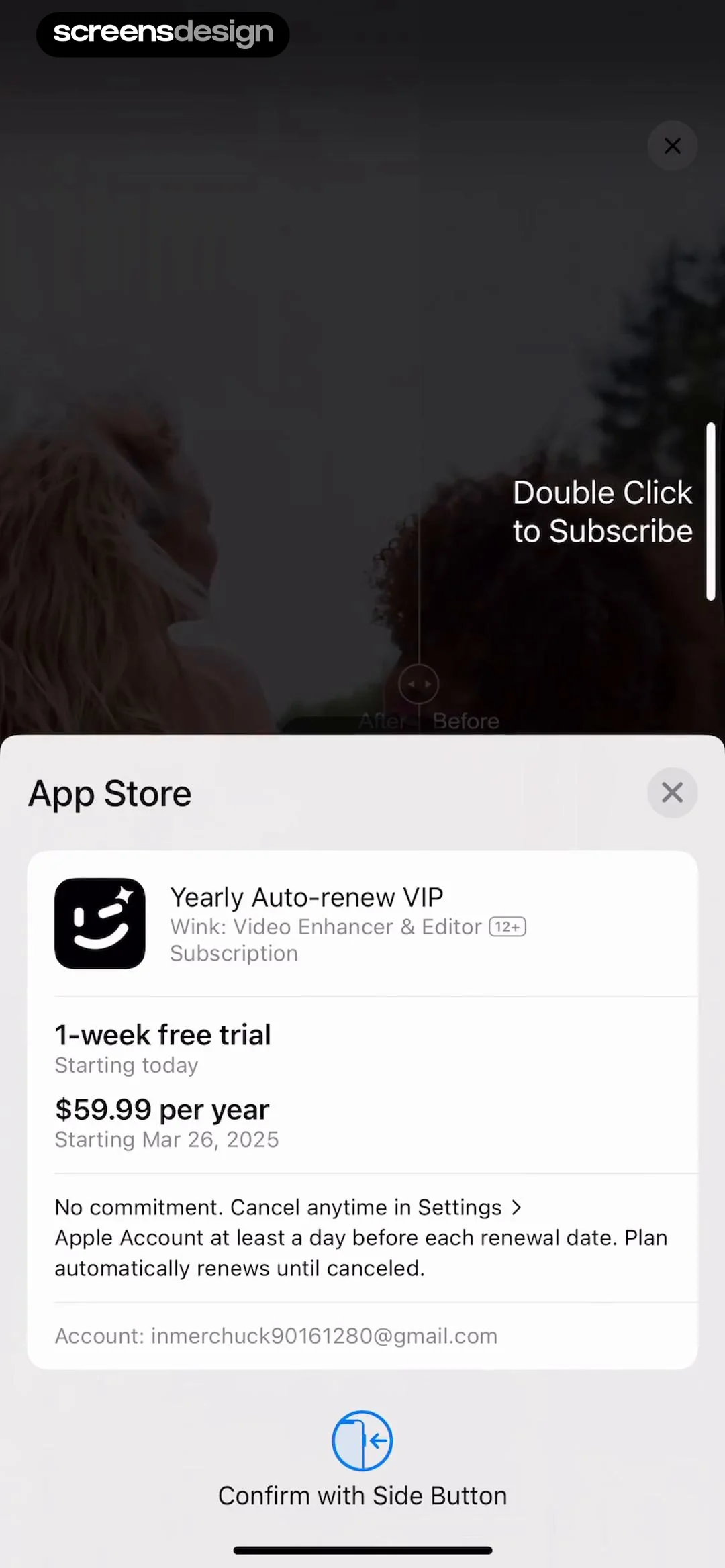
App Store payment modal for Wink Video Enhancer and Editor displaying yearly auto-renew subscription terms and a side button confirmation.
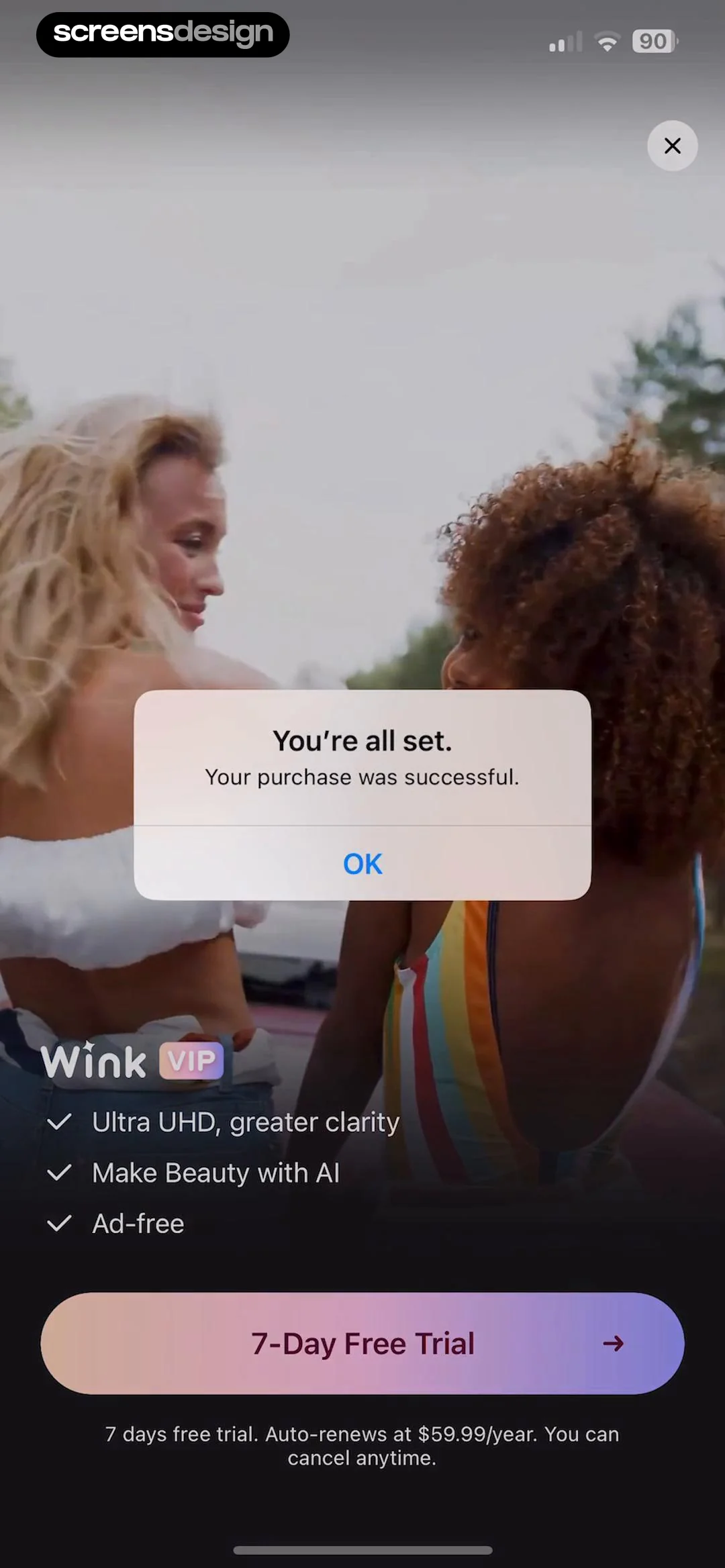
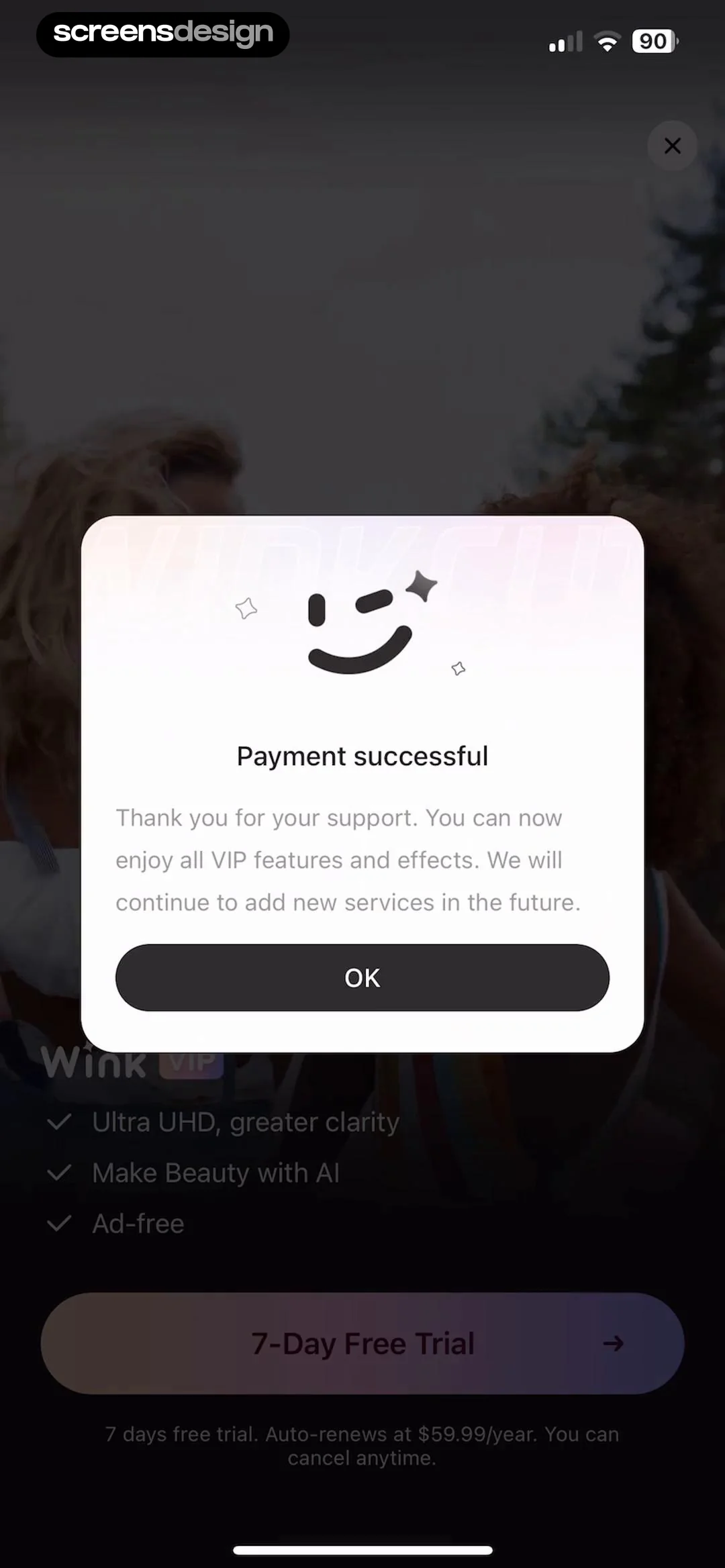
Purchase success confirmation modal with an OK button, overlaid on a Wink VIP paywall screen displaying feature details and a trial button.
Payment successful confirmation modal for Wink VIP subscription with an OK button, displayed over a subscription landing page.
Wink home screen with a dark theme, featuring a top hero banner, a central New button, and a grid of AI editing tools.Unlock Pro
Wink home screen featuring a feature grid and a fill light download modal with a Download Now button.Unlock Pro
Permission modal requesting photo library access with options to allow full access, limit access, or don't allow over a gallery background.Unlock Pro
Media picker interface displaying a grid of photos, filter tabs, a selection summary of one photo, and a Start button.Unlock Pro
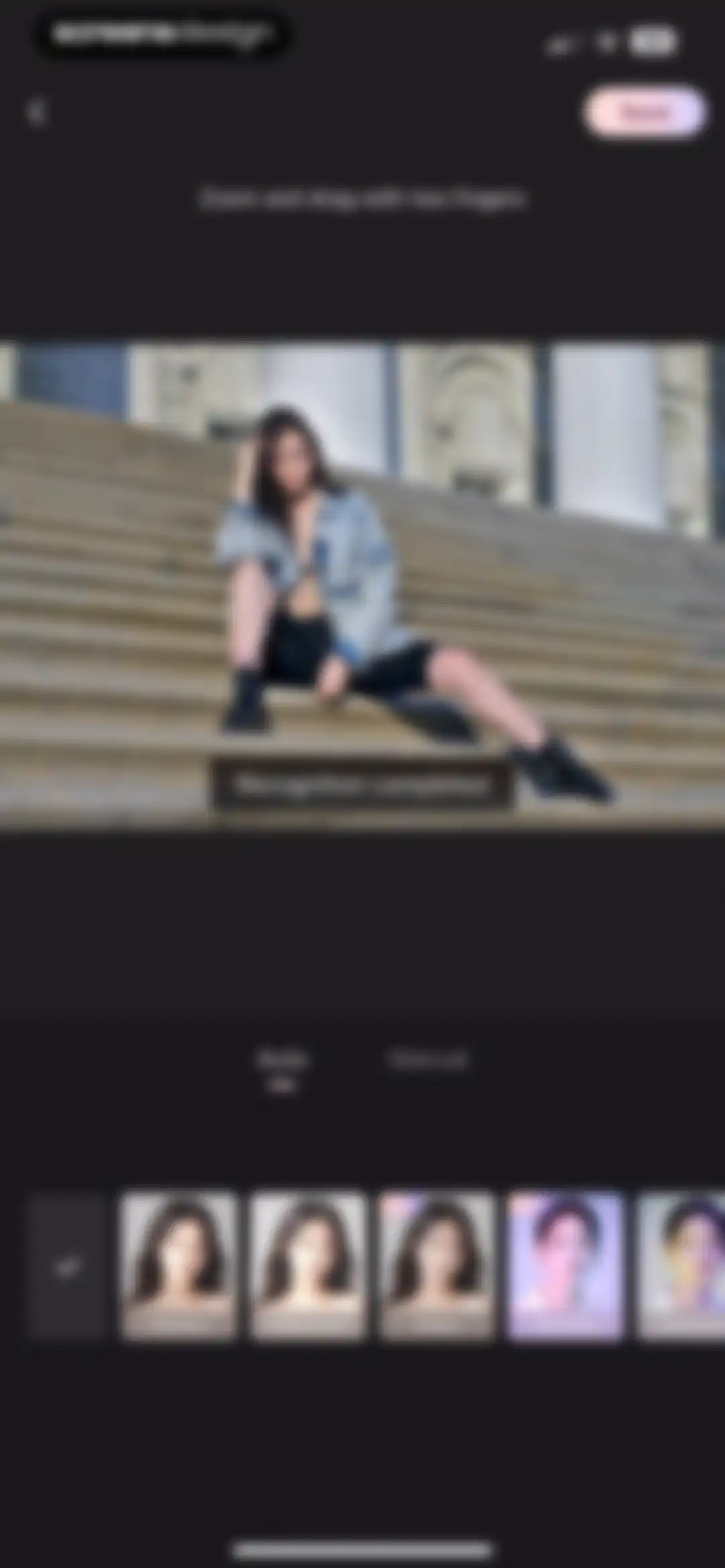
Photo editor screen showing an image preview with a recognition completed notice, auto mode selected, and a bottom filter carousel with VIP options.Unlock Pro
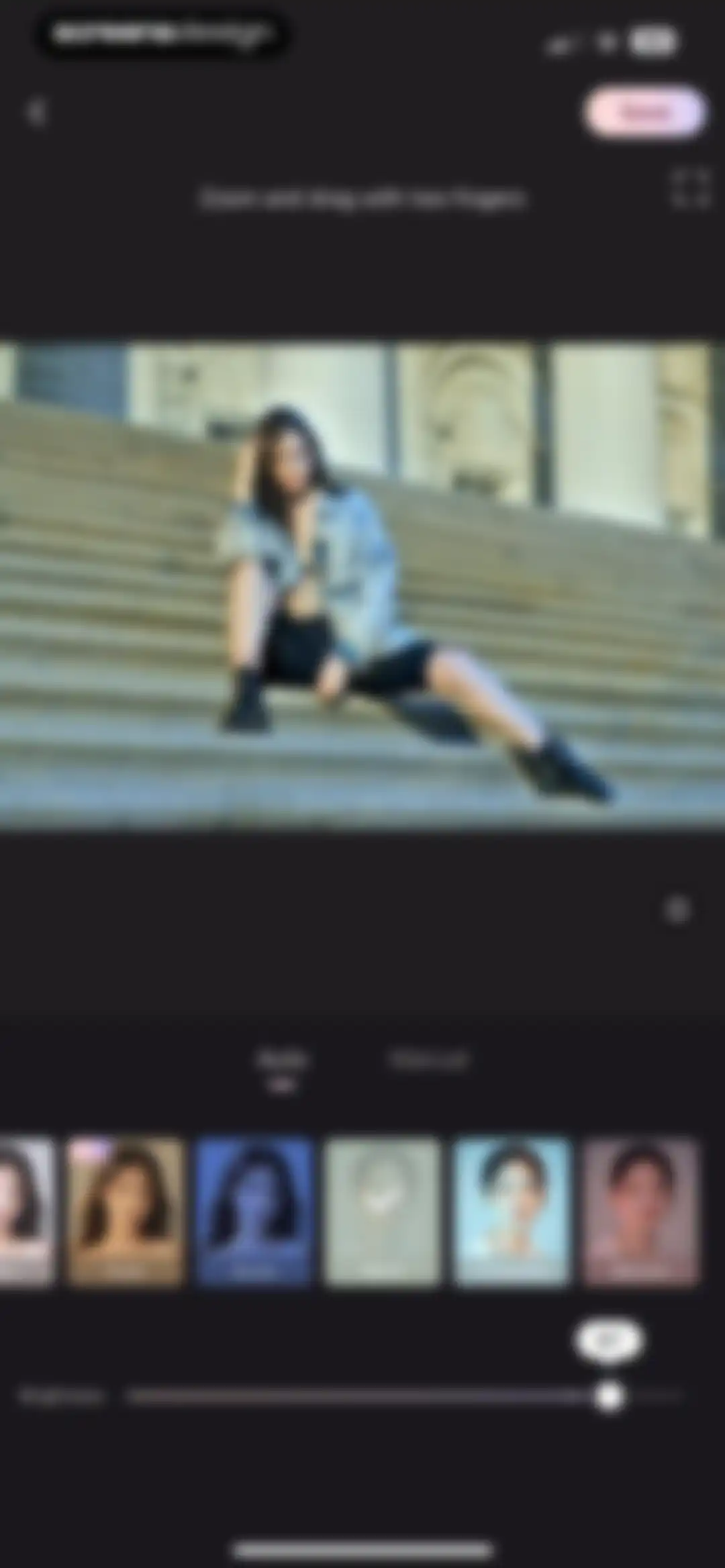
Photo editor screen showing an image preview, the Beryl filter selected in a carousel, and a brightness slider set to 87.Unlock Pro
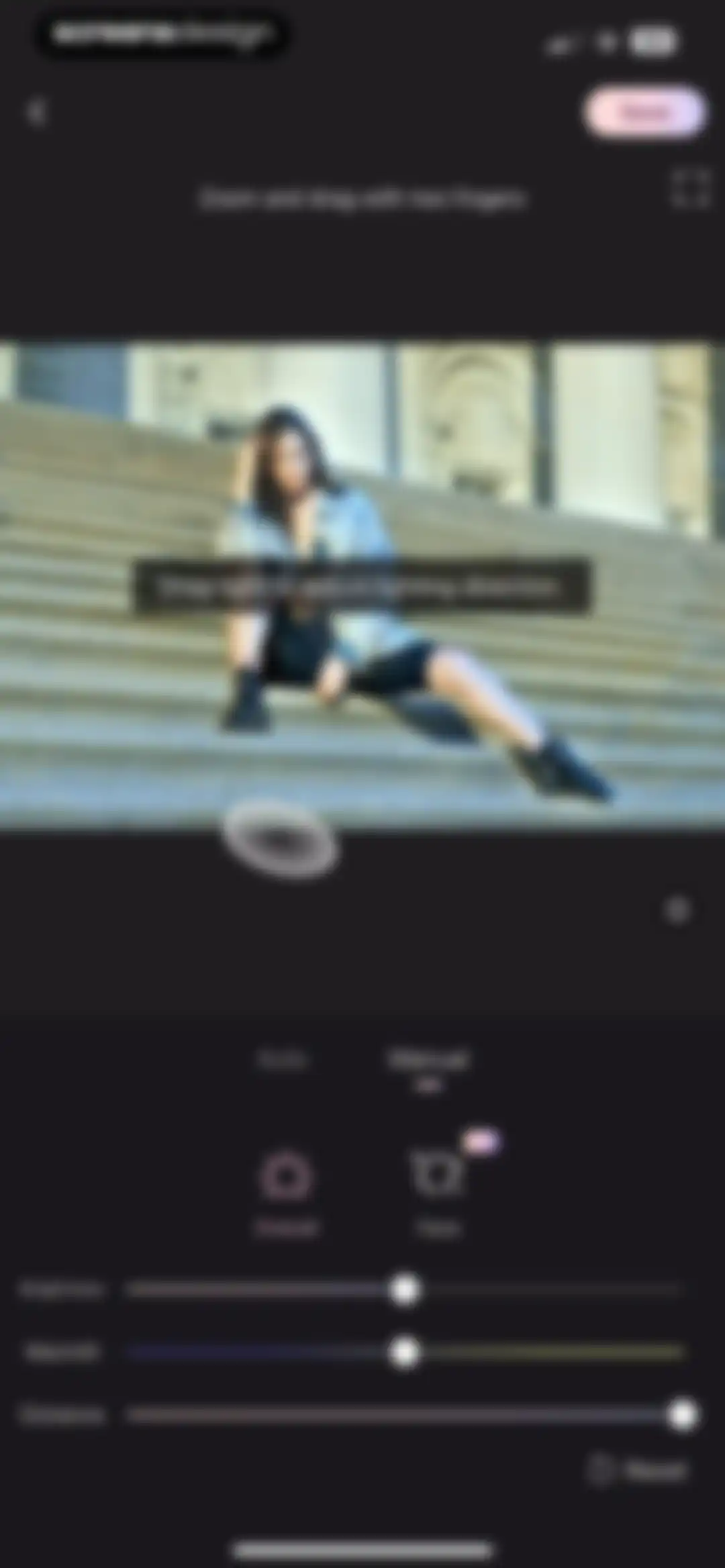
Wink photo editor screen displaying manual lighting adjustment sliders, with a preview showing a person on stone steps and a Save button.Unlock Pro
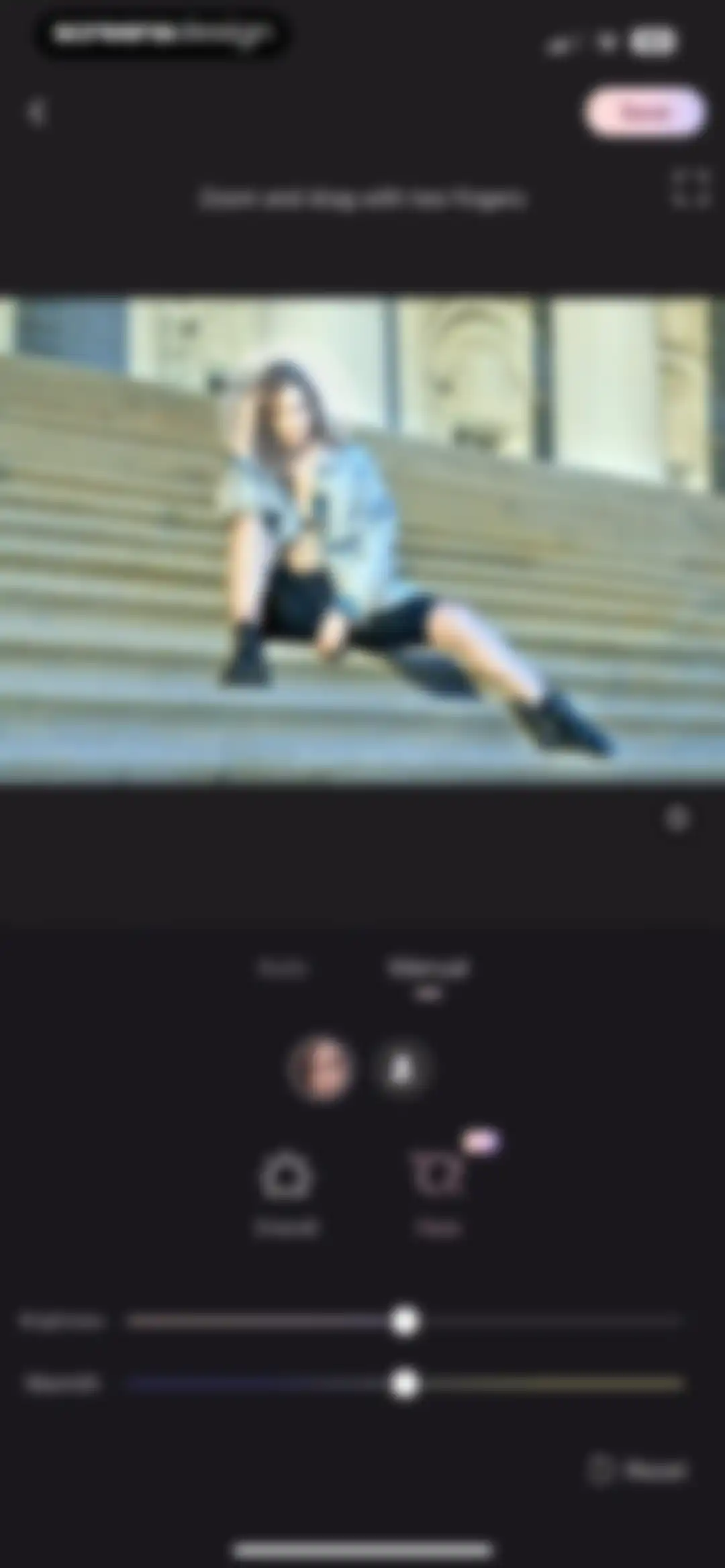
Photo editor screen showing manual adjustment controls for brightness and warmth with a Save button.Unlock Pro
Video editor interface featuring a merge tool with an instructional overlay, timeline, and portrait selection controls.Unlock Pro
Dark-themed video editor screen with the Merge tab selected, showing a preview of a woman and a notification stating no portraits can be added.Unlock Pro
Video editor merge screen featuring a top video preview, playback controls, selected Merge tab, and a bottom portrait selection area.Unlock Pro
Full-screen photo preview showing a woman sitting on stone steps, with a close button in the top-left corner.Unlock Pro
Media export confirmation screen showing a processed image preview, feature icons, social sharing options, and a Continue button.Unlock Pro
Wink home screen featuring a video preview hero section, a large New project button, and a grid of AI editing tools.Unlock Pro
Media picker screen displaying a photo grid with a selection counter, filter tabs, and a Start button.Unlock Pro
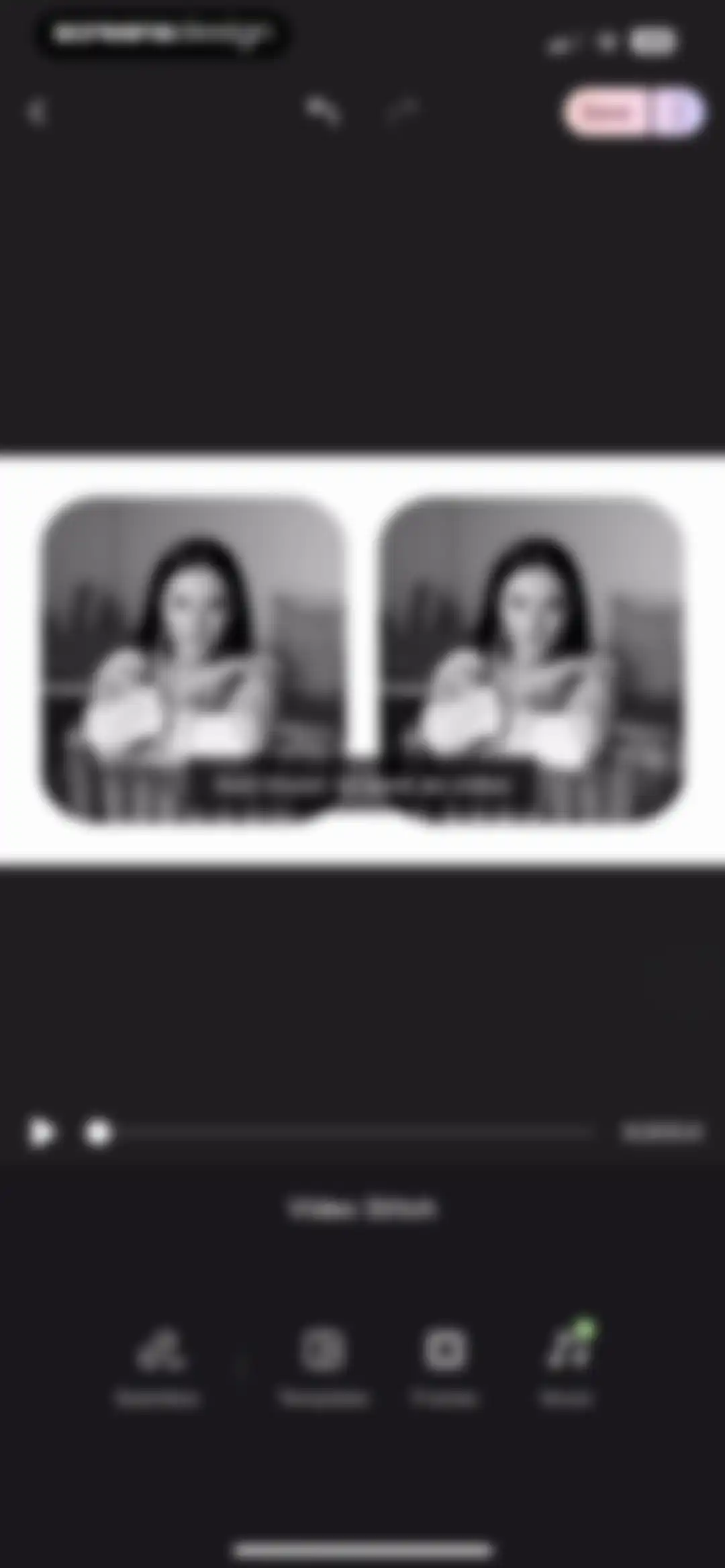
Video stitch editor screen displaying a central portrait preview, a seamless mode tooltip, bottom editing tools, and a Save button.Unlock Pro
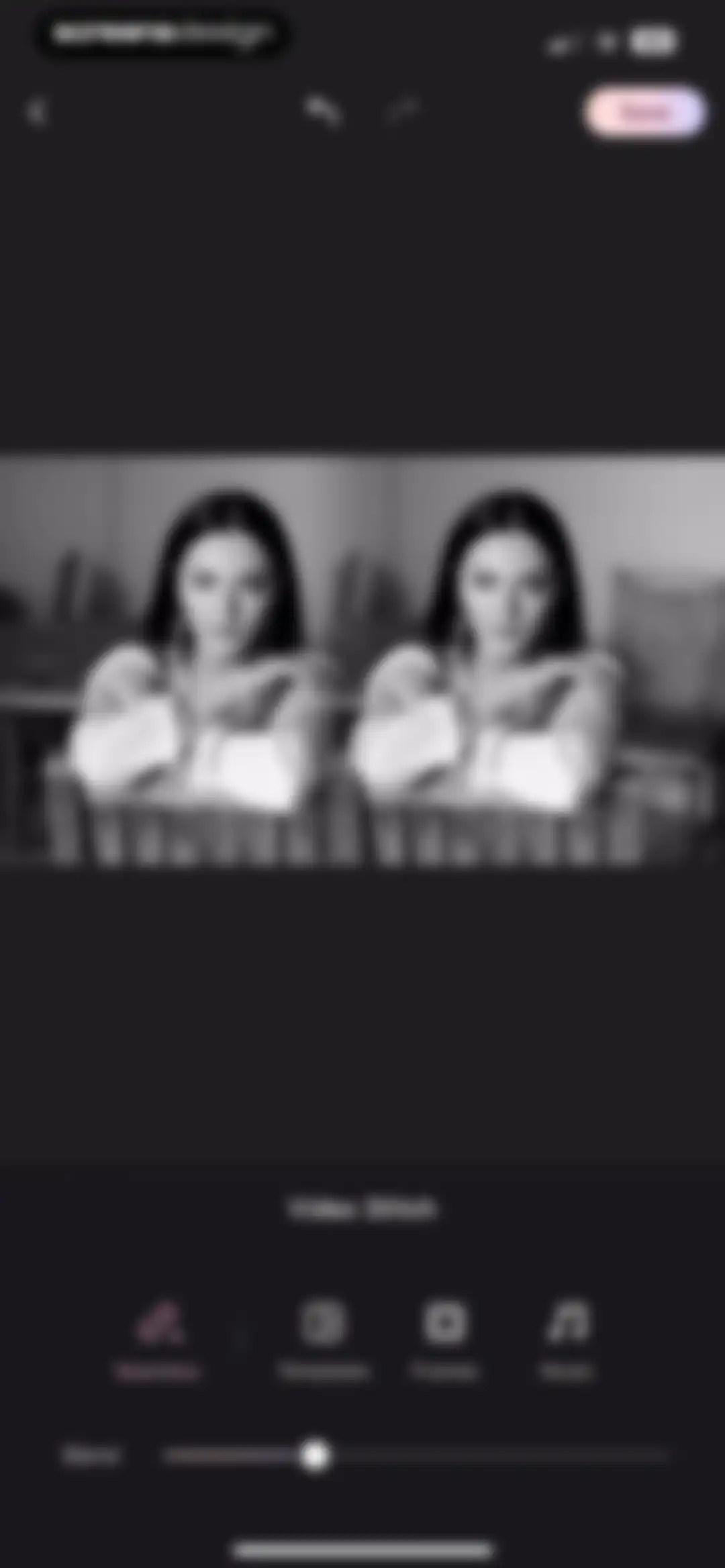
Video editor interface displaying a side-by-side portrait preview, a blend slider, editing tool options, and a Save button.Unlock Pro
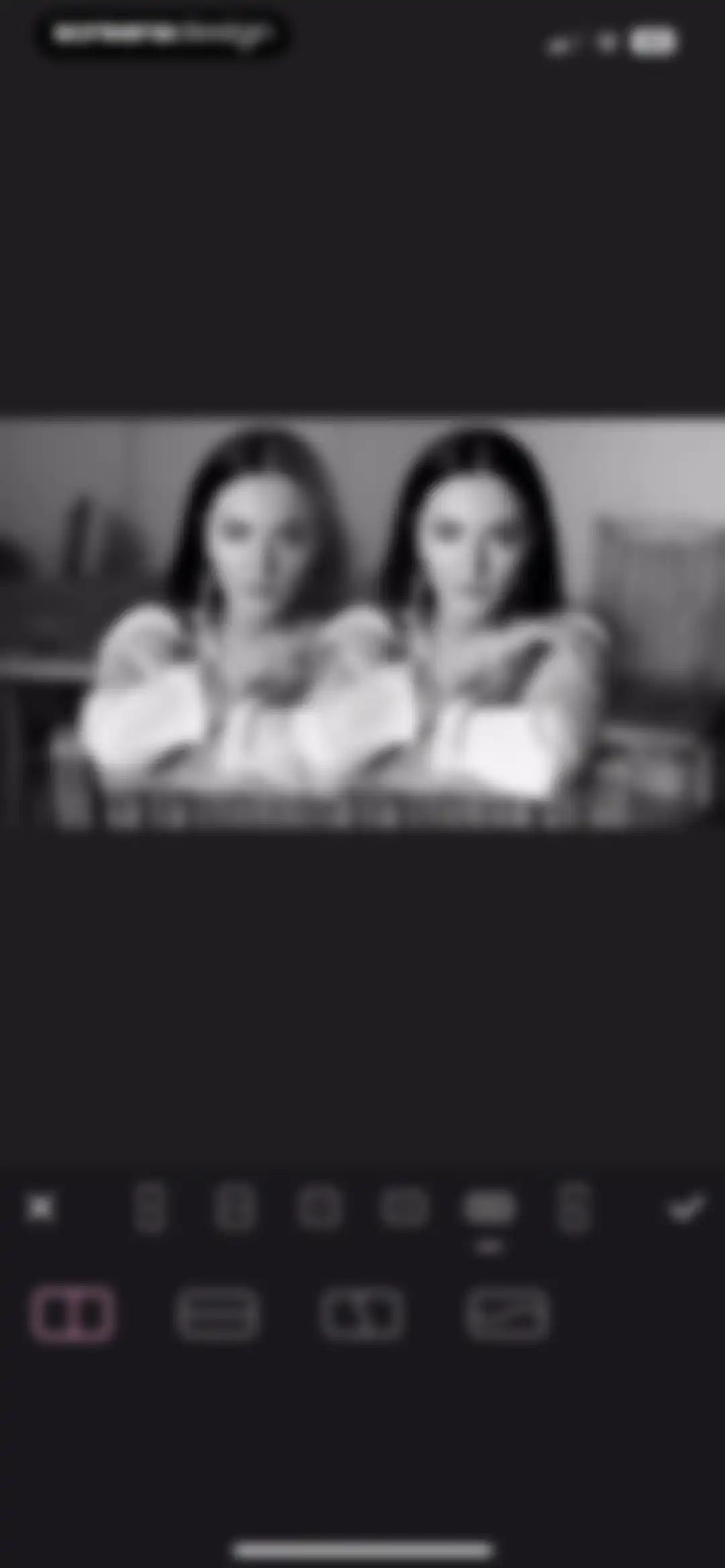
Wink app photo editor displaying a black-and-white portrait with aspect ratio presets and a selected vertical split layout.Unlock Pro
Video editing confirmation modal asking to disable seamless mode for a frame effect, with Cancel and Confirm buttons.Unlock Pro
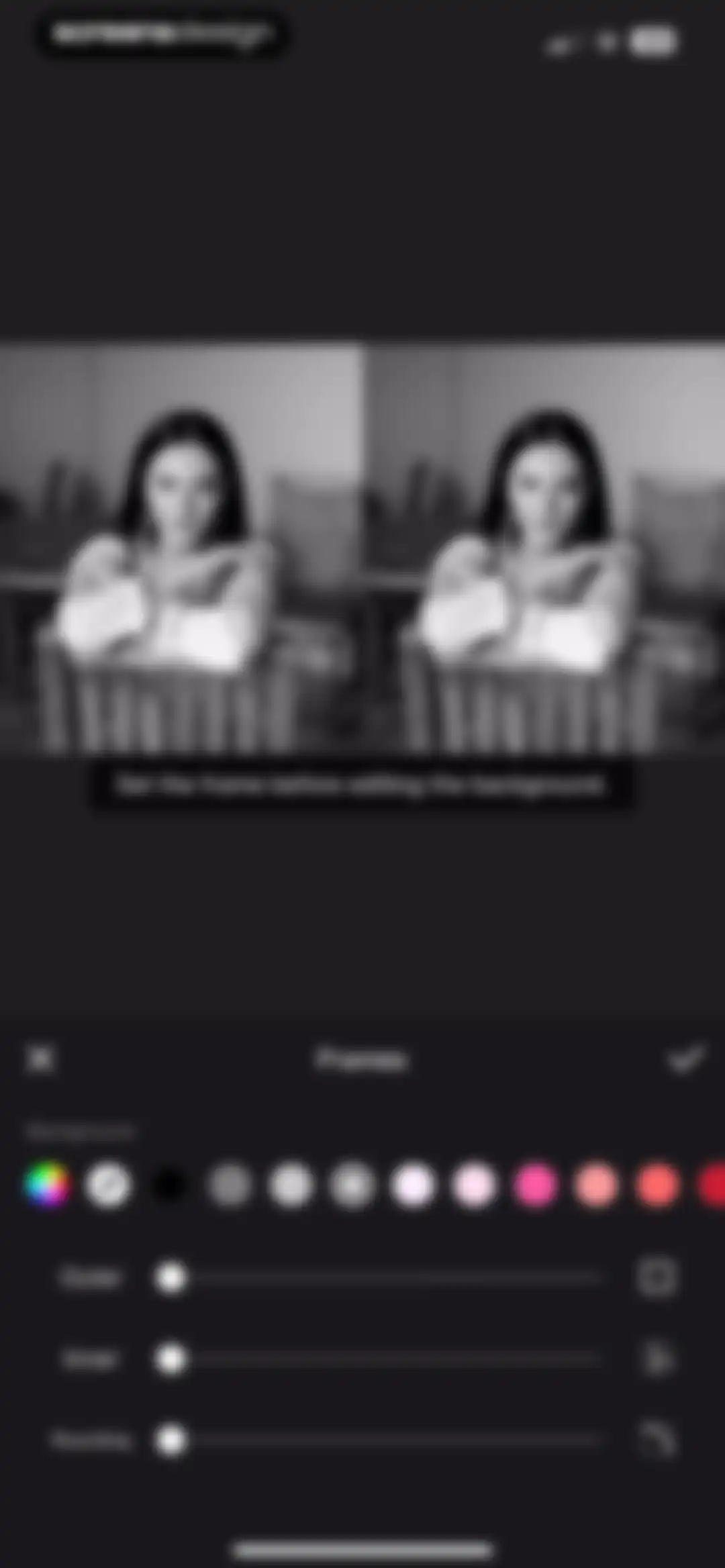
Editor screen for adjusting frames with outer, inner, and rounding sliders, color swatches, and a media preview area.Unlock Pro
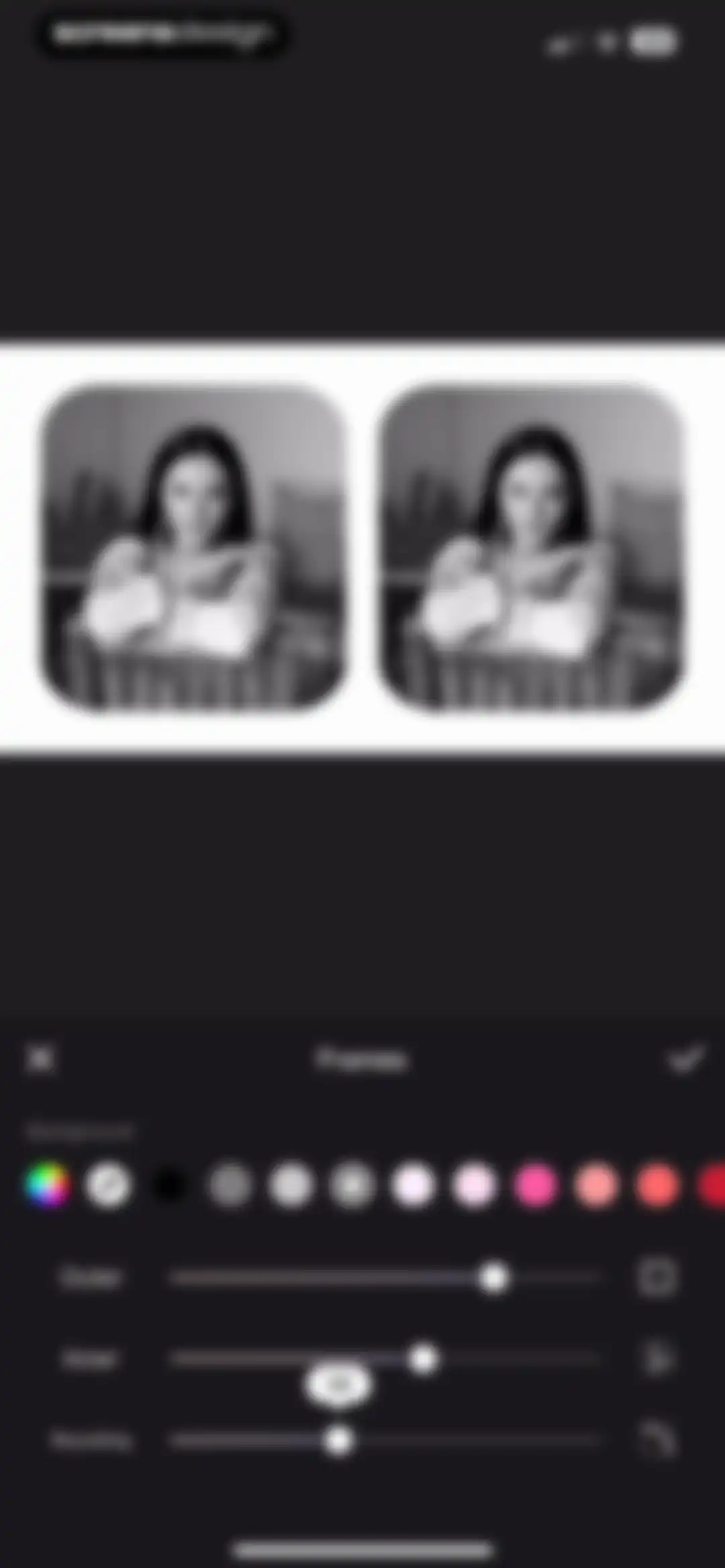
Photo frame editor interface with a top preview, color swatches, and sliders for outer, inner, and rounding adjustments.Unlock Pro
Music selection screen with category tabs, a search bar, a scrollable list of tracks, and a bottom volume control.Unlock Pro
Login modal overlay with social authentication options displayed over a dark music library list.Unlock Pro
Login screen with email and password input fields, a Log in button, social login options, and terms agreement.Unlock Pro
Registration screen featuring email and password input fields, a pink Register button, and a legal disclaimer footer.Unlock Pro
Terms of Use and Privacy Policy modal overlaying a registration form with Cancel and Register buttons.Unlock Pro
Security verification modal with a puzzle image, a slider control, and an agreement checkbox for terms and privacy policy.Unlock Pro
Email verification modal stating the address is not registered yet, with a Verify email button and a Cancel button.Unlock Pro
Email verification form showing a sent confirmation for screensdesigntest@gmail.com, a four-digit input field, a countdown timer, and a bottom numeric keypad.Unlock Pro
Music selection screen with a membership transfer notice modal overlay, featuring transfer and not now buttons.Unlock Pro
Music track selection screen with a dark theme and category tabs, overlaid by a system sign-in modal requesting an Apple Account password.Unlock Pro
Music selection screen with a scrollable track list and a centered authentication modal requesting Apple Account details.Unlock Pro
Music selection screen with category filters, a scrollable list of tracks featuring Use buttons, and a bottom volume control bar.Unlock Pro
Music selection screen displaying a scrollable list of audio tracks with category tabs, a volume control, and an Added to Favorites notification.Unlock Pro
Video editor interface displaying a dual-preview area, timeline, and bottom feature menu with the Music tab selected.Unlock Pro
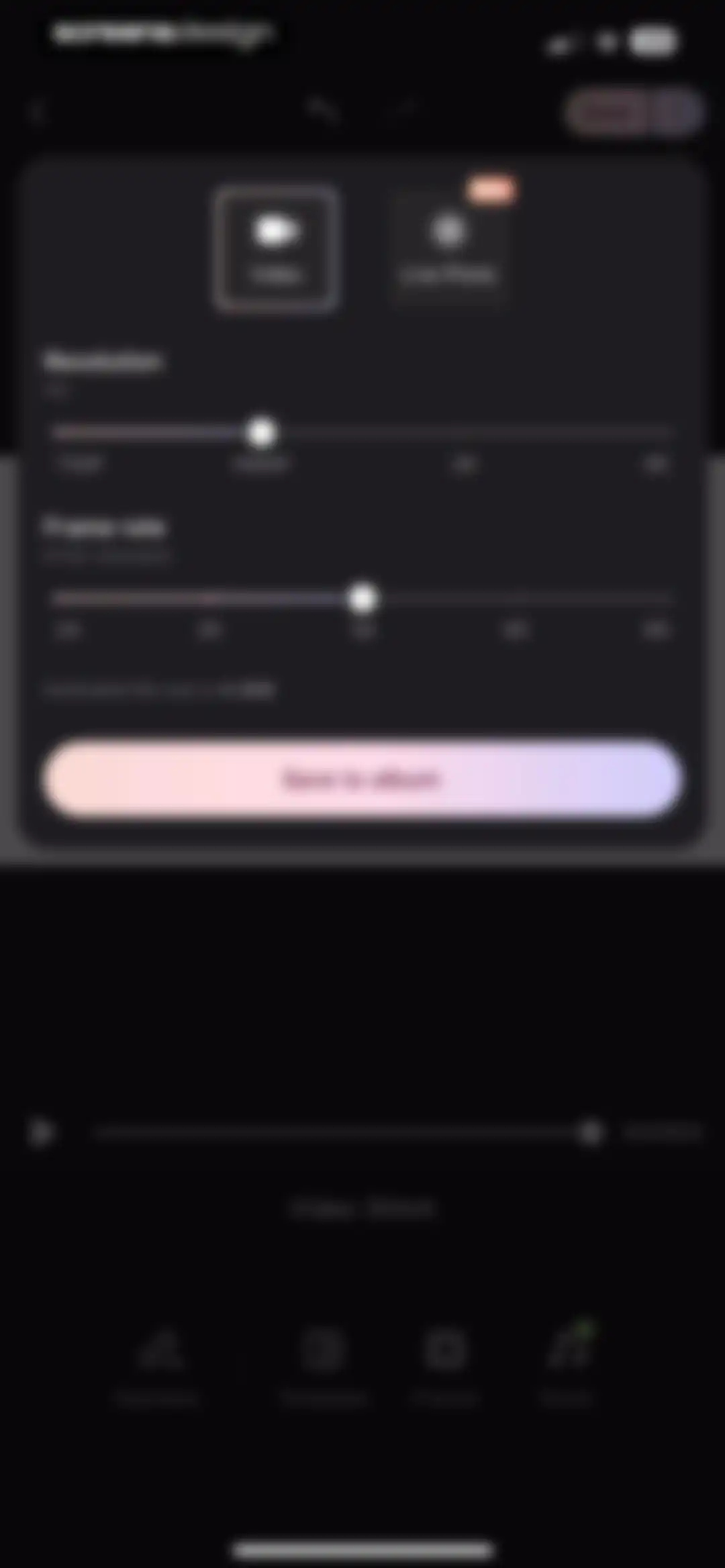
Video export settings modal with resolution and frame rate selectors, estimated file size, and a Save to album button.Unlock Pro
Video export progress screen showing a saving modal at 100 percent with a cancel button over a dark editor interface.Unlock Pro
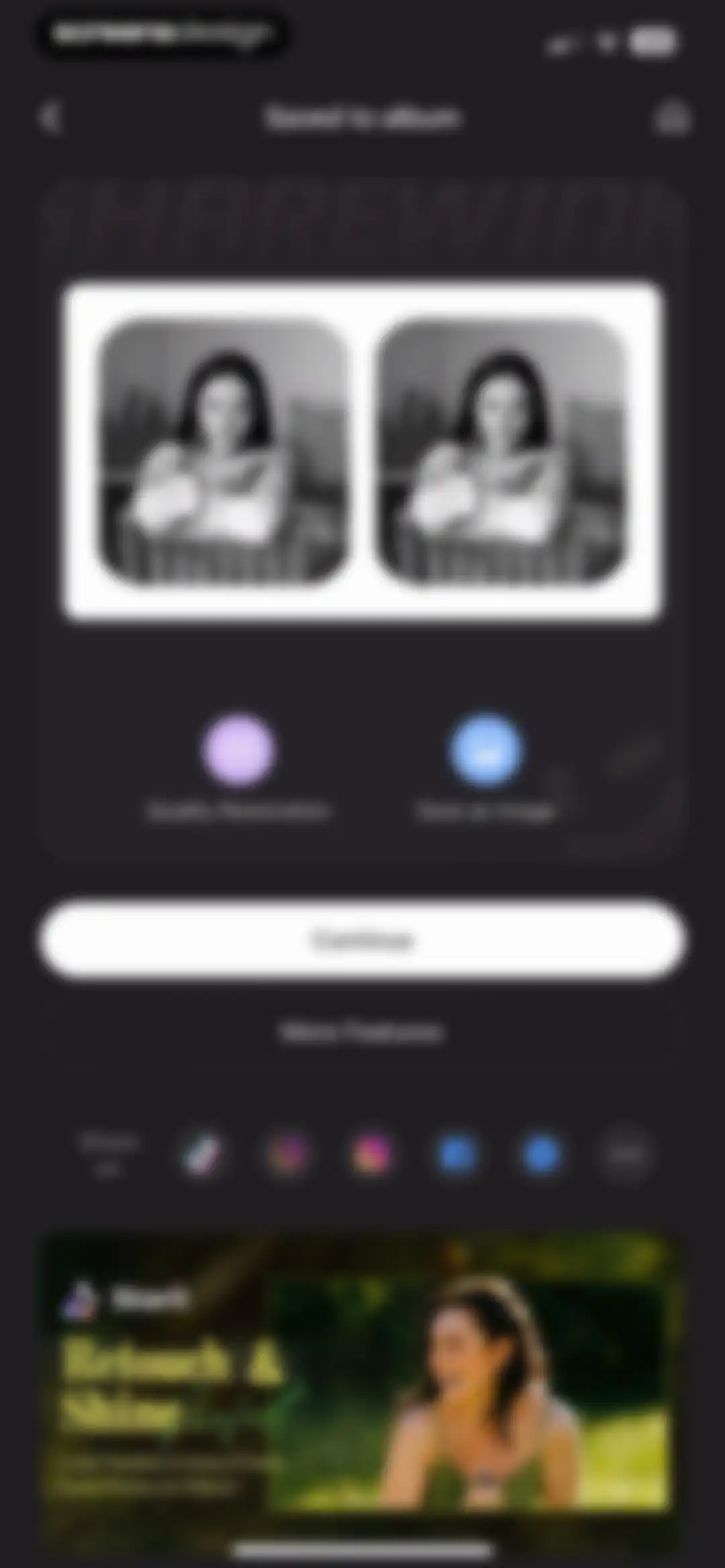
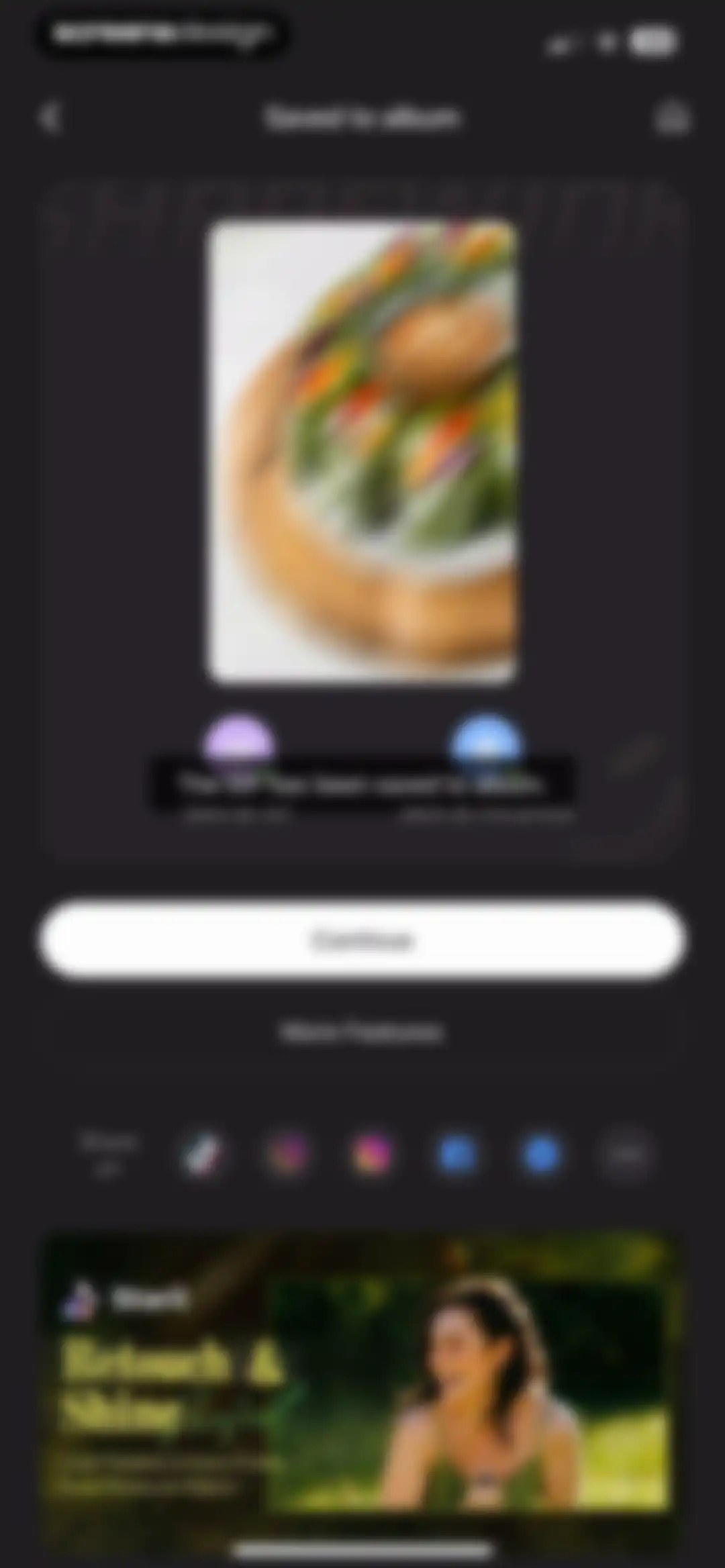
Media export confirmation screen showing a saved message, side-by-side photo preview, action buttons, social sharing row, and a bottom promotional card.Unlock Pro
Editor screen displaying a before-and-after image comparison for quality restoration, with Ultra HD selected in the enhancement filter list and a Try Now button.Unlock Pro
Quality Restoration editor screen with a before and after comparison image, an Animation scenario selected in the grid, and a Try Now button.Unlock Pro
Video editor crop screen with a selected Trial processing mode, a filmstrip timeline, and a confirm button.Unlock Pro
Dashboard showing a recent tasks list with an ongoing animation restoration task currently processing.Unlock Pro
Home screen featuring a dark theme with a top New project button, a grid of AI editing tools, and a bottom navigation bar.Unlock Pro
Cloud processing progress screen showing a generating effect modal at 43 percent with a View later button and bottom editing tools.Unlock Pro
Video editing screen displaying a preview of a plate of spring rolls, effect category tabs with Motion selected, and a bottom thumbnail carousel.Unlock Pro
Media export confirmation screen showing a saved photo preview, format selection options, social sharing icons, and a Starii promotional card at the bottom.Unlock Pro
Post-export success screen with a central rating modal asking Enjoying Wink, featuring five star icons, Cancel and Submit buttons, and a bottom promotional card.Unlock Pro
Feedback confirmation modal with a five-star rating, Write a Review link, and an OK button over a saved video screen.Unlock Pro
Share sheet modal displaying app icons and action options over a central video preview with a saved to album confirmation.Unlock Pro
Export confirmation screen showing a saved photo preview, live photo format selected, and continue and share options.Unlock Pro
Video export settings screen in Wink with a dark theme, displaying resolution and frame rate options, an estimated file size, and a Save button.Unlock Pro
Media save confirmation screen displaying a success message, social sharing options, stacked action buttons, and a bottom promotional banner.Unlock Pro
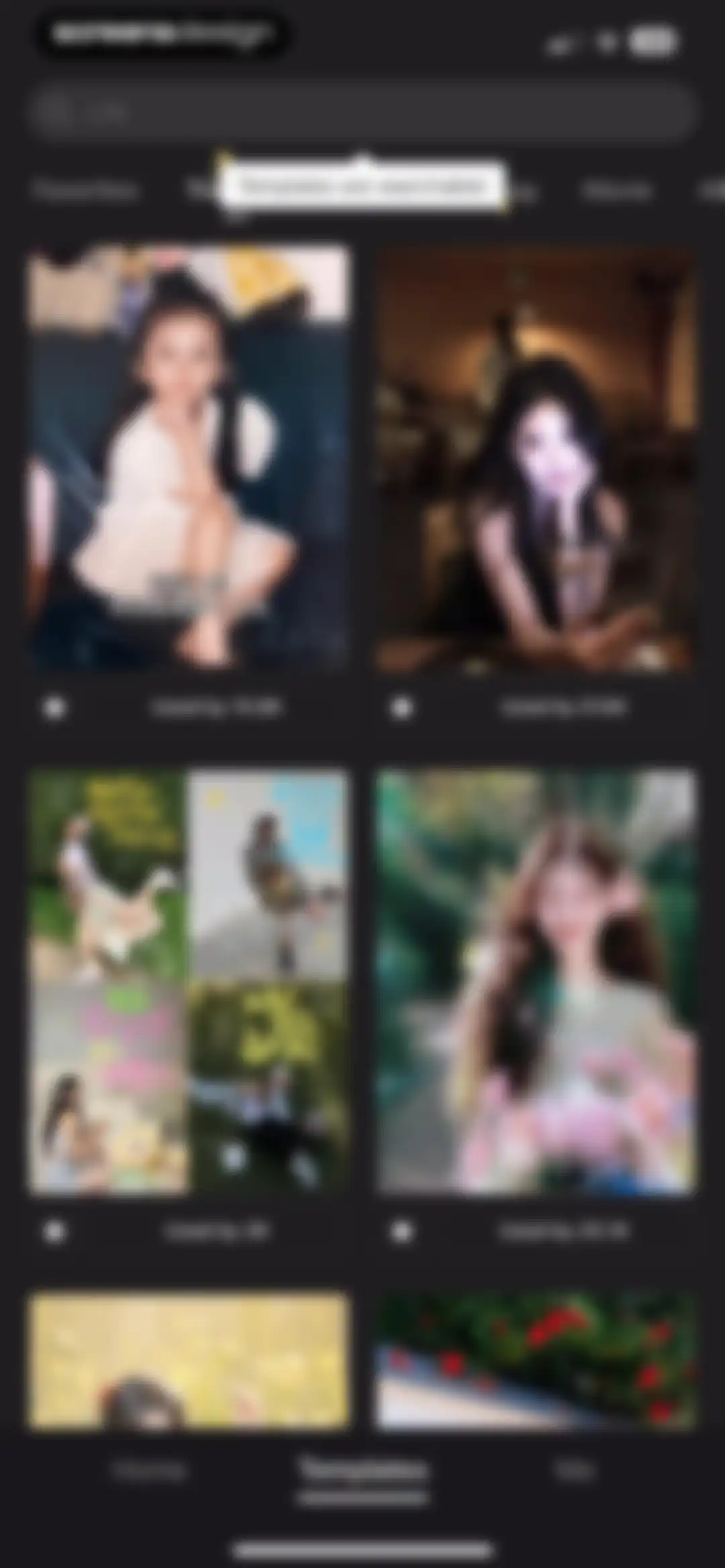
Template discovery feed displaying a search bar, category tabs, and a grid of video template cards with usage counts.Unlock Pro
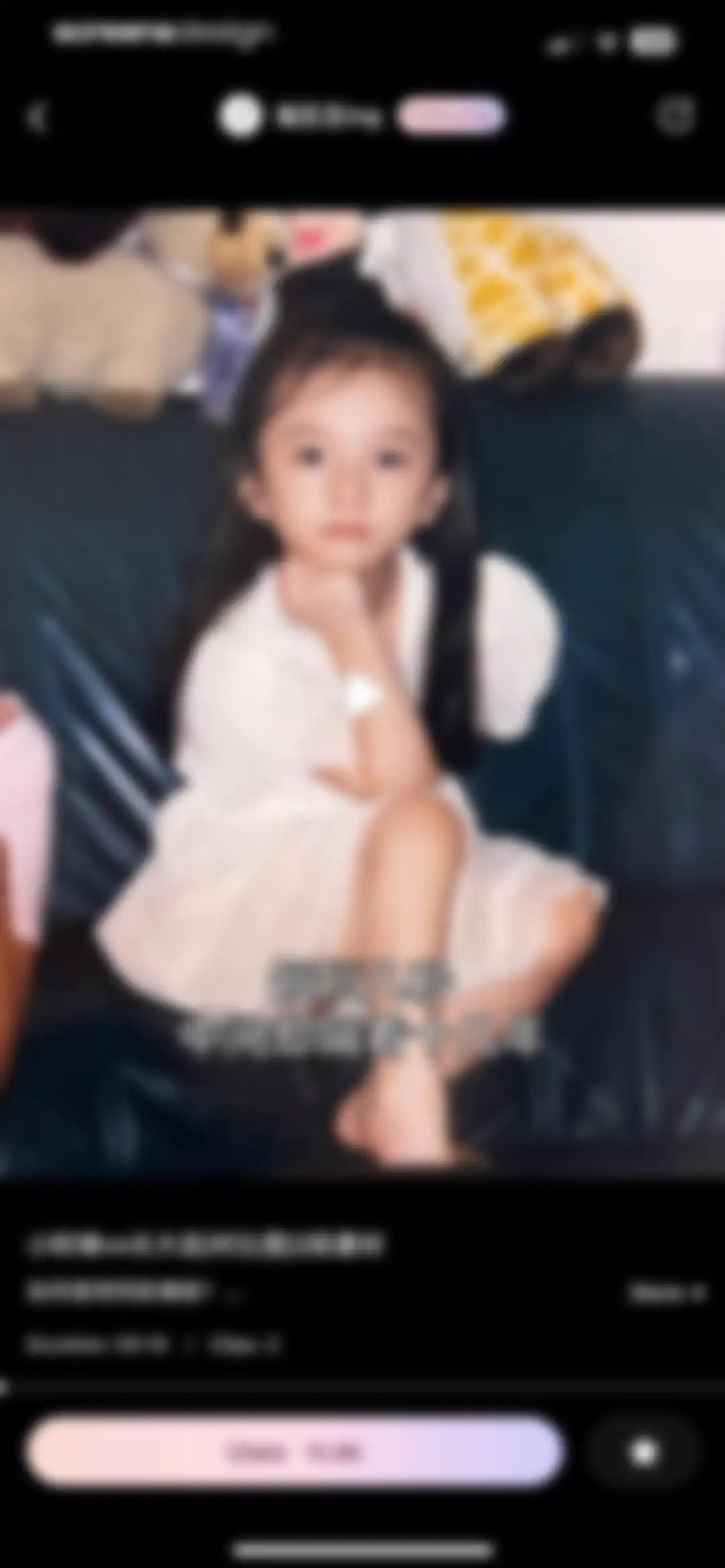
Video template preview screen displaying a childhood versus adulthood comparison clip, usage statistics, and a template application button.Unlock Pro
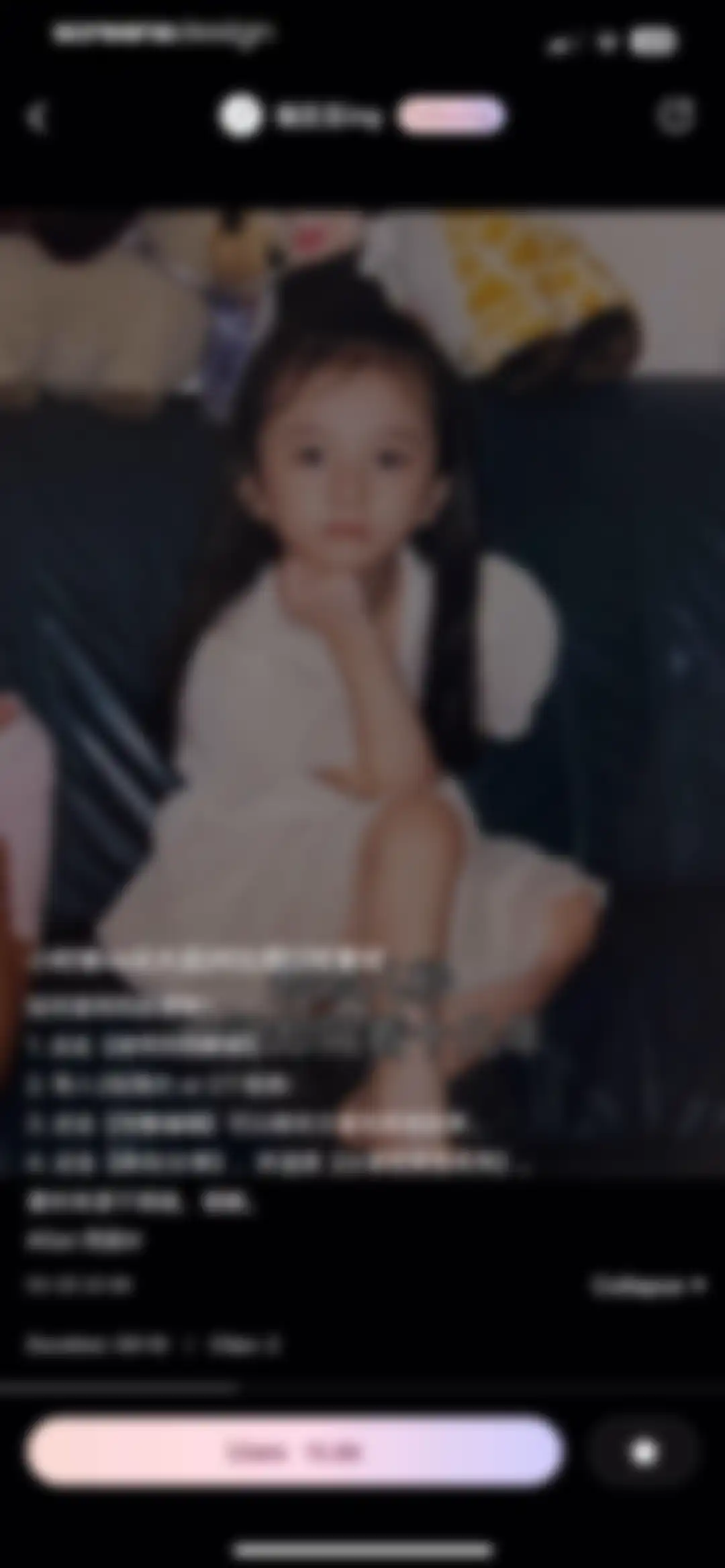
Video template preview screen with instructional text overlay, metadata, and a bottom action button to use the template.Unlock Pro
Video player interface with a share modal overlay displaying social media sharing options and utility actions like download and report.Unlock Pro
Video template preview screen displaying a childhood versus adulthood comparison clip, template metadata, and a Use template action button.Unlock Pro
User profile displaying stats, a Following button, and a masonry grid of favorited video templates with usage counts.Unlock Pro
User profile screen with stats and a content grid, featuring an open share bottom sheet overlay with social platform options.Unlock Pro
Media picker screen displaying a grid of photos and videos with two items selected and a Done button.Unlock Pro
Template gallery featuring a dark masonry grid of video templates, horizontal category tabs, and usage counters.Unlock Pro
Search results page with a dark theme displaying a two-column masonry grid of nature-themed video cards and a top search bar.Unlock Pro
Video template preview screen displaying a coastal road video, creator details, template usage count, and an action button to use the template.Unlock Pro
Template gallery featuring a two-column grid of video templates, horizontal category tabs, a search bar at the top, and the Templates tab selected in the bottom navigation.Unlock Pro
Profile screen in the Wink app with a dark theme, displaying credits, a VIP trial banner, empty drafts state, and a create button.Unlock Pro
Credit purchase screen displaying a current balance of 100 credits, a popular 200-credit plan selected, and a top-up button.Unlock Pro
Transaction history screen with the Received tab selected, showing a restore purchases record of plus 100 and a back button.Unlock Pro
Empty state screen titled Details with Received and Spent tabs, displaying a No data message in the center.Unlock Pro
Followers empty state screen in the Wink app, displaying a center illustration and the text No followers yet.Unlock Pro
Following list screen in dark mode displaying five user accounts with avatars and Following buttons, ending with a No more items message.Unlock Pro
Following list screen with a centered confirmation modal asking to unfollow, featuring Cancel and Unfollow buttons.Unlock Pro
Wink VIP subscription management profile screen with a feature carousel, settings list, and expiration date status bar.Unlock Pro
Help and feedback screen with a search bar, categorized FAQ items, and a bottom navigation bar with history, feedback, and chat buttons.Unlock Pro
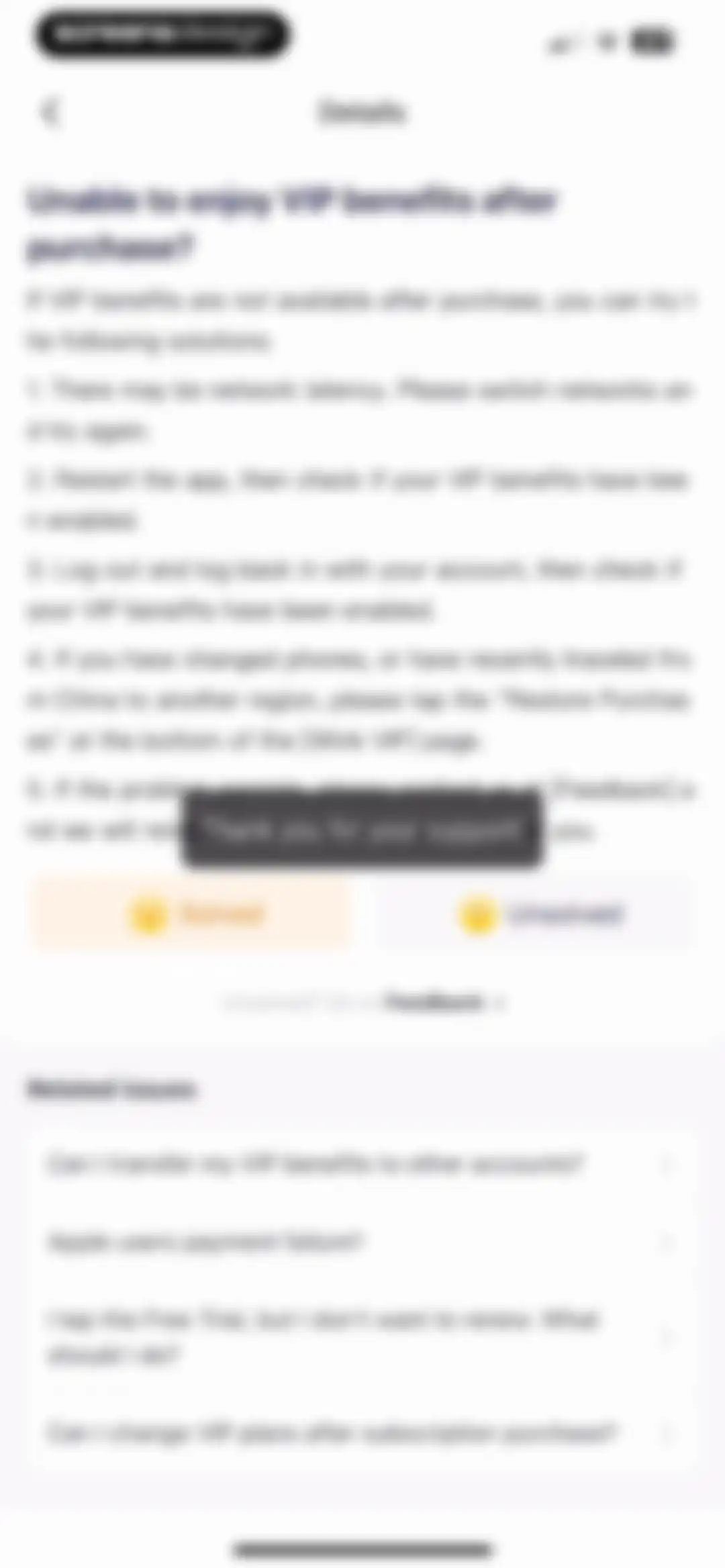
Help article detailing troubleshooting steps for missing VIP benefits, with feedback buttons and related FAQ links.Unlock Pro
Wink app privacy policy screen displaying the legal text and last modified date under a top navigation bar.Unlock Pro
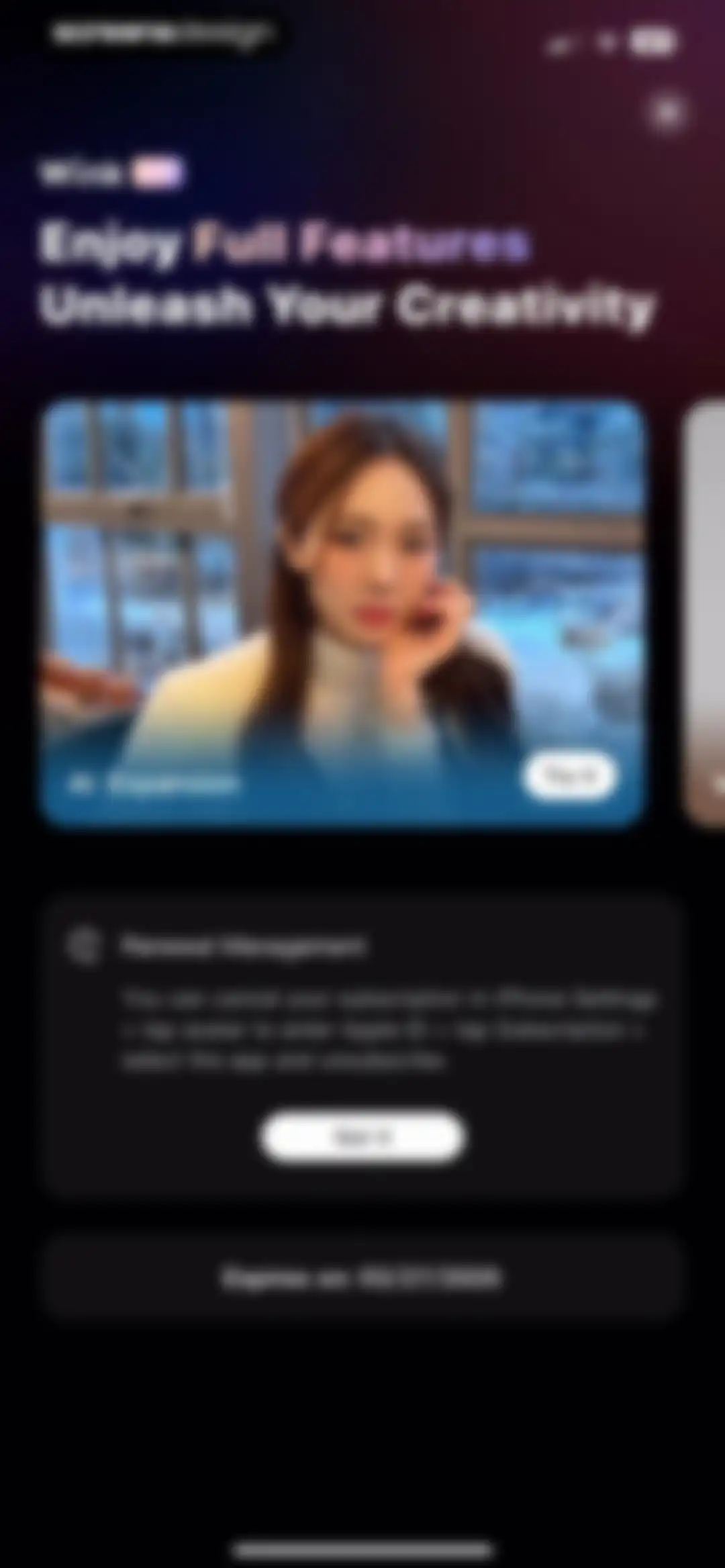
Subscription management screen showing renewal instructions, an expiration date of 03/27/2025, and a Got it confirmation button.Unlock Pro
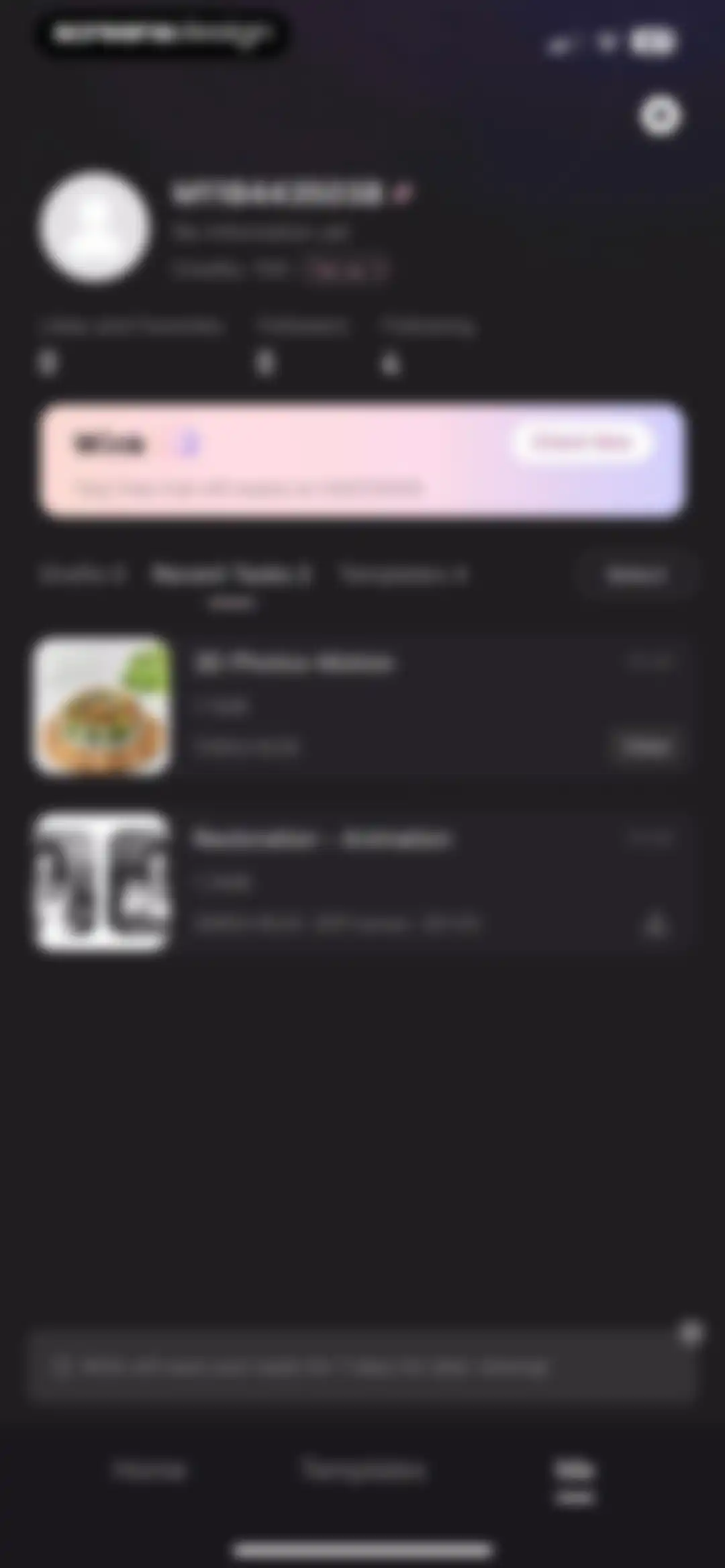
User profile screen displaying a credit balance of 100, a VIP promotion banner, and a list of recent video editing tasks with view options.Unlock Pro
Video editor screen showing a spring rolls preview, with the Motion effect tab selected and a bottom thumbnail carousel containing a VIP badge.Unlock Pro
Confirmation modal titled Discard changes with Cancel and Confirm buttons, overlaid on a video editing workspace.Unlock Pro
User profile screen for Wink showing account details, a VIP trial banner, and a task list with one item selected and a delete action.Unlock Pro
Profile screen with a task deletion confirmation modal asking to delete this task with Cancel and Delete buttons.Unlock Pro
Profile screen with a user header, VIP banner showing free trial details, and a grid of video templates with usage counts.Unlock Pro
Settings screen featuring grouped list options for account management, support, and storage cleanup, with the app version at the bottom.Unlock Pro
Account and Security settings screen displaying a profile header with a VIP badge, a list of security options, and a bottom log out button.Unlock Pro
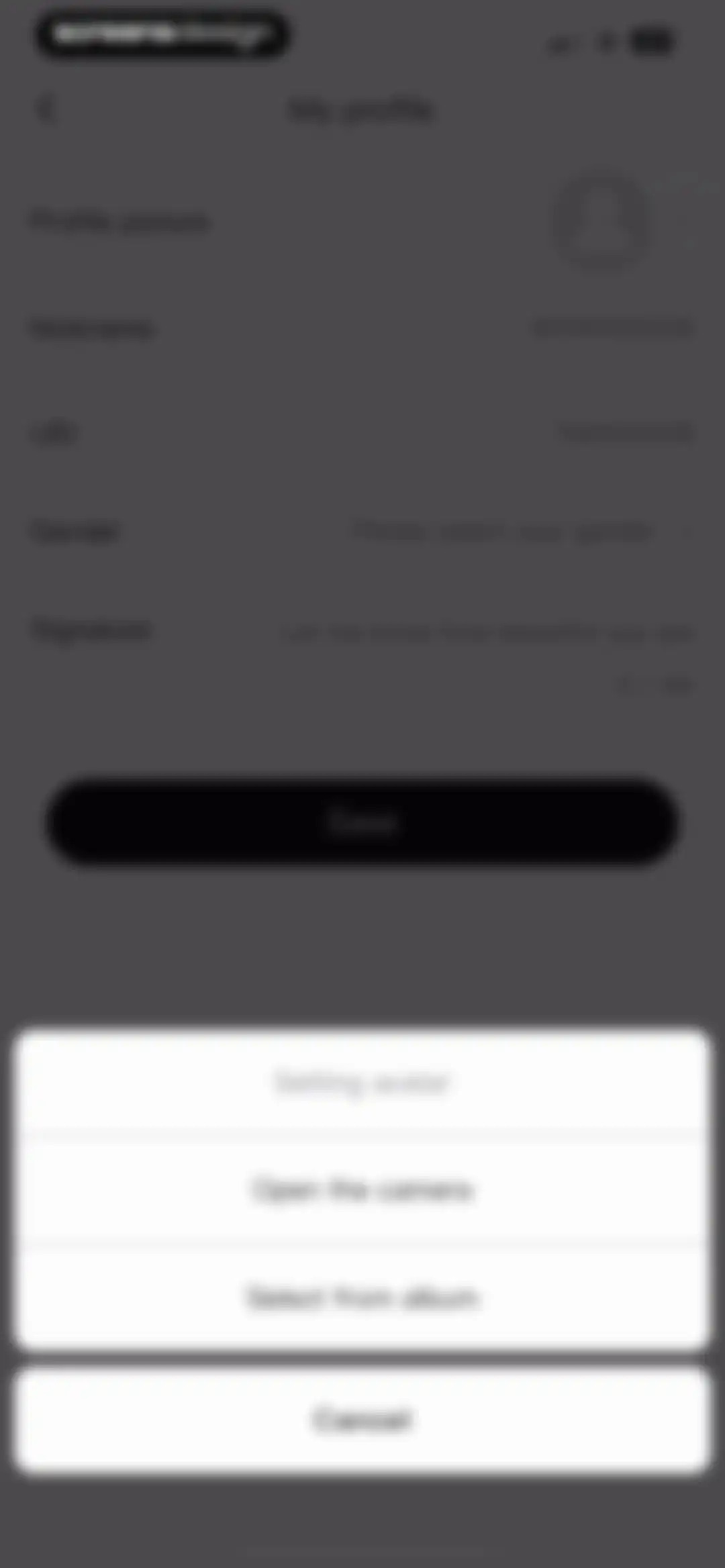
User profile editing screen displaying fields for profile picture, nickname, UID, gender, and signature, with a bottom Save button.Unlock Pro
Profile settings screen with a bottom-aligned avatar selection modal overlay displaying camera, album, and cancel options.Unlock Pro
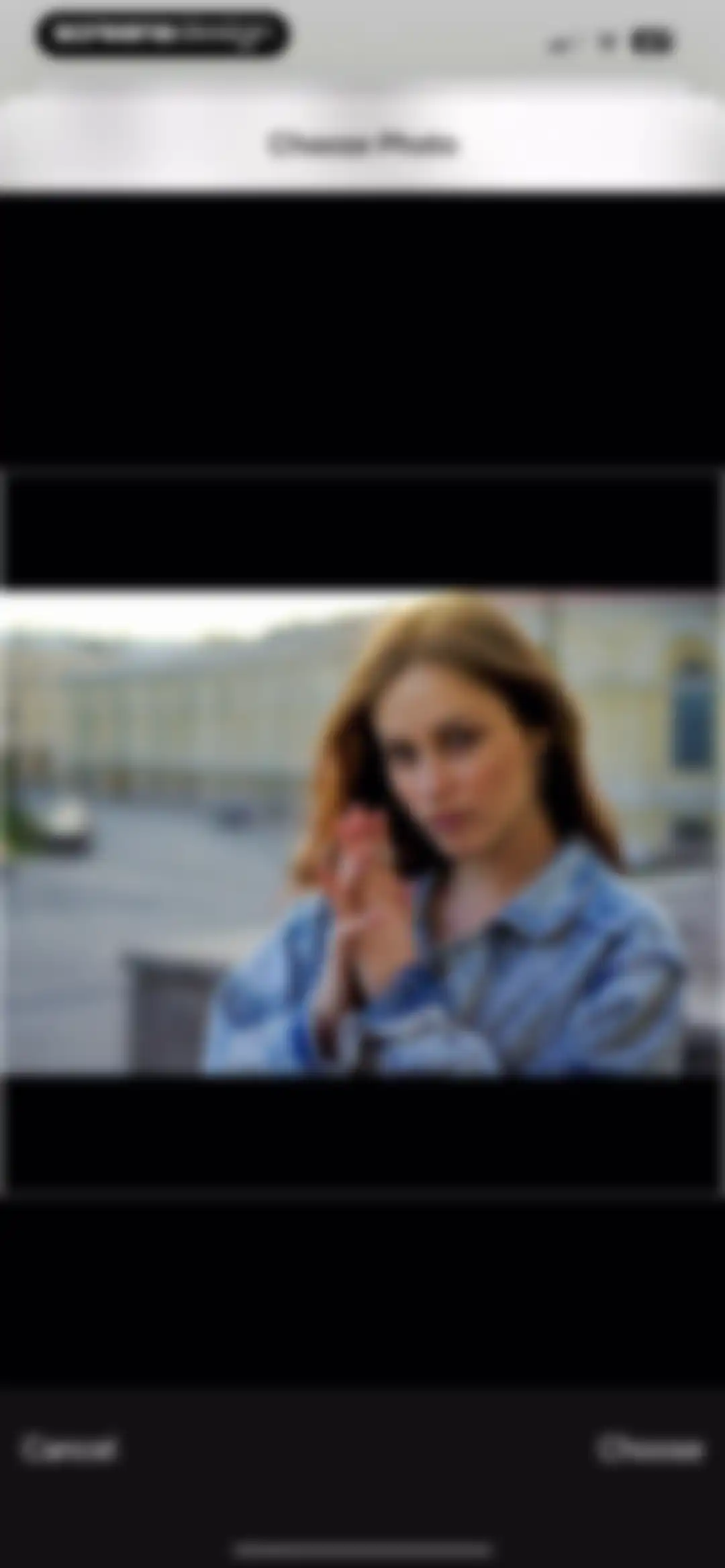
Wink photo picker modal displaying a preview of a woman's portrait with Cancel and Choose buttons.Unlock Pro
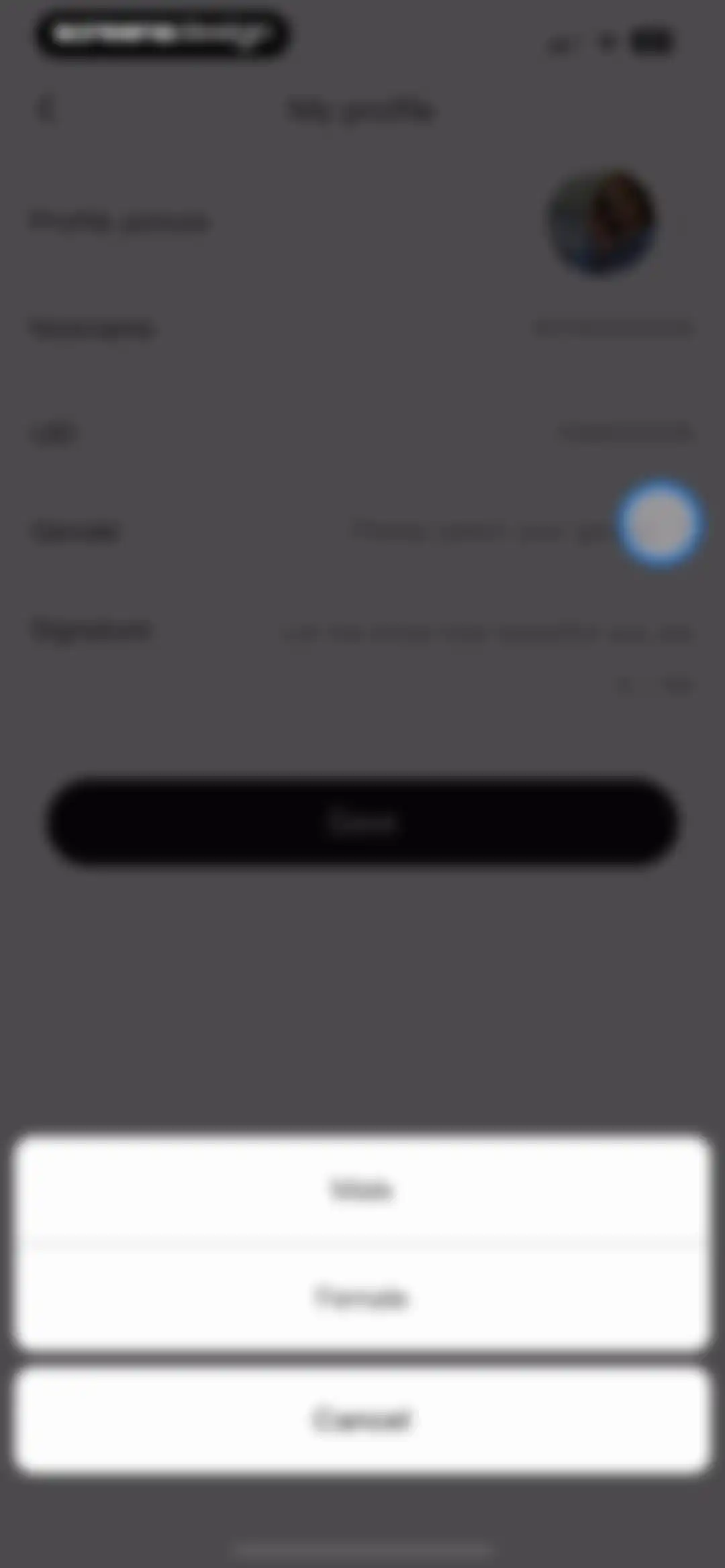
Profile settings form with a bottom modal displaying gender options and a save button.Unlock Pro
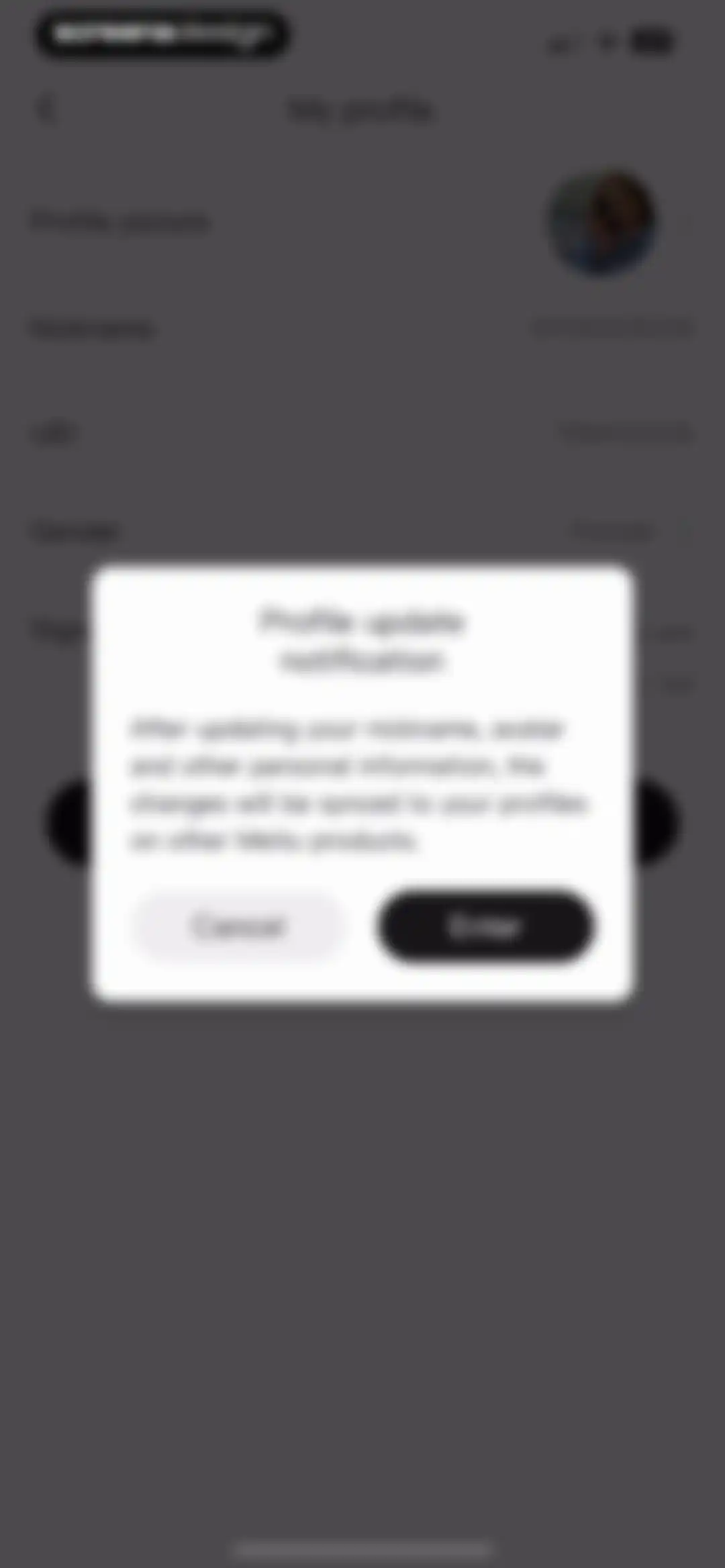
Profile settings screen displaying a confirmation modal about syncing personal information changes across Meitu products, with Cancel and Enter buttons.Unlock Pro
Profile settings screen displaying editable account fields and a centered confirmation modal stating saved successfully.Unlock Pro
Phone number settings screen in the Wink app, showing an unlinked status and an option to bind a phone number.Unlock Pro
Third-Party Account Binding settings screen with a vertical list of social and email login options including Facebook, Google, and Email.Unlock Pro
Change password verification screen in Wink with an empty current password field, a disabled Verification button, and a Forget password link.Unlock Pro
Meitu Security Center settings list displaying login history, security level with three risks, account protection, and cancel account options.Unlock Pro
Login history settings screen in the Wink app showing past session details for an iPhone device and a Change password link.Unlock Pro
Login details screen displaying device information, last login time, and IP address for the Wink app with a bottom back button.Unlock Pro
Security level settings screen displaying a security status illustration and a list of three risks with action buttons.Unlock Pro
Account protection settings screen with a toggle switch, explanatory text, and options to link a trusted mobile number and view trusted devices.Unlock Pro
Account protection settings page featuring a modal overlay with an attention message and Enter and Cancel buttons.Unlock Pro
Account cancellation settings screen with options to cancel the current app account or MTid, including data deletion warnings.Unlock Pro
Account cancellation warning screen detailing data deletion consequences and MTid notices, with Next and Cancel buttons.Unlock Pro
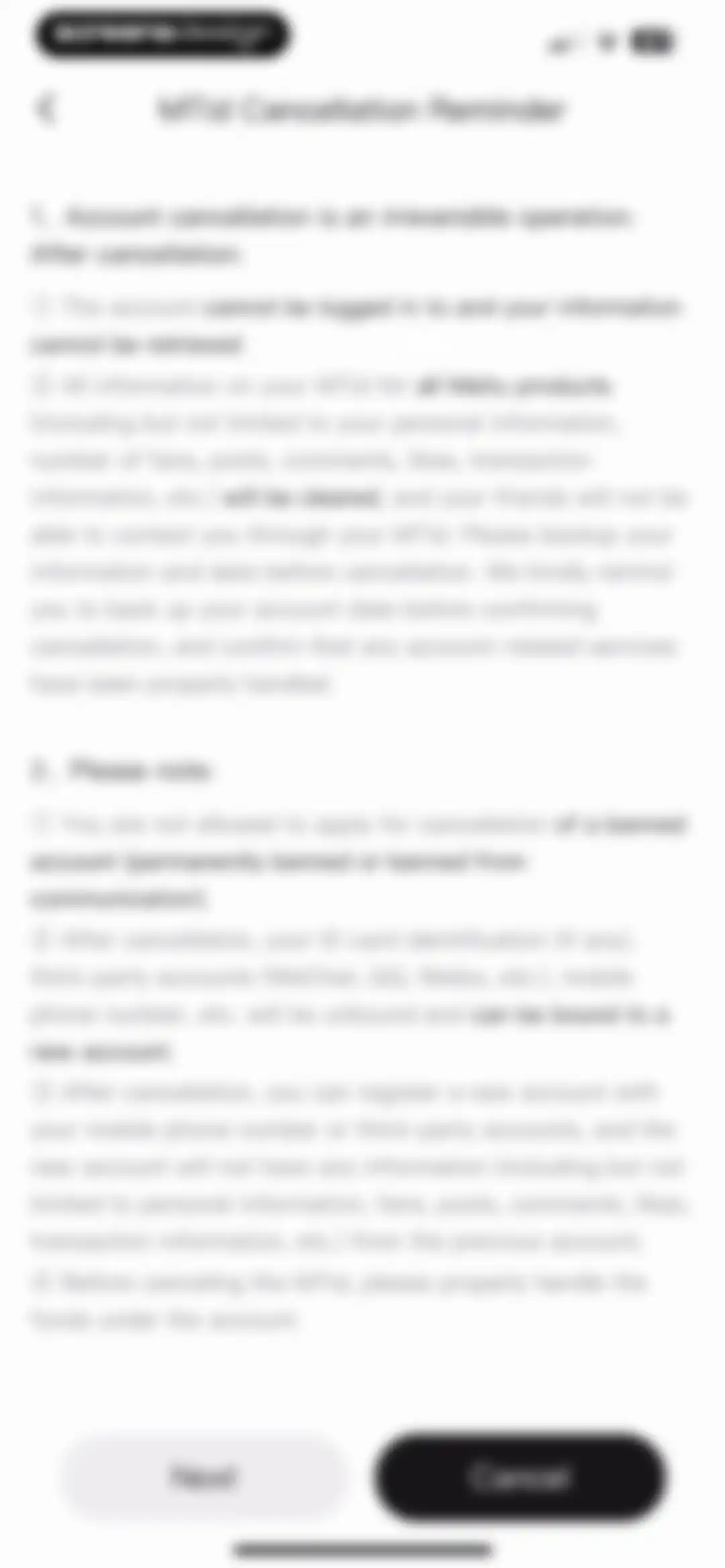
Account cancellation reminder screen detailing irreversible consequences with Next and Cancel buttons at the bottom.Unlock Pro
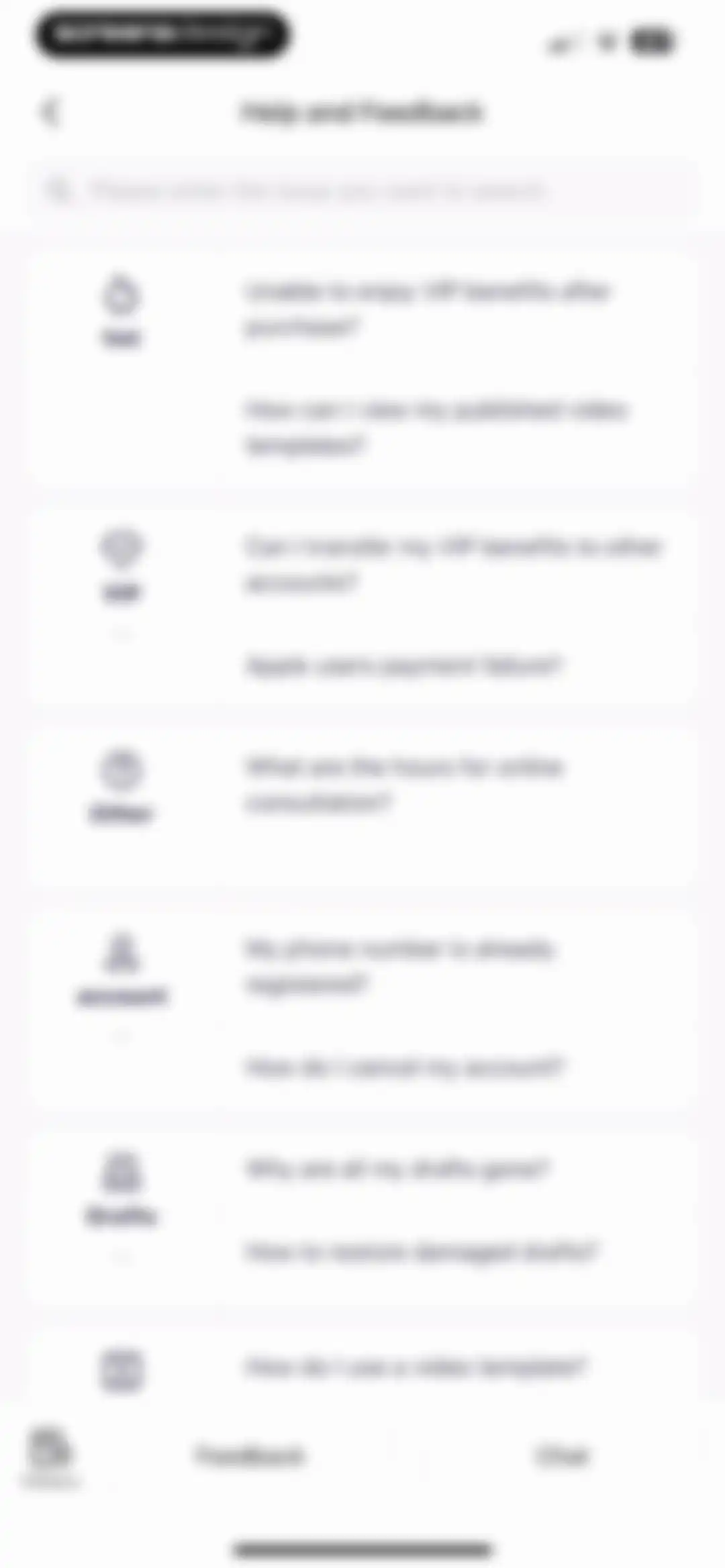
Help and feedback screen displaying a search bar and a categorized list of FAQs about VIP benefits, accounts, and drafts, with a bottom navigation bar.Unlock Pro
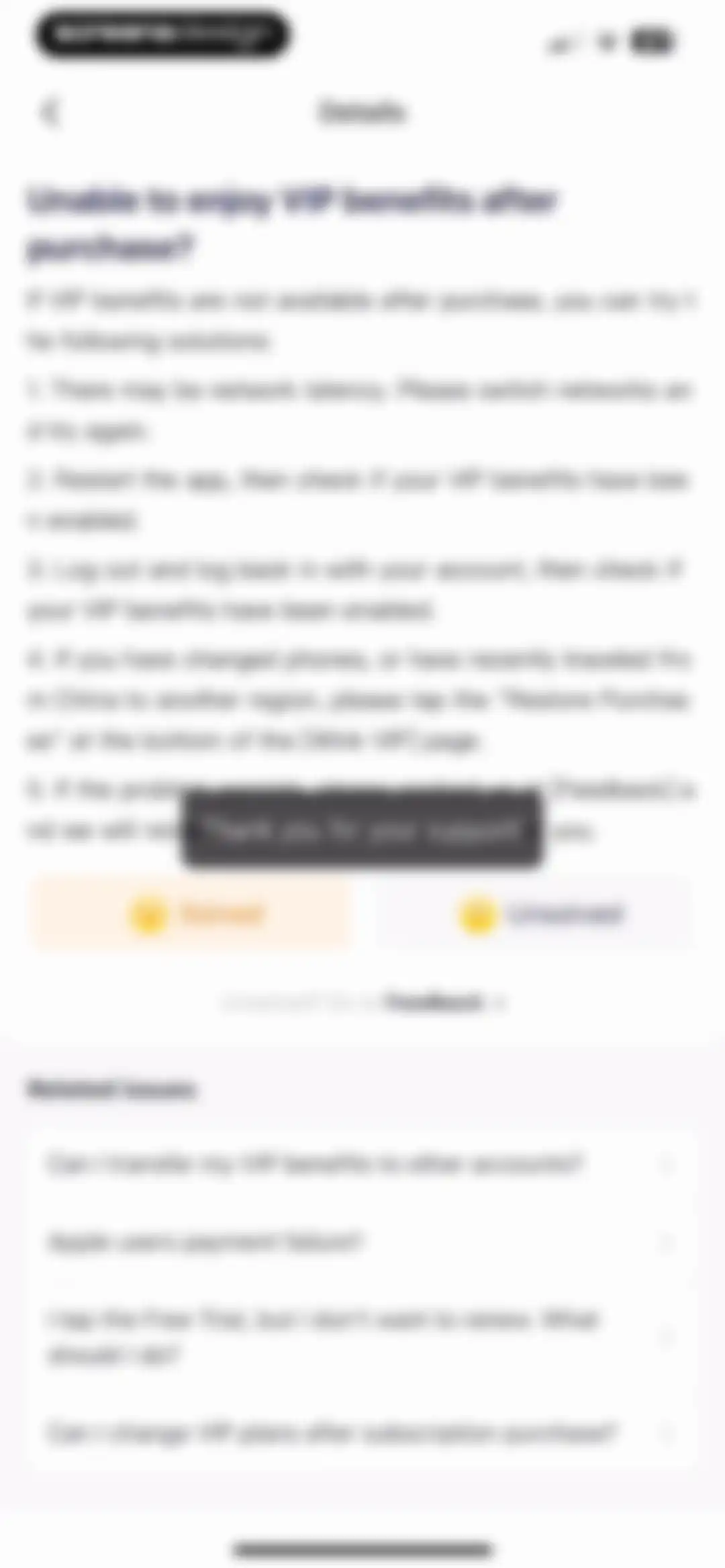
Help screen detailing troubleshooting steps for missing VIP benefits, including feedback buttons and related FAQ links.Unlock Pro
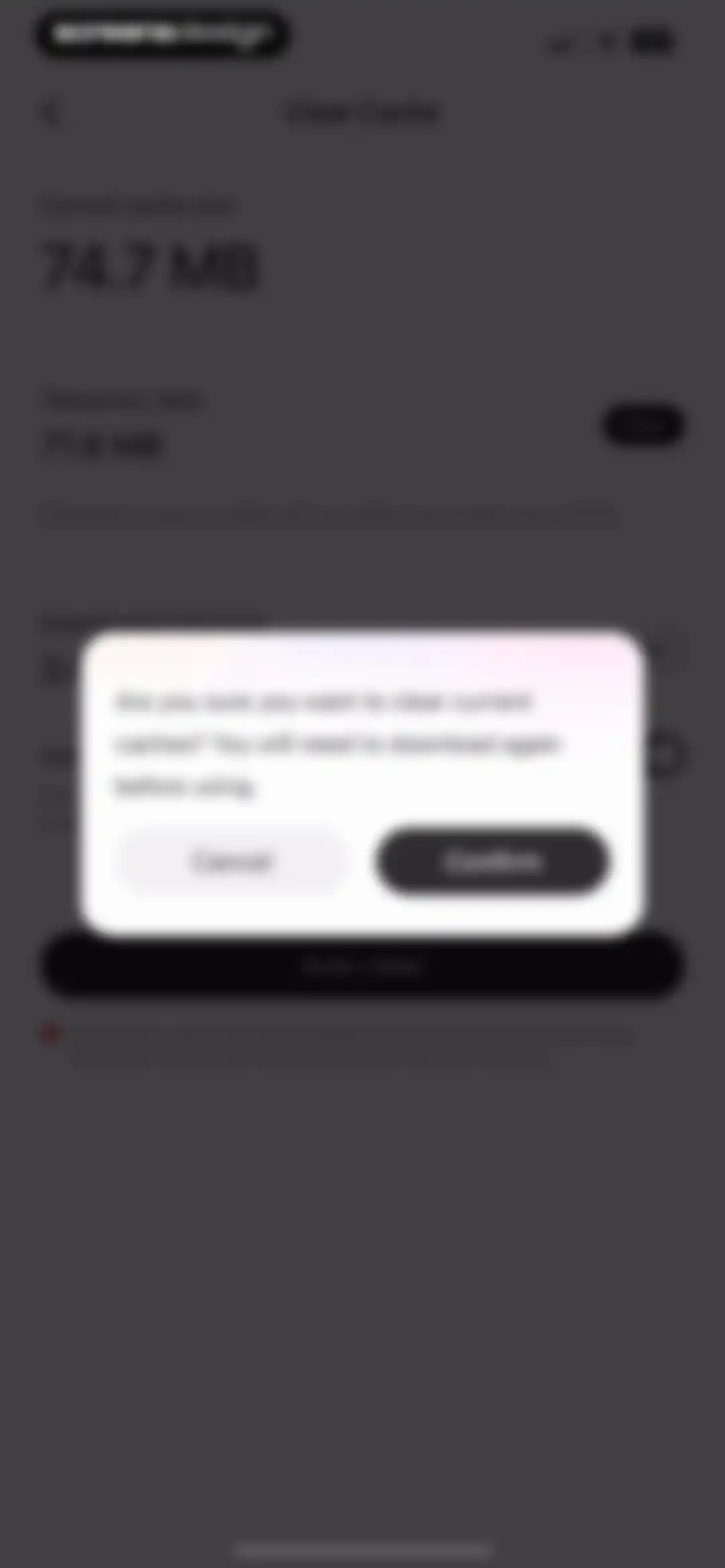
Cache settings screen in the Wink app with a confirmation modal asking if you are sure you want to clear current caches, featuring Cancel and Confirm buttons.Unlock Pro
Wink app cache settings screen displaying current cache size of 5 KB with an Auto-clear action button and warning footer.Unlock Pro
Privacy and Notifications settings screen with a notifications toggle switch and options for ad recommendations and cloud beautification.Unlock Pro
Settings screen for personalized ad recommendations, featuring an explanatory privacy card with a toggle switch in the disabled position.Unlock Pro
Cloud Beautification Authorization settings screen with a single Image to Video toggle switch and an information icon.Unlock Pro
Legal information settings screen with a sparse list containing links for Terms of Service and Privacy Policy.Unlock Pro
Terms of Service screen for the Wink app displaying legal agreement text and the last modified date.Unlock Pro
Privacy policy document screen for the Wink app displaying the legal text and last modified date.Unlock Pro
Settings screen titled Open Font License displaying a vertical list of selectable font items with right chevrons.Unlock Pro
Legal document viewer displaying the SIL Open Font License text for Noto Sans Traditional Chinese with a back button.Unlock Pro

About Wink: Video Enhancer & Editor

An AI-powered video and photo enhancement tool that restores quality, upscales to 4K, and provides professional-grade retouching and editing features.

Explore Wink: Video Enhancer & Editor across ScreensDesign

Apps similar to Wink: Video Enhancer & Editor

Unlock all similar apps

See every comparable app, revenue, installs, and flows.

Unlock Pro
  • Meitu AI Photo & Video Editor

    4.8
    Xiamen Meitu Technology Co., Ltd.Revenue$15MInstalls3M
  • Vivid - AI Photo Enhancer

    4.5
    Winroad Holdings LimitedRevenue$<5kInstalls<5k
  • YouCam Video: AI Video Editor

    4.7
    PERFECT MOBILE CORP.Revenue$150kInstalls65k
  • Uplens: Photo & Video Editor

    4.9
    MPGamesRevenue$150kInstalls65k
  • VideoShow AI Video Editor

    4.7
    VIDEOSHOW PTE. LTD.Revenue$30kInstalls14k
  • VivaVideo - Video Cut & Editor

    4.8
    QuVideo Inc.Revenue$450kInstalls50k
  • Edit Up: AI Photo Video Editor

    4.6
    Debotosh DeyRevenue$13kInstalls<5k
  • EPIK - AI Photo & Video Editor

    4.7
    SNOW CorporationRevenue$850kInstalls500k
  • Ritmo Video: AI Video Generate

    4.6
    Guangzhou Dianwan Network Technology Co., Ltd.Revenue$<5kInstalls<5k
  • Airbrush: Face Photo Editor

    4.8
    Pixocial Technology (Singapore) Pte. Ltd.Revenue$4MInstalls550k
  • YouCam Enhance: AI Photo&Video

    4.6
    PERFECT MOBILE CORP.Revenue$30kInstalls7k
  • Ulike - Define trendy selfie

    4.7
    Bytedance Pte. LtdRevenue$100kInstalls55k
  • Visify: AI Photo Generator

    4.7
    GM UniverseApps LimitedRevenue$150kInstalls<5k
  • Woola-AI photo intelligent

    4.6
    Beijing Tiger Creative Technology Co., LtdRevenue$45kInstalls10k
  • Pixnova: AI Photo&Video Maker

    4.6
    Runtopia Technology Co.Revenue$100kInstalls20k
  • AI Video Editor - VidMa Cut AI

    4.6
    Atlasv Global Pte. Ltd.Revenue$55kInstalls70k
  • Beauty Editor: Blemish Remover

    4.6
    MS. Face Editor Tune Beauty Camera Plus Selfie Makeup CamRevenue$<5kInstalls<5k
  • VoKit - Image Effects Creator

    4.6
    韵迪 林Revenue$11kInstalls<5k
  • InShot - Video Editor

    4.8
    SHANTANU PTE. LTD.Revenue$1MInstalls1.3M
  • Rizo: AI Viral Video Generator

    4.7
    SEAMOBI TECH PTE LTDRevenue$<5kInstalls<5k
  • Everlook- Face & Body Editor

    4.6
    Alpha Mobile LimitedRevenue$15kInstalls<5k
  • Persona: Beauty Camera

    4.8
    Ticket To The Moon, Inc.Revenue$1MInstalls650k
  • MalibooMake

    4.8
    ANASTASIYA KALINOUSKAYARevenue$75kInstalls30k
  • FunMe: AI Face Photo Animator

    4.6
    Estella HaRevenue$<5kInstalls<5k
  • AI Photo Video Editor, Enhance

    4.6
    COOL SUMMER LIMITEDRevenue$600kInstalls50k
  • YouCam Perfect:AI Photo Editor

    4.8
    PERFECT MOBILE CORP.Revenue$800kInstalls250k
  • PicPlayPost: Video Editor

    4.8
    Mixcord Inc.Revenue$85kInstalls<5k
  • Gradient: You Look Like

    4.3
    Ticket To The Moon, Inc.Revenue$55kInstalls13k
  • AI Face Changer

    4.2
    Jiaxing Eleven Technology Co., LtdRevenue$<5kInstalls<5k
  • Video Up! Video Editor & Maker

    4.6
    Video editor & maker appRevenue$850kInstalls50k
  • Enkio AI Music Video Generator

    4.3
    YEABO LIMITEDRevenue$100kInstalls<5k
  • Facelab: Face & Body Editor

    4.6
    IRONTECH LIMITEDRevenue$750kInstalls150k
  • ChicFace: AI Art Photo Editor

    4.3
    Lioncity LimitedRevenue$<5kInstalls<5k
  • BeautyUp-AI Face & Body Editor

    4.7
    EXITEK LTDRevenue$300kInstalls80k
  • PowerDirector: AI Video Editor

    4.6
    CyberLinkRevenue$150kInstalls30k
  • Guma-AI Photo Video Editor

    4.3
    嶂琪 陶Revenue$55kInstalls20k
  • Splice - Video Editor & Maker

    4.6
    Bending Spoons Apps ApSRevenue$2.8MInstalls50k
  • Fast Cleaner - Clean Storage !

    4.5
    Lynoda Media, Inc.Revenue$7kInstalls<5k
  • FaceAi: Face Swap Any Video

    4.2
    Koi AppsRevenue$75kInstalls<5k
  • YouCam Makeup: Face Editor

    4.7
    PERFECT MOBILE CORP.Revenue$850kInstalls150k
  • MakeupPlus- AI Portrait

    4.6
    MeituEve International LimitedRevenue$65kInstalls5k
  • Shots: Photo & Video Generator

    4.5
    DeePix AIRevenue$150kInstalls5k
  • BeautyPlus-Selfie Photo Editor

    4.8
    Pixocial Technology (Singapore) Pte. Ltd.Revenue$2.3MInstalls450k
  • Retouch Me: Face Editor, Tune

    4.4
    Good Retouch LPRevenue$200kInstalls<5k
  • Vixer: AI Video Editor & Maker

    4.7
    Popixels Ltd.Revenue$150kInstalls<5k
  • Miracle-AI Avatar&Photo Editor

    4.5
    Natuas LabsRevenue$<5kInstalls<5k
  • Peachy - AI Face & Body Editor

    4.9
    SHANTANU PTE. LTD.Revenue$300kInstalls400k