VLLO- Video Editor, Vlog Edits

$350k revenue, 4.8 rating

App Tracking Transparency Prompt
0:00 / 15:45

Onboarding flow, Paywall & Inside the App

Watch the full screen-by-screen UX video of VLLO- Video Editor, Vlog Edits with onboarding, paywall, and every core flow.

App splash screen displaying the VLLO brand logo on a dark background with copyright information at the bottom.
Permissions modal overlaying a video editing app dashboard with a feature carousel and New Project button.
Permissions screen displaying a system notification prompt with Allow and Don't Allow options over a dark video editor dashboard.
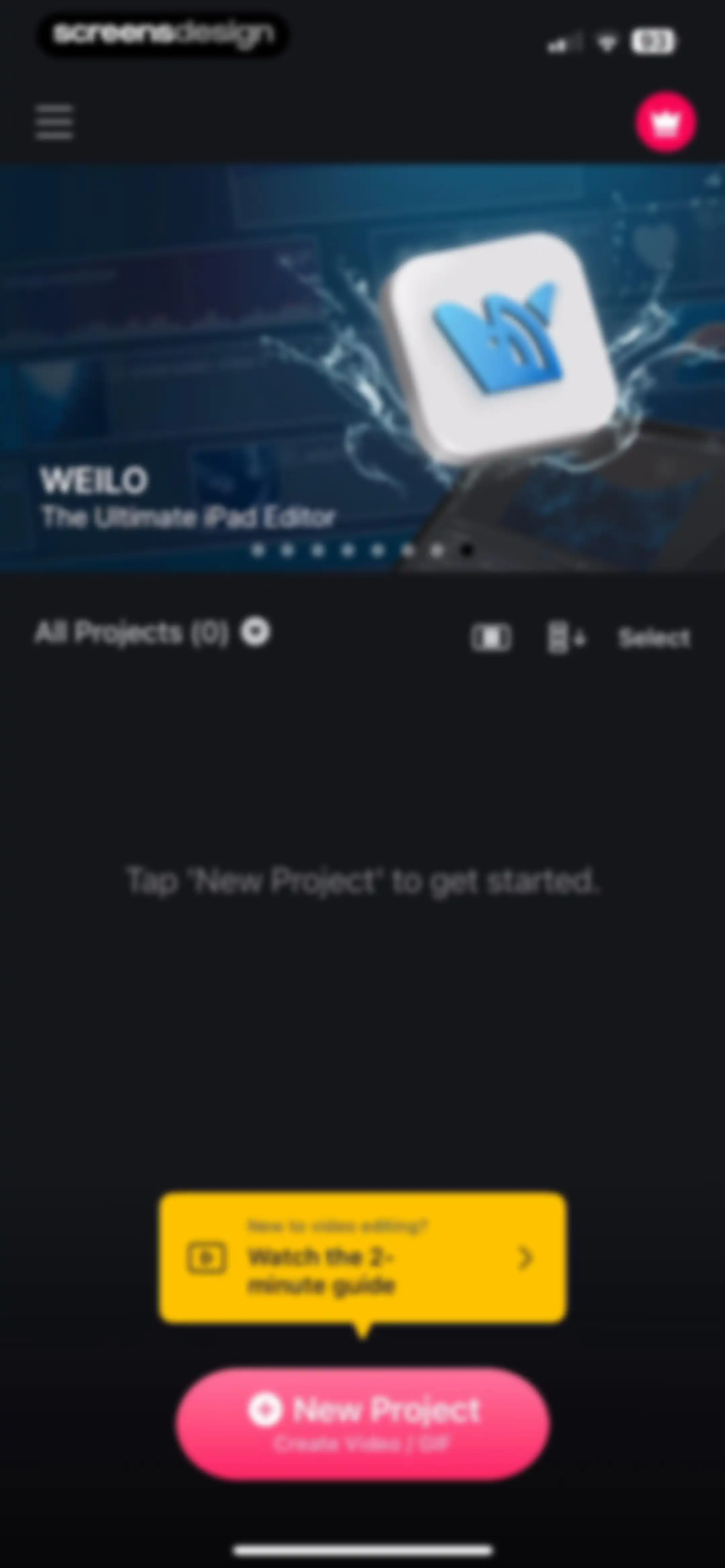
Video editor home screen showing an empty project list, an AI feature carousel, a tutorial card, and a New Project button.
Home screen showing an empty project state with a top feature carousel, a tutorial card, and a New Project button.
Home screen showing an empty project list with a feature carousel, a tutorial card, and a New Project button.
VLLO home screen showing an empty project list, a top promotional carousel for templates, a tutorial guide card, and a New Project button.
Home screen of the VLLO video editing app showing an empty project list, a promotional template carousel, a beginner tutorial card, and a New Project button.
Video editor home screen showing an empty project list with a promotional carousel, a tutorial guide card, and a New Project button.Unlock Pro
Tutorial screen displaying a quick guide card for editing beginners, with the Function tab selected and a bottom navigation bar.Unlock Pro
Tutorial screen featuring a central video player for VLLO Basics with the Function tab selected and a bottom navigation bar.Unlock Pro
Tutorial overlay in the VLLO app with instructional text and a video demonstration of a tennis player.Unlock Pro
Tutorial screen in VLLO displaying a list of video tutorials with the Function tab selected and a central tutorial modal.Unlock Pro
Tutorial screen displaying a video on exporting video with a dark theme and an overlay settings menu.Unlock Pro
Video tutorial screen with a Subtitles/CC language selection modal overlay, showing English selected with a checkmark.Unlock Pro
Tutorial screen displaying a playback speed modal with a list of speed options over a video player and bottom navigation.Unlock Pro
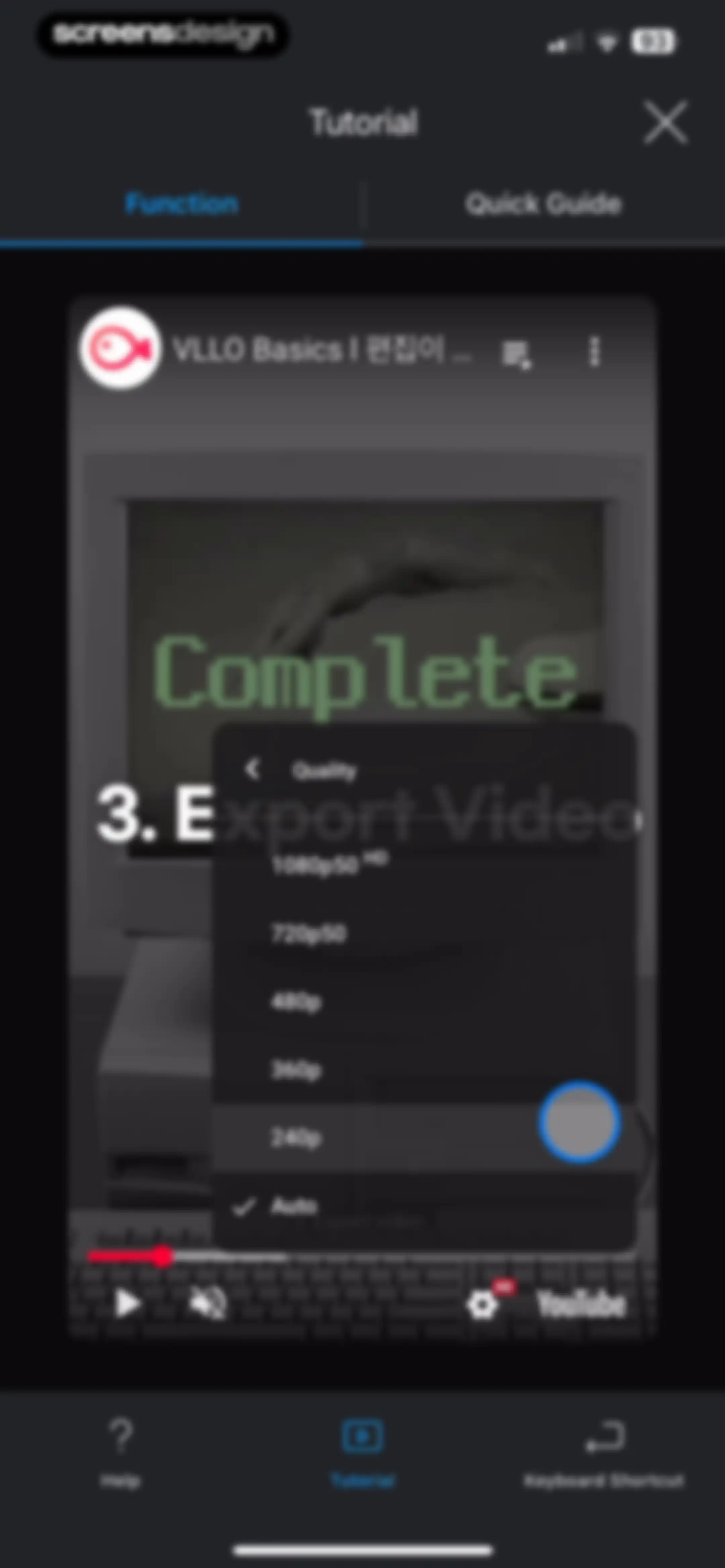
Tutorial screen with a quality selection modal showing a list of video resolution options and the 240p setting selected.Unlock Pro
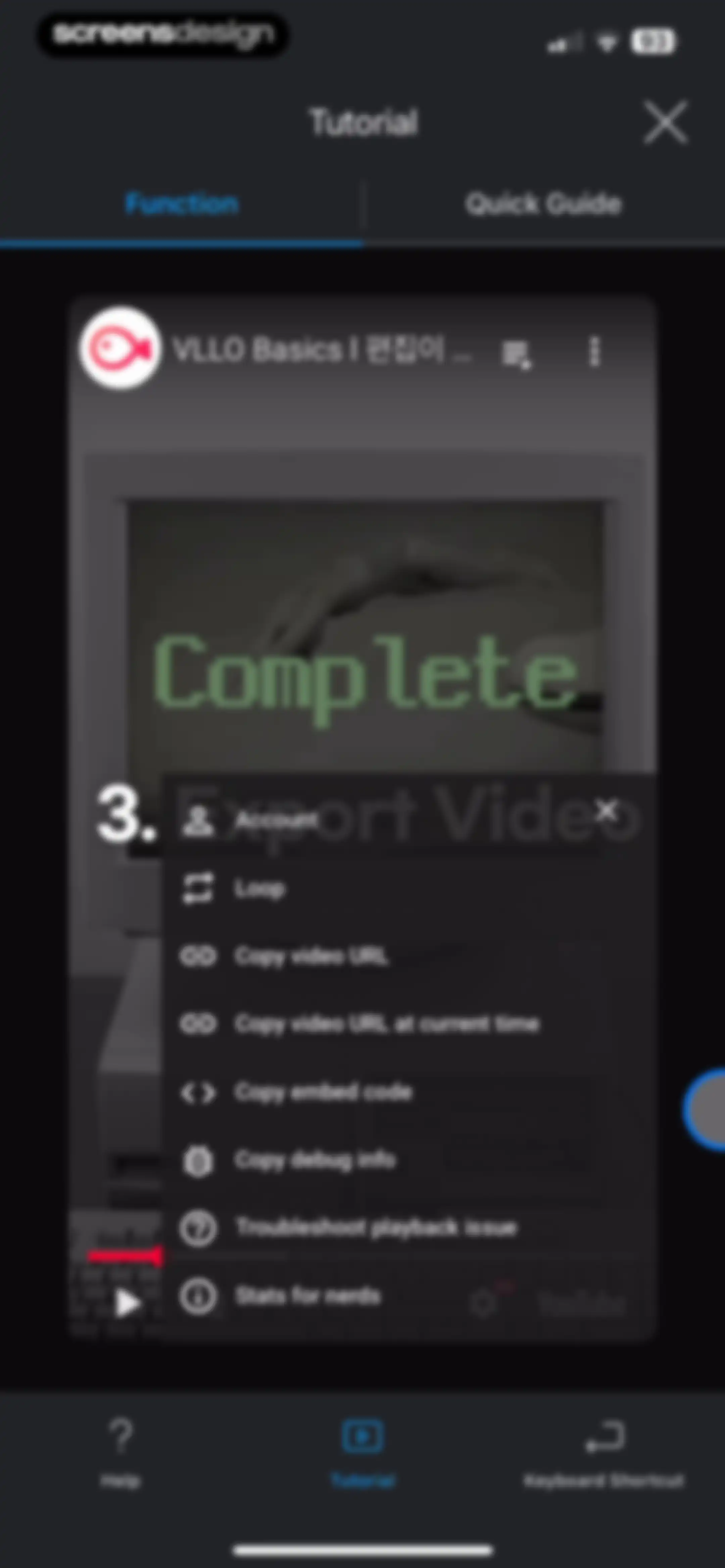
Tutorial screen displaying a video player with a context menu open, top function tabs, and a bottom navigation bar.Unlock Pro
Tutorial screen displaying an Export Video guide card and a Function tab, with a dark theme and bottom navigation.Unlock Pro
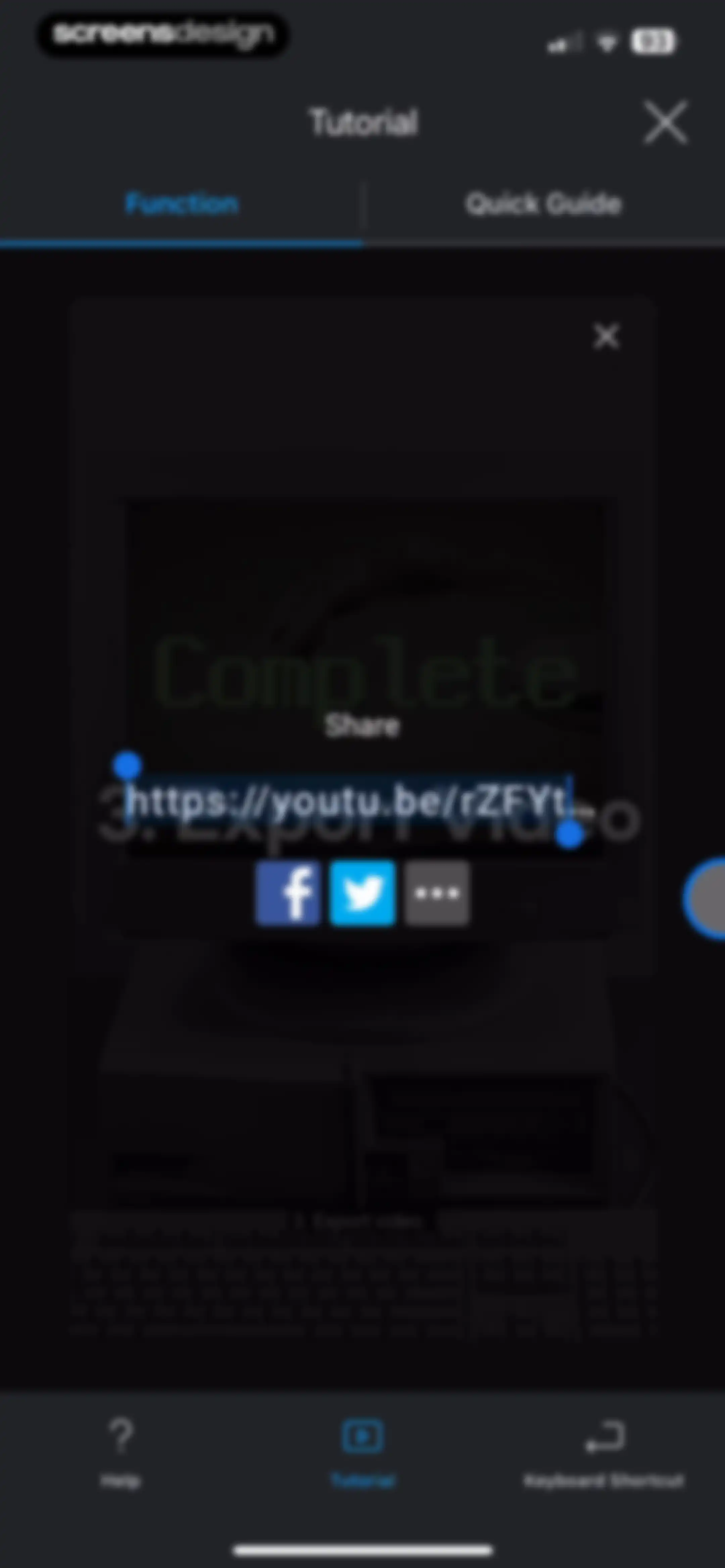
Tutorial modal displaying a shareable YouTube link and social sharing options with a dark theme and bottom navigation.Unlock Pro
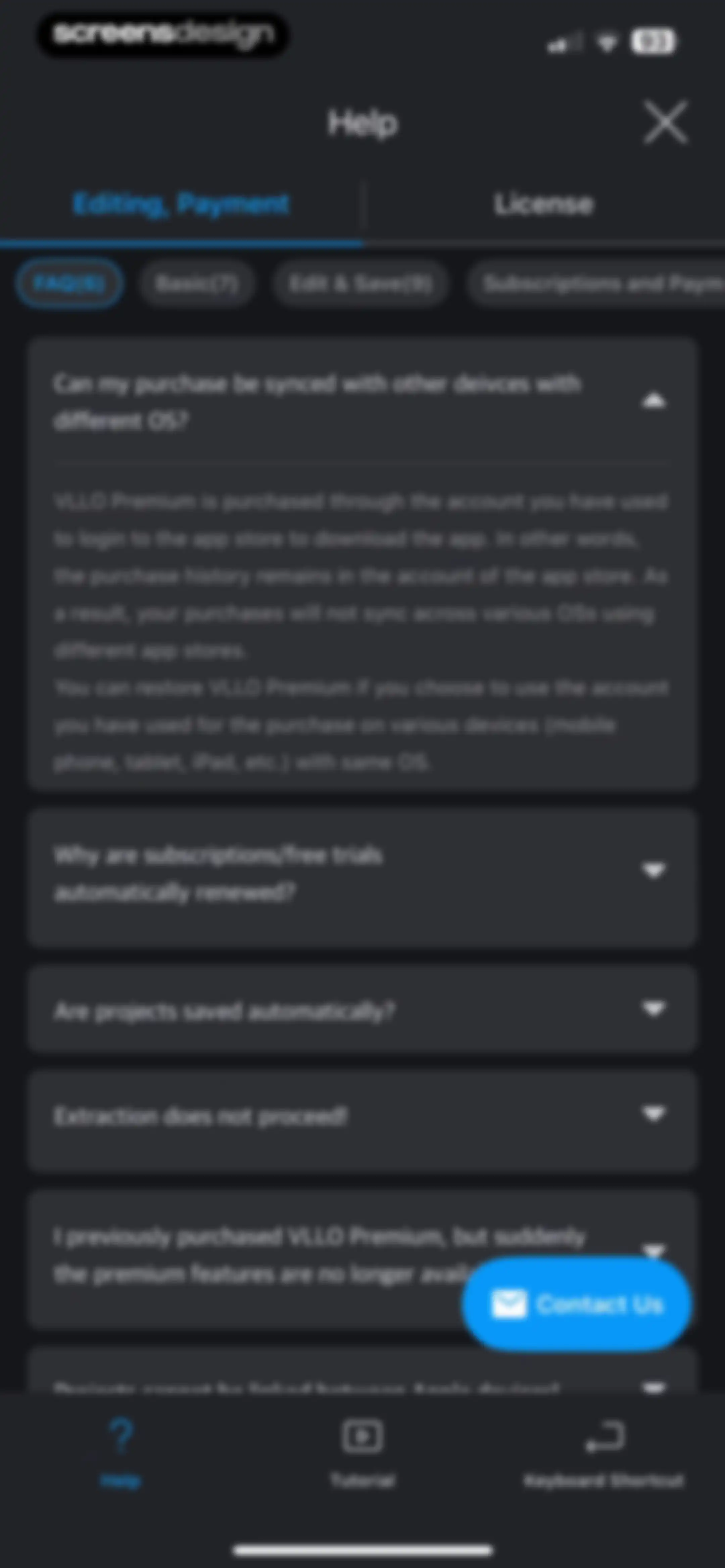
Help screen featuring an accordion FAQ list with an expanded question about syncing purchases, tabs for categories, and a Contact Us button.Unlock Pro
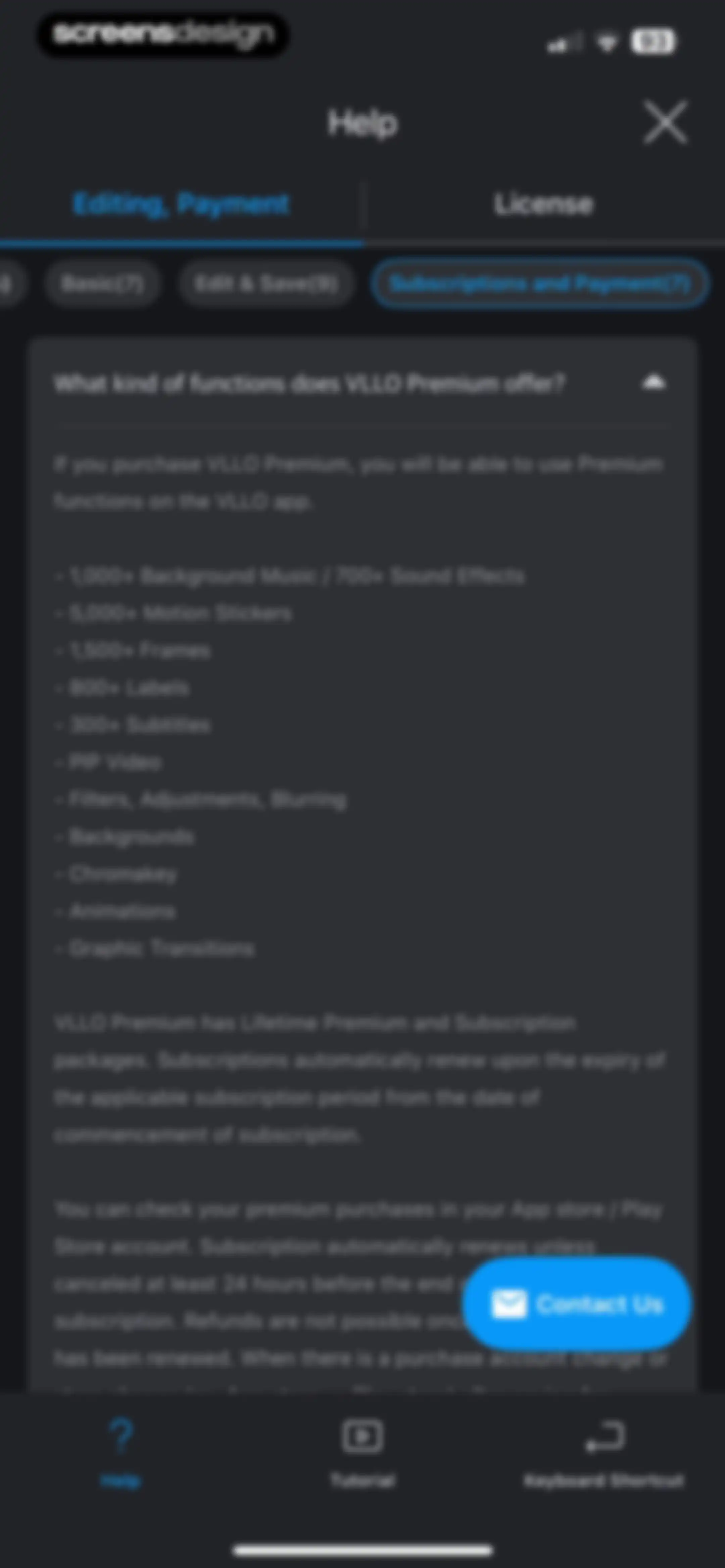
Help and FAQ screen displaying subscription and payment information for VLLO Premium features, with a Contact Us button.Unlock Pro
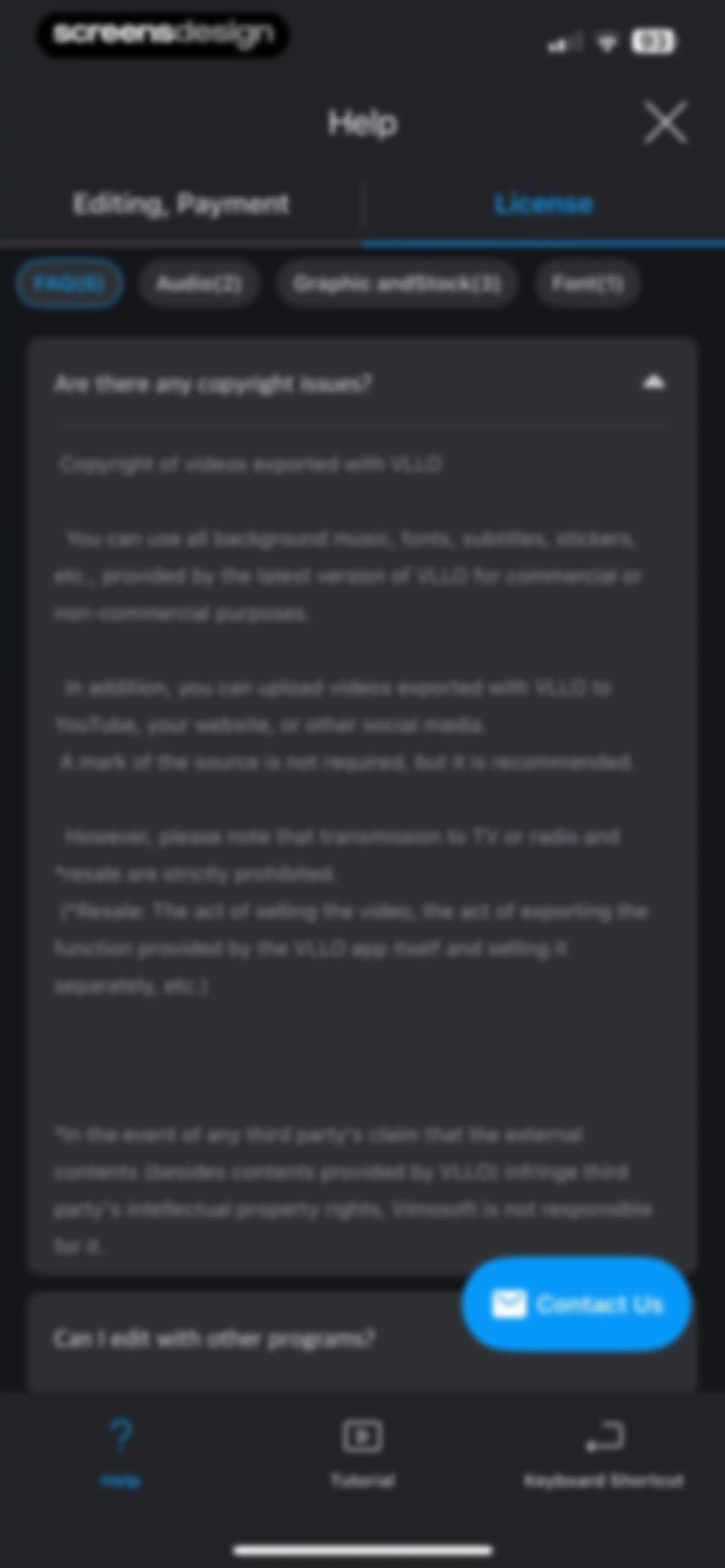
Help screen in the VLLO app displaying copyright and licensing FAQs, with the License tab selected and a Contact Us button.Unlock Pro
Help screen with a notice modal informing the user that device information has been copied to the clipboard, featuring Cancel and OK buttons.Unlock Pro
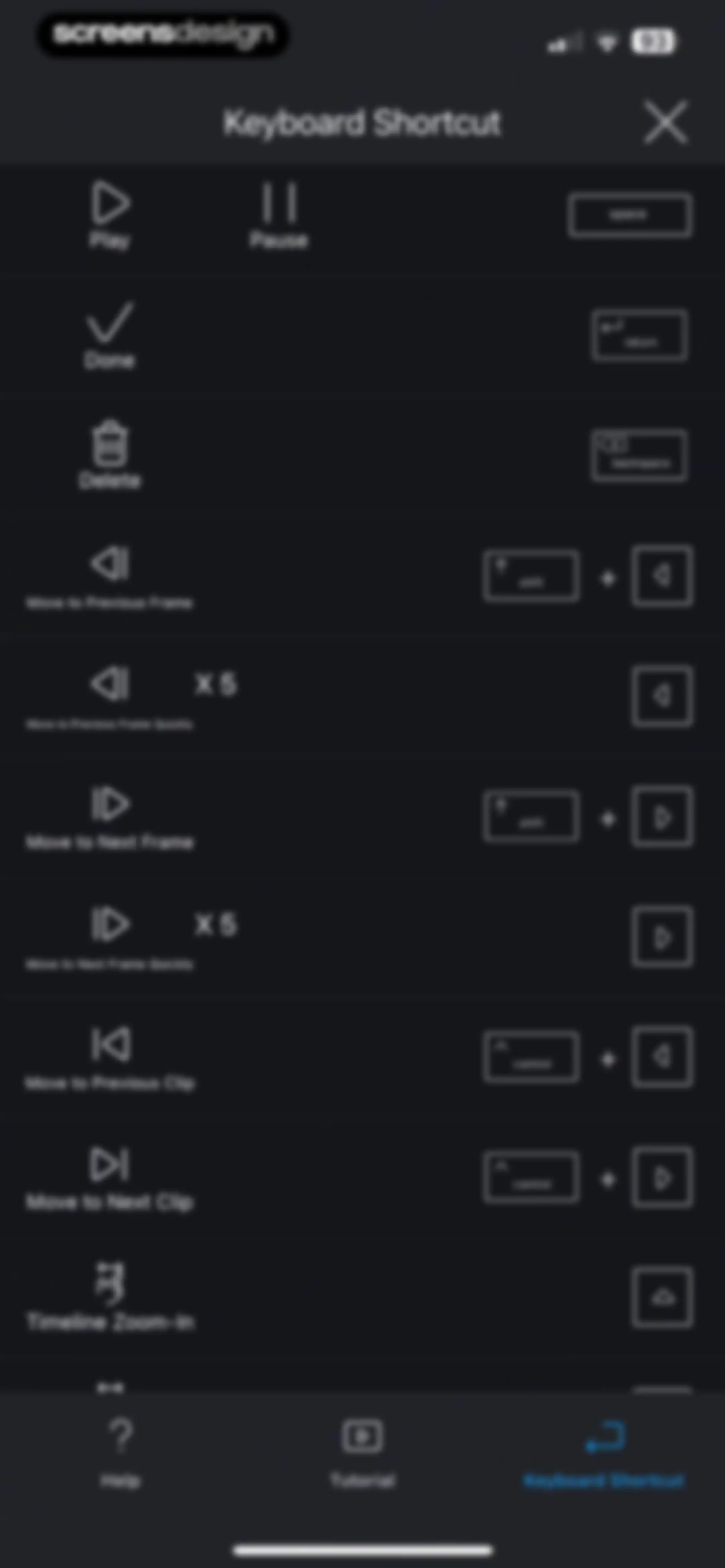
Keyboard shortcut reference guide with a dark theme listing editing commands and a bottom navigation bar.Unlock Pro
Home screen of the VLLO video editor showing an empty project list, a promotional carousel, and a New Project floating action button.Unlock Pro
Permissions screen with a system modal requesting photo library access, featuring options to allow full access, limit access, or deny.Unlock Pro
Media selection screen displaying a grid of thumbnails grouped by date, action buttons for camera and files, and a dark theme.Unlock Pro
Media selection screen showing the VLLO Stock library with filter tabs, a grid of video thumbnails, and a floating action button.Unlock Pro
Media selection screen displaying a grid of VLLO stock video thumbnails with category filters and a floating action button.Unlock Pro
Media selection and empty project screen with the Project tab selected and a floating action button at the bottom right.Unlock Pro
Media selection screen displaying a grid of assets, a bottom selection summary bar showing one clip, and an arrow button to proceed.Unlock Pro
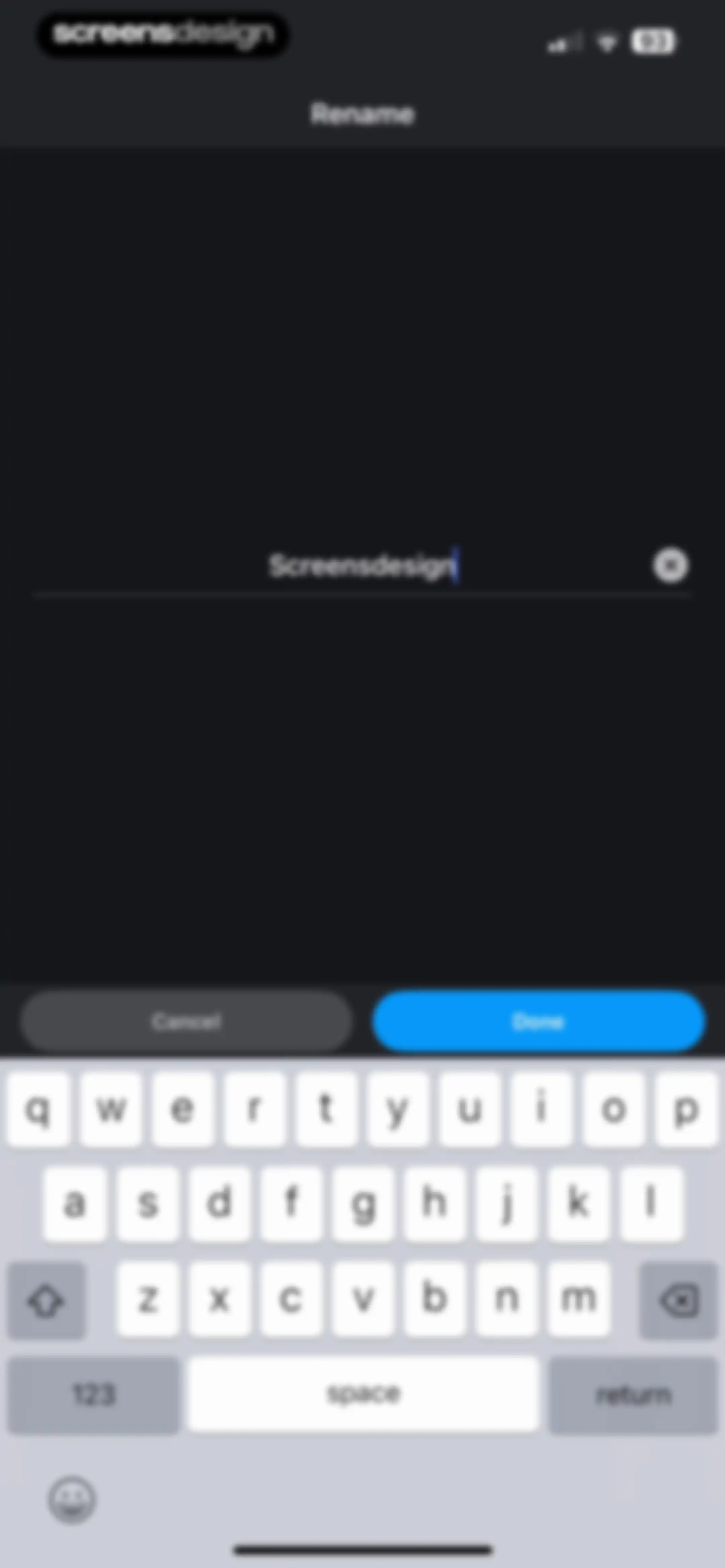
Rename modal with a text input field pre-filled withScreensdesign, Cancel and Done buttons, and the system keyboard.Unlock Pro
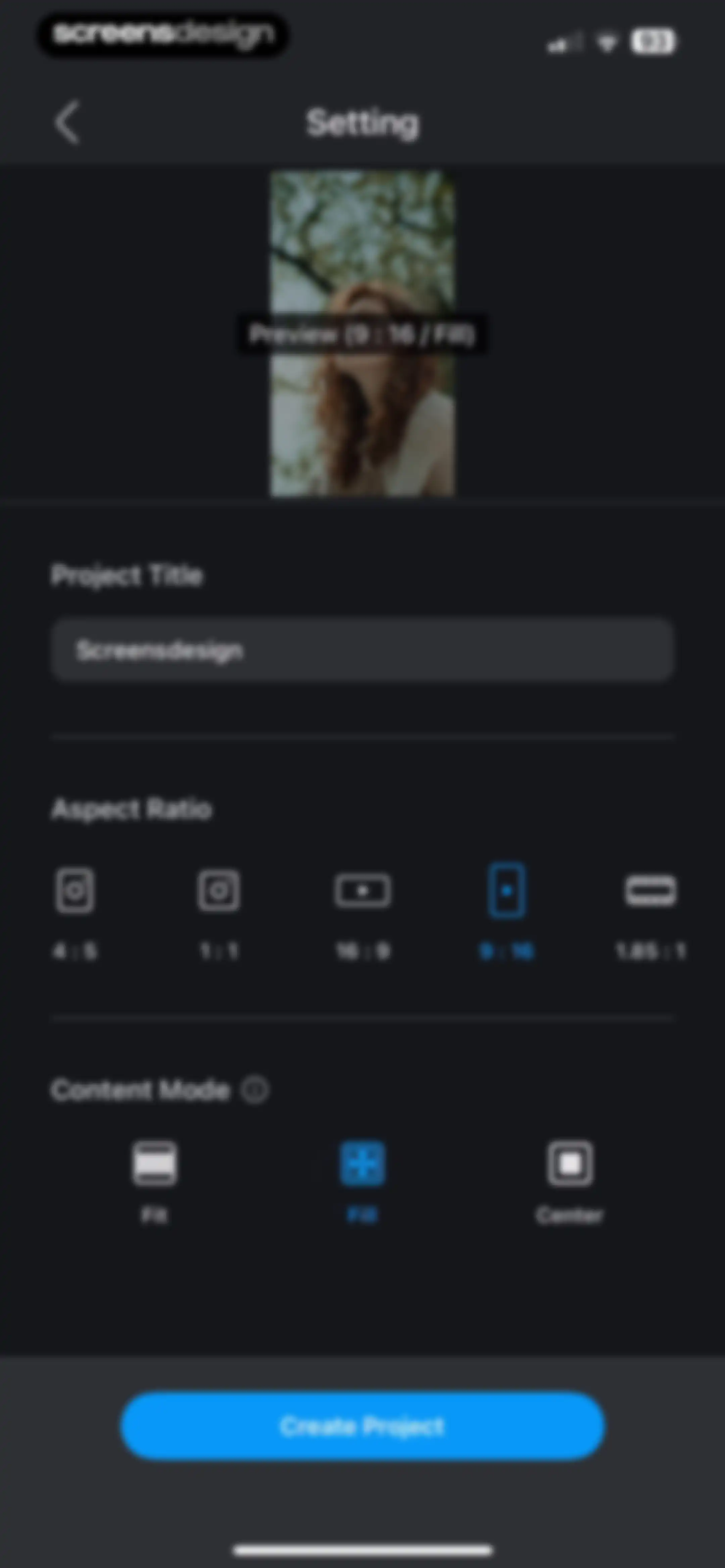
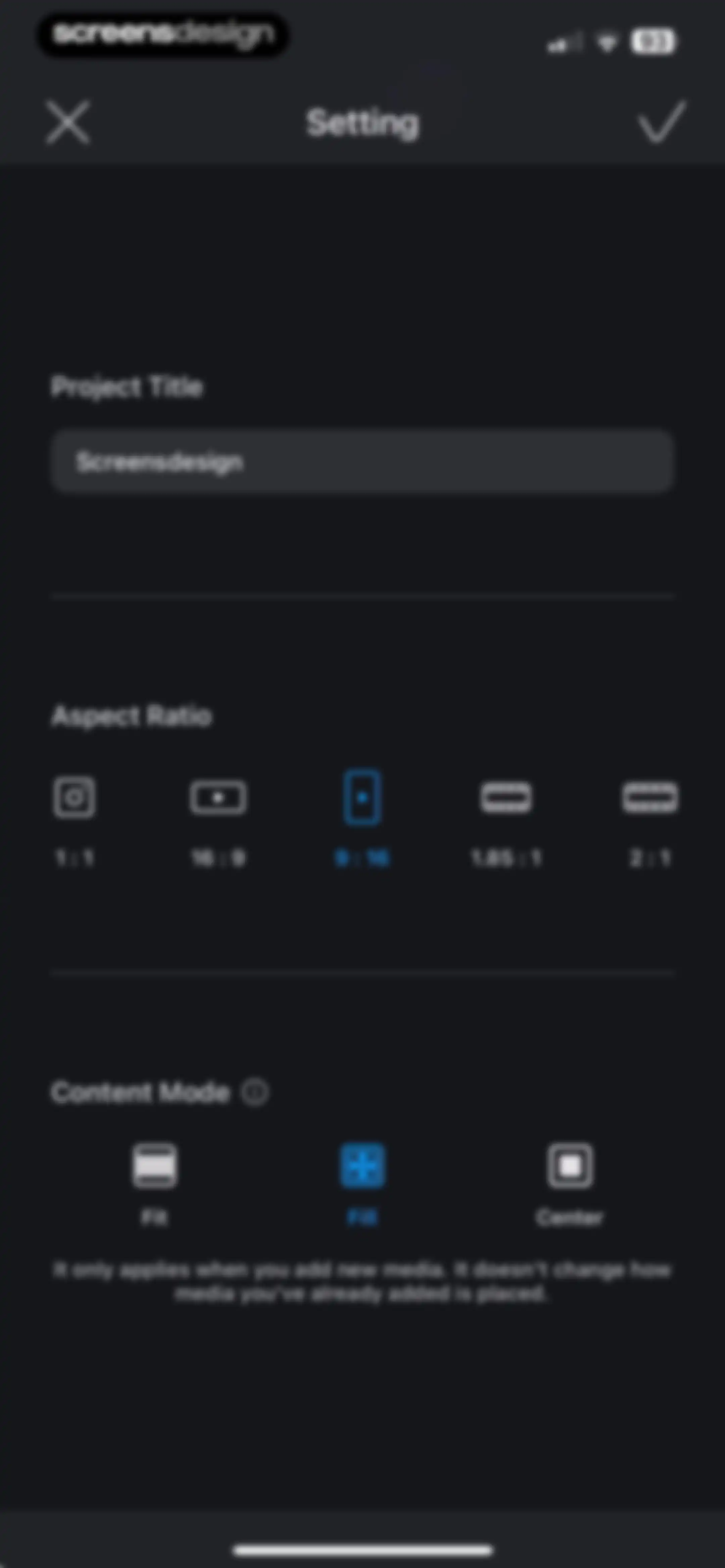
Project settings form for a video editor with the title Screensdesign, 9 : 16 aspect ratio, Fill content mode selected, and a Create Project button.Unlock Pro
Loading screen for VLLO showing progress at one hundred percent with a warning not to delete camera roll files.Unlock Pro
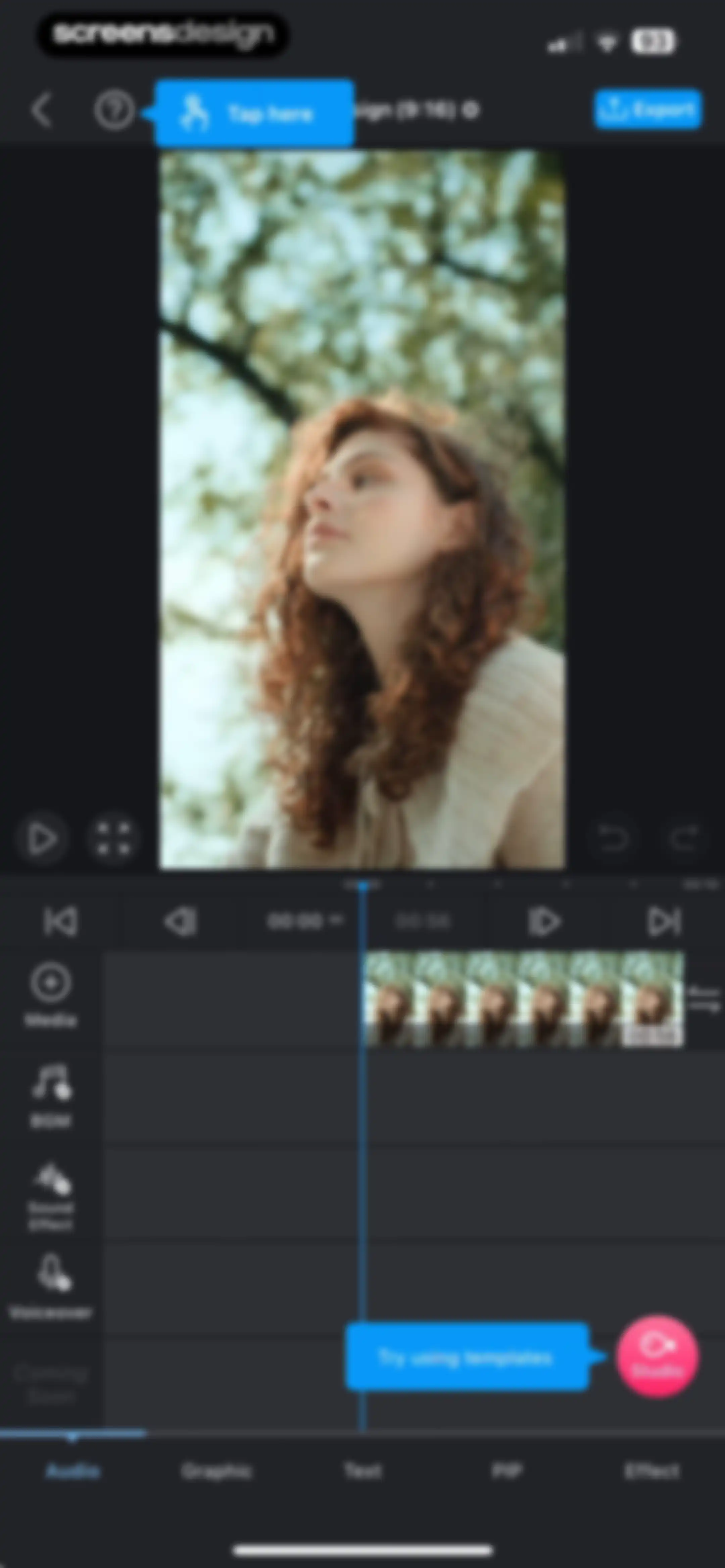
Video editor interface featuring a central preview, a timeline track, a left tool sidebar, and an Export button.Unlock Pro
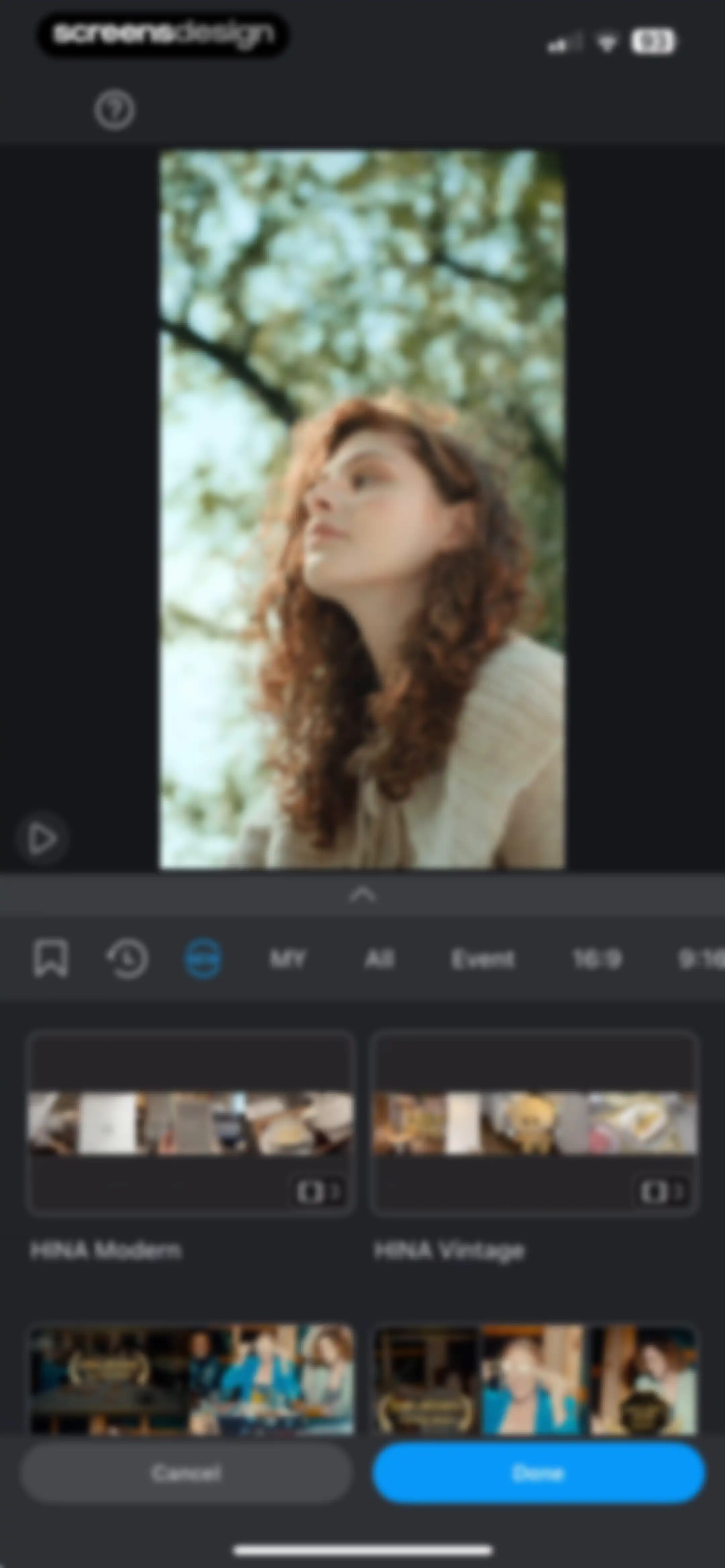
Video template selection screen with a preview area, filter tabs, a grid of template cards, and Cancel and Done buttons.Unlock Pro
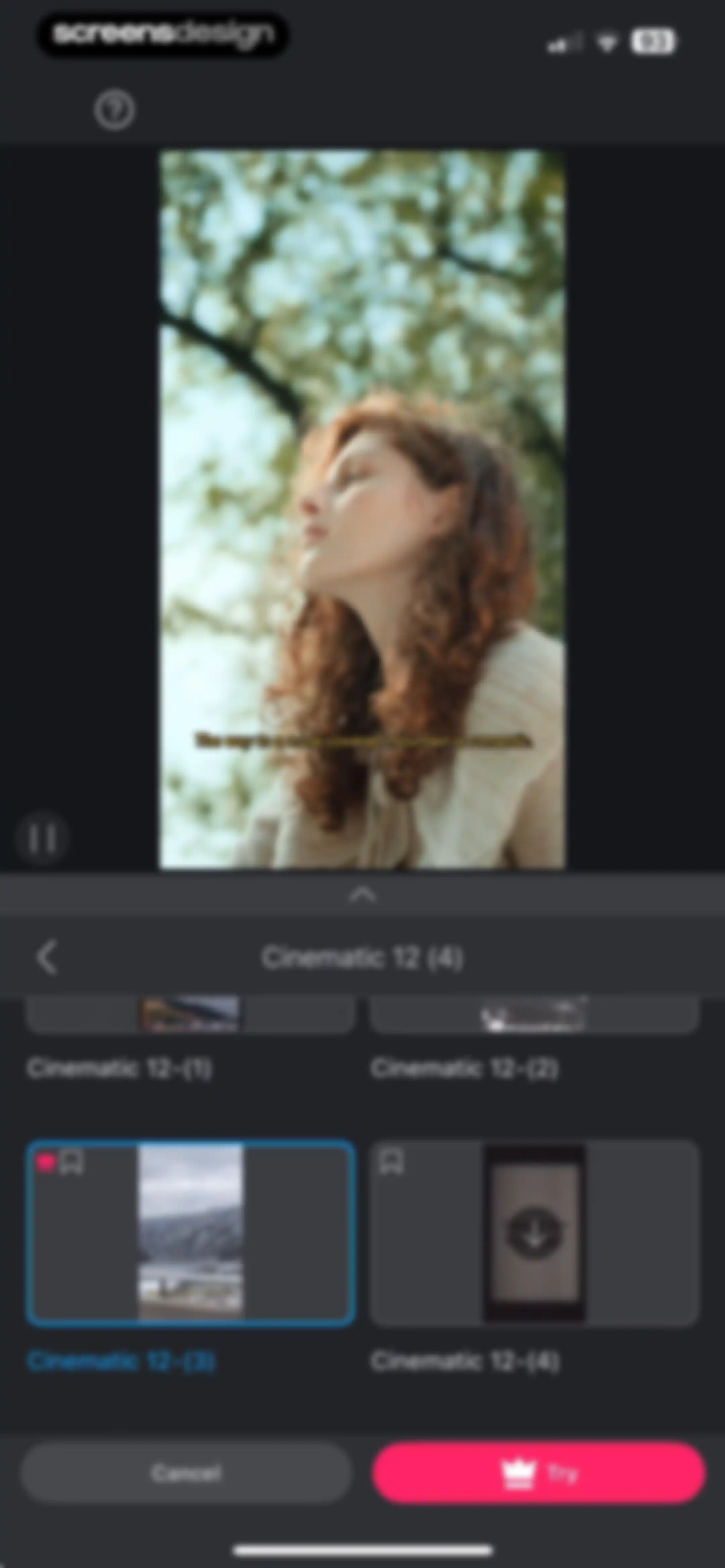
Video template selection screen displaying a top preview player, a grid of cinematic template thumbnails with a selected premium option, and a Try action button.Unlock Pro
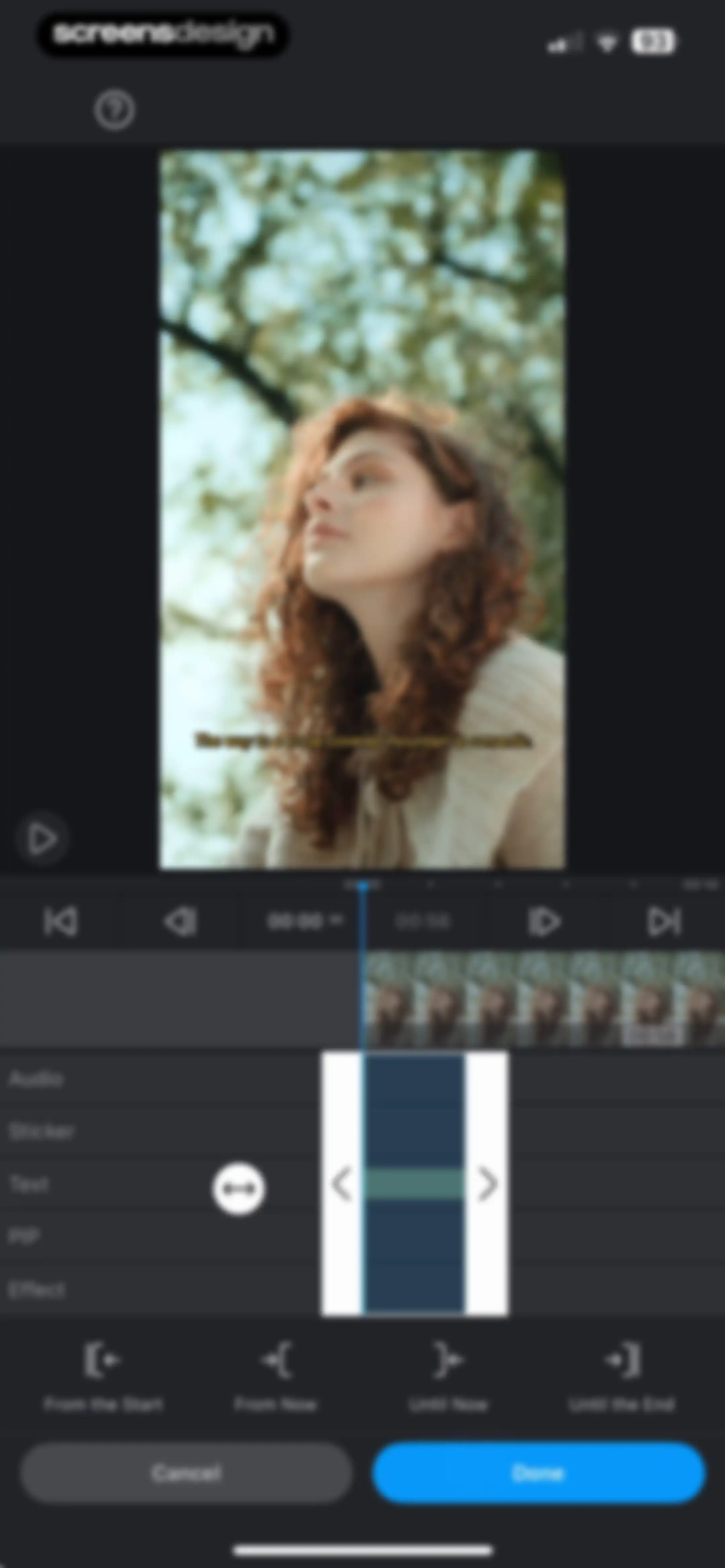
Video editor timeline adjustment screen with duration controls and a Done button.Unlock Pro
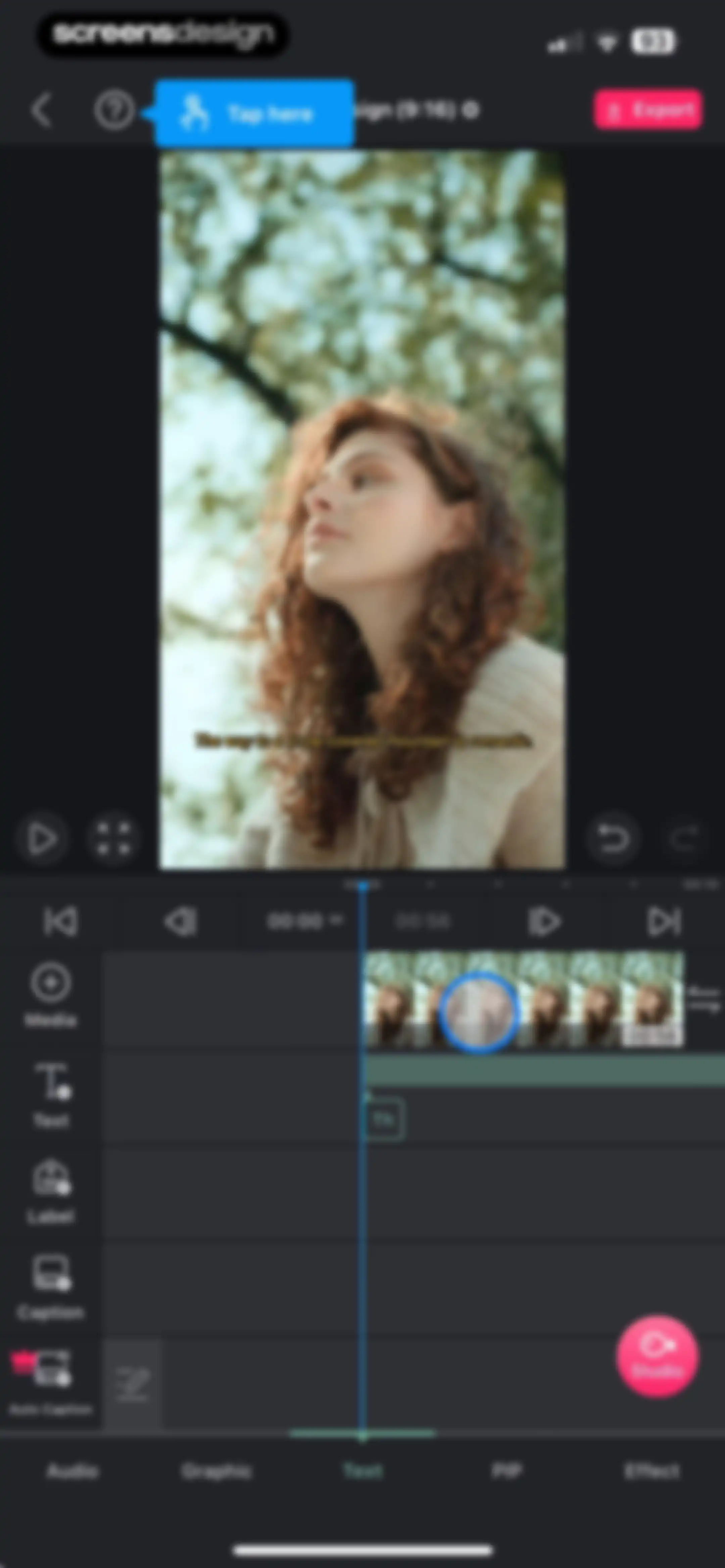
Video editor interface featuring a central preview window, multi-track timeline, tool sidebar, and playback controls with Export and text editing options.Unlock Pro
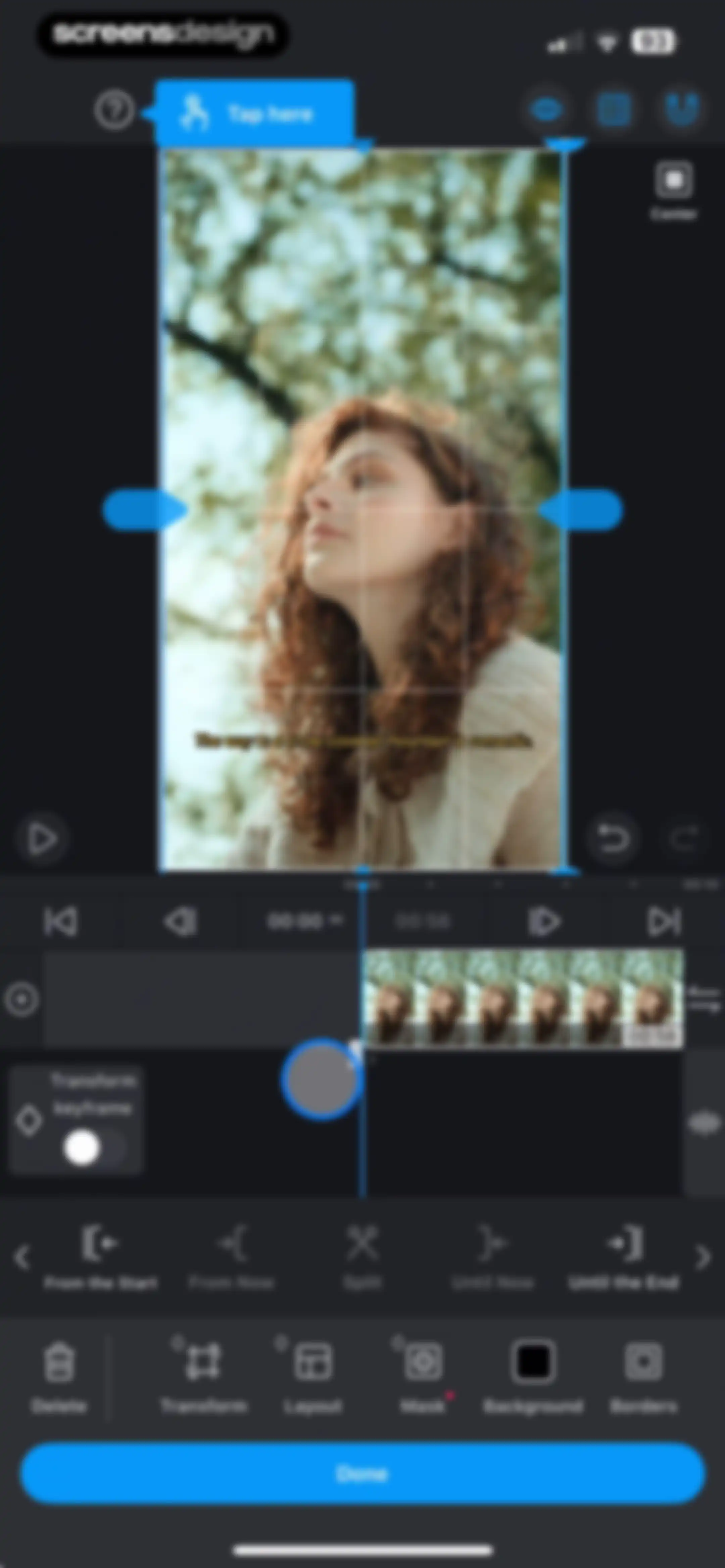
Video editor interface displaying a central preview, timeline, and a bottom toolbar with editing tools like Transform and Mask.Unlock Pro
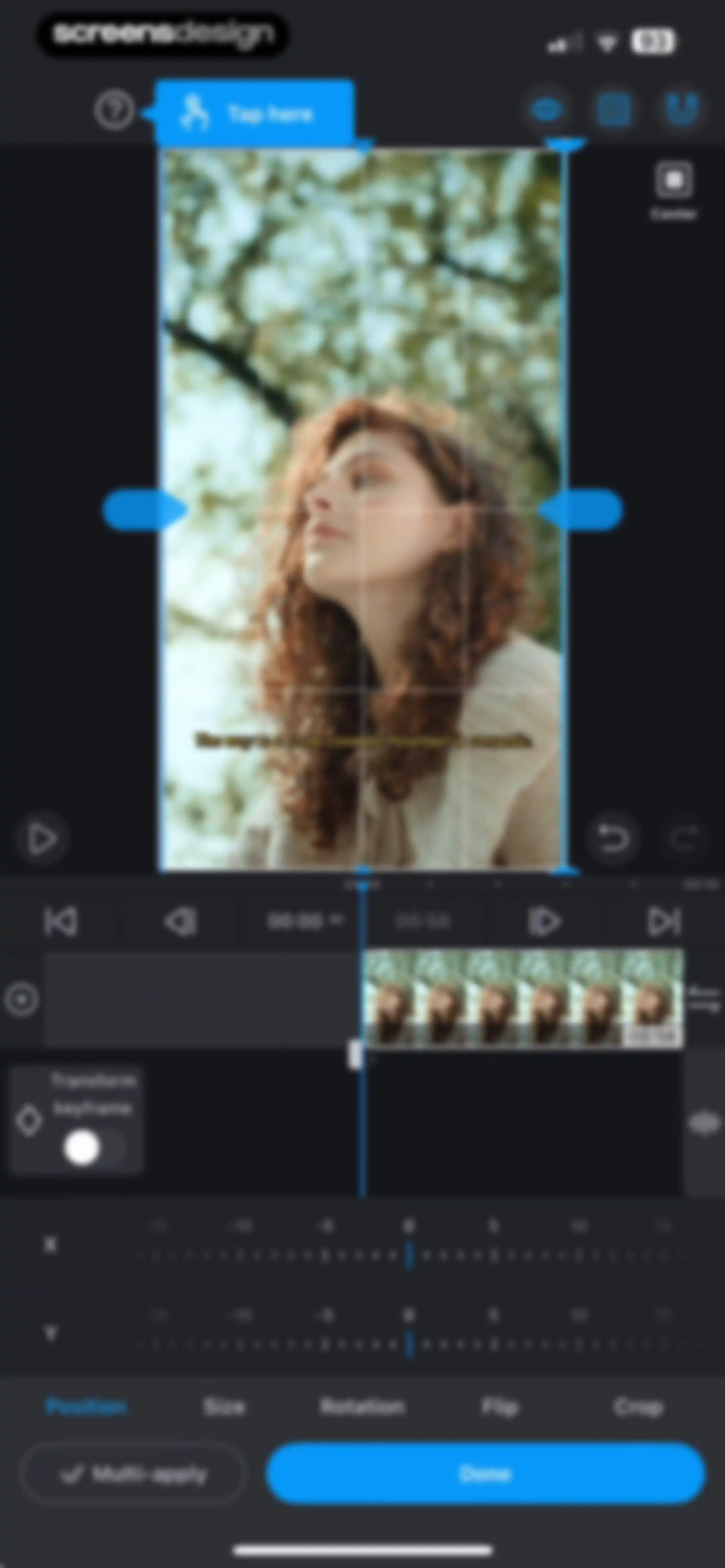
Video editor transform screen showing position adjustment controls with coordinate sliders, a video preview with a grid, and a Done button.Unlock Pro
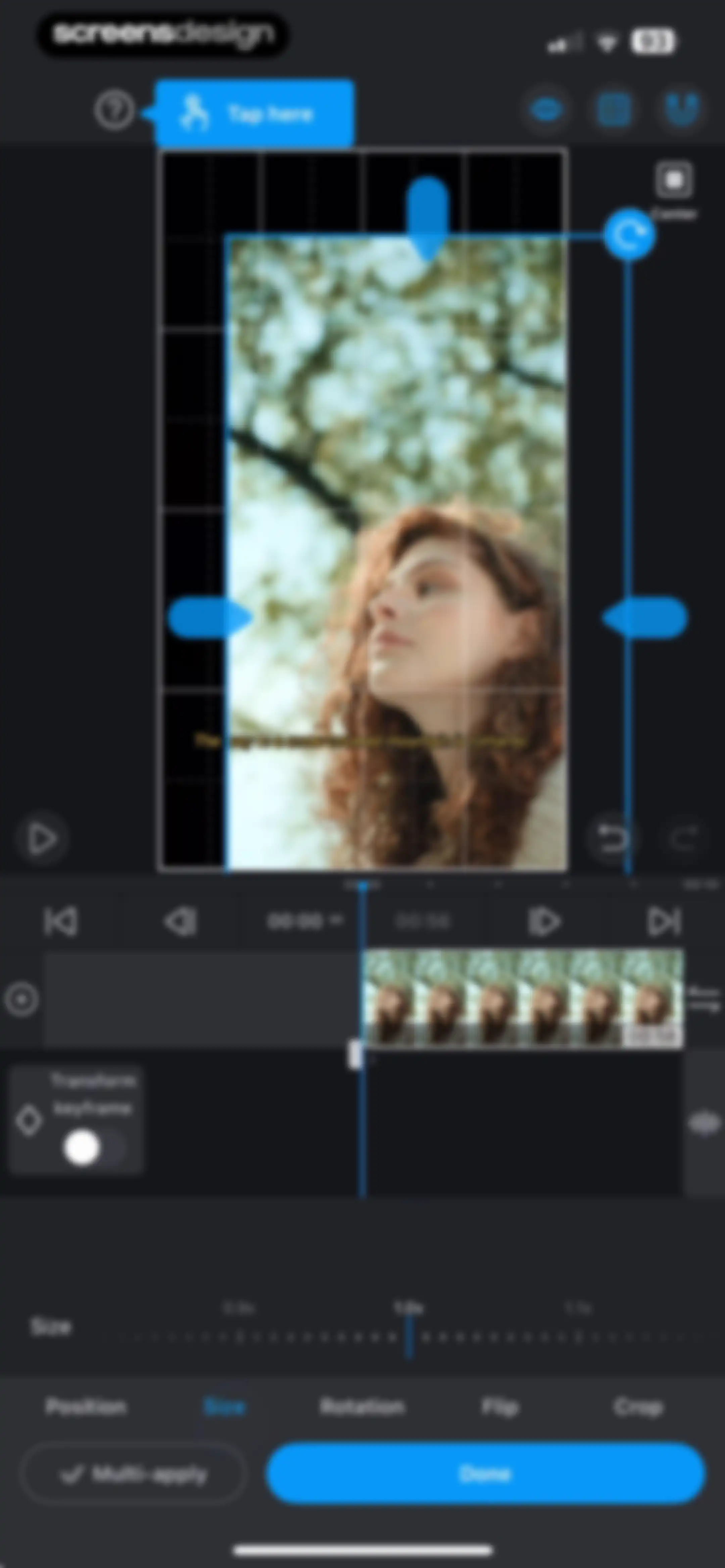
Video editor interface displaying a transform size tool with a selected scale option and a Done button.Unlock Pro
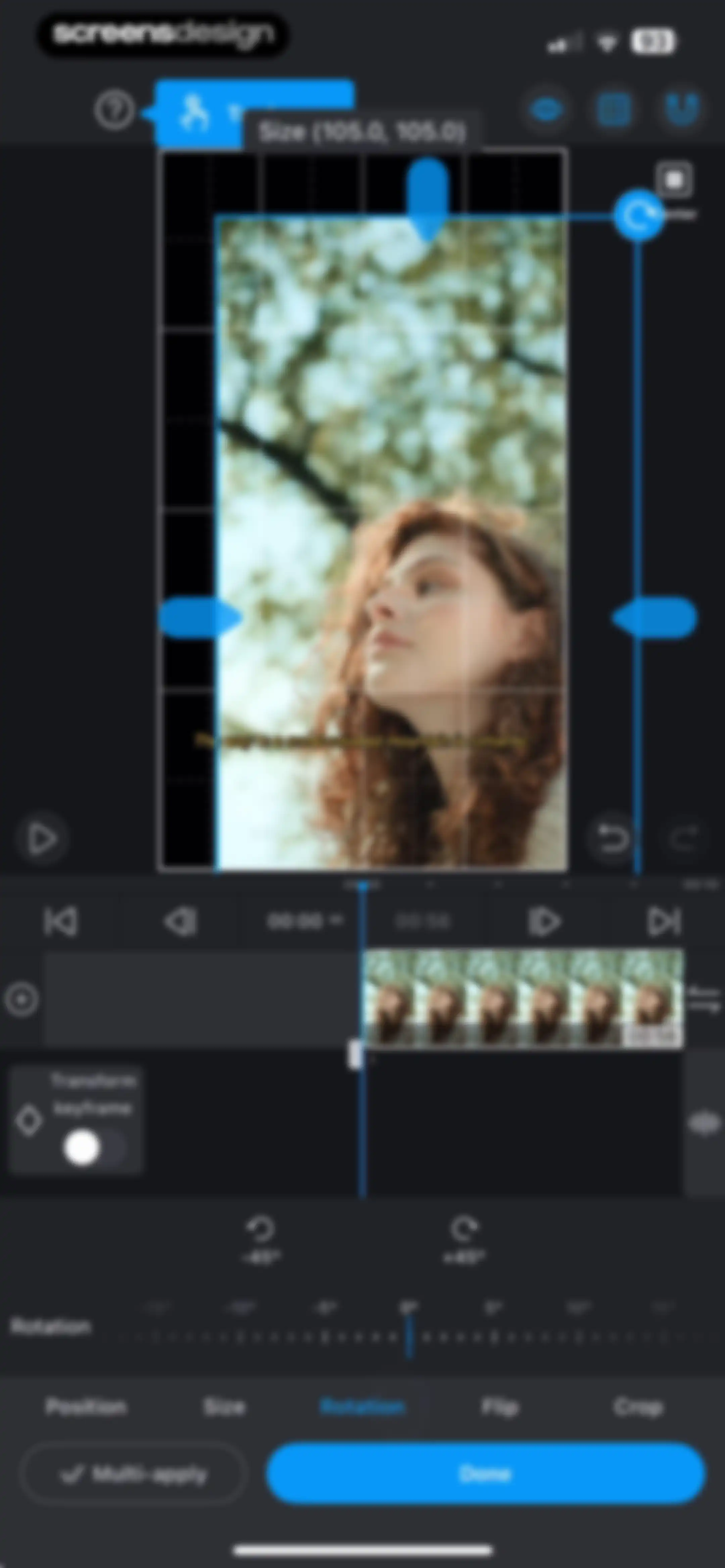
Video editor rotation screen with a preview area, timeline, rotation slider, and a Done button.Unlock Pro
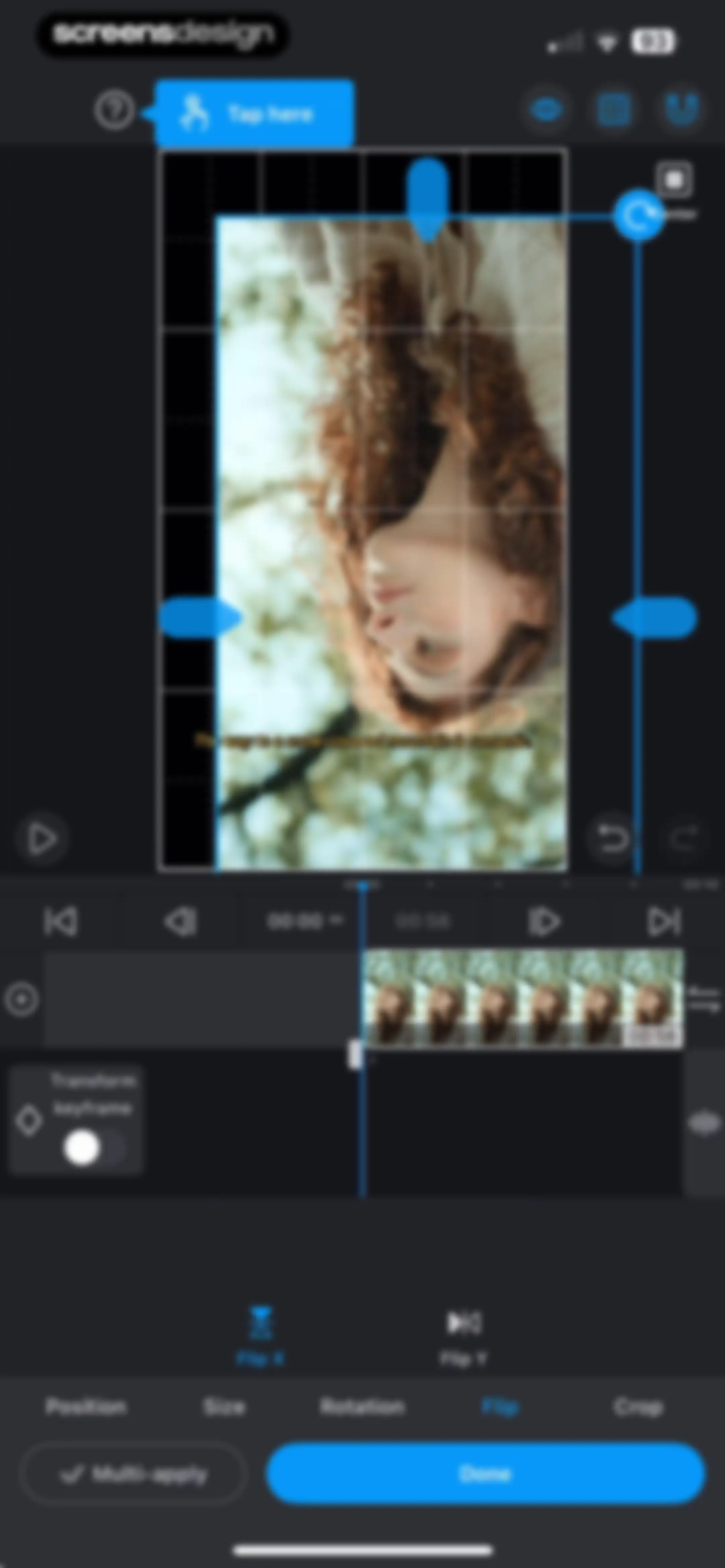
Video editor transform screen displaying the selected Flip tool with Flip X, Flip Y, and a Done button.Unlock Pro
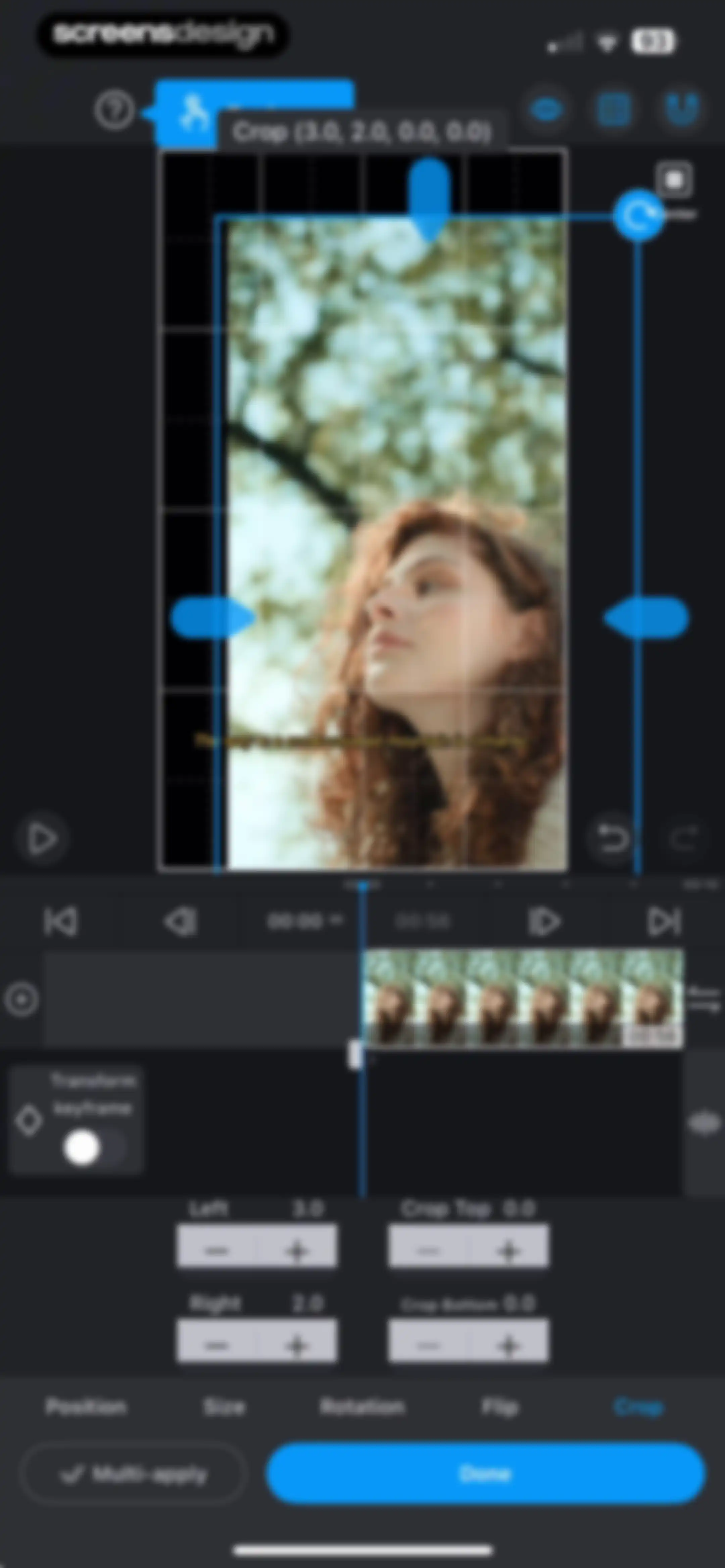
Video editor crop tool screen displaying numerical adjustment controls, a timeline, and a selected crop tab with a Done button.Unlock Pro
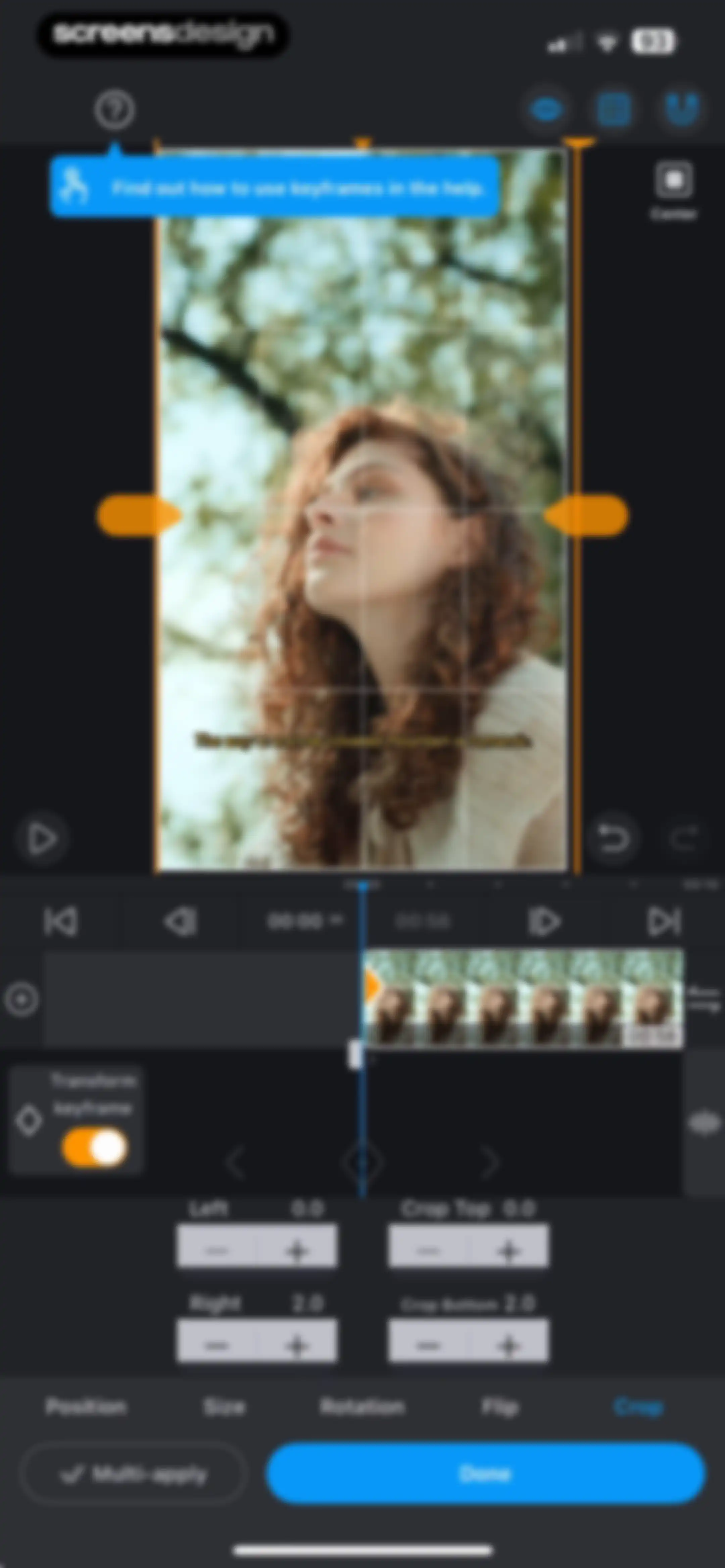
Video editor crop tool interface with numerical adjustment controls, timeline, and a selected crop tab with a Done button.Unlock Pro
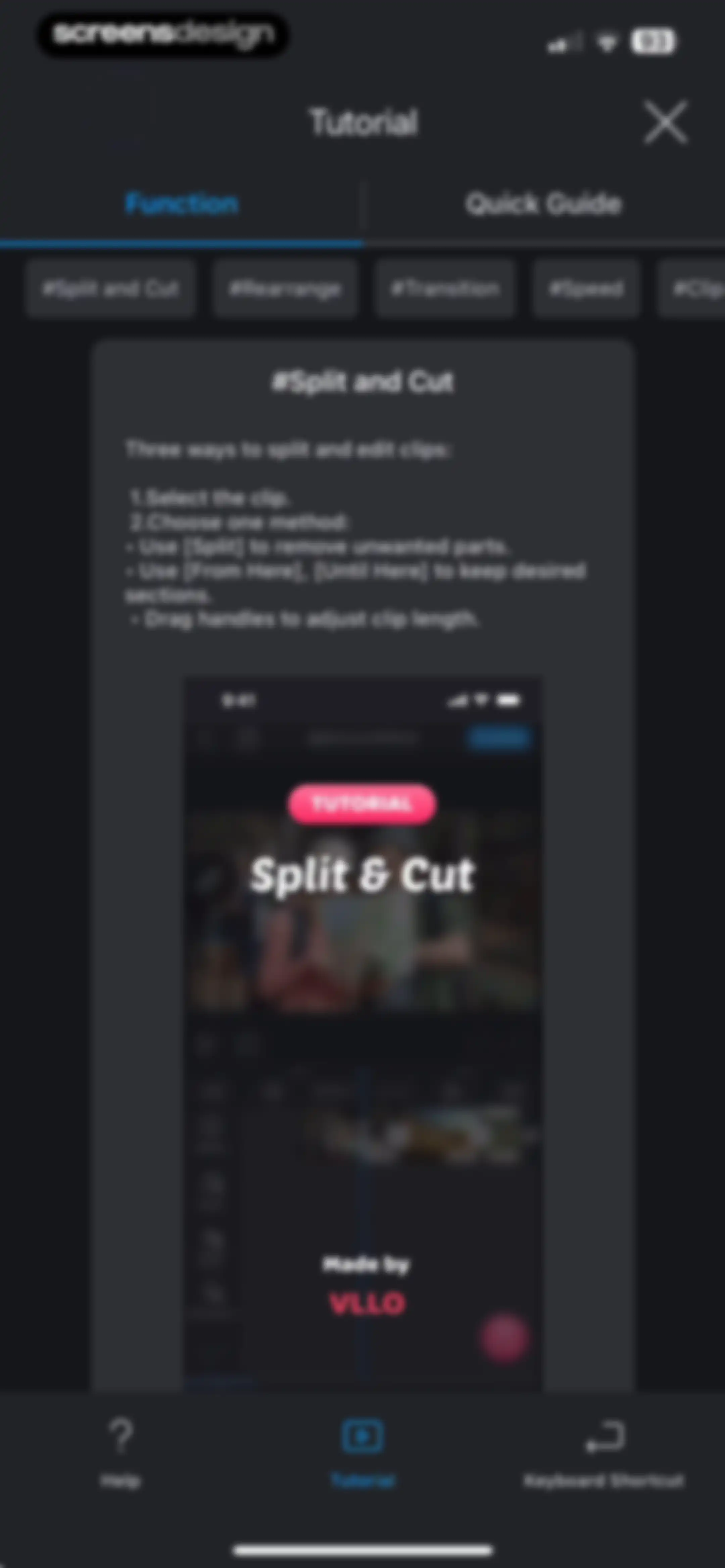
VLLO video editing tutorial screen showing instructions for splitting and cutting clips with a selected hashtag topic and a central product mockup card.Unlock Pro
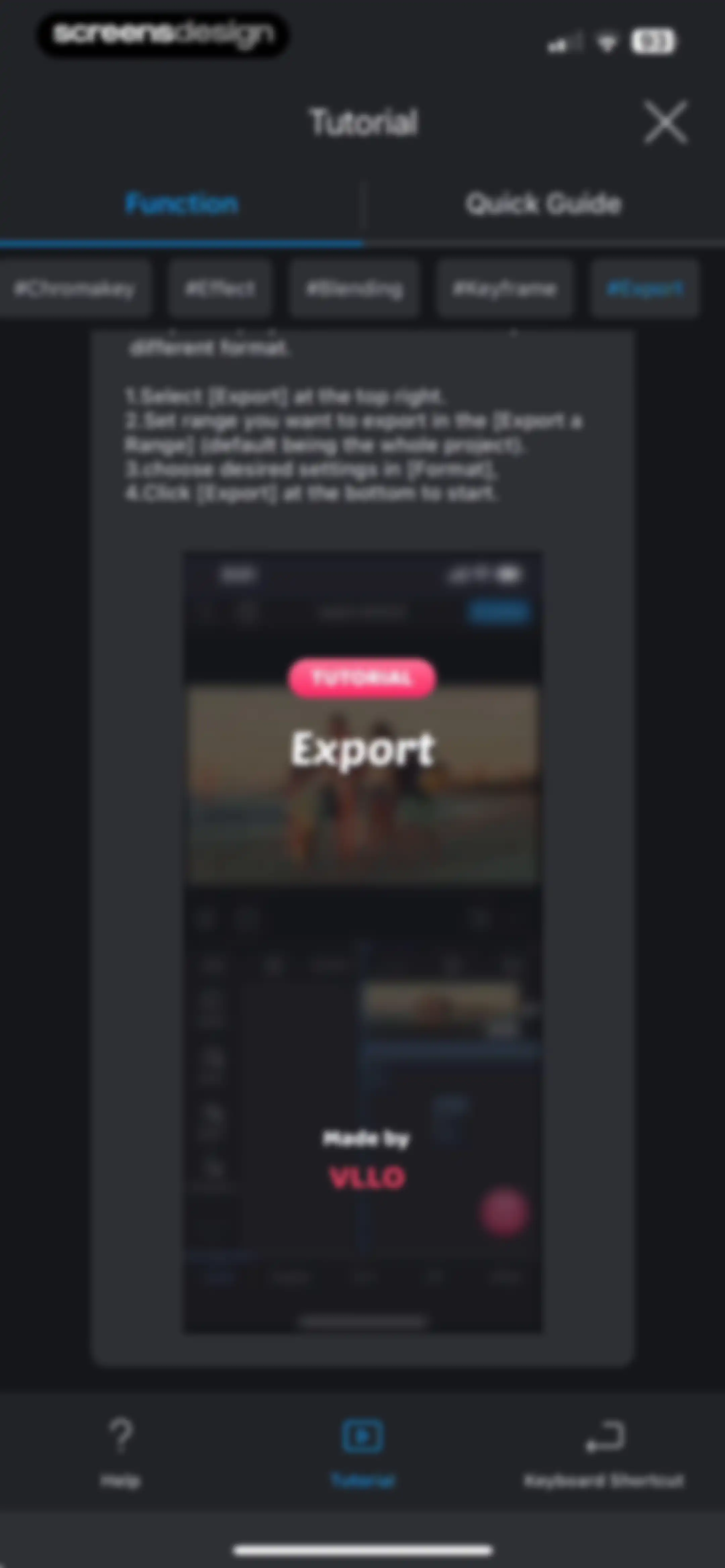
Tutorial screen in VLLO displaying numbered instructions for exporting a video with the Export hashtag selected and a close button.Unlock Pro
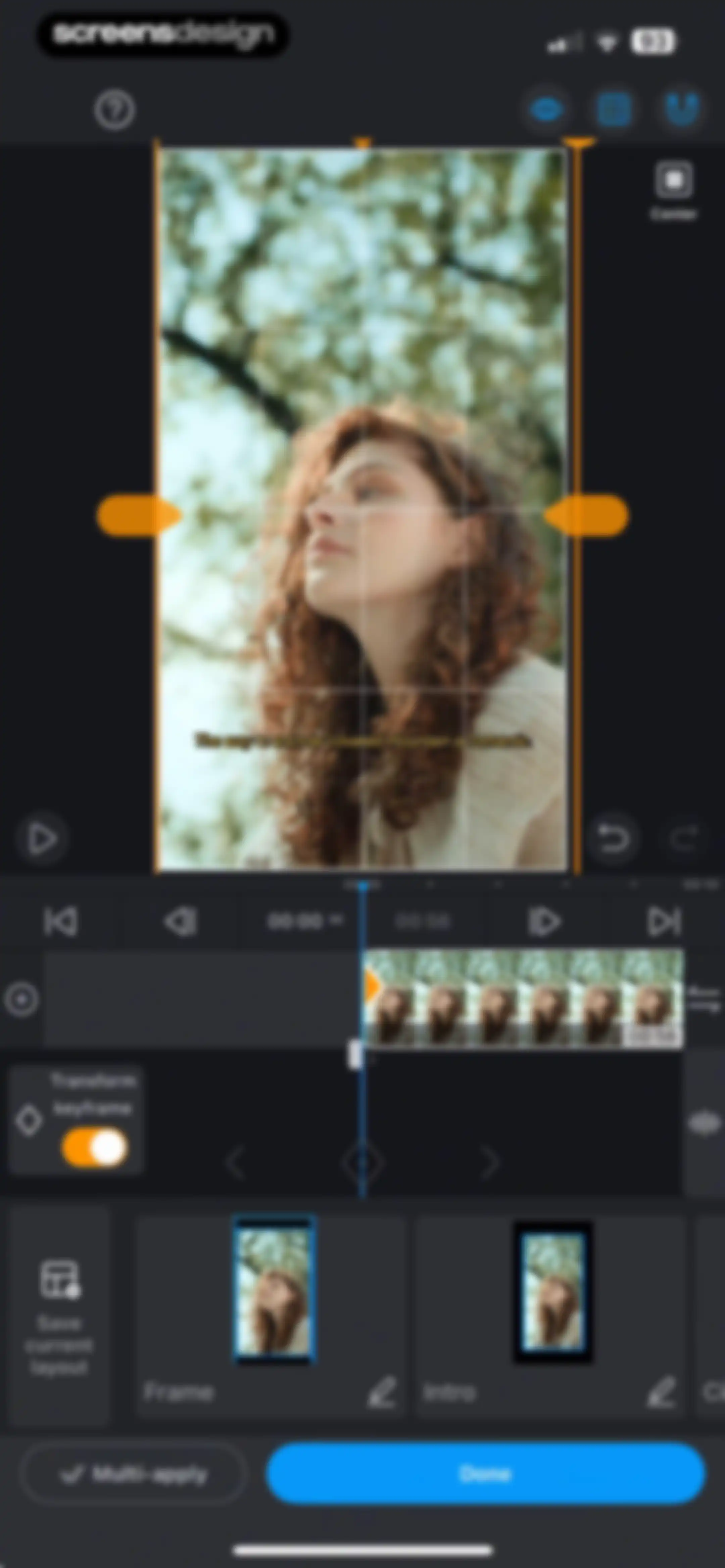
Video editor interface featuring a transformation grid overlay on a preview, a timeline, editing tools, and a Done button.Unlock Pro
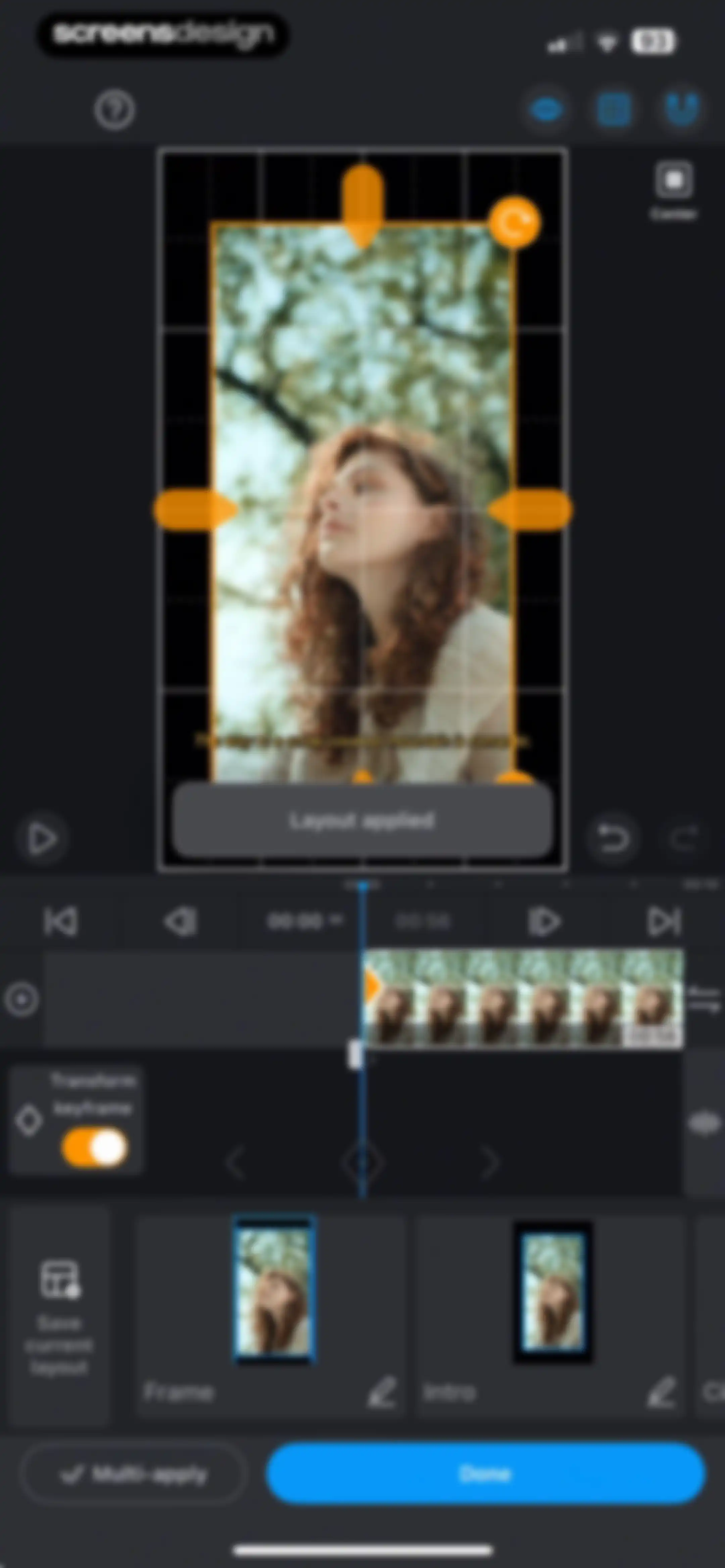
Video editor layout and transformation screen with a preview area, timeline, and a blue Done button.Unlock Pro
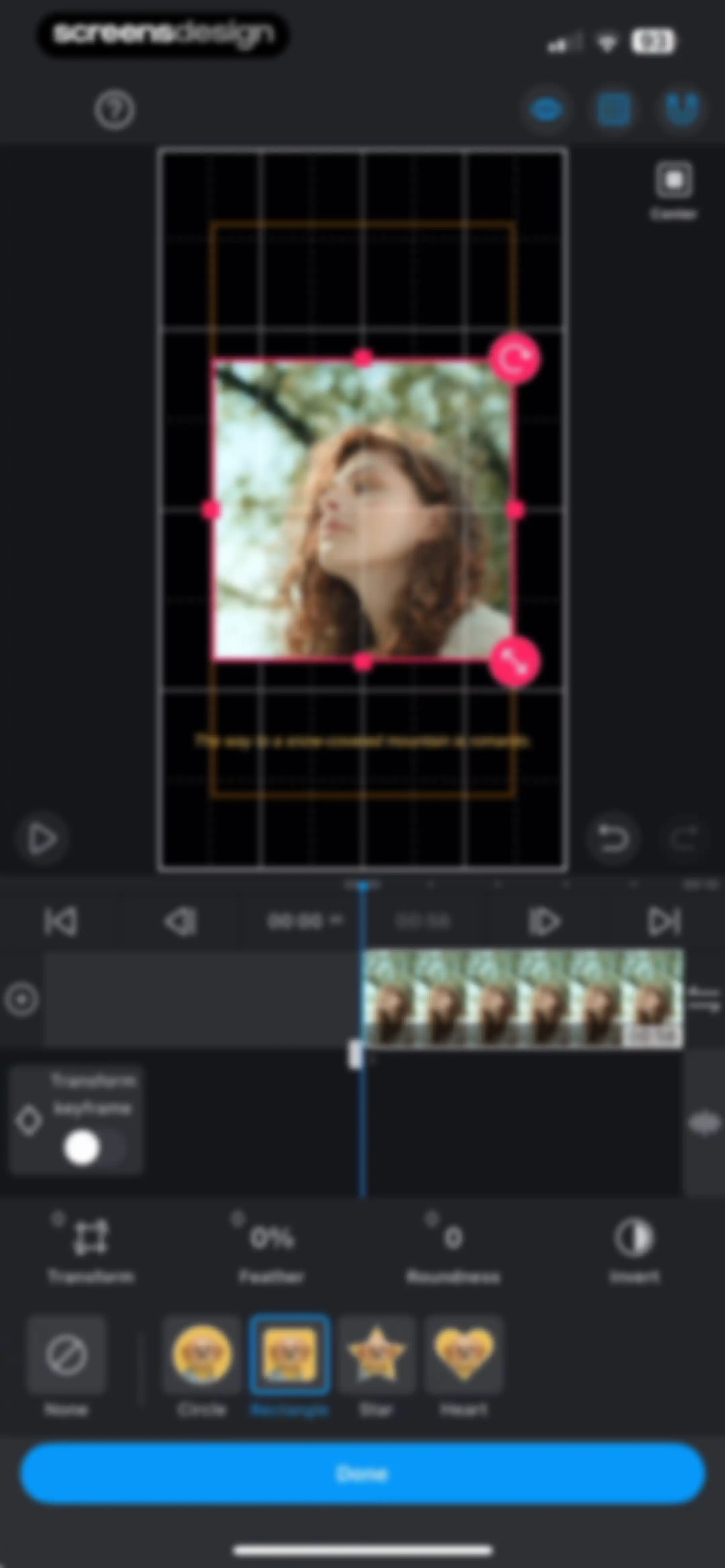
Video masking editor with a preview grid, timeline, adjustment controls, shape selection carousel with rectangle selected, and a Done button.Unlock Pro
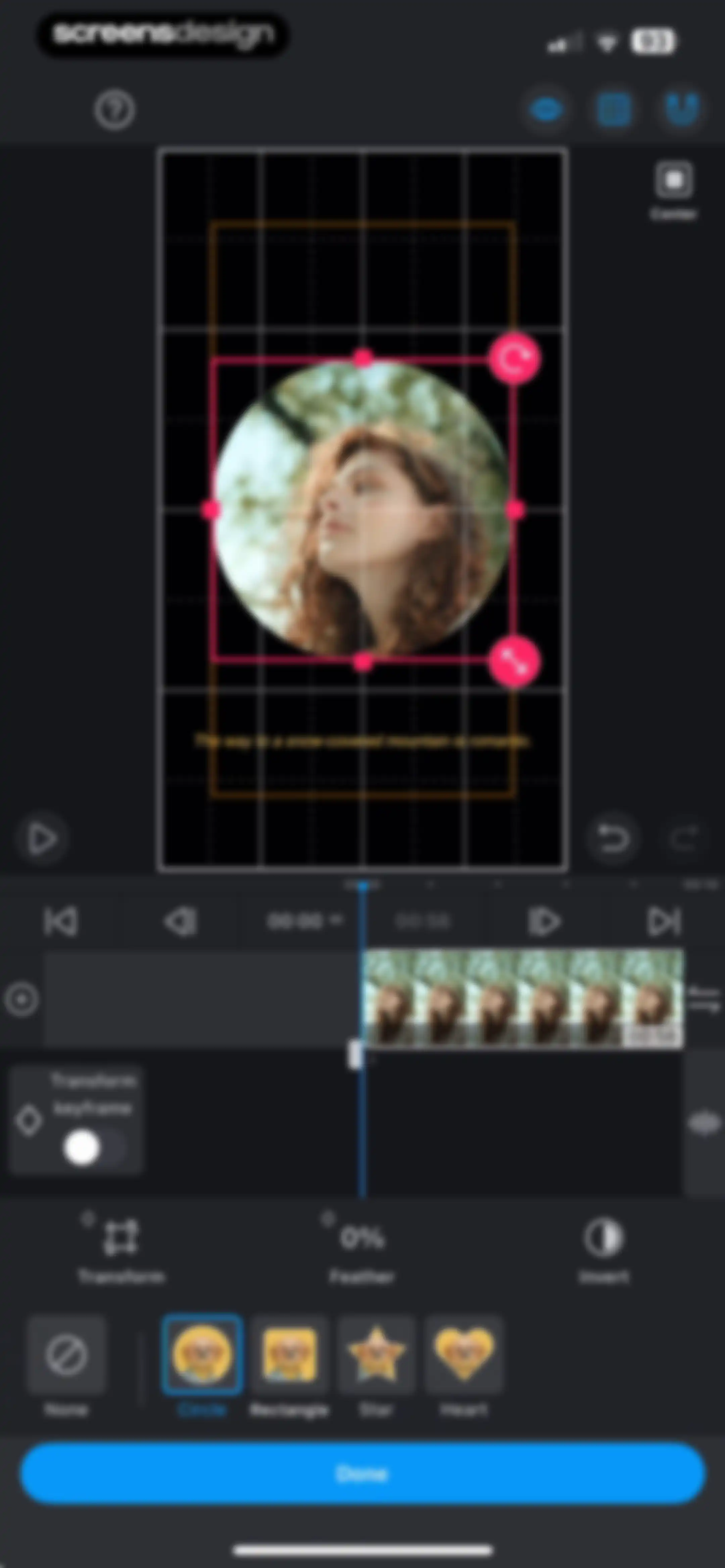
Video editor mask settings screen showing a circular mask selected in the shape carousel with a timeline and a Done button.Unlock Pro
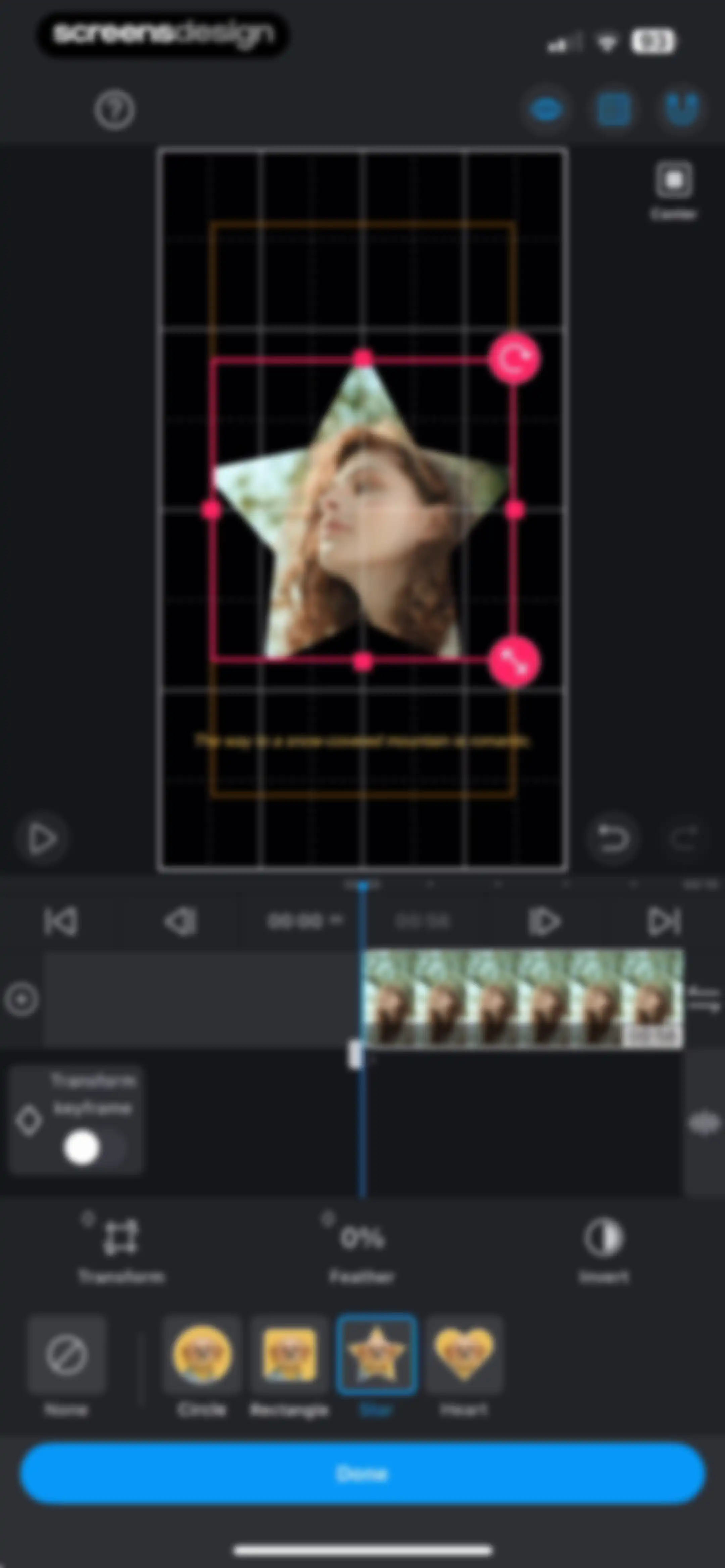
Video editor masking screen with a star shape selected, a timeline, transform controls, and a Done confirmation button.Unlock Pro
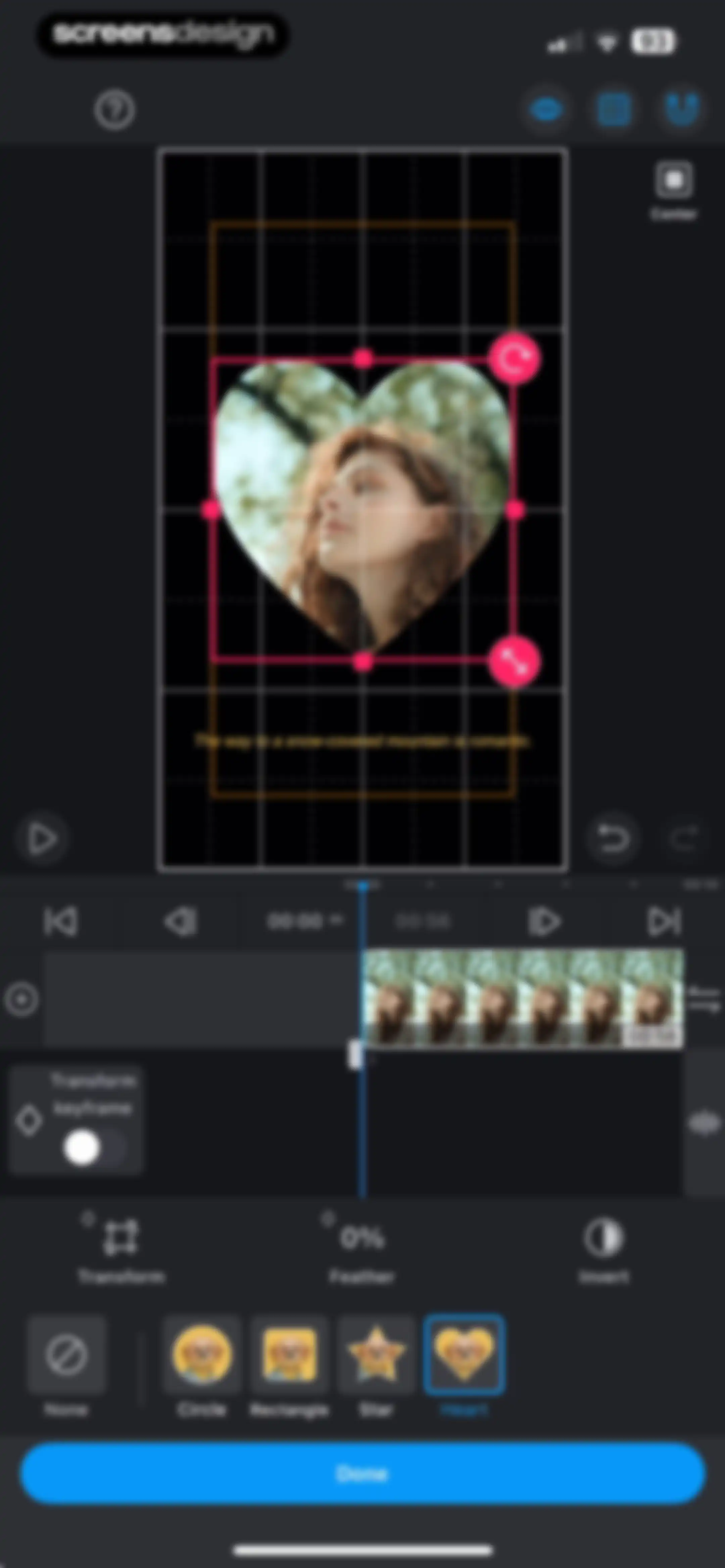
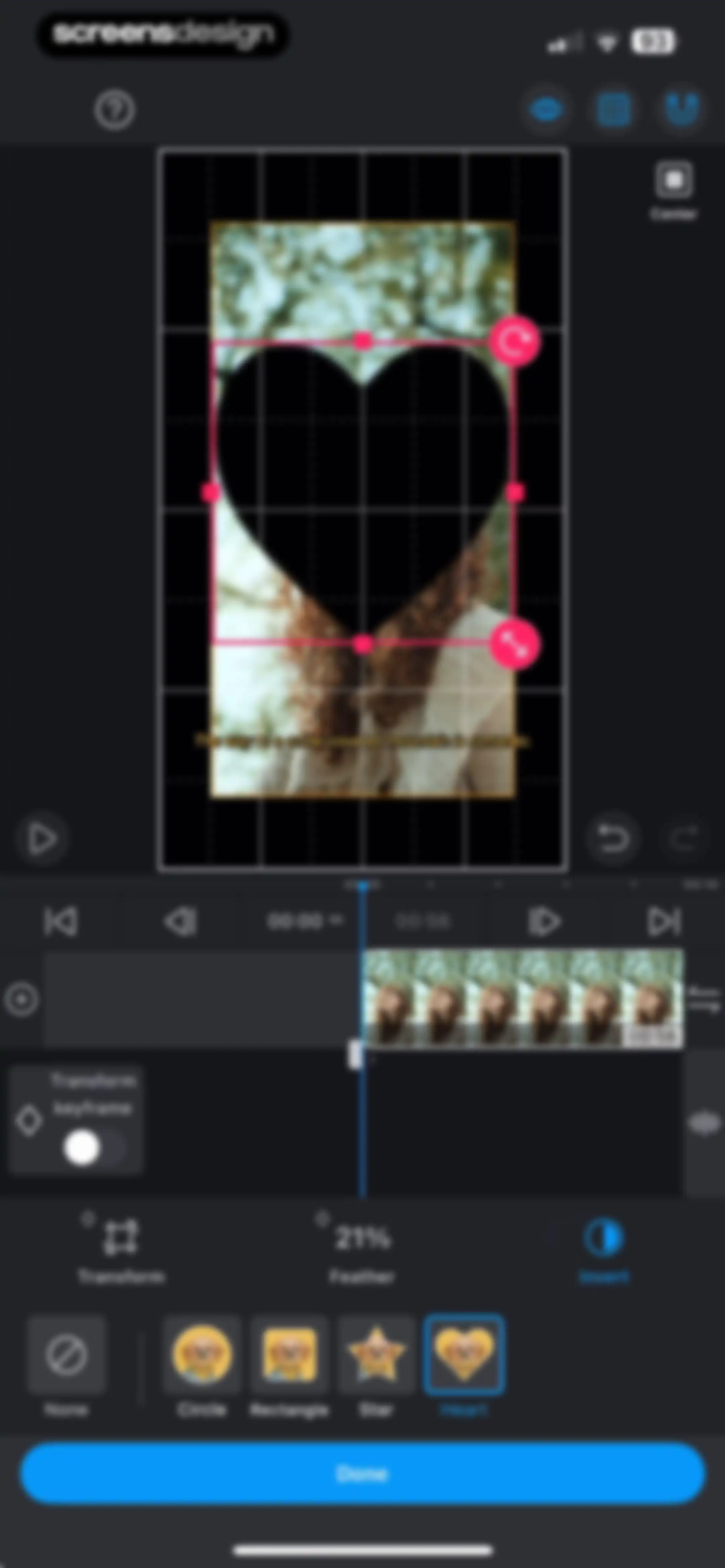
Video editor mask tool screen displaying a heart-shaped mask preview with transform controls, a timeline, and a Done button.Unlock Pro
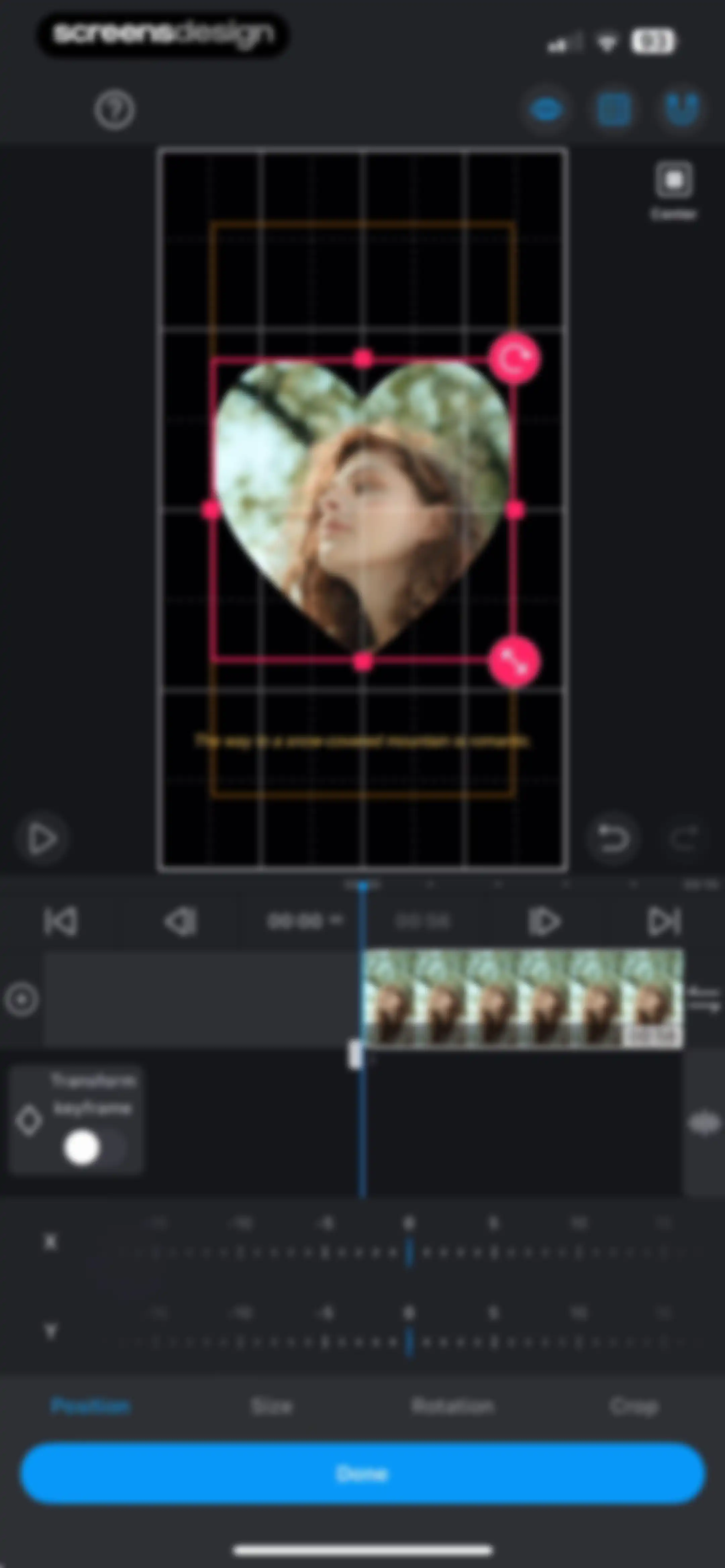
Video editor transform and keyframe screen with a heart-shaped preview, timeline, position controls, and a Done button.Unlock Pro
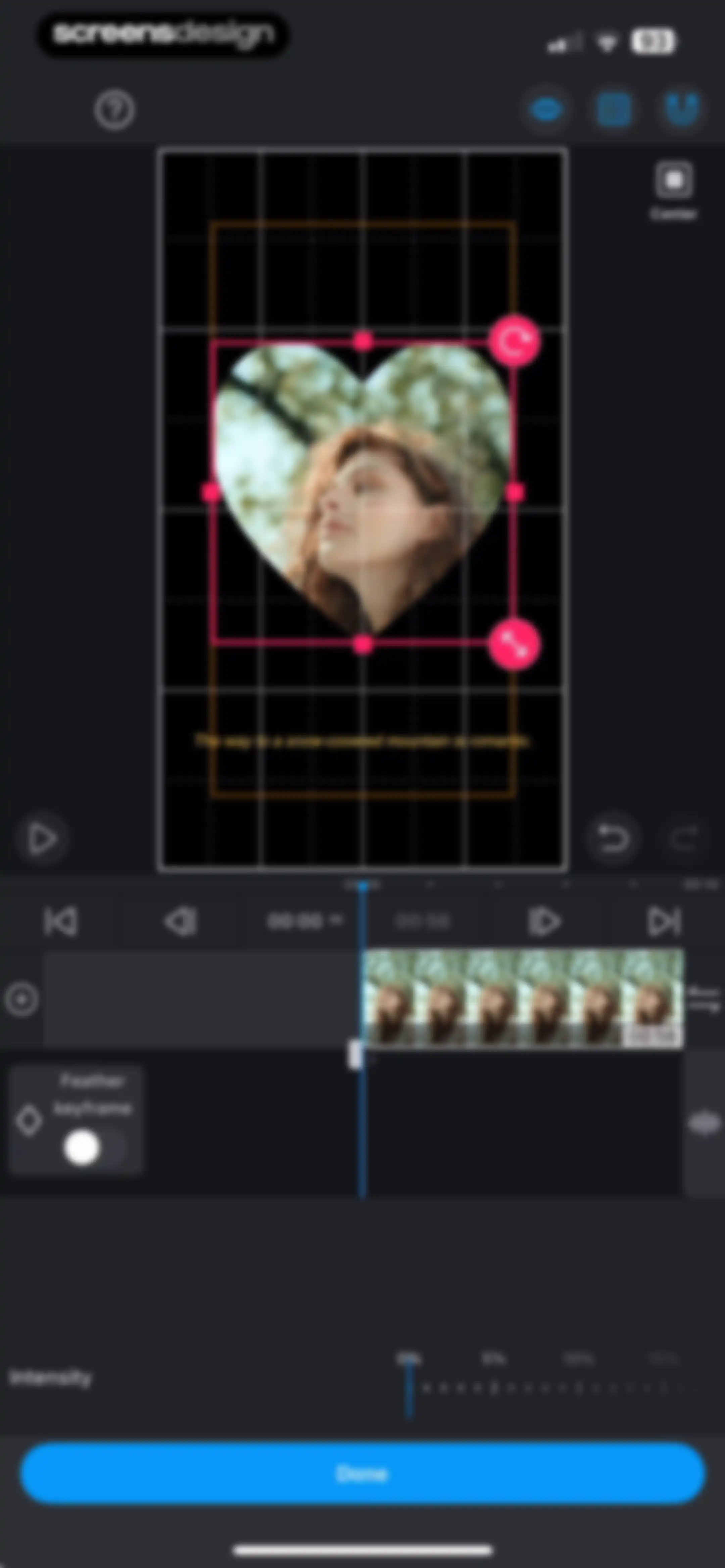
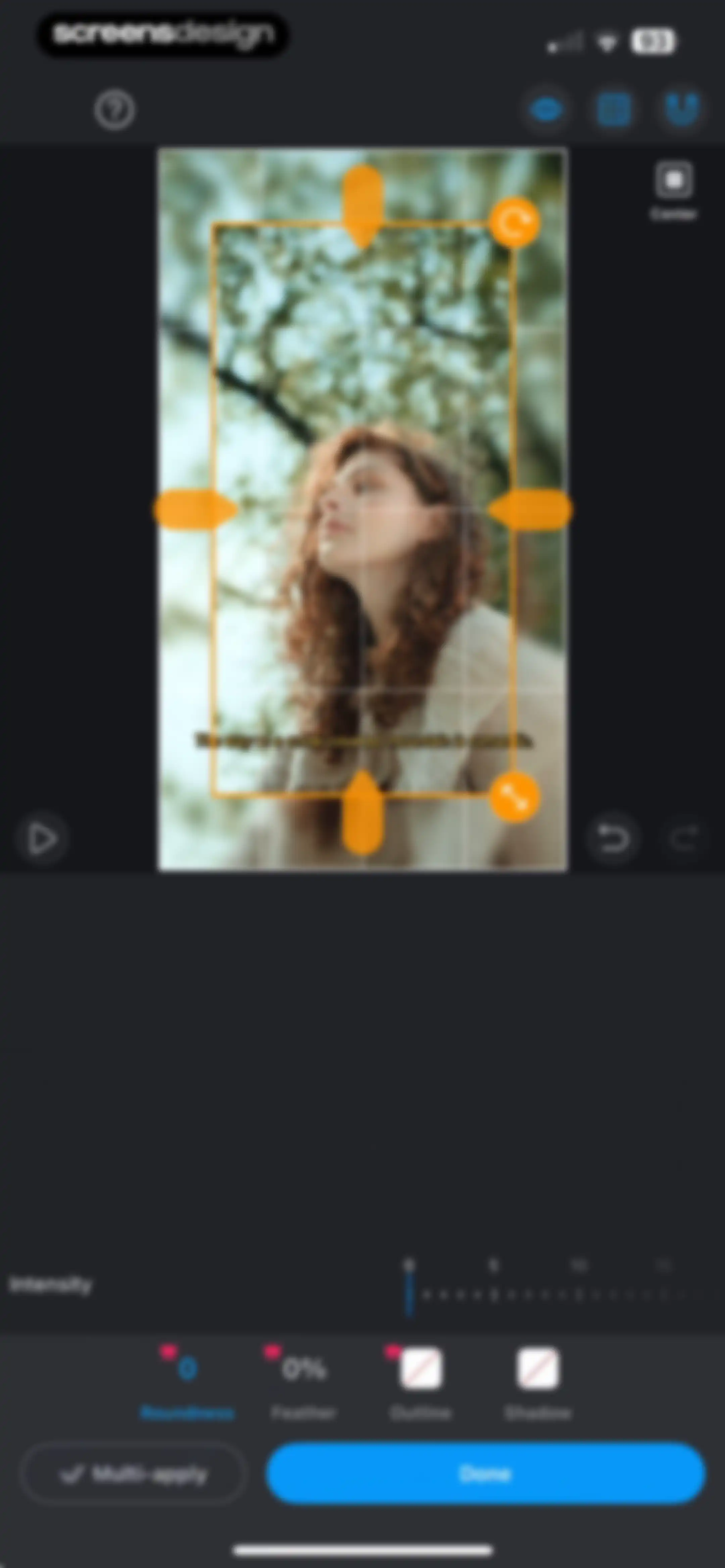
Video editor interface showing a heart-shaped mask preview, timeline, and an intensity slider set to zero with a Done button.Unlock Pro
Video editor mask editing screen with a heart shape selected and a blue Done button.Unlock Pro
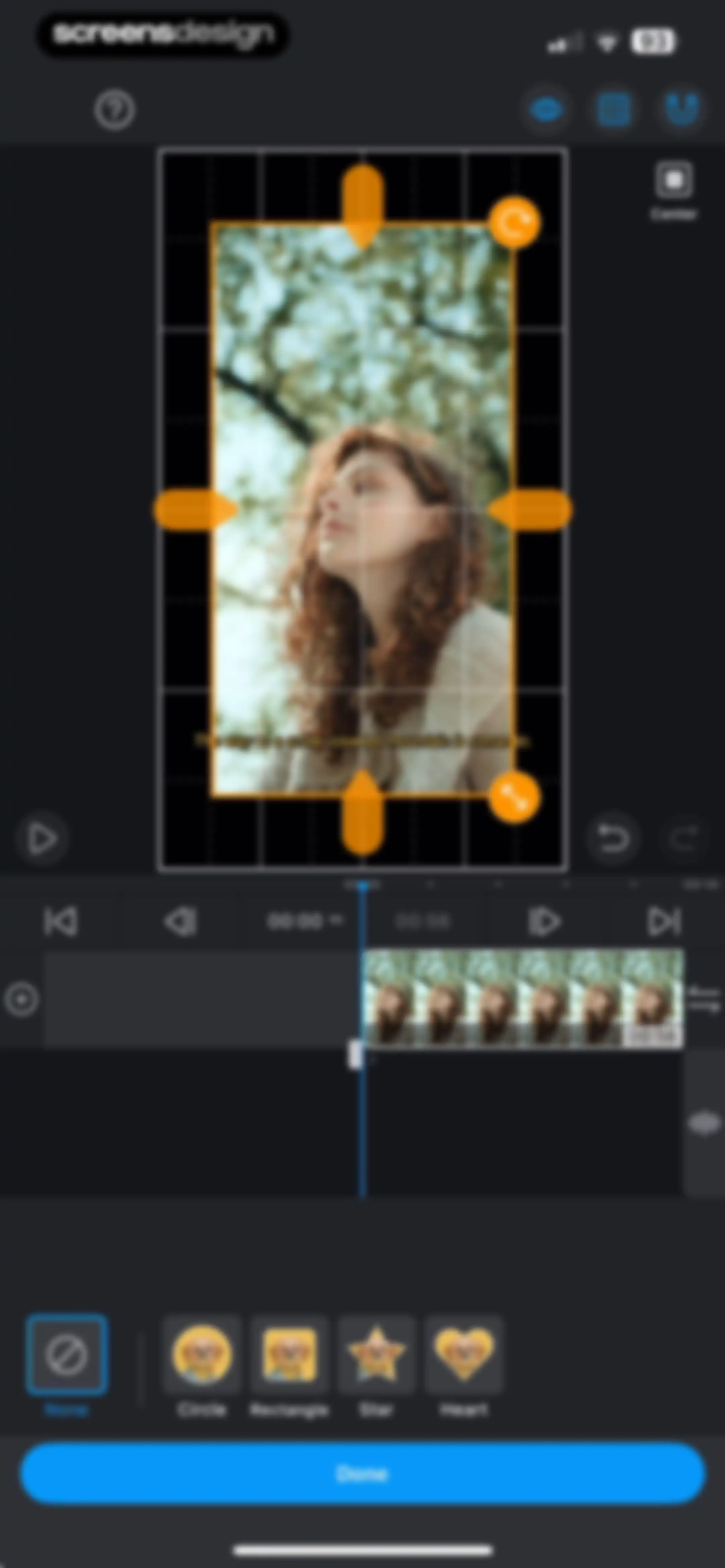
Video editor masking screen displaying a central video preview with a bounding box, a timeline, a mask shape carousel, and a Done button.Unlock Pro
Video editor interface showing a central video preview with transform handles, a timeline, opacity slider, and a bottom toolbar with editing tabs and a Done button.Unlock Pro
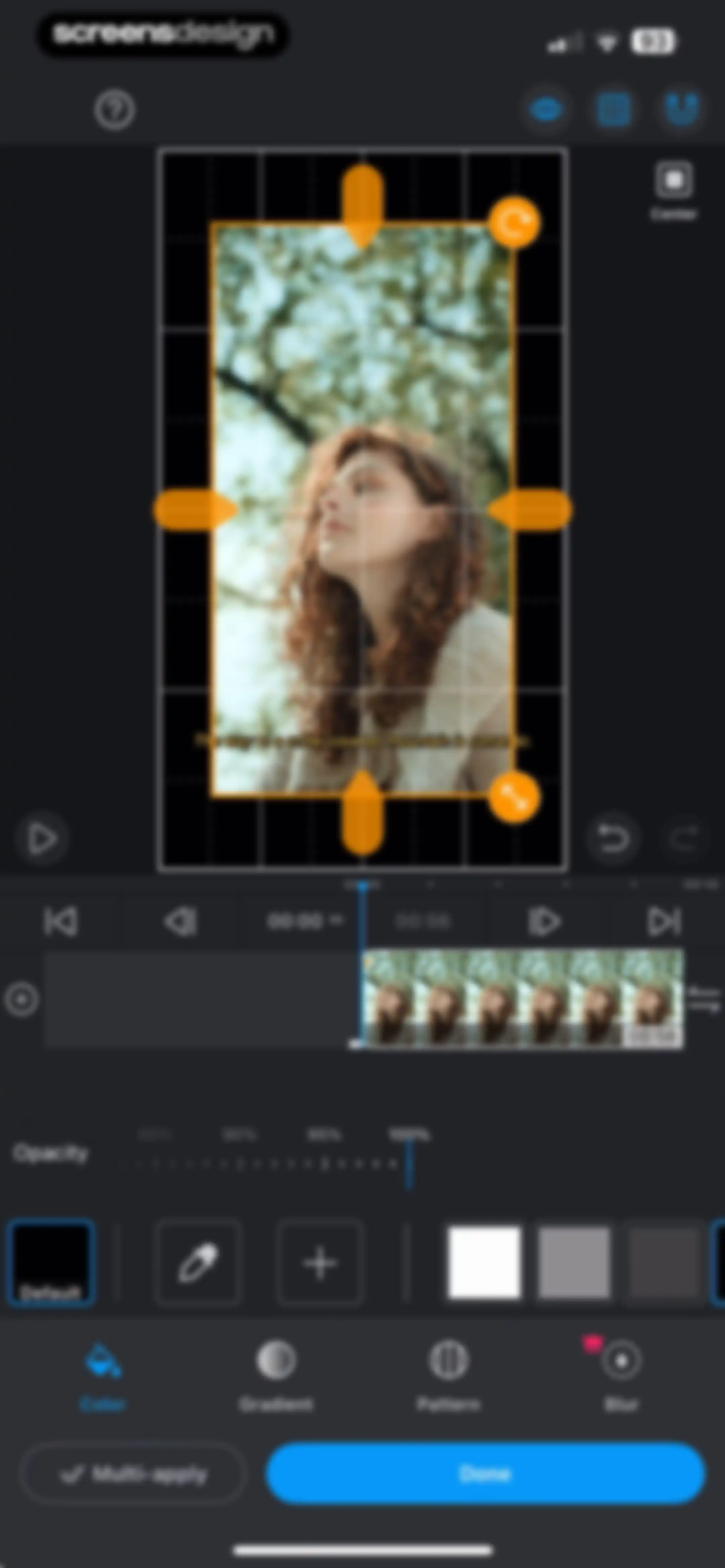
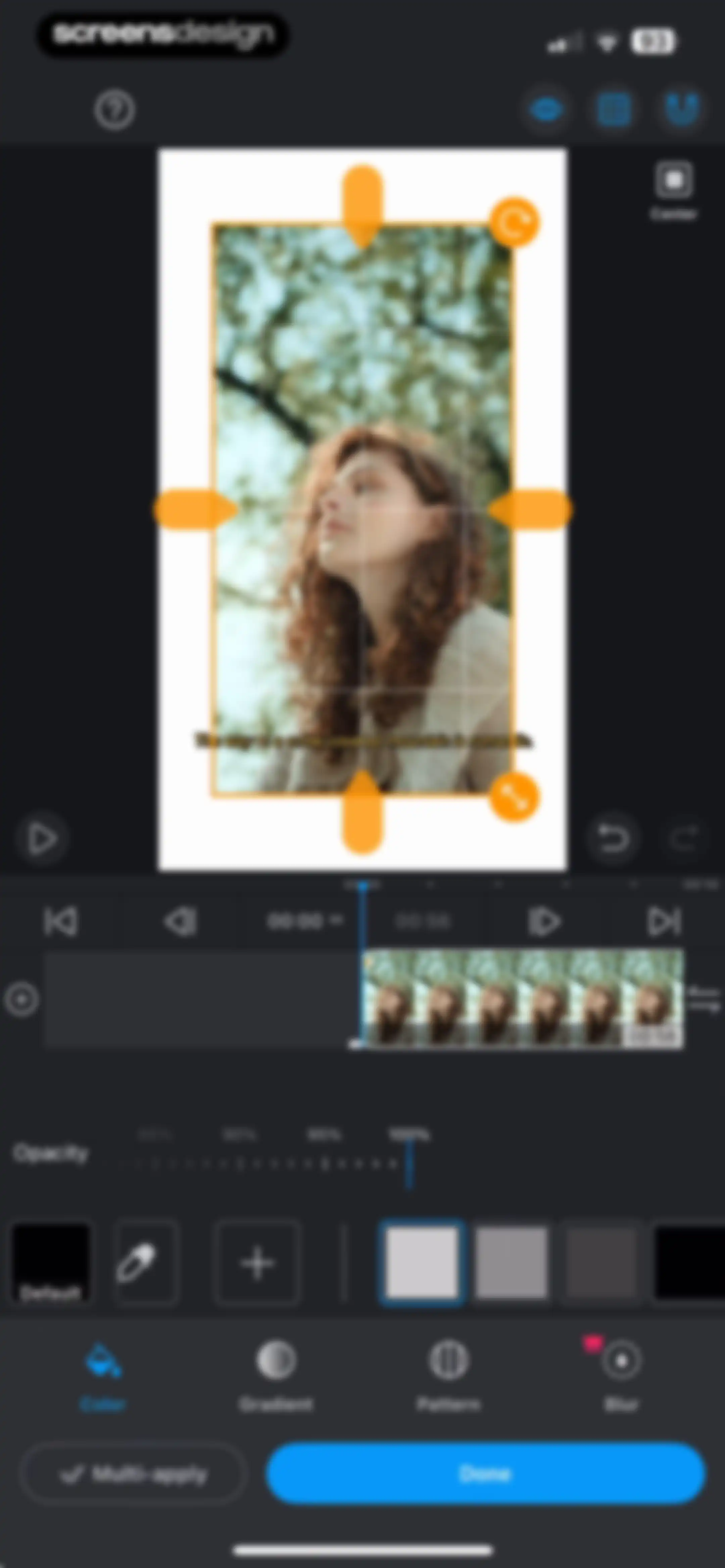
Video editor interface displaying a timeline, opacity controls set to 100%, and a selected color tab with a Done button.Unlock Pro
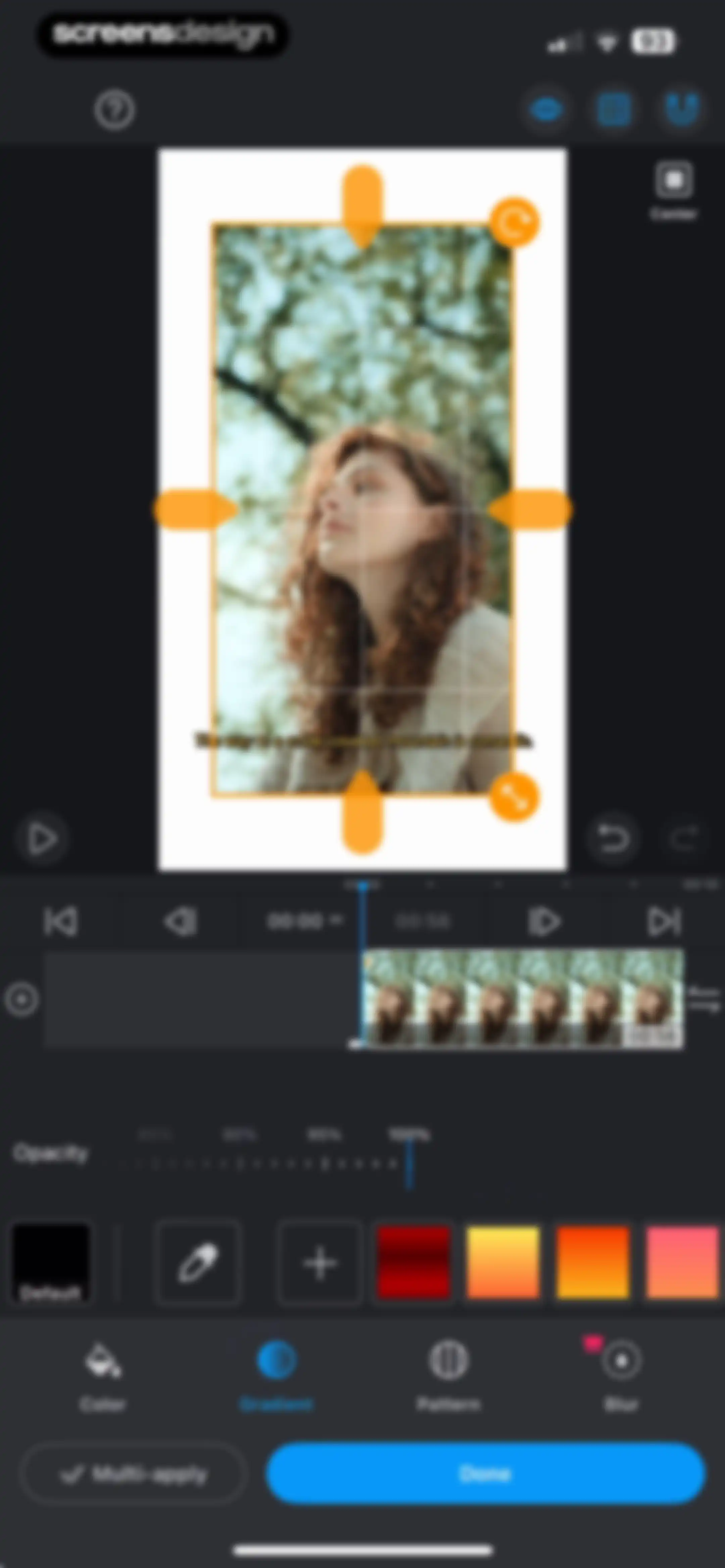
Video editor interface featuring a central video canvas with selection handles, an opacity slider, a selected gradient tab, and a Done button.Unlock Pro
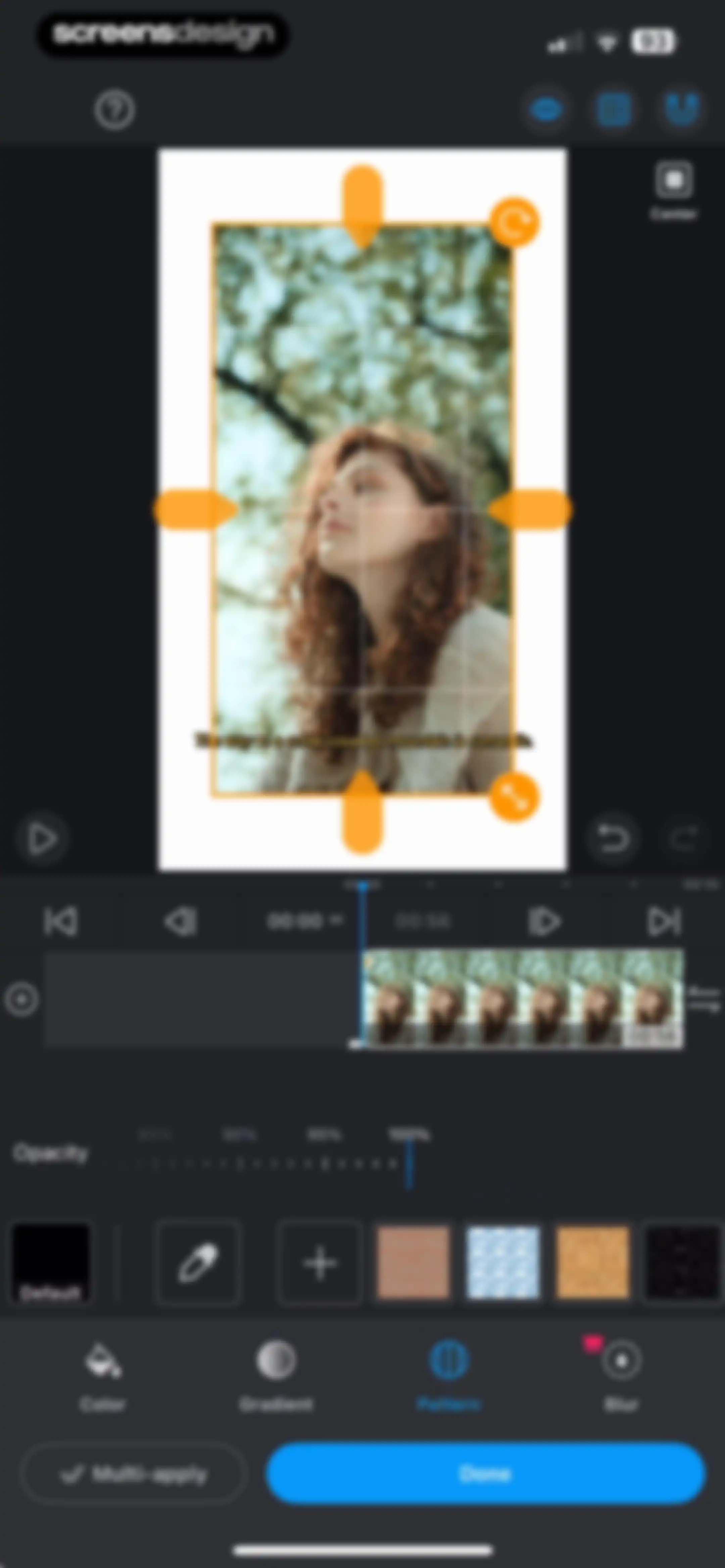
Video editor interface showing a timeline, a central video canvas with an orange bounding box, an opacity slider, and a pattern selection tab with a Done button.Unlock Pro
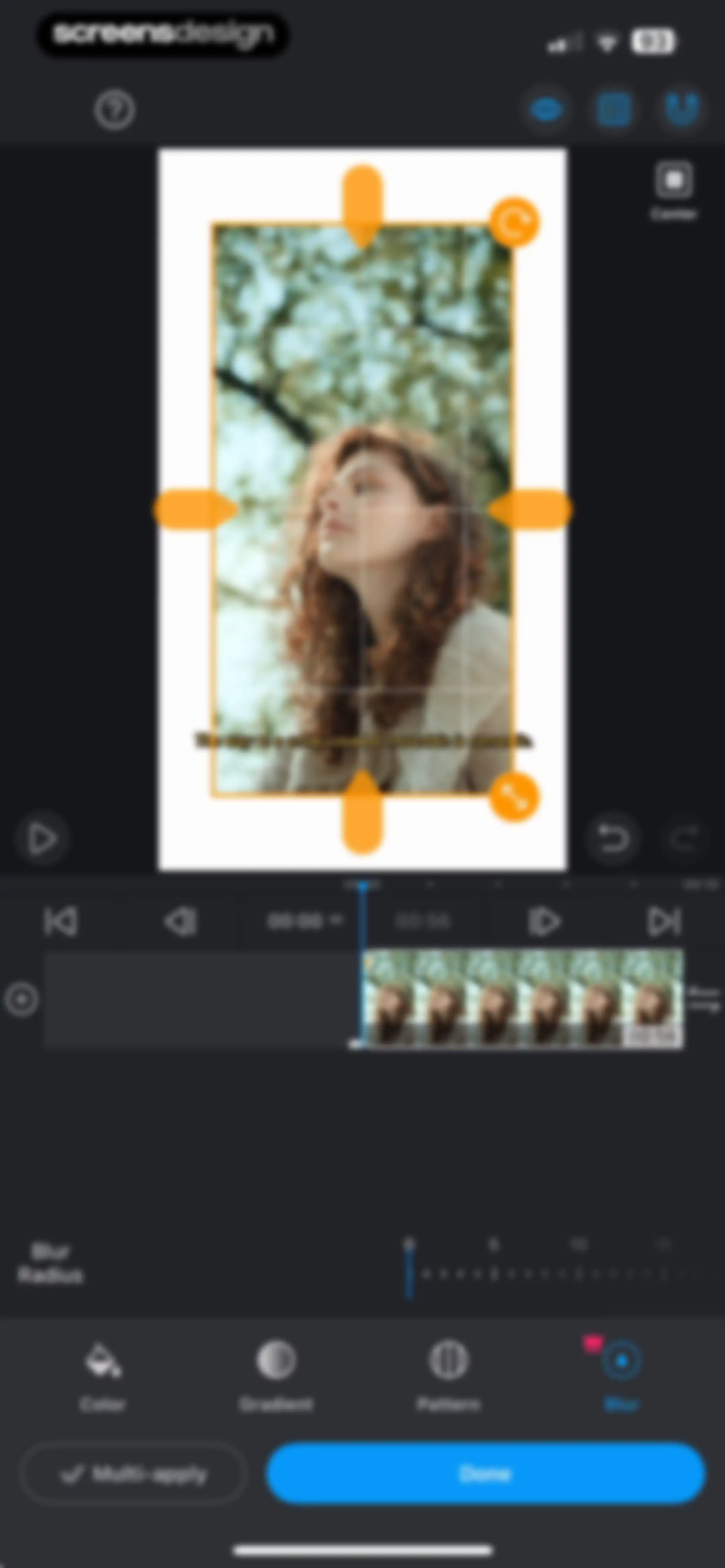
Video editor blur adjustment screen featuring a preview canvas, timeline, blur radius slider, and a Done button.Unlock Pro
Video editor masking interface with a central preview and bounding box, featuring an intensity slider and a Done button.Unlock Pro
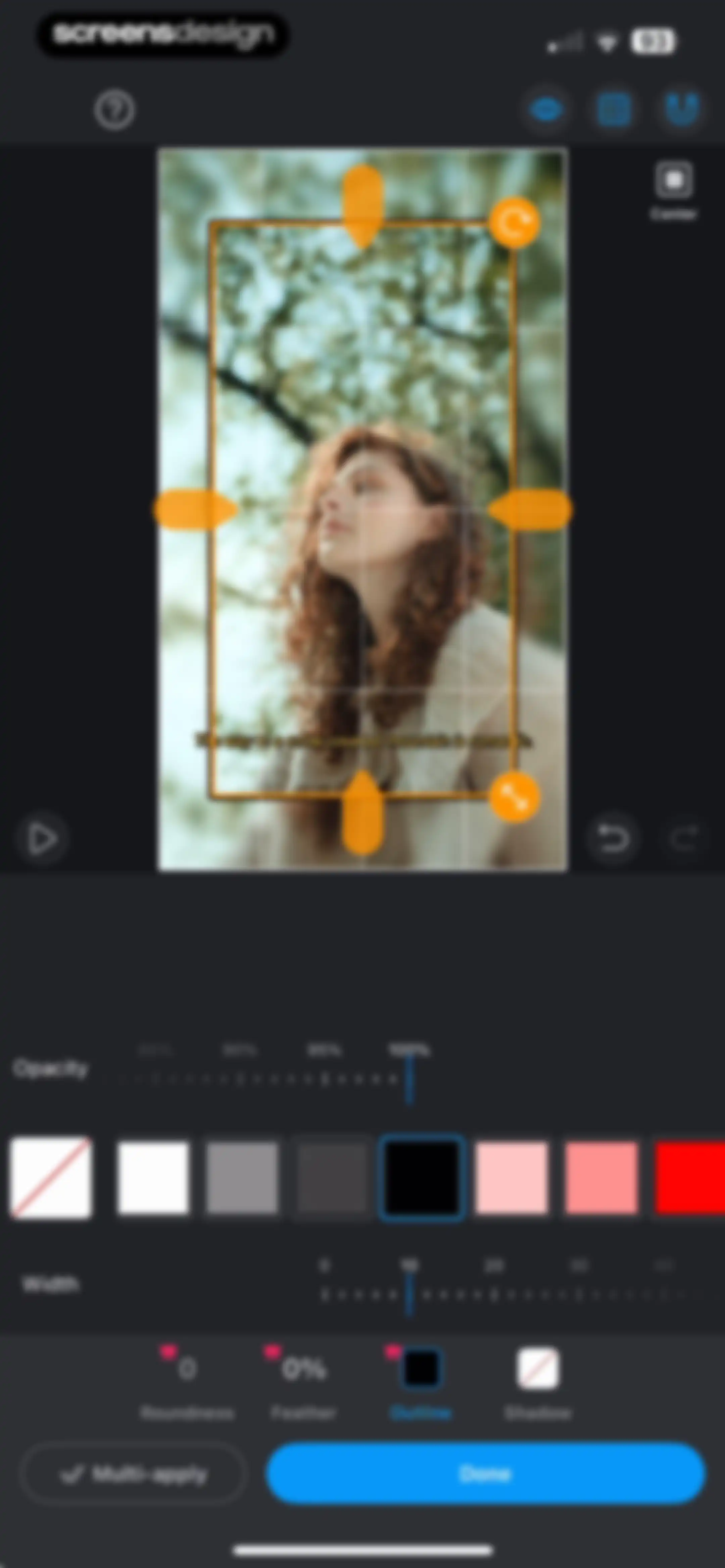
Video editor property adjustment screen featuring a preview with an orange bounding box, outline customization sliders, and a Done button.Unlock Pro
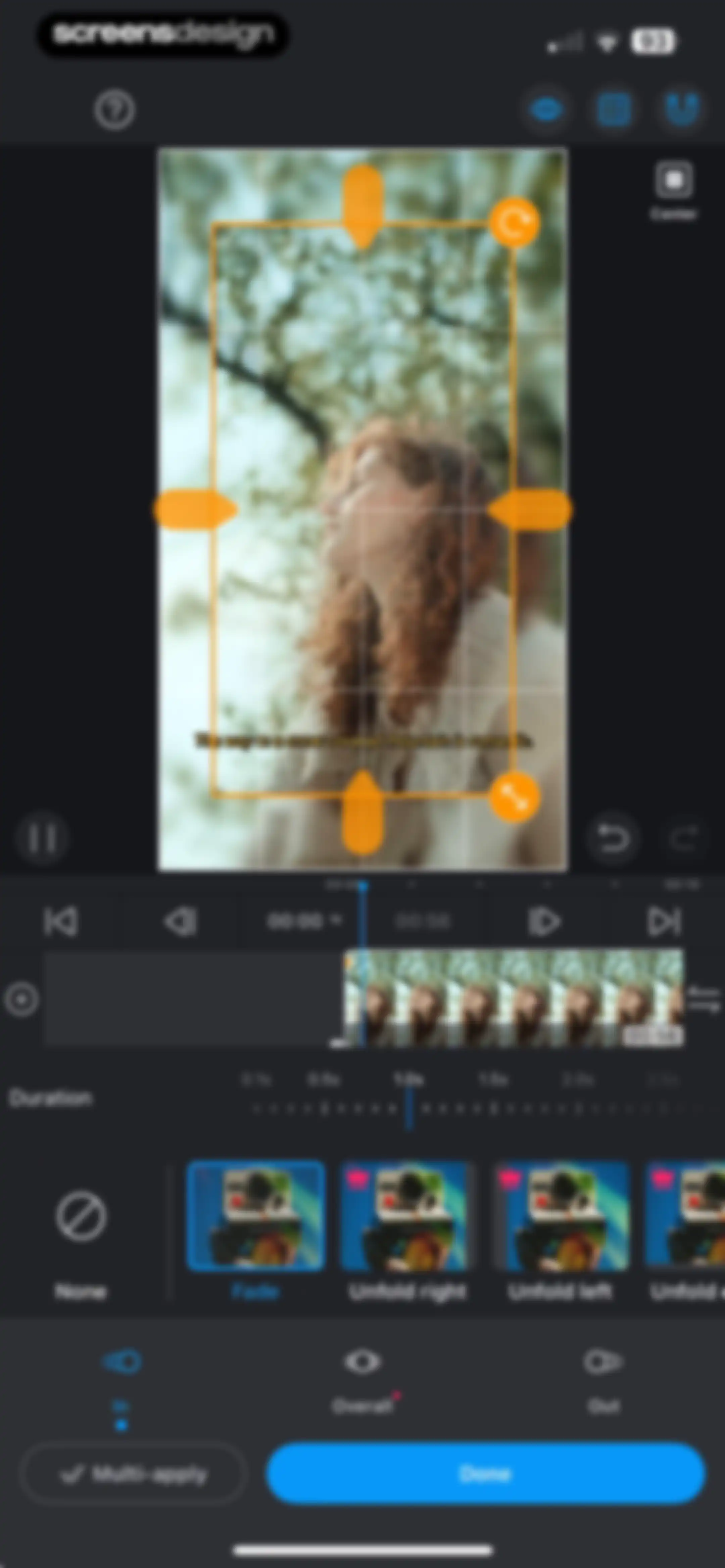
Video editor animation settings screen with the Fade effect selected, duration controls, and a Done button.Unlock Pro
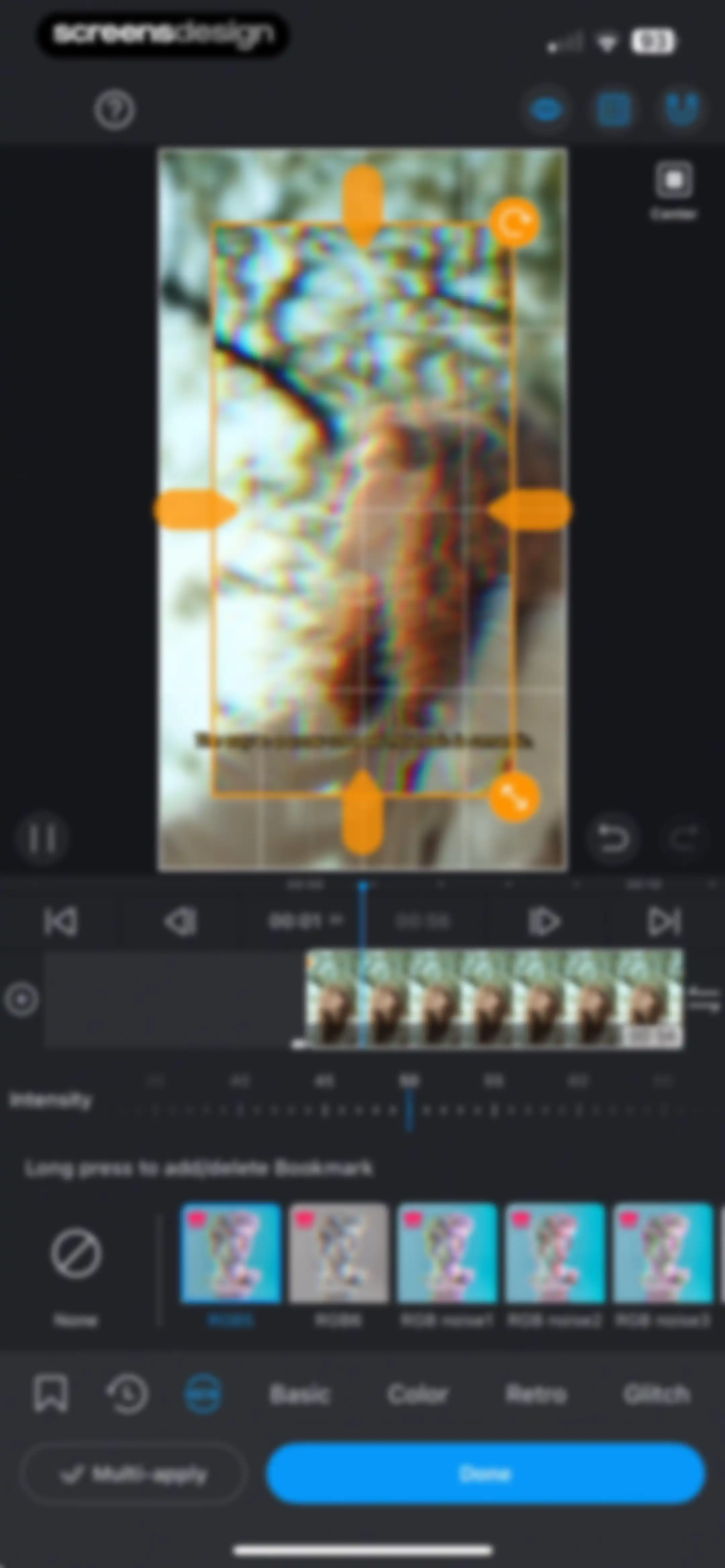
Video editor filter selection screen with a timeline, intensity slider, selected RGB5 filter, and a blue Done button.Unlock Pro
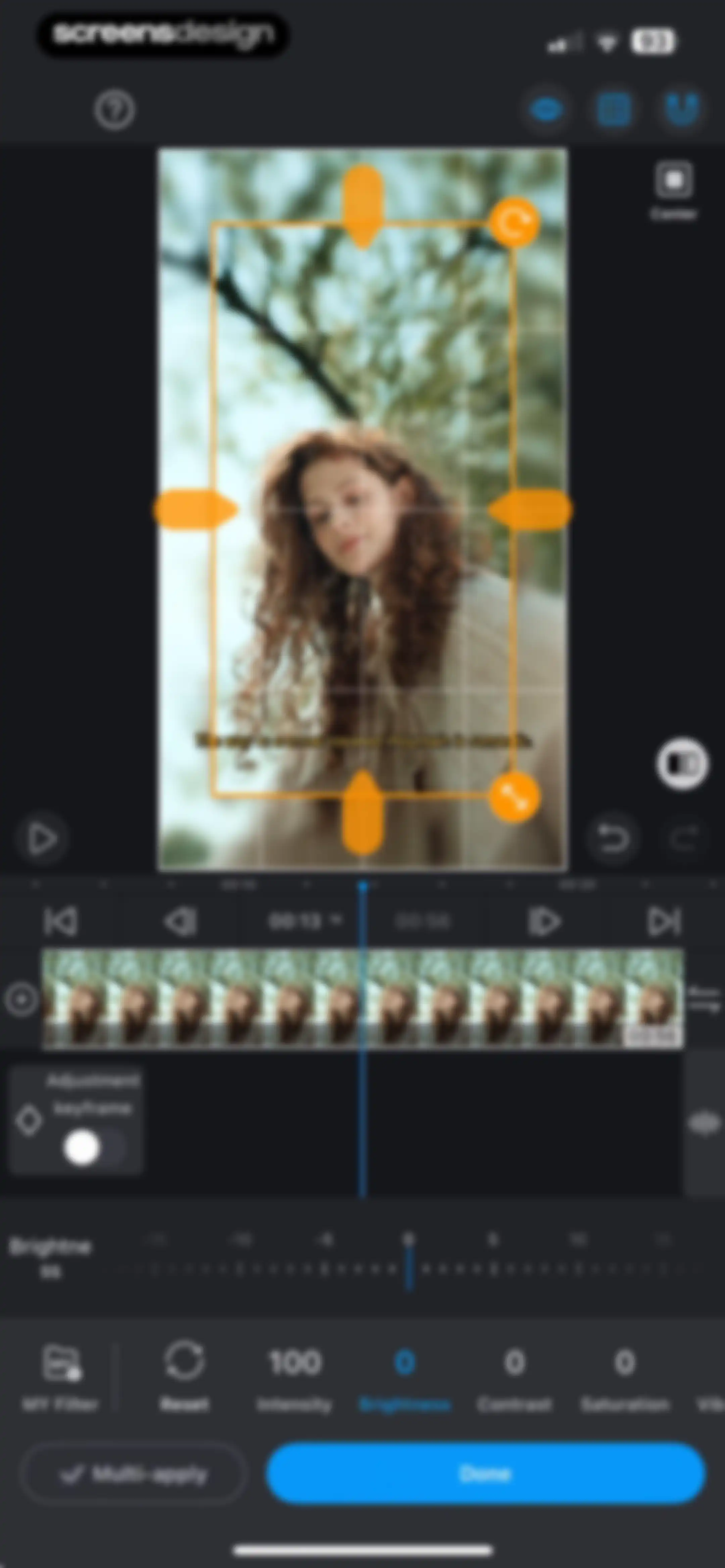
Video editor adjustment screen showing a brightness slider, timeline, and video preview, with a Done button.Unlock Pro
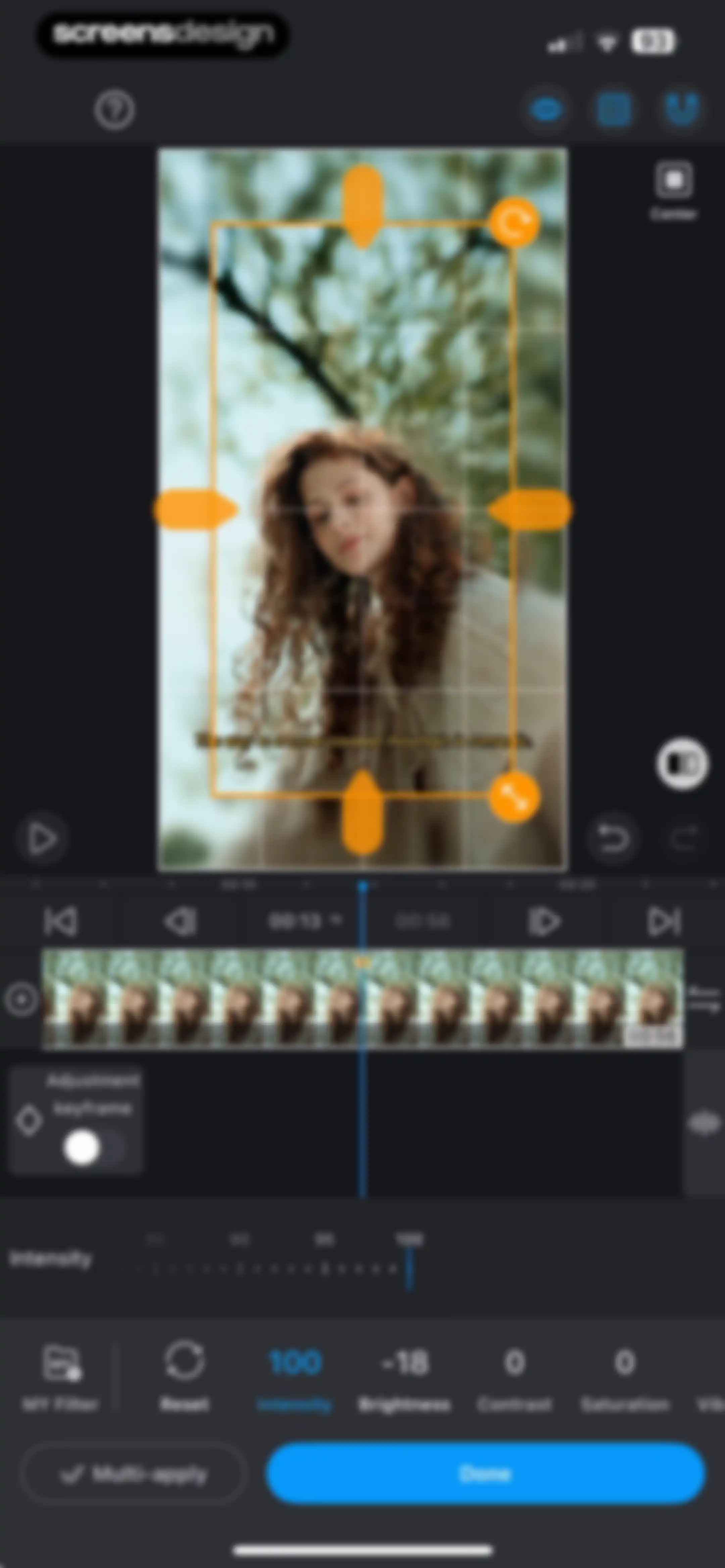
Video editor adjustment screen displaying a central preview window, timeline, and intensity slider set to 100 with a Done button.Unlock Pro
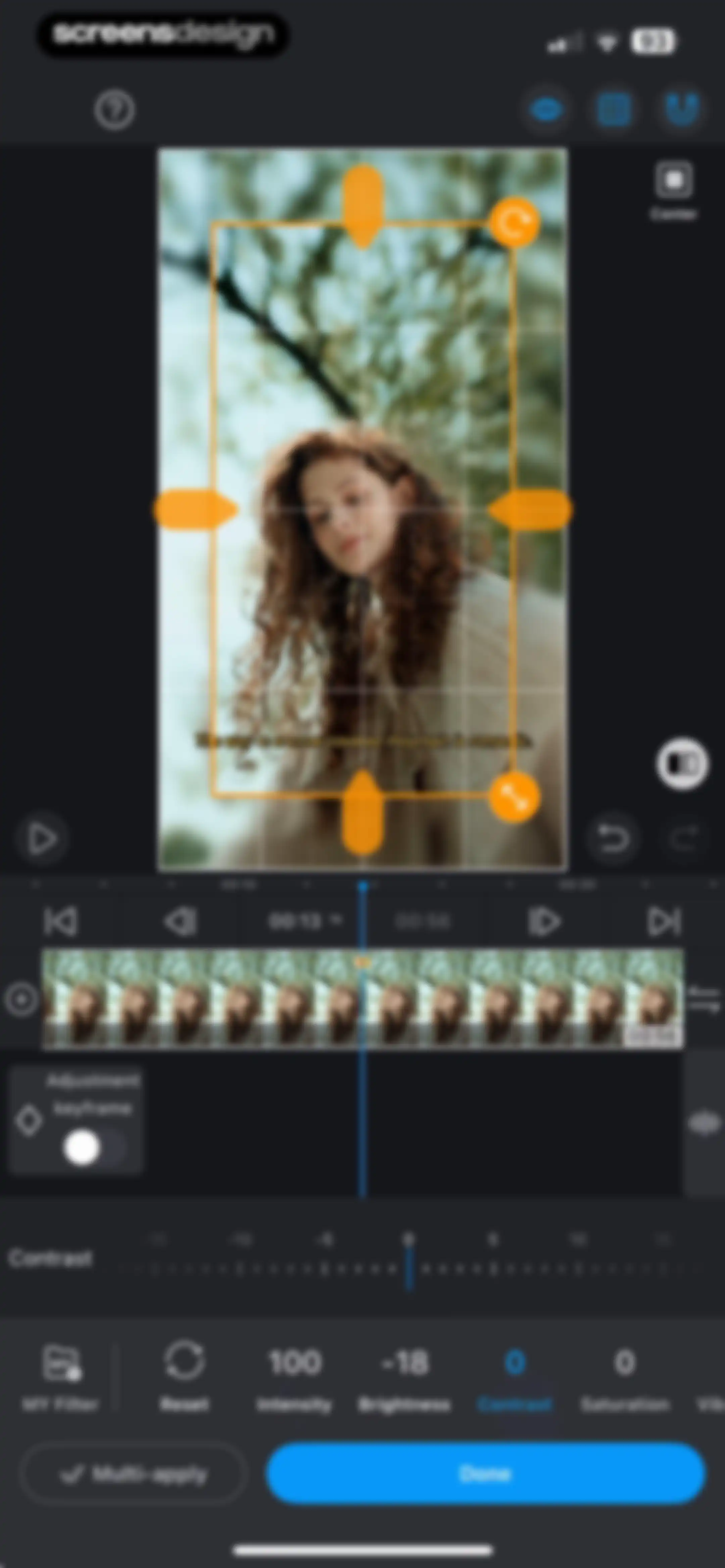
Video editor adjustment screen displaying a contrast slider, cropping overlay, timeline, and a blue Done button.Unlock Pro
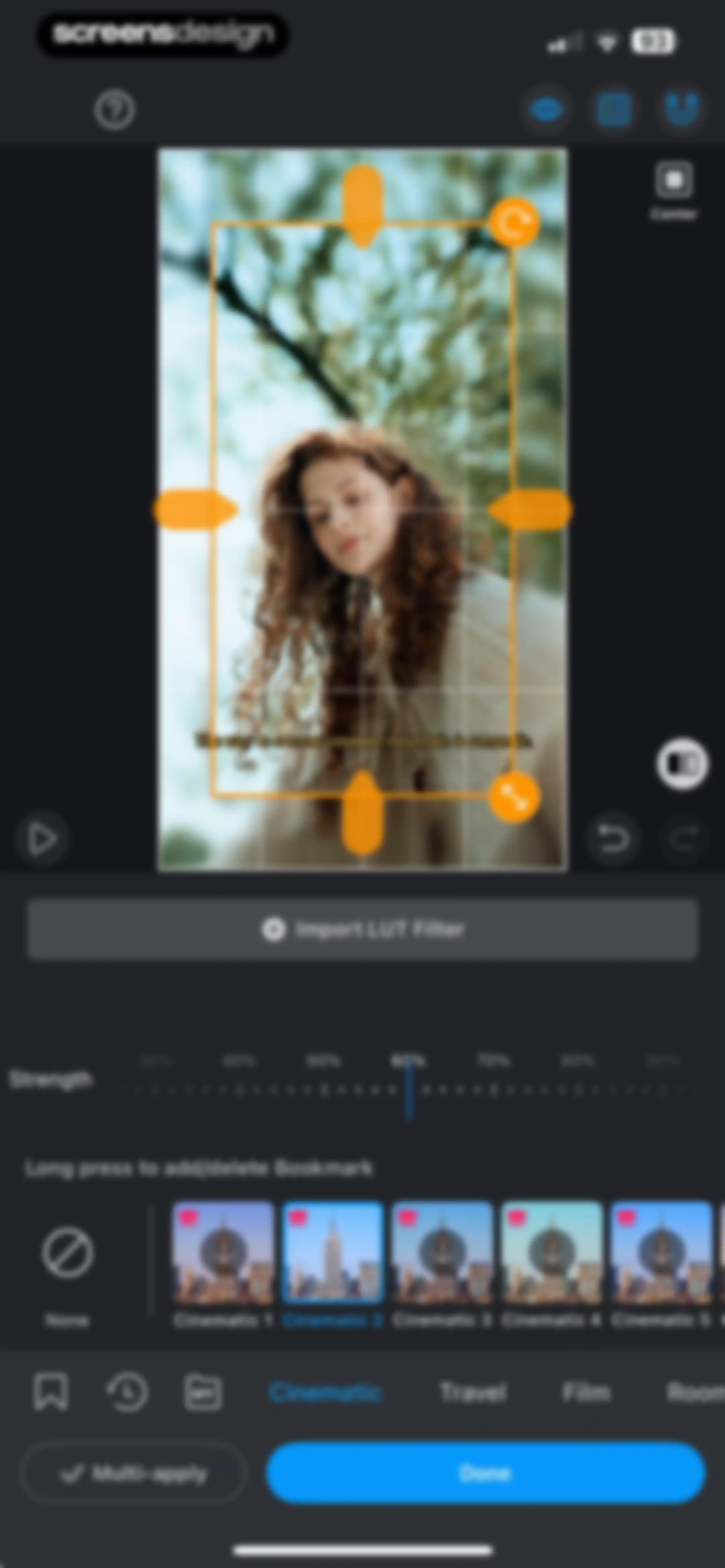
Video filter editing screen with a strength slider, a filter preset carousel featuring Cinematic 2, and a Done button.Unlock Pro
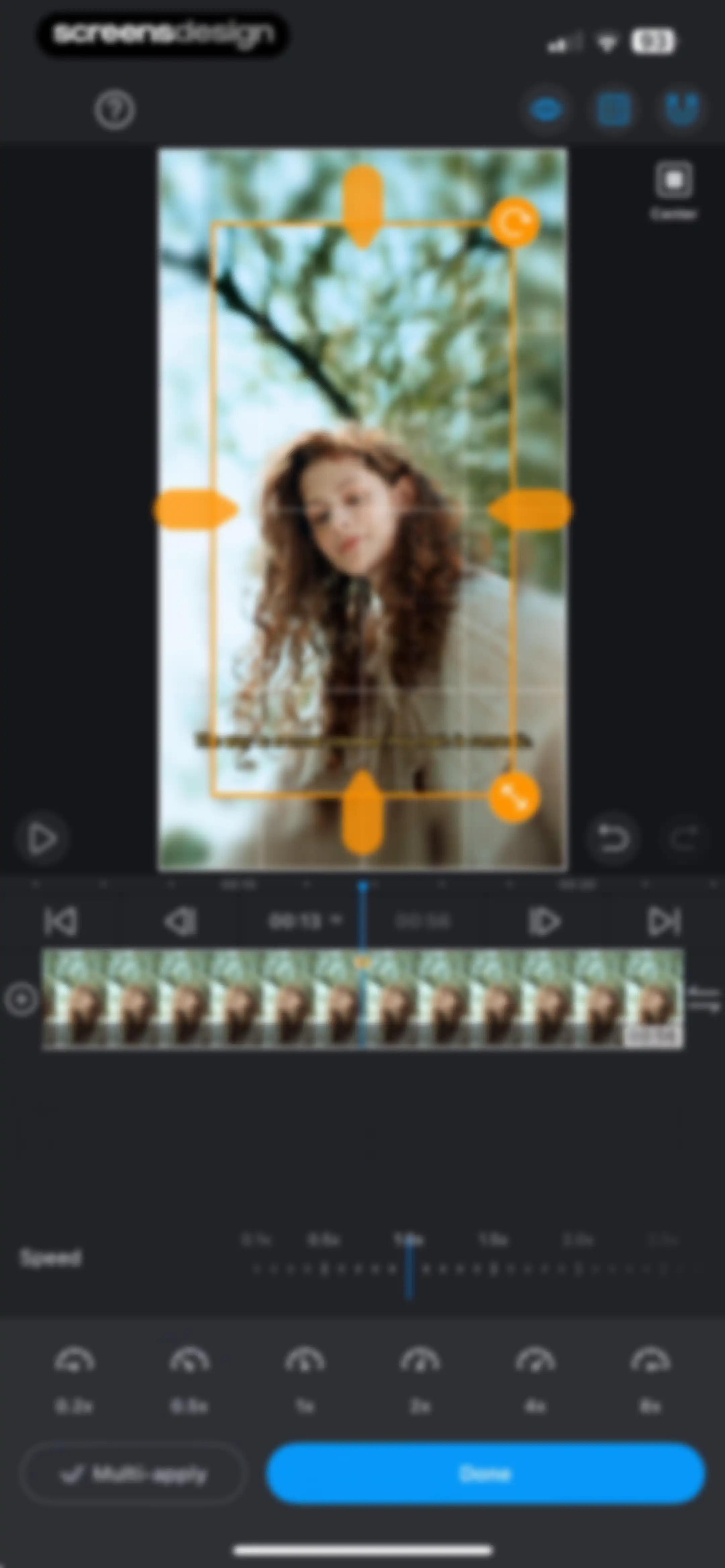
Video editor speed adjustment screen displaying a timeline, speed preset options ranging from 0.2x to 8x, and a Done button.Unlock Pro
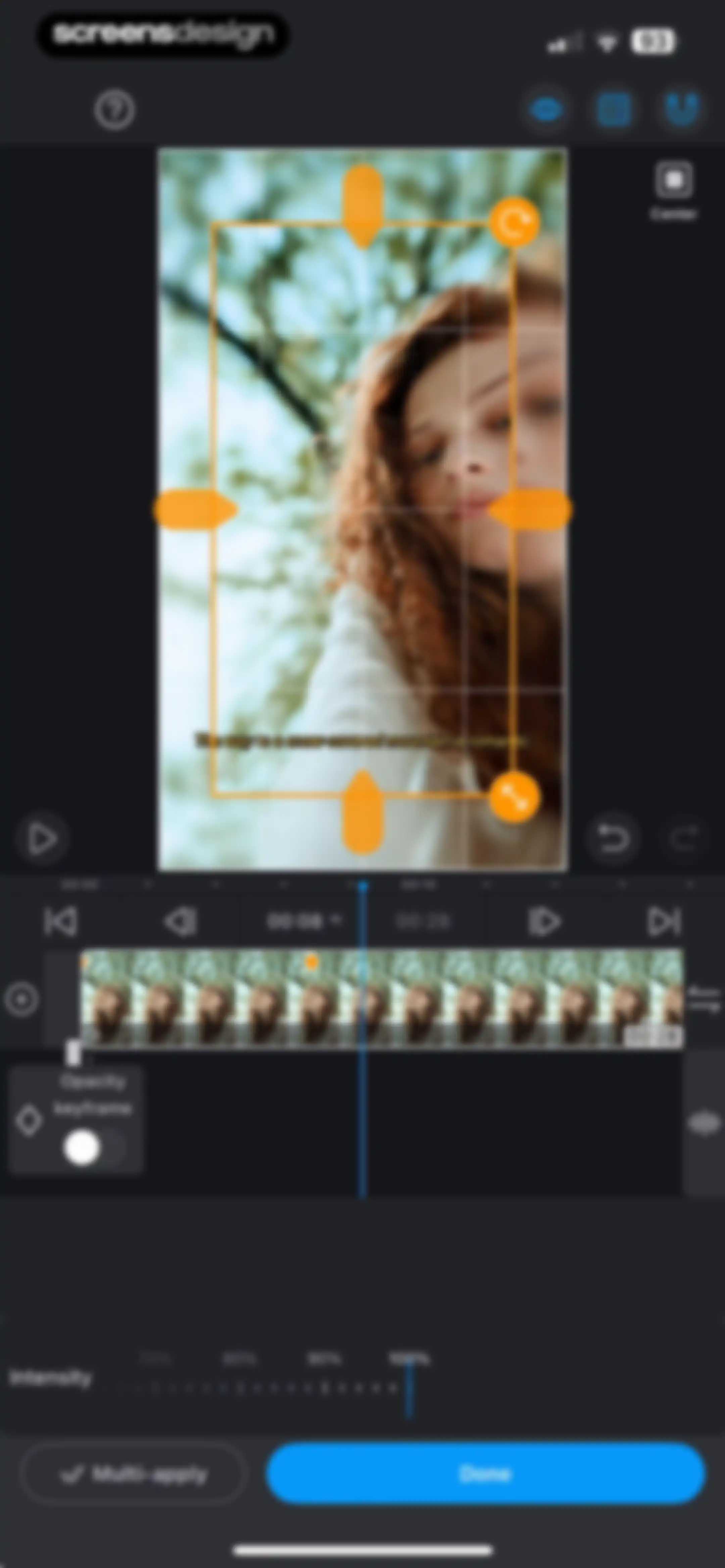
Video editing screen with a timeline, opacity keyframe control, intensity slider set to 100%, and a Done button.Unlock Pro
Video editor interface in VLLO with a preview area showing transformation handles, a timeline with a playhead, an editing toolbar, and a Done button.Unlock Pro
Video editor interface showing a preview with an orange crop frame, a timeline, sensitivity controls, and a Done button.Unlock Pro
Video editor screen featuring adjustment sliders for saturation, brightness, and hue, a timeline, and a Done button.Unlock Pro
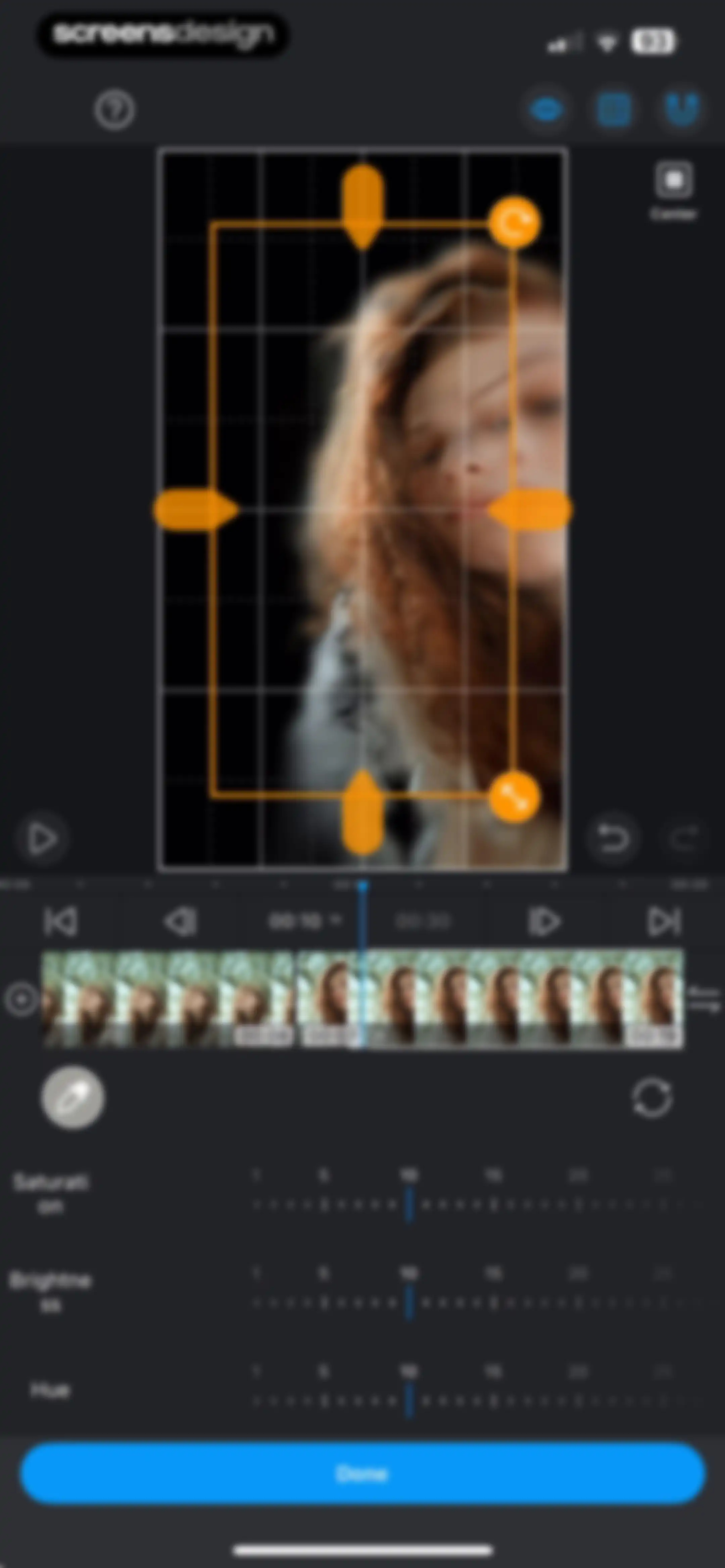
Video editor interface displaying adjustment sliders for saturation, brightness, and hue, a central preview with transform handles, a timeline, and a Done button.Unlock Pro
Video editor interface featuring a central preview, timeline with playhead, tool sidebar, and an Export button.Unlock Pro
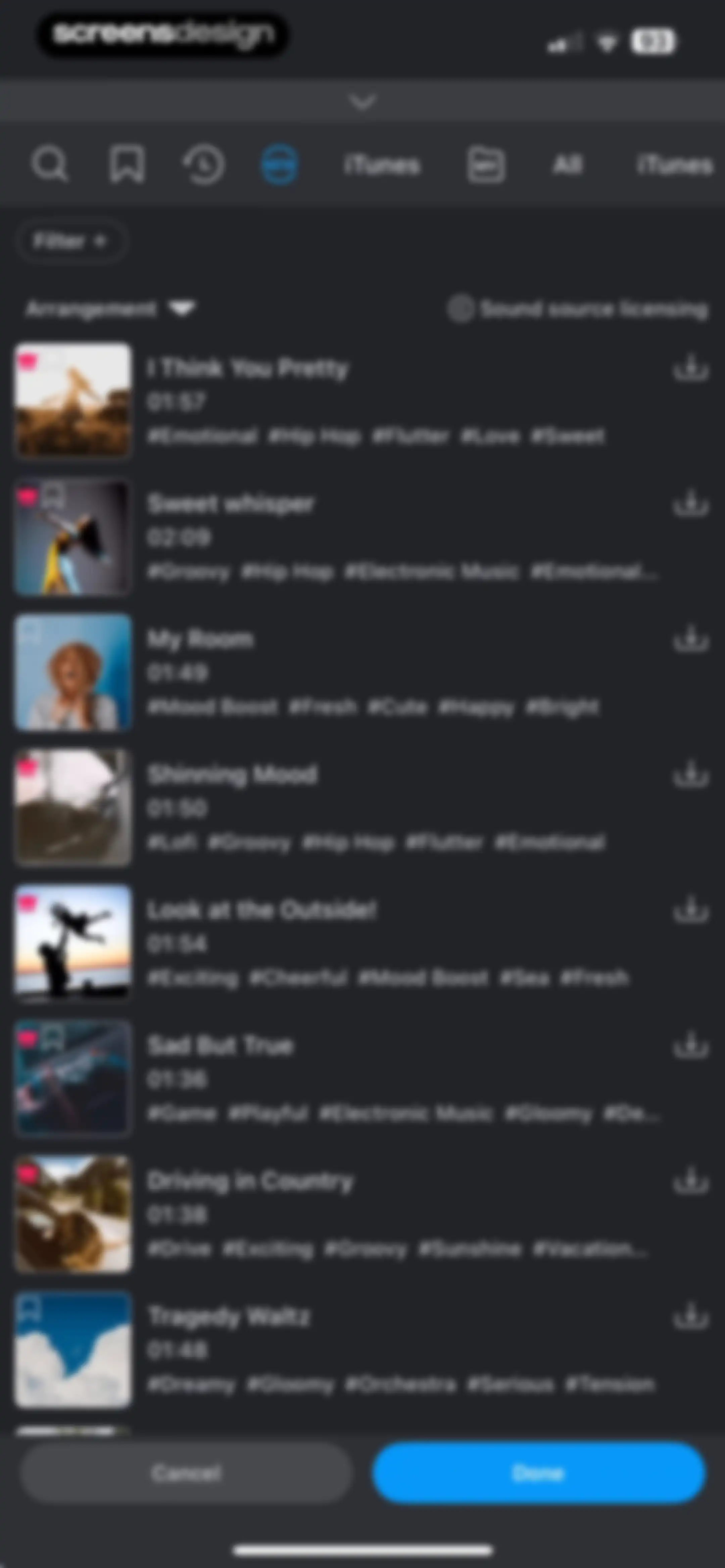
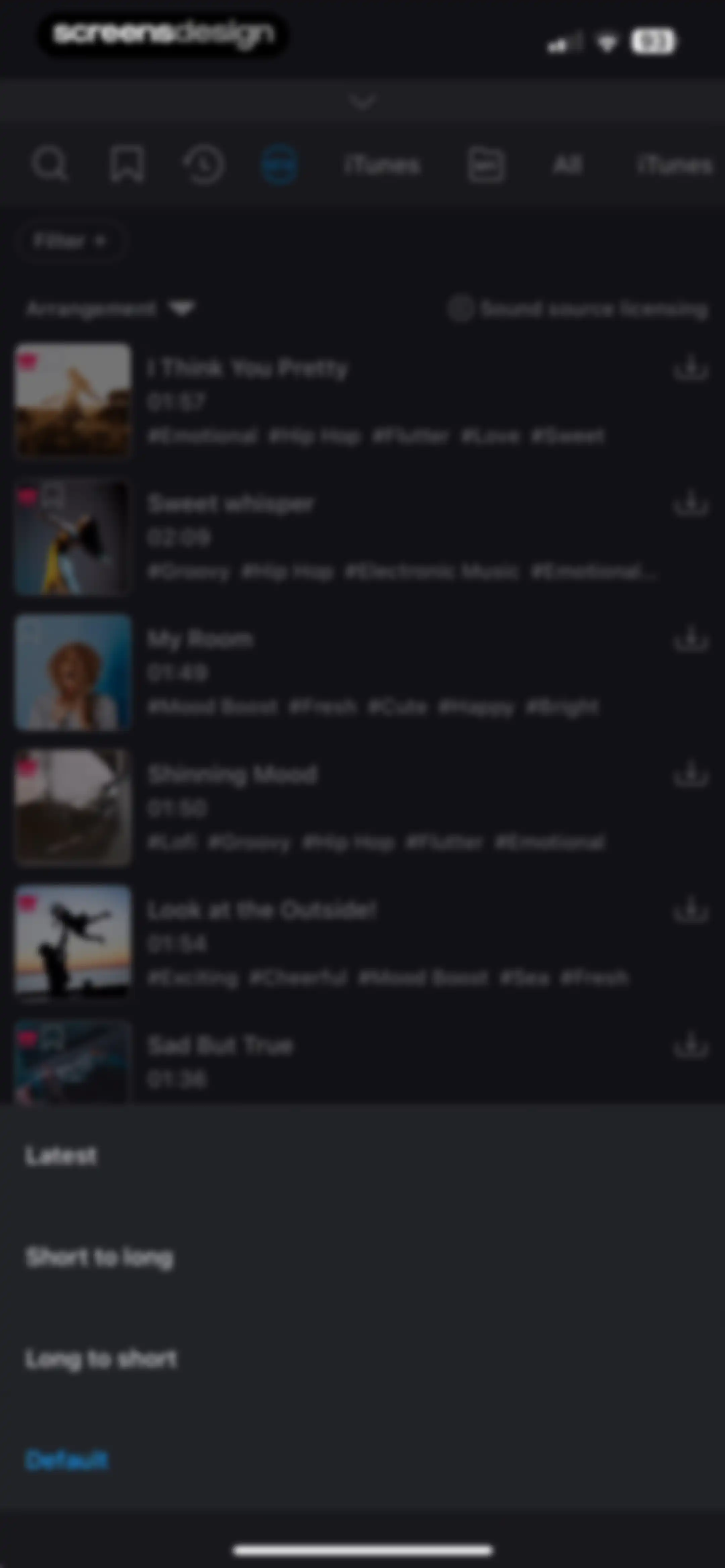
Music selection screen in the VLLO app displaying a dark-themed scrollable list of audio tracks with filter and arrangement options, plus Cancel and Done buttons at the bottom.Unlock Pro
Music library interface displaying a list of audio tracks with a bottom sorting modal open to the default option.Unlock Pro
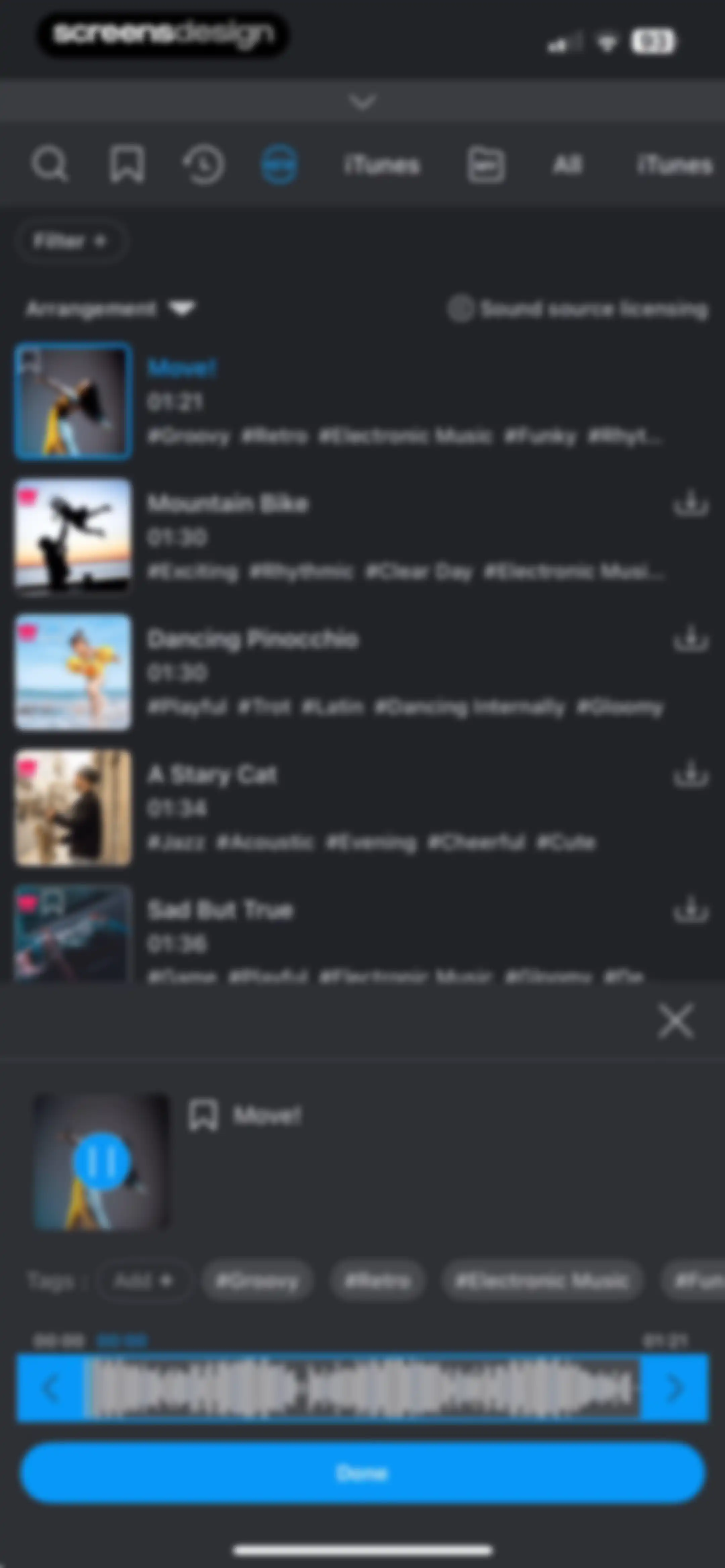
Audio track selection list showing a search bar, filter tabs, track titles with hashtags, and a bottom player bar with a waveform and Done button.Unlock Pro
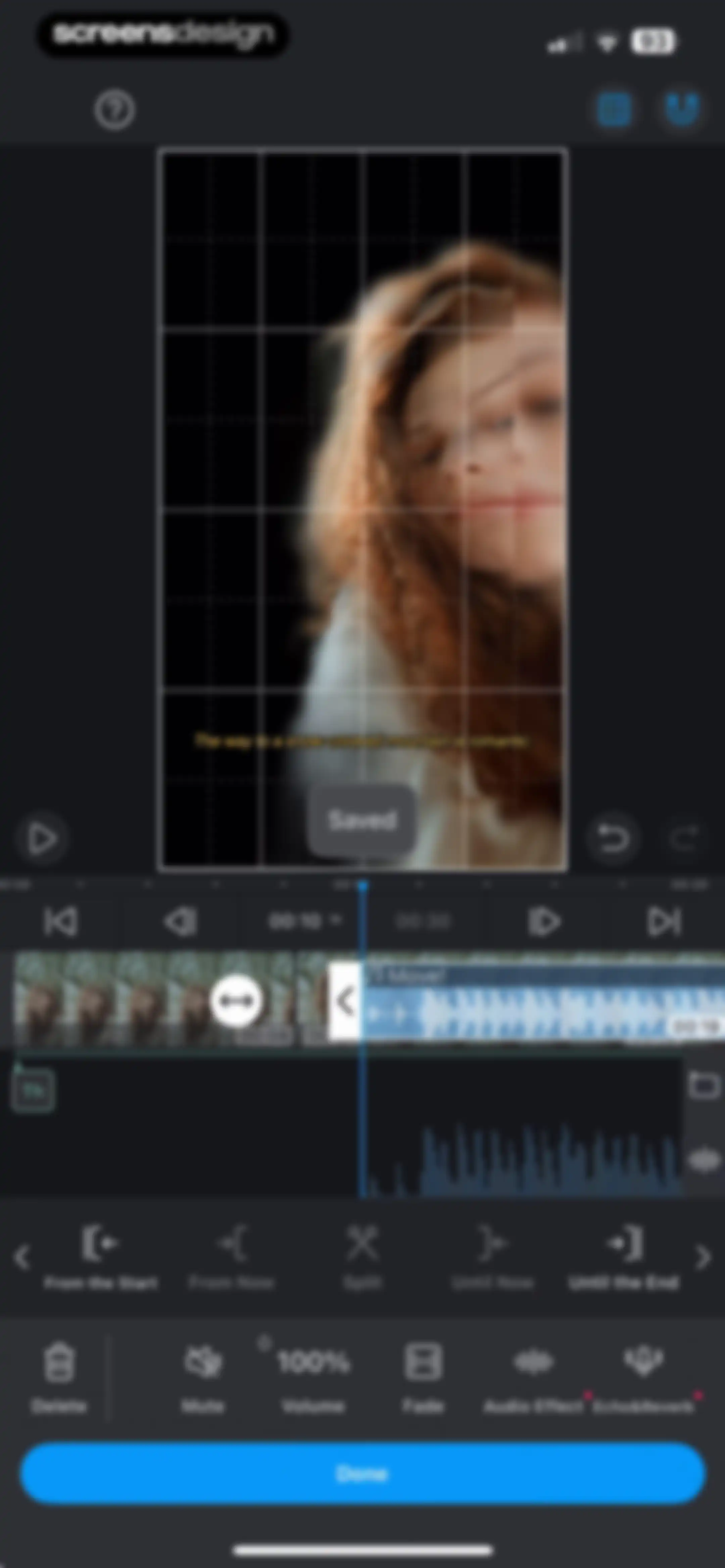
Video editing screen featuring a timeline with audio and video tracks, split and volume tools, and a Done button.Unlock Pro
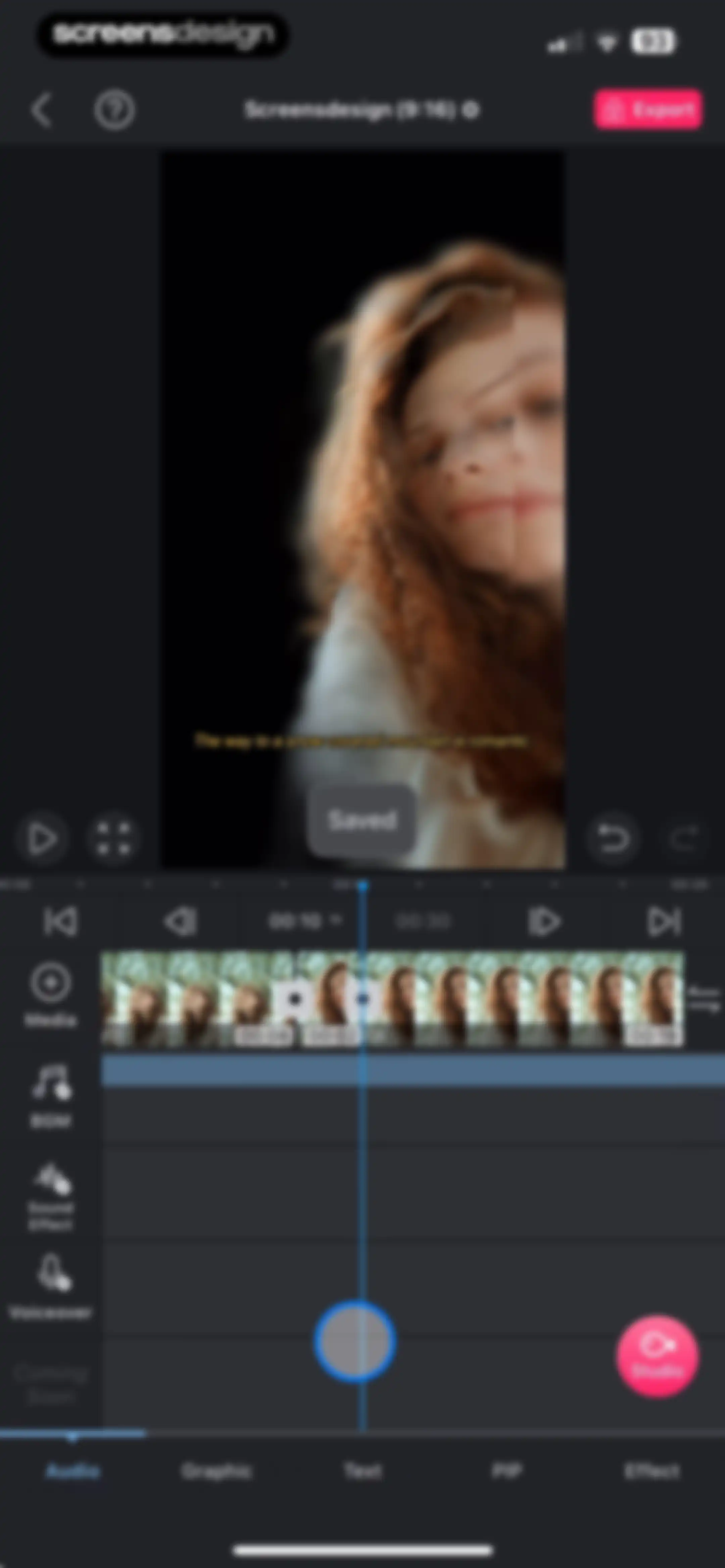
Video editor interface with a timeline, central preview window displaying a snow-covered mountain scene, and an Export button in the top corner.Unlock Pro
Video editor interface featuring a central preview window, a timeline with a playhead at the 00:10 mark, and an Export button.Unlock Pro
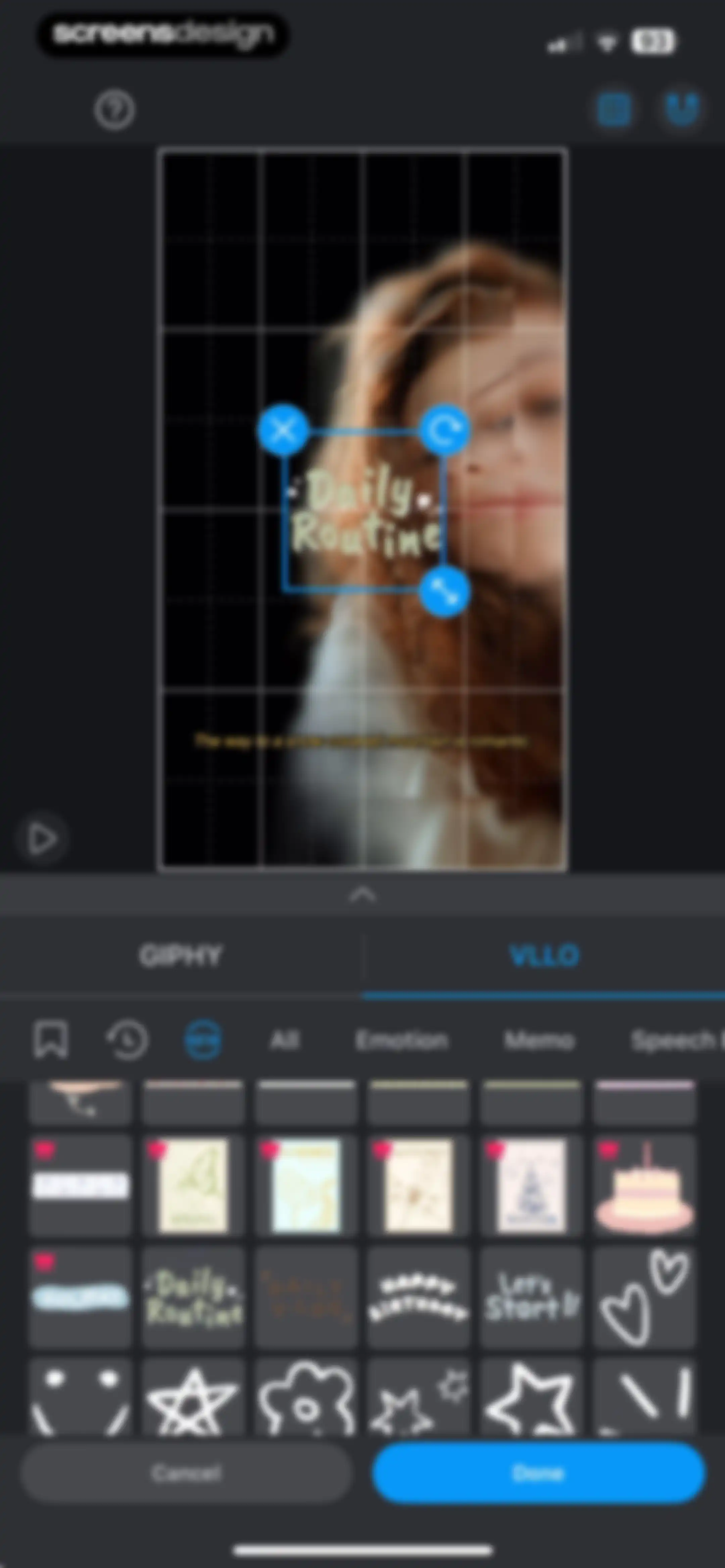
Video editor sticker selection screen with a preview of text on a grid and a bottom sheet displaying VLLO sticker categories and assets.Unlock Pro
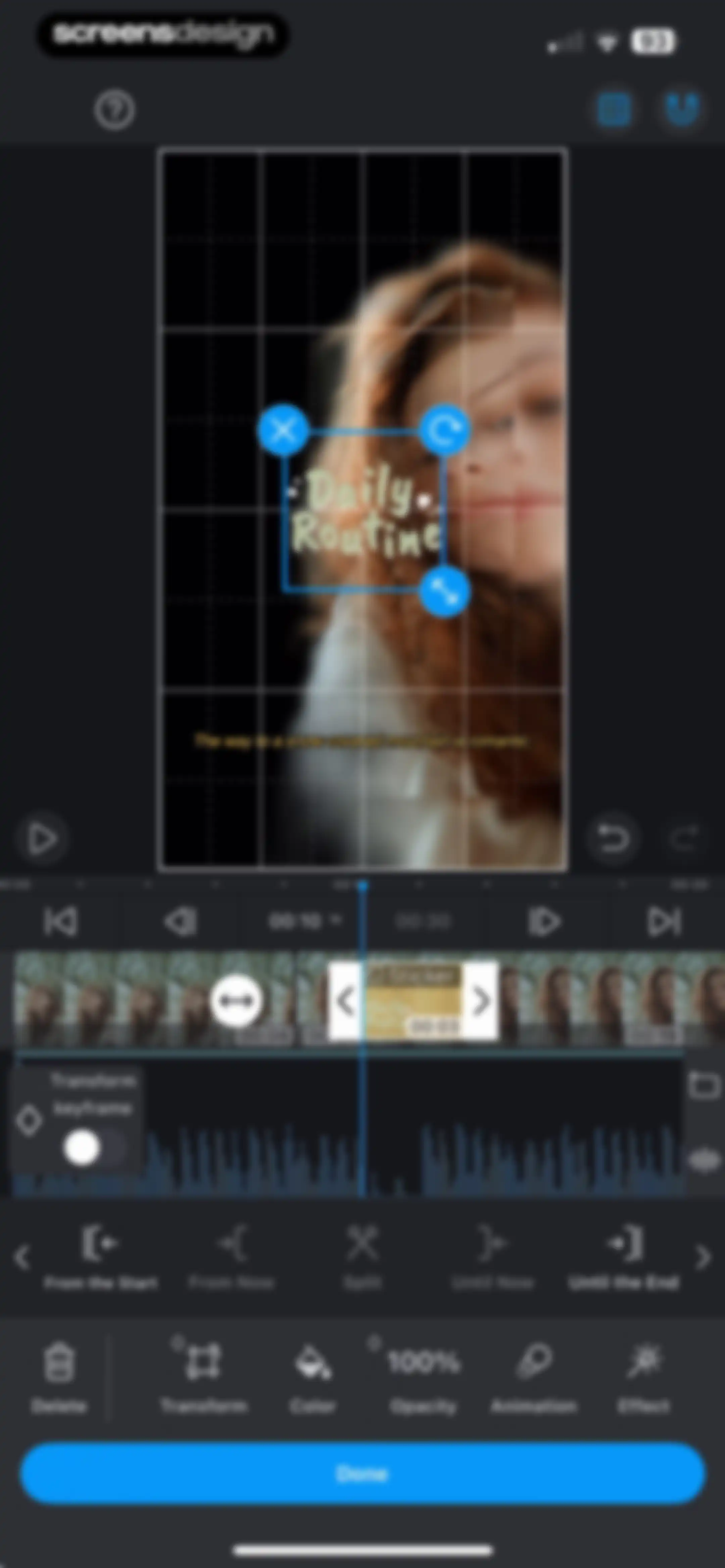
Video editor interface featuring a multi-track timeline, a central video preview with a sticker overlay, an editing toolbar, and a Done button.Unlock Pro
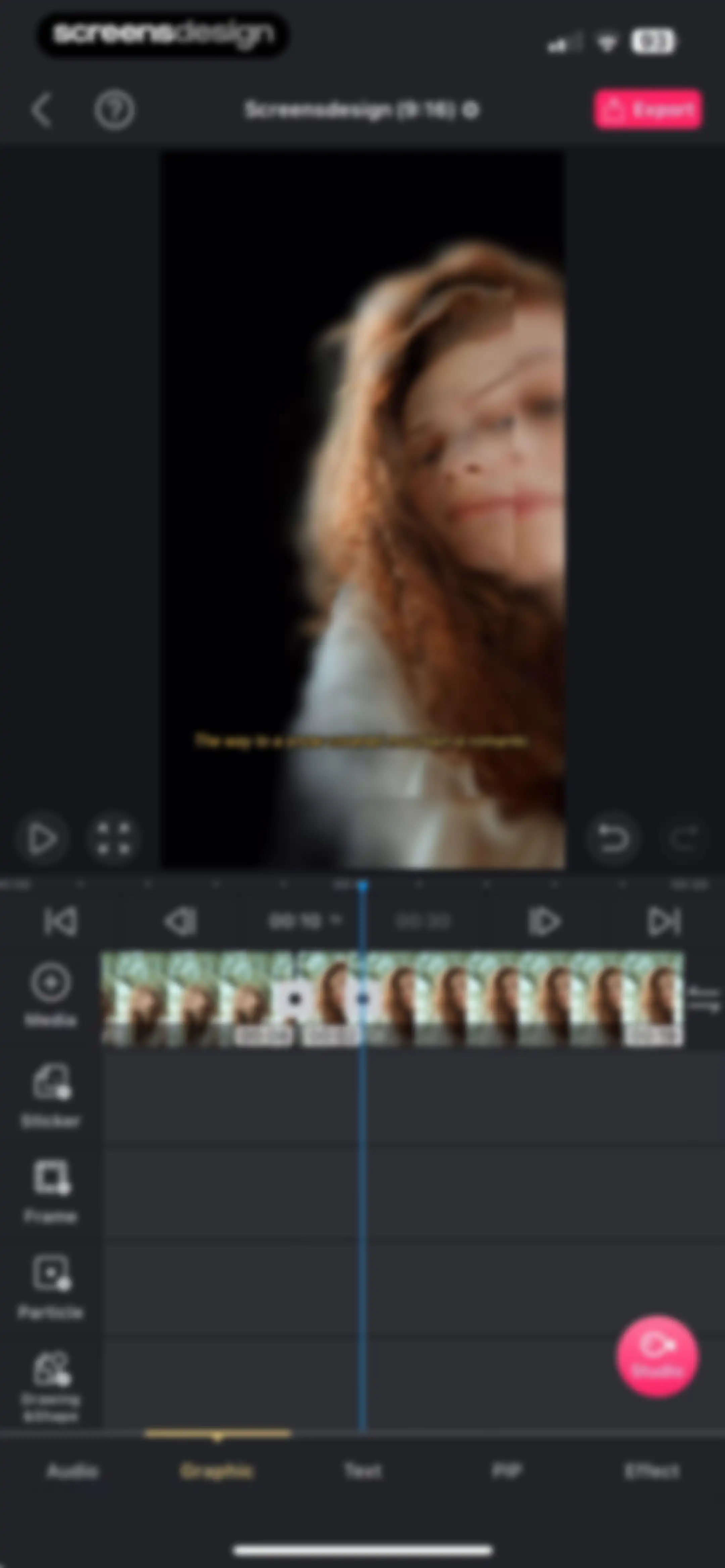
Video editor interface featuring a central preview window, a timeline with multiple thumbnails, and an Export button at the top.Unlock Pro
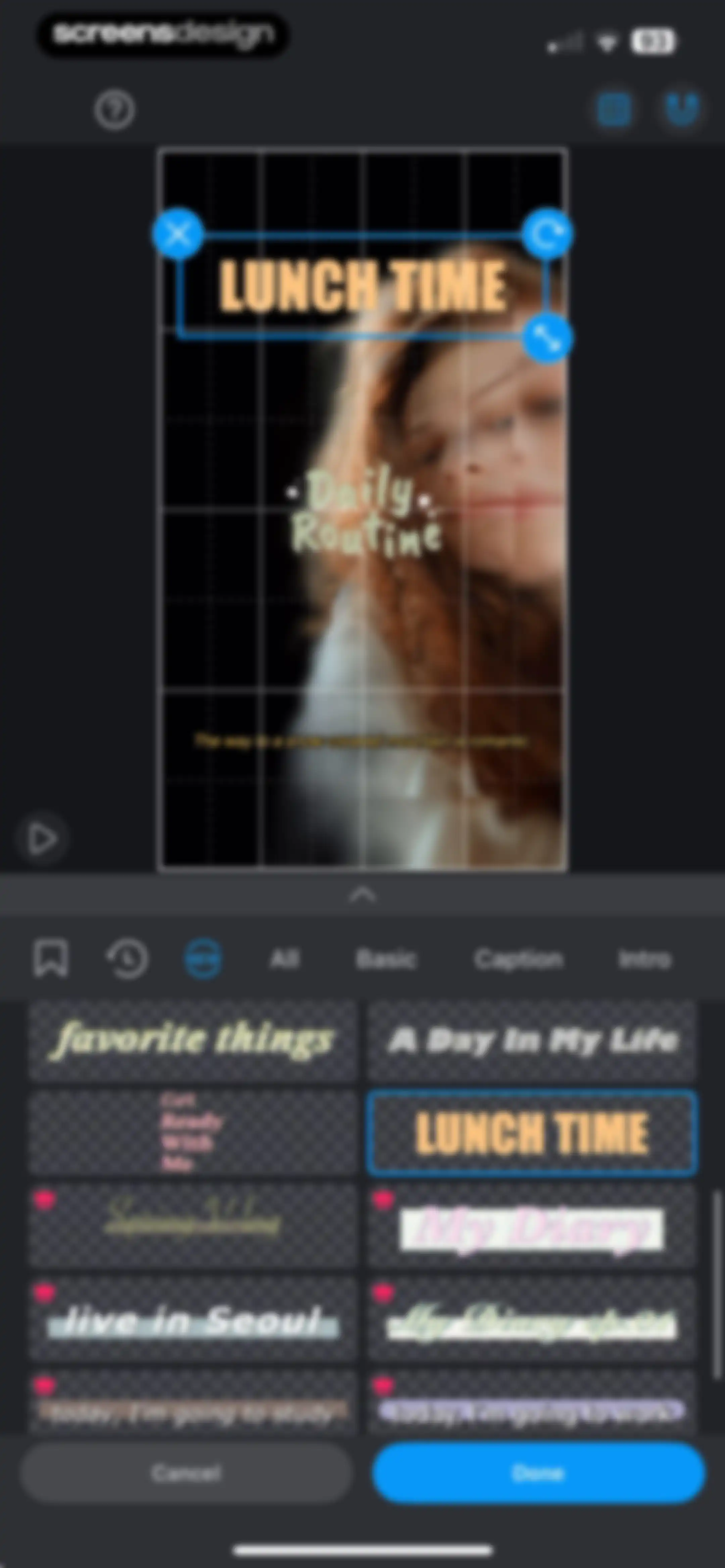
Video editor interface displaying a text preset grid with the All tab selected and a Done button.Unlock Pro
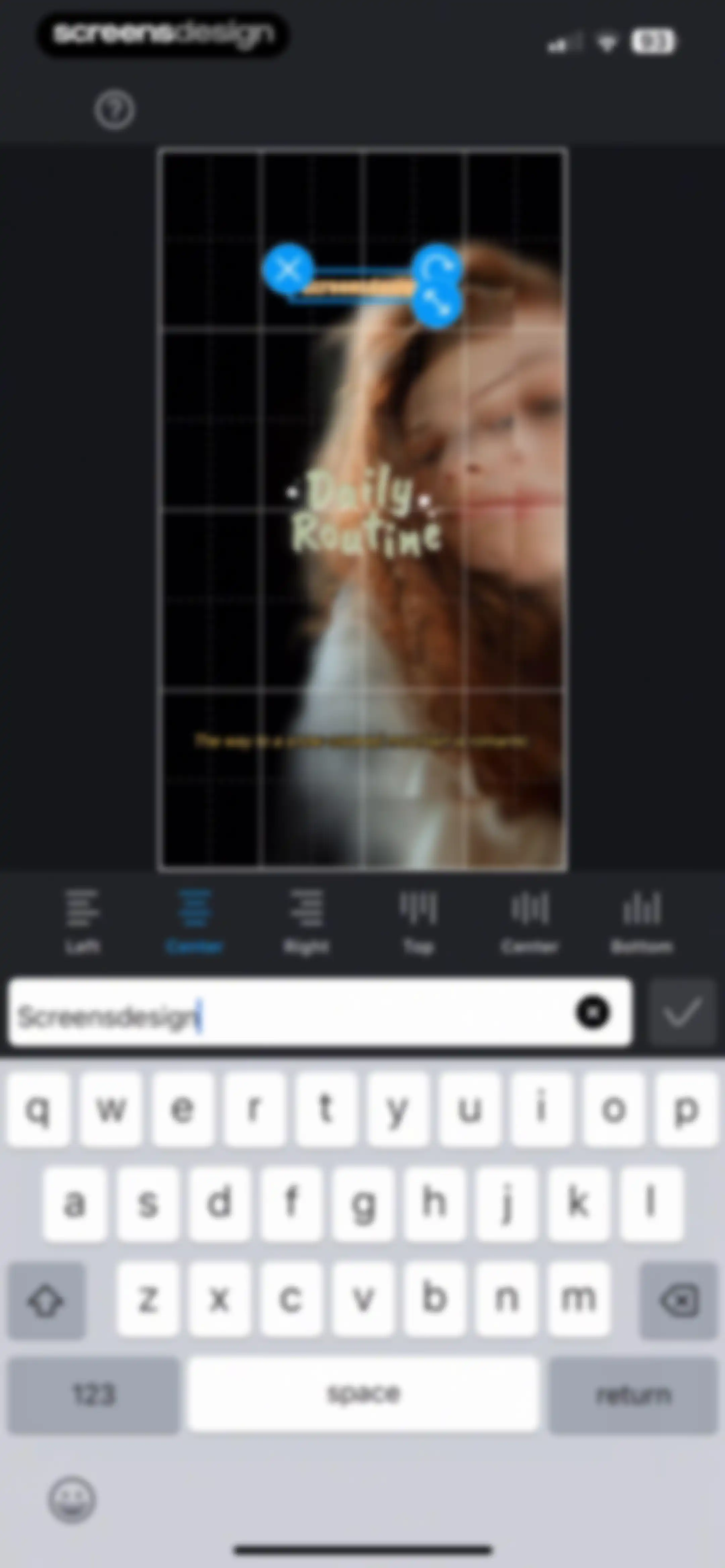
Video editor text overlay interface displaying the text input field with the text Screensdesign, an alignment toolbar, and the system keyboard.Unlock Pro
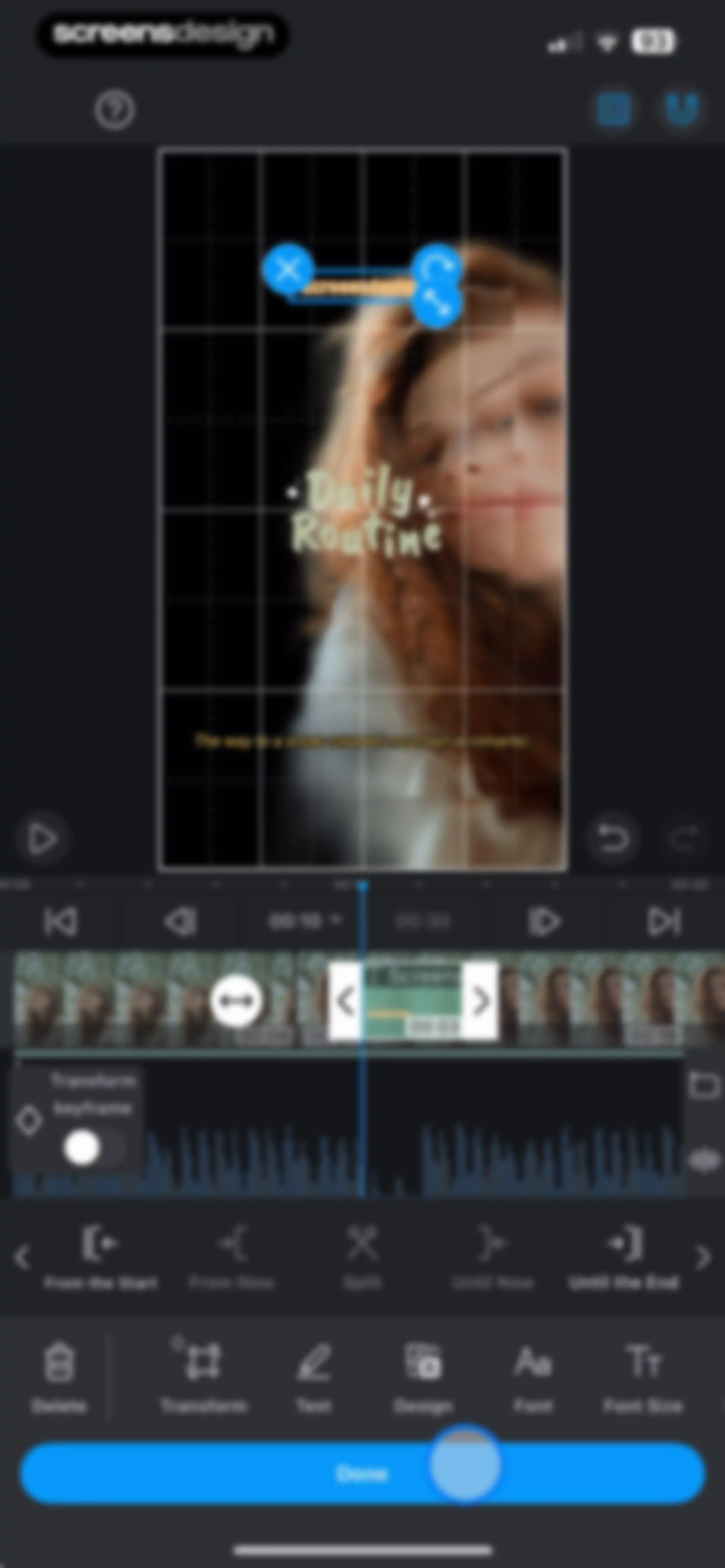
Video editor interface displaying a text editing mode with a timeline, a dark theme, and a Done confirmation button.Unlock Pro
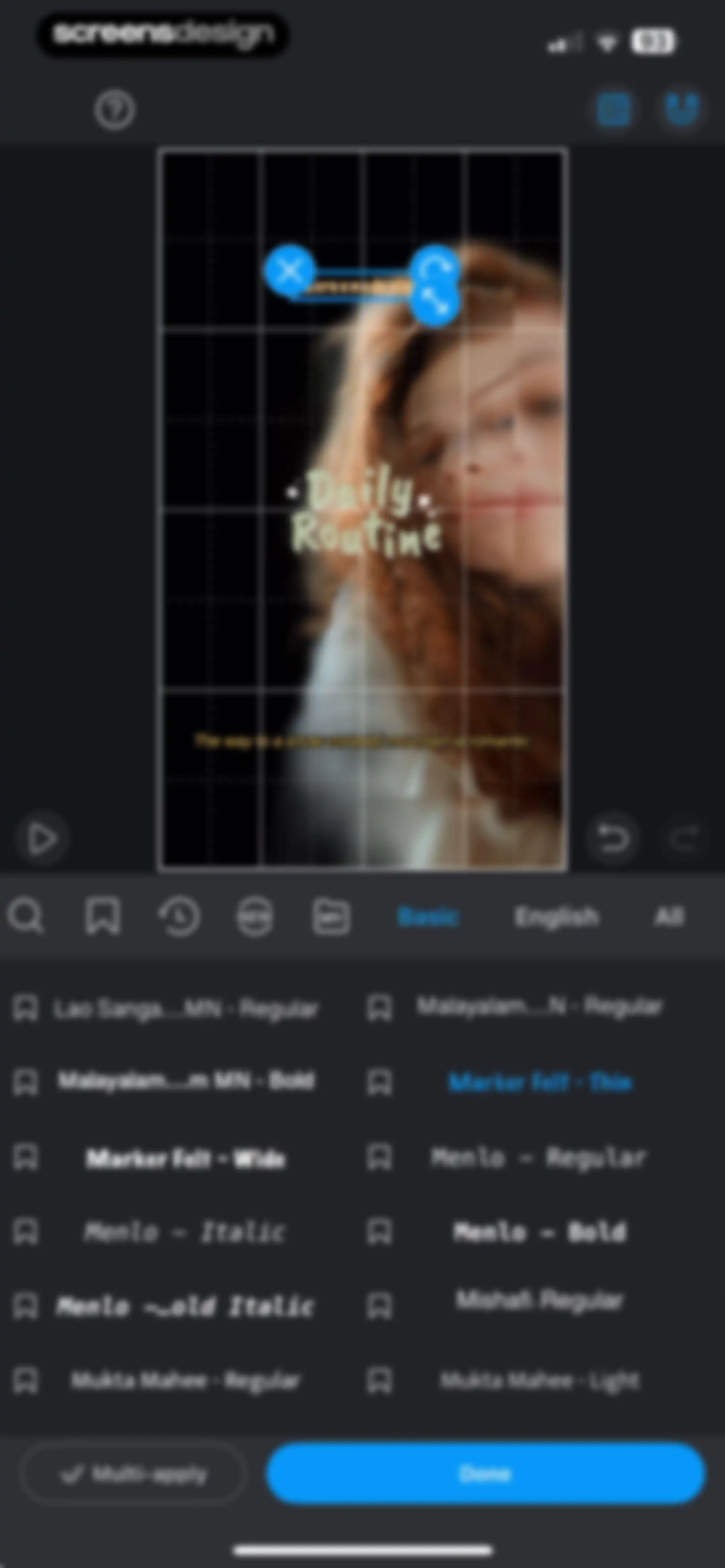
Video editor font selection screen displaying a video preview, filter tabs, a two-column font list, and a Done button.Unlock Pro
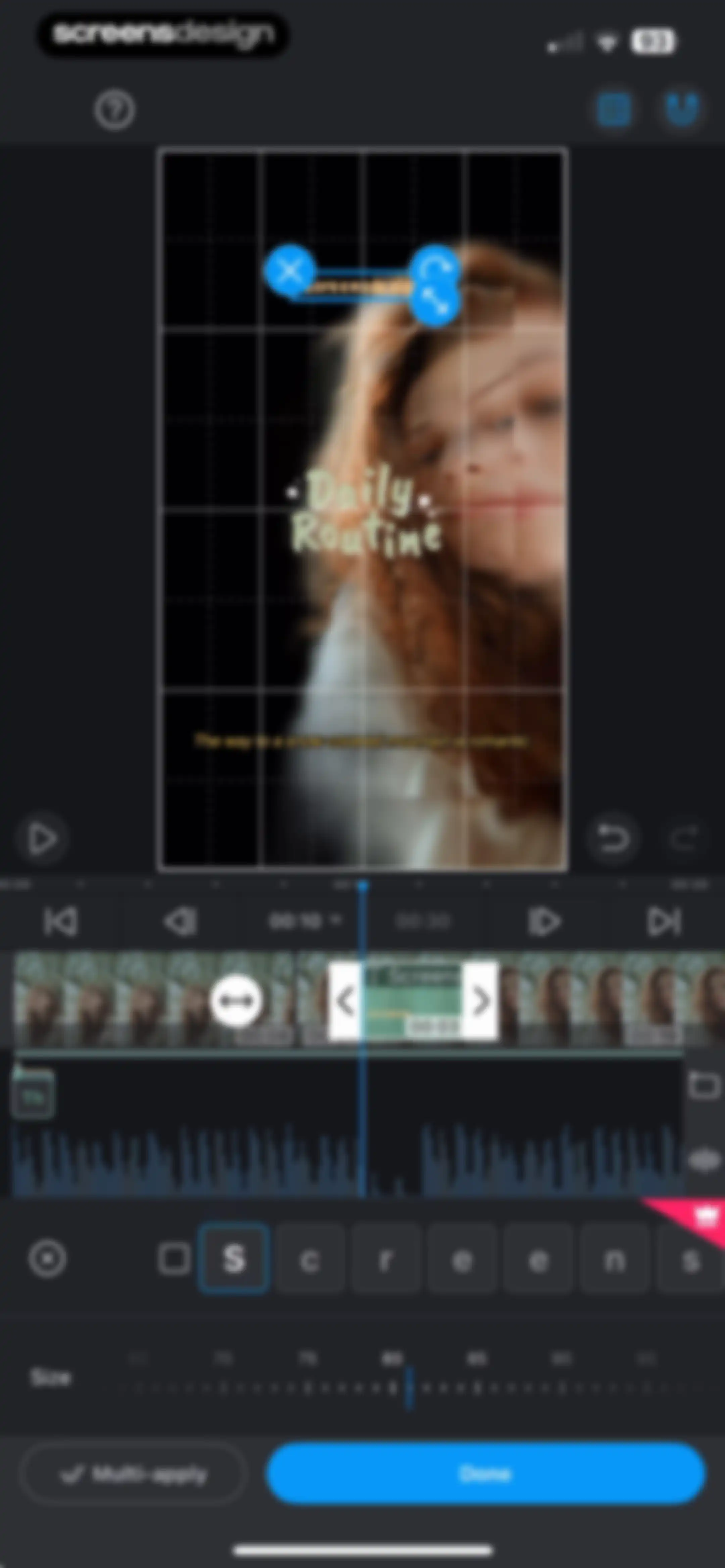
Video editor interface displaying a timeline, audio waveform, text editing controls with a size slider, and a Done button.Unlock Pro
Video editor interface displaying a central preview, a timeline with a playhead, and an Export button.Unlock Pro
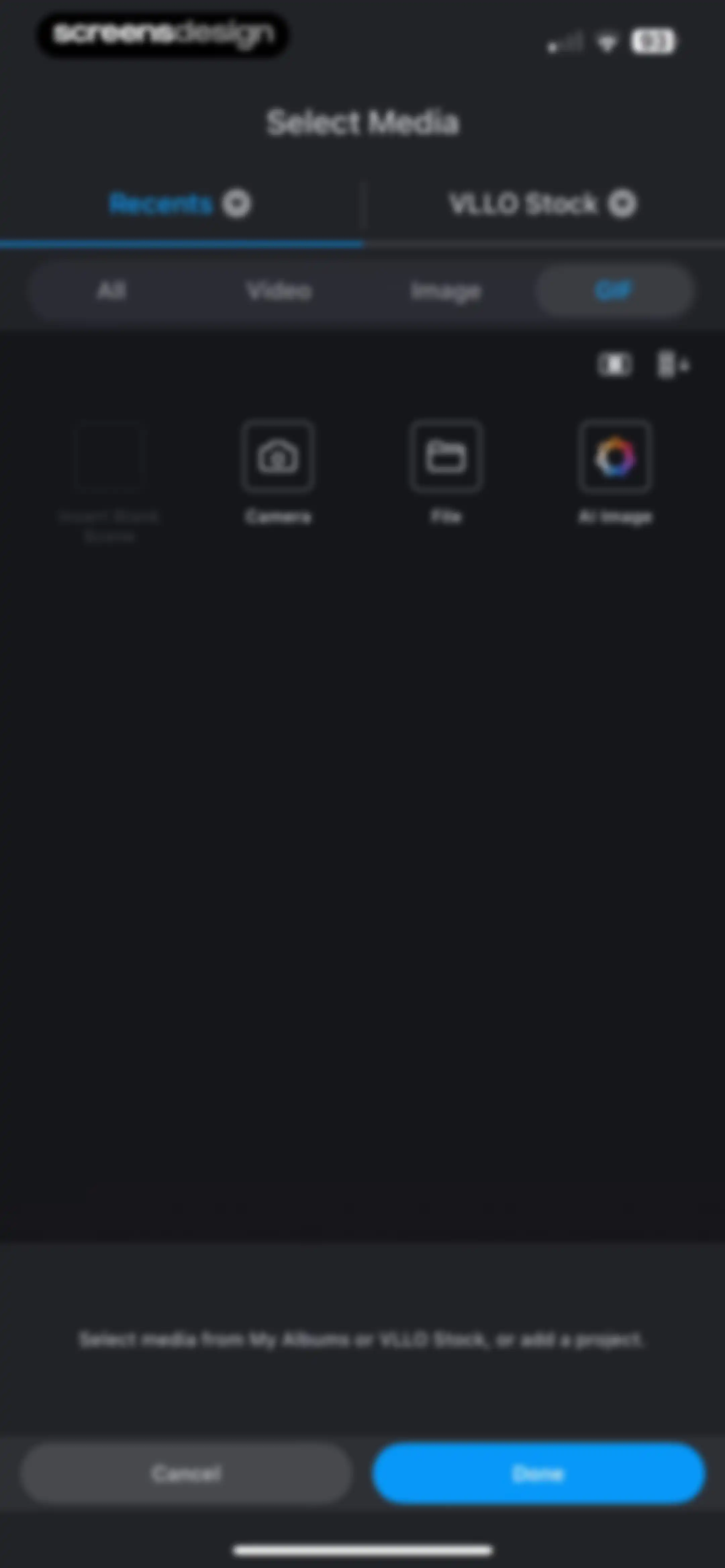
Media selection screen with tabs, a filter bar showing GIF selected, utility options, and Cancel and Done buttons at the bottom.Unlock Pro
Loading screen for VLLO displaying a progress bar at 00.0% and a warning message about file deletion.Unlock Pro
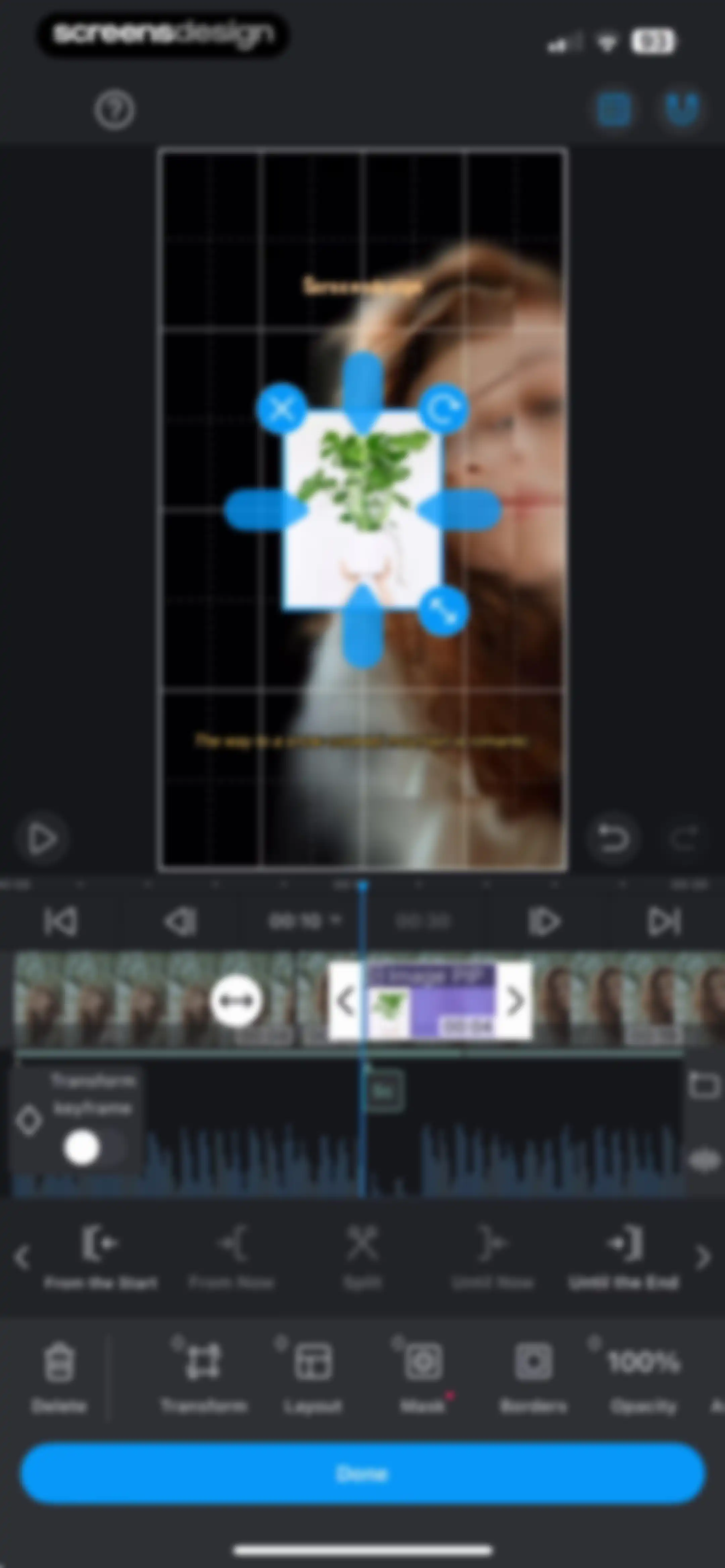
Video editing interface showing a timeline track, a Picture-in-Picture image overlay, editing tools in the bottom toolbar, and a Done button.Unlock Pro
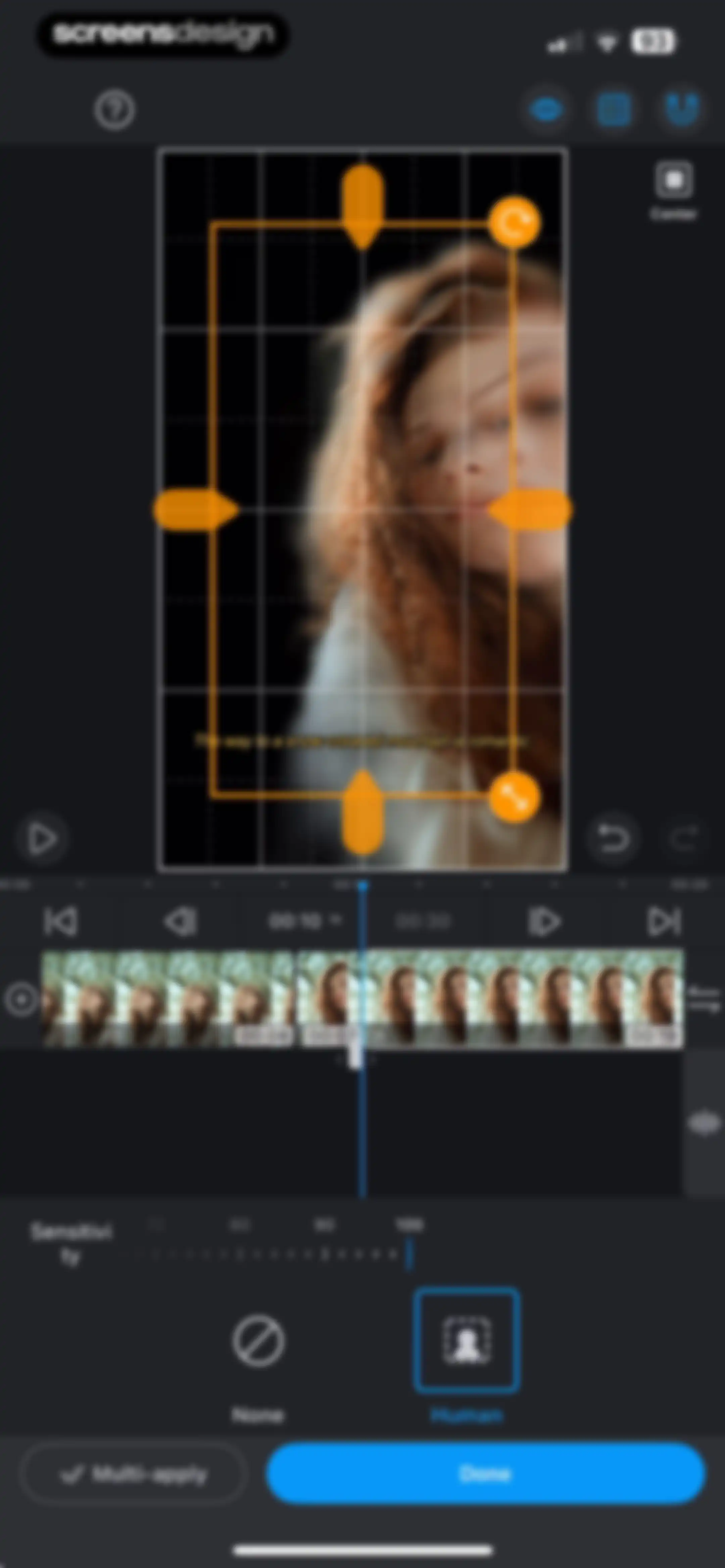
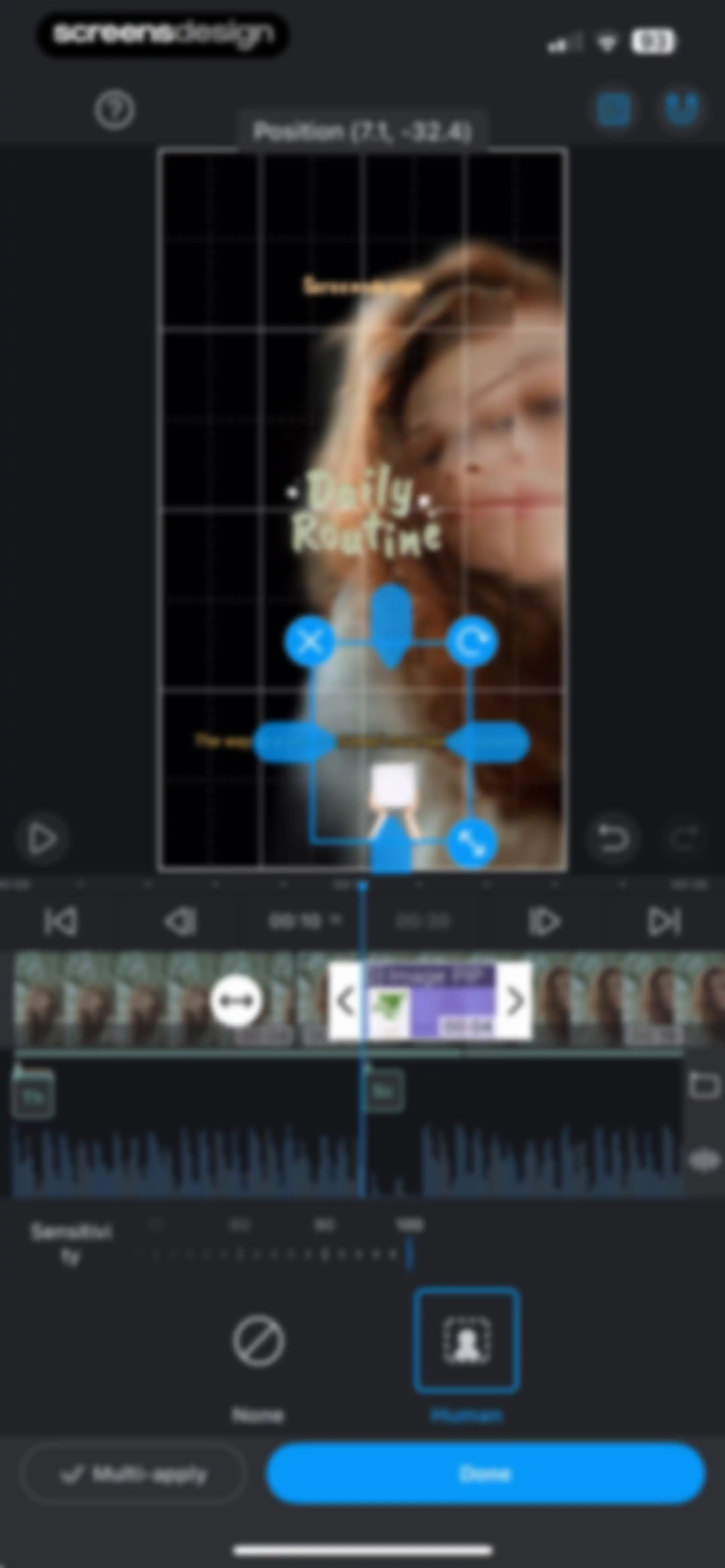
Video editing screen displaying a human cutout tool with a sensitivity slider and a Done button on a dark-themed timeline interface.Unlock Pro
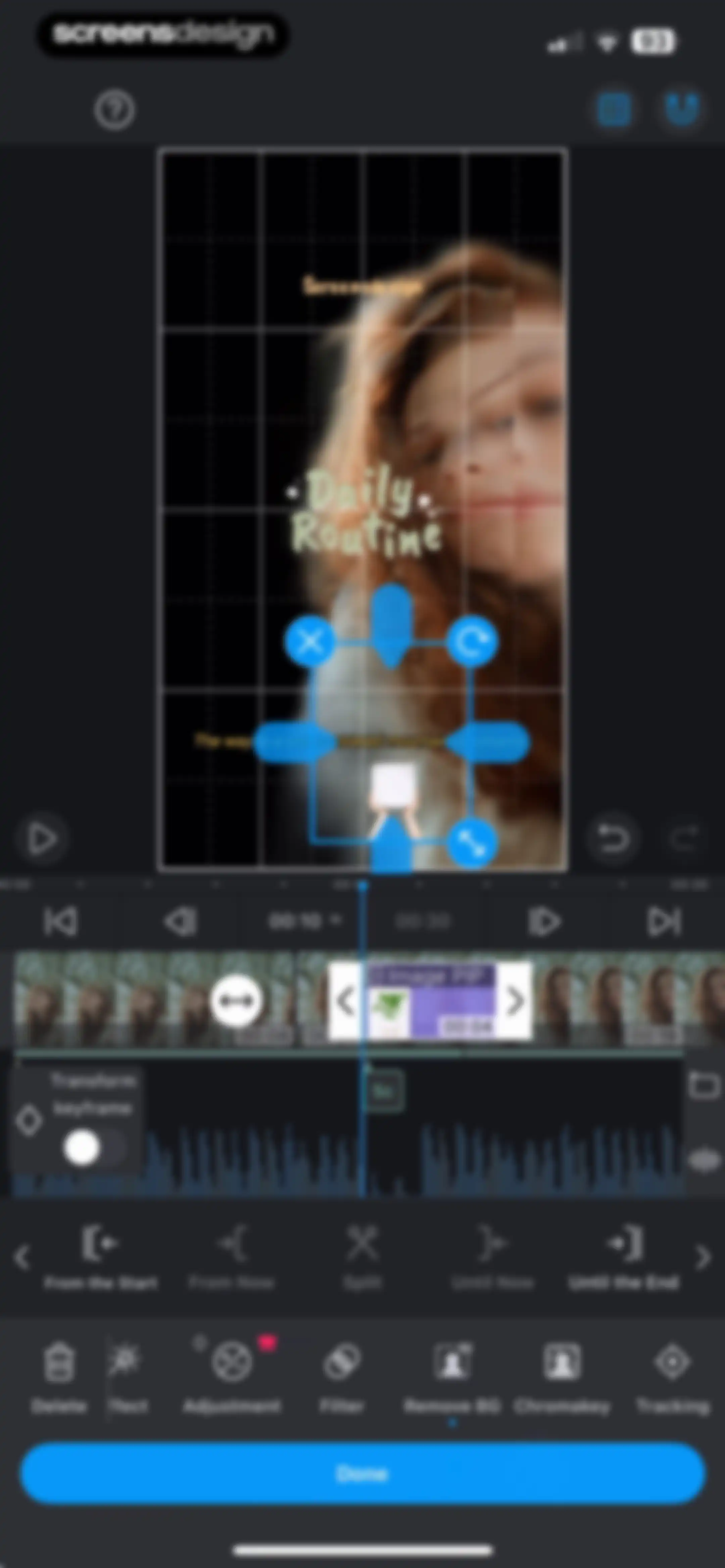
Video editing interface showing a central preview window, an audio timeline, editing toolbars, and a blue Done confirmation button.Unlock Pro
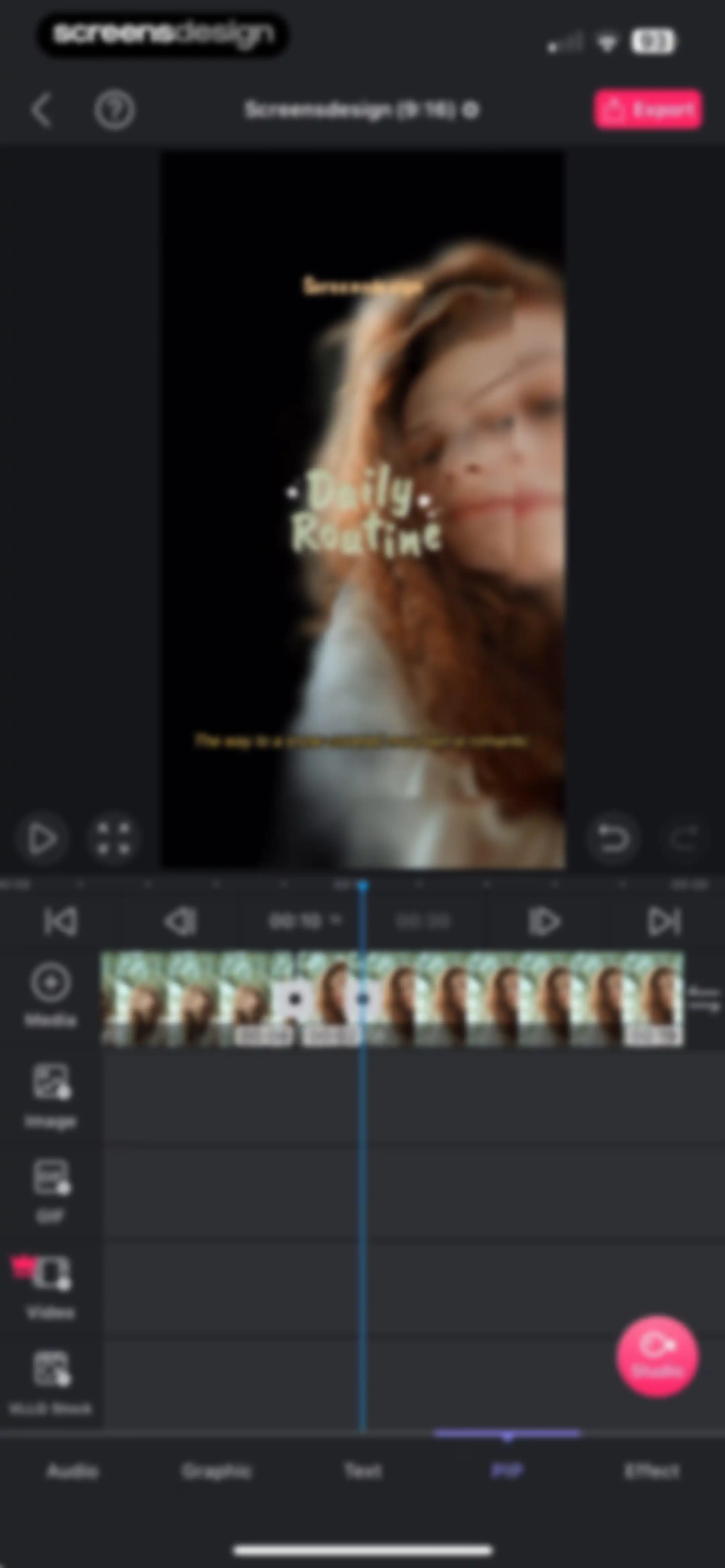
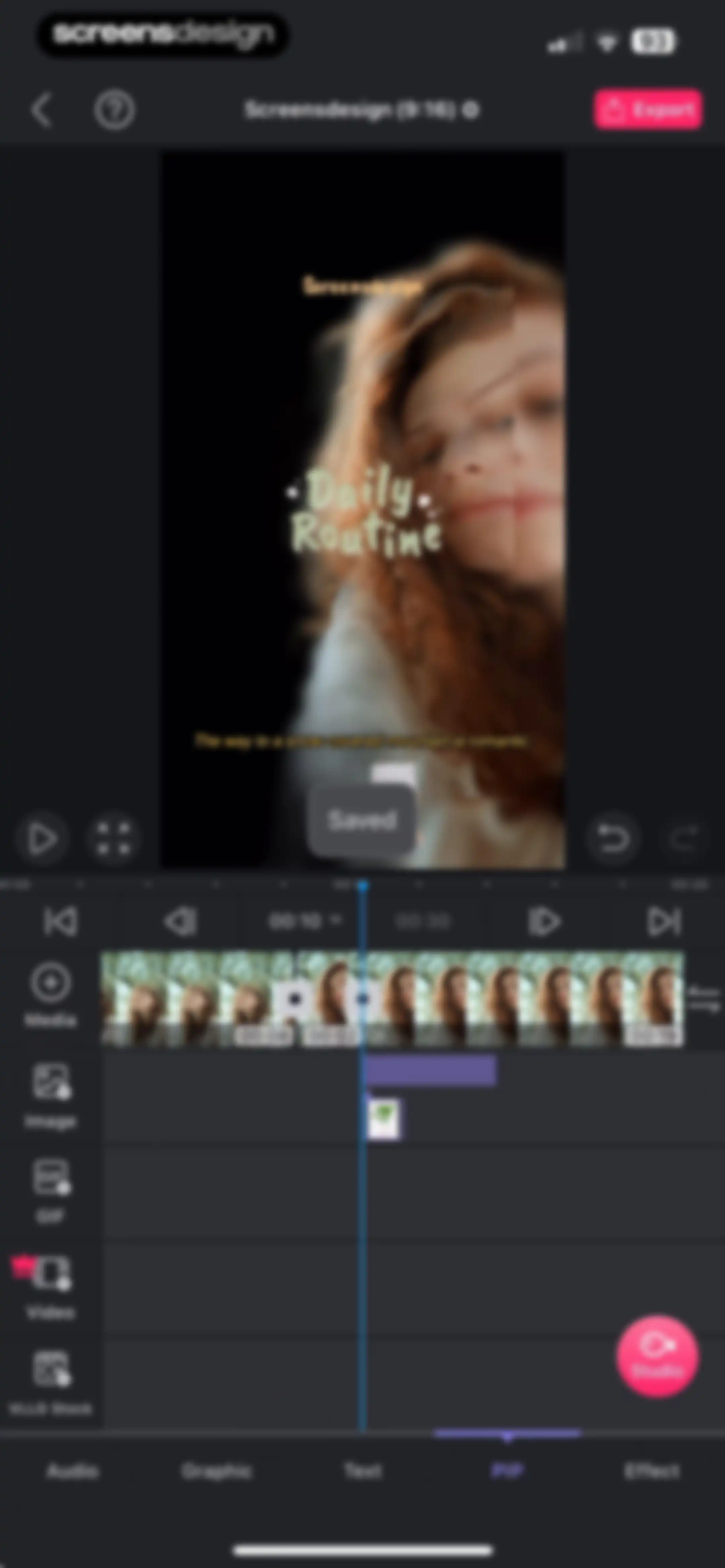
Video editor interface showing a vertical preview, a timeline with a playhead at the 00:10 mark, and the PIP tab selected on the bottom navigation bar.Unlock Pro
Video editing screen displaying a central preview, timeline tracks, and side tools with an Export button.Unlock Pro
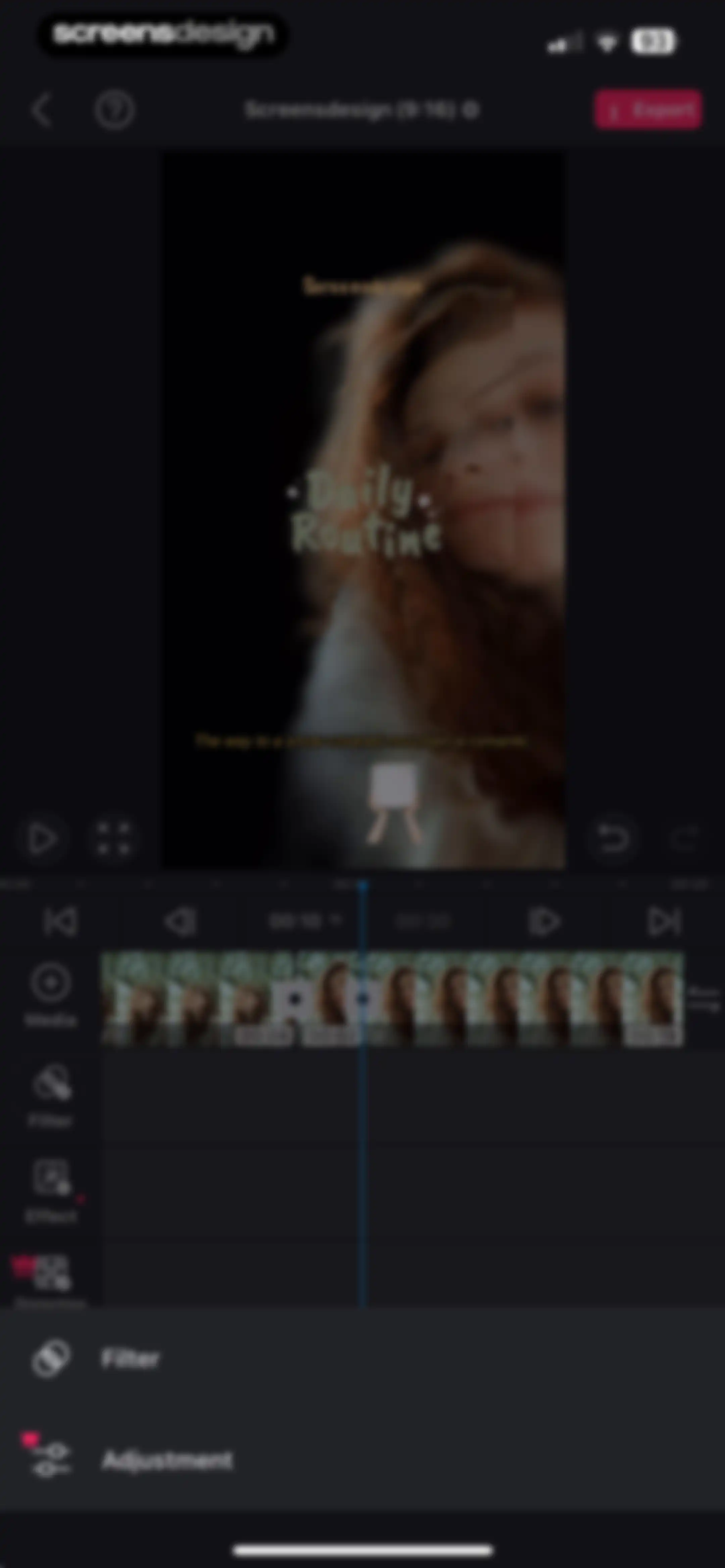
Video editor interface featuring a central preview window, a timeline track, editing tool menus, and an export button.Unlock Pro
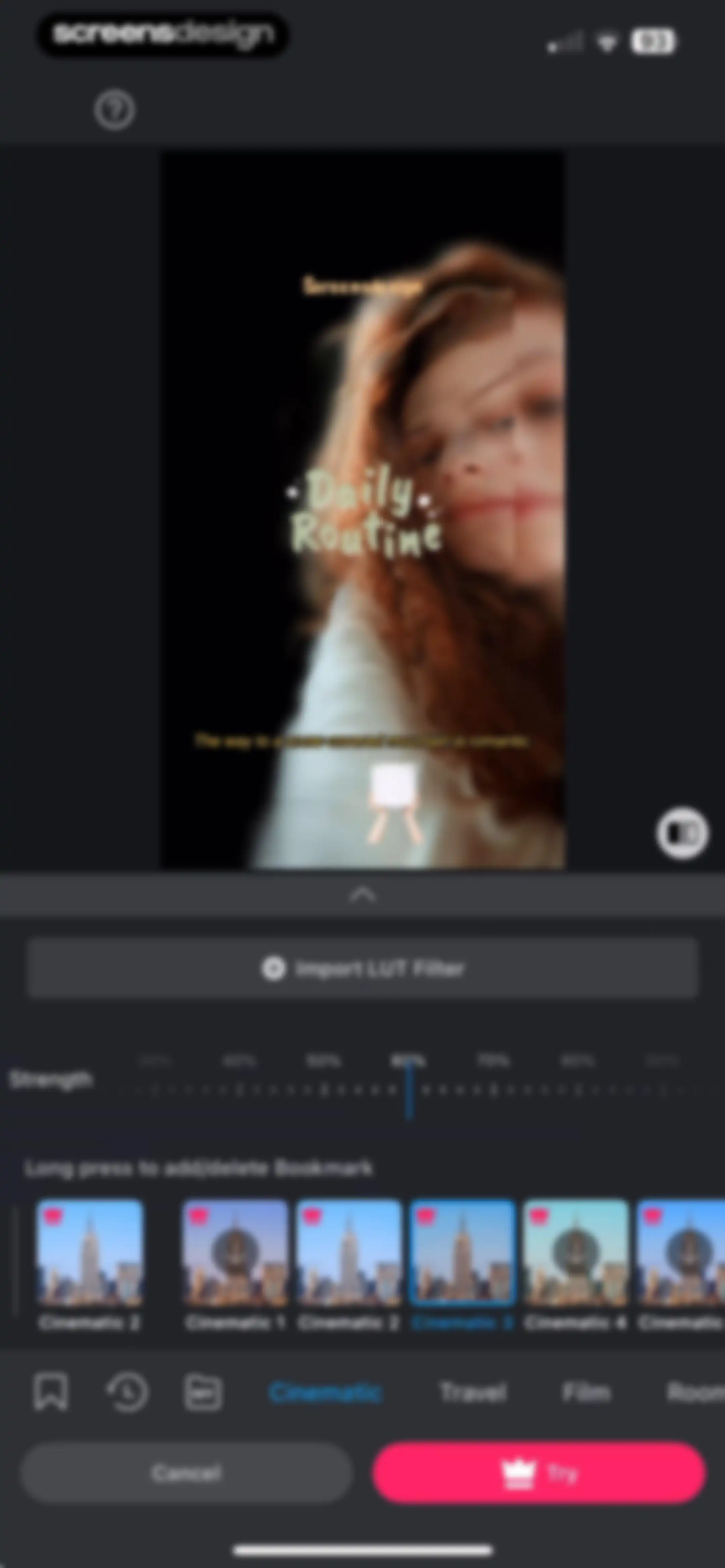
Video editor filter selection screen with a strength adjustment slider, a grid of cinematic presets, and a Try button.Unlock Pro
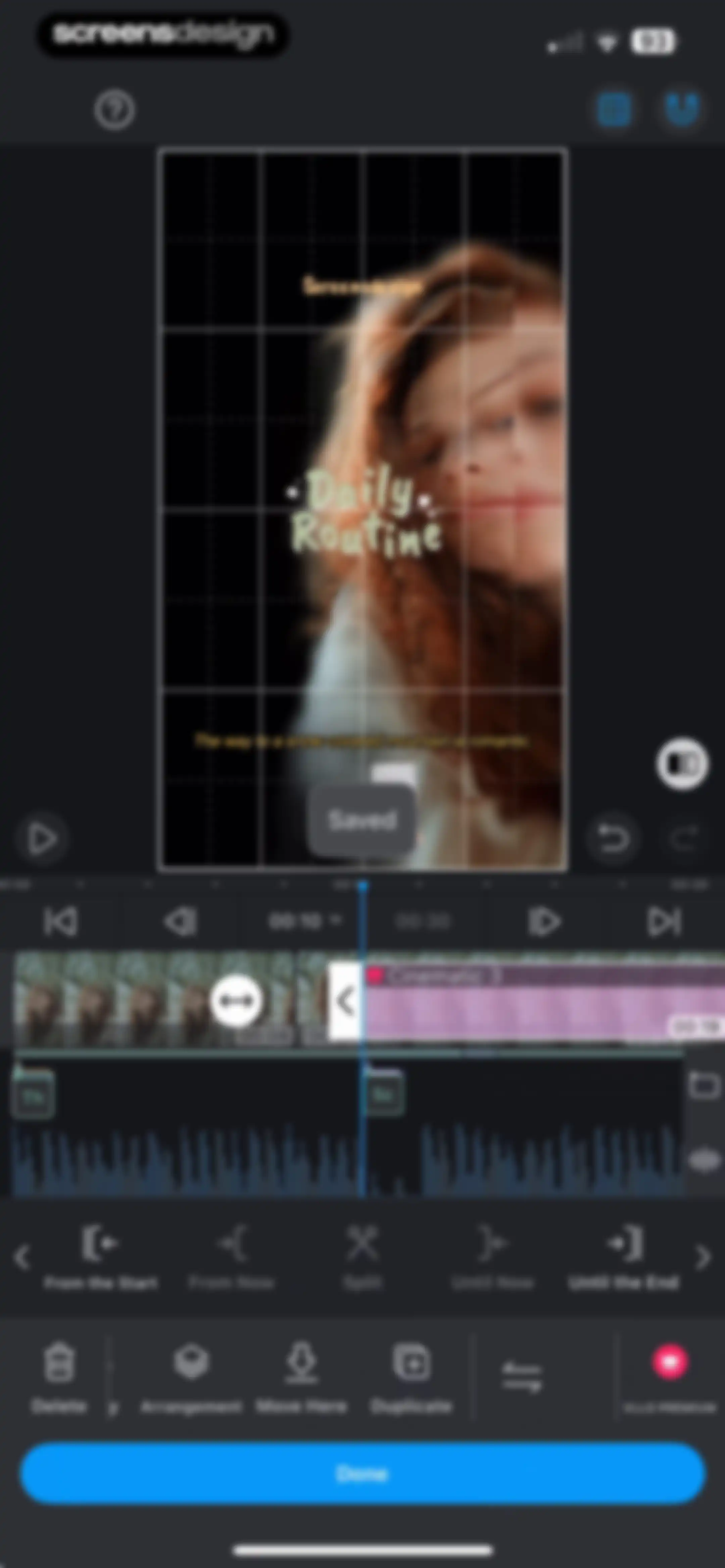
Video editor screen featuring a preview with a grid overlay, a timeline with tracks, and editing toolbars including Split and Delete with a Done button.Unlock Pro
Video editor interface in VLLO with a preview, audio timeline, split-screen editing menu, and a Done button.Unlock Pro
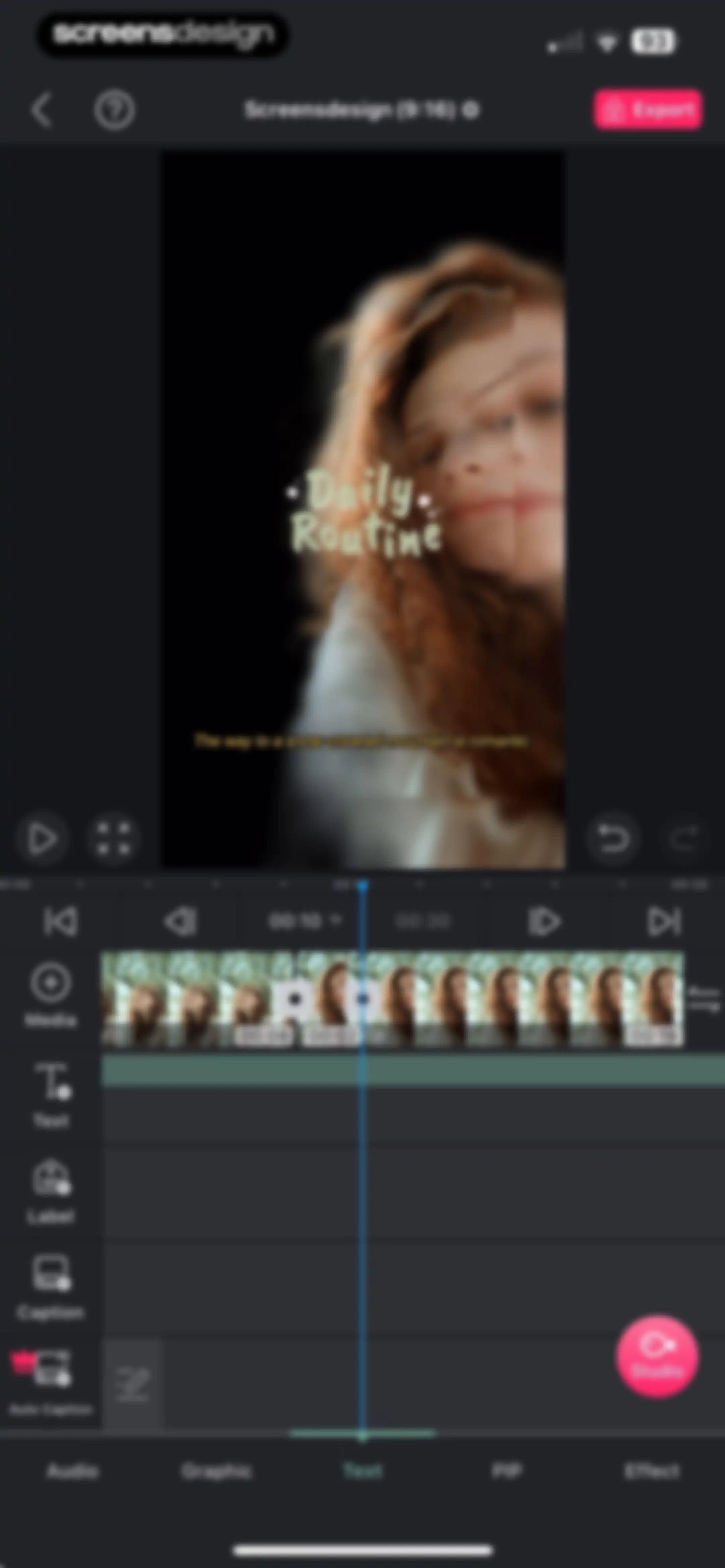
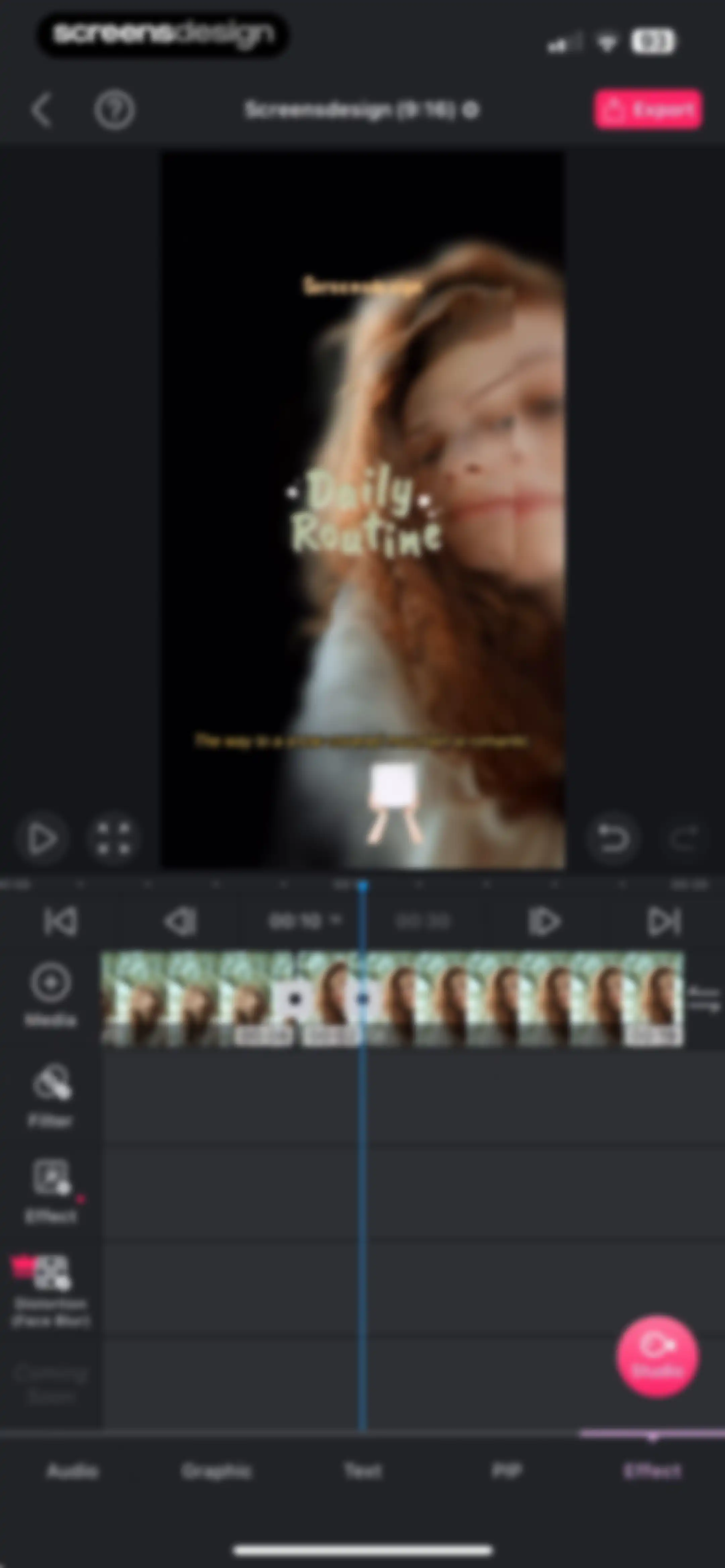
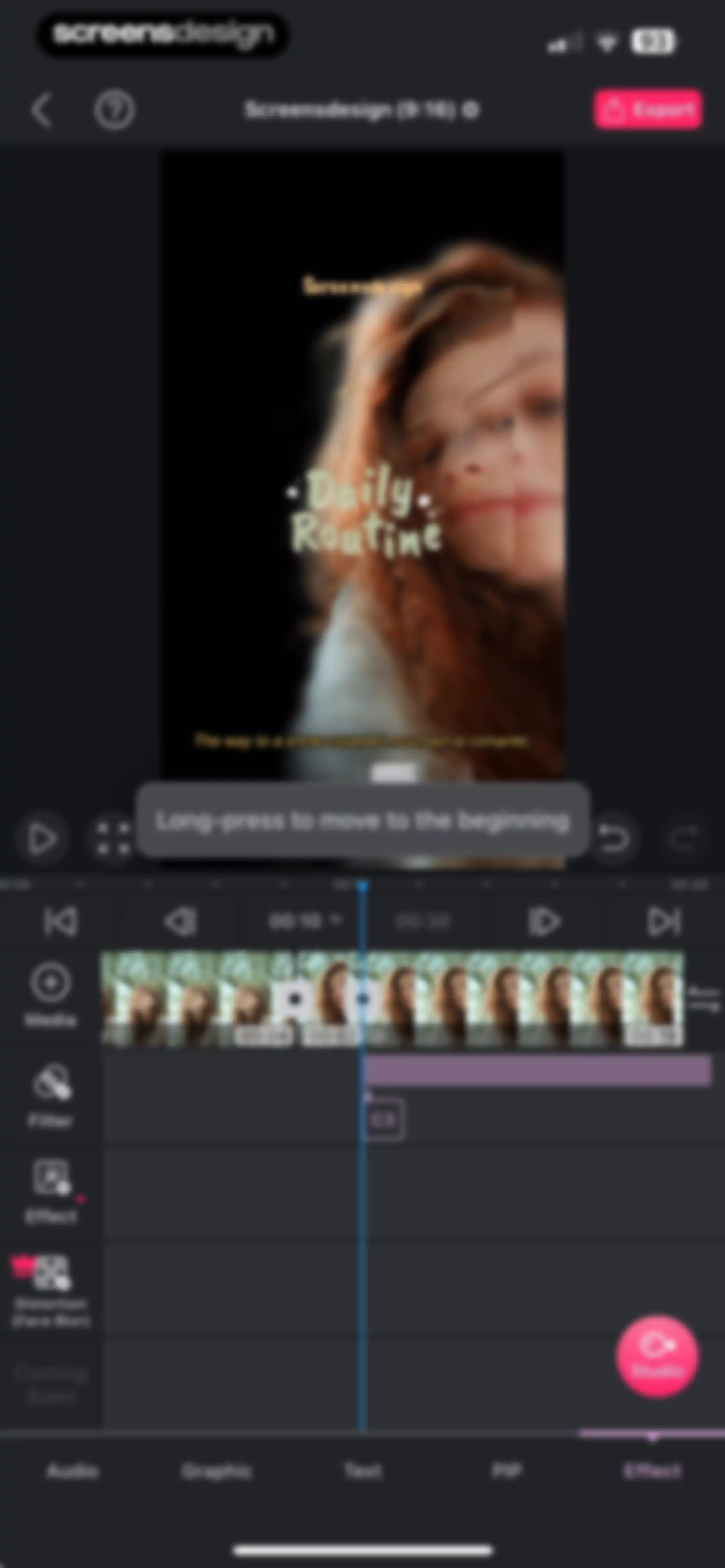
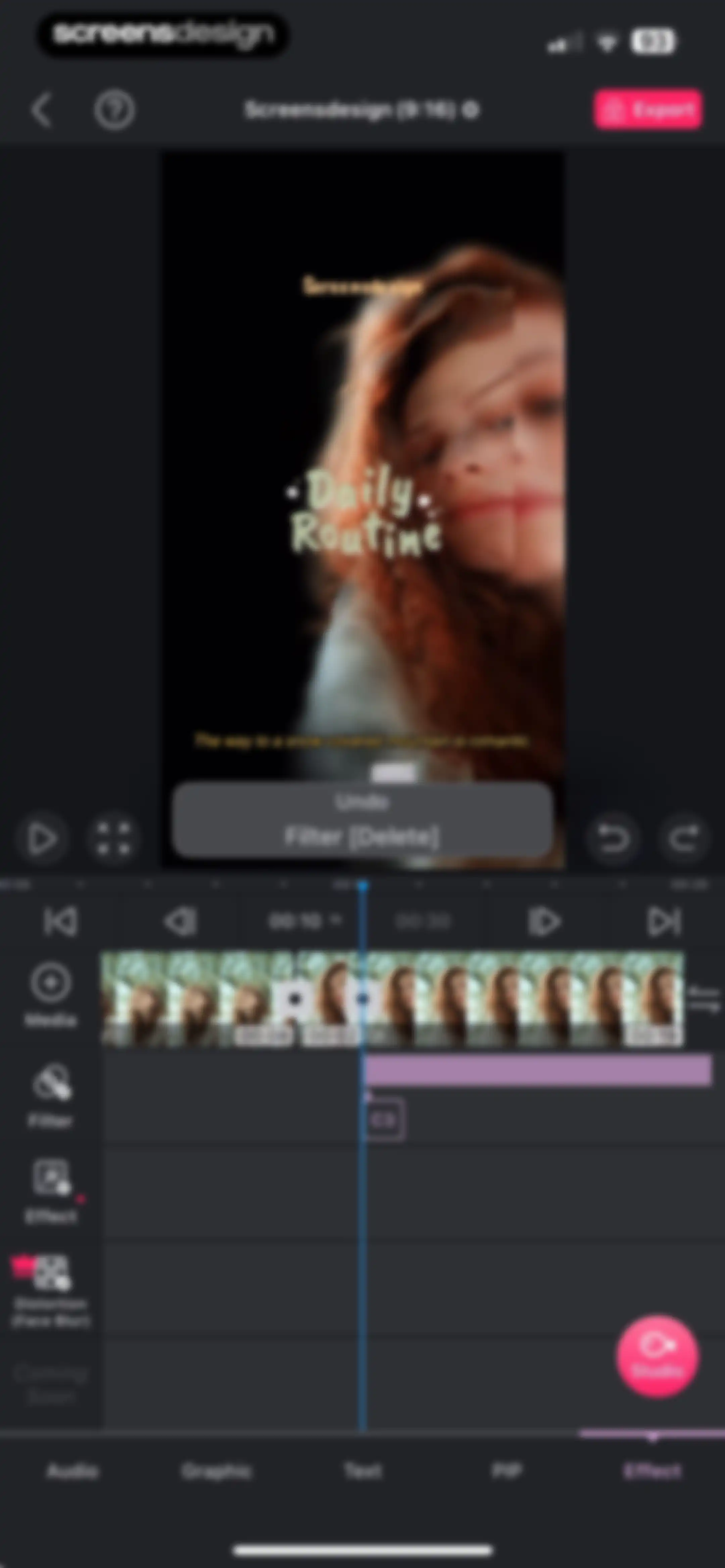
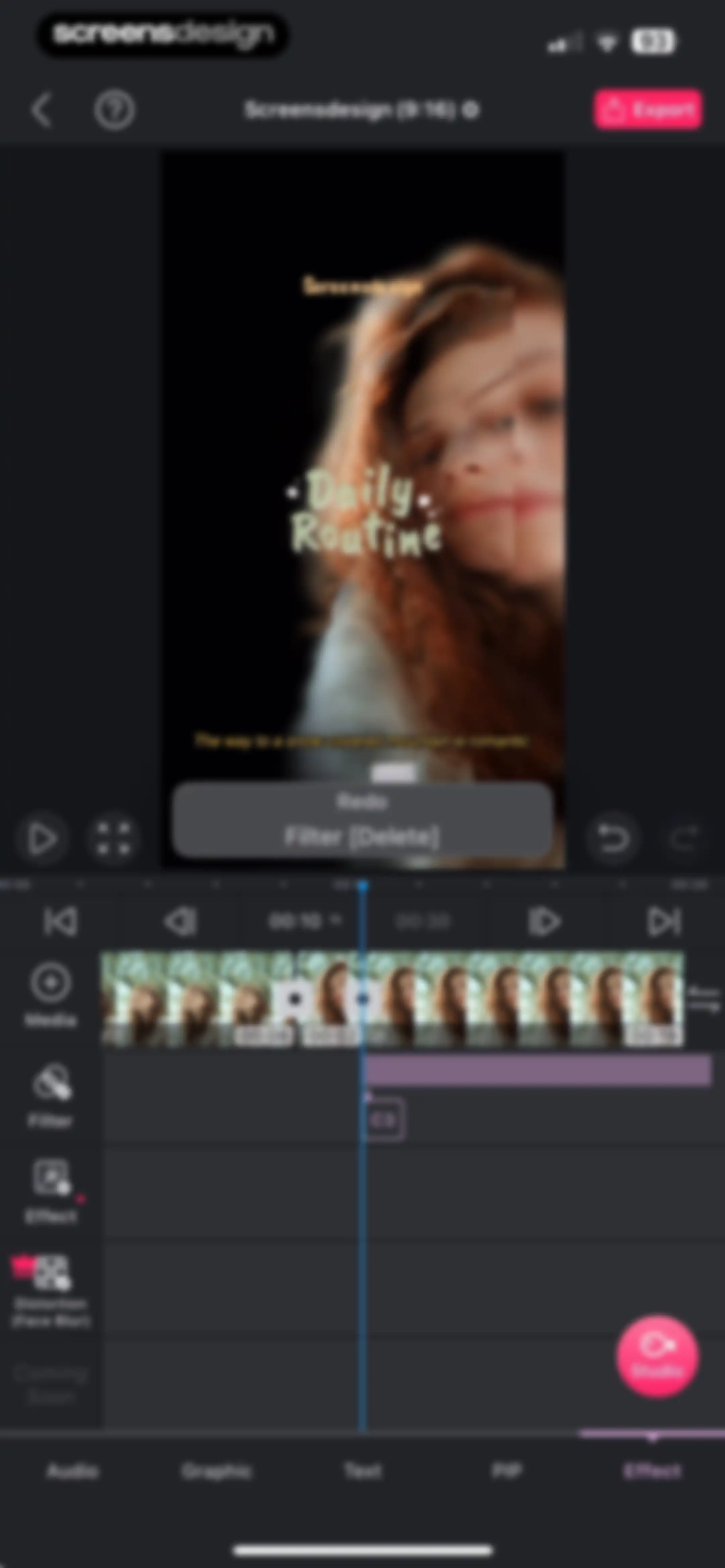
Video editing app interface displaying a central video preview for Daily Routine, a timeline below, and tool tabs with the Effect tab selected.Unlock Pro
Video editor interface featuring a central preview window, a timeline editor with a playhead at twelve seconds, and an Export button.Unlock Pro
Video editor interface displaying a timeline track, central preview window, tool menu, and an Export button.Unlock Pro
Video editor interface featuring a central preview window, a timeline with a playhead at ten seconds, and an Export button.Unlock Pro
Video editor interface featuring a central preview window, a timeline with tracks, and editing tools on a dark background.Unlock Pro
Video editor interface displaying a central preview window, a timeline track, and editing tools on the left with an Export button.Unlock Pro
Tutorial screen for the VLLO app displaying step-by-step instructions for splitting and cutting clips with a video editor mockup.Unlock Pro
Project settings screen with the project title input, aspect ratio grid, and content mode options.Unlock Pro
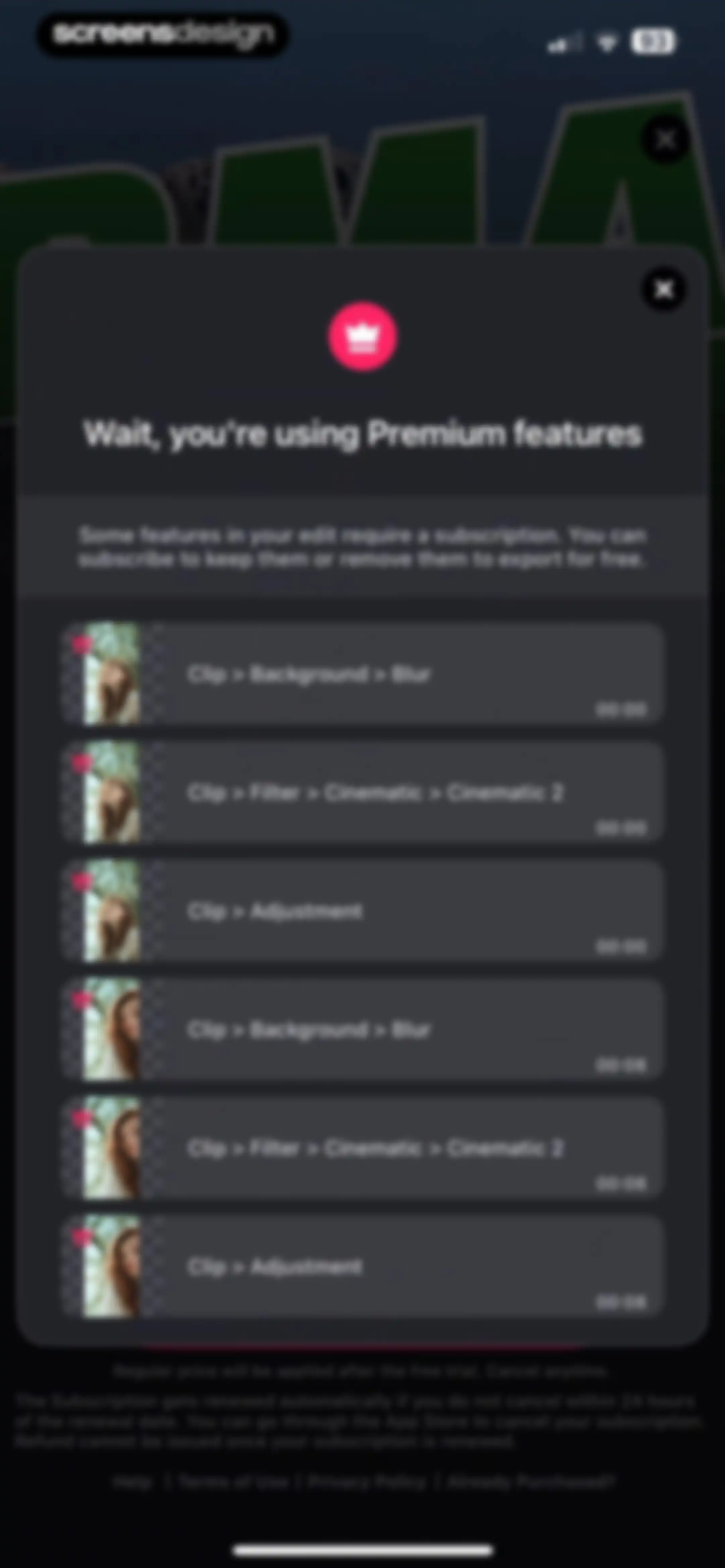
Paywall modal warning about premium video features used in the edit, listing restricted items like blur and cinematic filters alongside subscription terms.Unlock Pro
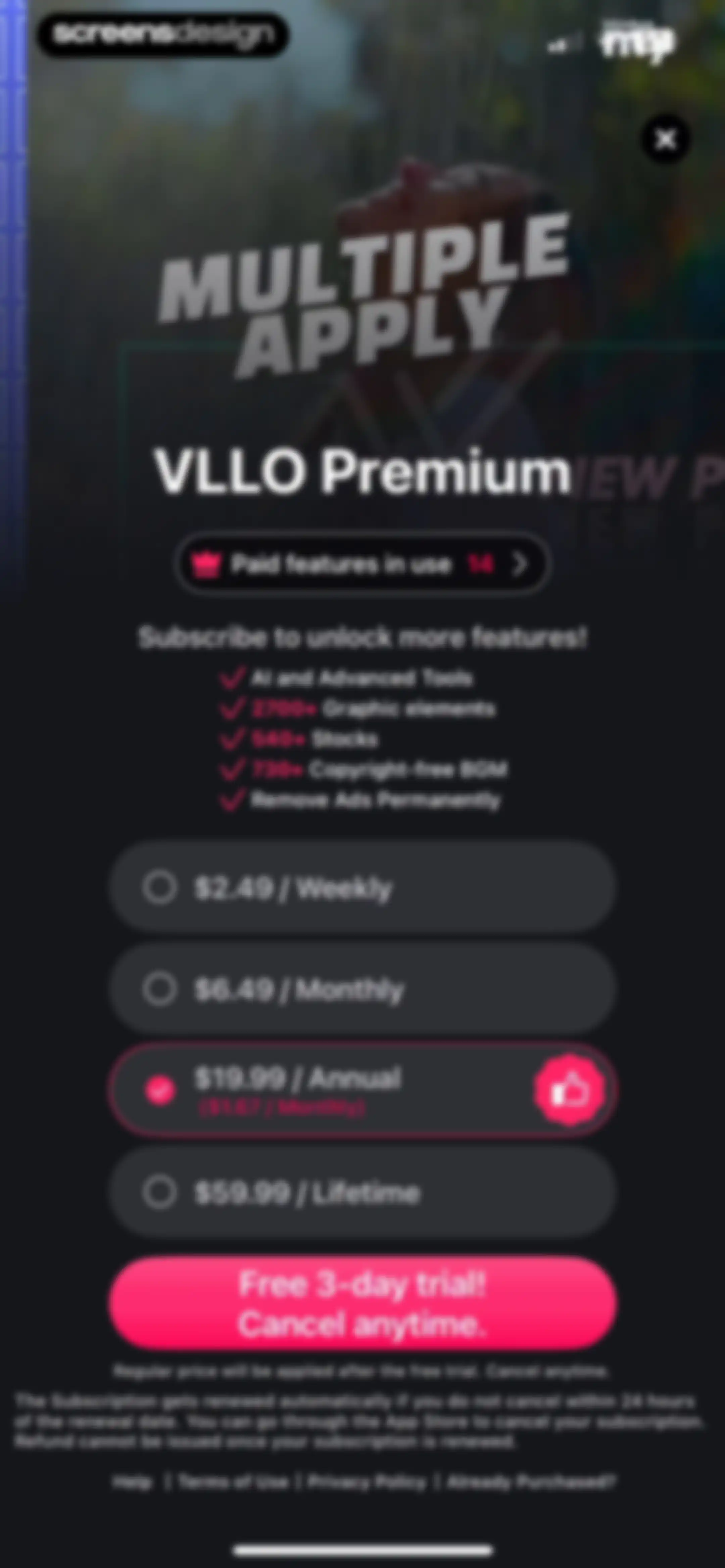
Subscription screen for VLLO Premium featuring four plan cards with the annual plan selected and a free trial button.Unlock Pro
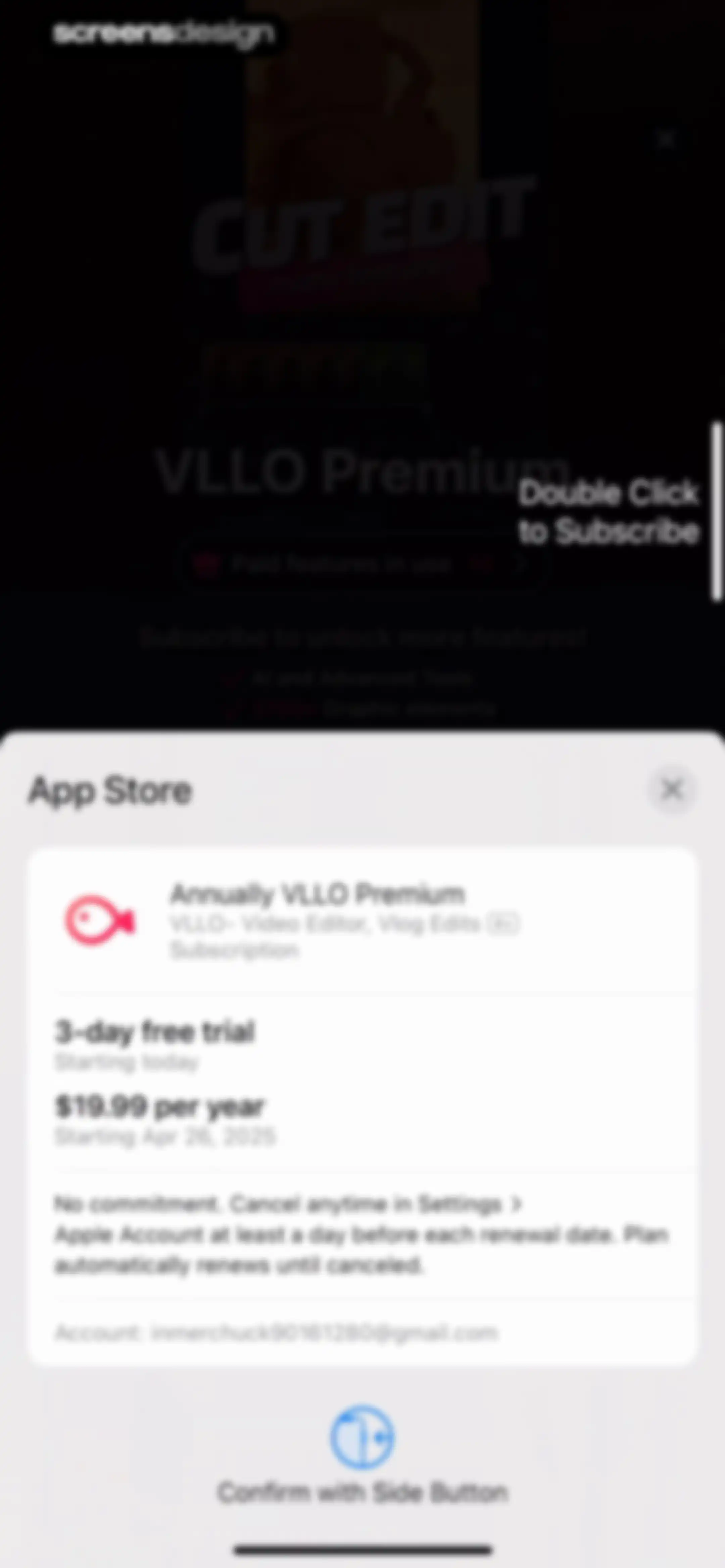
App Store subscription confirmation modal for the annual VLLO Premium plan with a 3-day free trial and a side button confirmation prompt.Unlock Pro
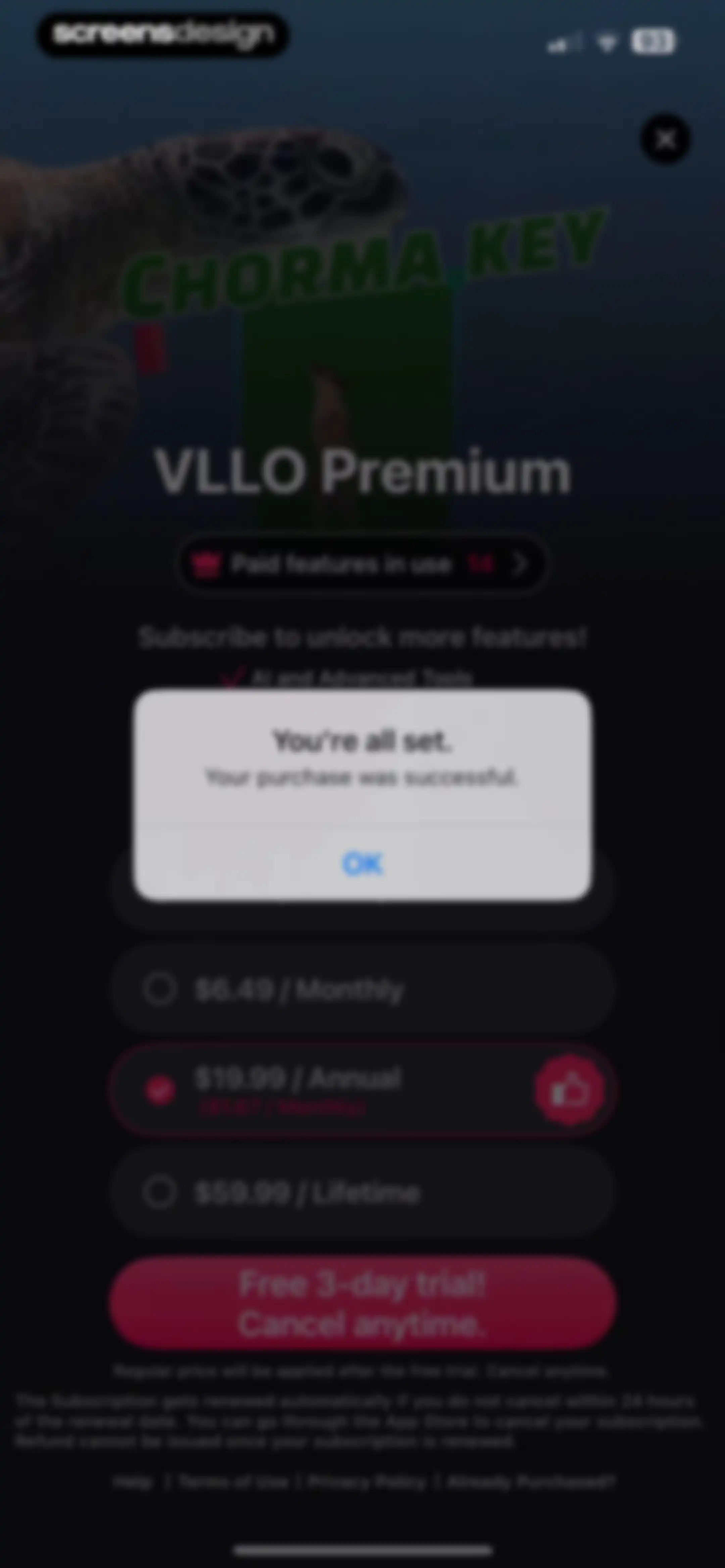
Purchase success modal displayed over a subscription paywall featuring monthly, annual, and lifetime plans, with an OK button.Unlock Pro
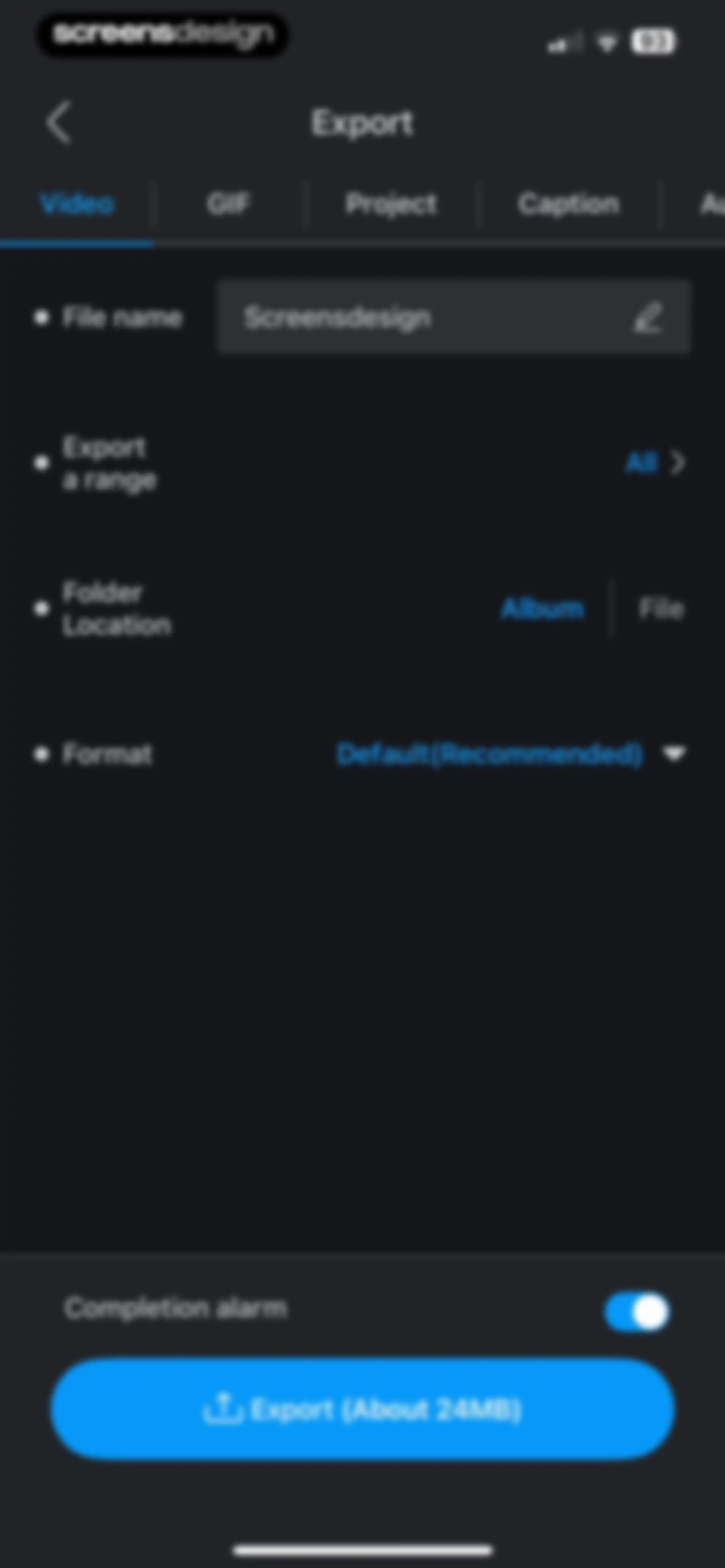
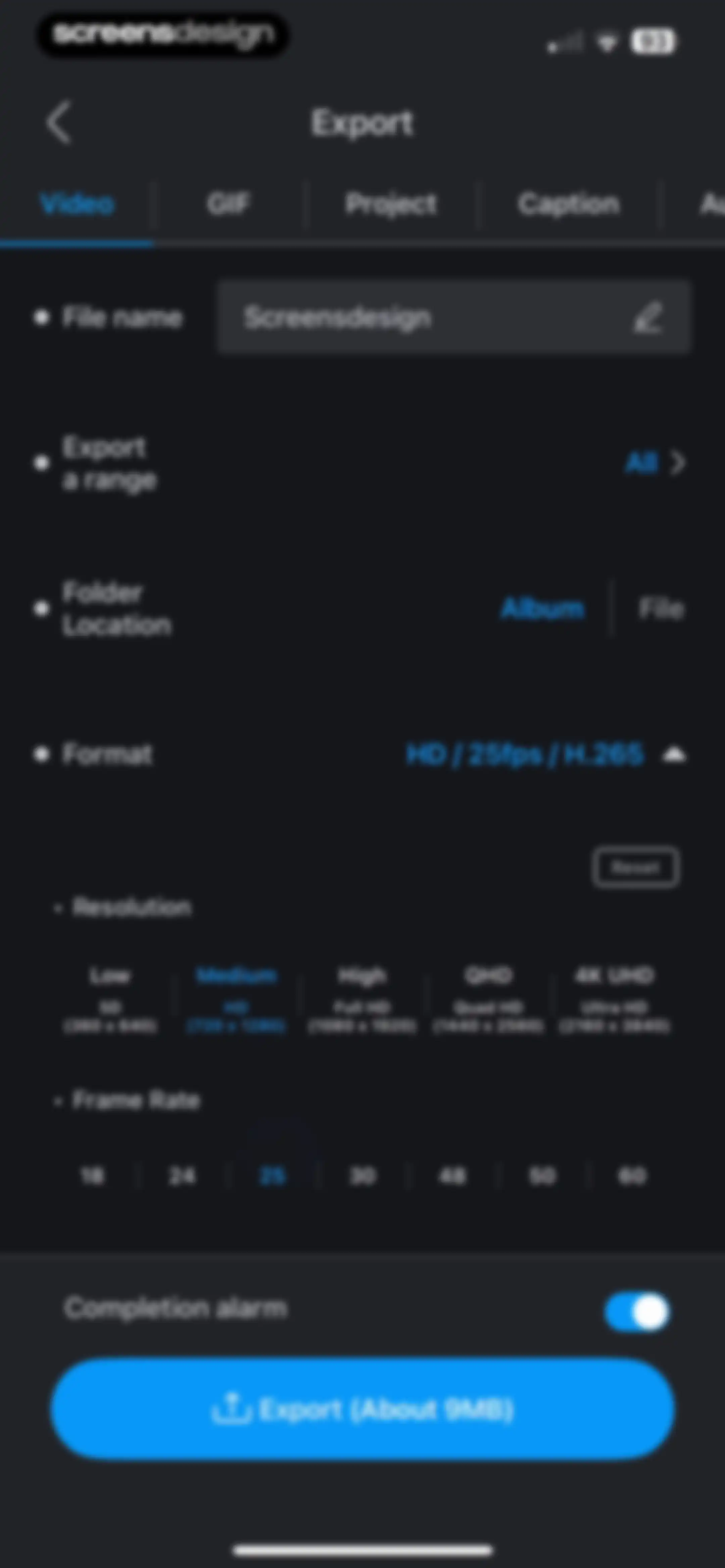
Video export settings screen with configurable options like file name, format, and a prominent export button at the bottom.Unlock Pro
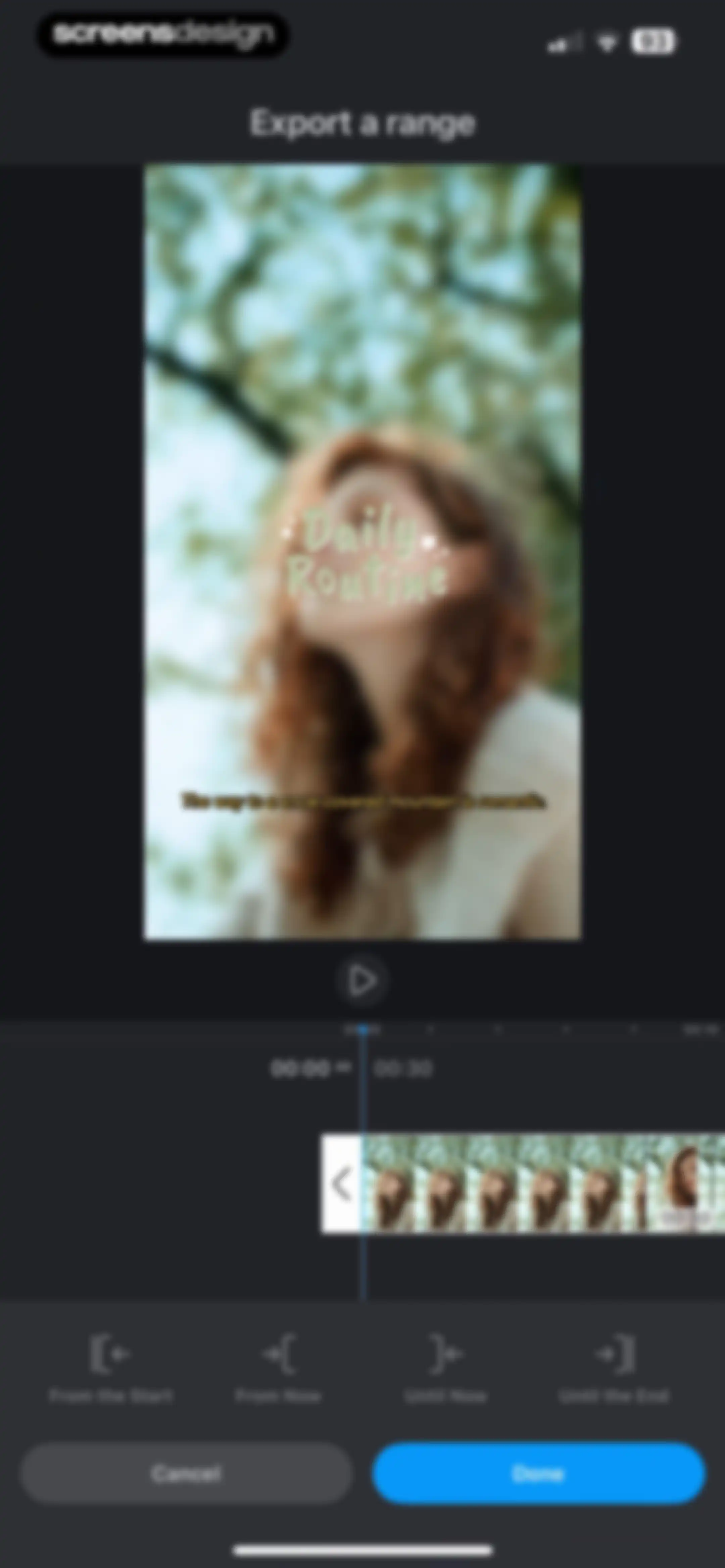
Video export range selection screen with a timeline preview, range tools, and Cancel and Done buttons.Unlock Pro
Document picker screen showing an empty recents list with a search bar and bottom navigation tabs for recents, shared, and browse.Unlock Pro
Video export configuration screen with settings for file name, resolution, and frame rate, featuring a bottom Export button.Unlock Pro
Video export progress screen for VLLO showing a progress bar at 13% and a warning message to keep the app open.Unlock Pro
Success screen with a saved confirmation, folder location details, and social sharing icons on a dark background.Unlock Pro
Share sheet displaying a video file preview and a list of actions including Save Video and Save to Files.Unlock Pro
Confirmation toast on a dark background showing a green checkmark and the text Shared, with a close button in the top right corner.Unlock Pro
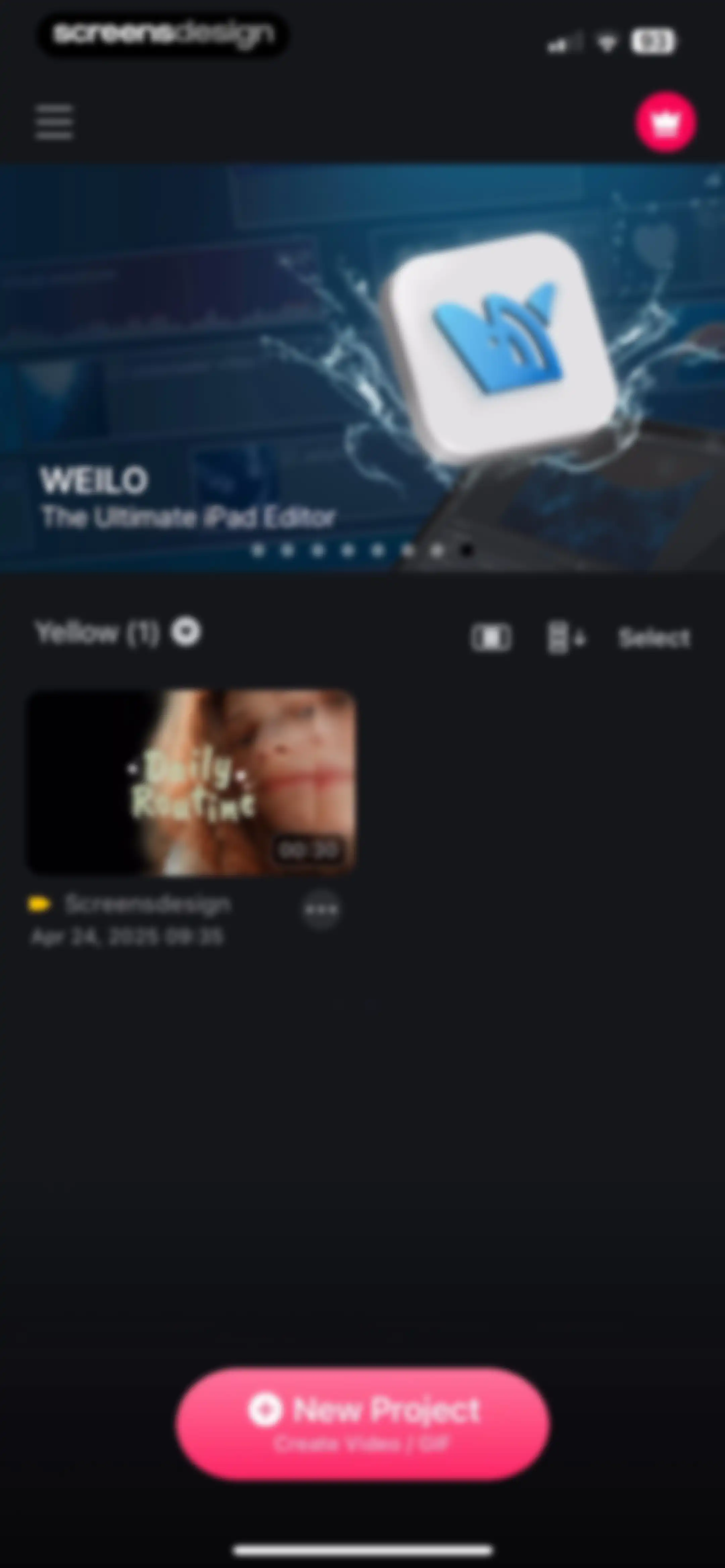
Home screen of a video editing app featuring a top promotional carousel, a project card titled Daily Routine, and a New Project button.Unlock Pro
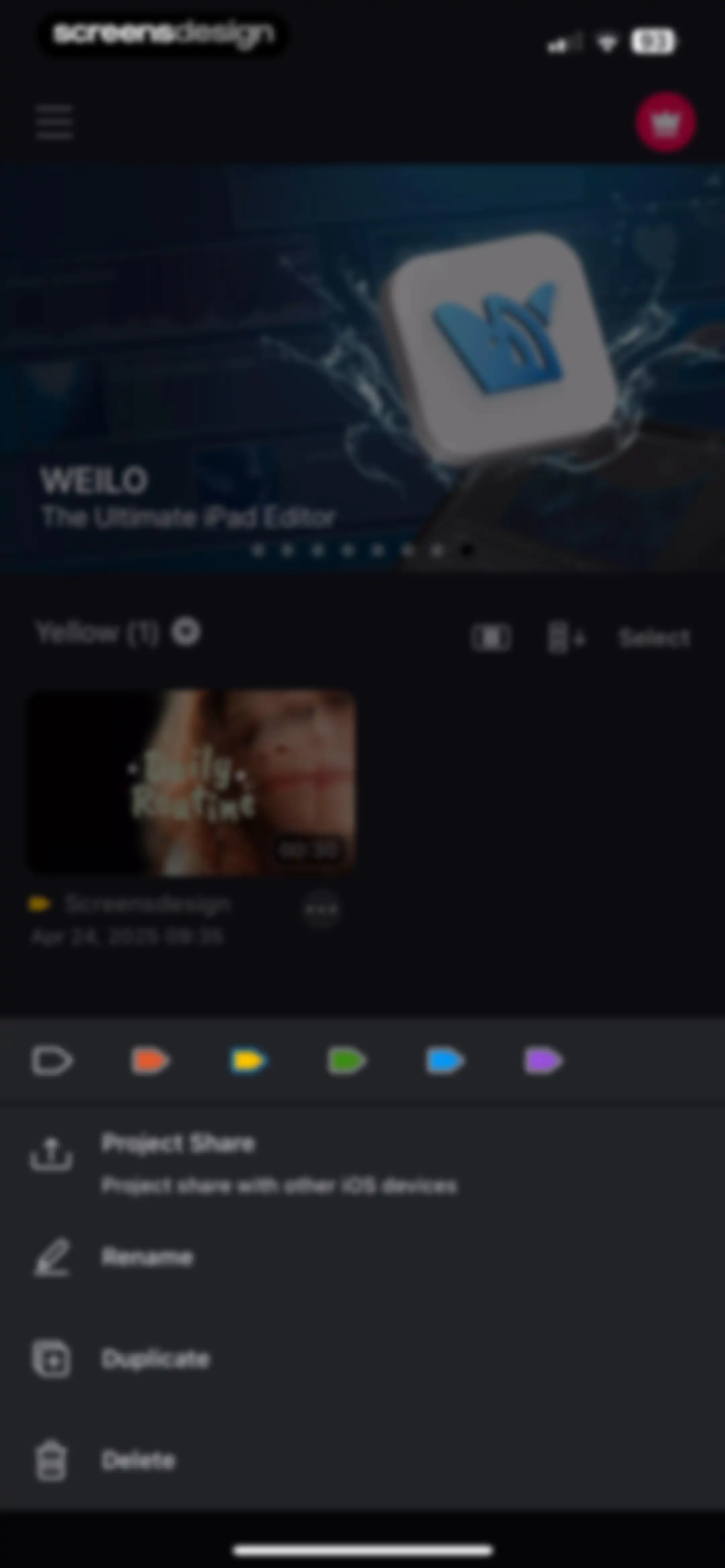
Home screen of a video editing app displaying a project list and an open context menu with share, rename, duplicate, and delete options.Unlock Pro
Home dashboard of the VLLO video editing app featuring a top promotional carousel and a vertical list of color-coded project categories.Unlock Pro
Home screen of the VLLO video editing app displaying a project list, a promotional carousel, and a pink New Project floating action button.Unlock Pro
Project management dashboard with an open action sheet overlay showing share, rename, duplicate, and delete options for a selected video project.Unlock Pro
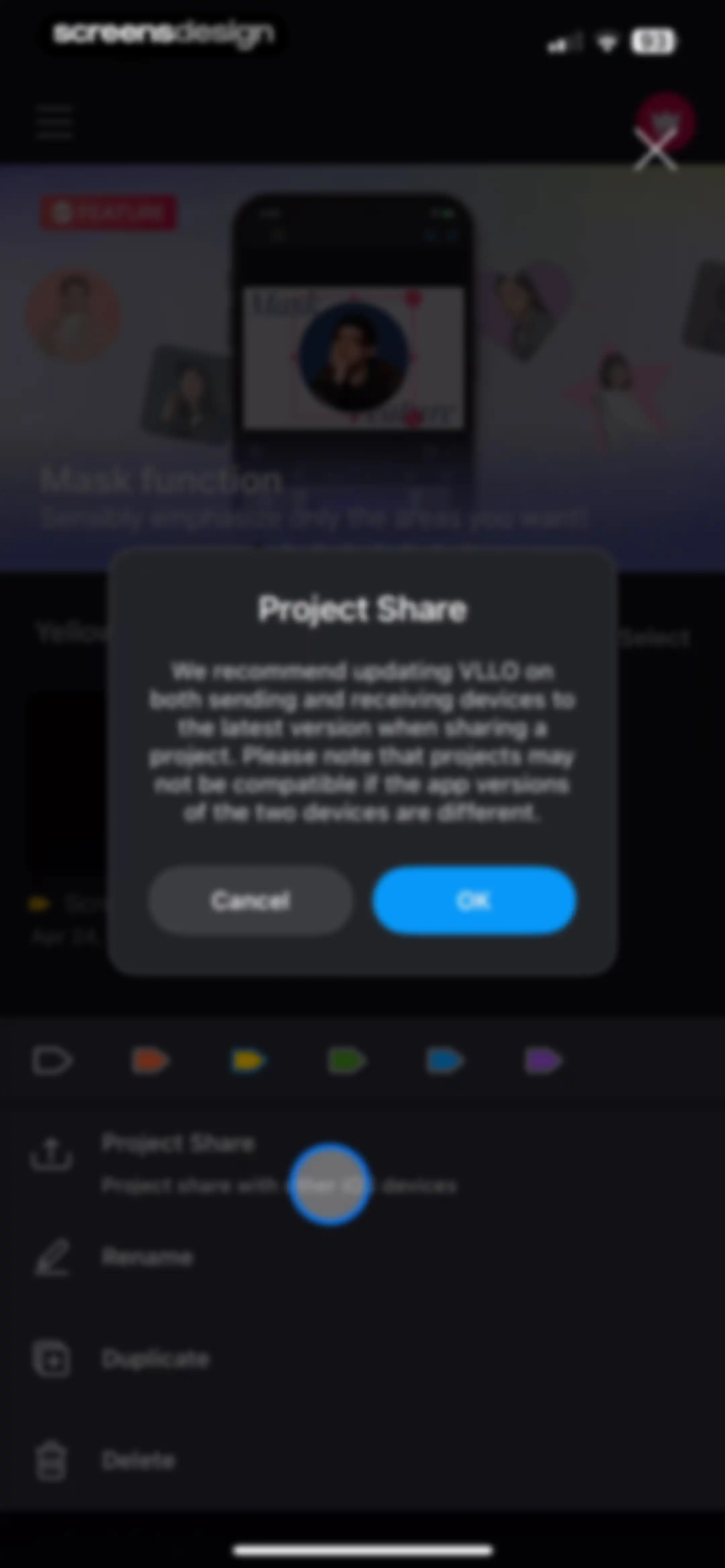
Project sharing compatibility warning modal with an OK button, displayed over a project management screen.Unlock Pro
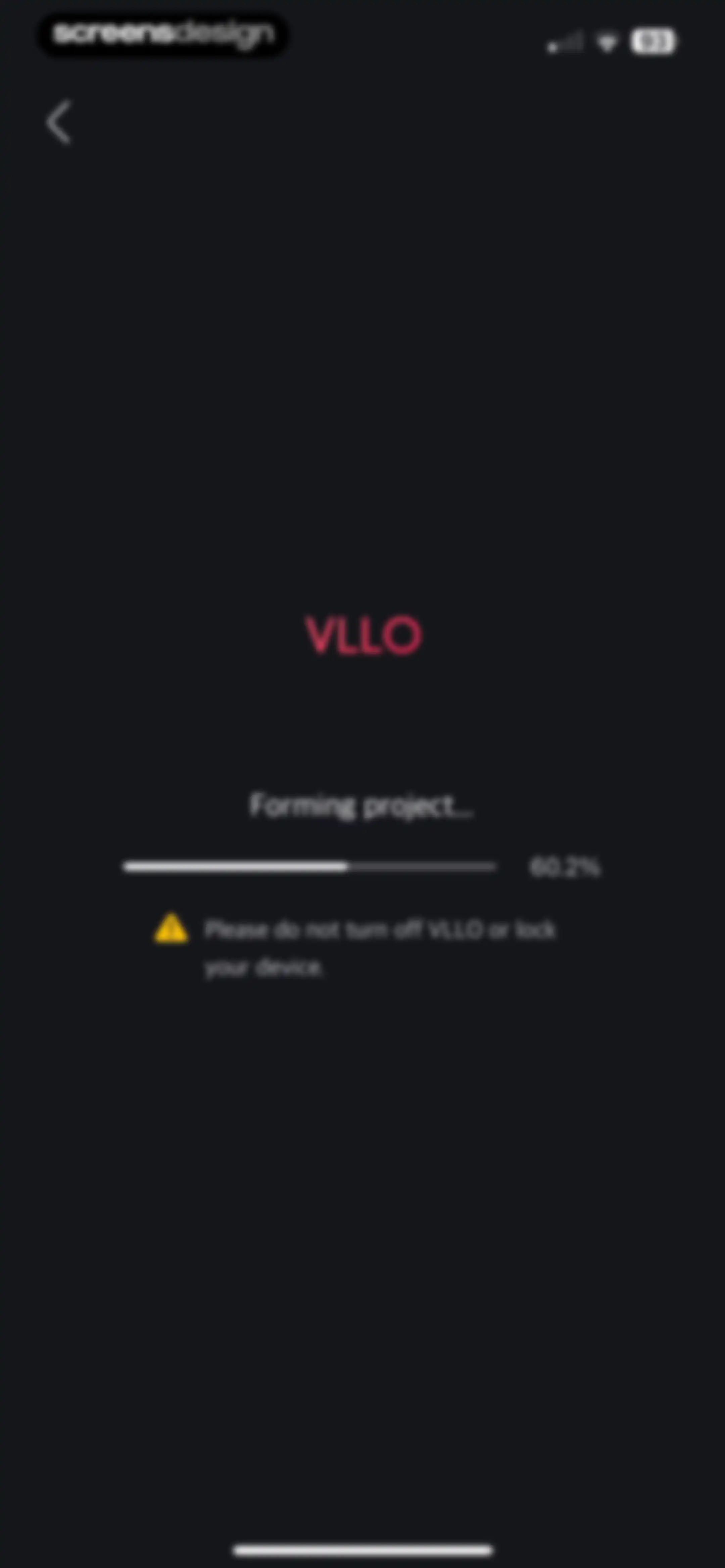
Loading screen in the VLLO app showing project formation progress at 60.2 percent and a warning not to close the device.Unlock Pro
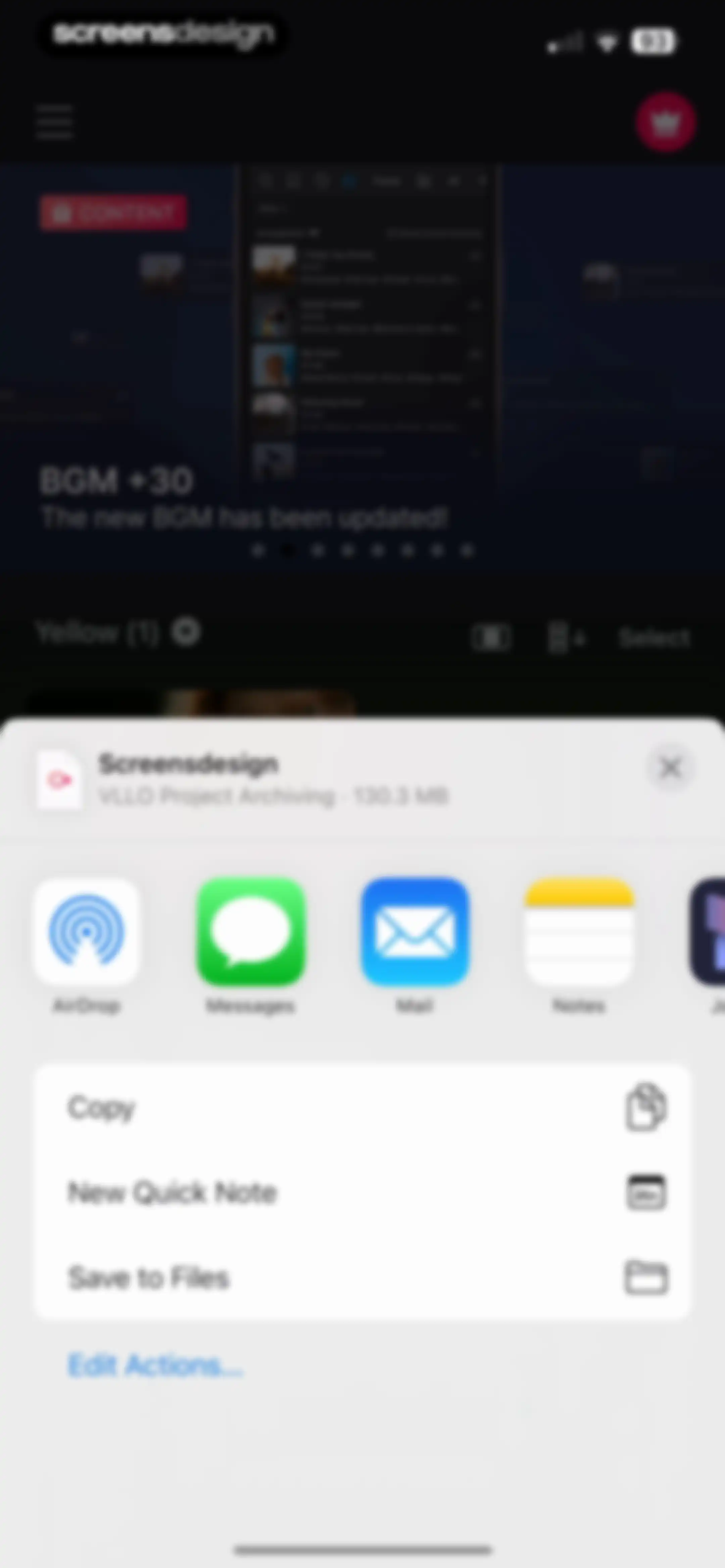
System share sheet overlaying the VLLO app, displaying the Screensdesign file with sharing options and action buttons.Unlock Pro
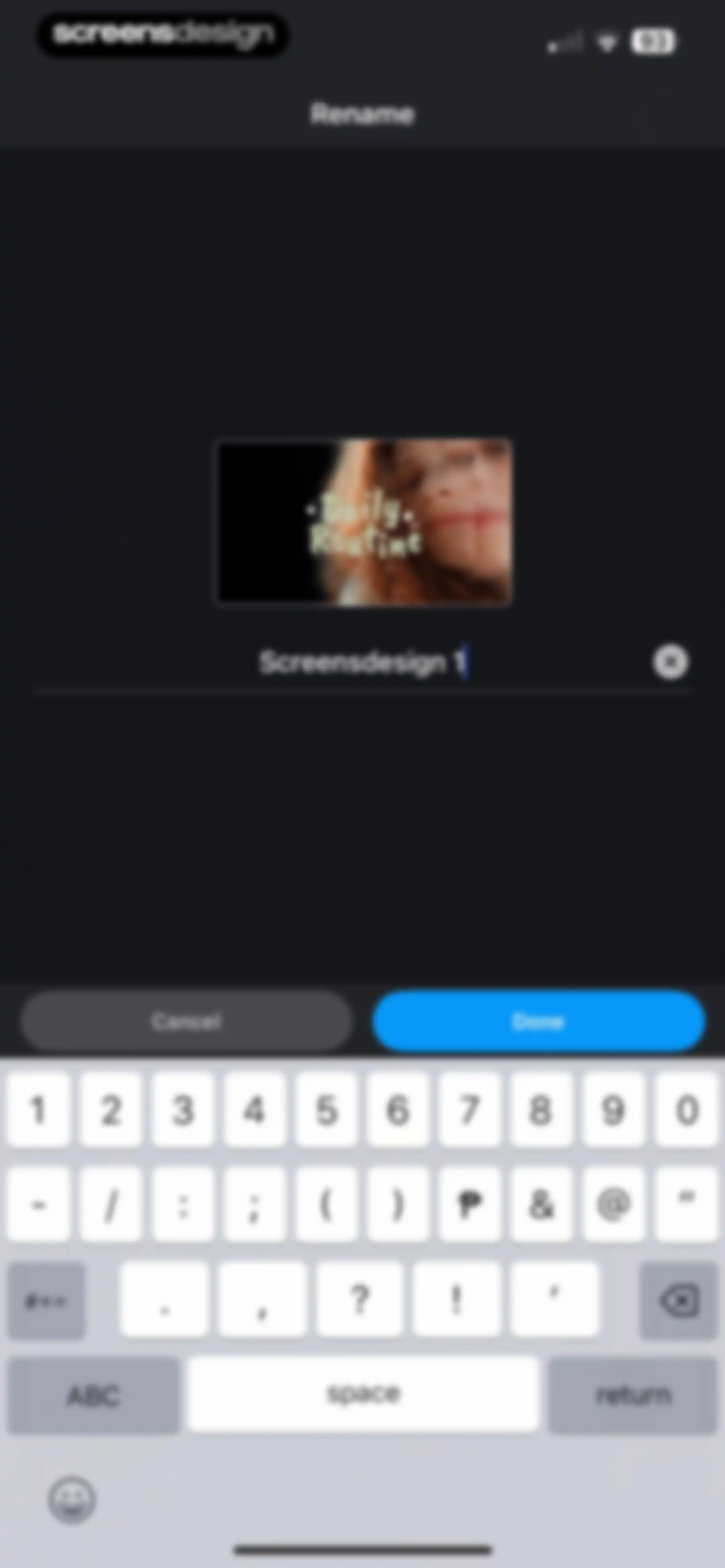
Rename form with a project thumbnail, a text input field containing the current name, and Cancel and Done buttons.Unlock Pro
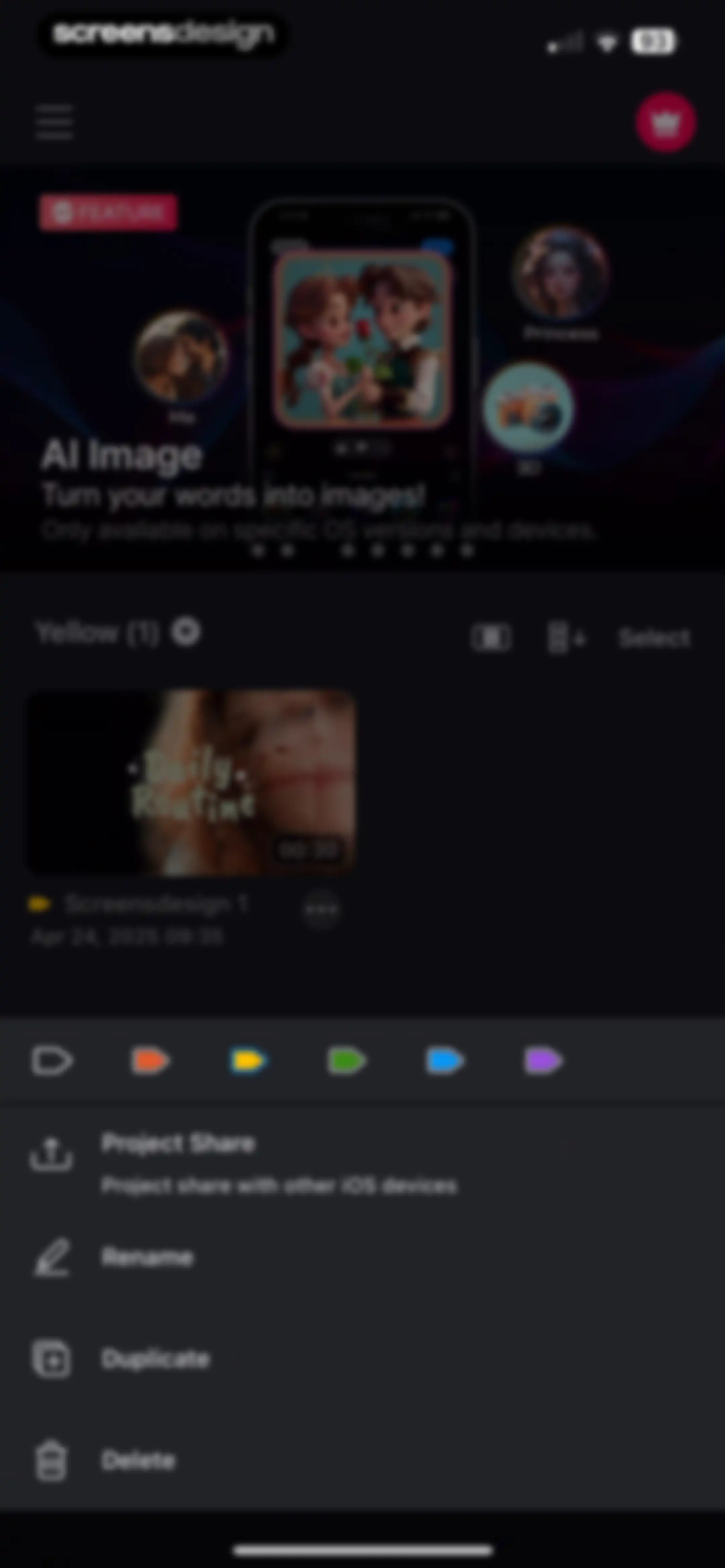
Project dashboard displaying a video project list with an open bottom action sheet offering share, rename, duplicate, and delete options.Unlock Pro
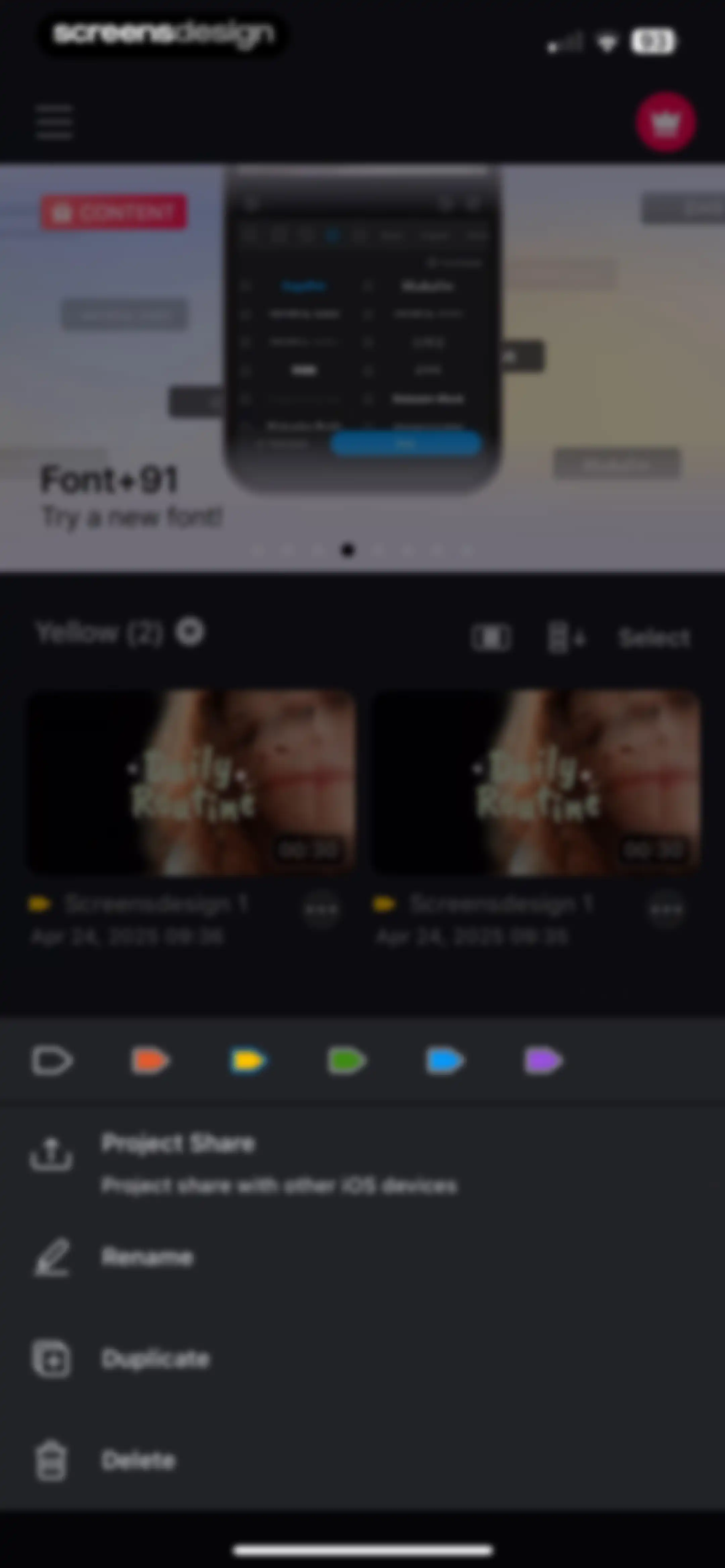
Project dashboard with a promotional carousel, project grid, and an open bottom action sheet displaying project management options.Unlock Pro
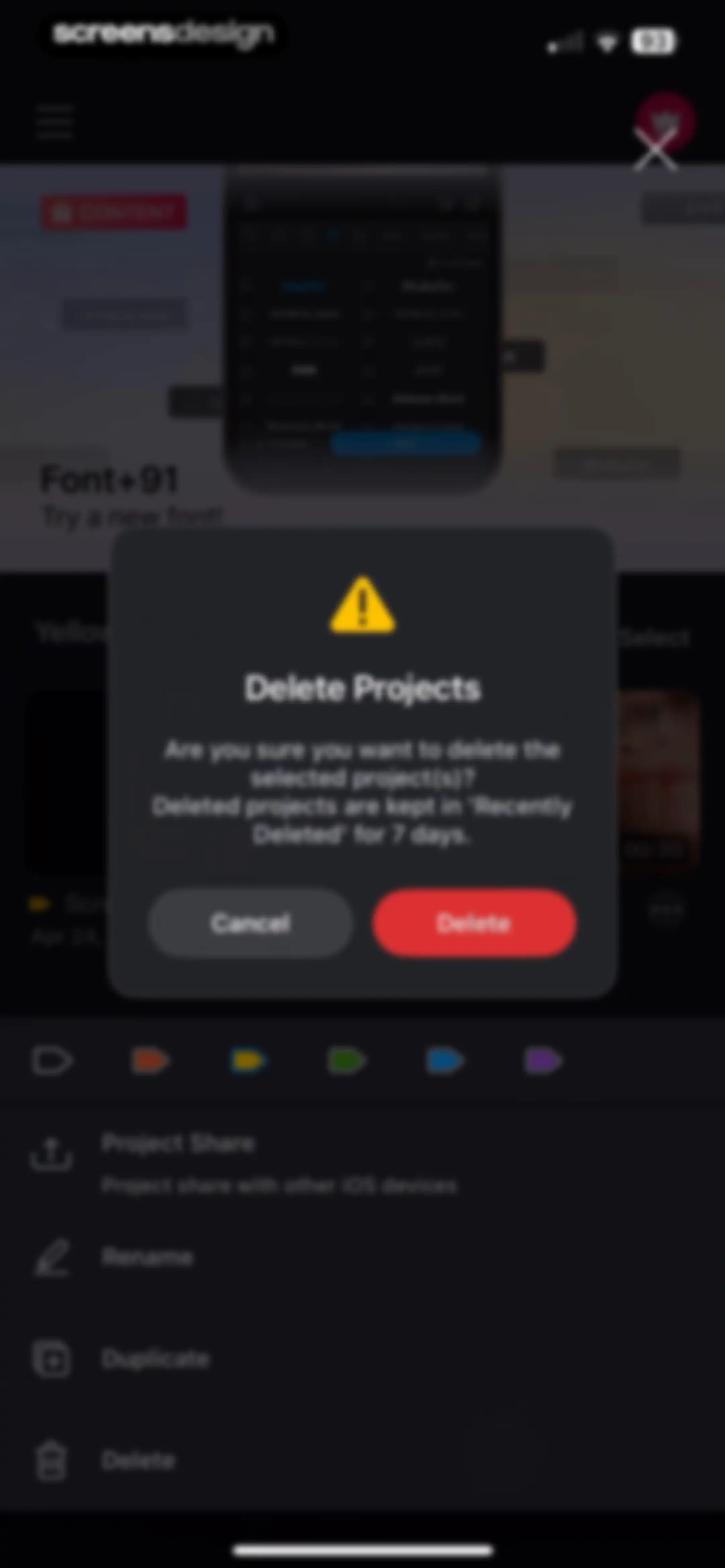
Modal confirmation dialog asking to delete selected projects, featuring a warning message, Cancel button, and red Delete button.Unlock Pro
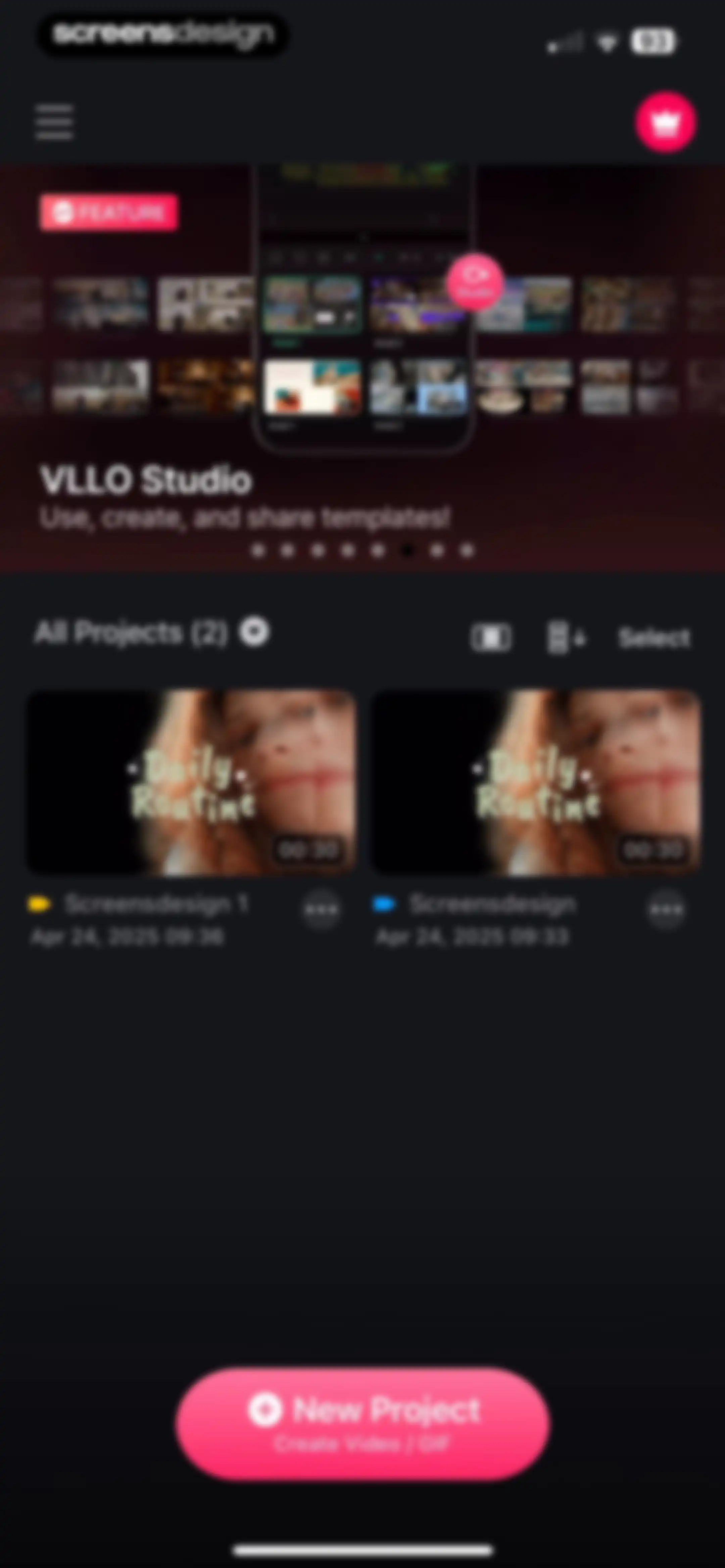
Home screen displaying a promotional template banner, a list of two existing video projects, and a prominent New Project button at the bottom.Unlock Pro
Home screen of the VLLO video editor showing a promotional template carousel, two existing project cards, and a New Project floating action button.Unlock Pro
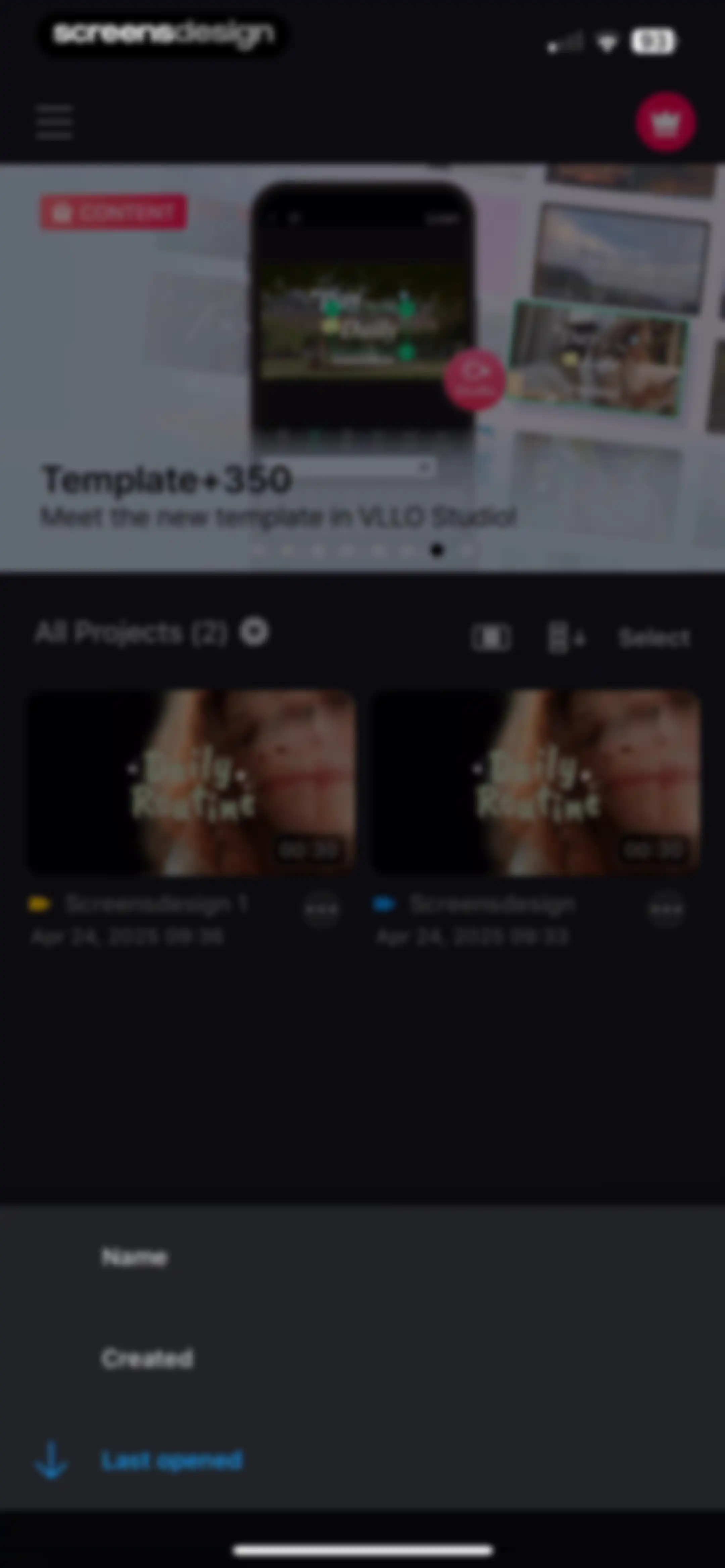
Home screen showing two project cards and a top promotional banner, with a sorting menu overlay open at the bottom.Unlock Pro
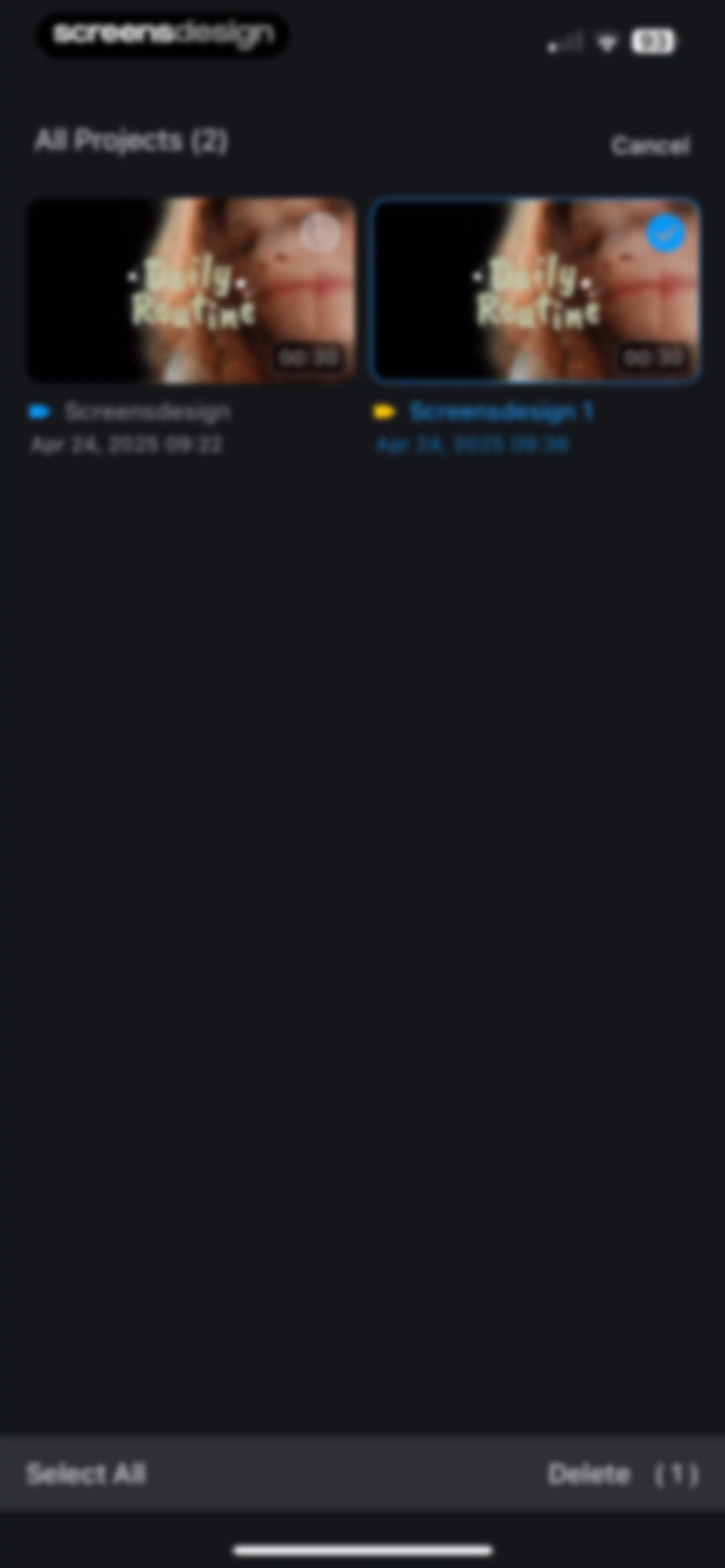
Project selection screen displaying two video cards in a grid, with one project selected and a bottom action bar showing a Delete button.Unlock Pro
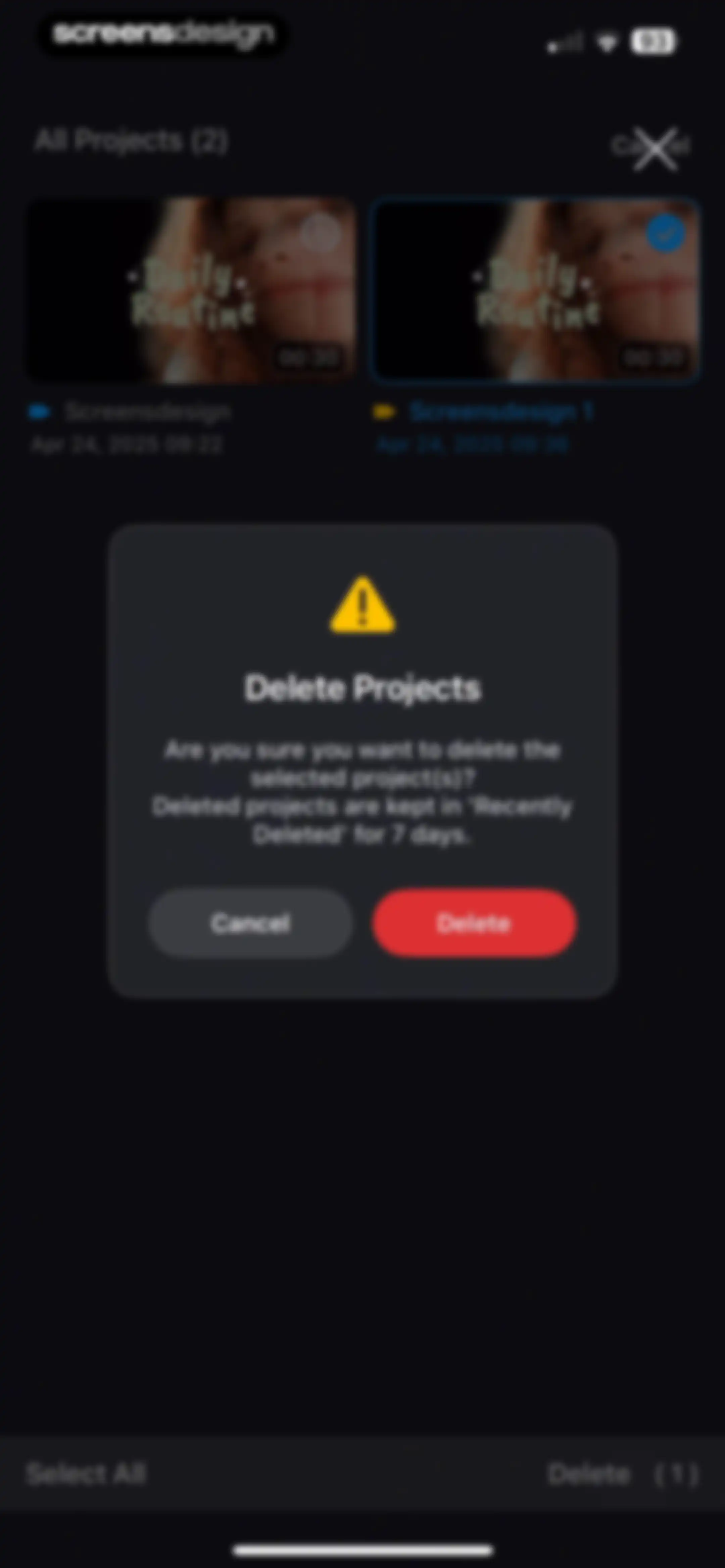
Project deletion confirmation modal with a warning icon, warning text, and Cancel and Delete buttons over a selected project list.Unlock Pro
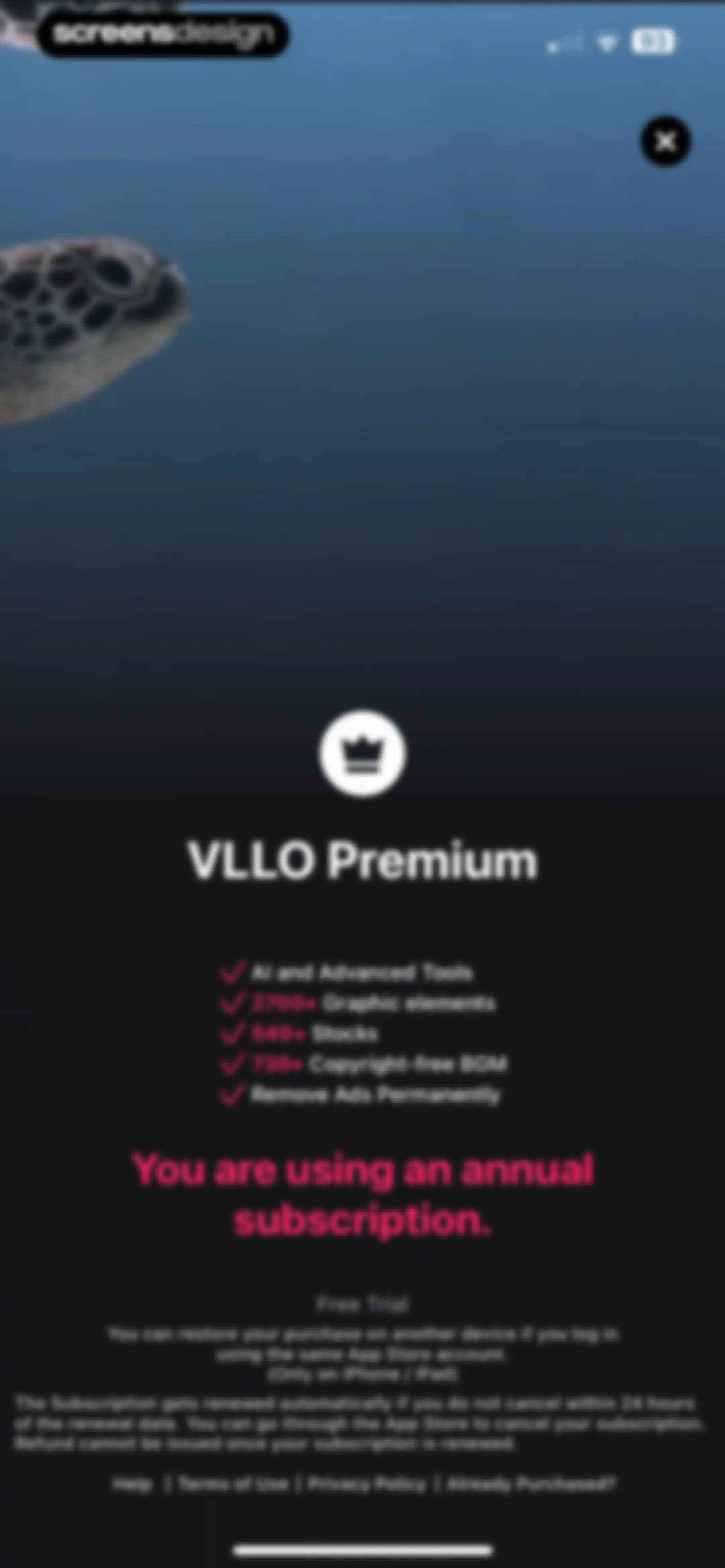
VLLO paywall screen displaying premium features and an annual subscription status message with a close button in the top right corner.Unlock Pro
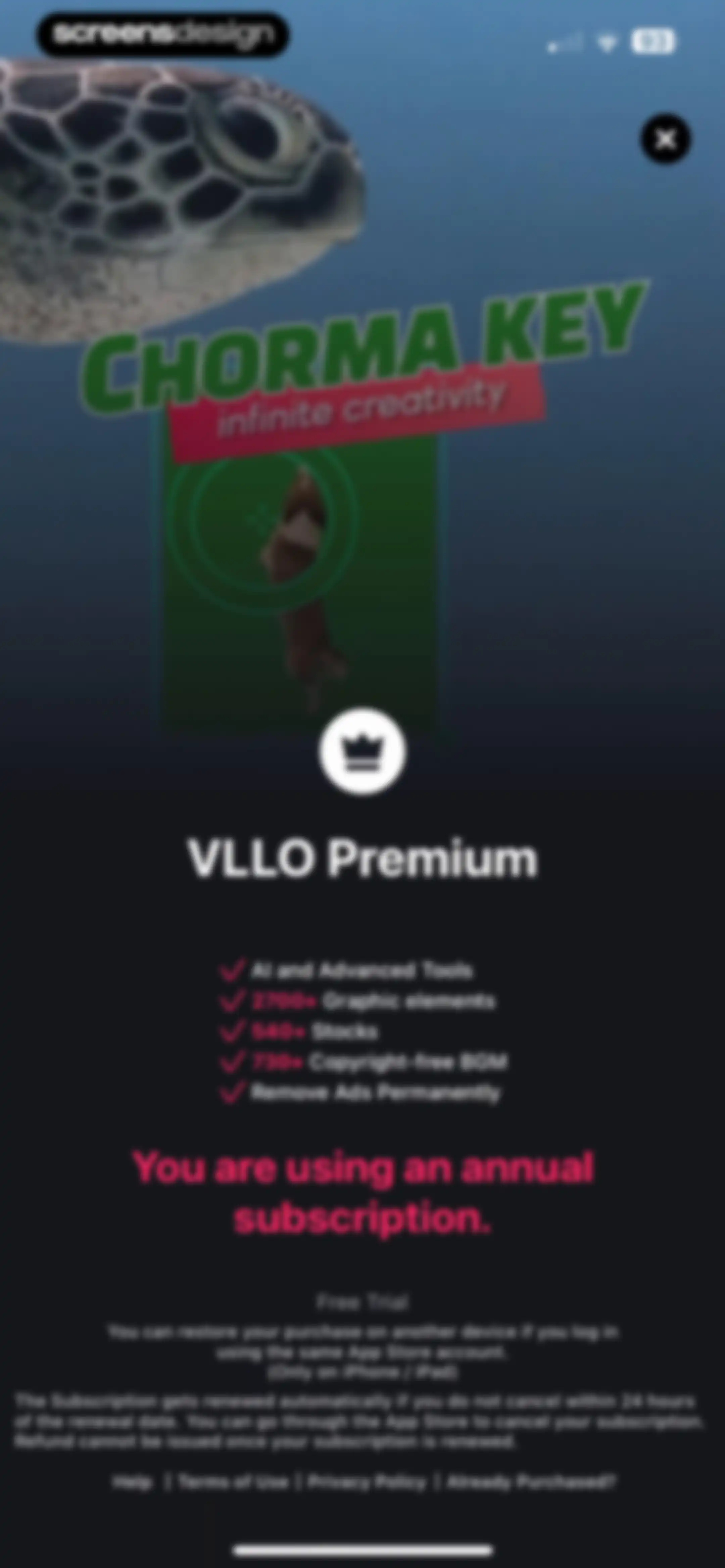
Paywall displaying premium features, a status message indicating an active annual subscription, and renewal policies in a dark theme.Unlock Pro
Paywall screen displaying VLLO Premium benefits and a message confirming an active annual subscription.Unlock Pro
VLLO Premium subscription status screen confirming an annual subscription, with a list of benefits and management links.Unlock Pro
VLLO Premium subscription status screen confirming an active annual subscription and listing premium benefits with support links.Unlock Pro
Subscription management paywall listing premium benefits and stating that an annual subscription is currently active.Unlock Pro
VLLO subscription status screen confirming an active annual plan on a dark background, with a premium feature list and management links.Unlock Pro
Dark-themed settings screen featuring utility options, an enabled touch visualization toggle, and social media links.Unlock Pro
Help screen in a dark theme with an expanded FAQ list about VLLO Premium, category filters, and a Contact Us button.Unlock Pro
Tutorial screen displaying the Split and Cut function with step-by-step instructions and a video preview mockup.Unlock Pro
VLLO app settings screen displaying a device and version information modal with technical details and a Copy button.Unlock Pro
Settings screen with a dark-themed list of options, a copied confirmation toast, social media links, and a reset database button.Unlock Pro

About VLLO- Video Editor, Vlog Edits

A comprehensive mobile video editing suite providing creators with intuitive tools for trimming, AI-powered captioning, keyframe animation, and professional effects.

Explore VLLO- Video Editor, Vlog Edits across ScreensDesign

Apps similar to VLLO- Video Editor, Vlog Edits

Unlock all similar apps

See every comparable app, revenue, installs, and flows.

Unlock Pro
  • Videoleap: AI Video Editor

    4.6
    Lightricks Ltd.Revenue$950kInstalls55k
  • InShot - Video Editor

    4.8
    SHANTANU PTE. LTD.Revenue$1MInstalls1.3M
  • Video Maker & Editor: Dizzi AI

    4.7
    IRONTECH LIMITEDRevenue$<5kInstalls<5k
  • AI Video Editor - VidMa Cut AI

    4.6
    Atlasv Global Pte. Ltd.Revenue$55kInstalls70k
  • AI Cut:Photo&Video Editor

    4.5
    波 王Revenue$75kInstalls45k
  • Vixer: AI Video Editor & Maker

    4.7
    Popixels Ltd.Revenue$150kInstalls<5k
  • Filmora: AI Video Editor&Maker

    4.7
    Shenzhen Wondershare Software Co., LtdRevenue$600kInstalls150k
  • Adobe Premiere AI Video Editor

    4.8
    Adobe Inc.Revenue$25kInstalls550k
  • Video Up! Video Editor & Maker

    4.6
    Video editor & maker appRevenue$750kInstalls50k
  • Temply: AI Video & Reels Maker

    4.8
    Popixels Ltd.Revenue$100kInstalls<5k
  • Mojo: AI Video & Reels Editor

    4.9
    Archery Inc.Revenue$300kInstalls30k
  • Video Editor ·

    4.7
    LuniRevenue$65kInstalls35k
  • Filmora HD-Video Editor&Maker

    4.7
    Shenzhen Wondershare Software Co., LtdRevenue$60kInstalls6k
  • VivaCut - AI Video Editor

    4.5
    Hangzhou Quwei Technology Co., LtdRevenue$40kInstalls55k
  • Canva AI Photo & Video Editor

    4.9
    CanvaRevenue$34MInstalls5.3M
  • Video Effects Editor: Riveo

    4.5
    Forge and Form GmbHRevenue$<5kInstalls<5k
  • PicPlayPost: Video Editor

    4.8
    Mixcord Inc.Revenue$85kInstalls<5k
  • Funimate Video & Motion Editor

    4.7
    Pixery Bilgi TeknolojileriRevenue$45kInstalls15k
  • Audio Editor : Audiolab

    4.4
    怀海 顾Revenue$35kInstalls35k
  • Splice - Video Editor & Maker

    4.6
    Bending Spoons Apps ApSRevenue$2.8MInstalls50k
  • MOLDIV Photo Editor, Collage

    4.7
    JellyBus Inc.Revenue$10kInstalls5k
  • InstaSize: AI Photo Editor

    4.7
    Instasize Inc.Revenue$650kInstalls65k
  • PowerDirector: AI Video Editor

    4.6
    CyberLinkRevenue$150kInstalls30k
  • Videoshop - Video Editor

    4.9
    Jajijujejo Inc.Revenue$85kInstalls<5k
  • Zoomerang - Ai Video Maker

    4.6
    Zoomerang, Inc.Revenue$15kInstalls5k
  • Impresso - Video & Logo Maker

    4.7
    Pixery Bilgi TeknolojileriRevenue$45kInstalls<5k
  • Teleprompter - VILO

    4.5
    Salix Dijital Pazarlama Anonim SirketiRevenue$250kInstalls35k
  • VEED Lite: Quick Video Edits

    4.8
    VEED LtdRevenue$150kInstalls5k
  • Polish - AI Photo Editor

    4.8
    SHANTANU PTE. LTD.Revenue$65kInstalls30k
  • Collage Maker - LiveCollage

    4.8
    VIDEO EDITOR PTE. LTD.Revenue$250kInstalls250k
  • VideoShow AI Video Editor

    4.7
    VIDEOSHOW PTE. LTD.Revenue$30kInstalls5k
  • Vids AI - Reels Video Editor

    4.8
    Viral Vision Ltd.Revenue$750kInstalls550k
  • Flashloop: AI Video Generator

    4.7
    Buy Beaver TechnologiesRevenue$70kInstalls5k
  • AI Video Photo Generator Videa

    4.5
    Pure AppsRevenue$200kInstalls50k
  • Layout Photo Collage - Mixgram

    4.7
    Lyam AppsRevenue$250kInstalls85k
  • Instories: AI Photo & Video

    4.7
    Ylee Studio LTDRevenue$1.3MInstalls200k
  • Magisto Video Editor & Maker

    4.6
    Vimeo, Inc.Revenue$150kInstalls<5k
  • Winkit - AI Video Enhancer

    4.6
    Starii Tech Pty LtdRevenue$10kInstalls40k
  • Wink: Video Enhancer & Editor

    4.7
    Xiamen Meitu Technology Co., Ltd.Revenue$2MInstalls2M
  • Audio Editor: MP3 Converter

    4.6
    ZHN Co., Ltd.Revenue$350kInstalls20k
  • Audio Editor - Music editor

    4.5
    苏娟 陈Revenue$55kInstalls65k
  • Uplens: Photo & Video Editor

    4.9
    MPGamesRevenue$200kInstalls45k
  • Photo Editоr

    4.7
    VIDEO EDITOR PTE. LTD.Revenue$55kInstalls9k
  • Bazaart AI Photo Editor Design

    4.8
    Bazaart Ltd.Revenue$500kInstalls75k
  • Movavi - Video & Reels Editor

    4.7
    Movavi Emea LLCRevenue$75kInstalls<5k
  • Tezza: Aesthetic Photo Editor

    4.7
    Tezza App LLCRevenue$2MInstalls350k
  • Hypic - Photo Editor & AI Art

    4.6
    Bytedance Pte. LtdRevenue$850kInstalls750k