Video Effects Editor: Riveo

$<5k revenue, 4.5 rating

App Tracking Permission
0:00 / 19:18

Onboarding flow, Paywall & Inside the App

Watch the full screen-by-screen UX video of Video Effects Editor: Riveo with onboarding, paywall, and every core flow.
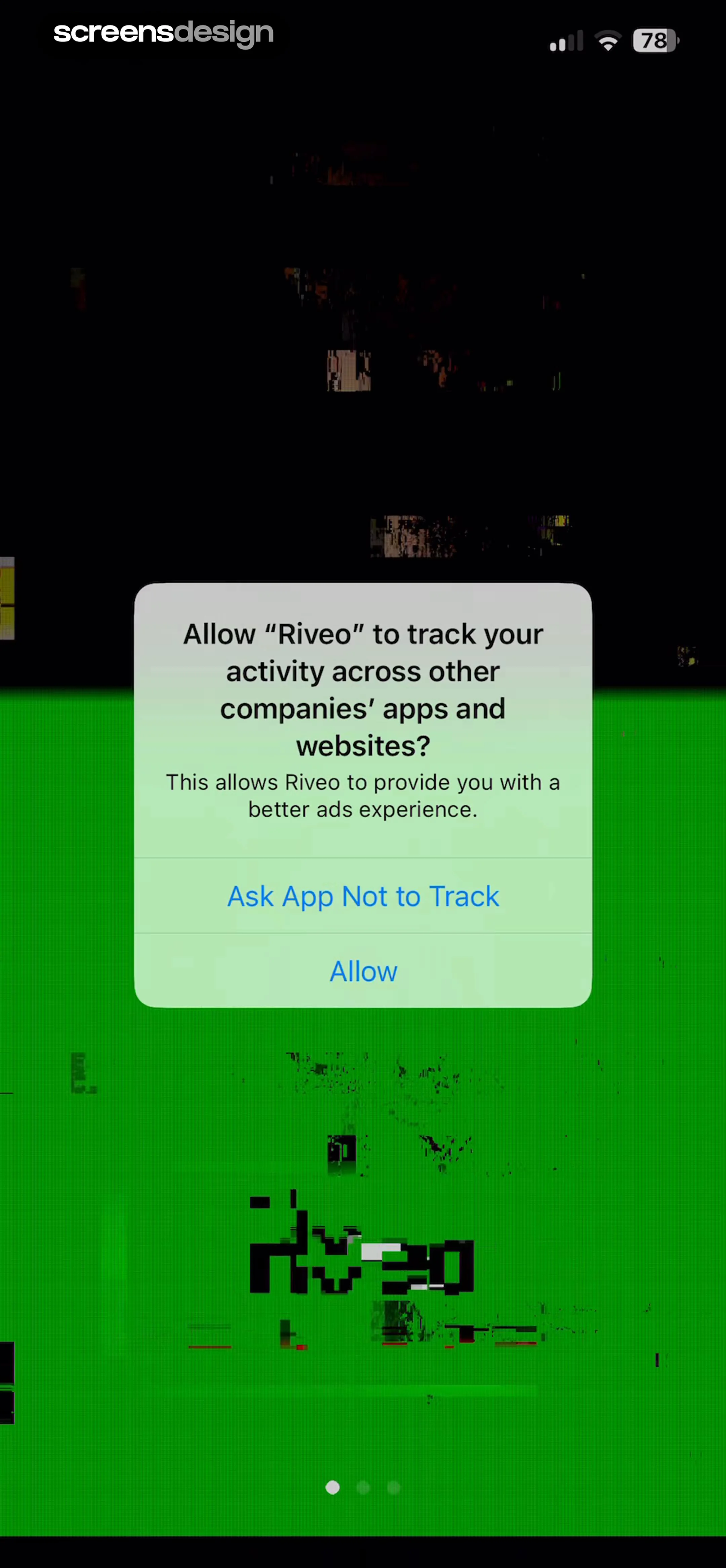
Permissions modal for the Riveo app asking to track activity across other apps, with Ask App Not to Track and Allow buttons.
Onboarding screen featuring a glitch-art portrait background, the Riveo app name, and pagination indicators.
Onboarding screen featuring a central video effects preview card, the text 'Effects & Filters' with the tagline 'Like no other,' and an active first page indicator.
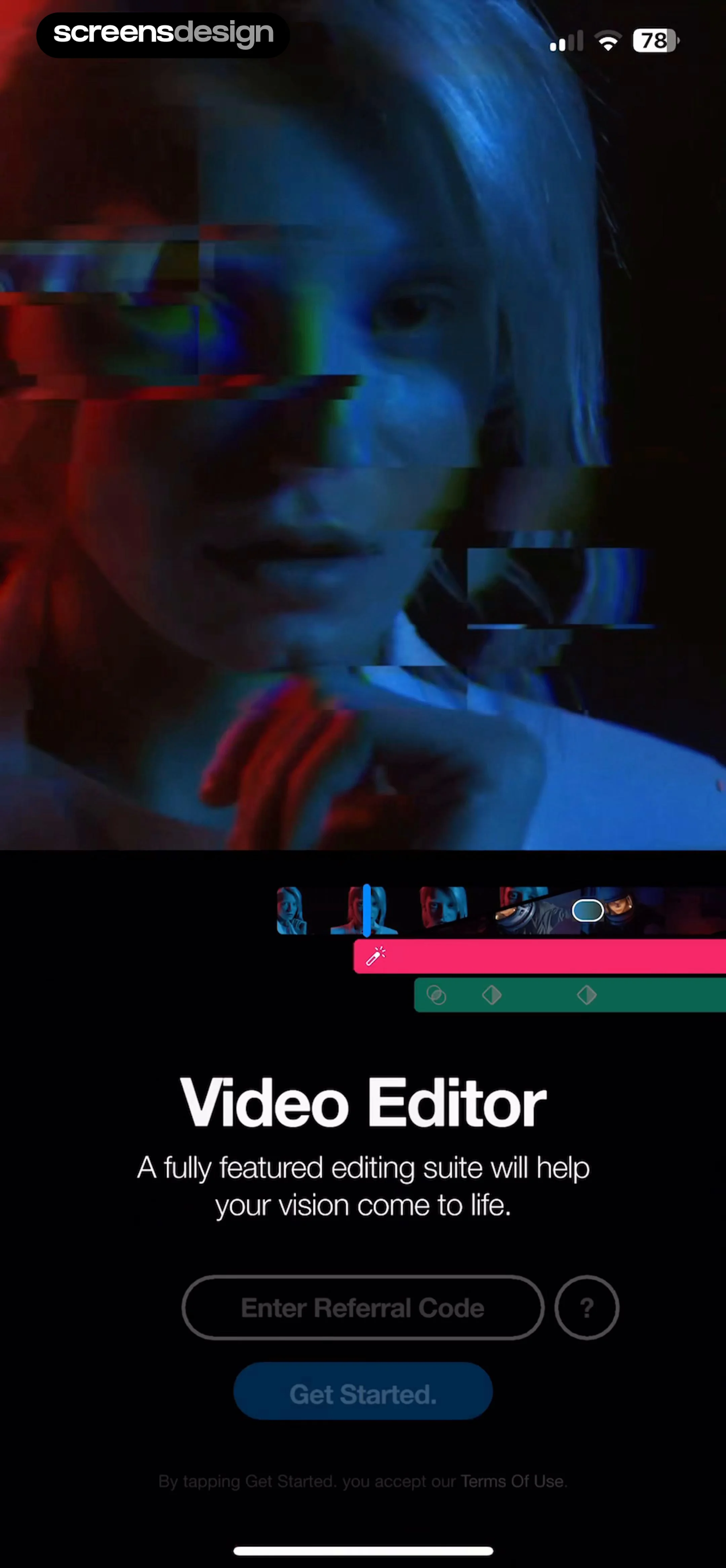
Video editor app onboarding screen with a video preview, referral code input field, and a Get Started button.
Paywall screen for Riveo Pro offering a three-day trial then $49.99 per year, with a Start Free Trial button.
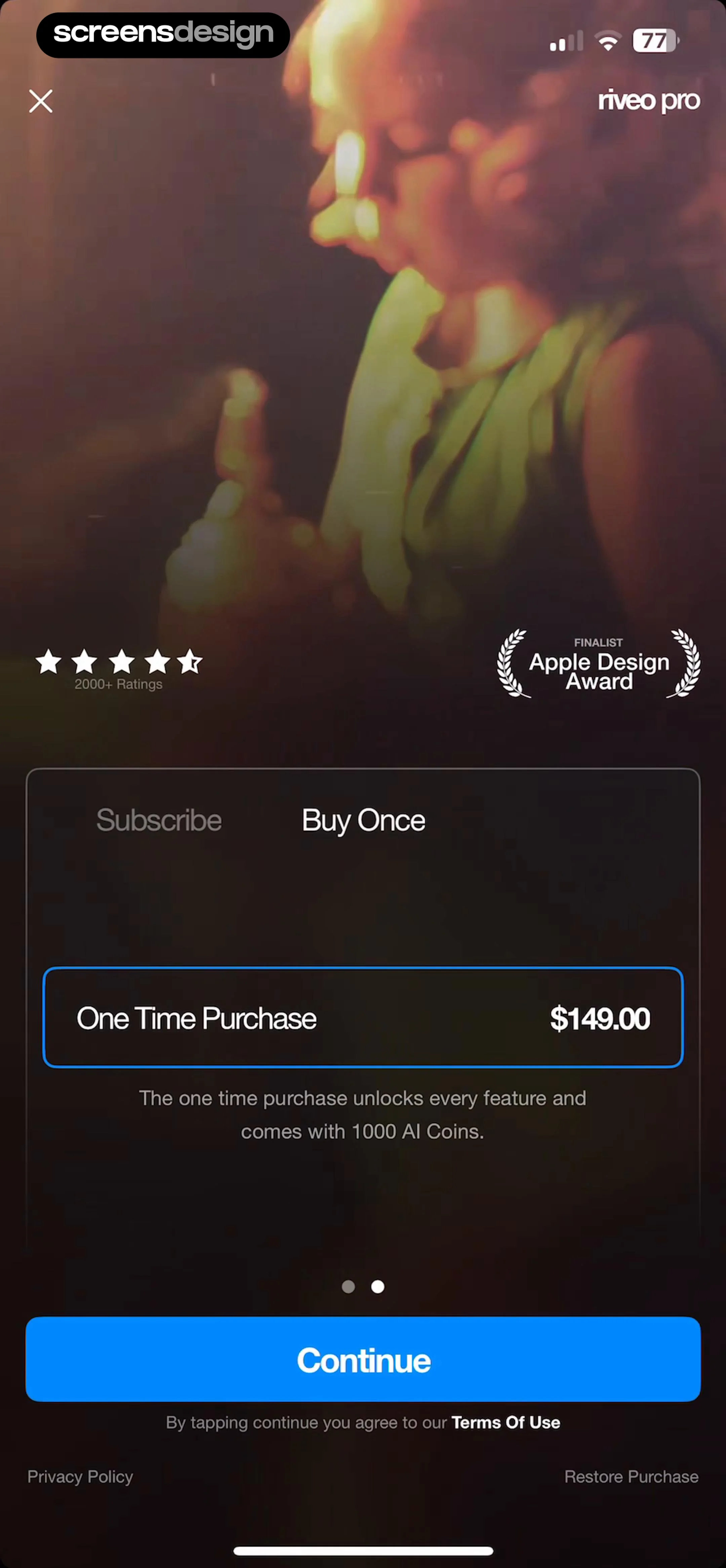
Riveo Pro paywall screen displaying subscription and one-time purchase options with a selected lifetime plan and a Continue button.
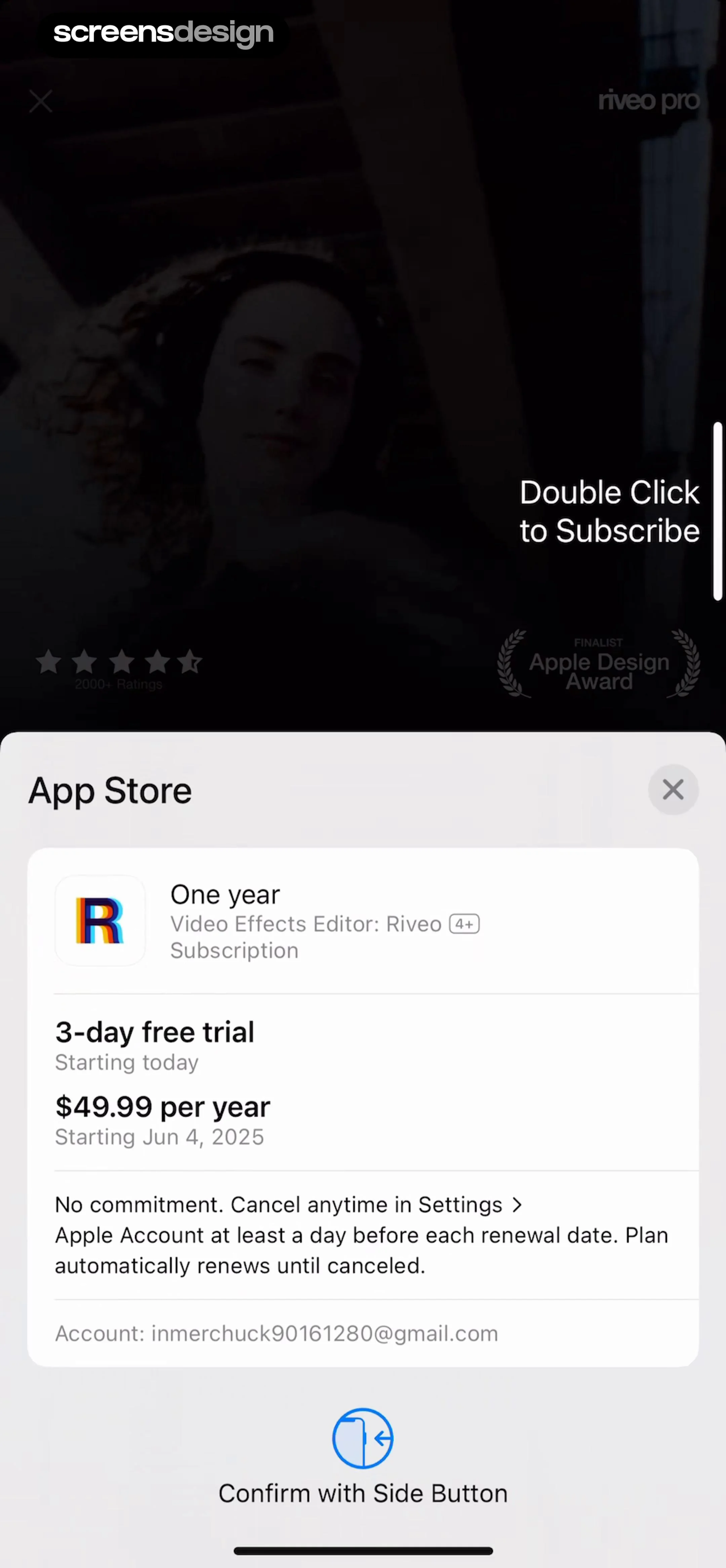
Subscription checkout modal for Riveo offering a one-year plan at $49.99 per year with a 3-day free trial.
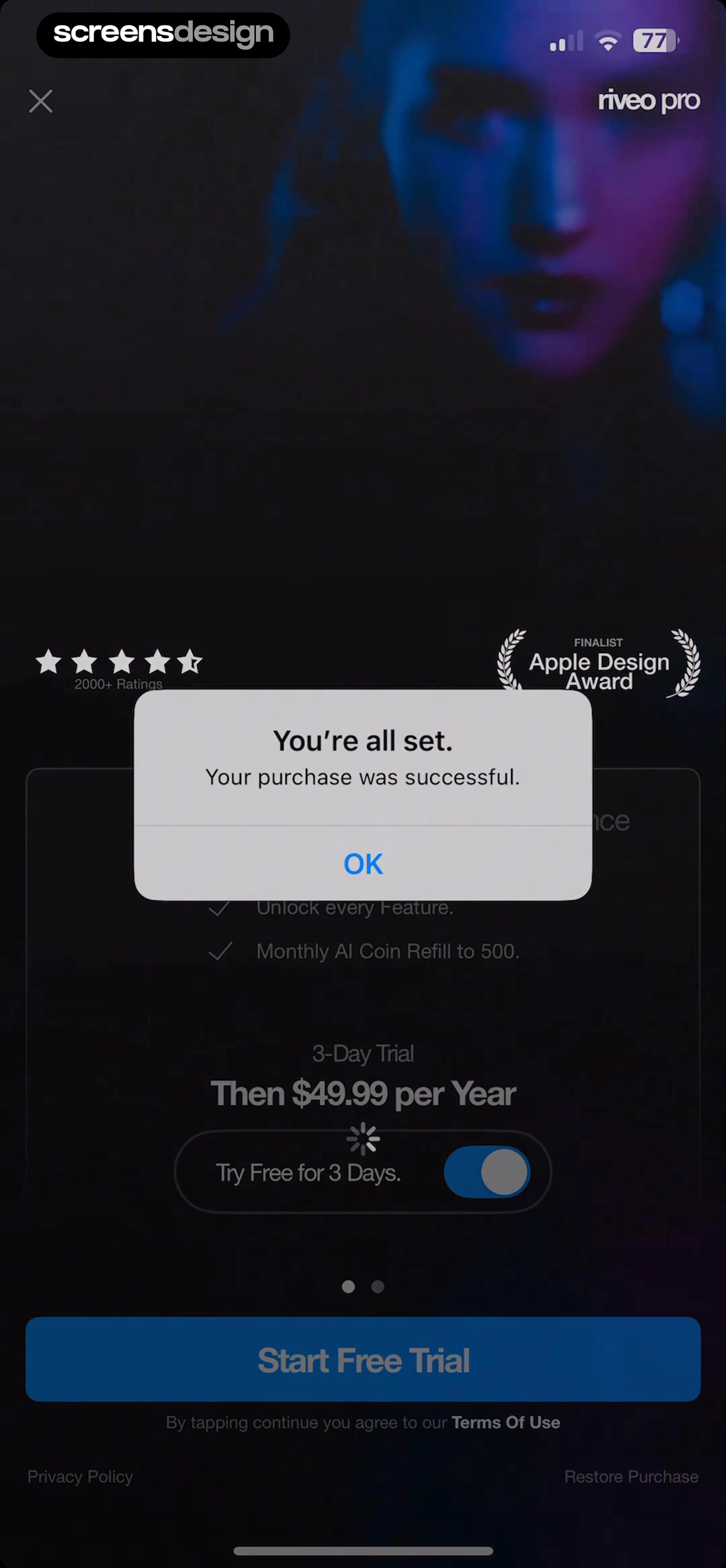
Subscription confirmation modal with a successful purchase message and an OK button overlaid on a dark paywall screen.
Feature highlight onboarding screen in the Riveo app introducing Compositing Masks, with a video editor mockup and an Ok button.Unlock Pro
Feature spotlight modal in Riveo showcasing new editor settings, with toggles for snap and draft mode, quick tips, and an Ok button.Unlock Pro
Feature announcement modal for the Riveo video editor detailing new updates with a background video preview and an Ok button.Unlock Pro
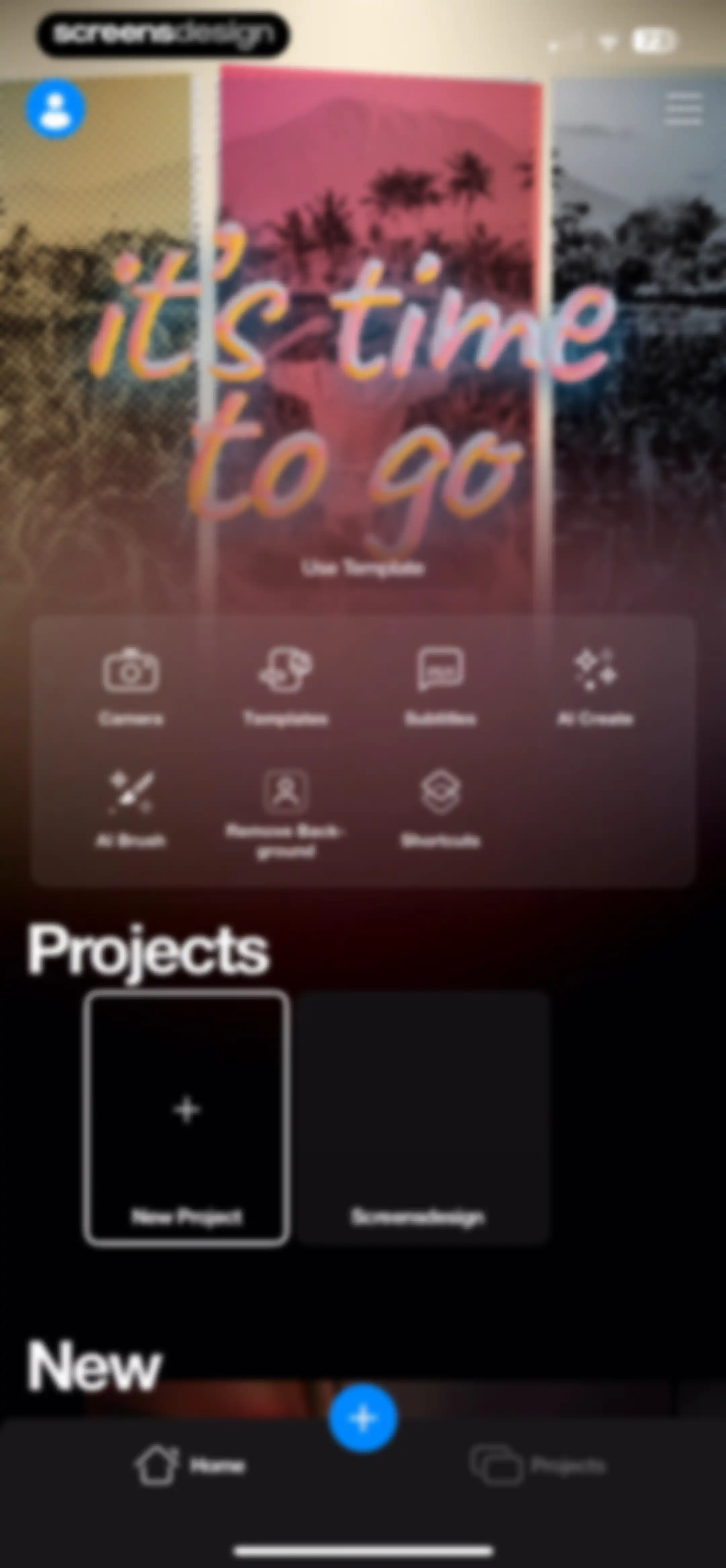
Home screen featuring a template carousel, a grid of editing tools including AI and background removal, a recent projects section, and a bottom navigation bar.Unlock Pro
Permission request modal in Riveo asking for access to Messages and Camera Roll over a feature dashboard.Unlock Pro
Permission request screen with a system notification modal and a bottom sheet asking for media access, featuring Allow and Continue buttons.Unlock Pro
System permission modal asking for photo library access, featuring media counts and options to allow full access, limit access, or deny.Unlock Pro
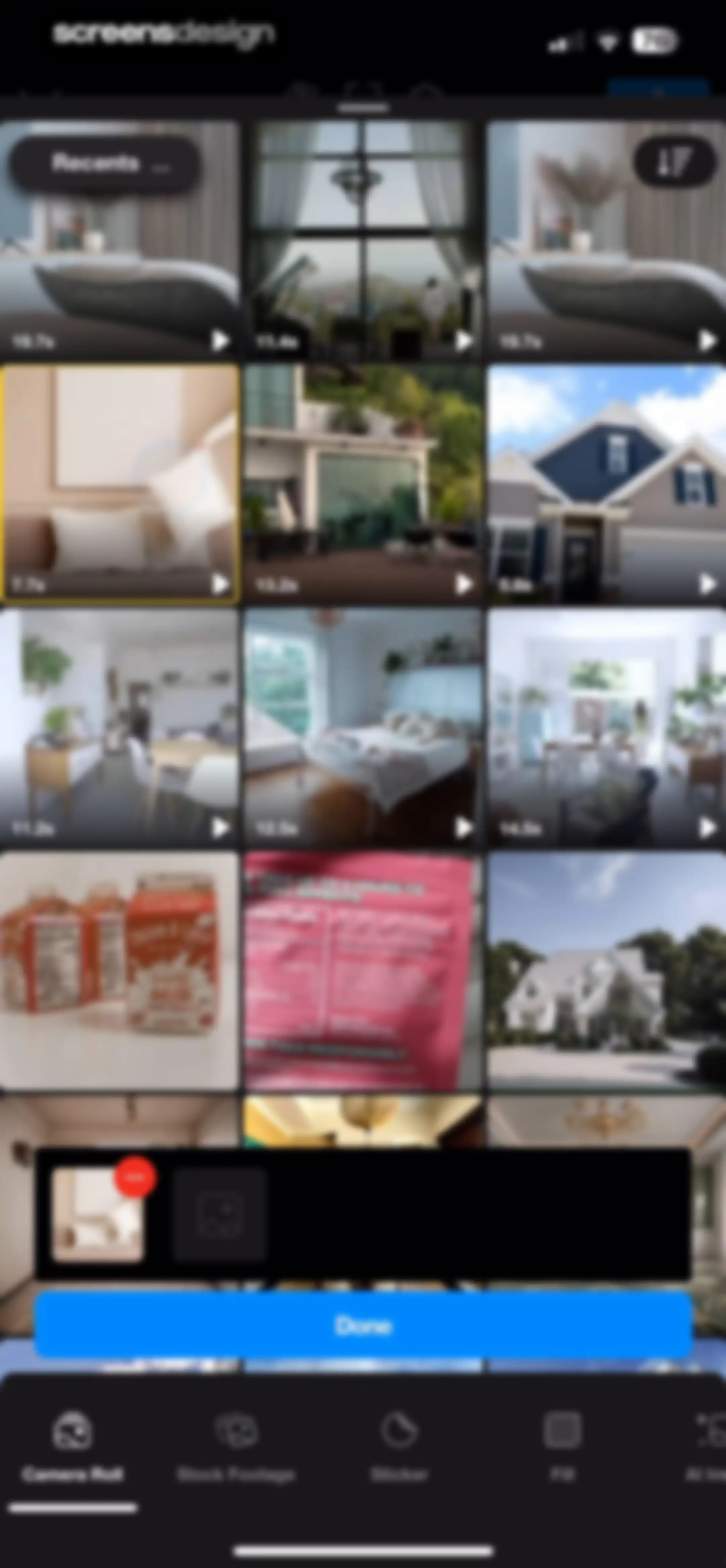
Media picker screen displaying a grid of video thumbnails, a selection tray at the bottom, and a Done button.Unlock Pro
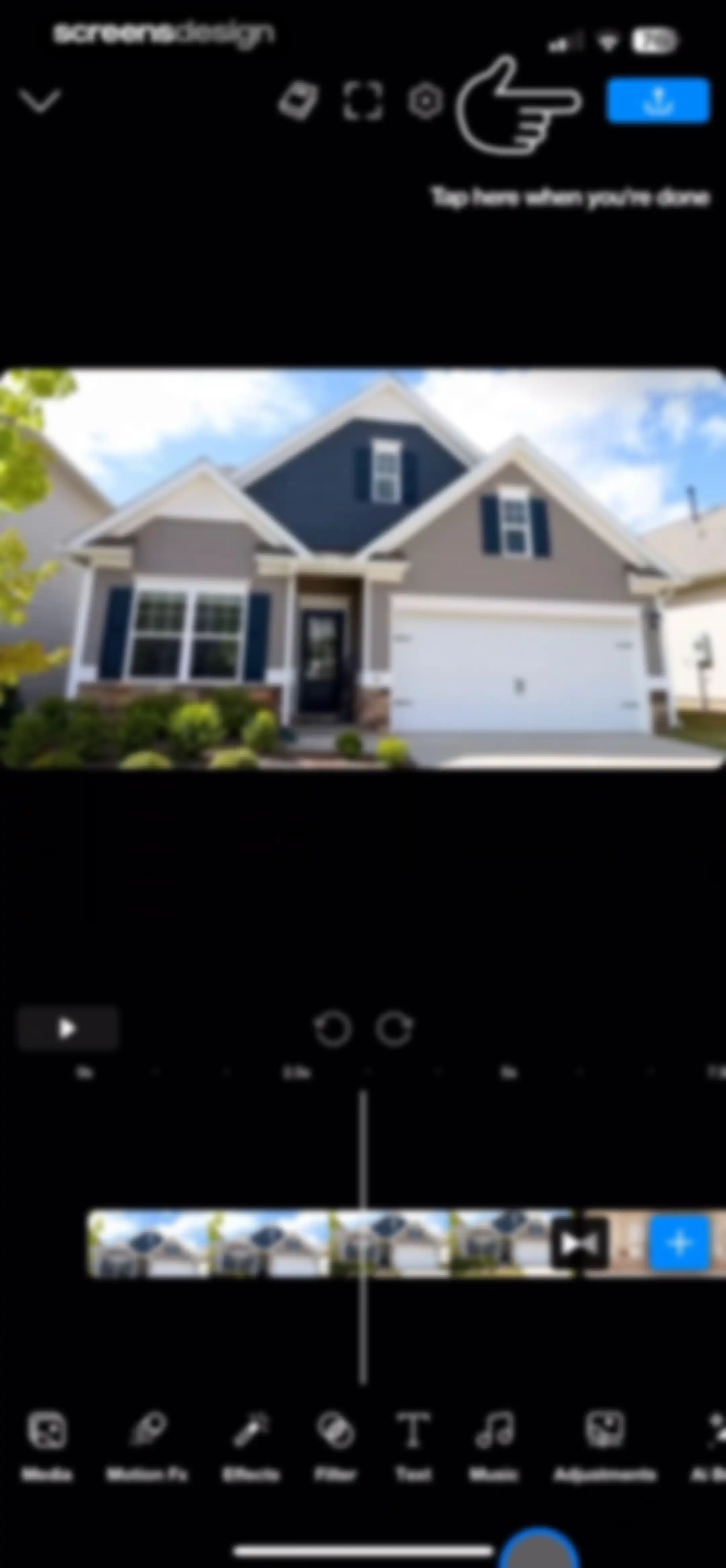
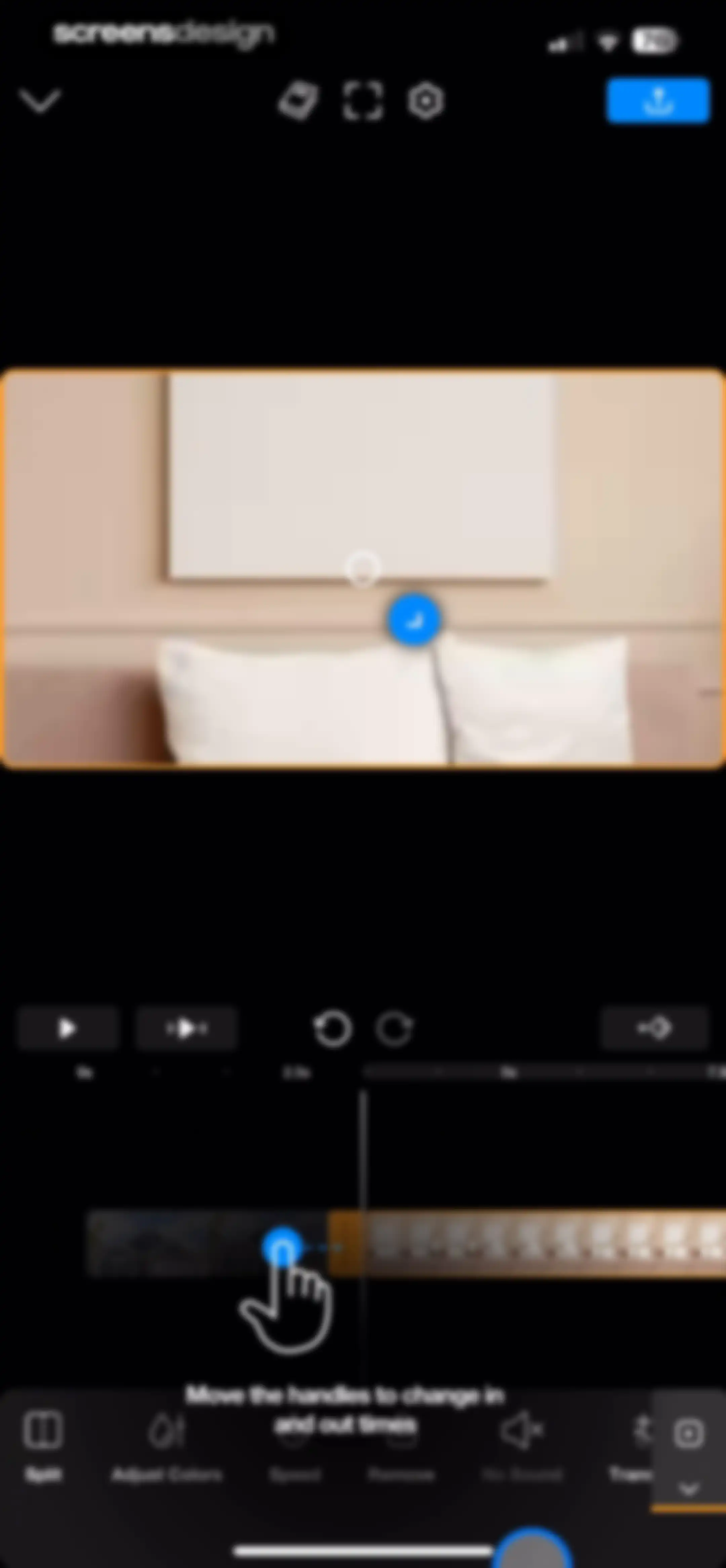
Video editor interface featuring a central preview, a timeline, bottom editing tool categories, and an export button.Unlock Pro
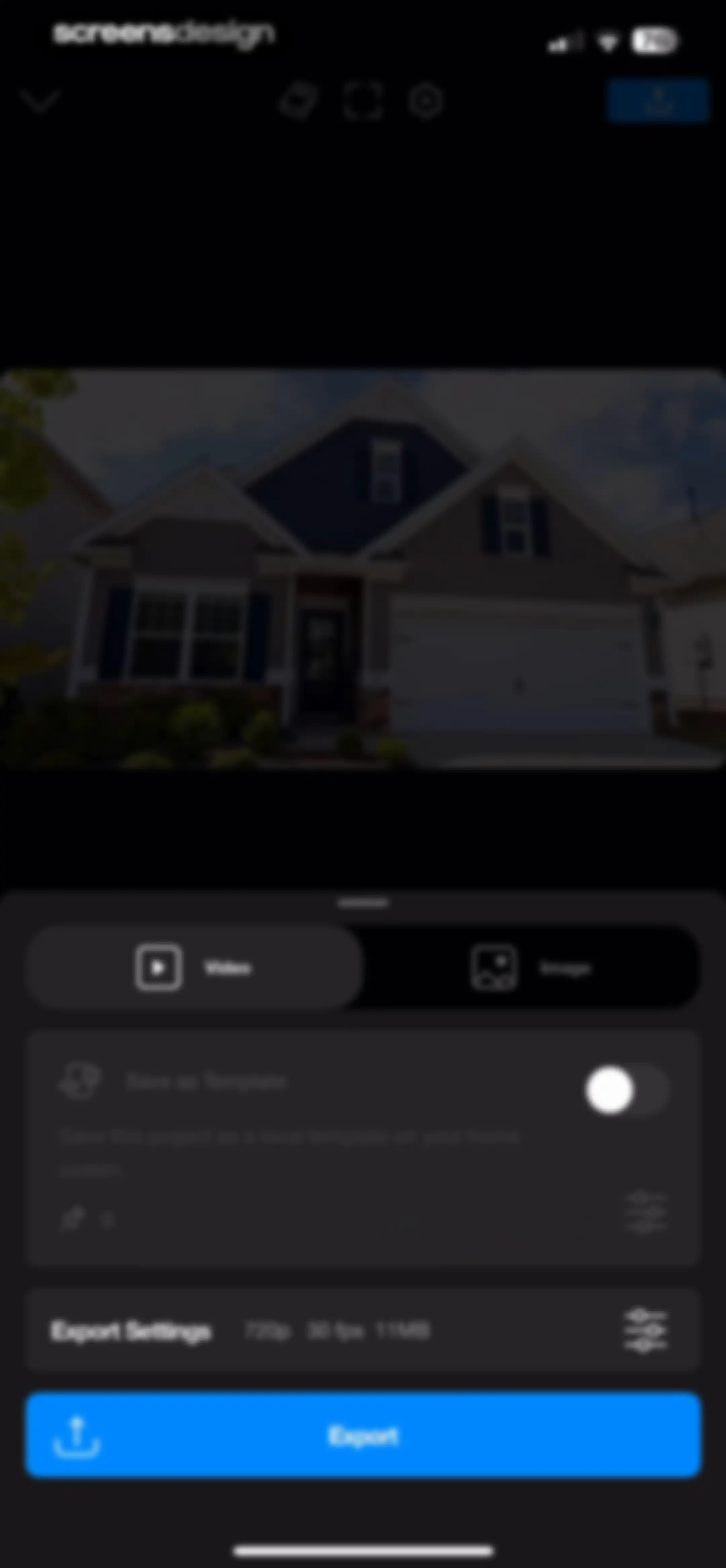
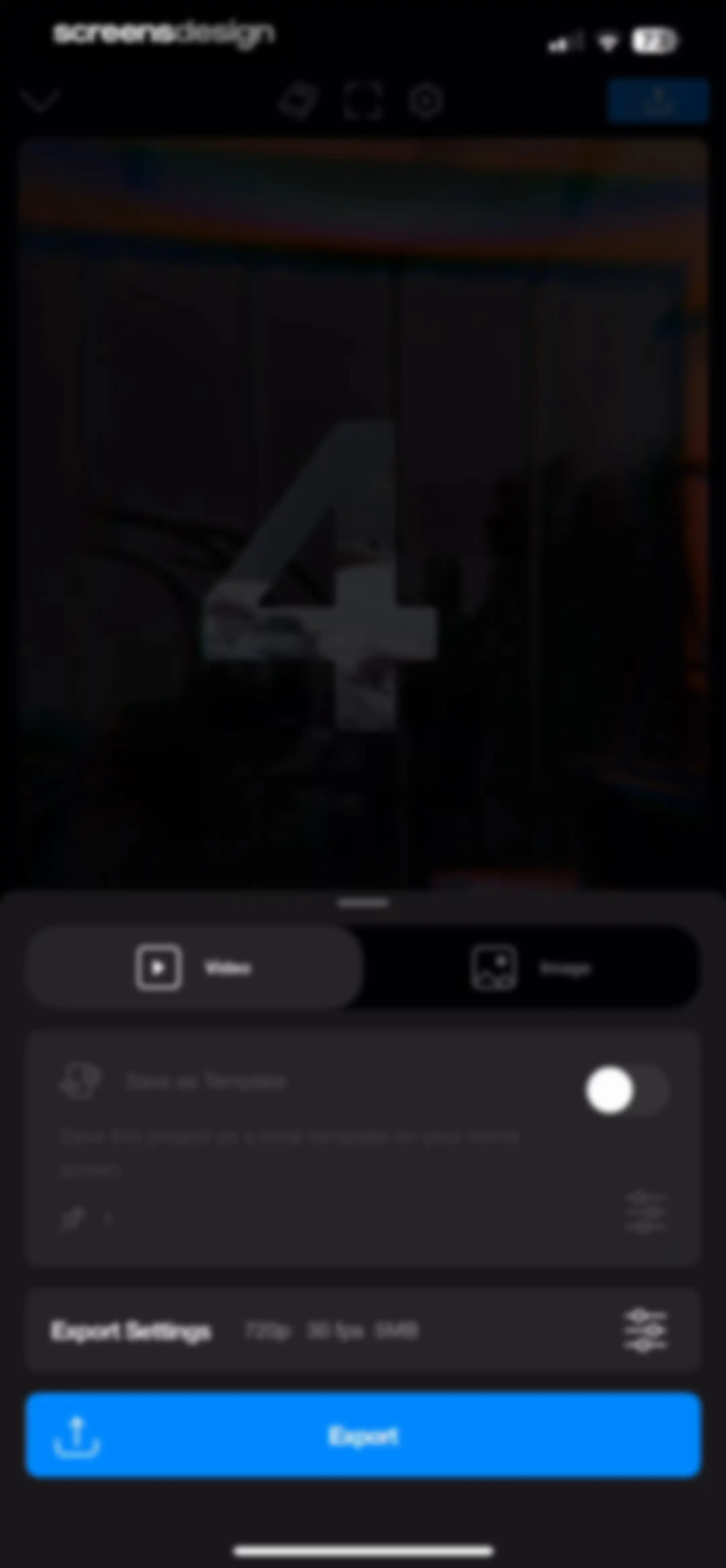
Video export configuration screen showing a 720p 30 fps preview, export settings, and an Export button.Unlock Pro
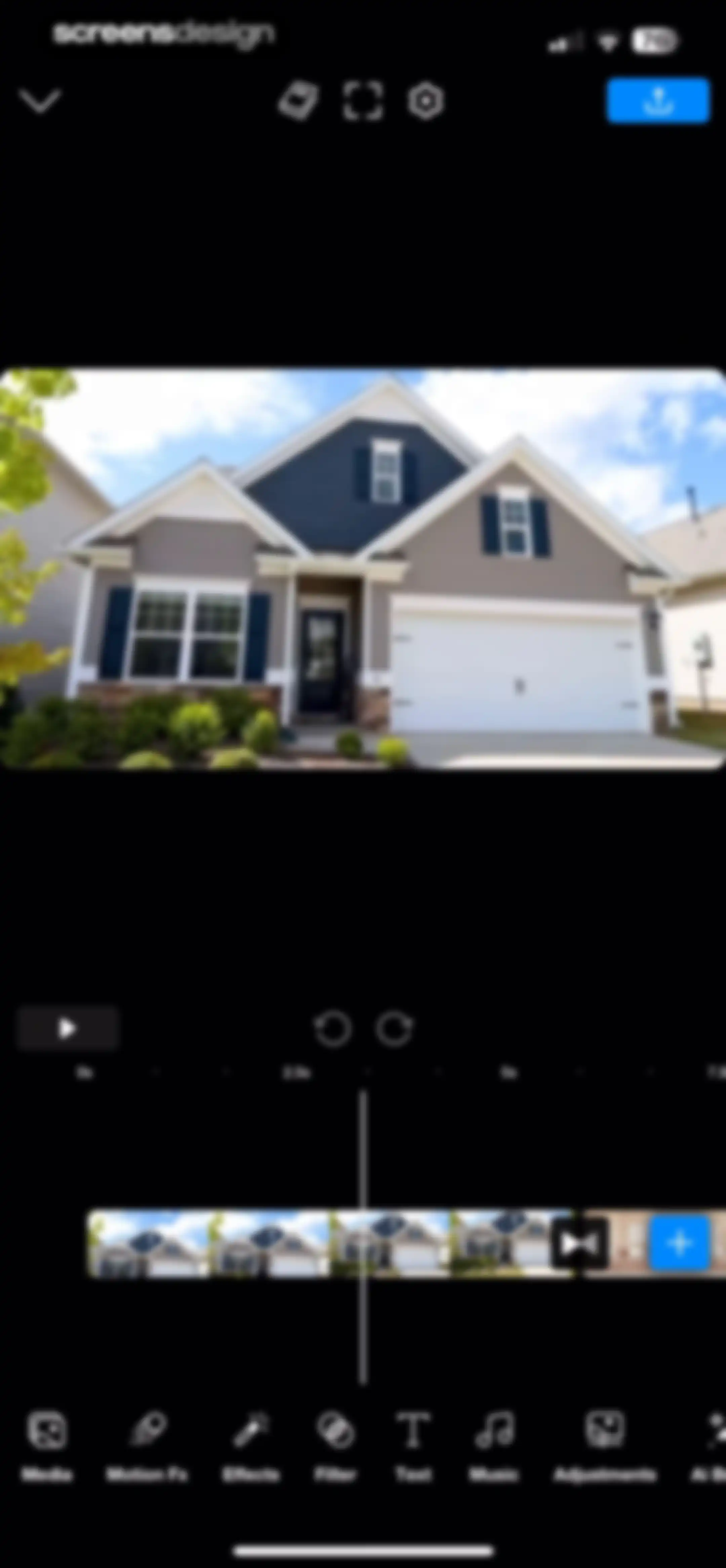
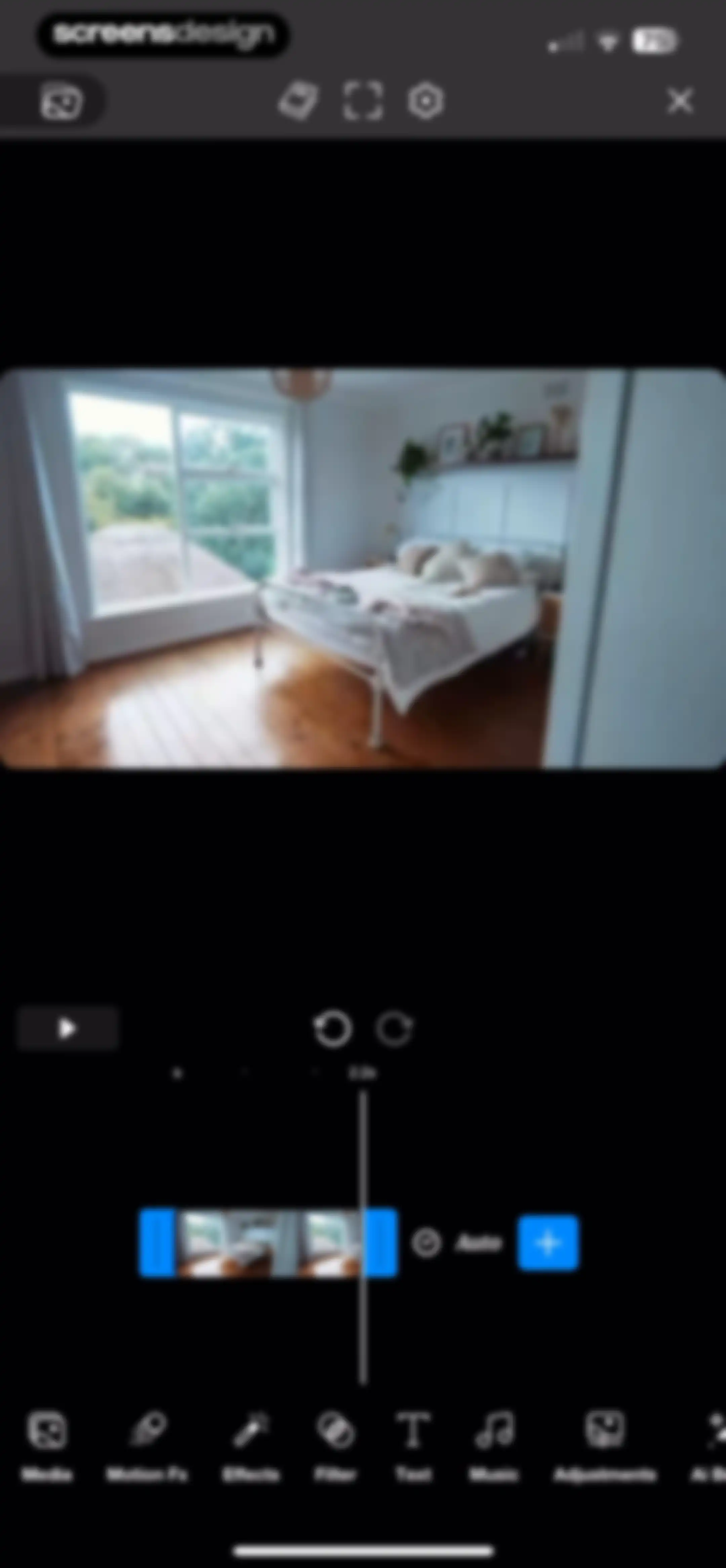
Video editor interface displaying a central preview window, a timeline editor with clips, and a bottom navigation bar for editing tools.Unlock Pro
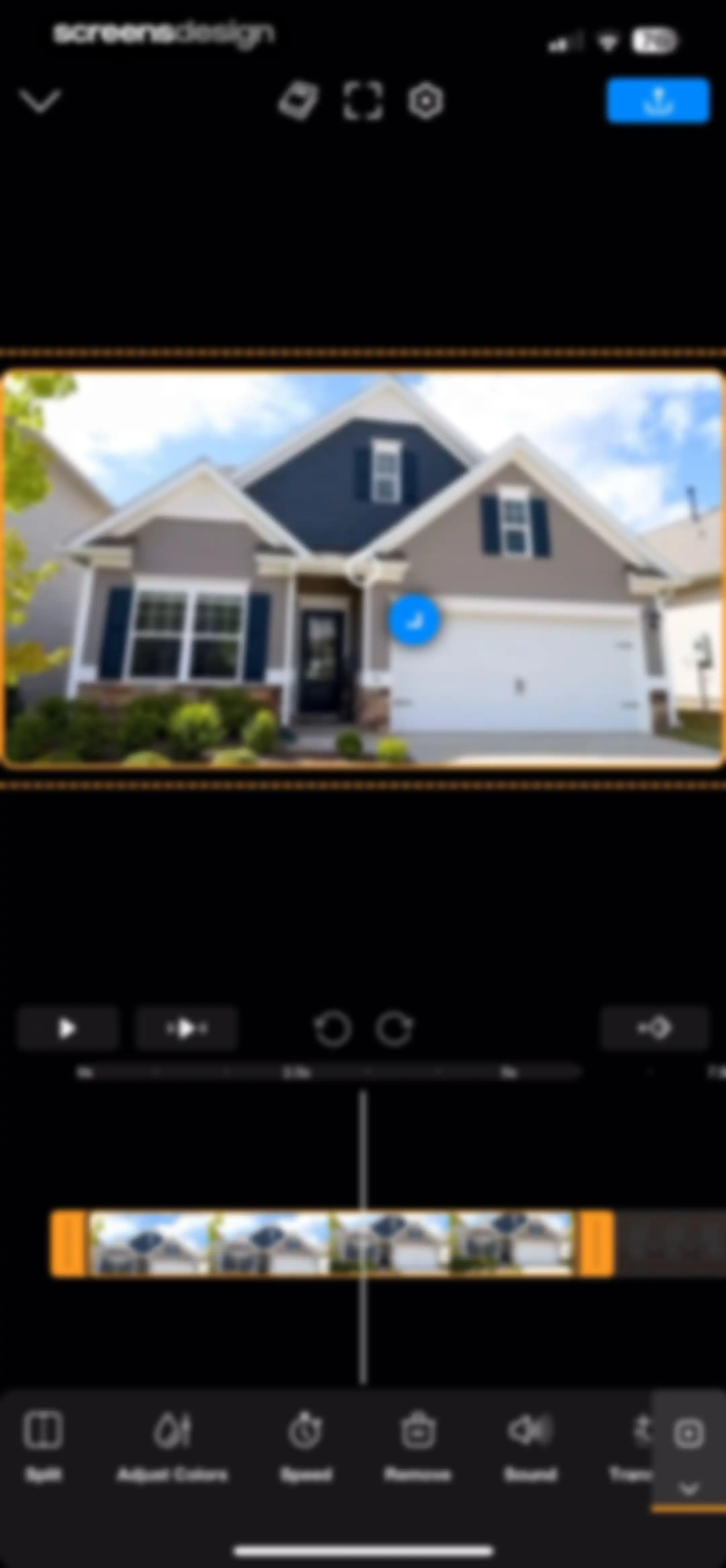
Video editor interface displaying a house preview, a timeline with a playhead, and editing tools including split, speed, and color adjustment.Unlock Pro
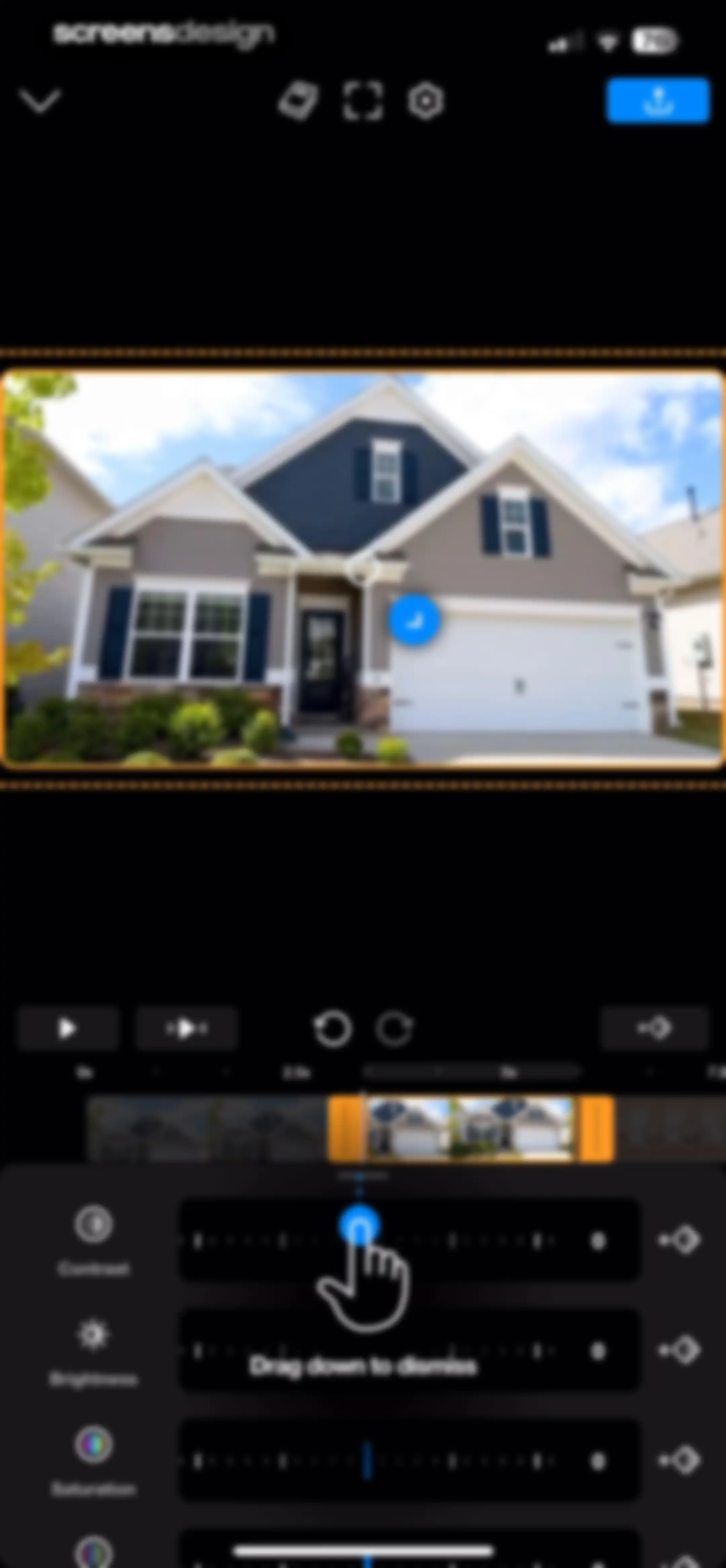
Video editor interface displaying a central preview of a house, a timeline, and adjustment sliders for contrast, brightness, and saturation.Unlock Pro
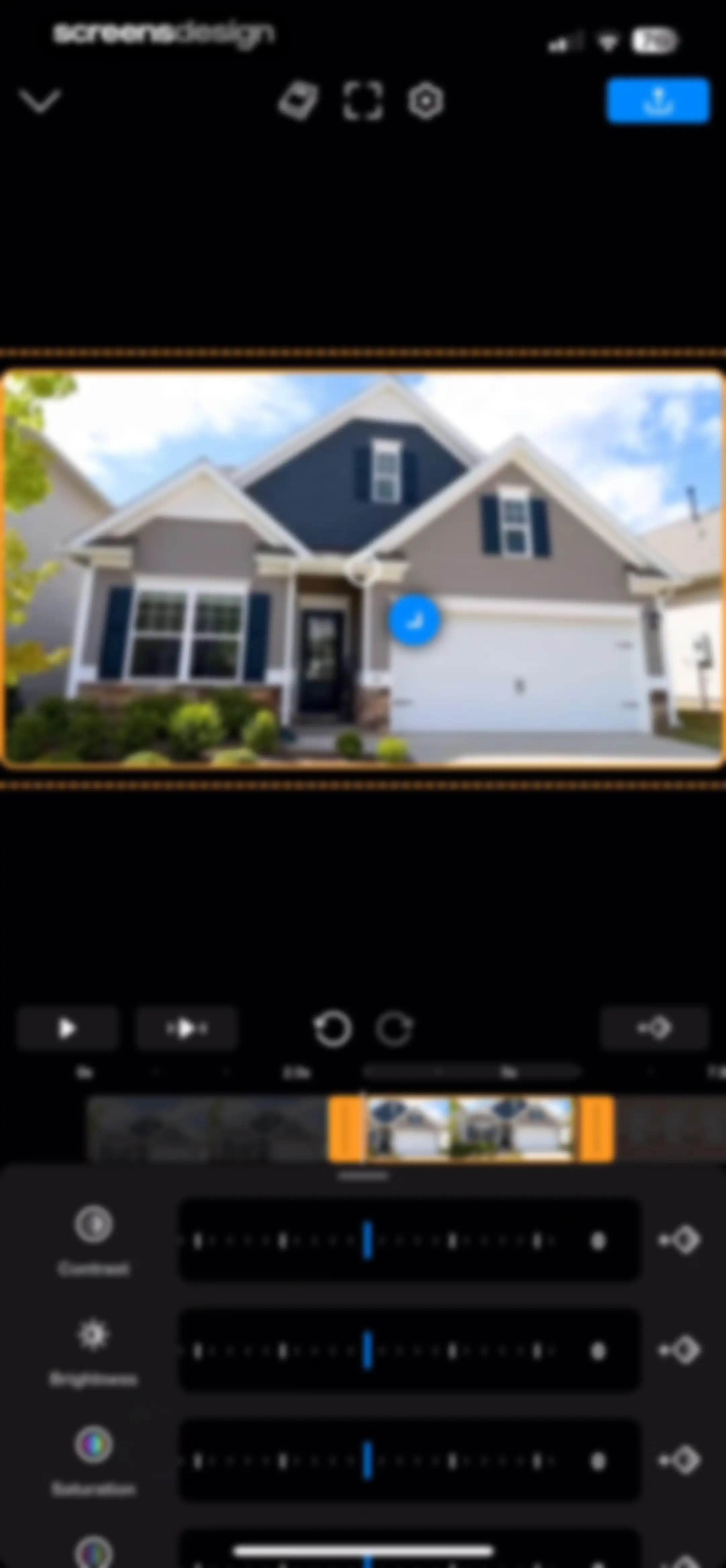
Video editing screen with a central preview of a house, a timeline scrubber, and adjustment sliders for contrast, brightness, and saturation.Unlock Pro
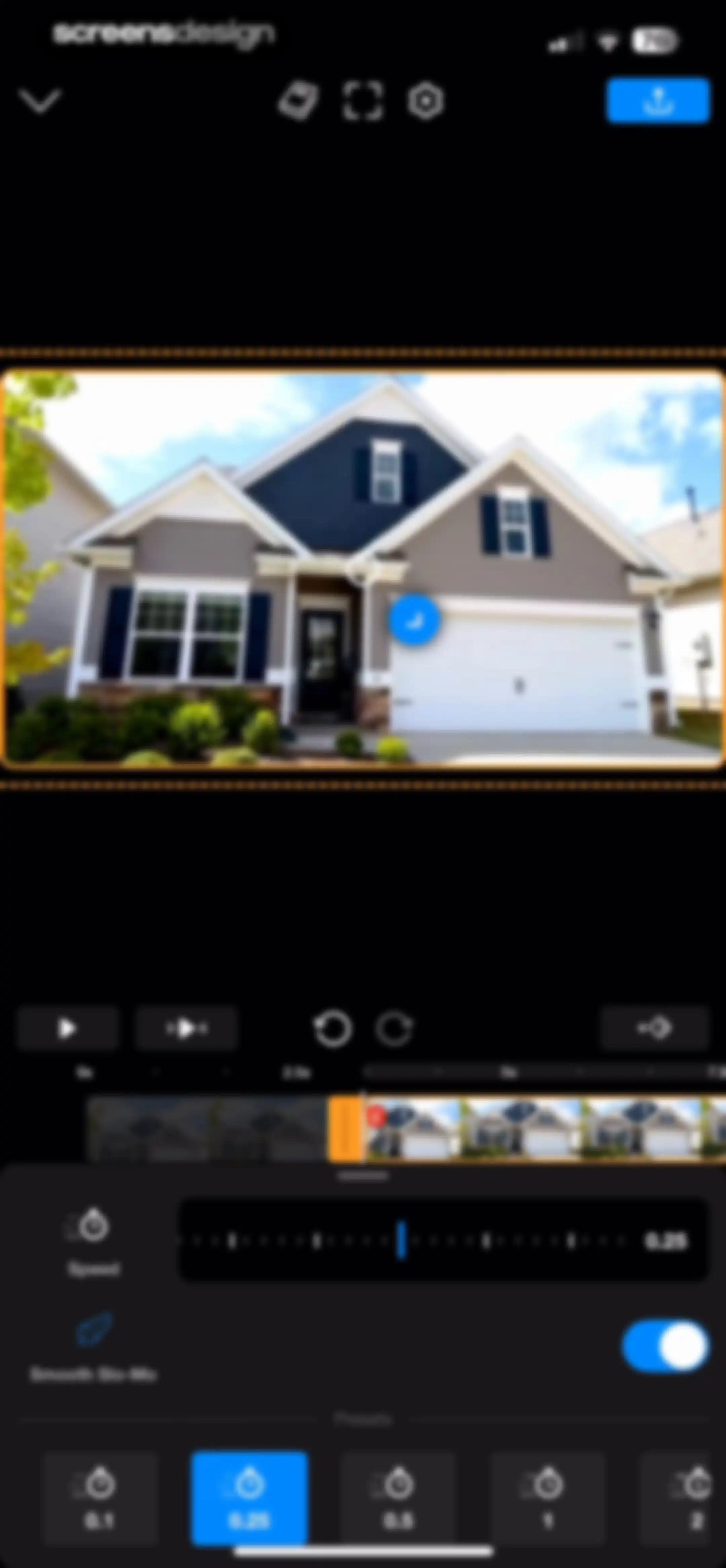
Video editing screen with a speed adjustment panel and timeline, showing a 0.25x speed preset selected and Smooth Slo-Mo enabled.Unlock Pro
Video editor interface featuring a central preview window, a timeline with clips at the 2.5-second mark, and a bottom toolbar for editing tools.Unlock Pro
Media picker grid displaying video thumbnails with durations, a selection preview bar, and a Done button.Unlock Pro
Video editor interface featuring a central timeline, video preview window, and a bottom toolbar with editing functions like Split and Speed.Unlock Pro
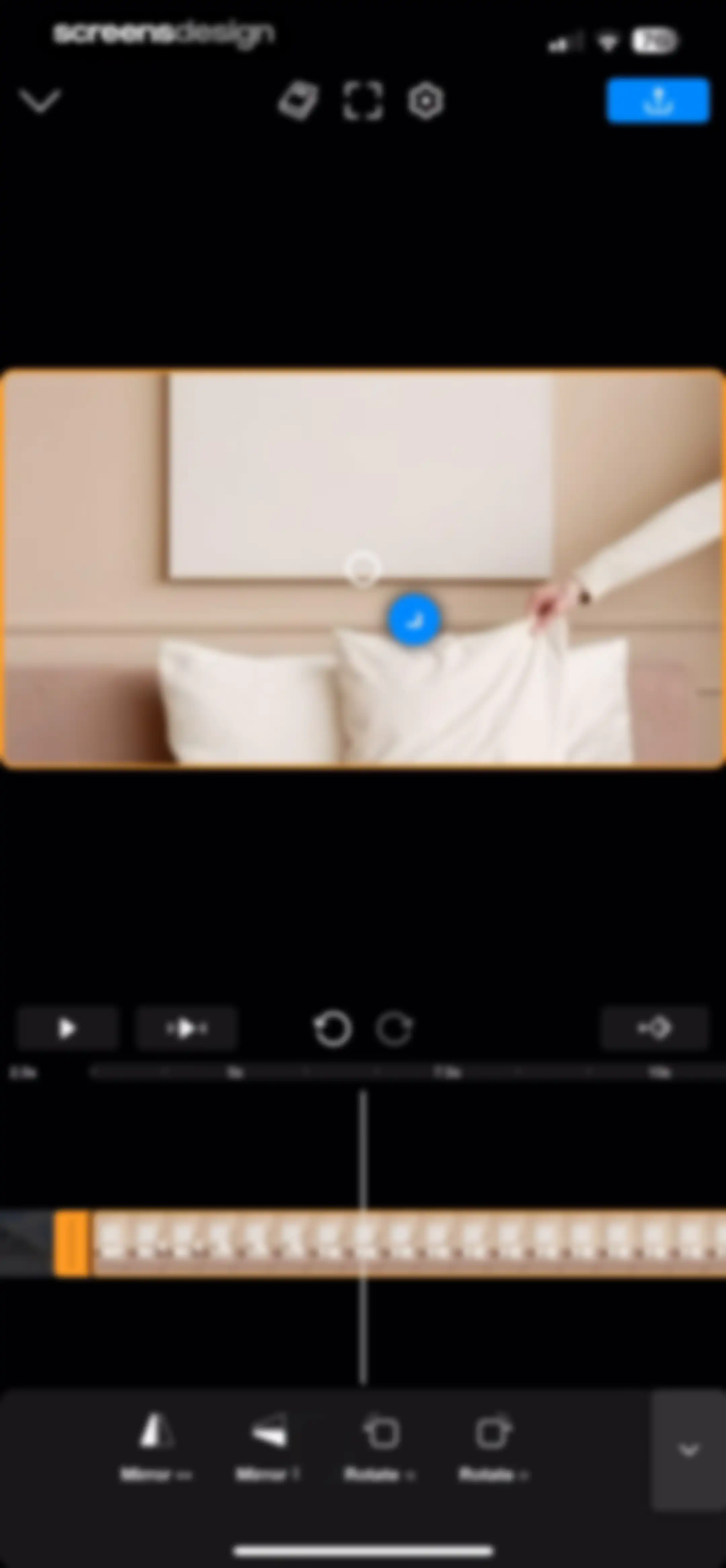
Riveo video editor screen featuring a central video preview, timeline, playback controls, and bottom transformation tools for mirror and rotation options.Unlock Pro
Sign-in modal prompting the user to set up a free account for syncing content across devices, featuring a Sign In button.Unlock Pro
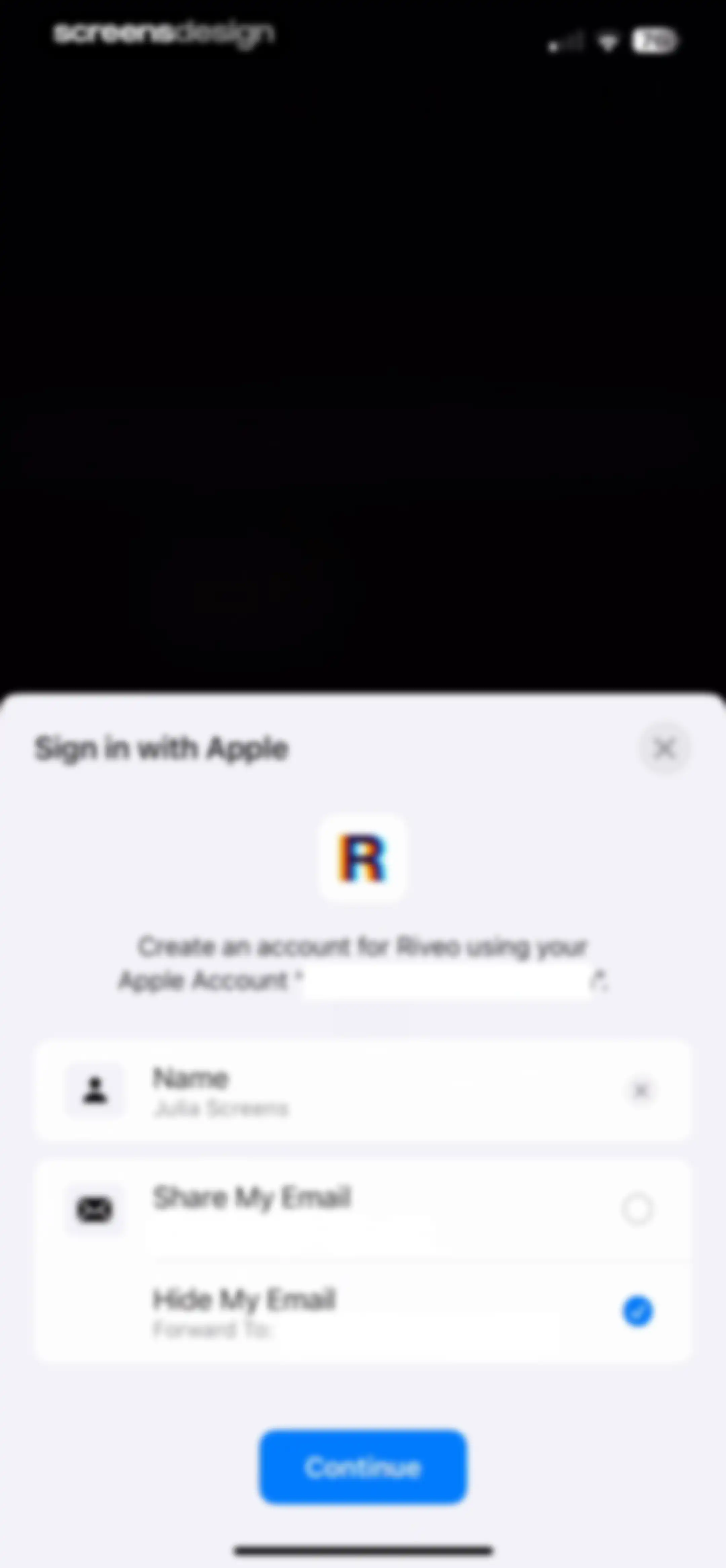
Apple sign-in modal for the Riveo app with Hide My Email selected and a Continue button.Unlock Pro
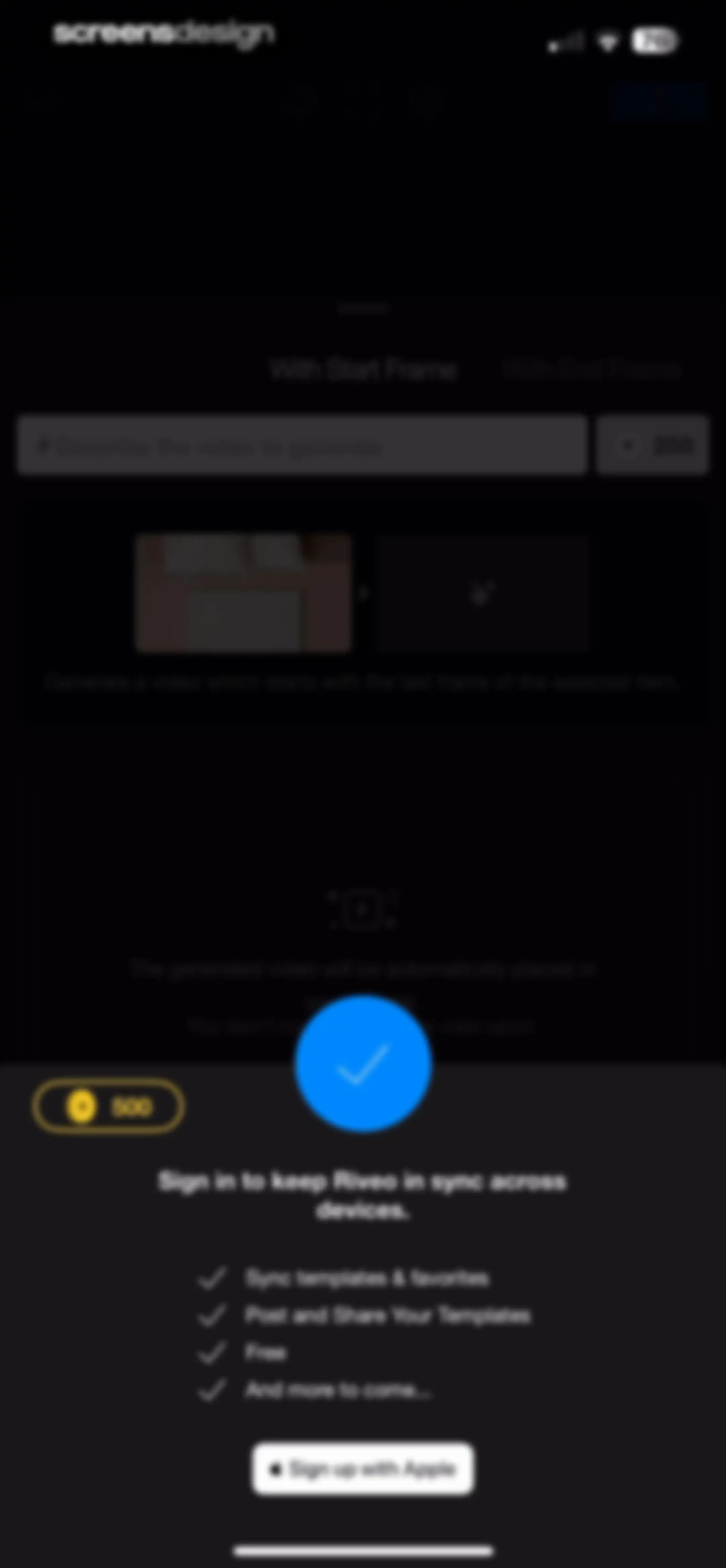
Sign-in prompt modal over a video editing interface with a benefit list and a Sign up with Apple button.Unlock Pro
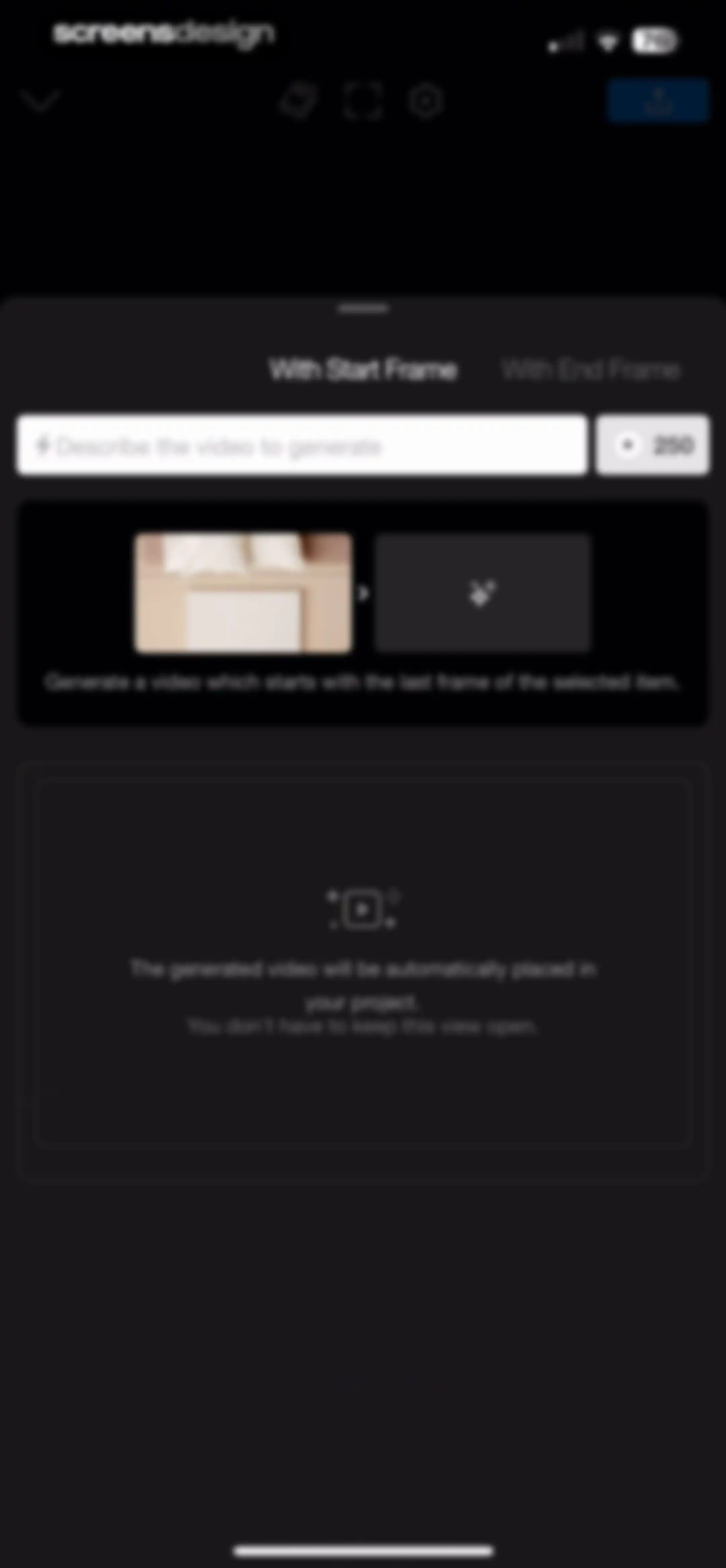
AI video generation editor with mode tabs, a prompt input field, frame preview section, and an instructional message area.Unlock Pro
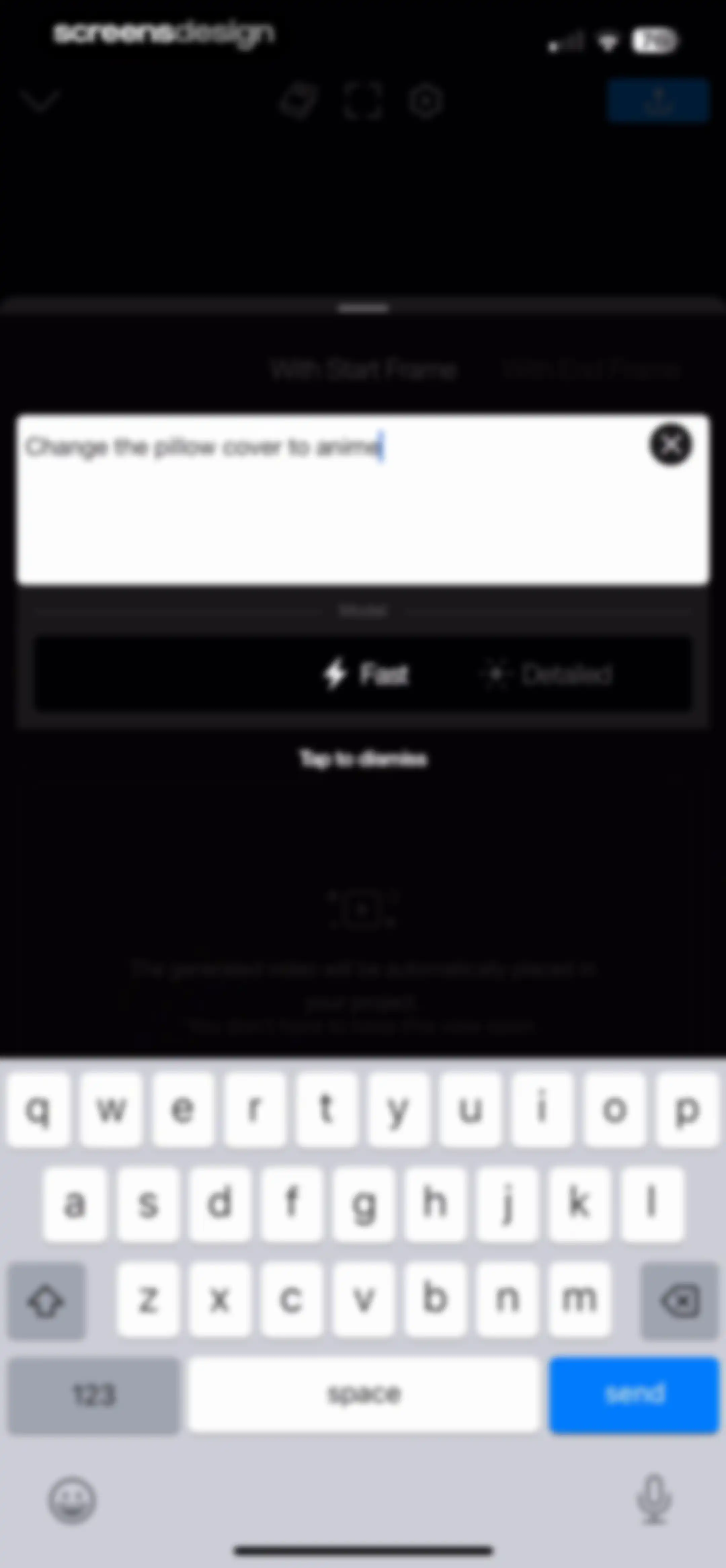
AI video generation editor screen with a text prompt, fast model selection, and an informational modal overlay.Unlock Pro
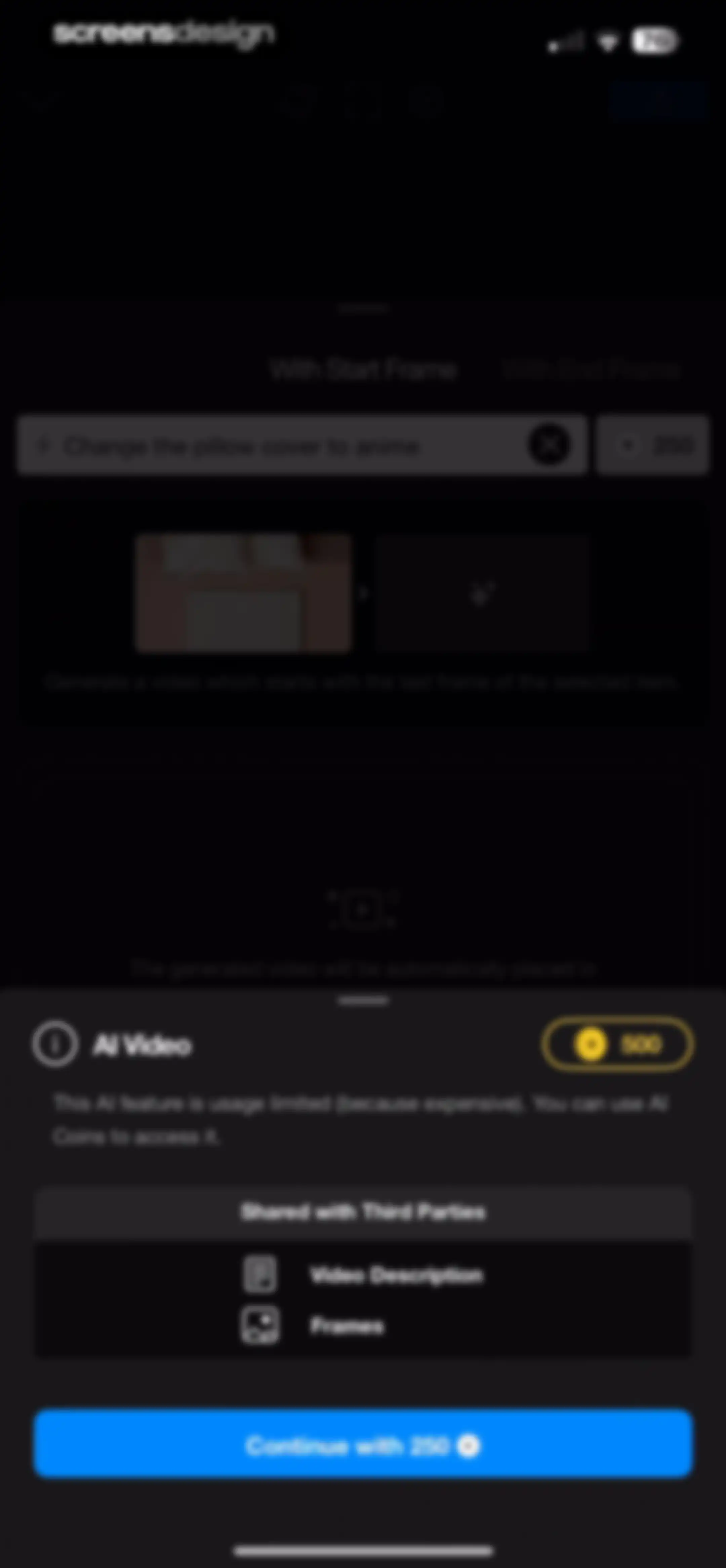
AI video generation cost modal stating a fee of 250 AI coins and data sharing disclosures, with a Continue button.Unlock Pro
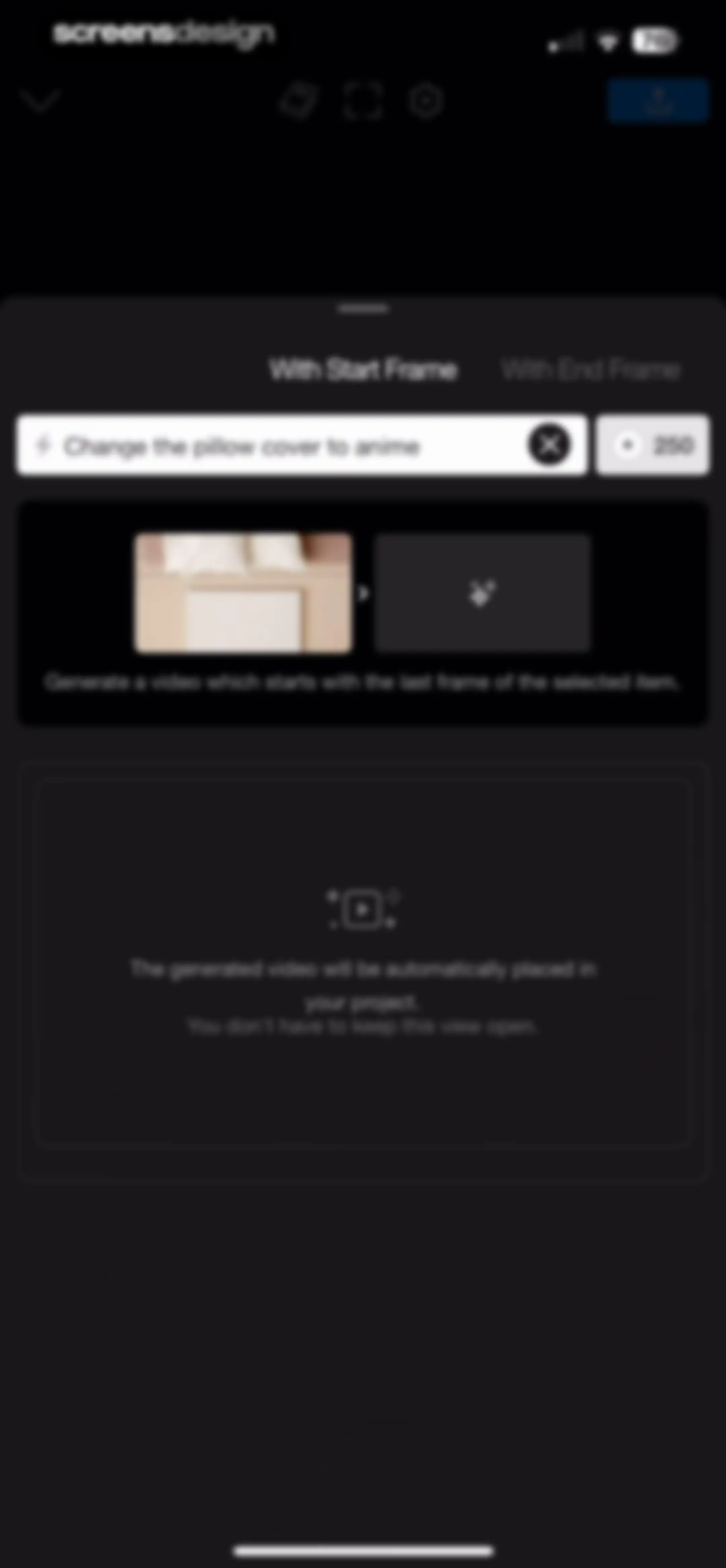
AI video generation editor with a start frame tab selected, a text prompt input, and a credit cost indicator.Unlock Pro
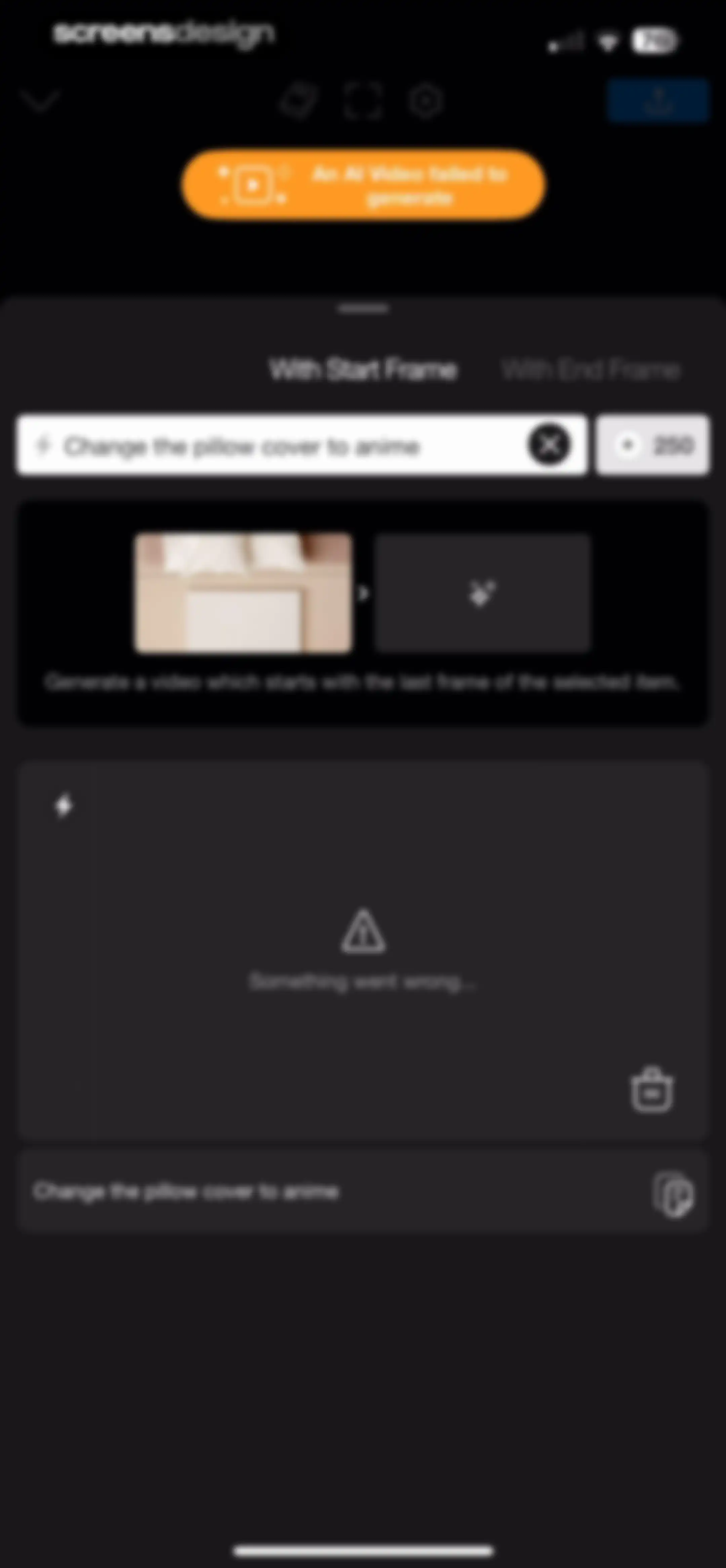
Video generation error screen with an orange notification banner stating An AI Video failed to generate and a prompt input field.Unlock Pro
AI video editor screen showing a prompt input, a start frame preview, an error message card, and a history log.Unlock Pro
Video editor screen displaying a prompt input field, generation mode tabs, and an error message card.Unlock Pro
Video editor AI prompt screen with a generation error message card and a prompt input field.Unlock Pro
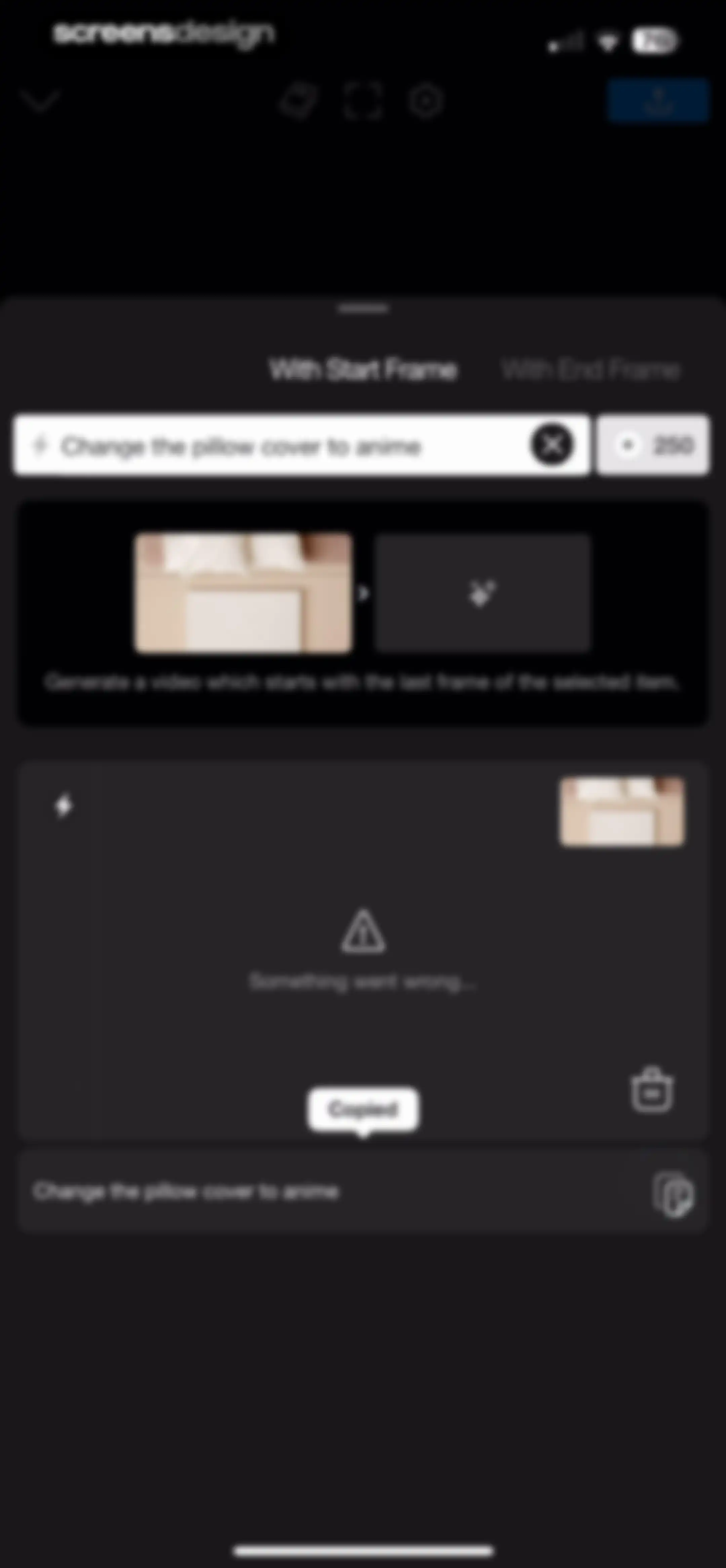
AI video editor modal with a prompt input, a preview carousel, and an error message stating something went wrong.Unlock Pro
Video editor error screen displaying a prompt input, a generation preview sequence, an error message, and a Delete Creation button.Unlock Pro
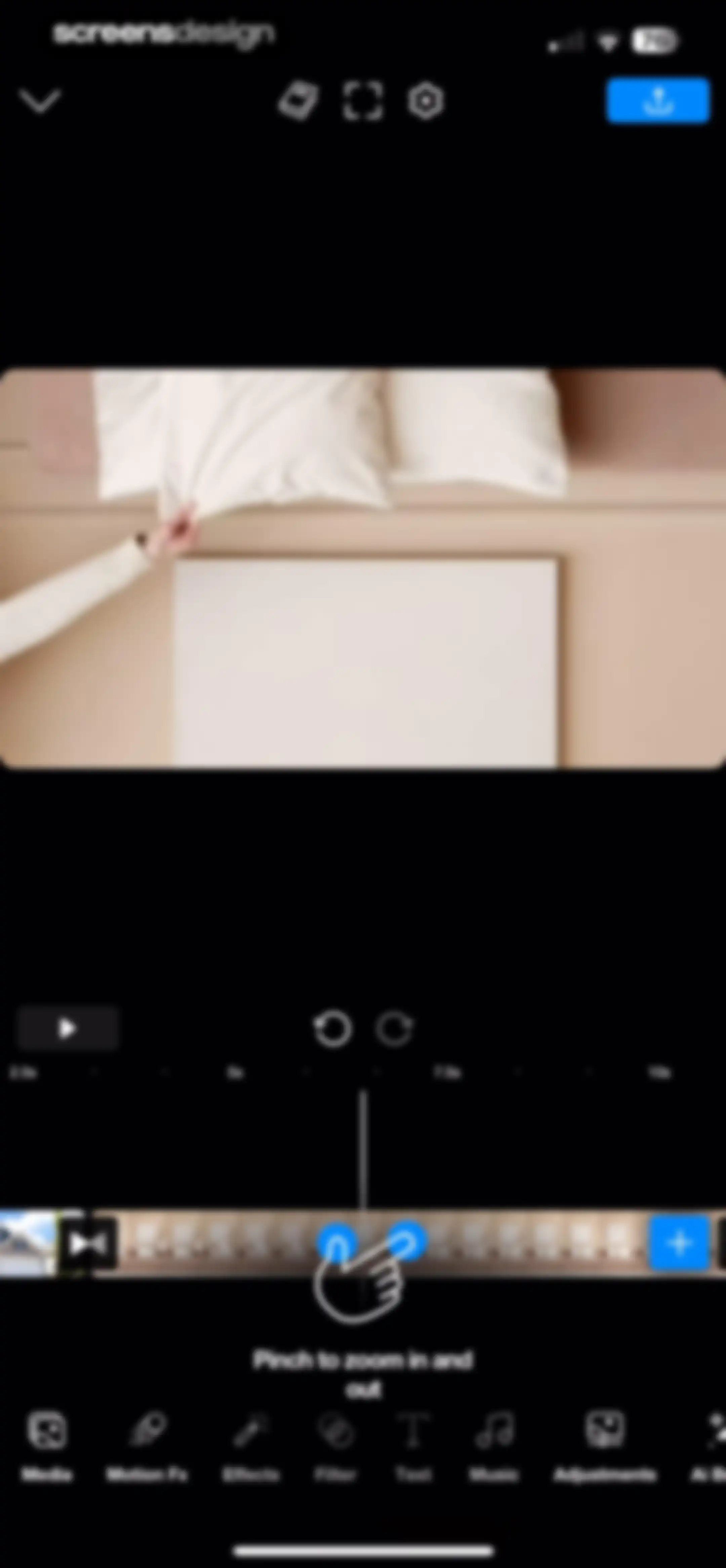
Video editor interface displaying a central preview, timeline with playback controls, bottom editing tools, and a pinch-to-zoom gesture instruction.Unlock Pro
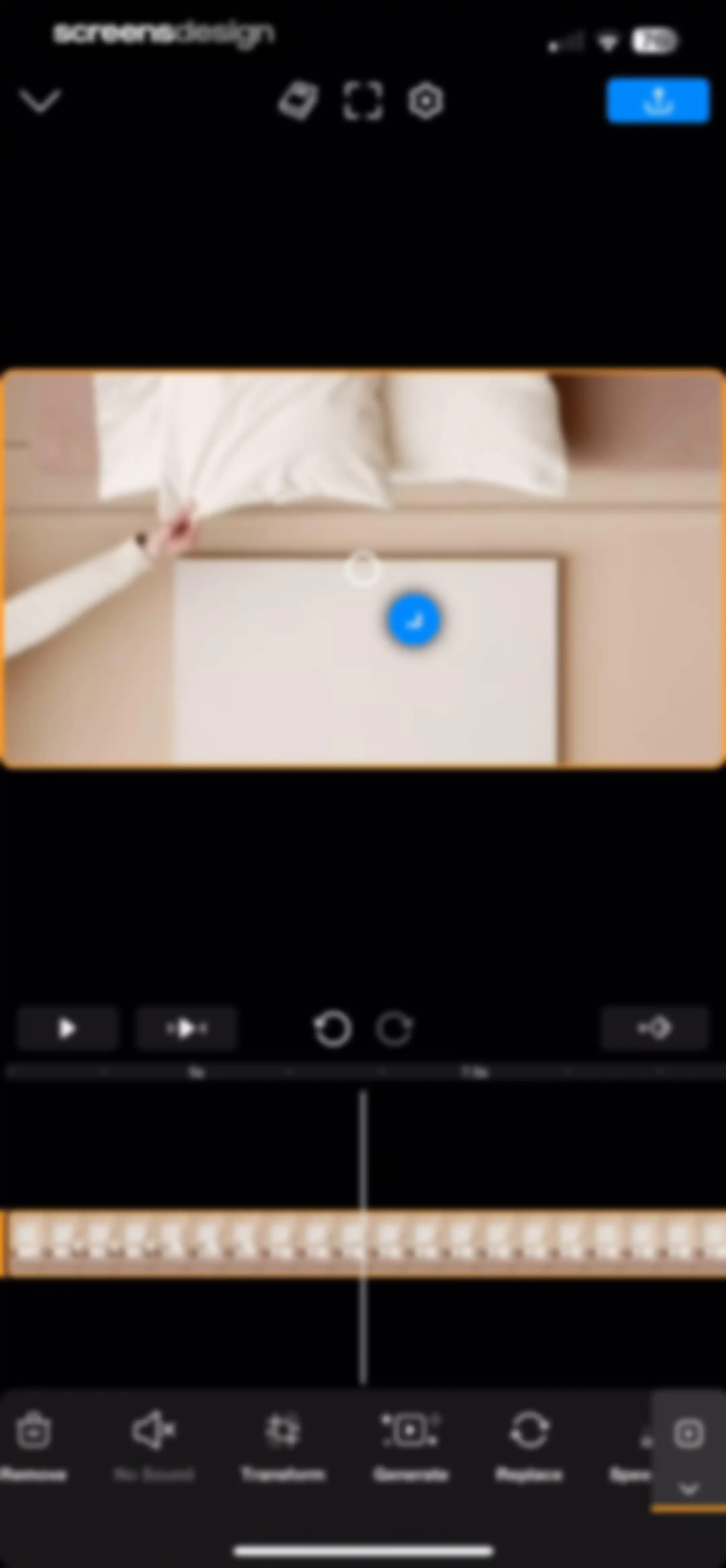
Video editor interface for Riveo with a central video preview window, a timeline, and a bottom editing toolbar featuring tool labels like Transform and Generate.Unlock Pro
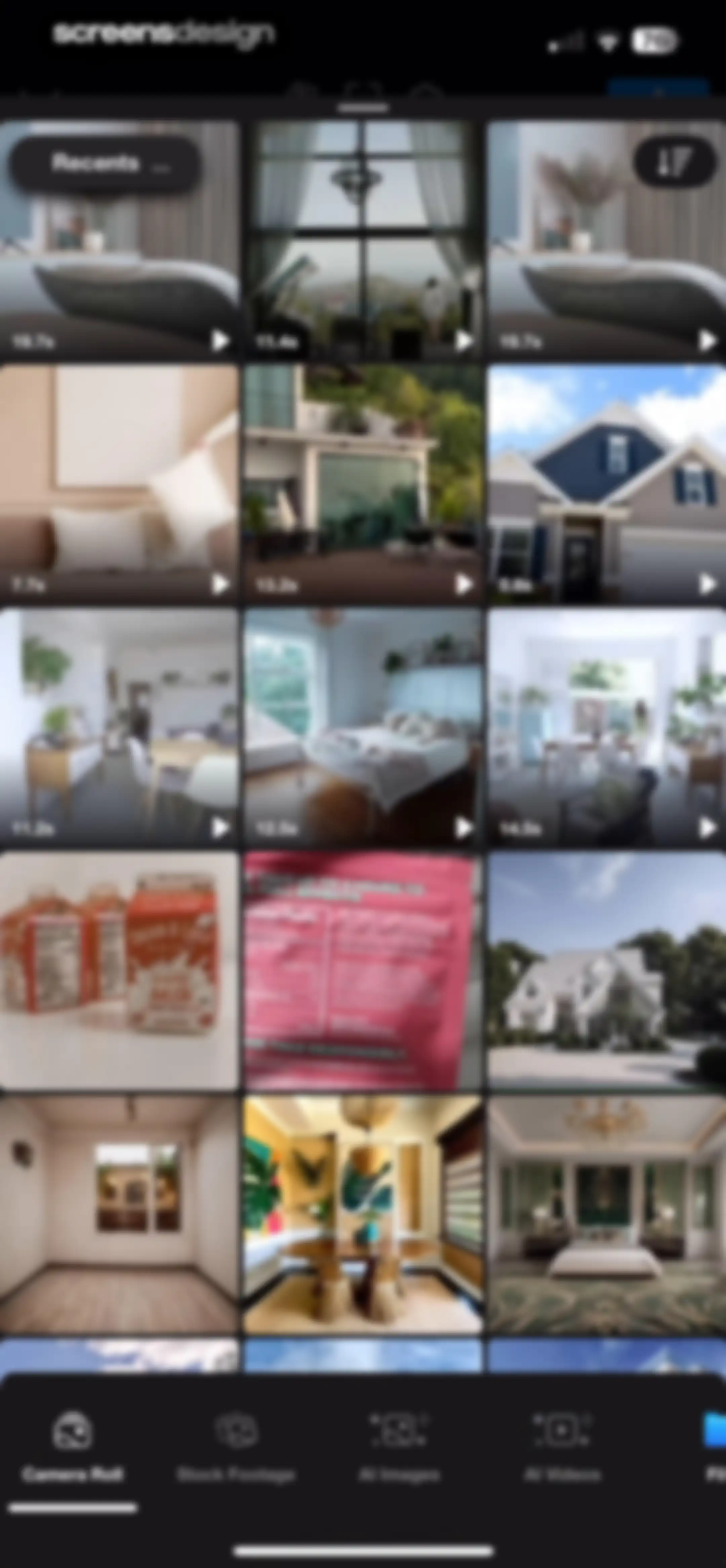
Media picker content feed showing a grid of video thumbnails with a Camera Roll tab selected and a filter icon at the top right.Unlock Pro
Video speed editing screen with a speed curve graph, preview area, playback controls, and a horizontal preset selector with None selected.Unlock Pro
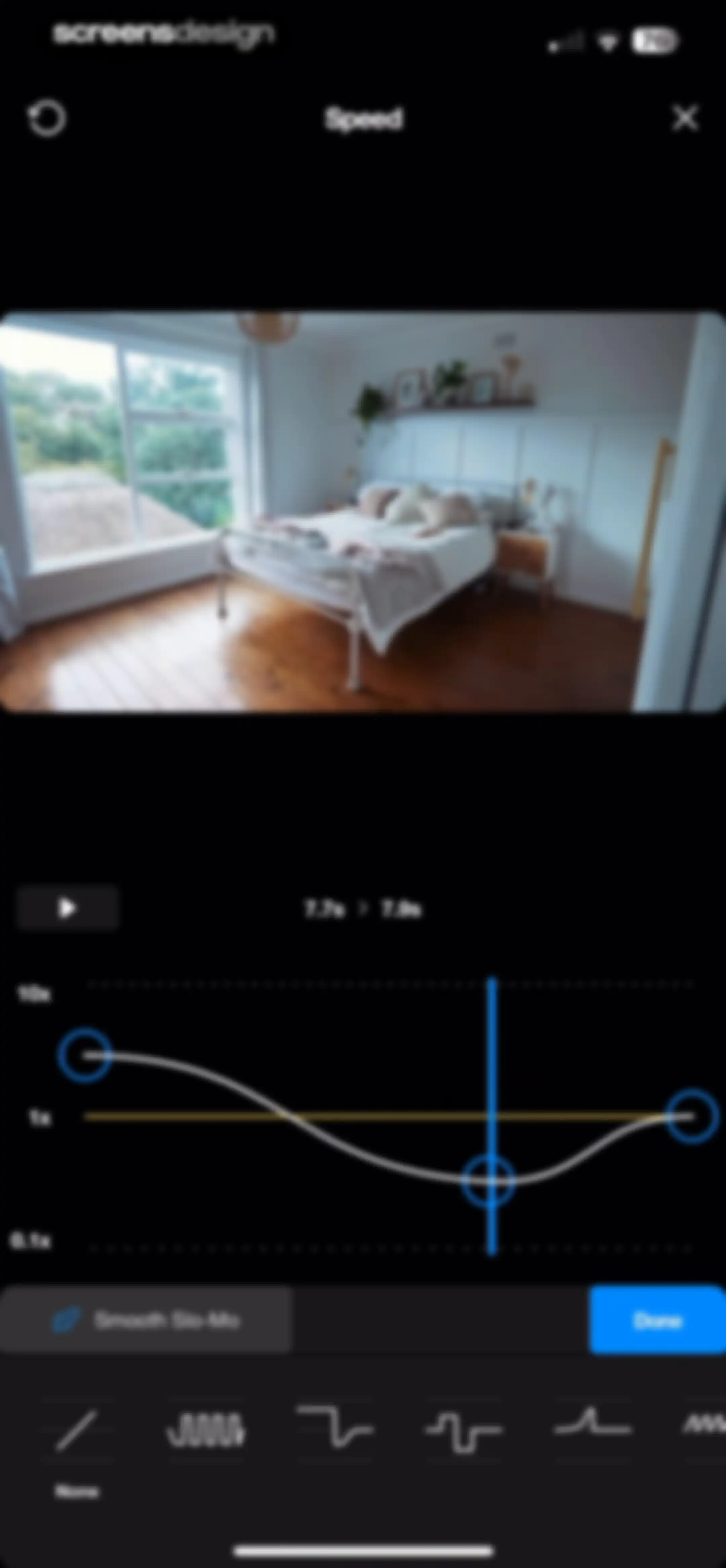
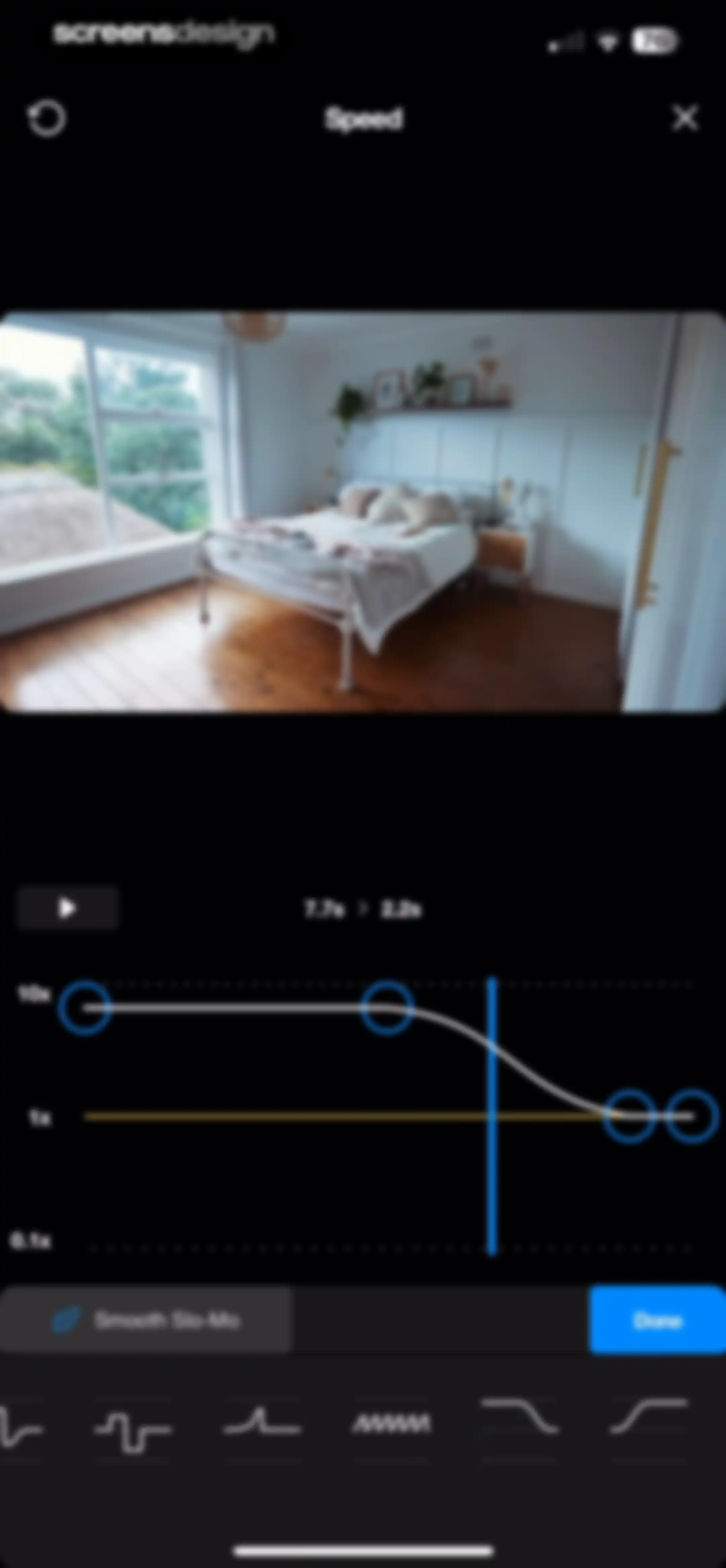
Video speed editor featuring a speed curve graph with adjustable nodes, a bedroom preview, and a Done button.Unlock Pro
Video editor error screen showing a Something went wrong message and retry button above a timeline and editing toolbar.Unlock Pro
Video editor error screen featuring an orange card with a something went wrong message, timeline controls, and top navigation buttons.Unlock Pro
Video editor screen displaying a preview error message, timeline controls, and an empty keyframe area with a learn more button.Unlock Pro
Video editing screen featuring a central preview, a timeline with a 2.2s timestamp, and a bottom navigation bar for editing tools.Unlock Pro
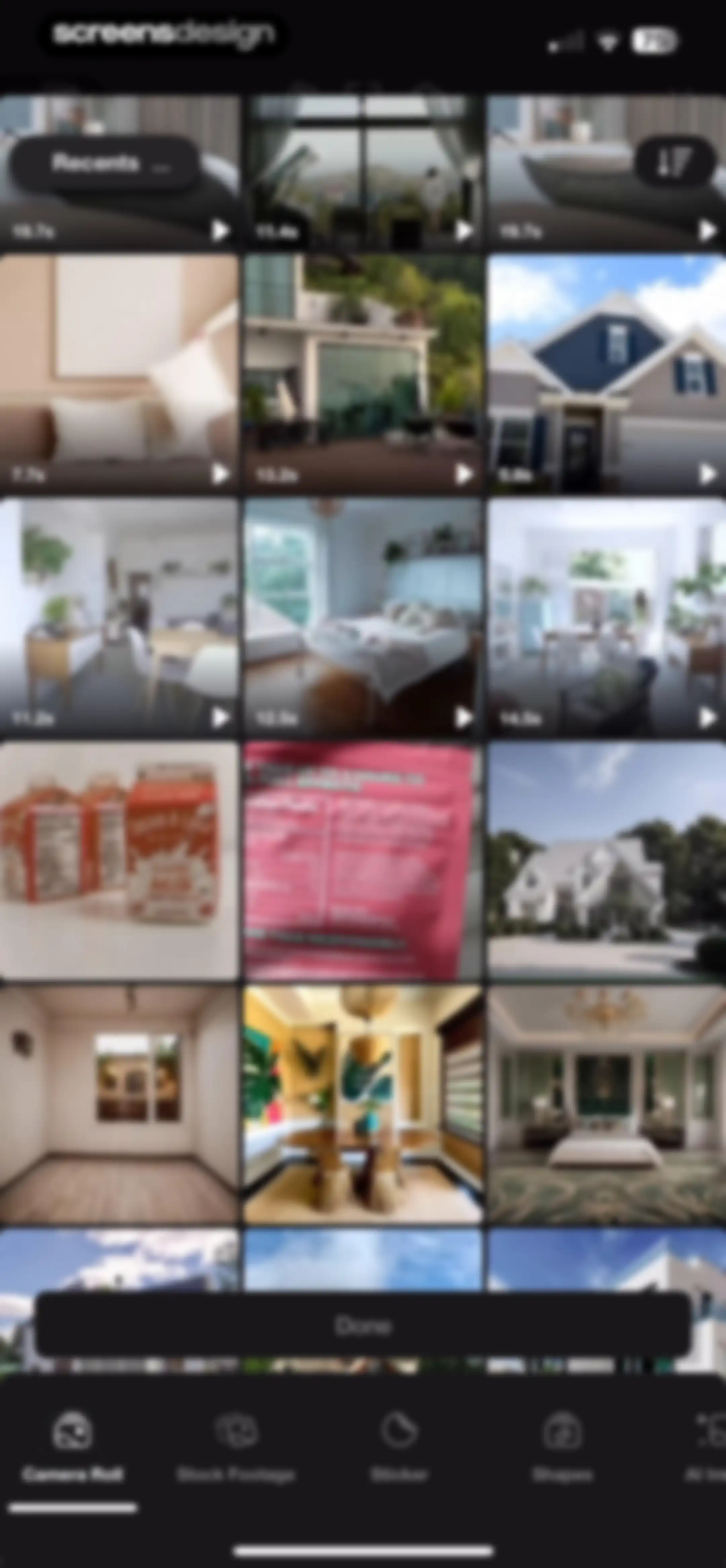
Media picker grid of video thumbnails with duration indicators, a Recents folder menu, and a floating Done button.Unlock Pro
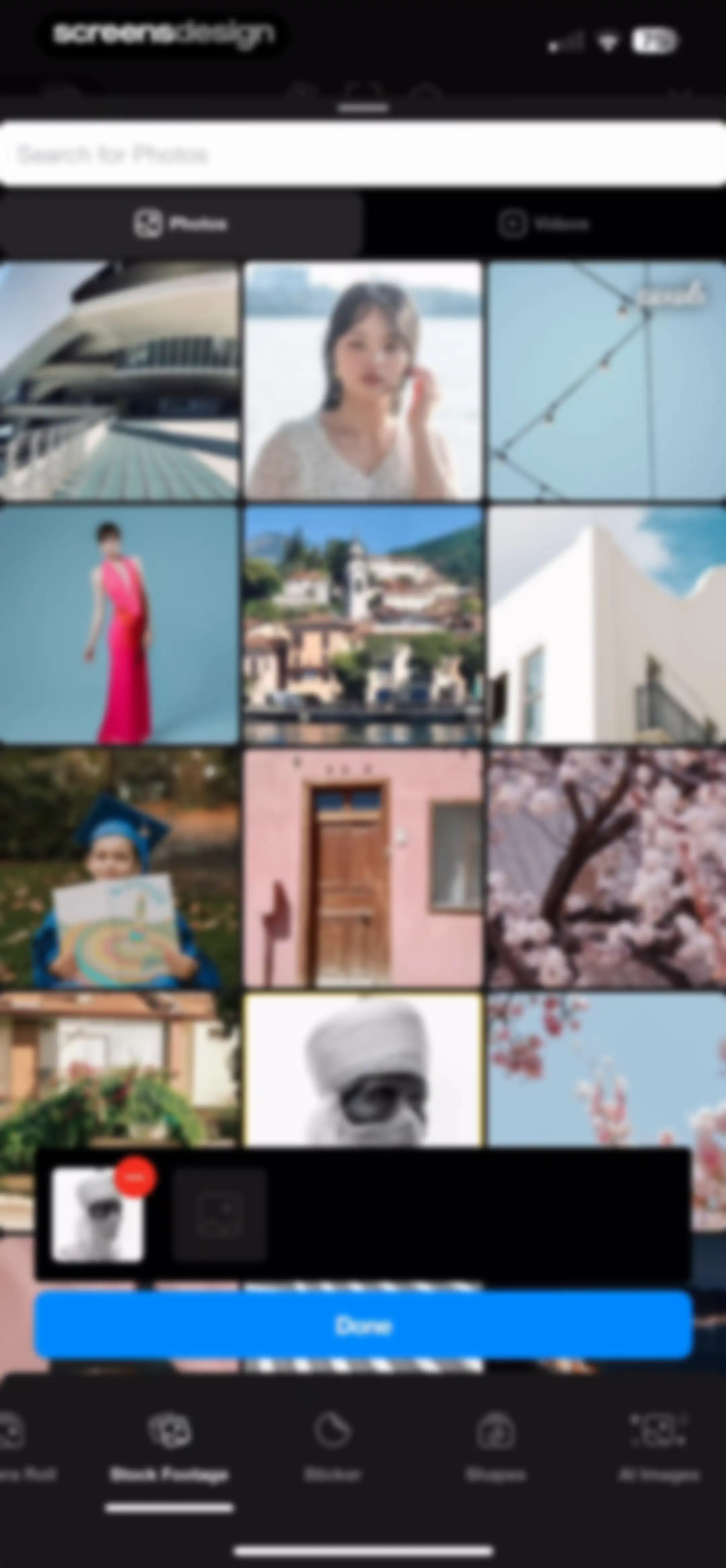
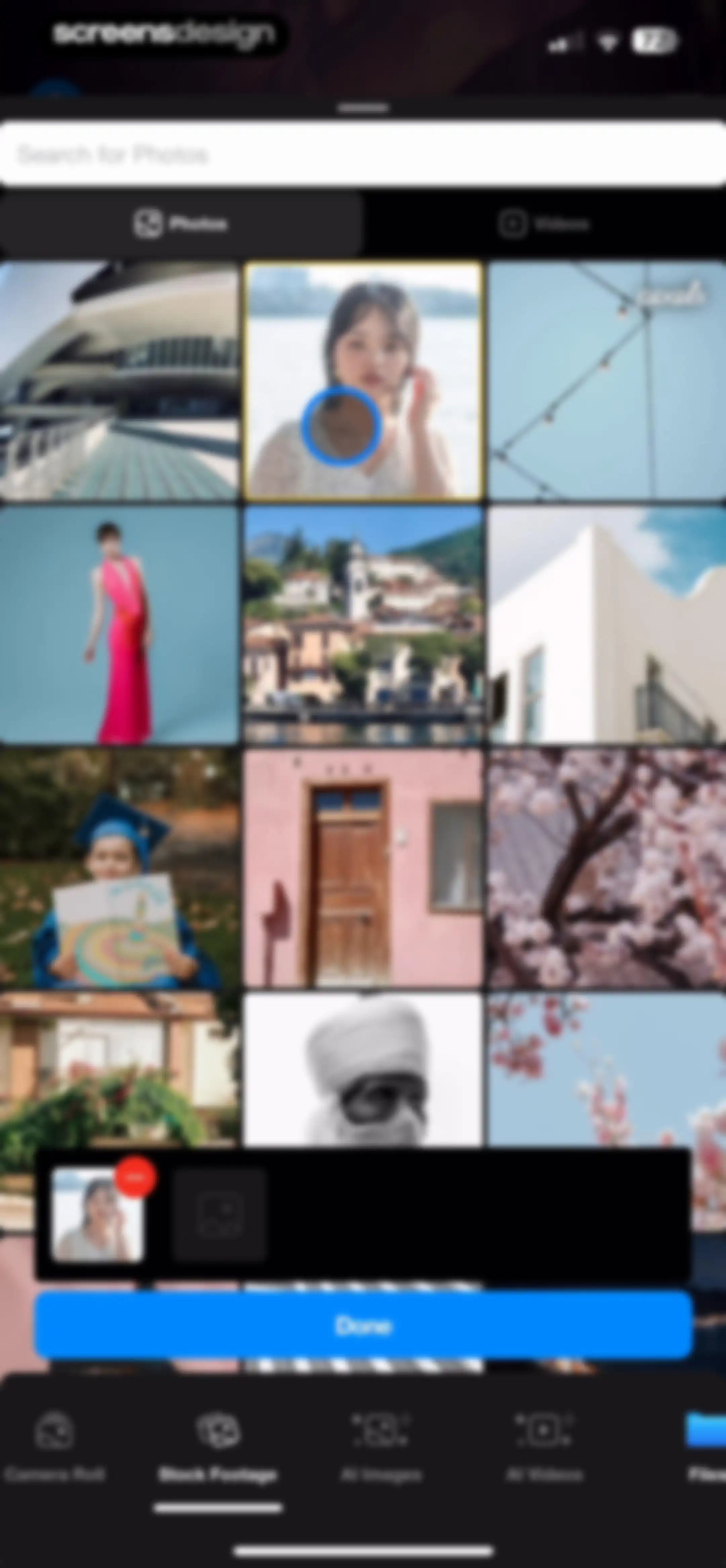
Media picker interface displaying a stock image grid, a bottom selection tray with a remove option, and a Done button.Unlock Pro
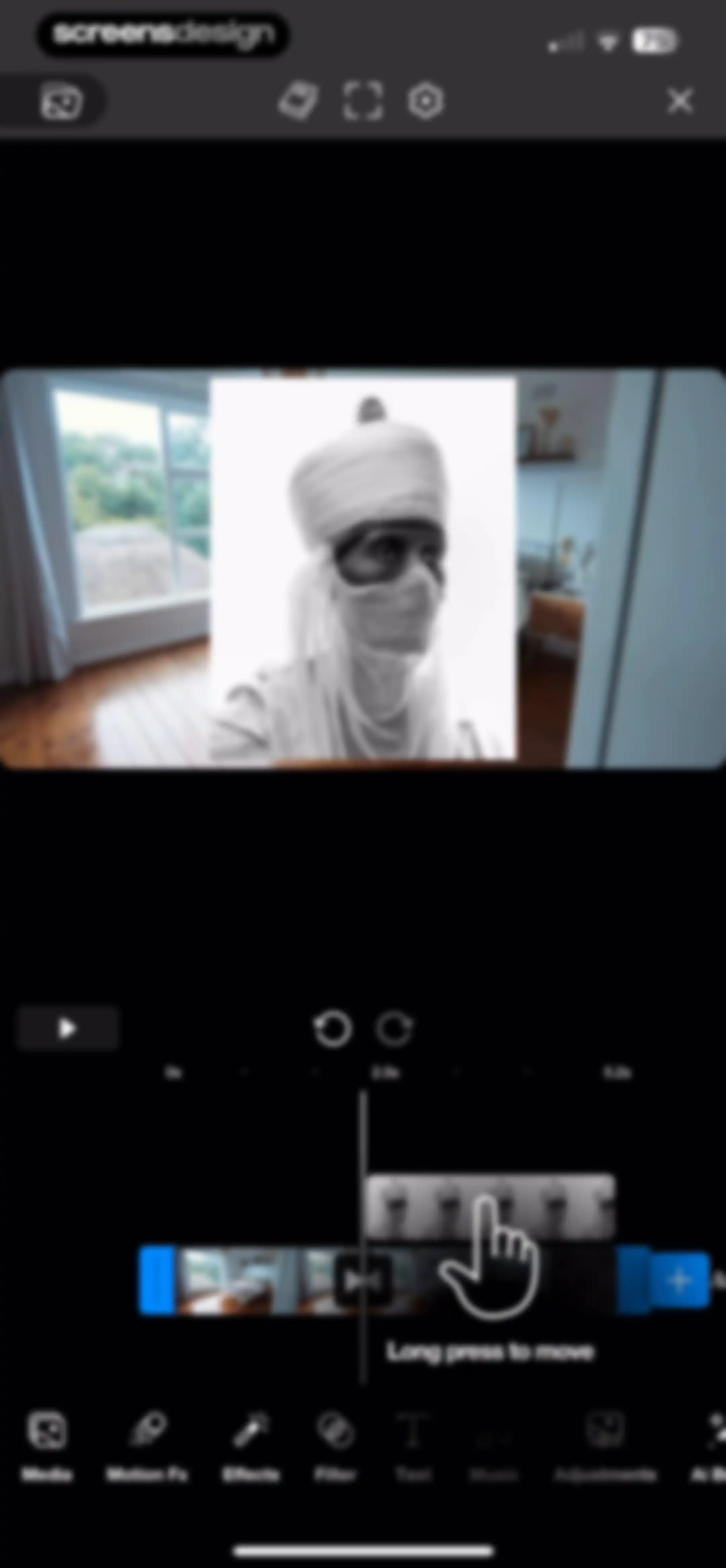
Video editor interface featuring a central preview window, a timeline editor with video clips, and a bottom navigation bar for editing tools.Unlock Pro
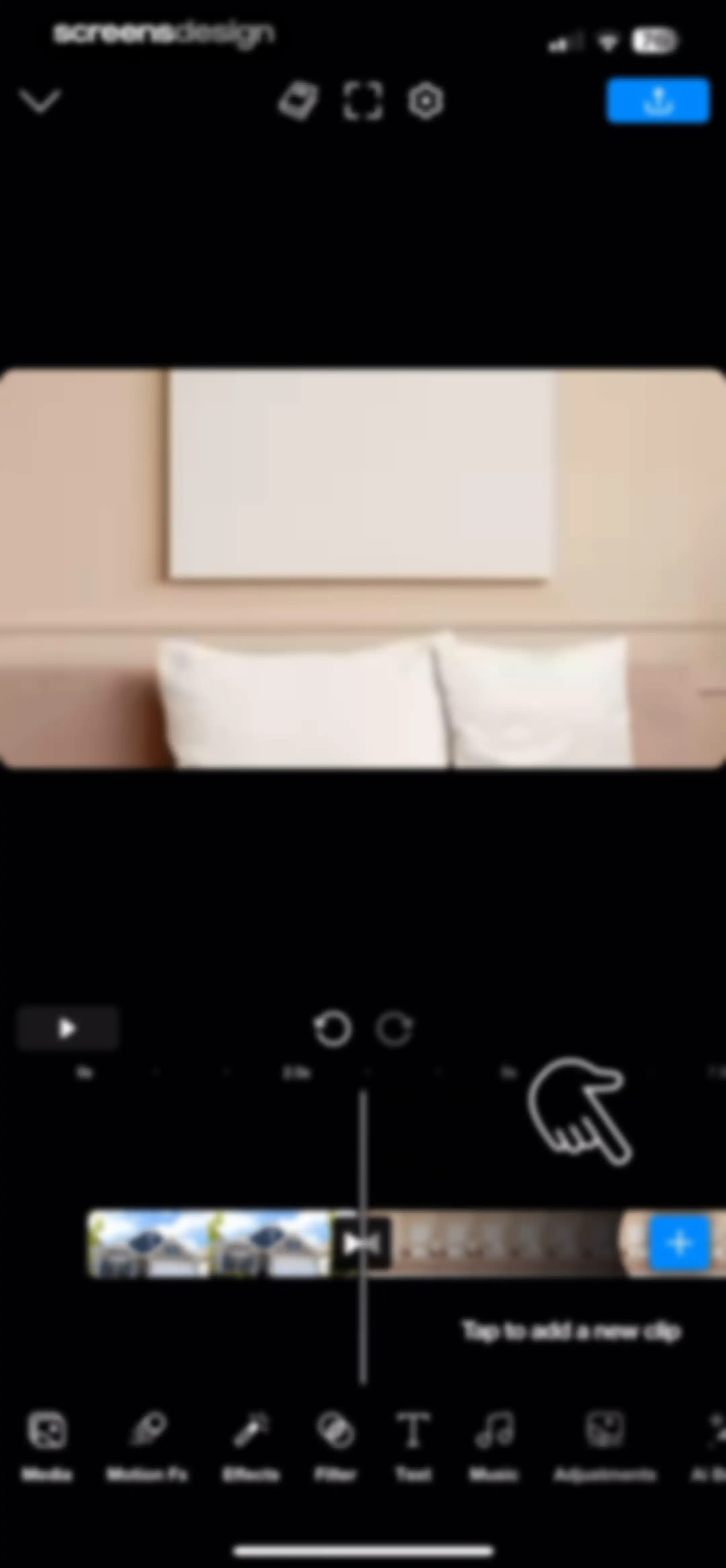
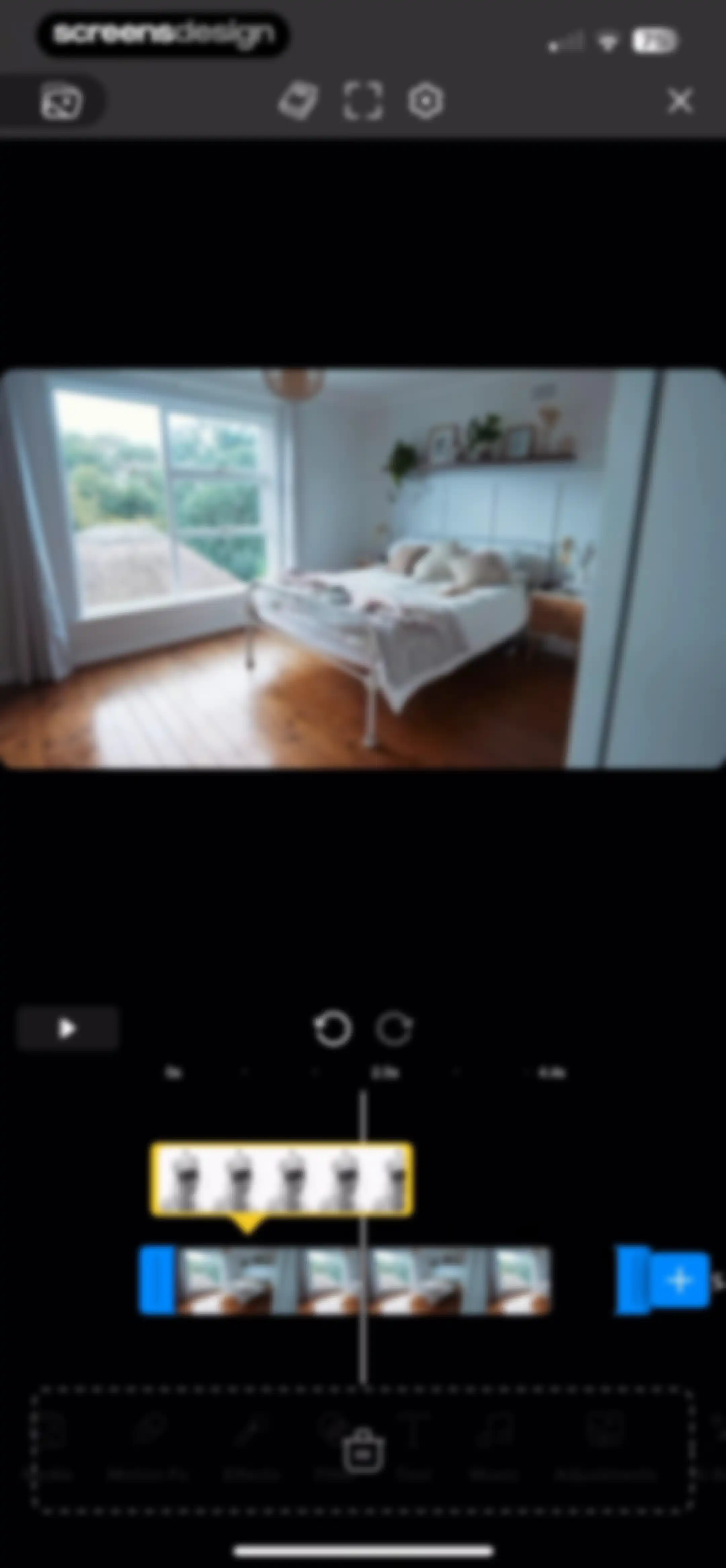
Video editor interface displaying a bedroom preview, a timeline editor with a playhead at 2.5 seconds, and a bottom toolbar for editing tools.Unlock Pro
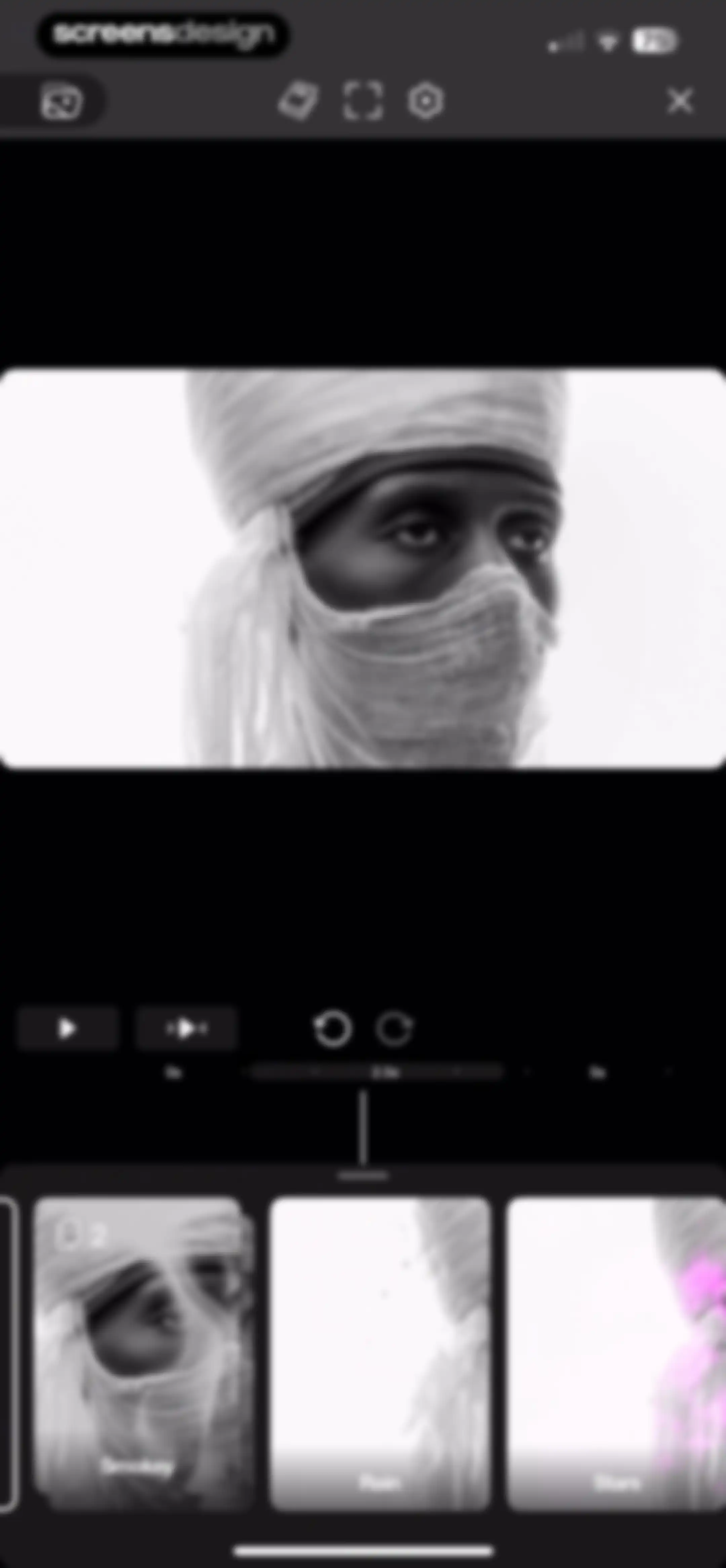
Video editor interface featuring a central preview, timeline scrubber, and a bottom carousel with the Smokey effect selected.Unlock Pro
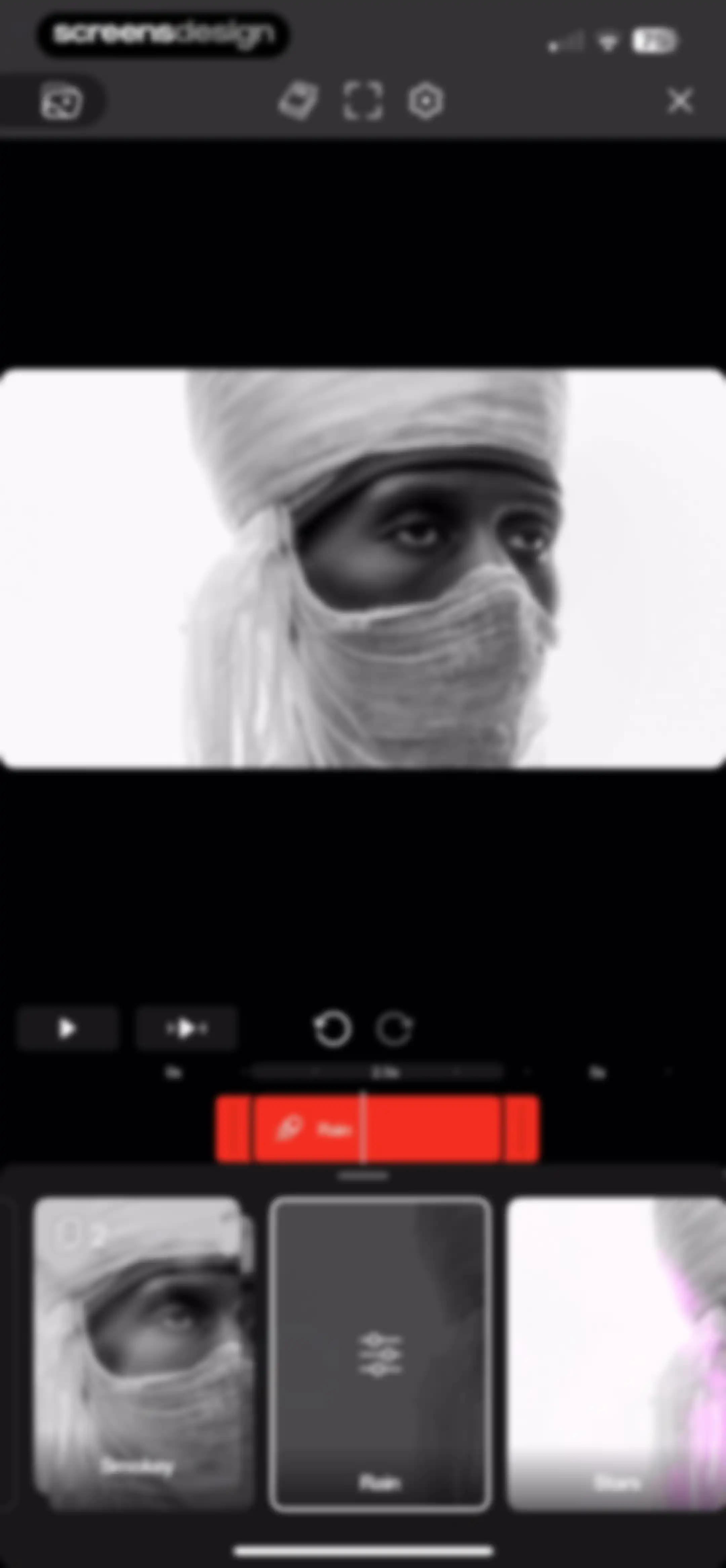
Video editing screen displaying a central preview, timeline controls, and a bottom effect selection carousel with the Rain effect selected.Unlock Pro
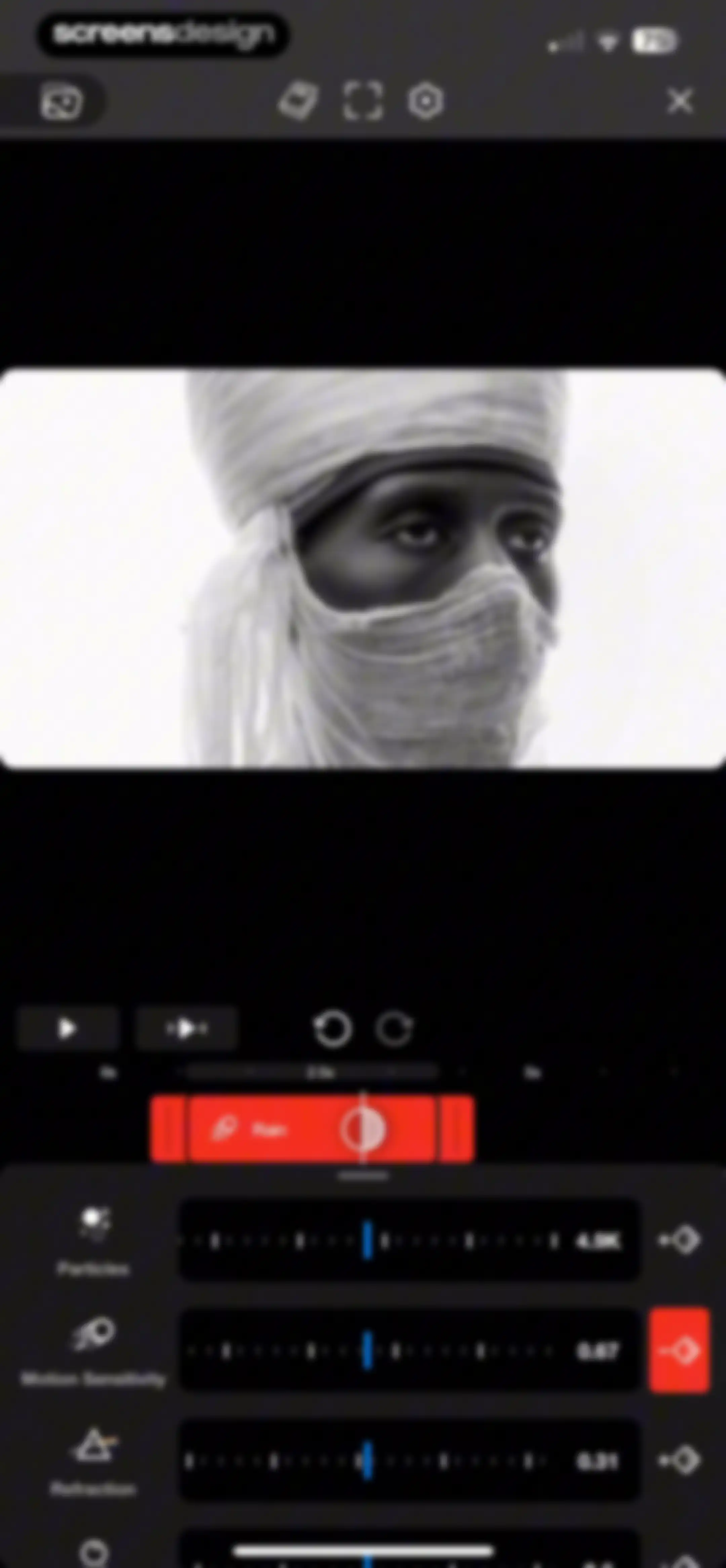
Video editor interface displaying a portrait preview, a timeline scrubber, and parameter control sliders for effect settings.Unlock Pro
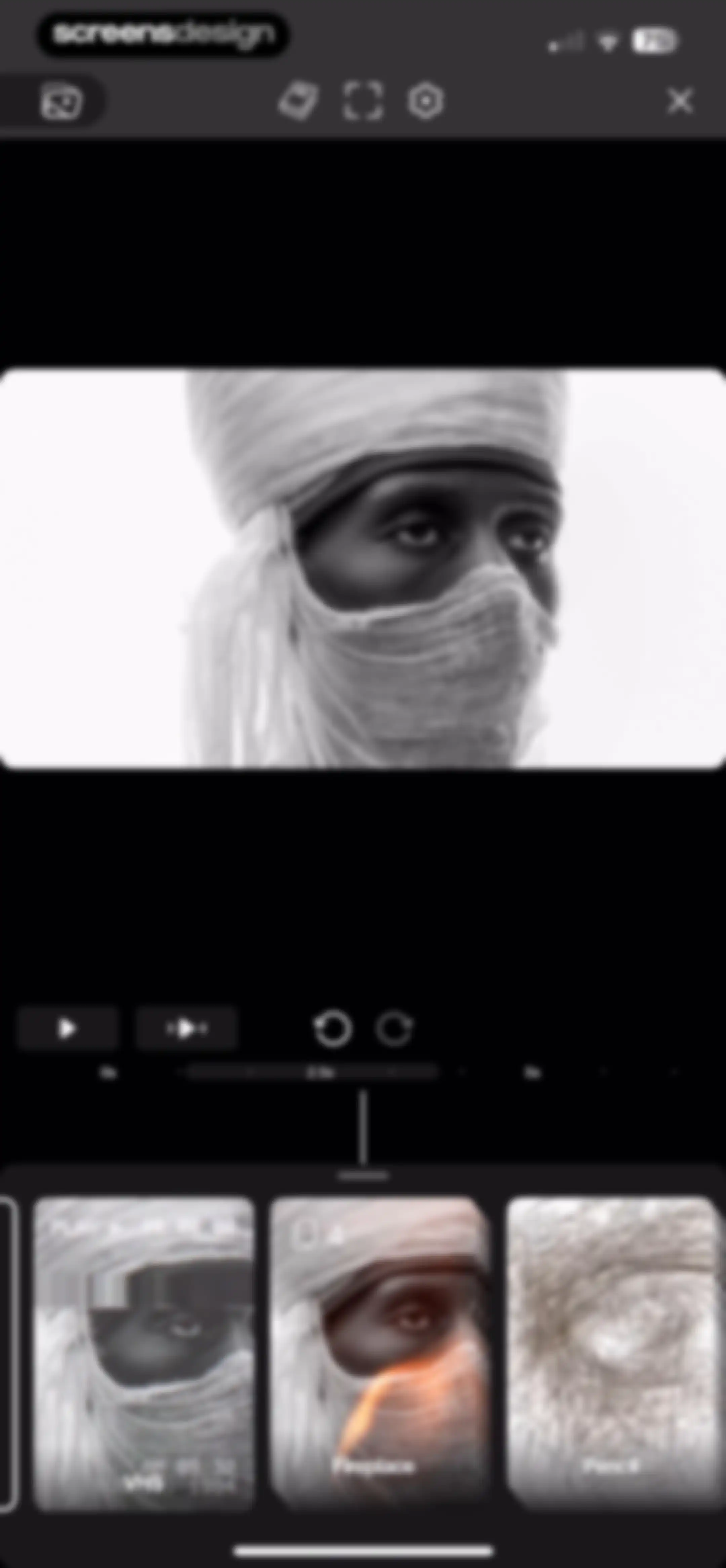
Video editor interface featuring a central preview window, a timeline scrubber, and a bottom effect selection carousel displaying filters like VHS and Pencil.Unlock Pro
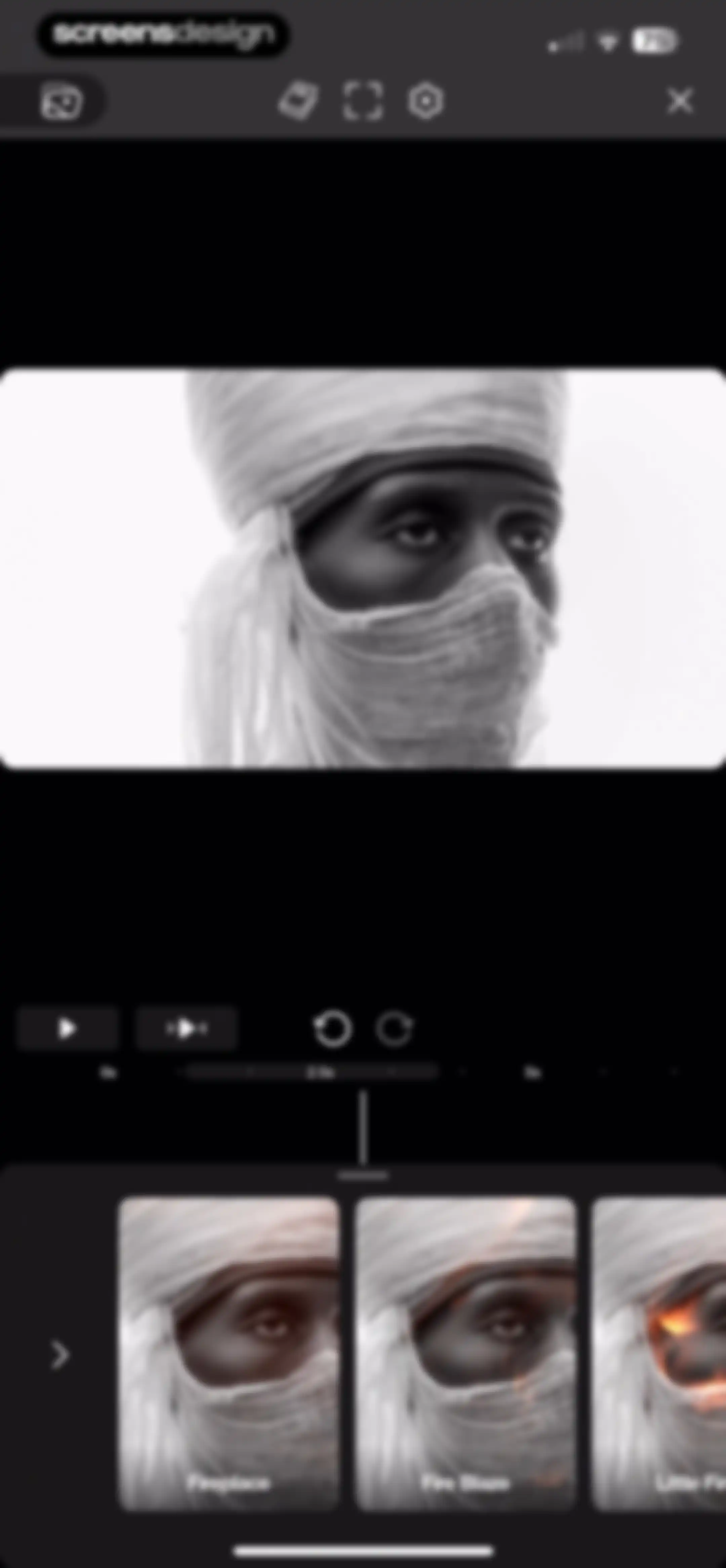
Riveo video editor screen displaying a central portrait preview, timeline scrubber, and a bottom carousel of fire effect presets.Unlock Pro
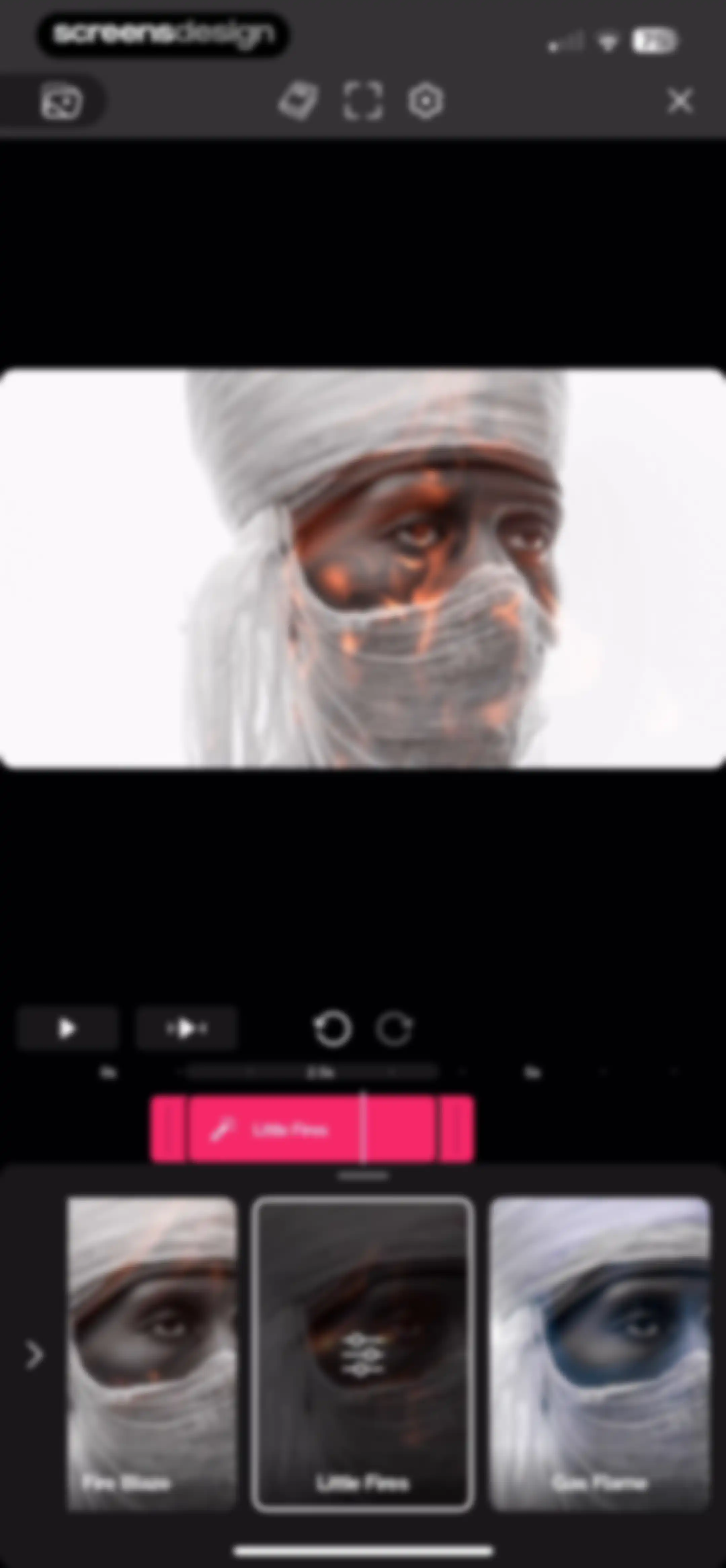
Video editor screen featuring a central video preview with timeline controls and a bottom effect selection carousel with the Little Fires effect selected.Unlock Pro
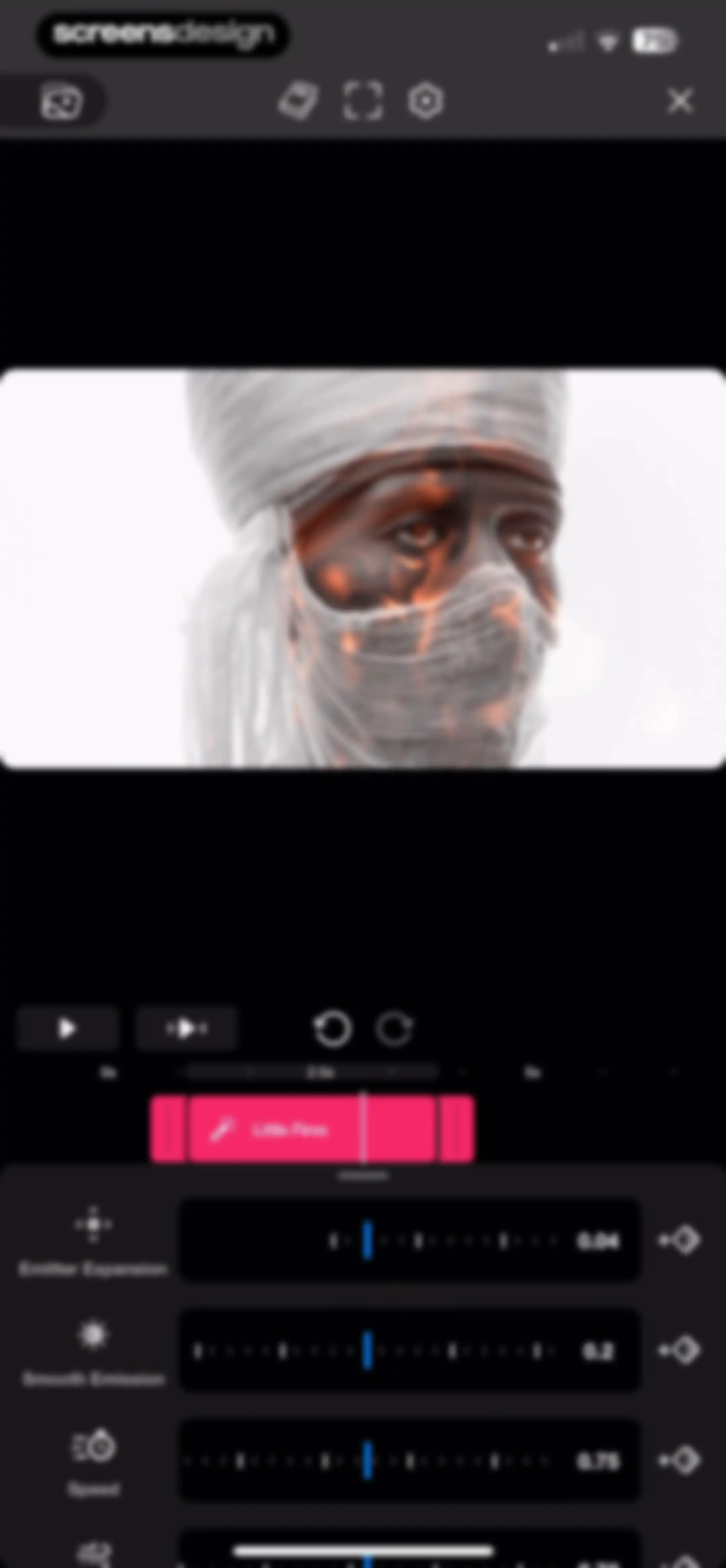
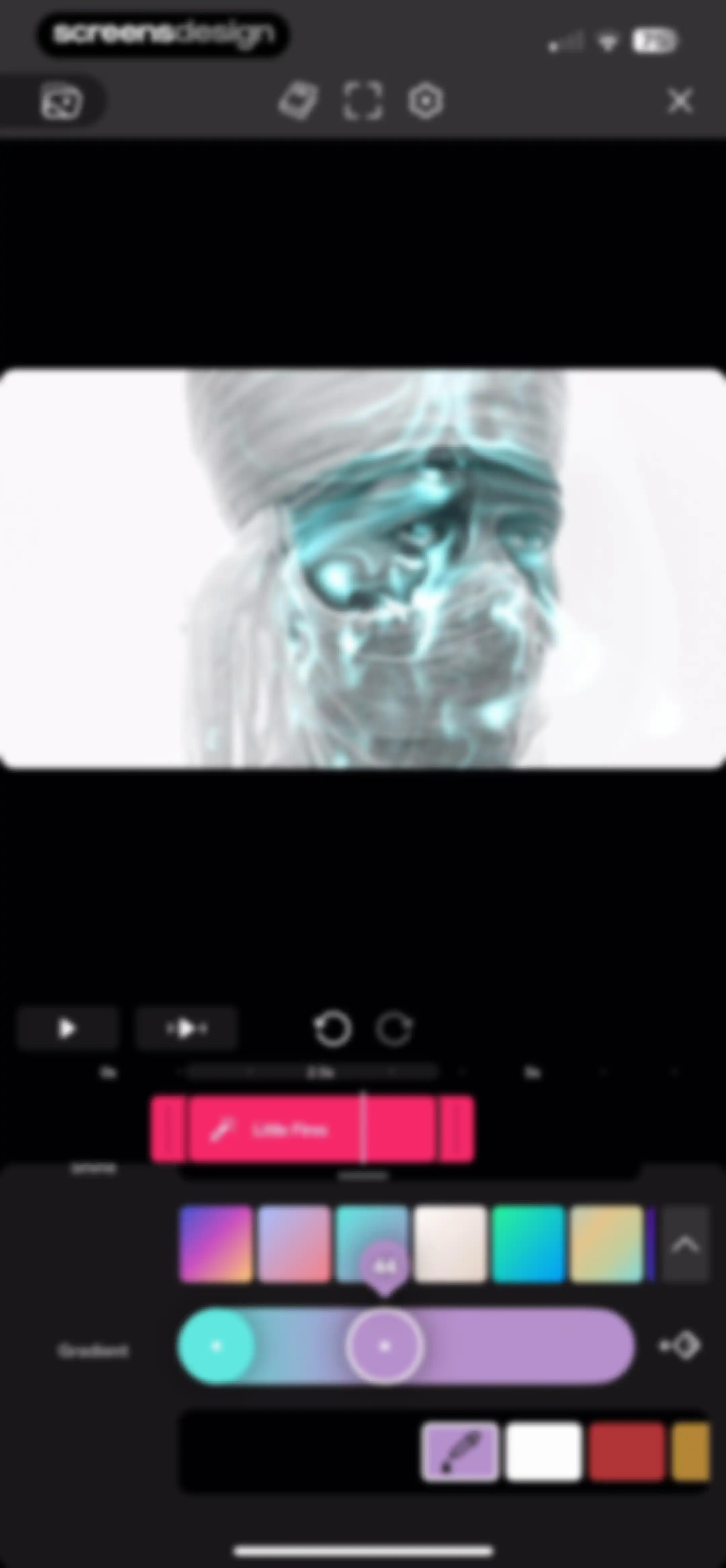
Video editor screen for the Riveo app showing a timeline with a Little Fires effect and parameter sliders for effect tuning.Unlock Pro
Video editor interface showing a timeline with a selected effect clip and bottom panel color and gradient controls.Unlock Pro
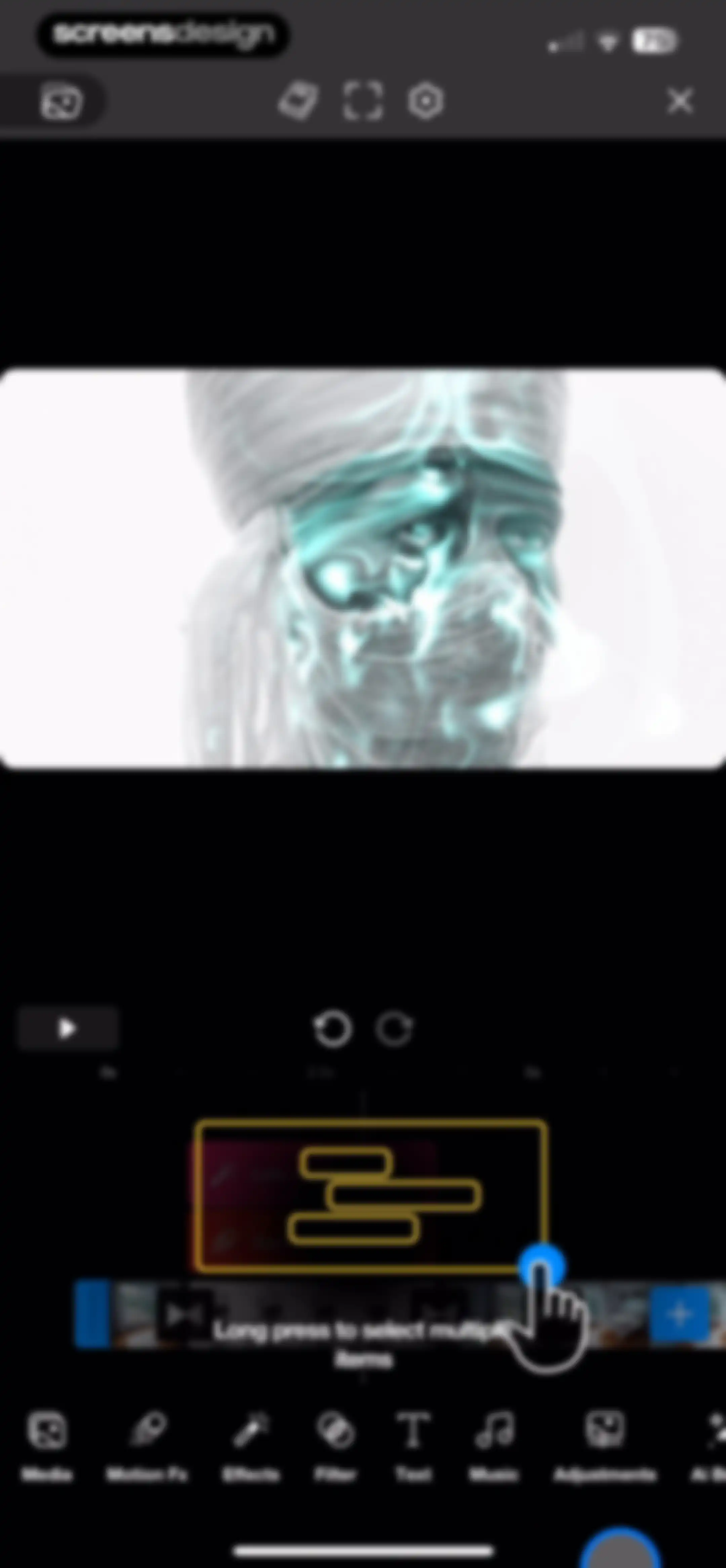
Video editor interface displaying a central preview and a timeline with effect layers, featuring a bottom navigation bar and a long-press instruction.Unlock Pro
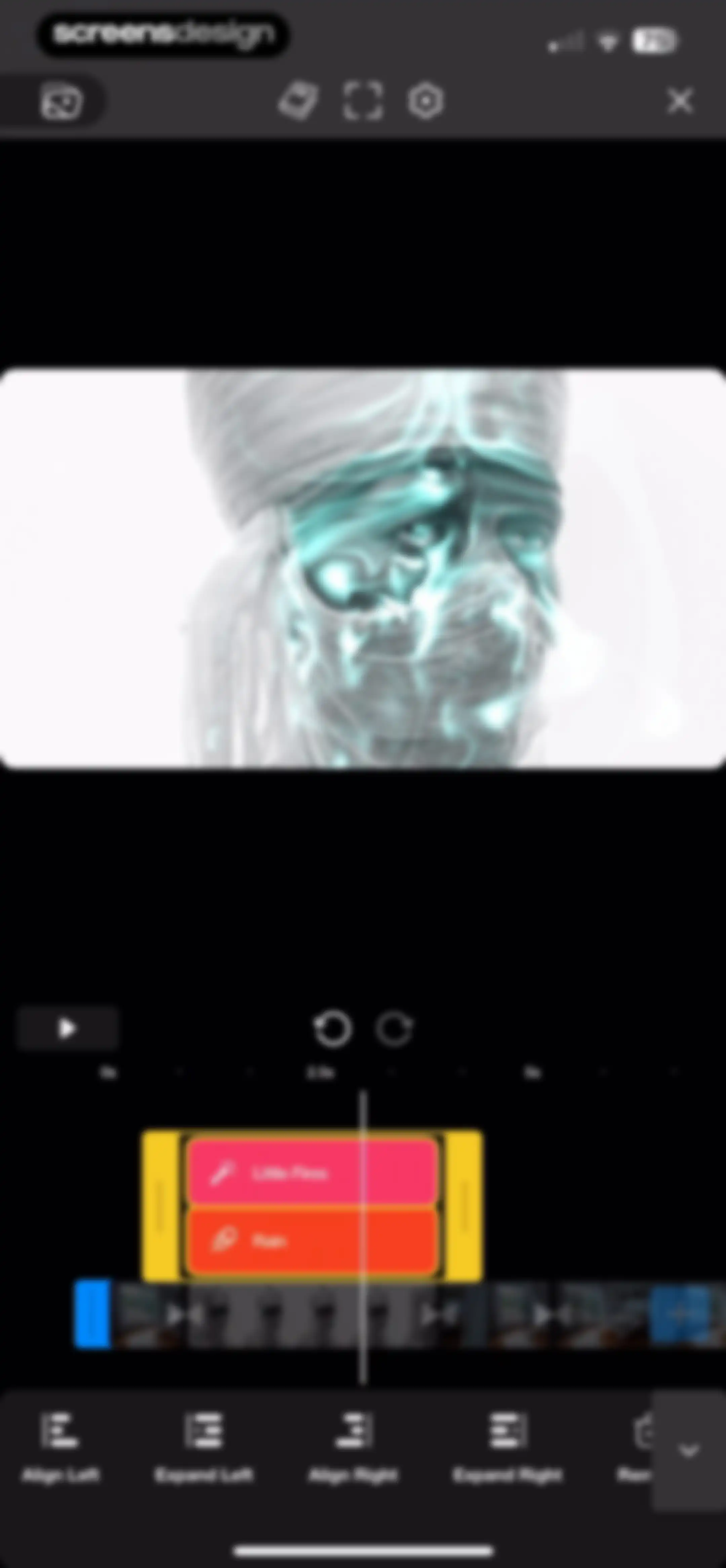
Riveo video editor screen featuring a timeline, a floating effect selection panel with Little Fires and Rain options, and a bottom editing toolbar.Unlock Pro
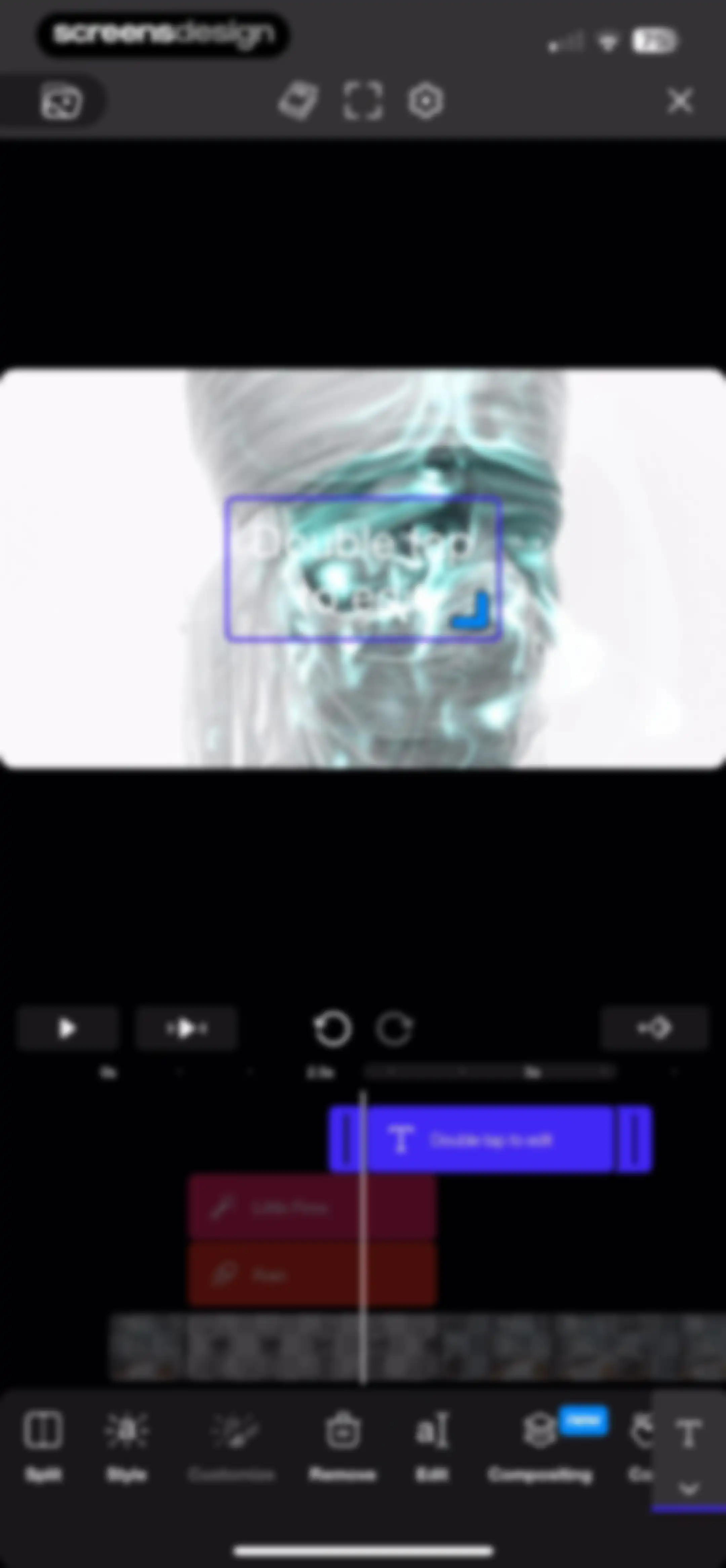
Video editor interface displaying a central preview window, a timeline editor, and a bottom toolbar with editing tools.Unlock Pro
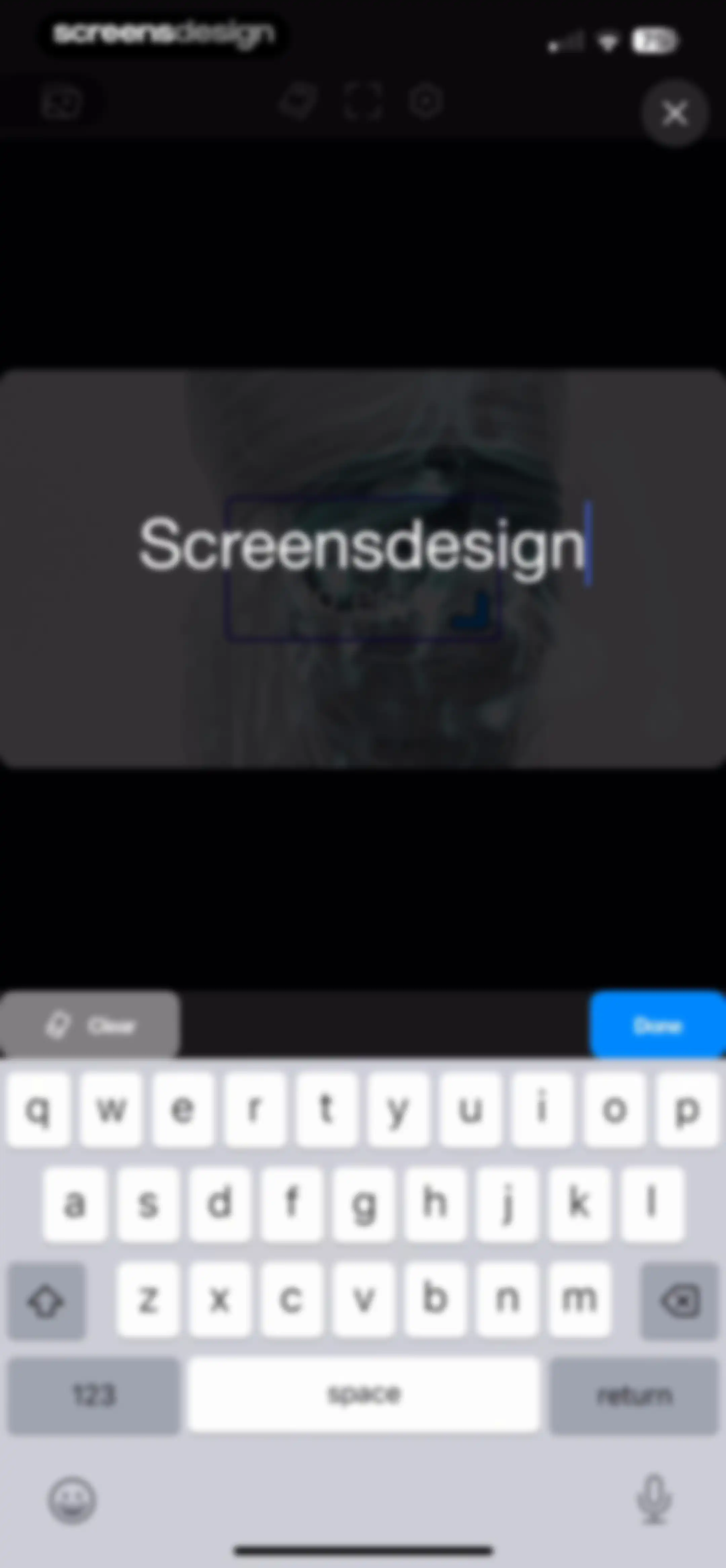
Text editing screen with a central input field displaying 'Screensdesign', a top navigation bar with editing tools, and a system keyboard at the bottom.Unlock Pro
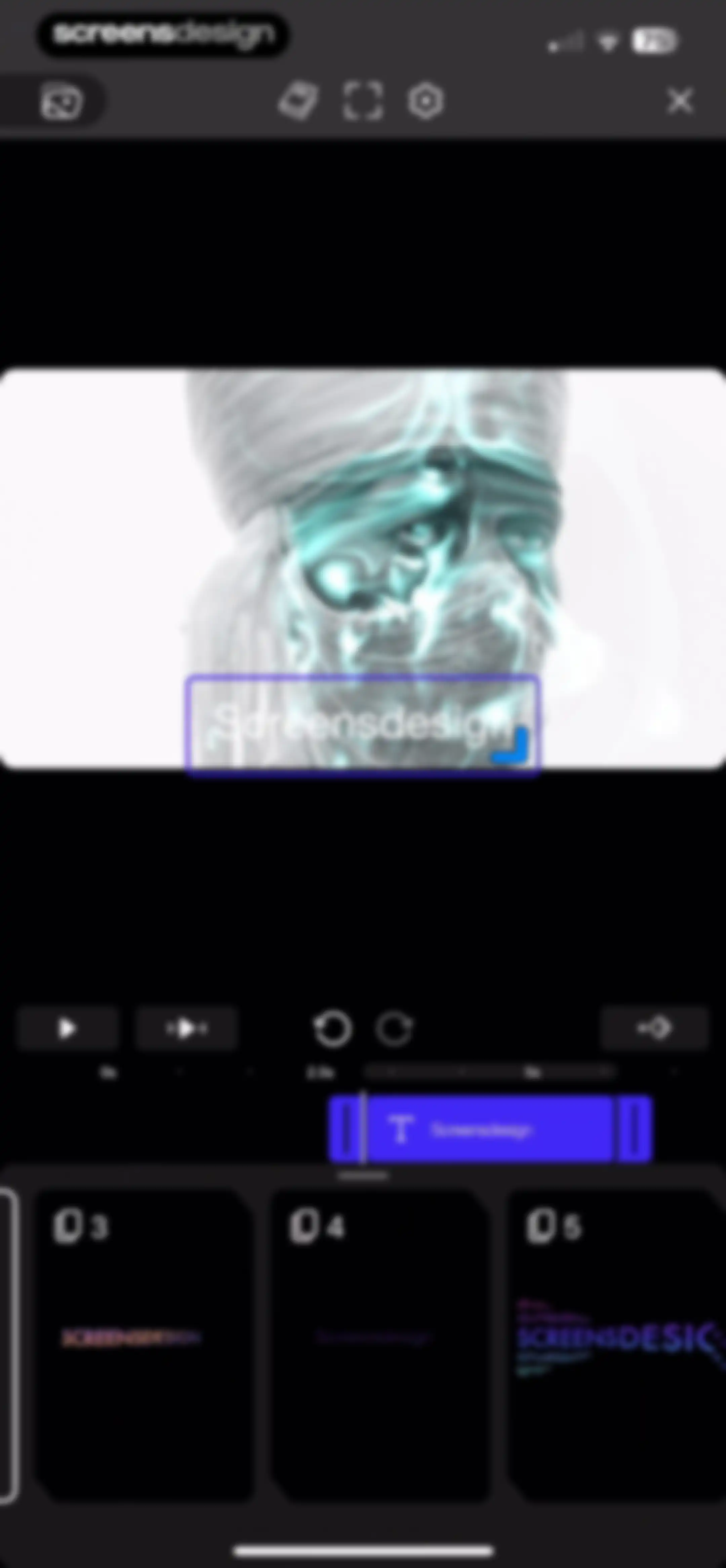
Video editor interface featuring a central preview window, a timeline with playback controls, and a bottom clip carousel.Unlock Pro
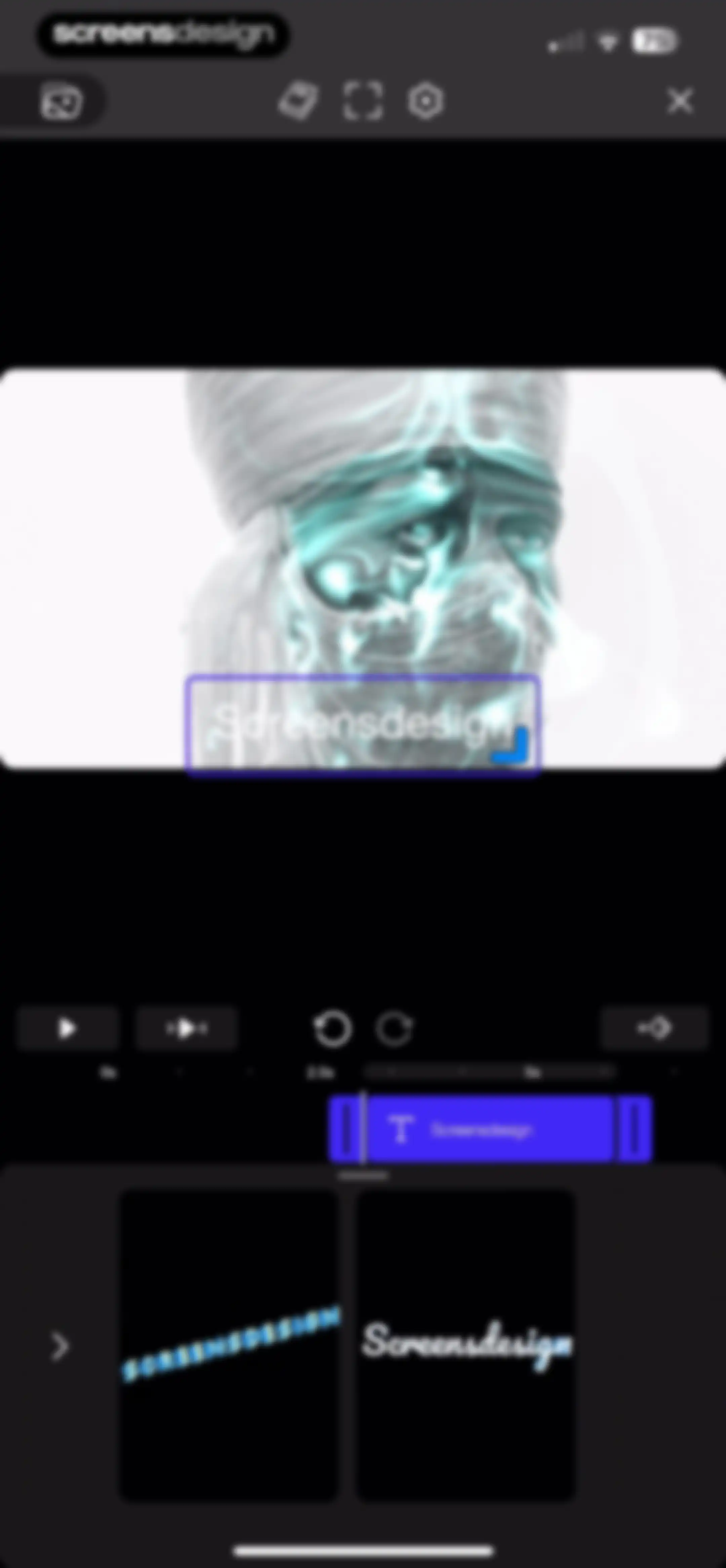
Video editor interface featuring a central preview window, a timeline track at 2.5 seconds, and a bottom carousel of text style options.Unlock Pro
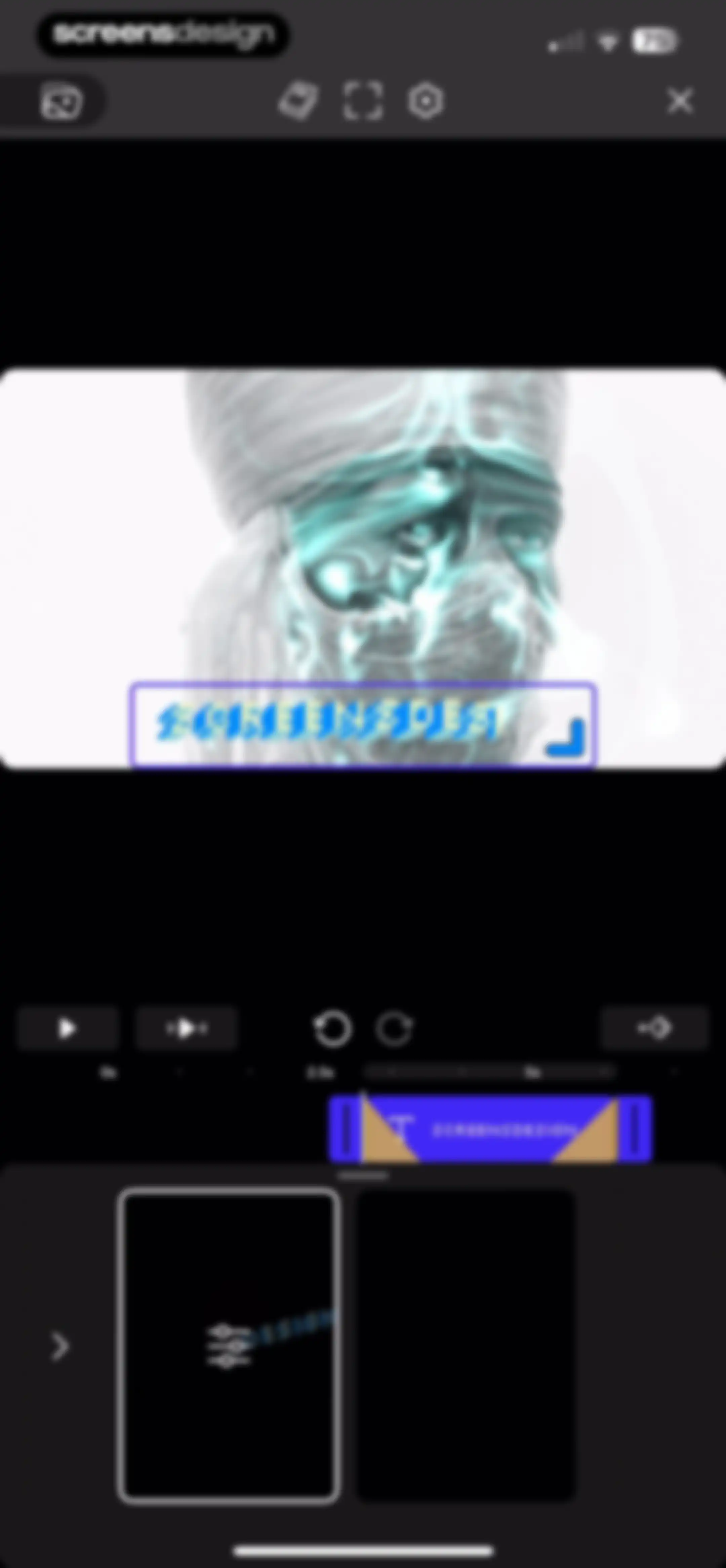
Video editor interface featuring a central preview window, a timeline control strip, and a bottom clip management list.Unlock Pro
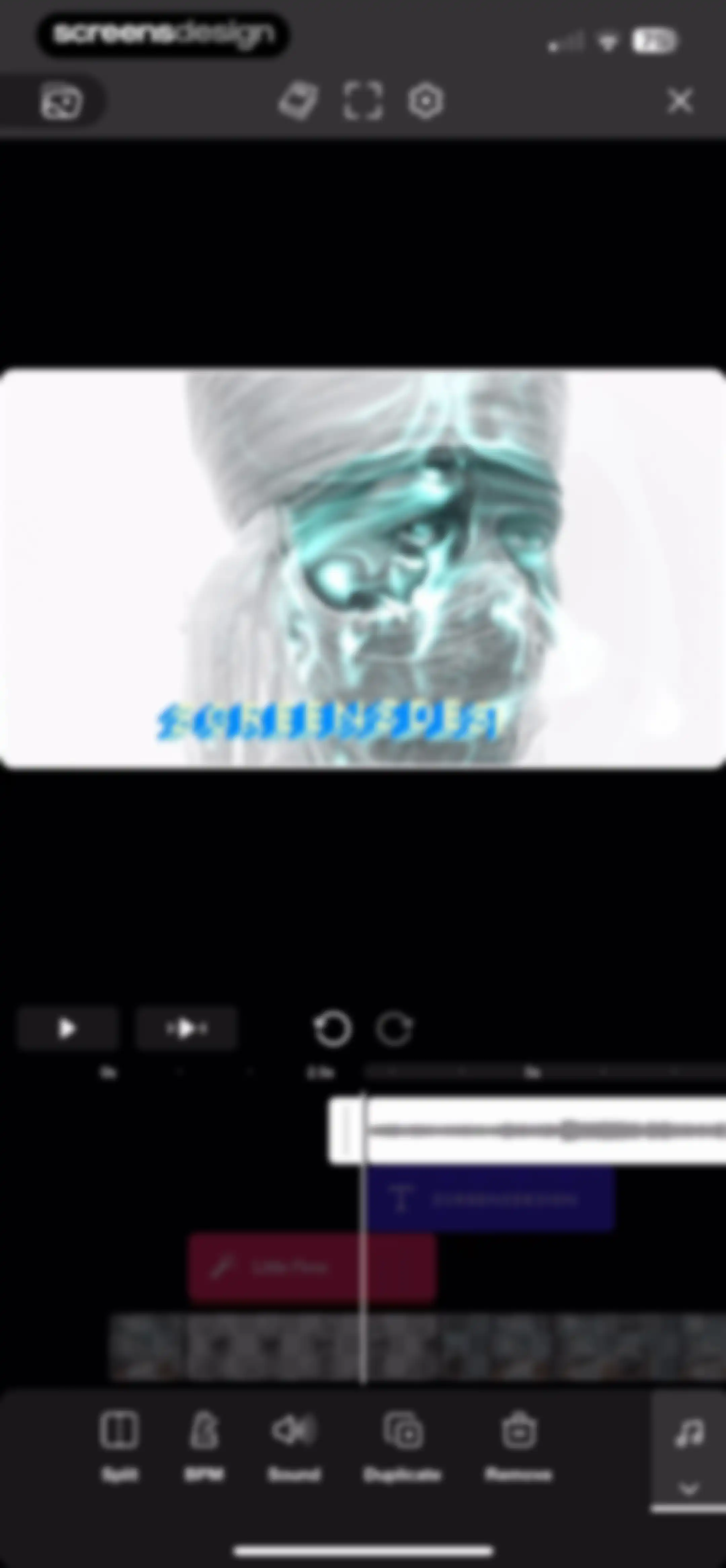
Video editor interface displaying a central preview with a blue effect, a timeline at 2.5 seconds with layers, and a bottom editing toolbar.Unlock Pro
Permission request modal in the Riveo video editor asking for media library access to add music, with a Continue button.Unlock Pro
System permission modal in Riveo requesting media library access over a video editor timeline, with Allow and Don't Allow buttons.Unlock Pro
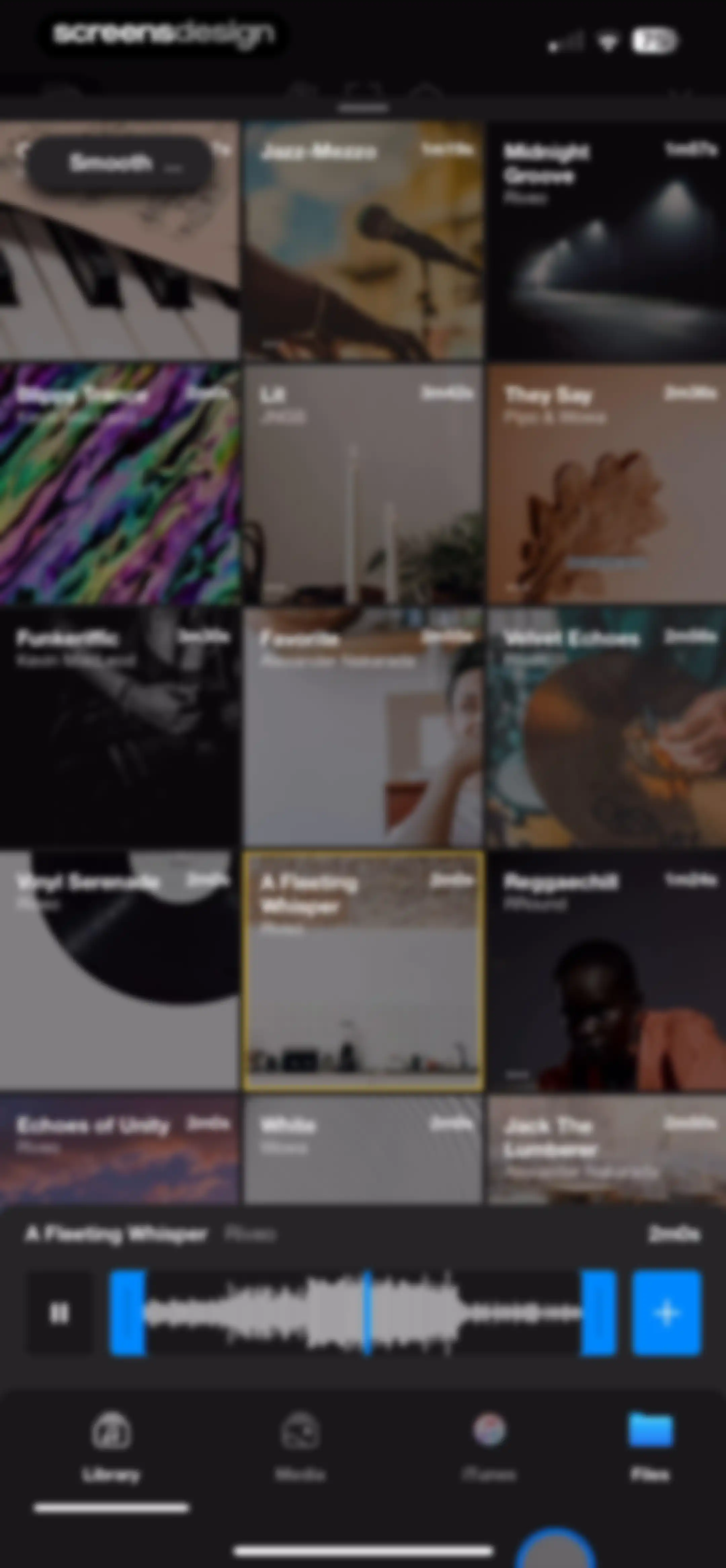
Audio library screen displaying a grid of song cards, a persistent playback control bar, and bottom navigation with the Library tab selected.Unlock Pro
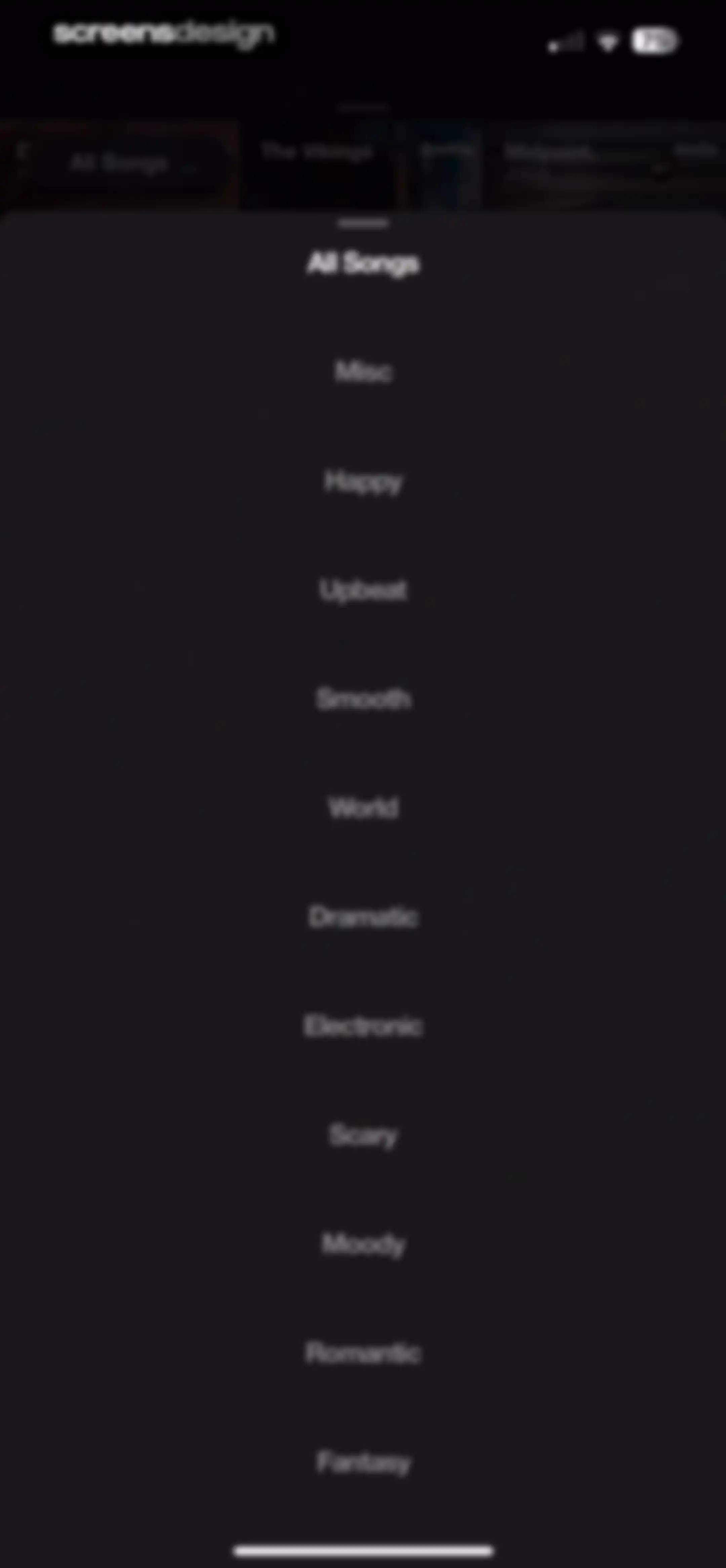
Music category selection modal displaying a vertical list of genres and moods including Happy, Upbeat, and Electronic on a dark background.Unlock Pro
Audio track selection screen with a grid of music cards, a persistent player at the bottom, and the Library tab selected.Unlock Pro
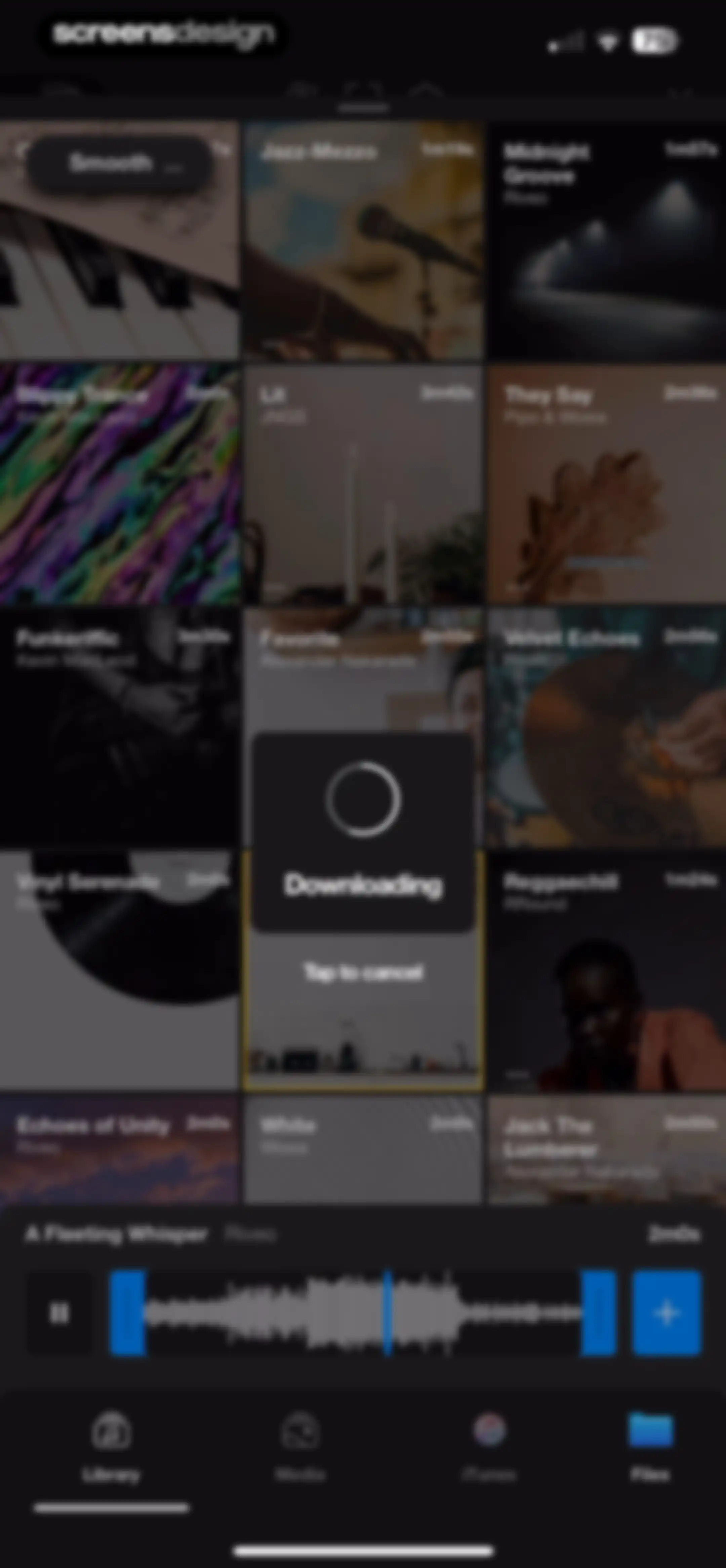
Audio library grid with a download progress modal overlay and a persistent player bar at the bottom.Unlock Pro
Video editing interface displaying a central preview, a timeline with a playhead at the 2.5-second mark, and editing tools at the bottom.Unlock Pro
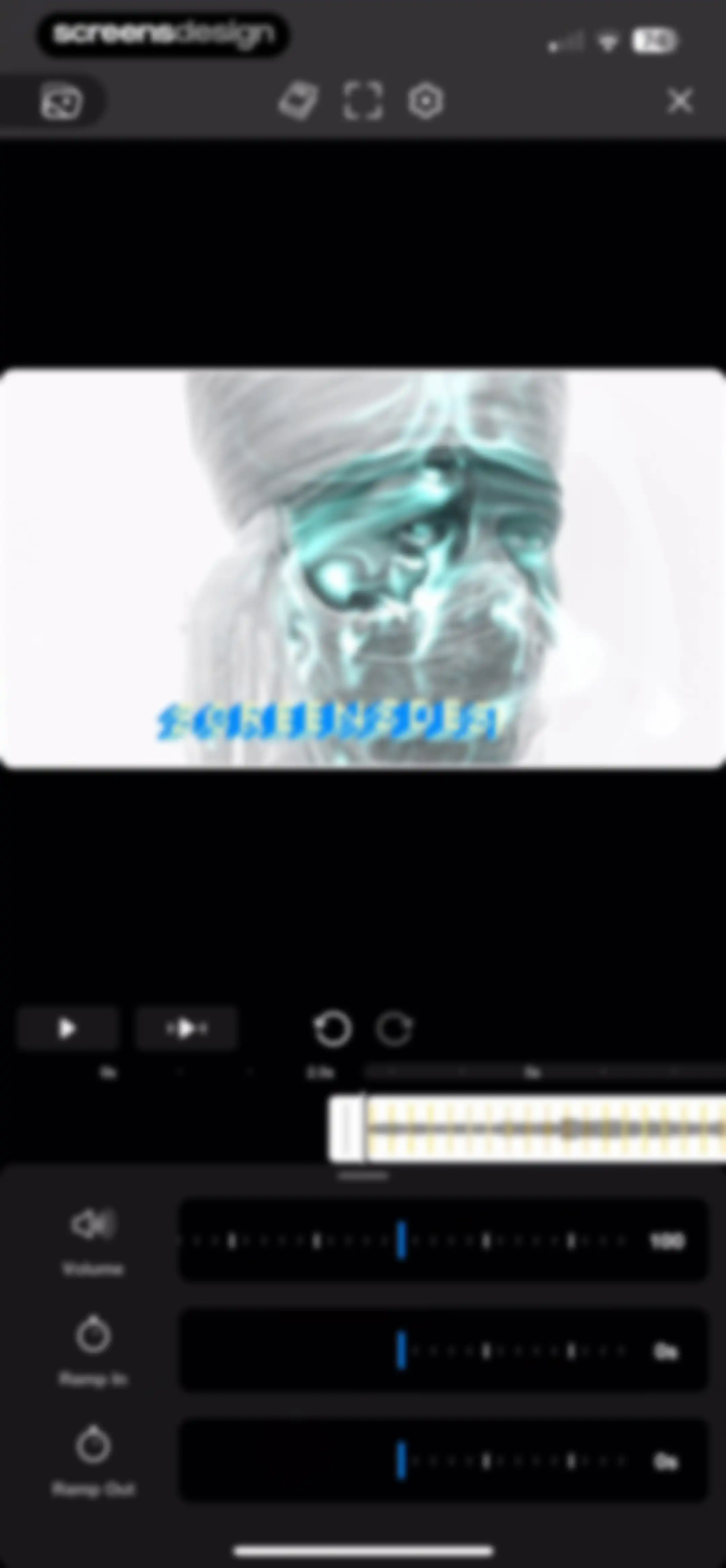
Video editor interface featuring a central preview window, timeline with playback controls, and a bottom audio adjustment panel with volume and ramp sliders.Unlock Pro
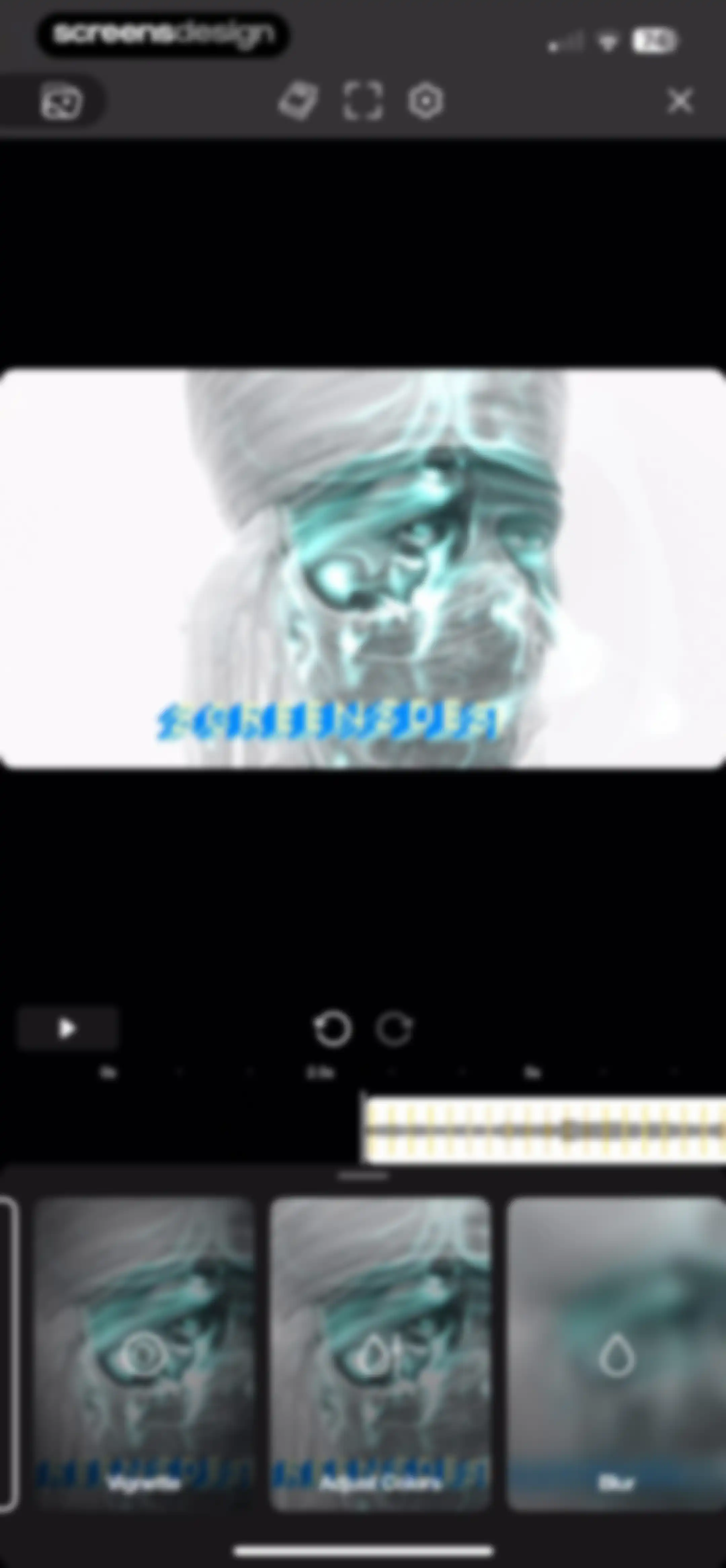
Video editor interface featuring a central preview window, a timeline with an audio waveform, and a bottom carousel of editing tools.Unlock Pro
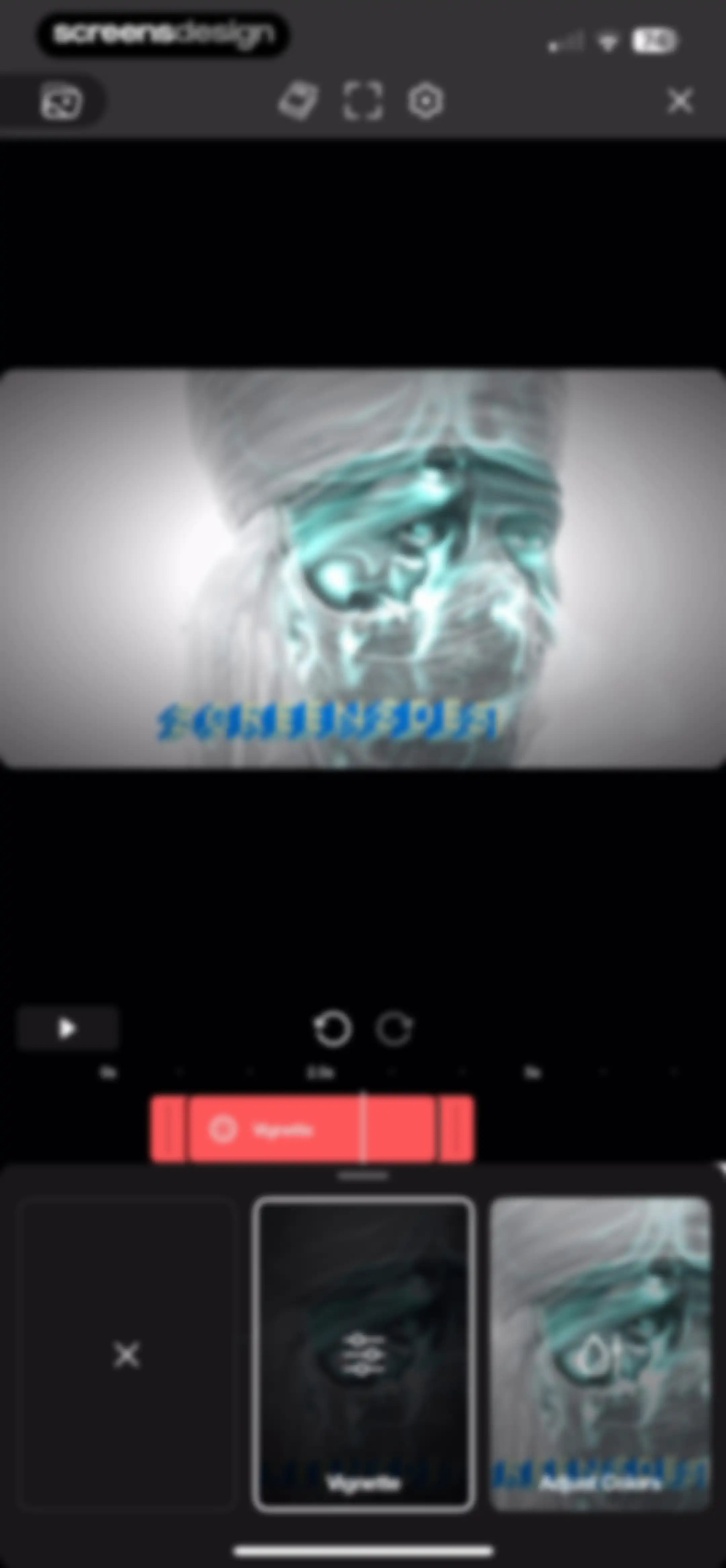
Video editor interface featuring a timeline scrubber, central preview, and a bottom tool carousel with the Vignette option selected.Unlock Pro
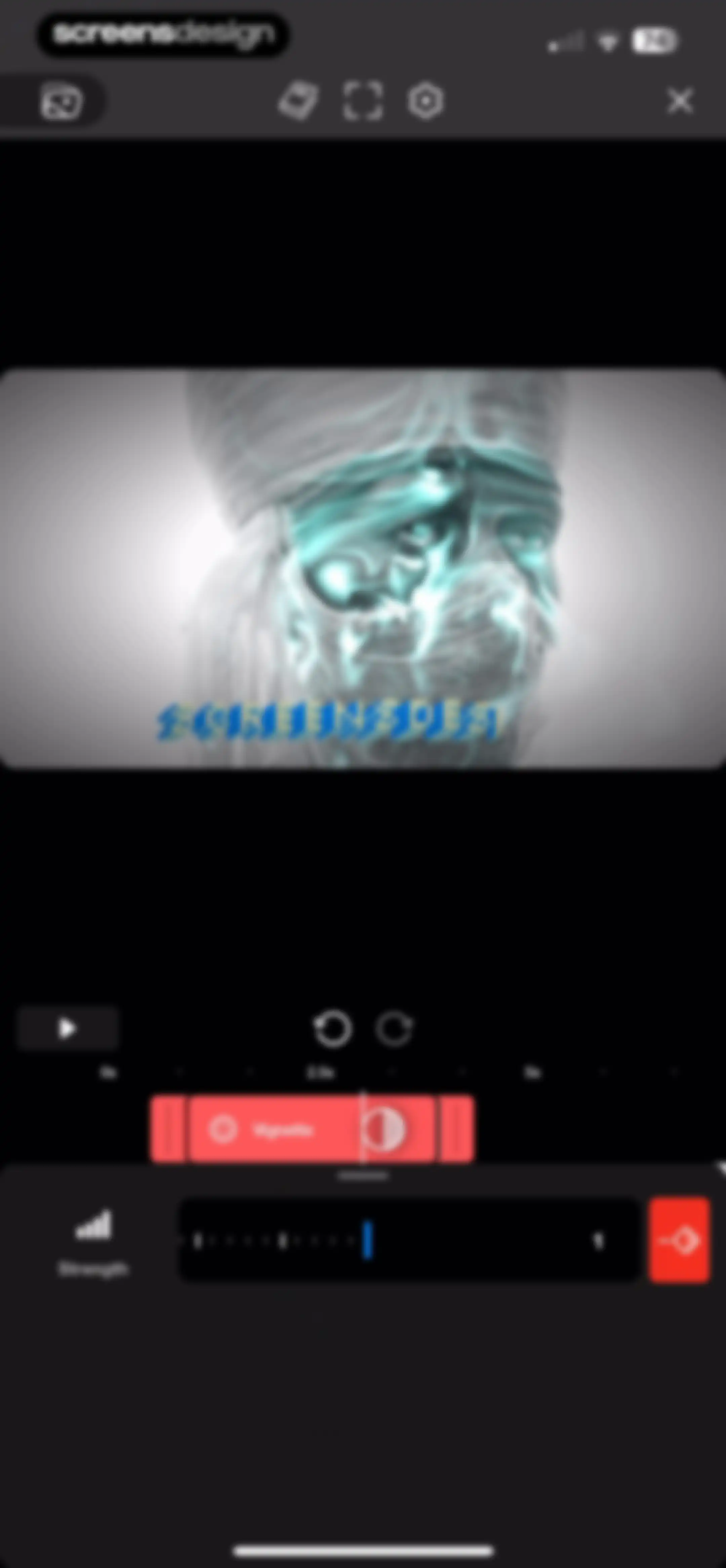
Video editor interface showing a timeline scrubber and a bottom adjustment panel for vignette strength with a strength value of 1.Unlock Pro
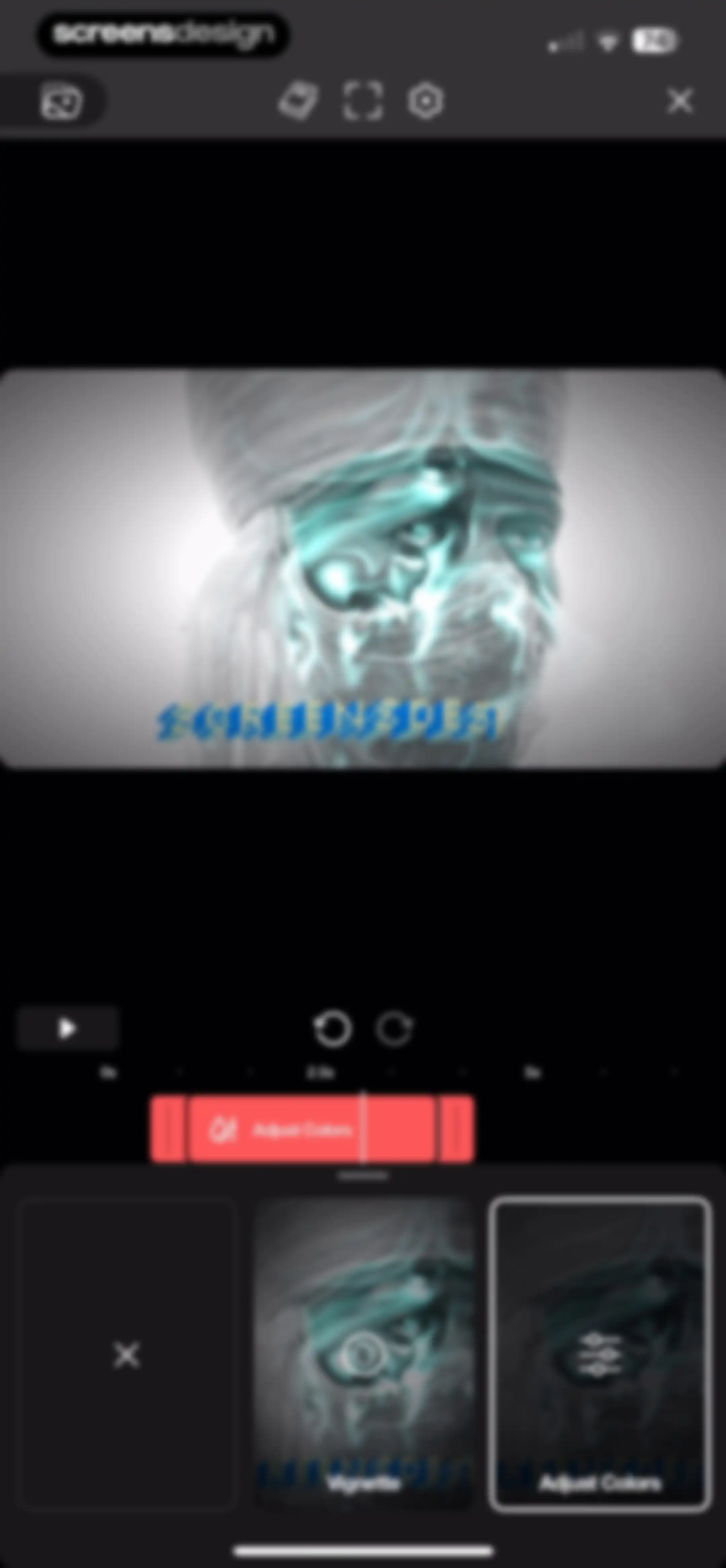
Video editor interface displaying a central preview, a timeline with a clip segment, and a bottom carousel with the Adjust Colors tool selected.Unlock Pro
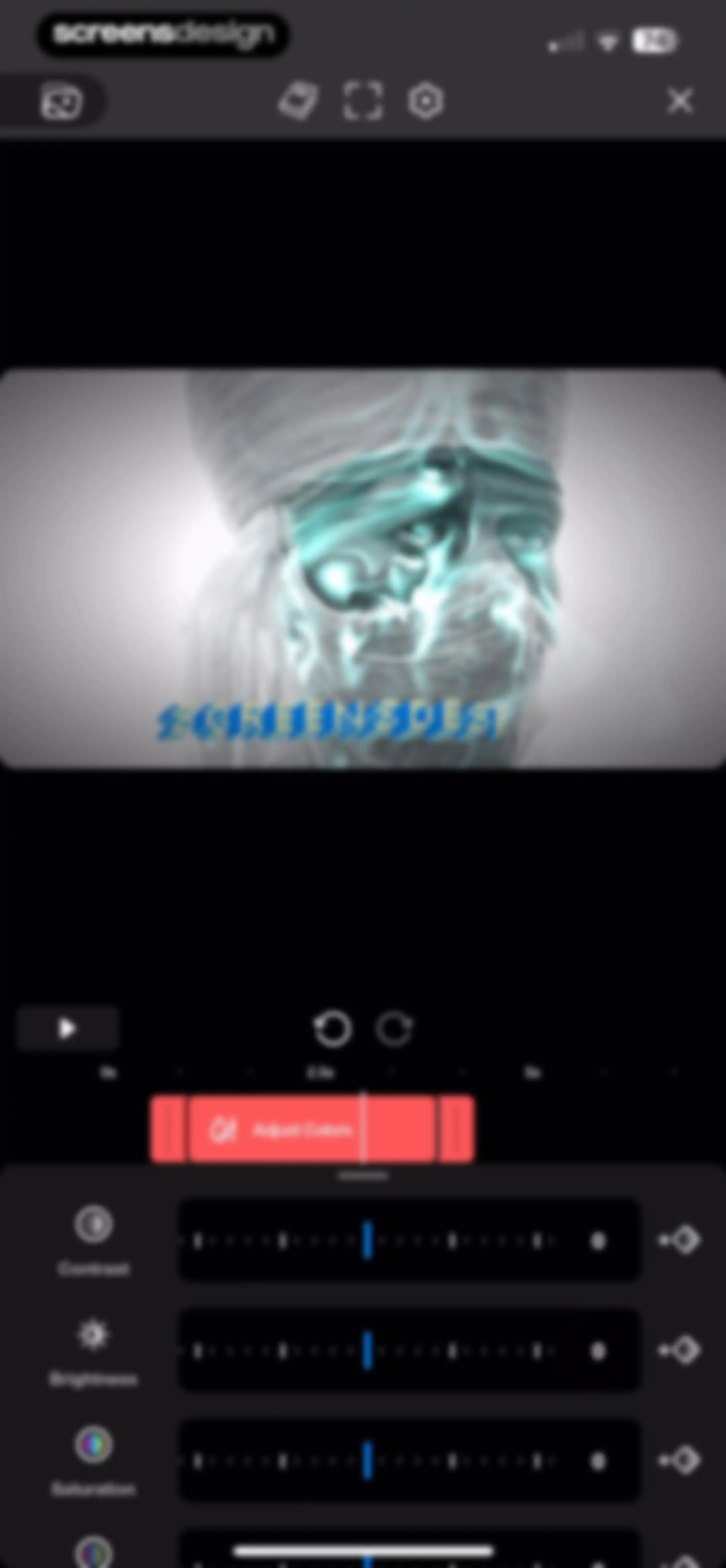
Video color adjustment editor featuring vertical sliders for contrast, brightness, and saturation, a timeline scrubber, and a top video preview.Unlock Pro
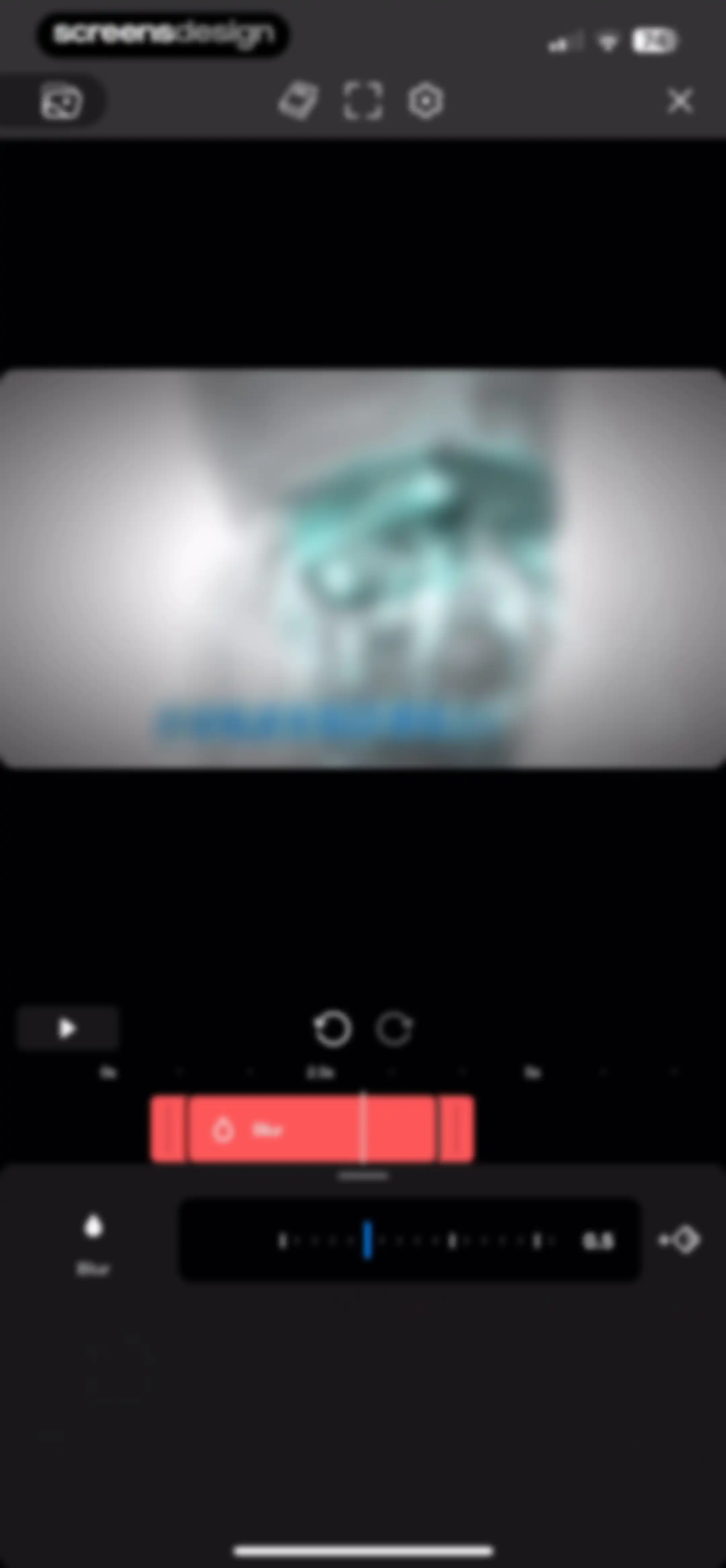
Video editor timeline and preview screen focused on the blur effect, with a control panel and a blur intensity slider set to 0.5.Unlock Pro
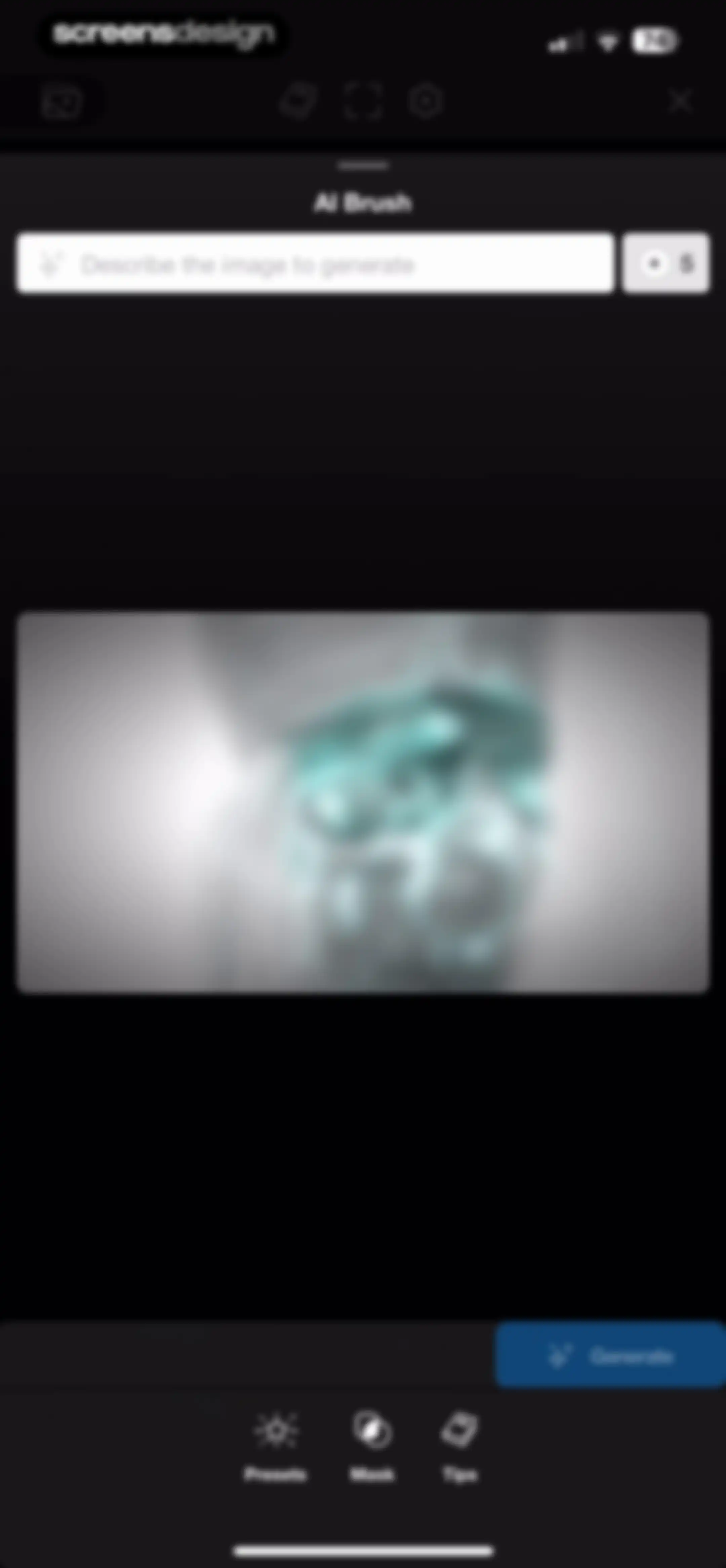
AI brush editor interface with a text prompt input, a central preview area, and a Generate button.Unlock Pro
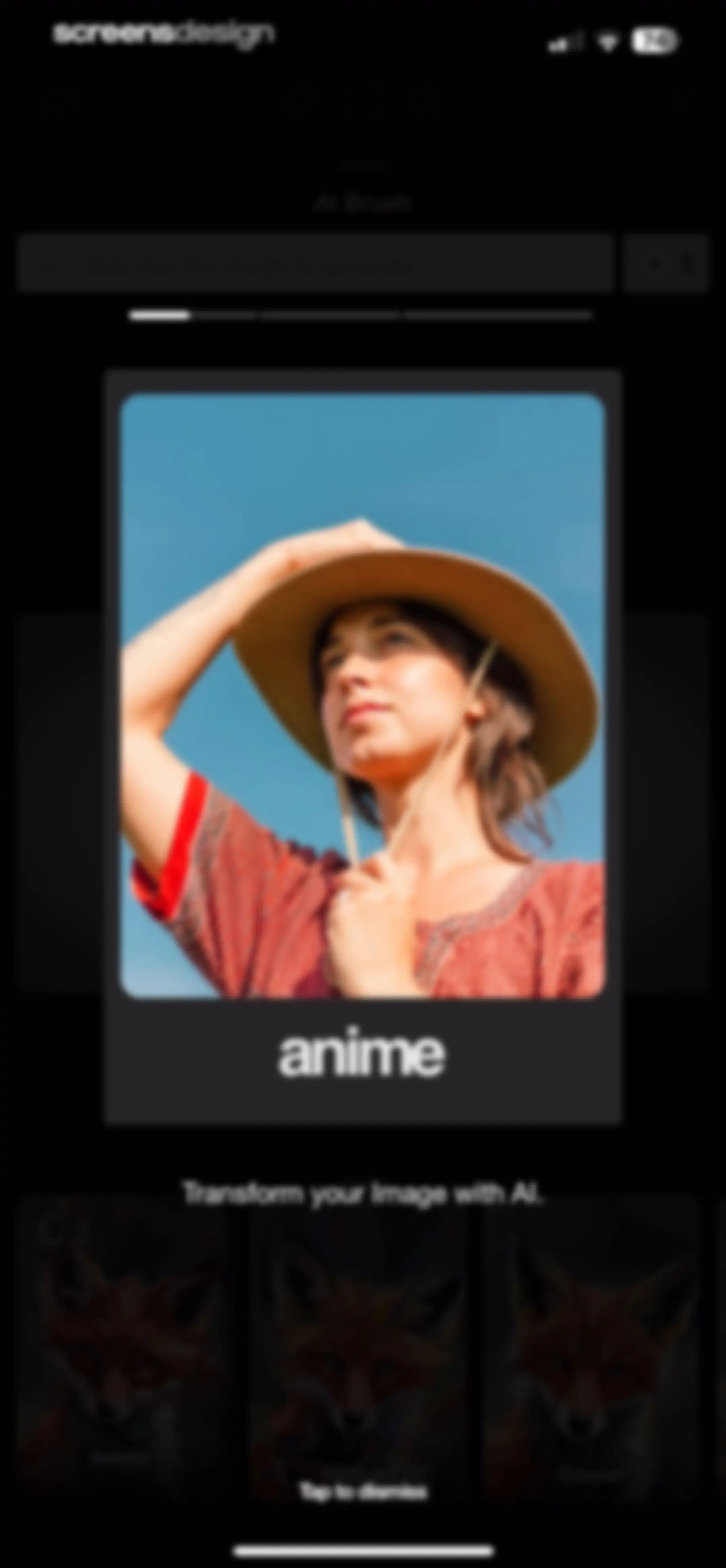
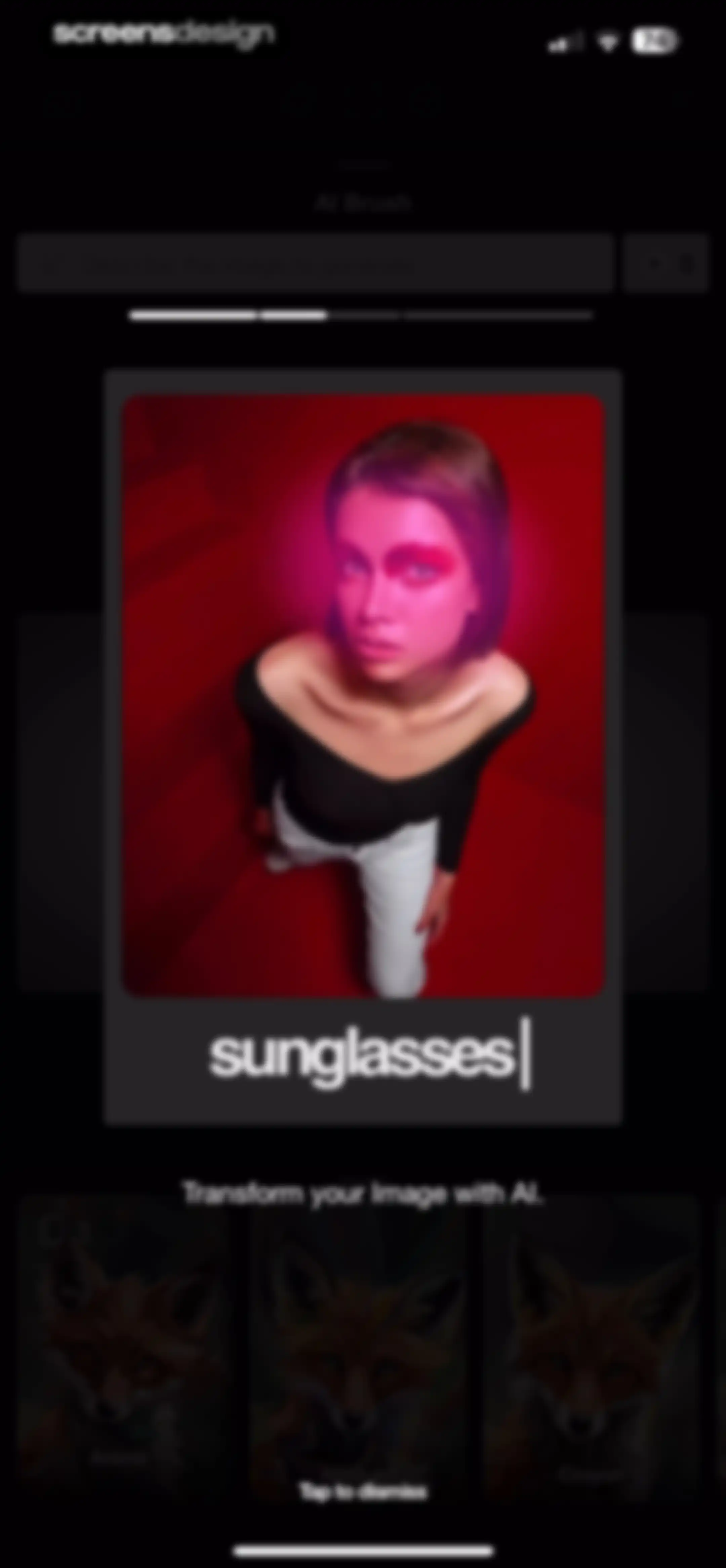
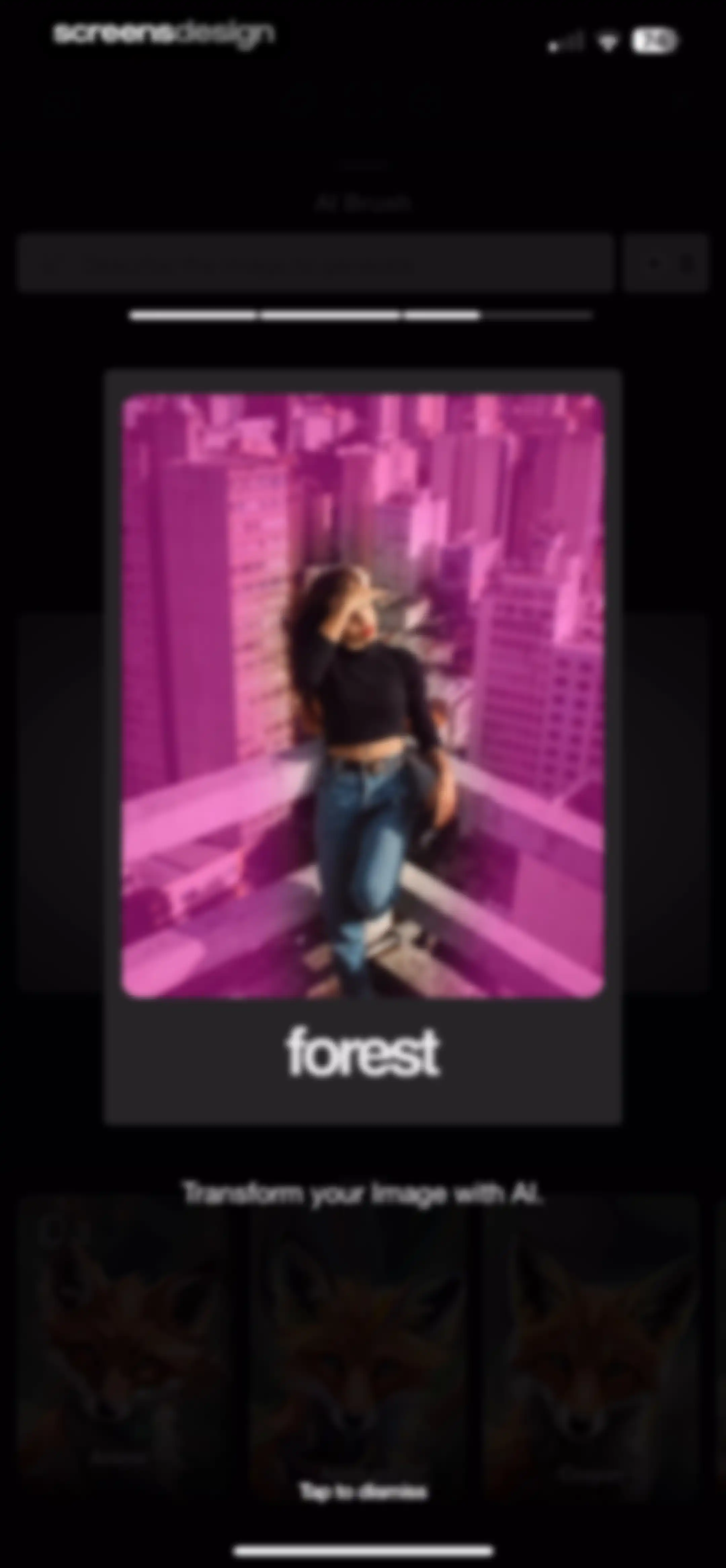
AI image transformation editor with a prompt input, central preview card, style selection carousel, and bottom dismiss instruction.Unlock Pro
AI image transformation editor with a prompt input field, a central photo preview card, and a style preset selection carousel on a dark theme.Unlock Pro
AI image editor modal displaying a central preview card, top text input with an AI brush header, and a bottom style carousel.Unlock Pro
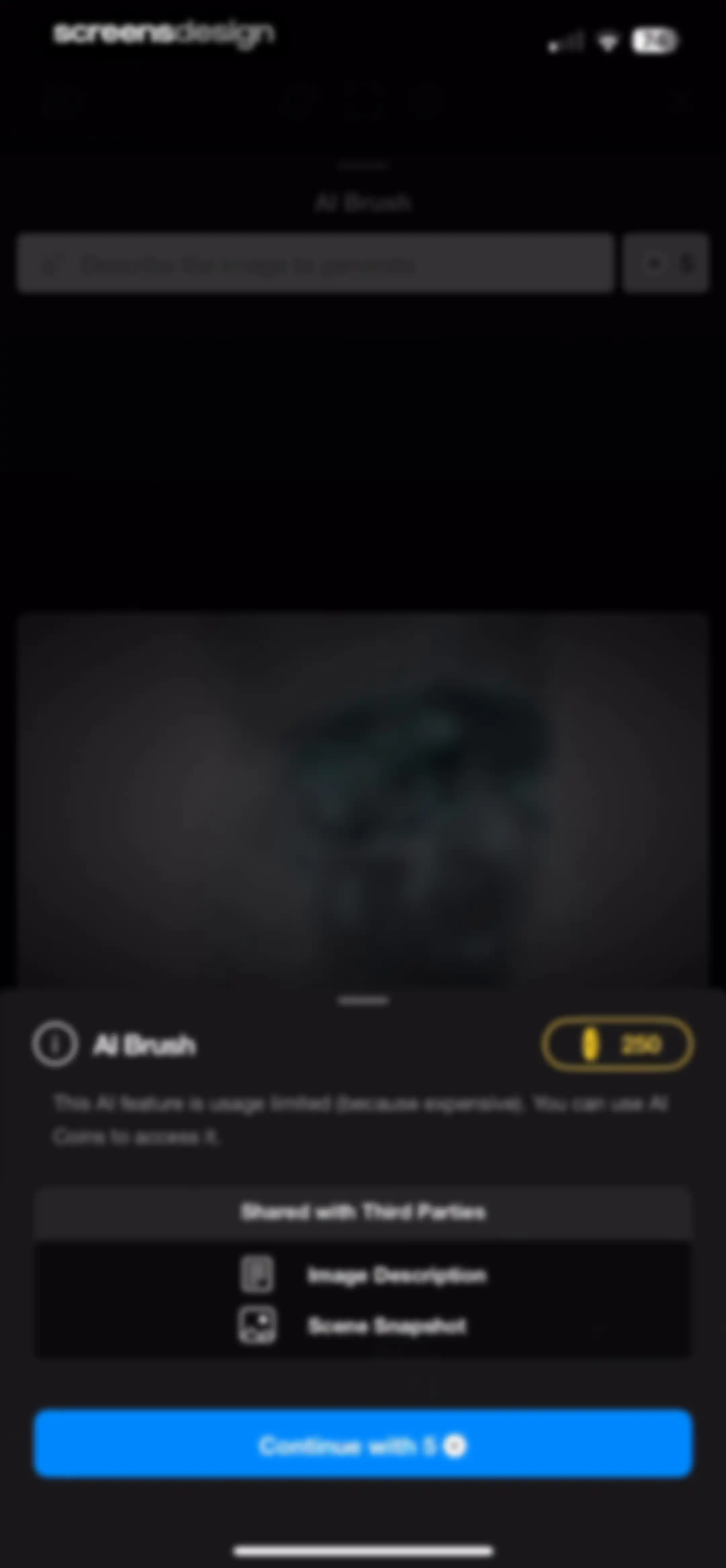
Monetization modal explaining AI Brush feature usage limits and coin cost, with data sharing disclosures and a Continue with 5 button.Unlock Pro
AI brush editor interface with a text prompt input, central image preview area, a generate button, and bottom navigation tabs.Unlock Pro
AI brush editor interface with a text prompt input, central image preview, influence slider, and a bottom toolbar for tools like eraser and paint brush.Unlock Pro
AI brush editing screen with a prompt input field, an AI influence slider, and an Apply Fill button.Unlock Pro
Tips modal for AI Brush containing a grid of five instructional cards for features like Basics, Presets, and Masking.Unlock Pro
AI influence adjustment modal with a slider, title, two seagull image previews separated by a plus sign, and descriptive text below.Unlock Pro
Riveo onboarding tutorial screen explaining AI influence with a visual transformation stack of a seagull image and descriptive text.Unlock Pro
Video editor interface featuring a central preview window, a timeline with Blur and Vignette effect layers, and a bottom toolbar for shapes and library access.Unlock Pro
Video editor interface featuring a central preview canvas, timeline with layers, and bottom editing tools including compositing and shape options.Unlock Pro
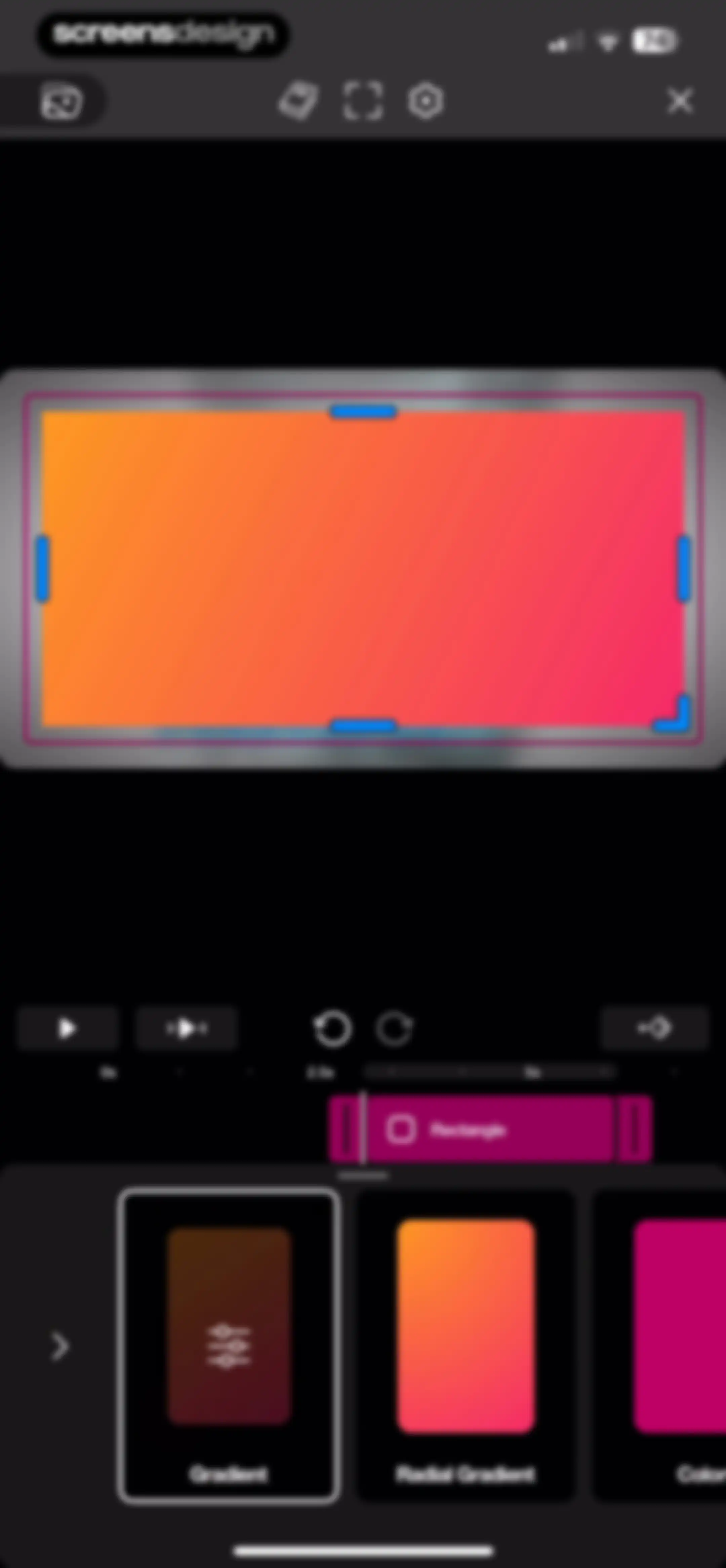
Video editor interface showing a central preview with an orange-to-pink gradient rectangle, a timeline scrubber, and a bottom style selection carousel with Gradient selected.Unlock Pro
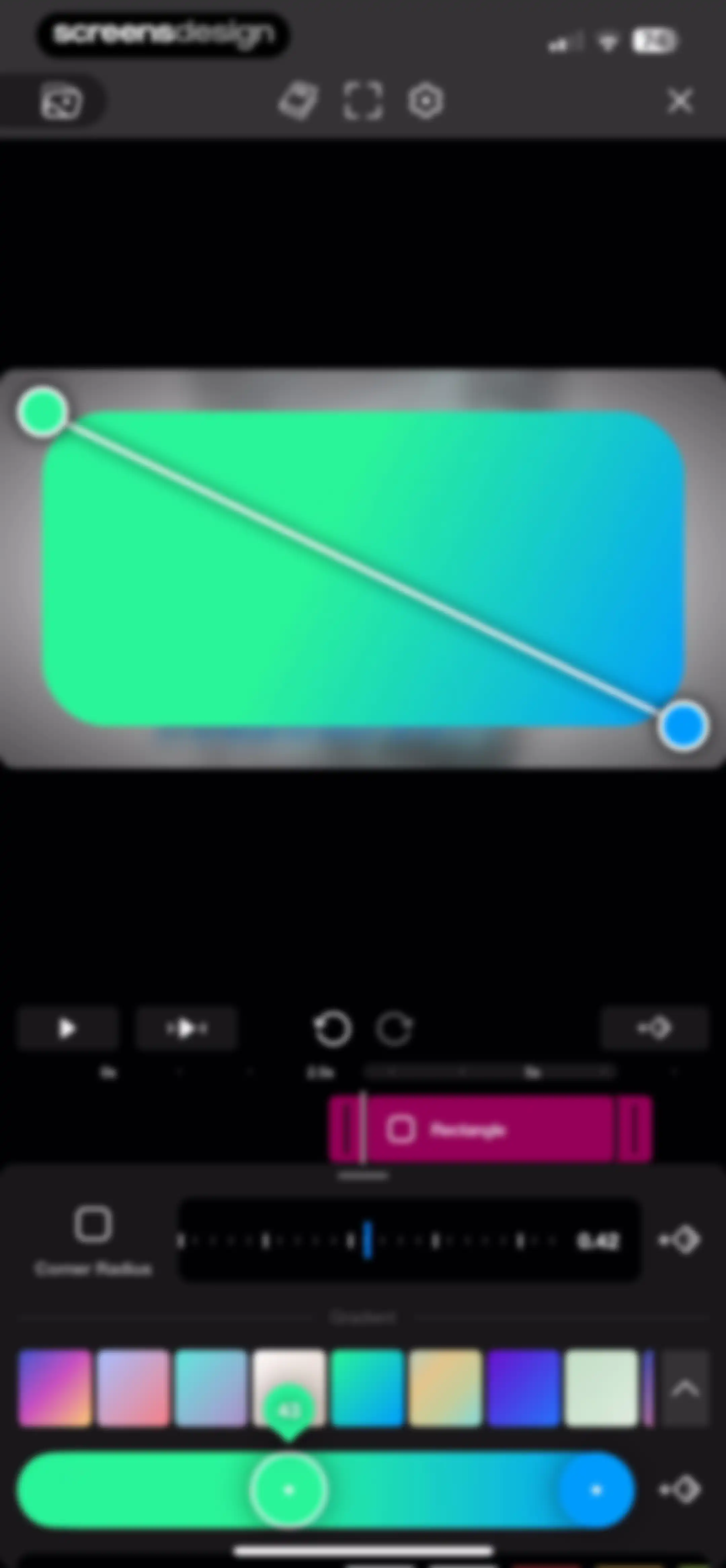
Video editor interface displaying a gradient rectangle preview, a timeline with playback controls, and a property editor with a corner radius slider.Unlock Pro
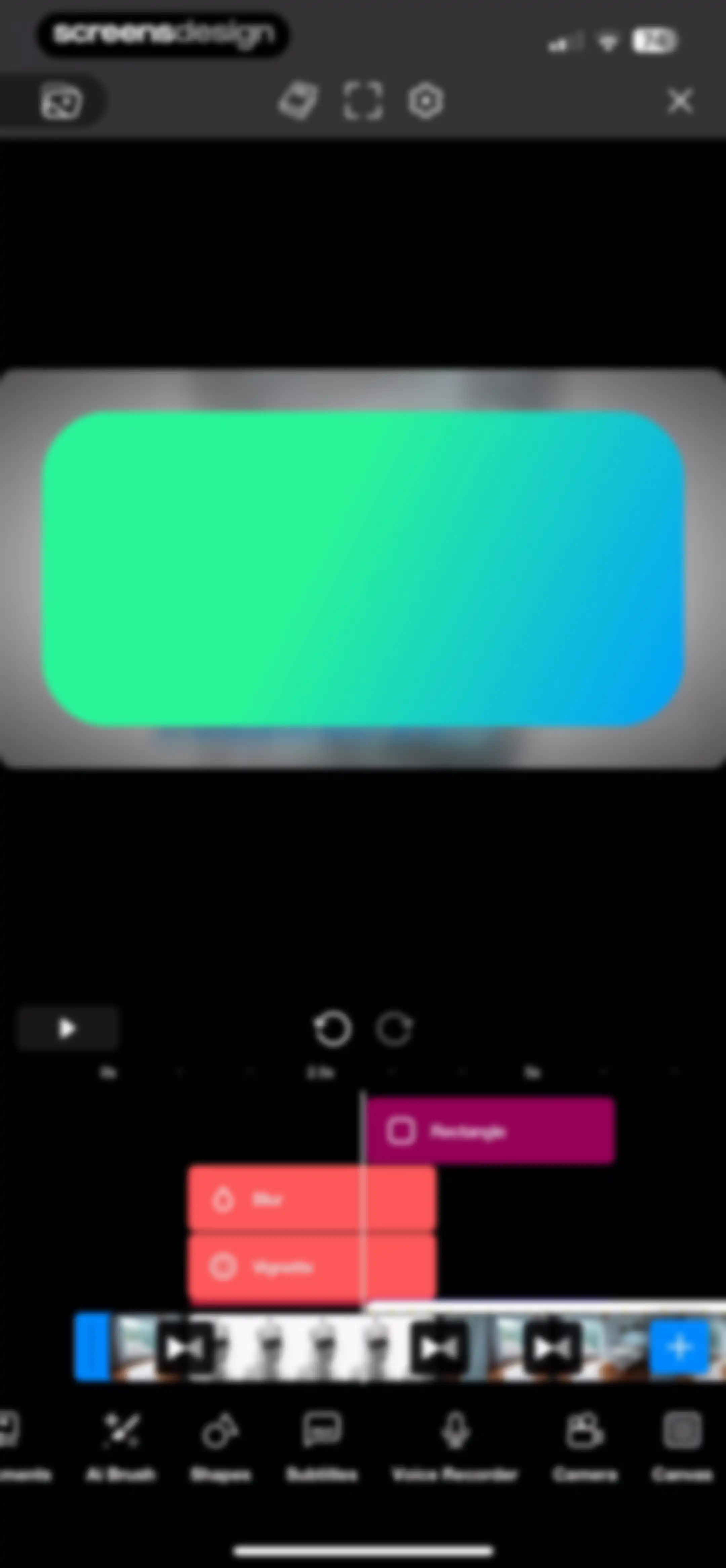
Video editor interface displaying a central preview window, a layered timeline with rectangle, blur, and vignette layers, and bottom editing tools.Unlock Pro
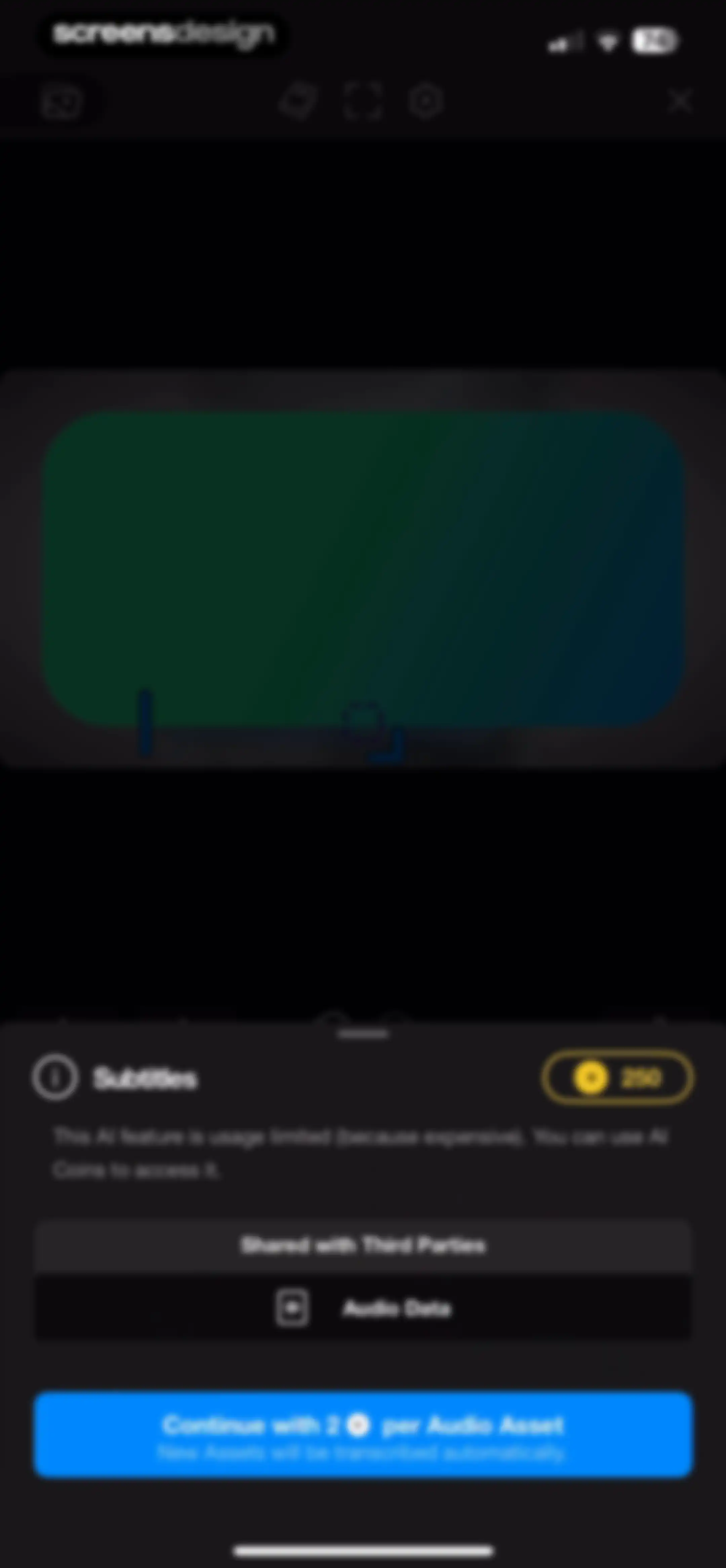
Subtitles AI feature modal displaying usage limits, data sharing notice, and a continue button using 2 AI coins per audio asset.Unlock Pro
Permission request screen in Riveo with a microphone modal overlay and a Continue button over a video editing interface.Unlock Pro
Permission request screen in the Riveo app asking for microphone access with Allow and Don't Allow buttons.Unlock Pro
Video editor interface featuring a central bedroom preview, a timeline with a rectangle layer at the 7.5s mark, and a bottom control bar with a red record button.Unlock Pro
Video editor interface featuring a central preview area, a timeline with an audio waveform, and a large record button at the bottom.Unlock Pro
Permission request modal in the Riveo app asking for camera and microphone access, with a Continue button.Unlock Pro
Permission request screen asking for Riveo to access the camera, with Allow and Don't Allow buttons over a video editor interface.Unlock Pro
Video editing screen with a dark theme, featuring a central preview area, a tool sidebar with speed and timer controls, a video timeline, and a record button.Unlock Pro
Video editor interface displaying a central preview, a timeline with an audio waveform, and an aspect ratio selection carousel with the 4x5 option selected.Unlock Pro
Video editing app interface showing a central preview area, timeline tracks with audio waveforms, and a bottom toolbar with editing tools.Unlock Pro
Video editor interface featuring a dark preview canvas, a multi-track timeline at the 10-second mark, and a bottom toolbar with editing tools.Unlock Pro
Tips screen with horizontal carousels of tutorial cards categorized into Selection, Layout, and Animation sections.Unlock Pro
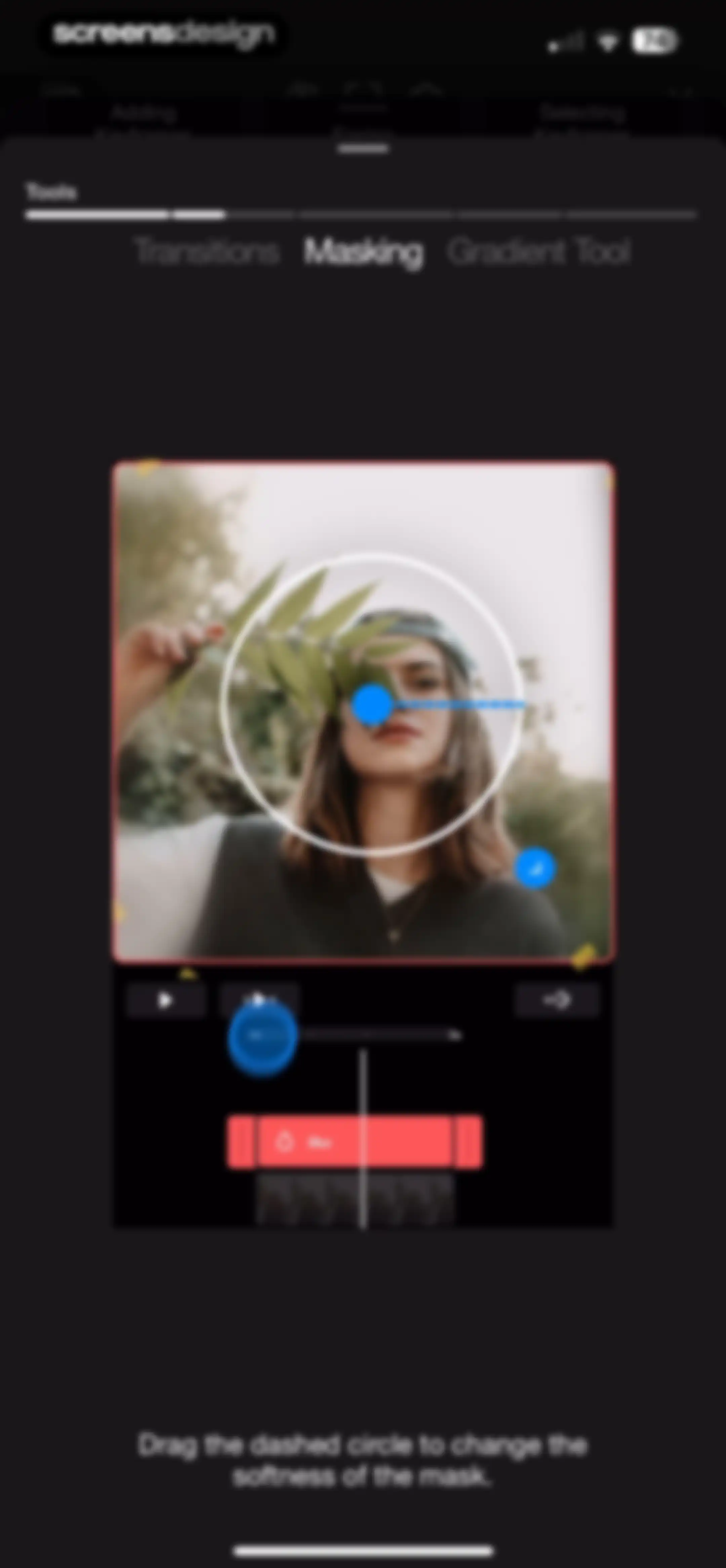
Video editor masking screen displaying a circular mask overlay on a video preview, playback controls, timeline, and instructional text.Unlock Pro
Video editor masking tool screen with a central preview, timeline editor, and instructions to adjust the mask softness.Unlock Pro
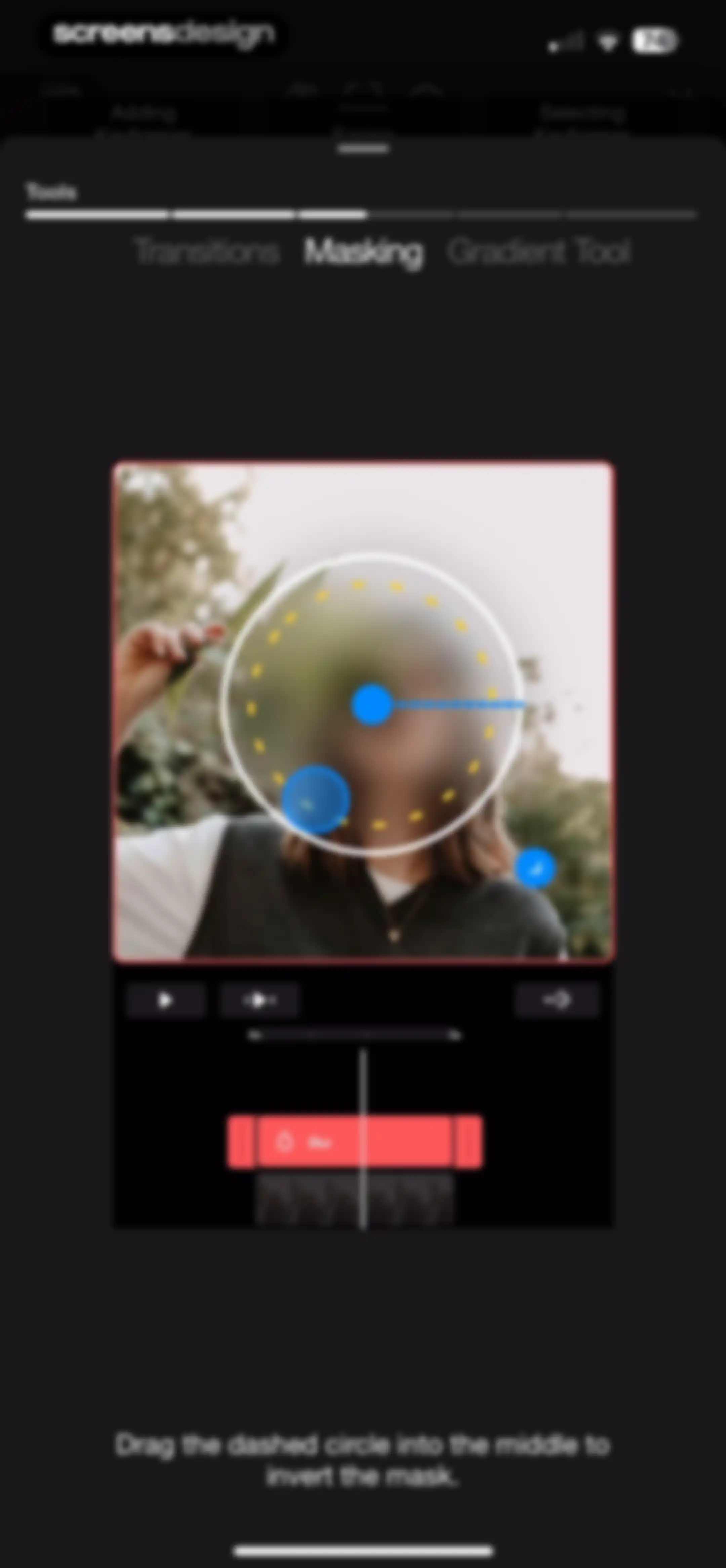
Video editor masking tool interface displaying a central video preview with a circular mask overlay, timeline controls, and instructional footer text.Unlock Pro
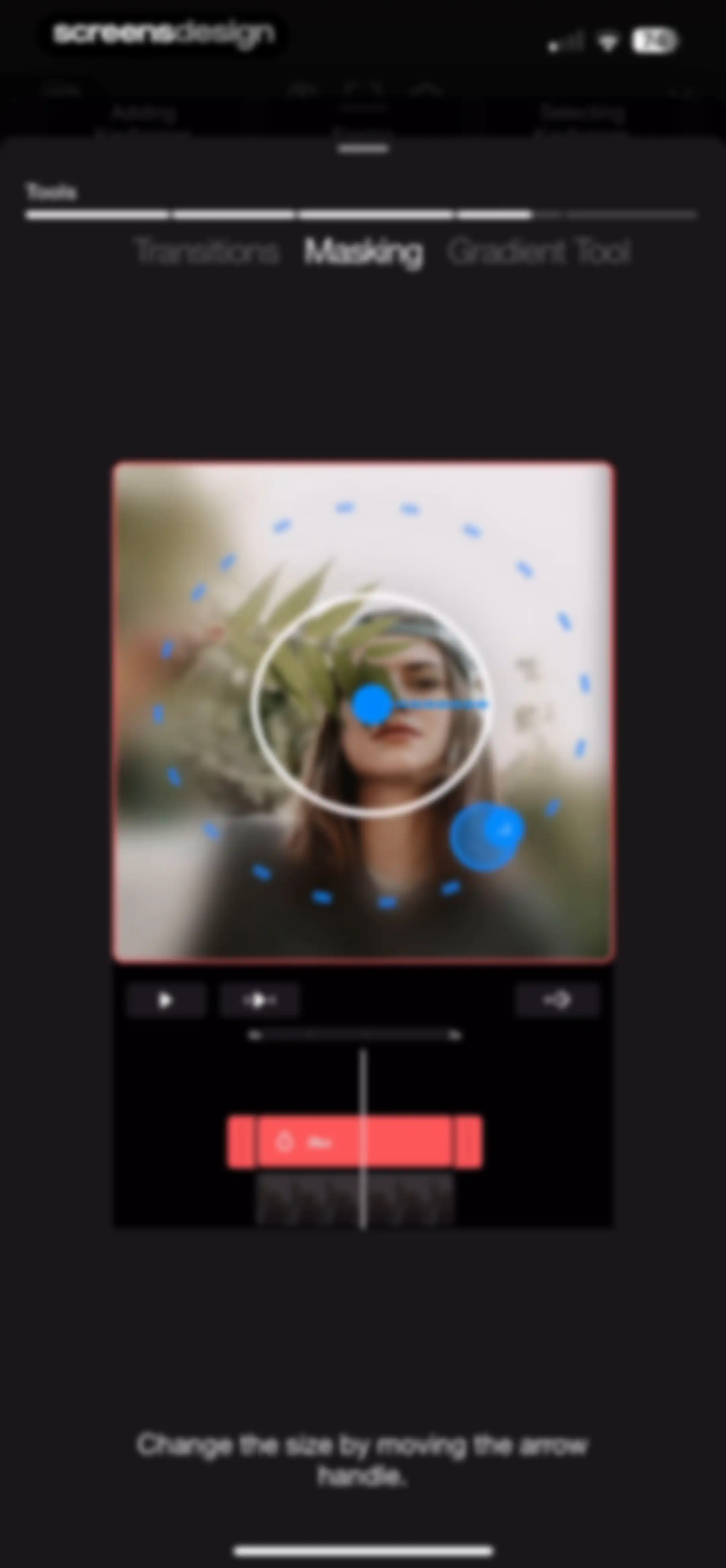
Video editing editor with the Masking tool selected, a central video preview showing a circular mask, playback controls, a timeline, and instruction text.Unlock Pro
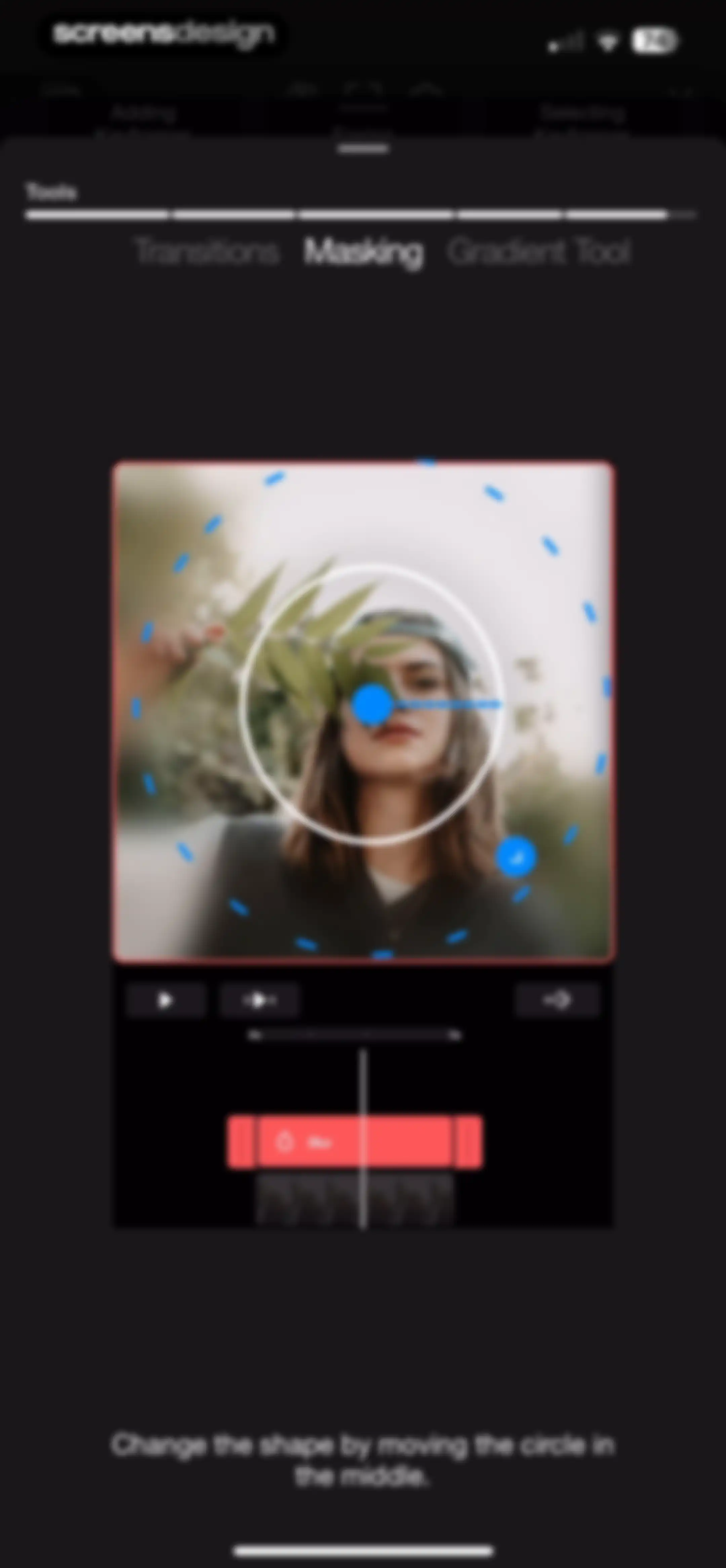
Video editor masking interface with the Masking tool selected, a circular mask overlay on the preview, timeline controls, and instructional text.Unlock Pro
Video editor overlay showing a timestamp, a swipe gesture instruction, and playback controls against a dark background.Unlock Pro
Video editor preview screen displaying a bedroom interior photo, a 3.20s timestamp, playback controls, and a close button.Unlock Pro
Settings screen featuring toggles for snapping and Draft Mode over a video editing workspace, with a Reset button at the bottom.Unlock Pro
Settings screen with a top toast notification and a bottom sheet containing toggles for snapping and draft mode, plus a reset button.Unlock Pro
Video editing screen with a central preview, timeline, playback controls, and an editing toolbar featuring split, color adjustment, and transform tools.Unlock Pro
Video editor interface featuring a central preview area, a timeline with an add media button, and a bottom toolbar with editing tools.Unlock Pro
Video editing screen featuring a central preview area, a timeline track, and a bottom toolbar with editing tools and an export button.Unlock Pro
Warning modal on a video editing screen stating that processes are still running, with an active generating video status and an Ok button.Unlock Pro
Home screen featuring a top hero section, a quick-action grid of editing tools, and a project list with a new project button.Unlock Pro
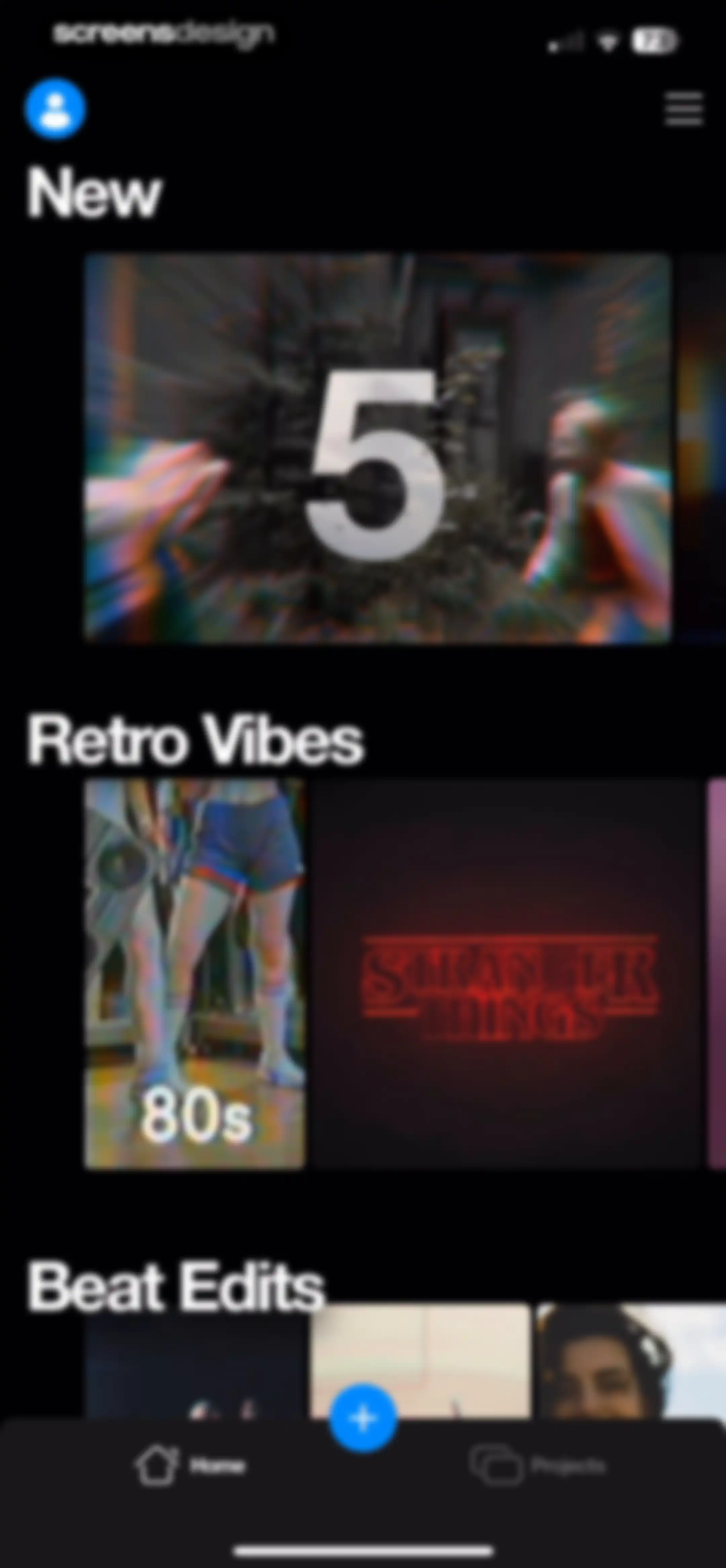
Home screen of the Riveo video editing app displaying horizontal template categories and a bottom navigation bar with a central create button.Unlock Pro
Video template preview modal with a video preview, like and share icons, and a blue Use Template button at the bottom.Unlock Pro
iOS share sheet modal overlaid on a video preview, featuring a horizontal app icon row and a vertical action list.Unlock Pro
Download progress modal overlay in a video editing app, displaying downloading assets status and a cancel option.Unlock Pro
Media picker screen displaying a grid of video thumbnails, a bottom selection tray with four clips, and a blue Done button.Unlock Pro
Video editor export screen featuring a preview, aspect ratio selection grid, and primary action buttons for Export and Continue in Editor.Unlock Pro
Video editor interface featuring a central preview, a timeline editor, and a bottom toolbar with editing tools and an export button.Unlock Pro
Video export configuration modal showing format tabs, export settings summary, and a blue Export button.Unlock Pro
Rating prompt modal for Riveo with five star icons, Cancel and Submit buttons, and a loading spinner below.Unlock Pro
Feedback modal thanking the user with rating stars, a review button, an OK button, and a bottom bar with share and done actions.Unlock Pro
Video export completion modal with a central number 3, share button, and a blue Done button.Unlock Pro
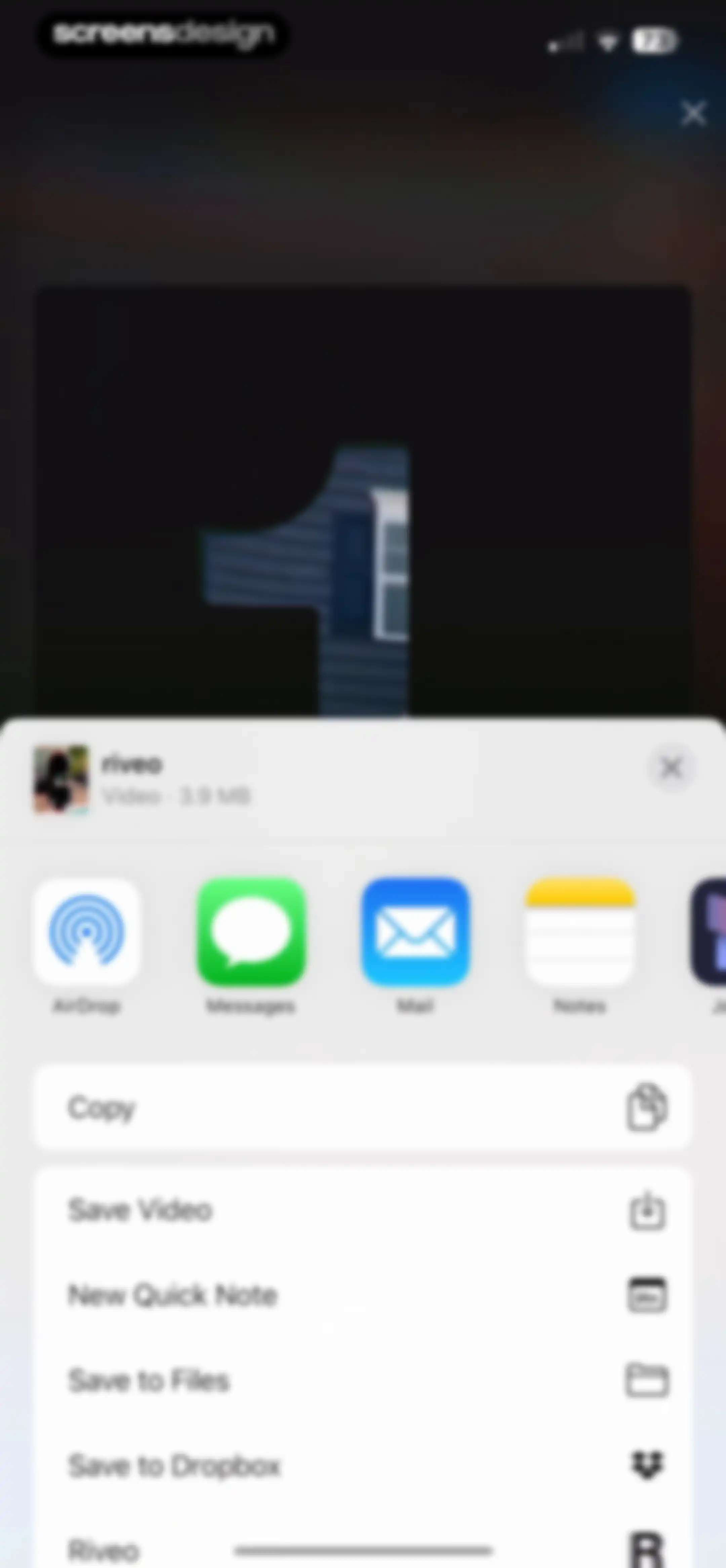
Share sheet displaying a 3.9 MB video preview from Riveo with horizontal sharing apps and a vertical list of actions including Save Video.Unlock Pro
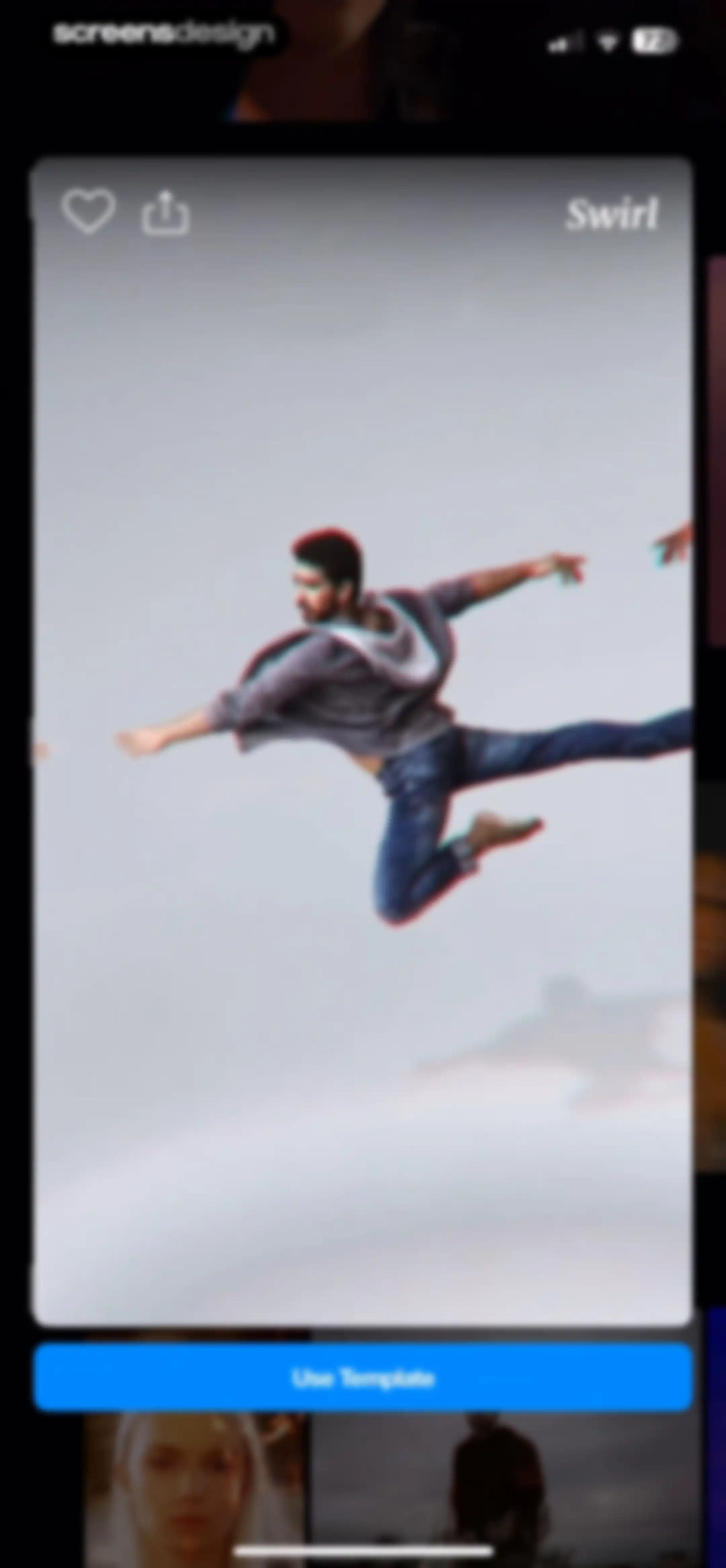
Video template preview featuring a person jumping with a Swirl effect, a like icon, and a Use Template button.Unlock Pro
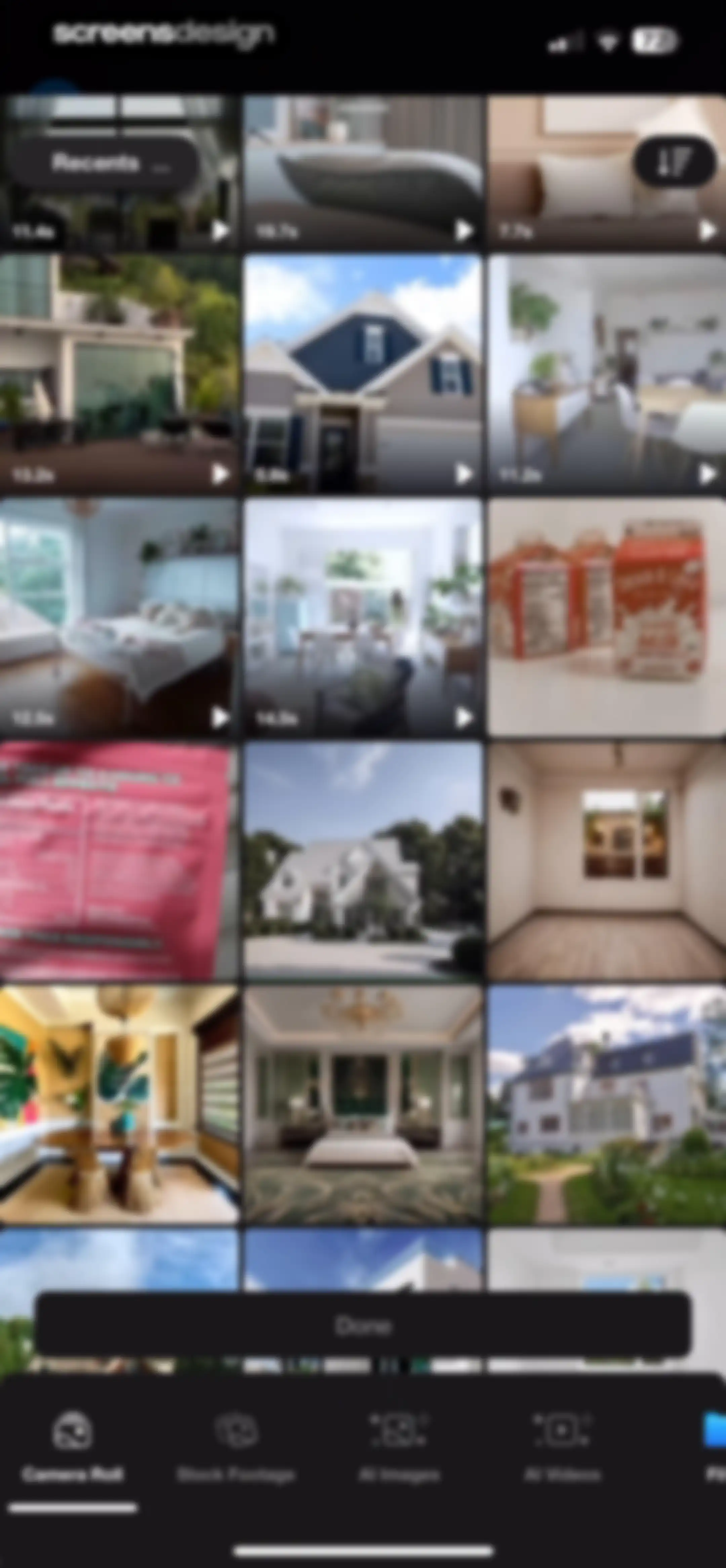
Media selection screen displaying a three-column grid of video thumbnails, a Recents folder dropdown, and a floating Done button.Unlock Pro
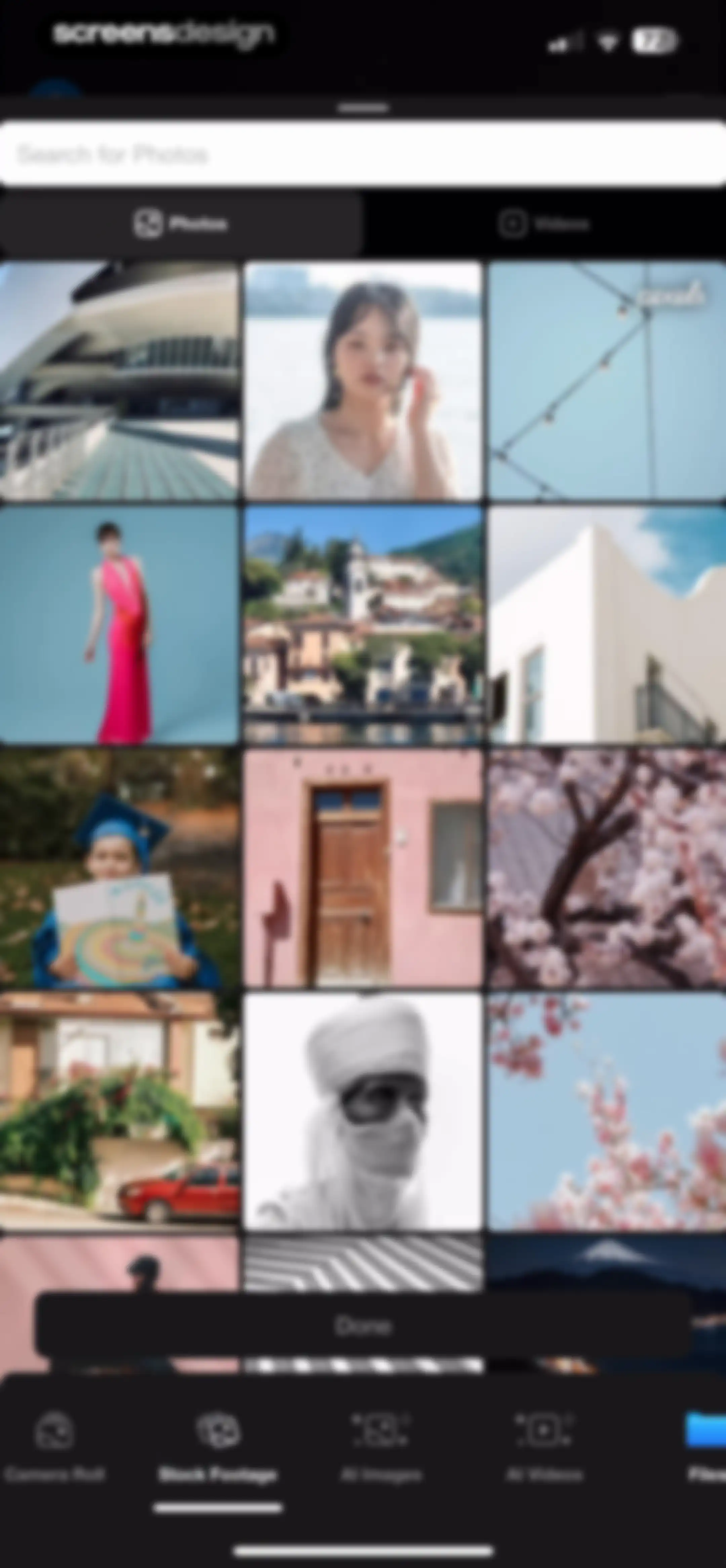
Media picker screen displaying a stock footage grid with a search bar, category tabs, and a Done button.Unlock Pro
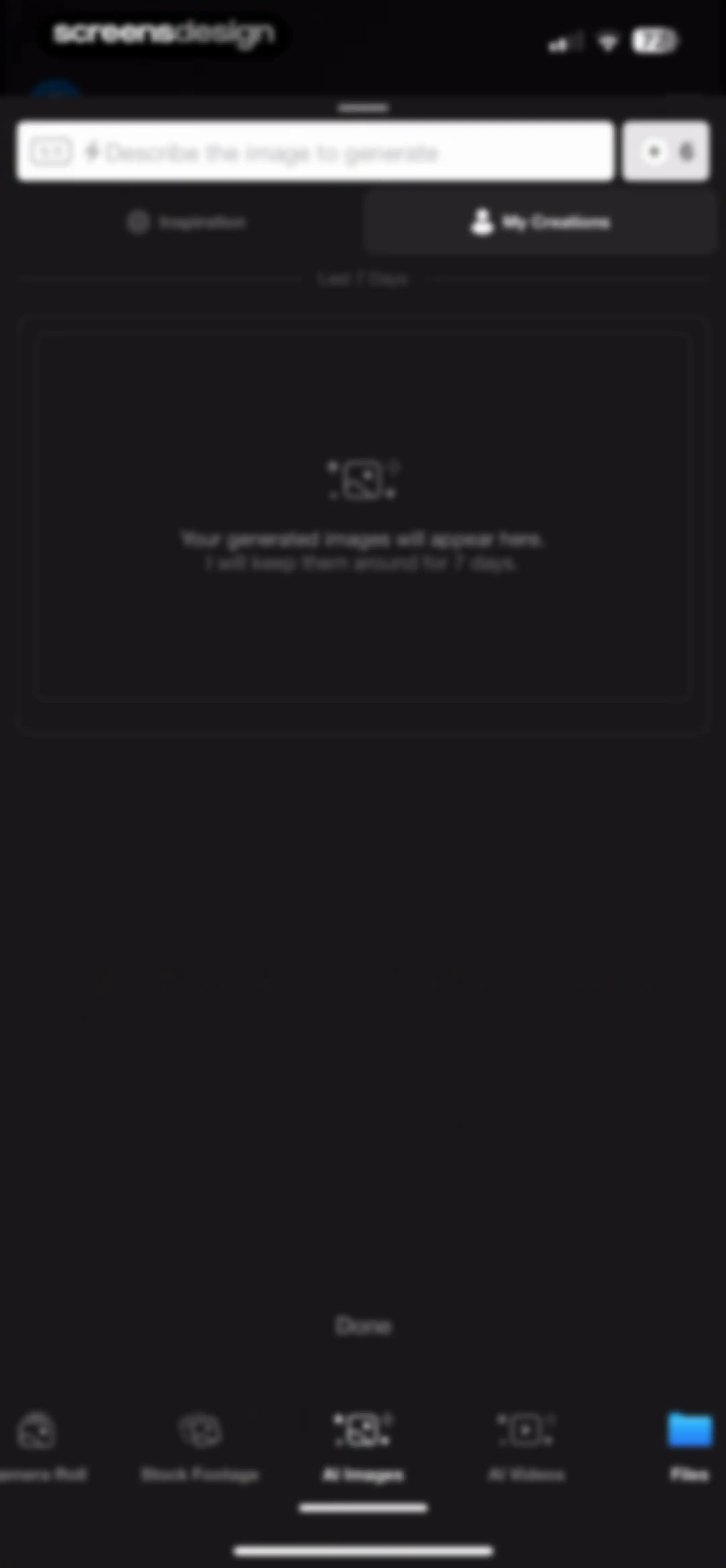
Empty state screen for AI image generation featuring a text prompt input, credit counter, and bottom navigation.Unlock Pro
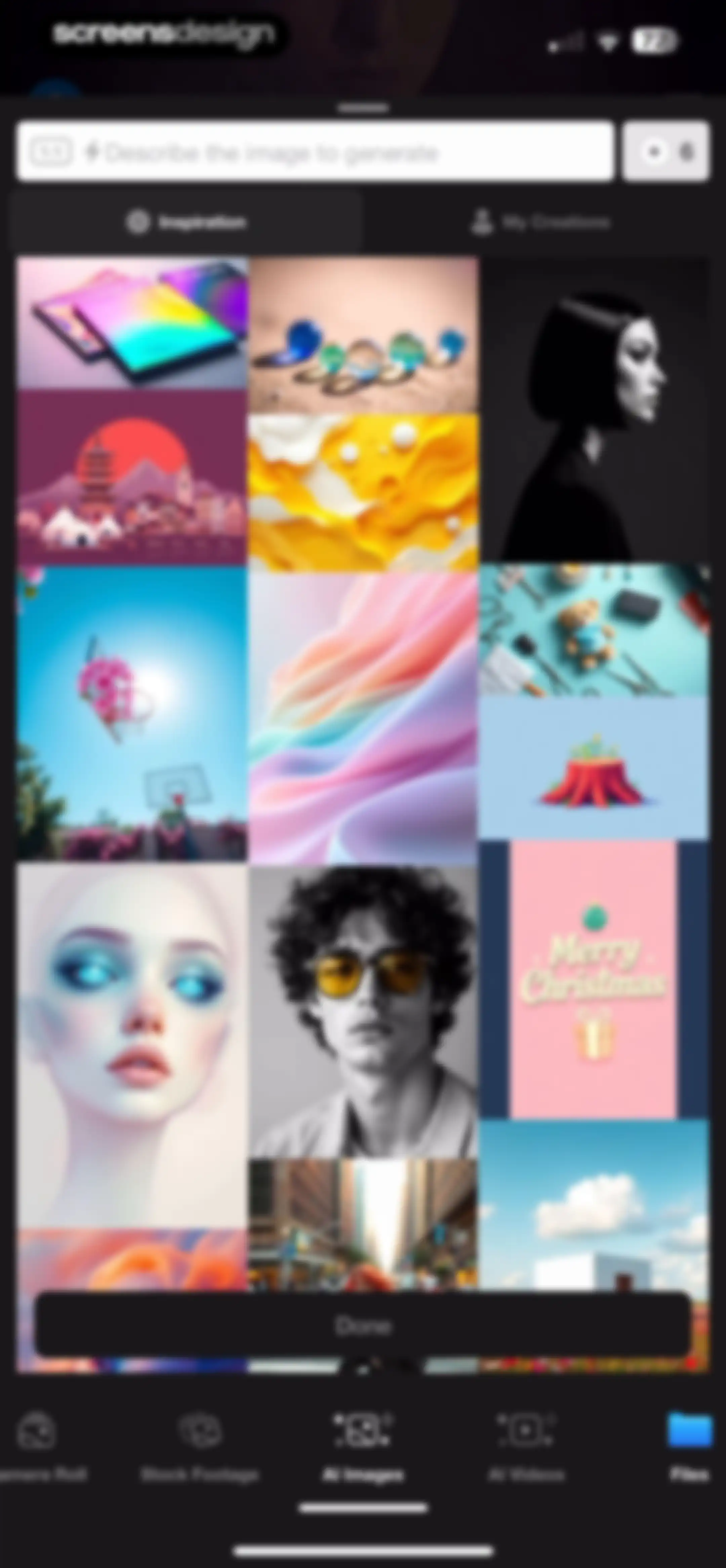
AI image generation and inspiration gallery with a prompt input bar, image grid, and a Done button.Unlock Pro
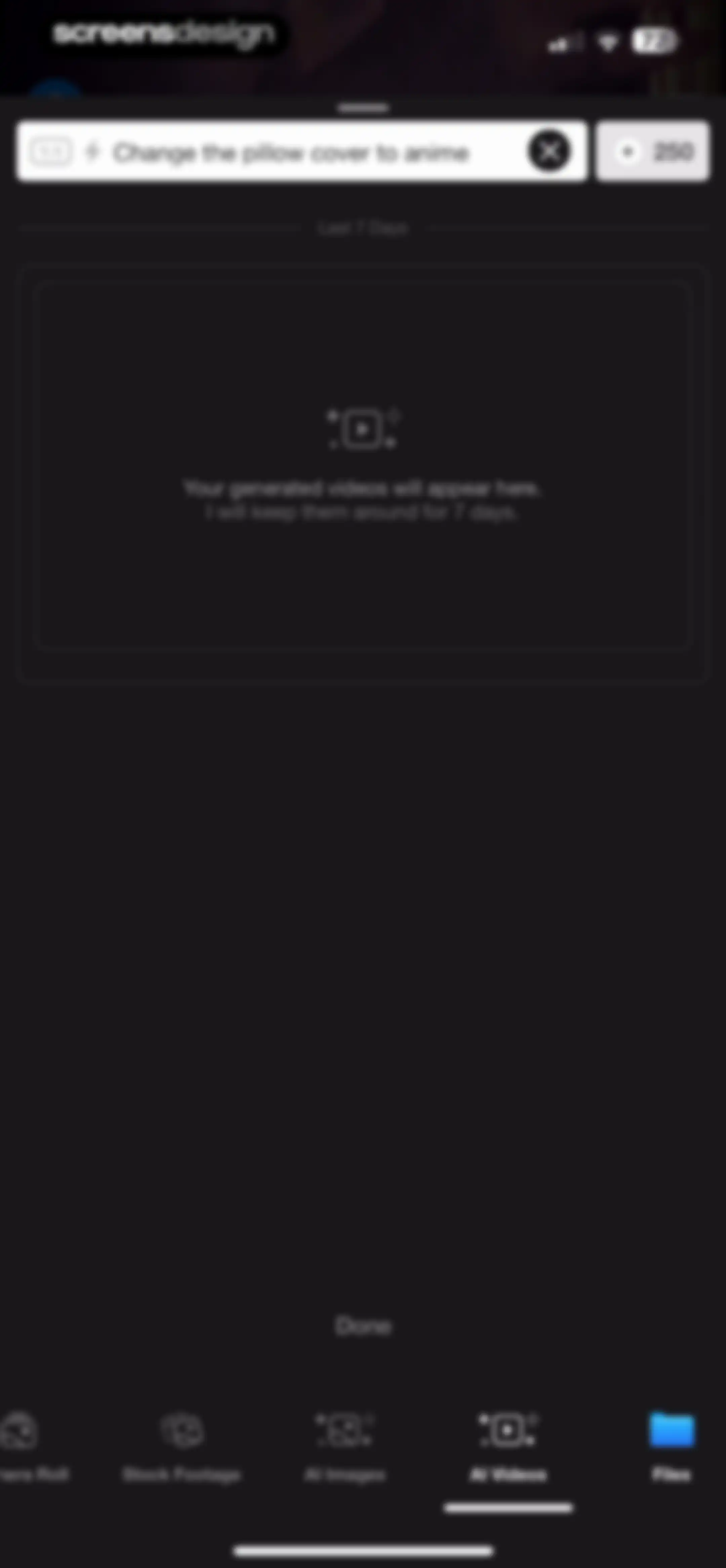
Empty state screen for AI video generation with a dark theme, a text prompt input, and a bottom navigation bar with AI Videos selected.Unlock Pro
Empty state of the file picker with a search bar and a message stating that recently opened documents will appear here.Unlock Pro
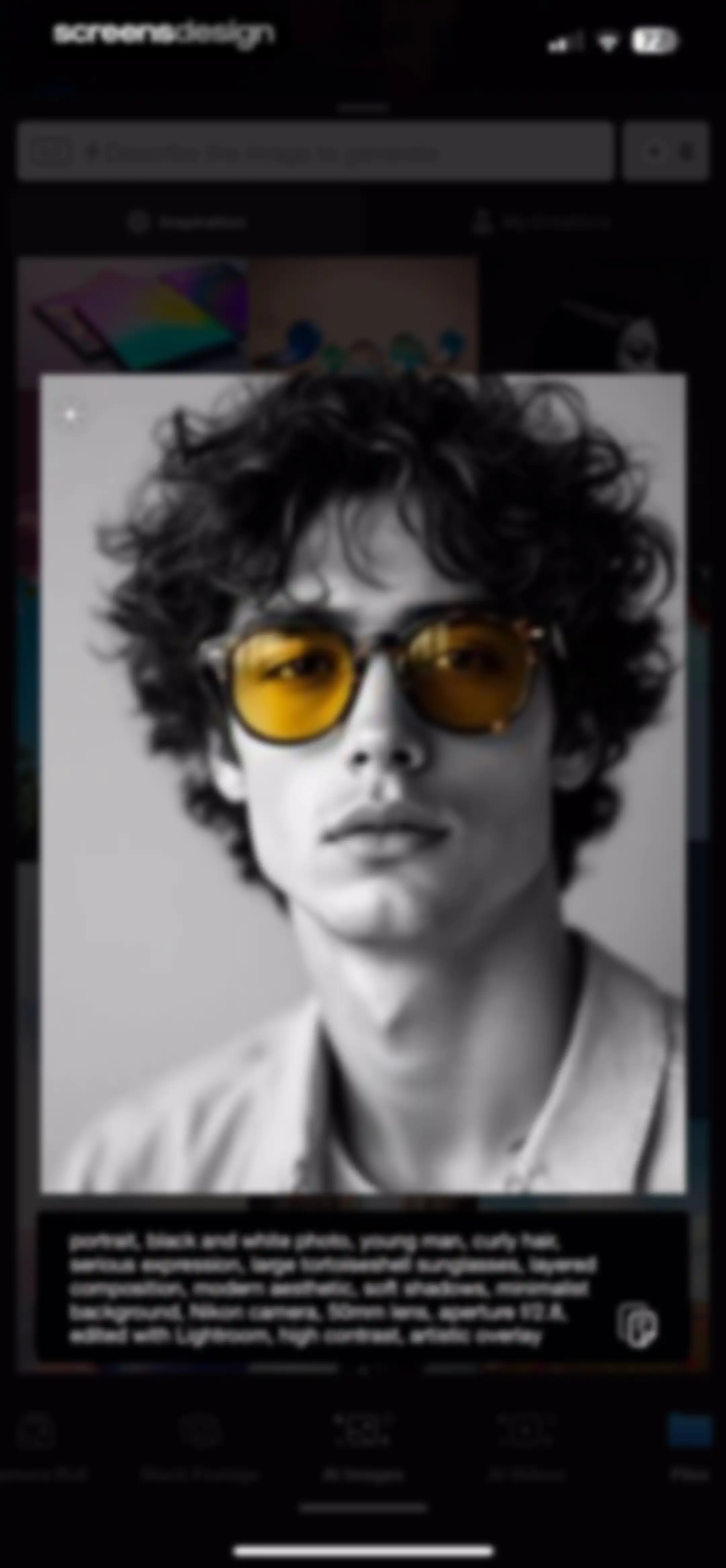
AI image generator editor displaying a central portrait preview with a detailed text prompt and a bottom navigation bar.Unlock Pro
Media picker screen displaying a stock photo grid with a search bar, a selection tray at the bottom, and a Done button.Unlock Pro
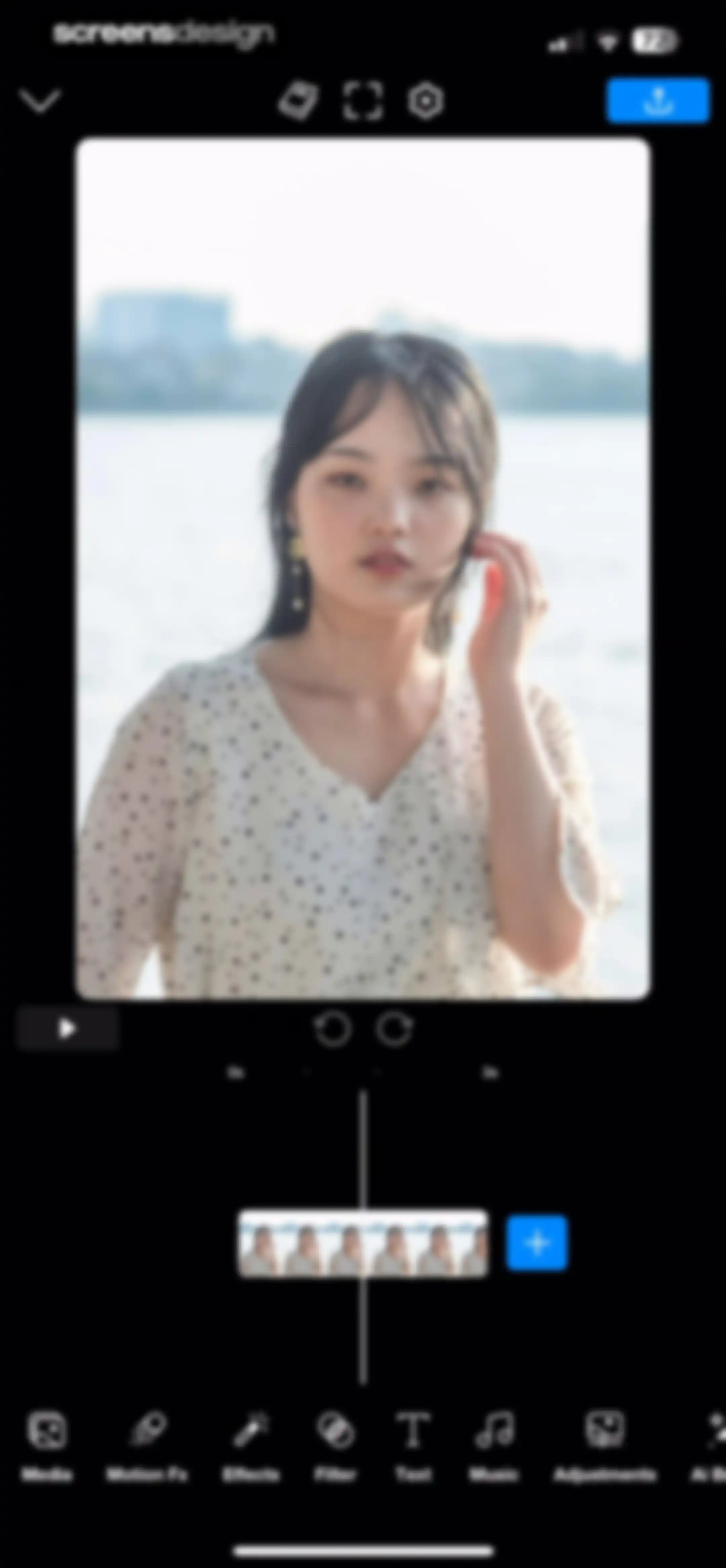
Video editor interface displaying a central preview, playback controls, a timeline, and bottom editing tools like Media and Effects.Unlock Pro
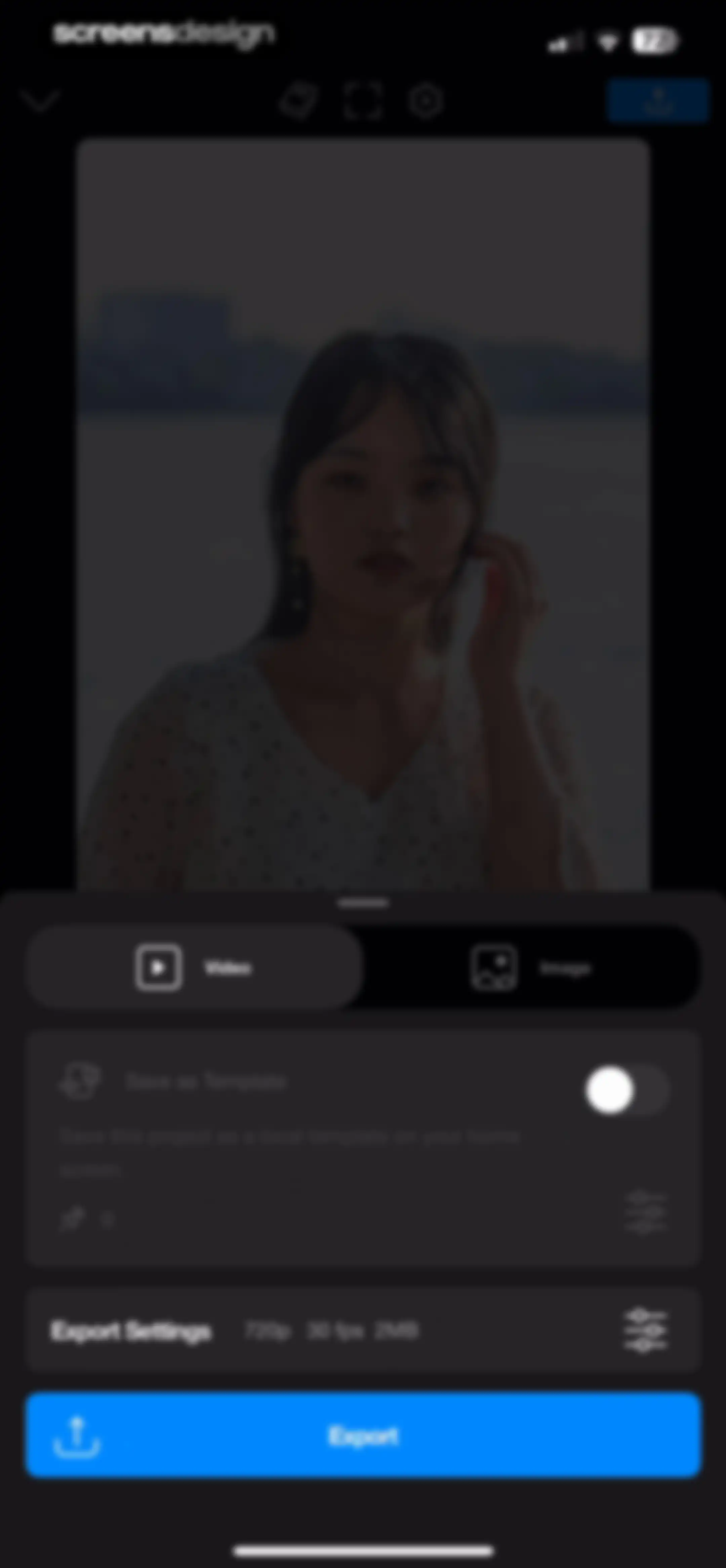
Video export configuration screen displaying export settings like 720p and 30 fps in a bottom sheet with a blue Export button.Unlock Pro
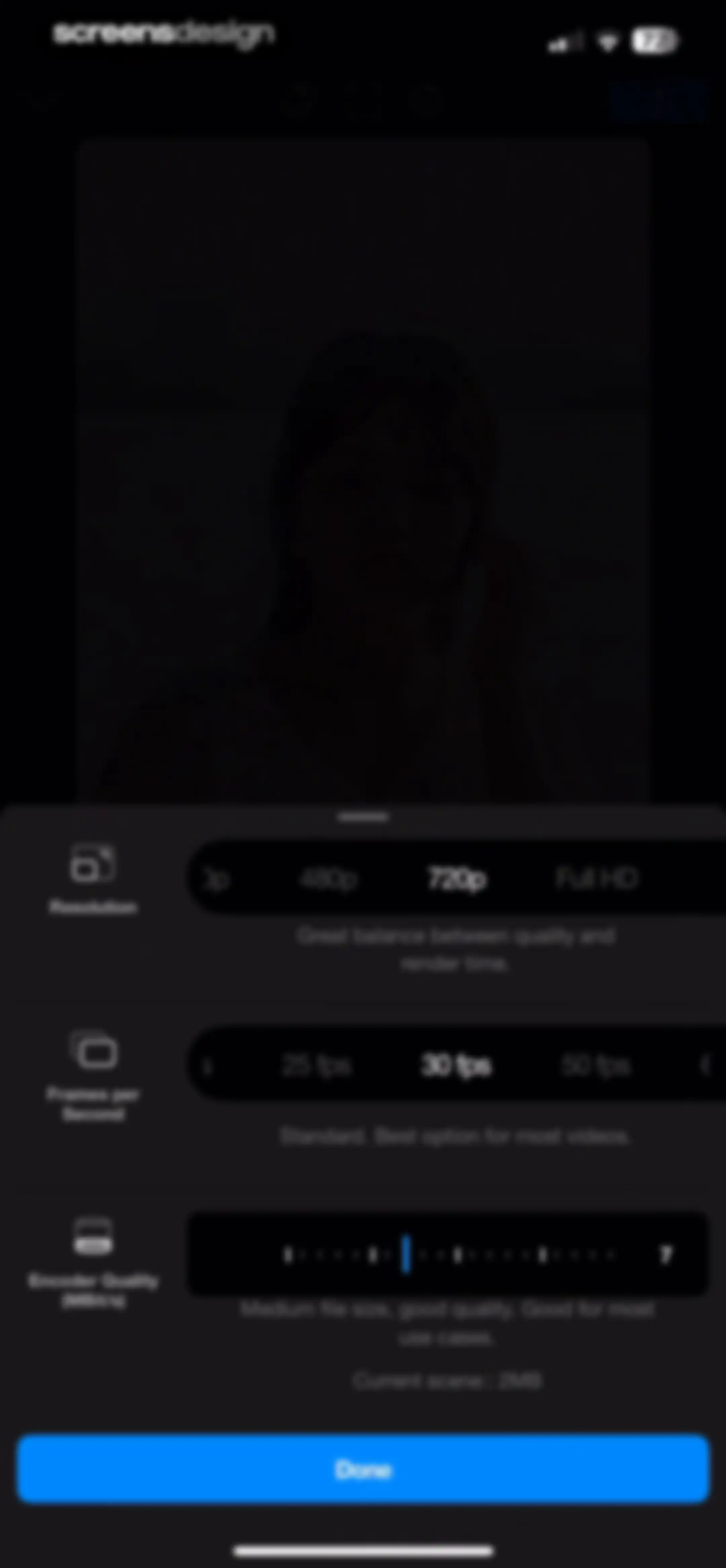
Video export settings modal with options for resolution, frame rate, and encoder quality, featuring a blue Done button at the bottom.Unlock Pro
Video processing loading screen with a spinner and instructions to keep the app open over a blurred background.Unlock Pro
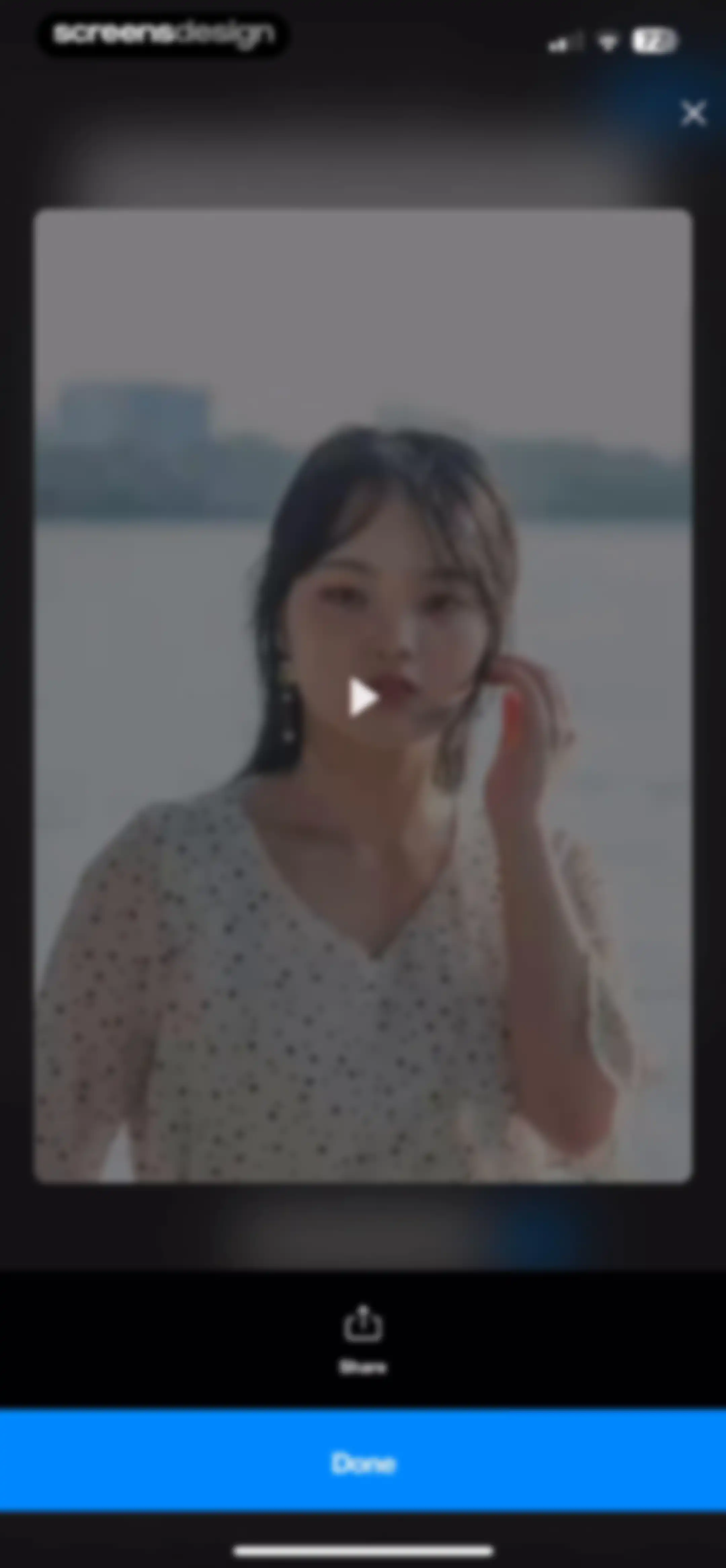
Video preview modal featuring a central video player, a share button, and a primary Done button at the bottom.Unlock Pro
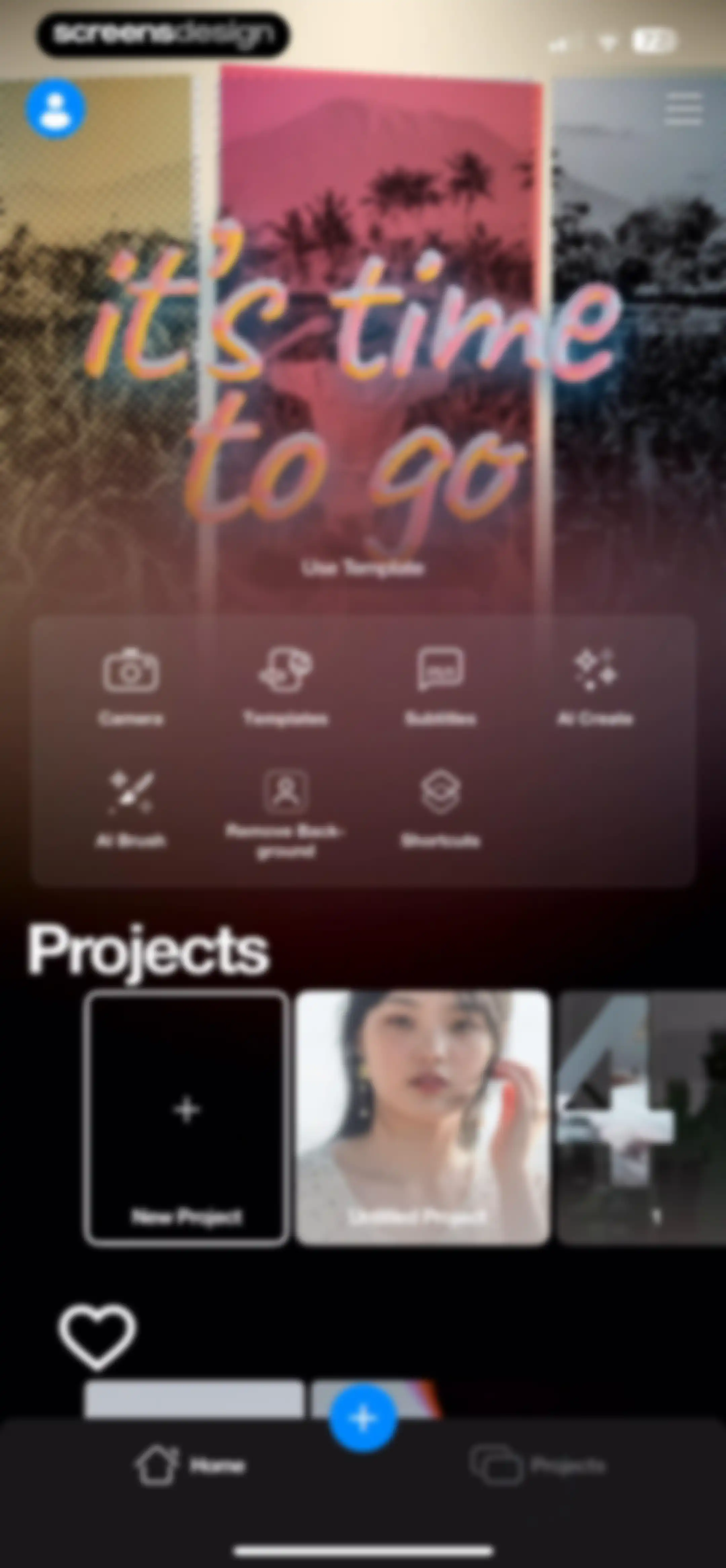
Home screen of a video editor with a hero template area, AI and editing feature grid, and a projects list showing an untitled project.Unlock Pro
Home screen featuring a vertical list of video project cards in a dark theme, with a floating action button and a bottom navigation bar.Unlock Pro
Dashboard screen showing a project management modal with options to rename, duplicate, report, or delete a project, alongside a cancel button.Unlock Pro
Search screen displaying project search results and an active system keyboard with Clear and Done buttons.Unlock Pro
Project selection modal overlaying a list of video project cards with file metadata and a Cancel button.Unlock Pro
Project list with a centered modal alert informing that email cannot be sent from the device, featuring an Alright button.Unlock Pro
User profile screen featuring a dark theme, a username with an edit icon, a coin balance of 250, project cards, and a template placeholder area.Unlock Pro
Settings menu overlay with a list of navigation options including account, help, feedback, and social media links.Unlock Pro
Dark-themed settings modal featuring account and support options with a Sign Out and Delete Account button at the bottom.Unlock Pro
Riveo app settings modal featuring a vertical list of FAQ links grouped under Subscription, Riveo Pro, and AI Coins sections.Unlock Pro
Help screen with an expanded FAQ list organized under Subscription, Riveo Pro, and AI Coins headers.Unlock Pro
Riveo settings menu with an email error modal stating that email cannot be sent from this device, and an Alright button.Unlock Pro
Referral modal over a dark settings menu in Riveo displaying a unique code and a Copy to Clipboard action.Unlock Pro
iOS share sheet overlaying an app menu, displaying a referral message preview and options to share via apps and actions.Unlock Pro
Settings screen with a centered modal dialog box for entering a referral code, featuring a text input field, Cancel and Ok buttons, and a system keyboard.Unlock Pro
Riveo onboarding screen announcing the new Compositing Masks feature, with a product preview modal, explanatory text, and an Ok button.Unlock Pro
Feature spotlight modal in the Riveo video editor introducing new editor settings, with toggles for snap and draft mode and an Ok button.Unlock Pro
Error screen displaying severe digital corruption and a carousel indicator at the bottom center.Unlock Pro
Onboarding carousel featuring a centered video preview card for effects and filters, with pagination dots at the bottom.Unlock Pro
Onboarding screen featuring a video preview and timeline, with a Get Started button and Enter Referral Code option.Unlock Pro

About Video Effects Editor: Riveo

A comprehensive mobile video editor featuring AI-driven special effects, keyframe animation, 3D text, and professional-grade color grading tools for creators.

Explore Video Effects Editor: Riveo across ScreensDesign

Apps similar to Video Effects Editor: Riveo

Unlock all similar apps

See every comparable app, revenue, installs, and flows.

Unlock Pro
  • intoLive - Live Wallpapers

    4.6
    ImgBase, Inc.Revenue$25kInstalls250k
  • Filmora: AI Video Editor&Maker

    4.7
    Shenzhen Wondershare Software Co., LtdRevenue$600kInstalls150k
  • VLLO- Video Editor, Vlog Edits

    4.8
    vimosoftRevenue$350kInstalls50k
  • Hype AI - AI Photo & Video

    4.8
    POLYVERSE ENTERTAINMENT INC.Revenue$65kInstalls60k
  • VivaVideo - Video Cut & Editor

    4.8
    QuVideo Inc.Revenue$450kInstalls50k
  • AI Video Editor - VidMa Cut AI

    4.6
    Atlasv Global Pte. Ltd.Revenue$55kInstalls70k
  • Movavi - Video & Reels Editor

    4.7
    Movavi Emea LLCRevenue$75kInstalls<5k
  • PowerDirector: AI Video Editor

    4.6
    CyberLinkRevenue$150kInstalls30k
  • Video Maker & Editor: Dizzi AI

    4.7
    IRONTECH LIMITEDRevenue$<5kInstalls<5k
  • Impresso - Video & Logo Maker

    4.7
    Pixery Bilgi TeknolojileriRevenue$45kInstalls<5k
  • AI Video Generator - AI Studio

    4.7
    Generative AI Teknoloji Anonim SirketiRevenue$250kInstalls80k
  • Enkio AI Music Video Generator

    4.3
    YEABO LIMITEDRevenue$150kInstalls15k
  • Reels & Story Maker: Storybeat

    4.7
    Social Stories S.L.Revenue$20kInstalls<5k
  • Video Up! Video Editor & Maker

    4.6
    Video editor & maker appRevenue$750kInstalls50k
  • Temply: AI Video & Reels Maker

    4.8
    Popixels Ltd.Revenue$100kInstalls<5k
  • AI Video Photo Generator Videa

    4.5
    Pure AppsRevenue$200kInstalls50k
  • Vids AI - Reels Video Editor

    4.8
    Viral Vision Ltd.Revenue$750kInstalls550k
  • Loopsie: AI Image Effects

    4.6
    KRNL SRLRevenue$5kInstalls<5k
  • PicPlayPost: Video Editor

    4.8
    Mixcord Inc.Revenue$85kInstalls<5k
  • AI Video Generator - Pixaflow

    4.0
    HITDEV AI Teknoloji Anonim ŞirketiRevenue$45kInstalls10k
  • AI Catch: AI Video Generator

    4.2
    Prominent Fortune PTE. LTDRevenue$700kInstalls350k
  • Flashloop: AI Video Generator

    4.7
    Buy Beaver TechnologiesRevenue$70kInstalls5k
  • Diffuse - AI Video Generator

    4.0
    Higgsfield, Inc.Revenue$<5kInstalls<5k
  • AI Maker: Photo Video Filters

    4.4
    Hungry BirdsRevenue$65kInstalls20k
  • Polish - AI Photo Editor

    4.8
    SHANTANU PTE. LTD.Revenue$65kInstalls30k
  • VideoShow AI Video Editor

    4.7
    VIDEOSHOW PTE. LTD.Revenue$30kInstalls5k
  • Coen: AI Photo Video Generator

    4.8
    UNIVERLIST TEKNOLOJI SANAYI VE TICARET ANONIM SIRKETIRevenue$<5kInstalls<5k
  • Vixer: AI Video Editor & Maker

    4.7
    Popixels Ltd.Revenue$150kInstalls<5k
  • AI Video - AI Video Generator

    4.5
    HUBXRevenue$750kInstalls650k
  • Videoshop - Video Editor

    4.9
    Jajijujejo Inc.Revenue$85kInstalls<5k
  • VivaCut - AI Video Editor

    4.5
    Hangzhou Quwei Technology Co., LtdRevenue$40kInstalls55k
  • AI Video Generator + Creator

    4.4
    Plus Apps Bilisim Teknolojileri Reklamcilik Limited SirketiRevenue$850kInstalls550k
  • AI Cut:Photo&Video Editor

    4.5
    波 王Revenue$75kInstalls45k
  • InShot - Video Editor

    4.8
    SHANTANU PTE. LTD.Revenue$1MInstalls1.3M
  • Filmora HD-Video Editor&Maker

    4.7
    Shenzhen Wondershare Software Co., LtdRevenue$60kInstalls6k
  • Mojo: AI Video & Reels Editor

    4.9
    Archery Inc.Revenue$300kInstalls30k
  • Phlow: Pro Camera Photo Editor

    4.9
    Phlow, Inc.Revenue$55kInstalls<5k
  • Flux AI: Video Photo Generator

    4.6
    Max AppsRevenue$45kInstalls10k
  • Glam AI: Video & Photo Editor

    4.5
    Glam Labs, Inc.Revenue$550kInstalls55k
  • Reface: AI Face Swap & Editor

    4.8
    NEOCORTEXT, INC.Revenue$150kInstalls70k
  • Audio Editor : Audiolab

    4.4
    怀海 顾Revenue$35kInstalls35k
  • Filto: AI Photo & Video Editor

    4.7
    Pinso, Inc.Revenue$<5kInstalls<5k
  • Video Editor ·

    4.7
    LuniRevenue$65kInstalls35k
  • Boomerang - Video Loop Maker

    4.5
    Appside Technologies LTDRevenue$15kInstalls<5k
  • Ritmo Video: AI Video Generate

    4.6
    Guangzhou Dianwan Network Technology Co., Ltd.Revenue$<5kInstalls<5k
  • Splice - Video Editor & Maker

    4.6
    Bending Spoons Apps ApSRevenue$2.8MInstalls50k
  • DeeVid - AI Video Generator

    4.7
    ALWAYS RISING PTE. LTD.Revenue$250kInstalls100k